Your team and your visitors online, on the router you have.
Guests sign in on your own welcome page, your team joins with their own login, and you see who is on right now. Nobody’s password changes when someone leaves.
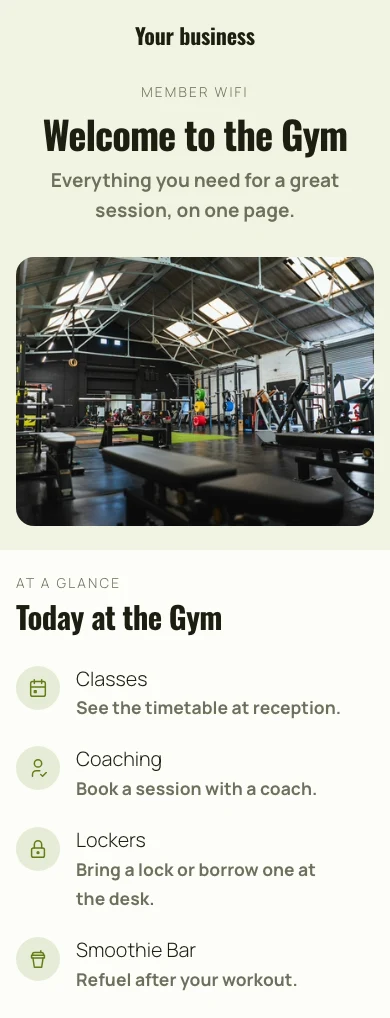
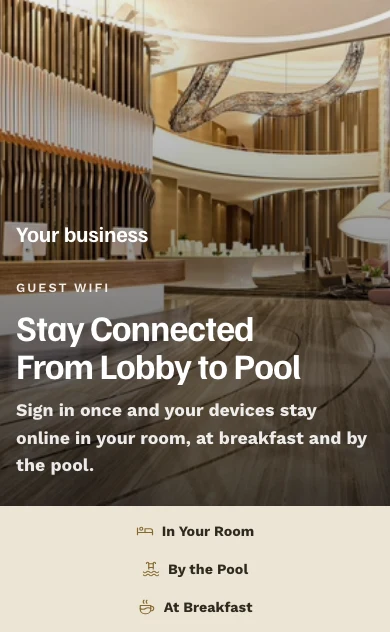
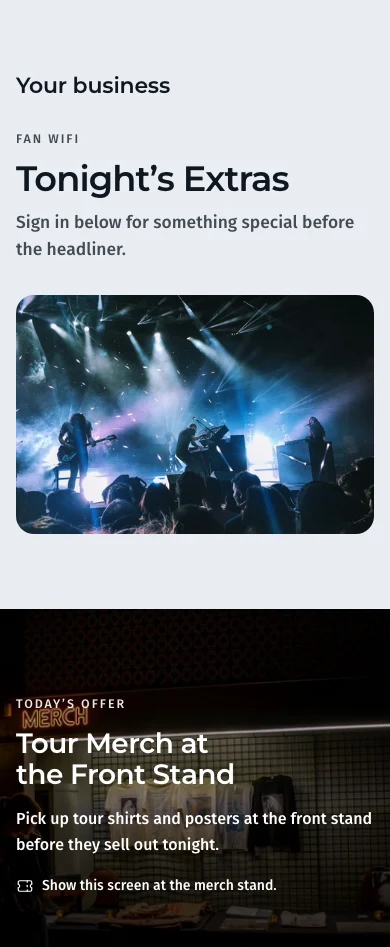
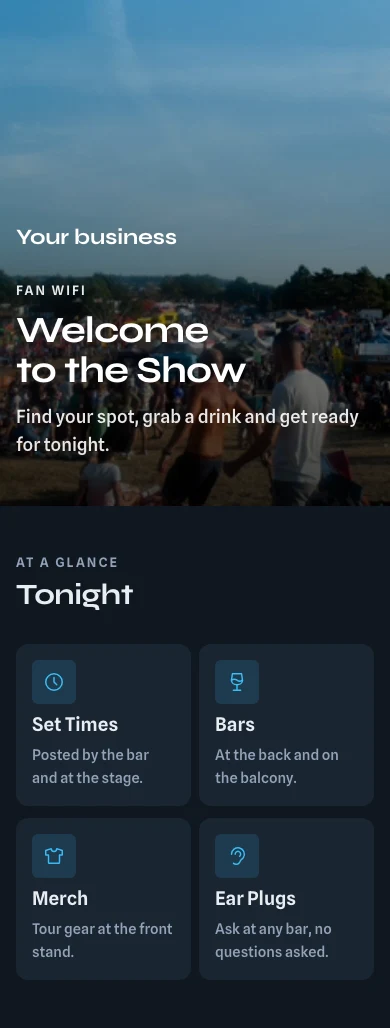
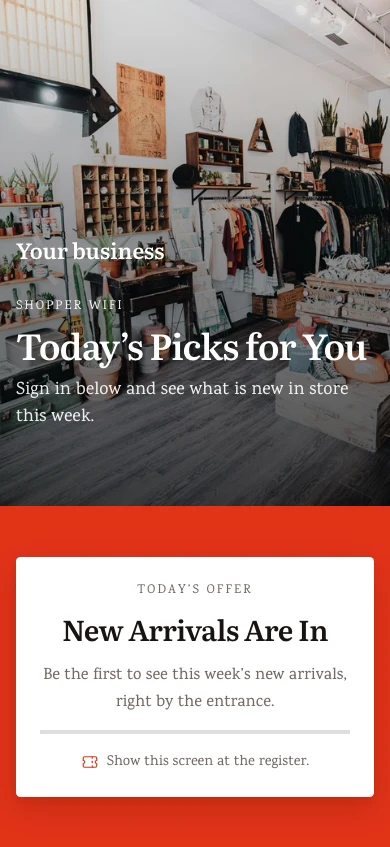
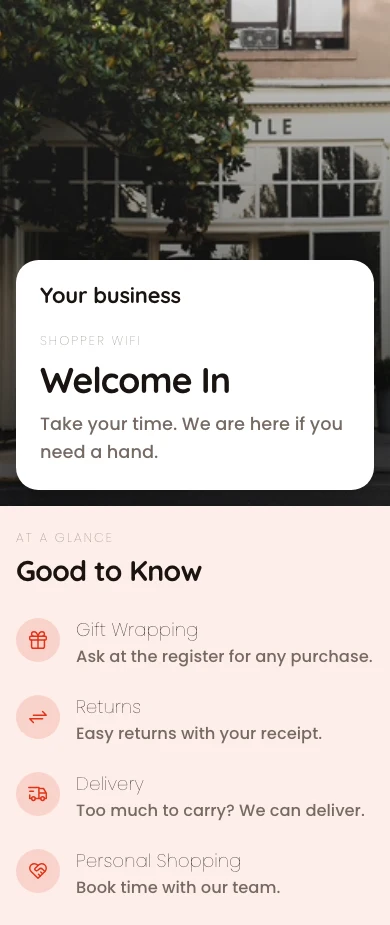
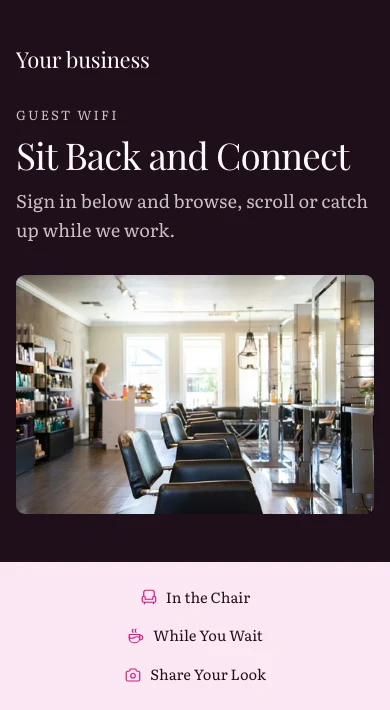
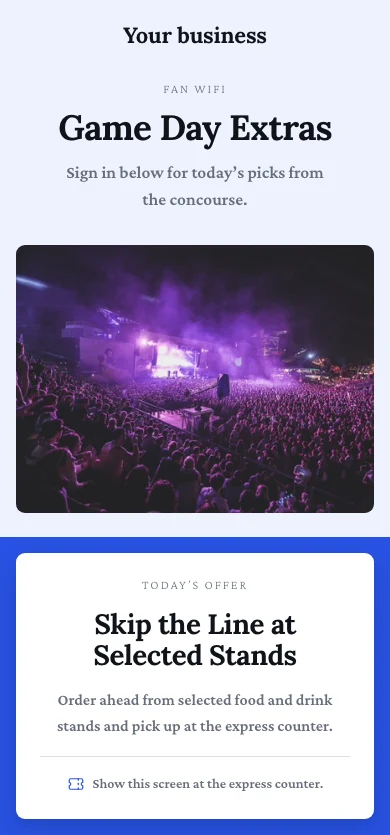
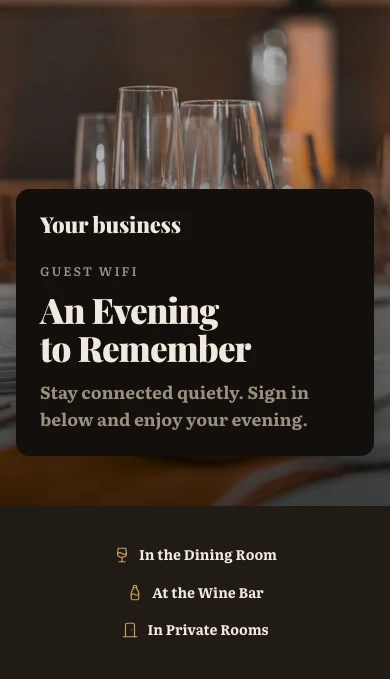
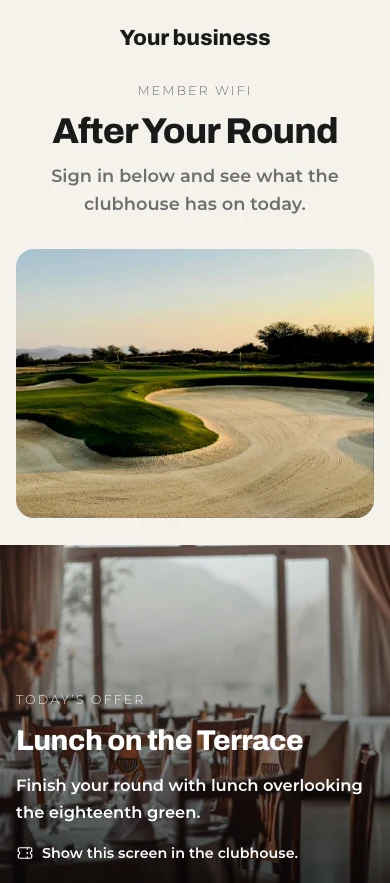
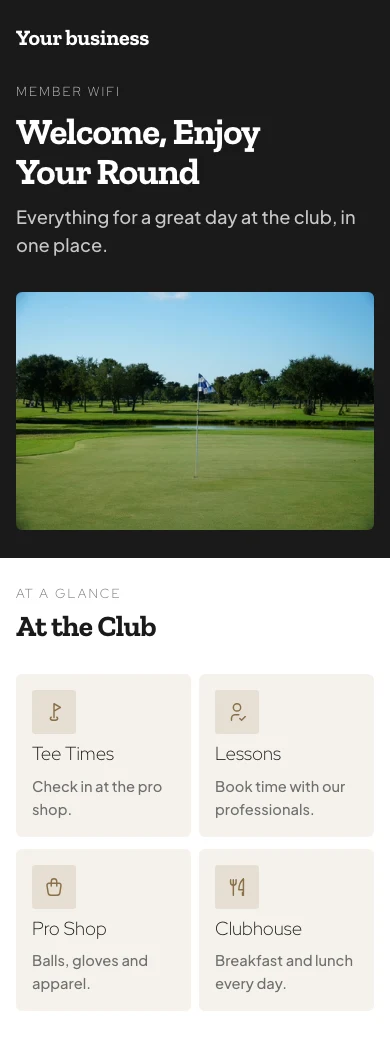
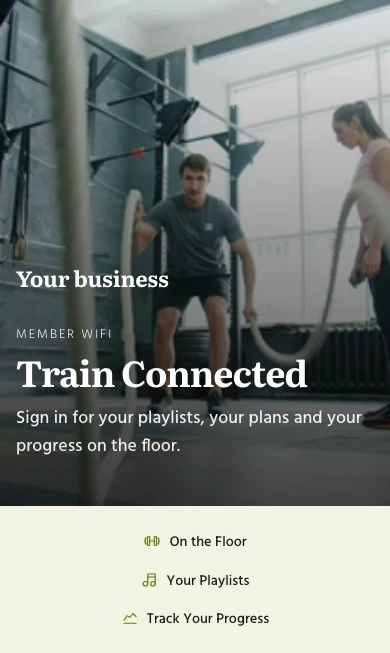
Every network, who may join it and who did
Hotels, offices, cafés, clubs, coworking spaces and venues, from one account.
Networks
Four access levels on your router.
Team Logins
Each person’s own Calisto login.
Welcome Page
Your page, its offers, the ways in.
Stays and Members
A stay’s own WiFi, speed plans.
Sign-Ins
Who is on now, and every device.
Access Points
Which radio stopped answering.
Guests and Insights
Who came back, and the busy hour.
On a Phone
With or without signal.
Give each network the access level your router runs
Each network is open, on one shared password, behind your welcome page, or on each person’s own login. Setup asks what router you have and offers the levels it can run: the box from your internet provider runs the first two, a welcome page needs a router that can show it first, and personal logins one that can check each person’s login. Every business starts with Visitors and Team.
Access Levels
Open, Shared Password, Welcome Page or Personal Logins, picked for each network.
New Network
Visitors and Team
Every business starts with two networks, so a visitor never shares your team’s.
New Network
Who May Join
By relationship, never by name: the team, members, staying guests, visitors or anyone.
New Network
VLANs
Each group can land on its own VLAN, so guests stay off your own traffic.
Networks
The segments those networks sit on, with guest traffic kept off your own.
| VLAN ID | Name | Subnet | Purpose | DHCP | Networks |
|---|---|---|---|---|---|
| 10 | Team | 10.10.0.0/24 | Staff | Team | |
| 20 | Members | 10.20.0.0/22 | Guest | Members | |
| 30 | Visitors | 10.30.0.0/23 | Guest | Day Pass, Events | |
| 40 | Devices | 10.40.0.0/24 | IoT | Printers and Screens | |
| 99 | Management | 10.99.0.0/28 | Management | Access points |
Team
Who May JoinSpeed Cap and Hidden Networks
A speed cap for each guest on a network, and a network left off the list that people join by typing its name.
Socios Broadcasting
Configuration
- Name
- Socios
- Broadcast SSID
- Pulso-Socios
- Security
- WPA3 Personal
- Password
- ••••••••••
- Location
- Roma Norte
- VLAN
- 20 · Socios
- Bandwidth limit
- 50 Mbps
- Hidden
- Yes
Access Points
6 of 6 answeringThe Router You Have
Pick yours, or I Am Not Sure, and each network offers what it can run, with your router’s setup steps.
New Network
Shared Password and QR Code
Kept, printed as a QR code and due for a change on the schedule you set, with your router’s steps.
- Access Level
- Shared Password
- Change Every N Days
- Every 30 days
New Network
Let your people join with their own Calisto login
On a Personal Logins network each person joins with their Calisto email and password. Remove them from the business and their next join is refused; nobody else gets a new password.
Only on Shift
Settings
How guest WiFi behaves across every network in this business.
People
Share When Team Members Arrive and LeaveEach person is asked and can decline; you are told when someone declines.Who May Join
Team members and station people join during their shifts, with the grace you set.
Arrival Sharing
My WiFi
Arrival Sharing
A business you work with can ask to see when you arrive and leave, from its team WiFi. You decide for each one, and can change your answer at any time. Your WiFi login works either way.
Off until you turn it on; each person accepts or declines in their own account.
Clock In, With Workforce
Arriving on the team WiFi can be the proof of being on site.
My WiFi
Use My Calisto Password for WiFi
Foundry Coworking
Foundry-Team · TeamOnly on Shift: you can join while clocked in or during your shift.- Network
- Foundry-Team
- Security
- WPA3-Enterprise
- EAP Method
- PEAP
- Phase 2 Authentication
- MSCHAPV2
- CA Certificate
- Use system certificates
- Domain
- radius.calistoco.com
- Identity
- priya.shah@example.com
- Anonymous Identity
- Leave empty
- Password
- Your Calisto password
In every app’s Profile: a one-tap profile for iPhone, iPad and Mac, and the exact Android and Windows values.
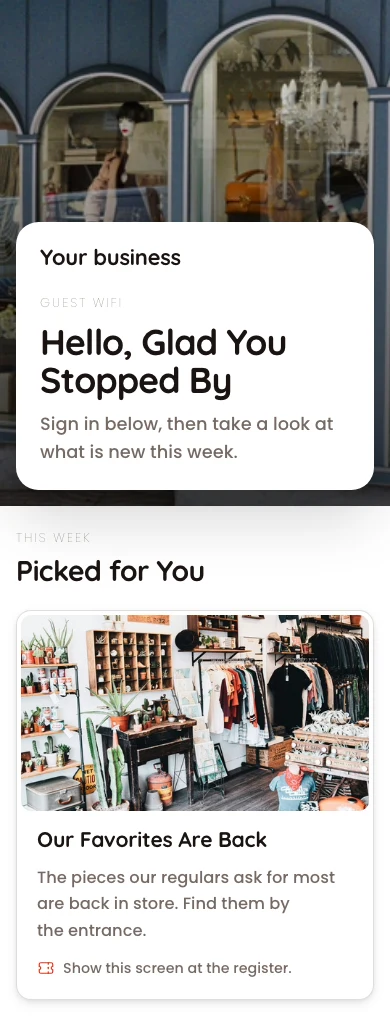
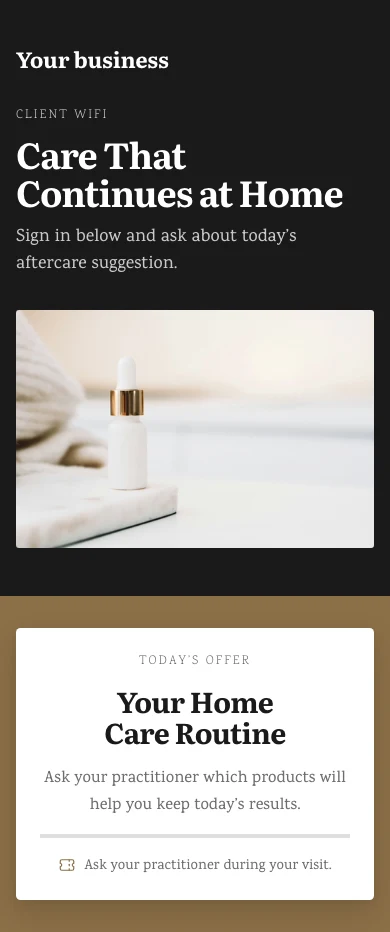
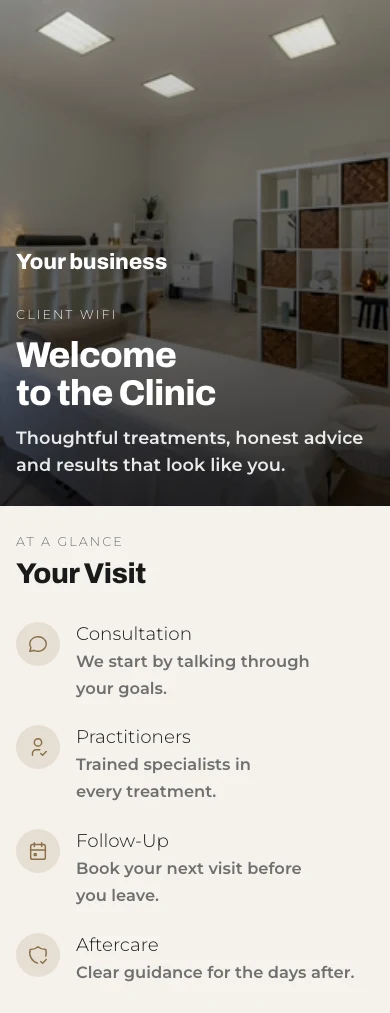
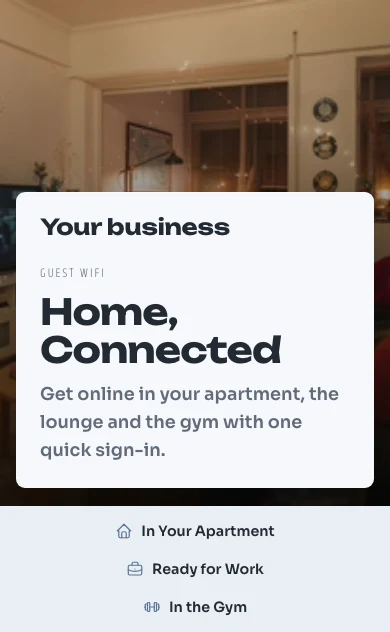
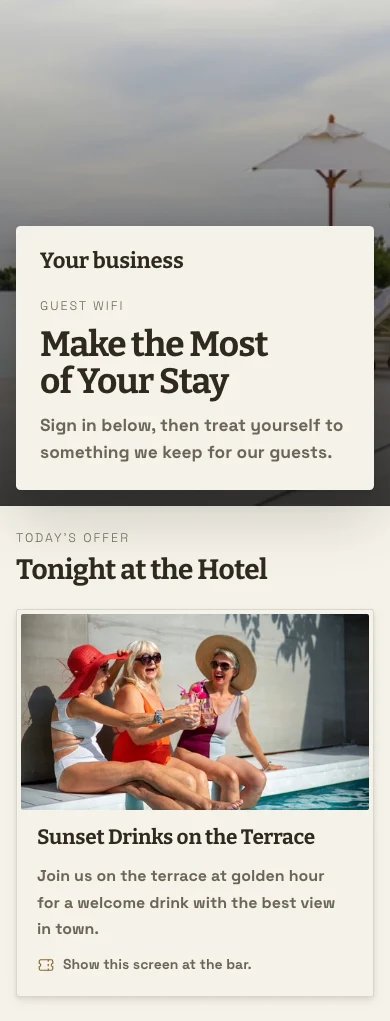
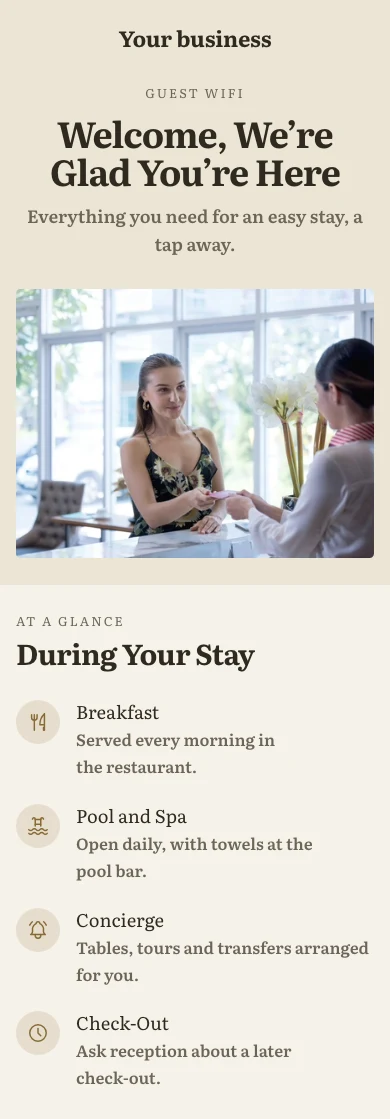
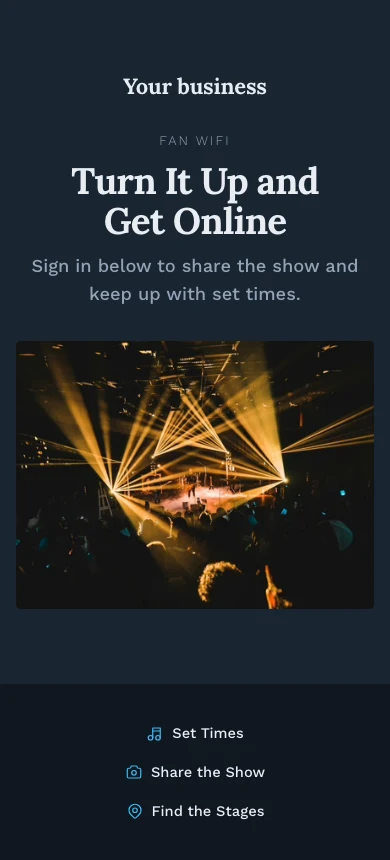
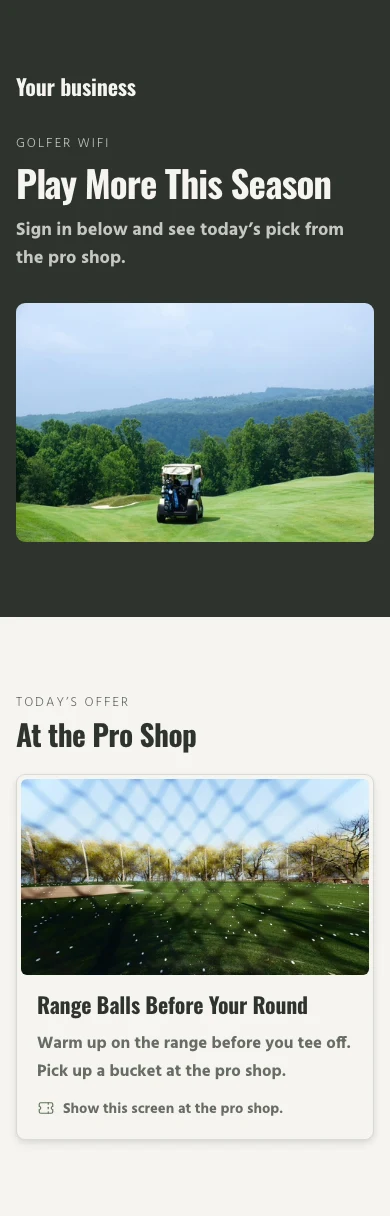
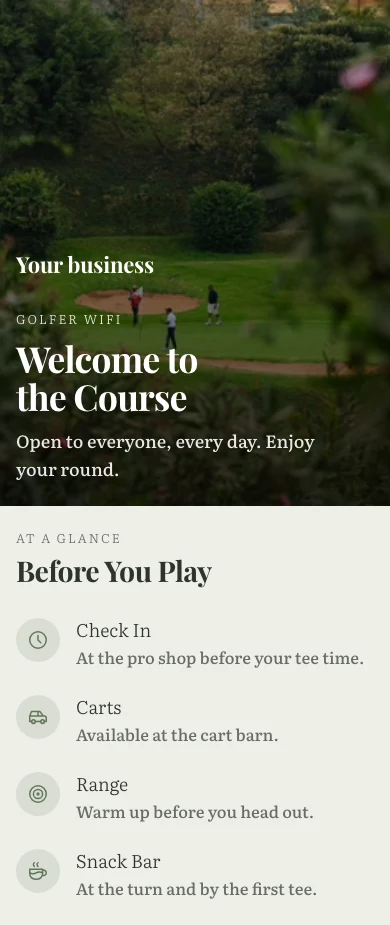
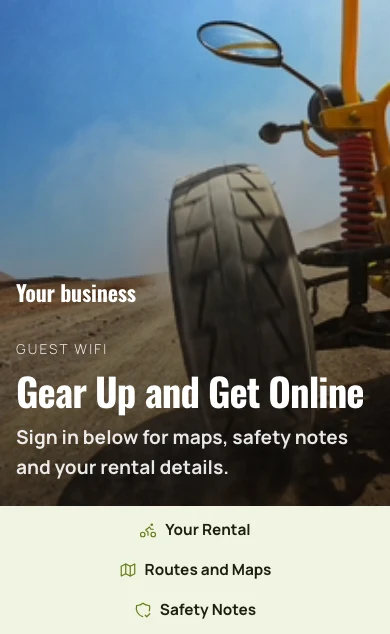
Build the page guests see before they get online
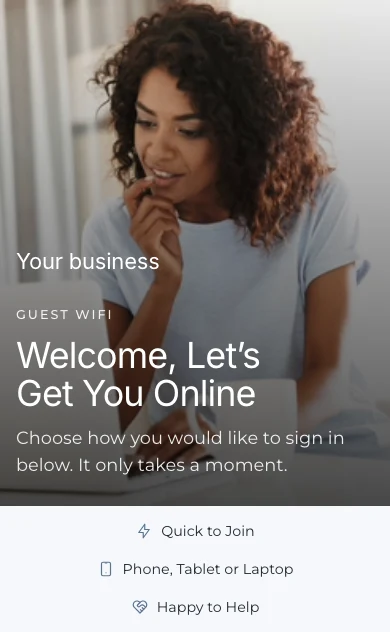
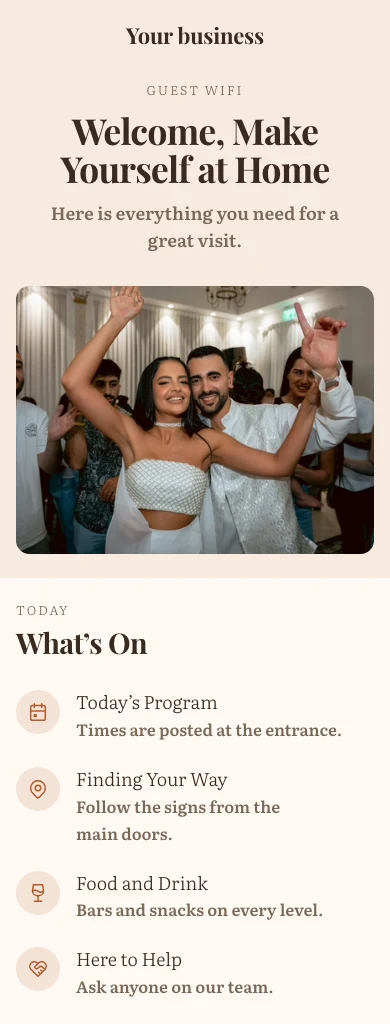
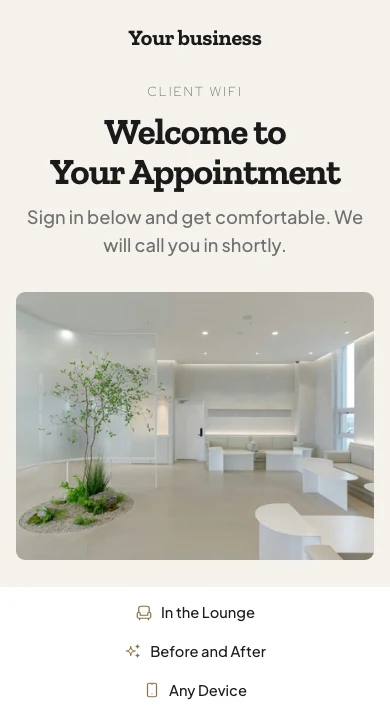
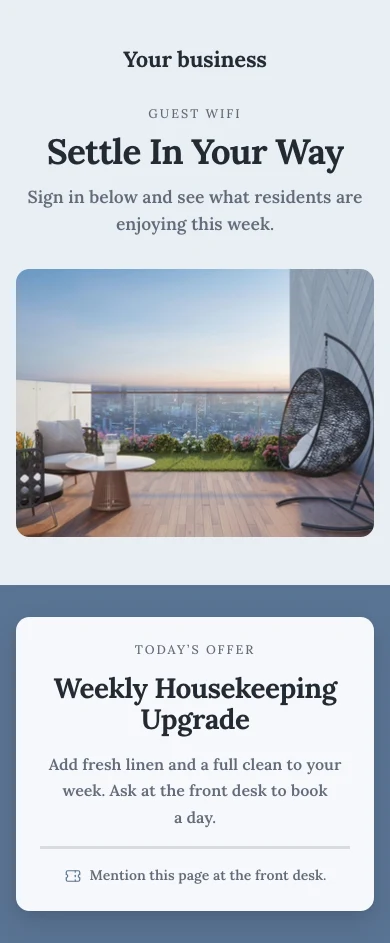
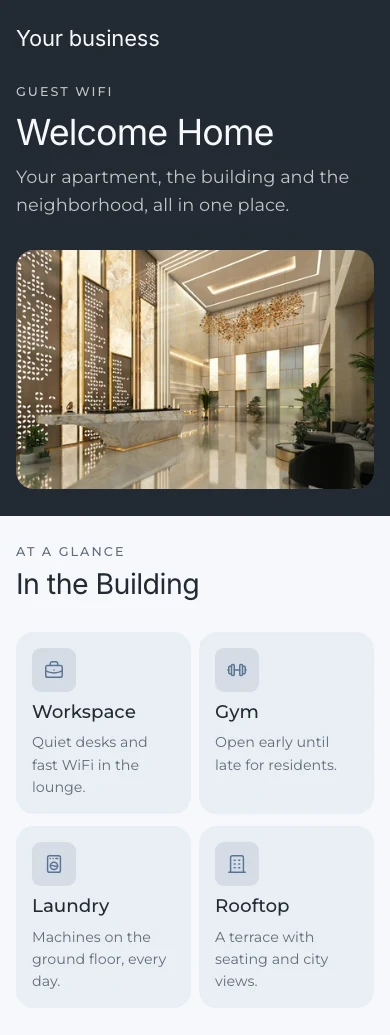
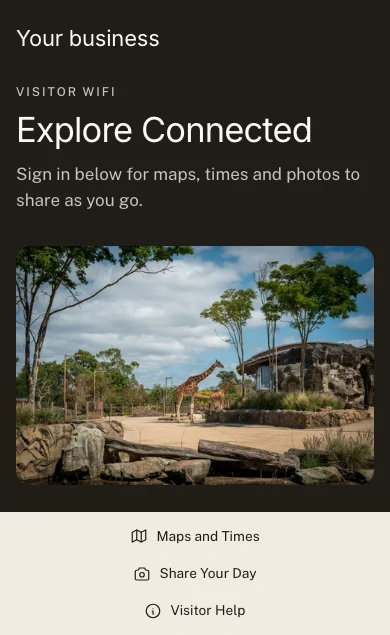
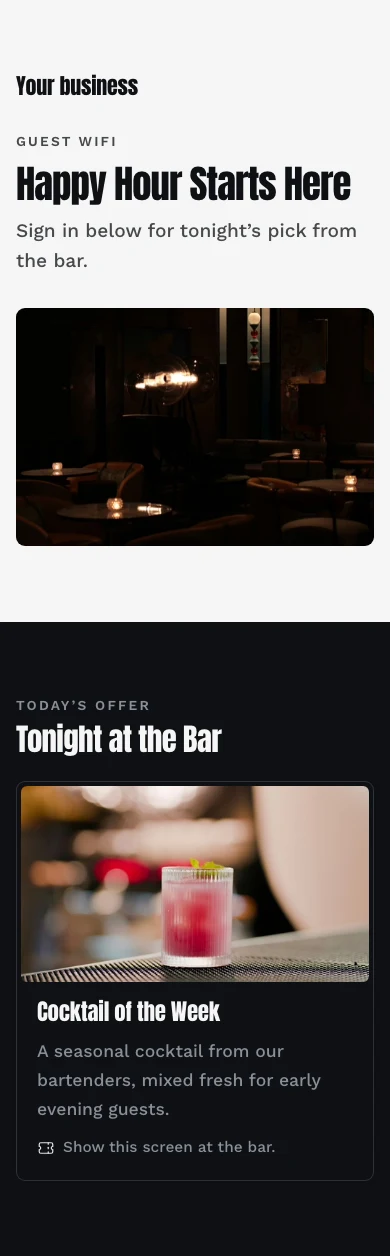
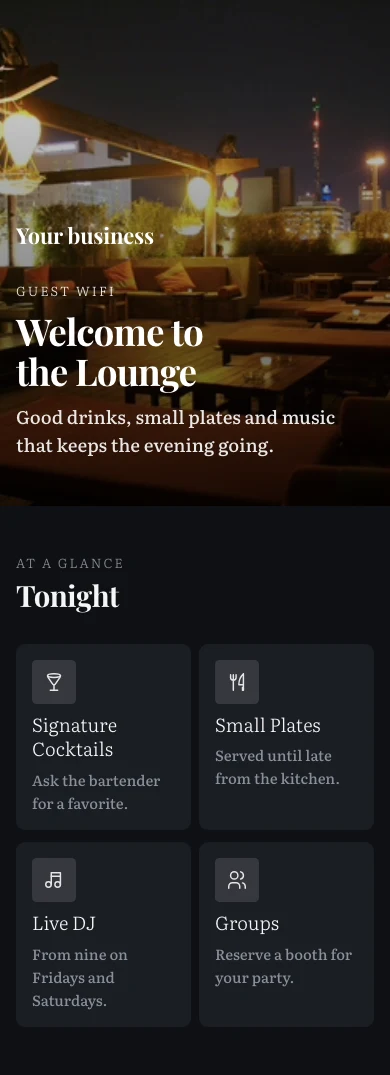
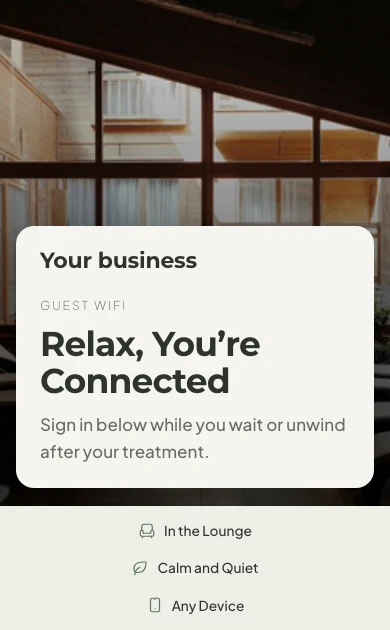
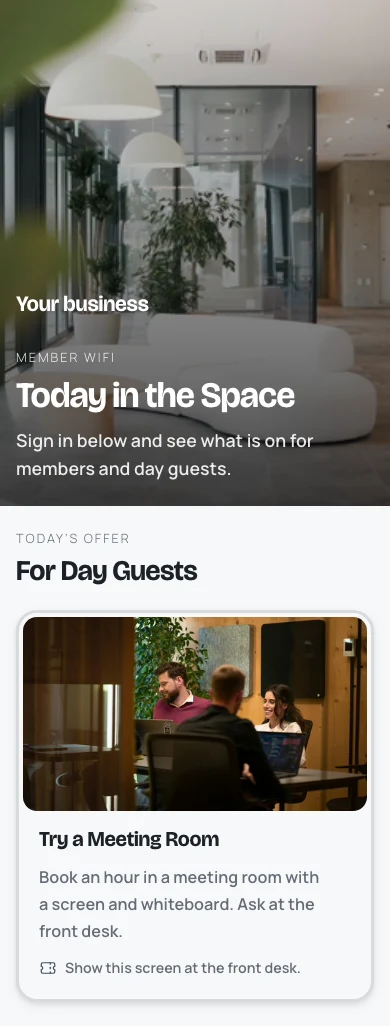
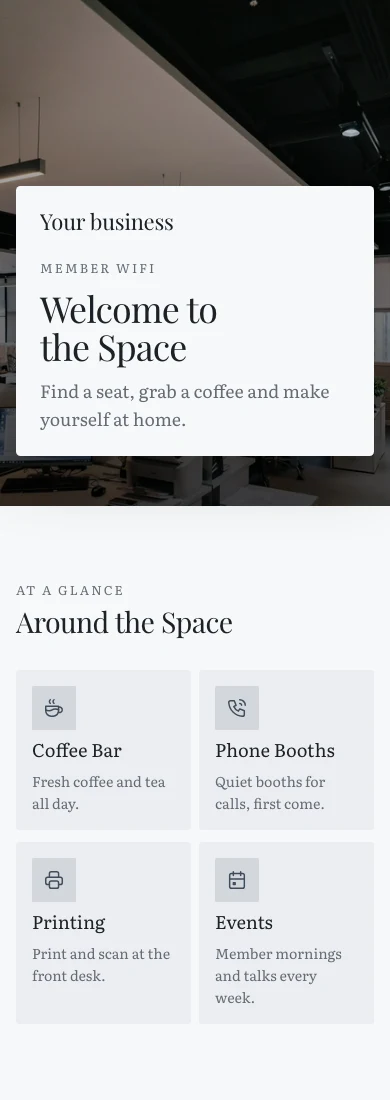
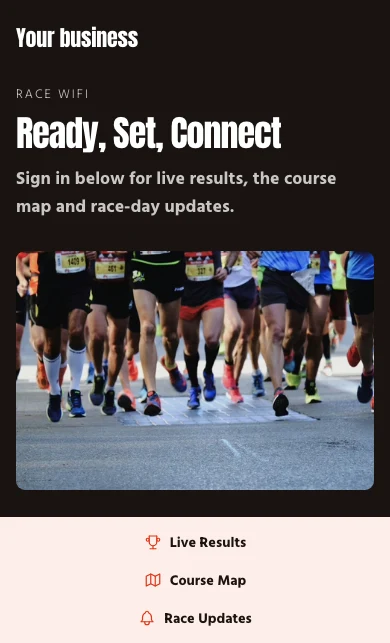
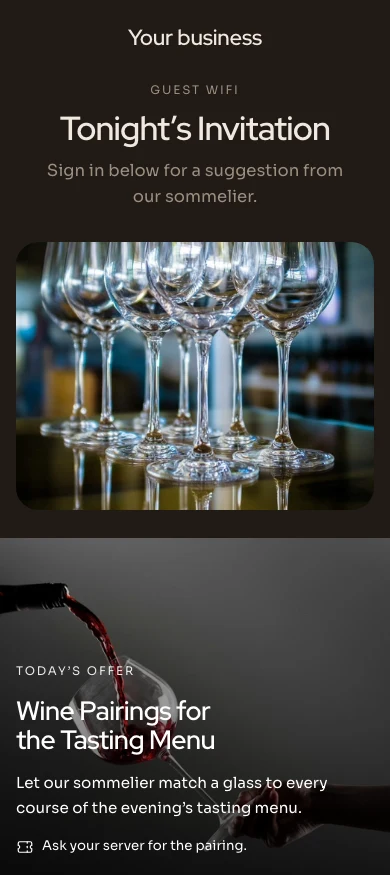
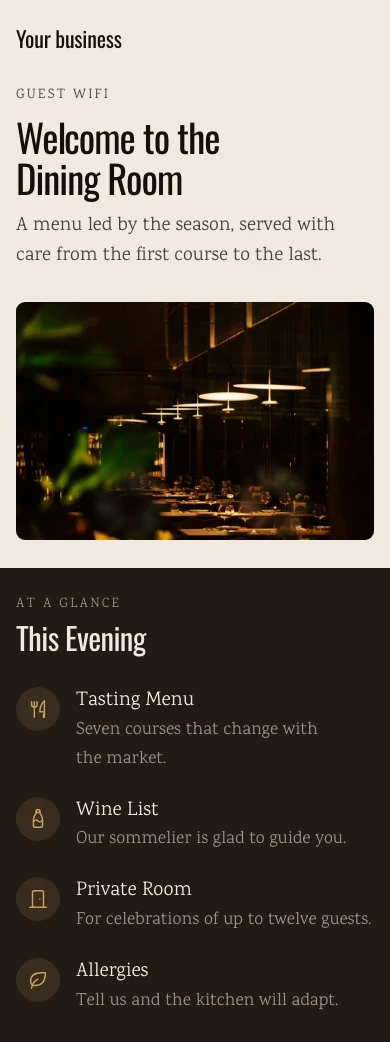
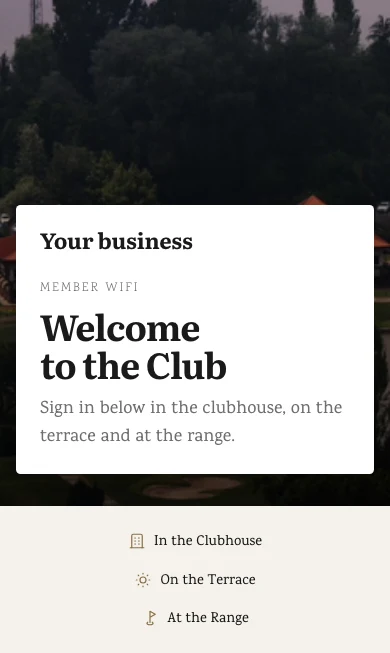
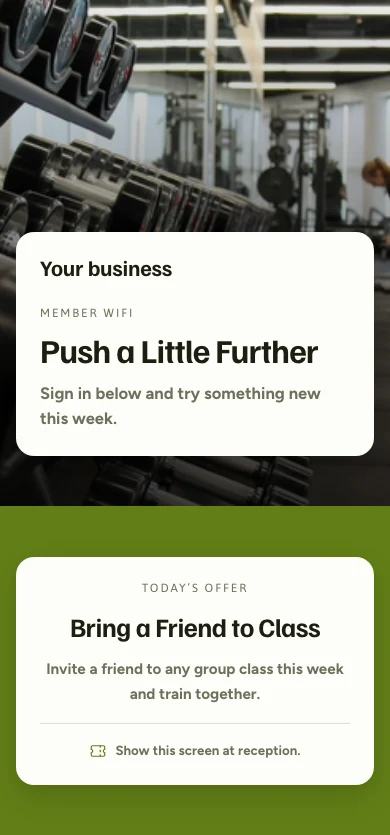
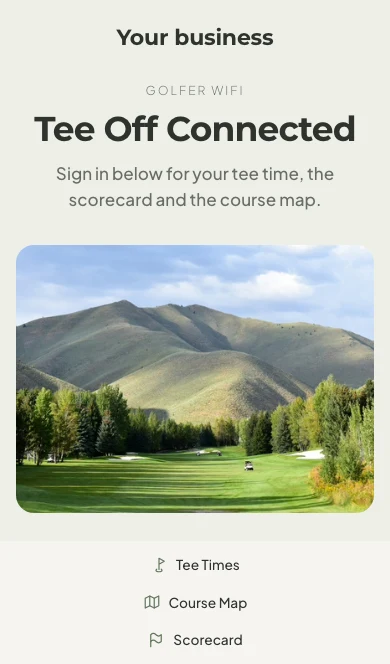
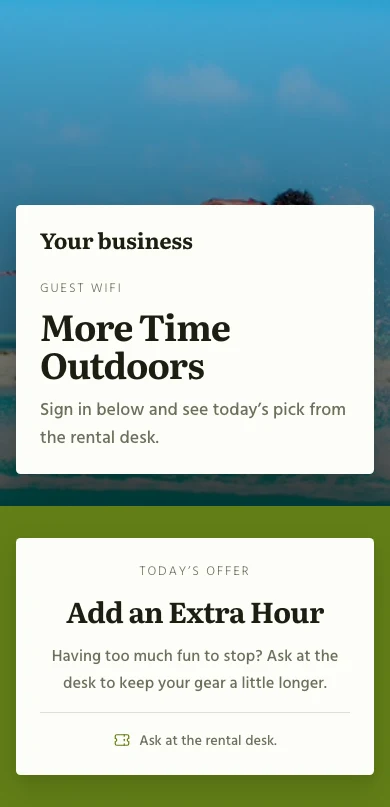
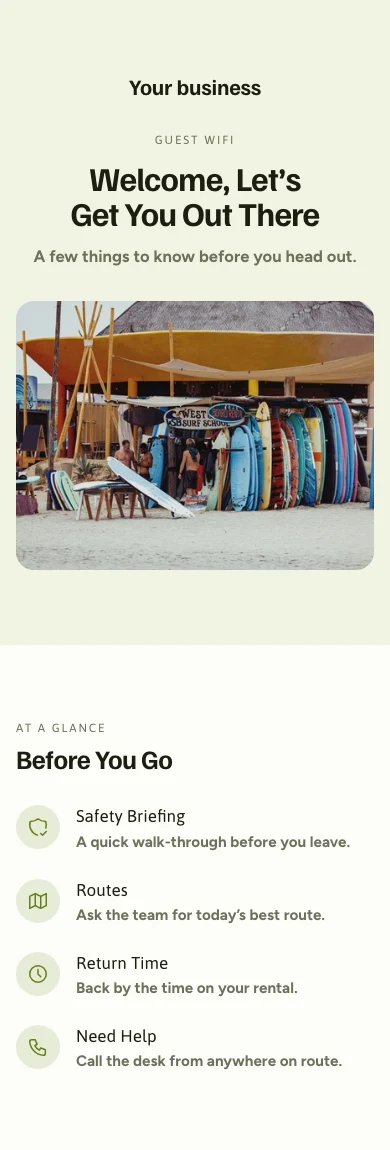
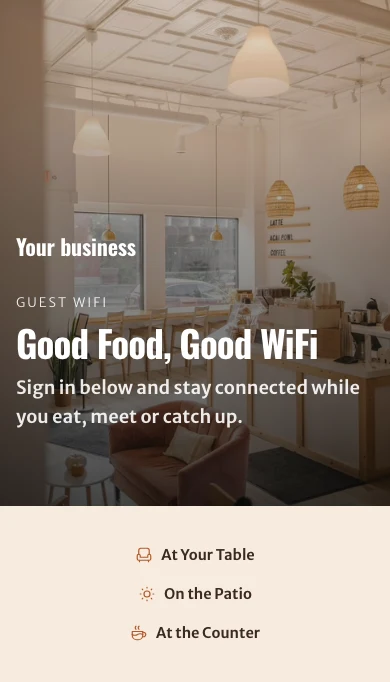
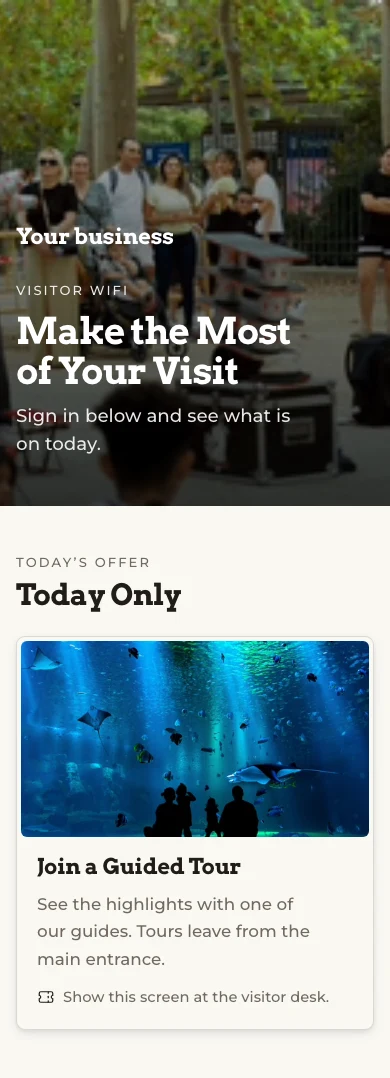
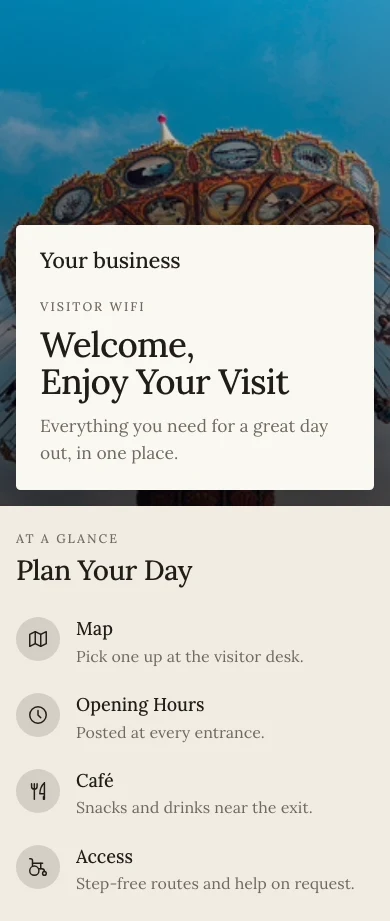
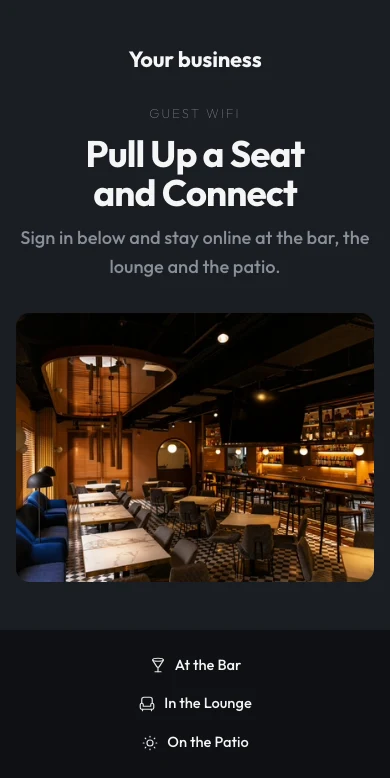
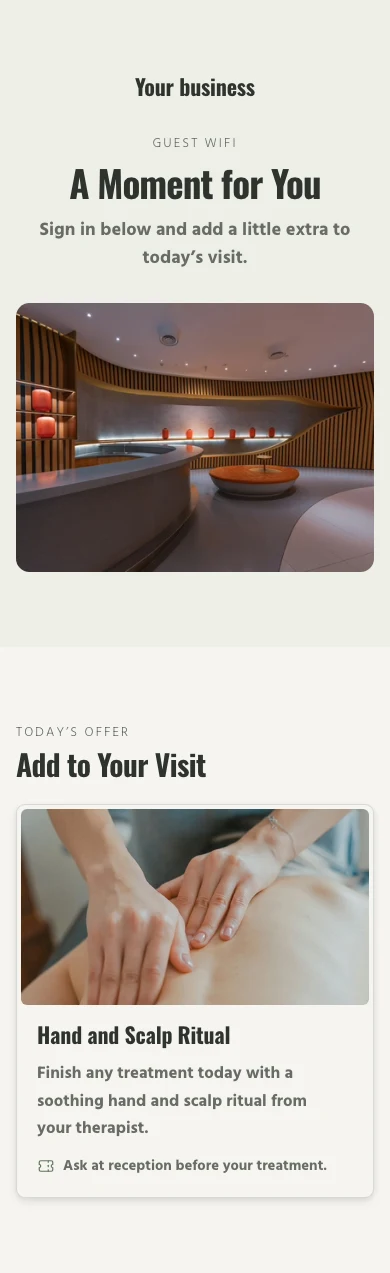
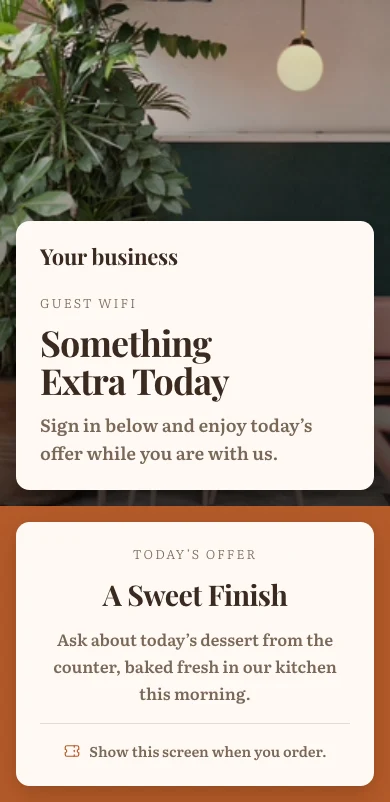
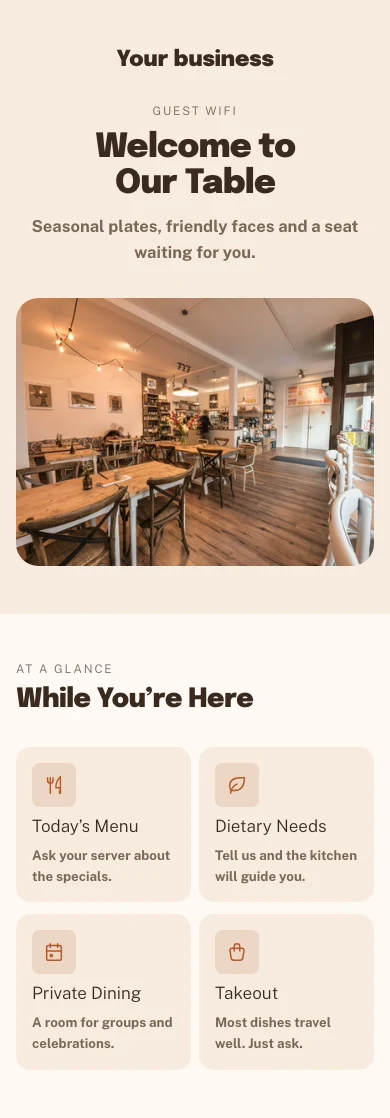
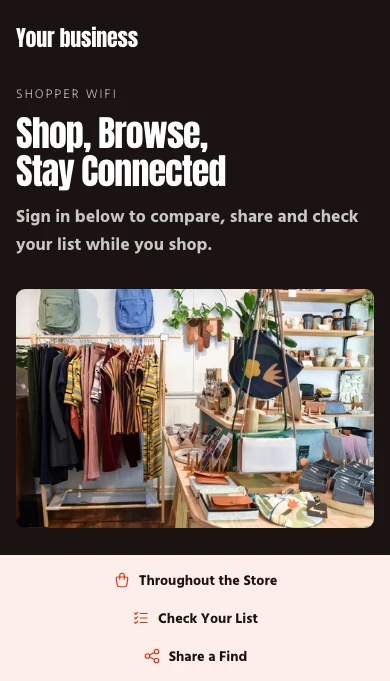
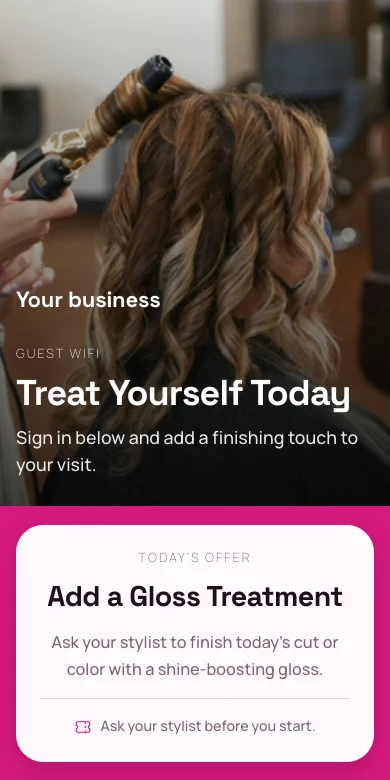
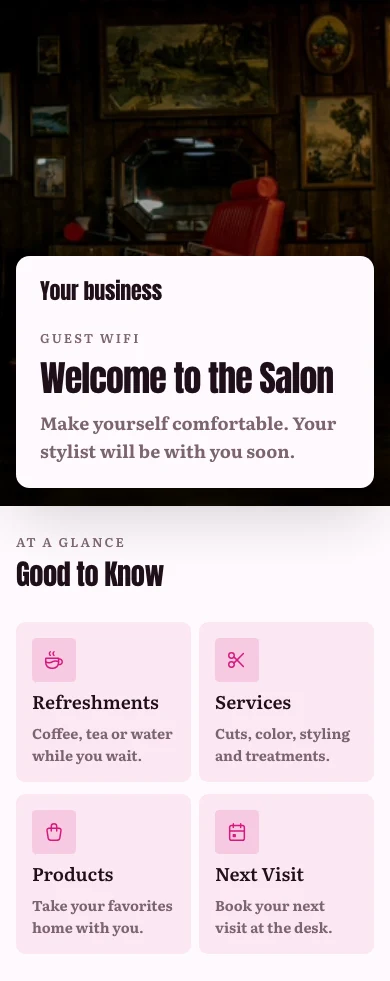
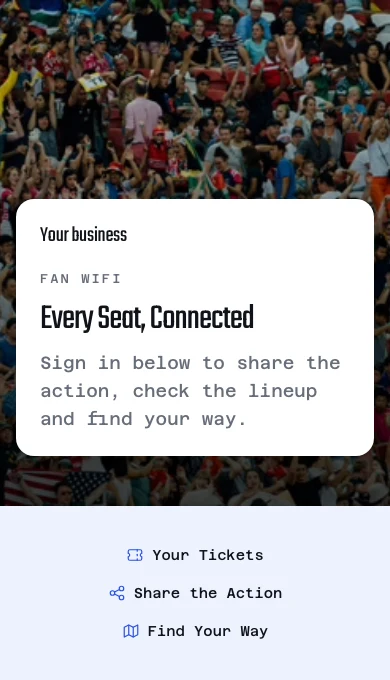
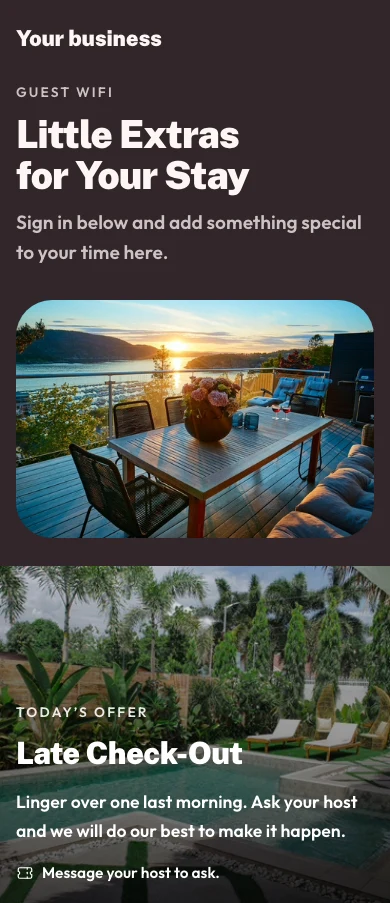
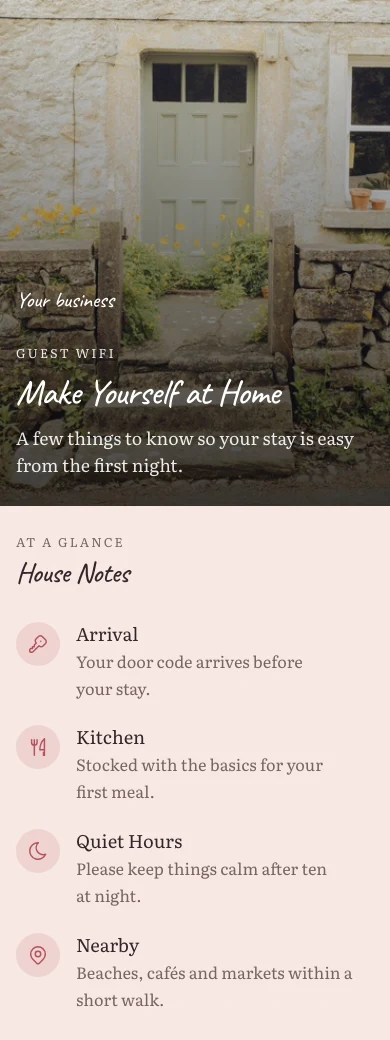
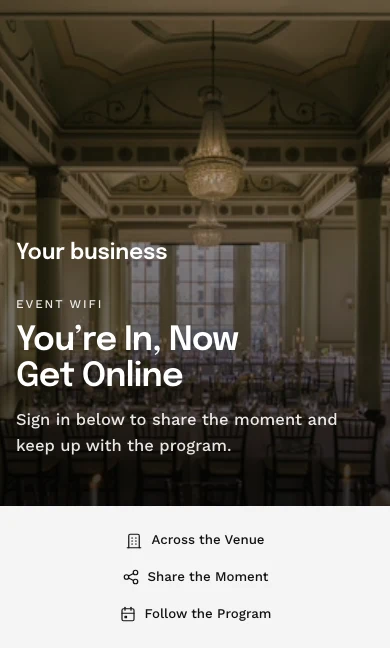
The sign-in page is built in the same website builder as every Calisto site, from a Template in your Theme, and a location can have its own. Guests get in the ways you pick: open, a booking code, a room, a member number, a voucher, email, Google or Microsoft.
Built in the website builder, from a Template in your Theme.
The Builder
The same website builder as every Calisto site, on a page the size of a phone.
Home
HeroGuest WiFiInfo CardSocial LinksTemplates
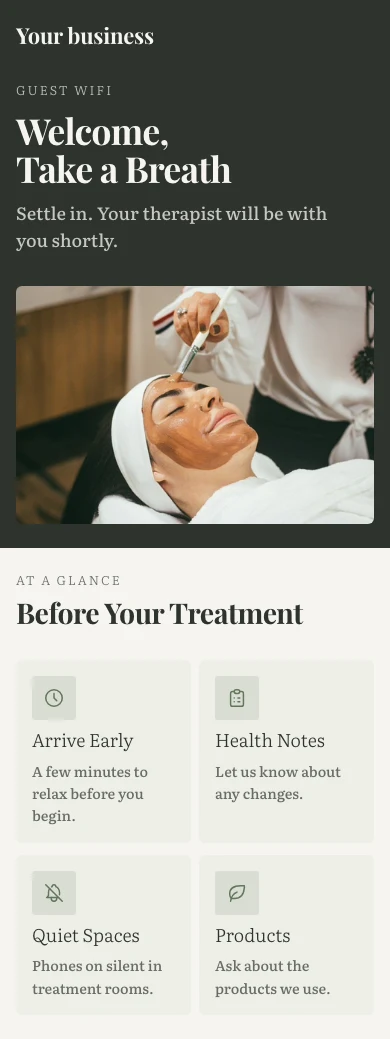
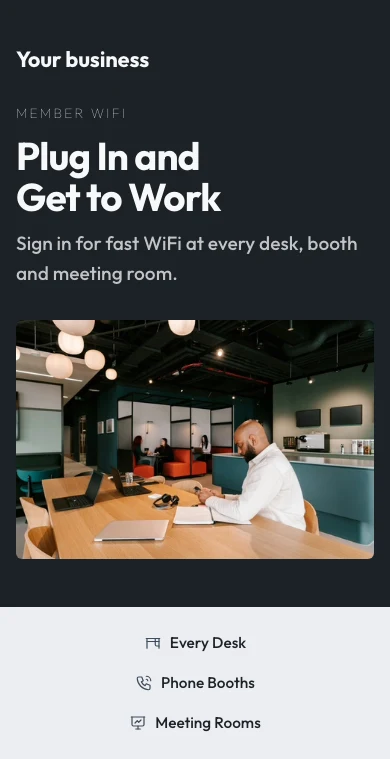
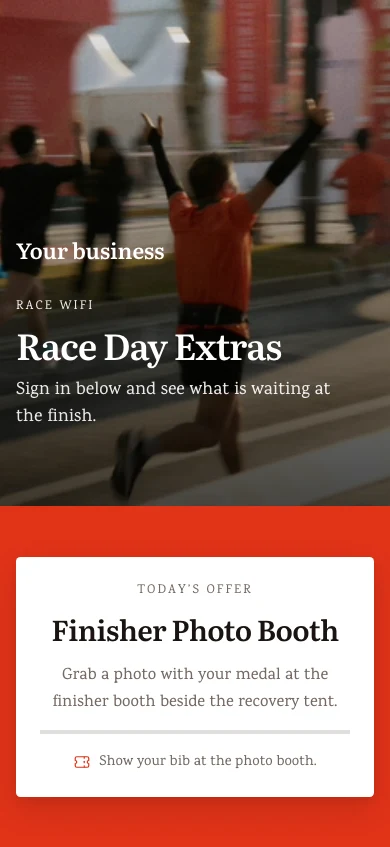
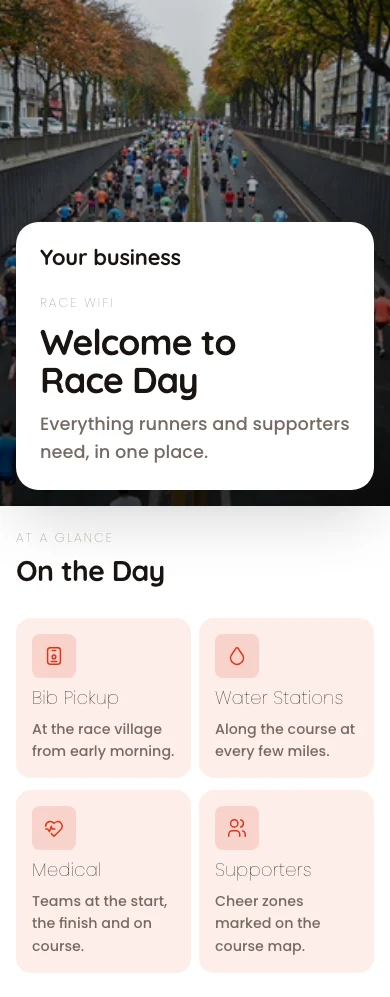
Sign-in, offers and welcome pages for every kind of business, by industry, style and color.
Templates
Sign-in pages for your guest WiFi, ready to make yours.
Offers on the Page
Your published offers as tiles to book, order, shop or buy tickets, once the guest is online.
A Page per Location
A location can have its own page; anything it leaves alone follows the business’s.
Yorkville · Sign-in page
Messaging
Location variant
Terms
A link or pasted text, and whether guests must accept, per location.
Messaging
Terms
Guests must accept the termsA link always asks guests to accept.Sign-In Methods
EmailBooking codeRoom numberMember numberGoogle or Microsoft accountVoucher codeOpen accessGive each stay its WiFi, and each member a check-in
At check-in a stay gets its own code and its own password, which end at checkout with the grace you give (with Stays). A room number or booking code admits only with the last name on it. A member who signs in is recorded as checked in.
Given at Check-In
The stay’s own code, its own password or the network’s, as you choose.
Valentina Herrera Checked In
WiFi
- Code
- MV7-4KQ2
- Password
- coral-tide-58
- Devices online
- 3 of 4
- Plan
- Fast
- Data used
- 2,418 MB
- Access until
- 14/11/2026 12:00
- Signs in with
- Stay code, Room number
See who is on now, and end a session
Every sign-in shows how the guest got in, the network, how long and how much data; a team member’s device is named only when they share it. End a session, or disconnect or block a device, and the end reaches the network.
Every Sign-In
Who signed in, how, on which device and network, for how long and with how much data.
Sign-Ins
Every guest that signed in, what they connected to, and for how long.
| Guest | Signed In With | Device | Started | Minutes | Data (MB) | Status | |
|---|---|---|---|---|---|---|---|
| lucas.almeida@example.com | iPhone | 10:4210/11/2026 | 18 | 64 | Active | Terminate | |
| beatriz.costa@example.com | Google or Microsoft account | Galaxy S23 | 10:3710/11/2026 | 23 | 142 | Active | Terminate |
| rafael.souza@example.com | Voucher code | iPad | 10:2110/11/2026 | 39 | 310 | Active | Terminate |
| camila.rocha@example.com | Moto G84 | 09:5810/11/2026 | 47 | 88 | Ended | Open Guest | |
| thiago.lima@example.com | iPhone | 09:4010/11/2026 | 61 | 205 | Ended | Open Guest | |
| ana.ferreira@example.com | Google or Microsoft account | MacBook Air | 09:1510/11/2026 | 90 | 1,120 | Expired | Open Guest |
Know the moment an access point stops answering
Each access point shows its network, clients, channel and when it was last heard from. One that stops answering is announced once, its return closes the notice, and whoever takes it presses Acknowledge. Access points sit in the device list you share with Signal.
Every Access Point
Its network, model, channel and clients, when it was last seen, and whether it is answering.
Access Points
The radios serving your networks, and which of them are dark.
| Access Point | Network | MAC | IP | Channel | Clients | Last Seen | Reachability |
|---|---|---|---|---|---|---|---|
| Beach Club | Guests | 74:83:C2:1A:5F:20 | 10.30.0.21 | 149 | 14 | 10/11/2026 07:48 | Not answering |
| Lobby | Guests | 74:83:C2:1A:5F:01 | 10.30.0.2 | 36 | 42 | 10/11/2026 09:41 | Answering |
| Pool Bar | Guests | 74:83:C2:1A:5F:07 | 10.30.0.8 | 44 | 27 | 10/11/2026 09:41 | Answering |
| Villas North | Guests | 74:83:C2:1A:5F:0C | 10.30.0.13 | 52 | 19 | 10/11/2026 09:41 | Answering |
| Villas South | Guests | 74:83:C2:1A:5F:0D | 10.30.0.14 | 100 | 23 | 10/11/2026 09:40 | Answering |
| Spa | Guests | 74:83:C2:1A:5F:12 | 10.30.0.19 | 157 | 6 | 10/11/2026 09:41 | Answering |
| Back Office | Team | 74:83:C2:1A:5F:1E | 10.10.0.4 | 1 | 11 | 10/11/2026 09:41 | Answering |
Acknowledge
Whoever takes it presses Acknowledge, and everyone else sees they are on it.
Level 3 Foyer Not answering
Status
Not answering. Guests near it may not be able to connect.- Last seen
- 10/11/2026 09:35
- MAC
- 9C:05:D6:4E:11:A8
- Firmware
- 7.0.66
Details
- Name
- Level 3 Foyer
- Network
- Guests
- Location
- The Exchange Hall
- IP address
- 10.30.3.12
- Channel
- 44
| Guest | Started | Ended |
|---|---|---|
| hana.lim@example.com | 10/11/2026 09:33 | 10/11/2026 09:35 |
| arjun.mehta@example.com | 10/11/2026 09:28 | 10/11/2026 09:35 |
| chloe.ng@example.com | 10/11/2026 09:21 | 10/11/2026 09:35 |
| marcus.goh@example.com | 10/11/2026 09:14 | 10/11/2026 09:35 |
| priya.nair@example.com | 10/11/2026 09:02 | 10/11/2026 09:35 |
Alerts Are Rules, With Automations
Down and back, a broken sign-in page, a busy hour, a password due.
Alerts
Each alert is an automation you can also see and change in WiFi ▸ Automations.
Tell me when an access point stops answeringTell me when guests cannot sign inTell me about an unusually busy hourTell me when the sign-in page reaches a guest-contact milestoneRemind me when a shared WiFi password is due to changeSet how often on each network that has a shared password, under Change Every N Days.Broken Sign-In Page
A page with no way in is named once, with its location.
WiFi
Guest WiFi, sign-in experience, and network health at a glance
Busy Hour
An hour well above your own normal for that hour and weekday.
Insights
WiFi usage, guest capture, and engagement
Average guests by hour of day
See who came back, and who agreed to hear from you
Marketing is off until you turn it on; a guest who ticks the box becomes a contact with the date. Insights shows traffic, the busy hour and each location over 7, 30 or 90 days.
Guest Directory
Every guest who left a contact: how often they come, their visits, how long they stay and when they last came.
| Name | Frequency | Visits | Avg Dwell (min) | Last Visit | |
|---|---|---|---|---|---|
| Freja Lindholm | freja.lindholm@example.com | Frequent | 41 | 96 | 10.11.2026 19:42 |
| Mads Kristensen | mads.kristensen@example.com | Regular | 17 | 71 | 09.11.2026 18:15 |
| Sofie Dahl | sofie.dahl@example.com | Regular | 12 | 58 | 08.11.2026 13:02 |
| Emil Thomsen | emil.thomsen@example.com | Occasional | 4 | 45 | 07.11.2026 12:37 |
| Clara Bech | clara.bech@example.com | Occasional | 3 | 82 | 06.11.2026 20:11 |
| Noah Vestergaard | noah.vestergaard@example.com | New | 1 | 38 | 05.11.2026 21:04 |
A Page per Guest
Their contact details, their marketing answer with Withdraw Consent, and every visit.
Freja Lindholm On the network now
Contact
Marketing Consent
Agreed to hear from you on 12.04.2026.- Campaign
- Enrolled 13.04.2026
- Membership
- Nord Club
- Last visit
- 10.11.2026 19:42
- Average stay
- 1h 36m
- Data used
- 3.8 GB
| When | Network | Signed in with | Device | How long | Data | Status |
|---|---|---|---|---|---|---|
| 10.11.2026 | Gæster | iPhone | 1h 12m | 84 MB | On now | |
| 07.11.2026 | Gæster | iPhone | 1h 48m | 126 MB | Ended | |
| 04.11.2026 | Gæster | MacBook Air | 2h 05m | 410 MB | Ended | |
| 31.10.2026 | Gæster | iPhone | 1h 31m | 97 MB | Ended | |
| 28.10.2026 | Gæster | iPhone | 1h 22m | 71 MB | Ended |
Insights
Sessions, visitors, guests captured and data, by location, over 7, 30 or 90 days.
Insights
WiFi usage, guest capture, and engagement
| Location | Networks | Sessions | Captures |
|---|---|---|---|
| Roma Norte | 3 | 5,214 | 641 |
| Condesa | 3 | 4,388 | 532 |
| Polanco | 3 | 3,906 | 471 |
| Coyoacán | 2 | 2,731 | 318 |
| Santa Fe | 2 | 2,223 | 245 |
From Sign-In to Contact
How many connections left a contact, reached Contacts and joined a campaign.
Insights
WiFi usage, guest capture, and engagement
Guest Capture
| Funnel stage | Count | Of the stage before |
|---|---|---|
| Connections | 2,469 | 100% |
| Captured | 1,284 | 52% |
| Synced to Contacts | 1,246 | 97% |
| Enrolled in Campaign | 718 | 58% |
Guests captured, by network
Segments
Live counts, added to a list in Campaigns with one press.
Guests
Everyone captured at the sign-in page, with how often and how recently they come back.
| Segment | Definition | Guests | Agreed to Marketing | |
|---|---|---|---|---|
| New visitors | Connected for the first time | 214 | 131 | Push to Campaign |
| Returning visitors | Have connected before | 1,386 | 902 | Push to Campaign |
| High frequency | Connected five times or more | 412 | 318 | Push to Campaign |
| Lapsed | Not connected in 30 days or more | 297 | 164 | Push to Campaign |
| Long stays | Stay over two hours on average | 158 | 97 | Push to Campaign |
| Members | Hold a membership tier | 86 | 79 | Push to Campaign |
Hand-Offs, With Campaigns and Circle
A new guest contact joins a list or loyalty, when you turn the rule on.
Settings
How guest WiFi behaves across every network in this business.
New Guest Contacts
Only guests who agreed to hear from you are added. Each is an automation you can also see and change in WiFi ▸ Automations.
Enroll new guest contacts in your Circle loyalty programPrivacy
Ask Guests to Join Your Marketing ListOff unless you turn it on. The welcome page then asks each guest with a box that is never pre-ticked. A guest who leaves it empty still connects and is never added to your list.Save the emails guests sign in with to ContactsYour Retention
After the days you set: clear the details and keep the counts, keep everything, or delete.
Settings
How guest WiFi behaves across every network in this business.
Retention
When a session record is older than thatThis is the WiFi session log only. A guest who gave you marketing consent stays in Contacts either way, with the date they gave it.Keep it.Remove the guest’s name, email, device, MAC and IP address and their link to a contact, and keep the visit counts.Delete it.| Name | Frequency | Visits | Avg Dwell (min) | Last Visit | |
|---|---|---|---|---|---|
| Freja Lindholm | freja.lindholm@example.com | Frequent | 41 | 96 | 10.11.2026 19:42 |
| Mads Kristensen | mads.kristensen@example.com | Regular | 17 | 71 | 09.11.2026 18:15 |
| Sofie Dahl | sofie.dahl@example.com | Regular | 12 | 58 | 08.11.2026 13:02 |
| Emil Thomsen | emil.thomsen@example.com | Occasional | 4 | 45 | 07.11.2026 12:37 |
| Clara Bech | clara.bech@example.com | Occasional | 3 | 82 | 06.11.2026 20:11 |
| Noah Vestergaard | noah.vestergaard@example.com | New | 1 | 38 | 05.11.2026 21:04 |
Check the radios and the guests from a phone
Home, Guests, Access Points and Networks are the phone’s tabs, and they open with no signal from what you chose to keep on the device. A change to a live network waits for signal; a new access point is held and sent once.
Where WiFi touches everything else.
4 of these 8 connections are in your plan today; the others are their own apps.
Signal
Access points sit in the device list WiFi shares with Signal, and every network system connects from one panel.
Automations
Every notice WiFi sends is a rule to change or pause, and every guest, stay and arrival event can start one of yours.
Workforce
Arriving on the team WiFi can be the proof of being on site, and nudges a person to start their shift.
Access
A visitor’s invitation carries one guest WiFi code for the visit.
Stays
A stay gets its own WiFi code and password at check-in, and a speed plan can be charged to its folio.
Coworking
A member signing in to the WiFi is checked in, and the sign-in page is set in Coworking’s own Settings.
Campaigns
A guest who said yes can join a list, and a whole segment can be added to one.
Circle
A guest who said yes can be enrolled in loyalty when they sign in.
No setup cost. Pay when you start using.
Networks, team logins, a welcome page and guests.
Calisto Ops
Networks at four access levels on the router you have, a Calisto login for each person on the team, the welcome page and its vouchers, stays’ own WiFi, who is on now, access points that stop answering, and the guests who came back.
Priced per location. Included with Calisto Ops.
Recommended for you
Works well together.
Calisto Signal
Calisto Ops
Sensors, trackers, locks and cameras on one fleet, an alert inbox, incidents with their playbooks, and rules through Automations.
Learn more →Calisto Automations
Calisto Ops
Rules that start from your Calisto apps, a schedule or a date and act across them all, every app’s automatic messages as rules, sequences that follow up until a person acts, and every run on record.
Learn more →Calisto Workforce
Calisto Ops
The schedule built from what is booked and when people can work, clock-in on any phone or a shared tablet, time off and timesheets signed off once, a pay report for your payroll and payslips back, labor rules, the team and hiring from your careers page.
Learn more →Calisto Access
Calisto Ops
Doors and zones on the locks you connect, keys, codes and grants, visitors checked in at reception, live alarms and occupancy, alerts with a roll call, and a record of every door event.
Learn more →Calisto Stays
Included With Your Plans
Your Core app shows everything your Commerce and Ops plans turn on.
Learn more →Calisto Coworking
Included With Your Plans
Your Core app shows everything your Commerce and Ops plans turn on.
Learn more →Calisto Campaigns
Calisto Engage
Lists and consent per channel, emails built from blocks, sends at each person’s best hour, sequences and announcements, and what each campaign earned, credited to the click.
Learn more →Calisto Circle
Recommended for
The industries that run WiFi, and what each of them runs it for.
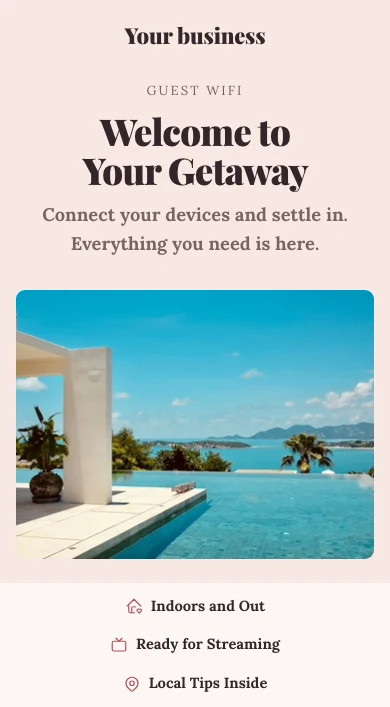
Hotels & ResortsGuest WiFi
Guest, team and staying-guest networks with their own logins
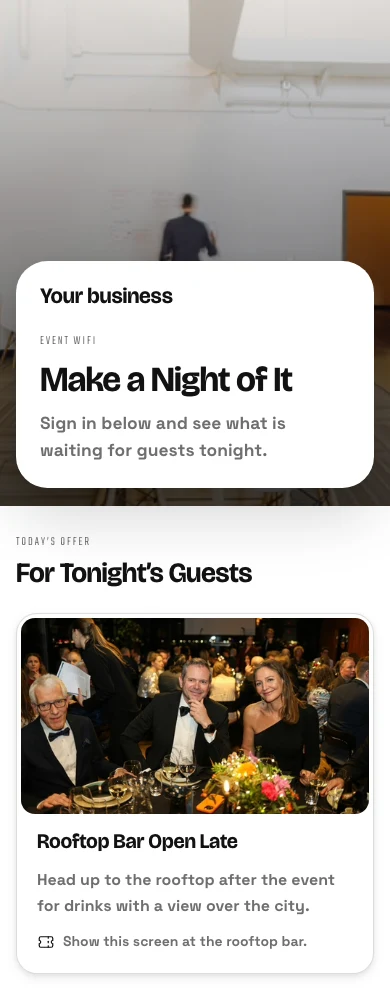
Hotels & Resorts on Calisto →Bar & LoungeGuest WiFi
Team and guest networks, with a welcome page if you want one
Bar & Lounge on Calisto →Live Music & FestivalsSite WiFi
Crew and public networks across the site
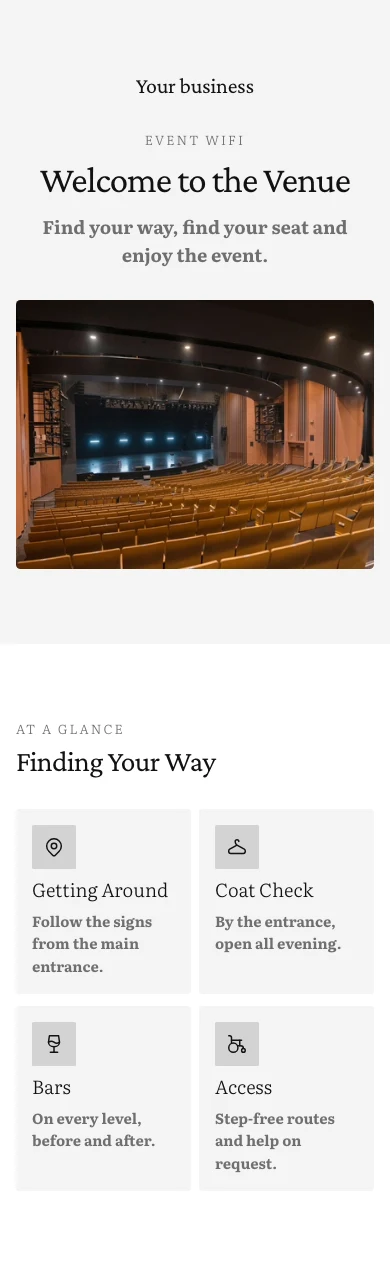
Live Music & Festivals on Calisto →Venue ManagementGuest & event WiFi
Networks per space with branded sign-in
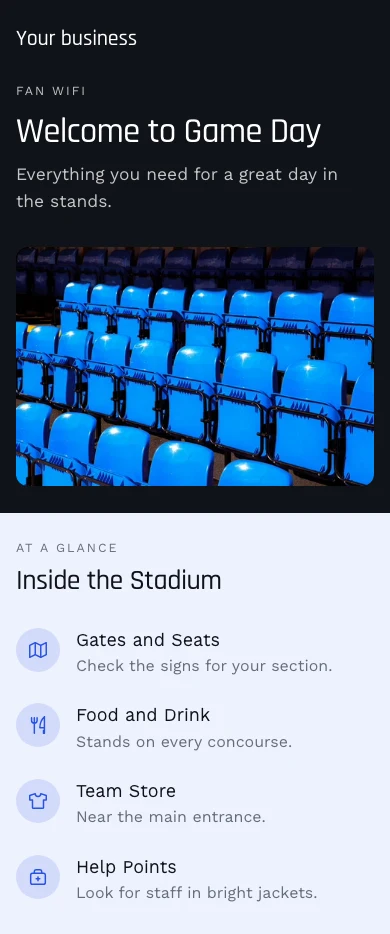
Venue Management on Calisto →Stadiums & ArenasStadium WiFi
Networks per stand and box with branded sign-in
Stadiums & Arenas on Calisto →Event & Production RentalsGuest WiFi
Team and visitor networks on the router you have
Event & Production Rentals on Calisto →Recreation & Vehicle RentalSite WiFi
Counter and marina networks with guest sign-in
Recreation & Vehicle Rental on Calisto →Attractions & ParksGuest WiFi
Park and lobby networks with guest sign-in
Attractions & Parks on Calisto →Coworking SpacesNetwork & auto check-in
WiFi that checks members in on connect
Coworking Spaces on Calisto →In-Person RetailersStore WiFi
Store and team networks, open or with a password
In-Person Retailers on Calisto →Everything included in Calisto WiFi.
- Four levels, picked per network: Open, Shared Password, Welcome Page, Personal Logins
- The security follows the level; you pick only WPA2 or WPA3 inside it
- Only the levels your router runs are offered
- Setup starts with “What Router Do You Have?”, then Visitors, Team or a different network
- Who May Join by relationship: owners, admins, team members, station people, members, staying guests, invited visitors, anyone
- A label and a broadcast name kept apart, a VLAN, a speed ceiling and a hidden switch per network
- VLANs with their ID, name, subnet and purpose; each Who May Join group can land on its own
- Networks, SSIDs and VLANs as three views of one list
- One password per network, kept by Calisto, revealed only on request and shown as a join QR code
- Change Every N Days, with a reminder and the steps for your router
- Every screen that prints it (the QR code, signage, a room TV, a kiosk, a stay’s message) reads the current one
- Each person joins with their own Calisto email and password, at every business they work with
- Removed from the business, refused at the next join, with no new password for anyone else
- Works with every phone’s default setting (PEAP), and with TTLS-PAP
- Password checks limited to ten in fifteen minutes per email
- People with no Calisto account join with their stay’s code
- Only on Shift for team members and station people, with a shift grace you set
- My WiFi in every app’s Profile: use my Calisto password, a one-tap Apple profile, the exact Android and Windows values
- Arrival sharing off until you turn it on; each person accepts or declines, and a decline is told to the owner
- A team member’s login never counts as a guest
- Setup asks what router you have, or starts with what works on any router
- The box from your internet provider runs Open and Shared Password, with its own setup steps
- Calisto RADIUS for personal logins and for systems that check sign-ins with RADIUS
- A guest’s sign-in puts their device on the network, in the system’s own way
- No Calisto hardware sold or shipped
- Built in the same website builder as every Calisto site, opening on a phone
- Themes, Library and Templates of sign-in, offer and welcome pages, by industry, style and color
- A location’s own page once it has one; every field otherwise follows the business’s default
- Ways in: open, booking code, room number, member number, voucher, email, Google or Microsoft
- Google and Microsoft sign-in on the business’s own app, never Calisto’s
- Terms as a link or pasted text, and whether guests must accept, per location
- Session length and the page after sign-in, per location
- A returning guest greeted by first name only, recognized per business
- A page with no way in is not set up and asks for nothing
- Governed terms, ways in and session length read-only everywhere they are managed
- Issued in batches, with a label, a use limit, a session length, a window and a location
- Edit or revoke one; used up, expired and not yet valid shown as such
- The same codes for a day pass with guest WiFi and for a visitor’s invitation
- At check-in, the stay’s own code and its own password, as you choose (with Stays)
- Ends at checkout or the departure time, plus the grace you give; a moved stay moves them
- A stay’s own password sent to systems that take one per guest, otherwise given through Calisto RADIUS
- A booking code or room number admits only with the last name, only at that location and only while the stay is on
- Devices per stay, or per guest on it, under your device-limit choice
- Staying Guests online now: room, guest, plan and data, with End, Extend, Reissue and End WiFi
- One stay’s WiFi on its reservation in Stays, and in the guest’s portal, room TV, kiosk and messages
- Download and upload speeds, devices, a data allowance, how long and where
- Priced by a catalog item, or free with none
- Included by guest standing, charged to the stay’s folio or paid online through your own gateway
- The device moves to the plan’s speed at once, and back when the plan ends
- A member who proves who they are by signing in is recorded as checked in, once a day per building
- On by default, off in Settings; it admits and refuses nobody
- Every session: how the guest got in, the network, when, how long and the data used
- End a session, disconnect or block a device; every end reaches the network
- Connected devices with their network, signal, uptime and data
- Blocked devices kept through every resync
- Devices per guest: allow and record, drop the oldest, or refuse the new one
- Sessions closed when they end, and after the idle time you set
- Every access point with its network, location, model, channel, clients and last seen
- In the device list shared with Signal, fully editable in WiFi
- Answering, not answering or not reporting, from what the system reports
- Acknowledge an access point down; cleared when it answers again
- Every guest who signed in: visits, first and last visit, and the marketing answer they gave
- Marketing off until you turn it on, and only on a Welcome Page network
- A box that is never pre-ticked; saying no still gets the guest online
- A guest who says yes becomes a contact with their consent and its date
- Withdraw a guest’s consent from their page; nothing in WiFi can grant it
- Segments with live counts, added to a list in Campaigns with one press
- Hand-offs to Campaigns and Circle as rules you turn on
- Retention after the days you set: clear the details and keep the counts, keep, or delete
- Insights over 7, 30 or 90 days, by location: sessions, visitors, returning share, capture and data
- The busy hour and day, and traffic by location
- Alerts as Automations rules you change or pause: access point down and back, a broken sign-in page, a busy hour above your own normal, a contact milestone, a password due
- An extra alert address for each rule
- Guest, stay and arrival events for rules of your own
- Tabs: Home, Guests, Access Points, Networks
- Home, Access Points, Guests, Networks and Sign-Ins open with no signal, from what you keep on the device
- A change to a live network waits for signal; a new access point is held and sent once
- Two people editing one record see Keep Mine or Load Theirs
- Acknowledge on an access point down; Accept and Decline on arrival sharing
- Shortcuts and two widgets: Network Health and Who’s On Now, counts only
- Networks, access points and guests in Calisto’s search, never a password
- Stays (a stay’s WiFi, plans on the folio, the Guest WiFi settings)
- Coworking (member check-in, the sign-in page in its Settings)
- Workforce (clock-in proof and shift nudges on arrival)
- Access (a visitor’s WiFi code)
- Signal (access points and network connections)
- Contacts, Campaigns and Circle (only for guests who said yes)
- Automations (every automatic act is a rule you control)
- Purview and Blueprint (governed settings)
Questions about Calisto WiFi
No. The box from your internet provider runs an open network or one shared password, which Calisto keeps, prints and reminds you to change. WiFi offers every level your own router can run. Calisto never sells hardware.
On a personal logins network, each person joins with their own Calisto email and password. Remove them from your business and their next join is refused. Nobody else changes a password.
Yes. A business starts with two networks, Visitors and Team, each with its own access level, open or closed. On one personal logins network, each group can land on its own VLAN.
Only if you want it to be. The marketing opt-in is off until you turn it on, and only a guest who ticks the box is added to your list. Everyone else still gets online.
At check-in each stay gets its own code and its own password, which end at checkout with the grace you give, if you run Stays. On the welcome page a room number or a booking code admits a guest only with the last name on it, and only while the stay is on.
Only when you turn arrival sharing on, and only for each person who accepts in their own account: when they arrive at and leave your locations. Never other businesses, never what they do online.
The price box on this page reads the live catalog and is the authority. WiFi is priced per location, and every access level is in that one price. Stays, Campaigns, Circle and the other apps it opens into are priced in their own apps.
