


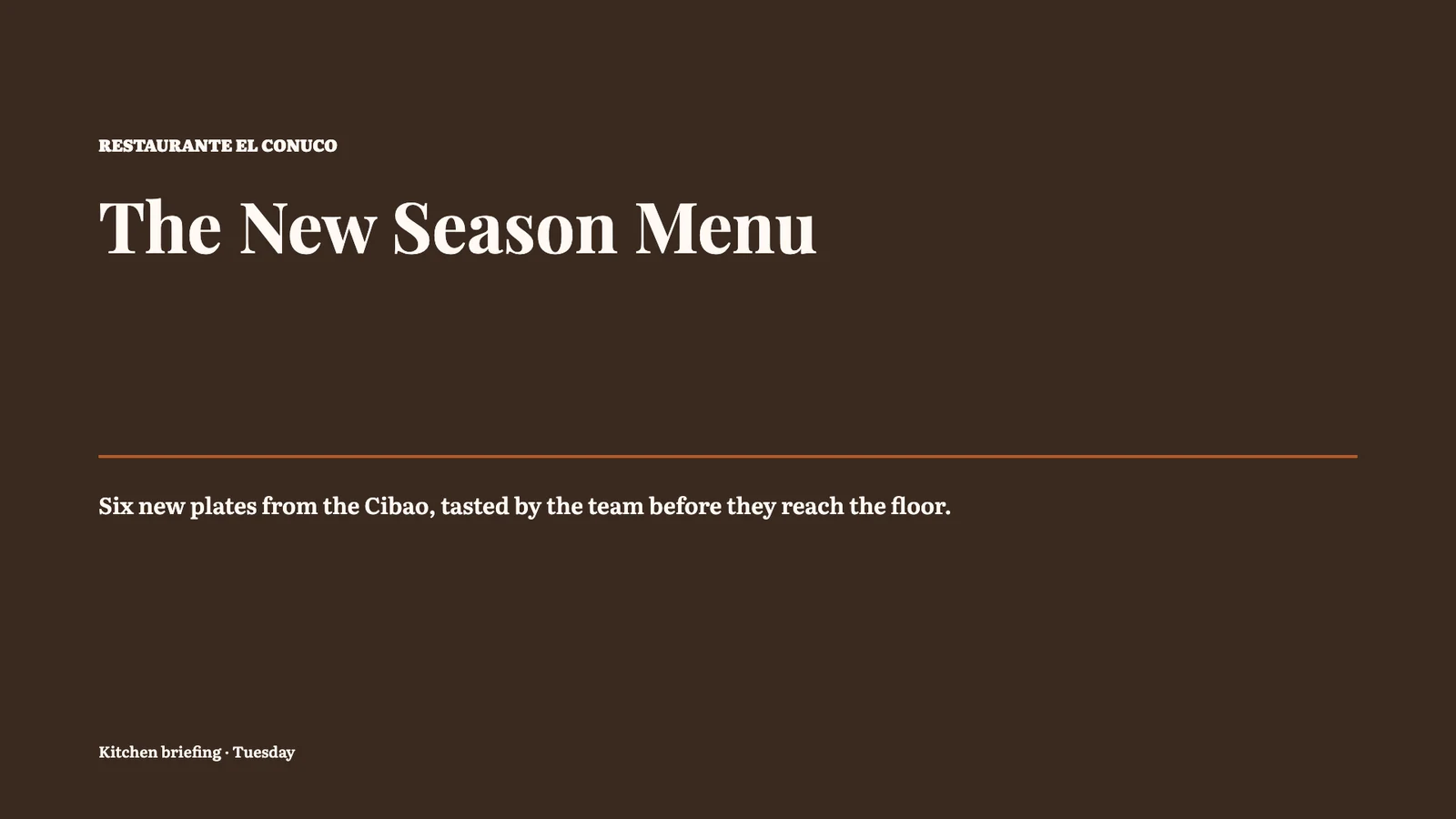


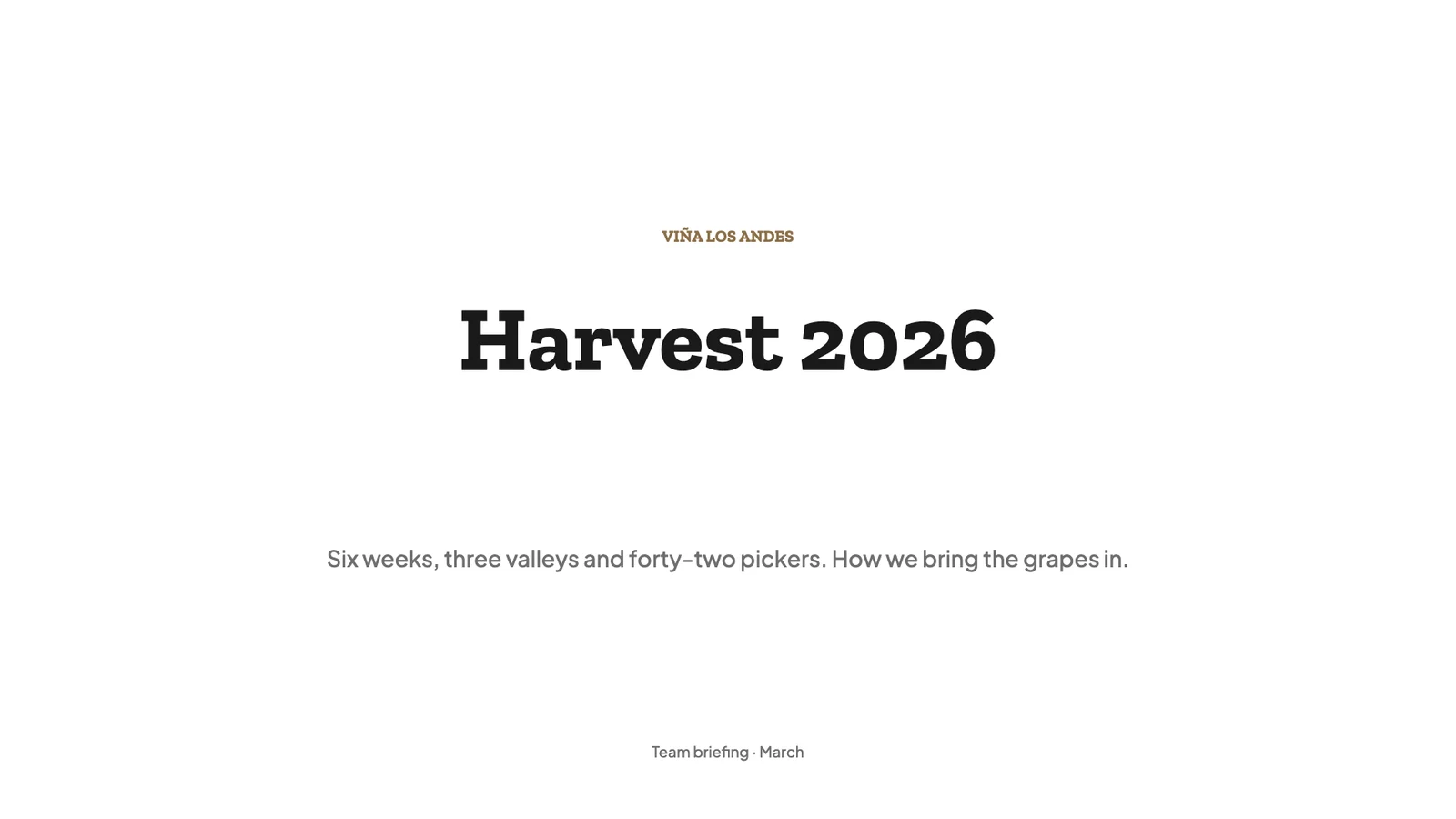
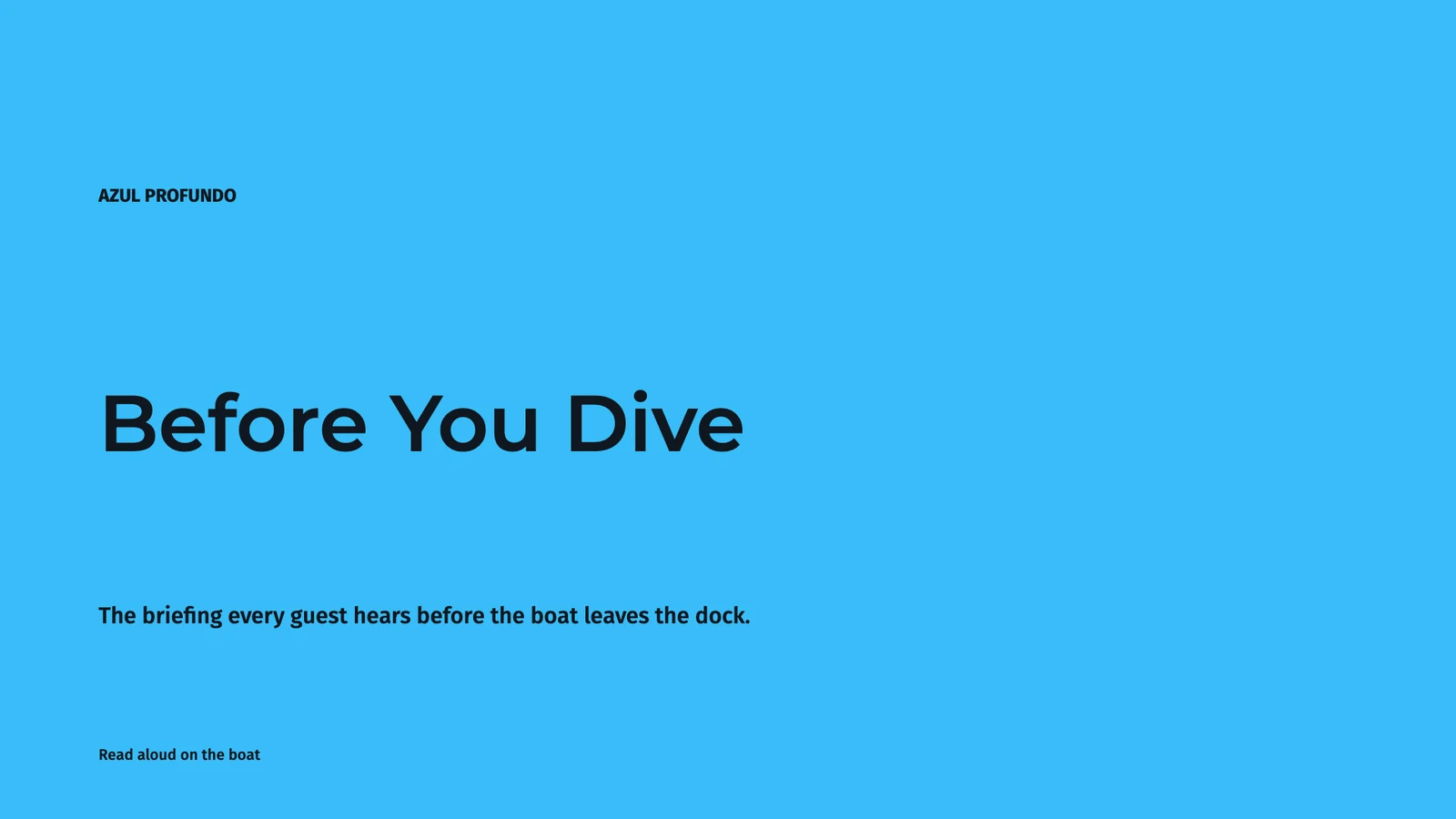
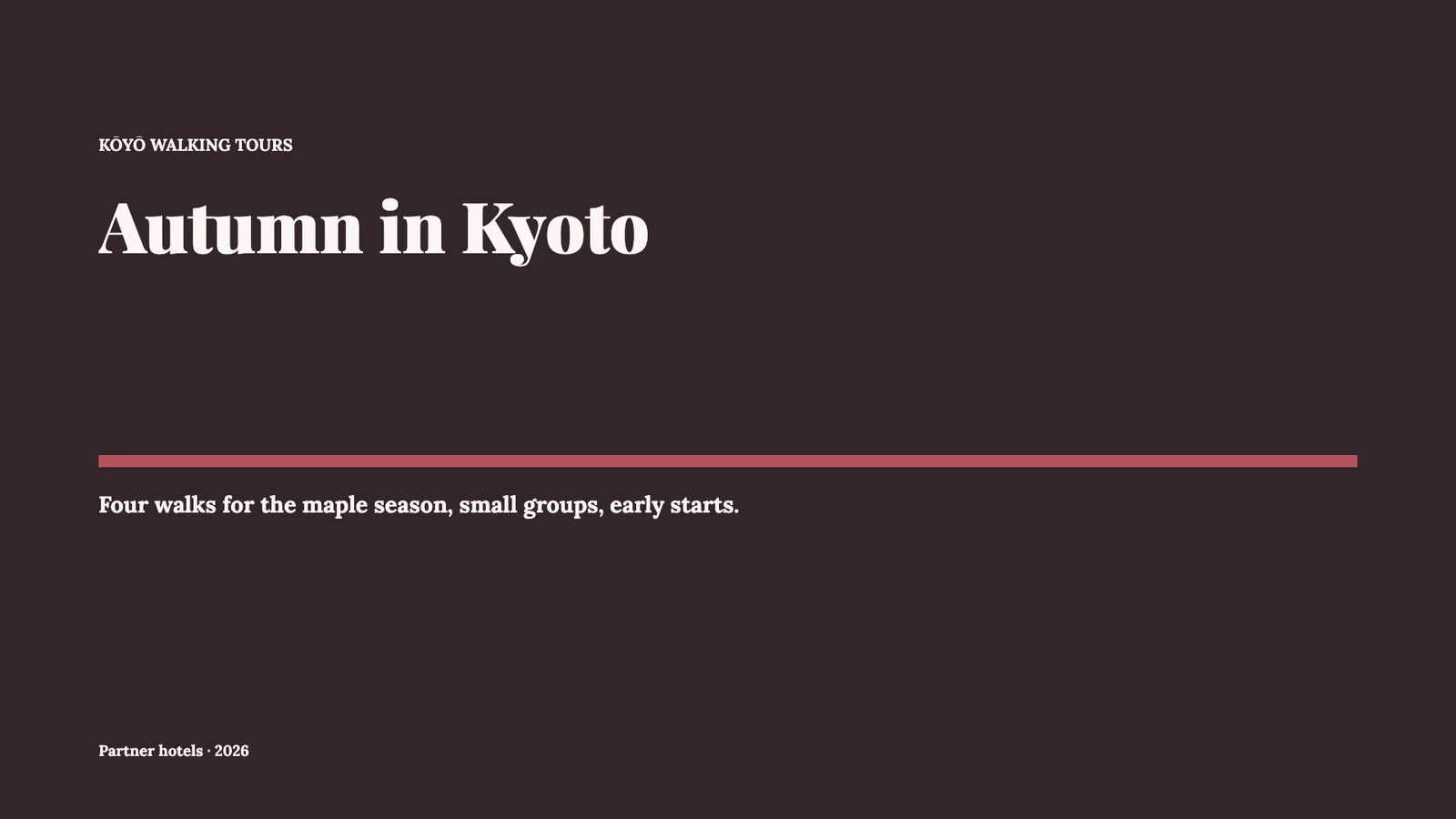


Calisto Slides

Make a presentation, present it, and send it on.

Start from one of Calisto’s designs or a sentence, build it together in your own colors, and present it with your notes in front of you.

From the first slide to the audience’s questions.

PresentationerQ3 Owners’ Review⋯SparadSök åtgärder⌘KSWDOAHDelaPresentera▾
123456
Noteringar

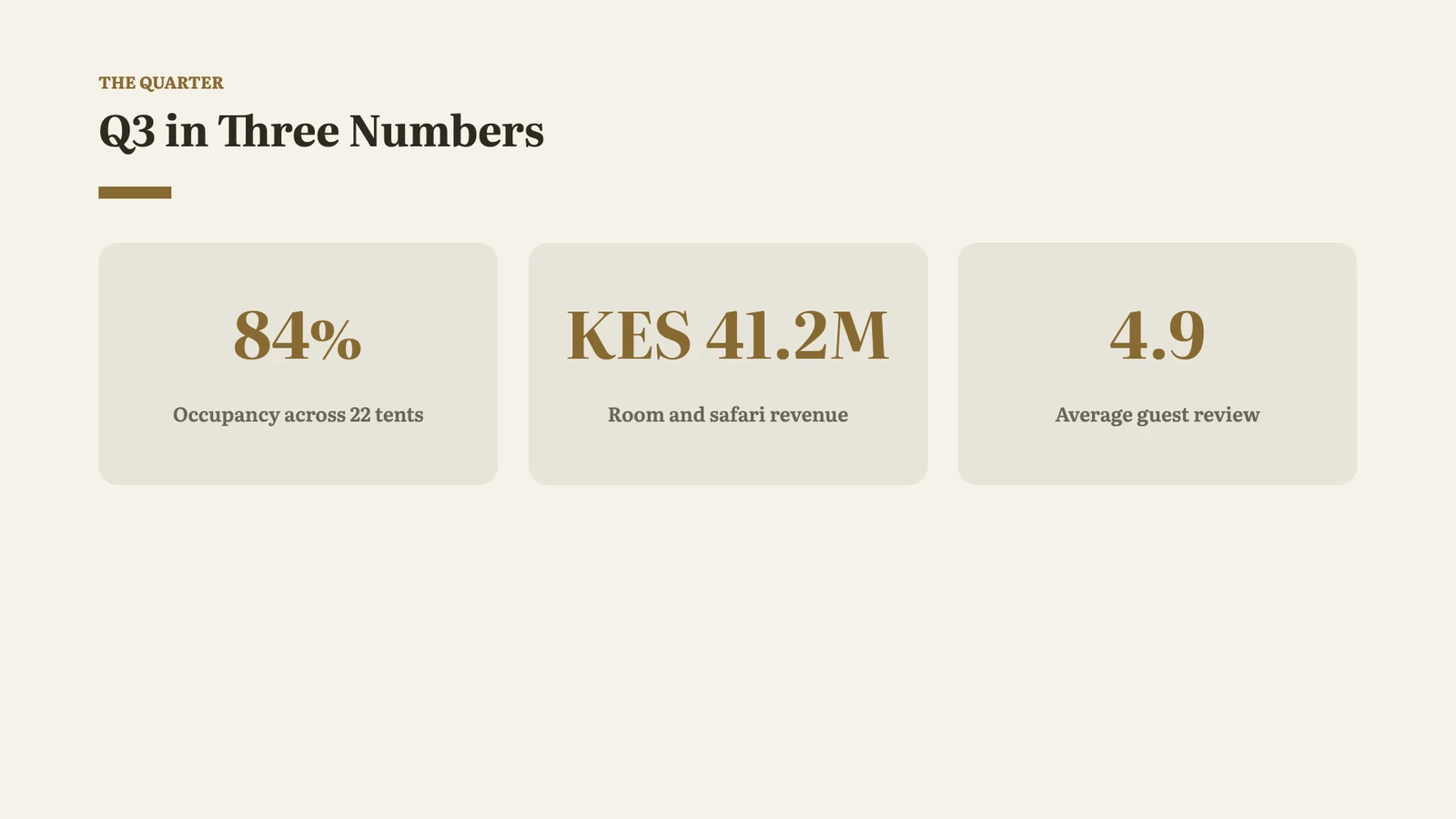
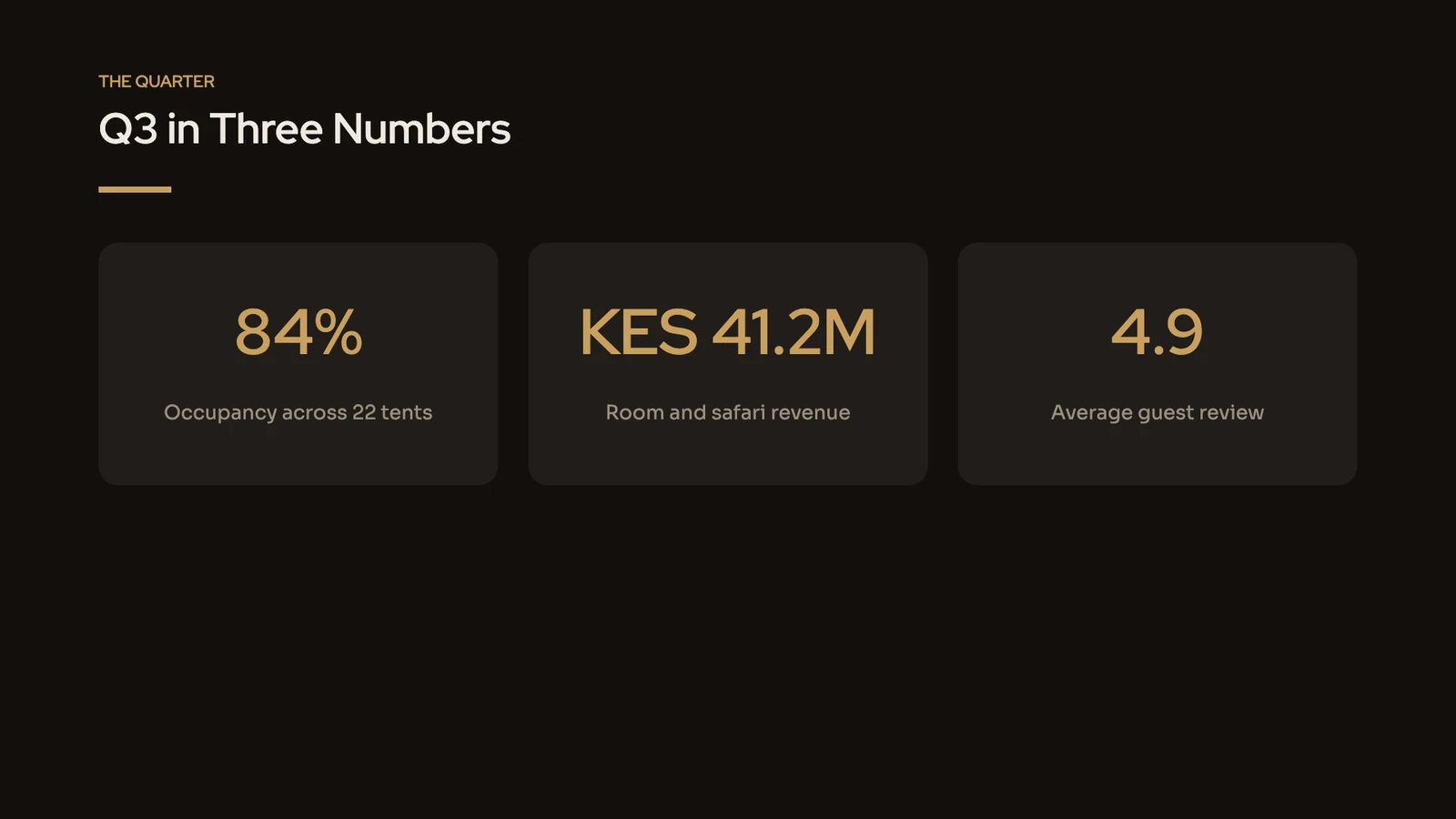
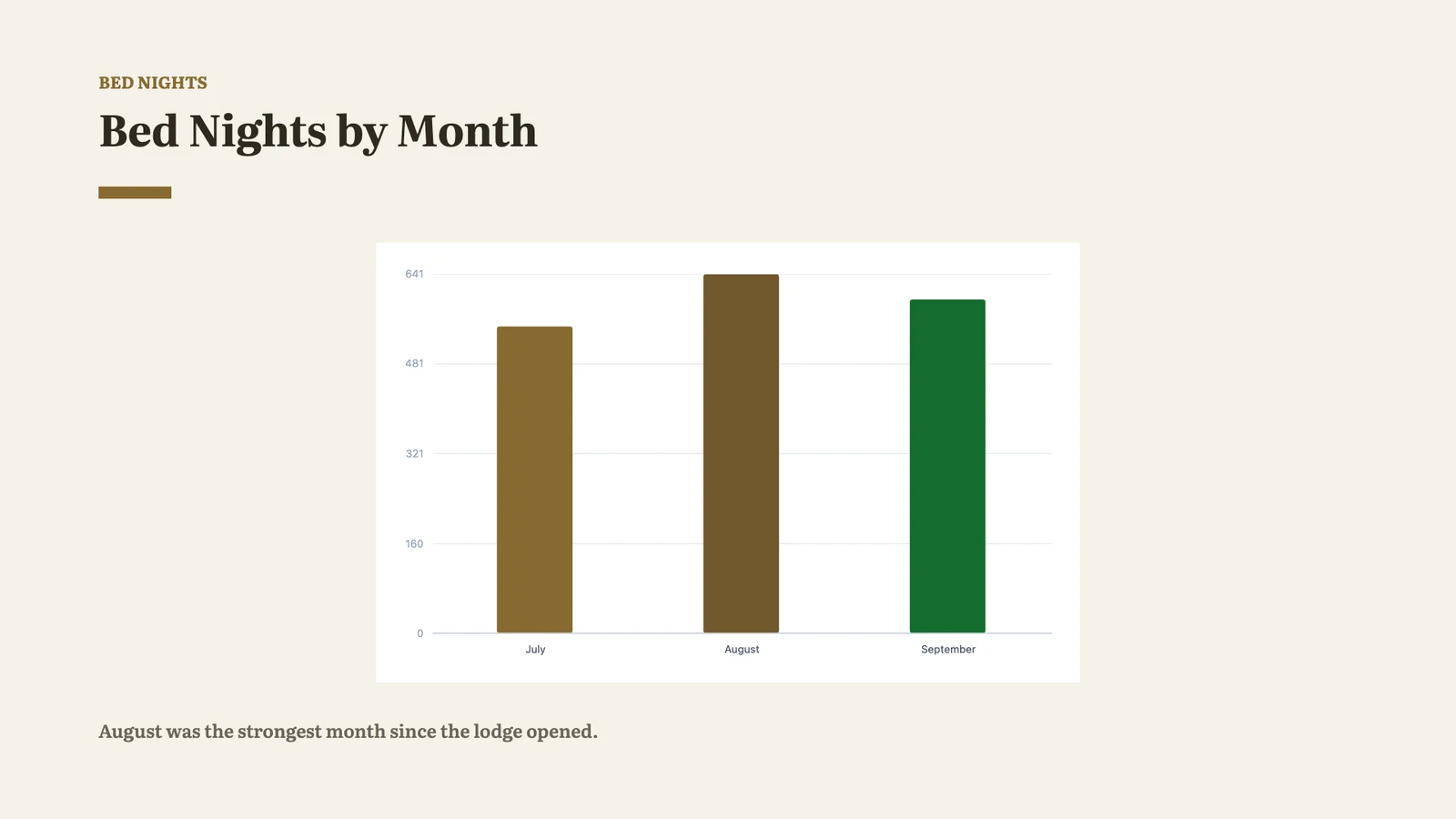
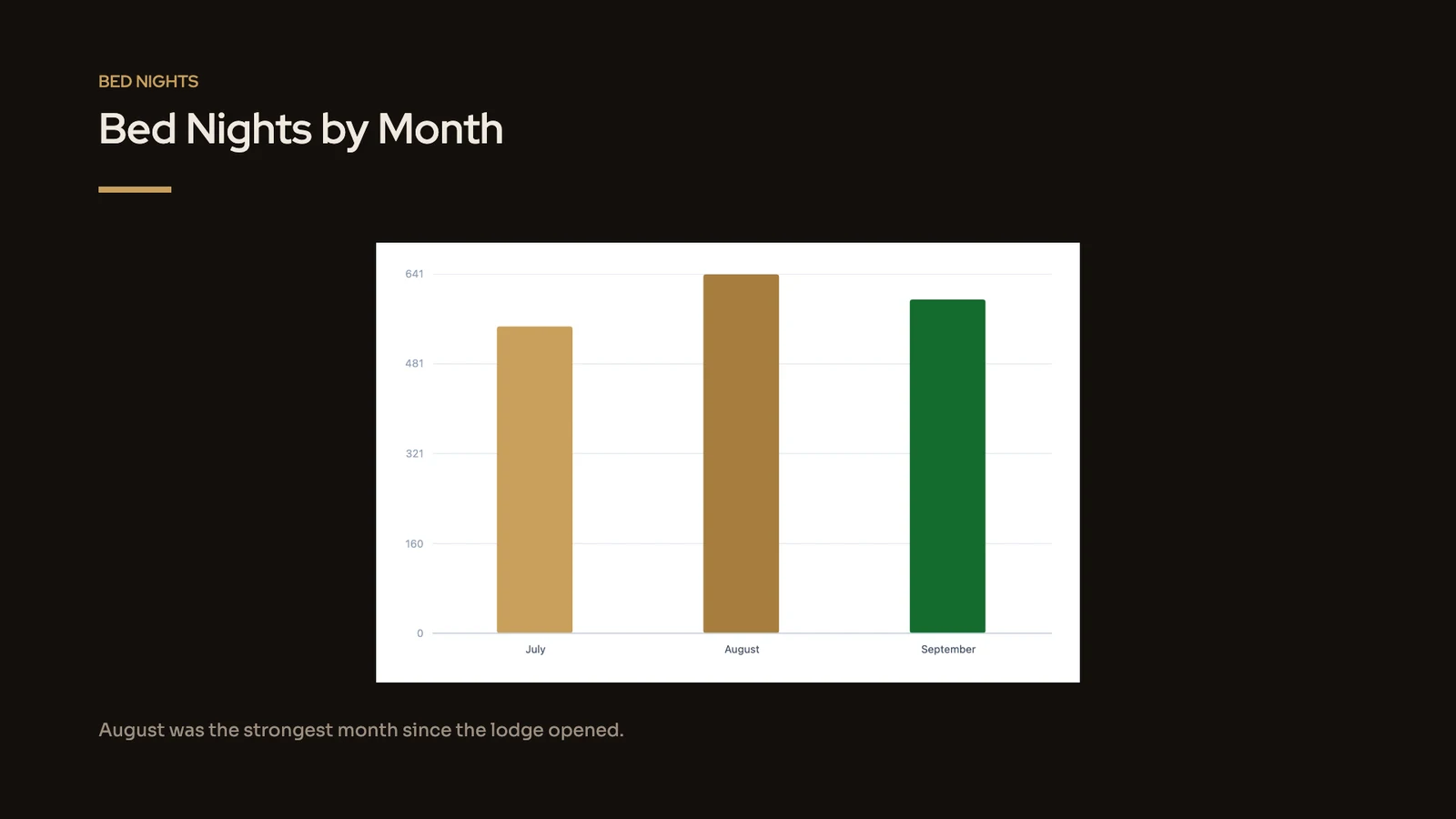
Start with occupancy: 84% across the 22 tents, our best quarter since we opened. Then the revenue, and the review score the guides earned in August.

Design

Tema

På sig Midnight Dining · ModernCalistoMineSök efter temanAaSand · TraditionalAaMidnight Dining · ModernAaCalm Spa · ModernAaClassic · TraditionalAaCobalt · ModernAaWarm · TraditionalBläddra Alla TemanAnpassa Detta TemaSpara som tema

Sidstorlek

Varumärkeskontroll

NoteringarSlid 2 av 6Rutenät− 75% +Visa ▾Full Skärm
Calisto Slides

Every deck you make, and everywhere it goes

A pitch, a team briefing and a client proposal are all decks here, kept with the rest of your files.

Start a Deck

Start From a Template, a Theme or a Sentence

Every start opens a new deck that is saved only when you name it. Describe the deck and Build It for Me drafts an outline you edit, reorder and trim, then the deck is built from exactly that outline.

Bygg det för mig

Edit, reorder and trim the outline it drafts from your description; Generate Presentation builds exactly that.

slides.calistoco.com/new?build=1
Granska utkastet
Beskriv presentationen

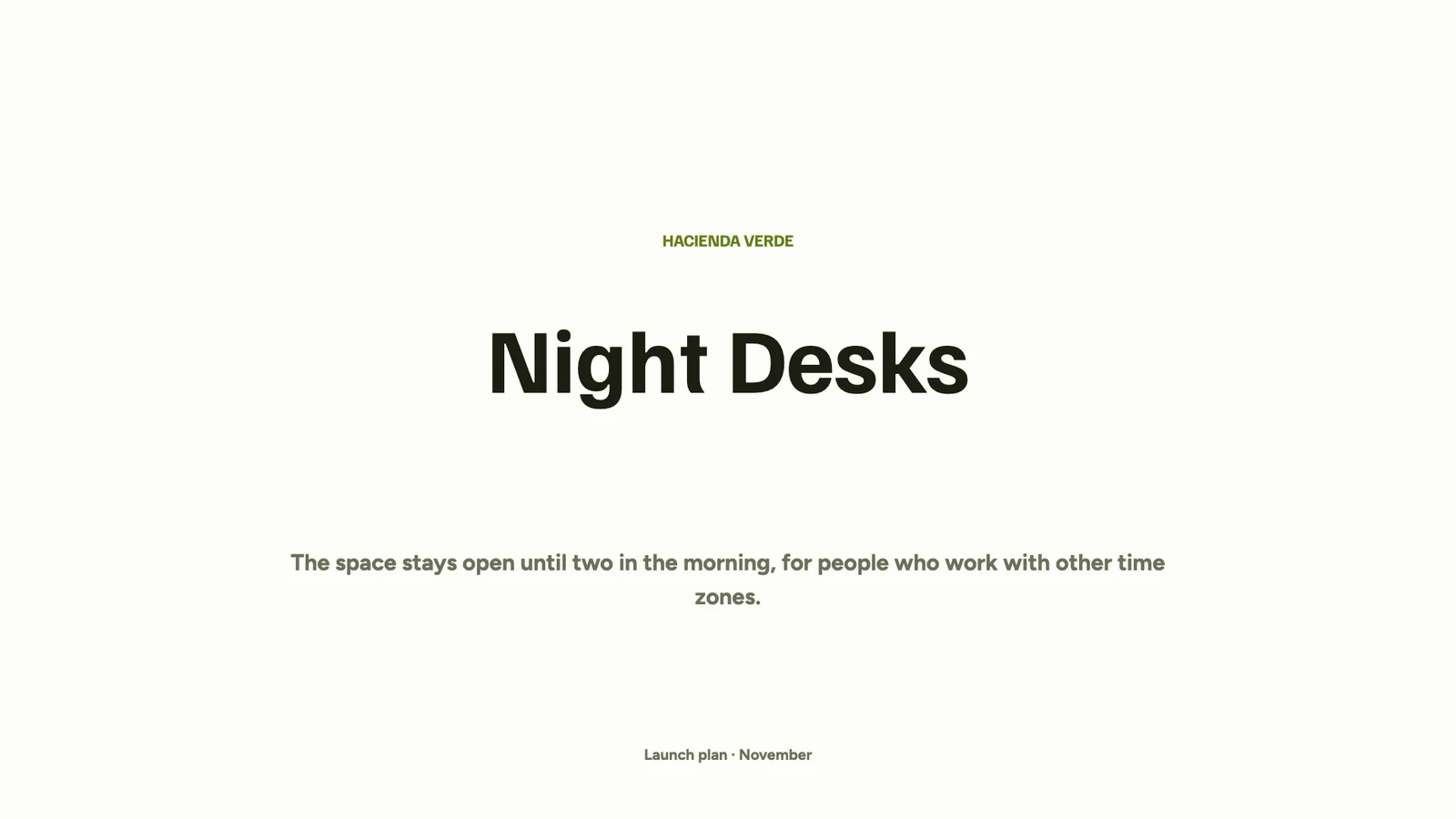
A launch plan for our new night desks, open until 2 a.m., for members who work with Europe and Asia

PresentationstitelNight Desks Launch
1Night Desks
  • Open until two in the morning
  • For members who work across time zones
+ Lägg till poäng
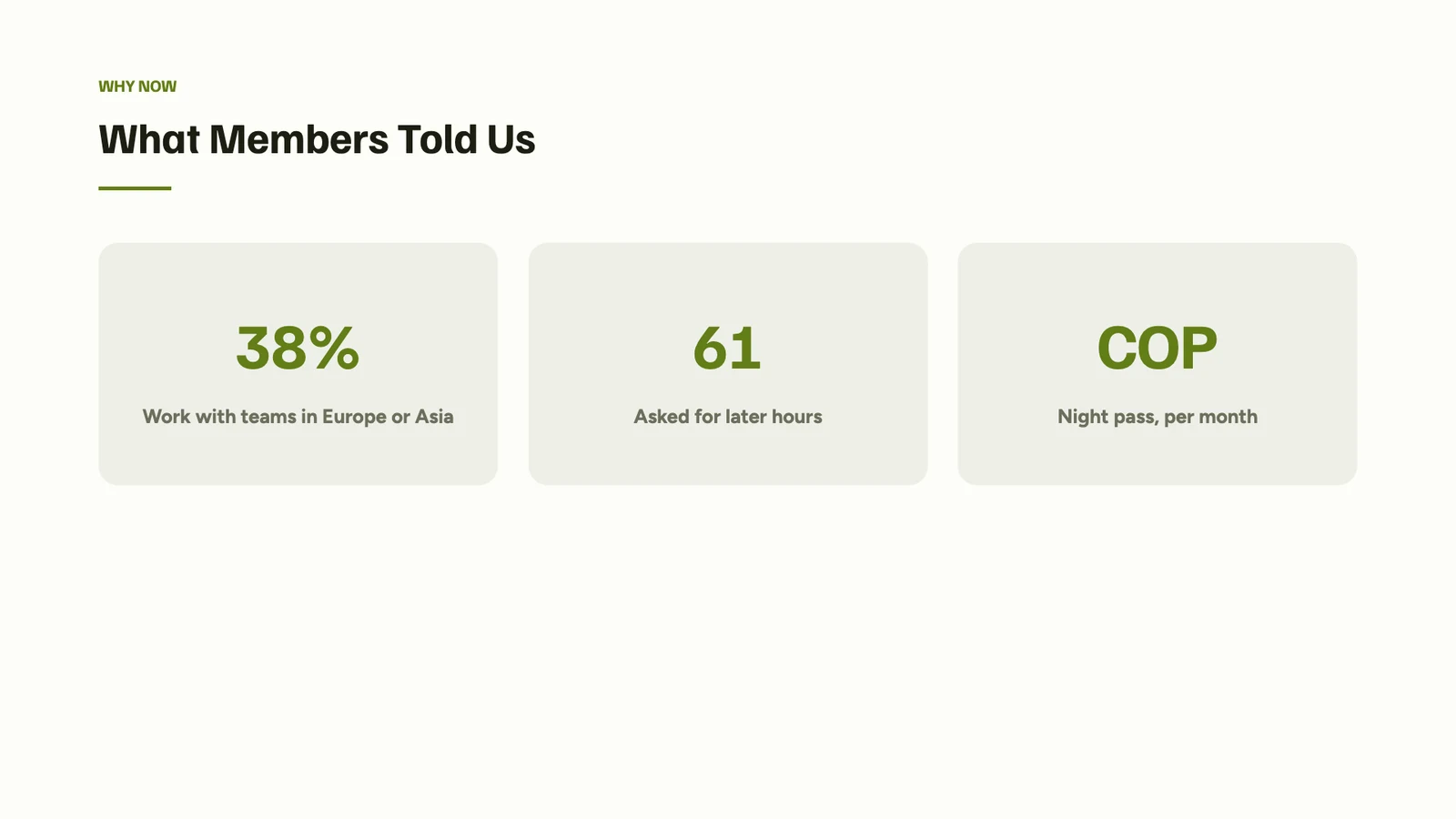
2What Members Told Us
  • 38% work with teams in Europe or Asia
  • 61 members asked for later hours
  • A night pass at COP 450,000 a month
+ Lägg till poäng
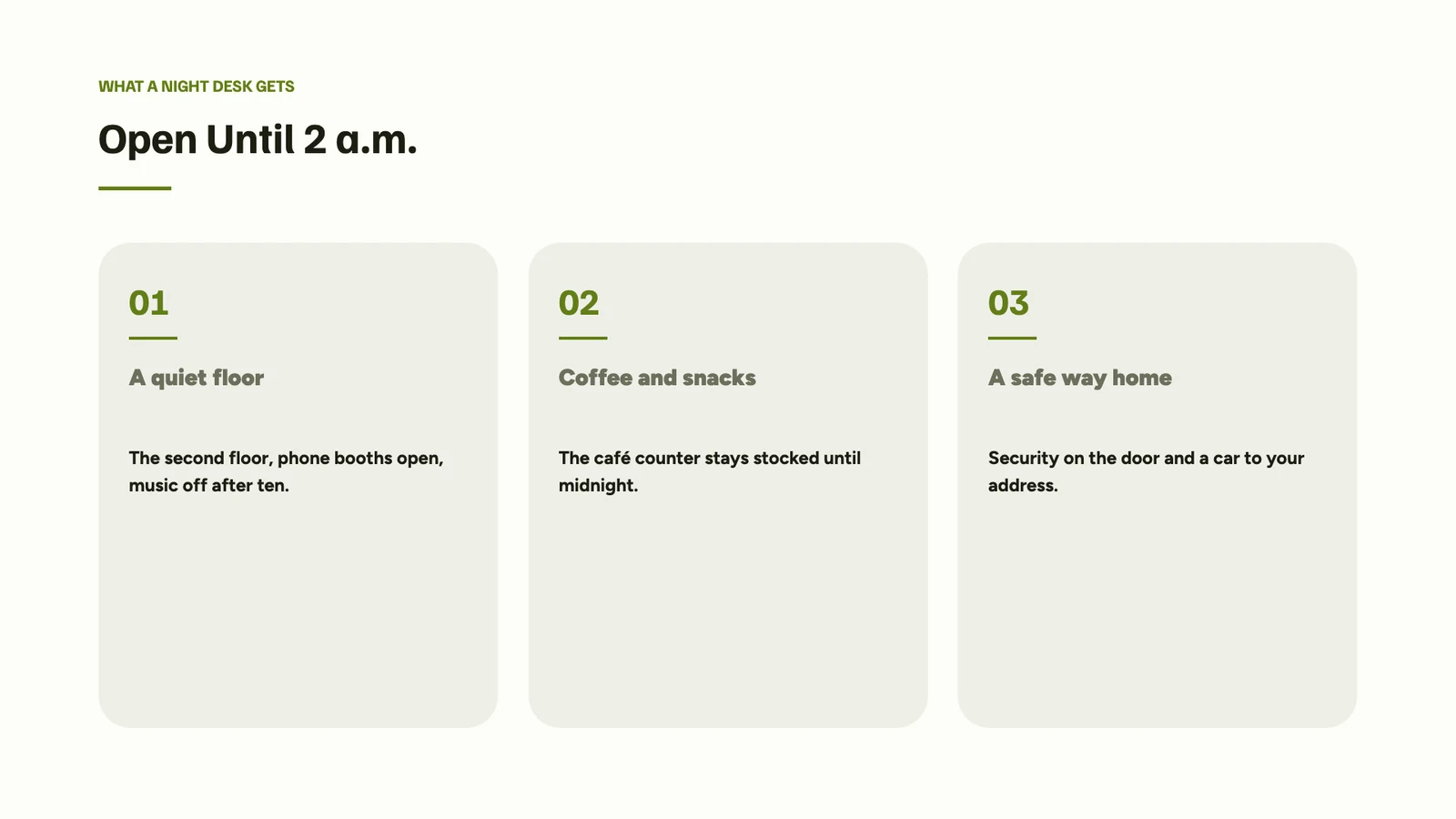
3Open Until 2 a.m.
  • A quiet second floor
  • Coffee and snacks until midnight
  • Security on the door and a car home
+ Lägg till poäng
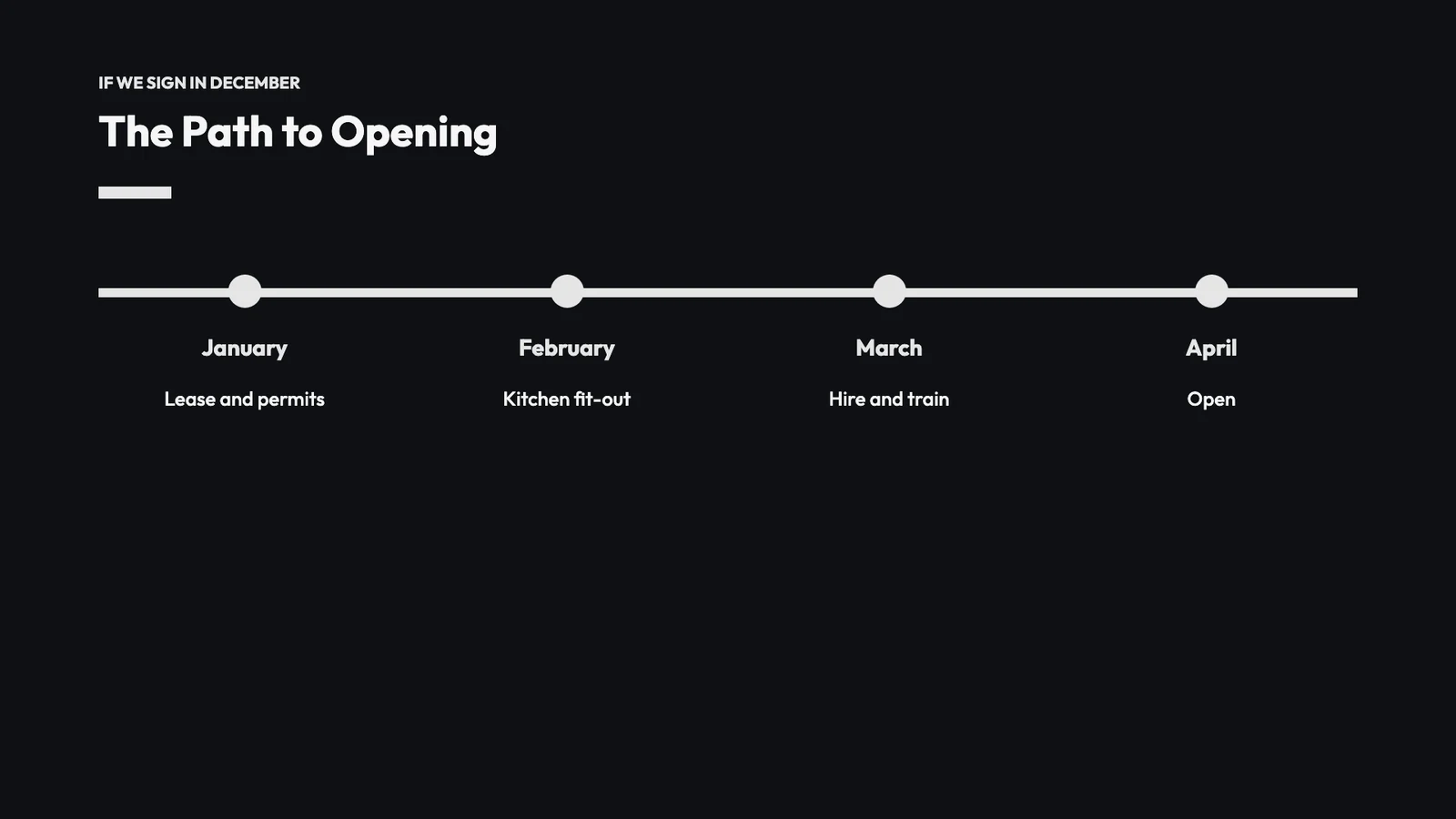
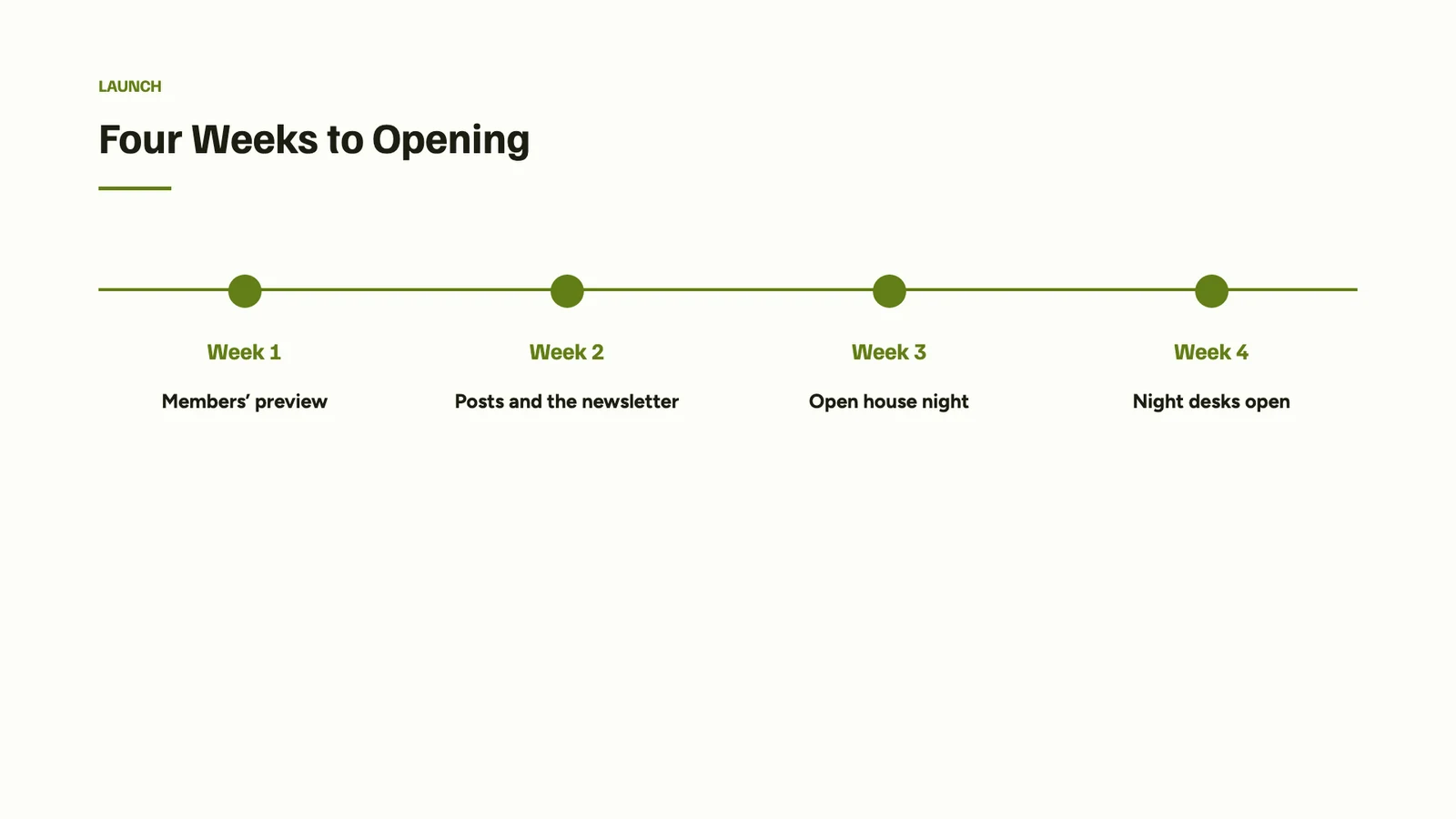
4Four Weeks to Opening
  • Members’ preview
  • Posts and the newsletter
  • Open house night
  • Night desks open
+ Lägg till poäng
5Questions?
  • Valentina Ríos · Community
+ Lägg till poäng
+ Lägg till bild
Generera presentationHoppa över granskning och genereraStarta om

Templates by Kind and Industry

A design in a theme, filtered by deck type, industry, style and color.

slides.calistoco.com/templates
MallarCalistoMineKöpt
Sök mallarNågot typ ▾Eventuell bransch ▾Alla stilar ▾FärgerMy Brand
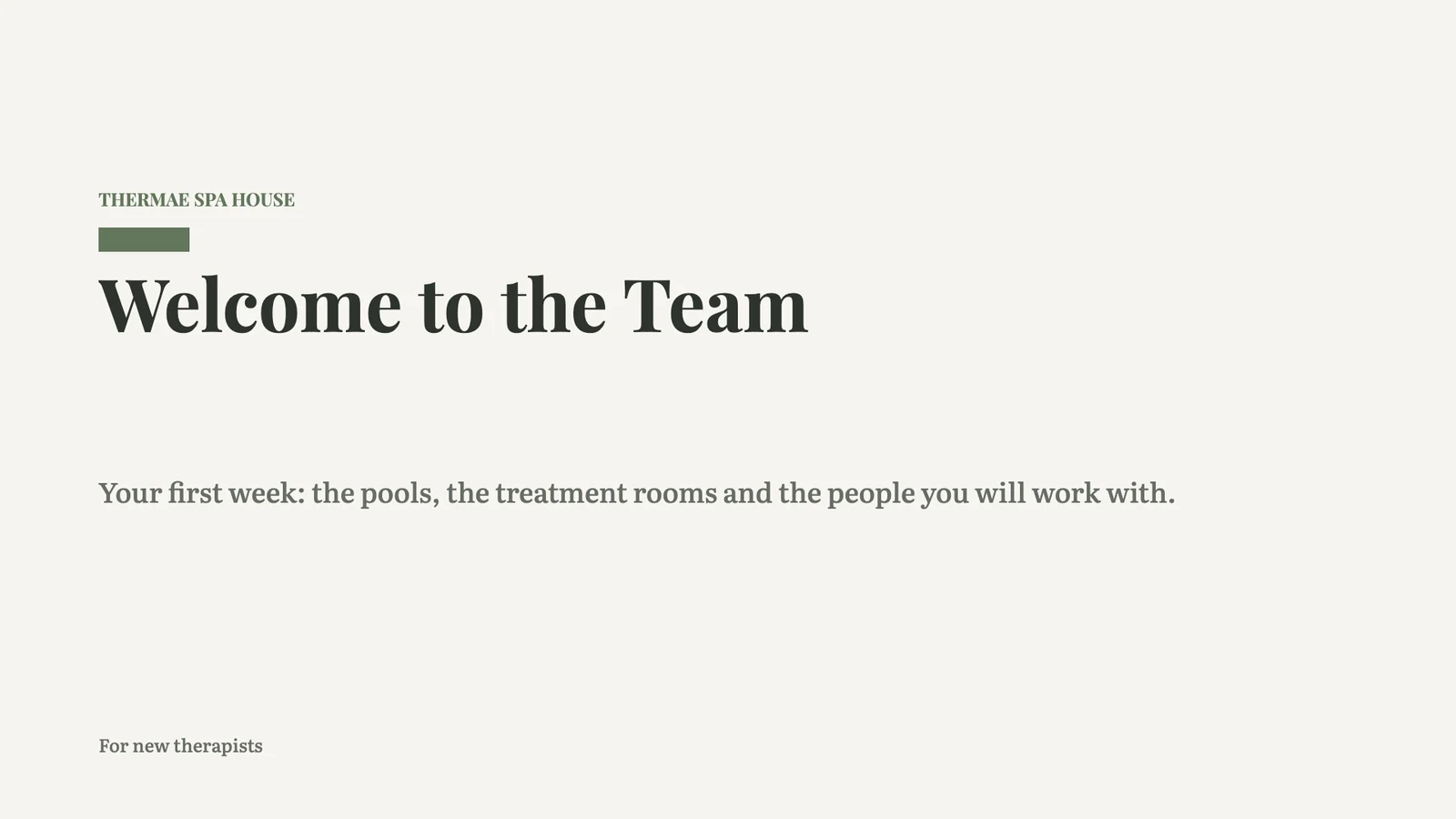
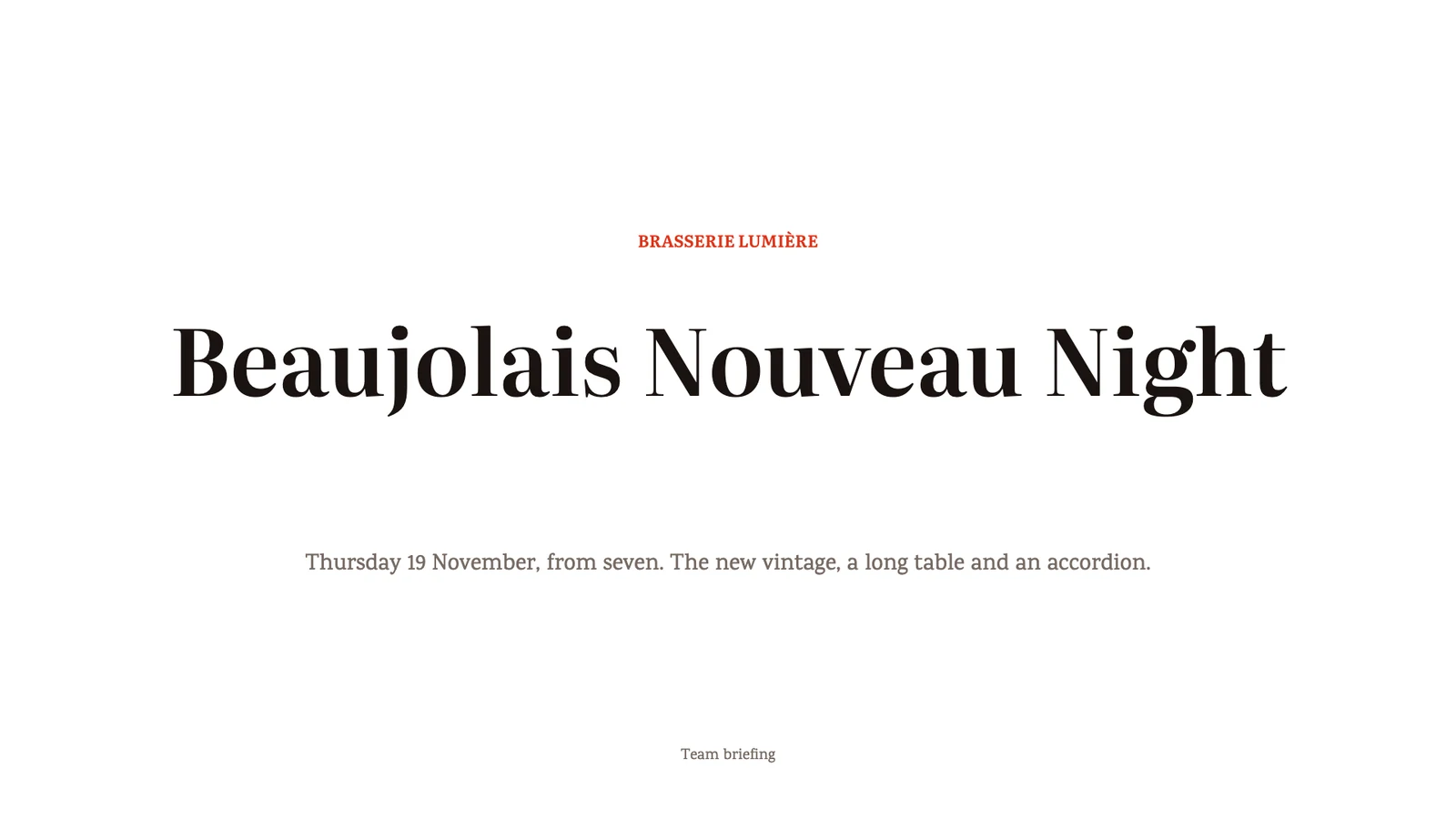
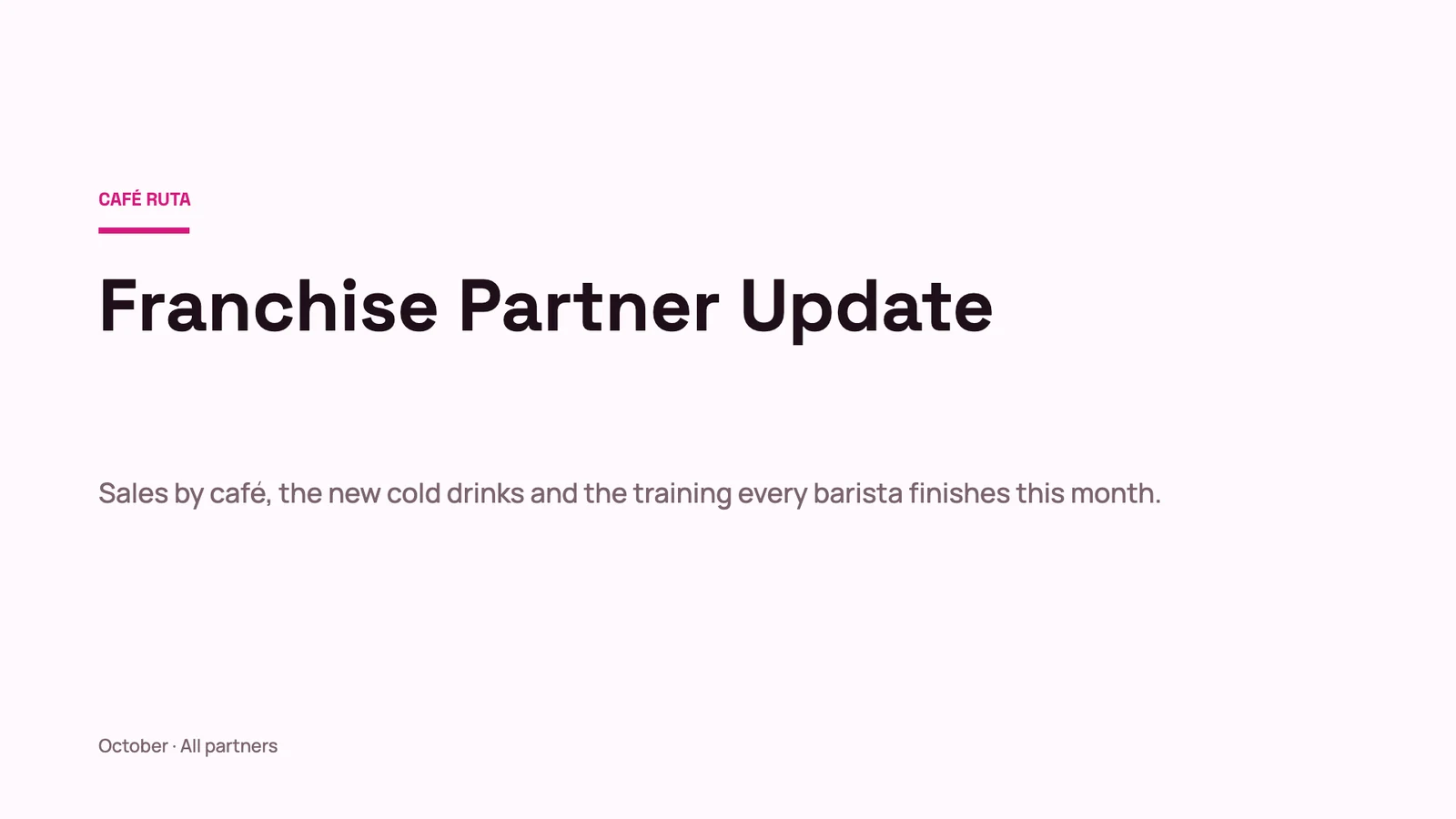
Wedding Season KickoffSales meetings · Cobalt · ModernAutumn ToursMarknadsföring · Blush · TraditionalSecond Location PlanStrategy & planning · Noir · ModernStudio PortfolioPortfolios & lookbooks · Ink · ArtisticPatient Experience ReviewReports & reviews · Calm Spa · ModernBrand Refresh ProposalFörslag · Paper · ModernHarvest 2026 BriefingEvents & conferences · Classic · ArtisticDive Safety BriefingTraining & onboarding · Tech Forward · ModernNew Season MenuProdukt · Warm · TraditionalFranchise Partner UpdateReports & reviews · Fuchsia · ModernBeaujolais NightEvents & conferences · Poppy · TraditionalWelcome to the TeamTeam & culture · Calm Spa · Traditional
A Theme or a Blank Deck

Start in one of Calisto’s themes or your own, or from a blank slide already in your business’s theme.

slides.calistoco.com/new
Skapa en ny PresentationHur vill du börja?
Starta från en mallEn design redan klädd i ett Tema. Välj ett, och gör det ditt.
Börja med ett temaVälj eller designa ett Tema, och bygg sedan din presentation i det.
Starta tomEn tom presentation i ditt Tema.
Bygg det för migCalisto utkastar det från ditt företags egna detaljer: dina produkter, tjänster, öppettider och team.
TemabibliotekCalistoMine
AaBlush · TraditionalAaCalm Spa · ModernAaCitron · ModernAaCobalt · ModernAaMidnight Dining · ModernAaSand · Traditional
Import a PPTX File

A .pptx opens as a deck you keep editing, with its tables, notes and pictures.

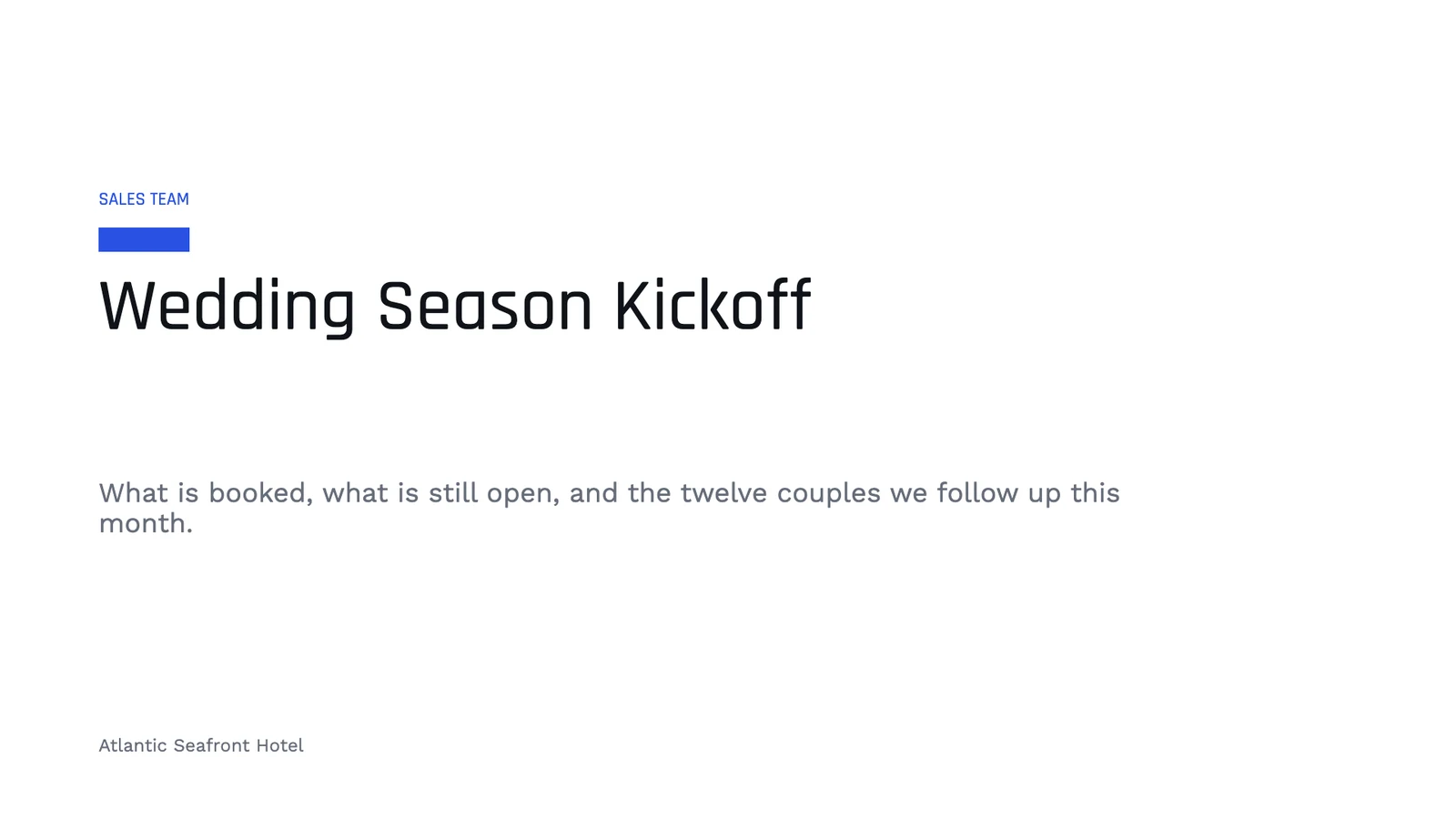
PresentationerWedding Season Kickoff⋯SparadSök åtgärder⌘KLMDelaPresentera▾
12345
Noteringar

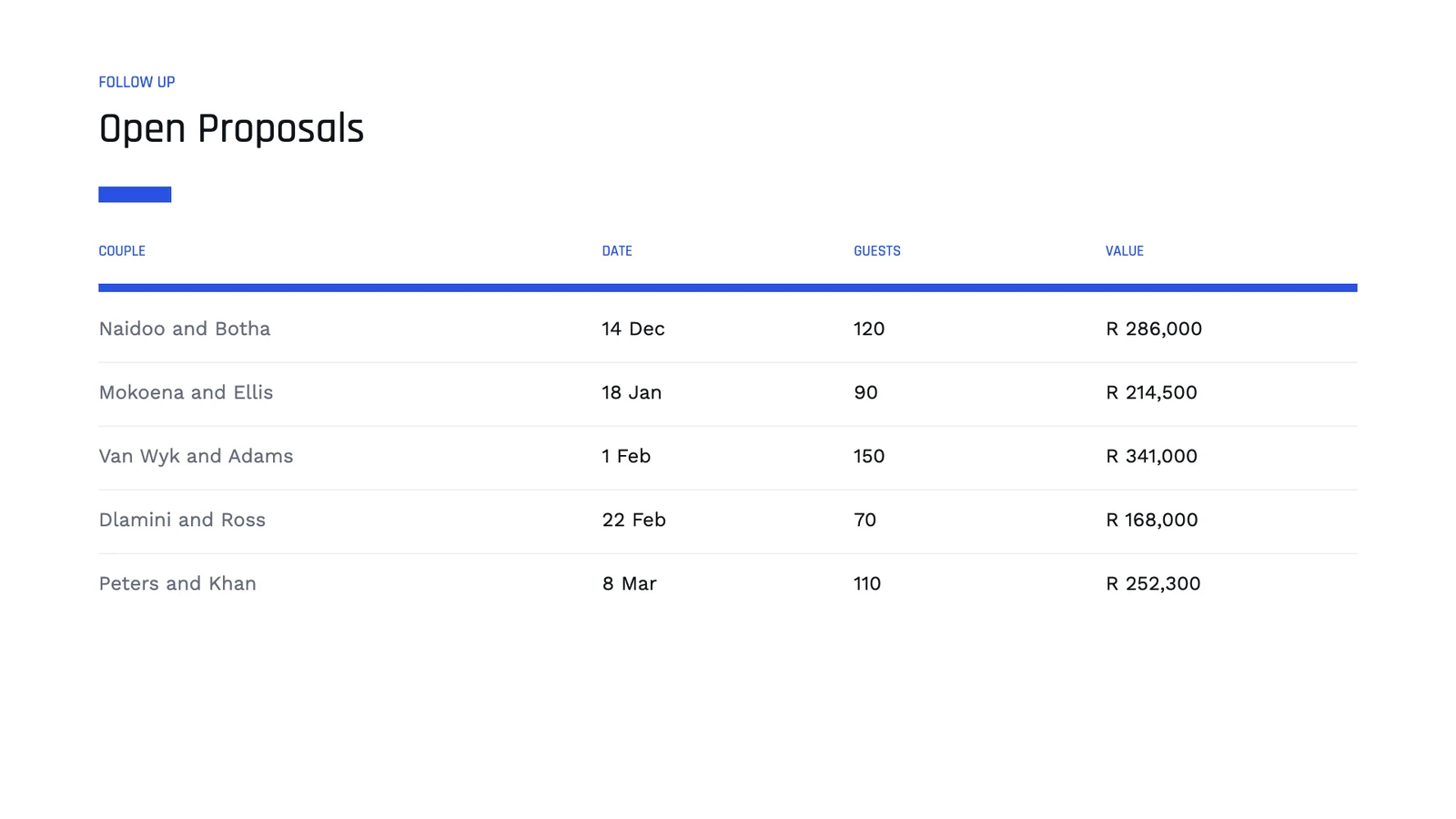
Go round the table: each person takes the couples they met at a show-round and gives a date for the call. Naidoo and Botha first, their deposit is due on Friday.

NoteringarSlid 4 av 5Rutenät− 75% +Visa ▾Full Skärm

Your Own Templates

Save any deck or one slide as a template, and use it again.

PresentationerBeaujolais Night⋯SparadSök åtgärder⌘KCDHMDelaPresentera▾
1234
NoteringarSlid 1 av 4Rutenät− 75% +Visa ▾Full Skärm
Spara denna presentation som en mall
AvbrytSpara mall
slides.calistoco.com/new?build=1
Granska utkastet
Beskriv presentationen

A launch plan for our new night desks, open until 2 a.m., for members who work with Europe and Asia

PresentationstitelNight Desks Launch
1Night Desks
  • Open until two in the morning
  • For members who work across time zones
+ Lägg till poäng
2What Members Told Us
  • 38% work with teams in Europe or Asia
  • 61 members asked for later hours
  • A night pass at COP 450,000 a month
+ Lägg till poäng
3Open Until 2 a.m.
  • A quiet second floor
  • Coffee and snacks until midnight
  • Security on the door and a car home
+ Lägg till poäng
4Four Weeks to Opening
  • Members’ preview
  • Posts and the newsletter
  • Open house night
  • Night desks open
+ Lägg till poäng
5Questions?
  • Valentina Ríos · Community
+ Lägg till poäng
+ Lägg till bild
Generera presentationHoppa över granskning och genereraStarta om
Build the Slides

Add on the Left, Refine on the Right

Slides, text, shapes, media, tables and charts are added from the left rail, or dragged onto the slide where they should land. Format, design, comments and history sit in the right rail. A small chip on the slide holds the selection’s few controls.

Add a Slide From a Design

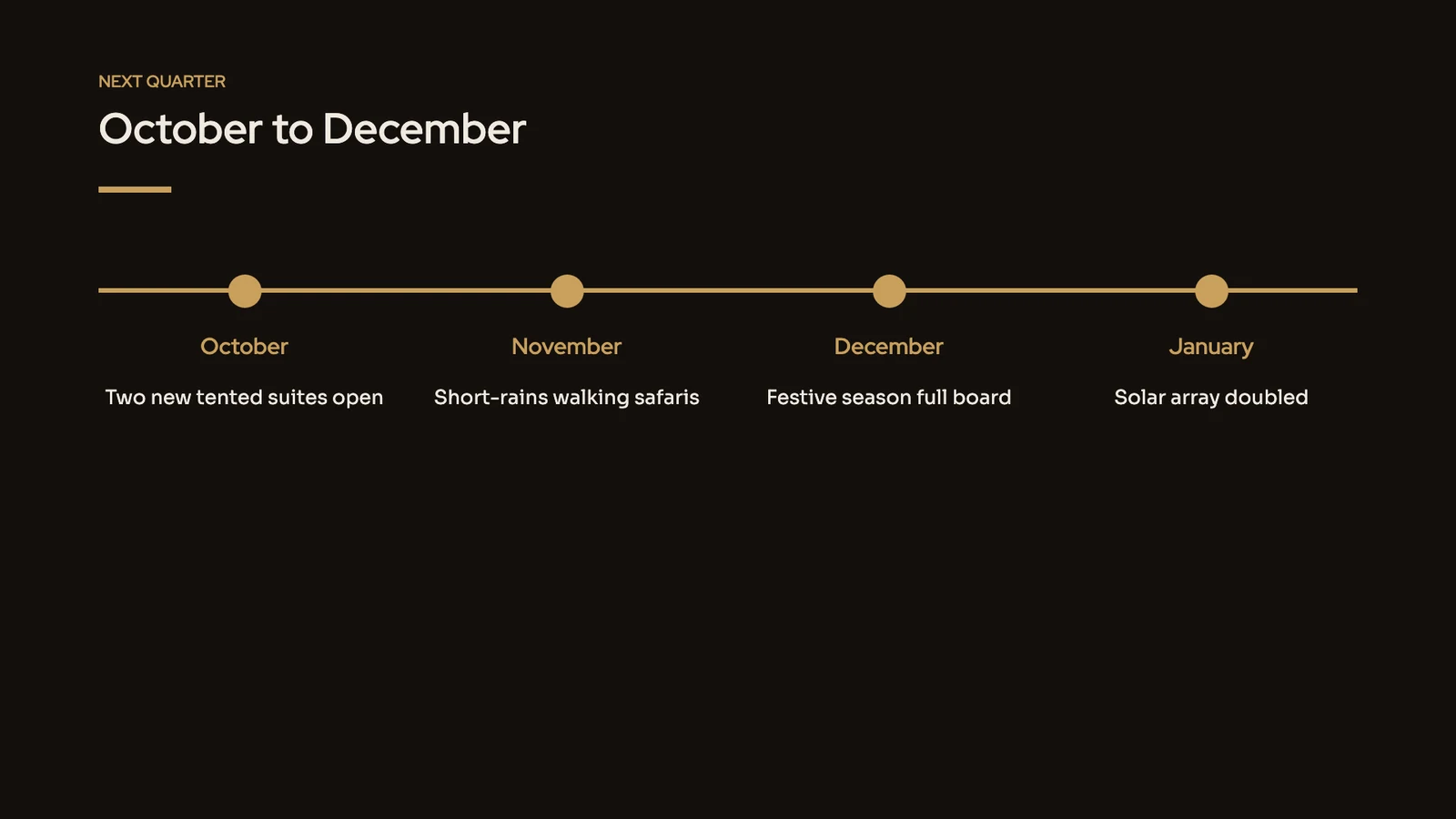
Agenda, SWOT, timeline, roadmap, org chart, funnel, pricing and every other layout, drawn in your deck’s theme.

PresentationerSecond Location Plan⋯SparadSök åtgärder⌘KSKEADelaPresentera▾
12345
DesignMallarCalistoMine
OmslagsbildKPIJämförelsetabellTidslinjeAvslutningTom Station
NoteringarSlid 5 av 5Rutenät− 75% +Visa ▾Full Skärm
Your Theme

Make Every Deck in Your Colors and Typefaces

A new deck takes your business’s theme: its colors, its typefaces and their weights, and its spacing. Change the theme in Refine Design, adjust any part of it, or save it as your own. Each deck keeps the theme it was made in.

PresentationerCorporate Retreats at Miradouro⋯SparadSök åtgärder⌘KMLJPDelaPresentera▾
12345

Design

TemaPå sigClassic · TraditionalCalistoMineSök efter teman
AaClassic · TraditionalAaSand · TraditionalAaMidnight Dining · ModernAaBlush · TraditionalAaMist · ModernAaNoir · TraditionalAaCitron · ModernAaCobalt · TraditionalAaWarm · Modern
Bläddra Alla TemanAnpassa Detta TemaSidstorlekWidescreen (16:9) ▾VarumärkeskontrollBrandkontroll
NoteringarSlid 3 av 5Rutenät− 75% +Visa ▾Full Skärm

Customize and Save a Theme

Anpassa Detta TemaInk · ArtisticFärgSlide background#FFFFFFTitles and text#111111Accent · chart color 1#111111Chart color 2#444444Subtitles · chart color 4#6E6E6ETypografiRubriktypsnittBricolage Grotesque700Body fontSpace Grotesk700RadavståndRadavstånd 1.12×LinjeviktStandardSpara som tema

Change any painted part of a theme, its colors, typefaces, spacing or line weights, and Save as Theme for your next decks.

Your Own Typeface

Varumärkes typsnittHotel Naniwa BayAaNaniwa Sans LjusNaniwaSans-Light.otfAaNaniwa Sans RegelbundenNaniwaSans-Regular.otfAaNaniwa Sans MediumNaniwaSans-Medium.otfAaNaniwa Sans FetstilNaniwaSans-Bold.otfAaNaniwa Serif RegelbundenNaniwaSerif-Regular.ttfAaNaniwa Serif 400 ItalicNaniwaSerif-Italic.ttfLadda upp typsnittLadda upp endast de teckensnitt som din licens tillåter att användas på din webbplats och i dina dokument. Varje fil lägger till en vikt.

A typeface your brand uploads is drawn in the editor, the export and the published deck.

Varumärkeskontroll

BrandkontrollKör igen78%5 problemWrite "dive guide", not "instructor".TillämpaWrite "guests", not "customers".TillämpaBlocked word "easy".TillämpaWrite "buddy check", not "partner check".TillämpaTone leans casual; brand guideline is Calm.Checked AgainstAzul Profundo brand kitBase VoiceCalm, clear and safety first

The deck read against your brand guidelines when you ask.

Four Page Sizes

SidstorlekFranchise Partner UpdateÄndra storleken på hela presentationen. Innehållet omarrangeras för att passa den nya formen.
Widescreen (16:9)Standard (4:3)A4Brev
Tillämpa

16:9, 4:3, A4 or Letter, set for each deck.

From Your Other Files

Put Sheet Figures and Doc Text on a Slide

A chart can read a range of a sheet and refresh when the sheet changes. A passage of a document can be placed on a slide and refreshed the same way. Each app still decides who may read its file.

Linked Charts, With Sheets

Bar, line, pie and donut charts, refreshed from the range they read.

PresentationerWedding Season Kickoff⋯SparadSök åtgärder⌘KTNRBDelaPresentera▾
12345
Rad ▾Redigera data…Uppdatera från Sheet

Format

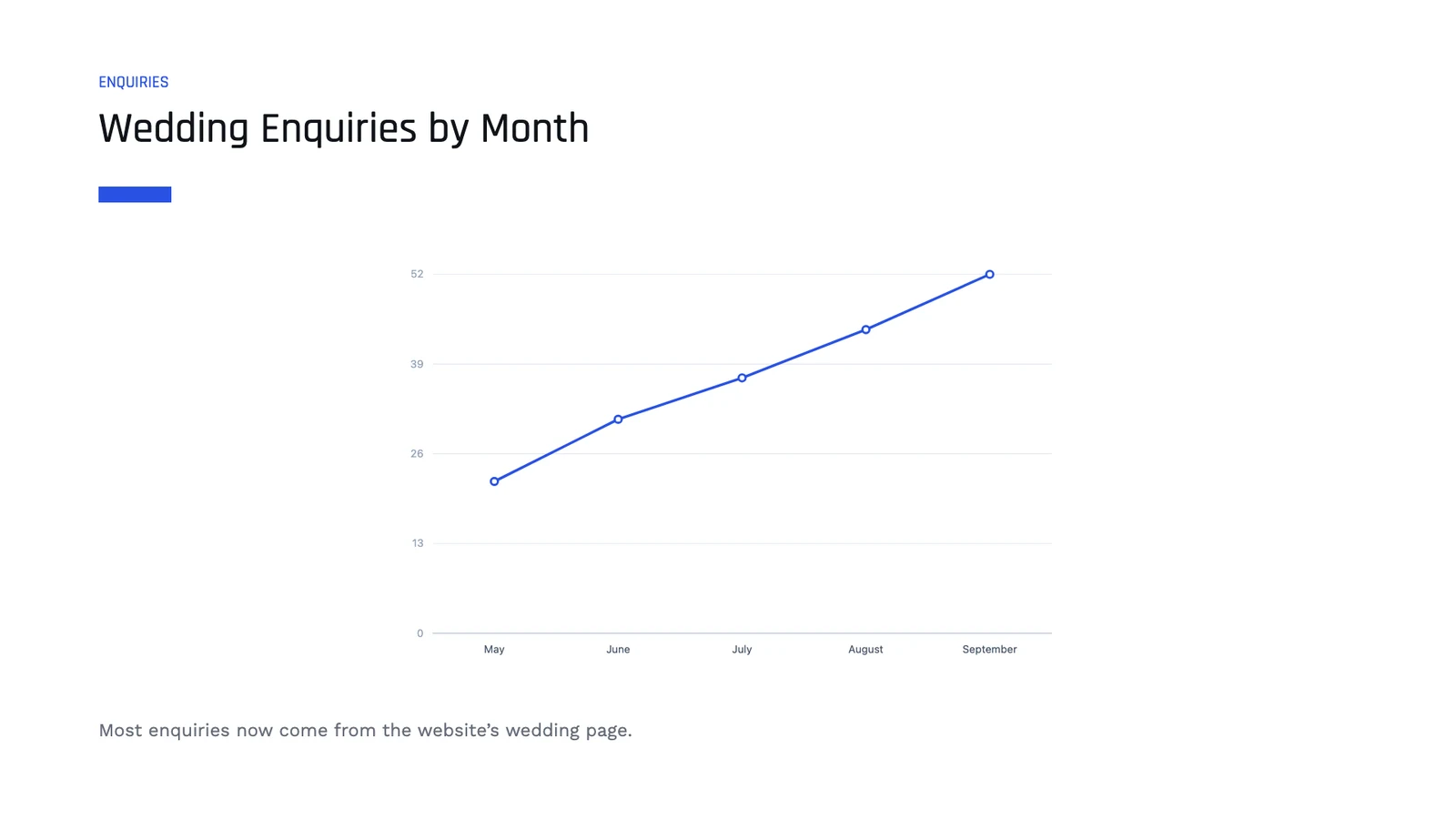
Länkad till ett kalkylblad · A2:A6 / B2:B6KalkylbladWedding Enquiries 2026 · By monthTypBarRadKakaDonutLabelsVärdenMay22June31July37August44September525 datapunkterUppdatera från Sheet
NoteringarSlid 3 av 5Rutenät− 75% +Visa ▾Full Skärm

Text From a Doc, With Docs

A section of a document, kept up to date on the slide.

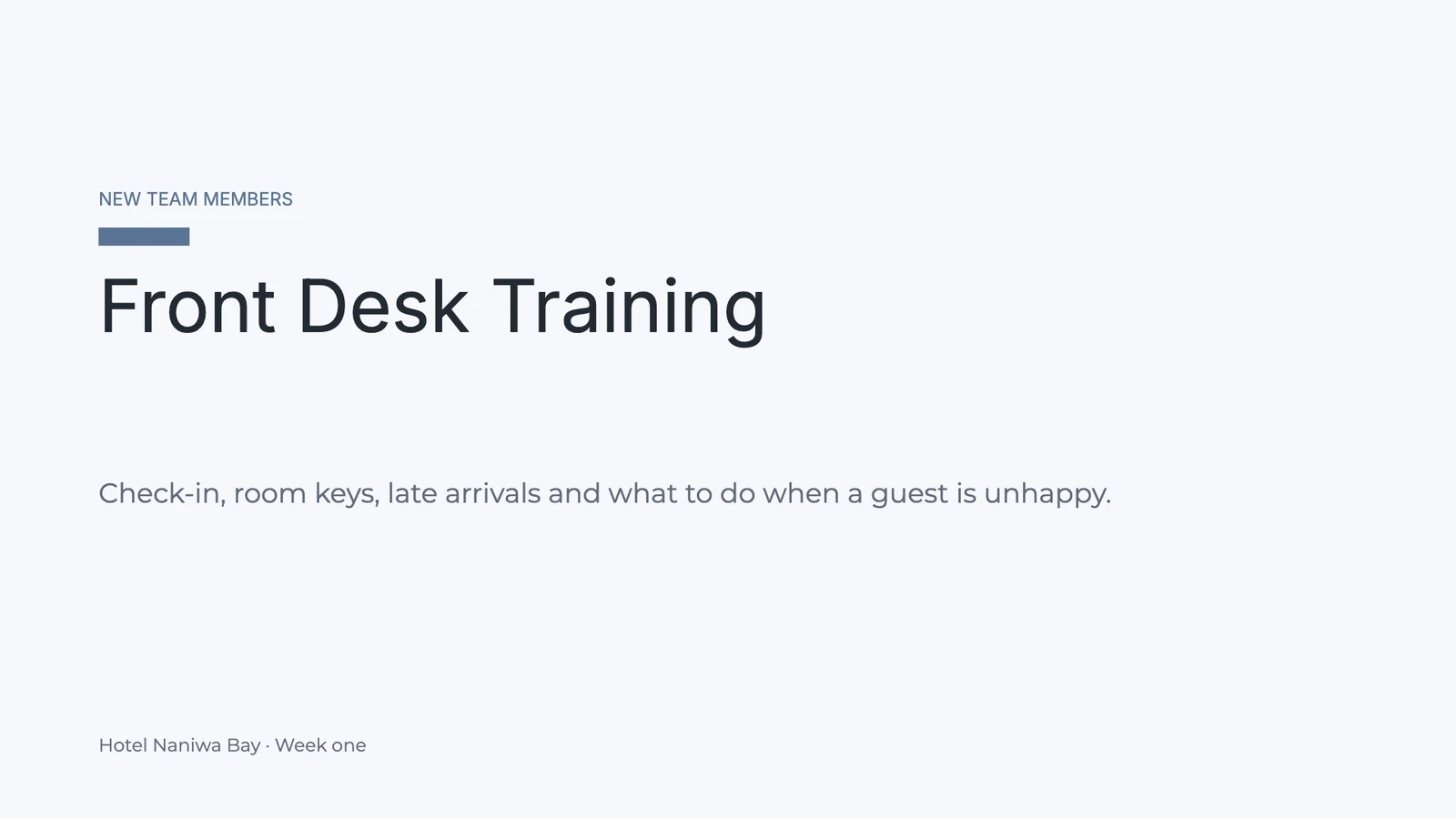
PresentationerFront Desk Training⋯SparadSök åtgärder⌘KATDelaPresentera▾
12345

Från Calisto

Innehåll från DocsEtt dokument, eller en del av detSammanfogningsfältFyllda i från ditt företagSidnummerFyller i på varje bildAntalet diaprojektionerHur många sidor presentationen harDatumIdag, när den visas
NoteringarSlid 4 av 5Rutenät− 75% +Visa ▾Full Skärm
Innehåll från Docs
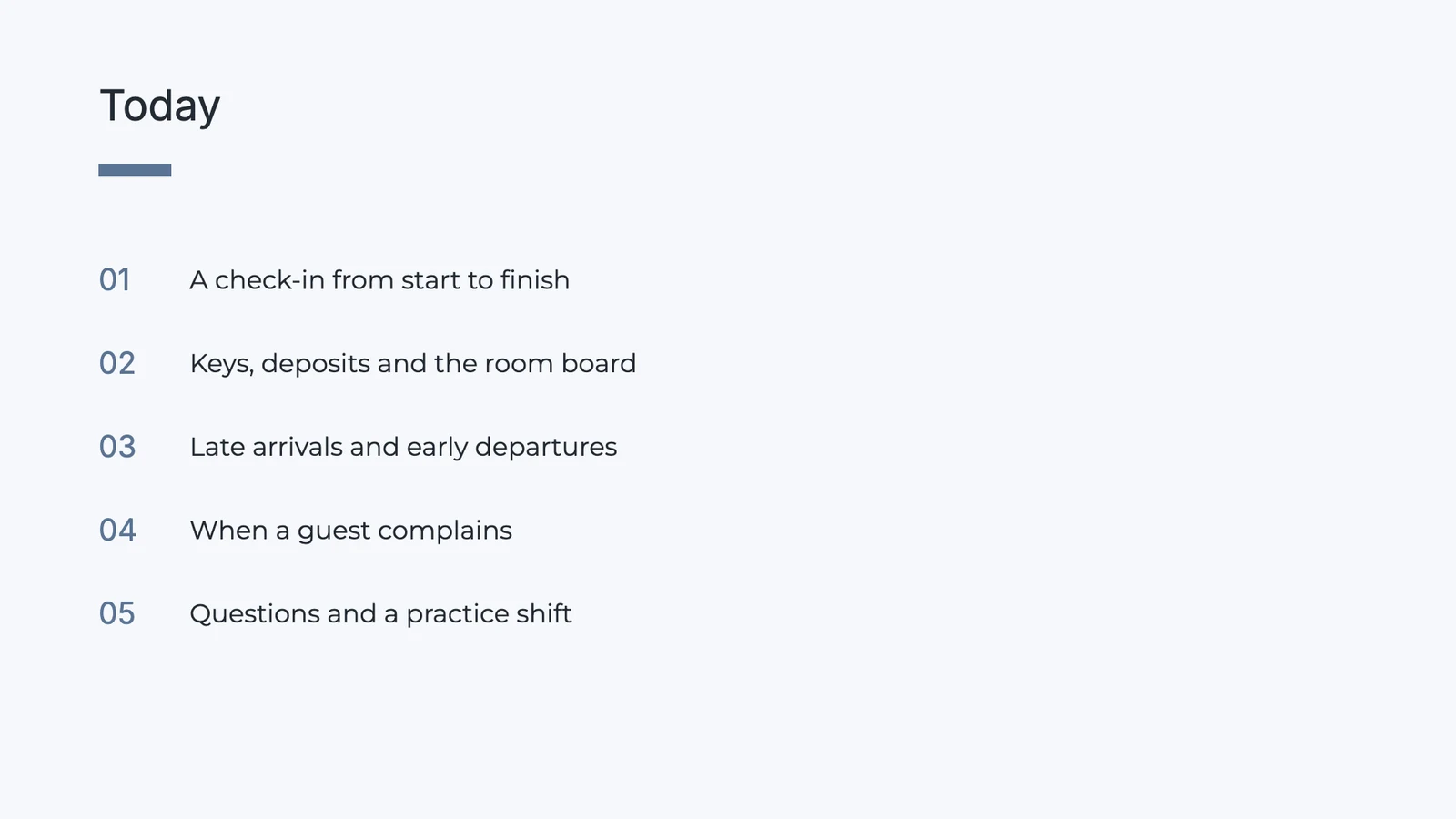
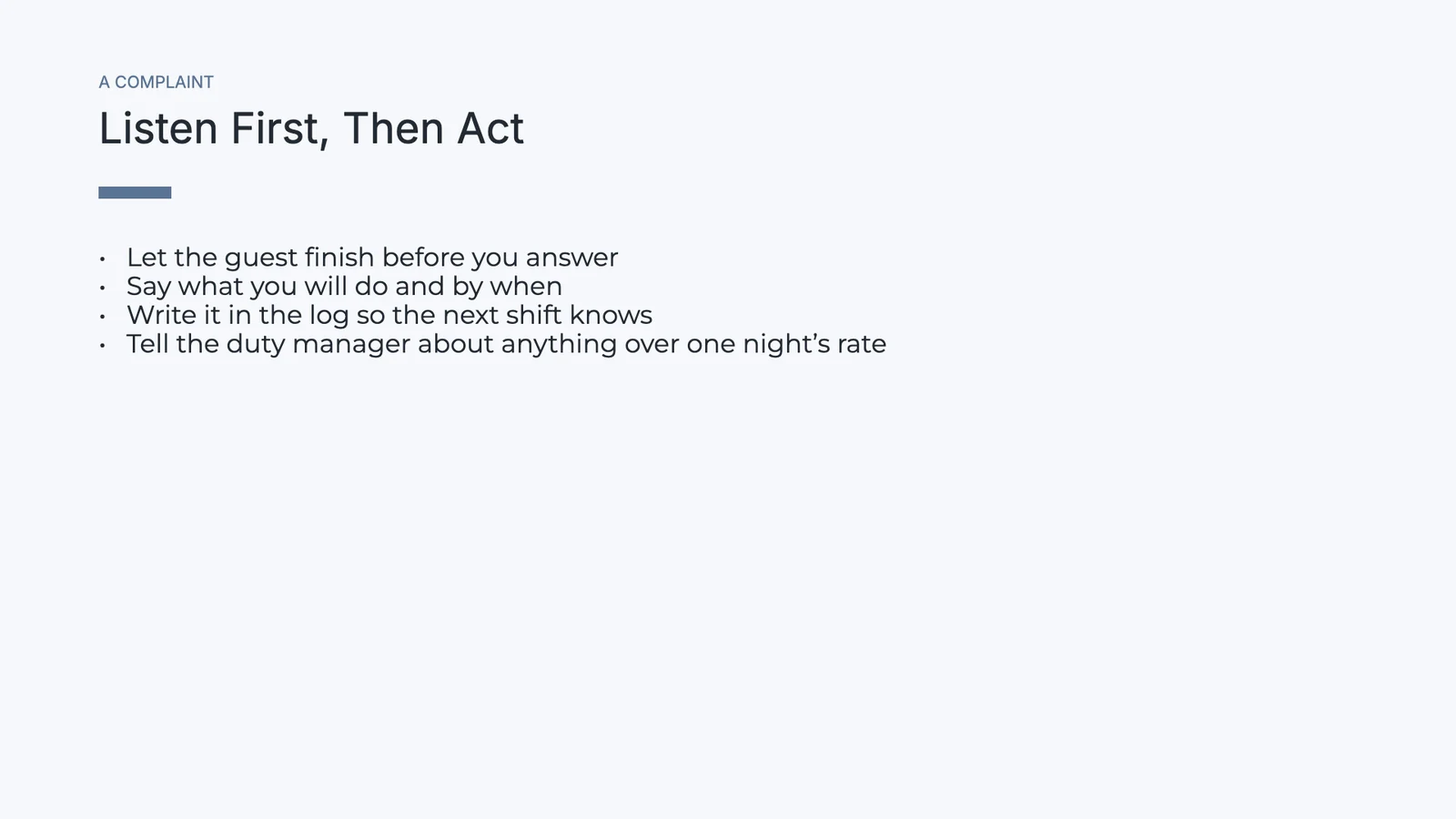
Front Desk HandbookHelt dokumentAvsnittOpening the deskA check-in from start to finishKeys, deposits and the room boardLate arrivals and early departuresWhen a guest complainsClosing the shiftFörhandsgranska · 4 rader

Let the guest finish before you answer.

Say what you will do and by when.

Write it in the log so the next shift knows.

Tell the duty manager about anything over one night’s rate.

ÄndraInfoga innehåll

Pictures, Video and Files

From your Depot files, a video link, an embed or audio.

PresentationerNew Season Menu⋯SparadSök åtgärder⌘KRPYGDelaPresentera▾
1234

Media

BildFrån mediobiblioteket eller en uppladdningVideo eller EmbedEn videolänk, eller en sida för att infogaLjudEtt ljud som spelas på bildenSkapa från DepotEn fil du håller i Depot
NoteringarSlid 3 av 4Rutenät− 75% +Visa ▾Full Skärm
Ladda upp från Depot
Sök filer…
sancocho-siete-carnes.jpgBrand · Menu photos2.4 MB
mofongo-chicharron.jpgBrand · Menu photos2.1 MB
pescado-con-coco.jpgBrand · Menu photos2.8 MB
chef-ramon-cibao.mp4Brand · Kitchen videos48 MB
merengue-tipico-loop.mp3Team · Music6.2 MB
temporada-carta.pdfTeam · Menus1.3 MB
En fil du håller i Depot
Work Together

Edit One Deck Together and Comment on a Slide

Two people moving two shapes both land, and everyone with the deck open shows on Share. Comments sit on a slide or a point on it, with replies, mentions and a person it is assigned to. Invite people to view, comment or edit.

PresentationerSecond Location Plan⋯SparadSök åtgärder⌘KSAEKDADelaPresentera▾
12345
Emre KayaDeniz Arslan
NoteringarSlid 2 av 5Rutenät− 75% +Visa ▾Full Skärm

Everyone in the deck shows on Share, and two people moving two shapes both keep their change.

Comment on a slide or a point on it, mention someone, assign the thread, and Mark as Done.

Add people by name or email as Can view, Can comment or Can edit, or share with a Hub.

Named versions and sessions, compared and restored.

A view-only or comment-only person gets the deck with no way to edit it.

A deck goes in a Folder of a Hub, beside the rest of the team’s files.

Presentera

Present With Your Notes, a Timer and the Audience’s Questions

Each slide plays its own transition and animations, with a pen, a laser and a black screen. Presenter View shows your notes, the next slide and a timer while the audience window follows you. People reading the published deck can follow along and send questions.

Presenterarvy

Your speaker notes, the next slide and a timer on your screen, while the audience window follows you.

PresenterarvyDiapositiv 2 av 42 skärmar följerSvart8:42
Föregående2 / 4Nästa
Nästa

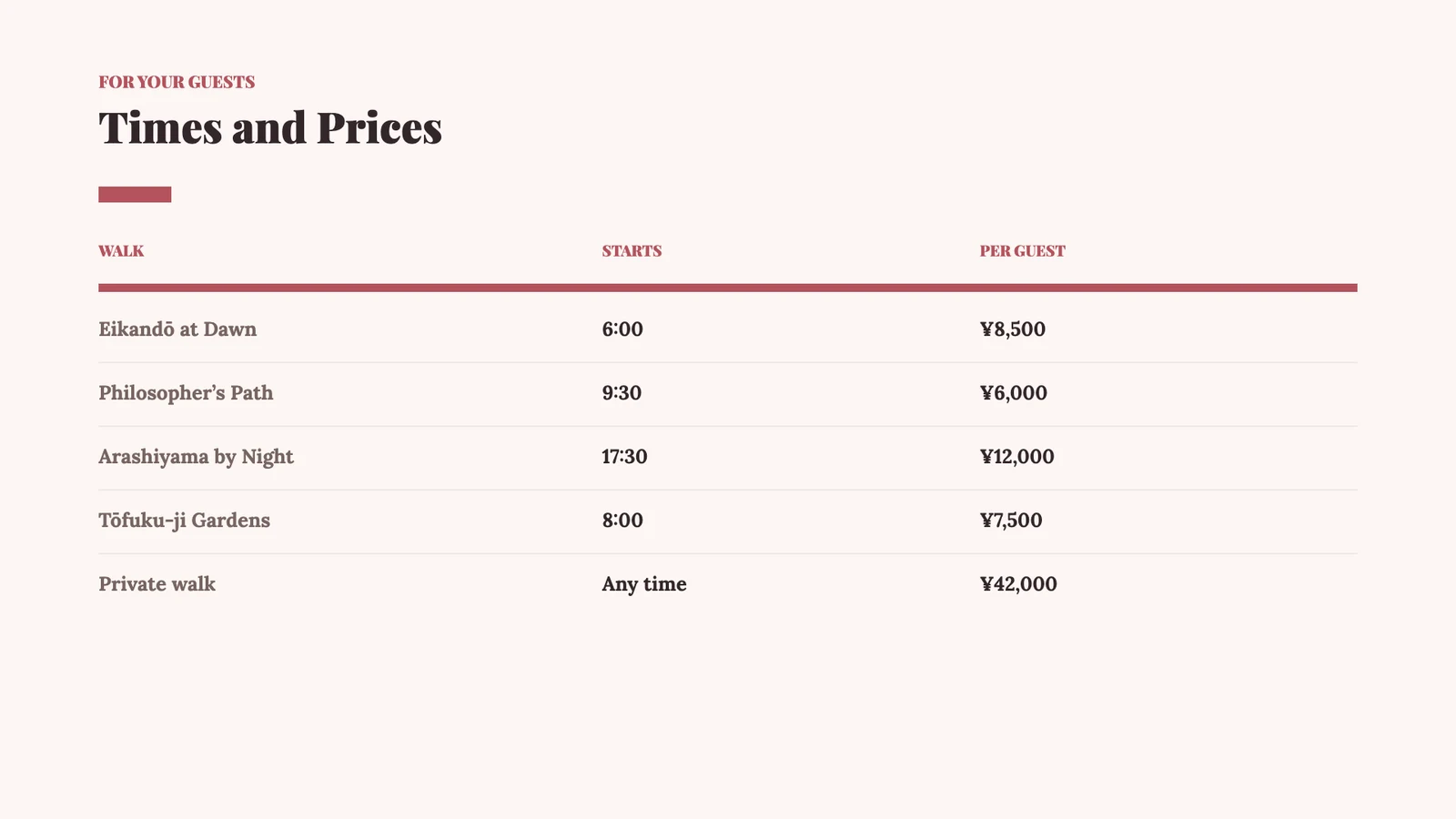
Times and Prices

TalareanteckningarFrågor3
  • Start with Eikandō: it is the one guests ask for by name.
  • Dawn walks sell out first in November; suggest partners book them two weeks ahead.
  • Mention the tea after the walk is included.
  • Pause for questions before the prices.
Publish and Send

Publish It, Send It, or Attach It to the Deal

Publish gives a link, a QR code and three embeds: inline, a slideshow, and one that follows the presenter. Who Read It lists who opened the published deck and for how long. Unpublish and the link stops working.

A Link, a QR Code and Embeds

Publish gives a link, a QR code and inline, slideshow and follow-the-presenter embeds, with a password or an end date when you want one.

PresentationerNight Desks Launch⋯SparadSök åtgärder⌘KVRDelaPresentera▾
12345
NoteringarSlid 1 av 5Rutenät− 75% +Visa ▾Full Skärm
Publicera presentation
OffentligDin presentation är live och kan öppnas av vem som helst med länken.
Publik länkKopiera och klistra in detta varhelst: e-post, meddelanden, sociala medier
slides.calistoco.com/p/night-desks-hv7k2Kopiera länk
Infoga i en sidaSläpp in i din Site, App eller vilken webbsida som helst
InlineDiaprojektionFölj presenterarenVisar den slide som presentatören är på, live, medan de presenterar.<iframe src="https://slides.calistoco.com/p/night-desks-hv7k2?follow=1" width="960" height="540"
QR-kodSkriv ut eller visa i person
38 skanningar
Ladda ner
Vem kan tillgåKontrollera vem som kan öppna denna länk
Alla som har länken Länken löper ut om30 dagar
Ta bort från publicering

Vem läste det

Who opened the published deck, how long they read, and the slide they held longest.

PresentationerBrand Refresh Proposal⋯SparadSök åtgärder⌘KSLDelaPresentera▾
12345
NoteringarSlid 4 av 5Rutenät− 75% +Visa ▾Full Skärm
Vem läste det

Öppnade av 6 personer · 11 öppnar

Senast 18m · 41m 20s läsning

Hållen längst på bild 4 · 6m 05s

Mer än en webbläsare öppnade denna länk. Den vidarebefordrades.

Läsare 1 · desktopöppnad 18m · 3 gånger · 14m 40s · 5 av 5 diaporLäsare 2 · phoneöppnad 2h · 2 gånger · 8m 10s · 5 av 5 diaporLäsare 3 · desktopöppnad 5h · 7m 55s · 4 av 5 diaporLäsare 4 · desktopöppnad I går · 2 gånger · 5m 30s · 5 av 5 diaporLäsare 5 · phoneöppnad I går · 2 gånger · 3m 15s · 3 av 5 diaporLäsare 6 · desktopöppnad 2d · 1m 50s · 2 av 5 diapor
On a Phone

Find, Read, Present and Send a Deck From a Phone

Home shows what you were working on and the comments waiting for you. A deck opens to read, present with its notes and timer, comment on and send. A template or a description becomes a deck you save on the phone; laying out slides stays on the desk.

Hem

The decks you were working on, and the comments assigned to you or waiting on your answer.

HemNy Presentation
God morgon, Lerato.Vad vill du arbeta med idag?Gå

Fortsätt där du lämnade av

Wedding Season KickoffSenast redigerad · 2 h agoOpen Proposals, FebruarySenast redigerad · 1 d ago

Comments for You · 4

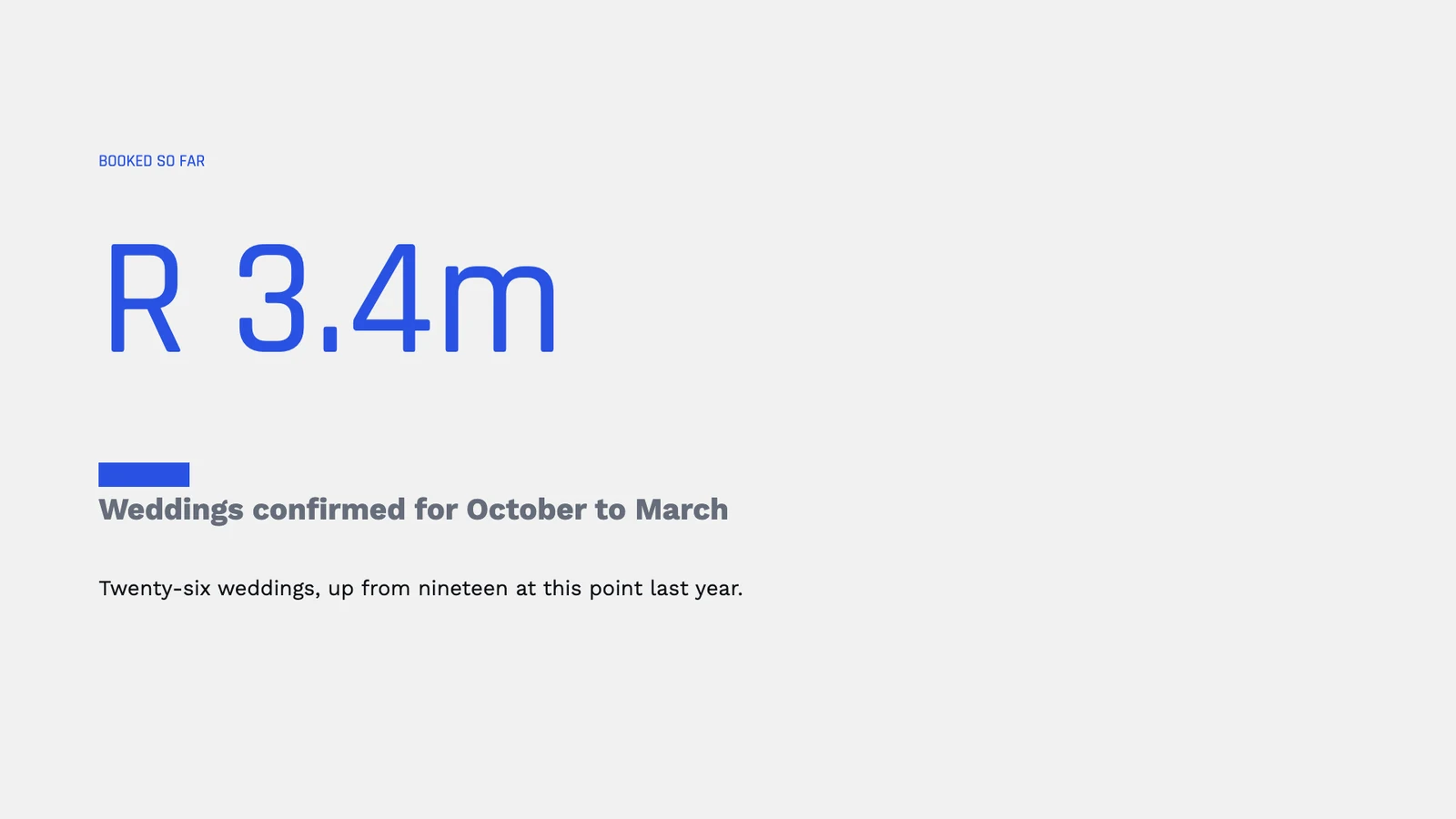
Can you add the Dlamini wedding to the open proposals?Tilldelad till dig · Wedding Season Kickoff · from Thabo NkosiLerato, the enquiries chart needs September’s figureMentioned You · Wedding Season Kickoff · from Megan EllisAgreed, let’s lead with the R 3.4m slideReplied to You · Wedding Season Kickoff · from Sipho Dube

Present From the Phone

Open a deck and present it with your speaker notes and a timer.

Slid 3 av 506:42NästaTalareanteckningar

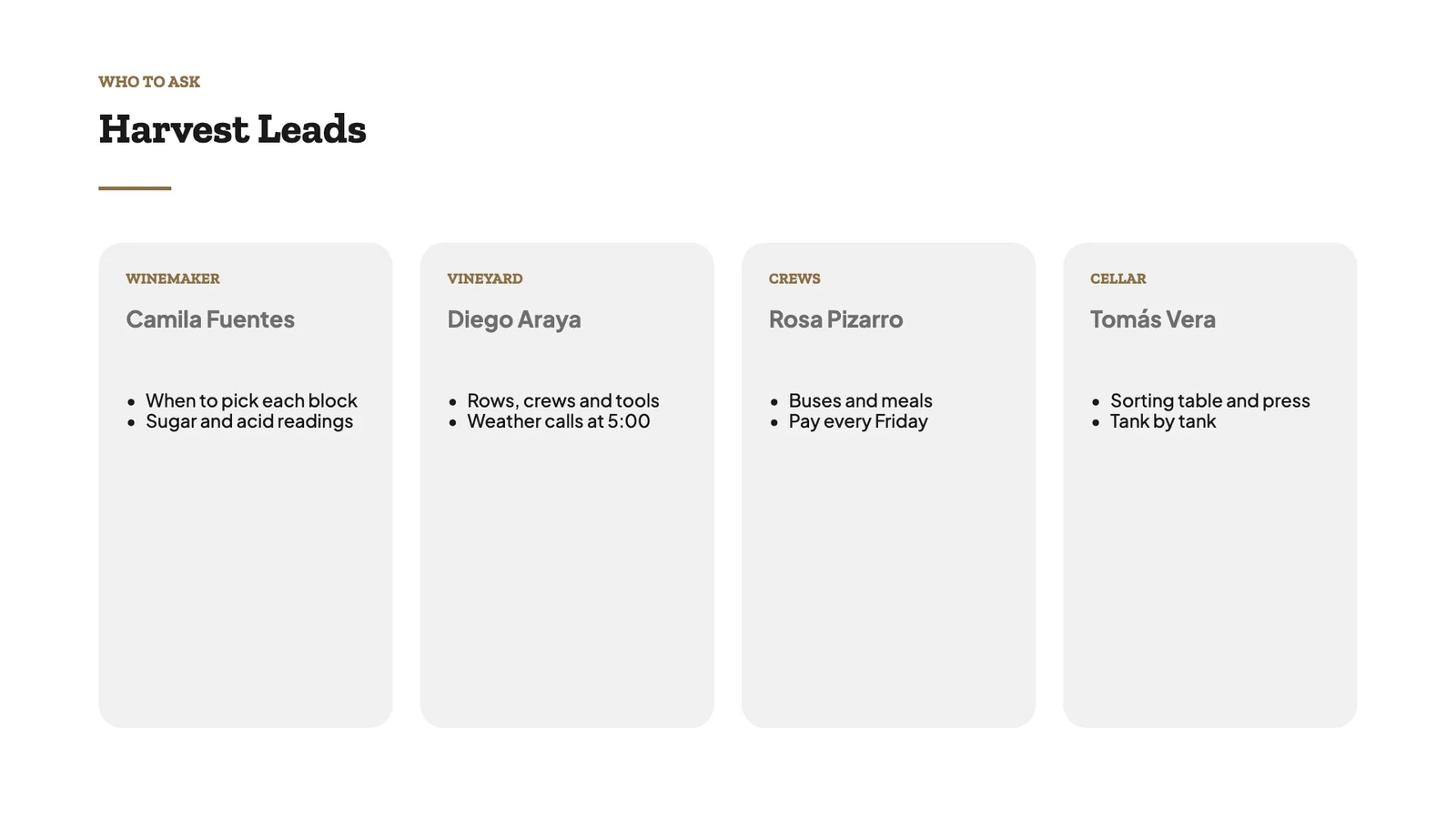
Remind the crews that the Carmenère block starts tomorrow, not Thursday. Rosa has the bus times for each valley; Tomás wants every bin weighed before it reaches the sorting table.

Nästa

A Deck From a Description

Describe the deck, Draft It, read and present it, then Save to keep it.

Beskriv din presentation
Vad är presentationen till för ändamål och vad bör den täcka?

A launch plan for our new night desks: open until 2 a.m. for members who work with Europe and Asia, the price, what is included and the four weeks to opening.

Utkast DetDu ser först utkastet och kan ändra det innan decket byggs.Night Desks LaunchSlid 1 av 5Not Saved YetSpara

Notifications With Buttons

Reply to a comment, mark an assigned one done, or see who read your deck.

9:41Thursday, November 12Slides2 min agoMarta Lopes assigned you a comment on Corporate Retreats at MiradouroPlease check the Executive package before Vantage sees it.SvaraMarkera som klarSlides9 min agoSomeone is reading Corporate Retreats at MiradouroCorporate Retreats at Miradouro was opened from its shared link.Vem läste detSlides24 min agoRui Faria mentioned you in Corporate Retreats at MiradouroInês, can the fado evening move to the second night?SvaraSlides41 min agoAna Sousa replied to a comment on Summer Weddings 2027Yes, the terrace holds 120 seated.Svara

Open a PPTX File From Anywhere

A .pptx shared to Calisto opens as a deck.

Ny presentation
Kadıköy ikinci şube.pptx4.8 MBImporterar din presentation…Laddar upp… 72%Second Location PlanSlid 2 av 5Presentera

Present With No Signal

Decks kept on the device, when you choose; comments sent when you reconnect.

Dive Safety Briefing
Sparad på denna enhet · 3 h agoHåll presentationer på denna enhetPresent any deck you have opened before, with no connection, and comment on it: a comment waits here and is sent when you are back online.PresenteraDiego RamírezSlid 2

Add “check the dive flag is up” to the buddy check.

Widgetar

Comments for You and Recent Presentations, on a Windows desktop.

9:41Restaurante El Conuco
SlidesComments for You6 comment threads waiting on youShould the chivo go up to RD$ 750?Tilldelad till dig · New Season Menu · Yolanda PeñaCarlos, add the Samaná fish photoMentioned You · New Season Menu · Luis BatistaTasting moved to five, thanksReplied to You · Kitchen Rota, November · Yolanda PeñaWho brings the mamajuana for the pairing?Tilldelad till dig · New Season Menu · Ramón CruzNy PresentationOpen SlidesSlidesRecent PresentationsFortsätt där du lämnade avNew Season MenuLast openedPresenteraKitchen Rota, NovemberEdited Nov 11PresenteraPatronales Weekend SpecialsEdited Nov 9PresenteraWine List TrainingEdited Nov 6PresenteraNy PresentationAll Presentations
HemNy Presentation
God morgon, Lerato.Vad vill du arbeta med idag?Gå

Fortsätt där du lämnade av

Wedding Season KickoffSenast redigerad · 2 h agoOpen Proposals, FebruarySenast redigerad · 1 d ago

Comments for You · 4

Can you add the Dlamini wedding to the open proposals?Tilldelad till dig · Wedding Season Kickoff · from Thabo NkosiLerato, the enquiries chart needs September’s figureMentioned You · Wedding Season Kickoff · from Megan EllisAgreed, let’s lead with the R 3.4m slideReplied to You · Wedding Season Kickoff · from Sipho Dube
Prisning

Inga inställningskostnader. Betala när du börjar använda.

Presentations, presenting them, and where they go.

Calisto Work

Documents, spreadsheets, slides, forms, and file storage

€4/user/mo

Calisto Work is one subscription per person for Docs, Sheets, Slides, Forms, Agenda, Equipo, and Depot, with a branded mailbox for each person.

Rekommenderat för dig

Fungerar bra tillsammans.

Calisto Sheets

Calisto Work

Documents, spreadsheets, slides, forms, and file storage

Learn more →
€4/user/mo
Calisto Docs

Calisto Work

Documents, spreadsheets, slides, forms, and file storage

Learn more →
€4/user/mo
Calisto Depot

Calisto Work

Documents, spreadsheets, slides, forms, and file storage

Learn more →
€4/user/mo
Calisto Live

Calisto Live

Video meetings, calls, webinars and live rooms.

Learn more →
€6/user/mo
Calisto Deals

Calisto Commerce

The CRM: leads routed and claimed, a pipeline on your own stages, quotes as versions and the contracts they become, people and companies, the day’s follow-ups, the handoff after the sale, commissions and the forecast.

Learn more →
€55/user/mo
Calisto Proposals

Calisto Commerce

Designed proposals priced by a quote from your catalog, sent by email, text, WhatsApp or a link, then chosen, accepted, signed and paid on one link, with follow-up, change orders and analytics.

Learn more →
€0.85per proposal
Calisto University

Calisto Ops

Courses with their exams, learning paths and programs, assignments with a deadline, grading and completion rules, certificates in your name that renew, seminars on Live, learning analytics, and training on a phone with or without signal.

Learn more →
€20/user/mo
Calisto Navigator

Calisto Navigator

A portal with its own journey and messages, each client’s own records, unlimited clients signing in without passwords, and its own domain.

Learn more →
€30/portal/mo
Calisto Display

Calisto Display

Runs the TVs in a business: kitchen displays, pickup and now-serving boards, guest TVs, menu boards, signage and designed screens, with schedules, alerts and performance.

Learn more →
€9/TV/mo

Rekommenderas för

Branscherna som kör Slides, och vad var och en kör den för.

FastighetsmäklarePresentationer

Listing presentations built on live data.

Fastighetsmäklare på Calisto →

Videograf & FotograferPresentationer

Pitch decks and client presentations.

Videograf & Fotografer på Calisto →

Grafiska designers och konstnärerPresentationer

Pitch decks and concept presentations.

Grafiska designers och konstnärer på Calisto →

Så här jämförs Slides

Allt. Ett pris.

Allt inkluderat i Calisto Slides.

Presentations
  • One library with five lenses: Recent, My Presentations, Shared With Me, Starred and Trash.
  • Search reaches titles and the text on every slide; sort by opened, modified, created or name.
  • Each row shows its owner, when you last opened it, its slide count and whether it is shared.
  • Hubs in the sidebar narrow the library to one Hub; Move To… files a deck in a Folder of a Hub.
  • Trash keeps a deck for 30 days; only its owner restores it or deletes it for good.
Home
  • A describe box, the decks you were working on, a Jump To row and the activity of your decks.
  • Comments for You: threads assigned to you, and threads where someone mentioned or answered you.
  • The storage your account has used.
Starting a Deck
  • From a template, from a theme, blank, Build It for Me, or Import.
  • Every start opens a new deck that is saved only when you name it; leaving with changes asks first.
  • Build It for Me: an outline you edit, reorder and trim, then the deck built from that outline.
  • A new deck takes the account’s theme and your own deck shape and default transition.
  • PPTX import: shapes onto the shape library, tables with merges, speaker notes, pictures stored in your files.
Templates, Designs and Themes
  • A template is a design in a theme: Calisto’s, your own and the ones you bought.
  • Templates filter by deck type, industry, style and color; designs come as whole decks and as single slides.
  • Save as Template works on any deck, saved or not; Save Slide as Design or as Template from a slide’s menu.
  • Edit Template opens the template itself; using one never changes it.
  • Library: every design, theme and template of yours for Slides.
The Editor
  • The left rail adds: Slide, Text, Shapes, Media, Table, Chart and From Calisto; shapes, lines, text and tables drag onto the slide.
  • The right rail refines: Format, Design, Assist, Comments, History and Info.
  • On the slide, a chip with at most five controls for the selection; everything else in Format.
  • The object menu: clipboard, stacking order, group and ungroup, flip and lock.
  • Notes, slide count, Grid view, zoom, grid lines, rulers, smart guides, snap to grid and full screen along the bottom.
  • Search Actions (⌘K) and the shortcuts list (⌘/) index every command; each command has one home.
On a Slide
  • Multi-select, marquee, align, distribute, nudge, and paste in place.
  • 27 library shapes, lines and connectors; text with bold, italic, links and color.
  • Tables with rows, columns, merged cells and a header row.
  • Charts typed in, or linked to a range of a sheet and refreshed from it.
  • Images with replace, crop, fit, border and opacity; video, embeds and audio; your Depot files.
  • A passage of a document placed on a slide and refreshed from it.
  • Links to a web address, a slide or an action; alt text; fields for slide number, count and date; merge fields.
  • Backgrounds in a color, a gradient or an image; a transition with its direction on each slide; object animations.
  • Sections, skipped slides, and find and replace.
Theme and Brand
  • Refine Design: Calisto’s and your own themes, a dial for every painted part, Save as Theme, Customize.
  • A deck keeps the theme it was made in, and is repainted only when you change it.
  • Your brand’s own typeface, drawn in the editor, the published deck and every export.
  • Brand Check reads the deck against your brand guidelines when you ask.
  • Page size for each deck: 16:9, 4:3, A4 or Letter.
Writing Help
  • Build It for Me drafts an outline from a description.
  • Improve Text rewrites a selection in your brand’s voice; Describe This Slide drafts a slide from a sentence.
Working Together
  • Several people edit at once: two people moving two shapes both land, undo is each person’s own.
  • Everyone with the deck open shows on Share.
  • Comments on a slide or a point on it, with replies, resolve, mentions and assignment.
  • Versions: named versions and sessions, compare, preview and restore.
  • Share with people to view, comment or edit; a reader cannot change the deck anywhere.
Presenting
  • One player for the desk, the audience window, the published deck and the phone.
  • Transitions and animations, pen, laser and black screen; the screen stays awake.
  • Present from the start or from this slide; skipped slides stay out.
  • Presenter View: your notes, the next slide and a timer, driving the audience window.
  • The audience’s questions, answered from Presenter View.
  • Present in Live puts the deck on the meeting’s stage (with Live).
Publish
  • A link, a QR code and three embeds: inline, slideshow, and follow the presenter.
  • Who Read It: who opened the published deck and for how long.
  • Unpublish and the link stops working.
Send and Attach
  • One Send dialog: Mail’s composer, Inbox, a Live meeting or Connect.
  • Attach to a deal (with Deals); a deck made for a deal, a proposal (with Proposals) or a course lesson (with University).
  • On a client project (with Velocity), or shared with a client to read and comment in their portal (with Navigator).
  • Create Task: a follow-up through Dispatch, linked back to the deck.
  • A deck plays on a TV as its pages, with Display.
Export
  • PDF, PPTX, PNG, JPEG and SVG, drawn from the deck itself.
  • PPTX keeps speaker notes, sections and each weight of your typeface.
  • A Confidential or Restricted deck carries its classification watermark.
On a Phone
  • Home, Presentations, Templates and Library in the tab bar.
  • Read a deck, present it with notes and a timer, comment, share, publish, rename and send.
  • A template, a description or shared text becomes a deck you read, present and save.
  • Notifications open the deck on its comment; Reply and Mark as Done from a comment’s notice, Who Read It from a reader’s.
  • Shortcuts: New Presentation, Recent, Shared With Me and Templates; widgets: Comments for You and Recent Presentations.
  • A .pptx shared to Calisto is imported and opens.
  • Decks kept on the device to read and present with no signal, when you choose; a comment written offline is sent on reconnect.
Settings and Preferences
  • Business, design, sign-in, locations, currencies and taxes: the one business record.
  • Your own new-deck shape, default transition, speaker notes while editing and where Share starts, the same in every business.
  • Which comment notices reach you, set by each person.
Ärliga svar

Questions about Calisto Slides

Yes. A .pptx opens as a deck you keep editing: its shapes, tables with merged cells, speaker notes and pictures come with it. A deck also exports back to PPTX, PDF or images, with its notes and sections.

You describe the deck, Build It for Me drafts an outline, and you edit, reorder or remove its slides before anything is built. The deck is then built from exactly the outline you kept, in your theme, and is saved only when you name it.

Yes. Two people editing two parts of a slide both keep their changes, each person’s undo is their own, and everyone with the deck open shows on Share. A person invited to view or comment cannot change it.

No. They play when you present and on the published deck, but a PPTX export carries the slides without them.

A phone reads, presents, comments on, sends and saves a deck. Laying out slides is done on a computer.

Slides is included in Calisto Work, one subscription per person. The price box on this page reads the live catalog.