
すべてのネットワーク、参加できる者および参加した者
ホテル、オフィス、カフェ、クラブ、コワーキングスペースおよび会場、1 つのアカウントから。
あなたのルーターが 実行しているアクセスレベルを各ネットワークに割り当ててください
各ネットワークは、ウェルカムページの共有パスワード、または各人の個別ログインのいずれかによって保護されています。設定では、お使いのルーターを指定し、実行可能なレベルを提示します。インターネットプロバイダーから提供されるボックスは最初の 2 つのレベルを実行し、ウェルカムページを表示するにはそれに対応できるルーターが必要で、個人ログインには各人の認証を確認できるルーターが必要です。すべてのビジネスは「Visitors」と「Team」から始まります。
アクセスレベル
各ネットワークごとに選択された、オープン、共有パスワード、ウェルカムページ、または個人ログイン
新しいネットワーク
訪問者とチーム
どのビジネスも 2 つのネットワークから始まるため、訪問者はチームのネットワークを共有することはありません。
新しいネットワーク
参加できる人
関係性によって、名前によってではありません:チーム、メンバー、宿泊客、訪問者、または誰でも。
新しいネットワーク
VLAN
各グループは独自の VLAN に割り当てられるため、ゲストはお客様のトラフィックから離れます。
ネットワーク
そのネットワークが置かれているセグメントで、ゲストのトラフィックはあなたのものから除外されます。
| VLAN ID | 名前 | サブネット | 目的 | DHCP | ネットワーク |
|---|---|---|---|---|---|
| 10 | Team | 10.10.0.0/24 | スタッフ | Team | |
| 20 | Members | 10.20.0.0/22 | ゲスト | Members | |
| 30 | Visitors | 10.30.0.0/23 | ゲスト | Day Pass, Events | |
| 40 | Devices | 10.40.0.0/24 | IoT | Printers and Screens | |
| 99 | Management | 10.99.0.0/28 | Management | Access points |
チーム
参加できる人スピード制限と隠されたネットワーク
ネットワーク上の各ゲストに対する速度制限と、名前を入力して参加するリストから除外されたネットワーク。
Socios Broadcasting
設定
- 名前
- Socios
- Broadcast SSID
- Pulso-Socios
- セキュリティ
- WPA3 Personal
- パスワード
- ••••••••••
- 場所
- Roma Norte
- VLAN
- 20 · Socios
- Bandwidth limit
- 50 Mbps
- 非表示
- はい
アクセスポイント
6 件中 6 件が回答済み現在お使いのルーター
自分で選択するか「I Am Not Sure」を選択し、各ネットワークは実行可能な機能を提案し、ルーターの設定手順を提供します。
新しいネットワーク
共有パスワードと QR コード
保持され、設定したスケジュールで変更予定の QR コードとして印刷され、ルーターの手順とともに表示されます。
- アクセスレベル
- 共有パスワード
- Change Every N Days
- 各「30」日ごと
新しいネットワーク
自社の Calisto ログインで、従業員が参加できるようにする
パーソナルログインネットワークでは、各人が Calisto のメールアドレスとパスワードで参加します。ビジネスから削除すると、次の参加は拒否され、他の誰も新しいパスワードを受け取れません。
シフトのみ
設定
このビジネス内のすべてのネットワークでゲスト WiFi がどのように動作するか。
人
チームメンバーの到着・退室時に共有各個人に尋ねられ、拒否することができます;誰かが拒否した際に通知されます。参加できる人
チームメンバーとステーションスタッフは、あなたが設定した優雅さを持って、シフト中に参加します。
到着共有
マイ WiFi
到着共有
業務提携先は、チームの WiFi からあなたが到着し、退去した時間を確認するよう依頼できます。それぞれについてあなたが決定し、いつでも回答を変更できます。WiFi ログインはどちらの方式でも機能します。
起動するまでオフ;各人が自分のアカウントで受け入れるか拒否します。
クロックイン、ワークフォースととも
チームの WiFi に接続することは、現場にいることの証明になります。
マイ WiFi
WiFi に「My Calisto Password」を使用
Foundry Coworking
Foundry-Team · チームシフト限定:時計を回している間やシフト中に参加できます。- ネットワーク
- Foundry-Team
- セキュリティ
- WPA3-Enterprise
- EAP Method
- PEAP
- Phase 2 Authentication
- MSCHAPV2
- CA Certificate
- Use system certificates
- ドメイン
- radius.calistoco.com
- アイデンティティ
- priya.shah@example.com
- Anonymous Identity
- Leave empty
- パスワード
- Your Calisto password
すべてのアプリのプロファイル:iPhone、iPad、Mac 用のワンタッププロファイル、および正確な Android および Windows の値。
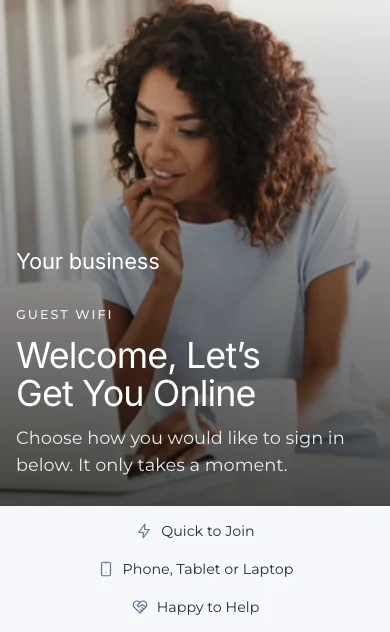
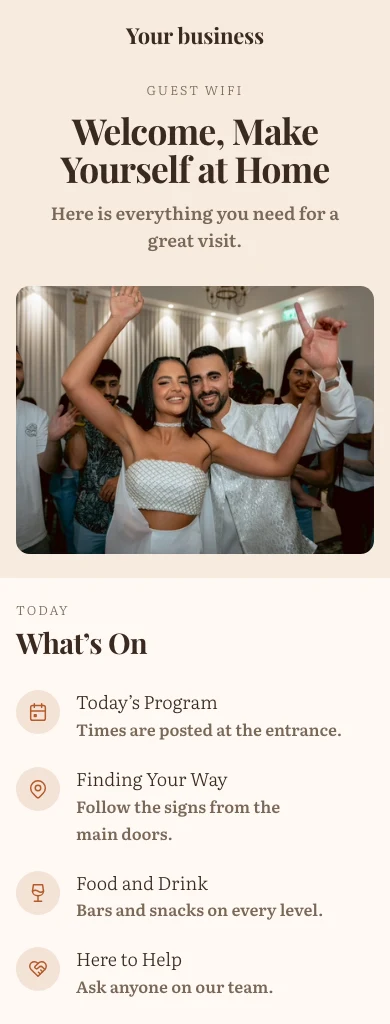
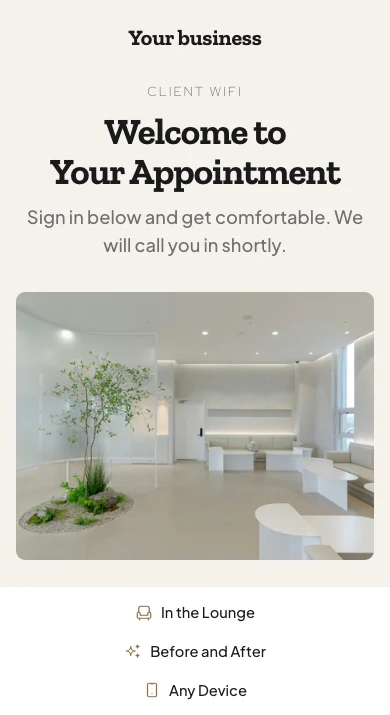
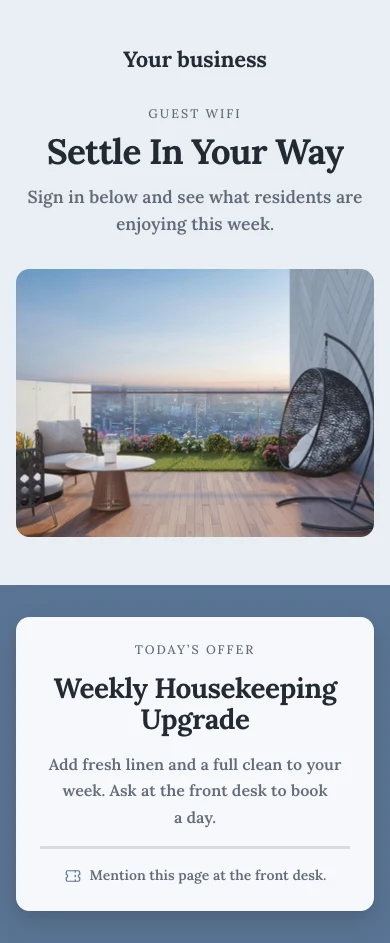
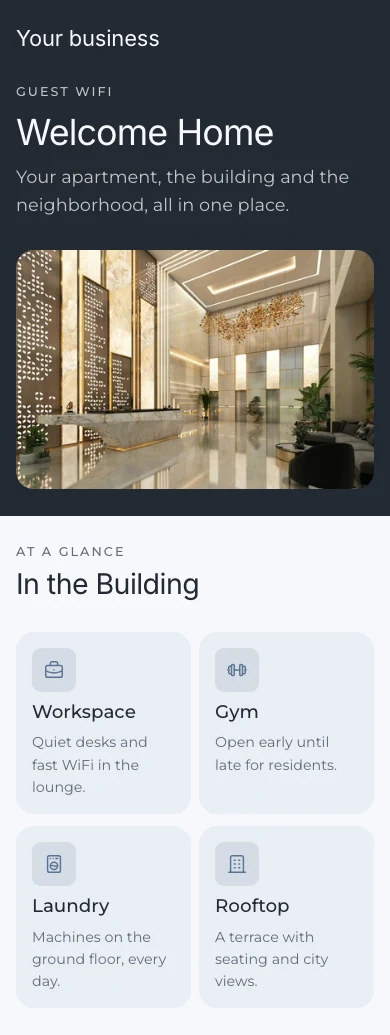
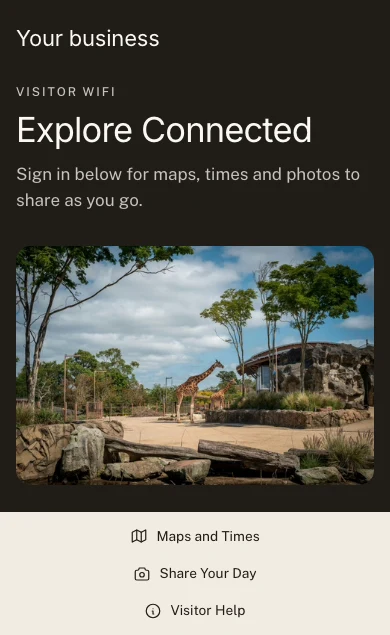
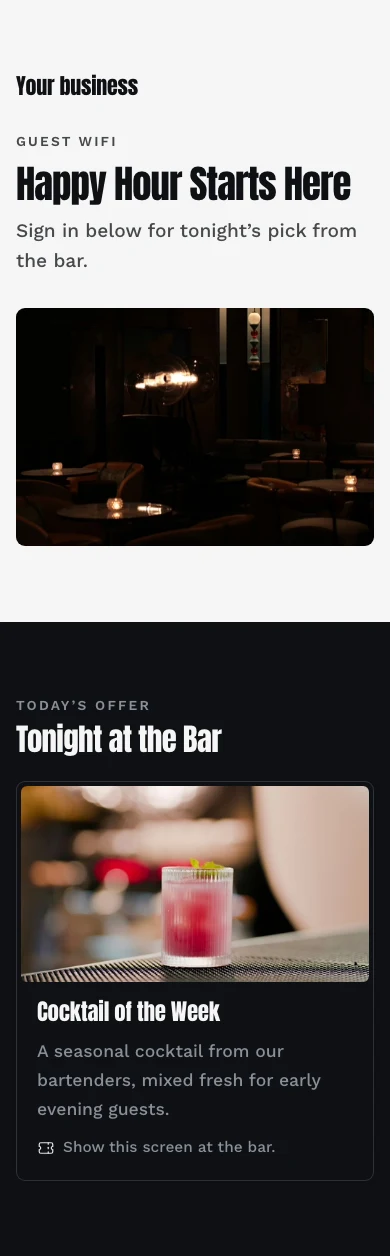
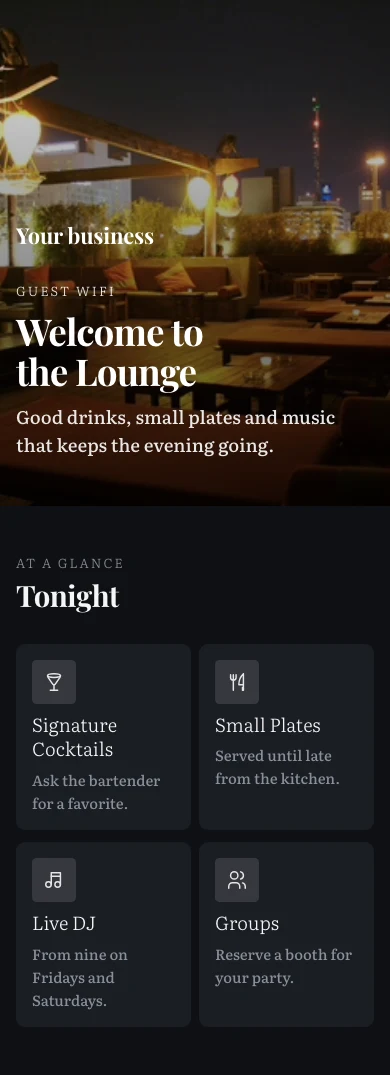
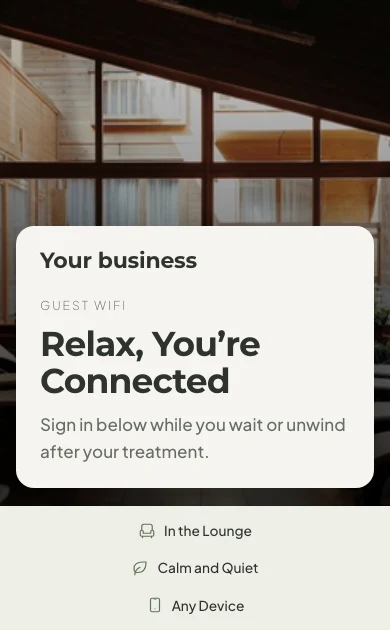
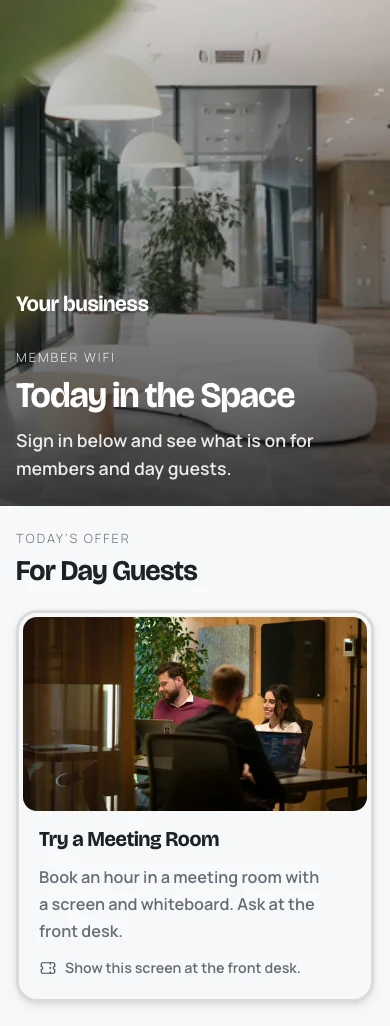
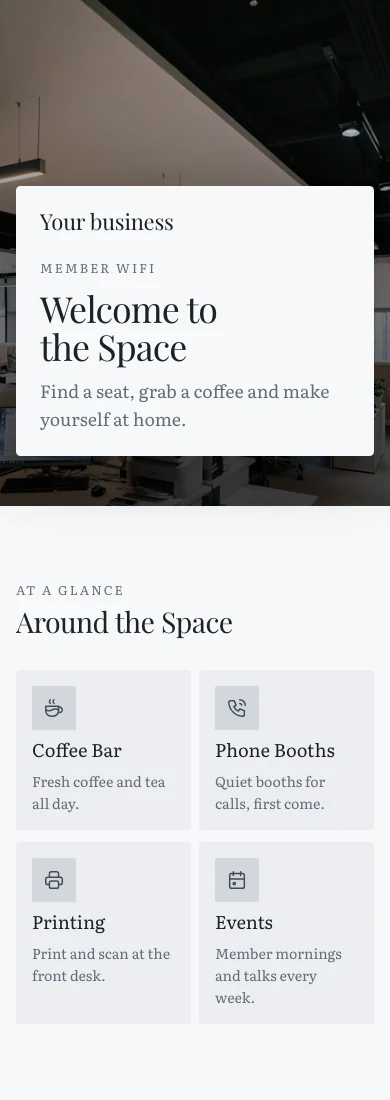
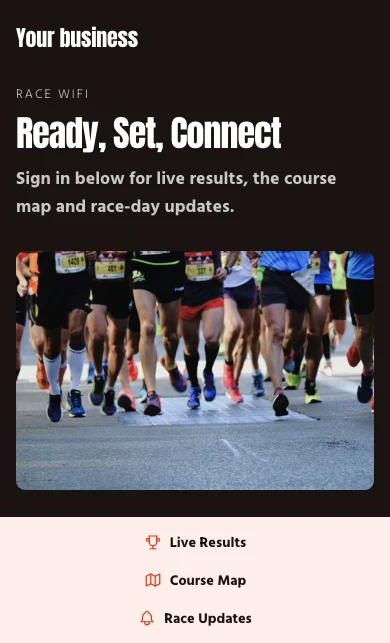
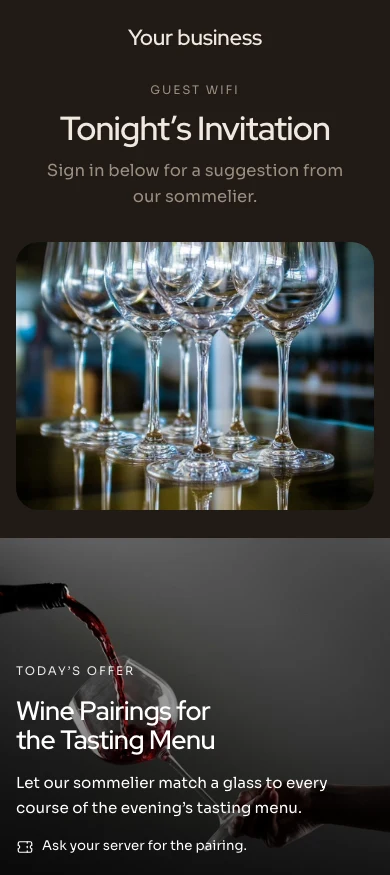
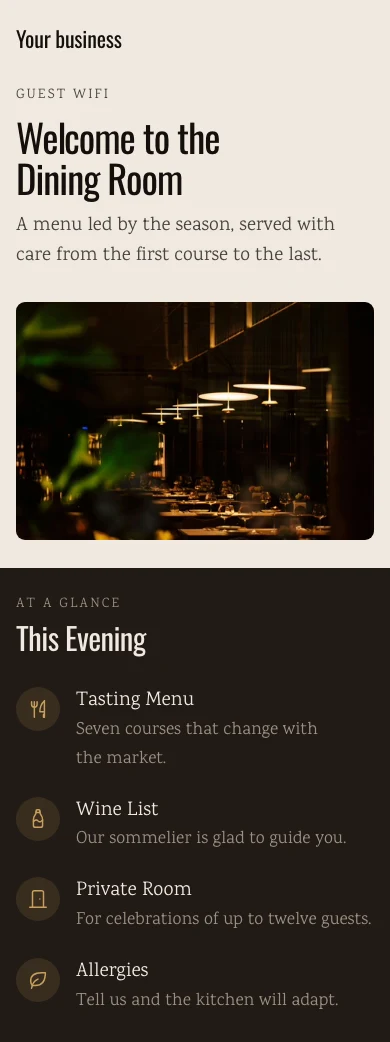
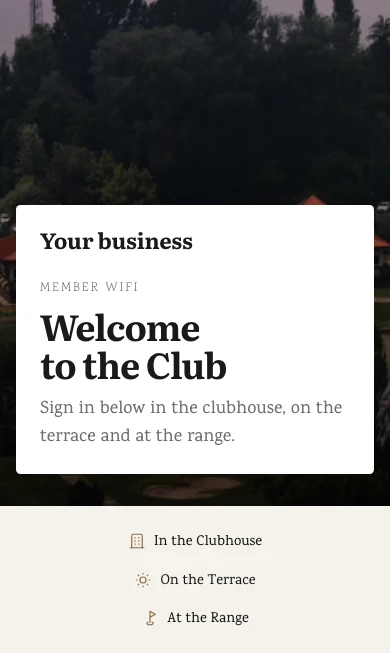
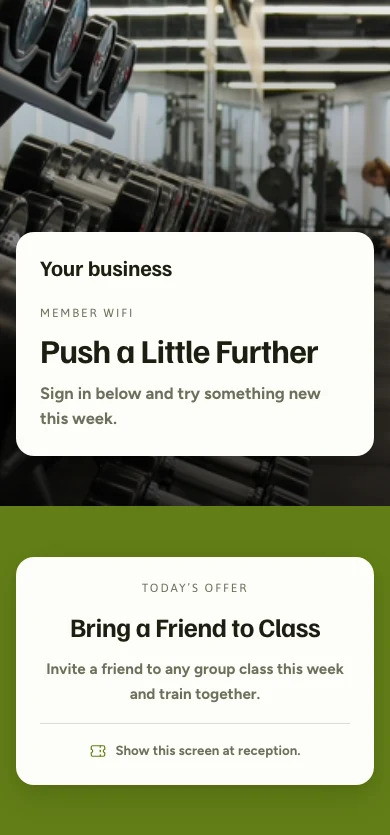
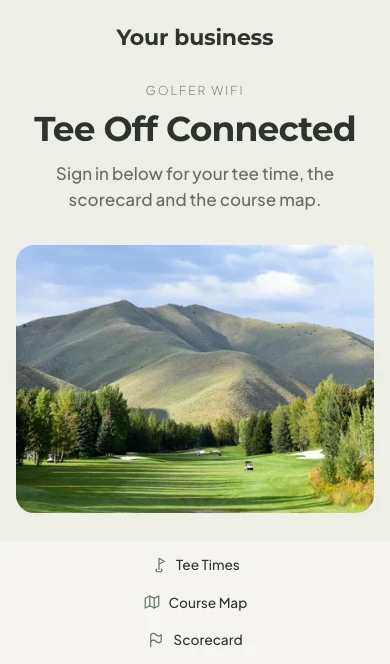
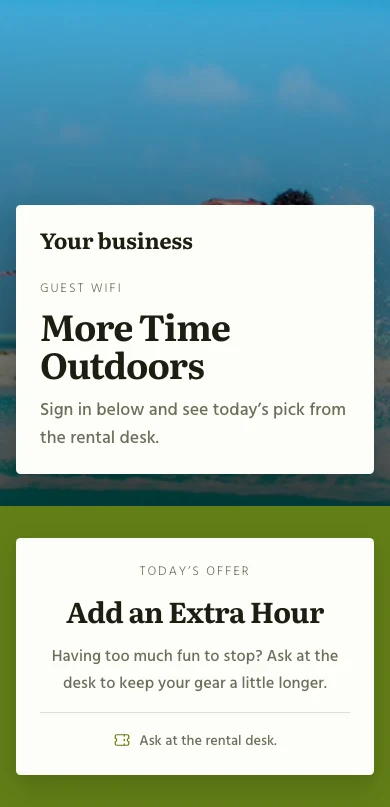
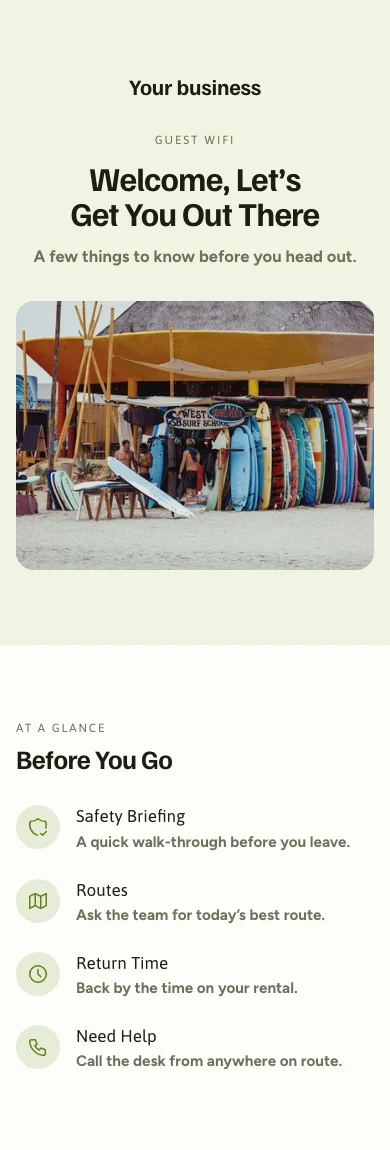
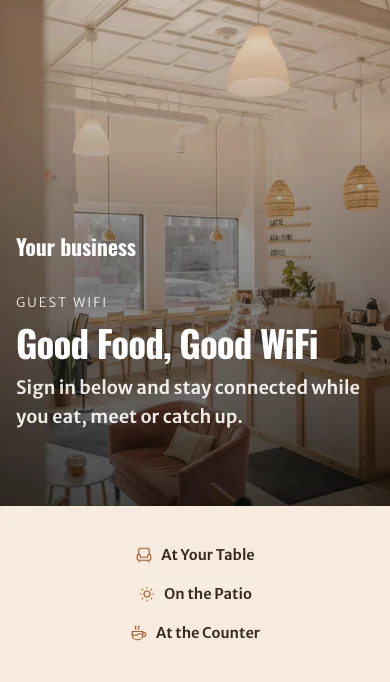
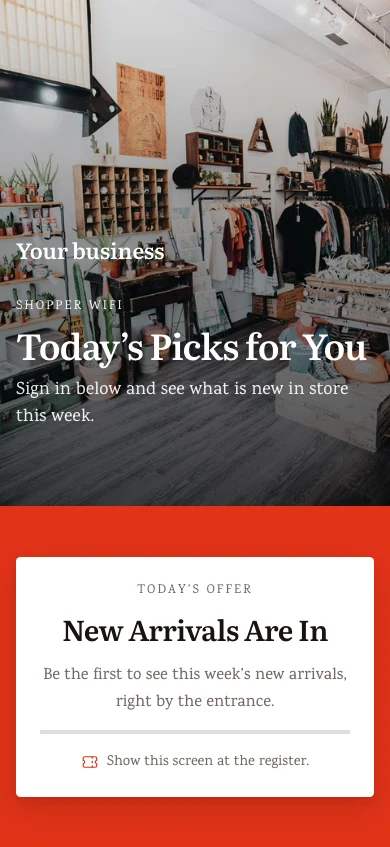
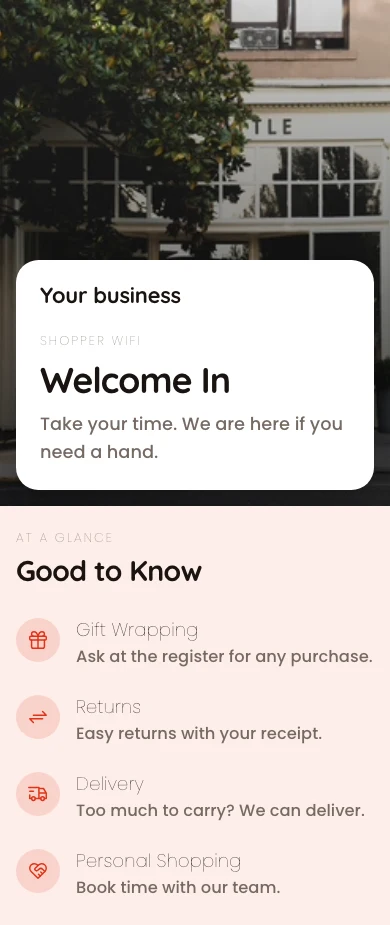
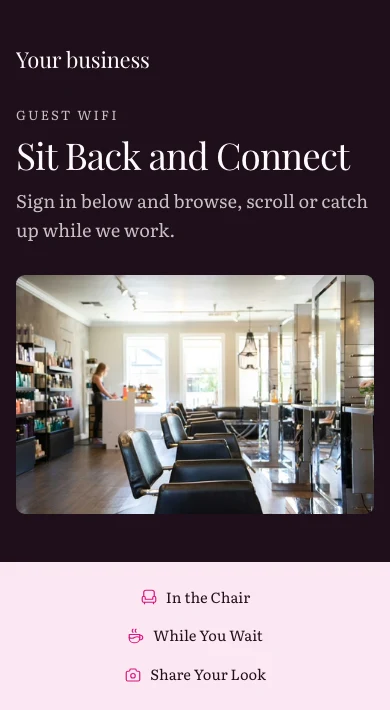
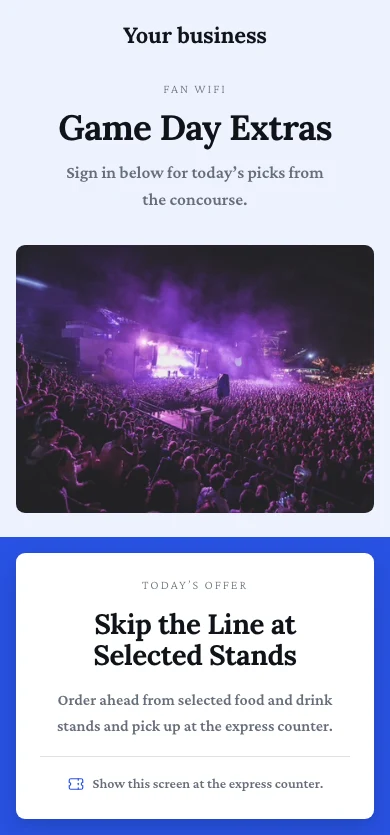
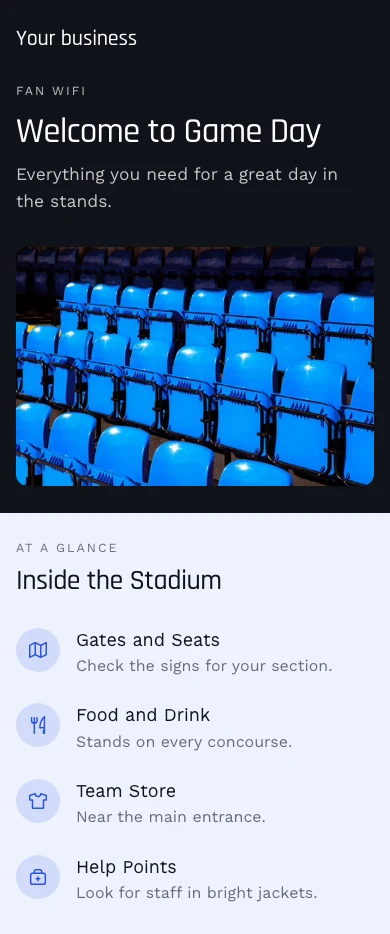
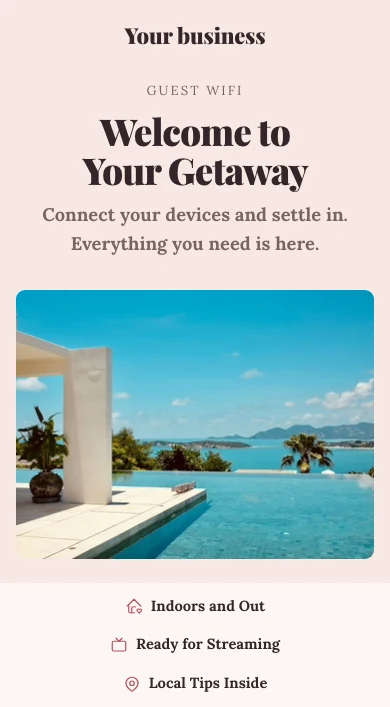
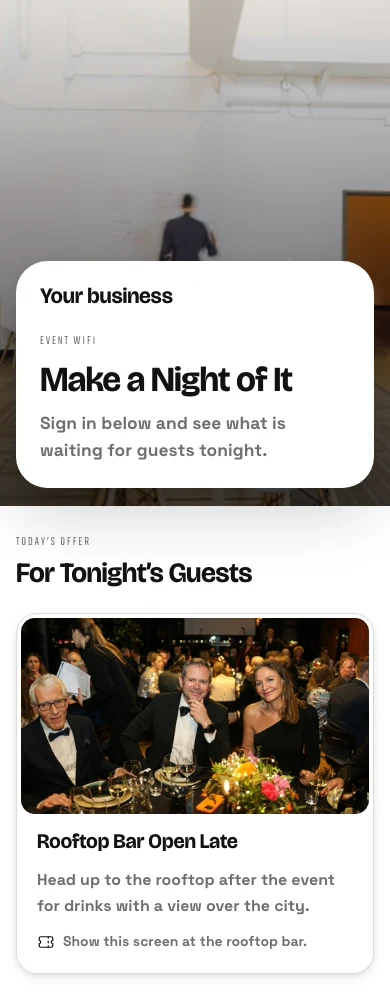
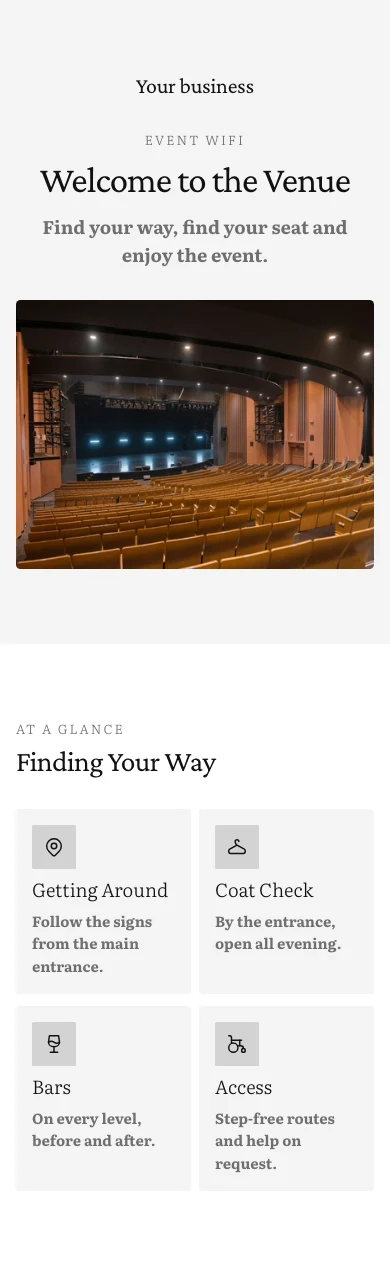
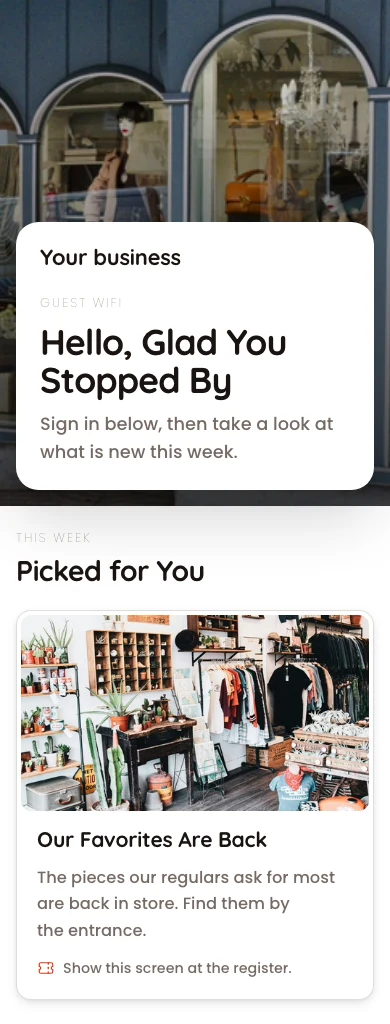
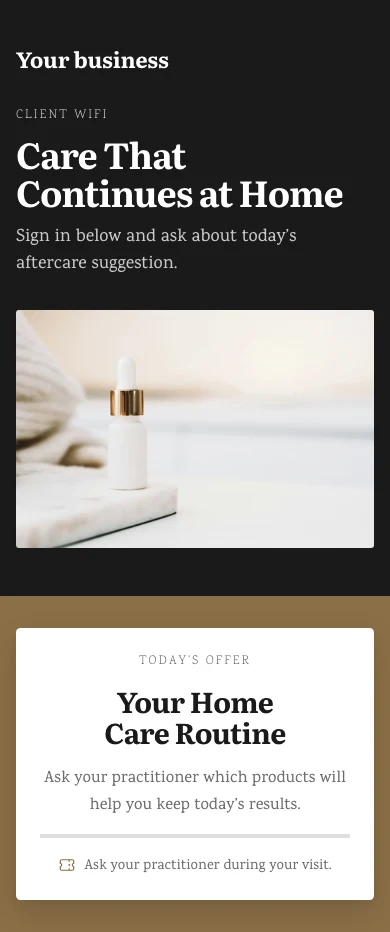
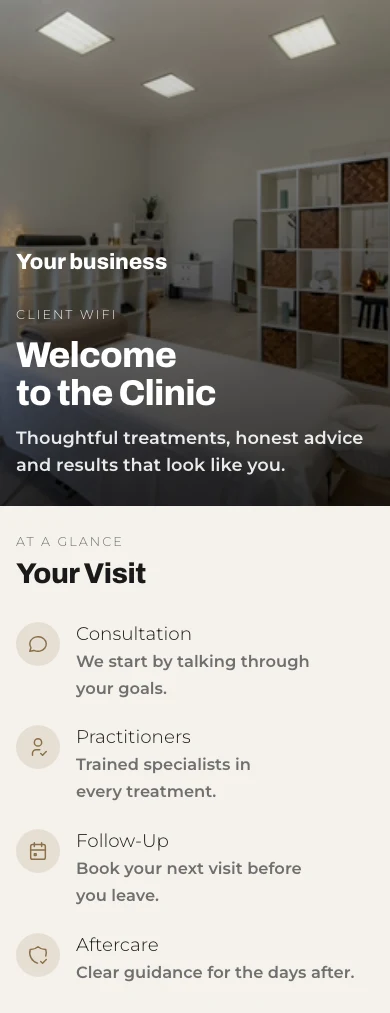
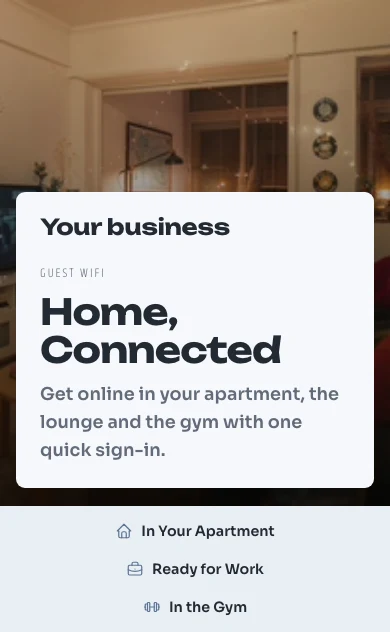
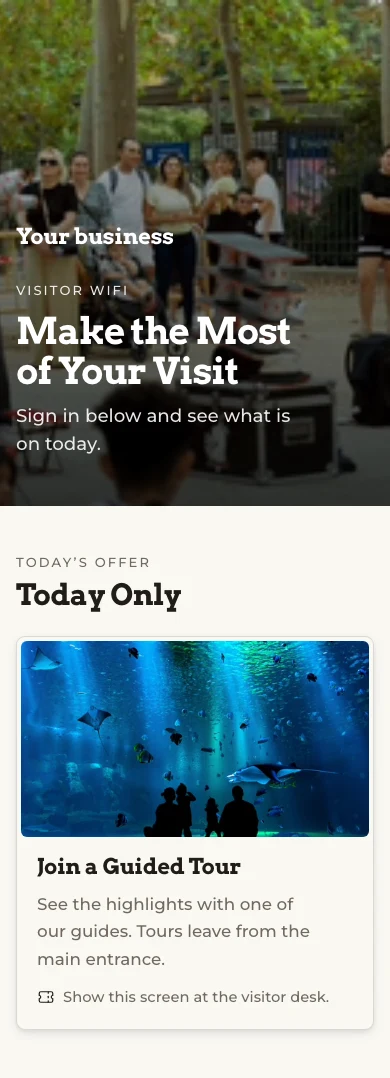
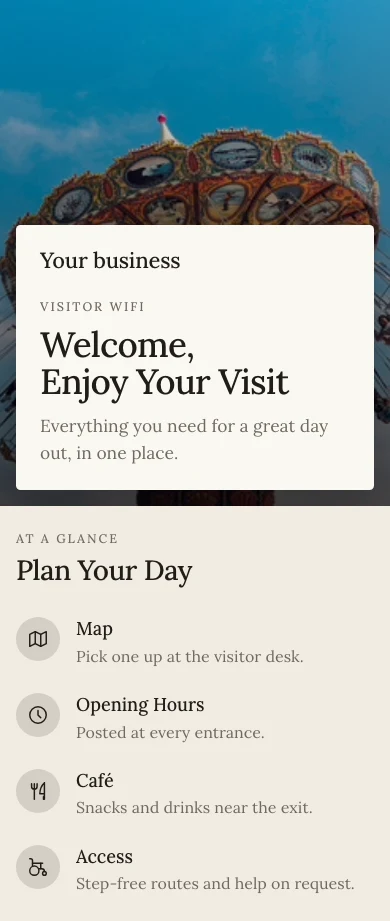
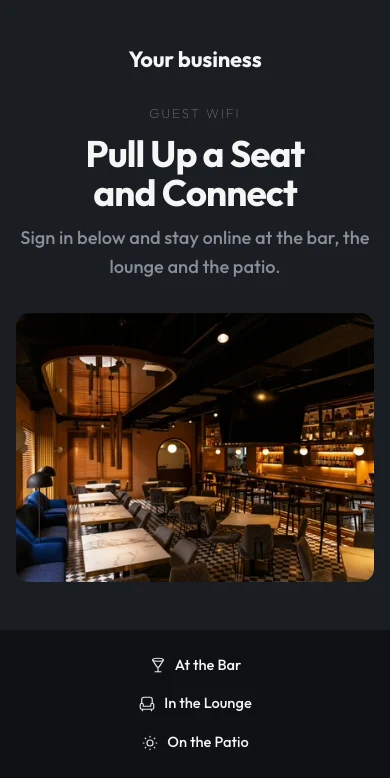
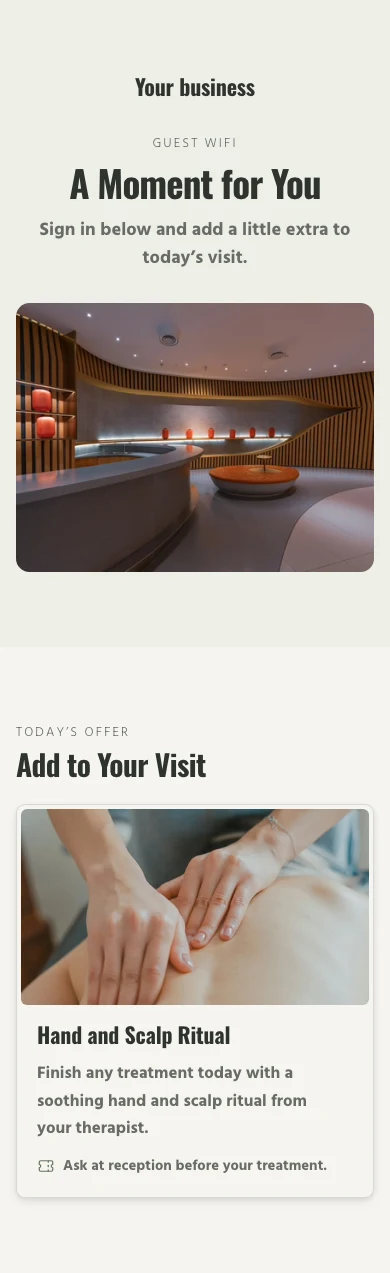
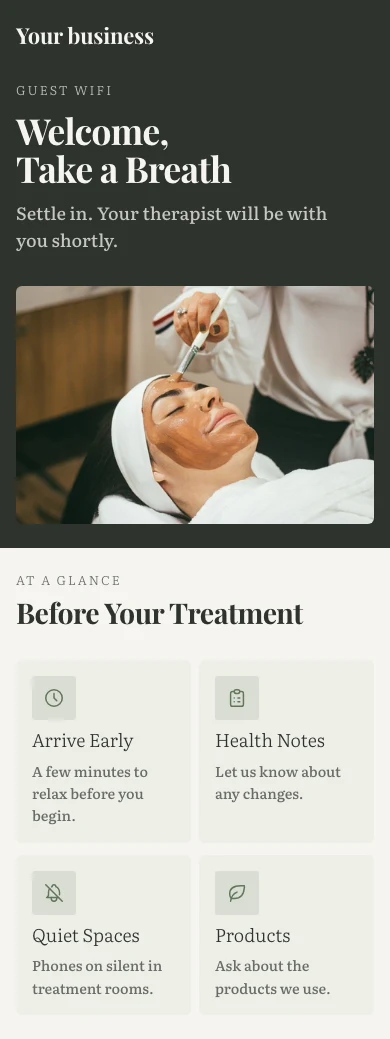
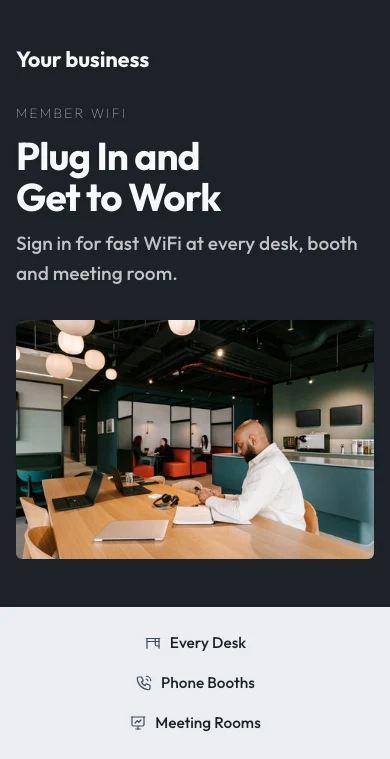
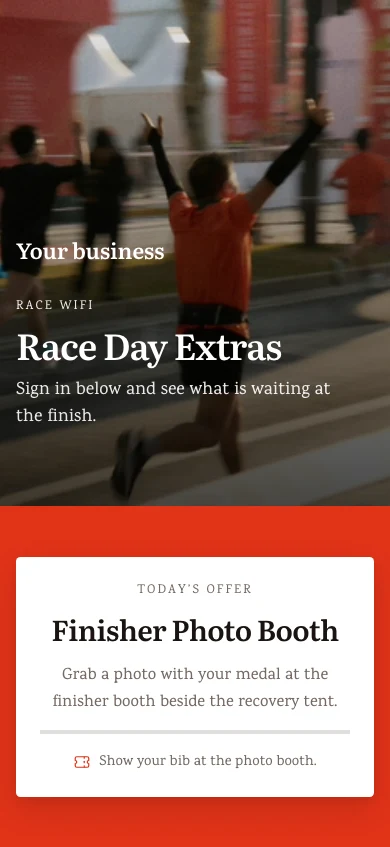
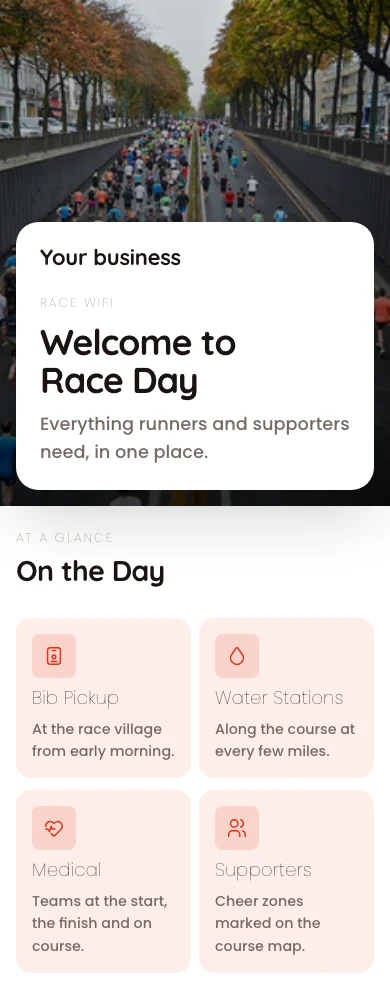
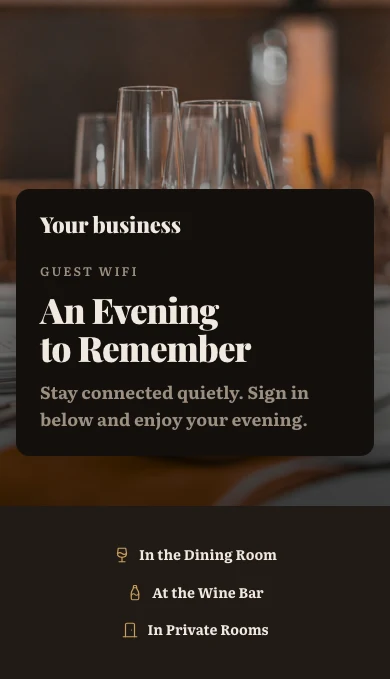
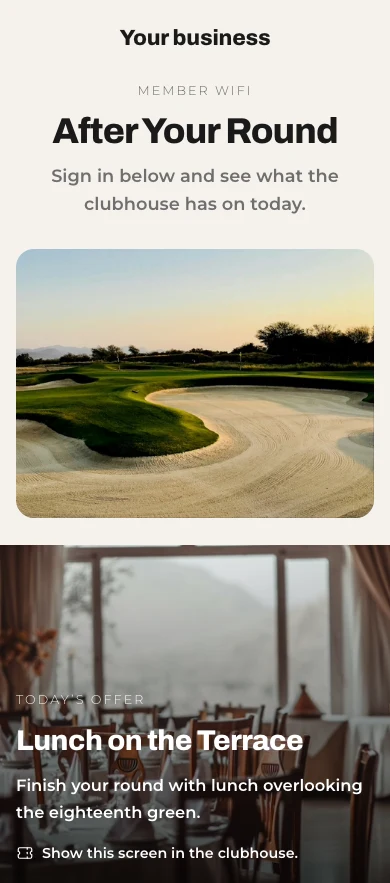
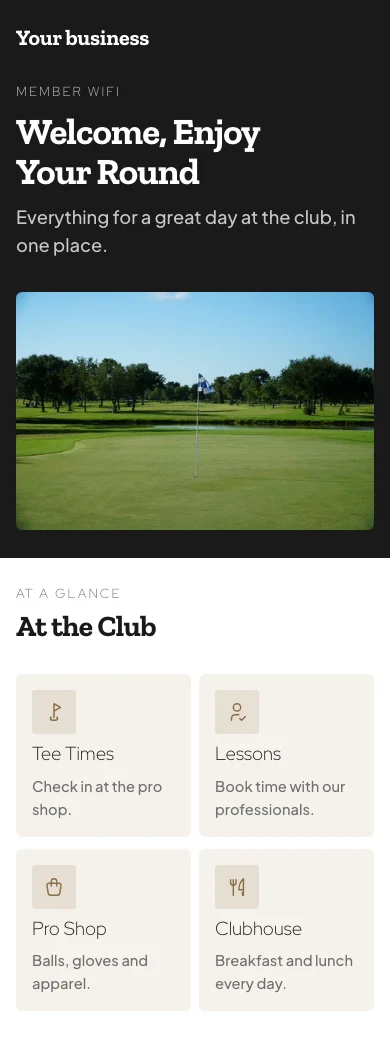
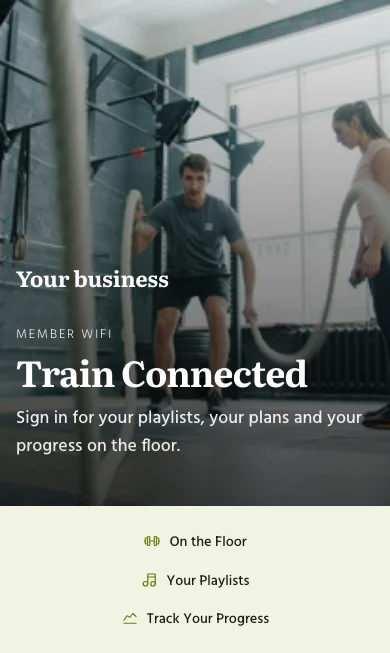
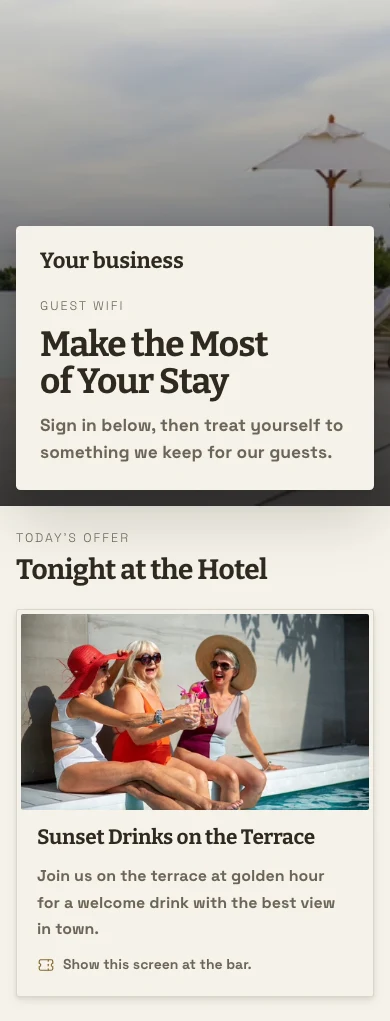
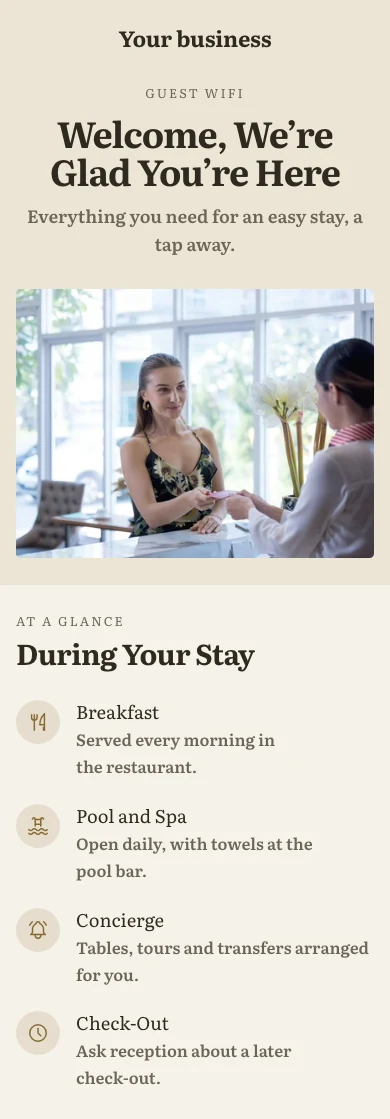
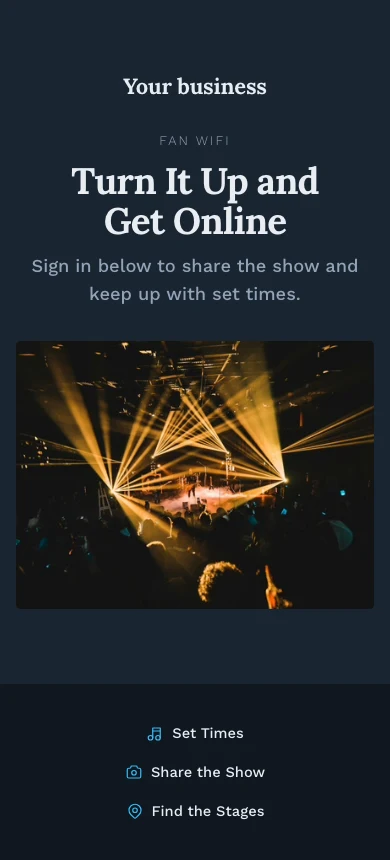
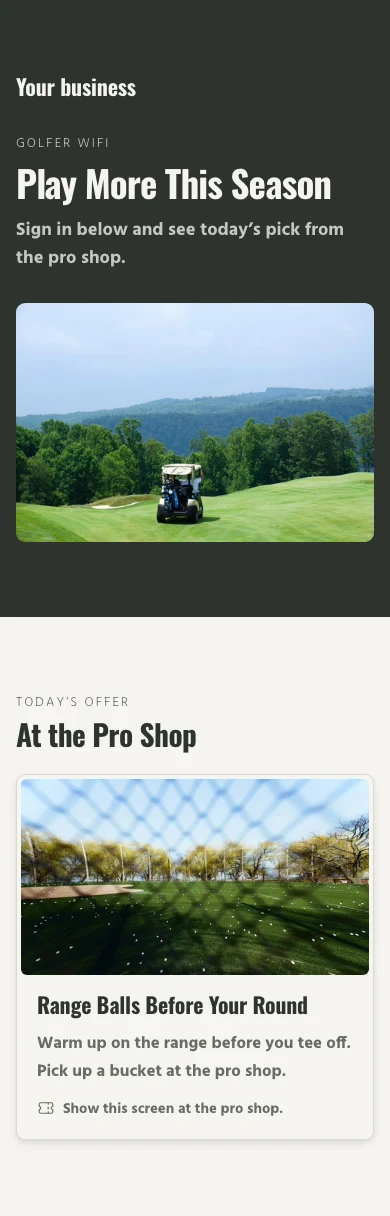
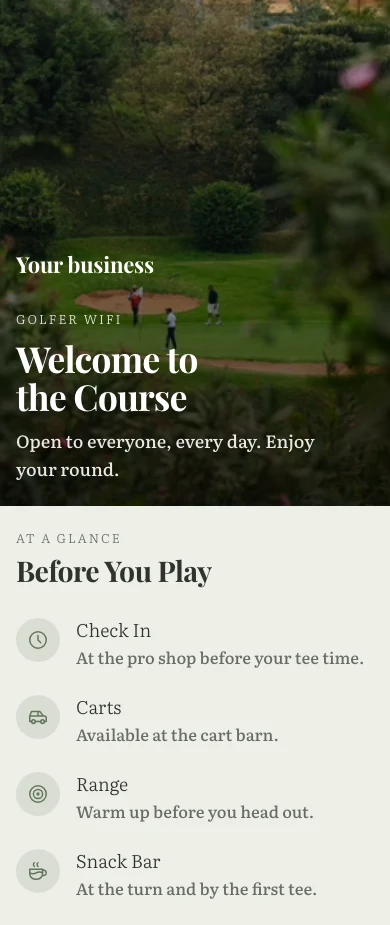
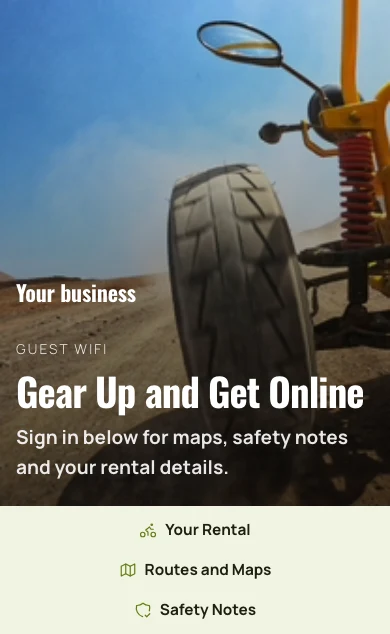
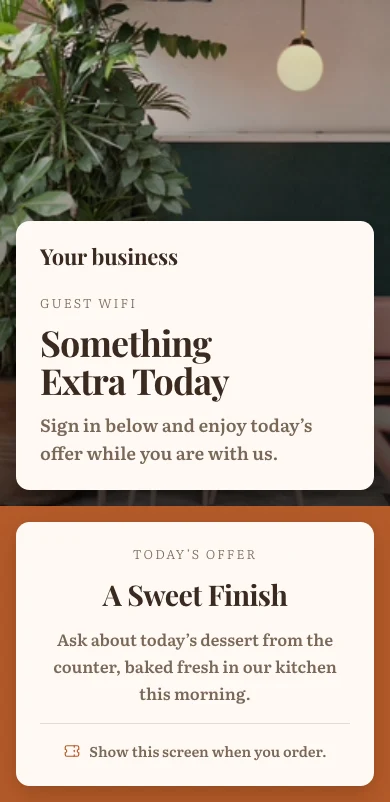
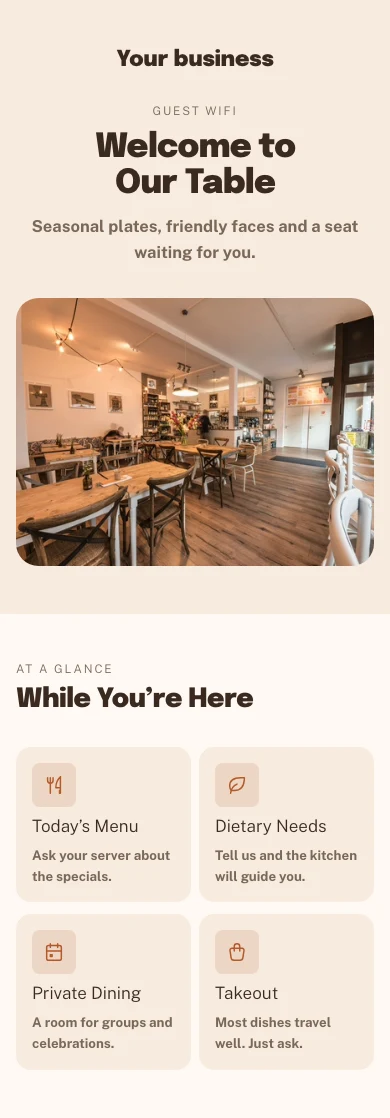
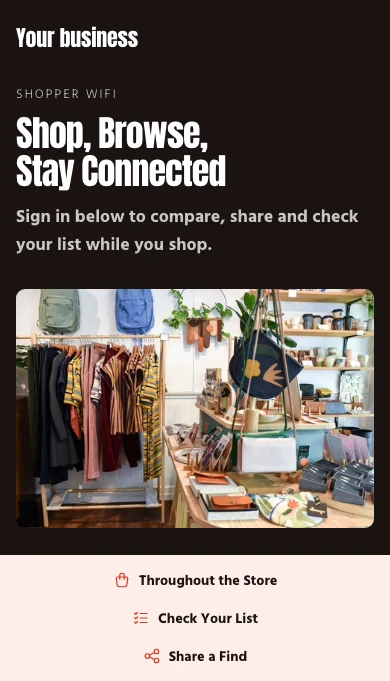
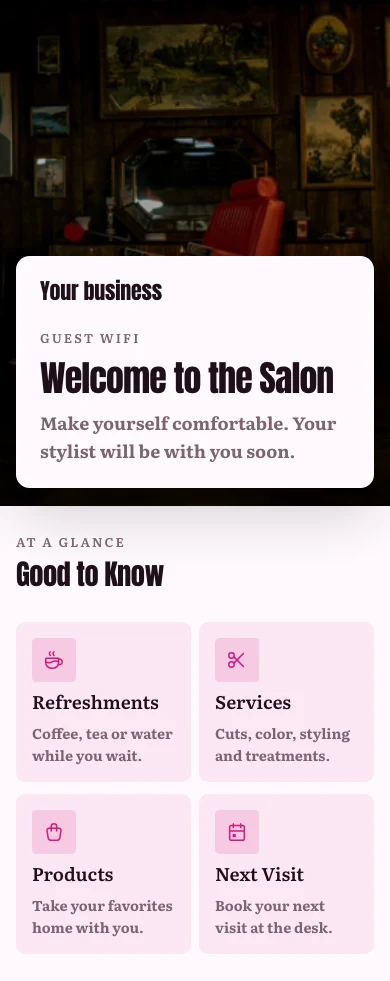
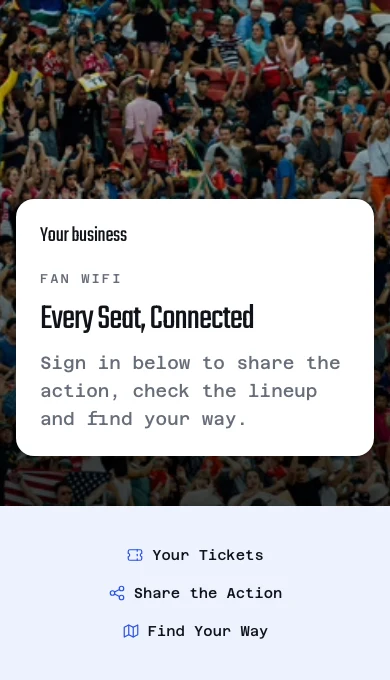
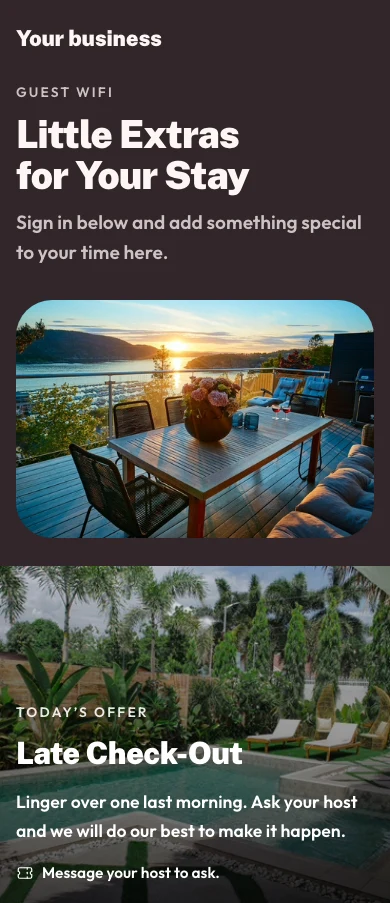
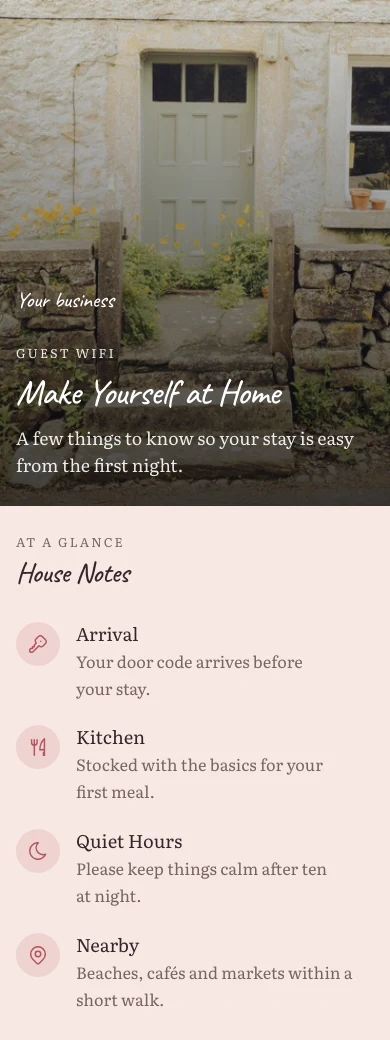
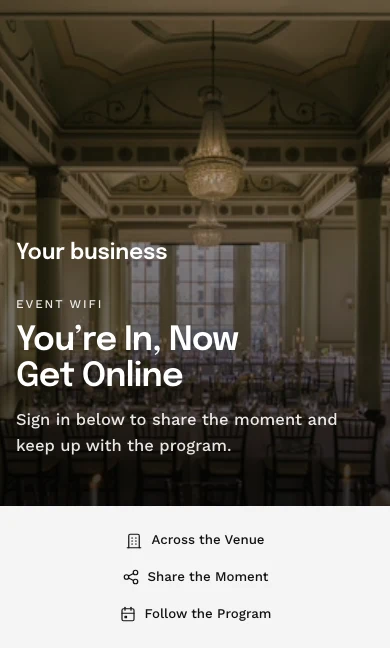
ゲストがオンラインになる前に見るページを作成します。
サインインページは、テーマのテンプレートと場所固有の設定から構成される、すべての Calisto サイトと同じウェブサイトビルダーで構築されます。ゲストは、開いている状態、予約コード、部屋、メンバー番号、バウチャー、メール、Google、Microsoft のいずれかの方法で入室できます。
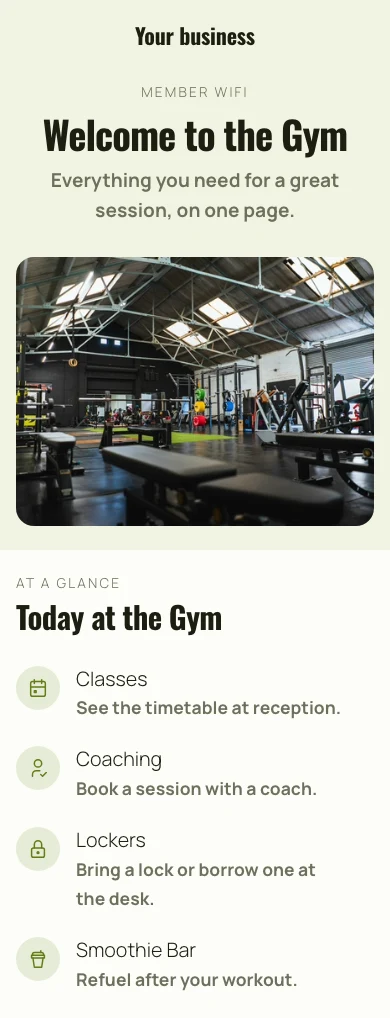
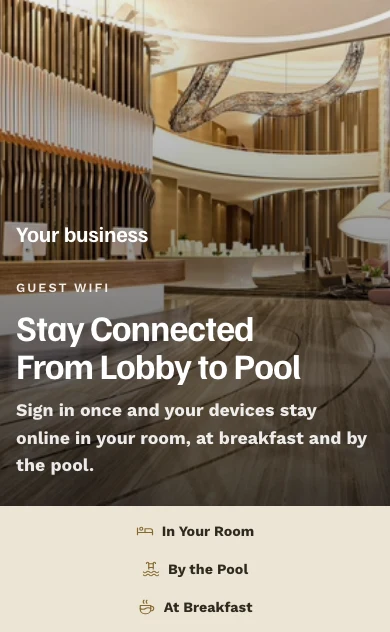
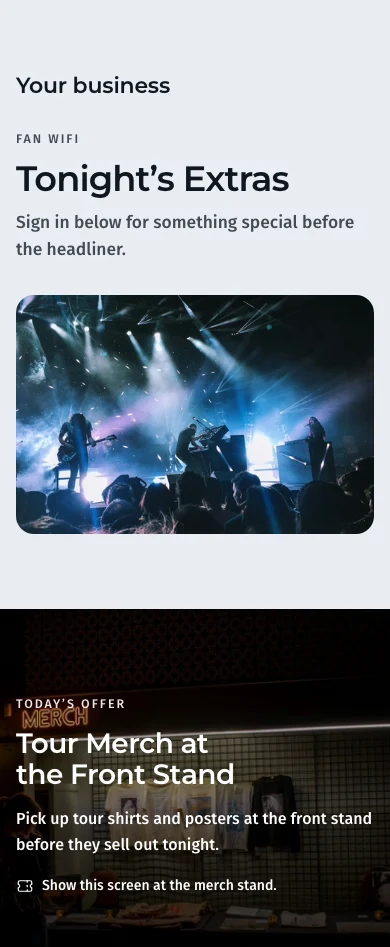
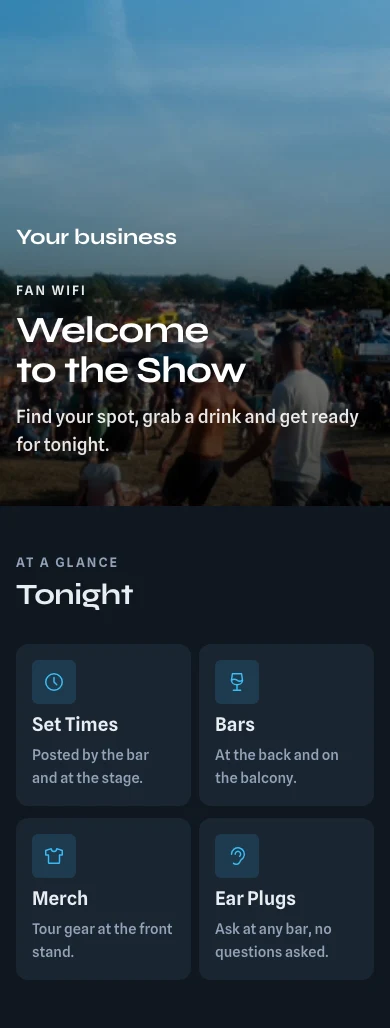
テーマのテンプレートから、ウェブサイトビルダー内に構築されています。
ビルダー
すべての Calisto サイトと同じウェブサイトビルダーを、スマートフォンサイズのページで利用できます。
ホーム
ヒーローゲスト WiFiInfo CardSocial Linksテンプレート
業界、スタイル、カラー別に、あらゆる種類のビジネス向けのサインイン、オファー、ウェルカムページ。
テンプレート
ゲスト WiFi 用のサインインページ、ご自身のもので準備完了。
ページ上のオファー
ゲストがオンラインになった後、予約、注文、ショッピング、またはチケット購入のためにタイルとして公開されたあなたのオファー。
場所ごとに 1 ページ
場所は独自のページを持つことができます。何も変更しないものは、ビジネスのページに従います。
Yorkville · サインインページ
メッセージング
場所バリエーション
利用規約
リンクまたは貼り付けられたテキスト、および場所ごとにゲストが受け入れなければならないかどうか。
メッセージング
利用規約
ゲストは利用規約を受け入れる必要がありますリンクは常にゲストが受け入れることを求めます。サインイン方法
メールBooking code部屋番号メンバー番号Google or Microsoft accountクーポンコードOpen access各滞在に WiFi を、各メンバーにチェックインを
チェックイン時に滞在には独自のコードとパスワードが割り当てられ、チェックアウト時にはあなたが与える寛容さ(Stays を使用して)で終了します。部屋番号または予約コードは、それに表示されている姓のみで承認されます。サインインしたメンバーはチェックイン済みとして記録されます。
チェックイン時に提供される
お好みの方法で、宿泊の独自コード、独自のパスワード、またはネットワークのパスワード。
Valentina Herrera チェックイン済み
WiFi
- コード
- MV7-4KQ2
- パスワード
- coral-tide-58
- オンラインデバイス
- 3 of 4
- プラン
- 速い
- Data used
- 2,418 MB
- アクセス期限まで
- 25/11/2026 12:00
- Signs in with
- Stay code, Room number
現在オンラインのユーザーを確認し、セッションを終了します
全てのサインインで、ゲストの入室方法、ネットワーク、滞在時間、データ使用量が表示されます。チームメンバーのデバイスは共有する場合のみ名前が表示されます。セッションを終了するか、デバイスを切断またはブロックすると、ネットワークへのアクセスが終了します。
すべてのサインイン
誰が、どのように、どのデバイスとネットワークで、どのくらいの期間、どのくらいのデータ量を使用してログインしたか。
サインイン
サインインしたすべてのゲスト、接続した内容、および接続時間。
| ゲスト | 認証済み | デバイス | 開始 | 分 | データ (MB) | ステータス | |
|---|---|---|---|---|---|---|---|
| lucas.almeida@example.com | メール | iPhone | 10:4221/11/2026 | 18 | 64 | アクティブ | 終了 |
| beatriz.costa@example.com | Google or Microsoft account | Galaxy S23 | 10:3721/11/2026 | 23 | 142 | アクティブ | 終了 |
| rafael.souza@example.com | クーポンコード | iPad | 10:2121/11/2026 | 39 | 310 | アクティブ | 終了 |
| camila.rocha@example.com | メール | Moto G84 | 09:5821/11/2026 | 47 | 88 | 終了 | ゲストを開く |
| thiago.lima@example.com | メール | iPhone | 09:4021/11/2026 | 61 | 205 | 終了 | ゲストを開く |
| ana.ferreira@example.com | Google or Microsoft account | MacBook Air | 09:1521/11/2026 | 90 | 1,120 | 期限切れ | ゲストを開く |
アクセスポイントが 応答しなくなった瞬間を知る
各アクセスポイントはネットワーク、クライアント、チャンネル、および最後に検知された時刻を表示します。応答が止まったアクセスポイントは一度通知され、復帰時に通知が閉じられ、担当者が「Acknowledged」を押します。アクセスポイントは Signal と共有するデバイスリストにあります。
すべてのアクセスポイント
そのネットワーク、モデル、チャネル、クライアント、最後に確認された日時、および応答しているかどうか。
アクセスポイント
ネットワークをサービスしているラジオと、それらの中で暗いもの。
| アクセスポイント | ネットワーク | MAC | IP | チャンネル | クライアント | 最終確認時刻 | 到達可能性 |
|---|---|---|---|---|---|---|---|
| Beach Club | ゲスト | 74:83:C2:1A:5F:20 | 10.30.0.21 | 149 | 14 | 21/11/2026 07:48 | 回答なし |
| Lobby | ゲスト | 74:83:C2:1A:5F:01 | 10.30.0.2 | 36 | 42 | 21/11/2026 09:41 | 応答中 |
| Pool Bar | ゲスト | 74:83:C2:1A:5F:07 | 10.30.0.8 | 44 | 27 | 21/11/2026 09:41 | 応答中 |
| Villas North | ゲスト | 74:83:C2:1A:5F:0C | 10.30.0.13 | 52 | 19 | 21/11/2026 09:41 | 応答中 |
| Villas South | ゲスト | 74:83:C2:1A:5F:0D | 10.30.0.14 | 100 | 23 | 21/11/2026 09:40 | 応答中 |
| Spa | ゲスト | 74:83:C2:1A:5F:12 | 10.30.0.19 | 157 | 6 | 21/11/2026 09:41 | 応答中 |
| Back Office | チーム | 74:83:C2:1A:5F:1E | 10.10.0.4 | 1 | 11 | 21/11/2026 09:41 | 応答中 |
確認する
受け取る人は Acknowledge を押すと、他の全員がその件に関わっていることがわかります。
Level 3 Foyer 回答なし
ステータス
応答していません。その近くにいるゲストは接続できない可能性があります。- Last seen
- 21/11/2026 09:35
- MAC
- 9C:05:D6:4E:11:A8
- ファームウェア
- 7.0.66
詳細
- 名前
- Level 3 Foyer
- ネットワーク
- ゲスト
- 場所
- The Exchange Hall
- IP address
- 10.30.3.12
- チャンネル
- 44
| ゲスト | 開始 | 終了 |
|---|---|---|
| hana.lim@example.com | 21/11/2026 09:33 | 21/11/2026 09:35 |
| arjun.mehta@example.com | 21/11/2026 09:28 | 21/11/2026 09:35 |
| chloe.ng@example.com | 21/11/2026 09:21 | 21/11/2026 09:35 |
| marcus.goh@example.com | 21/11/2026 09:14 | 21/11/2026 09:35 |
| priya.nair@example.com | 21/11/2026 09:02 | 21/11/2026 09:35 |
アラートはルールです。自動化とともです。
下がり上がり、破損したサインインページ、混雑した時間、期限切れのパスワード。
アラート
各アラートは、WiFi ▸ Automations で確認・変更できる自動化です。
アクセスポイントが応答しなくなったことをお知らせくださいゲストがサインインできない場合を教えてください特異的に繁忙な時間について教えてくださいサインインページがゲスト接触のマイルストーンに達した際に通知してください共有 WiFi パスワードの変更期限が迫った際に通知する「N 日ごとに変更」の下で、共有パスワードを持つ各ネットワークにおける変更頻度を設定します。破損したサインインページ
入る方法のないページは、一度に名前と場所が設定されます。
WiFi
ゲスト WiFi、サインイン体験、ネットワークの健全性をひと目で確認
繁忙時間
その時間帯と平日における、あなたの通常の時間をはるかに上回る 1 時間です。
インサイト
各カラムを連絡先フィールドにマッピングしてください(メールは必須です)。
1 日の時間帯別の平均ゲスト数
誰が戻ってきたか、そして誰があなたから連絡を受け入れるかを確認
マーケティングはオンにするまで無効です。チェックボックスにチェックを入れると、日付付きのコンタクトになります。Insights では、7 日、30 日、または 90 日間のトラフィック、繁忙時間、および各場所のデータを表示できます。
ゲスト名簿
連絡先を残したすべてのゲスト:頻度、訪問回数、滞在時間、そして最後の訪問日。
| 名前 | メール | 頻度 | 訪問 | 平均滞在時間 (分) | 最終訪問日 |
|---|---|---|---|---|---|
| Freja Lindholm | freja.lindholm@example.com | Frequent | 41 | 96 | 21.11.2026 19:42 |
| Mads Kristensen | mads.kristensen@example.com | 通常 | 17 | 71 | 20.11.2026 18:15 |
| Sofie Dahl | sofie.dahl@example.com | 通常 | 12 | 58 | 19.11.2026 13:02 |
| Emil Thomsen | emil.thomsen@example.com | Occasional | 4 | 45 | 18.11.2026 12:37 |
| Clara Bech | clara.bech@example.com | Occasional | 3 | 82 | 17.11.2026 20:11 |
| Noah Vestergaard | noah.vestergaard@example.com | 新着 | 1 | 38 | 16.11.2026 21:04 |
一人ひとりのゲスト専用ページ
連絡先詳細、同意取り消しを含むマーケティング回答、およびすべての訪問。
Freja Lindholm On the network now
お問い合わせ
マーケティング同意
23.04.2026 にあなたから話を聞くことに合意しました。- キャンペーン
- 登録日 24.04.2026
- メンバーシップ
- Nord Club
- 前回のご来場
- 21.11.2026 19:42
- 平均滞在時間
- 1h 36m
- Data used
- 3.8 GB
| 何時 | ネットワーク | 以下でサインイン | デバイス | 期間 | データ | ステータス |
|---|---|---|---|---|---|---|
| 21.11.2026 | Gæster | メール | iPhone | 1h 12m | 84 MB | 現在放送中 |
| 18.11.2026 | Gæster | メール | iPhone | 1h 48m | 126 MB | 終了 |
| 15.11.2026 | Gæster | メール | MacBook Air | 2h 05m | 410 MB | 終了 |
| 11.11.2026 | Gæster | メール | iPhone | 1h 31m | 97 MB | 終了 |
| 08.11.2026 | Gæster | メール | iPhone | 1h 22m | 71 MB | 終了 |
インサイト
場所別で、7 日、30 日、または 90 日間のセッション、訪問者、ゲスト、およびキャプチャされたデータ。
インサイト
各カラムを連絡先フィールドにマッピングしてください(メールは必須です)。
| 場所 | ネットワーク | セッション | キャプチャ |
|---|---|---|---|
| Roma Norte | 3 | 5,214 | 641 |
| Condesa | 3 | 4,388 | 532 |
| Polanco | 3 | 3,906 | 471 |
| Coyoacán | 2 | 2,731 | 318 |
| Santa Fe | 2 | 2,223 | 245 |
サインインからコンタクトまで
連絡先が何件の接続を残し、Contacts に到達し、キャンペーンに参加したか。
インサイト
各カラムを連絡先フィールドにマッピングしてください(メールは必須です)。
ゲストキャプチャー
| フネルステージ | 数え | ステージの前の |
|---|---|---|
| Connections | 2,469 | 100% |
| Captured | 1,284 | 52% |
| Synced to Contacts | 1,246 | 97% |
| Enrolled in Campaign | 718 | 58% |
ネットワークごとのキャプチャされたゲスト
セグメント
ライブカウントを 1 回の押下で Campaigns のリストに追加します。
ゲスト
サインインページでキャプチャされた全ユーザー、その頻度と最近の復帰状況を含めて。
| セグメント | 定義 | ゲスト | マーケティングへの同意 | |
|---|---|---|---|---|
| 新規訪問者 | 初めて接続されました | 214 | 131 | キャンペーンへプッシュ |
| 再訪者 | 以前接続済み | 1,386 | 902 | キャンペーンへプッシュ |
| 高頻度 | 5 回以上接続 | 412 | 318 | キャンペーンへプッシュ |
| 期限切れ | 30 日以上接続されていません | 297 | 164 | キャンペーンへプッシュ |
| 長期滞在 | 平均して 2 時間以上滞在 | 158 | 97 | キャンペーンへプッシュ |
| メンバー | メンバーシップ階層を保持する | 86 | 79 | キャンペーンへプッシュ |
ハンドオフ、キャンペーン、サークルとともに
ルールを有効にすると、新しいゲスト連絡先がリストまたはロイヤリティプログラムに参加します。
設定
このビジネス内のすべてのネットワークでゲスト WiFi がどのように動作するか。
新しいゲスト連絡先
あなたから連絡を受け入れることに同意したゲストのみが追加されます。それぞれは WiFi ▸ オートメーションで確認および変更できるオートメーションです。
Circle ロイヤリティプログラムに新しいゲストコンタクトを登録するプライバシー
ゲストにマーケティングリストに参加を依頼するオフになっています。オンにすると、ウェルカムページは各ゲストにチェックボックスを表示し、それは事前チェックされません。空欄のままでも接続され、リストには追加されません。ゲストがサインインするメールを連絡先に保存するリテンション
設定した日付以降:詳細をクリアしてカウントを保持するか、すべてを保持するか、または削除します。
設定
このビジネス内のすべてのネットワークでゲスト WiFi がどのように動作するか。
顧客維持
セッション記録がそれより古い場合これは WiFi セッションログのみです。マーケティング同意を与えたゲストは、いずれの場合も同意した日付とともに Contacts に保持されます。そのままにしてください。来訪者の名前、メール、デバイス、MAC アドレス、IP アドレス、および連絡先とのリンクを削除し、来訪者数を保持します。削除する。| 名前 | メール | 頻度 | 訪問 | 平均滞在時間 (分) | 最終訪問日 |
|---|---|---|---|---|---|
| Freja Lindholm | freja.lindholm@example.com | Frequent | 41 | 96 | 21.11.2026 19:42 |
| Mads Kristensen | mads.kristensen@example.com | 通常 | 17 | 71 | 20.11.2026 18:15 |
| Sofie Dahl | sofie.dahl@example.com | 通常 | 12 | 58 | 19.11.2026 13:02 |
| Emil Thomsen | emil.thomsen@example.com | Occasional | 4 | 45 | 18.11.2026 12:37 |
| Clara Bech | clara.bech@example.com | Occasional | 3 | 82 | 17.11.2026 20:11 |
| Noah Vestergaard | noah.vestergaard@example.com | 新着 | 1 | 38 | 16.11.2026 21:04 |
電話からラジオとゲストを確認する
ホーム、ゲスト、アクセスポイント、ネットワークは電話のタブであり、デバイスに保持したままにする選択から発信された信号がない状態で開きます。ライブネットワークへの変更は信号を待機し、新しいアクセスポイントは保持され一度送信されます
WiFi がすべてに接する場所。その他。
4 of these 8 connections are in your plan today; the others are their own apps.
Signal
Access points sit in the device list WiFi shares with Signal, and every network system connects from one panel.
Automations
Every notice WiFi sends is a rule to change or pause, and every guest, stay and arrival event can start one of yours.
Workforce
Arriving on the team WiFi can be the proof of being on site, and nudges a person to start their shift.
Access
A visitor’s invitation carries one guest WiFi code for the visit.
Stays
A stay gets its own WiFi code and password at check-in, and a speed plan can be charged to its folio.
Coworking
A member signing in to the WiFi is checked in, and the sign-in page is set in Coworking’s own Settings.
Campaigns
A guest who said yes can join a list, and a whole segment can be added to one.
Circle
A guest who said yes can be enrolled in loyalty when they sign in.
設定費用なし。使用開始時に支払い。
Networks, team logins, a welcome page and guests.
Calisto Ops
Networks at four access levels on the router you have, a Calisto login for each person on the team, the welcome page and its vouchers, stays’ own WiFi, who is on now, access points that stop answering, and the guests who came back.
Priced per location. Included with Calisto Ops.
おすすめ
互いに良好に動作します。
Calisto Signal
Calisto Ops
Sensors, trackers, locks and cameras on one fleet, an alert inbox, incidents with their playbooks, and rules through Automations.
Learn more →Calisto Automations
Calisto Workforce
Calisto Access
Calisto Stays
Calisto Coworking
Calisto Campaigns
Calisto Engage
Lists and consent per channel, emails built from blocks, sends at each person’s best hour, sequences and announcements, and what each campaign earned, credited to the click.
Learn more →Calisto Circle
推奨される
WiFi を運用する業界と、それぞれがそれを運用する理由。
ホテルおよびリゾートゲスト WiFi
Guest, team and staying-guest networks with their own logins
Calisto の ホテルおよびリゾート →Bar & Loungeゲスト WiFi
Team and guest networks, with a welcome page if you want one
Calisto の Bar & Lounge →イベント・プロダクションレンタルゲスト WiFi
Team and visitor networks on the router you have
Calisto の イベント・プロダクションレンタル →In-Person RetailersWiFi ストア
Store and team networks, open or with a password
Calisto の In-Person Retailers →Calisto に含まれるすべて WiFi.
- Four levels, picked per network: Open, Shared Password, Welcome Page, Personal Logins
- The security follows the level; you pick only WPA2 or WPA3 inside it
- Only the levels your router runs are offered
- Setup starts with “What Router Do You Have?”, then Visitors, Team or a different network
- Who May Join by relationship: owners, admins, team members, station people, members, staying guests, invited visitors, anyone
- A label and a broadcast name kept apart, a VLAN, a speed ceiling and a hidden switch per network
- VLANs with their ID, name, subnet and purpose; each Who May Join group can land on its own
- Networks, SSIDs and VLANs as three views of one list
- One password per network, kept by Calisto, revealed only on request and shown as a join QR code
- Change Every N Days, with a reminder and the steps for your router
- Every screen that prints it (the QR code, signage, a room TV, a kiosk, a stay’s message) reads the current one
- Each person joins with their own Calisto email and password, at every business they work with
- Removed from the business, refused at the next join, with no new password for anyone else
- Works with every phone’s default setting (PEAP), and with TTLS-PAP
- Password checks limited to ten in fifteen minutes per email
- People with no Calisto account join with their stay’s code
- Only on Shift for team members and station people, with a shift grace you set
- My WiFi in every app’s Profile: use my Calisto password, a one-tap Apple profile, the exact Android and Windows values
- Arrival sharing off until you turn it on; each person accepts or declines, and a decline is told to the owner
- A team member’s login never counts as a guest
- Setup asks what router you have, or starts with what works on any router
- The box from your internet provider runs Open and Shared Password, with its own setup steps
- Calisto RADIUS for personal logins and for systems that check sign-ins with RADIUS
- A guest’s sign-in puts their device on the network, in the system’s own way
- No Calisto hardware sold or shipped
- Built in the same website builder as every Calisto site, opening on a phone
- Themes, Library and Templates of sign-in, offer and welcome pages, by industry, style and color
- A location’s own page once it has one; every field otherwise follows the business’s default
- Ways in: open, booking code, room number, member number, voucher, email, Google or Microsoft
- Google and Microsoft sign-in on the business’s own app, never Calisto’s
- Terms as a link or pasted text, and whether guests must accept, per location
- Session length and the page after sign-in, per location
- A returning guest greeted by first name only, recognized per business
- A page with no way in is not set up and asks for nothing
- Governed terms, ways in and session length read-only everywhere they are managed
- Issued in batches, with a label, a use limit, a session length, a window and a location
- Edit or revoke one; used up, expired and not yet valid shown as such
- The same codes for a day pass with guest WiFi and for a visitor’s invitation
- At check-in, the stay’s own code and its own password, as you choose (with Stays)
- Ends at checkout or the departure time, plus the grace you give; a moved stay moves them
- A stay’s own password sent to systems that take one per guest, otherwise given through Calisto RADIUS
- A booking code or room number admits only with the last name, only at that location and only while the stay is on
- Devices per stay, or per guest on it, under your device-limit choice
- Staying Guests online now: room, guest, plan and data, with End, Extend, Reissue and End WiFi
- One stay’s WiFi on its reservation in Stays, and in the guest’s portal, room TV, kiosk and messages
- Download and upload speeds, devices, a data allowance, how long and where
- Priced by a catalog item, or free with none
- Included by guest standing, charged to the stay’s folio or paid online through your own gateway
- The device moves to the plan’s speed at once, and back when the plan ends
- A member who proves who they are by signing in is recorded as checked in, once a day per building
- On by default, off in Settings; it admits and refuses nobody
- Every session: how the guest got in, the network, when, how long and the data used
- End a session, disconnect or block a device; every end reaches the network
- Connected devices with their network, signal, uptime and data
- Blocked devices kept through every resync
- Devices per guest: allow and record, drop the oldest, or refuse the new one
- Sessions closed when they end, and after the idle time you set
- Every access point with its network, location, model, channel, clients and last seen
- In the device list shared with Signal, fully editable in WiFi
- Answering, not answering or not reporting, from what the system reports
- Acknowledge an access point down; cleared when it answers again
- Every guest who signed in: visits, first and last visit, and the marketing answer they gave
- Marketing off until you turn it on, and only on a Welcome Page network
- A box that is never pre-ticked; saying no still gets the guest online
- A guest who says yes becomes a contact with their consent and its date
- Withdraw a guest’s consent from their page; nothing in WiFi can grant it
- Segments with live counts, added to a list in Campaigns with one press
- Hand-offs to Campaigns and Circle as rules you turn on
- Retention after the days you set: clear the details and keep the counts, keep, or delete
- Insights over 7, 30 or 90 days, by location: sessions, visitors, returning share, capture and data
- The busy hour and day, and traffic by location
- Alerts as Automations rules you change or pause: access point down and back, a broken sign-in page, a busy hour above your own normal, a contact milestone, a password due
- An extra alert address for each rule
- Guest, stay and arrival events for rules of your own
- Tabs: Home, Guests, Access Points, Networks
- Home, Access Points, Guests, Networks and Sign-Ins open with no signal, from what you keep on the device
- A change to a live network waits for signal; a new access point is held and sent once
- Two people editing one record see Keep Mine or Load Theirs
- Acknowledge on an access point down; Accept and Decline on arrival sharing
- Shortcuts and two widgets: Network Health and Who’s On Now, counts only
- Networks, access points and guests in Calisto’s search, never a password
- Stays (a stay’s WiFi, plans on the folio, the Guest WiFi settings)
- Coworking (member check-in, the sign-in page in its Settings)
- Workforce (clock-in proof and shift nudges on arrival)
- Access (a visitor’s WiFi code)
- Signal (access points and network connections)
- Contacts, Campaigns and Circle (only for guests who said yes)
- Automations (every automatic act is a rule you control)
- Purview and Blueprint (governed settings)
Questions about Calisto WiFi
いいえ。インターネットプロバイダーからのボックスはオープンネットワークまたは共有パスワードを実行しており、Calisto はこれを保持し、印刷し、変更を促します。WiFi はあなたのルーターが実行できるすべてのレベルを提供します。Calisto はハードウェアを販売しません。
個人用ログインネットワークでは、各人が独自の Calisto メールアドレスとパスワードで参加します。ビジネスから削除すると、次回以降の参加は拒否されます。他の誰かがパスワードを変更することはありません。
はい。事業は 2 つのネットワーク、Visitors と Team から始まり、それぞれ独自のアクセスレベルを持ち、開いているか閉じています。1 つの個人ログインネットワークでは、各グループは独自の VLAN にアクセスできます。
あなたがそう望む場合のみです。マーケティングのオプトインはオンにするまでオフであり、チェックボックスにチェックを入れるゲストのみがリストに追加されます。他の全員は引き続きオンラインになります。
チェックイン時に、各滞在は独自のコードとパスワードが割り当てられ、チェックアウト時には、Stays を実行している場合、貴殿が与える寛容さによって終了します。ウェルカムページでは、部屋番号または予約コードを入力することで、その名前に一致する苗字を持つゲストのみが入室でき、かつ滞在期間中のみ有効です。
到着共有をオンにし、かつ各人が自分のアカウントで同意した場合のみ有効です:彼らがあなたの場所に来た時と離れた時。決して他の事業、決して彼らがオンラインで行うことは共有されません。
このページの価格ボックスはライブカタログを読み取り、権限を持っています。WiFi は場所ごとに価格設定され、すべてのアクセスレベルはその 1 つの価格に含まれています。宿泊、キャンペーン、Circle およびそれらが開く他のアプリは、それぞれのアプリで価格設定されています。
