تعديل صورة بضغطة واحدة، يدويًا أو في طبقات.
محرر الصور للصور الموجودة بالفعل في حسابك. أكمل صورة واحدة أو جلسة تصوير كاملة، ثم شارك معرضاً يختار فيه عميلك المفضلة.
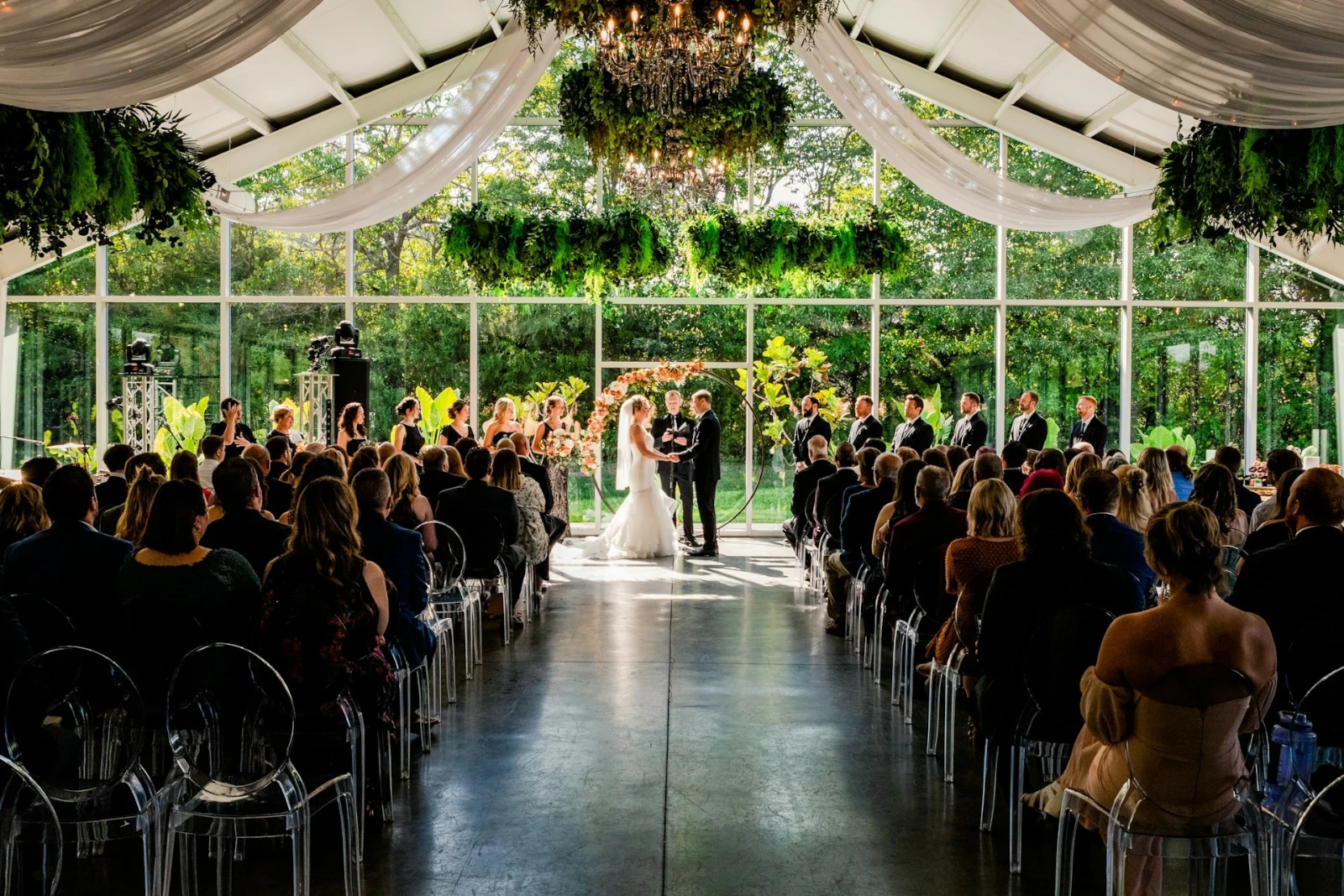
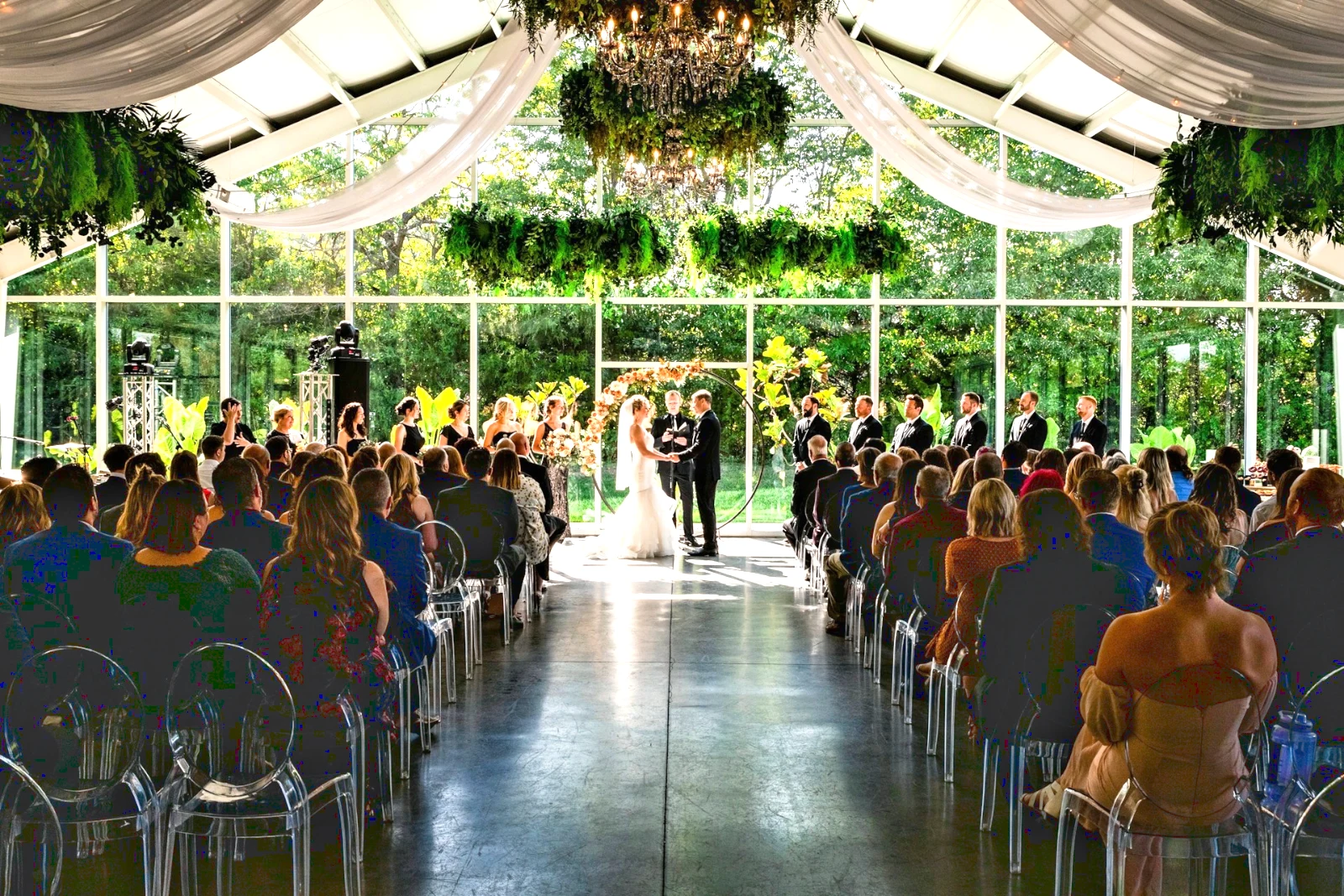
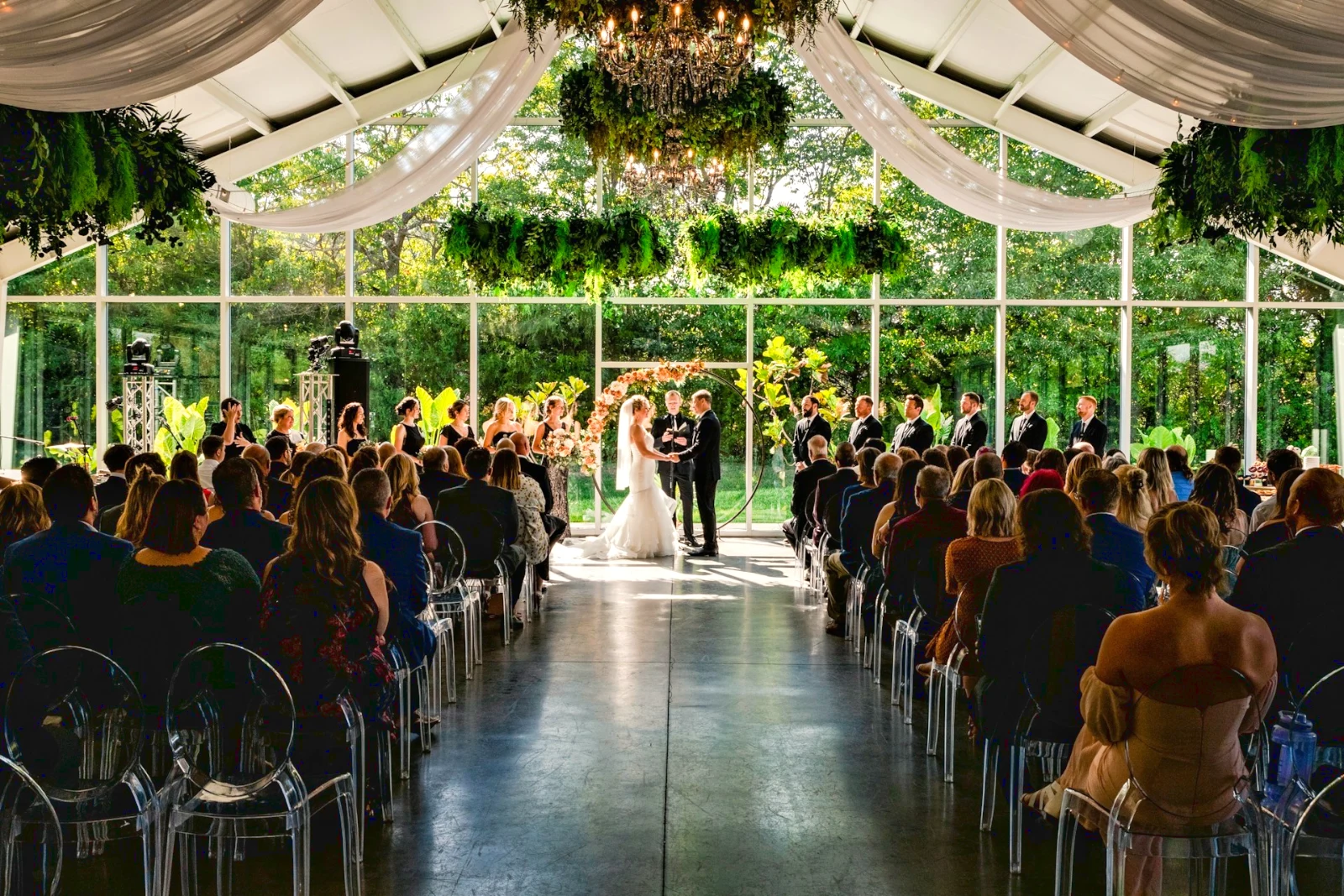
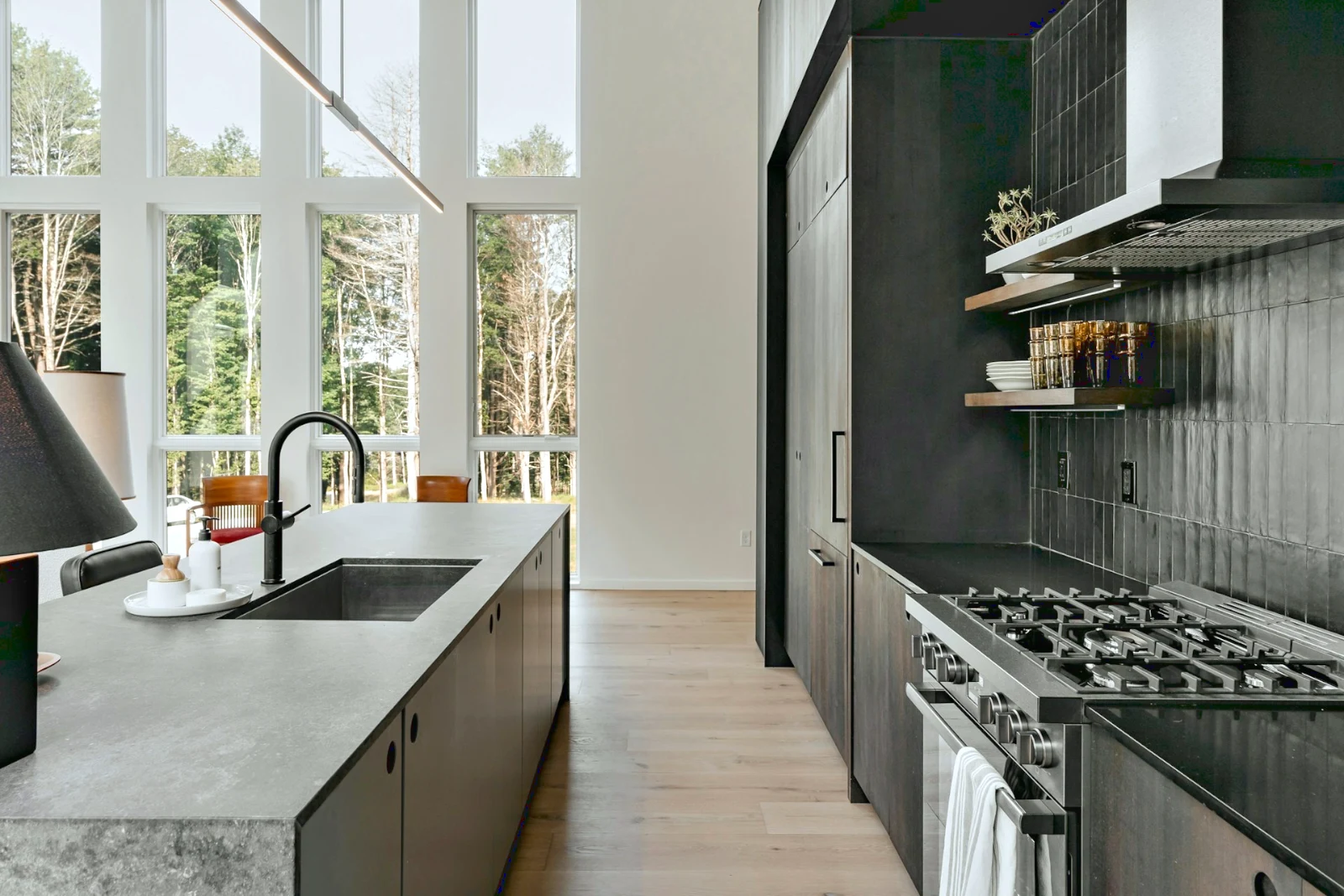 Bright and Airy
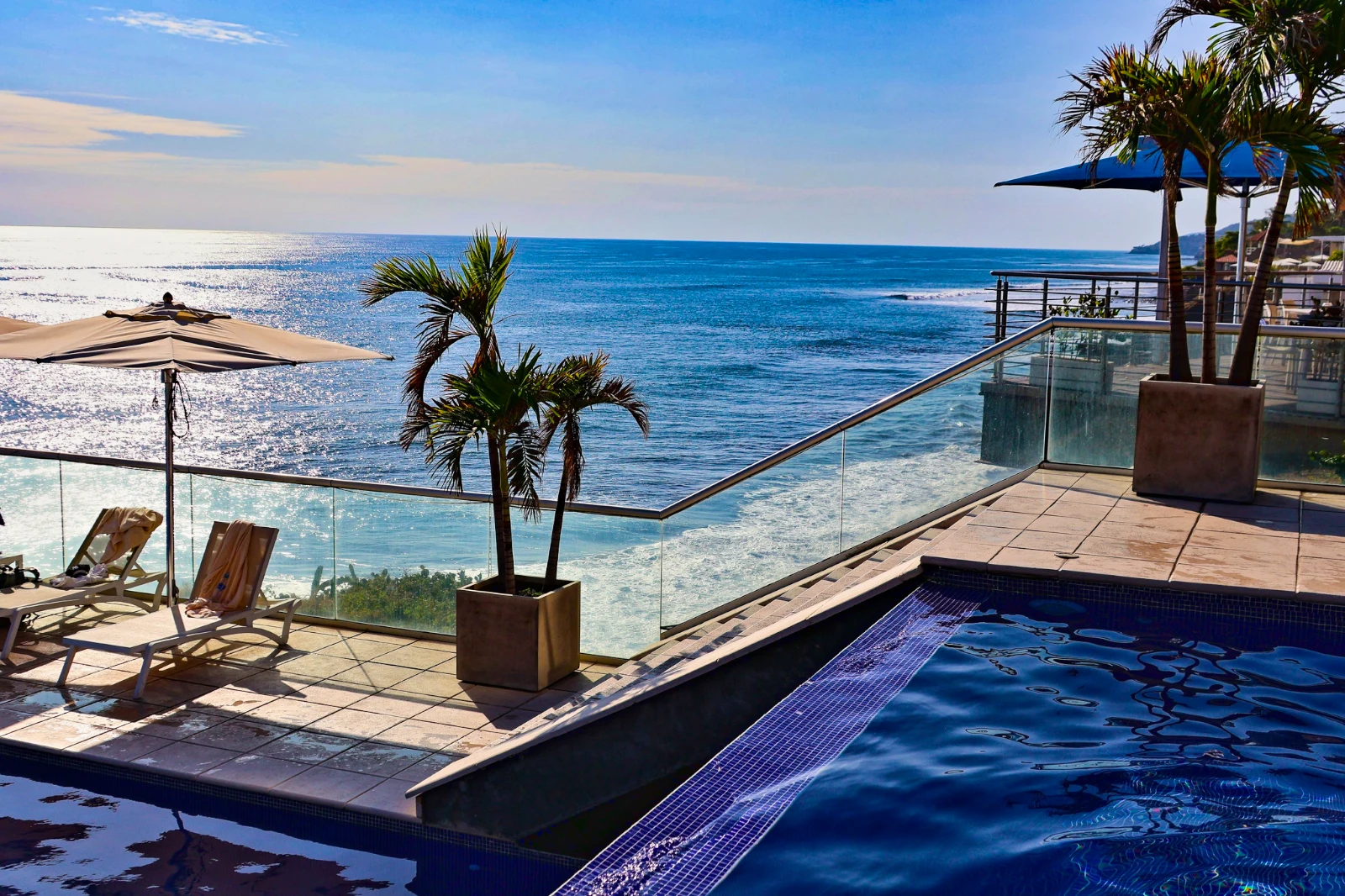 Punchy Social
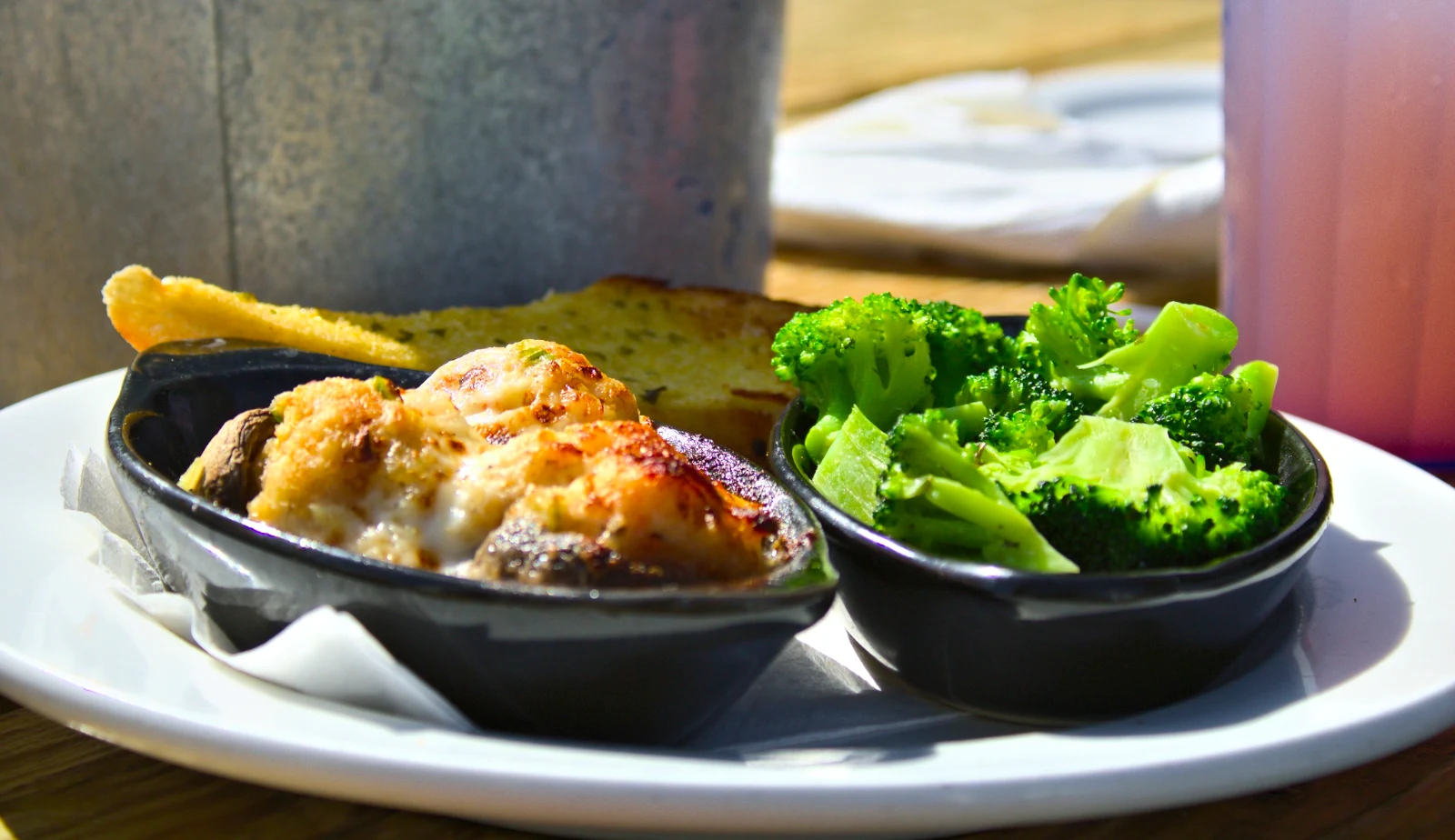 Punchy Social
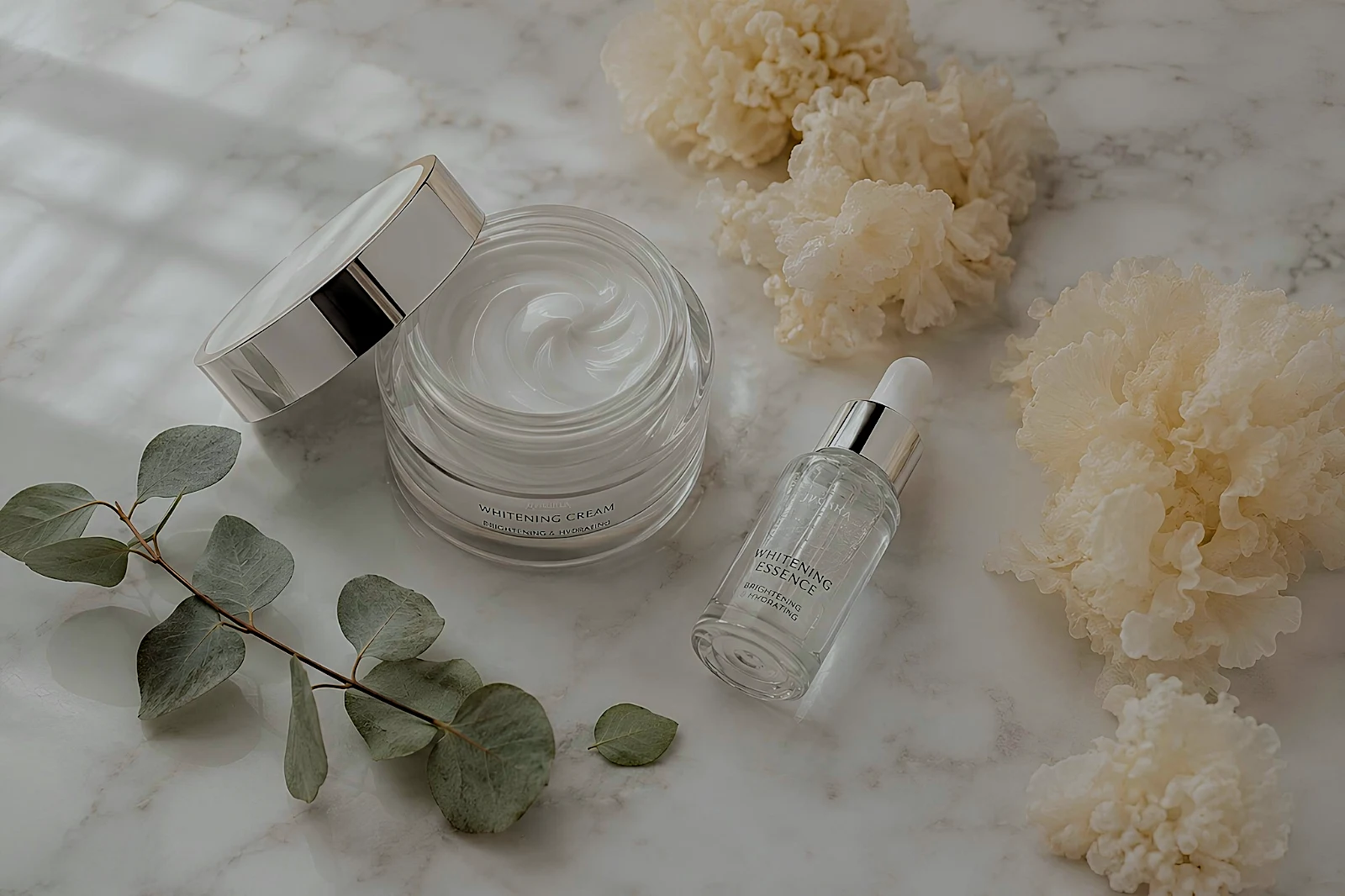 True Color
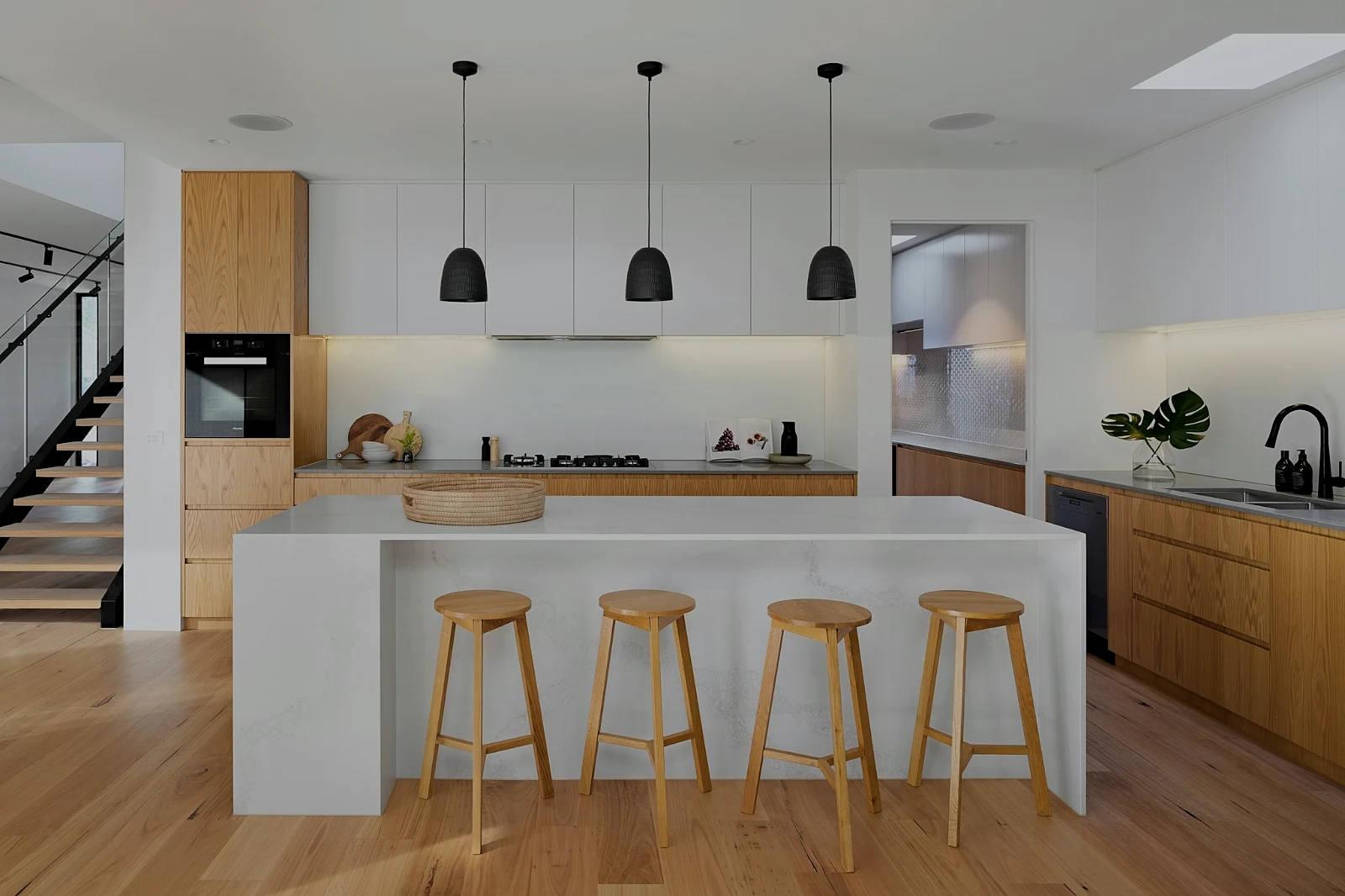 True Color
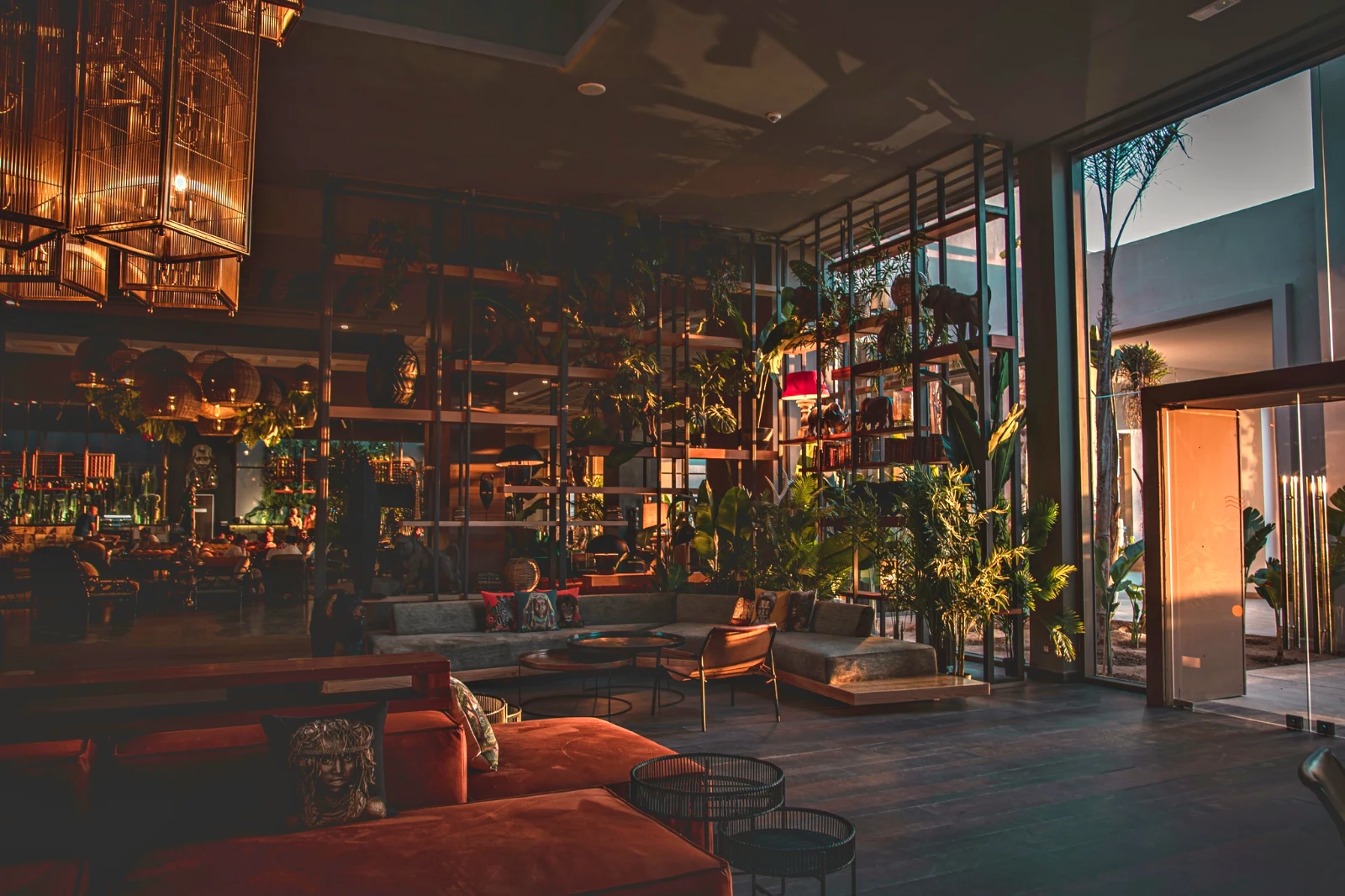 Warm Interior
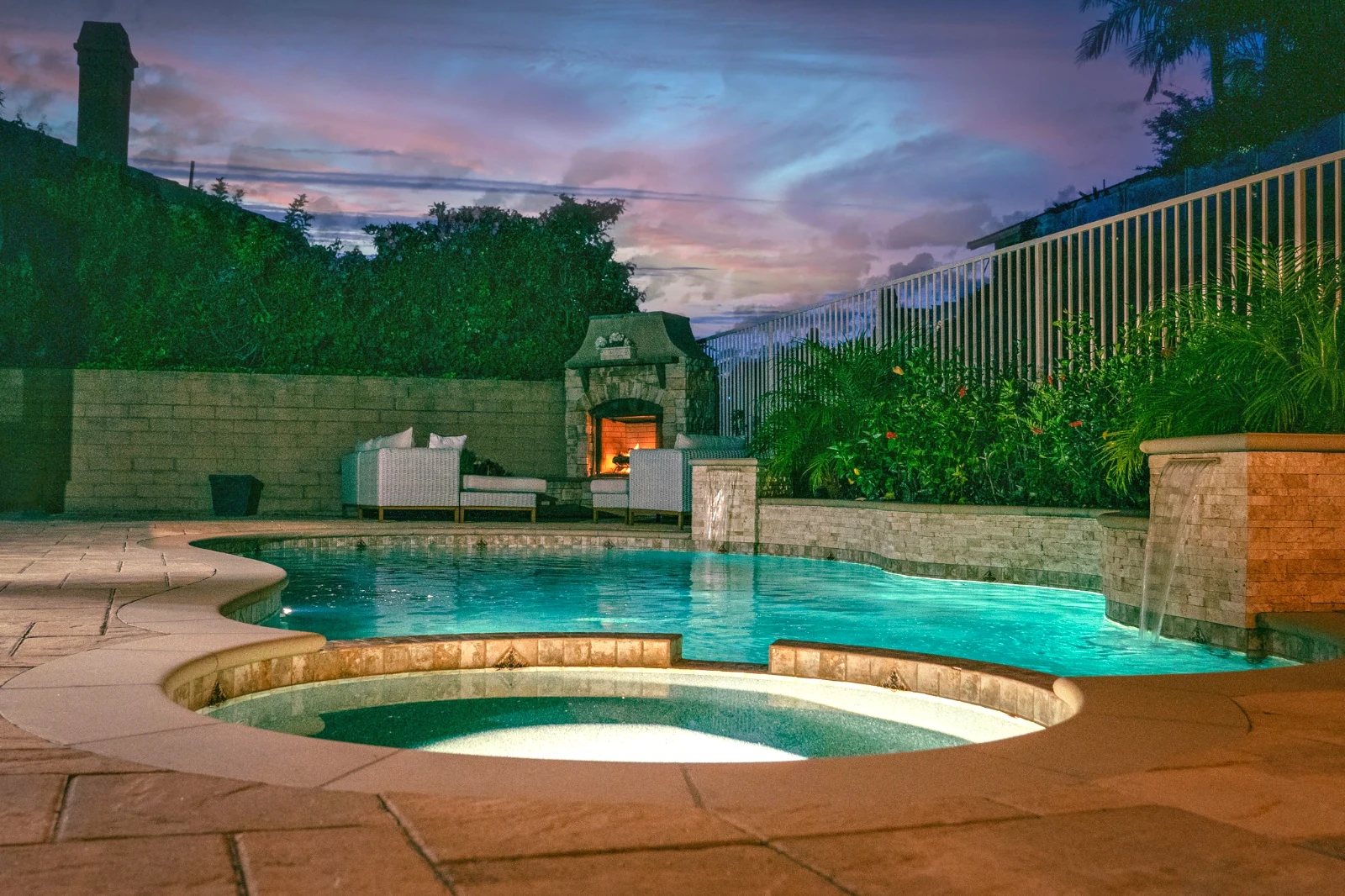
 Twilight Glow
 Bright and Airy
 True ColorBright and AiryPunchy SocialPunchy SocialTrue ColorTrue ColorWarm InteriorTwilight GlowBright and AiryTrue ColorBright and AiryPunchy SocialPunchy SocialTrue ColorTrue ColorWarm InteriorTwilight GlowBright and AiryTrue ColorBright and AiryPunchy SocialPunchy SocialTrue ColorTrue ColorWarm InteriorTwilight GlowBright and AiryTrue Color
 Golden Hour Warmth<خاصتي
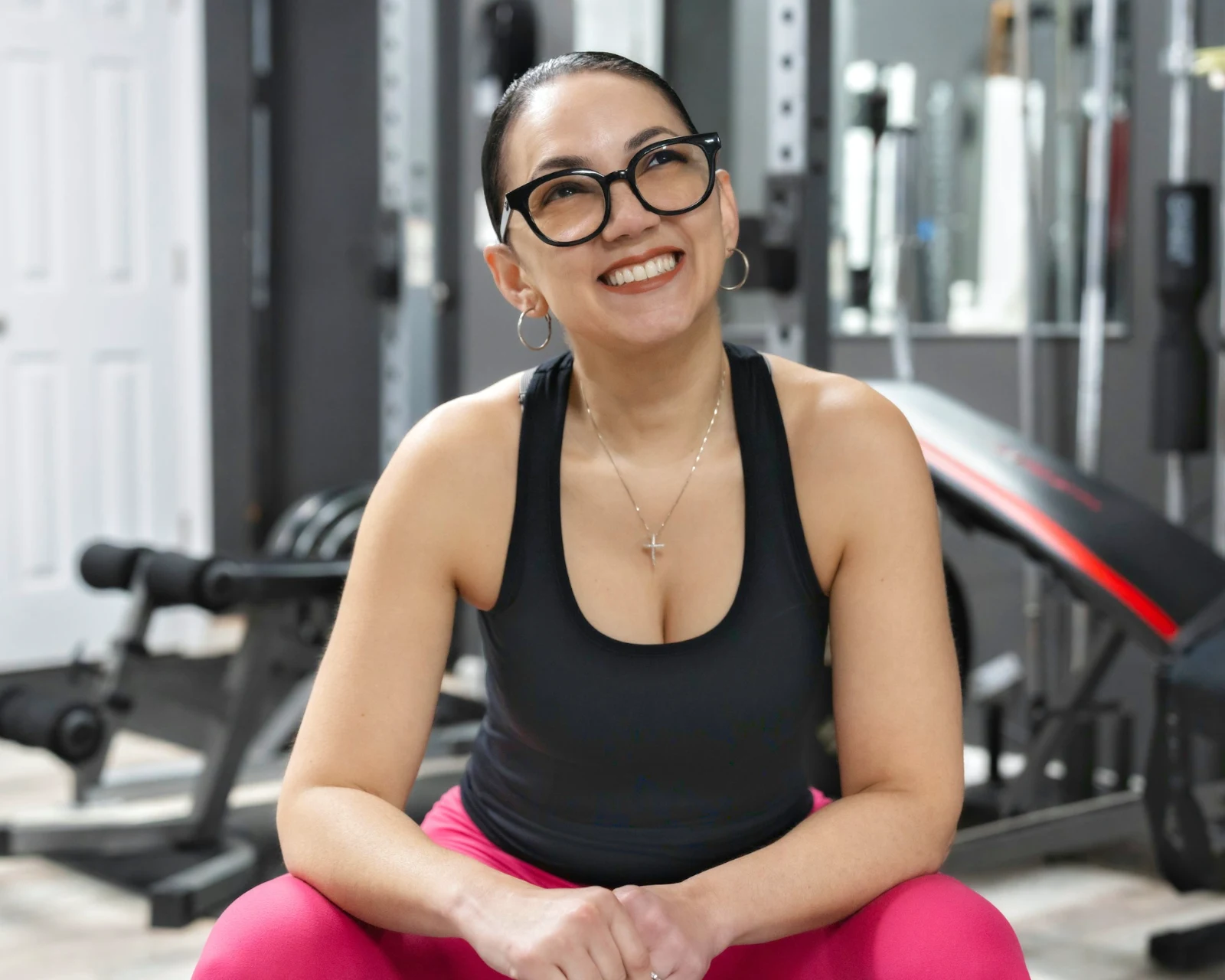 Soft Portrait
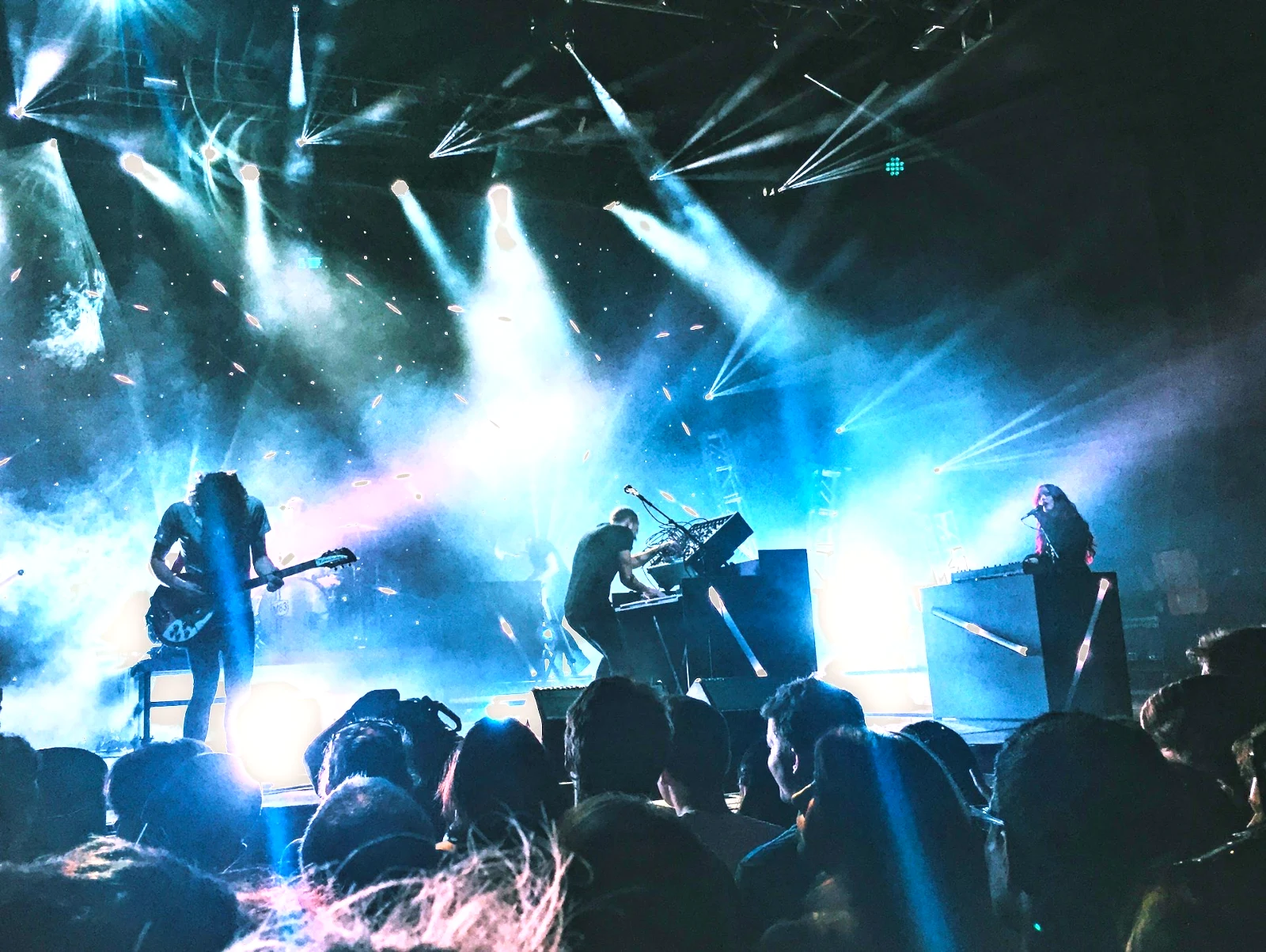 Punchy Social
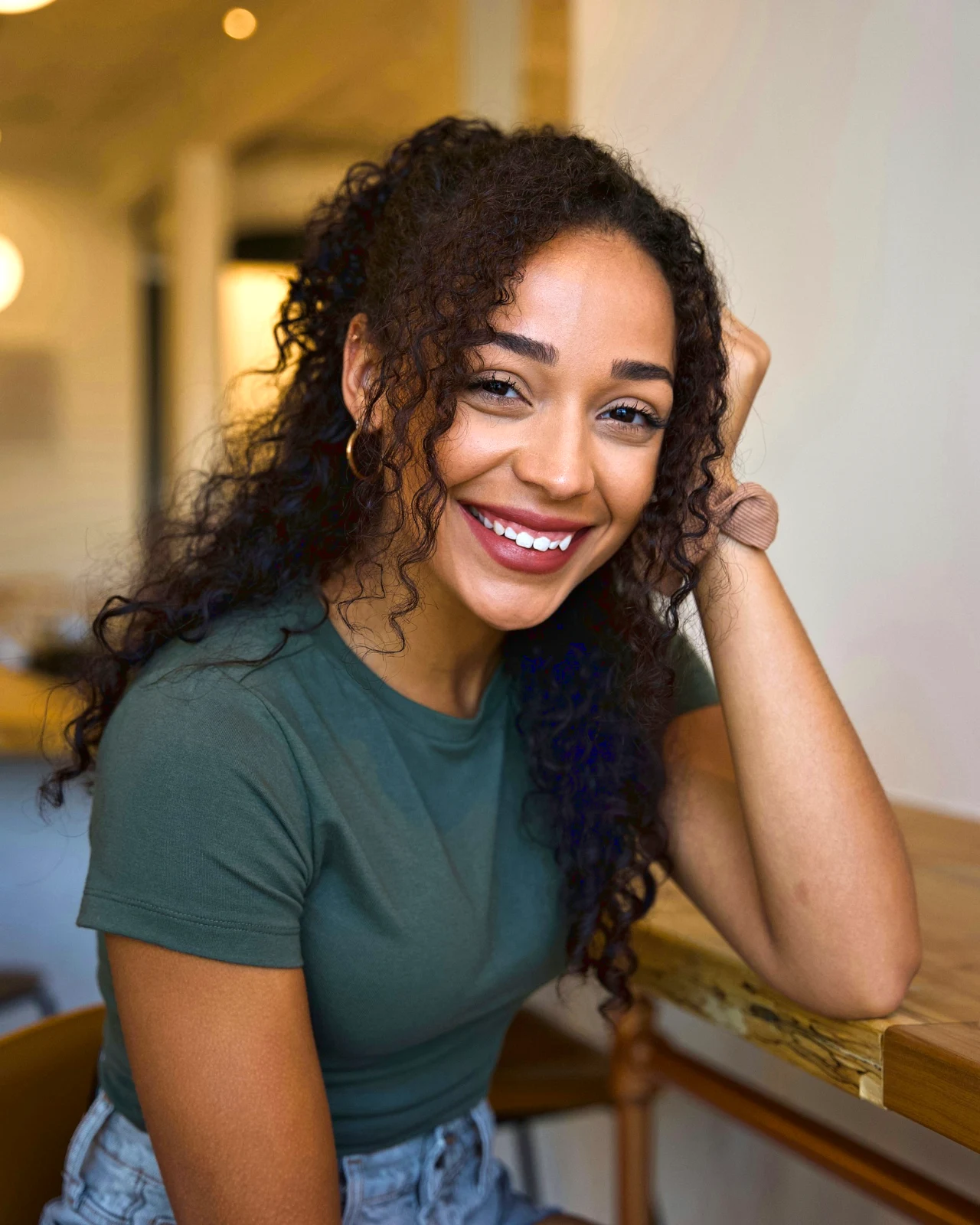 Punchy Social
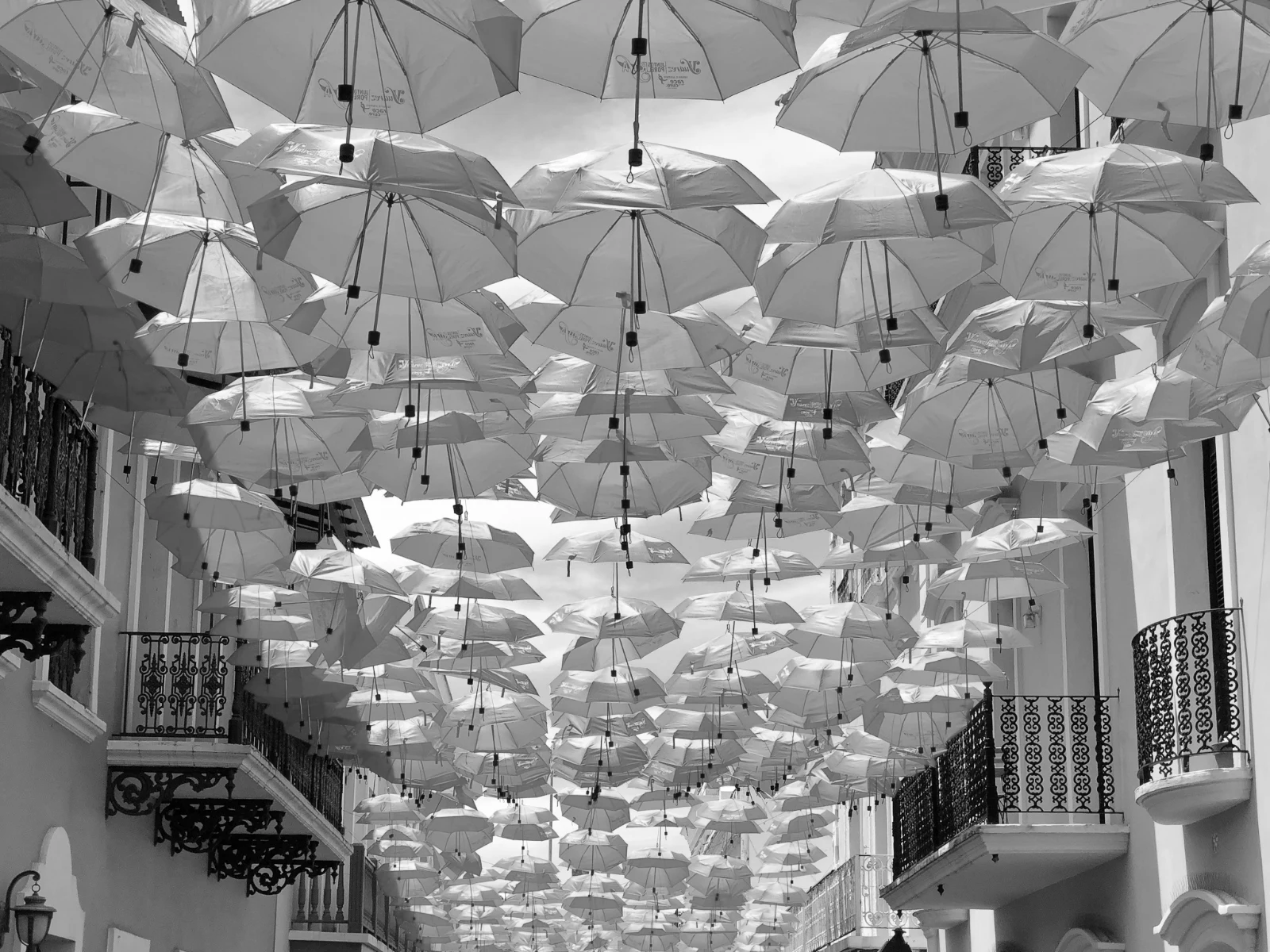 أسود وأبيض
 Soft Portrait
 Soft Portrait
 Twilight Glow
 Soft Portrait
 Soft PortraitGolden Hour Warmth<خاصتيSoft PortraitPunchy SocialPunchy Socialأسود وأبيضSoft PortraitSoft PortraitTwilight GlowSoft PortraitSoft PortraitGolden Hour Warmth<خاصتيSoft PortraitPunchy SocialPunchy Socialأسود وأبيضSoft PortraitSoft PortraitTwilight GlowSoft PortraitSoft PortraitGolden Hour Warmth<خاصتيSoft PortraitPunchy SocialPunchy Socialأسود وأبيضSoft PortraitSoft PortraitTwilight GlowSoft PortraitSoft PortraitBright and AiryPunchy SocialPunchy SocialTrue ColorTrue ColorWarm InteriorTwilight GlowBright and AiryTrue ColorGolden Hour Warmth<خاصتيSoft PortraitPunchy SocialPunchy Socialأسود وأبيضSoft PortraitSoft PortraitTwilight GlowSoft PortraitSoft Portrait
من التصوير إلى اختيارات العميل
محرر واحد على عمقين: بسيط للجميع، وكل التحكم للأشخاص الذين يعملون بالتحرير.
المكتبة
كل صورة يحتفظ بها الحساب.
التقليل
الأعلام، أفضل أولية، وما شابه ذلك من اللقطات.
السيارات والمظهر
لمسة واحدة، أو نظرة خاصة بك.
تعديل
الإضاءة، اللون، الخطوط، والأجزاء.
تلقائي جماعي
مجموعة كاملة في تشغيل واحد.
طبقات
الاختيارات، الأقنعة والطلاء.
معرض الصور
يختار العميل ويضيف ملاحظات.
إرسال إلى
تصميم، موقع ويب، أو قائمة.
على هاتف
الصورة ملء الشاشة.
استيراد كل صورة، واثرها مرة أخرى
ارفع من المكتب، أو من الكاميرا، أو من معرض الكاميرا، أو شارك صورة إلى Foto من أي تطبيق. كل صورة يحتفظ بها الحساب في Depot موجودة في المكتبة، ويمكن العثور عليها مرة أخرى عبر نجمة الصورة، أو الوسوم، أو اختيارات العميل، أو البحث.
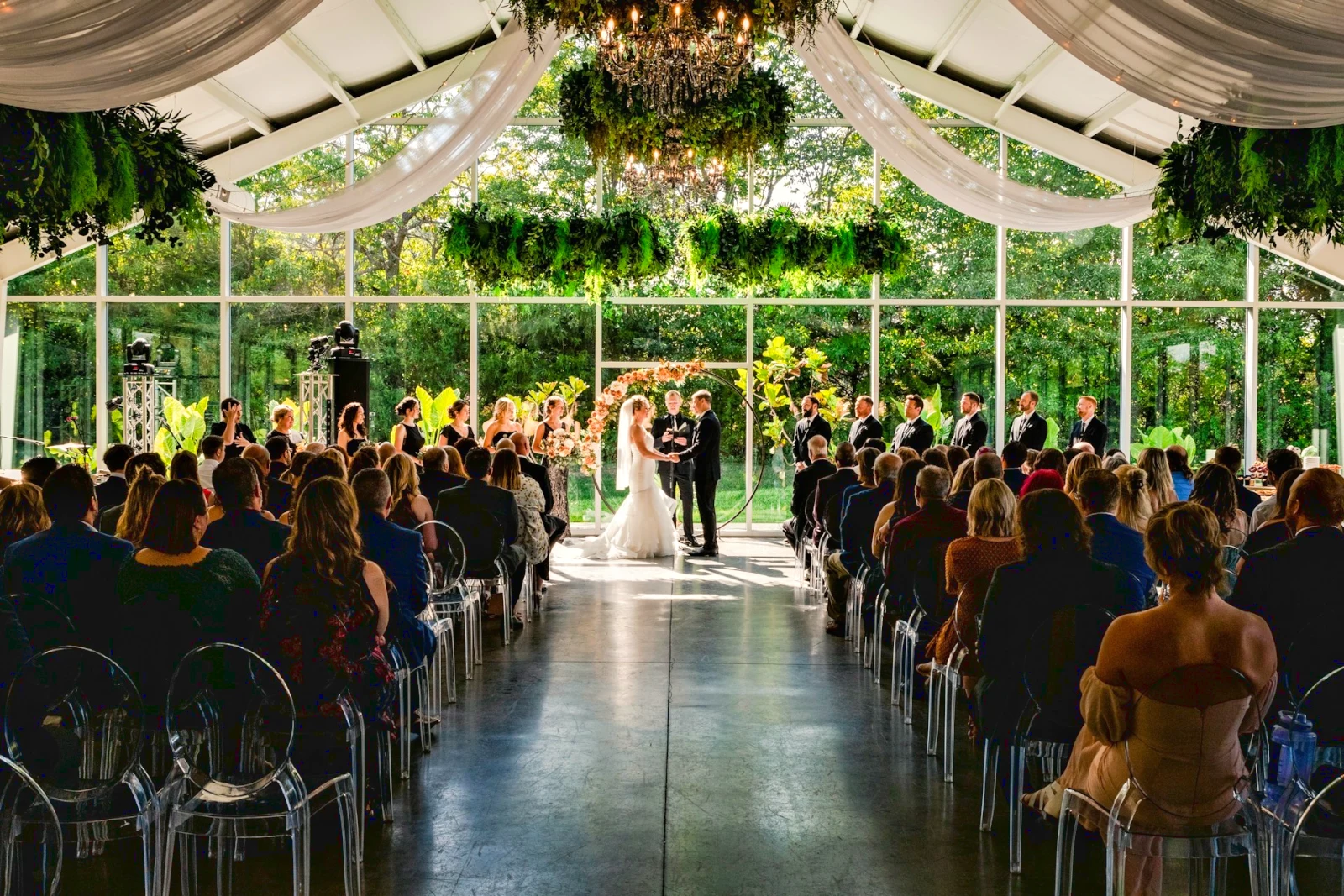 تم التعديل
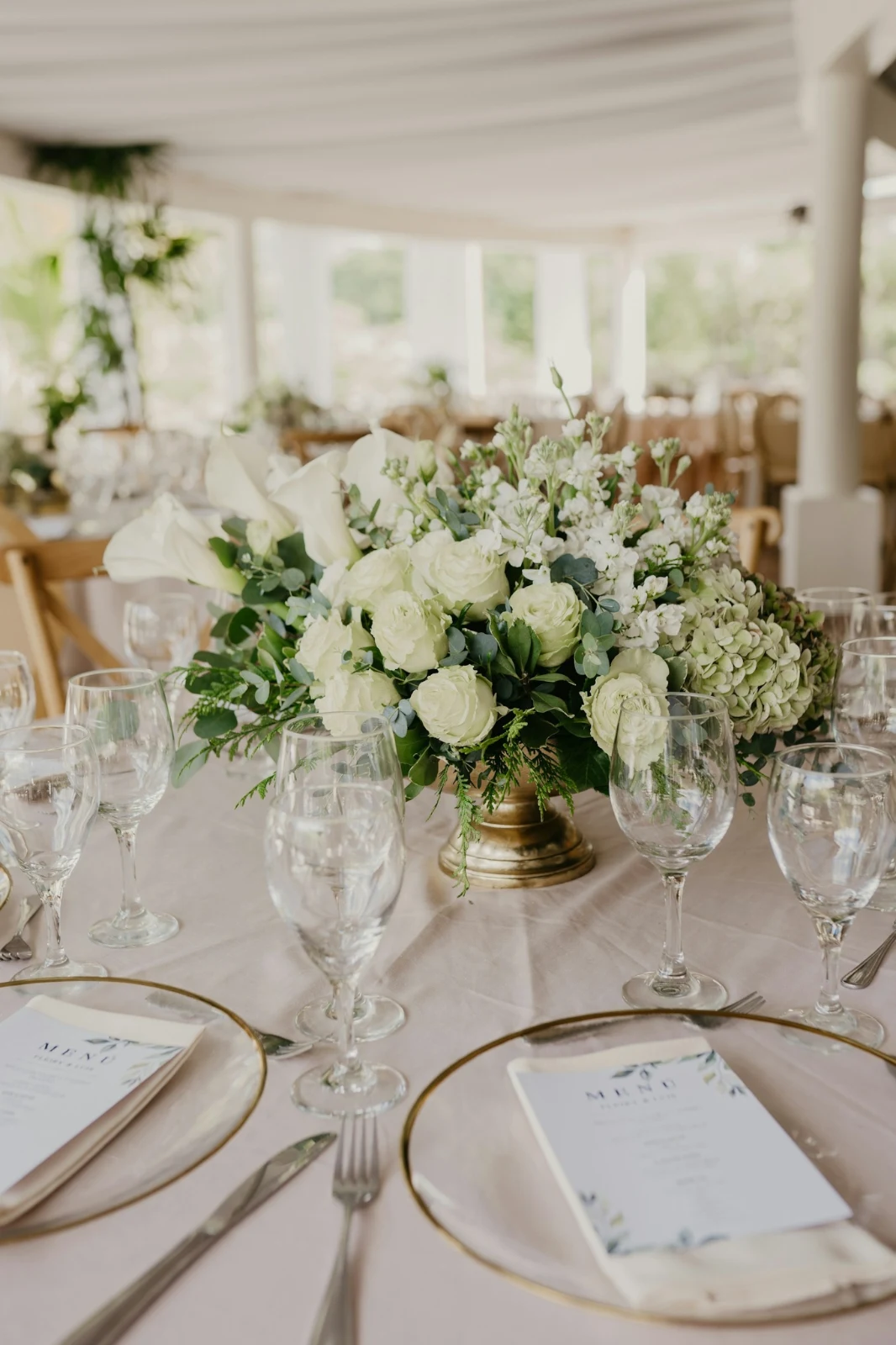

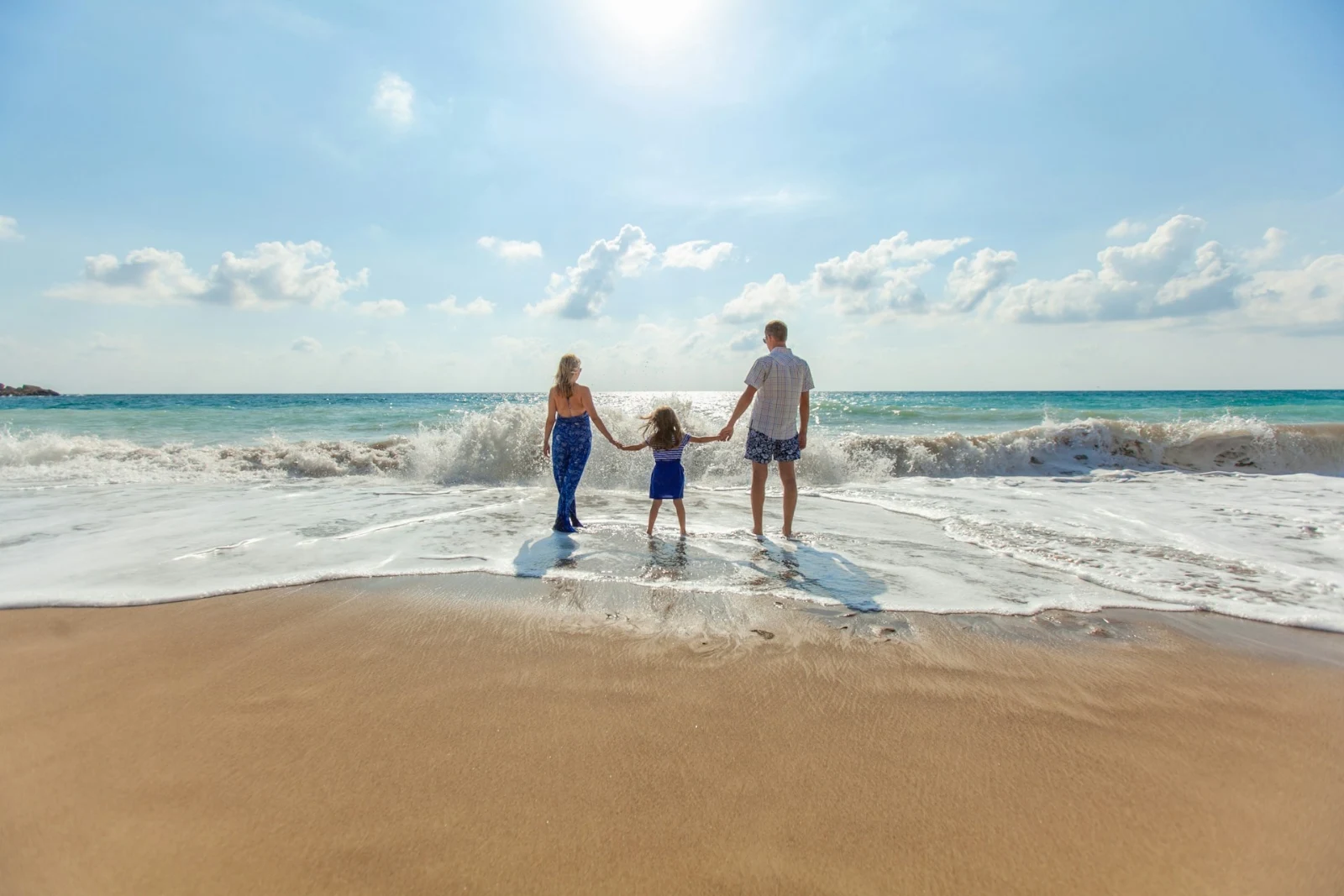

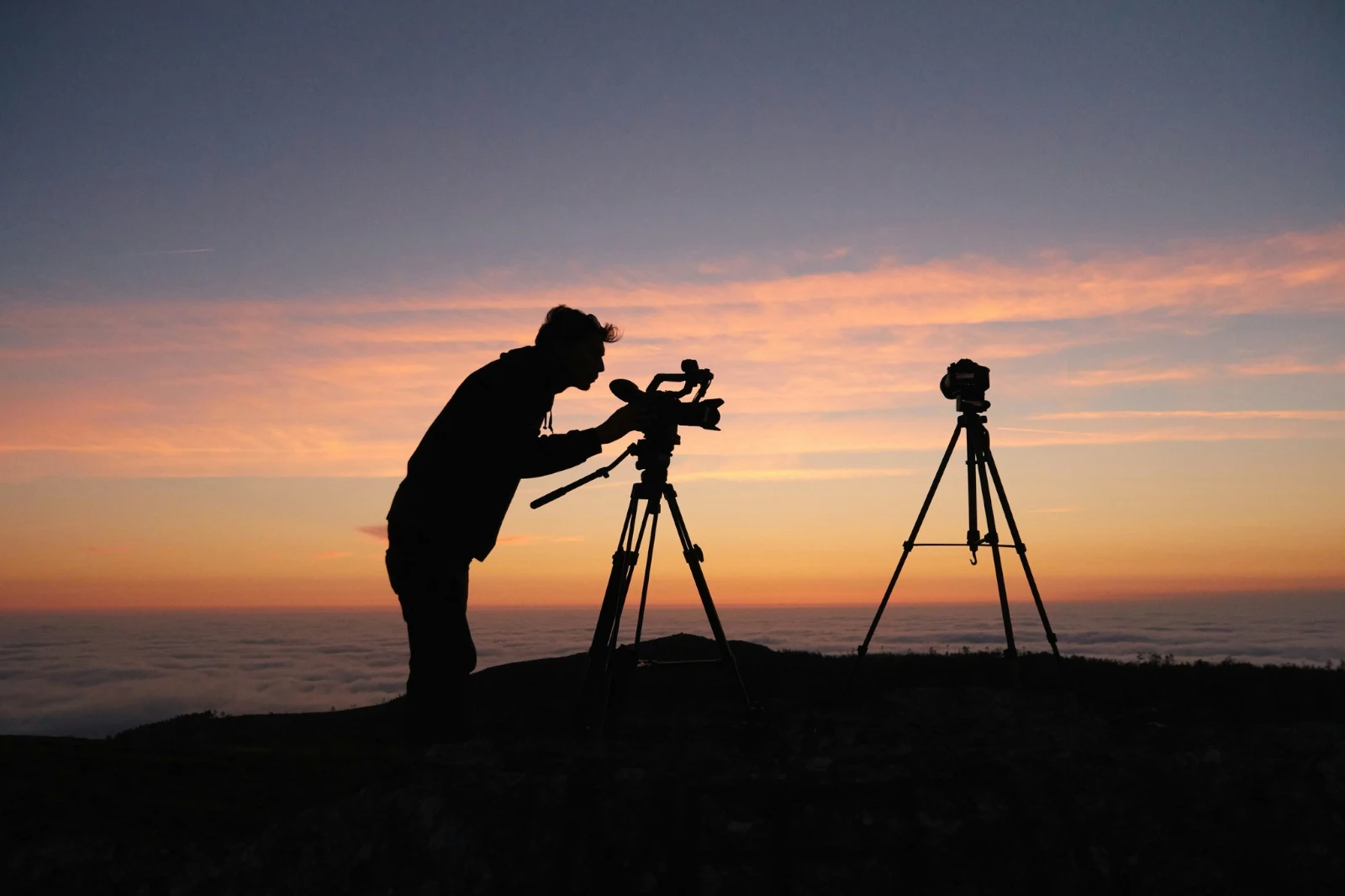
 تم التعديل
 تم التعديل




النجوم والوسوم
النجوم والوسوم نفسها التي يقرأها Depot و Docs و Studio.
المراكز والمجلدات
صور المركز بمفردها؛ نقل إلى… مجلد (مع Depot).
RAW و HEIC
يتم تطوير صورة RAW على الجهاز، أو على الخادم إذا لم يكن ذلك ممكناً.
التقاط مرتبط
كاميرا على USBكاميرا متصلة · Canon EOS R6 Mark II
 العرض المباشرتصويرتوقف العرض المباشر
وصلالصور من الكاميرا تصل هنا وفي مركز رفع الكاميرا.
تطبيق على كل إطار جديدقم بالتقديم True Color AW27_flatlay_01.jpg
 AW27_packing.jpg
 AW27_unboxing.jpg
 AW27_shelf.jpg
 AW27_tote.jpg
اصور مباشرة إلى Foto عبر USB مع عرض حي، أو من تحميل Wi-Fi الخاص بالكاميرا.
ابحث عن المفضلة دون النظر إلى كل إطار
تُقرأ كل صورة بعد رفعها: تركيزها، تعرضها، وما إذا كانت عيون أي شخص مغلقة. رتب الأفضل أولاً لعرض أفضل اللقطات المقترحة، فلتّر حسب كل علامة، وقارن اللقطات المتشابهة جنباً إلى جنب. لا يتم تحديد أي شيء بالنجمة لك: أنت تختار الصور التي تحتفظ بها.
 Closed EyesMissed FlashMissed FocusBlurryBlack Frame
عيون مغلقة واهتمام مفقود
تم توقيعه على الصورة، كما هو الحال مع الصور الضبابية، وإطار أسود، ونقص وميض، حيث يمثل كل منها فلترًا.
Closed EyesBlurryMissed FocusMissed FlashBlack Frameأصلح صورة بنقرة واحدة، أو طبق مظهرًا
تقرأ السيارات الصورة على جهازك، وتضبط منزلائها وتسمي كل واحد منها تحركه؛ التراجع يضع الصورة مرة أخرى. يحتفظ مظهر Calisto بمظاهره الخاصة ومظاهره الخاصة، تلك التي تناسب الصورة أولاً، ويحفظ المظهر أي تعديل كواحد من مظاهره الخاصة.
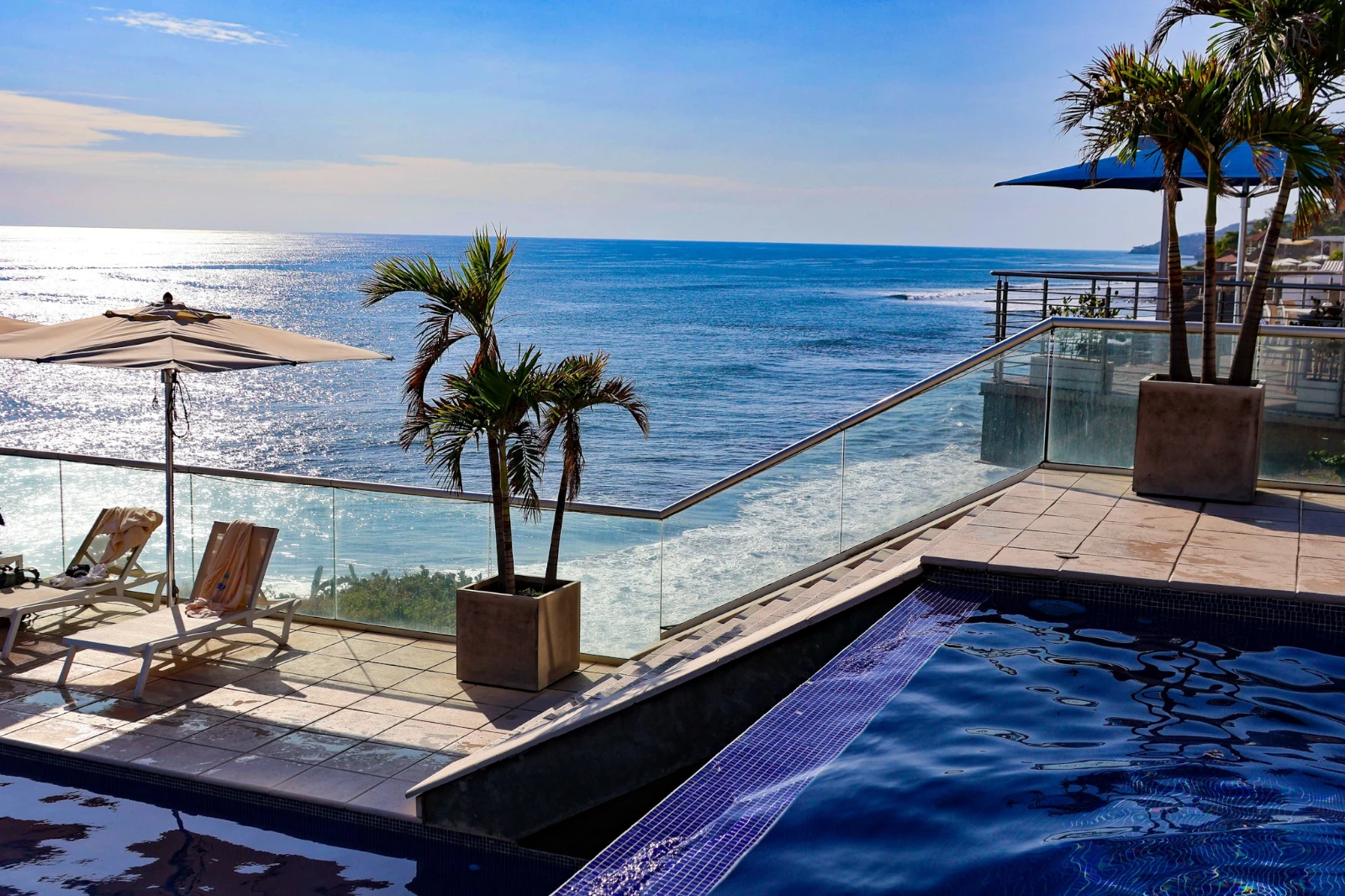
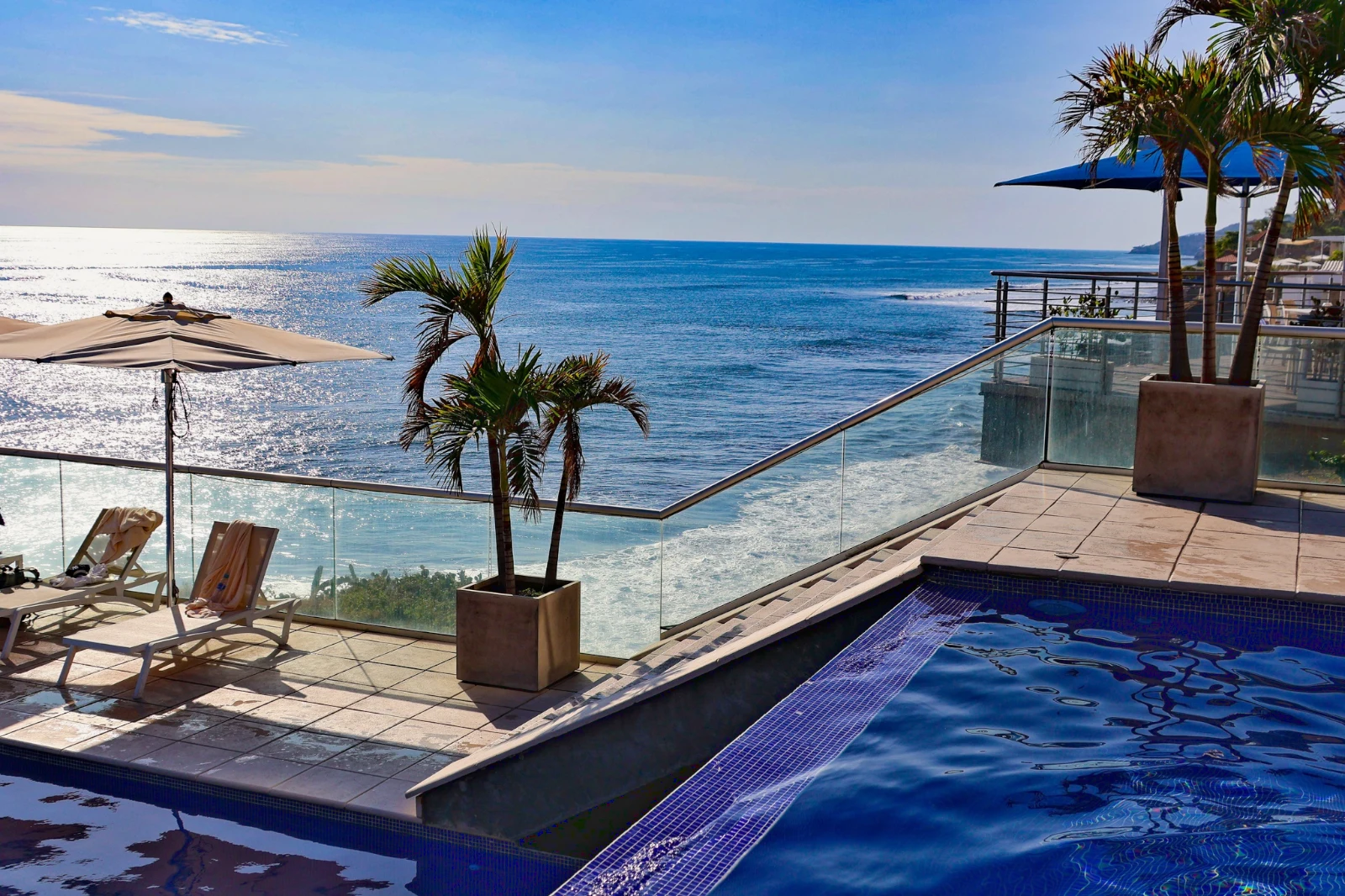
أسلوبك
تحركت السيارات بالطريقة التي تتحرك بها، وتعلمت من تعديلاتك الخاصة؛ كل قيمة هو منزلق.
مظهر مقترح
المظهر المصمم لصورة مثل هذه، أولاً في القائمة.
الإجراءات
سجل خطواتك مرة واحدة وقم بتشغيلها على أي صورة أو مجموعة كاملة.
أوراق الاتصال
مجموعة مختارة مطبوعة على شبكة بأسماء، نجوم، اختيارات وأعلام، بصيغة PDF.
مطابقة صورة
إضاءة ولون صورة أخرى، ضبطها بنفس شريط التمرير لهذه الصورة.
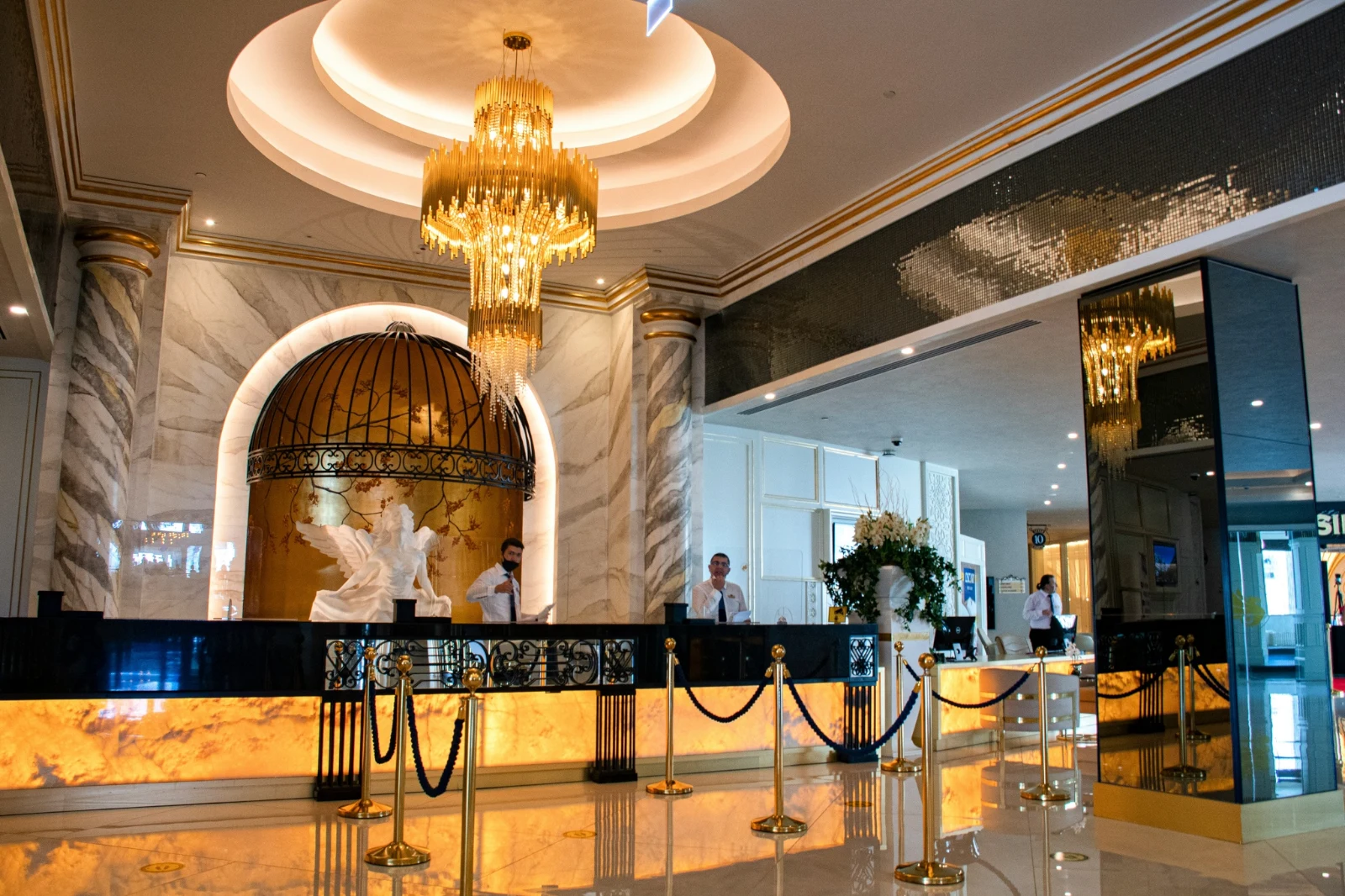
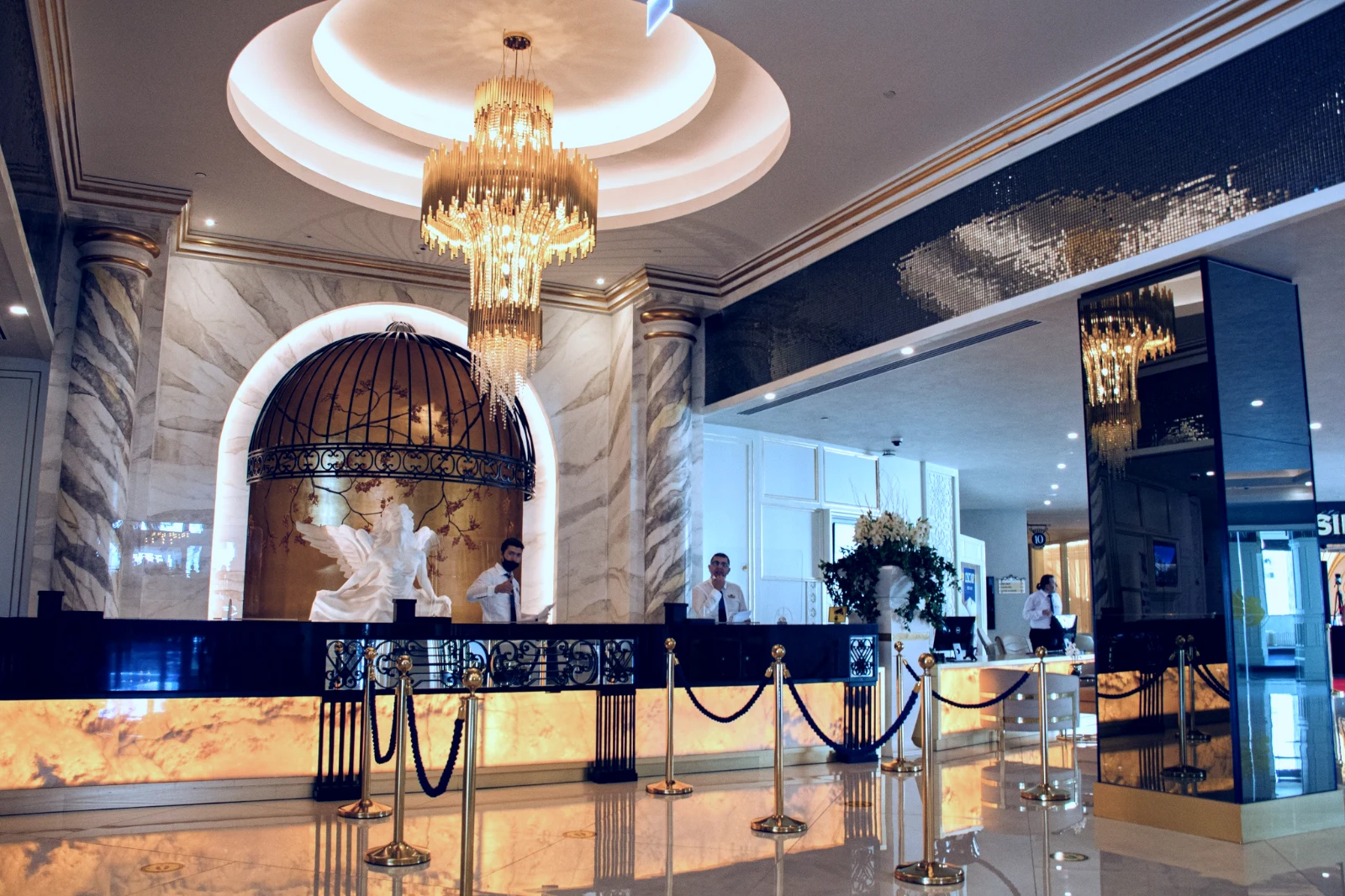
ليس أبدًا الأصل
تعديل يجاور الصورة مع سجله؛ يبقى الأصل كما وصل.
قبل
اضغط واسحب لرؤية الصورة كما كانت.
 قبل
ضبط الإضاءة، اللون، والخطوط يدوياً
الإضاءة، اللون، والتقطيع تفتح أولاً، وكل عنصر تحكم آخر، من منحنى النبرة إلى الضوضاء والعدسة، يكون بضغطة واحدة خلف المزيد. يجد "تصحيح الخطوط" خطوط الصورة ويضبط التحويل بنفسه، أو يحل الخطوط التي ترسمها.
إزالة وإصلاح
طلاء فوق كابل أو بقعة؛ استنساخ وملء بجانبه.
ضبط جزء
السماء، الموضوع أو الخلفية، فرشاة، تدرجات أو مدى السطوع.
الأشخاص
البشرة، الوجه، العيون، الشفاه، الشعر، الملابس، أو الشخص بأكمله؛ تنعيم البشرة يجعلها تتجه نحو نبرتها الخاصة.
العدسة وضبابية البورتريه
الخلفية مشوشة، أو الصورة بالكامل بعمقها، مع التركيز حيث تحدده.
الأفلام السلبية
صورة سلبية ملونة أو بالأبيض والأسود تم تحويلها إلى إيجابية، مع إزالة القناع البرتقالي.
<عدسة التصحيح>
تصحيح الكاميرا نفسها، أو ملف العدسة، وإزالة الهالات اللونية.
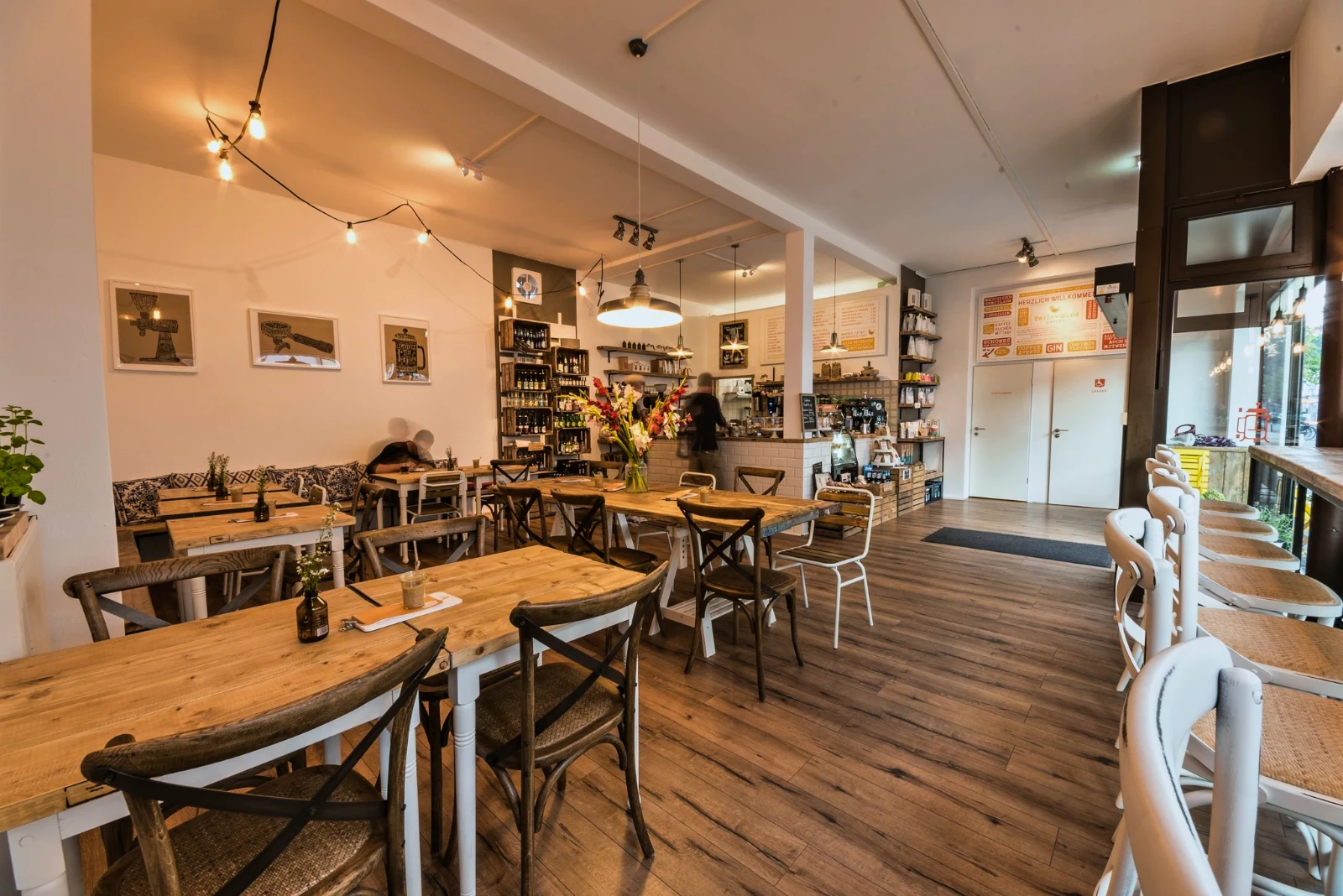
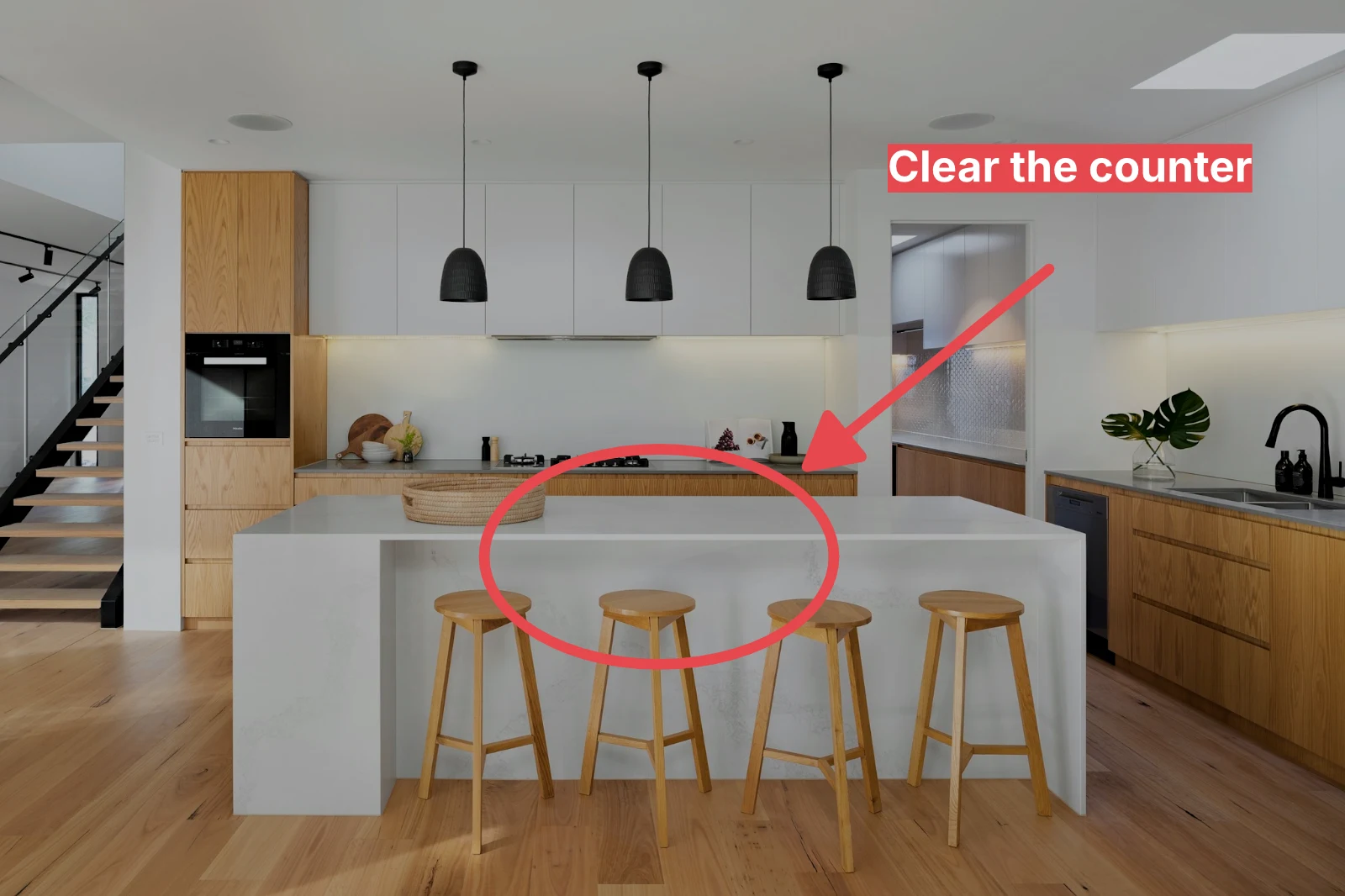
الهامش
سهم، دائرة، مربع أو تسمية مرسومة على الصورة.
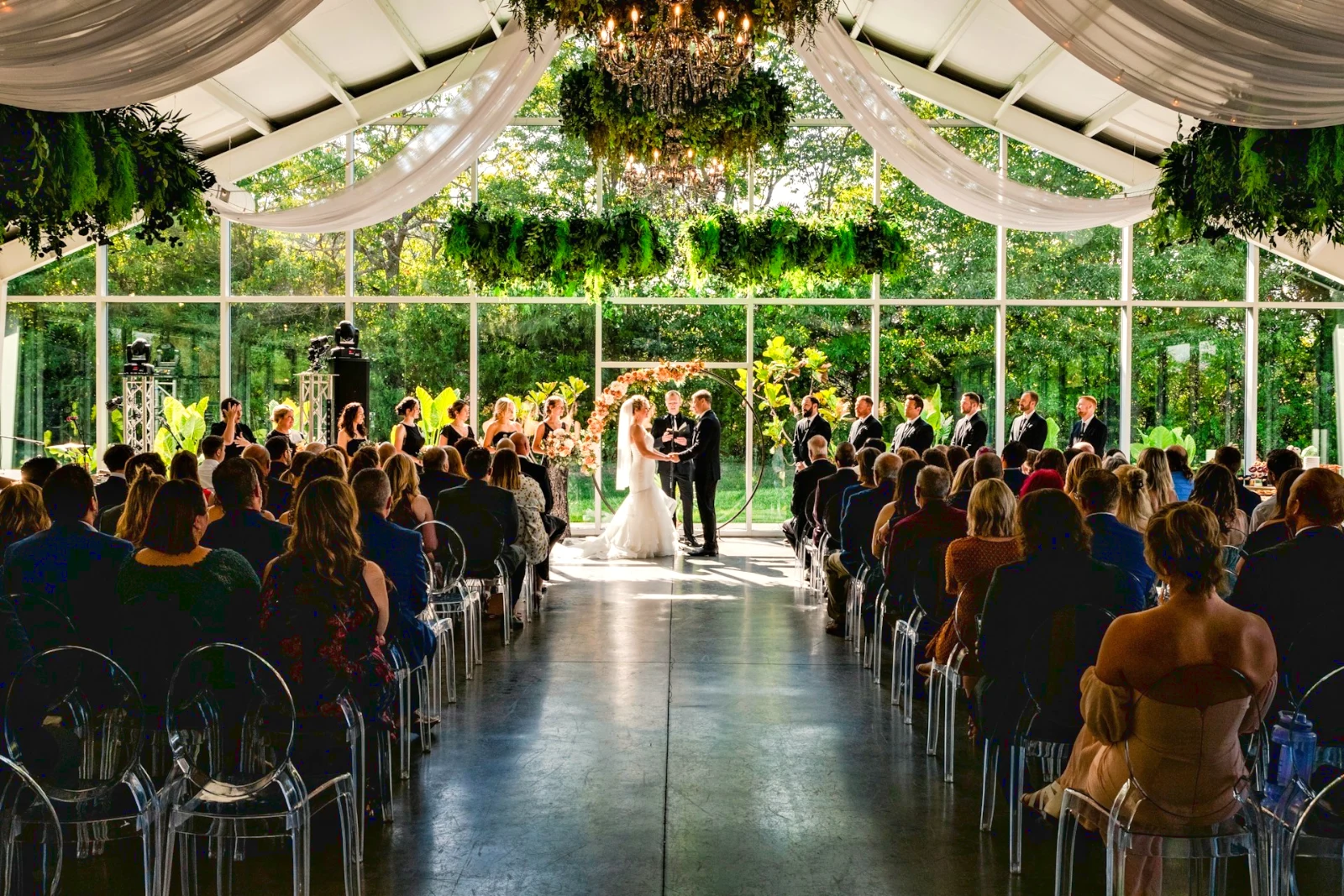
اعطِ المجموعة الكاملة تلقائيًا ومظهرك الخاص
اختر صورًا من المكتبة ومظهرًا، ثم اضغط على "تلقائي مجمّع". كل صورة تحصل على تلقائي خاص بها على جهازك، ثم المظهر، المحفوظ كخطوة من خطوات تحريرها. يتم تصديرها على الخادم، لذا تنتهي عند إغلاق الصفحة.
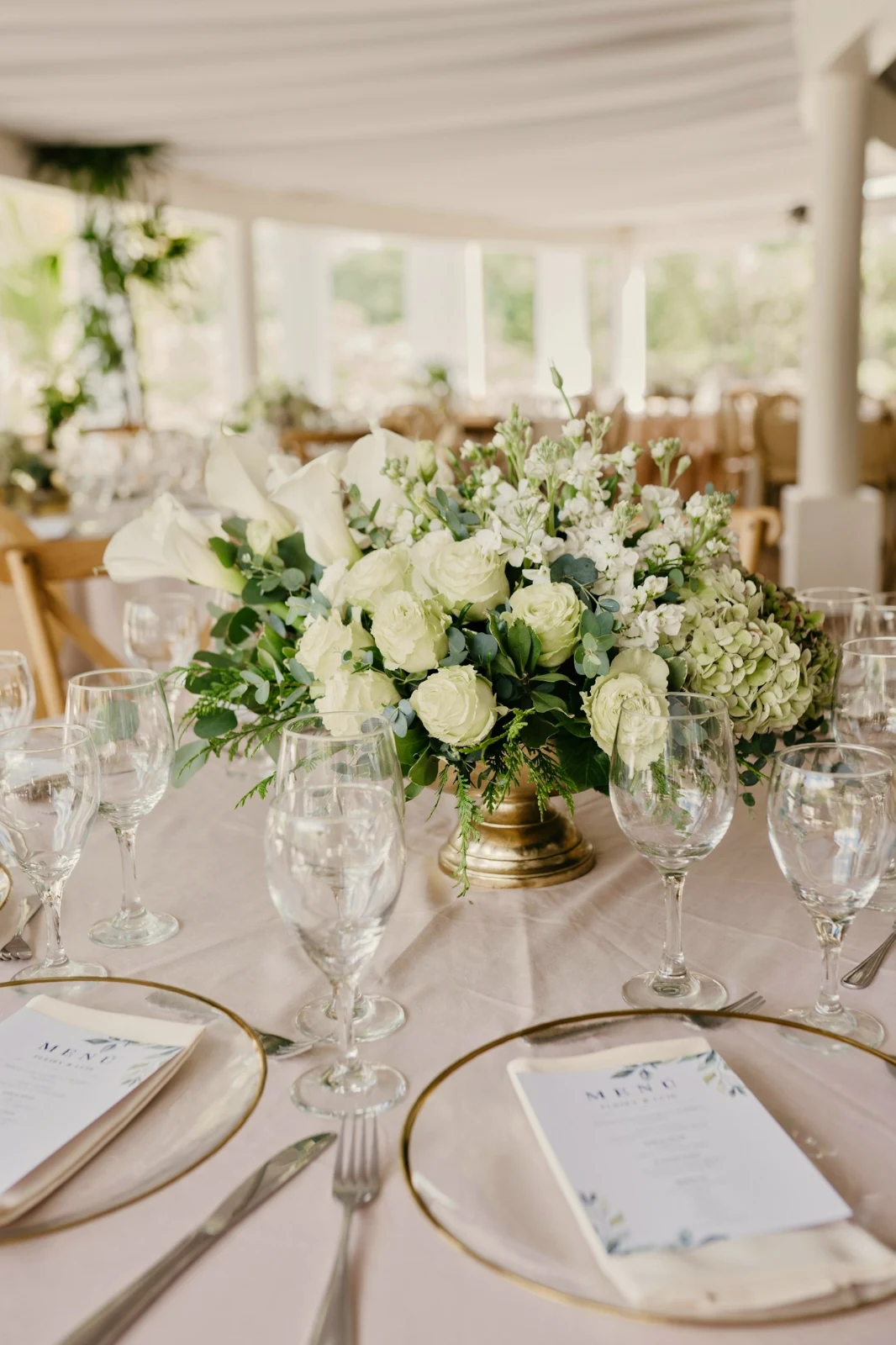


2. اختر مظهرًا
Golden Hour Warmthتلقائي فقطجاهز 9 من أصل 9 نسخ.
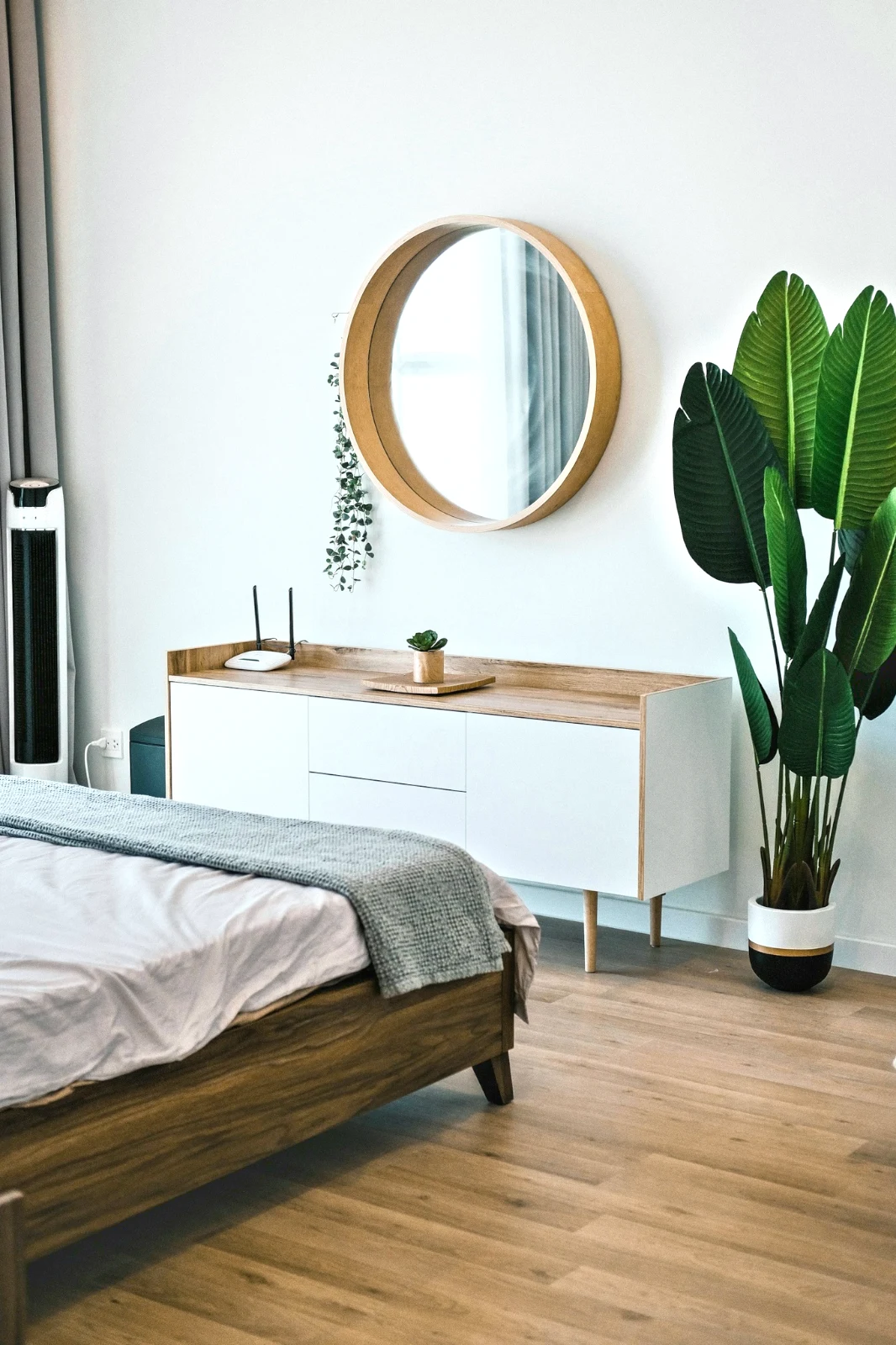
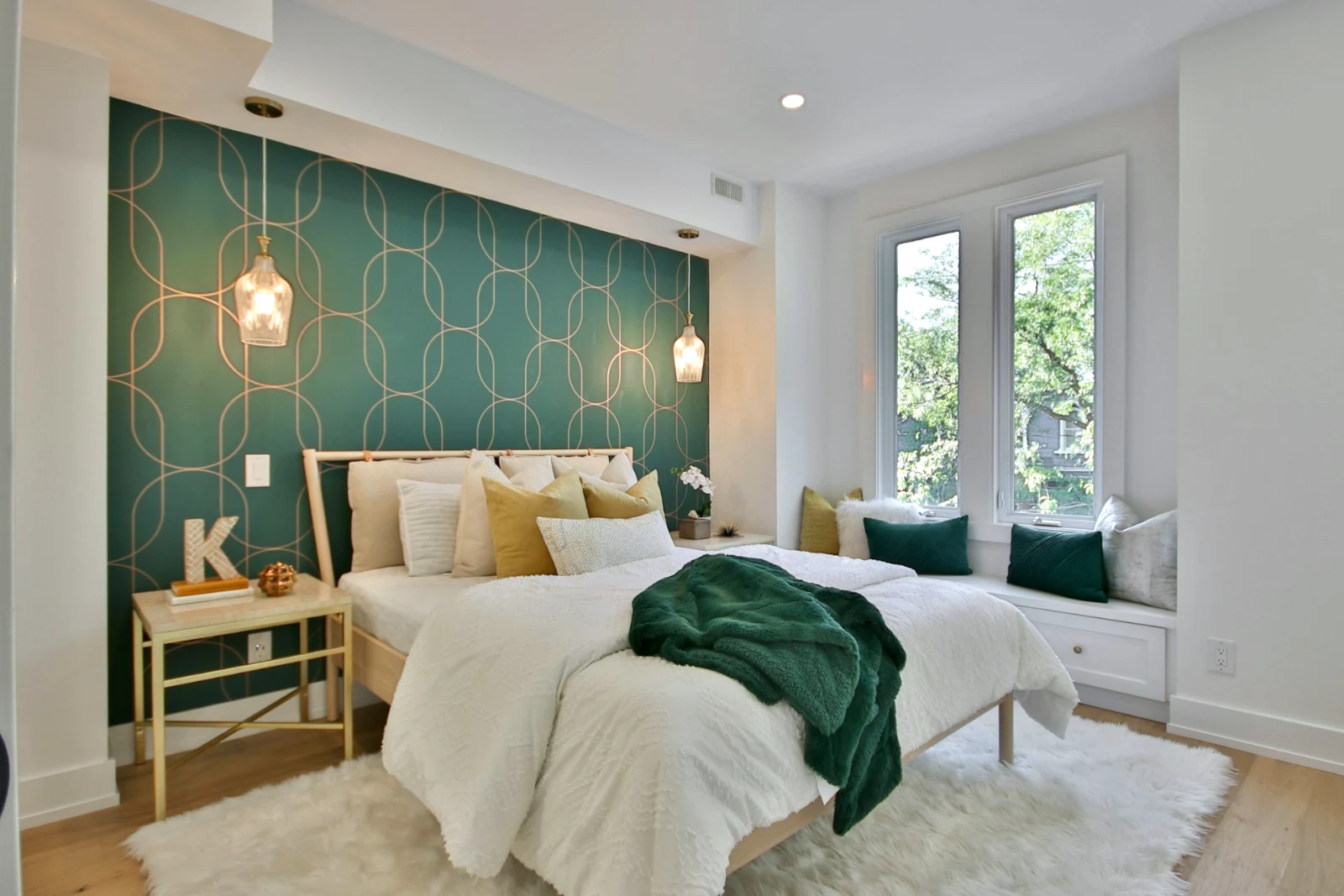
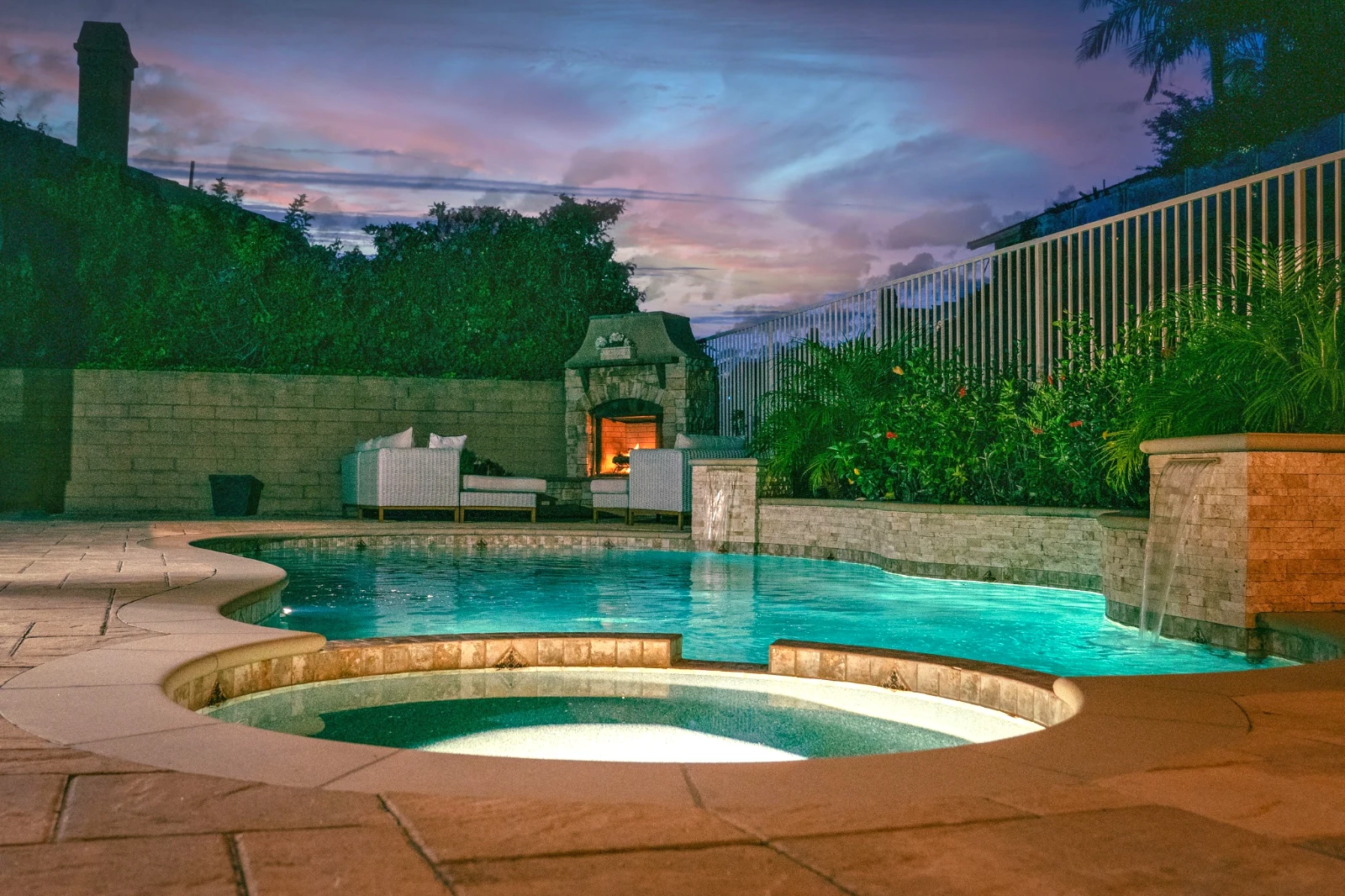
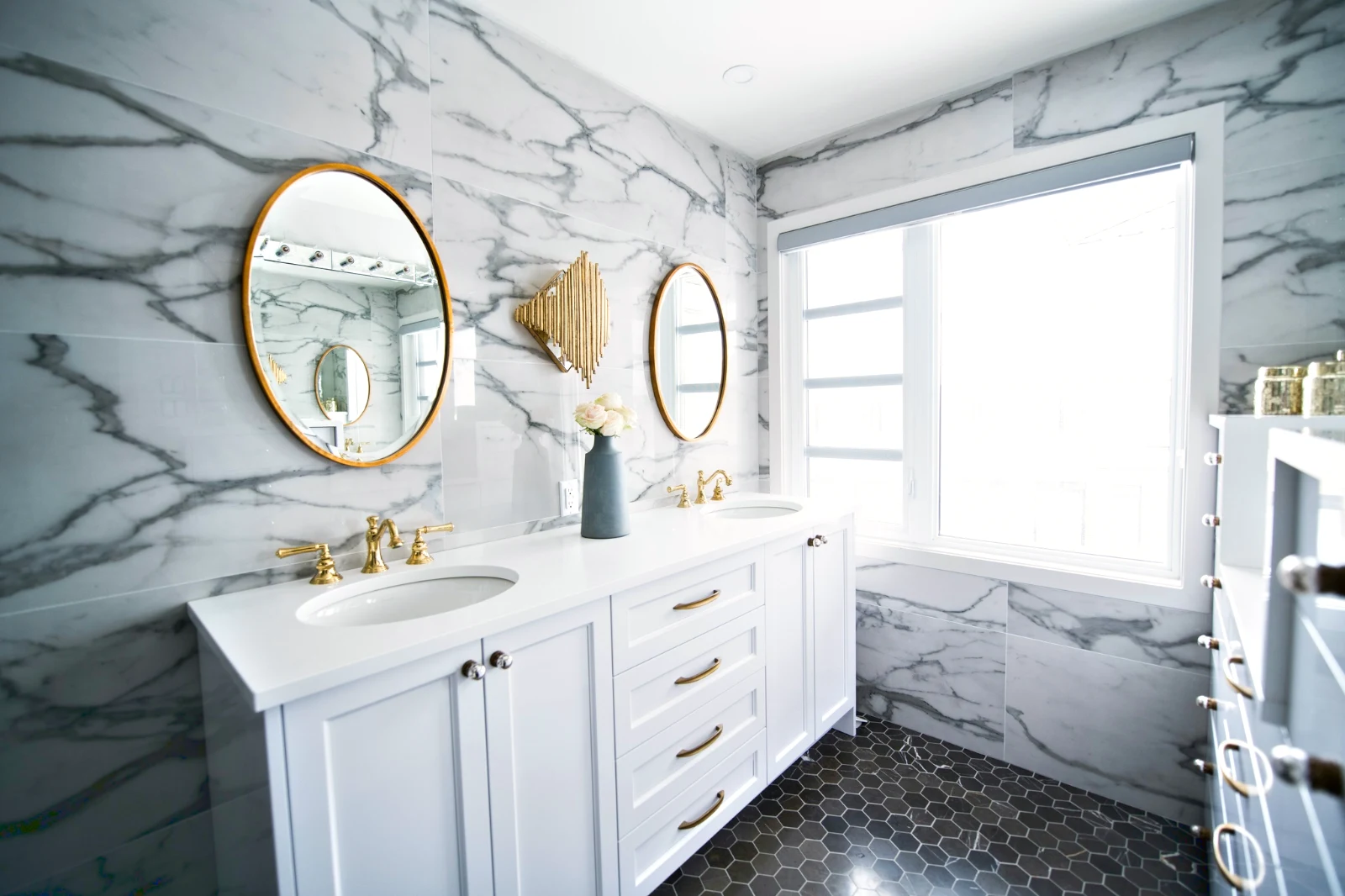
اصنع صورة طبقات، وقم بتصديرها في أي مكان
ابدأ صورة جديدة بحجم ينشره الناس، أو افتح اختيارًا كطبقات، حيث تحتفظ كل صورة بتعديلاتها الخاصة. اختر الموضوع أو السماء، قناع، رسم، شفاء، استنساخ، وتشويه، أضف نصًا وأشكالًا، ثم قم بتصديرها كـ JPEG أو PNG أو WebP أو AVIF أو TIFF أو ملف PSD متعدد الطبقات.
الاختيارات
الريشة، التوسع، تنعيم الحواف وتحويل تحديد إلى قناع.
شارك معرضًا وראה ما يختار العميل
ضع لقطة في معرض ومشاركتها للمراجعة. يختار العميل ما يصل إلى العدد الذي تحدده، يترك ملاحظة على أي صورة ويرسل اختياره، أو يوافق أو يطلب تغييرات، دورة تلو الأخرى. تكون اختياراته في مكتبتك تحت اسم "اختيارات العميل".
المراجعة
كل معرض مشترك للمراجعة: ما اختاره العميل ولاحظه، وكيف أجاب على الجولة.
| المعرض | جولة | مختار | من | الملاحظات | إجابة | العميل | تم الإجابة |
|---|---|---|---|---|---|---|---|
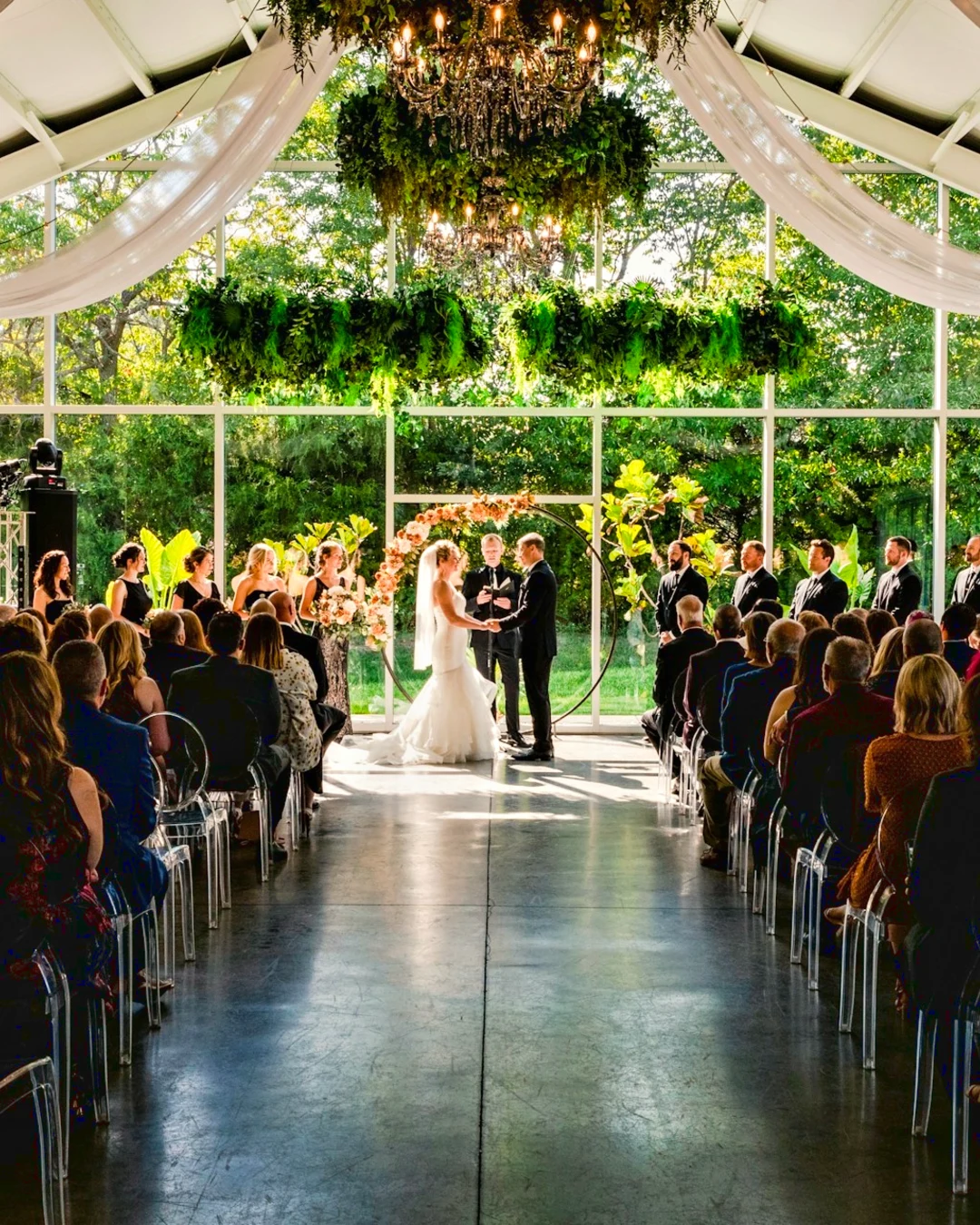
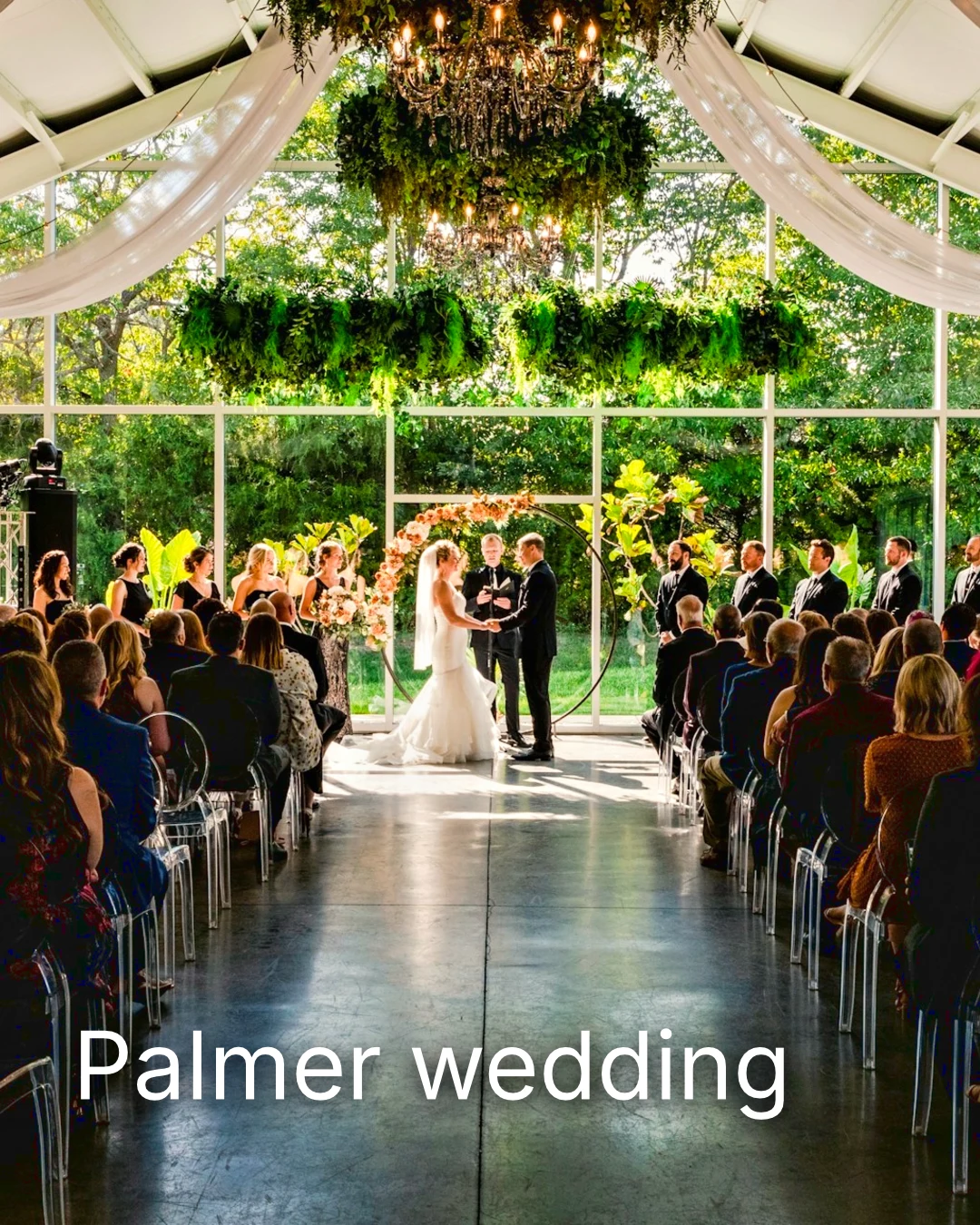
| Palmer wedding | 1 | 4 | 4 | 2 | انتظار العميل | Sarah Palmer | انتظار العميل |
| Carter portrait session | 2 | 3 | لا يوجد حد | 0 | معتمد | James Carter | 19/11/2026 |
| Harbourline Dental team headshots | 1 | 0 | لا يوجد حد | 2 | التغييرات المطلوبة | James Bennett | 19/11/2026 |
| Nguyen Family at Brighton | 1 | 12 | 15 | 3 | تم إرسال الاختيار | Linh Nguyen | 20/11/2026 |
| Okonkwo Engagement | 2 | 20 | 20 | 0 | معتمد | Ada Okonkwo | 17/11/2026 |
| St Kilda Bakery Menu | 1 | 6 | لا يوجد حد | 1 | انتظار العميل | Marco Ricci | انتظار العميل |
ملاحظات على الصورة
تظهر كل ملاحظة على صورتها أثناء تحريرها.
عرض أو تحميل
Avenida da Liberdade 212
المعرض
كل رابط إما للقراءة فقط أو قابل للتنزيل، مع كلمة مرور اختيارية.
علامة مائتك
اختر المفضلة لديك واترك ملاحظة على أي شيء ترغب في تغييره. عند الانتهاء، أرسل إجابتك. يمكنك الإجابة على كل جولة مرة واحدة فقط.
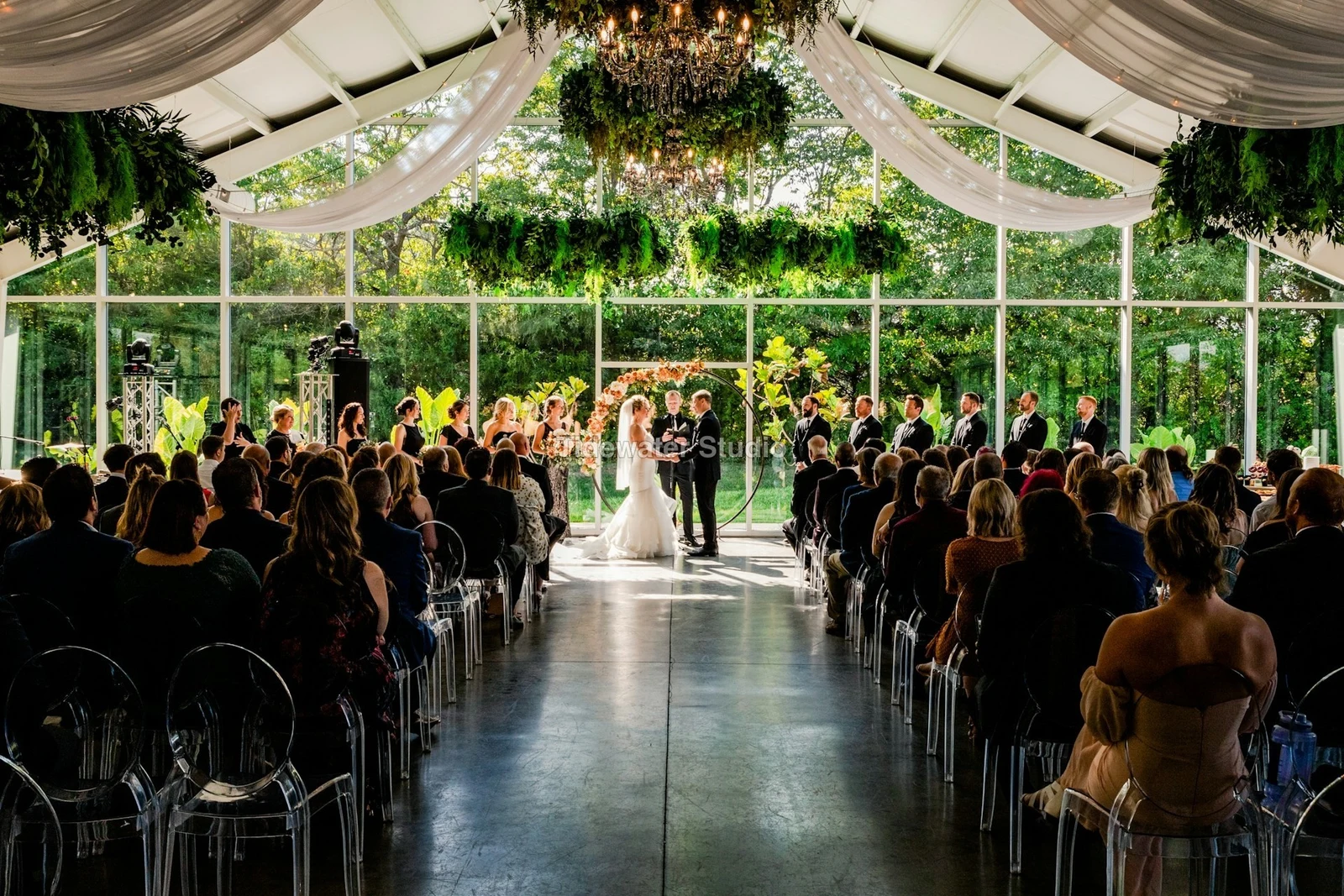
شعارك أو كلماتك على كل صورة يراها العميل أو يقوم بتنزيلها، حتى التسليم.
طبعات من المعرض
$ 149.000 لكل. يتم إضافة الشحن والضريبة عند الدفع.
يشتري العميل مطبوعًا لأي صورة، صُنعت وشُحنت من مختبرك، ويدفع عبر الدفع الخاص بك.
معرض الوظيفة، مع المواهب
Lookbook SS27 قيد المراجعة
- العميل
- Maison Kiri
- جولة
- 1
- مختار
- 8 / 12
- إجابة
- انتظار العميل
- إغلاق الرابط
- 2026/12/12
وظيفة في Talent لها معرض خاص، مُراجع بنفس الطريقة.
يوم إغلاق
معرض الصور
معرض كل وظيفة: ما يراه العميل، وما يختاره منه، وما يقوم بتحميله.
| المعرض | العميل | مرحلة الوظيفة | إغلاق الرابط | تم الإنشاء |
|---|---|---|---|---|
| Program Shoot · Strength | Thandi Mokoena | قيد المراجعة | 2026/11/30 | 2026/11/09 |
| Client Story · Pieter | Pieter van Wyk | قيد المراجعة | 2026/12/07 | 2026/11/12 |
| Mobility Series | Aisha Davids | تم التوصيل | 2026/12/18 | 2026/10/22 |
| Coaches Team Photos | Kopje Coaching | تم التوصيل | 2027/01/05 | 2026/10/31 |
| Summer Bootcamp | Lerato Nkosi | قيد الإنتاج | 2027/01/20 | 2026/11/18 |
رابط كل معرض يغلق في اليوم الذي تحدده، وقائمة المعارض تظهر تلك التي تغلق خلال الـ 30 يومًا القادمة.
أرسل صورة منتهية تُظهر مكان استخدامها
توضع صورة كأحدث صادرة لها، أو الأصلية إذا لم تكن لديها صادرة: إلى معرض بحجم كامل، على تصميم جديد، إلى أصول موقع إلكتروني، أو على قائمة. كل محدد صور في Calisto يقدّم بالفعل صور الحساب، بما في ذلك الصادرات.
تصميم، مع الاستوديو
يفتح منشور جديد أو قصة مع وضع الصورة.
 Menú de OtoñoTostadas de jaiba, desde hoy
موقع إلكتروني، مع مواقع
إضافة إلى أصول الموقع.
الأصول
قائمة، مع القوائم
إضافة إلى صورها، عندما يكون لدى الشركة قائمة.
T3 Rua do Século 41 منشور
تعديل مع الصورة ملء الشاشة على هاتفك
اضغط للتمديد، اضغط مرتين للتكيف، واضغط واسحب للاحتفاظ باللقطة "قبل". كل قسم هو رقاقة تحت الصورة، تتحكم أدناه ولا فوقها، ويتحرك المؤشر فقط بسحب جانبي، لذا لا يعدل التمرير أي شيء.
تم الإرسال إلى Foto
صورة تُشار إليها من معرض الكاميرا تهبط في إضافة الصور.
شارك الصور مع Foto من أي تطبيق على هذا الجهاز، أو التقط صورة، أو اخترها هنا.
<الصور التي يجب إضافتها
لا إشارة
الصفحة الرئيسية، المكتبة، المظهر، وإضافة الصور تفتح؛ التعديلات والرفع تنتظر وتُرسَل مرة واحدة.
شارك الصور مع Foto من أي تطبيق على هذا الجهاز، أو التقط صورة، أو اخترها هنا.
<الصور التي يجب إضافتها
حيث يلمس فوতো كل شيء آخر.
4 of these 5 connections are in your plan today; the other is its own app.
Depot
Every photo and every export is a file in Depot, on the account’s one storage quota, and a Gallery is a Hub.
Studio
An image’s Adjust in Studio is Foto’s, Send To opens a new design with the photo placed, and a layered Photo opens there as a design.
Talent
Galleries and Proofing are the same views Talent shows, and a job’s Gallery is the Hub of that job.
Listings
Bulk Auto takes a listing’s photos as a set, and the exports replace them on the listing.
Sites
Send To adds a photo to a website’s assets.
لا توجد تكلفة إعداد. ادفع عند البدء في الاستخدام.
Photos edited in one tap, by hand or in layers.
Calisto Create
المكتبة، السيارات، السيارات بالجملة، المظهر، التعديلات، والمعرضات، مدمجة مع كل حساب Calisto.
Foto Pro
كل عنصر تحكم في عدّل مسطر، ومساحة العمل للطبقات، لشخص واحد، على مقعد خاص به أو مع مقعد Create؛ وتقوم الشركة بتخصيص مقاعدها لأشخاصها.
موصى به لك
تعمل بشكل جيد معًا.
Calisto Depot
Calisto Studio
Calisto Create
A Studio seat designs anything at every size, from Calisto’s templates or a blank page: layers, photos, Copy & Resize, Bulk Create, mockups, QR codes, print-ready PDFs, sharing and whiteboards.
Learn more →Calisto Talent
مُدرَج مع خططك
<يرجى مراجعة الترجمة، هناك تجاوز في عدد الكلمات وربما يمكن تبسيطها مع الحفاظ على المعنى: "يعرض تطبيق Core الخاص بك كل ما تعتمده خطط Commerce وOps.">
Learn more →Calisto Listings
العروض
إعلاناتك، المواعيد، التطويرات، الإيجارات، والمكتب، لكل شخص يعمل في Listings.
Learn more →Calisto Sites
مواقع كاليسيتو
A website and its phone app, built from a template on the page itself, showing what you sell from your own records and published on your own domain.
Learn more →كل ما هو متضمن في Calisto Foto.
- Foto Essentials for every signed-in person: Home, the Library, Auto, Bulk Auto, Looks, Adjust with Auto, Light, Color and Crop, and Galleries; every other control one tap away behind More.
- Foto Pro, a seat per person: every Adjust control inline and the Layers workspace.
- Essentials or Pro is each person’s own choice, in Profile & Preferences ▸ Creative Tools, never a business setting.
- Without a seat, More and Layers read Pro · Upgrade, or Ask for a Pro Seat for a team member.
- A photo whose edit holds Pro fields always opens, saves and draws at Essentials.
- First open asks nothing technical at Essentials, and leads with Layers and the keys at Pro.
- Every photo read after it is uploaded: when it was taken, its exposure, its focus and its faces.
- Flags: Blurry, Missed Focus, Black Frame, Missed Flash and Closed Eyes, each a filter in the Library.
- A score from focus, exposure and open eyes: Best First, and the Suggested Best Shots.
- Similar Shots: bursts, brackets and the same pose taken twice, grouped best first, with Star the Best of Each.
- Faces and eyes are read on your own device; nothing is starred or hidden for you.
- Home: the photos to pick up again, Upload Photos, New Photo, From Media Library, Bulk Auto, and Recent Photos.
- The Library: All Photos, Starred, Edited, Similar Shots, Layers and Client Picks, with search, sort (Best First and Date Taken included) and a Tag filter.
- A Hub’s photos on their own, from the Hubs in the sidebar; Move To… a Folder of a Hub, and New Hub, Private or Public (with Depot).
- A selection is starred, tagged, given a look, run through Bulk Auto, sent on, opened as layers or assigned to a client project.
- Star and Tags are the platform’s: the same in Depot, Docs and Studio, carried wherever the photo is picked.
- An export is listed with its photo, never among the originals.
- The account’s storage shown in the Library, on the one Depot quota (with Depot).
- Upload from a desk, the camera or the device’s photos, through the one upload queue.
- Add Photos is where a photo shared to Foto lands: the camera roll’s Share sheet, or Open With on a desk.
- Then Adjust for one photo, Bulk Auto for a set, or the Library.
- JPEG, PNG, WebP, HEIC, HEIF, AVIF, TIFF and camera RAW; a RAW is developed on the device, or converted on the server when the device cannot.
- The camera and lens a file says made it, read once from the original and kept on the file.
- Auto: one tap reads the photo on the device, sets its sliders and names each one; Undo puts the photo back.
- Your Style beside Auto, once you have edited eight photos: Auto moved the way you move it, and the Texture, Clarity and Saturation you usually set, learned from your own edits; yours, never the business’s.
- Light, Color, Crop and Straighten; Whites and Blacks, Detail (Detail, Fine Detail, Clear Haze), Tone Curve, Color Mixer, Color Grading, Sharpening and Noise, Lens, Transform and Effects.
- Straighten Lines: Auto and Vertical, and Level, Full and Guided (up to four lines drawn on the photo); it sets the Transform sliders it solved and names them, and leaves a photo with no clear lines as it is.
- Lens: Correct Lens from the camera’s own correction in the RAW, else the lens profile; Remove Color Fringes; nothing the camera already corrected is corrected twice.
- How it was drawn, said under the control it concerns.
- Remove and Repair: Remove what you paint over; Clone and Fill.
- Adjust Part: Sky, Subject and Background; a Brush, Linear and Radial gradients and a Brightness Range.
- People: Skin, Face, Eyes, Lips, Hair, Clothes and Body, found on your device.
- Retouch Skin: Even Skin smooths blotches and keeps the pores; Match Skin Tone evens the skin toward the person’s own tone.
- Frequency Separation: paint where, then Smooth Tone and Fine Detail retouch the tone and the texture each on its own.
- Portrait Blur on the background, and Lens Blur by the photo’s depth with Focus Distance and Depth of Focus.
- Film Negative: a scanned color or black and white negative turned positive from its film base, shared across a roll by copying the edit.
- Changes: every change to a part, with its own controls, opacity, blend and invert.
- Markup: an arrow, a circle, a box, a freehand line or a label drawn on the photo, carried by every export.
- Before: press and hold. Undo and Redo through the edit’s whole history.
- The original is never changed; the edit is kept beside it with its history.
- A client’s note from Proofing shown on the photo while it is edited.
- Calisto’s looks and the business’s own, in Looks ▸ Calisto and Mine.
- Match a Photo: another photo’s look, solved into Exposure, Contrast, Saturation, White Balance and Color Grading.
- Suggested looks first in Adjust: the looks made for a photo like this one, from the kind of photo each of Calisto’s was made for and the photos each of yours has been put on.
- Save Look keeps an edit’s settings as a look of the business’s own.
- A look given to one photo or a whole selection.
- A selection from the Library, or one listing’s photos for a business with listings (with Listings), and a look.
- Start From Auto or Your Style.
- Each photo read on the device and given its own Auto, then the look; a look that straightens lines solves each photo’s lines.
- Saved as a step of each photo’s edit.
- The exports made on the server, so they finish with the page closed; the results screen shows each one as it is ready.
- For a listing’s photos, the exports replace them on the listing, through Listings’ own write (with Listings).
- Bulk Auto Finished is sent once per run, to the person who started it.
- Camera on USB, in Chrome or Edge: Connect Camera, Shoot, Live View on Canon EOS and Nikon, every frame straight into Foto.
- The camera’s own Wi-Fi upload: FTP, FTPS or SFTP to Calisto with a login of your own, the password shown once.
- Every frame in the Camera Uploads Hub as it lands, with the last edited frame’s edit or a look applied to each new one.
- Nothing to install: the camera talks to the page itself.
- Record Action in Adjust: your steps kept as steps, then played on any photo or a Library selection, with Auto, looks, straightening and found parts solved again for each photo.
- Actions are the business’s, kept beside its looks.
- Contact Sheet: a selection or a Gallery printed 2 to 8 across, portrait or landscape, with names, stars, client picks and culling flags, filed in Depot as a PDF.
- HDR: bracketed exposures fused into one photo, lined up even when taken by hand.
- Panorama: overlapping frames joined, laid on a cylinder for a known lens, cropped clean; brackets at each position fused first.
- Focus Stack: frames focused at different distances, sharp from near to far.
- Astro Stack: night-sky frames aligned on their stars and stacked by sigma clipping, median or mean, dark frames taken off.
- A new photo in Depot every time; the photos merged stay as they were. Large merges finish on our servers.
- Smart Objects: Convert to Smart Object, New Linked Copy, Update Linked Copies and Release Smart Object; each copy keeps its own opacity, blend and styles.
- New Photo at a size people make: YouTube Thumbnail, Instagram Post and Story, Square, A4 and US Letter at 300 ppi, or a custom size, on white, black, a color or transparent.
- Open as Layers on a selection: each photo a layer carrying its own edit.
- Photo, pixels, adjustment, text and shape layers in one layer tree: chosen, checked to act on several, shown, hidden, locked, renamed, moved, grouped, duplicated and deleted.
- Tools: Move, Select Rectangle, Ellipse, Freehand and Straight Lines, Select Similar Color, Select Subject and Sky, Brush, Eraser, Dodge, Burn, Blur, Sharpen, Heal, Clone, Fill, Warp, Warp Grid, Warp Perspective, Text, Shapes and Crop.
- The Select menu: Select All, Deselect, Invert, Feather, Expand, Contract, Smooth, Refine Edges, Selection to Mask and Fill with Color; Shift adds, Alt subtracts, both intersect.
- Layer masks and shape masks, each enabled, inverted, feathered, applied or deleted; layer styles: drop and inner shadow, outer and inner glow, color overlay and stroke.
- Apply and Convert to Pixels; every paint stroke written as new tiles, so every earlier step still undoes.
- Export as JPEG, PNG, WebP, AVIF, TIFF or a layered PSD, with what it could not hold said in plain words; Recent Exports in the Export dialog.
- A layered Photo opens in Studio as any design does (with Studio).
- Without the seat, a layered Photo opens to look at.
- A Gallery is a Hub shared with a client through its link, Private or Public; a job’s Gallery is the Hub of that job (with Talent).
- Send To ▸ Gallery puts the photos in at full size.
- Share for Proofing: the client’s email (the Gallery also lists in their portal), how many they may pick, view or download, a password, and your watermark.
- Your watermark on every photo of the link, at every size and on every download: your logo, your business name or your own words, where it sits, its size and its opacity, set once in Settings ▸ Photos ▸ Watermark.
- Watermark the Photos or Remove the Watermark on a link in Proofing, so the final delivery goes out clean.
- Prints from the Gallery: Choose Prints from your drop-ship products on sale online; the client taps Buy Print on a photo, picks the print, the size and how many, and pays on your own checkout (with Shop and Orderflow).
- Your lab prints the photo the client chose and ships it to them; the order is in Orderflow beside every other web order.
- The client picks up to the limit, leaves notes, and sends their selection, approves or asks for changes, round by round.
- Open the Next Round, or Stop Proofing; an earlier round stays as it was.
- Galleries counts what is delivered, waiting on the client and closing in 30 days.
- The same Galleries and Proofing views Talent shows (with Talent).
- A photo goes on as its current export, or the original when it has none.
- A Gallery; a design, opened in Studio with the photo placed (with Studio); a website’s assets (with Sites); a listing’s photos, when the business has a listing (with Listings).
- Every picture picker in Calisto lists the business’s photos in Depot, exports included.
- Adjust and Layers, switched in the header: ⌘⌥1 and ⌘⌥2, or A and L.
- Keyboard Shortcuts (⌘/) lists every key; ⌘K finds every command.
- Each editor’s back link returns to the Library.
- Home, Library and Settings in the tab bar; shortcuts to Add Photos, the Library, Bulk Auto and Looks.
- The photo fills the screen: pinch to zoom and pan, double-tap to fit, press and hold for Before.
- Each section a chip under the photo, its tray docked under it, never over it, with the desk’s controls and a Reset.
- A slider moves only on a sideways drag, so a scroll never edits; words are typed in a dialog above the keyboard.
- Layers on a phone: the canvas full screen, the tools in a bottom bar, the layer tree and Format as bottom sheets.
- Keep Foto on This Device: Home, the Library, Looks and Add Photos open with no signal; an edit’s save, a new look and uploads wait and land once.
- Copy Saved is sent when the server finishes a copy, to the person who asked for it.
- Foto installs as part of the Calisto app.
- Every photo and every export is a Depot file on the account’s one quota; each Foto Pro seat adds its included storage to it (with Depot).
- Working copies and the render cache never count.
- Settings ▸ General: the business’s name, design and sign-in.
- Settings ▸ Photos: the export format, size on the long side or the original’s, quality, and the look Bulk Auto starts from; changed by the business’s admins, and Purview may lock it.
Questions about Calisto Foto
كل شخص مسجل دخول لديه Foto Essentials: المكتبة، التلقائي، التلقائي بالجملة، المظهر، التعديل مع الإضاءة، اللون، والتقطيع، والمجموعات. كل عنصر تحكم تعديل آخر خلف المزيد. Foto Pro يضعهم جميعاً في خط واحد ويضيف مساحة الطبقات، لشخص واحد لكل مقعد.
لا. يُحفظ تعديل بجانب الصورة مع تاريخه، لذا يمكن التراجع عن أي خطوة لاحقًا. التصدير هو ملف جديد في الدبوت، يُصل إليه من صورته، ويبقى الأصل كما جاء.
ملفات JPEG و PNG و WebP و HEIC و HEIF و AVIF و TIFF وملفات camera RAW. يتم تطوير ملف RAW على جهازك، أو على الخادم إذا لم يستطع الجهاز ذلك. تصدير الصور الطباقية كملفات JPEG أو PNG أو WebP أو AVIF أو TIFF أو ملف PSD طبقي.
يفتح Studio ملف PSD متعدد الطبقات كتصميم. يحفظ Foto ملف صورة متعدد الطبقات كملف PSD يحافظ على طبقاته، قناعه، تراكبه، مجموعاته، نصوصه، وأنماطه، ويقول بكلمات بسيطة ما لا يمكنه الاحتفاظ به.
شارك المعرض للمراجعة. يفتح العميل الرابط، يختار ما يصل إلى العدد الذي حددته، يترك ملاحظة على أي صورة ويرسل اختياره، يوافق أو يطلب تعديلات، دورة تلو الأخرى. تظهر اختياراته في مكتبتك تحت اسم "اختيارات العميل"، وتظهر كل ملاحظة على الصورة أثناء تحريرك.
نعم. اختر من منتجات الشحن المباشر التي تبيعها المعرض، مثل الطبعات التي يصنعها مختبرك ويشحنها. يلمس العميل شراء طباعة على صورة، يختار الطباعة والحجم والكمية، ويدفع عند الخروج الخاص بك. يطبع مختبرك هذه الصورة ويشحنها إليه.
في Depot، على حصة التخزين الواحدة لحسابك، حيث يجد كل محدد صور في Calistoها. كل مقعد Foto Pro أو Create يضيف مساحة التخزين التي يتضمنها إلى نفس الحصة.
