كل تلفزيون في عملك، وكل واحد ينفذ وظيفته الخاصة .
اعطِ كل تلفاز في عملك وظيفة، من المطبخ إلى غرفة الضيف، ويعرض طلباتك وغرفك وقائمتك كما تتغير. ضعهما جميعًا من مكان واحد، حتى هاتفك.
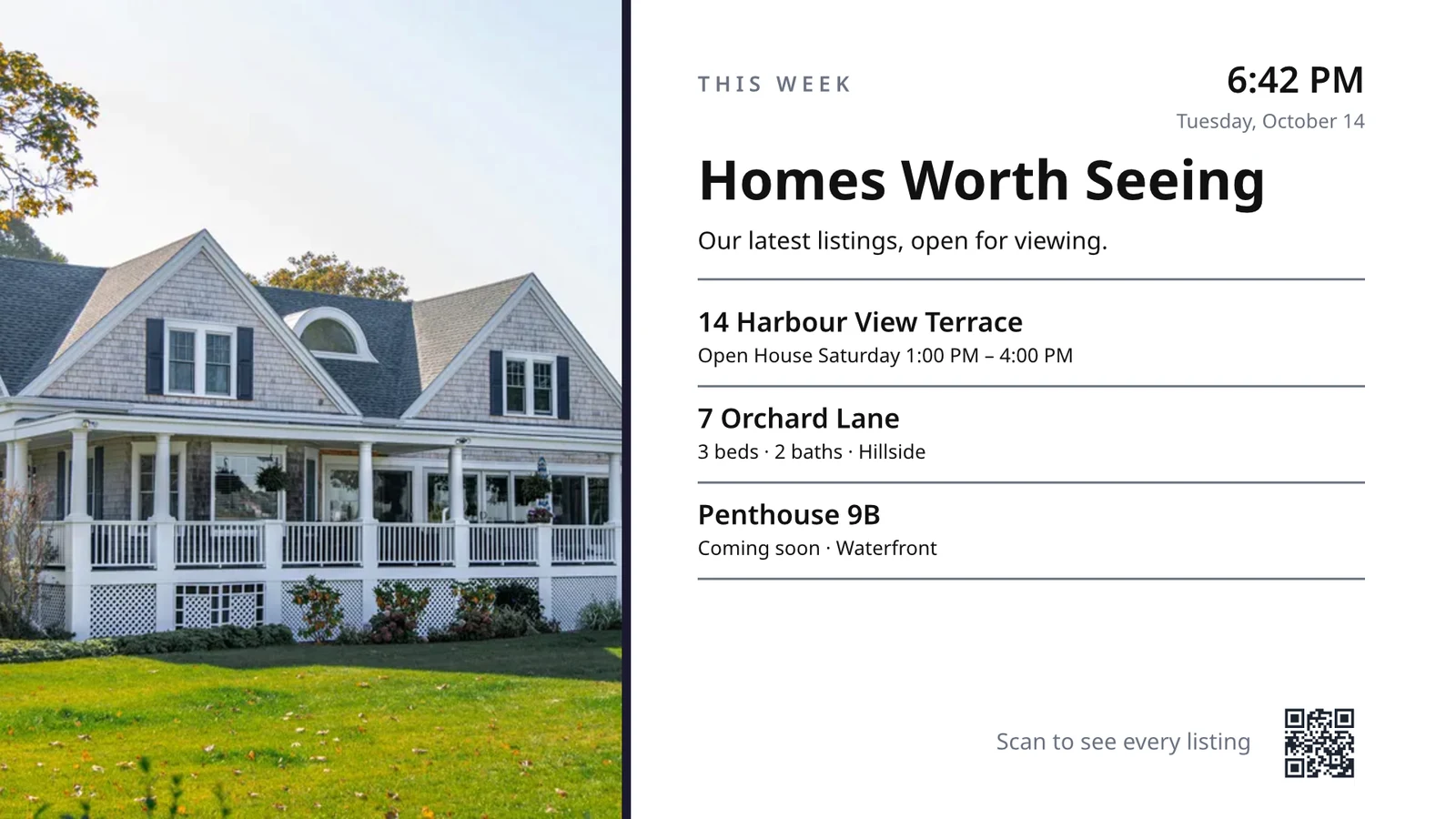
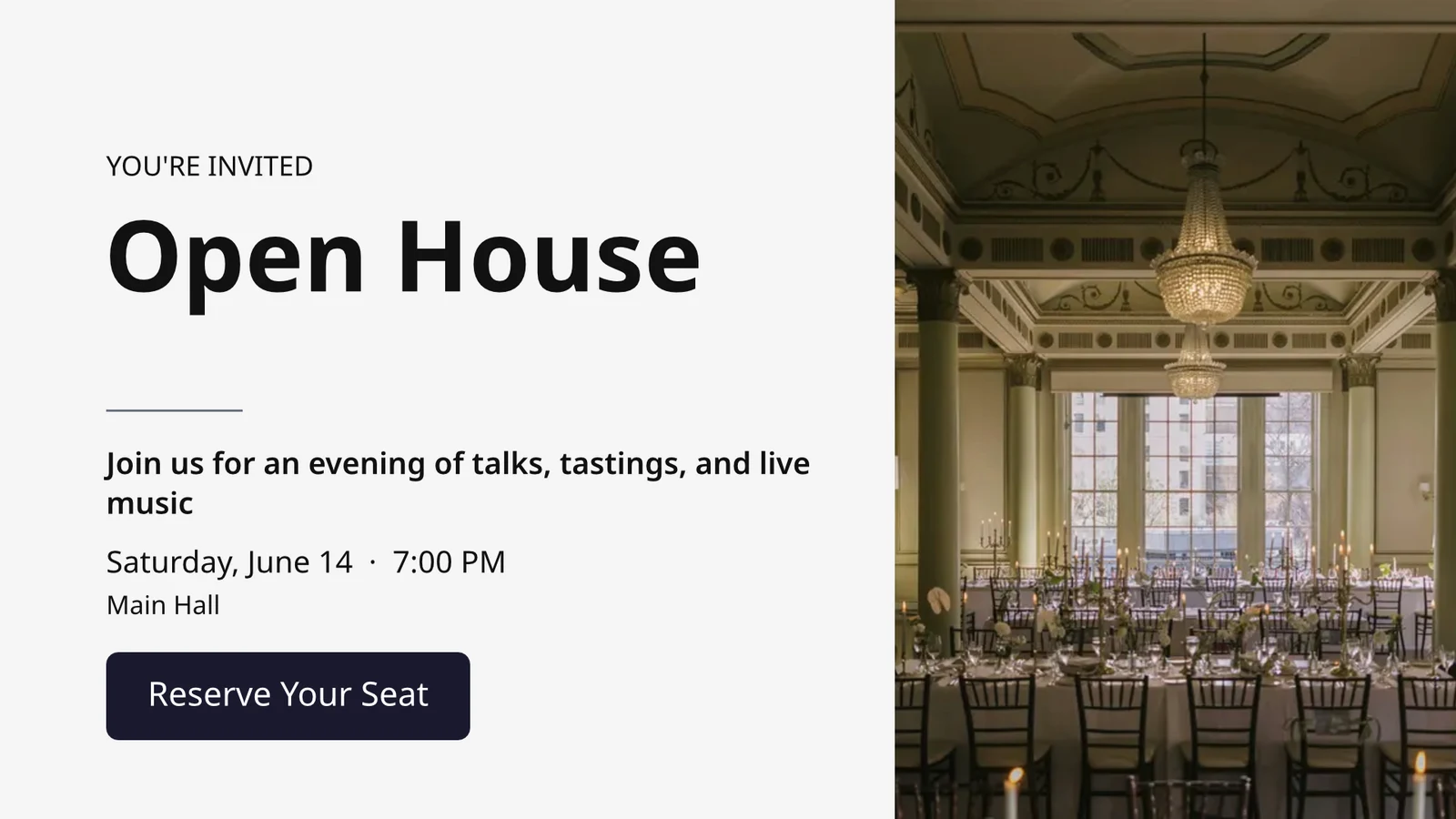
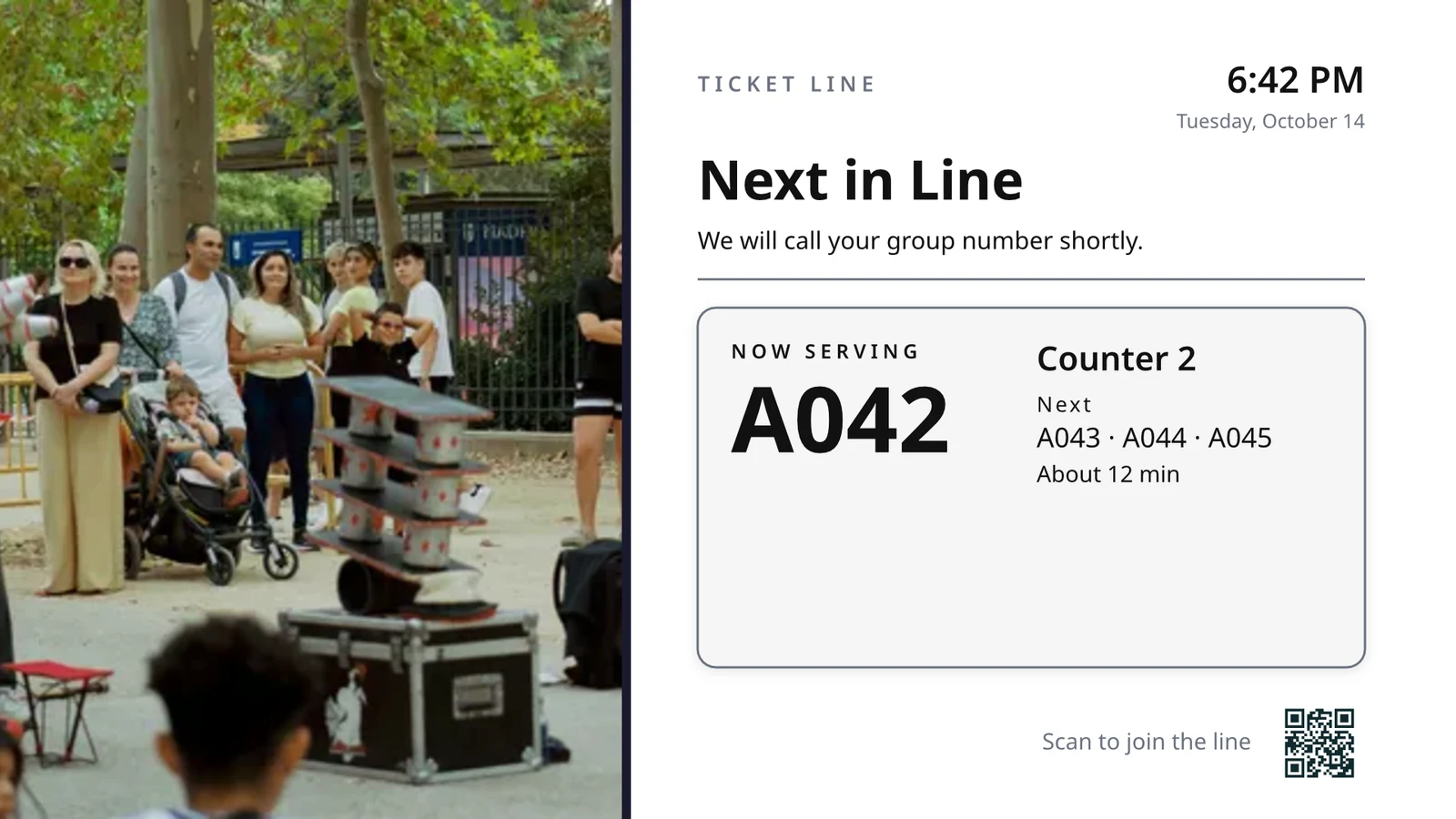
اختر ما يفعله كل شاشات عرض، ثم شغّل جميعها
كل جهاز تلفزيون يشغل شاشة مصممة لمهمة واحدة، لتعرض ما يحدث في أعمالك الآن.
الشاشات حسب الوظيفة
مطبخ، استلام، طابور، ضيف، لافتات.
شاشات مصممة
تصميمك الخاص، مع بيانات حية.
شاشات التلفزيون الخاصة بك
مقترن بكود، يعمل عن بعد.
الجداول الزمنية
شاشة أخرى في الوقت المناسب.
التنبيهات
رسالة واحدة على كل شاشة تلفزيون.
الأداء
ما تم عرضه، ولمدة كم.
تطبيق التلفزيون
تطبيقك الخاص في متاجر التلفزيون.
على هاتف
شاشاتك التلفزيونية من أي مكان.
اختر ما يفعله كل شاشات عرض، بدءاً من مهمتها
اختر وظيفة وشاهدها تعمل على بيانات عينة قبل أن تذهب إلى شاشة تلفزيون، أولاً وظائف عملك الخاص، أو قم بتجهيز كل شاشة تستخدمها عملك الخاص دفعة واحدة. كل شاشة تحافظ على غرضها، مكان عملها، محتواها، مظهرها، شاشات التلفزيون الخاصة بها وجدولها.
ماذا سيفعل جهاز التلفاز الخاص بك؟
اختر الوظيفة. حدد مكان عملها. أدخل الكود الموجود على جهاز التلفزيون، وسيتم تشغيله على بياناتك الحية.
شاشة عرض مطبخ لزيادة الموظفين، خدمات النظافة وحالة الغرف، مكتب الاستقبال، مواعيد اليوم، بداية الجولف، عدد الأبواب، تنفيذ الطلبات وأهداف المبيعات.
شاشة عرض المطبخ
تذاكر حسب المحطات مع مؤقتات. يبدأ الطهاة وينهون ويبدلون؛ يرسل فريق العرض.
أعمال الصيانة
<حالة كل غرفة (متسخة، قيد التنظيف، نظيفة، تم فحصها) وما يجب تشغيله أولًا.
مكتب الاستقبال
من يصل ويغادر اليوم، وأي غرف جاهزة، ومن تأخر في الخروج.
مواعيد اليوم
جميع المواعيد اليوم حسب الكرسي، الغرفة، أو المزود: من موجود، ومن التالي.
مبتدئ الجولف
المجموعات التالية التي ستبدأ اللعب، من قام بالتسجيل، وتيرة اللعب. أرسلهم.
عدّاد الأبواب
عدد الأشخاص الذين يتجاوزون السعة، المسح حسب البوابة، وسرعة تحرك الطابور.
تنفيذ الطلبات
الطلبات الواردة وكم تستغرق كل منها: ما هو المتأخر، وما هو التالي.
أهداف المبيعات
الشهر، الربع، أو السنة مقارنة بالهدف، ولوحة الترتيب، وأحدث الانتصارات.
صمم شاشة بحجم التلفاز تعرض بيانات مباشرة عليها
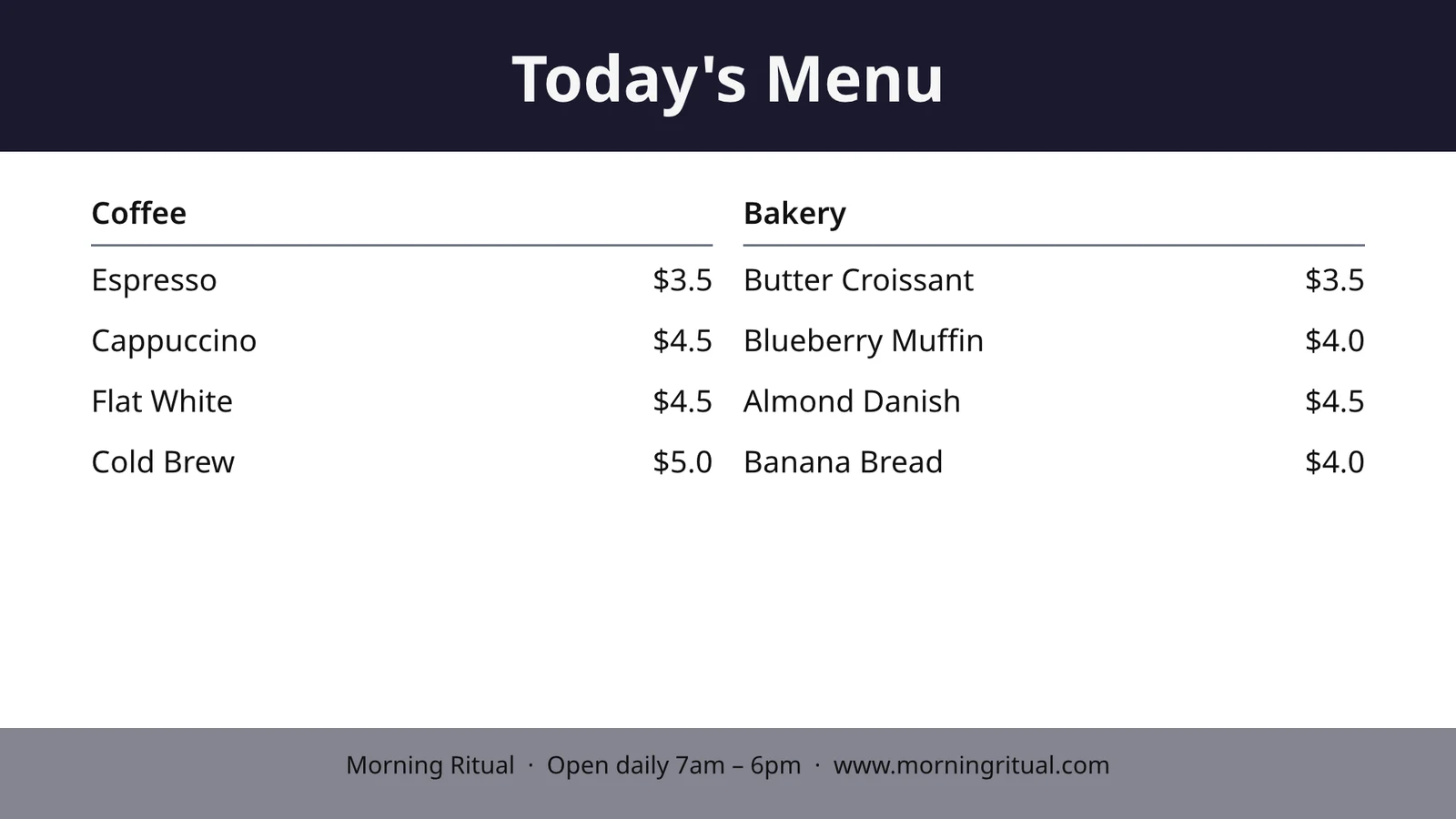
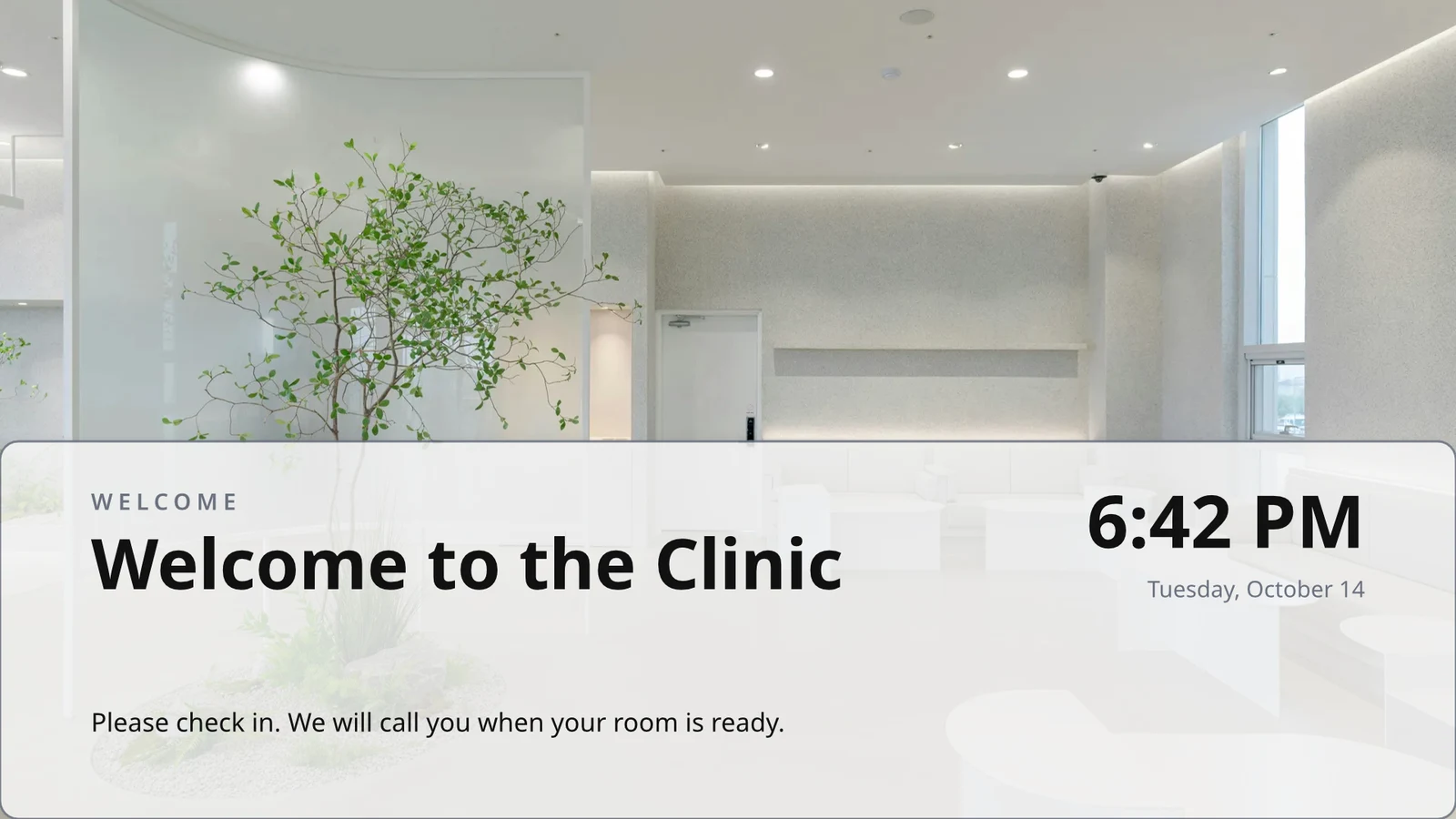
صمم شاشة في المحرر الذي تستخدمه ستوديو، بنسبة 16:9 أو 9:16، فارغة أو من تخطيطات كاليسو الخاصة بصناعتك، مع صور. تضع بياناتك الحية قائمة طعامك، جدولك، عروضك، إعلاناتك، الساعة، الطقس، الواي فاي، وعدد الزبائن الذين يتم خدمتهم، مستمدة من سجلاتك على التلفزيون.
تخطيطات لصناعتك
ابدأ فارغاً أو من 160 تخطيطاً، أفقي وعمودي، كل منها يحتوي على صور ومصمم لصناعة معينة، ابدأ أنت أولاً.
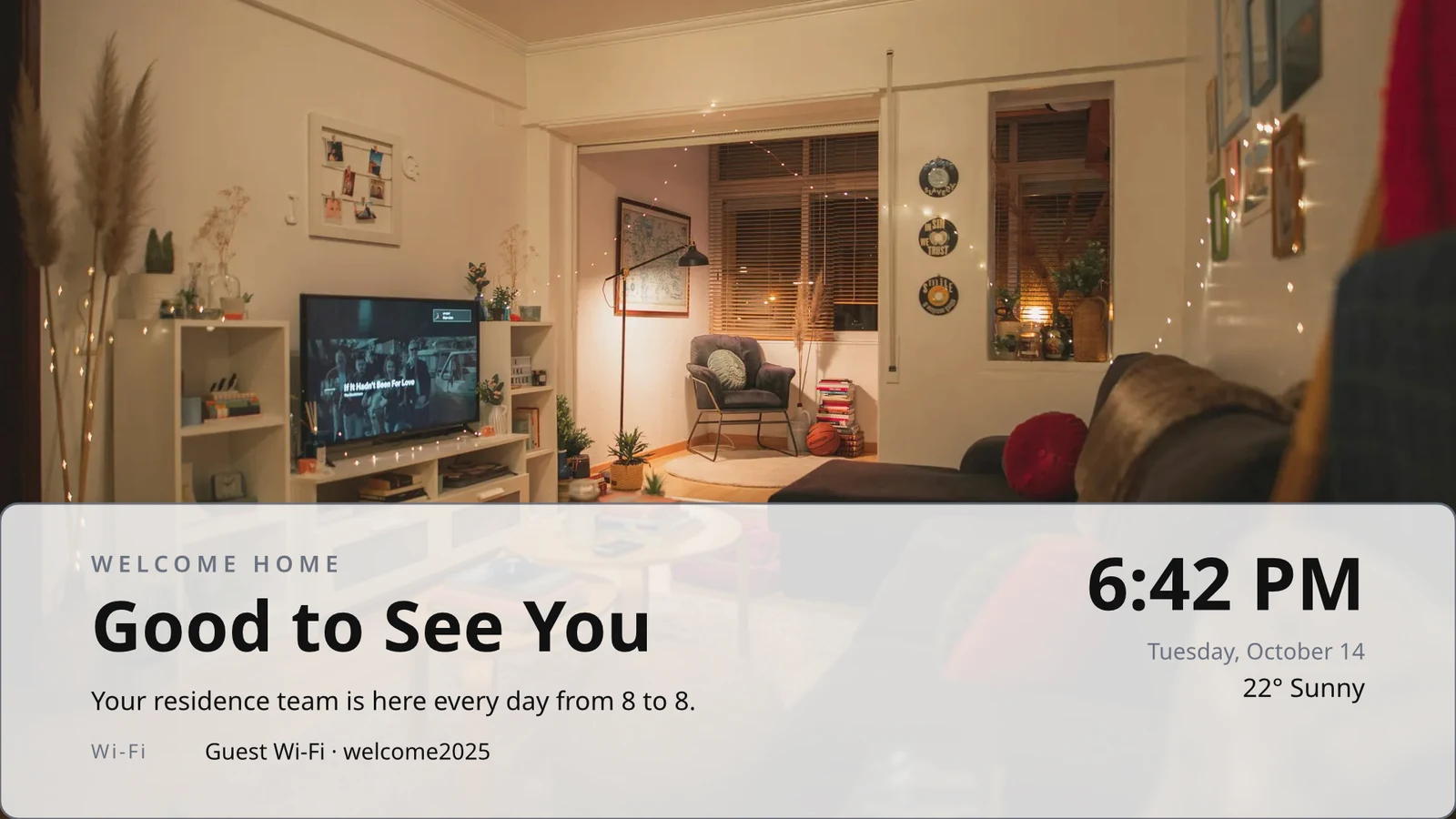
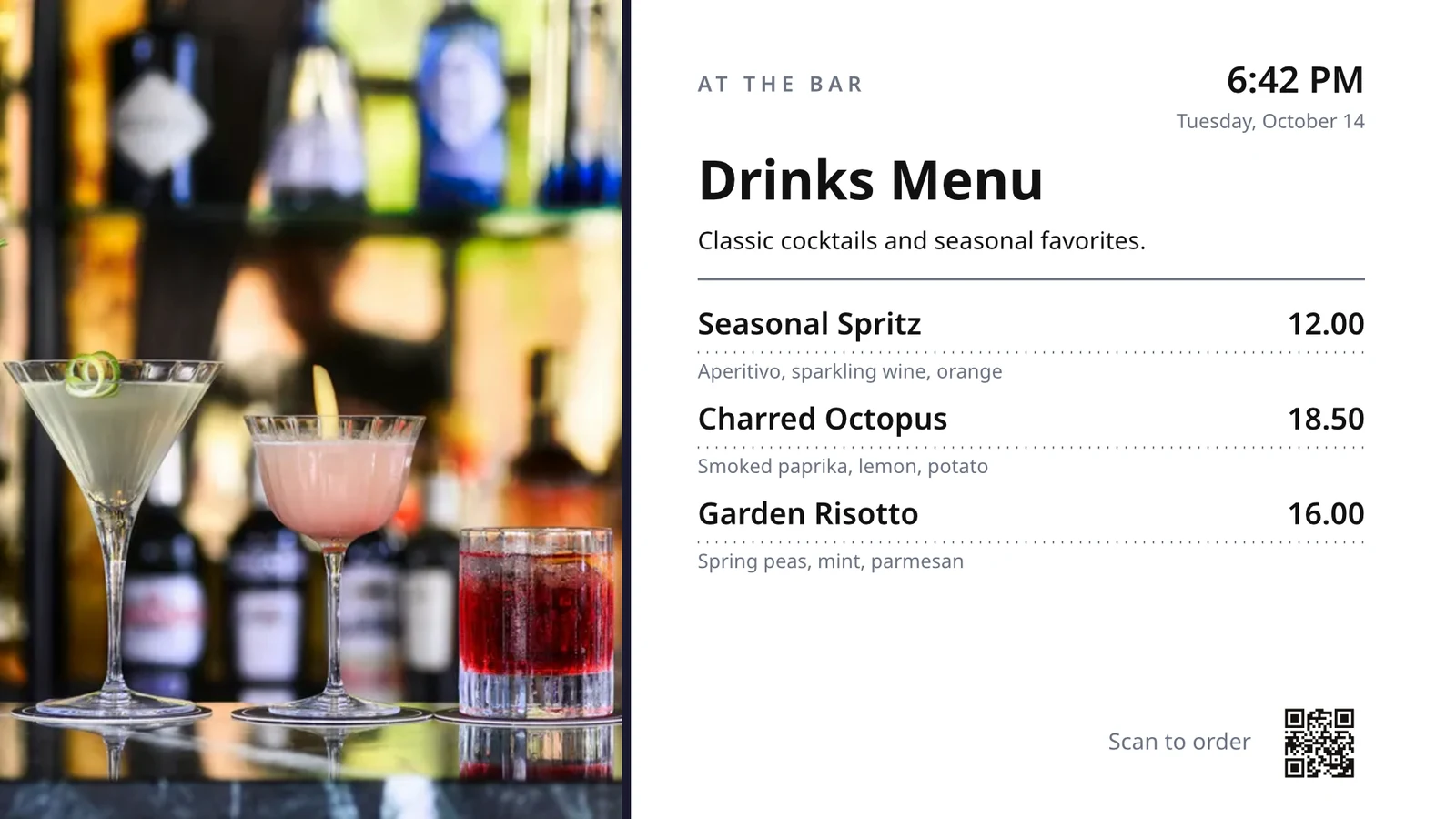
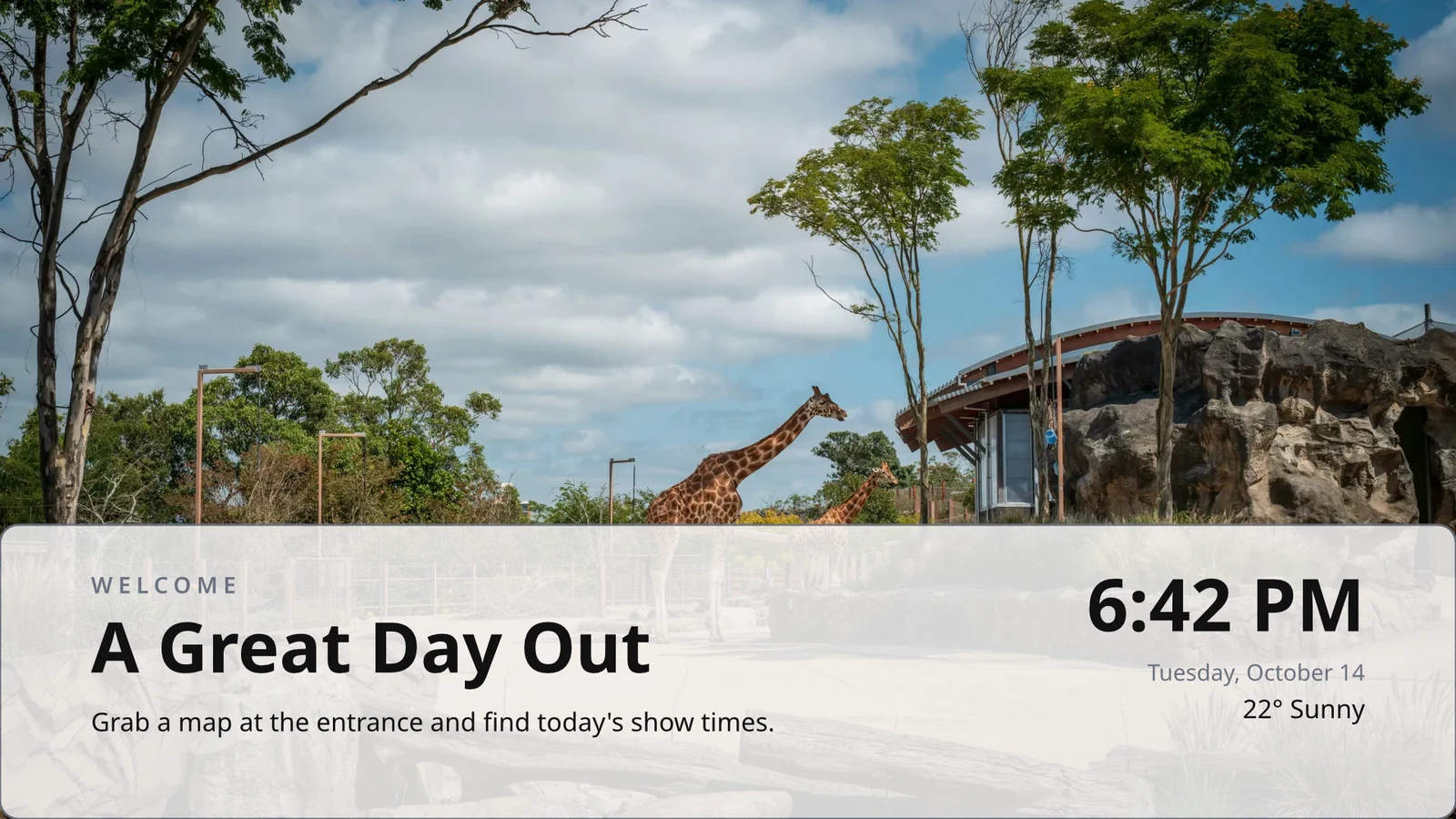
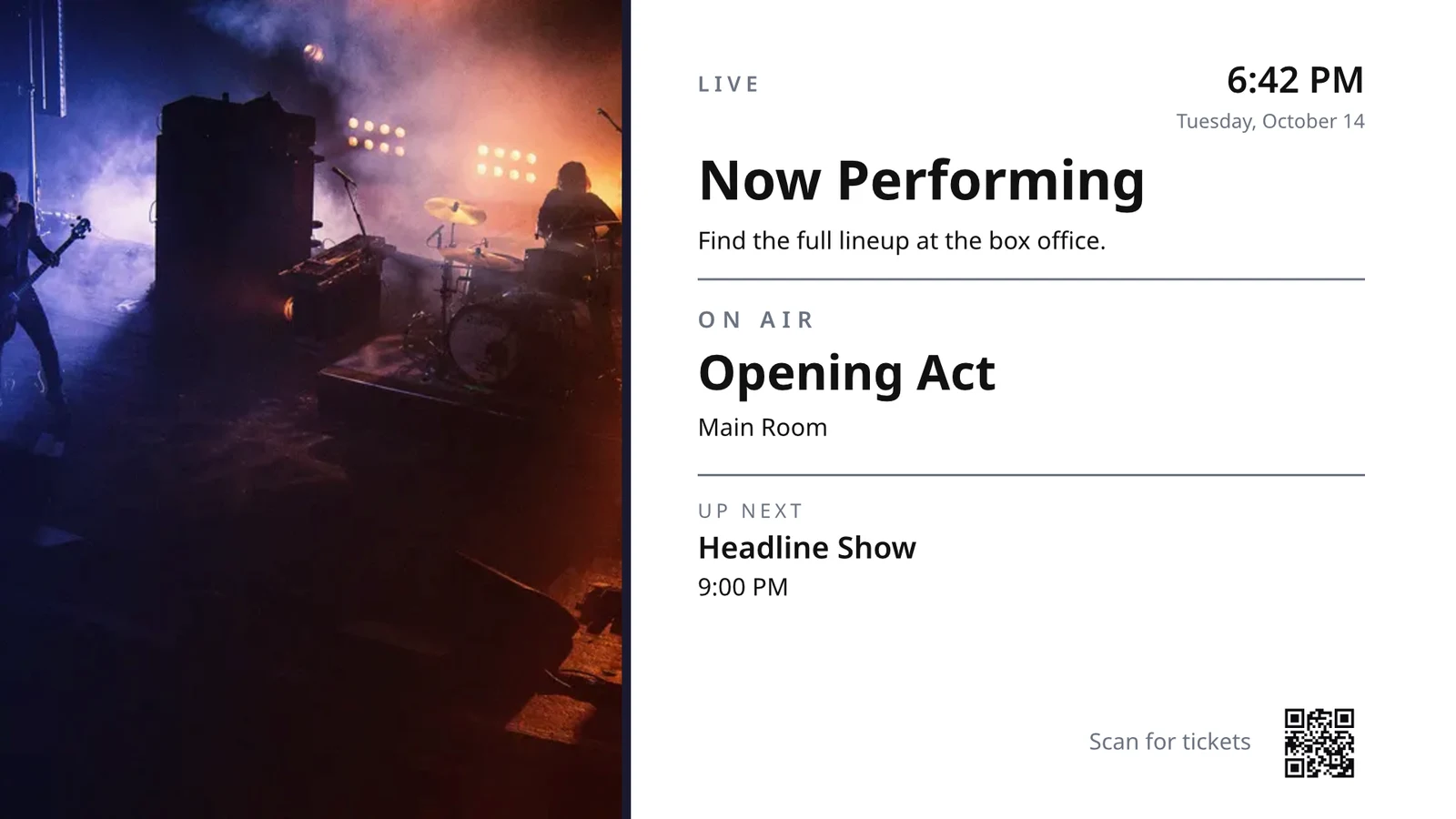
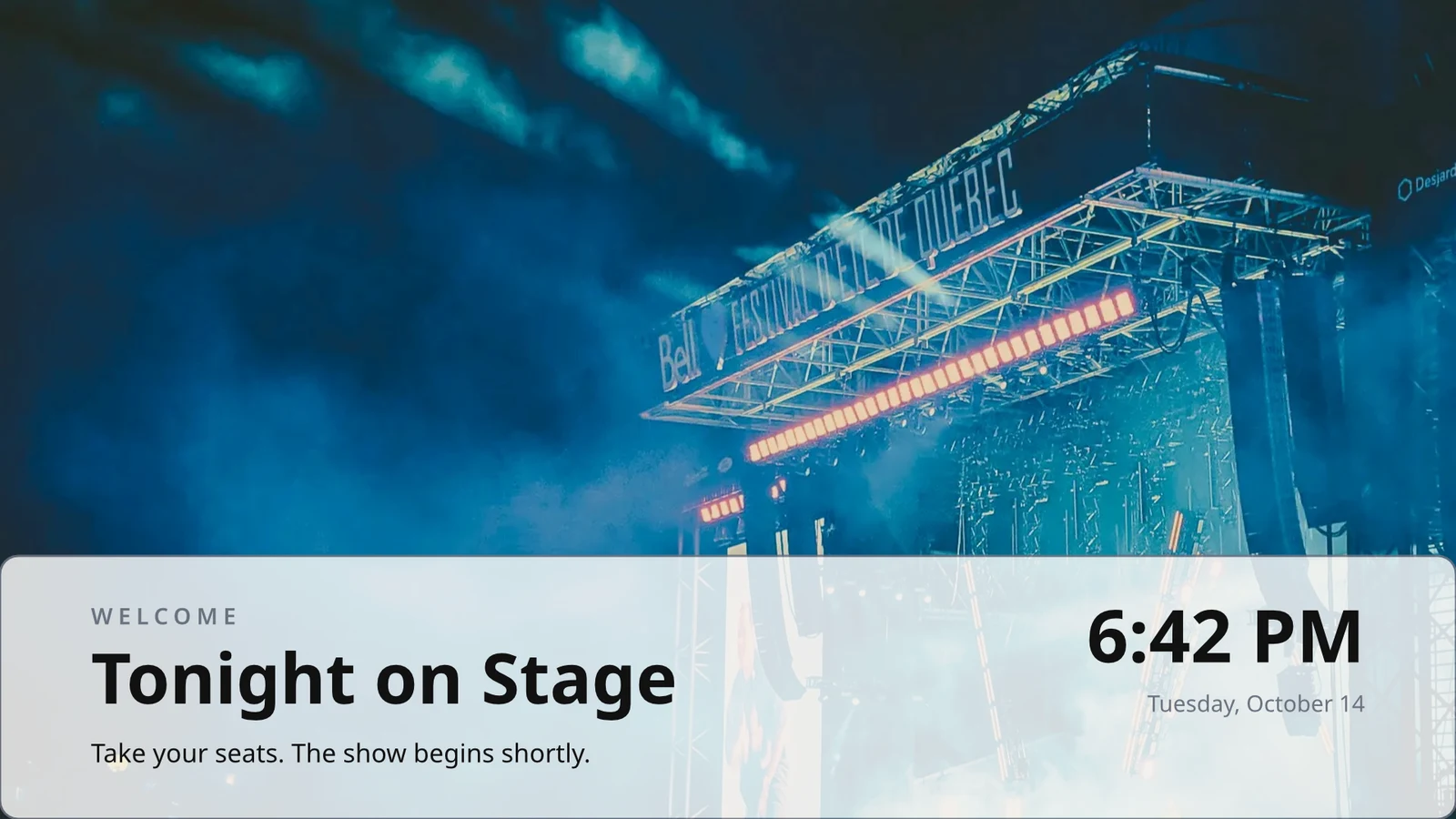
الصفوف التي تصممها مرة واحدة
صمم صفًا واحدًا من القائمة أو الجدول أو قائمة العروض؛ يعيد التلفاز تكراره لكل سجل، صفحة تلو الأخرى.
السمات
48 موضوع من كاليستو وموضوعك الخاص، مضبوطة حسب التصميم وحفظها كموضوع.
النشر على الشاشات
تُرسم كل صفحة بدقة 4K؛ تصل شاشة التحديث إلى كل جهاز تلفزيون يعرض التصميم في آن واحد.
123يتم رسم كل صفحة بدقة 4K لشاشاتك. البيانات الحية، مثل قائمتك، الأسعار، والساعة، تظل حية.
تتحول الصفحات مع الانتقال الذي تمتلكه كل صفحة. تتحول كل شاشة معًا.
صفحات متحركة
صفحة مُحركة بواسطة Animate تعمل على التلفزيون كفيديو، طالما أن الصفحة موجودة.
Page 2 of 3 · 10 ثانيةنسخة لكل موقع
يحصل كل موقع على نسخة خاصة به، تحافظ على الأجزاء المقفلة وتطبق التغييرات التي تجريها عليها.
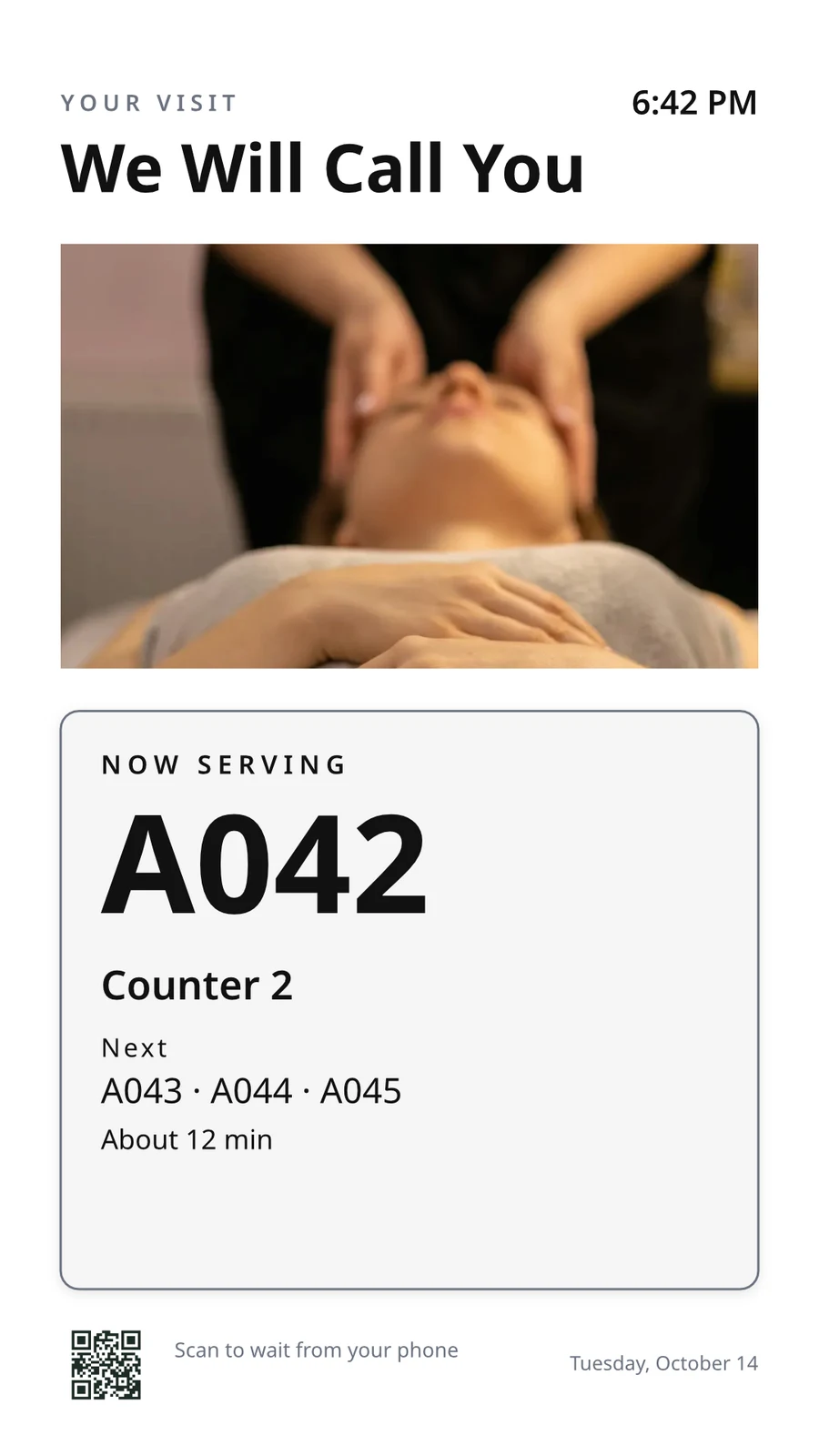 محجوز للنسخمحجوز للنسخ
اقترن شاشتك التلفزيونية بشفرتها وقم بتشغيلها عن بُعد
تعرض التلفزيون رمزًا مكونًا من ستة أحرف، ويقوم "إضافة تلفزيون" بربطه. يقوم بالإبلاغ عن منصته وشاشته ولمسها وعن بعد وصوتها. تعرض صفحة كل تلفزيون صحته وغرفته وما يشغله الآن ولاحقًا، مع تحديد الهوية، ومقطة الشاشة، وإعادة التشغيل، وإعادة التحميل.
التحكم عن بعد
ما ينفذه
Lunch menuMenu board · Promote & informفي الهواء من الجدول "Lunch menu on the pass".التالي: Dinner menu من 17:00الصحة
- الحالة
- Online
- آخر ظهور
- 12 seconds ago
- Up Today
- 9 h 41 min
- عرض
- Lunch menu
- المنصة
- Android TV
- النموذج
- 55" UHD panel
- App Version
- 3.14.2
- System Version
- Android TV 12
ما يمكنه فعله
Touchعن بعدSoundالفوترة
خالٍ من الإعلاناتعلى شاشات التلفزيون التي تمتلكها
Apple TV، Android TV، Google TV، Fire TV، شاشات Samsung و LG الذكية، أو أي متصفح.
K7QX4M<سيبدأ هذا الشاشة تلقائيًا بعد الموافقة عليه.إضافة شاشات عرض
أدخل الكود الذي تعرضه التلفزيون لاقترانه بحسابك.
ضع شاشة أخرى على التلفزيون في الوقت الملائم
يضع الجدول الزمني شاشة أو قائمة تشغيل على شاشات تلفزيون محددة أو مجموعات تلفزيونية بين تواريخ محددة، في أيام وساعات محددة، في كل منطقة زمنية للتلفزيون. الجدول الزمني الأكثر تحديدًا هو الفائز. عندما يطلب عملك الموافقة، يعمل الجدول الزمني فقط بعد موافقة شخص ما.
الجداول الزمنية
ما تبثه شاشات التلفزيون الخاصة بك، ومتى
| الجدول الزمني | الوصف | ما الذي يفعله | يعمل على | الموافقة | الحالة |
|---|---|---|---|---|---|
| Breakfast menu in the restaurant | Weekdays from 6:30 | Play the content chosen below | 3 TVs · 1 TV group | معتمد | نشط |
| Sunset spa ritual offer | Lobby and pool bar, evenings | Play the content chosen below | 2 TV groups | في انتظار الموافقة | نشط |
| Rainy day activities | Only when it rains | Play the content chosen below | 1 TV group | معتمد | نشط |
| Weekly restart | Mondays at 4:00 | Restart the TVs when it opens | TVs that run no screen of their own (account default) | معتمد | نشط |
| Nyepi quiet day | Every TV off for the day of silence | Turn the TVs off for the whole window | 4 TV groups | معتمد | نشط |
| Cooking class promo | Restaurant TVs, afternoons | Play the content chosen below | 2 شاشات | <تم إرجاعها | غير نشط |
| Wedding weekend welcome | Lobby, Friday to Sunday | Play the content chosen below | 1 TV group | مسودة | غير نشط |
| Galungan offerings guide | Lobby and villas, festival week | Play the content chosen below | 2 TV groups | معتمد | نشط |
| Refresh before check-in | Daily at 13:45 | Refresh the TVs when it opens | 1 TV group | معتمد | نشط |
| Kids’ club afternoons | Pool bar TVs, 14:00 to 17:00 | Play the content chosen below | 2 شاشات | في انتظار الموافقة | نشط |
مستندات، جداول بيانات، وعروض تقديمية
تعمل ملفات PDF والمستندات وجداول البيانات والعروض التقديمية كصفحات، ويعاد إنشاء عرض Slides كلما تم حفظه.
الوسائط
صفحات الويب ولوحات التحكم المنشورة
صفحة ويب عامة أو لوحة تحكم منشورة على الويب، مُرسمّة بحجم التلفاز ومُحدّثة على فترتك.
الوسائط
صفحة عامة: موقعك الإلكتروني، أو لوحة تحكم مشتركة عبر رابط. تُرسم بحجم التلفاز وتُظهر كصورة.
لوحات المعلومات من أدوات التحليلات الخاصة بك
لوحات التحكم للمستخدمين المسجلين مرسومة عبر تصدير صورة كل أداة، مع اتصالك الخاص، وبهذه السرية المحفوظة.
تلفزيون مباشر وتيارات مباشرة
قنالتك الخاصة أو بثك من مزود التلفاز الخاص بك، مع صوتها مفعّلًا أو معطلًا.
Members’ bar screen
البيانات من ورقة
صفوف من ورقة عمل (Sheet) نشرتها، أو ملف CSV أو JSON، صفحة تلو الأخرى.
منشوراتك الاجتماعية
ما نشرته، ومنشوراتك الأخيرة على كل من قنواتك.
بثك المباشر
بثك أو ندتك المباشرة أثناء حيويته، مع ردود الغرفة ورمز للانضمام.
الوسائط والقوائم التشغيلية
الصور والفيديوهات في مكتبة الوسائط، الصور الجاهزة، وقوائم تشغيل توقيت كل عنصر.
الوسائط
الموافقة أو الإرجاع
يُحدد في الجدول الزمني، في لوحة الموافقات أو من الإشعار نفسه.
Fado night on the lobby TVs
معلومات الجدول الزمني
- الوصف
- Thursday to Saturday evenings
- الموافقة
- في انتظار الموافقة
- Last Modified
- 21/11 · Inês Carvalho
نافذة
- Daily Window
- 18:00 to 23:00
- Active Days
- Thu, Fri, Sat
- Evaluated in
- Each TV’s own time zone
- أولوية
- 20
المحتوى
- قائمة التشغيل
- Fado nights
- Screen content
- Keep each TV’s own content
أين
- Plays on
- 2 TVs · 1 TV group
- مجموعات التلفزيون
- Lobby TVs
النشاط
حساب افتراضي
يعمل الجدول الزمني الذي لا يحتوي على شاشات تلفزيون فقط حيث لا تعمل شاشة التلفزيون بشاشة خاصة بها.
جدول جديد
اختر ما تعرضه شاشاتك التلفزيونية ومتى
أين
أي شاشات تيلفزيون تلعب هذا الجدول. اتركهما فارغين لجعلهما الافتراضي على مستوى الحساب. ثم ستلعب على كل تيلفزيون لا يشغل شاشة خاصة به.
فقط في بعض الأجواء
يعمل الجدول الزمني أو عنصر المنطقة فقط عندما يكون السماء صافية أو ممطرة، أو أبرد أو أدفأ مما تقول.
جدول جديد
اختر ما تعرضه شاشاتك التلفزيونية ومتى
الطقس
قم بتشغيلها فقط في بعض الأحوال الجوية، حيث يتم إعداد كل شاشة. عندما لا يمكن قراءة الطقس، لا يتم تشغيلها.
إعادة التشغيل أو إيقاف التشغيل
نافذة تعيد تشغيل أو تحديث شاشات التلفزيون مرة واحدة عند فتحها، أو تُطفئها حتى إغلاقها.
جدول جديد
اختر ما تعرضه شاشاتك التلفزيونية ومتى
ما الذي يفعله
ضع رسالة واحدة على كل شاشة تلفزيون، ثم أزلها إزالة
ينتقل تنبيه عبر أي شيء تقوم التلفازات المختارة بتشغيله حتى يتم إزالته أو انتهاء وقته. احفظه كمسودة، قم بتفعيله عند الحاجة، واحذفه من صفحته أو من الإشعار. يظهر نصه كما هو مكتوب، أبداً ككود.
شاهد ما عرضته كل شاشة، ولمدة كم من الوقت
كل تلفزيون يبلغ عما يعرضه عند كل تسجيل دخول. تحسب الأداء عدد مرات العرض، والدقائق التي كان فيها كل تلفزيون مفعلاً، والأخطاء التي اكتشفها، حسب اليوم والتلفزيون، خلال الفترة التي تختارها. التلفزيون الذي توقف عن العمل يُقرأ على أنه في حالة توقف. التقارير توضع بجانبه.
الأداء
Impressions, uptime and errors across your TVs, day by day.
| التاريخ | التلفزيون | الانطباعات | وقت التشغيل (دقيقة) | الأخطاء |
|---|---|---|---|---|
| 21/11/2026 | Lobby Welcome TV | 1284 | 1022 | 1 |
| 21/11/2026 | Restaurant Menu TV | 962 | 958 | 2 |
| 21/11/2026 | Front Desk TV | 1118 | 1440 | 1 |
| 21/11/2026 | Room 204 TV | 46 | 312 | 3 |
| 20/11/2026 | Lobby Welcome TV | 1301 | 1031 | 1 |
| 20/11/2026 | Restaurant Menu TV | 977 | 965 | 2 |
| 20/11/2026 | Housekeeping TV | 1440 | 1440 | 1 |
وقت التشغيل
مُئتمن من كل تسجيلات دخول التلفزيون، لا يُفترض أبداً.
الأداء
Which TVs stayed up, and which dropped out.
| التلفزيون | وقت التشغيل | الأيام التي تحتوي على أخطاء | آخر خطأ |
|---|---|---|---|
| Cold Prep TV | 95.8% | 2 | Yesterday |
| Rider Pickup TV | 97.1% | 1 | 2 days ago |
| Packing TV | 99.2% | 1 | 6 days ago |
| Office TV | 99.6% | 1 | 11 days ago |
| Expo TV | 99.7% | 1 | 19 days ago |
| Grill Line TV | 99.9% | 1 | 26 days ago |
تلفاز يتوقف
يُعلم المسؤولون مرة واحدة عندما يطفأ التلفزيون ومرة أخرى عندما يعود.
قواعدك
كل إشعار هو قاعدة أتمتة يمكنك تغييرها أو إيقاف تشغيلها.
الأتمتة
| الأتمتة | متى | ثم | آخر 7 أيام | آخر تشغيل | الحالة |
|---|---|---|---|---|---|
| Tell the admins when a screen stops checking in | أصبحت الشاشة داكنة | أخبر المشرفين أن شاشة أصبحت مظلمة | 3 | منذ ساعتين | على |
| Tell the admins when a screen is back | الشاشة عادت | <أخبر المشرفين أن الشاشة عادت> | 3 | قبل ساعة واحدة | على |
| Tell the admins when a schedule ends | انتهى الجدول الزمني | أخبر المشرفين بإنهاء الجدول | 1 | 9 days ago | على |
| Tell the admins when an alert goes live | أصبح التنبيه نشطاً | أخبر المديرين أن التنبيه أصبح نشطًا | 2 | منذ 3 أيام | على |
| Tell the admins when an alert is taken down | تم سحب التنبيه | أخبر المديرين أن التنبيه تم إسقاطه | 2 | منذ 3 أيام | على |
| أخبر المراجعين أن الجدول ينتظر الموافقة | ينتظر الجدول موافقة | أخبر المراجعين أن الجدول ينتظر الموافقة | 4 | أمس | على |
| Tell the sender their schedule was approved | الجدول الزمني معتمد | أخبر المرسل بالقرار بشأن جدولهم | 3 | أمس | على |
| Tell the sender their schedule was sent back | تم إرجاع الجدول الزمني | أخبر المرسل بالقرار بشأن جدولهم | 1 | قبل أسبوعين | على |
| <أخبر المشرفين بأن عملية بناء تطبيق التلفزيون قد اكتملت> | اكتمل بناء تطبيق التلفزيون | <أخبر المشرفين بأن عملية بناء تطبيق التلفزيون قد اكتملت> | 1 | 1 month ago | على |
دليل اللعب
كل جهاز تلفزيون يسجل ما يعرضه عند كل تسجيل دخول، وإذا فشل الشاشة تُعرض النسخة الاحتياطية الخاصة بعلامتك التجارية ويُحسب ذلك خطأً.
الأداء
Proof of play: how often content and ads were on screen.
| التاريخ | الانطباعات | التلفزيون | عدد مرات ظهور الإعلان | الجمهور لكل مشهد |
|---|---|---|---|---|
| 21 nov 2026 | 1,421 | Pickup TV | 366 | 14.8 |
| 21 nov 2026 | 1,304 | Menu Board Left | 341 | 12.1 |
| 21 nov 2026 | 1,298 | Menu Board Right | 339 | 12.1 |
| 20 nov 2026 | 1,377 | Pickup TV | 352 | 13.5 |
| 20 nov 2026 | 1,270 | Menu Board Left | 330 | 10.9 |
| 20 nov 2026 | 1,262 | Menu Board Right | 328 | 10.9 |
الجمهور
كل عرض يحسب عدد الأشخاص في غرفة التلفاز التي تحسبها "إكسس"، ويُعرض كمتوسط لكل عرض.
الأداء
Proof of play: how often content and ads were on screen.
| التاريخ | الانطباعات | التلفزيون | عدد مرات ظهور الإعلان | الجمهور لكل مشهد |
|---|---|---|---|---|
| 21 nov. 2026 | 612 | Event Hall TV | 148 | 23,6 |
| 21 nov. 2026 | 588 | Floor 2 Lounge TV | 141 | 9,1 |
| 21 nov. 2026 | 541 | Kitchen TV | 129 | 6,8 |
| 21 nov. 2026 | 524 | Reception TV | 126 | 4,2 |
| 20 nov. 2026 | 597 | Event Hall TV | 143 | 31,0 |
| 20 nov. 2026 | 579 | Floor 2 Lounge TV | 139 | 8,4 |
حسب الشاشة
كل رقم، صف واحد لكل شاشة تلفزيون، مع عدد مرات ظهور الإعلان والضغطات.
الأداء
Every figure, one row per screen.
| التلفزيون | الانطباعات | عدد مرات ظهور الإعلان | نقرات الإعلان | وقت التشغيل (ساعة) | الأخطاء |
|---|---|---|---|---|---|
| Departures TV · Bávaro Office | 14,822 | 3,706 | 118 | 712 | 1 |
| Check-in Line TV | 12,406 | 3,101 | 96 | 698 | 1 |
| Dock Pier 2 TV | 11,930 | 2,982 | 74 | 655 | 2 |
| Beach Bar TV | 9,718 | 2,430 | 61 | 640 | 1 |
| Shop Window TV | 8,604 | 2,151 | 48 | 702 | 1 |
| Marina Lobby TV | 6,800 | 1,032 | 15 | 690 | 1 |
الأداء
Which TVs stayed up, and which dropped out.
| التلفزيون | وقت التشغيل | الأيام التي تحتوي على أخطاء | آخر خطأ |
|---|---|---|---|
| Cold Prep TV | 95.8% | 2 | Yesterday |
| Rider Pickup TV | 97.1% | 1 | 2 days ago |
| Packing TV | 99.2% | 1 | 6 days ago |
| Office TV | 99.6% | 1 | 11 days ago |
| Expo TV | 99.7% | 1 | 19 days ago |
| Grill Line TV | 99.9% | 1 | 26 days ago |
انشر تطبيقك الخاص في متاجر التلفزيون
مصمم تطبيق التلفاز يبني تطبيقك المميز لتلفاز آبل، أندرويد، وفاير: مظهره، محتواه وقنواته، معاينة على تلفاز، البناء، القائمة في المتجر، وتحليلاته. يبني كاليسو تطبيق كل منصة، ويُخبرك متى ينتهي البناء.
تطبيق التلفزيون
Your branded app for Apple TV, Fire TV and Android TV. Design, build and publish it.
التصميم والمحتوى
الألوان، والخطوط، والتنقل، والفيديو، والقنوات، مُعاينة كما يرسمها التلفزيون.
تطبيق التلفزيون
Your branded app for Apple TV, Fire TV and Android TV. Design, build and publish it.
#7b2cbfلون الخلفية#120a1cنمط الخلفيةSolidGradientضبابيةتشغيل شاشات التلفزيون من هاتف
على الهاتف، تفتح الشاشة على شاشات التلفاز الخاصة بك وتلك التي تحتاجها، الأسوأ أولاً، أي تنبيه على الجدران والجداول المعلقة للموافقة. تفتح شاشة والتلفاز كصفحات خاصة.
بدون إشارة
تفتح الصفحة الرئيسية، والتلفزيونات، وصفحة التلفزيون، والتنبيهات دون اتصال على جهاز تختاره.
حالة التلفزيون
شاشات التلفاز عبر الإنترنت، شاشات تحتاج منك، تنبيهات تظهر وموافقات تنتظر، على لوحة أدوات ويندوز.
مشاركة الصور داخل
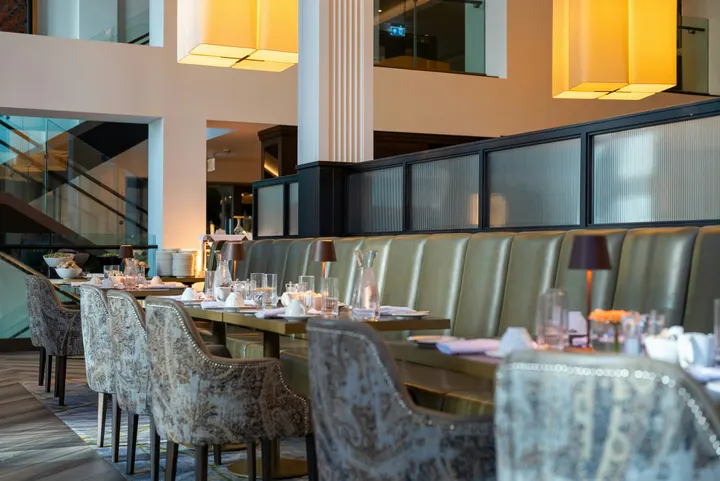 fine-dining-01.jpgصورة · للتو
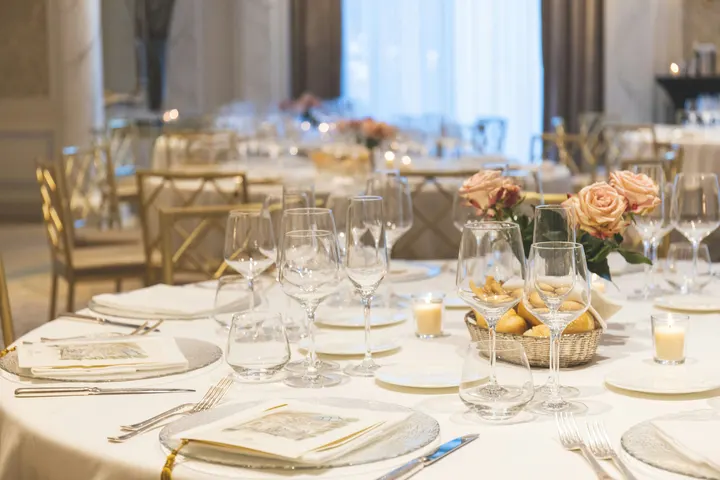 fine-dining-02.jpgصورة · للتو
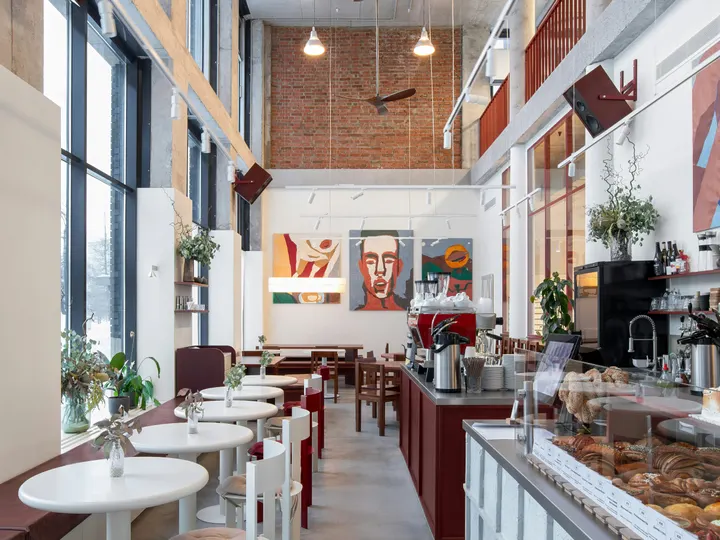 restaurant-01.jpgصورة · للتو
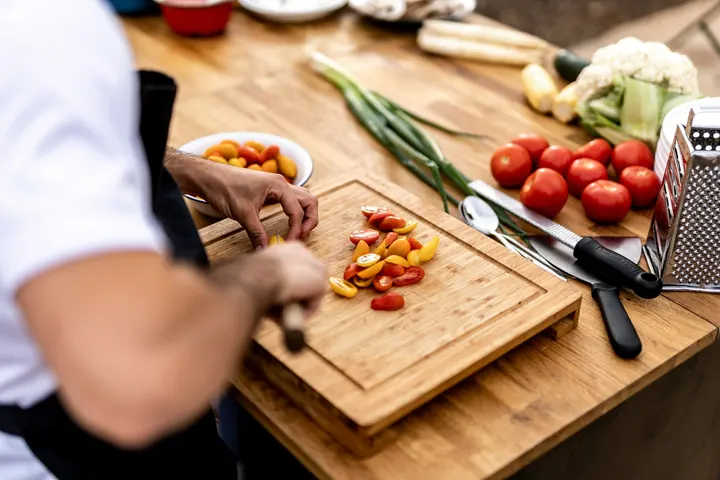 fine-dining-04.jpgصورة · أمس
 restaurant-03.jpgصورة · منذ 3 أيام
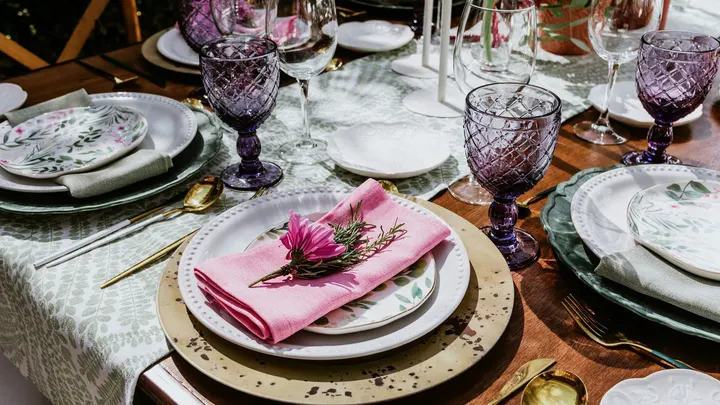 restaurant-02.pngصورة · الأسبوع الماضيBistro Kogarashi · Tokyo
الصور والفيديوهات المشتركة من الهاتف تهبط في مكتبة الوسائط.
اختصارات
التلفازات، التنبيهات، الجداول، إضافة تلفاز، شاشاتي، والمعاينة المباشرة من أيقونة التطبيق.
تنبيه واضح أو الموافقة من الإشعار
قم بتنبيه واضح رفعه مسؤول إداري آخر، أو وافق على جدول ينتظرك، من الإشعار.
حيث يلمس العرض كل شيء آخر.
4 of these 8 connections are in your plan today; the others are their own apps.
Dine
The kitchen display shows and bumps the kitchen’s own orders, and the menu board reads the menu set up in Dine.
Stays
A guest TV reads the stay in its room, and the housekeeping TV is the same board as Stays’ Housekeeping.
Coworking
A meeting room’s door sign is made and paired from Coworking’s Spaces, each paired with the room it hangs outside.
Kiosks
Kiosks and TVs are set up through the same screen records, and play the same designed screens and live feeds.
Orderflow
Room service ordered from a guest TV goes to Orderflow, and the order fulfillment screen is Orderflow’s queue on a TV.
Studio
Designed screens are made in the same design editor Studio opens, and a Studio design at TV size plays as one.
Automations
Every notice Display sends is an Automations rule, and other apps’ rules can repaint a board.
Ads
A free TV’s ad band is filled through Ads, the one place a screen’s ads are chosen.
لا توجد تكلفة إعداد. ادفع عند البدء في الاستخدام.
Every TV free with Calisto’s ad band, or ad-free per TV.
شاشة كاليسو
Runs the TVs in a business: kitchen displays, pickup and now-serving boards, guest TVs, menu boards, signage and designed screens, with schedules, alerts and performance.
موصى به لك
تعمل بشكل جيد معًا.
Calisto Dine
مُدرَج مع خططك
<يرجى مراجعة الترجمة، هناك تجاوز في عدد الكلمات وربما يمكن تبسيطها مع الحفاظ على المعنى: "يعرض تطبيق Core الخاص بك كل ما تعتمده خطط Commerce وOps.">
Learn more →Calisto Stays
مُدرَج مع خططك
<يرجى مراجعة الترجمة، هناك تجاوز في عدد الكلمات وربما يمكن تبسيطها مع الحفاظ على المعنى: "يعرض تطبيق Core الخاص بك كل ما تعتمده خطط Commerce وOps.">
Learn more →Calisto Coworking
مُدرَج مع خططك
<يرجى مراجعة الترجمة، هناك تجاوز في عدد الكلمات وربما يمكن تبسيطها مع الحفاظ على المعنى: "يعرض تطبيق Core الخاص بك كل ما تعتمده خطط Commerce وOps.">
Learn more →Calisto Kiosks
كشك كاليسو
One job per kiosk, from check-in and ordering to wayfinding, set up on any tablet at your own kiosk address, with each screen’s own card terminal and printer.
Learn more →Calisto Orderflow
Calisto Studio
Calisto Create
A Studio seat designs anything at every size, from Calisto’s templates or a blank page: layers, photos, Copy & Resize, Bulk Create, mockups, QR codes, print-ready PDFs, sharing and whiteboards.
Learn more →Calisto Automations
Calisto Ads
Calisto Engage
Run campaigns on the websites, apps, kiosks, TV screens and member portals other Calisto businesses publish, and sell the ad space on your own.
Learn more →يُوصى بـ
الصناعات التي تشغل Display، والغرض من تشغيل كل منها لها.
فنادق ومنتجعاتLobby & meeting screens
Lobby, meeting floor and restaurant screens.
فنادق ومنتجعات على Calisto →RestaurantsDigital menu boards
Kitchen display and guest-facing menu screens.
Restaurants على Calisto →المأكولات الفاخرةKitchen and pass screens
Kitchen pass and private dining screens.
المأكولات الفاخرة على Calisto →تطوير العقاراتSales gallery screens
Sales gallery screens and site hoardings.
تطوير العقارات على Calisto →الصالونات والحلاقةLobby screen
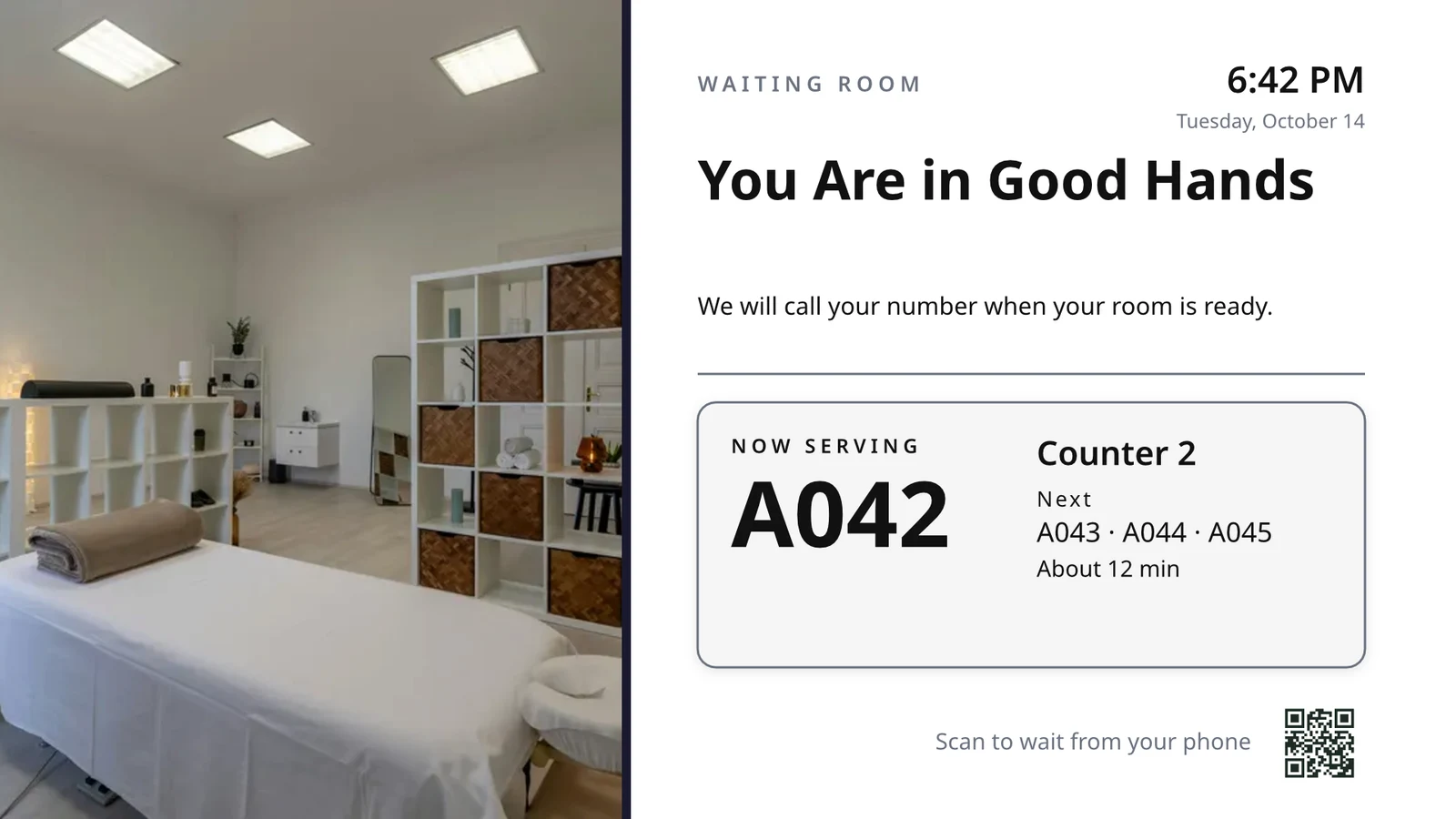
The waiting area reads the same queue as the desk.
الصالونات والحلاقة على Calisto →Live Music & FestivalsStage & wayfinding screens
Stage, wayfinding and sponsor screens.
Live Music & Festivals على Calisto →Marathons & EnduranceStart, finish & expo screens
Start, finish and expo screens.
Marathons & Endurance على Calisto →Venue ManagementWayfinding & room screens
Wayfinding, room and sponsor screens.
Venue Management على Calisto →<الملاعب والساحات>Concourse & stand screens
Wayfinding, concourse and sponsor screens.
<الملاعب والساحات> على Calisto →الجولف العامClubhouse screens
Tee sheet, leaderboard and clubhouse screens.
الجولف العام على Calisto →أندية الجولفClubhouse screens
Tee sheet, leaderboard and clubhouse screens.
أندية الجولف على Calisto →مساحات العمل المشتركةRoom screens
Room availability and community screens.
مساحات العمل المشتركة على Calisto →In-Person RetailersIn-store screens
Window, shelf-edge and queue screens.
In-Person Retailers على Calisto →كل ما هو متضمن في Calisto Display.
- New: every job a TV can do, ordered for your industry, each shown running on sample data, with the one choice that makes it this screen and where it works.
- Set Up Every Screen: your kind of business’s set at once, a screen set for each of the 38 kinds of business.
- Run the operation: kitchen display (prep, expo and bar, with bump), housekeeping and room status, front desk, today’s appointments, golf starter, door counter, order fulfillment (Orderflow’s queue, with accept, reject and bump) and sales targets.
- Move customers: order pickup, now serving on any app’s walk-in line, check-in welcome, meeting room sign, departures and tours, wayfinding, tournament and race leaderboard, class schedule.
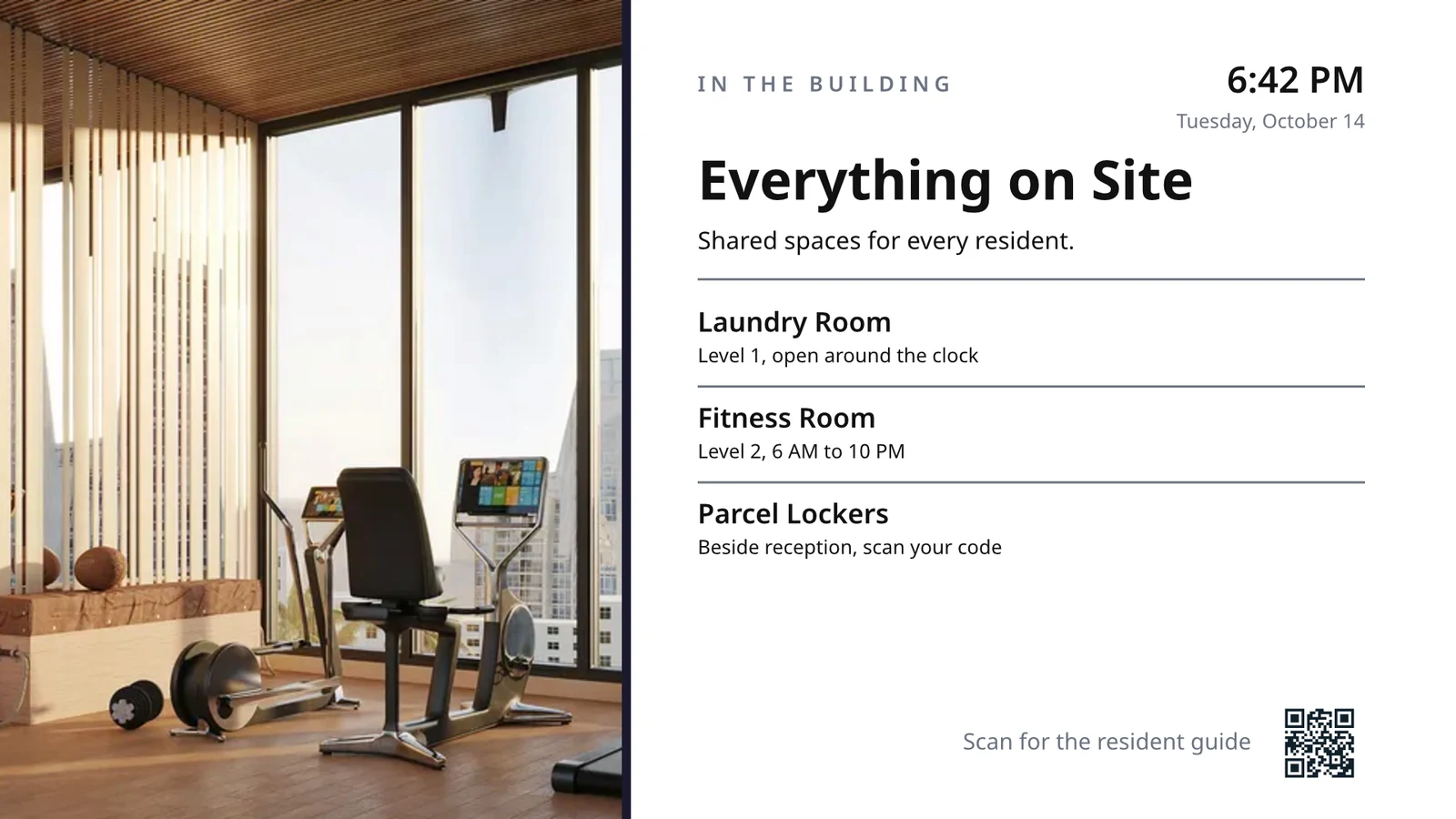
- Serve guests: the guest TV in a hotel, apartment or short-stay room, and the resident and member TV.
- Promote and inform: designed screen, digital signage with zones and playlists, menu board, offers and upgrades, property window, on air.
- A screen’s record: Purpose, Where (location, station, counter, room, course or event, filled in when there is one), Content, Look (dark or light, your logo and color), TVs and Schedule, beside the screen running live on your data.
- Put It on a TV: the one step that puts a screen on its TVs, refused with the reason when something it needs is missing.
- My Screens: each screen, what it runs and on how many TVs.
- Other apps put their own screens on a TV from their own desk: now serving from a walk-in line, a leaderboard from a competition, room signs from Coworking’s Spaces and every Events host’s Rooms.
- The kitchen display reads and moves the kitchen’s orders, the same orders Dine’s kitchen screen and Station work from.
- The menu board reads the menu set up in Dine.
- Room service ordered on a guest TV is charged to the stay and handed to Orderflow, whose accept fires the kitchen.
- Late checkout and the property guide come from the stay and the property.
- The housekeeping TV is the same board as Stays’ Housekeeping, moving each room’s tasks.
- Staff act from a staff screen of their own account; a guest acts only from the room TV while its stay is checked in.
- A TV reads only its own screen’s data, scoped on the server to its station, counter or room.
- The design editor Studio uses, at 16:9 landscape or 9:16 portrait; a Studio design at a screen’s shape is a designed screen too.
- Start blank or from 160 layouts, 81 landscape and 79 portrait, each tagged with its industries and carrying photographs, your own industry first.
- Themes: Calisto’s 48 and your own, chosen and tuned per design, Save as Theme; a design that picks none keeps its own look.
- Live Data: the menu, the schedule (classes, sessions, events, tours, race waves, today and the next six days), offers running now, homes on the market, a dish’s price, the offer on now, clock, date, weather, guest Wi-Fi, a QR code, the number being served and what is on air.
- Lists are one designed row, repeated for every record in the list’s columns and gaps, paging by its area; a list with no records draws nothing.
- Publish to Screens draws each page at 4K and keeps the live layer apart; Update Screens reaches every TV and kiosk playing the design at once.
- Each page shows for its own length; pages turn together across a bank of TVs.
- A page animated with Animate plays as a video made on your device or Calisto’s servers, from the start each time the page comes on.
- Played full screen, or as an item in any signage zone.
- People Inside: how many are in the screen’s room now, its limit, the places left and how full it is, where Access counts the room.
- A copy for each location keeps the parts its original locks for copies, and takes their changes; your business chooses who may lock them.
- Add a TV: the TV shows a six-character code; you enter it and give the TV a name and, in a room, its room.
- The TV reports its platform, panel resolution, touch, remote and sound at pairing and on every check-in.
- Apple TV, Android TV, Google TV and Fire TV run the Calisto TV app from their stores; Samsung Tizen and LG webOS open it from their own app; any browser opens the TV address.
- A TV that cannot get a code keeps asking and replaces a lapsed code by itself.
- TVs: every TV, its platform, location, what it runs, its state and when it was last seen, searched, filtered and sorted on the server however many you have.
- A TV’s page: health, capabilities, room, what it runs now and next, Choose What This TV Runs, remote control, billing and unpair.
- Remote control: identify, screenshot, restart and reload, answered by the TV on its next check-in; on a commercial display that lets Calisto control it, turn on, turn off, switch input and volume.
- Video walls: TVs mounted together play one screen across the wall, each its slice, with the panels’ frames allowed for.
- One clock for every TV: page turns, zone rotations, looping videos and music play in step across screens.
- Audio zones: your own tracks or your music service’s stream under whatever a set of TVs shows, every TV at the same moment, quieter for a chime, silent while a TV sleeps.
- TV hours: TVs follow the place’s opening hours or your own; outside them they go dark and wake for opening.
- Meeting rooms: a room’s TV shows the Calisto Live meeting booked in it, a code to join before it starts and the meeting once it is live.
- Runs as the digital signage of the video-meeting displays in your rooms.
- TV Groups: a floor, a building or a brand as one target.
- A TV with nothing to run shows your logo, your name and the time where it hangs.
- Starts from what it last received when it powers on with no network.
- Spaces: a TV assigned to an archived Space stops; one that cannot be read for a moment keeps playing.
- Unpair reaches the TV on its next check-in.
- Live Preview: what a real TV is showing right now.
- A schedule puts a screen, or a playlist in a signage screen’s main zone, on chosen TVs and TV groups between dates, on chosen days and hours.
- Each TV keeps its own time zone; a schedule may set one.
- The most specific schedule wins (a TV, then its group, then the account default), then priority, then the latest start.
- A schedule with no TVs is the account default: it plays only on a TV that runs no screen of its own.
- Approvals: when your business asks for them, a schedule plays only once approved; Approve, or Send Back with a note, on its page, in the Approvals panel or from the notification.
- A schedule that is on is turned off before it can be deleted.
- Media: photos and videos (JPEG, PNG, WebP, GIF, MP4, WebM), audio, stock photos and playlists that time each item by its seconds.
- Documents, decks and web pages: PDFs, documents, spreadsheets, presentations and Slides decks play as pages; a public web page or a published dashboard is drawn at the screen’s size and refreshed on your interval.
- Dashboards: your analytics tools’ dashboards drawn through each service’s own image export with your own connection, its secret kept sealed, refreshed on your interval.
- Zones also play live TV and IPTV streams, your Live broadcast with its reactions, rows from a published Sheet or a CSV or JSON file, and your published social posts.
- A schedule or a zone item can play only in some weather: rain, snow, sun, warmer or colder than you say.
- An alert goes over whatever its TVs are playing until it is cleared or its time runs out.
- Info, warning or critical, with its colors and how long it stays.
- Saved as a draft, activated when needed, cleared from its page, the list or the notification.
- Each alert names who raised and who cleared it; its text shows as written, never as code.
- An Access alert (a lockdown, an evacuation) goes over the TVs where it is raised and comes off at the stand-down.
- Official warnings from public alerting authorities go over the TVs at the places they cover until they end.
- Your own alert system, such as a campus or building system, posts to a private address, in CAP or JSON, and its alerts go over the TVs at the places you choose until it cancels them.
- Rules put a screen on the TVs for a while when something happens: a visitor checks in, a badge is shown at a door, a zone fills up.
- Overview: plays, minutes on and errors, in total and by TV and day, over all time, 7, 30 or 90 days.
- Impressions, Uptime and By Screen views, and Reports.
- Proof of play: each TV files what it plays on every check-in; a screen that fails is shown as your branded fallback and reported as an error.
- Uptime is credited from check-ins, so a TV that was dark reads as dark.
- Audience: each play counts the people in the TV’s room where Access counts it, shown as the average per play.
- Notices as Automations rules you can change or turn off: a TV stopped checking in or is back, a schedule ended, an alert went live or was cleared, a schedule waits for approval, was approved or sent back, a TV app build finished.
- The fleet is checked every 15 minutes, on Calisto’s database or your own.
- Every paired TV is free with 15% of the screen given to an ad band, on customer and guest screens.
- Staff screens never show ads, and a guest navigating a room TV sees none.
- Remove Ads makes one TV ad-free at the per-TV price, agreed once before anything is billed.
- An ad-free TV may opt back in: its band sells with you as the seller, sharing what it earns, and your own ads fill the rest.
- Ad Surfaces: your own house ads.
- Your branded app for Apple TV, Android TV and Fire TV.
- Overview, Design, Content, Preview, Build, Store Listing and Analytics in one workspace.
- Built by Calisto’s build pipeline for each platform; Display holds no store keys.
- Analytics: installs, active TVs and watch time by month.
- Tabs for Home, TVs, Alerts and Schedules, and More for the whole menu.
- Home: the fleet’s counts and the TVs that need someone, worst first, any alert on the walls and schedules waiting for approval.
- A screen and a TV open as their own pages, with Put It on a TV and Choose What This TV Runs; alerts and schedules are edited from their own pages.
- Designed screens and the TV App’s artwork open in the phone design view: pages, Edit Words and Photos, Publish to Screens.
- Shortcuts: TVs, Alerts, Schedules, Add a TV, My Screens and Live Preview.
- Home, TVs, a TV’s page and Alerts open with no signal on a device you choose; raising or clearing an alert, approving a schedule and restarting a TV need the signal, and say so.
- Notifications with buttons: Clear Alert on an alert another admin raised, Approve on a schedule waiting for you.
- TV Status on the Windows Widgets Board: TVs online, TVs that need you, alerts showing and schedules waiting.
- Photos and videos shared from the phone land in Media.
- Calisto’s search finds TVs, screens, schedules and alerts.
- Every create happens once, however often the button is pressed.
Questions about Calisto Display
يعمل جهاز Apple TV أو Android TV أو Google TV أو Fire TV على تطبيق Calisto TV من متجره؛ تفتتح أجهزة التلفزيون الذكية من سامسونج ولج من تطبيقاتها الخاصة؛ أي جهاز تلفزيون آخر مزود بتصفح يفتح عنوانه. يُظهر التلفزيون رمزًا وتقرّبه من إضافة جهاز تلفزيون. لا يقوم Calisto بتثبيت أي شيء على مرافقك.
يعرض شاشة المطبخ ويثبت الطلبات التي يستلمها المطبخ الخاص بك، وهي نفس الطلبات التي تعمل عليها شاشة المطبخ في Dine ومحطة العمل، بينما تقرأ لوحة القائمة القائمة التي تم إعدادها في Dine. يحتاج الشاشة التي تقرأ سجلات تطبيق آخر إلى ذلك التطبيق؛ أما الشاشة المصممة والإعلانات واللوحات则需要 لا شيء آخر.
تتيح شاشة التلفزيون المجانية حزمة من شاشتها للإعلانات الخاصة بـ Calisto على شاشات العملاء والضيوف. لا تظهر شاشات الموظفين أي إعلانات، ولا يرى ضيف يستخدم تلفزيون الغرفة أي إعلانات. يجعل خيار إزالة الإعلانات التلفزيوناً خالياً من الإعلانات بسعر لكل تلفزيون، وقد يختار تلفزيون خالٍ من الإعلانات العودة للانضمام وكسب حصة.
يحتفظ التلفاز بما أخير استقبله ويبدأ منه عند تشغيله دون شبكة. يُظهر صفحته متى آخر تسجيل دخول له، ويُبلغ المشرفون مرة واحدة عند انطفاء التلفاز ومرة أخرى عند عودته.
حيث يحتاج العمل إلى ذلك. يقوم موظفو المطبخ بتحويل تذاكر الدفع من شاشة عرض المطبخ، وينقل قسم النظافة الغرف على لوحته، بينما يطلب الضيف خدمة الغرف أو يطلب تأجيل خروج الغرفة من تلفزيون الغرفة أثناء تسجيل الوصول. لا يتخذ لوحة القائمة أي إجراء على الإطلاق.
يتم رفع الصور والفيديوهات إلى الوسائط، من الهاتف أيضًا، وتشغيلها في قوائم التشغيل ومنطقات الشاشات. تُصمم شاشات التسويق مرة أخرى في "الشاشات المصممة"، بدءًا من تخطيط لصناعتك، مع بيانات مباشرة حيث لكان يُكتب سعر أو وقت عادةً.