Build what each of your people opens, the till included.
A station is the screen one of your people signs in to on any phone, tablet or computer: the Calisto apps you give them, pages of your own, and a till if they sell.
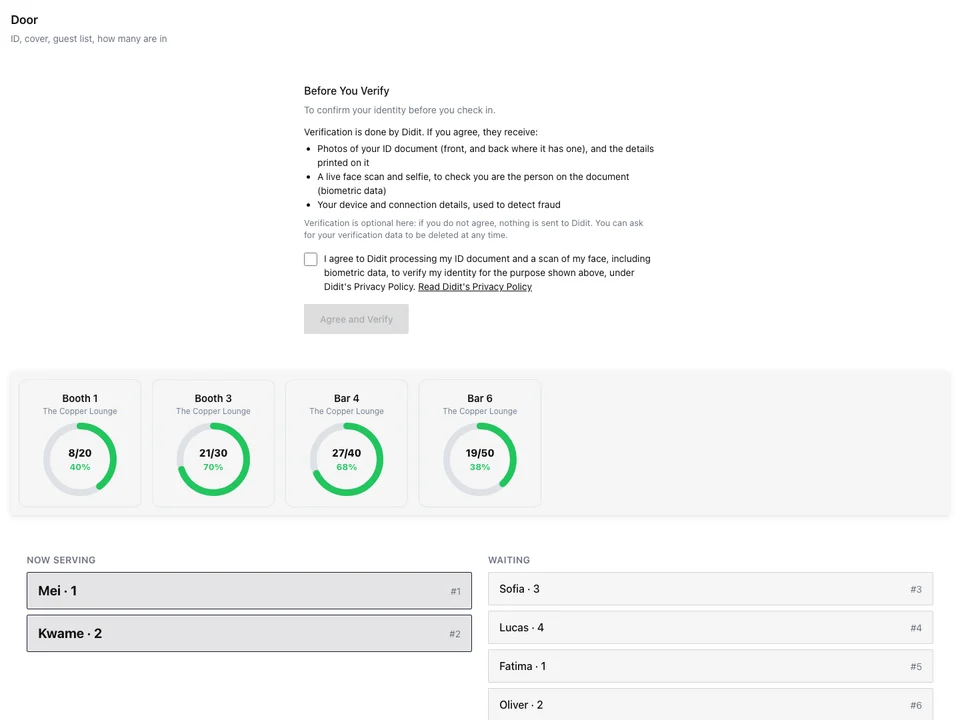
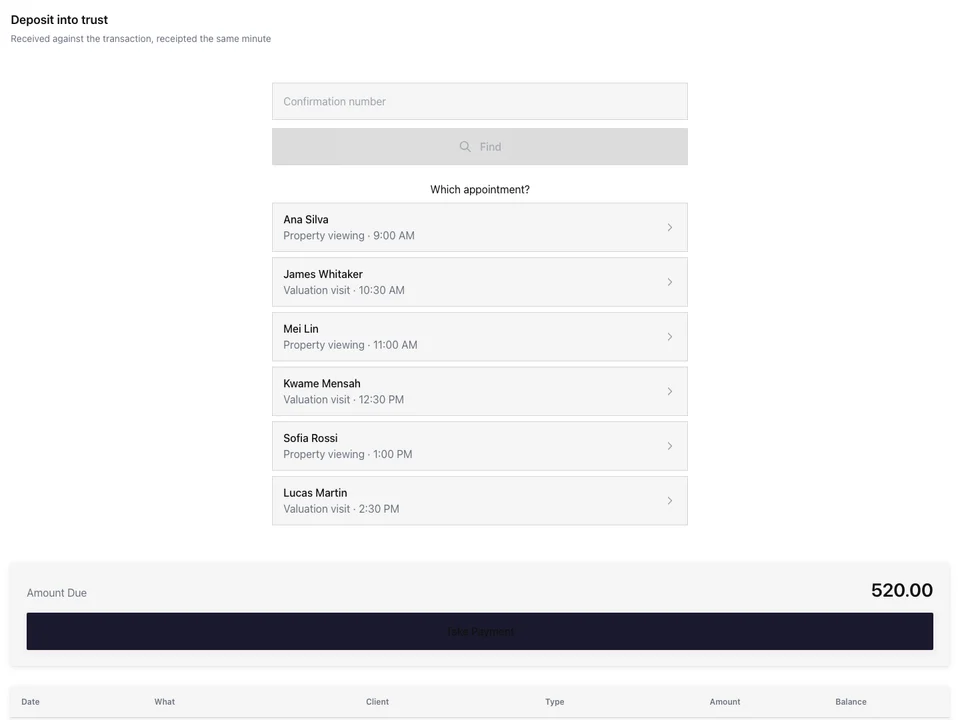
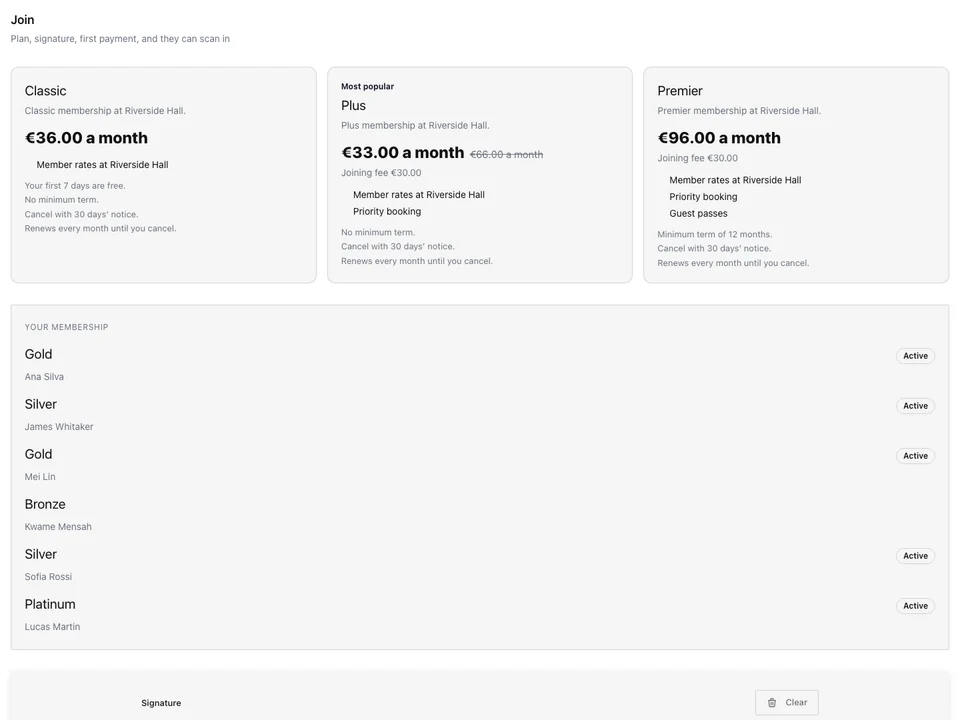
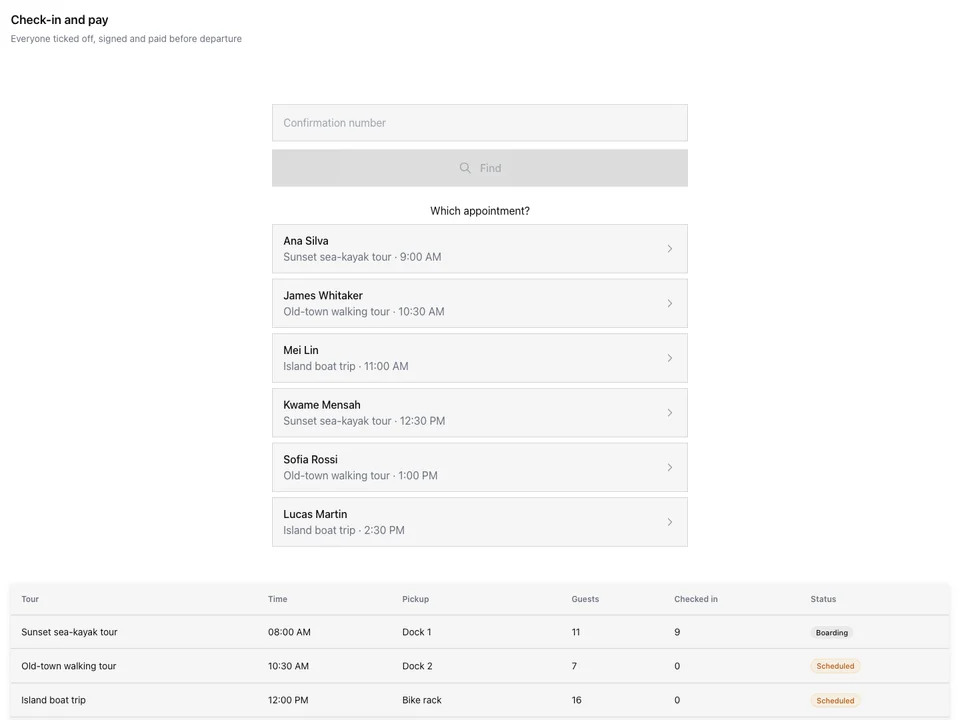
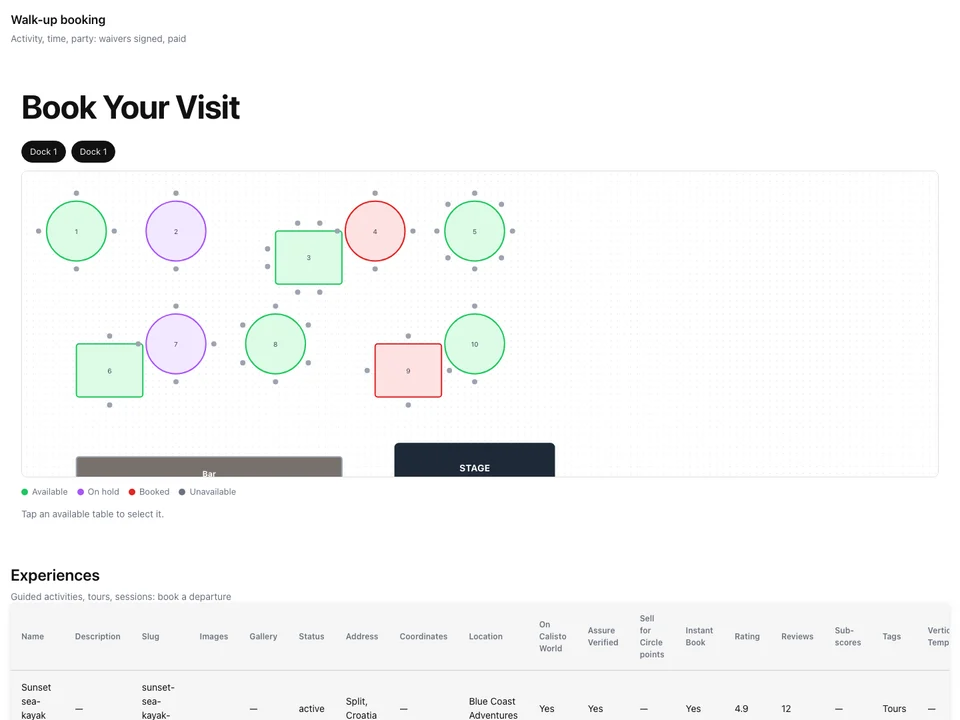
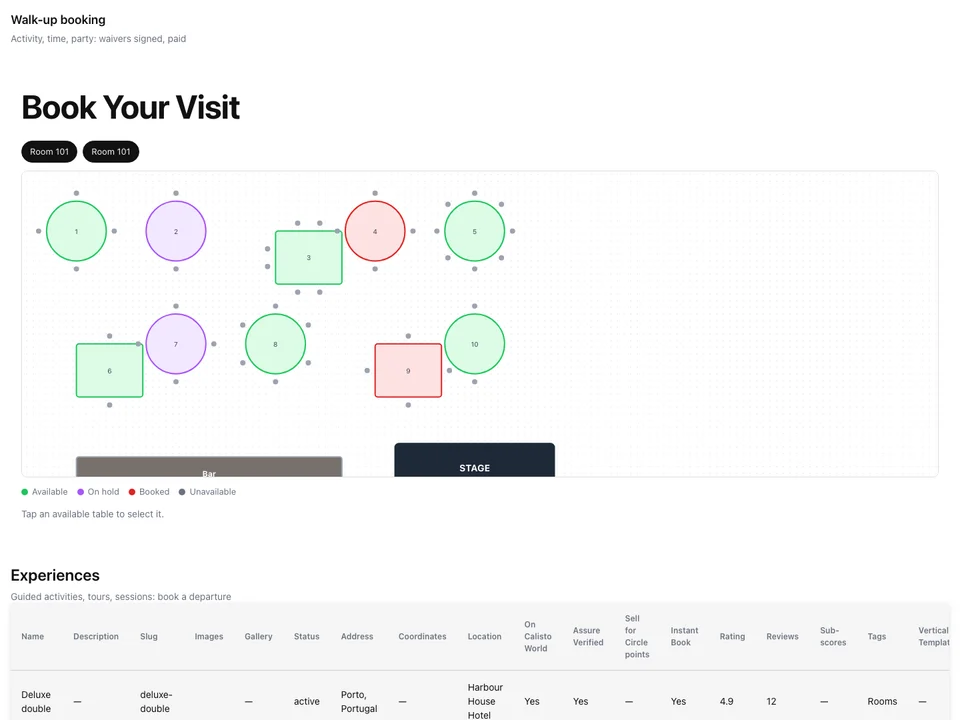
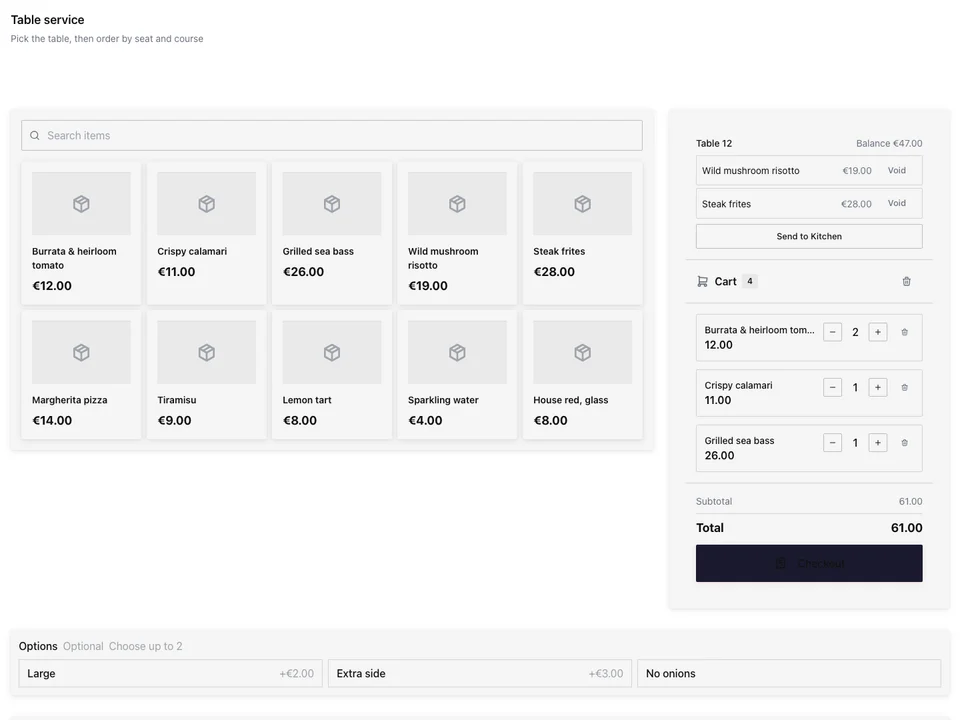
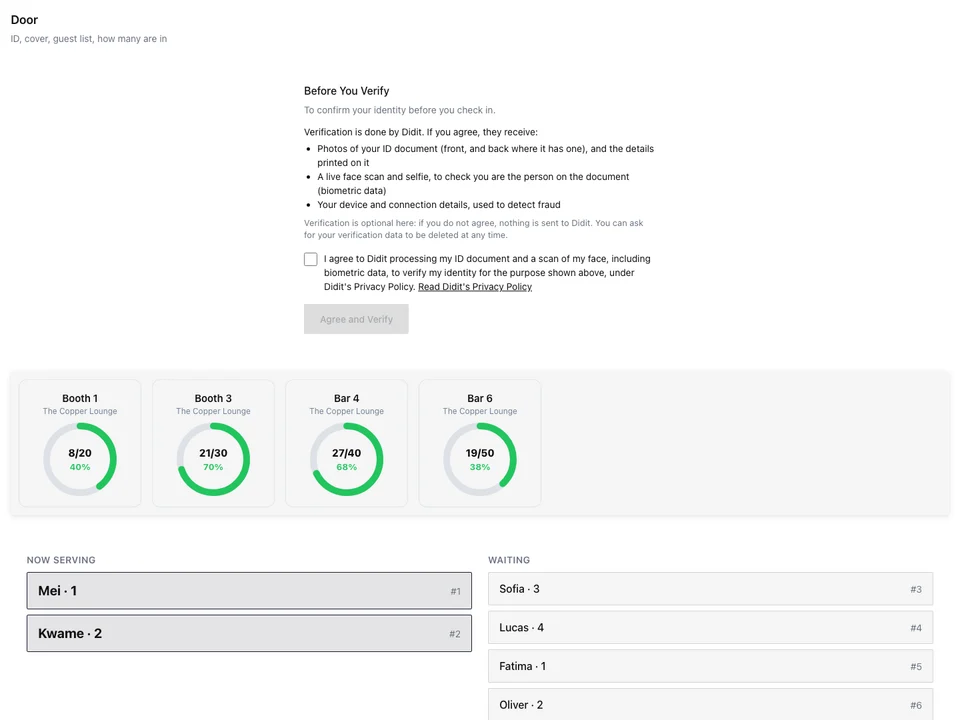
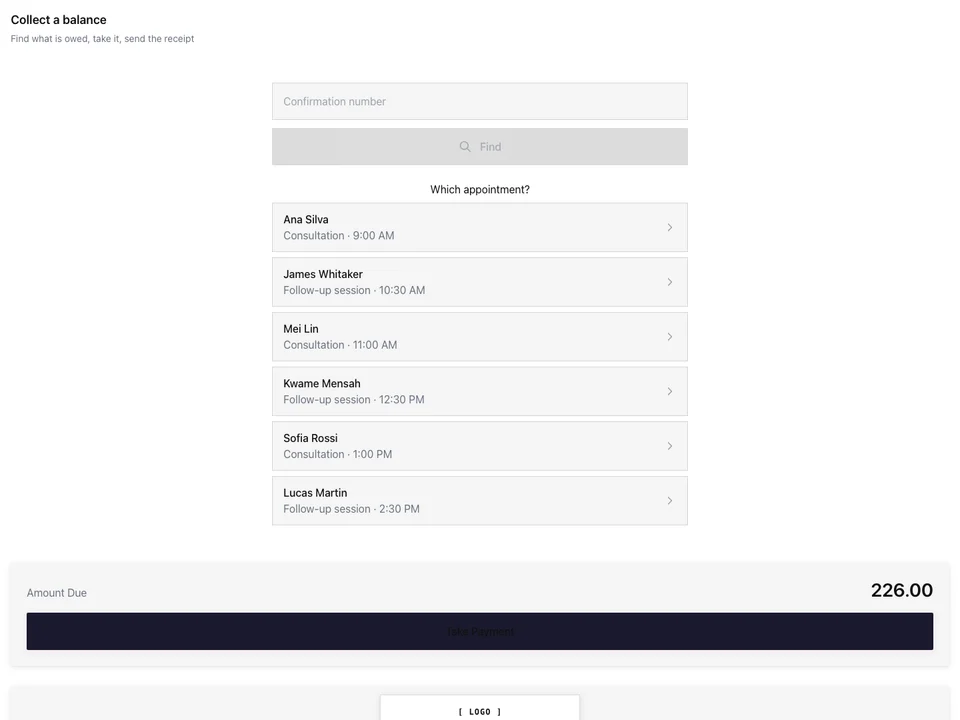
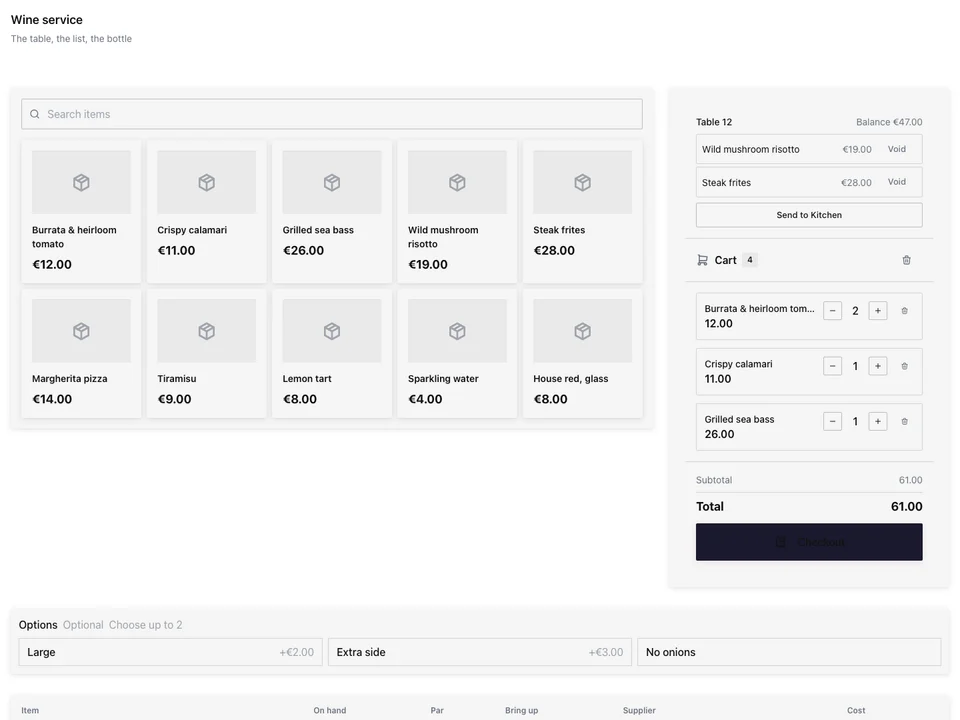
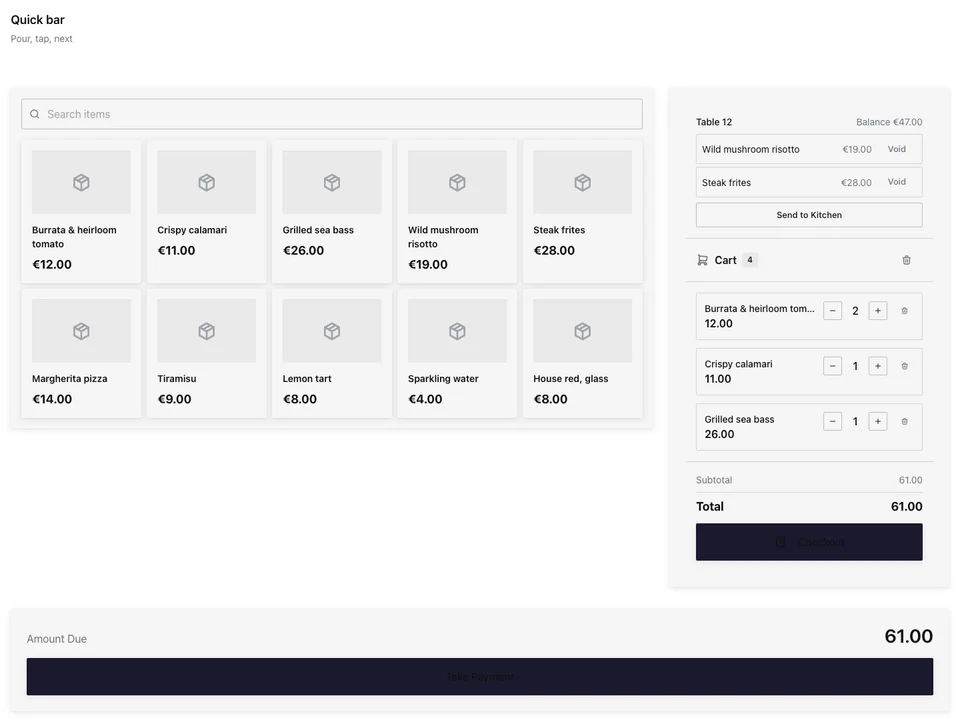
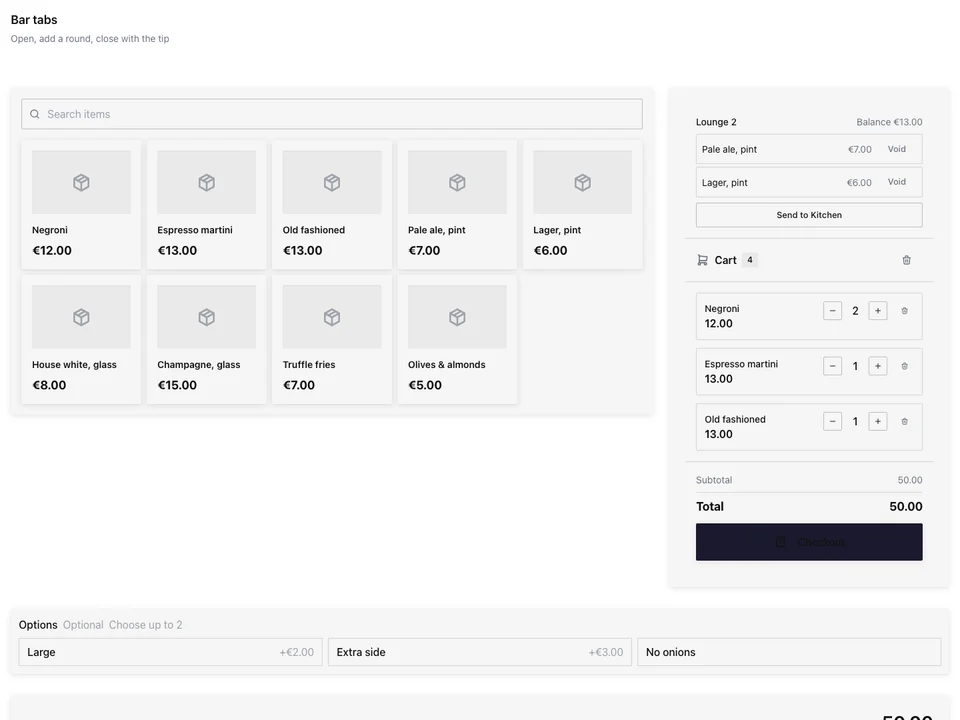
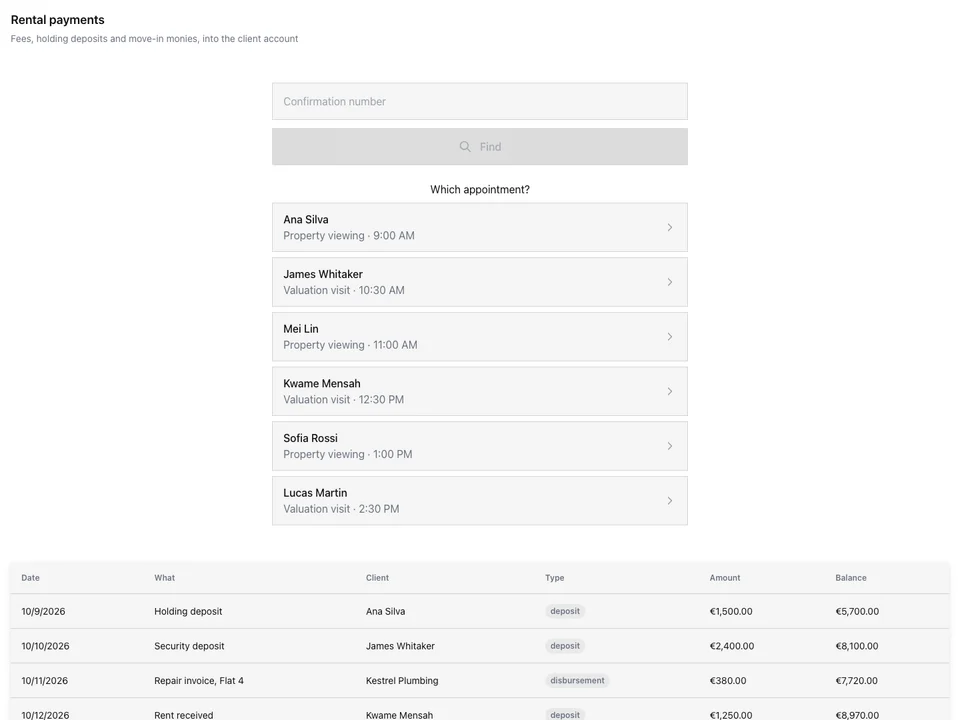
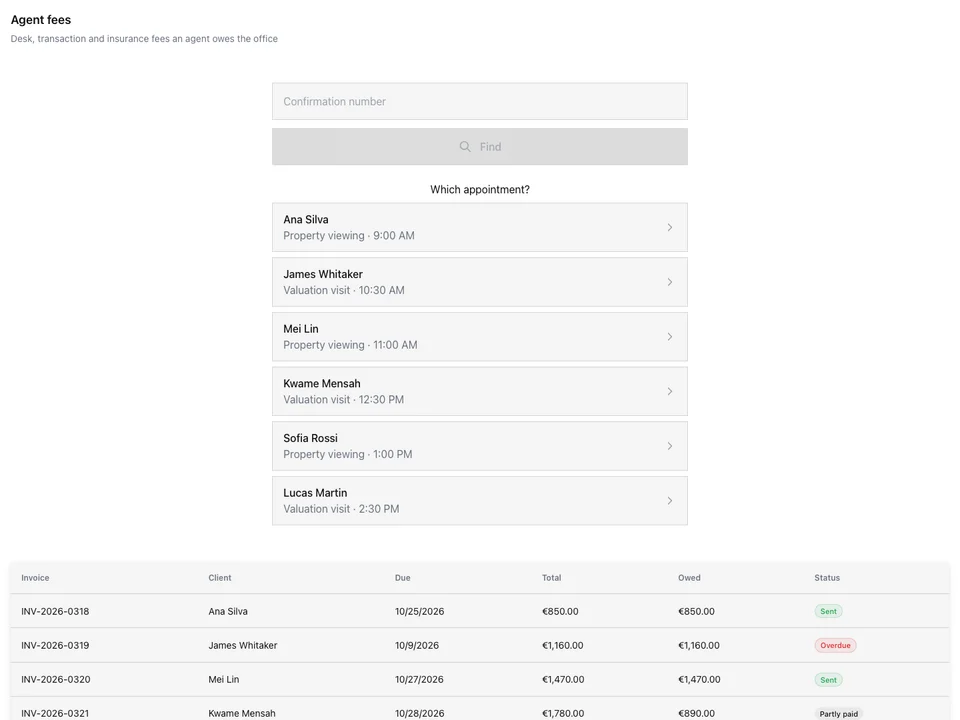
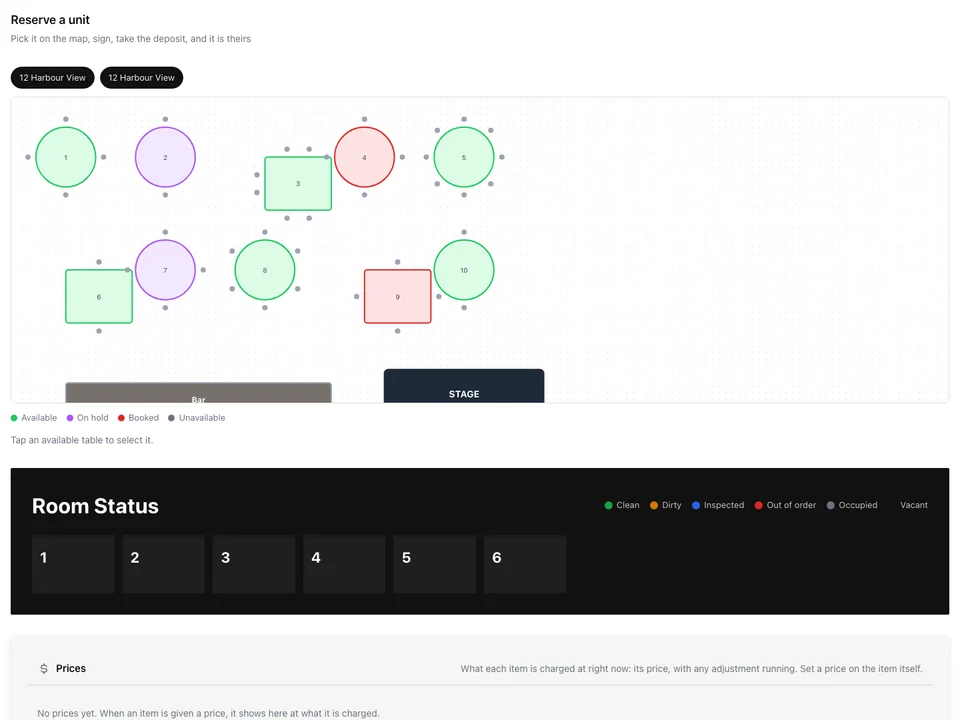
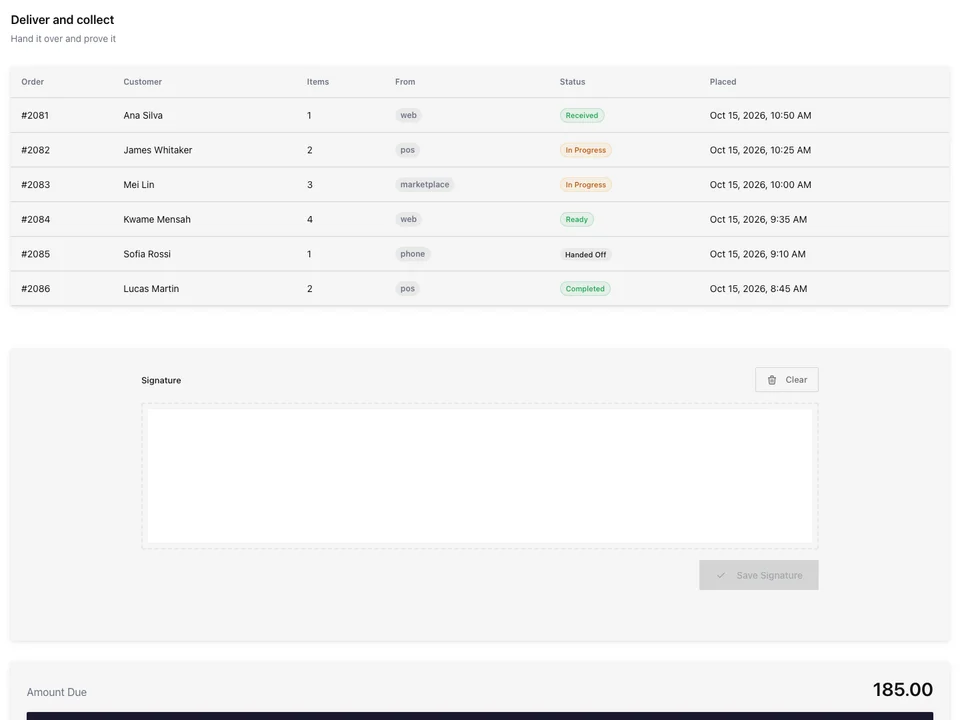
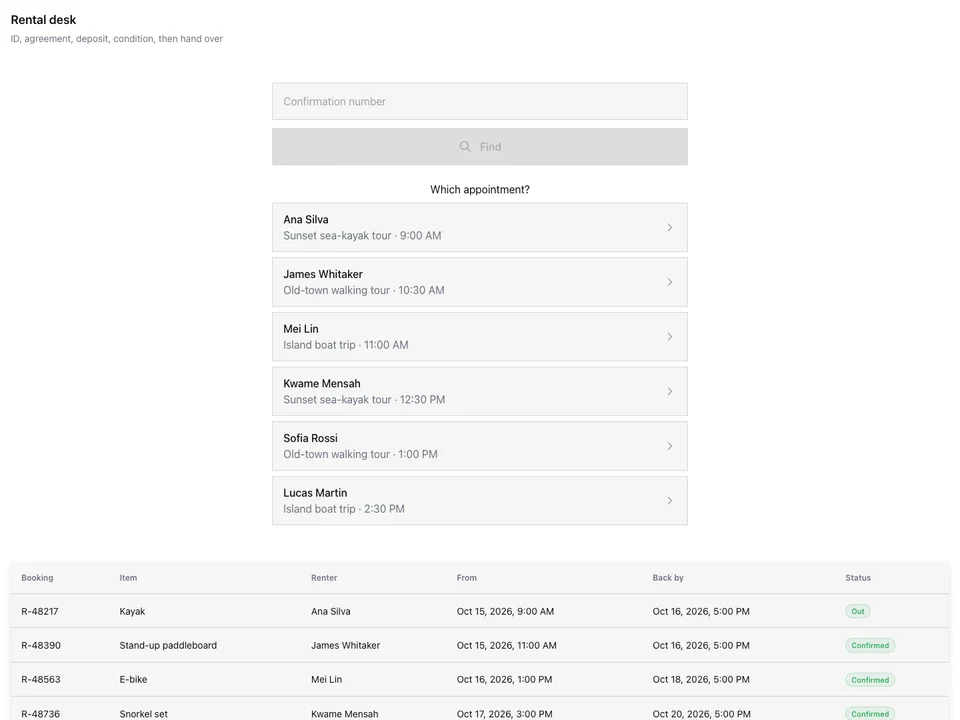
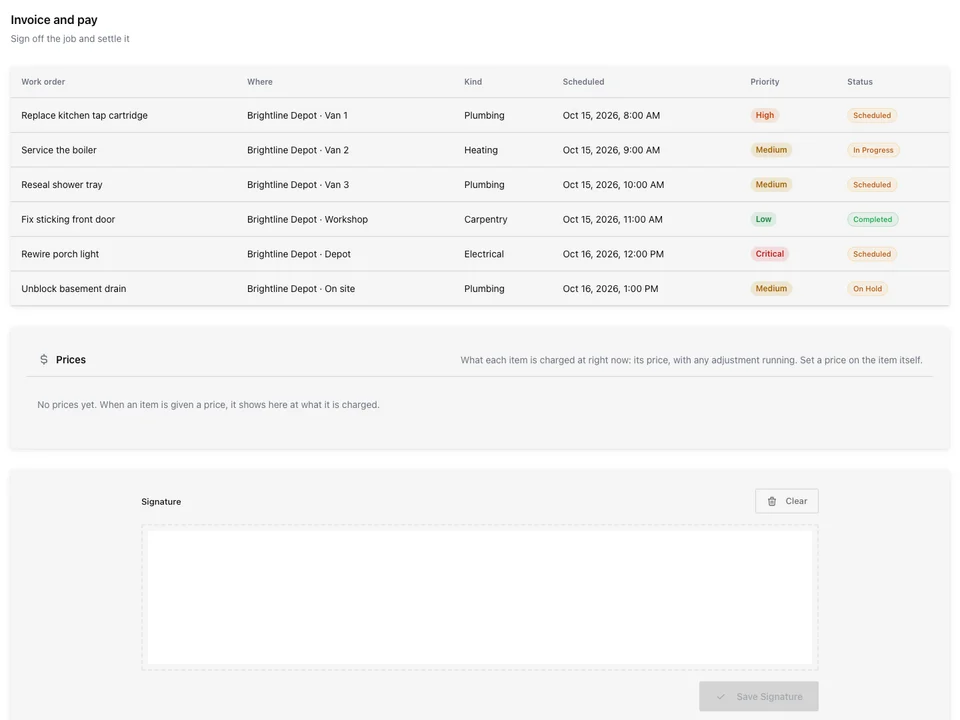
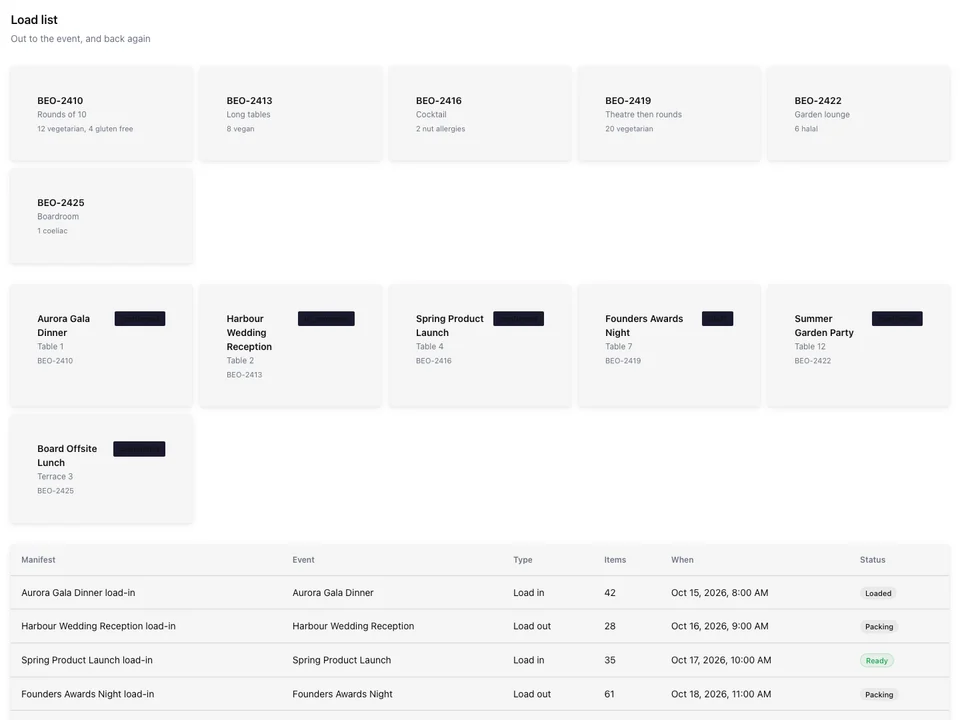
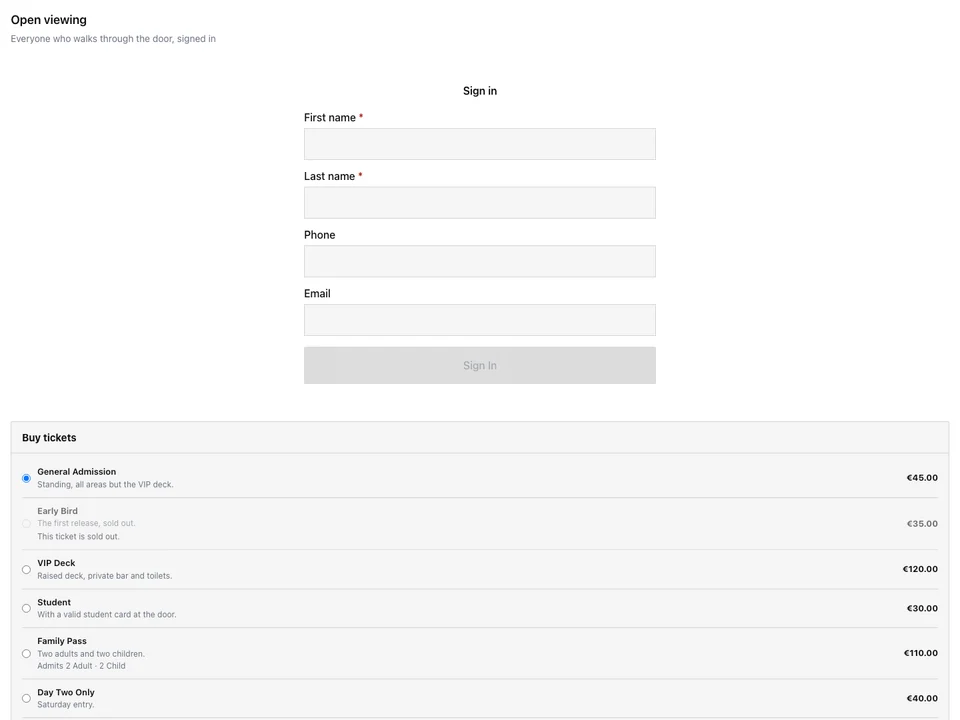
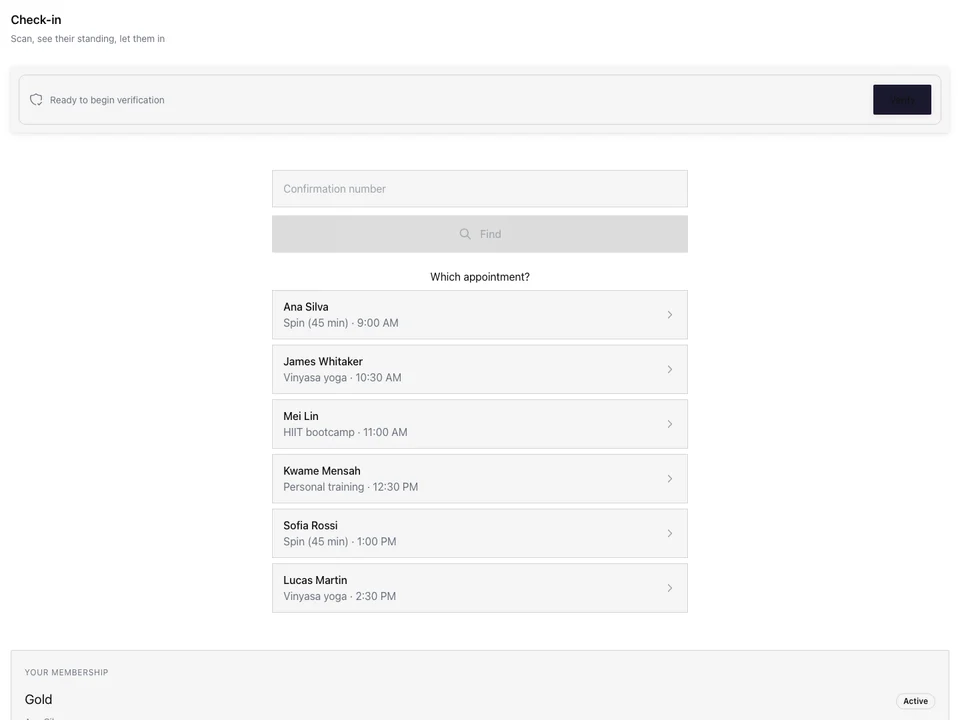
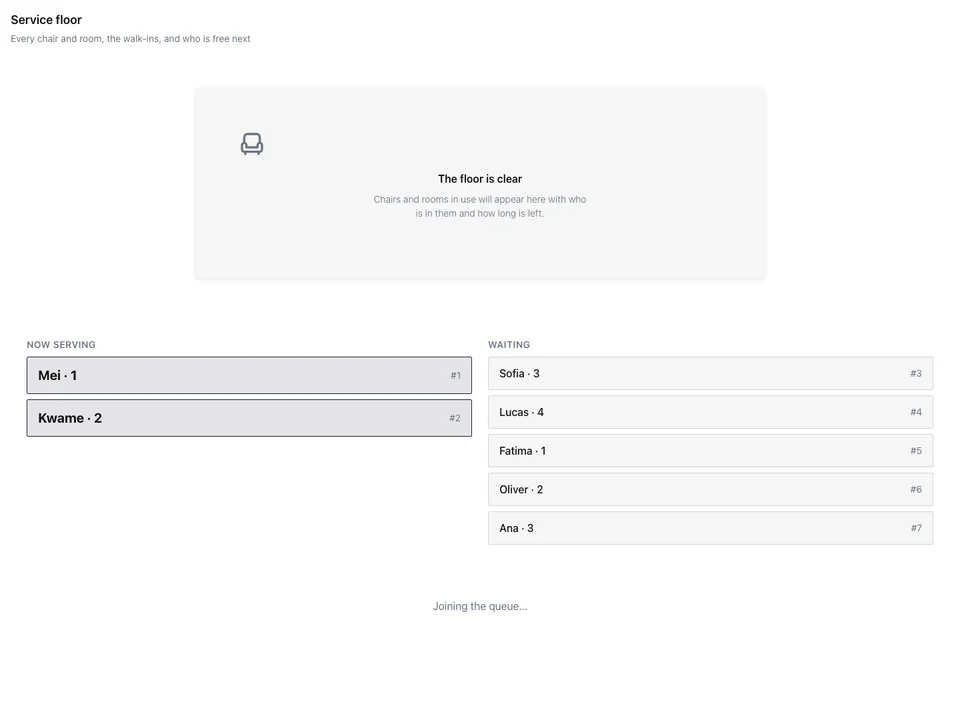
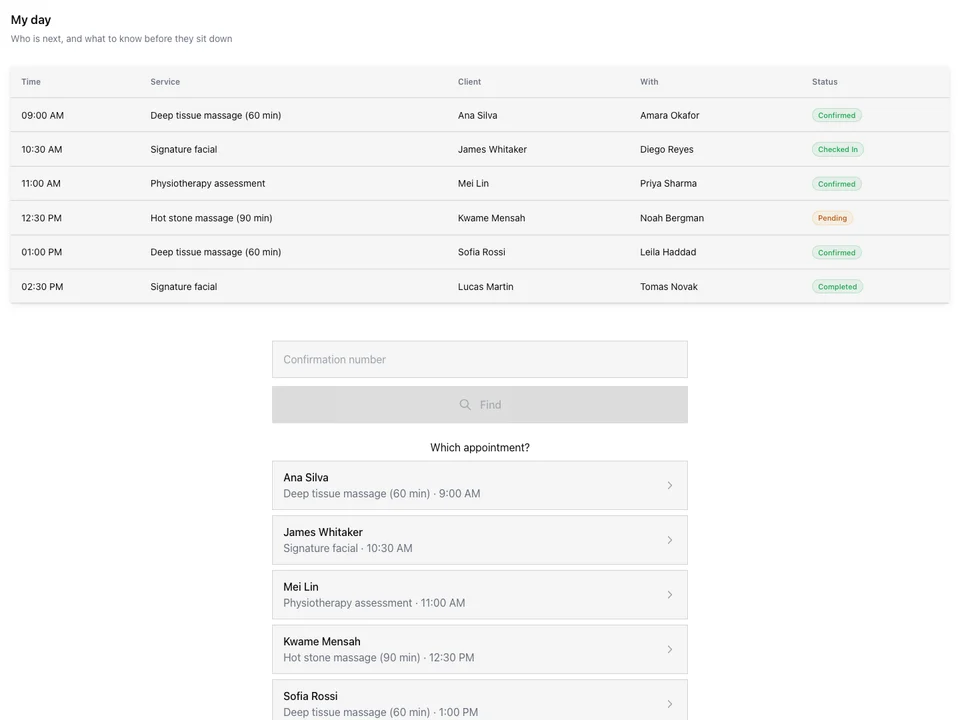
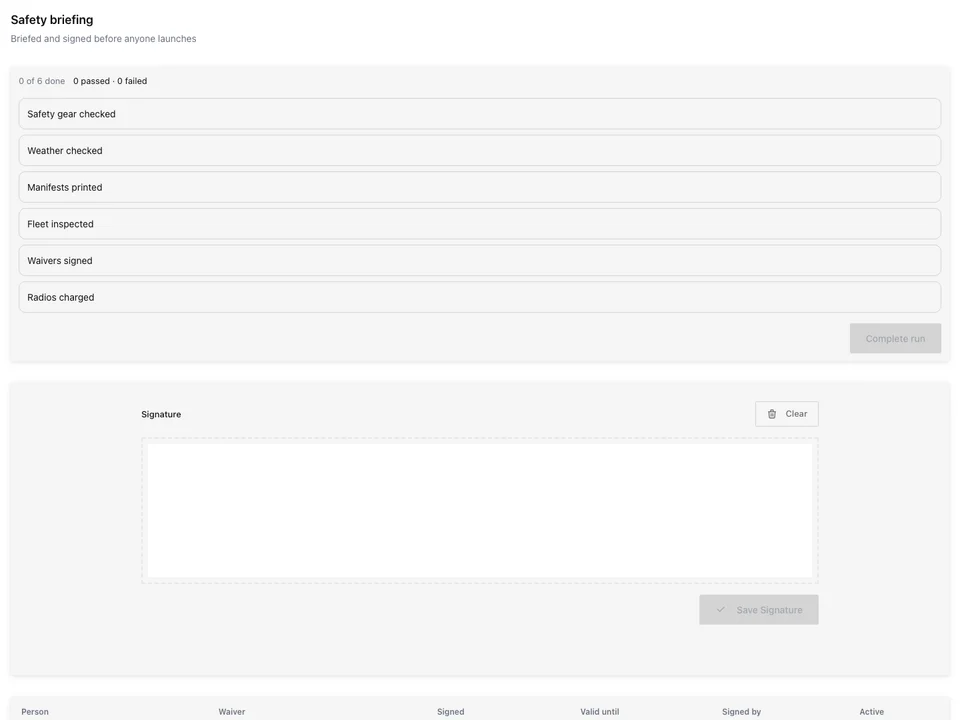
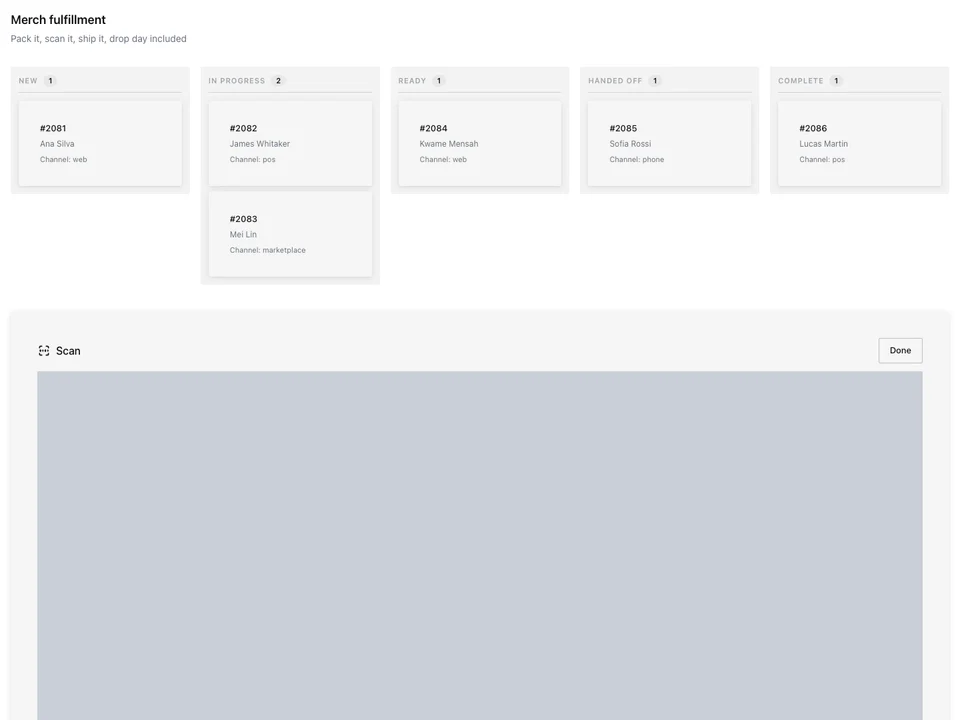
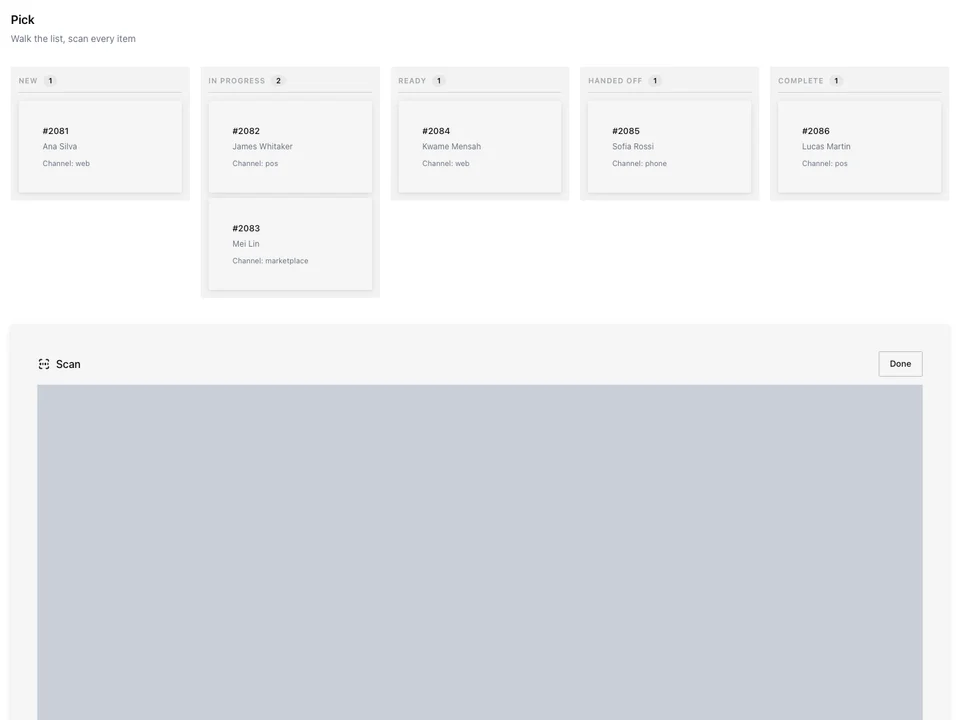
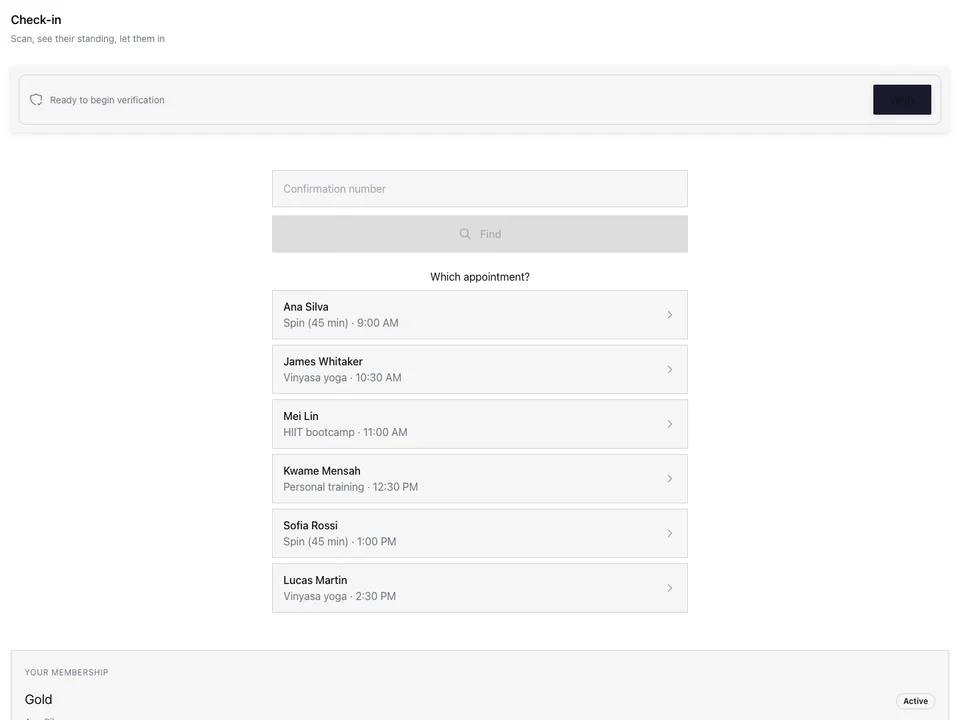
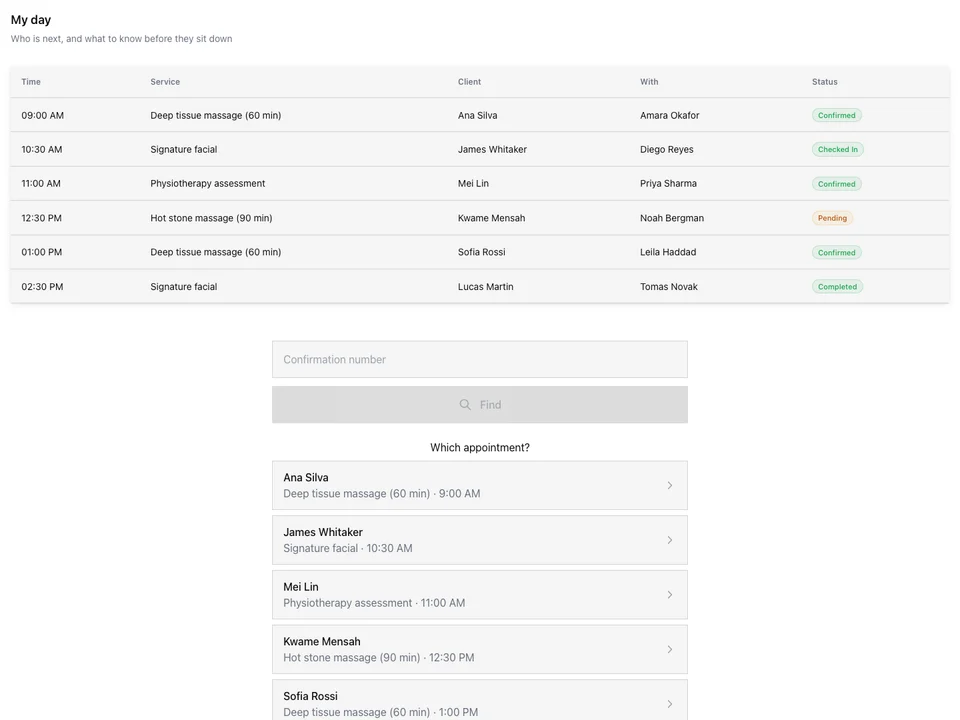
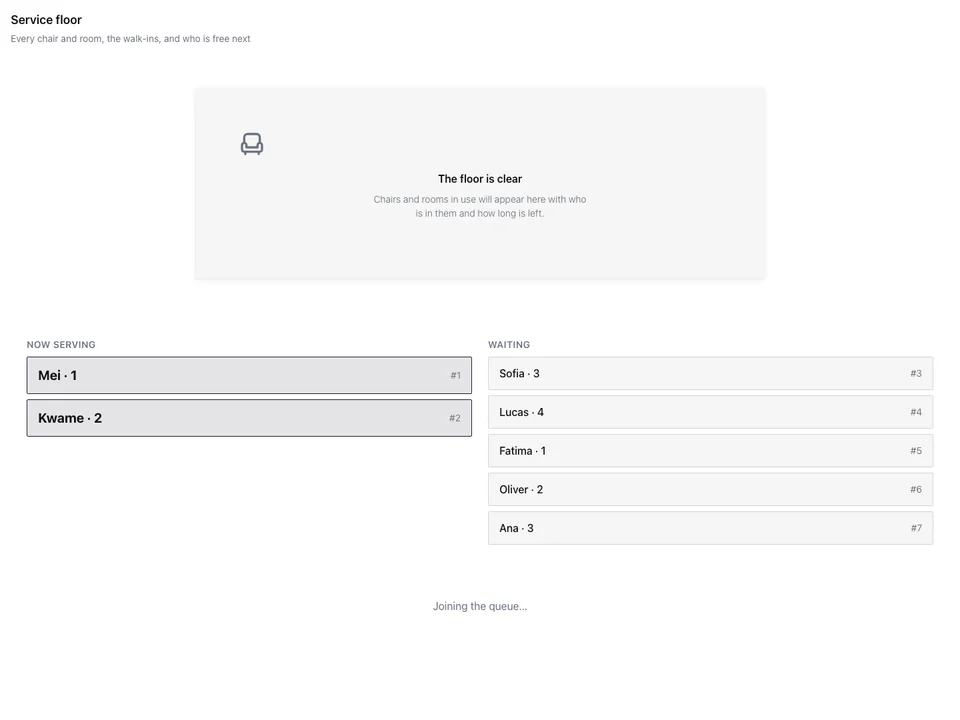
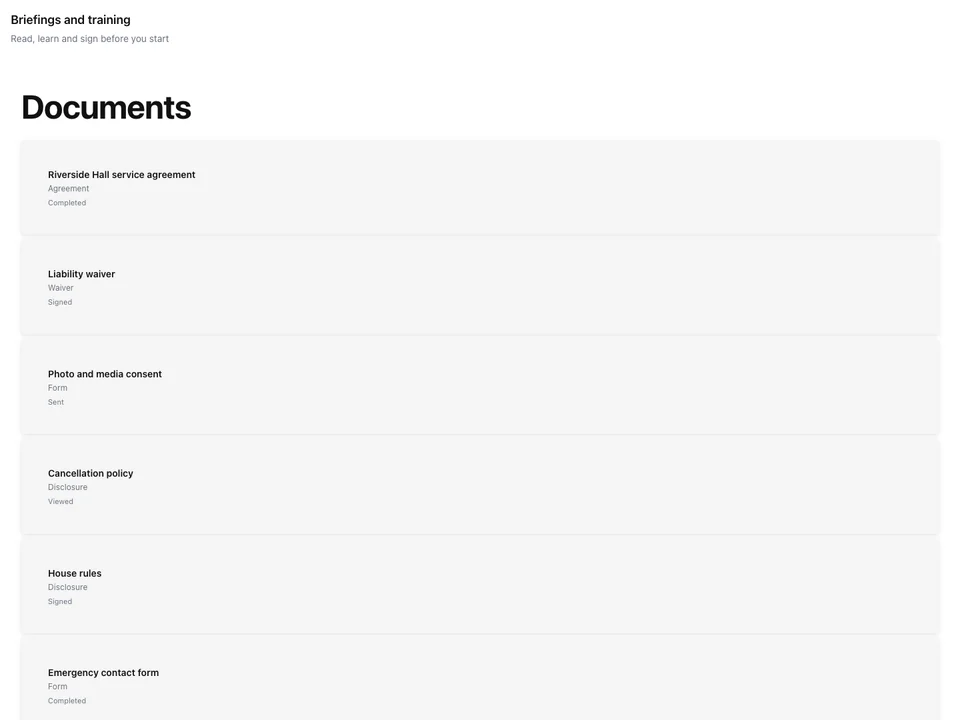
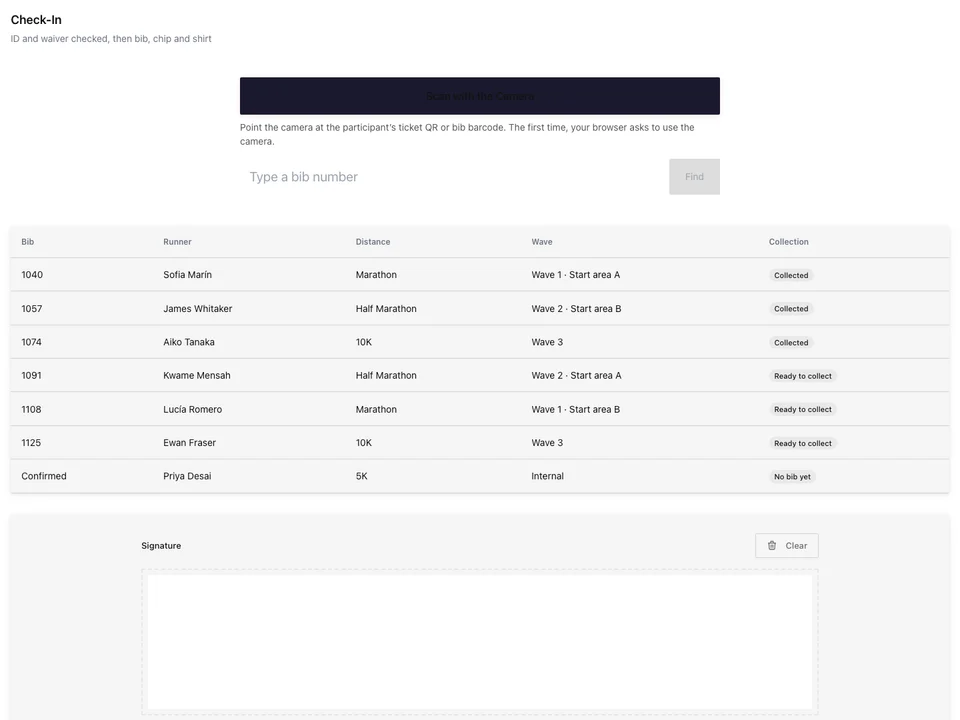
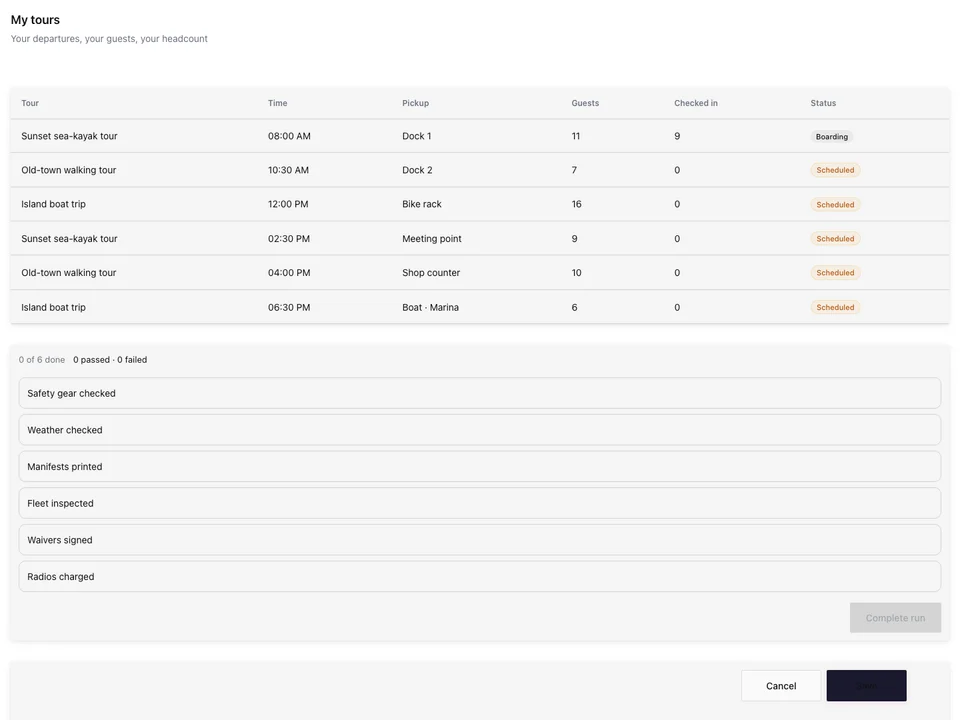
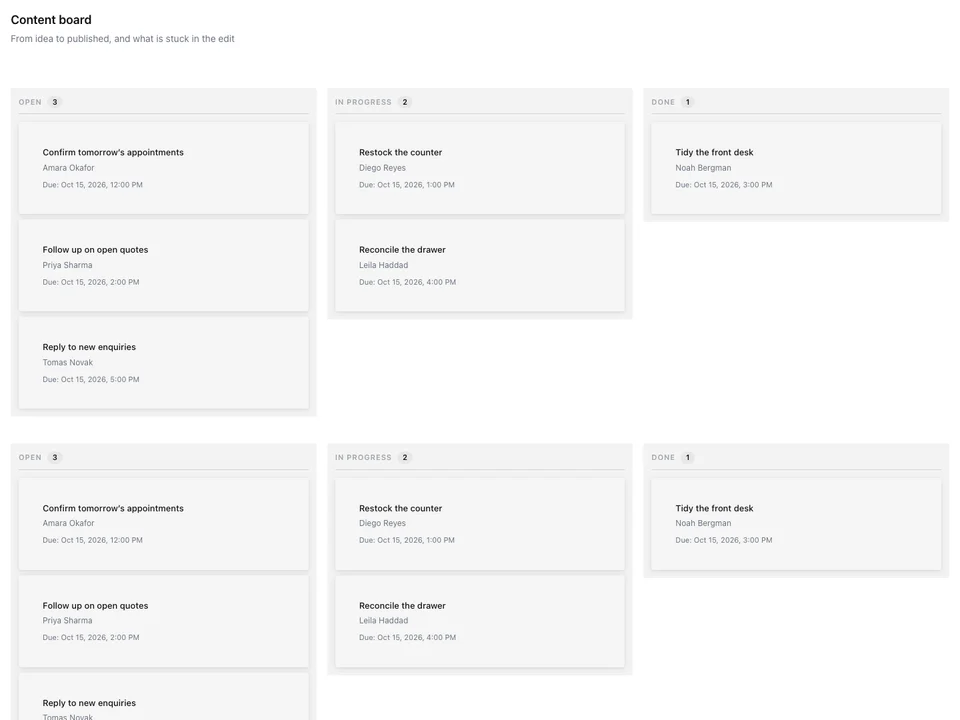
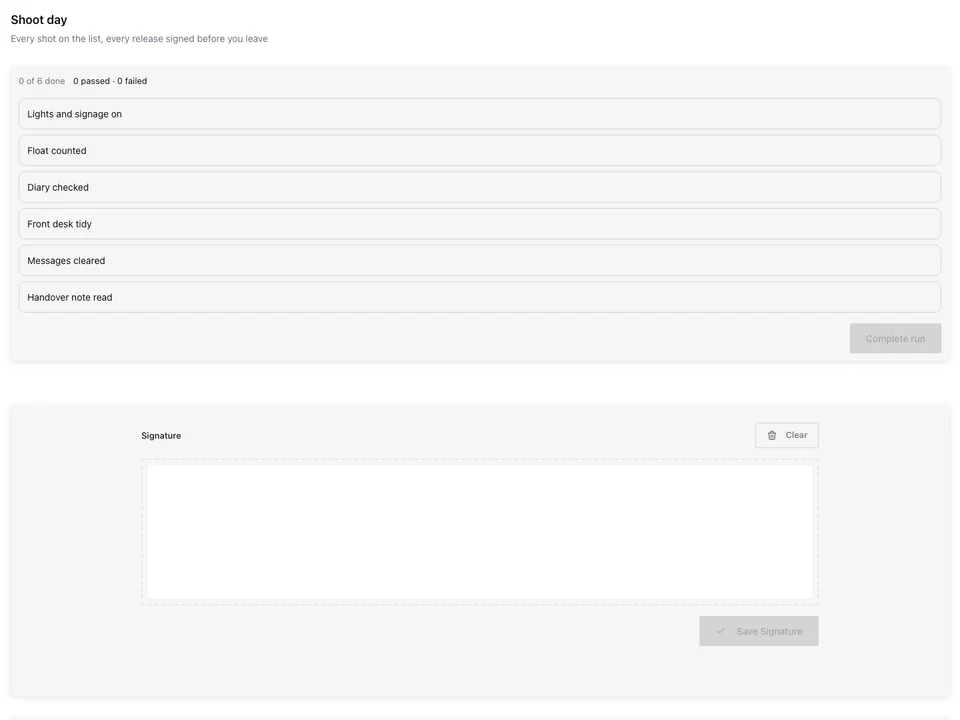
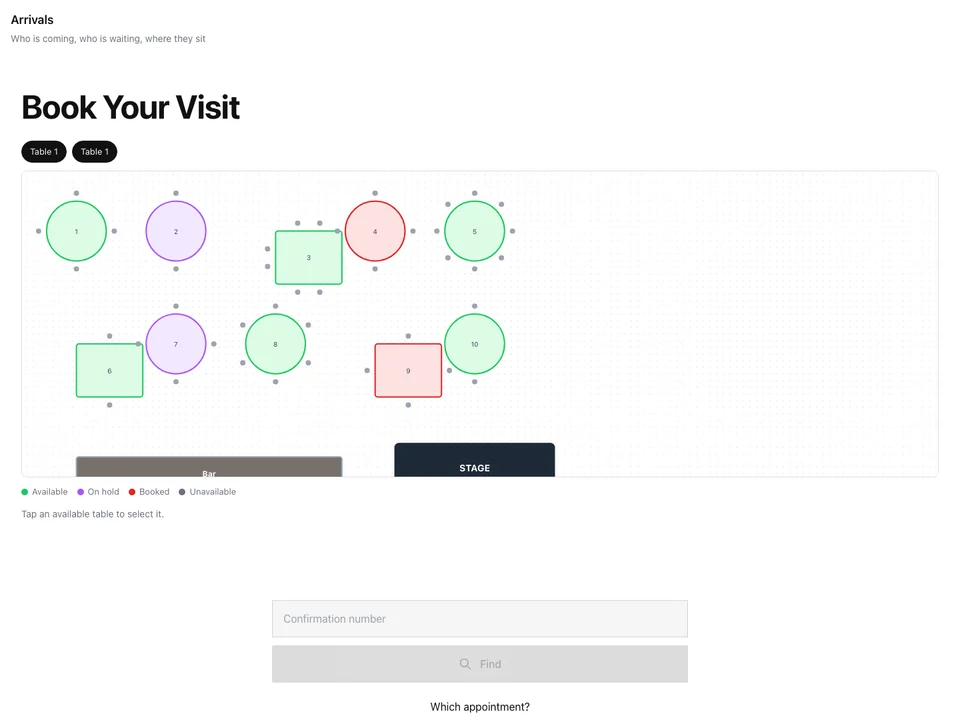
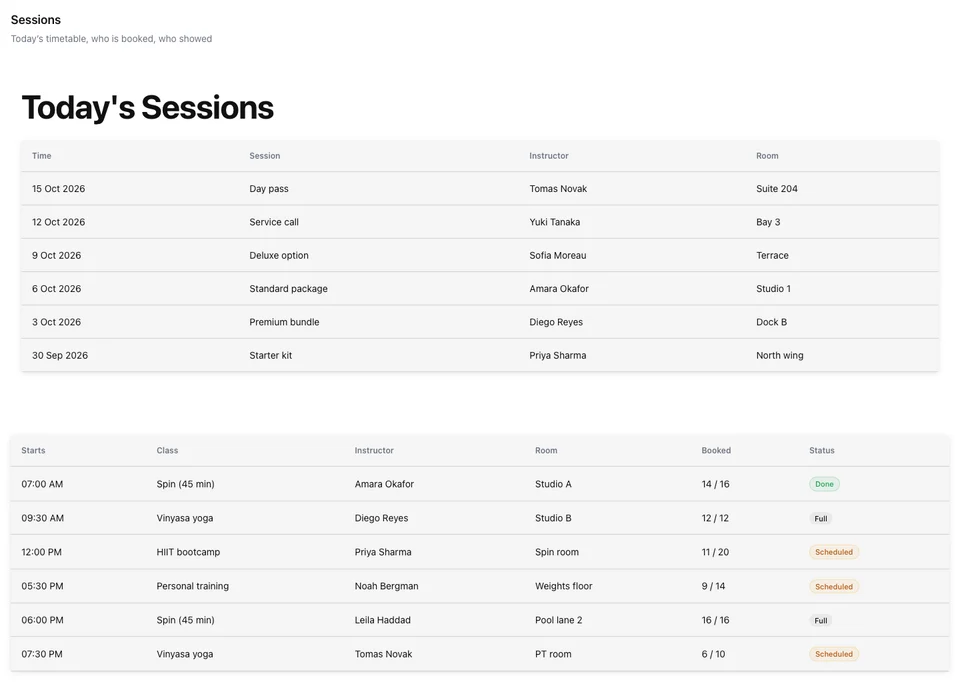
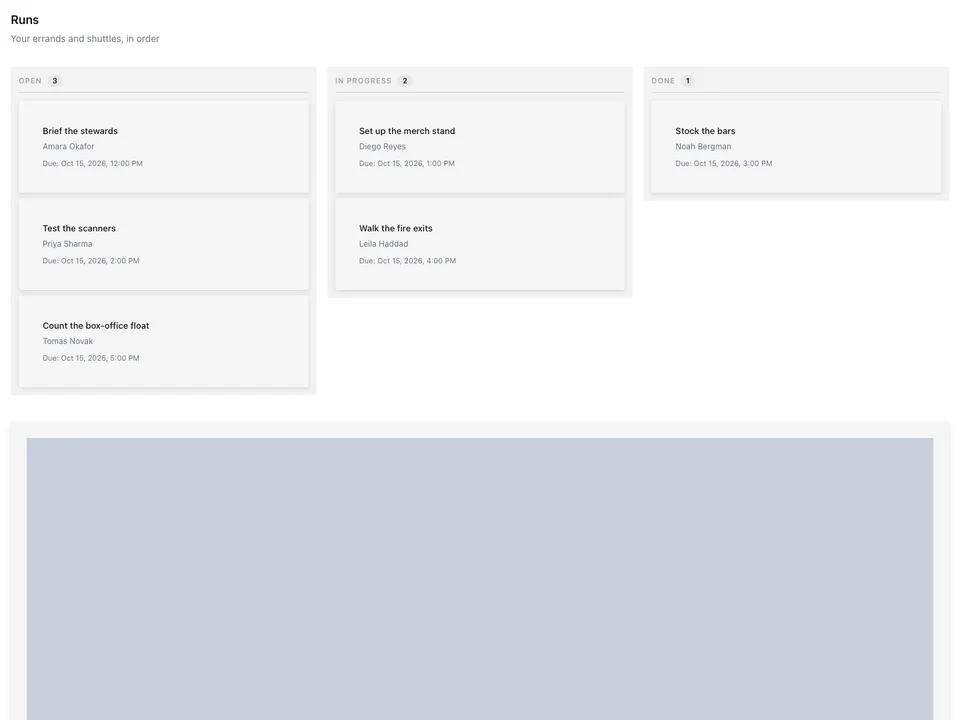
A station is exactly what one person opens
Its apps, its pages and its till, at its own address, held by the people you invite.
Build
Your industry’s templates, or blank.
Apps
Whole apps, single screens, or all but some.
People
Anyone, by an invitation they accept.
Publish
Its own address, on any device.
The Till
Arranged by you, for what you sell.
Payment
Each station’s own reader and printer.
Cash
Every drawer counted, every day closed.
Sales
Every till, in each currency.
Start a station from your industry’s templates
Build Station shows every starting point live, on sample data for your industry: a cashier, a server, a host stand, a check-in desk. Use one, start blank, or describe the job and get one put together from Calisto’s pieces. A template is only a starting point.
Build Station
What should this person be able to do? Start with a template, or start blank, then customize everything.
Describe the Job
Say what the person does, every hat they wear, and get one station put together for exactly that.
Build Station
What should this person be able to do? Start with a template, or start blank, then customize everything.
Built fromBartender · Waiter · Cashier
Pages and Sections
Add a page or a section from Calisto’s Designs, your own, or blank, in the same builder Sites uses.
Register
RegisterOrder QueueToday’s SpecialsWho’s onFollow or Fix
Each block keeps Calisto’s updates or stays at today’s version. An app or screen asks when you add it; a block on your own pages, in its settings.
| Customer | Record | Pickup |
|---|---|---|
| Ava Brooks | Phoebe Bridgers · Punisher | Fri |
| Lucas Ward | Khruangbin · Mordechai | Sat |
| Zoe Carter | Bill Evans · Sunday at the Village Vanguard | Sat |
| Noah Bennett | Radiohead · In Rainbows | Sun |
| Emma Collins | Nina Simone · Pastel Blues | Mon |
Format
Its Look
Calisto’s, your brand over light or dark, or a Theme. Included apps keep their own look.
Front desk associate Live
Preview at Every Size
See its pages at desk, tablet and phone sizes before it goes live.
Merch seller
Sells merch at the stand and counts it in and out with the tour.
One Person’s Work · At a counter · Live Music & Festivals, Marathons & Endurance
Your Templates
Save any station as a starting point of your own, listed on Build Station.
Build Station
What should this person be able to do? Start with a template, or start blank, then customize everything.
In Every Core App
Each Core app’s Team area builds the same stations from its own templates.
Team
Who works here, when they work, how they are paid, and the screens each person sees
| Screen Set | People | Status |
|---|---|---|
| Pro shop associate | 6 | Live |
| Starter | 3 | Live |
| Bag drop and carts | 4 | Live |
| Beverage cart | 2 | Live |
| Teaching professional | 3 | Live |
| Tournament director | 1 | Draft |
A Clock-In Tablet
A Start My Shift station holds the PIN pad each person clocks in with, with Workforce.
Build Station
What should this person be able to do? Start with a template, or start blank, then customize everything.
Built fromBartender · Waiter · Cashier
Choose exactly which apps and screens it opens
A station opens whole Calisto apps, single screens, or every app except the ones you leave out. Nothing else is reachable from it: a screen left out says so, and its data stays closed. That is the whole access model, with no roles to set up.
Front desk coordinator Live
Whose Records It Shows
Each screen shows what is assigned to the person, their shift, this Location or everything, chosen for each screen on the station.
Front desk agent Live
Invite anyone to hold a station, by email or phone
Any Calisto user can hold a station: your team, a contractor, a volunteer. They accept the invitation, with a code when it came by email, then sign in at the station. Suspend, reactivate or revoke from People, and Activity records each change. Holding a station makes nobody a member of the business.
People
Who holds which station, by an invitation they accepted.
Invitations
People
Invite anyone to one or more stations. They hold them once they accept.
Resend one with a new code, or cancel it, while it waits.
What They See Here
People
Who holds which station, by an invitation they accepted.
Each person’s own data setting inside one station, changed at any time.
Tasks and Shifts
Today
Once they accept, you can give them tasks and shifts, which arrive in their own day.
One Login, Several Businesses
A person can hold stations at several businesses; the address decides which one opens.
Leave
A person can leave a station from their own list at any time.
Activity
People
Every station accepted, suspended, reactivated, revoked or left: who did it, and when.
| Action | By | About | Details | When |
|---|---|---|---|---|
| Station Invitation Accepted | Daniela Ruiz | Daniela Ruiz | Front desk associate | 10/11/2026 |
| Changed what they see | Valentina Gómez | Sebastián Mora | Member check-in | 10/11/2026 |
| Station Access Suspended | Valentina Gómez | Mateo Díaz | Group instructor | 09/11/2026 |
| Left Station | Camila Rojas | Camila Rojas | Smoothie bar | 08/11/2026 |
| Station Access Reactivated | Santiago López | Mateo Díaz | Group instructor | 07/11/2026 |
| Station Access Revoked | Valentina Gómez | Andrés Pardo | Facility attendant | 05/11/2026 |
| Station Invitation Accepted | Sebastián Mora | Sebastián Mora | Member check-in | 04/11/2026 |
Every acceptance, suspension, revoke and leave, with who and when.
Publish it at its own address, on any device
Go Live gives a station its address on calistostation.com, or on your own domain. People sign in there on a phone, tablet or computer they already have, with nothing they must install, and it opens on its apps and pages.
Front Desk Live
QR Code
Print or display in person
People
People hold this station by accepting your invitation to it.
6 people hold this station. 1 is suspended.WKOOAAKRNMBOManage PeopleInvitePro Shop Counter Live
Sign-In Rules
Who may sign in to this station, from where, and for how long. People sign in here with a password or a code sent to their email.
Lock an address after repeated failed attemptsSave Sign-In RulesScreen Lock on This Station
A shared tablet can lock quickly and ask for a PIN before someone else takes over. Leave these on the business default to follow Station settings.
Several people use this station on one devicePeople switch on the lock screen, and a colleague can sign in beside the others.Lock afterThe business defaultA time for this stationRing sales on a till you arrange yourself
The till is a section on a station’s page: products beside the cart, scan first, or big tiles on a phone. It shows your Register Layout, pages of tiles by category, collection or menu section or arranged by hand, and search and scan reach everything you sell.
A Layout per Location
Each Location or register shows its own pages of tiles, or the station pins one.
Front Counter Live
Sell From a Phone
Two big tiles a row and the cart in a bar, for selling at the table, the door or a market stall.
Notes on the Sale
A note on the sale prints on the receipt; a note on an item prints on the receipt and the kitchen ticket.
Voids and Comps
With a reason from your list; one that needs a manager is reviewed in Approvals.
Mark Down
The people you allow mark an item down at the till.
The item stays on the sale at its price; the markdown comes off what the customer pays.
Discount Codes
One code on the bill, worked out again whenever a line changes.
Suggested Items
Adding an item shows what you chose to go with it, and one tap adds it.
Gift Cards and Open Amounts
Sell a gift card or any amount, and ring an open line at the amount typed.
Day Passes and Tickets
A day pass’s door code issued when the bill closes, with Access, and a ticket’s questions asked at the till.
Age Checks
An item that needs the buyer’s age asks the cashier first, with or without a signal.
Check the buyer’s ID. Is the buyer 18 or older?
Sold by Weight
Weighed on the station’s scale, from a scanned label, or typed.
Returns
Found by receipt number, refunded and put back in stock.
Customer Display
The order and the tip choice on a second screen, the tip landing on the sale.
Stock Taken Off as You Sell
Every line rung takes its stock off in Inventory.
Depletions
Auto-depletions from sales as recipe components are consumed.
| When | Sold Item | Component | Qty Depleted | Unit | Location | Source | Status |
|---|---|---|---|---|---|---|---|
| 12:48 | Pierogi Ruskie, 12 szt. | Ciasto pierogowe | 0,42 | kg | Kazimierz, ul. Józefa | Register | Applied |
| 12:48 | Pierogi Ruskie, 12 szt. | Ziemniaki | 0,36 | kg | Kazimierz, ul. Józefa | Register | Applied |
| 12:48 | Pierogi Ruskie, 12 szt. | Twaróg półtłusty | 0,24 | kg | Kazimierz, ul. Józefa | Register | Applied |
| 12:41 | Kanapka z Szynką | Chleb żytni | 2 | kromki | Kazimierz, ul. Józefa | Register | Applied |
| 12:41 | Kanapka z Szynką | Szynka wiejska | 0,08 | kg | Kazimierz, ul. Józefa | Register | Applied |
| 12:33 | Żurek w Chlebie | Zakwas żytni | 0,35 | l | Kazimierz, ul. Józefa | Register | Applied |
| 12:33 | Żurek w Chlebie | Biała kiełbasa | 0,12 | kg | Kazimierz, ul. Józefa | Register | Applied |
Take payment on the reader and printer each station holds
Pair a cloud card terminal from your own payment provider to a station and it charges there, so the tablet never sees a card. Printers, scales and fiscal signing units are added in Peripherals, and each paid bill asks for its fiscal document once.
Card Terminals
Pair your provider’s cloud terminal to a station, and its card sales are charged there.
Peripherals
The printers, card readers, scales and signing units your stations use
| Name | Station | Pairing | Pairing Code | Connects By | Model | Serial Number |
|---|---|---|---|---|---|---|
| Terminal da Sala | Sala Principal | Paired | 4821 9037 | Network (Wi-Fi or Ethernet) | Adyen S1F2 | S1F2-000158213601234 |
| Terminal do Bar | Balcão do Bar | Paired | 7310 2286 | Network (Wi-Fi or Ethernet) | Adyen V400m | V400m-347120985 |
| Terminal da Esplanada | Esplanada | Paired | 5562 0148 | Network (Wi-Fi or Ethernet) | Adyen S1E4 | S1E4-000702330014412 |
| Terminal Takeaway | Takeaway | Waiting for pairing | 9904 6613 | Network (Wi-Fi or Ethernet) | Adyen V400m | V400m-347121172 |
| Leitor da Garrafeira | Garrafeira | Added by hand | 3348 7720 | Bluetooth | Viva.com terminal | 16004417 |
Split, House Accounts and Rooms
Pay in parts, settle to a house account, or charge a guest’s room, with Stays.
Cash With No Signal
When you allow it, cash sales wait on the device and are sent once, any that needs a person held for review.
Receipts
Printed or emailed from the paid bill, with its fiscal number and QR where your country asks.
2x Bacalhau à Brás33,00 €1x Polvo à Lagareiro21,00 €2x Caldo Verde11,00 €1x Vinho Verde, Garrafa18,00 €4x Pastel de Nata7,20 €
Subtotal90,20 €Tax11,73 €Tip8,00 €TOTAL109,93 €Paid by: Card · Adyen
ATCUD: JFK3P9-1043Hash: aK9fPrograma certificado: 2847/ATThank you!Txn: TX-7Q4M-2210
Signing Units
Receipts signed at the sale where the law asks for it: Germany, Austria, Spain and Italy.
Peripherals
The printers, card readers, scales and signing units your stations use
Buyer Tax Details
Asked at payment only where the bill’s country uses them.
A CPF is printed on the receipt (CPF na nota). A CNPJ makes it an NF-e, which needs the buyer’s address.
Kitchen Tickets
Each dish fires to its prep station and follows your kitchen routing, with Dine.
Kitchen Routing
Redirect or duplicate a ticket to a prep station when a dining option applies. Item→station assignment lives on the menu item; these rules layer on top.Office Printing
A release page on any tablet beside an office printer, for every app’s printing.
Peripherals
The printers, card readers, scales and signing units your stations use
| Name | Station | Pairing | Pairing Code | Connects By | Model | Serial Number |
|---|---|---|---|---|---|---|
| Terminal da Sala | Sala Principal | Paired | 4821 9037 | Network (Wi-Fi or Ethernet) | Adyen S1F2 | S1F2-000158213601234 |
| Terminal do Bar | Balcão do Bar | Paired | 7310 2286 | Network (Wi-Fi or Ethernet) | Adyen V400m | V400m-347120985 |
| Terminal da Esplanada | Esplanada | Paired | 5562 0148 | Network (Wi-Fi or Ethernet) | Adyen S1E4 | S1E4-000702330014412 |
| Terminal Takeaway | Takeaway | Waiting for pairing | 9904 6613 | Network (Wi-Fi or Ethernet) | Adyen V400m | V400m-347121172 |
| Leitor da Garrafeira | Garrafeira | Added by hand | 3348 7720 | Bluetooth | Viva.com terminal | 16004417 |
Count every drawer and close the day
Each register’s drawer opens with a float and closes with a count. Cash in, cash out and drops are recorded on the shift, and the difference is measured in each currency, never converted. The Z report closes a till, and Day Close signs off the day.
Cash
Every till’s drawer, and the close that reconciles it
| Register | Location | Device | Status | Last Active |
|---|---|---|---|---|
| Front Desk 1 | Forja Chapinero | Fixed Terminal | Drawer open | 10/11/2026 08:12 |
| Front Desk 2 | Forja Chapinero | Tablet | Drawer open | 10/11/2026 08:40 |
| Juice Bar | Forja Chapinero | Tablet | Drawer open | 10/11/2026 09:05 |
| Front Desk | Forja Usaquén | Fixed Terminal | Closed | 10/11/2026 07:58 |
| Smoothie Cart | Forja Usaquén | Handheld | Closed | 10/11/2026 07:31 |
| Pro Shop | Forja Usaquén | Tablet | Maintenance | 10/11/2026 06:47 |
Each Drawer’s Page
Its float, expected cash, every movement and every close.
Cash Drawer
Café Counter
Cash Movements
Paid InPaid OutCash DropNo SaleClose Drawer
Recent Closed Sessions
See what every till sold, in each currency
Analytics shows today’s sales per currency, orders, comps, open sessions, refunds waiting, sold-out items and online orders waiting, and the last seven days. Reports cover sales by category and by time of day, transactions, product margins, an ABC ranking, staff sales, tips, voids and comps, reconciliation and drawer variance.
Sales
What your stations sold, each figure in its own currency, on your business day
| Transaction | Product | Qty | Total | Date |
|---|---|---|---|---|
| TX-48213 | Bacalhau à Brás | 2 | 33,00 € | 10/11/2026 20:48 |
| TX-48212 | Vinho Verde (garrafa) | 1 | 22,00 € | 10/11/2026 20:42 |
| TX-48211 | Polvo à Lagareiro | 1 | 21,50 € | 10/11/2026 20:36 |
| TX-48210 | Pastel de Nata | 4 | 6,40 € | 10/11/2026 19:30 |
| TX-48209 | Amêijoas à Bulhão Pato | 2 | 29,00 € | 10/11/2026 19:24 |
| TX-48208 | Bica | 3 | 3,60 € | 10/11/2026 19:18 |
| TX-48207 | Caldo Verde | 2 | 9,00 € | 10/11/2026 18:12 |
Sales
What your stations sold, each figure in its own currency, on your business day
| Currency | Tips |
|---|---|
| MXN | $920.00 |
| Date | Line | Tip |
|---|---|---|
| 10/11/2026 | Mesa 4 · Lucía Hernández | $185.00 |
| 10/11/2026 | Barra · Diego Ramírez | $120.00 |
| 10/11/2026 | Mesa 9 · Sofía Torres | $240.00 |
| 09/11/2026 | Mesa 2 · Andrés Vega | $310.00 |
| 09/11/2026 | Para llevar · Paola Méndez | $65.00 |
Where Station touches everything else.
4 of these 8 connections are in your plan today; the others are their own apps.
Shop
A retail station opens Shop’s own Register, returns and gift cards, and its till offers Shop’s payment schedule.
Dine
A restaurant station opens Dine’s floor and walk-ins; the till reads Dine’s sold-out dishes and fires tickets to its kitchen.
Payments
Card readers pair from your payment provider in Payments ▸ Devices, and the till’s notices are Payments’ rules.
Agenda
A person who accepts a station invitation can be given tasks by that business, and they arrive in their own day.
Workforce
A station page can hold Workforce’s clock-in and shift sections, and Workforce ▸ People invites to stations too.
Kiosks
A kiosk sells from the same till as a station, and keeps its sales the same way when the signal drops.
Access
A day pass sold at the till is issued its door code by Access when the bill closes.
Ledger
A receipt signed at the sale uses the signing unit a station holds; the issuer is set up in Ledger.
No setup cost. Pay when you start using.
The workspaces your team works in, built by you.
Included at no extra charge with any Calisto Commerce or Ops plan. Otherwise priced per station.
Recommended for you
Works well together.
Calisto Shop
Included With Your Plans
Your Core app shows everything your Commerce and Ops plans turn on.
Learn more →Calisto Dine
Included With Your Plans
Your Core app shows everything your Commerce and Ops plans turn on.
Learn more →Calisto Payments
Calisto Commerce
The providers you connect in each country, every payment, refund and chargeback, payouts matched to the payments they pay out, what a buyer may pay with, pay links, fiscal providers and your devices.
Learn more →Calisto Agenda
Included with your Account
The tasks every business gives you and your own, one calendar that syncs both ways, booking pages people can book and pay through, and your own contact book.
Learn more →Calisto Workforce
Calisto Ops
The schedule built from what is booked and when people can work, clock-in on any phone or a shared tablet, time off and timesheets signed off once, a pay report for your payroll and payslips back, labor rules, the team and hiring from your careers page.
Learn more →Calisto Kiosks
Calisto Kiosks
One job per kiosk, from check-in and ordering to wayfinding, set up on any tablet at your own kiosk address, with each screen’s own card terminal and printer.
Learn more →Calisto Access
Calisto Ops
Doors and zones on the locks you connect, keys, codes and grants, visitors checked in at reception, live alarms and occupancy, alerts with a roll call, and a record of every door event.
Learn more →Calisto Ledger
Calisto Ops
Double-entry books set up your way, every Calisto app’s money posted to them, invoices and who owes, supplier bills read and matched, receipts as expenses, the bank reconciled, money held for others, and the statements your accountant files from.
Learn more →Recommended for
The industries that run Station, and what each of them runs it for.
Venue ManagementConcession terminals
Concession and box office terminals.
Venue Management on Calisto →Stadiums & ArenasConcession terminals
Bar, kiosk and club shop terminals.
Stadiums & Arenas on Calisto →Recreation & Vehicle RentalCounter point of sale
Counter terminals at the rental desk.
Recreation & Vehicle Rental on Calisto →Attractions & ParksFront desk point of sale
Front desk and snack bar terminals.
Attractions & Parks on Calisto →Coworking SpacesCafé & front desk terminal
Café and front desk terminals.
Coworking Spaces on Calisto →In-Person RetailersPoint of sale
The till and clienteling terminals on the floor.
In-Person Retailers on Calisto →Everything included in Calisto Station.
- One responsive design per station: its own pages, a till among them, at every screen size
- Build Station: Blank Station first, then Calisto’s starting points for 36 sectors, drawn live on sample data for your industry
- Each sector’s lead starting point, and one per job: a cashier, a server, a host stand, a check-in desk, a technician
- Use creates the station and opens “What can this person do?”
- Add From a Template to give one person a second job’s pieces
- Describe the Job: a station put together from Calisto’s pieces for a job you describe
- A first question for a new station: who is it for, and what are they working on
- Pages and sections added from Calisto’s Designs, your own, or blank
- Follow Calisto or fix at today’s version, block by block
- Look: Calisto’s, your brand over light or dark, or a Theme; Collections from Purview
- No menu bar or footer added: a station is not a website
- Preview at phone, tablet and desktop sizes
- Save as Template, listed under Your Templates on Build Station, and deleted there
- Designs, Themes and Library: the station, page and section designs, the look, and your saved sections
- Extensions: the station’s Location, and Calisto data modules over your own records placed on a page
- The same builder in every Core app’s Team area, over that app’s templates
- Start My Shift: a shared clock-in tablet holding the PIN pad, with Workforce
- A whole Calisto app, minus the screens you hide
- Single screens of an app
- Every app except the ones you leave out, taking new apps as they are released or keeping today’s set
- Included apps open on their own hosts, in the station’s scope, with only the included screens in their menu
- A screen left out reads “Not included in this station”, and its data answers no
- An app left out is reachable by nothing
- Keep up to date with Calisto, or fix at today’s version, per app or screen
- Reorder, hide, and review blocks with Calisto updates waiting: accept or keep this version
- Customize an included screen as this station, in a new tab
- Whose records each screen shows: assigned to them, their shift, this Location or everything
- Their shift is their open clock session or published shift, with Workforce
- Personal Screens: each person may arrange an included screen for themselves
- Money This Station Shows: the money families its people hold through it
- Personal data and device settings on the Publish tab
- Who Can Edit This Station; nobody inside a station can change it
- Invite anyone by email or phone to one or more stations, with an acceptance code shown once
- Accepted on the one invitation page, then signed in at the station
- Resend with a new code, or cancel
- People: every grant, its station, status and acceptance date
- Suspend, reactivate and revoke; ending a grant never signs anyone out
- What They See Here: each person’s own data setting inside one station
- Also a Member marks people who are members of the business too
- Activity: accepted, suspended, reactivated, revoked and left, with who and when
- A person leaves a station from their own list
- A grant is a connection: you can give the person tasks and shifts, which arrive in their day
- Workforce ▸ People and every Core app’s Team area invite to stations too
- No roles, no permission tiers, no charge per person
- Go Live at yourname.calistostation.com or calistostation.com/yourname
- Your own domain, connected on the Publish tab
- An address no other live station holds
- calistostation.com lists every station a person holds, the one at the Location they are at first
- Sign in with a password, two-factor included, or a code sent by email
- Sign-in rules per station: allowed email domains, networks, a lockout after failed attempts, and how long a sign-in lasts
- A shared till: add a colleague, switch, lock and sign out from the station bar
- A PIN locks the screen for the person signed in; the idle lock runs on every station
- A paused or draft station answers like an address that does not exist
- Installs as your own app: your name, your Theme’s colors and your mark
- Its shortcuts from its own pages: Register, Customer Display, Home
- Updates wait until no bill is open and no payment is in progress
- Push for whoever is signed in, offered from the second open
- Works on any phone, tablet or computer with a browser; installing it is your choice
- Three arrangements: products beside the cart, scan first, or two big tiles a row on a phone
- Register Layout: pages of tiles by category, collection or menu section, or by hand, per Location or register
- A station may pin one layout; columns, tile size, a Favorites page, search and scan
- Search and scan reach everything the register sells
- Who’s Buying, Transfer a Check, Hold a Card, order minimums and lead times on the cart
- A note on the sale and on each item, printed on the receipt and the kitchen ticket
- Sell a Gift Card, Custom Amount, Payment Schedule and Add a Client tiles
- Payment Schedule on a station that includes Shop, with Shop
- Every sale is a bill, settled by what was captured
- Voids and comps with reasons from your lists; manager reviews in Approvals
- Mark down an item at the till, for those allowed
- One discount code on the bill, worked out again as lines change
- A discount for paying a certain way, taken off once it is chosen
- Tips and automatic gratuity, as your settings ask
- House accounts: charges, payments recorded and voided, statements
- Day passes sold at their own price, the door code issued when the bill closes, with Access
- Tickets to several events in one order, and a ticket type’s questions asked at the till, with Tickets
- Age checks and declarations asked before a bound item is added, online and offline
- Weighed items by the station’s scale, a scanned label or a typed weight
- Returns found by receipt number: one return, a refund and the stock put back
- Sold-out dishes greyed at once, from Dine
- Suggested items: adding an item shows what you chose to suggest with it, one tap adds one
- Customer Display: the order and the tip choice on a second screen or a flipped tablet
- Receipts by email from the Customer Display once the bill is paid, or by text when you send texts
- Every rung line takes its stock off through Inventory’s one depletion
- Card readers added by hand, or paired from your payment provider’s cloud terminal, with Payments
- The station charges on its most recently paired terminal first
- A card sale refundable through your gateway
- Split payment and gift cards as ways to pay, if your settings allow
- Settle to a house account or a guest’s room, with Stays
- Cash while offline, sent once on reconnect; held sales listed for review
- Fiscal document for each closed bill, requested once, with your fiscal provider
- Signing units for countries that sign at the sale (Germany, Austria, Spain, Italy), issuer set up in Ledger
- The buyer’s tax details asked only where the bill’s country uses them
- Receipts printed and emailed from the bill, with its fiscal fields and QR
- Printers: receipt, kitchen and document; Test Print; print jobs and Retry within 24 hours
- Printer Routing, and kitchen routing by dining option, with Dine
- Scales over the browser’s serial port (Chrome and Edge on Windows, ChromeOS and Android)
- RFID readers for checking a rental, kit or case against the tags read
- Calisto Print: a print address per person and a release page beside an office printer
- Payment providers listed in Settings; credentials kept in Payments
- Registers: every till, its Location, its drawer open or closed, and New Register
- Open a drawer with a float, in one currency or several
- Cash in, cash out and drops recorded on the shift
- Count and close; over or short measured against expected cash
- Each currency measured in itself, never converted
- X report mid-shift; Z report per currency on your business day
- Blind count for those who may not see sales
- A manager’s reconcile stamped with their name
- Day Close: every drawer of the day, then one sign-off, the same close Today shows
- Offline Sales: held sales until someone who may refund marks them reviewed, with a note
- A drawer left open past its business day told once, as a rule you can change, with Automations
- Each drawer’s page: its float, expected cash, movements and closes
- Analytics: today’s sales per currency, orders, comps, open sessions, pending refunds, sold-out items and online orders waiting, with Orderflow
- The last seven days of sales, and the newest sales at the till
- Reports: sales by category and by time of day, transactions, product margins, ABC ranking, staff sales, tips, voids and comps, reconciliation and drawer variance, exported as CSV or PDF or sent on a schedule
- Every figure per currency, never summed
- Your business day, in your own time zone
- A gift card sold is never counted as a sale
- Comped items apart from sales, or left out, as you choose
- Money access follows your owner settings; a figure someone may not see reads Not shared with you
- A station’s money reports read its own Location
- General: Business, Design, Sign-In and Your Notifications
- Locations and Money: Locations, Currencies and today’s rates, Taxes
- Selling: Till settings and Payment Providers, Void Reasons, Comp Reasons, What You Sell
- Discount codes, split payment and gift cards turned on or off for every station
- Auto-print receipts, receipt header and footer, idle lock and PIN default, the card hold for a tab
- This Device: keep Station on this device for no signal
- Tabs: Home, People, Cash and Sales
- Home: live and draft stations, and what needs someone on the floor: printers, drawers left open, offline sales
- Every desk screen with a phone shape
- Shortcuts: Cash Drawers, Close the Day, Invite Someone, Printers, Sales and New Station
- Home, People and Peripherals open with no signal, read only; an invitation is sent once the signal returns
- View Drawer and View Z Report on the notice
- The Station Status widget: live stations, drafts, printers, drawers open and offline sales
- Stations in Calisto search
- One monthly charge per station, included with a Calisto Commerce or Ops plan
- No charge per person who holds a station
- Phones, tablets, card readers and printers are your own, bought from anyone
- Shop, Dine, Payments, Workforce, Access, Tickets, Stays, Ledger, Inventory, Orderflow and every other app named here priced in its own app
Questions about Calisto Station
You build what each of your people opens, and a till is one of the pages a station can have. It sells from the catalog, prices and payment providers you keep in Calisto, and its drawers, sales reports and hardware are run from Station.
No. A station is the access: a person reaches exactly the apps, screens and pages it includes, and the money it shows follows your owner settings. There are no roles to set up.
Any Calisto user you invite by email or phone, once they accept: your team, a contractor or a volunteer. Holding a station does not make them a member of the business, and they can leave it at any time.
A phone, tablet or computer with a browser, and nothing you must install. Card readers come from your own payment provider and pair to a station; printers, scales and signing units are your own.
Cash, when you allow it on the station. The sale waits on the device and is sent once when the signal returns, and a sale that needs a person is held in Cash ▸ Offline Sales. Cards need a connection.
Per station, from the price box on this page. It is included with a Calisto Commerce or Ops plan, and there is no charge per person.
