모든 네트워크, 가입할 수 있는 사람과 실제로 가입한 사람
하나의 계정에서 호텔, 사무실, 카페, 클럽, 공유 오피스 및 행사장.
라우터가 실행하는 각 네트워크에 액세스 수준을 부여하세요.
각 네트워크는 환영 페이지 뒤에 하나의 공유 비밀번호로 열려 있거나, 각 개인의 로그인으로 열려 있습니다. 설정은 어떤 라우터를 사용하는지 묻고 실행할 수 있는 수준을 제시합니다: 인터넷 서비스 제공업체의 박스는 처음 두 수준을 실행하며, 환영 페이지는 먼저 표시할 수 있는 라우터가 필요하고, 개인 로그인은 각 개인의 로그인을 확인할 수 있는 라우터가 필요합니다. 모든 비즈니스는 방문자와 팀으로 시작합니다.
액세스 레벨
각 네트워크마다 선택된 공개, 공유 비밀번호, 환영 페이지 또는 개인 로그인.
새로운 네트워크
방문자와 팀
모든 비즈니스는 두 개의 네트워크로 시작하므로 방문자는 귀하의 팀의 네트워크를 공유하지 않습니다.
새로운 네트워크
참여 가능자
관계에 따라, 이름에 따라서는 아닙니다: 팀, 구성원, 체류 게스트, 방문객 또는 누구든.
새로운 네트워크
VLAN
각 그룹은 자체 VLAN 에 연결될 수 있으므로, 손님은 귀하의 트래픽에서 제외됩니다.
네트워크
해당 네트워크가 위치한 섹션으로, 게스트 트래픽은 귀하의 네트워크에서 제외됩니다.
| VLAN ID | 이름 | 서브넷 | 목적 | DHCP | 네트워크 |
|---|---|---|---|---|---|
| 10 | Team | 10.10.0.0/24 | 직원 | Team | |
| 20 | Members | 10.20.0.0/22 | 손님 | Members | |
| 30 | Visitors | 10.30.0.0/23 | 손님 | Day Pass, Events | |
| 40 | Devices | 10.40.0.0/24 | IoT | Printers and Screens | |
| 99 | Management | 10.99.0.0/28 | Management | Access points |
팀
참여 가능자속도 제한 및 숨겨진 네트워크
네트워크별 게스트 속도 제한 및 사람들이 이름을 입력하여 가입하는 목록에서 제외된 네트워크.
Socios Broadcasting
구성
- 이름
- Socios
- Broadcast SSID
- Pulso-Socios
- 보안
- WPA3 개인
- 비밀번호
- ••••••••••
- 위치
- Roma Norte
- VLAN
- 20 · Socios
- Bandwidth limit
- 50 Mbps
- 숨김
- 예
액세스 포인트
6 중 6이 답변함현재 사용 중인 라우터
선택하거나 '아직 확신이 없다'를 선택하시면 각 네트워크가 지원할 수 있는 기능을 제공하며, 라우터 설정 단계도 함께 안내됩니다.
새로운 네트워크
공유 비밀번호 및 QR 코드
설정하신 일정대로 변경 예정이며, 라우터의 단계와 함께 QR 코드로 인쇄되어 보관됩니다.
- 액세스 레벨
- 공유 비밀번호
- Change Every N Days
- 30 일마다
새로운 네트워크
당신의 사람들이 Calisto 로그인으로 함께 참여하세요
개인 로그인 네트워크에서는 각 사용자가 Calisto 이메일과 비밀번호로 가입합니다. 해당 사용자를 비즈니스에서 제거하면 다음 가입이 거절되며, 다른 누구도 새 비밀번호를 받지 않습니다.
Shift 에만 적용
설정
이 비즈니스의 모든 네트워크에서 게스트 WiFi 가 어떻게 작동하는지 확인하세요.
사람
팀 구성원이 도착하고 떠날 때 공유하기각 사용자에게 질문이 제기되며 거절할 수 있으며, 누군가가 거절하면 알려집니다.참여 가능자
팀원들과 스테이션 직원은 설정된 유연성에 따라 근무 시간 동안 합류합니다.
도착 공유
내 WiFi
도착 공유
비즈니스는 팀 WiFi 를 통해 당신이 도착하고 떠나는 시간을 확인해 보라고 요청할 수 있습니다. 각 경우에 대해 결정하며 언제든지 답변을 변경할 수 있습니다. WiFi 로그인 방식은 어느 쪽이든 작동합니다.
꺼져 있는 상태이며 켜기 전까지 각 사용자가 자신의 계정으로 수락하거나 거절합니다.
출근, 직원 관리
팀 WiFi 에 도착하는 것은 현장에 있는ことの 증거가 될 수 있습니다.
내 WiFi
WiFi 를 위해 My Calisto 비밀번호 사용
Foundry Coworking
Foundry-Team · 팀Shift 에만 제한: 체크인 중 또는 근무 시간 동안 참여할 수 있습니다.- 네트워크
- Foundry-Team
- 보안
- WPA3-Enterprise
- EAP Method
- PEAP
- Phase 2 Authentication
- MSCHAPV2
- CA Certificate
- Use system certificates
- 도메인
- radius.calistoco.com
- 신원
- priya.shah@example.com
- Anonymous Identity
- Leave empty
- 비밀번호
- Your Calisto password
모든 앱의 프로필: iPhone, iPad 및 Mac을 위한 한 번의 탭 프로필과 정확한 Android 및 Windows 값.
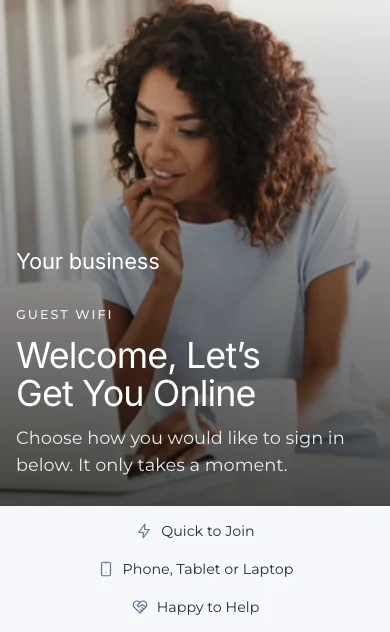
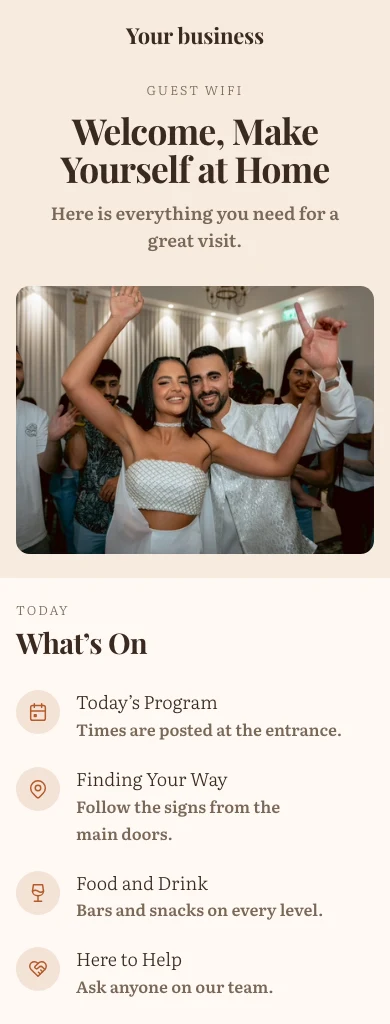
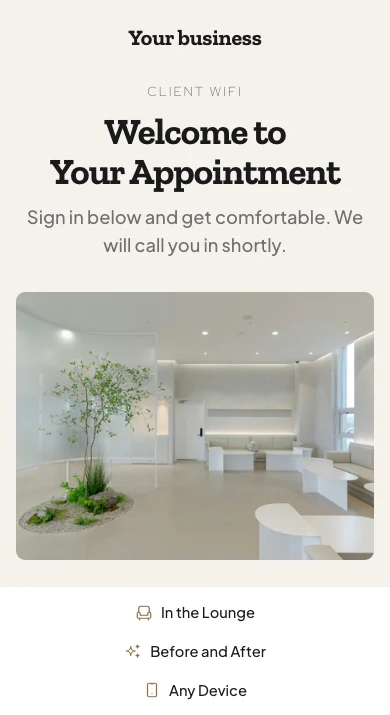
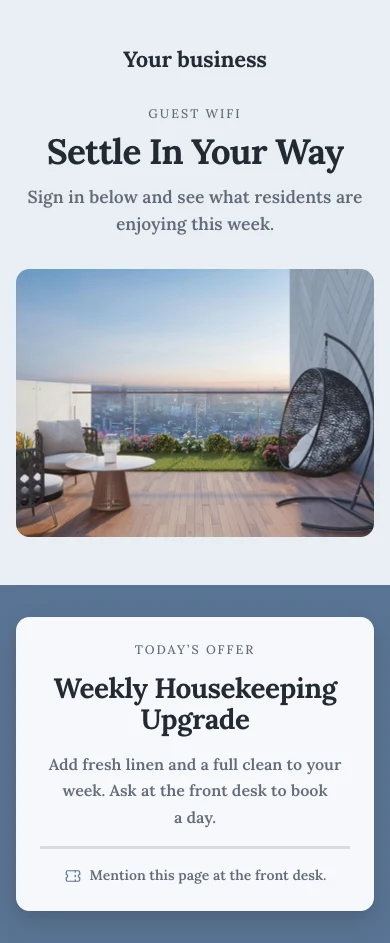
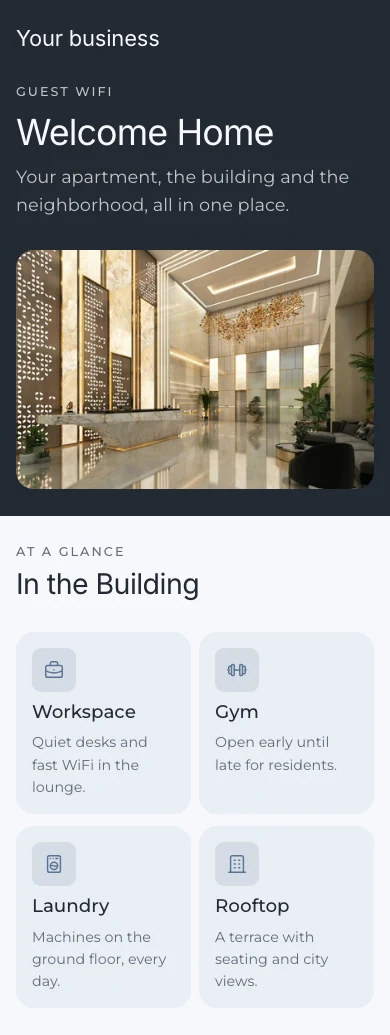
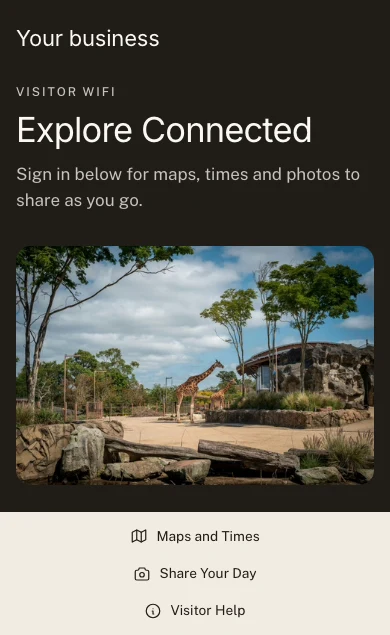
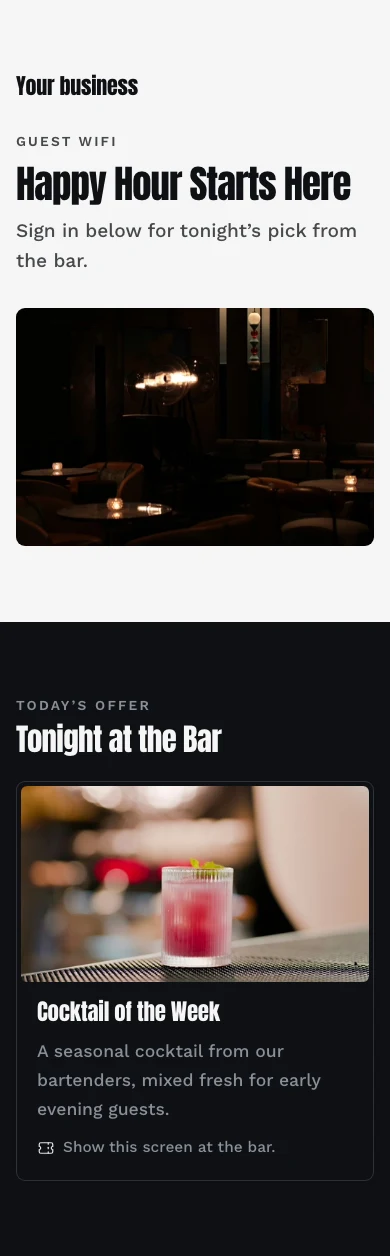
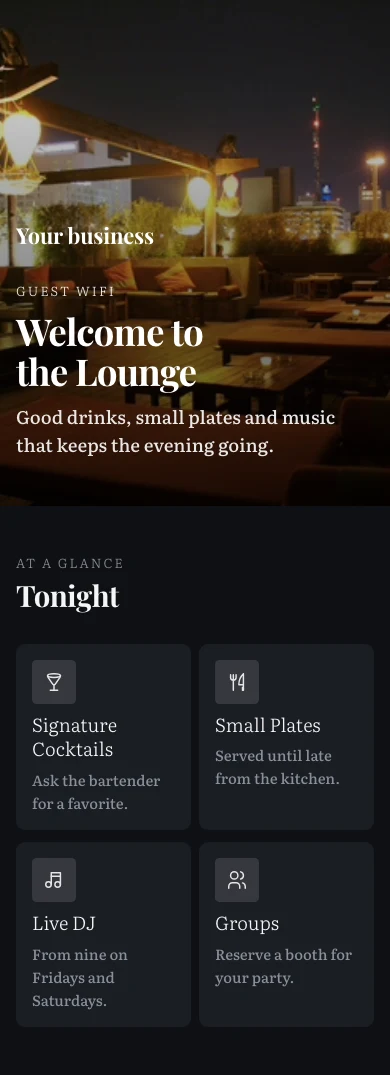
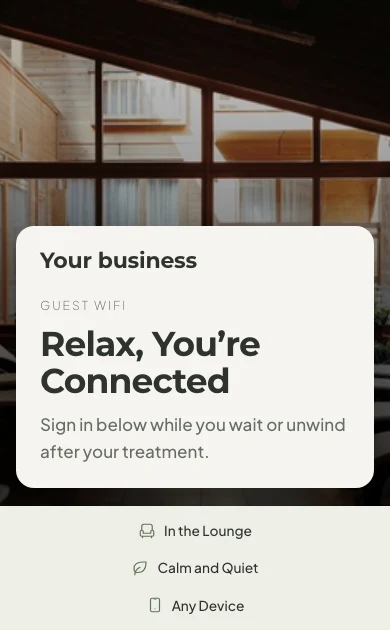
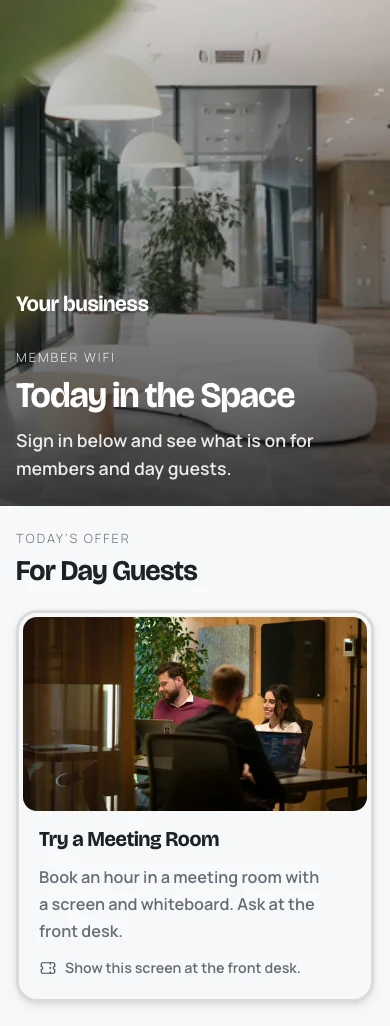
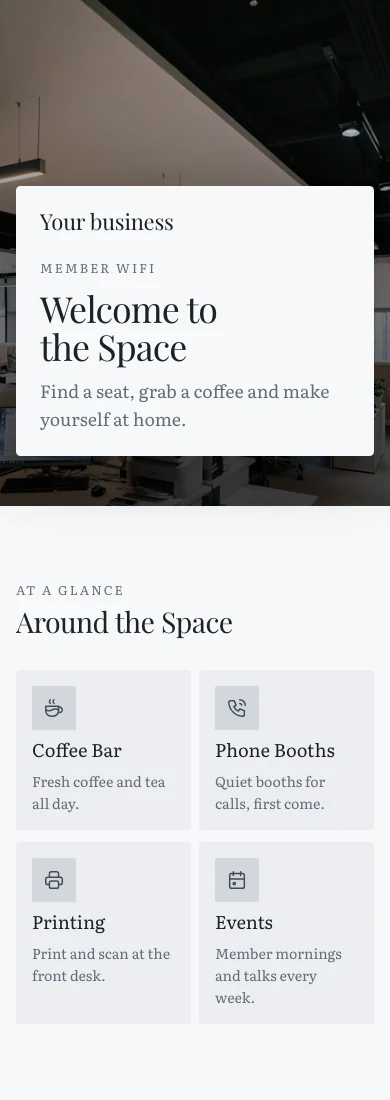
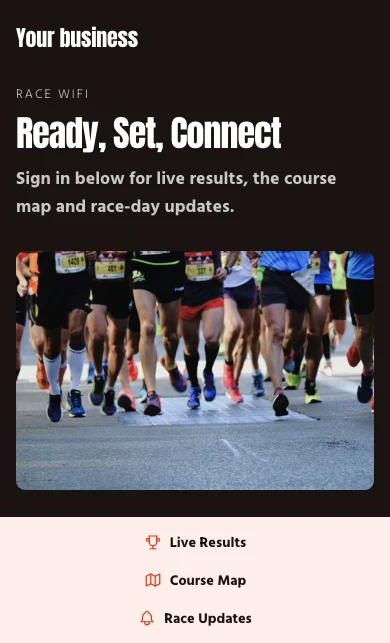
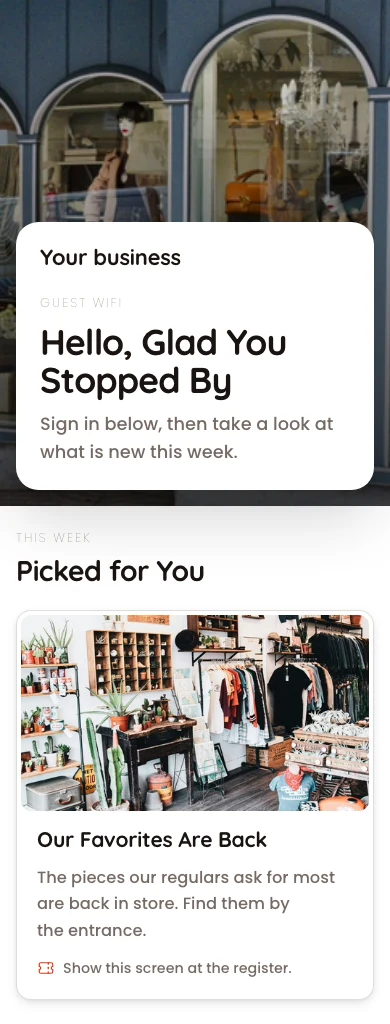
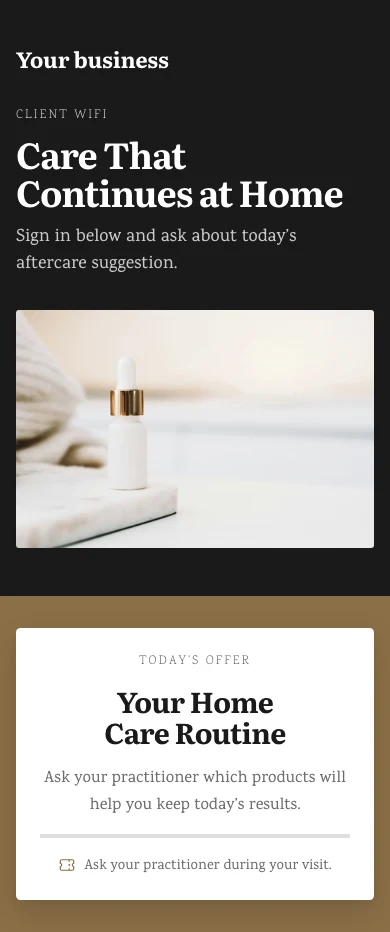
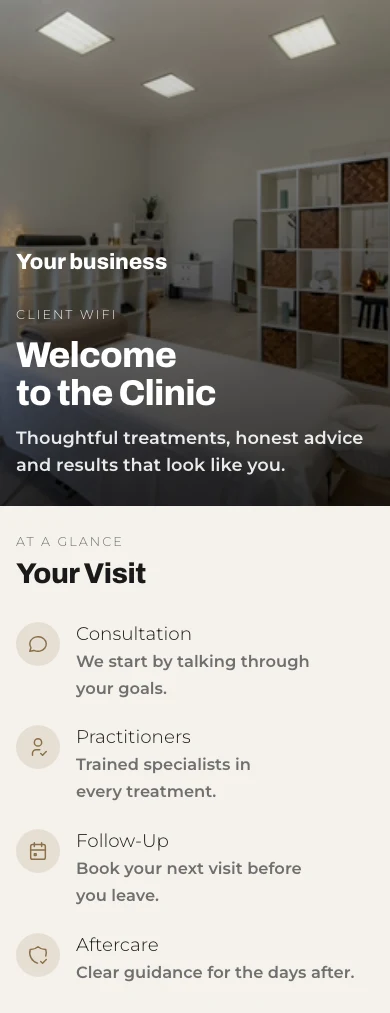
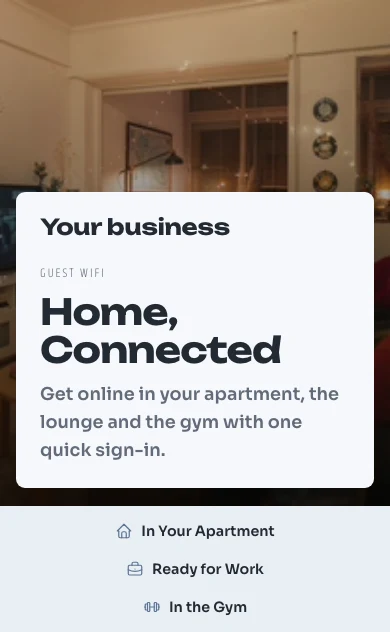
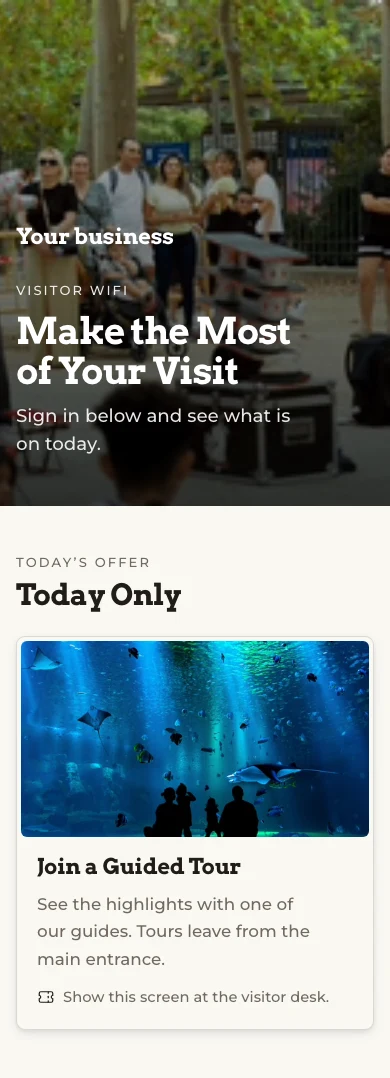
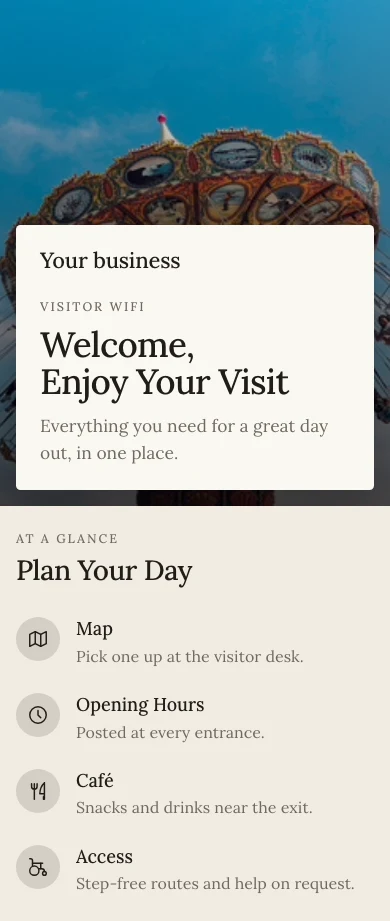
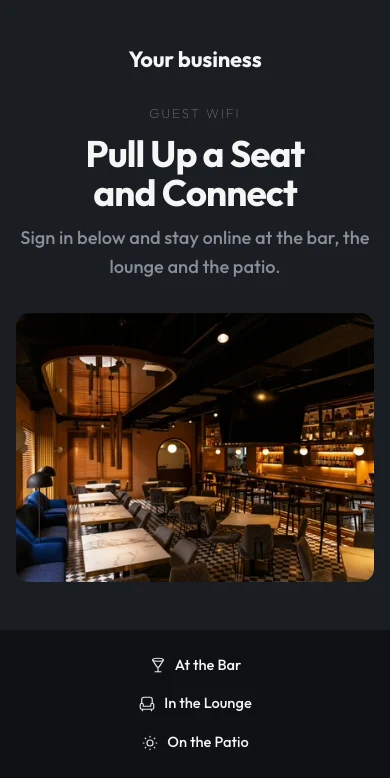
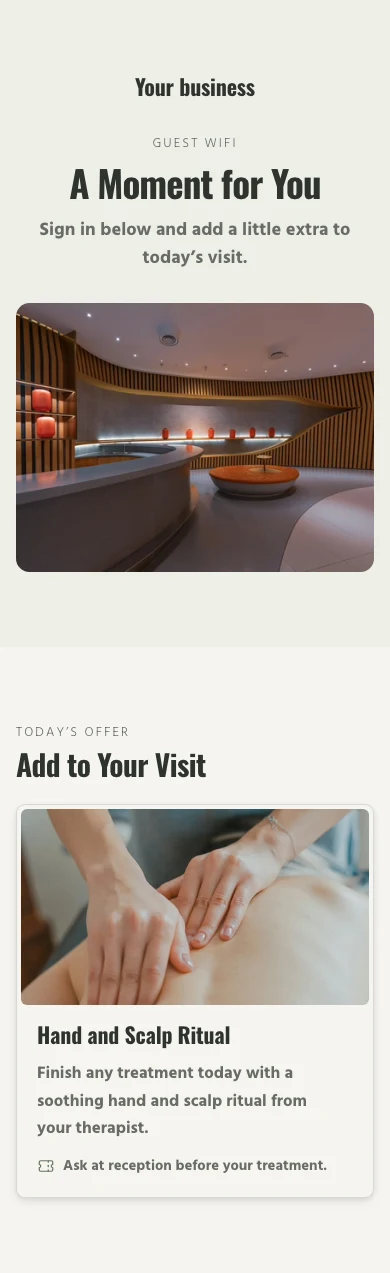
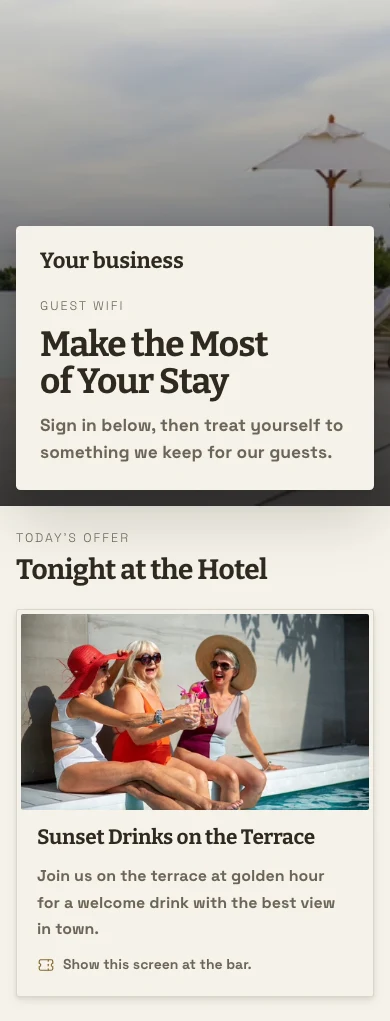
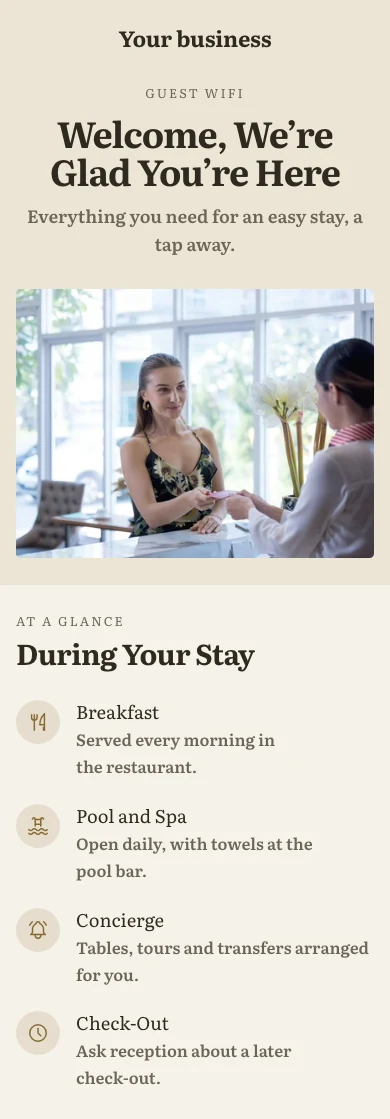
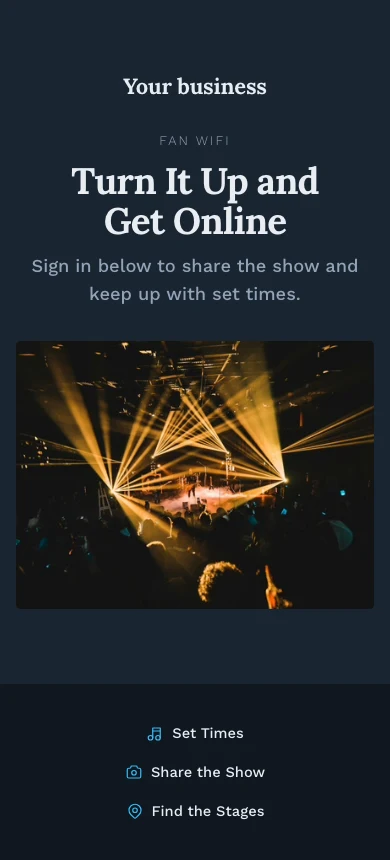
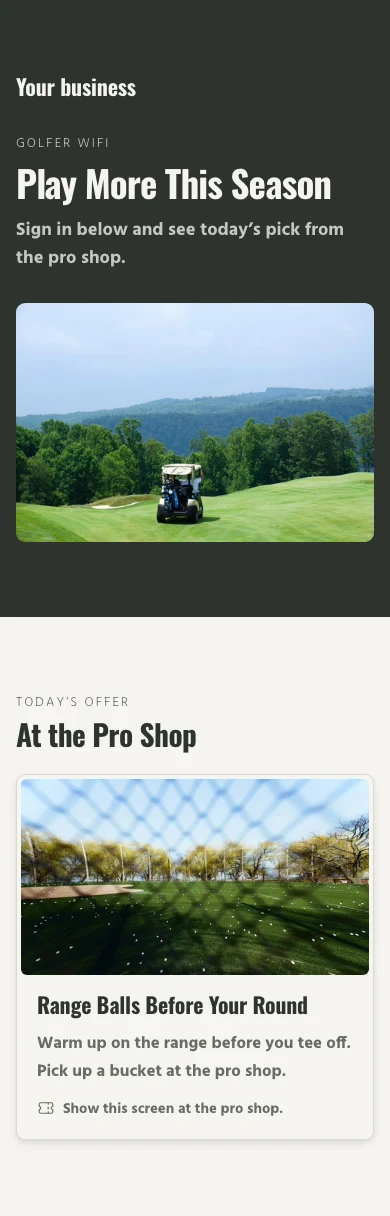
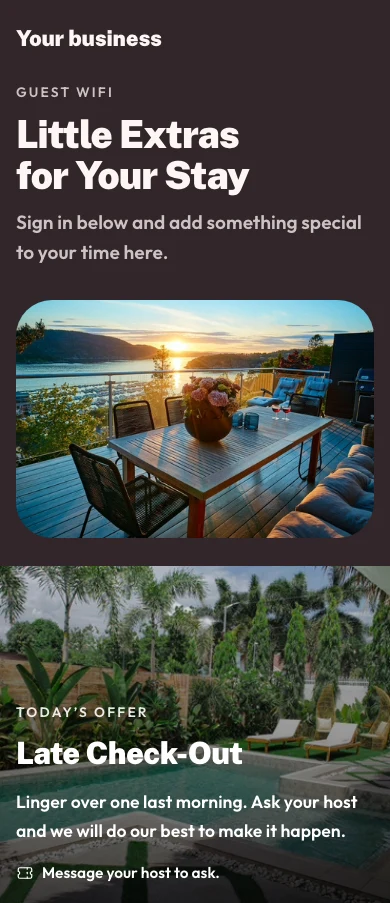
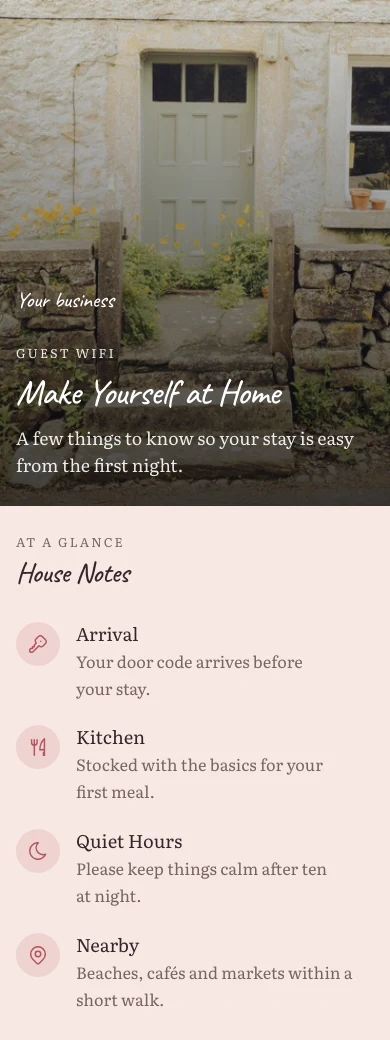
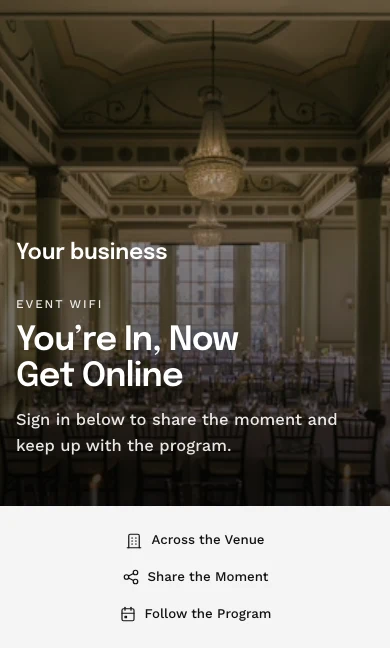
사용자가 온라인 상태가 되기 전에 보는 페이지를 구축하세요
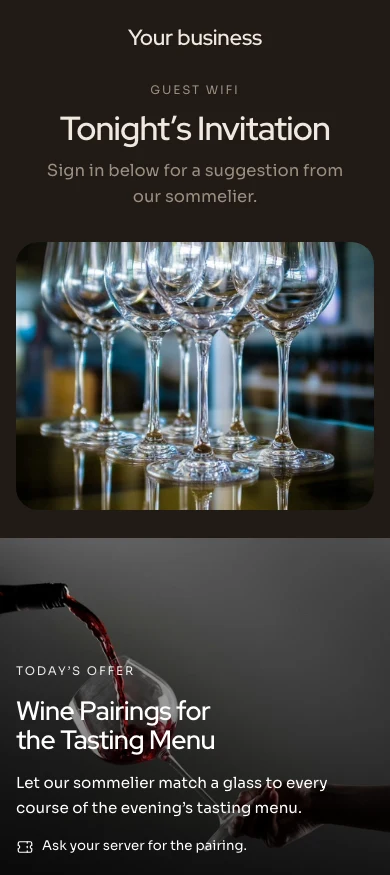
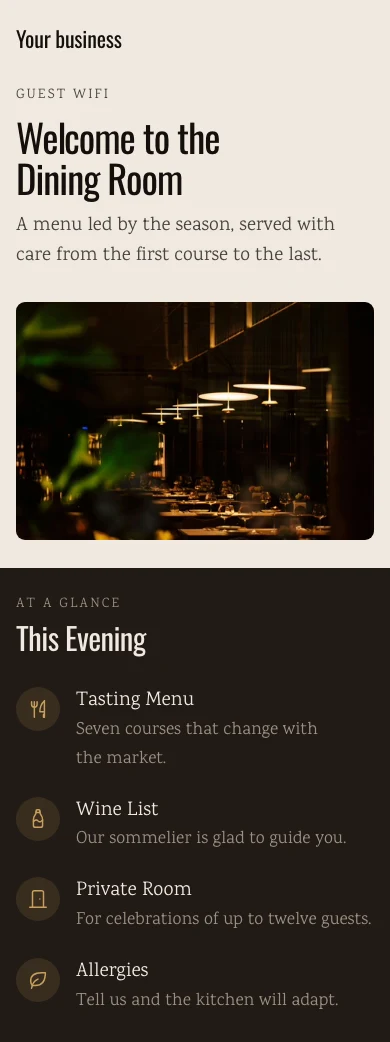
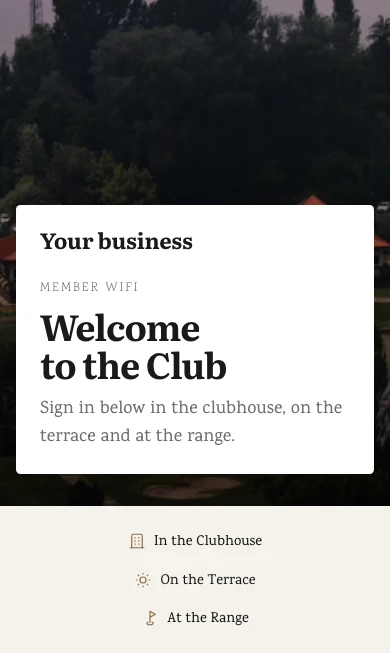
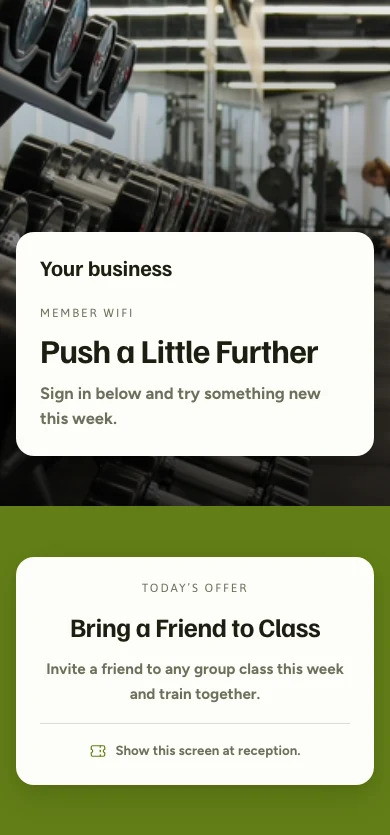
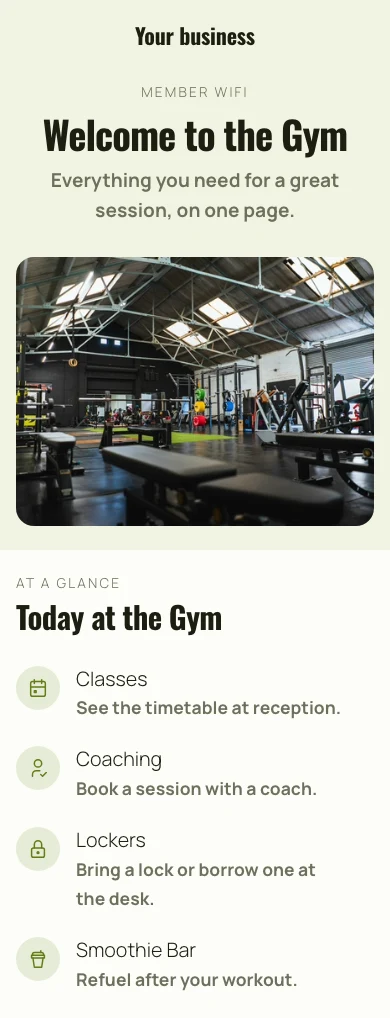
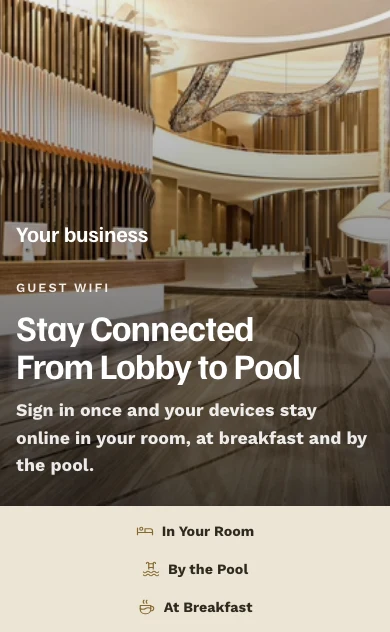
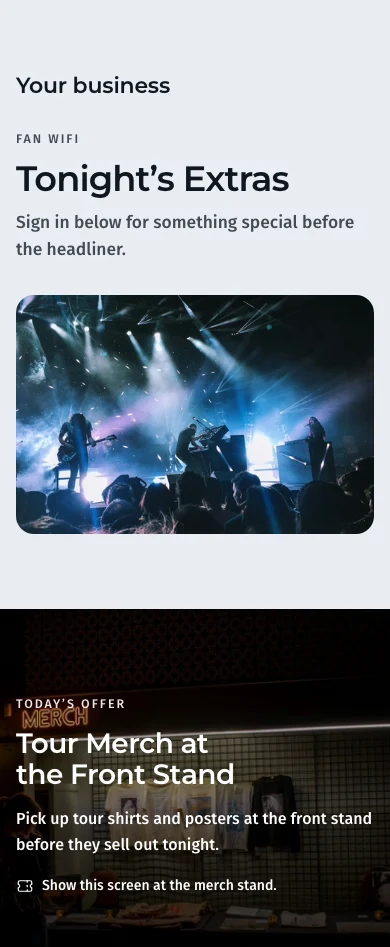
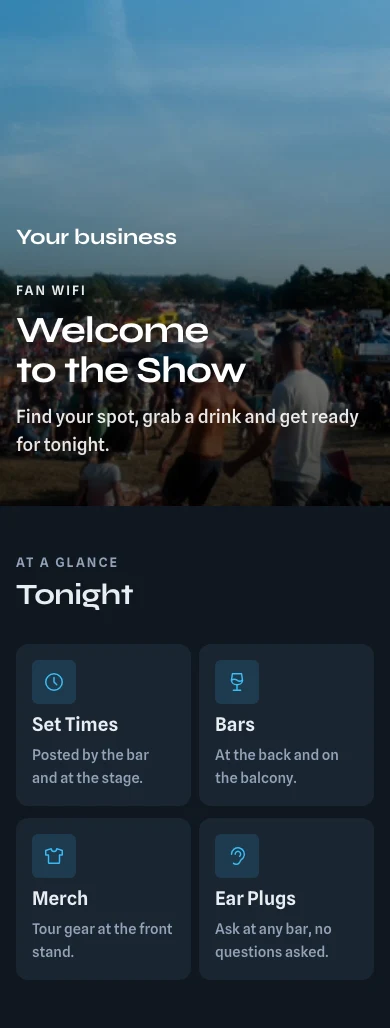
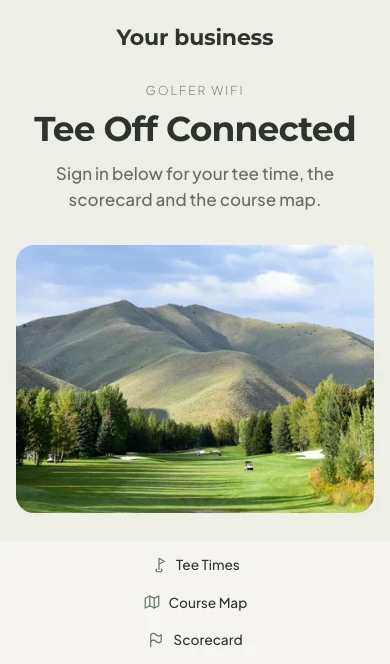
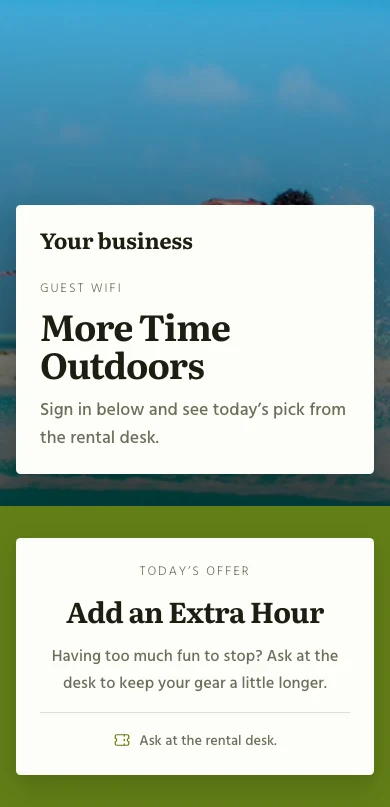
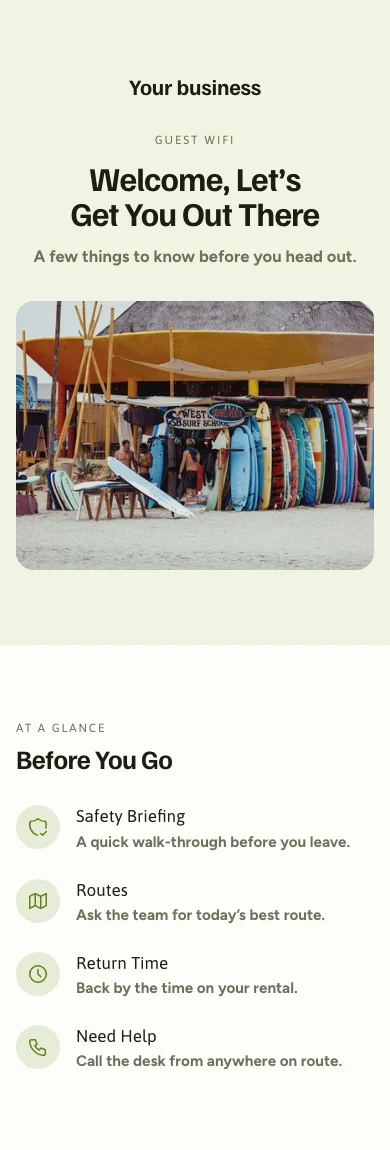
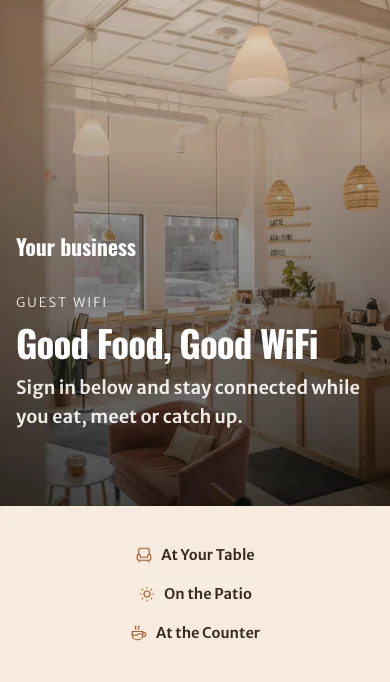
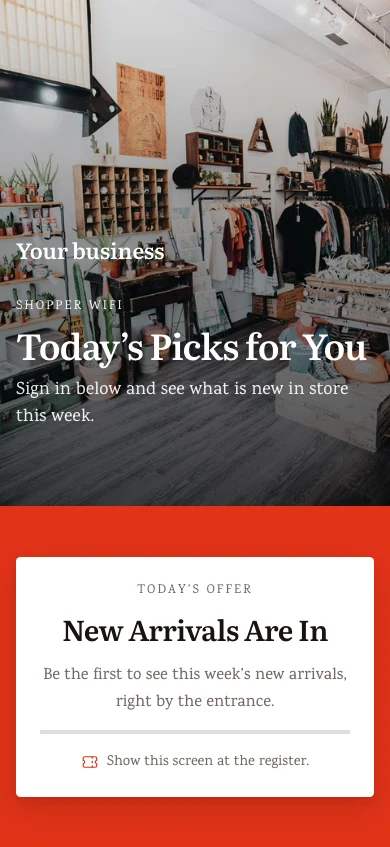
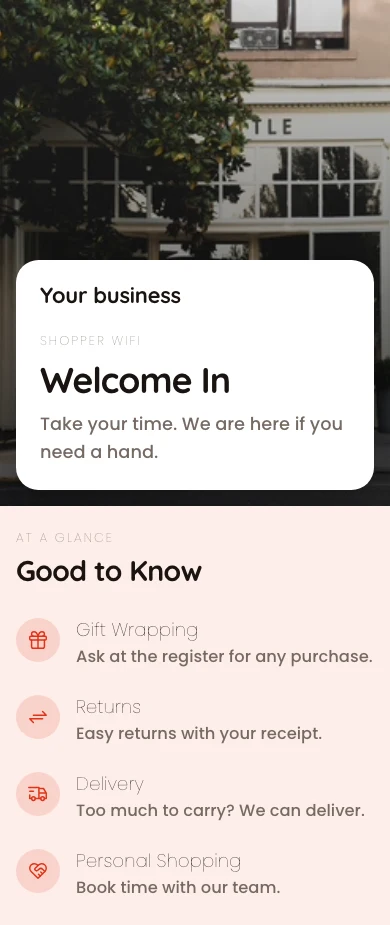
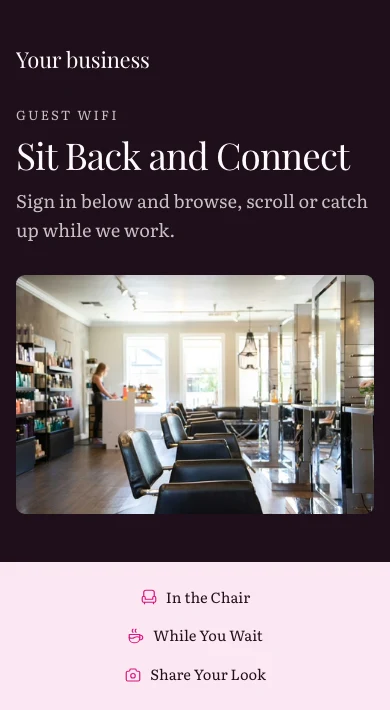
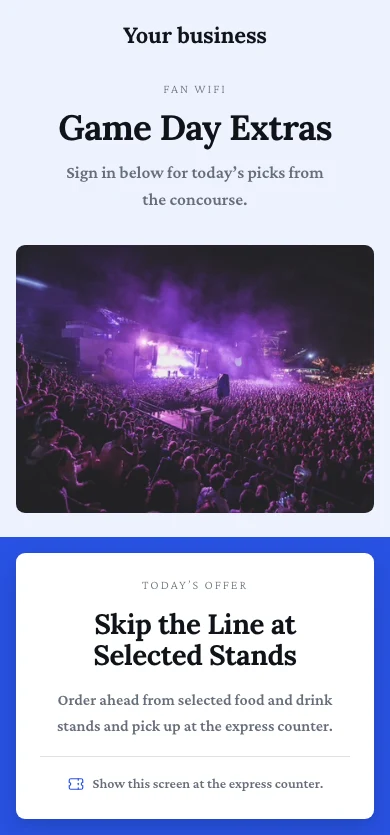
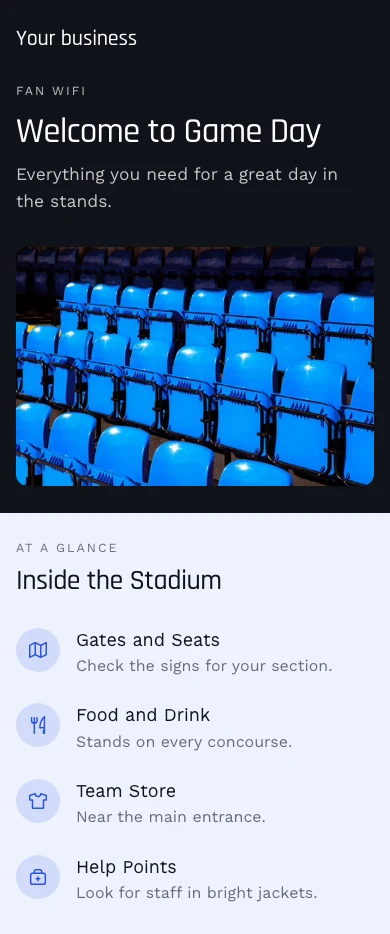
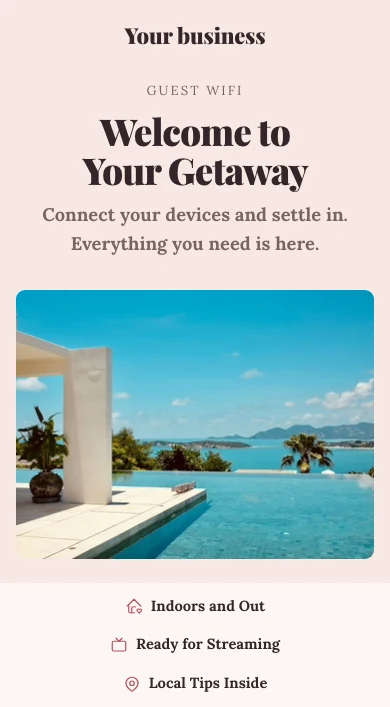
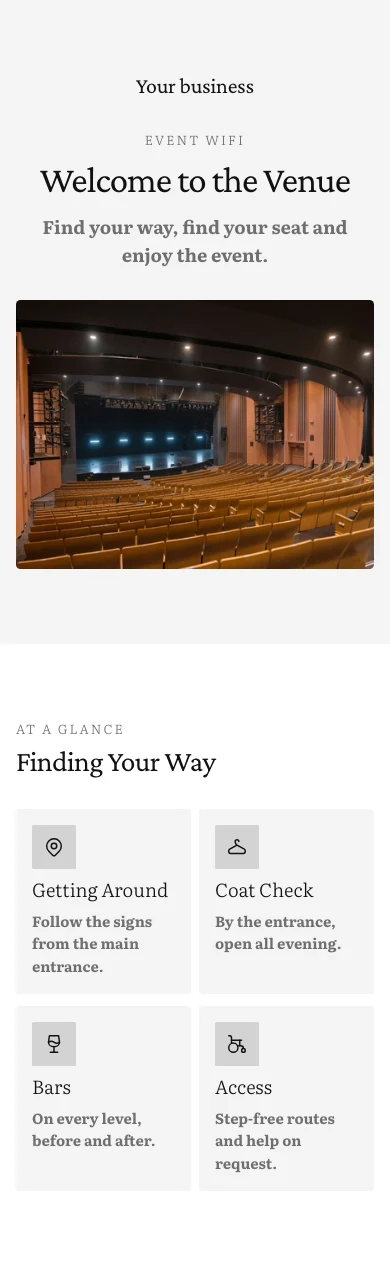
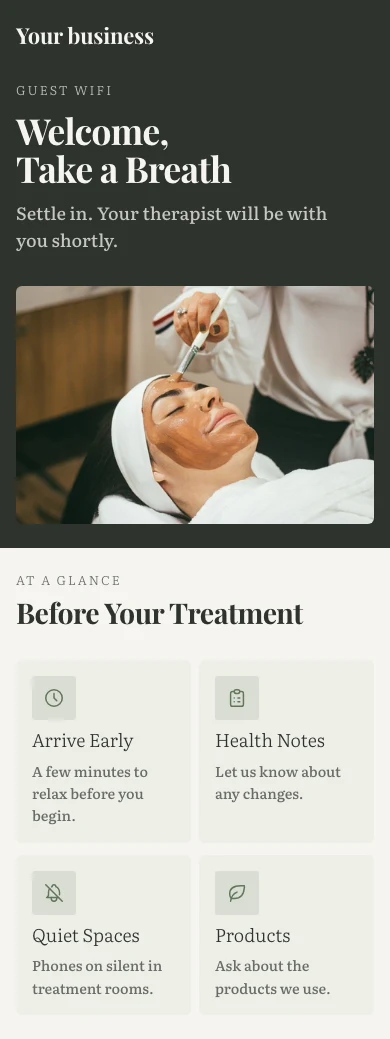
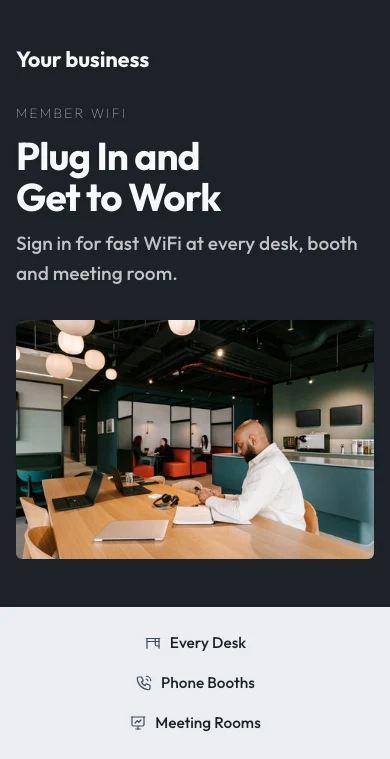
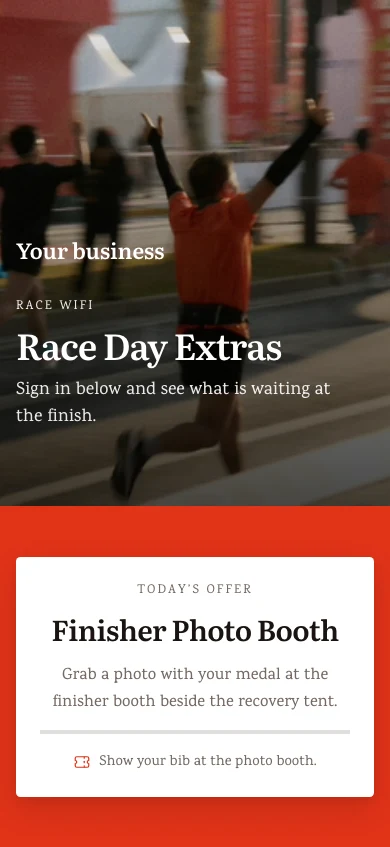
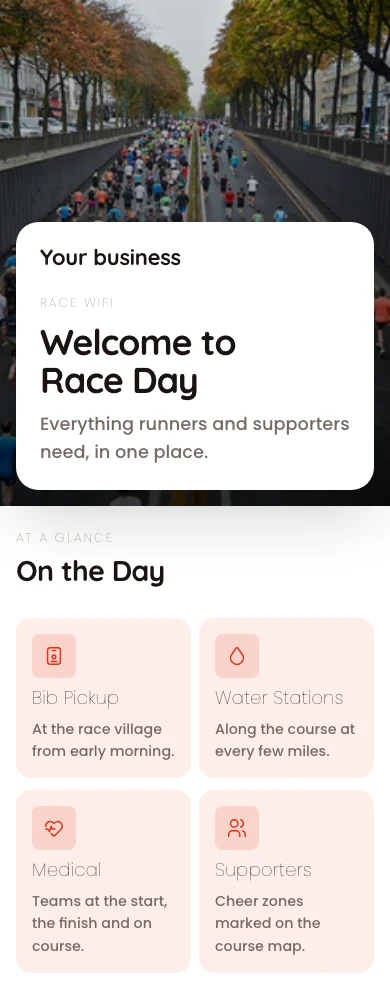
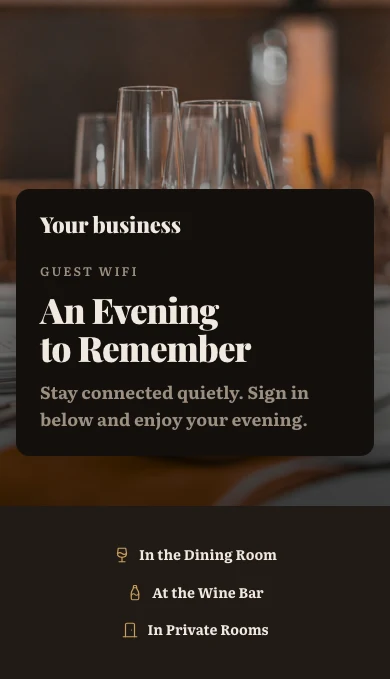
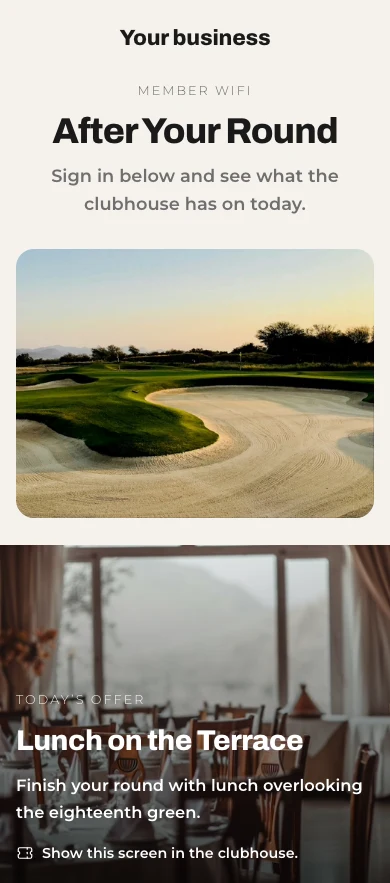
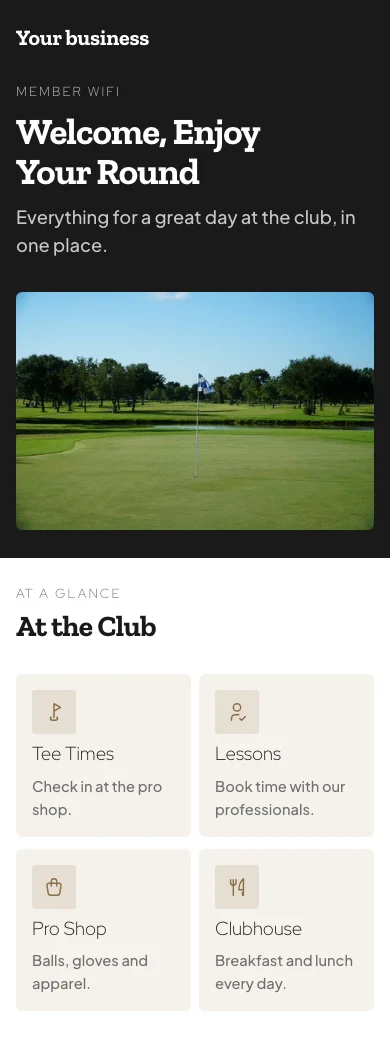
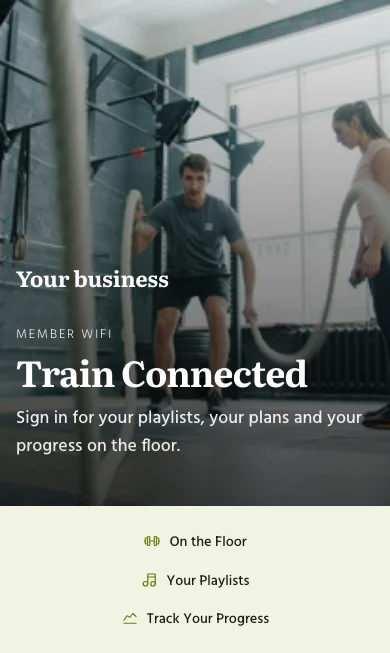
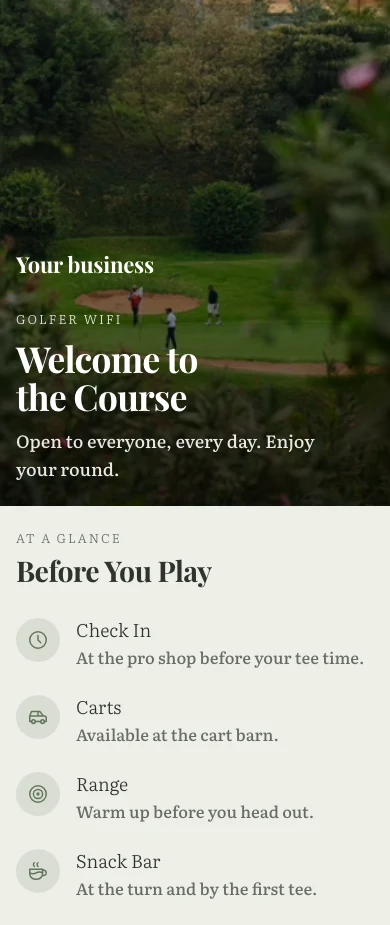
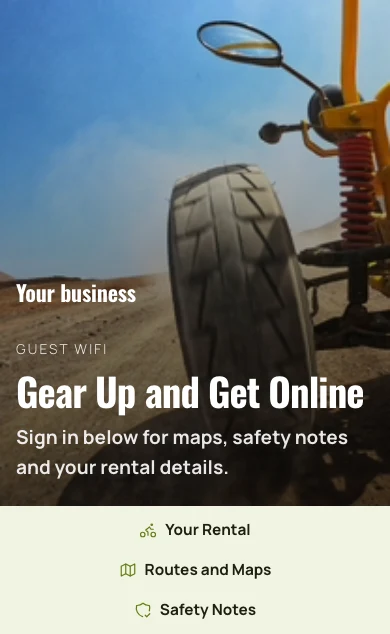
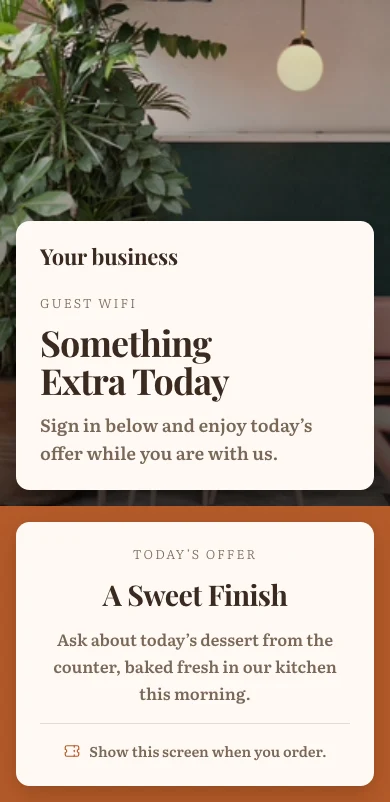
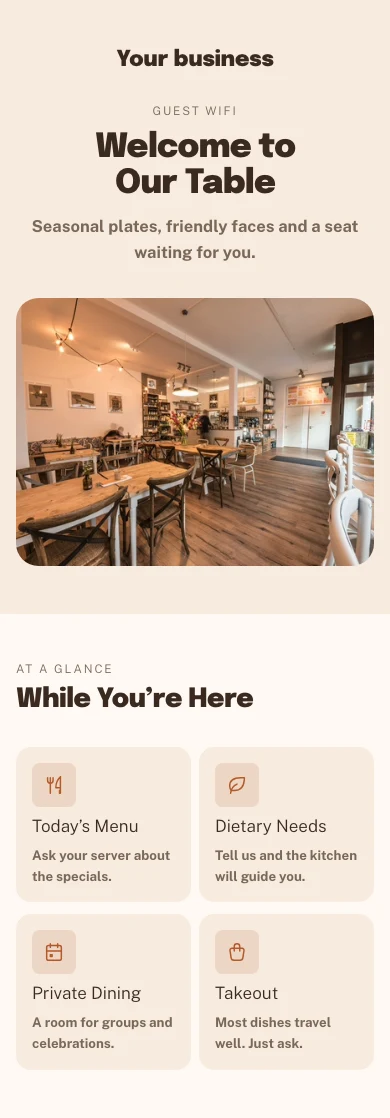
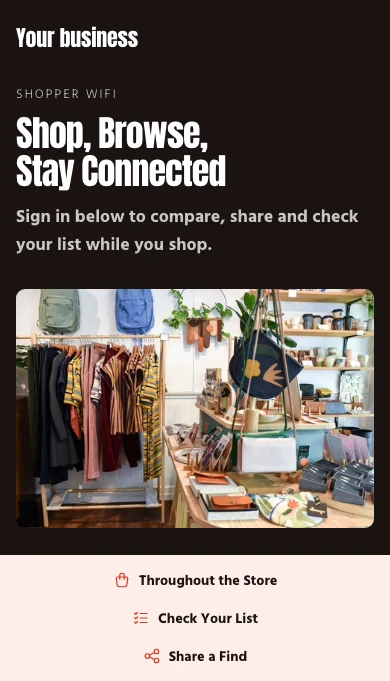
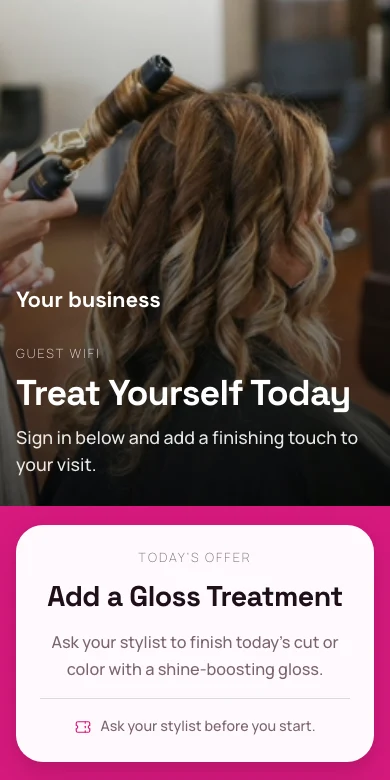
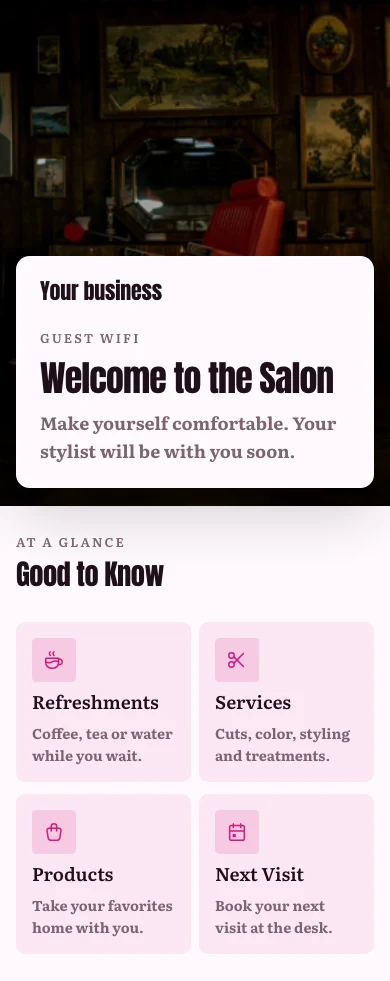
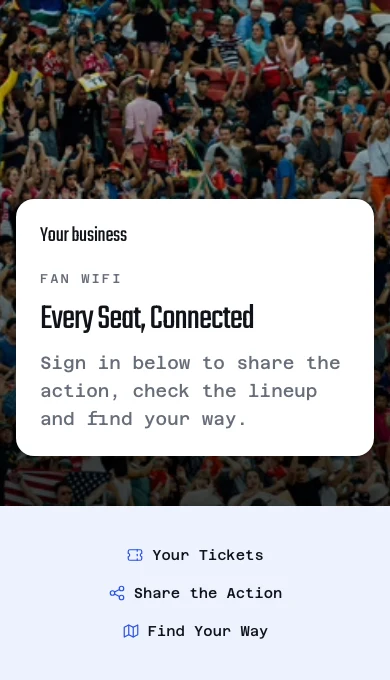
로그인 페이지는 모든 Calisto 사이트와 동일한 웹사이트 빌더로 구축되며, 템플릿은 테마에서 선택하고 위치는 고유한 템플릿을 가질 수 있습니다. 게스트는 선택한 방법으로 입장할 수 있습니다: 개방형, 예약 코드, 방, 회원 번호, 쿠폰, 이메일, Google 또는 Microsoft.
테마의 템플릿을 사용하여 웹사이트 빌더에 내장되었습니다.
빌더
모든 Calisto 사이트와 동일한 웹사이트 빌더를 사용하며, 스마트폰 크기의 페이지에서 운영됩니다.
홈
히어로게스트 WiFiInfo CardSocial Links템플릿
산업, 스타일 및 색상별로 모든 종류의 비즈니스를 위한 로그인, 오퍼 및 환영 페이지.
템플릿
게스트 WiFi 를 위한 로그인 페이지, 이제 바로 만들 수 있습니다.
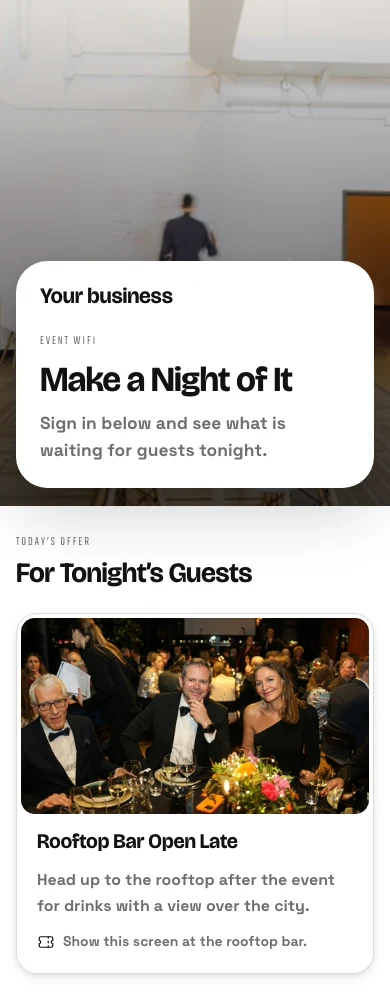
페이지의 오퍼
게스트가 온라인에 접속한 후, 예약, 주문, 쇼핑 또는 티켓 구매를 위한 타일 형태로 게시된 제안입니다.
위치당 페이지
위치는 자체 페이지를 가질 수 있으며, 방치한 항목은 회사의 규칙을 따릅니다.
Yorkville · 로그인 페이지
메시지
<위치 변형 유형>
약관
链接或粘贴的文本,以及每位客人是否必须接受(按地点而定)。
메시지
약관
손님은 약관을 수락해야 합니다링크는 항상 게스트에게 승인을 요청합니다.로그인 방법
이메일Booking code방 번호<회원 번호>Google or Microsoft account쿠폰 코드Open access각 체류에 WiFi 를 제공하고 각 구성원에게 체크인을 제공
체크인 시 체류는 고유한 코드와 비밀번호를 받으며, 체크아웃 시 부여하는 은혜 (Stays 와 함께) 에 따라 종료됩니다. 객실 번호 또는 예약 코드는 마지막 이름으로만 입장할 수 있습니다. 로그인한 회원은 체크인된 것으로 기록됩니다.
체크인 시 제공됨
숙박 자체의 코드, 자체 비밀번호 또는 네트워크 비밀번호를 선택하세요.
Valentina Herrera 체크인 완료
WiFi
- 코드
- MV7-4KQ2
- 비밀번호
- coral-tide-58
- 온라인 기기
- 3 of 4
- 계획
- 빠른
- Data used
- 2,418 MB
- <액세스 종료일
- 25/11/2026 12:00
- Signs in with
- Stay code, Room number
현재 접속 중인 사람을 확인하고 세션을 종료하세요.
모든 로그인은 게스트의 진입 방법, 네트워크, 소요 시간 및 데이터 사용량을 표시하며, 팀원 장치는 공유할 때만 이름이 표시됩니다. 세션을 종료하거나 장치를 연결 해제하거나 차단하면 네트워크에 해당 종료 정보가 전달됩니다.
모든 체크인
누가 로그인했는지, 어떻게, 어떤 기기 및 네트워크에서, 얼마나 오래, 그리고 얼마나 많은 데이터를 사용하여.
로그인
체크인한 모든 게스트, 연결된 항목 및 연결 지속 시간.
| 손님 | 다음 계정으로 로그인됨 | 기기 | 시작됨 | 분 | 데이터 (MB) | 상태 | |
|---|---|---|---|---|---|---|---|
| lucas.almeida@example.com | 이메일 | iPhone | 10:4221/11/2026 | 18 | 64 | 활동 | 종료 |
| beatriz.costa@example.com | Google or Microsoft account | Galaxy S23 | 10:3721/11/2026 | 23 | 142 | 활동 | 종료 |
| rafael.souza@example.com | 쿠폰 코드 | iPad | 10:2121/11/2026 | 39 | 310 | 활동 | 종료 |
| camila.rocha@example.com | 이메일 | Moto G84 | 09:5821/11/2026 | 47 | 88 | 종료됨 | 게스트 열기 |
| thiago.lima@example.com | 이메일 | iPhone | 09:4021/11/2026 | 61 | 205 | 종료됨 | 게스트 열기 |
| ana.ferreira@example.com | Google or Microsoft account | MacBook Air | 09:1521/11/2026 | 90 | 1,120 | 만료됨 | 게스트 열기 |
액세스 포인트가 응답을 멈추는 순간을 파악하세요
각 액세스 포인트는 네트워크, 클라이언트, 채널 및 마지막으로 응답한 시간을 표시합니다. 응답을 중단한 액세스 포인트는 한 번 공지되며, 복귀 시 공지를 닫고 이를 담당하는 사람은 확인을 누릅니다. 액세스 포인트는 Signal 과 공유하는 장치 목록에 있습니다.
모든 액세스 포인트
네트워크, 모델, 채널 및 고객, 마지막 관찰 시간, 그리고 응답 중인지 여부입니다.
액세스 포인트
네트워크를 서비스하는 라디오와 그 중 어두운 라디오입니다.
| 액세스 포인트 | 네트워크 | MAC | IP | 채널 | 고객 | 마지막 접속 시간 | 도달 가능성 |
|---|---|---|---|---|---|---|---|
| Beach Club | 손님 | 74:83:C2:1A:5F:20 | 10.30.0.21 | 149 | 14 | 21/11/2026 07:48 | 응답하지 않음 |
| Lobby | 손님 | 74:83:C2:1A:5F:01 | 10.30.0.2 | 36 | 42 | 21/11/2026 09:41 | 답변 중 |
| Pool Bar | 손님 | 74:83:C2:1A:5F:07 | 10.30.0.8 | 44 | 27 | 21/11/2026 09:41 | 답변 중 |
| Villas North | 손님 | 74:83:C2:1A:5F:0C | 10.30.0.13 | 52 | 19 | 21/11/2026 09:41 | 답변 중 |
| Villas South | 손님 | 74:83:C2:1A:5F:0D | 10.30.0.14 | 100 | 23 | 21/11/2026 09:40 | 답변 중 |
| Spa | 손님 | 74:83:C2:1A:5F:12 | 10.30.0.19 | 157 | 6 | 21/11/2026 09:41 | 답변 중 |
| Back Office | 팀 | 74:83:C2:1A:5F:1E | 10.10.0.4 | 1 | 11 | 21/11/2026 09:41 | 답변 중 |
확인
이를 취한 사람은 확인을 누르고, 다른 사람들은 해당 항목임을 볼 수 있습니다.
Level 3 Foyer 응답하지 않음
상태
응답하지 않습니다. 근처에 있는 게스트는 연결할 수 없을 수 있습니다.- Last seen
- 21/11/2026 09:35
- MAC
- 9C:05:D6:4E:11:A8
- 펌웨어
- 7.0.66
세부 정보
- 이름
- Level 3 Foyer
- 네트워크
- 손님
- 위치
- The Exchange Hall
- IP address
- 10.30.3.12
- 채널
- 44
| 손님 | 시작됨 | 종료됨 |
|---|---|---|
| hana.lim@example.com | 21/11/2026 09:33 | 21/11/2026 09:35 |
| arjun.mehta@example.com | 21/11/2026 09:28 | 21/11/2026 09:35 |
| chloe.ng@example.com | 21/11/2026 09:21 | 21/11/2026 09:35 |
| marcus.goh@example.com | 21/11/2026 09:14 | 21/11/2026 09:35 |
| priya.nair@example.com | 21/11/2026 09:02 | 21/11/2026 09:35 |
알림은 규칙이며 자동화와 함께 작동합니다
내려가서 다시, 고장 난 로그인 페이지, 바쁜 시간대, 비밀번호 만료.
알림
각 알림은 WiFi ▸ 자동화에서 보시고 변경할 수 있는 자동화입니다.
액세스 포인트가 응답을 멈추면 알려주세요손님이 로그인할 수 없을 때 알려주세요매우 붐비는 시간대에 대해 말씀해 주세요.로그인 페이지가 게스트 접촉 마일스톤에 도달했을 때 알려주세요.공유 WiFi 비밀번호 변경 예정일 때 알림공유 비밀번호가 있는 각 네트워크에서 변경 빈도를 'N 일마다 변경' 하에서 설정합니다.고장 난 로그인 페이지
진입 경로가 없는 페이지는 한 번만 이름이 지정되며, 해당 위치가 표시됩니다.
WiFi
게스트 와이파이, 로그인 경험 및 네트워크 상태를 한눈에 확인하세요
바쁜 시간대
해당 시간대와 요일의 평소보다 훨씬 긴 시간입니다.
인사이트
WiFi 사용, 게스트 캡처 및 참여도
시간별 평균 손님 수
누가 돌아왔는지, 그리고 누가 연락을 원했는지 확인하세요
마케팅은 켜지기를 기다리고 있습니다. 체크박스를 선택한 손님은 날짜와 함께 연락처가 됩니다. 인사이트는 7, 30 또는 90 일 동안의 트래픽, 바쁜 시간 및 각 위치를 보여줍니다.
게스트 디렉토리
연락처를 남긴 모든 손님: 방문 빈도, 방문 횟수, 체류 시간 및 마지막 방문 시기.
| 이름 | 이메일 | 빈도 | 방문 | 평균 체류 시간 (분) | 마지막 방문 |
|---|---|---|---|---|---|
| Freja Lindholm | freja.lindholm@example.com | Frequent | 41 | 96 | 21.11.2026 19:42 |
| Mads Kristensen | mads.kristensen@example.com | 일반 | 17 | 71 | 20.11.2026 18:15 |
| Sofie Dahl | sofie.dahl@example.com | 일반 | 12 | 58 | 19.11.2026 13:02 |
| Emil Thomsen | emil.thomsen@example.com | Occasional | 4 | 45 | 18.11.2026 12:37 |
| Clara Bech | clara.bech@example.com | Occasional | 3 | 82 | 17.11.2026 20:11 |
| Noah Vestergaard | noah.vestergaard@example.com | 새 | 1 | 38 | 16.11.2026 21:04 |
게스트별 페이지
연락처 정보, Withdraw Consent 와 함께 있는 마케팅 답변, 모든 방문.
Freja Lindholm On the network now
연락처
마케팅 동의
23.04.2026에 연락을 주실 것을 동의했습니다.- 캠페인
- 24.04.2026 등록됨
- 멤버십
- Nord Club
- 마지막 방문
- 21.11.2026 19:42
- 평균 체류 시간
- 1h 36m
- Data used
- 3.8 GB
| 시간 | 네트워크 | 다음으로 로그인 | 기기 | 얼마나 걸릴까요 | 데이터 | 상태 |
|---|---|---|---|---|---|---|
| 21.11.2026 | Gæster | 이메일 | iPhone | 1h 12m | 84 MB | 현재 활성화됨 |
| 18.11.2026 | Gæster | 이메일 | iPhone | 1h 48m | 126 MB | 종료됨 |
| 15.11.2026 | Gæster | 이메일 | MacBook Air | 2h 05m | 410 MB | 종료됨 |
| 11.11.2026 | Gæster | 이메일 | iPhone | 1h 31m | 97 MB | 종료됨 |
| 08.11.2026 | Gæster | 이메일 | iPhone | 1h 22m | 71 MB | 종료됨 |
인사이트
위치별로 7 일, 30 일 또는 90 일 동안 캡처된 세션, 방문자, 게스트 및 데이터.
인사이트
WiFi 사용, 게스트 캡처 및 참여도
| 위치 | 네트워크 | 세션 | 캡처 |
|---|---|---|---|
| Roma Norte | 3 | 5,214 | 641 |
| Condesa | 3 | 4,388 | 532 |
| Polanco | 3 | 3,906 | 471 |
| Coyoacán | 2 | 2,731 | 318 |
| Santa Fe | 2 | 2,223 | 245 |
체크인부터 연락처까지
연락처가 몇 개의 연결을 떠나 Contacts 에 도달하고 캠페인에 가입했는지.
인사이트
WiFi 사용, 게스트 캡처 및 참여도
게스트 캡처
| 퍼널 단계 | 수 | 이전 단계의 |
|---|---|---|
| Connections | 2,469 | 100% |
| Captured | 1,284 | 52% |
| Synced to Contacts | 1,246 | 97% |
| Enrolled in Campaign | 718 | 58% |
네트워크별 포착된 손님
섹먼트
실시간 카운트: 캠페인 목록에 한 번의 클릭으로 추가됩니다.
손님
로그인 페이지에서 캡처된 모든 사용자와, 그들이 얼마나 자주 그리고 최근에 돌아오는지에 대한 정보.
| 섹먼트 | 정의 | 손님 | 마케팅에 동의함 | |
|---|---|---|---|---|
| 새 방문자 | 처음 연결됨 | 214 | 131 | 캠페인 푸시 |
| 재방문자 | 이전에 연결된 적이 있습니다 | 1,386 | 902 | 캠페인 푸시 |
| 고빈도 | 다섯 번 이상 연결됨 | 412 | 318 | 캠페인 푸시 |
| 만료됨 | 30 일 이상 연결되지 않음 | 297 | 164 | 캠페인 푸시 |
| 장기 체류 | 평균 2 시간 이상 체류 | 158 | 97 | 캠페인 푸시 |
| 멤버 | 멤버십 등급 보유 | 86 | 79 | 캠페인 푸시 |
캠페인과 Circle 을 포함한 인수인계
규칙을 켤 때 새 게스트 연락처가 목록이나 로열티에 추가됩니다.
설정
이 비즈니스의 모든 네트워크에서 게스트 WiFi 가 어떻게 작동하는지 확인하세요.
새 게스트 연락처
귀하가 연락을 원한다고 동의한 게스트만 추가됩니다. 각 항목은 WiFi ▸ 자동화에서 보시고 변경할 수 있는 자동화입니다.
Circle 로열티 프로그램에 새로운 게스트 연락처 등록개인정보 보호
게스트에게 마케팅 목록 참여 요청꺼져 있으며 켜지 않으면 작동하지 않습니다. 환영 페이지는 각 게스트에게 빈 체크박스를 표시하며, 이는 미리 선택되지 않습니다. 빈 상태로 남겨두어도 연결되지만 목록에 추가되지 않습니다.게스트가 로그인하는 이메일을 연락처에 저장고객 유지
설정한 일수 이후: 세부 정보를 정리하고 카운트를 유지하거나 모든 내용을 유지하거나 삭제하세요.
설정
이 비즈니스의 모든 네트워크에서 게스트 WiFi 가 어떻게 작동하는지 확인하세요.
유지 관리
세션 레코드가 그보다 오래된 경우이 것은 WiFi 세션 로그만입니다. 마케팅 동의가 있는 게스트는 어떤 경우에도 연락처에 저장되며, 동의 날짜가 표시됩니다.보관하세요.게스트의 이름, 이메일, 기기, MAC 및 IP 주소와 연락처 연결을 제거하고 방문 횟수는 유지합니다.삭제| 이름 | 이메일 | 빈도 | 방문 | 평균 체류 시간 (분) | 마지막 방문 |
|---|---|---|---|---|---|
| Freja Lindholm | freja.lindholm@example.com | Frequent | 41 | 96 | 21.11.2026 19:42 |
| Mads Kristensen | mads.kristensen@example.com | 일반 | 17 | 71 | 20.11.2026 18:15 |
| Sofie Dahl | sofie.dahl@example.com | 일반 | 12 | 58 | 19.11.2026 13:02 |
| Emil Thomsen | emil.thomsen@example.com | Occasional | 4 | 45 | 18.11.2026 12:37 |
| Clara Bech | clara.bech@example.com | Occasional | 3 | 82 | 17.11.2026 20:11 |
| Noah Vestergaard | noah.vestergaard@example.com | 새 | 1 | 38 | 16.11.2026 21:04 |
전화로 라디오와 게스트를 확인하세요
홈, 게스트, 액세스 포인트 및 네트워크는 전화의 탭이며, 장치에서 유지하기로 선택한 것에서 신호가 없으면 열립니다. 라이브 네트워크 변경은 신호 대기 후 이루어지며, 새로운 액세스 포인트는 한 번 유지되고 전송됩니다.
WiFi 가 모든 나머지 것들과 만나는 곳.
4 of these 8 connections are in your plan today; the others are their own apps.
Signal
Access points sit in the device list WiFi shares with Signal, and every network system connects from one panel.
Automations
Every notice WiFi sends is a rule to change or pause, and every guest, stay and arrival event can start one of yours.
Workforce
Arriving on the team WiFi can be the proof of being on site, and nudges a person to start their shift.
Access
A visitor’s invitation carries one guest WiFi code for the visit.
Stays
A stay gets its own WiFi code and password at check-in, and a speed plan can be charged to its folio.
Coworking
A member signing in to the WiFi is checked in, and the sign-in page is set in Coworking’s own Settings.
Campaigns
A guest who said yes can join a list, and a whole segment can be added to one.
Circle
A guest who said yes can be enrolled in loyalty when they sign in.
설치 비용 없음. 사용 시작 시 결제.
Networks, team logins, a welcome page and guests.
Calisto Ops
Networks at four access levels on the router you have, a Calisto login for each person on the team, the welcome page and its vouchers, stays’ own WiFi, who is on now, access points that stop answering, and the guests who came back.
Priced per location. Included with Calisto Ops.
귀하를 위한 추천
함께 작동합니다.
Calisto Signal
Calisto Ops
Sensors, trackers, locks and cameras on one fleet, an alert inbox, incidents with their playbooks, and rules through Automations.
Learn more →Calisto Automations
Calisto Workforce
Calisto Access
Calisto Stays
Calisto Coworking
Calisto Campaigns
Calisto Engage
Lists and consent per channel, emails built from blocks, sends at each person’s best hour, sequences and announcements, and what each campaign earned, credited to the click.
Learn more →Calisto Circle
권장 사항
WiFi를 운영하는 산업 및 각 산업이 이를 운영하는 이유
Bar & Lounge게스트 WiFi
Team and guest networks, with a welcome page if you want one
Calisto 에서 Bar & Lounge →In-Person Retailers매장 WiFi
Store and team networks, open or with a password
Calisto 에서 In-Person Retailers →Calisto 에 포함된 모든 것 WiFi.
- Four levels, picked per network: Open, Shared Password, Welcome Page, Personal Logins
- The security follows the level; you pick only WPA2 or WPA3 inside it
- Only the levels your router runs are offered
- Setup starts with “What Router Do You Have?”, then Visitors, Team or a different network
- Who May Join by relationship: owners, admins, team members, station people, members, staying guests, invited visitors, anyone
- A label and a broadcast name kept apart, a VLAN, a speed ceiling and a hidden switch per network
- VLANs with their ID, name, subnet and purpose; each Who May Join group can land on its own
- Networks, SSIDs and VLANs as three views of one list
- One password per network, kept by Calisto, revealed only on request and shown as a join QR code
- Change Every N Days, with a reminder and the steps for your router
- Every screen that prints it (the QR code, signage, a room TV, a kiosk, a stay’s message) reads the current one
- Each person joins with their own Calisto email and password, at every business they work with
- Removed from the business, refused at the next join, with no new password for anyone else
- Works with every phone’s default setting (PEAP), and with TTLS-PAP
- Password checks limited to ten in fifteen minutes per email
- People with no Calisto account join with their stay’s code
- Only on Shift for team members and station people, with a shift grace you set
- My WiFi in every app’s Profile: use my Calisto password, a one-tap Apple profile, the exact Android and Windows values
- Arrival sharing off until you turn it on; each person accepts or declines, and a decline is told to the owner
- A team member’s login never counts as a guest
- Setup asks what router you have, or starts with what works on any router
- The box from your internet provider runs Open and Shared Password, with its own setup steps
- Calisto RADIUS for personal logins and for systems that check sign-ins with RADIUS
- A guest’s sign-in puts their device on the network, in the system’s own way
- No Calisto hardware sold or shipped
- Built in the same website builder as every Calisto site, opening on a phone
- Themes, Library and Templates of sign-in, offer and welcome pages, by industry, style and color
- A location’s own page once it has one; every field otherwise follows the business’s default
- Ways in: open, booking code, room number, member number, voucher, email, Google or Microsoft
- Google and Microsoft sign-in on the business’s own app, never Calisto’s
- Terms as a link or pasted text, and whether guests must accept, per location
- Session length and the page after sign-in, per location
- A returning guest greeted by first name only, recognized per business
- A page with no way in is not set up and asks for nothing
- Governed terms, ways in and session length read-only everywhere they are managed
- Issued in batches, with a label, a use limit, a session length, a window and a location
- Edit or revoke one; used up, expired and not yet valid shown as such
- The same codes for a day pass with guest WiFi and for a visitor’s invitation
- At check-in, the stay’s own code and its own password, as you choose (with Stays)
- Ends at checkout or the departure time, plus the grace you give; a moved stay moves them
- A stay’s own password sent to systems that take one per guest, otherwise given through Calisto RADIUS
- A booking code or room number admits only with the last name, only at that location and only while the stay is on
- Devices per stay, or per guest on it, under your device-limit choice
- Staying Guests online now: room, guest, plan and data, with End, Extend, Reissue and End WiFi
- One stay’s WiFi on its reservation in Stays, and in the guest’s portal, room TV, kiosk and messages
- Download and upload speeds, devices, a data allowance, how long and where
- Priced by a catalog item, or free with none
- Included by guest standing, charged to the stay’s folio or paid online through your own gateway
- The device moves to the plan’s speed at once, and back when the plan ends
- A member who proves who they are by signing in is recorded as checked in, once a day per building
- On by default, off in Settings; it admits and refuses nobody
- Every session: how the guest got in, the network, when, how long and the data used
- End a session, disconnect or block a device; every end reaches the network
- Connected devices with their network, signal, uptime and data
- Blocked devices kept through every resync
- Devices per guest: allow and record, drop the oldest, or refuse the new one
- Sessions closed when they end, and after the idle time you set
- Every access point with its network, location, model, channel, clients and last seen
- In the device list shared with Signal, fully editable in WiFi
- Answering, not answering or not reporting, from what the system reports
- Acknowledge an access point down; cleared when it answers again
- Every guest who signed in: visits, first and last visit, and the marketing answer they gave
- Marketing off until you turn it on, and only on a Welcome Page network
- A box that is never pre-ticked; saying no still gets the guest online
- A guest who says yes becomes a contact with their consent and its date
- Withdraw a guest’s consent from their page; nothing in WiFi can grant it
- Segments with live counts, added to a list in Campaigns with one press
- Hand-offs to Campaigns and Circle as rules you turn on
- Retention after the days you set: clear the details and keep the counts, keep, or delete
- Insights over 7, 30 or 90 days, by location: sessions, visitors, returning share, capture and data
- The busy hour and day, and traffic by location
- Alerts as Automations rules you change or pause: access point down and back, a broken sign-in page, a busy hour above your own normal, a contact milestone, a password due
- An extra alert address for each rule
- Guest, stay and arrival events for rules of your own
- Tabs: Home, Guests, Access Points, Networks
- Home, Access Points, Guests, Networks and Sign-Ins open with no signal, from what you keep on the device
- A change to a live network waits for signal; a new access point is held and sent once
- Two people editing one record see Keep Mine or Load Theirs
- Acknowledge on an access point down; Accept and Decline on arrival sharing
- Shortcuts and two widgets: Network Health and Who’s On Now, counts only
- Networks, access points and guests in Calisto’s search, never a password
- Stays (a stay’s WiFi, plans on the folio, the Guest WiFi settings)
- Coworking (member check-in, the sign-in page in its Settings)
- Workforce (clock-in proof and shift nudges on arrival)
- Access (a visitor’s WiFi code)
- Signal (access points and network connections)
- Contacts, Campaigns and Circle (only for guests who said yes)
- Automations (every automatic act is a rule you control)
- Purview and Blueprint (governed settings)
Questions about Calisto WiFi
아니요. 인터넷 서비스 제공업체의 박스는 오픈 네트워크나 공유 비밀번호를 실행하며, Calisto 가 이를 보관하고 인쇄하며 변경을提醒您합니다. WiFi 는 각 레벨에서 귀하의 전용 라우터가 실행할 수 있도록 제공합니다. Calisto 는 하드웨어를 판매하지 않습니다.
개인 로그인 네트워크에서는 각 사용자가 자신의 Calisto 이메일과 비밀번호로 접속합니다. 해당 사용자를 비즈니스에서 제거하면 다음 접속이 거절됩니다. 다른 누구도 비밀번호를 변경할 수 없습니다.
네. 기업은 방문자와 팀이라는 두 네트워크로 시작하며, 각 네트워크는 자체 접근 수준 (오픈 또는 클로즈드) 을 가집니다. 개인 로그인 네트워크에서는 각 그룹이 자체 VLAN 에 접속할 수 있습니다.
원하시는 경우에만. 마케팅 옵트인은 켜기 전까지 꺼져 있으며, 상자를 체크한 게스트만 귀하의 목록에 추가됩니다. 다른 모든 사람은 여전히 온라인으로 연결됩니다.
체크인 시 각 숙박은 고유한 코드와 고유한 비밀번호를 받으며, 체크아웃 시 Stays 를 운영하신다면 귀하가 부여하는 은혜로 종료됩니다. 환영 페이지에서 객실 번호 또는 예약 코드가 입력되면, 해당 성씨만 가진 손님이 숙박 기간 동안만 입장할 수 있습니다.
도착 공유를 켜고 각 사용자가 자신의 계정으로 동의할 때만, 즉 사용자의 위치로 도착하고 떠날 때만 적용됩니다. 다른 비즈니스나 온라인 활동과는 무관합니다.
이 페이지의 가격 상자는 실시간 카탈로그를 읽으며 권한을 가집니다. WiFi 는 위치별로 가격이 책정되며, 모든 액세스 레벨은 그 하나의 가격에 포함됩니다. 숙박, 캠페인, Circle 및 기타 앱은 각 앱에서 별도로 가격이 책정됩니다.
