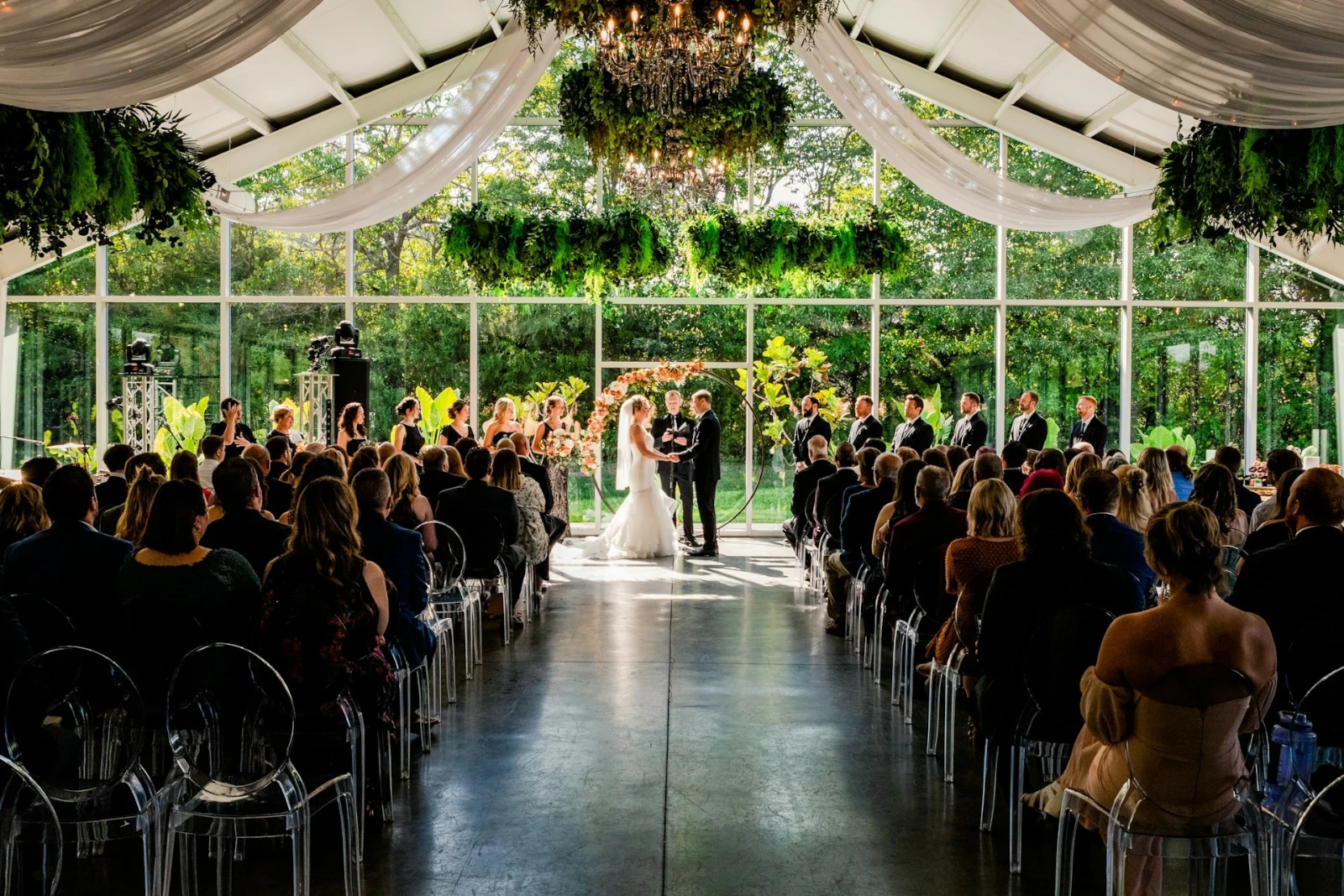
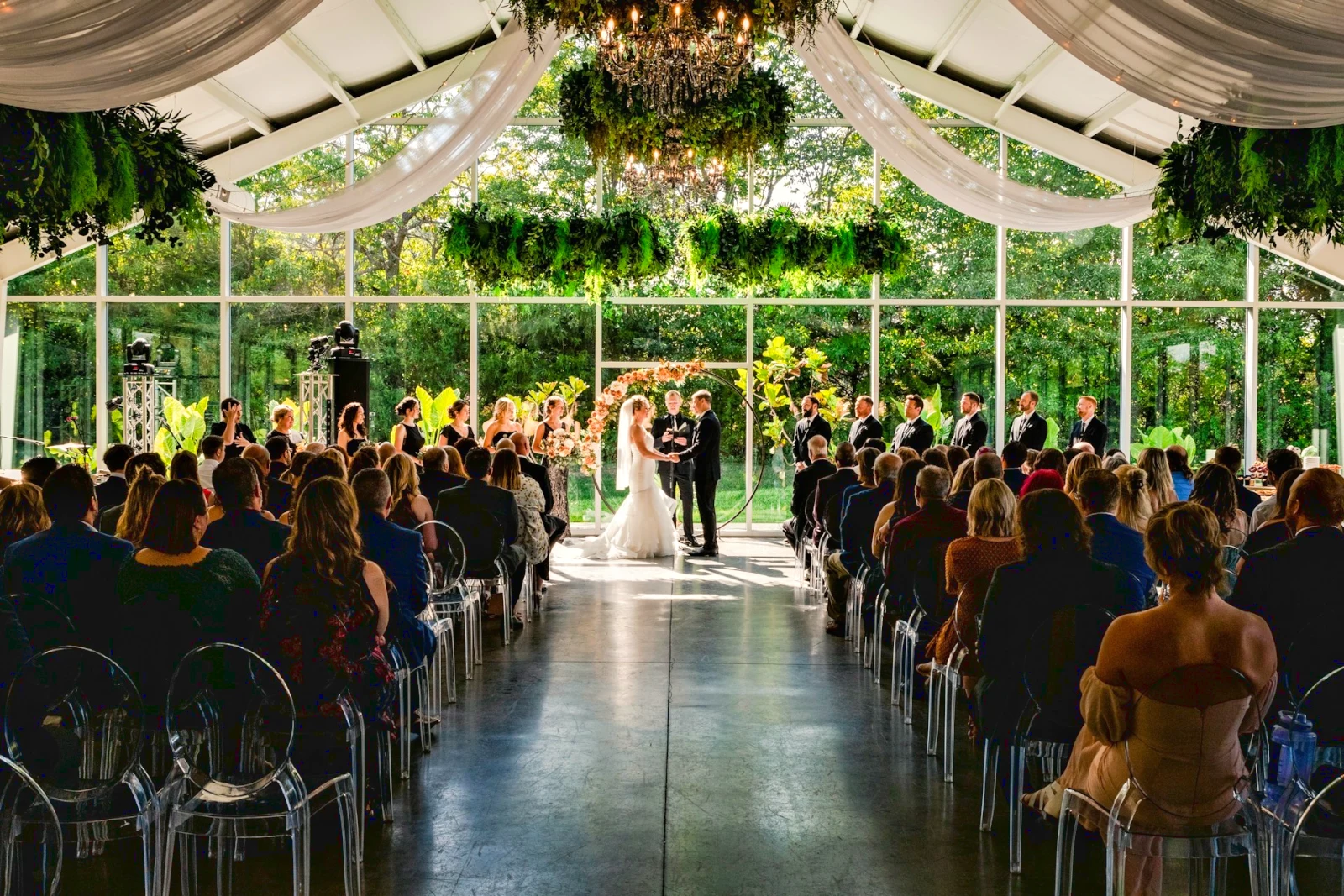
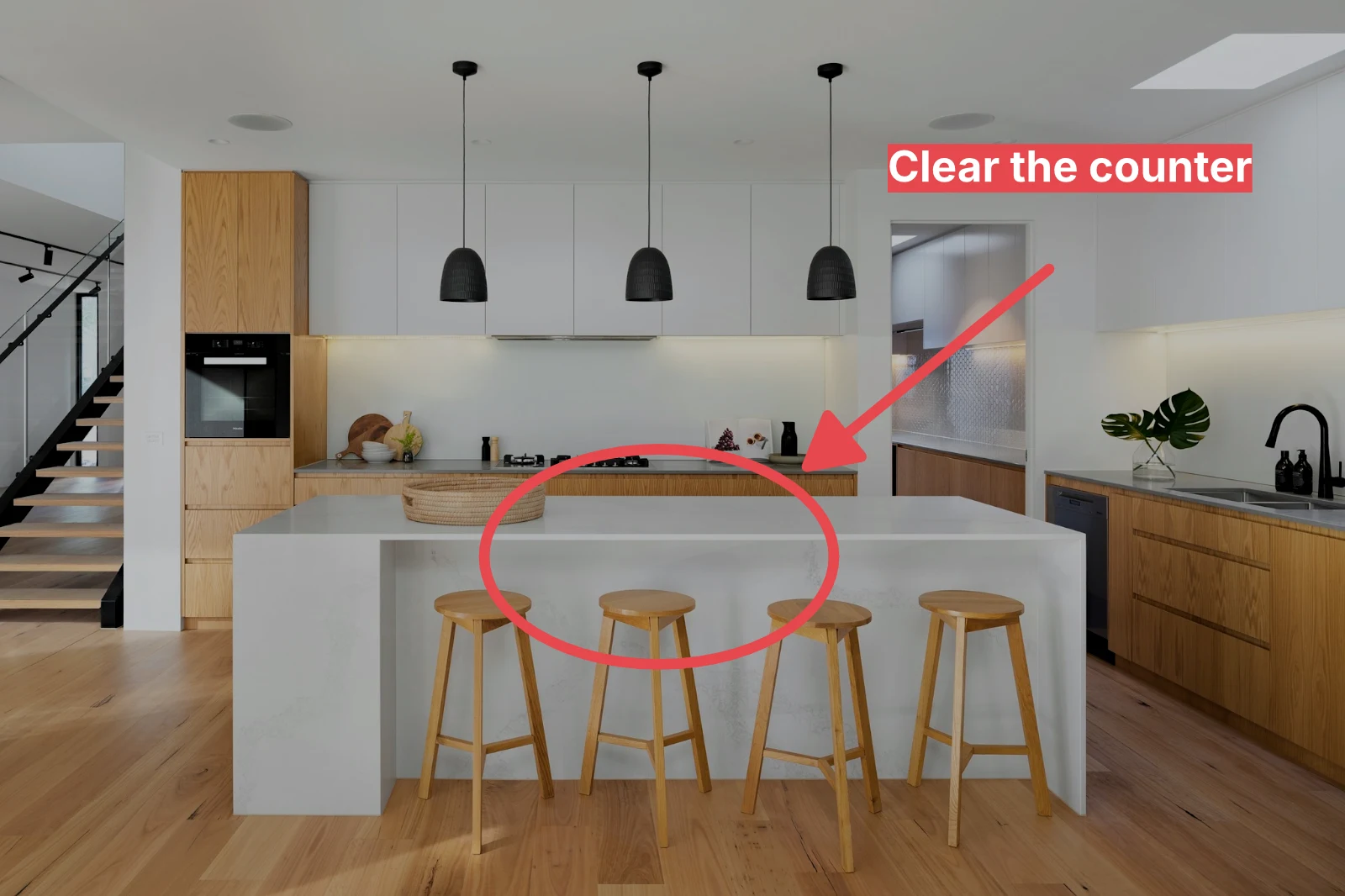
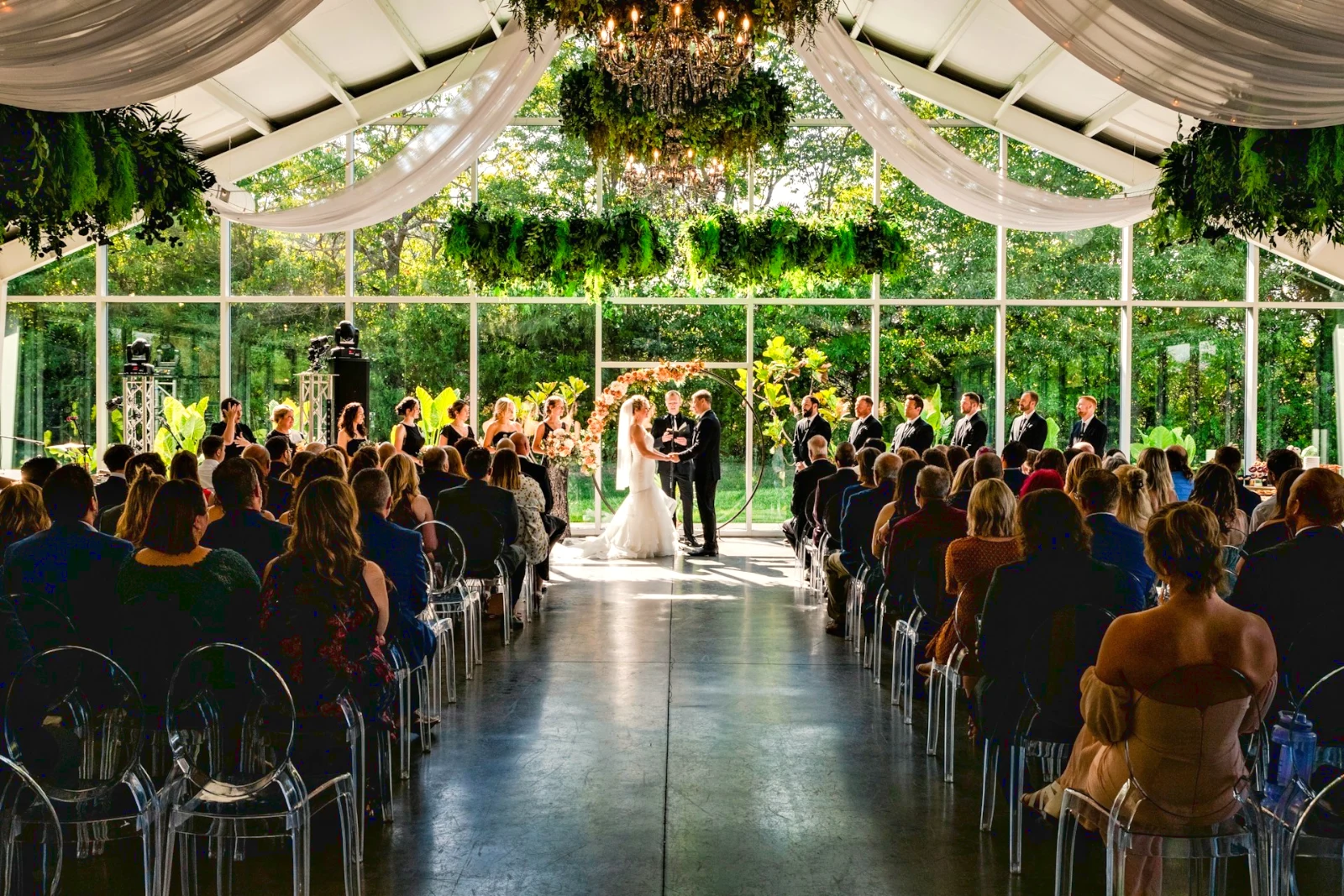
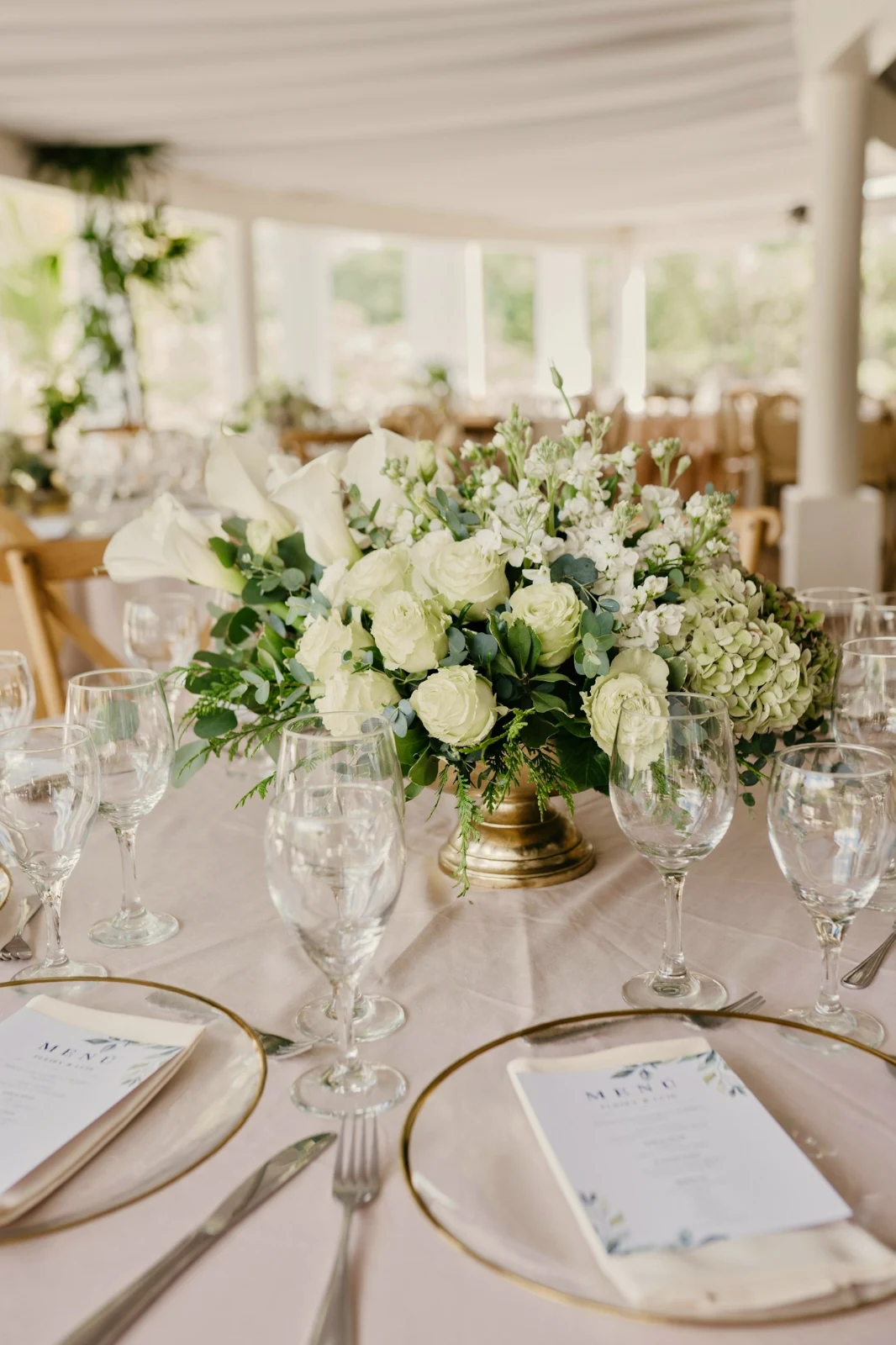
 Bright and Airy
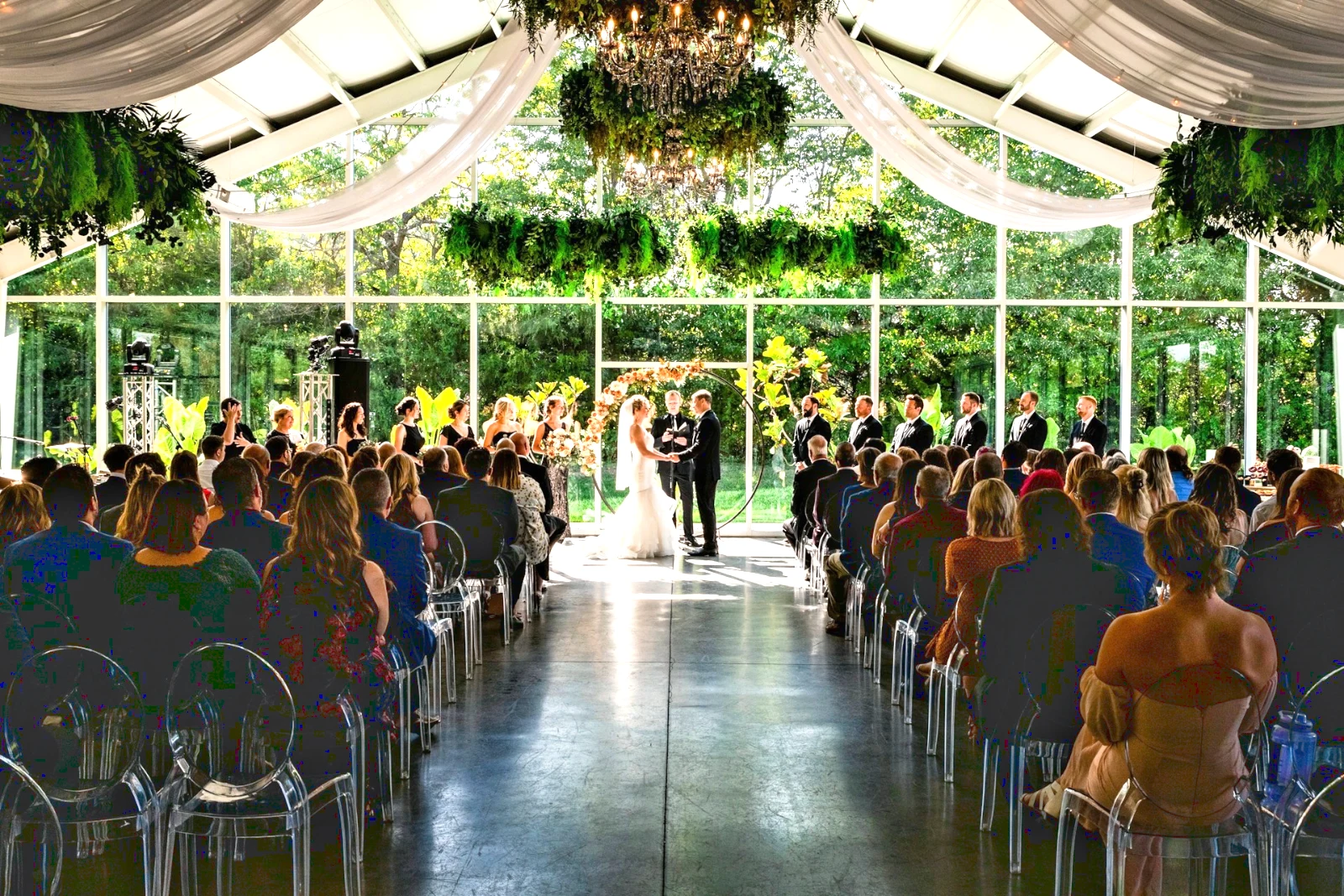
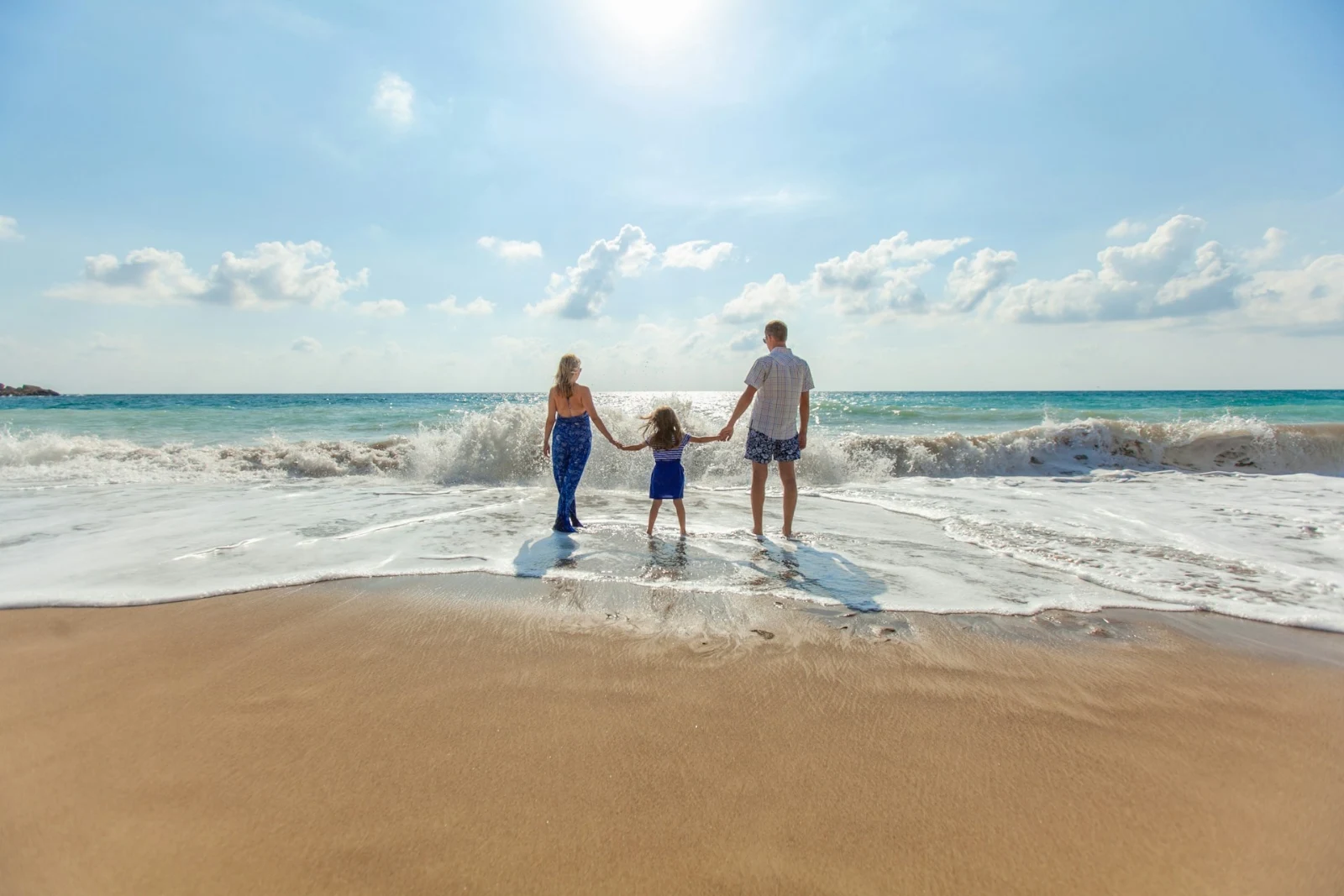
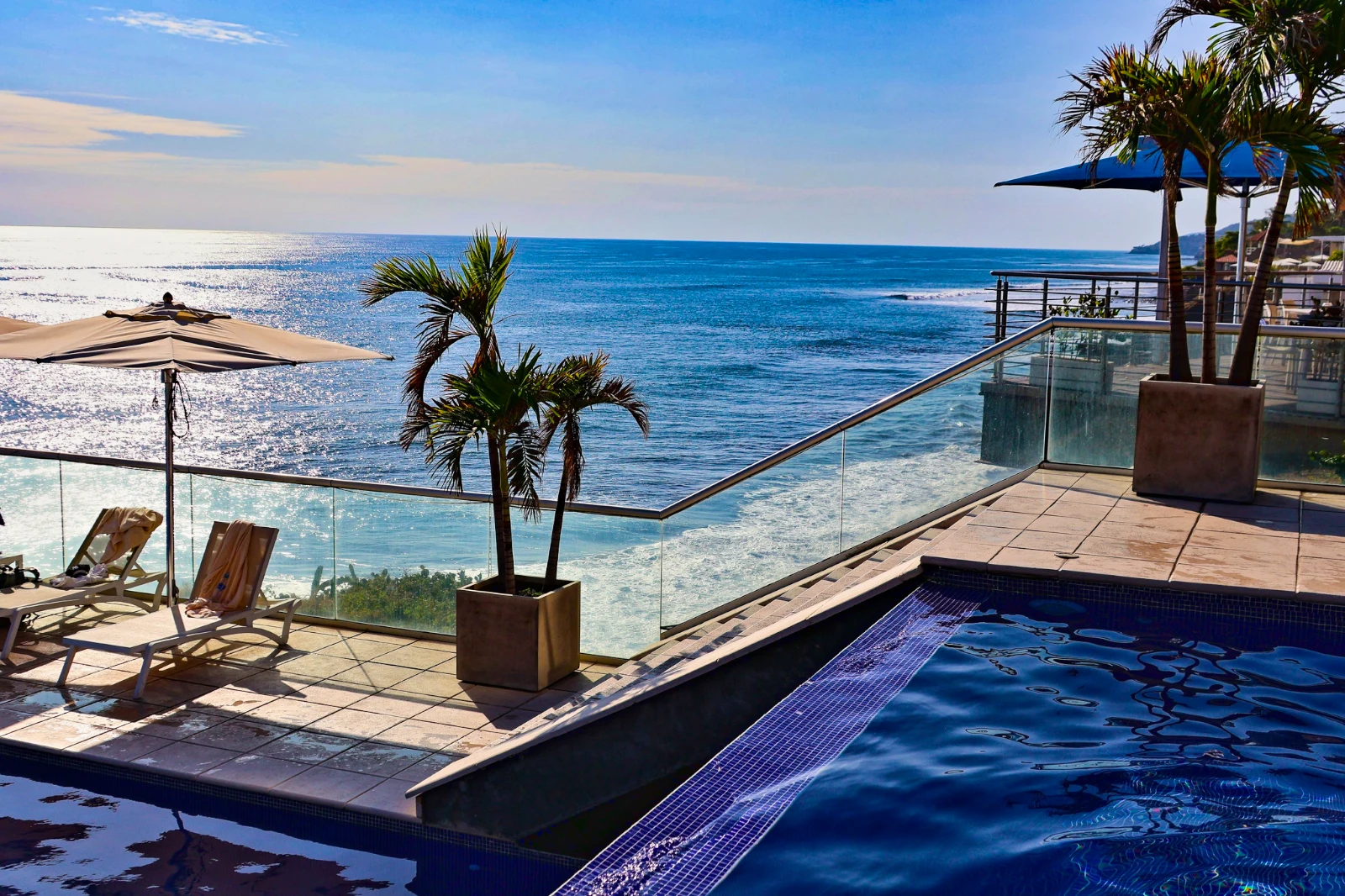 Punchy Social
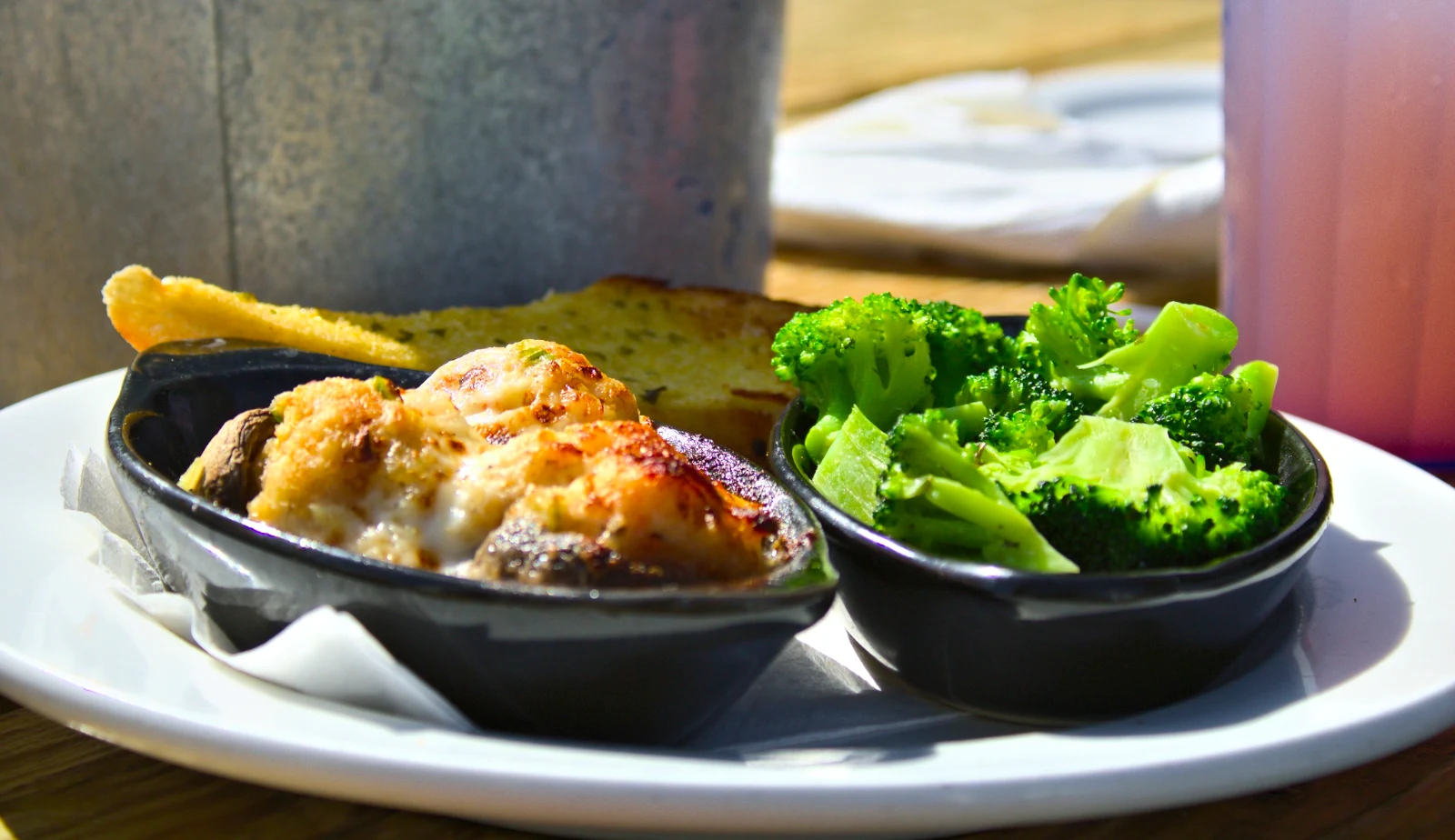 Punchy Social
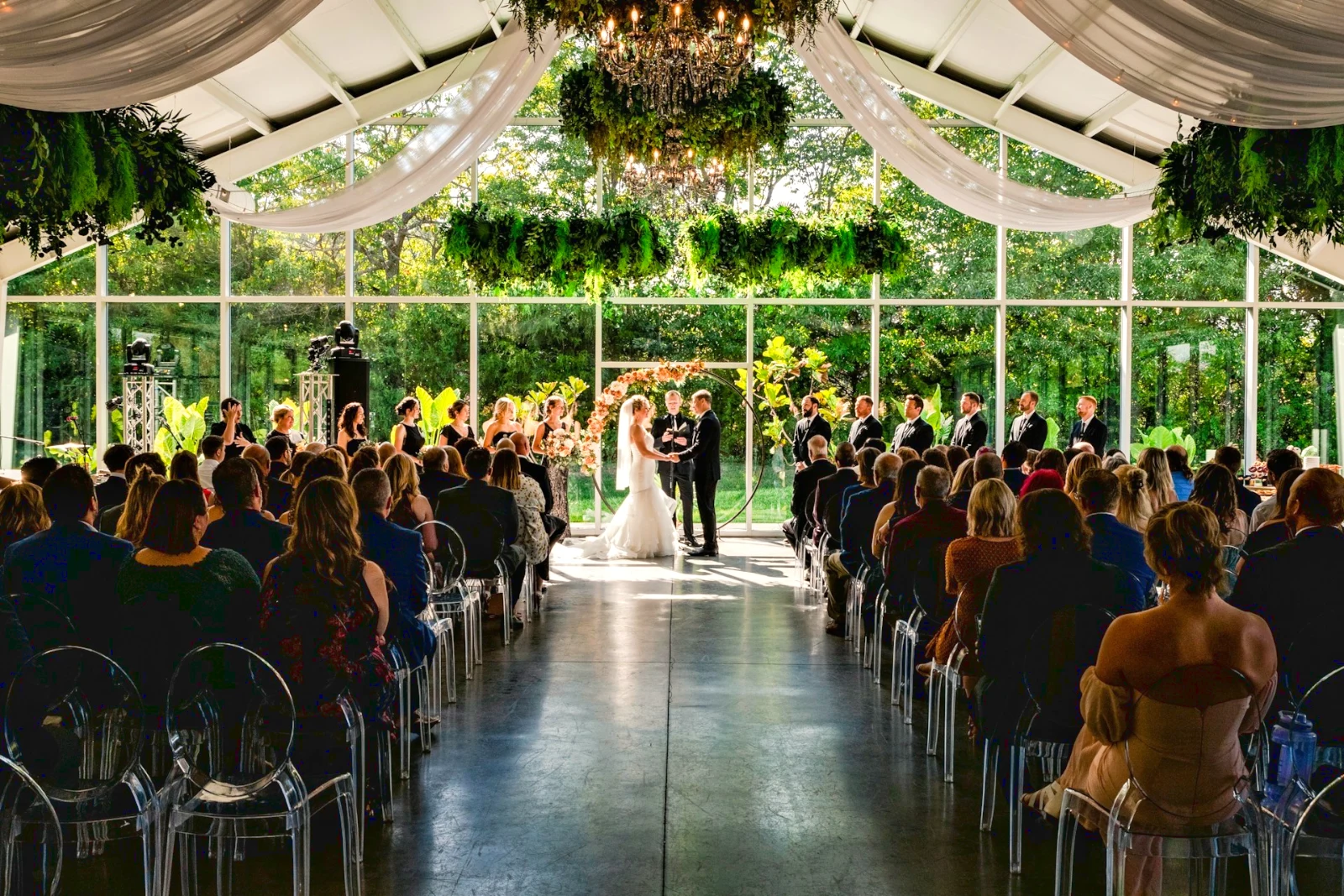
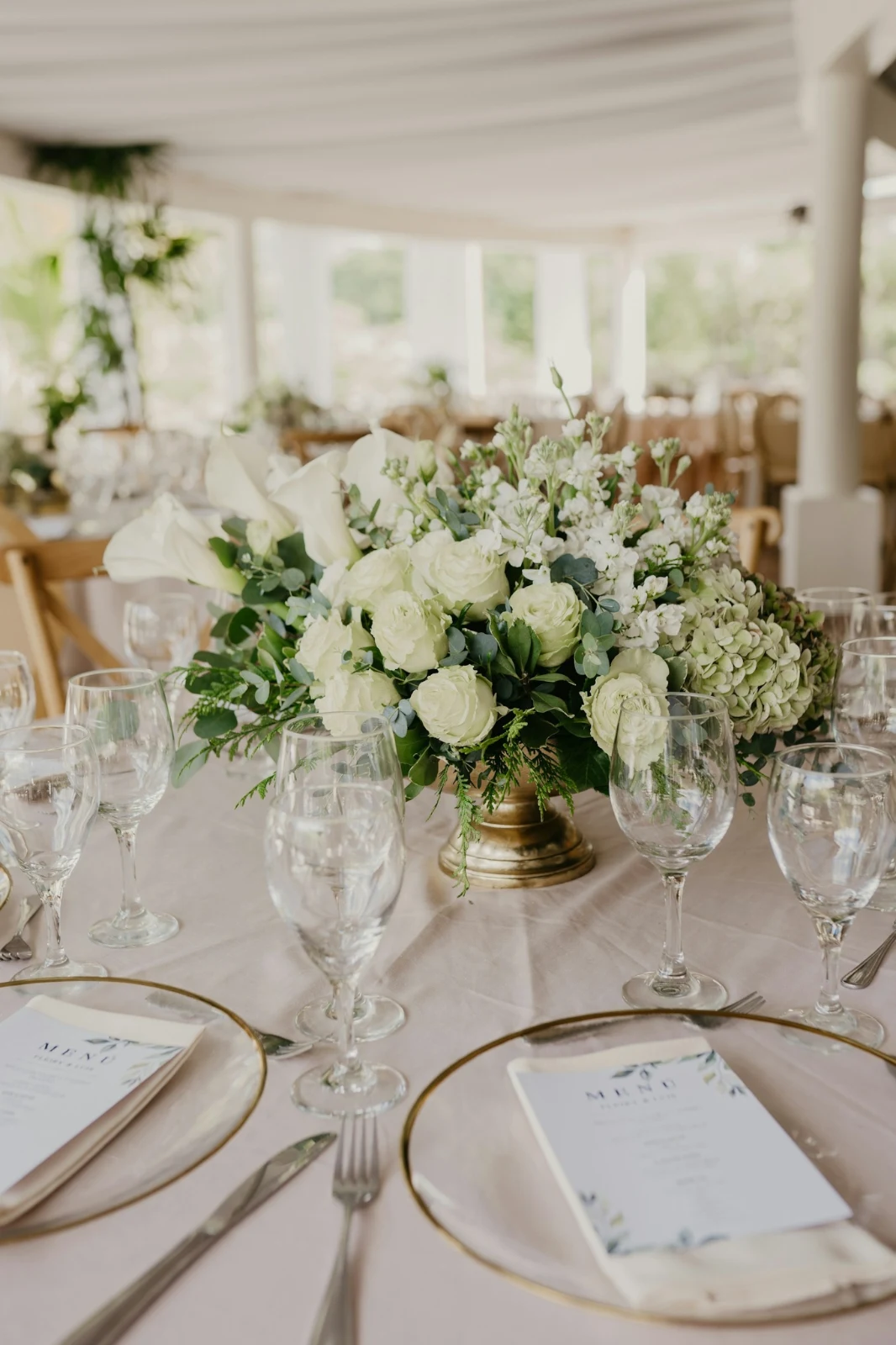
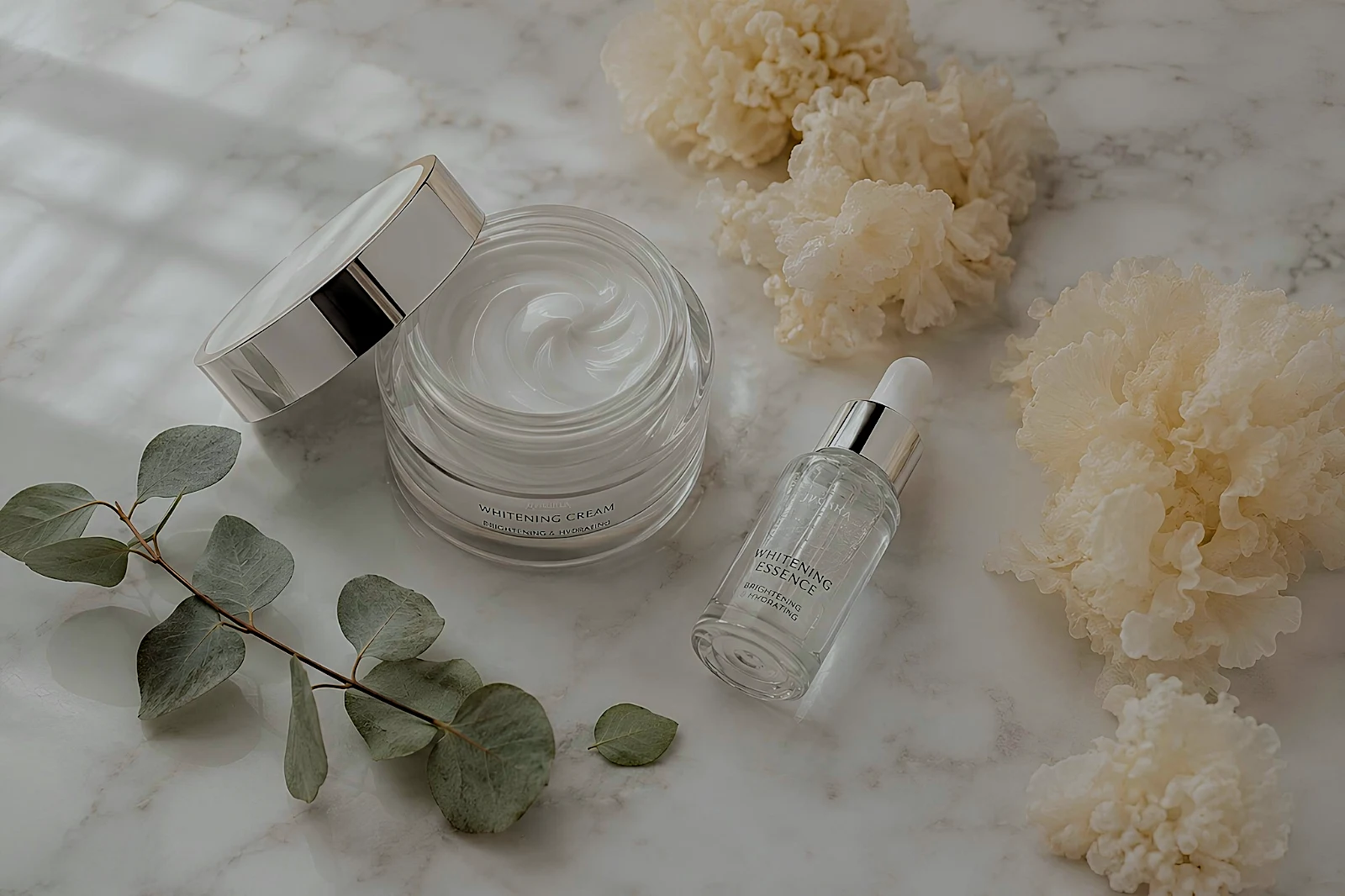 True Color
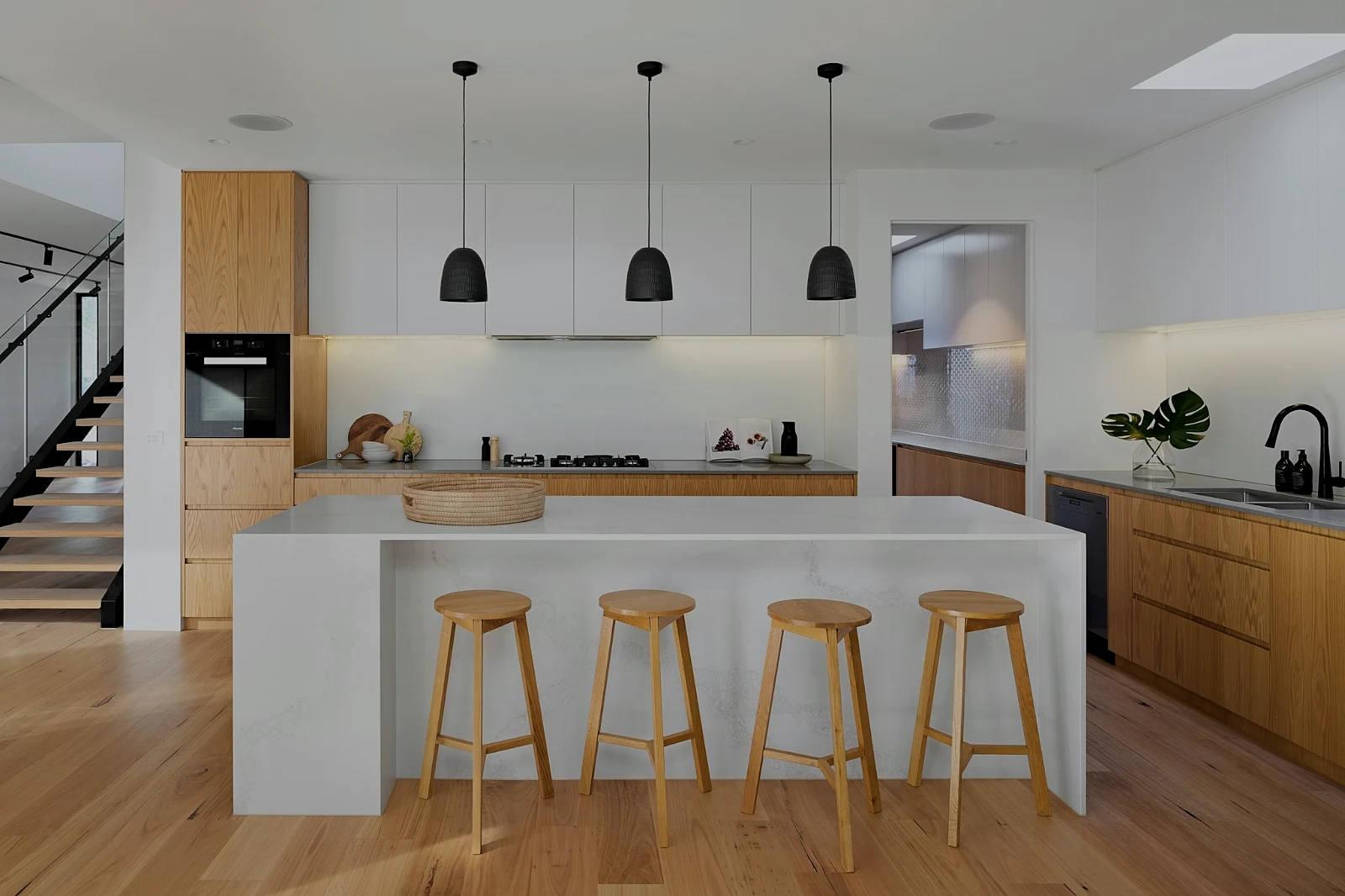 True Color
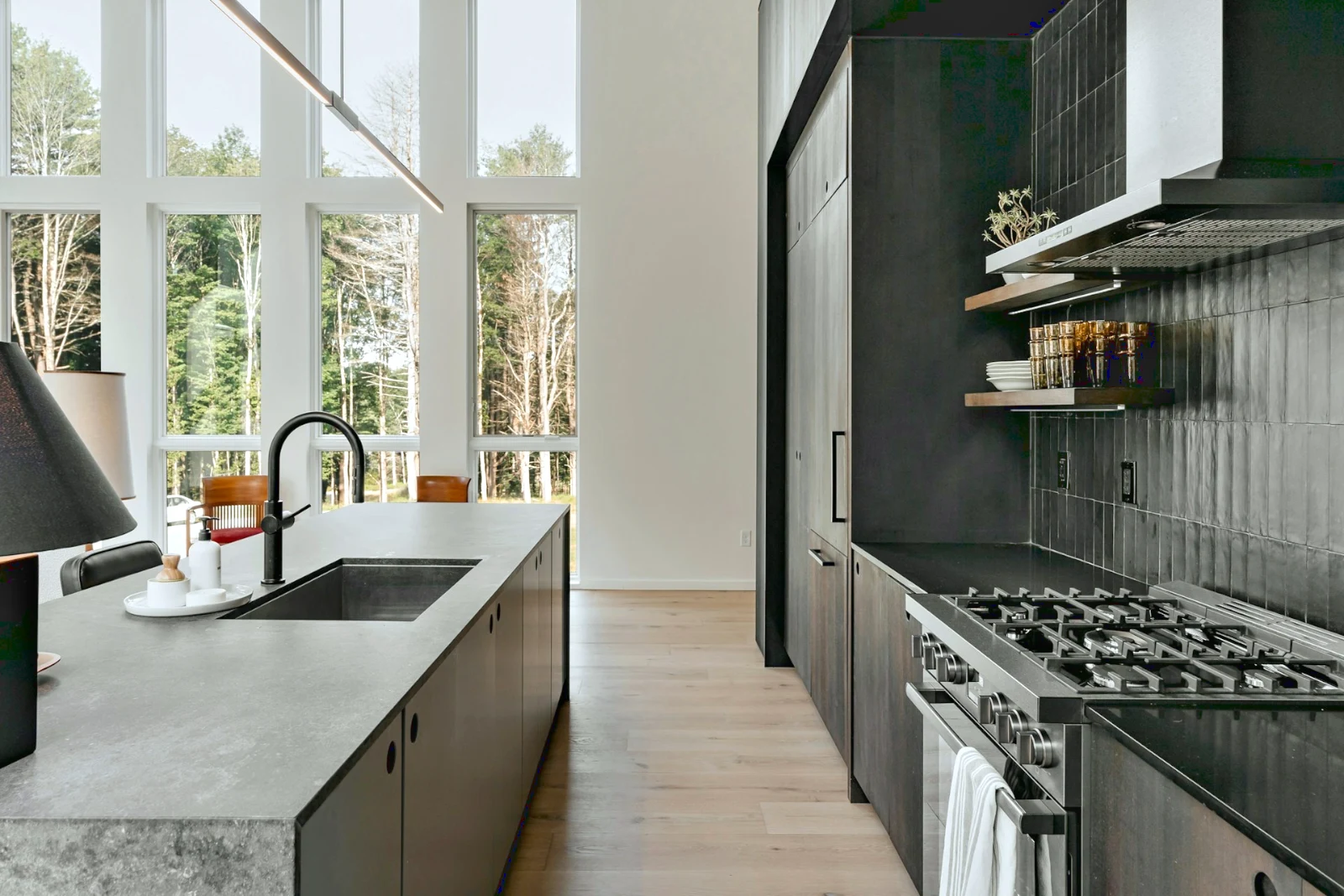
 Warm Interior
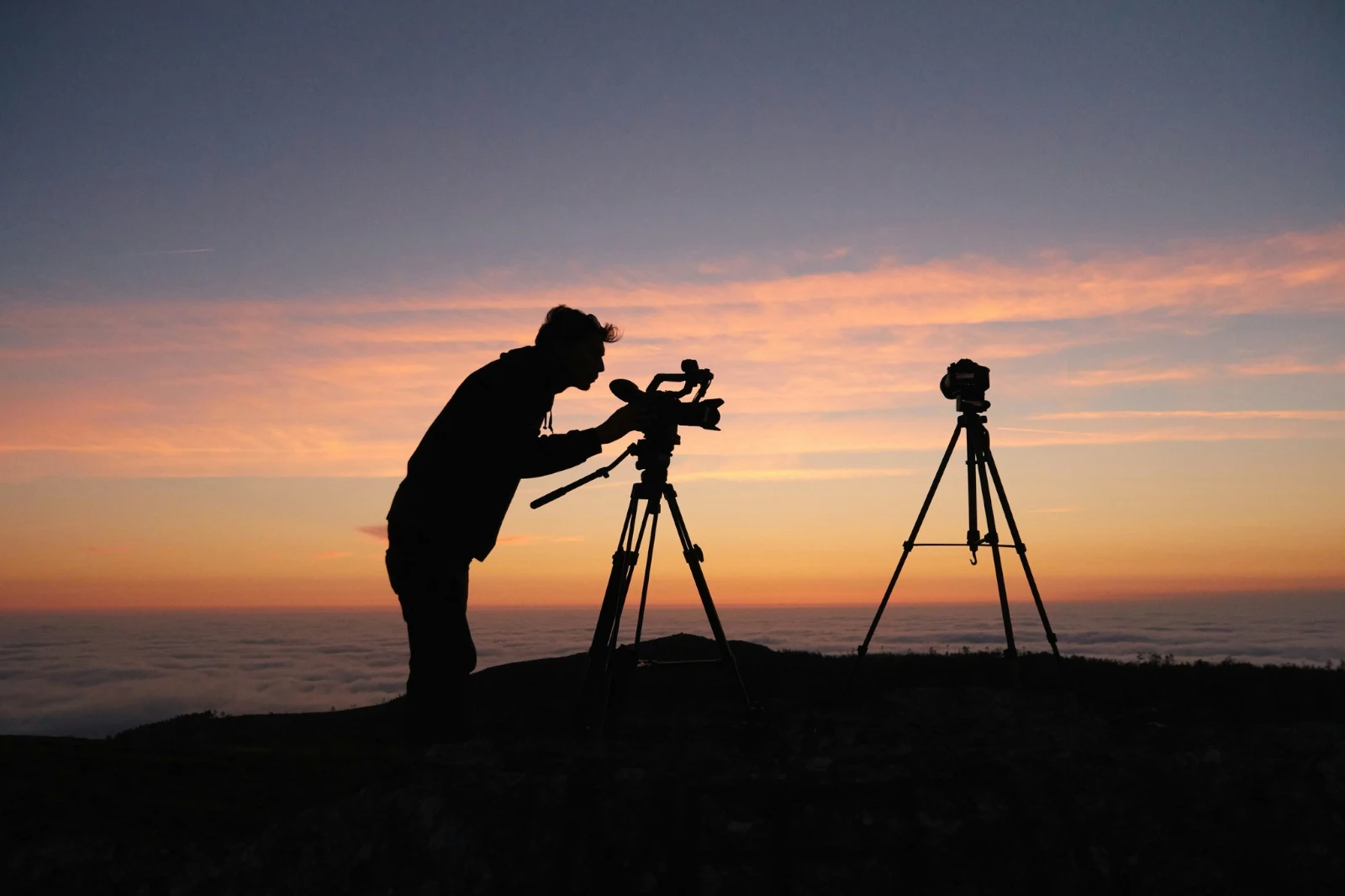
 Twilight Glow
 Bright and Airy
 True ColorBright and AiryPunchy SocialPunchy SocialTrue ColorTrue ColorWarm InteriorTwilight GlowBright and AiryTrue ColorBright and AiryPunchy SocialPunchy SocialTrue ColorTrue ColorWarm InteriorTwilight GlowBright and AiryTrue ColorBright and AiryPunchy SocialPunchy SocialTrue ColorTrue ColorWarm InteriorTwilight GlowBright and AiryTrue Color
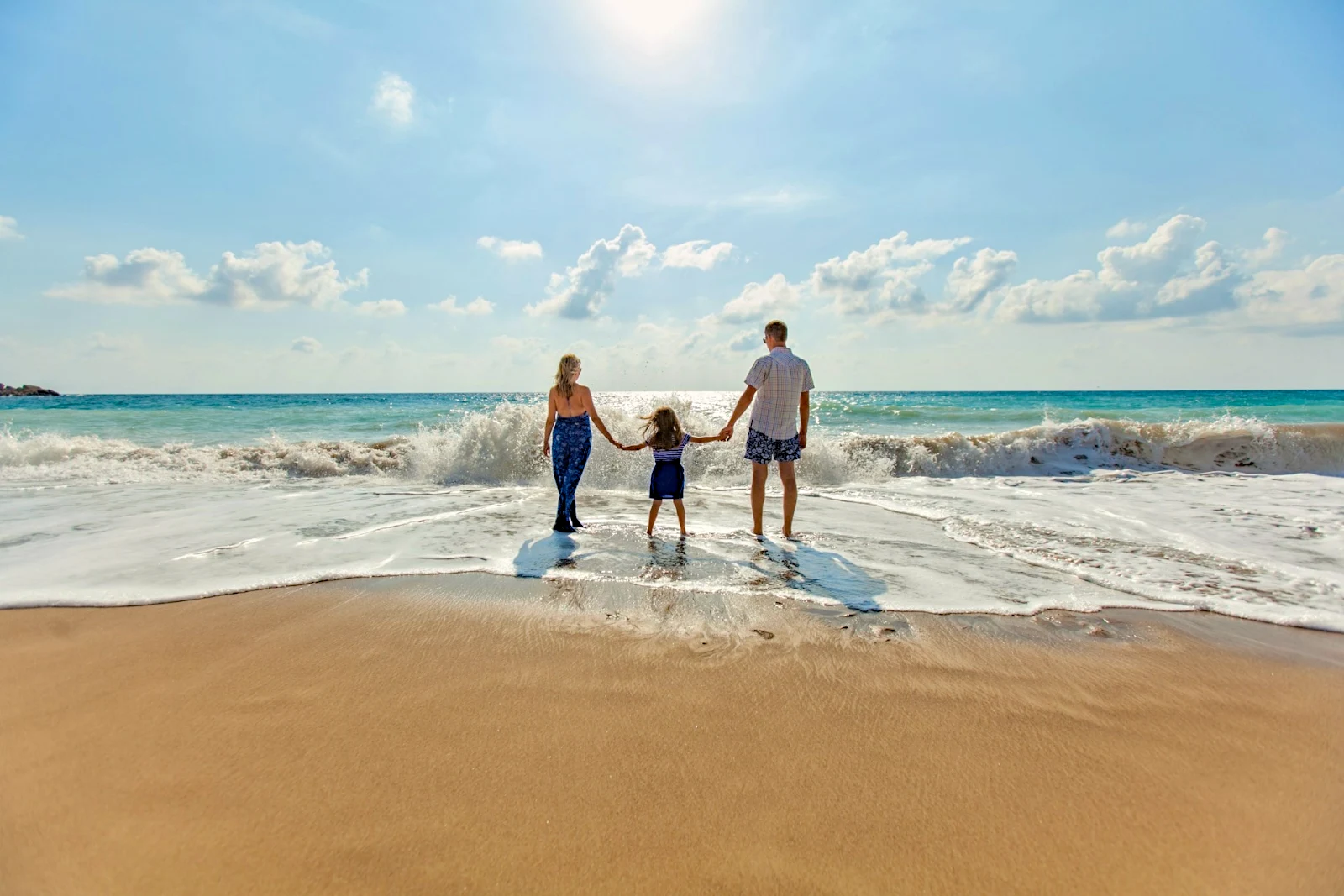
 Golden Hour Warmth自分
 Soft Portrait
 Punchy Social
 Punchy Social
 黒と白
 Soft Portrait
 Soft Portrait
 Twilight Glow
 Soft Portrait
 Soft PortraitGolden Hour Warmth自分Soft PortraitPunchy SocialPunchy Social黒と白Soft PortraitSoft PortraitTwilight GlowSoft PortraitSoft PortraitGolden Hour Warmth自分Soft PortraitPunchy SocialPunchy Social黒と白Soft PortraitSoft PortraitTwilight GlowSoft PortraitSoft PortraitGolden Hour Warmth自分Soft PortraitPunchy SocialPunchy Social黒と白Soft PortraitSoft PortraitTwilight GlowSoft PortraitSoft PortraitBright and AiryPunchy SocialPunchy SocialTrue ColorTrue ColorWarm InteriorTwilight GlowBright and AiryTrue ColorGolden Hour Warmth自分Soft PortraitPunchy SocialPunchy Social黒と白Soft PortraitSoft PortraitTwilight GlowSoft PortraitSoft Portrait
撮影からクライアントの選択まで
2 つの深さでの 1 つのエディター:誰でも使えるシンプルなもの、そしてプロフェッショナルなエディター向けのすべてのコントロール。
すべての写真をアップロードし、再度検索する
デスク、カメラ、またはカメラロールからアップロードするか、任意のアプリから Foto に写真を共有します。アカウントが Depot に保持するすべての写真は Library にあり、スター、タグ、クライアントの選択、または検索によって再度見つかります。
 編集済み


 編集済み
 編集済み


スターとタグ
Depot、Docs、Studio の同じ星とタグが読み込まれます。
ハブとフォルダー
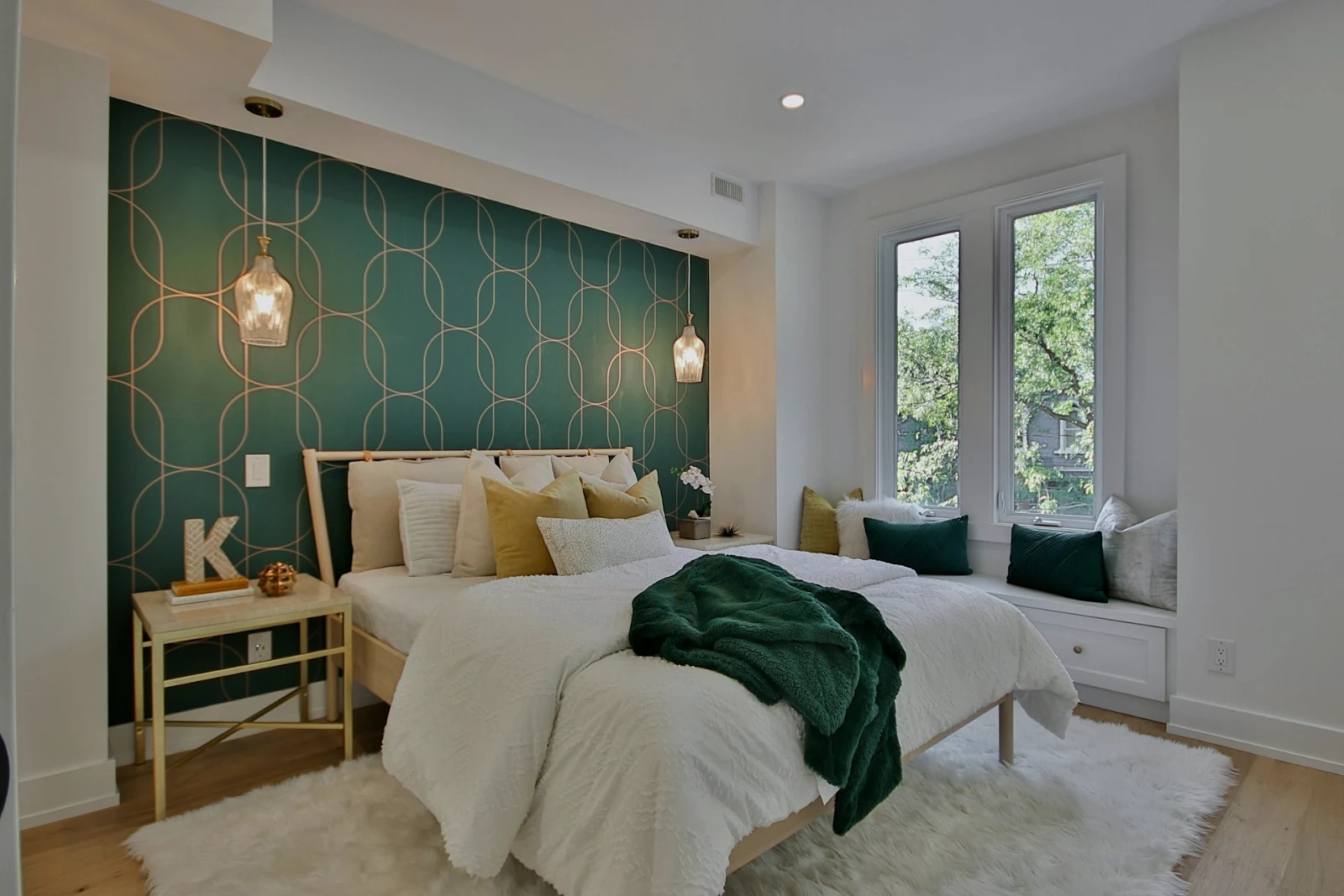
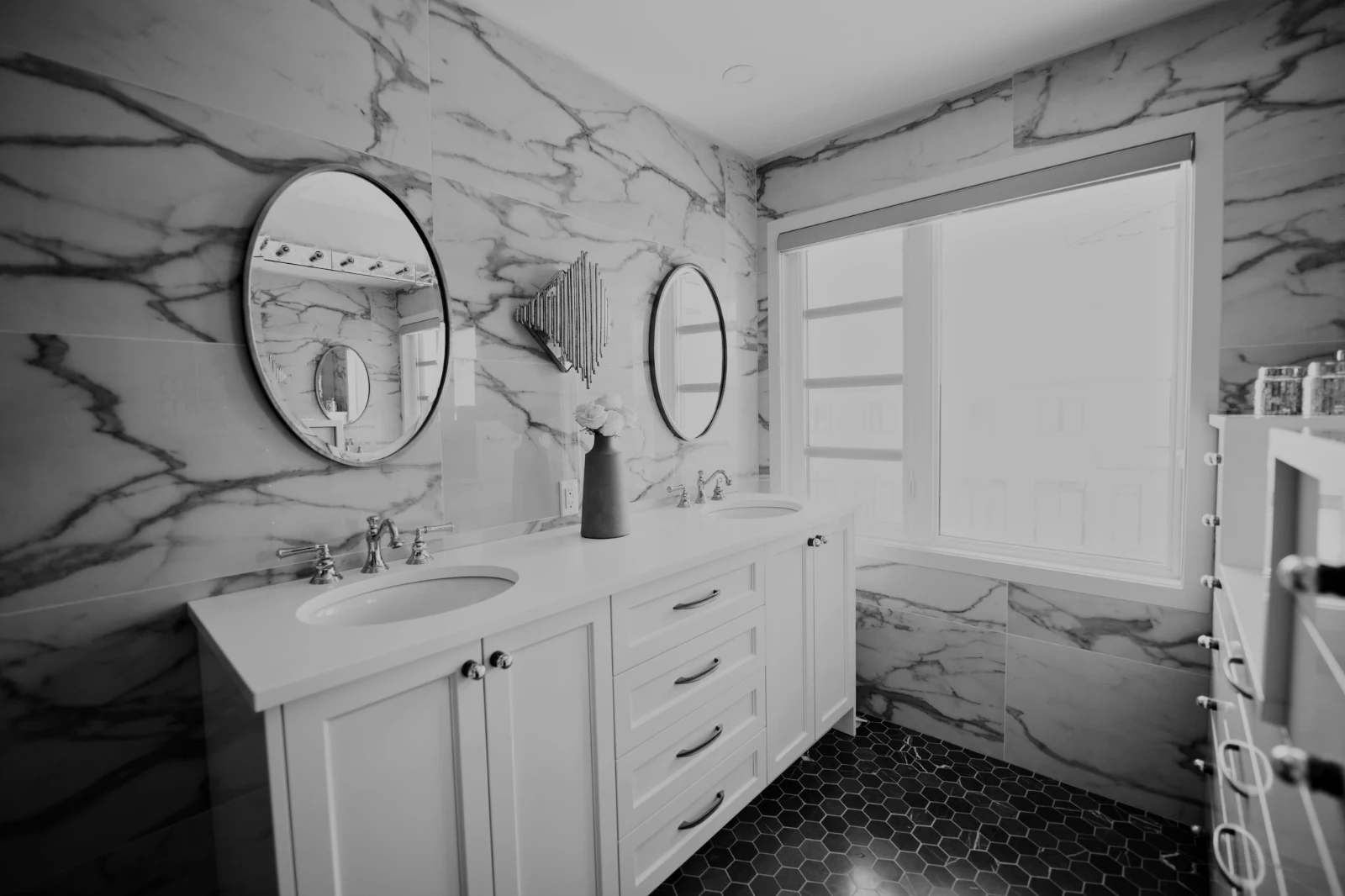
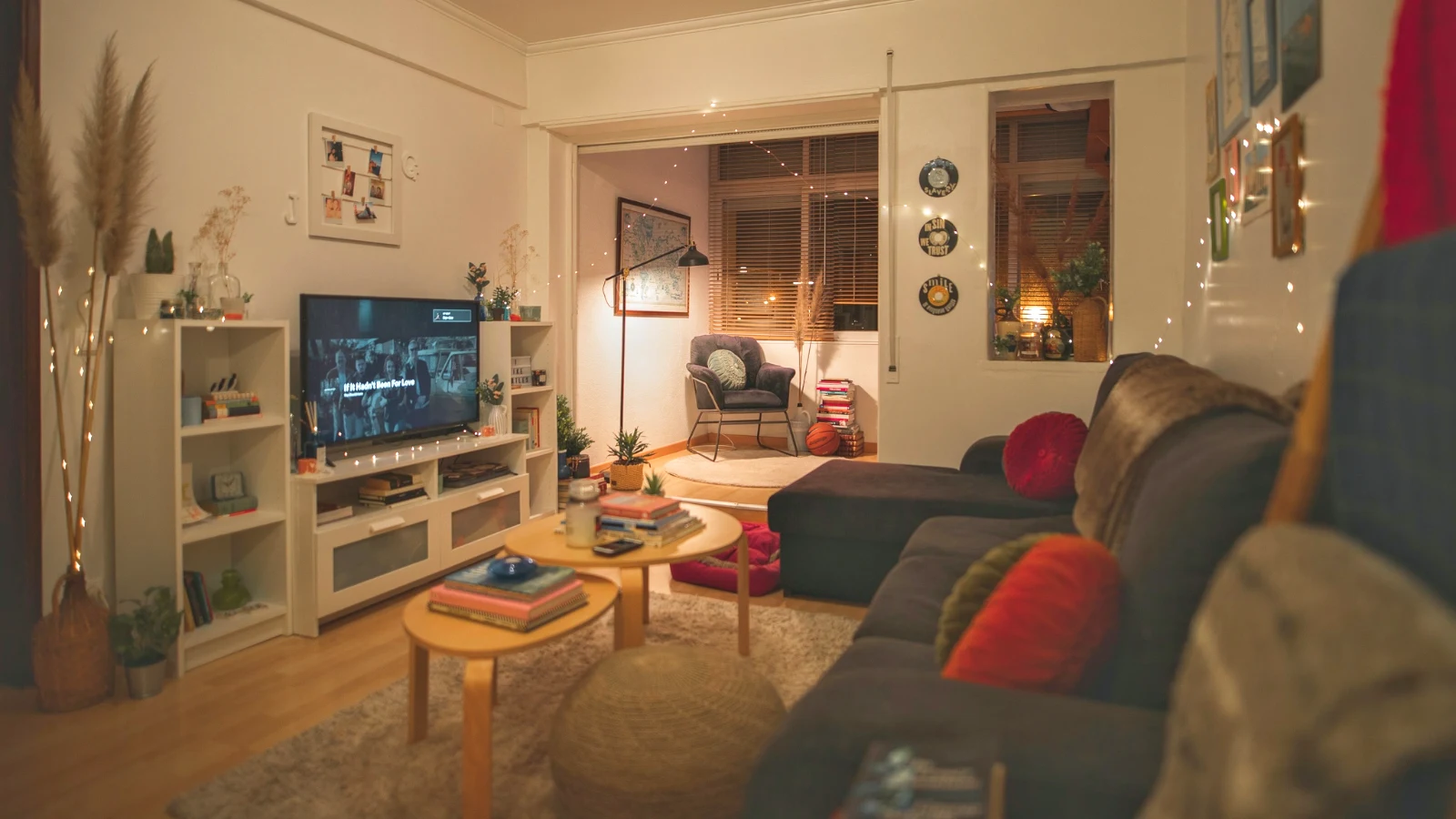
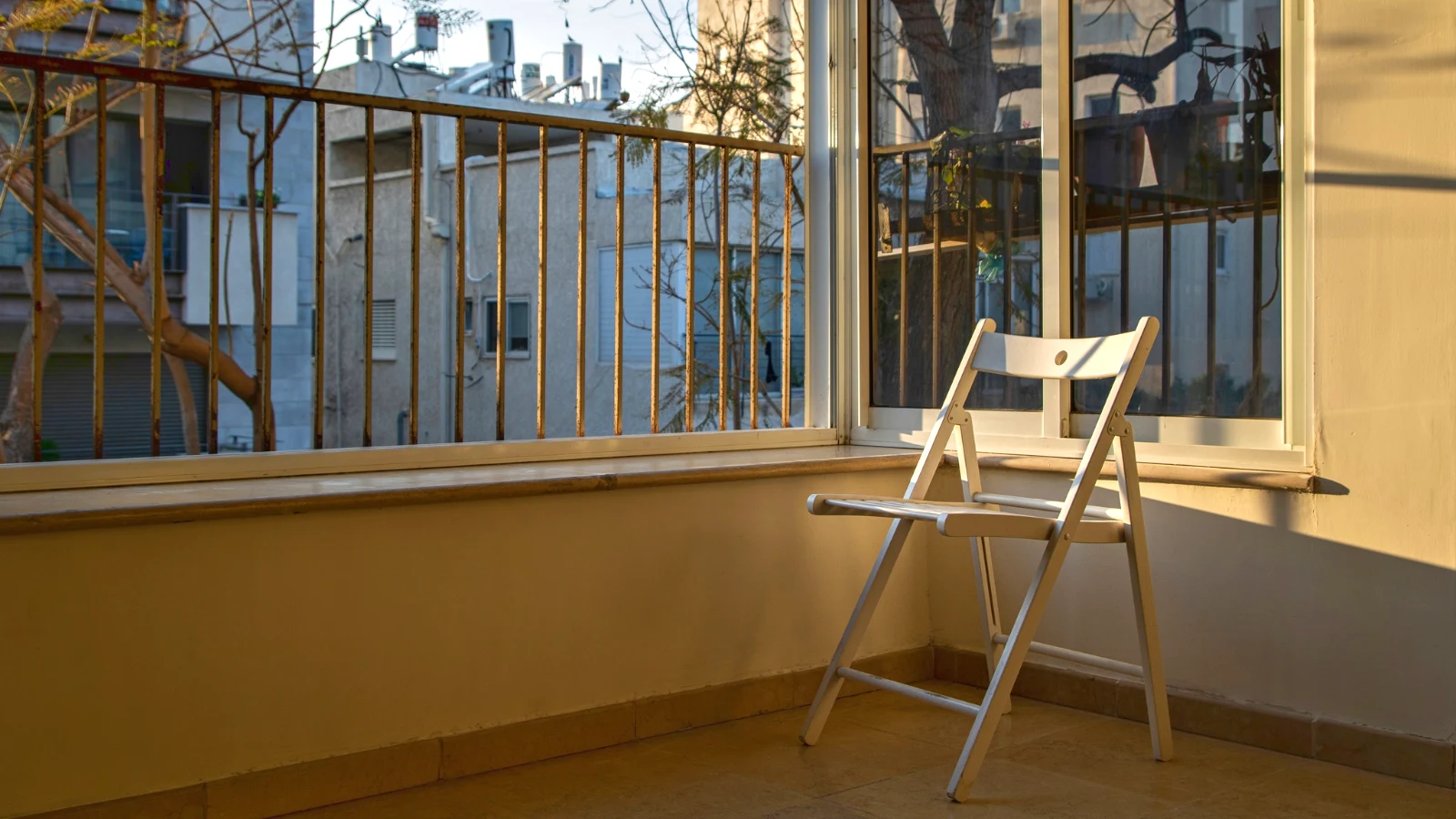
ハブ独自の写真;「Move To… フォルダ(Depot を含む)。
RAW と HEIC
RAW はデバイス上で処理され、または処理できない場合、サーバー上で処理されます。
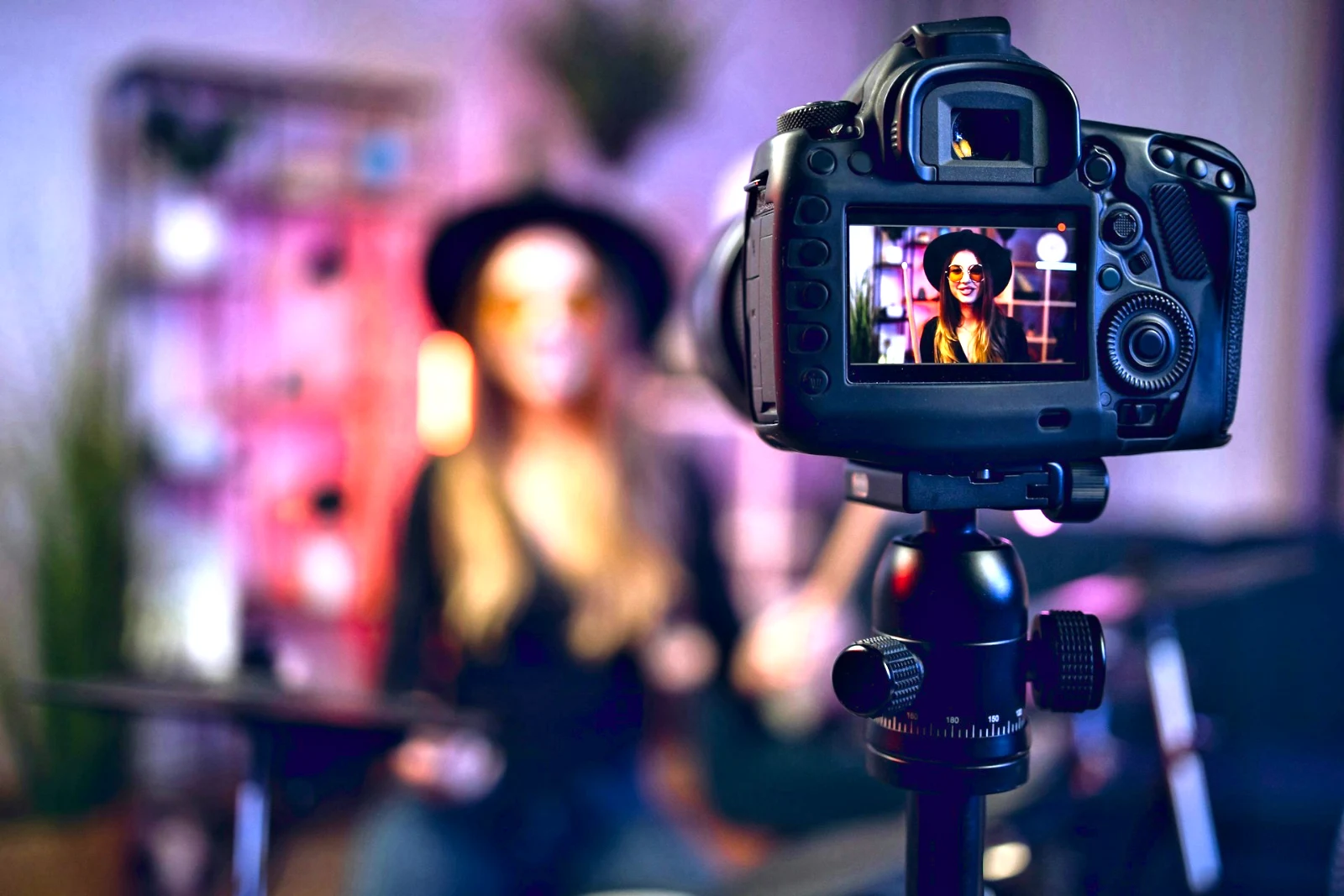
接続型キャプチャー
USB カメラカメラが接続されました · Canon EOS R6 Mark II
 ライブビュー<シュートライブビューを停止
到着カメラからの画像は、ここに、およびカメラアップロードハブに保存されます。
新しいフレームすべてに適用True Color を適用 AW27_flatlay_01.jpg
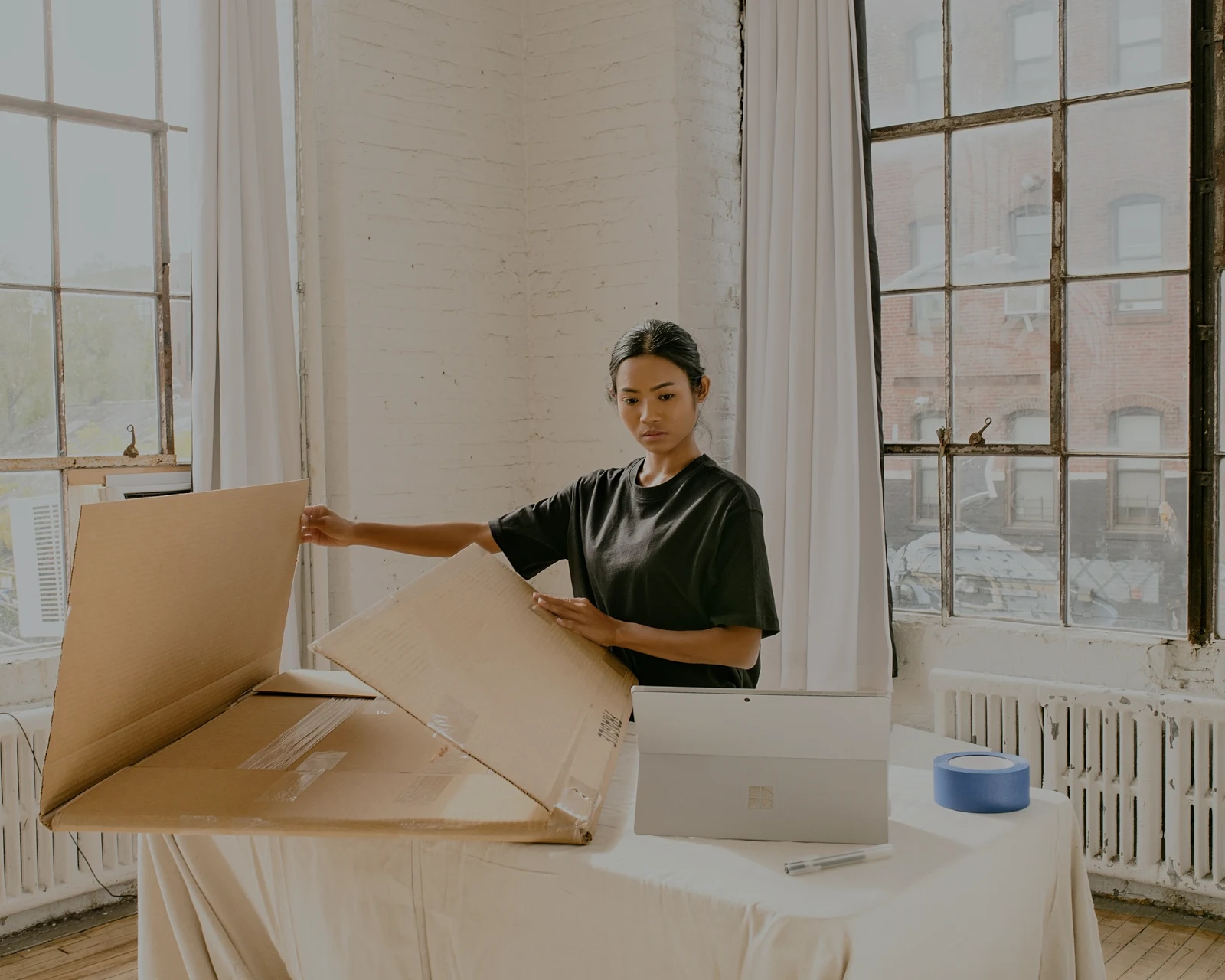 AW27_packing.jpg
 AW27_unboxing.jpg
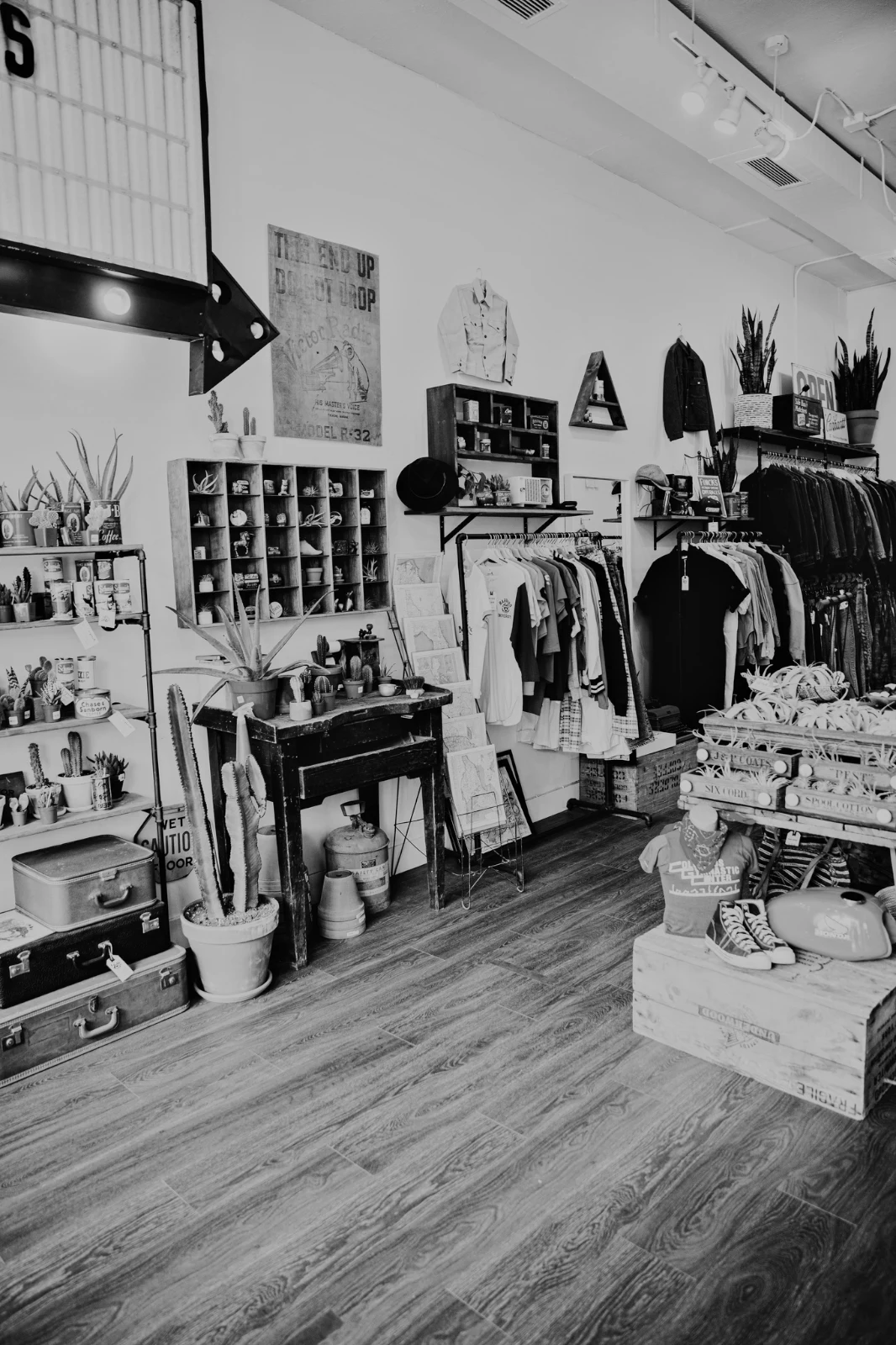 AW27_shelf.jpg
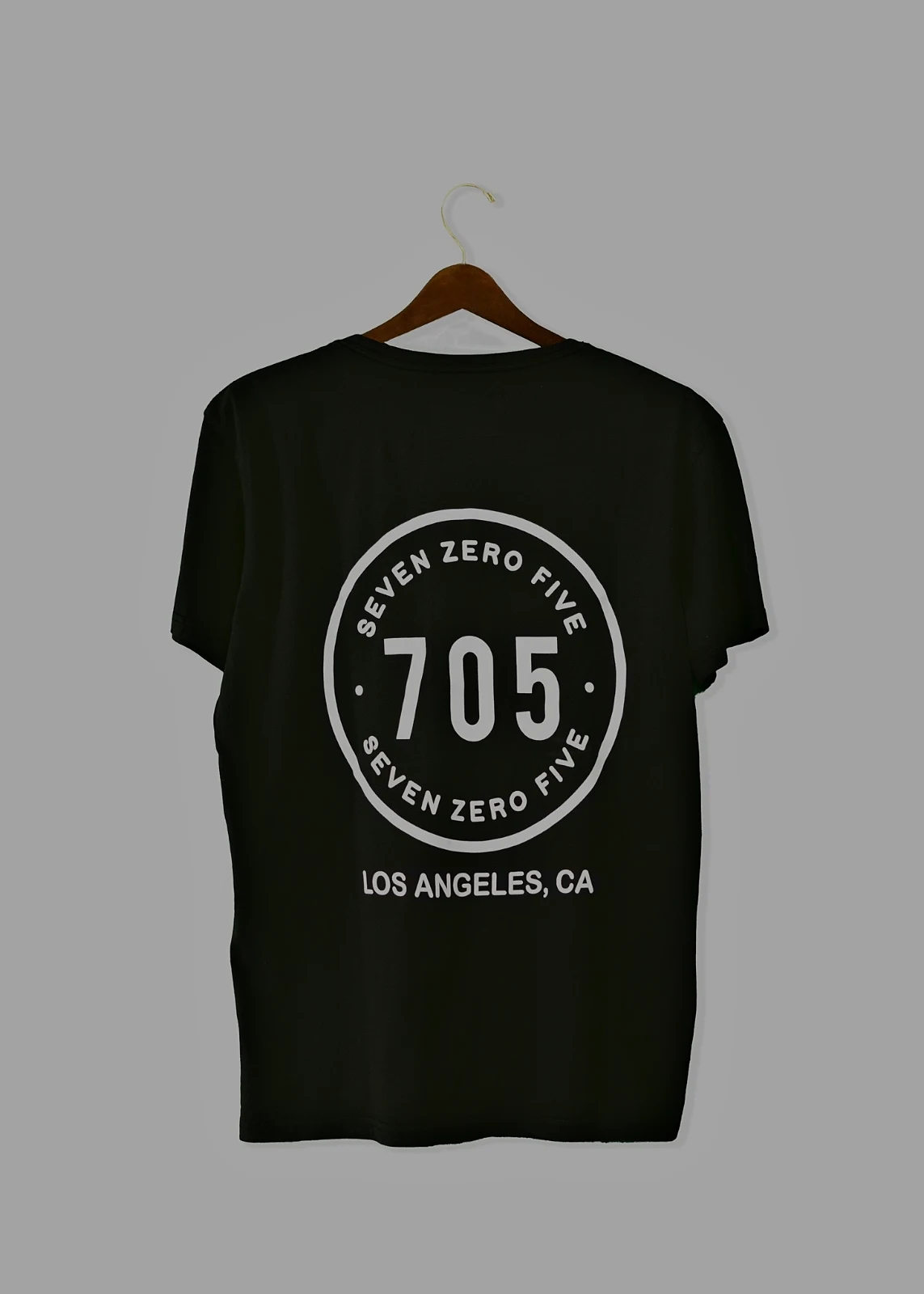 AW27_tote.jpg
ライブビューで USB を介して Foto に直接撮影するか、カメラの Wi-Fi アップロードから撮影します。
全フレームを確認せずにキーパーを見つけましょう
各写真はアップロード後に読み込まれます:フォーカス、露出、そして誰かの目が閉じているかどうか。ベストを最初に並べ替え、推奨されるベストショットを表示し、各フラグでフィルタリングして類似ショットを並べて比較します。星印は自動的に付与されません:あなたは保存するものを選びます。
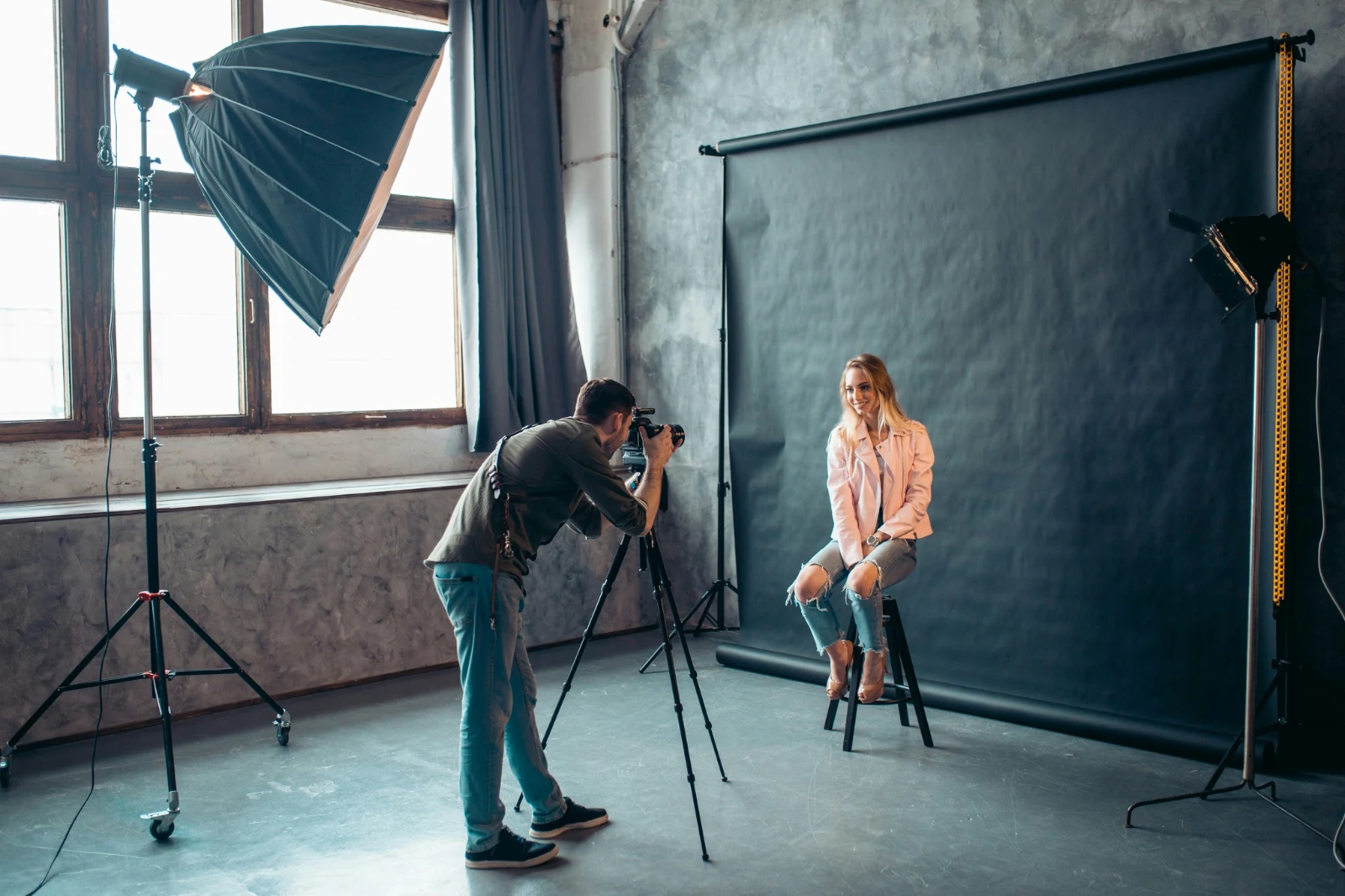
 Closed EyesMissed FlashMissed FocusBlurryBlack Frame
閉じた目と見逃された焦点
写真にフラグが設定されます。また、ブレ、黒いフレーム、フラッシュ未発火もそれぞれフィルターとして設定できます。
Closed EyesBlurryMissed FocusMissed FlashBlack Frame1 タップで写真を修正するか、スタイルを適用する
Auto でデバイス上の写真を読み取り、スライダーを設定し、移動した各スライダーに名前を付けます。Undo で写真を元に戻せます。Looks は Calisto のスタイルとあなたのスタイルを保持し、最初に写真に合うものから保存します。Save Look で編集をあなたのスタイルの一つとして保存できます。
あなたのスタイル
Auto はあなたが動かすように移動し、あなた自身の編集から学習します;すべての値はスライダーです。
推奨のルック
この写真のような写真用に作成されたデザインで、リストの最初に表示されます。
操作
ステップを一度記録し、任意の写真や選択された画像全体で再生する。
コンタクトシート
名前、星、ピック、旗を記載したグリッド上で印刷された選択結果を PDF として出力。
写真をマッチング
別の写真の光と色、この写真のスライダーとして設定。
元のものではない
編集版は写真の横に配置され、履歴も表示されます。オリジナルは元の状態のまま残ります。
以前
写真の元々の状態を確認するには、長押しします。
 以前
手動で光、色、線を設定
明るさ、色、クロップが最初に開き、トーンカーブからノイズ、レンズに至るすべてのコントロールは「More」の 1 タップ先です。Straighten Lines は写真の線を検出して変換を自動設定するか、あなたが描いた線を修正します。
削除と修理
ケーブルやシミの上からペイントするか、その隣でクローンとフィルを適用します。
部分の調整
空、主題、または背景、ブラシ、グラデーション、または明るさの範囲。
人
肌、顔、目、唇、髪、服装、または全身;Retouch Skin はそれらを自分自身のトーンに合わせて均一にします。
レンズとポートレートボケ
背景がぼやけたり、全体の写真が深さによってぼやけたり、フォーカスが設定した場所に置かれたりします。
映画ネガ
スキャンされたカラーまたはモノクロネガフィルムがポジフィルムに転写され、オレンジ色のマスクが除去されたもの。
正しいレンズ
カメラ独自の補正、またはレンズプロファイル、およびカラーフレアが除去されます。
マークアップ
写真上に描かれた矢印、円、ボックス、またはラベル。
全体セットに「Auto」を割り当て、あなたのスタイルを設定
ライブラリから写真を選択し、外観を設定してから「一括自動」を押します。各写真はデバイス上で独自の自動処理を受け、その後、編集のステップとして保存された外観が適用されます。エクスポートはサーバー上で実行されるため、ページを閉じた状態で完了します。


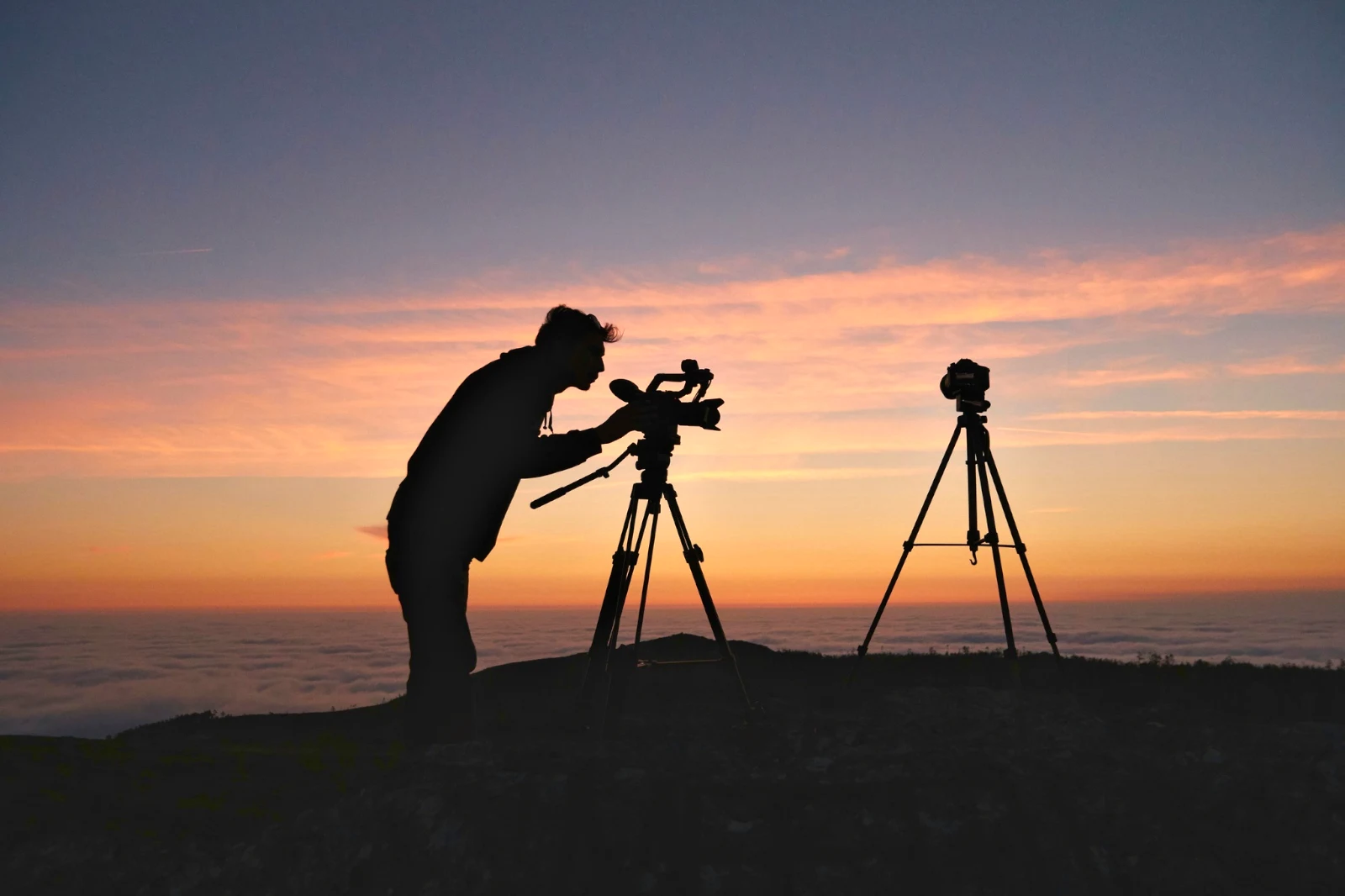
2. ロックを選択
Golden Hour Warmthオートのみ9 部中 9 部が準備完了。
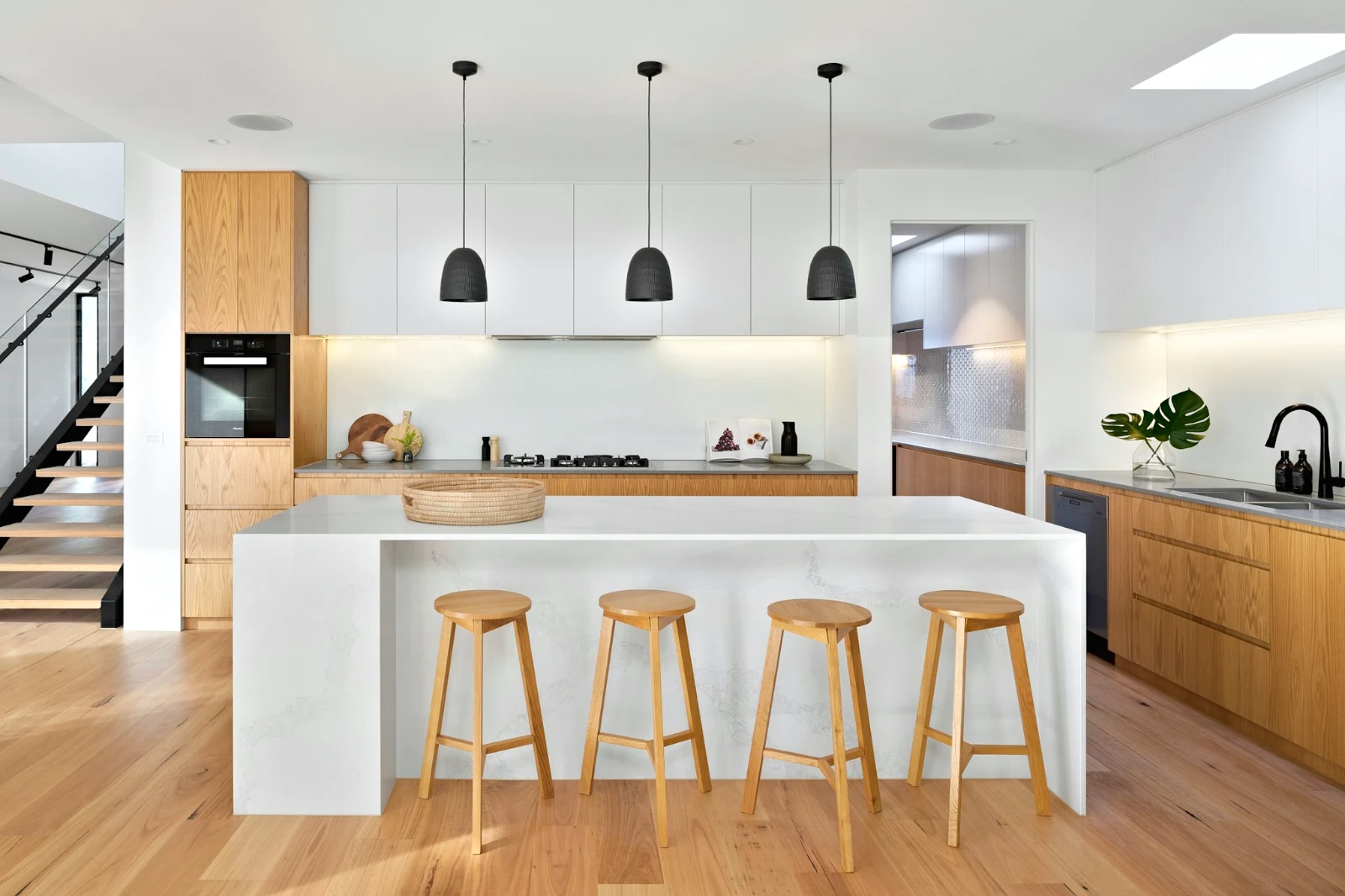
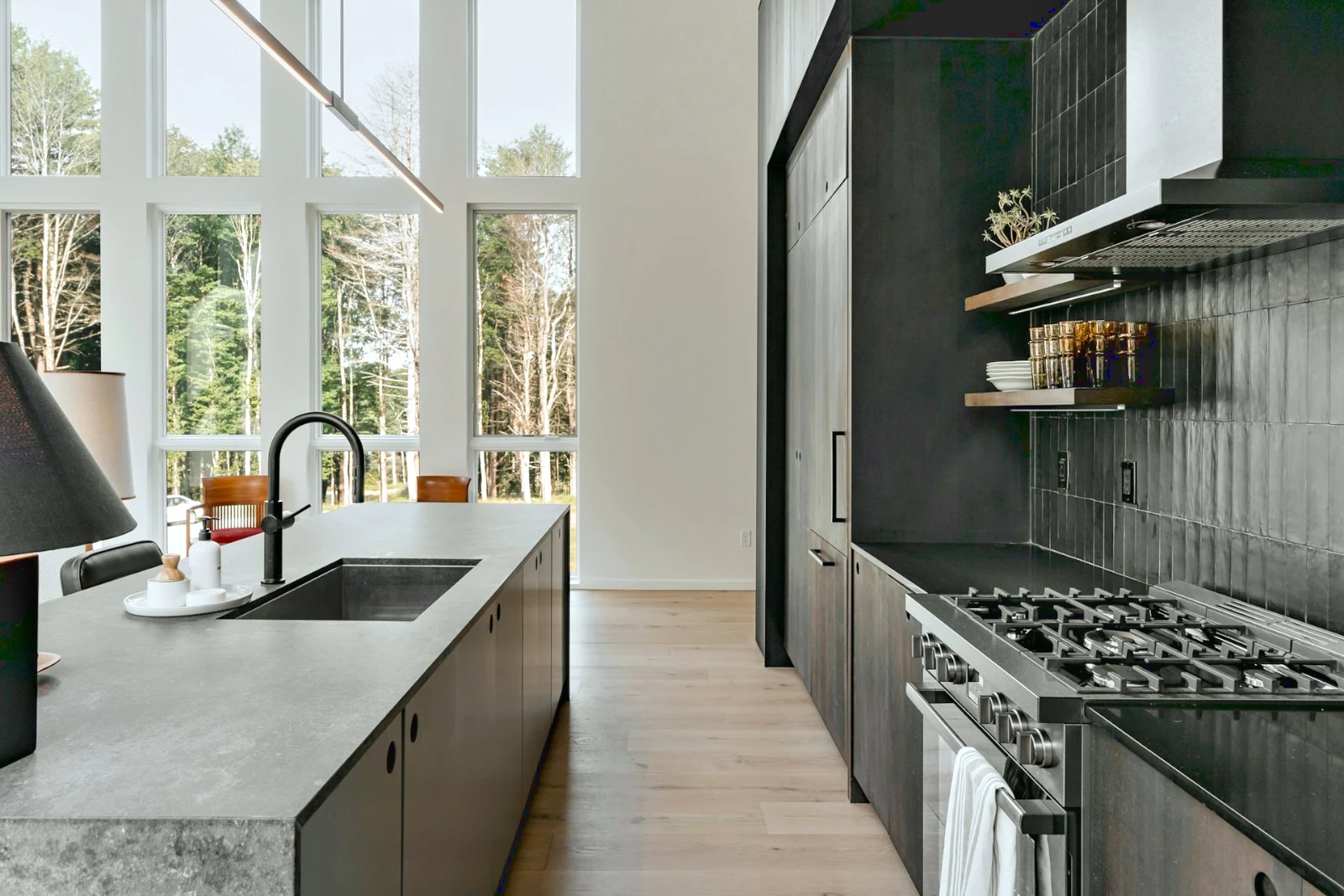
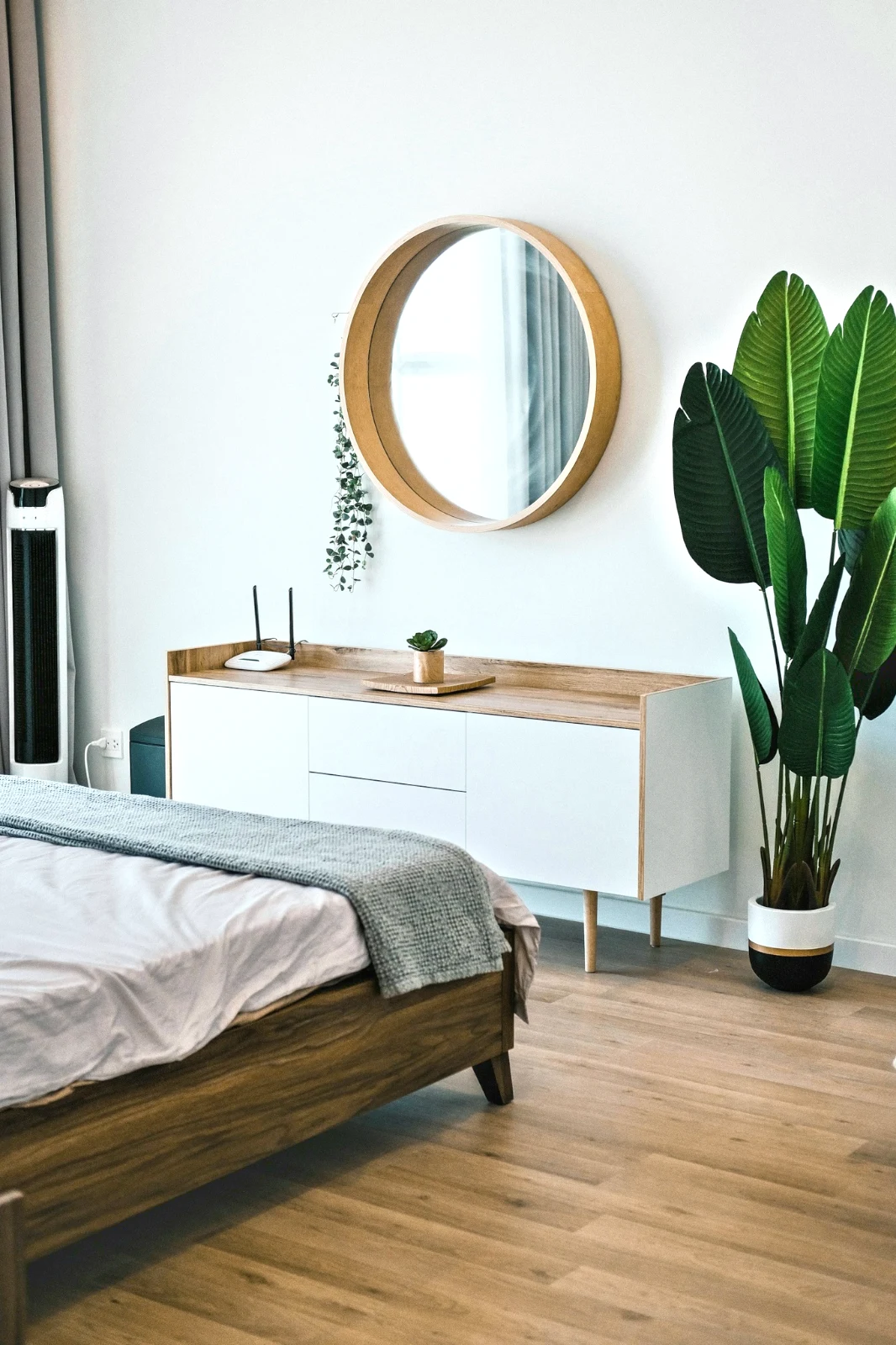
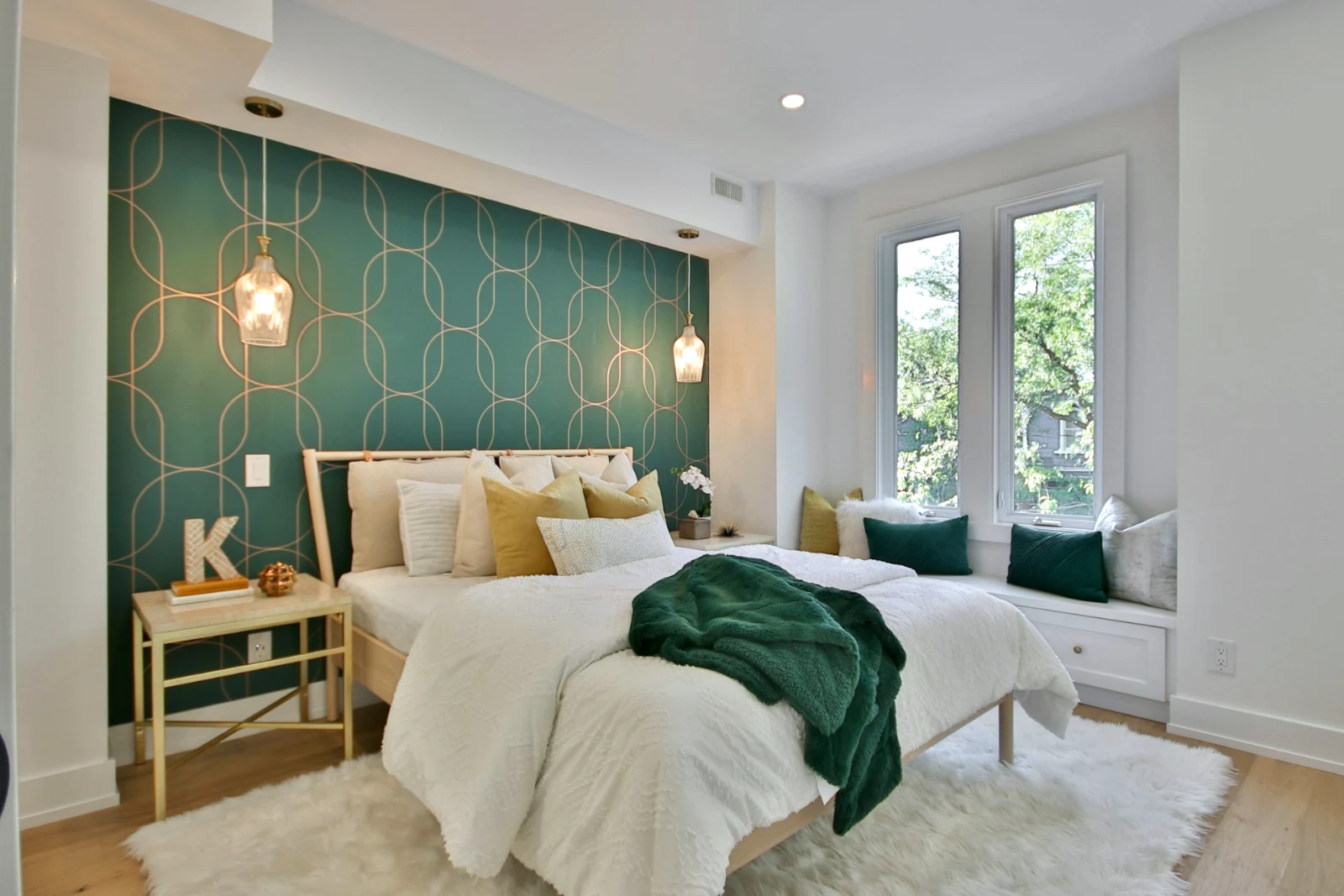
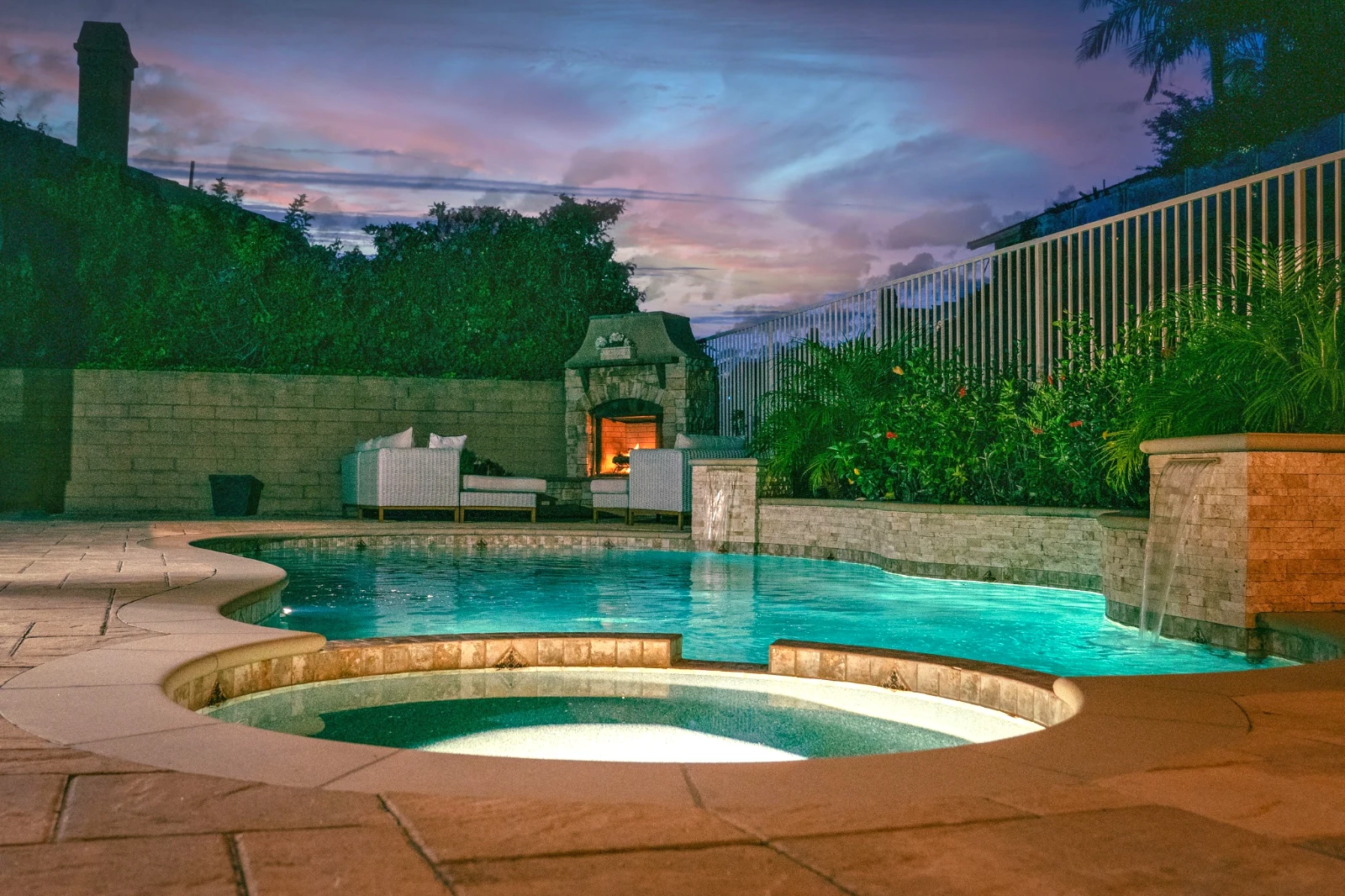
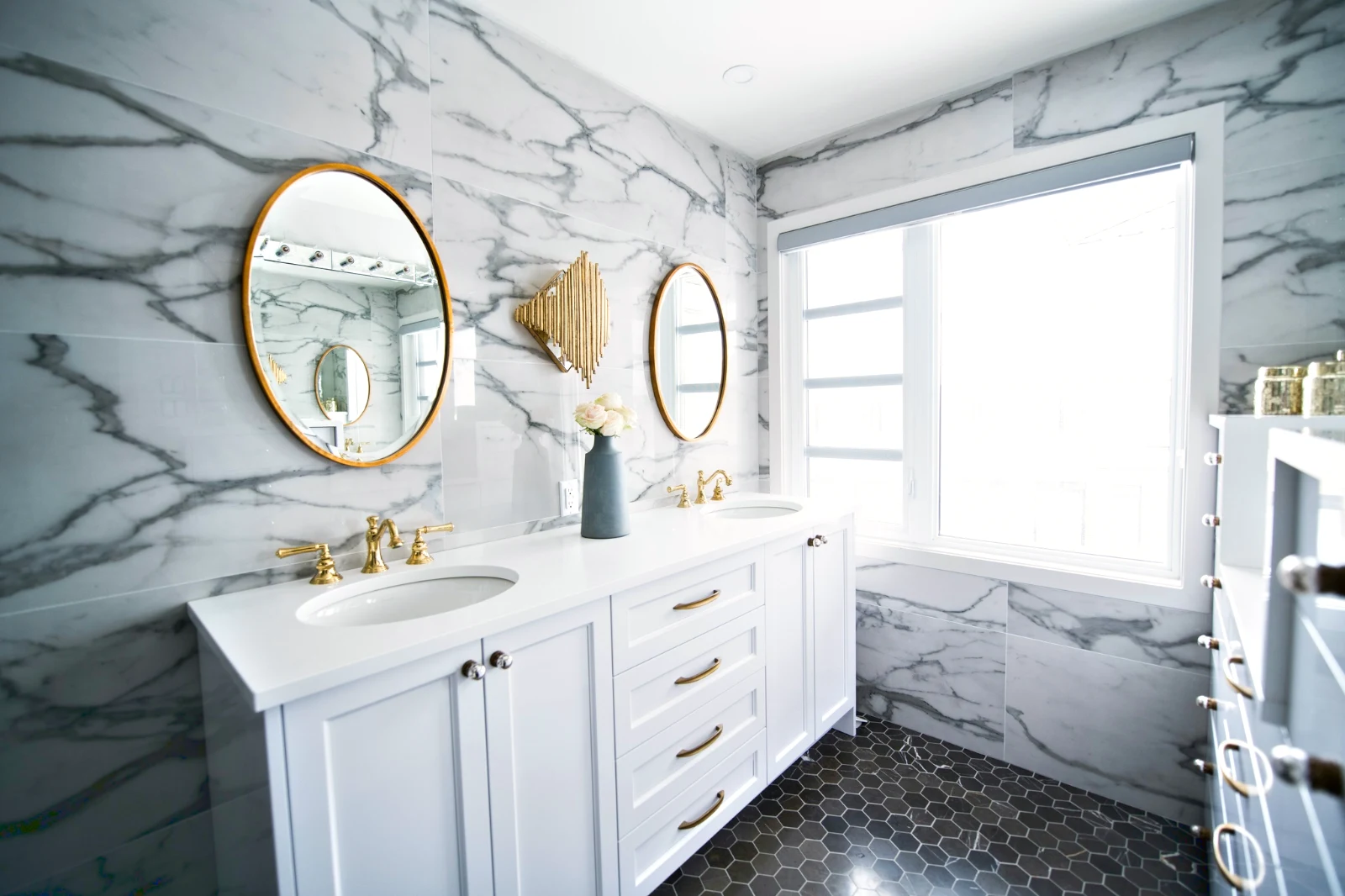
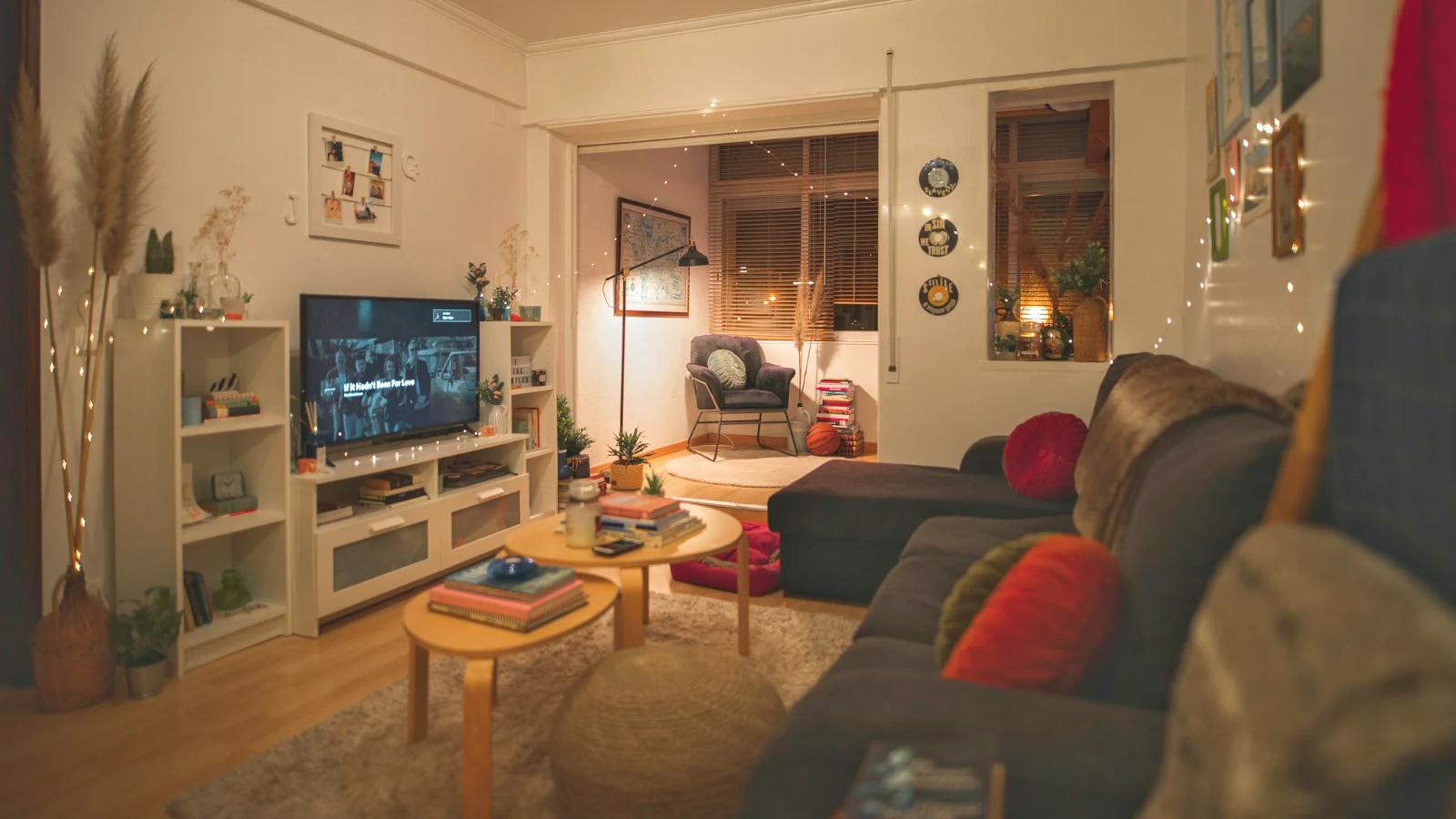
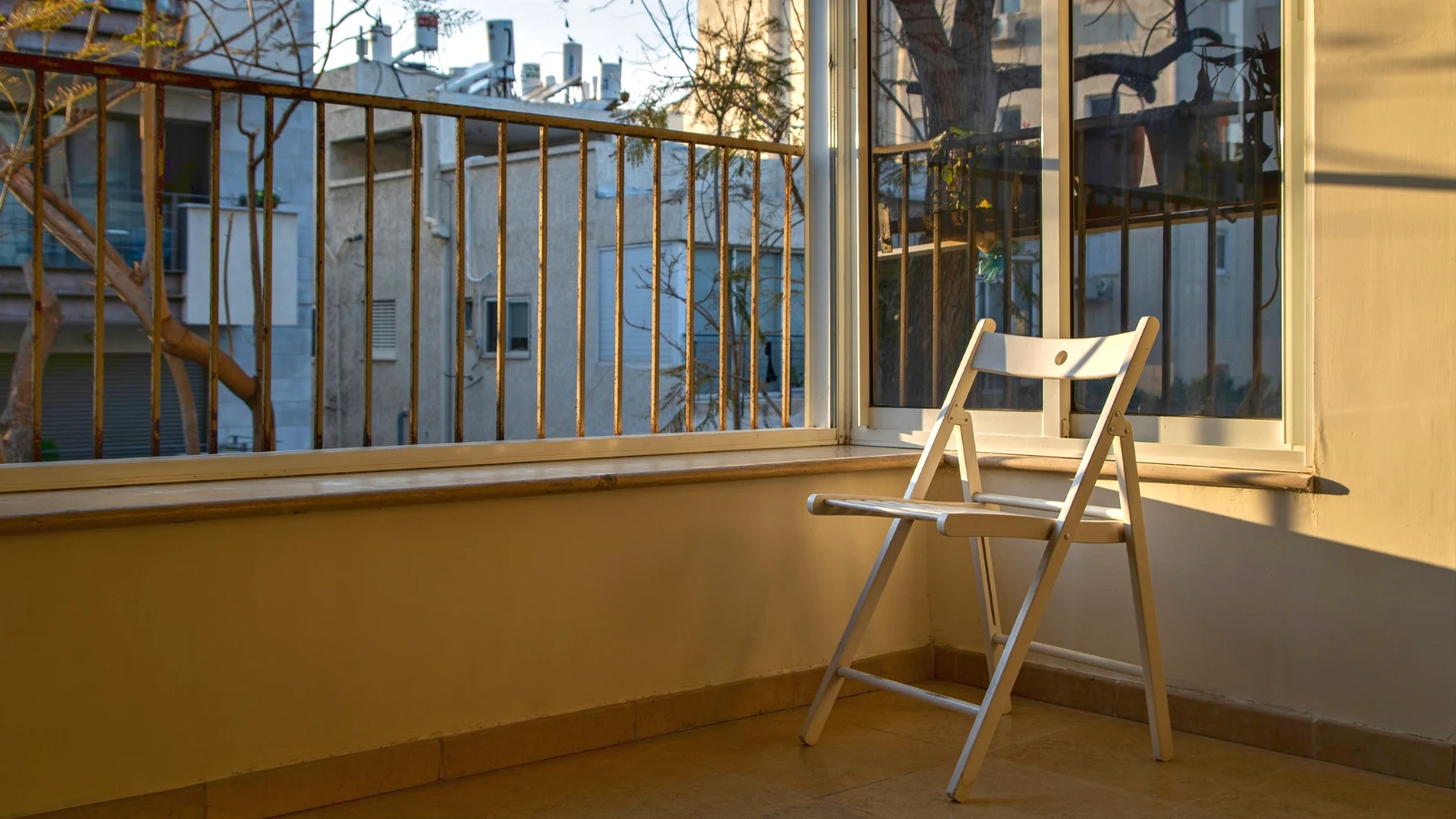
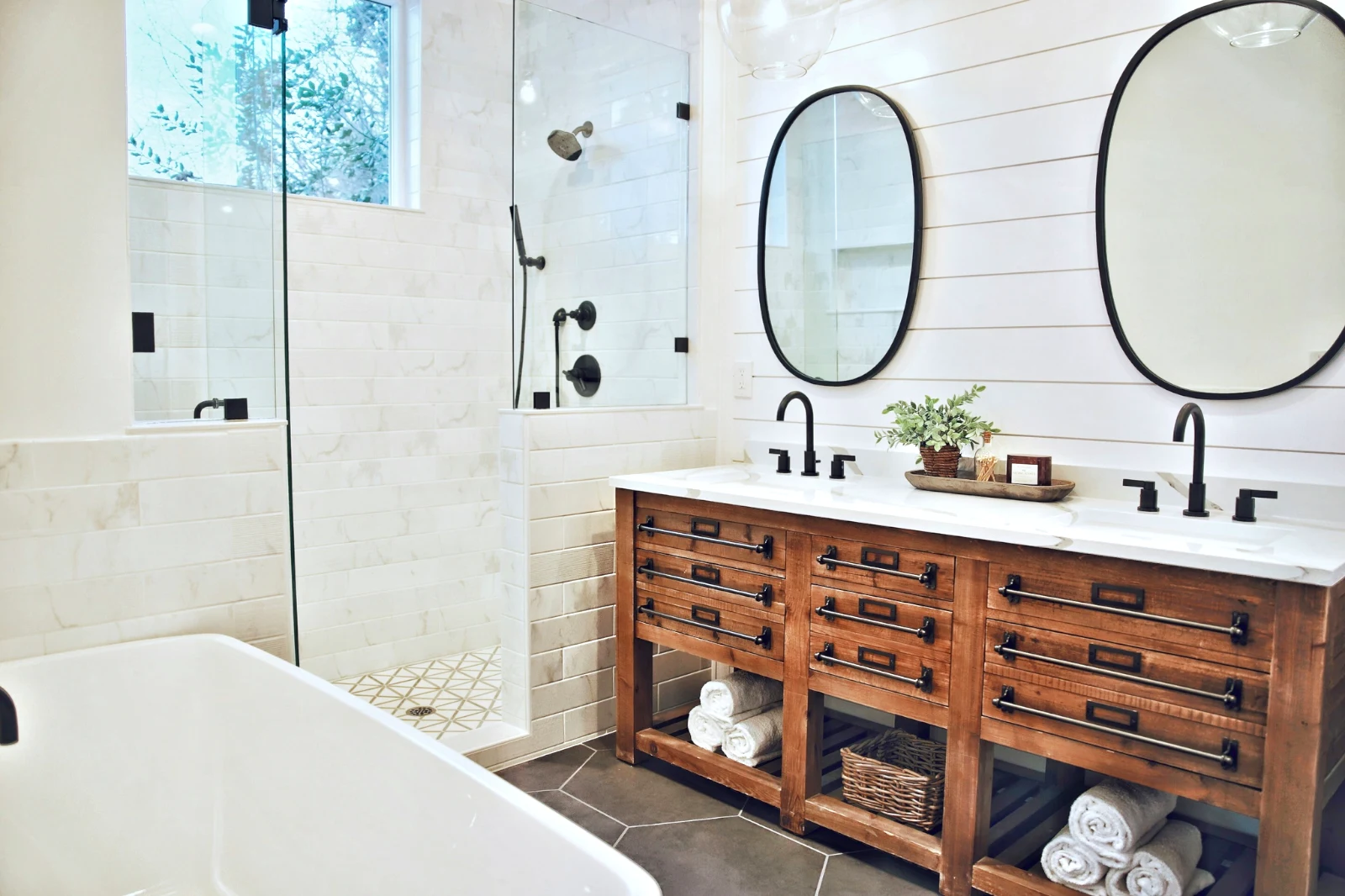
レイヤーで写真を構築し、どこでもエクスポート
人が投稿するサイズで新しい Photo を開始するか、選択をレイヤーとして開き、各写真は独自の編集を保ちます。対象物か空を選択し、マスク、ペイント、ヒーリング、クローン、ワープを追加し、テキストと形状を加え、JPEG、PNG、WebP、AVIF、TIFF、またはレイヤー付きの PSD としてエクスポートします。
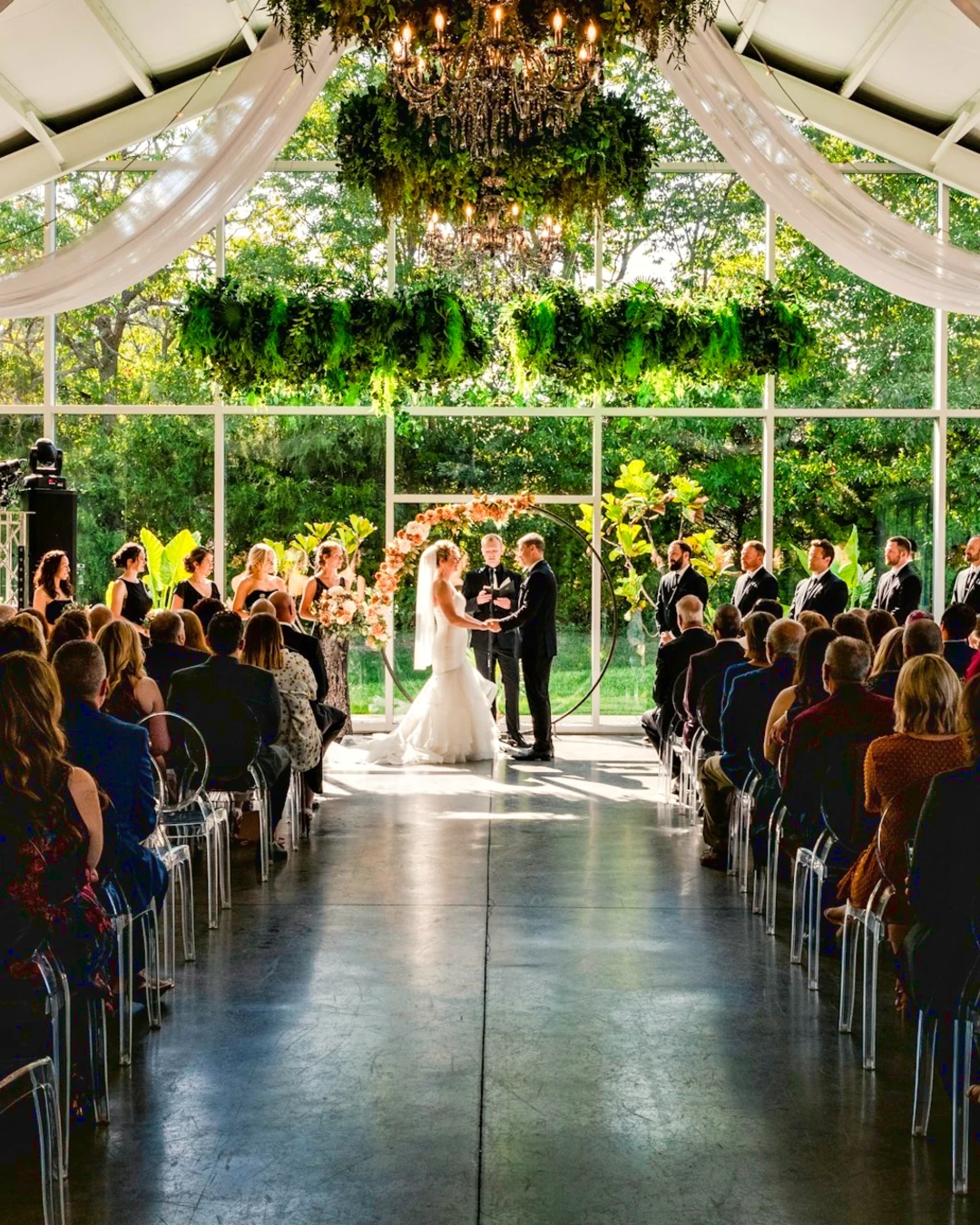
選択
フェザー、展開、エッジの微調整を行い、選択範囲をマスクに変換します。
ギャラリーを共有し、クライアントが 選ぶものを確認します
ギャラリーに撮影データをアップロードし、確認のために共有します。クライアントは設定した枚数分をアップロードし、どの写真にもメモを残して選択を伝え、承認するか変更を依頼します。ラウンドごとに進めます。クライアントの選択はライブラリ内の「Client Picks」として表示されます。
プーフィング
校正のために共有された各ギャラリー:クライアントが選択し、コメントした内容、およびラウンドへの回答方法。
| ギャラリー | ラウンド | 選択済み | Of | 備考 | 回答 | クライアント | 回答済み |
|---|---|---|---|---|---|---|---|
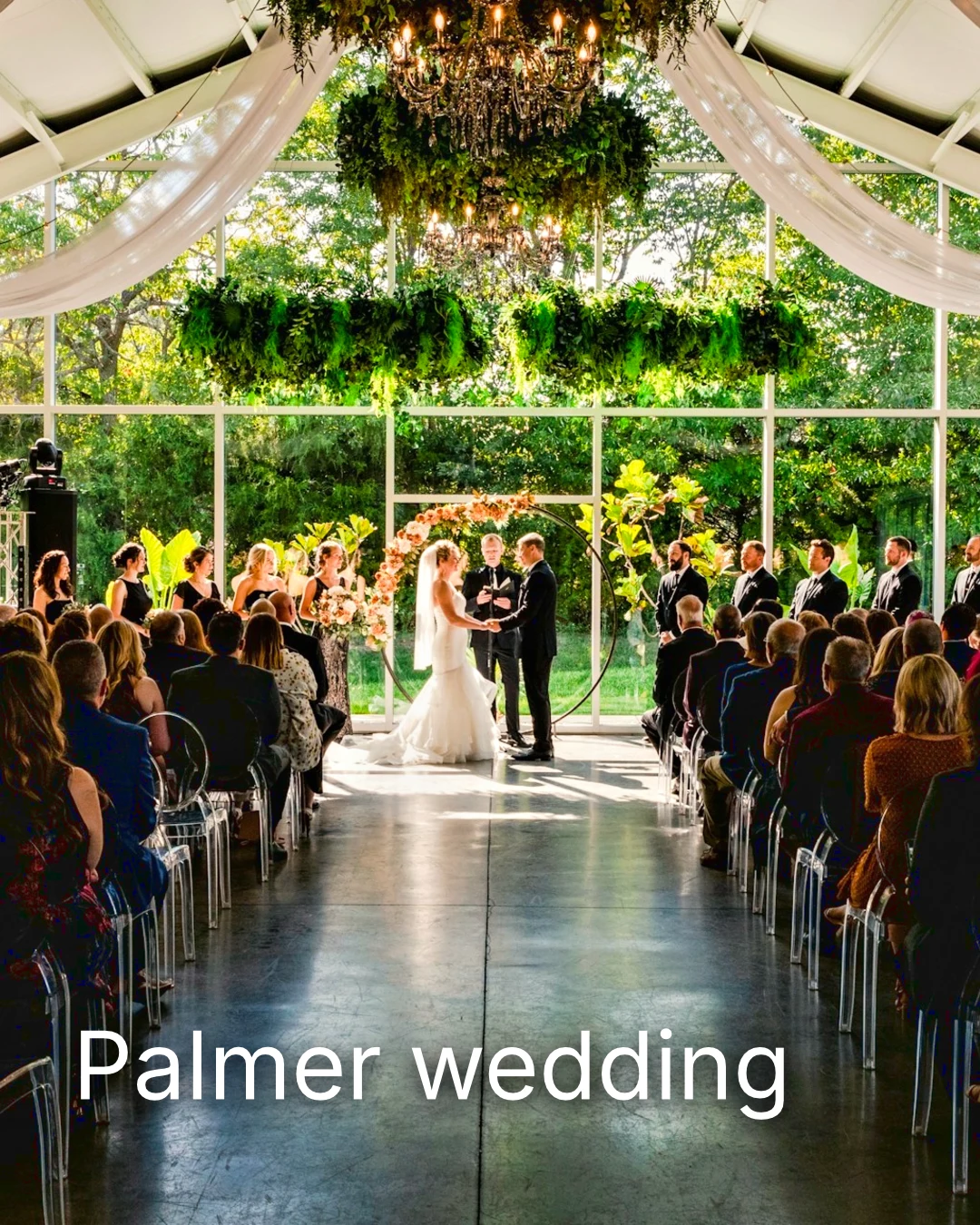
| Palmer wedding | 1 | 4 | 4 | 2 | クライアントを待機中 | Sarah Palmer | クライアントを待機中 |
| Carter portrait session | 2 | 3 | 制限なし | 0 | 承認済み | James Carter | 19/11/2026 |
| Harbourline Dental team headshots | 1 | 0 | 制限なし | 2 | 変更が求められました | James Bennett | 19/11/2026 |
| Nguyen Family at Brighton | 1 | 12 | 15 | 3 | 選択が送信されました | Linh Nguyen | 20/11/2026 |
| Okonkwo Engagement | 2 | 20 | 20 | 0 | 承認済み | Ada Okonkwo | 17/11/2026 |
| St Kilda Bakery Menu | 1 | 6 | 制限なし | 1 | クライアントを待機中 | Marco Ricci | クライアントを待機中 |
写真に関するメモ
編集時に各ノートがその写真に表示されます。
表示またはダウンロード
Avenida da Liberdade 212
ギャラリー
各リンクは閲覧専用またはダウンロード可能で、オプションでパスワードを設定できます。
Your Watermark
お気に入りを選び、変更したい項目にメモを残してください。完了したら回答を送信します。各ラウンドは一度だけ回答可能です。
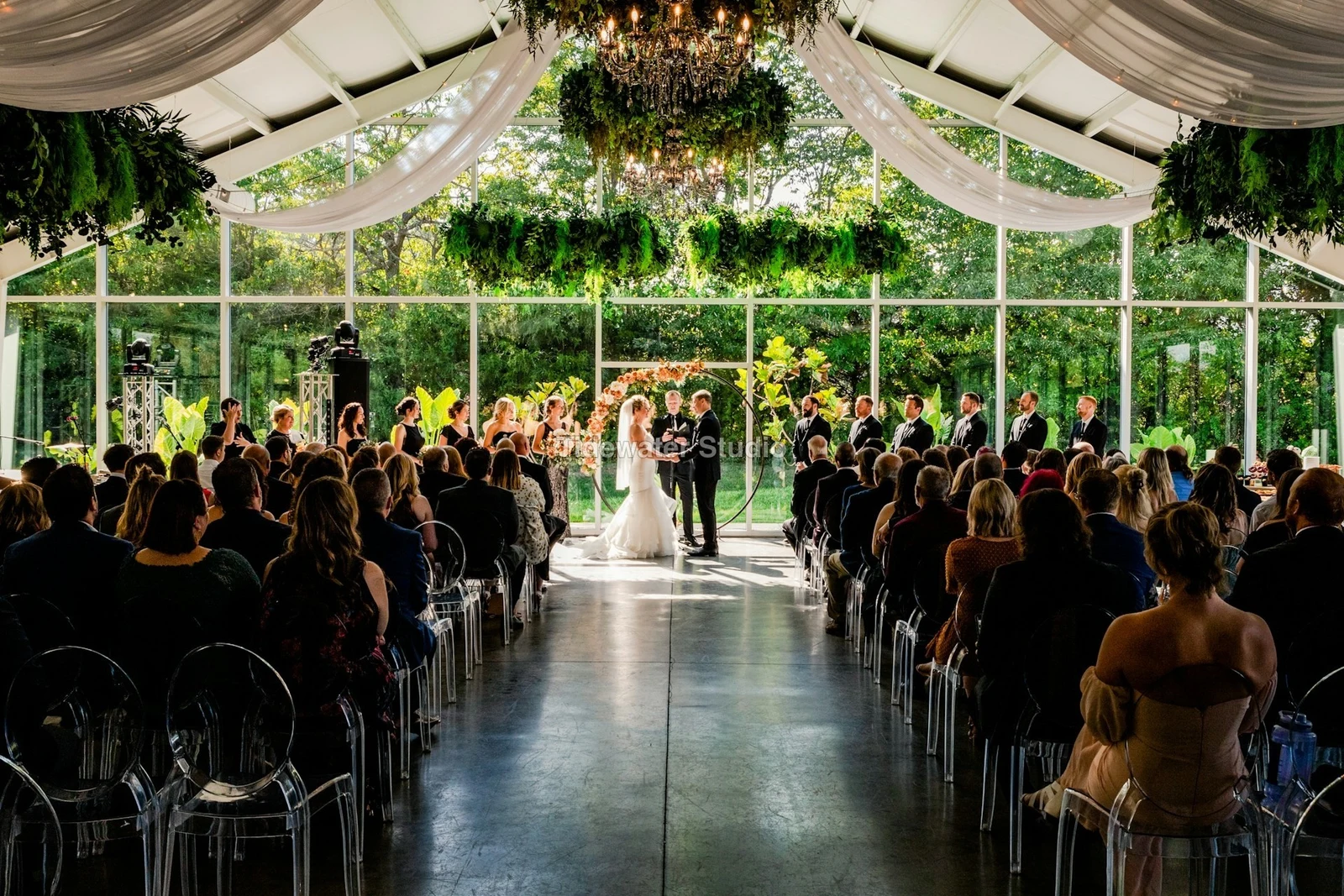
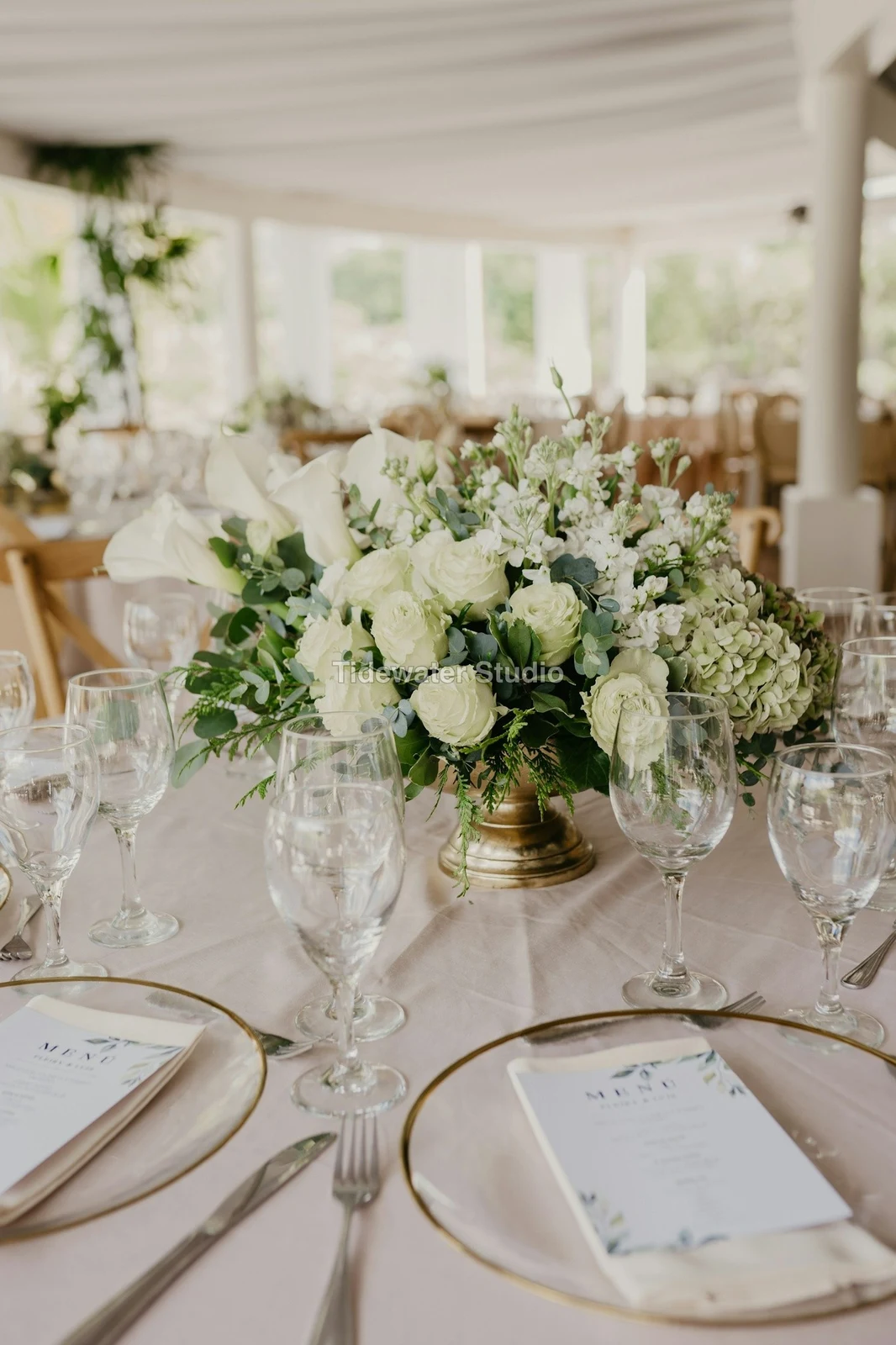
クライアントが見るかダウンロードするまで、すべての写真にロゴまたは文字が表示されます。
ギャラリーからのプリント
各 $ 149.000。送料と税金はチェックアウト時に追加されます。
クライアントは、あなたのラボで制作・発送された写真のプリントを任意の枚数購入し、あなたの独自チェックアウトで支払います。
ジョブのギャラリー、タレントとともに
Lookbook SS27 審査中
- クライアント
- Maison Kiri
- ラウンド
- 1
- 選択済み
- 8 / 12
- 回答
- クライアントを待機中
- リンクが閉じる
- 2026/12/12
Talent のジョブには独自のギャラリーがあり、同様に校正されます。
クロージングデー
ギャラリー
すべてのジョブのギャラリー:クライアントが見て、選択し、ダウンロードできる内容。
| ギャラリー | クライアント | ジョブのステータス | リンクが閉じる | 作成済み |
|---|---|---|---|---|
| Program Shoot · Strength | Thandi Mokoena | 審査中 | 2026/11/30 | 2026/11/09 |
| Client Story · Pieter | Pieter van Wyk | 審査中 | 2026/12/07 | 2026/11/12 |
| Mobility Series | Aisha Davids | 配信済み | 2026/12/18 | 2026/10/22 |
| Coaches Team Photos | Kopje Coaching | 配信済み | 2027/01/05 | 2026/10/31 |
| Summer Bootcamp | Lerato Nkosi | 本番環境 | 2027/01/20 | 2026/11/18 |
各ギャラリーのリンクは設定した日に閉じられ、ギャラリーリストには今後 30 日以内に閉じるものが表示されます。
使用されている場所へ完成した写真を送信
最新のエクスポートとして写真が追加され、またはエクスポートがない場合はオリジナルとして、フルサイズのギャラリー、新しいデザイン、ウェブサイトの資産、またはリストイングに追加されます。Calisto のすべての写真ピッカーは、アカウントの写真(エクスポートを含む)を既にリストしています。
デザイン、スタジオ付き
写真が配置された新しい投稿またはストーリーが開きます。
 Menú de OtoñoTostadas de jaiba, desde hoy
ウェブサイト、With Sites
サイトの資産に追加されました。
アセット
リスティング、複数のリスティングあり
ビジネスにリストがある場合、その写真に追加されます
T3 Rua do Século 41 公開済み
写真がスマホで全画面表示された状態で編集します
ピンチしてズーム、ダブルタップしてフィット、そして Before を表示するには長押しします。各セクションは写真の下にあるチップで、そのコントロールは常にその下にドッキングされ、決してその上にはなりません。スライダーは横方向のドラッグのみで移動するため、スクロールによる編集は行われません。
Foto に共有
カメラロールから共有された写真は Add Photos に表示されます。
このデバイス上の任意のアプリから Foto に写真を共有するか、1 枚撮影するか、またはここで選択します。
追加する写真
信号なし
ホーム、ライブラリ、外観、および写真の追加が開かれ、編集とアップロードは一度待機して一度に完了します。
このデバイス上の任意のアプリから Foto に写真を共有するか、1 枚撮影するか、またはここで選択します。
追加する写真
Foto がすべてに接する場所 その他。
4 of these 5 connections are in your plan today; the other is its own app.
Depot
Every photo and every export is a file in Depot, on the account’s one storage quota, and a Gallery is a Hub.
Studio
An image’s Adjust in Studio is Foto’s, Send To opens a new design with the photo placed, and a layered Photo opens there as a design.
Talent
Galleries and Proofing are the same views Talent shows, and a job’s Gallery is the Hub of that job.
Listings
Bulk Auto takes a listing’s photos as a set, and the exports replace them on the listing.
Sites
Send To adds a photo to a website’s assets.
設定費用なし。使用開始時に支払い。
Photos edited in one tap, by hand or in layers.
Foto Pro
Adjust のすべてのコントロールとレイヤーワークスペースを、1 人のユーザーが独自の座席で利用するか、Create 座席を割り当てて利用します。企業は自社の座席を社員に割り当てます。
おすすめ
互いに良好に動作します。
Calisto Depot
Calisto Studio
Calisto Create
A Studio seat designs anything at every size, from Calisto’s templates or a blank page: layers, photos, Copy & Resize, Bulk Create, mockups, QR codes, print-ready PDFs, sharing and whiteboards.
Learn more →Calisto Talent
Calisto Listings
Calisto Sites
Calisto サイト
A website and its phone app, built from a template on the page itself, showing what you sell from your own records and published on your own domain.
Learn more →Calisto に含まれるすべて Foto.
- Foto Essentials for every signed-in person: Home, the Library, Auto, Bulk Auto, Looks, Adjust with Auto, Light, Color and Crop, and Galleries; every other control one tap away behind More.
- Foto Pro, a seat per person: every Adjust control inline and the Layers workspace.
- Essentials or Pro is each person’s own choice, in Profile & Preferences ▸ Creative Tools, never a business setting.
- Without a seat, More and Layers read Pro · Upgrade, or Ask for a Pro Seat for a team member.
- A photo whose edit holds Pro fields always opens, saves and draws at Essentials.
- First open asks nothing technical at Essentials, and leads with Layers and the keys at Pro.
- Every photo read after it is uploaded: when it was taken, its exposure, its focus and its faces.
- Flags: Blurry, Missed Focus, Black Frame, Missed Flash and Closed Eyes, each a filter in the Library.
- A score from focus, exposure and open eyes: Best First, and the Suggested Best Shots.
- Similar Shots: bursts, brackets and the same pose taken twice, grouped best first, with Star the Best of Each.
- Faces and eyes are read on your own device; nothing is starred or hidden for you.
- Home: the photos to pick up again, Upload Photos, New Photo, From Media Library, Bulk Auto, and Recent Photos.
- The Library: All Photos, Starred, Edited, Similar Shots, Layers and Client Picks, with search, sort (Best First and Date Taken included) and a Tag filter.
- A Hub’s photos on their own, from the Hubs in the sidebar; Move To… a Folder of a Hub, and New Hub, Private or Public (with Depot).
- A selection is starred, tagged, given a look, run through Bulk Auto, sent on, opened as layers or assigned to a client project.
- Star and Tags are the platform’s: the same in Depot, Docs and Studio, carried wherever the photo is picked.
- An export is listed with its photo, never among the originals.
- The account’s storage shown in the Library, on the one Depot quota (with Depot).
- Upload from a desk, the camera or the device’s photos, through the one upload queue.
- Add Photos is where a photo shared to Foto lands: the camera roll’s Share sheet, or Open With on a desk.
- Then Adjust for one photo, Bulk Auto for a set, or the Library.
- JPEG, PNG, WebP, HEIC, HEIF, AVIF, TIFF and camera RAW; a RAW is developed on the device, or converted on the server when the device cannot.
- The camera and lens a file says made it, read once from the original and kept on the file.
- Auto: one tap reads the photo on the device, sets its sliders and names each one; Undo puts the photo back.
- Your Style beside Auto, once you have edited eight photos: Auto moved the way you move it, and the Texture, Clarity and Saturation you usually set, learned from your own edits; yours, never the business’s.
- Light, Color, Crop and Straighten; Whites and Blacks, Detail (Detail, Fine Detail, Clear Haze), Tone Curve, Color Mixer, Color Grading, Sharpening and Noise, Lens, Transform and Effects.
- Straighten Lines: Auto and Vertical, and Level, Full and Guided (up to four lines drawn on the photo); it sets the Transform sliders it solved and names them, and leaves a photo with no clear lines as it is.
- Lens: Correct Lens from the camera’s own correction in the RAW, else the lens profile; Remove Color Fringes; nothing the camera already corrected is corrected twice.
- How it was drawn, said under the control it concerns.
- Remove and Repair: Remove what you paint over; Clone and Fill.
- Adjust Part: Sky, Subject and Background; a Brush, Linear and Radial gradients and a Brightness Range.
- People: Skin, Face, Eyes, Lips, Hair, Clothes and Body, found on your device.
- Retouch Skin: Even Skin smooths blotches and keeps the pores; Match Skin Tone evens the skin toward the person’s own tone.
- Frequency Separation: paint where, then Smooth Tone and Fine Detail retouch the tone and the texture each on its own.
- Portrait Blur on the background, and Lens Blur by the photo’s depth with Focus Distance and Depth of Focus.
- Film Negative: a scanned color or black and white negative turned positive from its film base, shared across a roll by copying the edit.
- Changes: every change to a part, with its own controls, opacity, blend and invert.
- Markup: an arrow, a circle, a box, a freehand line or a label drawn on the photo, carried by every export.
- Before: press and hold. Undo and Redo through the edit’s whole history.
- The original is never changed; the edit is kept beside it with its history.
- A client’s note from Proofing shown on the photo while it is edited.
- Calisto’s looks and the business’s own, in Looks ▸ Calisto and Mine.
- Match a Photo: another photo’s look, solved into Exposure, Contrast, Saturation, White Balance and Color Grading.
- Suggested looks first in Adjust: the looks made for a photo like this one, from the kind of photo each of Calisto’s was made for and the photos each of yours has been put on.
- Save Look keeps an edit’s settings as a look of the business’s own.
- A look given to one photo or a whole selection.
- A selection from the Library, or one listing’s photos for a business with listings (with Listings), and a look.
- Start From Auto or Your Style.
- Each photo read on the device and given its own Auto, then the look; a look that straightens lines solves each photo’s lines.
- Saved as a step of each photo’s edit.
- The exports made on the server, so they finish with the page closed; the results screen shows each one as it is ready.
- For a listing’s photos, the exports replace them on the listing, through Listings’ own write (with Listings).
- Bulk Auto Finished is sent once per run, to the person who started it.
- Camera on USB, in Chrome or Edge: Connect Camera, Shoot, Live View on Canon EOS and Nikon, every frame straight into Foto.
- The camera’s own Wi-Fi upload: FTP, FTPS or SFTP to Calisto with a login of your own, the password shown once.
- Every frame in the Camera Uploads Hub as it lands, with the last edited frame’s edit or a look applied to each new one.
- Nothing to install: the camera talks to the page itself.
- Record Action in Adjust: your steps kept as steps, then played on any photo or a Library selection, with Auto, looks, straightening and found parts solved again for each photo.
- Actions are the business’s, kept beside its looks.
- Contact Sheet: a selection or a Gallery printed 2 to 8 across, portrait or landscape, with names, stars, client picks and culling flags, filed in Depot as a PDF.
- HDR: bracketed exposures fused into one photo, lined up even when taken by hand.
- Panorama: overlapping frames joined, laid on a cylinder for a known lens, cropped clean; brackets at each position fused first.
- Focus Stack: frames focused at different distances, sharp from near to far.
- Astro Stack: night-sky frames aligned on their stars and stacked by sigma clipping, median or mean, dark frames taken off.
- A new photo in Depot every time; the photos merged stay as they were. Large merges finish on our servers.
- Smart Objects: Convert to Smart Object, New Linked Copy, Update Linked Copies and Release Smart Object; each copy keeps its own opacity, blend and styles.
- New Photo at a size people make: YouTube Thumbnail, Instagram Post and Story, Square, A4 and US Letter at 300 ppi, or a custom size, on white, black, a color or transparent.
- Open as Layers on a selection: each photo a layer carrying its own edit.
- Photo, pixels, adjustment, text and shape layers in one layer tree: chosen, checked to act on several, shown, hidden, locked, renamed, moved, grouped, duplicated and deleted.
- Tools: Move, Select Rectangle, Ellipse, Freehand and Straight Lines, Select Similar Color, Select Subject and Sky, Brush, Eraser, Dodge, Burn, Blur, Sharpen, Heal, Clone, Fill, Warp, Warp Grid, Warp Perspective, Text, Shapes and Crop.
- The Select menu: Select All, Deselect, Invert, Feather, Expand, Contract, Smooth, Refine Edges, Selection to Mask and Fill with Color; Shift adds, Alt subtracts, both intersect.
- Layer masks and shape masks, each enabled, inverted, feathered, applied or deleted; layer styles: drop and inner shadow, outer and inner glow, color overlay and stroke.
- Apply and Convert to Pixels; every paint stroke written as new tiles, so every earlier step still undoes.
- Export as JPEG, PNG, WebP, AVIF, TIFF or a layered PSD, with what it could not hold said in plain words; Recent Exports in the Export dialog.
- A layered Photo opens in Studio as any design does (with Studio).
- Without the seat, a layered Photo opens to look at.
- A Gallery is a Hub shared with a client through its link, Private or Public; a job’s Gallery is the Hub of that job (with Talent).
- Send To ▸ Gallery puts the photos in at full size.
- Share for Proofing: the client’s email (the Gallery also lists in their portal), how many they may pick, view or download, a password, and your watermark.
- Your watermark on every photo of the link, at every size and on every download: your logo, your business name or your own words, where it sits, its size and its opacity, set once in Settings ▸ Photos ▸ Watermark.
- Watermark the Photos or Remove the Watermark on a link in Proofing, so the final delivery goes out clean.
- Prints from the Gallery: Choose Prints from your drop-ship products on sale online; the client taps Buy Print on a photo, picks the print, the size and how many, and pays on your own checkout (with Shop and Orderflow).
- Your lab prints the photo the client chose and ships it to them; the order is in Orderflow beside every other web order.
- The client picks up to the limit, leaves notes, and sends their selection, approves or asks for changes, round by round.
- Open the Next Round, or Stop Proofing; an earlier round stays as it was.
- Galleries counts what is delivered, waiting on the client and closing in 30 days.
- The same Galleries and Proofing views Talent shows (with Talent).
- A photo goes on as its current export, or the original when it has none.
- A Gallery; a design, opened in Studio with the photo placed (with Studio); a website’s assets (with Sites); a listing’s photos, when the business has a listing (with Listings).
- Every picture picker in Calisto lists the business’s photos in Depot, exports included.
- Adjust and Layers, switched in the header: ⌘⌥1 and ⌘⌥2, or A and L.
- Keyboard Shortcuts (⌘/) lists every key; ⌘K finds every command.
- Each editor’s back link returns to the Library.
- Home, Library and Settings in the tab bar; shortcuts to Add Photos, the Library, Bulk Auto and Looks.
- The photo fills the screen: pinch to zoom and pan, double-tap to fit, press and hold for Before.
- Each section a chip under the photo, its tray docked under it, never over it, with the desk’s controls and a Reset.
- A slider moves only on a sideways drag, so a scroll never edits; words are typed in a dialog above the keyboard.
- Layers on a phone: the canvas full screen, the tools in a bottom bar, the layer tree and Format as bottom sheets.
- Keep Foto on This Device: Home, the Library, Looks and Add Photos open with no signal; an edit’s save, a new look and uploads wait and land once.
- Copy Saved is sent when the server finishes a copy, to the person who asked for it.
- Foto installs as part of the Calisto app.
- Every photo and every export is a Depot file on the account’s one quota; each Foto Pro seat adds its included storage to it (with Depot).
- Working copies and the render cache never count.
- Settings ▸ General: the business’s name, design and sign-in.
- Settings ▸ Photos: the export format, size on the long side or the original’s, quality, and the look Bulk Auto starts from; changed by the business’s admins, and Purview may lock it.
Questions about Calisto Foto
すべてサインインしたユーザーは Foto Essentials を利用できます:ライブラリ、オート、バッチオート、ルックス、ライト調整、カラー、クロップ、ギャラリー。他のすべての調整コントロールは「もっと」の後ろにあります。Foto Pro はこれらすべてをインライン表示し、1 席あたり 1 人のユーザーのためにレイヤーワークスペースを追加します。
いいえ。編集は写真の横にその履歴と共に保持されるため、どのステップも後で元に戻すことができます。エクスポートは Depot 内の新しいファイルで、写真からアクセスでき、元々は元のままです。
JPEG、PNG、WebP、HEIC、HEIF、AVIF、TIFF およびカメラ RAW ファイル。RAW はデバイス上で処理されますか、デバイスが処理できない場合はサーバー上で処理されます。レイヤー付きのフォトは JPEG、PNG、WebP、AVIF、TIFF、またはレイヤー付きの PSD としてエクスポートされます。
Studio は PSD をレイヤー付きのデザインとして開きます。Foto はレイヤー付きの Photo を PSD として保存し、レイヤー、マスク、ブレンド、グループ、テキスト、スタイルを保持し、保持できなかったものを平易な言葉で説明します
ギャラリーを共有して校正を行います。クライアントはリンクを開き、設定した番号まで進み、あらゆる写真にメモを残し、選択を送信し、承認するか変更を求めます。ラウンドごとに進めます。クライアントの選択はライブラリ内の「Client Picks」として表示され、各メモは編集時に写真上に表示されます。
はい。ギャラリーが販売するドロップシップ製品を選択します。例えば、ラボで作成し発送するプリントなど。クライアントは写真で「Buy Print」をタップし、プリント、サイズ、数量を選択し、あなたの独自チェックアウトで支払います。あなたのラボはその写真を印刷し、クライアントに発送します。
デポジットでは、Calisto のすべてのピッカーが画像を見つける 1 つのストレージクォータにアクセスできます。各 Foto Pro または Create シートは、そのストレージを同じクォータに追加します。
