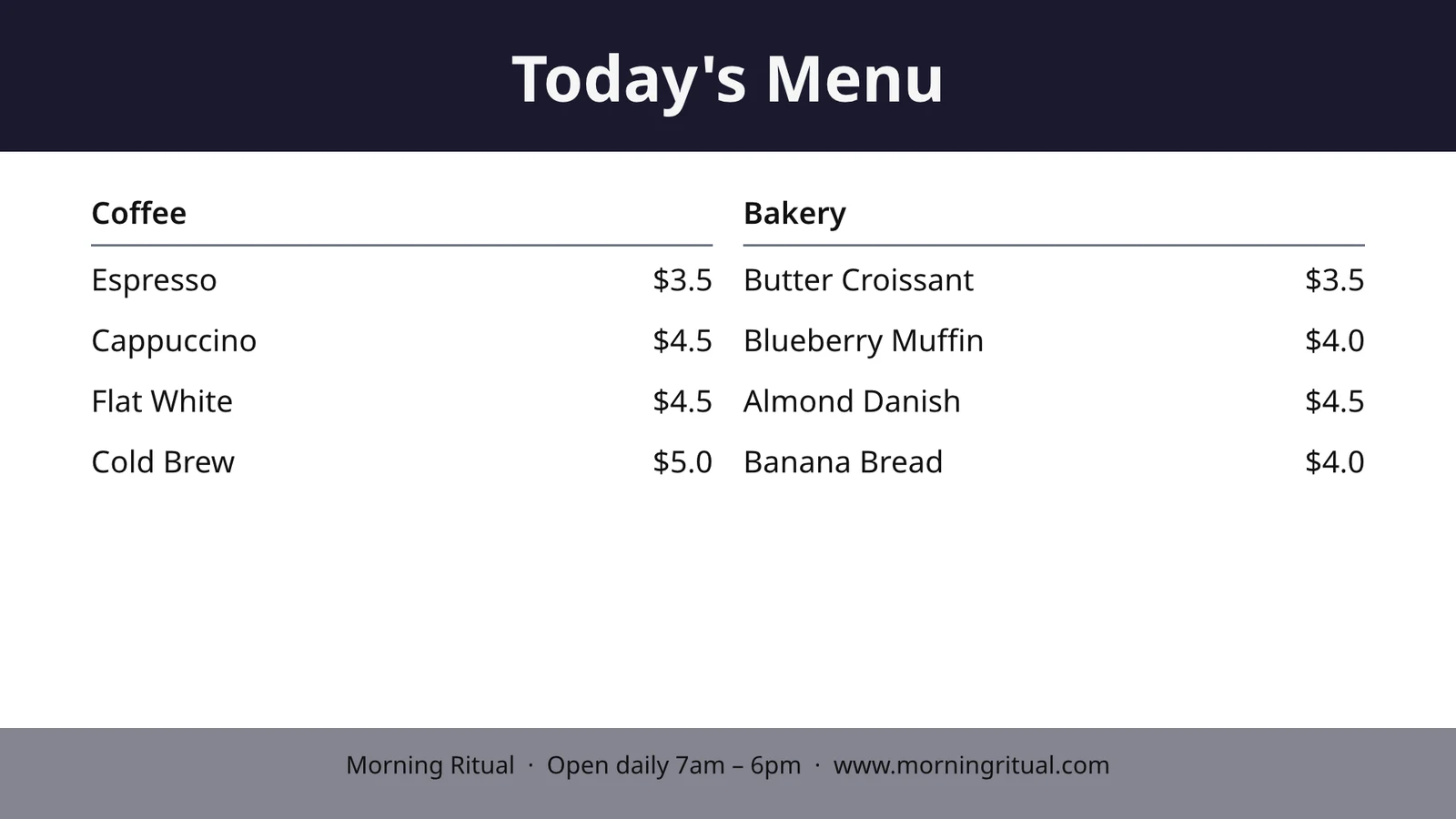
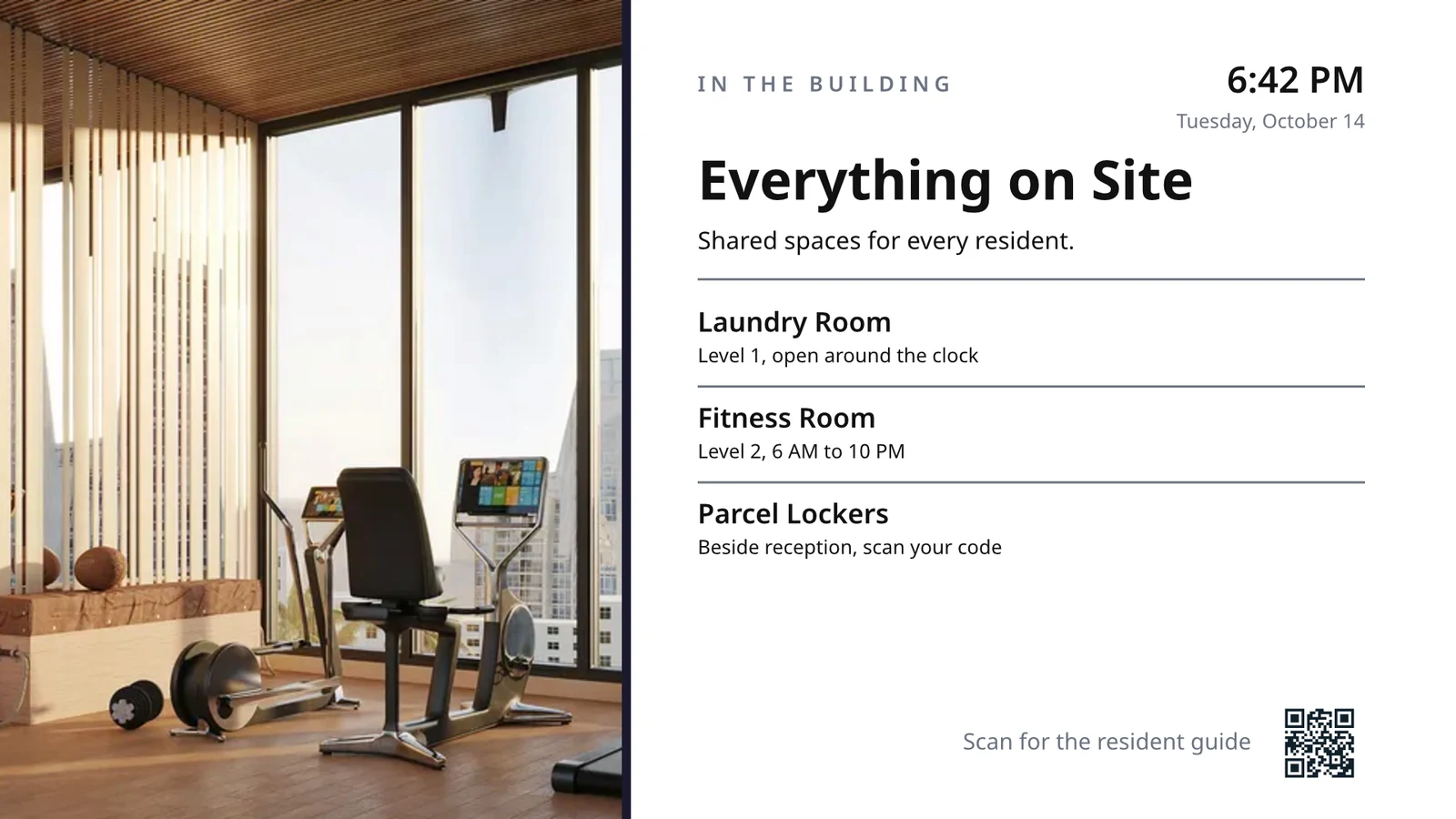
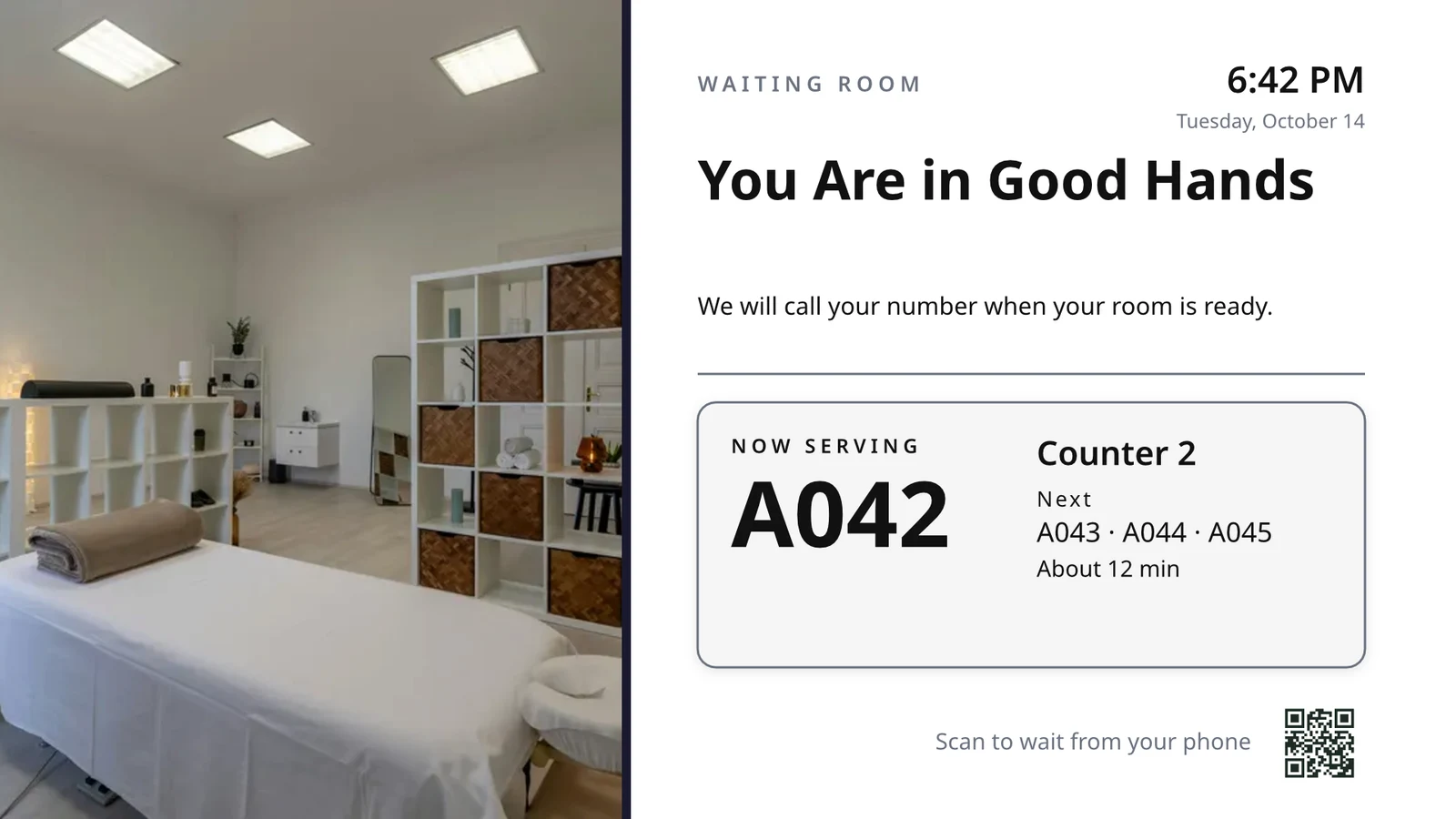
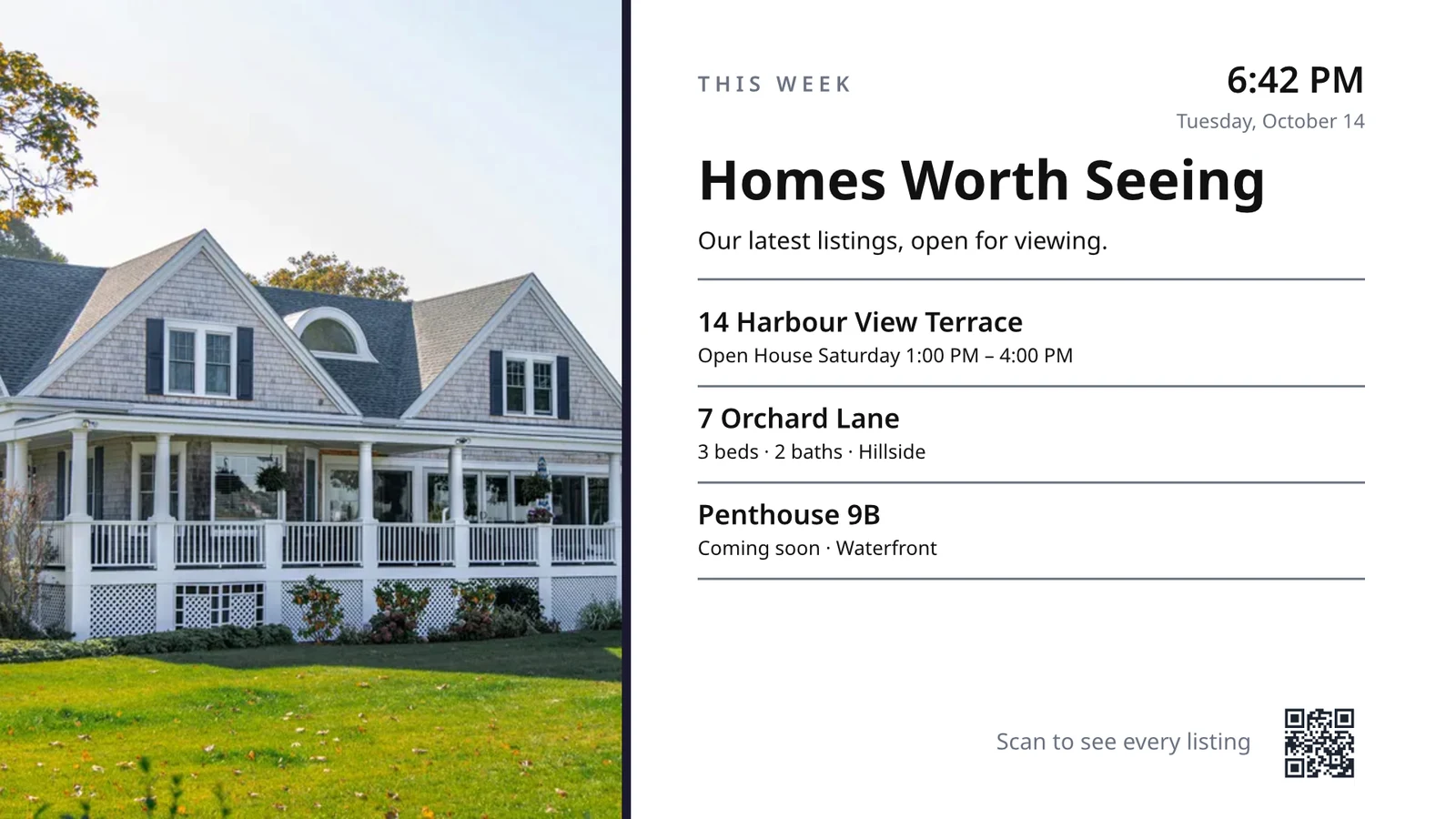
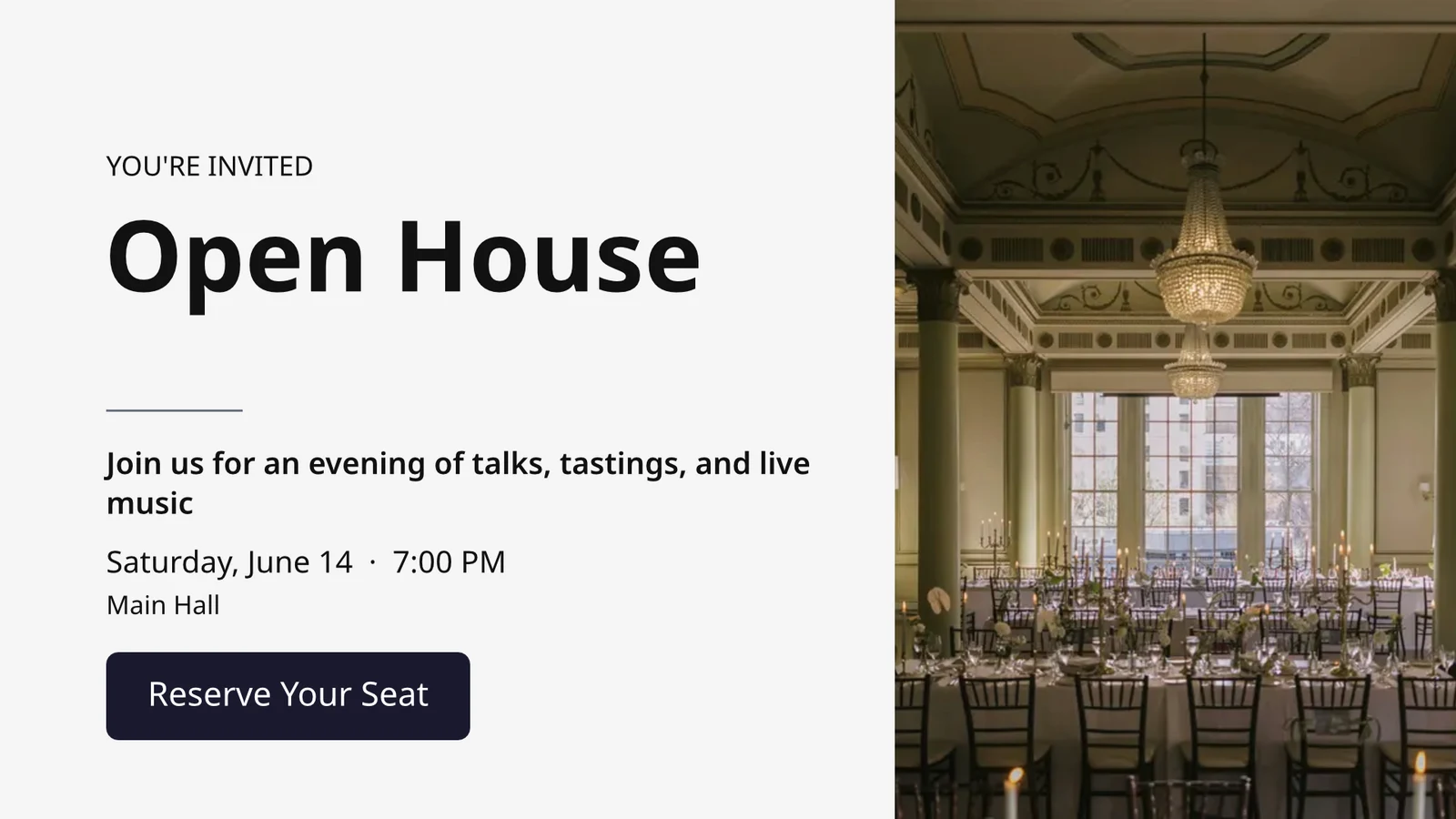
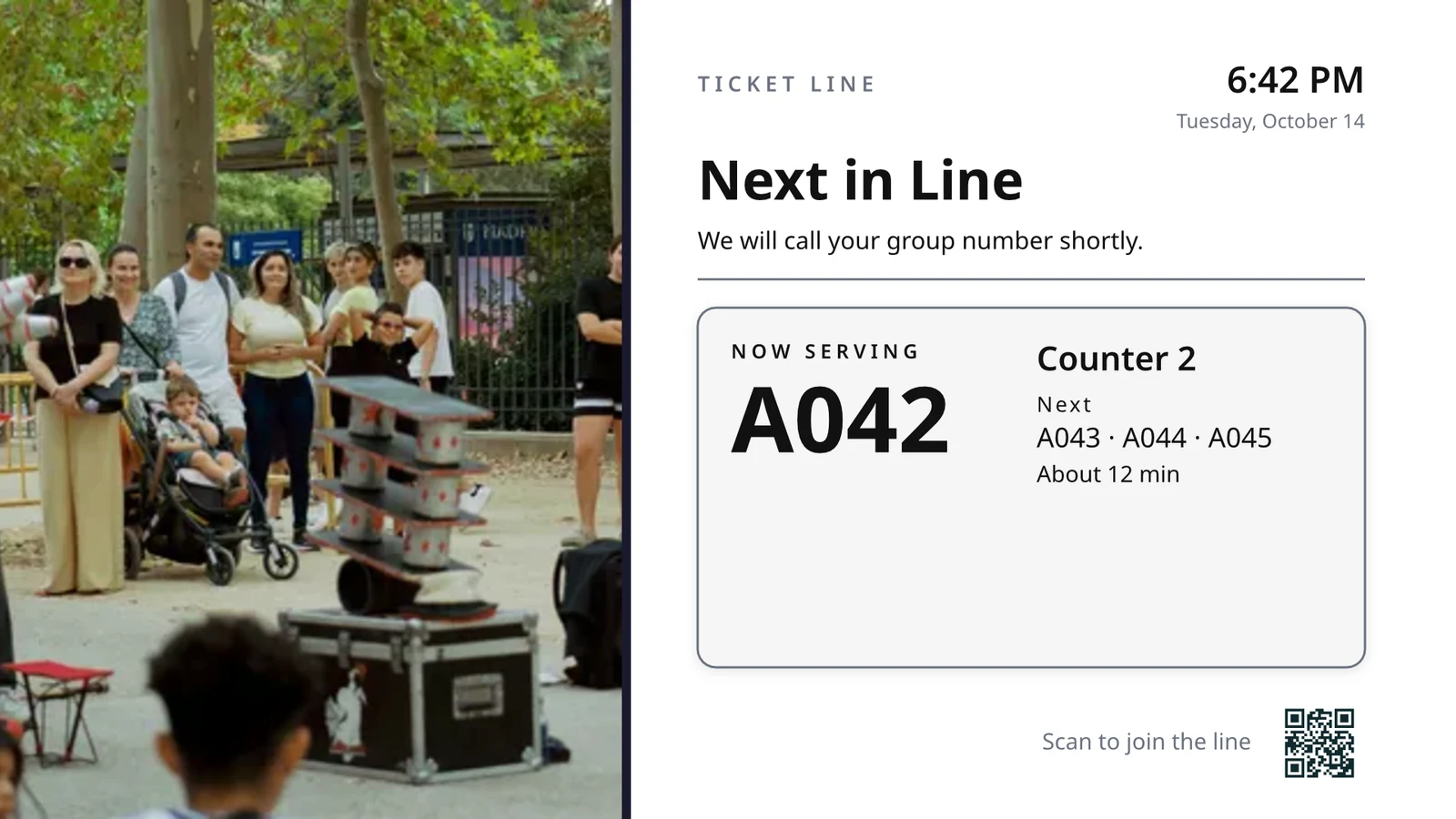
各 TV が行うことを選択し、その後すべてを 実行します
各 TV は 1 つのジョブ向けに作成された画面を再生し、あなたの事業で今何が起こっているかを表示します。
各 TV が行う タスク を選択します
業務を選択し、実際のデータでプレビューしてからテレビに出力するか、貴社の業務で使用するすべてのスクリーンを一度に設定できます。各スクリーンは、その目的、動作場所、コンテンツ、外観、テレビ、スケジュールを維持します。
あなたの TV は何をしますか?
ジョブを選択します。動作場所を設定します。テレビに表示されているコードを入力すると、ライブデータ上で実行されます。
キッチンディスプレースタッフバンプ、ハウスキーピングとルームステータス、フロントデスク、今日の予約、ゴルフスターター、ドアカウント、注文履行、販売目標。
キッチンディスプレイ
タイマー付きのステーション別チケット。調理員は開始、終了、バンプ;エクスポートは送信します。
管理業務
各ルームの状態(汚れている、清掃中、清潔、点検済み)と、最初に何を行うべきか。
フロントデスク
今日到着し退室する客、準備が整った部屋、チェックアウトが遅れている客。
今日の予約
今日すべての予約(椅子、部屋、またはプロバイダー別):誰がここにいるか、誰が次か。
ゴルフスターター
次のティーオフグループ、チェックイン状況、プレイペース。送り出します。
ドアカウント
収容能力に対して何人が入場待ちか、ゲートごとのスキャン数、行列の移動速度。
注文履行
入ってくる注文とそれぞれの所要時間:何が遅れているのか、何が次なのか。
販売目標
ターゲット、リーダーボード、および最新勝利に対する月、四半期、または年。
それにライブデータを表示するテレビサイズの画面を設計する
エディタ Studio が使用する画面をデザインします。16:9 または 9:16 の比率で、空白または Calisto の業界別レイアウトから選択し、写真を含めます。ライブデータ機能により、メニュー、スケジュール、オファー、リスト、時計、天気、Wi-Fi、および提供中の人数が、テレビに描画されます。これはあなたの記録から取得されます。
あなたの業界向けのレイアウト
空白から始めたり、160 のレイアウト(横置きと縦置き)から始めたりできます。それぞれに写真があり、業界ごとに作成され、まずはあなた向けです。
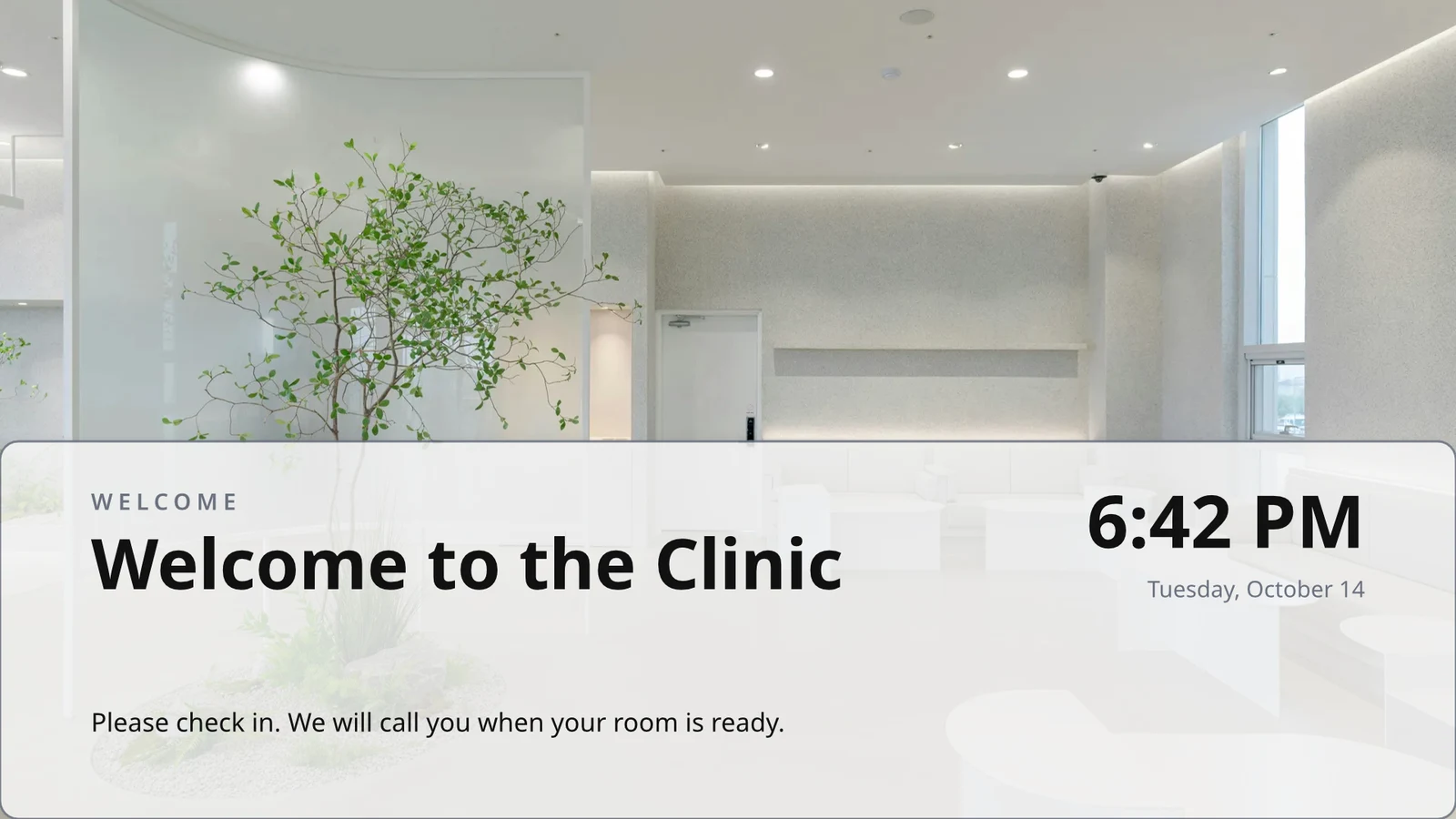
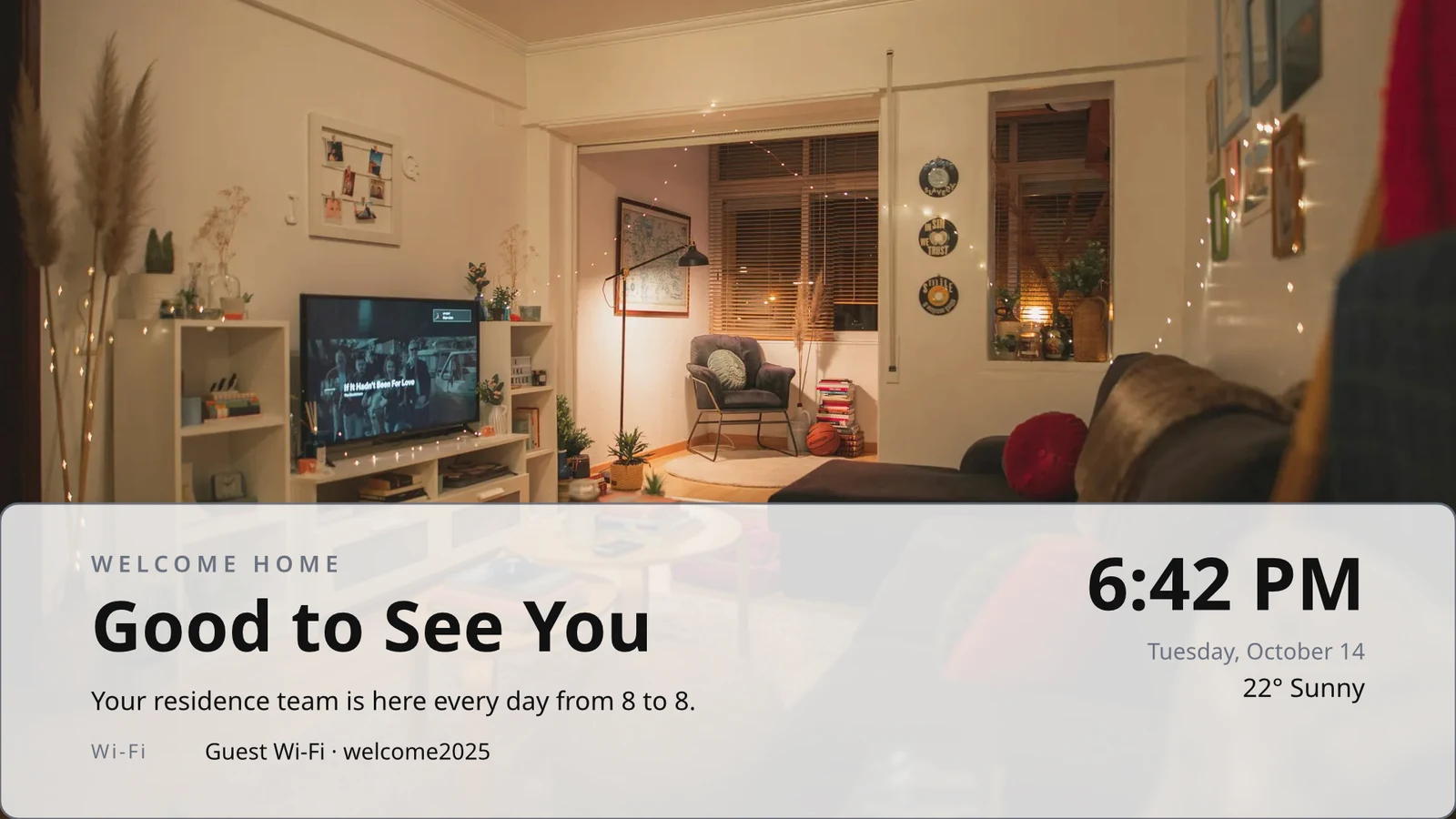
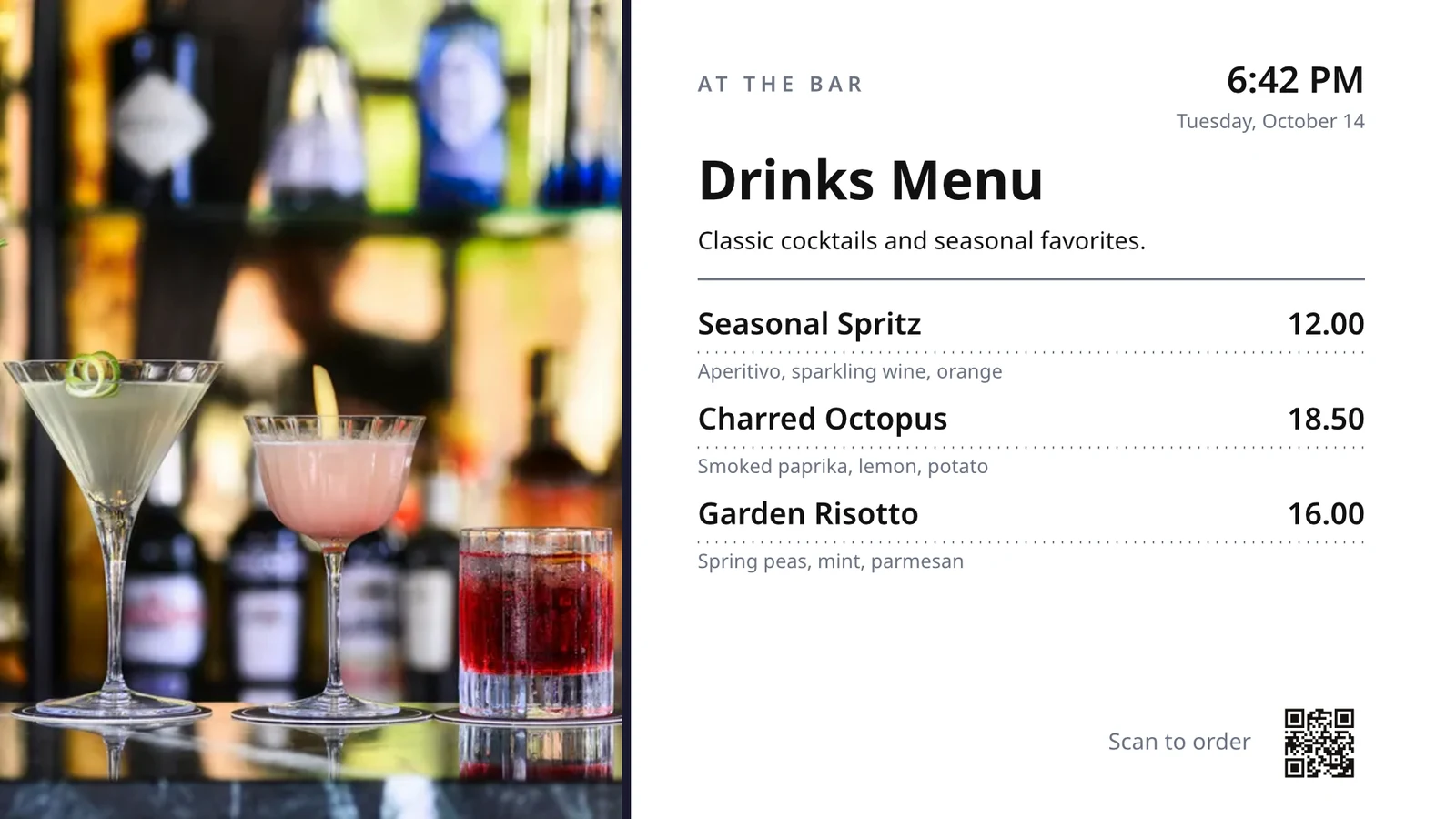
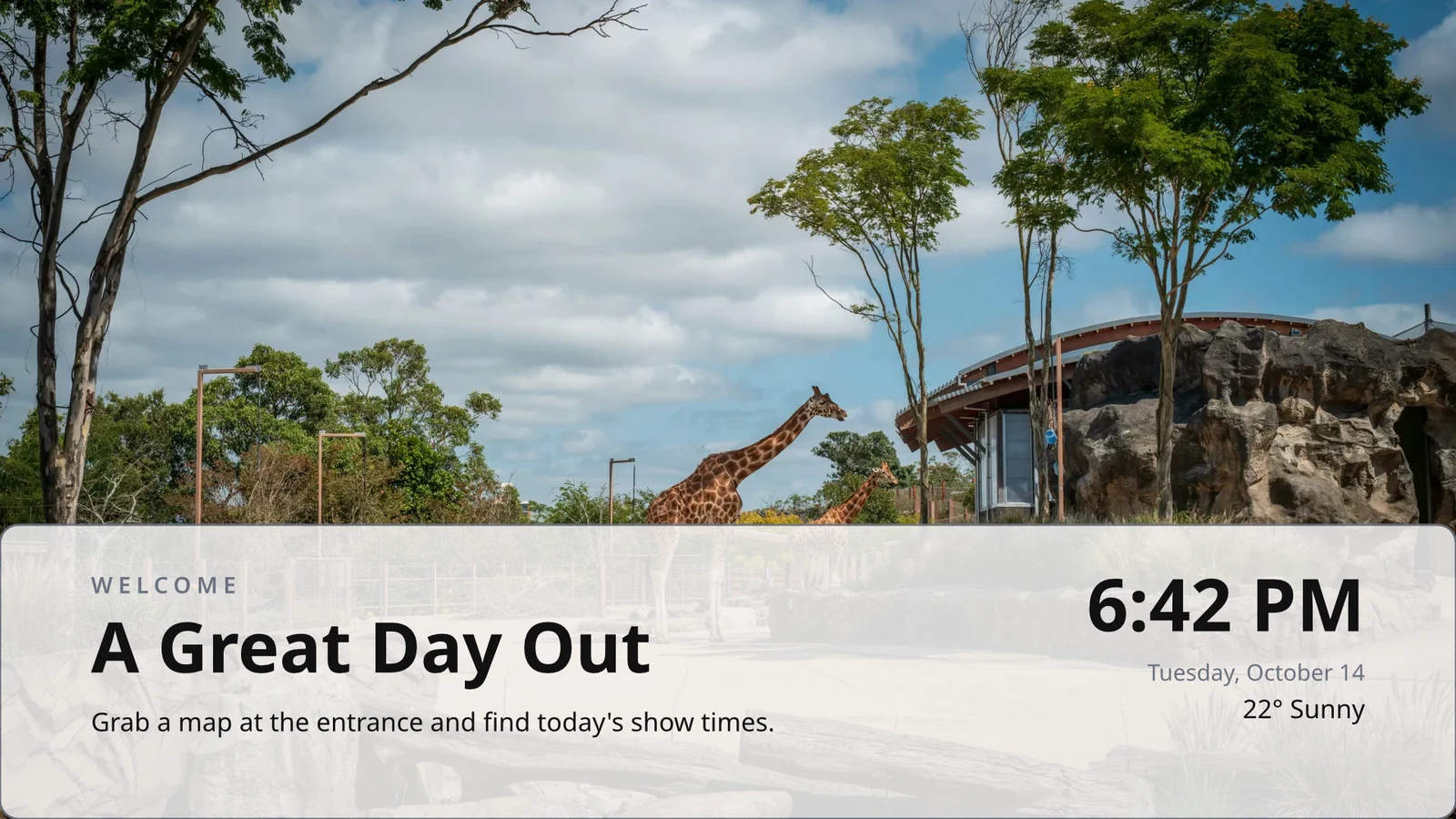
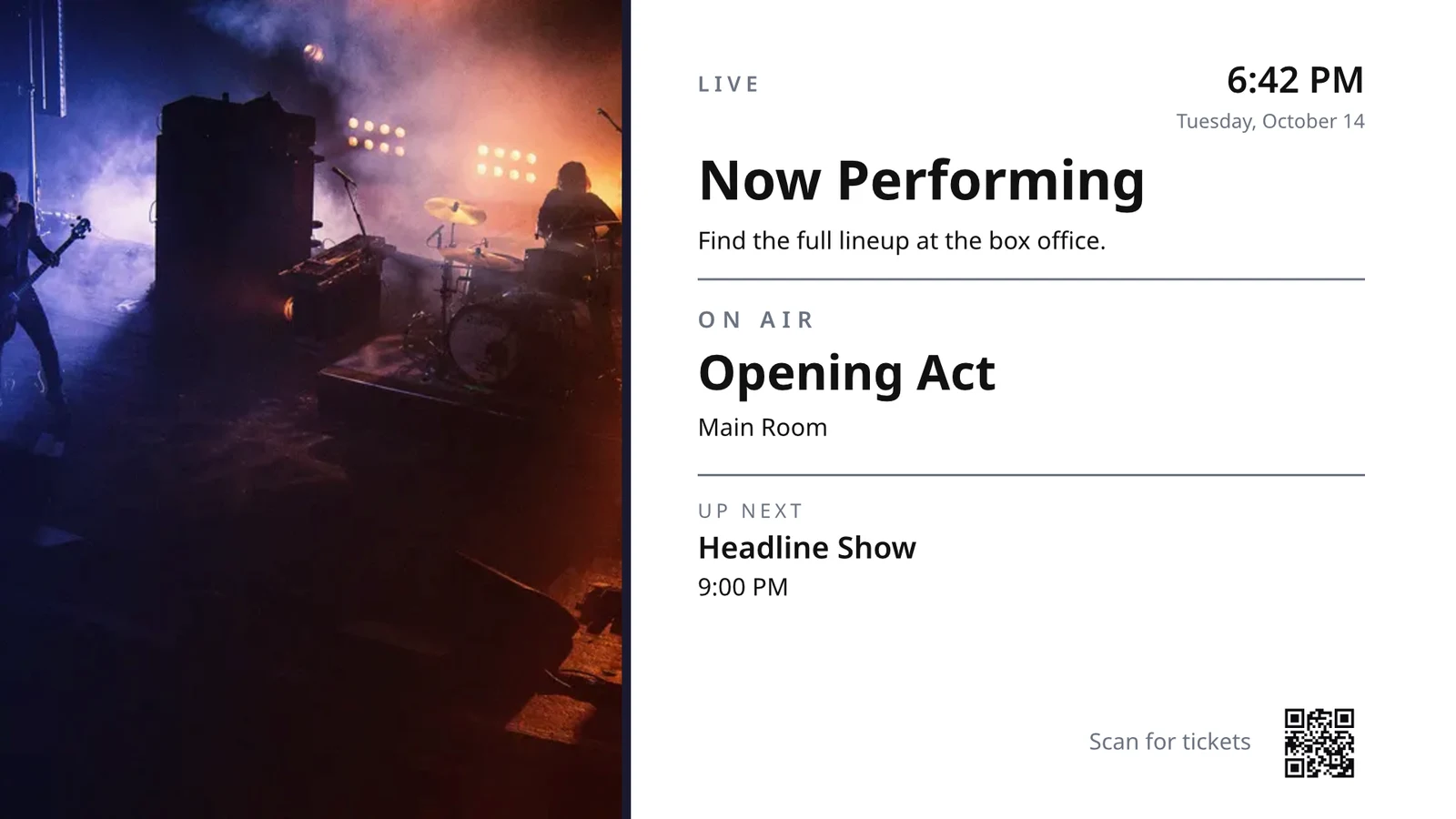
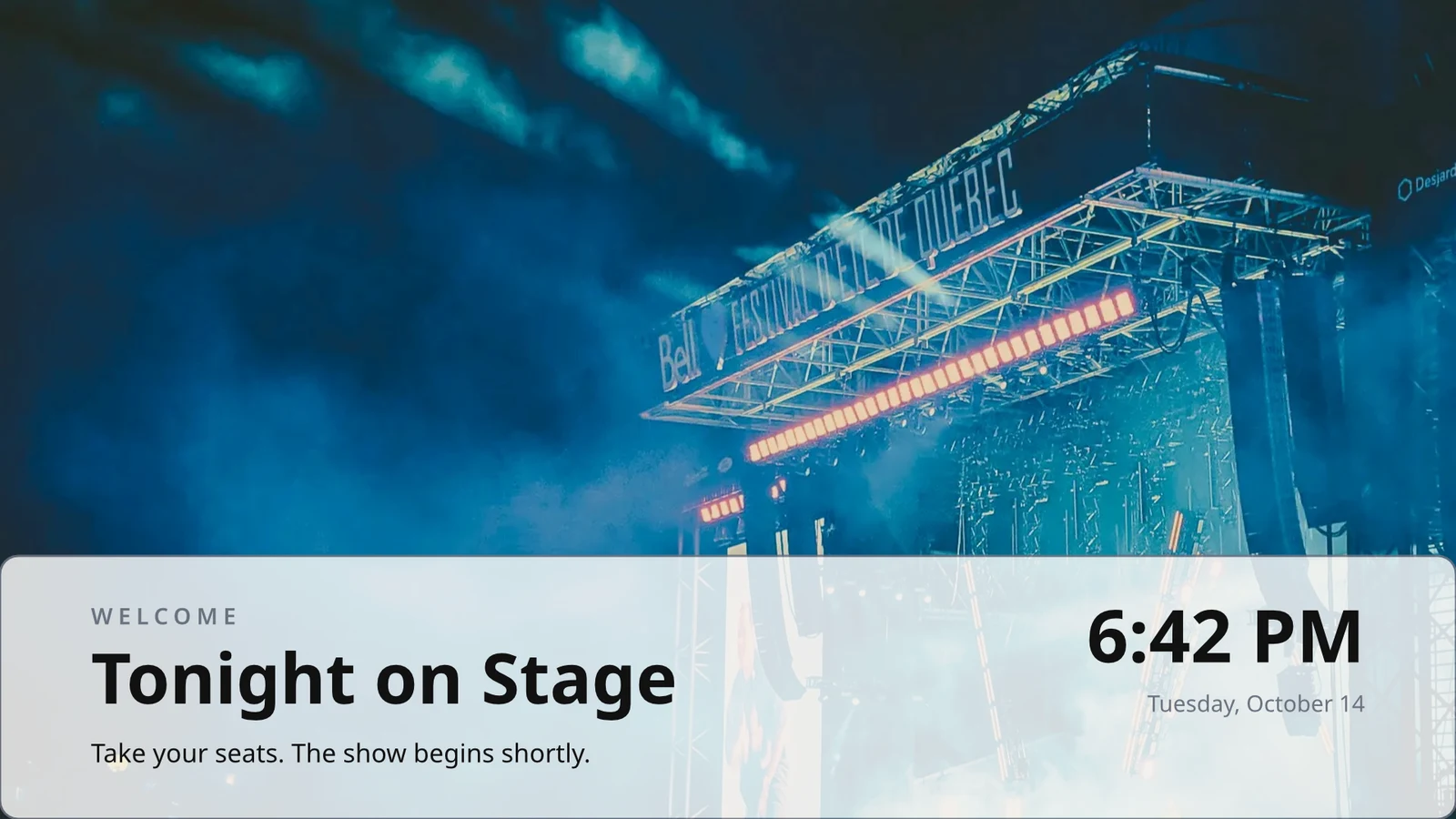
一度設計する行
メニュー、スケジュール、またはオファーリストの 1 行をデザインします。テレビは各レコードに対してページごとにこれを繰り返します。
テーマ
Calisto の 48 のテーマと、デザインに合わせて調整されテーマとして保存されるご自身のテーマ。
スクリーンに公開
各ページは 4K で描画されており、Update Screens はデザインを同時に再生しているすべてのテレビに到達します。
123すべてのページは 4K で描画され、あなたのスクリーン向けに最適化されています。メニュー、価格、時計などのライブデータも常に最新のままです。
ページはそれぞれが持つ遷移で翻页します。すべての画面は同時に翻页します。
移動するページ
Animate でアニメーション化されたページは、ページと同じ長さの間、テレビ上でビデオとして再生されます。
Page 2 of 3 · 10 秒各場所向けのコピー
各ロケーションは独自のコピーを取得し、ロックされた部分を保ち、それらの変更を反映します。
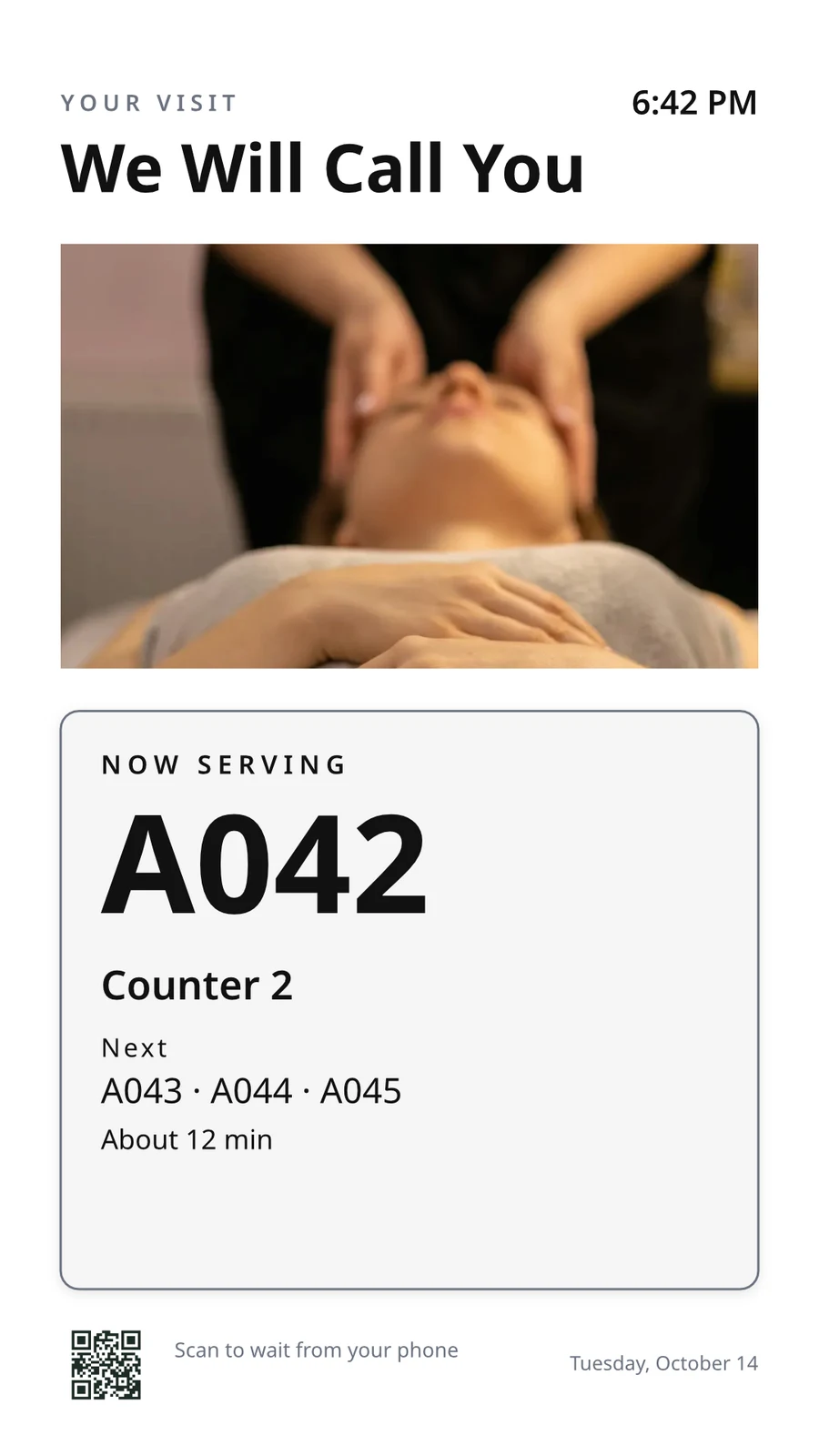 コピー用でロックされていますコピー用でロックされています
コードで TV をペアリングし、リモートで操作します
TV は 6 桁のコードを表示し、Add a TV がペアリングします。そのプラットフォーム、パネル、タッチ、リモコン、サウンドを報告します。各 TV のページには、その健康状態、部屋、現在および次に実行されている内容、識別、スクリーンショット、再起動、再読み込みが表示されます。
リモートコントロール
動作するもの
Lunch menuMenu board · Promote & informスケジュール「Lunch menu on the pass」からオンエア中。次:17:00からDinner menu健康
- ステータス
- Online
- 最終確認時刻
- 12 seconds ago
- Up Today
- 9 h 41 min
- 表示中
- Lunch menu
- プラットフォーム
- Android TV
- モデル
- 55" UHD panel
- App Version
- 3.14.2
- System Version
- Android TV 12
できること
TouchリモートSound請求
広告なし保有テレビで
Apple TV、Android TV、Google TV、Fire TV、Samsung および LG のスマートテレビ、またはあらゆるブラウザ。
K7QX4M承認されると、このスクリーンが自動的に開始されます。TV を追加
テレビに表示されているコードを入力して、アカウントとペアリングします。
適切な 時間 にテレビに別のスクリーンを追加
スケジュールは、指定された日付の間、選択された日と時間に、各テレビの固有のタイムゾーンで、選択されたテレビまたはテレビグループに画面またはプレイリストを配置します。最も具体的なスケジュールが優先されます。事業が承認を求めた場合、スケジュールは誰かが承認するまで再生されません。
スケジュール
テレビで再生されるコンテンツと再生時刻
| スケジュール | 説明 | 機能説明 | プレイズ・オン | 承認 | ステータス |
|---|---|---|---|---|---|
| Breakfast menu in the restaurant | Weekdays from 6:30 | Play the content chosen below | 3 TVs · 1 TV group | 承認済み | アクティブ |
| Sunset spa ritual offer | Lobby and pool bar, evenings | Play the content chosen below | 2 TV groups | 承認待ち | アクティブ |
| Rainy day activities | Only when it rains | Play the content chosen below | 1 TV group | 承認済み | アクティブ |
| Weekly restart | Mondays at 4:00 | Restart the TVs when it opens | TVs that run no screen of their own (account default) | 承認済み | アクティブ |
| Nyepi quiet day | Every TV off for the day of silence | Turn the TVs off for the whole window | 4 TV groups | 承認済み | アクティブ |
| Cooking class promo | Restaurant TVs, afternoons | Play the content chosen below | 2 台のテレビ | 返送済み | 非アクティブ |
| Wedding weekend welcome | Lobby, Friday to Sunday | Play the content chosen below | 1 TV group | Draft | 非アクティブ |
| Galungan offerings guide | Lobby and villas, festival week | Play the content chosen below | 2 TV groups | 承認済み | アクティブ |
| Refresh before check-in | Daily at 13:45 | Refresh the TVs when it opens | 1 TV group | 承認済み | アクティブ |
| Kids’ club afternoons | Pool bar TVs, 14:00 to 17:00 | Play the content chosen below | 2 台のテレビ | 承認待ち | アクティブ |
ドキュメント、スプレッドシート、プレゼンテーション
PDF、ドキュメント、スプレッドシート、プレゼンテーションはページとして再生され、保存されると再びスライドデッキとして再生されます。
メディア
ウェブページと公開ダッシュボード
公開されたウェブページまたはウェブに公開されたダッシュボードで、テレビのサイズに合わせて描かれ、設定された間隔で更新されます。
メディア
公開ページ:ウェブサイトまたはリンクで共有されるダッシュボード。テレビのサイズに合わせて描画され、画像として表示されます。
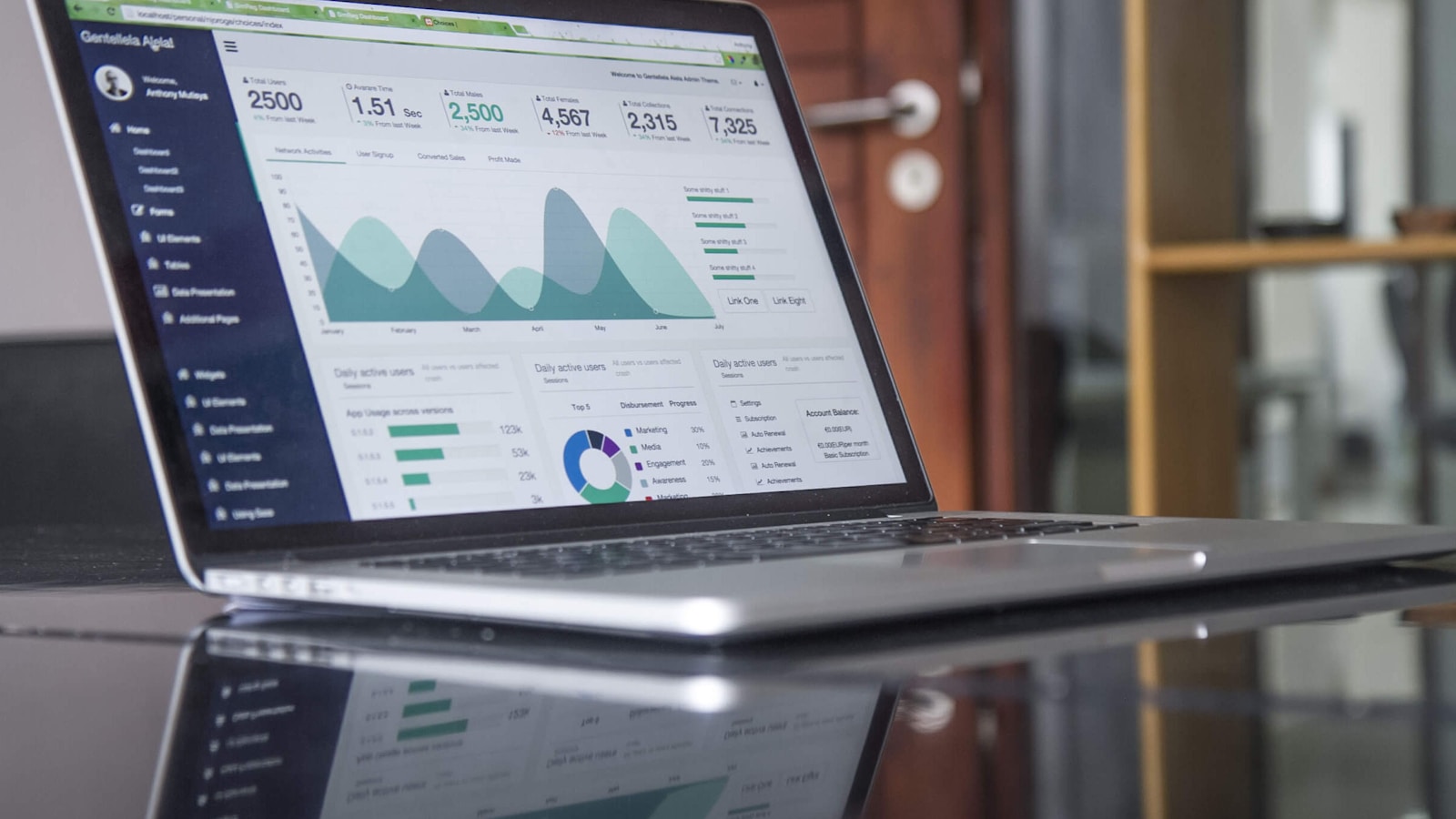
アナリティクスツールからのダッシュボード
各ツールの画像エクスポートを通じて描かれたサインイン済みダッシュボードで、独自の接続により秘密が厳守されています。
ライブテレビとストリーミング
テレビプロバイダーからのチャンネルまたはストリームで、音はオンまたはオフの状態。
Members’ bar screen
シートからのデータ
公開されたシート、CSV ファイル、または JSON ファイルの行を、1 ページずつ。
あなたのソーシャル投稿
公開された内容と、各チャンネルの最近の投稿。
あなたのブロードキャスト、ライブ
ライブ中のブロードキャストまたはウェビナーで、部屋の反応と参加コードを表示します。
メディアとプレイリスト
メディアライブラリ、ストックフォト、および各アイテムの時間を設定するプレイリストの写真と動画
メディア
承認または返送
承認パネルまたは通知そのものからスケジュールを決定する
Fado night on the lobby TVs
スケジュール情報
- 説明
- Thursday to Saturday evenings
- 承認
- 承認待ち
- Last Modified
- 21/11 · Inês Carvalho
ウィンドウ
- Daily Window
- 18:00 to 23:00
- Active Days
- Thu, Fri, Sat
- Evaluated in
- Each TV’s own time zone
- 優先
- 20
コンテンツ
- プレイリスト
- Fado nights
- Screen content
- Keep each TV’s own content
場所
- Plays on
- 2 TVs · 1 TV group
- テレビグループ
- Lobby TVs
アクティビティ
アカウントのデフォルト
テレビがないスケジュールは、テレビが独自の画面を表示しない場所でのみ再生されます。
新しいスケジュール
テレビで再生するコンテンツとタイミングを選択
場所
このスケジュールを再生するテレビ。両方とも空にすると、アカウント全体のデフォルトになります。その後、独自の画面を再生していないすべてのテレビで再生されます。
一部の天候のみ
スケジュールまたはゾーンアイテムは、空が晴れているか雨であるか、またはあなたが言うよりも暖かいか寒いかのときにのみ再生されます。
新しいスケジュール
テレビで再生するコンテンツとタイミングを選択
天気
天気が設定された場所でのみ再生し、天気が読み取れない場合は再生しません。
再起動またはオフ
開くと一度テレビを再起動またはリフレッシュするウィンドウ、または閉じるまでテレビをオフにするウィンドウです。
新しいスケジュール
テレビで再生するコンテンツとタイミングを選択
機能説明
すべてのテレビに 1 つのメッセージを表示し、その後削除する
アラートは選択されたテレビで再生されている内容の上に表示され、クリアされるか時間が切れるまで続きます。ドラフトとして保存し、必要時にアクティブにし、そのページからまたは通知からクリアします。テキストはコードではなく、そのままの形で表示されます。
各テレビが何を、どれほど長く再生したかを確認
各チェックインで再生されたコンテンツをすべてのテレビが報告します。パフォーマンスは、選択した期間内、テレビごとに日別で再生回数、テレビのオン時間、検出されたエラーをカウントします。オフになったテレビは「オフ」として表示されます。レポートはその横に配置されます。
パフォーマンス
Impressions, uptime and errors across your TVs, day by day.
| 日付 | TV | インプレッション | 稼働時間(分) | エラー |
|---|---|---|---|---|
| 21/11/2026 | Lobby Welcome TV | 1284 | 1022 | 1 |
| 21/11/2026 | Restaurant Menu TV | 962 | 958 | 2 |
| 21/11/2026 | Front Desk TV | 1118 | 1440 | 1 |
| 21/11/2026 | Room 204 TV | 46 | 312 | 3 |
| 20/11/2026 | Lobby Welcome TV | 1301 | 1031 | 1 |
| 20/11/2026 | Restaurant Menu TV | 977 | 965 | 2 |
| 20/11/2026 | Housekeeping TV | 1440 | 1440 | 1 |
稼働時間
各 TV のチェックインからクレジットされ、決して推定されません。
パフォーマンス
Which TVs stayed up, and which dropped out.
| TV | 稼働時間 | エラーのある日 | 最後のエラー |
|---|---|---|---|
| Cold Prep TV | 95.8% | 2 | Yesterday |
| Rider Pickup TV | 97.1% | 1 | 2 days ago |
| Packing TV | 99.2% | 1 | 6 days ago |
| Office TV | 99.6% | 1 | 11 days ago |
| Expo TV | 99.7% | 1 | 19 days ago |
| Grill Line TV | 99.9% | 1 | 26 days ago |
止まるテレビ
テレビがオフラインになった際に管理者に 1 回通知され、復旧した際に再度通知されます。
あなたのルール
各通知は変更またはオフにできるオートメーションルールです
オートメーション
| オートメーション | 何時 | 次に | 過去 7 日間 | 最終実行 | ステータス |
|---|---|---|---|---|---|
| Tell the admins when a screen stops checking in | スクリーンが暗くなりました | 管理者に画面が暗くなったことを報告 | 3 | 2 時間前 | オン |
| Tell the admins when a screen is back | スクリーンが復旧しました | スクリーンが復旧したことを管理者に知らせる | 3 | 1 時間前 | オン |
| Tell the admins when a schedule ends | スケジュール終了 | 管理者にスケジュール終了を通知する | 1 | 9 days ago | オン |
| Tell the admins when an alert goes live | 警報が作動しました | 管理者にアラートが公開されたことを伝える | 2 | 3 日前 | オン |
| Tell the admins when an alert is taken down | 警報が停止されました | 管理者にアラートが削除されたことを伝える | 2 | 3 日前 | オン |
| 承認者がスケジュールを待っていることを伝える | スケジュールの承認を待っています | 承認者がスケジュールを待っていることを伝える | 4 | 昨日 | オン |
| Tell the sender their schedule was approved | スケジュールが承認されました | 送信者に対して、スケジュールに関する決断を伝える | 3 | 昨日 | オン |
| Tell the sender their schedule was sent back | スケジュールが返却されました | 送信者に対して、スケジュールに関する決断を伝える | 1 | 2 ヶ月前 | オン |
| TV アプリビルドが完了したことを管理者に伝える | TV アプリのビルドが完了しました | TV アプリビルドが完了したことを管理者に伝える | 1 | 1 month ago | オン |
プレイの証明
各テレビはチェックイン時に再生した内容を記録し、失敗した画面はブランドフォールバックが表示され、エラーとしてカウントされます。
パフォーマンス
Proof of play: how often content and ads were on screen.
| 日付 | インプレッション | TV | 広告インプレッション | プレイごとのオーディエンス |
|---|---|---|---|---|
| 21 nov 2026 | 1,421 | Pickup TV | 366 | 14.8 |
| 21 nov 2026 | 1,304 | Menu Board Left | 341 | 12.1 |
| 21 nov 2026 | 1,298 | Menu Board Right | 339 | 12.1 |
| 20 nov 2026 | 1,377 | Pickup TV | 352 | 13.5 |
| 20 nov 2026 | 1,270 | Menu Board Left | 330 | 10.9 |
| 20 nov 2026 | 1,262 | Menu Board Right | 328 | 10.9 |
オーディエンス
各再生は、アクセスがカウントするテレビの部屋にいる人数をカウントし、1 再生あたりの平均として表示されます。
パフォーマンス
Proof of play: how often content and ads were on screen.
| 日付 | インプレッション | TV | 広告インプレッション | プレイごとのオーディエンス |
|---|---|---|---|---|
| 21 nov. 2026 | 612 | Event Hall TV | 148 | 23,6 |
| 21 nov. 2026 | 588 | Floor 2 Lounge TV | 141 | 9,1 |
| 21 nov. 2026 | 541 | Kitchen TV | 129 | 6,8 |
| 21 nov. 2026 | 524 | Reception TV | 126 | 4,2 |
| 20 nov. 2026 | 597 | Event Hall TV | 143 | 31,0 |
| 20 nov. 2026 | 579 | Floor 2 Lounge TV | 139 | 8,4 |
スクリーン別
各図は 1 行で、TV ごとに広告表示数とクリック数を記載。
パフォーマンス
Every figure, one row per screen.
| TV | インプレッション | 広告インプレッション | 広告クリック数 | アップタイム (h) | エラー |
|---|---|---|---|---|---|
| Departures TV · Bávaro Office | 14,822 | 3,706 | 118 | 712 | 1 |
| Check-in Line TV | 12,406 | 3,101 | 96 | 698 | 1 |
| Dock Pier 2 TV | 11,930 | 2,982 | 74 | 655 | 2 |
| Beach Bar TV | 9,718 | 2,430 | 61 | 640 | 1 |
| Shop Window TV | 8,604 | 2,151 | 48 | 702 | 1 |
| Marina Lobby TV | 6,800 | 1,032 | 15 | 690 | 1 |
パフォーマンス
Which TVs stayed up, and which dropped out.
| TV | 稼働時間 | エラーのある日 | 最後のエラー |
|---|---|---|---|
| Cold Prep TV | 95.8% | 2 | Yesterday |
| Rider Pickup TV | 97.1% | 1 | 2 days ago |
| Packing TV | 99.2% | 1 | 6 days ago |
| Office TV | 99.6% | 1 | 11 days ago |
| Expo TV | 99.7% | 1 | 19 days ago |
| Grill Line TV | 99.9% | 1 | 26 days ago |
TV ストア にご自身のアプリを公開する
TV アプリビルダーは、Apple TV、Android TV、Fire TV 向けのブランド化されたアプリ(外観、コンテンツとチャンネル、テレビ上のプレビュー、ビルド、ストアリスト、およびその分析)を設計します。Calisto は各プラットフォームのアプリを構築し、ビルドが完了した際に通知されます。
TV アプリ
Your branded app for Apple TV, Fire TV and Android TV. Design, build and publish it.
デザインとコンテンツ
色、フォント、ナビゲーション、ビデオ、チャンネルは、テレビがそれらを描き出すようにプレビューされます。
TV アプリ
Your branded app for Apple TV, Fire TV and Android TV. Design, build and publish it.
#7b2cbf背景色#120a1c背景スタイルSolidGradientBlurスマートフォン からテレビを操作
電話機では、Display があなたのテレビと必要なテレビを最悪順に表示し、壁面のあらゆるアラートと承認を待っているスケジュールを開きます。画面とテレビはそれぞれ独自のページとして開きます。
通信なし
ホーム、テレビ、テレビのページ、およびアラートは、あなたが選択したデバイスでオフラインで開きます。
テレビの状態
オンラインのテレビ、あなたが必要とするテレビ、表示中のアラート、待機中の承認、Windows Widgets ボード上で。
写真共有
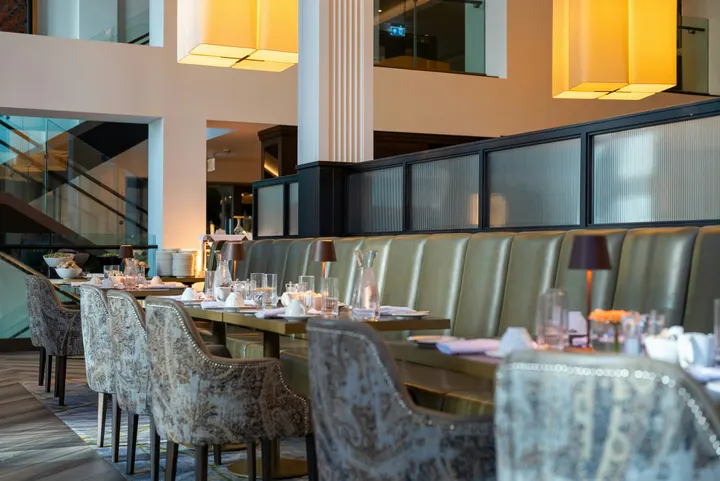 fine-dining-01.jpgイメージ · 直今
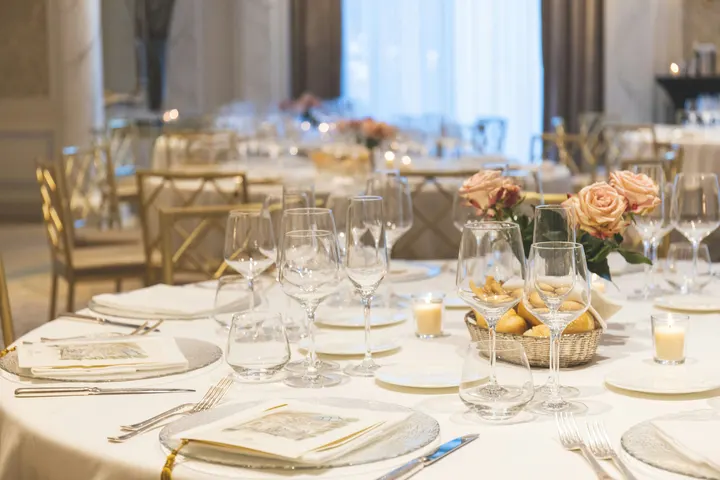 fine-dining-02.jpgイメージ · 直今
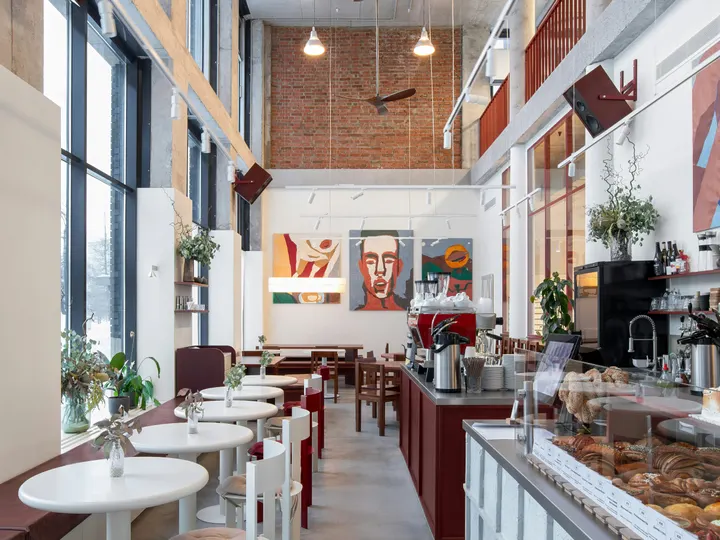 restaurant-01.jpgイメージ · 直今
 fine-dining-04.jpgイメージ · 昨日
 restaurant-03.jpgイメージ · 3 日前
 restaurant-02.pngイメージ · 先週Bistro Kogarashi · Tokyo
スマホから共有された写真と動画はメディアライブラリに格納されます。
ショートカット
TVs、Alerts、Schedules、TV を追加、マイスクリーン、およびアプリのアイコンからライブプレビュー。
通知からアラートをクリアするか承認する
他の管理者が提起したアラートをクリアするか、通知から待機中のスケジュールを承認します。
<ディスプレイがそれ以外のすべてに接する場所。
4 of these 8 connections are in your plan today; the others are their own apps.
Dine
The kitchen display shows and bumps the kitchen’s own orders, and the menu board reads the menu set up in Dine.
Stays
A guest TV reads the stay in its room, and the housekeeping TV is the same board as Stays’ Housekeeping.
Coworking
A meeting room’s door sign is made and paired from Coworking’s Spaces, each paired with the room it hangs outside.
Kiosks
Kiosks and TVs are set up through the same screen records, and play the same designed screens and live feeds.
Orderflow
Room service ordered from a guest TV goes to Orderflow, and the order fulfillment screen is Orderflow’s queue on a TV.
Studio
Designed screens are made in the same design editor Studio opens, and a Studio design at TV size plays as one.
Automations
Every notice Display sends is an Automations rule, and other apps’ rules can repaint a board.
Ads
A free TV’s ad band is filled through Ads, the one place a screen’s ads are chosen.
設定費用なし。使用開始時に支払い。
Every TV free with Calisto’s ad band, or ad-free per TV.
Calisto Display
Runs the TVs in a business: kitchen displays, pickup and now-serving boards, guest TVs, menu boards, signage and designed screens, with schedules, alerts and performance.
おすすめ
互いに良好に動作します。
Calisto Dine
Calisto Stays
Calisto Coworking
Calisto Kiosks
Calisto キオスク
One job per kiosk, from check-in and ordering to wayfinding, set up on any tablet at your own kiosk address, with each screen’s own card terminal and printer.
Learn more →Calisto Orderflow
Calisto Studio
Calisto Create
A Studio seat designs anything at every size, from Calisto’s templates or a blank page: layers, photos, Copy & Resize, Bulk Create, mockups, QR codes, print-ready PDFs, sharing and whiteboards.
Learn more →Calisto Automations
Calisto Ads
Calisto Engage
Run campaigns on the websites, apps, kiosks, TV screens and member portals other Calisto businesses publish, and sell the ad space on your own.
Learn more →推奨される
Display を運用する業界と、それぞれがそれを運用する理由。
Live Music & FestivalsStage & wayfinding screens
Stage, wayfinding and sponsor screens.
Calisto の Live Music & Festivals →Marathons & EnduranceStart, finish & expo screens
Start, finish and expo screens.
Calisto の Marathons & Endurance →Venue ManagementWayfinding & room screens
Wayfinding, room and sponsor screens.
Calisto の Venue Management →In-Person RetailersIn-store screens
Window, shelf-edge and queue screens.
Calisto の In-Person Retailers →Calisto に含まれるすべて Display.
- New: every job a TV can do, ordered for your industry, each shown running on sample data, with the one choice that makes it this screen and where it works.
- Set Up Every Screen: your kind of business’s set at once, a screen set for each of the 38 kinds of business.
- Run the operation: kitchen display (prep, expo and bar, with bump), housekeeping and room status, front desk, today’s appointments, golf starter, door counter, order fulfillment (Orderflow’s queue, with accept, reject and bump) and sales targets.
- Move customers: order pickup, now serving on any app’s walk-in line, check-in welcome, meeting room sign, departures and tours, wayfinding, tournament and race leaderboard, class schedule.
- Serve guests: the guest TV in a hotel, apartment or short-stay room, and the resident and member TV.
- Promote and inform: designed screen, digital signage with zones and playlists, menu board, offers and upgrades, property window, on air.
- A screen’s record: Purpose, Where (location, station, counter, room, course or event, filled in when there is one), Content, Look (dark or light, your logo and color), TVs and Schedule, beside the screen running live on your data.
- Put It on a TV: the one step that puts a screen on its TVs, refused with the reason when something it needs is missing.
- My Screens: each screen, what it runs and on how many TVs.
- Other apps put their own screens on a TV from their own desk: now serving from a walk-in line, a leaderboard from a competition, room signs from Coworking’s Spaces and every Events host’s Rooms.
- The kitchen display reads and moves the kitchen’s orders, the same orders Dine’s kitchen screen and Station work from.
- The menu board reads the menu set up in Dine.
- Room service ordered on a guest TV is charged to the stay and handed to Orderflow, whose accept fires the kitchen.
- Late checkout and the property guide come from the stay and the property.
- The housekeeping TV is the same board as Stays’ Housekeeping, moving each room’s tasks.
- Staff act from a staff screen of their own account; a guest acts only from the room TV while its stay is checked in.
- A TV reads only its own screen’s data, scoped on the server to its station, counter or room.
- The design editor Studio uses, at 16:9 landscape or 9:16 portrait; a Studio design at a screen’s shape is a designed screen too.
- Start blank or from 160 layouts, 81 landscape and 79 portrait, each tagged with its industries and carrying photographs, your own industry first.
- Themes: Calisto’s 48 and your own, chosen and tuned per design, Save as Theme; a design that picks none keeps its own look.
- Live Data: the menu, the schedule (classes, sessions, events, tours, race waves, today and the next six days), offers running now, homes on the market, a dish’s price, the offer on now, clock, date, weather, guest Wi-Fi, a QR code, the number being served and what is on air.
- Lists are one designed row, repeated for every record in the list’s columns and gaps, paging by its area; a list with no records draws nothing.
- Publish to Screens draws each page at 4K and keeps the live layer apart; Update Screens reaches every TV and kiosk playing the design at once.
- Each page shows for its own length; pages turn together across a bank of TVs.
- A page animated with Animate plays as a video made on your device or Calisto’s servers, from the start each time the page comes on.
- Played full screen, or as an item in any signage zone.
- People Inside: how many are in the screen’s room now, its limit, the places left and how full it is, where Access counts the room.
- A copy for each location keeps the parts its original locks for copies, and takes their changes; your business chooses who may lock them.
- Add a TV: the TV shows a six-character code; you enter it and give the TV a name and, in a room, its room.
- The TV reports its platform, panel resolution, touch, remote and sound at pairing and on every check-in.
- Apple TV, Android TV, Google TV and Fire TV run the Calisto TV app from their stores; Samsung Tizen and LG webOS open it from their own app; any browser opens the TV address.
- A TV that cannot get a code keeps asking and replaces a lapsed code by itself.
- TVs: every TV, its platform, location, what it runs, its state and when it was last seen, searched, filtered and sorted on the server however many you have.
- A TV’s page: health, capabilities, room, what it runs now and next, Choose What This TV Runs, remote control, billing and unpair.
- Remote control: identify, screenshot, restart and reload, answered by the TV on its next check-in; on a commercial display that lets Calisto control it, turn on, turn off, switch input and volume.
- Video walls: TVs mounted together play one screen across the wall, each its slice, with the panels’ frames allowed for.
- One clock for every TV: page turns, zone rotations, looping videos and music play in step across screens.
- Audio zones: your own tracks or your music service’s stream under whatever a set of TVs shows, every TV at the same moment, quieter for a chime, silent while a TV sleeps.
- TV hours: TVs follow the place’s opening hours or your own; outside them they go dark and wake for opening.
- Meeting rooms: a room’s TV shows the Calisto Live meeting booked in it, a code to join before it starts and the meeting once it is live.
- Runs as the digital signage of the video-meeting displays in your rooms.
- TV Groups: a floor, a building or a brand as one target.
- A TV with nothing to run shows your logo, your name and the time where it hangs.
- Starts from what it last received when it powers on with no network.
- Spaces: a TV assigned to an archived Space stops; one that cannot be read for a moment keeps playing.
- Unpair reaches the TV on its next check-in.
- Live Preview: what a real TV is showing right now.
- A schedule puts a screen, or a playlist in a signage screen’s main zone, on chosen TVs and TV groups between dates, on chosen days and hours.
- Each TV keeps its own time zone; a schedule may set one.
- The most specific schedule wins (a TV, then its group, then the account default), then priority, then the latest start.
- A schedule with no TVs is the account default: it plays only on a TV that runs no screen of its own.
- Approvals: when your business asks for them, a schedule plays only once approved; Approve, or Send Back with a note, on its page, in the Approvals panel or from the notification.
- A schedule that is on is turned off before it can be deleted.
- Media: photos and videos (JPEG, PNG, WebP, GIF, MP4, WebM), audio, stock photos and playlists that time each item by its seconds.
- Documents, decks and web pages: PDFs, documents, spreadsheets, presentations and Slides decks play as pages; a public web page or a published dashboard is drawn at the screen’s size and refreshed on your interval.
- Dashboards: your analytics tools’ dashboards drawn through each service’s own image export with your own connection, its secret kept sealed, refreshed on your interval.
- Zones also play live TV and IPTV streams, your Live broadcast with its reactions, rows from a published Sheet or a CSV or JSON file, and your published social posts.
- A schedule or a zone item can play only in some weather: rain, snow, sun, warmer or colder than you say.
- An alert goes over whatever its TVs are playing until it is cleared or its time runs out.
- Info, warning or critical, with its colors and how long it stays.
- Saved as a draft, activated when needed, cleared from its page, the list or the notification.
- Each alert names who raised and who cleared it; its text shows as written, never as code.
- An Access alert (a lockdown, an evacuation) goes over the TVs where it is raised and comes off at the stand-down.
- Official warnings from public alerting authorities go over the TVs at the places they cover until they end.
- Your own alert system, such as a campus or building system, posts to a private address, in CAP or JSON, and its alerts go over the TVs at the places you choose until it cancels them.
- Rules put a screen on the TVs for a while when something happens: a visitor checks in, a badge is shown at a door, a zone fills up.
- Overview: plays, minutes on and errors, in total and by TV and day, over all time, 7, 30 or 90 days.
- Impressions, Uptime and By Screen views, and Reports.
- Proof of play: each TV files what it plays on every check-in; a screen that fails is shown as your branded fallback and reported as an error.
- Uptime is credited from check-ins, so a TV that was dark reads as dark.
- Audience: each play counts the people in the TV’s room where Access counts it, shown as the average per play.
- Notices as Automations rules you can change or turn off: a TV stopped checking in or is back, a schedule ended, an alert went live or was cleared, a schedule waits for approval, was approved or sent back, a TV app build finished.
- The fleet is checked every 15 minutes, on Calisto’s database or your own.
- Every paired TV is free with 15% of the screen given to an ad band, on customer and guest screens.
- Staff screens never show ads, and a guest navigating a room TV sees none.
- Remove Ads makes one TV ad-free at the per-TV price, agreed once before anything is billed.
- An ad-free TV may opt back in: its band sells with you as the seller, sharing what it earns, and your own ads fill the rest.
- Ad Surfaces: your own house ads.
- Your branded app for Apple TV, Android TV and Fire TV.
- Overview, Design, Content, Preview, Build, Store Listing and Analytics in one workspace.
- Built by Calisto’s build pipeline for each platform; Display holds no store keys.
- Analytics: installs, active TVs and watch time by month.
- Tabs for Home, TVs, Alerts and Schedules, and More for the whole menu.
- Home: the fleet’s counts and the TVs that need someone, worst first, any alert on the walls and schedules waiting for approval.
- A screen and a TV open as their own pages, with Put It on a TV and Choose What This TV Runs; alerts and schedules are edited from their own pages.
- Designed screens and the TV App’s artwork open in the phone design view: pages, Edit Words and Photos, Publish to Screens.
- Shortcuts: TVs, Alerts, Schedules, Add a TV, My Screens and Live Preview.
- Home, TVs, a TV’s page and Alerts open with no signal on a device you choose; raising or clearing an alert, approving a schedule and restarting a TV need the signal, and say so.
- Notifications with buttons: Clear Alert on an alert another admin raised, Approve on a schedule waiting for you.
- TV Status on the Windows Widgets Board: TVs online, TVs that need you, alerts showing and schedules waiting.
- Photos and videos shared from the phone land in Media.
- Calisto’s search finds TVs, screens, schedules and alerts.
- Every create happens once, however often the button is pressed.
Questions about Calisto Display
Apple TV、Android TV、Google TV、Fire TV のいずれかが、それぞれのストアから Calisto TV アプリを起動します。Samsung および LG のスマートテレビは、独自のアプリから起動します。ブラウザを搭載した他のテレビは、アドレスを起動します。テレビはコードを表示し、[TV を追加] からペアリングします。Calisto はお客様の施設に何もインストールしません。
キッチンディスプレイは、キッチンが受け取る注文を表示し、Dine のキッチン画面やステーションで作業を行う同じ注文をバンプします。また、メニューボードは Dine で設定されたメニューを読み取ります。他アプリの記録を読み取る画面にはそのアプリが必要です。設計された画面、サイン、アラートには何も不要です。
無料の TV は、顧客用およびゲスト用画面に表示される Calisto の広告用に画面の一部を割り当てます。スタッフ用画面には広告は表示されず、ゲストがルーム TV を使用しても広告は表示されません。「広告を削除」は 1 つの TV を広告非表示にし、1 つの TV 単価で利用でき、広告非表示の TV は再度参加して収益を分け合うこともできます。
TV は最後に受信した情報を保持し、ネットワークなしで電源を入れるとそこから開始します。そのページには最後のチェックイン時刻が表示され、TV がオフラインになった際に管理者に一度通知され、オンラインに戻った際に再度通知されます。
作業が必要な場所に。キッチンスタッフはキッチンディスプレイからチケットをバンプさせ、ハウスキーピングはボードで部屋を移動させ、宿泊客はルームサービスを注文するか、チェックイン中にルーム TV でチェックアウトの延期を依頼します。メニューボードは何もアクションを起こしません。
写真とビデオは、スマートフォンからもメディアにアップロードされ、プレイリストやサイネージゾーンで再生されます。マーケティング用スクリーンは、業界固有のレイアウトから再設計され、通常は手入力される価格や時間の代わりにライブデータが表示されます。