Modifiez une photo en une touche, à la main ou en calques.
L'éditeur de photos pour les photos déjà dans votre compte. Terminez une photo ou une séance entière, puis partagez une Galerie à partir de laquelle votre client choisit ses favoris.
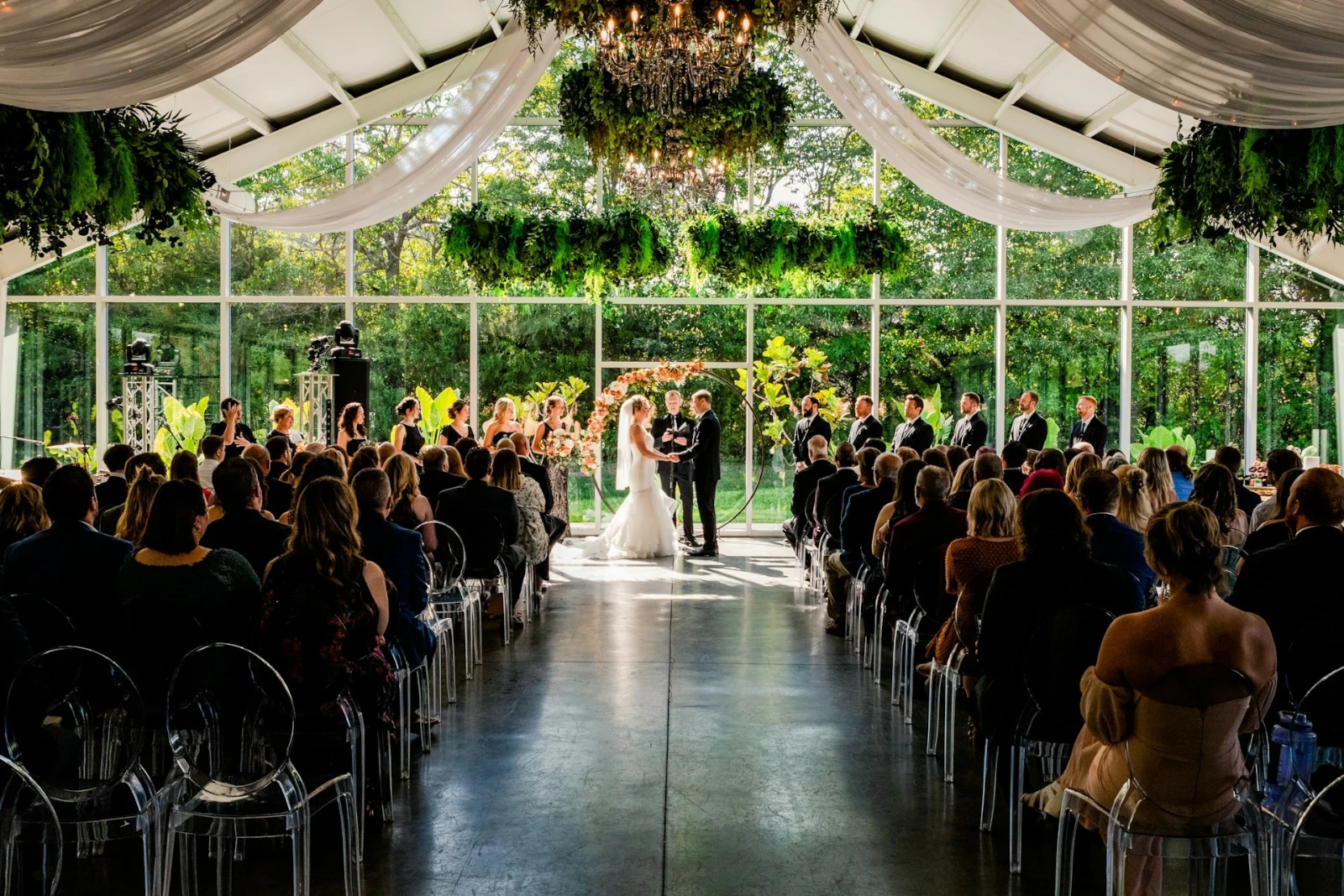
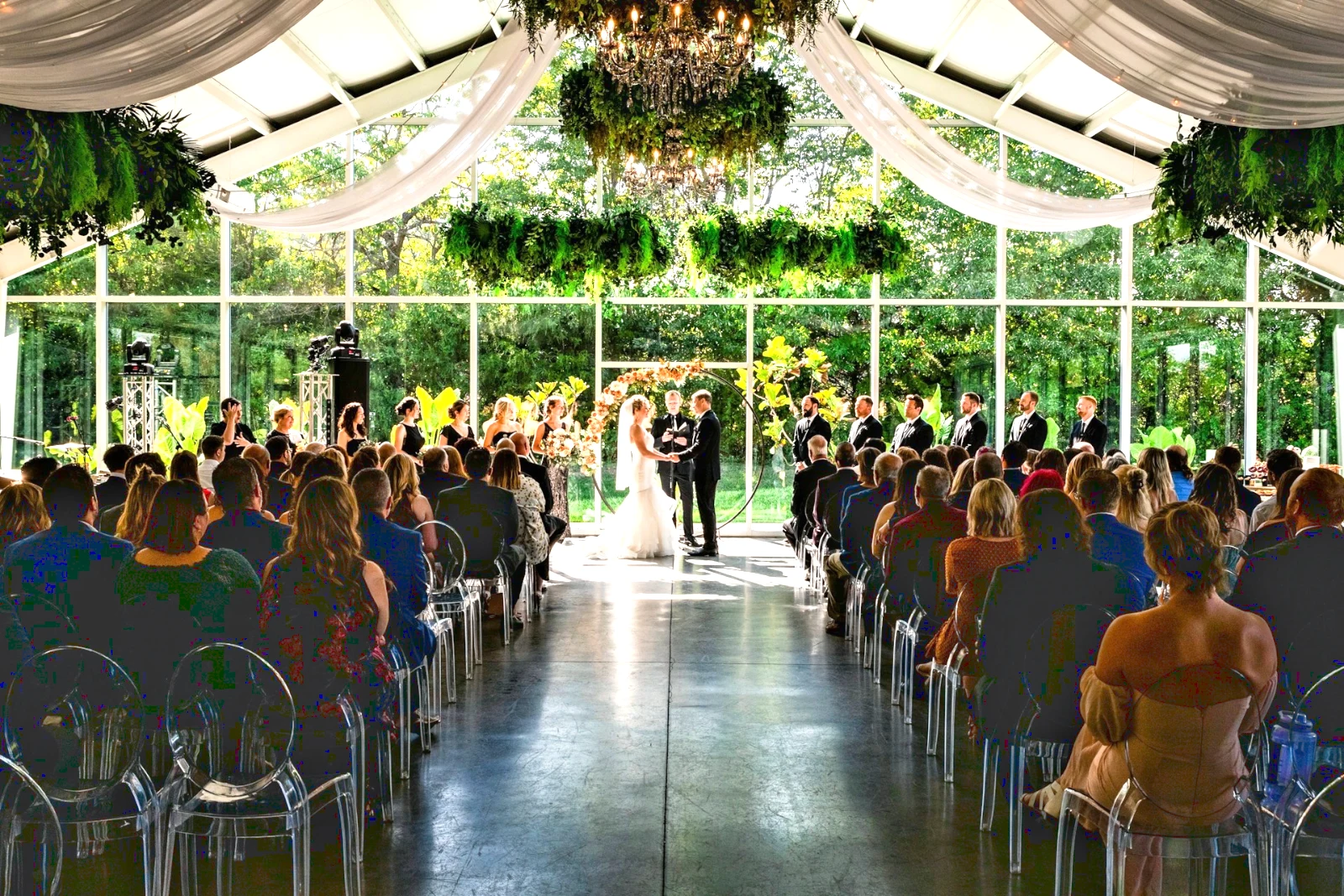
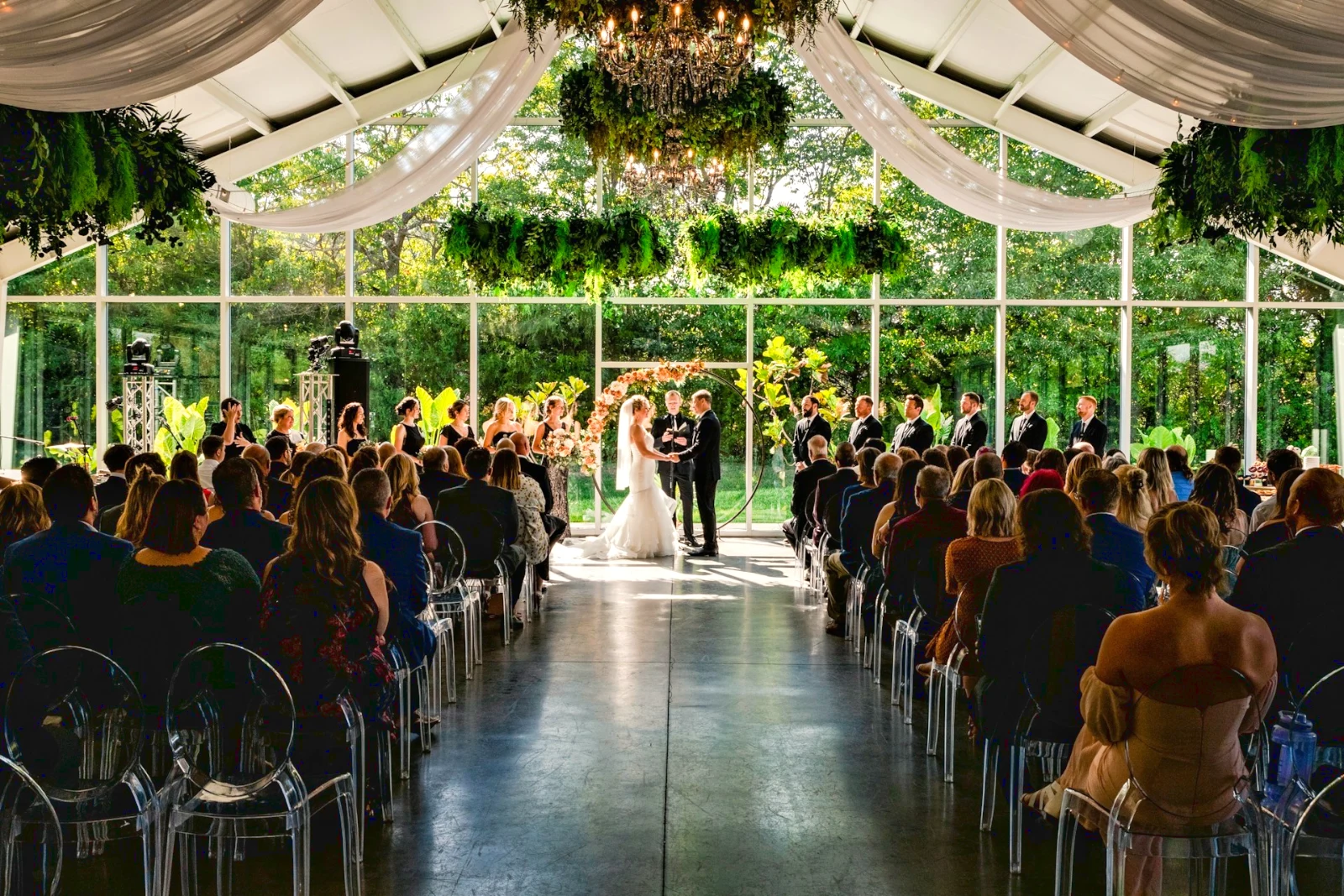
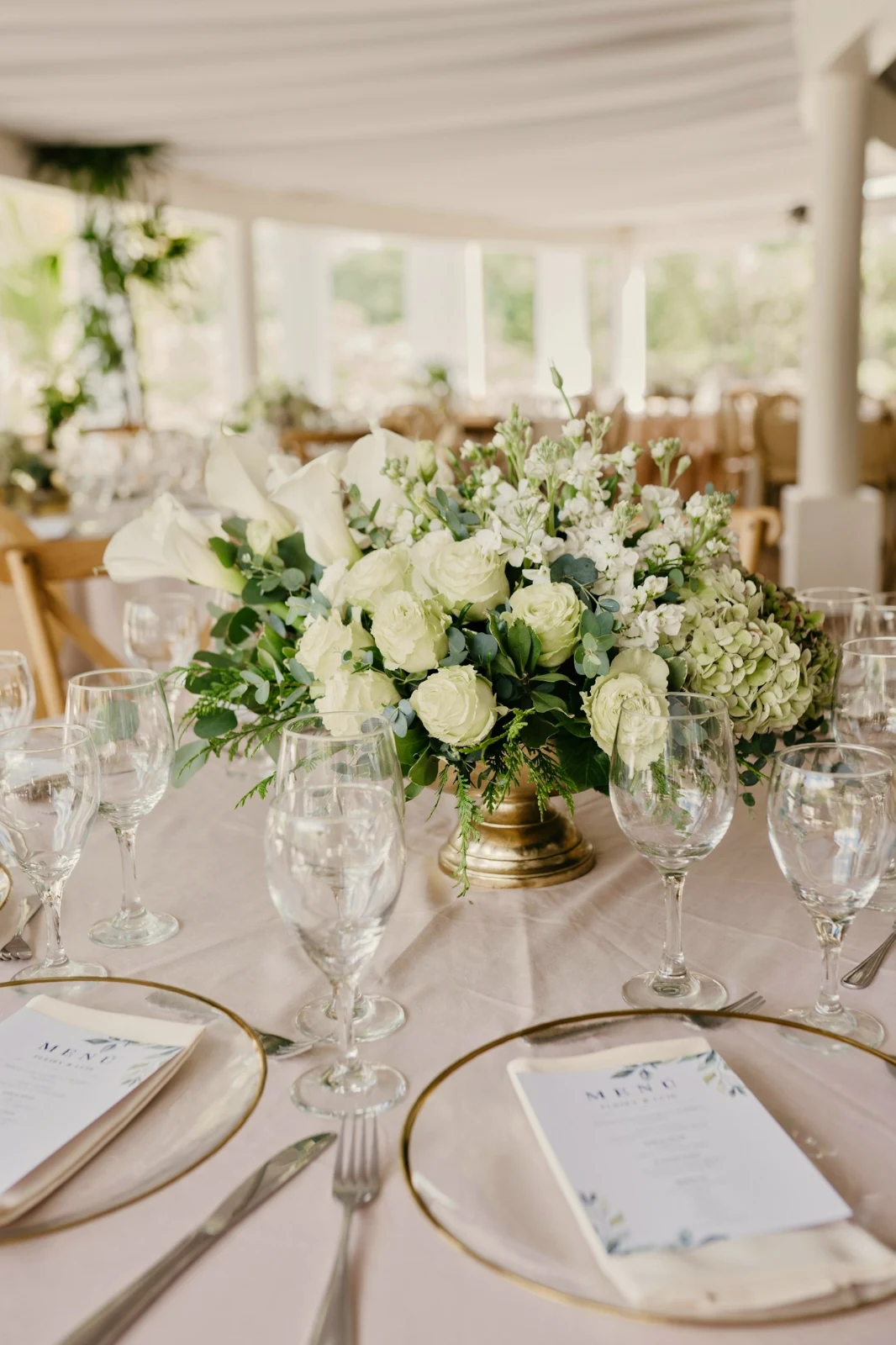
 Bright and Airy
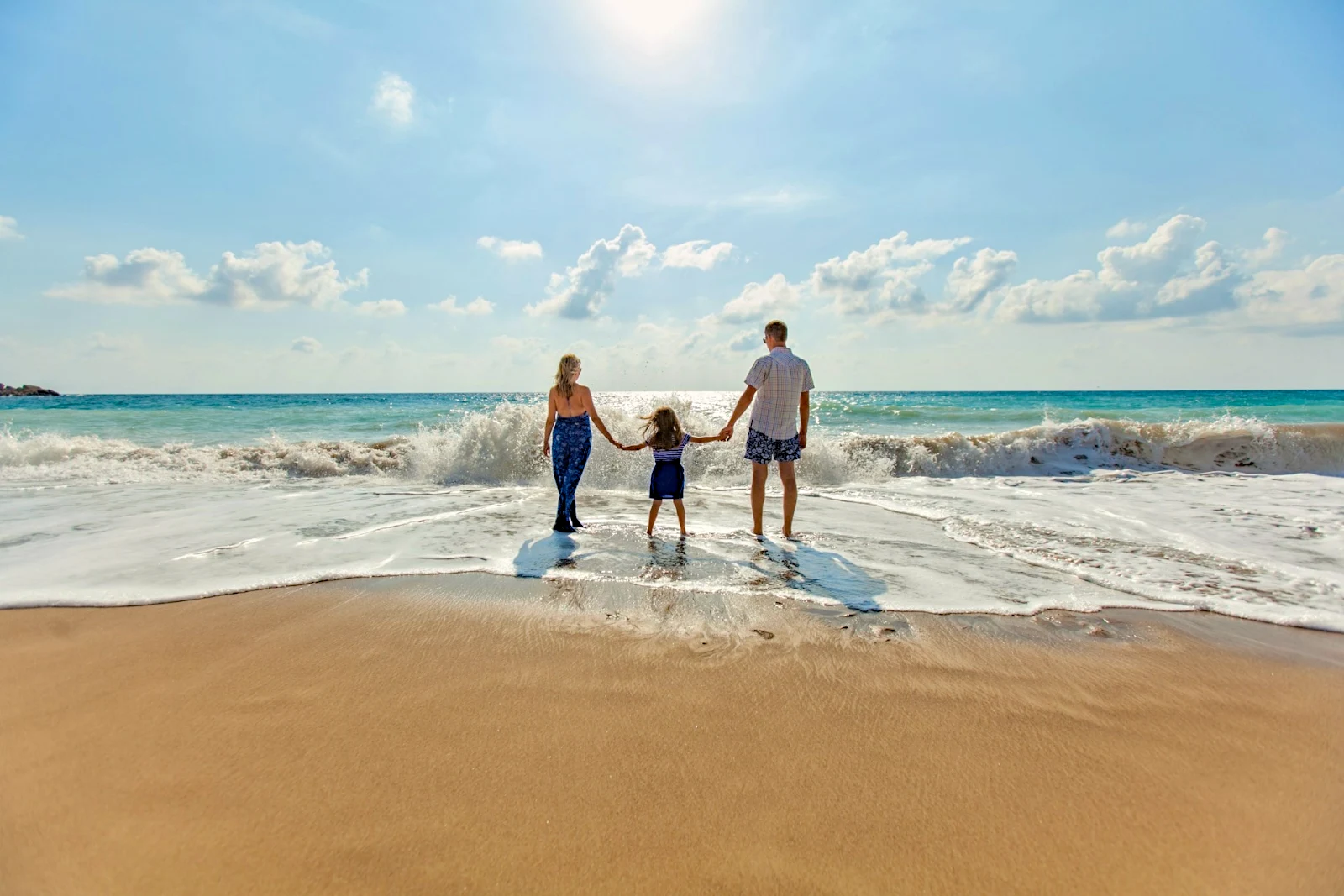
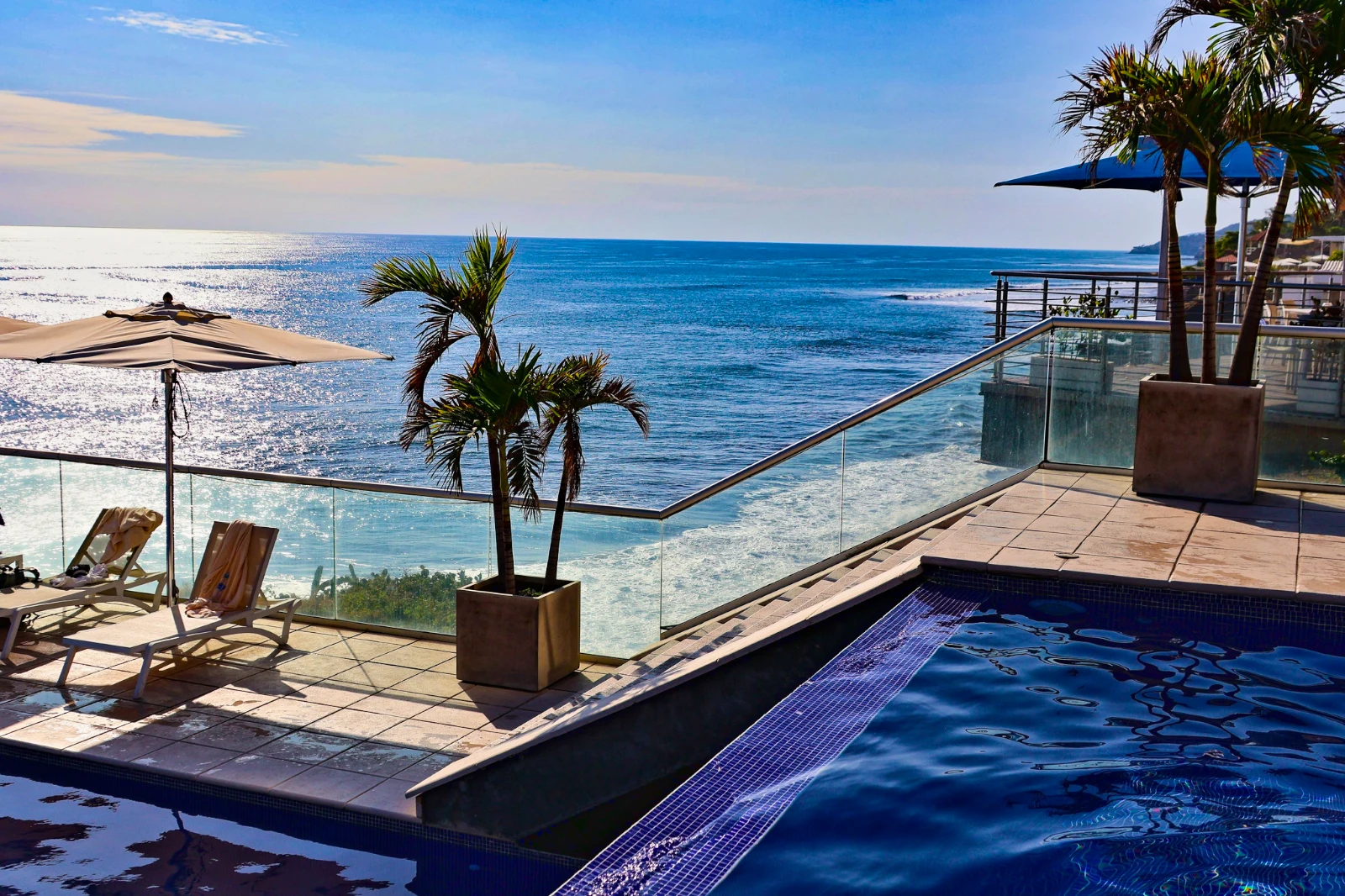 Punchy Social
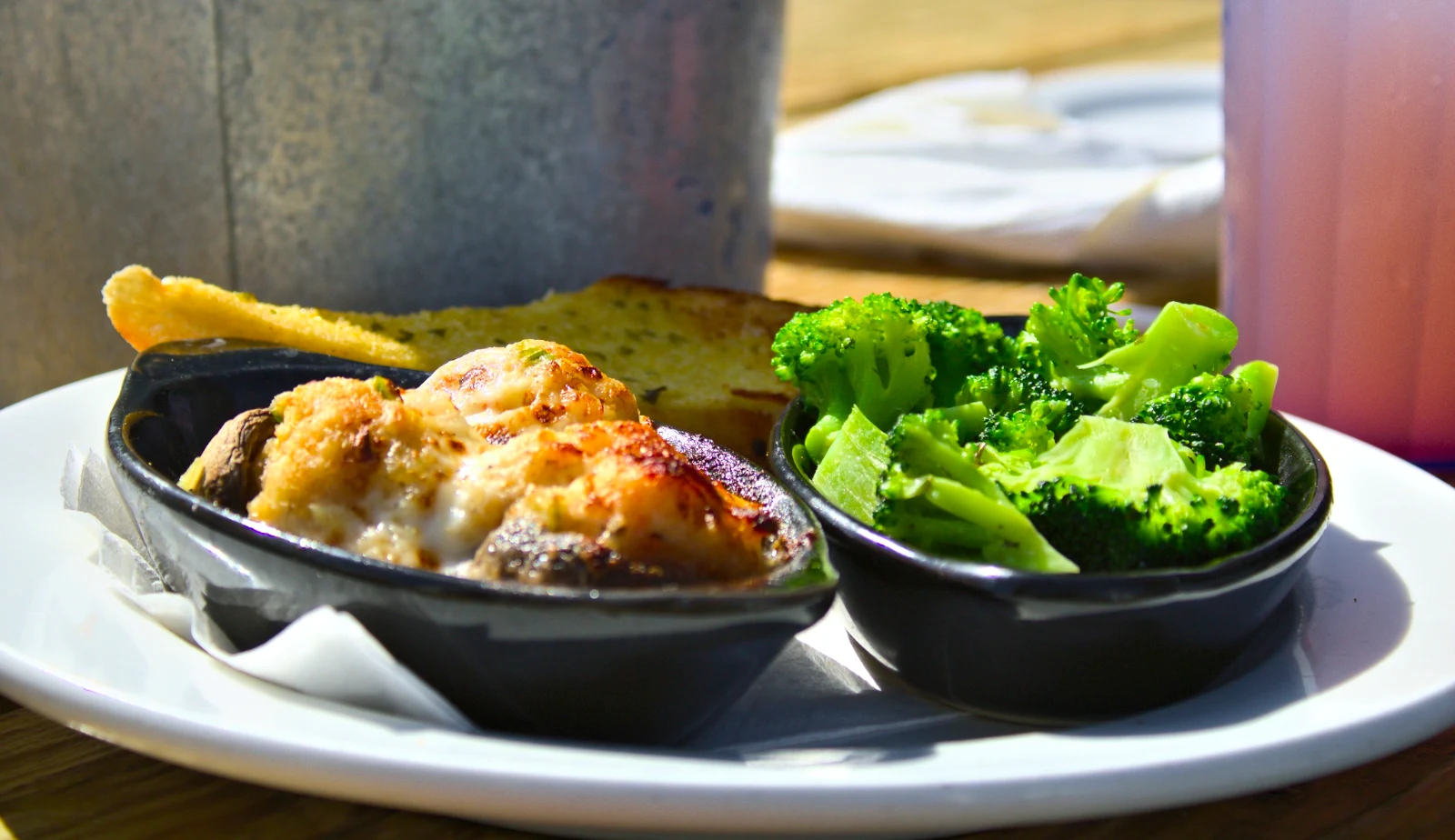 Punchy Social
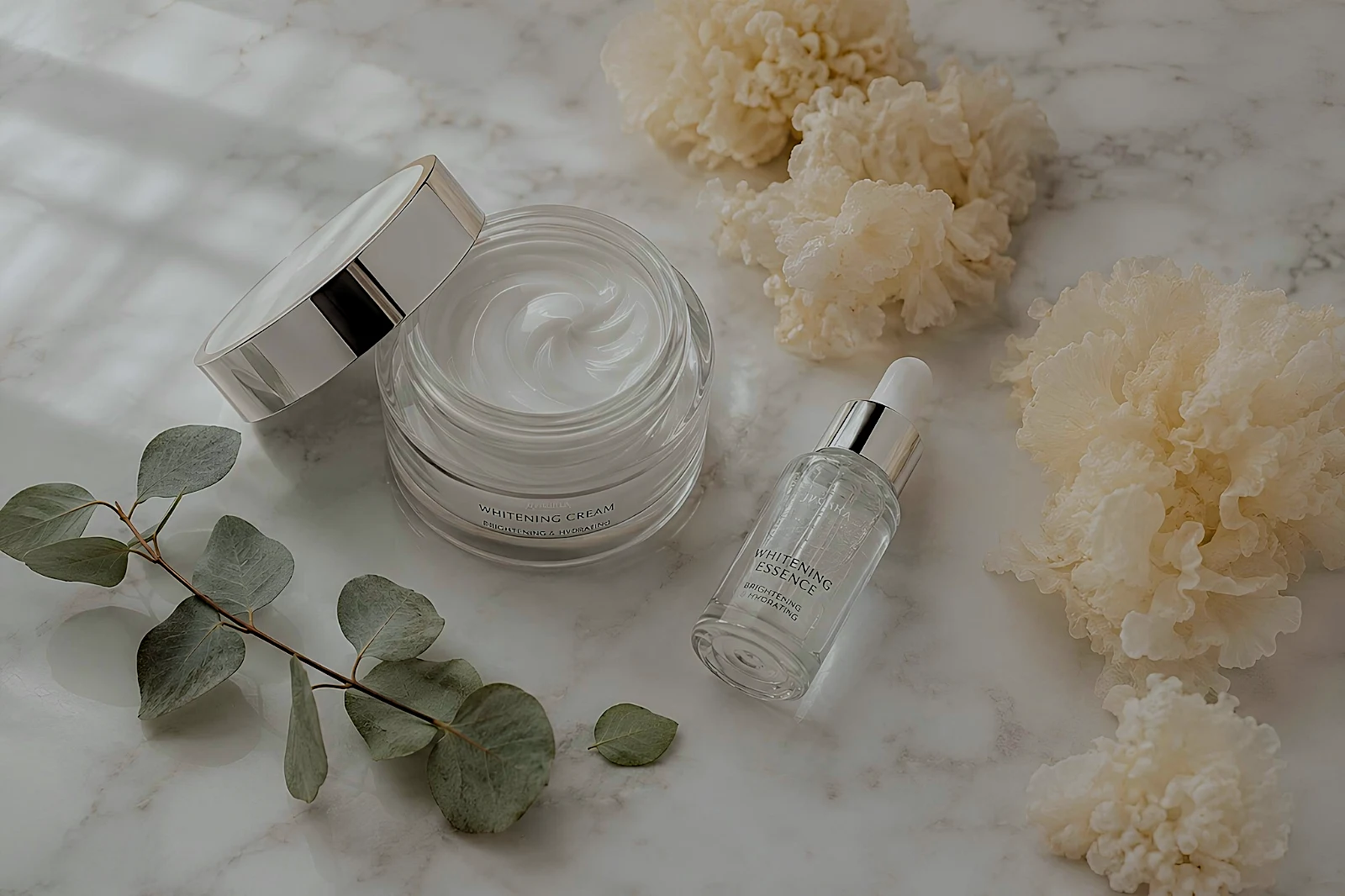 True Color
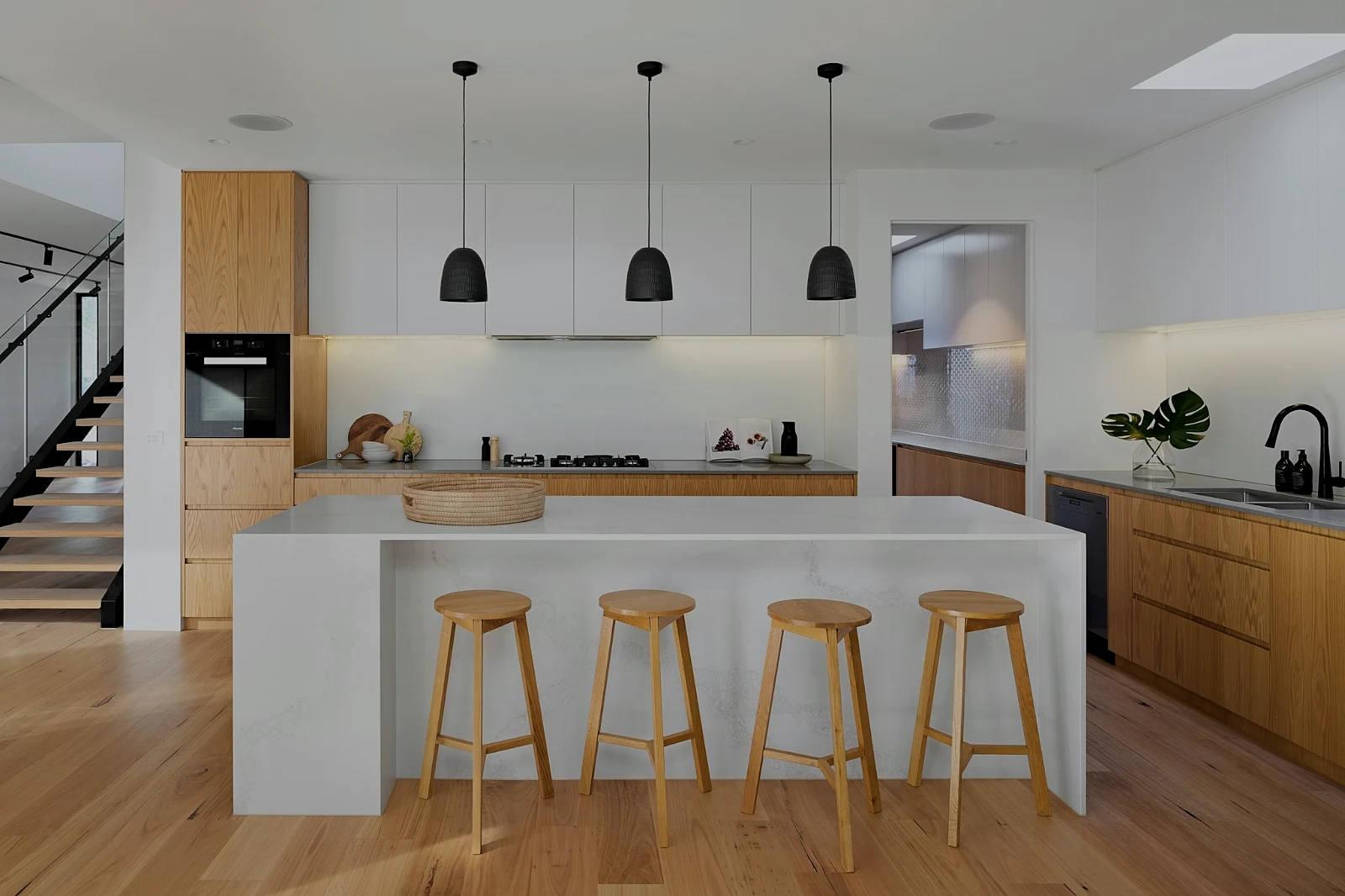 True Color
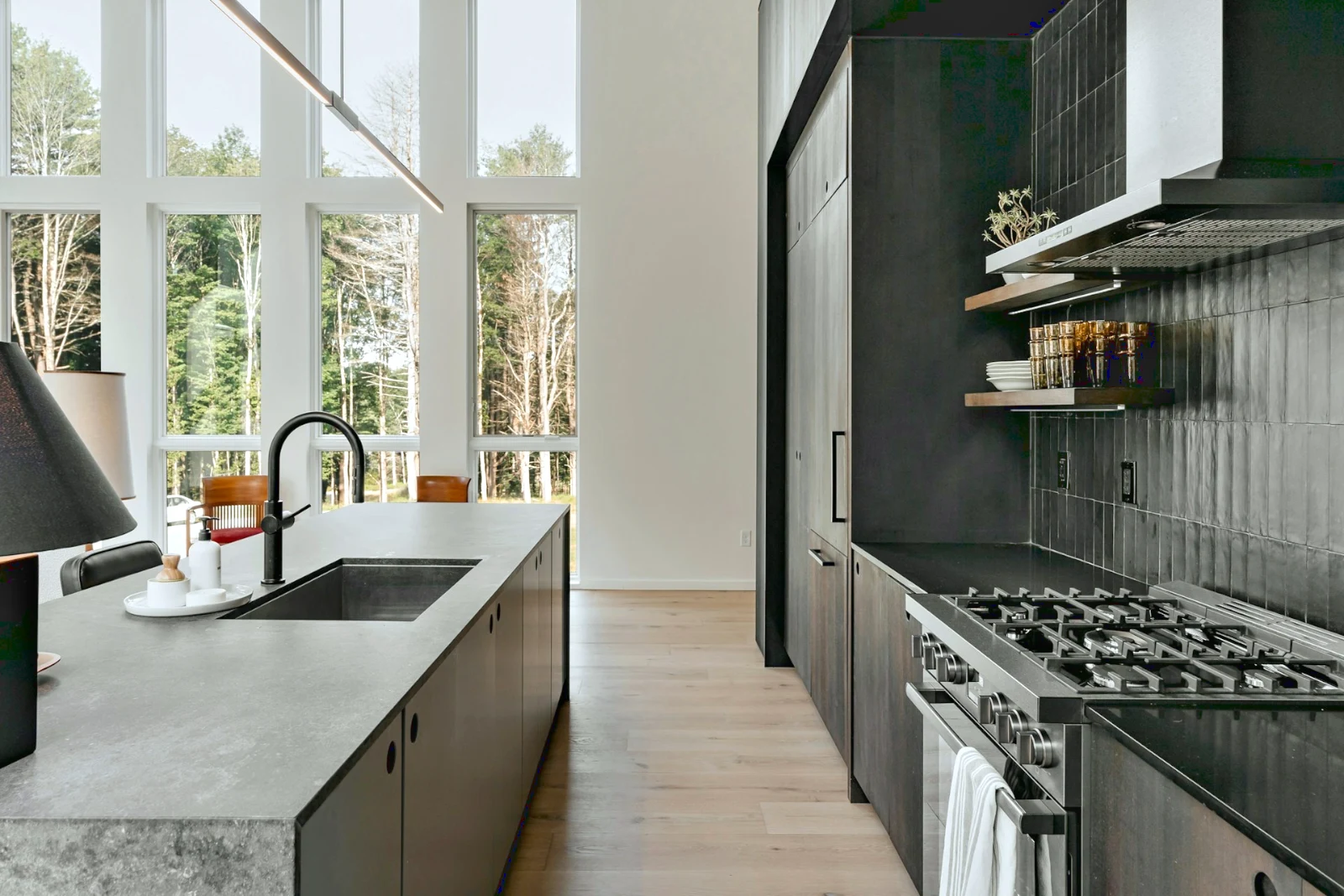
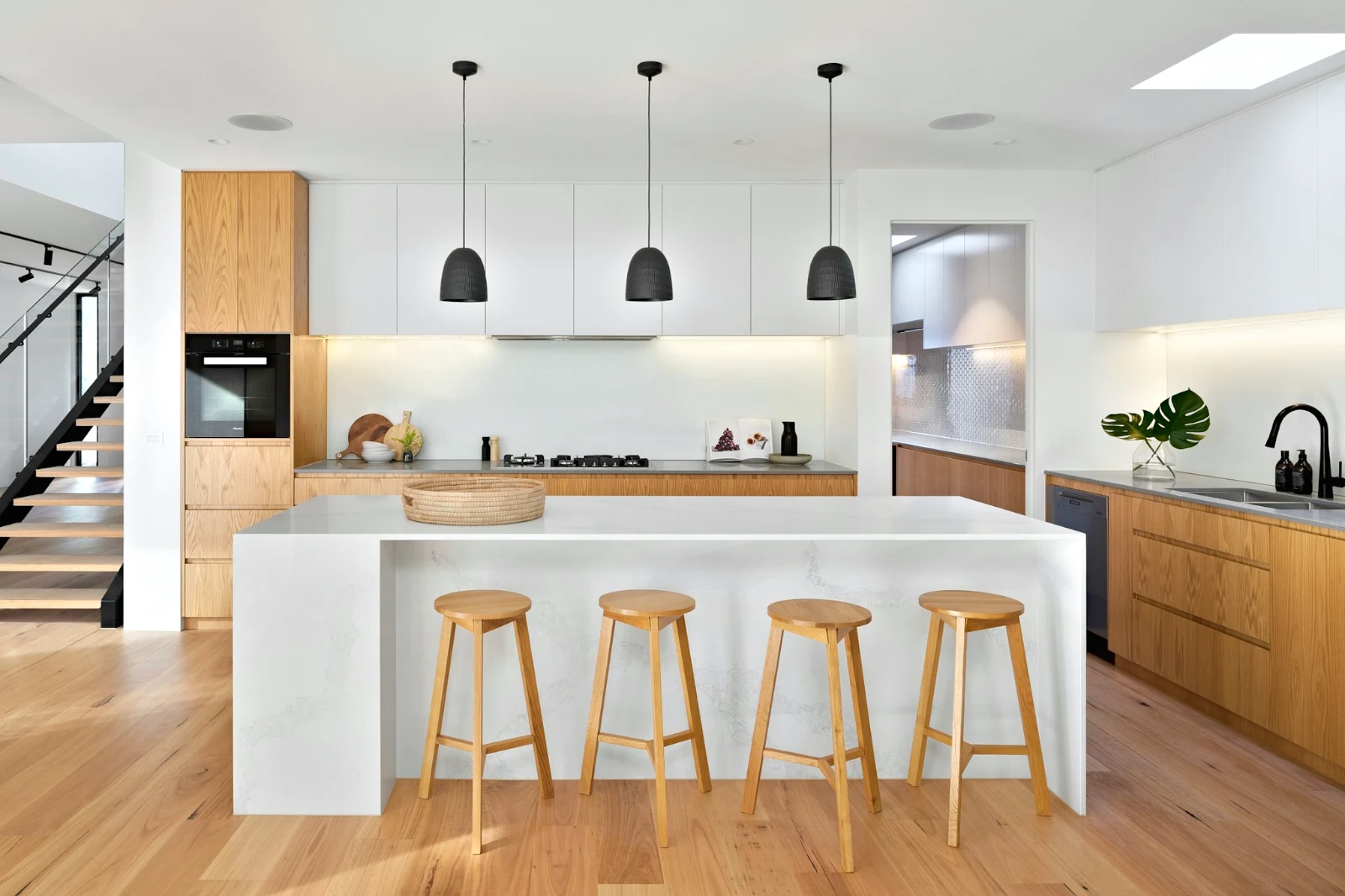
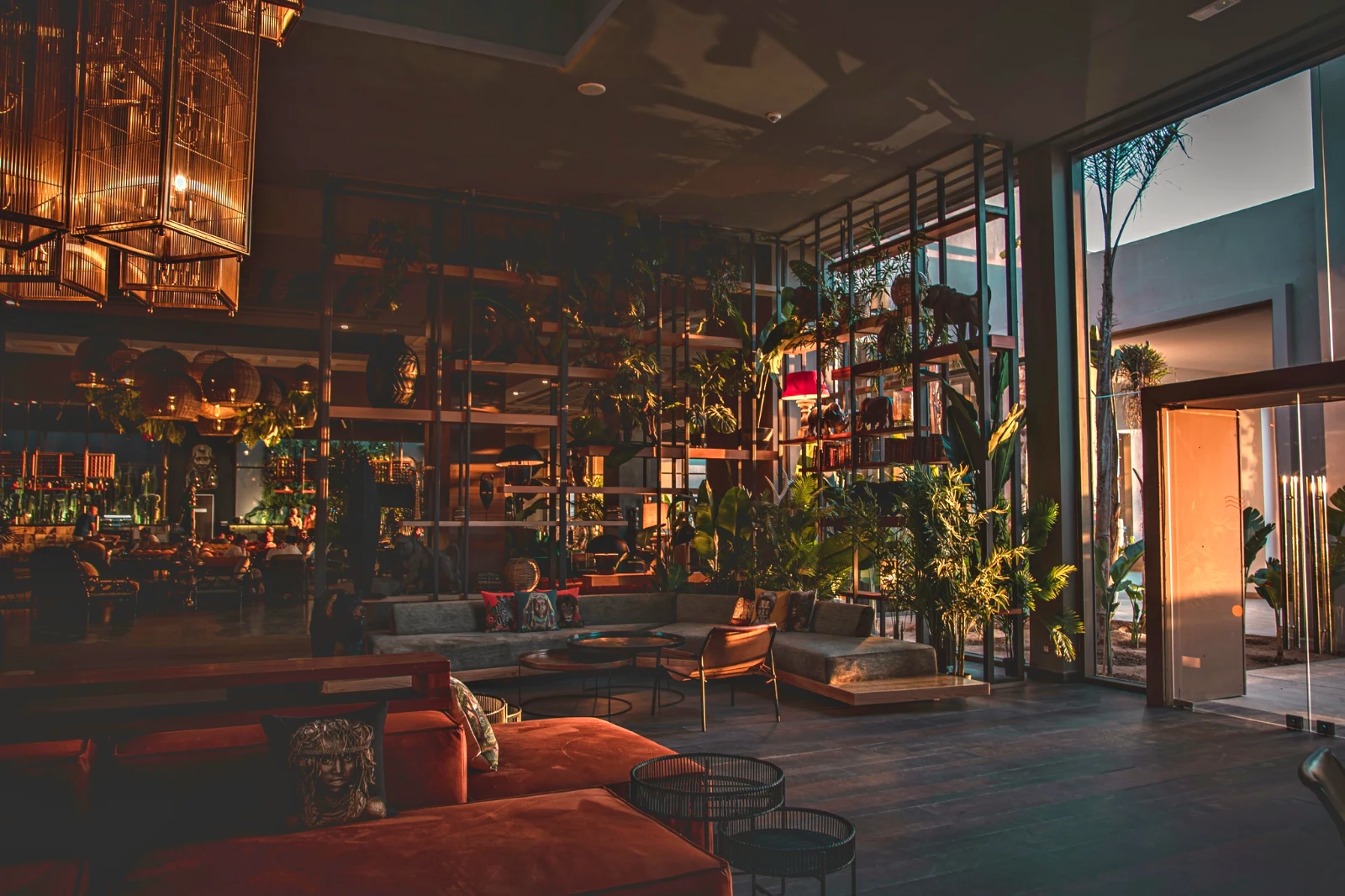 Warm Interior
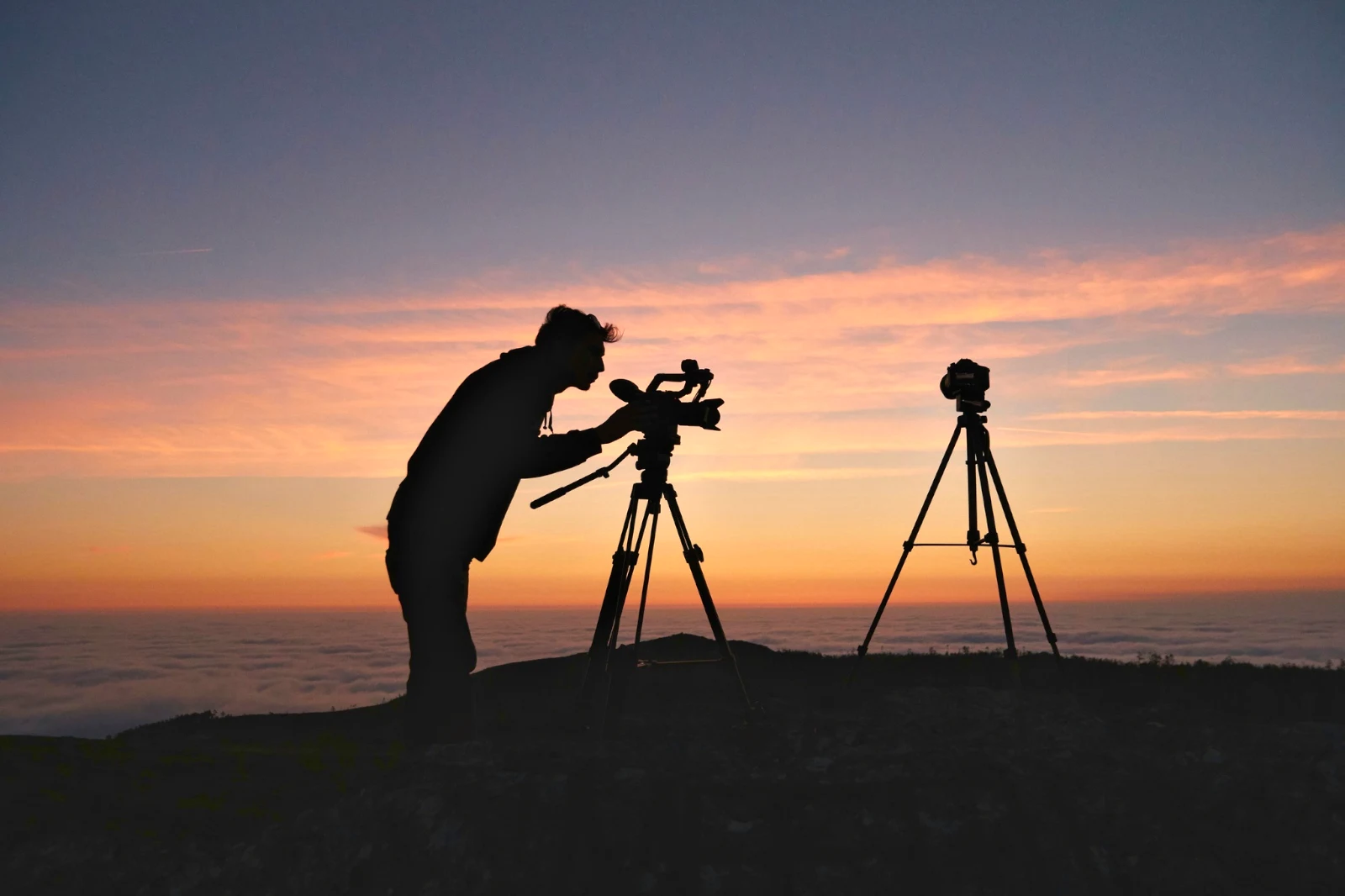
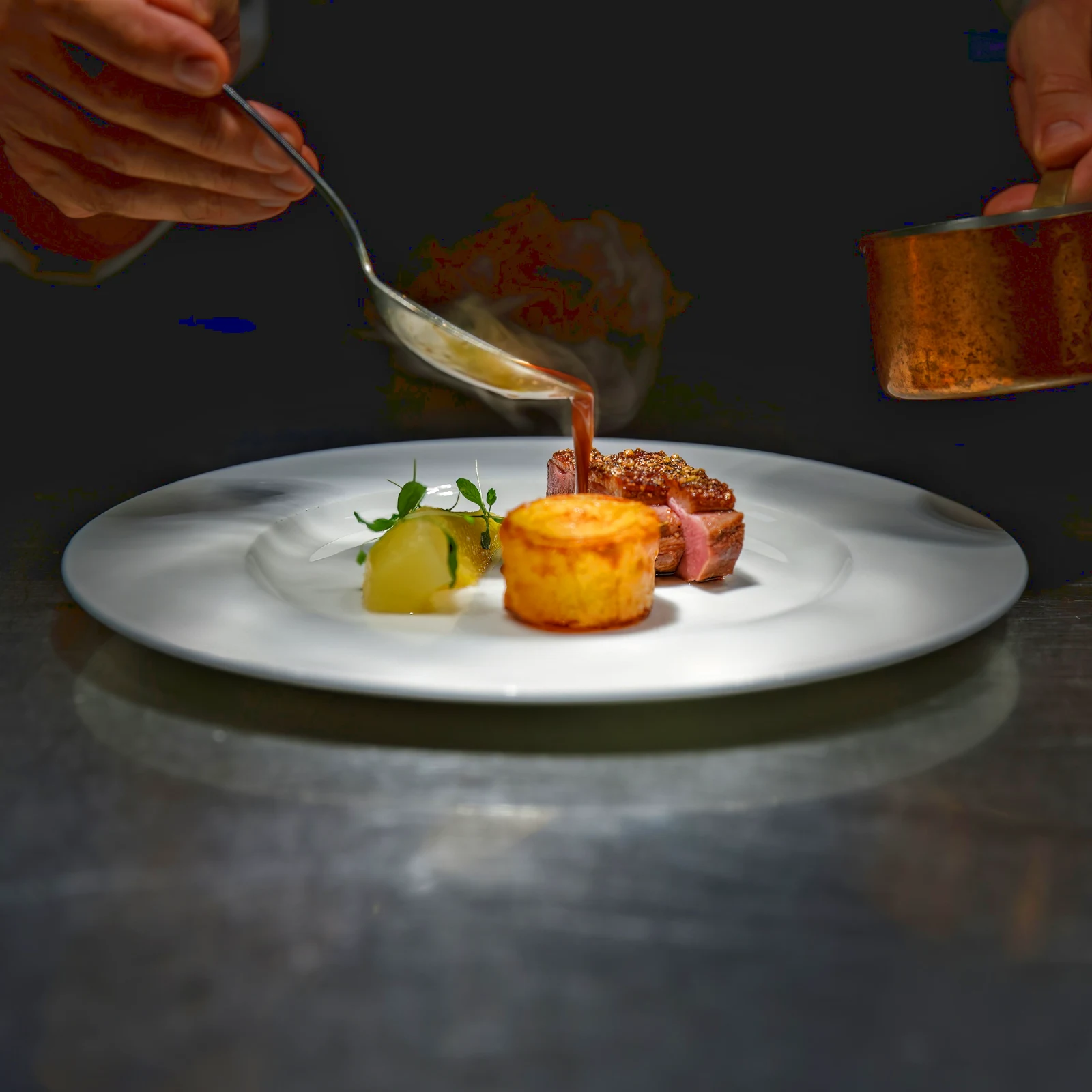 Twilight Glow
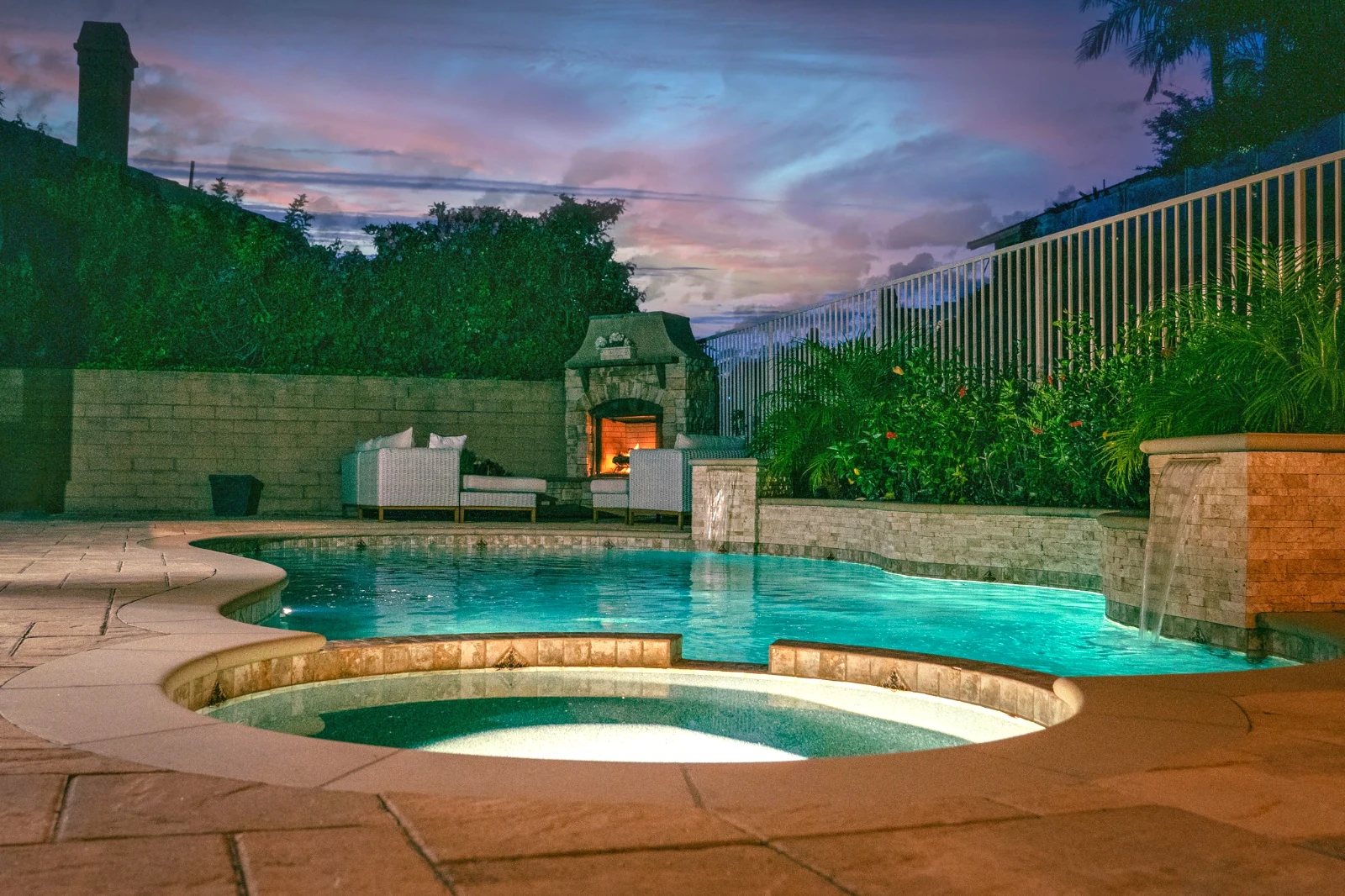 Bright and Airy
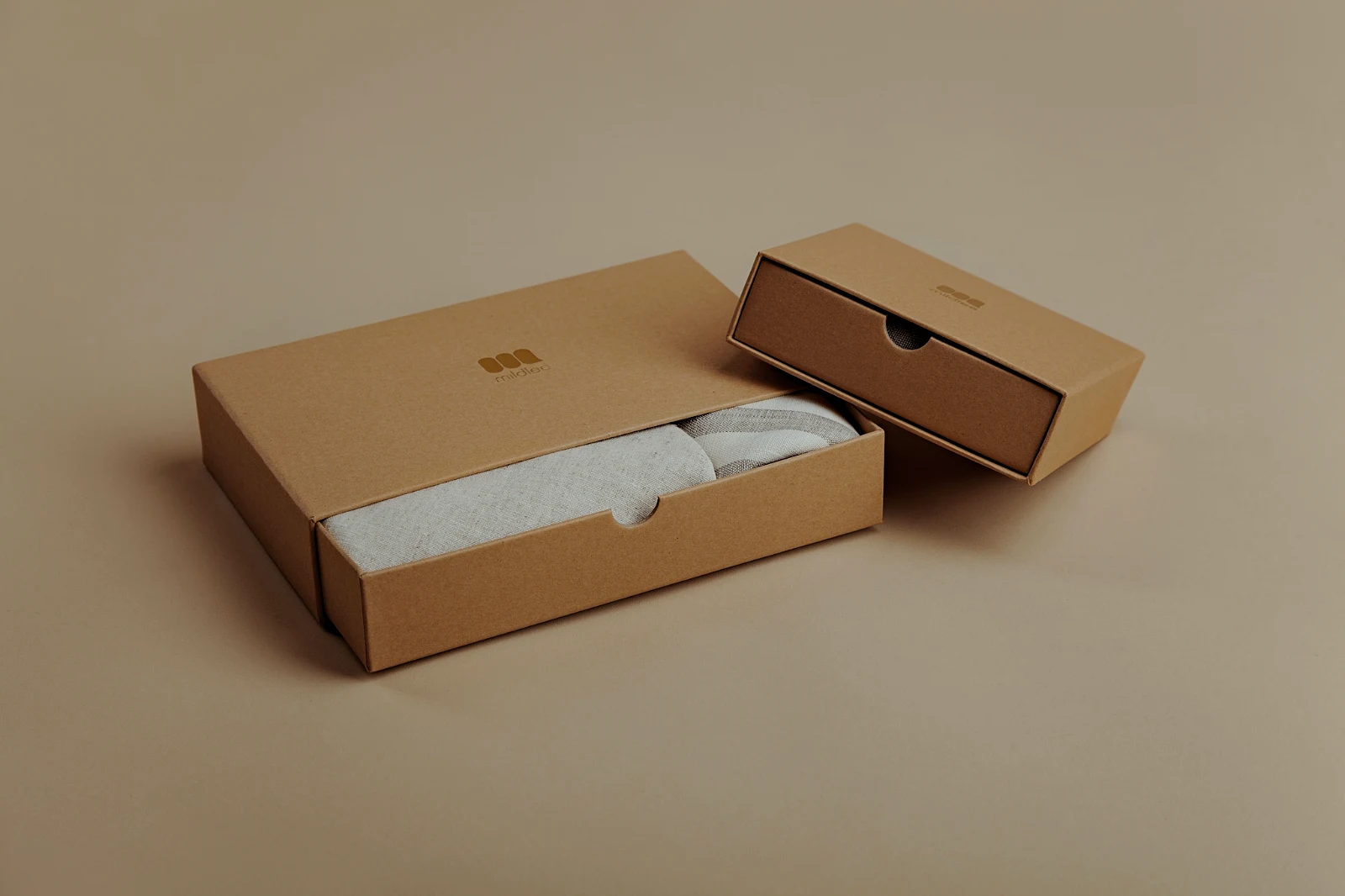 True ColorBright and AiryPunchy SocialPunchy SocialTrue ColorTrue ColorWarm InteriorTwilight GlowBright and AiryTrue ColorBright and AiryPunchy SocialPunchy SocialTrue ColorTrue ColorWarm InteriorTwilight GlowBright and AiryTrue ColorBright and AiryPunchy SocialPunchy SocialTrue ColorTrue ColorWarm InteriorTwilight GlowBright and AiryTrue Color
 Golden Hour WarmthLes miens
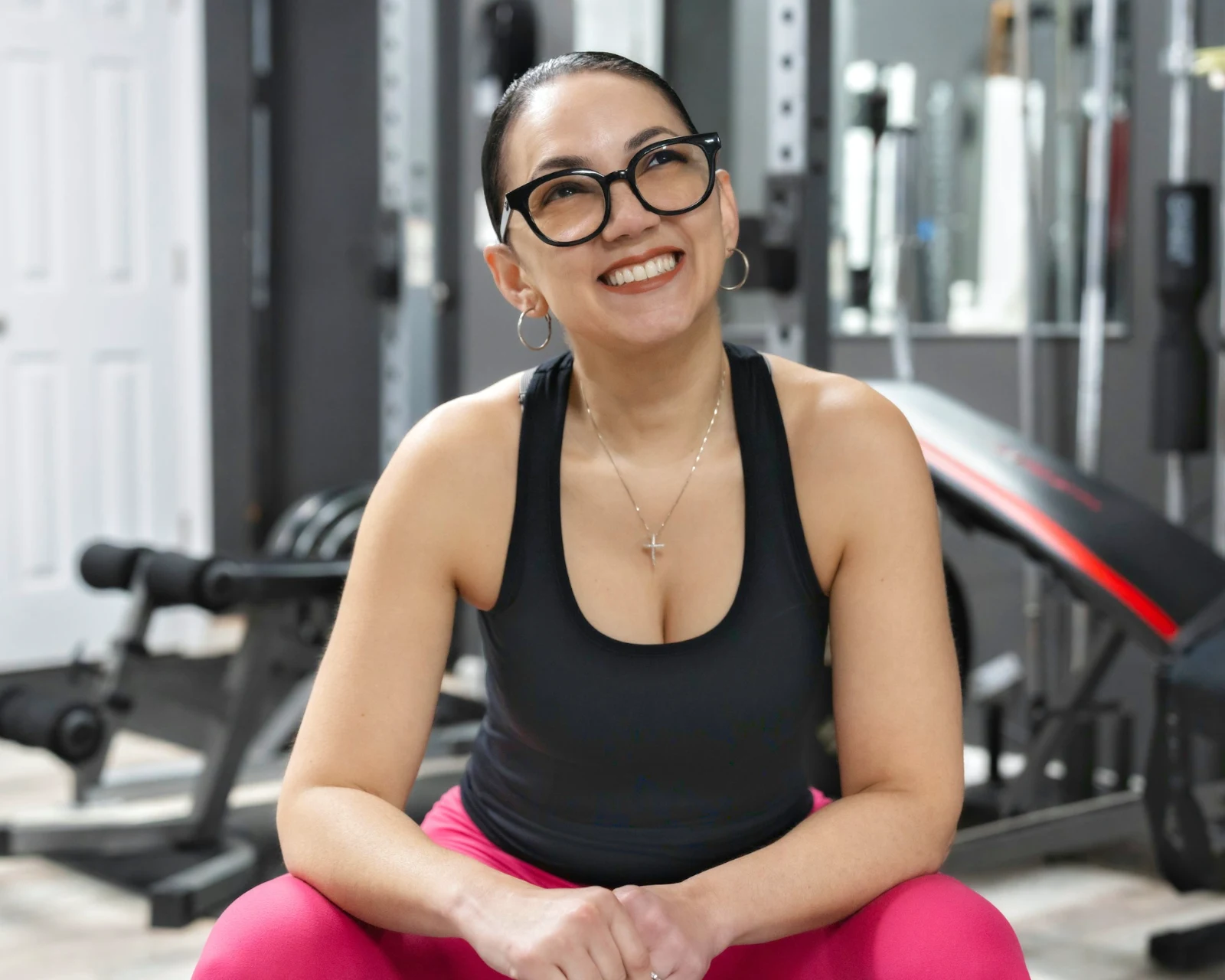 Soft Portrait
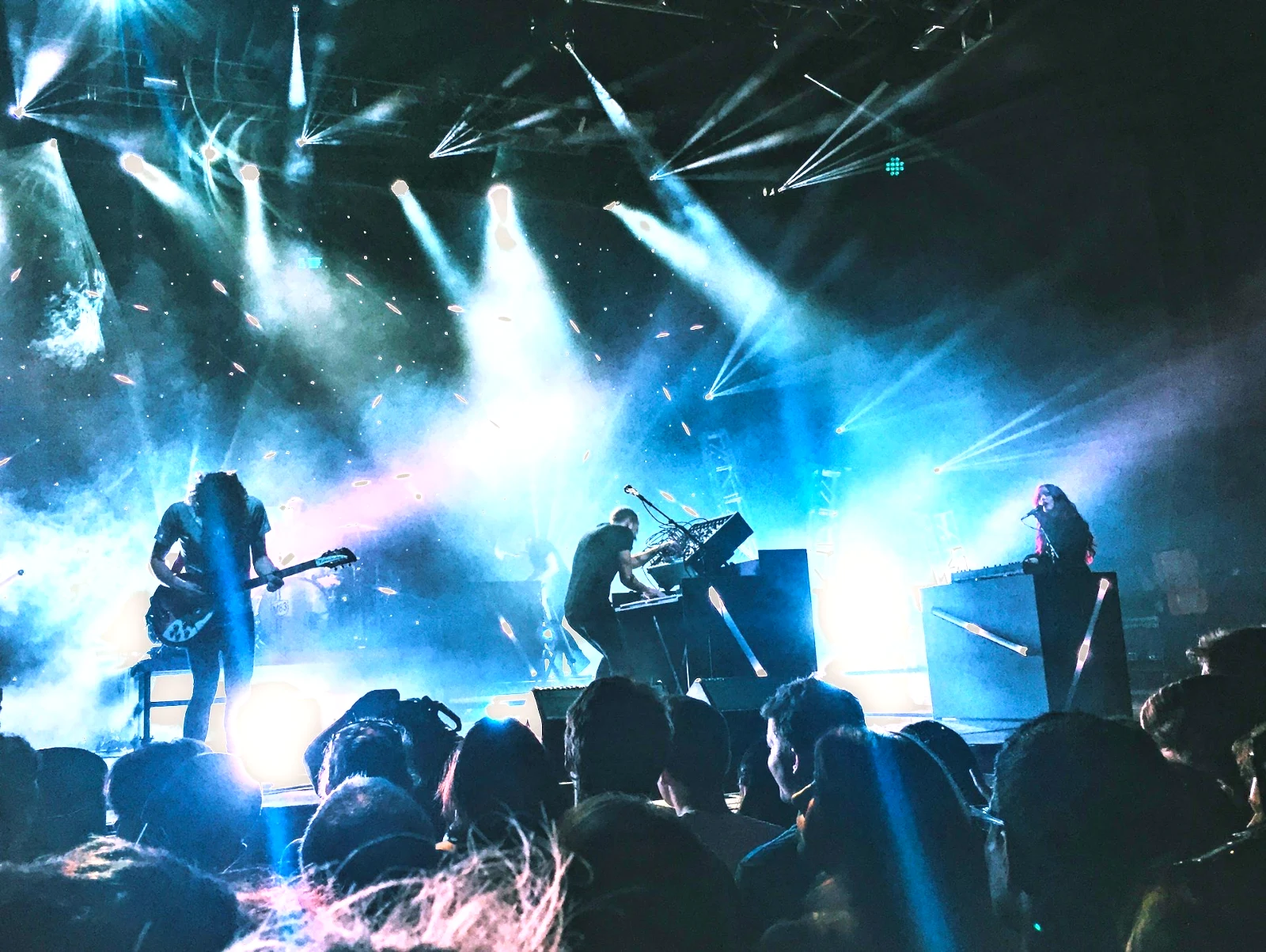 Punchy Social
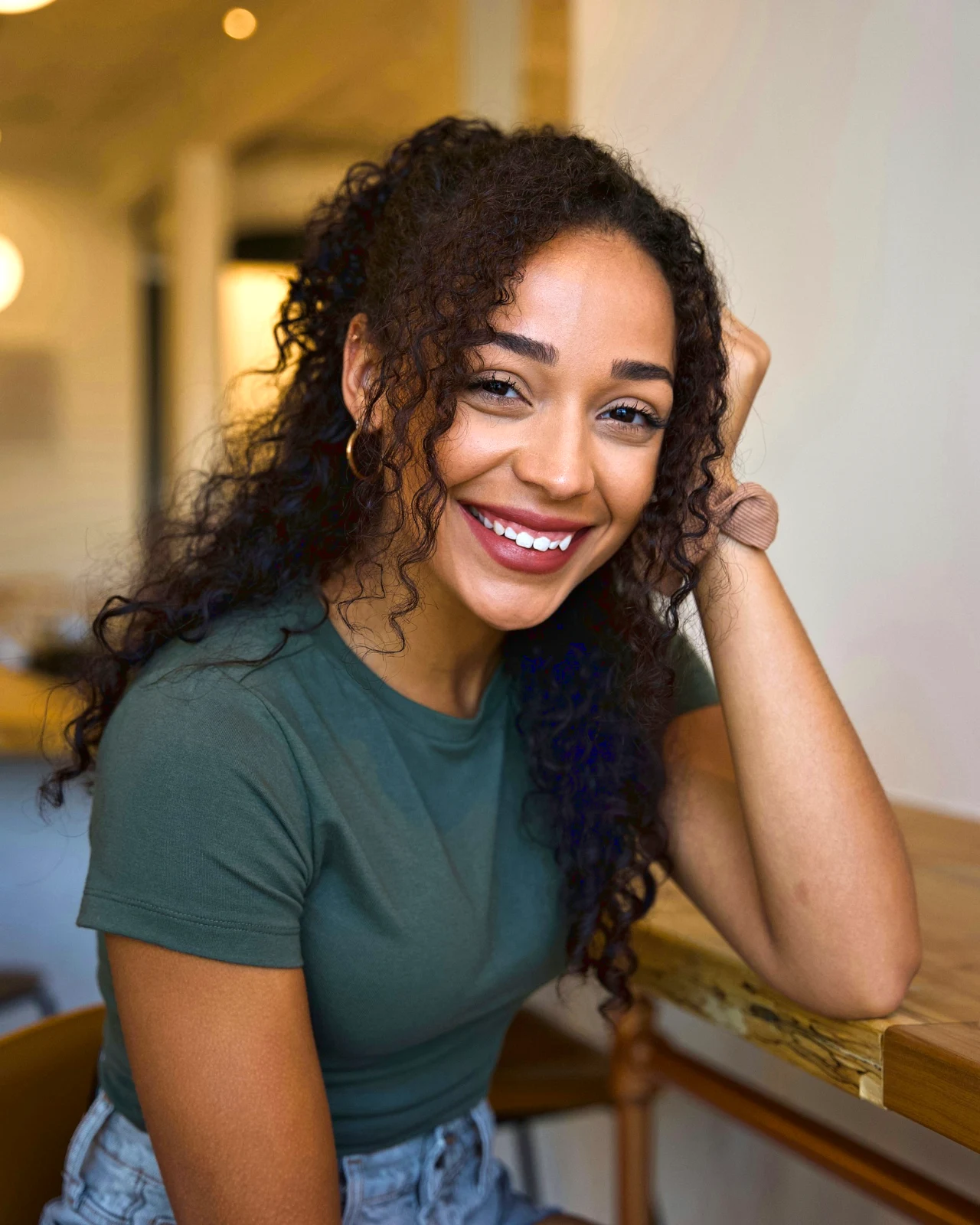 Punchy Social
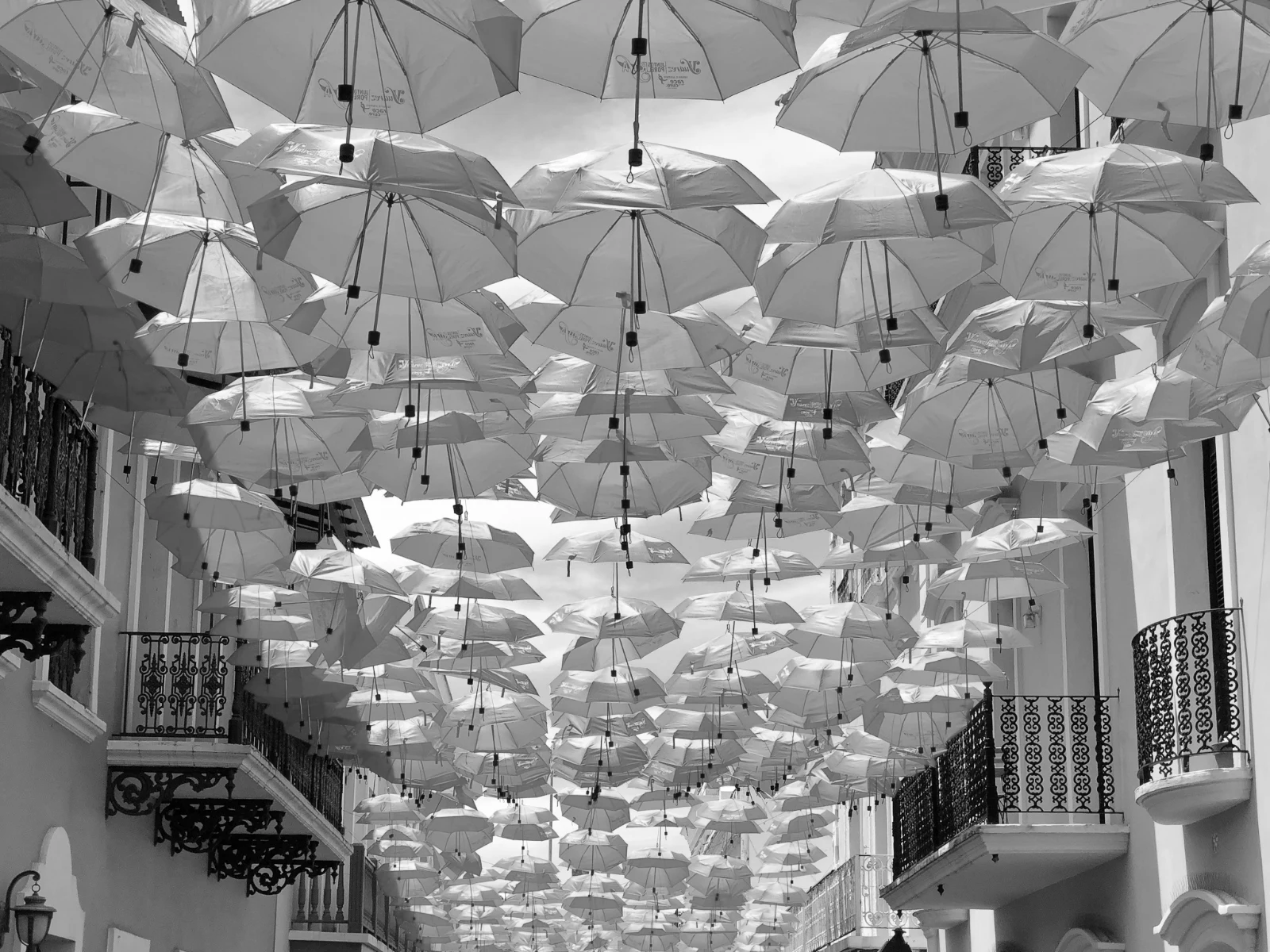 Noir et blanc
 Soft Portrait
 Soft Portrait
 Twilight Glow
 Soft Portrait
 Soft PortraitGolden Hour WarmthLes miensSoft PortraitPunchy SocialPunchy SocialNoir et blancSoft PortraitSoft PortraitTwilight GlowSoft PortraitSoft PortraitGolden Hour WarmthLes miensSoft PortraitPunchy SocialPunchy SocialNoir et blancSoft PortraitSoft PortraitTwilight GlowSoft PortraitSoft PortraitGolden Hour WarmthLes miensSoft PortraitPunchy SocialPunchy SocialNoir et blancSoft PortraitSoft PortraitTwilight GlowSoft PortraitSoft PortraitBright and AiryPunchy SocialPunchy SocialTrue ColorTrue ColorWarm InteriorTwilight GlowBright and AiryTrue ColorGolden Hour WarmthLes miensSoft PortraitPunchy SocialPunchy SocialNoir et blancSoft PortraitSoft PortraitTwilight GlowSoft PortraitSoft Portrait
Du tournage aux choix du client
Un seul éditeur à deux niveaux de profondeur : simple pour tous, tous les contrôles pour ceux qui éditent pour vivre.
Bibliothèque
Toutes les photos que le compte conserve.
Sélection
Drapeaux, meilleurs plans et prises de vue similaires.
Auto et Looks
Un simple appui, ou un regard à vous.
Ajuster
Lumière, couleur, lignes et pièces.
Automatique par lots
Un ensemble complet en une seule exécution.
Couches
Sélection, masques et peinture.
Galeries
Le client choisit et note.
Envoyer à
Un design, un site web, une annonce.
Sur un téléphone
La photo en plein écran.
Importez chaque photo et retrouvez-la
Upload depuis un bureau, la caméra ou le rouleau de la caméra, ou partagez une photo vers Foto depuis n'importe quelle application. Chaque photo que le compte conserve dans Depot se trouve dans la Bibliothèque, retrouvée par son étoile, ses balises, les choix du client ou une recherche.
 Modifié


 Modifié
 Modifié



Étoiles et balises
Les mêmes étoiles et balises Depot, Docs et Studio sont lues.
Hubs et Dossiers
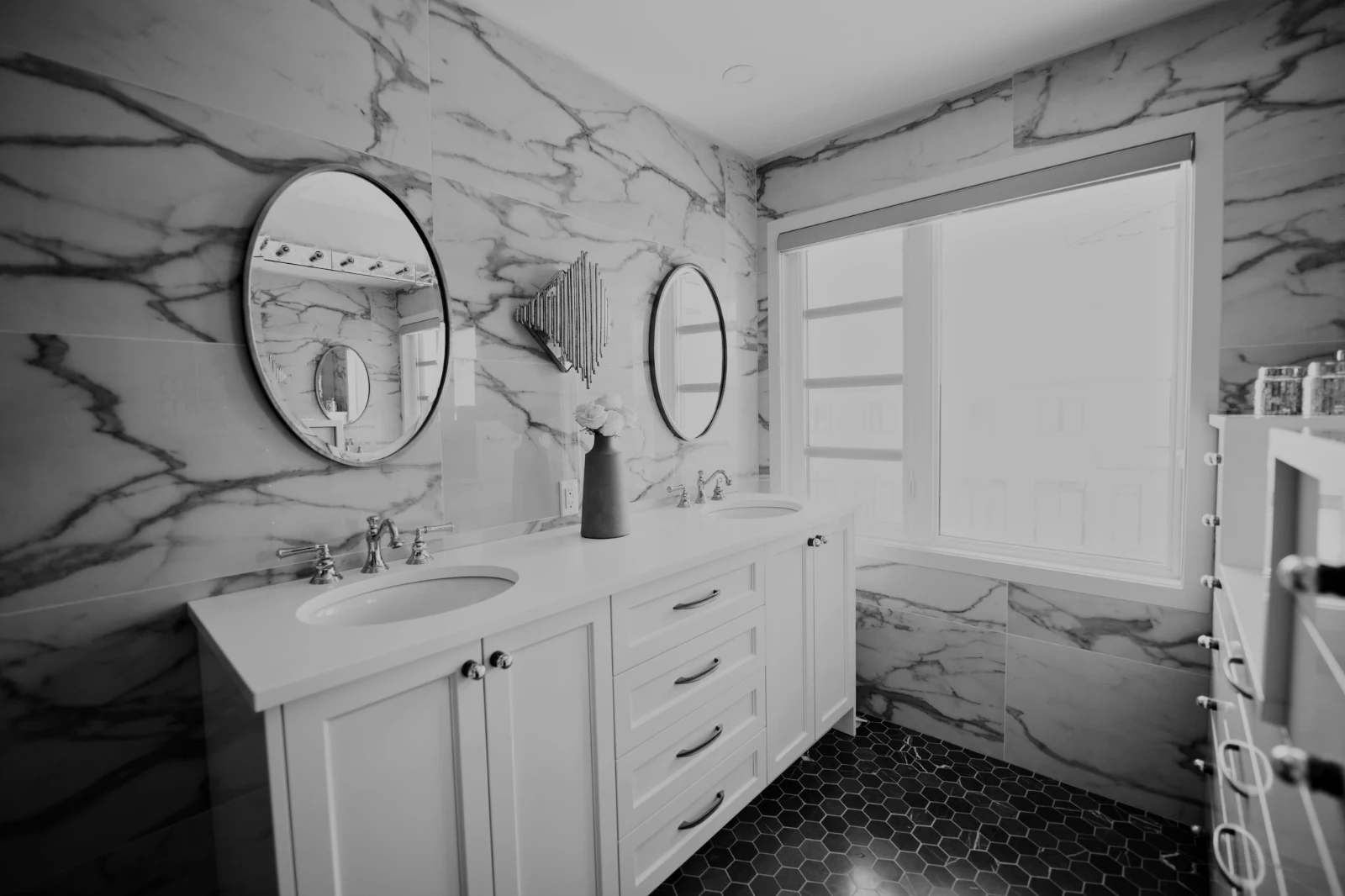
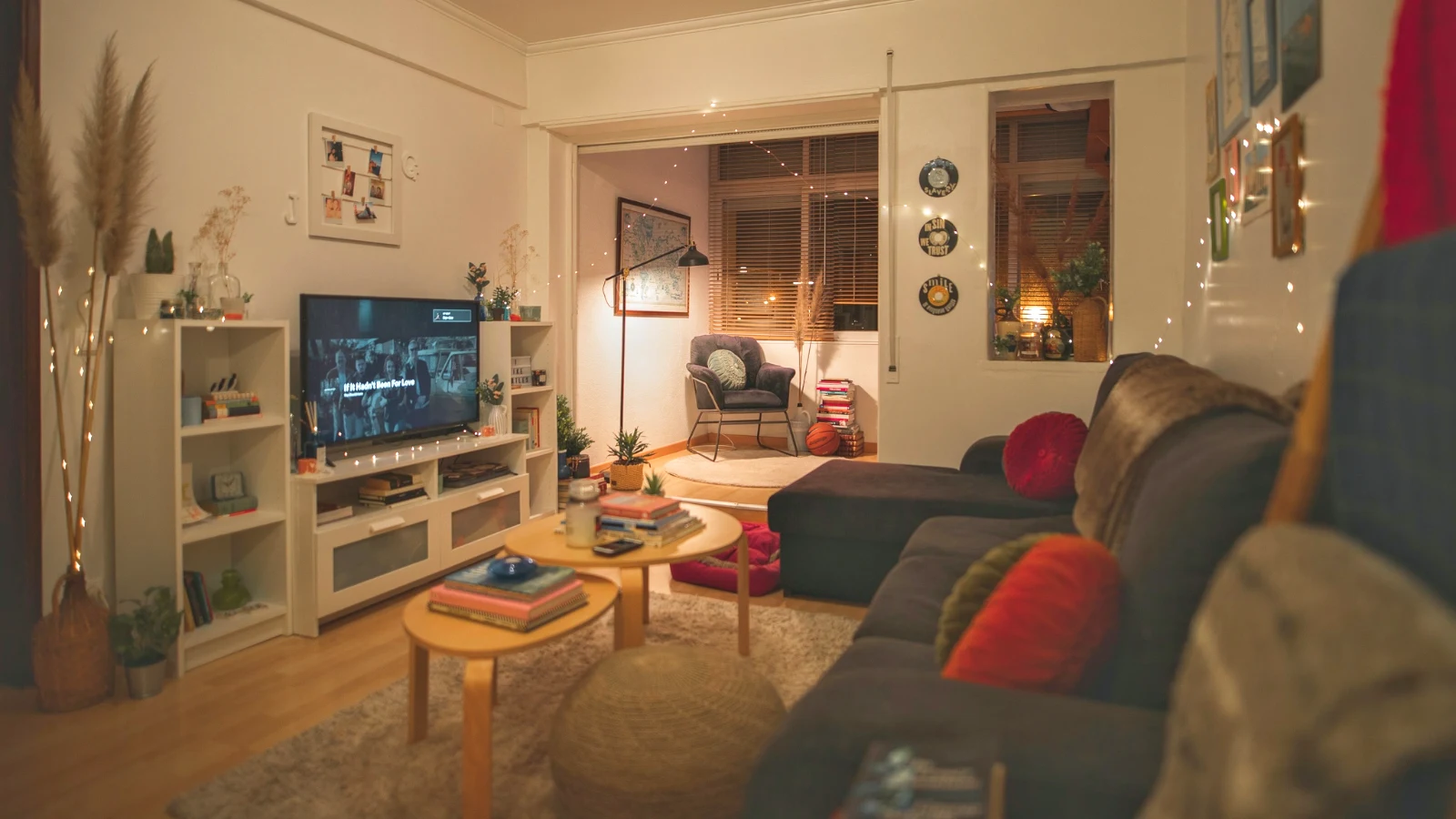
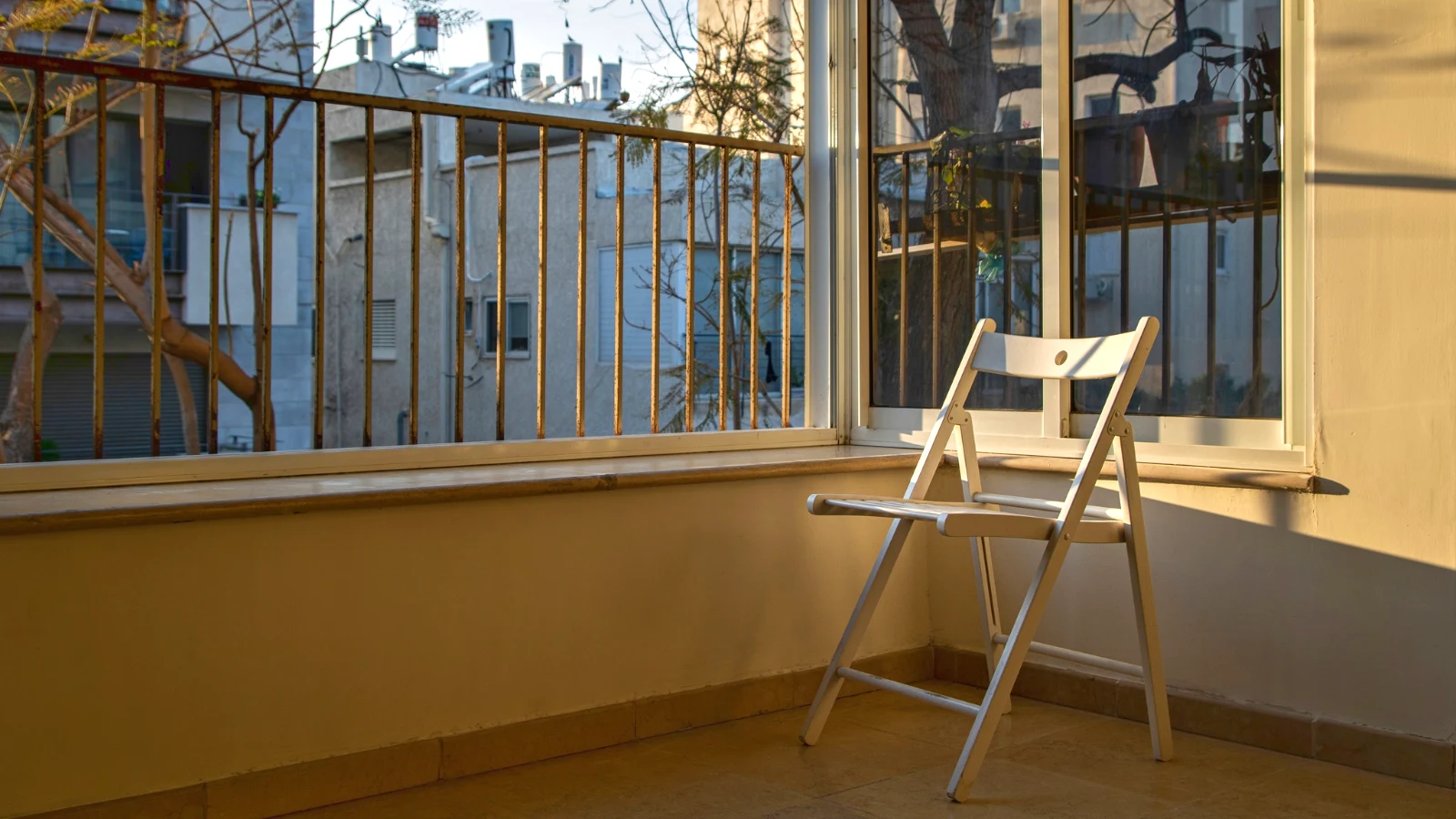
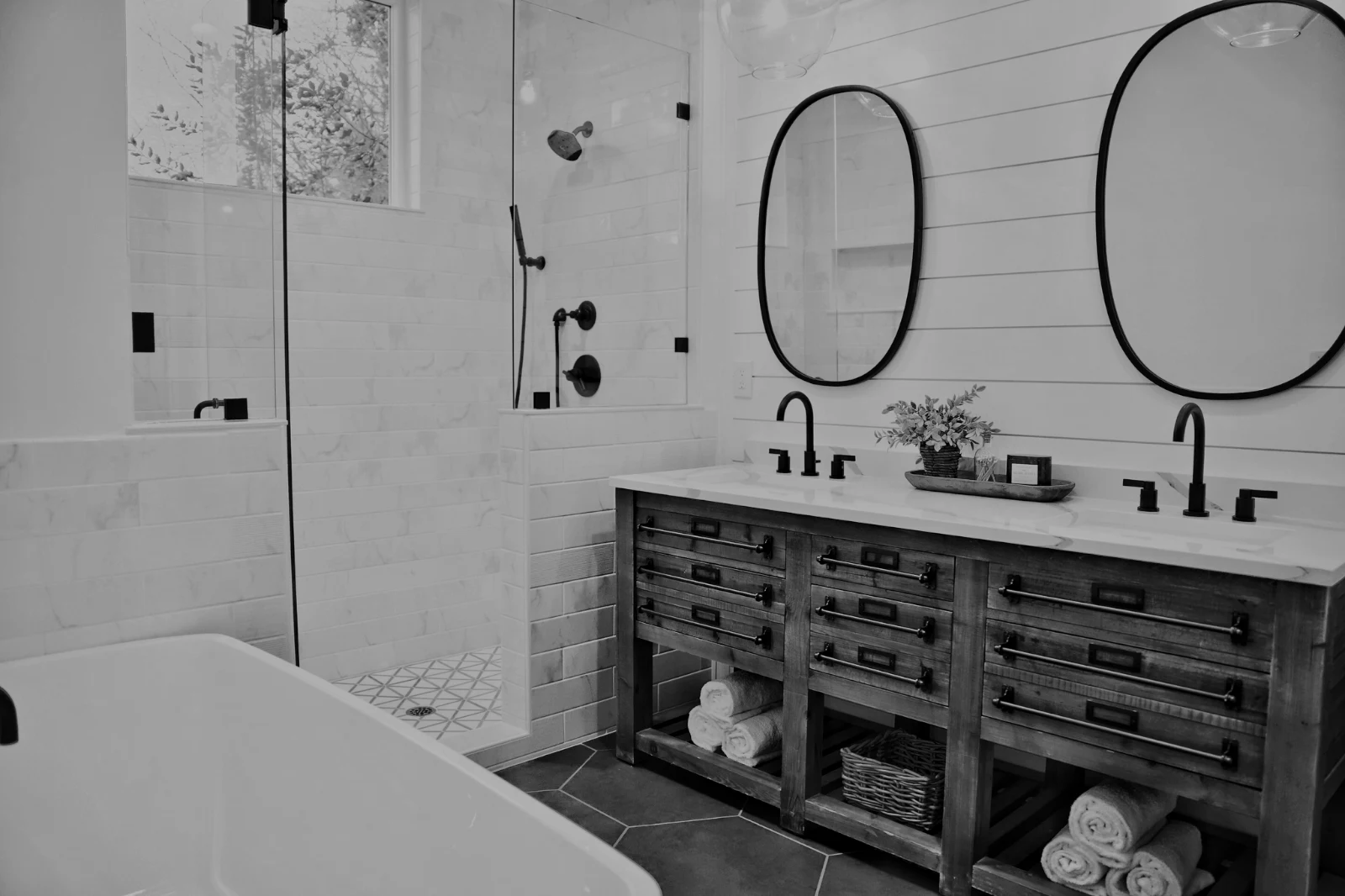
Les photos d'un Hub à part ; Déplacer vers… un dossier (avec Depot).
RAW et HEIC
Un RAW est développé sur l'appareil, ou sur le serveur si cela n'est pas possible.
Capture filaire
Caméra sur USBCaméra connectée · Canon EOS R6 Mark II
 Vue en directTirerArrêter la vue en direct
ArrivéLes photos de la caméra atterrissent ici et dans le Hub des téléversements de caméra.
Appliquer à chaque nouveau cadreAppliquer True Color AW27_flatlay_01.jpg
 AW27_packing.jpg
 AW27_unboxing.jpg
 AW27_shelf.jpg
 AW27_tote.jpg
Photographiez directement dans Foto via USB en mode Live View, ou téléversez depuis le Wi-Fi intégré de l'appareil.
Trouvez les gardiens sans regarder chaque cadre
Chaque photo est analysée après son téléchargement : sa netteté, son exposition et si les yeux de quelqu'un sont fermés. Trier par Meilleurs d'abord pour afficher les prises suggérées, filtrer par chaque drapeau et comparer les prises similaires côte à côte. Rien n'est marqué comme favori pour vous : vous choisissez les gardes.
 Closed EyesMissed FlashMissed FocusBlurryBlack Frame
Yeux fermés et focus manqué
Signalé sur la photo, tout comme Flou, Cadre noir et Flash manquant, chacun étant un filtre.
Closed EyesBlurryMissed FocusMissed FlashBlack FrameCorriger une photo en une touche, ou appliquer un look
Auto lit la photo sur votre appareil, règle ses curseurs et nomme chacun d'eux déplacés ; Undo remet la photo en place. Looks conserve les looks de Calisto et les vôtres, ceux qui correspondent d'abord à la photo, et Save Look conserve toute modification comme l'une des vôtres.
Votre Style
Auto se déplace comme vous le faites, appris de vos propres modifications ; chaque valeur est un curseur.
Looks suggérés
Les looks faits pour une photo comme celle-ci, en premier dans la liste.
Actions
Enregistrez vos étapes une seule fois et rejouez-les sur n'importe quelle photo ou une sélection complète.
Feuilles de contact
Une sélection imprimée sur une grille avec des noms, des étoiles, des choix et des drapeaux, au format PDF.
Appairer une photo
La lumière et la couleur d'une autre photo, réglées comme les curseurs de celle-ci.
Jamais l'Original
Une édition se trouve à côté de la photo avec son historique ; l'original reste tel qu'il est venu.
Avant
Maintenez le bouton enfoncé pour voir la photo telle qu'elle est arrivée.
 Avant
Réglez la lumière, la couleur et les lignes à la main
Luminosité, Couleur et Recadrage s'ouvrent en premier, et tous les autres contrôles, de la courbe de ton à le bruit et l'objectif, sont accessibles en un seul tapotement derrière Plus. L'outil « Rectifier les lignes » détecte les lignes de la photo et applique la transformation lui-même, ou résout les lignes que vous dessinez.
Supprimer et réparer
Peindre sur un câble ou une tache ; Cloner et Remplir à côté.
Ajuster la partie
Le ciel, le sujet ou l'arrière-plan, un pinceau, des dégradés ou une plage de luminosité.
Personnes
Peau, visage, yeux, lèvres, cheveux, vêtements ou la personne entière ; Retouch Skin l'harmonise vers sa propre teinte.
Objectif et flou portrait
L'arrière-plan flou, ou toute la photo par sa profondeur, avec la mise au point là où vous l'avez réglée.
Négatifs de film
Une négative couleur ou noir et blanc scannée est devenue positive, le masque orange retiré.
Objectif Correct
Correction automatique de l'appareil, sinon le profil de l'objectif, et suppression des franges chromatiques.
Majoration
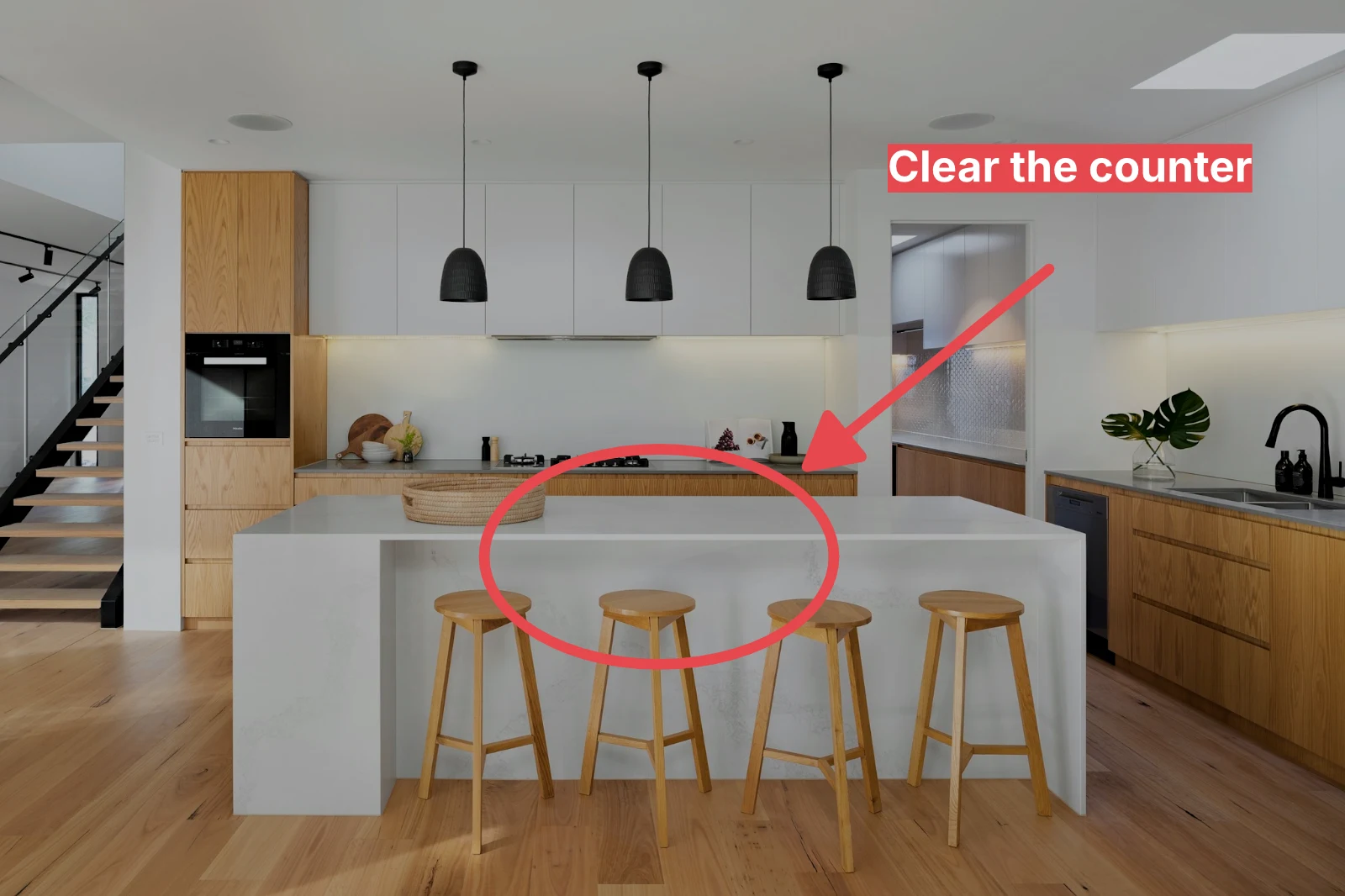
Une flèche, un cercle, une boîte ou une étiquette dessinée sur la photo.
Donnez à un ensemble complet son Auto et votre style
Choisissez des photos dans la Bibliothèque et un rendu, puis appuyez sur Auto en masse. Chaque photo obtient son propre Auto sur votre appareil, puis le rendu, enregistré comme une étape de son édition. Les exports sont réalisés sur le serveur, donc ils se terminent avec la page fermée.


2. Choisir un Look
Golden Hour WarmthAuto uniquement9 sur 9 copies prêtes.
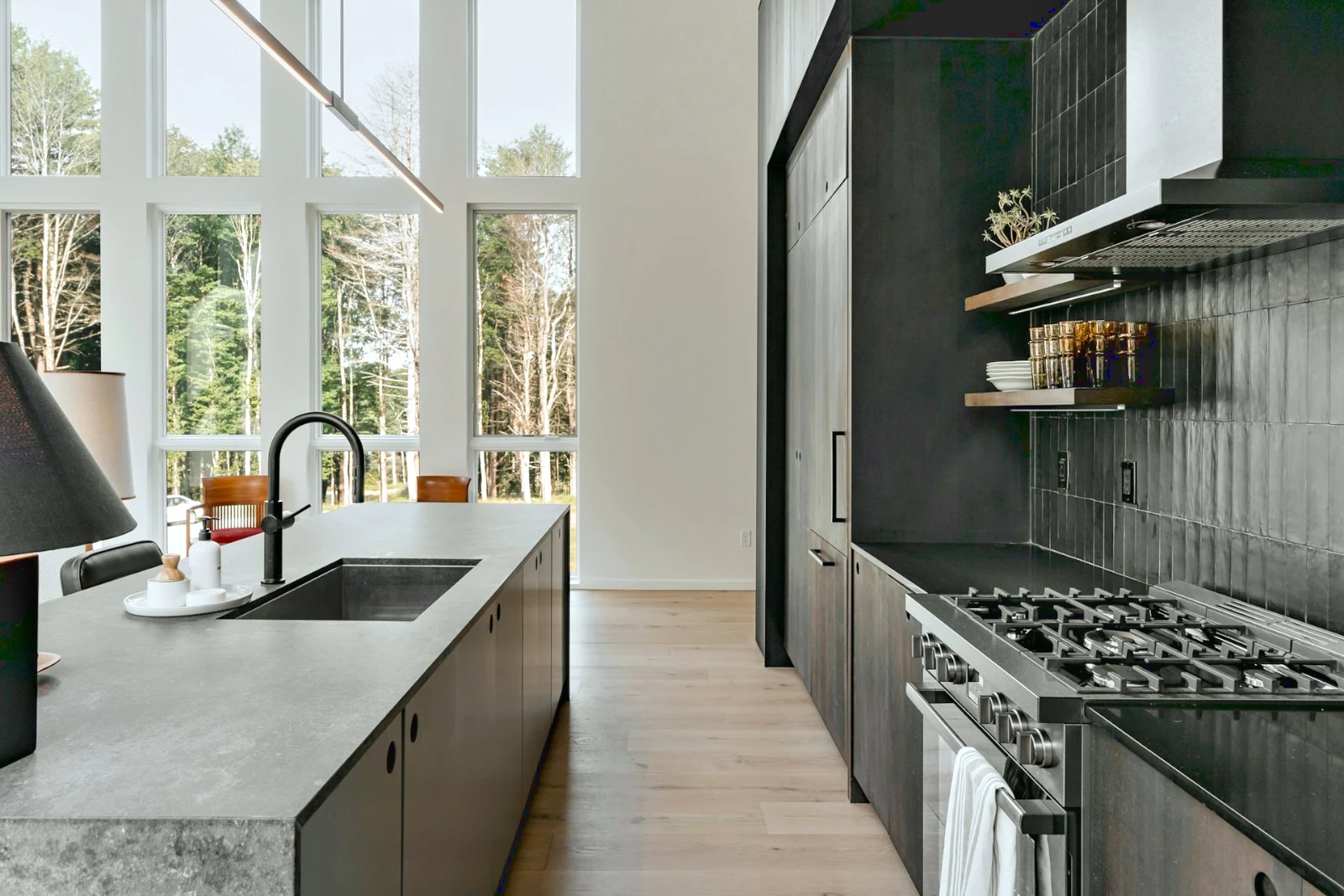
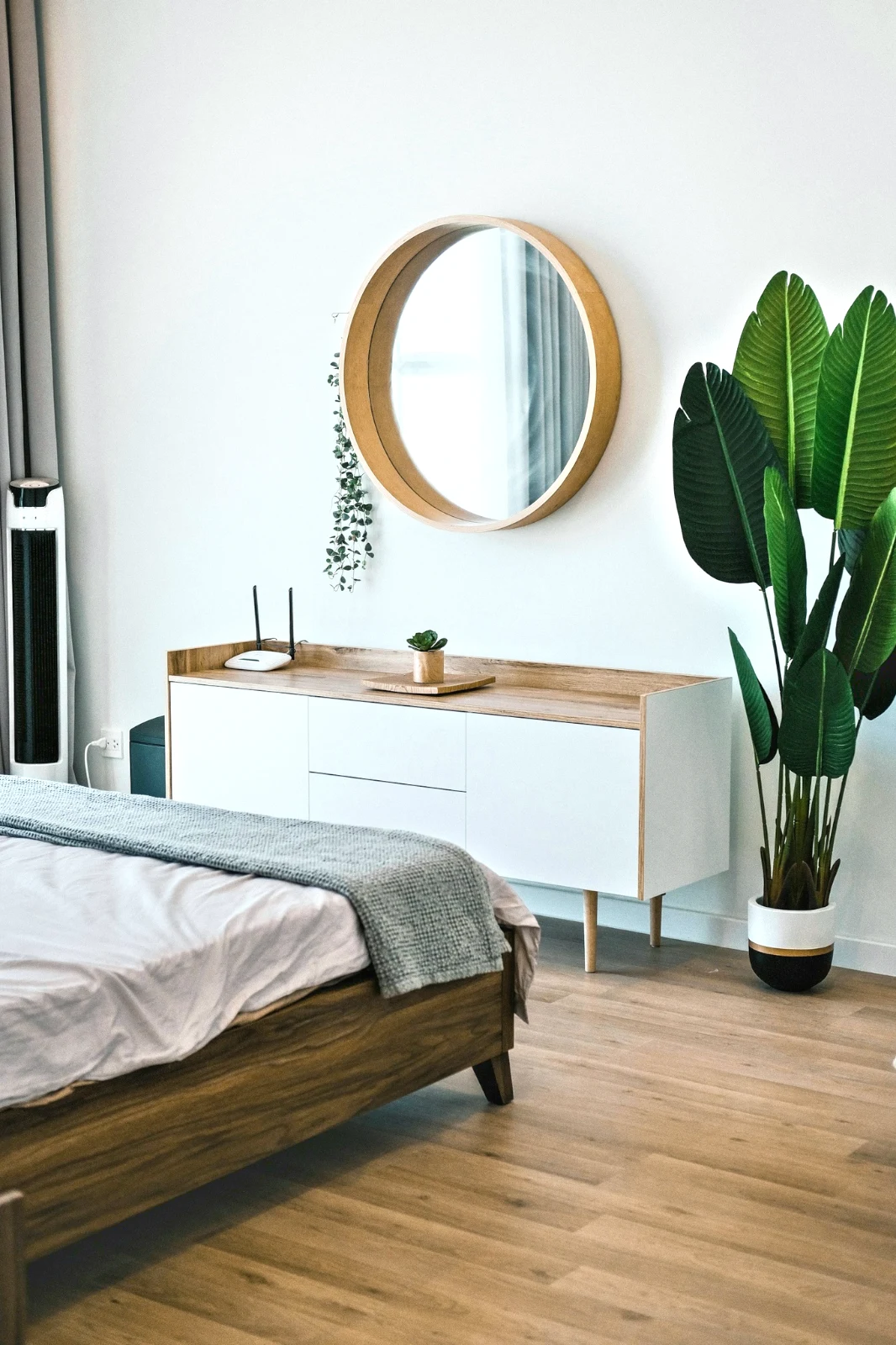
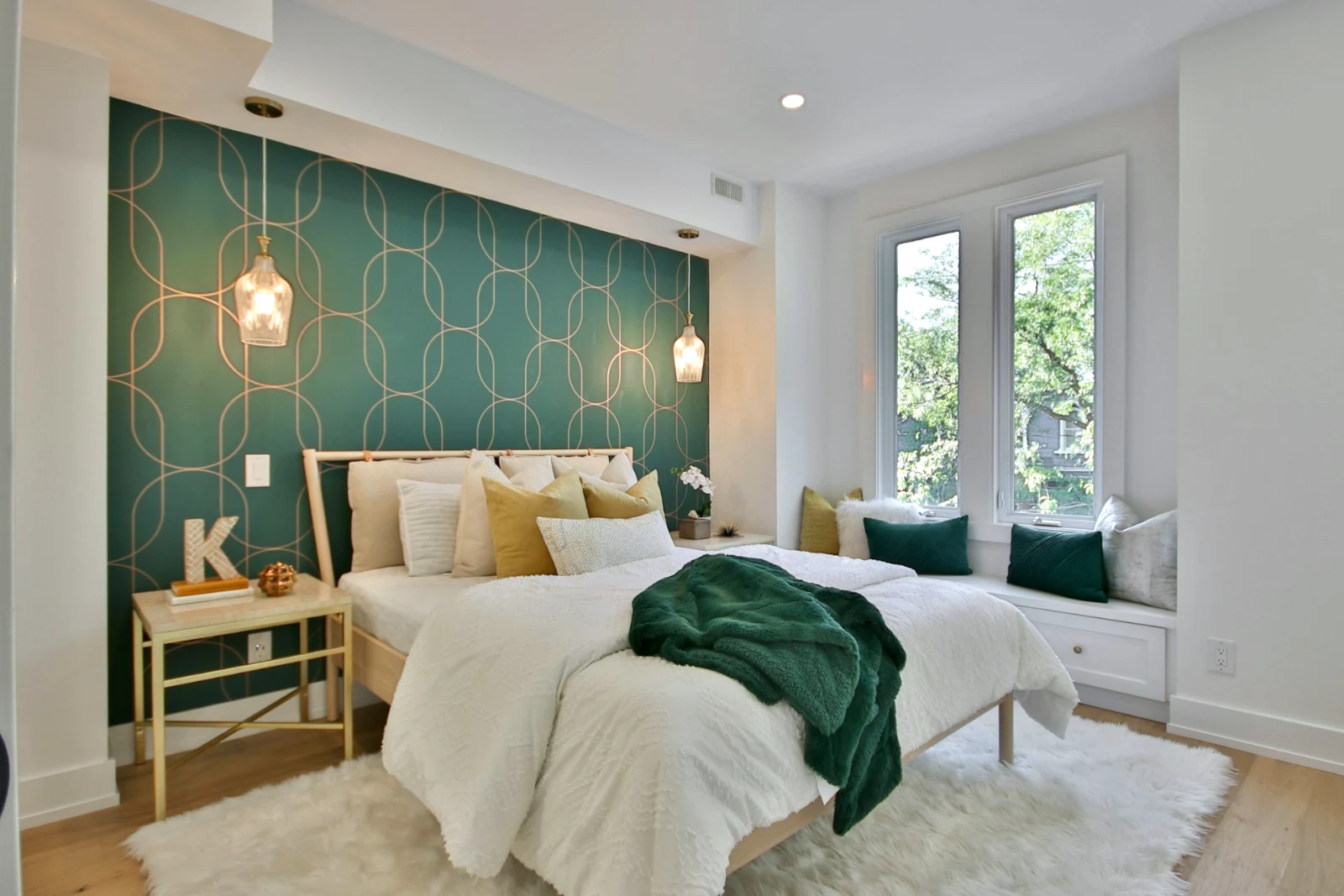
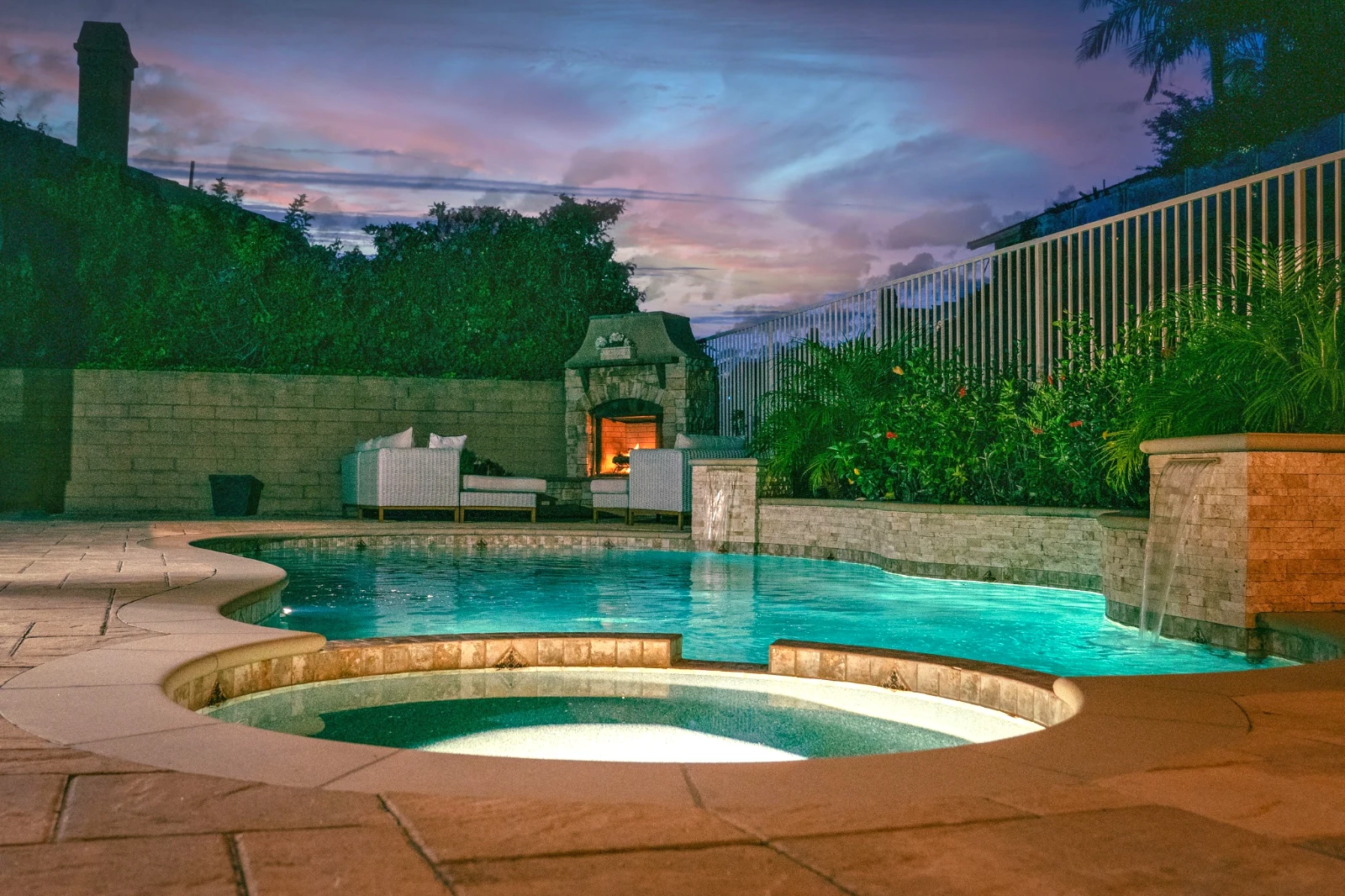
Construisez une photo en couches et exportez-la partout
Lancez une nouvelle Photo dans une taille que les gens publient, ou ouvrez une sélection en couches, chaque photo conservant sa propre modification. Sélectionnez le sujet ou le ciel, masquez, peignez, soignez, clonez et déformez, ajoutez du texte et des formes, puis exportez en JPEG, PNG, WebP, AVIF, TIFF ou un PSD en couches.
Sélections
Plume, agrandir, affiner les bords et transformer une sélection en masque.
Partager une galerie et voir ce que le client choisit
Placez un tir dans une Galerie et partagez-le pour la validation. Le client passe jusqu'au nombre que vous définissez, laisse un commentaire sur n'importe quelle photo et envoie son choix, approuve ou demande des modifications, tour par tour. Ses choix sont les Choix du client dans votre Bibliothèque.
Preuve
Chaque galerie partagée pour l'approbation : ce que le client a choisi et noté, et comment il a répondu à la ronde.
| Galerie | Tour | Sélectionné | De | Notes | Répondre | Client | Répondu |
|---|---|---|---|---|---|---|---|
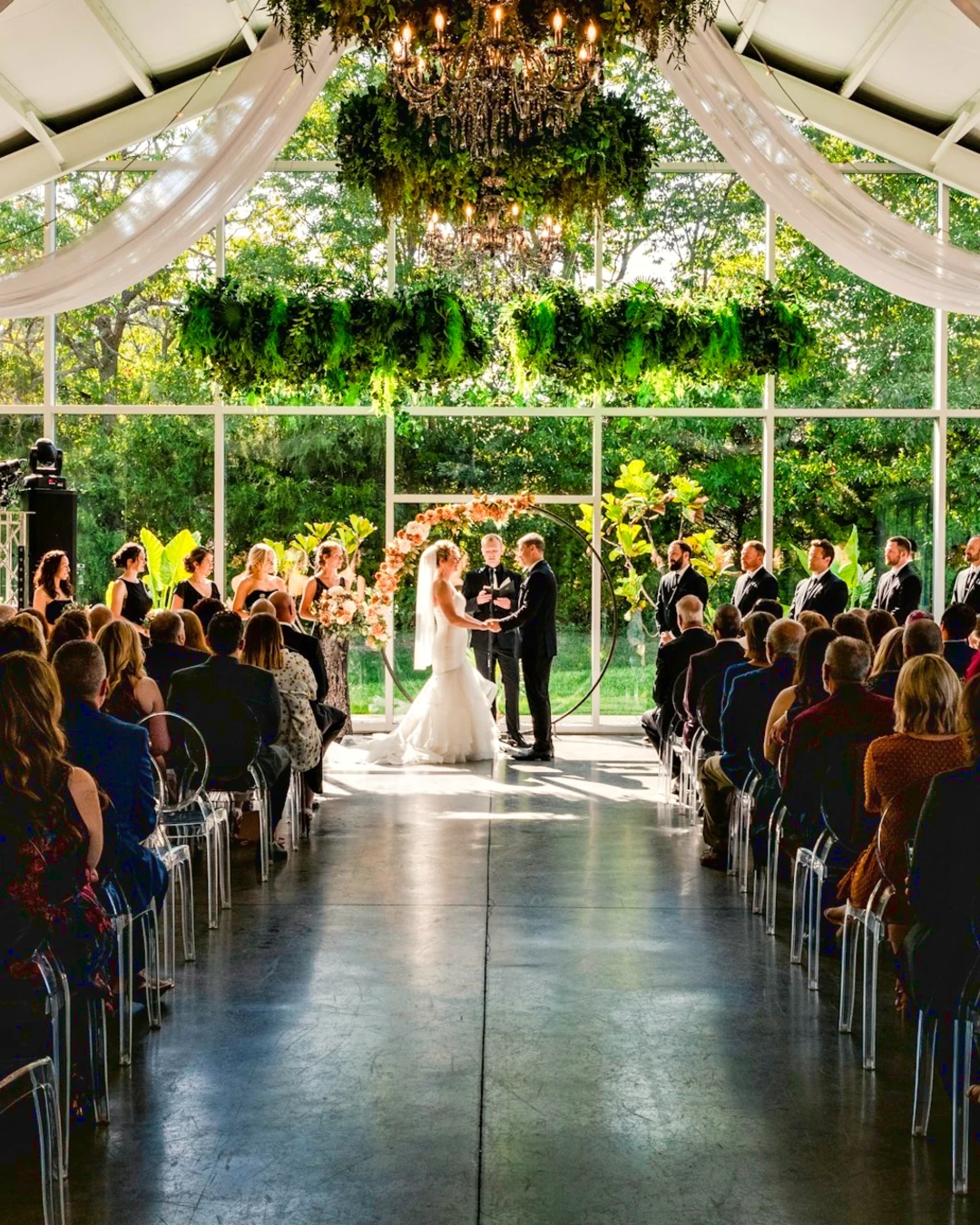
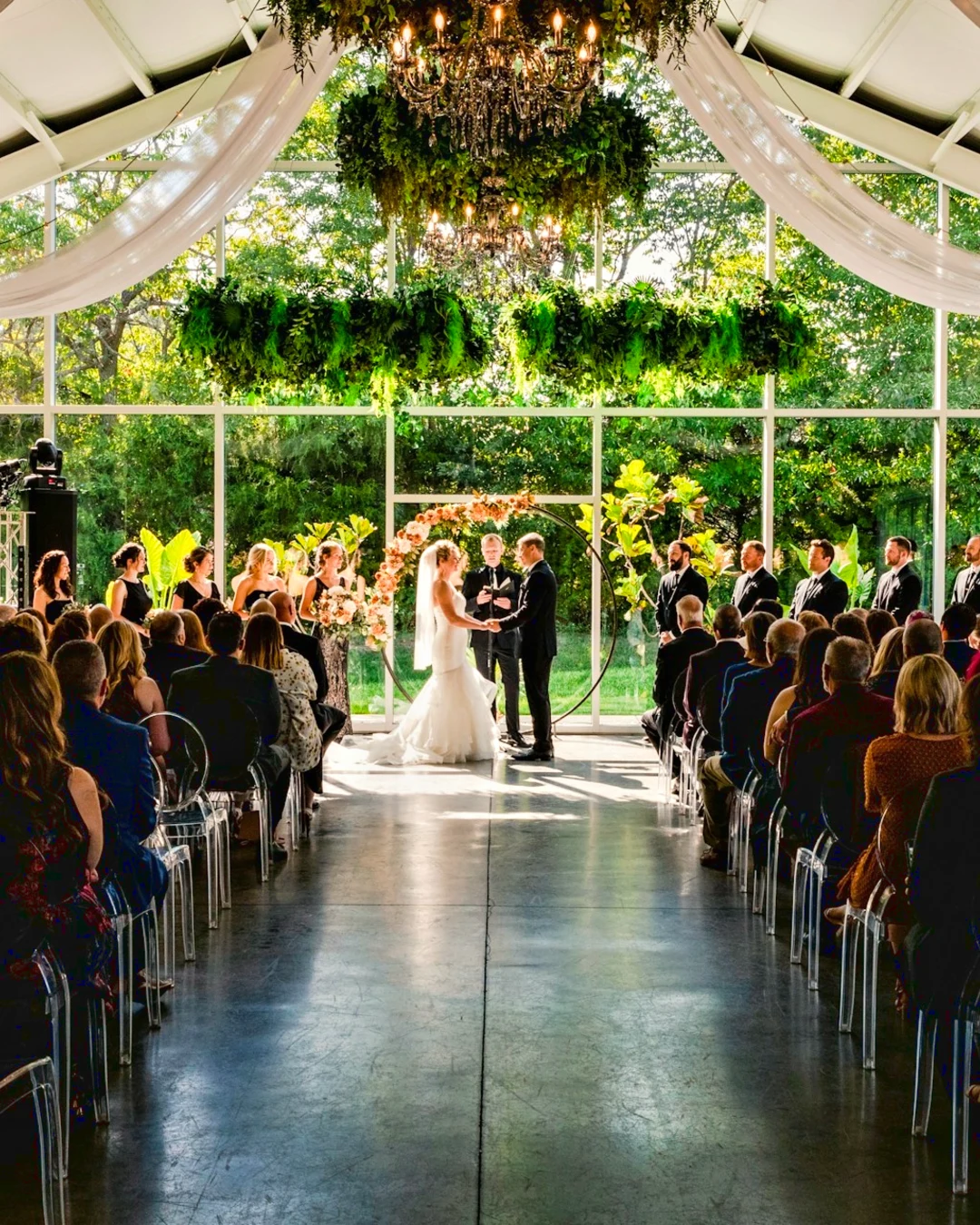
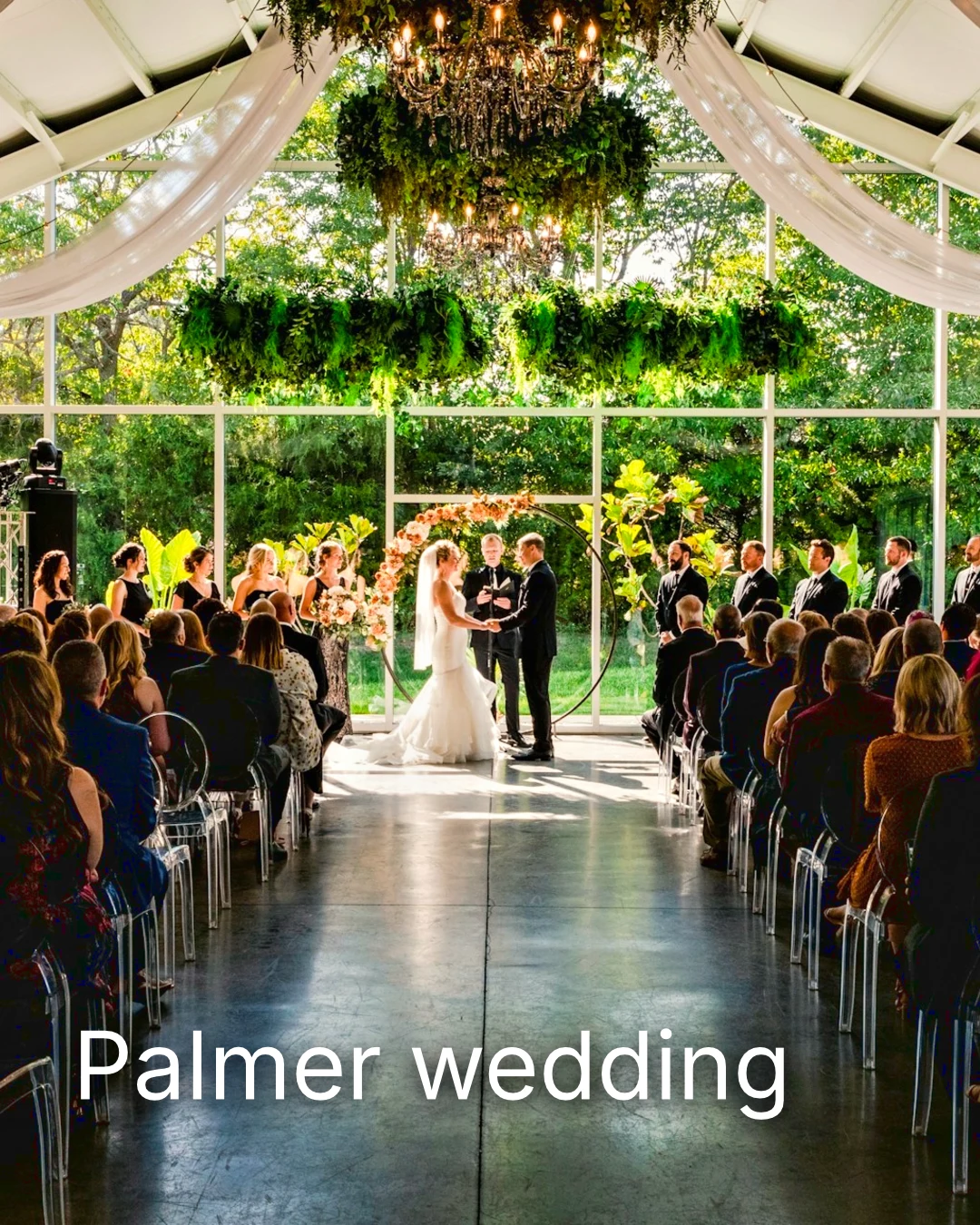
| Palmer wedding | 1 | 4 | 4 | 2 | En attente du client | Sarah Palmer | En attente du client |
| Carter portrait session | 2 | 3 | Sans limite | 0 | Approuvé | James Carter | 19/11/2026 |
| Harbourline Dental team headshots | 1 | 0 | Sans limite | 2 | Changements demandés | James Bennett | 19/11/2026 |
| Nguyen Family at Brighton | 1 | 12 | 15 | 3 | Sélection envoyée | Linh Nguyen | 20/11/2026 |
| Okonkwo Engagement | 2 | 20 | 20 | 0 | Approuvé | Ada Okonkwo | 17/11/2026 |
| St Kilda Bakery Menu | 1 | 6 | Sans limite | 1 | En attente du client | Marco Ricci | En attente du client |
Notes sur la photo
Chaque note s'affiche sur sa photo pendant que vous éditez.
Consulter ou Télécharger
Avenida da Liberdade 212
Galerie
Chaque lien est en lecture seule ou téléchargeable, avec un mot de passe optionnel.
Votre filigrane
Choisissez vos favoris et laissez un commentaire sur tout ce que vous souhaitez modifier. Une fois terminé, envoyez votre réponse. Vous pouvez répondre une seule fois par tour.
Votre logo ou vos mots sur chaque photo que le client voit ou télécharge, jusqu'à la livraison.
Impressions From the Gallery
$ 149.000 pièce. Les frais de port et les taxes sont ajoutés au paiement.
Le client achète un tirage de n'importe quelle photo, faite et expédiée par votre laboratoire, payé sur votre propre caisse.
Une galerie de Job, avec du talent
Lookbook SS27 En cours d'examen
- Client
- Maison Kiri
- Tour
- 1
- Sélectionné
- 8 / 12
- Répondre
- En attente du client
- Lien se ferme
- 2026/12/12
Un emploi dans Talent a sa propre Galerie, validée de la même manière.
Un jour de clôture
Galeries
Galerie de chaque tâche : ce que le client voit, sélectionne et télécharge.
| Galerie | Client | Étape du projet | Lien se ferme | Créé |
|---|---|---|---|---|
| Program Shoot · Strength | Thandi Mokoena | En cours d'examen | 2026/11/30 | 2026/11/09 |
| Client Story · Pieter | Pieter van Wyk | En cours d'examen | 2026/12/07 | 2026/11/12 |
| Mobility Series | Aisha Davids | Livré | 2026/12/18 | 2026/10/22 |
| Coaches Team Photos | Kopje Coaching | Livré | 2027/01/05 | 2026/10/31 |
| Summer Bootcamp | Lerato Nkosi | En production | 2027/01/20 | 2026/11/18 |
Le lien de chaque Galerie se ferme le jour que vous définissez, et la liste des Galeries affiche celles qui se ferment dans les 30 prochains jours.
Envoyez une photo finie où elle est utilisée
Une photo est ajoutée comme son dernier export, ou l'originale si elle n'en a pas : dans une Galerie à pleine taille, sur un nouveau design, dans les actifs d'un site web ou sur une liste. Chaque sélecteur de photos dans Calisto liste déjà les photos du compte, y compris les exports.
Un Design, Avec Studio
Un nouveau post ou une nouvelle histoire s'ouvre avec la photo placée.
 Menú de OtoñoTostadas de jaiba, desde hoy
Un site Web, Avec des sites
Ajouté aux actifs du site.
Actifs
Une annonce, avec des annonces
Ajouté à ses photos, lorsque l'entreprise dispose d'une fiche.
T3 Rua do Século 41 Publié
Éditez avec la photo en plein écran sur votre téléphone
Pincer pour zoomer, double-toucher pour ajuster et maintenir la pression pour Avant. Chaque section est une puce sous la photo dont les commandes sont ancrées en dessous, jamais au-dessus, et un curseur ne bouge qu'avec un glissement latéral, de sorte que le défilement ne modifie jamais.
Partagé à Foto
Une photo partagée depuis le rouleau de l'appareil photo atterrit dans Ajouter des photos.
Partagez des photos vers Foto depuis n'importe quelle application sur cet appareil, en prenez une, ou choisissez-les ici.
Photos à ajouter
Pas de Signal
Accueil, Bibliothèque, Apparence et Ajout de photos ouverts ; les modifications et les envois attendent et aboutissent une seule fois.
Partagez des photos vers Foto depuis n'importe quelle application sur cet appareil, en prenez une, ou choisissez-les ici.
Photos à ajouter
Là où Foto touche tout le reste autrement.
4 of these 5 connections are in your plan today; the other is its own app.
Depot
Every photo and every export is a file in Depot, on the account’s one storage quota, and a Gallery is a Hub.
Studio
An image’s Adjust in Studio is Foto’s, Send To opens a new design with the photo placed, and a layered Photo opens there as a design.
Talent
Galleries and Proofing are the same views Talent shows, and a job’s Gallery is the Hub of that job.
Listings
Bulk Auto takes a listing’s photos as a set, and the exports replace them on the listing.
Sites
Send To adds a photo to a website’s assets.
Pas de frais de mise en place. Payez lorsque vous commencez à utiliser.
Photos edited in one tap, by hand or in layers.
Calisto Create
La Bibliothèque, Auto, Auto en masse, Looks, Adjust et Galleries, inclus avec chaque compte Calisto.
Foto Pro
Chaque contrôle Adjust en ligne et l'espace de travail Layers, pour une personne, sur un siège à part ou avec un Créer un siège ; une entreprise attribue ses sièges à ses personnes.
Recommandé pour vous
Fonctionne bien ensemble.
Calisto Depot
Calisto Studio
Calisto Create
A Studio seat designs anything at every size, from Calisto’s templates or a blank page: layers, photos, Copy & Resize, Bulk Create, mockups, QR codes, print-ready PDFs, sharing and whiteboards.
Learn more →Calisto Talent
Inclus avec vos forfaits
Votre application Core affiche tout ce que vos plans Commerce et Ops activent.
Learn more →Calisto Listings
Annonces
Vos annonces, rendez-vous, développements, locations et le bureau, pour chaque personne travaillant dans Annonces.
Learn more →Calisto Sites
Sites Calisto
A website and its phone app, built from a template on the page itself, showing what you sell from your own records and published on your own domain.
Learn more →Tout inclus dans Calisto Foto.
- Foto Essentials for every signed-in person: Home, the Library, Auto, Bulk Auto, Looks, Adjust with Auto, Light, Color and Crop, and Galleries; every other control one tap away behind More.
- Foto Pro, a seat per person: every Adjust control inline and the Layers workspace.
- Essentials or Pro is each person’s own choice, in Profile & Preferences ▸ Creative Tools, never a business setting.
- Without a seat, More and Layers read Pro · Upgrade, or Ask for a Pro Seat for a team member.
- A photo whose edit holds Pro fields always opens, saves and draws at Essentials.
- First open asks nothing technical at Essentials, and leads with Layers and the keys at Pro.
- Every photo read after it is uploaded: when it was taken, its exposure, its focus and its faces.
- Flags: Blurry, Missed Focus, Black Frame, Missed Flash and Closed Eyes, each a filter in the Library.
- A score from focus, exposure and open eyes: Best First, and the Suggested Best Shots.
- Similar Shots: bursts, brackets and the same pose taken twice, grouped best first, with Star the Best of Each.
- Faces and eyes are read on your own device; nothing is starred or hidden for you.
- Home: the photos to pick up again, Upload Photos, New Photo, From Media Library, Bulk Auto, and Recent Photos.
- The Library: All Photos, Starred, Edited, Similar Shots, Layers and Client Picks, with search, sort (Best First and Date Taken included) and a Tag filter.
- A Hub’s photos on their own, from the Hubs in the sidebar; Move To… a Folder of a Hub, and New Hub, Private or Public (with Depot).
- A selection is starred, tagged, given a look, run through Bulk Auto, sent on, opened as layers or assigned to a client project.
- Star and Tags are the platform’s: the same in Depot, Docs and Studio, carried wherever the photo is picked.
- An export is listed with its photo, never among the originals.
- The account’s storage shown in the Library, on the one Depot quota (with Depot).
- Upload from a desk, the camera or the device’s photos, through the one upload queue.
- Add Photos is where a photo shared to Foto lands: the camera roll’s Share sheet, or Open With on a desk.
- Then Adjust for one photo, Bulk Auto for a set, or the Library.
- JPEG, PNG, WebP, HEIC, HEIF, AVIF, TIFF and camera RAW; a RAW is developed on the device, or converted on the server when the device cannot.
- The camera and lens a file says made it, read once from the original and kept on the file.
- Auto: one tap reads the photo on the device, sets its sliders and names each one; Undo puts the photo back.
- Your Style beside Auto, once you have edited eight photos: Auto moved the way you move it, and the Texture, Clarity and Saturation you usually set, learned from your own edits; yours, never the business’s.
- Light, Color, Crop and Straighten; Whites and Blacks, Detail (Detail, Fine Detail, Clear Haze), Tone Curve, Color Mixer, Color Grading, Sharpening and Noise, Lens, Transform and Effects.
- Straighten Lines: Auto and Vertical, and Level, Full and Guided (up to four lines drawn on the photo); it sets the Transform sliders it solved and names them, and leaves a photo with no clear lines as it is.
- Lens: Correct Lens from the camera’s own correction in the RAW, else the lens profile; Remove Color Fringes; nothing the camera already corrected is corrected twice.
- How it was drawn, said under the control it concerns.
- Remove and Repair: Remove what you paint over; Clone and Fill.
- Adjust Part: Sky, Subject and Background; a Brush, Linear and Radial gradients and a Brightness Range.
- People: Skin, Face, Eyes, Lips, Hair, Clothes and Body, found on your device.
- Retouch Skin: Even Skin smooths blotches and keeps the pores; Match Skin Tone evens the skin toward the person’s own tone.
- Frequency Separation: paint where, then Smooth Tone and Fine Detail retouch the tone and the texture each on its own.
- Portrait Blur on the background, and Lens Blur by the photo’s depth with Focus Distance and Depth of Focus.
- Film Negative: a scanned color or black and white negative turned positive from its film base, shared across a roll by copying the edit.
- Changes: every change to a part, with its own controls, opacity, blend and invert.
- Markup: an arrow, a circle, a box, a freehand line or a label drawn on the photo, carried by every export.
- Before: press and hold. Undo and Redo through the edit’s whole history.
- The original is never changed; the edit is kept beside it with its history.
- A client’s note from Proofing shown on the photo while it is edited.
- Calisto’s looks and the business’s own, in Looks ▸ Calisto and Mine.
- Match a Photo: another photo’s look, solved into Exposure, Contrast, Saturation, White Balance and Color Grading.
- Suggested looks first in Adjust: the looks made for a photo like this one, from the kind of photo each of Calisto’s was made for and the photos each of yours has been put on.
- Save Look keeps an edit’s settings as a look of the business’s own.
- A look given to one photo or a whole selection.
- A selection from the Library, or one listing’s photos for a business with listings (with Listings), and a look.
- Start From Auto or Your Style.
- Each photo read on the device and given its own Auto, then the look; a look that straightens lines solves each photo’s lines.
- Saved as a step of each photo’s edit.
- The exports made on the server, so they finish with the page closed; the results screen shows each one as it is ready.
- For a listing’s photos, the exports replace them on the listing, through Listings’ own write (with Listings).
- Bulk Auto Finished is sent once per run, to the person who started it.
- Camera on USB, in Chrome or Edge: Connect Camera, Shoot, Live View on Canon EOS and Nikon, every frame straight into Foto.
- The camera’s own Wi-Fi upload: FTP, FTPS or SFTP to Calisto with a login of your own, the password shown once.
- Every frame in the Camera Uploads Hub as it lands, with the last edited frame’s edit or a look applied to each new one.
- Nothing to install: the camera talks to the page itself.
- Record Action in Adjust: your steps kept as steps, then played on any photo or a Library selection, with Auto, looks, straightening and found parts solved again for each photo.
- Actions are the business’s, kept beside its looks.
- Contact Sheet: a selection or a Gallery printed 2 to 8 across, portrait or landscape, with names, stars, client picks and culling flags, filed in Depot as a PDF.
- HDR: bracketed exposures fused into one photo, lined up even when taken by hand.
- Panorama: overlapping frames joined, laid on a cylinder for a known lens, cropped clean; brackets at each position fused first.
- Focus Stack: frames focused at different distances, sharp from near to far.
- Astro Stack: night-sky frames aligned on their stars and stacked by sigma clipping, median or mean, dark frames taken off.
- A new photo in Depot every time; the photos merged stay as they were. Large merges finish on our servers.
- Smart Objects: Convert to Smart Object, New Linked Copy, Update Linked Copies and Release Smart Object; each copy keeps its own opacity, blend and styles.
- New Photo at a size people make: YouTube Thumbnail, Instagram Post and Story, Square, A4 and US Letter at 300 ppi, or a custom size, on white, black, a color or transparent.
- Open as Layers on a selection: each photo a layer carrying its own edit.
- Photo, pixels, adjustment, text and shape layers in one layer tree: chosen, checked to act on several, shown, hidden, locked, renamed, moved, grouped, duplicated and deleted.
- Tools: Move, Select Rectangle, Ellipse, Freehand and Straight Lines, Select Similar Color, Select Subject and Sky, Brush, Eraser, Dodge, Burn, Blur, Sharpen, Heal, Clone, Fill, Warp, Warp Grid, Warp Perspective, Text, Shapes and Crop.
- The Select menu: Select All, Deselect, Invert, Feather, Expand, Contract, Smooth, Refine Edges, Selection to Mask and Fill with Color; Shift adds, Alt subtracts, both intersect.
- Layer masks and shape masks, each enabled, inverted, feathered, applied or deleted; layer styles: drop and inner shadow, outer and inner glow, color overlay and stroke.
- Apply and Convert to Pixels; every paint stroke written as new tiles, so every earlier step still undoes.
- Export as JPEG, PNG, WebP, AVIF, TIFF or a layered PSD, with what it could not hold said in plain words; Recent Exports in the Export dialog.
- A layered Photo opens in Studio as any design does (with Studio).
- Without the seat, a layered Photo opens to look at.
- A Gallery is a Hub shared with a client through its link, Private or Public; a job’s Gallery is the Hub of that job (with Talent).
- Send To ▸ Gallery puts the photos in at full size.
- Share for Proofing: the client’s email (the Gallery also lists in their portal), how many they may pick, view or download, a password, and your watermark.
- Your watermark on every photo of the link, at every size and on every download: your logo, your business name or your own words, where it sits, its size and its opacity, set once in Settings ▸ Photos ▸ Watermark.
- Watermark the Photos or Remove the Watermark on a link in Proofing, so the final delivery goes out clean.
- Prints from the Gallery: Choose Prints from your drop-ship products on sale online; the client taps Buy Print on a photo, picks the print, the size and how many, and pays on your own checkout (with Shop and Orderflow).
- Your lab prints the photo the client chose and ships it to them; the order is in Orderflow beside every other web order.
- The client picks up to the limit, leaves notes, and sends their selection, approves or asks for changes, round by round.
- Open the Next Round, or Stop Proofing; an earlier round stays as it was.
- Galleries counts what is delivered, waiting on the client and closing in 30 days.
- The same Galleries and Proofing views Talent shows (with Talent).
- A photo goes on as its current export, or the original when it has none.
- A Gallery; a design, opened in Studio with the photo placed (with Studio); a website’s assets (with Sites); a listing’s photos, when the business has a listing (with Listings).
- Every picture picker in Calisto lists the business’s photos in Depot, exports included.
- Adjust and Layers, switched in the header: ⌘⌥1 and ⌘⌥2, or A and L.
- Keyboard Shortcuts (⌘/) lists every key; ⌘K finds every command.
- Each editor’s back link returns to the Library.
- Home, Library and Settings in the tab bar; shortcuts to Add Photos, the Library, Bulk Auto and Looks.
- The photo fills the screen: pinch to zoom and pan, double-tap to fit, press and hold for Before.
- Each section a chip under the photo, its tray docked under it, never over it, with the desk’s controls and a Reset.
- A slider moves only on a sideways drag, so a scroll never edits; words are typed in a dialog above the keyboard.
- Layers on a phone: the canvas full screen, the tools in a bottom bar, the layer tree and Format as bottom sheets.
- Keep Foto on This Device: Home, the Library, Looks and Add Photos open with no signal; an edit’s save, a new look and uploads wait and land once.
- Copy Saved is sent when the server finishes a copy, to the person who asked for it.
- Foto installs as part of the Calisto app.
- Every photo and every export is a Depot file on the account’s one quota; each Foto Pro seat adds its included storage to it (with Depot).
- Working copies and the render cache never count.
- Settings ▸ General: the business’s name, design and sign-in.
- Settings ▸ Photos: the export format, size on the long side or the original’s, quality, and the look Bulk Auto starts from; changed by the business’s admins, and Purview may lock it.
Questions about Calisto Foto
Chaque personne connectée dispose de Foto Essentials : la Bibliothèque, Auto, Auto en masse, Looks, Ajuster avec la lumière, Couleur et Recadrer, ainsi que les Galeries. Tous les autres contrôles d'ajustement se trouvent derrière Plus. Foto Pro les place tous en ligne et ajoute l'espace de travail Calques, pour une personne par siège.
Non. Une modification est conservée à côté de la photo avec son historique, afin que toute étape puisse être annulée plus tard. Une exportation est un nouveau fichier dans Depot, atteint depuis sa photo, et l'original reste tel qu'il est venu.
Fichiers JPEG, PNG, WebP, HEIC, HEIF, AVIF, TIFF et RAW d'appareil photo. Un fichier RAW est traité sur votre appareil, ou sur le serveur si l'appareil ne peut pas le faire. Une photo en couches s'exporte en JPEG, PNG, WebP, AVIF, TIFF ou en PSD en couches.
Un studio ouvre un PSD en couches comme un design. Foto sauvegarde une Photo en couches sous forme de PSD qui conserve ses couches, masques, mélanges, groupes, textes et styles, et explique en termes simples ce qu'il n'a pas pu conserver.
Partagez la Galerie pour la validation. Le client ouvre le lien, sélectionne jusqu'au nombre que vous définissez, laisse un commentaire sur n'importe quelle photo et envoie sa sélection, approuve ou demande des modifications, tour par tour. Ses choix apparaissent sous forme de Choix du client dans votre Bibliothèque, et chaque commentaire s'affiche sur la photo pendant que vous éditez.
Oui. Choisissez parmi vos produits de drop-ship que la Gallery vend, tels que les impressions que votre labo fabrique et expédie. Le client tape Acheter une impression sur une photo, choisit l'impression, la taille et la quantité, et paie sur votre propre paiement. Votre labo imprime cette photo et l'expédie à lui.
Dans Depot, sur le quota de stockage unique de votre compte, où chaque sélecteur de photo dans Calisto les trouve. Chaque siège Foto Pro ou Create ajoute le stockage inclus à ce même quota.
