Bearbeiten Sie ein Foto mit einem einzigen Tippen, von Hand oder in Ebenen.
Der Fotoeditor für die bereits in Ihrem Konto befindlichen Fotos. Beenden Sie ein Foto oder einen ganzen Shoot, und teilen Sie dann eine Galerie, aus der Ihr Kunde seine Favoriten auswählt.
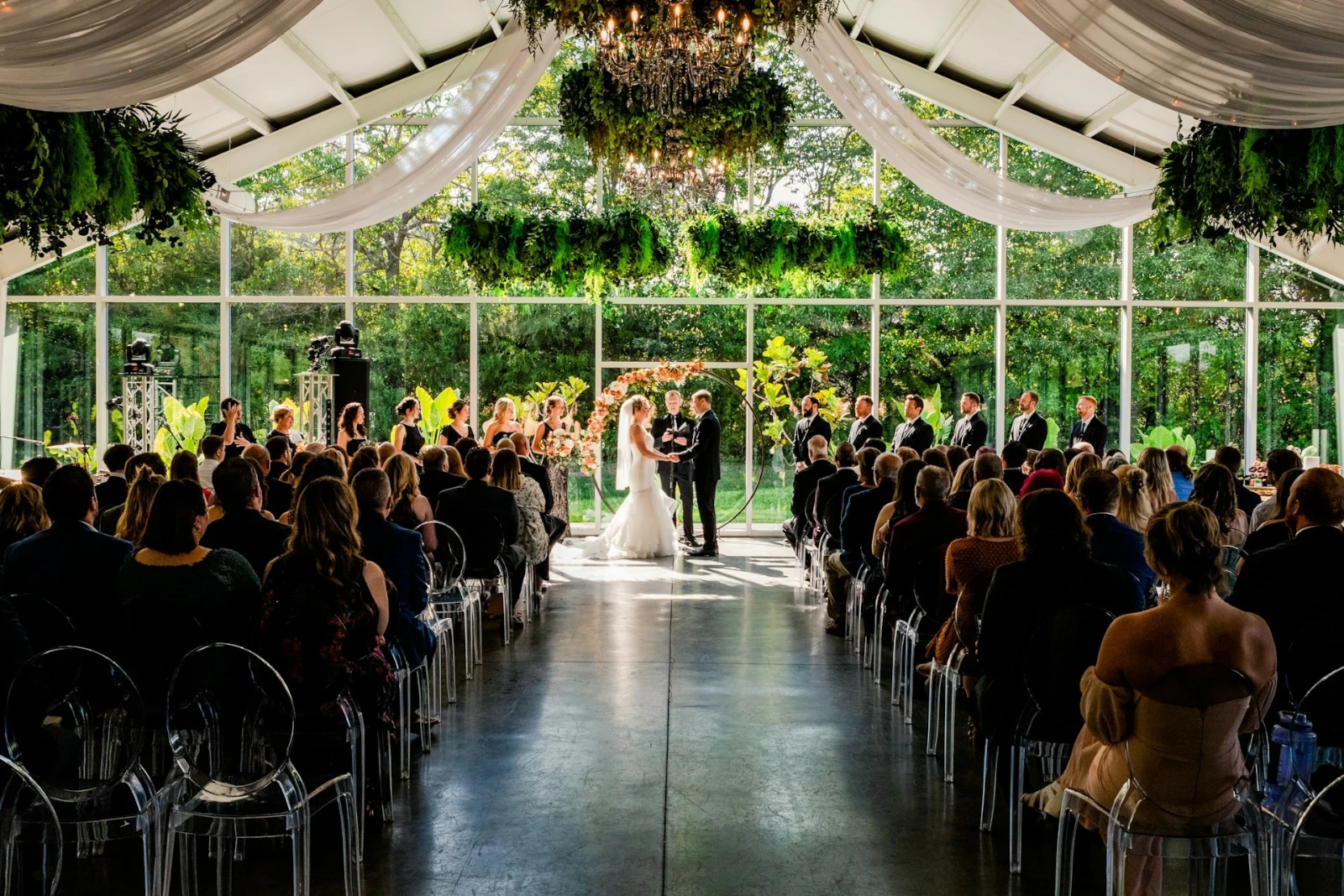
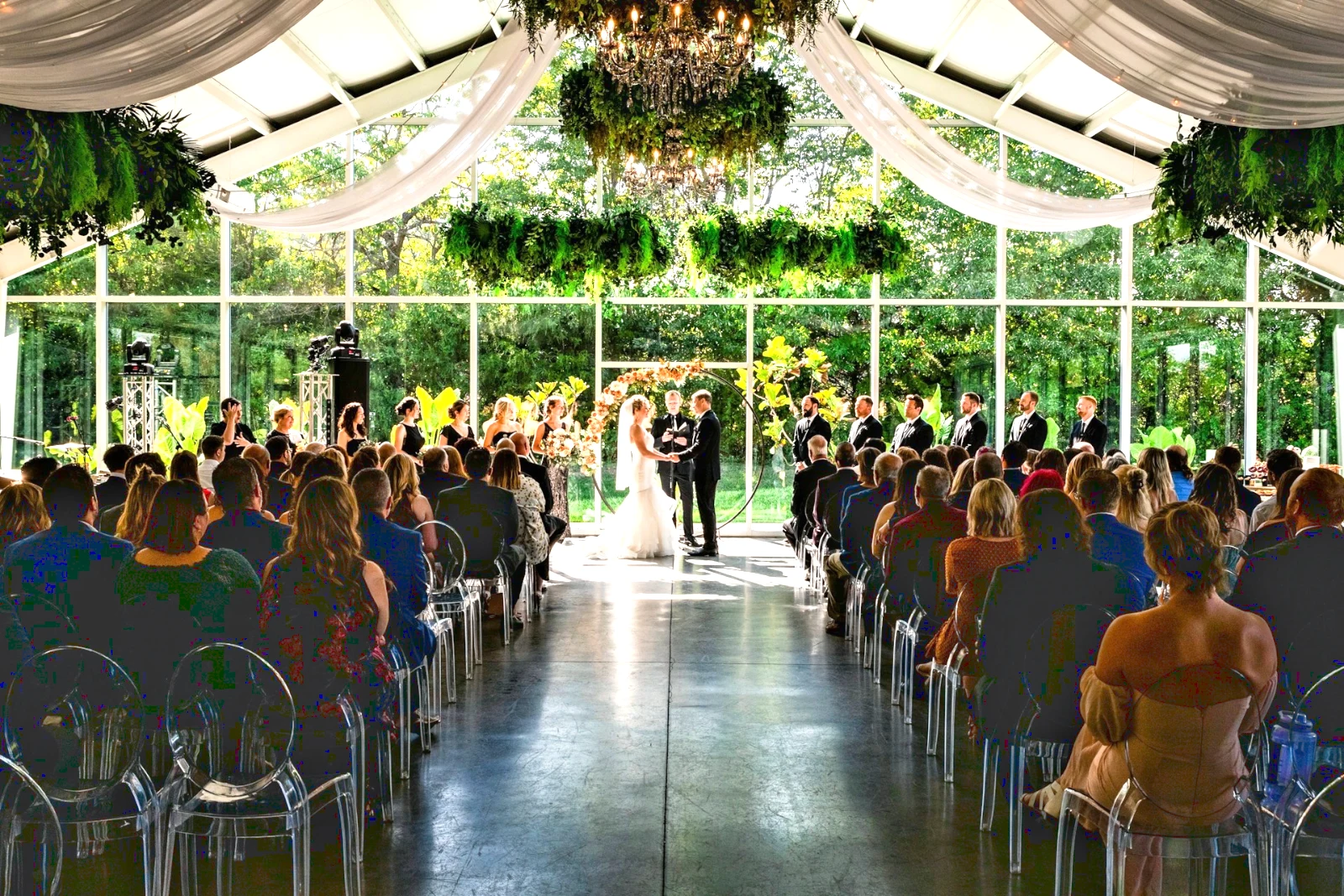
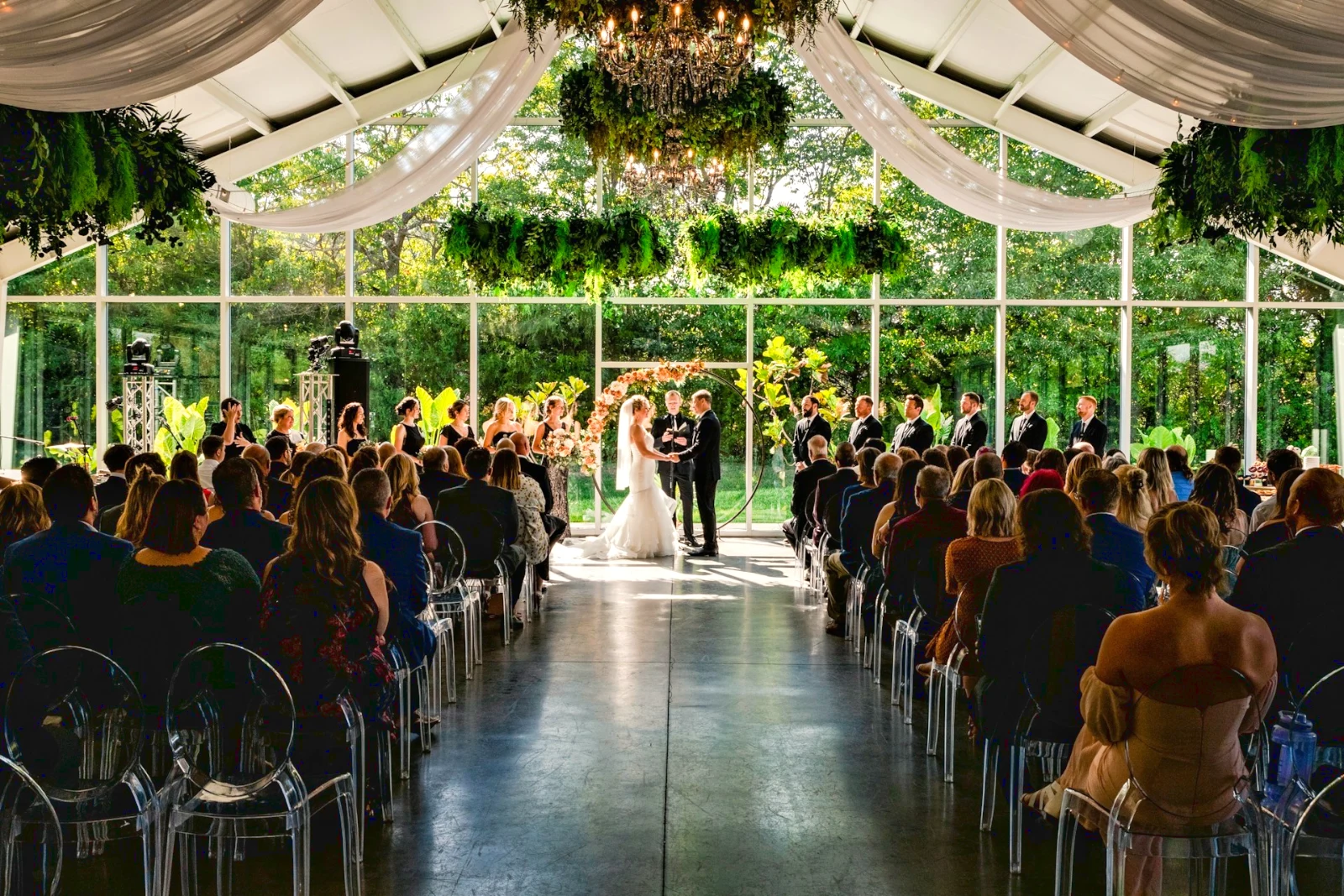
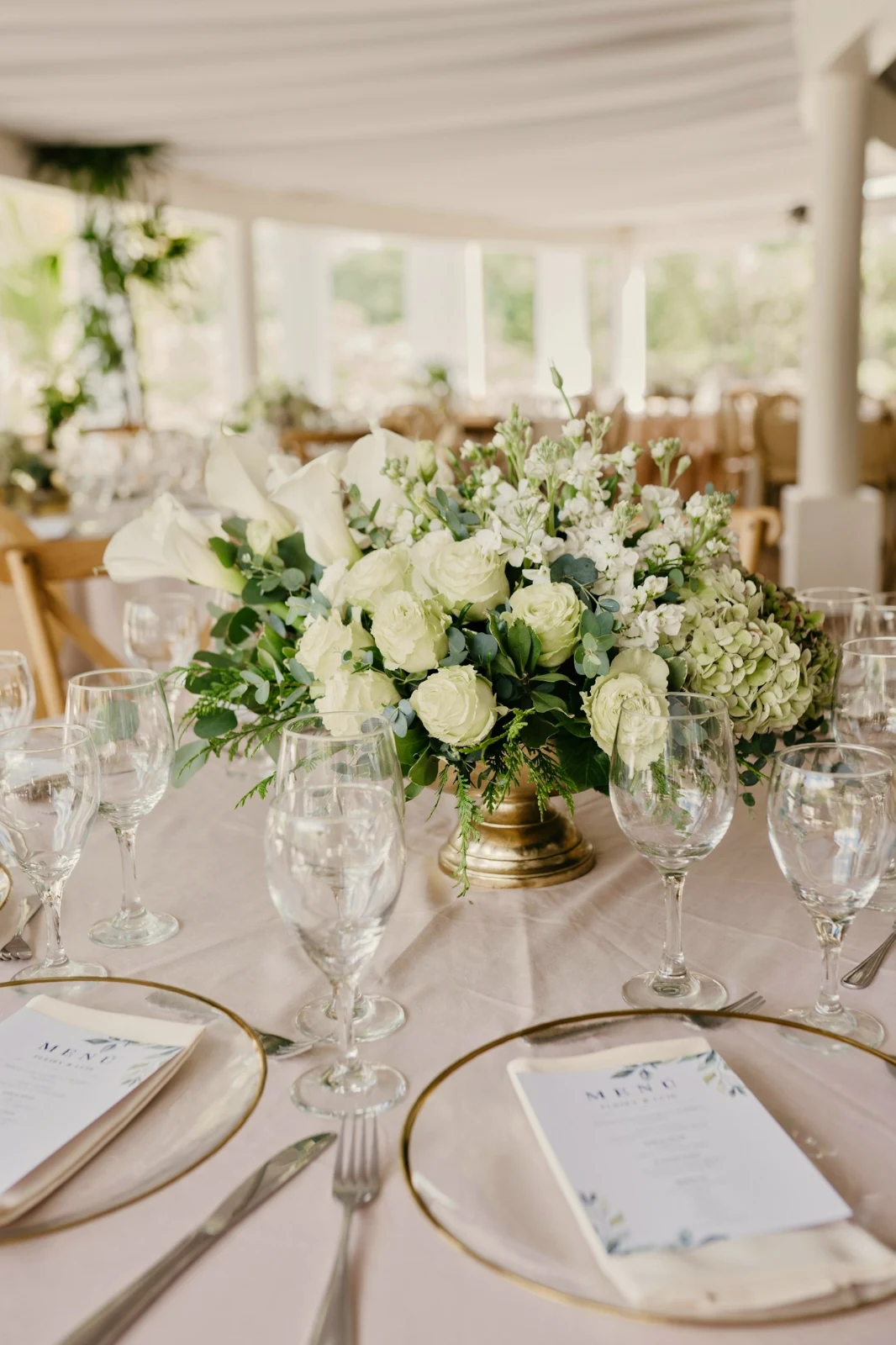
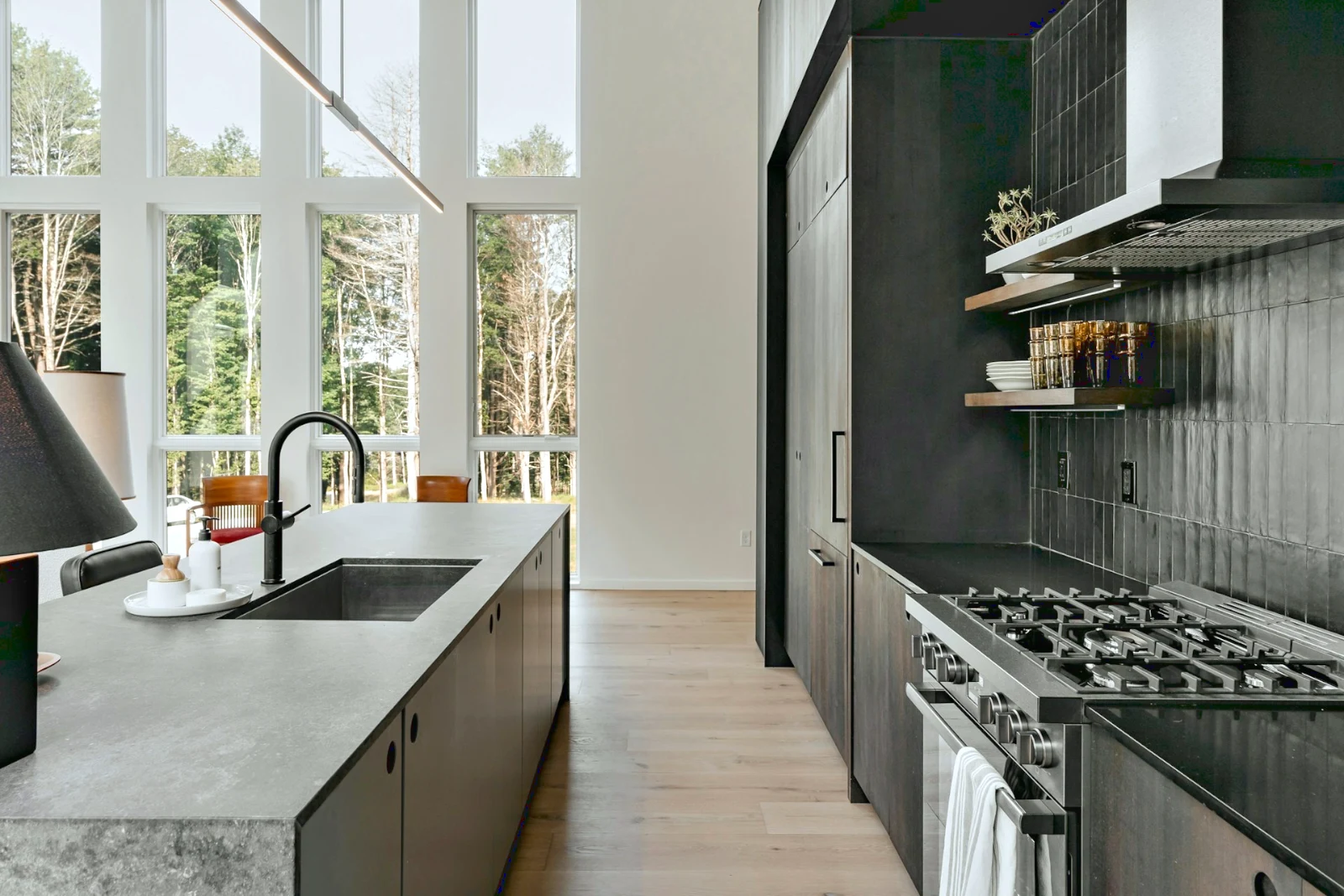 Bright and Airy
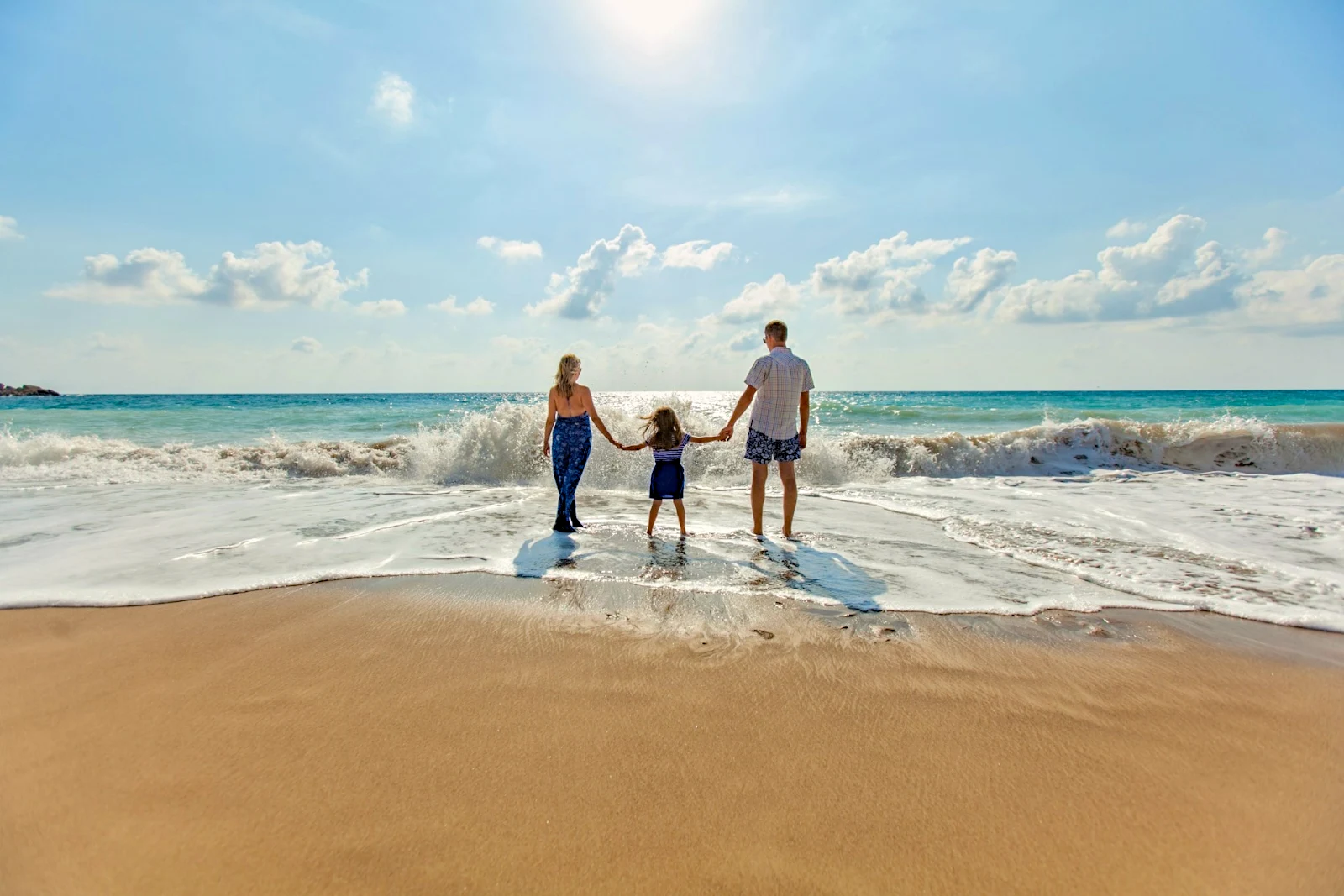
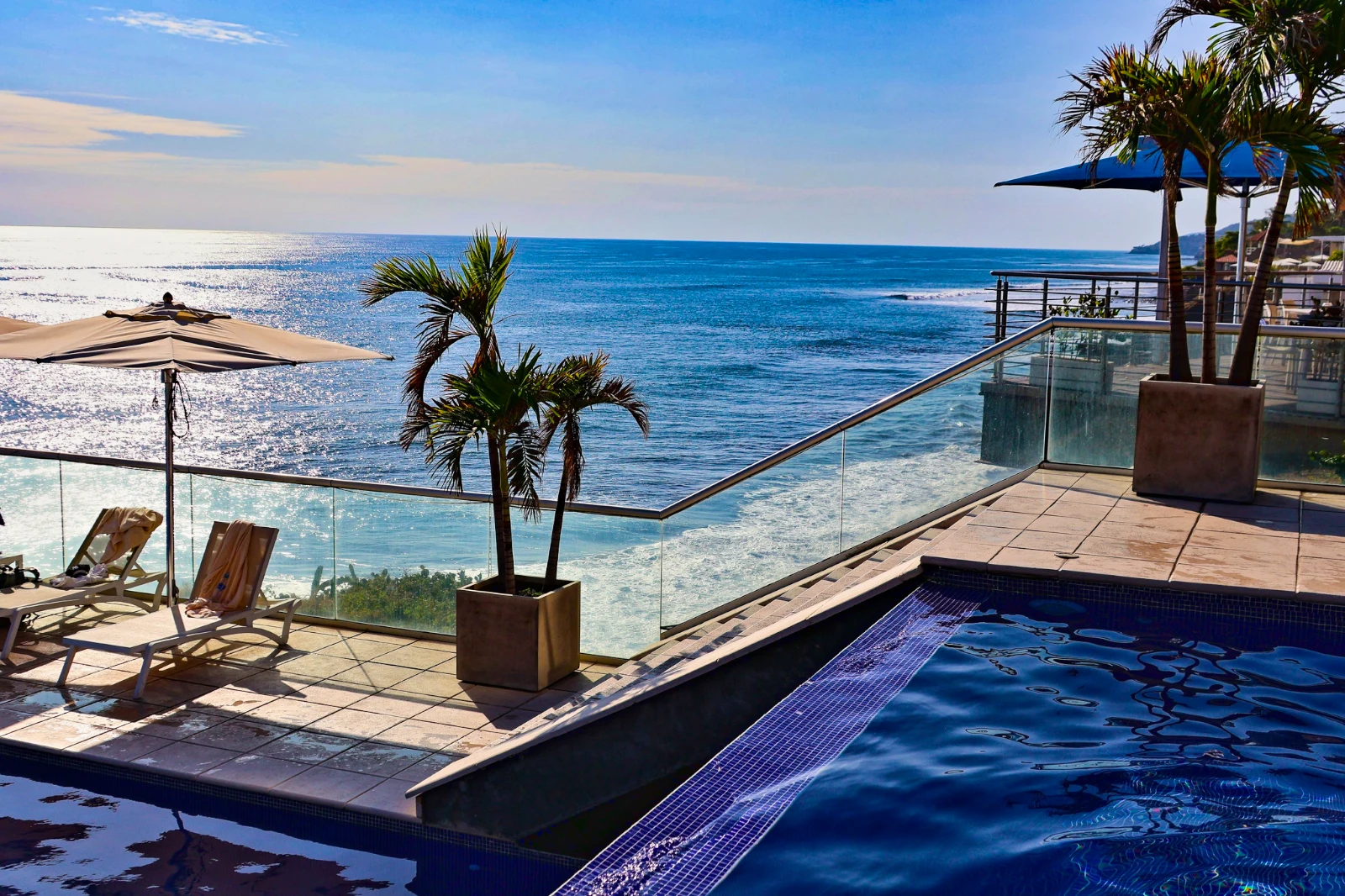 Punchy Social
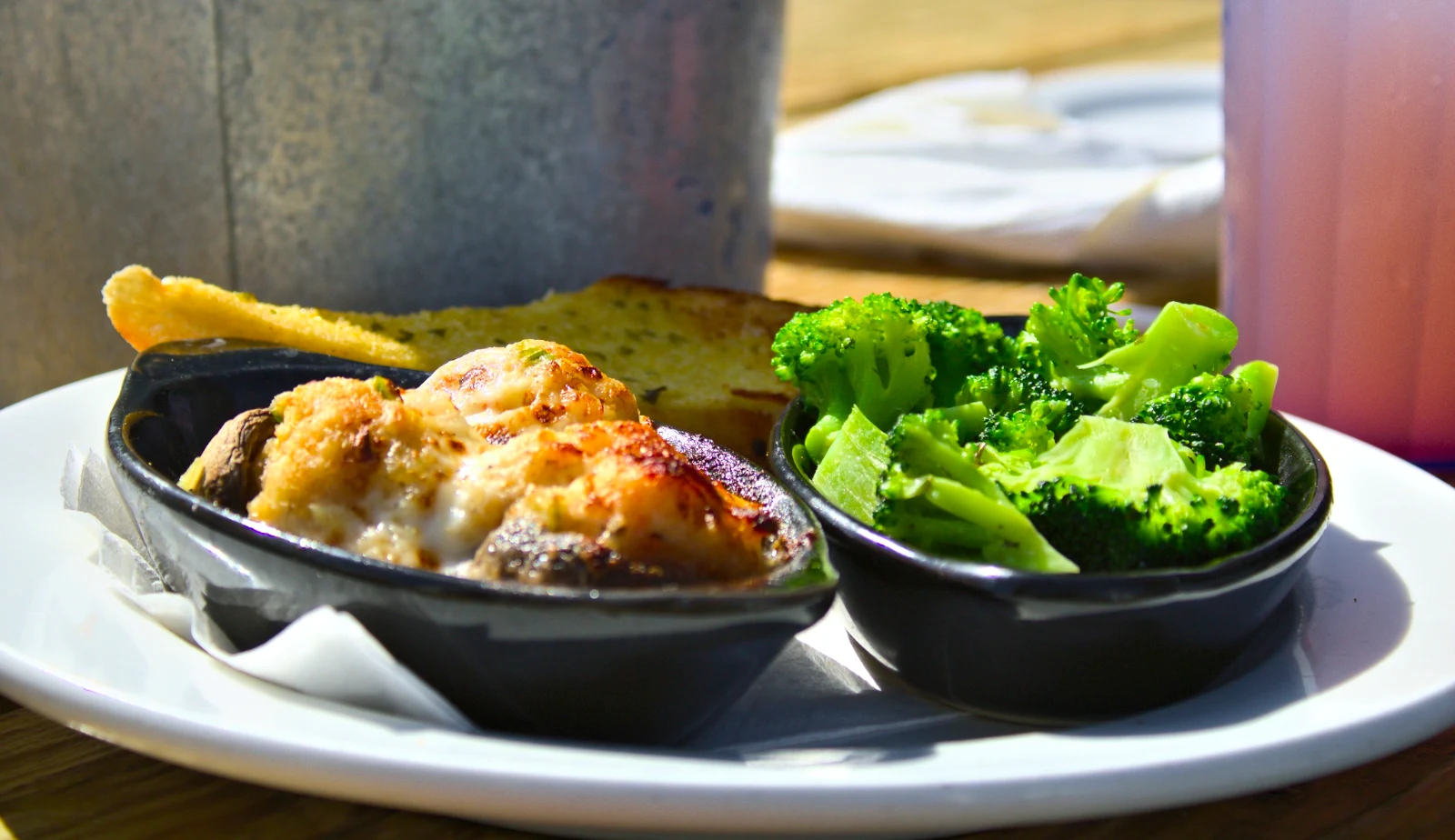 Punchy Social
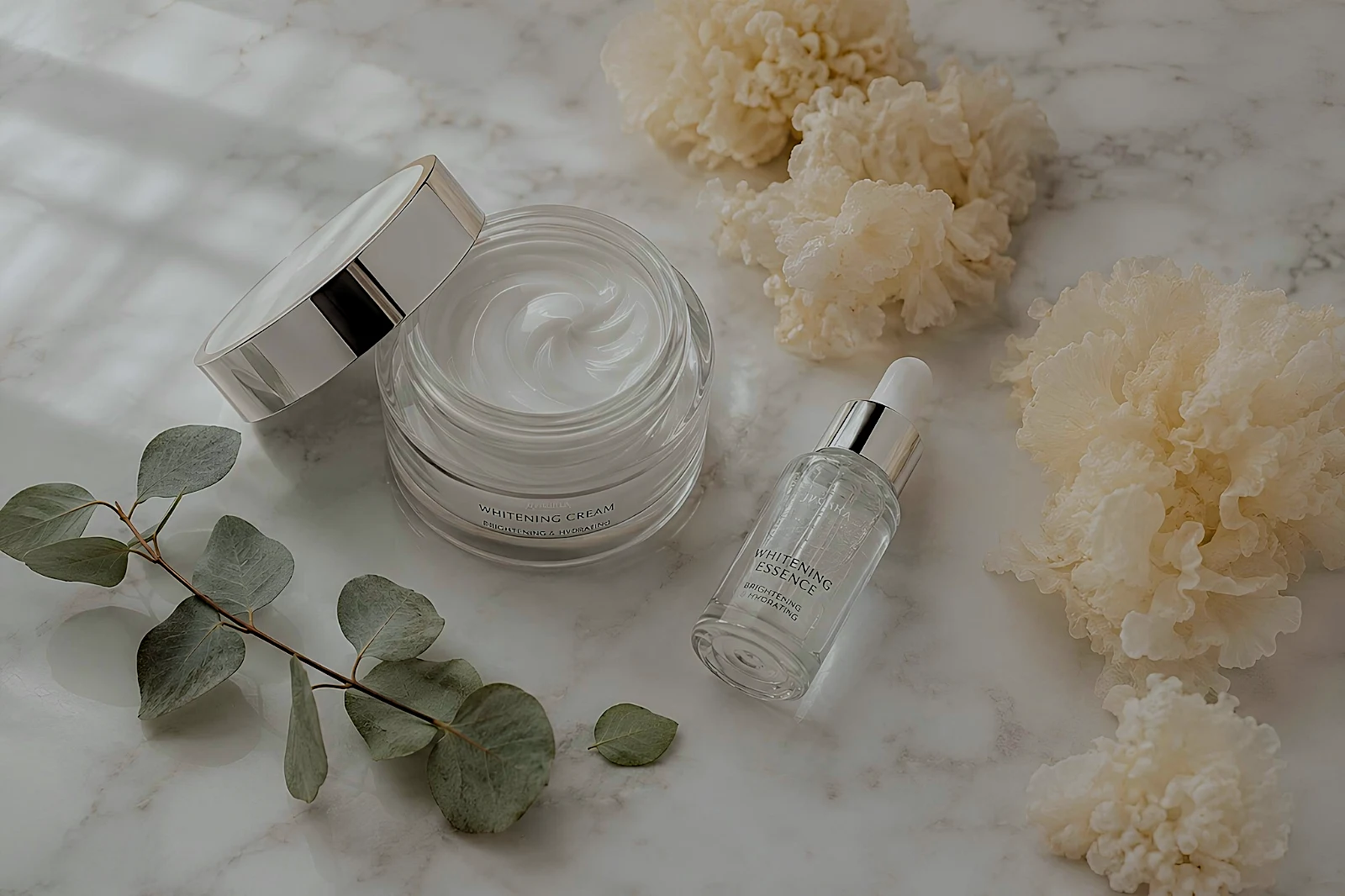 True Color
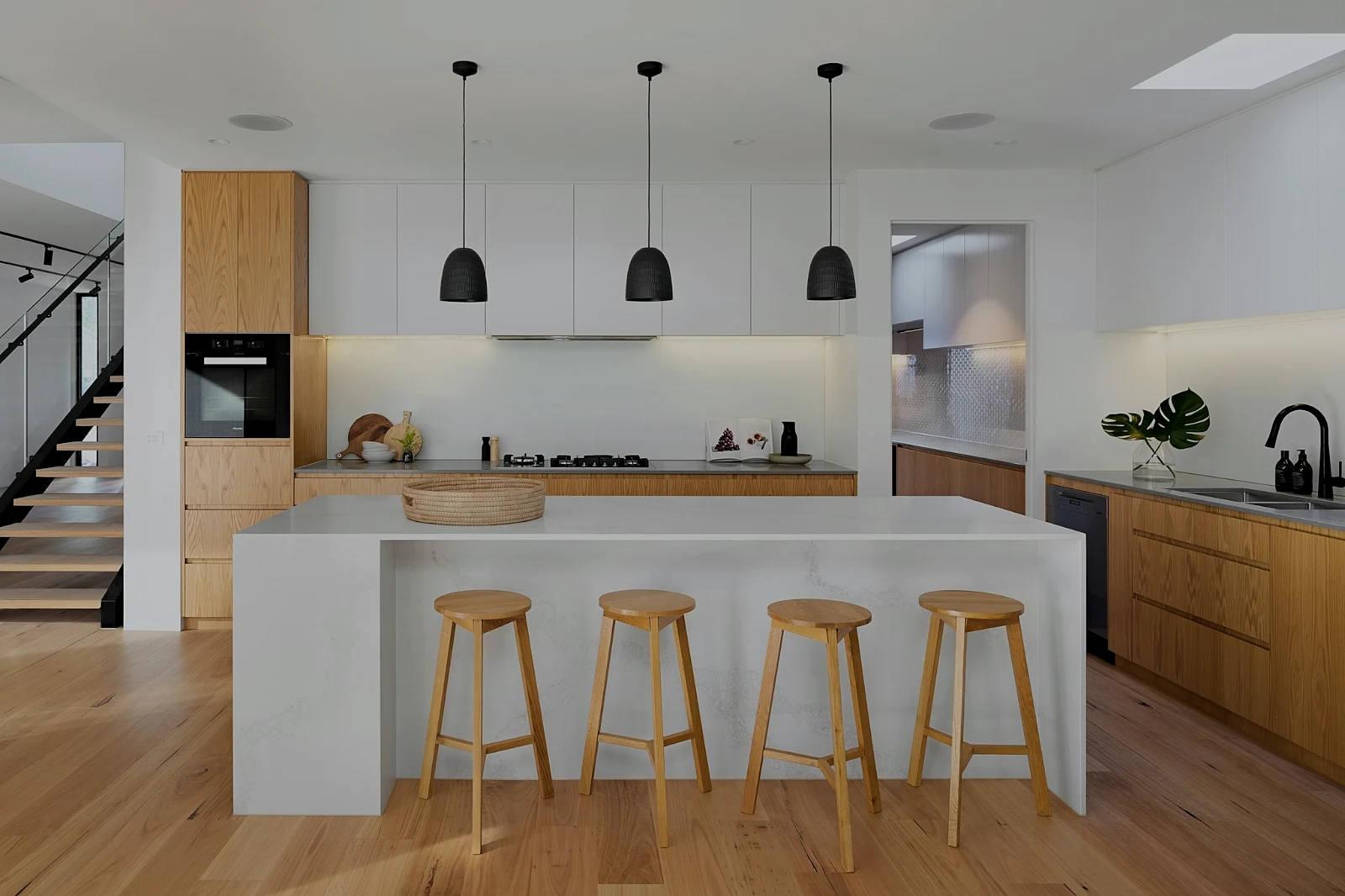 True Color
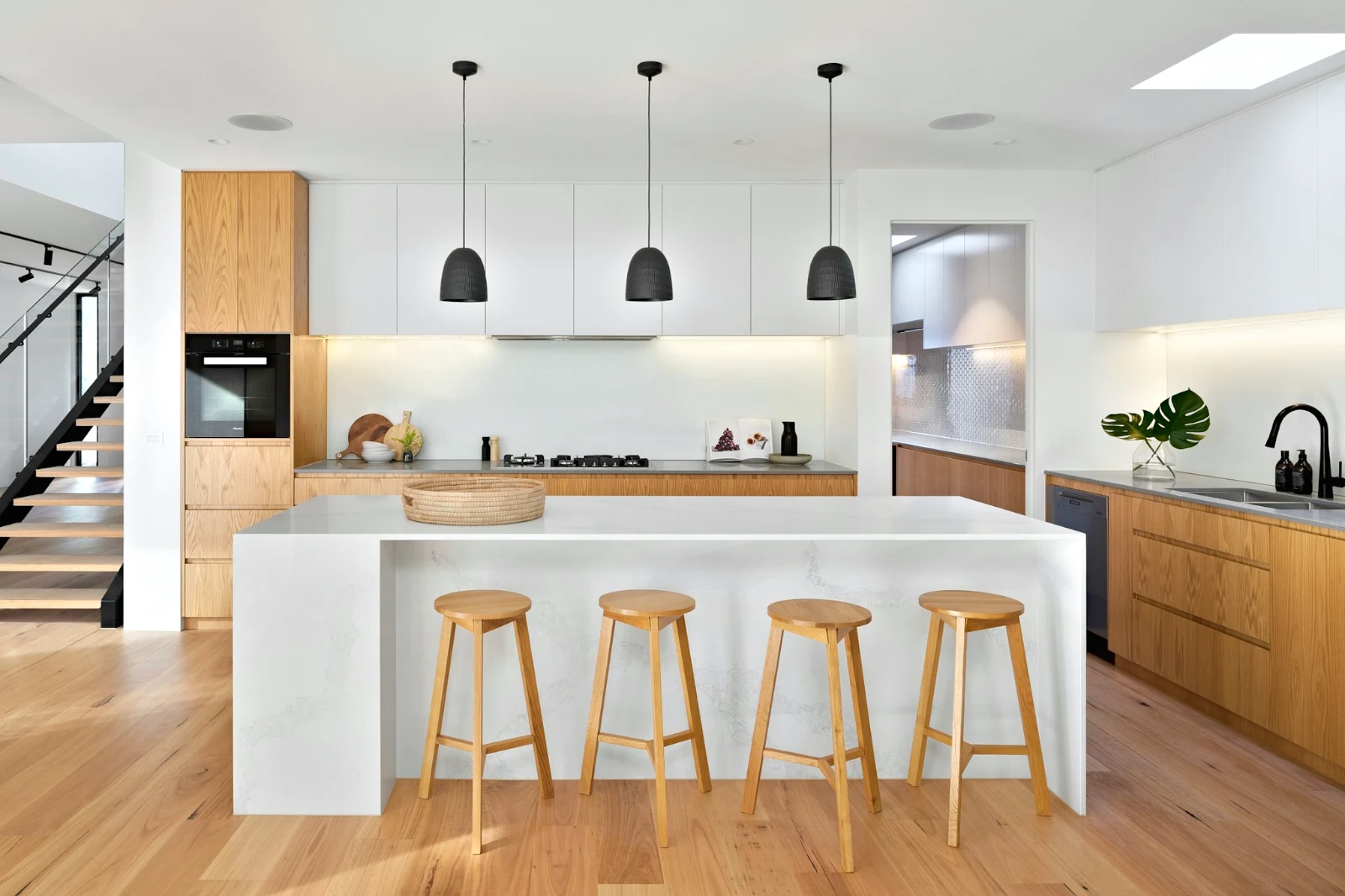
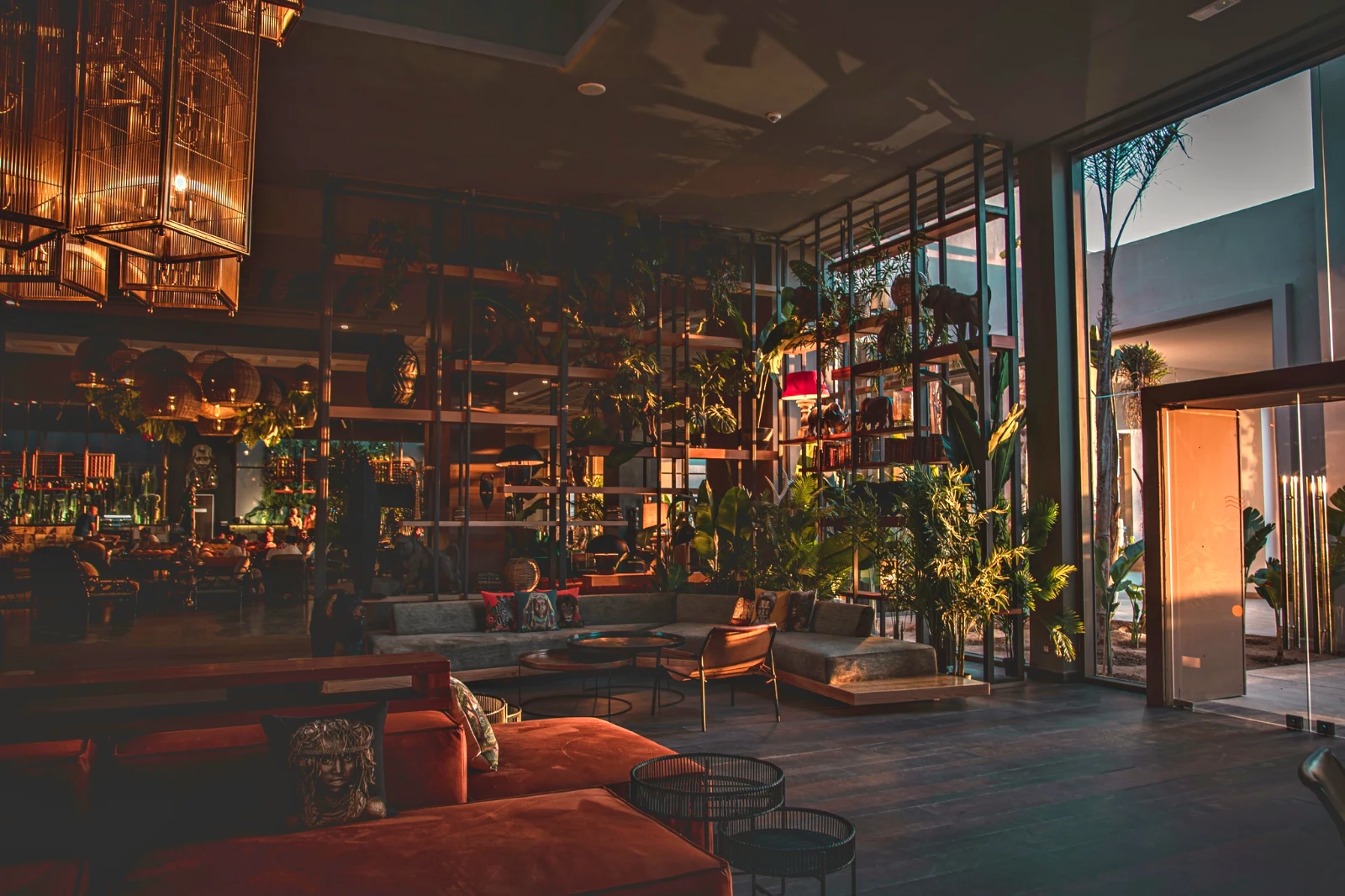 Warm Interior
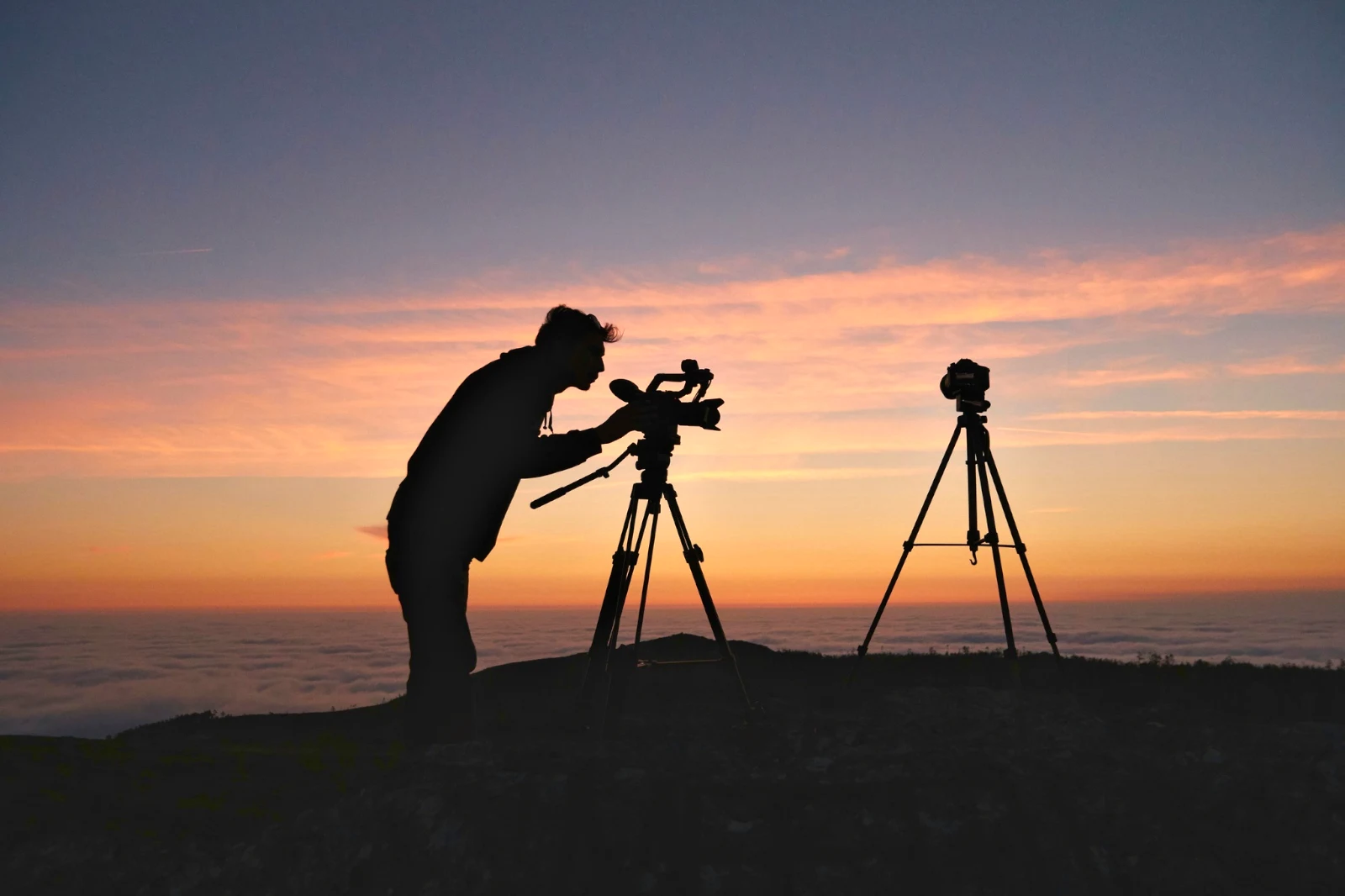
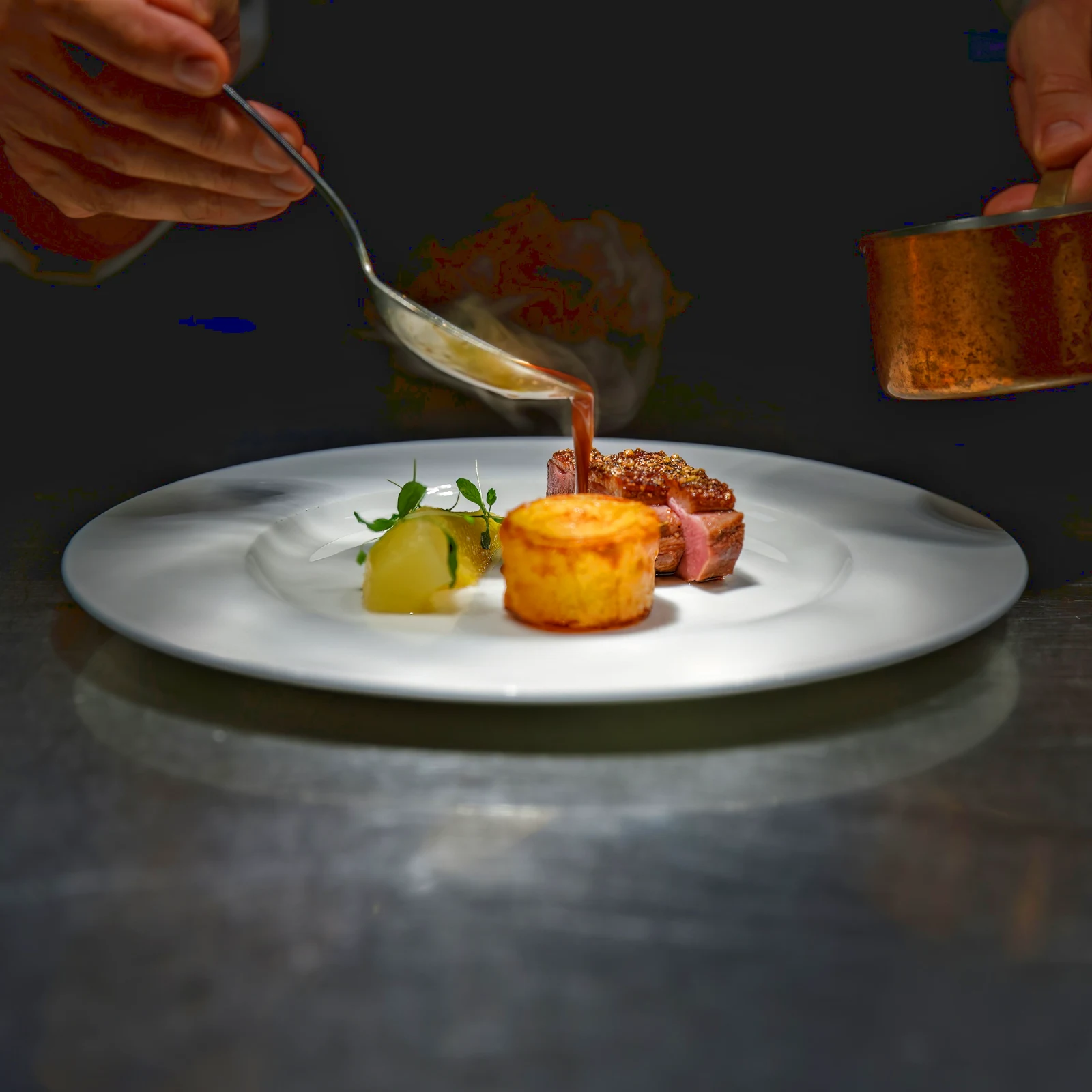 Twilight Glow
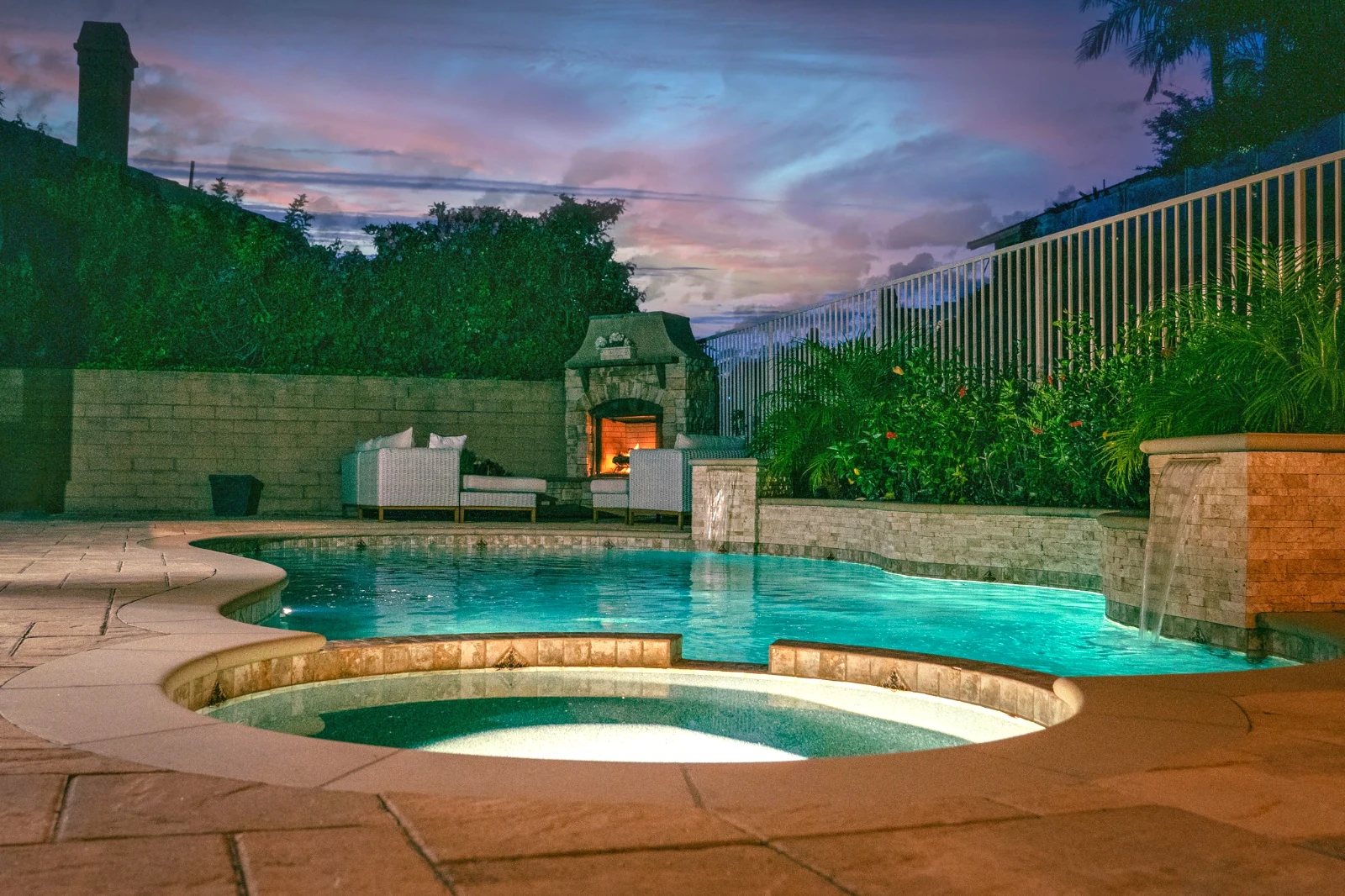 Bright and Airy
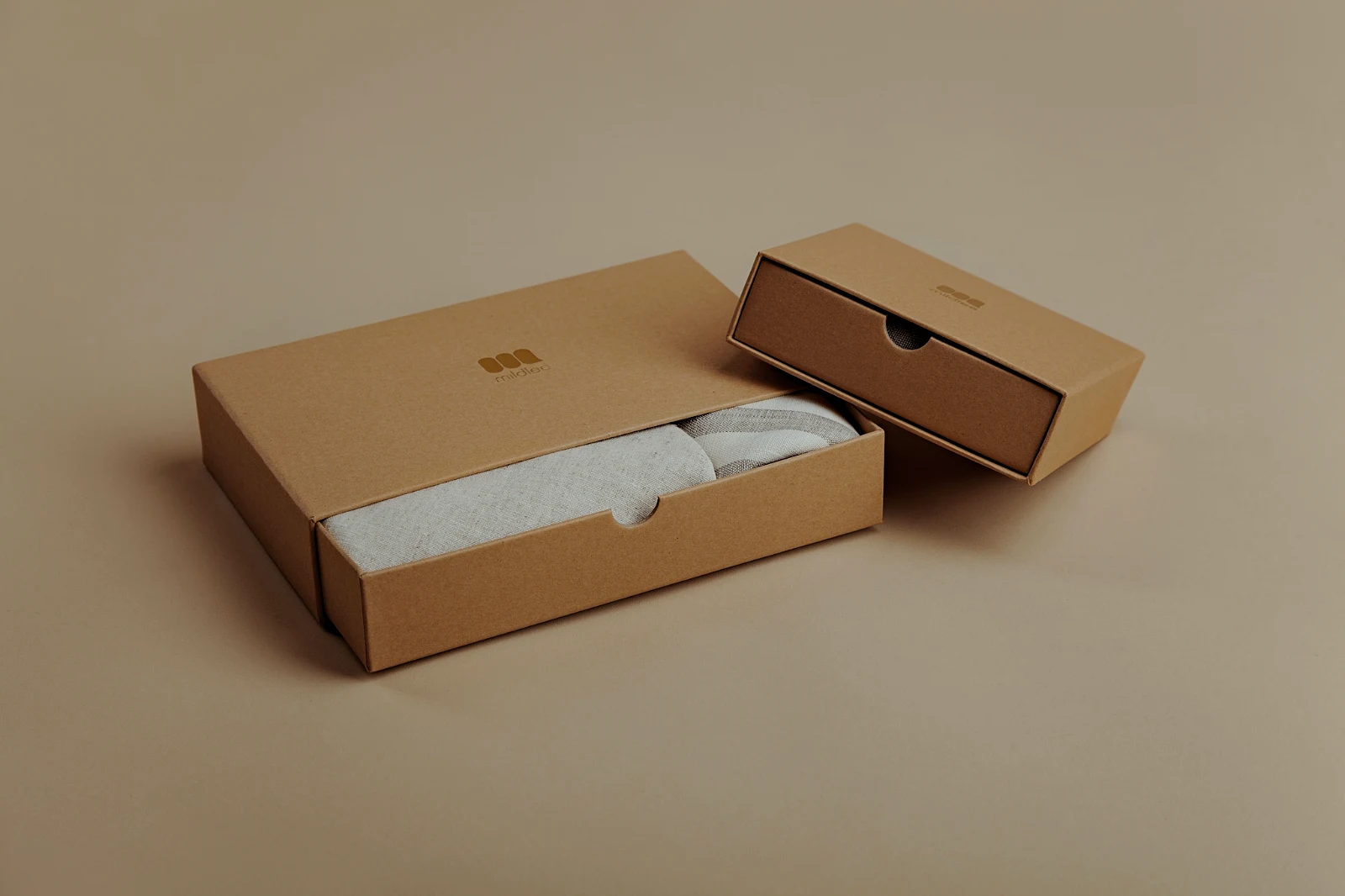 True ColorBright and AiryPunchy SocialPunchy SocialTrue ColorTrue ColorWarm InteriorTwilight GlowBright and AiryTrue ColorBright and AiryPunchy SocialPunchy SocialTrue ColorTrue ColorWarm InteriorTwilight GlowBright and AiryTrue ColorBright and AiryPunchy SocialPunchy SocialTrue ColorTrue ColorWarm InteriorTwilight GlowBright and AiryTrue Color
 Golden Hour WarmthMeine
 Soft Portrait
 Punchy Social
 Punchy Social
 Schwarz und Weiß
 Soft Portrait
 Soft Portrait
 Twilight Glow
 Soft Portrait
 Soft PortraitGolden Hour WarmthMeineSoft PortraitPunchy SocialPunchy SocialSchwarz und WeißSoft PortraitSoft PortraitTwilight GlowSoft PortraitSoft PortraitGolden Hour WarmthMeineSoft PortraitPunchy SocialPunchy SocialSchwarz und WeißSoft PortraitSoft PortraitTwilight GlowSoft PortraitSoft PortraitGolden Hour WarmthMeineSoft PortraitPunchy SocialPunchy SocialSchwarz und WeißSoft PortraitSoft PortraitTwilight GlowSoft PortraitSoft PortraitBright and AiryPunchy SocialPunchy SocialTrue ColorTrue ColorWarm InteriorTwilight GlowBright and AiryTrue ColorGolden Hour WarmthMeineSoft PortraitPunchy SocialPunchy SocialSchwarz und WeißSoft PortraitSoft PortraitTwilight GlowSoft PortraitSoft Portrait
Vom Shoot bis zu den picks des Kunden
Ein Redakteur auf zwei Ebenen: einfach für alle, jede Steuerung für die Menschen, die zum Leben editieren.
Bibliothek
Jedes Foto, das der Account speichert.
Auslese
Flaggen, Best First und ähnliche Aufnahmen.
Auto und Looks
Ein Tippen oder ein Blick von Ihnen selbst.
Anpassen
Licht, Farbe, Linien und Teile.
Bulk Auto
Ein komplettes Set in einem Durchlauf.
Ebenen
Auswahl, Masken und Farbe.
Galerien
Der Kunde wählt und notiert.
An senden
Ein Design, eine Website, eine Anzeige.
Am Telefon
Das Foto im Vollbild.
Bringen Sie jedes Foto herein und finden Sie es wieder
Hochladen vom Schreibtisch, der Kamera oder der Kamerarolle, oder ein Foto von jeder App zu Foto teilen. Jedes Foto, das der Account in Depot speichert, befindet sich in der Bibliothek und kann erneut über seinen Stern, seine Tags, die Auswahl des Kunden oder eine Suche gefunden werden.
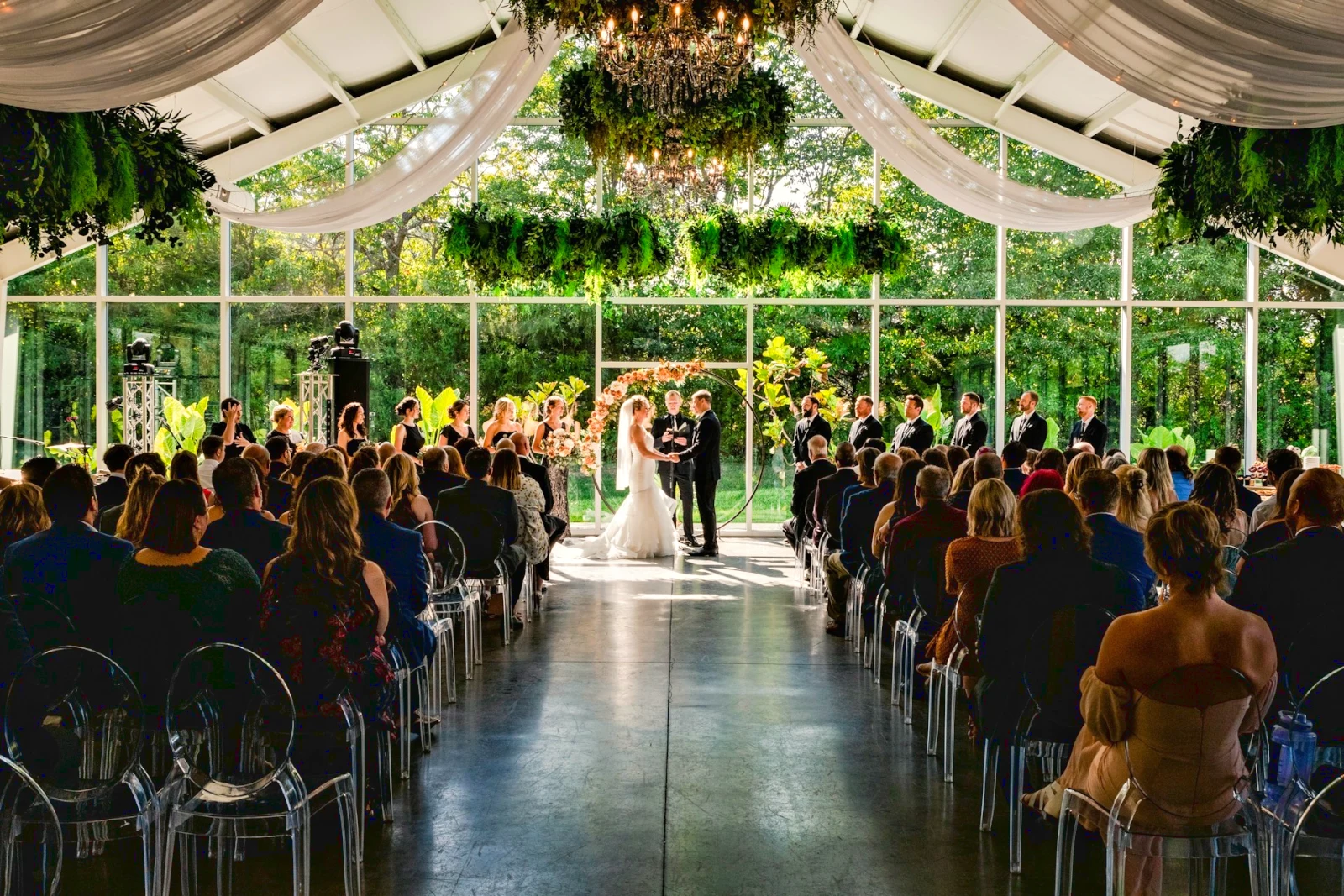 Bearbeitet


 Bearbeitet
 Bearbeitet



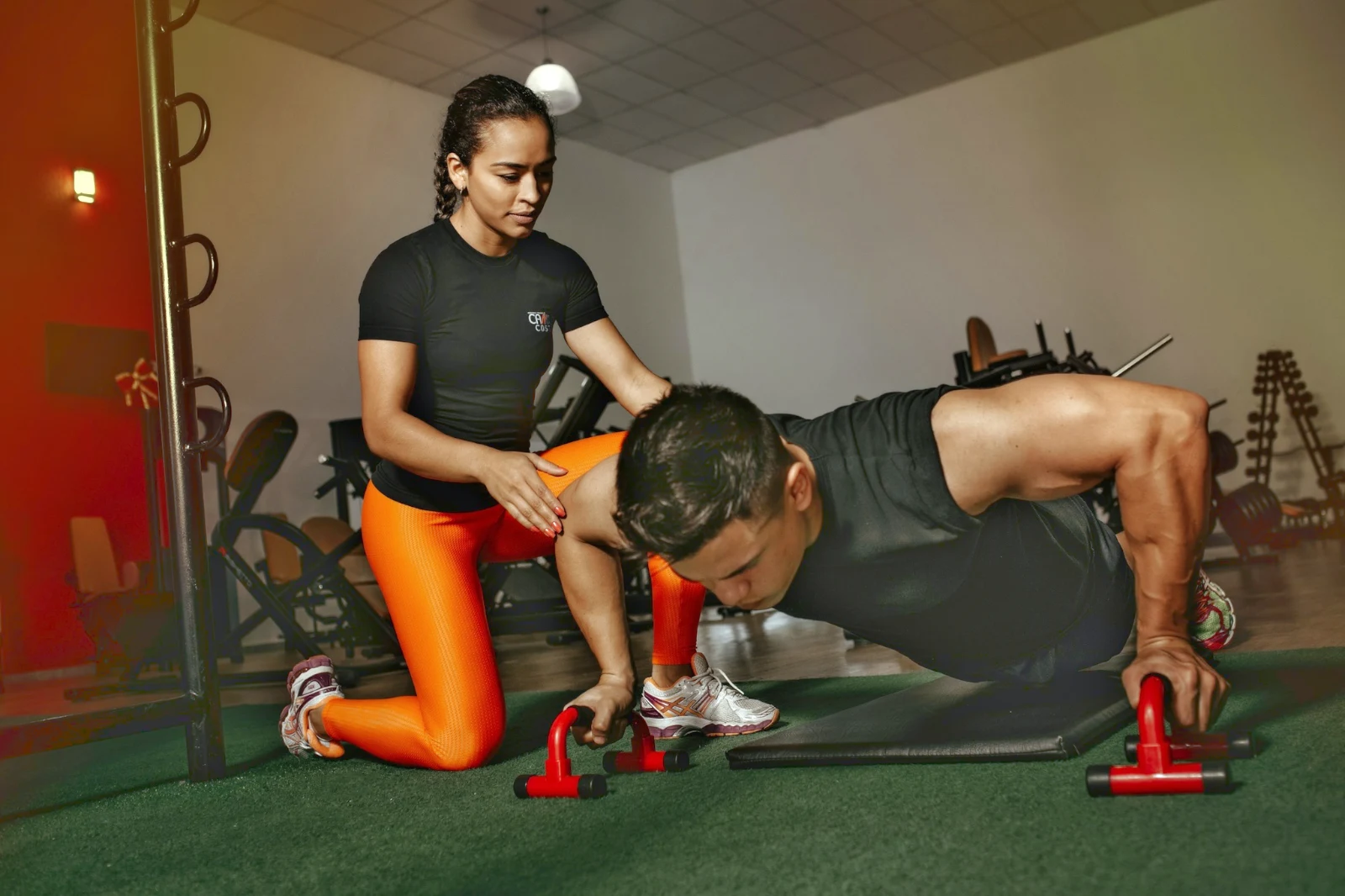
Sterne und Tags
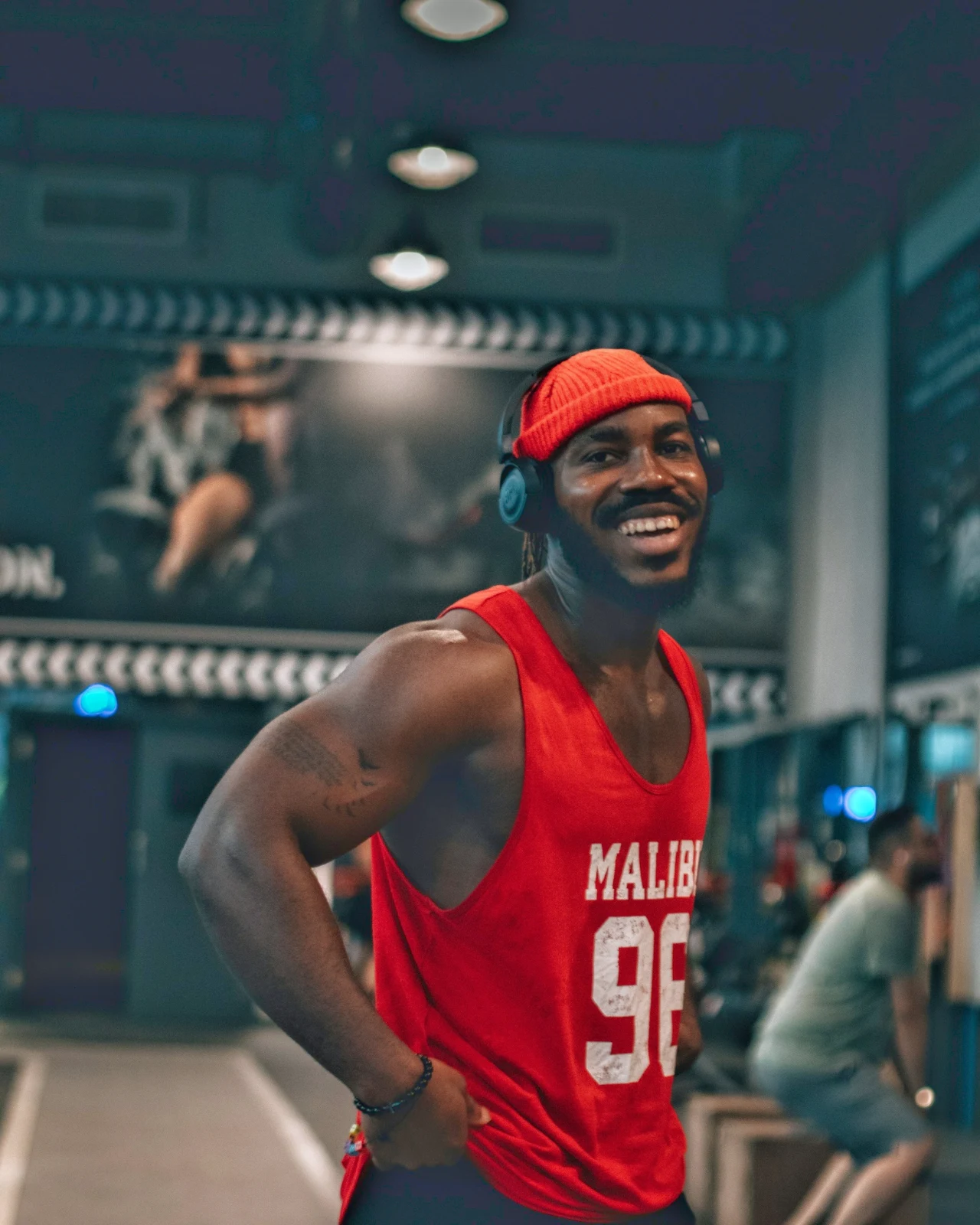
Dieselben Sterne und Tags wie Depot, Docs und Studio gelesen.
Hubs und Ordner
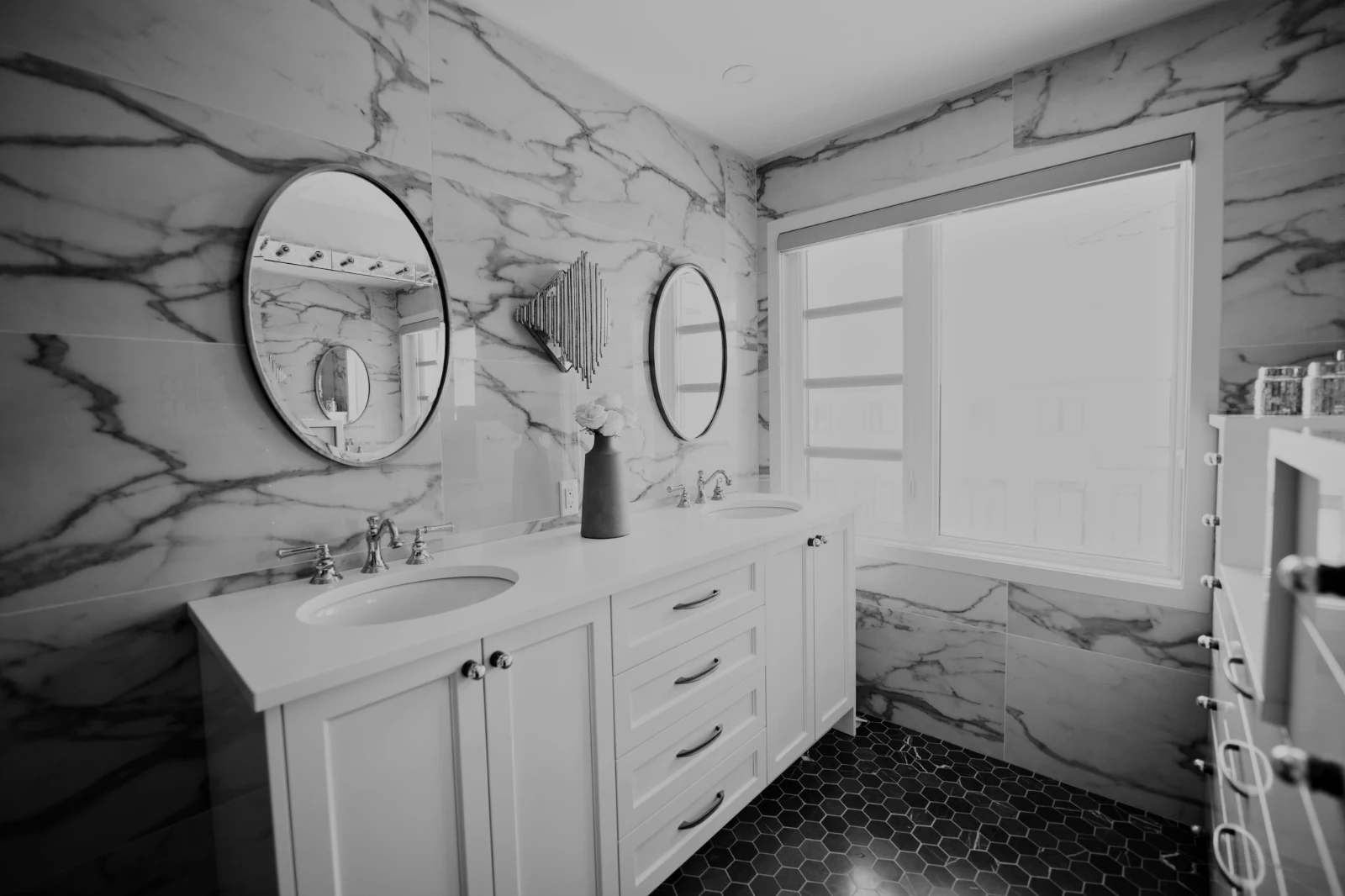
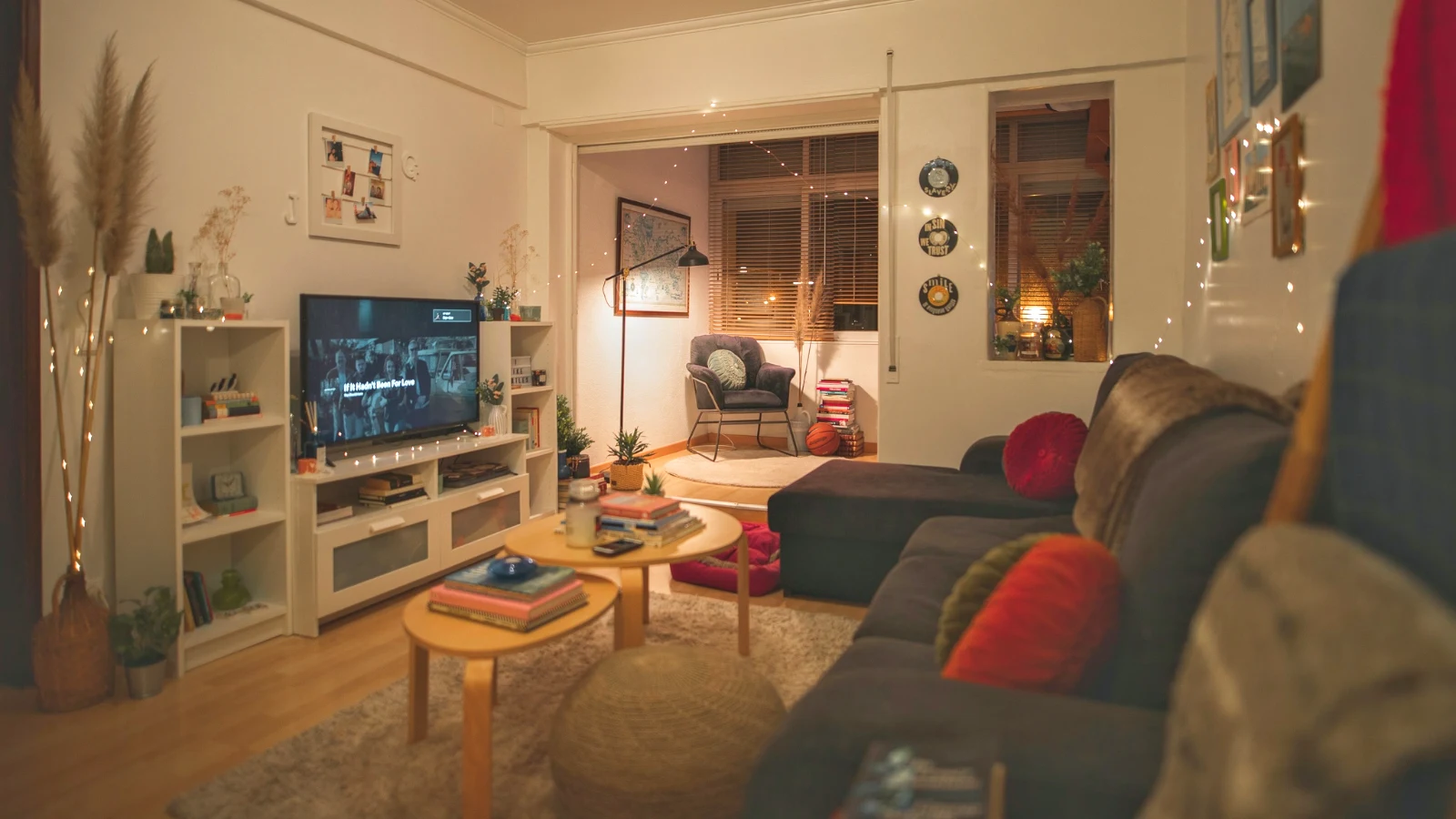
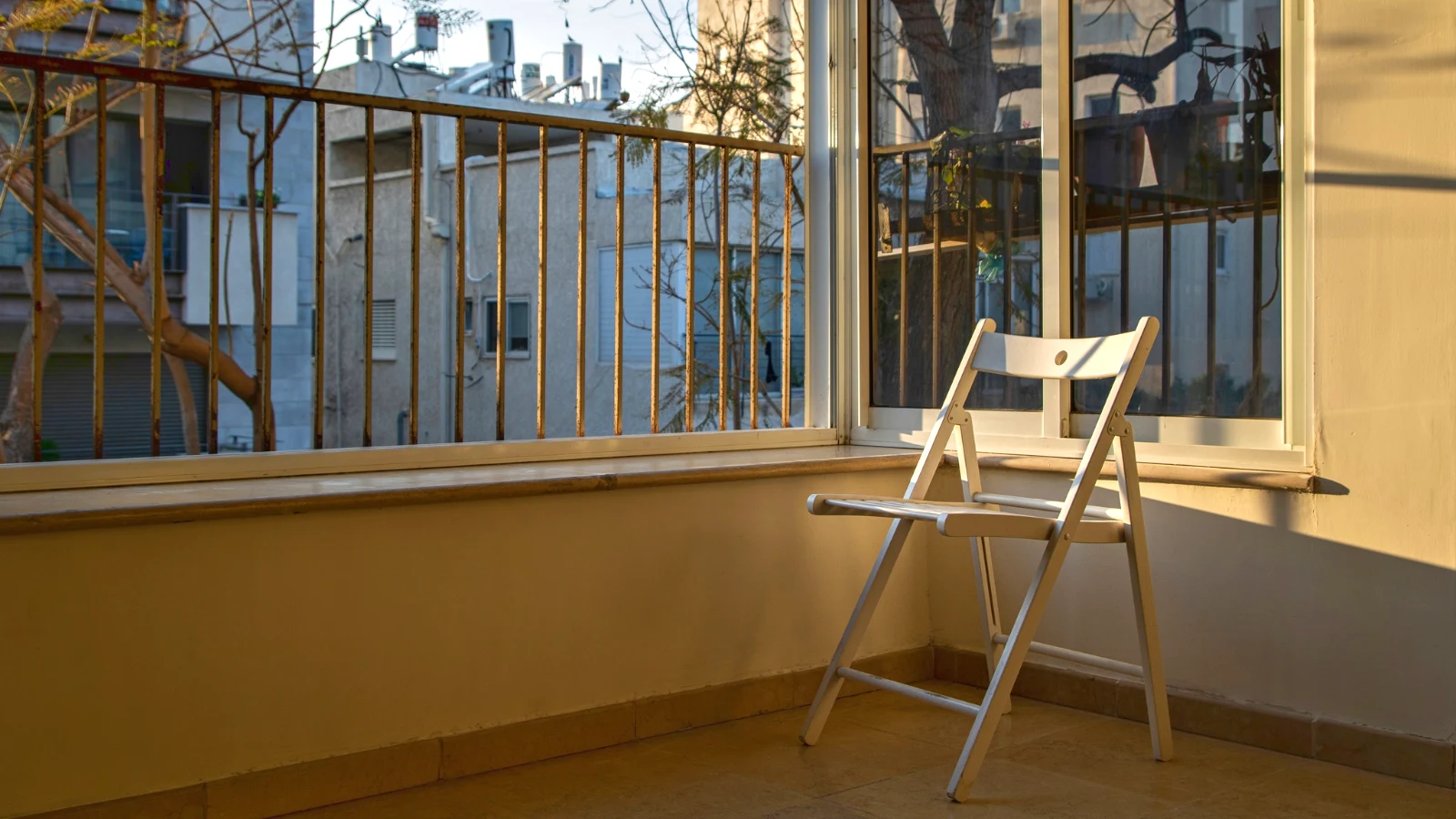
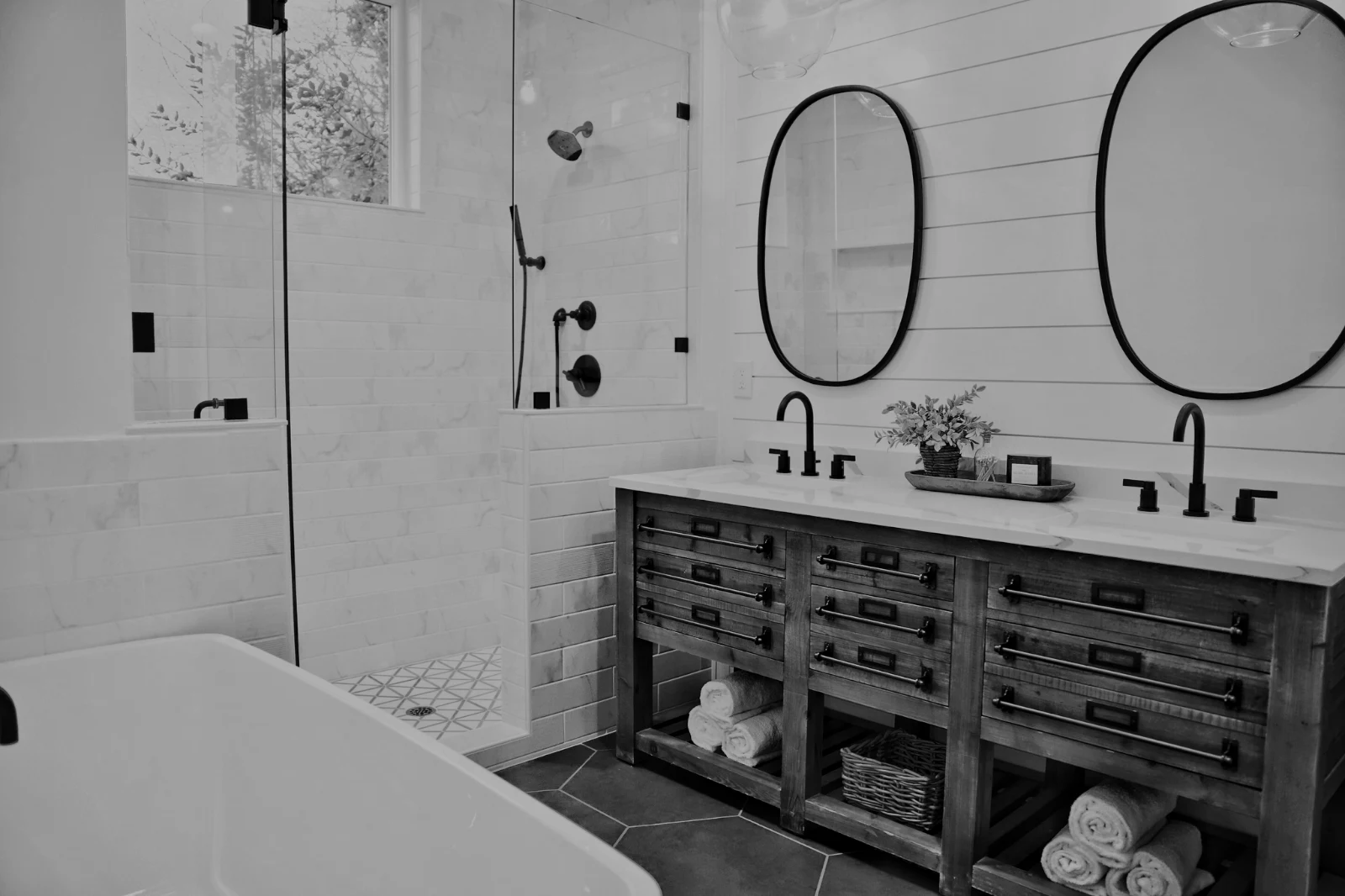
Fotos eines Hubs für sich allein; Verschieben zu… einem Ordner (mit Depot).
RAW und HEIC
Ein RAW wird auf dem Gerät entwickelt oder auf dem Server, wenn dies nicht möglich ist.
Tethered Capture
Kamera an USBKamera verbunden · Canon EOS R6 Mark II
 Live-AnsichtDrehenLive-Ansicht beenden
AngekommenBilder von der Kamera landen hier und im Kamera-Upload-Hub.
Auf jeden neuen Rahmen anwendenTrue Color anwenden AW27_flatlay_01.jpg
 AW27_packing.jpg
 AW27_unboxing.jpg
 AW27_shelf.jpg
 AW27_tote.jpg
Schießen Sie direkt über USB mit Live View in Foto oder laden Sie von der eigenen WLAN-Upload-Funktion der Kamera.
Finden Sie die Wächter, ohne jedes Bild zu durchsuchen
Jedes Foto wird nach dem Hochladen geprüft: sein Fokus, seine Belichtung und ob jemand die Augen geschlossen hat. „Beste zuerst" sortieren, die vorgeschlagenen besten Aufnahmen anzeigen, nach jedem Flag filtern und ähnliche Aufnahmen nebeneinander vergleichen. Nichts wird für Sie markiert: Sie entscheiden, welche Bilder behalten werden.
 Closed EyesMissed FlashMissed FocusBlurryBlack Frame
Geschlossene Augen und verpasster Fokus
Auf dem Foto markiert, ebenso wie Unschärfe, Schwarzer Rahmen und Verpasster Blitz, wobei jeder ein Filter ist.
Closed EyesBlurryMissed FocusMissed FlashBlack FrameFixieren Sie ein Foto mit einem Tipp oder wenden Sie einen Look an
Auto liest das Foto auf Ihrem Gerät aus, stellt die Regler ein und benennt jeden, den es bewegt; Undo stellt das Foto zurück. Looks speichert Looks von Calisto und Ihre eigenen, die zuerst zum Foto passen, und Save Look speichert jede Bearbeitung als eine Ihrer Looks.
Ihr Stil
Auto bewegt sich so, wie Sie es bewegen, gelernt aus Ihren eigenen Bearbeitungen; jeder Wert ist ein Schieberegler.
Vorgeschlagene Looks
Die Looks, die für ein Foto wie dieses erstellt wurden, stehen zuerst in der Liste.
Aktionen
Nehmen Sie Ihre Schritte einmal auf und spielen Sie sie auf jedem Foto oder einer ganzen Auswahl ab.
Kontaktblätter
Eine Auswahl, gedruckt auf einem Raster mit Namen, Sternen, Picks und Flaggen, als PDF.
Foto abgleichen
Licht und Farbe eines weiteren Fotos, eingestellt wie die Schieberegler dieses einen.
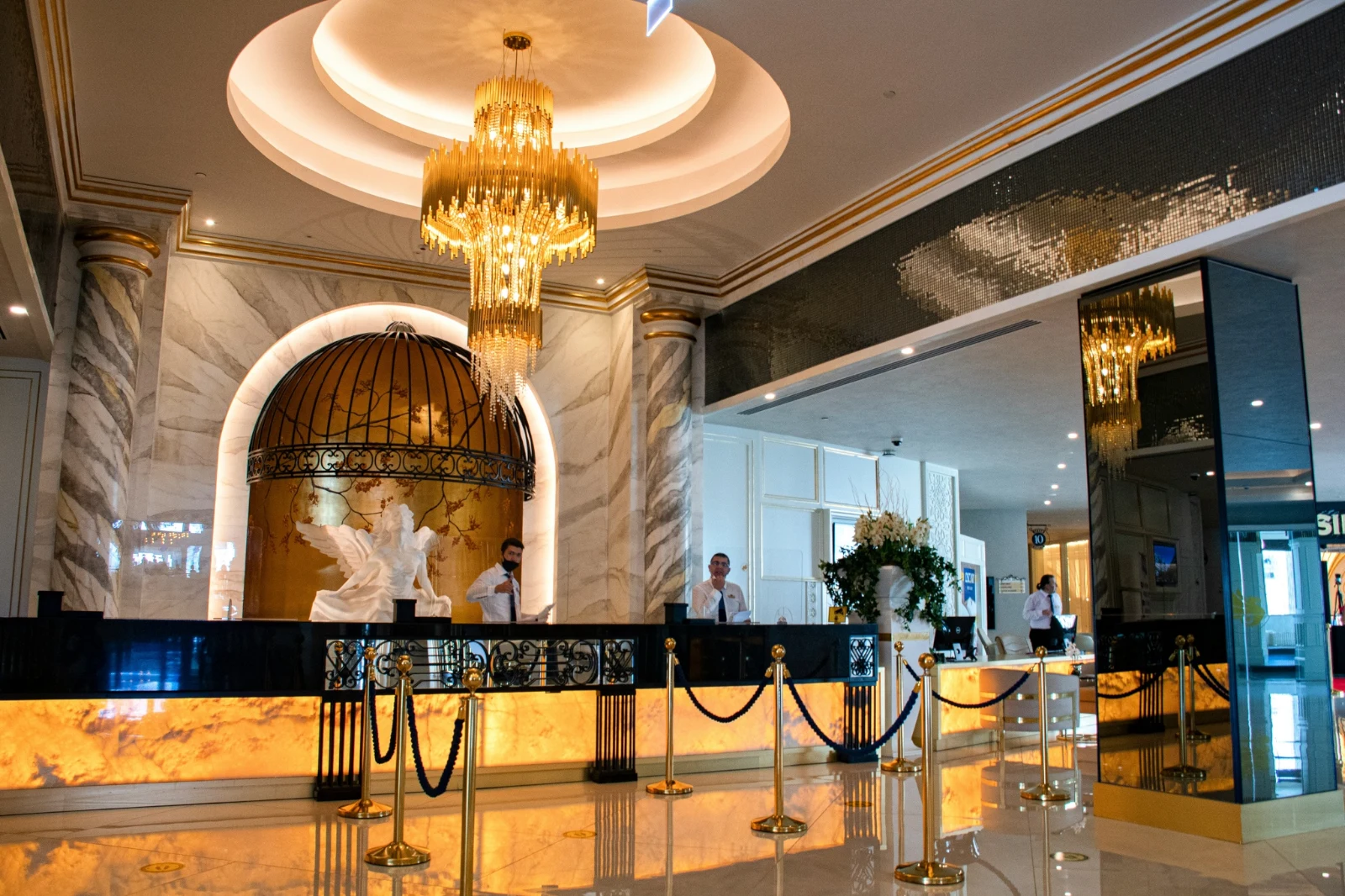
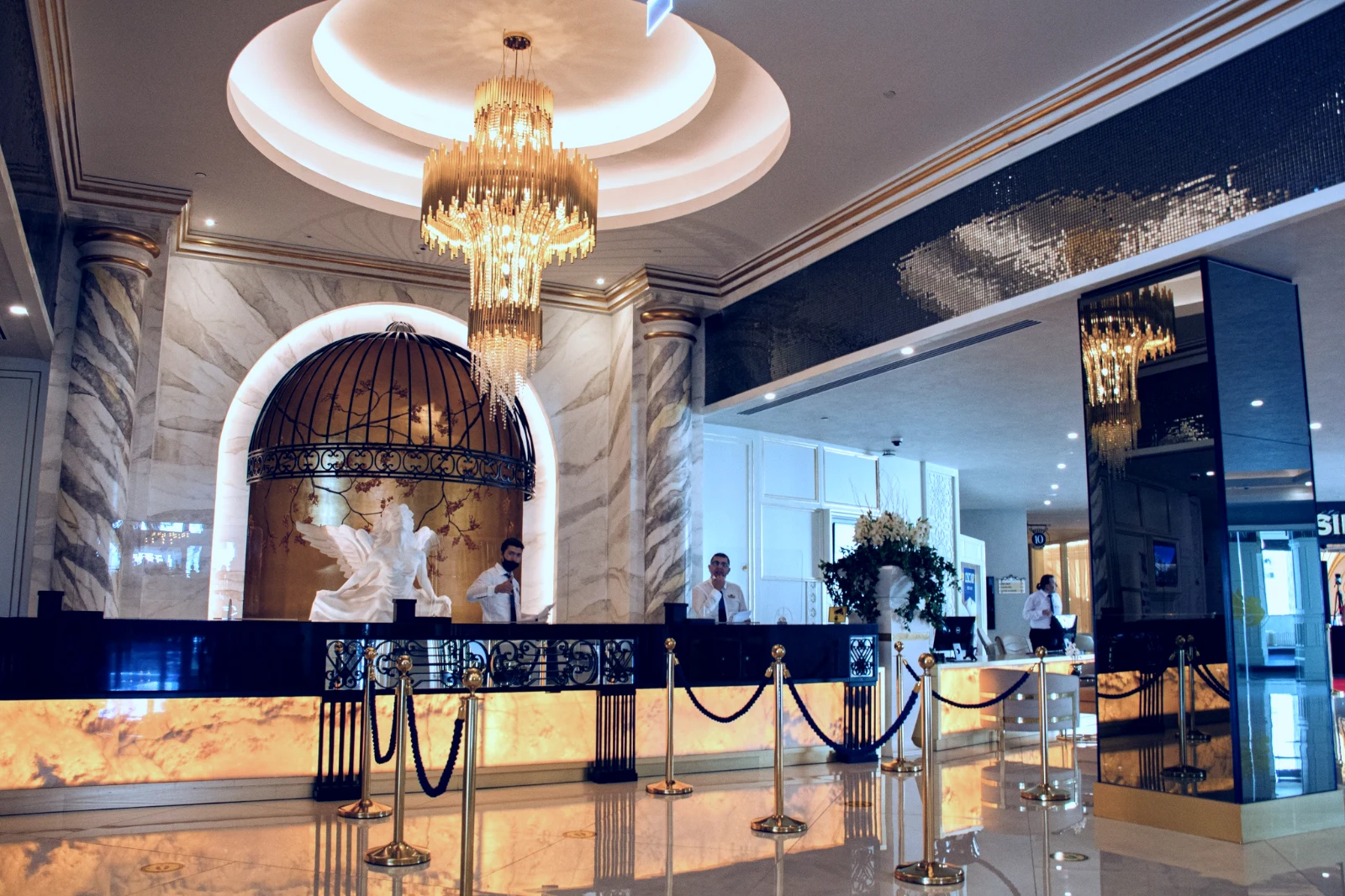
Niemals das Original
Eine Bearbeitung steht neben dem Foto mit seiner Historie; das Original bleibt unverändert.
Vorher
Drücken Sie und halten Sie, um das Foto so zu sehen, wie es ankam.
 Vorher
Licht, Farbe und Linien manuell einstellen
Helligkeit, Farbe und Zuschneiden öffnen sich zuerst, und jede andere Steuerung, von der Tonkurve über das Rauschen bis zum Objektiv, ist mit einem einzigen Tip hinter „Mehr" erreichbar. „Linien gerade machen" findet die Linien des Fotos und stellt die Transformation selbst ein oder löst die von Ihnen gezeichneten Linien auf.
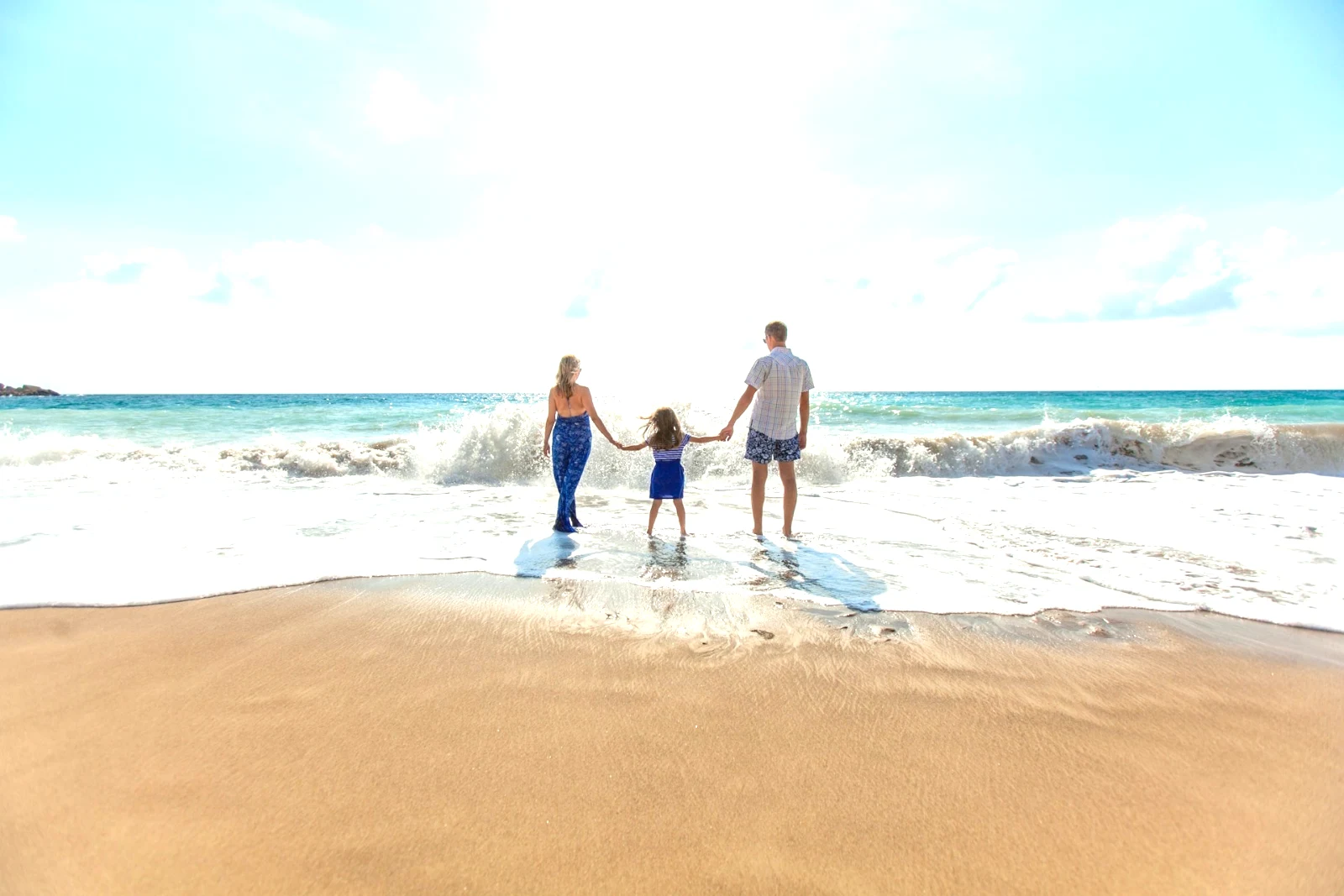
Entfernen und reparieren
Übermalen Sie ein Kabel oder eine Fleckstelle; klonen und füllen Sie daneben.
Teil anpassen
Der Himmel, das Motiv oder der Hintergrund, ein Pinsel, Farbverläufe oder ein Helligkeitsbereich.
Personen
Haut, Gesicht, Augen, Lippen, Haare, Kleidung oder die ganze Person; Retouch Skin gleicht sie ihrem eigenen Ton an.
Objektiv- und Porträtunschärfe
Der Hintergrund verschwommen oder das gesamte Foto durch seine Tiefe, mit dem Fokus dort, wo Sie ihn eingestellt haben.
Filmnegative
Anrufe an die Nummern Ihres Unternehmens.
Richtige Linse
Die eigene Korrektur der Kamera, sonst das Objektivprofil, und Farbfringe entfernt.
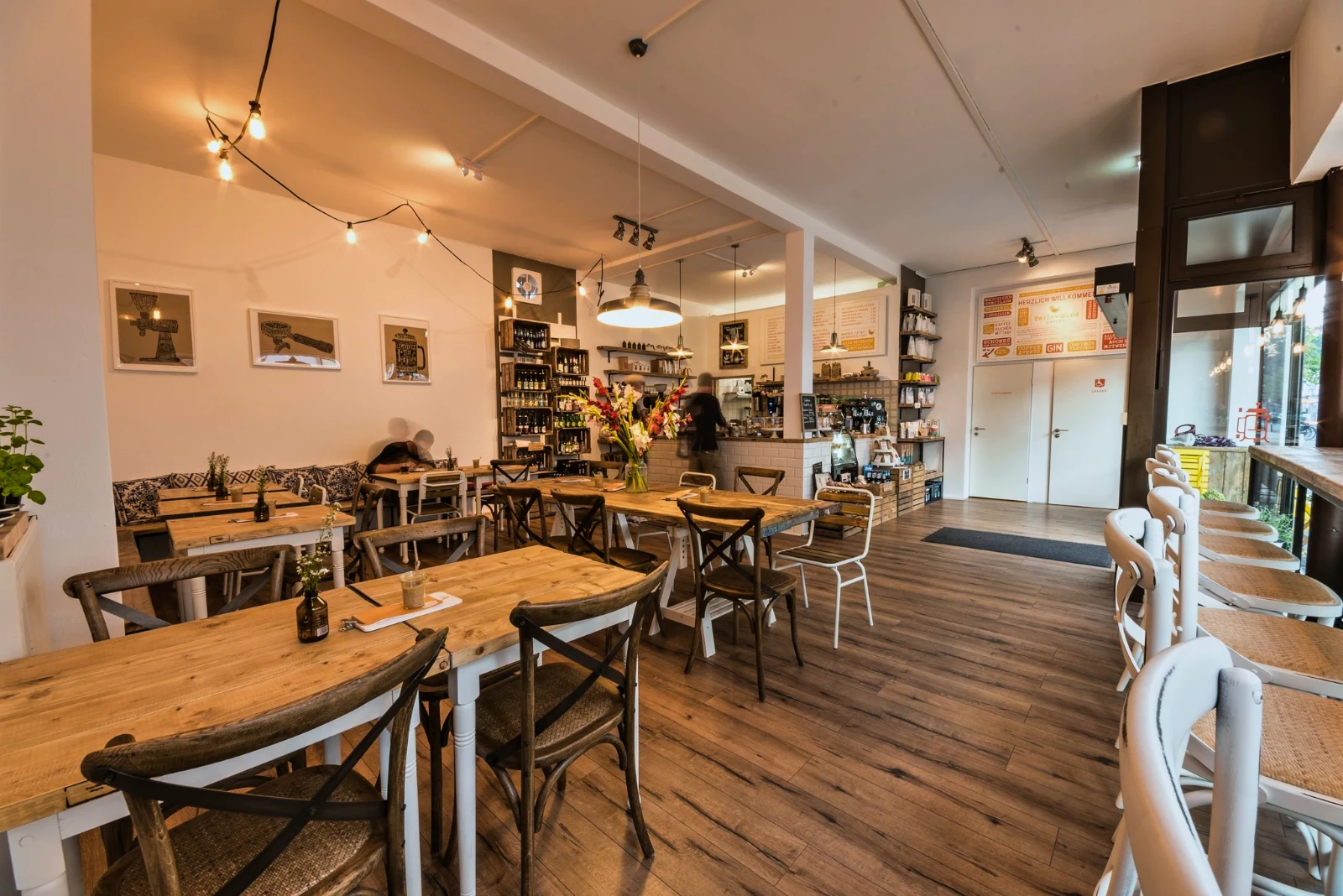
Aufschlag
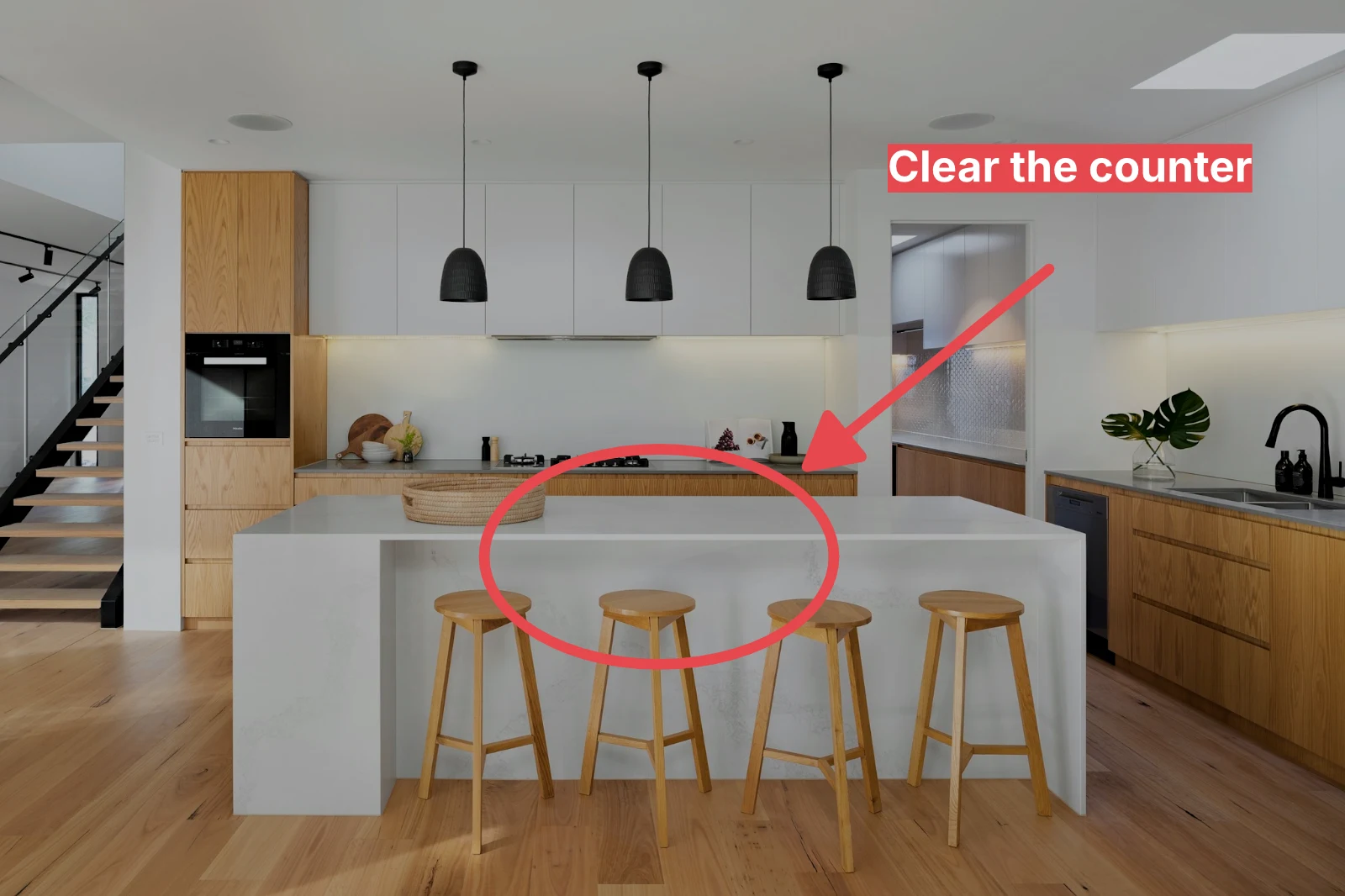
Ein Pfeil, ein Kreis, ein Kasten oder ein auf dem Foto gezeichnetes Label.
Geben Sie einem ganzen Set Ihr Auto und Ihren Look
Wählen Sie Fotos in der Bibliothek und einen Look aus, und drücken Sie dann Bulk Auto. Jedes Foto erhält sein eigenes Auto auf Ihrem Gerät, dann den Look, gespeichert als Schritt seiner Bearbeitung. Die Exporte werden auf dem Server erstellt, sodass sie mit geschlossener Seite abgeschlossen sind.
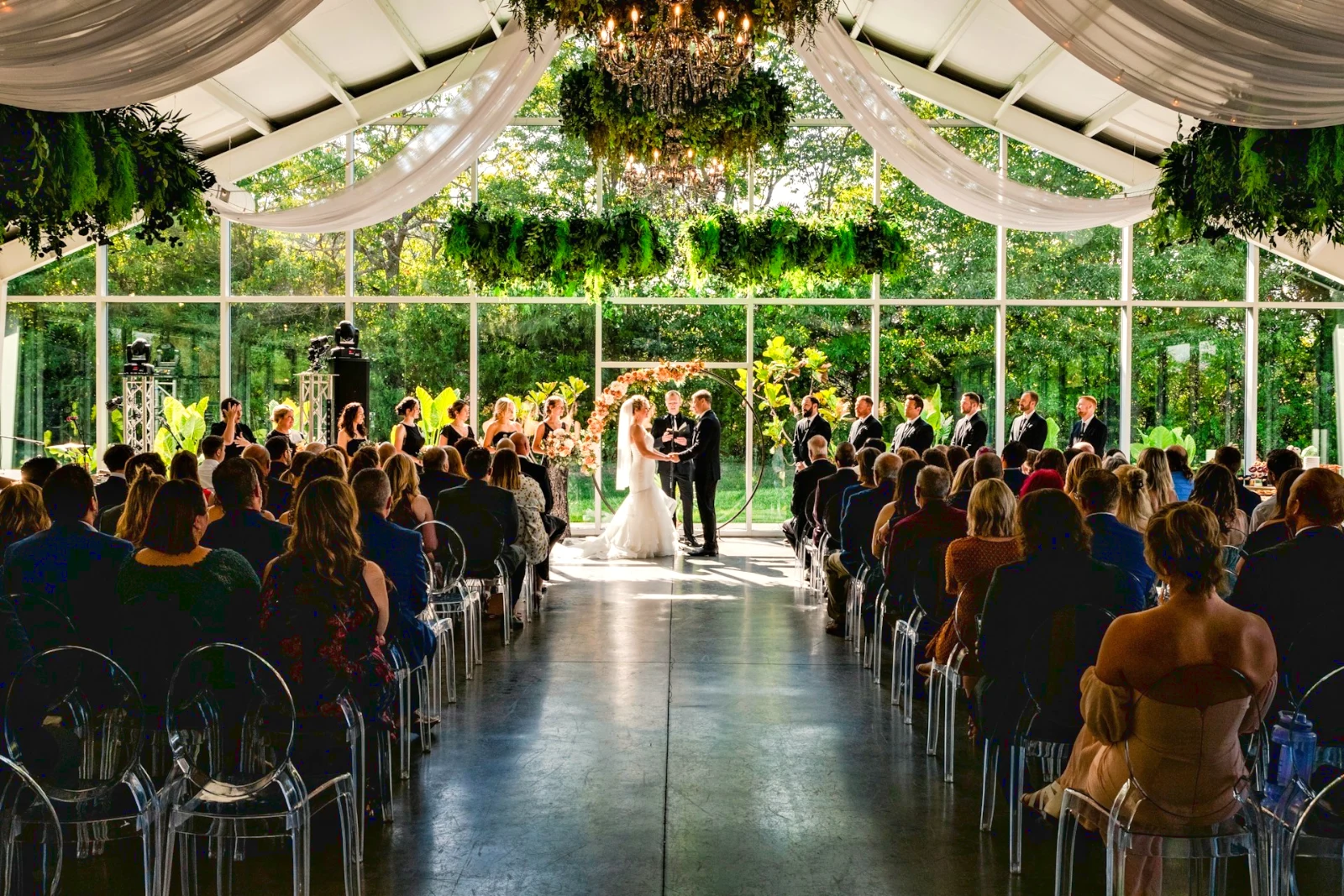


2. Wählen Sie ein Aussehen
Golden Hour WarmthNur automatisch9 von 9 Kopien bereit.
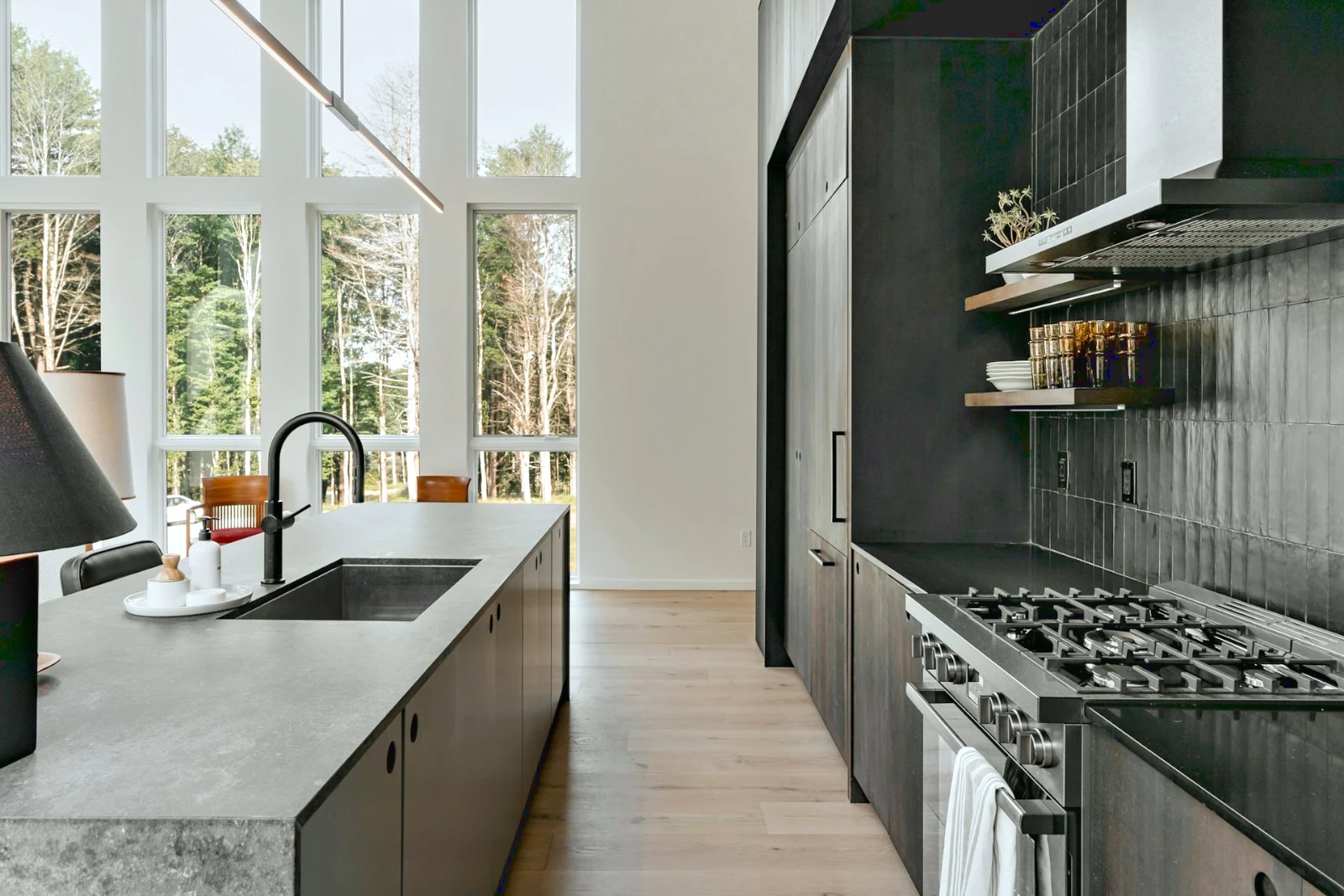
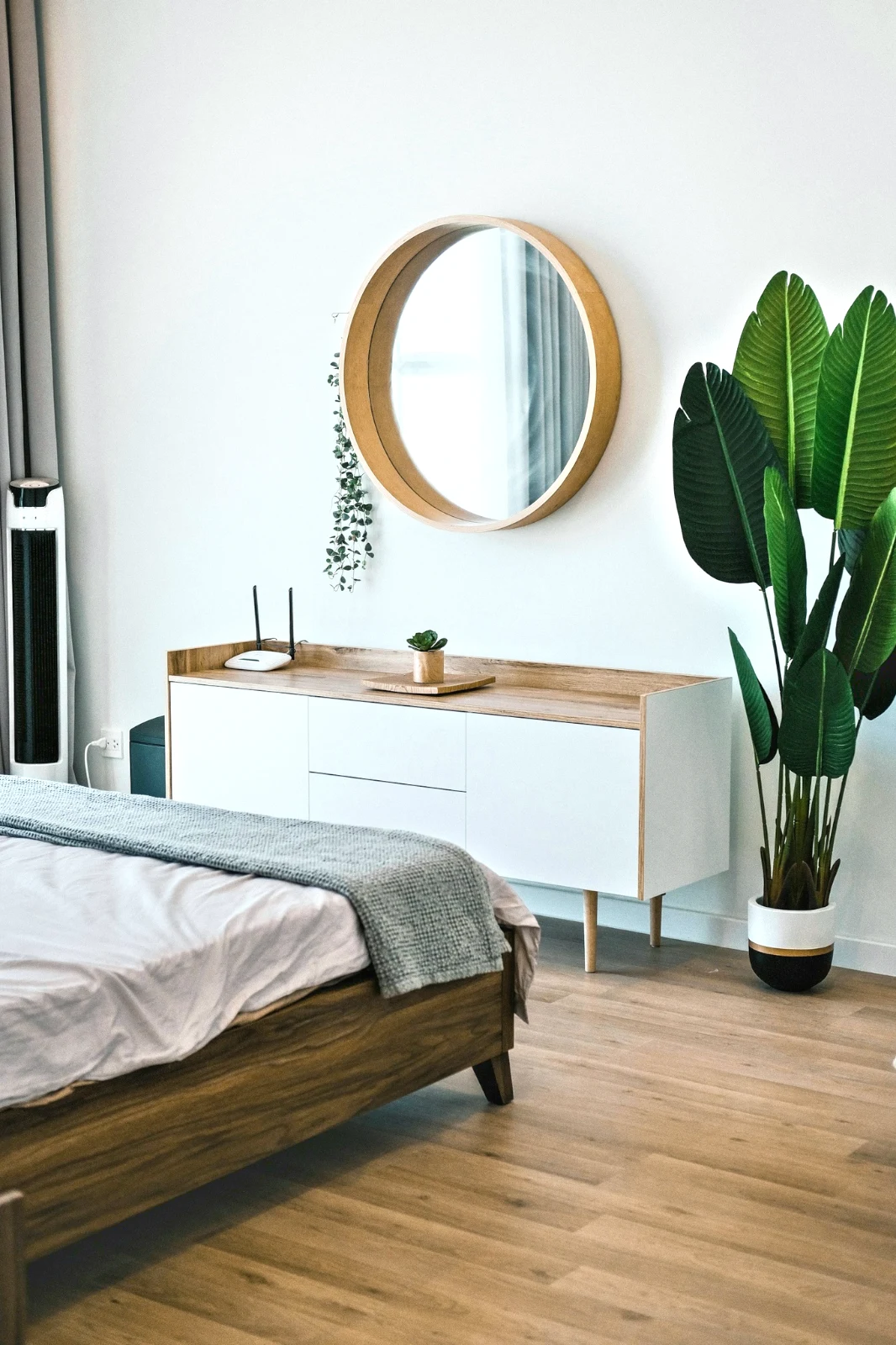
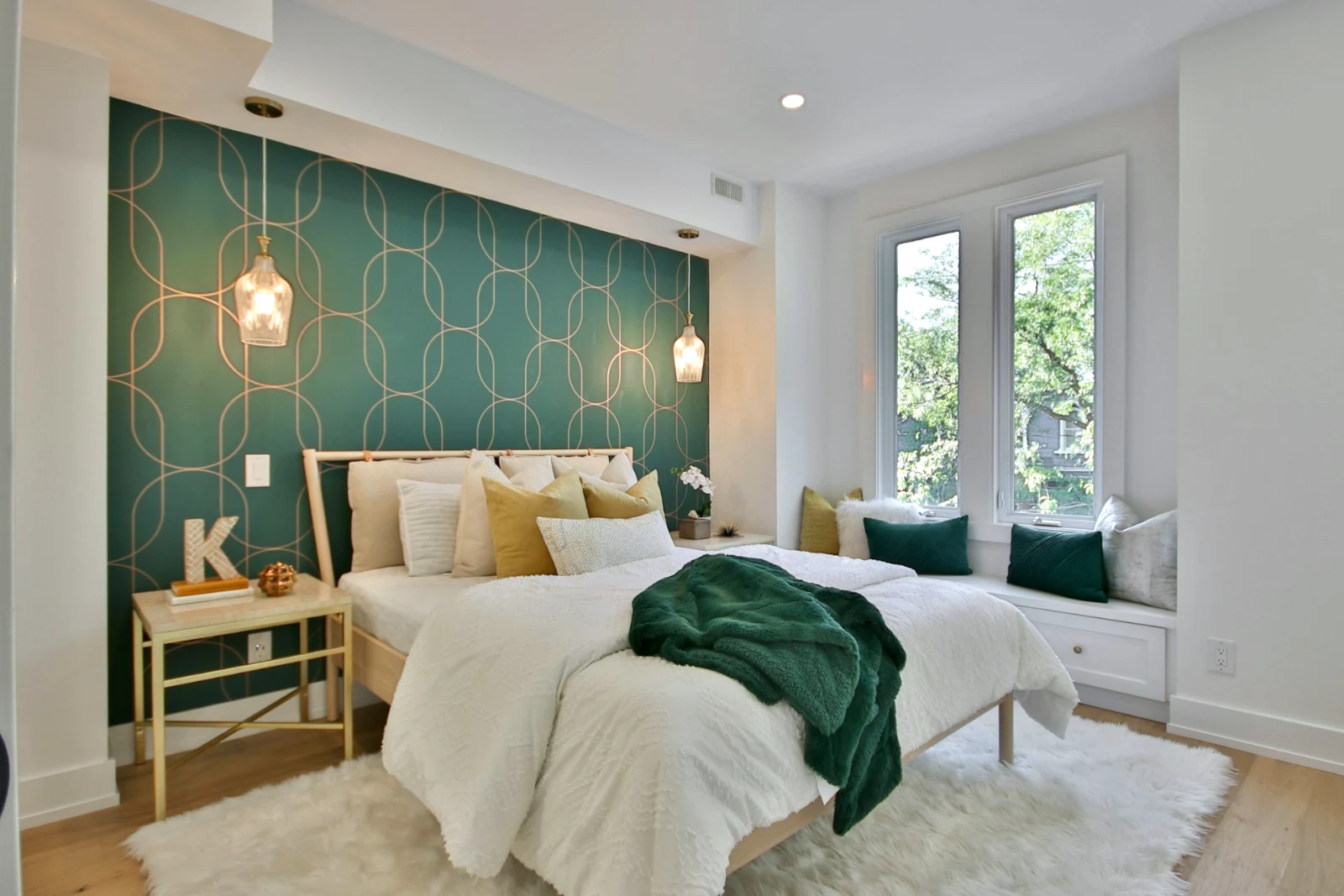
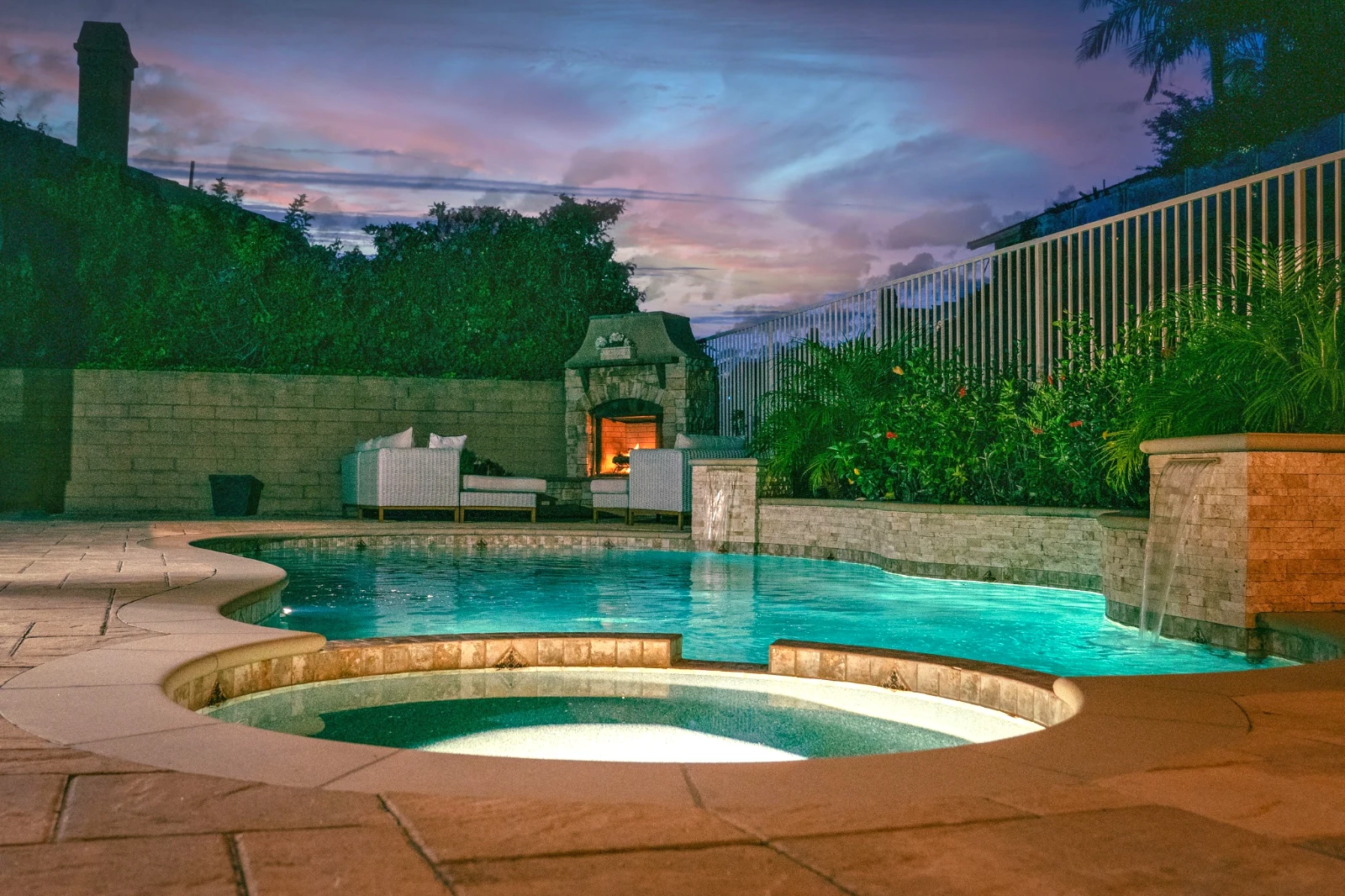
Erstellen Sie ein Foto in Schichten und exportieren Sie es überall
Starten Sie ein neues Foto in einer Größe, die Menschen posten, oder öffnen Sie eine Auswahl als Ebenen, wobei jedes Foto seine eigene Bearbeitung behält. Wählen Sie das Motiv oder den Himmel aus, maskieren, malen, heilen, klonen und verzerren, fügen Sie Text und Formen hinzu und exportieren Sie als JPEG, PNG, WebP, AVIF, TIFF oder ein Ebenen-PSD.
Auswahlen
Feder, erweitern, Kanten verfeinern und eine Auswahl in eine Maske umwandeln.
Eine Galerie teilen und sehen, was der Kunde wählt
Legen Sie einen Shoot in eine Galerie und teilen Sie ihn zur Prüfung. Der Kunde nimmt bis zur von Ihnen festgelegten Anzahl auf, hinterlässt eine Notiz zu jedem Foto und sendet seine Auswahl, genehmigt oder bittet um Änderungen, Runde für Runde. Seine Auswahl ist Client Picks in Ihrer Bibliothek.
Korrekturlesen
Jede Galerie, die zum Prüfen geteilt wurde: was der Kunde ausgewählt und notiert hat, und wie er die Runde beantwortet hat.
| Galerie | Runde | Ausgewählt | Von | Notizen | Antwort | Kunde | Beantwortet |
|---|---|---|---|---|---|---|---|
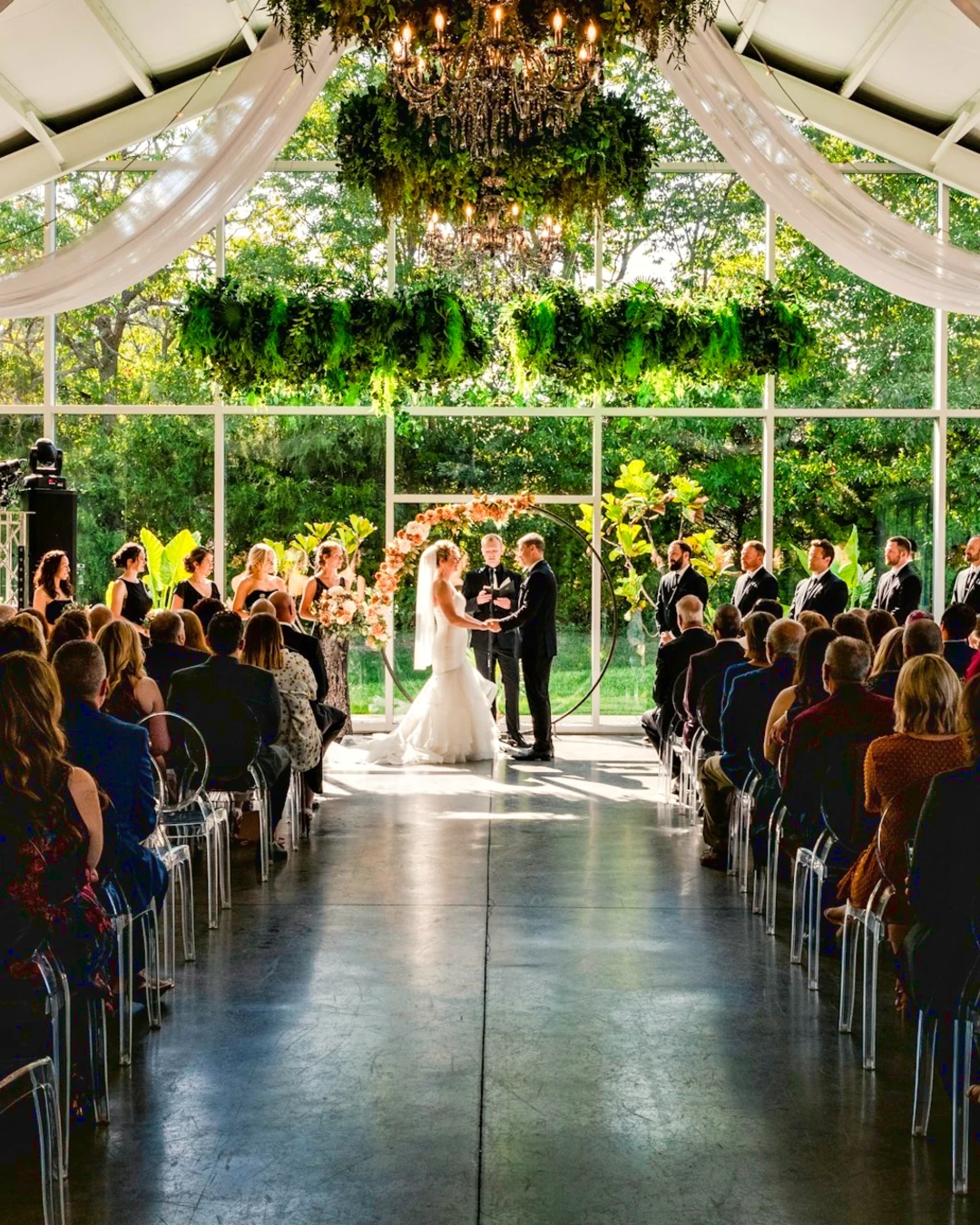
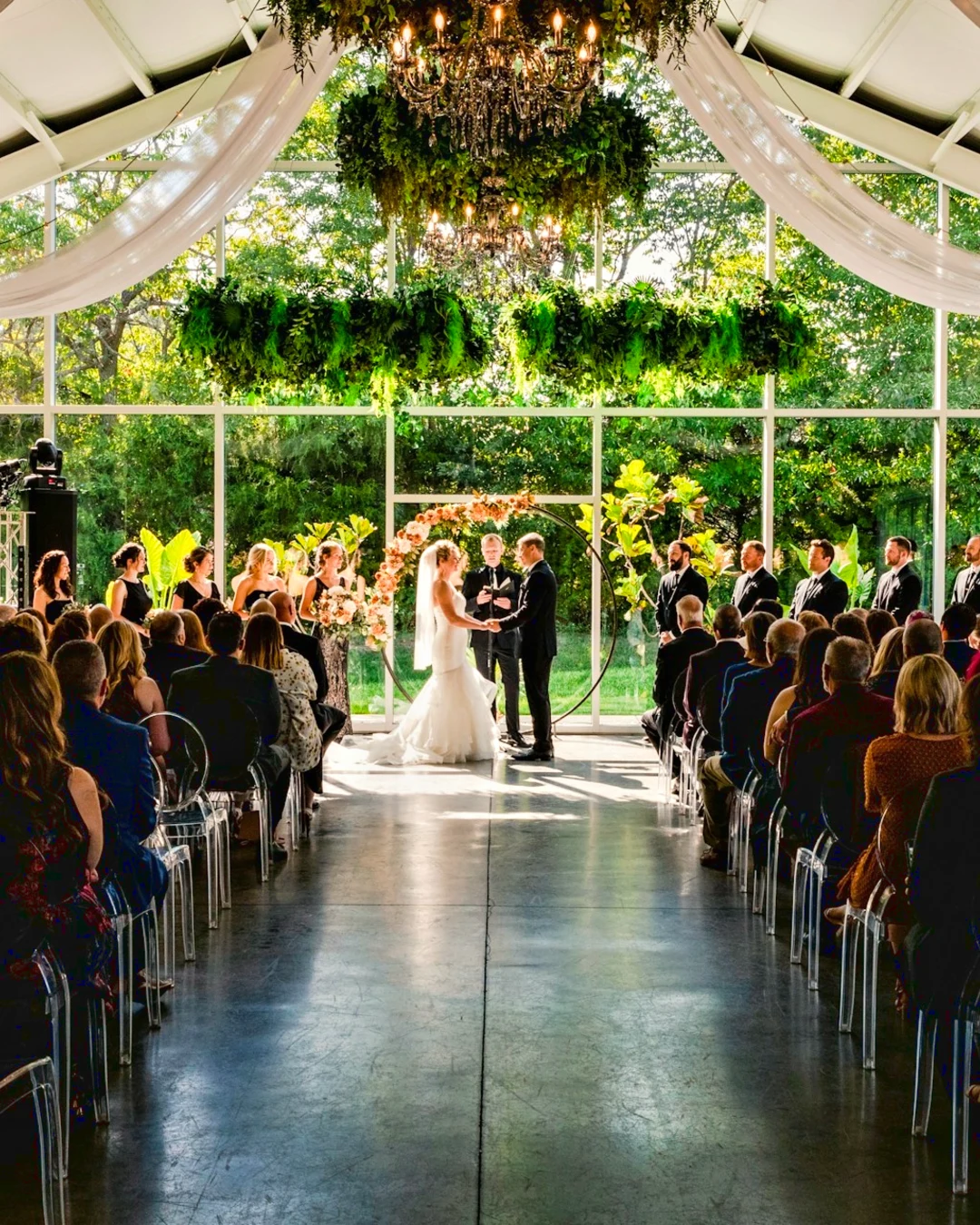
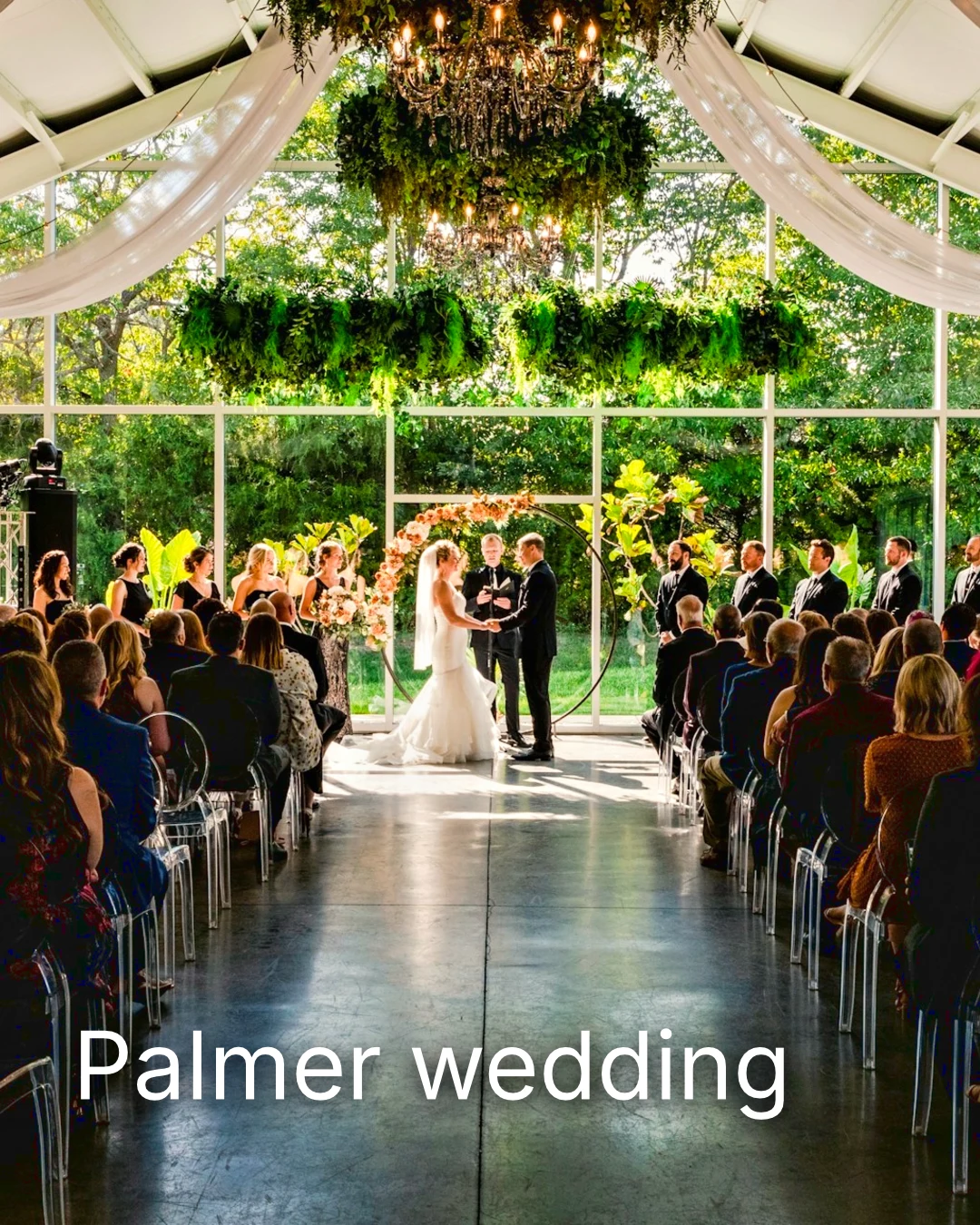
| Palmer wedding | 1 | 4 | 4 | 2 | Auf den Kunden warten | Sarah Palmer | Auf den Kunden warten |
| Carter portrait session | 2 | 3 | Keine Begrenzung | 0 | Genehmigt | James Carter | 19/11/2026 |
| Harbourline Dental team headshots | 1 | 0 | Keine Begrenzung | 2 | Geforderte Änderungen | James Bennett | 19/11/2026 |
| Nguyen Family at Brighton | 1 | 12 | 15 | 3 | Auswahl gesendet | Linh Nguyen | 20/11/2026 |
| Okonkwo Engagement | 2 | 20 | 20 | 0 | Genehmigt | Ada Okonkwo | 17/11/2026 |
| St Kilda Bakery Menu | 1 | 6 | Keine Begrenzung | 1 | Auf den Kunden warten | Marco Ricci | Auf den Kunden warten |
Notizen zum Foto
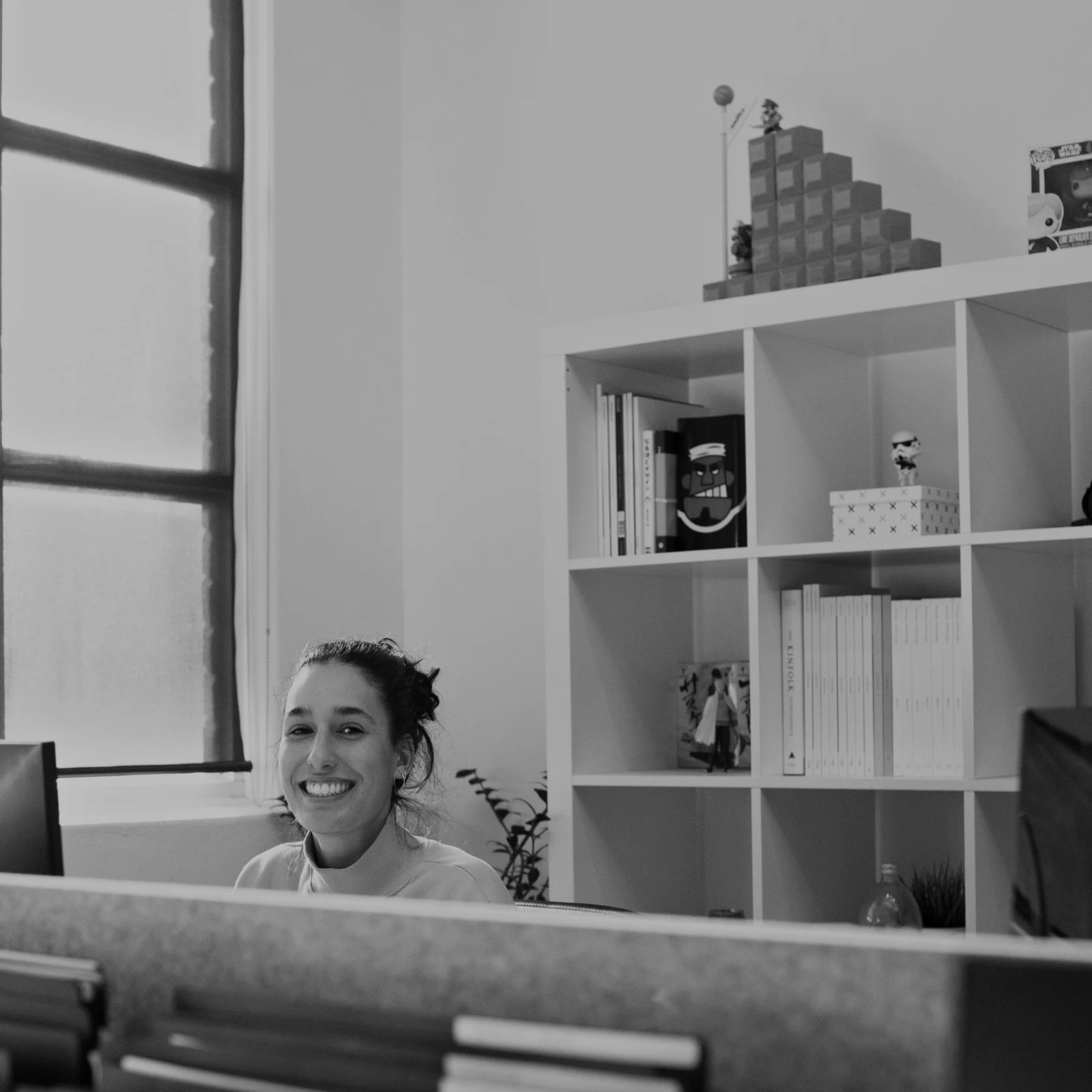
Jede Notiz wird während der Bearbeitung auf dem Foto angezeigt.
Ansehen oder Herunterladen
Avenida da Liberdade 212
Galerie
Jeder Link ist nur zum Ansehen oder zum Herunterladen verfügbar, optional mit Passwort.
Ihr Wasserzeichen
Wählen Sie Ihre Favoriten und hinterlassen Sie eine Notiz zu allen Änderungen, die Sie wünschen. Wenn Sie fertig sind, senden Sie Ihre Antwort. Sie können jede Runde einmal beantworten.
Dein Logo oder deine Worte auf jedem Foto, das der Kunde sieht oder herunterlädt, bis du es lieferst.
Drucke aus der Galerie
$ 149.000 pro Stück. Versand und Steuern werden bei der Abrechnung hinzugefügt.
Der Kunde kauft einen Ausdruck eines Fotos, das von Ihrem Labor erstellt und versendet wurde, und bezahlt über Ihre eigene Kasse.
Eine Galerie für Jobs, mit Talent
Lookbook SS27 In Prüfung
- Kunde
- Maison Kiri
- Runde
- 1
- Ausgewählt
- 8 / 12
- Antwort
- Auf den Kunden warten
- Link schließt
- 2026/12/12
Eine Aufgabe in Talent hat ihre eigene Galerie, die auf dieselbe Weise geprüft wird.
Ein Schließtag
Galerien
Galerie jedes Jobs: was der Kunde sieht, auswählt und herunterlädt.
| Galerie | Kunde | Job-Status | Link schließt | Erstellt |
|---|---|---|---|---|
| Program Shoot · Strength | Thandi Mokoena | In Prüfung | 2026/11/30 | 2026/11/09 |
| Client Story · Pieter | Pieter van Wyk | In Prüfung | 2026/12/07 | 2026/11/12 |
| Mobility Series | Aisha Davids | Zugestellt | 2026/12/18 | 2026/10/22 |
| Coaches Team Photos | Kopje Coaching | Zugestellt | 2027/01/05 | 2026/10/31 |
| Summer Bootcamp | Lerato Nkosi | In Produktion | 2027/01/20 | 2026/11/18 |
Der Link jeder Galerie schließt am von Ihnen festgelegten Tag, und die Galerienliste zeigt diejenigen an, die in den nächsten 30 Tagen schließen.
Ein fertiges Foto dort senden, wo es verwendet wird
Ein Foto wird als neuester Export oder das Original, wenn keines vorhanden ist, in eine Galerie in voller Größe, auf ein neues Design, in die Assets einer Website oder auf eine Anzeige geladen. Jeder Bildauswahl-Picker in Calisto listet bereits die Fotos des Kontos auf, einschließlich Exporte.
Ein Design, mit Studio
Ein neuer Beitrag oder eine Story öffnet sich mit dem platzierten Foto.
 Menú de OtoñoTostadas de jaiba, desde hoy
Eine Website, Mit Websites
Zum Vermögenswerten der Website hinzugefügt.
Vermögenswerte
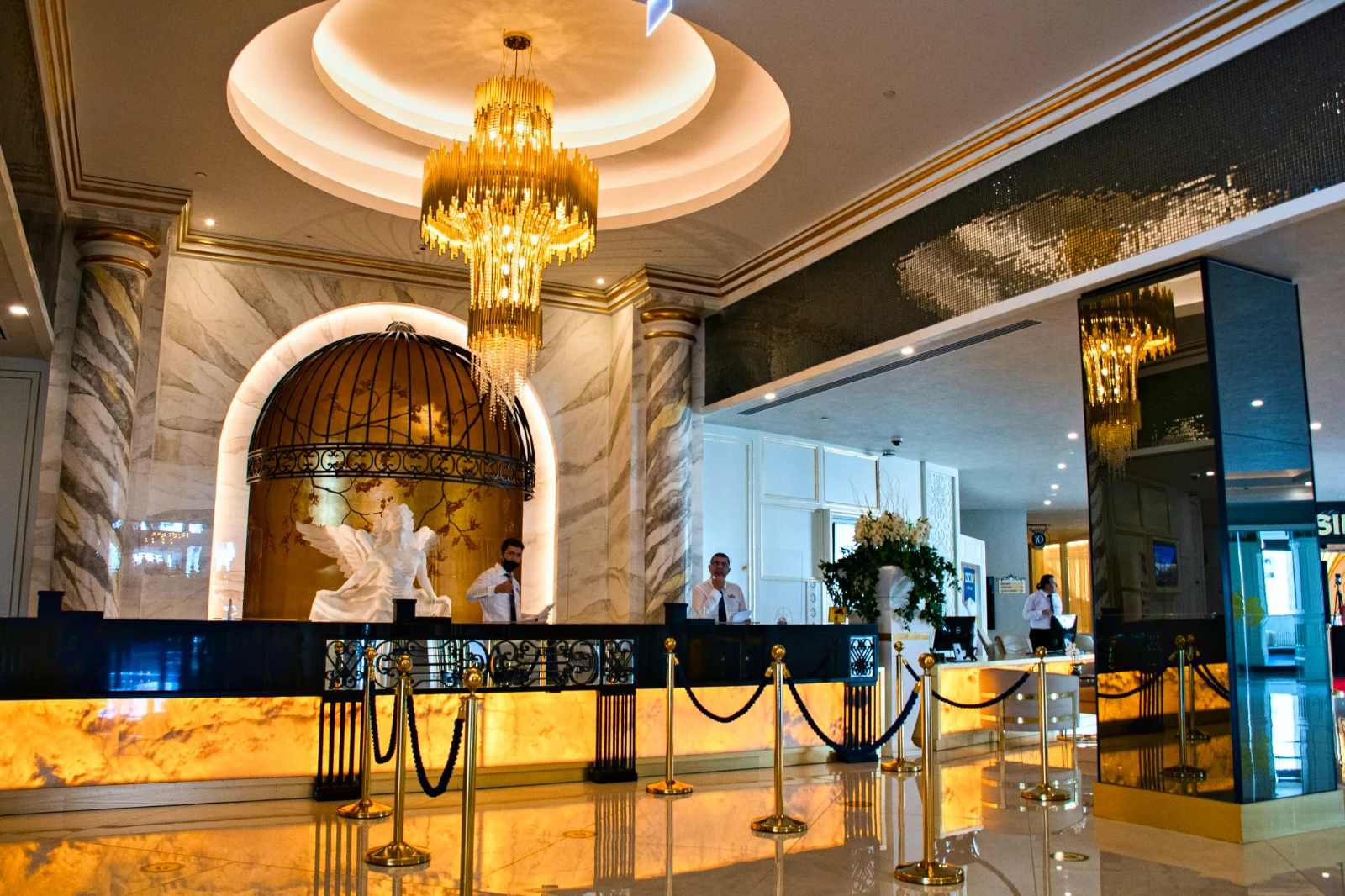
Eine Anzeige, mit Anzeigen
Zu seinen Fotos hinzugefügt, wenn das Unternehmen eine Auflistung hat.
T3 Rua do Século 41 Veröffentlicht
Bearbeiten mit vollem Bildschirmfoto auf dem Handy
Ziehen zum Zoom, doppeltes Tippen zum Anpassen und lange drücken für „Vorher". Jeder Abschnitt ist ein Chip unter dem Foto, dessen Steuerelemente darunter und nie darüber docken, und ein Schieberegler bewegt sich nur durch seitliches Ziehen, sodass Scrollen niemals bearbeitet.
Geteilt mit Foto
Ein Foto, das aus der Kamerarolle geteilt wird, landet in „Fotos hinzufügen".
Teilen Sie Fotos von jeder App auf diesem Gerät mit Foto, machen Sie eines oder wählen Sie sie hier aus.
Fotos zum Hinzufügen
Kein Signal
Home, die Bibliothek, Looks und Add Photos öffnen; Bearbeitungen und Uploads warten und landen einmal.
Teilen Sie Fotos von jeder App auf diesem Gerät mit Foto, machen Sie eines oder wählen Sie sie hier aus.
Fotos zum Hinzufügen
Wo Foto alles andere berührt.
4 of these 5 connections are in your plan today; the other is its own app.
Depot
Every photo and every export is a file in Depot, on the account’s one storage quota, and a Gallery is a Hub.
Studio
An image’s Adjust in Studio is Foto’s, Send To opens a new design with the photo placed, and a layered Photo opens there as a design.
Talent
Galleries and Proofing are the same views Talent shows, and a job’s Gallery is the Hub of that job.
Listings
Bulk Auto takes a listing’s photos as a set, and the exports replace them on the listing.
Sites
Send To adds a photo to a website’s assets.
Keine Einrichtungskosten. Bezahlen Sie erst, wenn Sie beginnen zu nutzen.
Photos edited in one tap, by hand or in layers.
Calisto Create
Die Bibliothek, Auto, Bulk Auto, Looks, Adjust und Galleries, enthalten in jedem Calisto-Konto.
Foto Pro
Jede Passen-Steuerung inline und der Arbeitsbereich Ebenen für eine Person auf einem eigenen Sitzplatz oder mit einem Create-Sitzplatz; ein Unternehmen weist seine Sitzplätze seinen Mitarbeitern zu.
Für Sie empfohlen
Funktioniert gut zusammen.
Calisto Depot
Calisto Studio
Calisto Create
A Studio seat designs anything at every size, from Calisto’s templates or a blank page: layers, photos, Copy & Resize, Bulk Create, mockups, QR codes, print-ready PDFs, sharing and whiteboards.
Learn more →Calisto Talent
Inklusive Ihrer Pläne
Ihre Core-App zeigt alles an, was Ihre Commerce- und Ops-Pläne aktivieren.
Learn more →Calisto Listings
Listen
Ihre Anzeigen, Termine, Entwicklungen, Vermietungen und das Büro für jede Person, die in Listings arbeitet.
Learn more →Calisto Sites
Calisto Sites
A website and its phone app, built from a template on the page itself, showing what you sell from your own records and published on your own domain.
Learn more →Alles, was in Calisto enthalten ist Foto.
- Foto Essentials for every signed-in person: Home, the Library, Auto, Bulk Auto, Looks, Adjust with Auto, Light, Color and Crop, and Galleries; every other control one tap away behind More.
- Foto Pro, a seat per person: every Adjust control inline and the Layers workspace.
- Essentials or Pro is each person’s own choice, in Profile & Preferences ▸ Creative Tools, never a business setting.
- Without a seat, More and Layers read Pro · Upgrade, or Ask for a Pro Seat for a team member.
- A photo whose edit holds Pro fields always opens, saves and draws at Essentials.
- First open asks nothing technical at Essentials, and leads with Layers and the keys at Pro.
- Every photo read after it is uploaded: when it was taken, its exposure, its focus and its faces.
- Flags: Blurry, Missed Focus, Black Frame, Missed Flash and Closed Eyes, each a filter in the Library.
- A score from focus, exposure and open eyes: Best First, and the Suggested Best Shots.
- Similar Shots: bursts, brackets and the same pose taken twice, grouped best first, with Star the Best of Each.
- Faces and eyes are read on your own device; nothing is starred or hidden for you.
- Home: the photos to pick up again, Upload Photos, New Photo, From Media Library, Bulk Auto, and Recent Photos.
- The Library: All Photos, Starred, Edited, Similar Shots, Layers and Client Picks, with search, sort (Best First and Date Taken included) and a Tag filter.
- A Hub’s photos on their own, from the Hubs in the sidebar; Move To… a Folder of a Hub, and New Hub, Private or Public (with Depot).
- A selection is starred, tagged, given a look, run through Bulk Auto, sent on, opened as layers or assigned to a client project.
- Star and Tags are the platform’s: the same in Depot, Docs and Studio, carried wherever the photo is picked.
- An export is listed with its photo, never among the originals.
- The account’s storage shown in the Library, on the one Depot quota (with Depot).
- Upload from a desk, the camera or the device’s photos, through the one upload queue.
- Add Photos is where a photo shared to Foto lands: the camera roll’s Share sheet, or Open With on a desk.
- Then Adjust for one photo, Bulk Auto for a set, or the Library.
- JPEG, PNG, WebP, HEIC, HEIF, AVIF, TIFF and camera RAW; a RAW is developed on the device, or converted on the server when the device cannot.
- The camera and lens a file says made it, read once from the original and kept on the file.
- Auto: one tap reads the photo on the device, sets its sliders and names each one; Undo puts the photo back.
- Your Style beside Auto, once you have edited eight photos: Auto moved the way you move it, and the Texture, Clarity and Saturation you usually set, learned from your own edits; yours, never the business’s.
- Light, Color, Crop and Straighten; Whites and Blacks, Detail (Detail, Fine Detail, Clear Haze), Tone Curve, Color Mixer, Color Grading, Sharpening and Noise, Lens, Transform and Effects.
- Straighten Lines: Auto and Vertical, and Level, Full and Guided (up to four lines drawn on the photo); it sets the Transform sliders it solved and names them, and leaves a photo with no clear lines as it is.
- Lens: Correct Lens from the camera’s own correction in the RAW, else the lens profile; Remove Color Fringes; nothing the camera already corrected is corrected twice.
- How it was drawn, said under the control it concerns.
- Remove and Repair: Remove what you paint over; Clone and Fill.
- Adjust Part: Sky, Subject and Background; a Brush, Linear and Radial gradients and a Brightness Range.
- People: Skin, Face, Eyes, Lips, Hair, Clothes and Body, found on your device.
- Retouch Skin: Even Skin smooths blotches and keeps the pores; Match Skin Tone evens the skin toward the person’s own tone.
- Frequency Separation: paint where, then Smooth Tone and Fine Detail retouch the tone and the texture each on its own.
- Portrait Blur on the background, and Lens Blur by the photo’s depth with Focus Distance and Depth of Focus.
- Film Negative: a scanned color or black and white negative turned positive from its film base, shared across a roll by copying the edit.
- Changes: every change to a part, with its own controls, opacity, blend and invert.
- Markup: an arrow, a circle, a box, a freehand line or a label drawn on the photo, carried by every export.
- Before: press and hold. Undo and Redo through the edit’s whole history.
- The original is never changed; the edit is kept beside it with its history.
- A client’s note from Proofing shown on the photo while it is edited.
- Calisto’s looks and the business’s own, in Looks ▸ Calisto and Mine.
- Match a Photo: another photo’s look, solved into Exposure, Contrast, Saturation, White Balance and Color Grading.
- Suggested looks first in Adjust: the looks made for a photo like this one, from the kind of photo each of Calisto’s was made for and the photos each of yours has been put on.
- Save Look keeps an edit’s settings as a look of the business’s own.
- A look given to one photo or a whole selection.
- A selection from the Library, or one listing’s photos for a business with listings (with Listings), and a look.
- Start From Auto or Your Style.
- Each photo read on the device and given its own Auto, then the look; a look that straightens lines solves each photo’s lines.
- Saved as a step of each photo’s edit.
- The exports made on the server, so they finish with the page closed; the results screen shows each one as it is ready.
- For a listing’s photos, the exports replace them on the listing, through Listings’ own write (with Listings).
- Bulk Auto Finished is sent once per run, to the person who started it.
- Camera on USB, in Chrome or Edge: Connect Camera, Shoot, Live View on Canon EOS and Nikon, every frame straight into Foto.
- The camera’s own Wi-Fi upload: FTP, FTPS or SFTP to Calisto with a login of your own, the password shown once.
- Every frame in the Camera Uploads Hub as it lands, with the last edited frame’s edit or a look applied to each new one.
- Nothing to install: the camera talks to the page itself.
- Record Action in Adjust: your steps kept as steps, then played on any photo or a Library selection, with Auto, looks, straightening and found parts solved again for each photo.
- Actions are the business’s, kept beside its looks.
- Contact Sheet: a selection or a Gallery printed 2 to 8 across, portrait or landscape, with names, stars, client picks and culling flags, filed in Depot as a PDF.
- HDR: bracketed exposures fused into one photo, lined up even when taken by hand.
- Panorama: overlapping frames joined, laid on a cylinder for a known lens, cropped clean; brackets at each position fused first.
- Focus Stack: frames focused at different distances, sharp from near to far.
- Astro Stack: night-sky frames aligned on their stars and stacked by sigma clipping, median or mean, dark frames taken off.
- A new photo in Depot every time; the photos merged stay as they were. Large merges finish on our servers.
- Smart Objects: Convert to Smart Object, New Linked Copy, Update Linked Copies and Release Smart Object; each copy keeps its own opacity, blend and styles.
- New Photo at a size people make: YouTube Thumbnail, Instagram Post and Story, Square, A4 and US Letter at 300 ppi, or a custom size, on white, black, a color or transparent.
- Open as Layers on a selection: each photo a layer carrying its own edit.
- Photo, pixels, adjustment, text and shape layers in one layer tree: chosen, checked to act on several, shown, hidden, locked, renamed, moved, grouped, duplicated and deleted.
- Tools: Move, Select Rectangle, Ellipse, Freehand and Straight Lines, Select Similar Color, Select Subject and Sky, Brush, Eraser, Dodge, Burn, Blur, Sharpen, Heal, Clone, Fill, Warp, Warp Grid, Warp Perspective, Text, Shapes and Crop.
- The Select menu: Select All, Deselect, Invert, Feather, Expand, Contract, Smooth, Refine Edges, Selection to Mask and Fill with Color; Shift adds, Alt subtracts, both intersect.
- Layer masks and shape masks, each enabled, inverted, feathered, applied or deleted; layer styles: drop and inner shadow, outer and inner glow, color overlay and stroke.
- Apply and Convert to Pixels; every paint stroke written as new tiles, so every earlier step still undoes.
- Export as JPEG, PNG, WebP, AVIF, TIFF or a layered PSD, with what it could not hold said in plain words; Recent Exports in the Export dialog.
- A layered Photo opens in Studio as any design does (with Studio).
- Without the seat, a layered Photo opens to look at.
- A Gallery is a Hub shared with a client through its link, Private or Public; a job’s Gallery is the Hub of that job (with Talent).
- Send To ▸ Gallery puts the photos in at full size.
- Share for Proofing: the client’s email (the Gallery also lists in their portal), how many they may pick, view or download, a password, and your watermark.
- Your watermark on every photo of the link, at every size and on every download: your logo, your business name or your own words, where it sits, its size and its opacity, set once in Settings ▸ Photos ▸ Watermark.
- Watermark the Photos or Remove the Watermark on a link in Proofing, so the final delivery goes out clean.
- Prints from the Gallery: Choose Prints from your drop-ship products on sale online; the client taps Buy Print on a photo, picks the print, the size and how many, and pays on your own checkout (with Shop and Orderflow).
- Your lab prints the photo the client chose and ships it to them; the order is in Orderflow beside every other web order.
- The client picks up to the limit, leaves notes, and sends their selection, approves or asks for changes, round by round.
- Open the Next Round, or Stop Proofing; an earlier round stays as it was.
- Galleries counts what is delivered, waiting on the client and closing in 30 days.
- The same Galleries and Proofing views Talent shows (with Talent).
- A photo goes on as its current export, or the original when it has none.
- A Gallery; a design, opened in Studio with the photo placed (with Studio); a website’s assets (with Sites); a listing’s photos, when the business has a listing (with Listings).
- Every picture picker in Calisto lists the business’s photos in Depot, exports included.
- Adjust and Layers, switched in the header: ⌘⌥1 and ⌘⌥2, or A and L.
- Keyboard Shortcuts (⌘/) lists every key; ⌘K finds every command.
- Each editor’s back link returns to the Library.
- Home, Library and Settings in the tab bar; shortcuts to Add Photos, the Library, Bulk Auto and Looks.
- The photo fills the screen: pinch to zoom and pan, double-tap to fit, press and hold for Before.
- Each section a chip under the photo, its tray docked under it, never over it, with the desk’s controls and a Reset.
- A slider moves only on a sideways drag, so a scroll never edits; words are typed in a dialog above the keyboard.
- Layers on a phone: the canvas full screen, the tools in a bottom bar, the layer tree and Format as bottom sheets.
- Keep Foto on This Device: Home, the Library, Looks and Add Photos open with no signal; an edit’s save, a new look and uploads wait and land once.
- Copy Saved is sent when the server finishes a copy, to the person who asked for it.
- Foto installs as part of the Calisto app.
- Every photo and every export is a Depot file on the account’s one quota; each Foto Pro seat adds its included storage to it (with Depot).
- Working copies and the render cache never count.
- Settings ▸ General: the business’s name, design and sign-in.
- Settings ▸ Photos: the export format, size on the long side or the original’s, quality, and the look Bulk Auto starts from; changed by the business’s admins, and Purview may lock it.
Questions about Calisto Foto
Jede eingeloggte Person hat Foto Essentials: Die Bibliothek, Auto, Bulk Auto, Looks, Adjust with Light, Color und Crop sowie Galerien. Alle anderen Adjust-Steuerungen befinden sich hinter „Mehr". Foto Pro bringt sie alle inline und fügt den Arbeitsbereich Layers hinzu, für eine Person pro Sitzplatz.
Eine Bearbeitung wird neben dem Foto mit seiner Historie gespeichert, sodass jeder Schritt später rückgängig gemacht werden kann. Ein Export ist eine neue Datei in Depot, die von seinem Foto aus erreicht wird, und das Original bleibt unverändert.
JPEG, PNG, WebP, HEIC, HEIF, AVIF, TIFF und Kamera-RAW-Dateien. Eine RAW-Datei wird auf Ihrem Gerät entwickelt oder auf dem Server, wenn das Gerät dies nicht kann. Eine mehrschichtige Foto-Datei exportiert als JPEG, PNG, WebP, AVIF, TIFF oder eine mehrschichtige PSD.
Studio öffnet eine mehrschichtige PSD als Design. Foto speichert eine mehrschichtige Photo als PSD, die ihre Ebenen, Masken, Mischungen, Gruppen, Texte und Stile beibehält, und sagt in einfachen Worten, was es nicht behalten konnte.
Teilen Sie die Galerie zur Prüfung. Der Kunde öffnet den Link, wählt bis zur von Ihnen festgelegten Anzahl aus, hinterlässt eine Notiz zu jedem Foto und sendet seine Auswahl, genehmigt oder bittet um Änderungen, Runde für Runde. Seine Auswahl erscheint als Client Picks in Ihrer Bibliothek, und jede Notiz wird am Foto angezeigt, während Sie bearbeiten.
Ja. Wählen Sie, welche Ihrer Drop-Ship-Produkte die Galerie verkauft, wie z. B. Drucke, die Ihr Labor herstellt und versendet. Der Kunde tippt auf „Druck kaufen" bei einem Foto, wählt den Druck, die Größe und die Anzahl und zahlt an Ihrer eigenen Kasse. Ihr Labor druckt dieses Foto und versendet es an den Kunden.
Im Depot, auf dem einzigen Speicherkontingent Ihres Kontos, wo jeder Bildauswahlwerkzeug in Calisto sie findet. Jeder Sitzplatz für Foto Pro oder Create fügt den Speicher, den er enthält, zu diesem selben Kontingent hinzu.
