Design it once, and start from it every time.
Make a template in the app it belongs to, or bring one in. It is yours until you share it: with your team, by a link, or for sale in the Template Store.
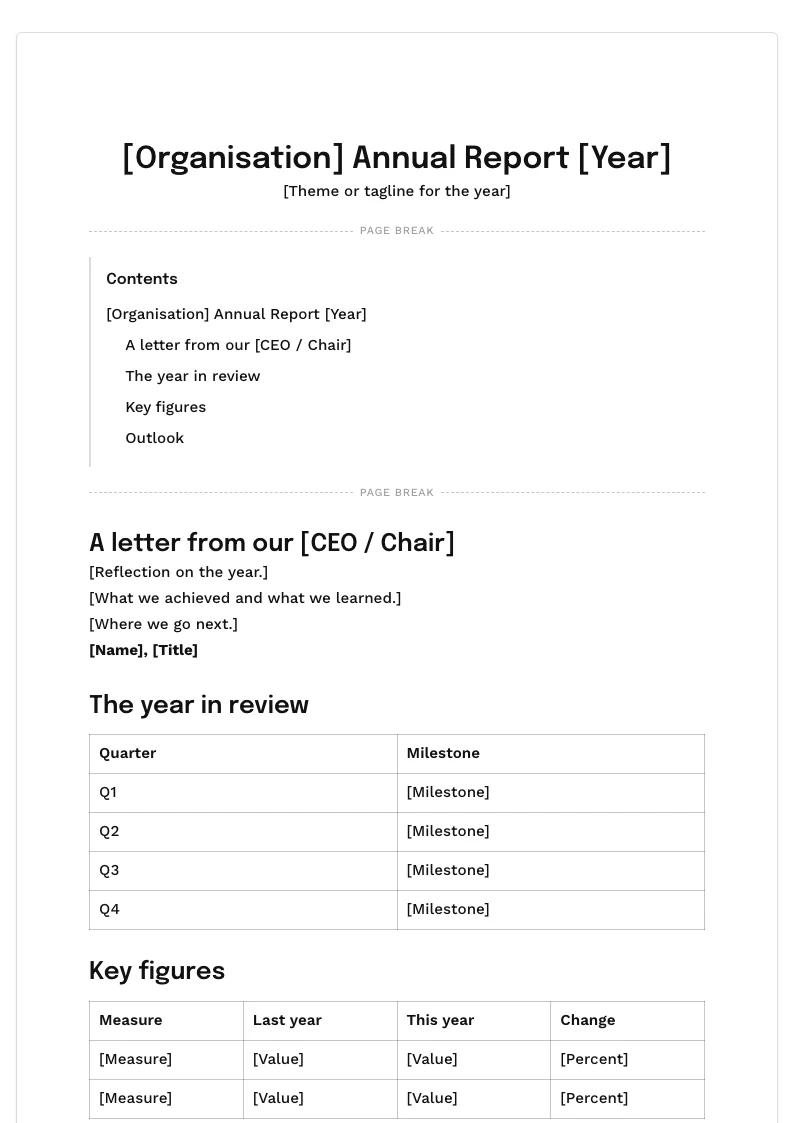


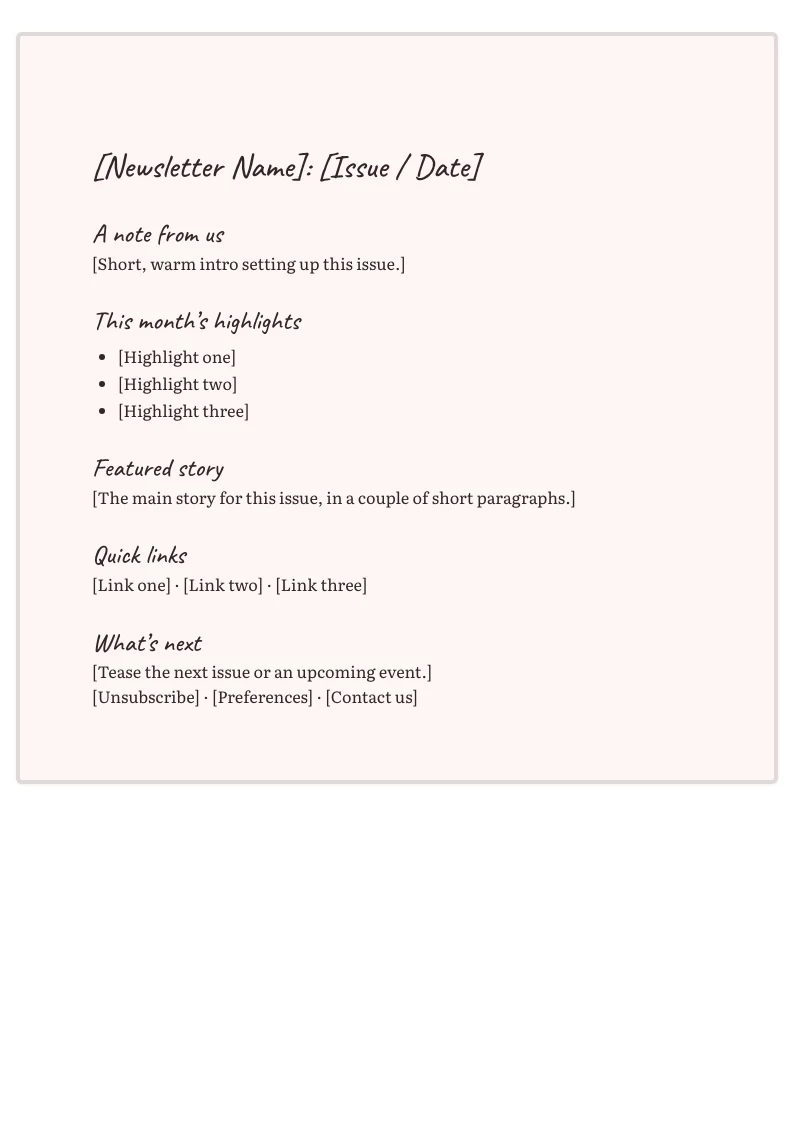



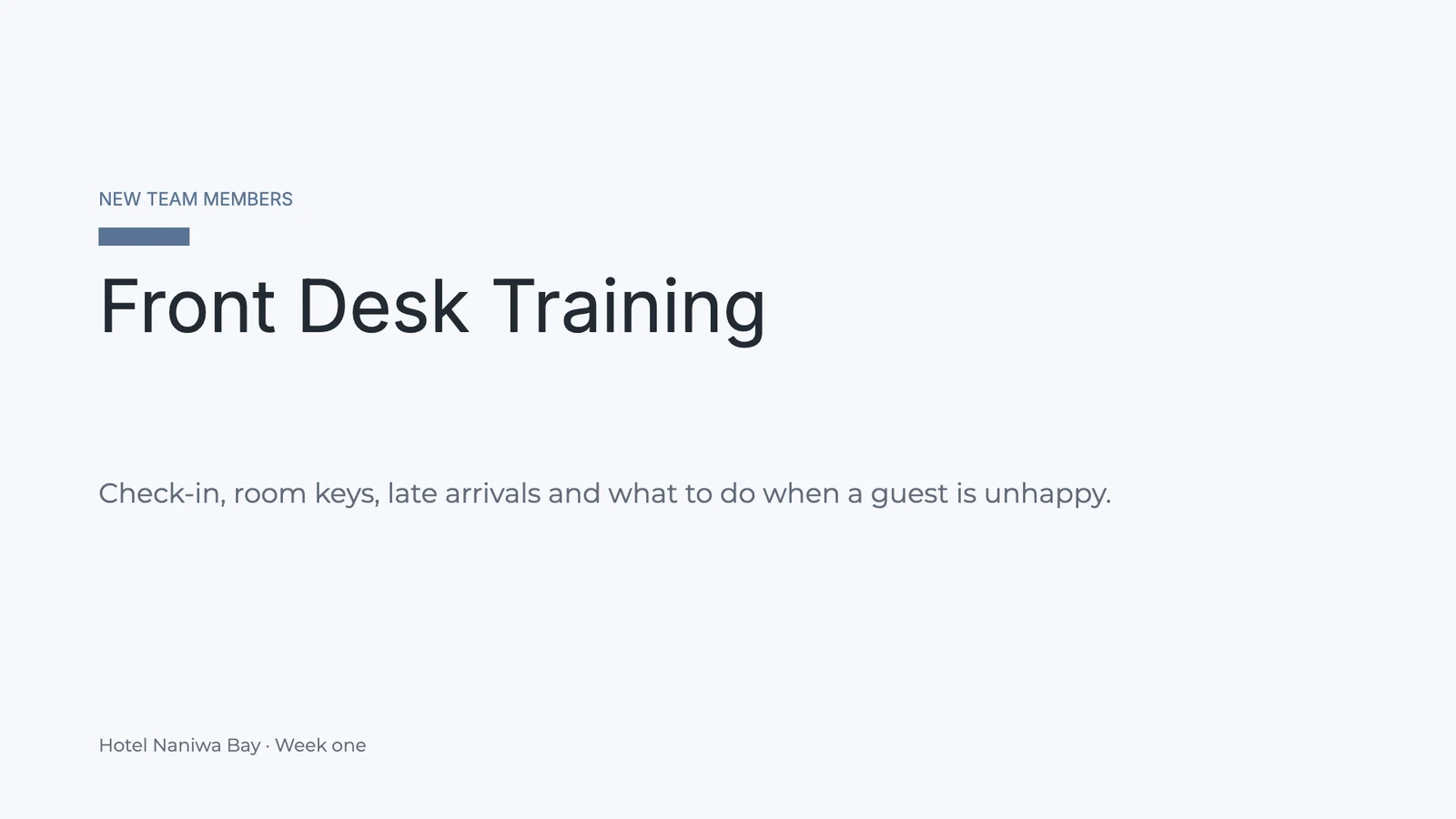


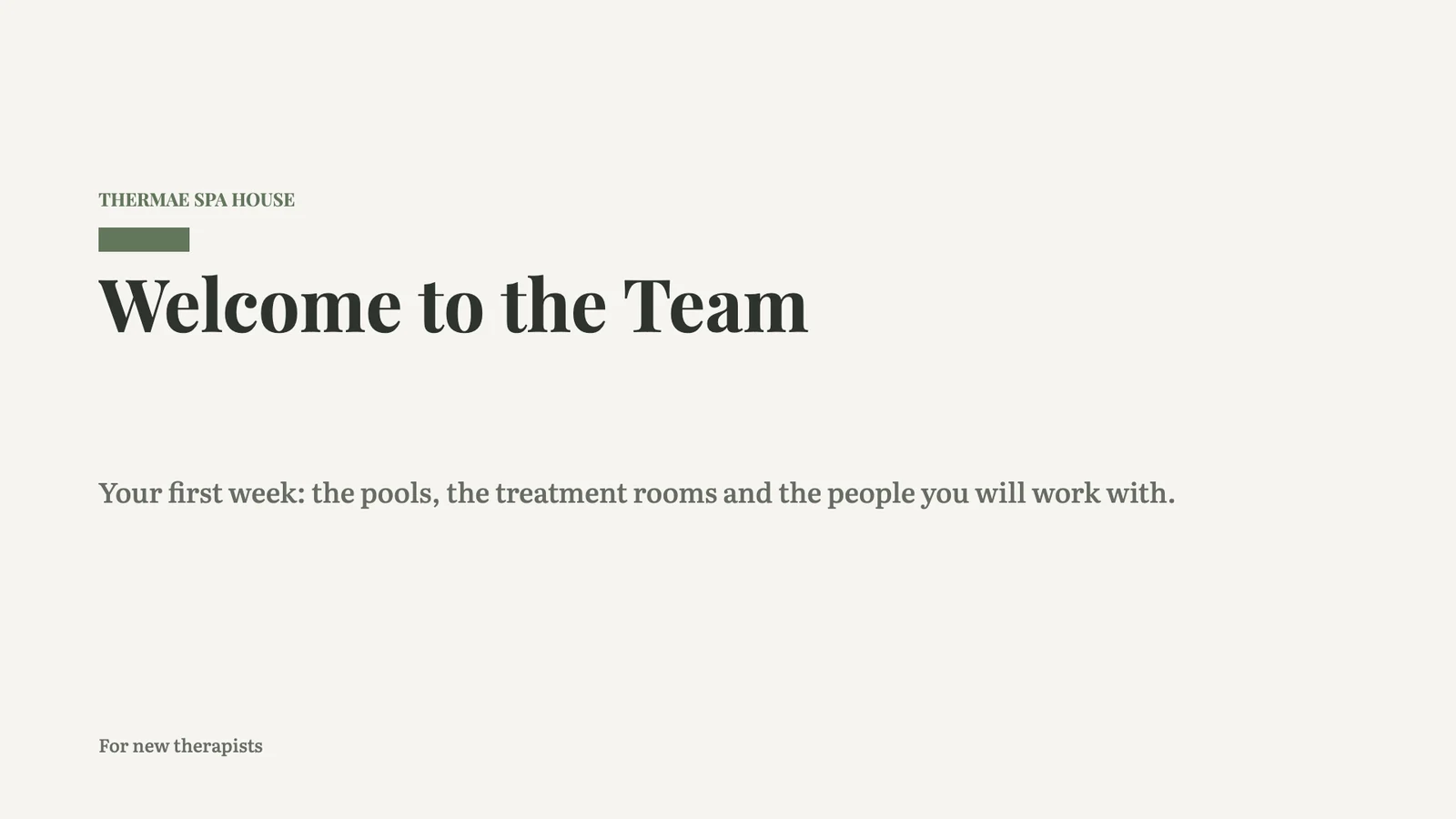 Welcome to the Team
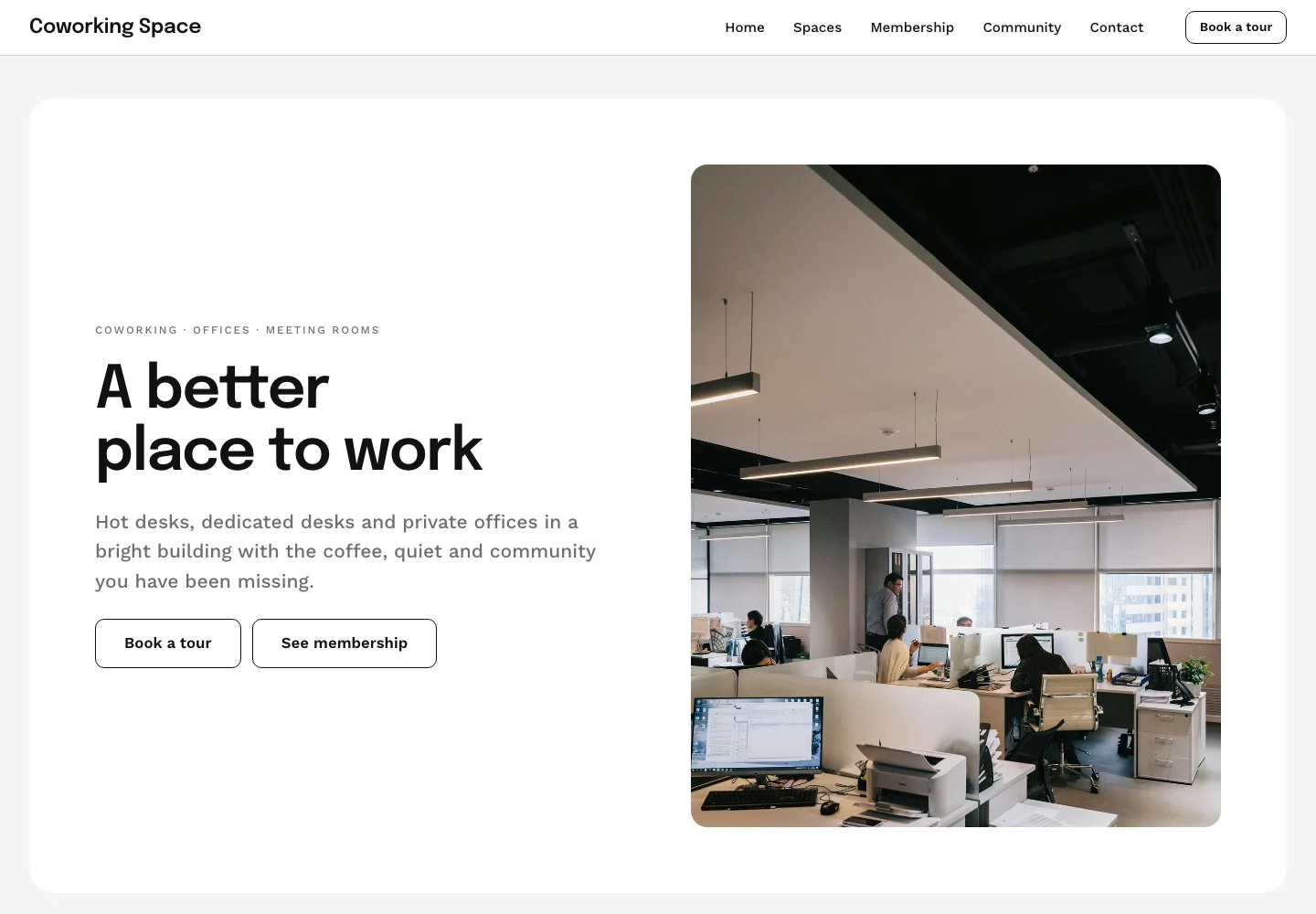
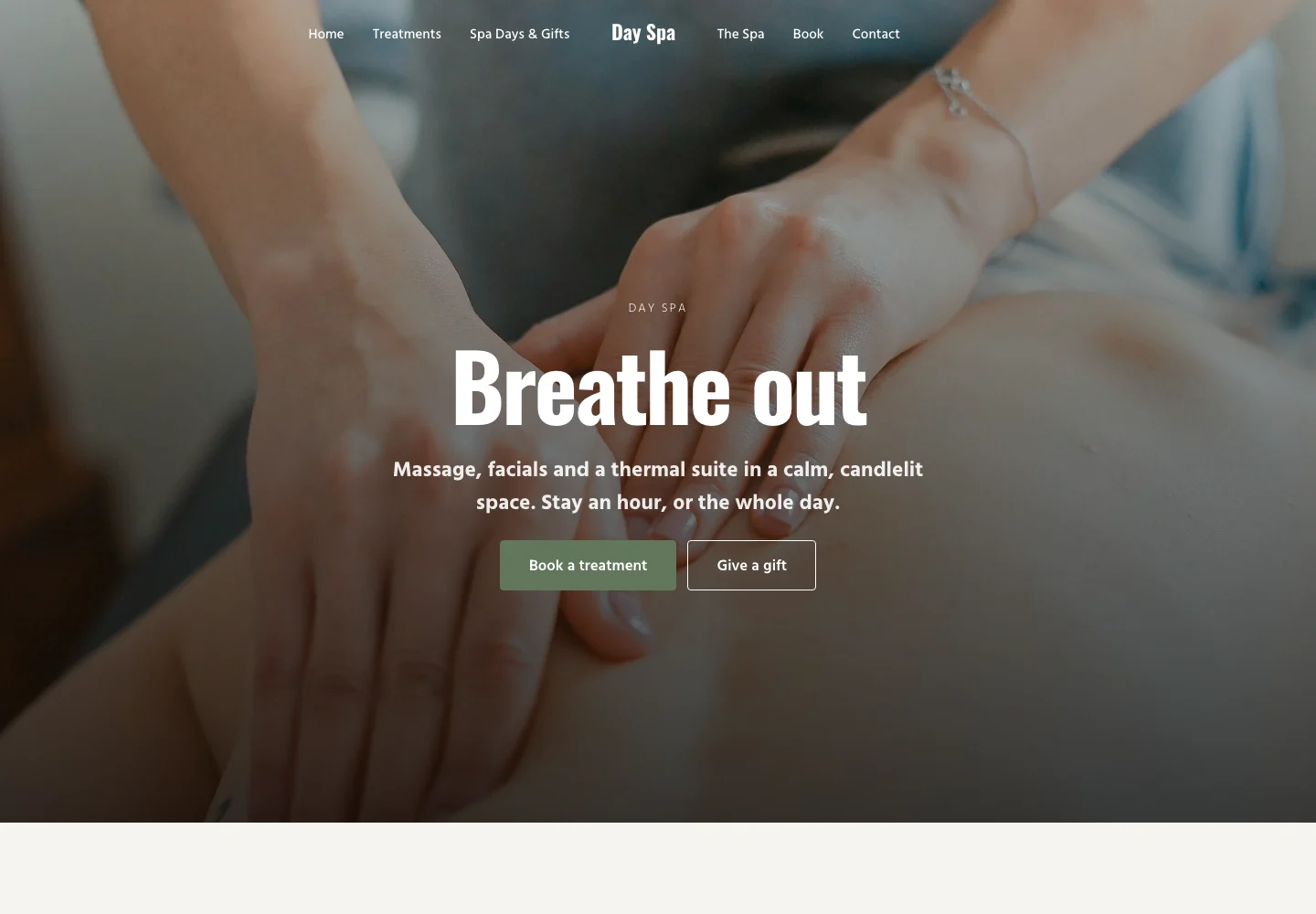
 Day Spa Website
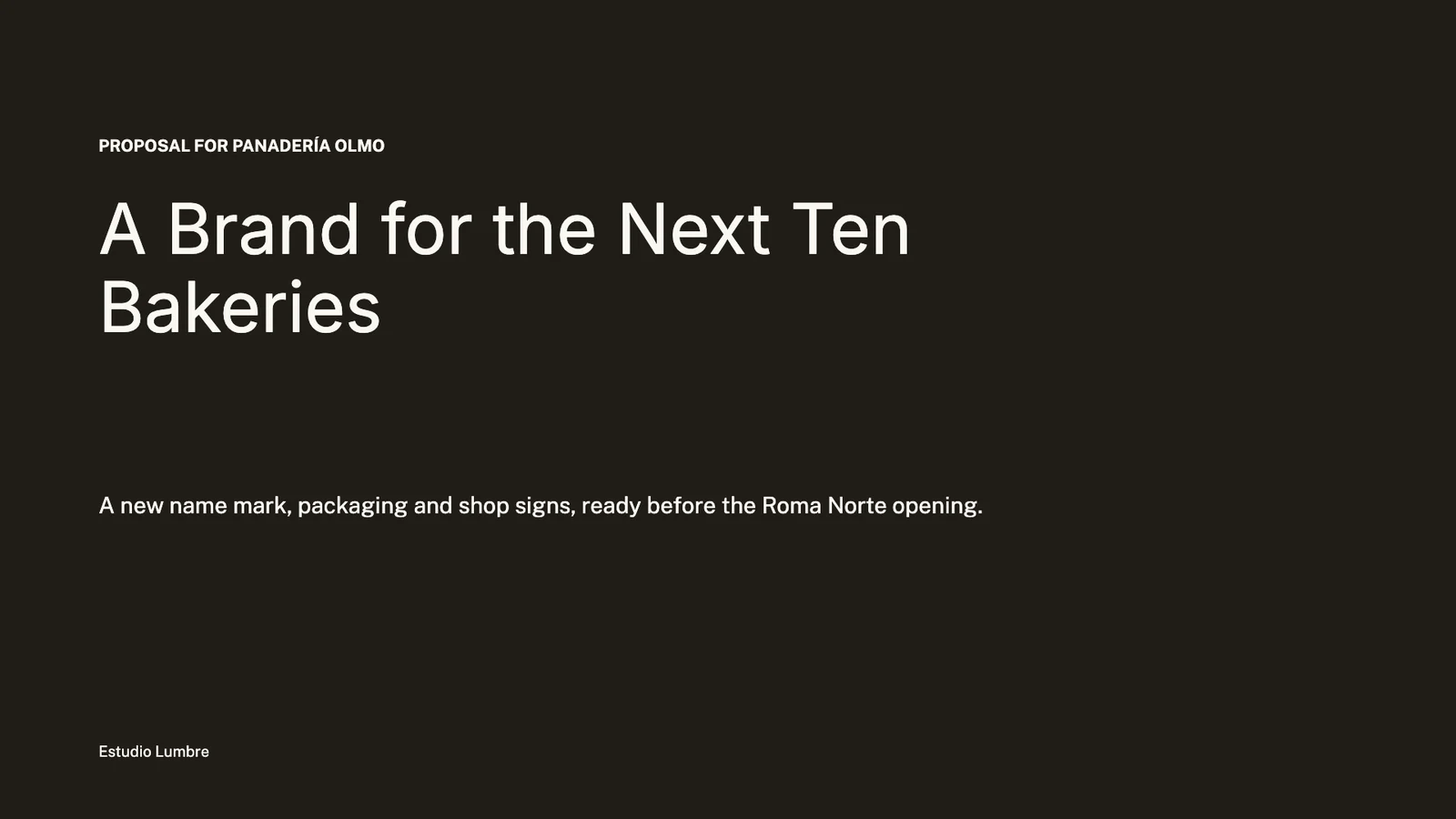
 On SaleBrand Refresh Proposal$780.00 · 42 soldApproved and on sale: Brand Refresh Proposal
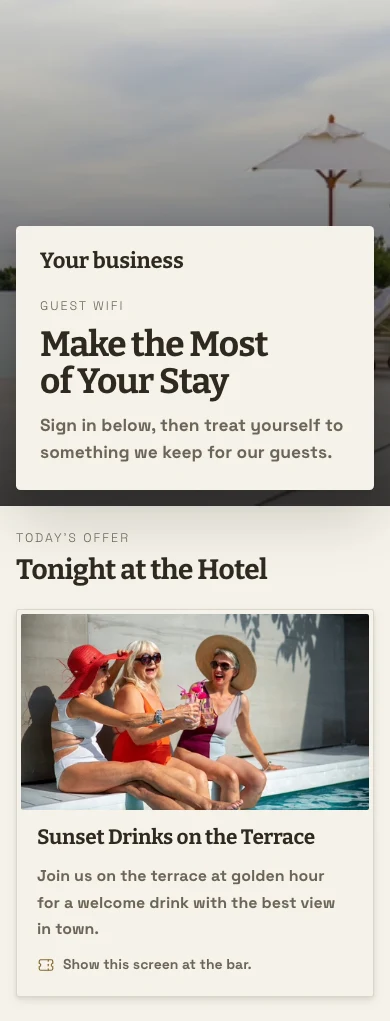
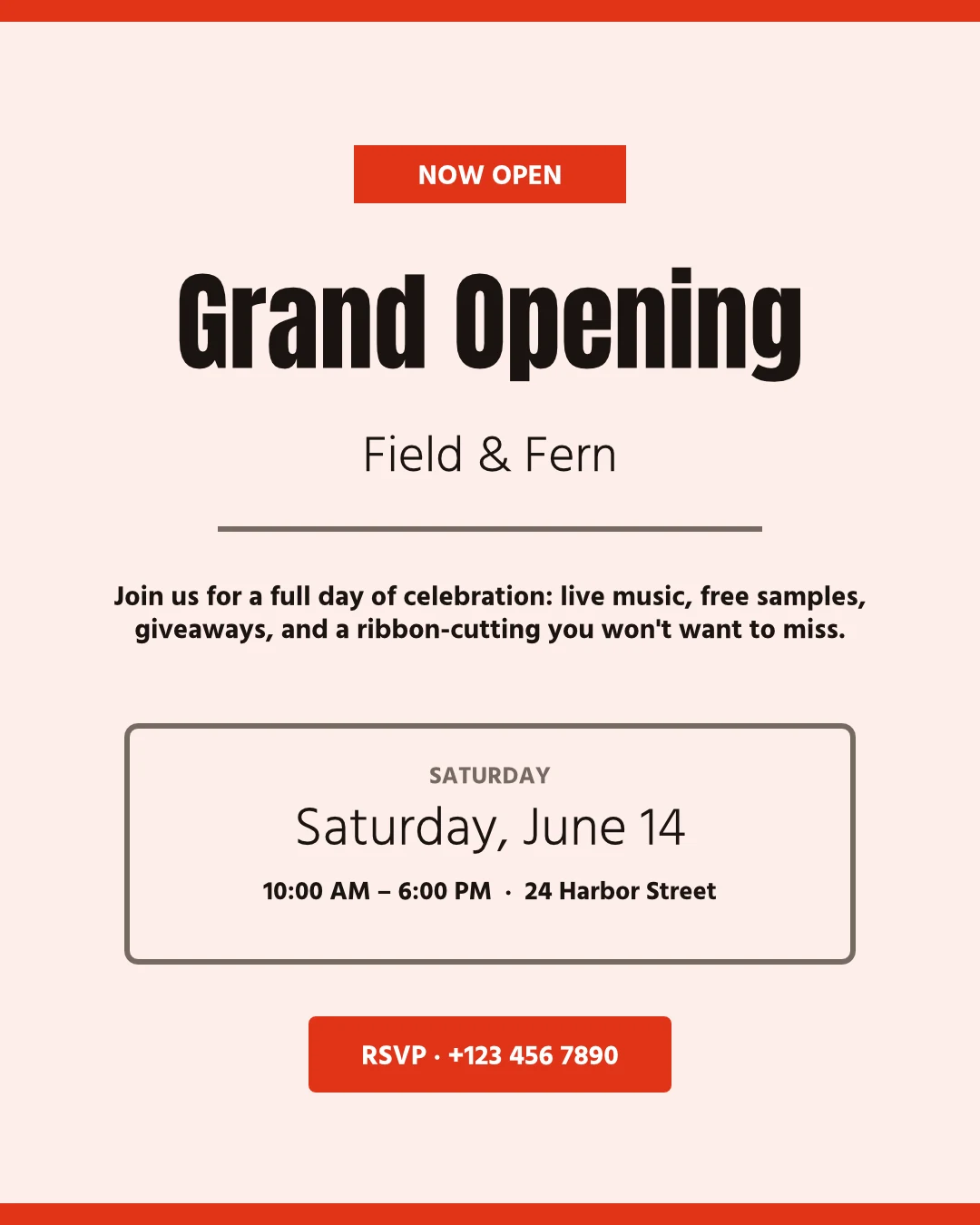 Grand Opening FlyerSent to 14 businesses.Welcome to the TeamDay Spa WebsiteOn SaleBrand Refresh Proposal$780.00 · 42 soldApproved and on sale: Brand Refresh ProposalGrand Opening FlyerSent to 14 businesses.Welcome to the TeamDay Spa WebsiteOn SaleBrand Refresh Proposal$780.00 · 42 soldApproved and on sale: Brand Refresh ProposalGrand Opening FlyerSent to 14 businesses.Welcome to the TeamDay Spa WebsiteOn SaleBrand Refresh Proposal$780.00 · 42 soldApproved and on sale: Brand Refresh ProposalGrand Opening FlyerSent to 14 businesses.Welcome to the TeamDay Spa WebsiteOn SaleBrand Refresh Proposal$780.00 · 42 soldApproved and on sale: Brand Refresh ProposalGrand Opening FlyerSent to 14 businesses.
Build, check and share, each template in its builder
Each template stays in the builder it belongs to, and Templates adds its check and its listing beside it.
See every template you made, in every builder
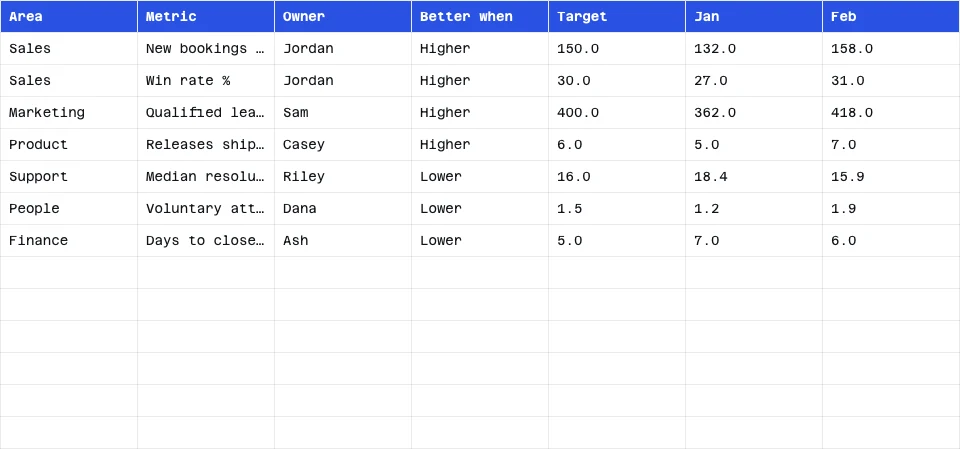
One wall holds your templates from Studio, Proposals, Slides, Docs, Sheets, Sites, Apps, Navigator, Station, WiFi, Direct and Campaigns. Each shows where it stands: not checked, checking, needs fixes, ready to sell, in review or on sale. Nobody else sees them until you share them.
My Templates
Every template you made, in every builder. A template is a whole design: a complete website, a complete deck. Check one in every look, then sell it in the Template Store.
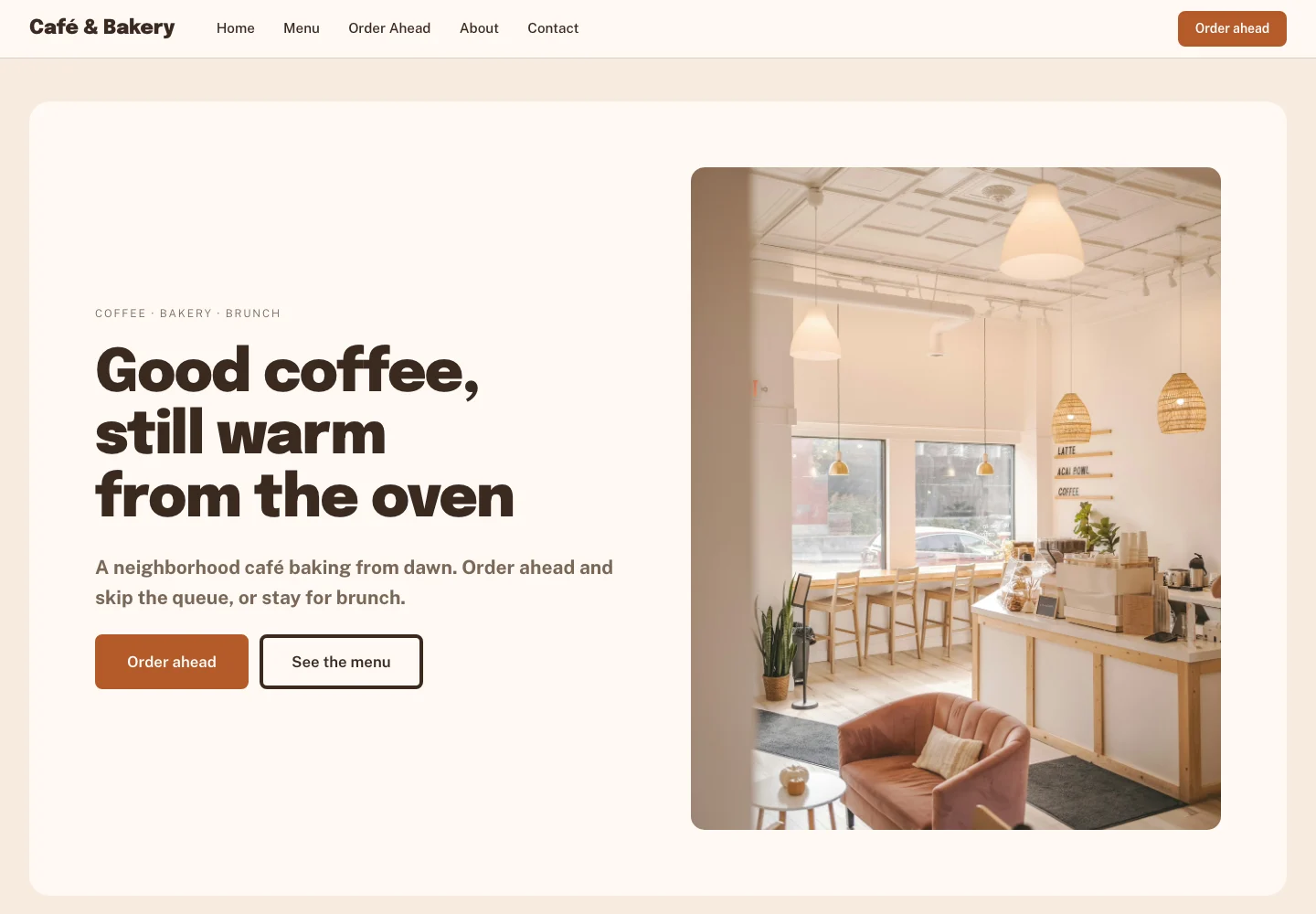 Café WebsiteSitesReady to Sell
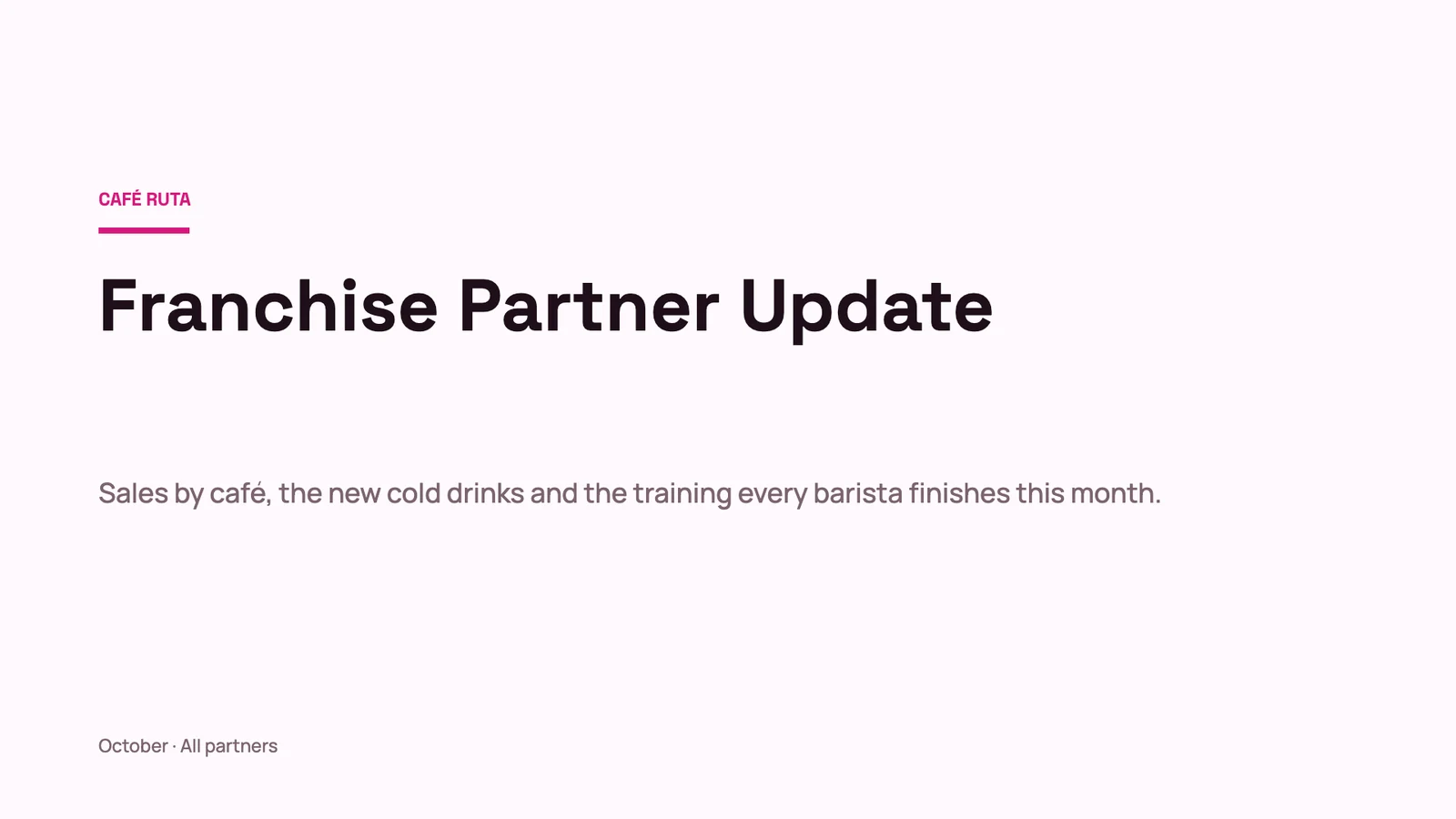 Franchise Partner UpdateSlidesOn Sale
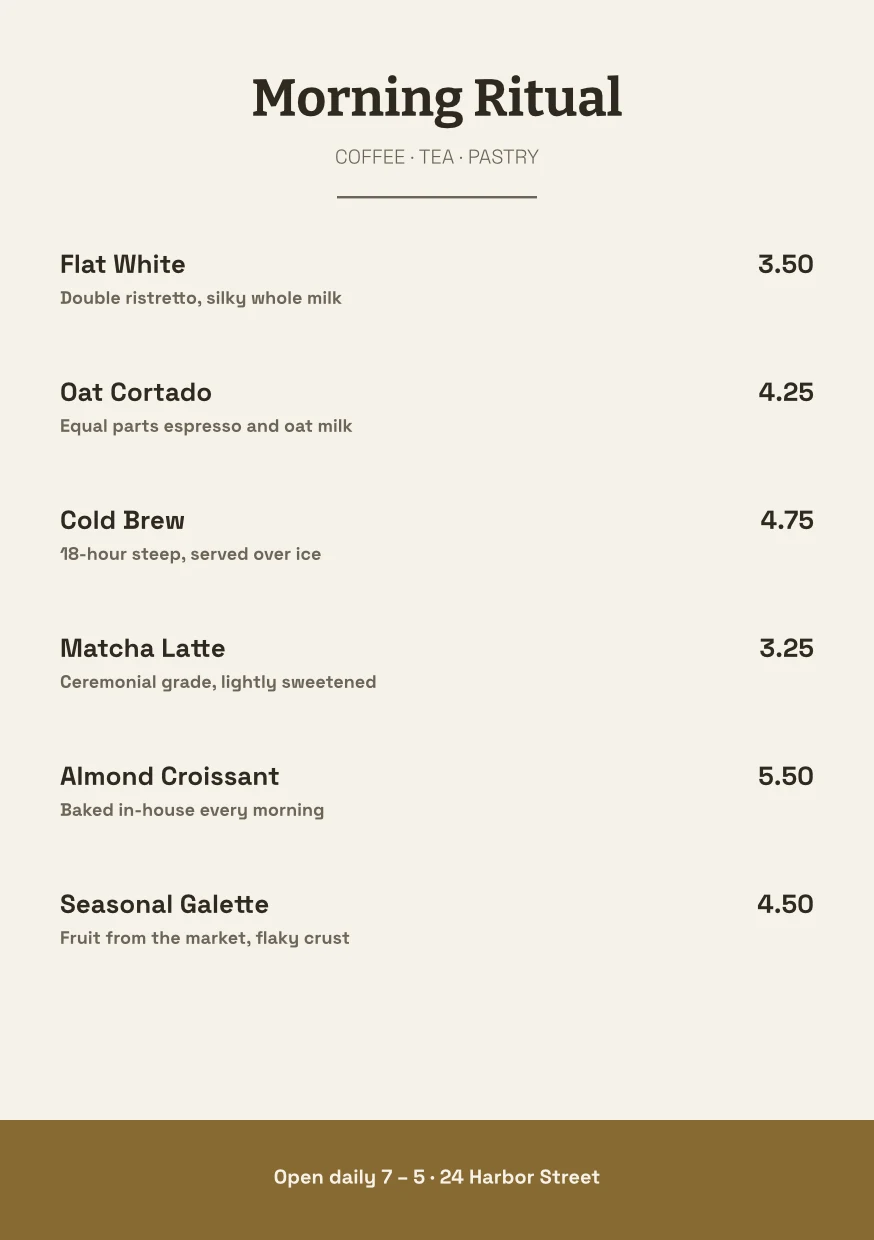 Café Menu CardStudioNeeds Fixes
 Store NewsletterDocsIn Review
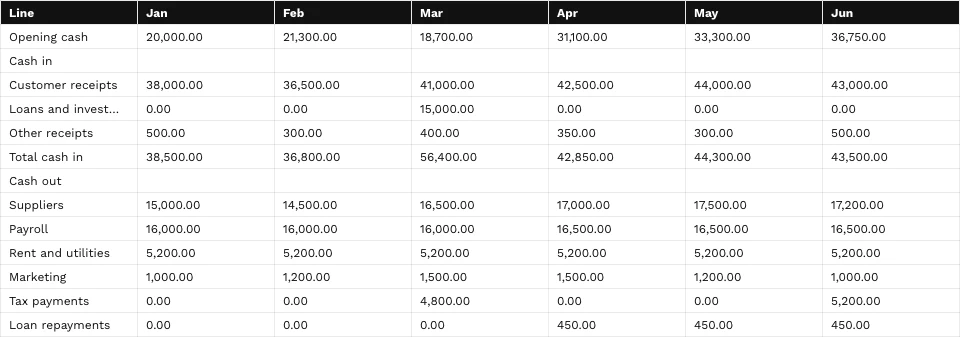
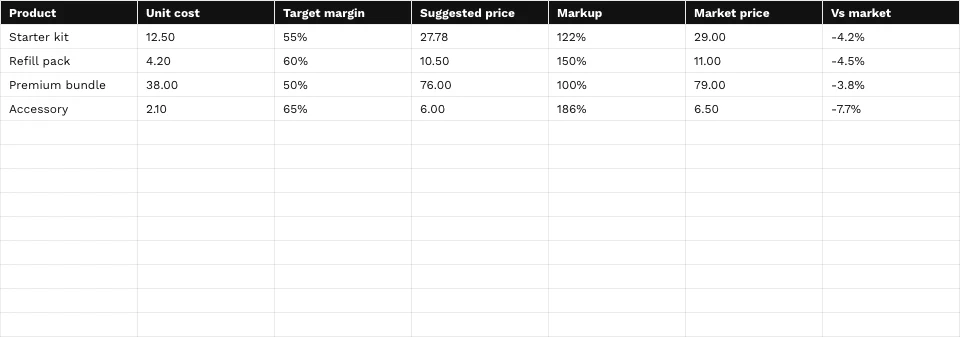 Pricing CalculatorSheetsReady to SellGrand Opening FlyerStudioNot Checked
New Template
Pick any builder. A website, app or portal starts blank in its own editor, and the others start on that builder’s Templates wall.
My Templates
Every template you made, in every builder. A template is a whole design: a complete website, a complete deck. Check one in every look, then sell it in the Template Store.
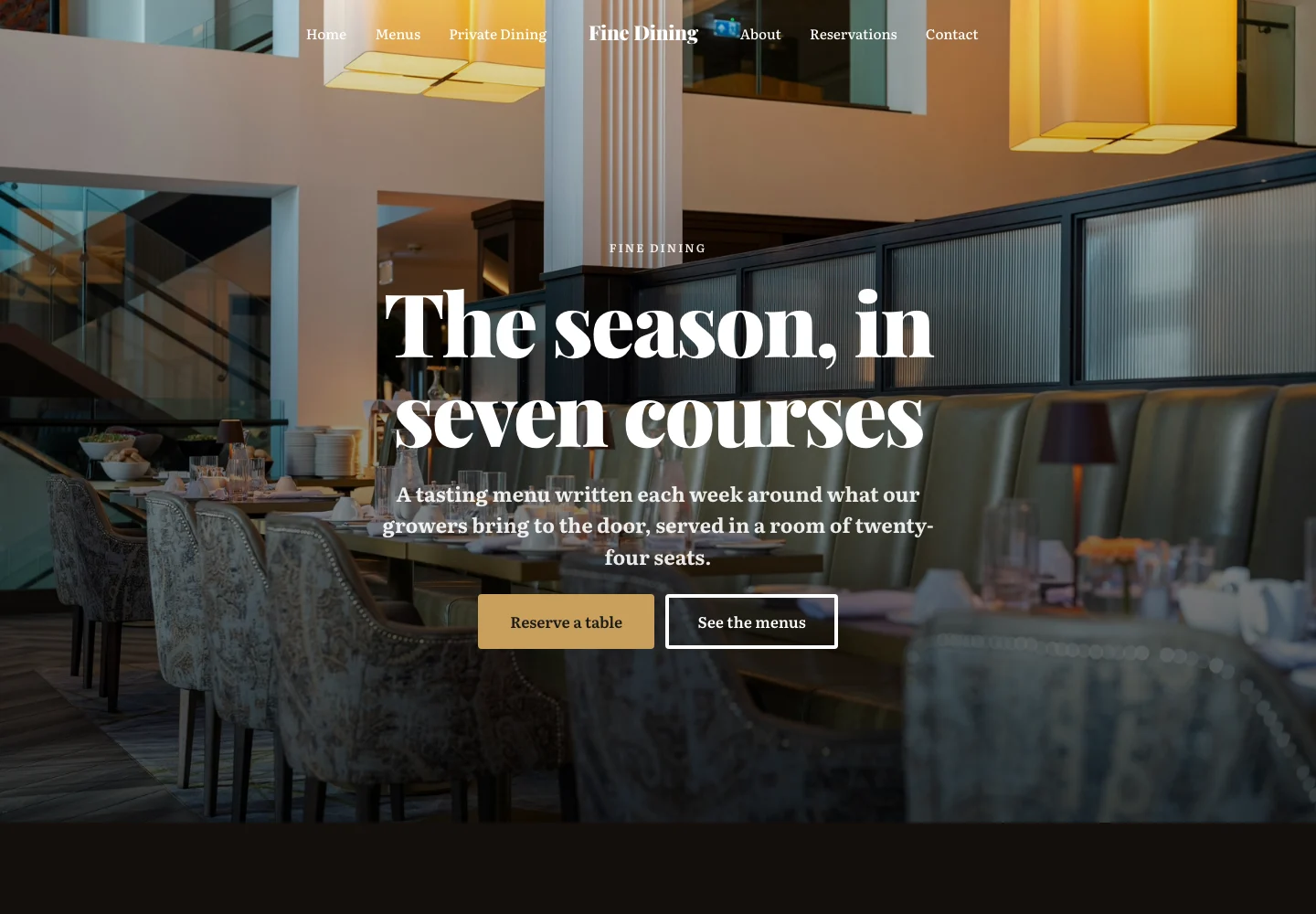 Fine Dining WebsiteSitesReady to Sell
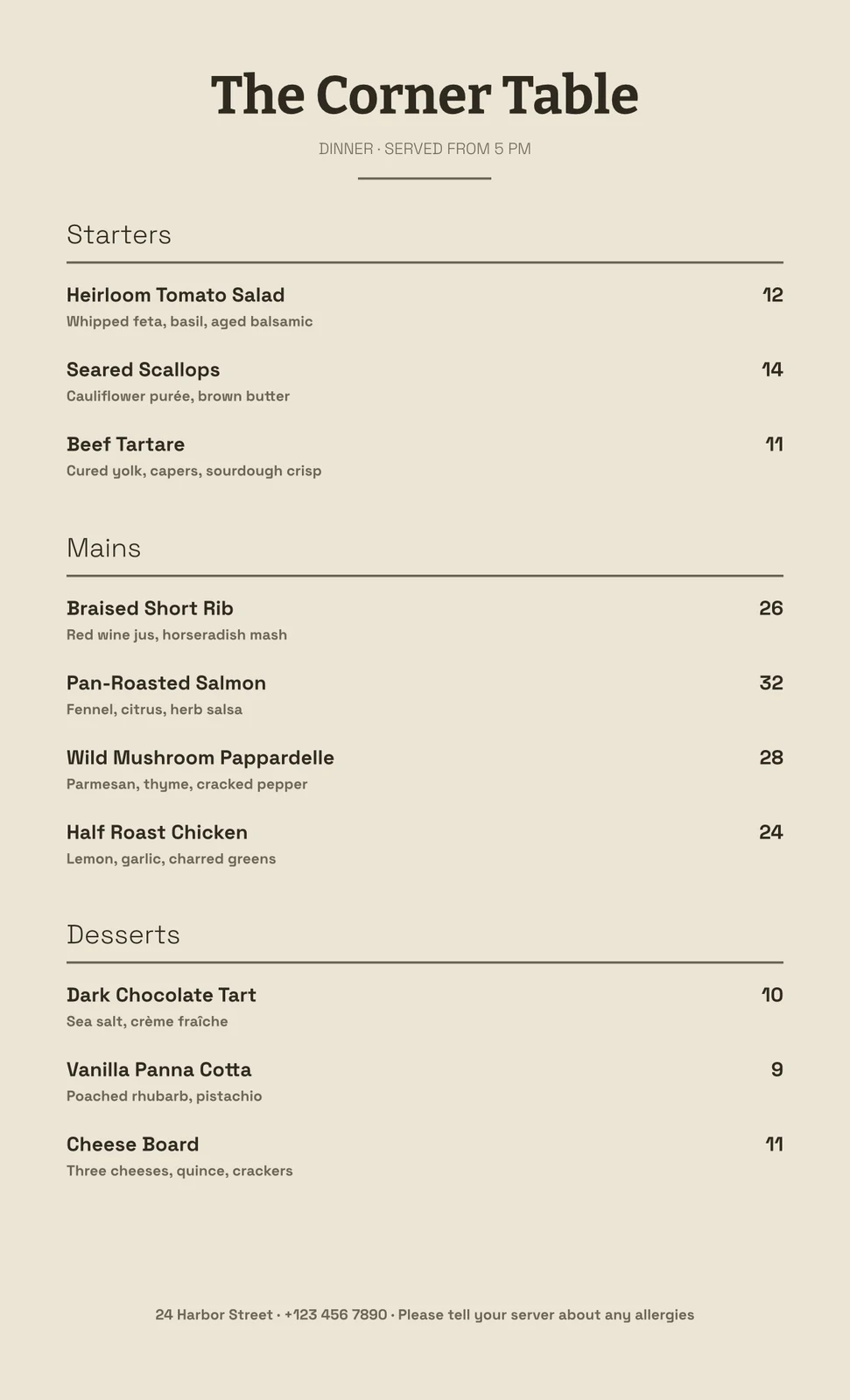 Full Dinner MenuStudioReady to Sell
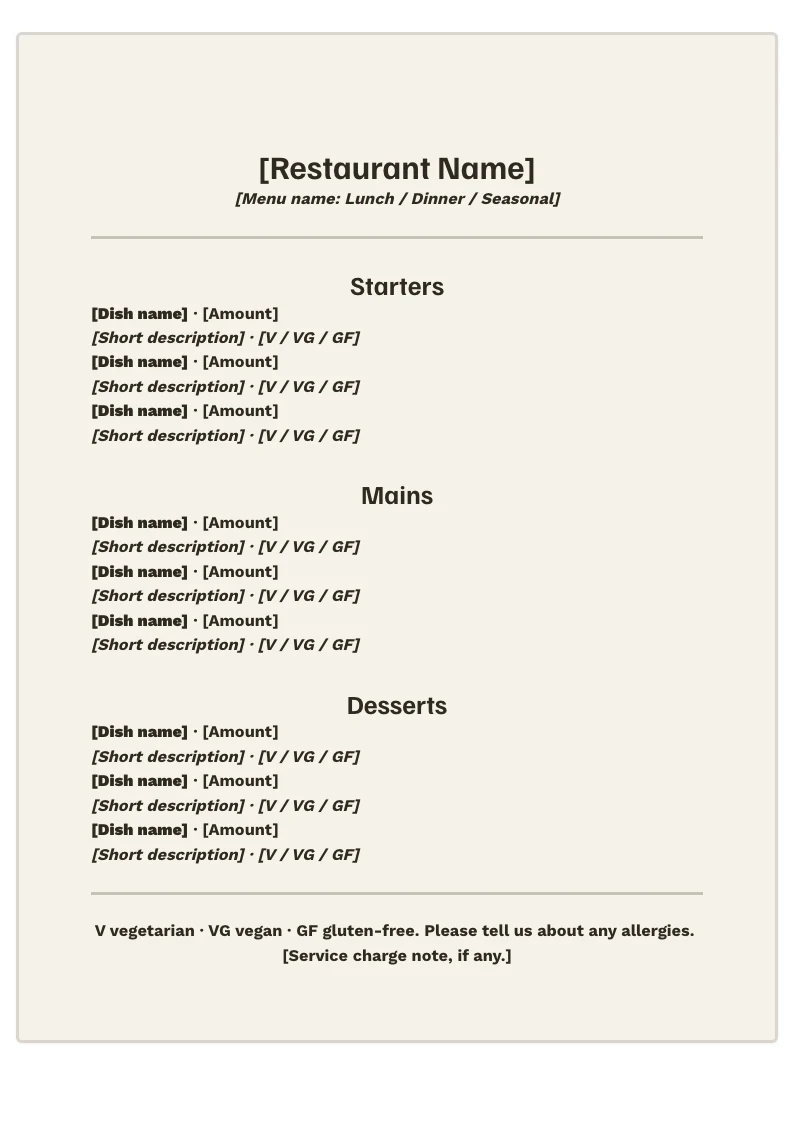 Restaurant MenuDocsNot Checked
Edit in Its Builder
Edit in Studio, Slides or Sites opens the template in its own editor.
Welcome to the Team
Slides
Page 1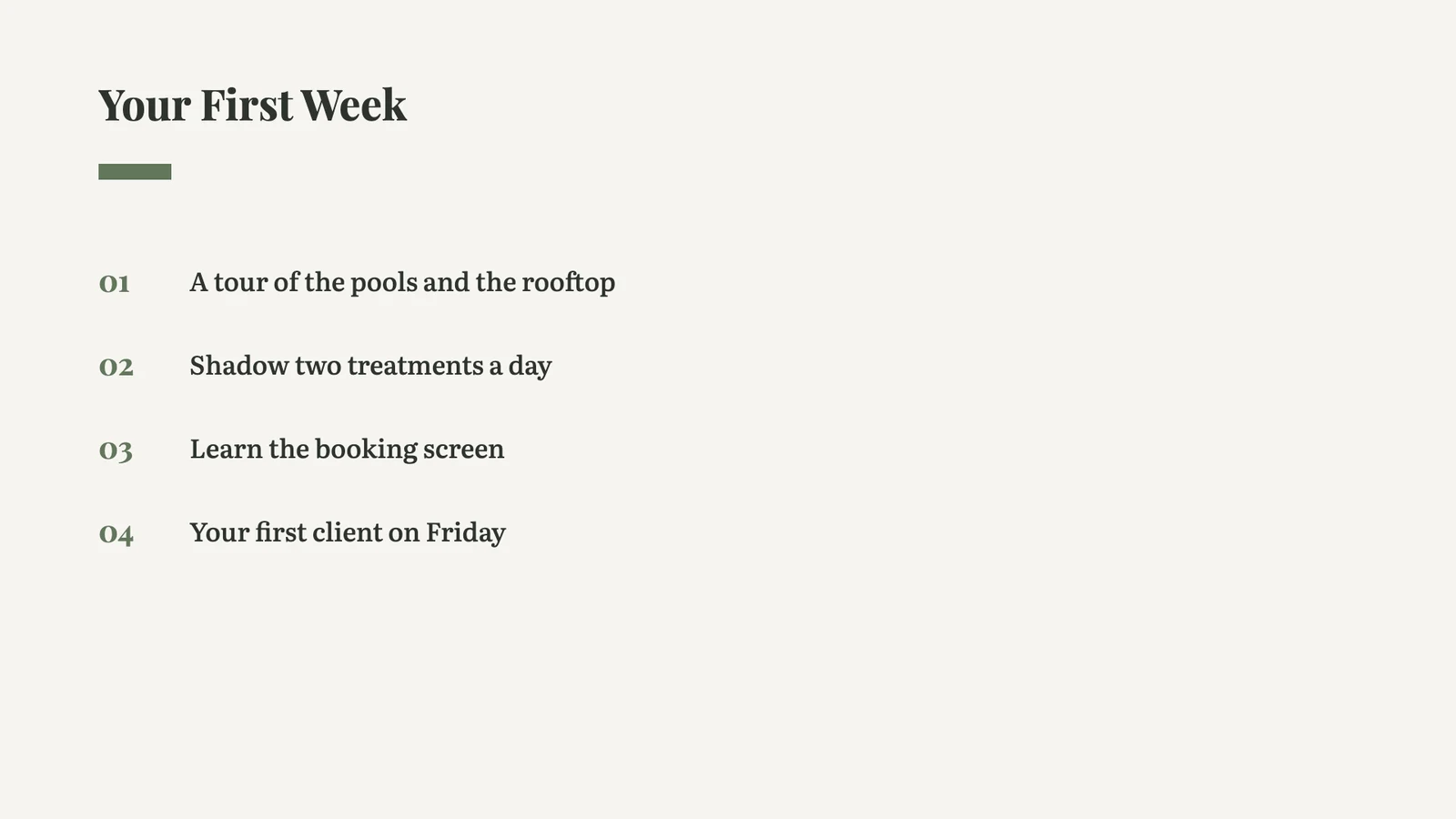 Page 2
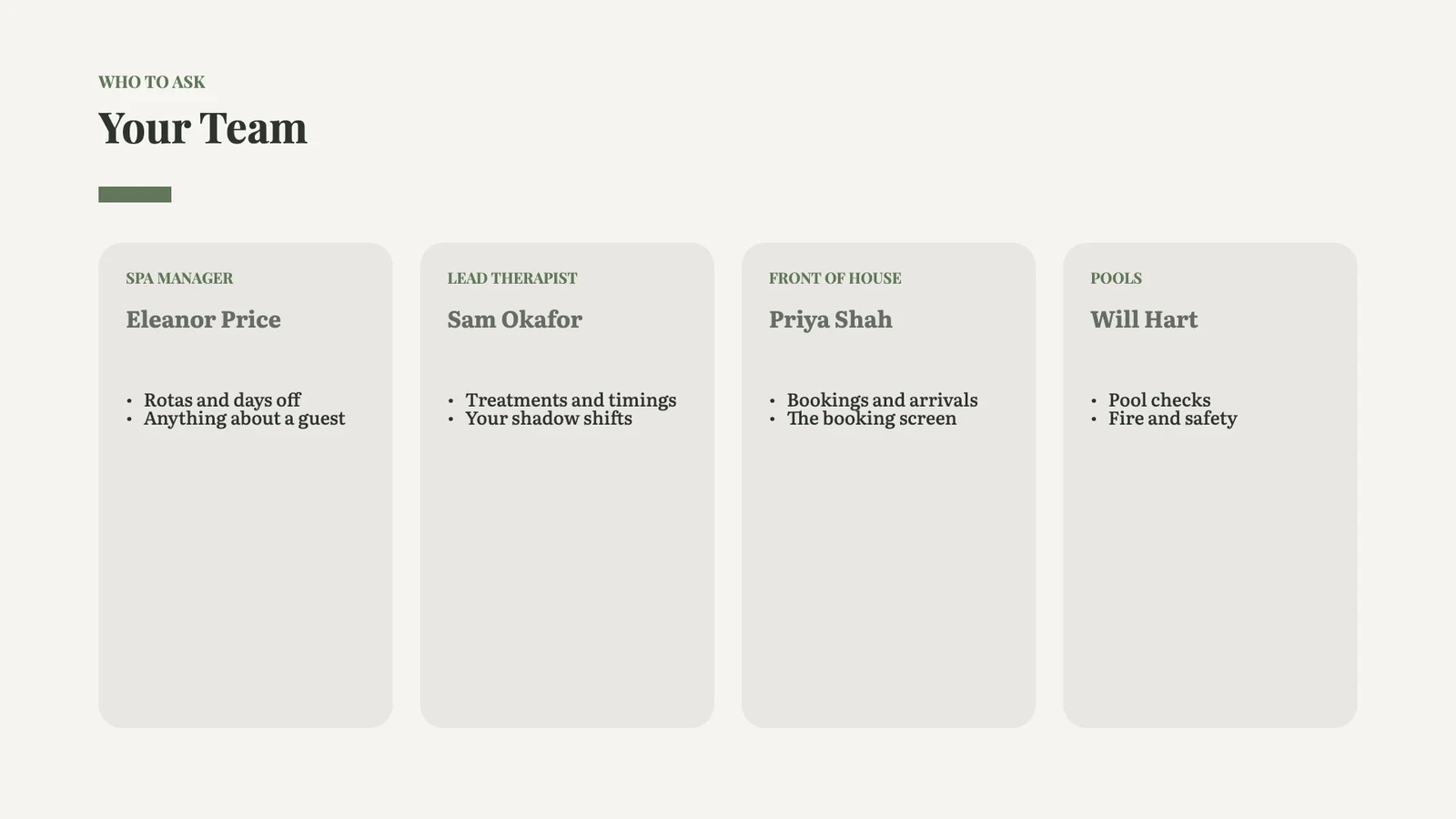 Page 3
Search and Builder
Find a template by name, or narrow the wall to one builder.
My Templates
Every template you made, in every builder. A template is a whole design: a complete website, a complete deck. Check one in every look, then sell it in the Template Store.
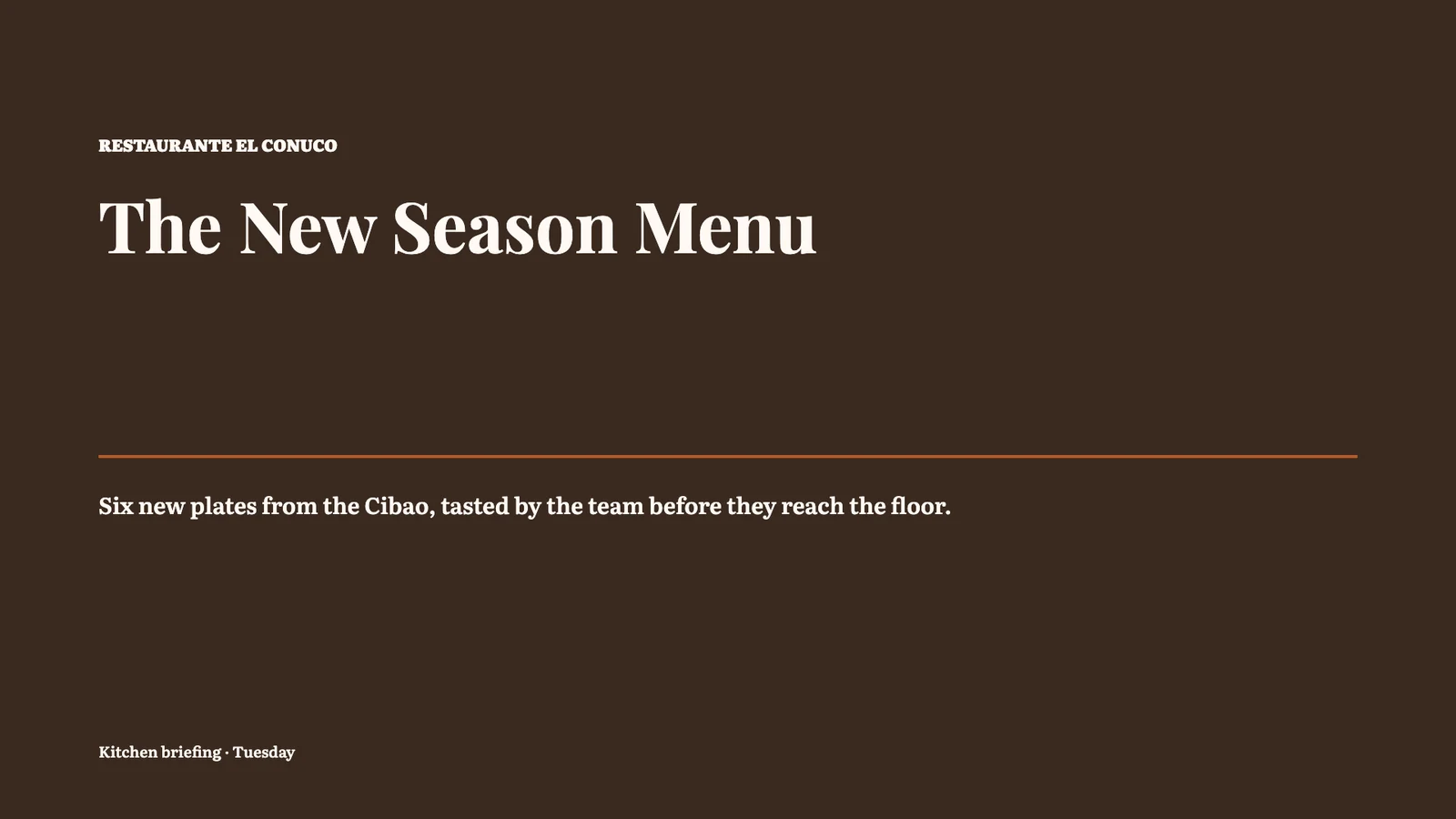 New Season MenuSlidesOn SaleRestaurant MenuDocsReady to SellCafé Menu CardStudioIn ReviewFull Dinner MenuStudioReady to Sell
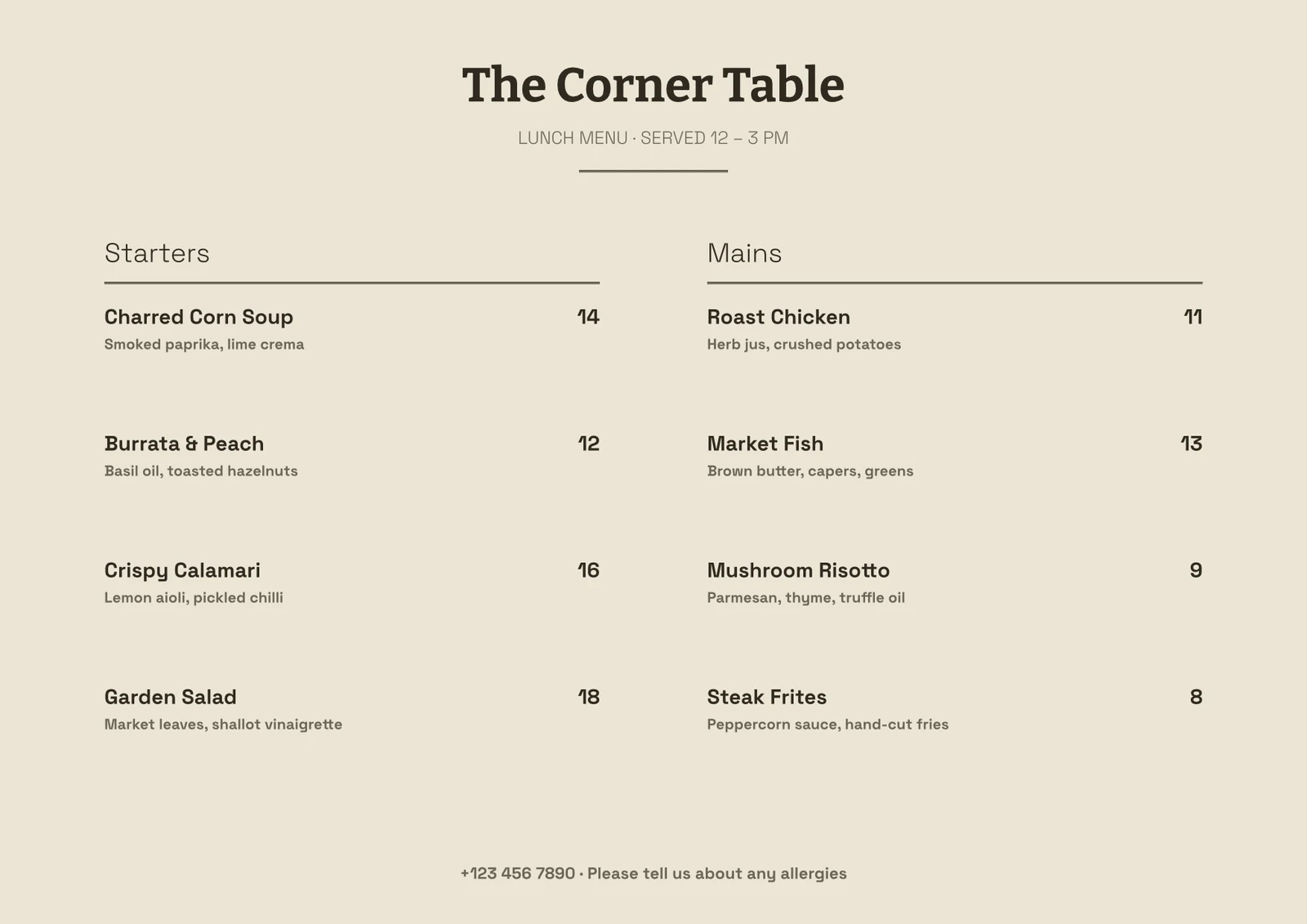 Lunch MenuStudioNot CheckedDinner Menu WebsiteSitesReady to Sell
Yours Until You Share It
What you make or buy sits on your own Mine, in its builder. Nobody else opens it, however senior, until you share it.
Templates
 Front Desk TrainingSlides
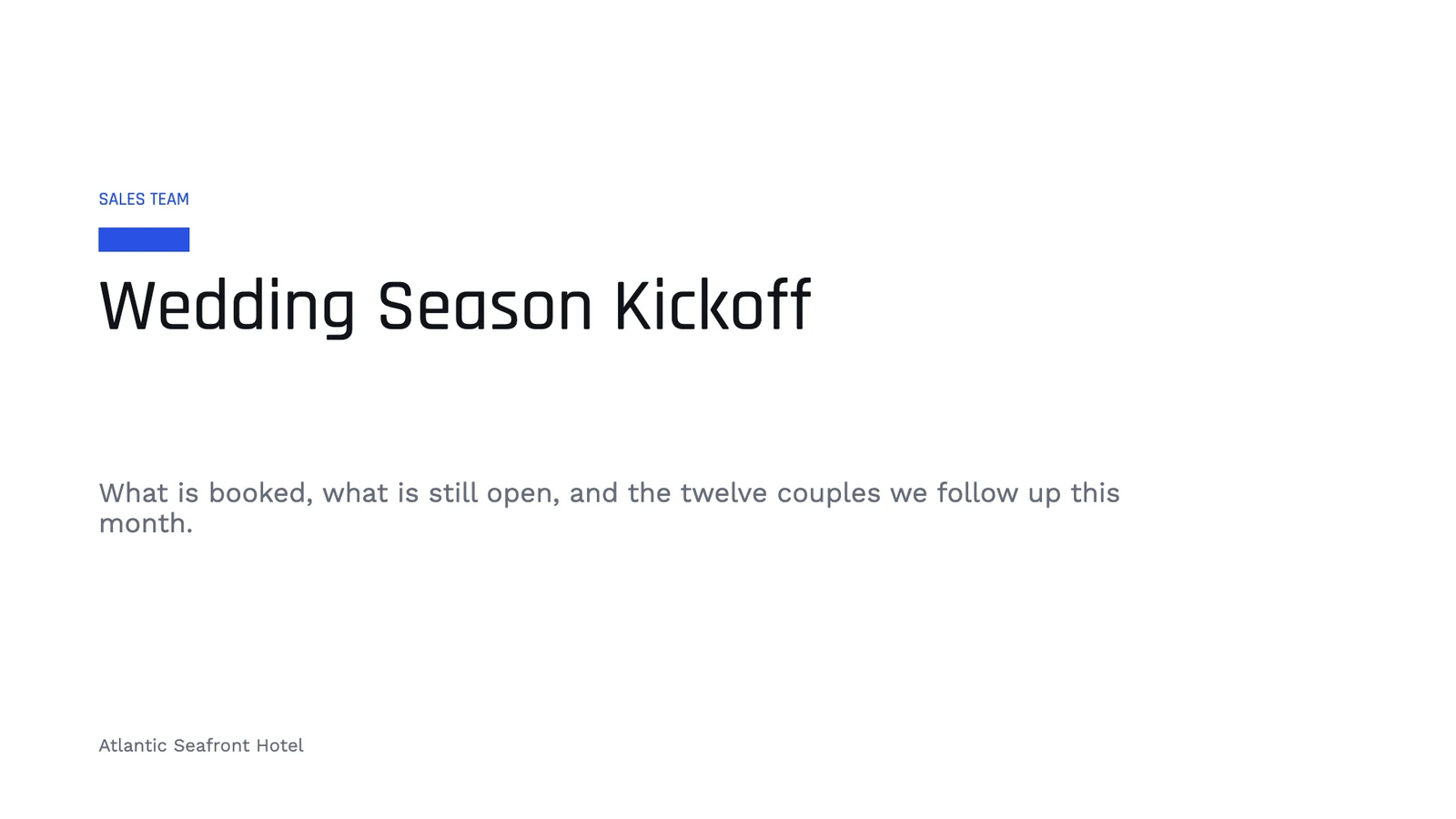
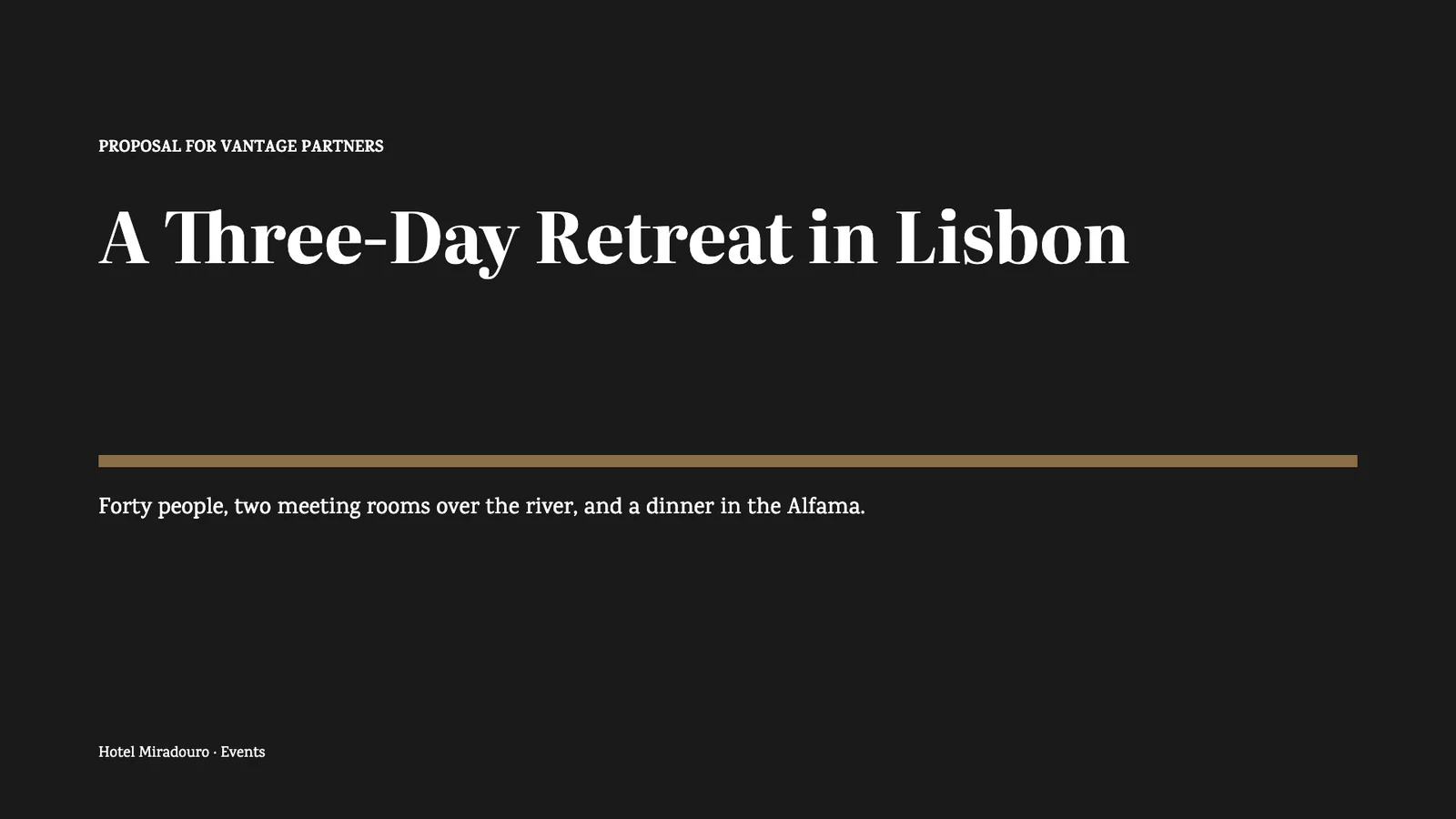 Corporate RetreatsSlidesWedding Season KickoffSlides
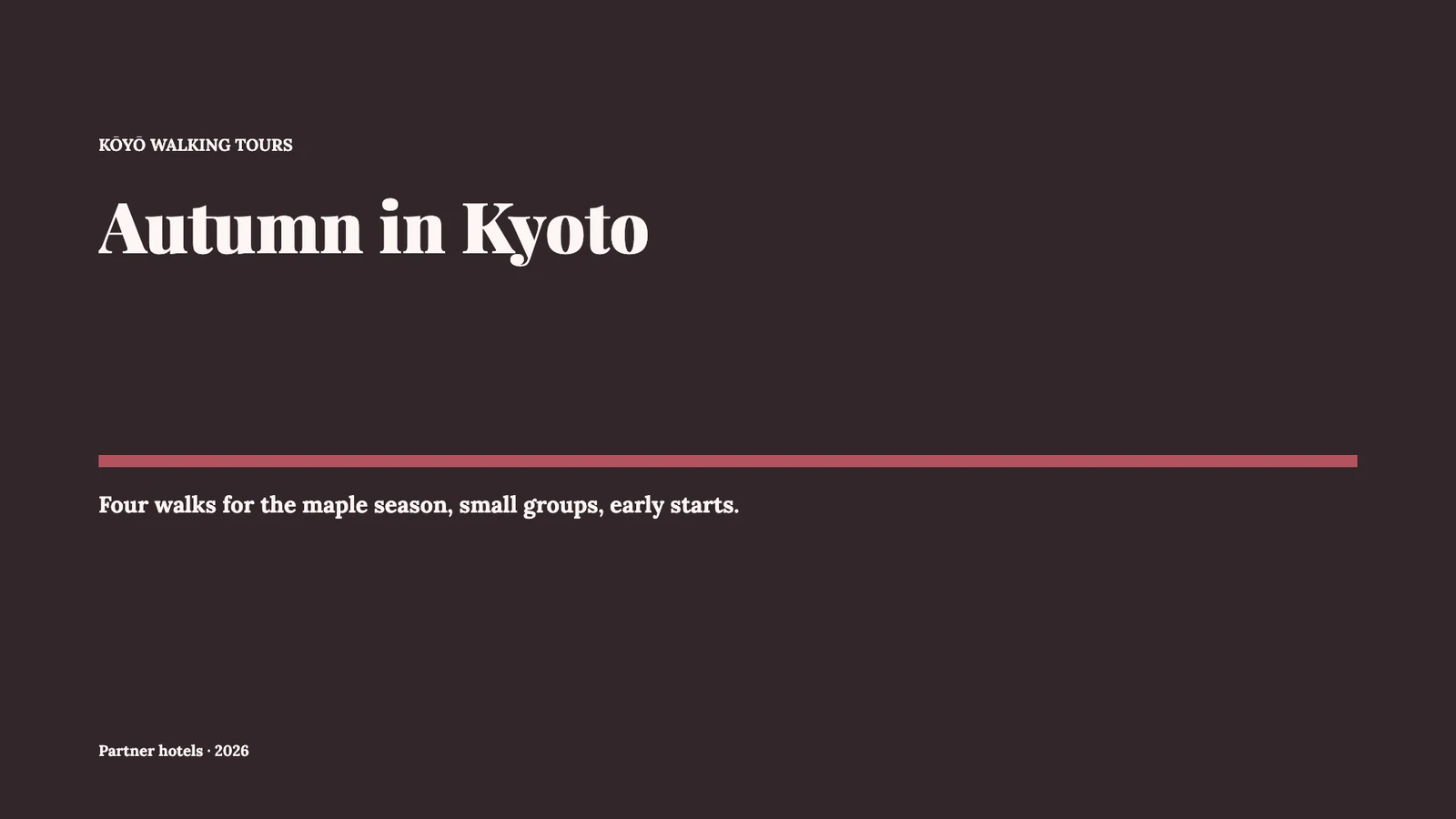
 Autumn ToursSlides
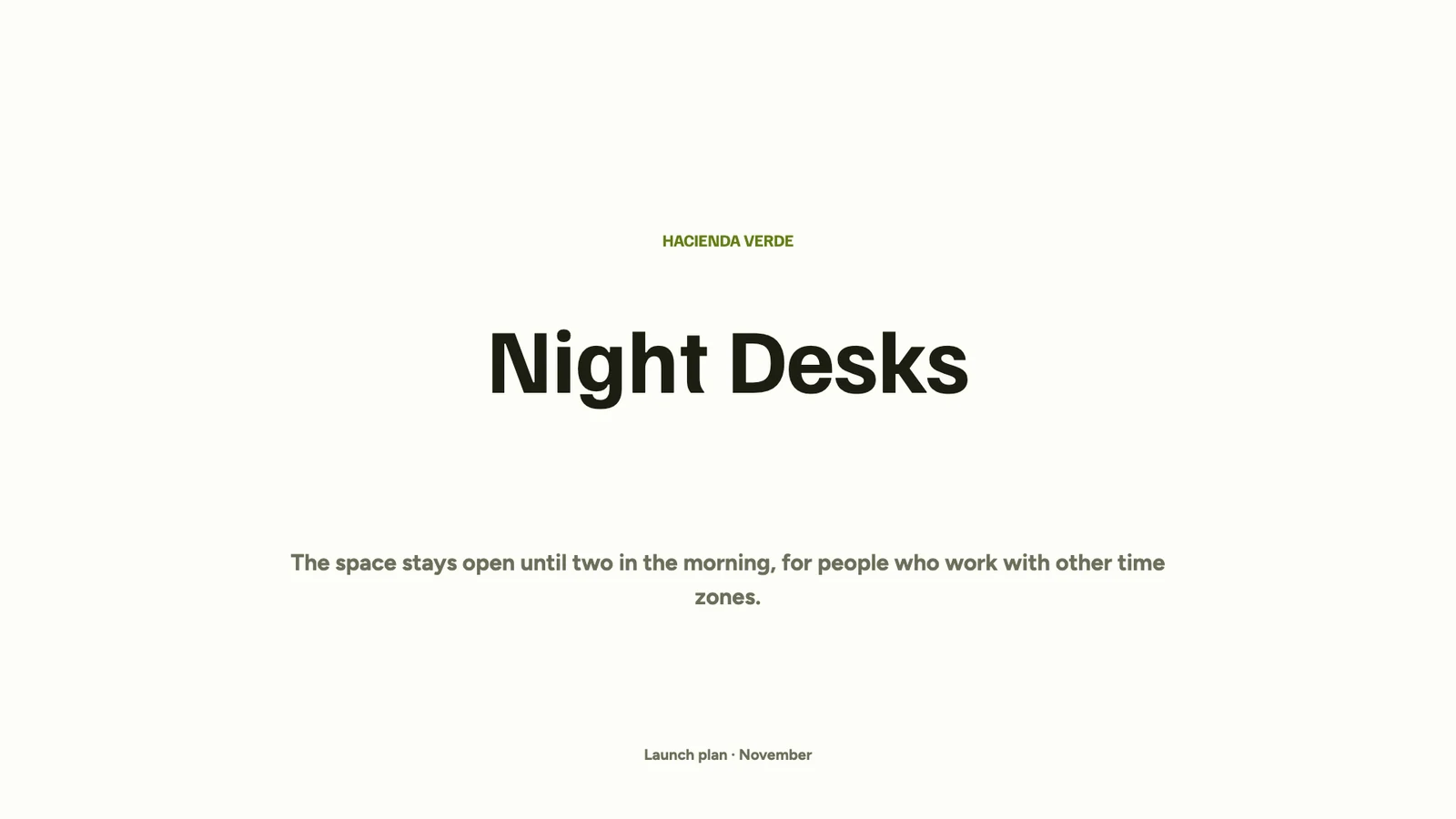 Night Desks LaunchSlidesBrand RefreshSlides
Share With Your Team
Share a template with a person, a Hub or the whole business. It lands under Shared on their wall, never under Mine.
Welcome to the Team
Slides
Page 1Page 2Page 3A Template Link
Anyone with the link makes their own copy under Mine, from the version that passed its check. Later changes to yours never reach it.
Wedding Season Deck
Slides
Page 1Page 2Template LinkAnyone with this link can make their own copy. Later changes to yours never reach it.Across Your Group
Blueprint sends a shared site, campaign or proposal template to every business in a group, or the ones you choose.
Library
Café Ruta
My Templates
Every template you made, in every builder. A template is a whole design: a complete website, a complete deck. Check one in every look, then sell it in the Template Store.
Fine Dining WebsiteSitesReady to SellFull Dinner MenuStudioReady to SellRestaurant MenuDocsNot CheckedCheck a template the way buyers will see it
Check and Snapshot takes an unchangeable copy of the template, judges it and takes the pictures the store shows, so what is checked is exactly what is sold. Only a template whose newest check passed can be sold.
- 01Sold as DesignedJudged in its own colors and typefaces.
- 02Follows the Buyer’s ThemeJudged in every Calisto Theme, as each buyer’s colors will dress it.
- 03What to FixMust Be Fixed, Worth a Look and Passed, then Check Again.
- 04A Website Must Be WholeEvery page has content, every page a visitor reaches has the shared header and footer, and the header has its menu.
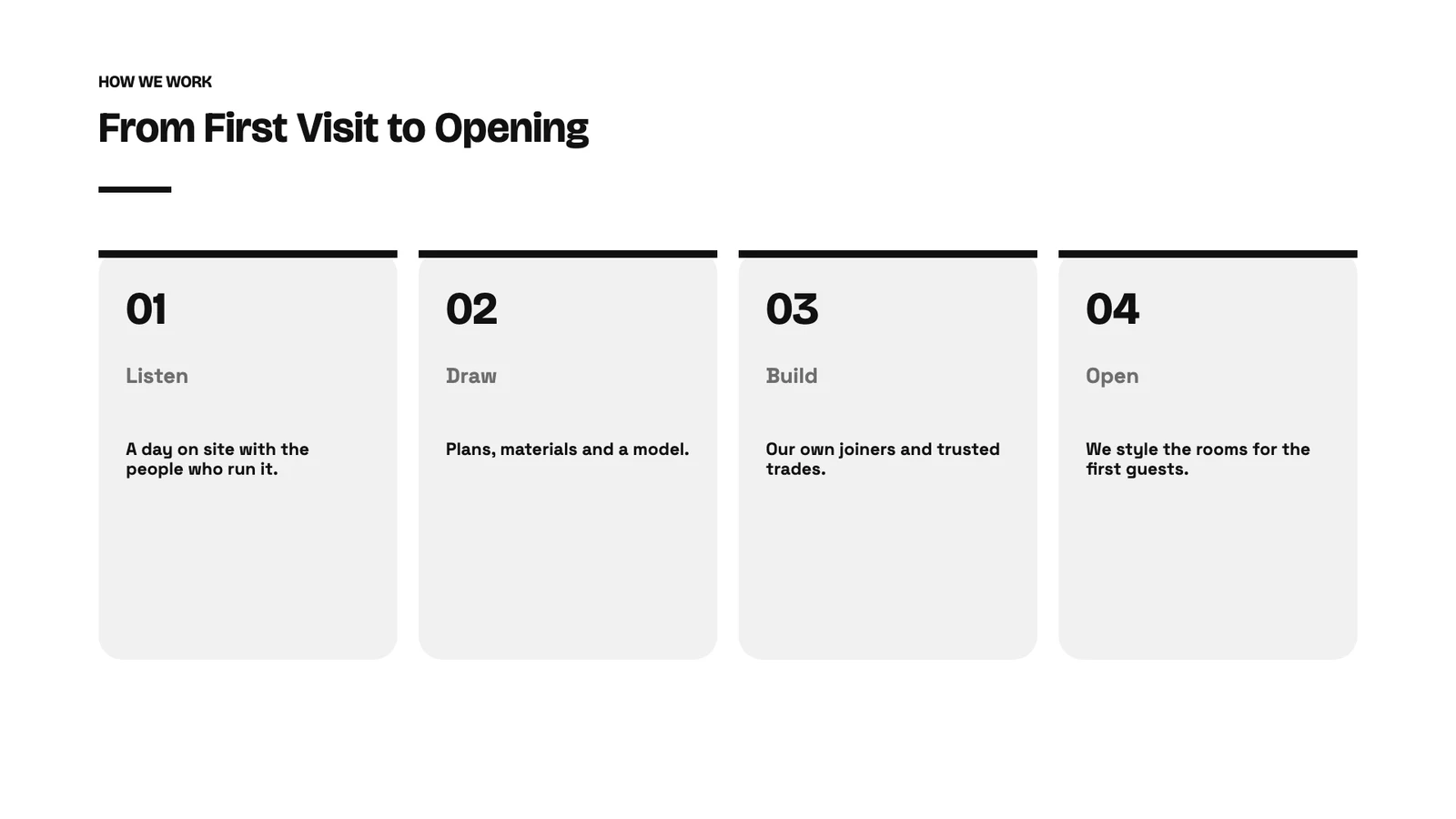
- 05The Pictures Buyers SeeEach page pictured at a desk’s width and a phone’s, the same pictures the store shows.
Studio Portfolio
Slides
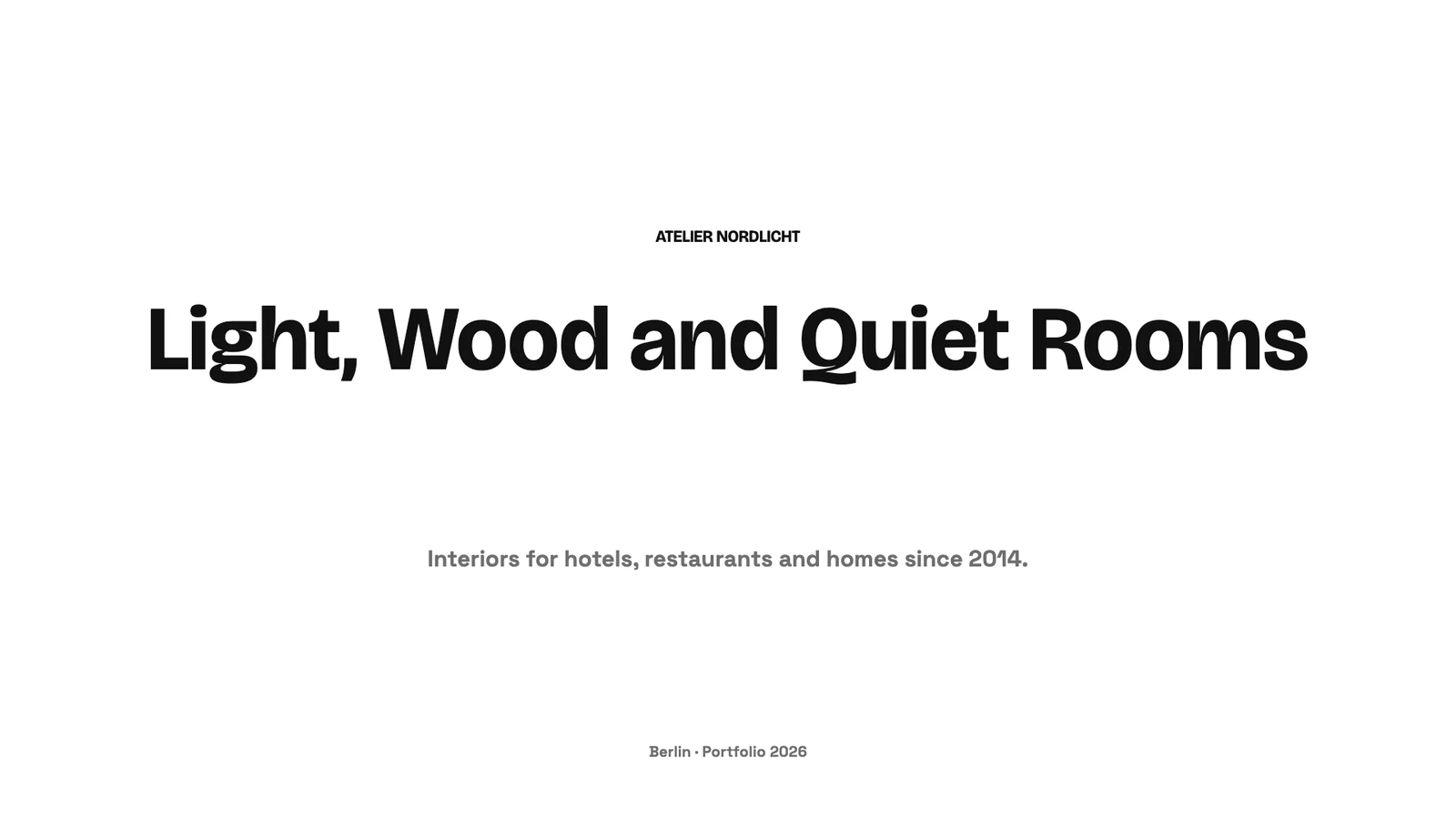 Page 1
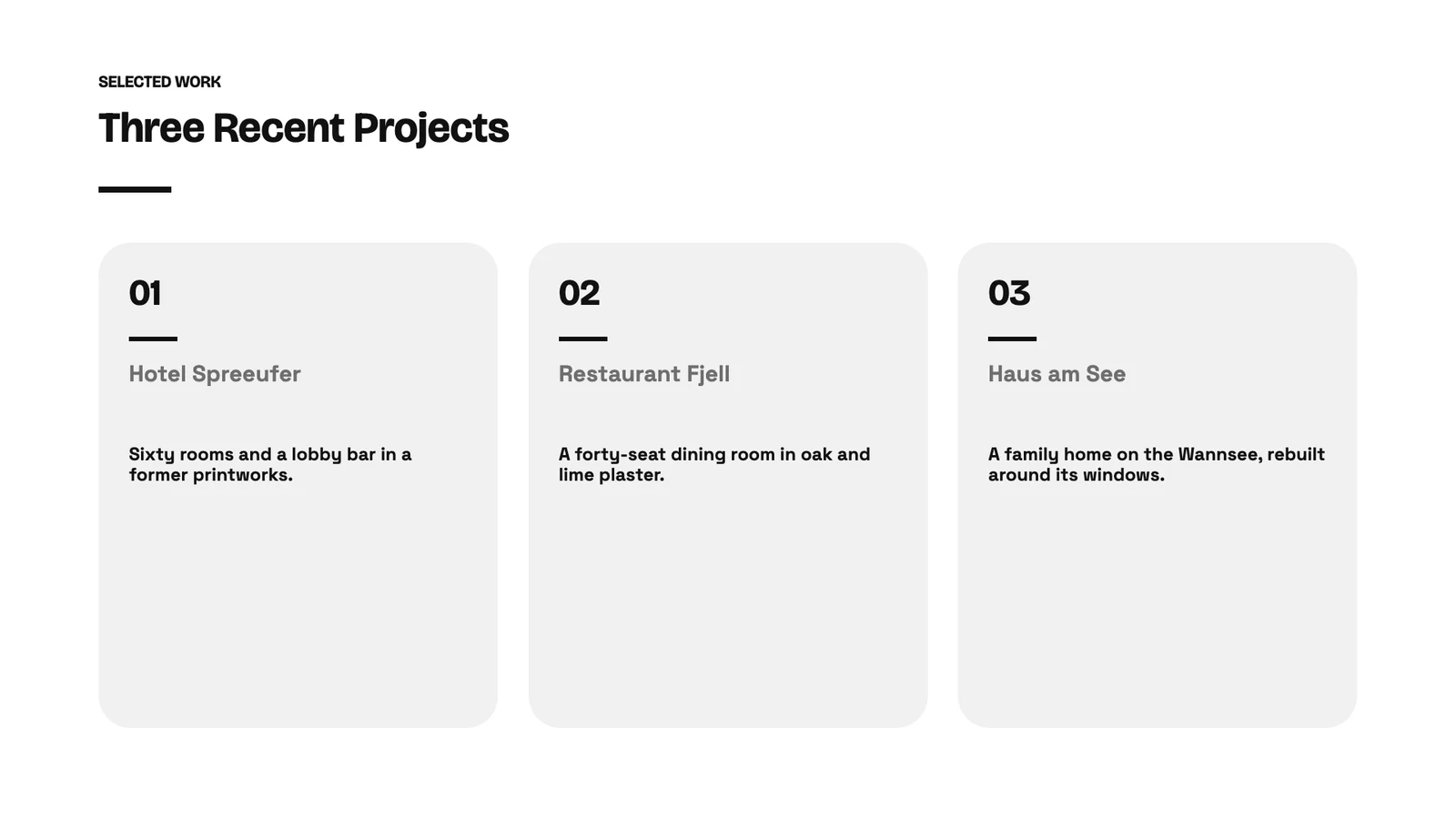 Page 2
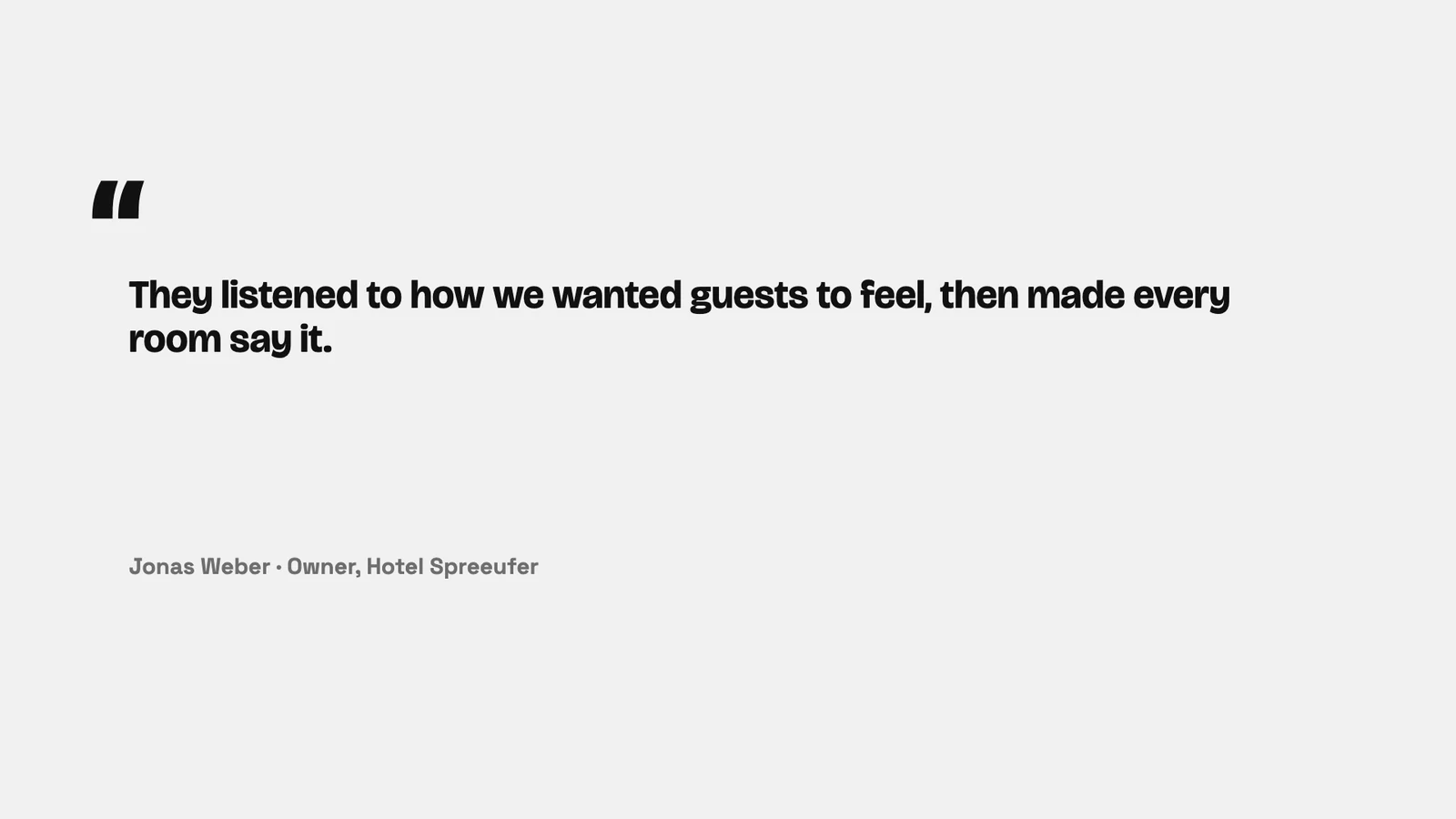 Page 3
 Page 4
 Page 5Page 6
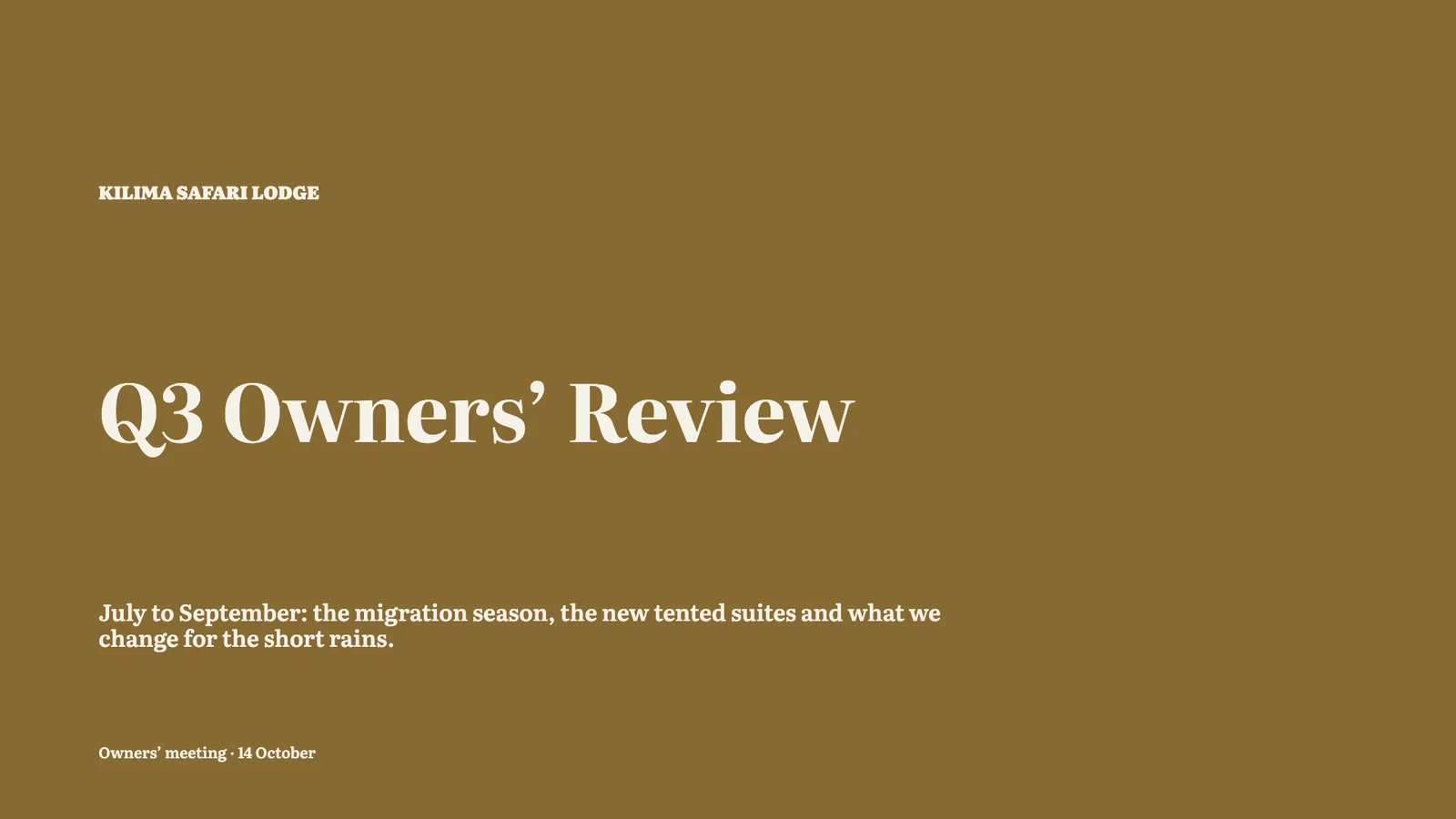
Owners’ Review
Slides
Page 1Page 1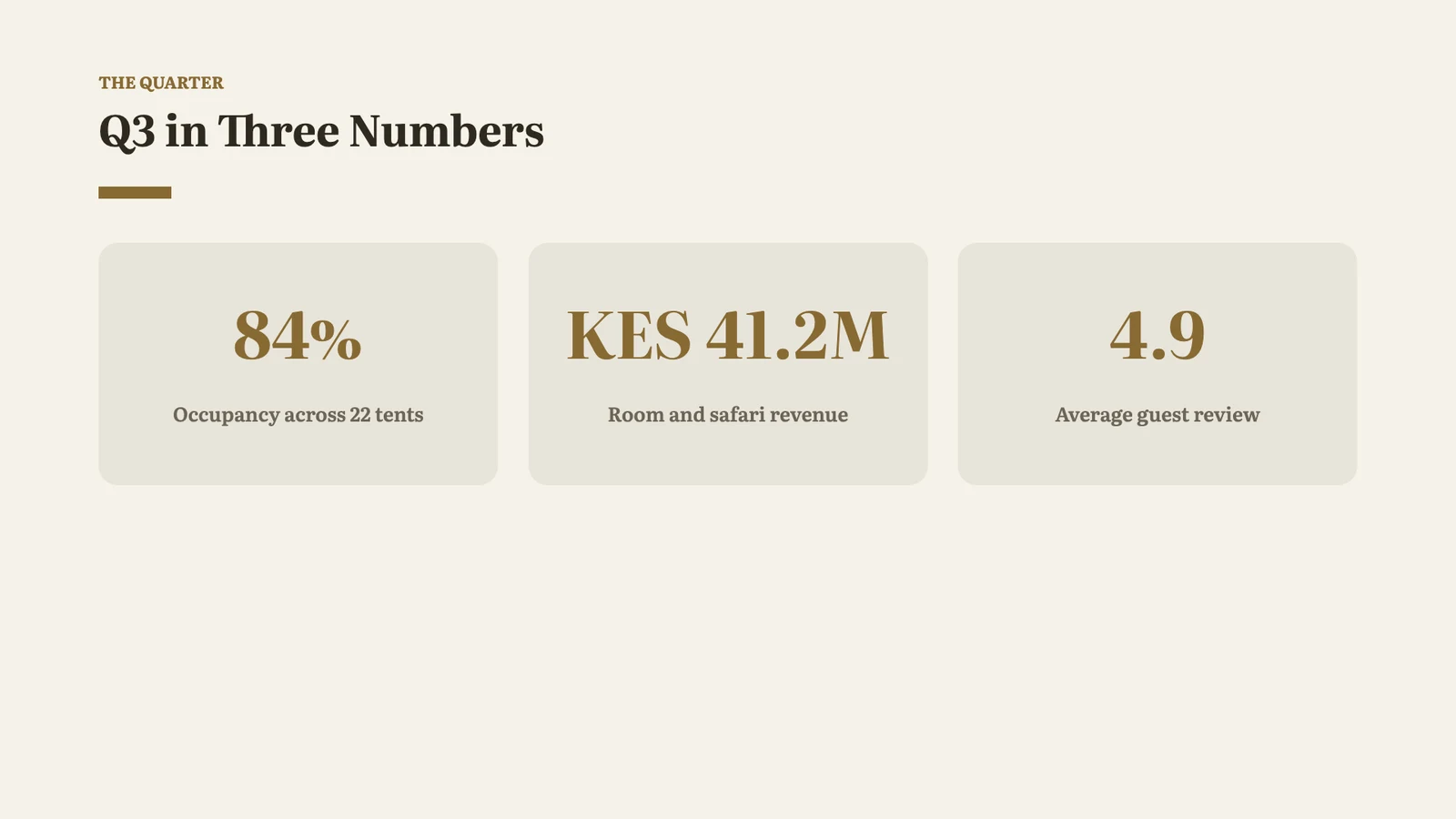 Page 2
 Page 2
 Page 3
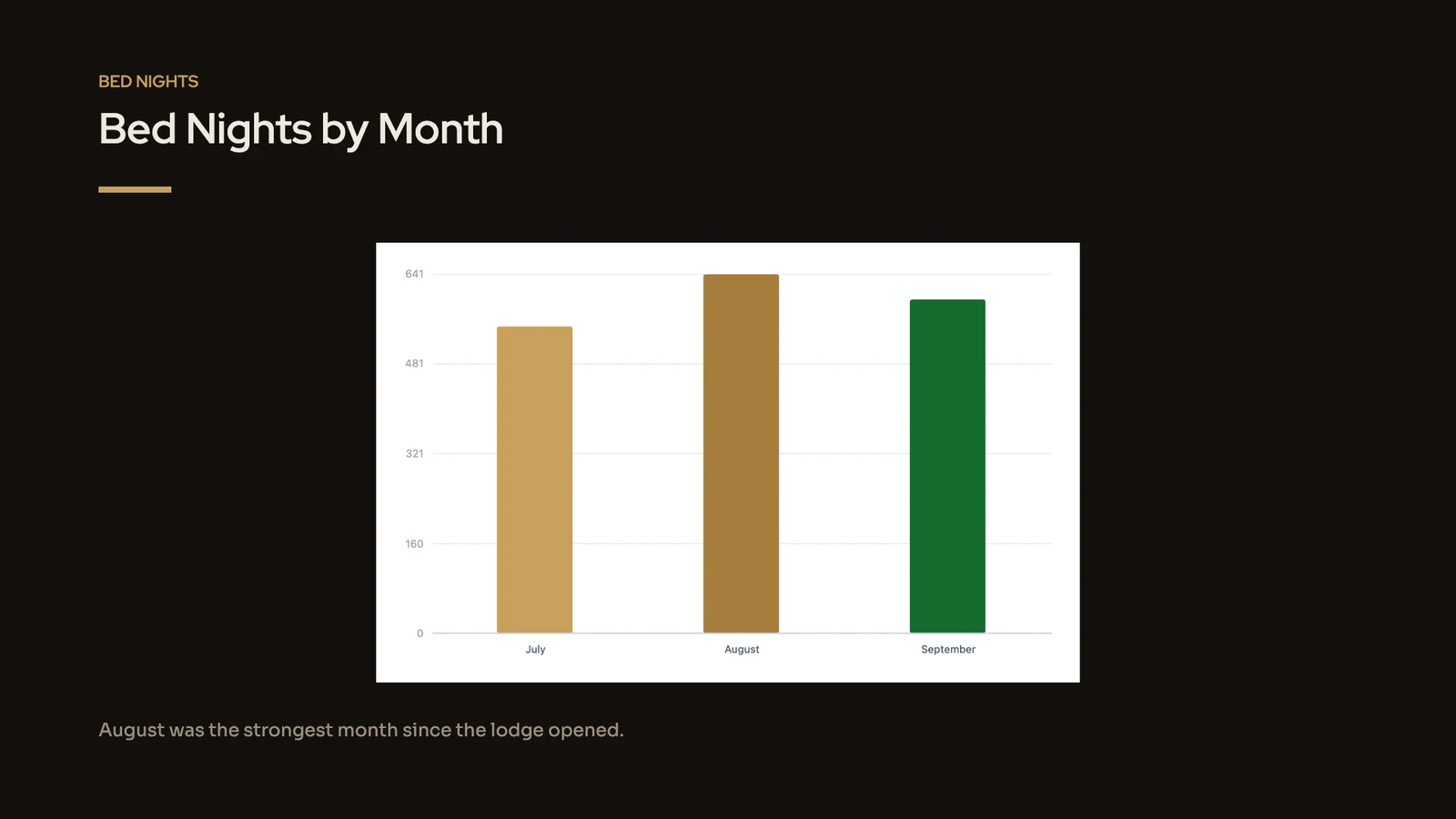 Page 3
Autumn Tours
Slides
Skin & Wellness Clinic Website
Sites

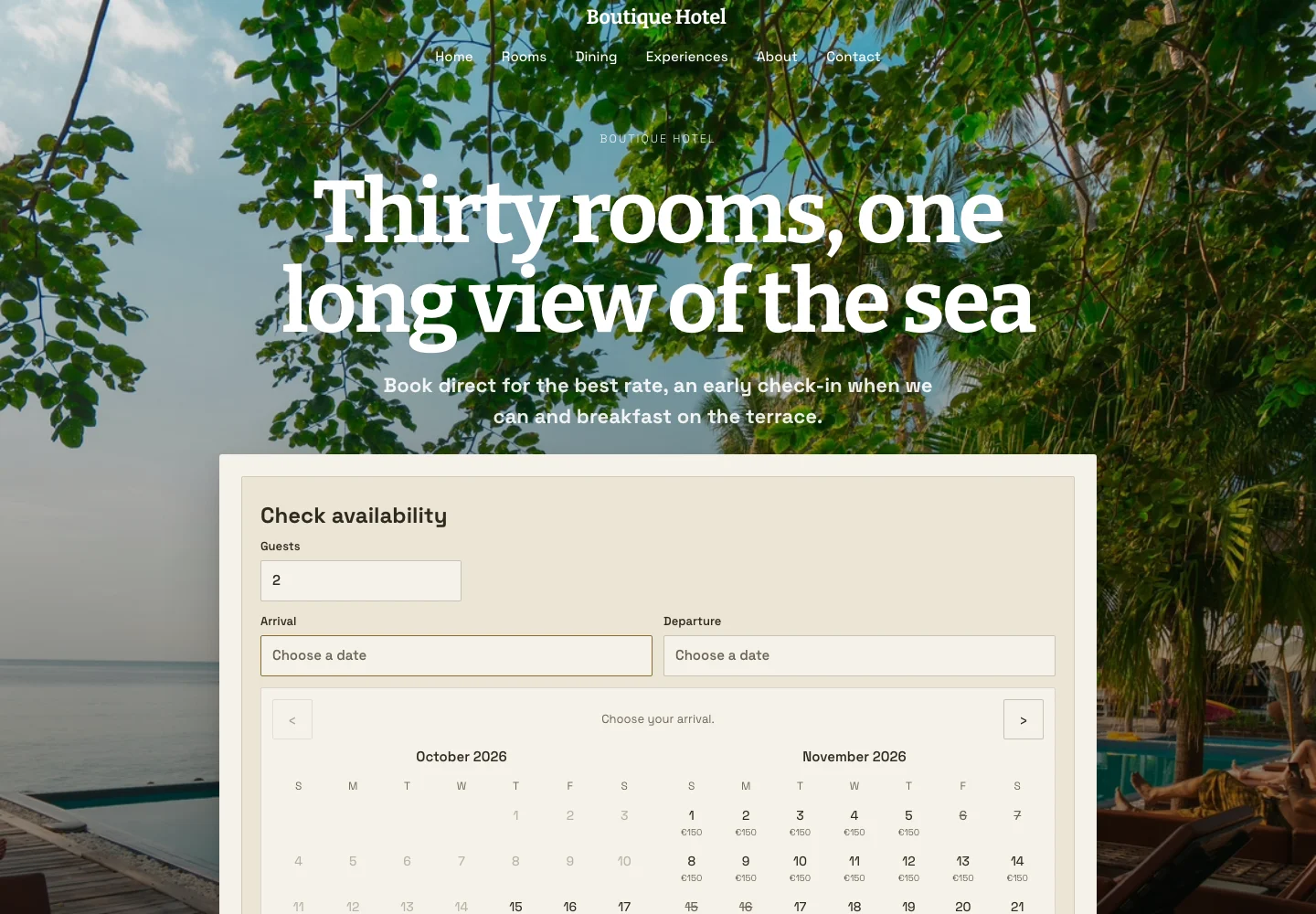
Boutique Hotel Website
Sites
 Page 1 · Desktop
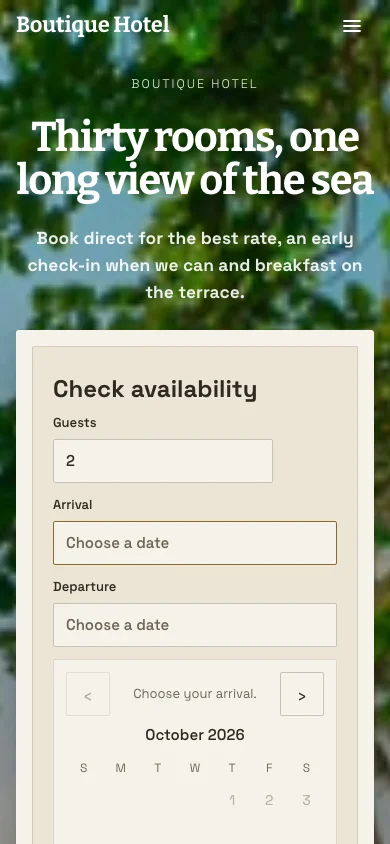 Page 1 · Phone
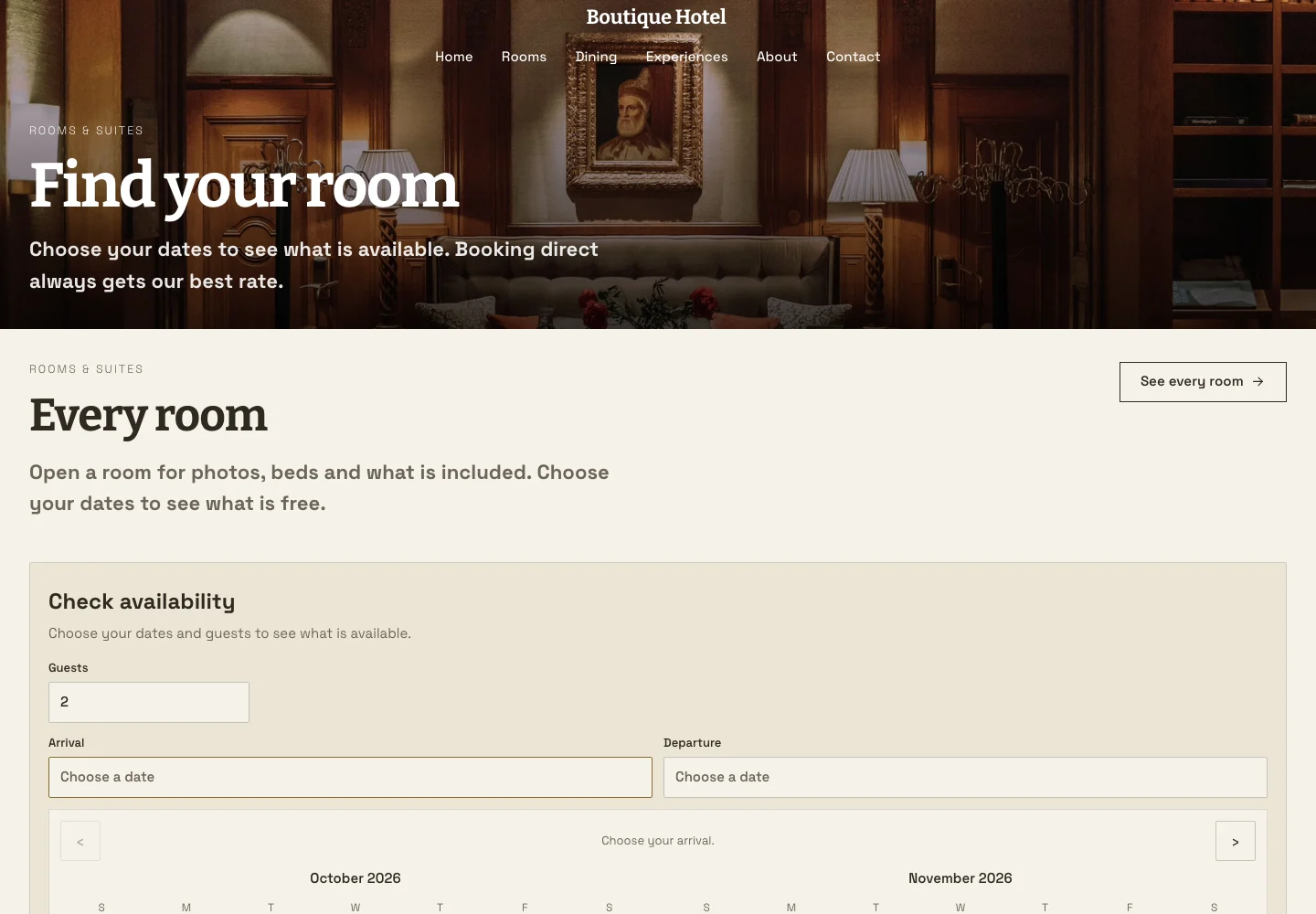 Page 2 · Desktop
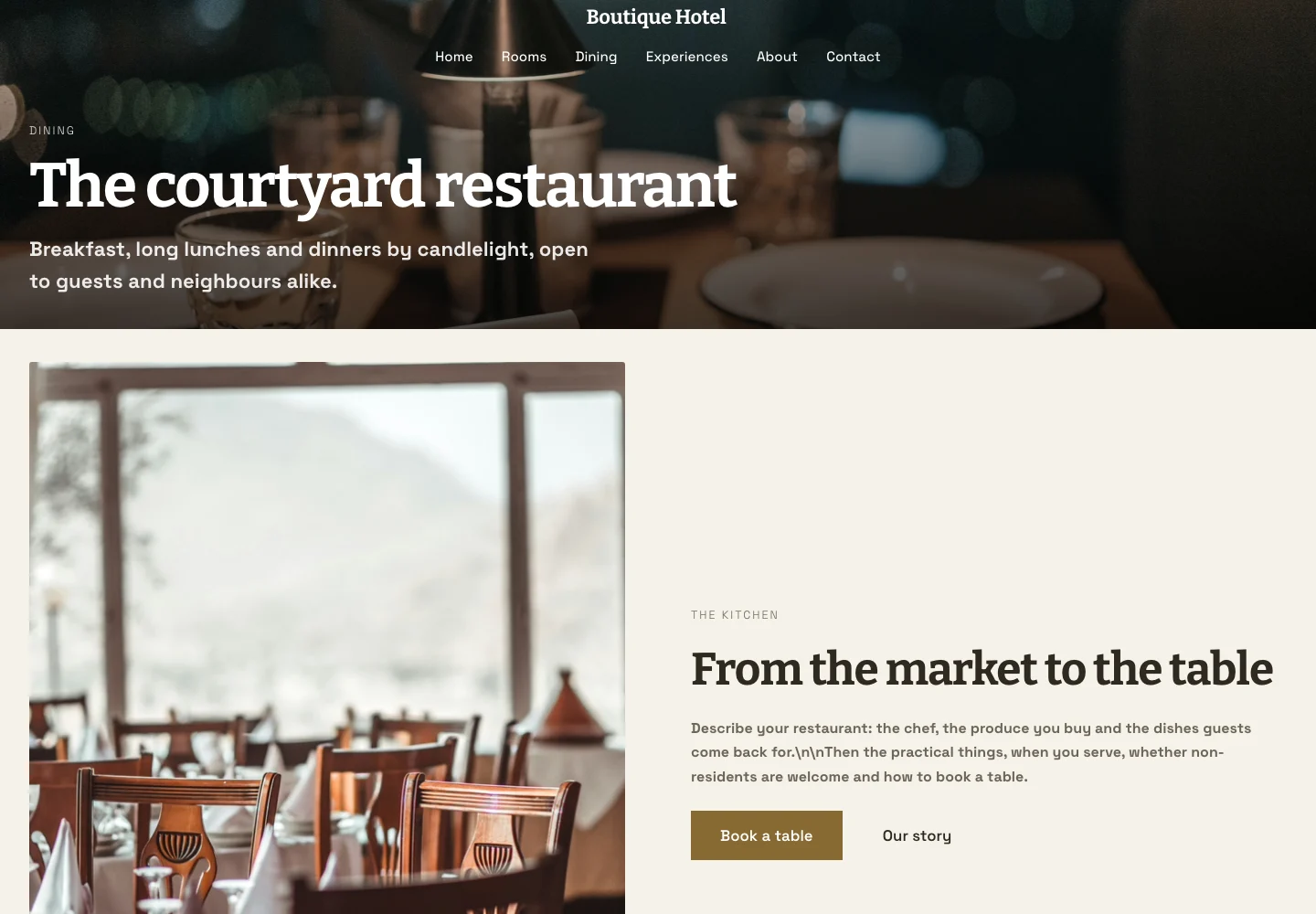 Page 3 · Desktop
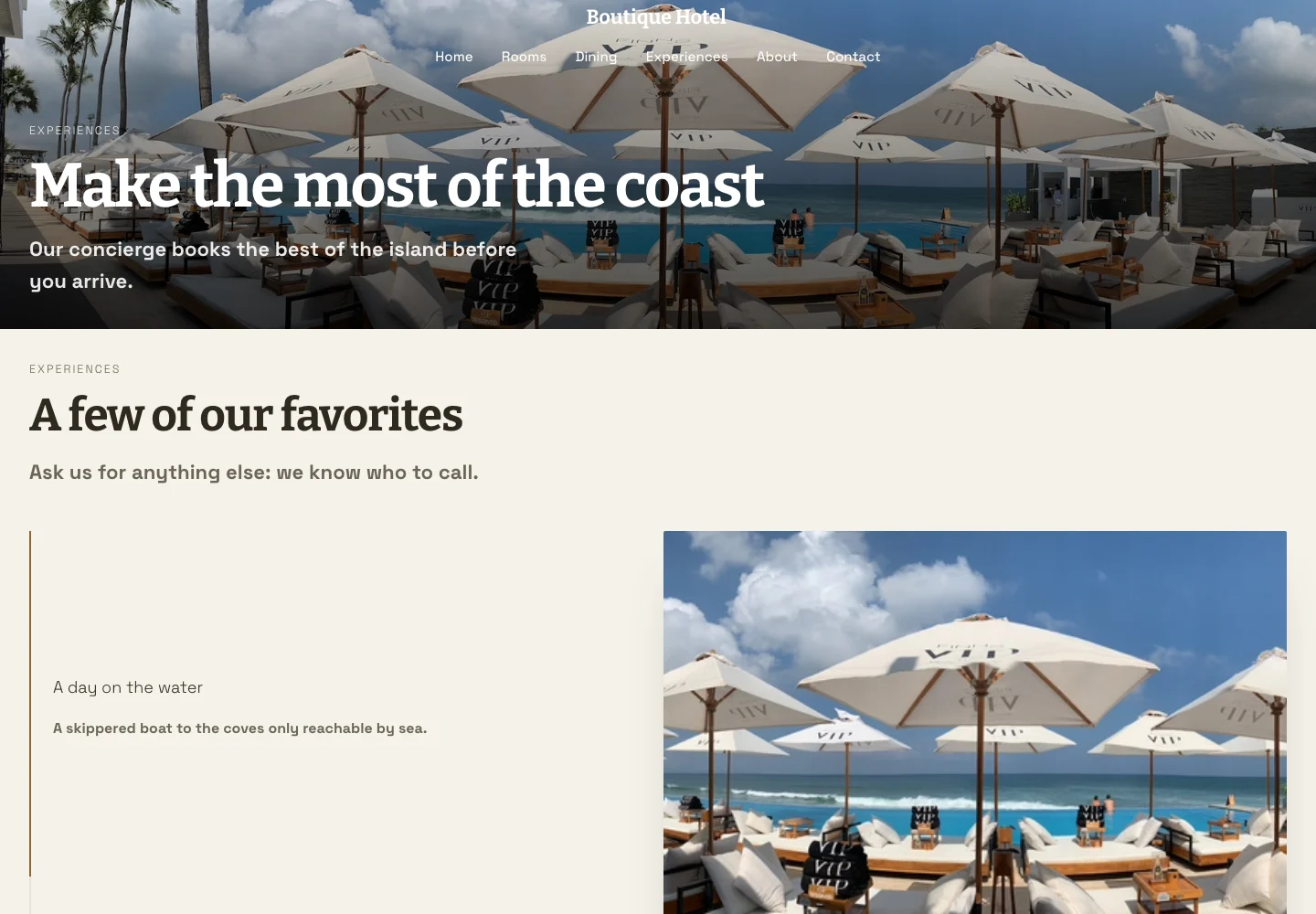 Page 4 · Desktop
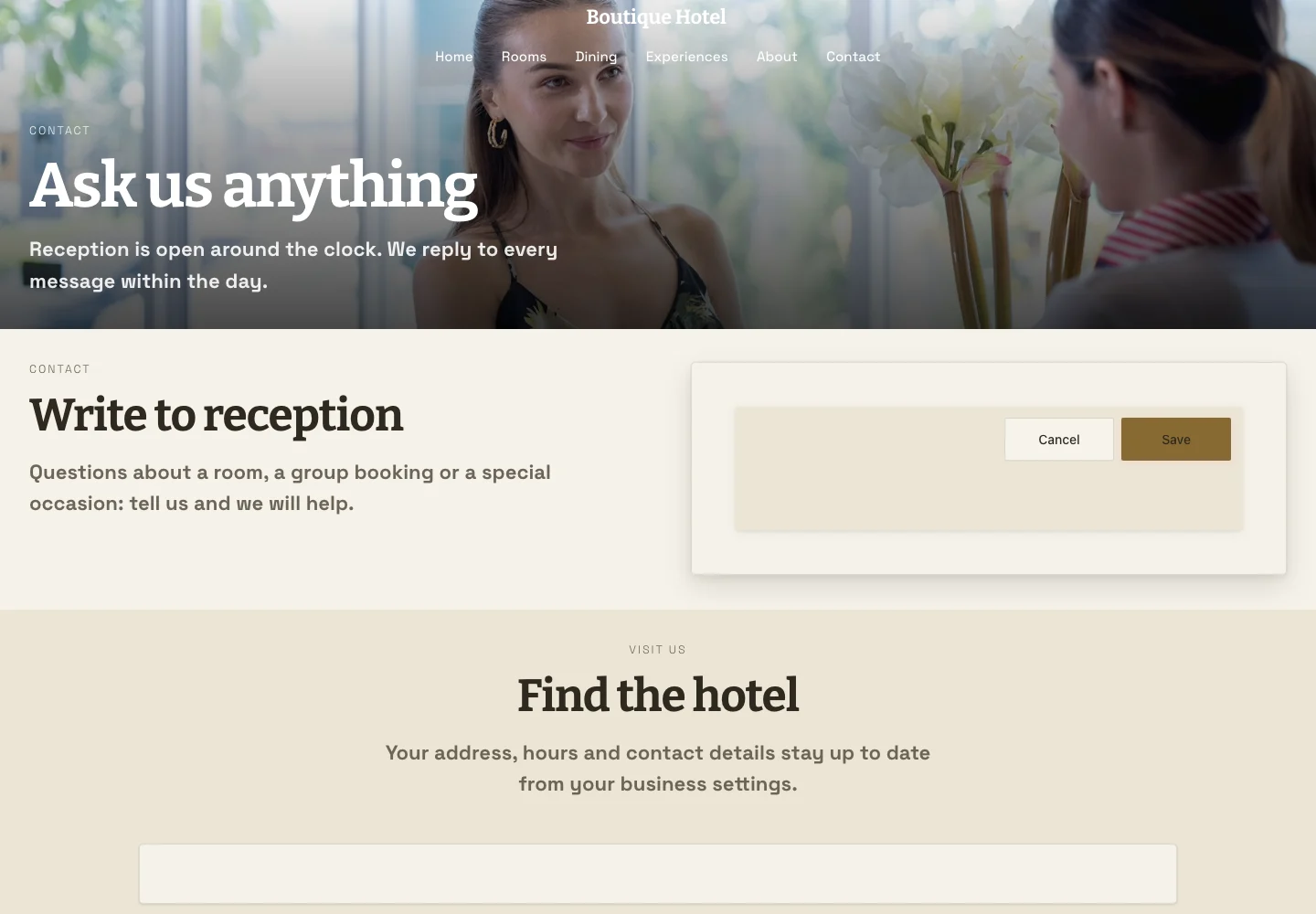 Page 6 · Desktop
Judged in its own colors and typefaces.
Studio Portfolio
Slides
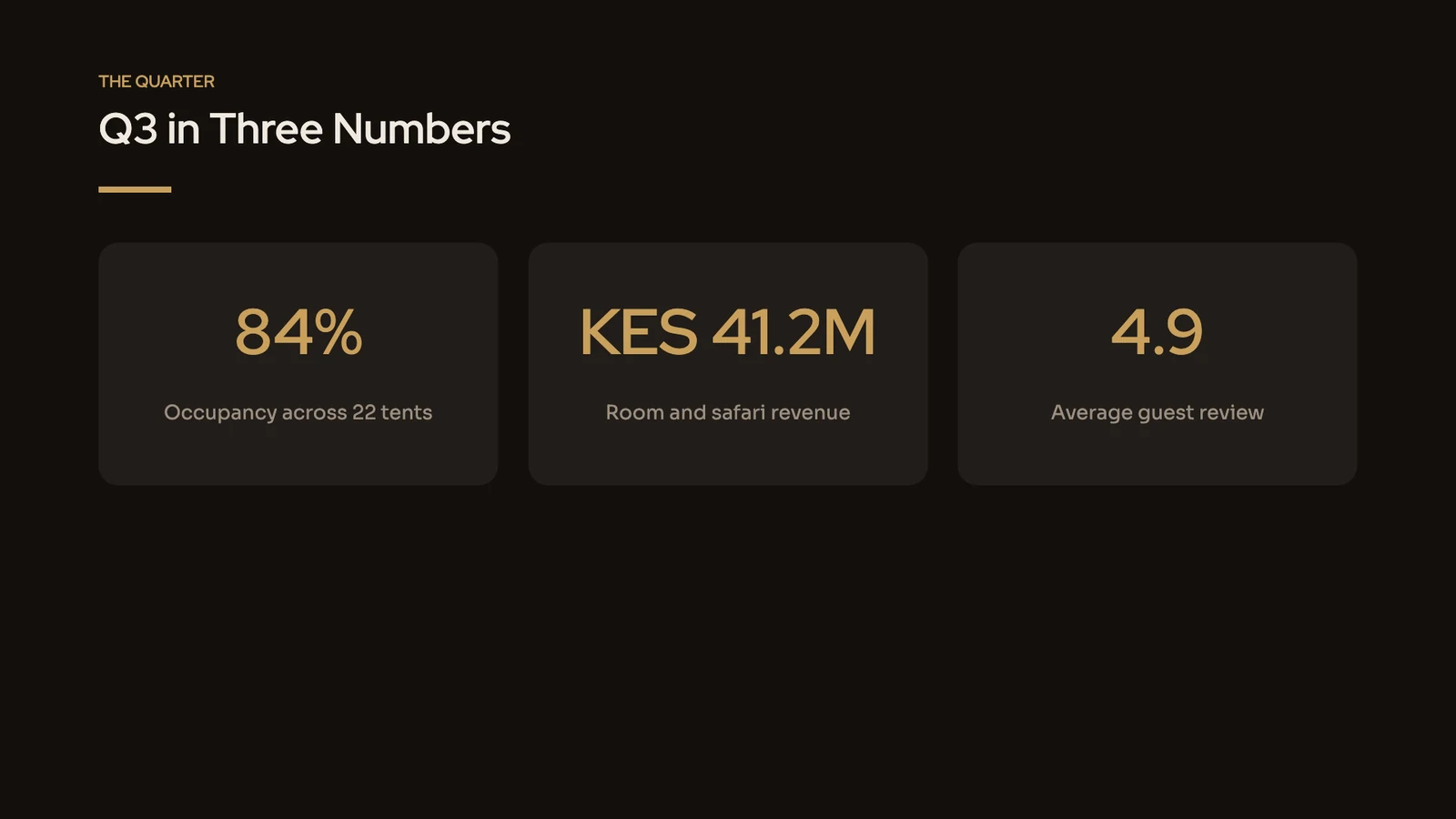
Page 1Page 2Page 3Page 4Page 5Page 6Judged in every Calisto Theme, as each buyer’s colors will dress it.
Owners’ Review
Slides
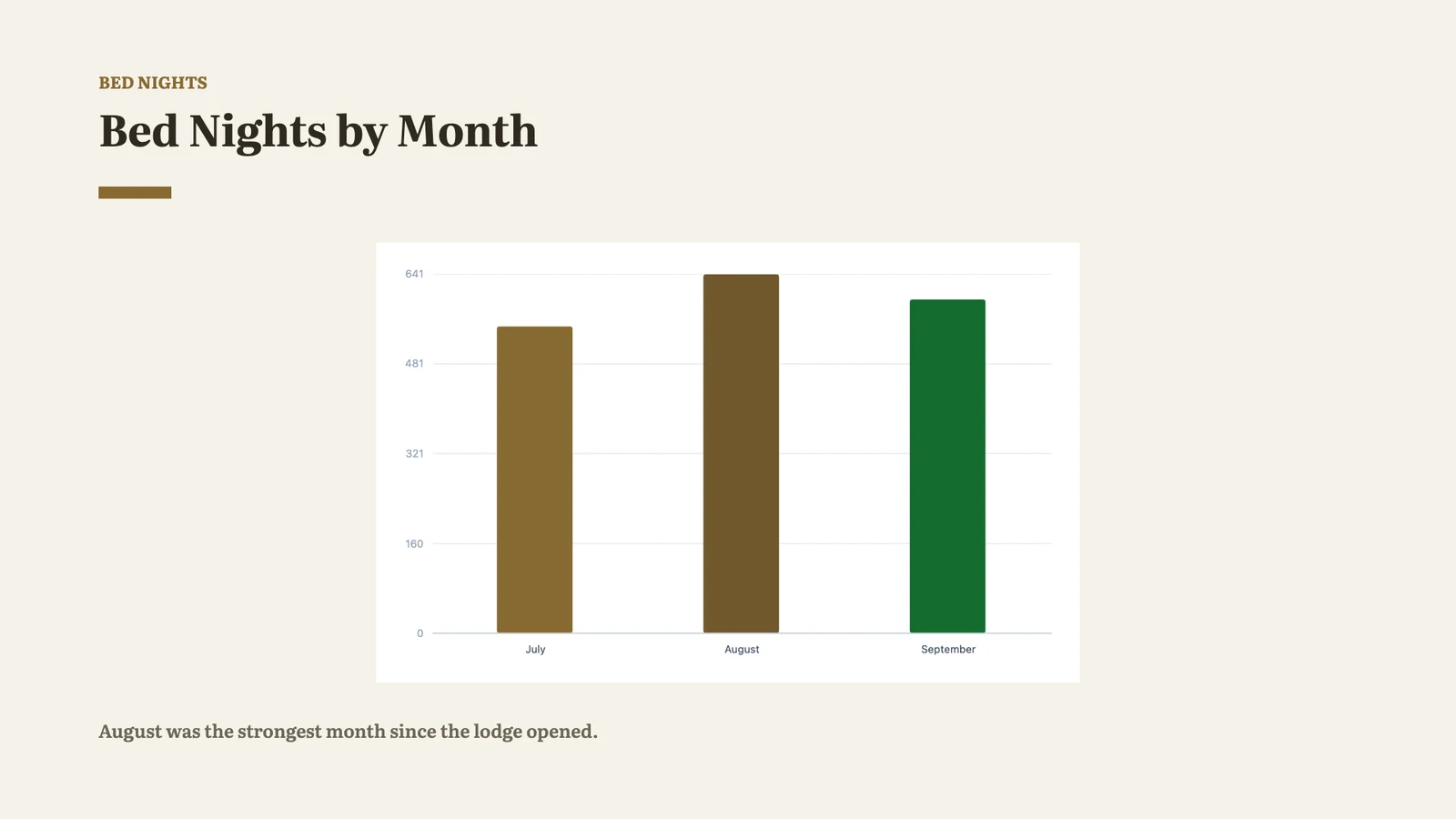
Page 1Page 1Page 2Page 2Page 3Page 3Must Be Fixed, Worth a Look and Passed, then Check Again.
Autumn Tours
Slides
Every page has content, every page a visitor reaches has the shared header and footer, and the header has its menu.
Skin & Wellness Clinic Website
Sites
Each page pictured at a desk’s width and a phone’s, the same pictures the store shows.
Boutique Hotel Website
Sites
Page 1 · DesktopPage 1 · PhonePage 2 · DesktopPage 3 · DesktopPage 4 · DesktopPage 6 · DesktopBring in the files you already have
A PDF, SVG, PSD or EPS file is read on your device and becomes a Studio template or a Proposals pitch deck. Presentation, document and spreadsheet files become Slides, Docs and Sheets templates.
Import
Bring the designs you already have. Export them from the tool you made them in, then drop the files here.
Fonts Kept Licensed
A typeface outside the free library is drawn in the nearest free one, and named.
Import Report
What changed in each file, handed to Calisto’s review when you sell.
Many Files at Once
With Pro, several files or a zip at once, up to 200 files from one zip.
Open your shop and list a checked template
Open My Shop with your portfolio or the shop you sell in now; Calisto looks at each new shop before its first sale. Then give the template a title, description, tags, a price in your chosen currency and a license, and send it for review.
Open Your Shop
Your shop’s name, a line about it, and your portfolio, for Calisto to look at before your first sale.
Publish new versions, and follow what sold
Edit a template in its builder, check it again, and Publish New Version with a note of what is new. It waits for Calisto’s review while what is on sale stays on sale, and buyers read the new version once it is approved. Listings and Sales shows what is on sale, its views and saves, what sold and earnings.
Listings and Sales
Your shop in the Template Store: what is on sale and what sold.
Publish New Version
A newer passing check goes out with a note of what is new, which buyers read with the update.
Edit or Unlist
Words wait for review, and a new price applies at once. Unlist takes it off sale, and everyone who bought it keeps it.
Views and Saves
How often each listing was looked at and saved, as counts with no person attached.
Listings and Sales
Sales Download
What sold as a spreadsheet, each row in its own currency, never converted.
Listings and Sales
Payouts
Set up in the Pro Shop, where your earnings are paid out.
Listings and Sales
Essentials or Pro
One design at a time, or many files, Your Shop and versions, by your own preference.
Profile & Preferences
Kaya Sound
Share a design from your phone, and it imports
A file exported on your phone and shared to Calisto lands on Import. With no signal it waits on the device and is imported once you are back.
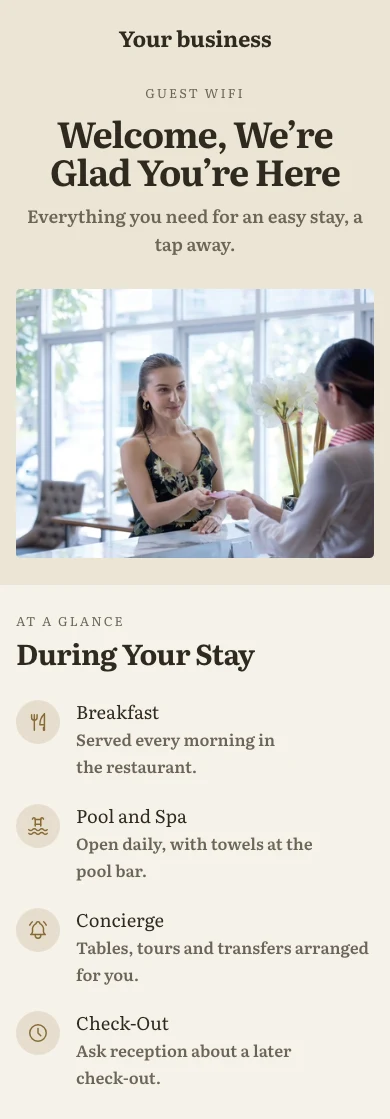
Hotel WebsiteSitesOn Sale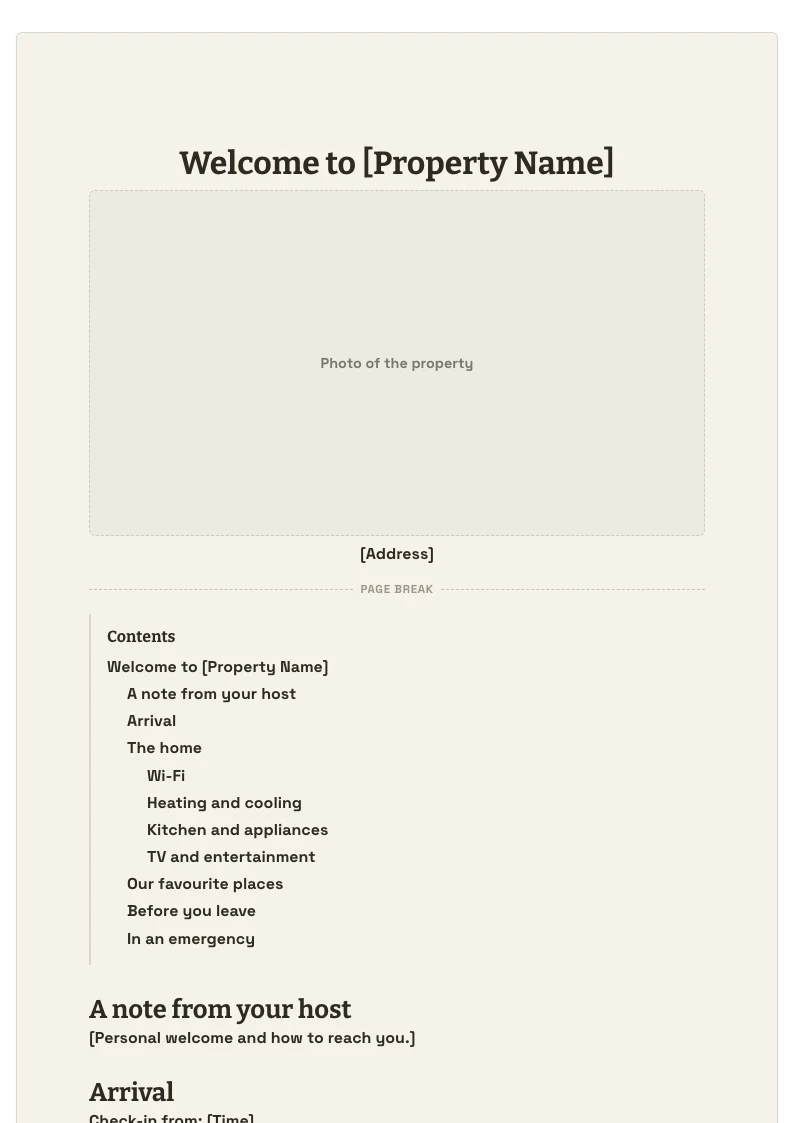 Welcome BookDocsReady to Sell
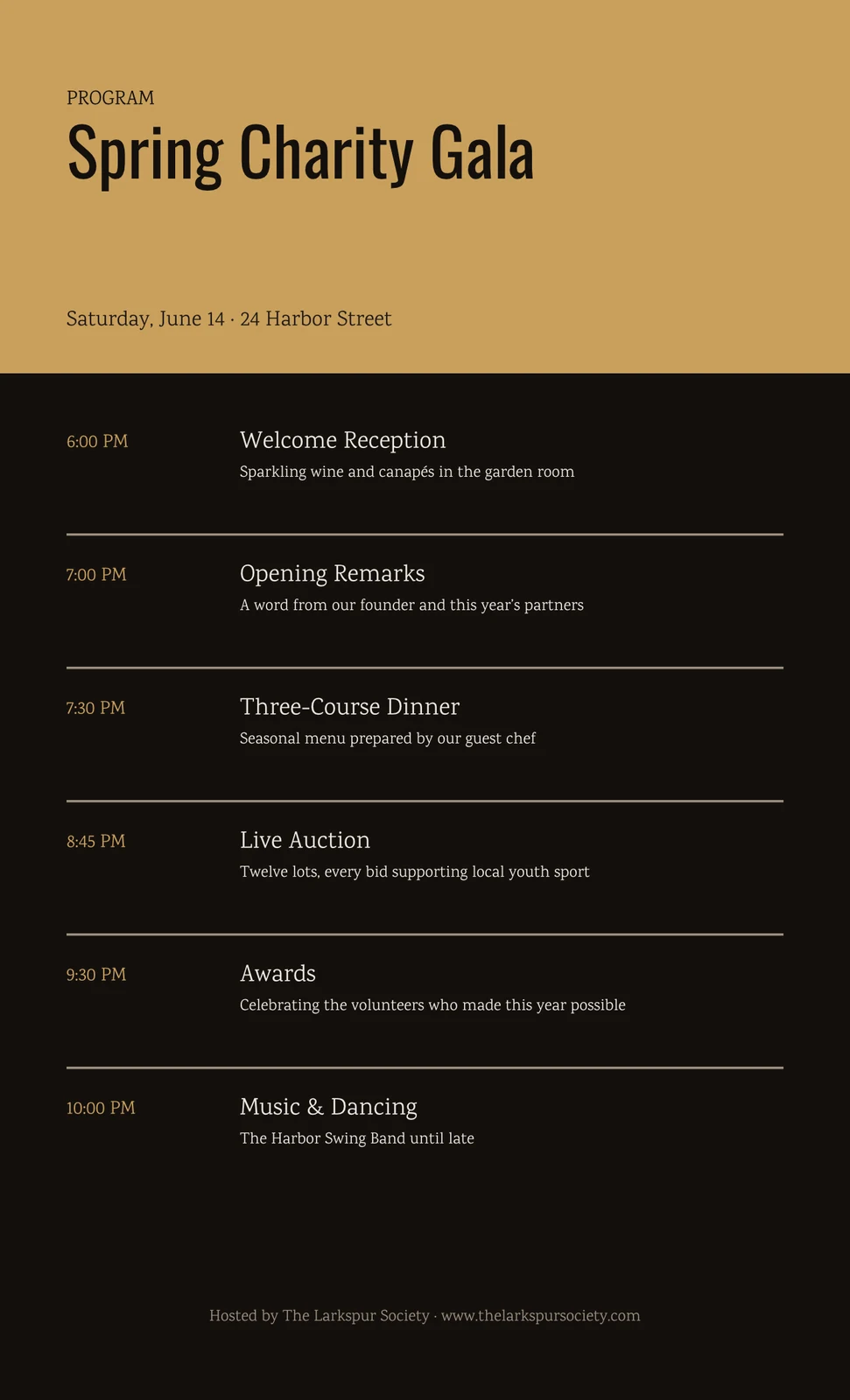 Gala ProgramStudioIn Review
Where Templates touches everything else.
None of these 8 connections are in your plan today; each is its own app.
Studio
A PSD, PDF, SVG or EPS file becomes a Studio template, edited in Studio.
Proposals
A design file can become a Proposals pitch deck template instead.
Slides
A presentation file becomes a Slides template.
Docs
A document file becomes a Docs template.
Sheets
A spreadsheet file becomes a Sheets template.
Sites
A complete website made in Sites is checked and sold from Templates.
Campaigns
An email, text message or announcement written in Campaigns is checked and sold from Templates.
Clips
A media pack sold from Templates is bought inside the Clips editor.
No setup cost. Pay when you start using.
Design it once, start from it every time, and share or sell the ones you choose.
Included with every Calisto account
One wall of your templates in every builder, files brought in, a check in every look, sharing with a person, a Hub or by a link, your shop with its photos, bundles and codes, versions, and Listings and Sales.
Everything included in Calisto Templates.
- Anyone who starts from the same design again and again, a team that shares them, and a designer who sells them.
- Export from the tool the design was made in, then import the files here. Nothing signs in to that tool, and nothing flows back.
- PDF, SVG, PSD and EPS.
- PPTX, DOCX and XLSX.
- A design file a Studio template or a Proposals pitch deck; a presentation a Slides template, a document a Docs template, a spreadsheet a Sheets template.
- Design files are opened in your browser, never on a Calisto server; an EPS is converted on the device, with a time limit.
- The pictures inside an imported file become the account’s own files in Depot.
- Opened on the device, up to 200 files and 1 GB from one zip; what is left out is named.
- A typeface outside the free library is drawn in the nearest free family and named in the report, so a licensed font never reaches a buyer.
- What changed when the file became a template, copied into the listing for Calisto’s review.
- Every template you made in every builder, on one wall, with search and a builder picker.
- Studio, Proposals, Slides, Docs, Sheets, Sites, Apps, Navigator, Station, WiFi, Direct and Campaigns, each priced in its own app.
- Started in any builder: a complete website in Sites, or on that builder’s Templates wall.
- A template is private to whoever made or bought it, on their own Mine in its builder. Under a company’s account the company takes it over when they leave; under a personal account it stays theirs.
- With a person, a Hub or the whole business. What is shared with you sits under Shared, and it never lets you sell it.
- Anyone with the link makes their own copy under Mine, once each, from the version that passed its check. Turn it off at any time, and copies already made stay.
- Not checked, checking, needs fixes, ready to sell, in review or on sale, on each template.
- Edit in {app} opens the template in its own editor; it stays on that builder’s Templates wall.
- A check of an unchangeable copy of the template, with the pictures the store shows; what is checked is what is sold.
- Sold as Designed, judged in its own colors and typefaces, or Follows the Buyer’s Theme, judged in every Calisto Theme.
- Must Be Fixed, Worth a Look and Passed, with Check Again after a fix in the builder.
- Open My Shop with your portfolio or current shop; Calisto looks at each new shop before its first sale.
- Title, a description of at least 40 characters, tags, a price in the currency you choose (empty gives it away) and a license.
- Commercial use, for a buyer’s business, or personal use only.
- A statement that you hold the rights to every photo, illustration, typeface and element, stock libraries’ included.
- Your own photos and mockups, ahead of the check’s pictures, uploaded or brought from another shop, and reviewed with the listing.
- Several of your templates on sale, as one listing at its own price and through the same review. Buying it owns each template.
- A share off of 1 to 90 percent, on every template or the ones you name, with an end date and a use limit. Earnings follow what the buyer paid.
- Every listing goes to Calisto’s review and on sale once approved.
- The Pro Shop’s Templates tab and every builder’s Templates wall; a buyer who owns a template opens it live, never a copy.
- Publish New Version from a newer passing check, with a note buyers read; what is on sale stays on sale until it is approved.
- The listings file from the shop you sell in now becomes drafts: title, description, tags, price and photos.
- Fetched once, from that shop’s own image host only, each checked by its bytes and its size.
- Each draft is matched to its template, suggested by name, and fills that template’s Sell form.
- A shop’s price comes over in the currency its file states, and is never converted.
- What is on sale, what sold and earnings, from the Pro Shop’s seller dashboard.
- How often each listing was looked at and saved, as counts with no person attached.
- What sold as a spreadsheet, each row in its own currency, never converted, behind the business’s sales report setting.
- Set up in the Pro Shop, where earnings are paid out.
- Simple by default, one design at a time; Pro adds many files or a zip, Your Shop, check suggestions and new versions. Each person’s own preference.
- Stickers, music, transitions, LUTs, caption looks and title looks, each file checked and frozen for review, bought inside the Clips and Video editors.
- Calisto staff check and publish Calisto’s library from Templates.
- Templates, Import, Your Shop and Sales as tabs; Import and Edit in {app} in the screen’s plus.
- A design, Office file or zip shared from a phone, or opened with Calisto on a desk, lands on Import.
- My Templates, Import and templates opened before still open; a file shared with no signal waits on the device and is imported once.
- With Keep Templates on This Device: the wall, checks and pictures, listings, listing drafts and the shop’s profile. Never earnings or Settings.
- A check settled, a listing reviewed and the shop reviewed, each opening its page once.
- Import, Listings and Sales, and Your Shop from the app’s icon.
- The software Templates runs on your device, with each license and its source.
- Business, Design and Sign-In, and This Device.
Questions about Calisto Templates
Only you, until you share it. Under a company’s account, the company takes it over when you leave. Under your own account, it stays yours.
With a person, a Hub or the whole business, and it lands under Shared on their wall. Or make a template link, and anyone with it makes their own copy under Mine. A template you bought can be shared in your business, but never by a link.
PDF, SVG, PSD, EPS, PPTX, DOCX and XLSX, or a zip of them.
In its builder. A design becomes a Studio template or a Proposals pitch deck, a presentation a Slides template, a document a Docs template and a spreadsheet a Sheets template. Templates shows them all on one wall and opens each in its own editor.
A typeface outside the free library is drawn in the nearest free family, and the import report names the swap. A licensed font is never passed to a buyer.
It judges an unchangeable copy of the template and takes the pictures the store shows, so what is checked is exactly what is sold. You choose whether it is judged in its own colors and typefaces, or in every Calisto Theme.
Open your shop with your portfolio or the shop you sell in now, and Calisto looks at it before your first sale. Then sell a template whose newest check passed. Every listing goes to Calisto’s review before it goes on sale.
Yes. Download your listings file from the shop you sell in now and import it under Your Shop. Each listing waits as a draft with its title, description, tags, price and photos, until you match it to its template.
The one you choose on each listing. A price from another shop comes over in the currency its file states and is never converted. Leave the price empty to give a template away.
Listings and Sales shows what is on sale, its views and saves, what sold and earnings, from the Pro Shop’s seller dashboard. Download Sales gives you a spreadsheet, each row in its own currency. Payouts are set up in the Pro Shop.
Yes. A bundle holds several of your templates on sale at its own price, and buying it owns each one. A discount code takes 1 to 90 percent off at checkout, and your earnings are worked out on what the buyer paid.
Templates is included with every Calisto account. The builders your templates live in are priced in their own apps.
