Επεξεργαστείτε μια φωτογραφία σε μια πινελιά, με το χέρι ή σε στρώματα.
Ο επεξεργαστής φωτογραφιών για τις φωτογραφίες που ήδη υπάρχουν στον λογαριασμό σας. Τελειώστε μία φωτογραφία ή ολόκληρη τη λήψη, στη συνέχεια μοιραστείτε μια Γκαλερί από την οποία ο πελάτης επιλέγει τις αγαπημένες του.
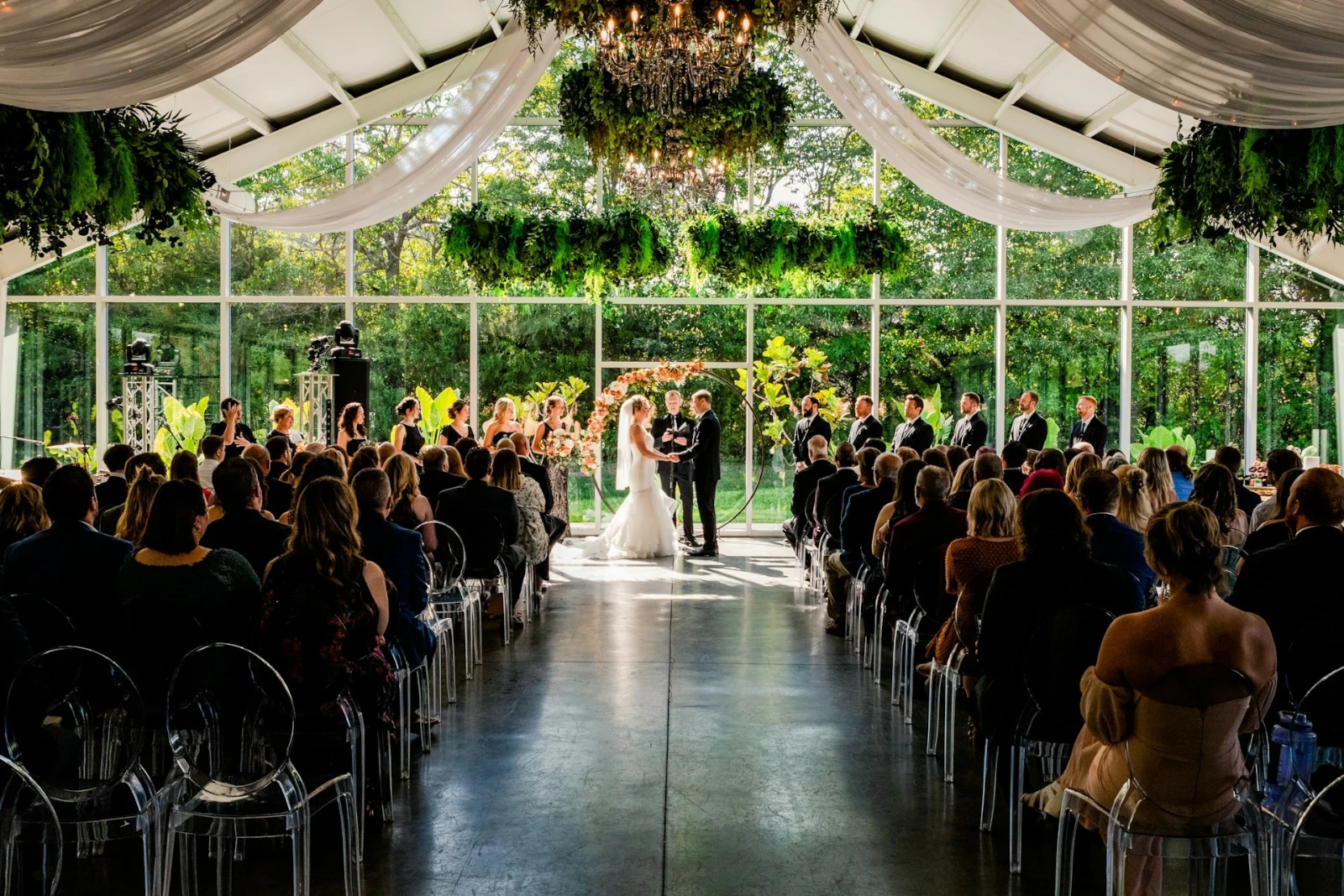
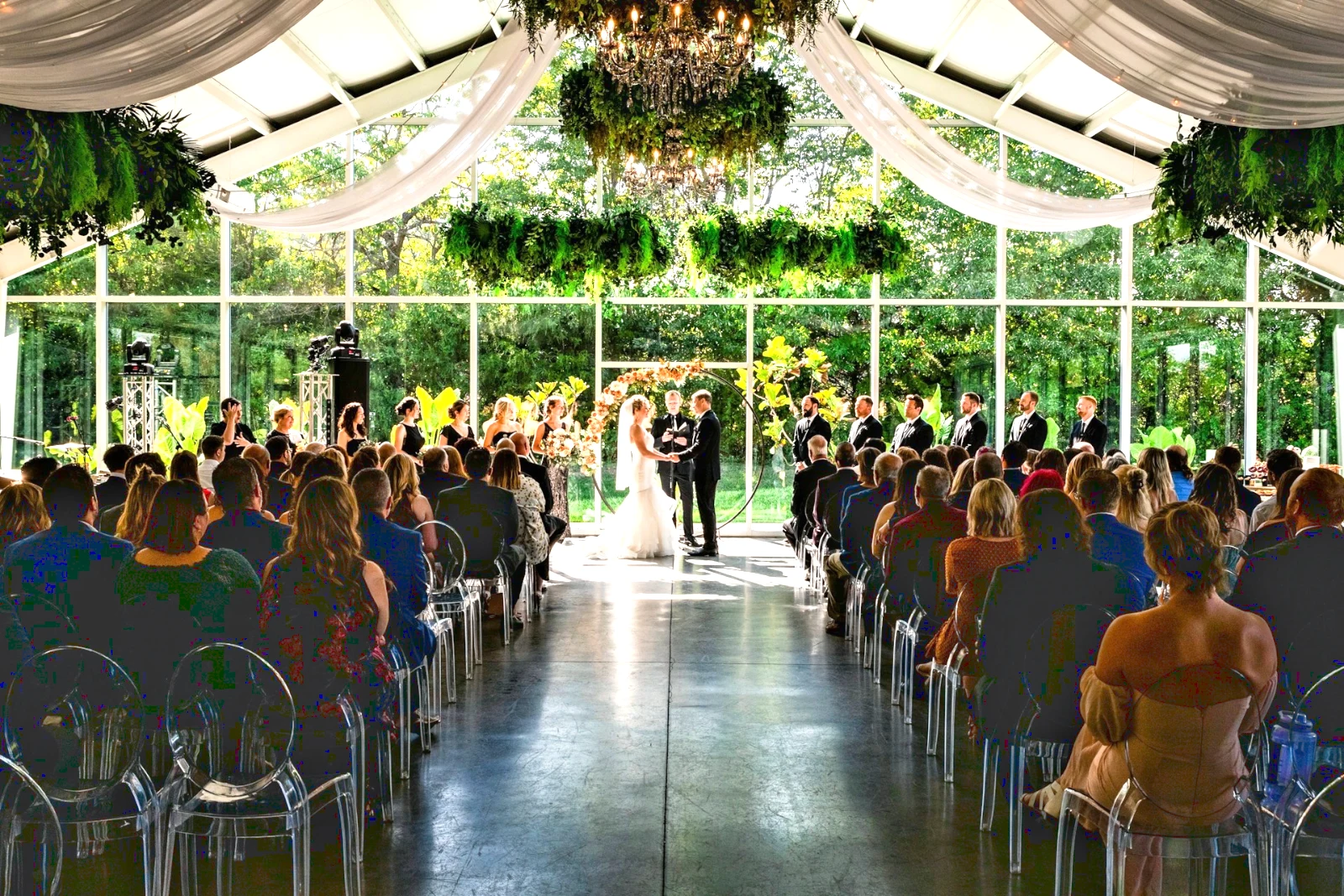
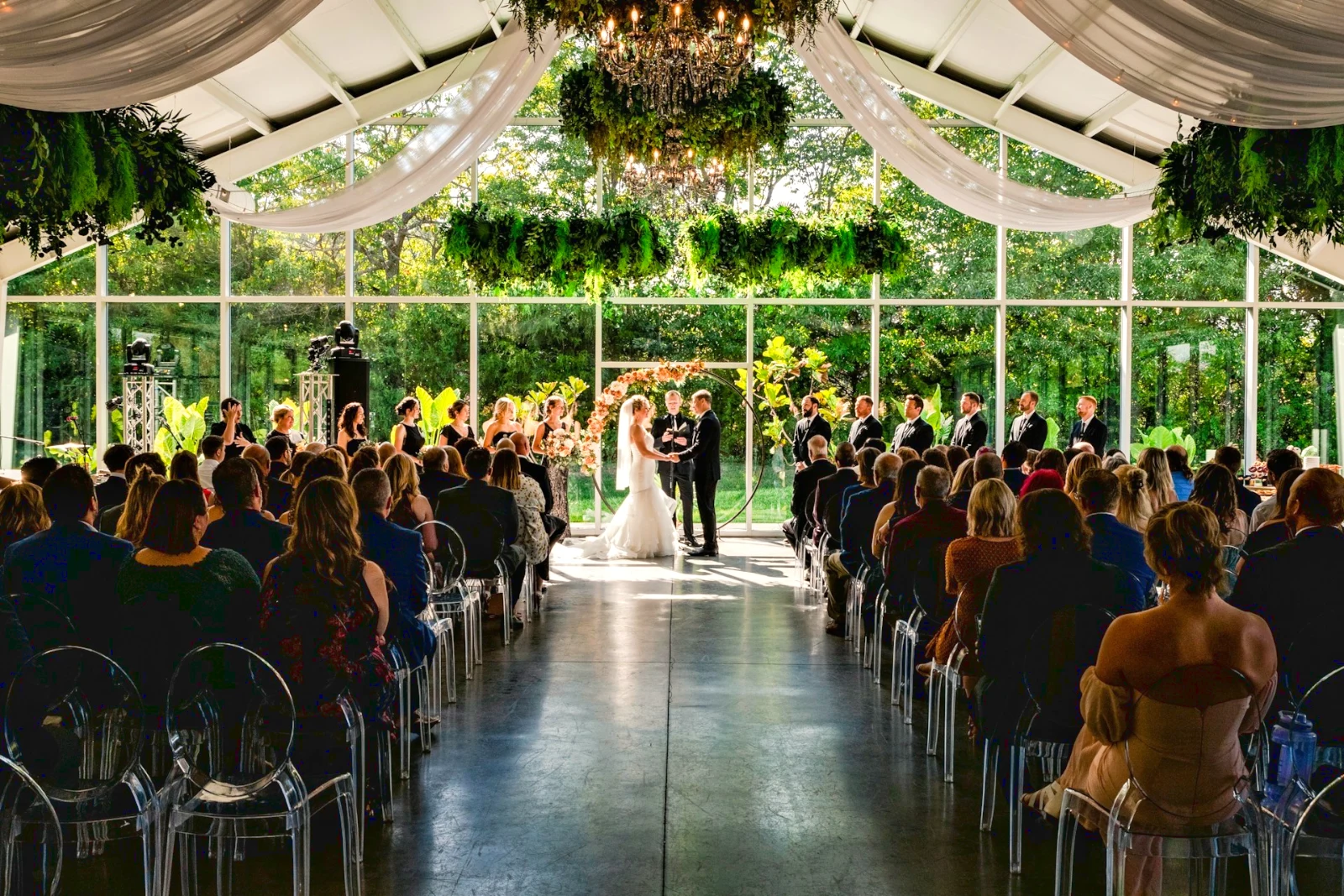
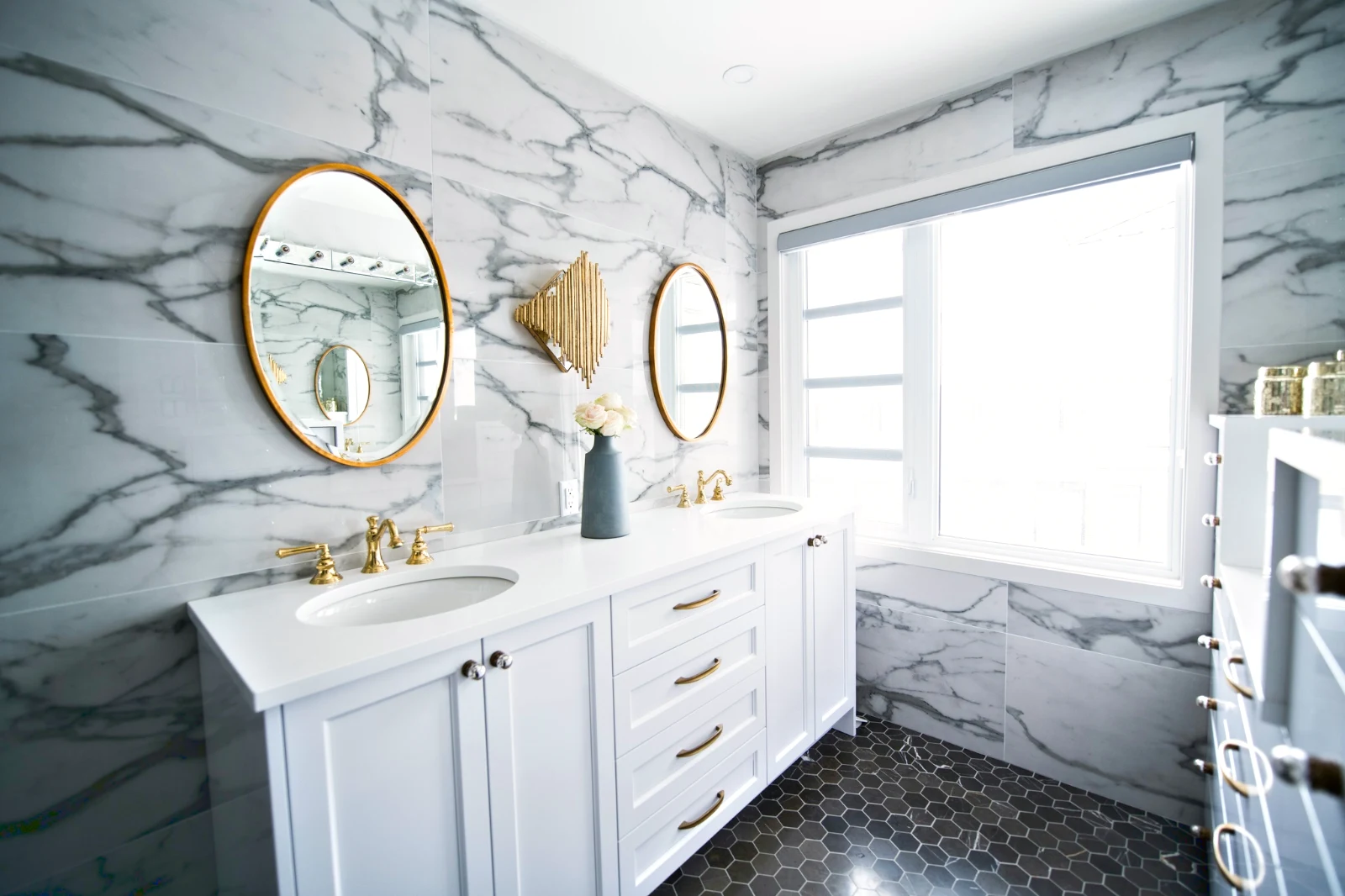
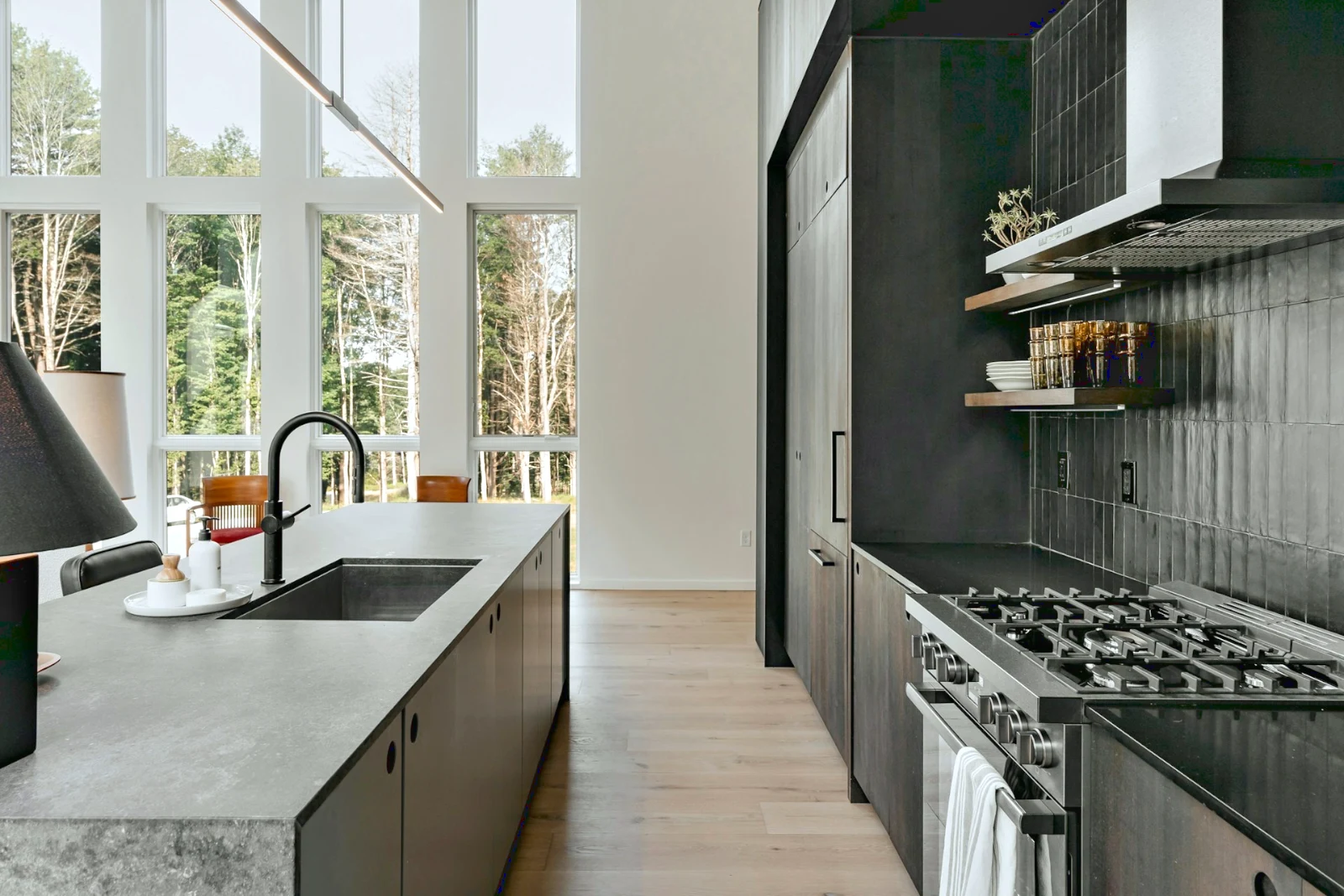 Bright and Airy
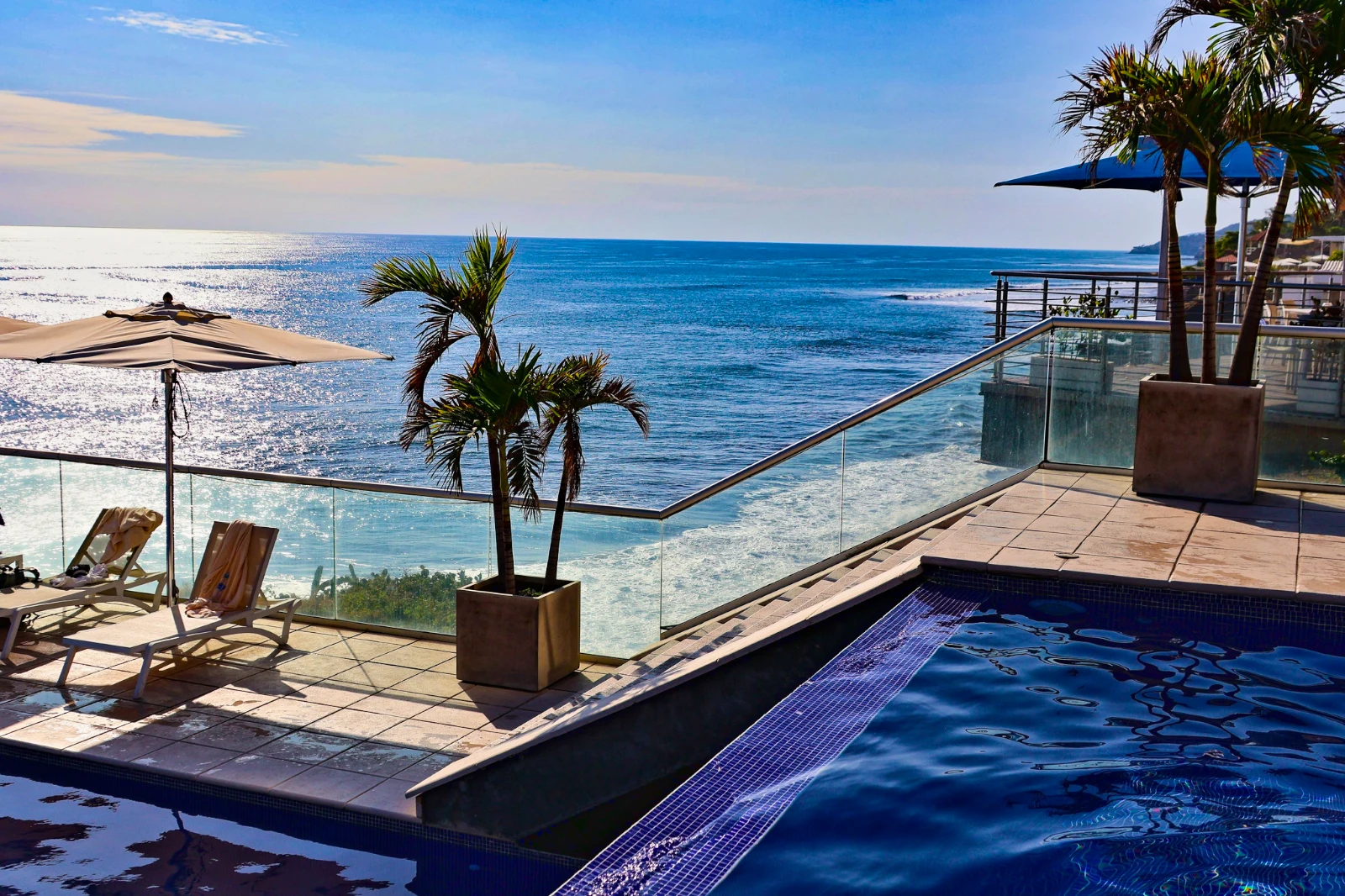 Punchy Social
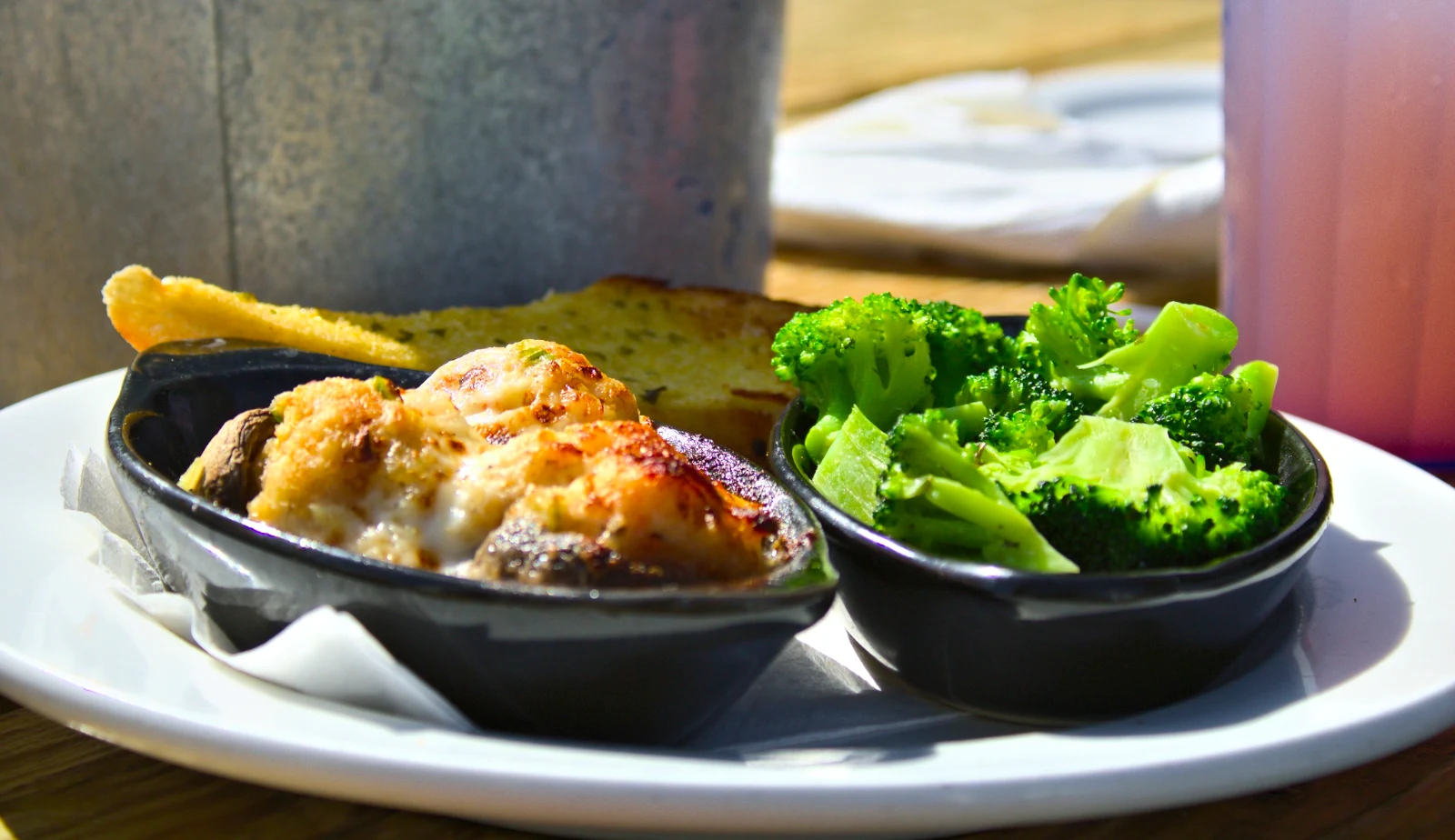 Punchy Social
 True Color
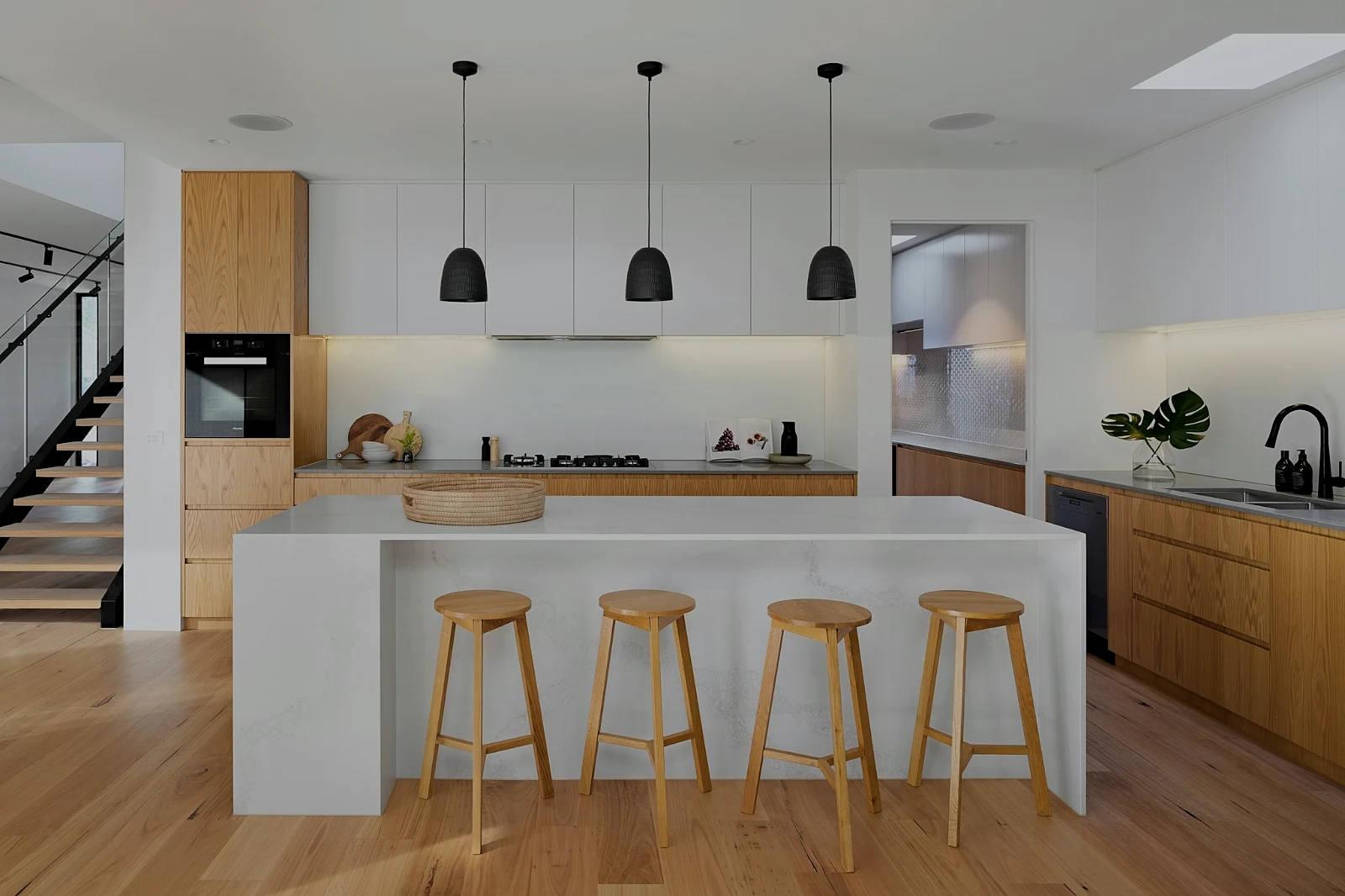 True Color
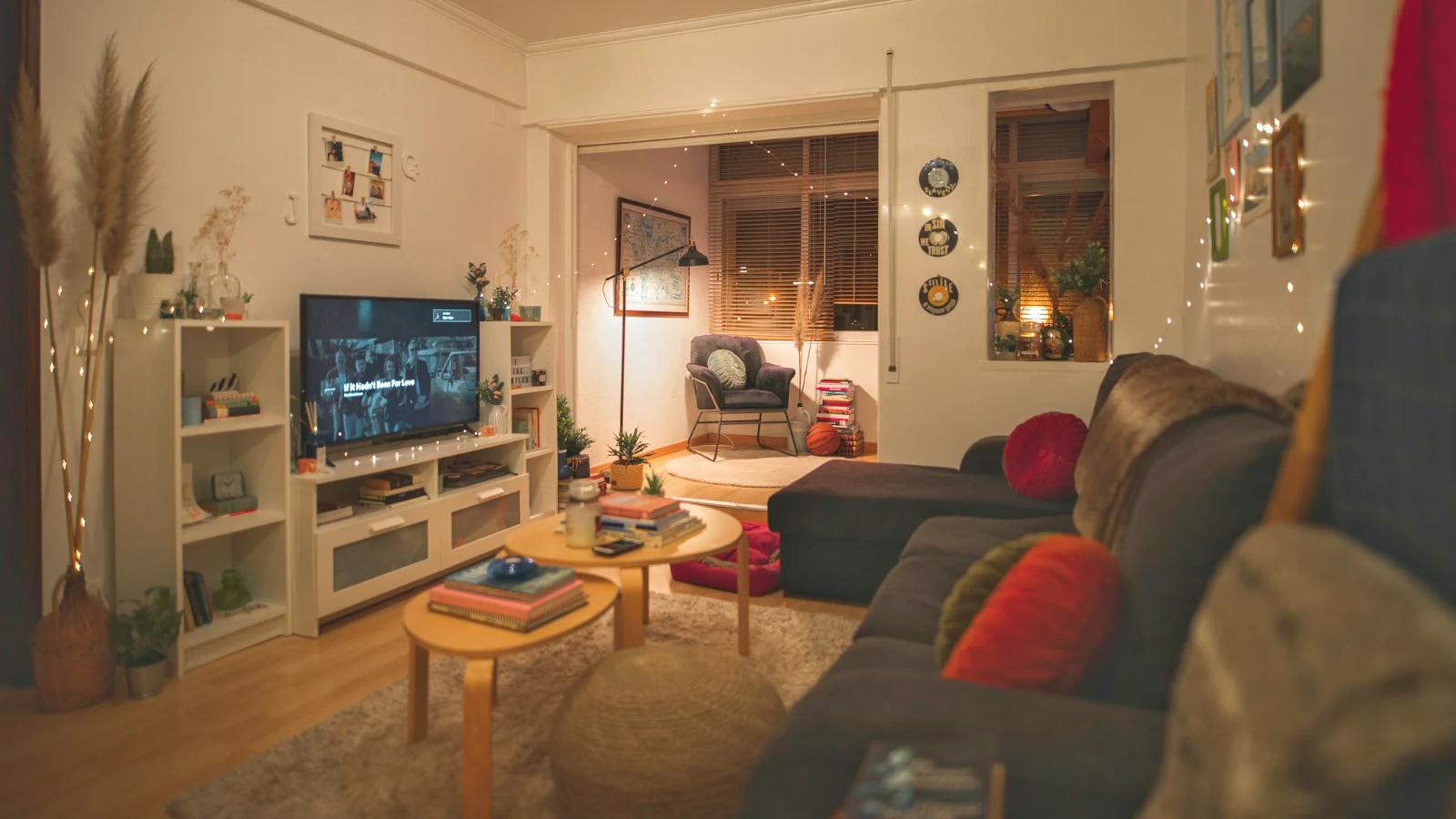
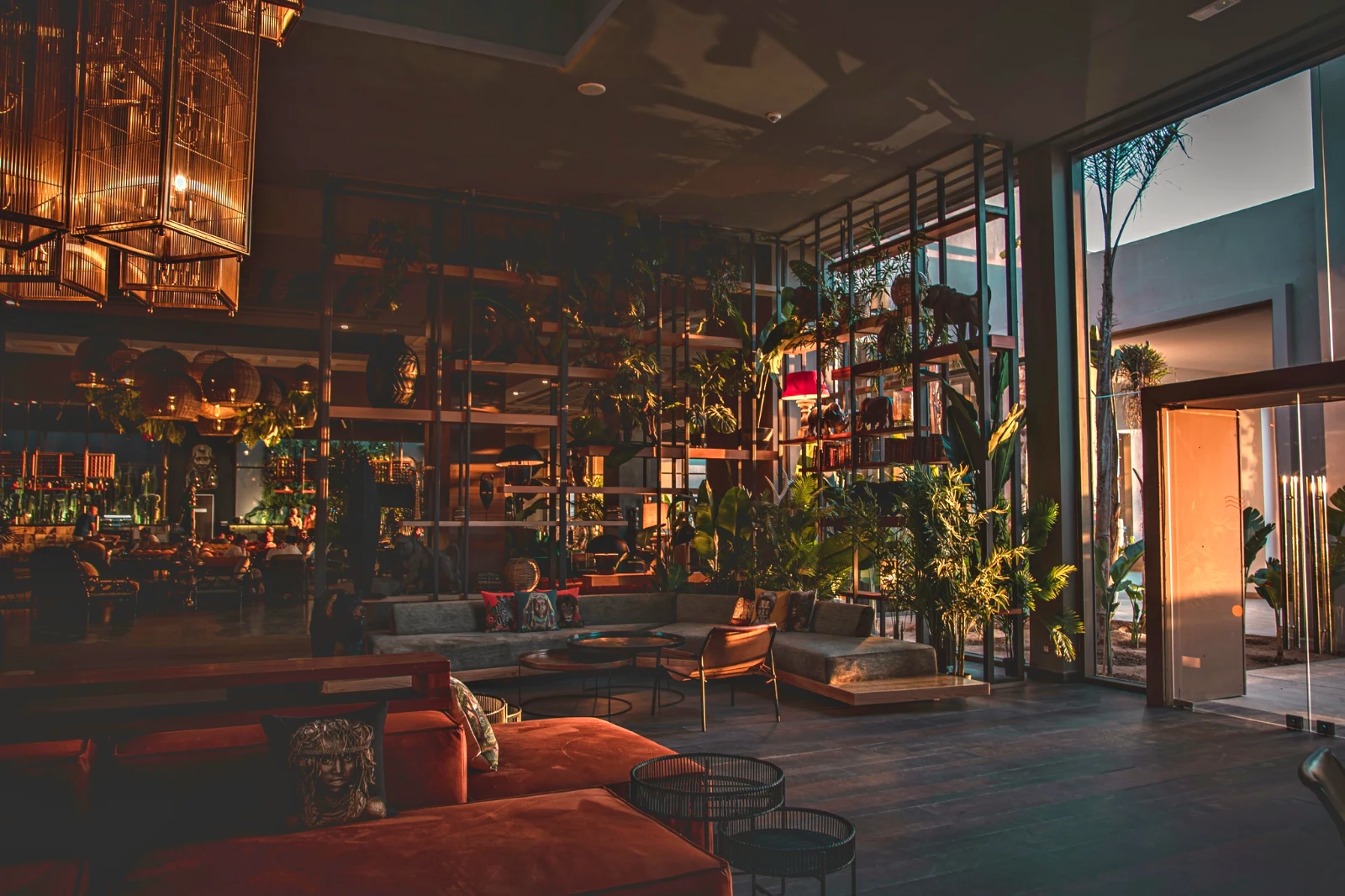 Warm Interior
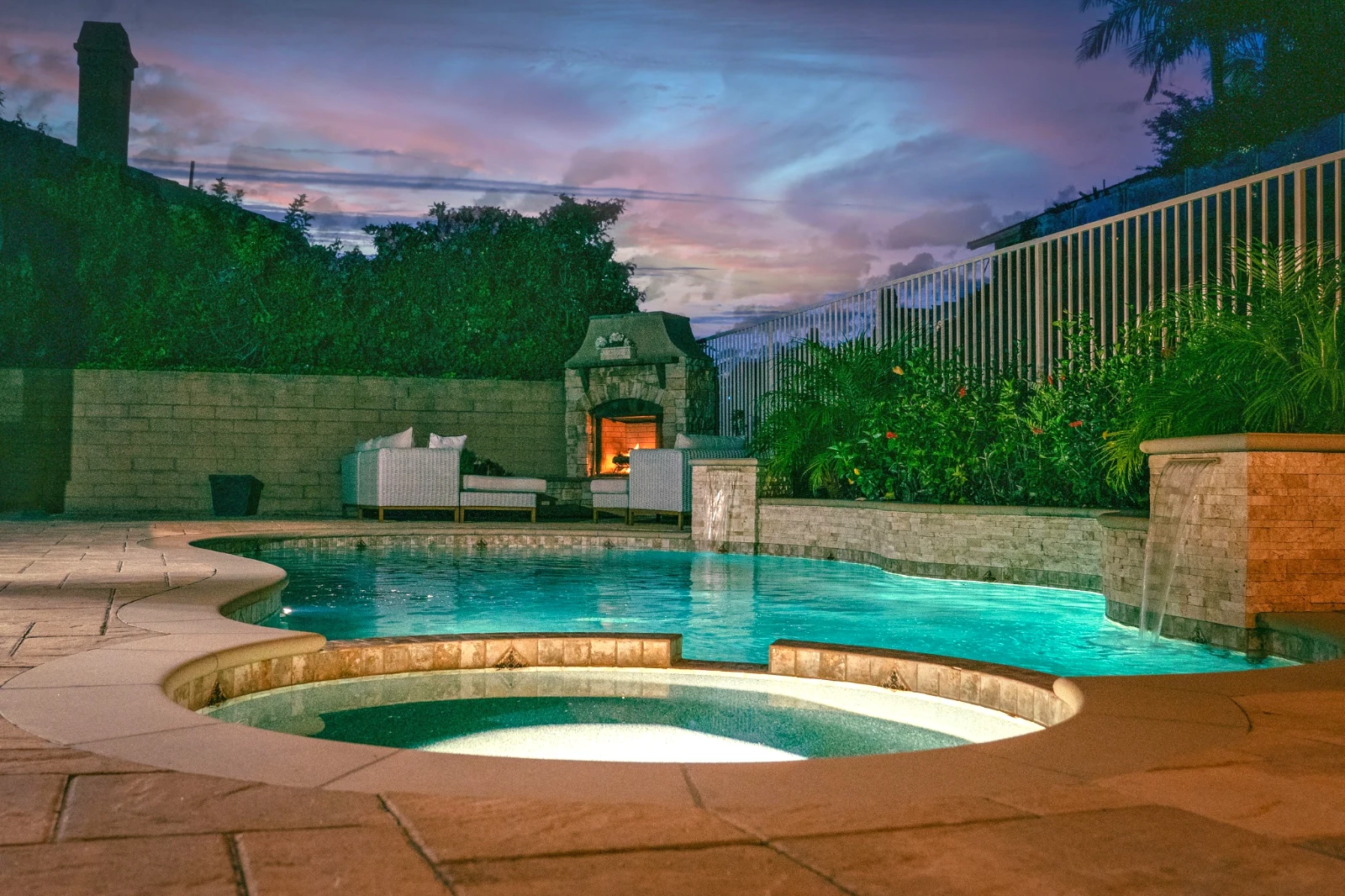
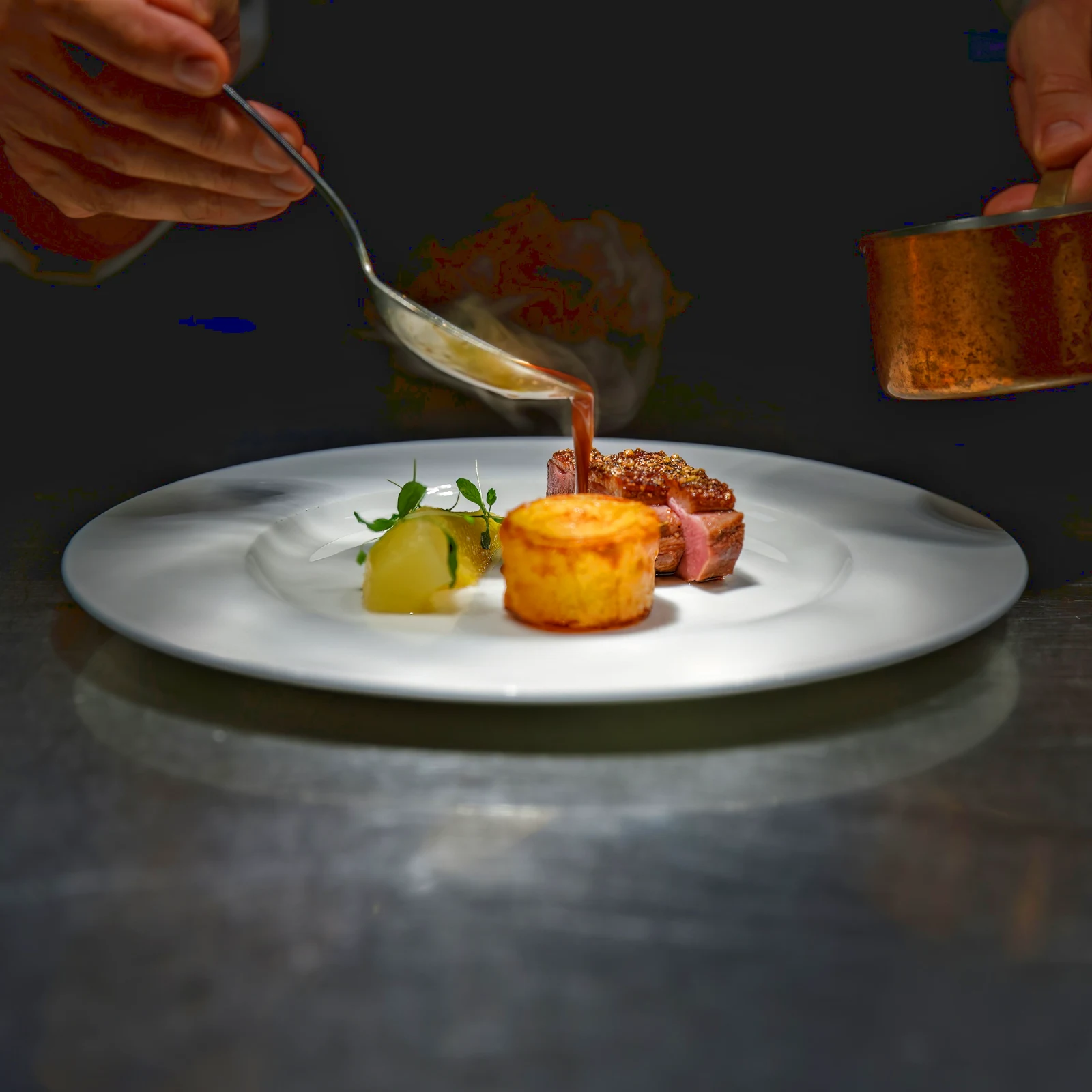 Twilight Glow
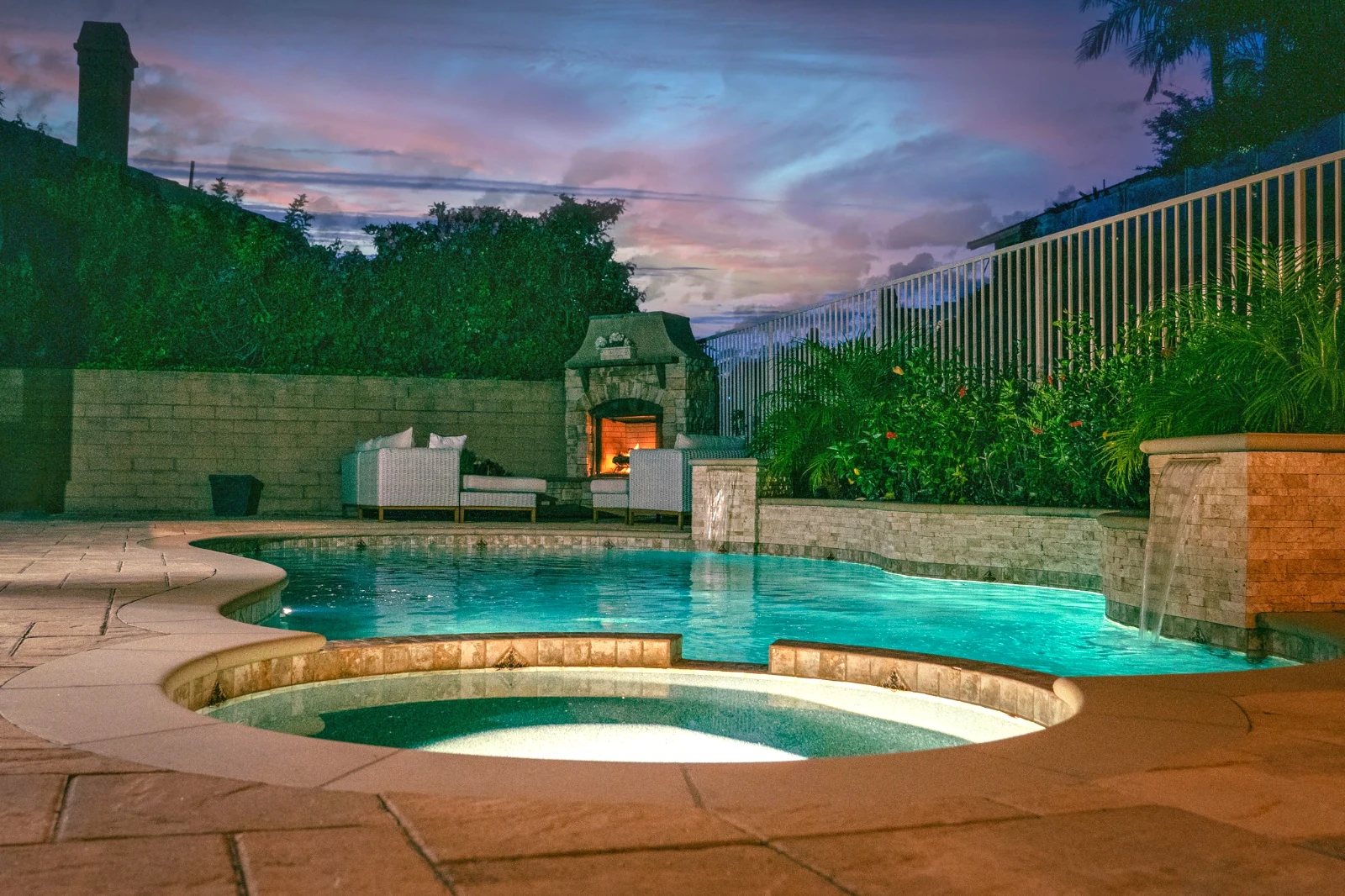 Bright and Airy
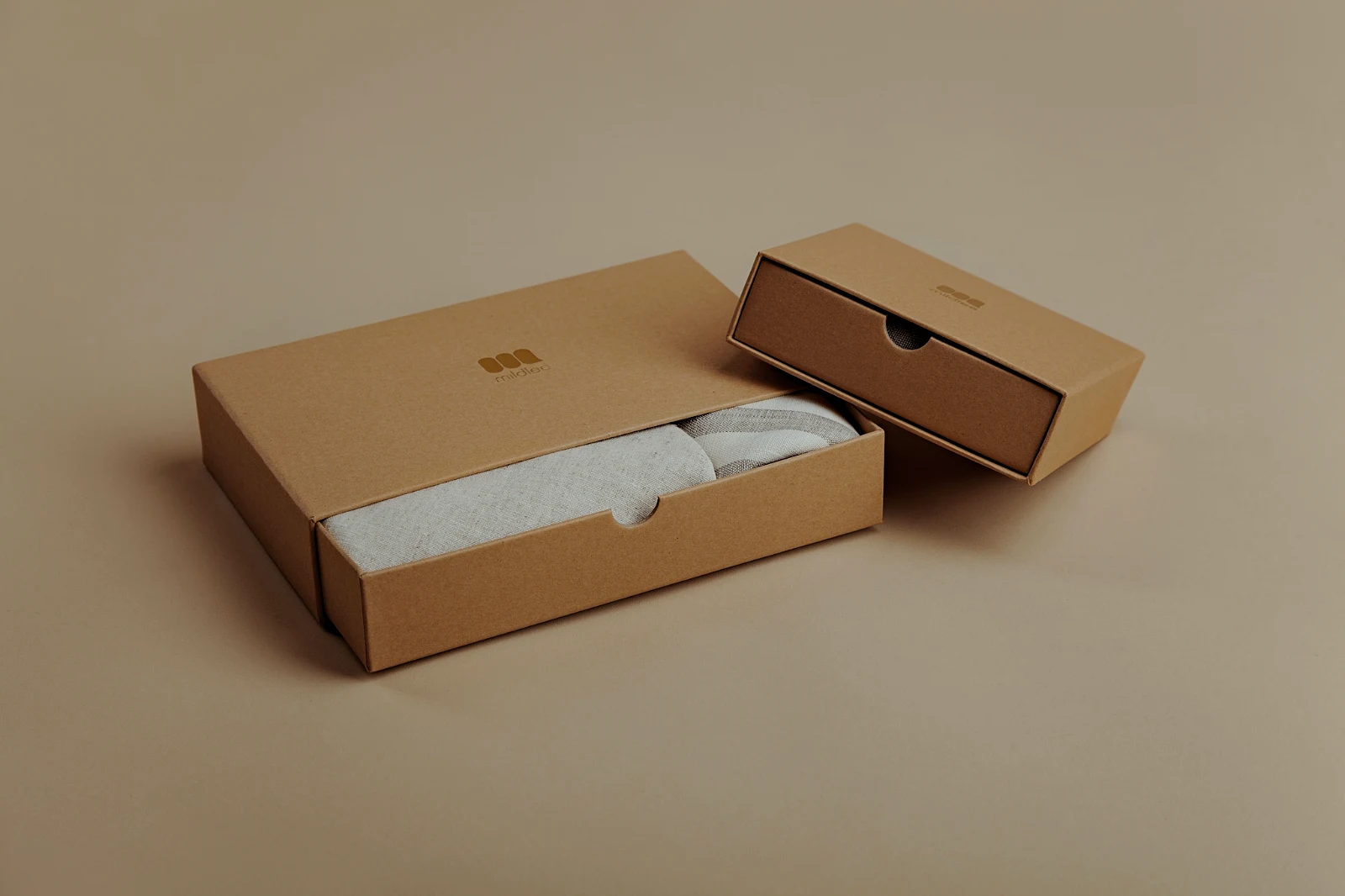 True ColorBright and AiryPunchy SocialPunchy SocialTrue ColorTrue ColorWarm InteriorTwilight GlowBright and AiryTrue ColorBright and AiryPunchy SocialPunchy SocialTrue ColorTrue ColorWarm InteriorTwilight GlowBright and AiryTrue ColorBright and AiryPunchy SocialPunchy SocialTrue ColorTrue ColorWarm InteriorTwilight GlowBright and AiryTrue Color
 Golden Hour WarmthΤα δικά μου
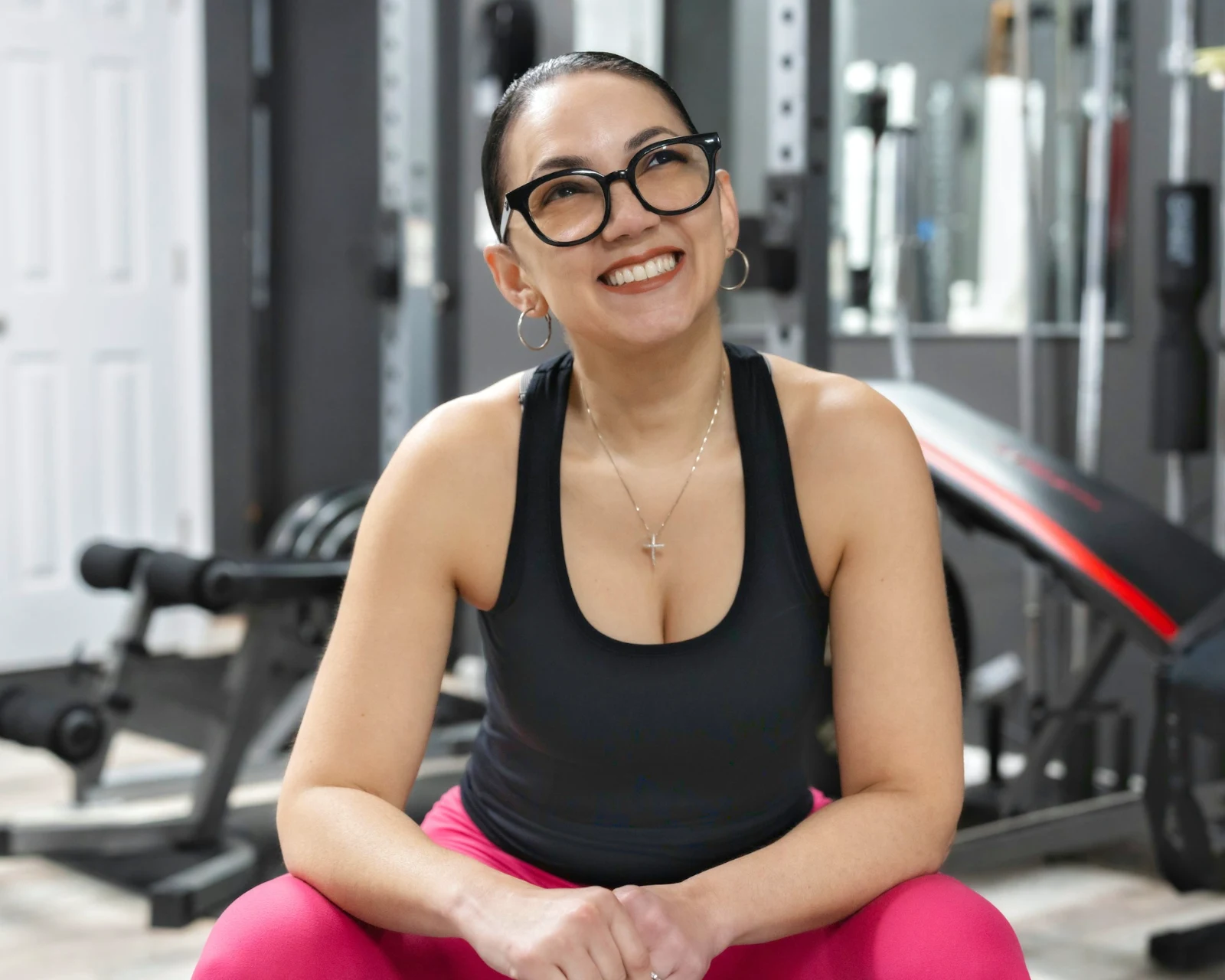 Soft Portrait
 Punchy Social
 Punchy Social
 Μαύρο και Λευκό
 Soft Portrait
 Soft Portrait
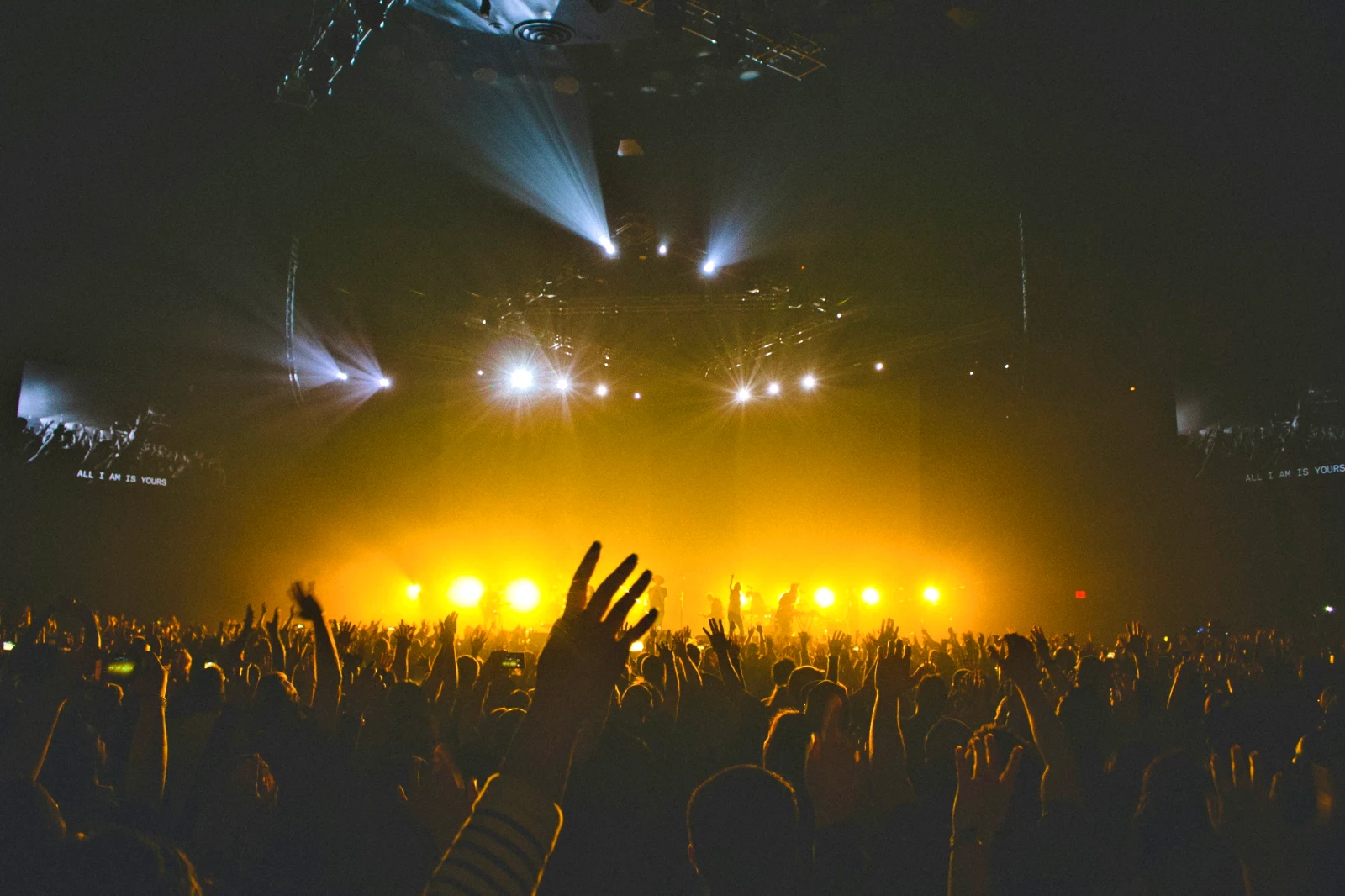 Twilight Glow
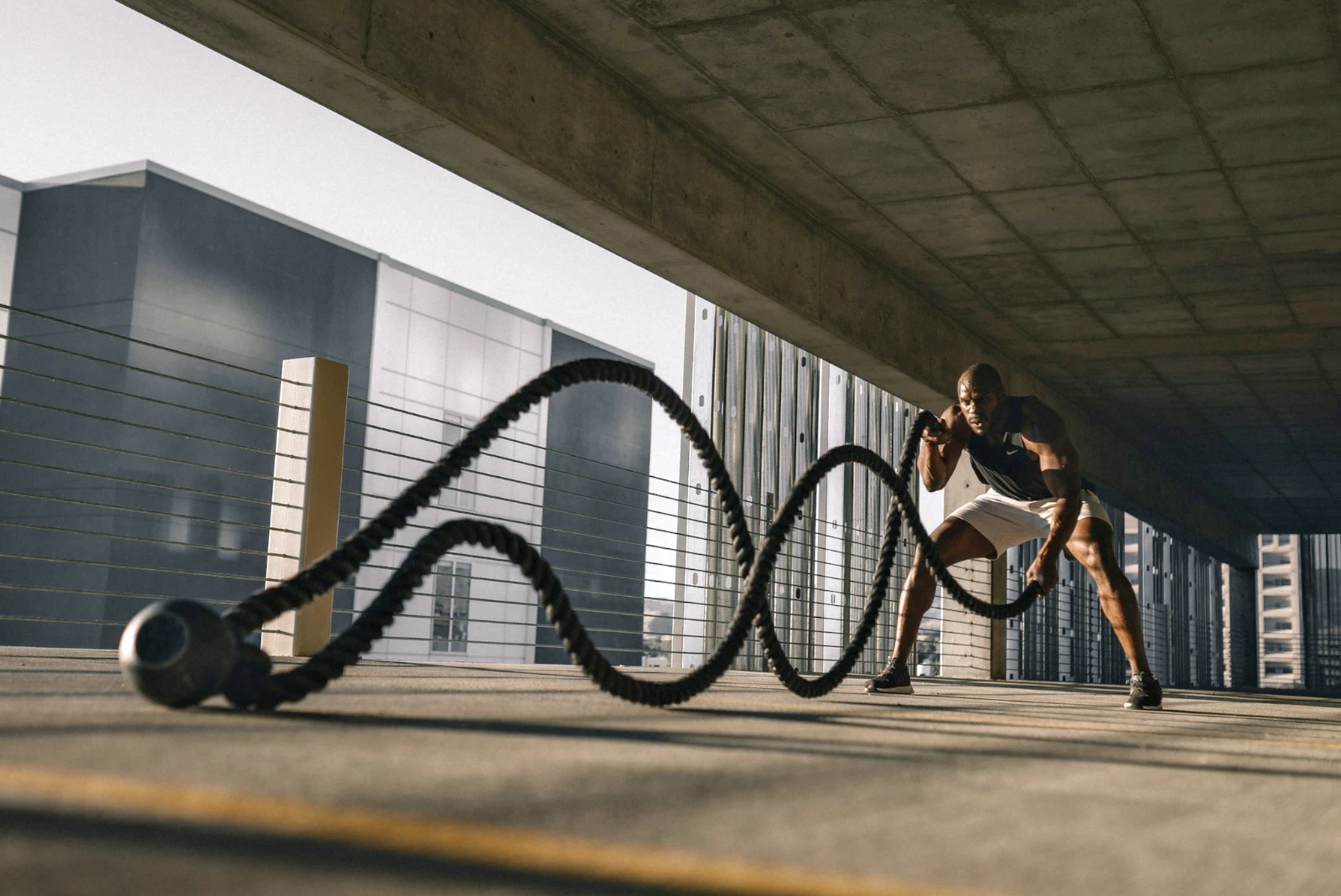 Soft Portrait
 Soft PortraitGolden Hour WarmthΤα δικά μουSoft PortraitPunchy SocialPunchy SocialΜαύρο και ΛευκόSoft PortraitSoft PortraitTwilight GlowSoft PortraitSoft PortraitGolden Hour WarmthΤα δικά μουSoft PortraitPunchy SocialPunchy SocialΜαύρο και ΛευκόSoft PortraitSoft PortraitTwilight GlowSoft PortraitSoft PortraitGolden Hour WarmthΤα δικά μουSoft PortraitPunchy SocialPunchy SocialΜαύρο και ΛευκόSoft PortraitSoft PortraitTwilight GlowSoft PortraitSoft PortraitBright and AiryPunchy SocialPunchy SocialTrue ColorTrue ColorWarm InteriorTwilight GlowBright and AiryTrue ColorGolden Hour WarmthΤα δικά μουSoft PortraitPunchy SocialPunchy SocialΜαύρο και ΛευκόSoft PortraitSoft PortraitTwilight GlowSoft PortraitSoft Portrait
Από τη λήψη των φωτογραφιών έως τις επιλογές του πελάτη
Ένας επεξεργαστής σε δύο βάθη: απλό για όλους, κάθε έλεγχος για τους ανθρώπους που επεξεργάζονται ως επαγγελματίες.
Βιβλιοθήκη
Κάθε φωτογραφία που διατηρεί το λογαριασμό.
Καθαρισμός
Σήματα, Best First και παρόμοια πλάνα.
Αυτοκίνητα και Εμφάνιση
Ένα άγγιγμα, ή μια ματιά από τον εαυτό σας.
Ρύθμιση
Φως, χρώμα, γραμμές και μέρη.
Bulk Auto
Ένα πλήρες σετ σε μία εκτέλεση.
Επικαλύψεις
Επιλογές, μάσκες και χρώματα.
Γκαλερί
Ο πελάτης επιλέγει και σημειώνει.
Αποστολή σε
Ένα σχέδιο, μια ιστοσελίδα, μια καταχώρηση.
Σε ένα τηλέφωνο
Η φωτογραφία σε πλήρη οθόνη.
Φέρτε κάθε φωτογραφία και βρείτε την ξανά
Ανεβάστε από ένα γραφείο, την κάμερα ή τη λίστα φωτογραφιών της κάμερας, ή μοιραστείτε μια φωτογραφία στο Foto από οποιαδήποτε εφαρμογή. Κάθε φωτογραφία που διατηρεί ο λογαριασμός στο Depot βρίσκεται στη Βιβλιοθήκη και ανακαλύπτεται ξανά μέσω του αστέρα της, των ετικετών της, των επιλογών του πελάτη ή μέσω αναζήτησης.
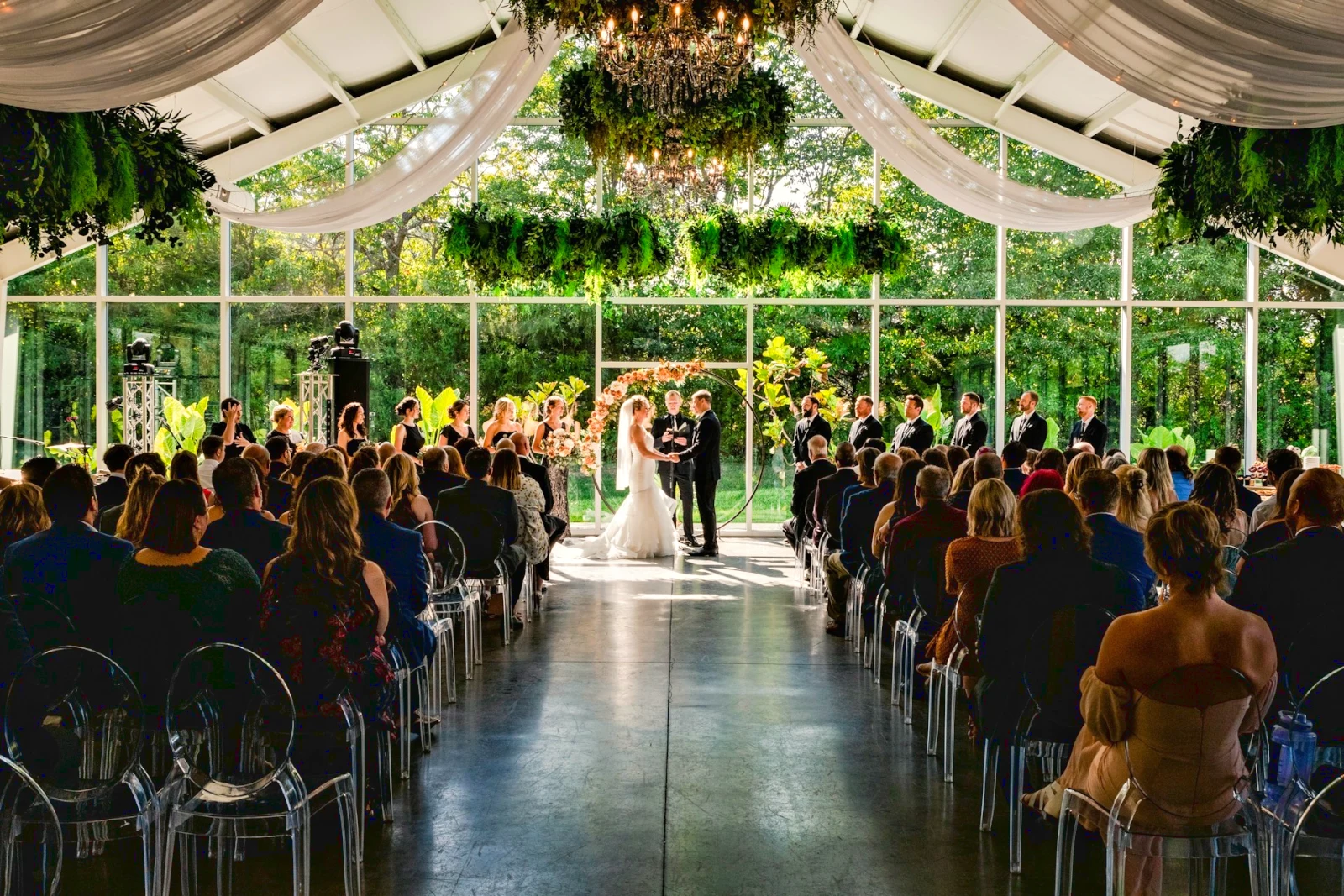 Επεξεργασμένο
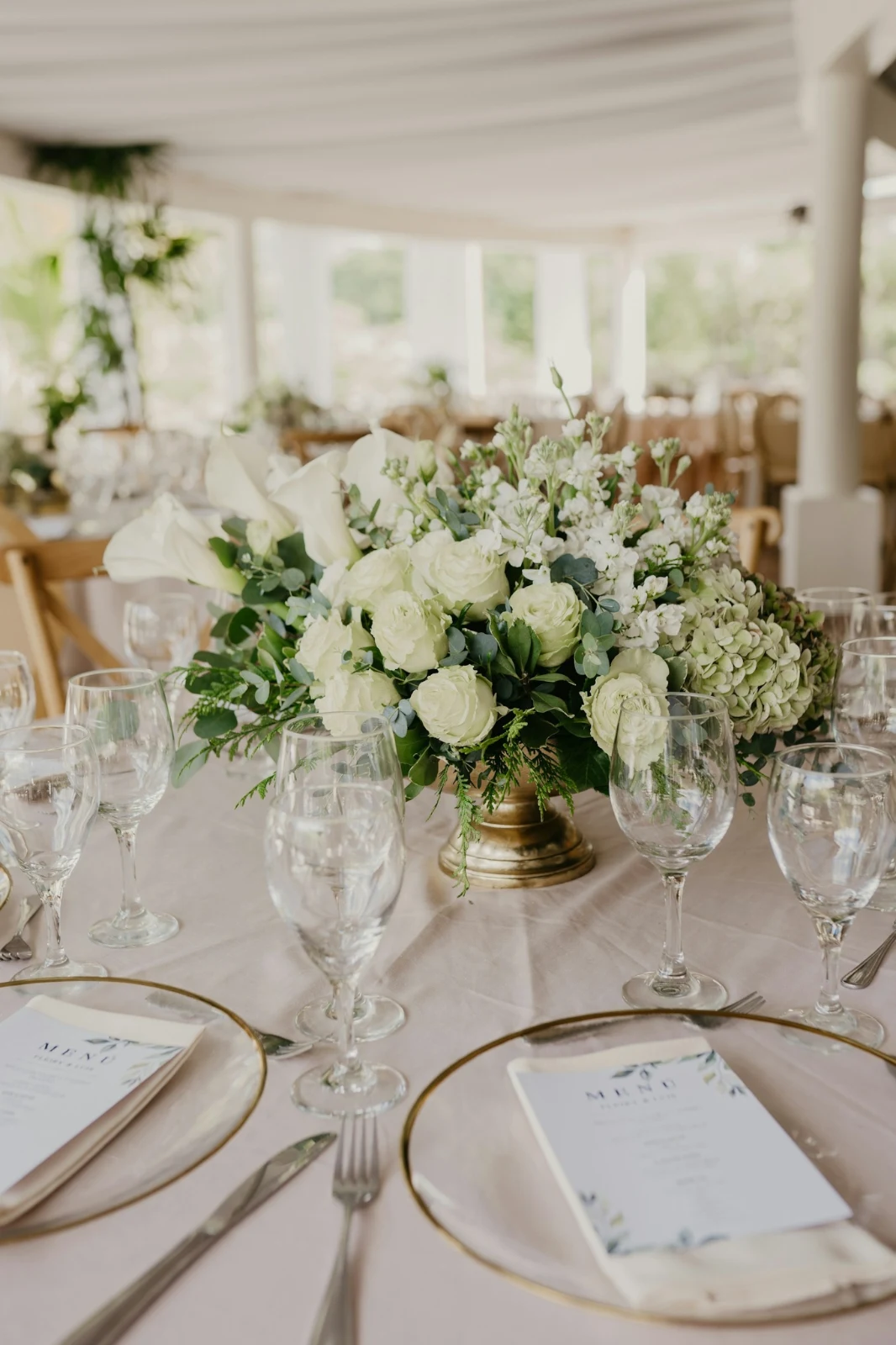



 Επεξεργασμένο
 Επεξεργασμένο

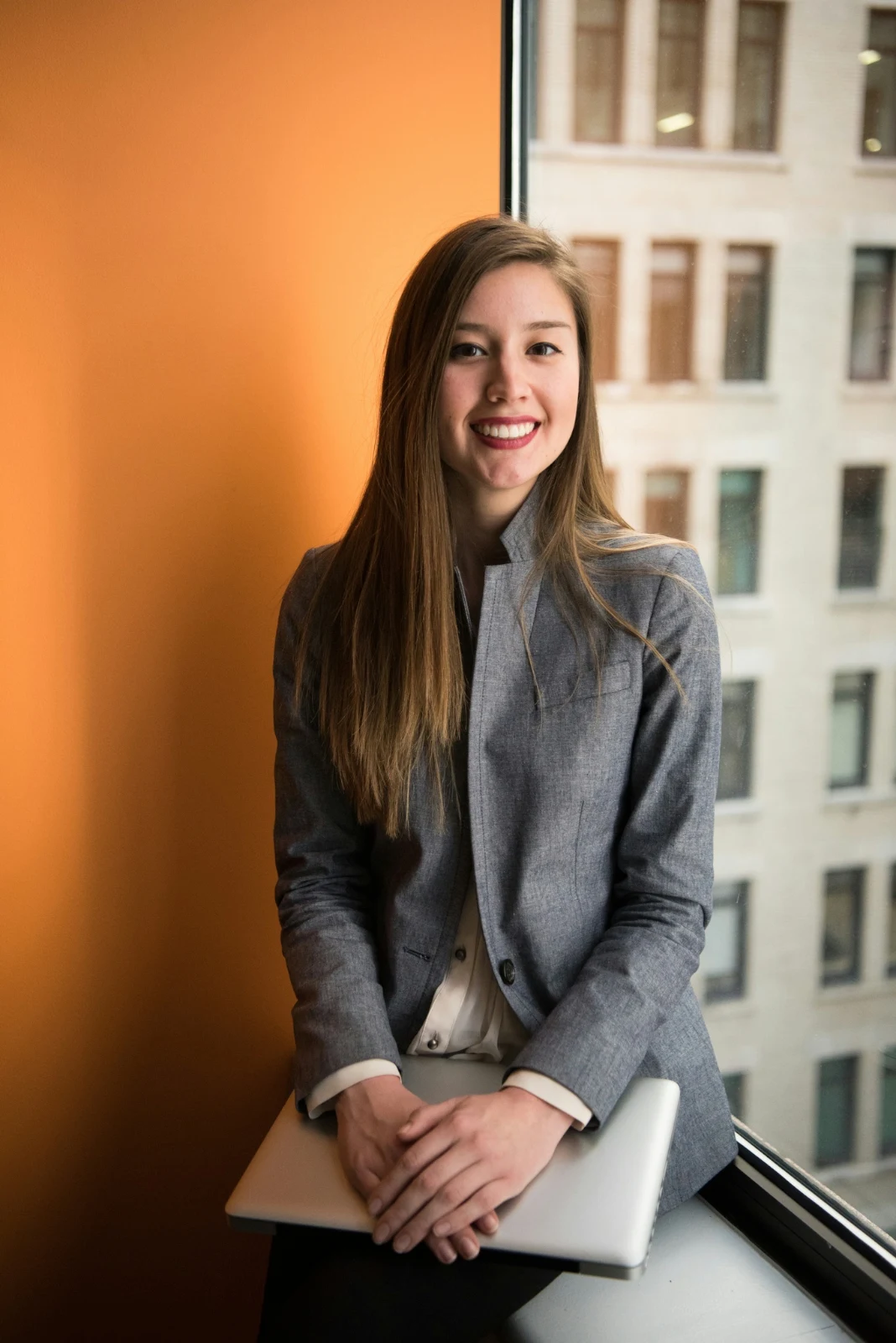
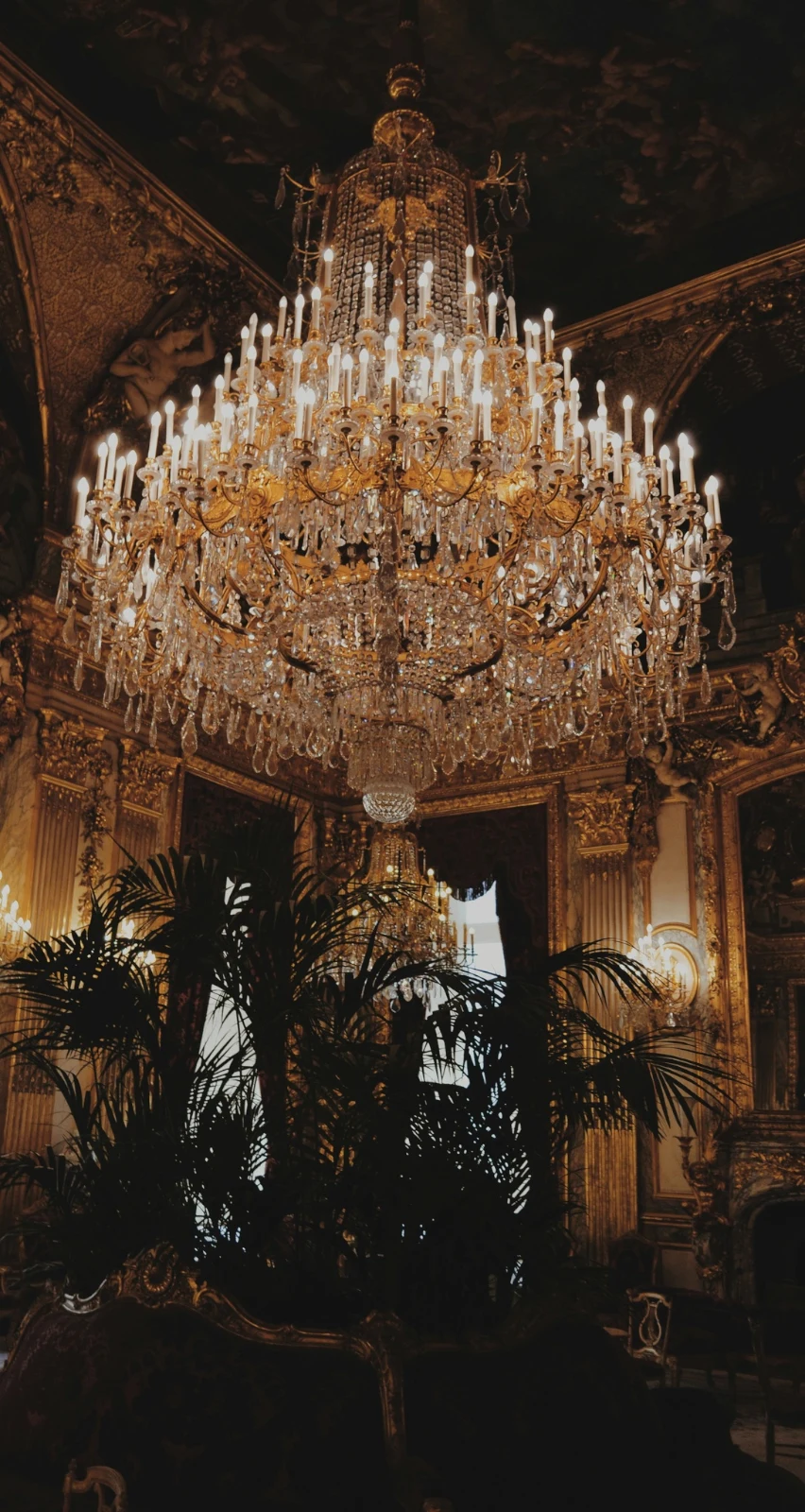

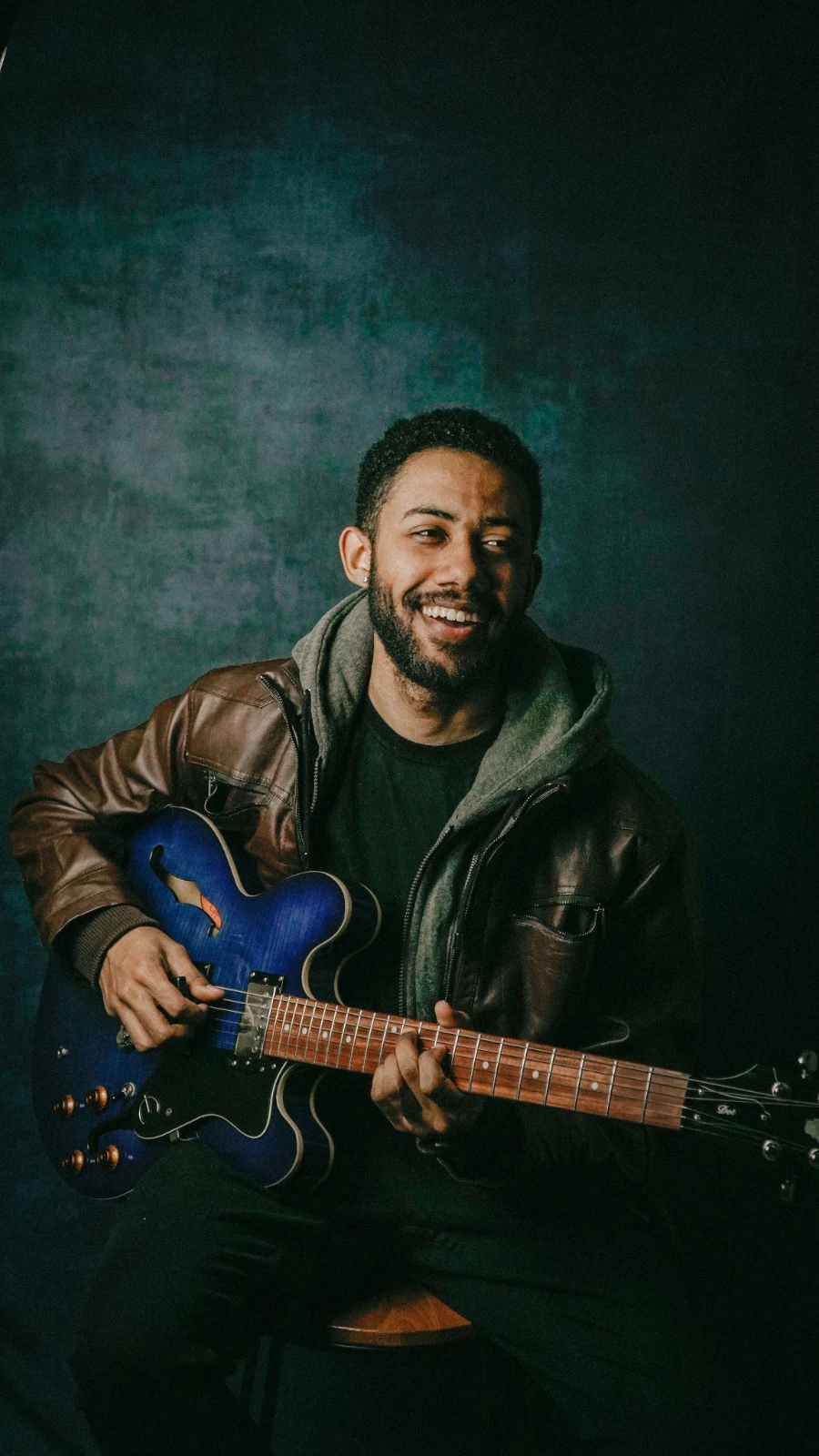

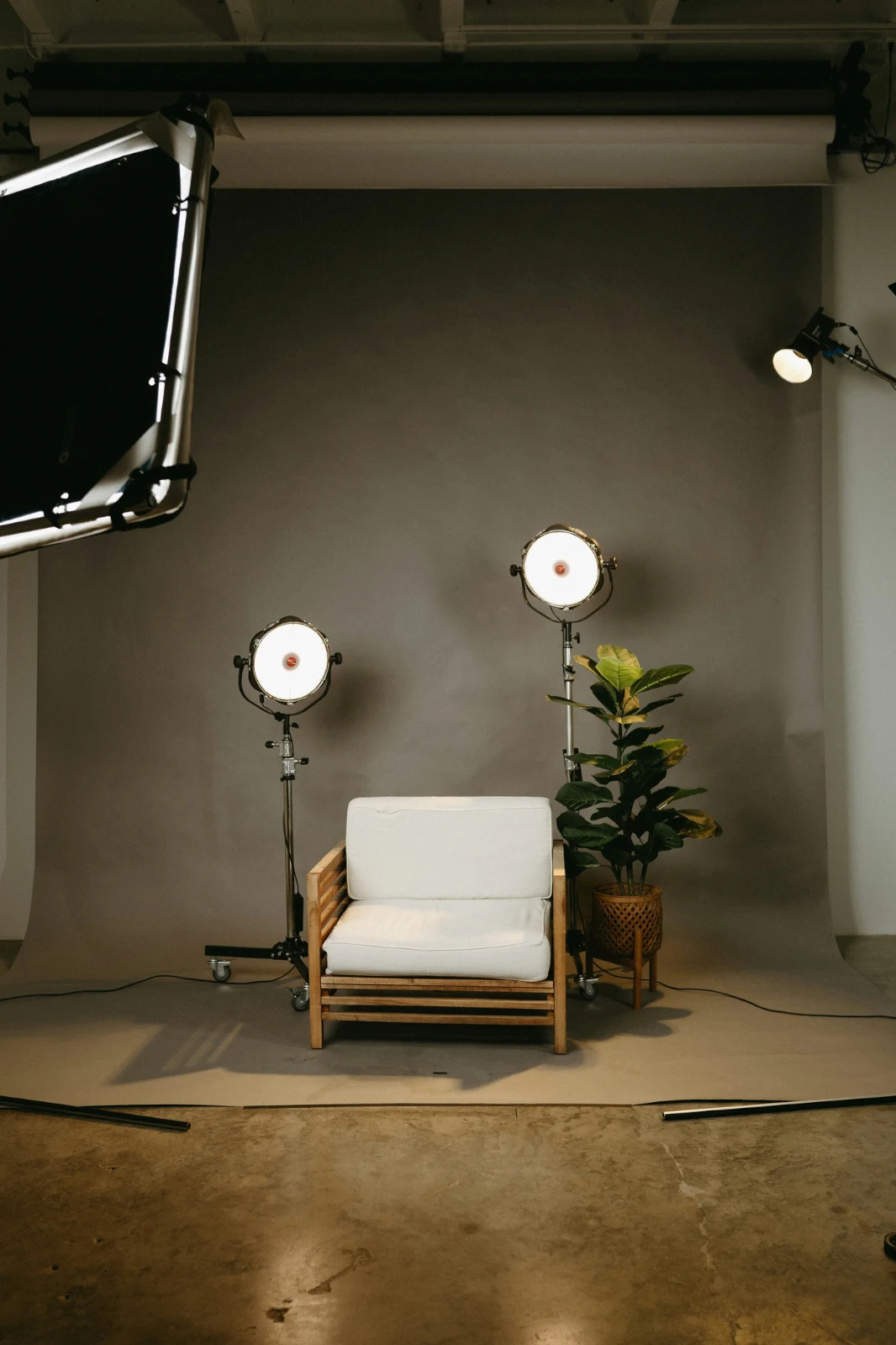

Αστέρι και Ετικέτες
Ο ίδιος αστέρας και ετικέτες που διαβάζει το Depot, τα Docs και το Studio.
Κέντρα και Φάκελοι
Φωτογραφίες ενός Hub μόνοι τους; Μεταφορά σε… Φάκελο (με Depot).
RAW και HEIC
Ένα RAW αναπτύσσεται στη συσκευή, ή στον διακομιστή όταν δεν μπορεί.
Επικουρική Καταγραφή
Κάμερα σε USBΚάμερα συνδεδεμένη · Canon EOS R6 Mark II
 Ζωντανή ΠροβολήΣχεδίασηΣταμάτησε την Ενεργή Προβολή
ΑφιέρωσεΦωτογραφίες από την κάμερα καταλήγουν εδώ και στο Κέντρο Αποστολών Κάμερας.
Εφαρμογή σε Κάθε Νέο ΠλαίσιοΕφαρμογή True Color AW27_flatlay_01.jpg
 AW27_packing.jpg
 AW27_unboxing.jpg
 AW27_shelf.jpg
 AW27_tote.jpg
Στείλτε απευθείας στο Foto μέσω USB με ζωντανή προβολή, ή από το δικό Wi-Fi αναρτήματος της κάμερας.
Βρείτε τους φύλακες χωρίς να κοιτάτε κάθε πλαίσιο
Κάθε φωτογραφία διαβάζεται μετά το ανέβασμά της: η εστίασή της, η έκθεσή της, και αν τα μάτια κάποιου είναι κλειστά. Ταξινομήστε Καλύτερα Πρώτα, δείξτε τις προτεινόμενες καλύτερες λήψεις, φιλτράρετε ανά σημαία, και συγκρίνετε παρόμοιες λήψεις δίπλα-δίπλα. Κανένα δεν είναι αστέρι για εσάς: εσείς επιλέγετε τους διατηρητές.
 Closed EyesMissed FlashMissed FocusBlurryBlack Frame
Κλειστά Μάτια και Απώλεια Εστίασης
Επισημασμένο στη φωτογραφία, όπως και το Blurry, το Black Frame και το Missed Flash, καθένα ένα φίλτρο.
Closed EyesBlurryMissed FocusMissed FlashBlack FrameΕπαναφέρετε μια φωτογραφία με ένα κλικ ή εφαρμόστε μια εμφάνιση
Το Auto διαβάζει τη φωτογραφία στη συσκευή σας, ρυθμίζει τους διακόπτες της και ονομάζει κάθε έναν που κινήθηκε· το Undo επαναφέρει τη φωτογραφία. Τα Looks κρατούν τα looks του Calisto και τα δικά σας, αυτά που ταιριάζουν πρώτα στη φωτογραφία, και το Save Look διατηρεί οποιαδήποτε επεξεργασία ως μία από τις δικές σας.
Το Στυλ σας
Το Auto μετακινείται όπως εσείς το μετακινείτε, μαθαίνοντας από τις δικές σας επεξεργασίες· κάθε τιμή είναι ένα διακόπτη.
Προτεινόμενες Εμφάνσεις
Η εμφάνιση που ταιριάζει για μια φωτογραφία όπως αυτή, πρώτη στη λίστα.
Ενέργειες
Καταγράψτε τα βήματά σας μία φορά και παίξτε τα σε οποιαδήποτε φωτογραφία ή σε μια ολόκληρη επιλογή.
Φωτογραφίες επαφών
Una selezione stampata su una griglia con nomi, stelle, scelte e bandiere, come PDF.
Συζευξή φωτογραφίας
Το φως και τα χρώματα μιας άλλης φωτογραφίας, ρυθμισμένα όπως οι διακόπτες αυτής.
Πανταχού το πρωτότυπο
Μια επεξεργασία βρίσκεται δίπλα στη φωτογραφία με την ιστορία της· το αρχικό μένει όπως ήρθε.
Πριν
Πατήστε και κρατήστε για να δείτε τη φωτογραφία όπως ήρθε.
 Πριν
Ρυθμίστε το φως, το χρώμα και τις γραμμές με το χέρι
Το Light, Color και Crop ανοίγουν πρώτα και κάθε άλλος έλεγχος, από την καμπύλη τόνου έως τον θόρυβο και το φακό, είναι ένα πάτημα μακριά πίσω από το More. Το Straighten Lines βρίσκει τις γραμμές της φωτογραφίας και ρυθμίζει το Transform από μόνο του, ή λύνει τις γραμμές που σχεδιάζετε.

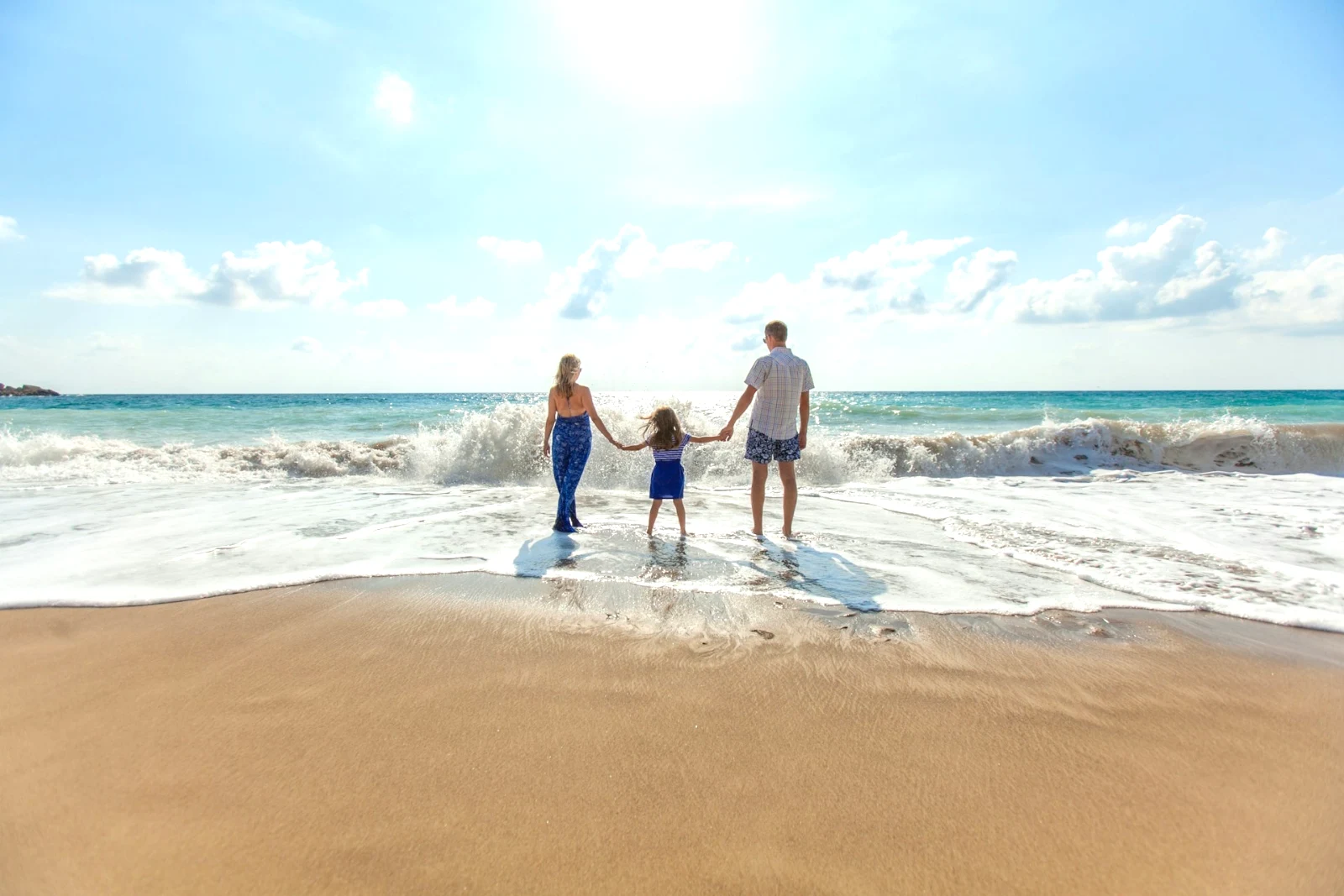
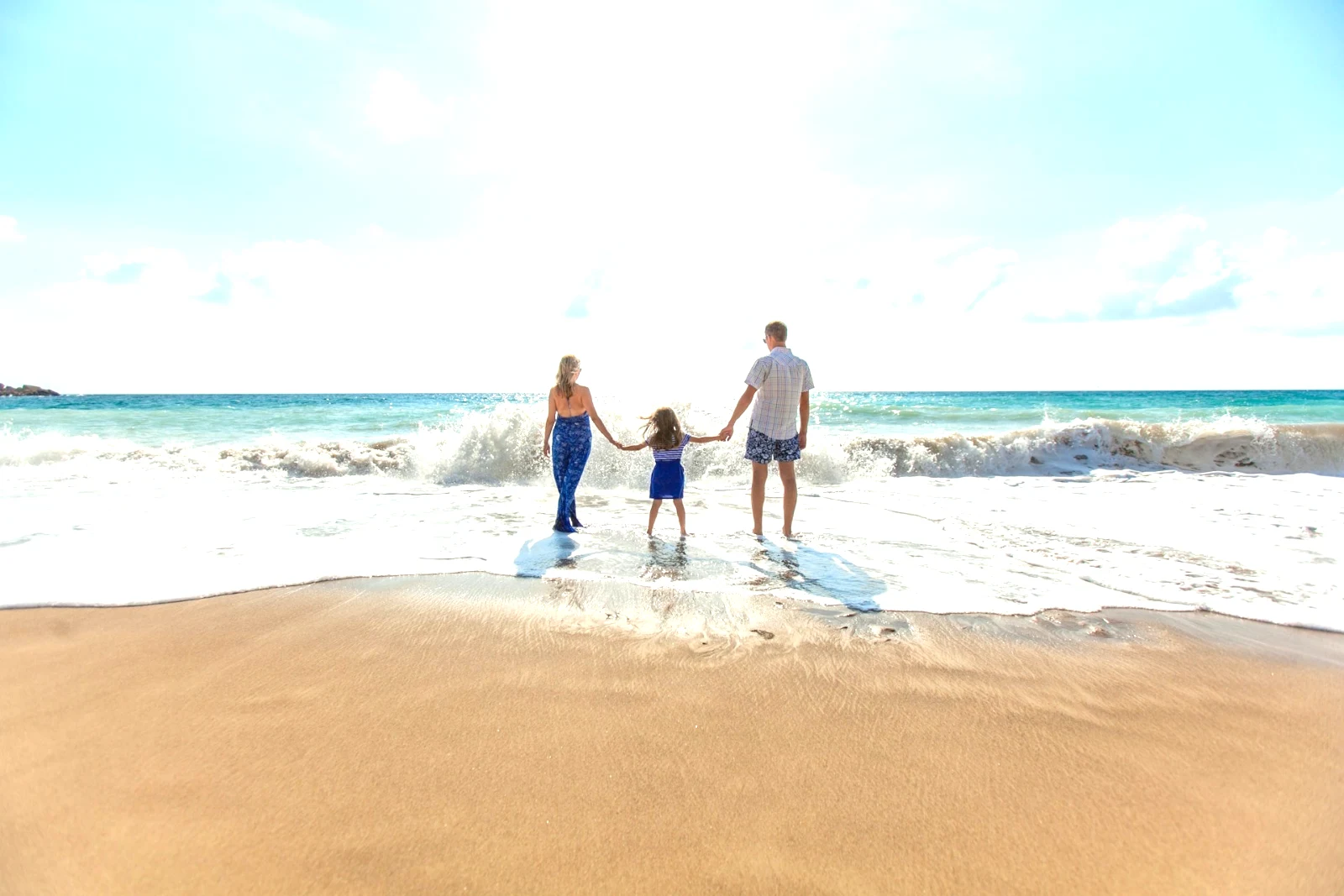
Αφαίρεση και επισκευή
Χρωματίστε πάνω από ένα καλώδιο ή μια κηλίδα· Κλωνοποίηση και Γέμισμα δίπλα του.
Ρύθμιση Μέρους
Ο ουρανός, το θέμα ή το φόντο, ένα πινέλο, κλίσεις ή ένα εύρος φωτεινότητας.
Άτομα
Δέρμα, πρόσωπο, μάτια, χείλη, μαλλιά, ρούχα ή ολόκληρο το άτομο· Το Retouch Skin το εξομαλύνει προς τον δικό του τόνο.
Φακός και θολούρα πορτρέτου
Το φόντο θολωμένο, ή όλη η φωτογραφία βάσει του βάθους, με την εστίαση εκεί που την ορίσατε.
Φιλμ Αρνητικών
Ένα σαρωμένο χρωματικό ή ασπρόμαυρο αρνητικό που μετατράπηκε σε θετικό, με την πορτοκαλί μάσκα να αφαιρείται.
Σωστό Φακό
Η δική του διόρθωση της κάμερας, διαφορετικά το προφίλ του φακού, και οι χρωματικές ακμές αφαιρούνται.
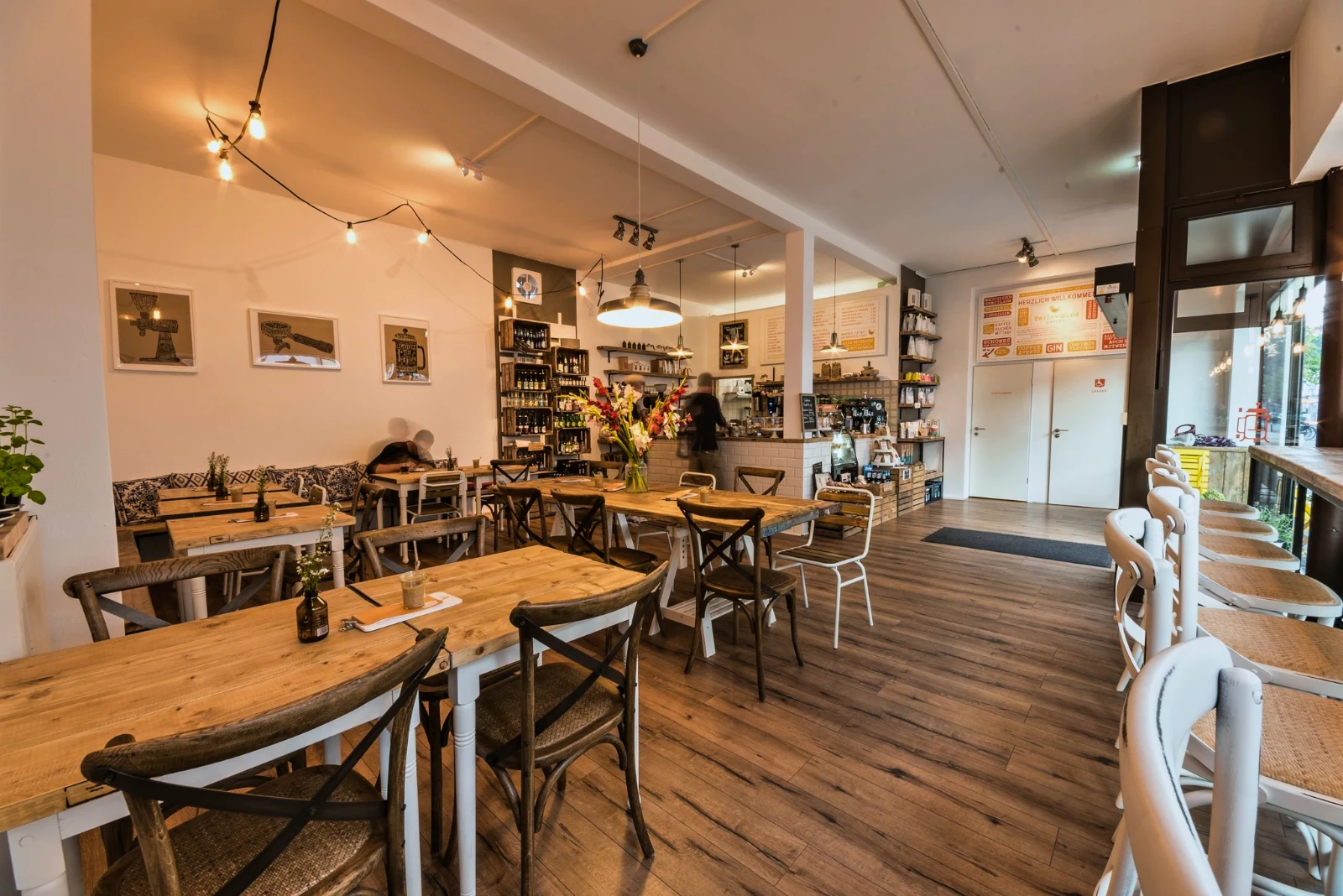
Απόδοση
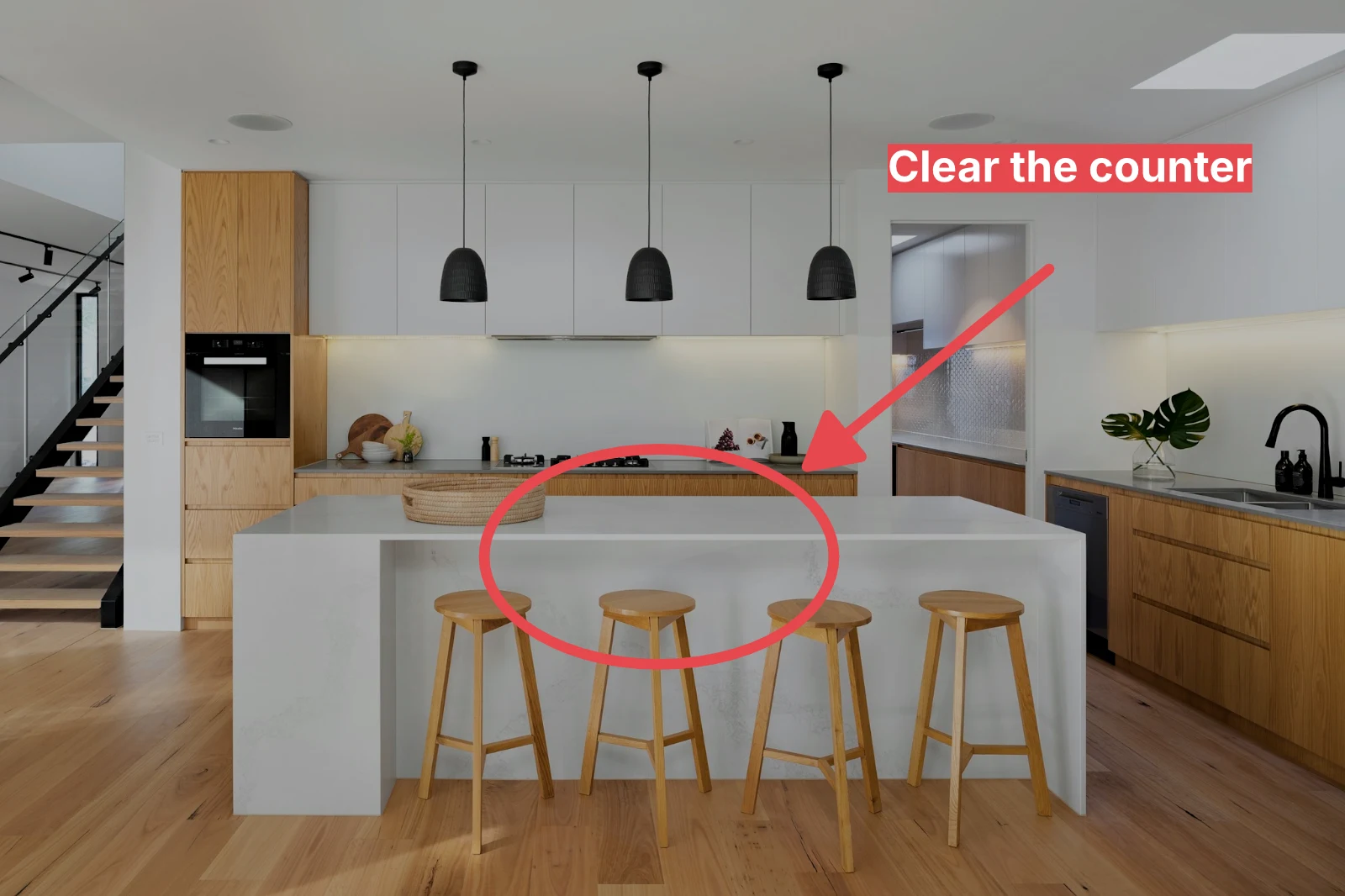
Ένα βέλος, ένα κύκλο, ένα κουτί ή μια ετικέτα σχεδιασμένη πάνω στη φωτογραφία.
Δώστε σε ένα σύνολο το Auto και το δικό σας look
Επιλέξτε φωτογραφίες στη Βιβλιοθήκη και μια εμφάνιση, στη συνέχεια πατήστε Μάζα Αυτόματη. Κάθε φωτογραφία λαμβάνει τη δική της Αυτόματη ρύθμιση στην συσκευή σας, στη συνέχεια την εμφάνιση, αποθηκευμένη ως βήμα της επεξεργασίας της. Οι εξαγωγές γίνονται στον διακομιστή, οπότε ολοκληρώνονται με το κλείσιμο της σελίδας.
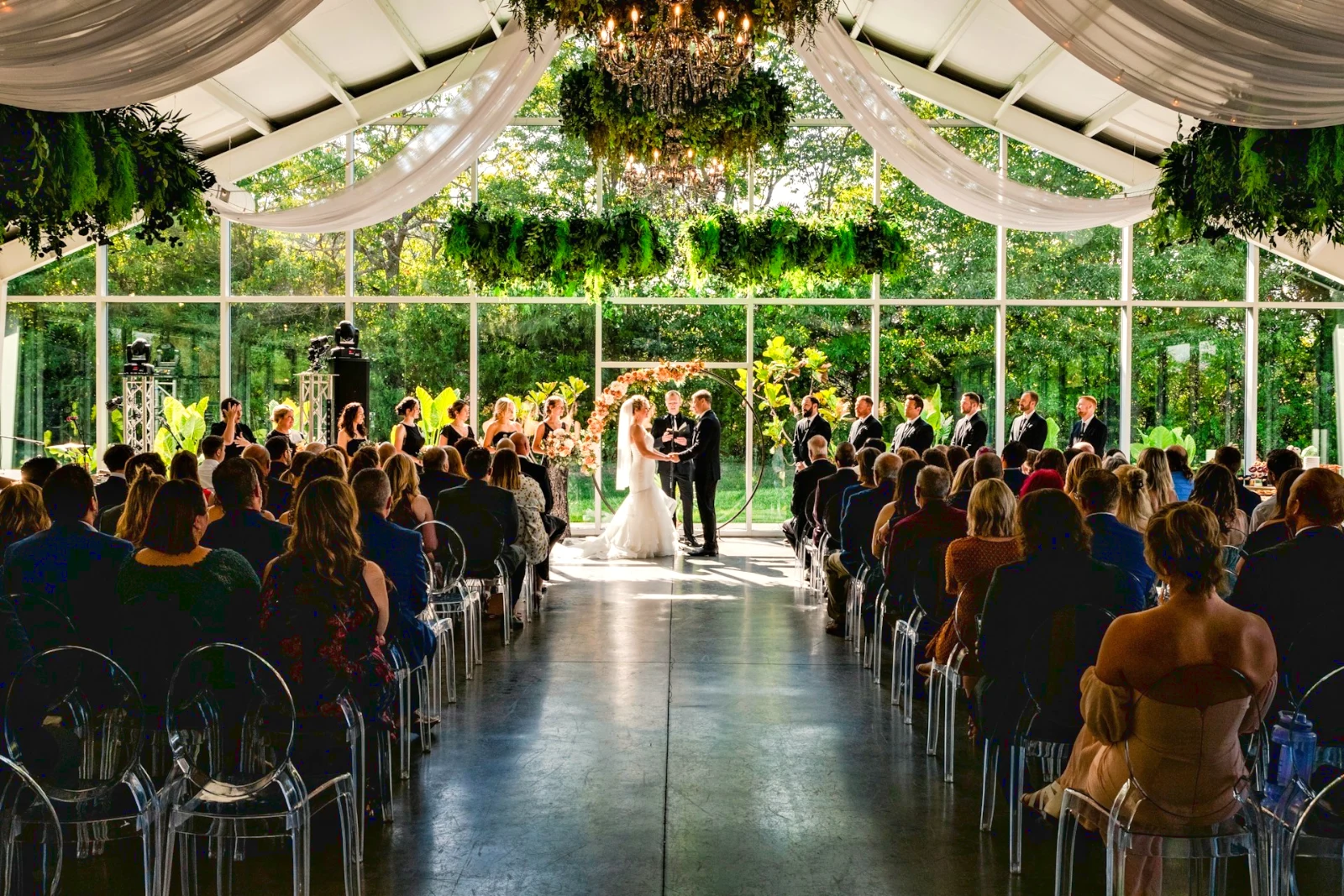
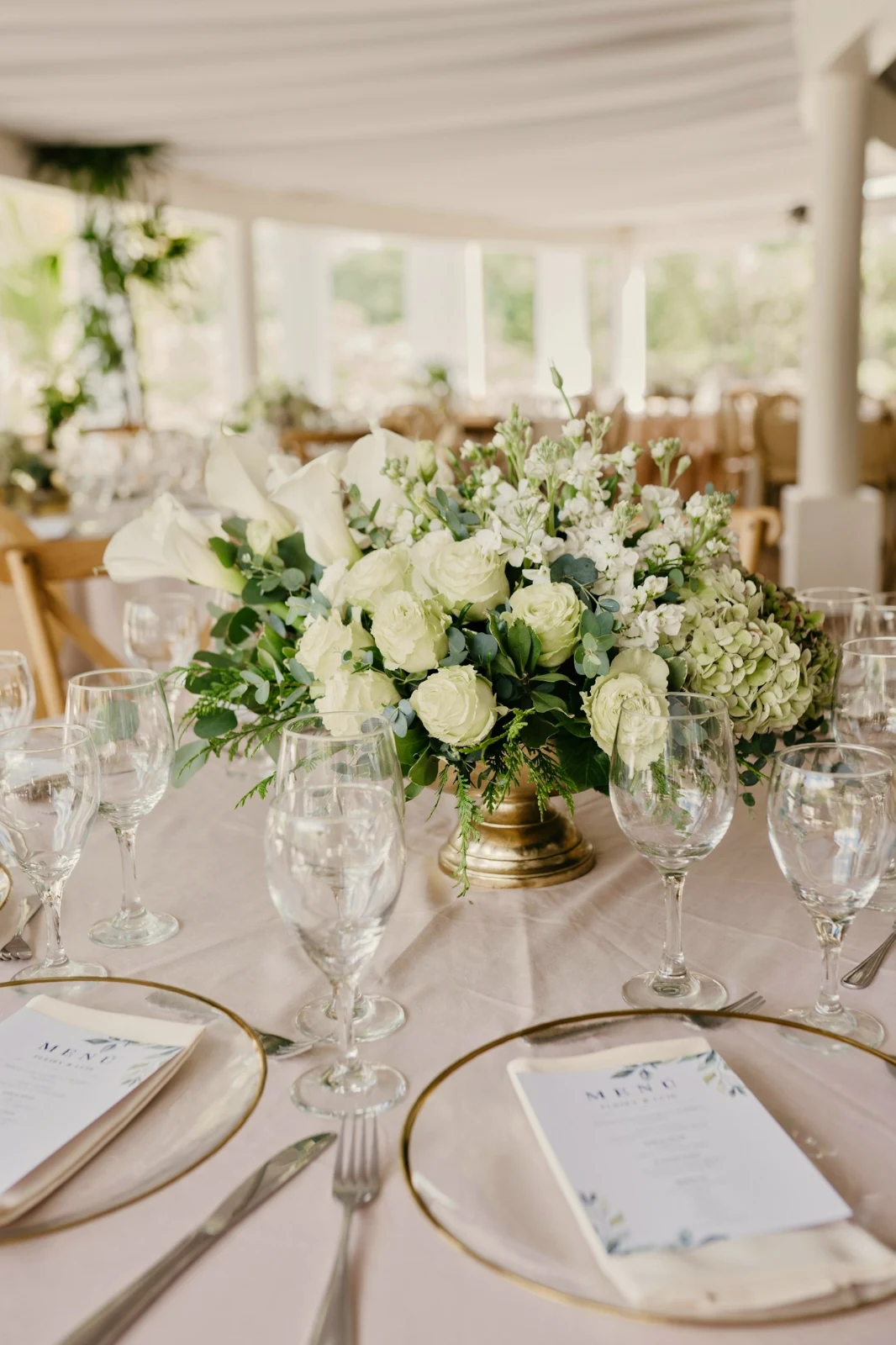

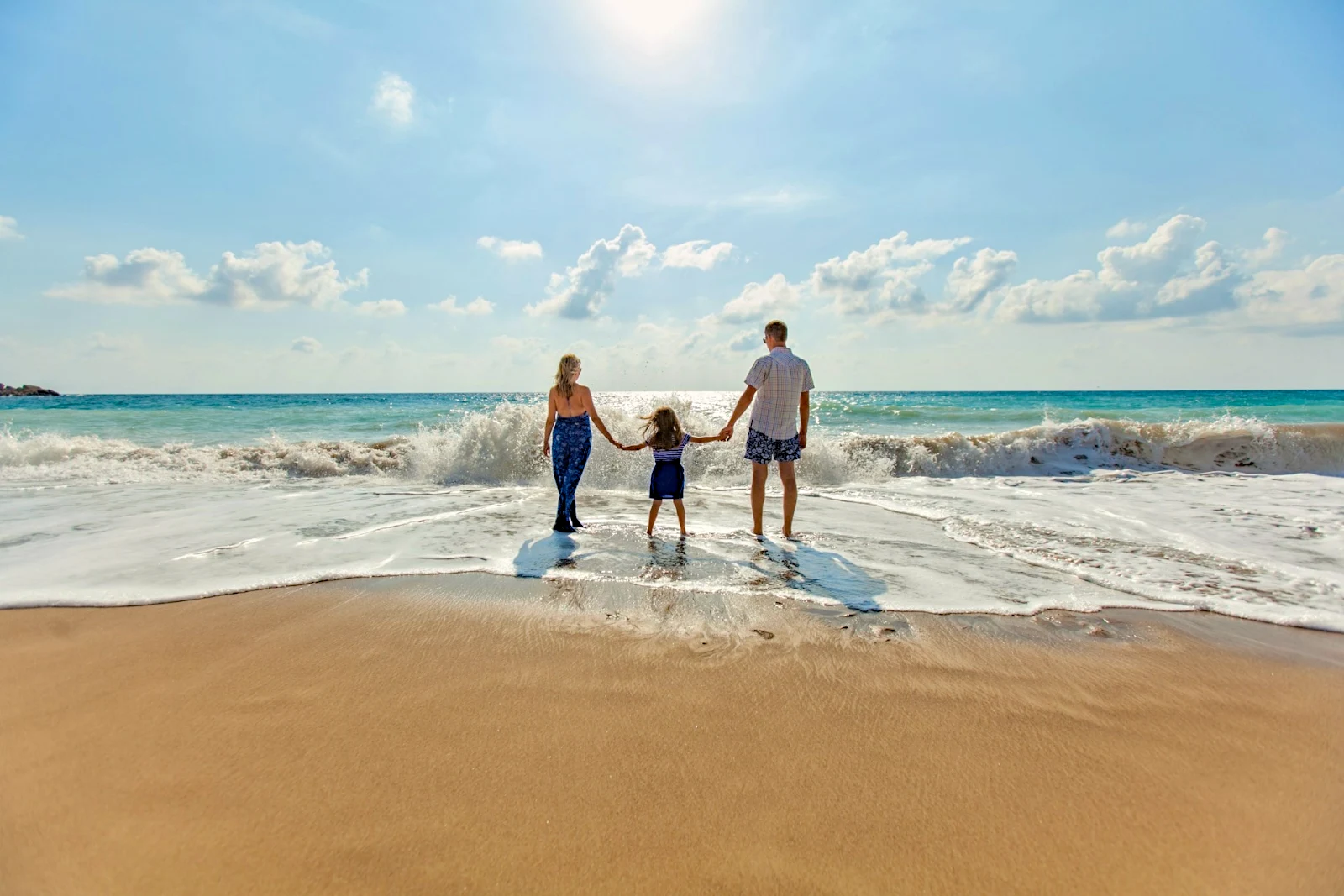

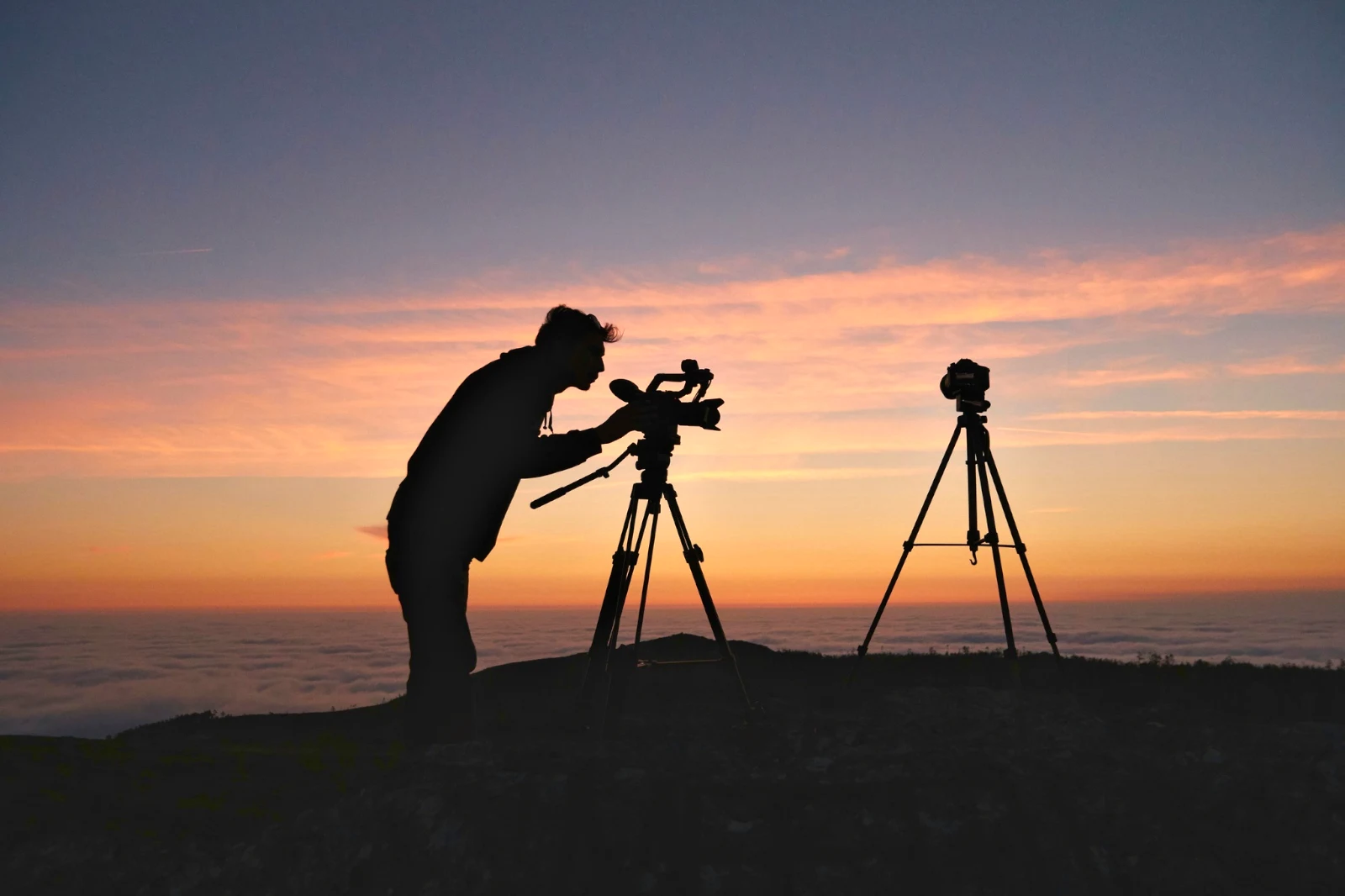
2. Επιλέξτε ένα Look
Golden Hour WarmthΜόνο Αυτόματο9 από τα 9 αντίγραφα είναι έτοιμα.
Δημιουργήστε μια φωτογραφία σε στρώματα και εξαγάγετε την οπουδήποτε
Ξεκινήστε μια νέα Φωτογραφία σε μέγεθος που ανεβάζουν οι άνθρωποι, ή ανοίξτε μια επιλογή ως στρώματα, κάθε φωτογραφία διατηρώντας τη δική της επεξεργασία. Επιλέξτε το θέμα ή τον ουρανό, μάσκα, ζωγραφική, θεραπεία, κλωνοποίηση και παραμόρφωση, προσθέστε κείμενο και σχήματα, στη συνέχεια εξαγάγετε ως JPEG, PNG, WebP, AVIF, TIFF ή ένα στρωματοποιημένο PSD.
Επιλογές
Περουβιανή, επεκτάστε, βελτιώστε τις άκρες και μετατρέψτε μια επιλογή σε μάσκα.
Κοινή χρήση Γκαλερί και παρακολούθηση του τι επιλέγει ο πελάτης picks
Τοποθετήστε ένα βίντεο σε μια Γκαλερί και μοιραστείτε το για έλεγχο. Ο πελάτης επιλέγει μέχρι τον αριθμό που ορίσατε, αφήνει σημείωση σε οποιαδήποτε φωτογραφία και στέλνει την επιλογή του, εγκρίνει ή ζητά αλλαγές, γύρο με γύρο. Οι επιλογές του είναι «Επιλογές Πελάτη» στη Βιβλιοθήκη σας.
Επιμέλεια
Κάθε γκαλερί που μοιράστηκε για επιβεβαίωση: τι επέλεξε και σημείωσε ο πελάτης και πώς απάντησε στον γύρο.
| Γκαλερί | Στρογγυλό | Επιλεγμένο | Της | Σημειώσεις | Απάντηση | Πελάτης | Απαντημένα |
|---|---|---|---|---|---|---|---|
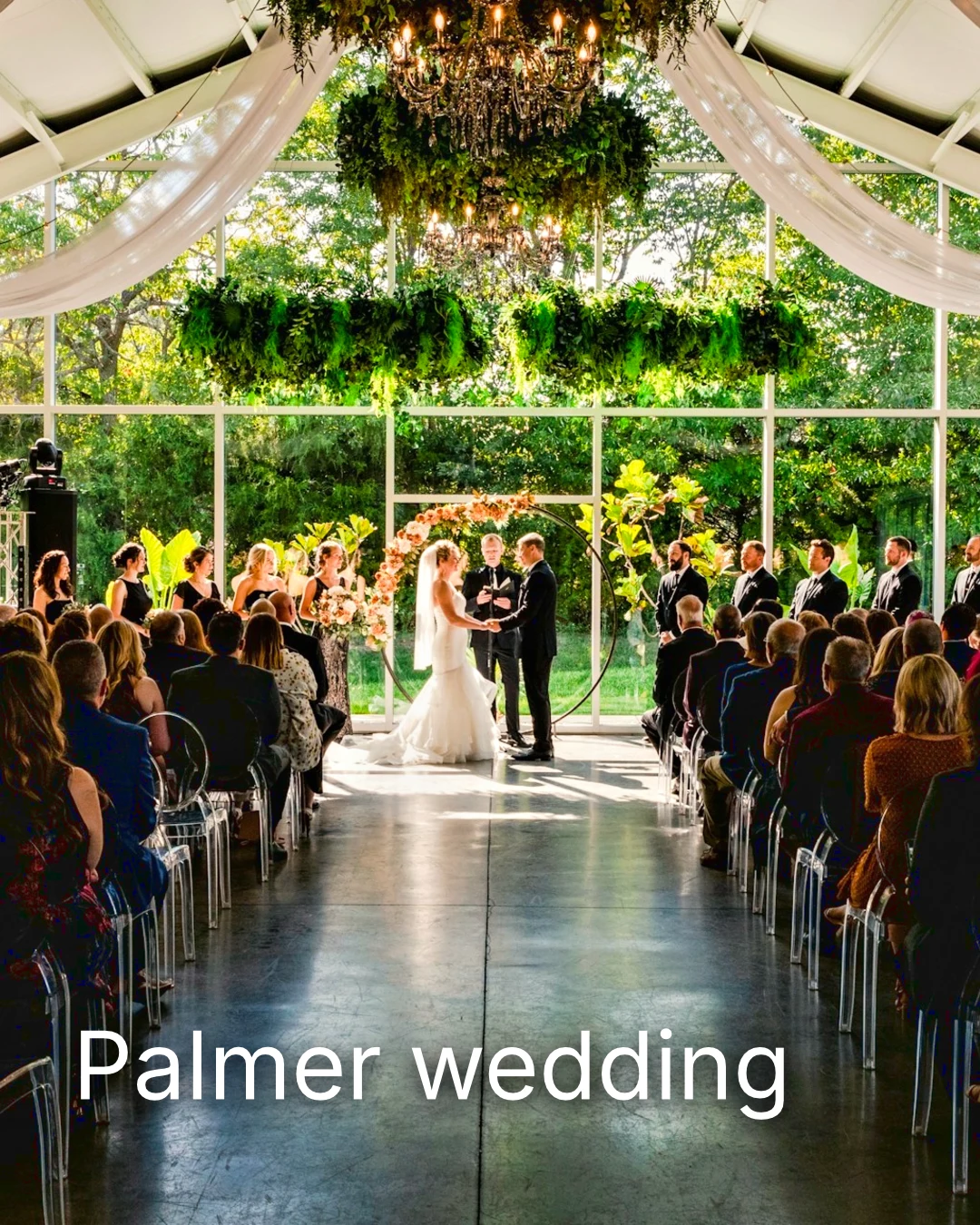
| Palmer wedding | 1 | 4 | 4 | 2 | Περιμένουμε από τον πελάτη | Sarah Palmer | Περιμένουμε από τον πελάτη |
| Carter portrait session | 2 | 3 | Χωρίς όριο | 0 | Εγκρίθηκε | James Carter | 19/11/2026 |
| Harbourline Dental team headshots | 1 | 0 | Χωρίς όριο | 2 | Αιτημένες αλλαγές | James Bennett | 19/11/2026 |
| Nguyen Family at Brighton | 1 | 12 | 15 | 3 | Επιλογή αποστέλλεται | Linh Nguyen | 20/11/2026 |
| Okonkwo Engagement | 2 | 20 | 20 | 0 | Εγκρίθηκε | Ada Okonkwo | 17/11/2026 |
| St Kilda Bakery Menu | 1 | 6 | Χωρίς όριο | 1 | Περιμένουμε από τον πελάτη | Marco Ricci | Περιμένουμε από τον πελάτη |
Σημειώσεις στη φωτογραφία
Κάθε σημείωση εμφανίζεται στη φωτογραφία της ενώ την επεξεργάζεστε.
Προβολή ή Κατέβασμα
Avenida da Liberdade 212
Γκαλερί
Κάθε σύνδεσμος είναι μόνο για προβολή ή κατεβάσιμο, με προαιρετικό κωδικό πρόσβασης.
Το Watermark σας
Επιλέξτε τα αγαπημένα σας και αφήστε μια σημείωση σε οτιδήποτε θέλετε να αλλάξει. Όταν τελειώσετε, στείλτε την απάντησή σας. Μπορείτε να απαντήσετε σε κάθε γύρο μία φορά.

Το λογότυπό σας ή οι λέξεις σας σε κάθε φωτογραφία που βλέπει ή κατεβάζει ο πελάτης, μέχρι να την παραδώσετε.
Εκτυπώματα από την Γκαλερί
$ 149.000 το καθένα. Η μεταφορά και ο φόρος προστίθενται στην αποκατάσταση.
Ο πελάτης αγοράζει μια εκτύπωση οποιασδήποτε φωτογραφίας, δημιουργημένη και αποσταλεί από το εργαστήριό σας, πληρωμένη στο δικό σας ταμείο.
Ένα Γκαλερί Εργασίας, Με Ταλέντο
Lookbook SS27 Σε επανεξέταση
- Πελάτης
- Maison Kiri
- Στρογγυλό
- 1
- Επιλεγμένο
- 8 / 12
- Απάντηση
- Περιμένουμε από τον πελάτη
- Σύνδεσμος κλείνει
- 2026/12/12
Μια εργασία στο Talent έχει τη δική της Γκαλερί, επαληθευμένη με τον ίδιο τρόπο.
Μια Ημέρα Κλεισίματος
Γκαλερί
Γκαλερί κάθε εργασίας: αυτό που βλέπει ο πελάτης, επιλέγει και κατεβάζει.
| Γκαλερί | Πελάτης | Φάση Εργασίας | Σύνδεσμος κλείνει | Δημιουργήθηκε |
|---|---|---|---|---|
| Program Shoot · Strength | Thandi Mokoena | Σε επανεξέταση | 2026/11/30 | 2026/11/09 |
| Client Story · Pieter | Pieter van Wyk | Σε επανεξέταση | 2026/12/07 | 2026/11/12 |
| Mobility Series | Aisha Davids | Παράδοση | 2026/12/18 | 2026/10/22 |
| Coaches Team Photos | Kopje Coaching | Παράδοση | 2027/01/05 | 2026/10/31 |
| Summer Bootcamp | Lerato Nkosi | Σε παραγωγή | 2027/01/20 | 2026/11/18 |
Ο σύνδεσμος κάθε Γκαλερί κλείνει την ημέρα που ορίσατε, και η λίστα των Γκαλερί δείχνει αυτά που κλείνουν τις επόμενες 30 ημέρες.
Αποστείλετε μια ολοκληρωμένη φωτογραφία όπου χρησιμοποιείται
Μια φωτογραφία ανεβαίνει ως η νεότερη εξαγωγή ή η πρωτότυπη όταν δεν έχει κανένα: σε μια Γκαλερί σε πλήρες μέγεθος, σε ένα νέο σχέδιο, σε περιουσιακά στοιχεία ιστοσελίδας ή σε μια λίστα. Κάθε επιλέκτης φωτογραφιών στο Calisto ήδη καταγράφει τις φωτογραφίες του λογαριασμού, συμπεριλαμβανομένων των εξαγωγών.
Ένα Σχεδιασμό, Με Στούντιο
Ένα νέο ανάρτηση ή ιστορία ανοίγει με τη φωτογραφία τοποθετημένη.
 Menú de OtoñoTostadas de jaiba, desde hoy
Ένα Ιστοσελίδα, Με Ιστοσελίδες
Προστέθηκε στα περιουσιακά στοιχεία του ιστότοπου.
Περιουσιακά Στοιχεία
Μια Ανακοίνωση, Με Ανακοινώσεις
Προστέθηκε στις φωτογραφίες του, όταν η επιχείρηση έχει καταχώριση.
T3 Rua do Século 41 Δημοσιεύτηκε
Επεξεργαστείτε με τη φωτογραφία σε πλήρη οθόνη στο κινητό σας
Πιέστε και σύρετε για μεγέθυνση, διπλό πάτημα για πλήρη οθόνη και κράτηση για το «Πριν». Κάθε ενότητα είναι μια επιλογή κάτω από τη φωτογραφία, με τους ελέγχους να βρίσκονται κάτω και ποτέ πάνω, και ο διακόπτης κινείται μόνο με οριζόντιο σύρεμα, οπότε η κύλιση δεν επεξεργάζεται.
Κοινοποίηση στο Foto
Μια φωτογραφία που μοιράζεται από το ρολό κάμερας καταλήγει στην Προσθήκη Φωτογραφιών.
Μοιράστε φωτογραφίες στο Foto από οποιαδήποτε εφαρμογή σε αυτή τη συσκευή, τραβήξτε μία ή επιλέξτε τις εδώ.
Φωτογραφίες για προσθήκη

Χωρίς Σήμα
Το Home, η Βιβλιοθήκη, οι Εμφάνσεις και η Πρόσθεση Φωτογραφιών ανοίγουν· οι επεξεργασίες και οι αναρτήσεις περιμένουν και προσγειώνονται μία φορά.
Μοιράστε φωτογραφίες στο Foto από οποιαδήποτε εφαρμογή σε αυτή τη συσκευή, τραβήξτε μία ή επιλέξτε τις εδώ.
Φωτογραφίες για προσθήκη
Εκεί που το Foto αγγίζει όλα τα άλλα.
4 of these 5 connections are in your plan today; the other is its own app.
Depot
Every photo and every export is a file in Depot, on the account’s one storage quota, and a Gallery is a Hub.
Studio
An image’s Adjust in Studio is Foto’s, Send To opens a new design with the photo placed, and a layered Photo opens there as a design.
Talent
Galleries and Proofing are the same views Talent shows, and a job’s Gallery is the Hub of that job.
Listings
Bulk Auto takes a listing’s photos as a set, and the exports replace them on the listing.
Sites
Send To adds a photo to a website’s assets.
Κόστος ρύθμισης μηδενικό. Πληρώνετε μόλις ξεκινήσετε τη χρήση.
Photos edited in one tap, by hand or in layers.
Calisto Create
Η Βιβλιοθήκη, το Auto, το Bulk Auto, τα Looks, το Adjust και οι Γκαλερί, περιλαμβάνονται σε κάθε λογαριασμό Calisto.
Foto Pro
Έλεγχος Inline κάθε ρύθμισης Adjust και το περιβάλλον Layers, για ένα άτομο, σε ένα κάθισμα από μόνο του ή με Δημιουργία καθίσματος· μια επιχείρηση αναθέτει τα καθίσματά της στους ανθρώπους της.
Προτείνεται για εσάς
Συνεργάζεται καλά.
Calisto Depot
Calisto Studio
Calisto Create
A Studio seat designs anything at every size, from Calisto’s templates or a blank page: layers, photos, Copy & Resize, Bulk Create, mockups, QR codes, print-ready PDFs, sharing and whiteboards.
Learn more →Calisto Talent
Περιλαμβάνεται στα Σχεδιαστικά σας
Η εφαρμογή Core σας δείχνει όλα όσα ενεργοποιούν οι σχεδιασμοί Commerce και Ops σας.
Learn more →Calisto Listings
Αναρτήσεις
Οι αναρτήσεις σας, τα ραντεβού, οι αναπτύξεις, οι ενοικιάσεις και το γραφείο, για κάθε άτομο που εργάζεται στις Αναρτήσεις.
Learn more →Calisto Sites
Ιστοσελίδες Calisto
A website and its phone app, built from a template on the page itself, showing what you sell from your own records and published on your own domain.
Learn more →Όλα που περιλαμβάνονται στο Calisto Foto.
- Foto Essentials for every signed-in person: Home, the Library, Auto, Bulk Auto, Looks, Adjust with Auto, Light, Color and Crop, and Galleries; every other control one tap away behind More.
- Foto Pro, a seat per person: every Adjust control inline and the Layers workspace.
- Essentials or Pro is each person’s own choice, in Profile & Preferences ▸ Creative Tools, never a business setting.
- Without a seat, More and Layers read Pro · Upgrade, or Ask for a Pro Seat for a team member.
- A photo whose edit holds Pro fields always opens, saves and draws at Essentials.
- First open asks nothing technical at Essentials, and leads with Layers and the keys at Pro.
- Every photo read after it is uploaded: when it was taken, its exposure, its focus and its faces.
- Flags: Blurry, Missed Focus, Black Frame, Missed Flash and Closed Eyes, each a filter in the Library.
- A score from focus, exposure and open eyes: Best First, and the Suggested Best Shots.
- Similar Shots: bursts, brackets and the same pose taken twice, grouped best first, with Star the Best of Each.
- Faces and eyes are read on your own device; nothing is starred or hidden for you.
- Home: the photos to pick up again, Upload Photos, New Photo, From Media Library, Bulk Auto, and Recent Photos.
- The Library: All Photos, Starred, Edited, Similar Shots, Layers and Client Picks, with search, sort (Best First and Date Taken included) and a Tag filter.
- A Hub’s photos on their own, from the Hubs in the sidebar; Move To… a Folder of a Hub, and New Hub, Private or Public (with Depot).
- A selection is starred, tagged, given a look, run through Bulk Auto, sent on, opened as layers or assigned to a client project.
- Star and Tags are the platform’s: the same in Depot, Docs and Studio, carried wherever the photo is picked.
- An export is listed with its photo, never among the originals.
- The account’s storage shown in the Library, on the one Depot quota (with Depot).
- Upload from a desk, the camera or the device’s photos, through the one upload queue.
- Add Photos is where a photo shared to Foto lands: the camera roll’s Share sheet, or Open With on a desk.
- Then Adjust for one photo, Bulk Auto for a set, or the Library.
- JPEG, PNG, WebP, HEIC, HEIF, AVIF, TIFF and camera RAW; a RAW is developed on the device, or converted on the server when the device cannot.
- The camera and lens a file says made it, read once from the original and kept on the file.
- Auto: one tap reads the photo on the device, sets its sliders and names each one; Undo puts the photo back.
- Your Style beside Auto, once you have edited eight photos: Auto moved the way you move it, and the Texture, Clarity and Saturation you usually set, learned from your own edits; yours, never the business’s.
- Light, Color, Crop and Straighten; Whites and Blacks, Detail (Detail, Fine Detail, Clear Haze), Tone Curve, Color Mixer, Color Grading, Sharpening and Noise, Lens, Transform and Effects.
- Straighten Lines: Auto and Vertical, and Level, Full and Guided (up to four lines drawn on the photo); it sets the Transform sliders it solved and names them, and leaves a photo with no clear lines as it is.
- Lens: Correct Lens from the camera’s own correction in the RAW, else the lens profile; Remove Color Fringes; nothing the camera already corrected is corrected twice.
- How it was drawn, said under the control it concerns.
- Remove and Repair: Remove what you paint over; Clone and Fill.
- Adjust Part: Sky, Subject and Background; a Brush, Linear and Radial gradients and a Brightness Range.
- People: Skin, Face, Eyes, Lips, Hair, Clothes and Body, found on your device.
- Retouch Skin: Even Skin smooths blotches and keeps the pores; Match Skin Tone evens the skin toward the person’s own tone.
- Frequency Separation: paint where, then Smooth Tone and Fine Detail retouch the tone and the texture each on its own.
- Portrait Blur on the background, and Lens Blur by the photo’s depth with Focus Distance and Depth of Focus.
- Film Negative: a scanned color or black and white negative turned positive from its film base, shared across a roll by copying the edit.
- Changes: every change to a part, with its own controls, opacity, blend and invert.
- Markup: an arrow, a circle, a box, a freehand line or a label drawn on the photo, carried by every export.
- Before: press and hold. Undo and Redo through the edit’s whole history.
- The original is never changed; the edit is kept beside it with its history.
- A client’s note from Proofing shown on the photo while it is edited.
- Calisto’s looks and the business’s own, in Looks ▸ Calisto and Mine.
- Match a Photo: another photo’s look, solved into Exposure, Contrast, Saturation, White Balance and Color Grading.
- Suggested looks first in Adjust: the looks made for a photo like this one, from the kind of photo each of Calisto’s was made for and the photos each of yours has been put on.
- Save Look keeps an edit’s settings as a look of the business’s own.
- A look given to one photo or a whole selection.
- A selection from the Library, or one listing’s photos for a business with listings (with Listings), and a look.
- Start From Auto or Your Style.
- Each photo read on the device and given its own Auto, then the look; a look that straightens lines solves each photo’s lines.
- Saved as a step of each photo’s edit.
- The exports made on the server, so they finish with the page closed; the results screen shows each one as it is ready.
- For a listing’s photos, the exports replace them on the listing, through Listings’ own write (with Listings).
- Bulk Auto Finished is sent once per run, to the person who started it.
- Camera on USB, in Chrome or Edge: Connect Camera, Shoot, Live View on Canon EOS and Nikon, every frame straight into Foto.
- The camera’s own Wi-Fi upload: FTP, FTPS or SFTP to Calisto with a login of your own, the password shown once.
- Every frame in the Camera Uploads Hub as it lands, with the last edited frame’s edit or a look applied to each new one.
- Nothing to install: the camera talks to the page itself.
- Record Action in Adjust: your steps kept as steps, then played on any photo or a Library selection, with Auto, looks, straightening and found parts solved again for each photo.
- Actions are the business’s, kept beside its looks.
- Contact Sheet: a selection or a Gallery printed 2 to 8 across, portrait or landscape, with names, stars, client picks and culling flags, filed in Depot as a PDF.
- HDR: bracketed exposures fused into one photo, lined up even when taken by hand.
- Panorama: overlapping frames joined, laid on a cylinder for a known lens, cropped clean; brackets at each position fused first.
- Focus Stack: frames focused at different distances, sharp from near to far.
- Astro Stack: night-sky frames aligned on their stars and stacked by sigma clipping, median or mean, dark frames taken off.
- A new photo in Depot every time; the photos merged stay as they were. Large merges finish on our servers.
- Smart Objects: Convert to Smart Object, New Linked Copy, Update Linked Copies and Release Smart Object; each copy keeps its own opacity, blend and styles.
- New Photo at a size people make: YouTube Thumbnail, Instagram Post and Story, Square, A4 and US Letter at 300 ppi, or a custom size, on white, black, a color or transparent.
- Open as Layers on a selection: each photo a layer carrying its own edit.
- Photo, pixels, adjustment, text and shape layers in one layer tree: chosen, checked to act on several, shown, hidden, locked, renamed, moved, grouped, duplicated and deleted.
- Tools: Move, Select Rectangle, Ellipse, Freehand and Straight Lines, Select Similar Color, Select Subject and Sky, Brush, Eraser, Dodge, Burn, Blur, Sharpen, Heal, Clone, Fill, Warp, Warp Grid, Warp Perspective, Text, Shapes and Crop.
- The Select menu: Select All, Deselect, Invert, Feather, Expand, Contract, Smooth, Refine Edges, Selection to Mask and Fill with Color; Shift adds, Alt subtracts, both intersect.
- Layer masks and shape masks, each enabled, inverted, feathered, applied or deleted; layer styles: drop and inner shadow, outer and inner glow, color overlay and stroke.
- Apply and Convert to Pixels; every paint stroke written as new tiles, so every earlier step still undoes.
- Export as JPEG, PNG, WebP, AVIF, TIFF or a layered PSD, with what it could not hold said in plain words; Recent Exports in the Export dialog.
- A layered Photo opens in Studio as any design does (with Studio).
- Without the seat, a layered Photo opens to look at.
- A Gallery is a Hub shared with a client through its link, Private or Public; a job’s Gallery is the Hub of that job (with Talent).
- Send To ▸ Gallery puts the photos in at full size.
- Share for Proofing: the client’s email (the Gallery also lists in their portal), how many they may pick, view or download, a password, and your watermark.
- Your watermark on every photo of the link, at every size and on every download: your logo, your business name or your own words, where it sits, its size and its opacity, set once in Settings ▸ Photos ▸ Watermark.
- Watermark the Photos or Remove the Watermark on a link in Proofing, so the final delivery goes out clean.
- Prints from the Gallery: Choose Prints from your drop-ship products on sale online; the client taps Buy Print on a photo, picks the print, the size and how many, and pays on your own checkout (with Shop and Orderflow).
- Your lab prints the photo the client chose and ships it to them; the order is in Orderflow beside every other web order.
- The client picks up to the limit, leaves notes, and sends their selection, approves or asks for changes, round by round.
- Open the Next Round, or Stop Proofing; an earlier round stays as it was.
- Galleries counts what is delivered, waiting on the client and closing in 30 days.
- The same Galleries and Proofing views Talent shows (with Talent).
- A photo goes on as its current export, or the original when it has none.
- A Gallery; a design, opened in Studio with the photo placed (with Studio); a website’s assets (with Sites); a listing’s photos, when the business has a listing (with Listings).
- Every picture picker in Calisto lists the business’s photos in Depot, exports included.
- Adjust and Layers, switched in the header: ⌘⌥1 and ⌘⌥2, or A and L.
- Keyboard Shortcuts (⌘/) lists every key; ⌘K finds every command.
- Each editor’s back link returns to the Library.
- Home, Library and Settings in the tab bar; shortcuts to Add Photos, the Library, Bulk Auto and Looks.
- The photo fills the screen: pinch to zoom and pan, double-tap to fit, press and hold for Before.
- Each section a chip under the photo, its tray docked under it, never over it, with the desk’s controls and a Reset.
- A slider moves only on a sideways drag, so a scroll never edits; words are typed in a dialog above the keyboard.
- Layers on a phone: the canvas full screen, the tools in a bottom bar, the layer tree and Format as bottom sheets.
- Keep Foto on This Device: Home, the Library, Looks and Add Photos open with no signal; an edit’s save, a new look and uploads wait and land once.
- Copy Saved is sent when the server finishes a copy, to the person who asked for it.
- Foto installs as part of the Calisto app.
- Every photo and every export is a Depot file on the account’s one quota; each Foto Pro seat adds its included storage to it (with Depot).
- Working copies and the render cache never count.
- Settings ▸ General: the business’s name, design and sign-in.
- Settings ▸ Photos: the export format, size on the long side or the original’s, quality, and the look Bulk Auto starts from; changed by the business’s admins, and Purview may lock it.
Questions about Calisto Foto
Κάθε συνδεδεμένο άτομο έχει το Foto Essentials: τη Βιβλιοθήκη, το Auto, το Bulk Auto, τα Looks, το Adjust with Light, το Color και το Crop, και τις Γκαλερί. Κάθε άλλο έλεγχο ρύθμισης βρίσκεται πίσω από το More. Το Foto Pro τα τοποθετεί όλα σε γραμμή και προσθέτει το περιβάλλον εργασίας Layers, για ένα άτομο ανά θέση.
Όχι. Μια επεξεργασία διατηρείται δίπλα στη φωτογραφία με την ιστορία της, ώστε οποιοδήποτε βήμα να μπορεί να αναιρεθεί αργότερα. Μια εξαγωγή είναι ένα νέο αρχείο στο Depot, προσβάσιμο από τη φωτογραφία του, και το πρωτότυπο παραμένει όπως ήρθε.
Αρχεία JPEG, PNG, WebP, HEIC, HEIF, AVIF, TIFF και camera RAW. Ένα αρχείο RAW αναπτύσσεται στη συσκευή σας ή στον διακομιστή όταν η συσκευή δεν μπορεί να το κάνει. Ένα στρωματοποιημένο Photo εξαγωγείται ως JPEG, PNG, WebP, AVIF, TIFF ή ως στρωματοποιημένο PSD.
Το Studio ανοίγει ένα στρωματοποιημένο αρχείο PSD ως σχεδιασμό. Το Foto αποθηκεύει ένα στρωματοποιημένο Φωτογραφικό αρχείο ως PSD που διατηρεί τα στρώματά του, τις μάσκες, τις συνθέσεις, τα ομάδες, το κείμενο και τα στυλ, και αναφέρει με απλά λόγια αυτό που δεν μπορούσε να διατηρήσει.
Κοινοποιήστε τη Γκαλερί για επαλήθευση. Ο πελάτης ανοίγει τον σύνδεσμο, επιλέγει έως τον αριθμό που ορίσατε, αφήνει μια σημείωση σε οποιαδήποτε φωτογραφία και στέλνει την επιλογή του, εγκρίνει ή ζητά αλλαγές, γύρο με γύρο. Οι επιλογές τους εμφανίζονται ως Επιλογές Πελάτη στη Βιβλιοθήκη σας, και κάθε σημείωση εμφανίζεται στη φωτογραφία ενώ επεξεργάζεστε.
Ναι. Επιλέξτε ποια από τα προϊόντα drop-ship σας πουλάει η Gallery, όπως εκτυπώσεις που κάνει και στέλνει το εργαστήριό σας. Ο πελάτης πατάει Αγορά Εκτύπωσης σε μια φωτογραφία, επιλέγει την εκτύπωση, το μέγεθος και πόσες, και πληρώνει στο δικό σας checkout. Το εργαστήριό σας εκτυπώνει αυτή τη φωτογραφία και την στέλνει σε αυτόν.
Στο Depot, στο ένα όριο αποθηκευτικού χώρου του λογαριασμού σας, όπου κάθε επιλογέας φωτογραφίας στα Calisto τα βρίσκει. Κάθε θέση Foto Pro ή Create προσθέτει την αποθηκευτική χωρητικότητα που περιλαμβάνει σε αυτό το ίδιο όριο.
