Σχεδιάστε αναρτήσεις, φυλλάδια, μενού και οθόνες στο brand σας.
Επιλέξτε ένα πρότυπο που έχει δημιουργηθεί για τον τύπο της επιχείρησής σας, ήδη στα χρώματά σας και το λογότυπό σας, και αλλάξτε τα λόγια και τις φωτογραφίες. Στη συνέχεια, δημοσιεύστε το, τυπώστε το ή τοποθετήστε το σε μια οθόνη.
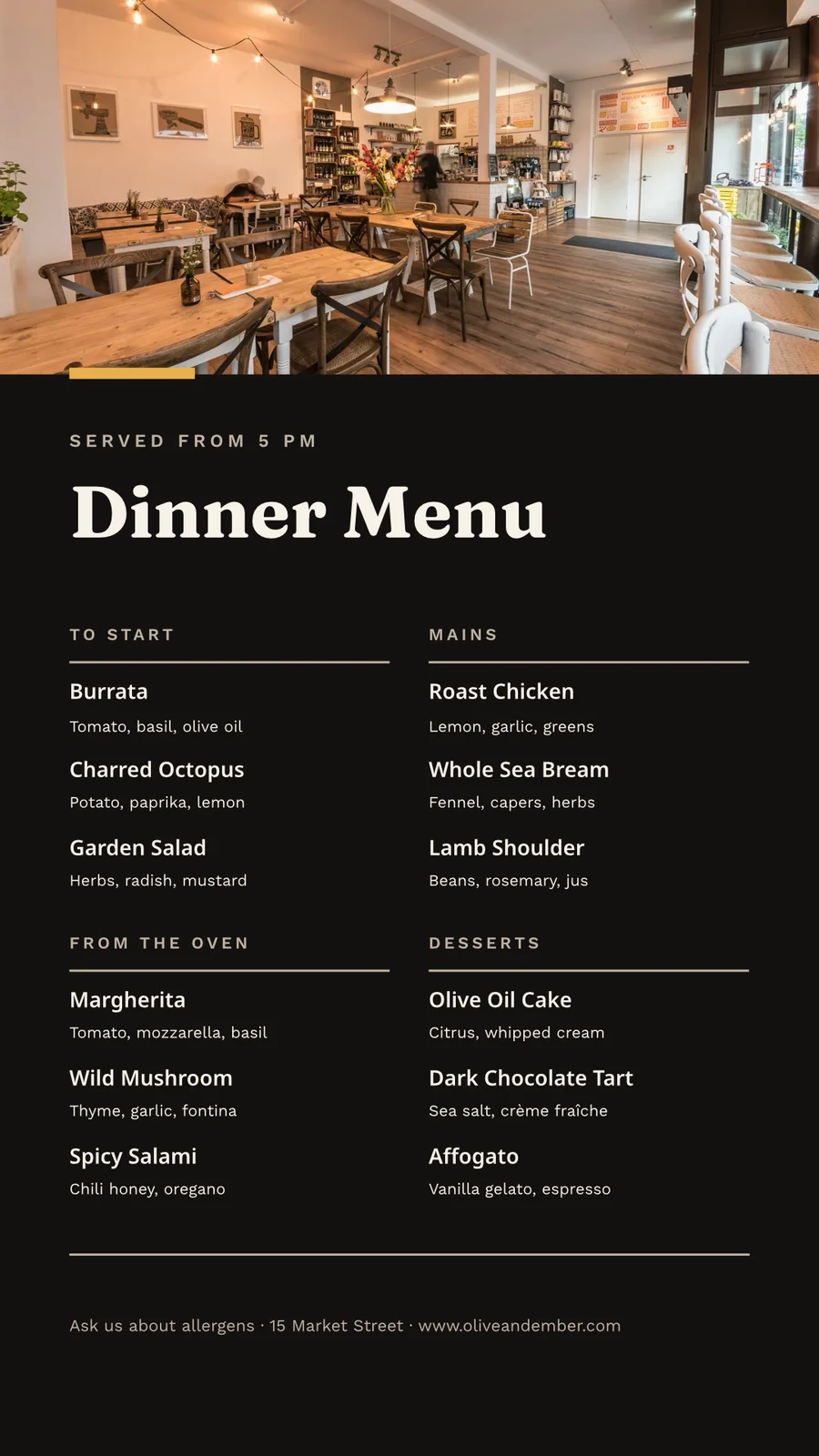
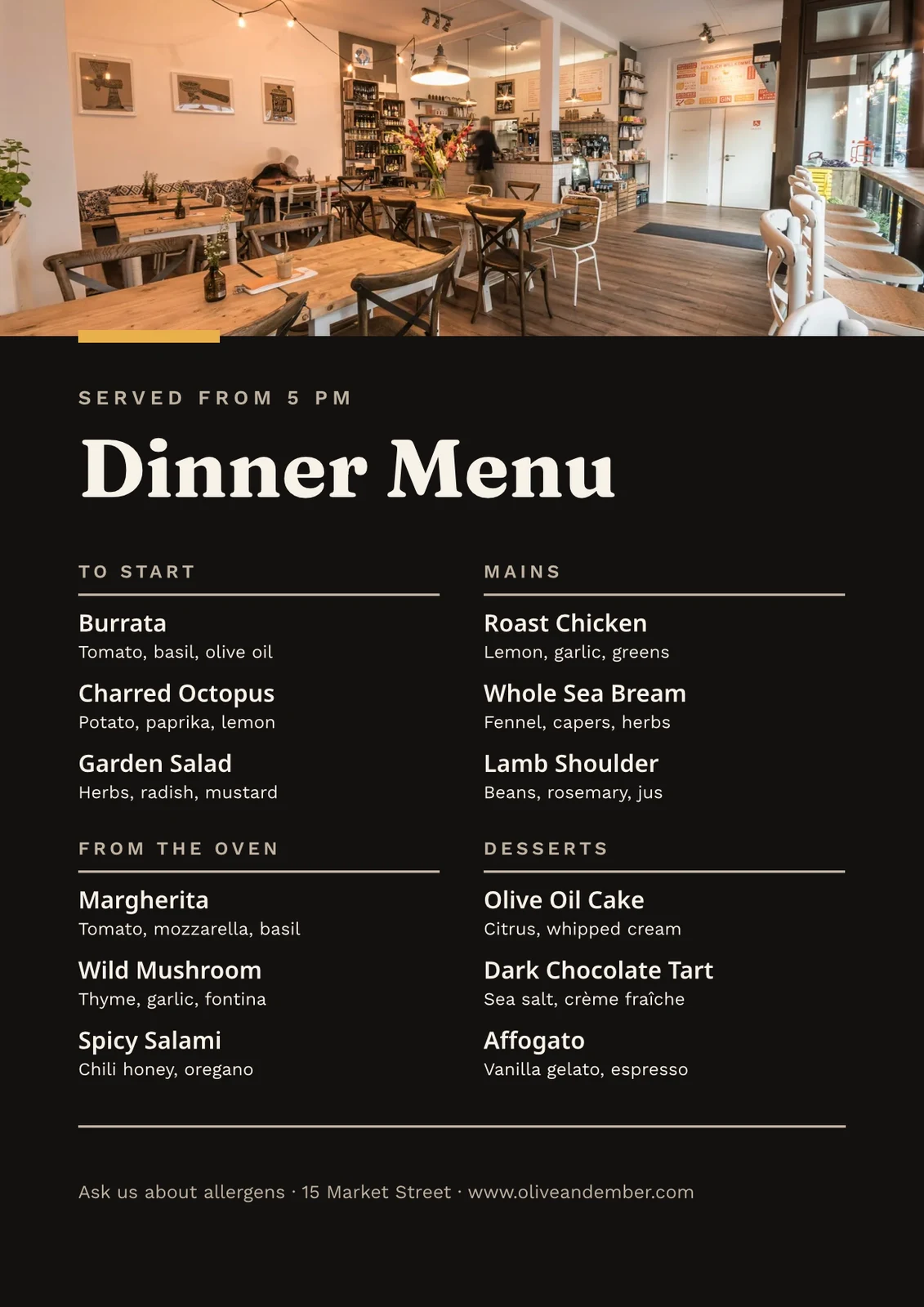
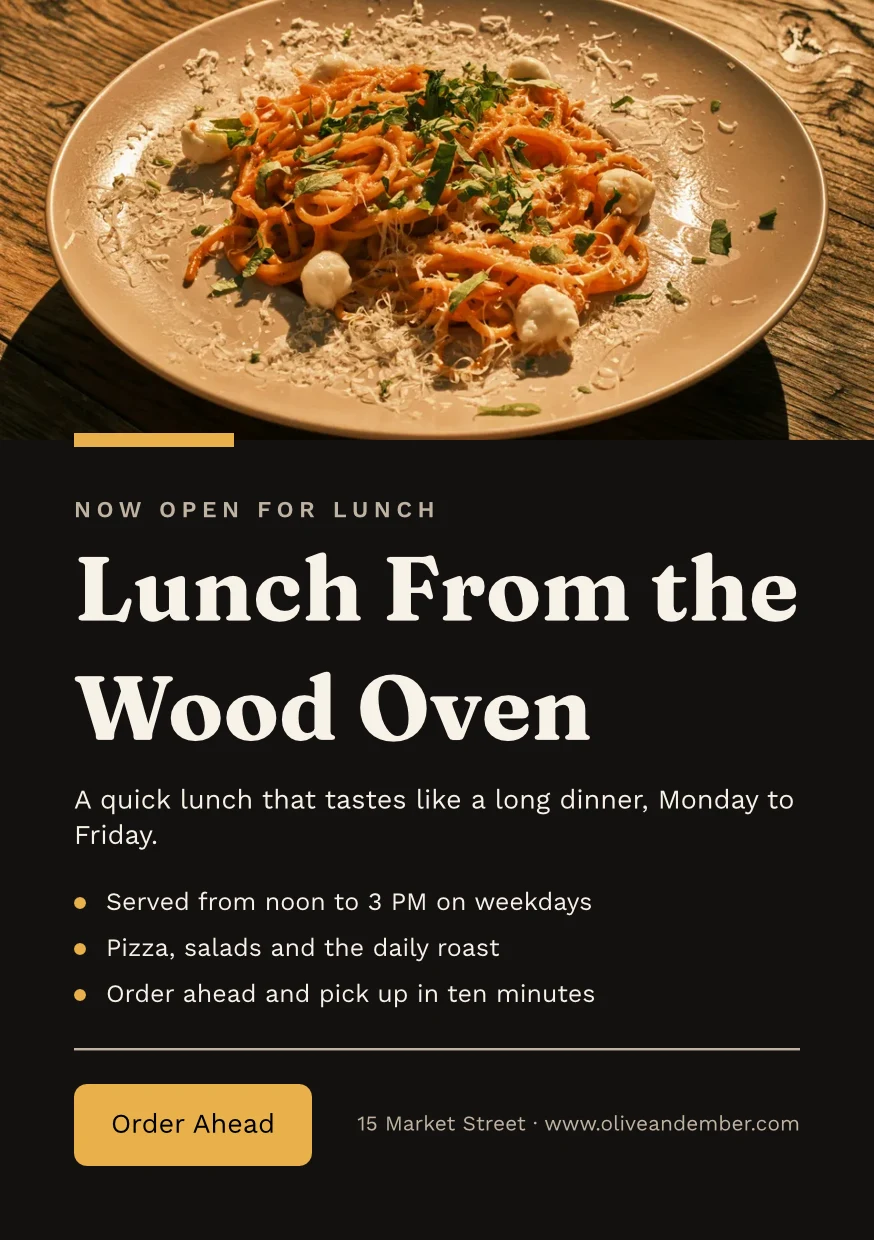
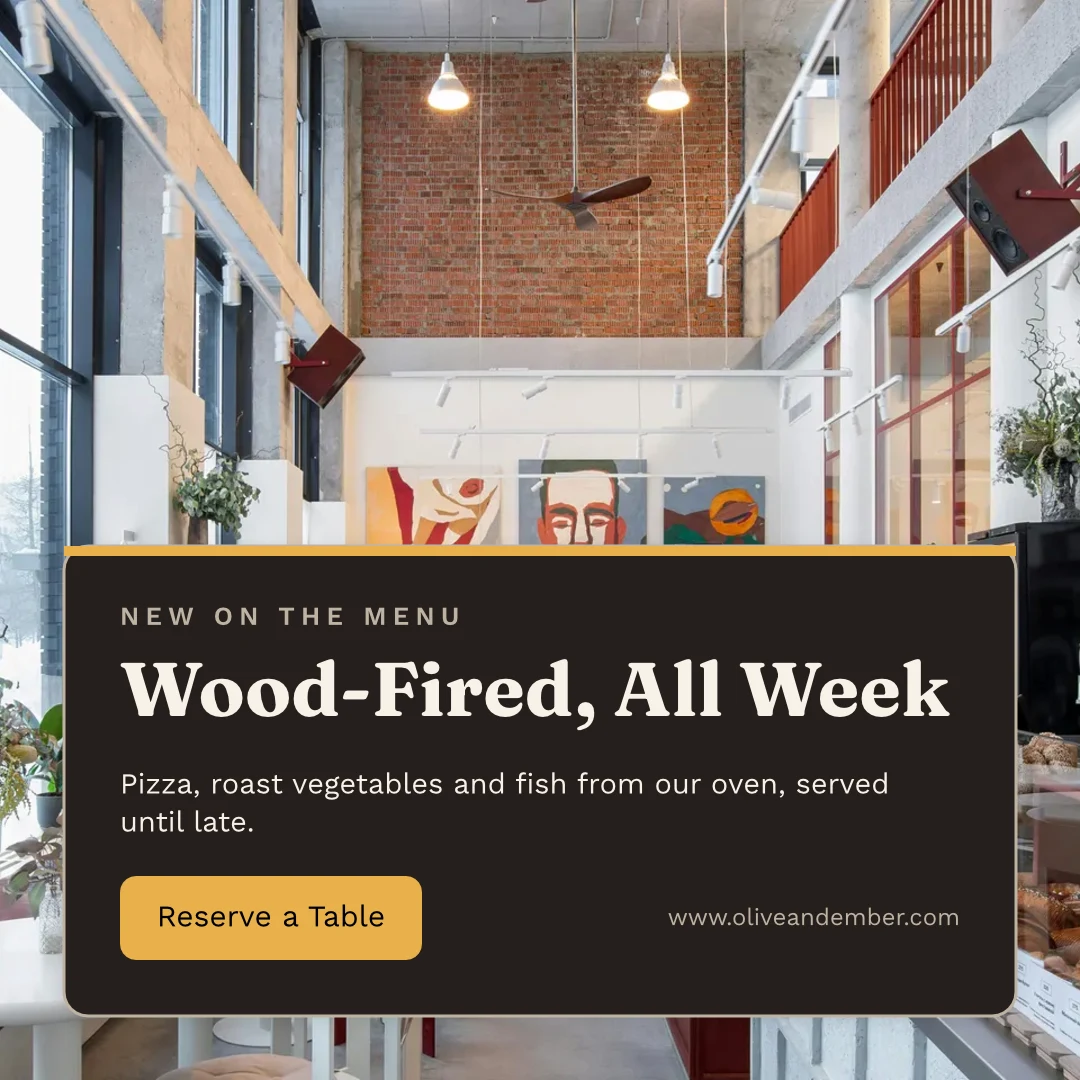
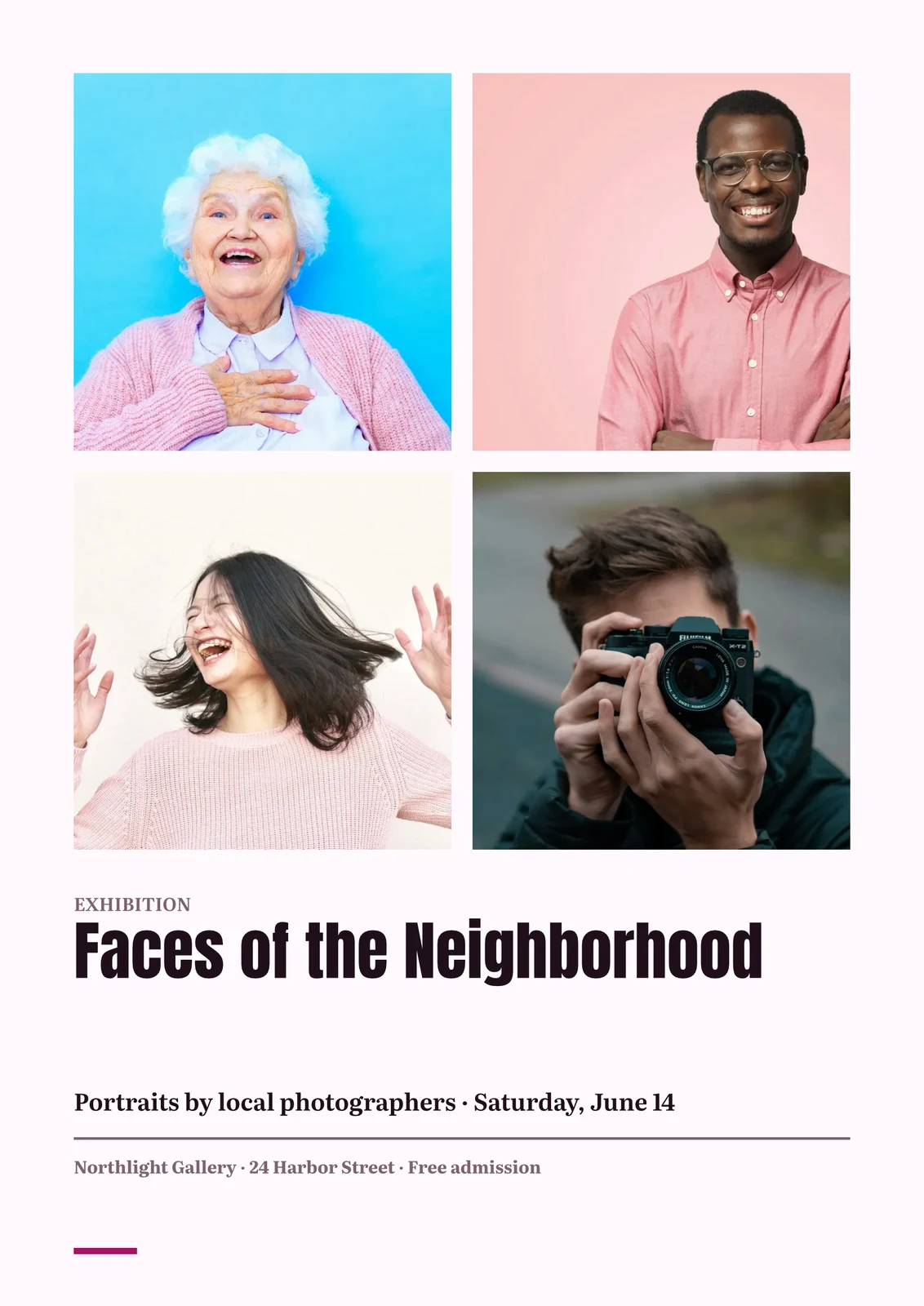
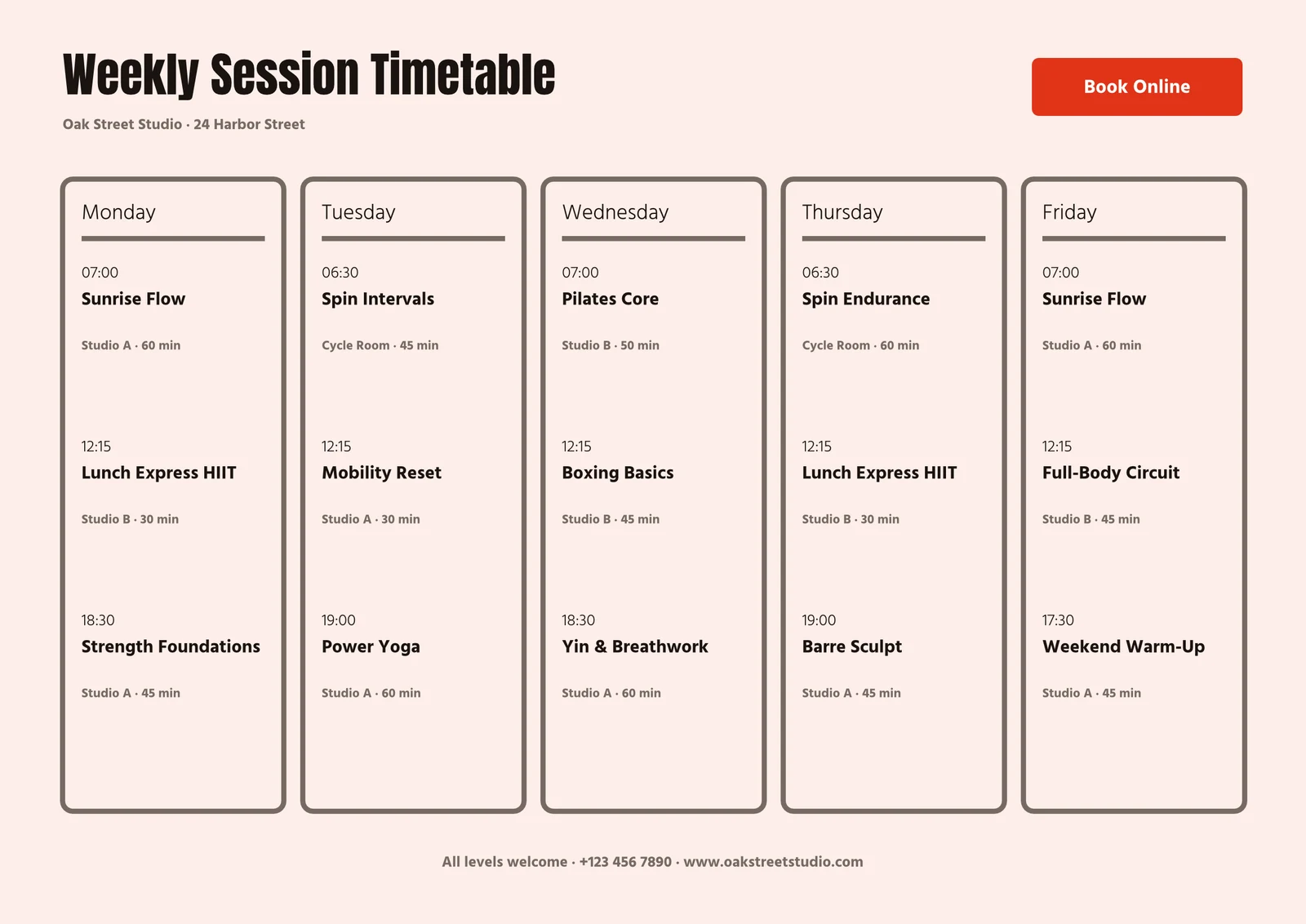
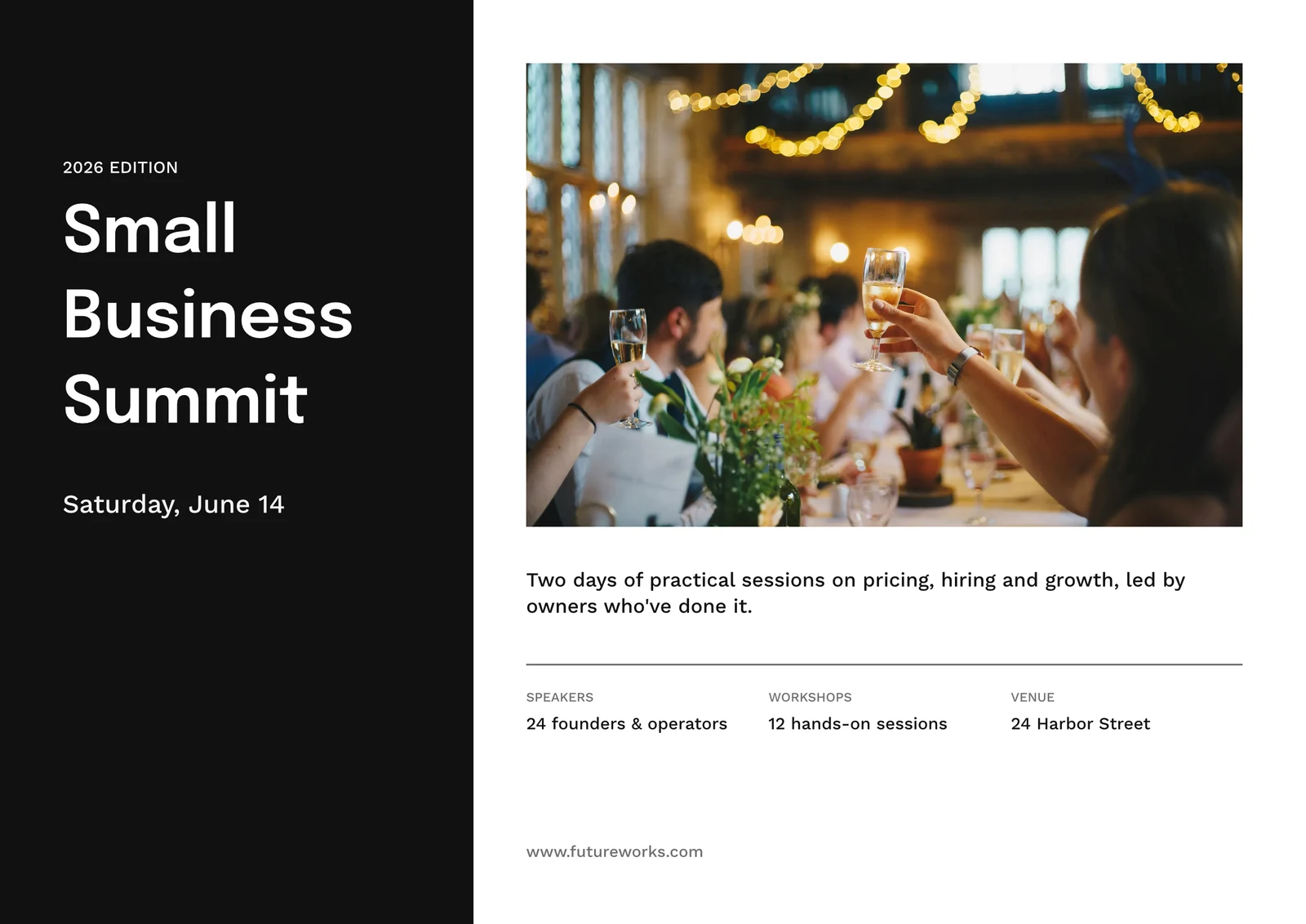
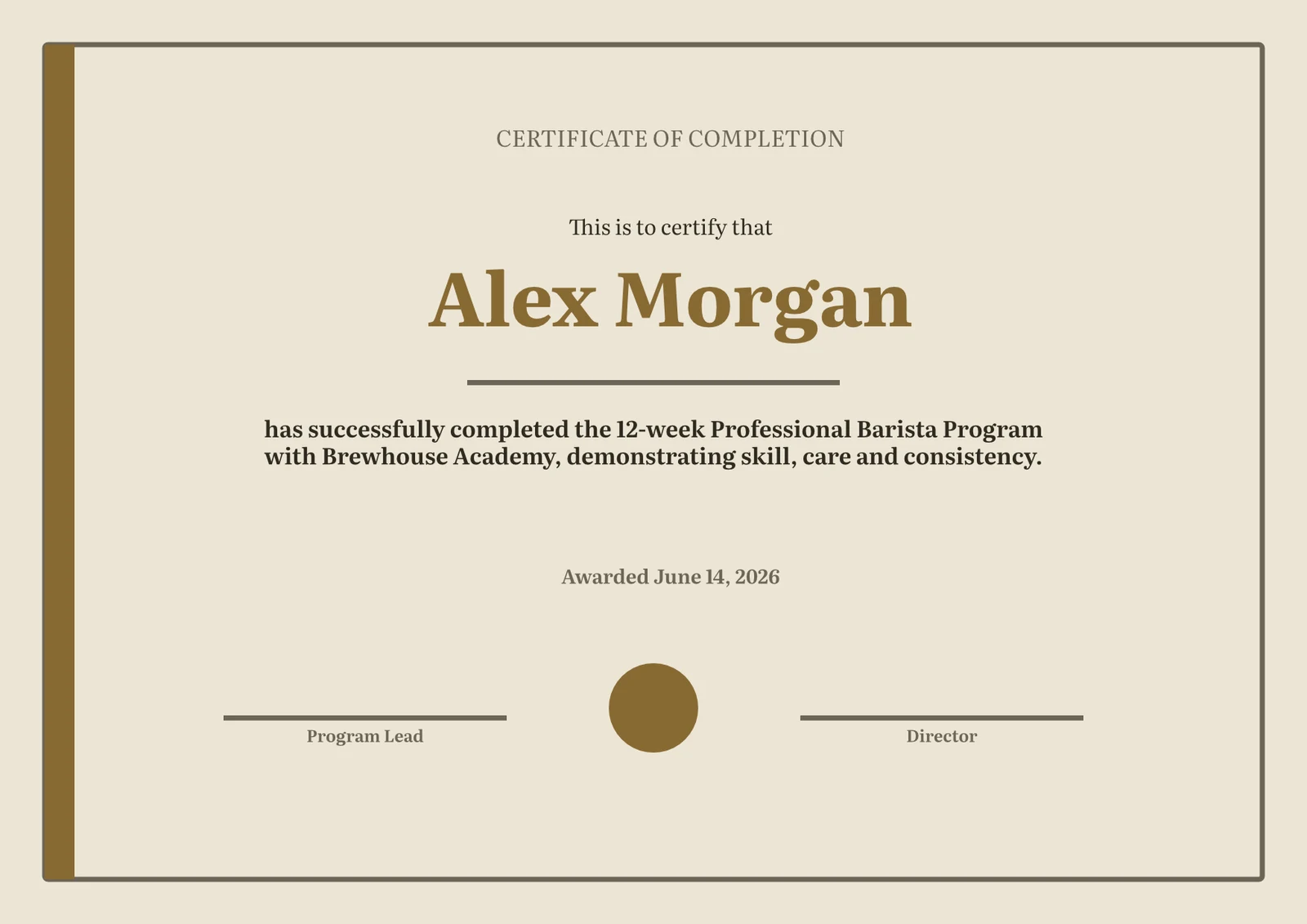
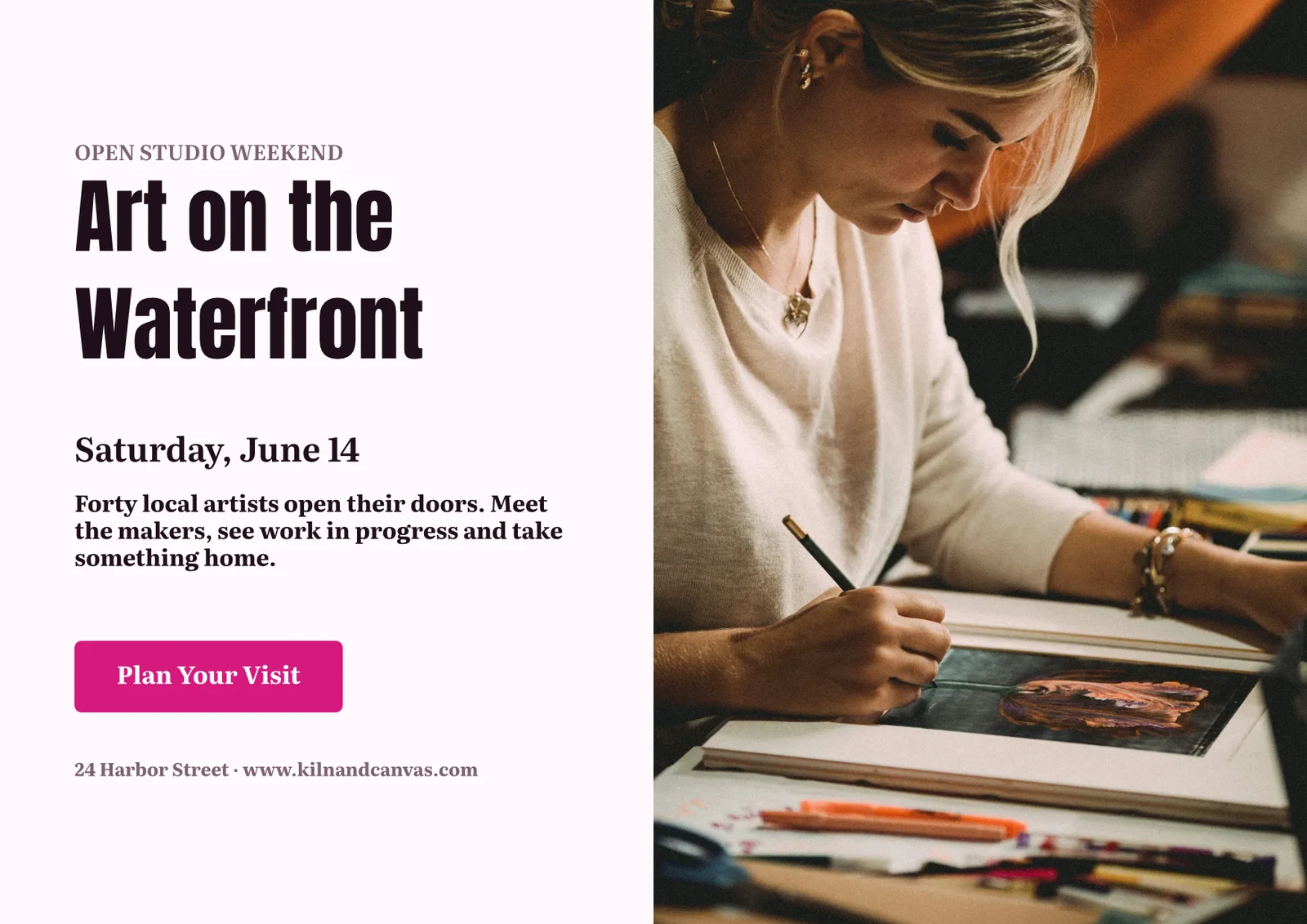
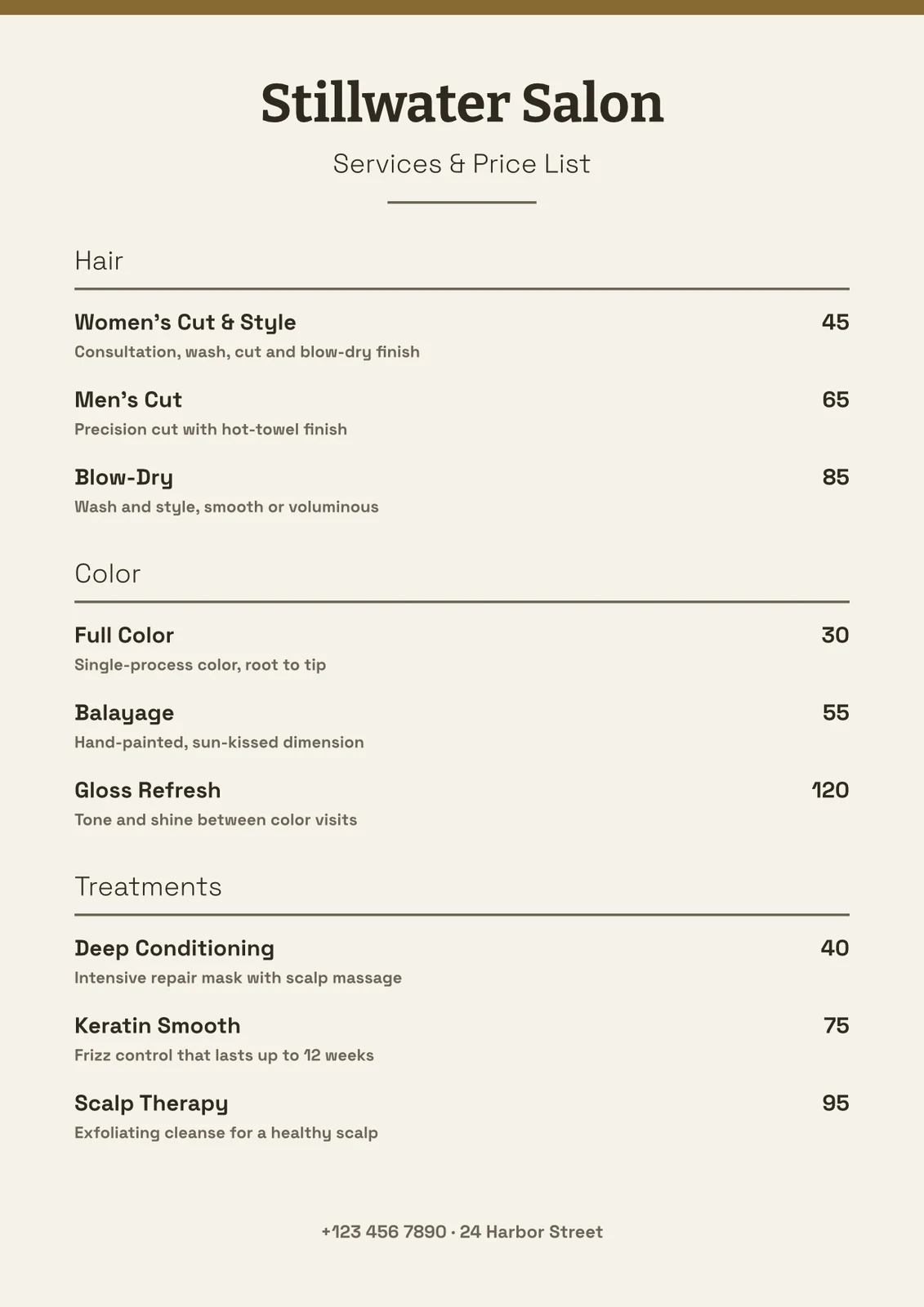
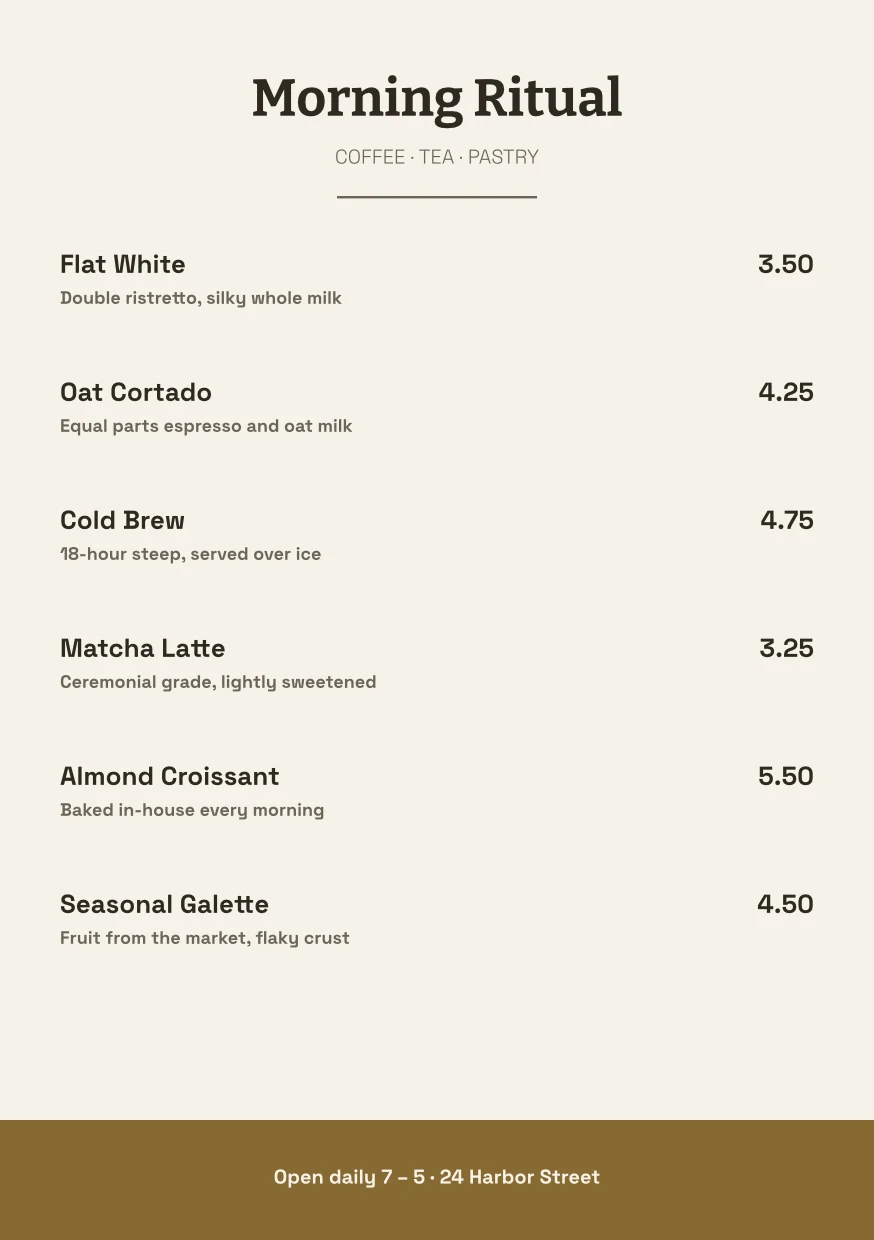
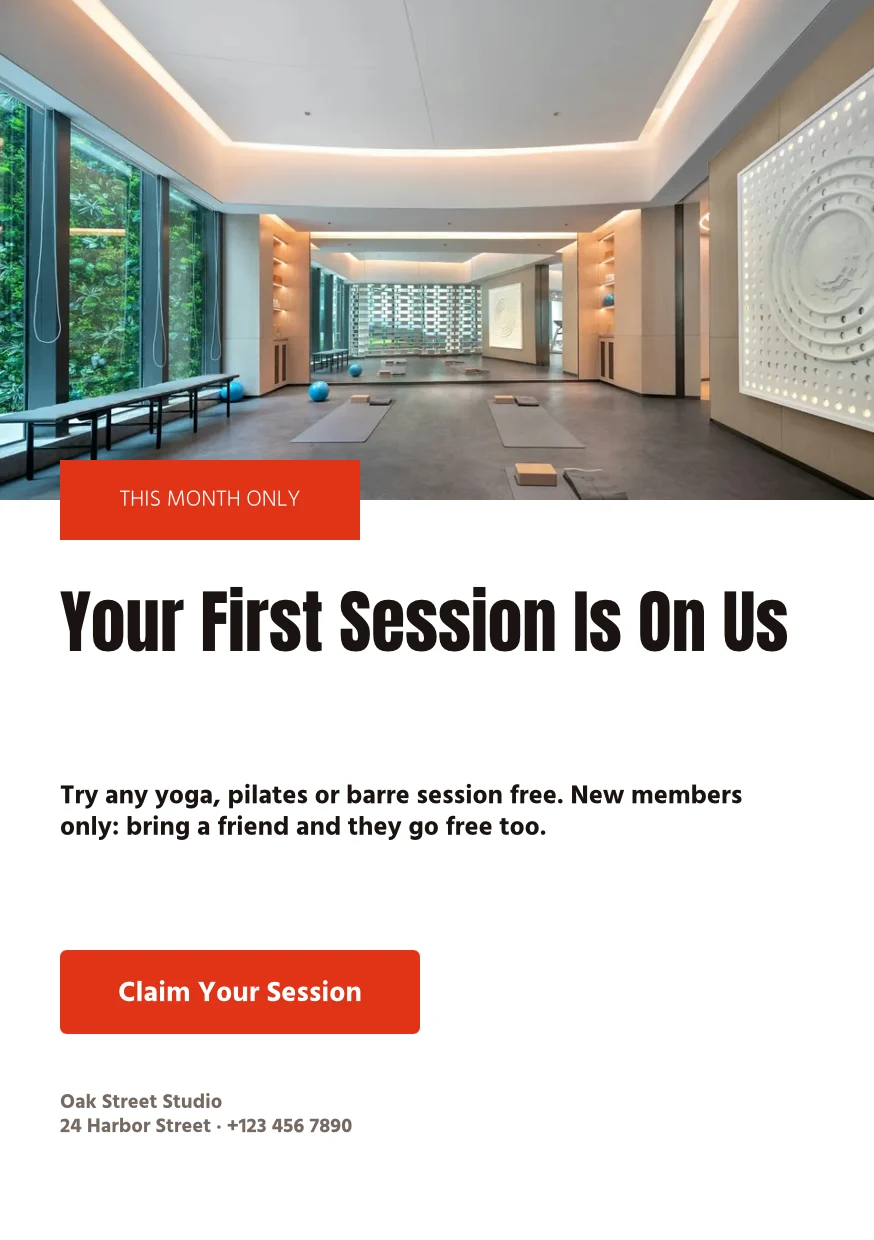
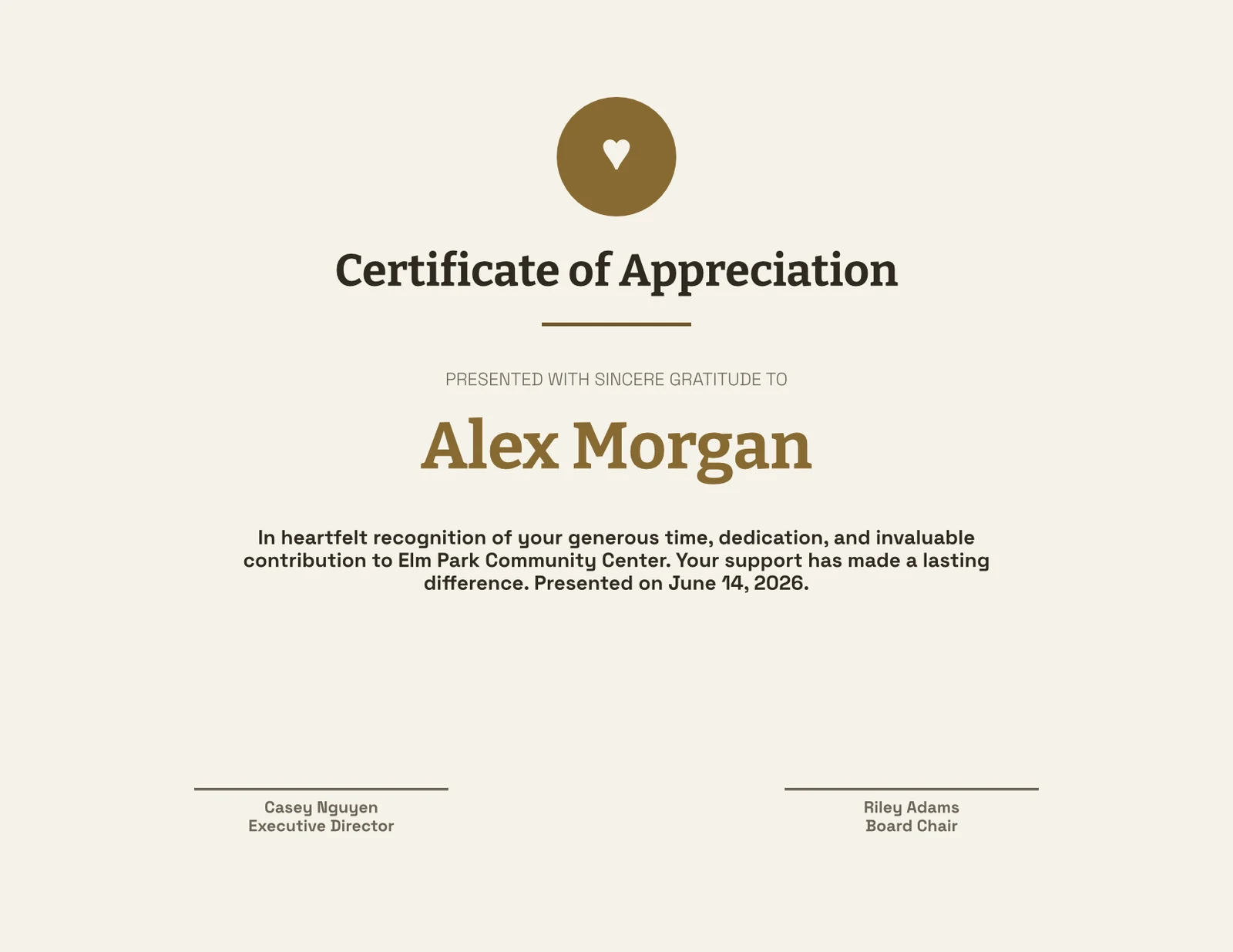
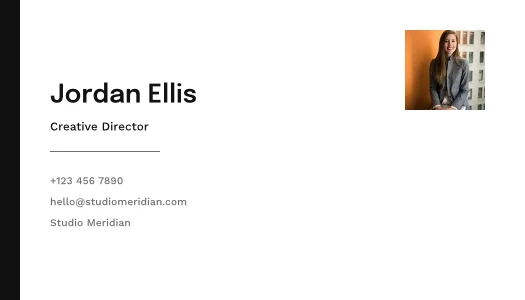
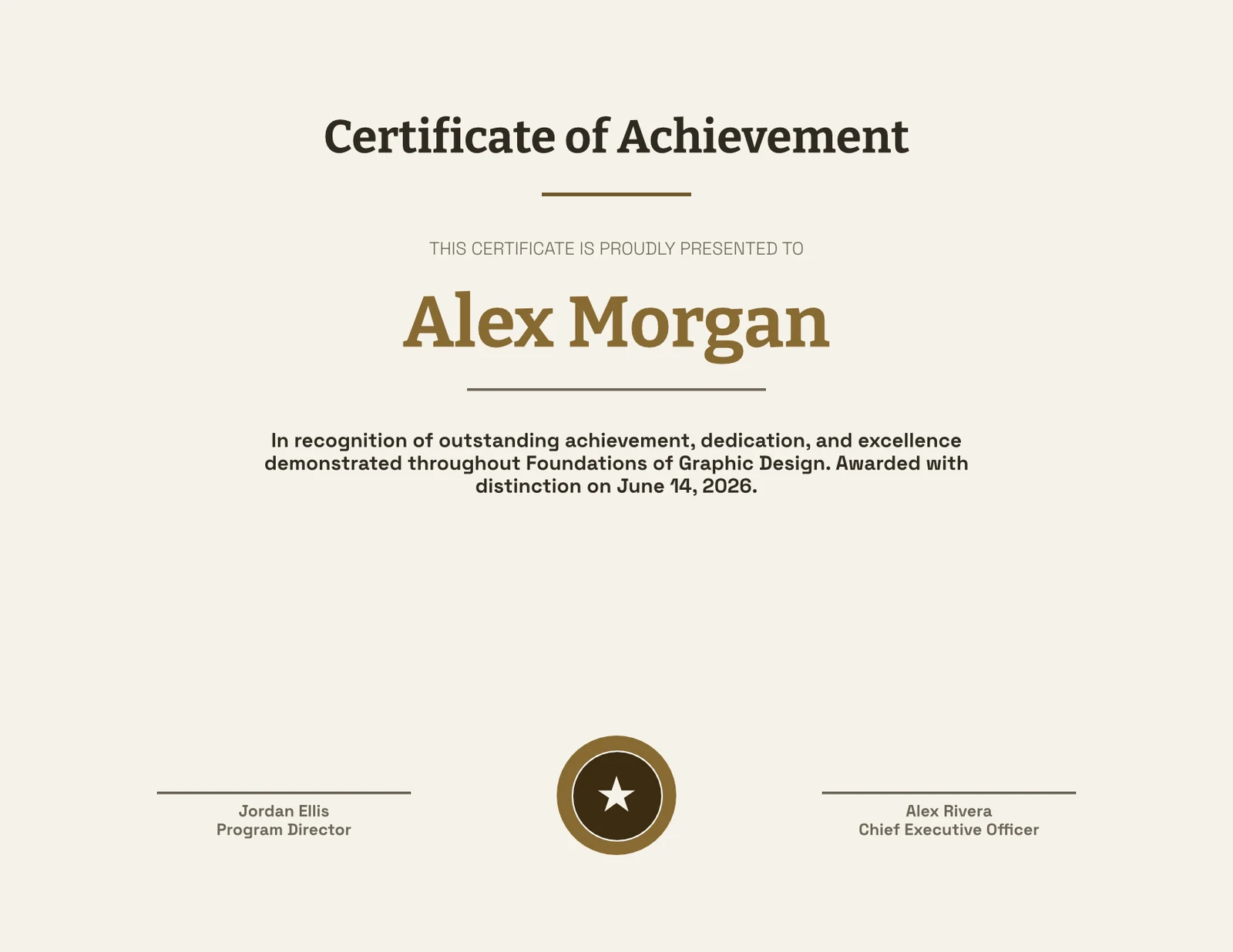
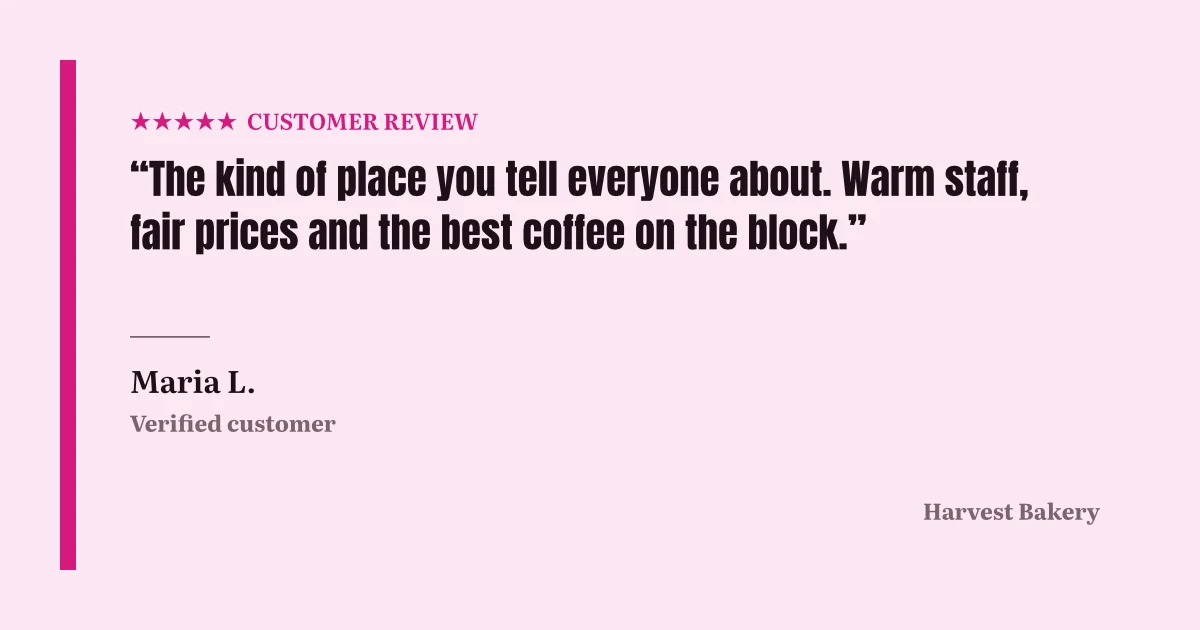
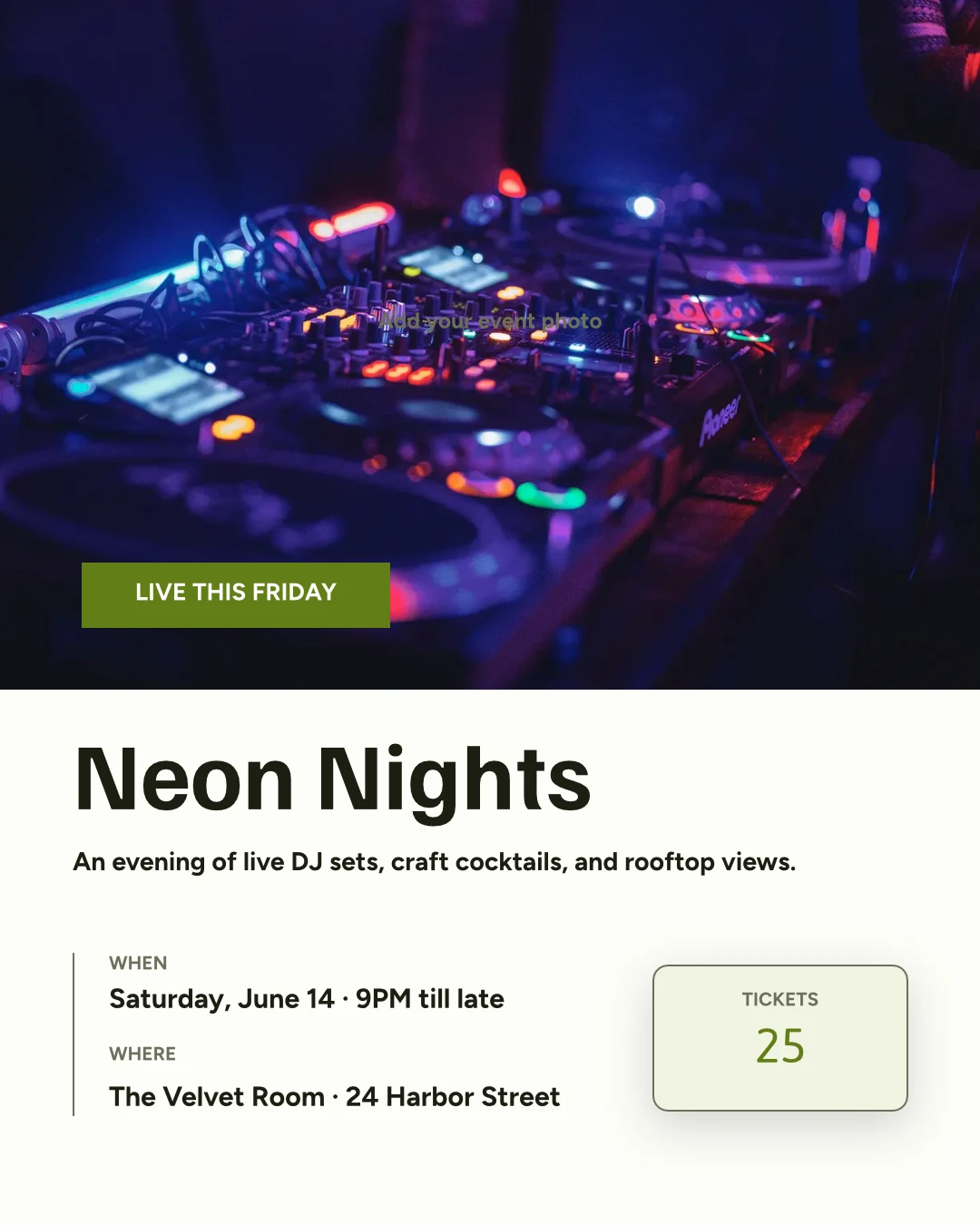
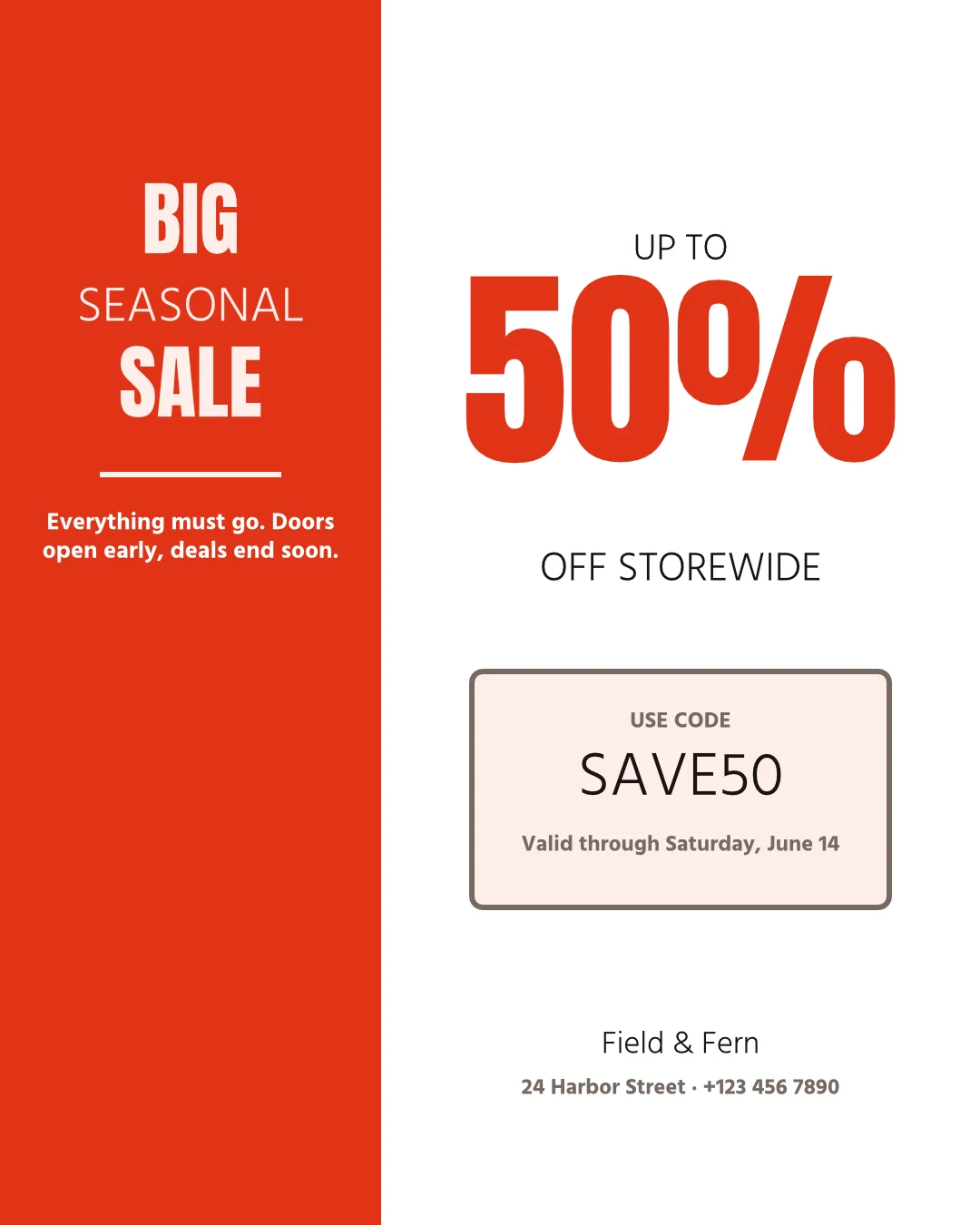
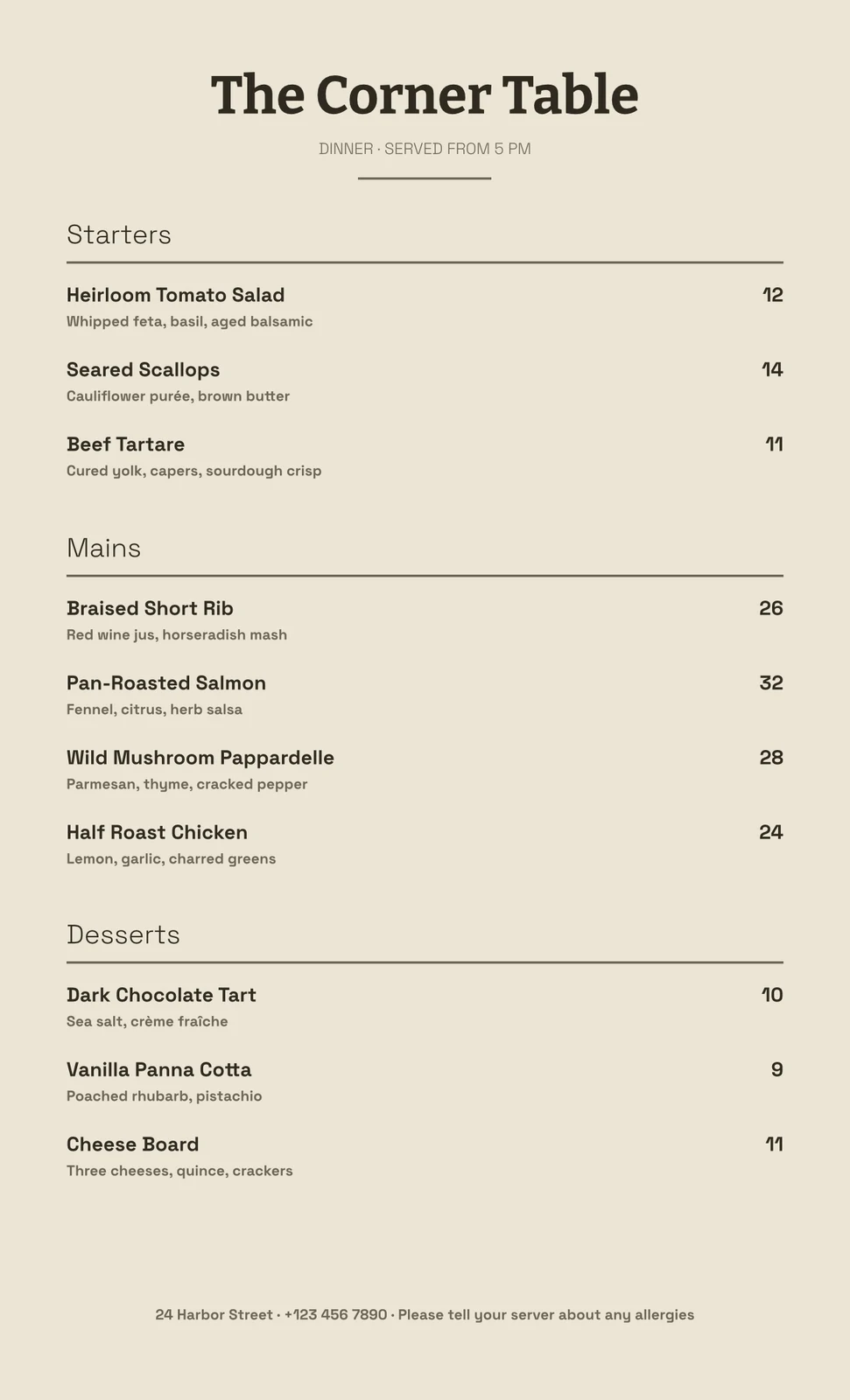
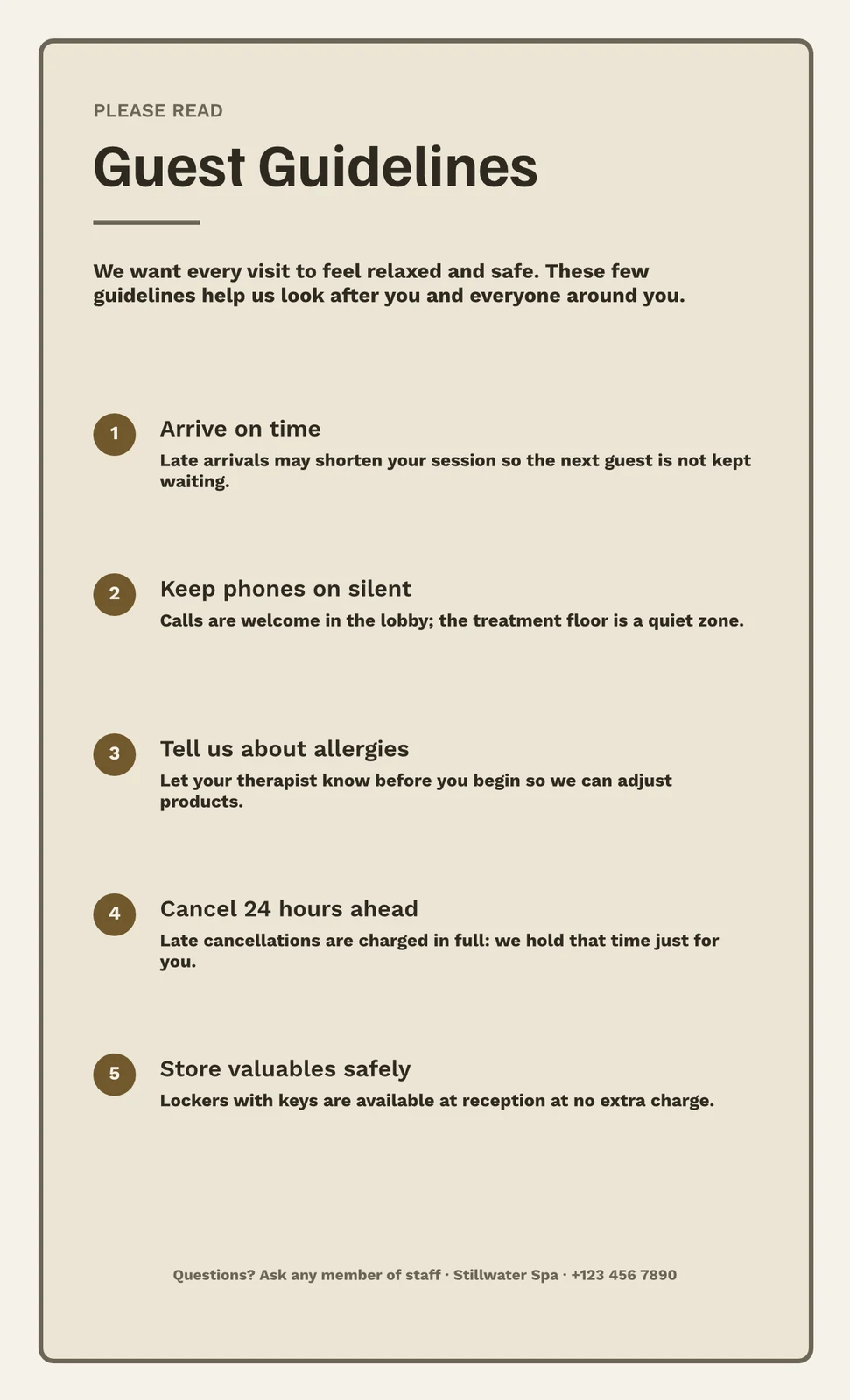

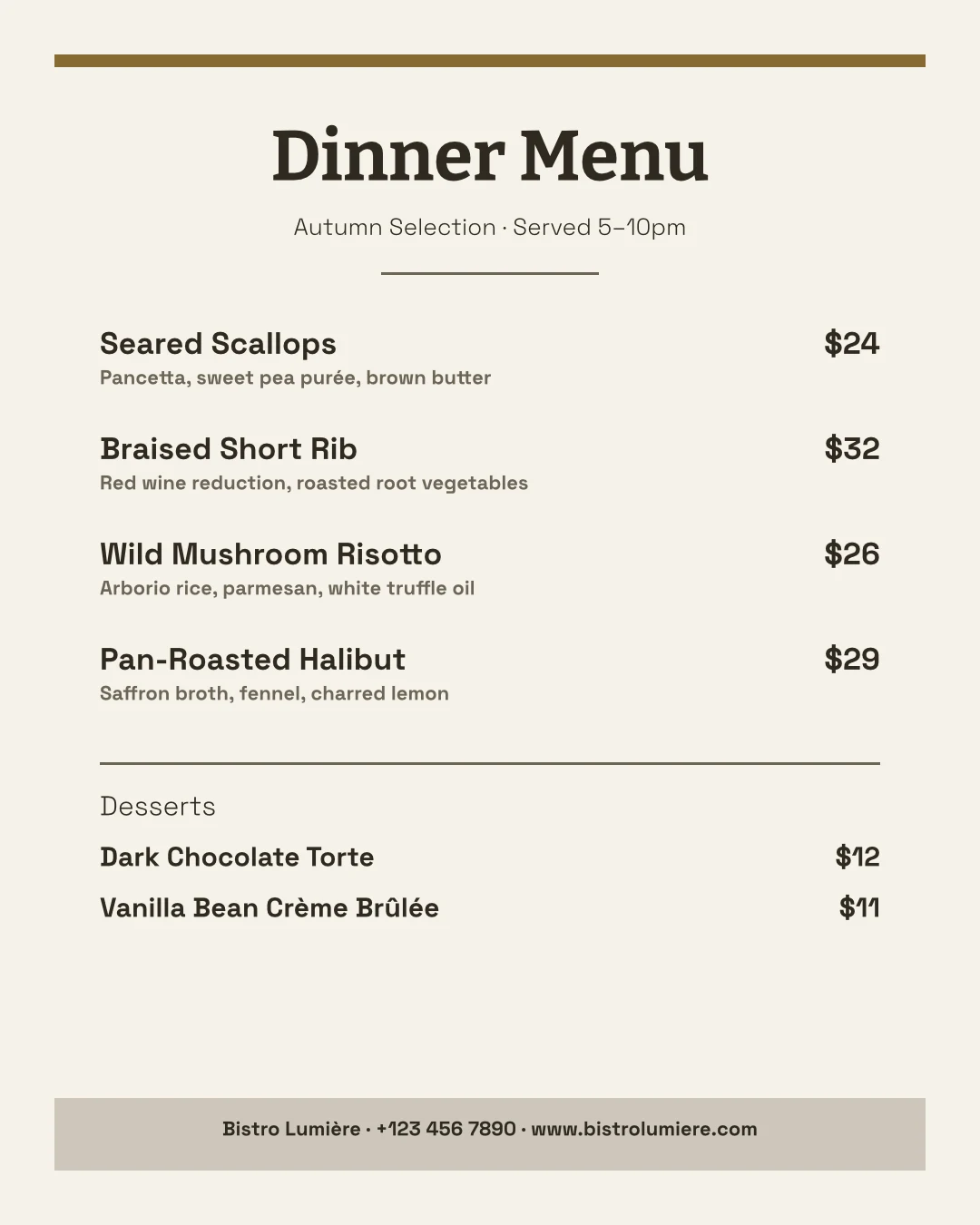
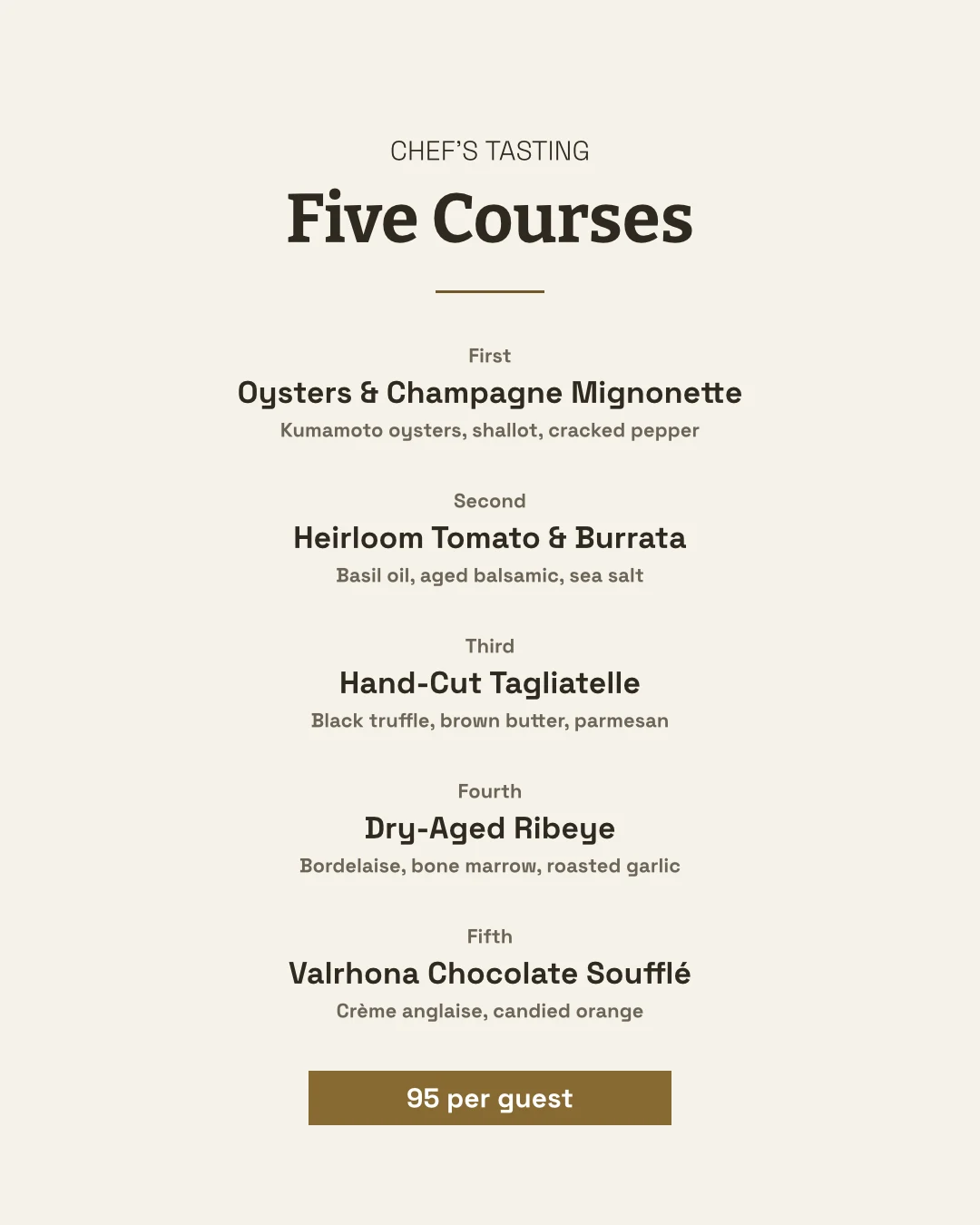
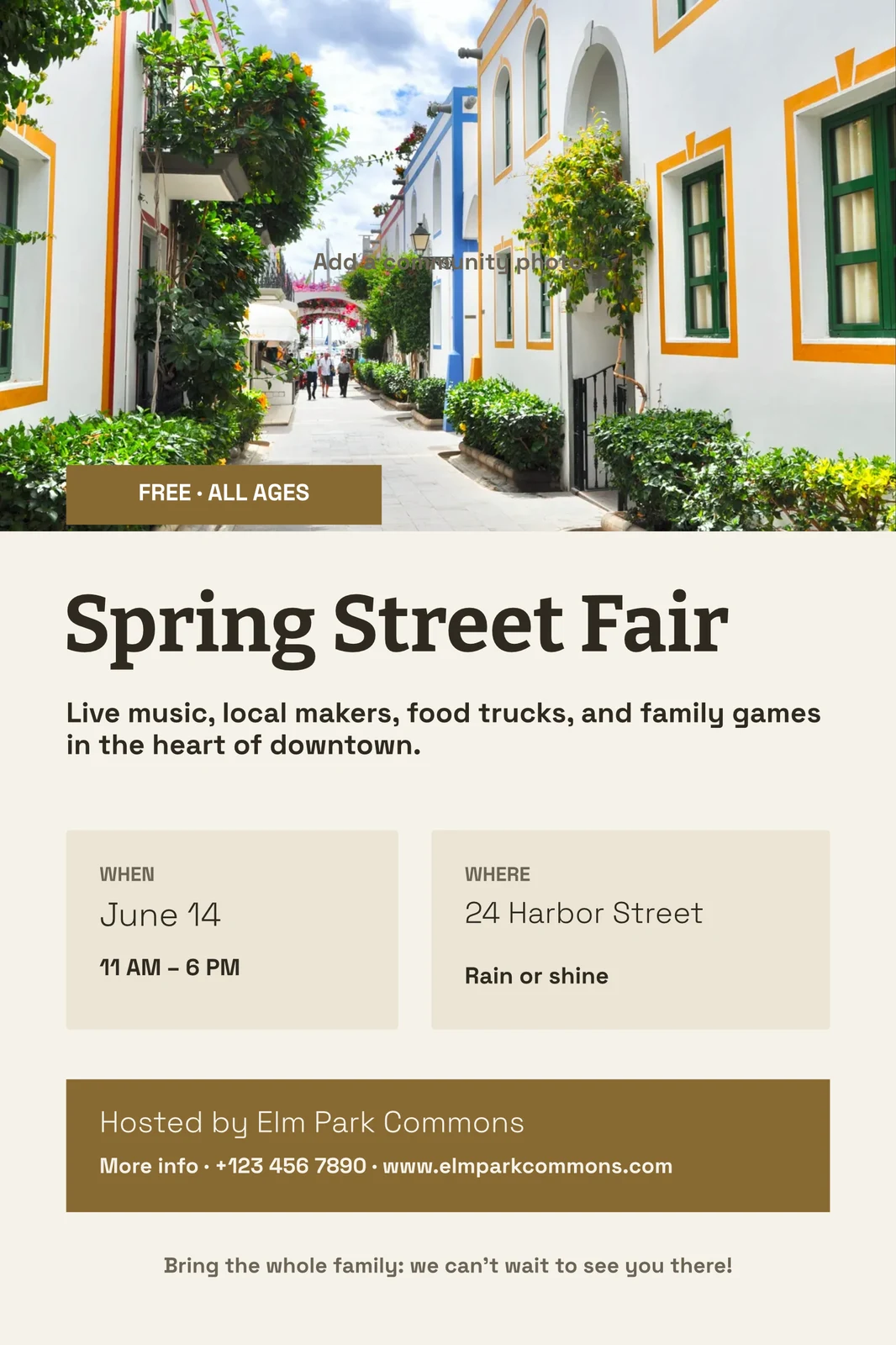
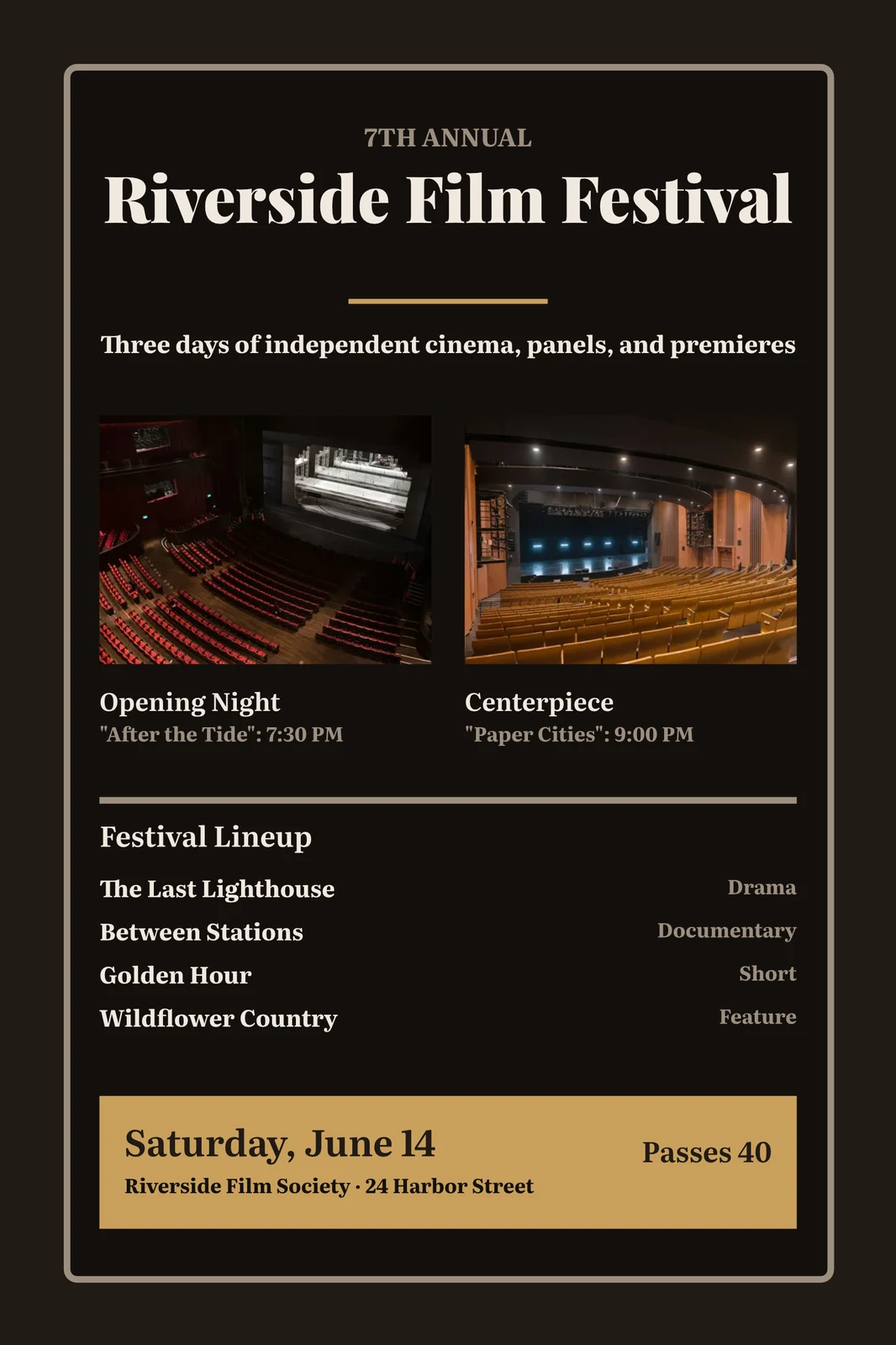
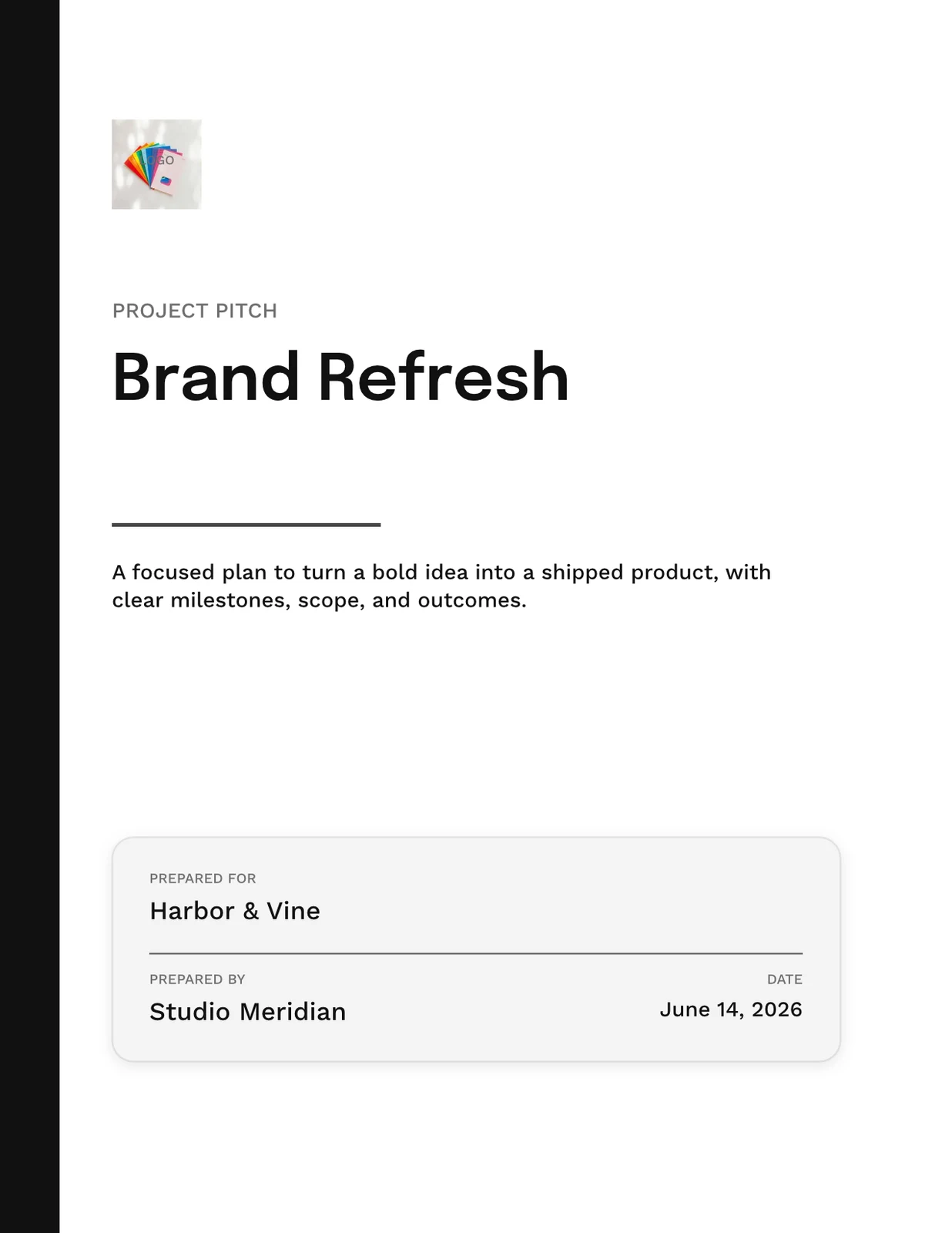


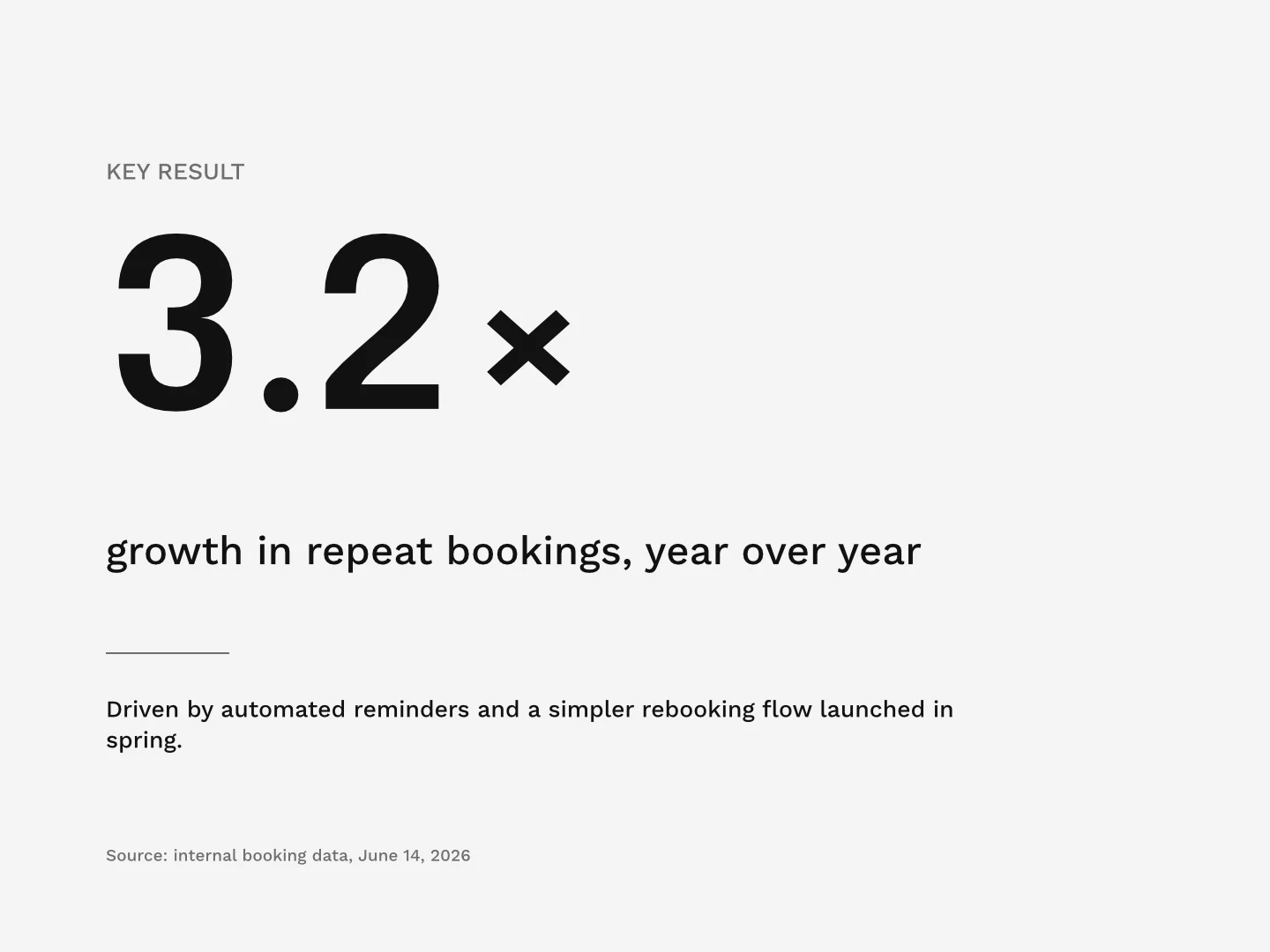

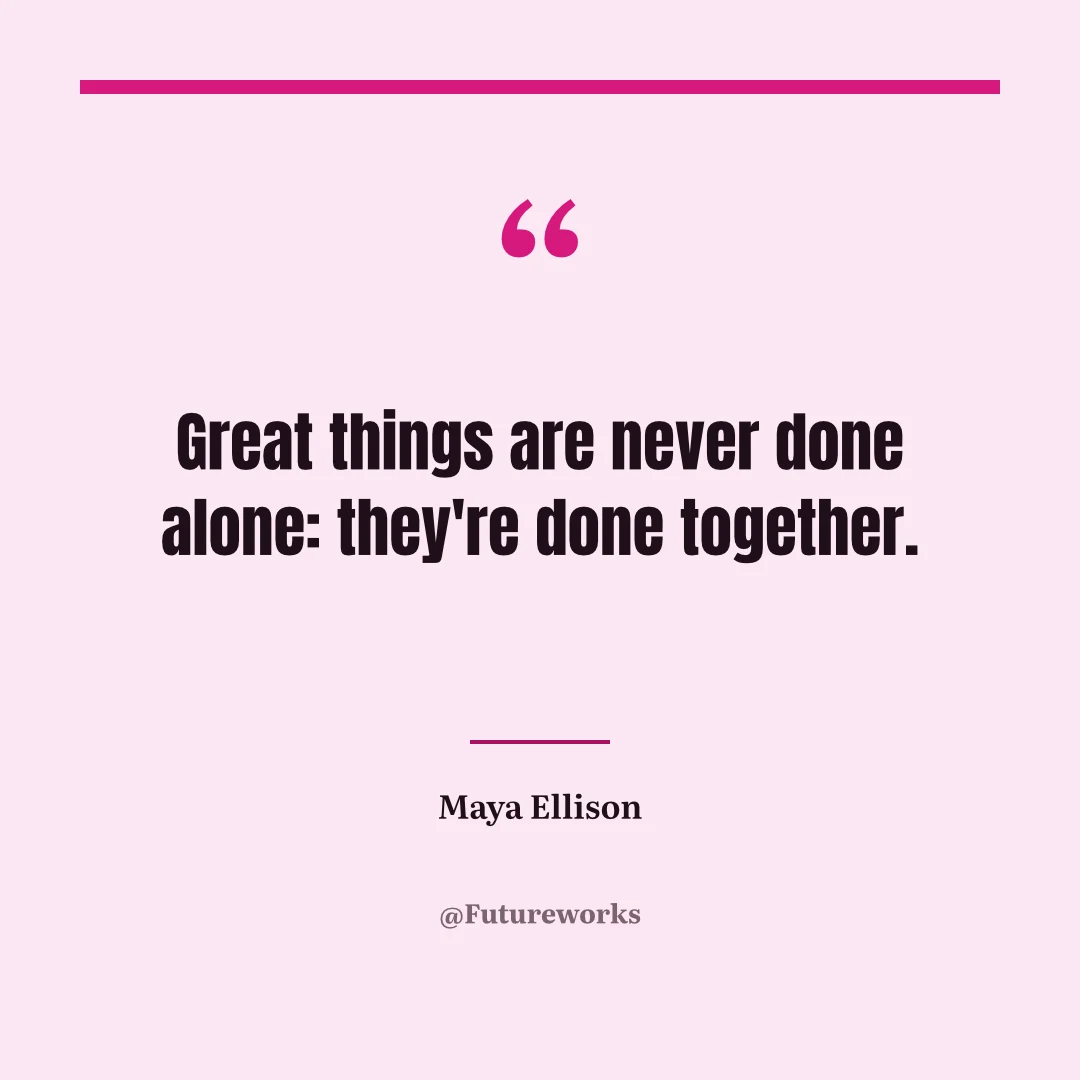
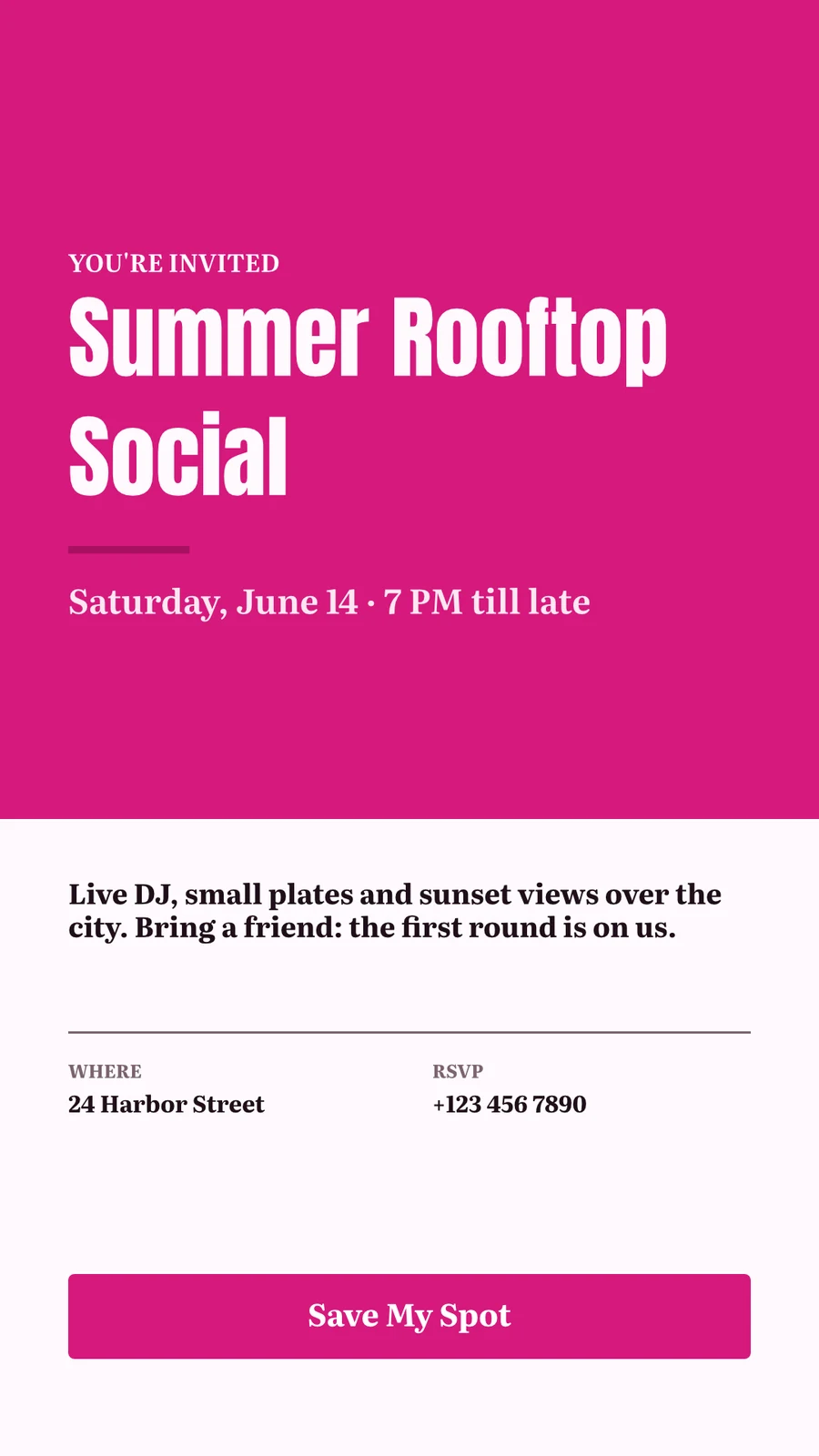


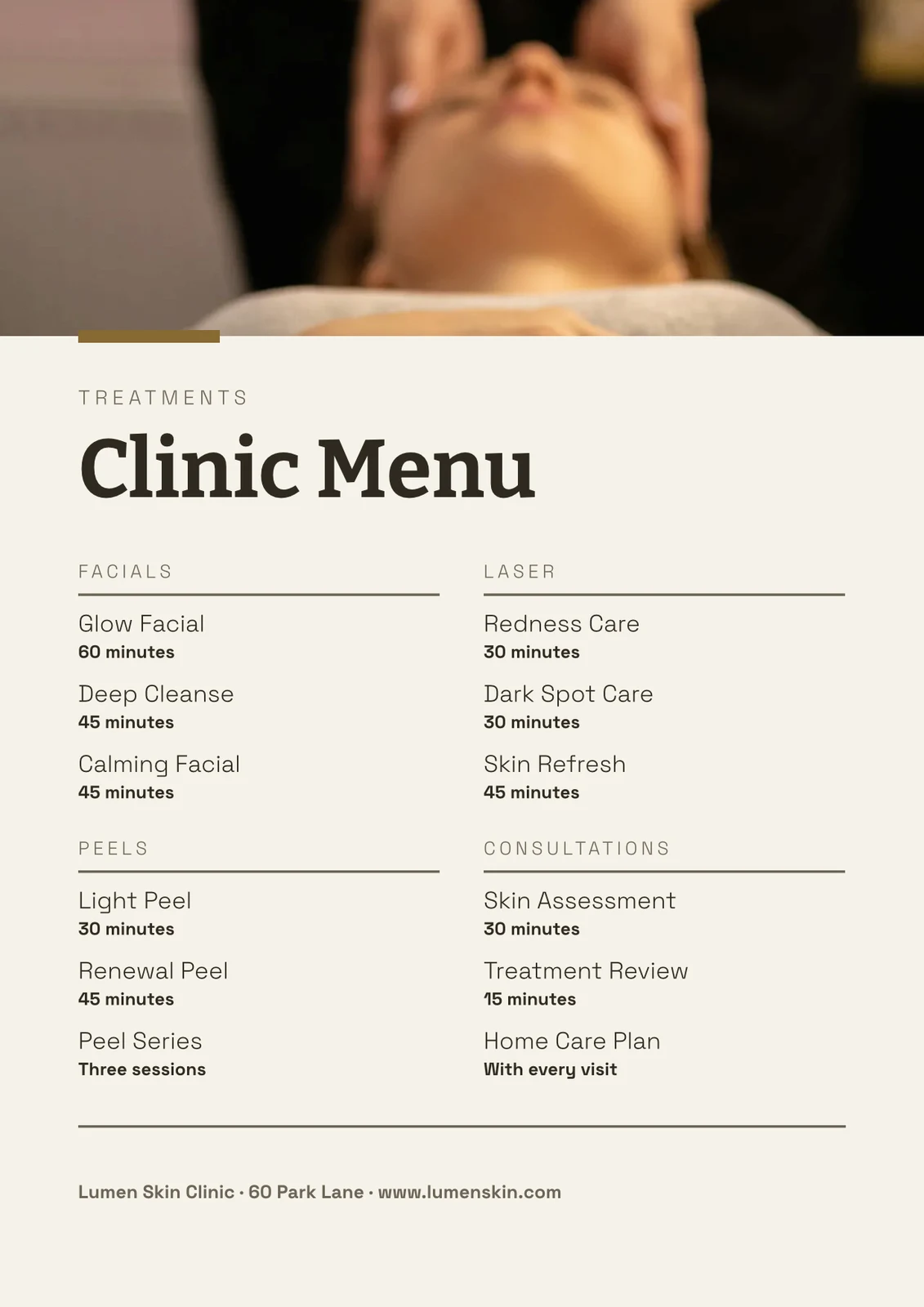


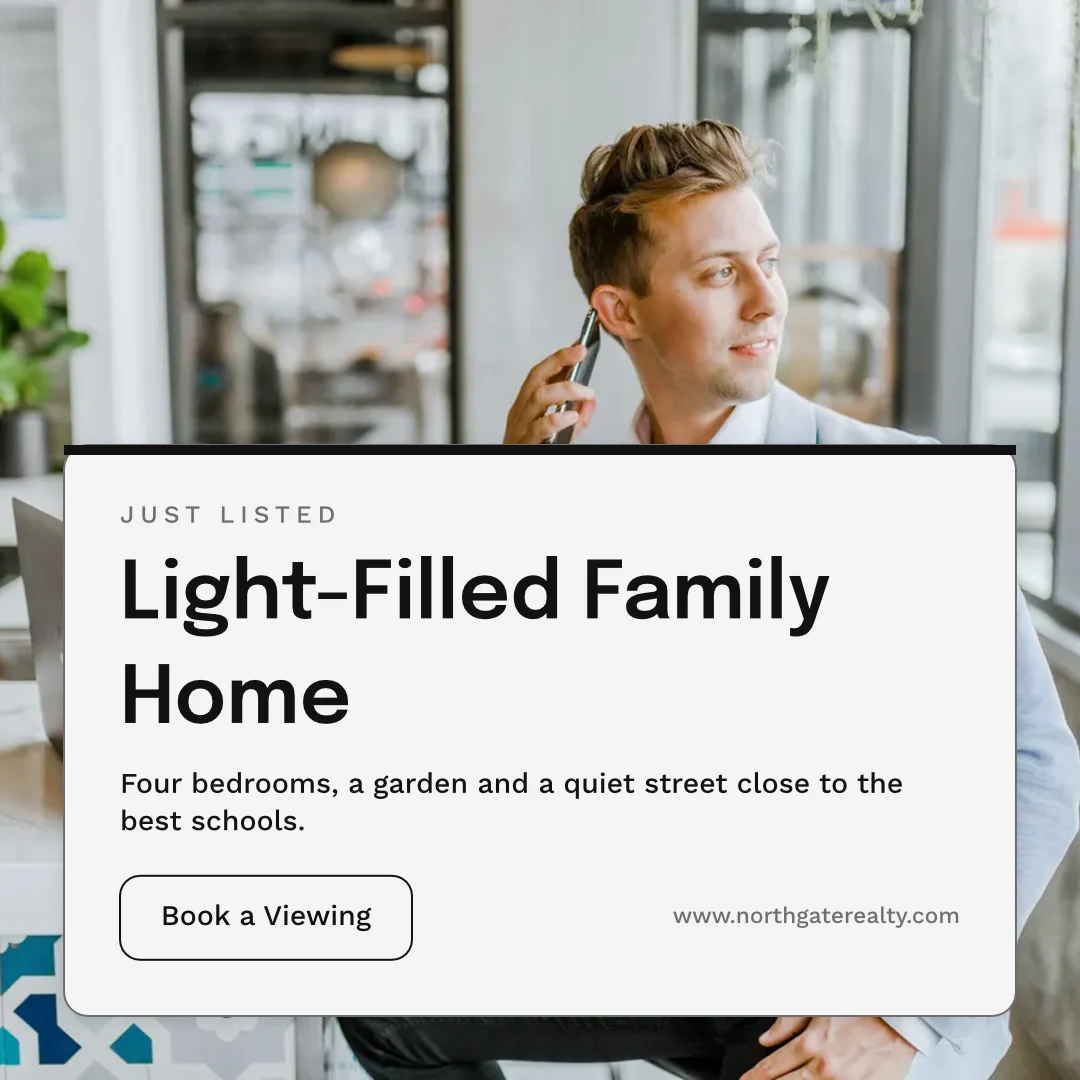
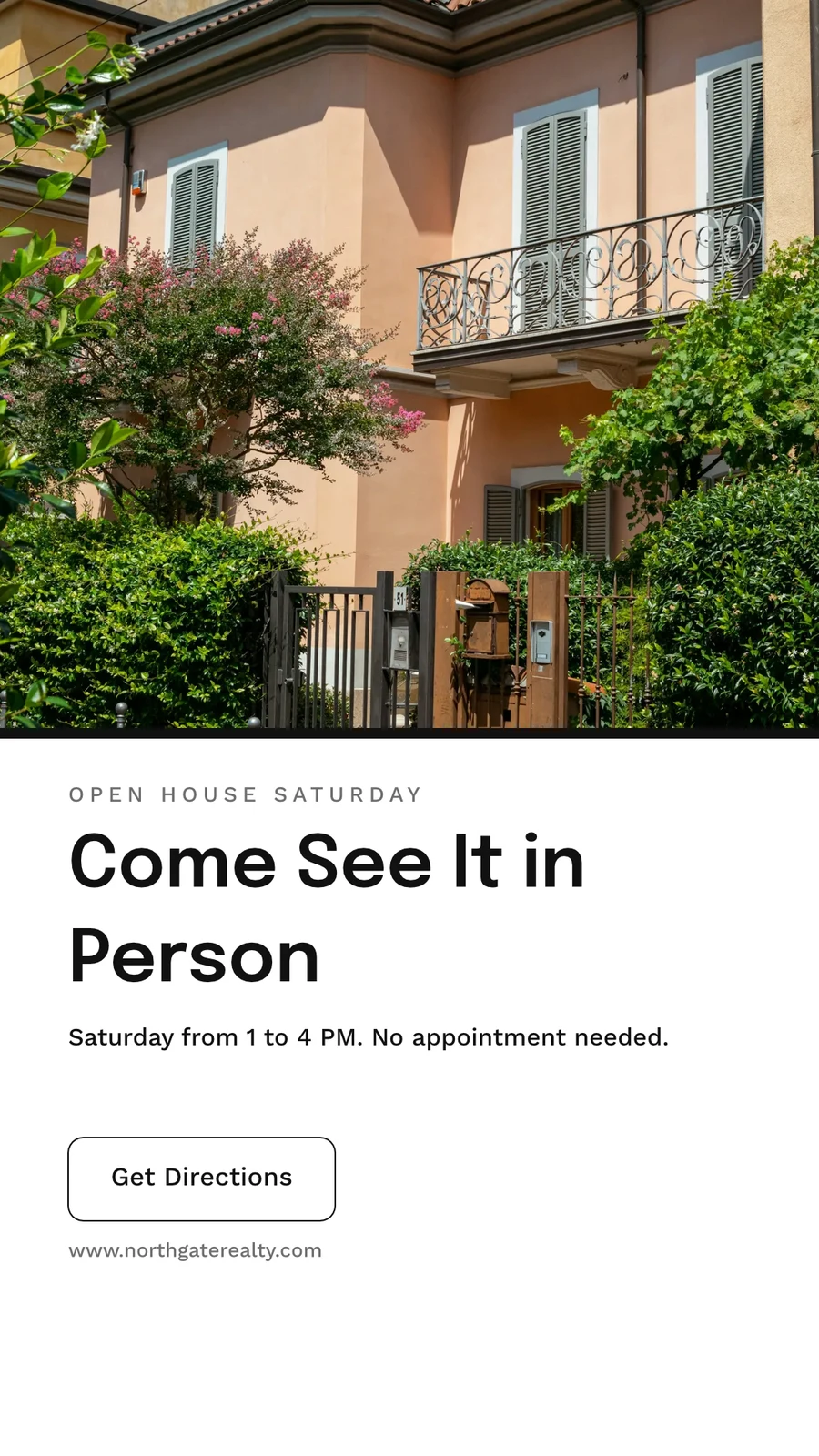
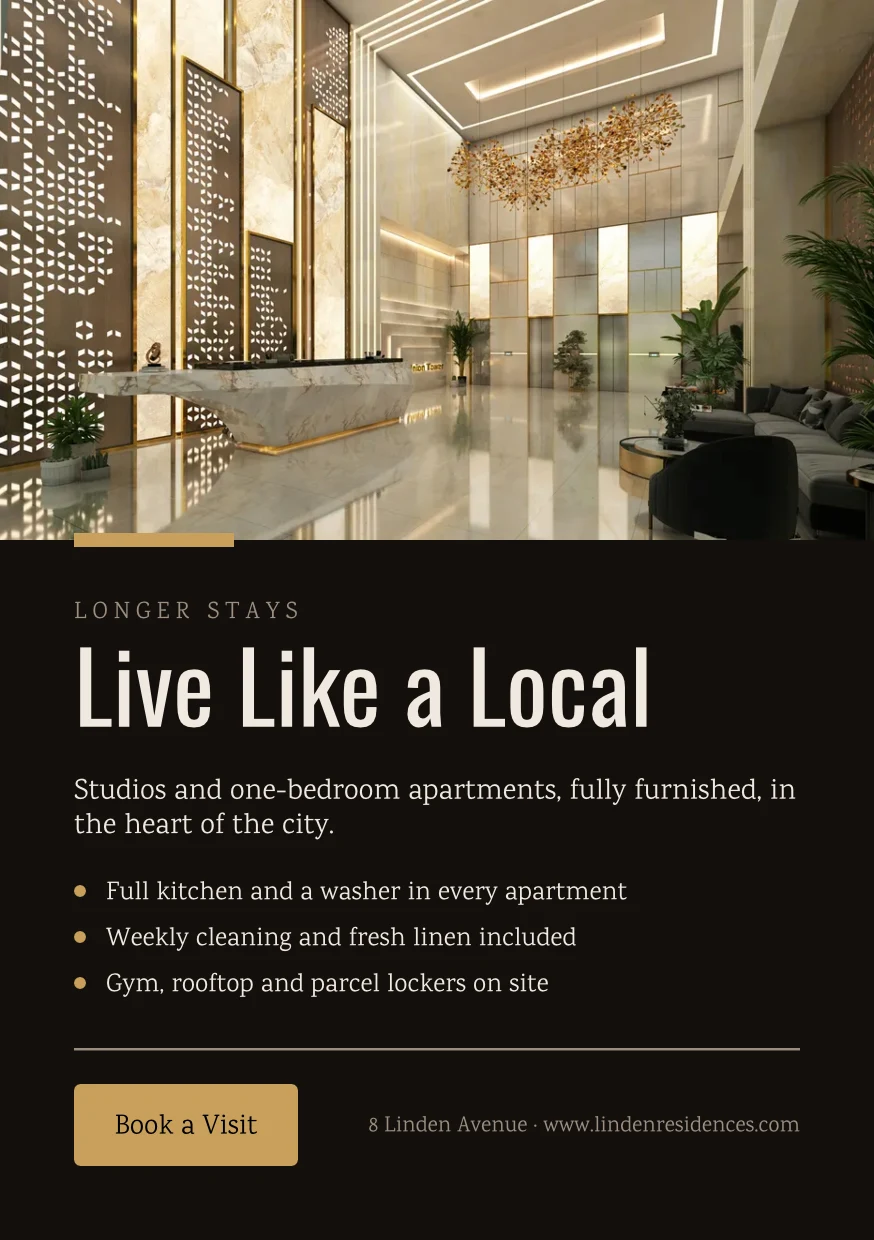
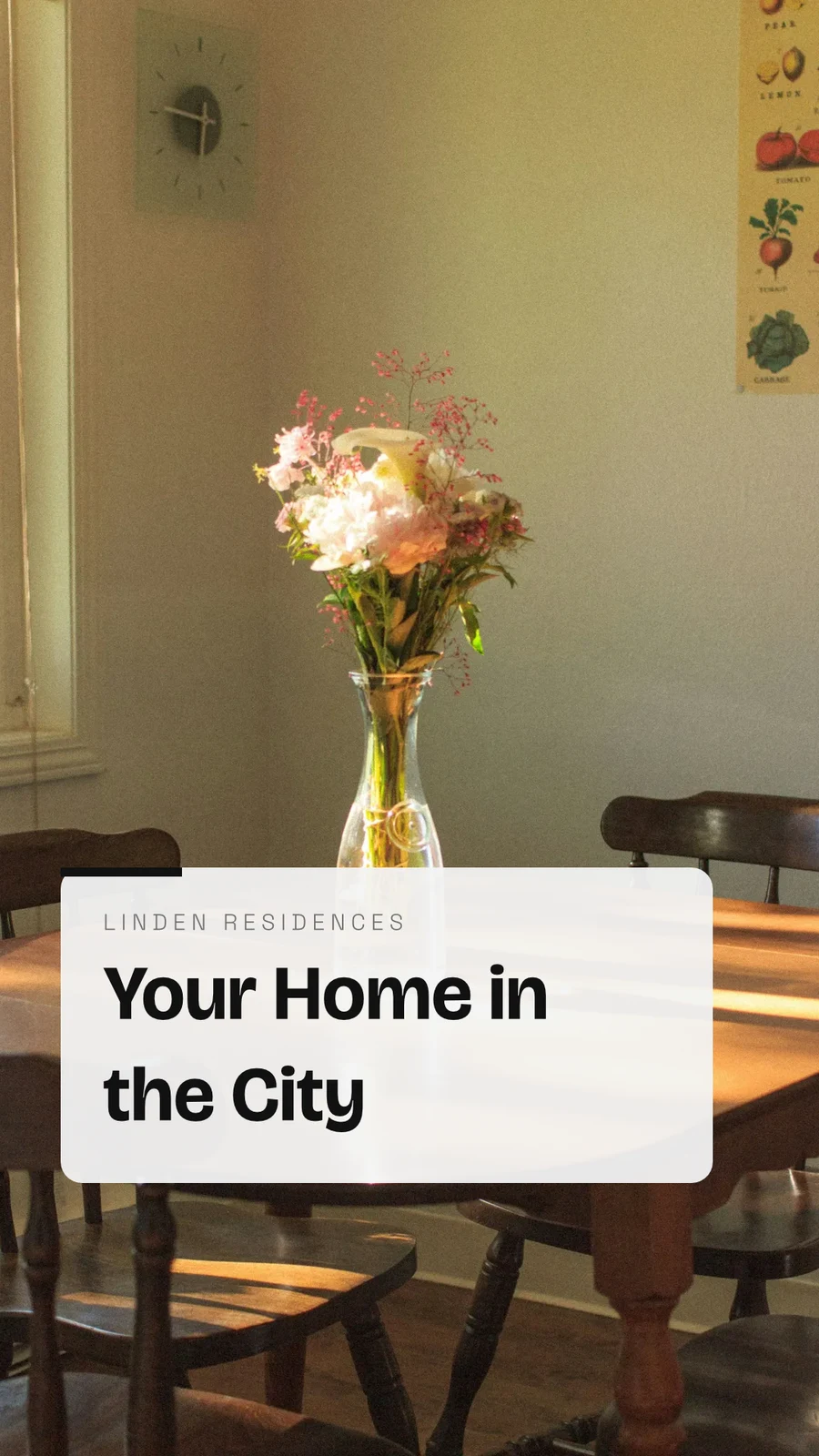
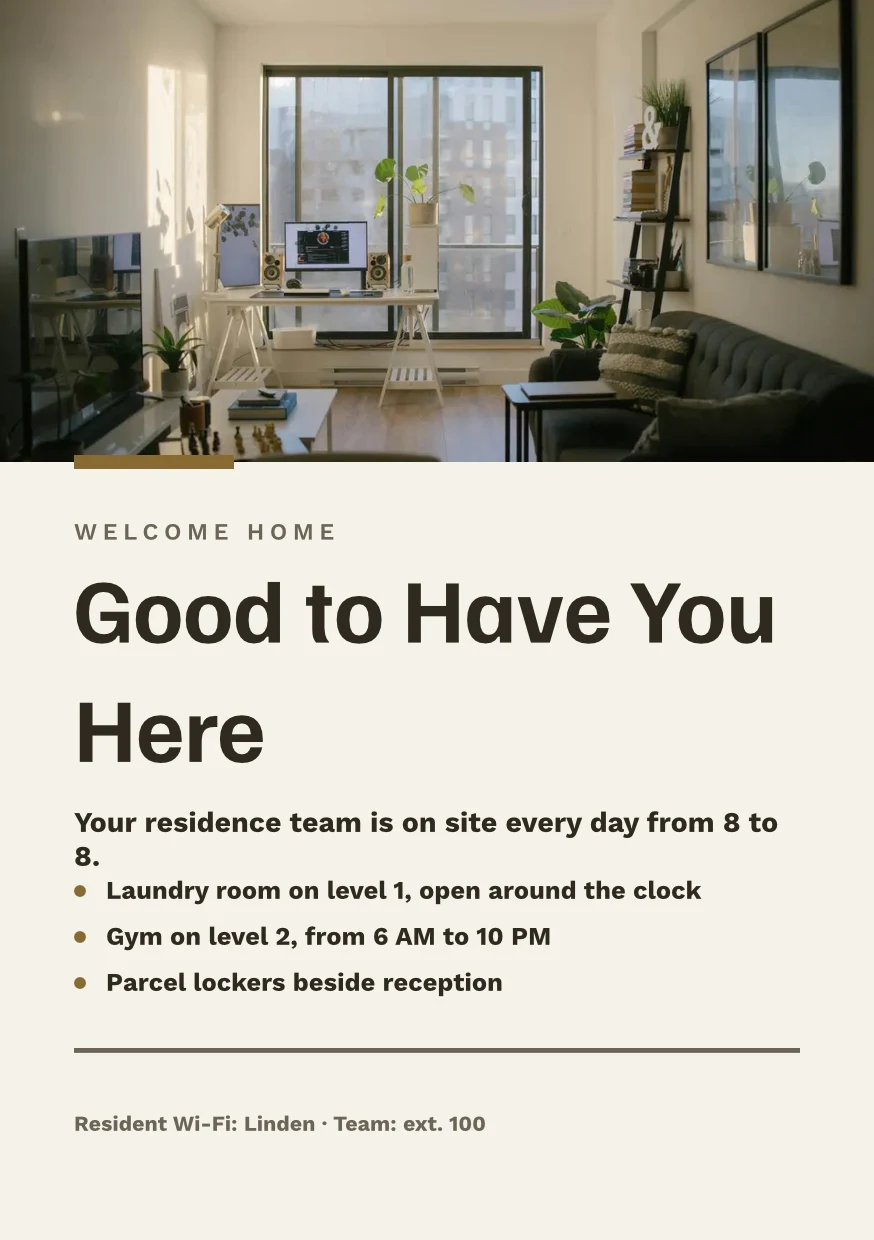

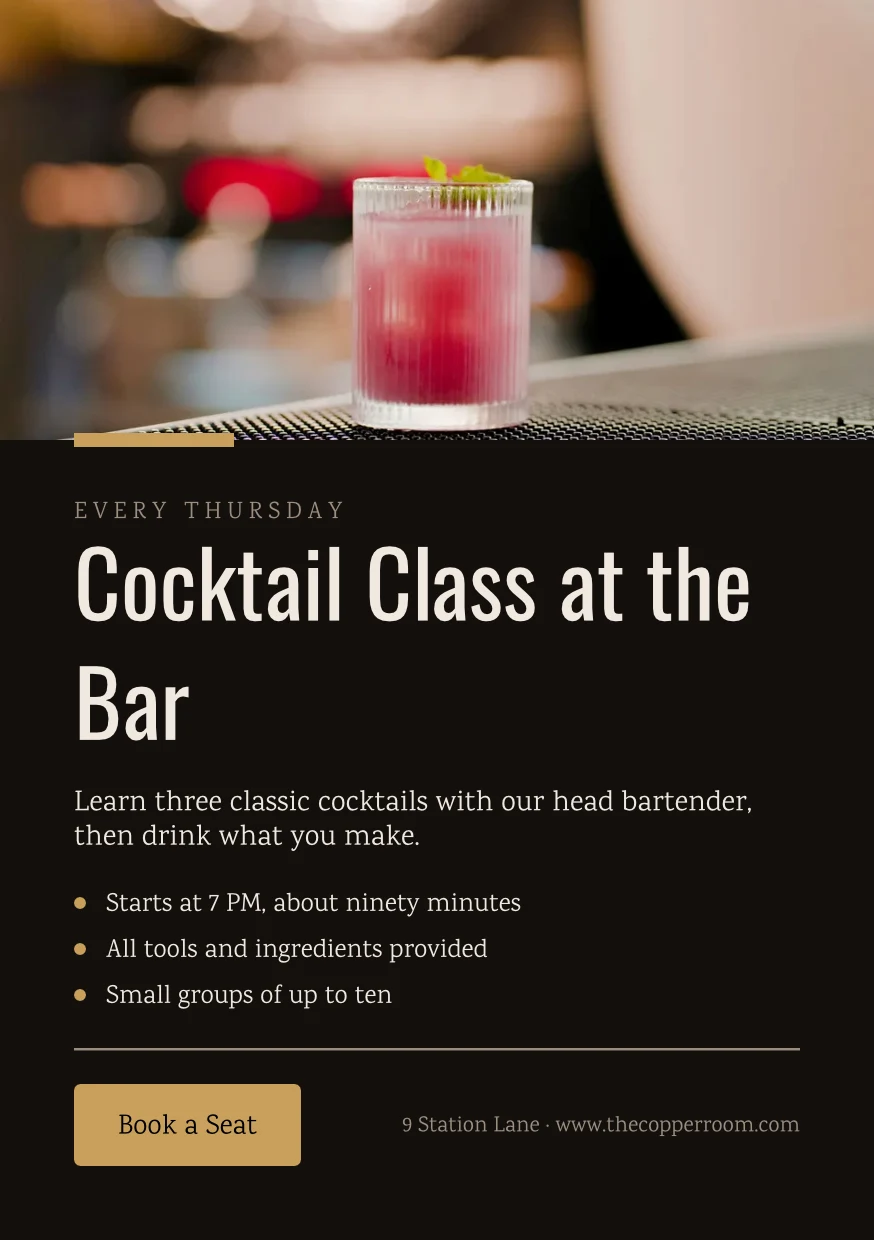

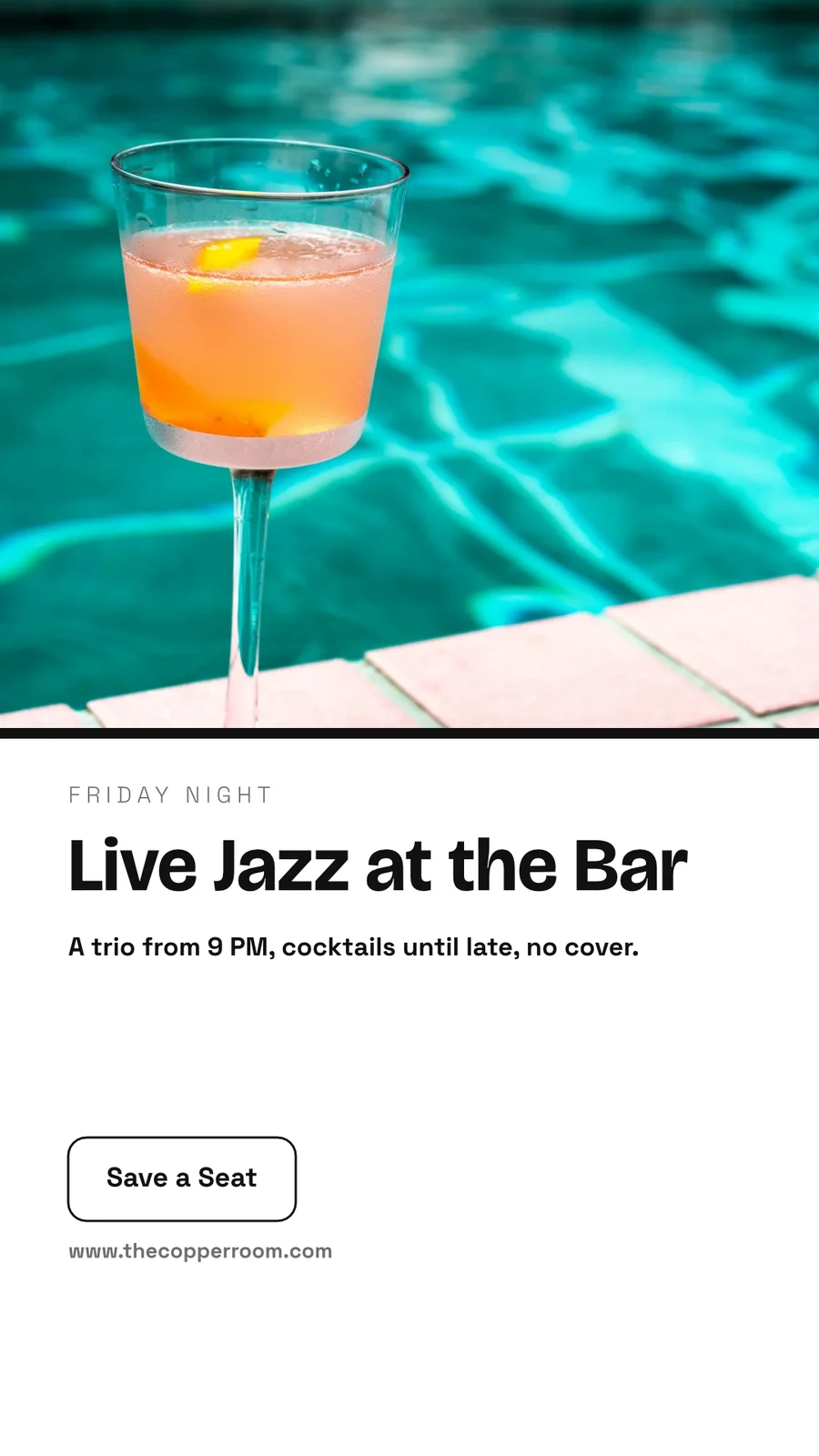

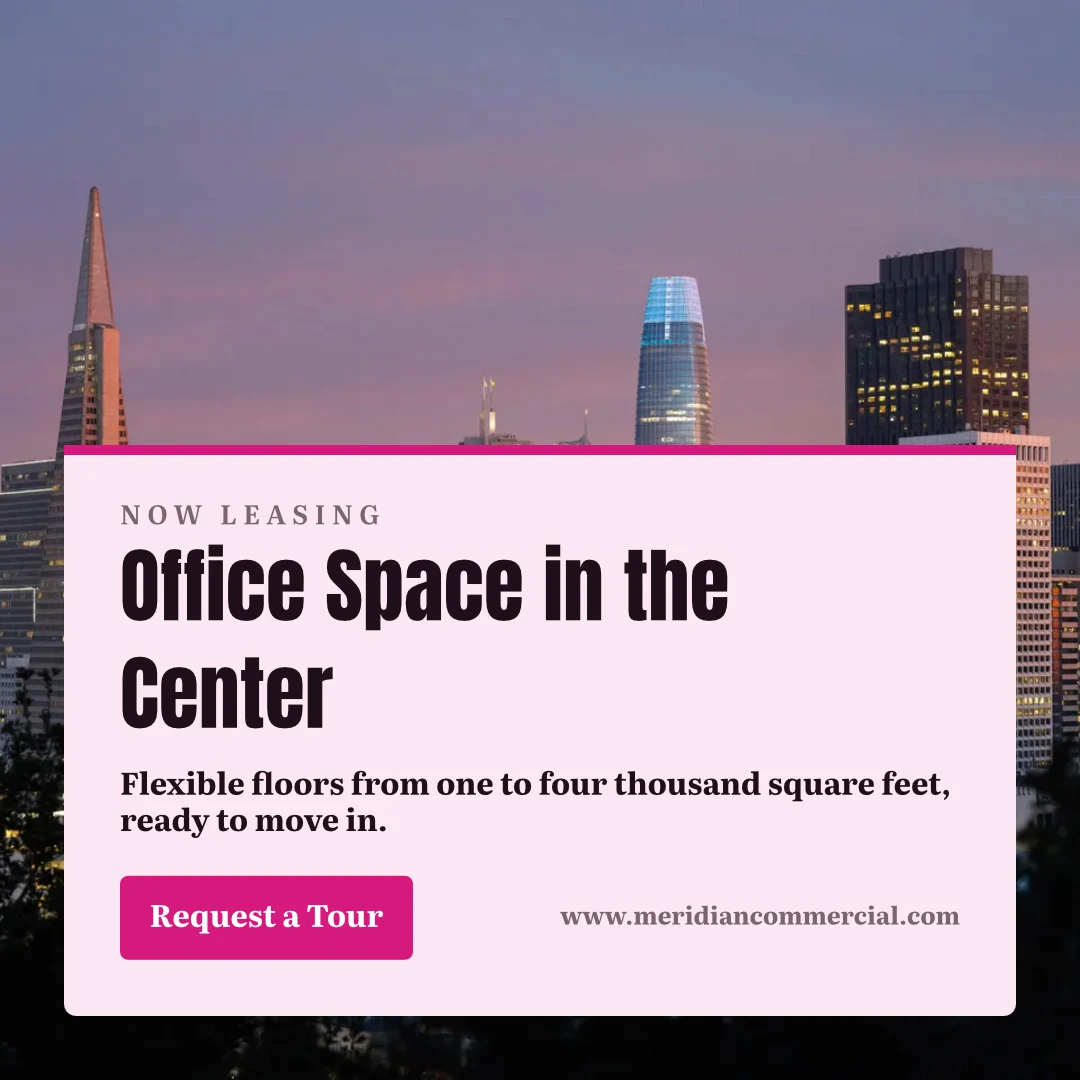
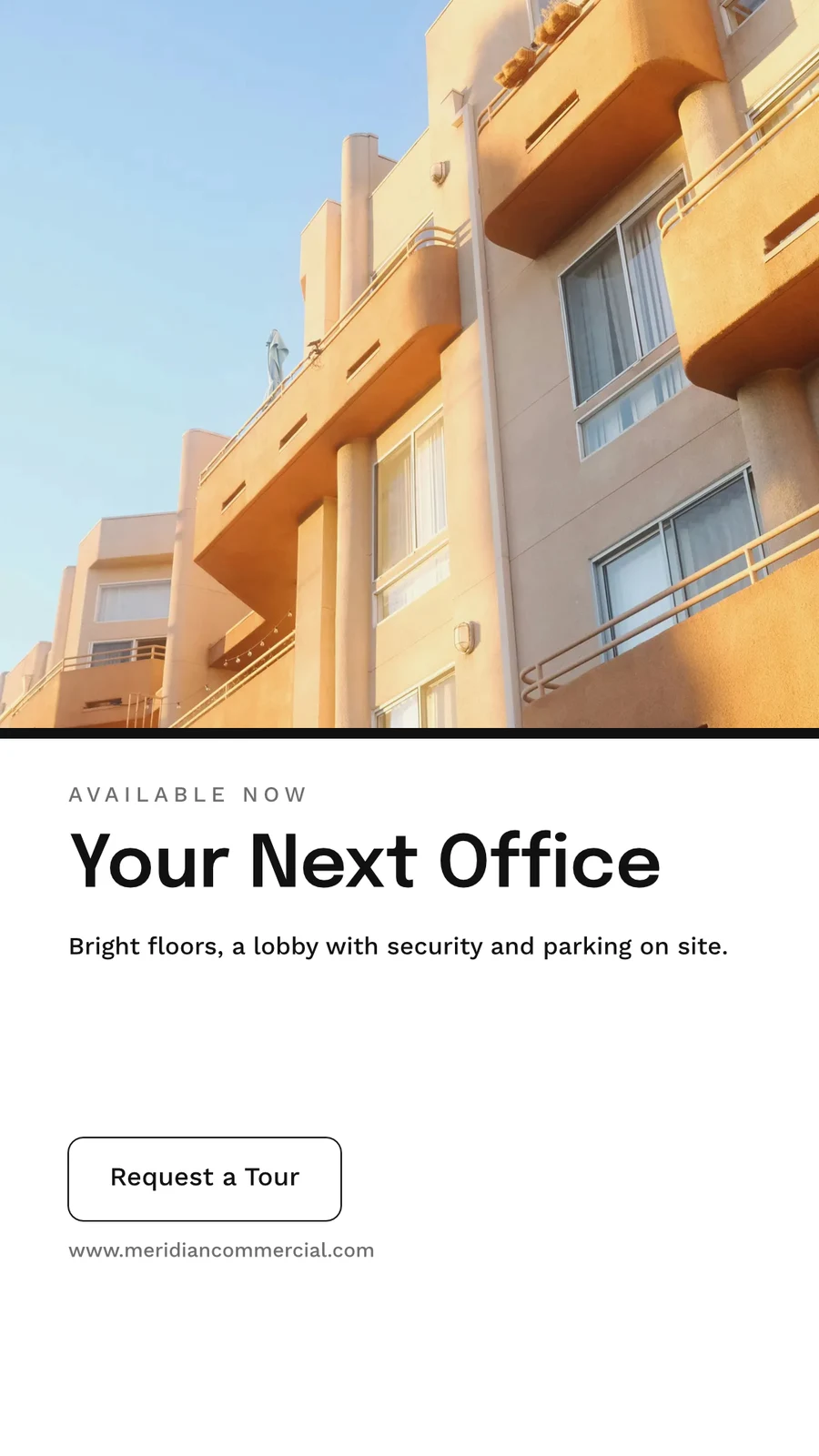
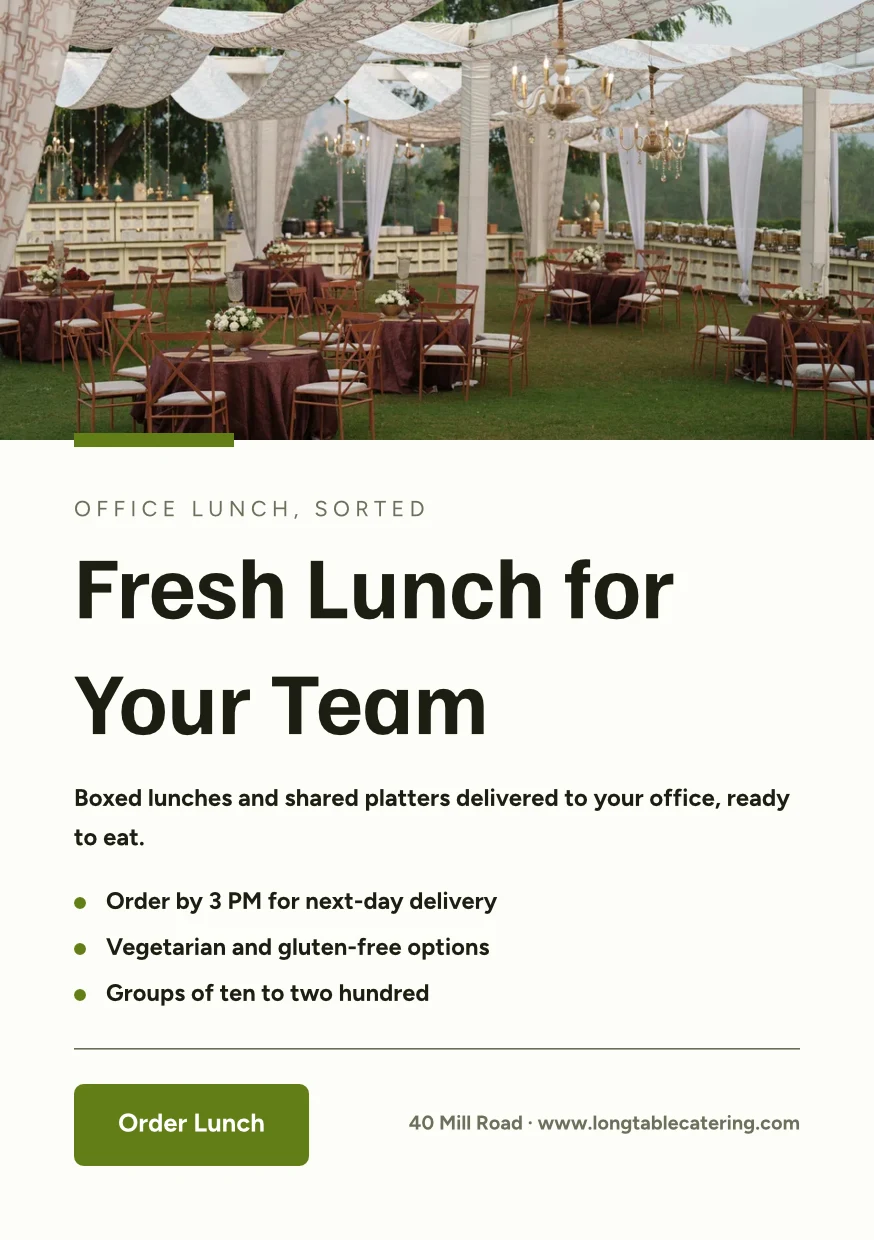
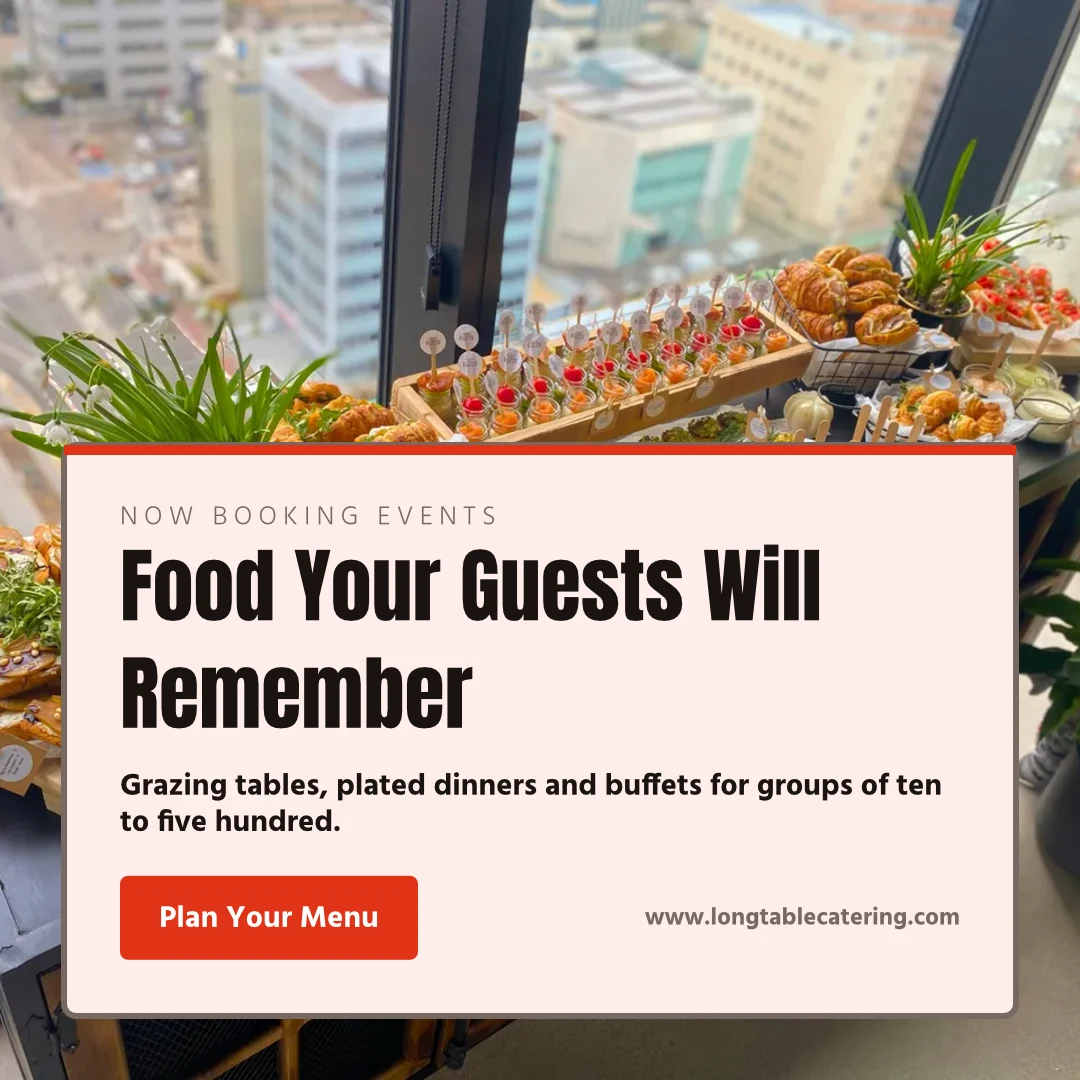


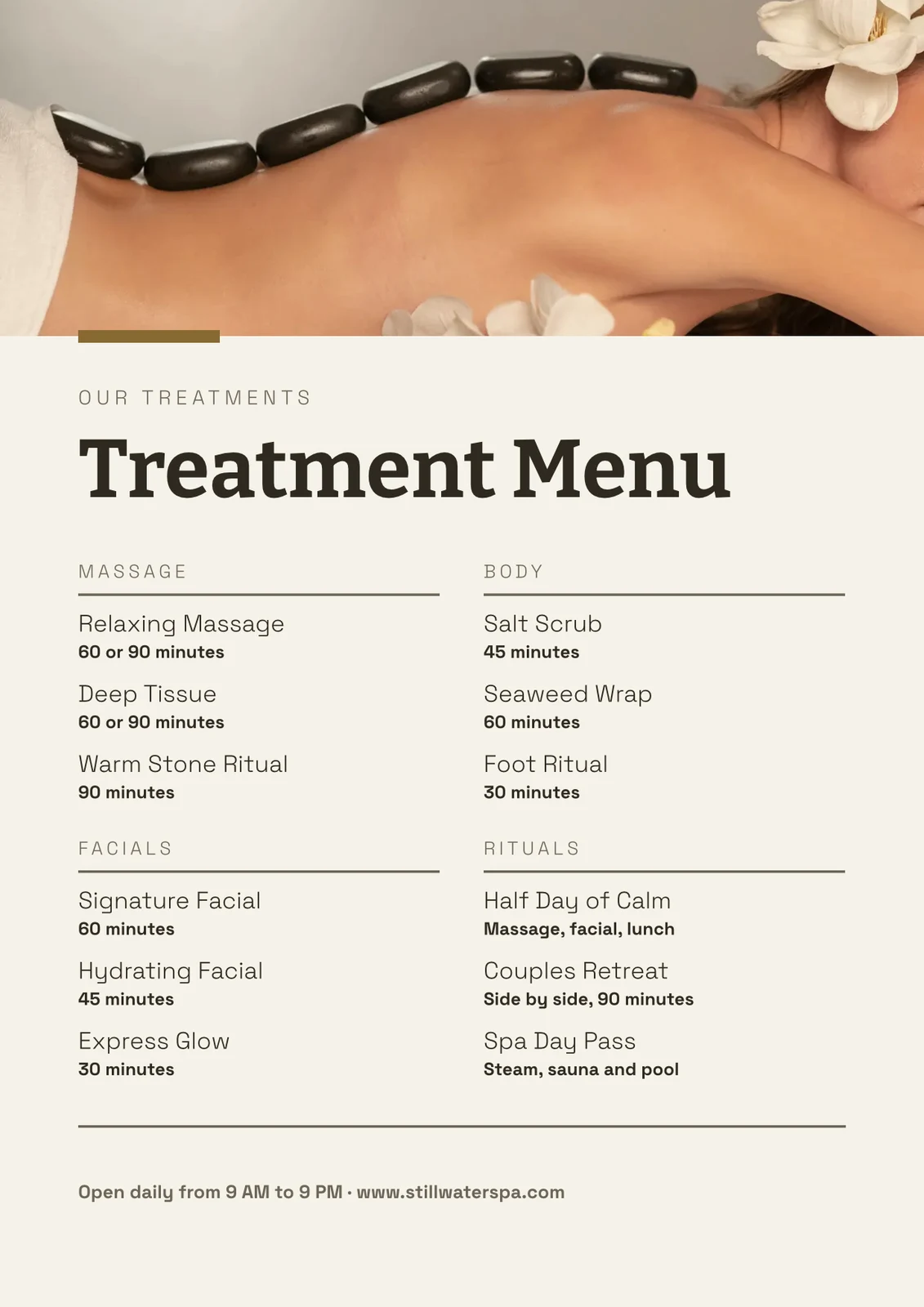

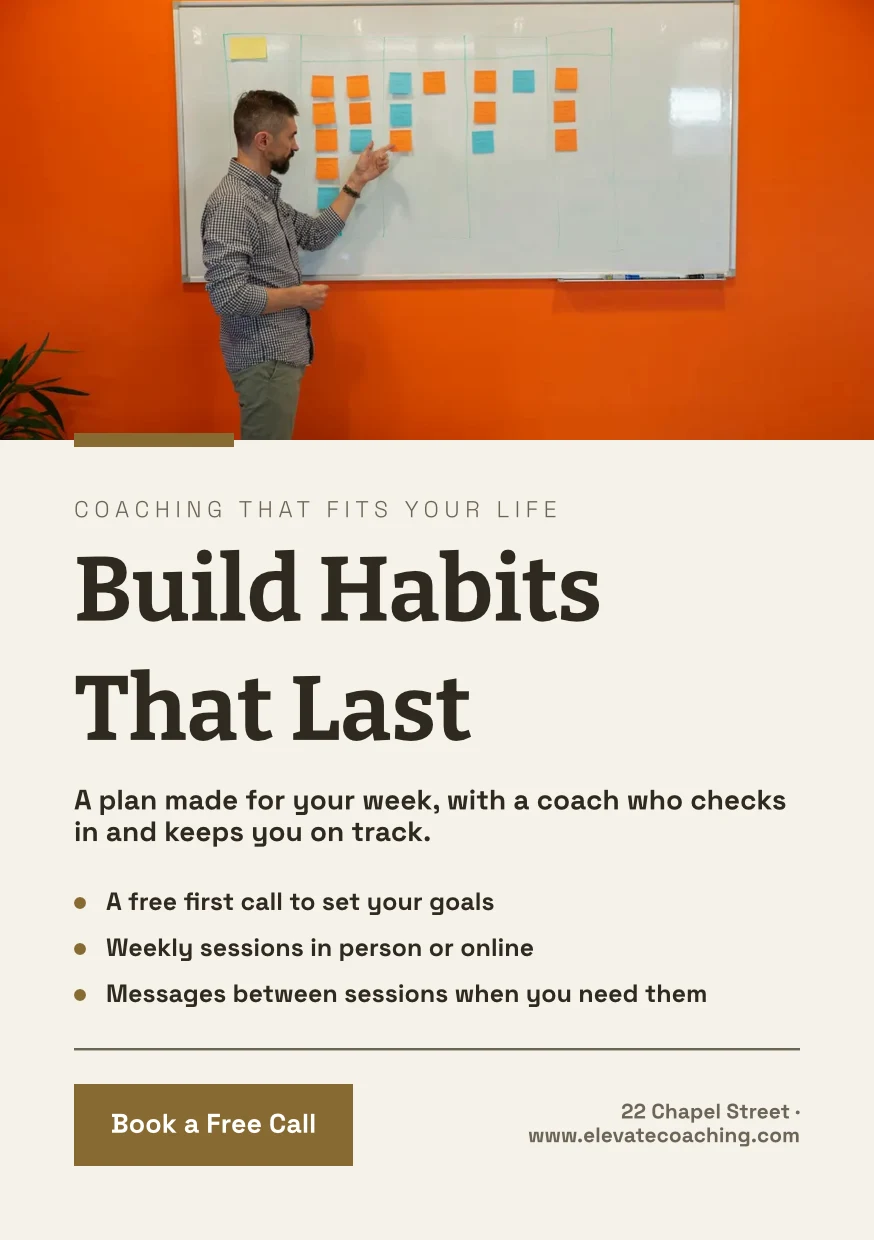

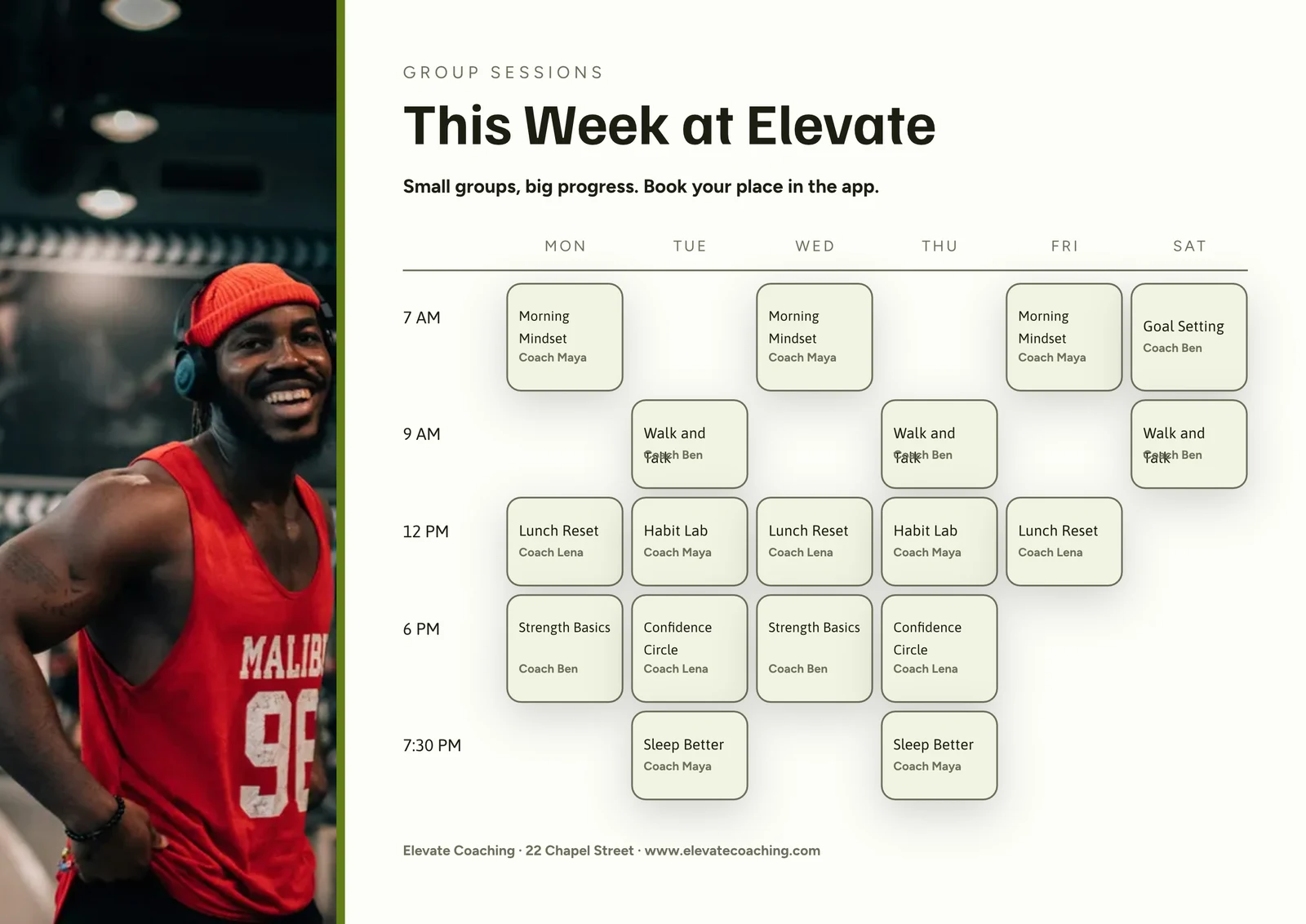
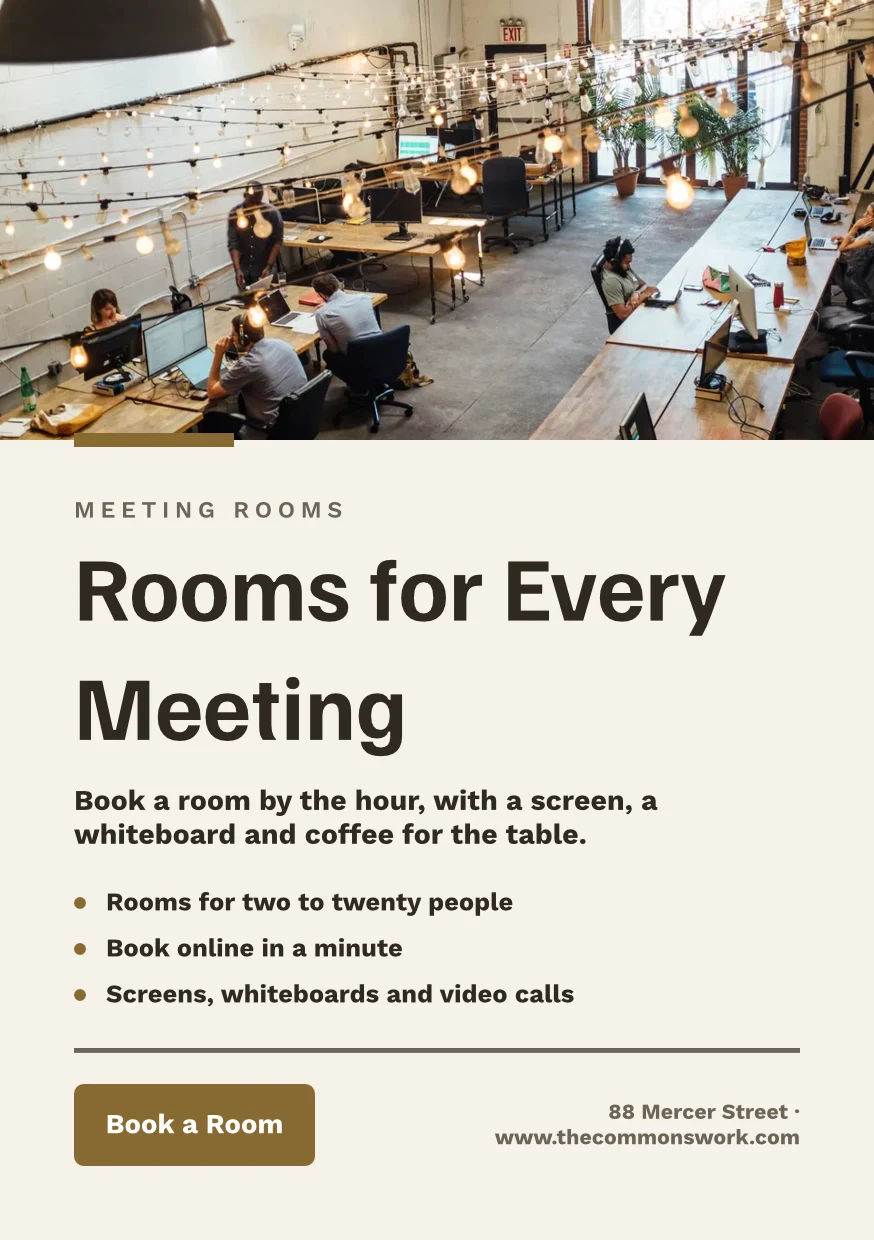
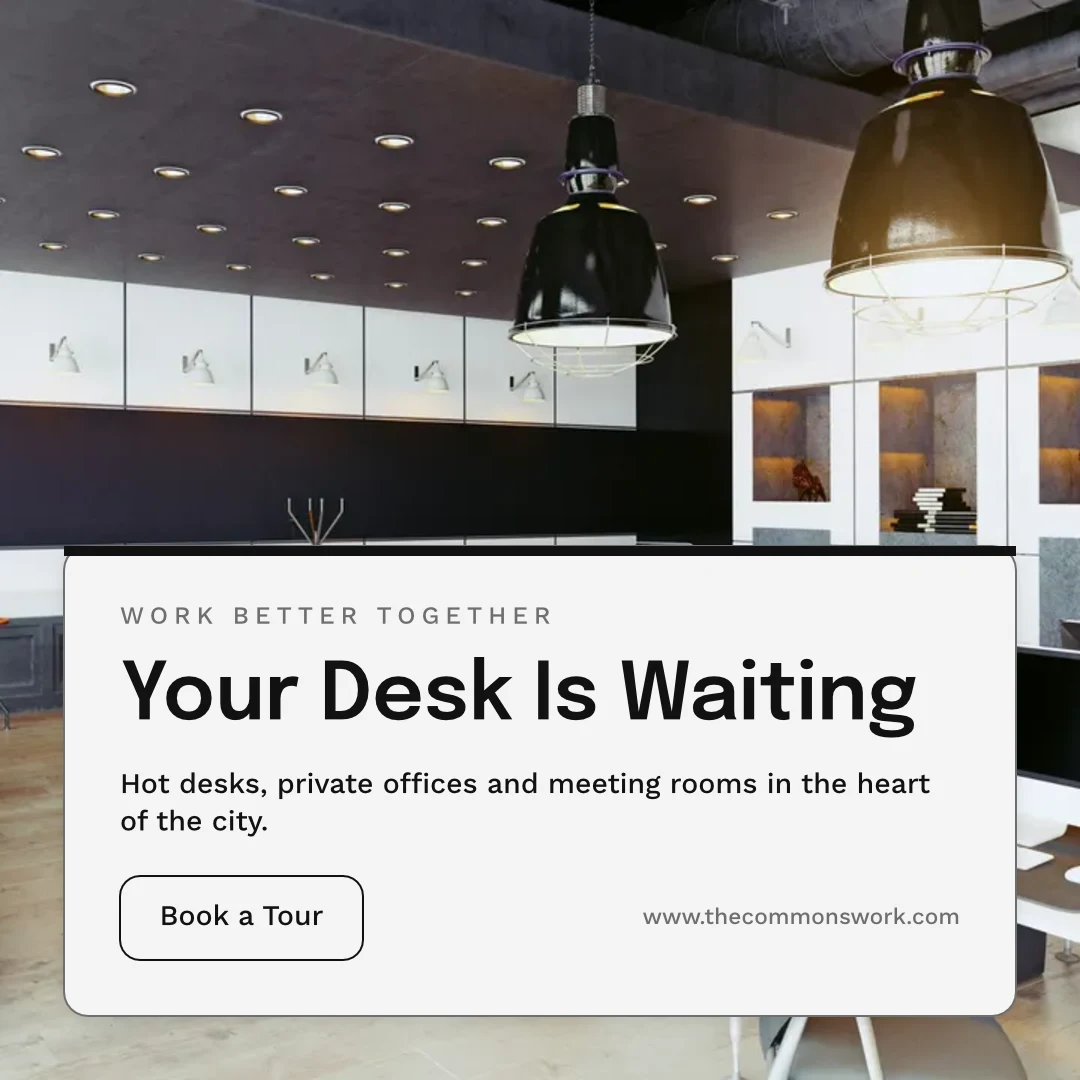
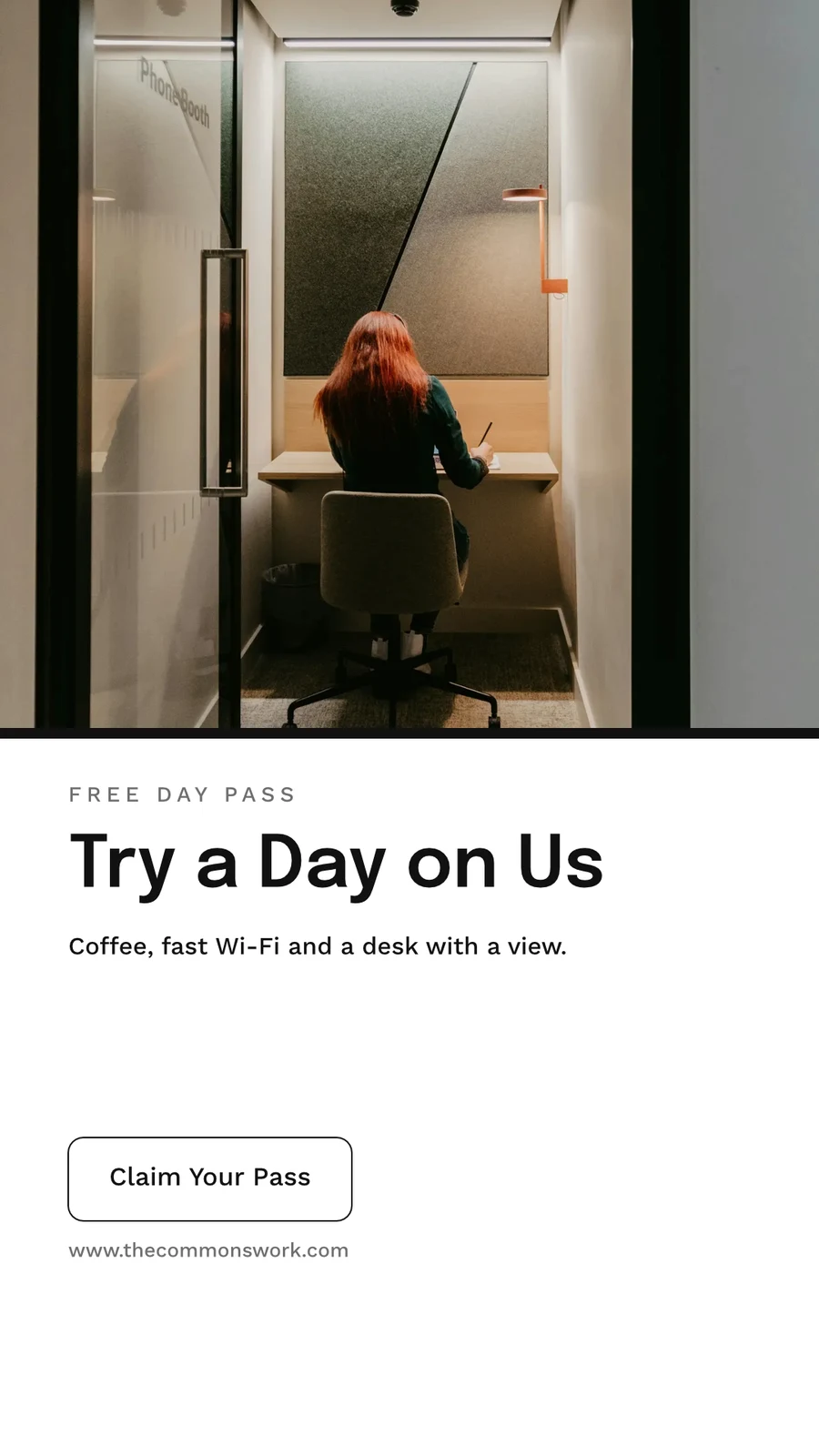

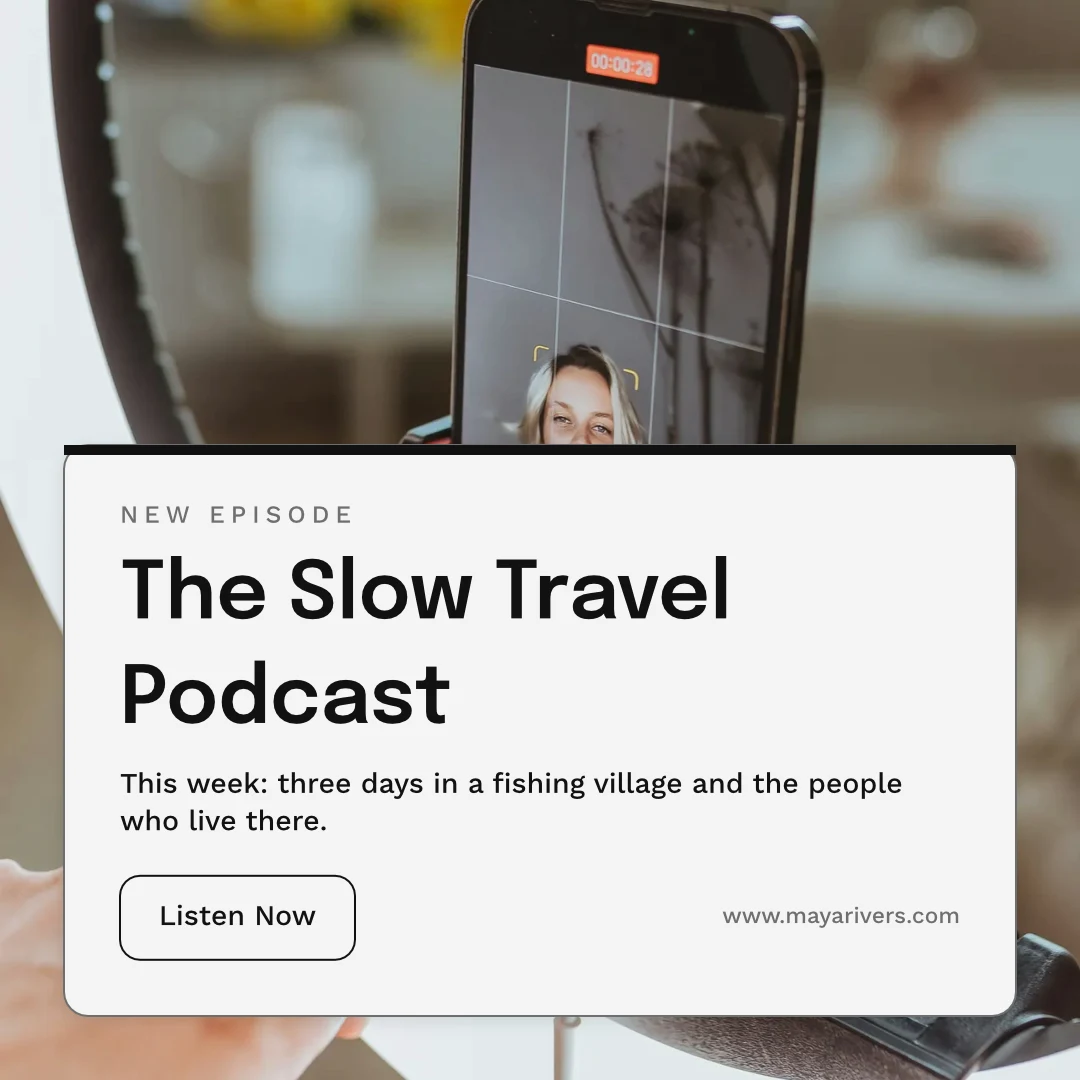
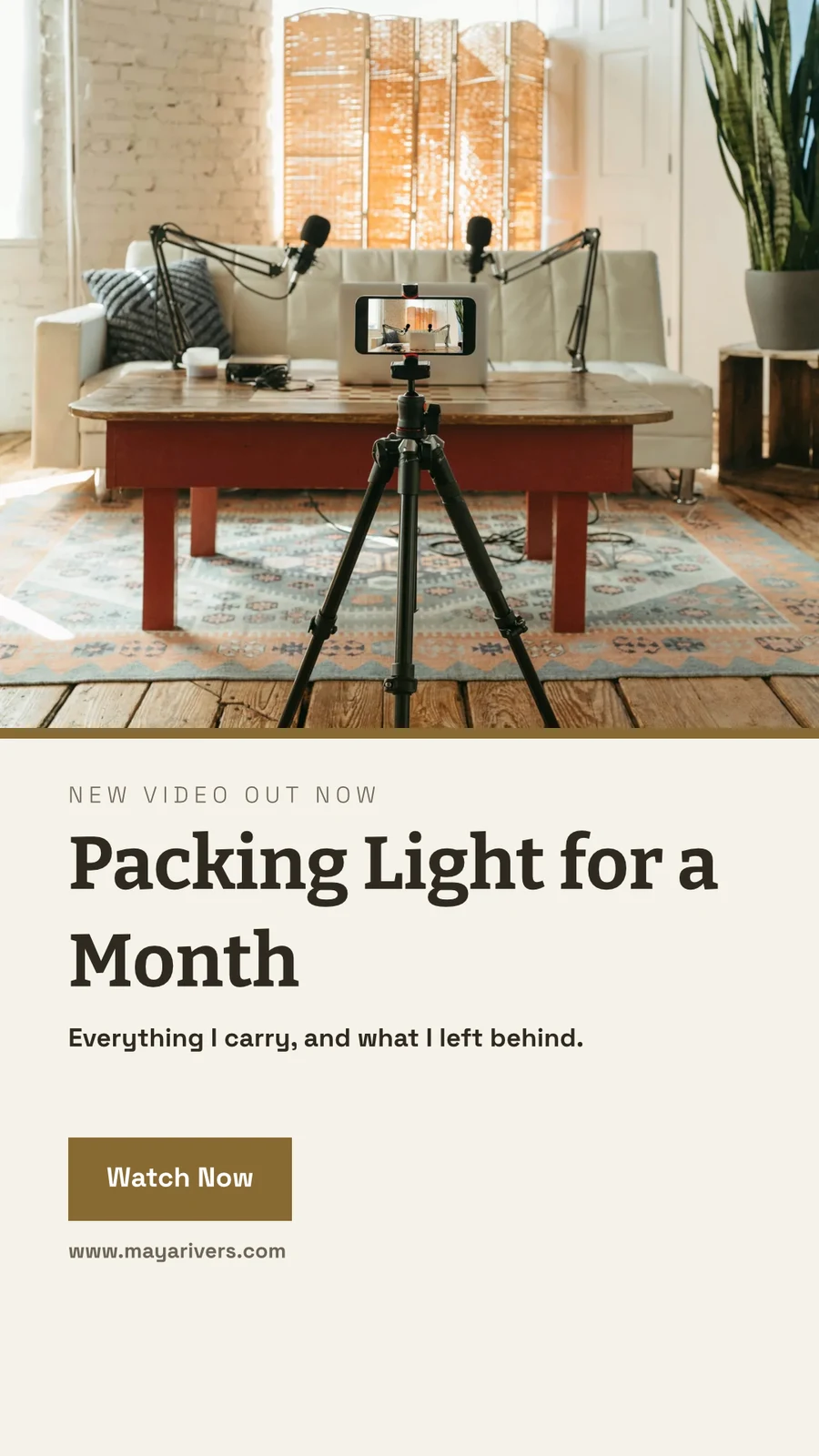
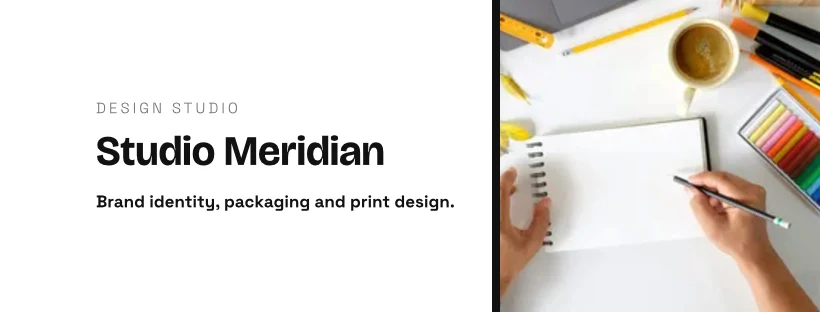
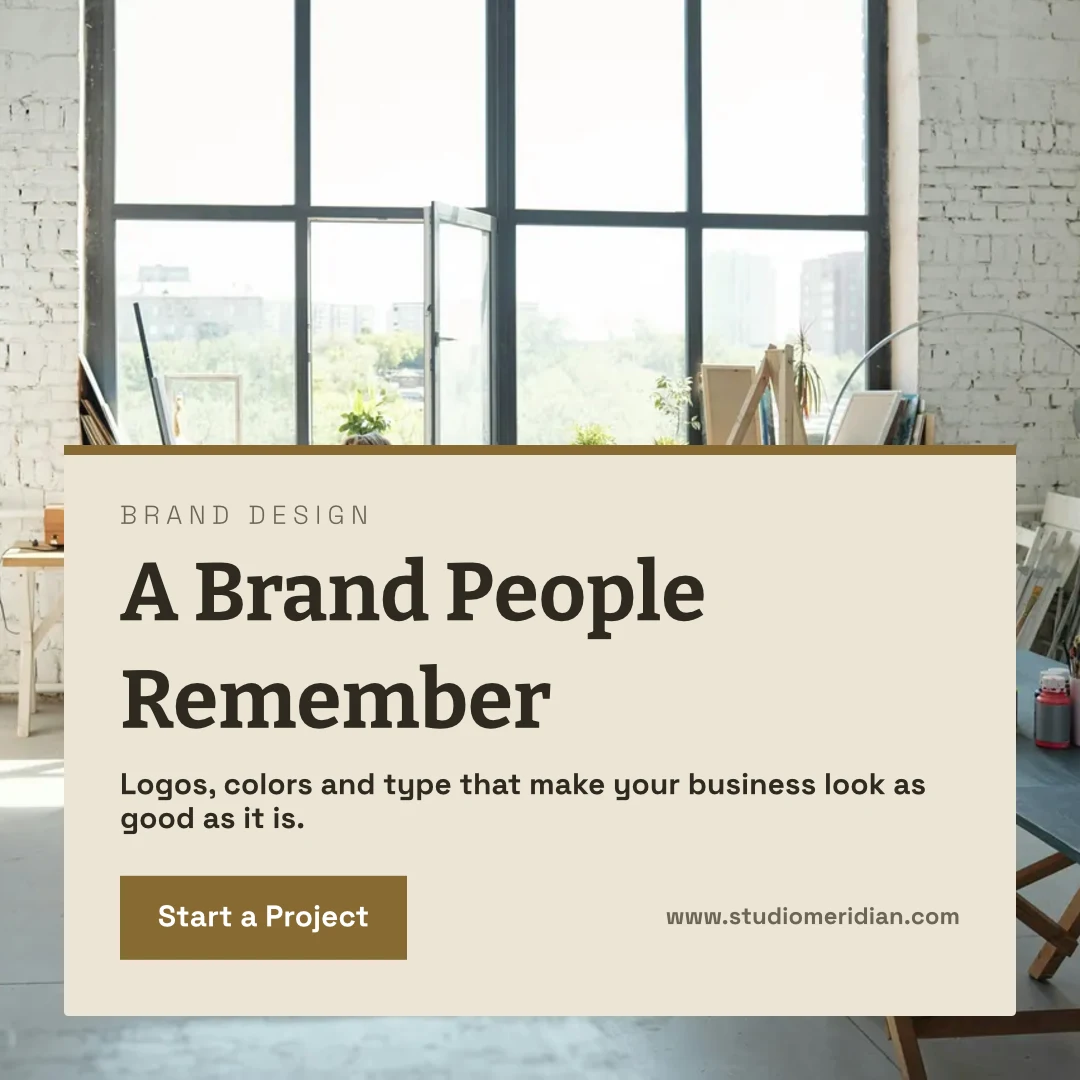



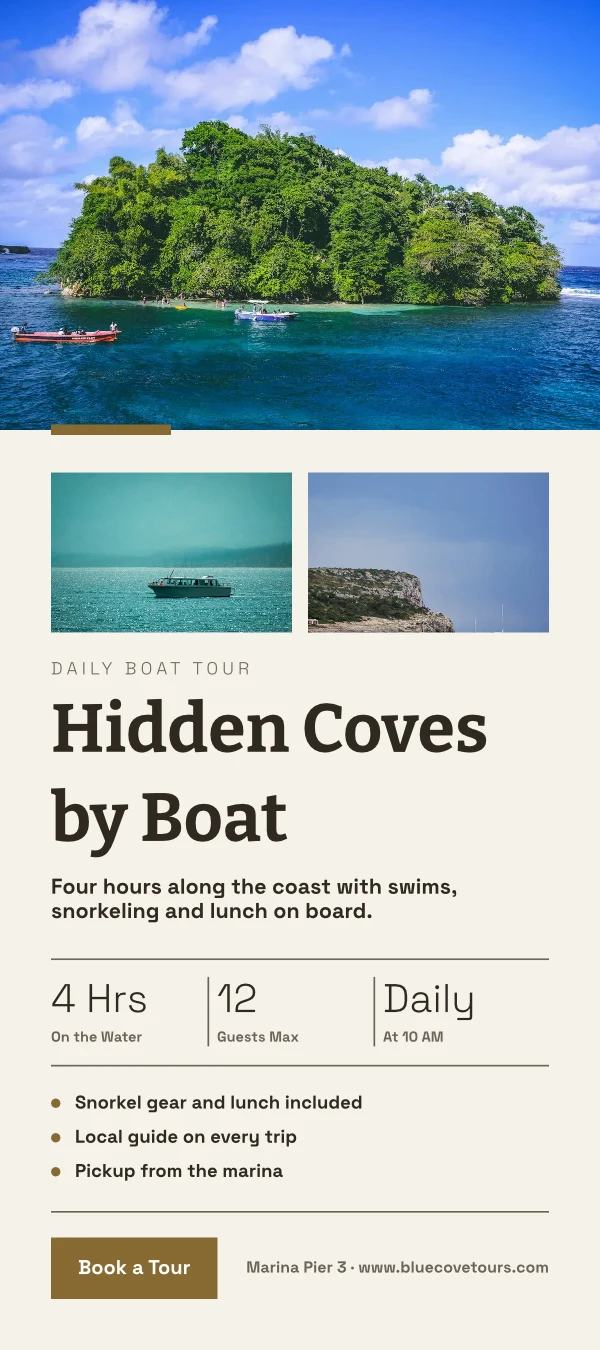
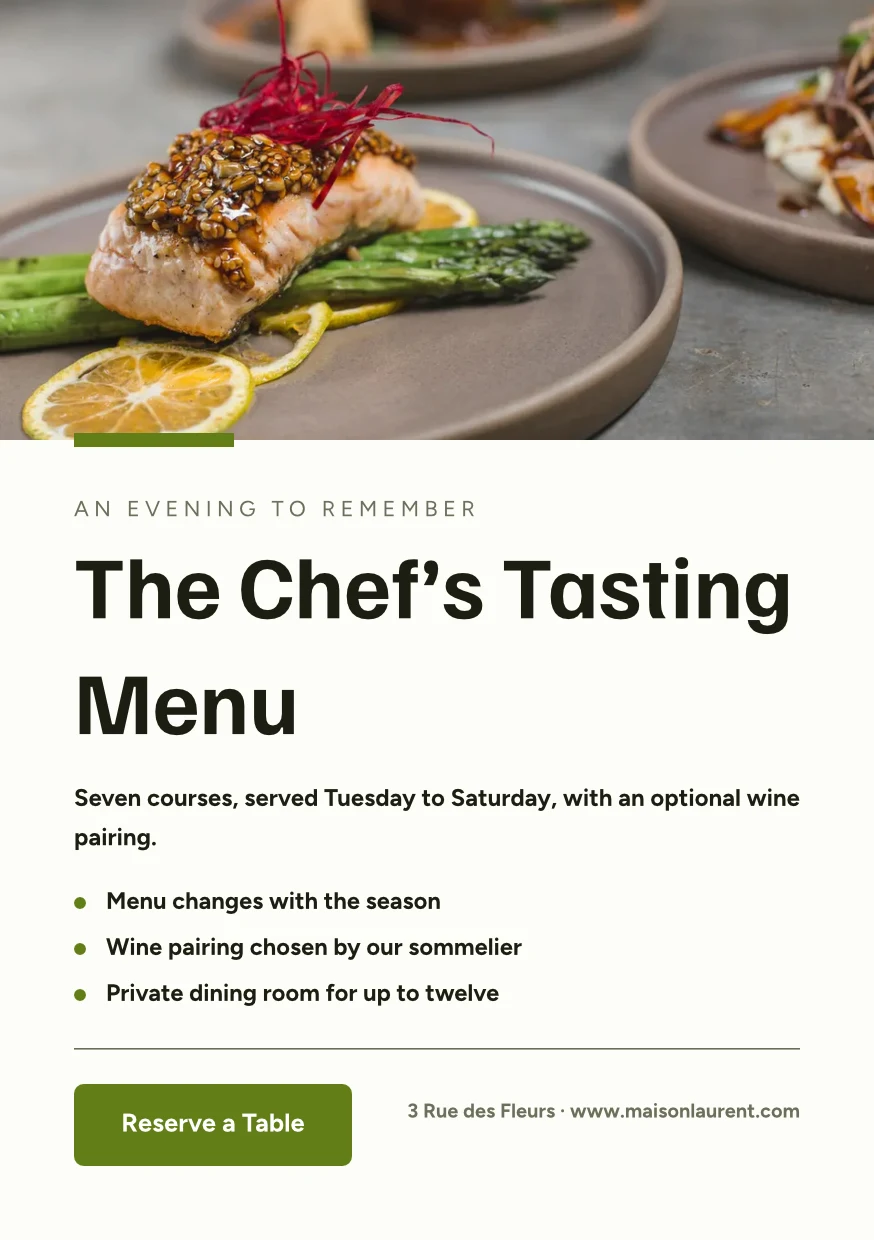
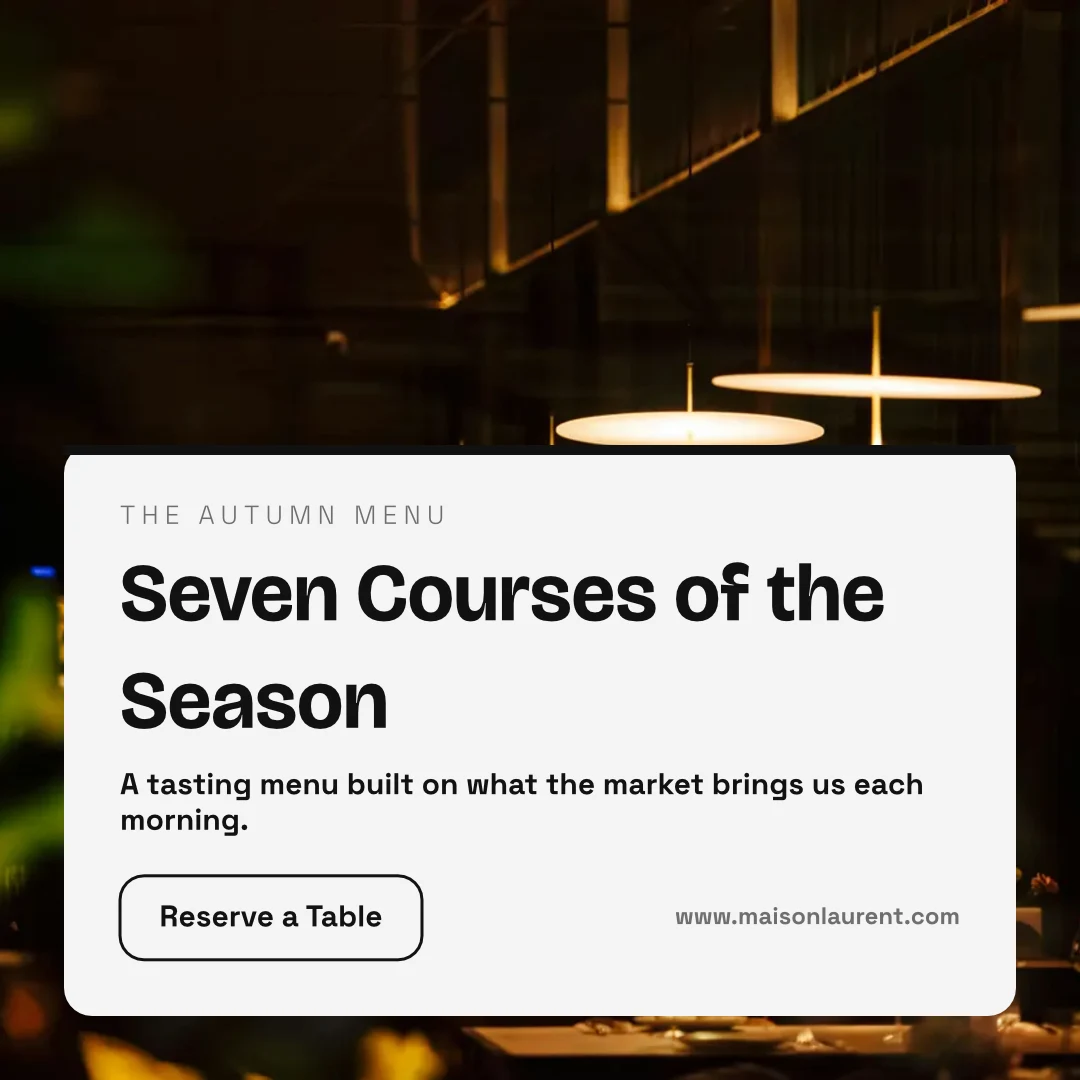
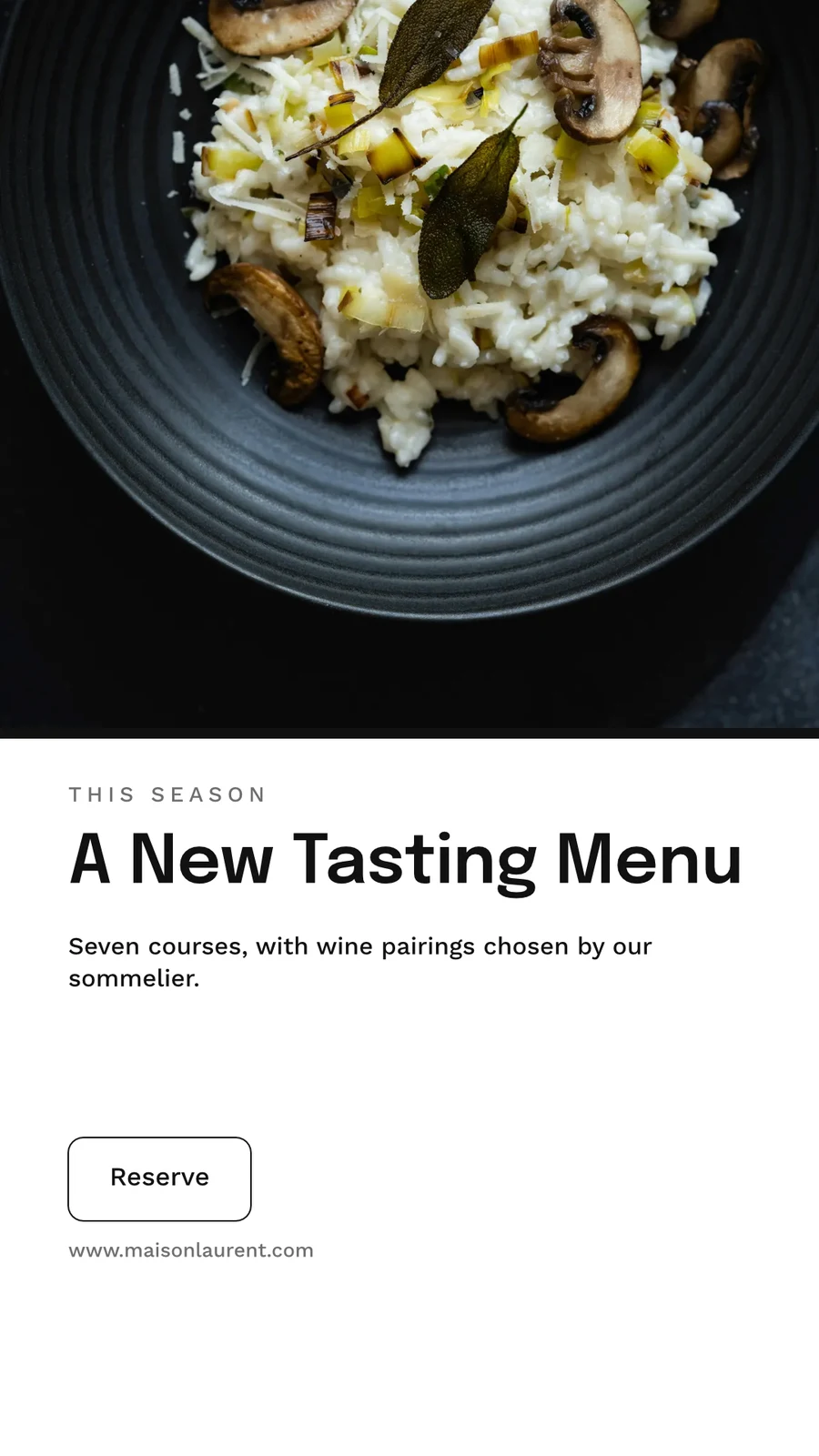
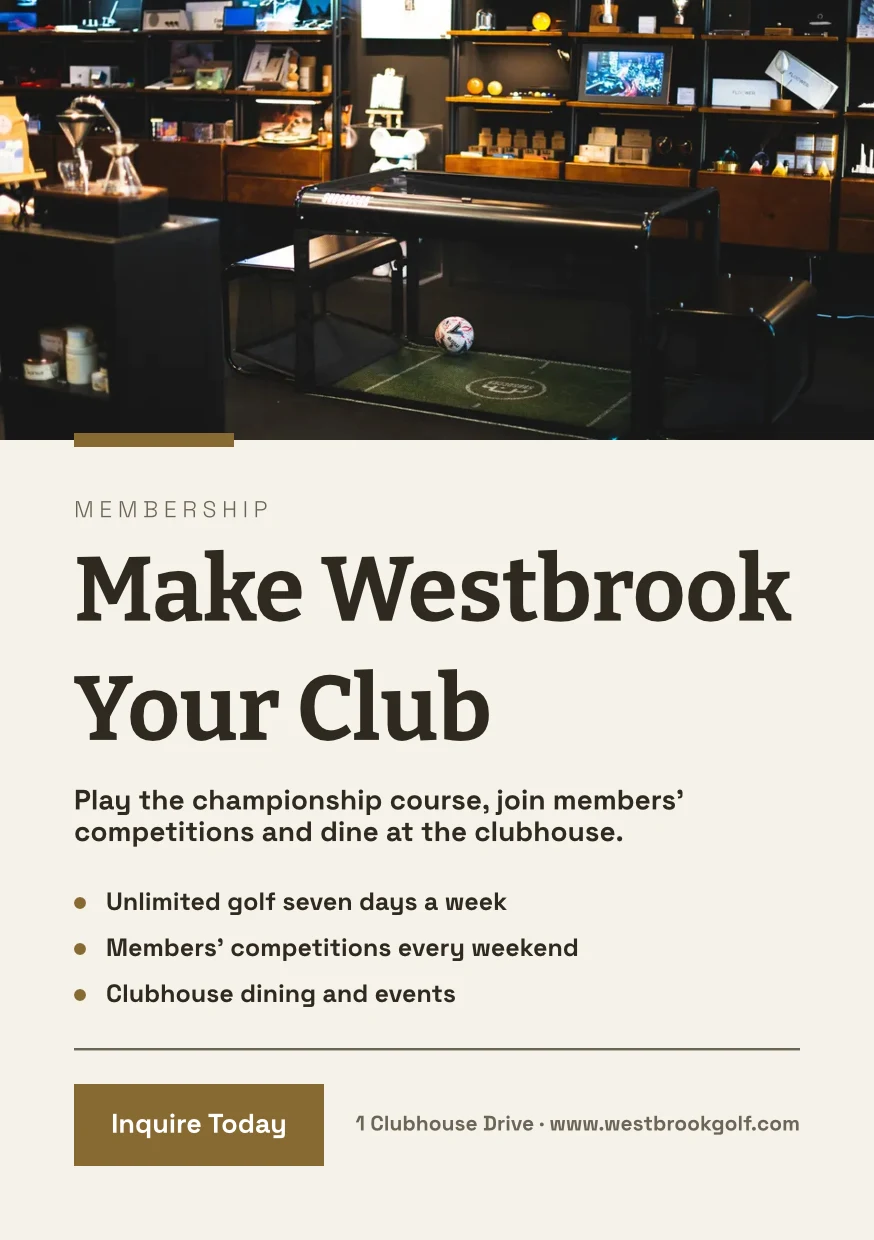

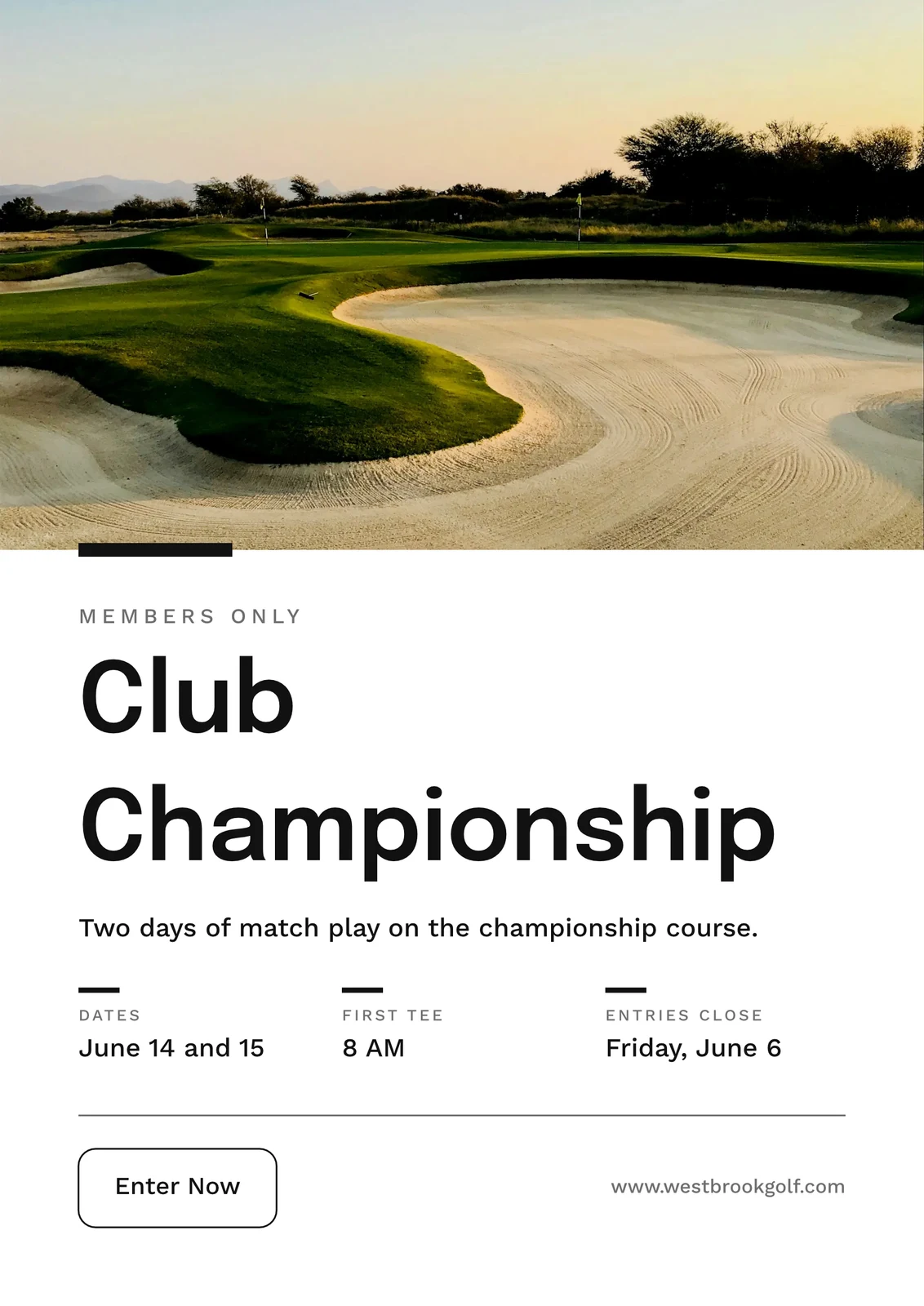
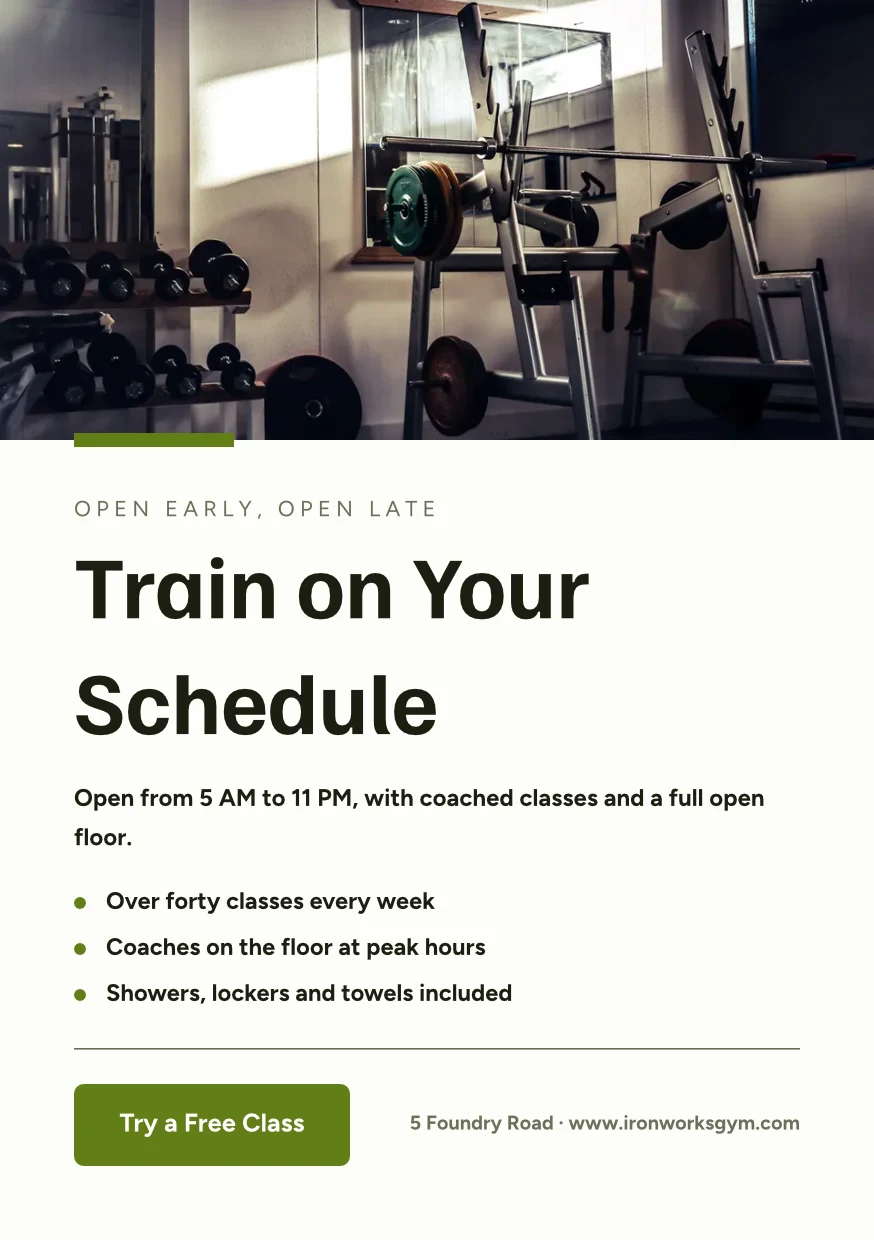

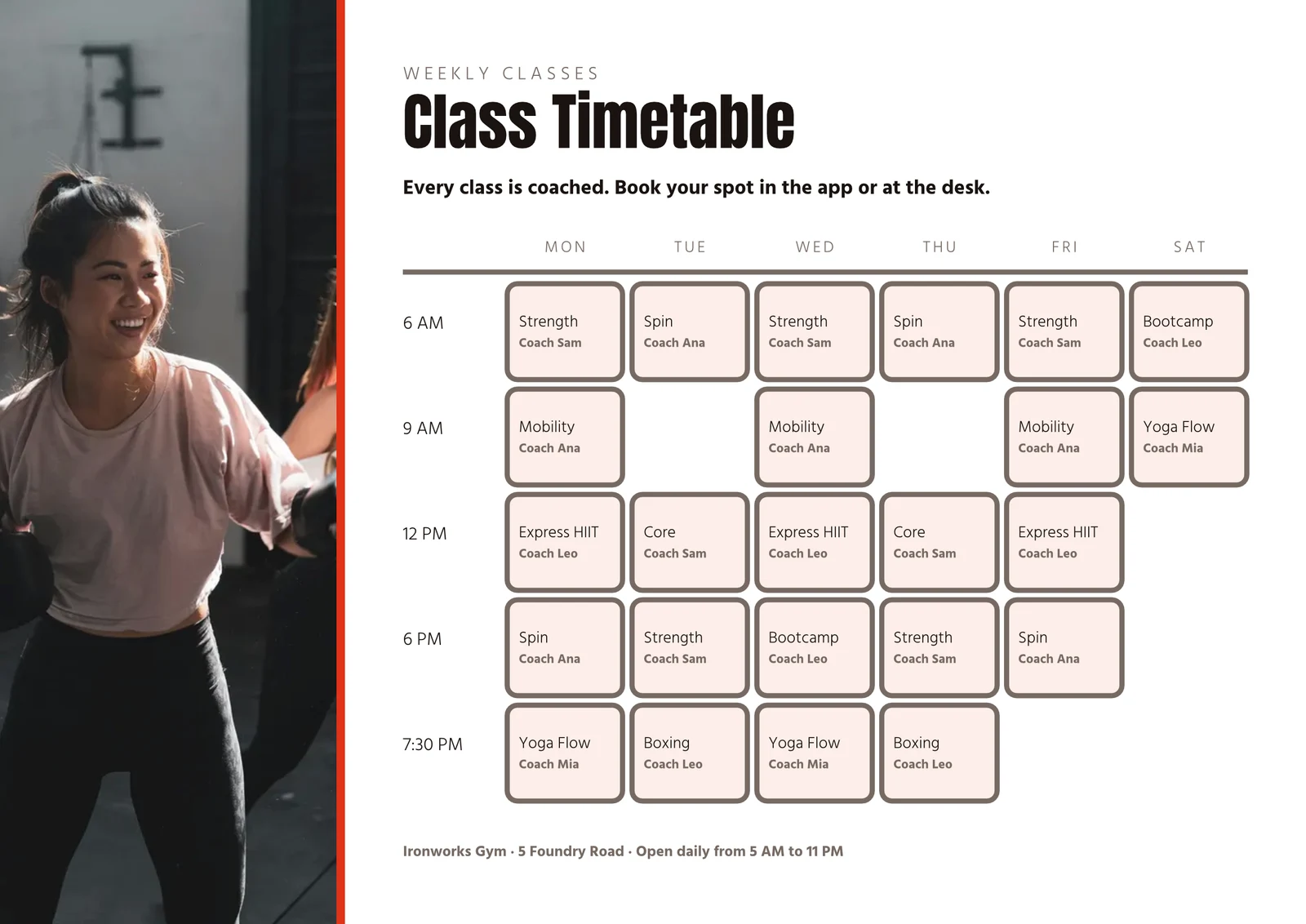
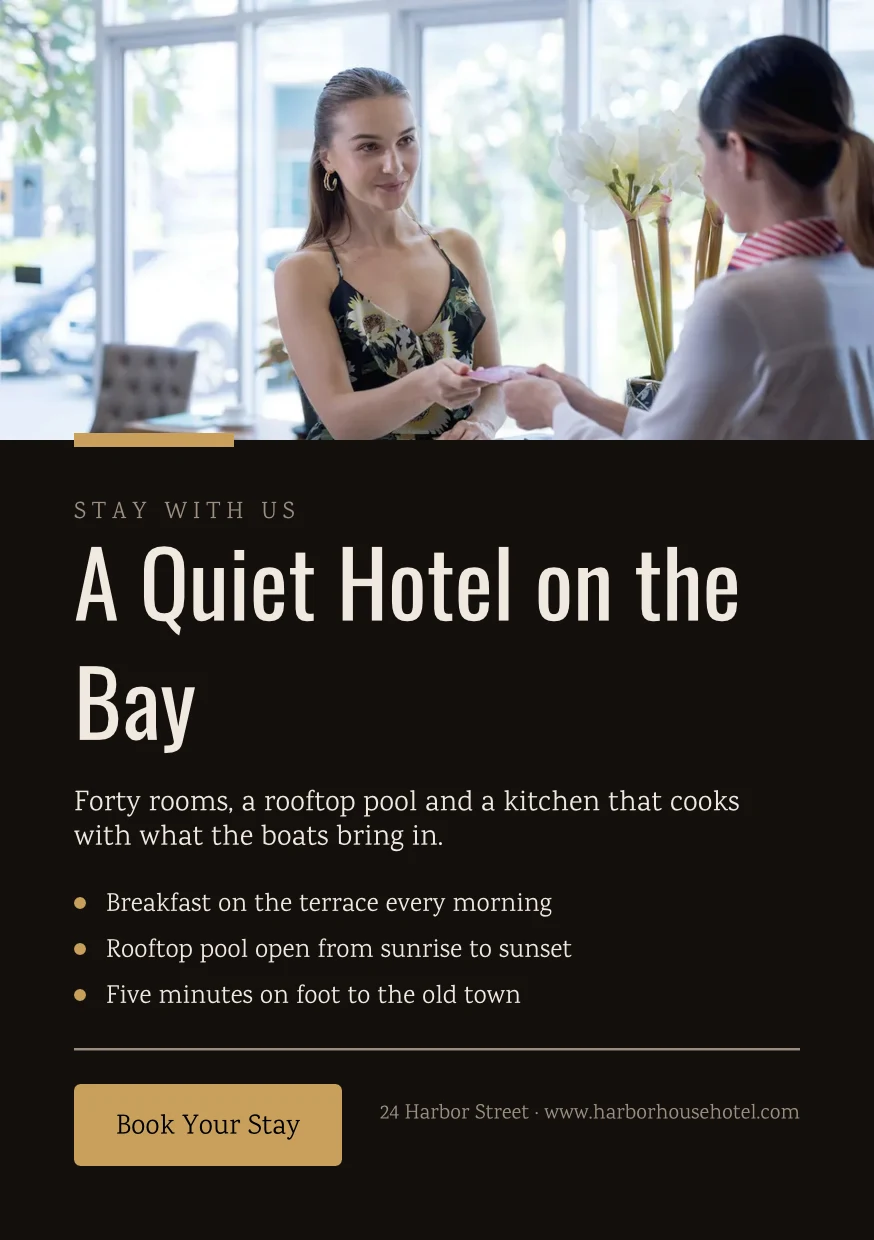
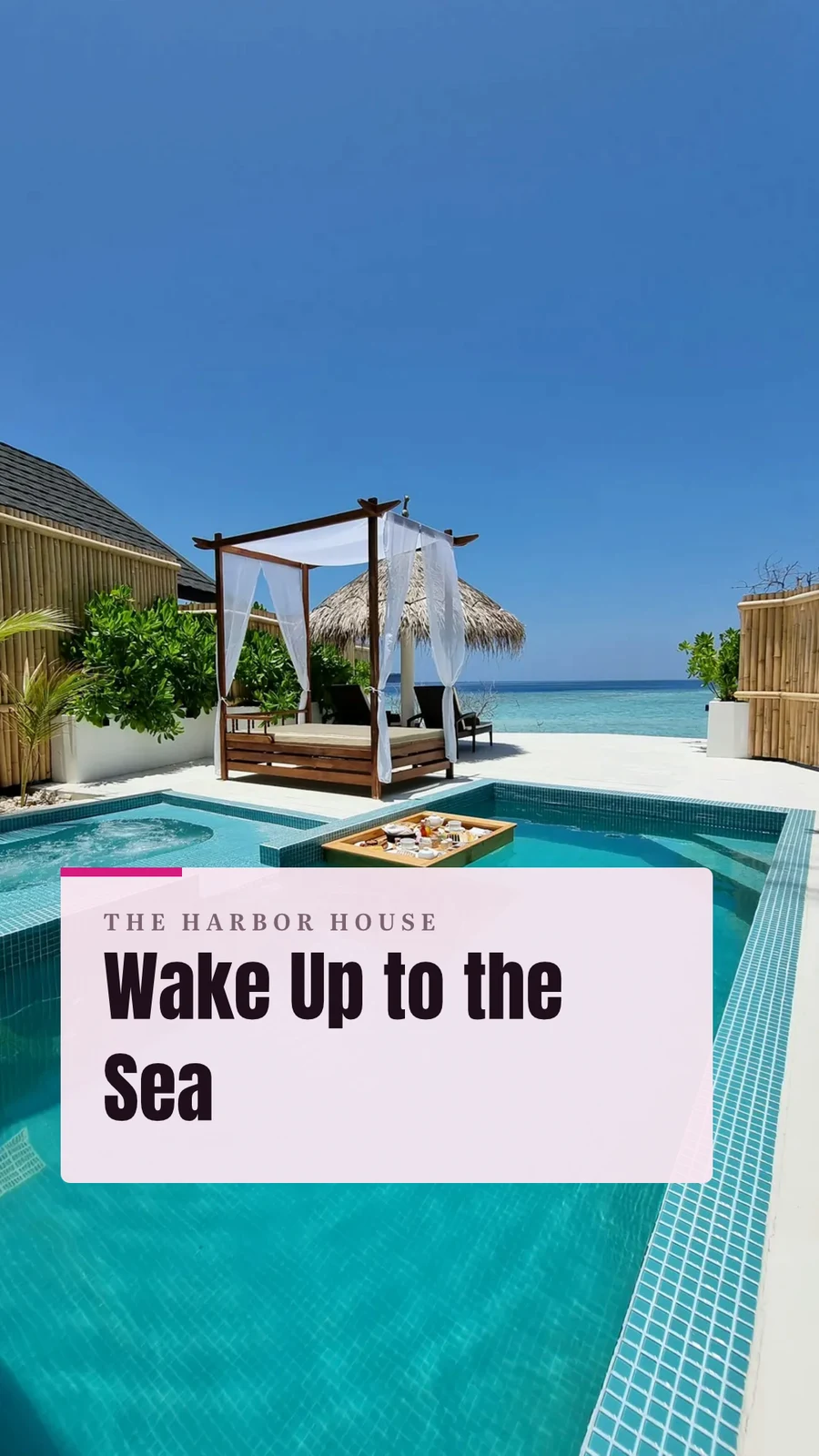
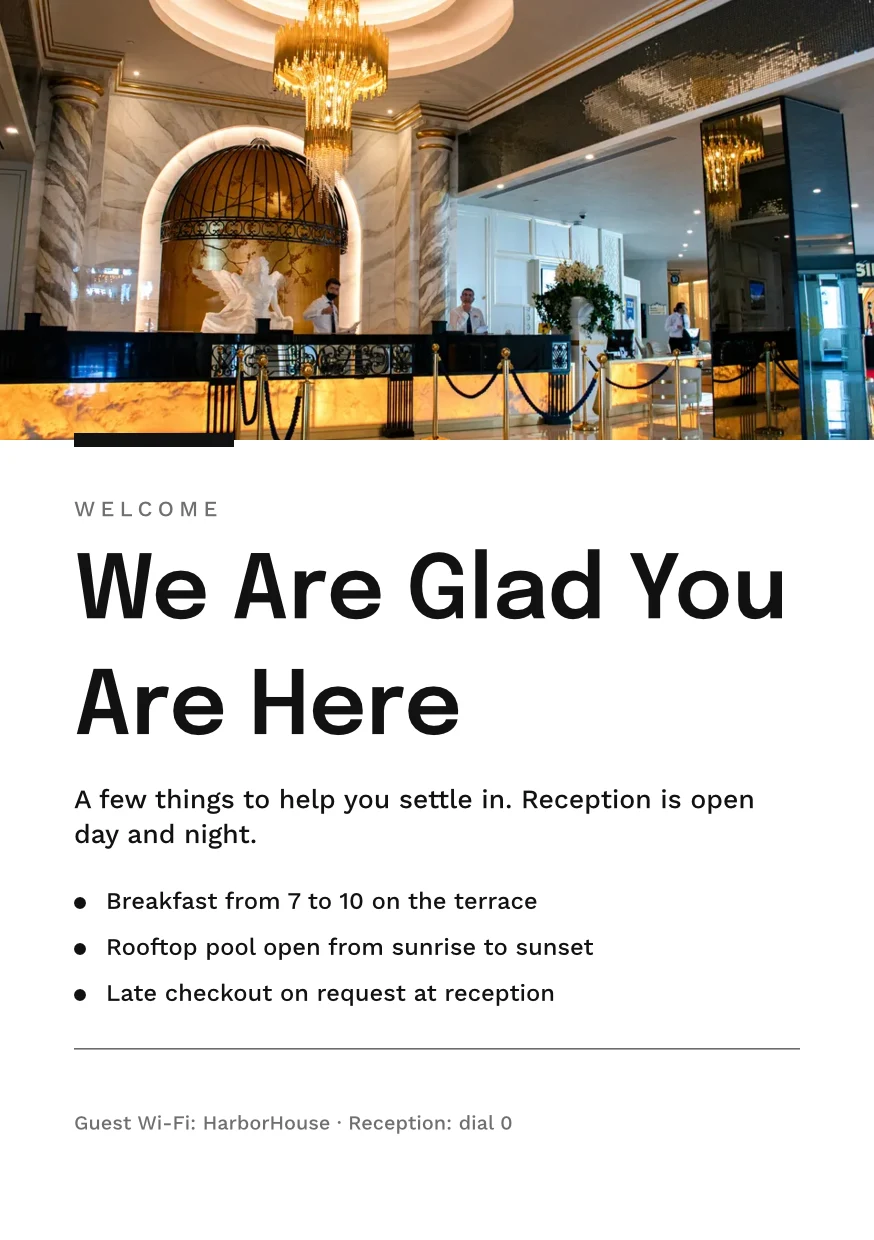


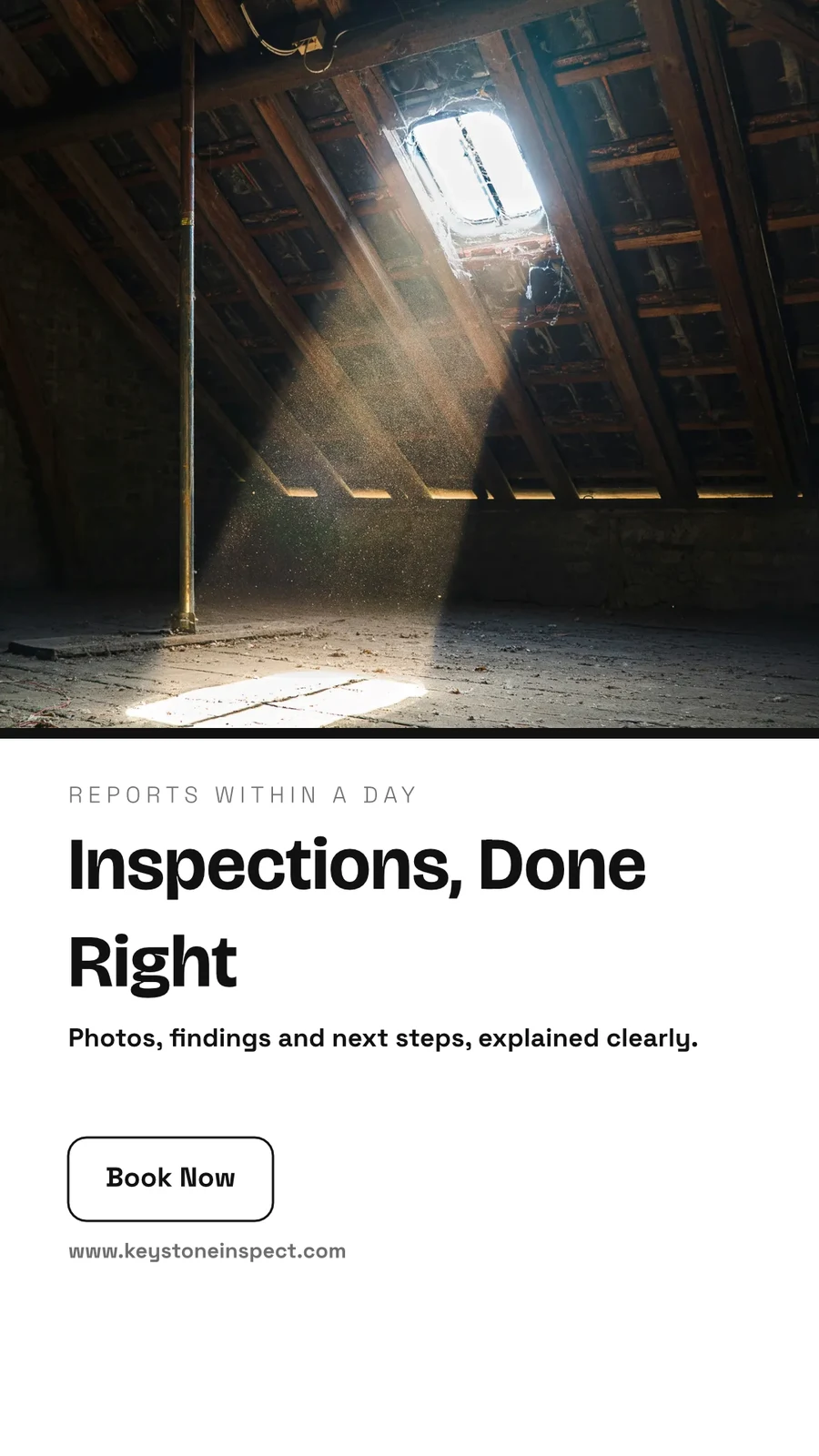








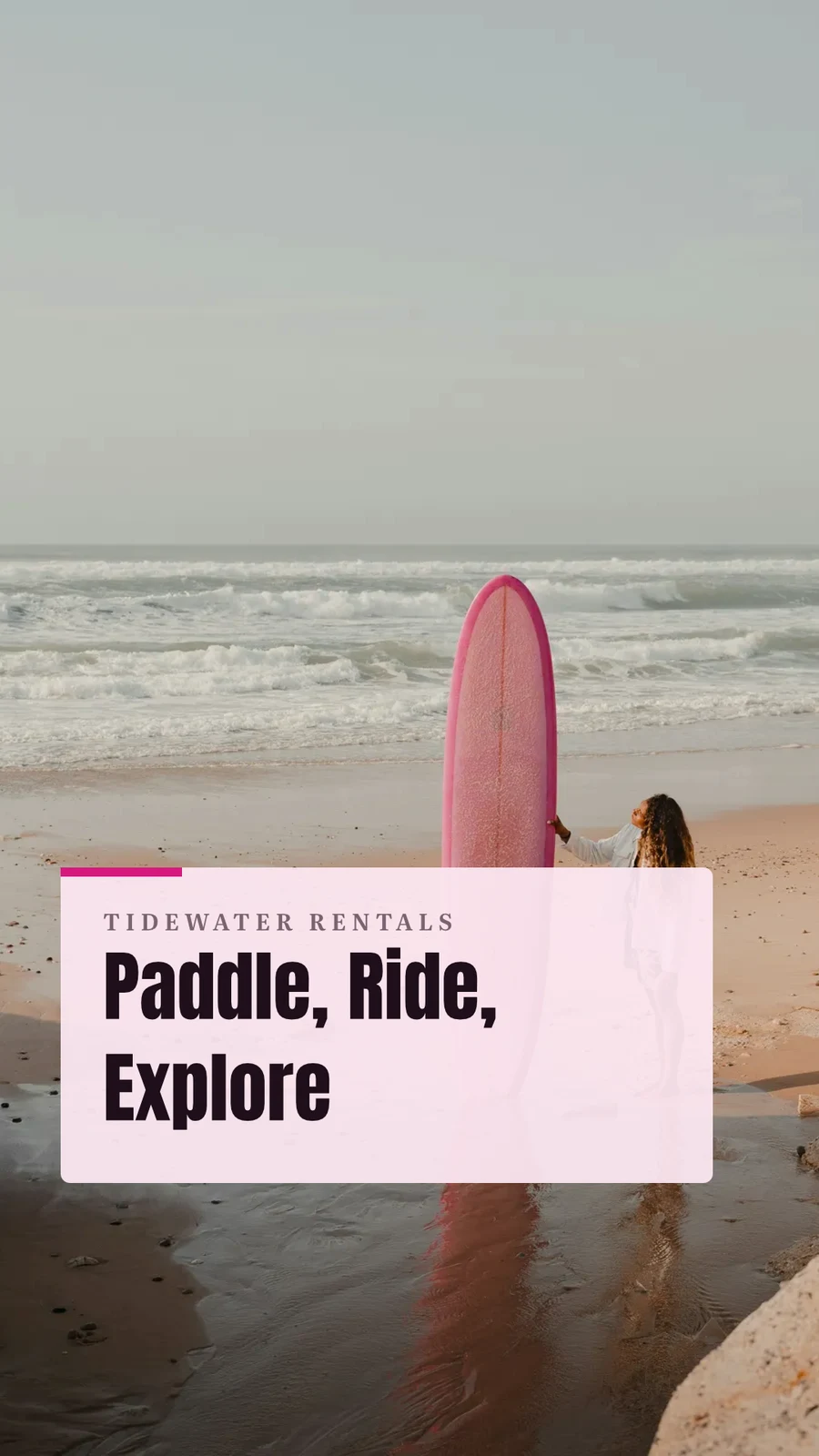
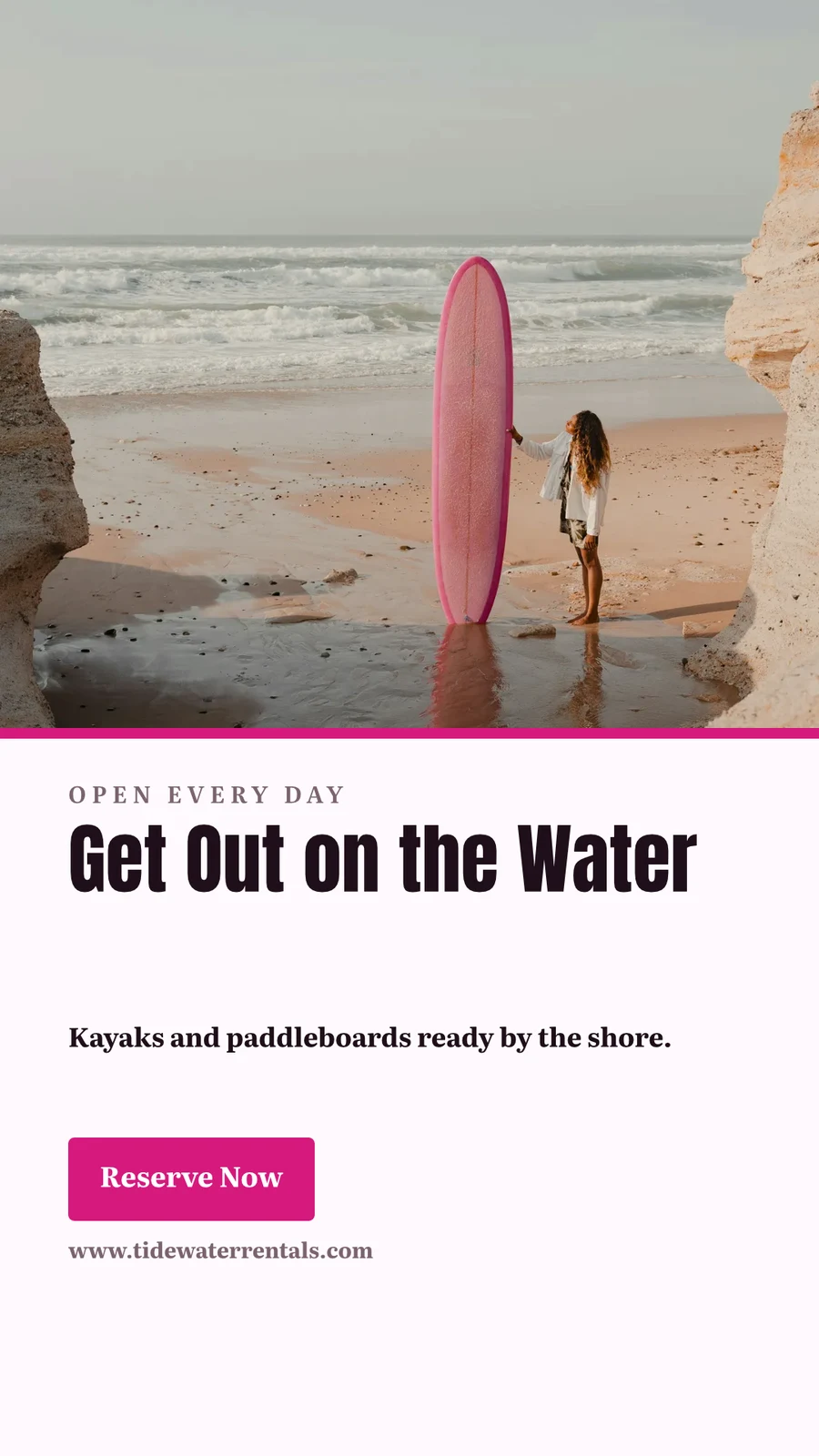
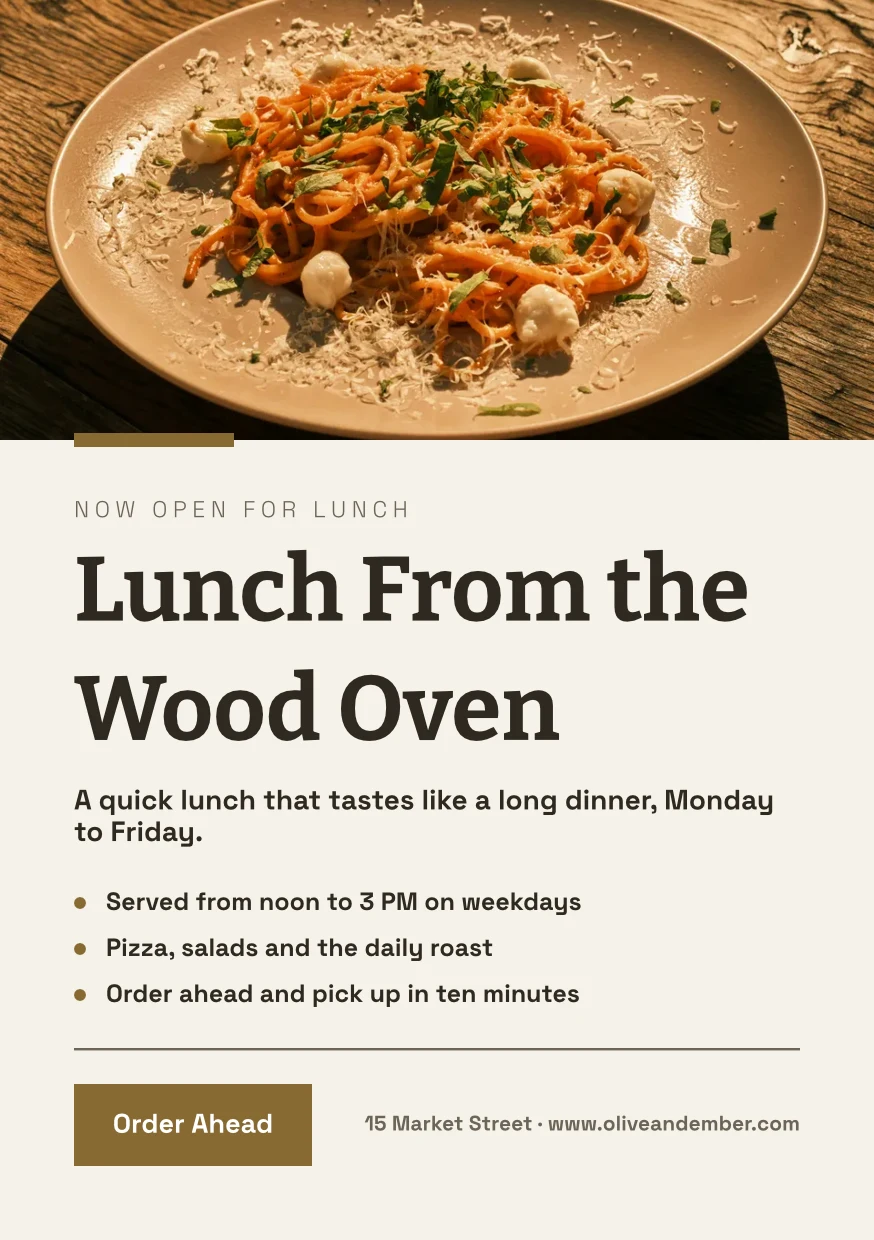
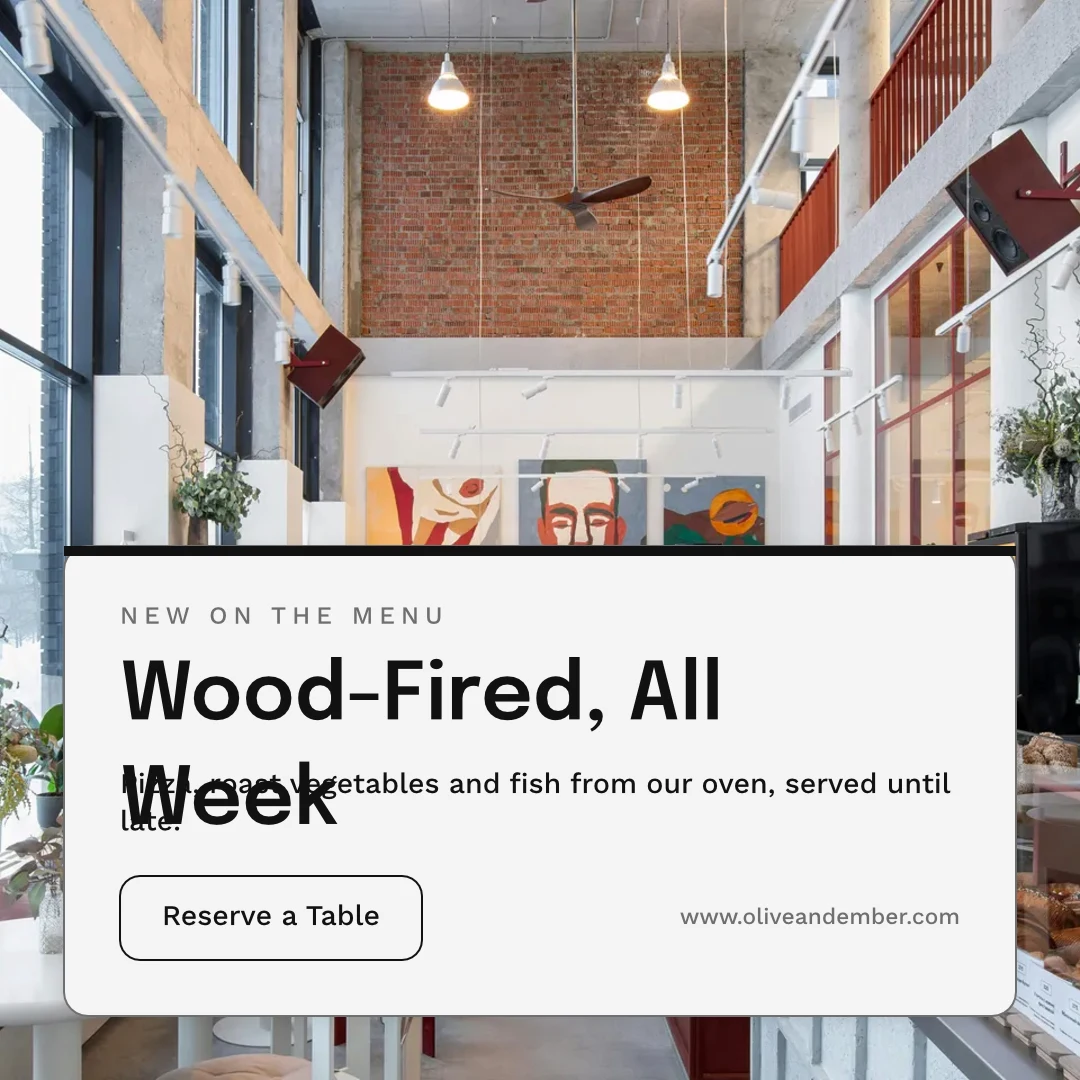

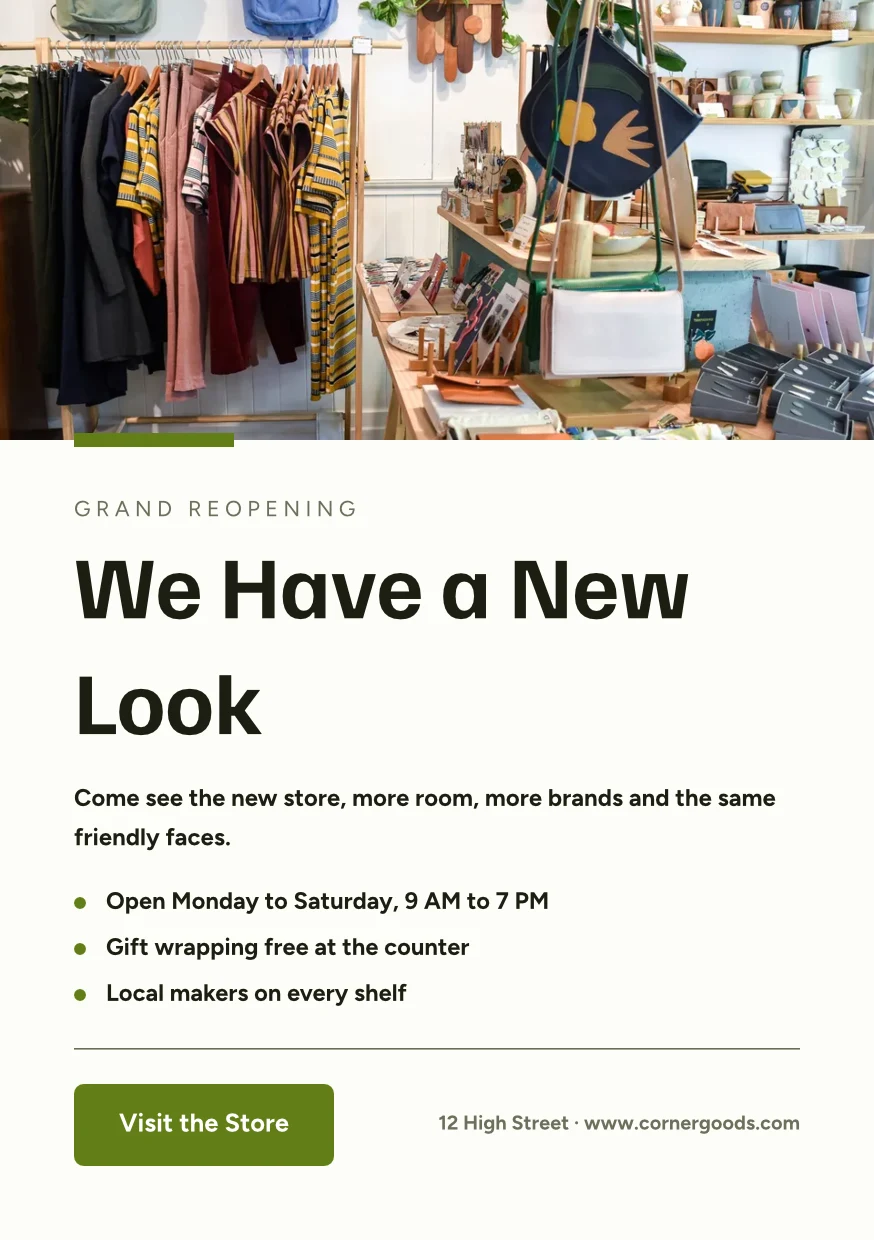

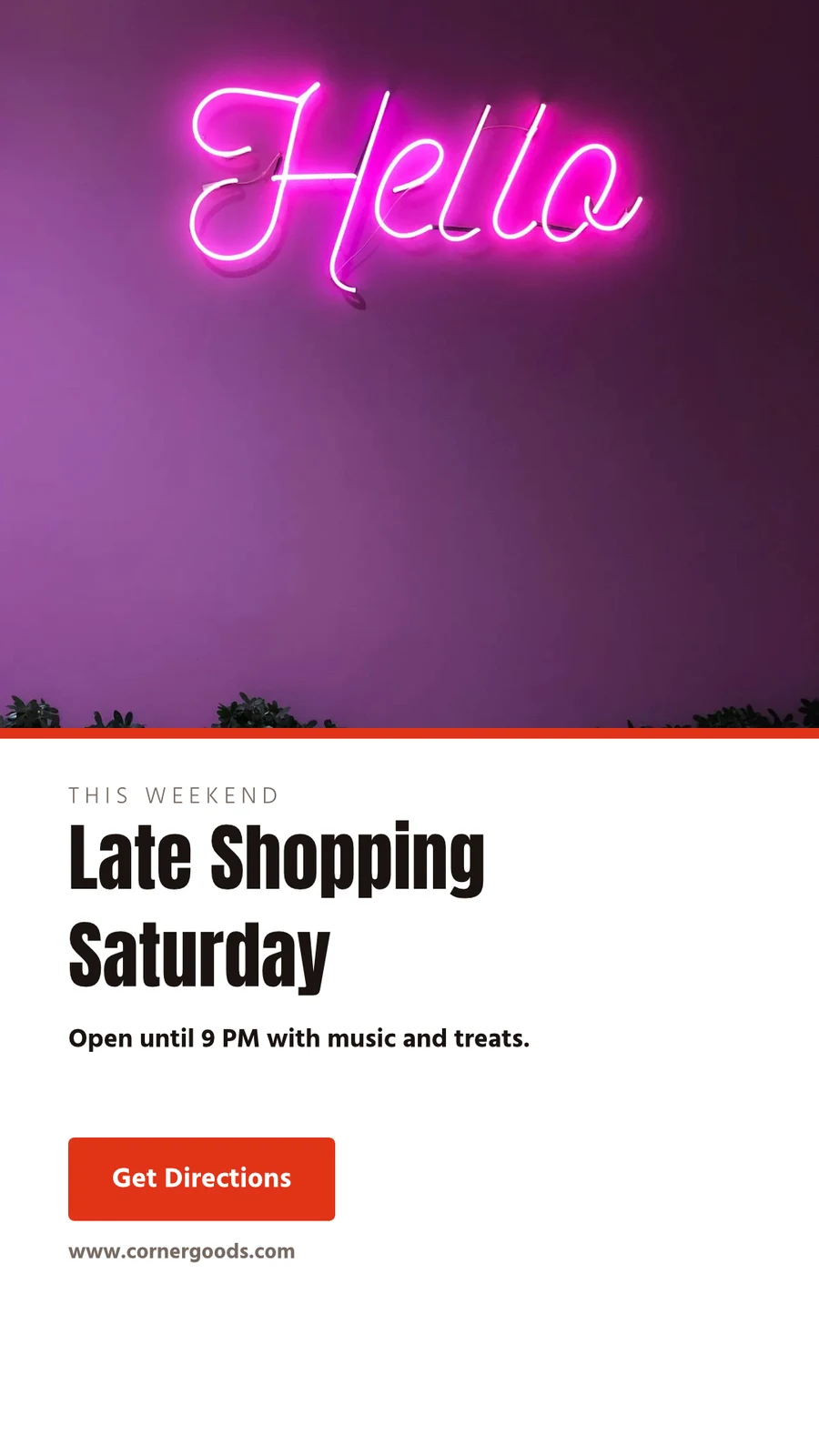
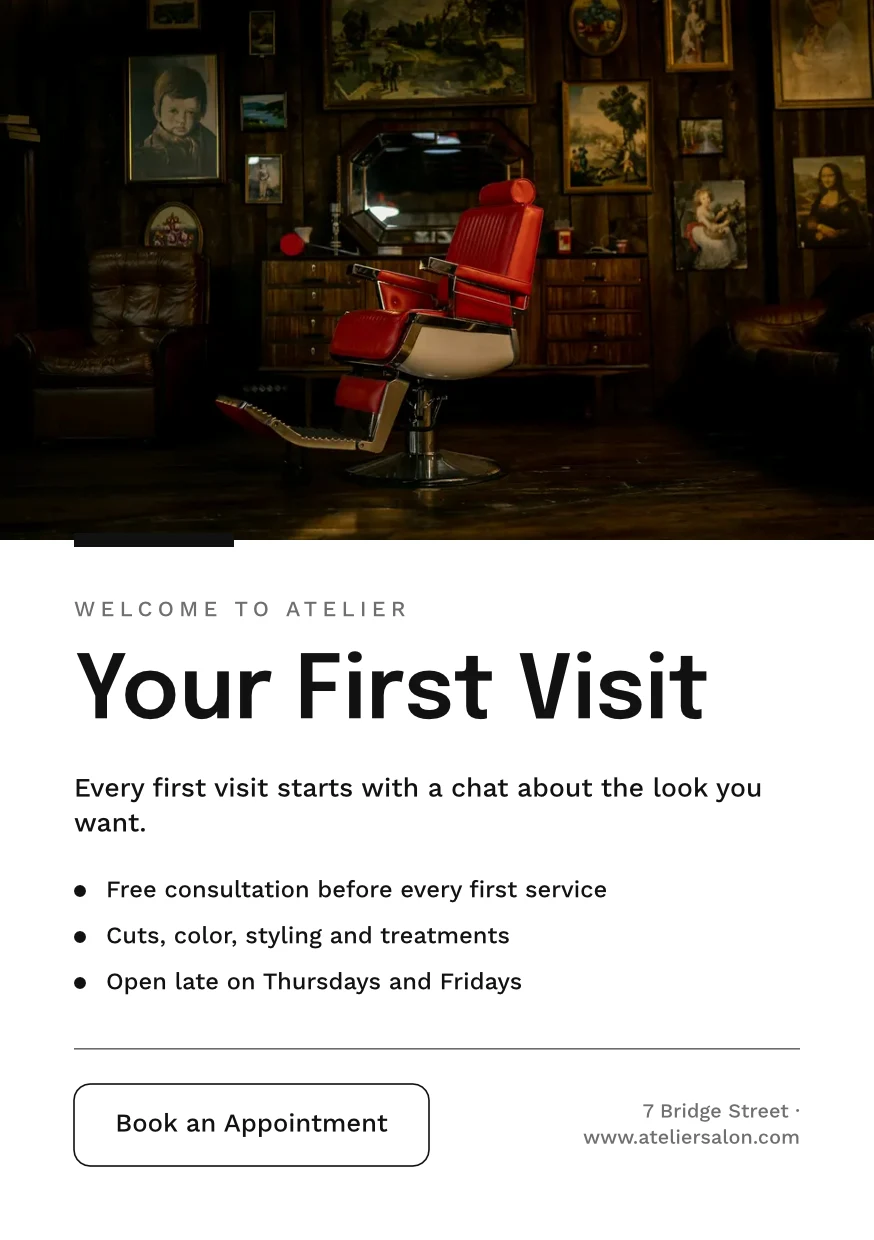
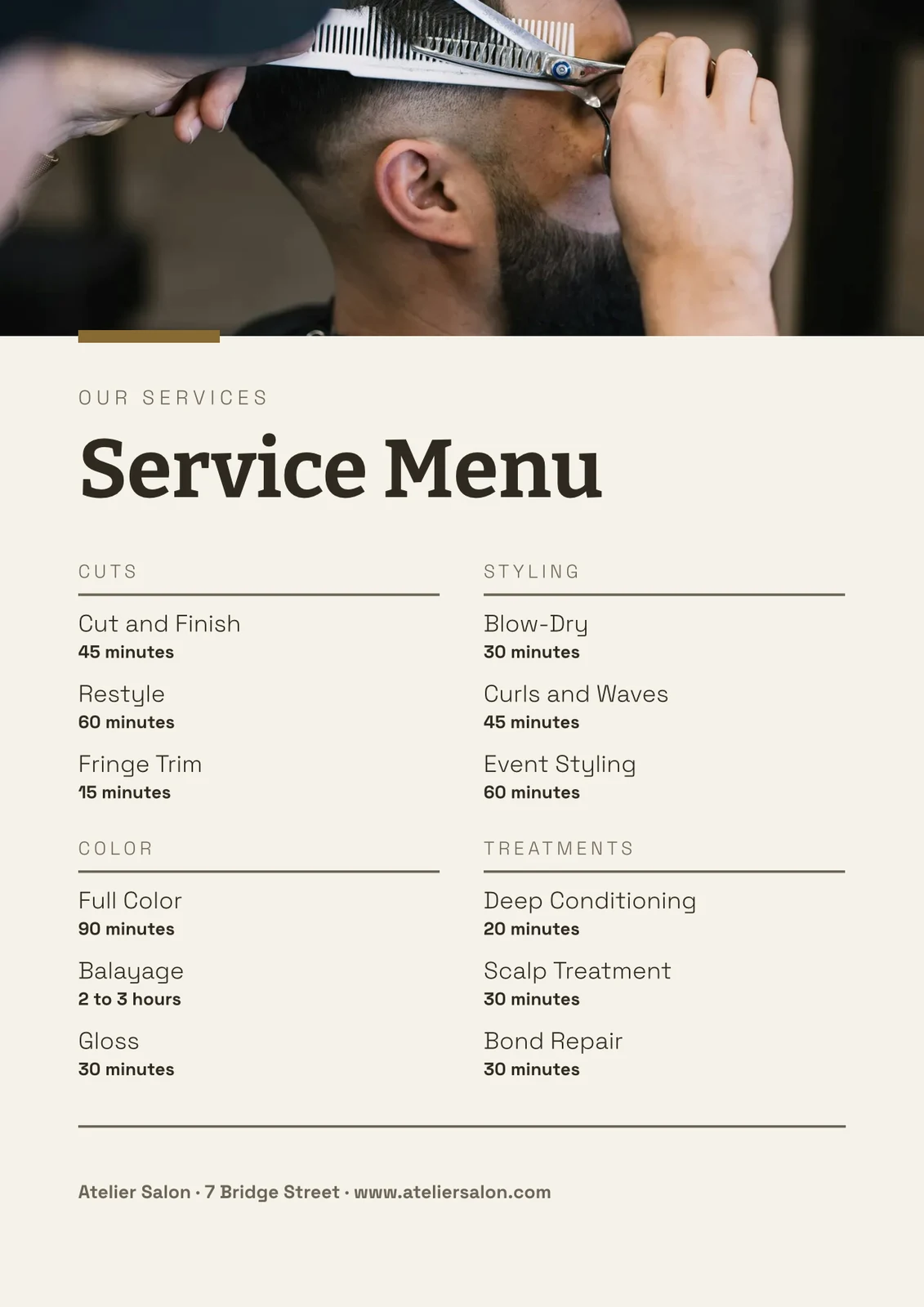
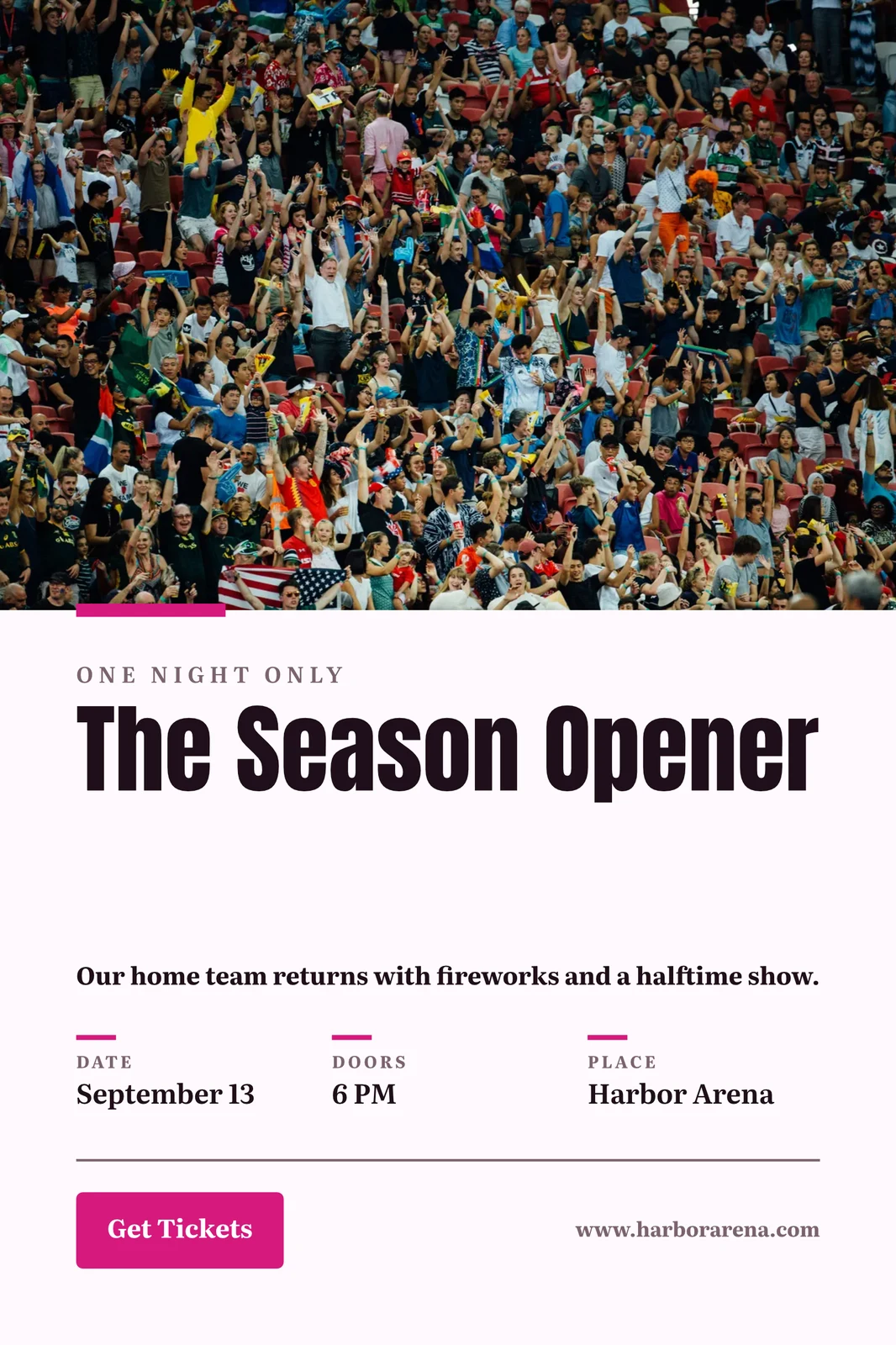
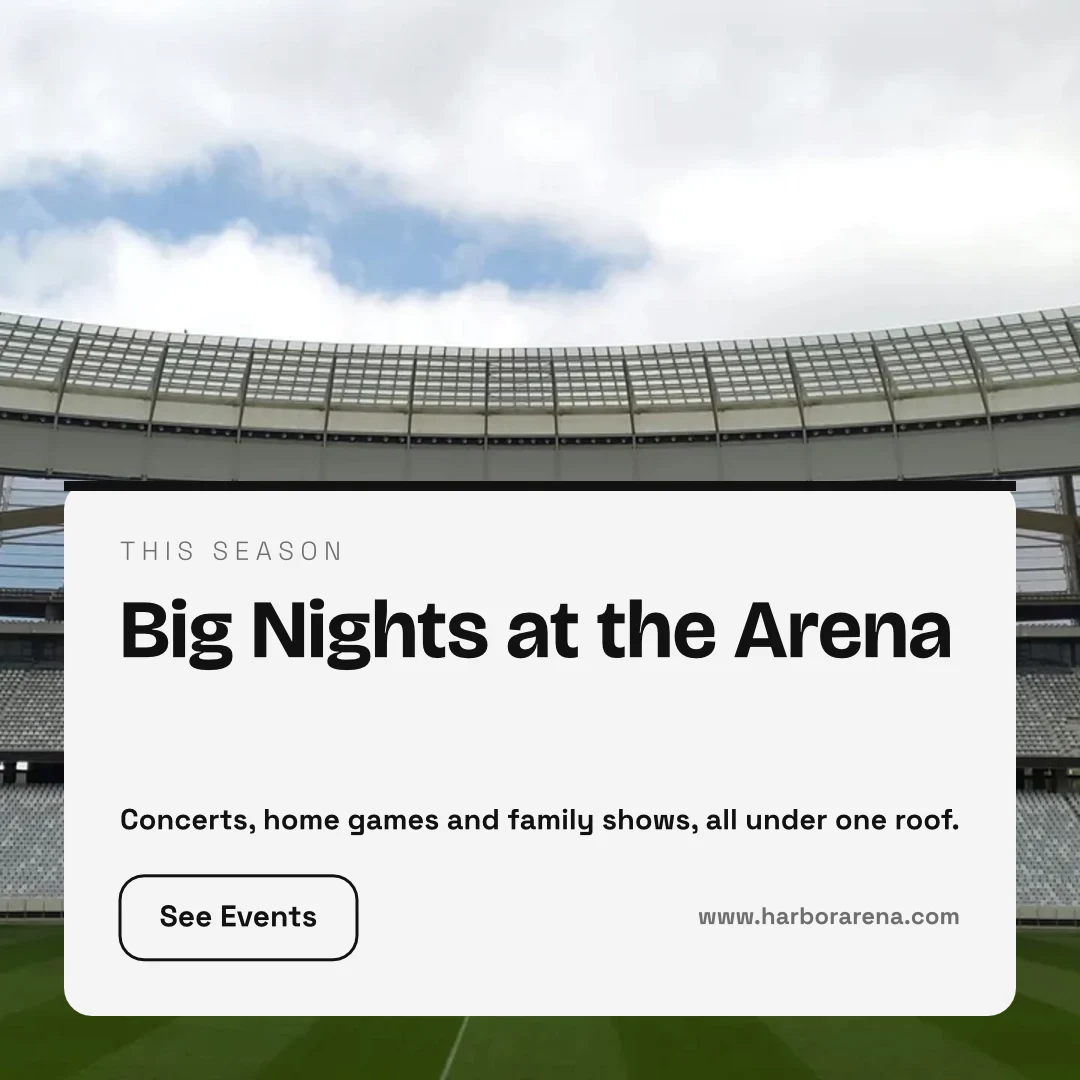
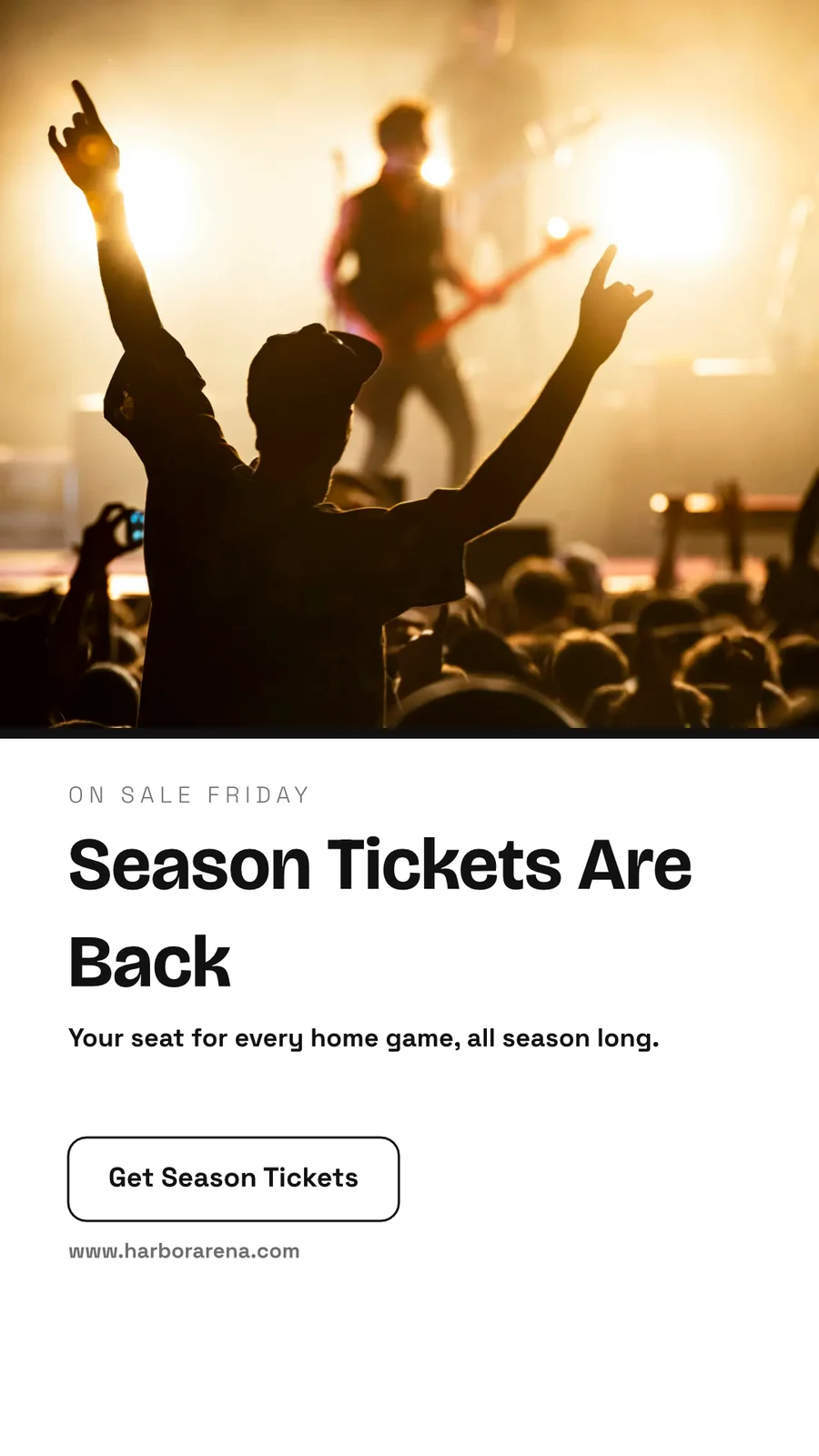
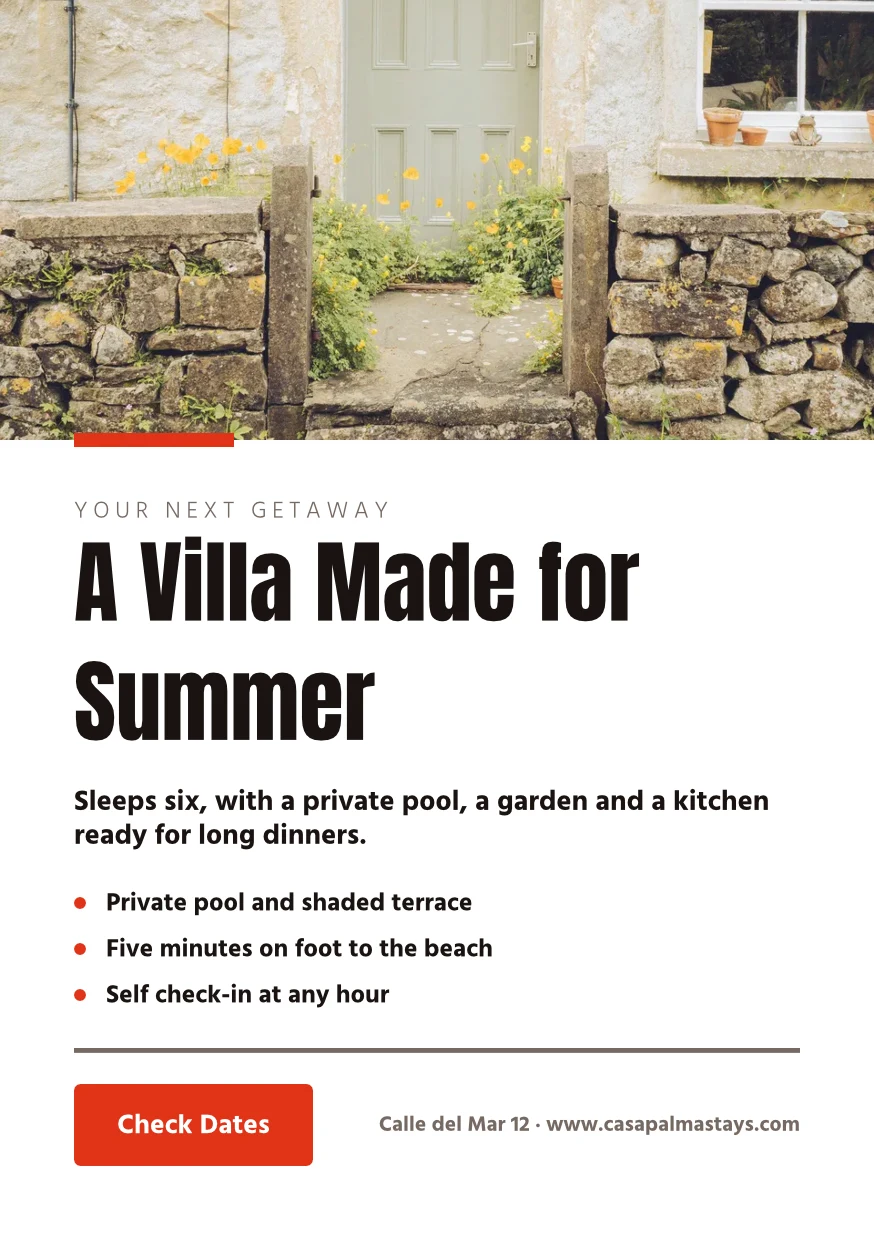
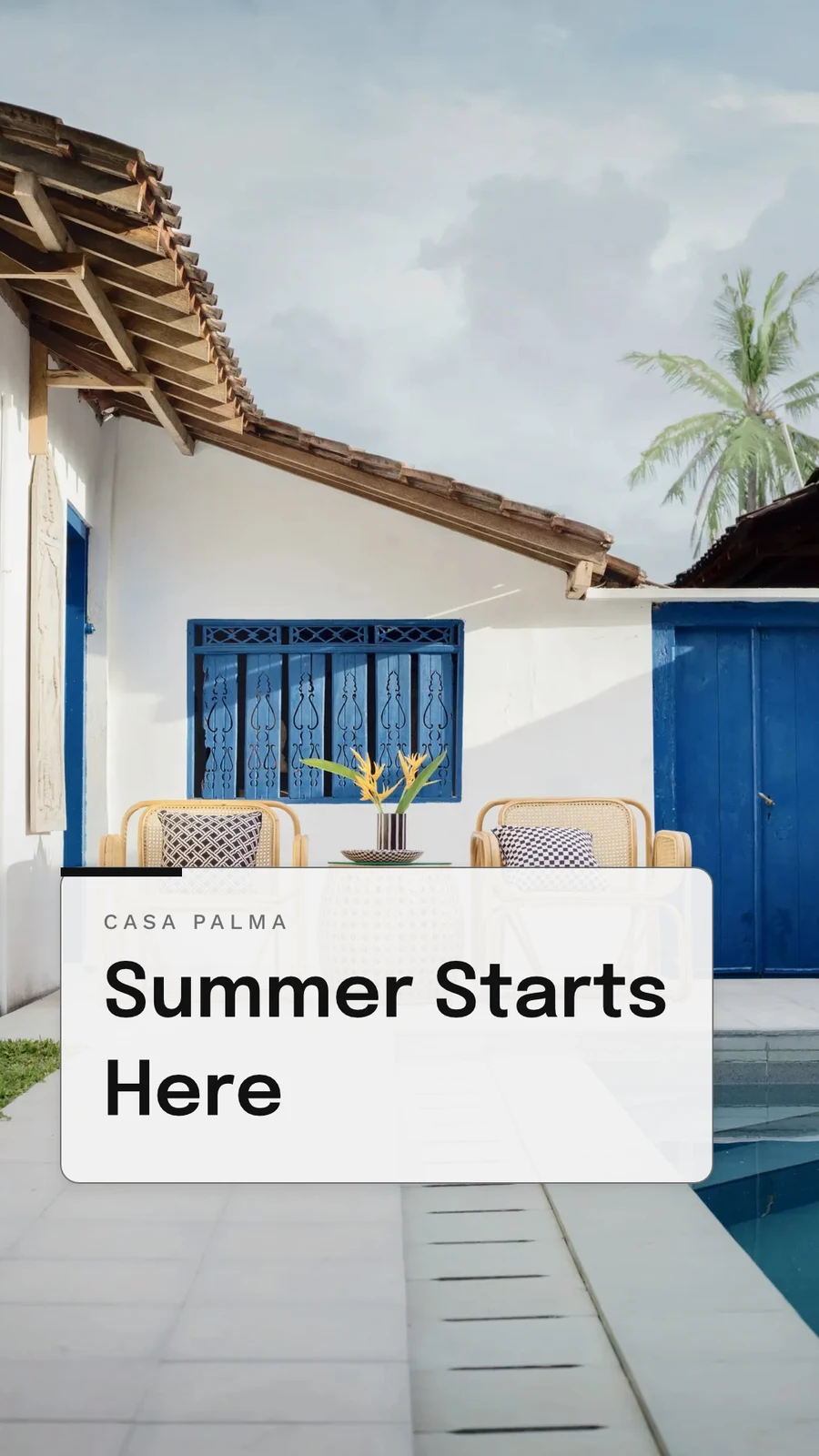
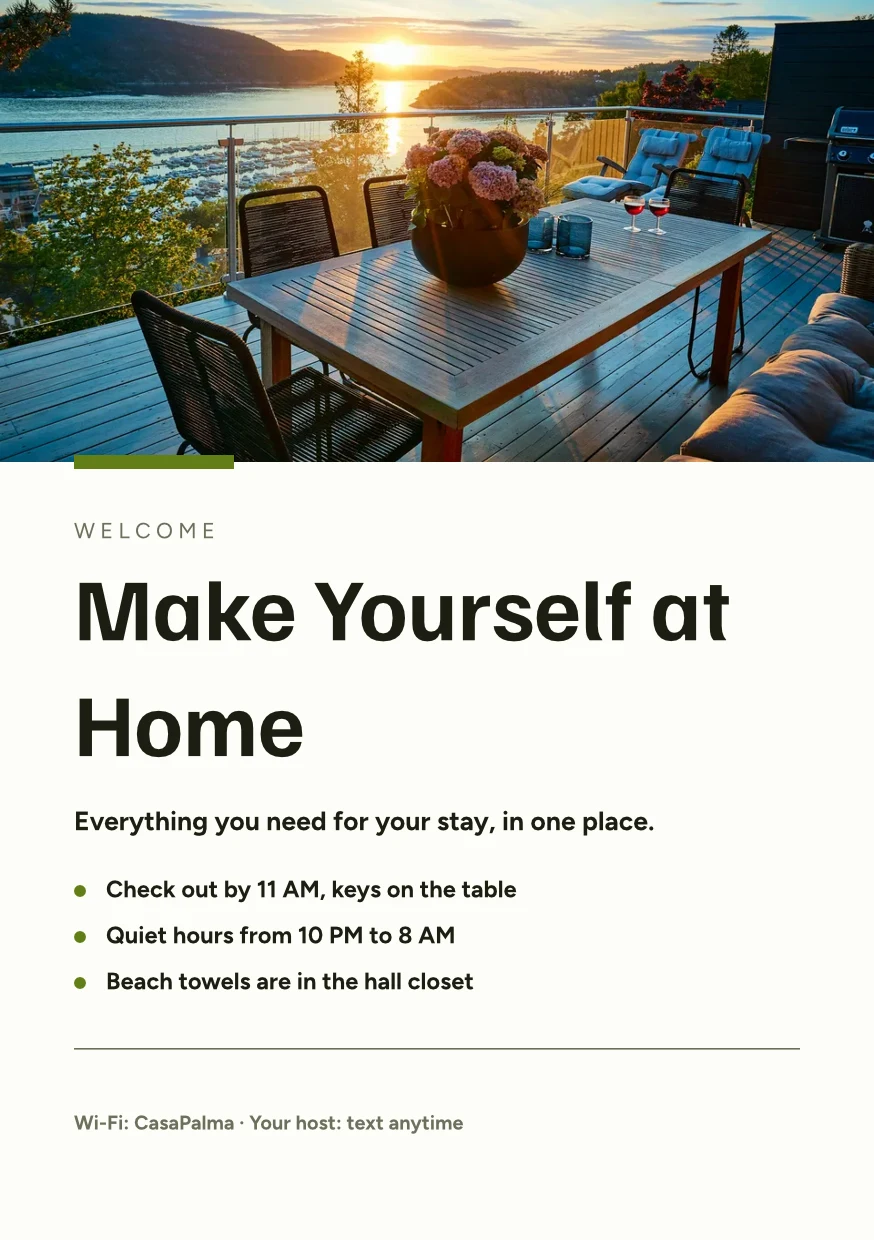

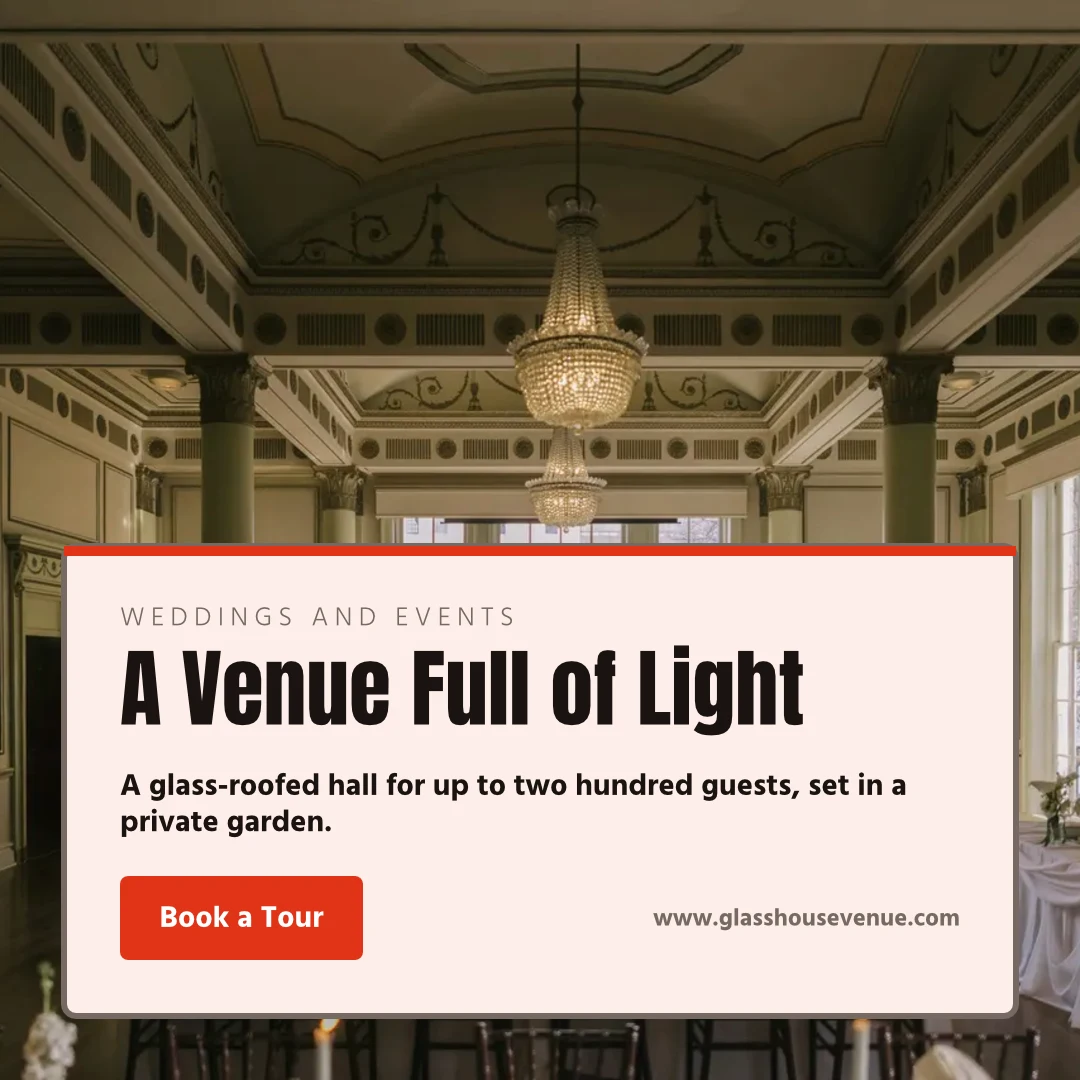
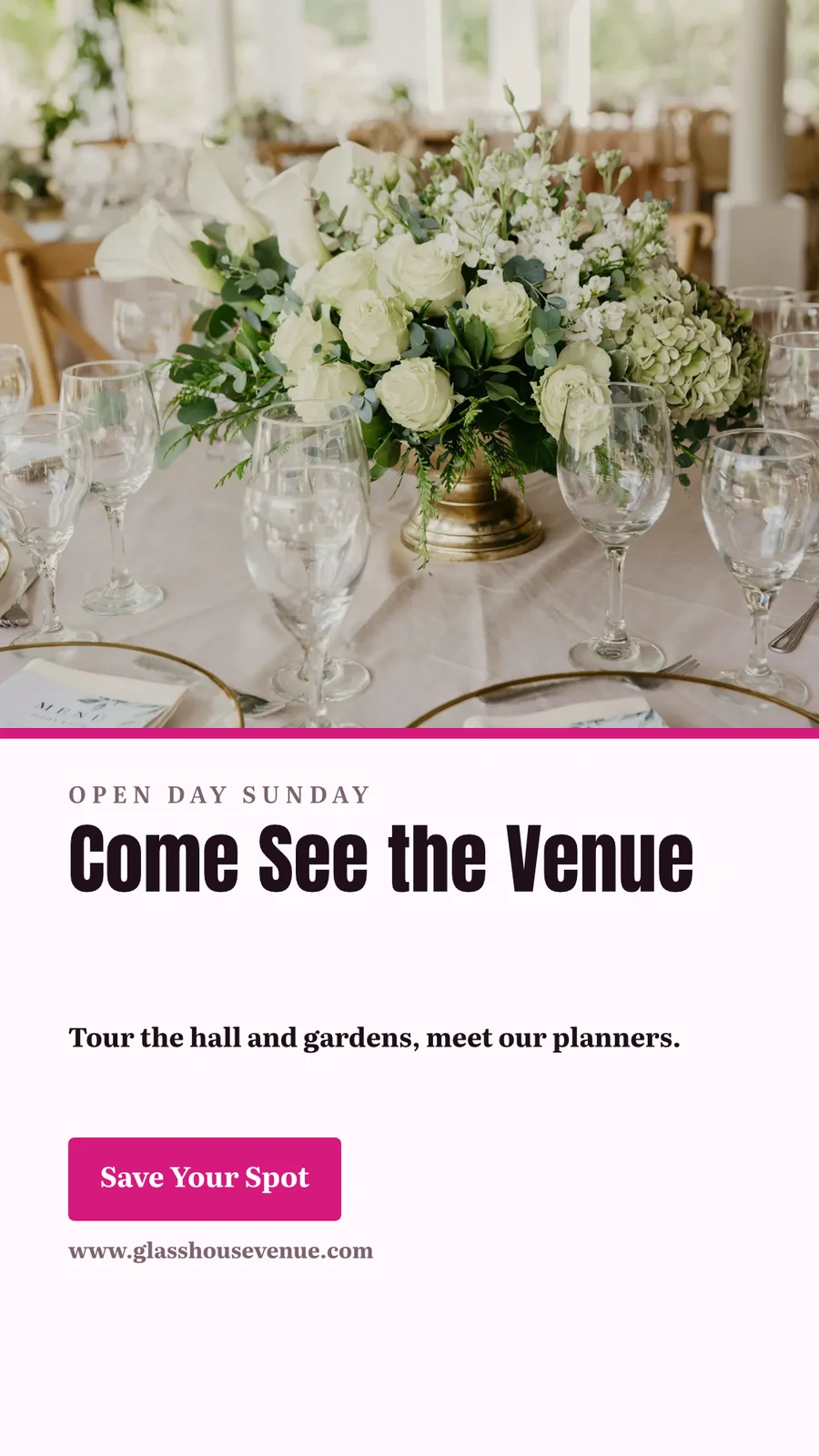
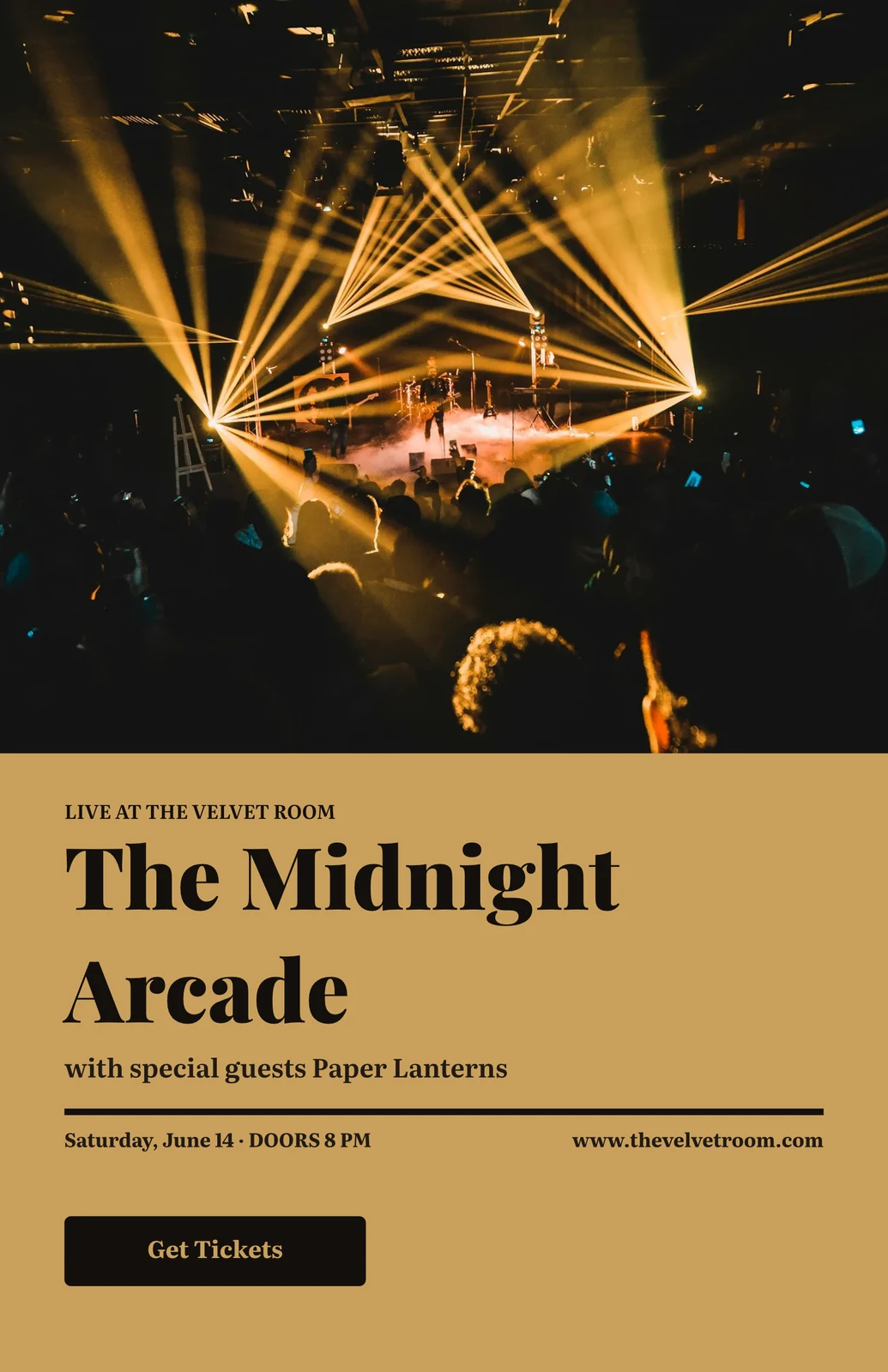
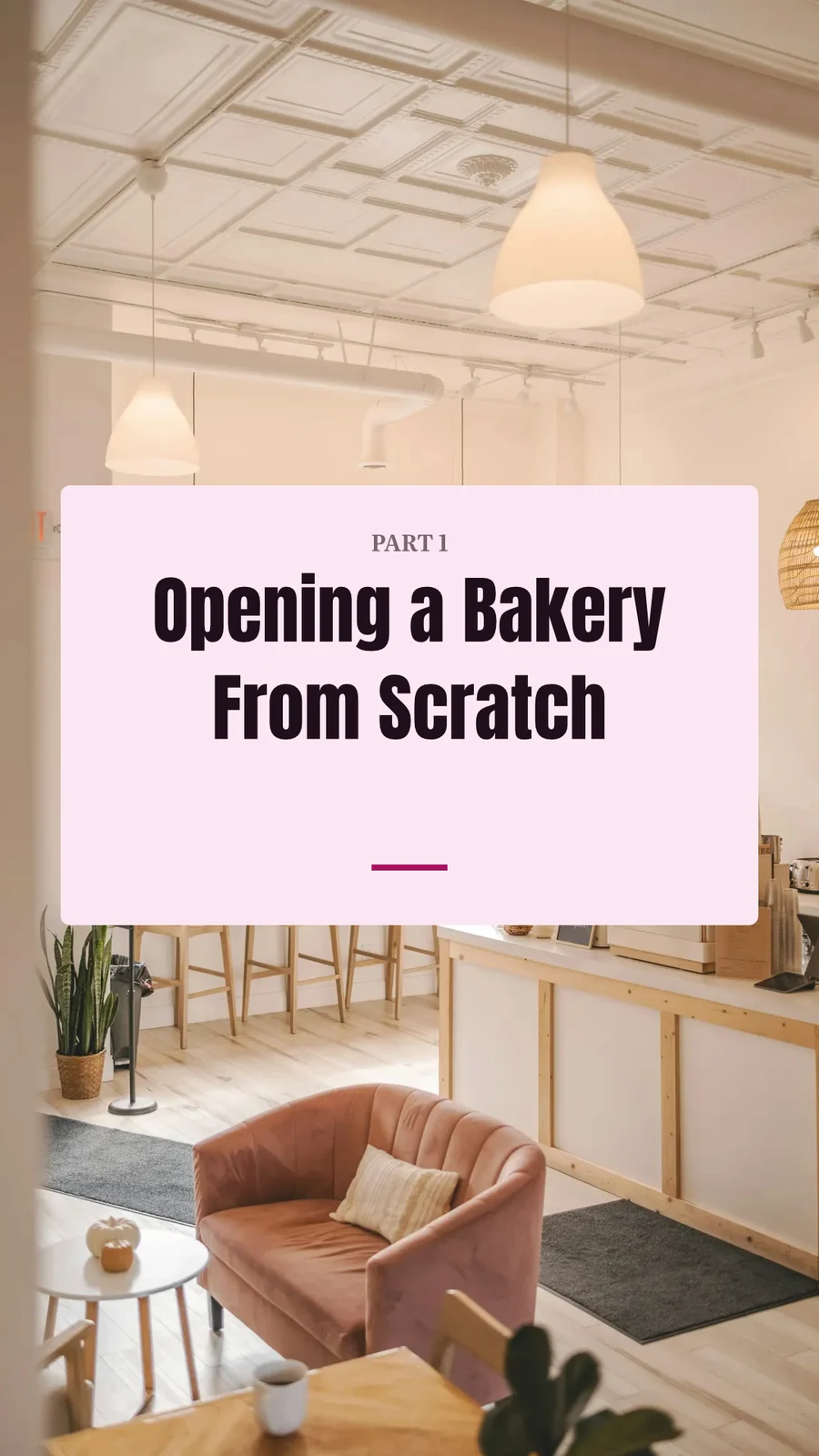
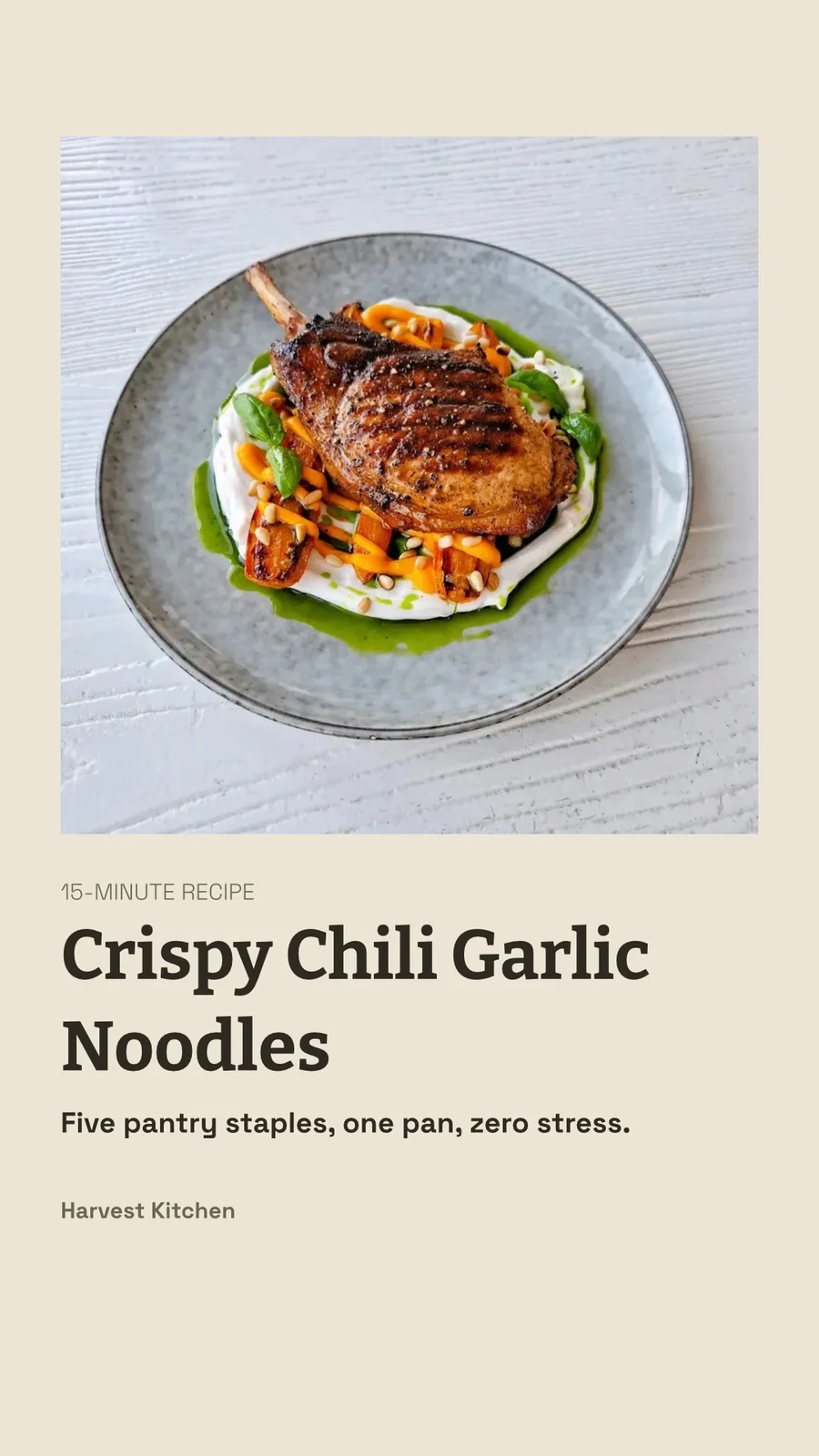
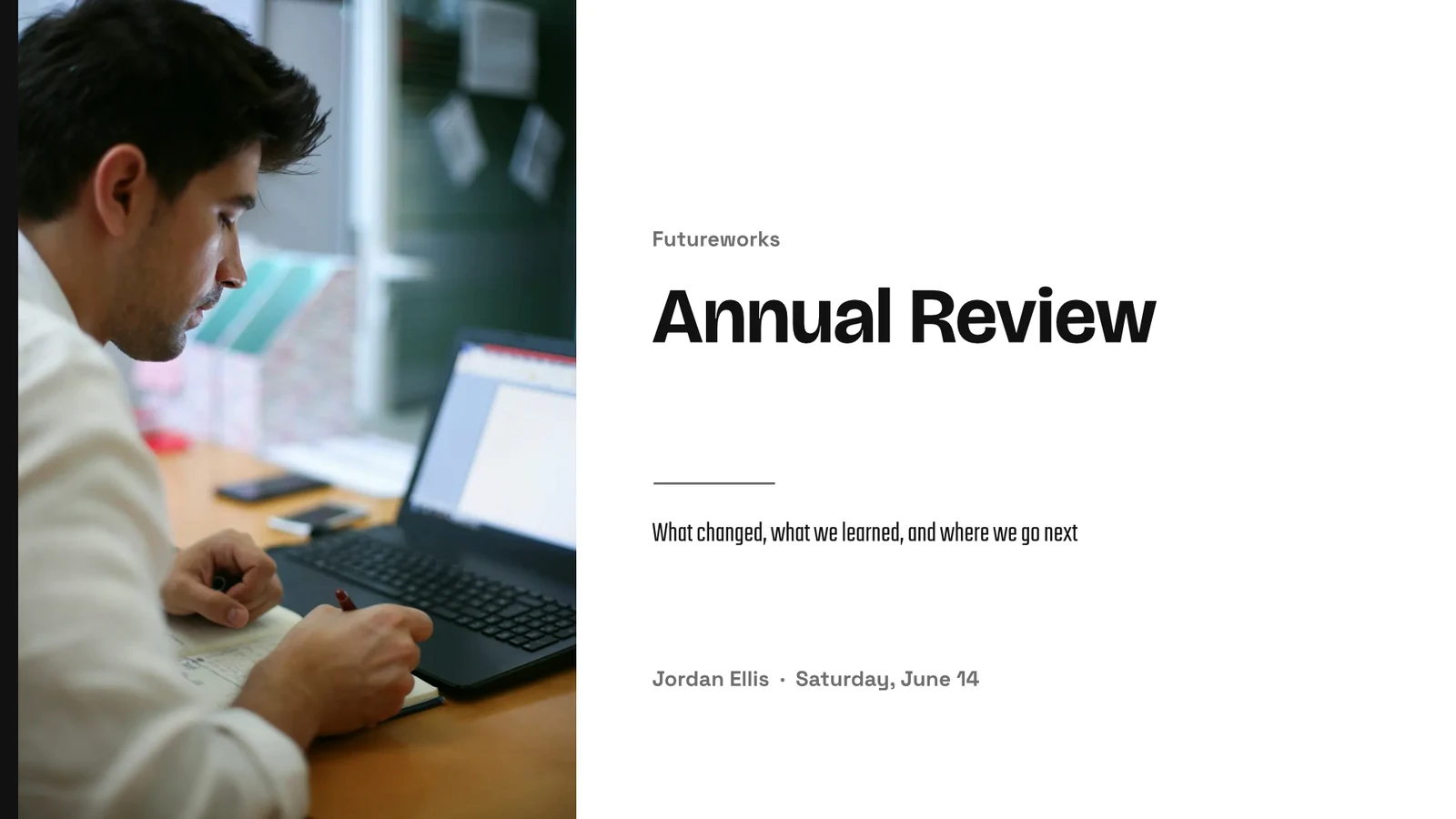



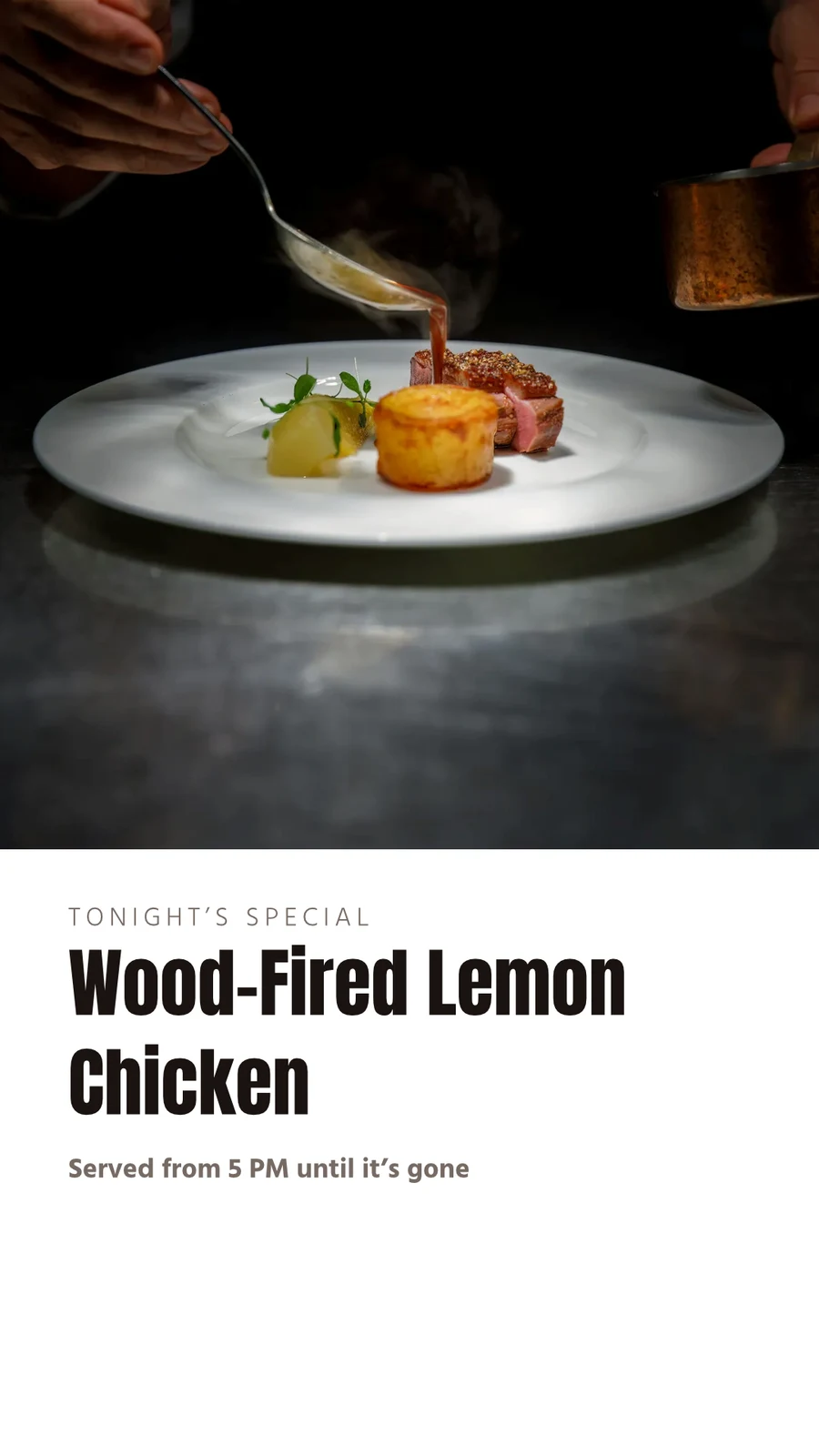

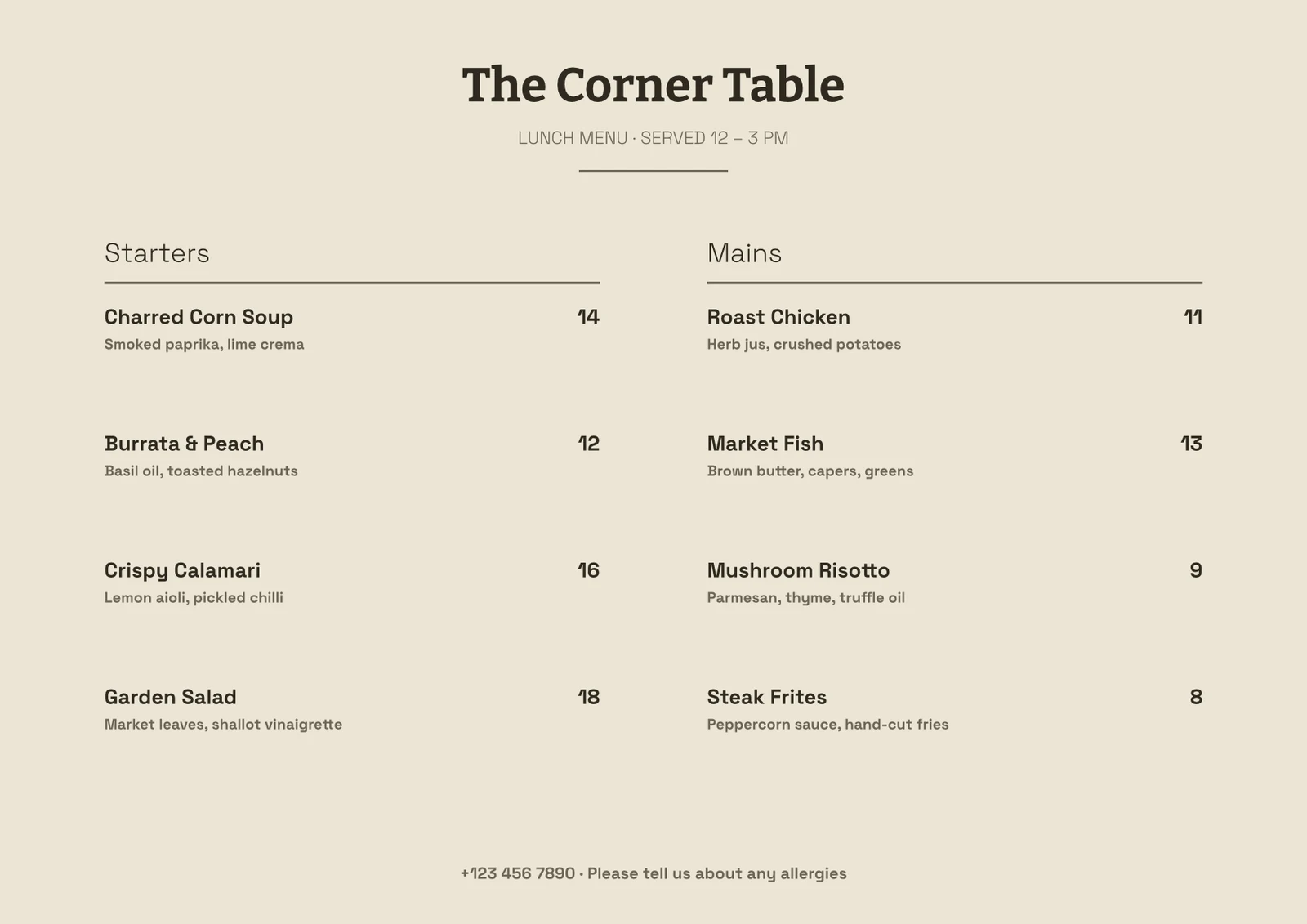
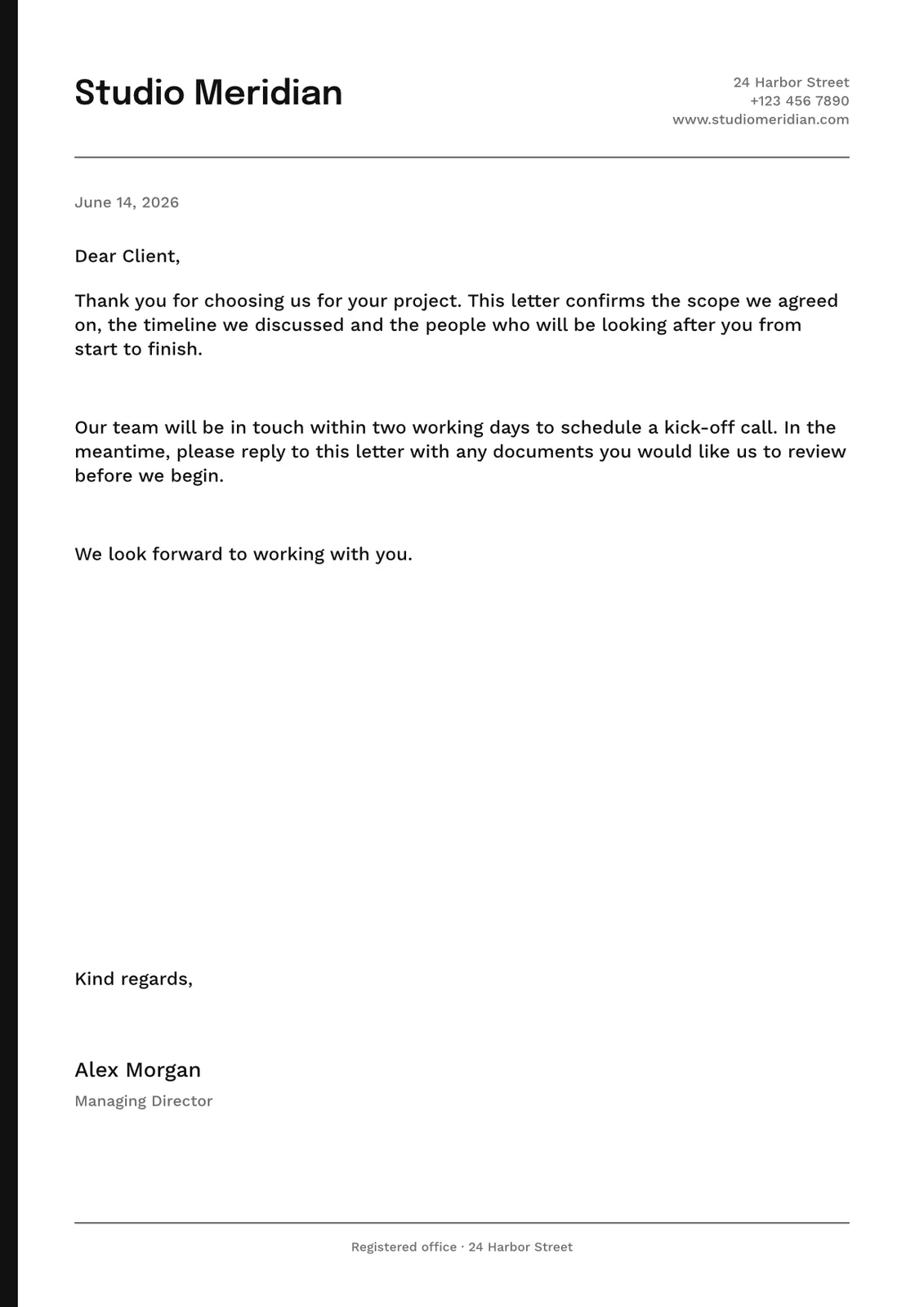
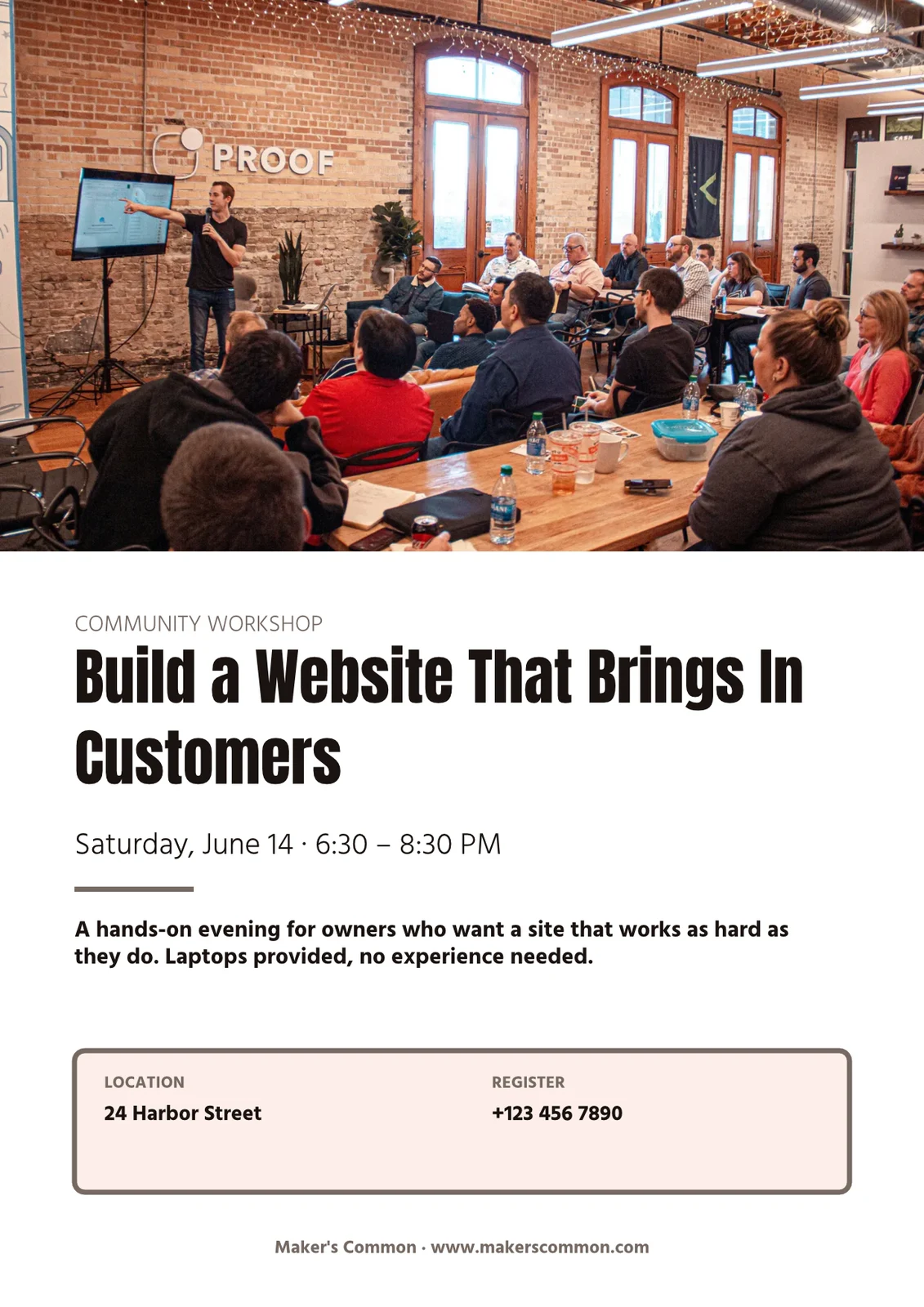
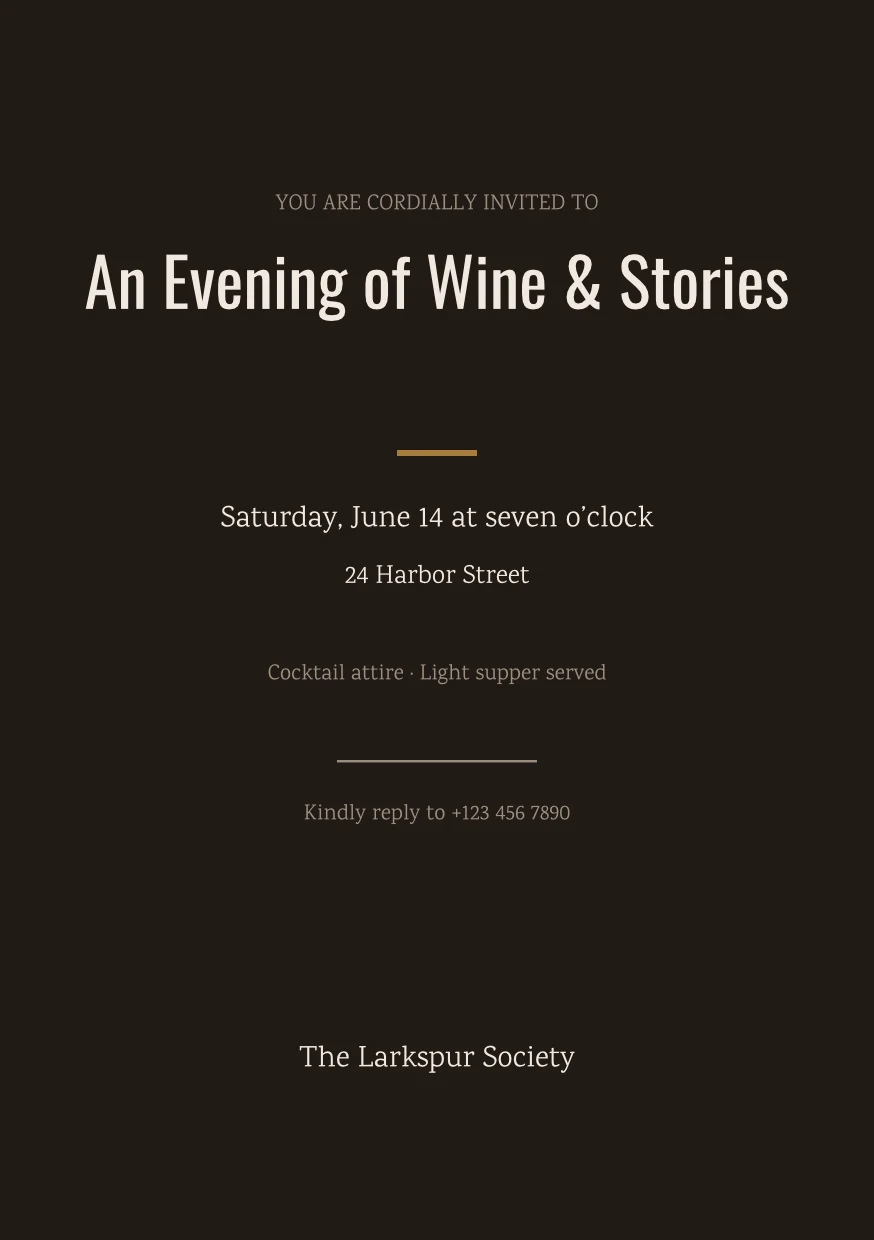
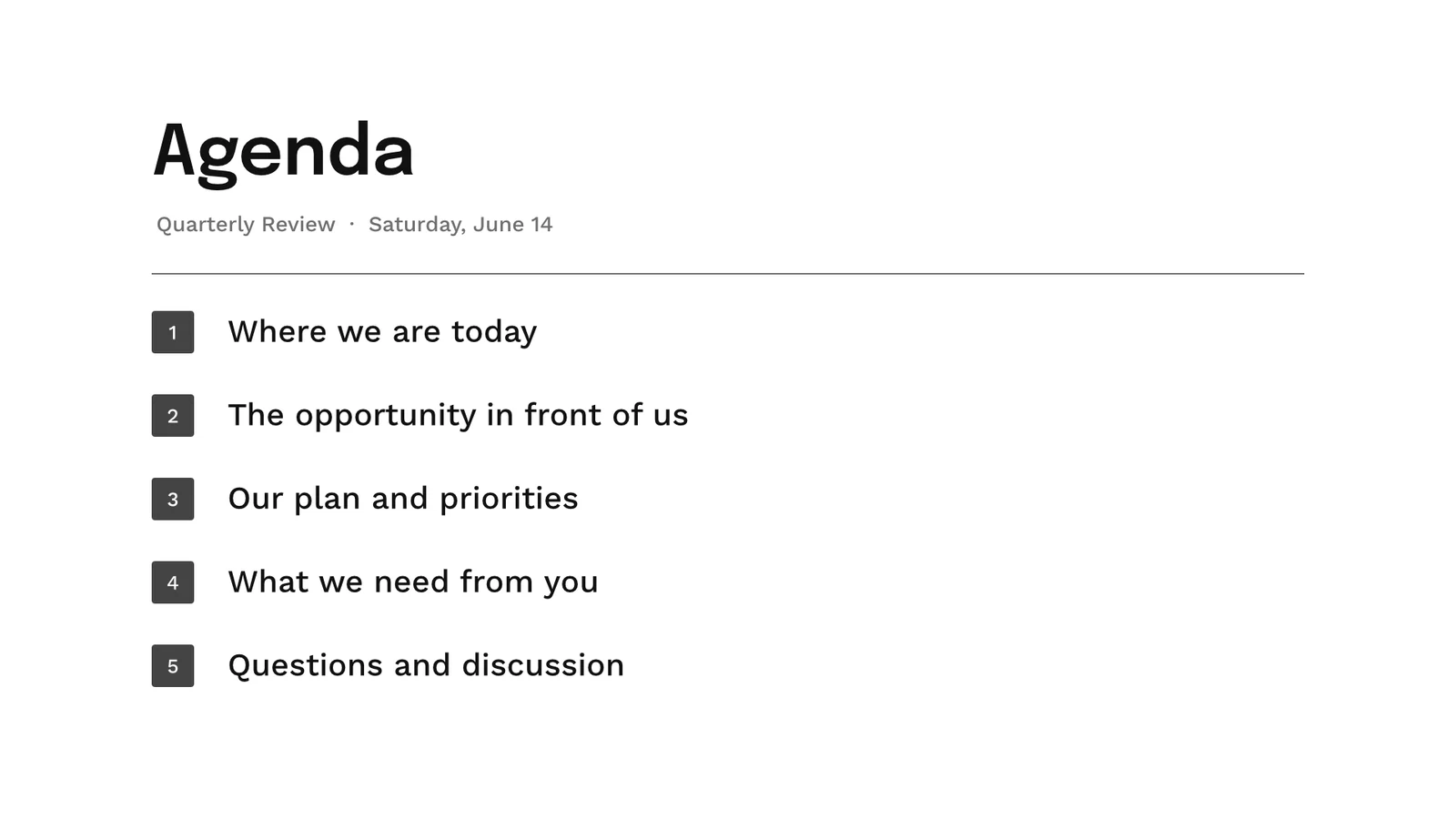

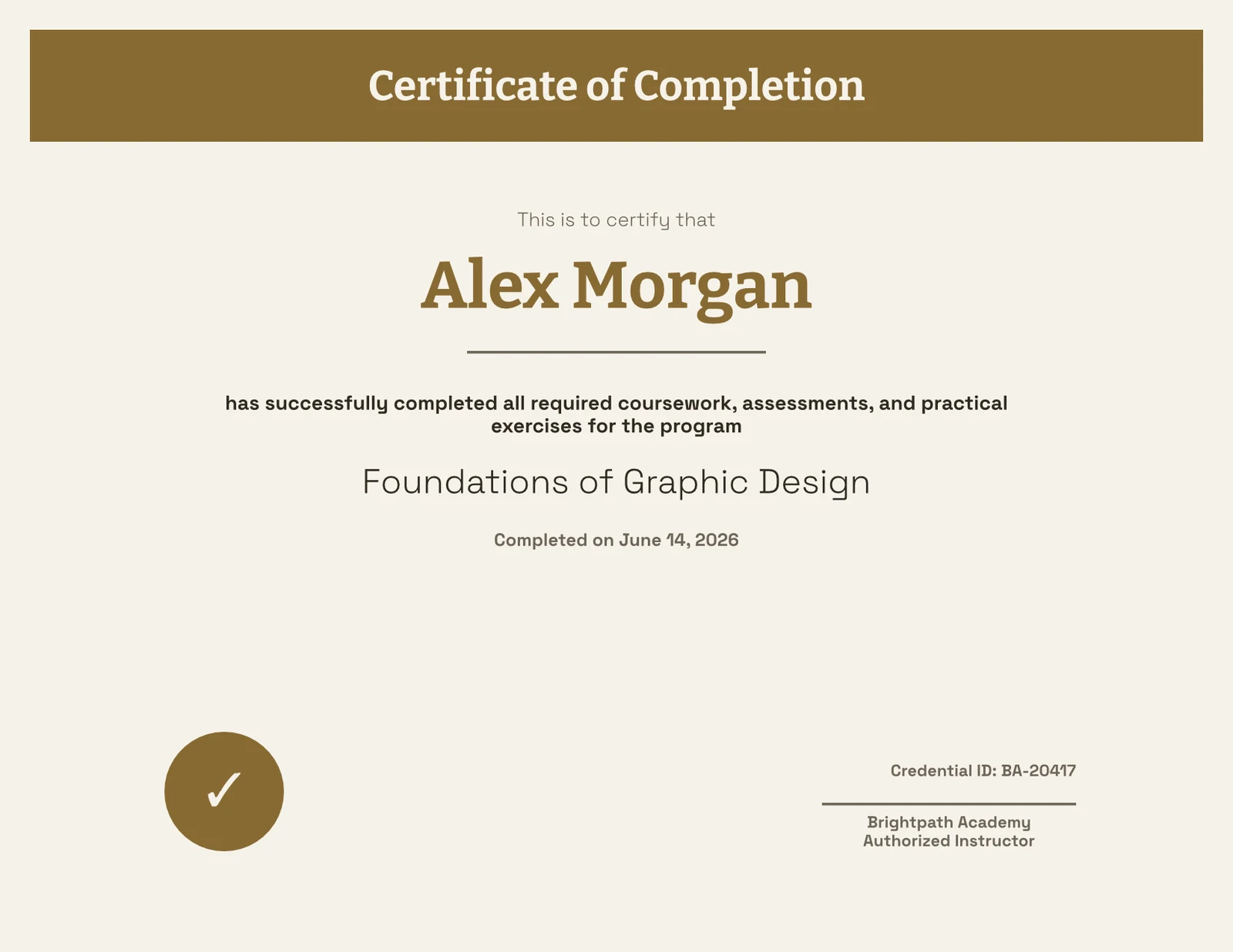
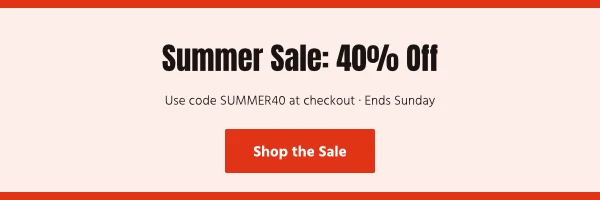
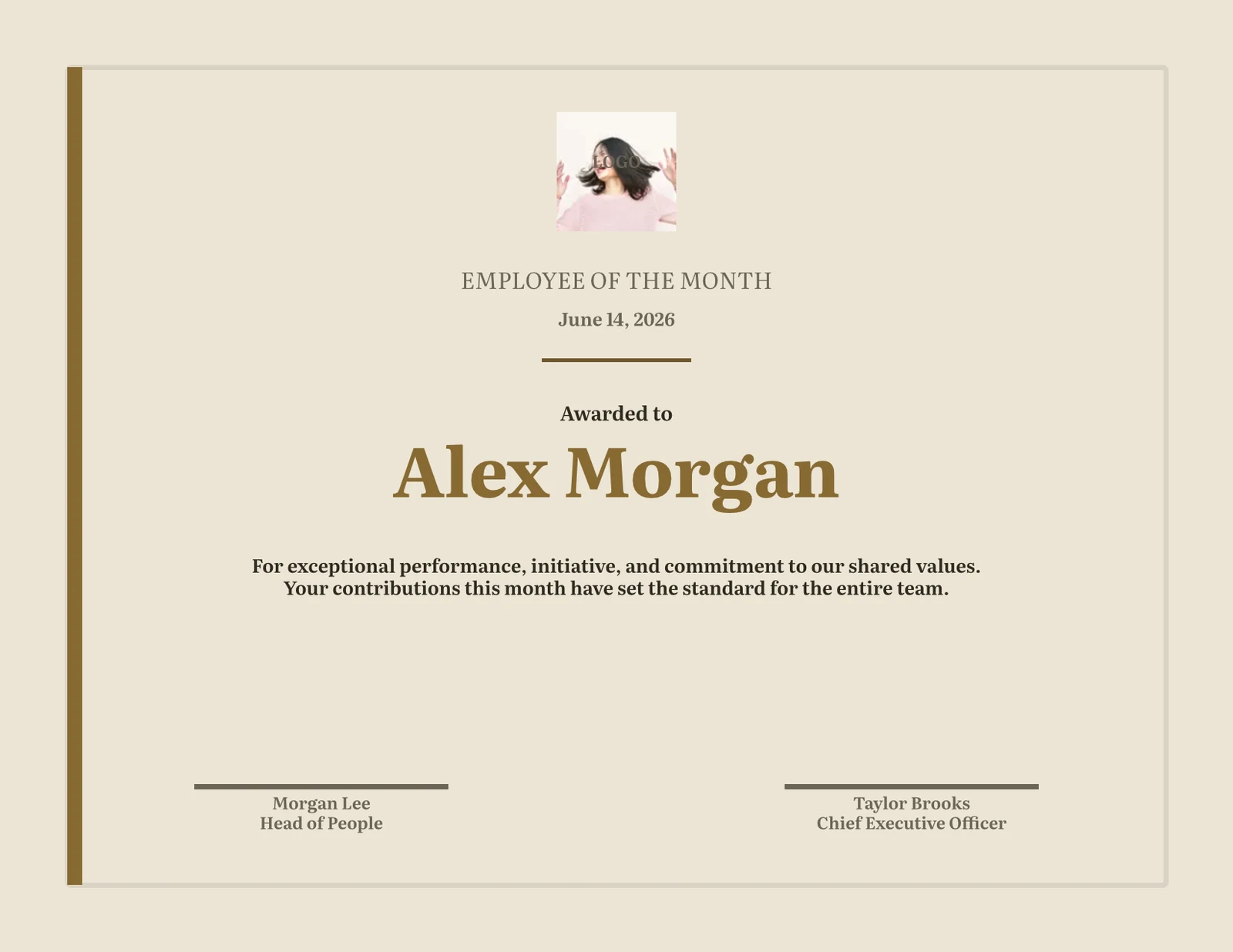
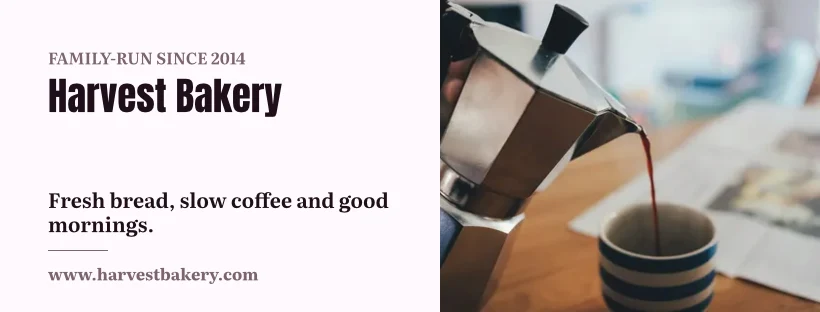
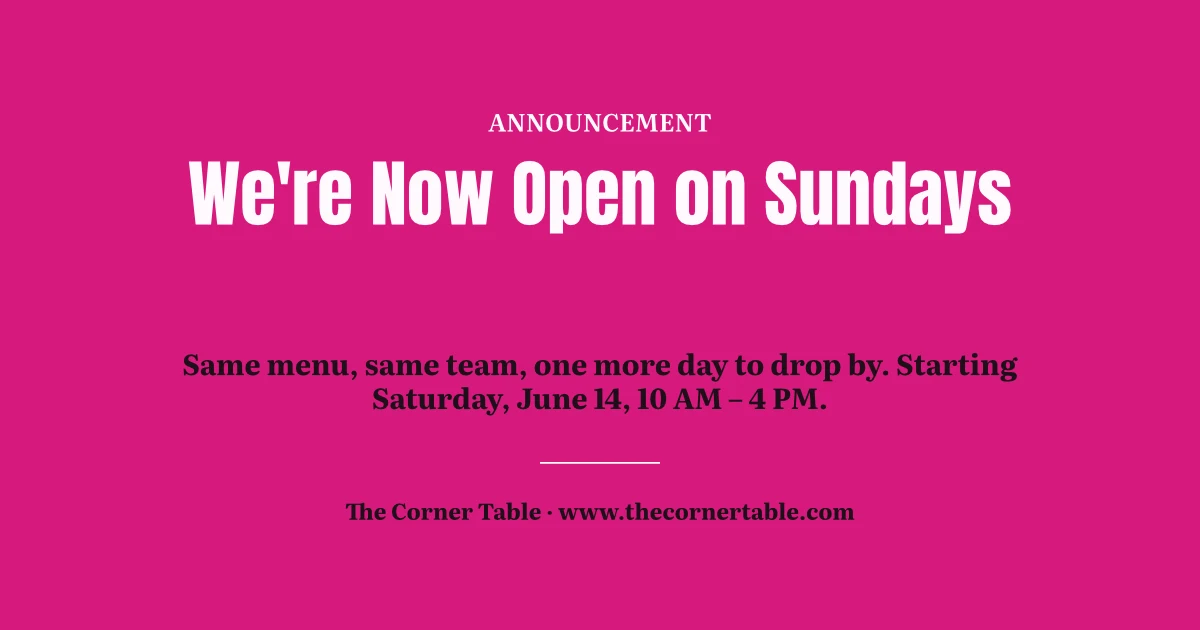
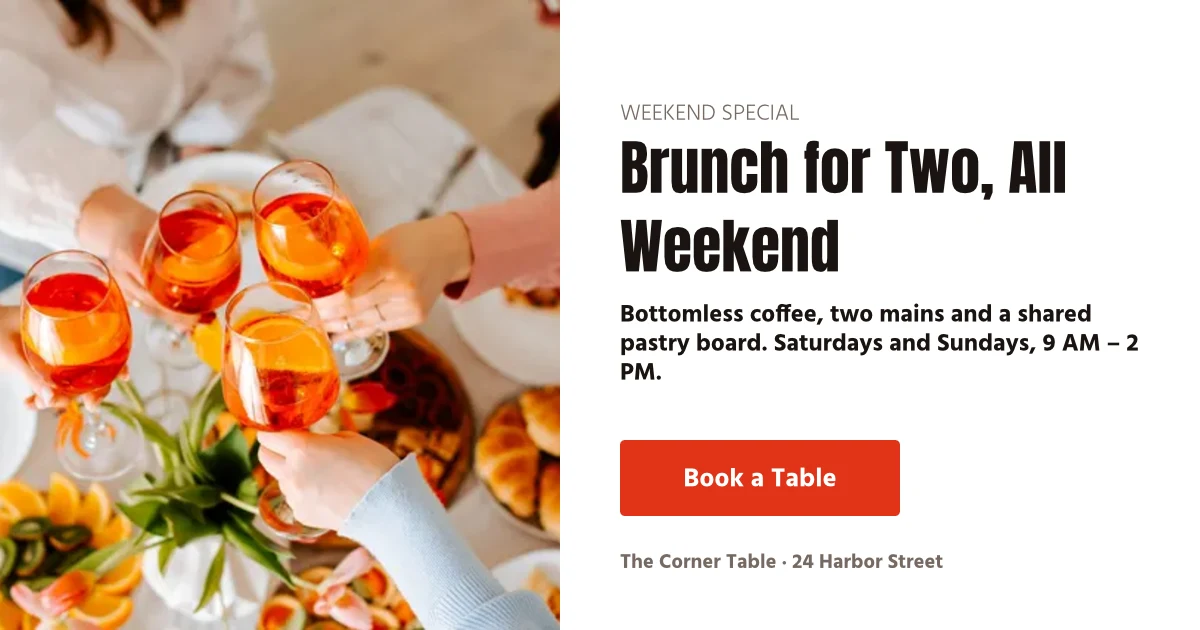
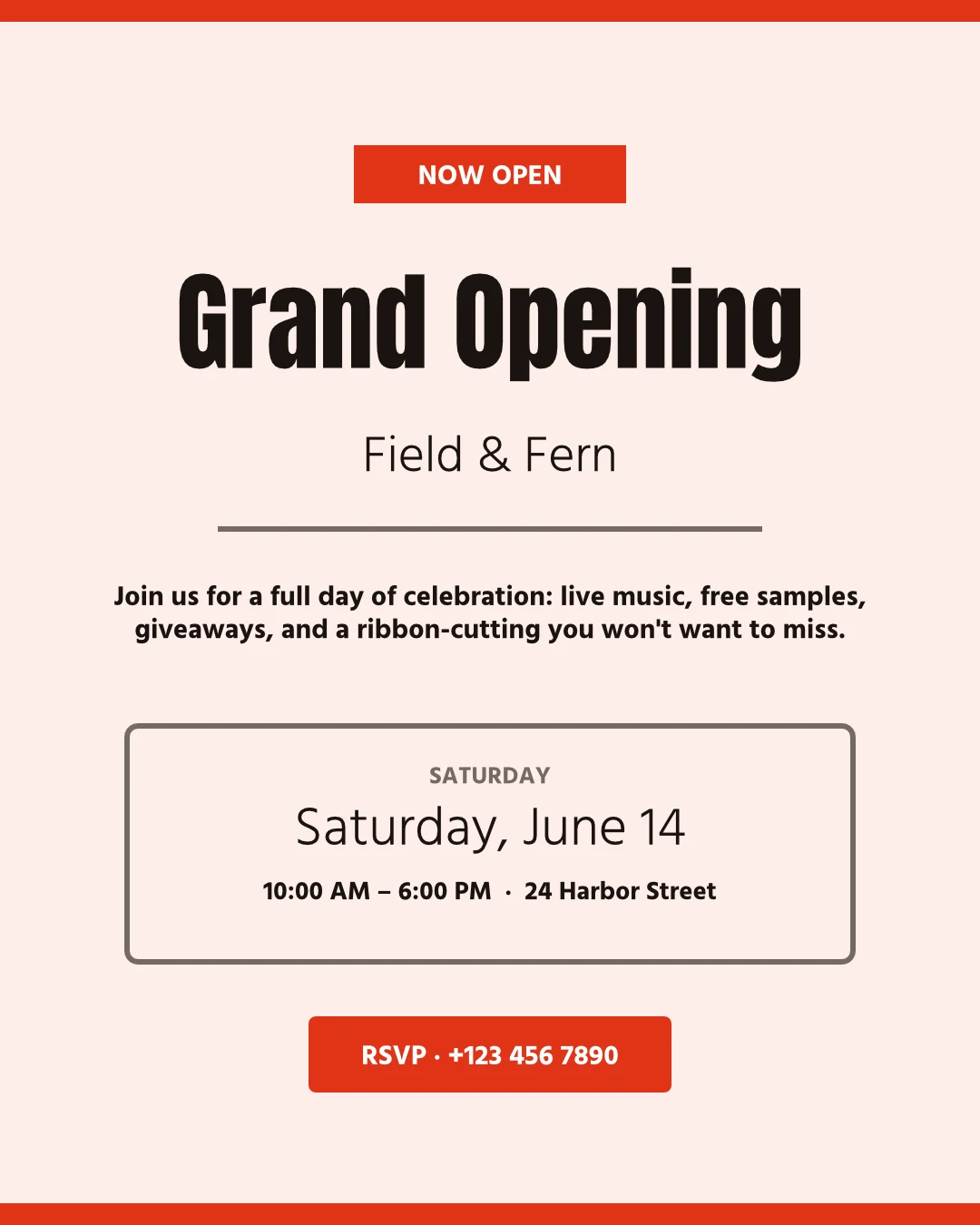
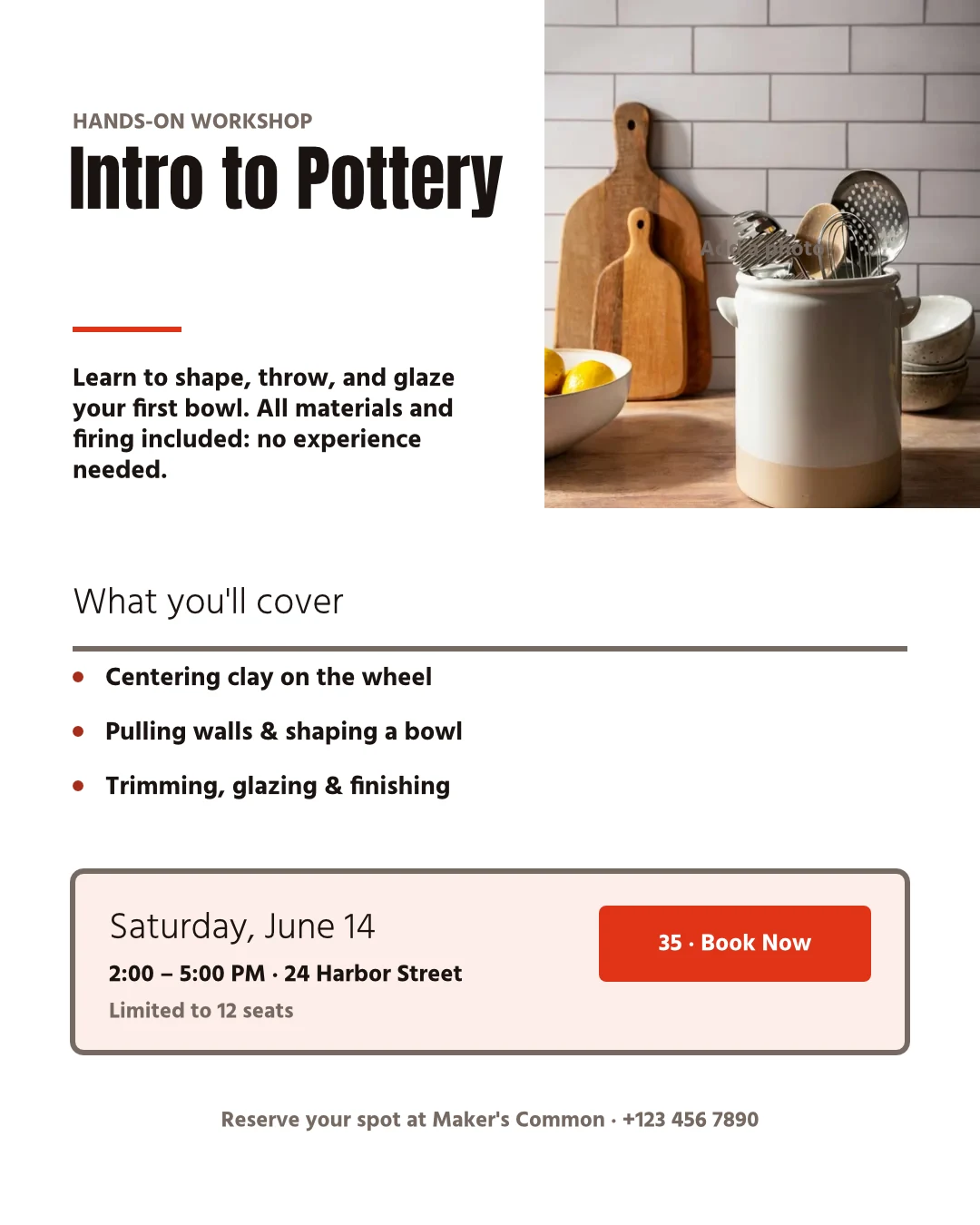
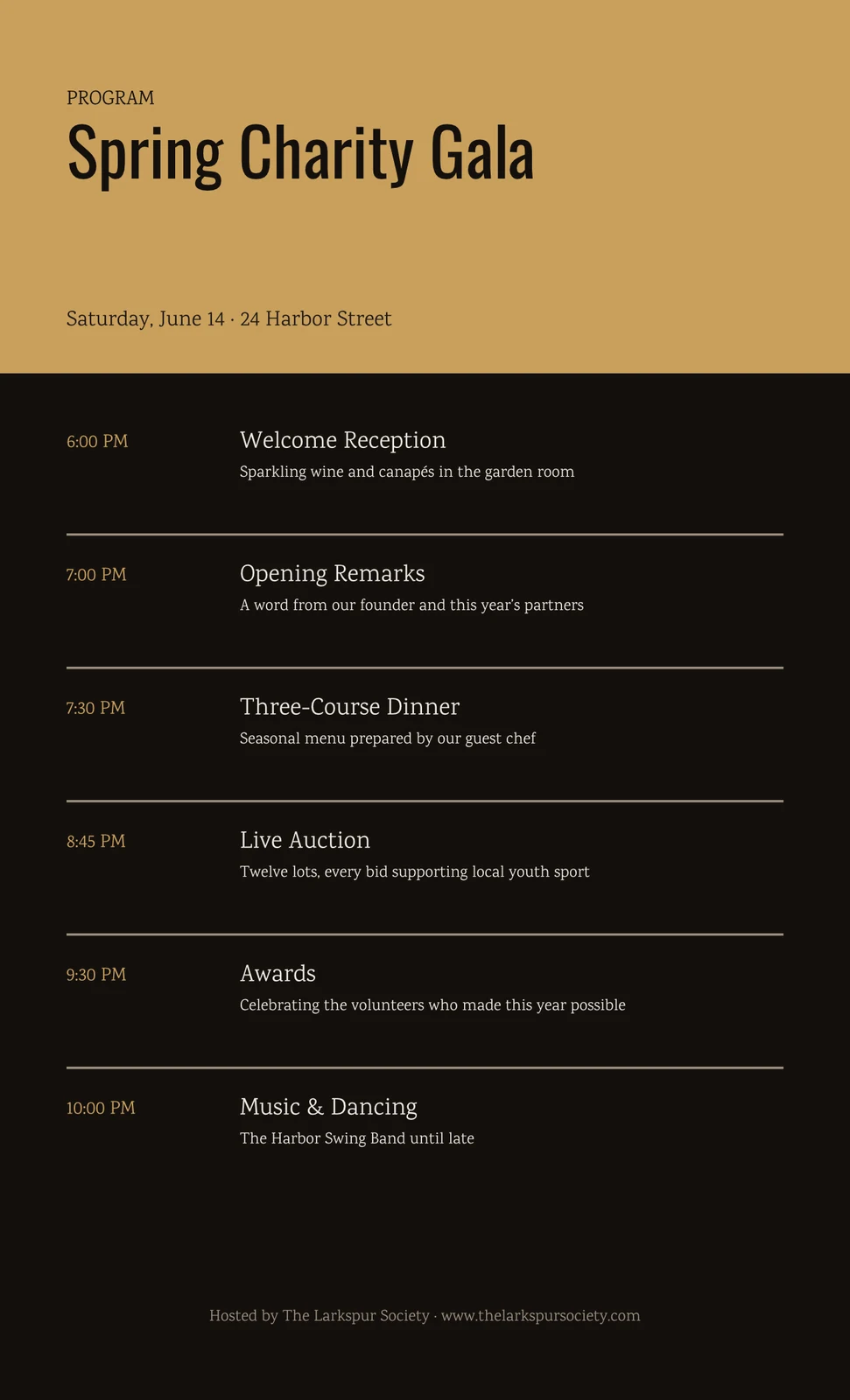
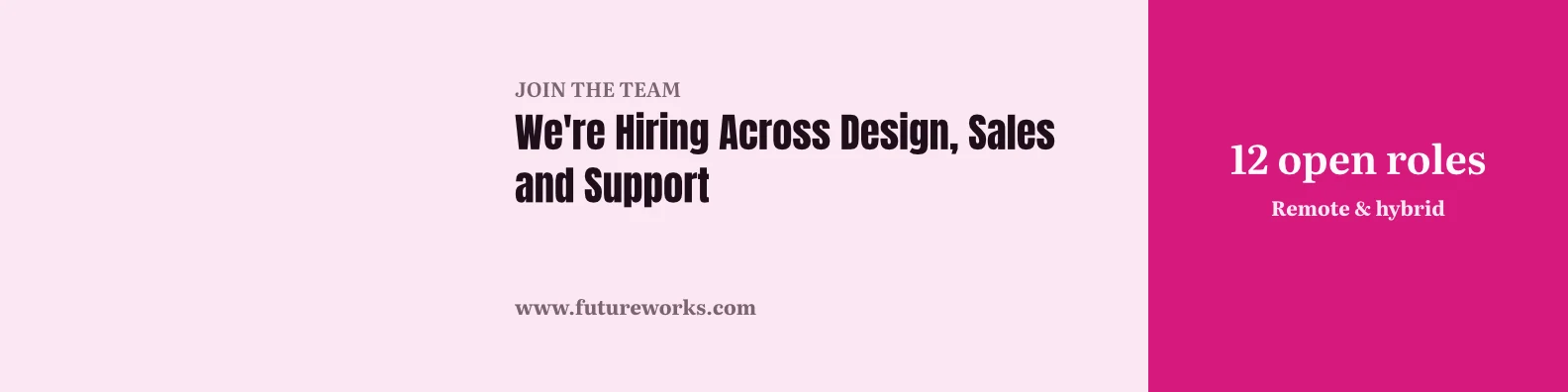

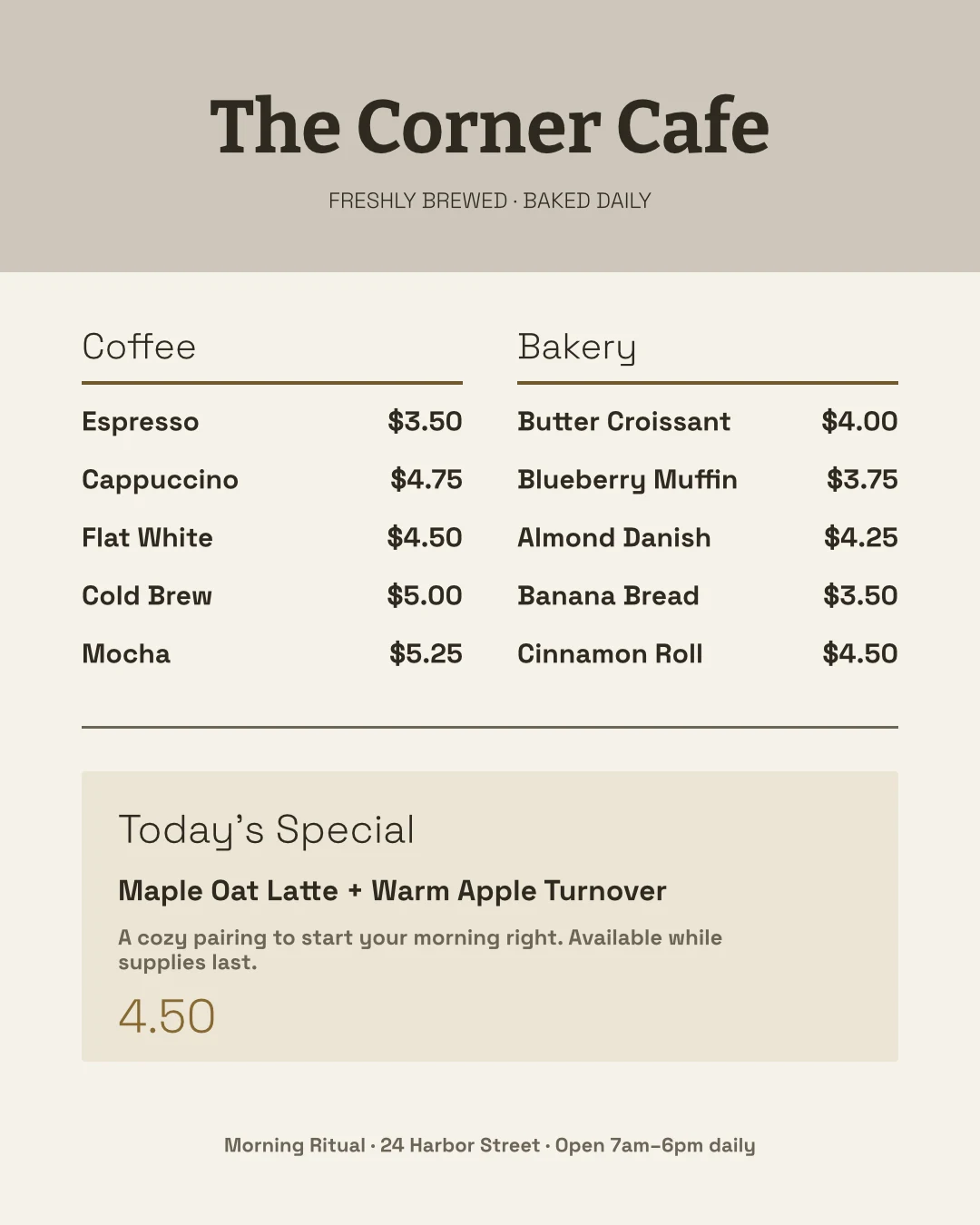

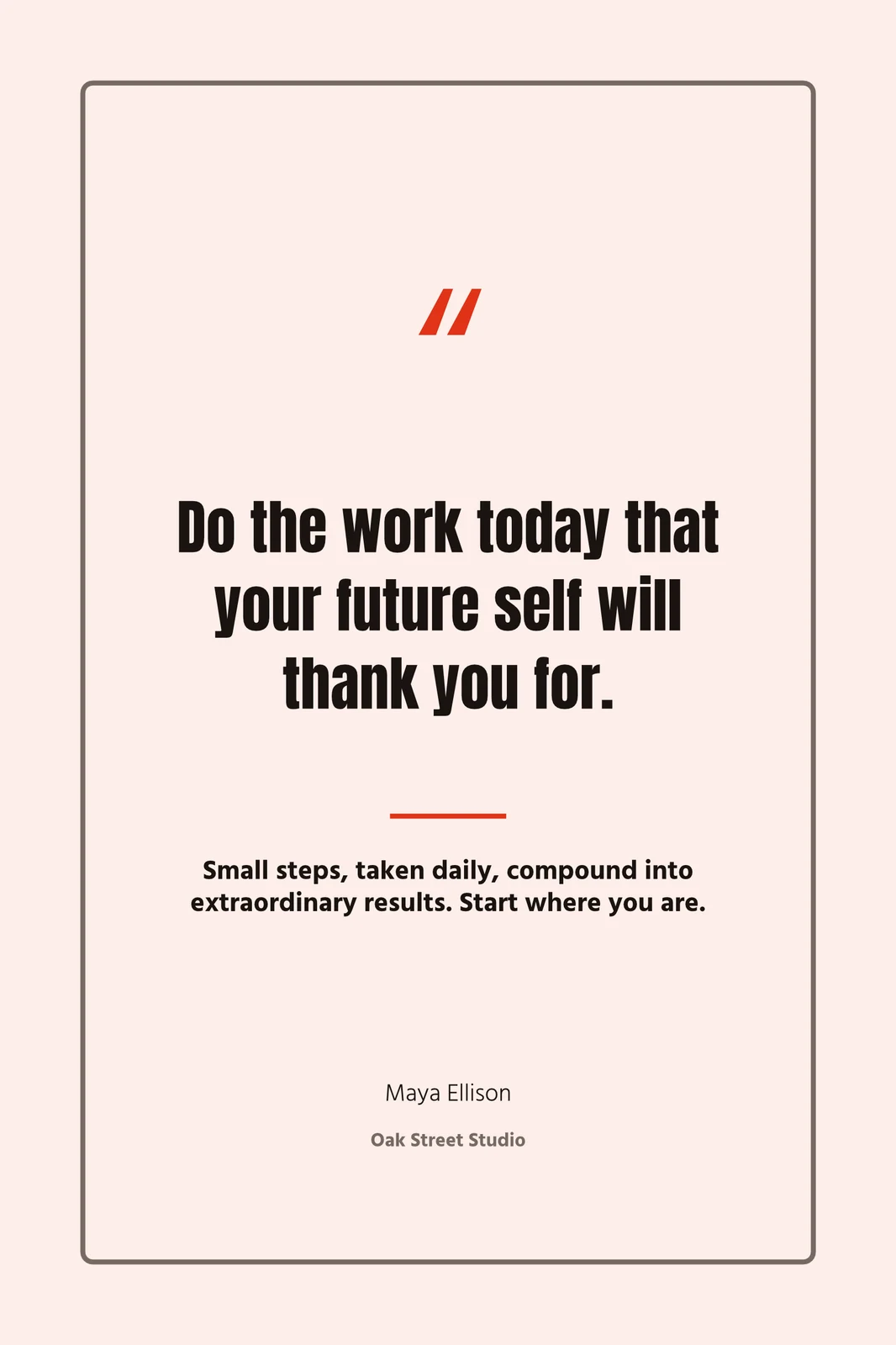
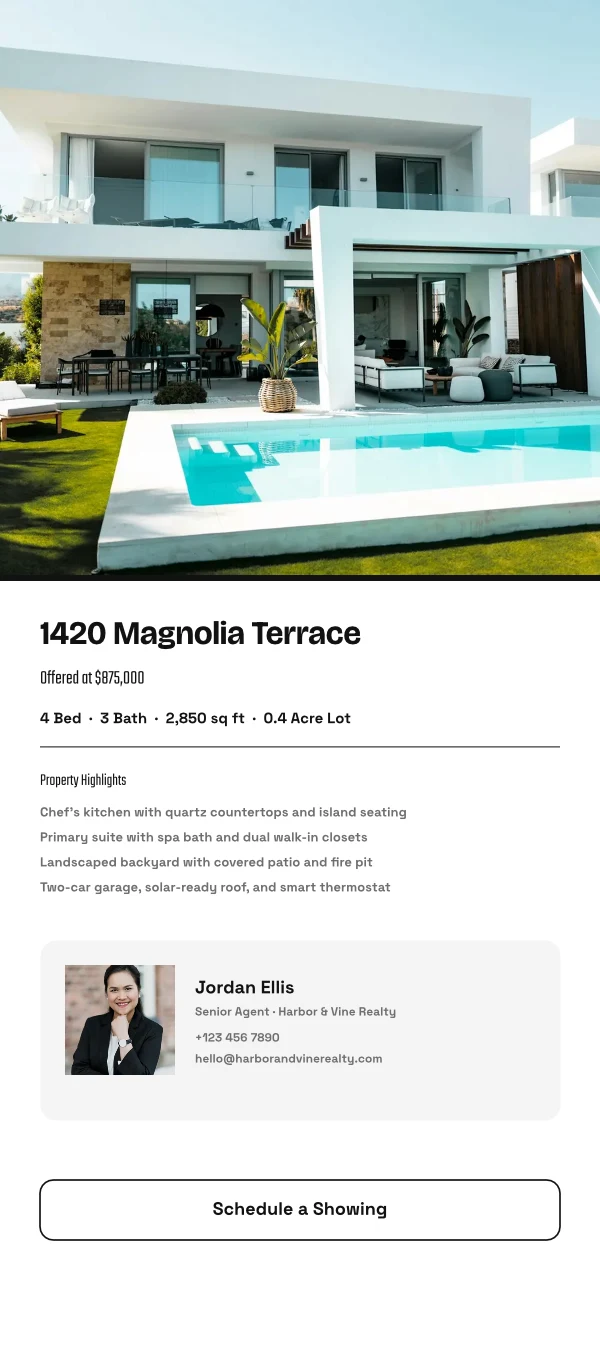
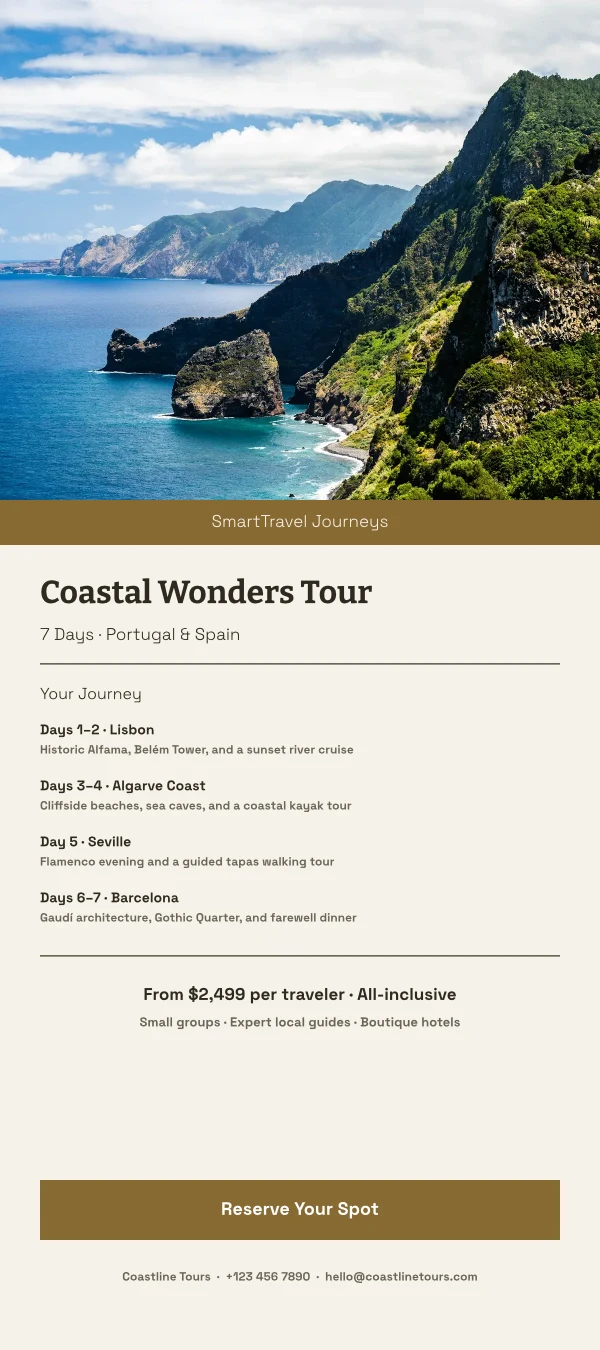
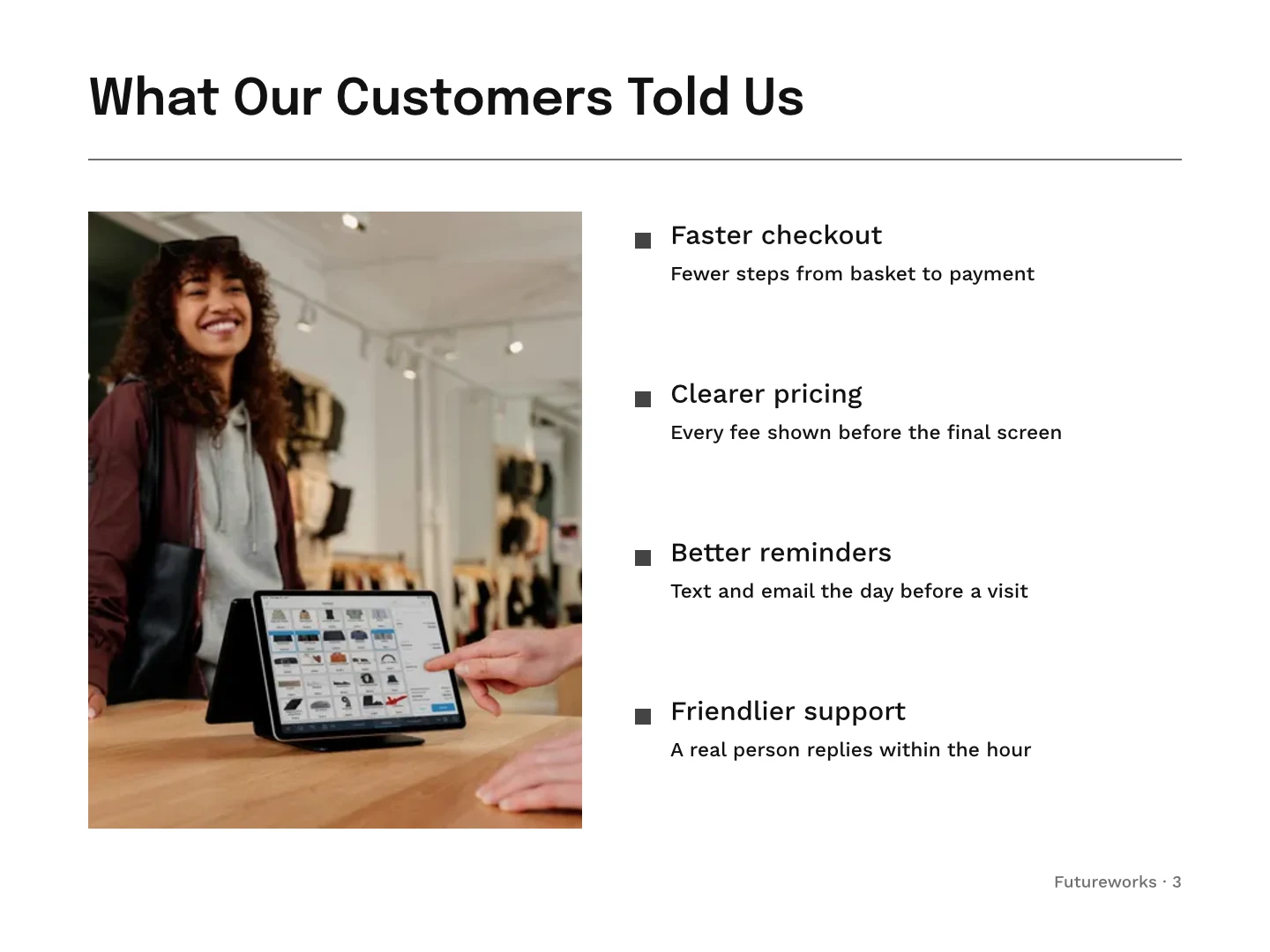
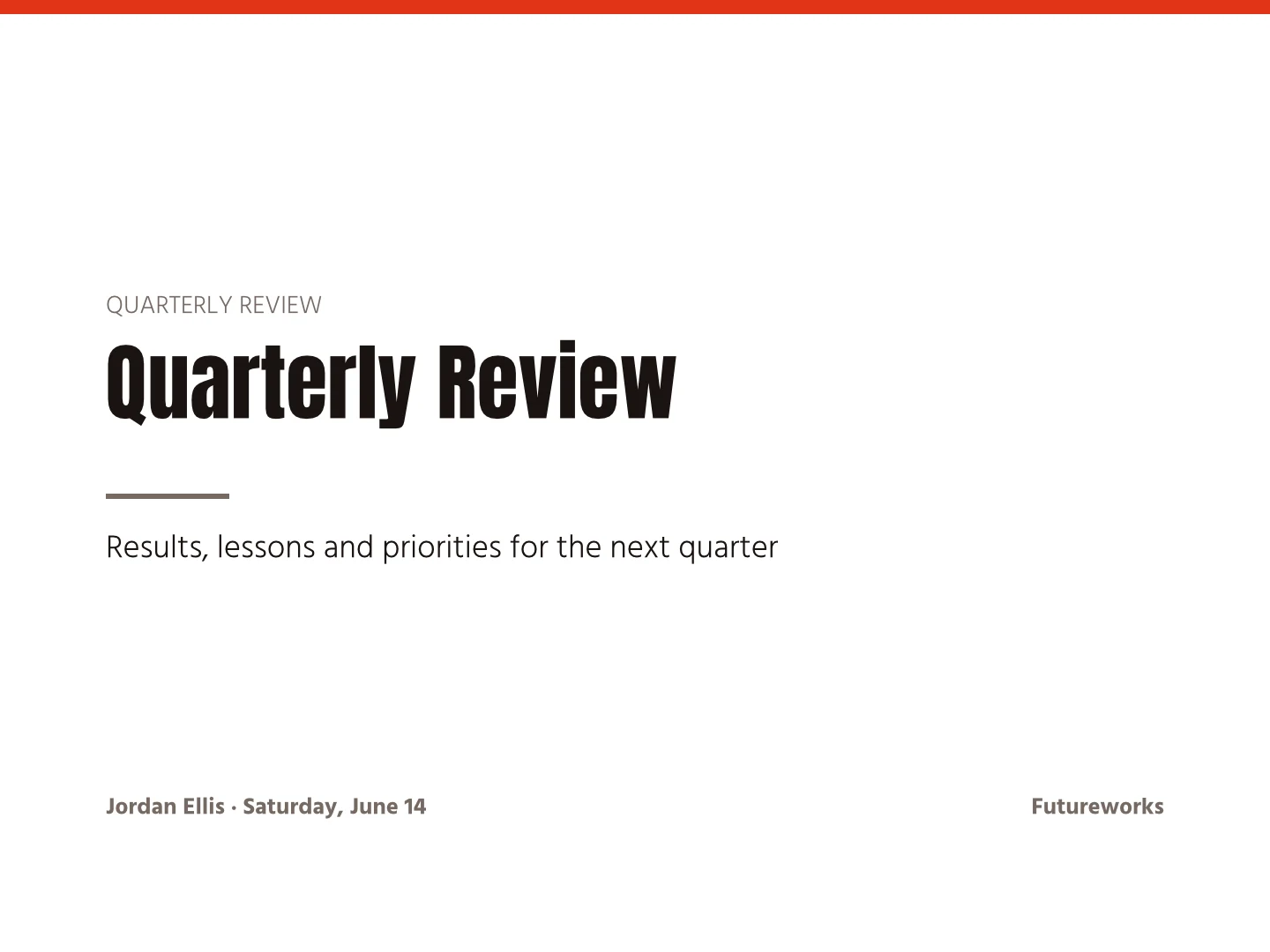
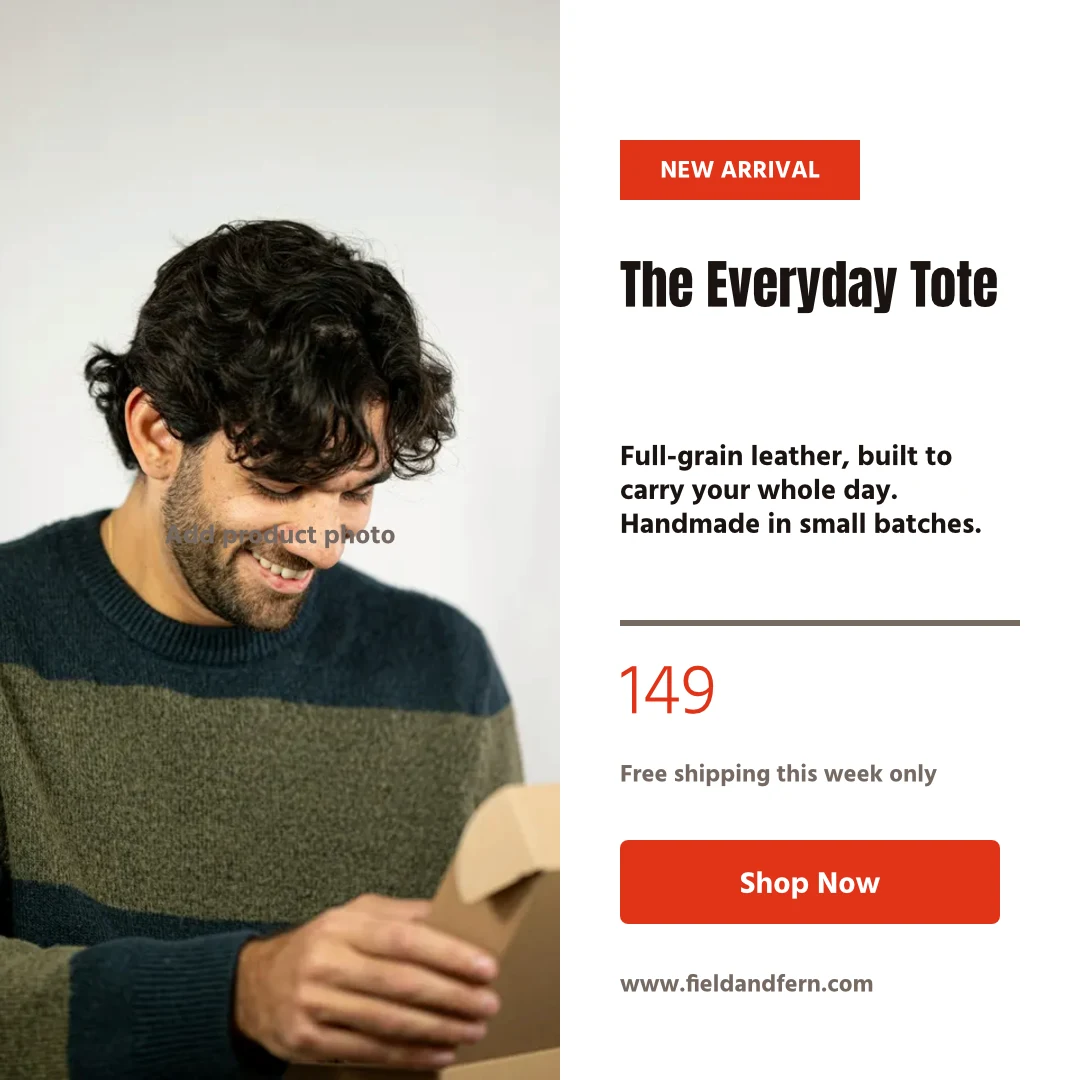

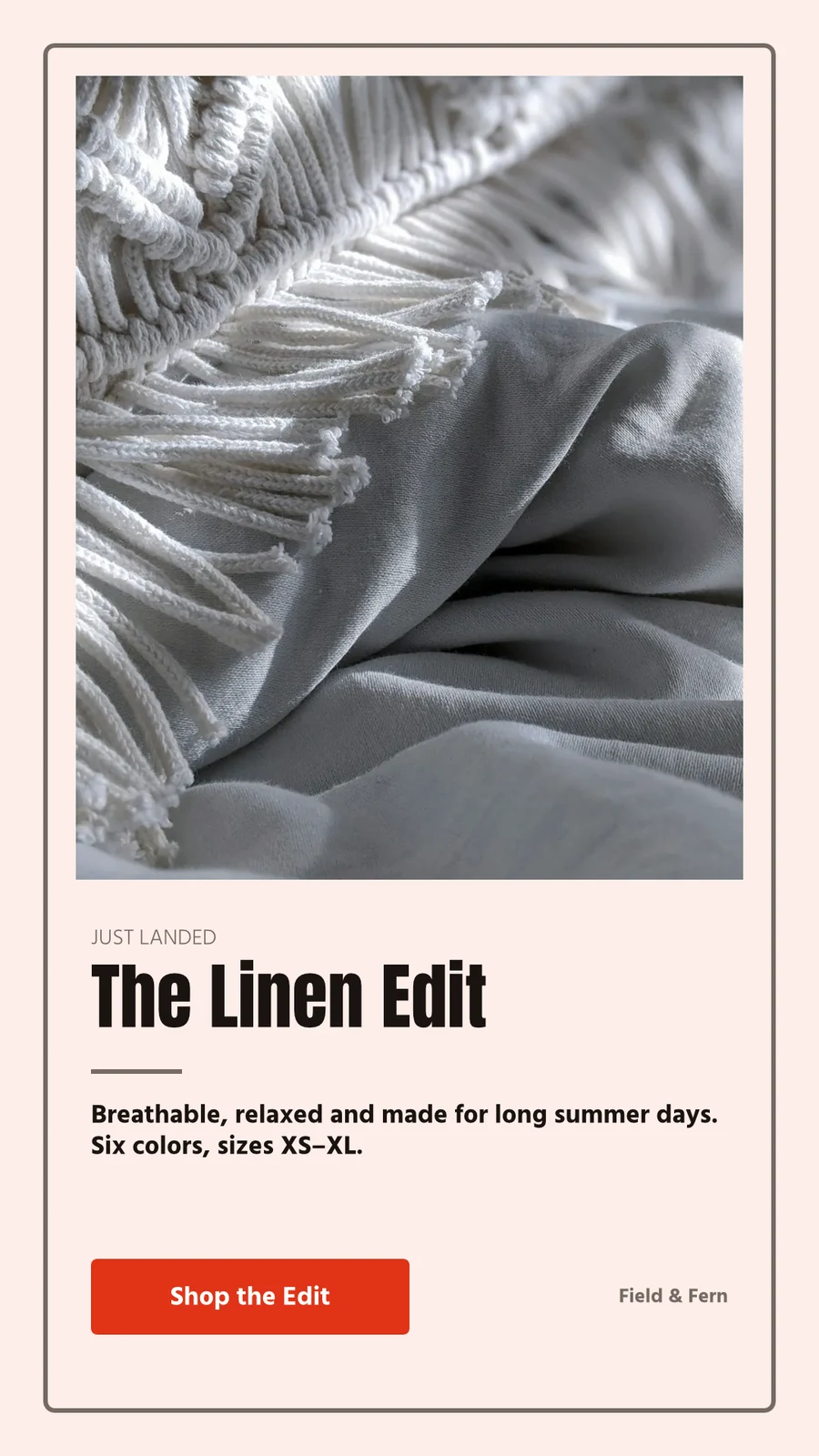




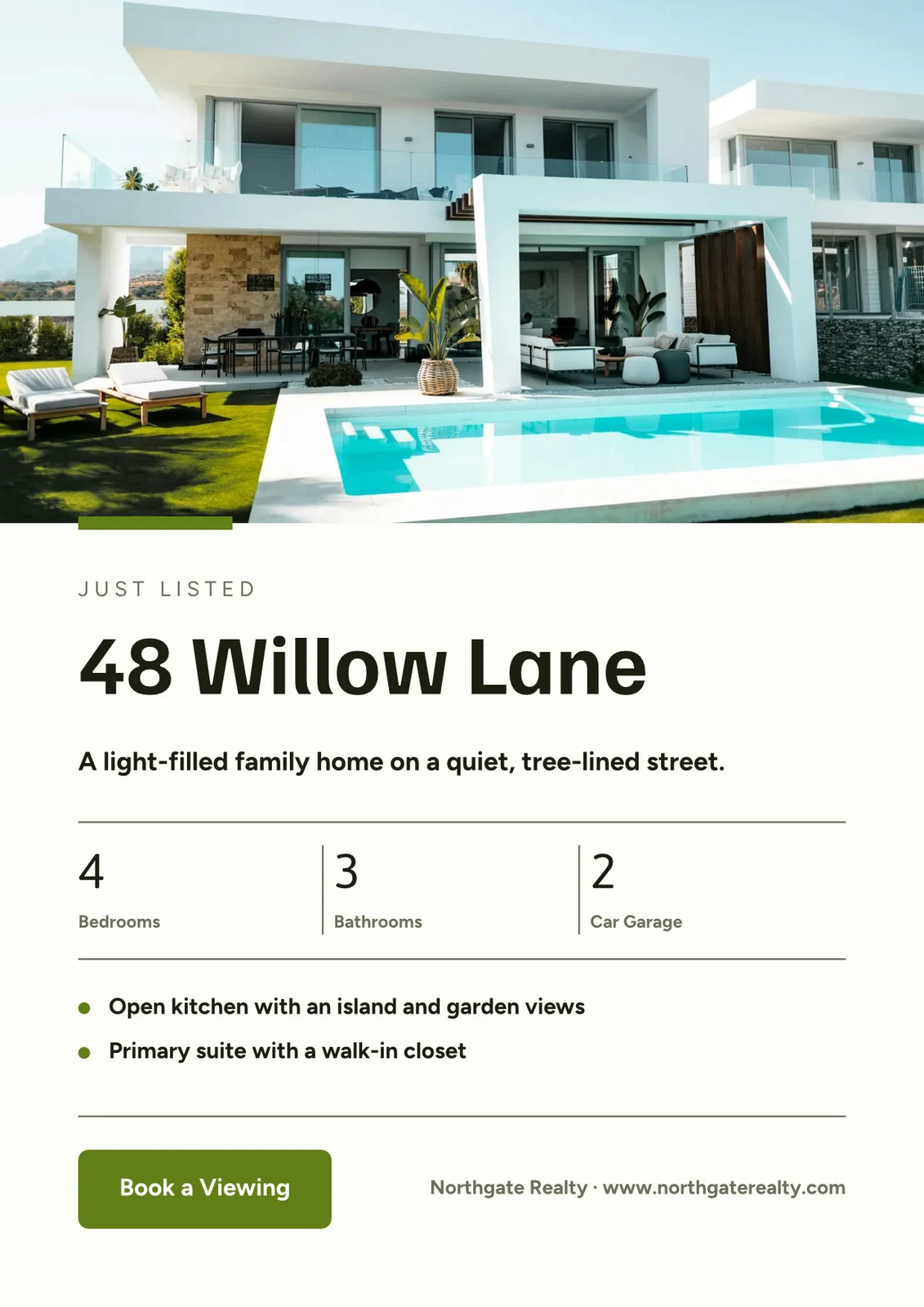
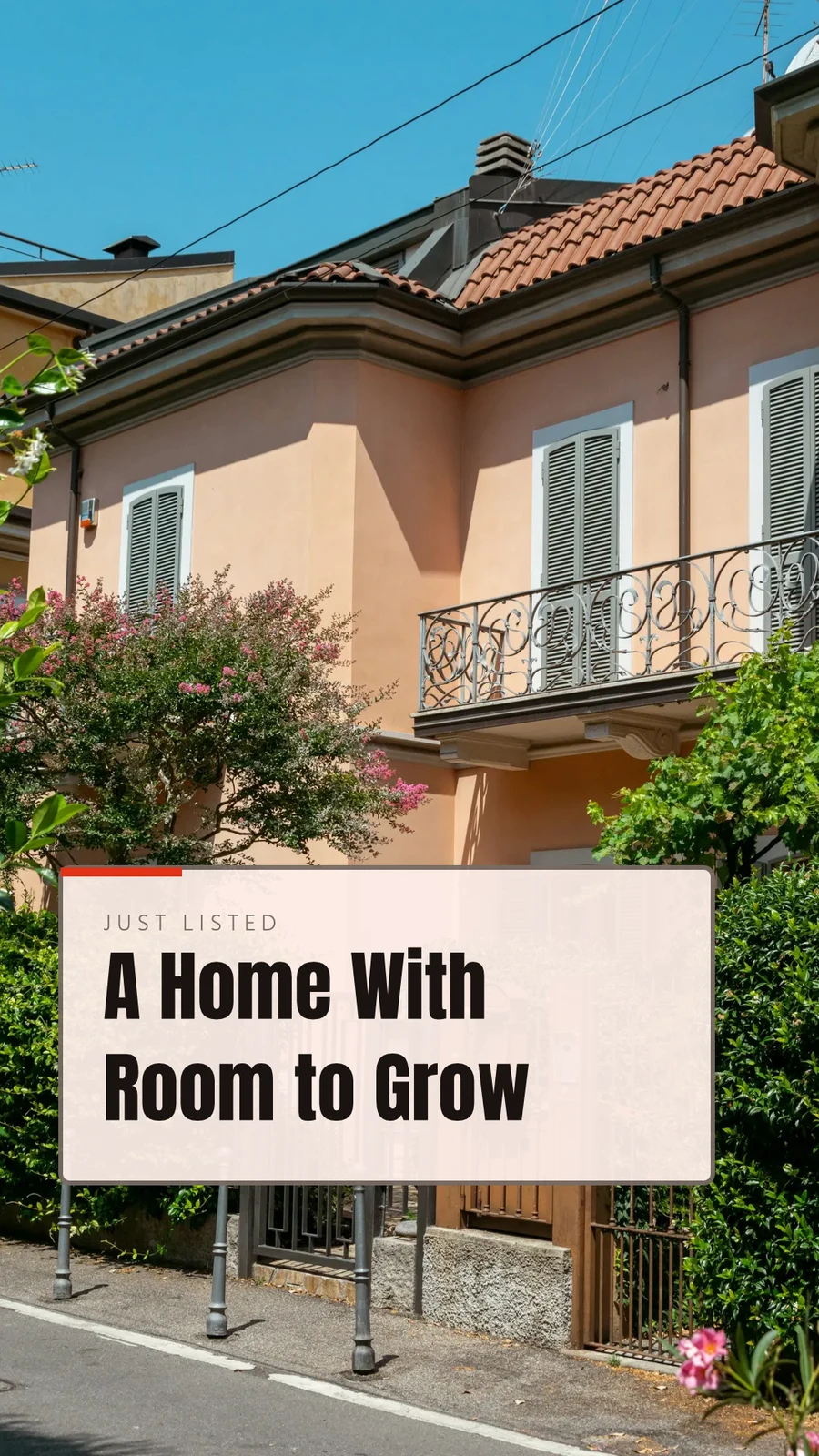

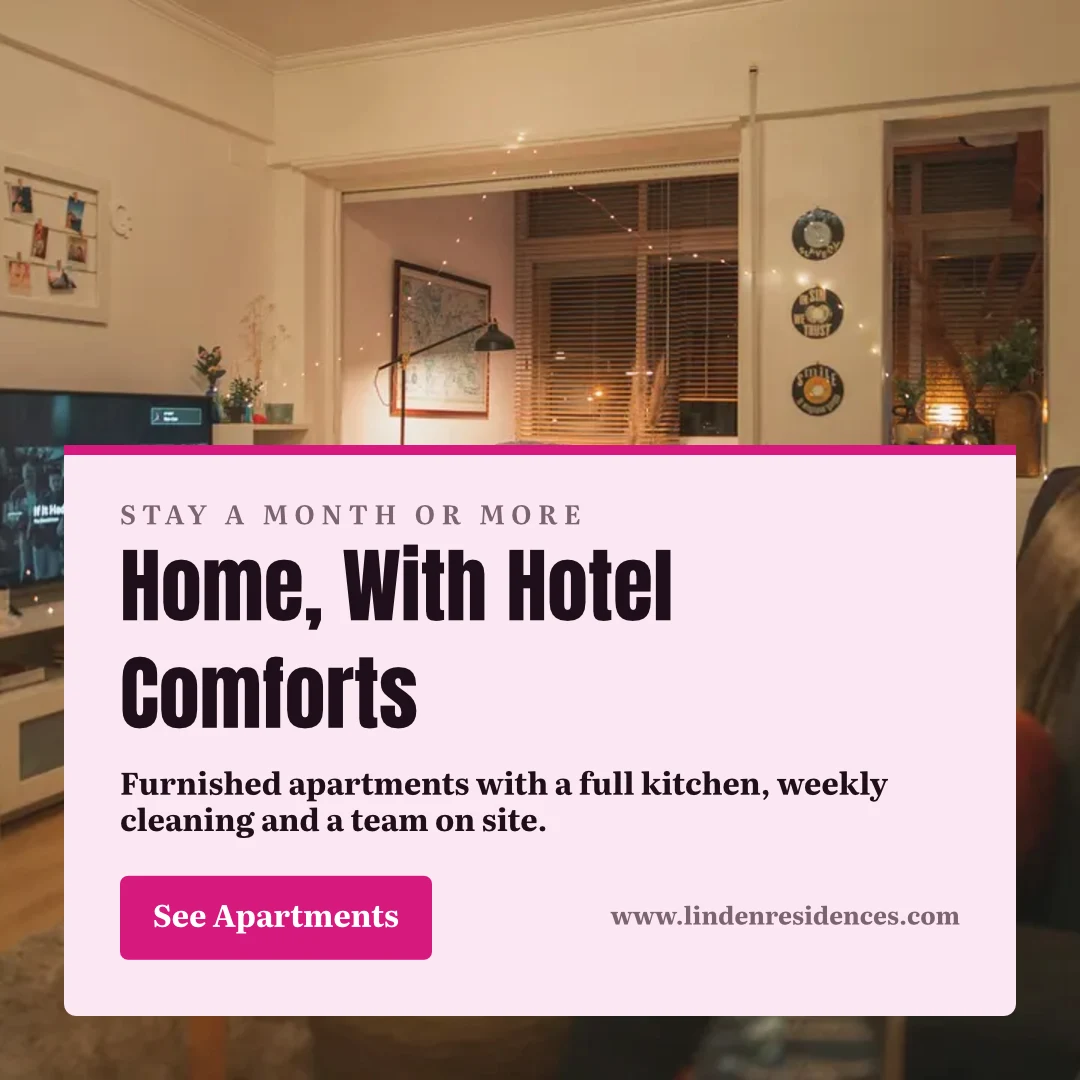
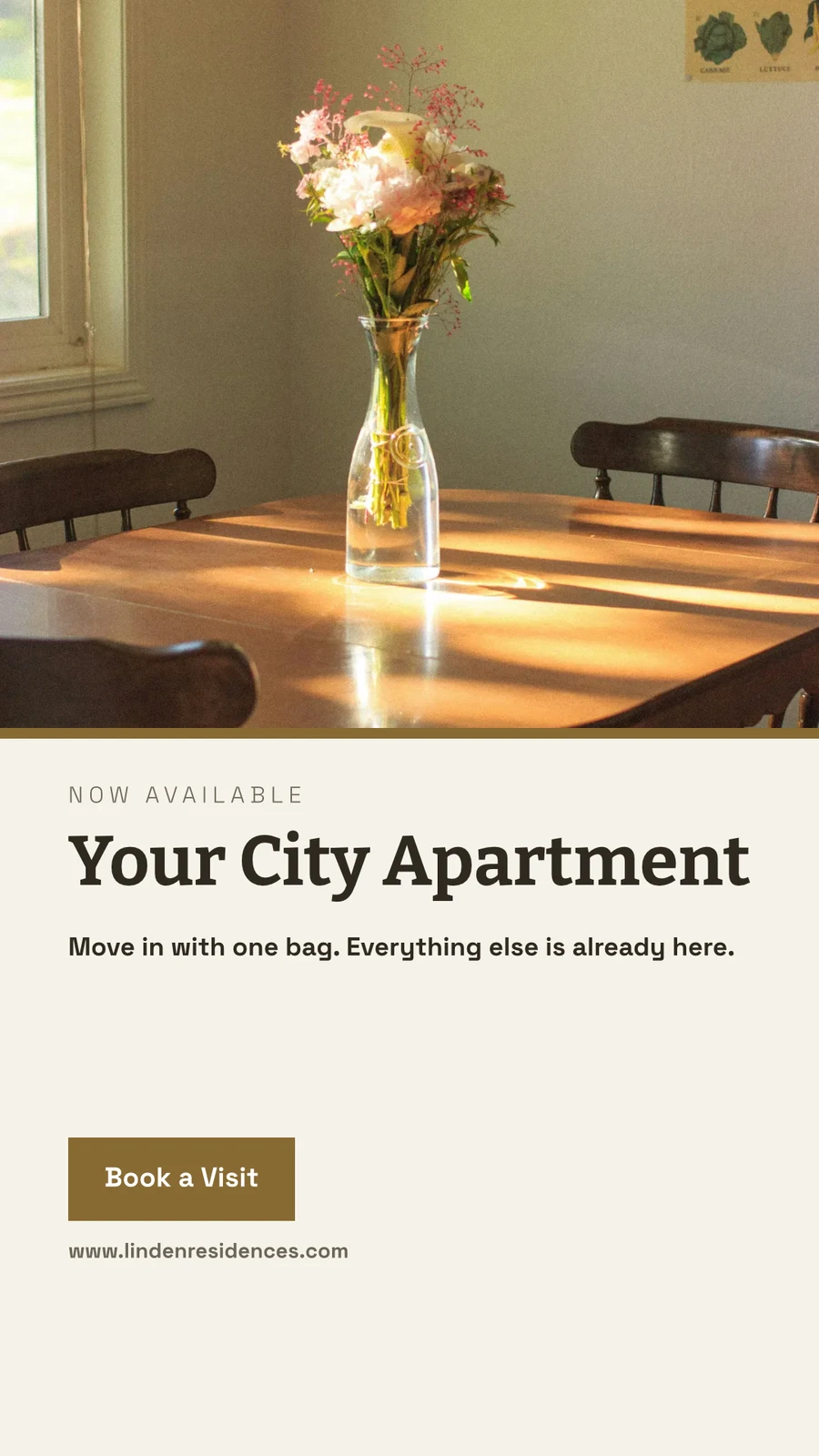
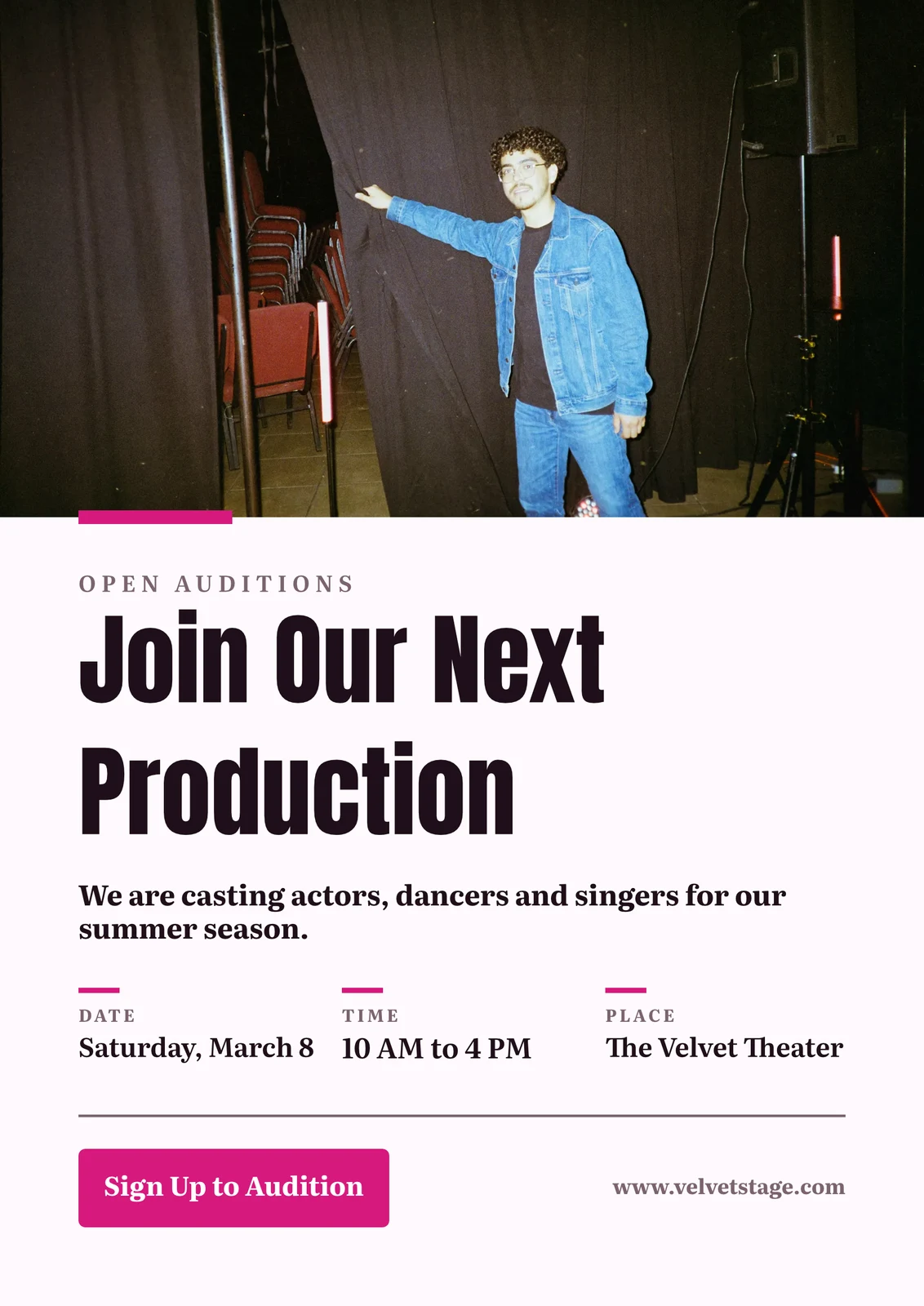
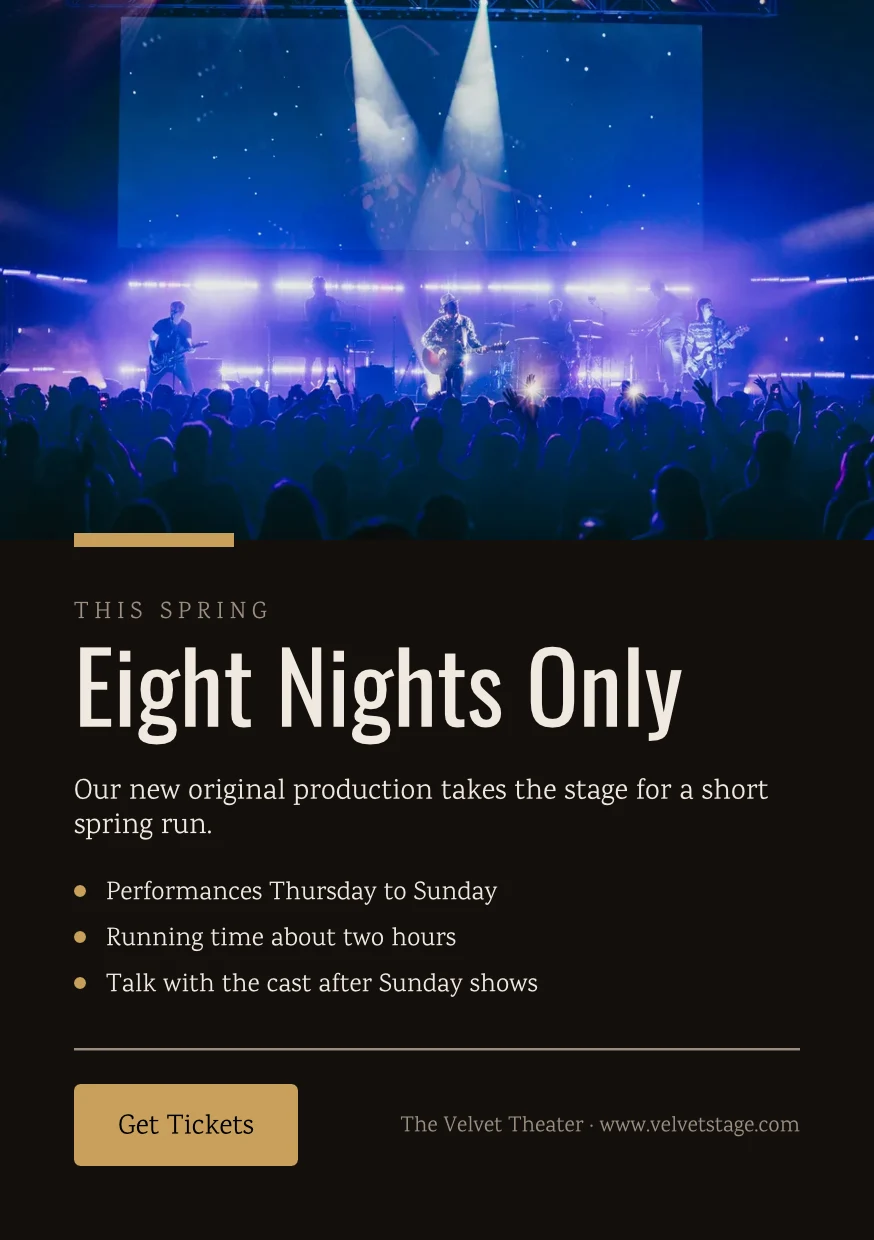




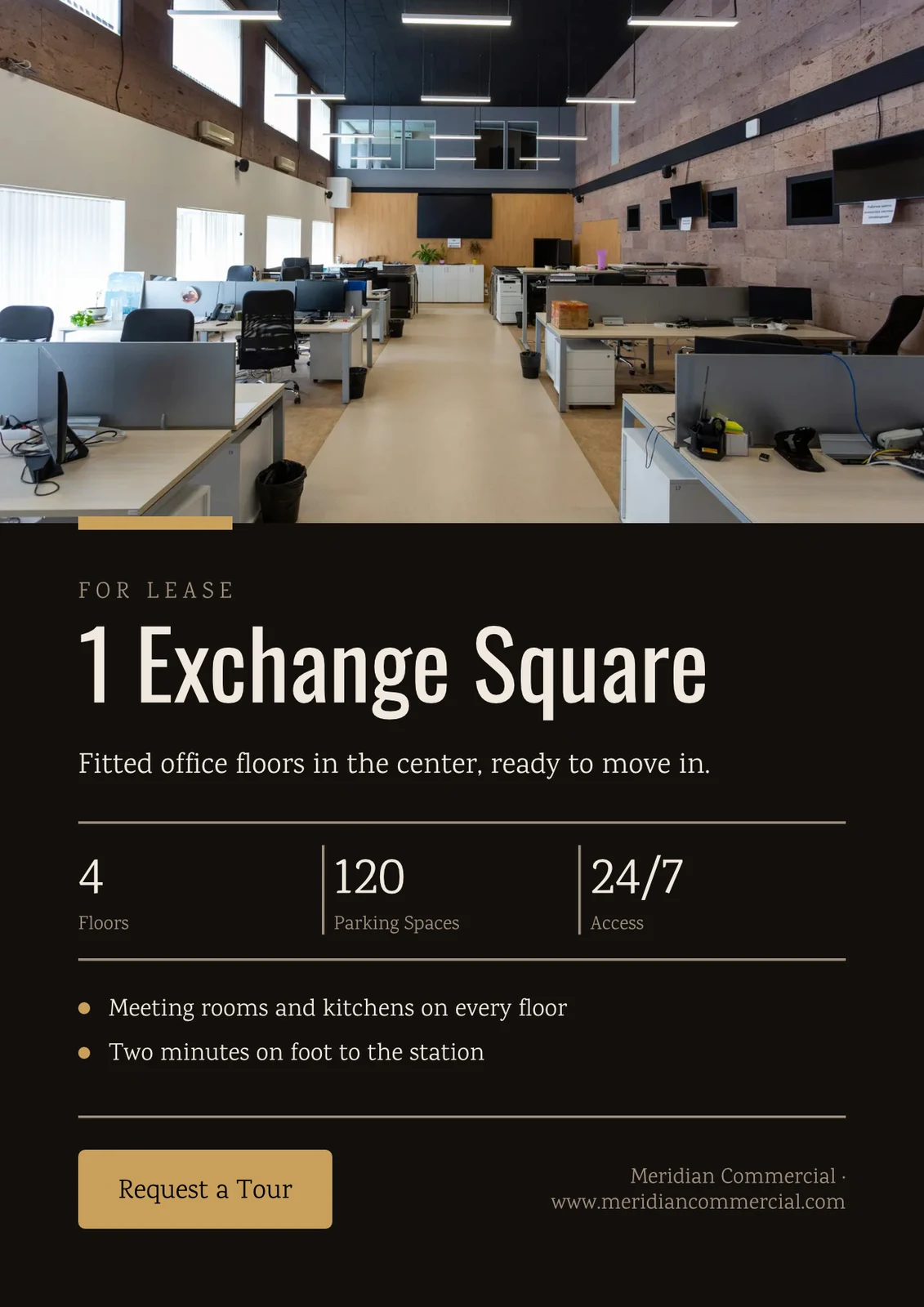

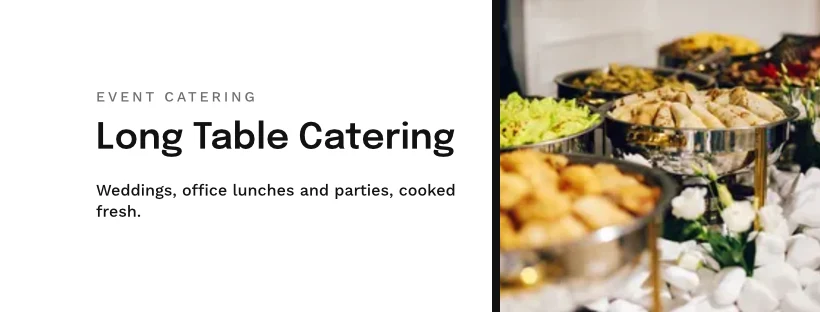
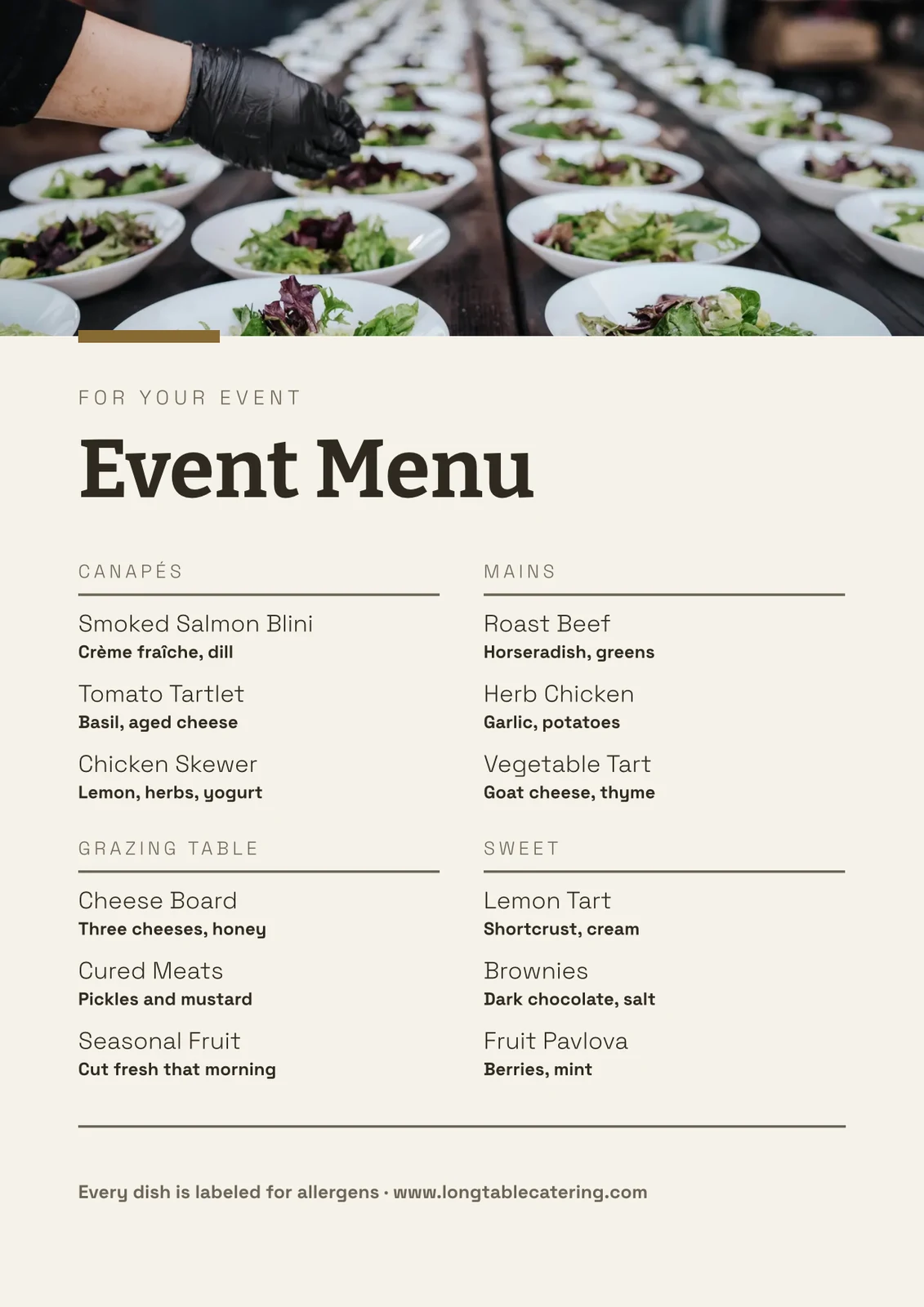
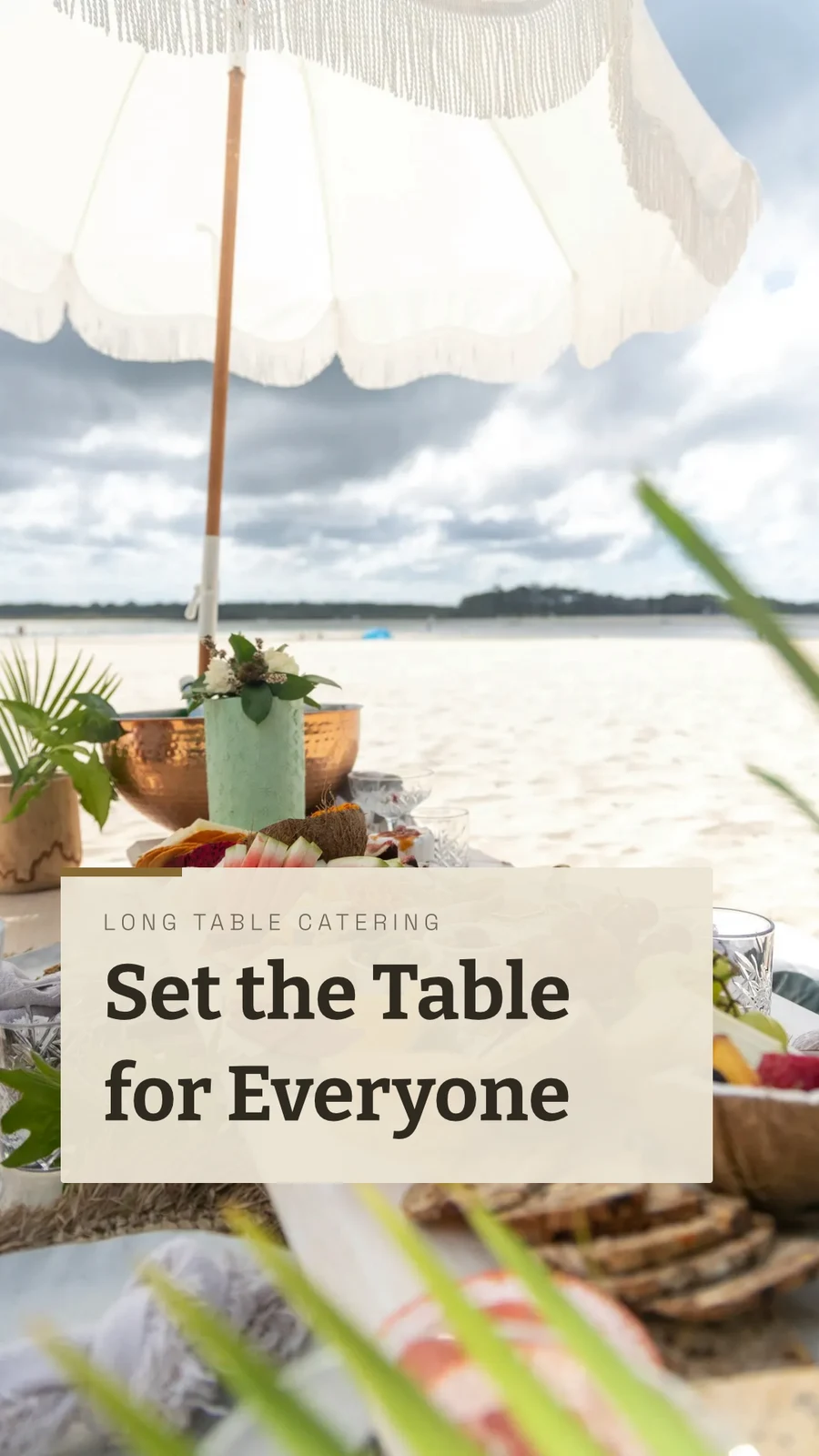


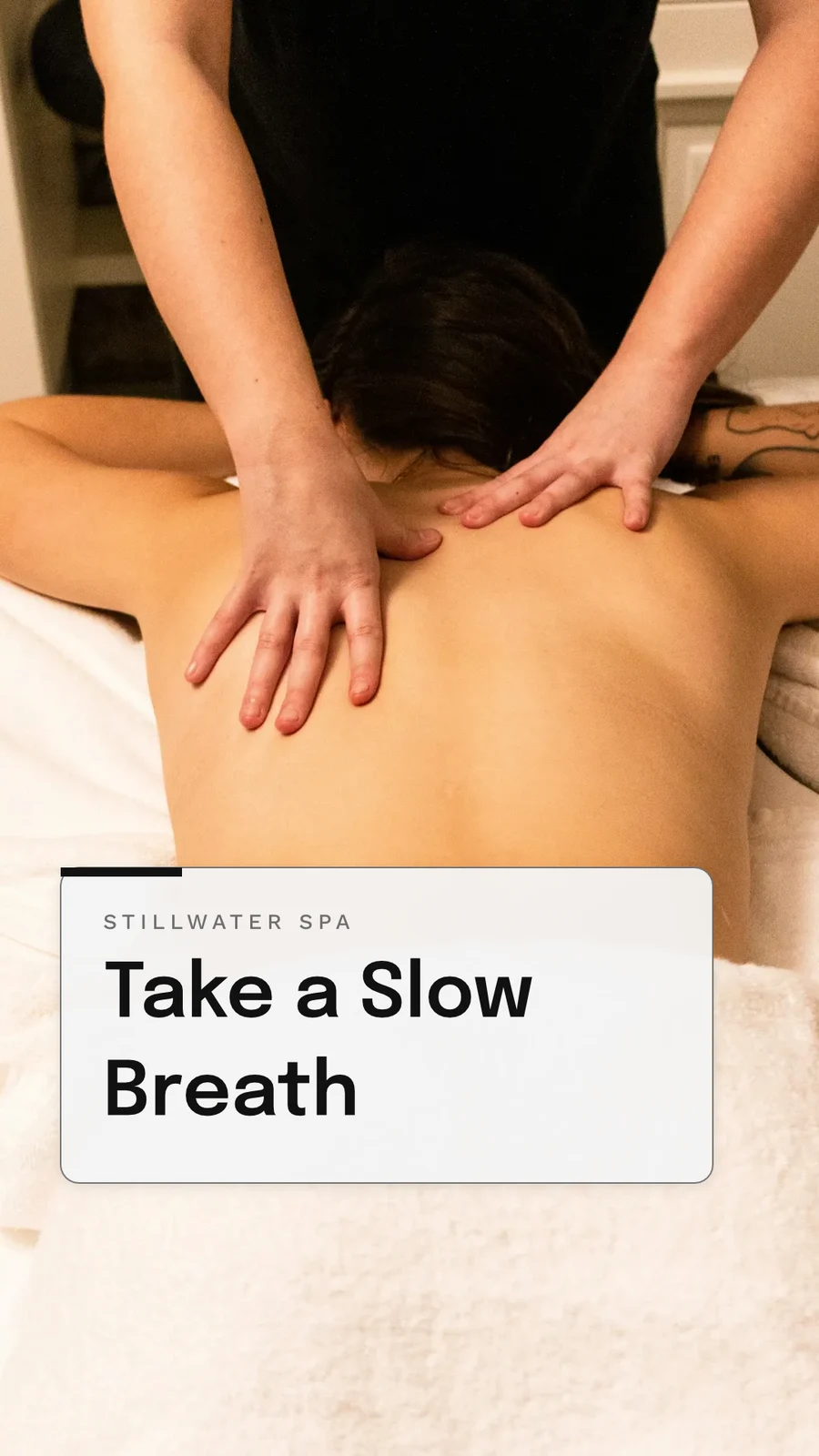

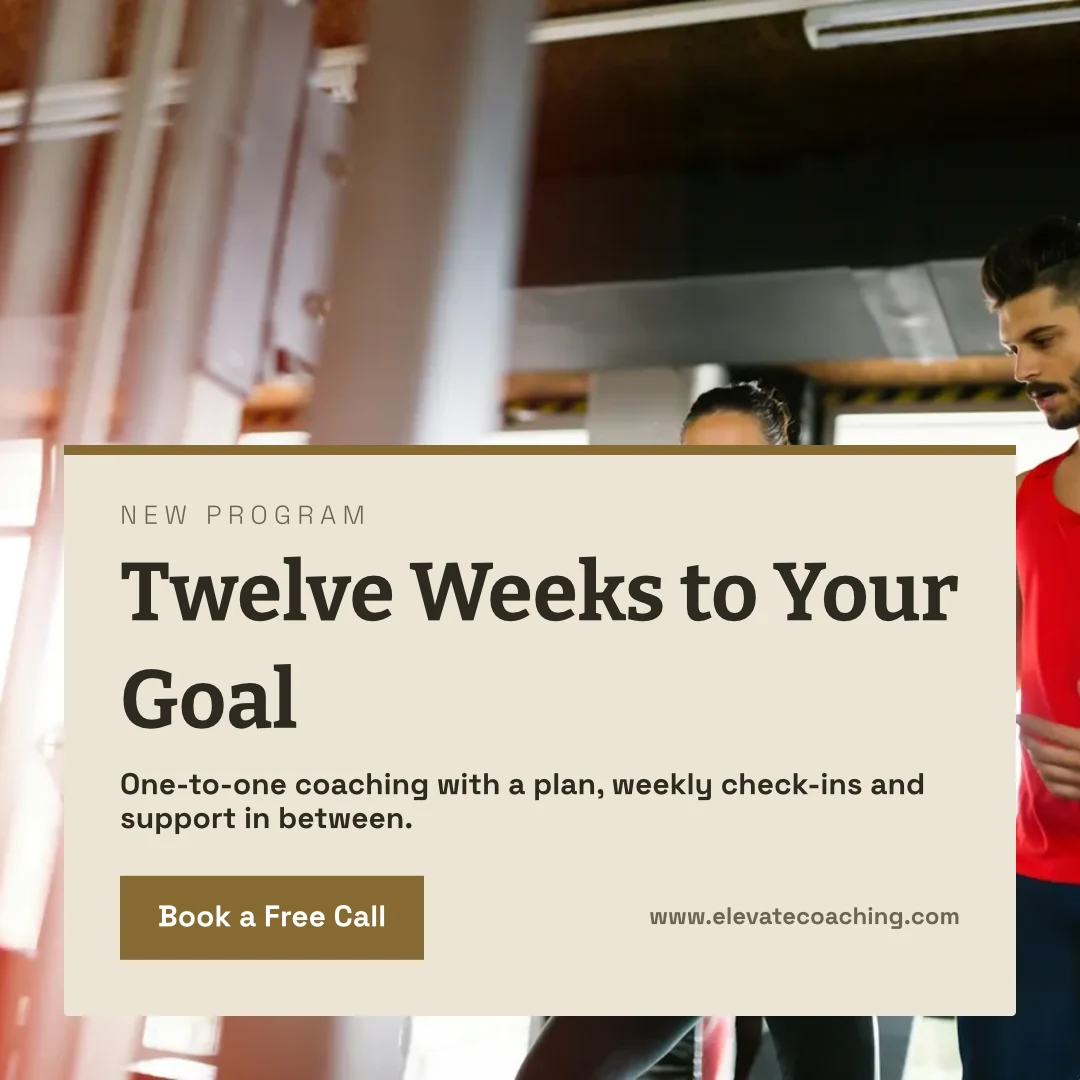

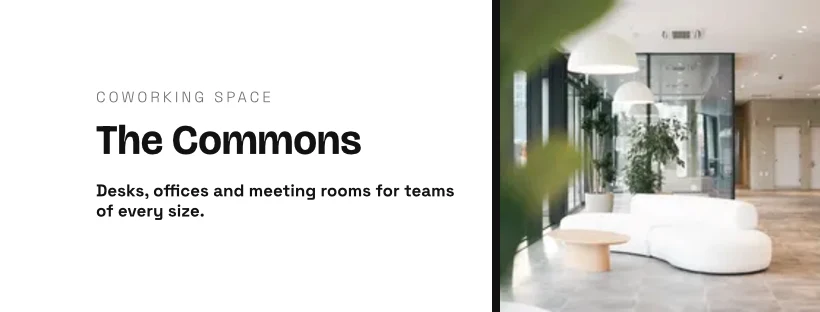
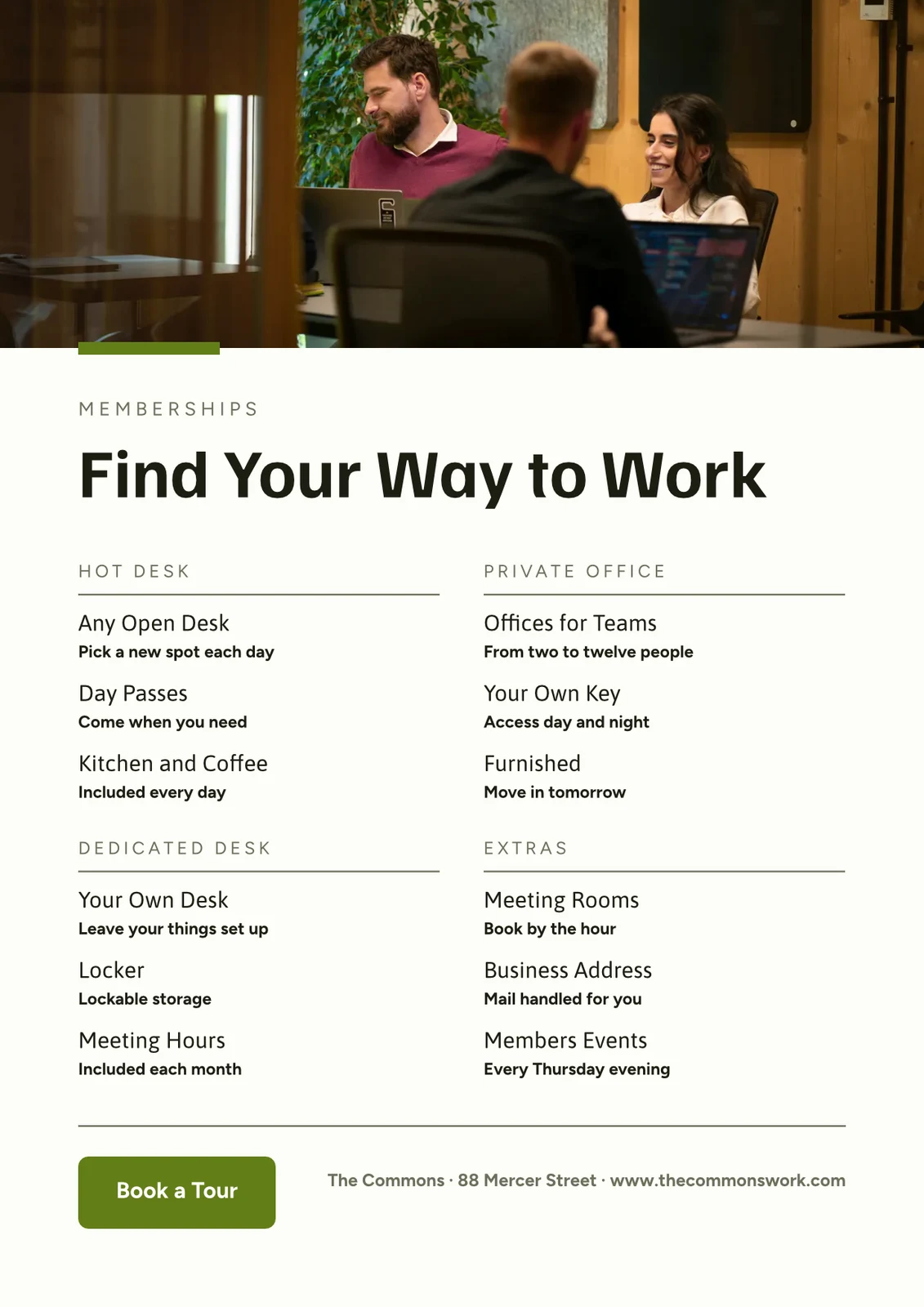

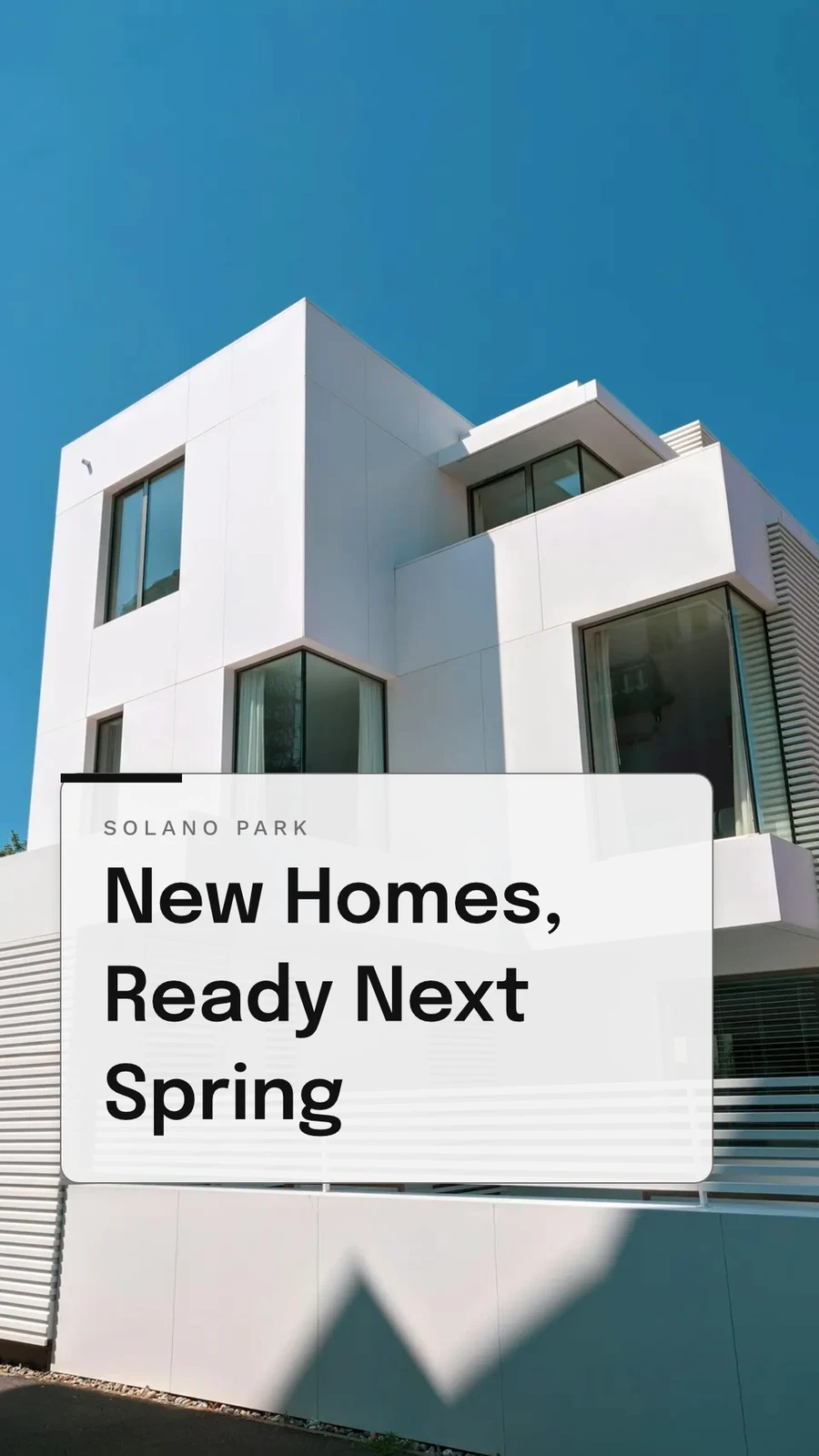

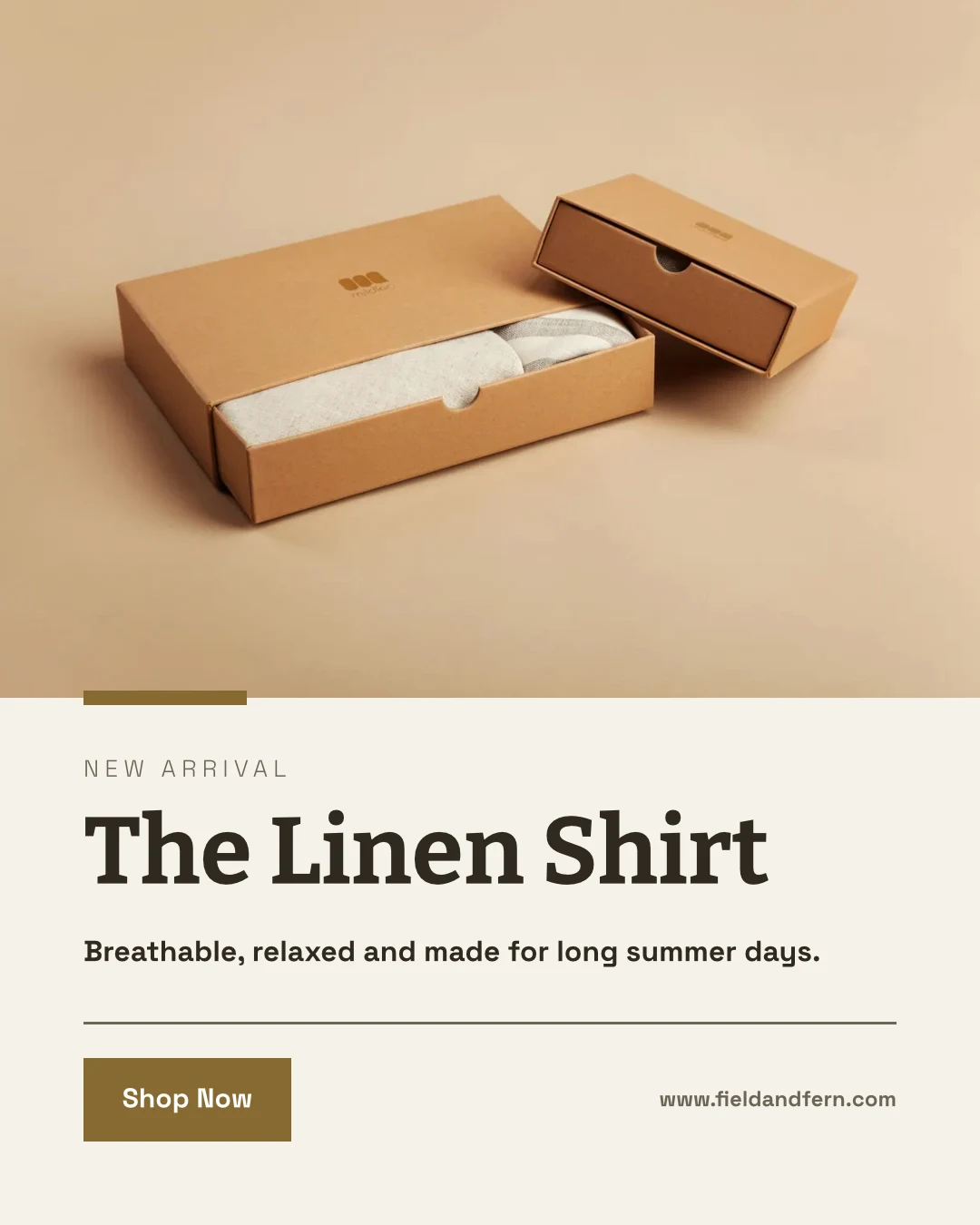

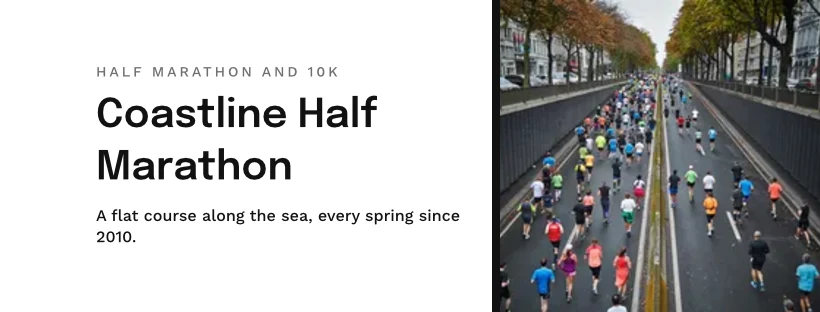
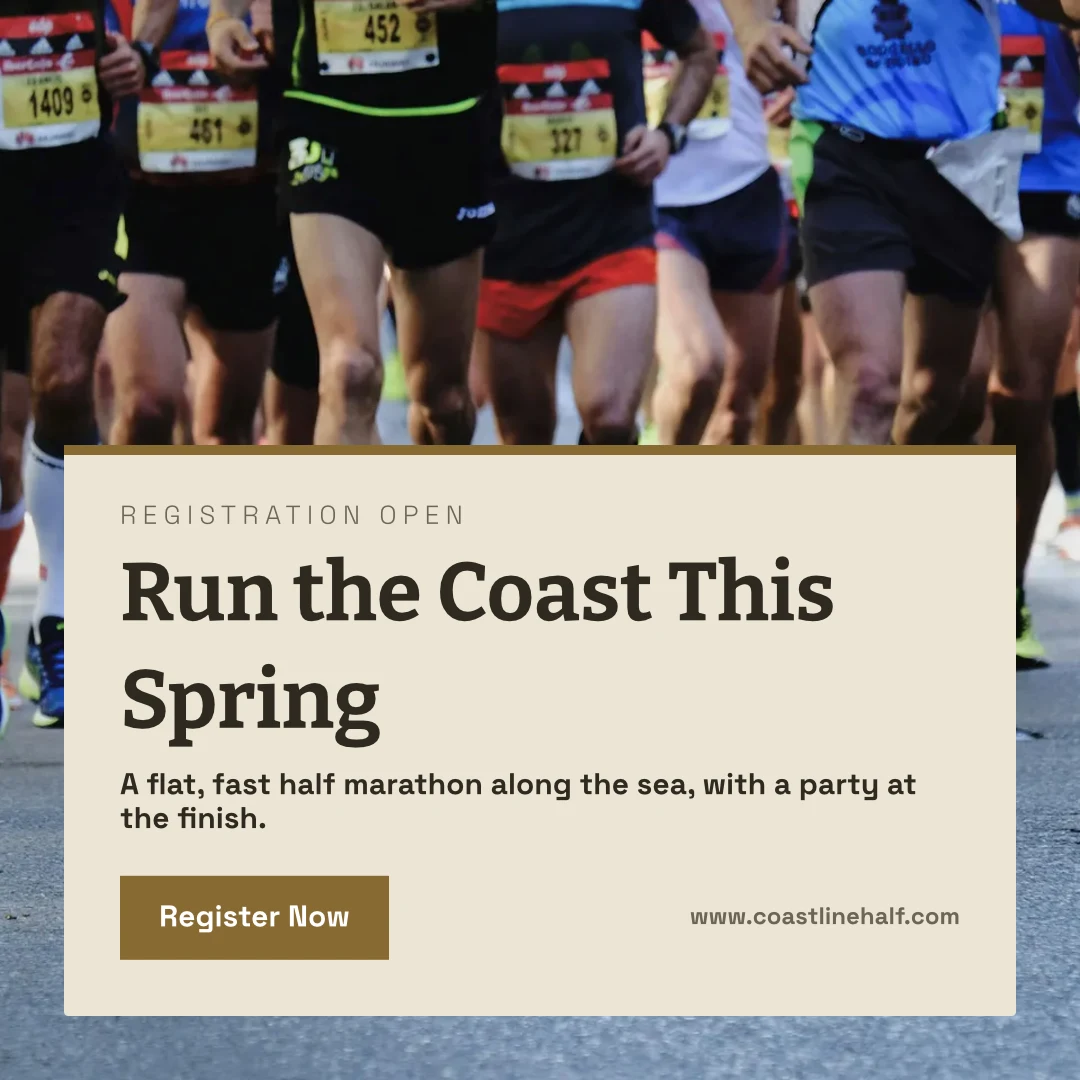
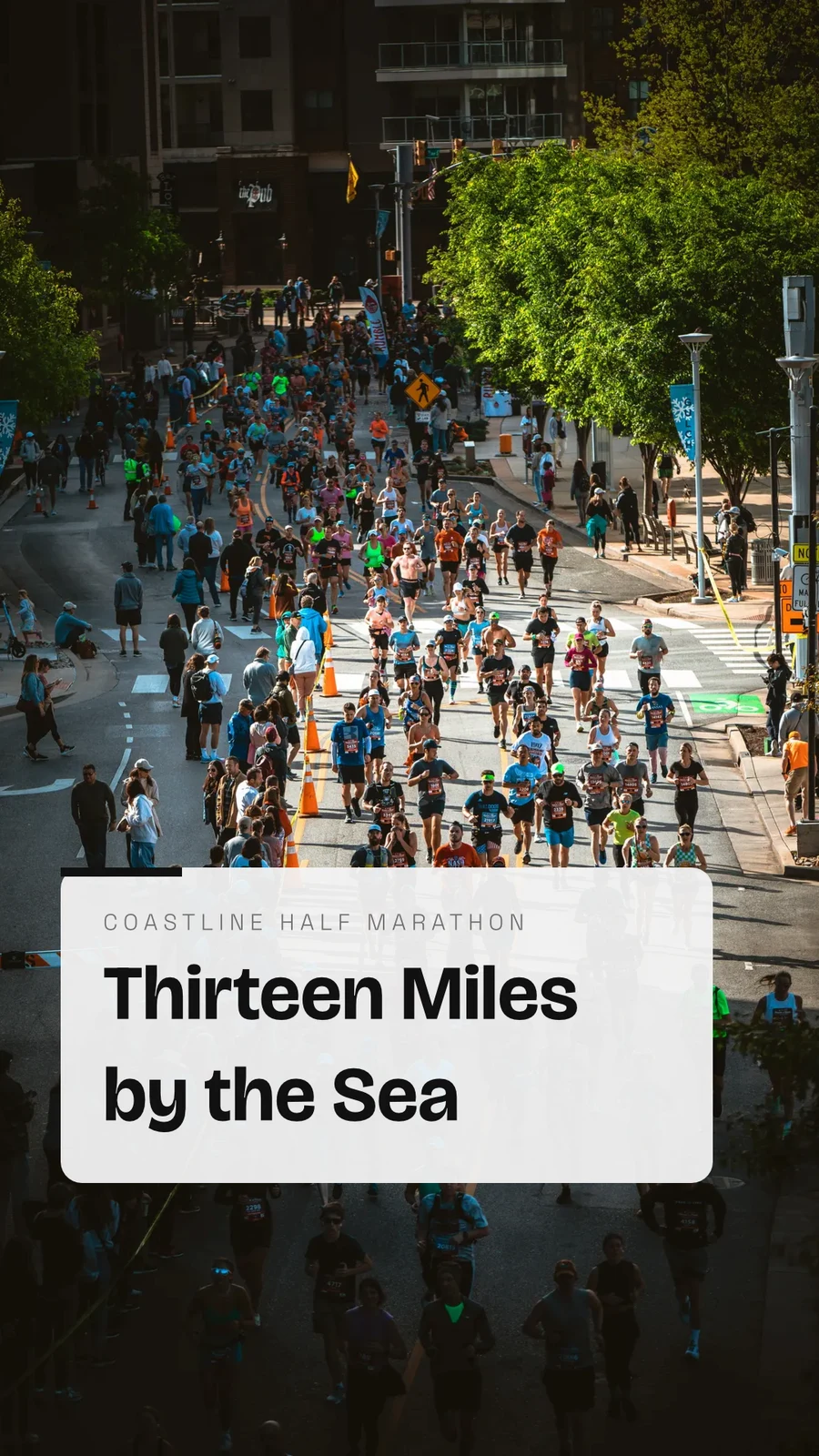
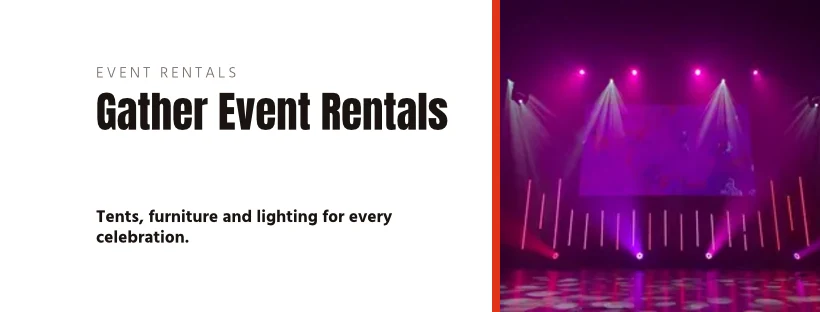
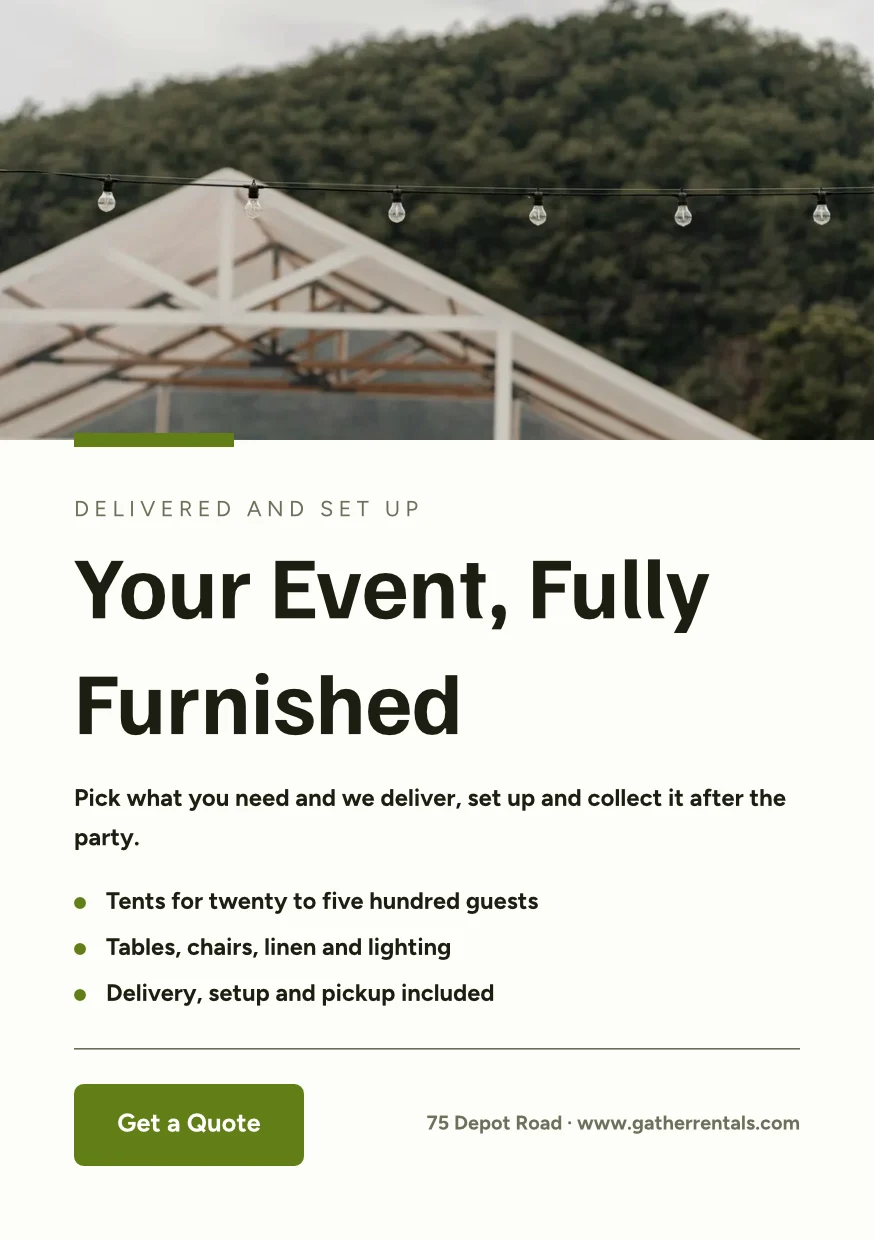


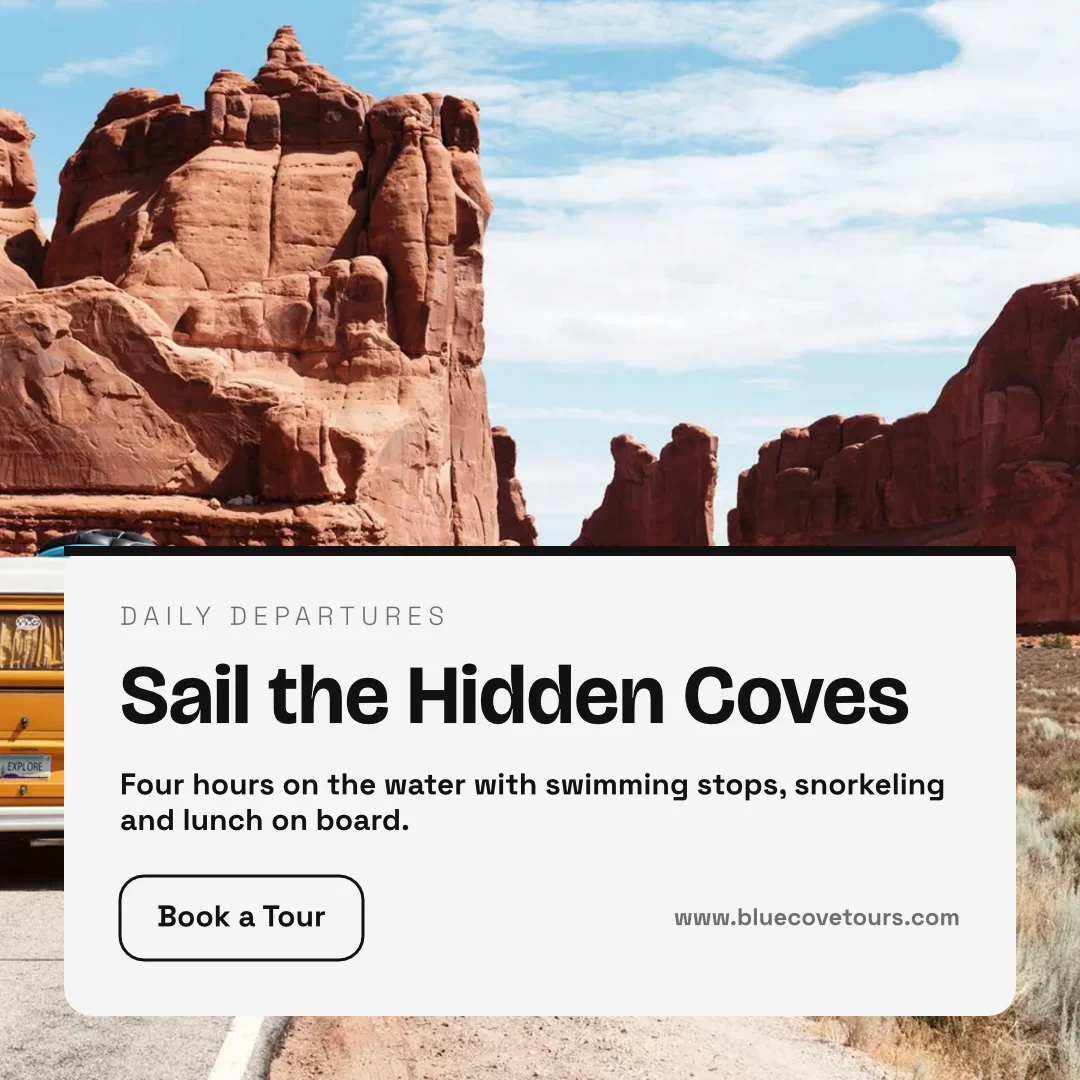






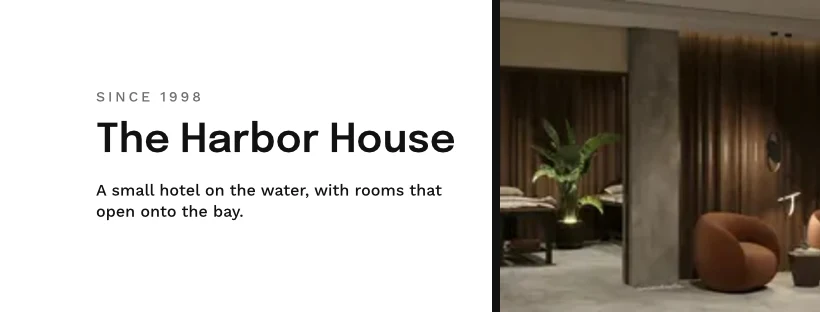
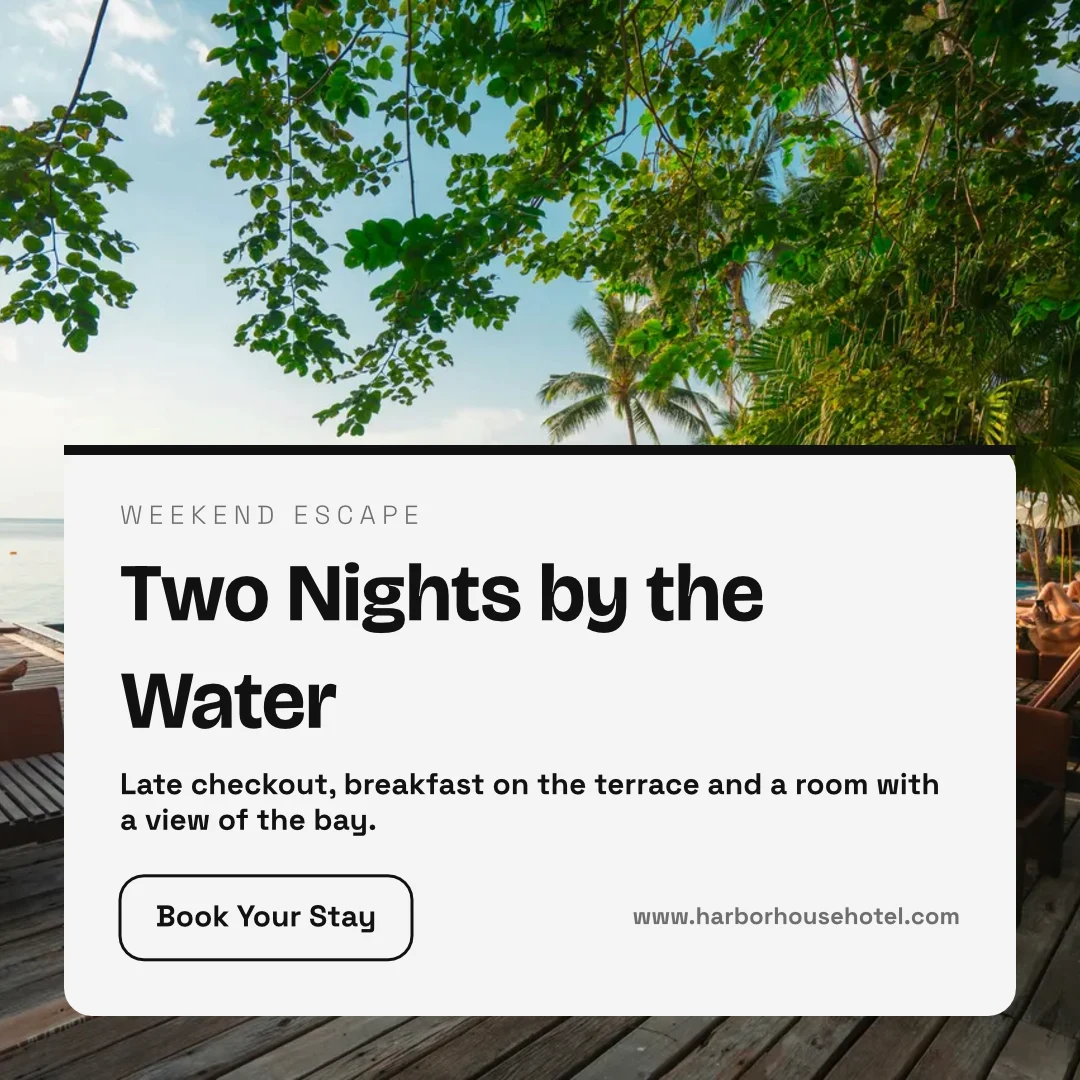


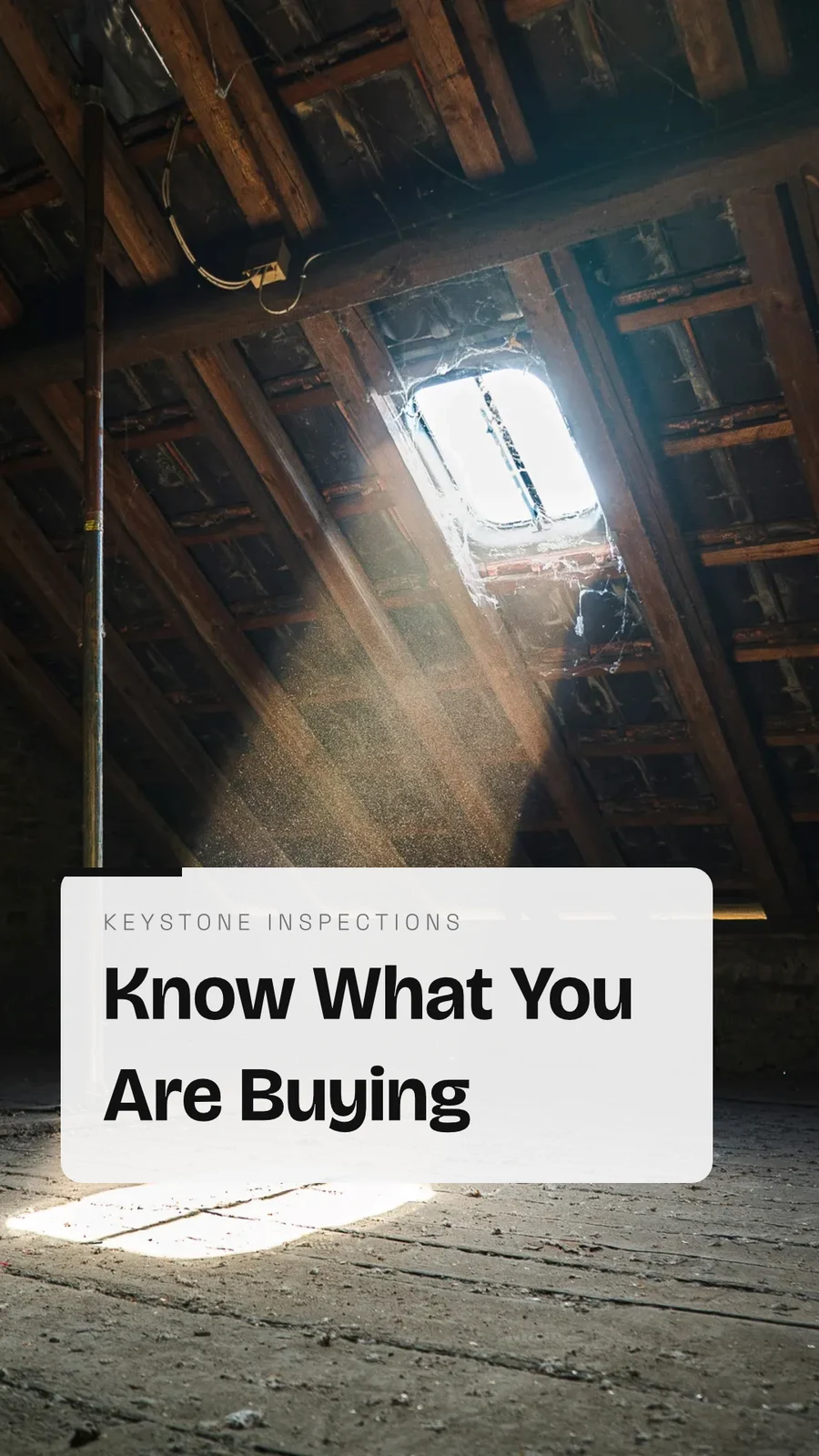



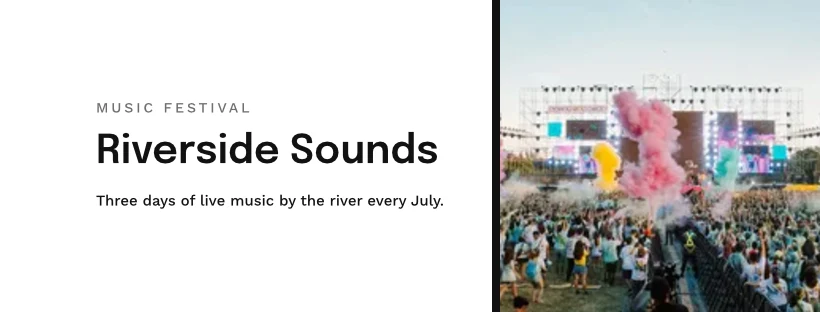
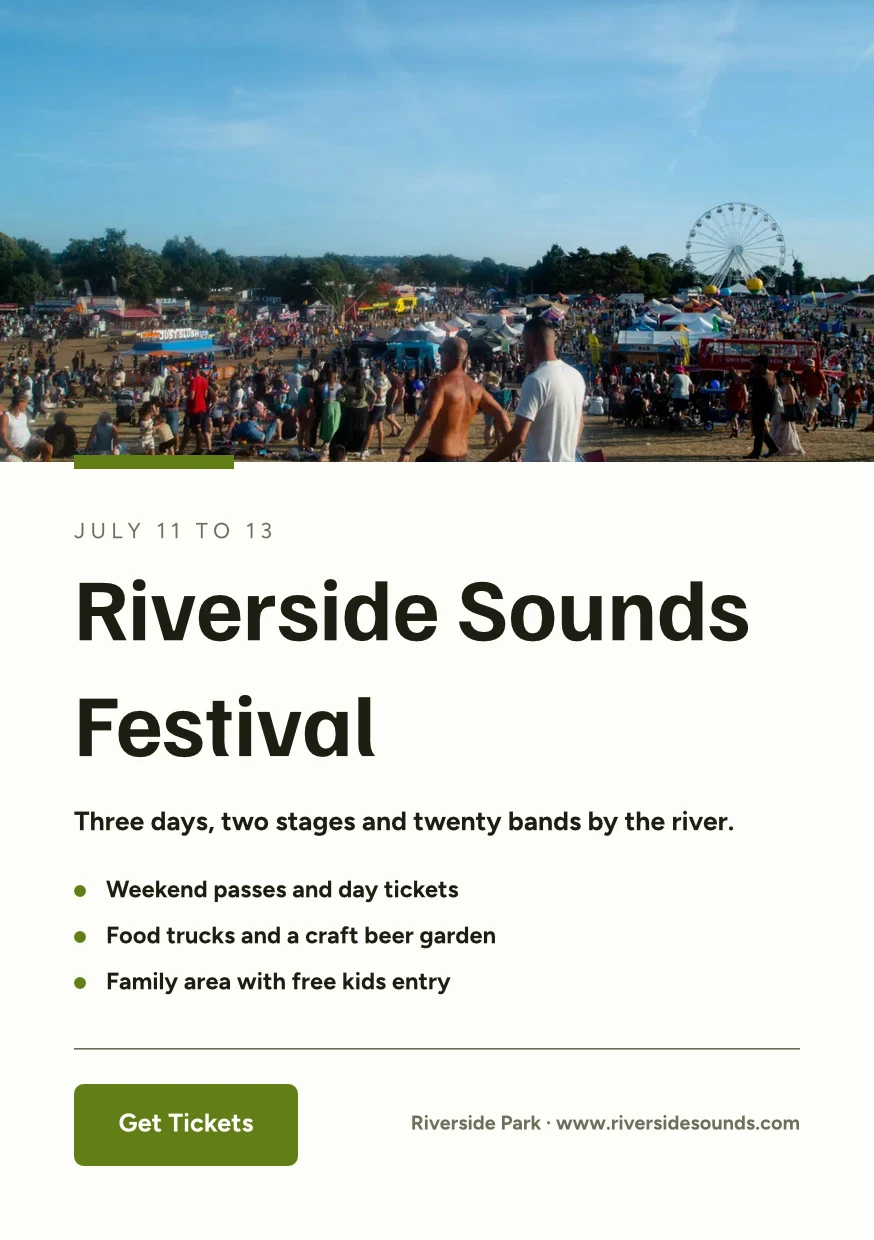



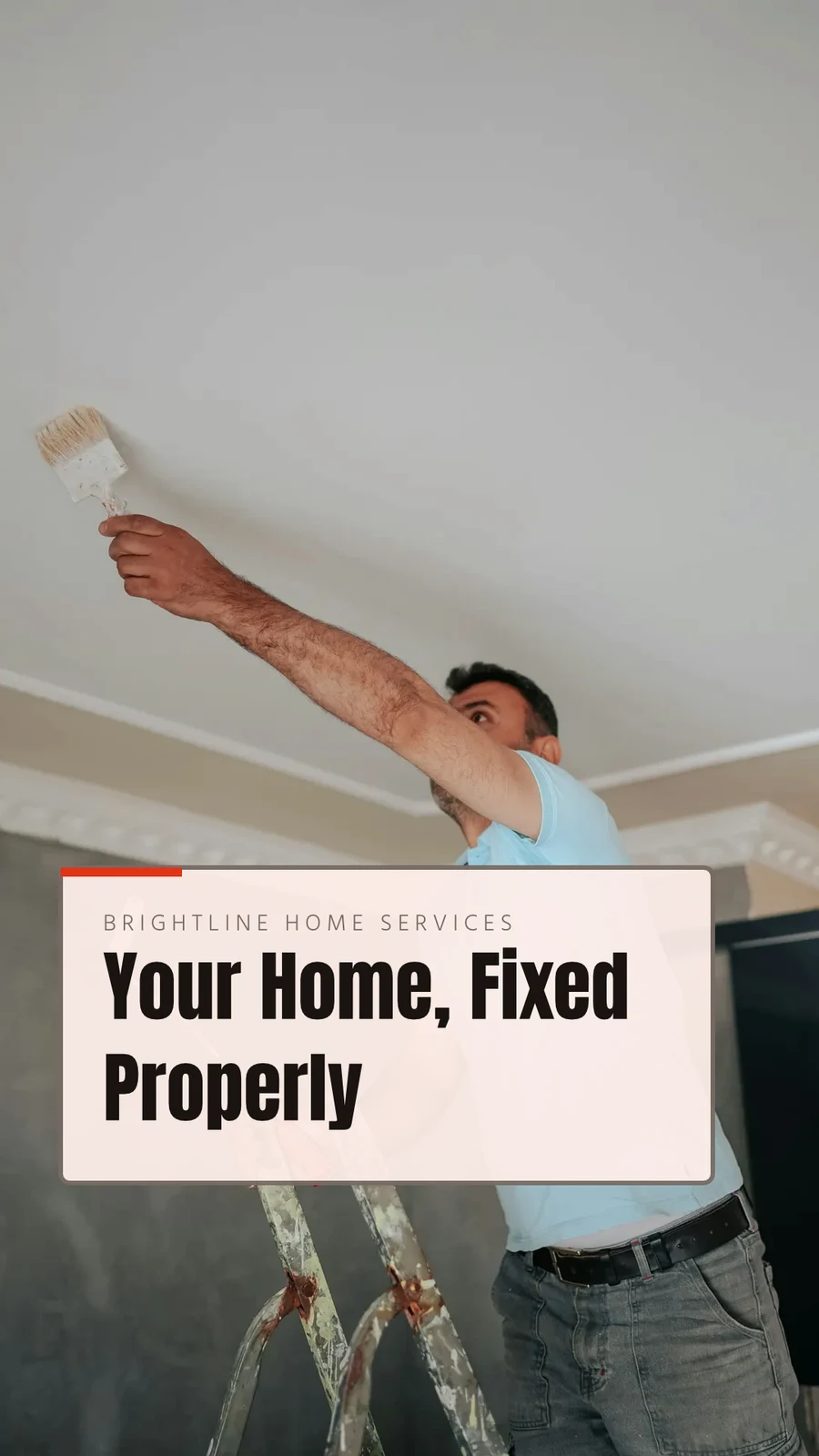


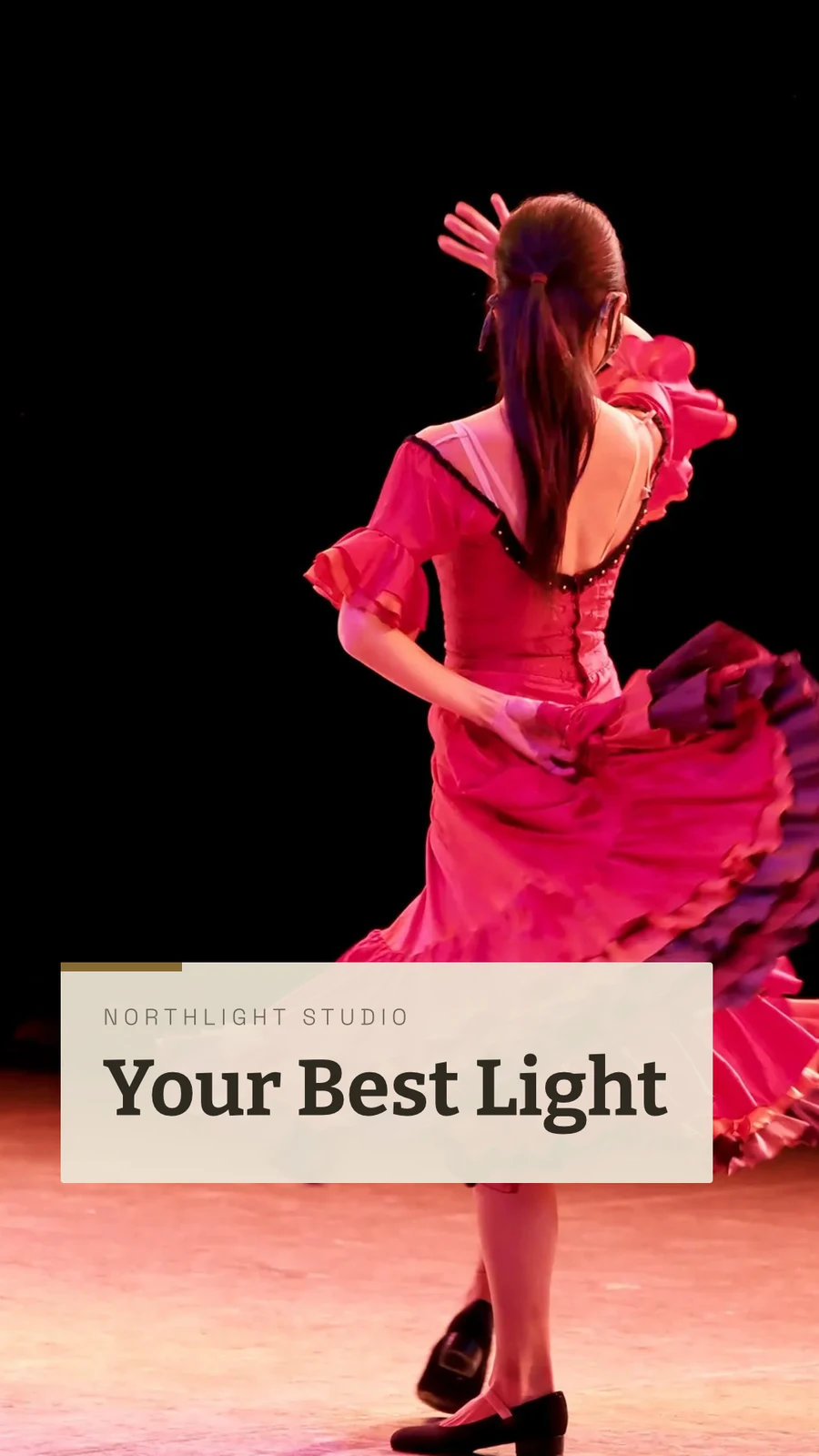

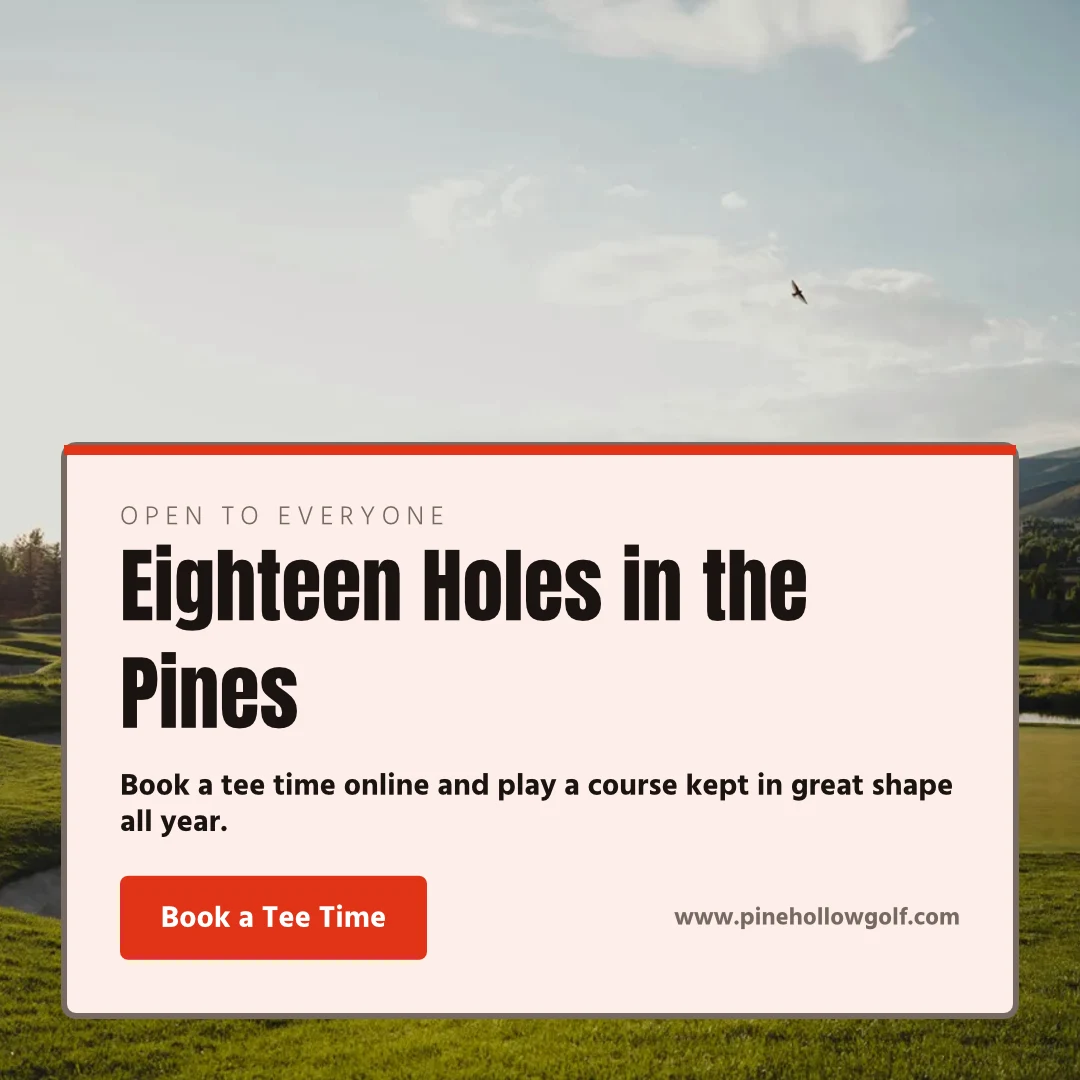


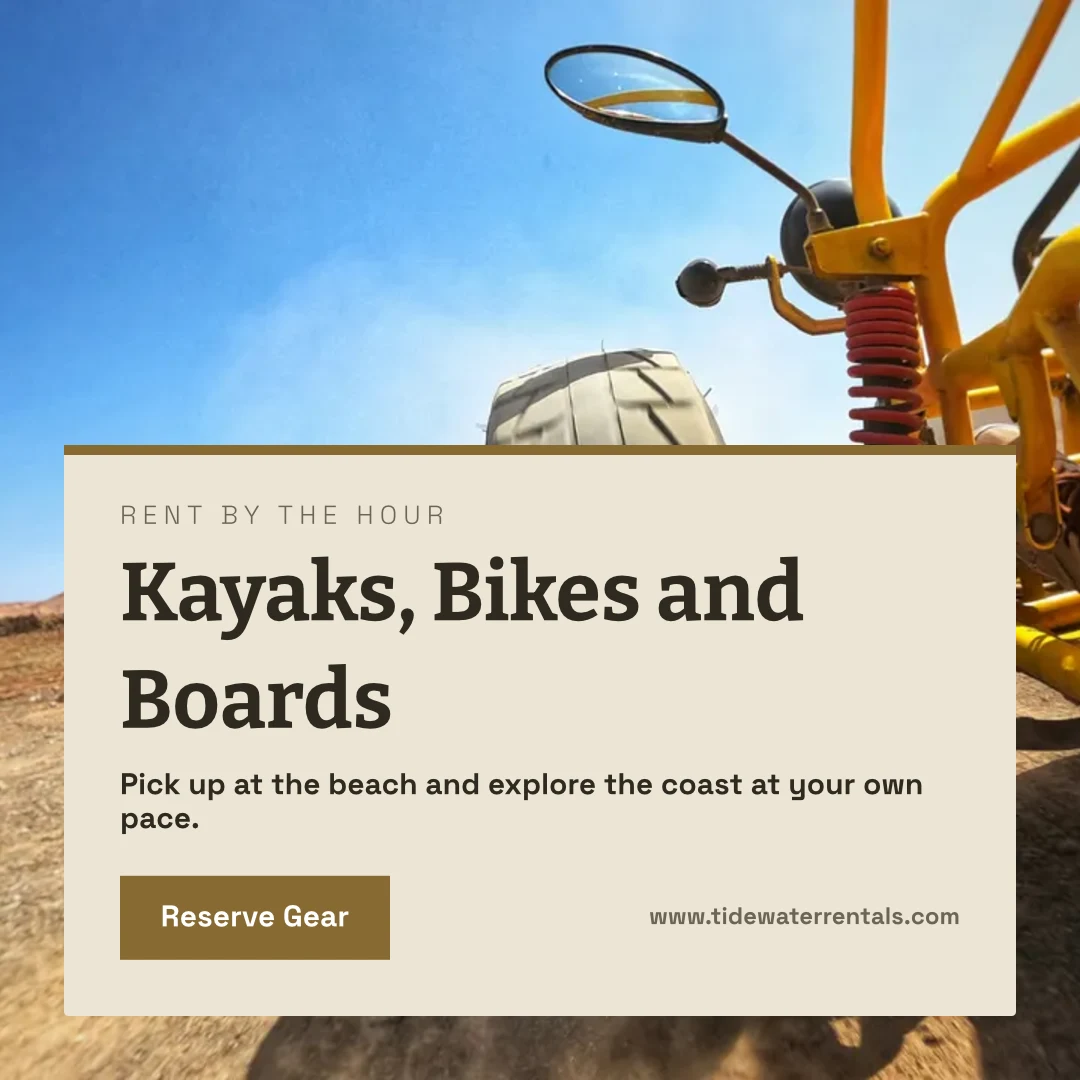
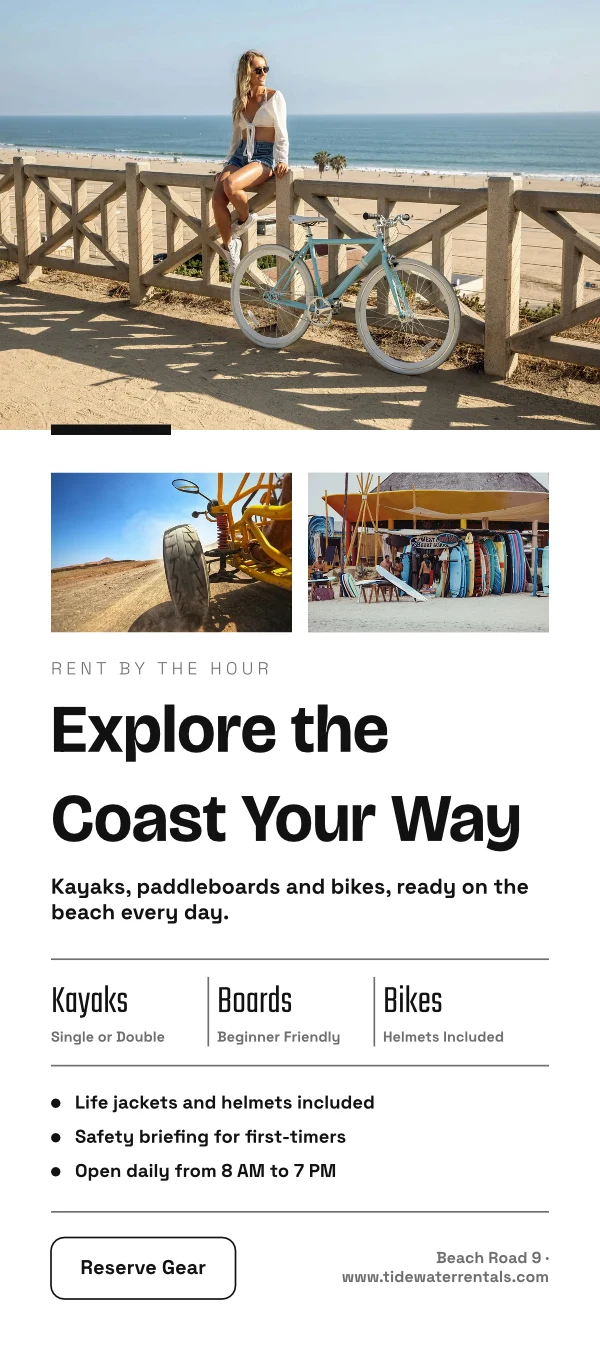

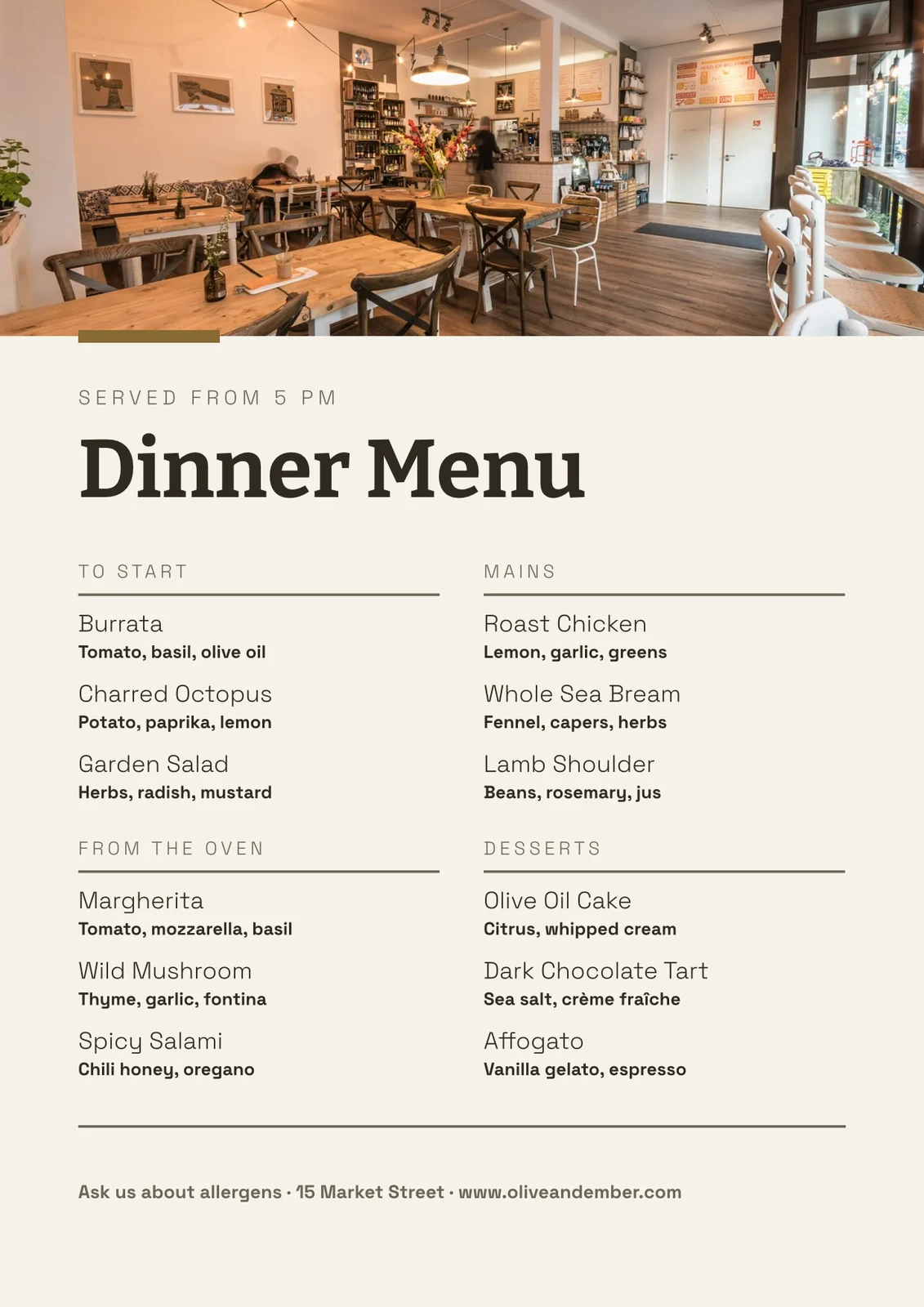


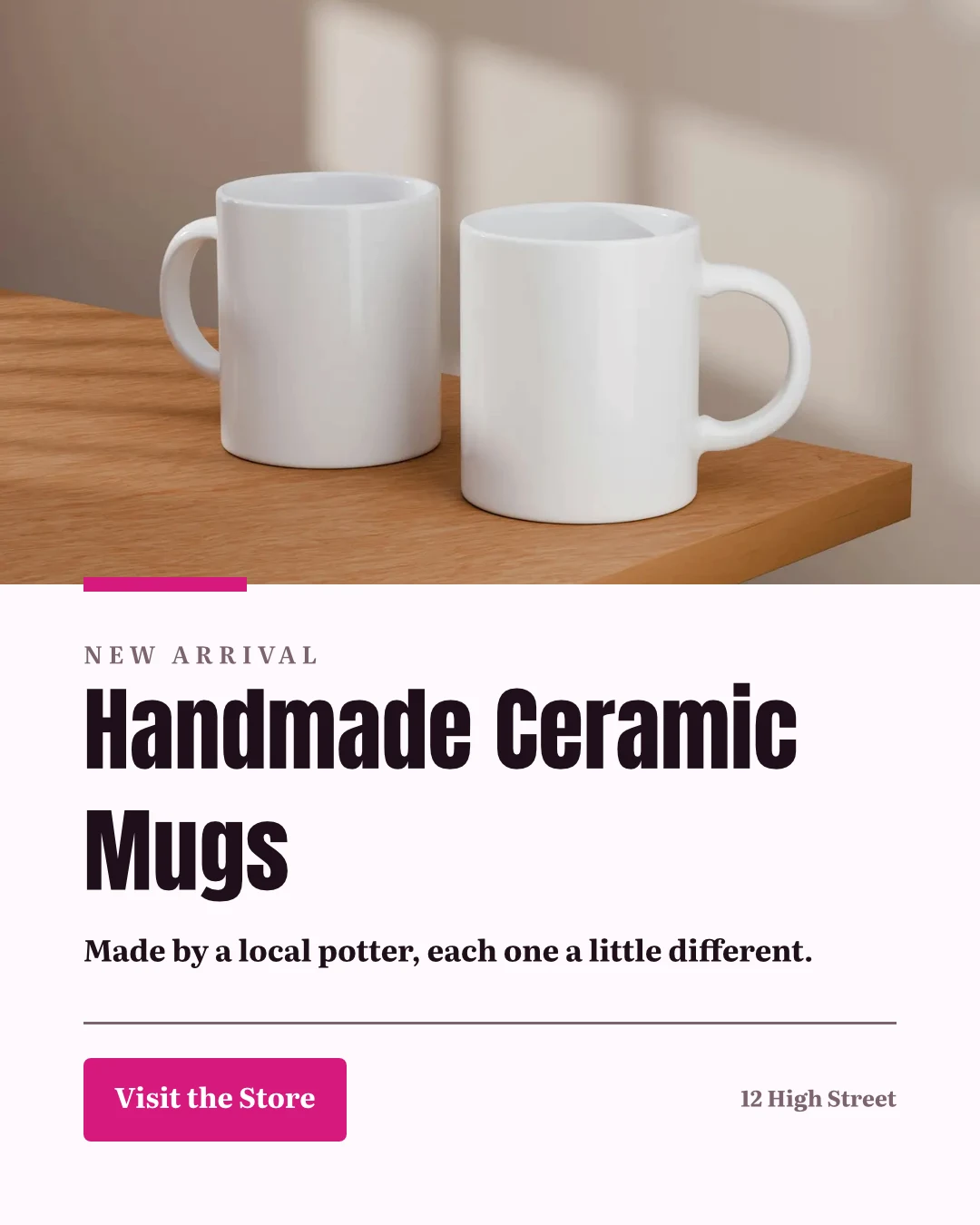
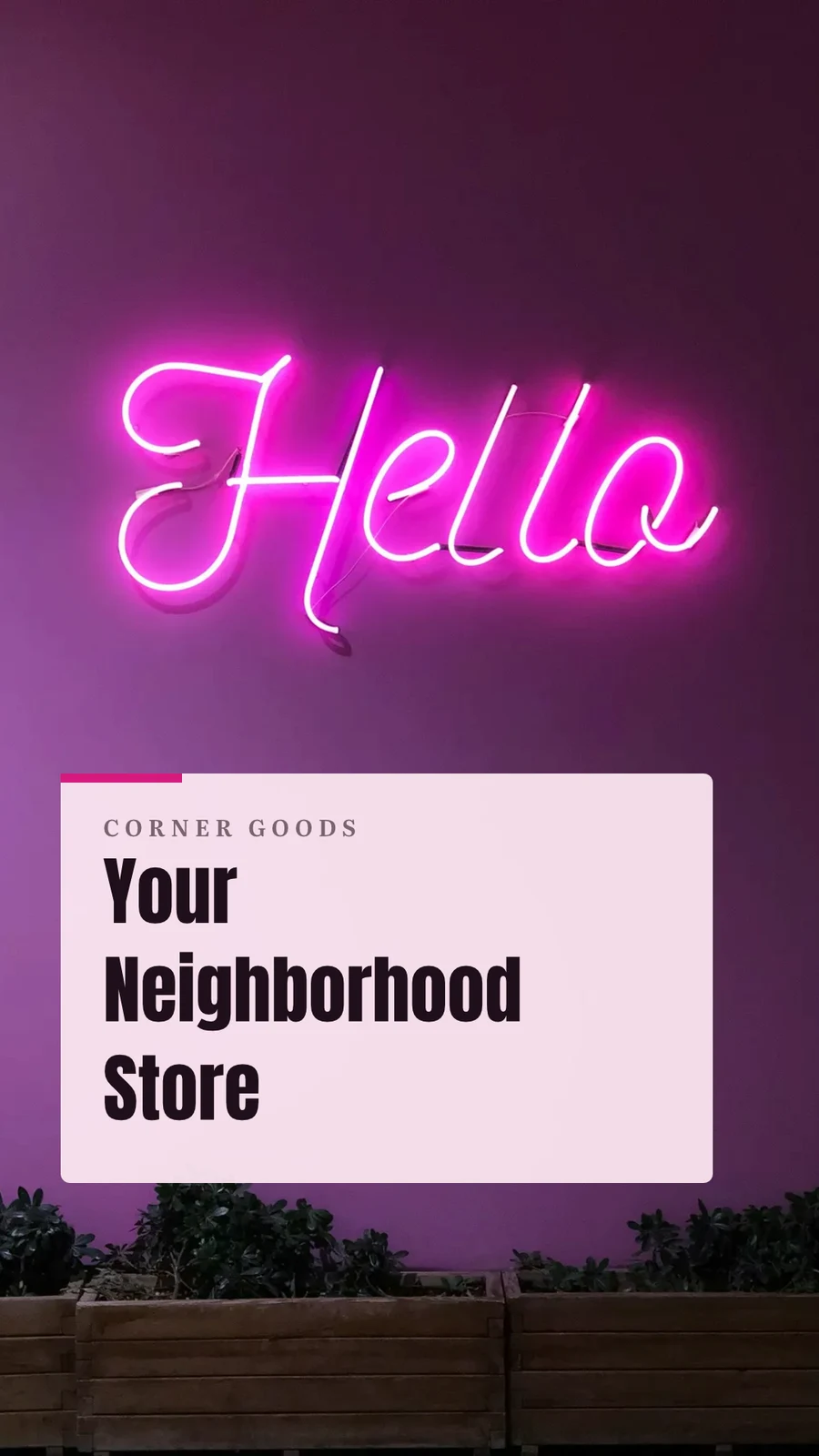





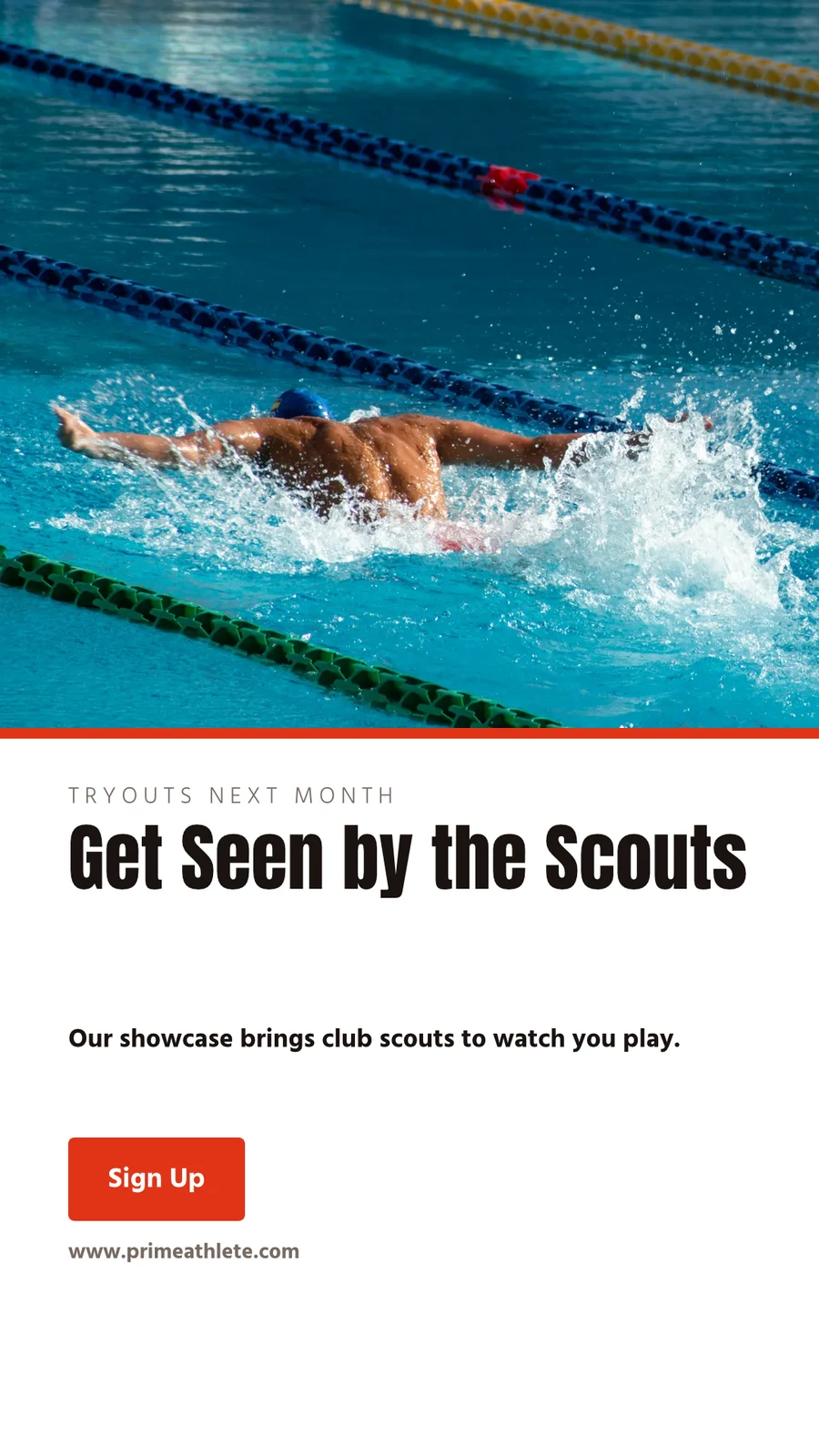
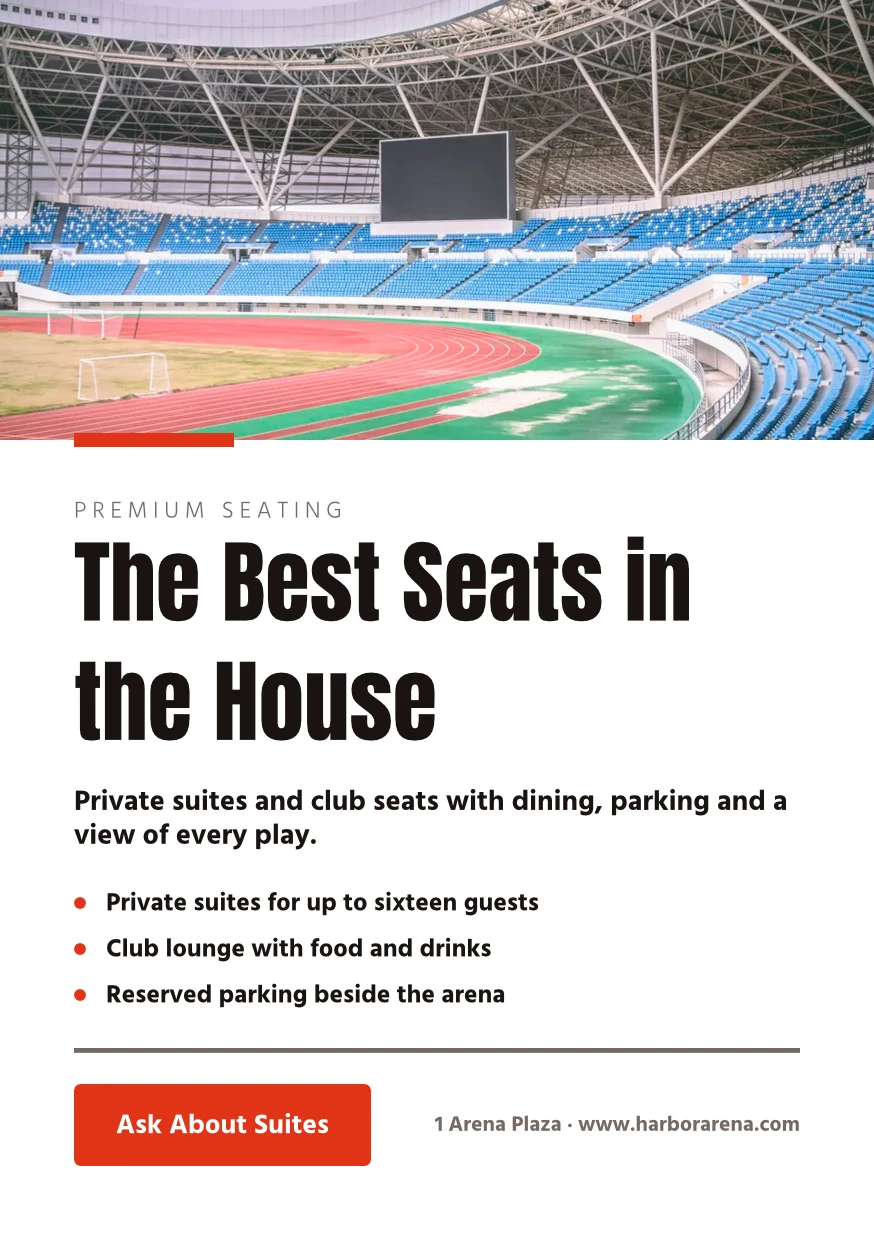


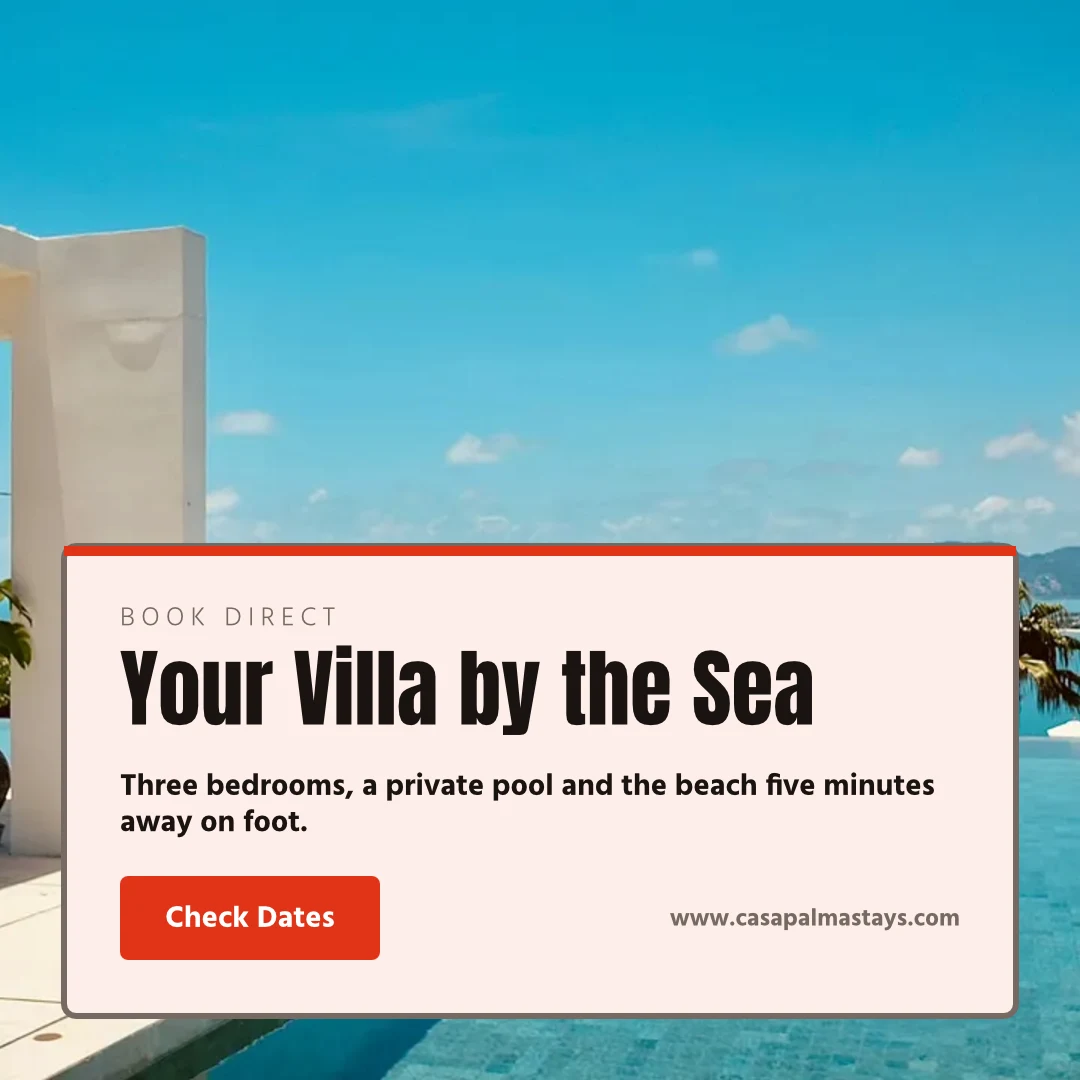
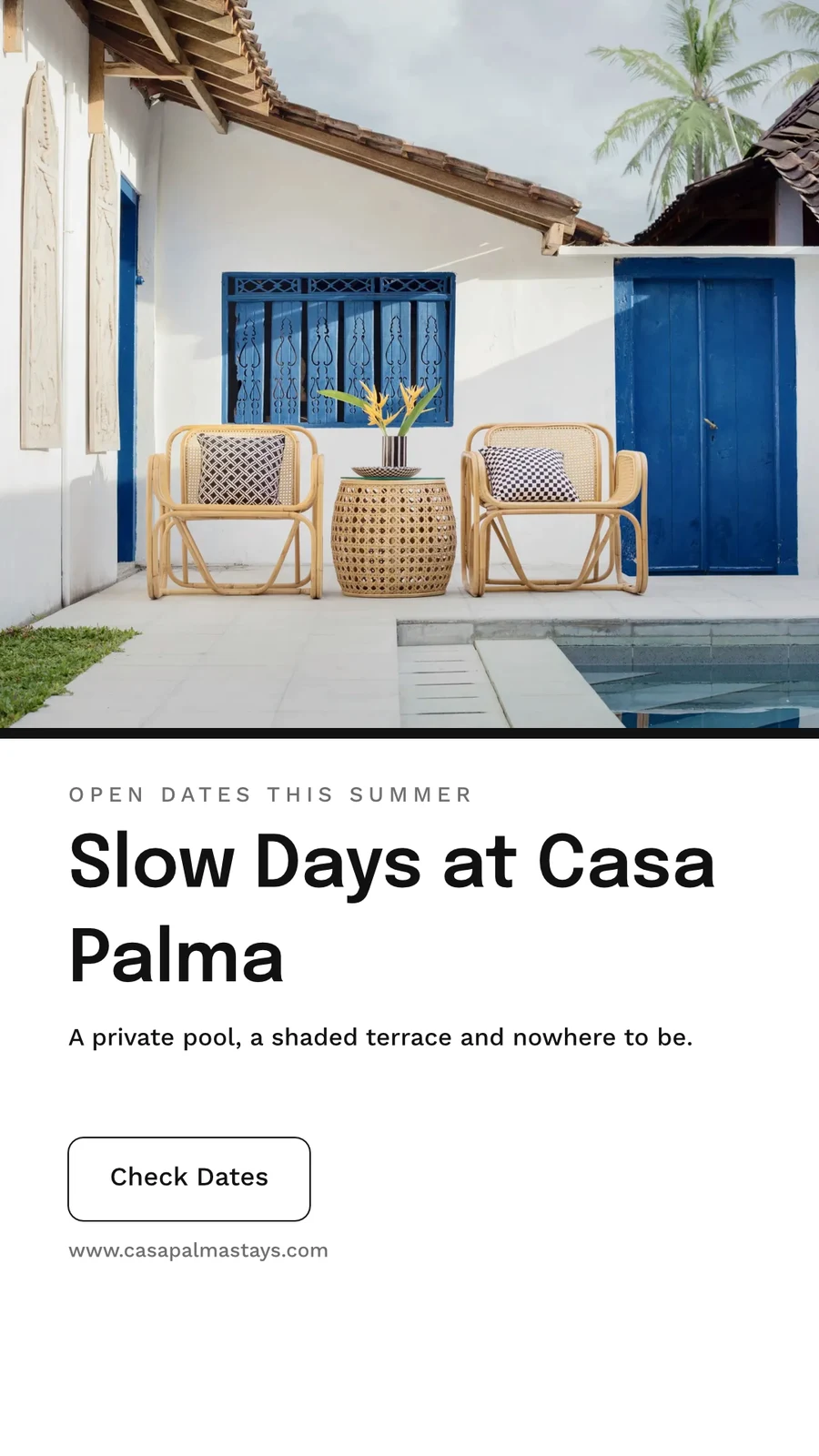

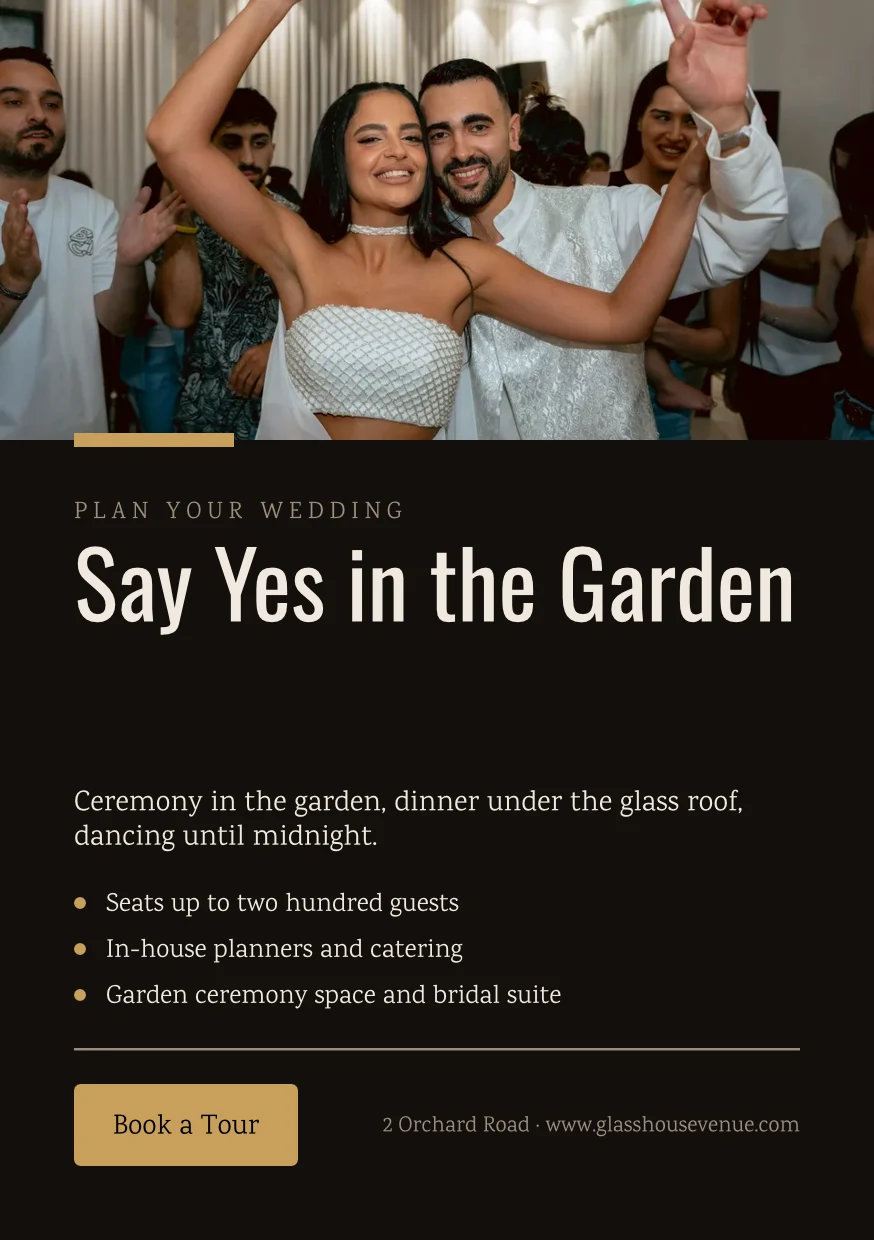
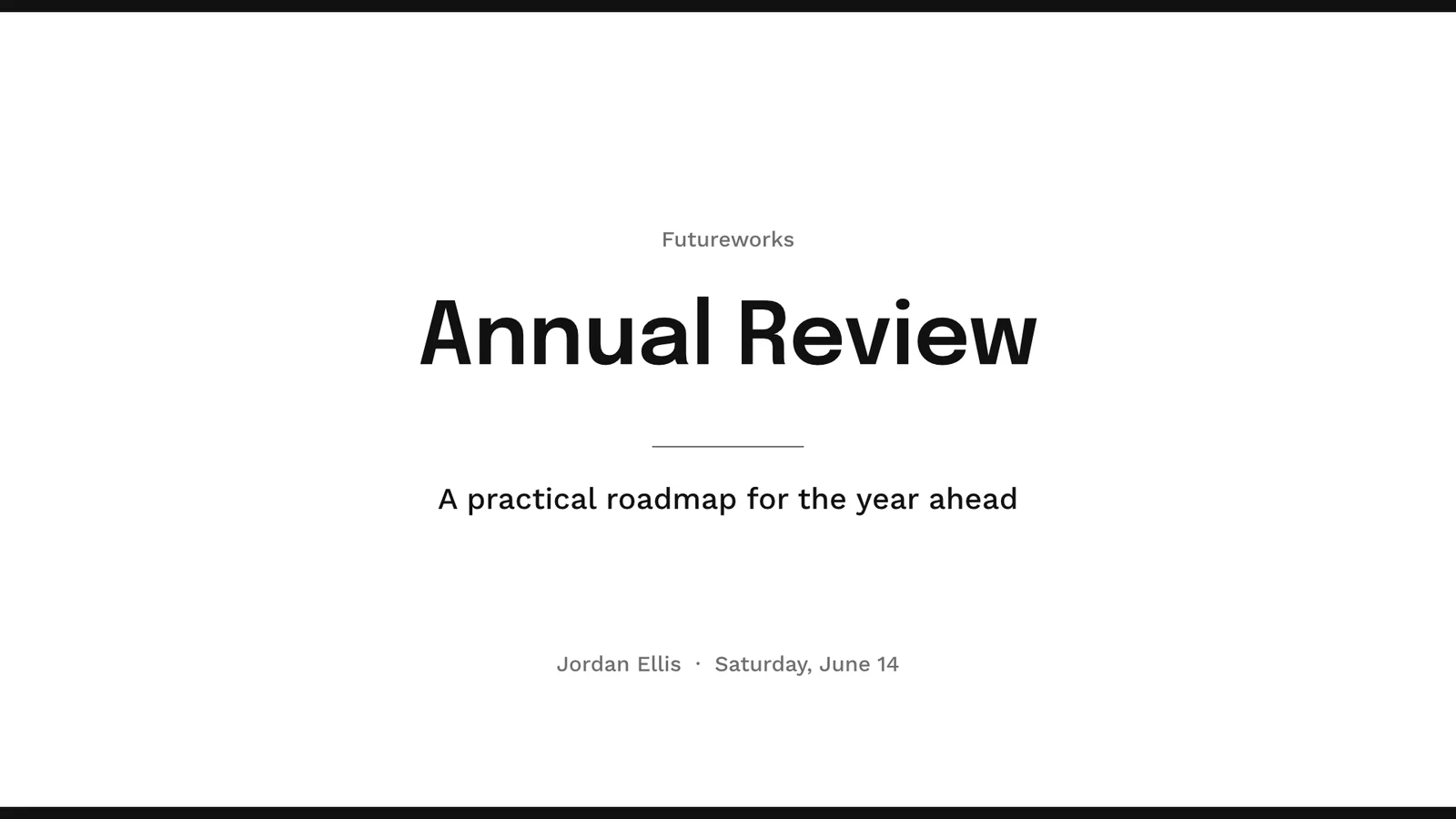
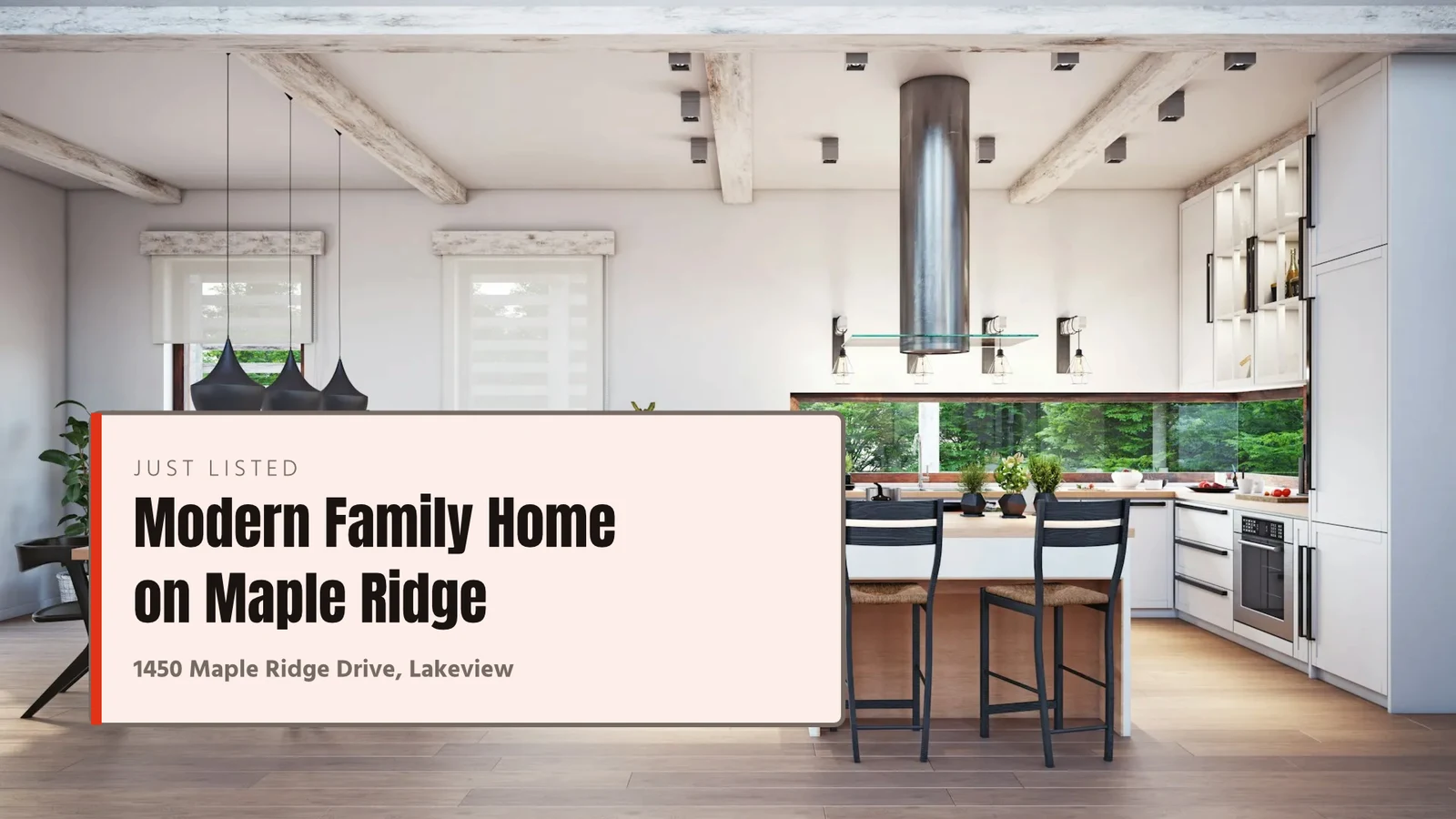




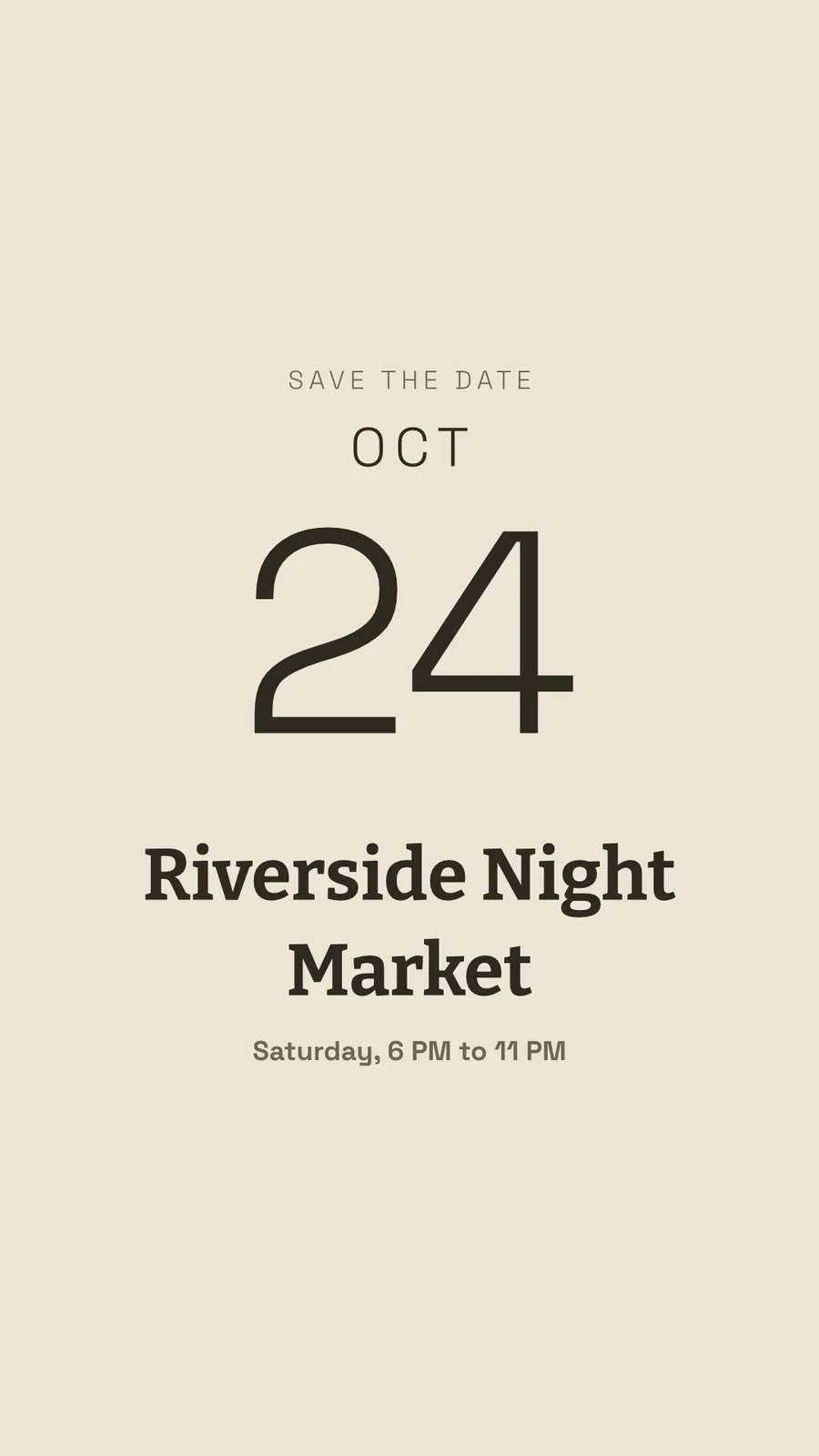
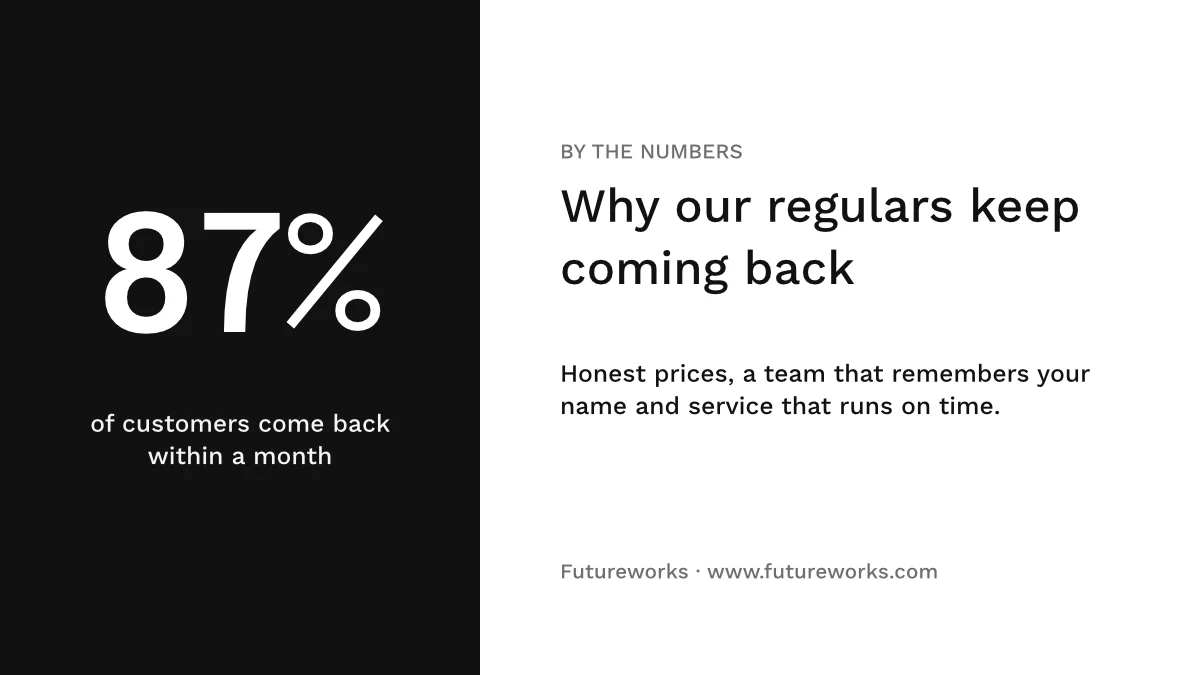

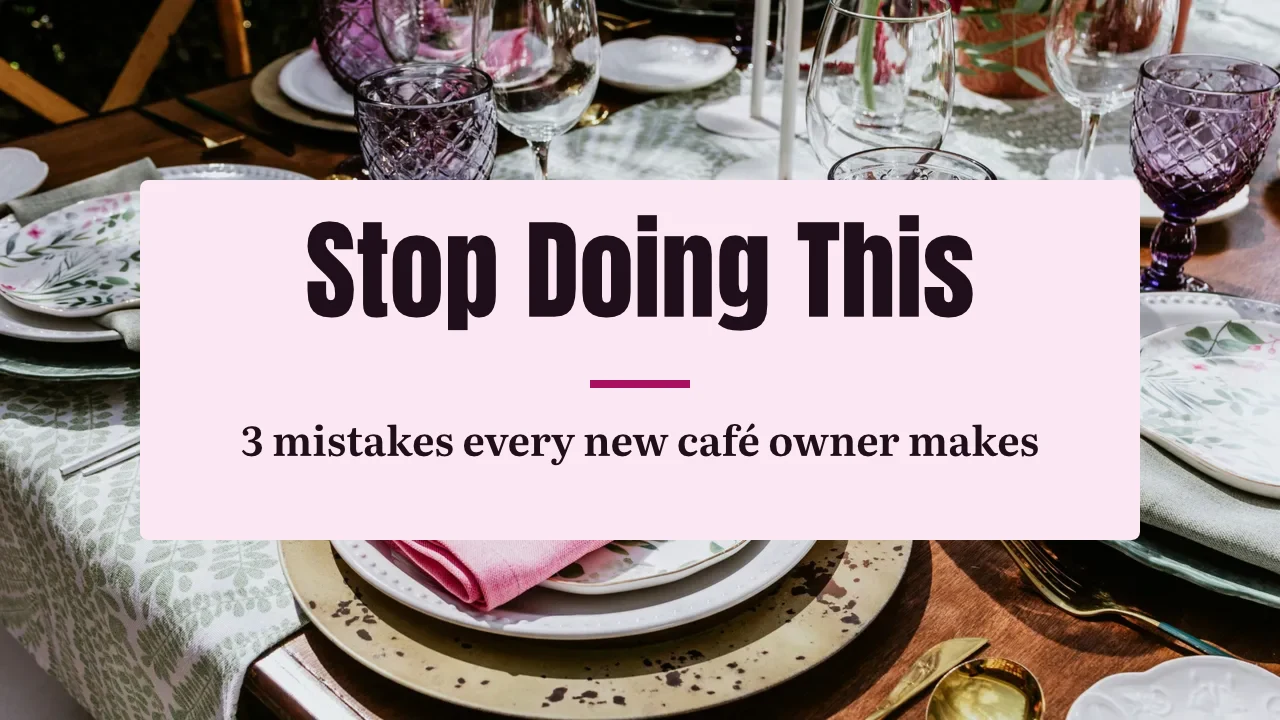
Κάθε σχεδιασμός, από το πρώτο πρότυπο έως την τύπωση
Κοινωνικές δημοσιεύσεις, εκτύπωση, βίντεο και οθόνες, στα μεγέθη του Calisto ή σε οποιοδήποτε μέγεθος ορίσετε εσείς.
Έναρξη
Ένα πρότυπο, ένα Theme ή ένα κενό μέγεθος.
Επεξεργασία
Λέξεις, φωτογραφίες, σχήματα και διαγράμματα, σε στρώματα.
Vector και Animate
Οδοί και κλειδιά πλαισίου στο ίδιο αρχείο.
Εκδόσεις
Πολλοί σχεδιασμοί από έναν.
Αποστολή
Εξαγωγή, εκτύπωση, μοιραστείτε ή παραδώστε.
Μαζί
Κοινή χρήση, ζωντανή και διατήρηση κάθε έκδοσης.
Λευκές πινάκους
Σημειώσεις με κόλλα πριν το σχεδιασμό.
Σε ένα τηλέφωνο
Αλλάξτε τις λέξεις και τις φωτογραφίες.
Ξεκινήστε από ένα πρότυπο, ένα Theme ή ένα κενό size
Τα Templates είναι οι τοποθετήσεις του Calisto σε κάθε Θέμα, φιλτραρισμένα ανά τύπο, βιομηχανία, ύφος και χρώματα. Ένα Θέμα ορίζει τα χρώματα, τις γραμματοσειρές και τα διαστήματα που φορά ένα σχεδιασμό. Ένα κενό μέγεθος ανοίγει στο ακριβές του artboard για social, εκτύπωση, βίντεο ή οθόνες, ή σε οποιοδήποτε πλάτος και ύψος ορίσετε.
Το Μάρκετ μου
Κάθε πρότυπο σχεδιασμένο στο κιτ μάρκας σας πριν επιλέξετε ένα.
Πρότυπα



Το Kit της Μάρκας
Χρώματα, γραμματοσειρές και λογότυπο, επεξεργασμένα στις Ρυθμίσεις του Studio και προσφερόμενα σε κάθε επιλογέα.
Ρυθμίσεις
Μόνο Μάρκα, Με Engage
Οι άνθρωποι χωρίς έδρα στο Studio χτίζουν μόνο με τη γραμματοσειρά, τα χρώματα και το Theme της μάρκας.

Τα δικά σας πρότυπα
Το Save as Template κρατά αντίγραφο του ανοιχτού σχεδιασμού· το Customize Template αλλάζει την εμφάνιση ενός προτύπου.
Πρότυπα
Περιγράψτε το
Πείτε τι χρειάζεστε σε μια πρόταση και τρεις σχεδιασμοί επιστρέφουν στο brand σας, για να διατηρηθούν ή να αποθηκευτούν ως πρότυπα.
Περιγράψτε το
Say what you need and Calisto makes three designs in your brand. Pick one to finish it.

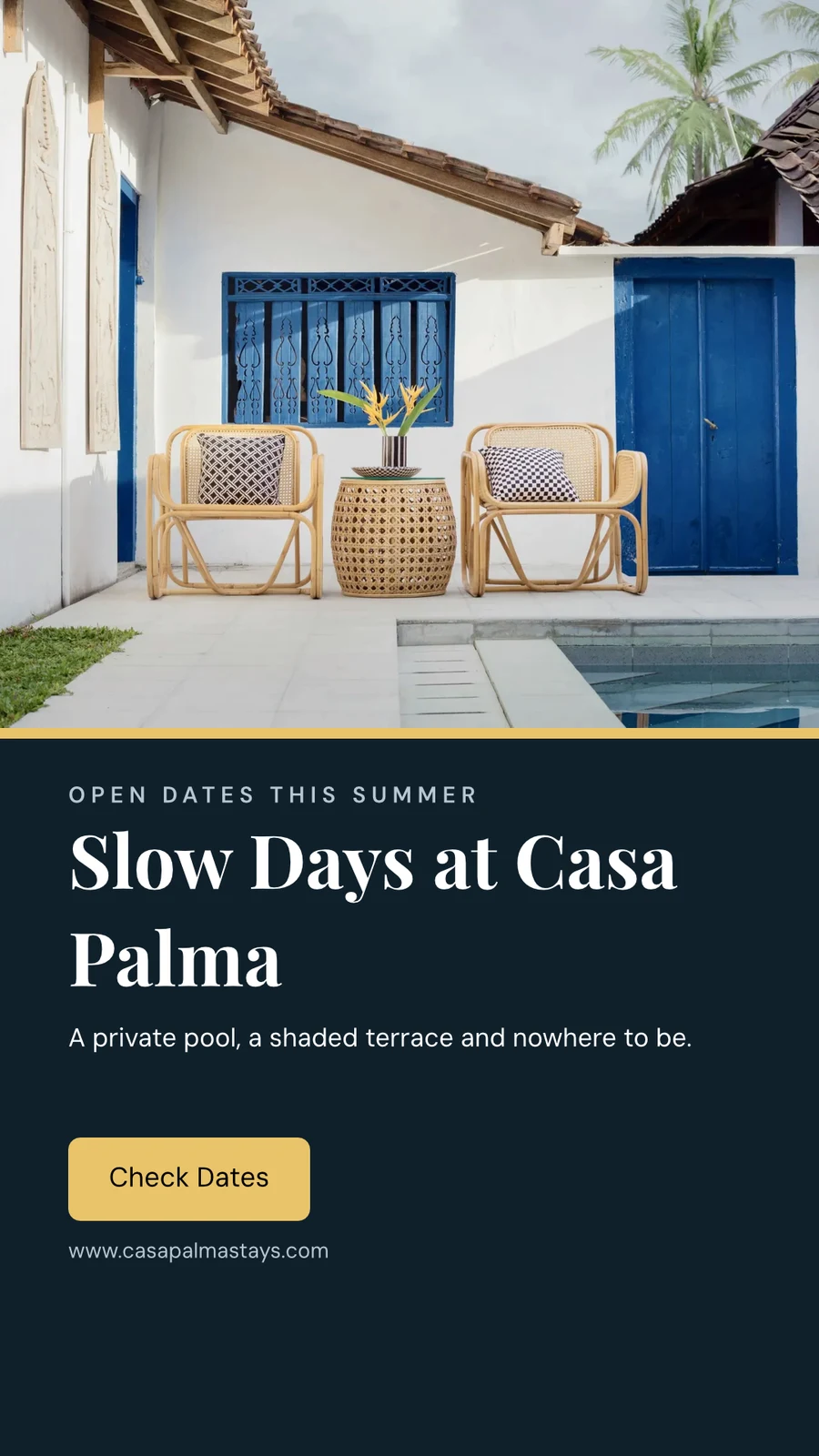
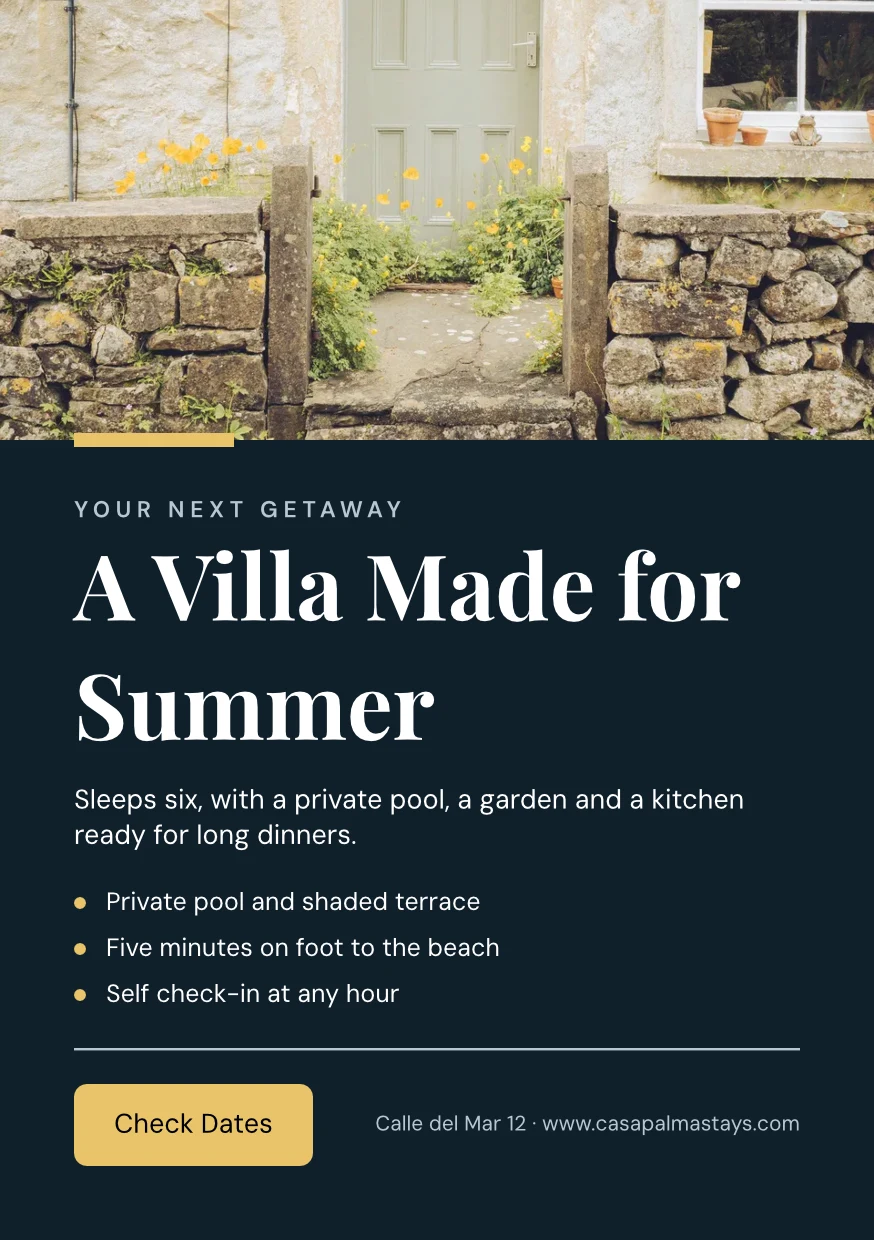
Από τον Ιστοσελίδα σας
Το σετ μάρκας σας διαβάζεται από τον ιστότοπό σας ή το PDF των οδηγιών μάρκας σας: τα χρώματά του, οι γραμματοσειρές και το λογότυπό του, αποθηκευμένα όταν το πείτε εσείς.
Ρυθμίσεις
Από τον Ιστοσελίδα σας

Κανόνες Μάρκας
Κρατήστε έναν σχεδιασμό στα χρώματα και τις γραμματοσειρές του μάρκα· το έλεγχο μάρκα ορίζει τι λείπει και τίποτα που δεν ανήκει στο μάρκα δεν εξαγγίζεται.
Πρότυπα
Αλλάξτε τις λέξεις, τις φωτογραφίες και την εμφάνιση
Προσθέστε λέξεις, φωτογραφίες, σχήματα, διαγράμματα, κωδικούς QR και δημιουργημένες εικόνες, και ορίστε τη γραμματοσειρά, το χρώμα και τη θέση του καθενός. Το Essentials διατηρεί τις καθημερινές ελέγχους· το Pro δείχνει όλα.
Ζωγραφίστε διανυσματικά και απαντήστε στο ίδιο αρχείο
Σχεδιάστε το δικό σας λογότυπο και τοπογραφία με μολύβι και ορίστε ένα σχέδιο που κινείται σε μια χρονολογική σειρά, στο ίδιο αρχείο. Και τα δύο ανοίγουν με μια θέση Δημιουργίας· τα έτοιμα κινούνται και τα εργαλεία σχημάτων είναι σε κάθε σχεδιασμό.
 ΦωτογραφίαΔικτυακό
Δημιουργήστε πολλές εκδόσεις από ένα σχεδιασμό
Το Bulk Create γεμίζει τα κενά κειμένου ενός σχεδίου από ένα CSV ή κολλημένες γραμμές, έως και 200 σχέδια σε μία εκτέλεση, και μια δεύτερη πατήματα δεν κάνει τίποτα δύο φορές. Το Copy & Resize τοποθετεί ξανά ένα σχέδιο σε άλλο μέγεθος και το αποθηκεύει ως νέο σχέδιο.
Αντιγραφή & Μετασχηματισμός
Ένα σχέδιο που διατάχθηκε ξανά σε άλλο μέγεθος, αποθηκευμένο ως νέο σχέδιο.
Αντιγραφή & Μετασχηματισμός
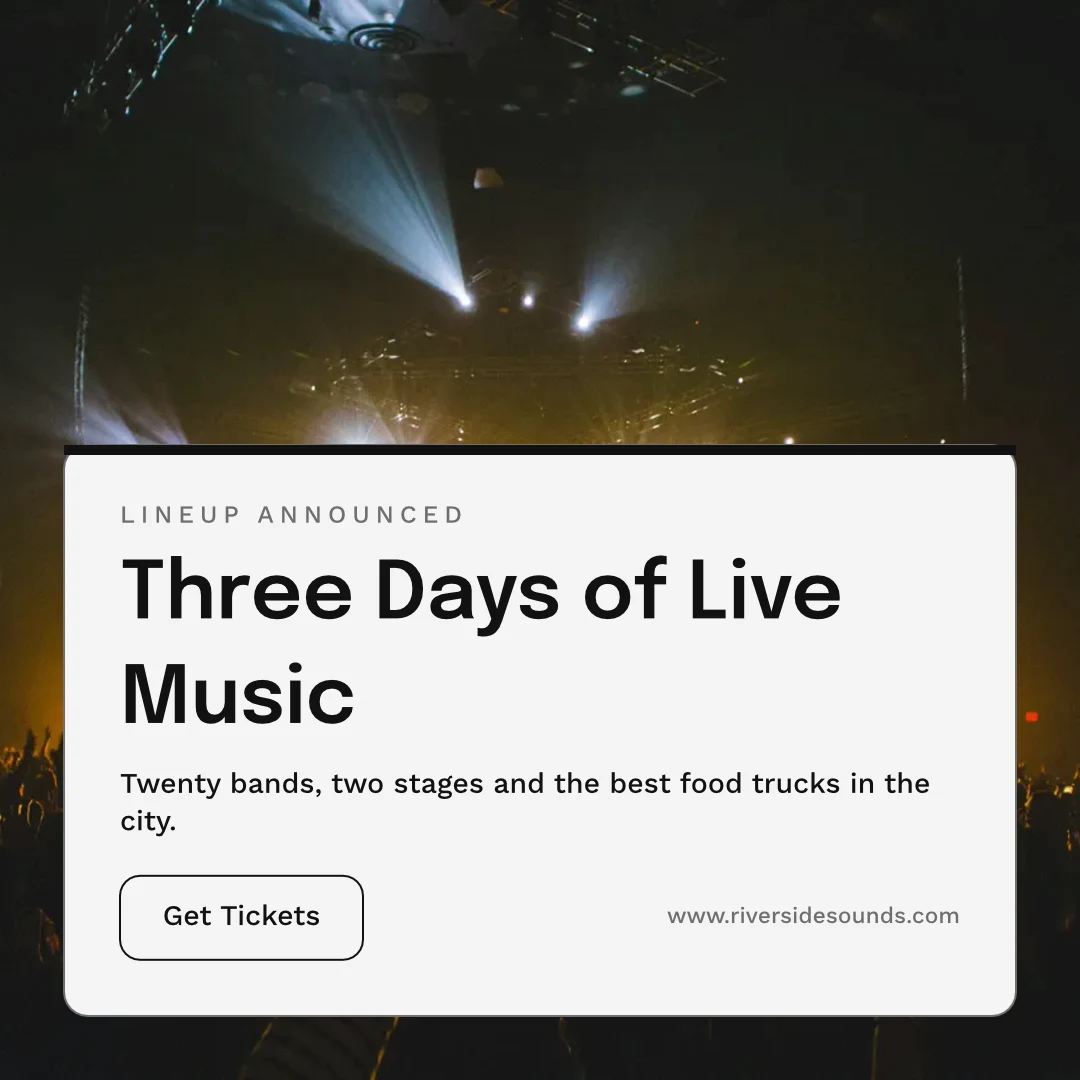
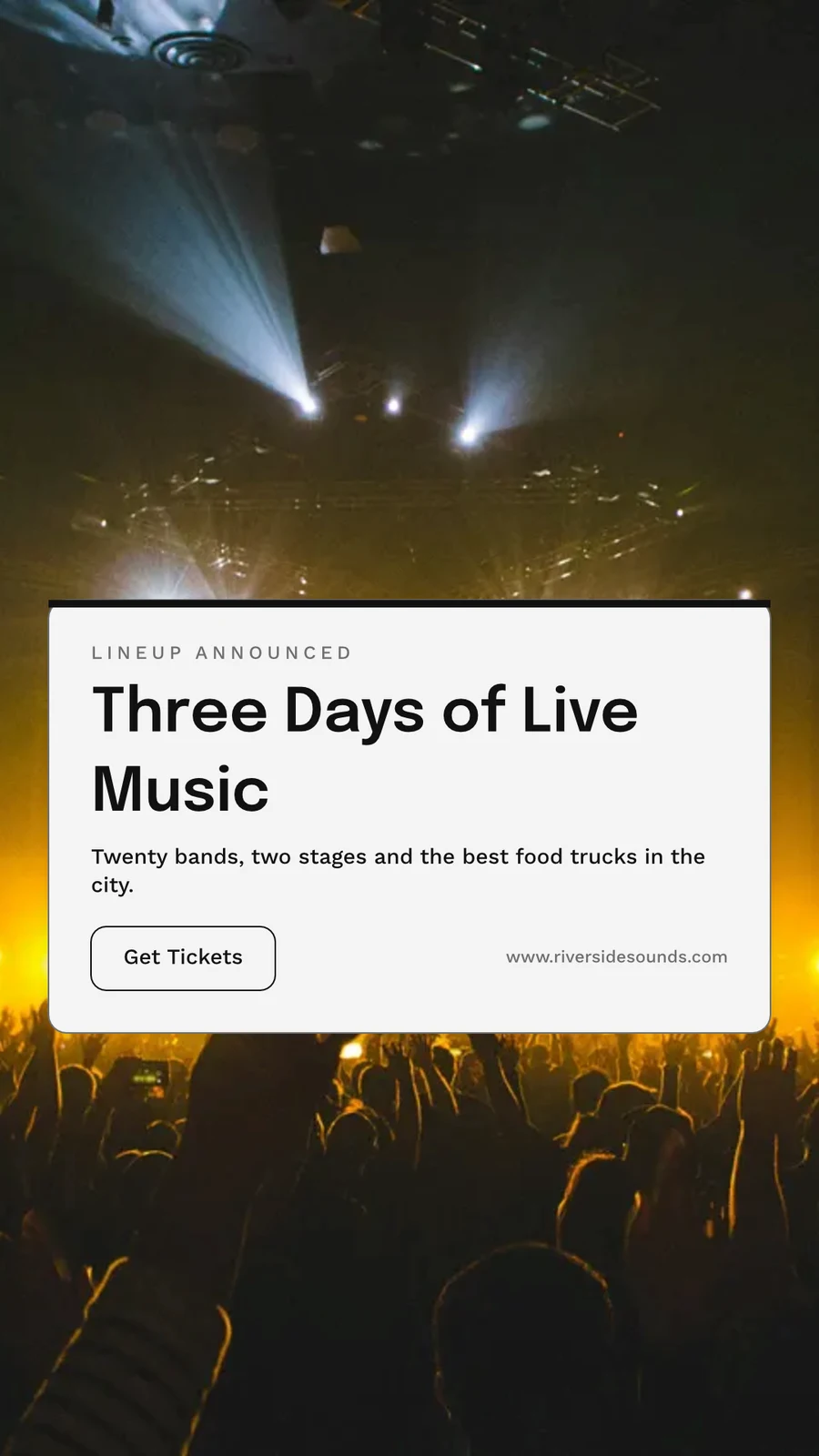
 Three Days of Live Music
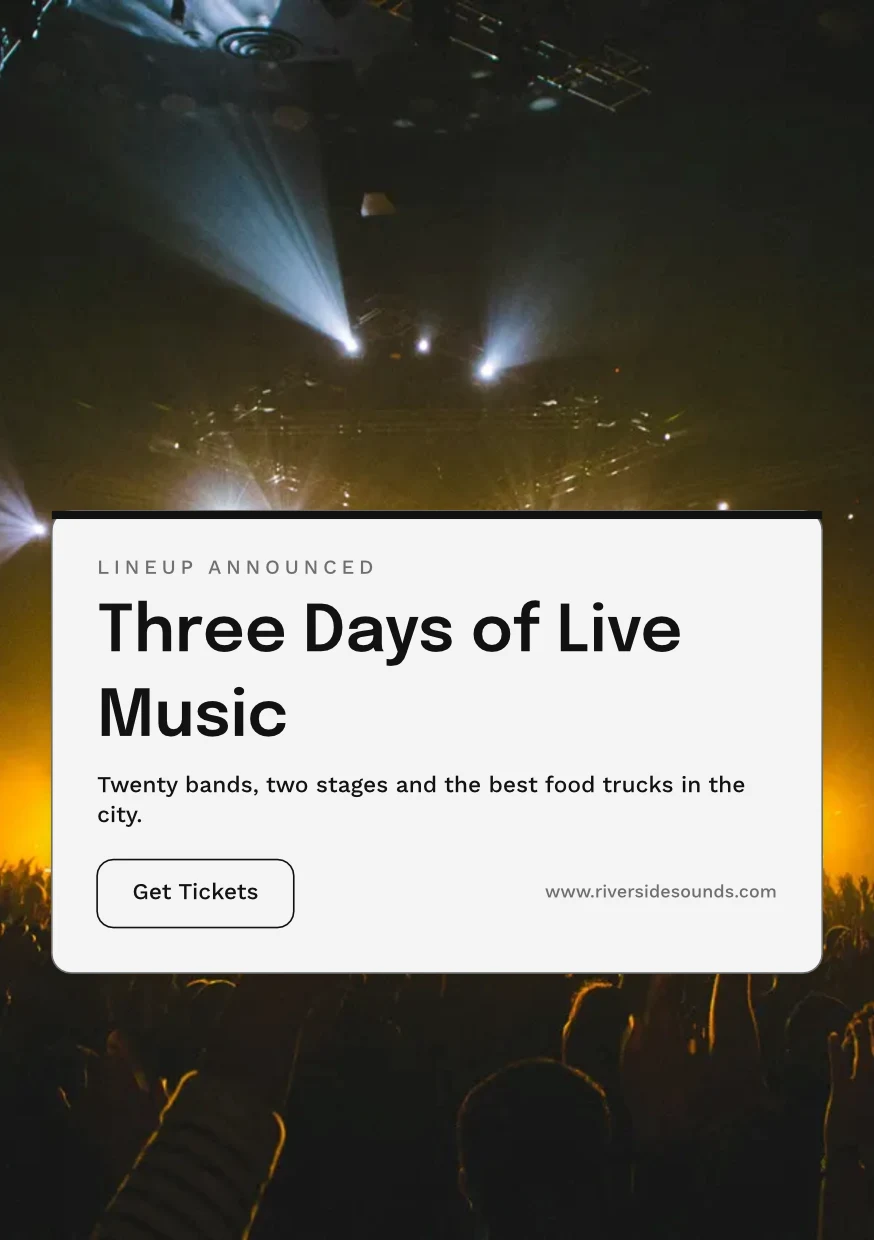
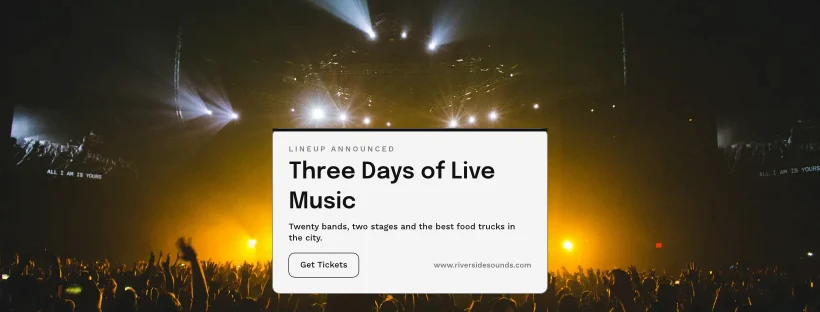
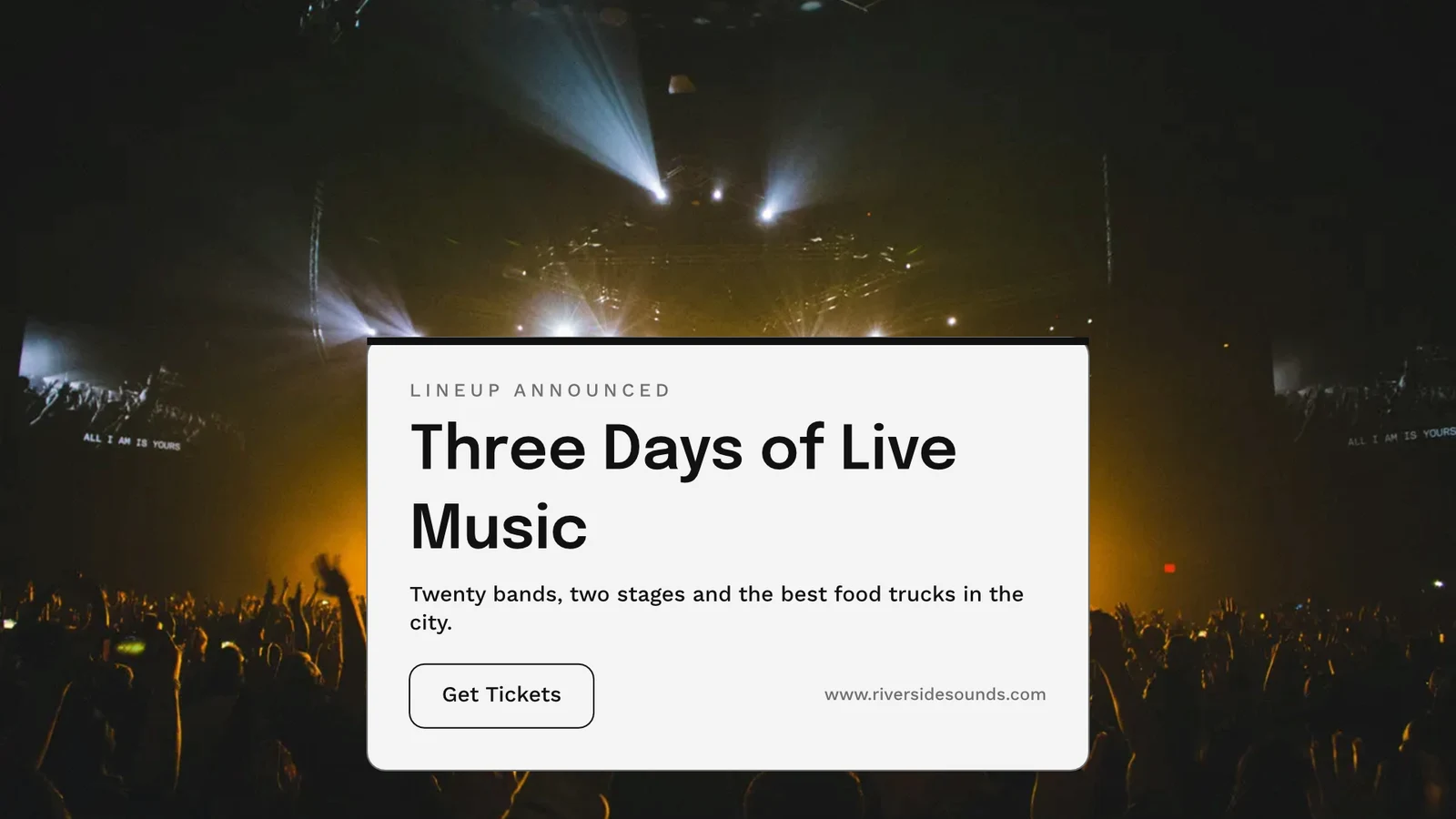
Εξαγωγή, εκτύπωση, διαμοιρασμός ή αποστολή σε άλλη εφαρμογή
PNG, JPG, SVG και PDF σε ανάλυση web ή εκτύπωσης, με περιθώρια κόψιμου και σήματα κοπής σε PDF εκτύπωσης, ή ένα PDF CMYK για την εκτύπωση. Ένας δημόσιος σύνδεσμος το δείχνει και το ενσωματώνει σε οποιαδήποτε ιστοσελίδα. Το στέλνουμε στην Εφαρμομή το μεταφέρει στην Εμφάνιση, στις Καμπάνιες ή στις Ιστοσελίδες. Οι Αναλυτικές Στοιχείων μετράνε τα σχεδιασμένα έργα, τις εξαγωγές ανά μορφή και τους ζωντανούς δημόσιους συνδέσμους.
Εξαγωγή
PNG, JPG, SVG και PDF σε ανάλυση web ή εκτύπωσης, με διαφανές φόντο, και κάθε εξαγωγή διατηρείται για επανέξαγωγή.
Εξαγωγή και Κοινή χρήση
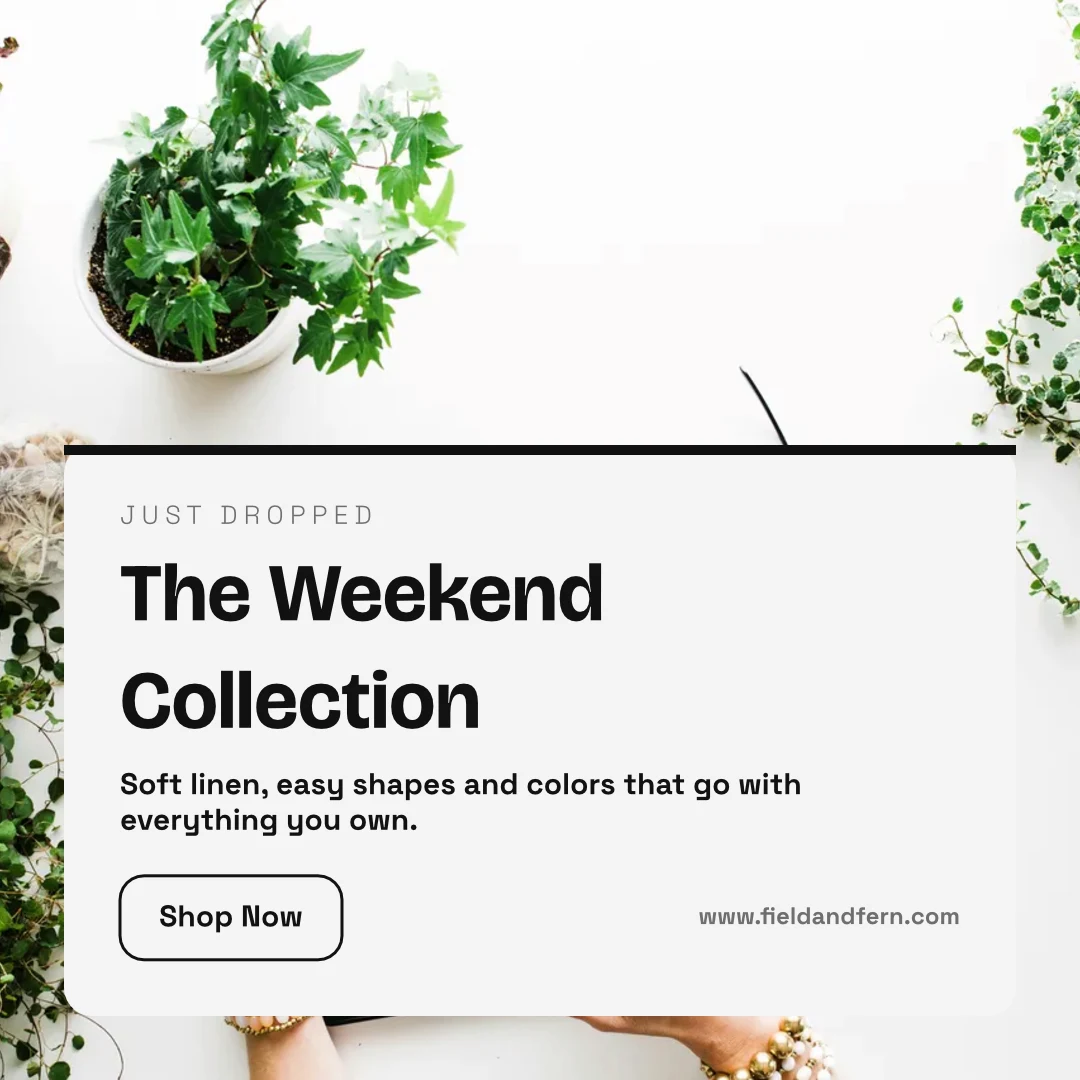
The Weekend Collection · 1080 × 1080 px
Μορφή
Δημόσιος Σύνδεσμος και Εμφύτευση
Ένας σύνδεσμος που δείχνει το σχέδιο, το αναπαράγει αν κινείται και ενσωματώνεται σε οποιαδήποτε ιστοσελίδα, με τον δικό του QR κωδικό.
Repairs Done Right
 Κατέβασμα
Δημόσιος Σύνδεσμος
https://studio.calistoco.com/p/design/k7Qm2xW9rTΕνσωμάτωση σε Σελίδα
<iframe src="https://studio.calistoco.com/p/design/k7Qm2xW9rT" width="1080" height="1080" style="border:0" loading="lazy"></iframe>Κωδικός QR
Εκτύπωση ή προβολή προσωπικά214 σάρωσειςΑποστολή στην Εφαρμογή
Αποστείλτε το στην Εμφάνιση για τις οθόνες σας, σε ένα νέο email στις Καμπάνιες, ή στα αρχεία ενός ιστοτόπου στις Ιστοσελίδες.
Εξαγωγή και Κοινή χρήση
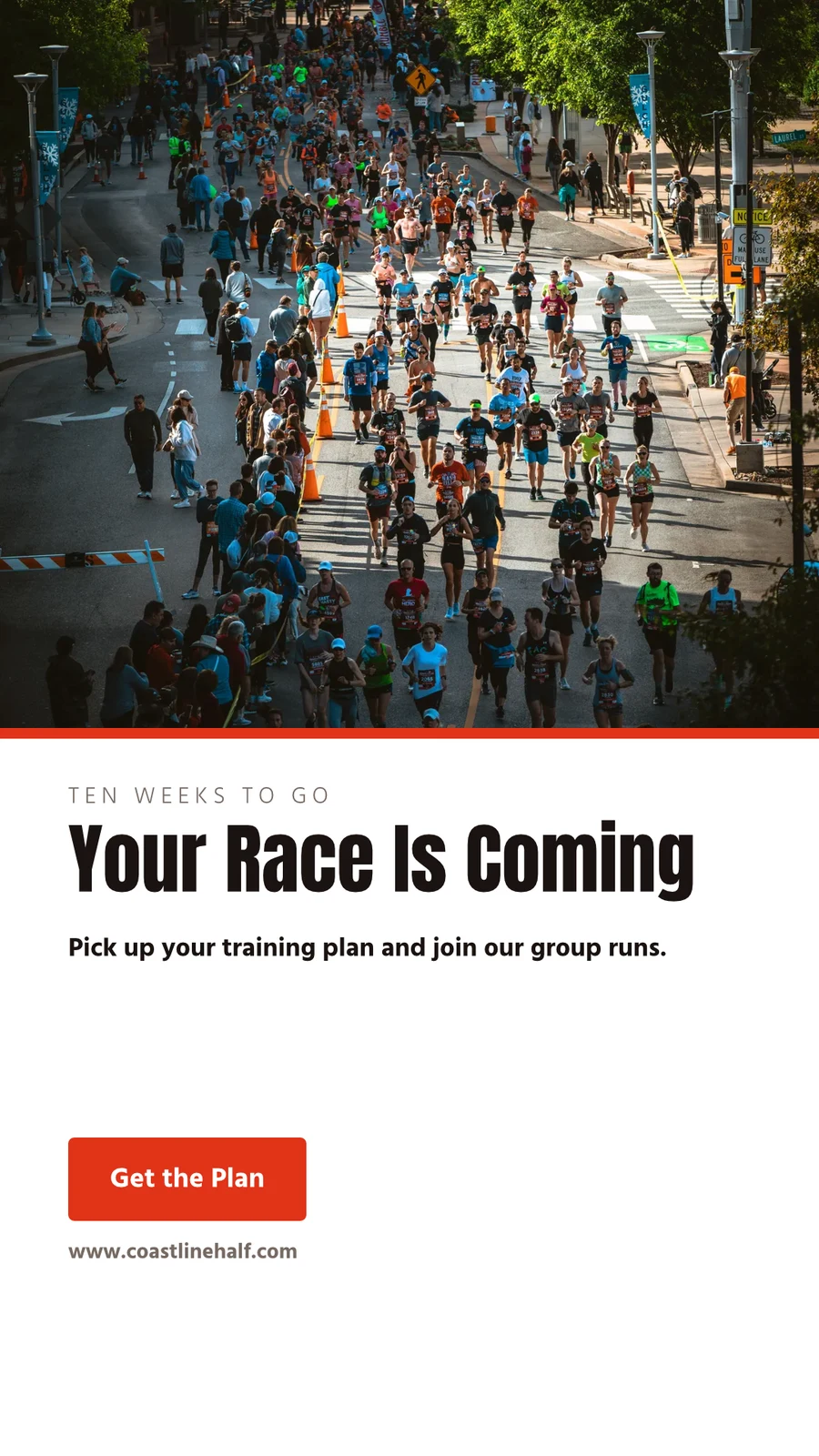
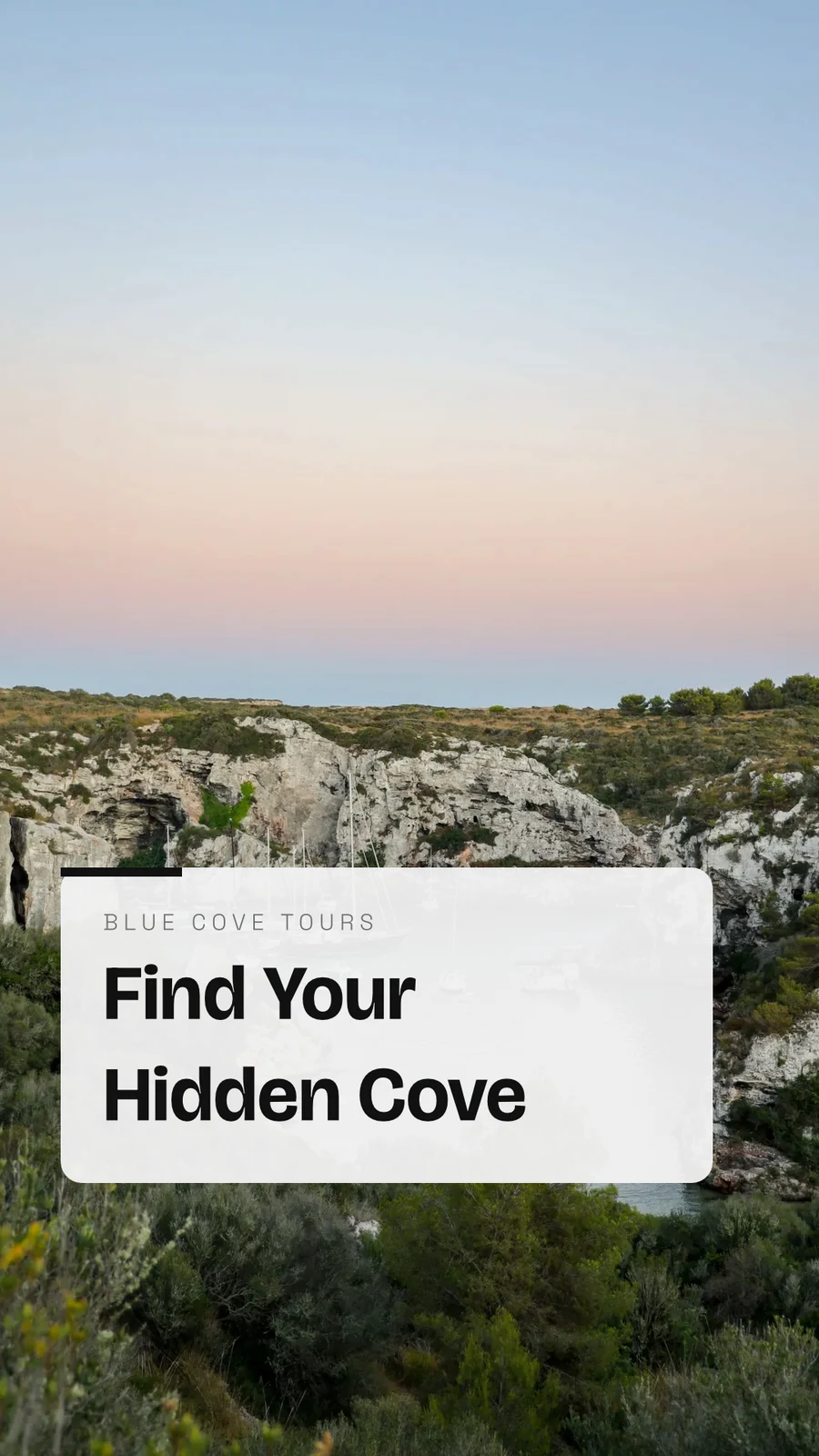
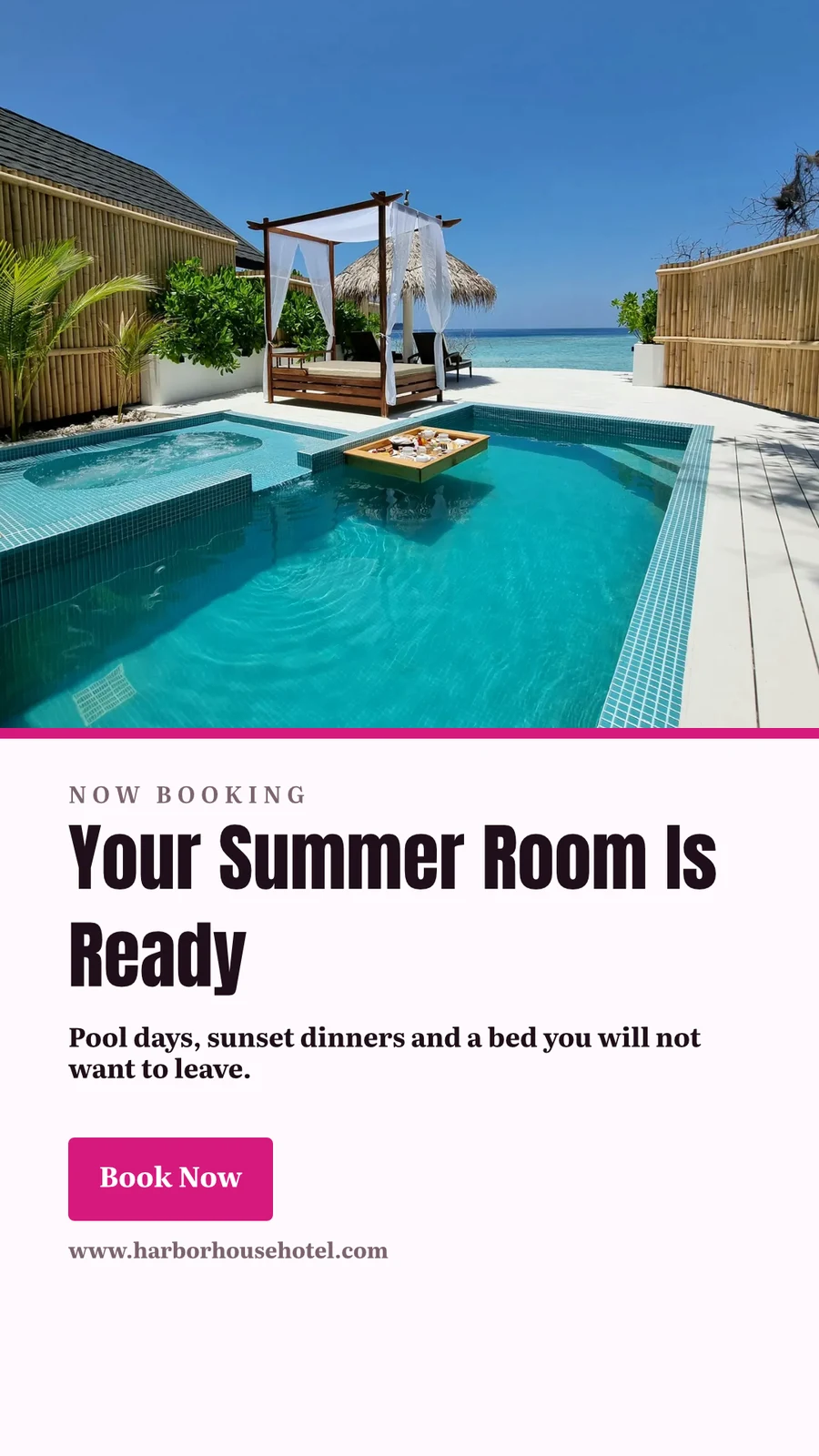
Your Summer Room Is Ready · 1080 × 1920 px
Send to app
Παραδώστε αυτό το σχέδιο σε άλλη εφαρμογή Calisto για τοποθέτηση εκεί.Δημιουργία Βίντεο, Με Κλιπ
Κάθε σελίδα ένα κλιπ με την κίνησή του, μετά τίτλοι, μουσική, υπότιτλους και ένα αρχείο MP4.
GIF και Animated WebP
Για ένα σχεδιασμό που κινείται, κάθε σελίδα για το δικό της μήκος.
Εξαγωγή και Κοινή χρήση
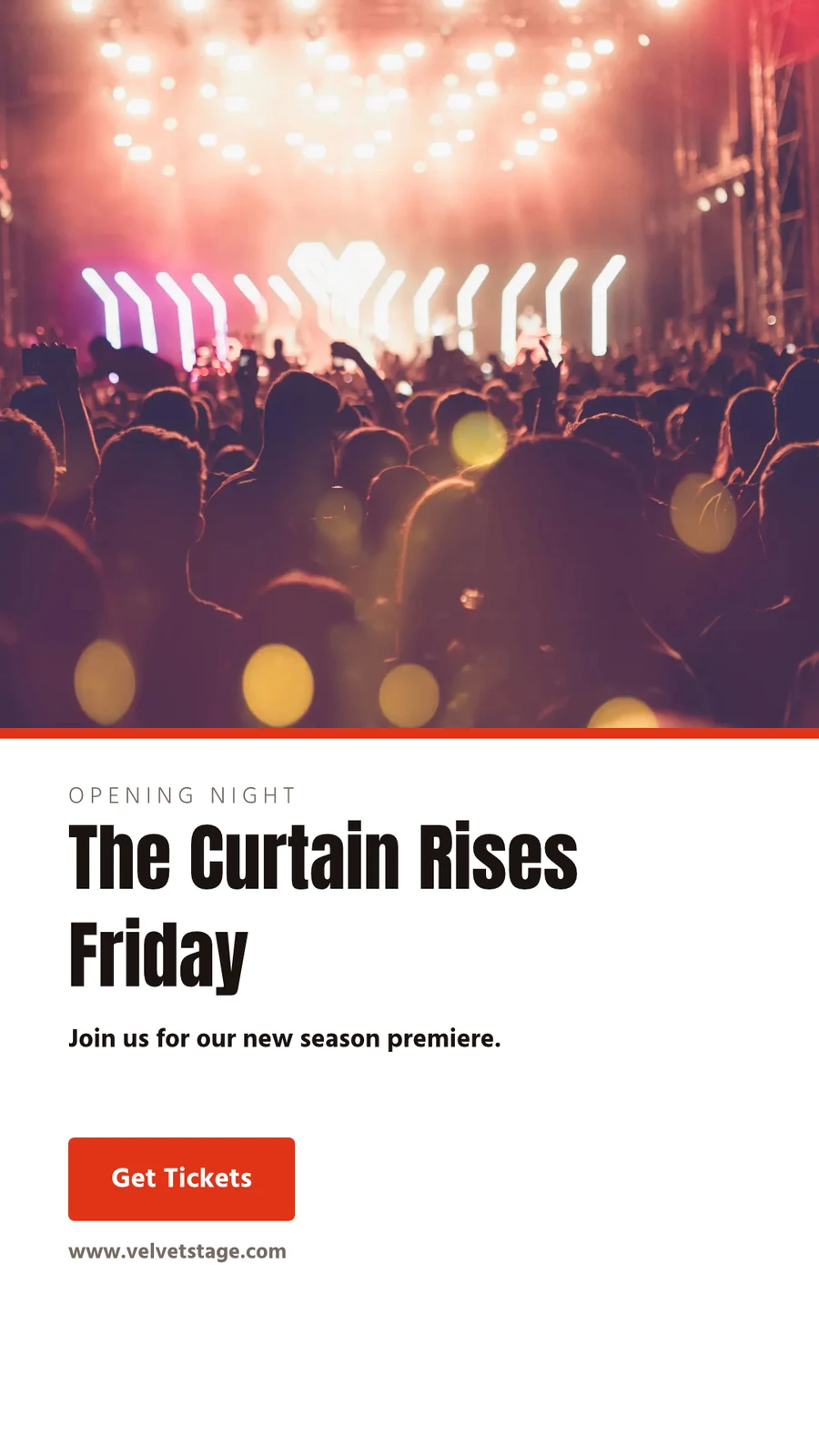
The Curtain Rises Friday · 1080 × 1920 px
Μορφή
Εκτύπωση
Κόψιμο, ροή, σήματα καλλιέργειας και ασφαλής περιθώριο στην Εισαγωγή Εκτύπωσης, και το σχεδιασμό εκτυπώνεται χωρίς την εφαρμογή γύρω από αυτό.
PDF για Εκτύπωση (CMYK)
Μετατρέπεται σε CMYK στο δικό σας συσκευή, με το προφίλ του τυπογραφείου σας όταν σας το δώσει.
Εξαγωγή και Κοινή χρήση
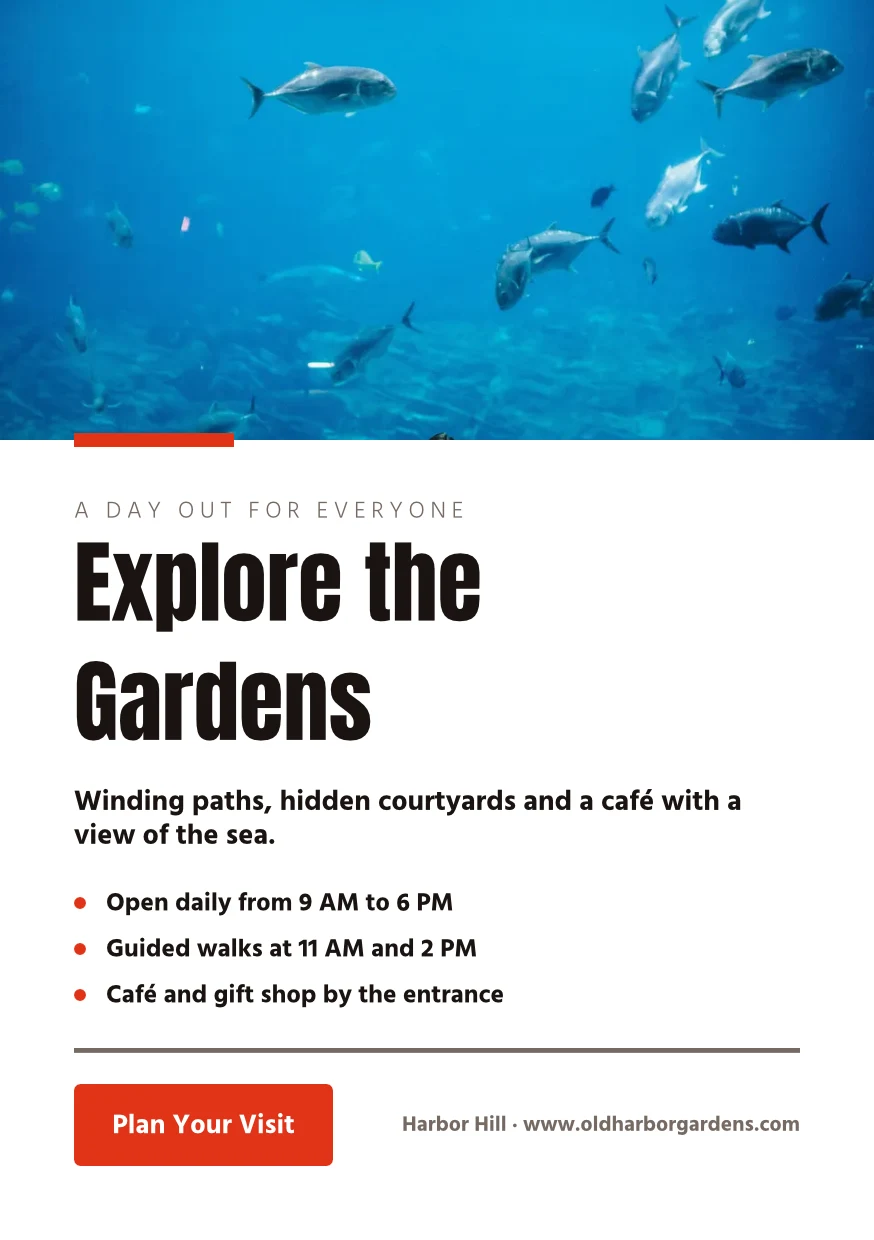
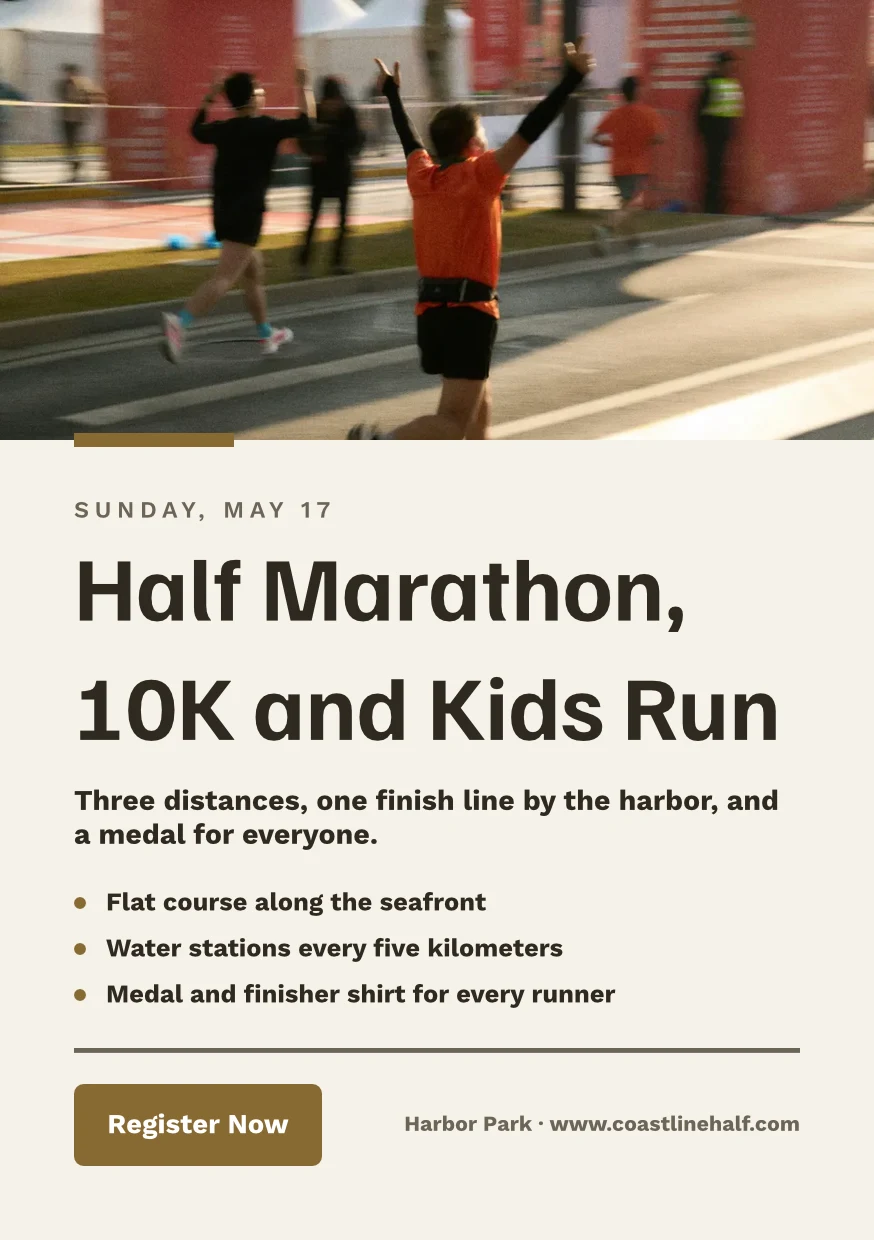
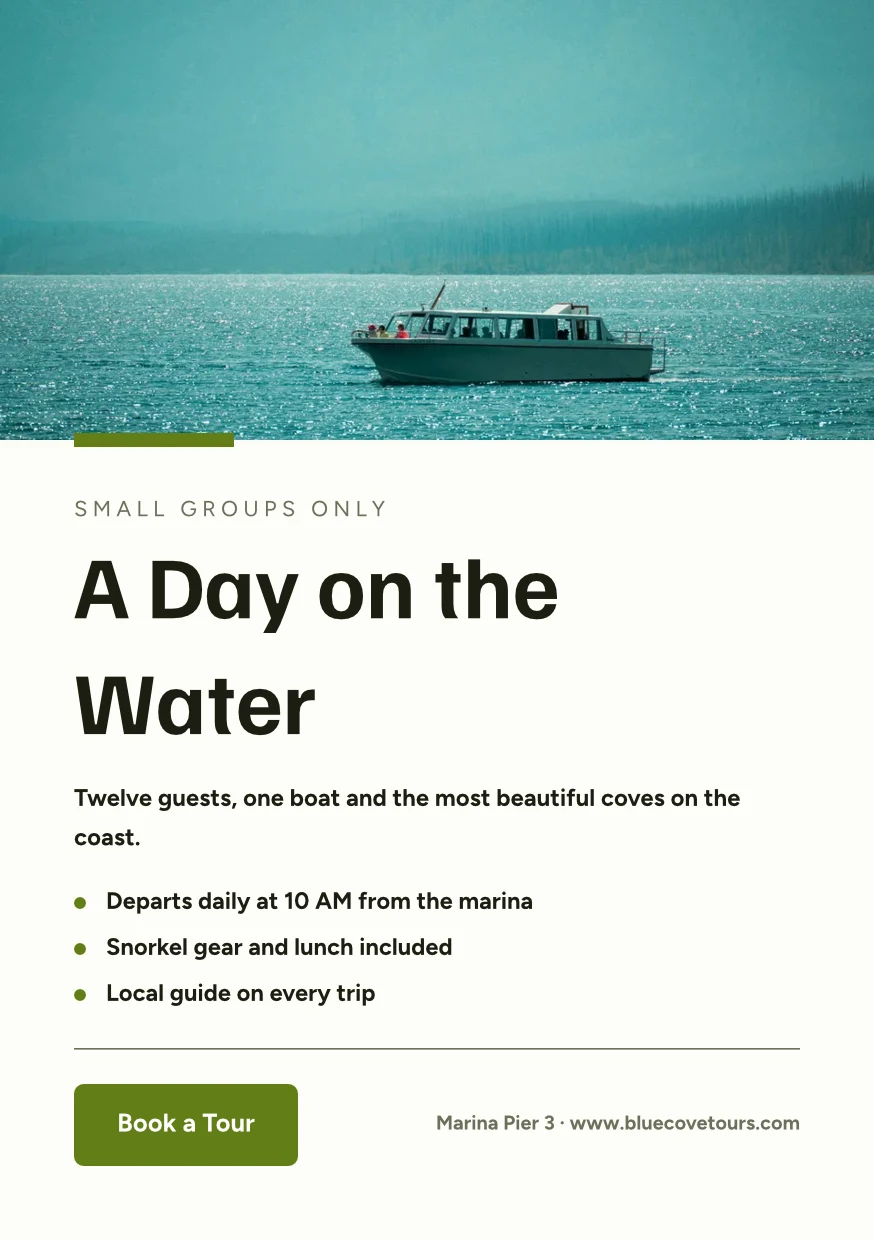
Find the Right Space · 874 × 1240 px
Μορφή
Προφίλ Τυπογράφου
Druckerei Weber Coated.icc2.1 MBΤα χρώματα μετατρέπονται για το Druckerei Weber Coated.icc, διαβάζεται σε αυτή τη συσκευή και δεν ανεβαίνει.Εργαστείτε σε ένα σχέδιο μαζί και κρατήστε κάθε εκδοχή
Μοιραστείτε ένα σχεδιασμό με ένα άτομο ως Can view, Can comment ή Can edit. Όλοι οι συμμετέχοντες εμφανίζονται και δύο άτομα σε διαφορετικές σελίδες ποτέ δεν αντικαθιστούν το ένα το άλλο. Κάθε αποθήκευση διατηρεί την προηγούμενη έκδοση και οποιαδήποτε έκδοση μπορεί να αποκατασταθεί. Οι Hubs ομαδοποιούν τους σχεδιασμούς με τα άλλα αρχεία της επιχείρησης.
Κοινή Κοινή Επεξεργασία
Κοινοποιήστε ως Can view, Can comment ή Can edit, και δείτε όλους στο σχεδιασμό καθώς εργάζονται.
Μοιραστείτε «Close With Confidence»
Σχόλια στη Σελίδα
Βάλτε ένα πιόνι όπου θα πάει η αλλαγή, αναφέρετε έναν συνάδελφο ή περάστε του το νήμα, και λυθείτε όταν ολοκληρωθεί.
 12345
Αποστολή για έγκριση
Σε έναν συνάδελφο, ο οποίος αποφασίζει στις «Εγκρίσεις», ή ως σύνδεσμο που απαντά ο πελάτης σας χωρίς λογαριασμό.
Brand Photos That Sell
Approve This Design
Northlight Studio · Γύρος 2Μήνυμα
Η νέα φωτογραφία λειτουργεί. Εγκρίθηκε στο 18 500 kr που συμφωνήσαμε, παρακαλώ στείλτε την για εκτύπωση.Ιστορικό εκδόσεων
Κάθε αποθήκευση διατηρεί την προηγούμενη έκδοση και οποιαδήποτε έκδοση μπορεί να αποκατασταθεί.
Ιστορικό εκδόσεων
Uma Cópia Que Segue
Το αντίγραφο κάθε τοποθεσίας διατηρεί τα μέρη που κλειδώνει το πρωτότυπο και υιοθετεί τις αλλαγές του.
Βιβλιοθήκη
Τα σχέδιά σας, τα θέματα και τα πρότυπα σε ένα πλέγμα, τα νεότερα πρώτα.
Βιβλιοθήκη
Everything you have made: your designs, your themes and your templates.
Αναθέστε στο Έργο
Ένα σχέδιο μεταφέρεται σε ένα πελατικό έργο από τα Σχεδιαστικά ή τον επεξεργαστή.
Σχεδιασμοί
 A Brand People RememberΔημοσίευση στο Instagram · Επεξεργασμένο Πριν από 12 λεπτά
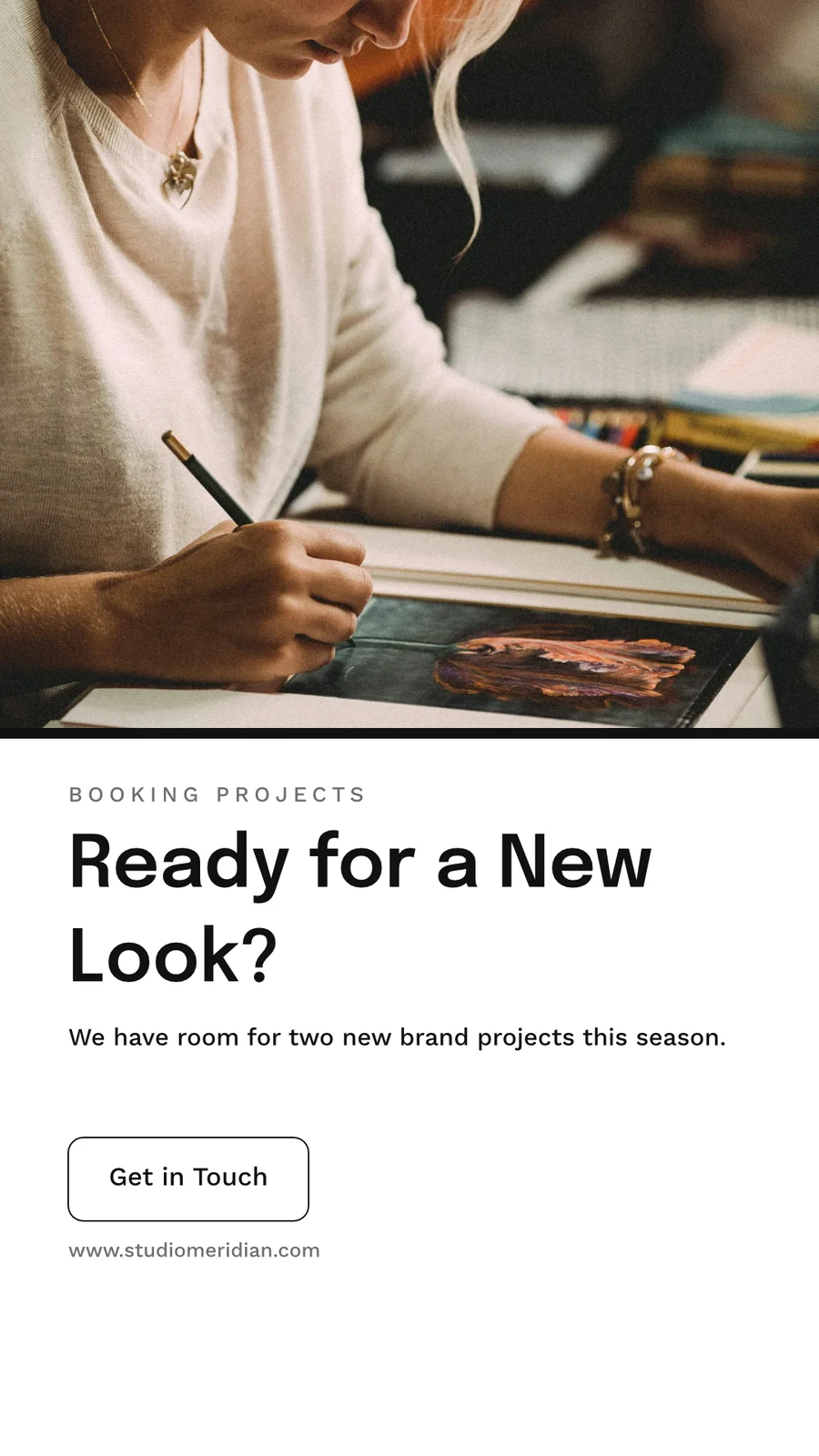
 Ready for a New Look?Ιστορία Instagram · Επεξεργασμένο Πριν από 1 ώρα
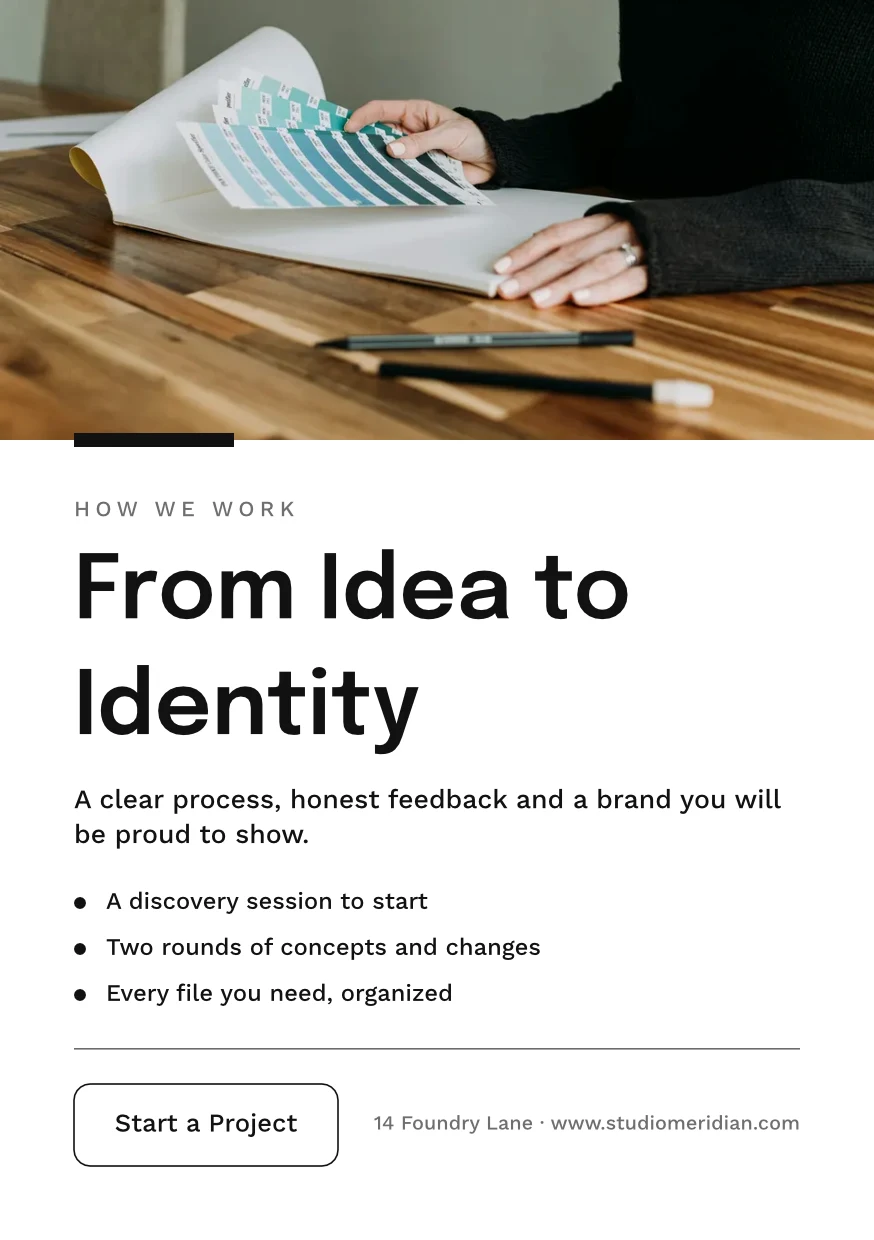
 From Idea to IdentityA5 Portrait · Επεξεργασμένο Χθες
 Studio Meridian Page CoverFacebook Cover · Επεξεργασμένο Πριν από 2 ημέρες
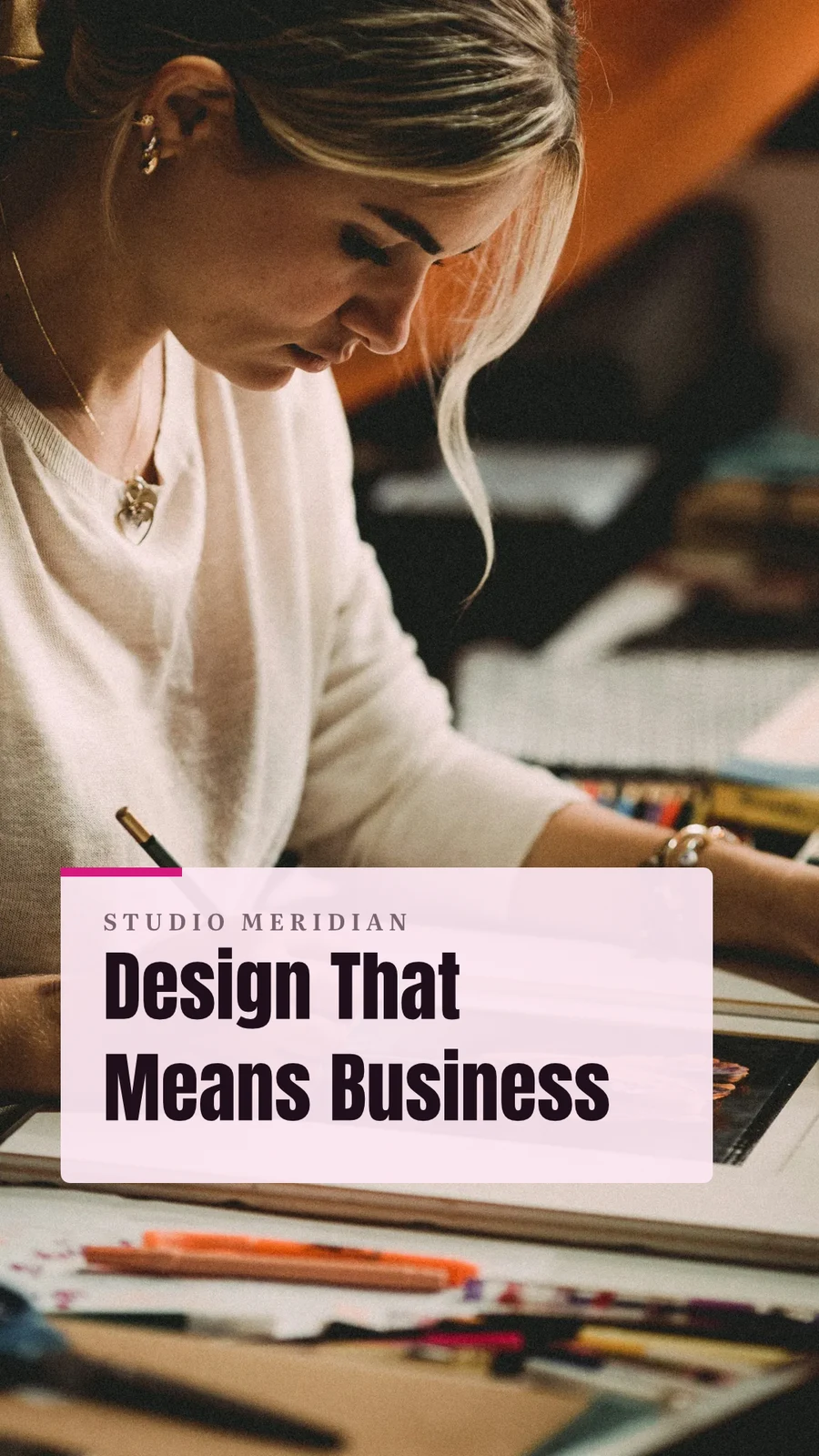
 Design That Means BusinessVertical Video (9:16) · Επεξεργασμένο Την προηγούμενη εβδομάδα
Αναθέστε στο Έργο
Απορρίμματα για 30 Ημέρες
Στη συνέχεια διαγράφηκε με όσα περιέχει.
Σχεδιασμοί
Designs you move to Trash stay here until you restore them or delete them forever.
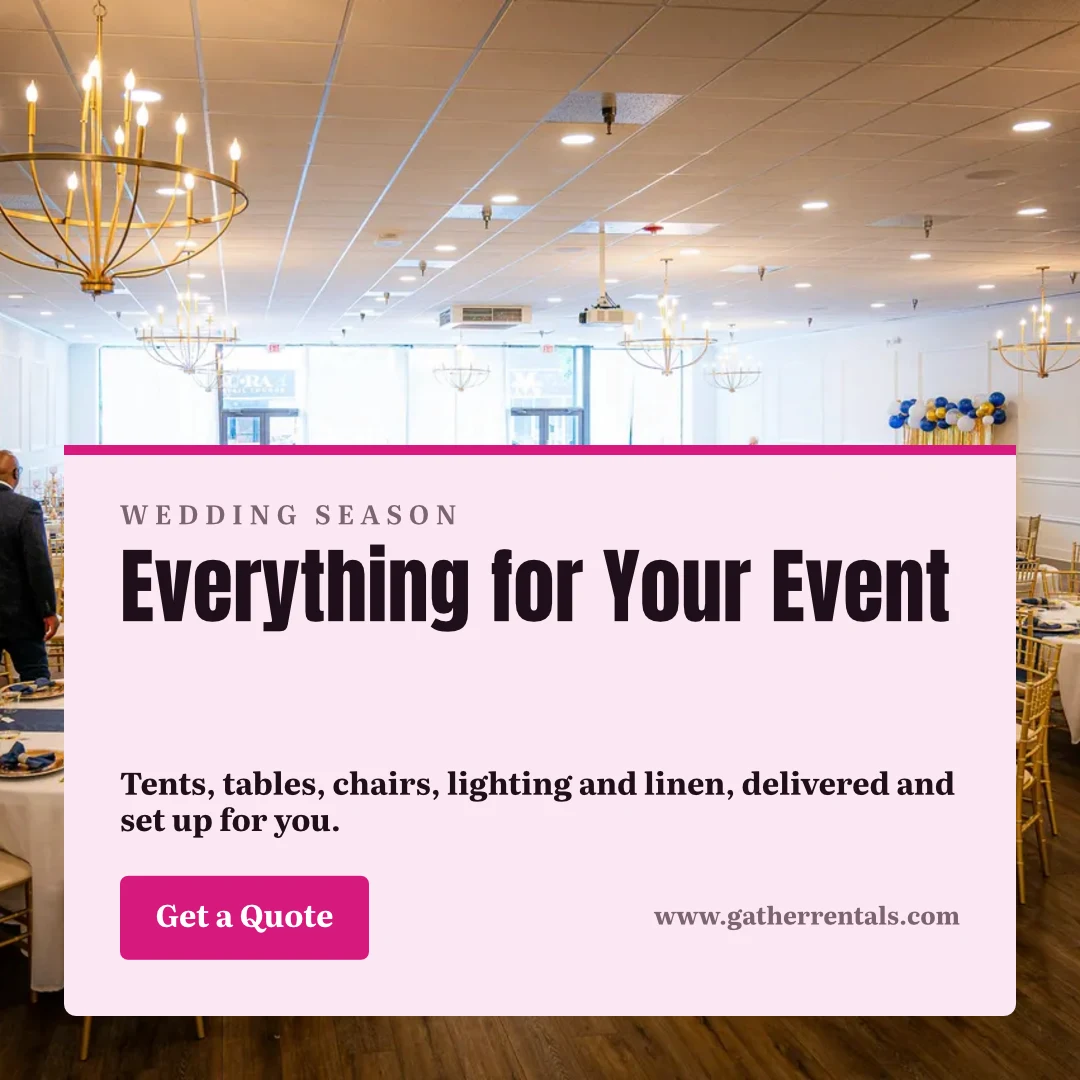
 Everything for Your EventΔημοσίευση στο Instagram · Επεξεργασμένο Πριν από 12 λεπτάΑποκατάστασηΔιαγραφή για πάντα
 Summer Dates Fill FastΙστορία Instagram · Επεξεργασμένο Πριν από 1 ώραΑποκατάστασηΔιαγραφή για πάντα
 Your Event, Fully FurnishedA5 Portrait · Επεξεργασμένο ΧθεςΑποκατάστασηΔιαγραφή για πάντα
 Gather Event Rentals Page CoverFacebook Cover · Επεξεργασμένο Πριν από 2 ημέρεςΑποκατάστασηΔιαγραφή για πάντα
 From Empty Field to PartyVertical Video (9:16) · Επεξεργασμένο Την προηγούμενη εβδομάδαΑποκατάστασηΔιαγραφή για πάντα
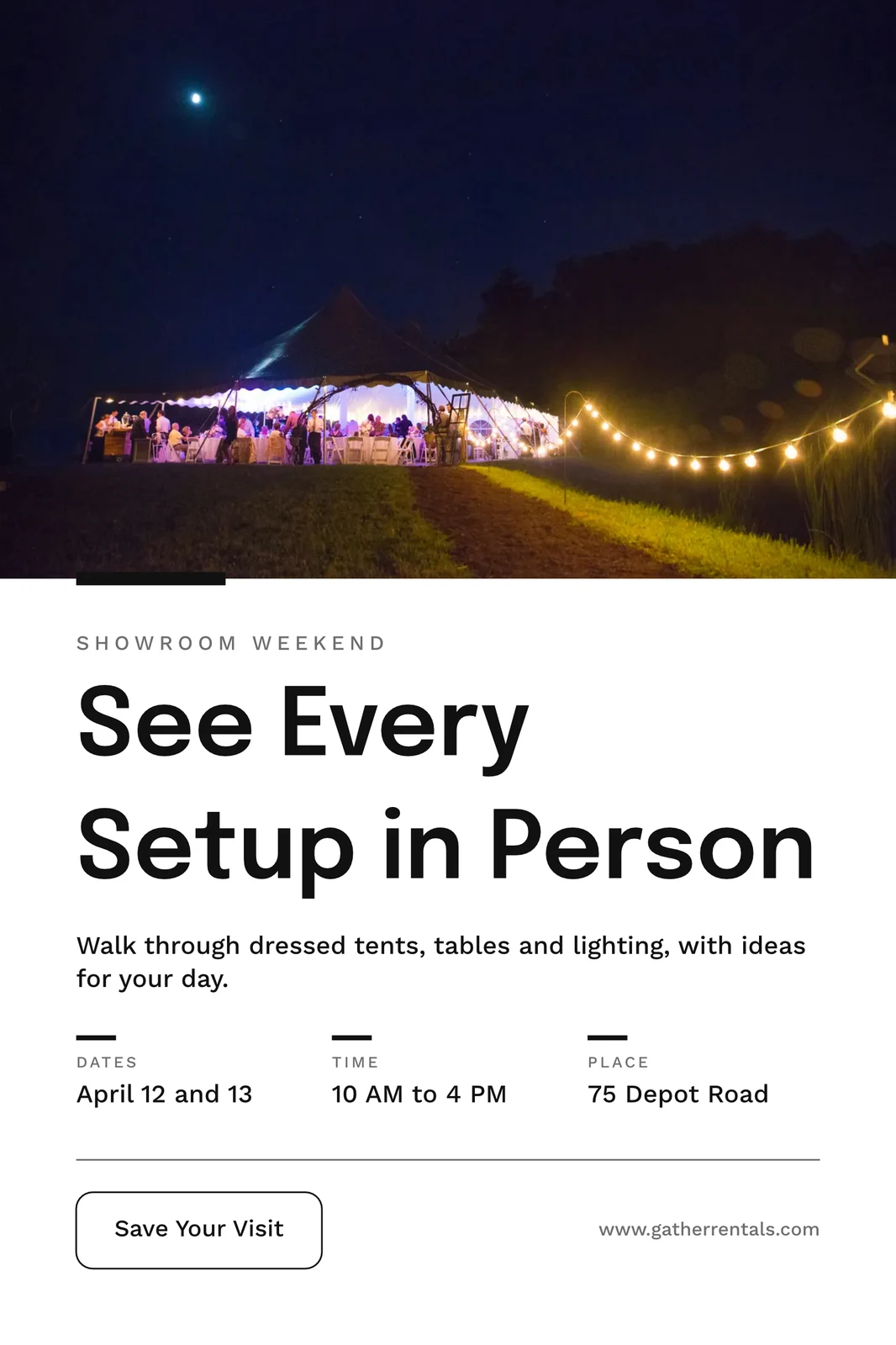
 See Every Setup in PersonPoster (24×36") · Επεξεργασμένο Πριν από 3 εβδομάδεςΑποκατάστασηΔιαγραφή για πάντα
Μοιραστείτε «Close With Confidence»
Σκεφτείτε το σε ένα λευκό πίνακα πρώτα
Ένα πίνακας ξεκινά κενός ή από το Brainstorm, Mind Map, Flowchart ή Retrospective, με σημειώσεις, σχήματα, κείμενο και συνδέσμους. Αποθηκεύεται καθώς προχωράτε και ένας πίνακας ανοιχτός σε δύο συσκευές ποτέ δεν αντικαθιστά την πιο πρόσφατη έκδοση χωρίς να ζητήσει επιβεβαίωση.
Έναρξη από πρότυπο
Λευκές πινάκους
Infinite-canvas boards for brainstorming and planning
Ξεκινήστε ένα νέο Whiteboard
Ενεργοποίηση ιδεών, χάρτης νοητικής διαδικασίας, διάγραμμα ροής ή αναδρομή, ή ένα άδειο πίνακα.
Σημειώσεις, Σχήματα και Συνδέσμους

Μετακίνηση με σύρσιμο με κενό ή κύλιση με δύο δάχτυλα · μεγέθυνση με κύλιση ⌘/Ctrl
Σημειώσεις, σχήματα, κείμενο, βέλη, σχεδιασμός με μολύβι και εικόνες.
Πανταχού μη υπεργραφόμενο
Ένα πίνακας ανοιχτό σε δύο συσκευές ρωτάει για Επαναφόρτωση ή Διατήρηση των Μου πριν αποθηκεύσει πάνω στο νεότερο αντίγραφο.
Ολόκληρη η Οθόνη
Σφίξτε για μεγέθυνση · δύο δάχτυλα για μετακίνηση
Ένα πίνακας ανοίγει σε πλήρη οθόνη, με ζουμ και παν δύο δακτύλων στην αφή.
Δημιουργήστε ένα σχέδιο στο κινητό σας από ένα πρότυπο
Η Αρχική, οι Σχεδιασμοί, τα Πρότυπα και τα Πινακίδες είναι οι καρτέλες. Σε ένα κινητό, ένας σχεδιασμός ανοίγει ως οι λέξεις και οι φωτογραφίες του για αλλαγή, ντυμένος με το Θέμα του, και γίνεται σχεδιασμός όταν τον αποθηκεύσετε.

Εκεί όπου το Studio αγγίζει όλα τα άλλα.
2 of these 7 connections are in your plan today; the others are their own apps.
Depot
Every design is a file in Depot, in the Hubs it sits in, beside the business’s other files.
Foto
A photo on a design opens in Foto from its Adjust panel.
Clips
Create Video opens the design on a timeline, every page a clip with its motion, and makes an MP4.
Display
A finished design is sent from its export page to a screen.
Campaigns
A finished design is sent from its export page into a new email in Campaigns.
Sites
A finished design is sent from its export page into a website’s files, ready to place on a page.
Listings
Create Flyer on a listing opens a flyer in Studio with the listing’s photo and details on it.
Όλα που περιλαμβάνονται στο Calisto Studio.
- Social: Instagram Post, Instagram Story, Portrait Post (4:5), Facebook Post, Facebook Cover, X Post, LinkedIn Banner, YouTube Thumbnail and TikTok Cover.
- Video: 16:9, vertical 9:16, square 1:1 and portrait 4:5, for a design made to be played.
- Print: A3, A4 and A5, US Letter, Legal and Tabloid, a business card, a rack card and a 24 × 36 inch poster.
- Digital: presentations in 16:9 and 4:3, an email header, a lobby display and a portrait kiosk.
- A custom size at any whole-pixel width and height from 16 to 20,000.
- A size is a design: each opens on its exact artboard, followed by Calisto’s layouts at that size.
- New Design has three doors: From Theme, From Template and Blank Design.
- Templates: every Calisto layout in every Calisto Theme, filtered by type, industry, style, colors and size, with a name search.
- My Brand draws every template in the account’s brand kit.
- Use This Template opens an unsaved copy; it becomes a design when it is saved.
- Customize Template shows every page beside the Theme’s controls; Save Template keeps the result in Mine.
- Save as Template, in the editor, keeps a copy of the open design as one of the account’s templates.
- Edit Template changes one of the account’s own templates in place; one with no Theme of its own inherits the account’s.
- Describe It: a sentence becomes three designs from Calisto’s layouts in the business’s Theme, each its words written for it, to keep or save as a template; a figure nobody gave (a price, a date) is left for you to fill in.
- Themes: Calisto’s, the account’s own and those bought in the Pro Shop, each built and tuned in the theme builder.
- The Theme bar in the editor repaints the design in another Theme, and Save as Theme keeps the look.
- Templates and Themes from the Pro Shop, bought by whoever the owner’s billing setting allows.
- Left rail, where things are added: Page, Text, Shapes, Elements, Stickers, Graphics, Photos, Chart, QR Code and Generate.
- Elements: rectangle, circle, triangle, line, star, arrow and divider, and photo frames (square, rounded and circle).
- Stickers and Emoji: animated stickers and color emoji, each sticker with its license credit.
- Right rail, where they are refined: Format, Design (the Theme), Assist, Mockups, Print Setup and Comments.
- The selection chip holds up to five quick controls; right-click or a long press opens Cut, Copy, Paste, Duplicate, Group, stacking order, Align to Page and Delete.
- Pages with each page’s layers: show or hide and lock or unlock each layer.
- Enter Group and Leave Group edit inside a group, with the group’s path shown above the canvas.
- Position and size (X, Y, width, height, rotation) and the layer’s role, in Format’s More.
- Rulers, the hand tool, Pages and Layers, and full screen under the canvas, with the page number and zoom.
- Search Actions (⌘K) and Keyboard Shortcuts (⌘/) list every command and key.
- Essentials or Pro, each person’s own preference: Pro shows every control, Essentials folds the rarer ones behind More.
- Rulers and sizes in px, in or cm, each person’s own unit.
- Undo and redo, autosave, and nothing typed lost when a tab closes or a session lapses.
- Typeface, size, weight, color, alignment, line height and letter spacing on the selection.
- Shrink Text to Fit, shadow, outline, opacity and blend mode.
- Vertical type for Chinese, Japanese and Korean, mixed or all upright.
- Type on a Path, with its start and side set in Format.
- Bar, line, area, pie, donut and scatter charts from figures typed or pasted.
- Drawn in the design’s Theme as vector shapes and words, so a chart stays sharp in a PDF.
- Edit Chart Data reopens the figures; a redraw keeps the chart’s place, name and look.
- The Media Library: the account’s own files, stock photography and Calisto’s gallery, each pick copied into the account’s storage.
- Upload from the device: PNG, JPEG, WebP, HEIC and HEIF, SVG and Photoshop files.
- A Photoshop file opens with its layers kept, its text editable and its folders as groups.
- An SVG opens as editable vector.
- Adjust: Auto, looks, brightness, contrast and saturation, with vibrance, hue, gamma, sharpen, blur, grain and pixelate at Pro.
- Open in Foto takes a photo into Foto.
- Replace, crop, fill, fit or stretch, opacity and flip on a photo.
- Remove Background on the person’s own device: the picture is never uploaded.
- Upscale makes a photo 2× or 4× larger on the person’s own device, keeping the frame and crop, up to 4096 × 4096 pixels.
- Generate an image from a description, saved into the account’s storage.
- Vector Graphic (with the Create suite): a flat picture from a description, traced into editable vector paths.
- Draft copy for the design, dressed in its Theme.
- Erase part of a photo, or extend it past its edges.
- Assist reviews the layout and a selected photo.
- Tools: Selection, Direct Selection, Pen, Add and Delete Anchor Point, Anchor Point, Pencil, Shape Builder, Scissors, Knife, Width and Type on a Path.
- Combine Shapes: Unite, Subtract, Intersect, Exclude and Divide.
- Outline Stroke and Create Outlines, Join, compound paths, Offset Path, Simplify and Reverse.
- Stroke weight, alignment, width profiles, caps, corners, miter limit and dashes.
- Align and Distribute, and Symbols: new, redefine, break link and Repeat Grid.
- Snapping to anchor points, corners and centers, with smart guides.
- Warp: arc, arch, bulge, flag, wave, rise, fisheye or squeeze, with a Bend, the words still editable and vector in a PDF and an SVG.
- Image to Vector: a PNG or JPG traced on the device into a group of editable paths.
- Draw and Combine Shapes are on every design, in Design.
- Without the suite, Vector shows marked Upgrade, and a design that holds paths opens, saves and draws for everyone.
- In, Loop and Out on every design: fade, rise, drop, slide, grow, focus, pop, slow zoom, draw on, typewriter, word by word, line by line, count up, pulse, float, spin, and fade, sink or shrink out.
- Each preset writes real keyframes, its start, length and stagger behind More, and Preview plays the page.
- The Animate workspace (with the Create suite): a timeline, keyframes on position, scale, rotation, opacity, blur, color, draw on, path shape and count.
- Auto-Key, a motion path drawn on the canvas, ease curves, repeat once, loop or ping-pong, and stagger.
- Page transitions with their length.
- A moving design plays on its public link, exports as a GIF or animated WebP and plays on designed screens.
- The brand kit, colors, typefaces and logo, edited in Studio’s Settings and offered in every picker.
- On an Engage account, people without a Studio seat build with the brand kit only: its typefaces, its colors and its Theme.
- Every element added to a design arrives in the design’s Theme.
- A Copy That Follows: parts the original locks stay as the original has them in every copy, and take its changes.
- Who may lock parts for copies is the owner’s setting.
- From Your Website: the colors, typefaces, logo and icon read from the business’s site into the brand kit, saved when you say so.
- Brand Rules: the business’s (Ethos ▸ Settings ▸ Brand Guard) or one Hub’s own, holding a design to the brand’s colors only and the brand’s typefaces only.
- The brand check in the header names what is off brand, and no export goes out while a design is off brand.
- The brand kit’s palettes, by name, in every color control.
- Draft Copy in the brand’s voice, each line showing its brand findings with Apply.
- Copy & Resize lays a design out again at another size and saves it as a new design.
- Bulk Create fills a design’s text placeholders from a CSV or pasted rows, up to 200 designs in one run, each made once.
- A Bulk Create run downloads as one ZIP of PNGs.
- QR Code: a link or text, its colors, size and error correction, and a logo in the center.
- Mockup: a design on a t-shirt, mug, phone case, business card, poster frame, laptop, tote bag or billboard.
- Make a Copy, and Duplicate a template.
- Translate: every word of a design in another language, as a new design or in place, each word keeping its type; a line that cannot be translated stays as it was.
- PNG, JPG, SVG and PDF, at web or print resolution, with a transparent background on PNG and SVG.
- Print Setup: trim size, bleed, slug and safe margin, crop marks, registration marks and color bars.
- PDF for Print (CMYK): every color converted on your device to a PDF/X-3 for the press, with a coated press profile or your print shop’s own profile.
- Every page as one PDF, or a ZIP of pictures.
- GIF and animated WebP for a design that moves.
- Print prints the design, never the app around it.
- Export history on every design, with Re-Export.
- A custom scale beside web and print resolution.
- A public link that shows the design and embeds on any website; a design in Trash is not shown by it.
- The public link’s QR code and its preview card.
- Send to App hands a design to Display, Campaigns or Sites.
- Create Video opens the design in the media editor, every page a clip, then titles, music, captions and an MP4 (with Clips).
- Share with a person as Can view, Can comment or Can edit; a view or comment share opens read-only.
- Comments pinned to a point on a page, with replies, mentions, assigning a thread and resolving it; notices open the design on the thread.
- Send for Approval to a teammate, who approves or declines it in Approvals, with a note.
- Send for Approval to a client as a link: they see every page and approve it or ask for changes, with no account; each round is its own link.
- Your Approval Steps: the levels set in Settings ▸ Approvals, asked in order (an art director, then the client).
- A chip beside the title shows the latest answer.
- Shared with Me lists the designs others shared.
- Live co-editing, with everyone in the design shown in the header; two people on different pages never overwrite each other.
- Version History: every save keeps the version before it, autosaves one every ten minutes, named versions kept, any version restored.
- Hubs, Private or Public, and their Folders: Move To files a design in a Folder of a Hub.
- Recent, Starred, Shared with Me and Trash, with a title search.
- The Library: all of the account’s designs, themes and templates in one grid, newest first, filtered by kind.
- Assign to Project puts a design on a client project.
- Trash keeps a design for 30 days, then deletes it with everything it holds.
- Blank, Brainstorm, Mind Map, Flowchart and Retrospective starts.
- Sticky notes, shapes, text, connectors, drawing and images on an open board.
- Saves as you go; a board open on two devices asks Reload or Keep Mine rather than overwrite the newer one.
- Full screen, with pinch, two-finger pan and touch-and-hold to edit a note.
- Create Flyer on a listing opens a flyer with the listing’s photo and details on it (with Listings).
- Make a Post turns a review into a post for Instagram, Facebook or X, and Share on Social opens it in Impreta (with Reputation).
- Every design is in Depot with the business’s other files (with Depot).
- Designs created and edited, how many have a card, exports by format and the public links live.
- Over the last 7, 30 or 90 days, the last 12 months or all time.
- Home, Designs, Templates and Whiteboards as the tabs.
- A design opens as its words and photos to change, dressed in its Theme; Upscale 2× or 4× under each photo.
- Add Text, Add Photo and Add Sticker on the phone, then Save design.
- A design’s actions: share the image, share with people, Send for Approval, publish or copy the link, versions, star, rename, Move To, make a copy, Translate, Bulk Create, download a PNG, a PDF or more formats, and Move to Trash.
- Shortcuts: New Design, Recent Designs, Templates and Whiteboards.
- Photos, SVG, Photoshop files and text shared to Calisto start a new design.
- Notices when a design is shared or commented on, a teammate or a client answers its approval, a Bulk Create finishes, the brand kit changes or a design’s video is ready.
- Comments in a sheet, and Send for Approval and Translate from a design’s actions.
- Kept on This Device, switched on per device: Home, Designs, New Design, Templates and Whiteboards with no signal.
- The business’s identity, brand kit and language, edited in place.
- Each person’s units, export format and resolution, and Essentials or Pro, kept in their own account.
Κόστος ρύθμισης μηδενικό. Πληρώνετε μόλις ξεκινήσετε τη χρήση.
Graphic design and whiteboards, in your brand.
Calisto Create
A Studio seat designs anything at every size, from Calisto’s templates or a blank page: layers, photos, Copy & Resize, Bulk Create, mockups, QR codes, print-ready PDFs, sharing and whiteboards.
Προτείνεται για εσάς
Συνεργάζεται καλά.
Calisto Depot
Calisto Foto
Calisto Create
Η Βιβλιοθήκη, το Auto, το Bulk Auto, τα Looks, το Adjust και οι Γκαλερί, περιλαμβάνονται σε κάθε λογαριασμό Calisto.
Learn more →Calisto Clips
Calisto Create
Το περιβάλλον επεξεργασίας Edit, που περιλαμβάνεται σε κάθε λογαριασμό Calisto.
Learn more →Calisto Display
Calisto Display
Runs the TVs in a business: kitchen displays, pickup and now-serving boards, guest TVs, menu boards, signage and designed screens, with schedules, alerts and performance.
Learn more →Calisto Campaigns
Calisto Engage
Lists and consent per channel, emails built from blocks, sends at each person’s best hour, sequences and announcements, and what each campaign earned, credited to the click.
Learn more →Calisto Sites
Ιστοσελίδες Calisto
A website and its phone app, built from a template on the page itself, showing what you sell from your own records and published on your own domain.
Learn more →Calisto Listings
Αναρτήσεις
Οι αναρτήσεις σας, τα ραντεβού, οι αναπτύξεις, οι ενοικιάσεις και το γραφείο, για κάθε άτομο που εργάζεται στις Αναρτήσεις.
Learn more →Προτείνεται για
Οι βιομηχανίες που εκτελούν το Studio και το λόγο για τον οποίο εκτελούν το καθένα.
Προπονητική και ΕκπαίδευσηContent production
Program videos, demos and content.
Προπονητική και Εκπαίδευση στο Calisto →Σαουνα & ΕυεξίαClinical photography & content
Before and after galleries, treatment content.
Σαουνα & Ευεξία στο Calisto →Ιατρική ΑισθητικήBefore-and-after photography
Consented before-and-after galleries per treatment.
Ιατρική Αισθητική στο Calisto →Σαλόνια & ΑρτοποιείαBefore and after galleries
Before and after galleries, salon content.
Σαλόνια & Αρτοποιεία στο Calisto →Καλλιτέχνες & ΤάλεντContent production
Produce the content you release.
Καλλιτέχνες & Τάλεντ στο Calisto →Αθλητικοί Πράκτορες & ΑθλητέςContent production
Produce content for your athletes and sponsors.
Αθλητικοί Πράκτορες & Αθλητές στο Calisto →Δημιουργοί ΠεριεχομένουProduction studio
Produce every piece you publish.
Δημιουργοί Περιεχομένου στο Calisto →Βιντεογραφία & ΦωτογράφοιEditing & post-production
Edit, retouch and deliver every shoot.
Βιντεογραφία & Φωτογράφοι στο Calisto →Γραφικοί Σχεδιαστές & ΚαλλιτέχνεςProduction studio
Produce the work you deliver.
Γραφικοί Σχεδιαστές & Καλλιτέχνες στο Calisto →Questions about Calisto Studio
Όχι. Το Studio ανοίγει στο Essentials: ξεκινήστε από ένα πρότυπο στον κλάδο σας, αλλάξτε τις λέξεις και τις φωτογραφίες, και πατήστε Auto σε μια φωτογραφία. Οι σχεδιαστές μεταβαίνουν στο Pro στις δικές τους προτιμήσεις, το οποίο δείχνει κάθε έλεγχο και τα εργασιακά περιβάλλοντα Vector και Animate στο ίδιο αρχείο.
Ανοίγουν με τη δημιουργία μιας θέσης. Χωρίς αυτήν εμφανίζονται στον διακόπτη ως «Αναβάθμιση». Ένα σχεδιασμό που ήδη διαθέτει διανυσματικά μονοπάτια ή κλειδιά πλαισίων ανοίγει, αποθηκεύεται και παίζεται για όλους, και οι αναπαραστάσεις «Εισαγωγή», «Λοοπ» και «Έξοδος» είναι ενεργές σε κάθε σχεδιασμό.
Ναι, ταυτόχρονα. Κάθε άτομο βλέπει ποιοι άλλοι είναι στο σχεδιασμό, και δύο άτομα σε διαφορετικές σελίδες ποτέ δεν αντικαθιστούν το ένα το άλλο. Μοιραστείτε ένα σχεδιασμό ως Can view, Can comment ή Can edit, προσκολλήστε σχόλια όπου γίνεται μια αλλαγή και στείλτε το για έγκριση σε έναν συνάδελφο ή, ως σύνδεσμο, σε έναν πελάτη χωρίς λογαριασμό. Τα λευκά πίνακες παίρνουν ένα άτομο τη φορά.
Ναι. Ένα αρχείο Photoshop ανοίγει με τα στρώματά του και τον επεξεργάσιμο κείμενο, και ένα SVG ως επεξεργάσιμο διανυσματικό αρχείο. Φωτογραφίες, συμπεριλαμβανομένων των HEIC, εισέρχονται από τη συσκευή σας ή τη Βιβλιοθήκη Μέσων σας. Ένα αρχείο έργου από άλλο εργαλείο σχεδιασμού δεν διαβάζεται.
PNG, JPG, SVG και PDF, σε ανάλυση web ή εκτύπωσης, ένα PDF εκτύπωσης με ροή, σημάδια καλλιέργειας και σημάδια καταγραφής, και ένα PDF CMYK για την εκτύπωση, φτιαγμένο στη συσκευή σας. Ένα σχεδιασμό που κινείται εξαγωγές ως GIF ή ως animated WebP, και ως MP4 μέσω Δημιουργίας Βίντεο σε Κλιπ. Κάθε σελίδα μπορεί να φύγει ως ένα PDF ή ένα ZIP.
Το κιτ μάρκας, τα χρώματά του, οι γραμματοσειρές και το λογότυπό του, διαβάζονται από τον ιστότοπό σας ή ορίζονται χειροκίνητα στις Ρυθμίσεις του Studio και προσφέρονται σε κάθε επιλογέα χρώματος και γραμματοσειράς. Σε έναν λογαριασμό Engage, άτομα χωρίς θέση στο Studio χτίζουν μόνο με το κιτ μάρκας: τις γραμματοσειρές του, τα χρώματά του και το Θέμα του, και τίποτα άλλο.
Μέχρι 200, ένα ανά γραμμή ενός CSV ή επικολλημένων γραμμών, κάθε μία γεμίζοντας τα κενά κειμένου του σχεδίου. Κάθε μία καταλήγει στη Βιβλιοθήκη σας ως ξεχωριστό σχέδιο και ολόκληρη η εκτέλεση κατεβαίνει ως ένα ZIP αρχείο PNG.
Ένα σχεδιαστικό γίνεται βίντεο με το Create Video, το οποίο το ανοίγει στο Clips, κάθε σελίδα ένα κλιπ με την κίνησή του, στη συνέχεια προσθέτει τίτλους, μουσική και υπότιτλους και δημιουργεί ένα MP4. Η επεξεργασία μακρών και σύντομων βίντεο είναι του Video και του Clips.
Στο Depot, με τα άλλα αρχεία της επιχείρησης, στα Hubs όπου τα τοποθετείτε. Ένα σχέδιο που βρίσκεται στο Trash παραμένει για 30 ημέρες και στη συνέχεια διαγράφεται μαζί με όσα περιέχει.
Όχι. Το Generate δημιουργεί μια εικόνα ή προσβάλλει κείμενο, το Assist ελέγχει τη διάταξη και μια φωτογραφία, και μια φωτογραφία μπορεί να διαγραφεί, να επεκταθεί πέρα από τα άκρα της ή να κοπεί από το φόντο της, το οποίο συμβαίνει στη δική σας συσκευή. Κάθε πρότυπο, μέγεθος και εξαγωγή λειτουργεί χωρίς αυτά.
