markanızda tasarımlar, broşürler, menüler ve ekranlar oluşturun.
İşletmenizin türü için hazırlanmış, zaten renk ve logonuzda olan bir şablon seçin, kelimeleri ve fotoğrafları değiştirin. Sonra yayınlayın, yazdırın veya bir ekrana koyun.
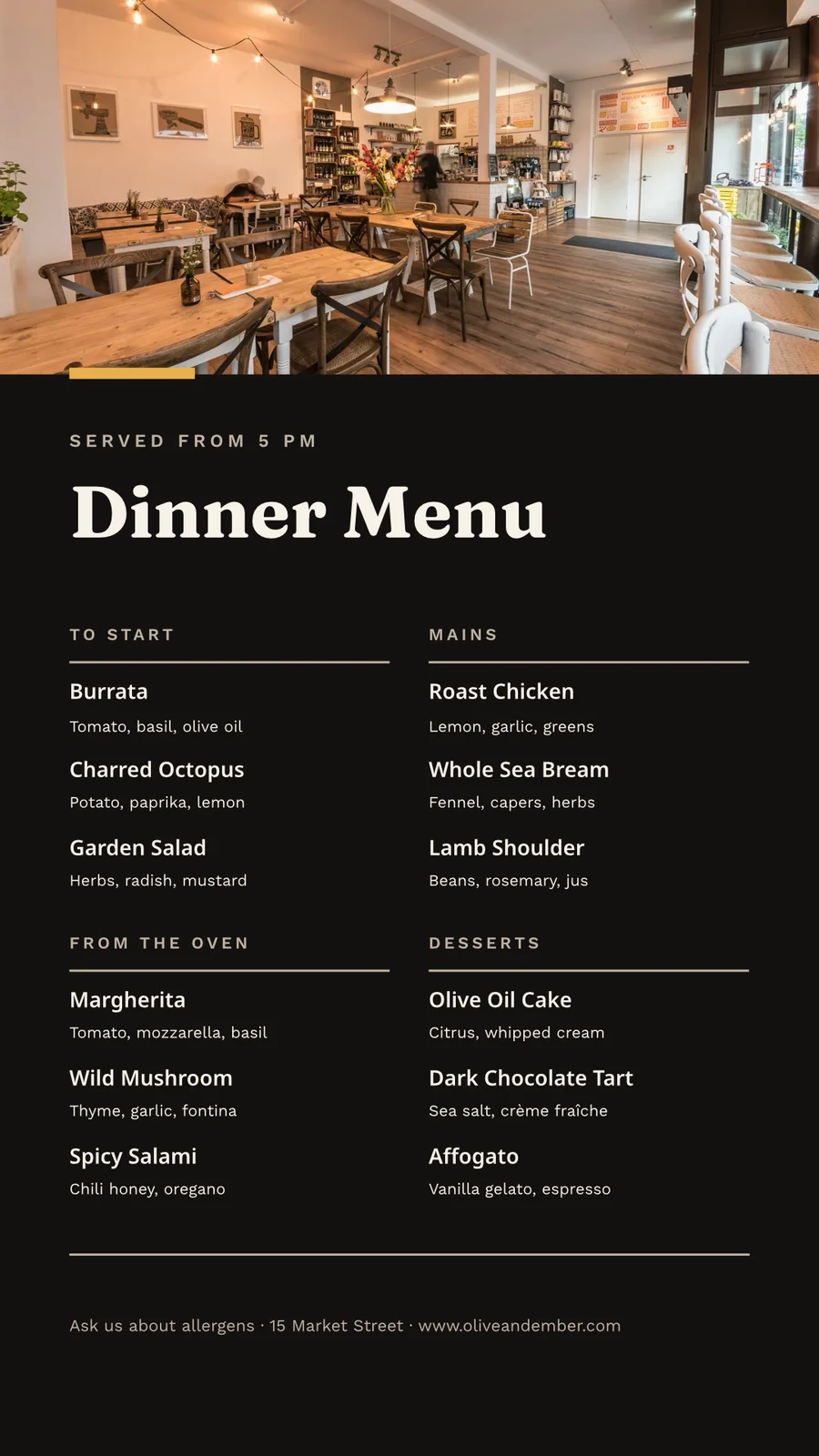
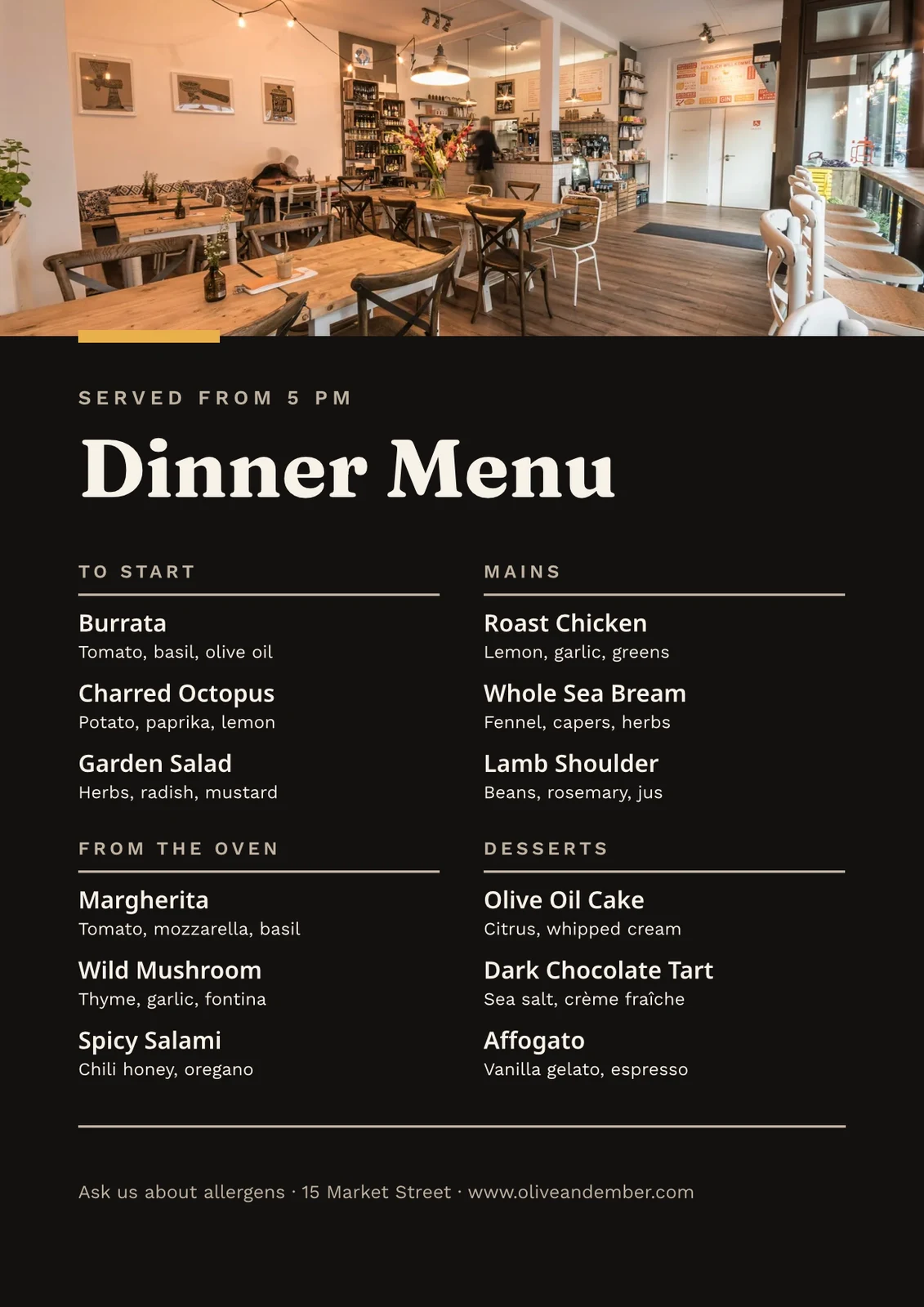
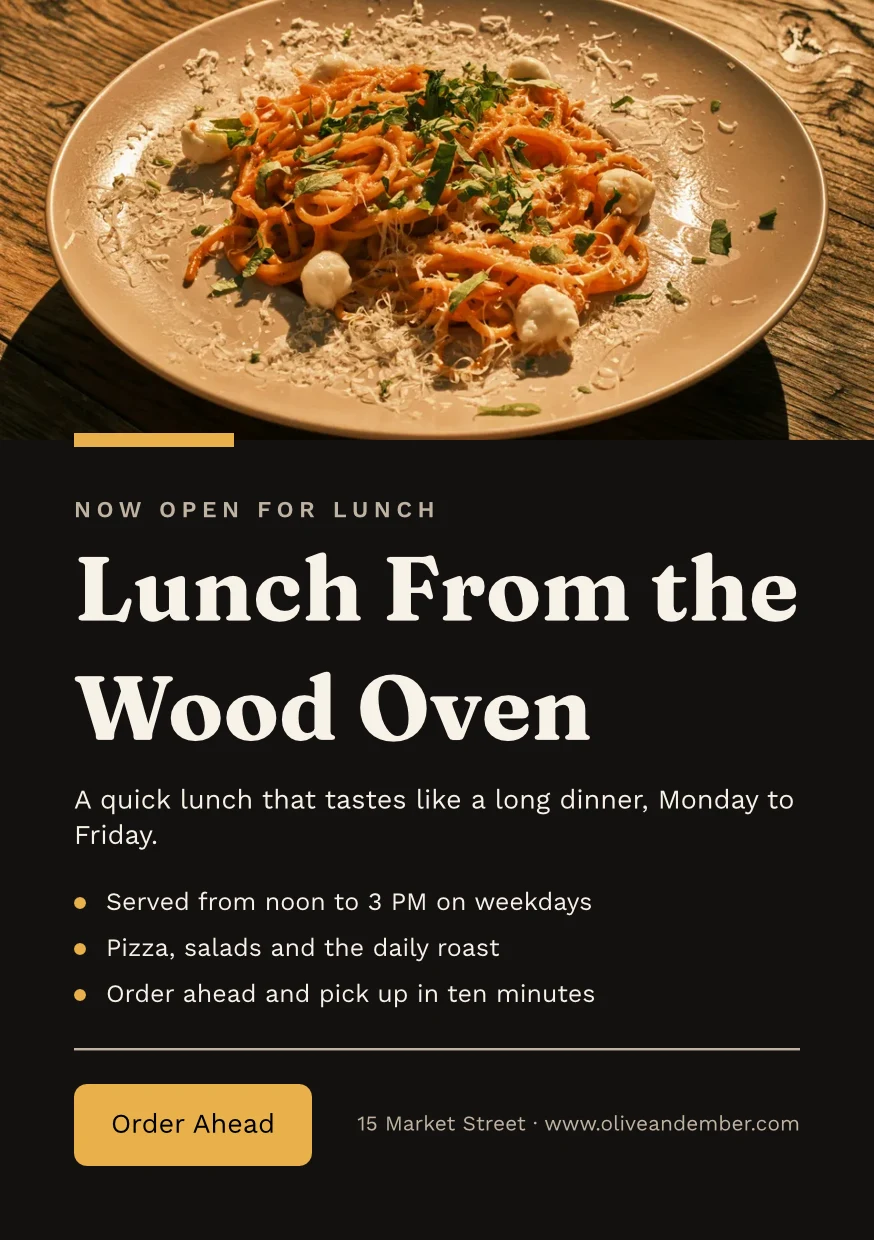
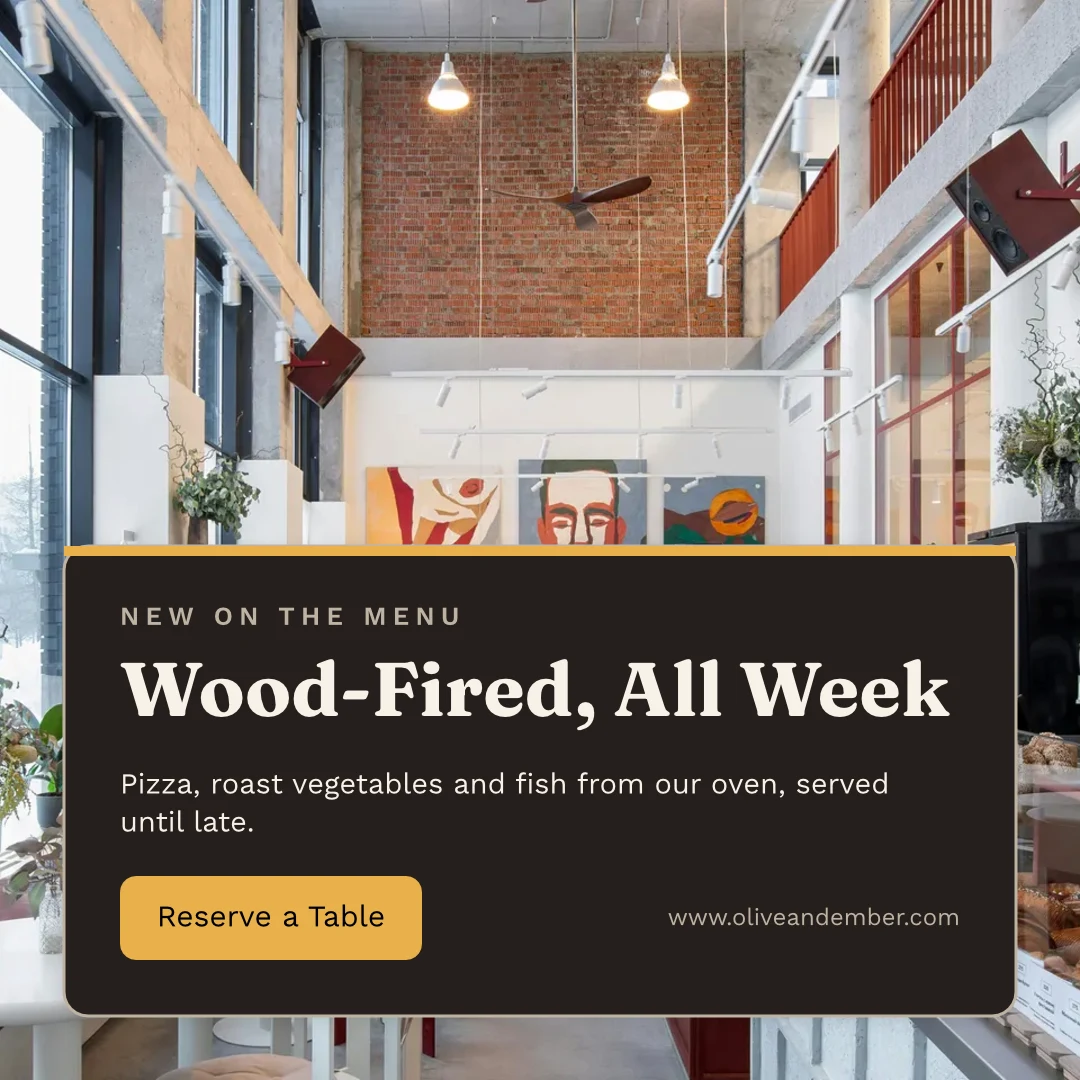
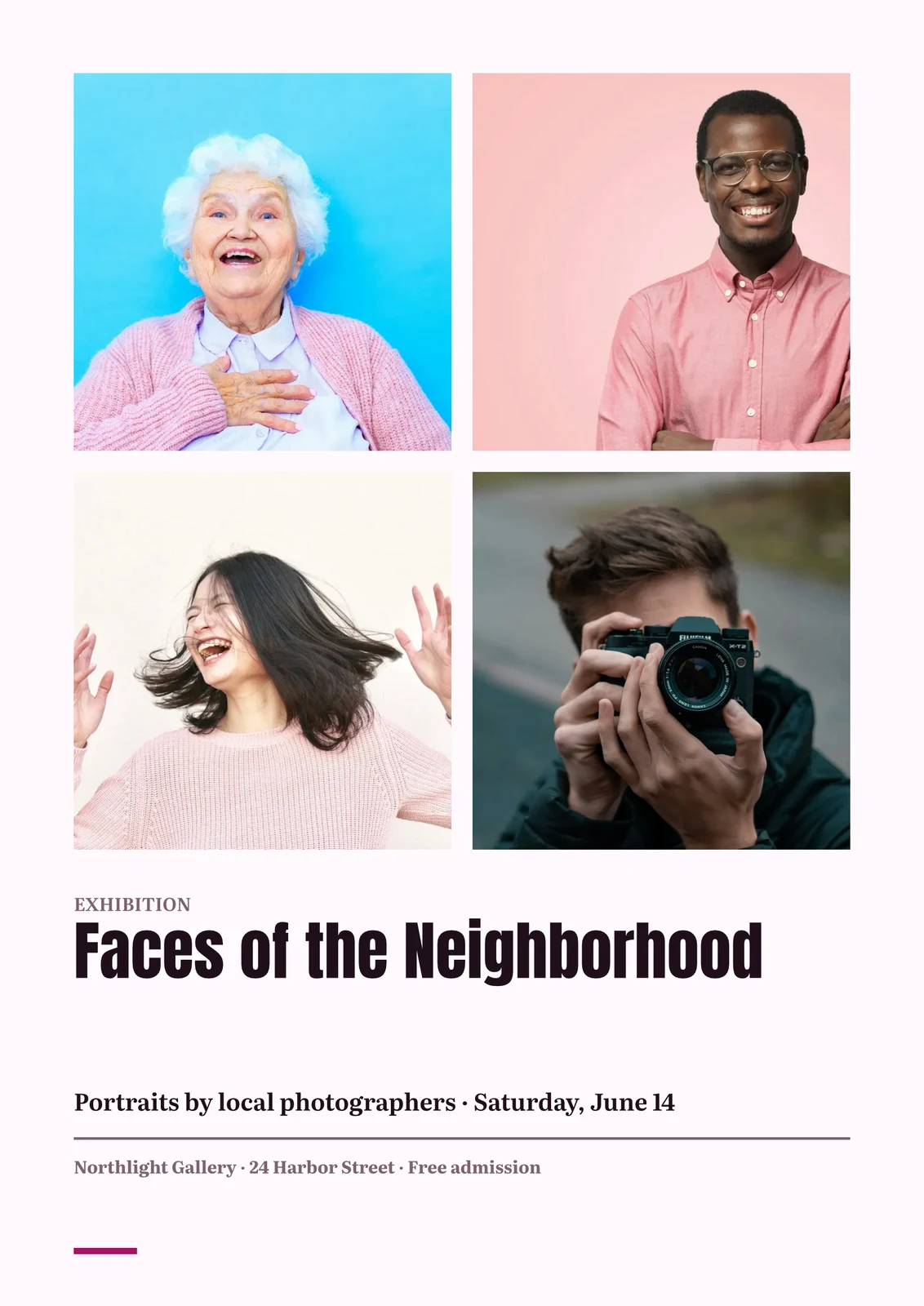
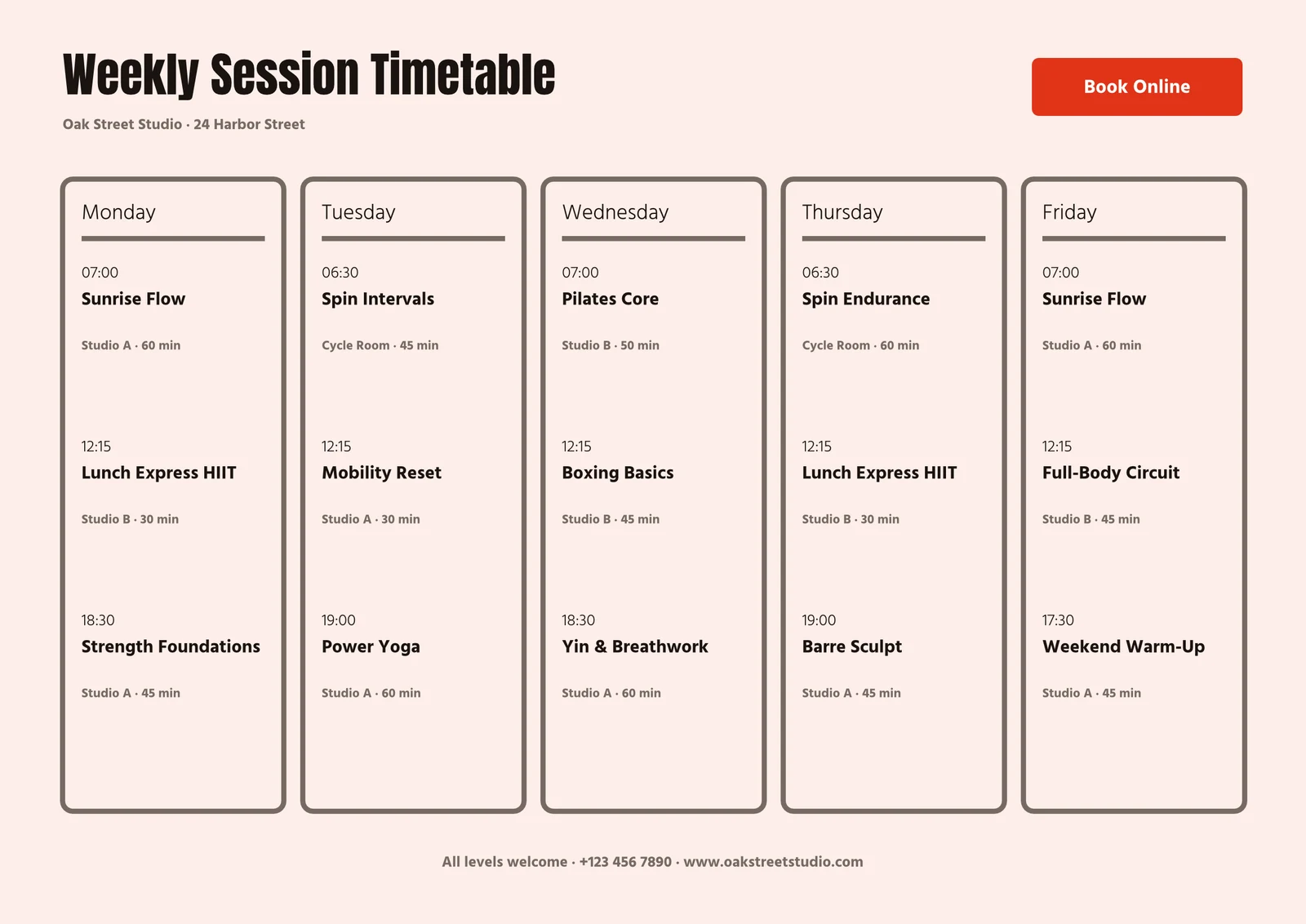
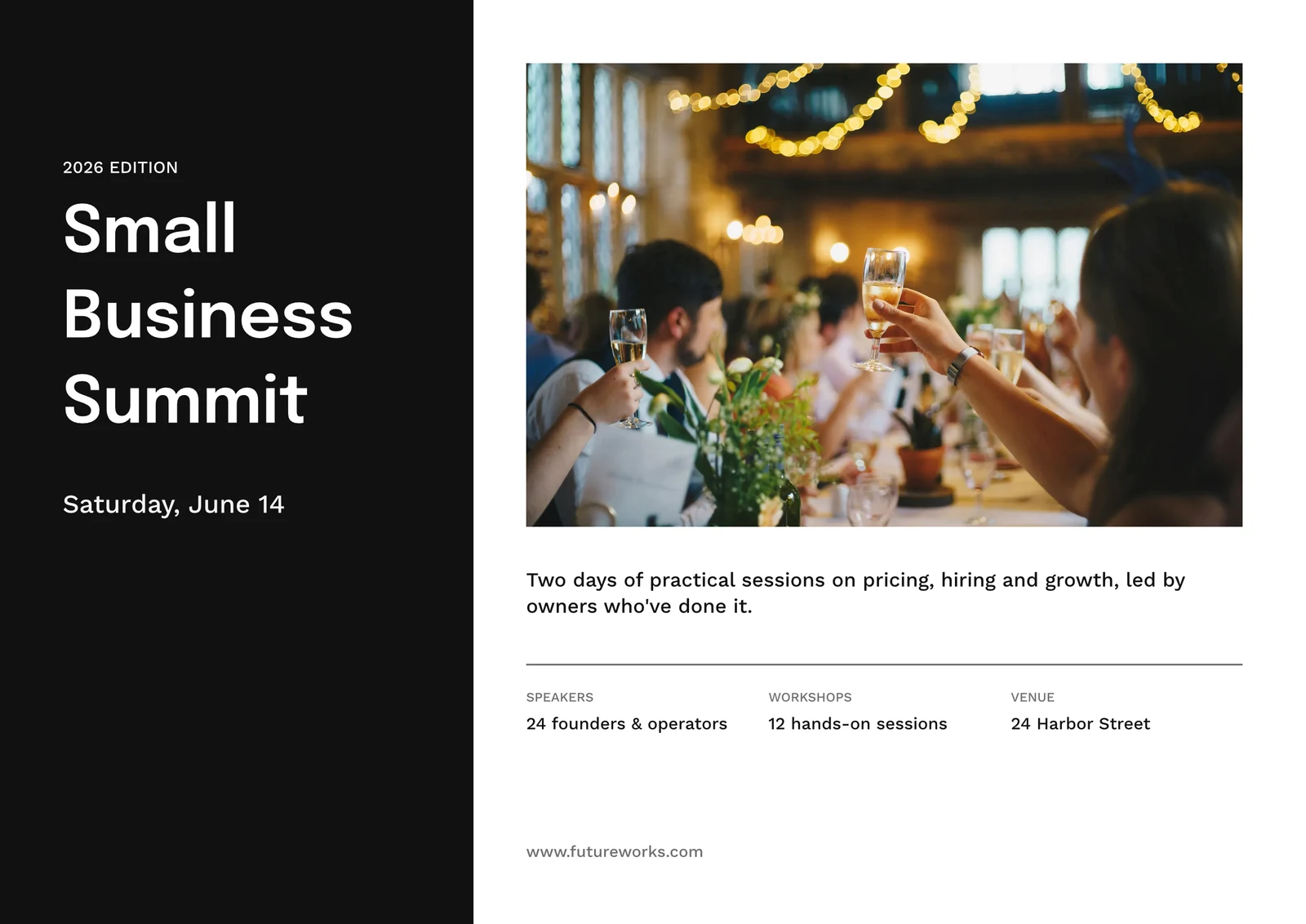
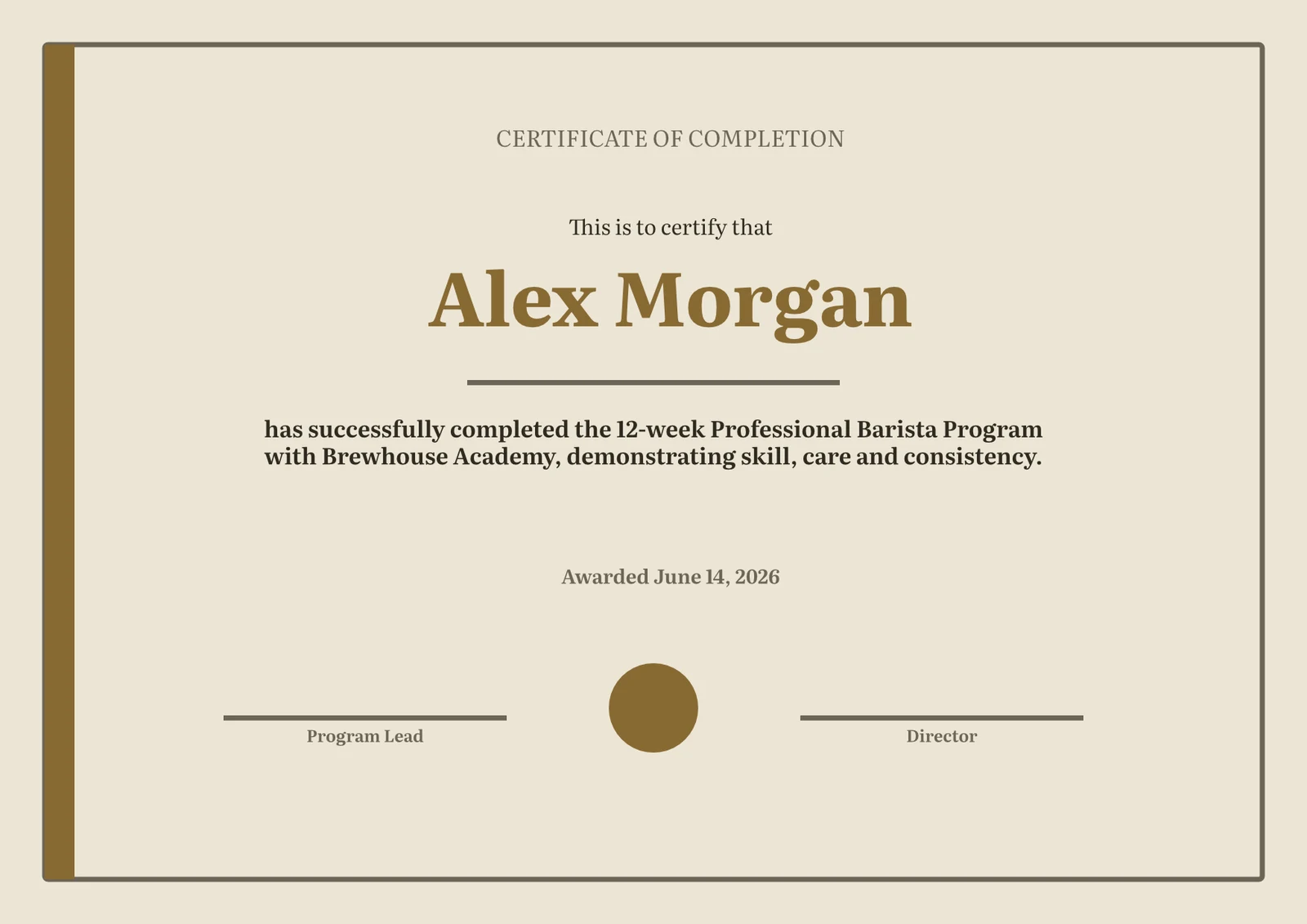
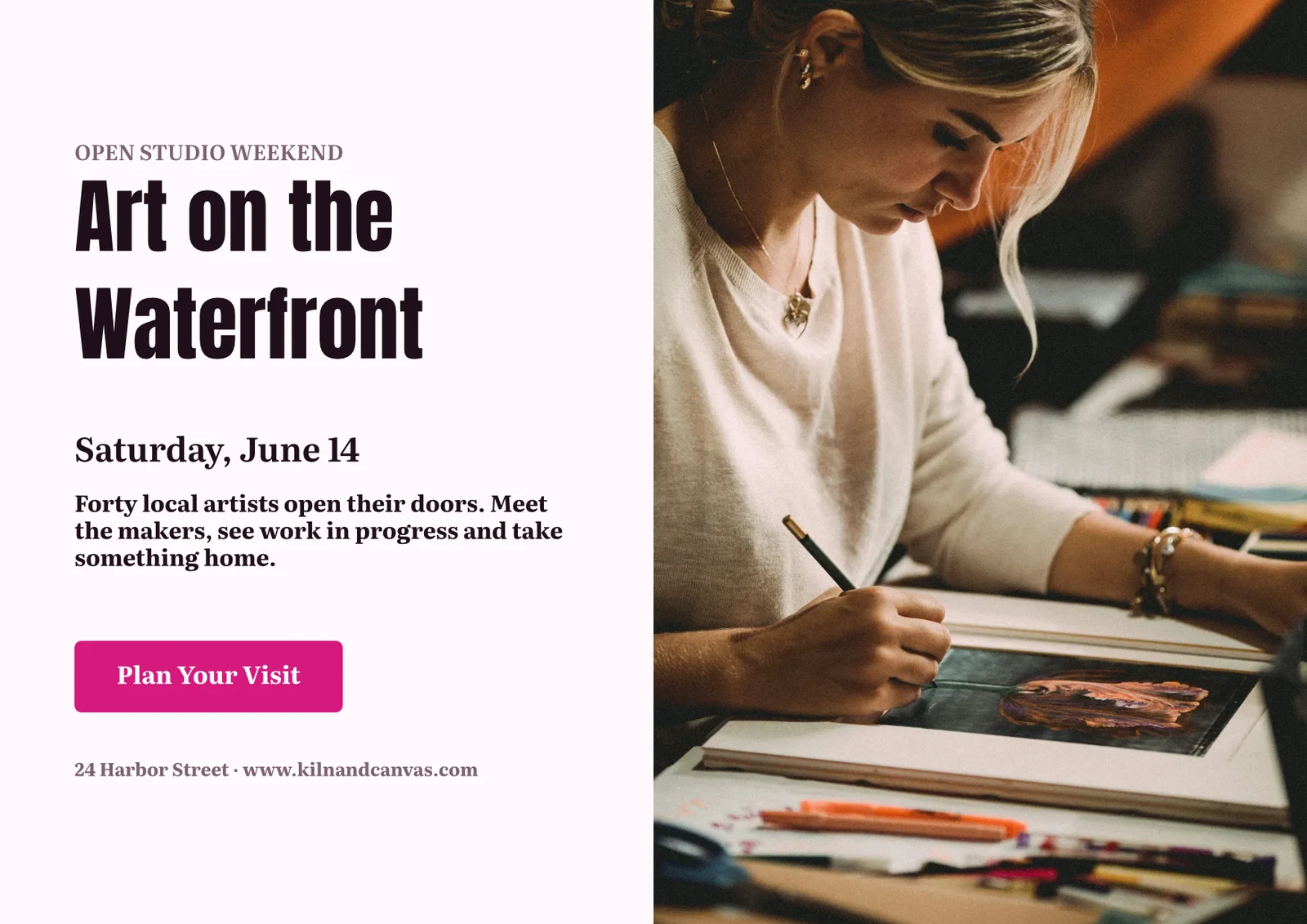
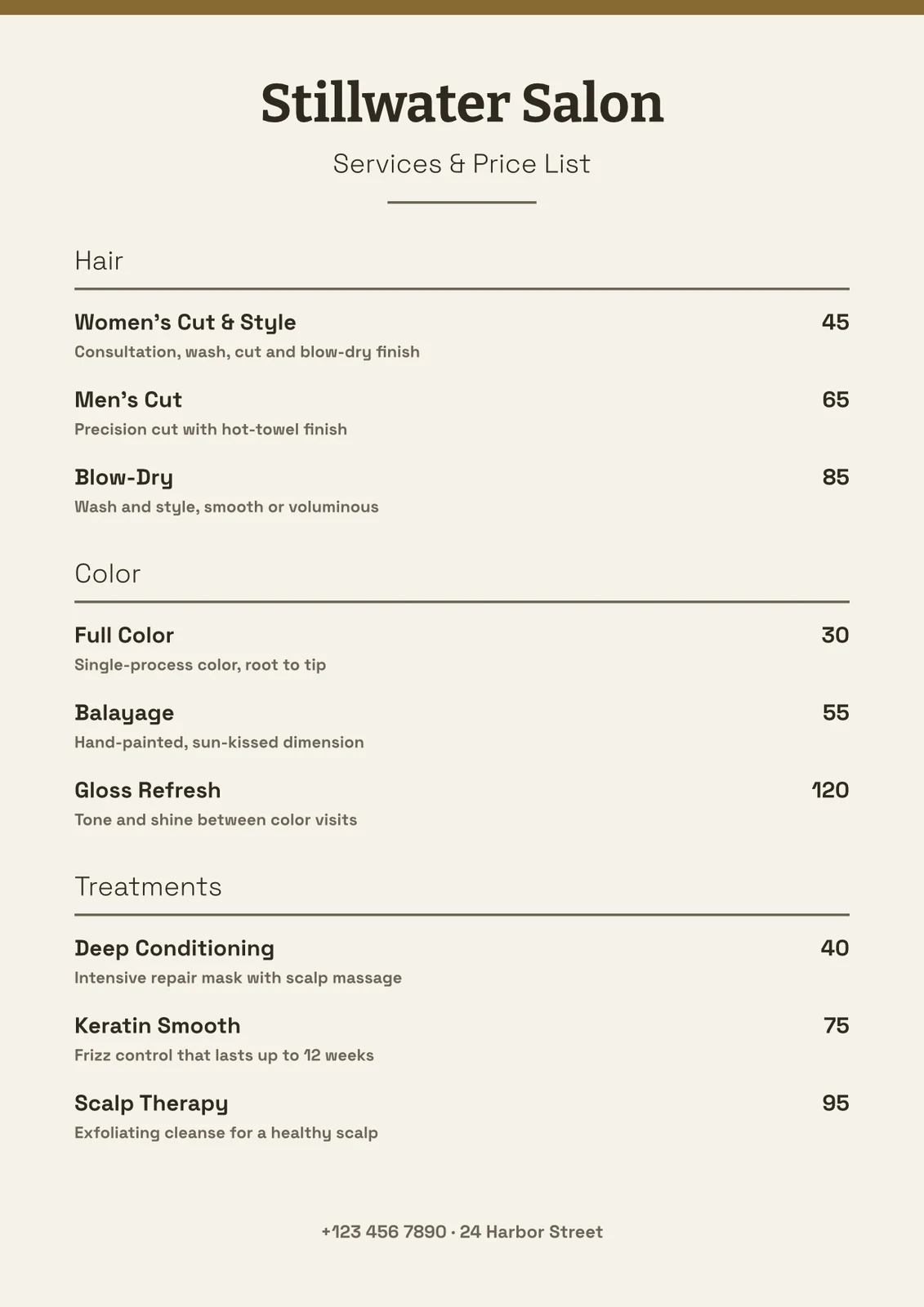
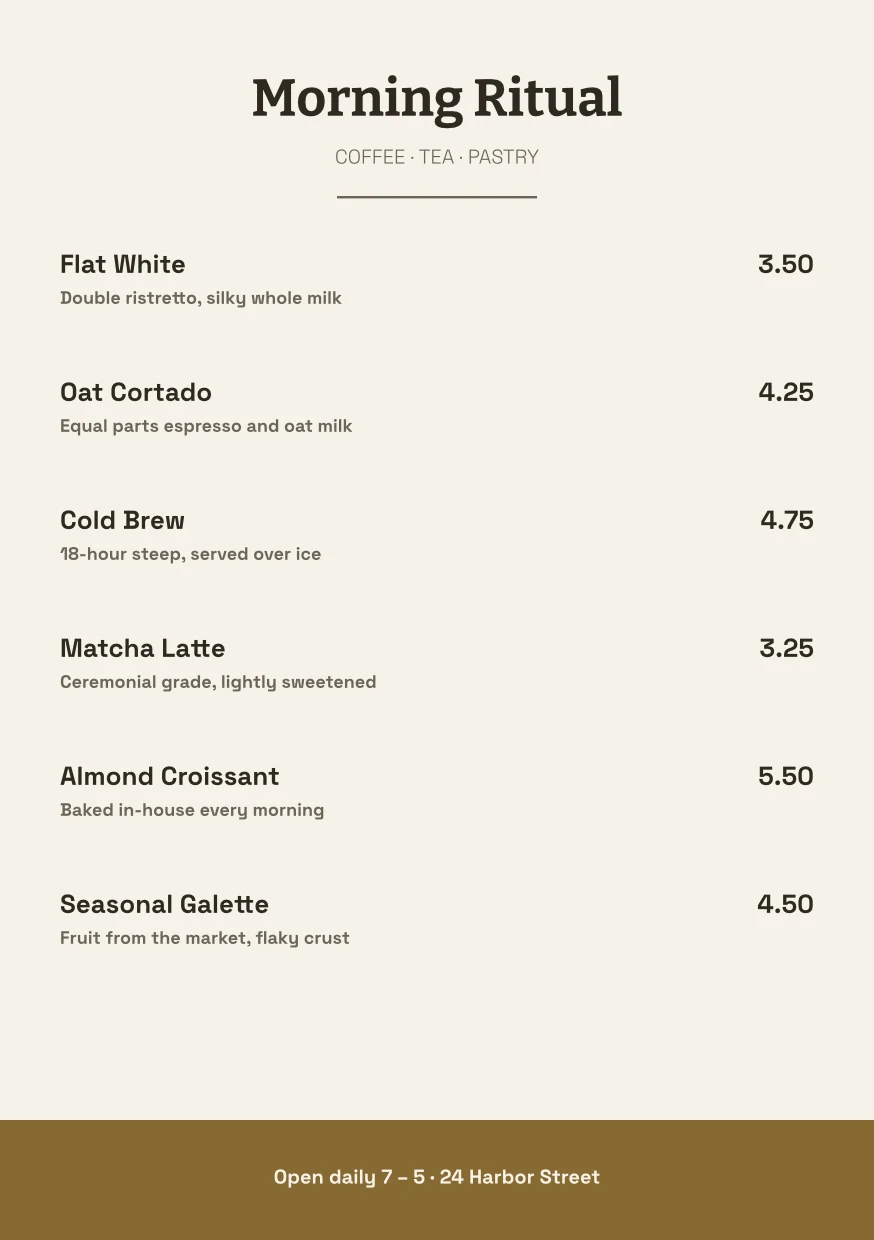
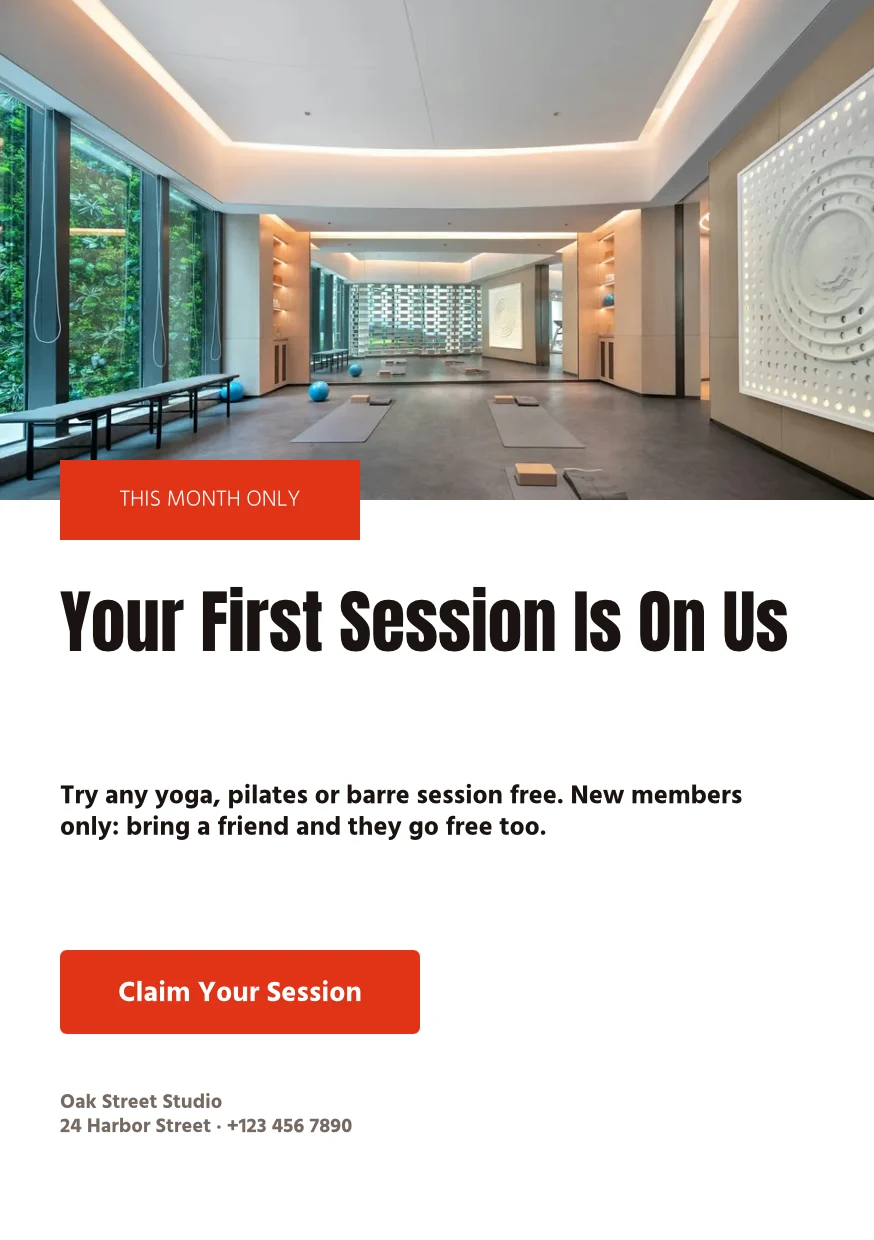
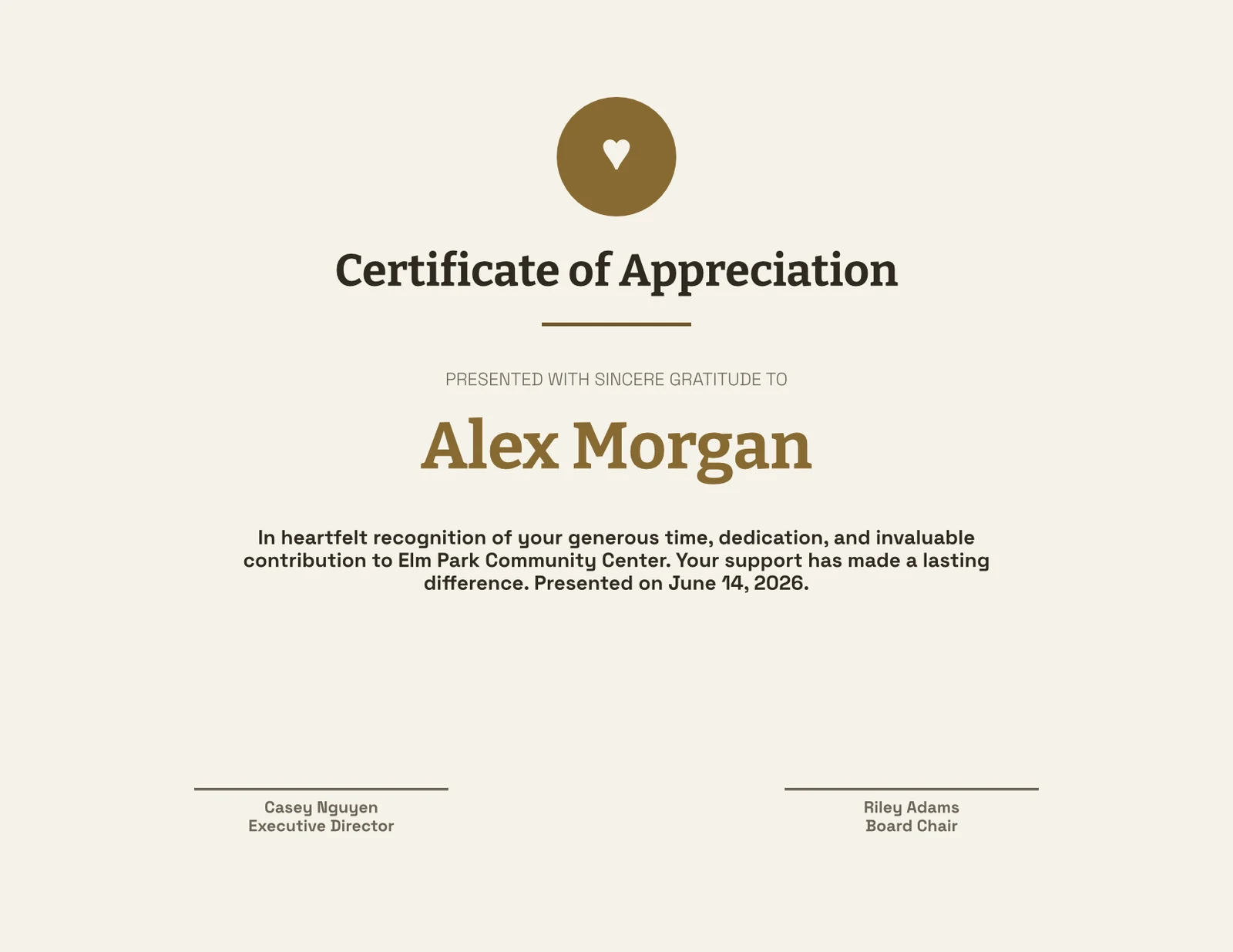
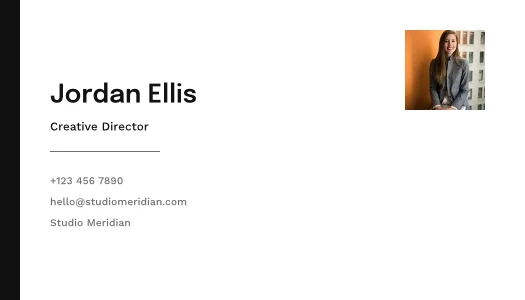
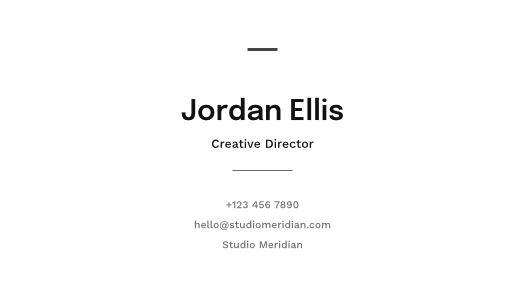
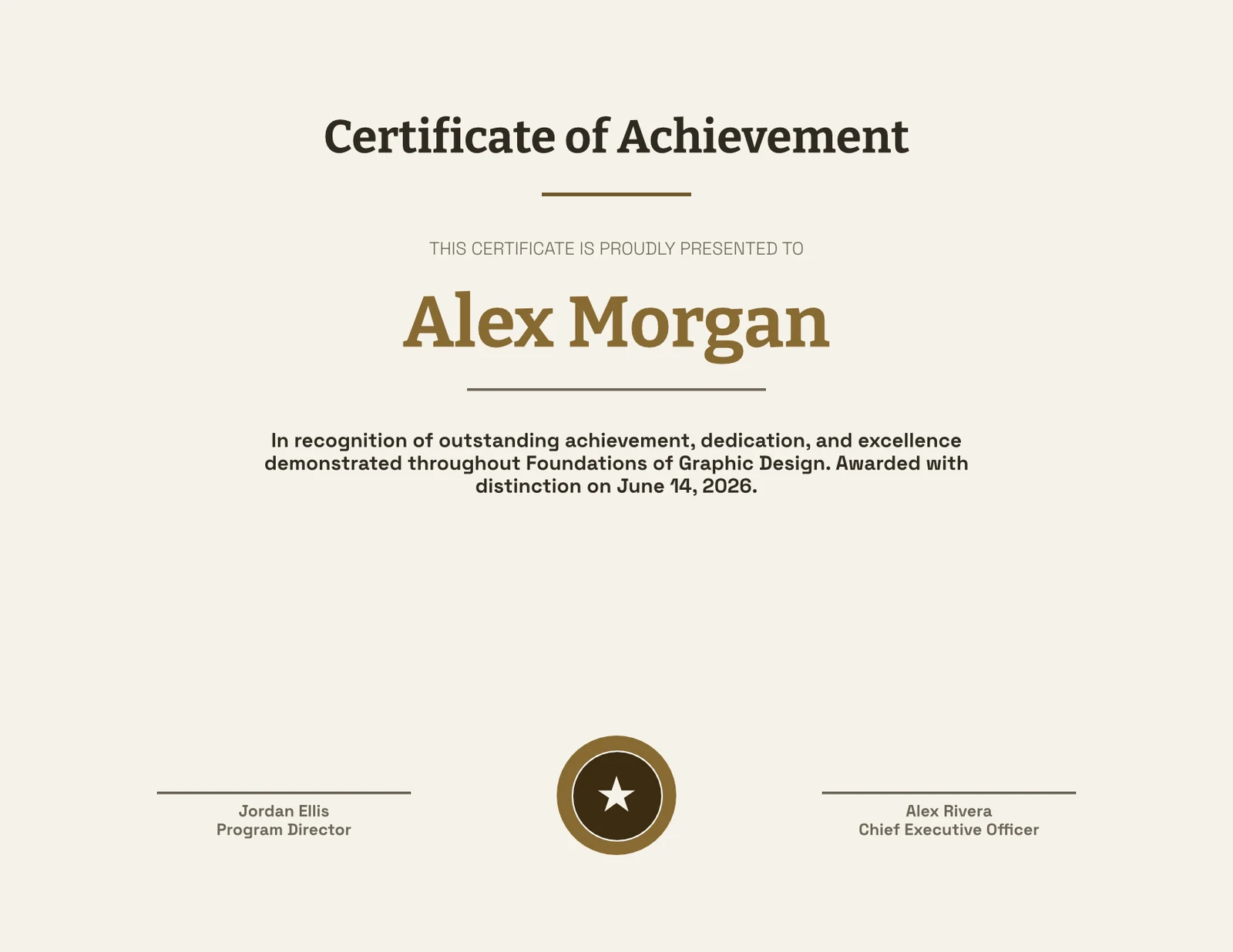
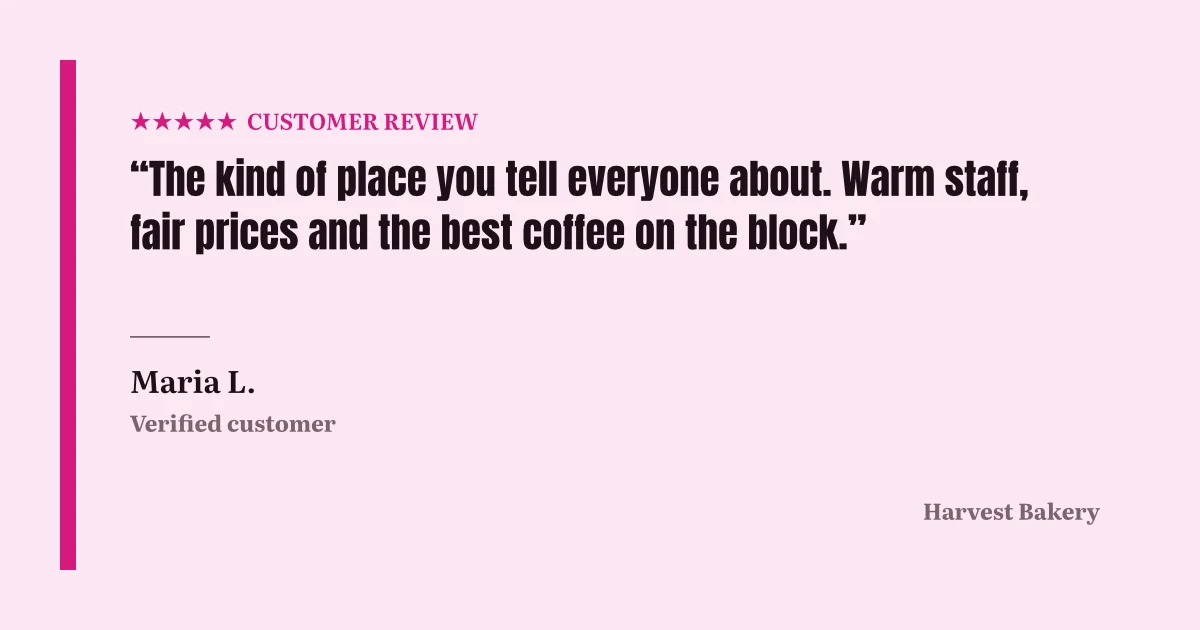
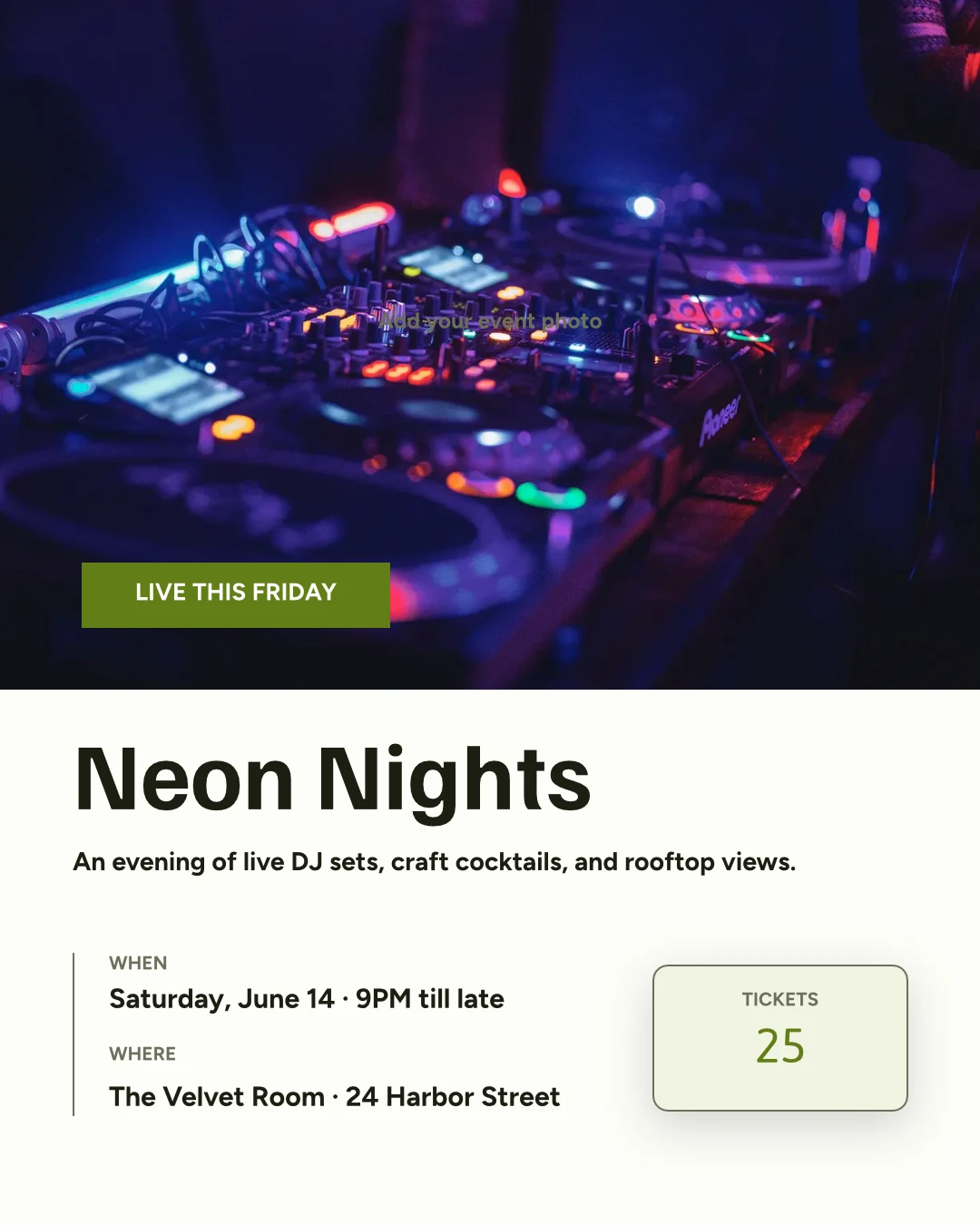
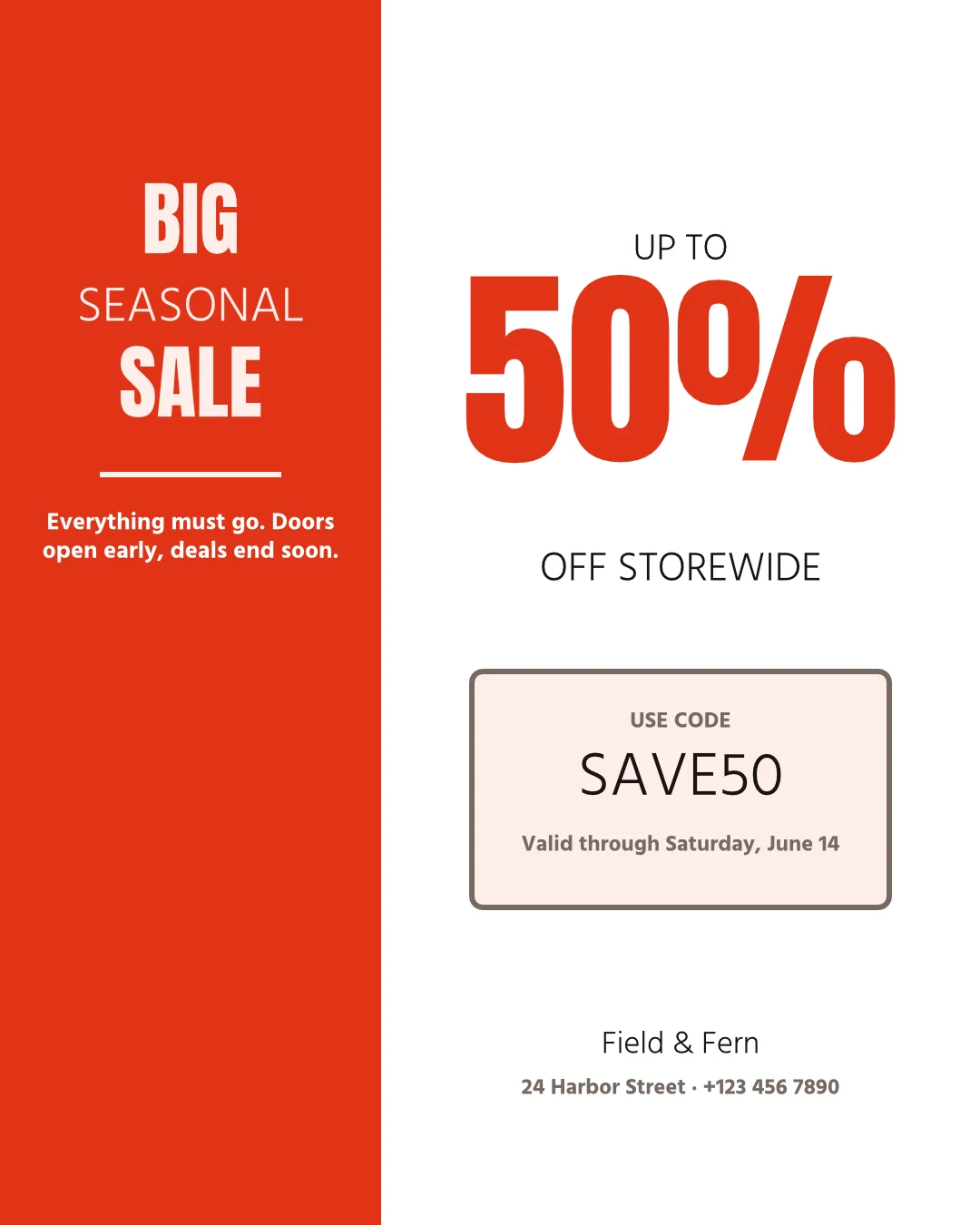
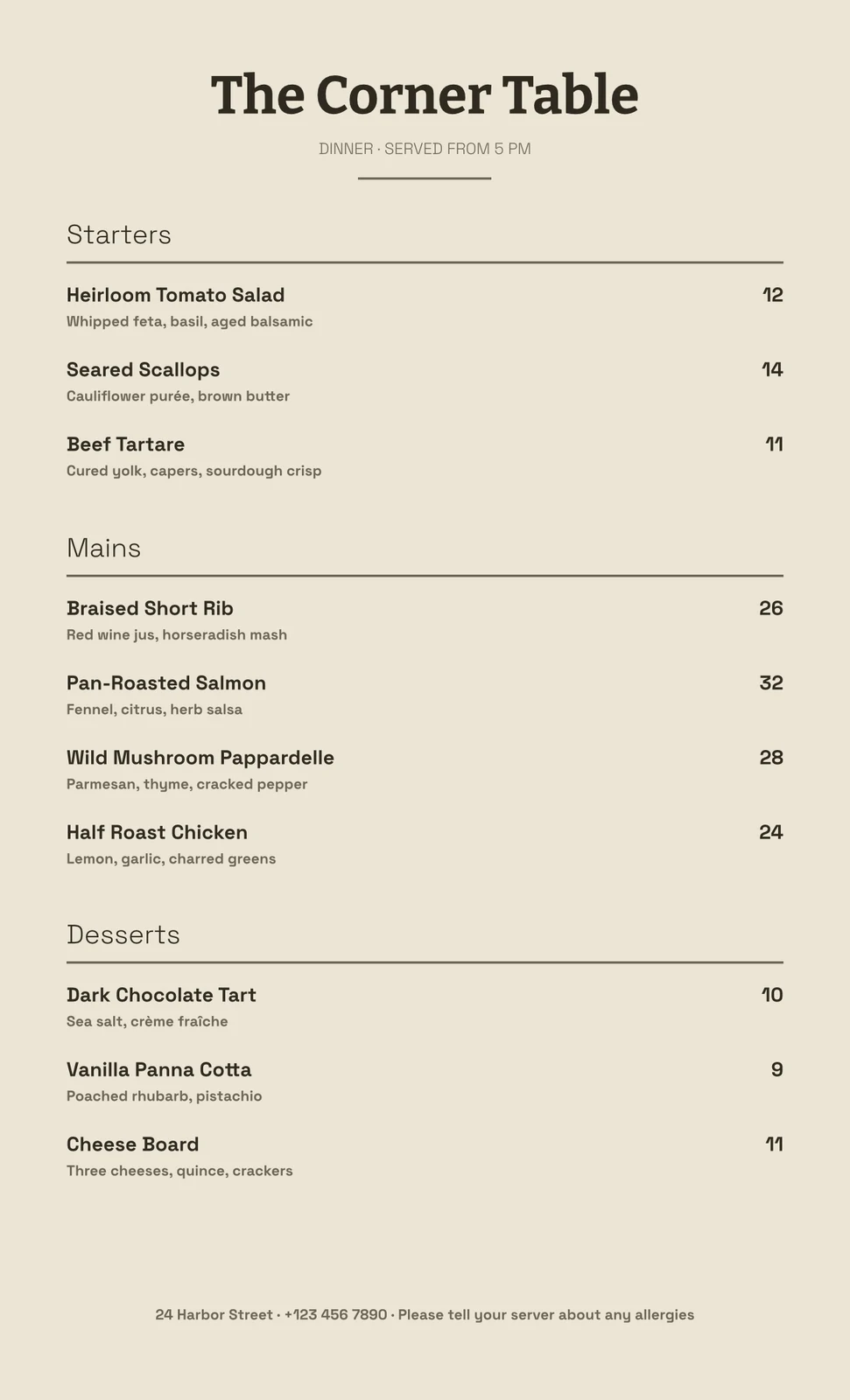
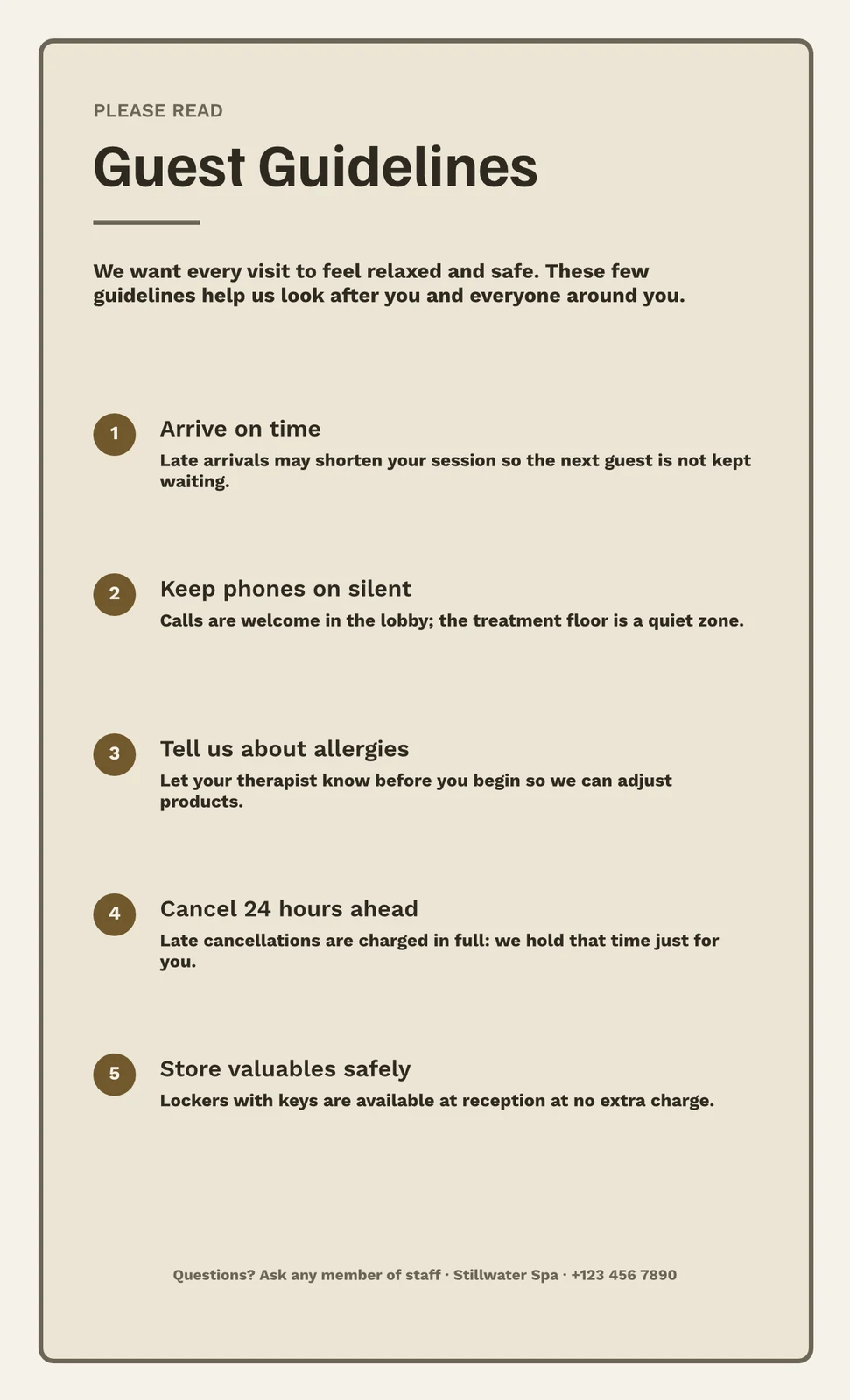

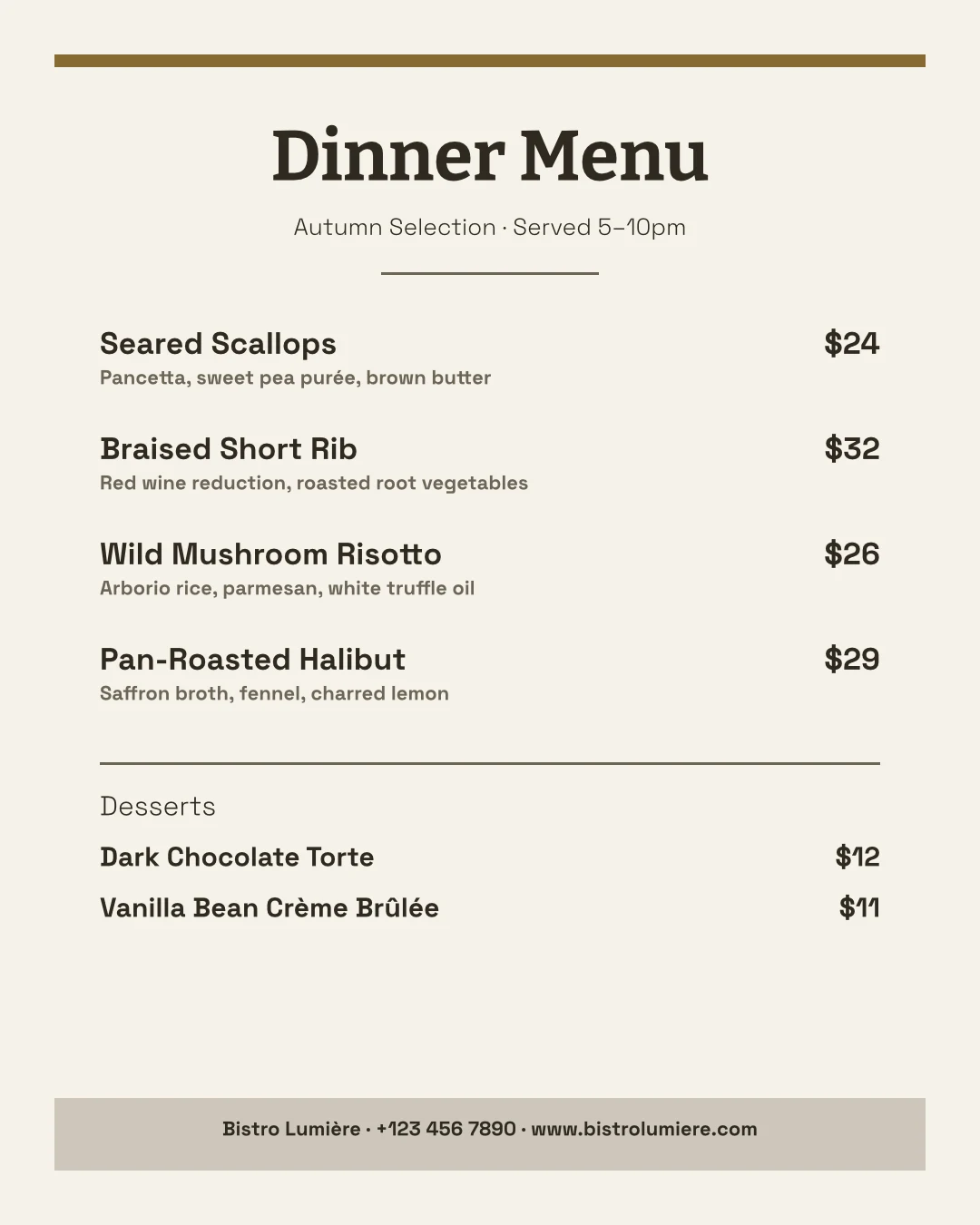
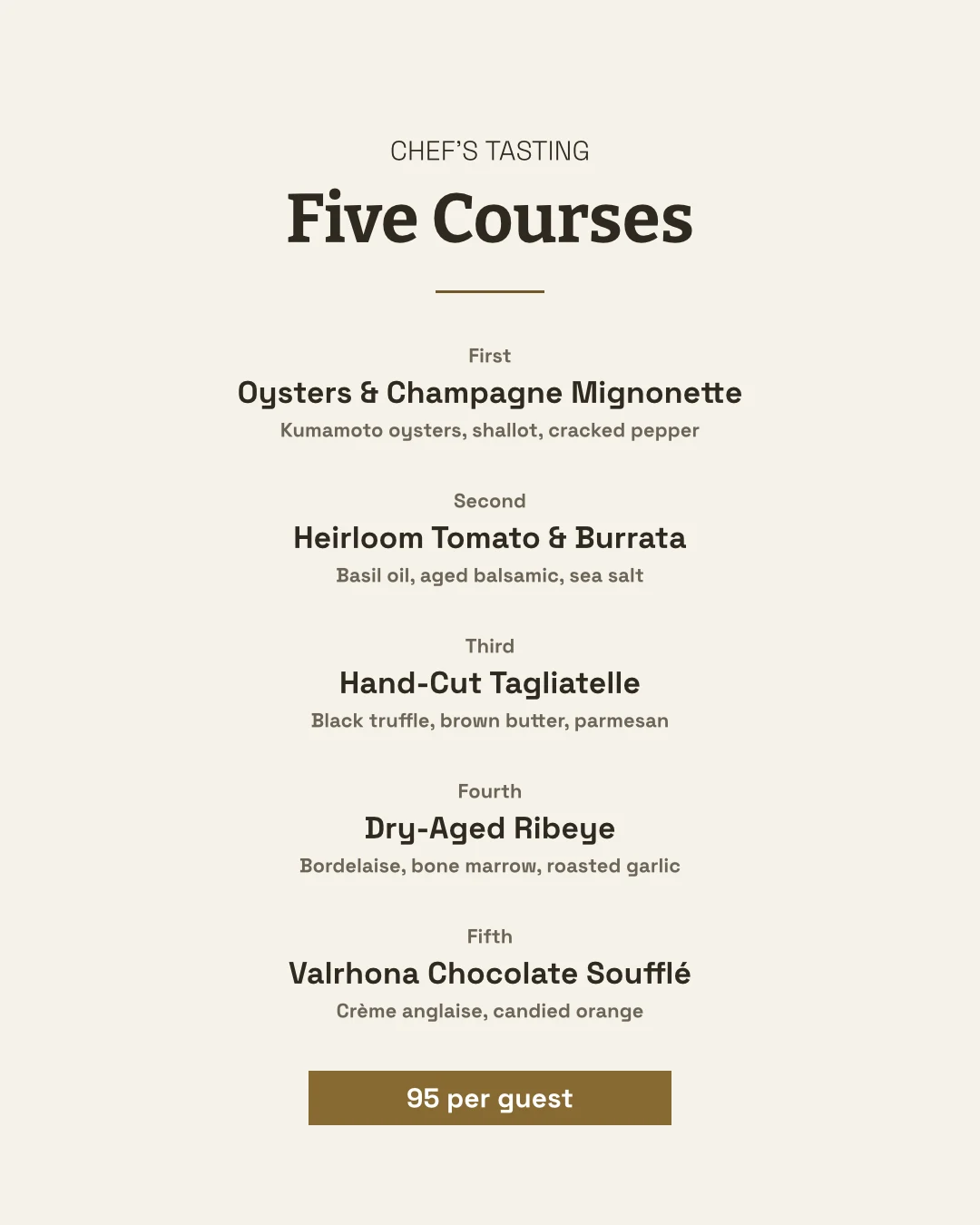
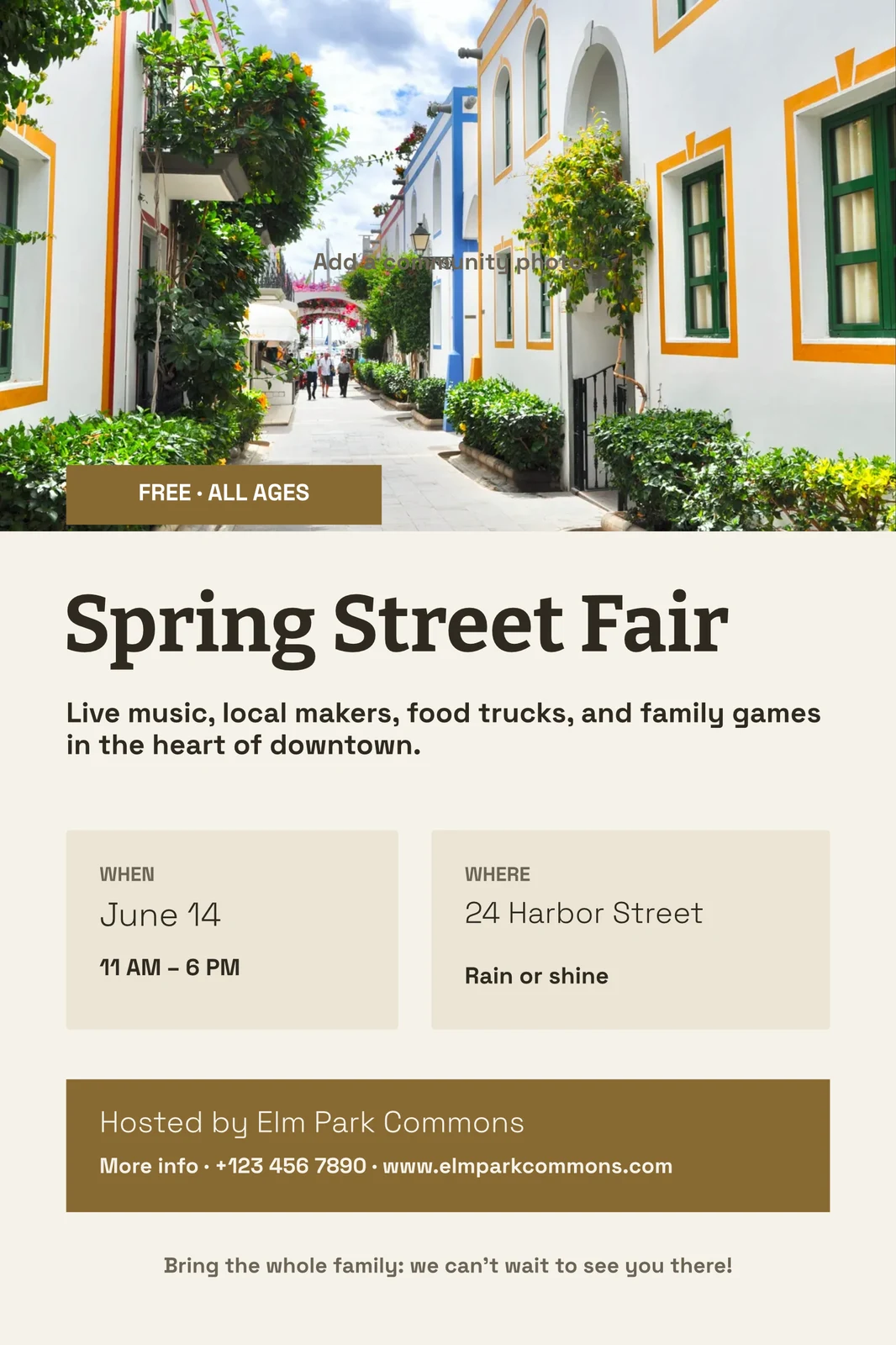



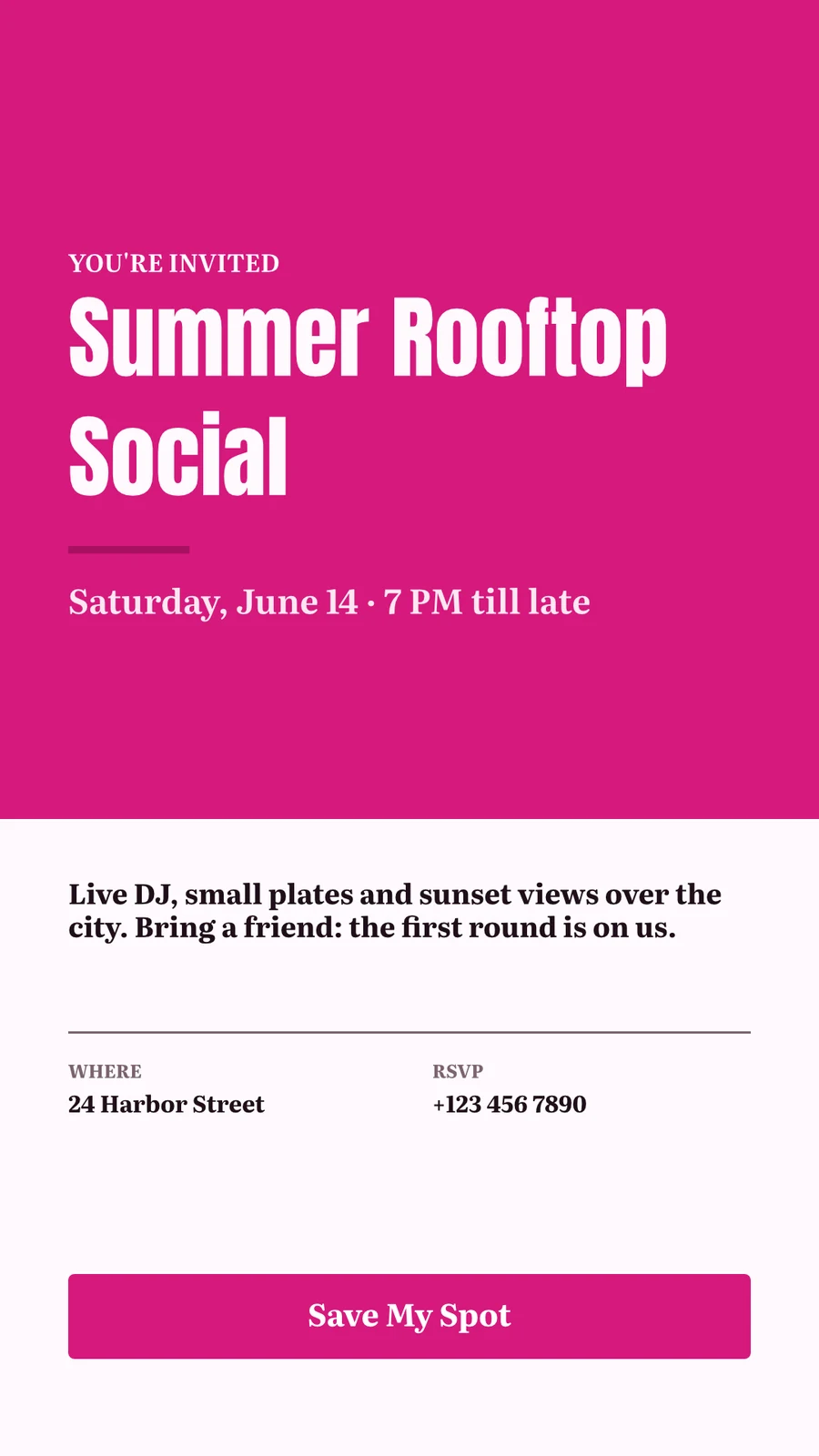
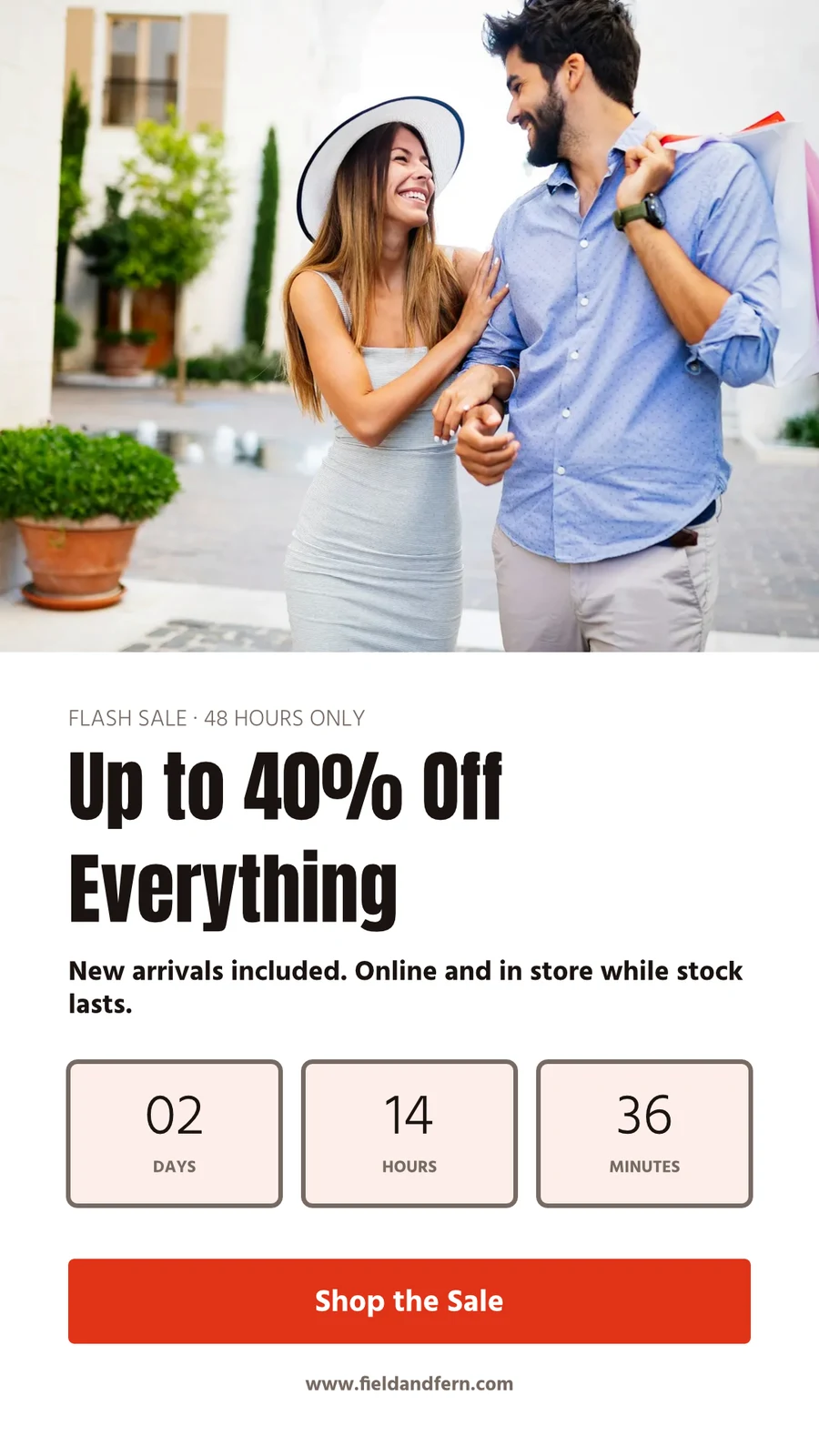

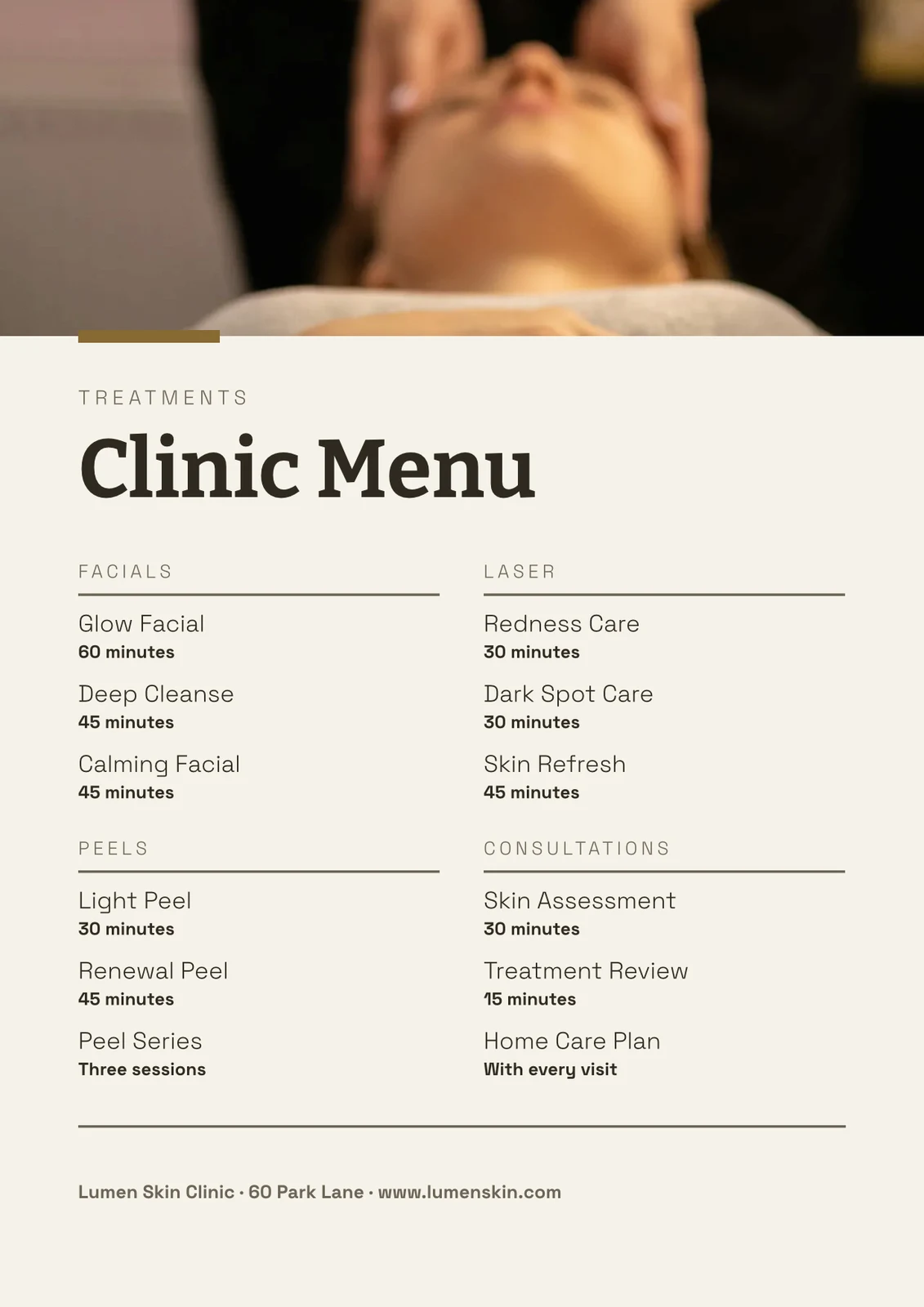


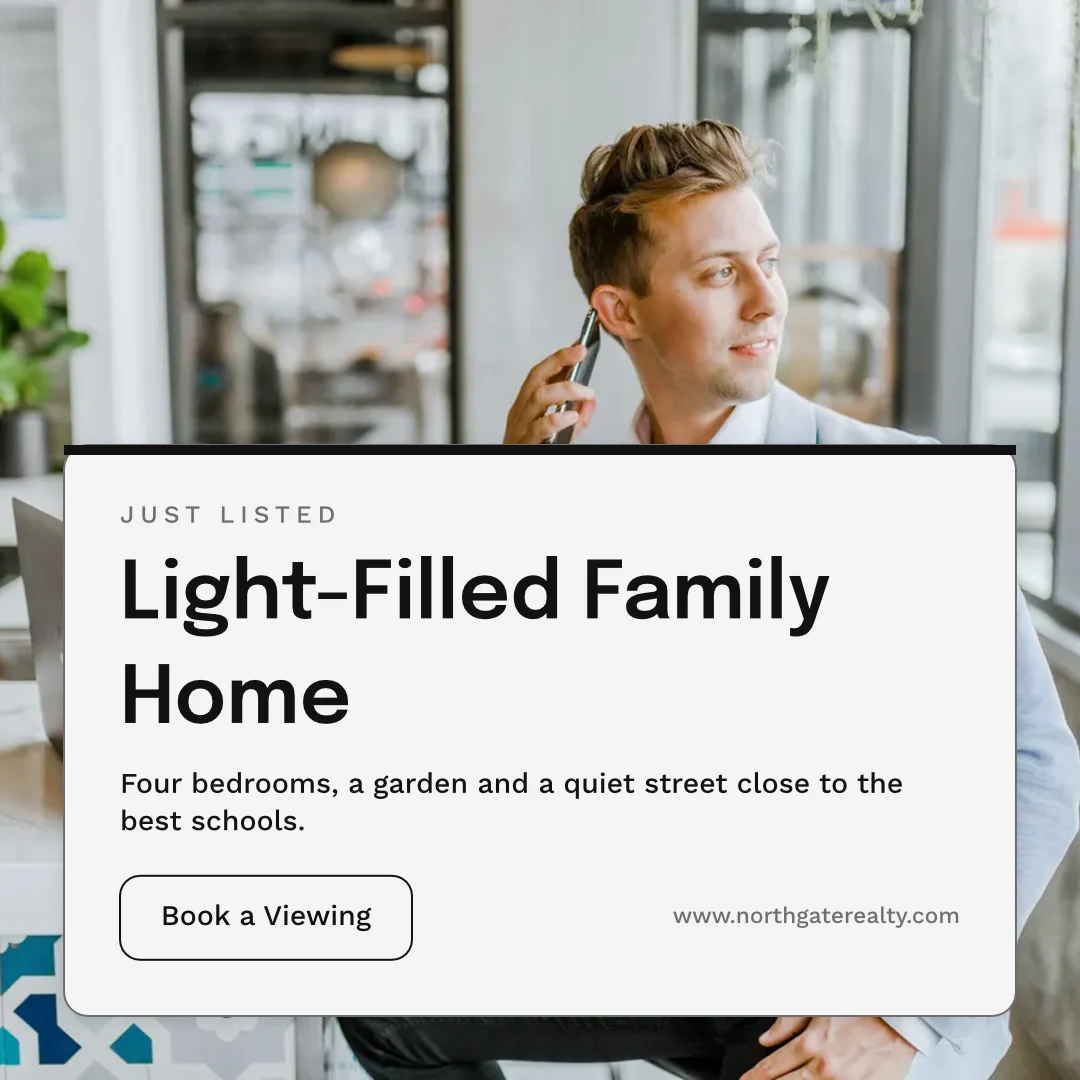
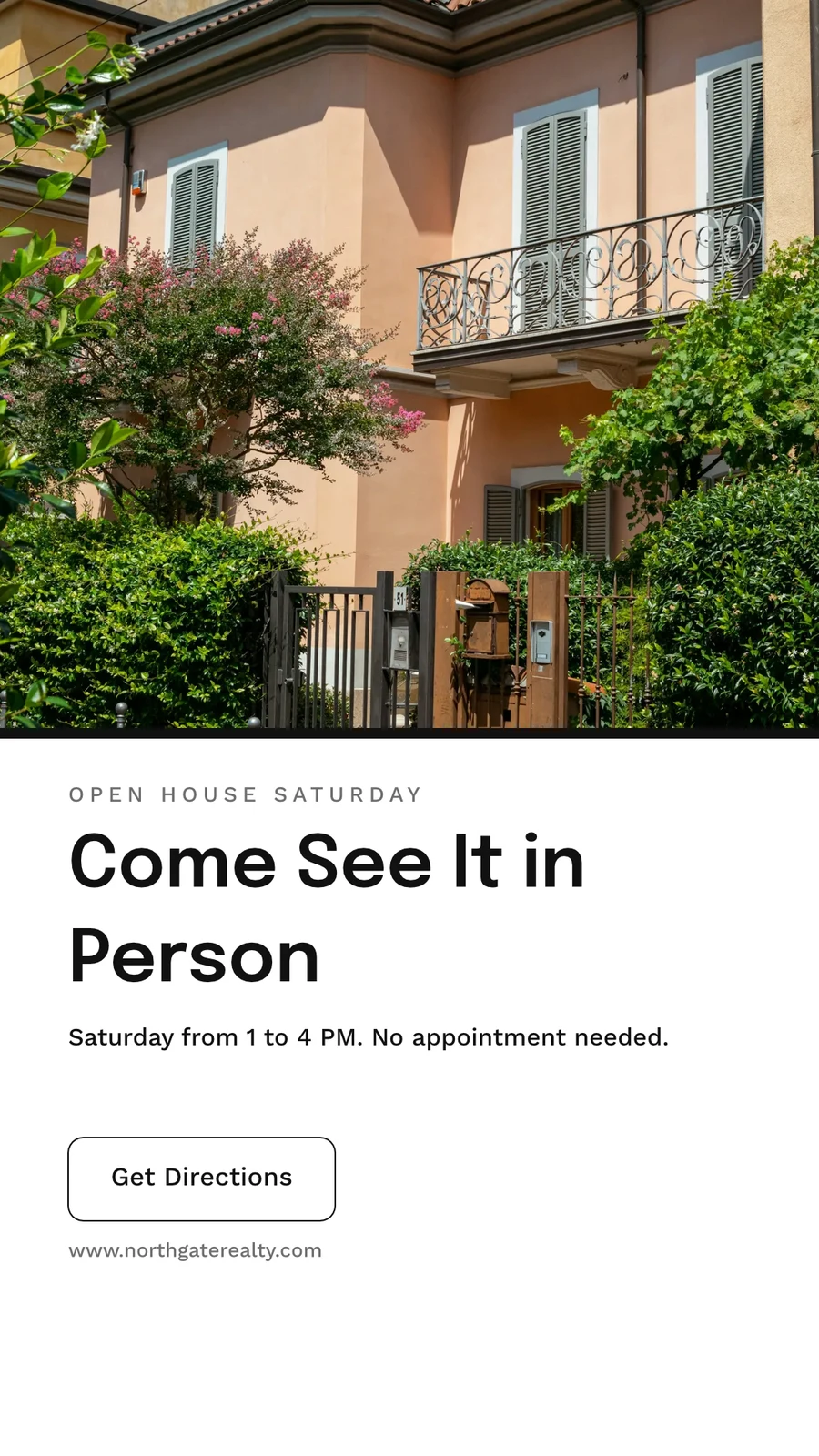
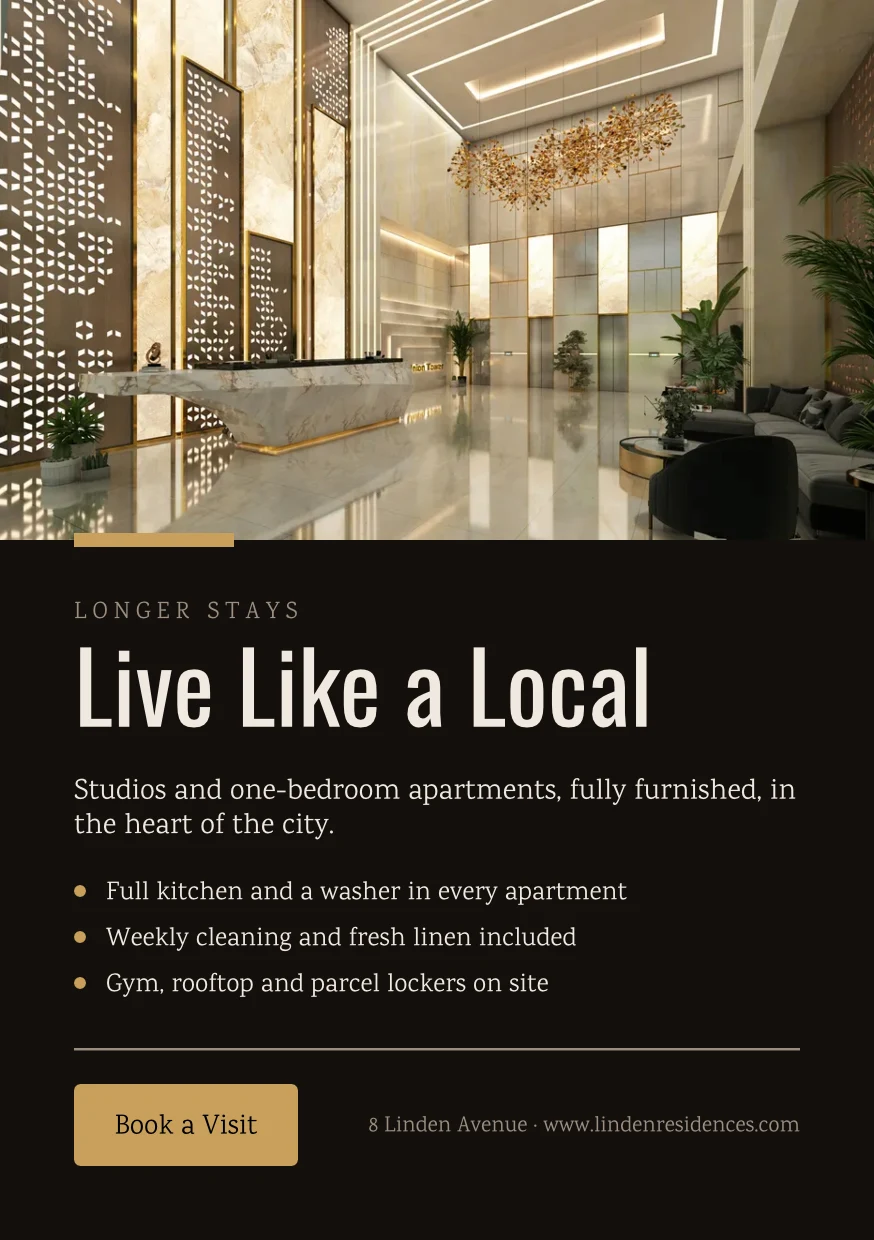
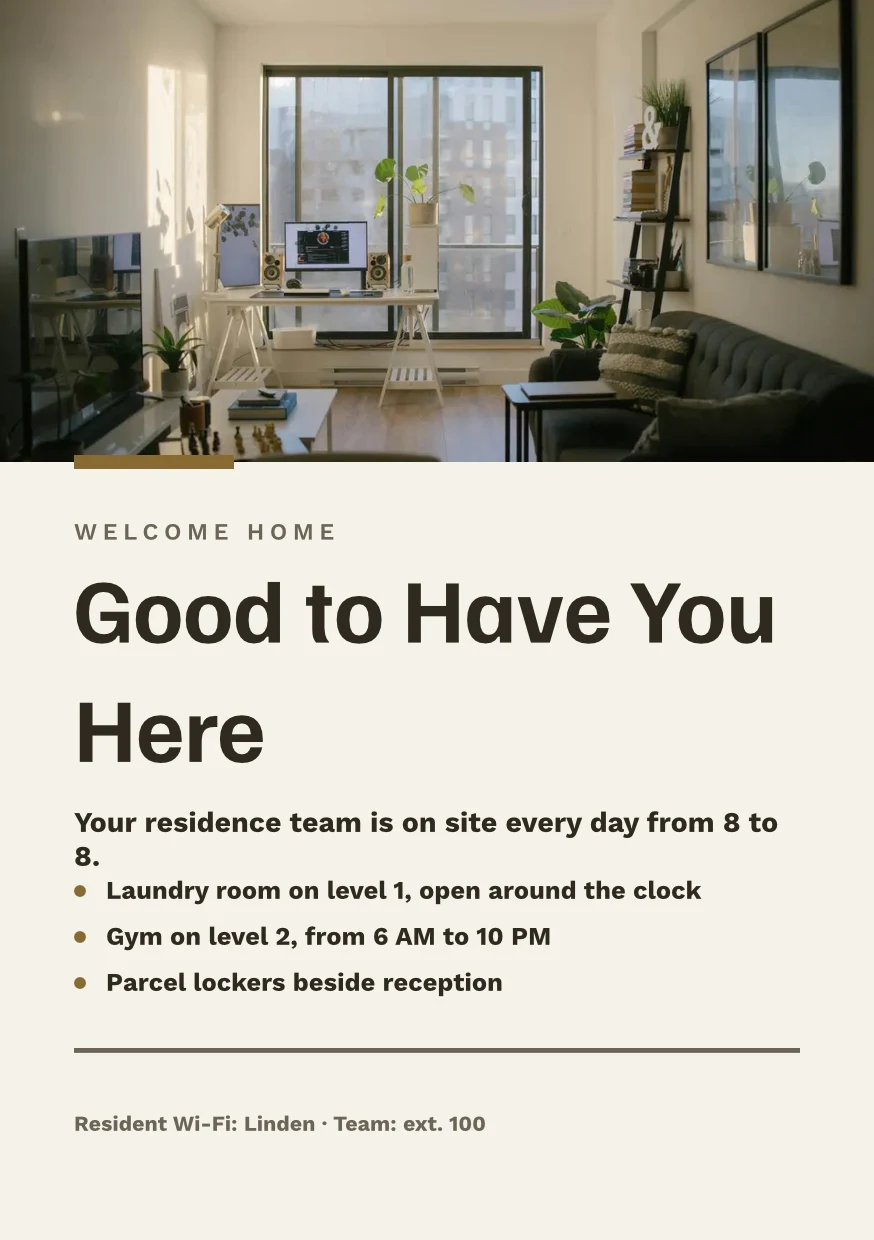
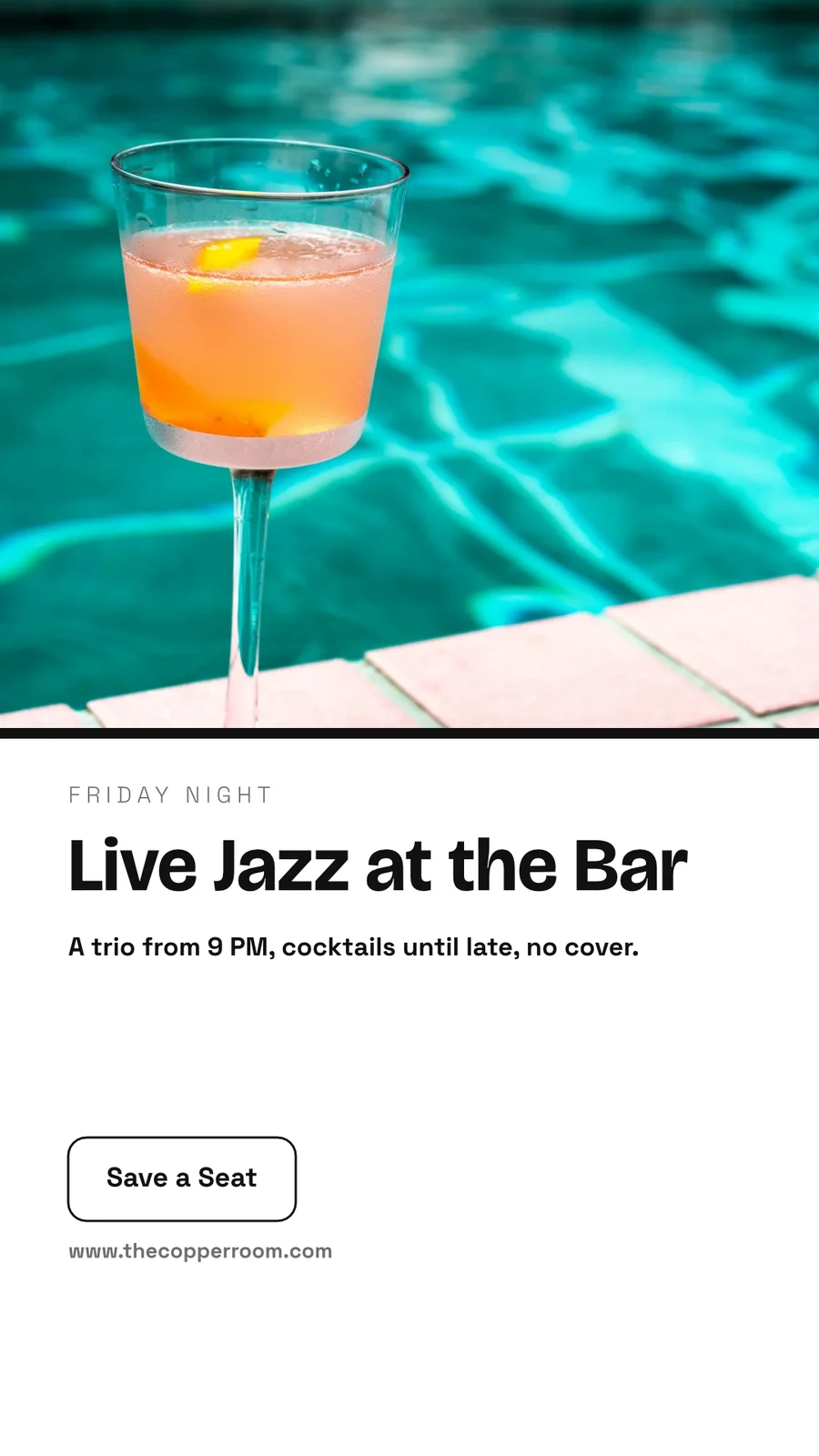

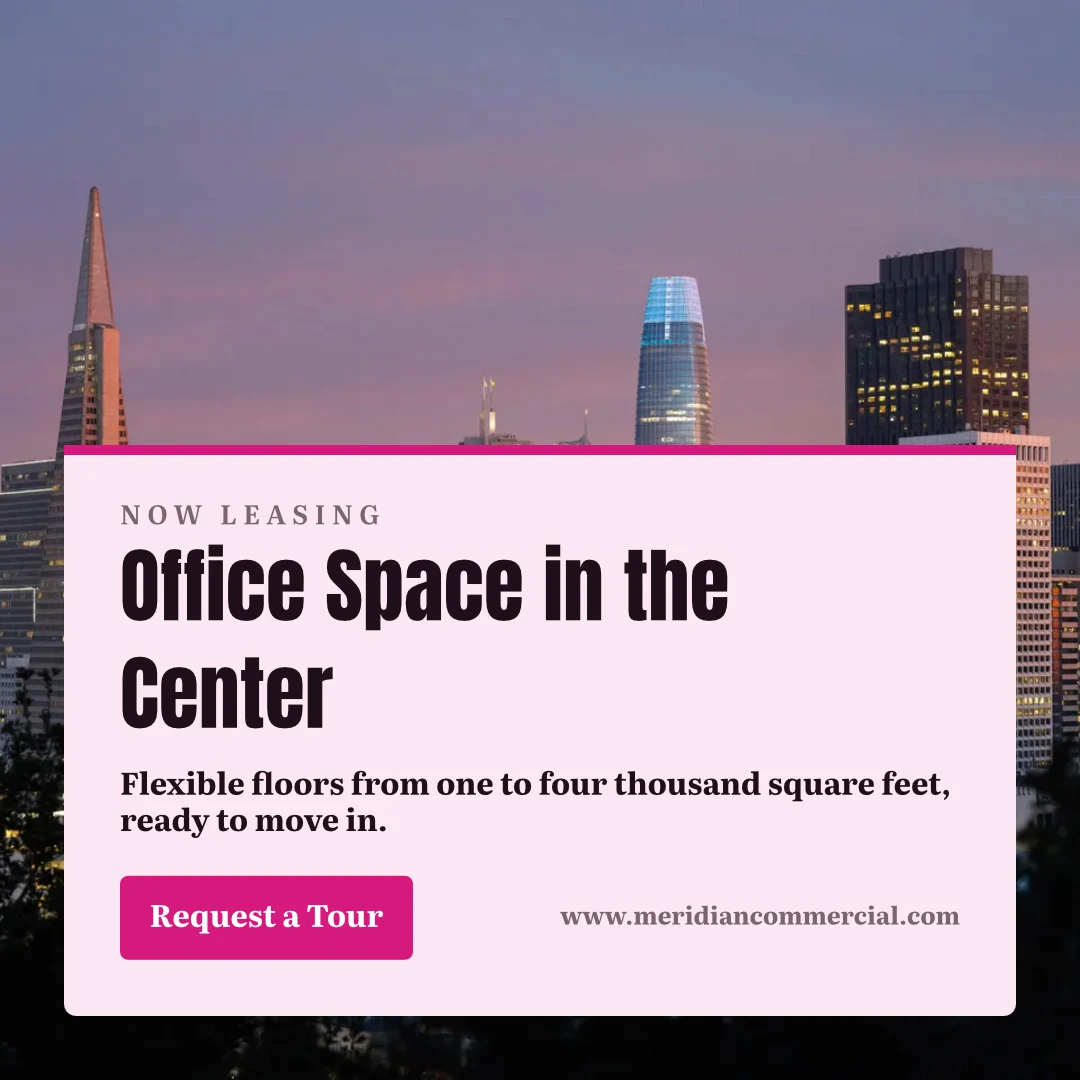
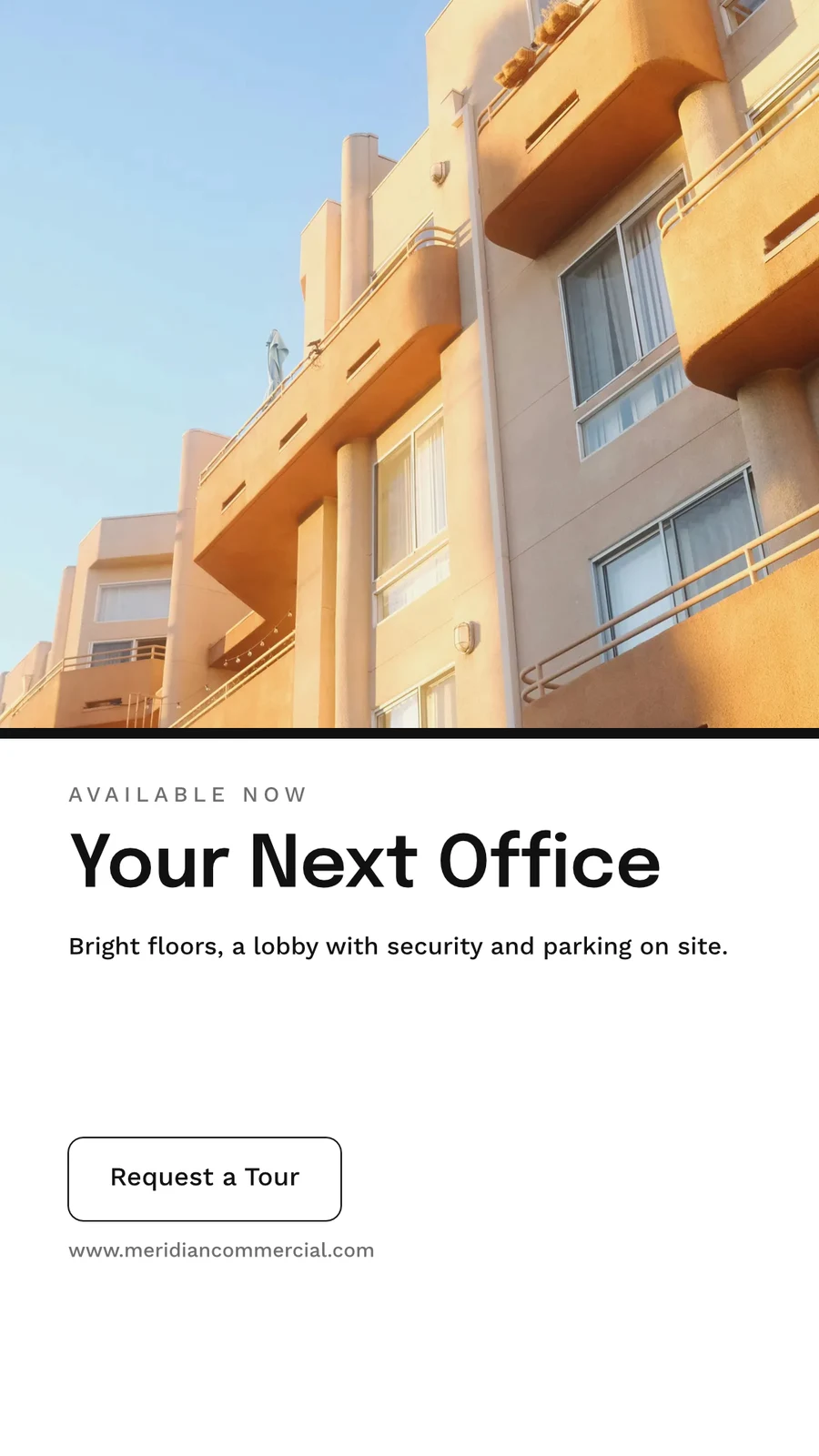
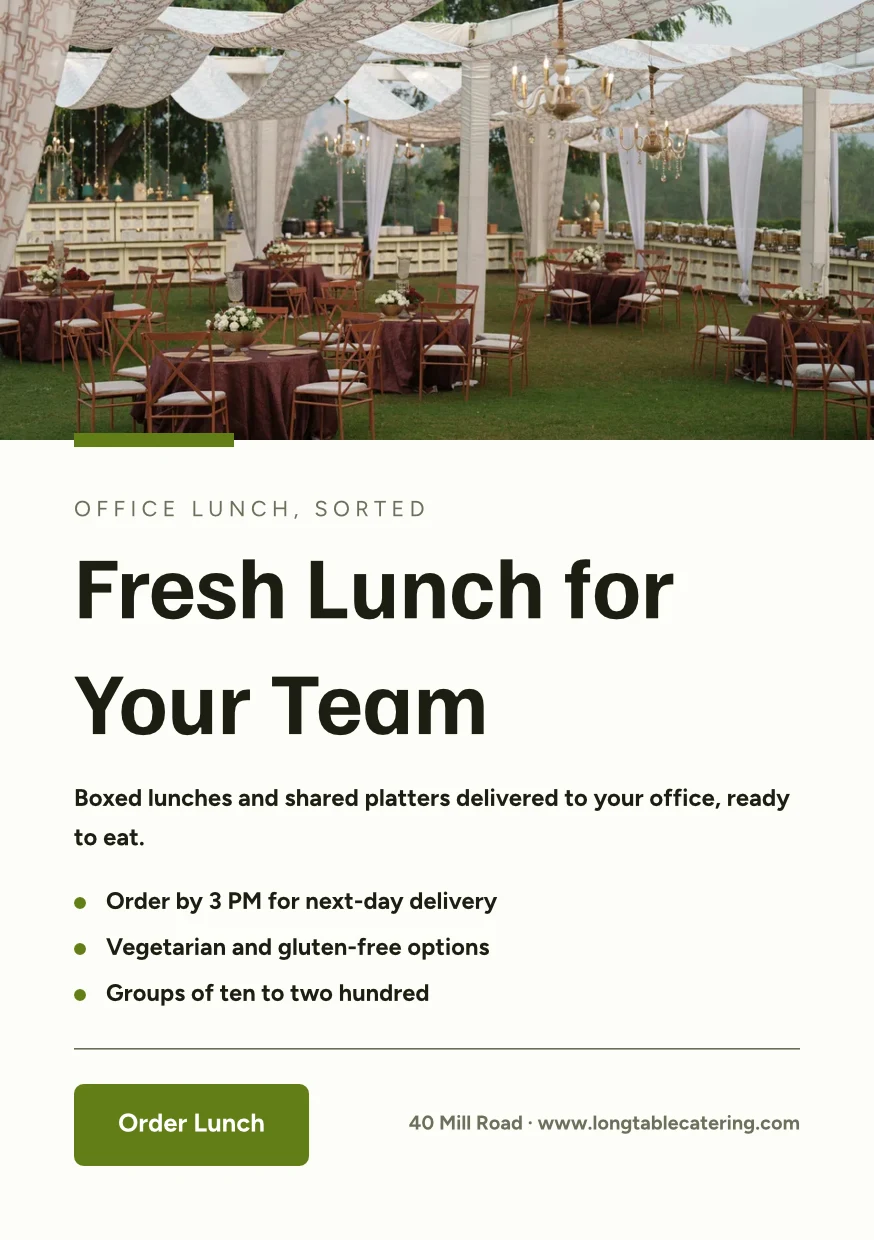
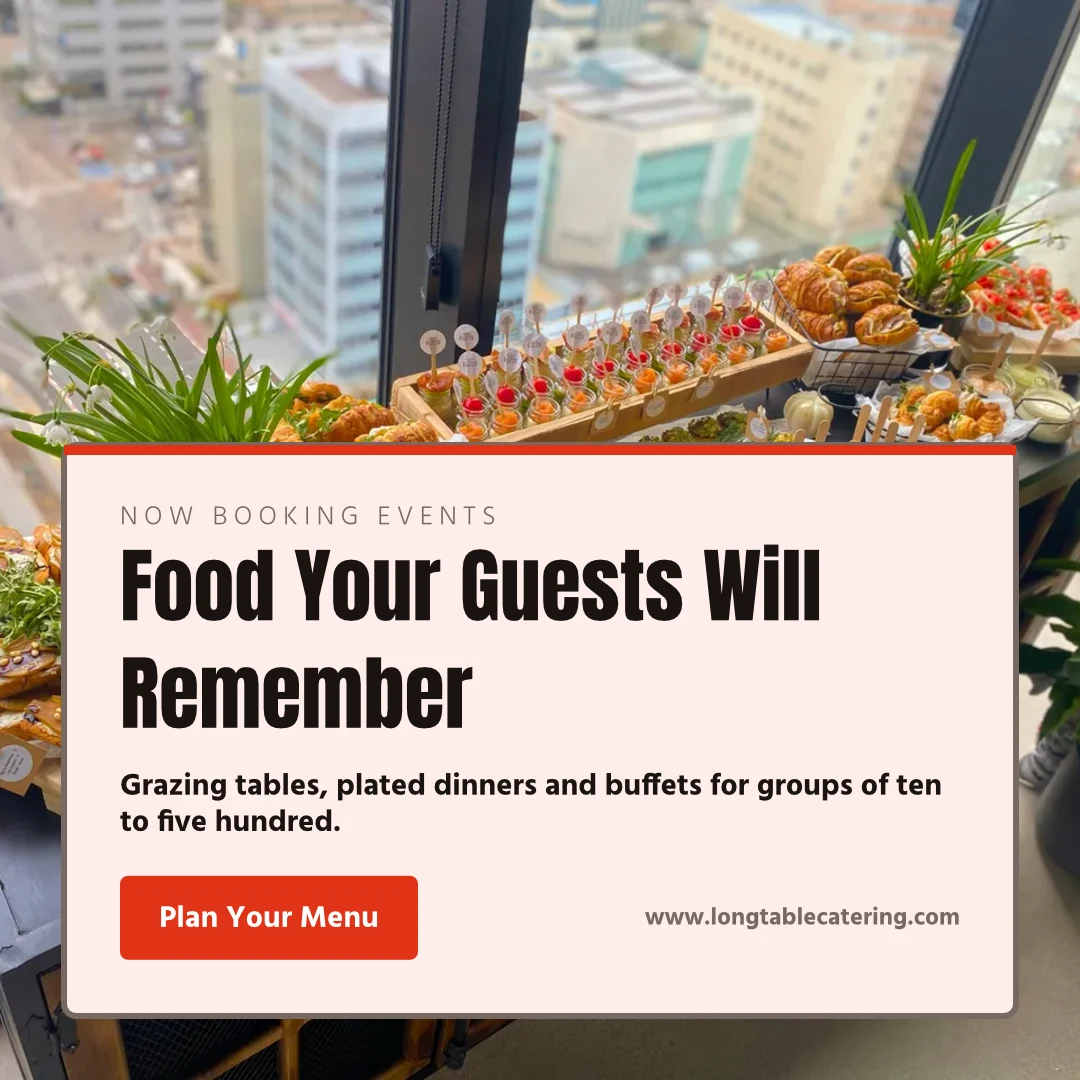
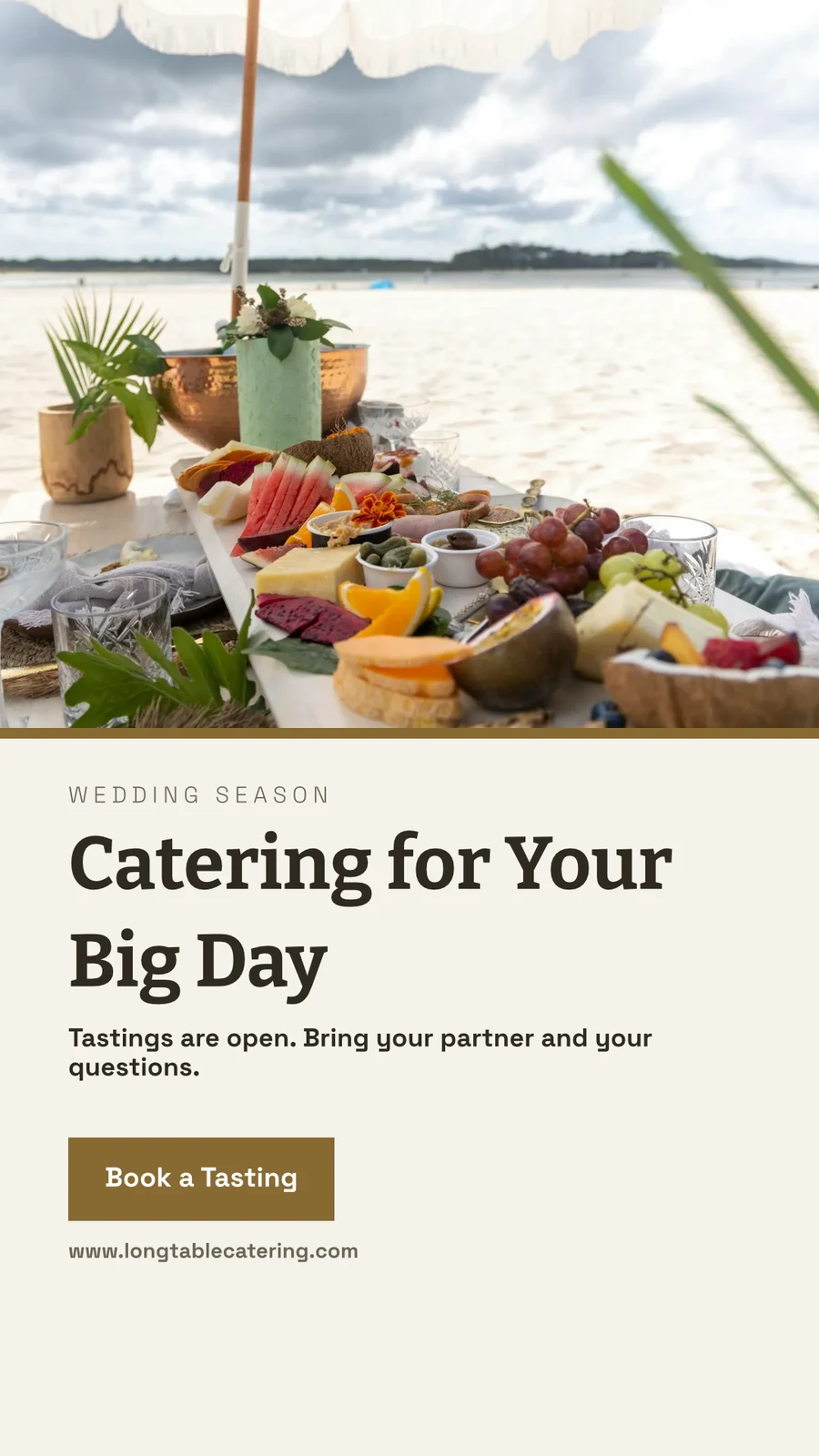

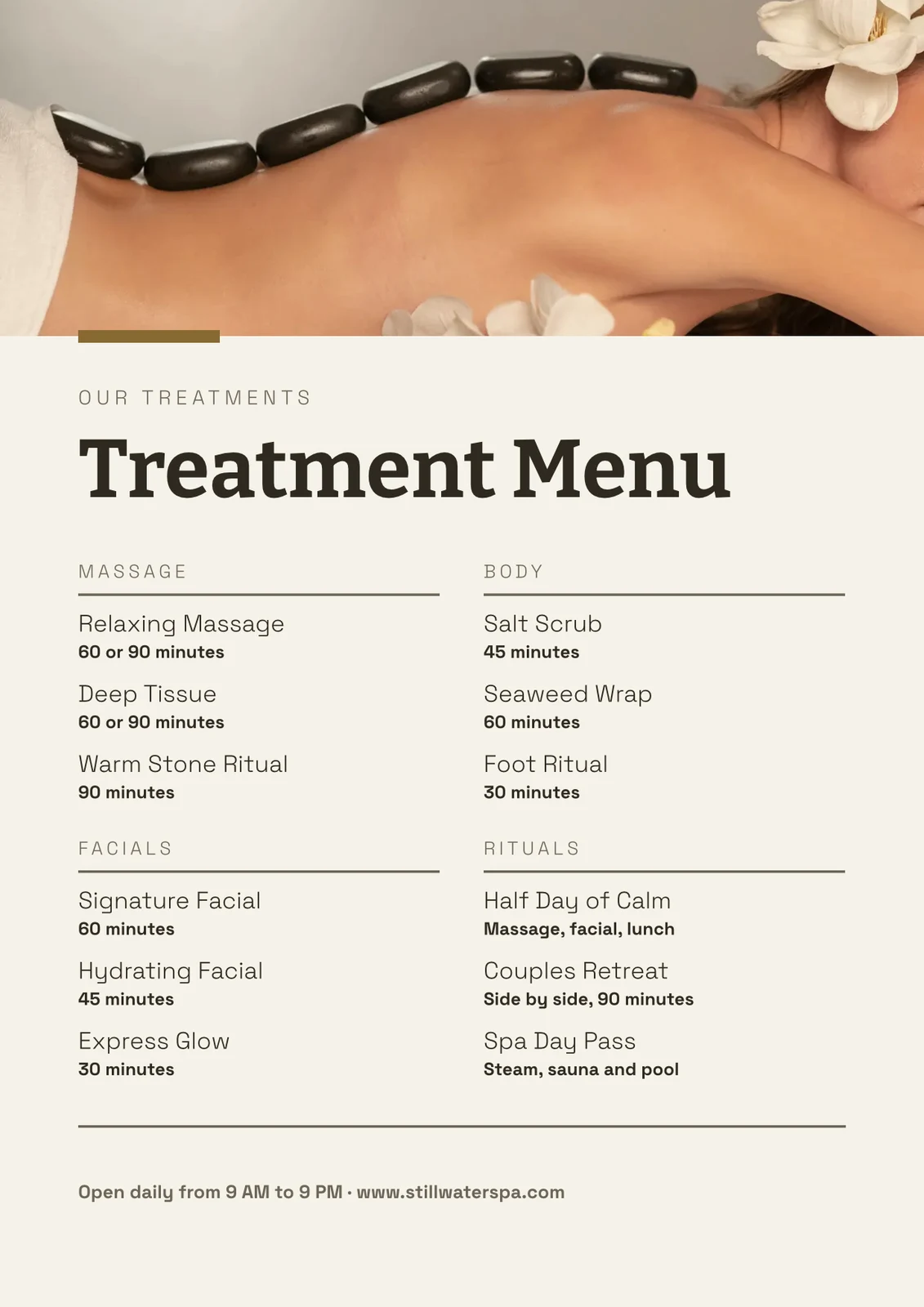

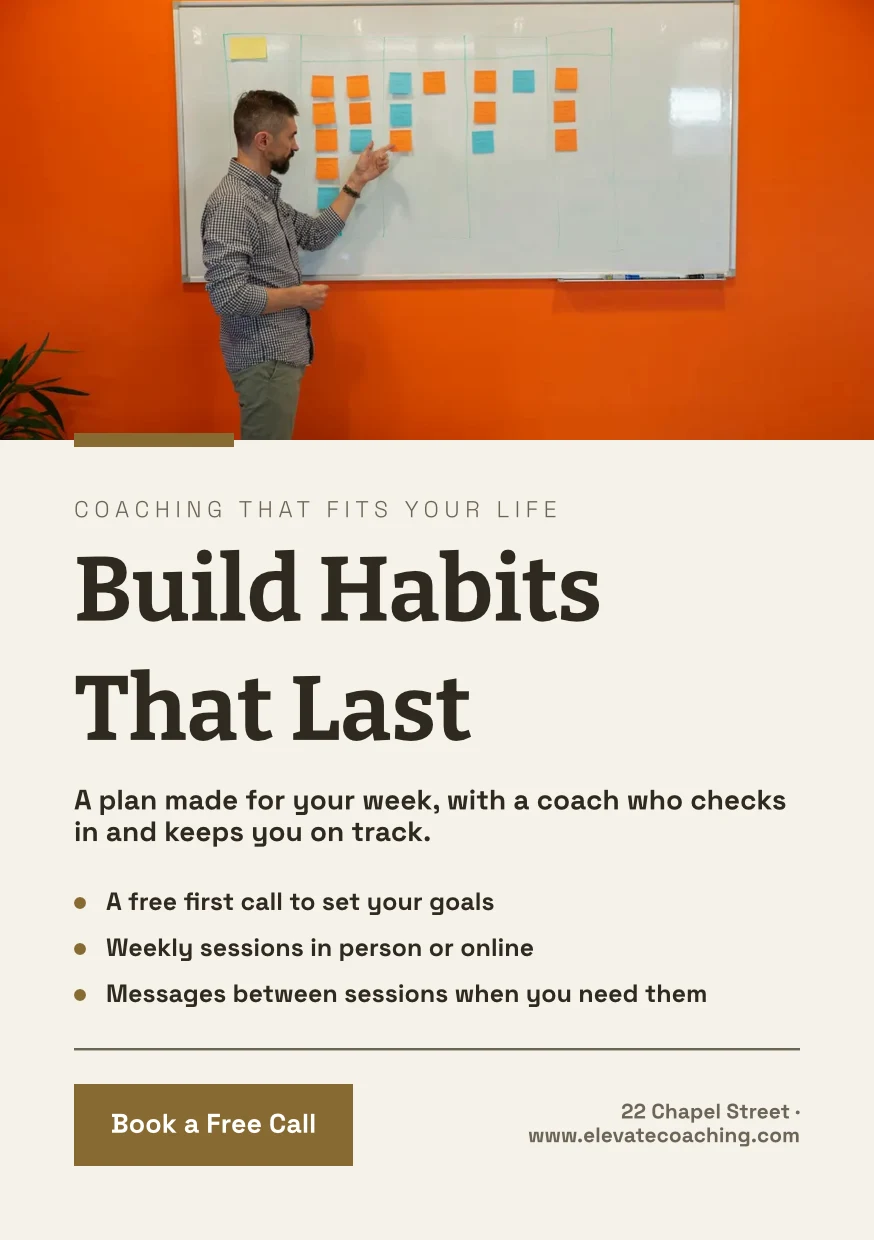

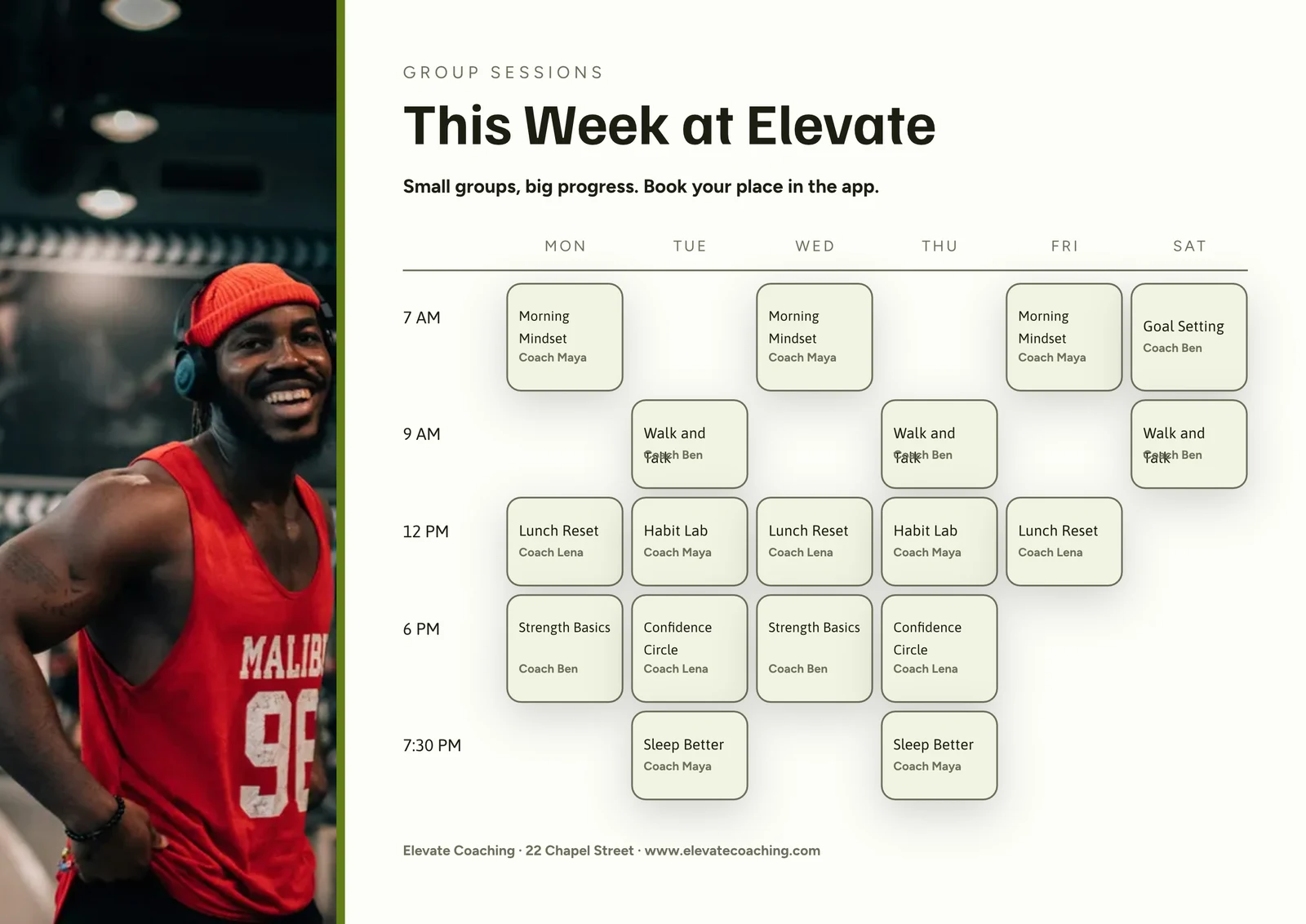
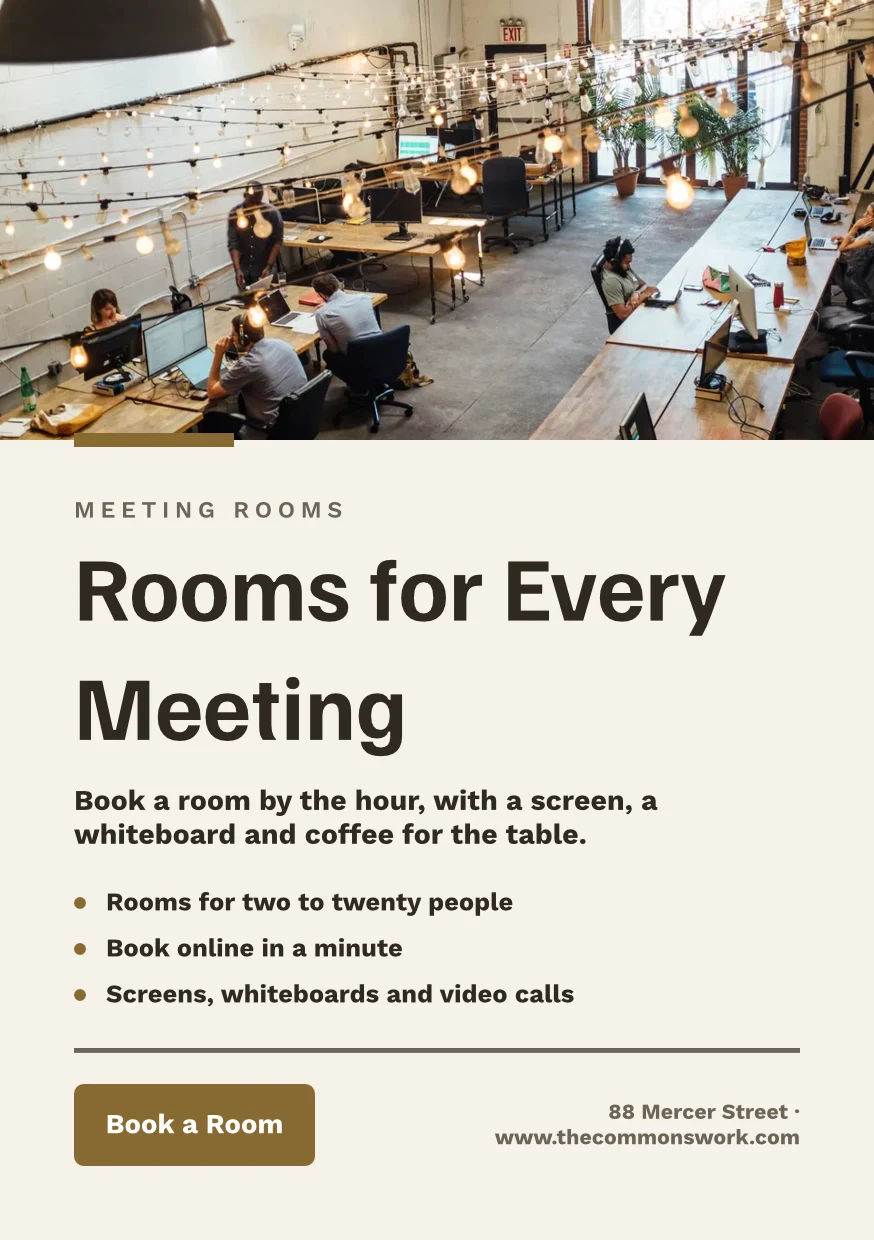
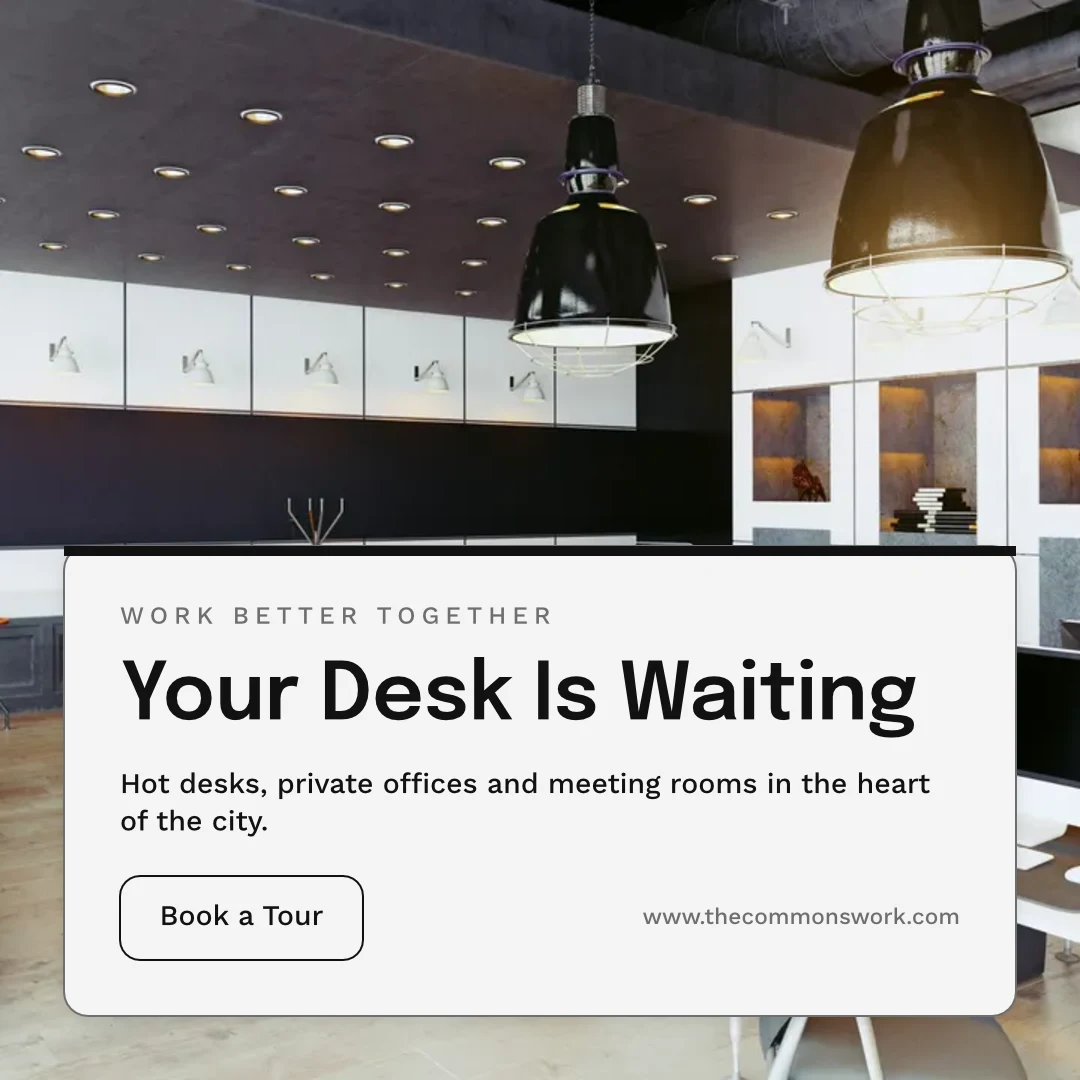
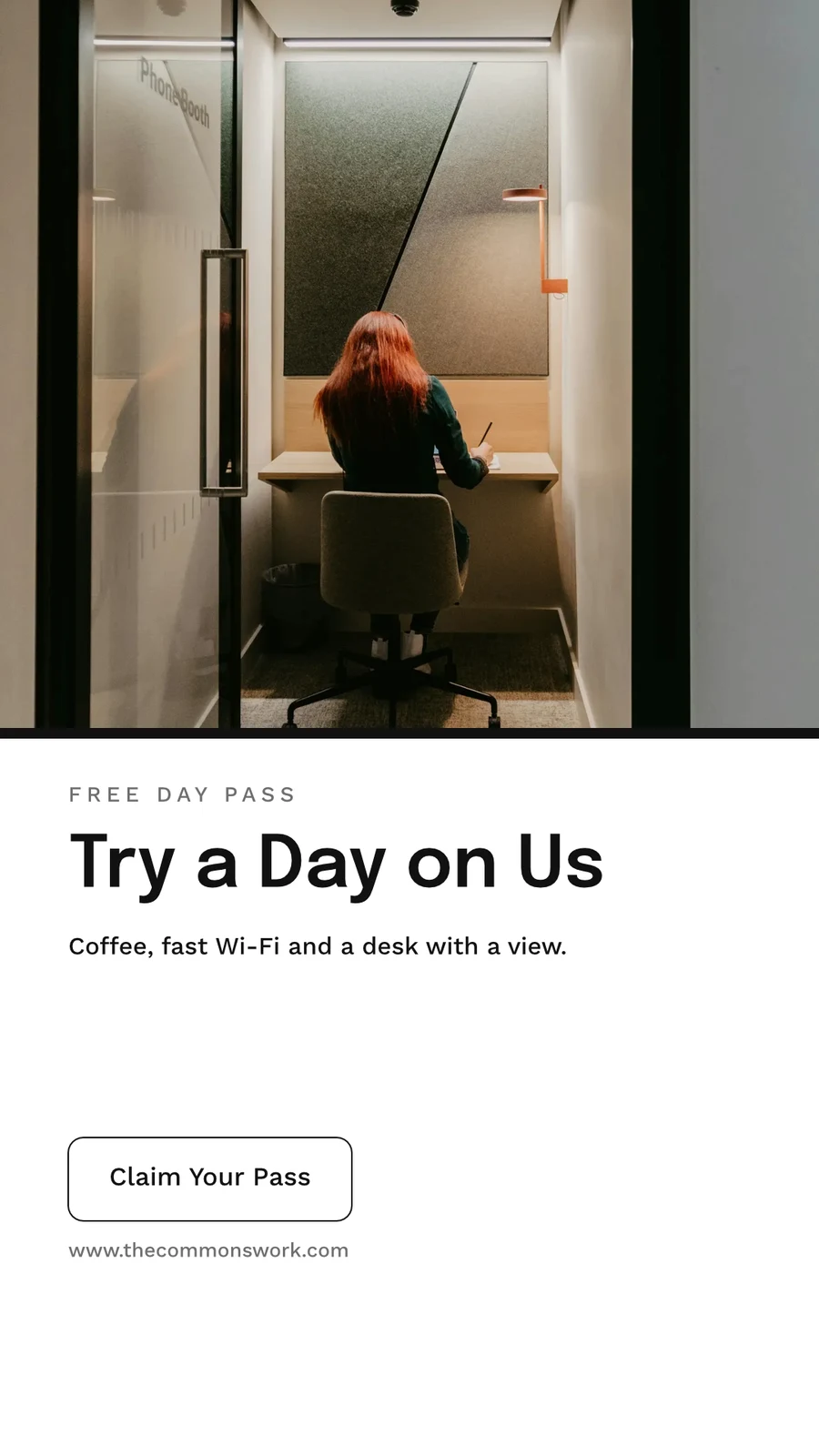


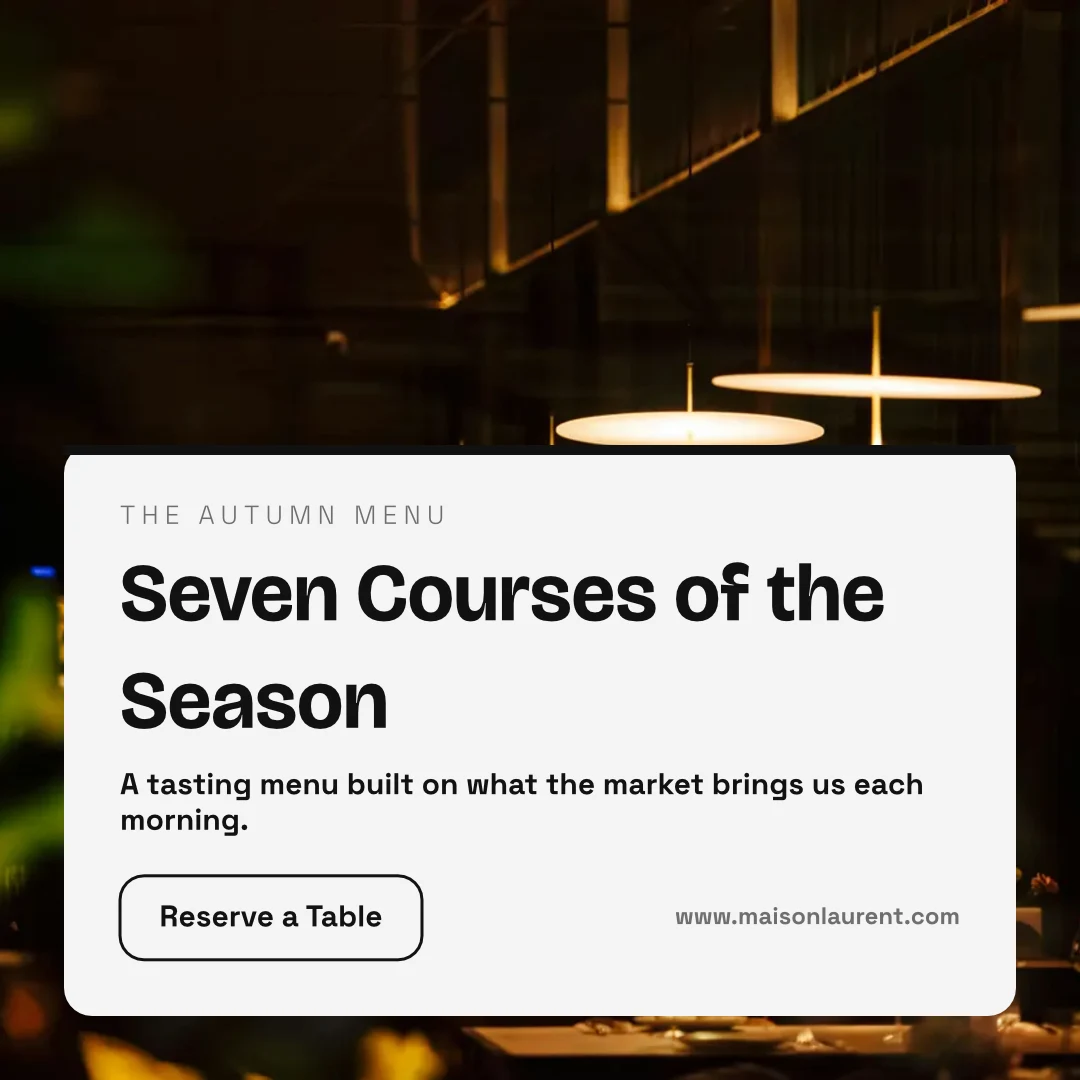
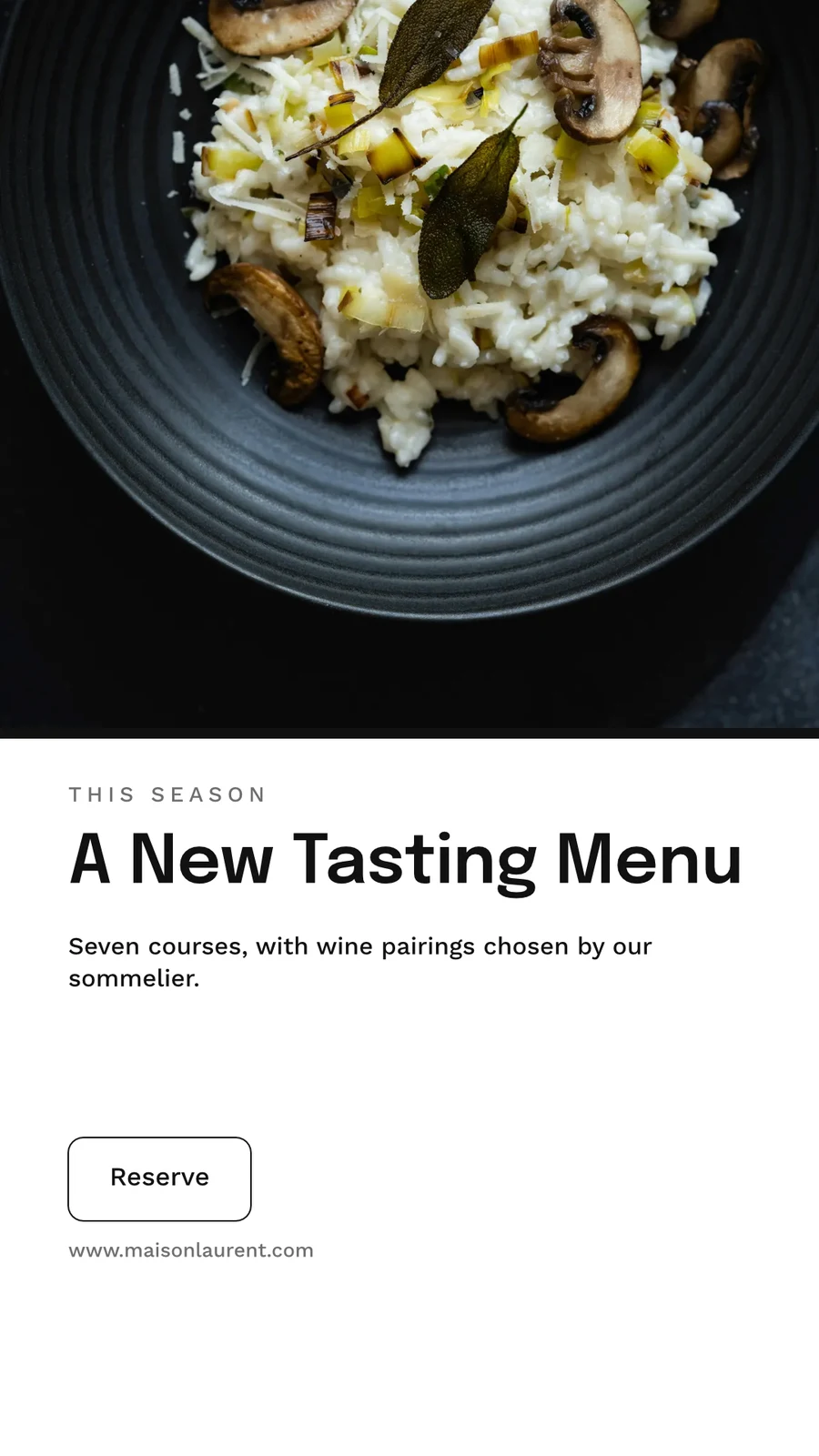
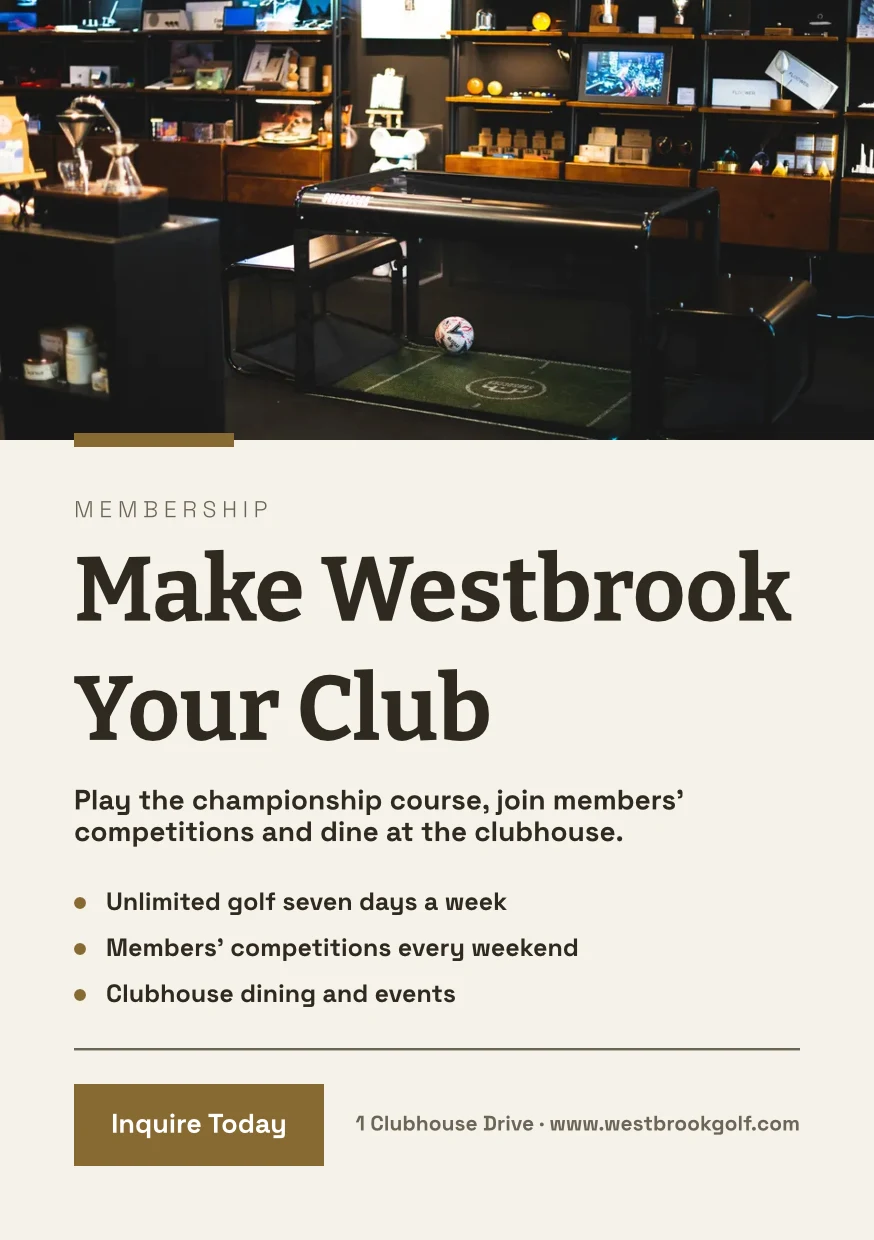

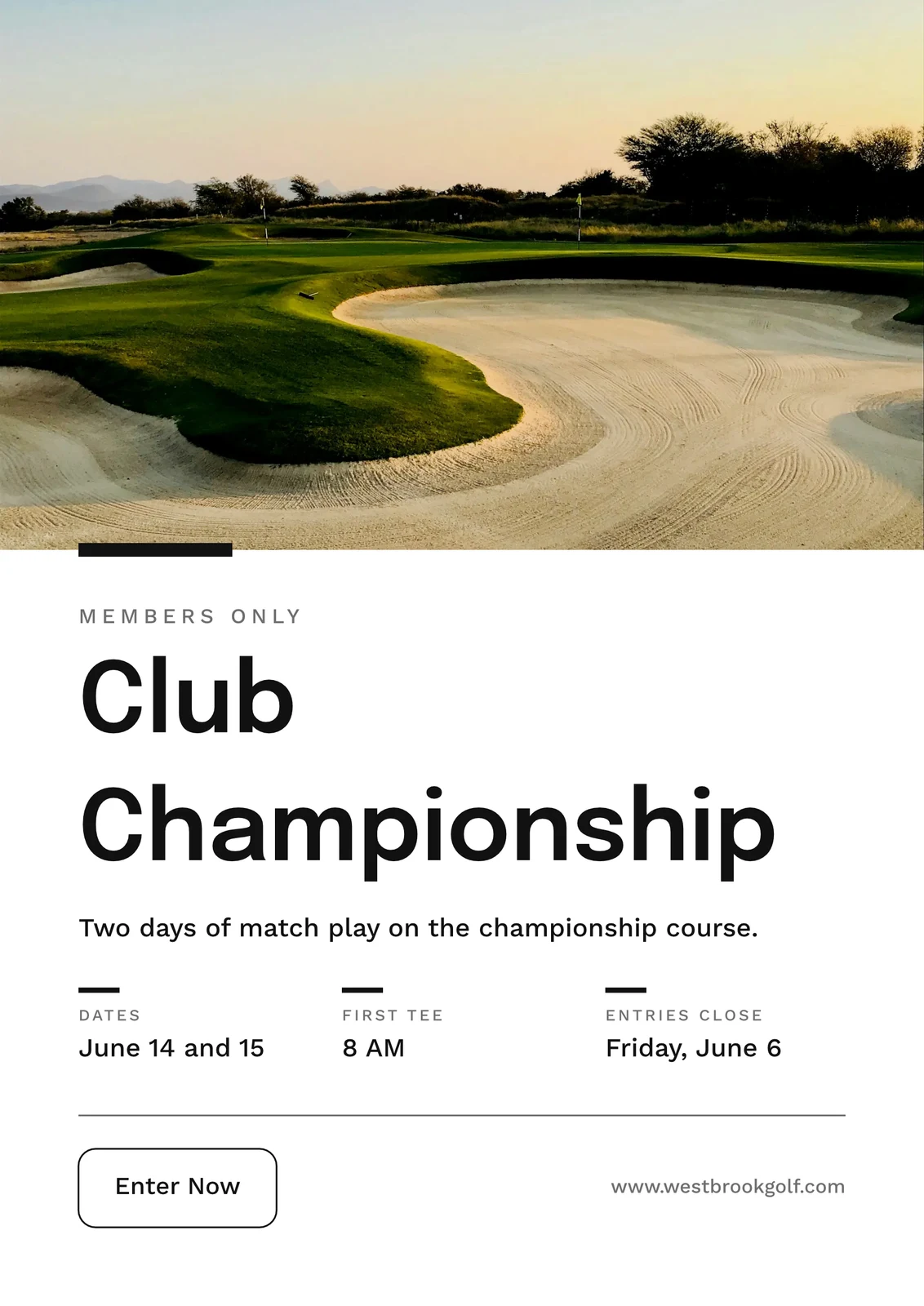
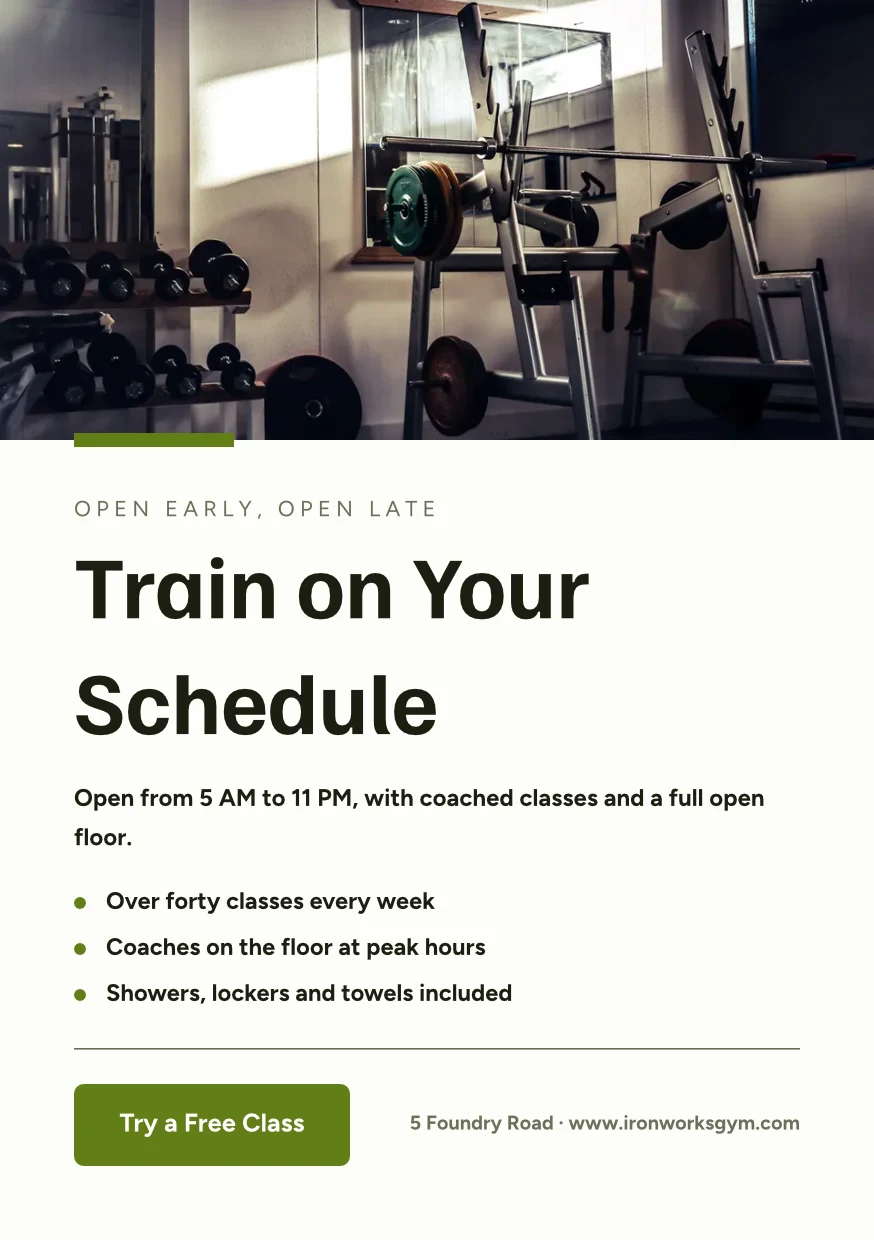

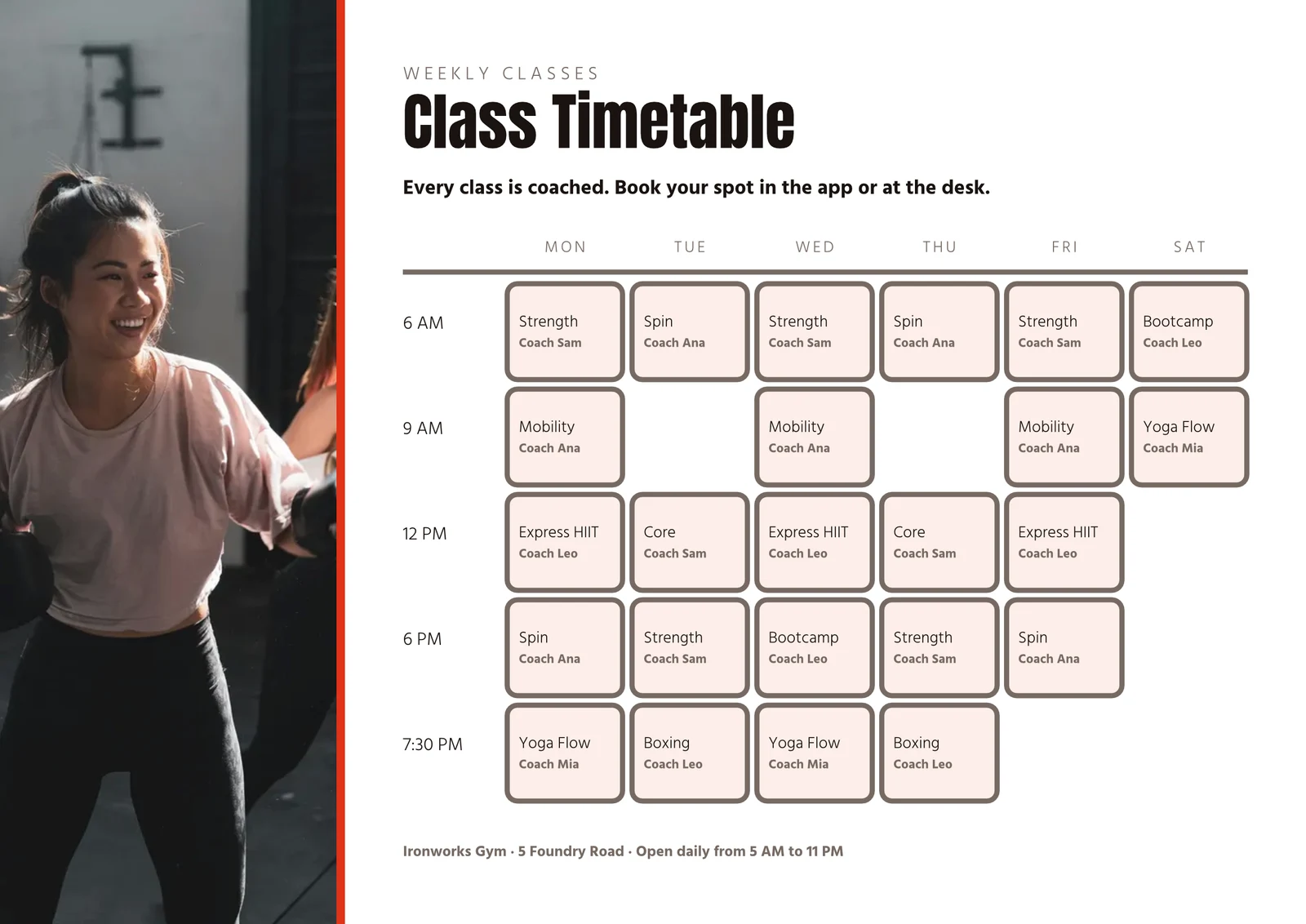
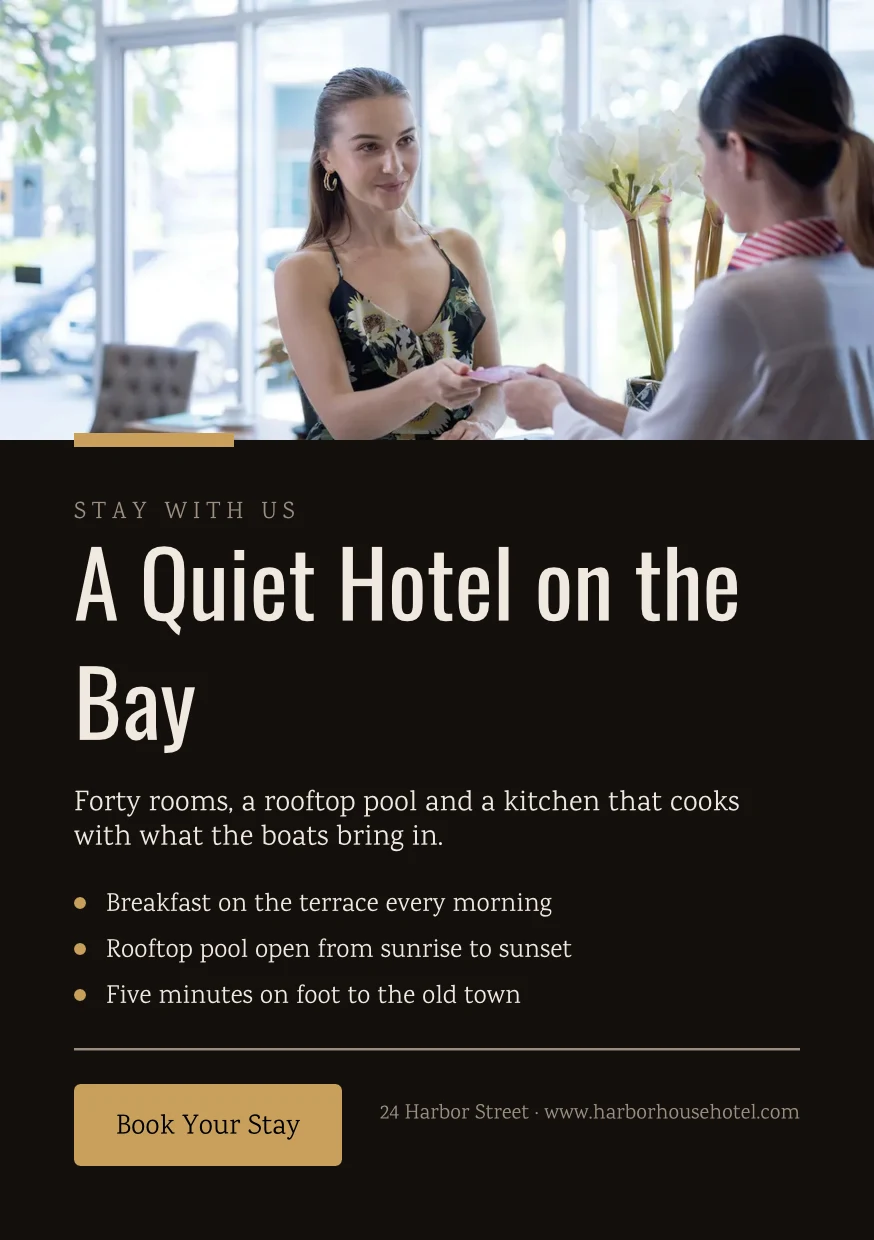
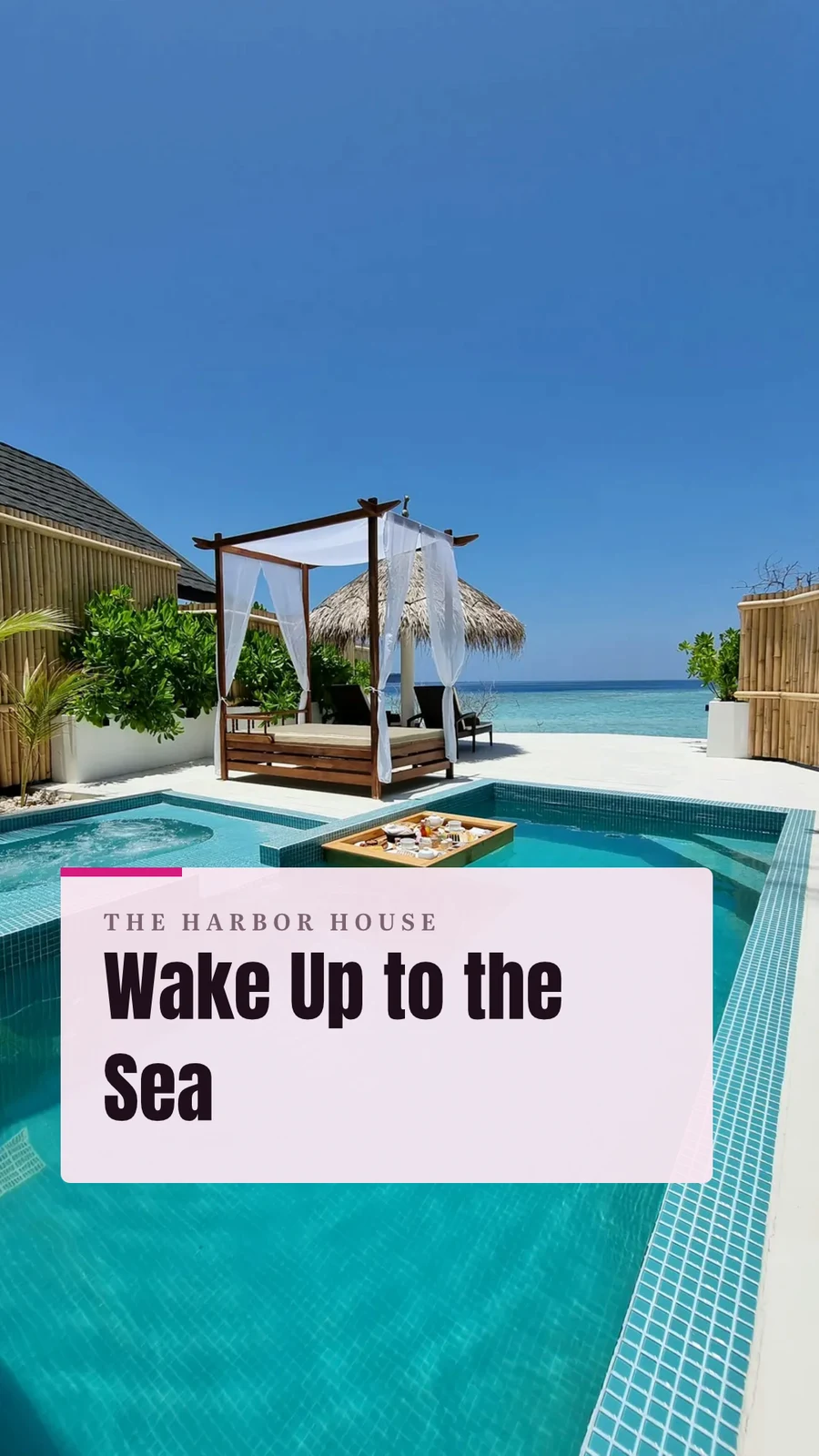
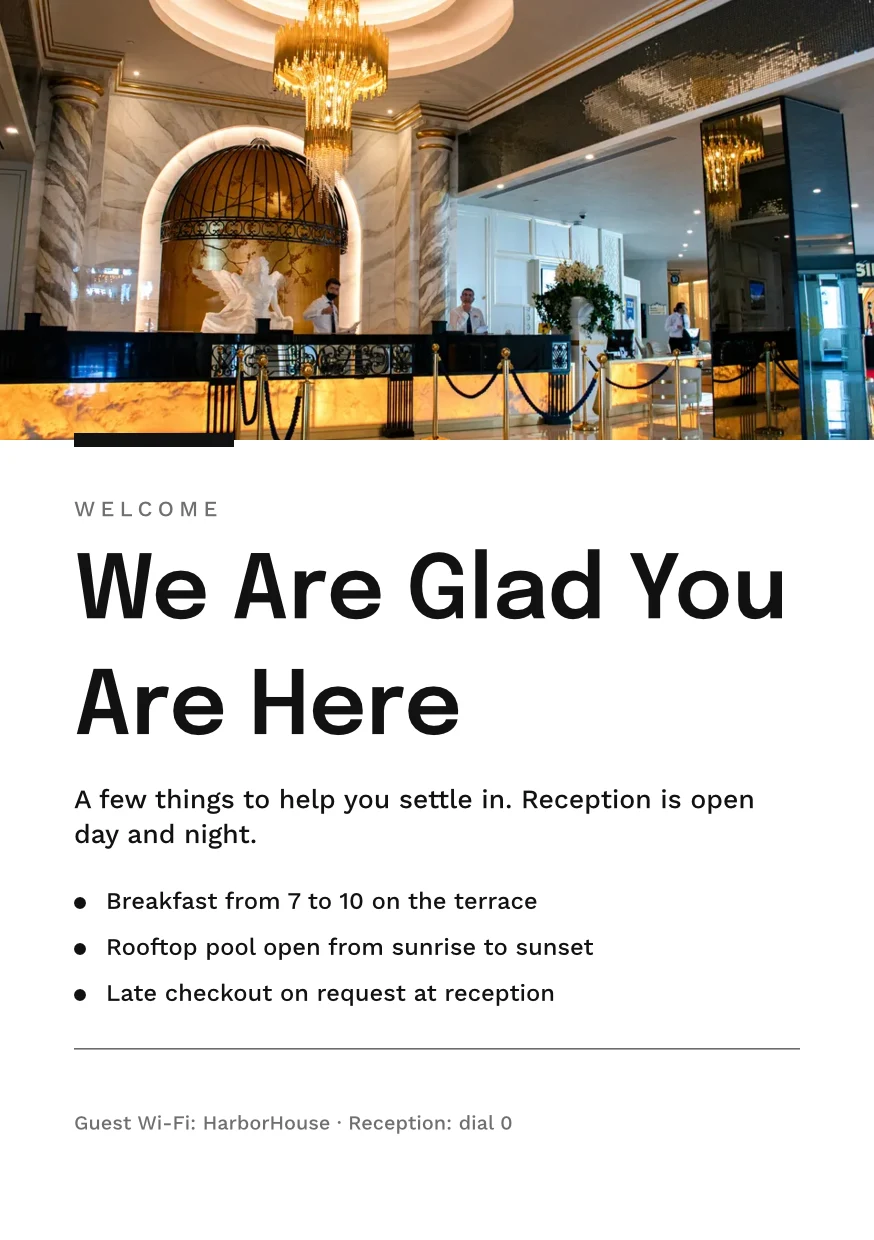


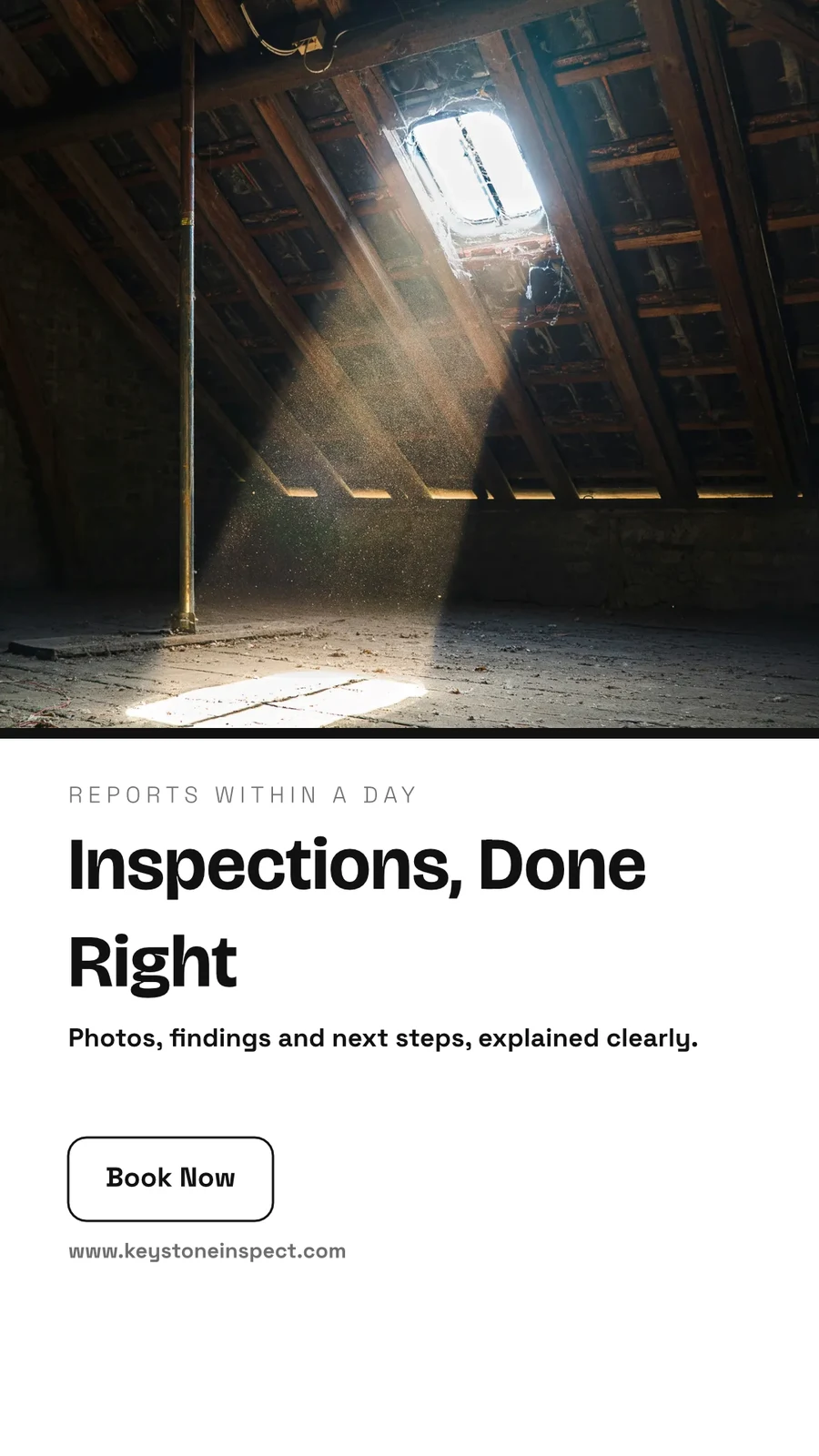

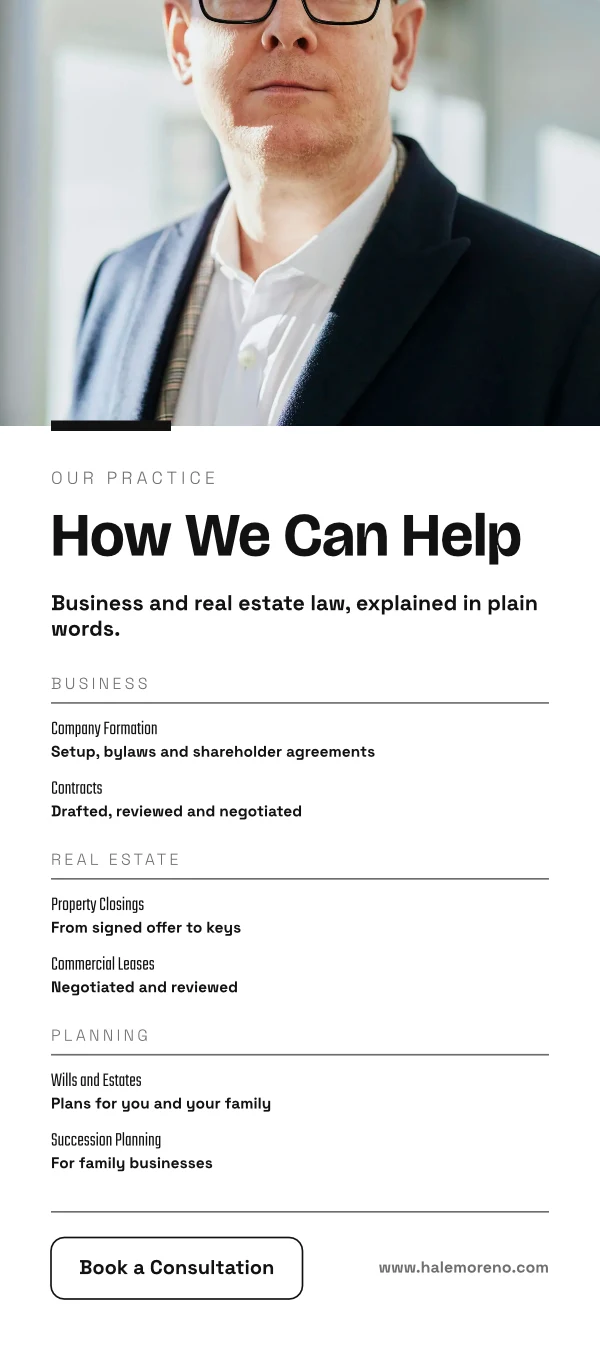


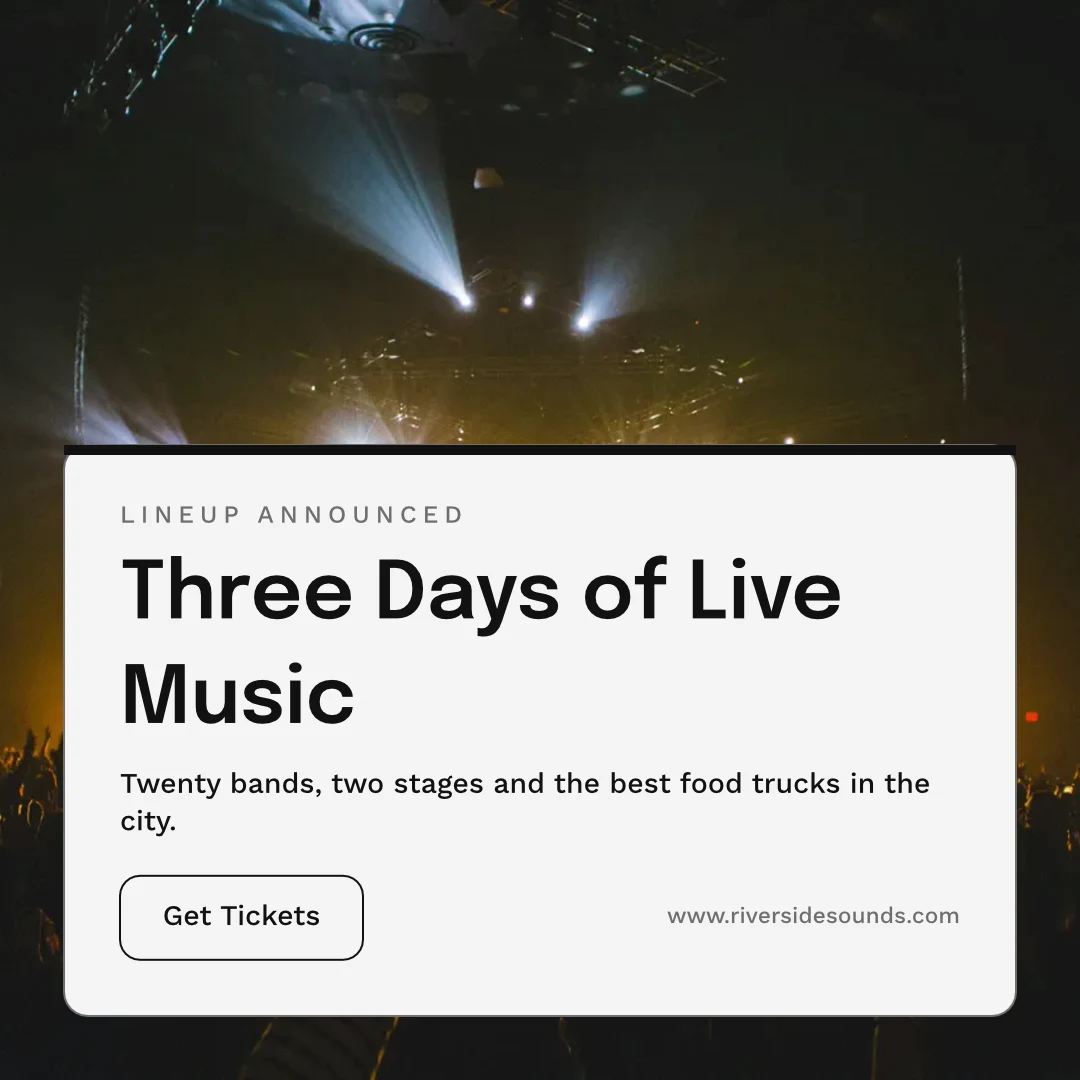

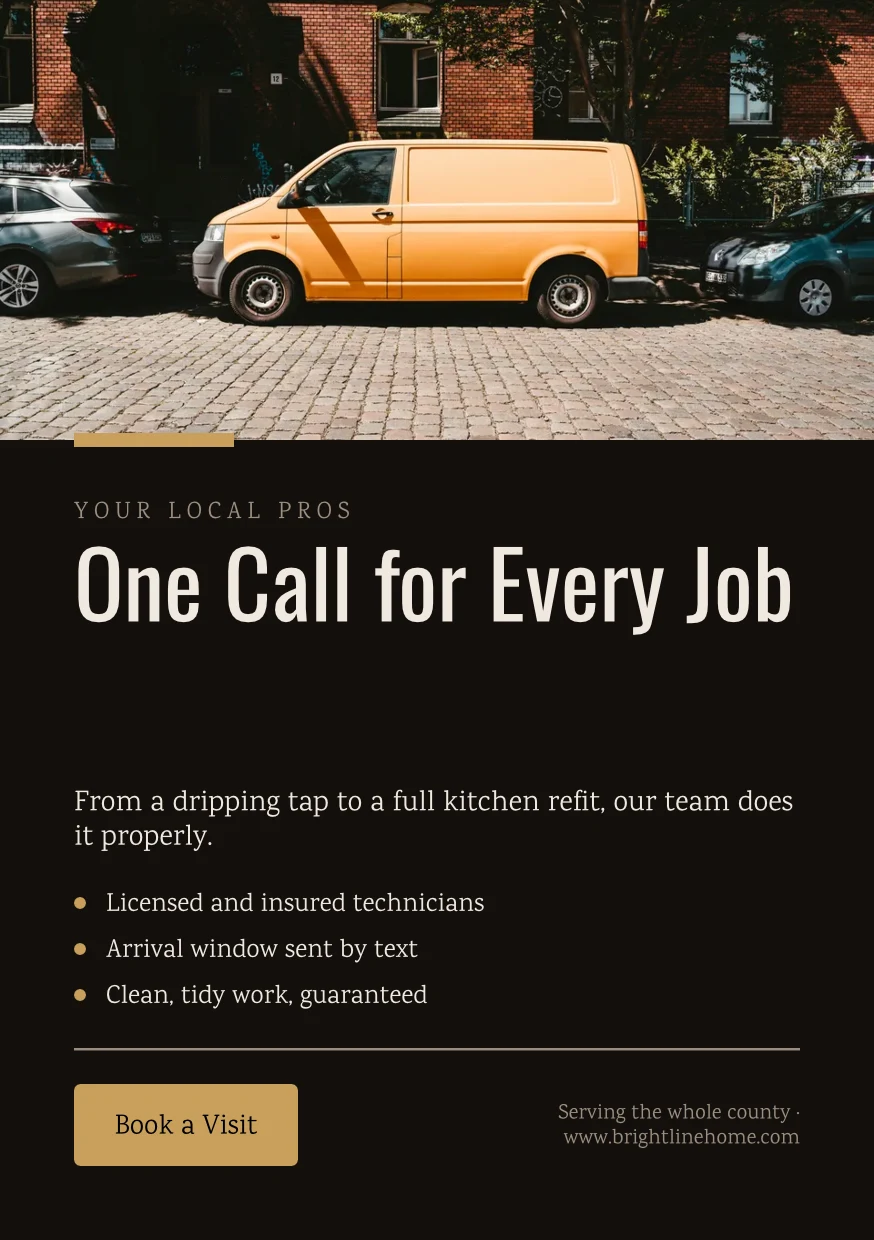


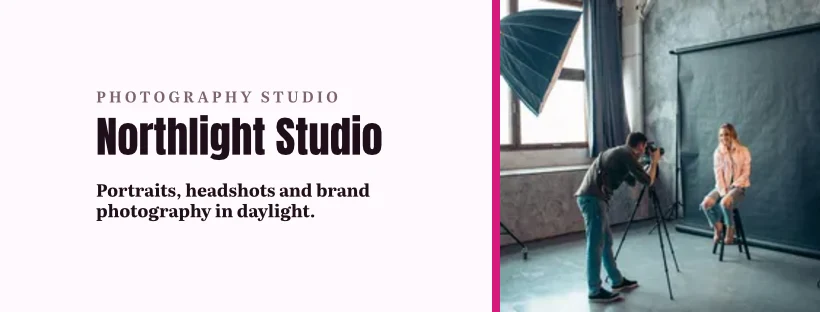
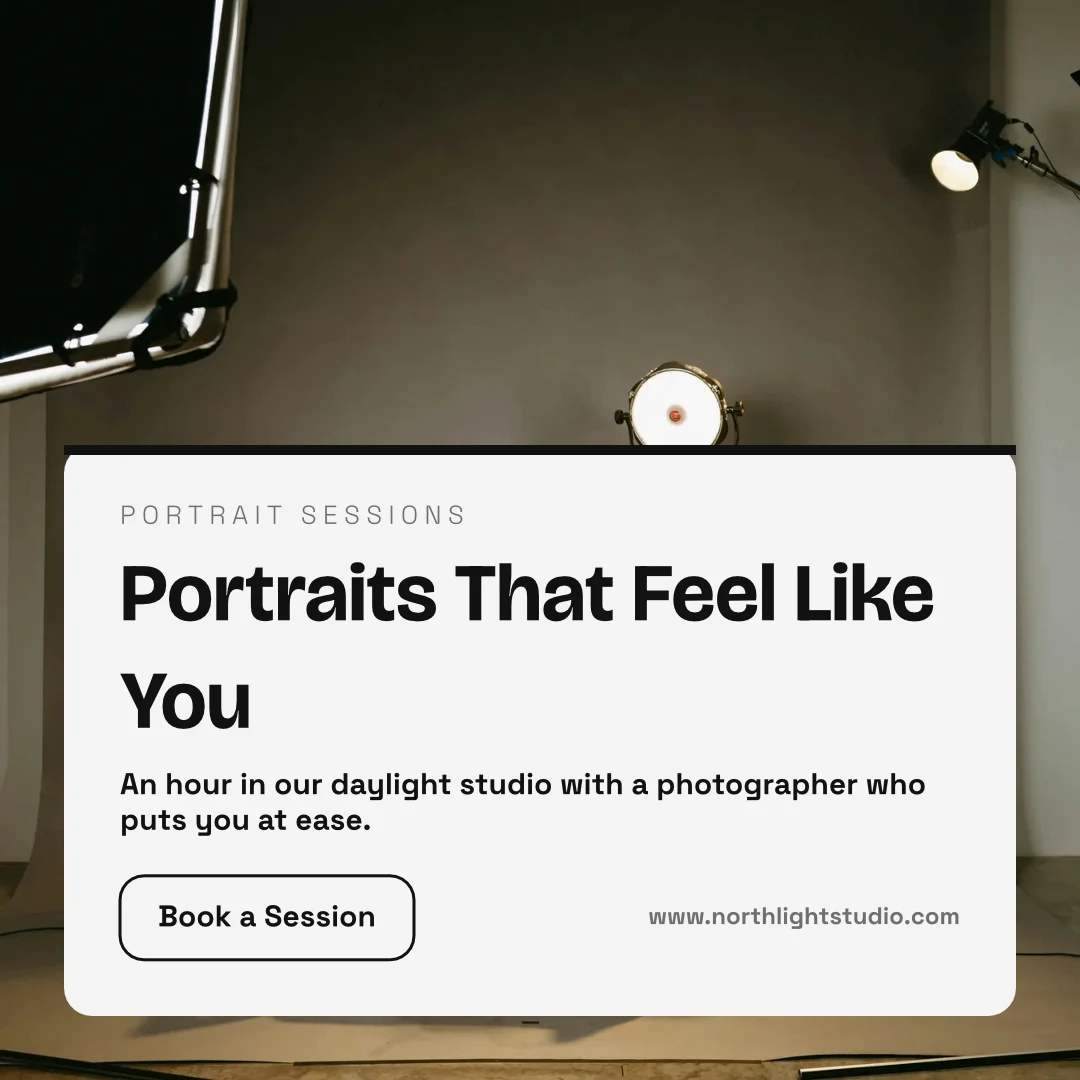
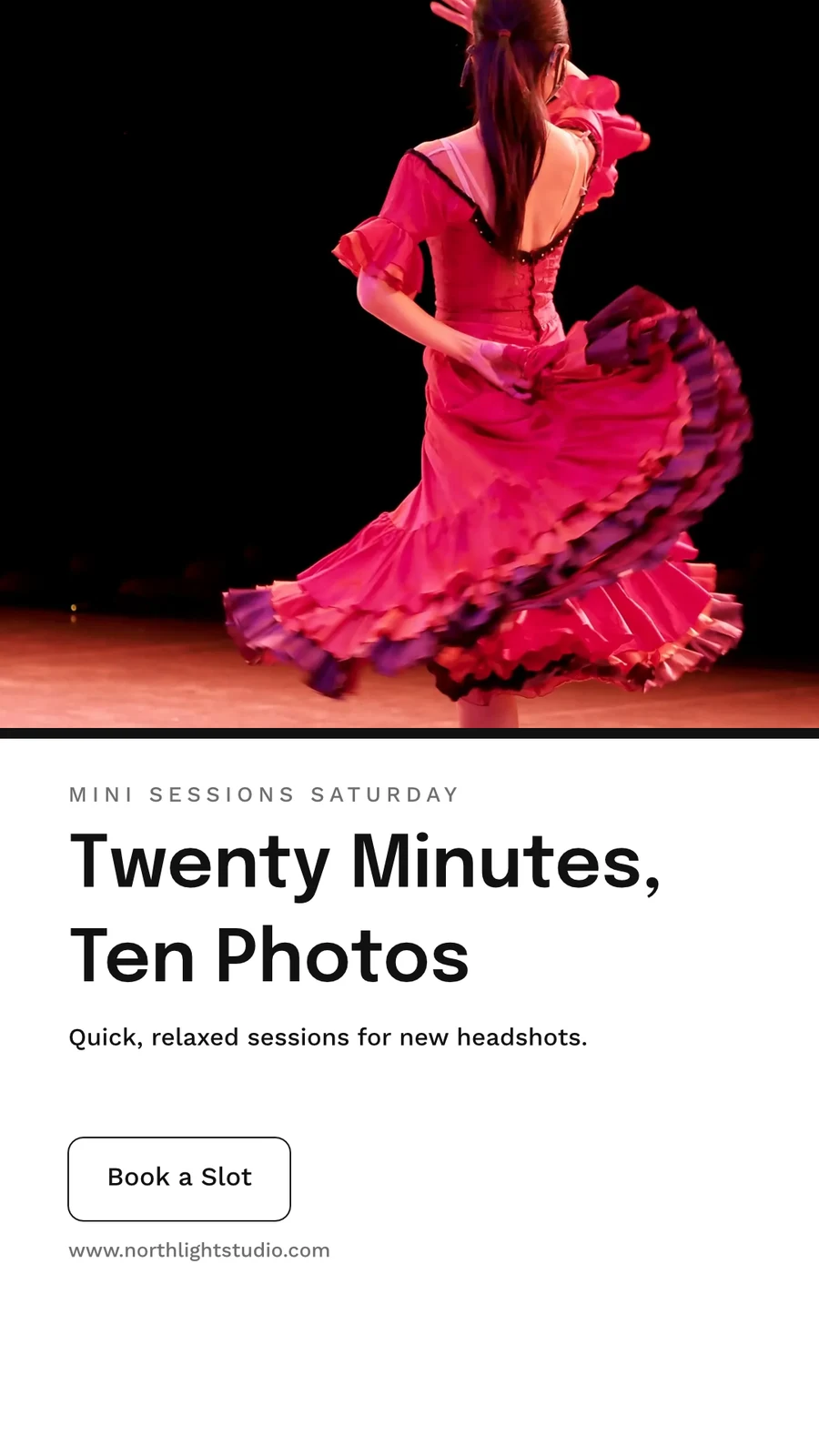
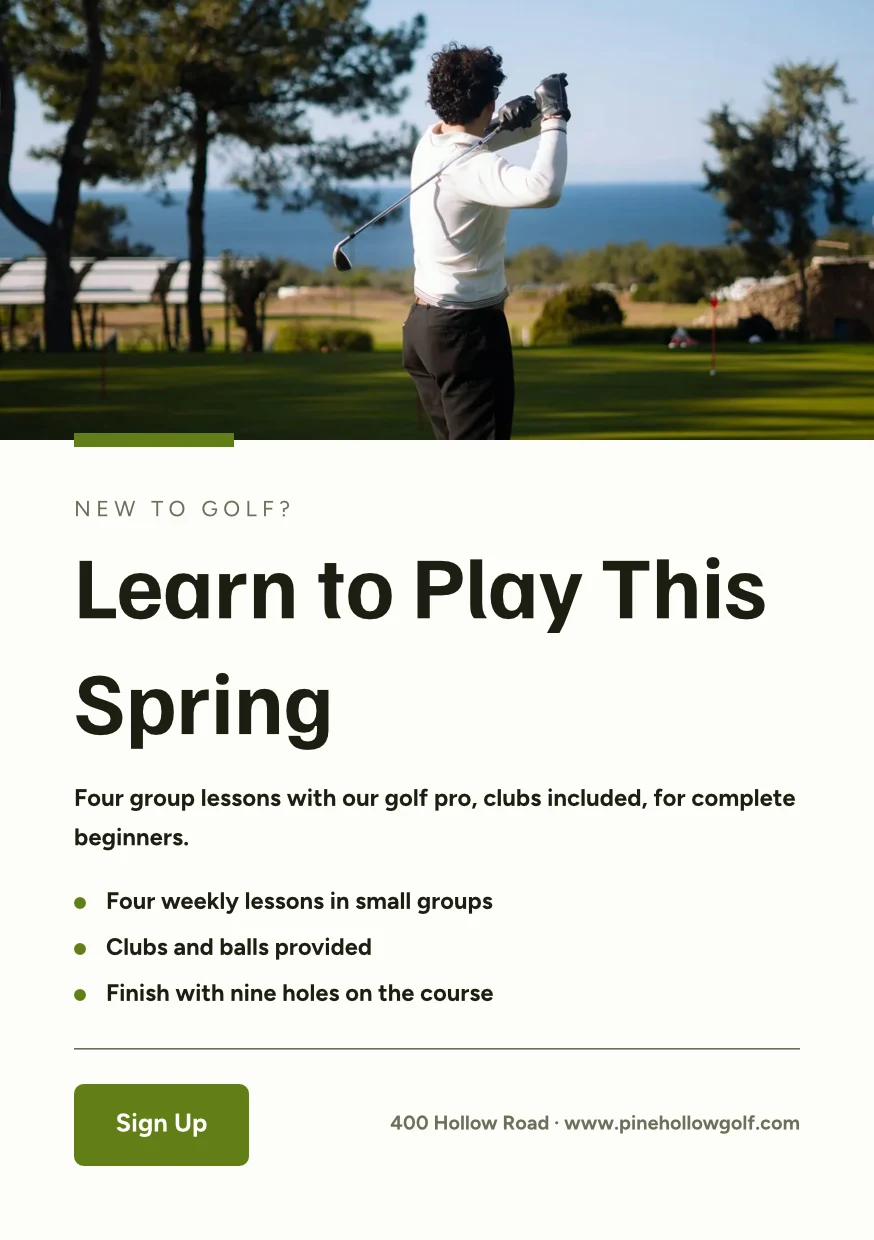
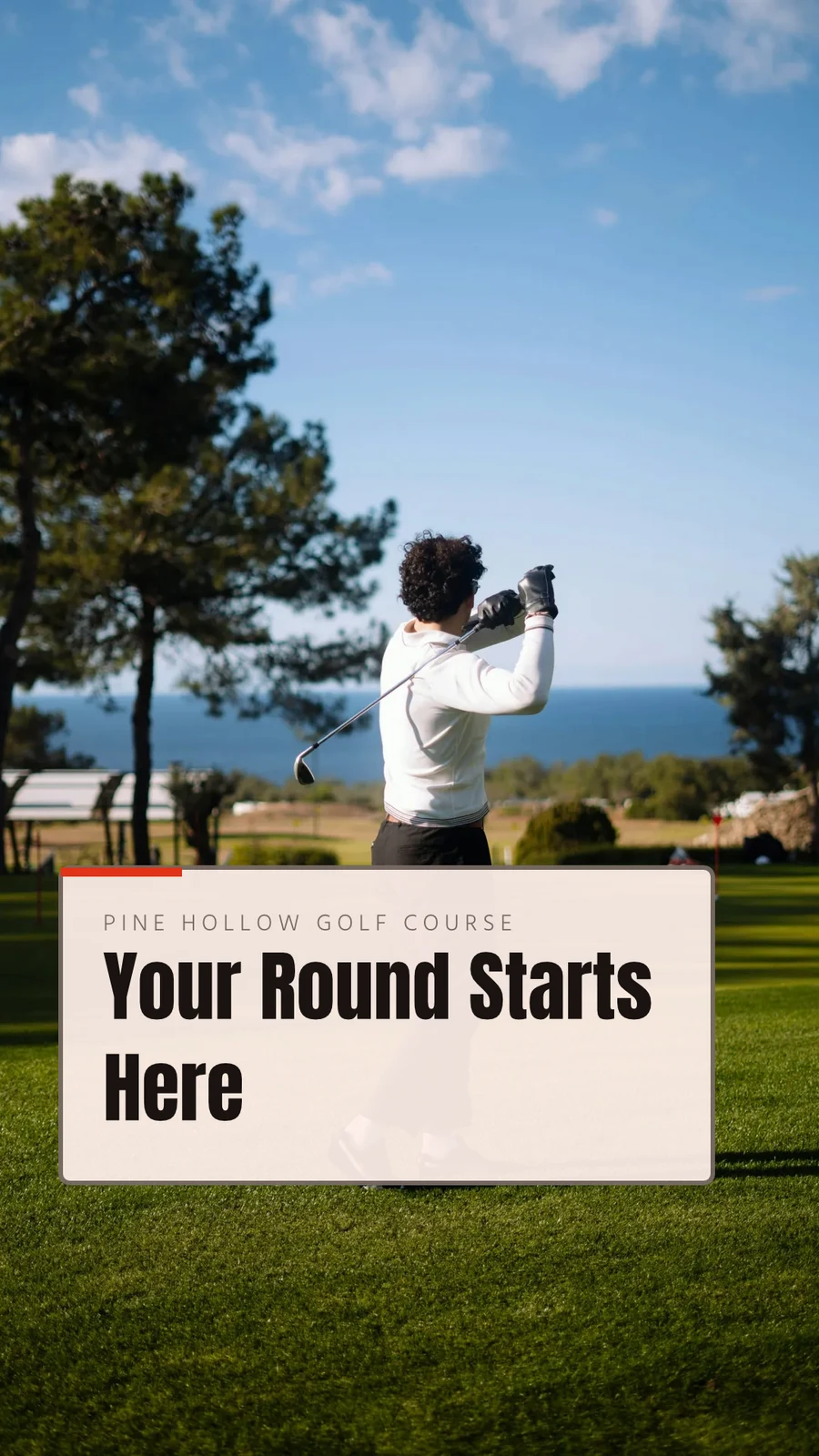
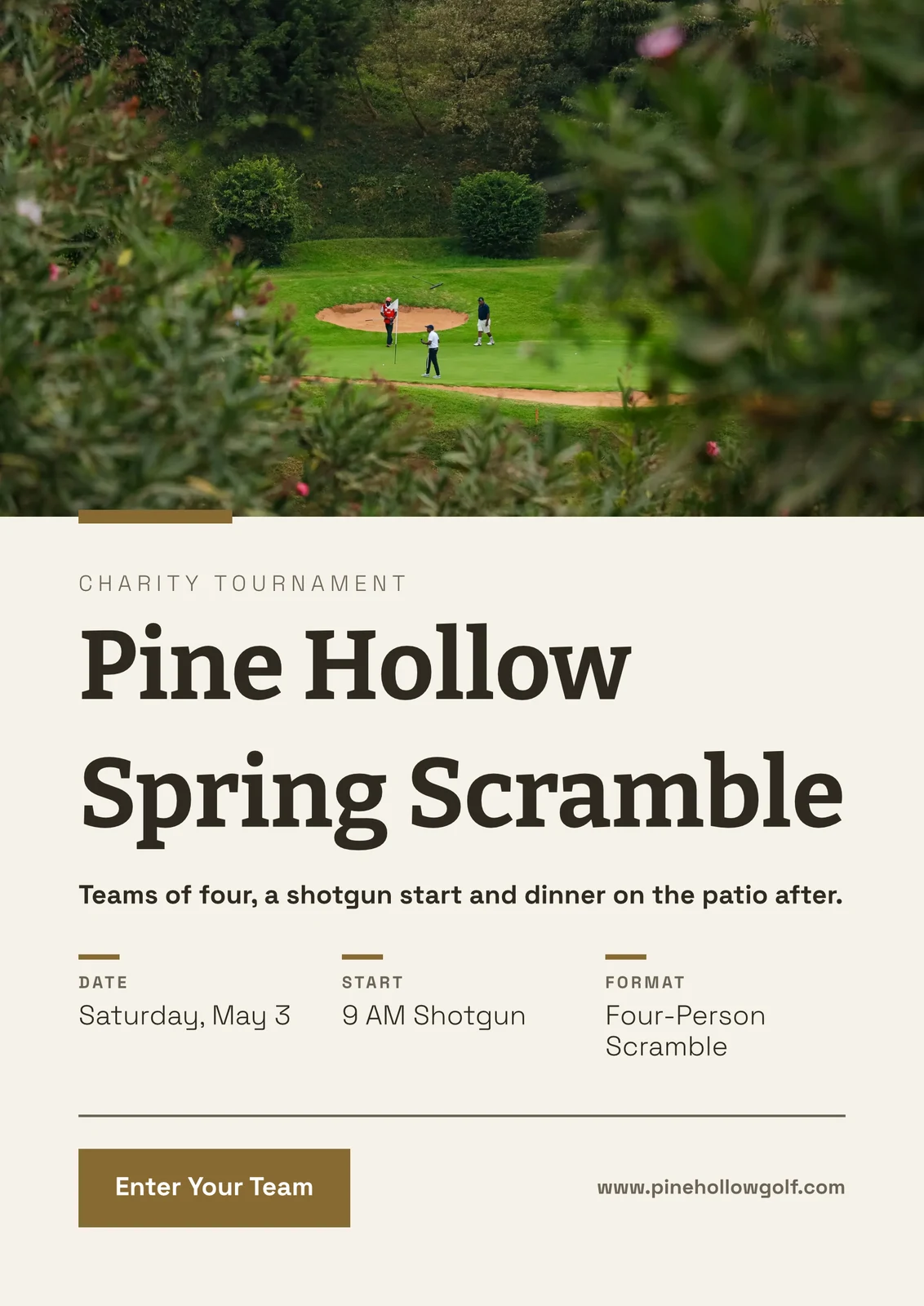
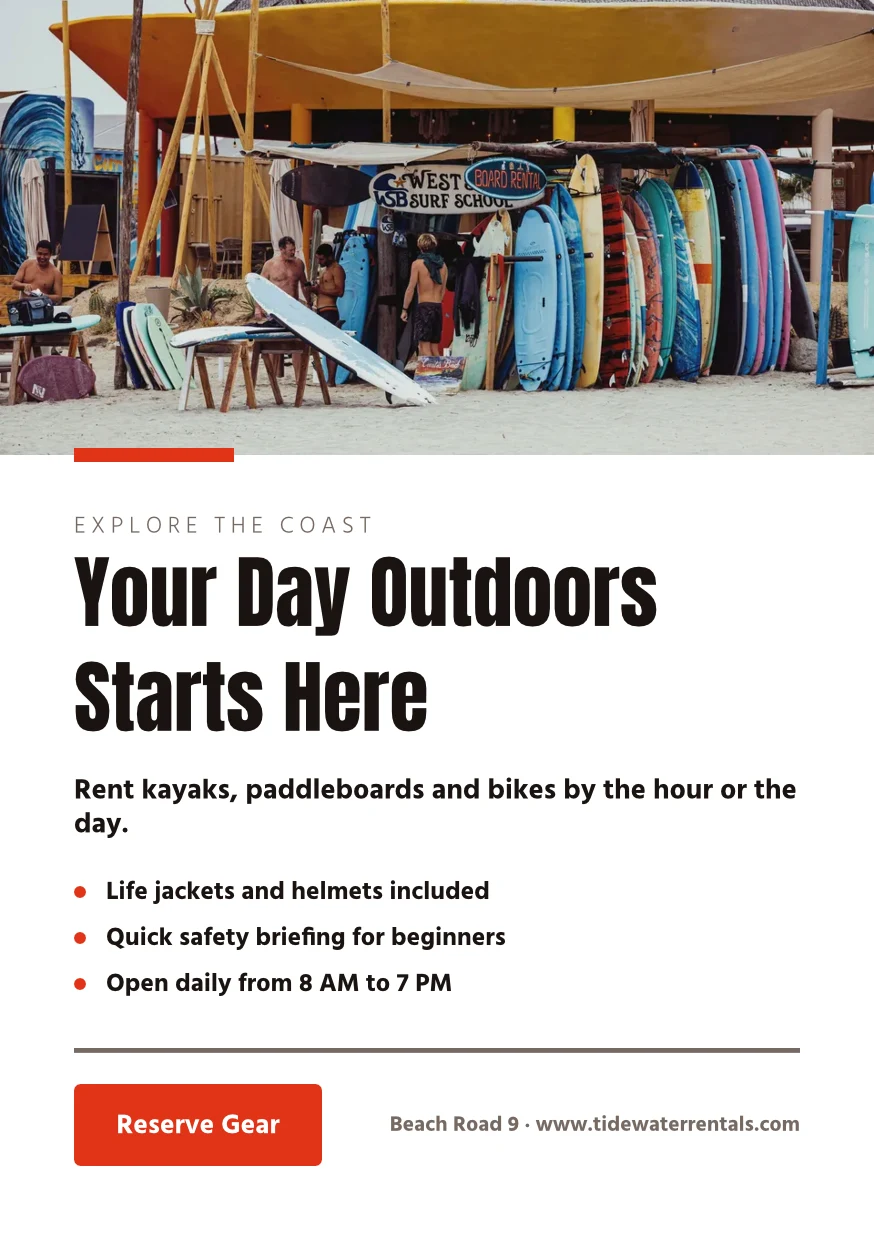

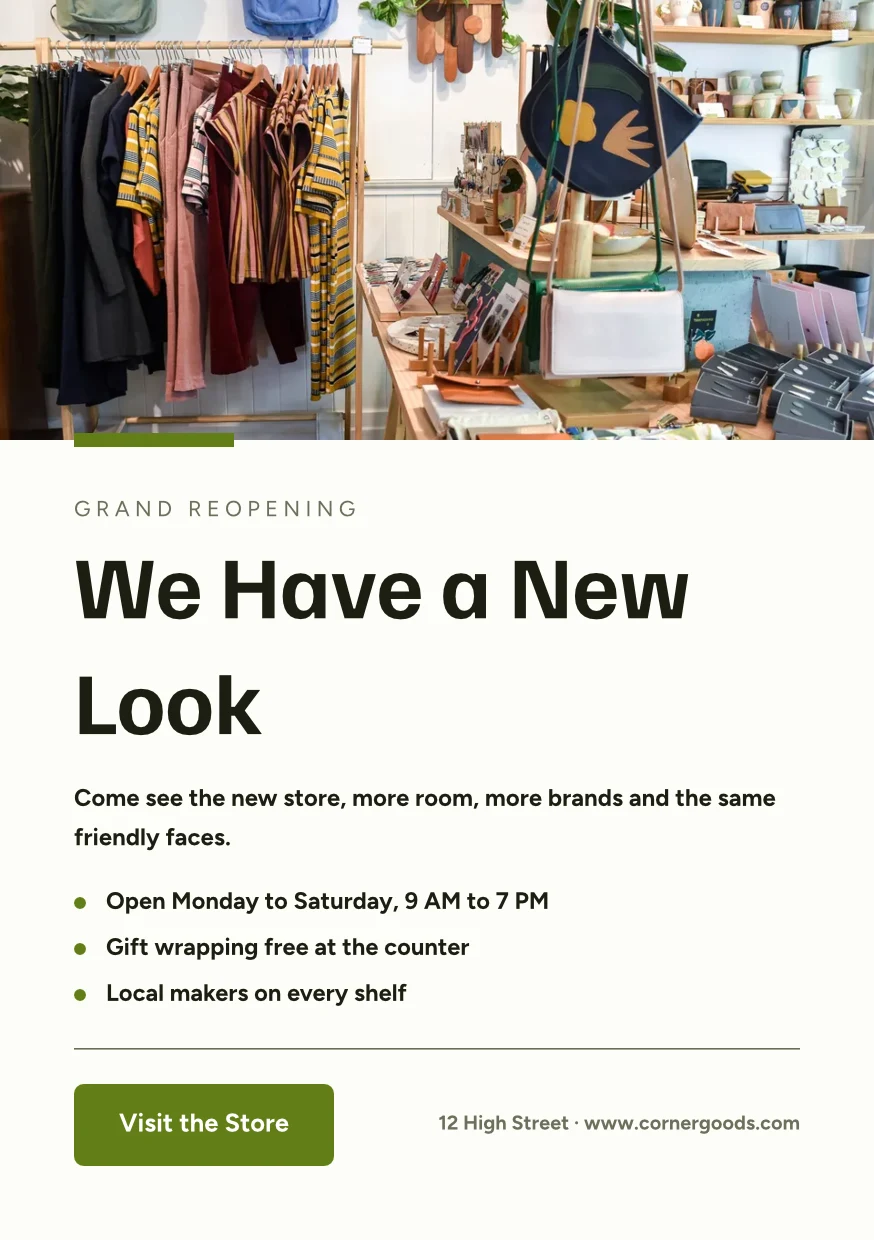
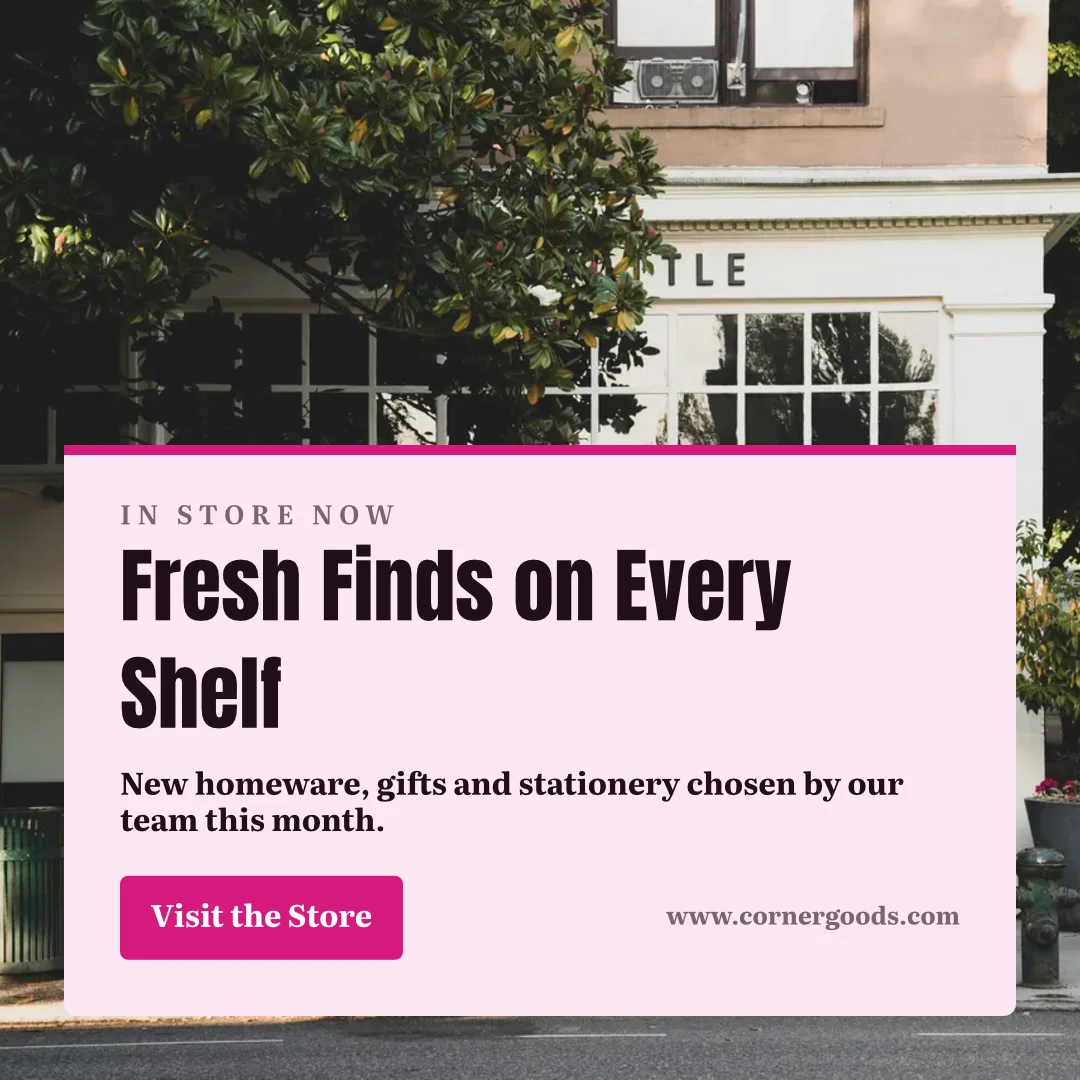
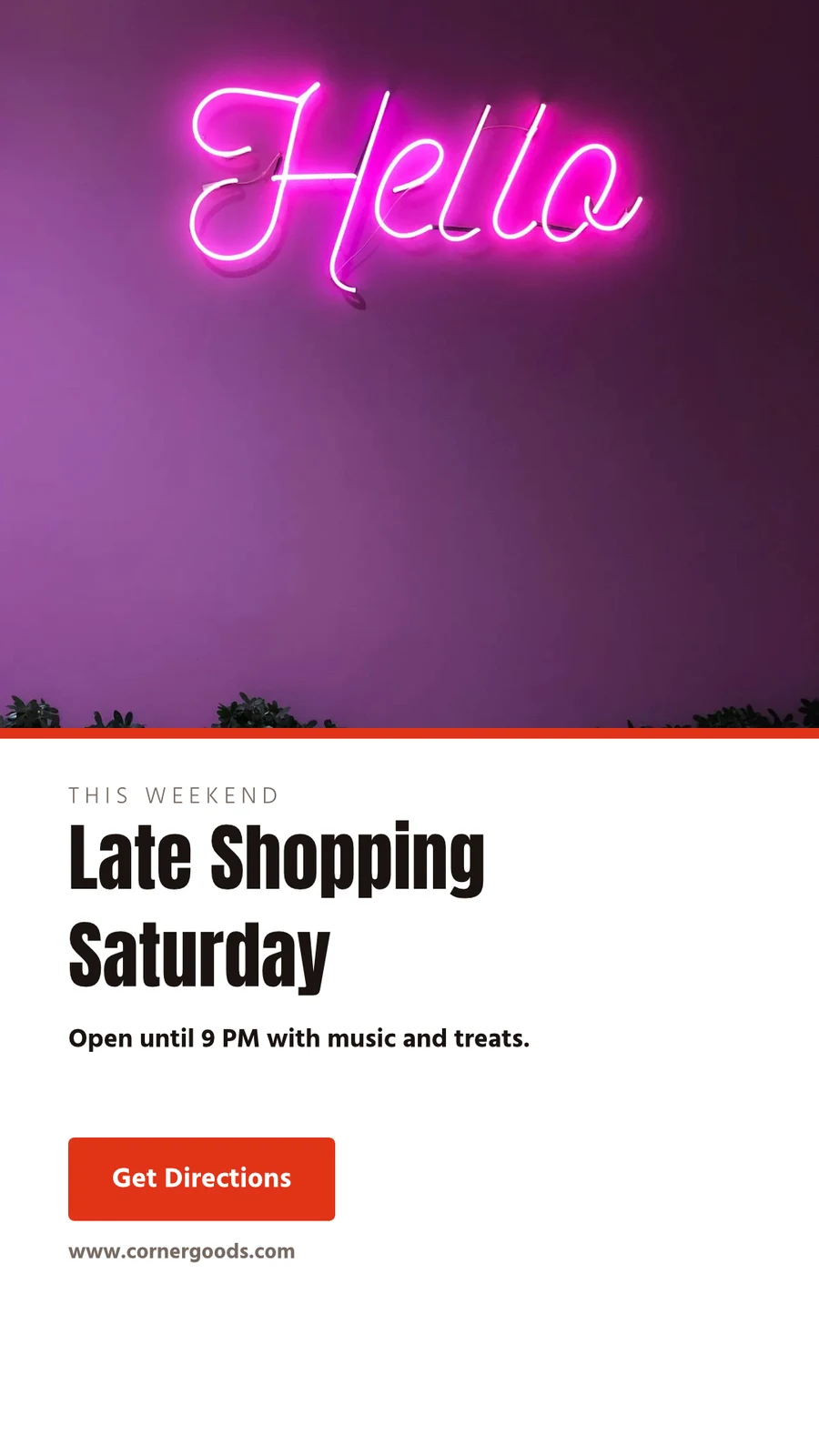
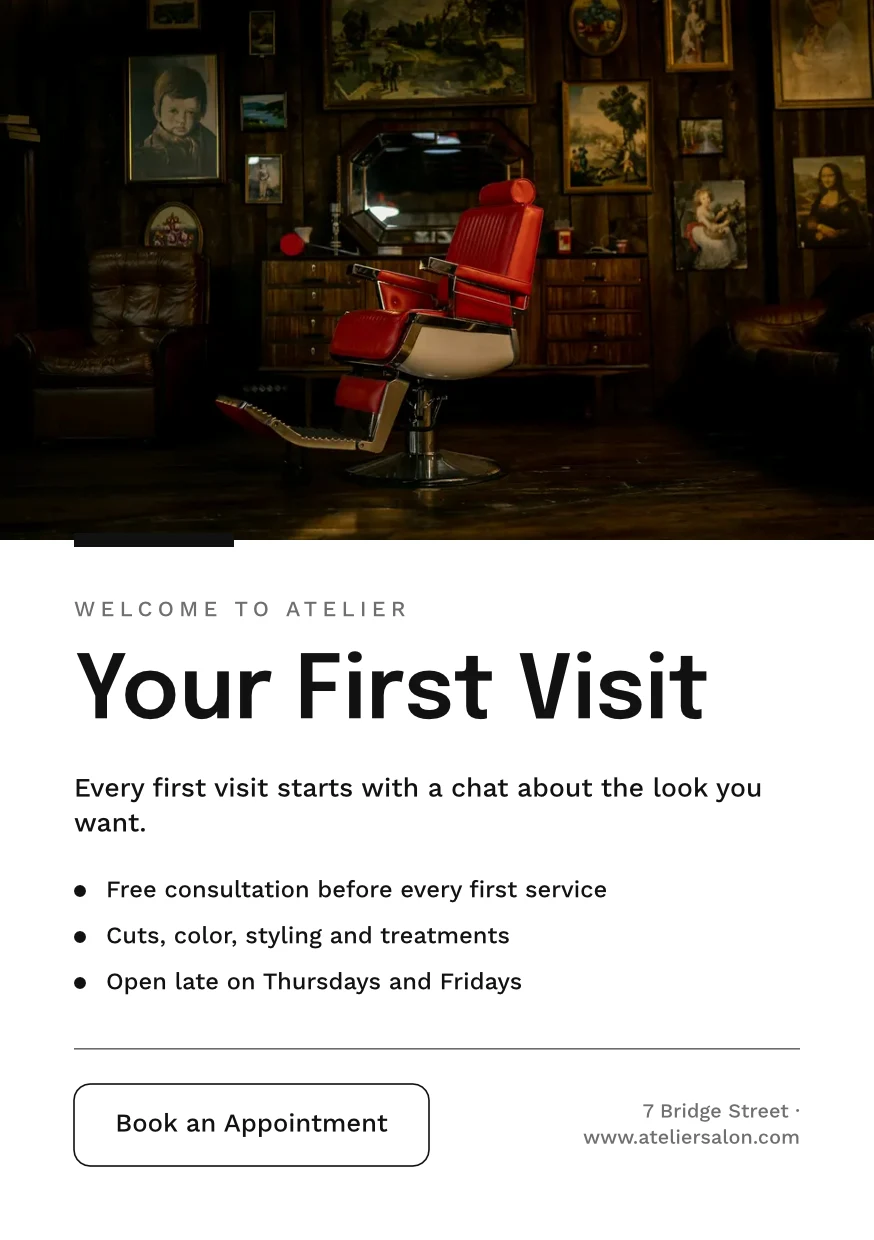
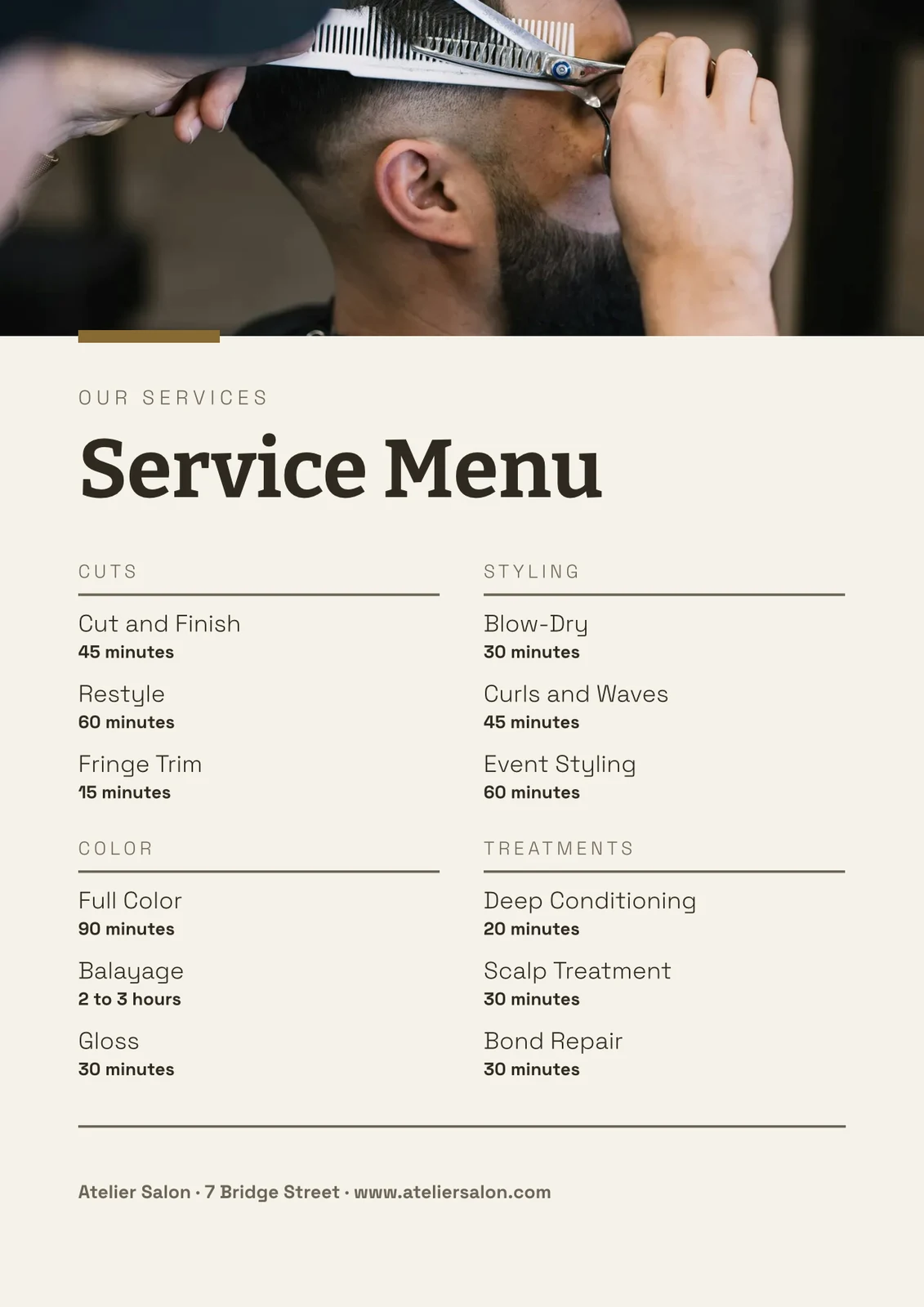
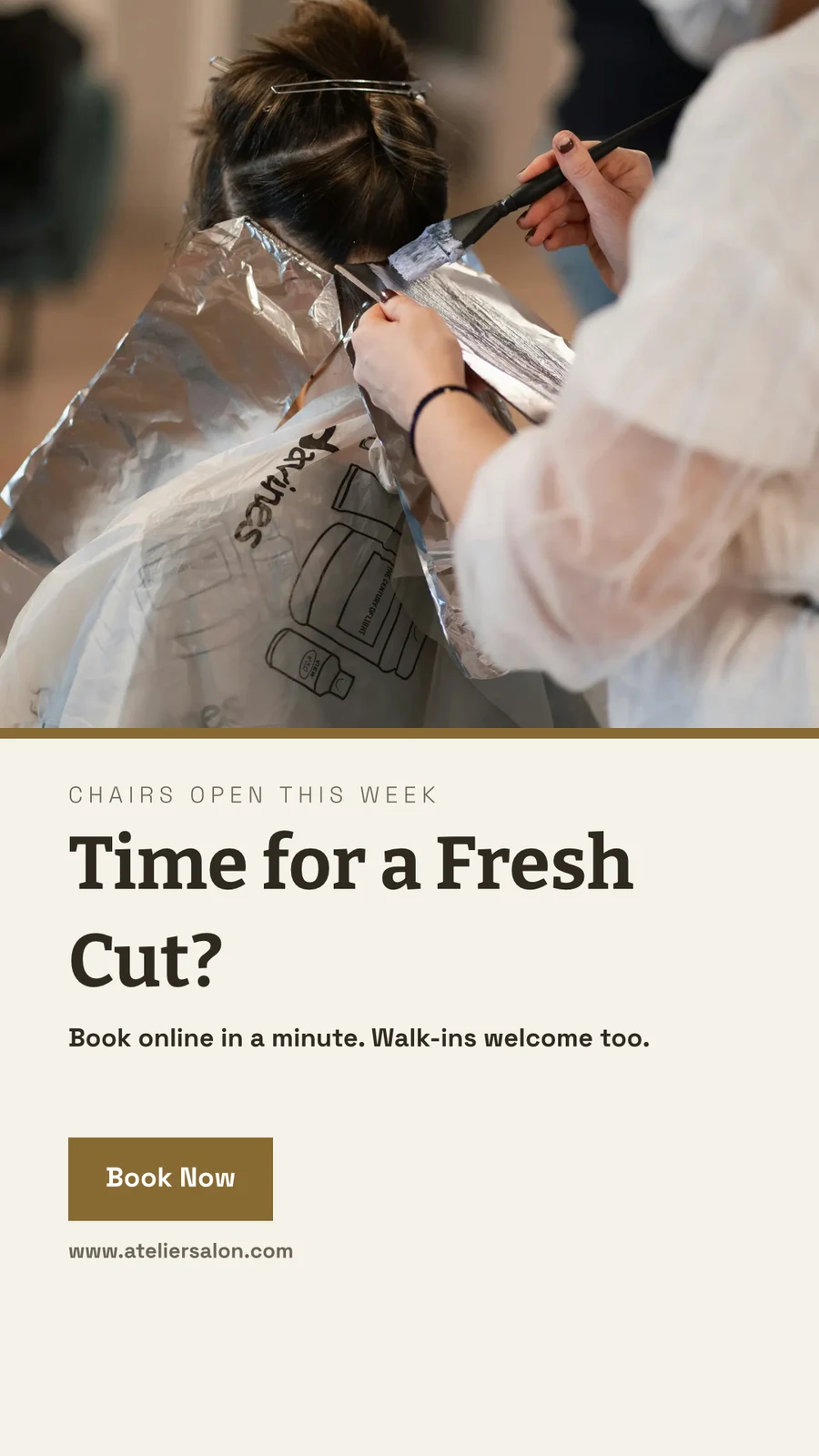
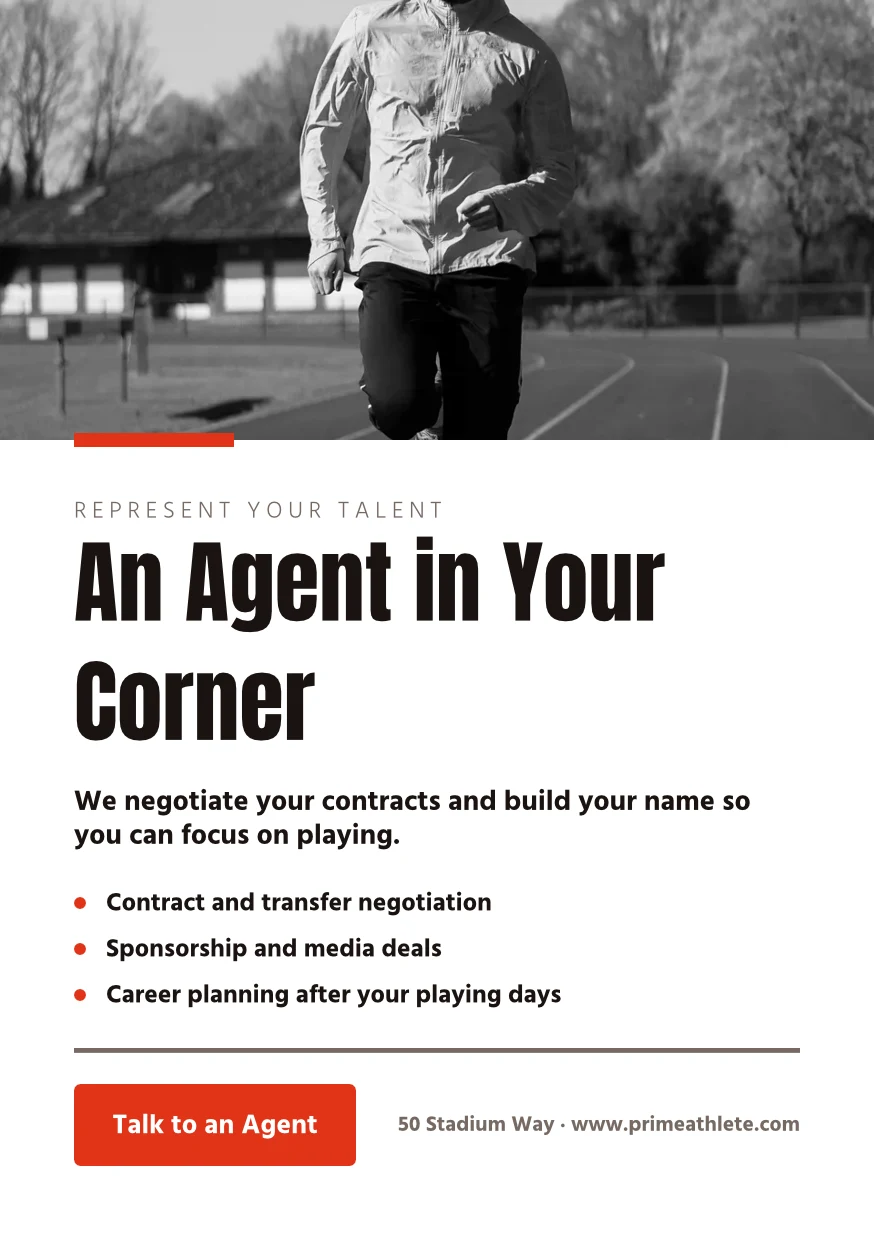
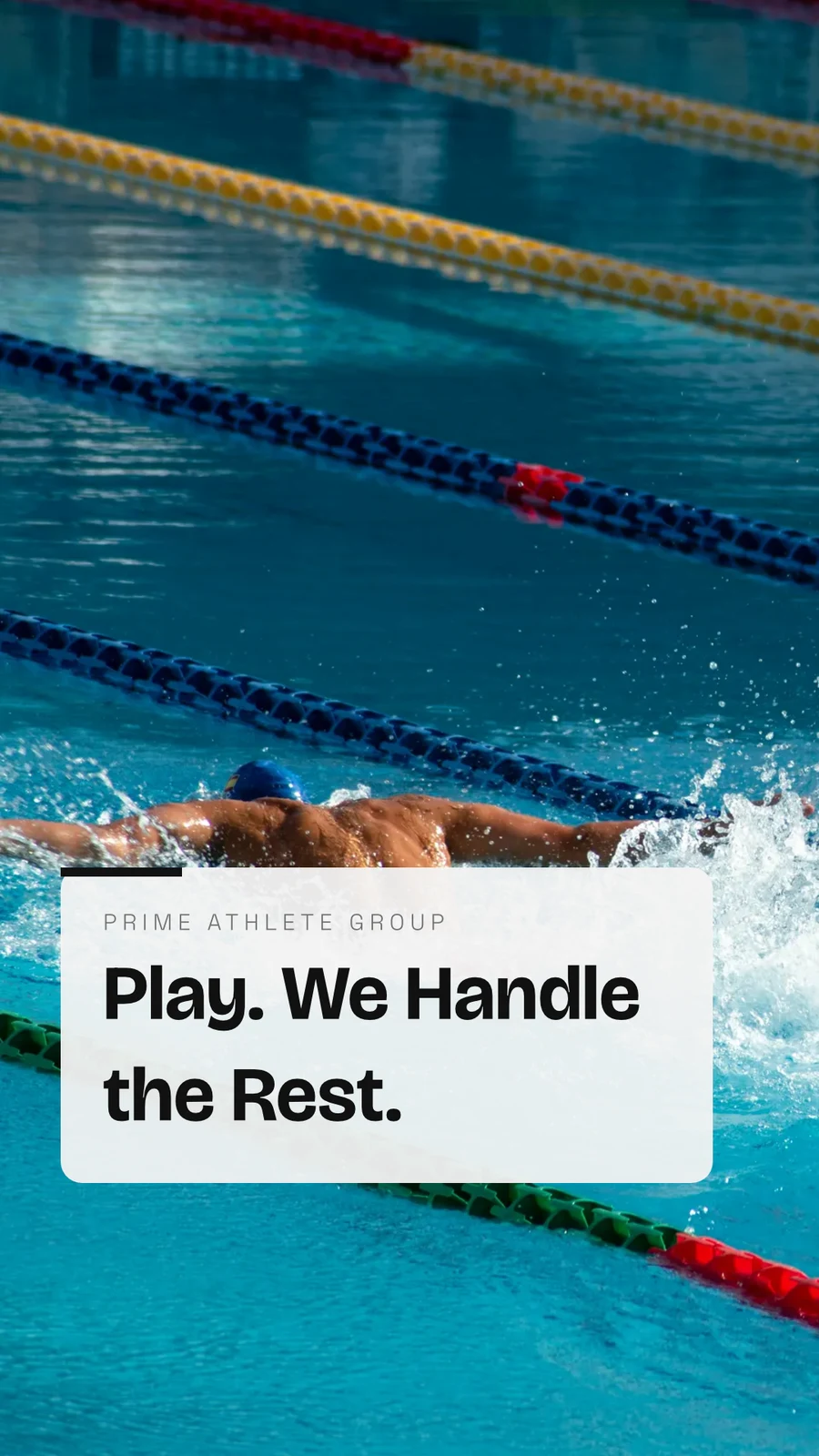
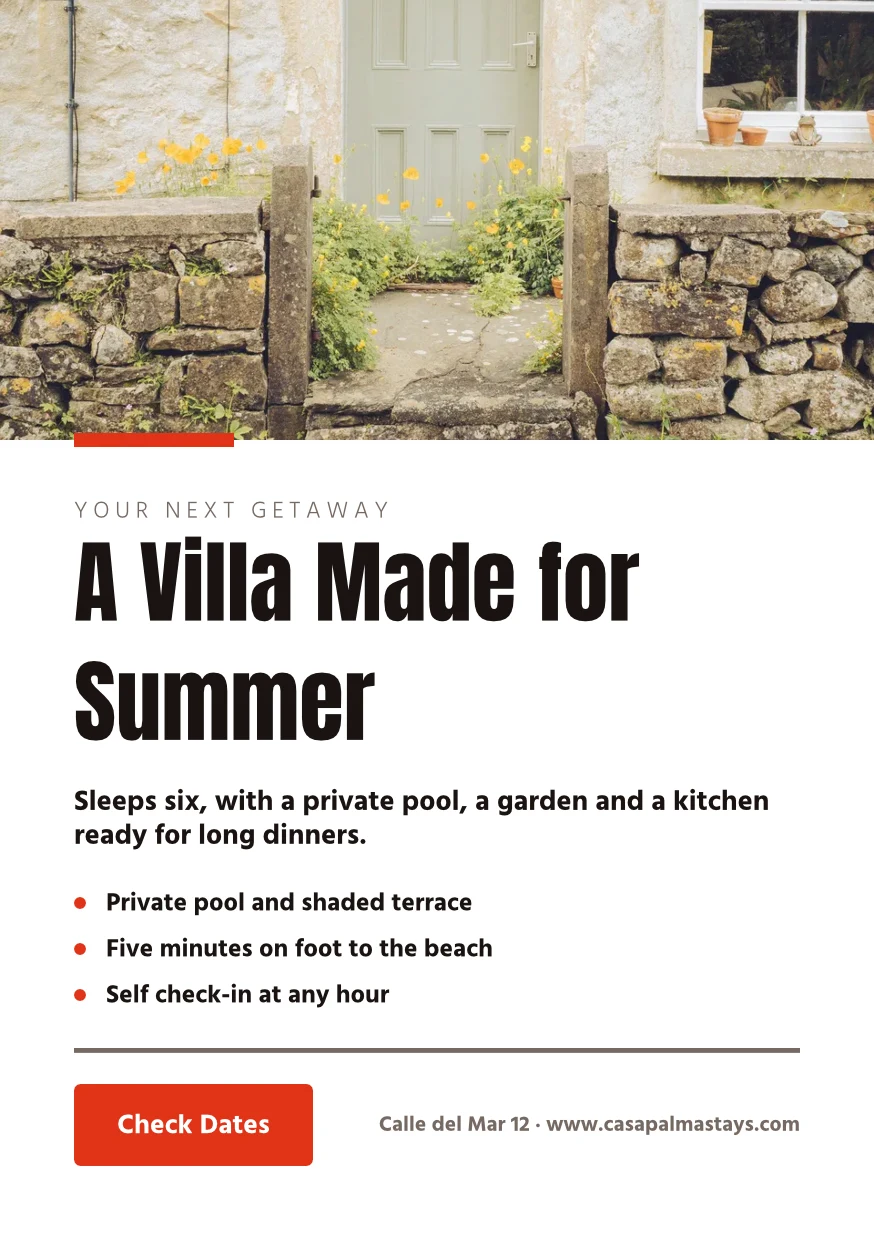
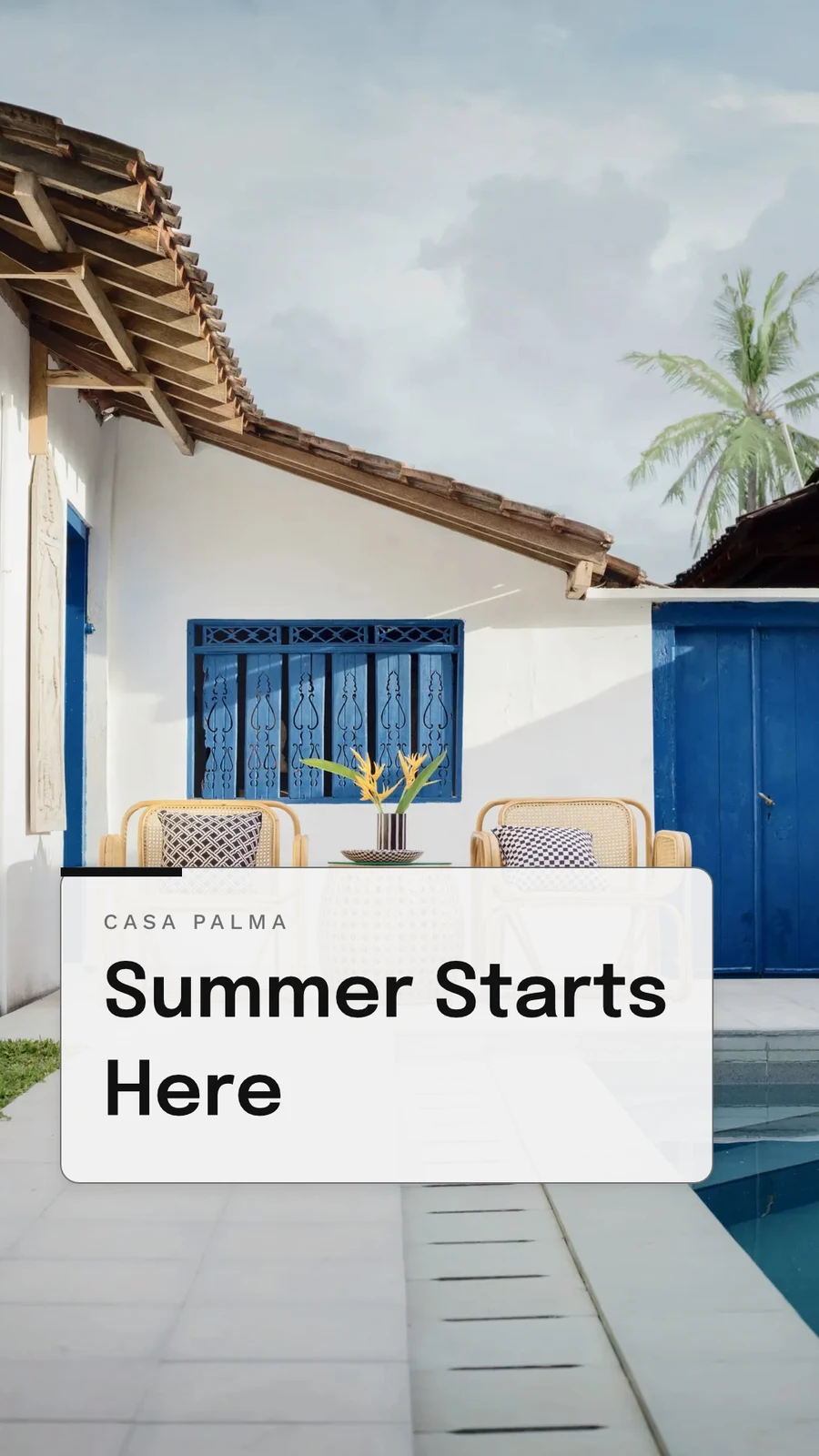
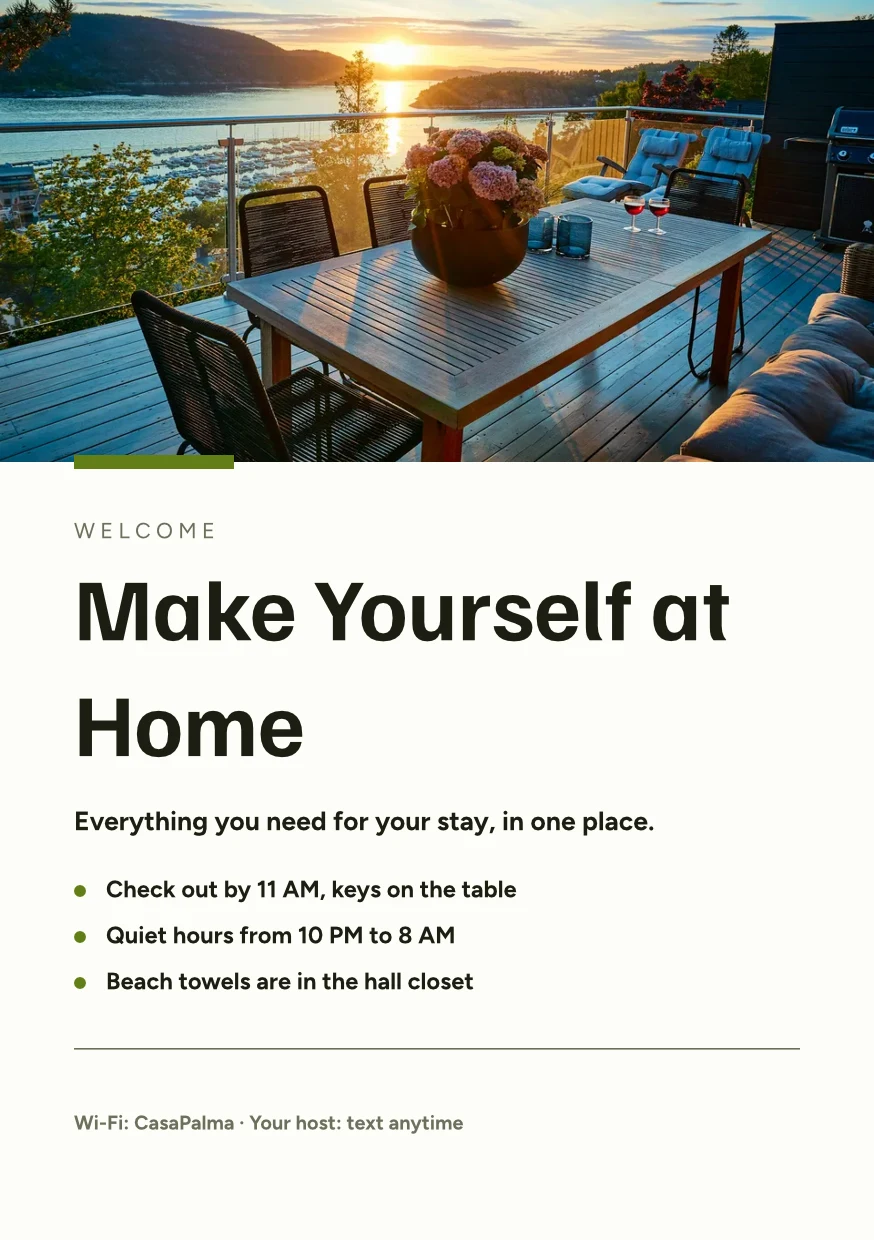
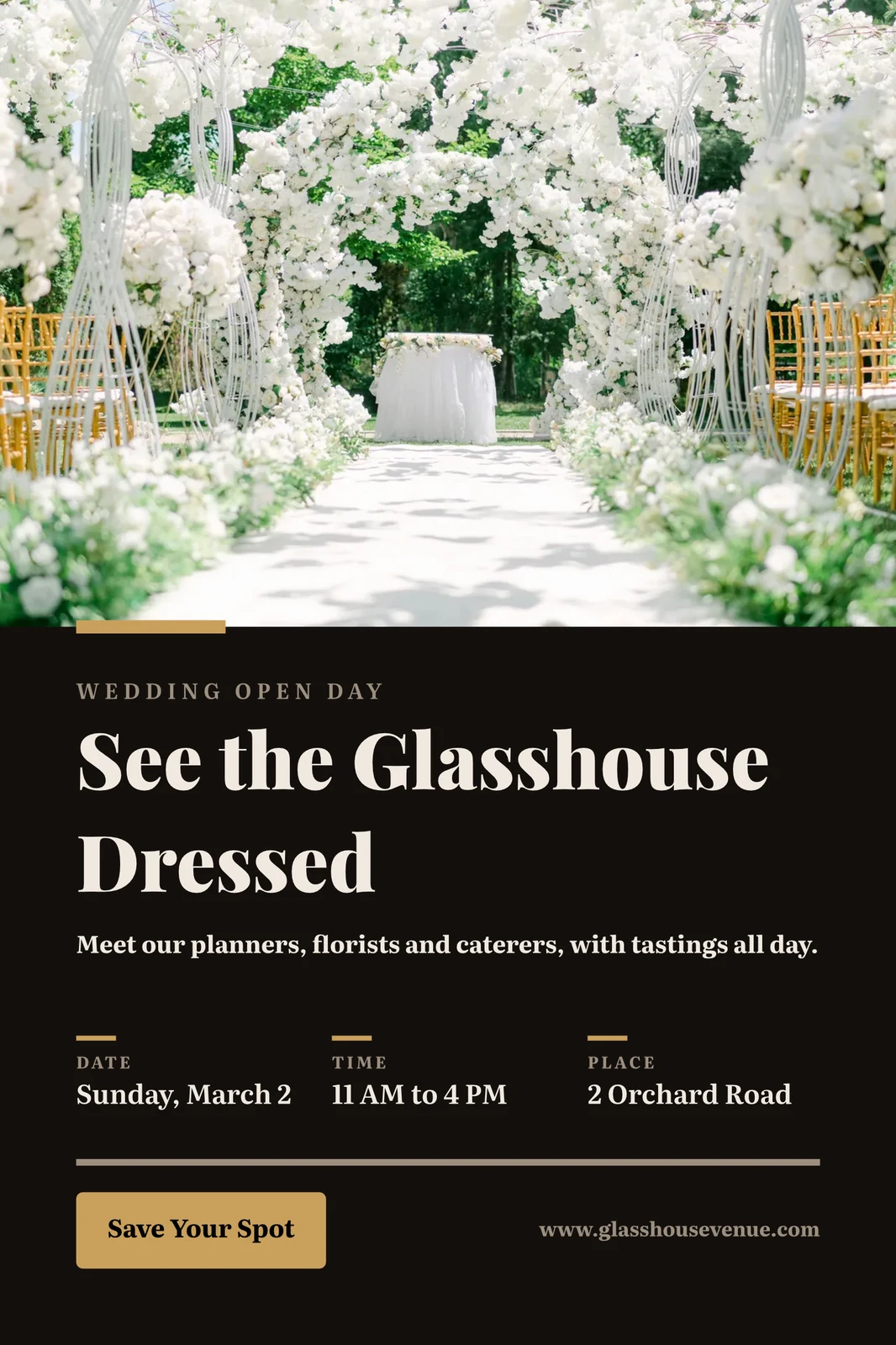
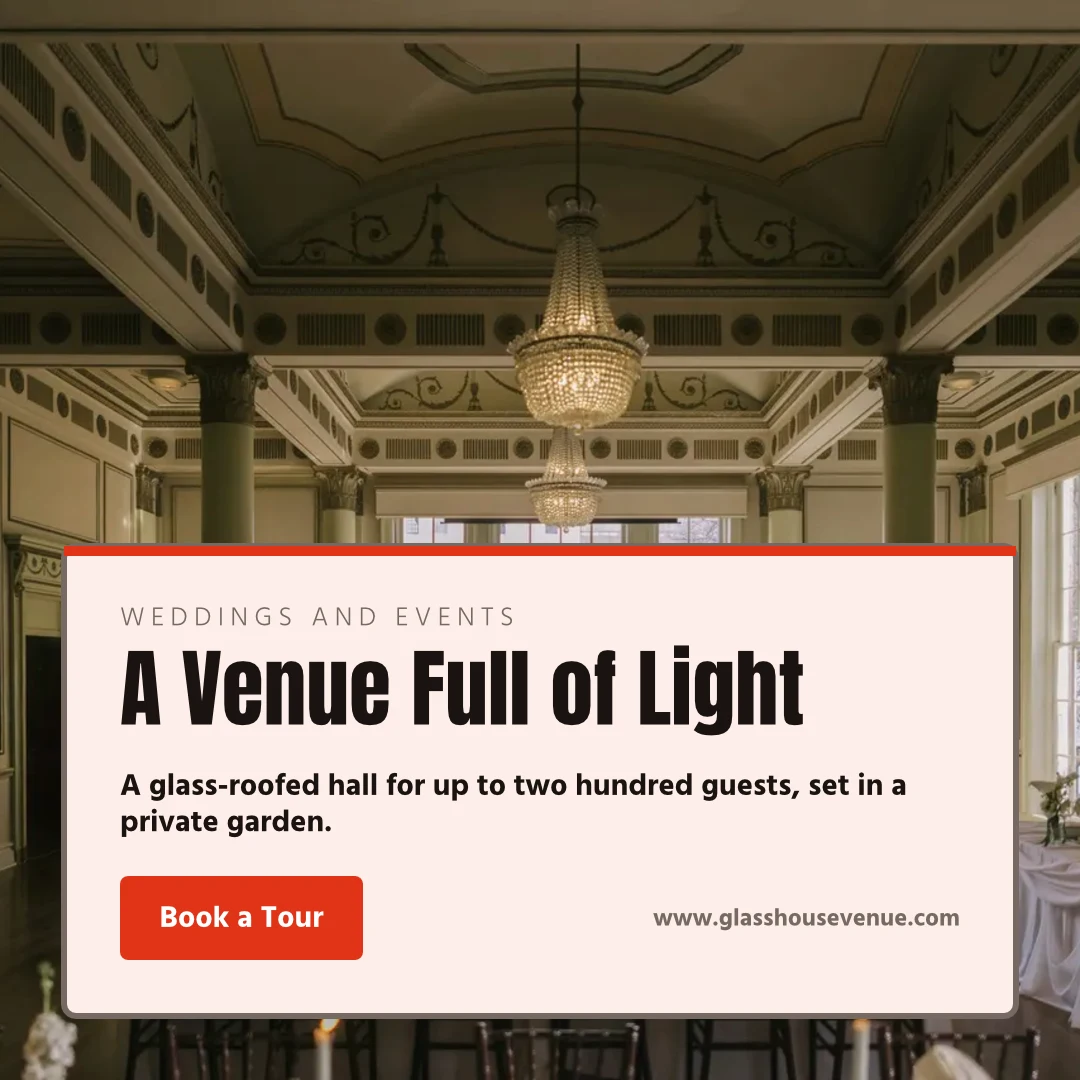
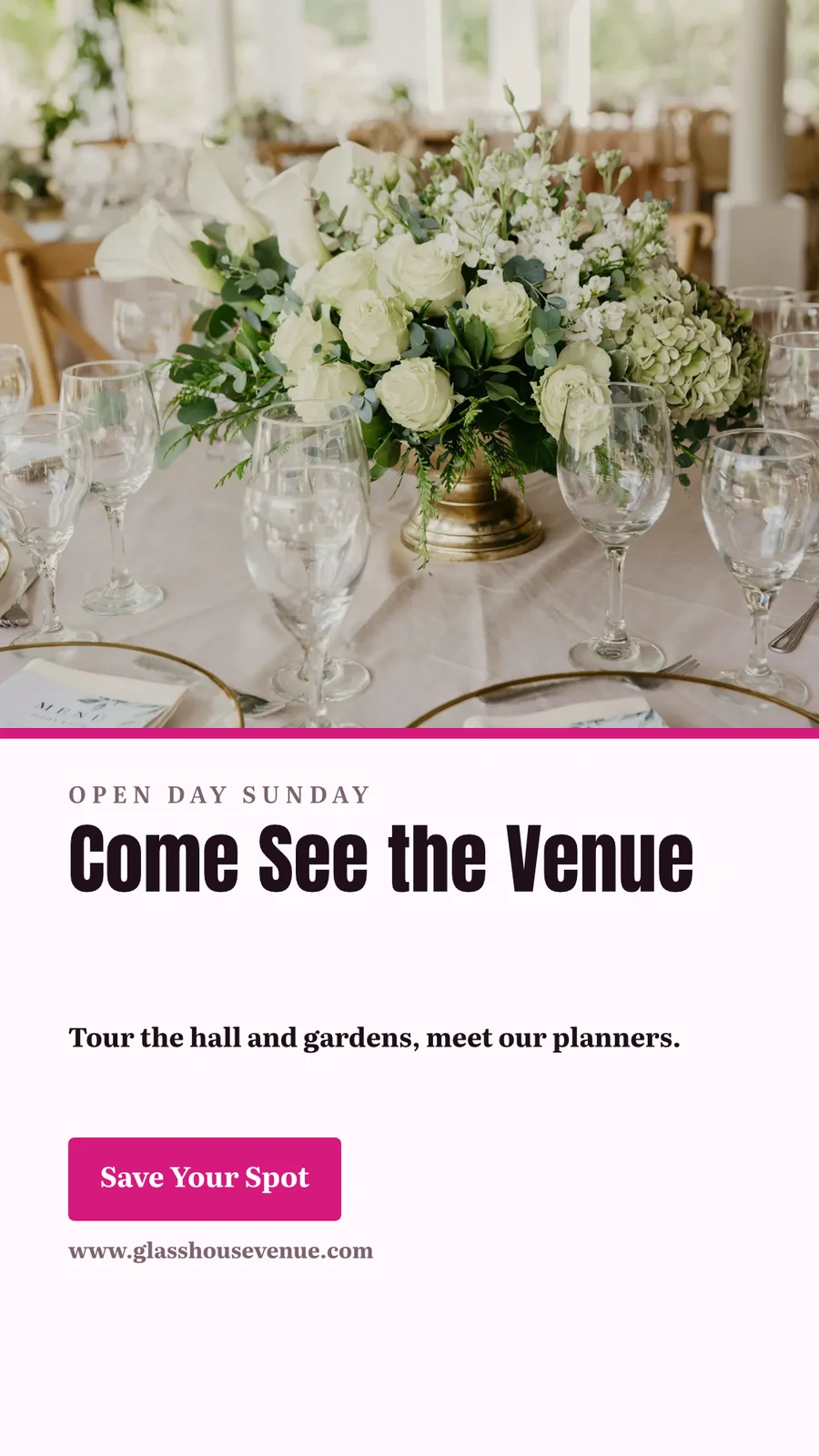
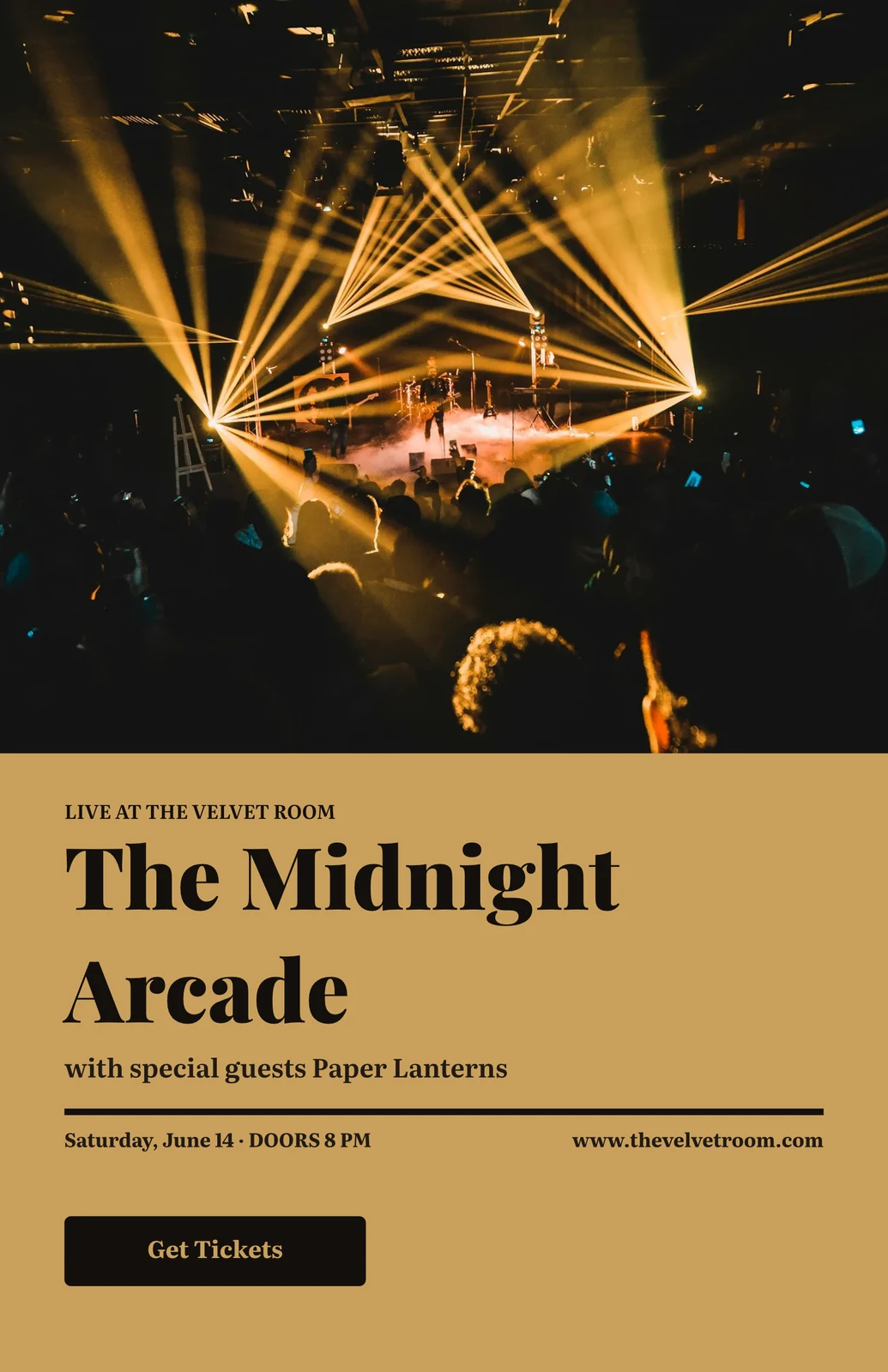
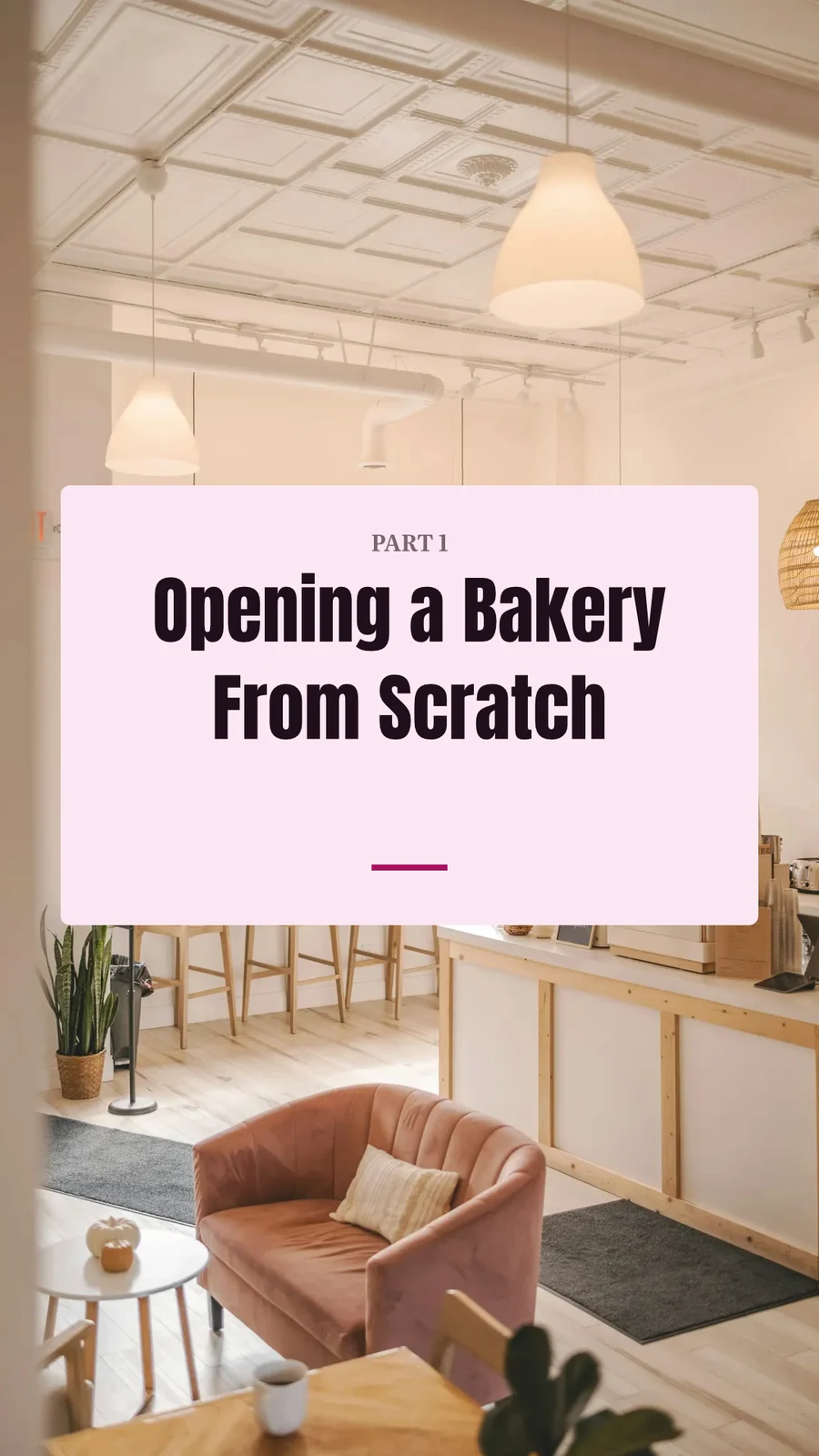
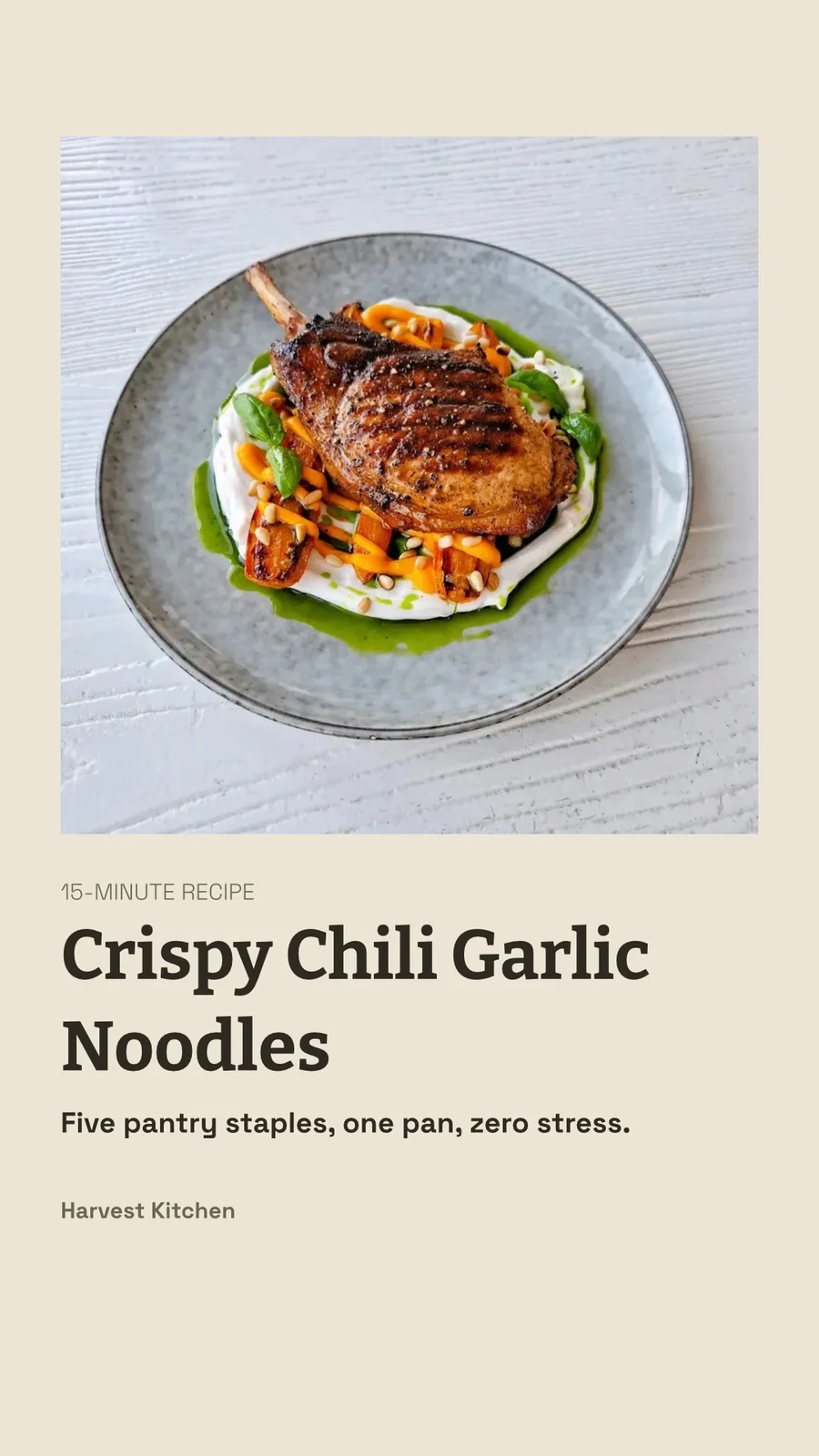
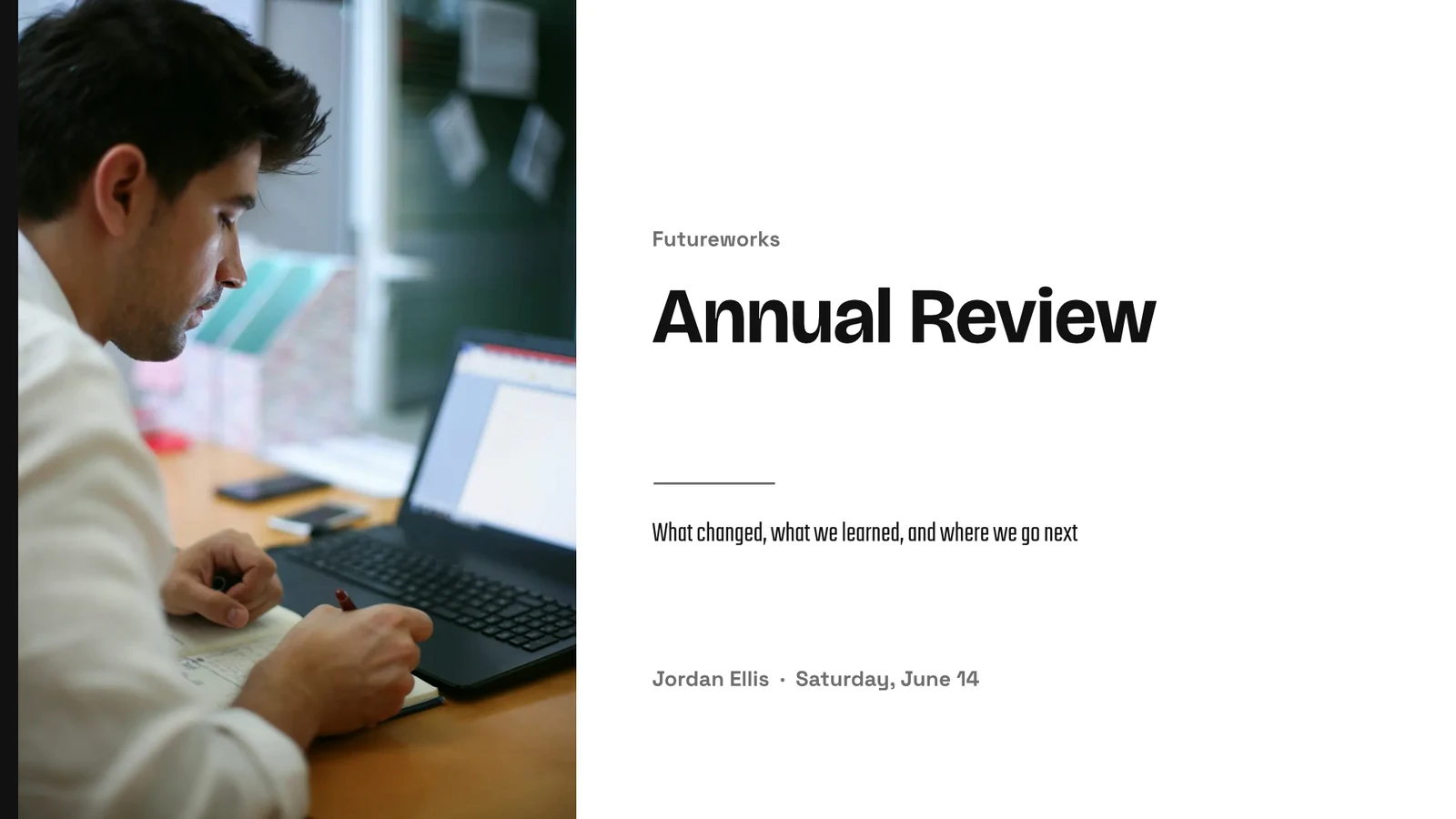



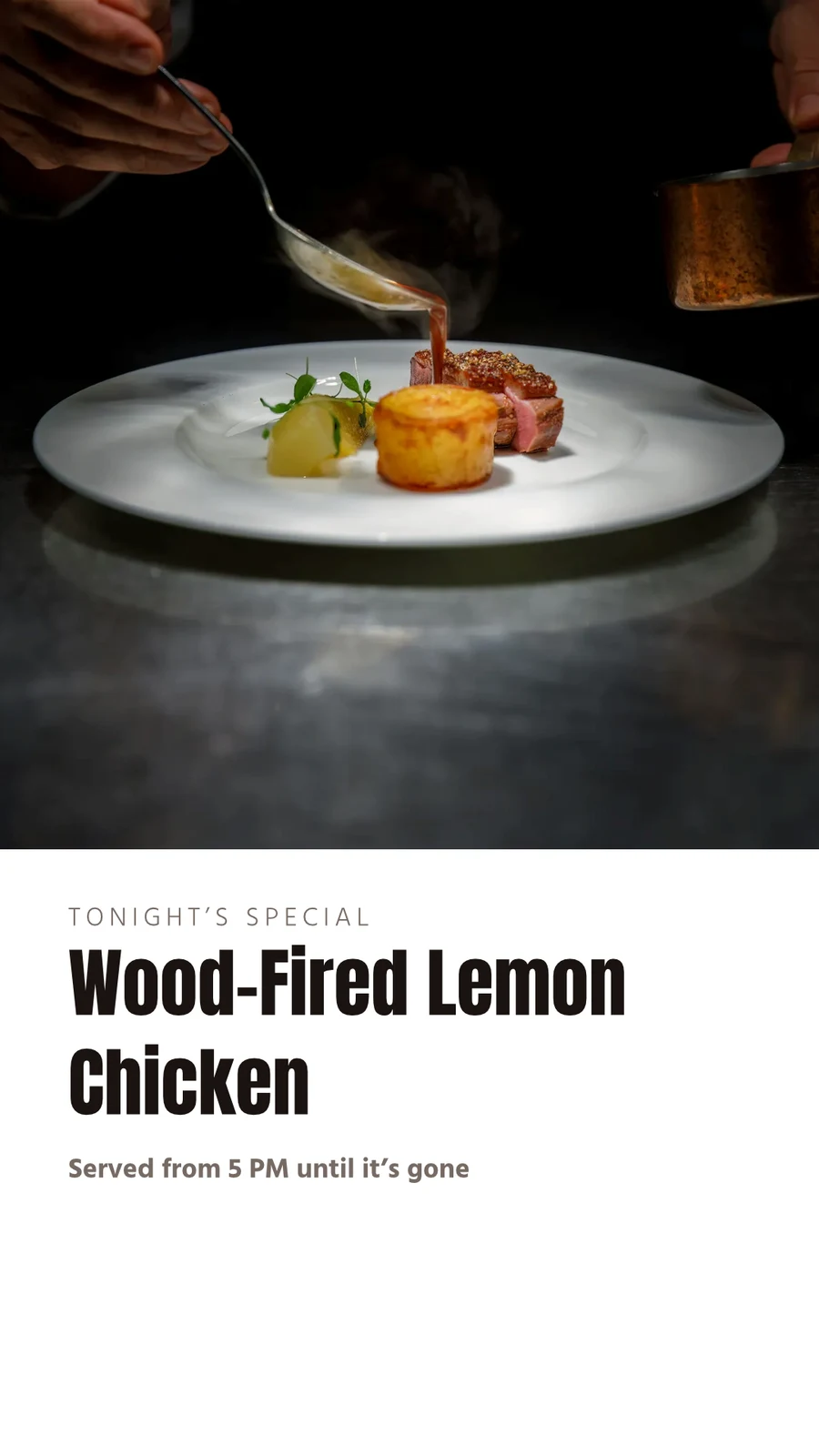
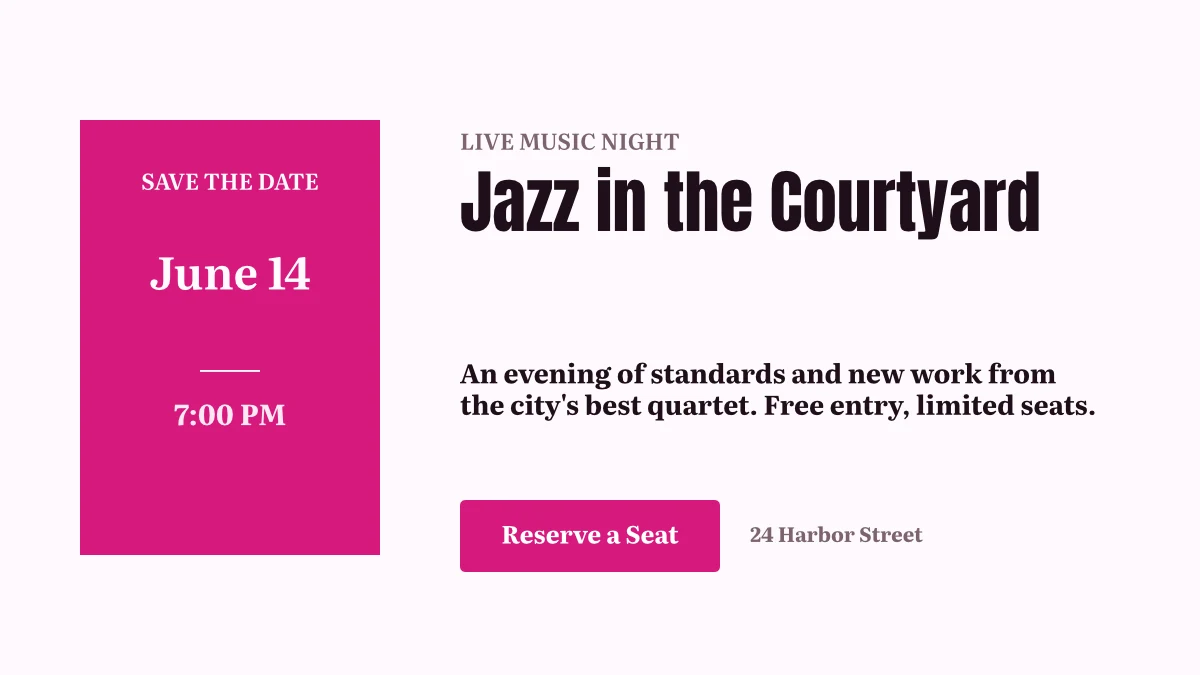
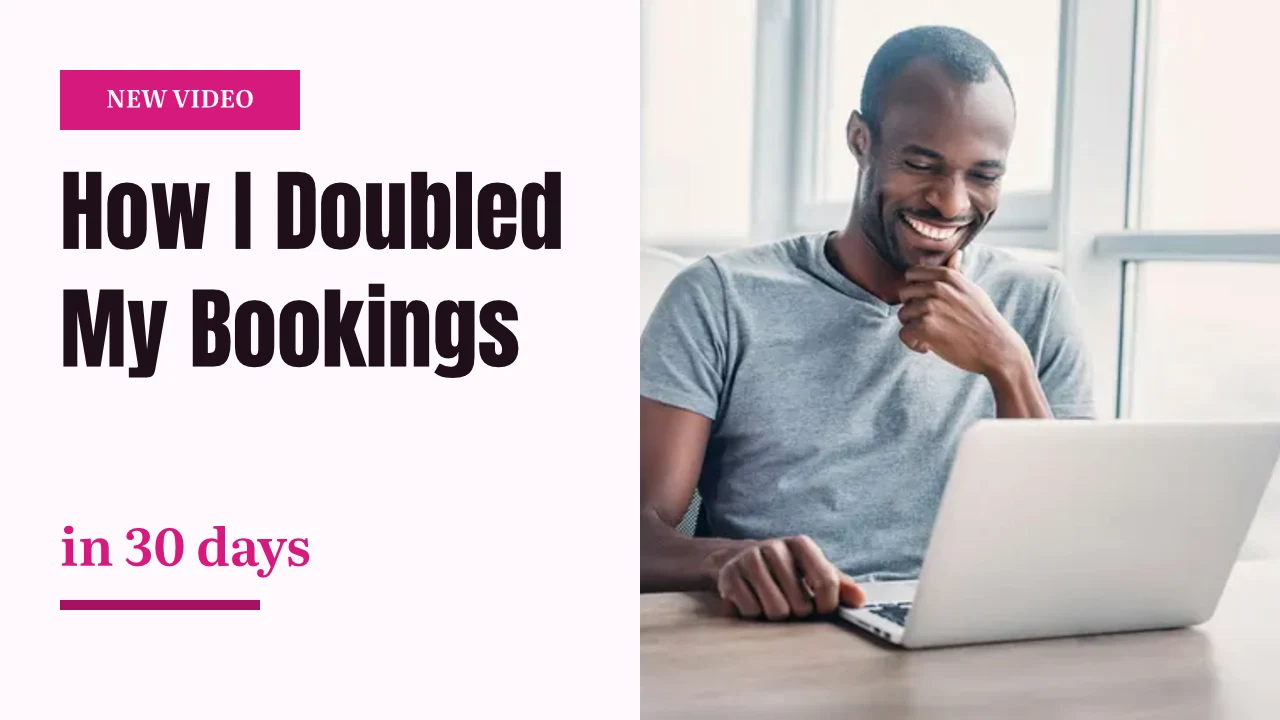
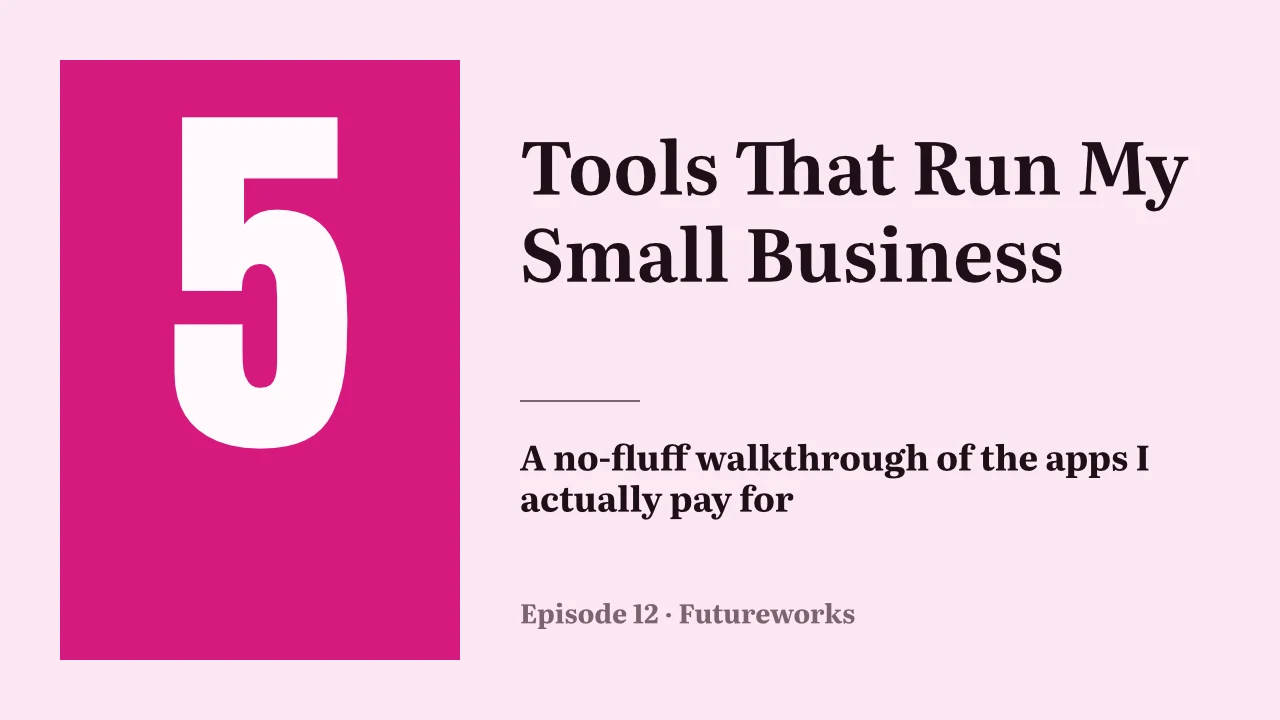
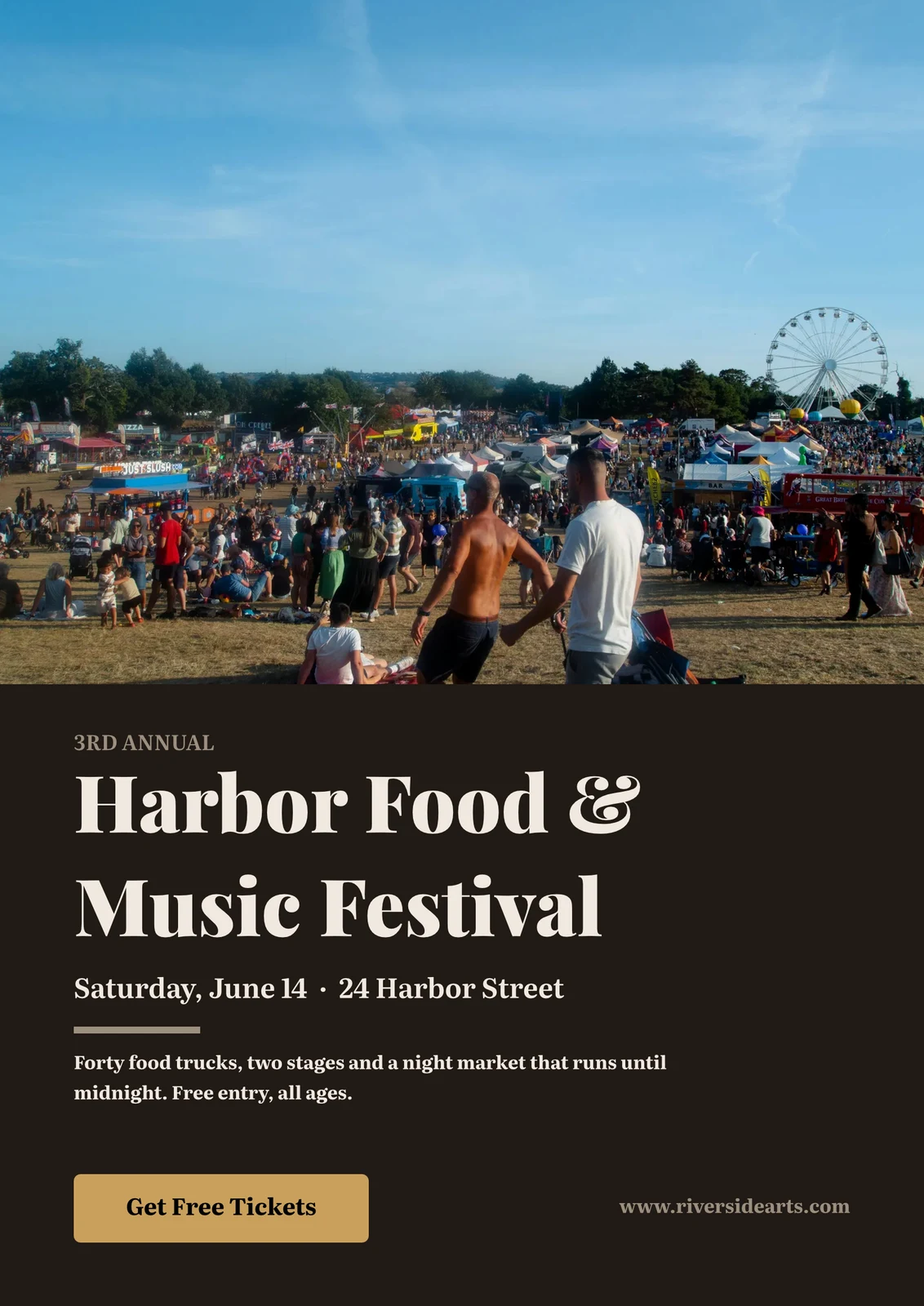
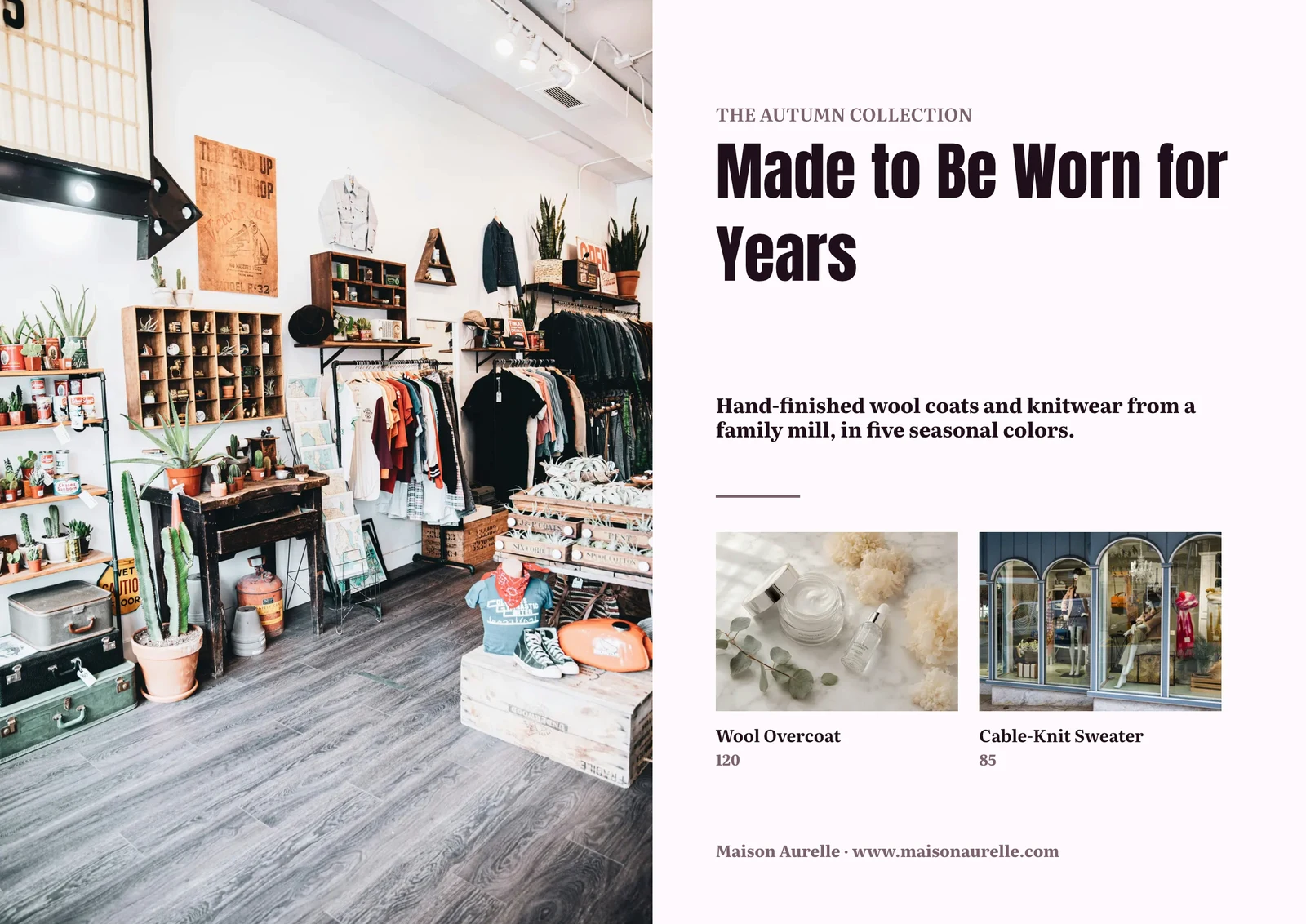
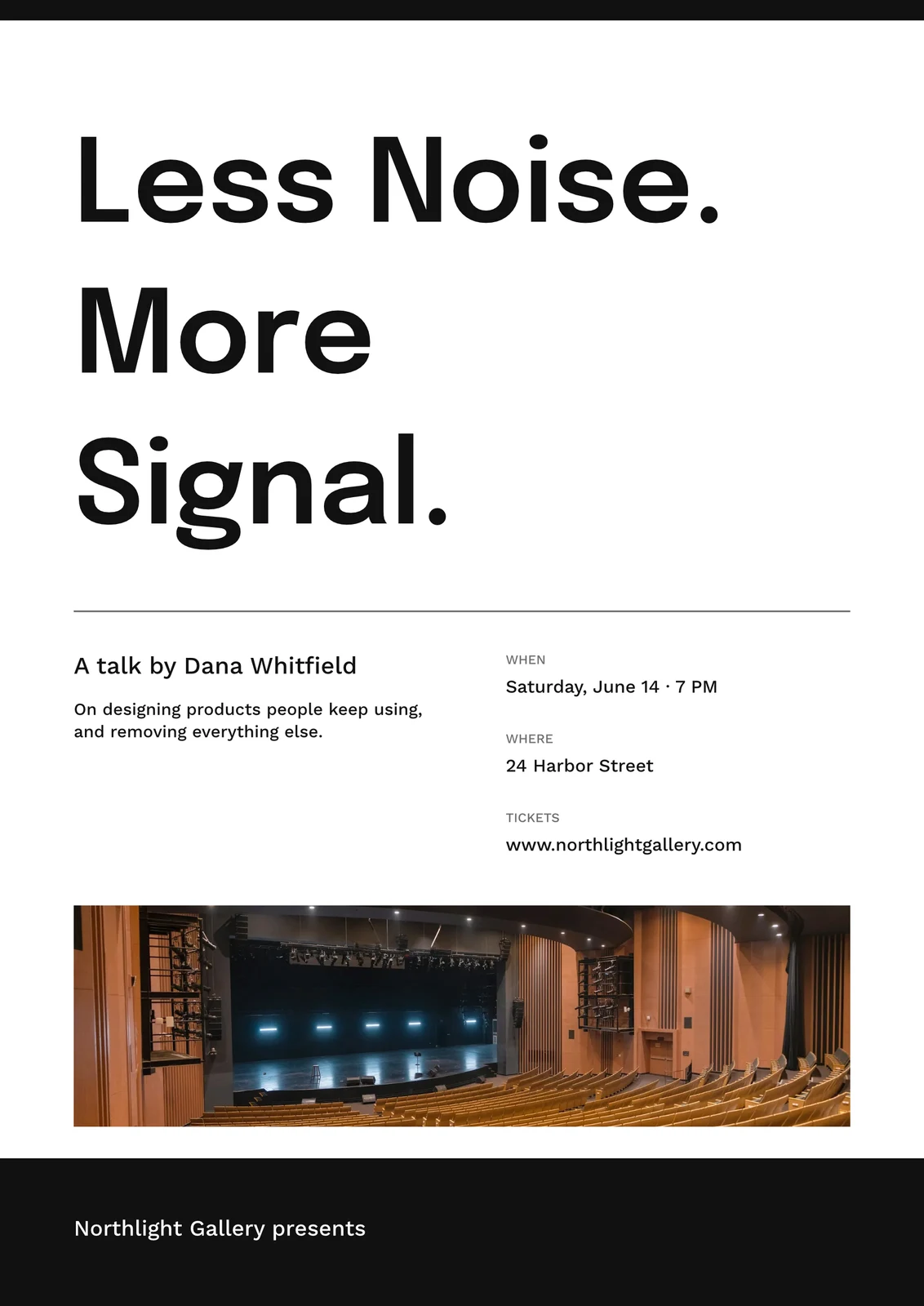
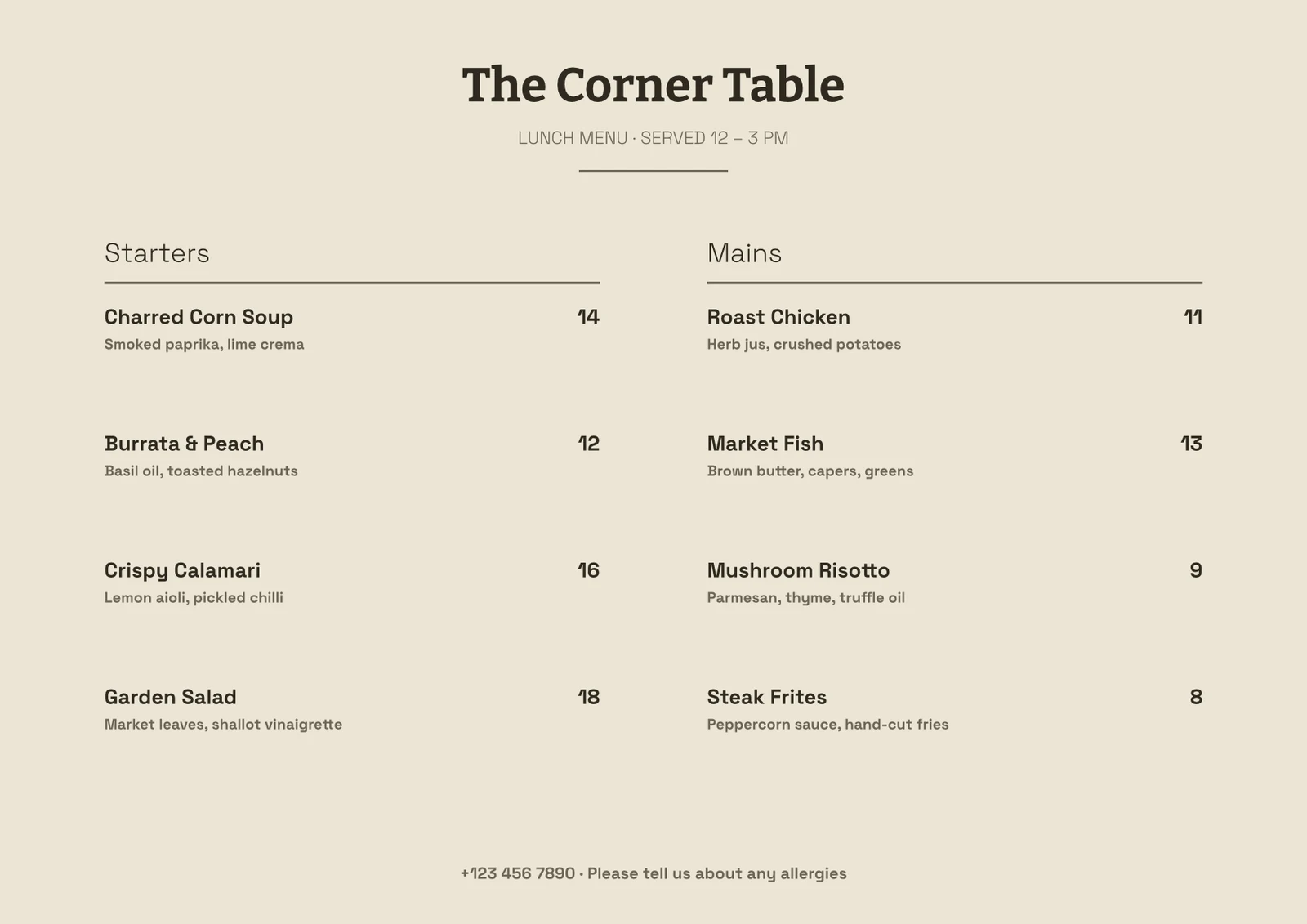
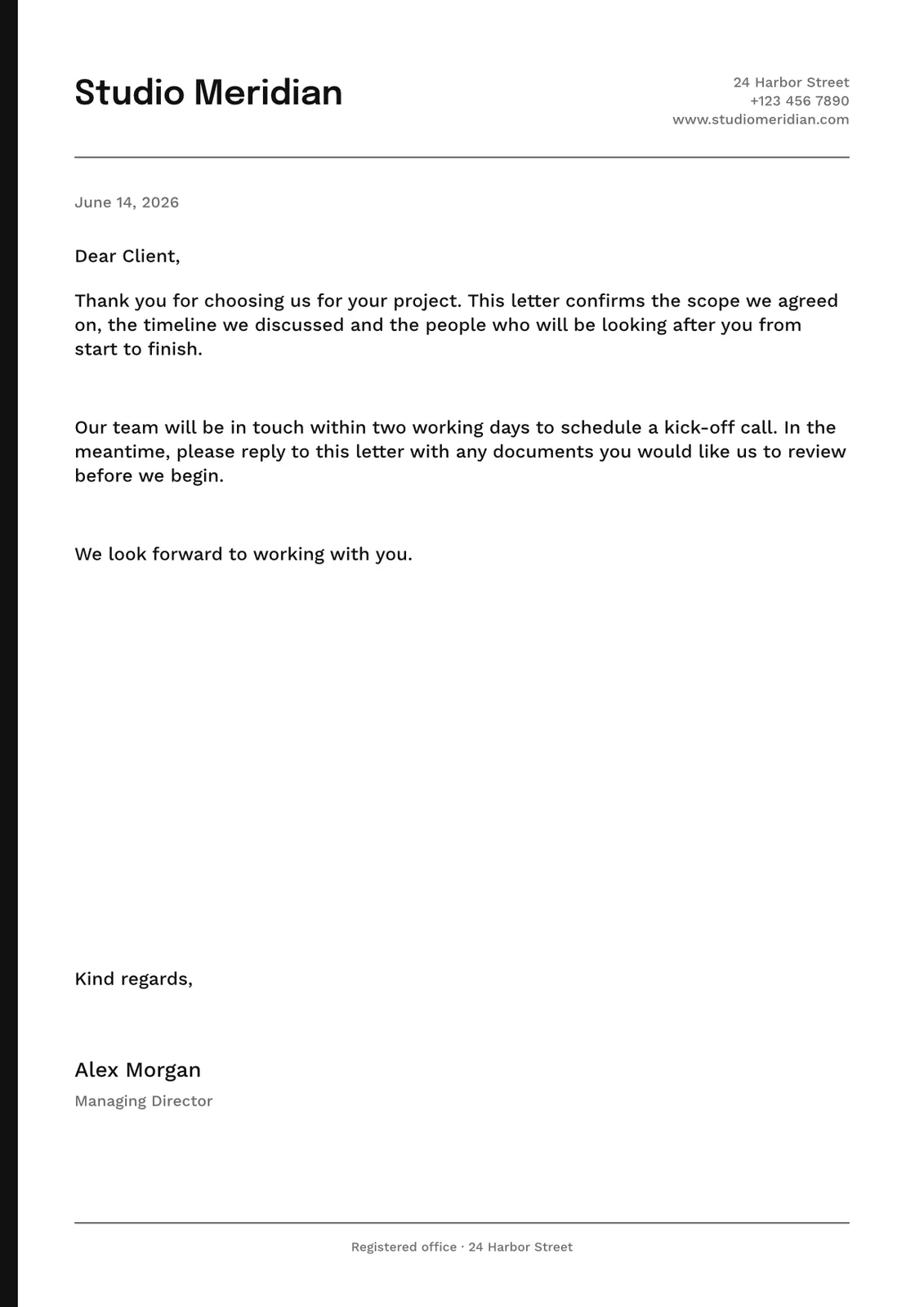
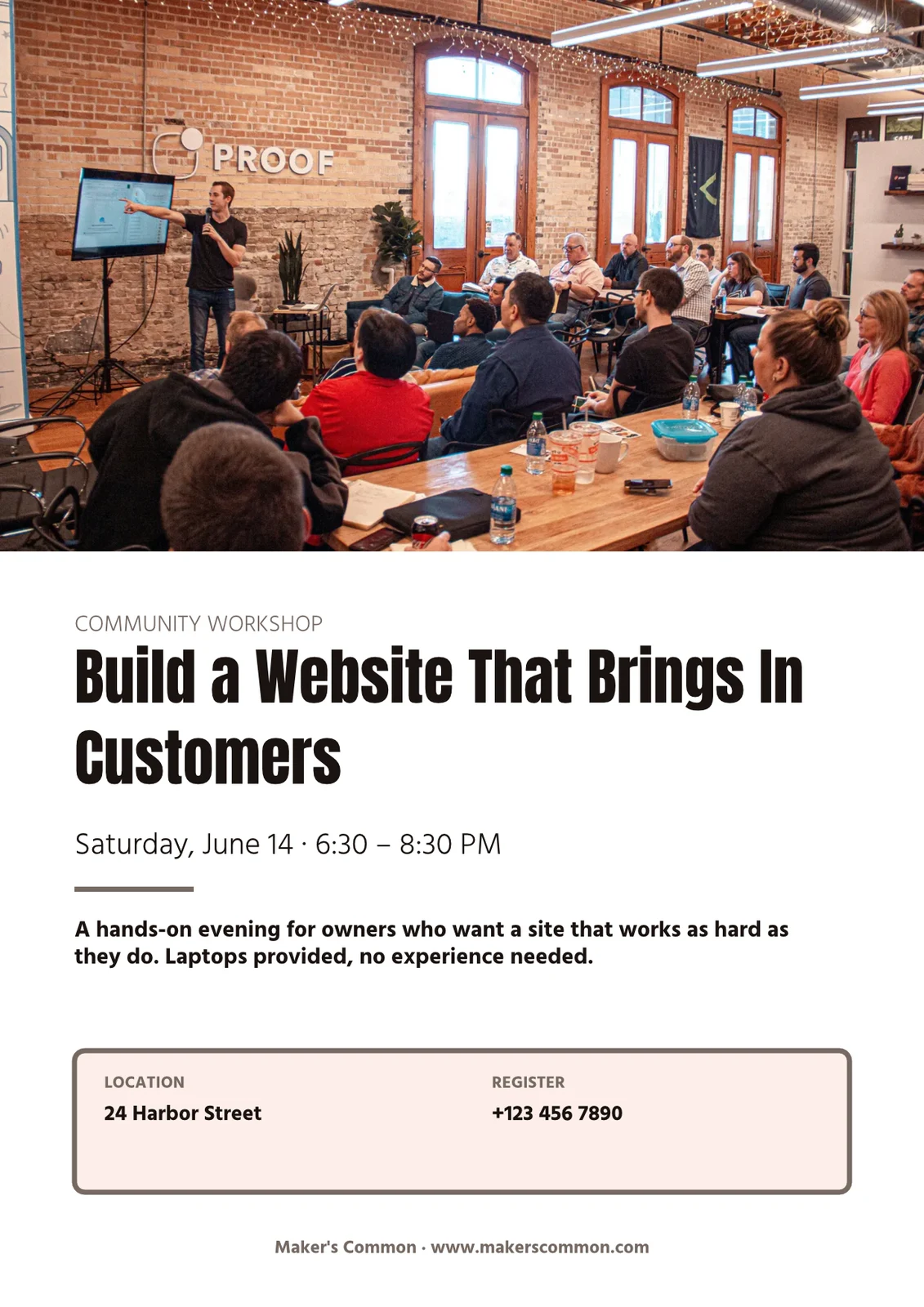
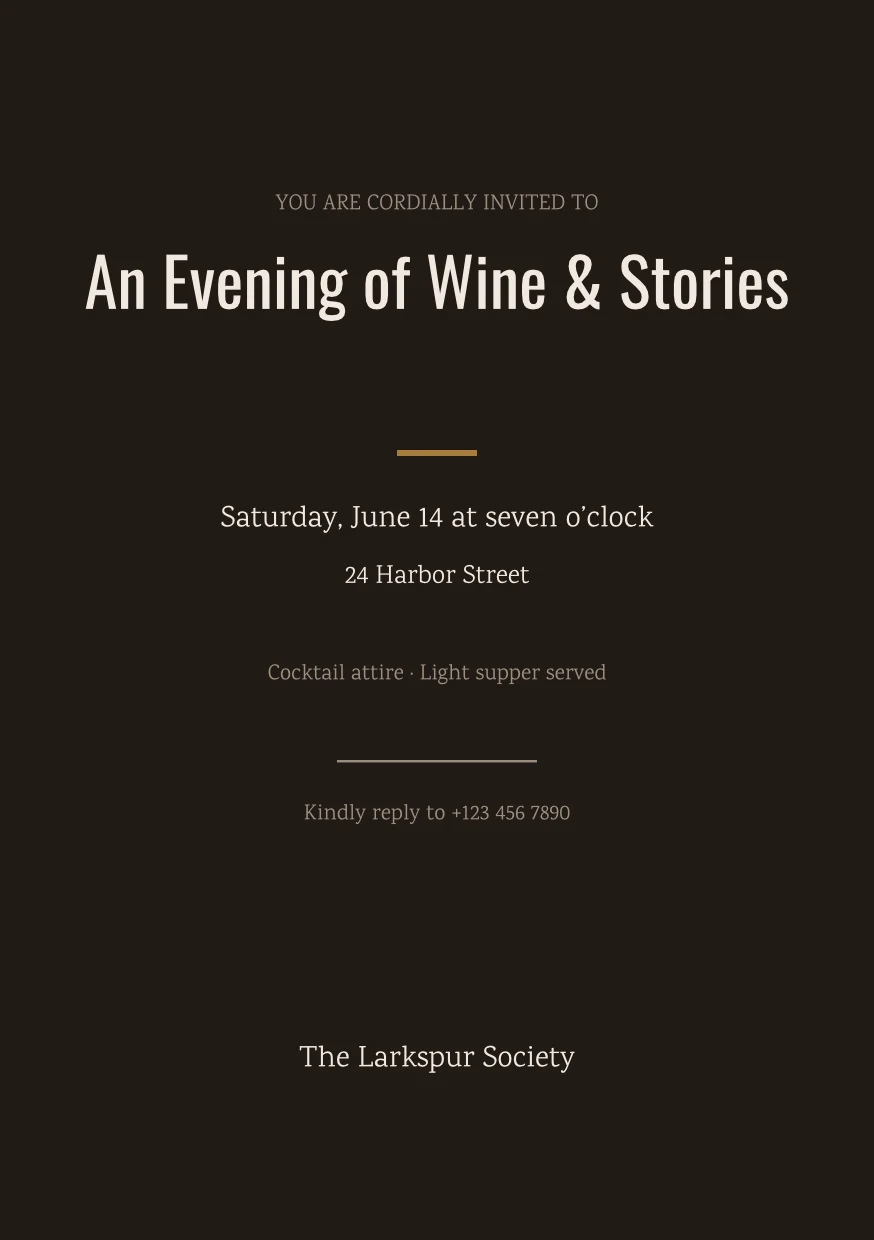
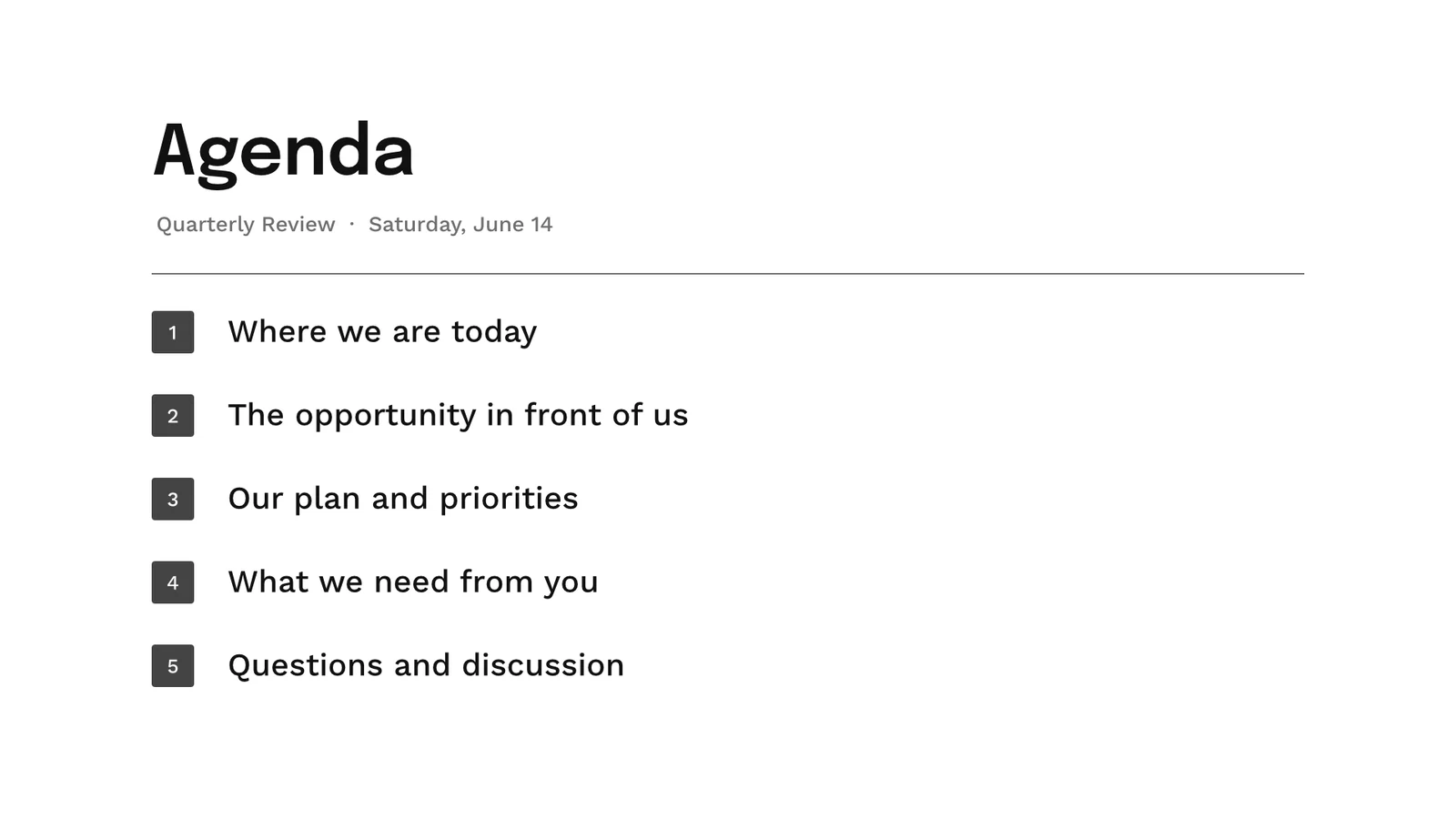
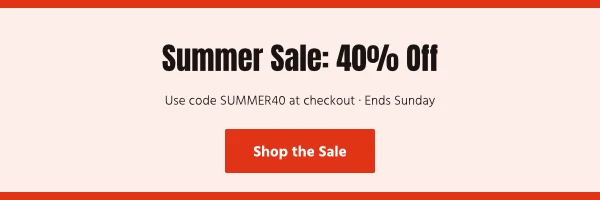
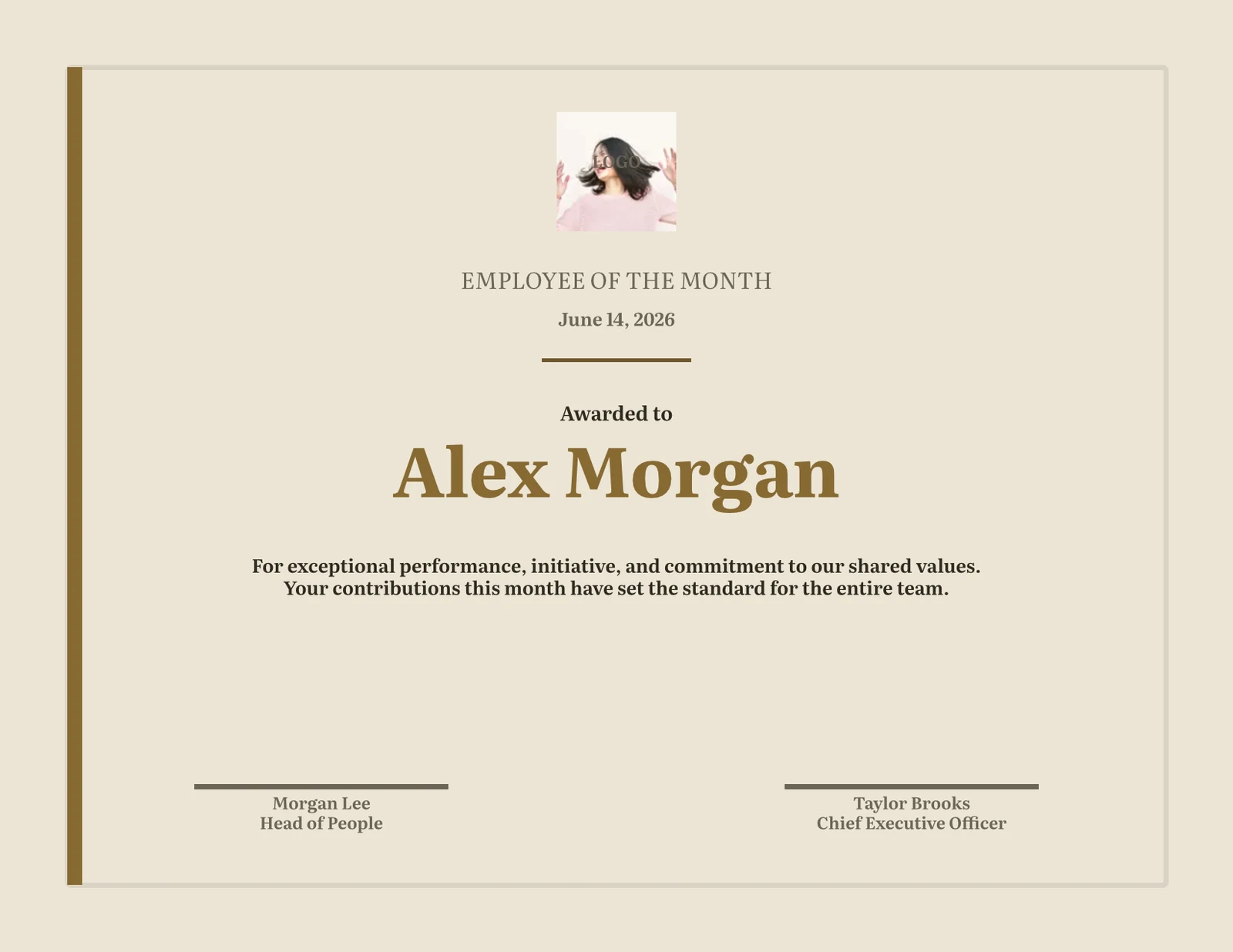
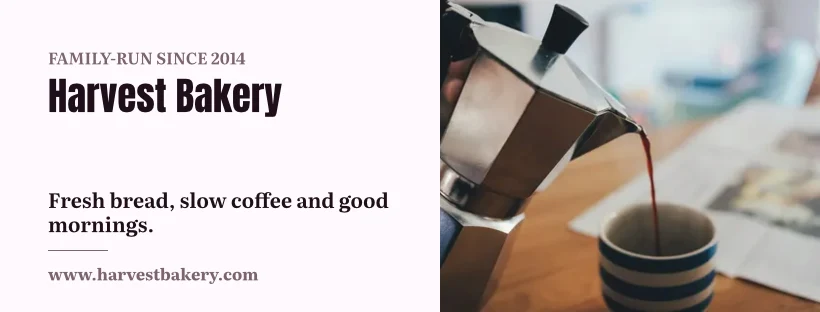
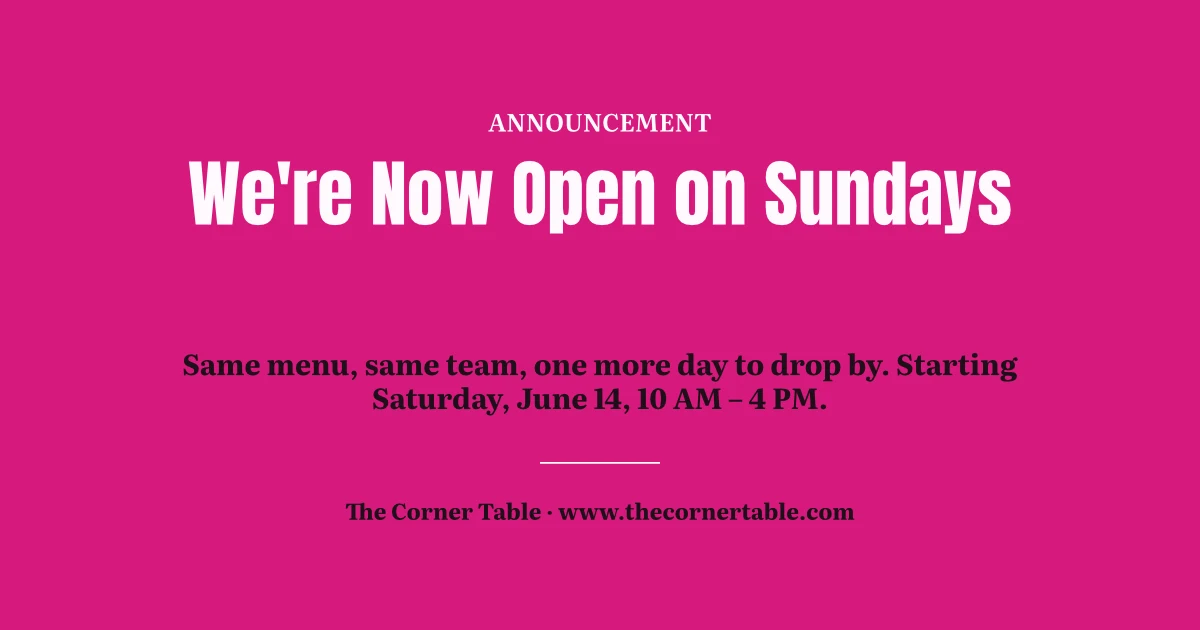
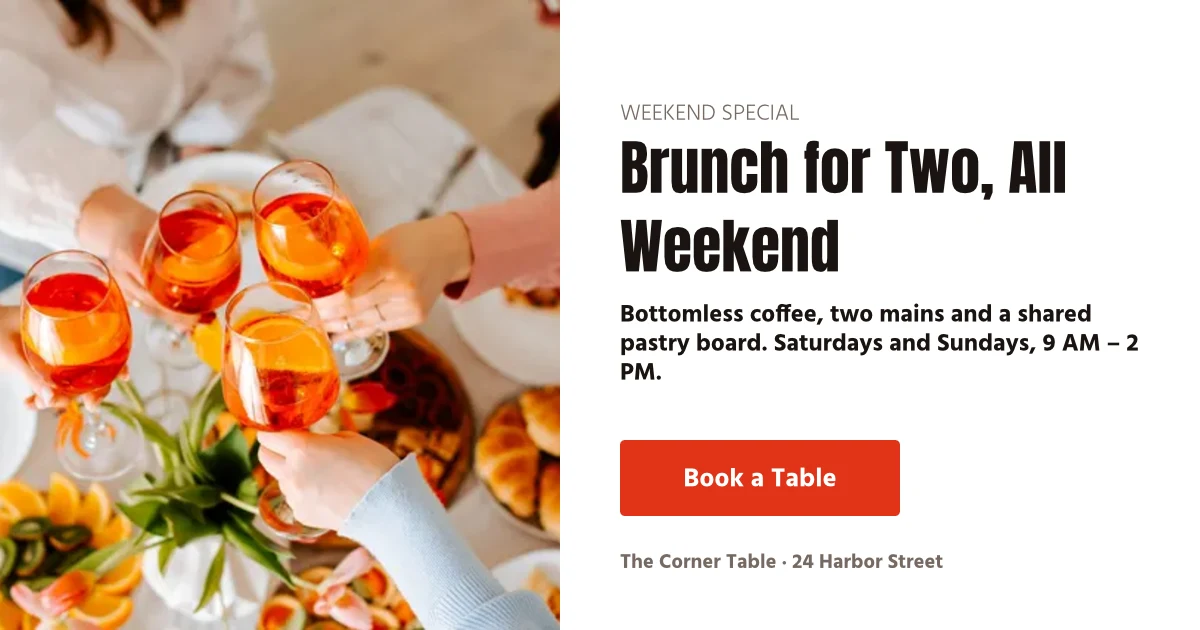
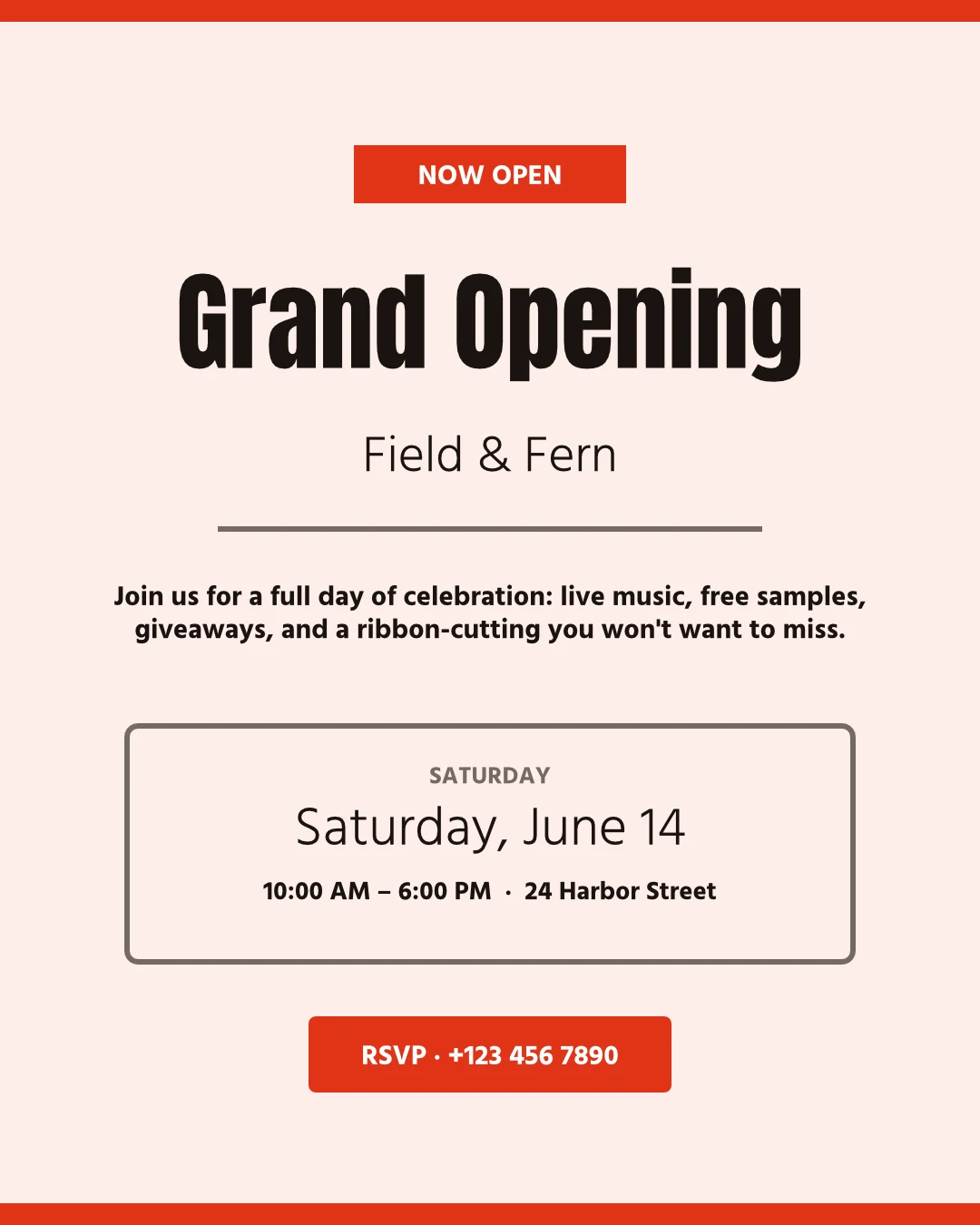
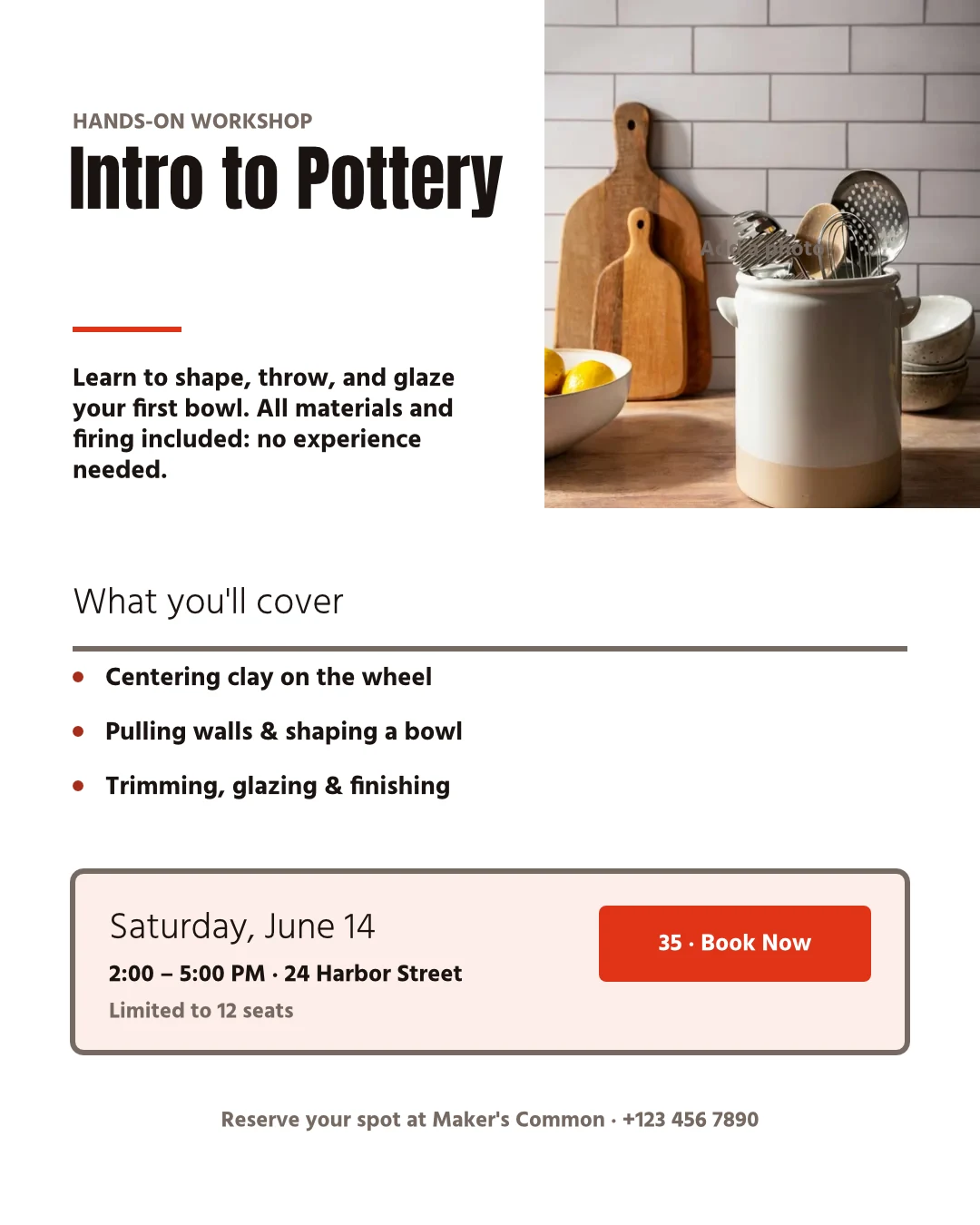
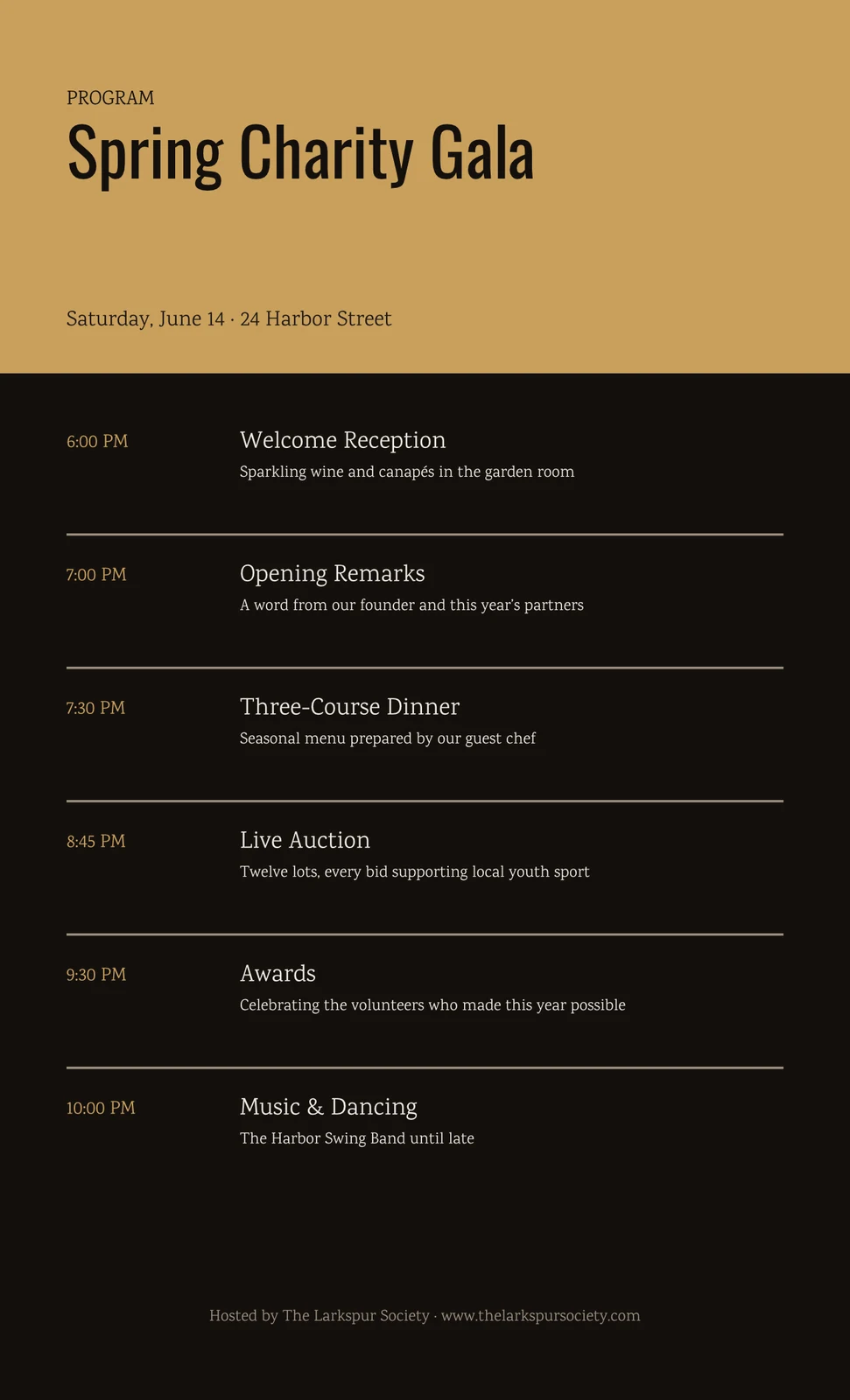

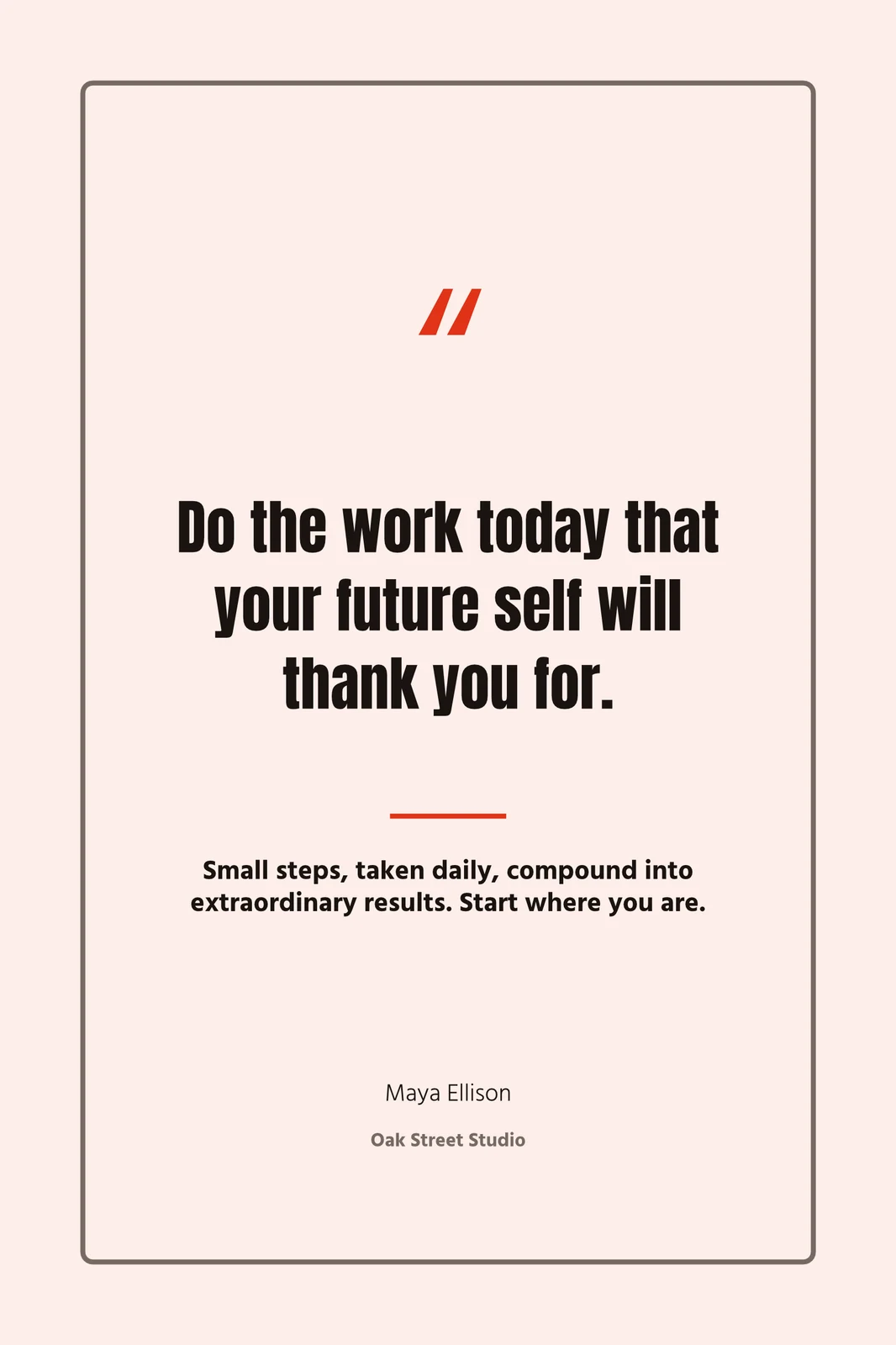
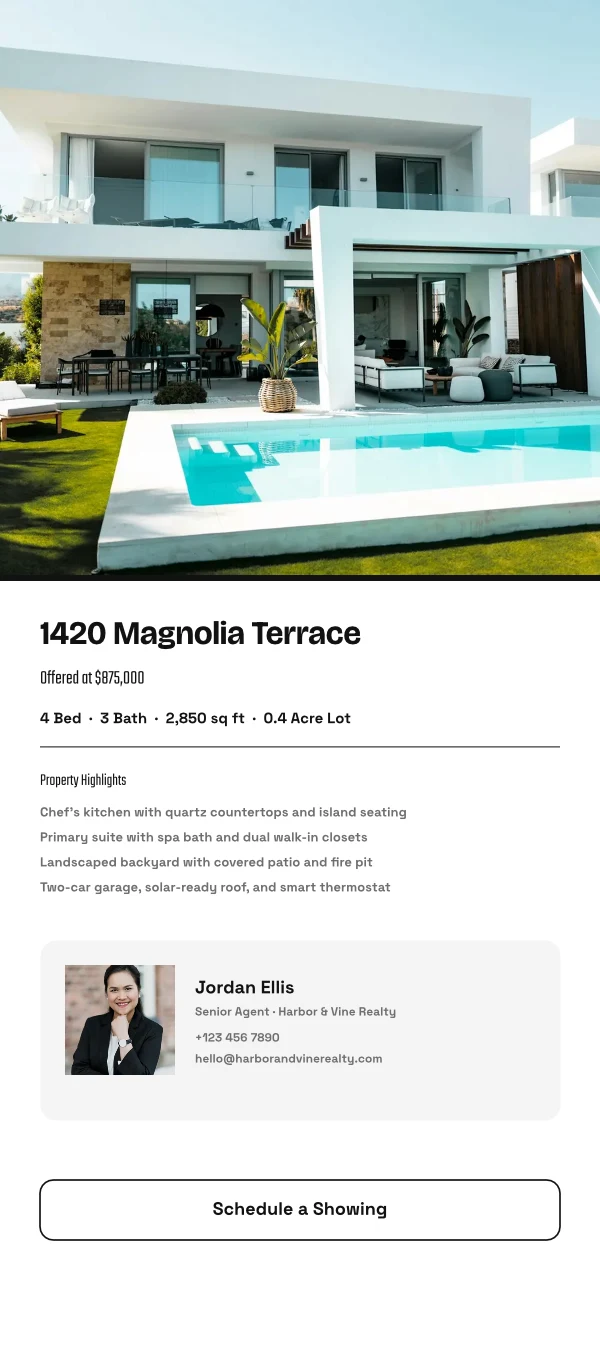
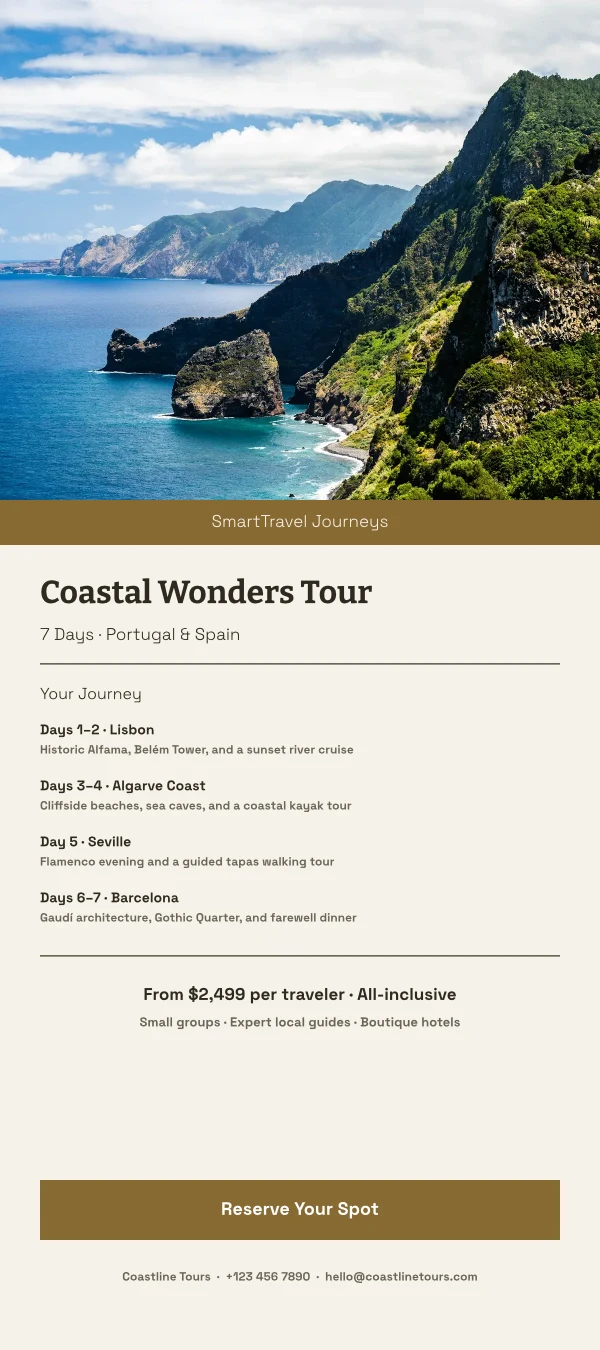
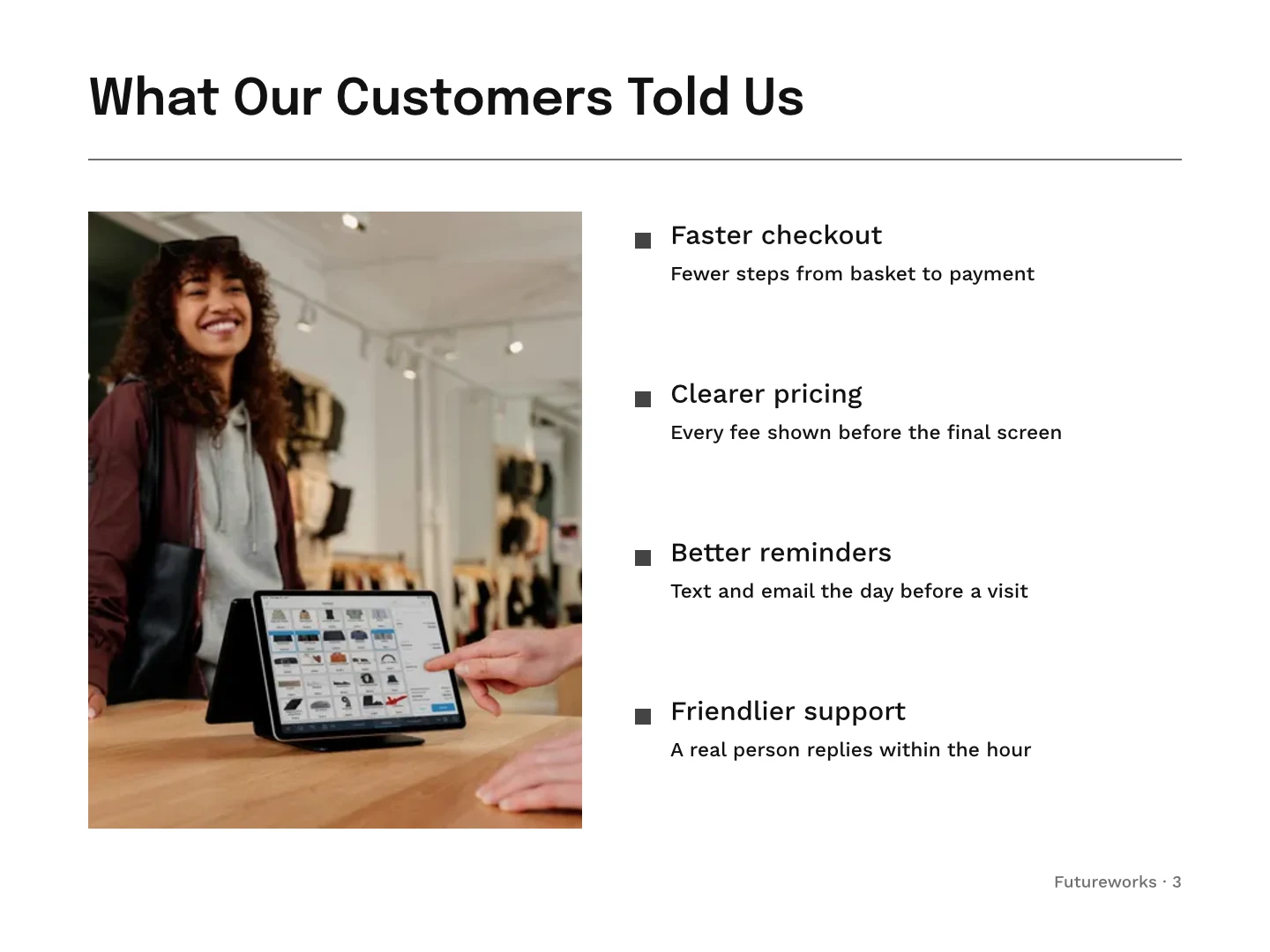
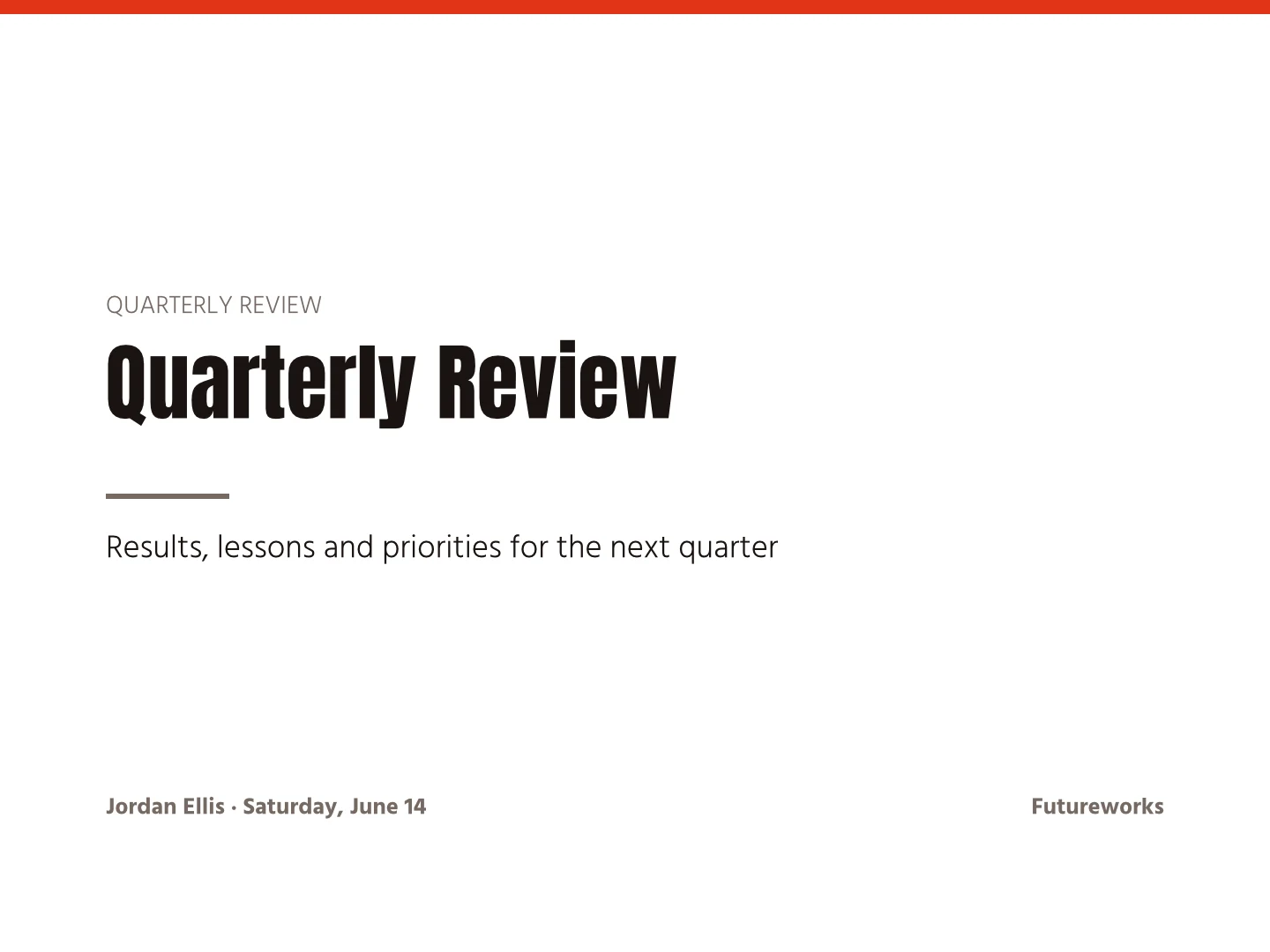
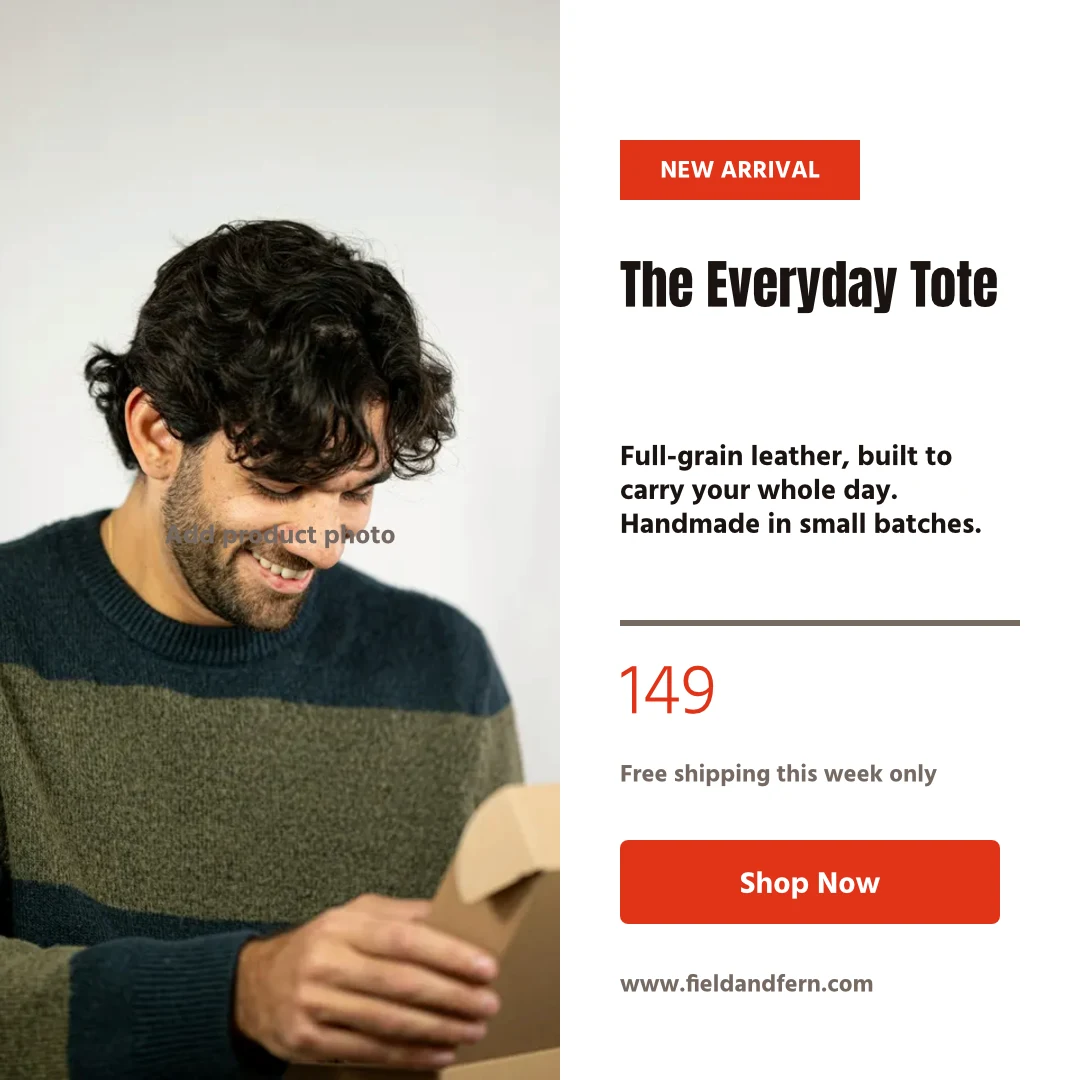
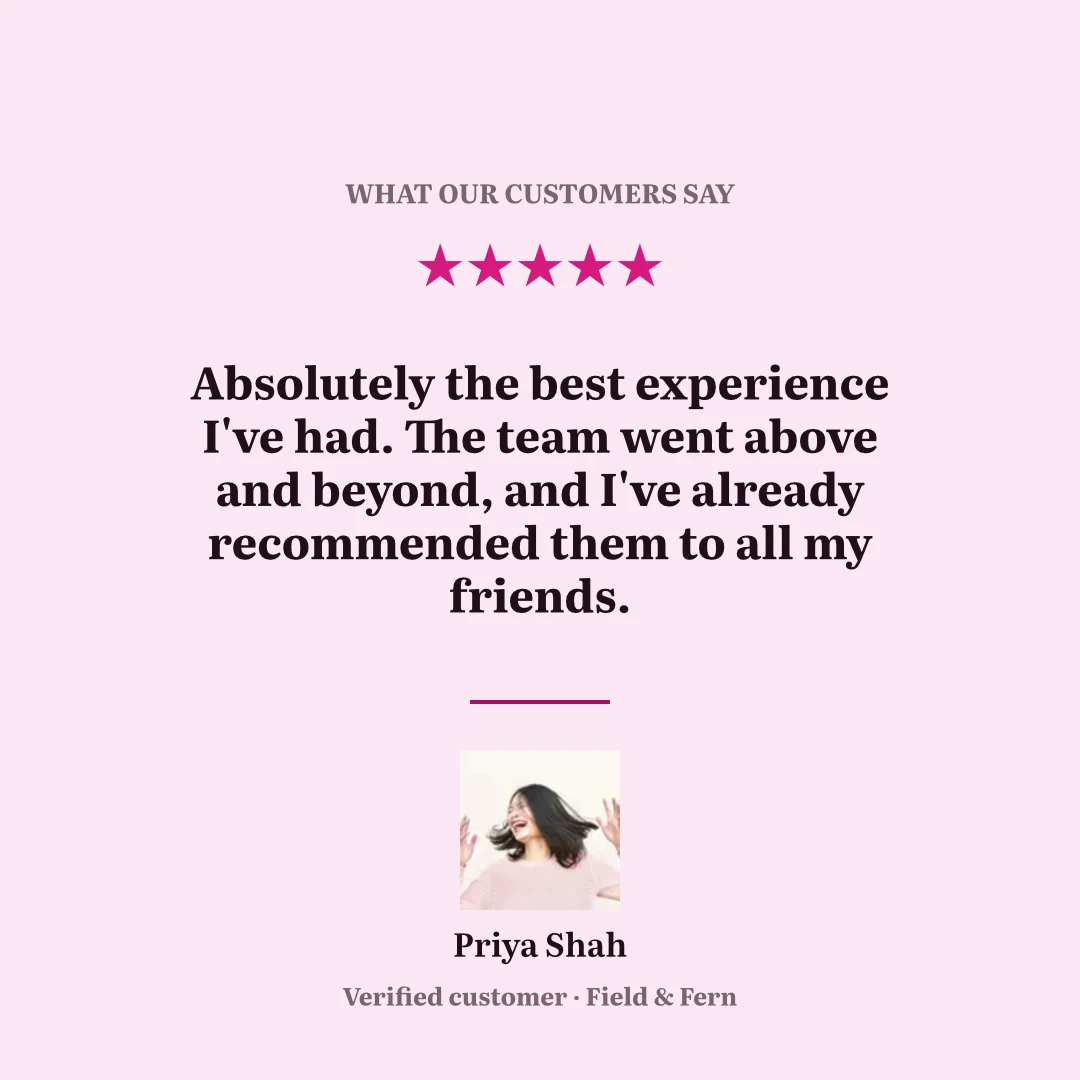
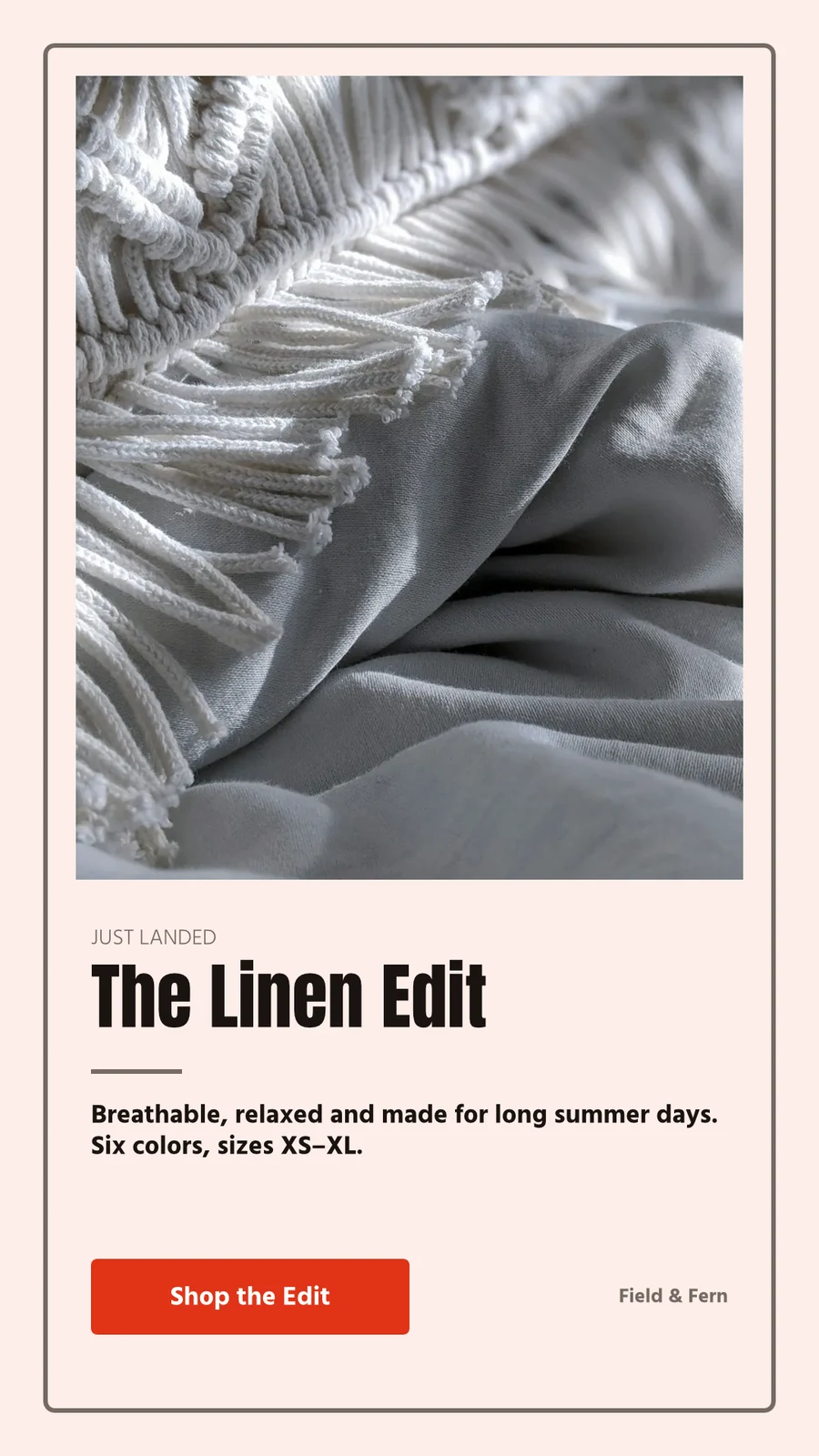

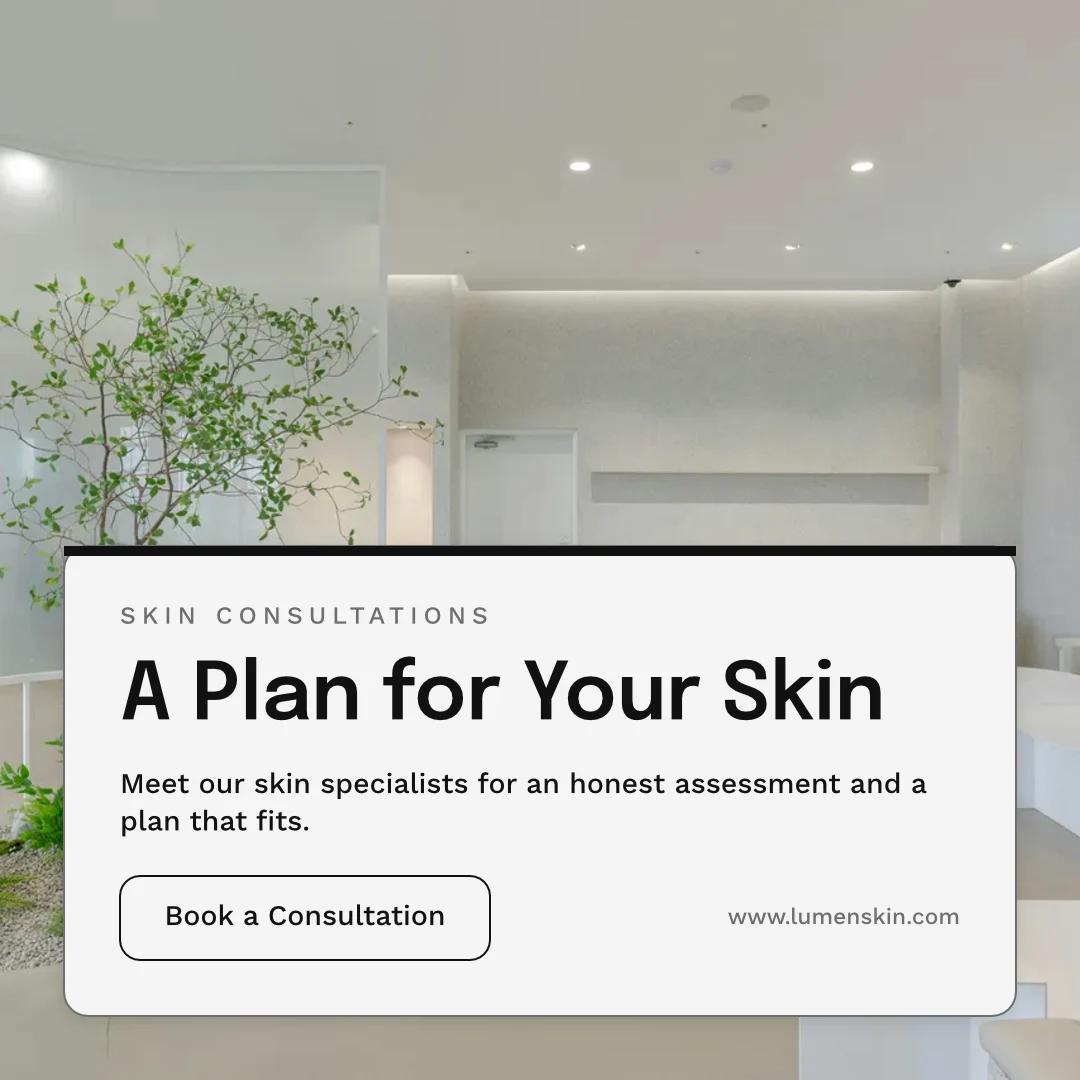


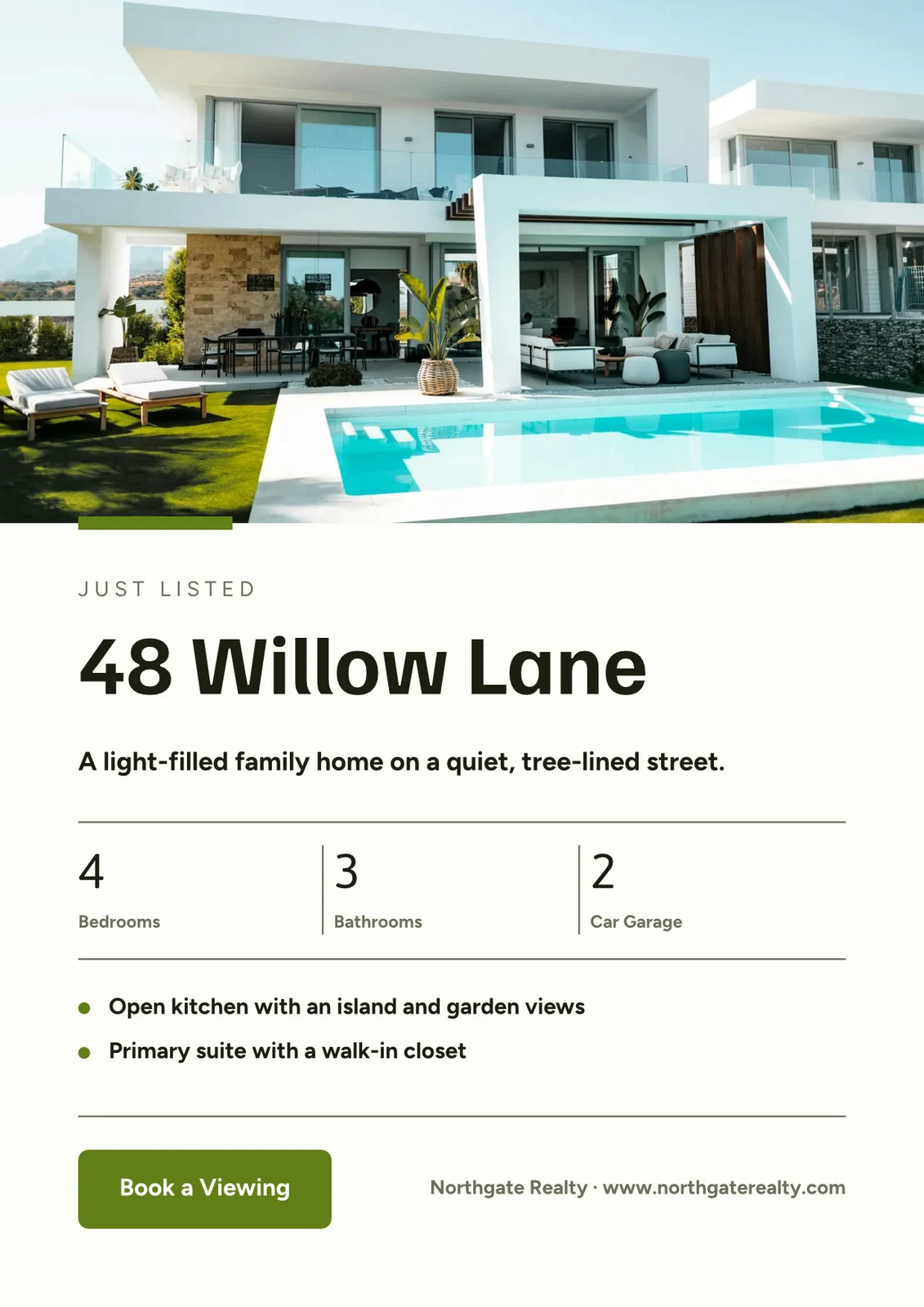
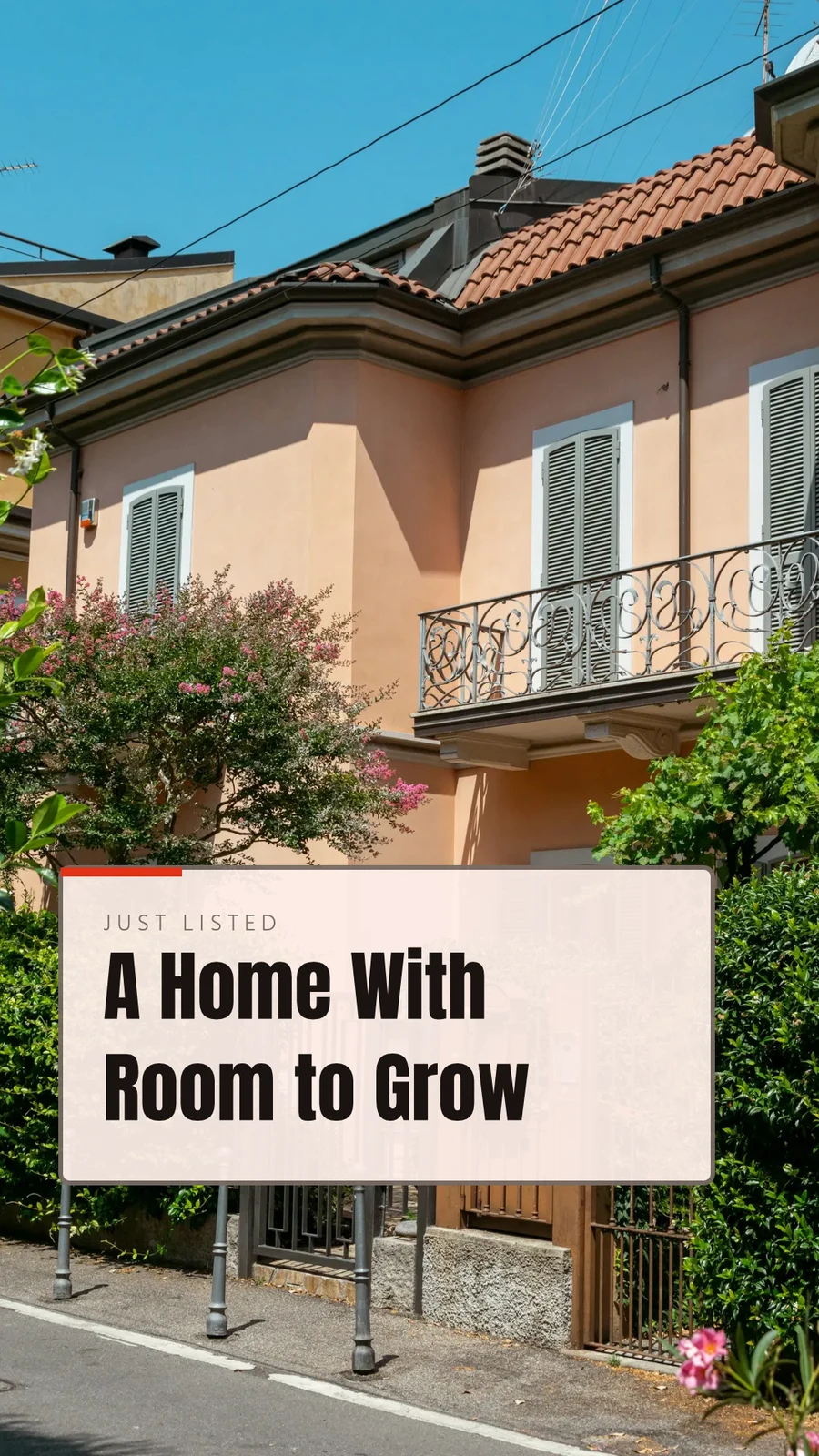

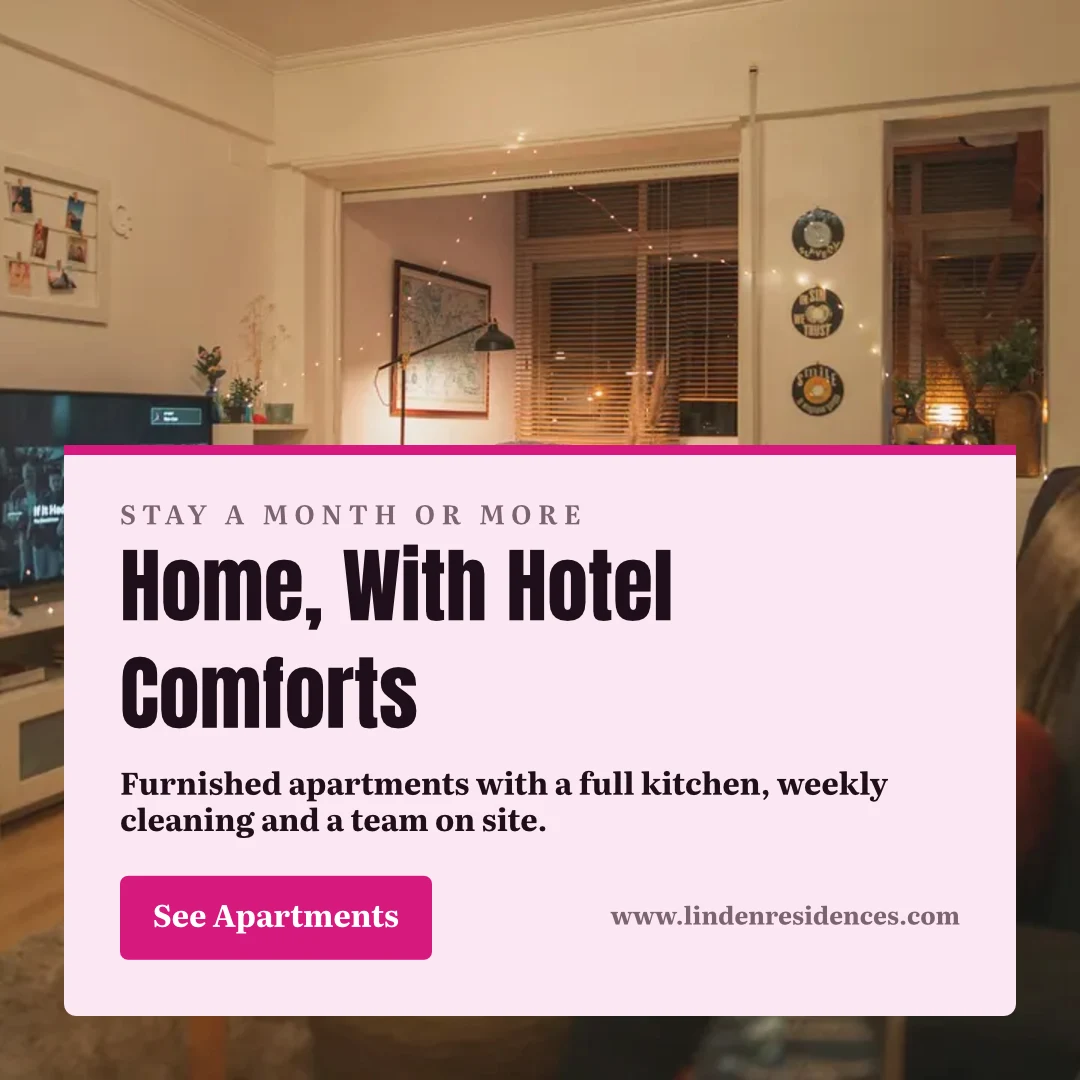

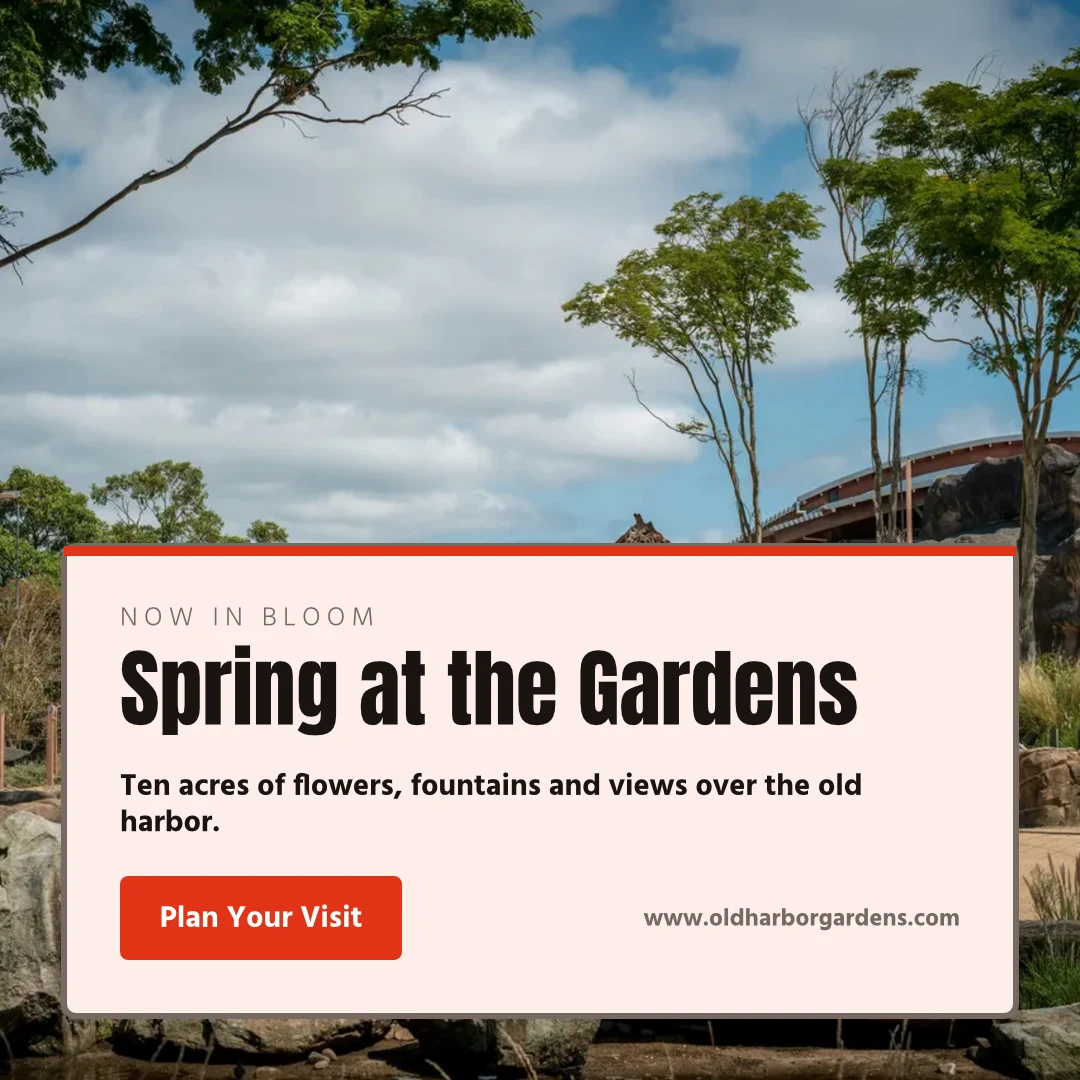
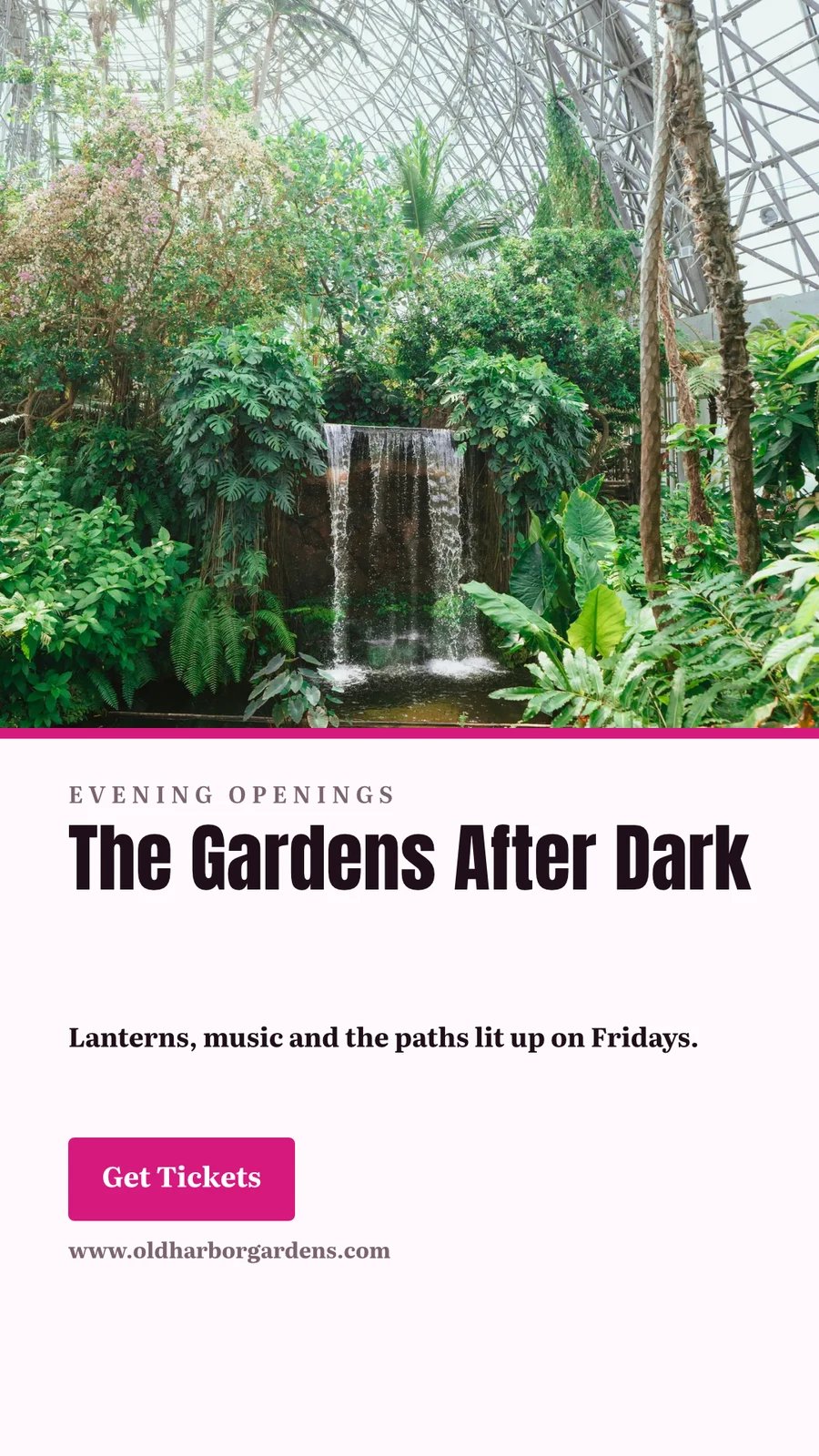
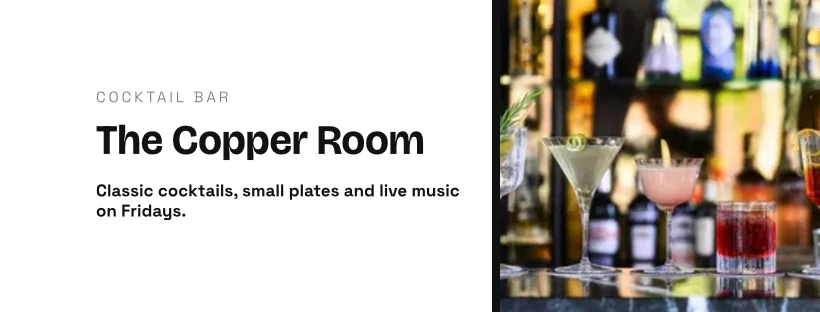
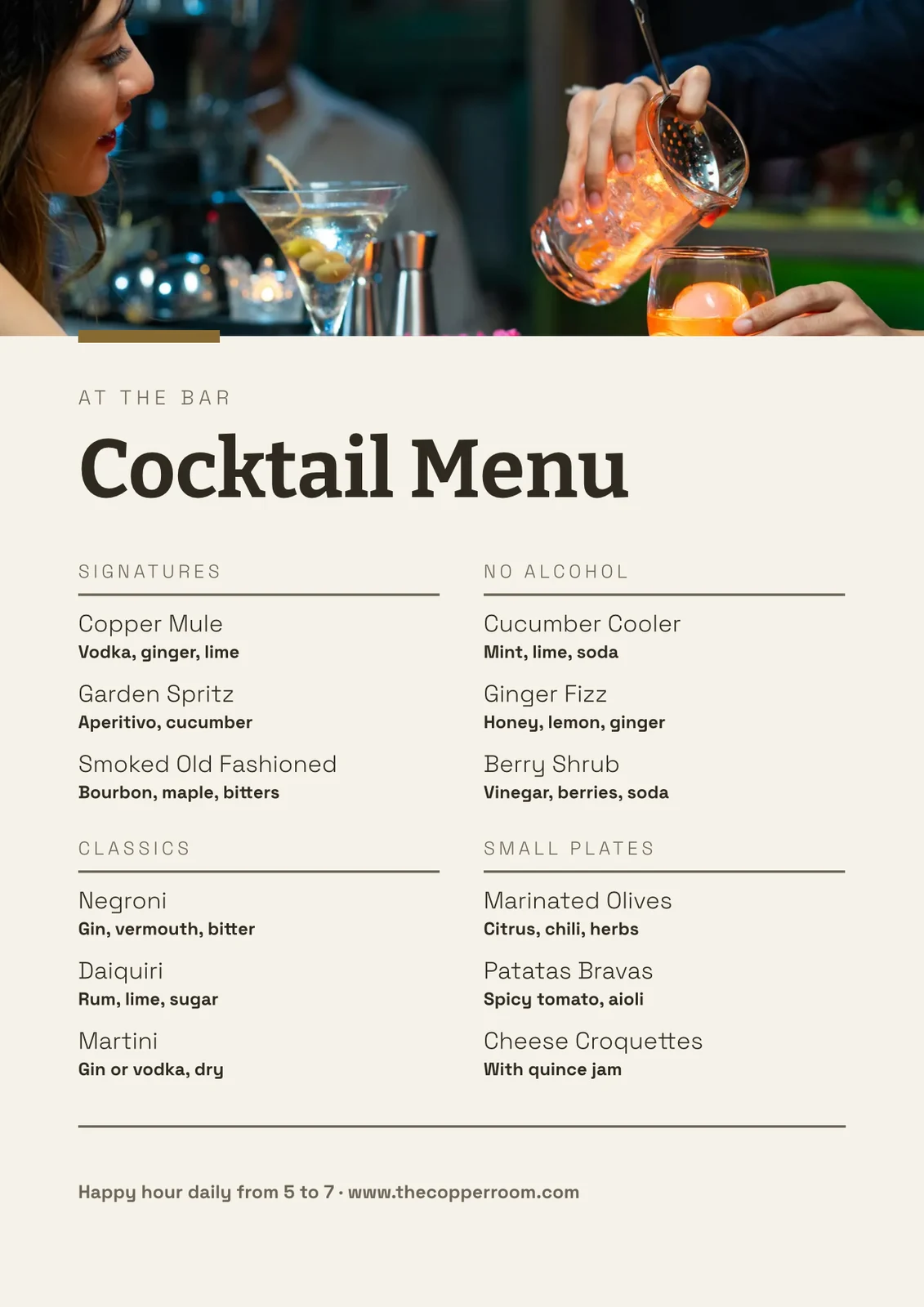

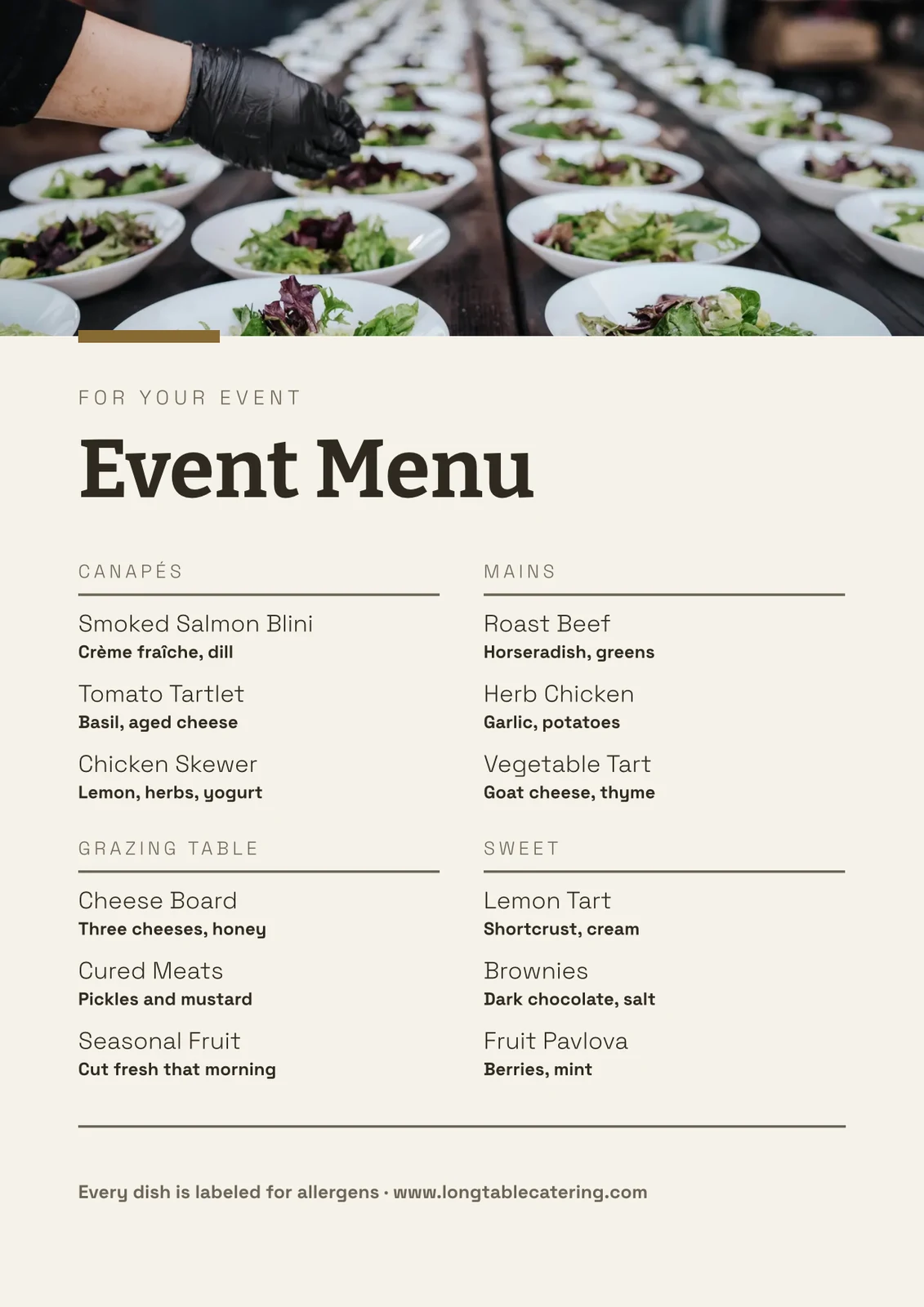
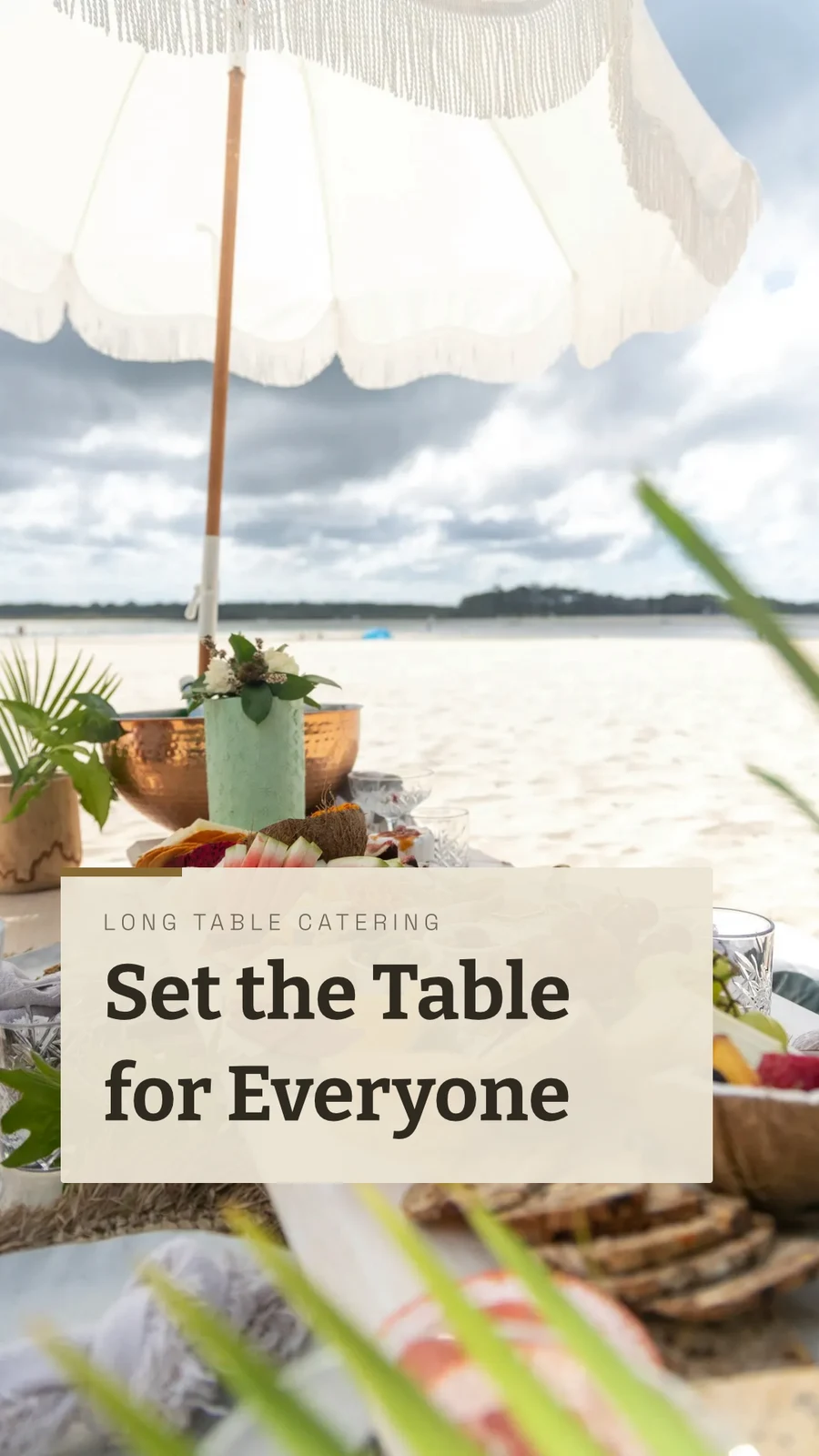


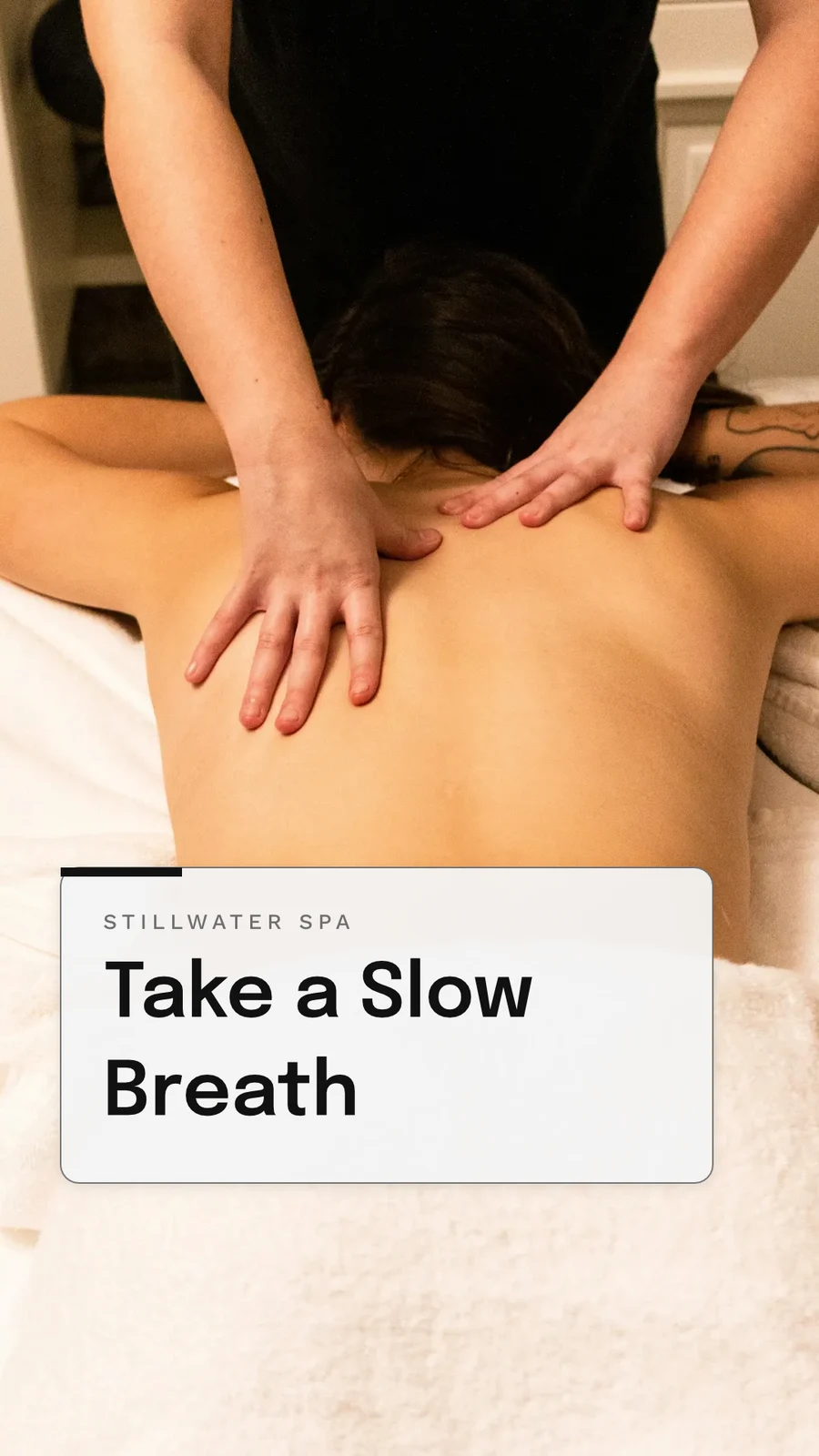

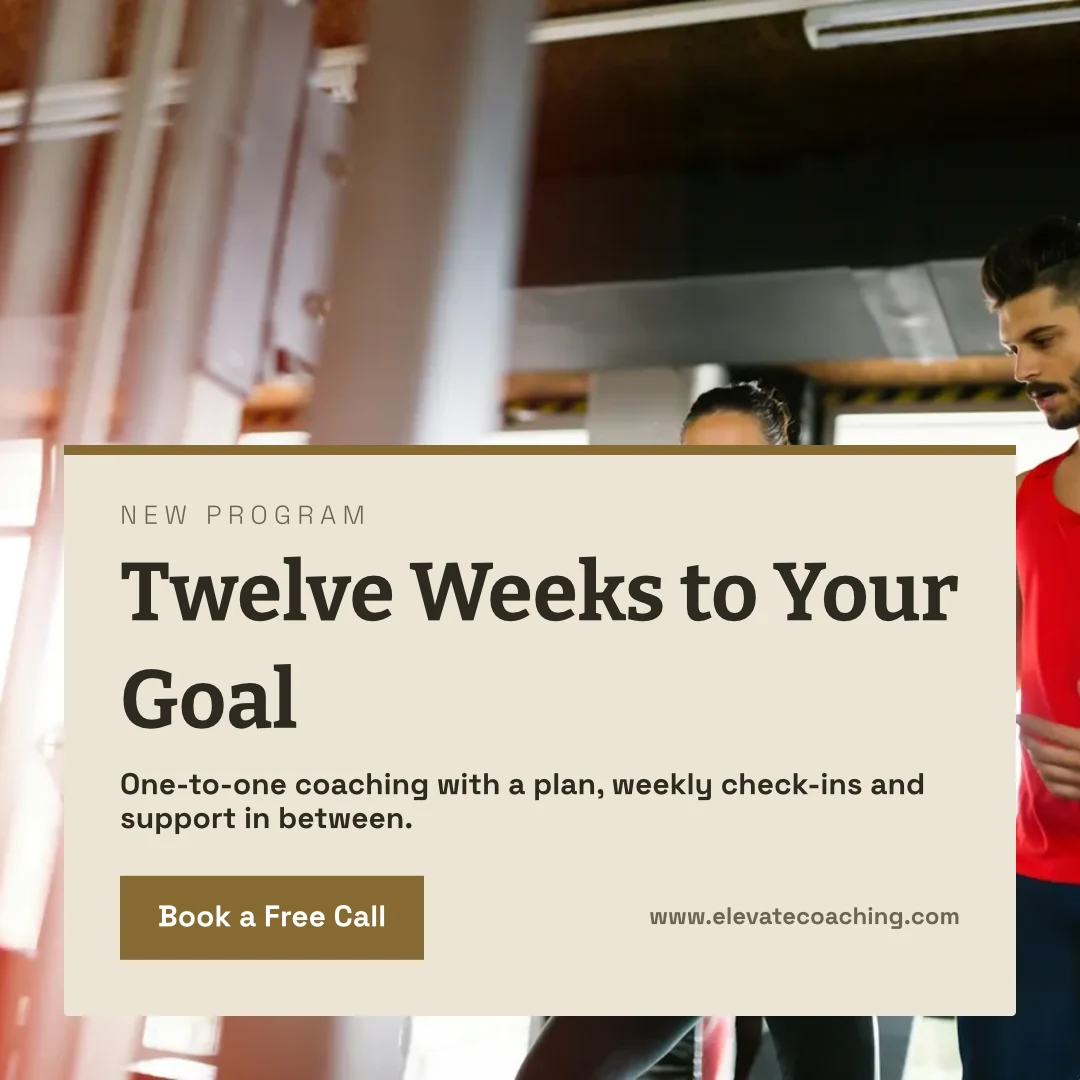
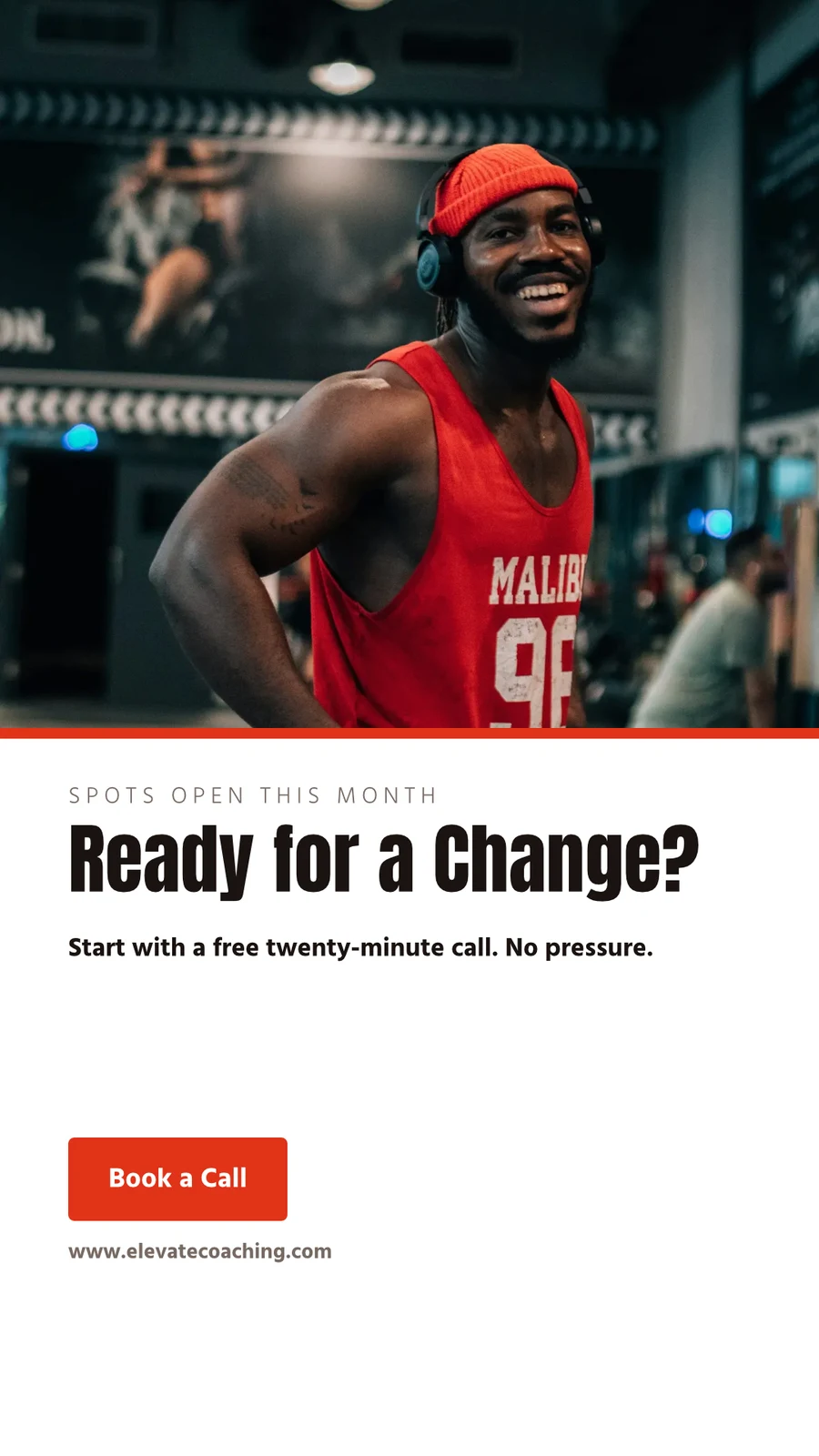
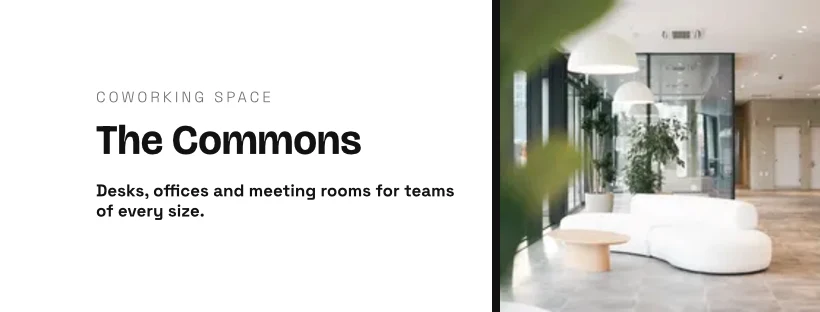
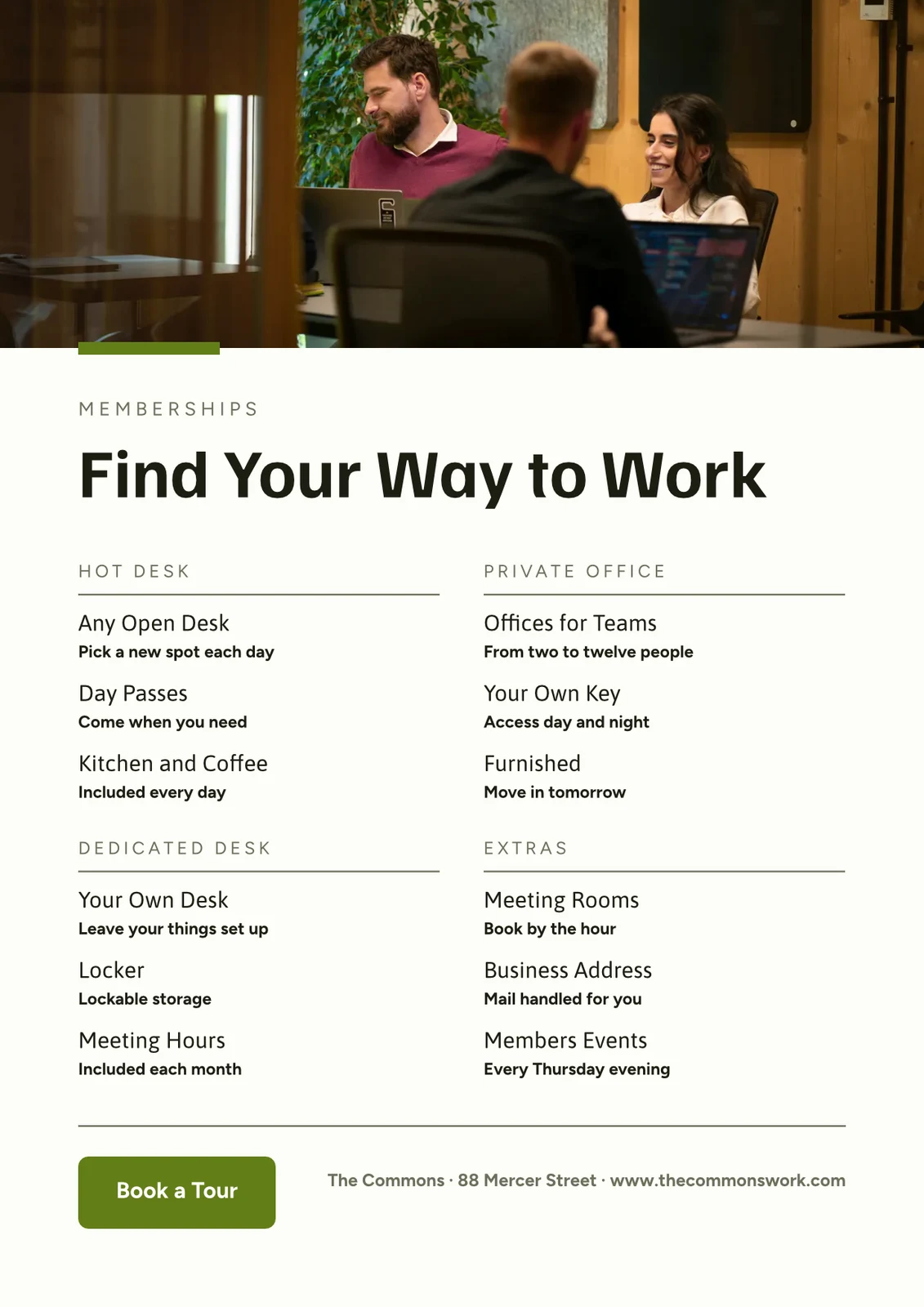
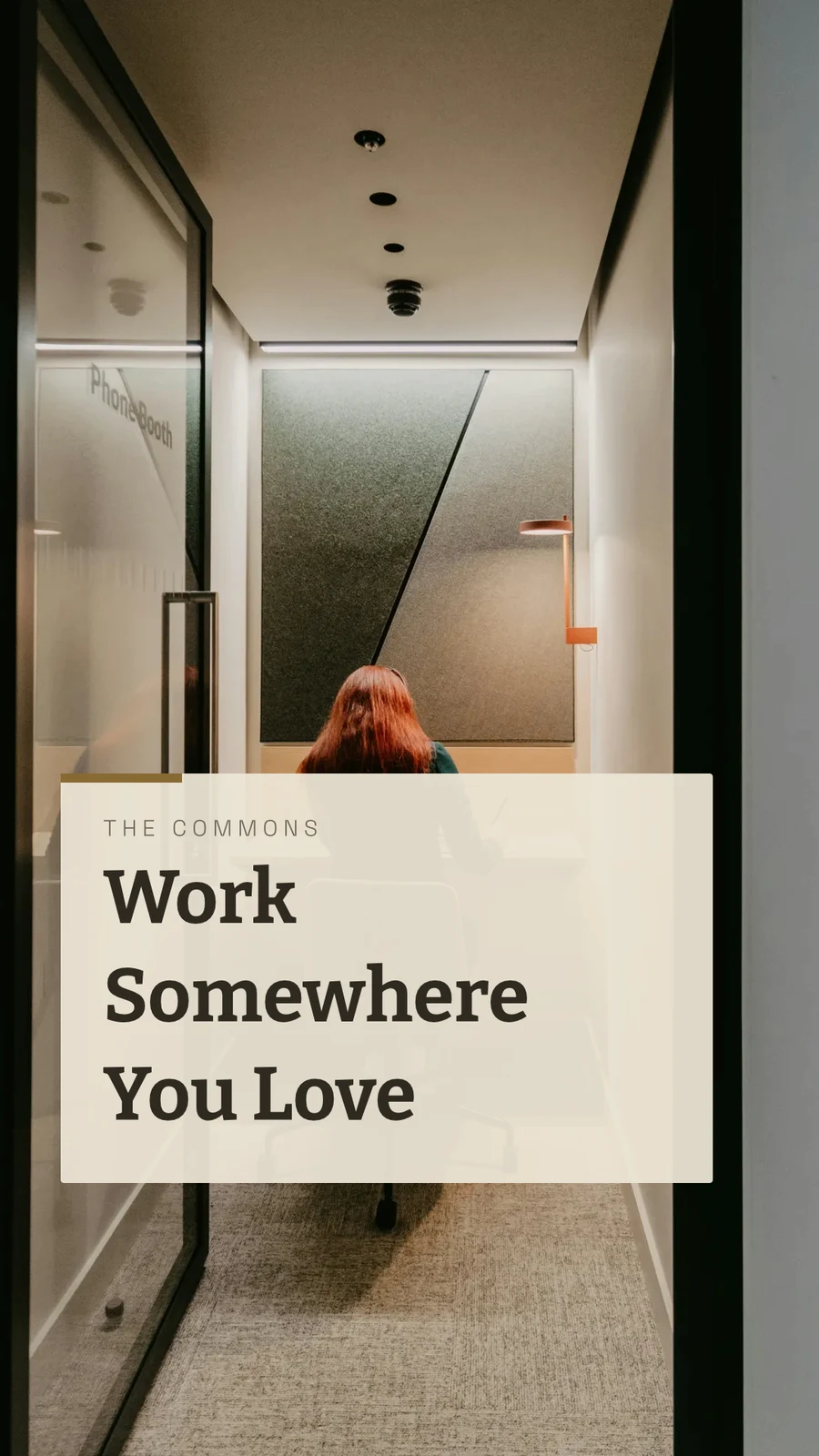



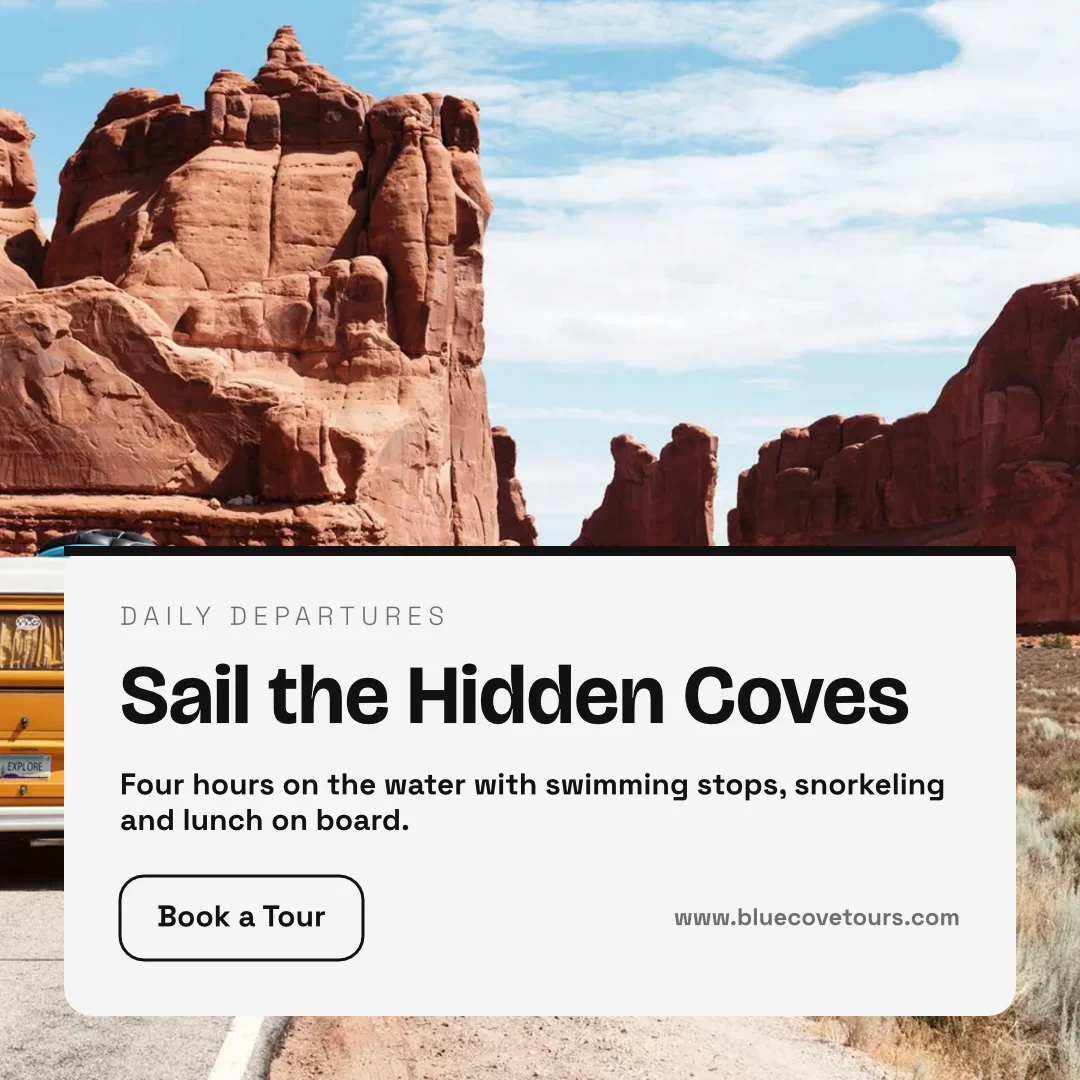
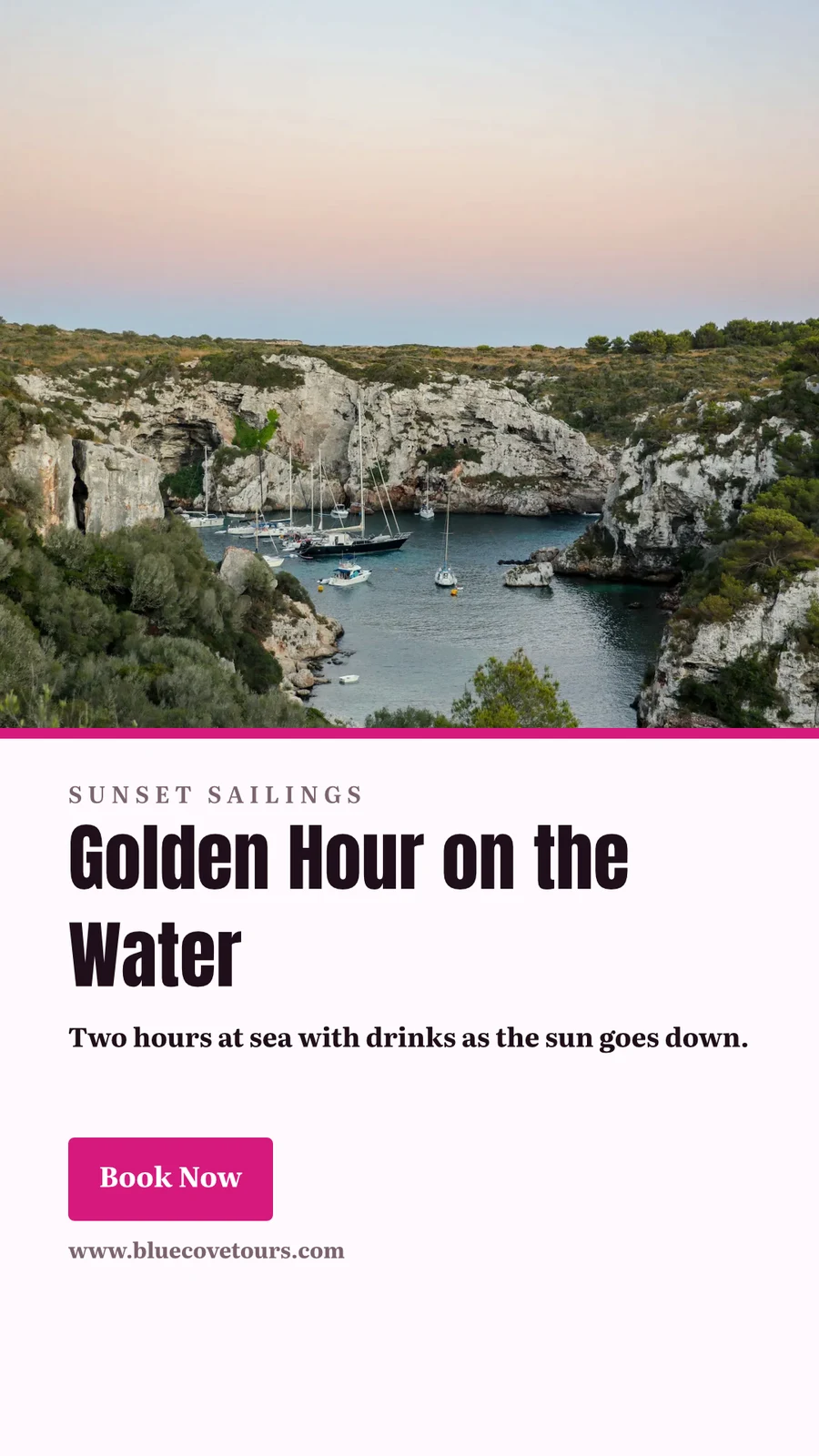
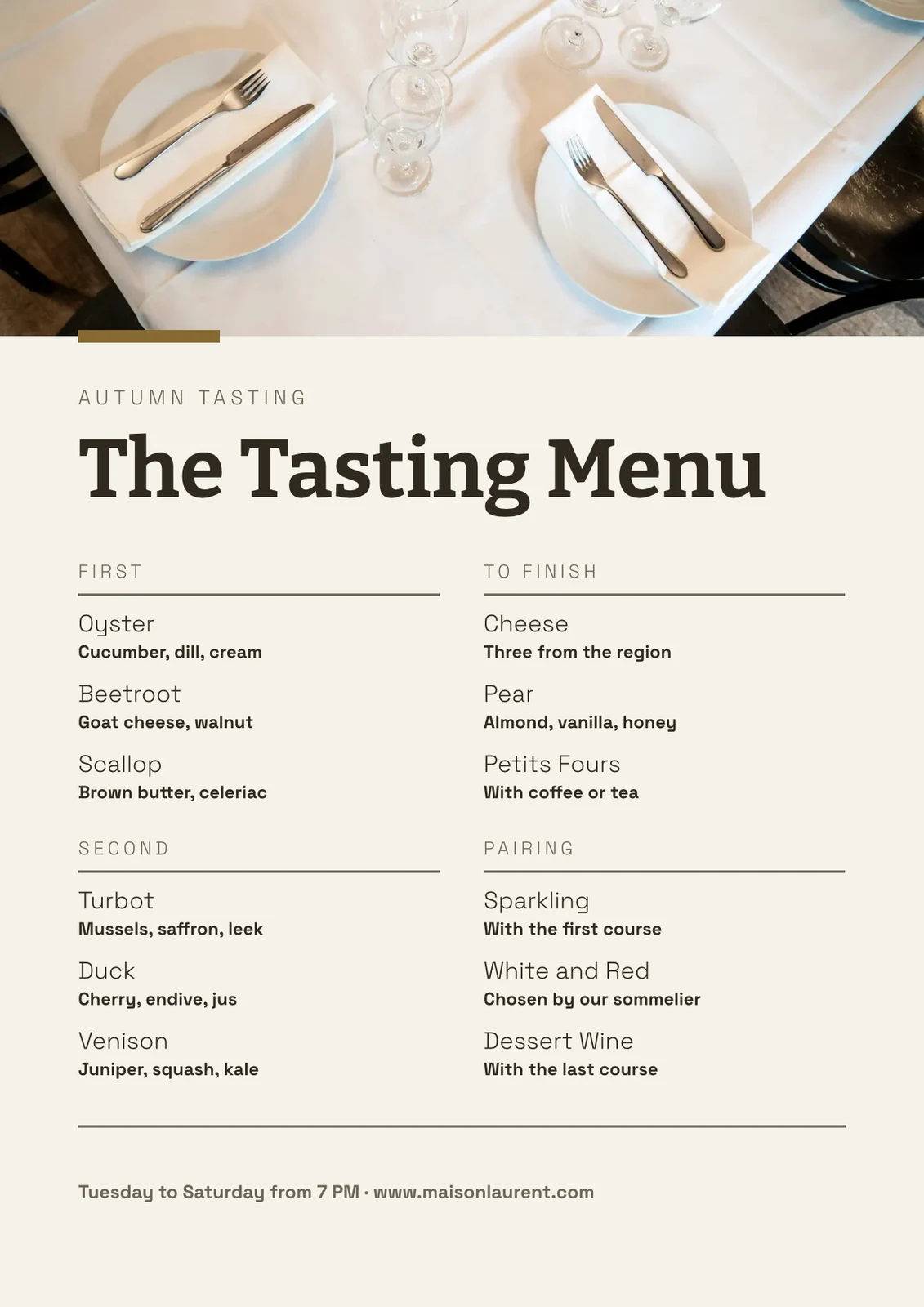
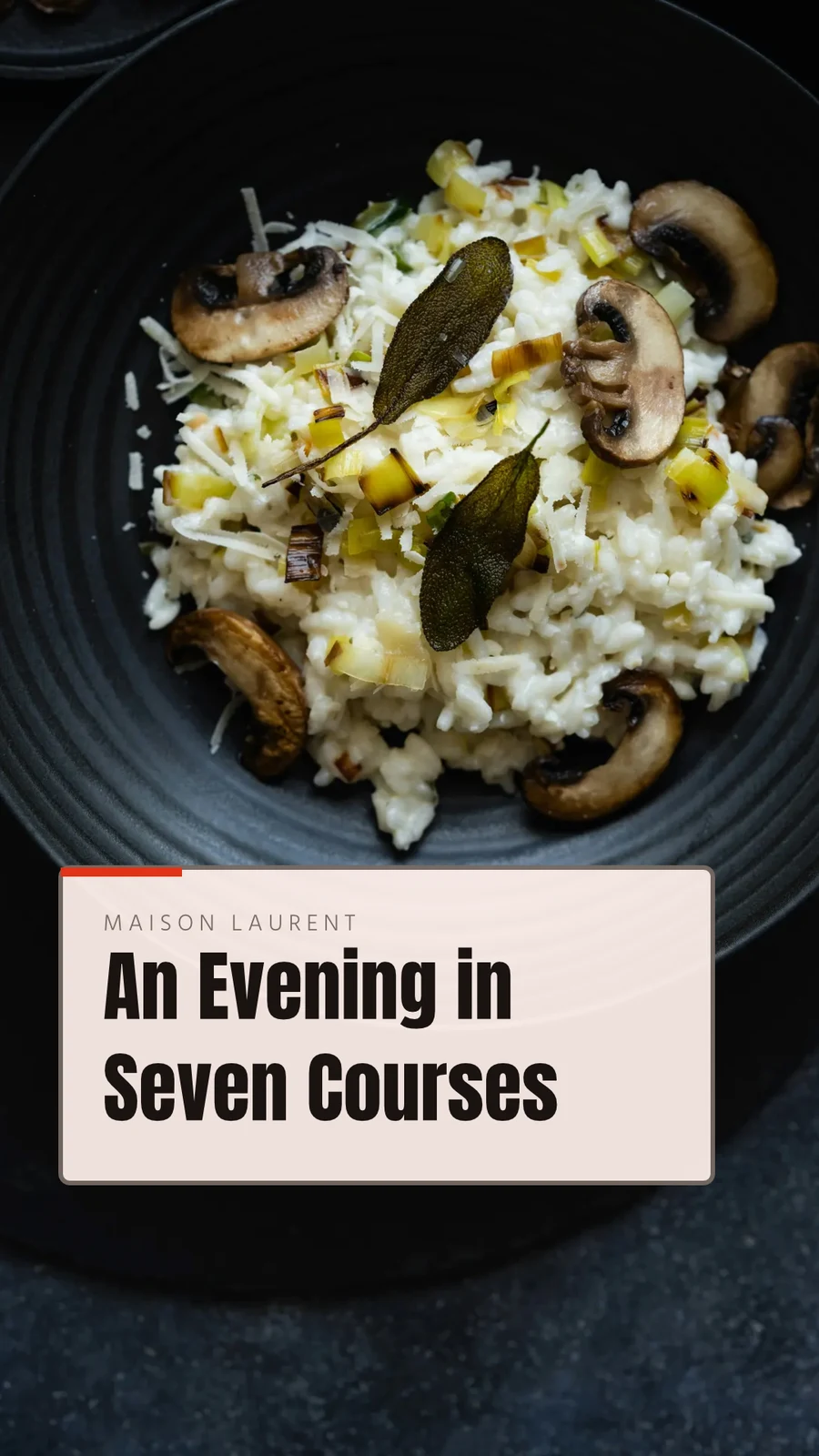
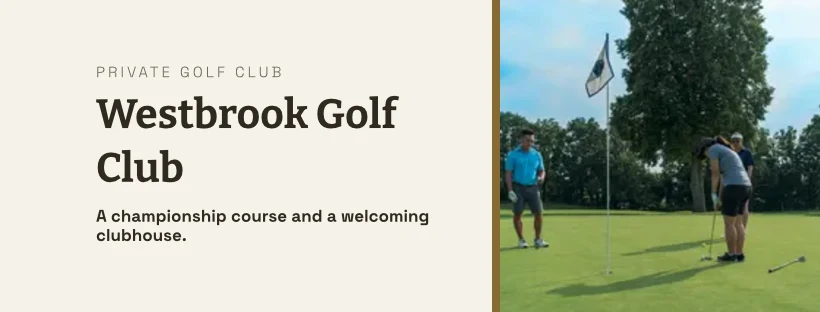
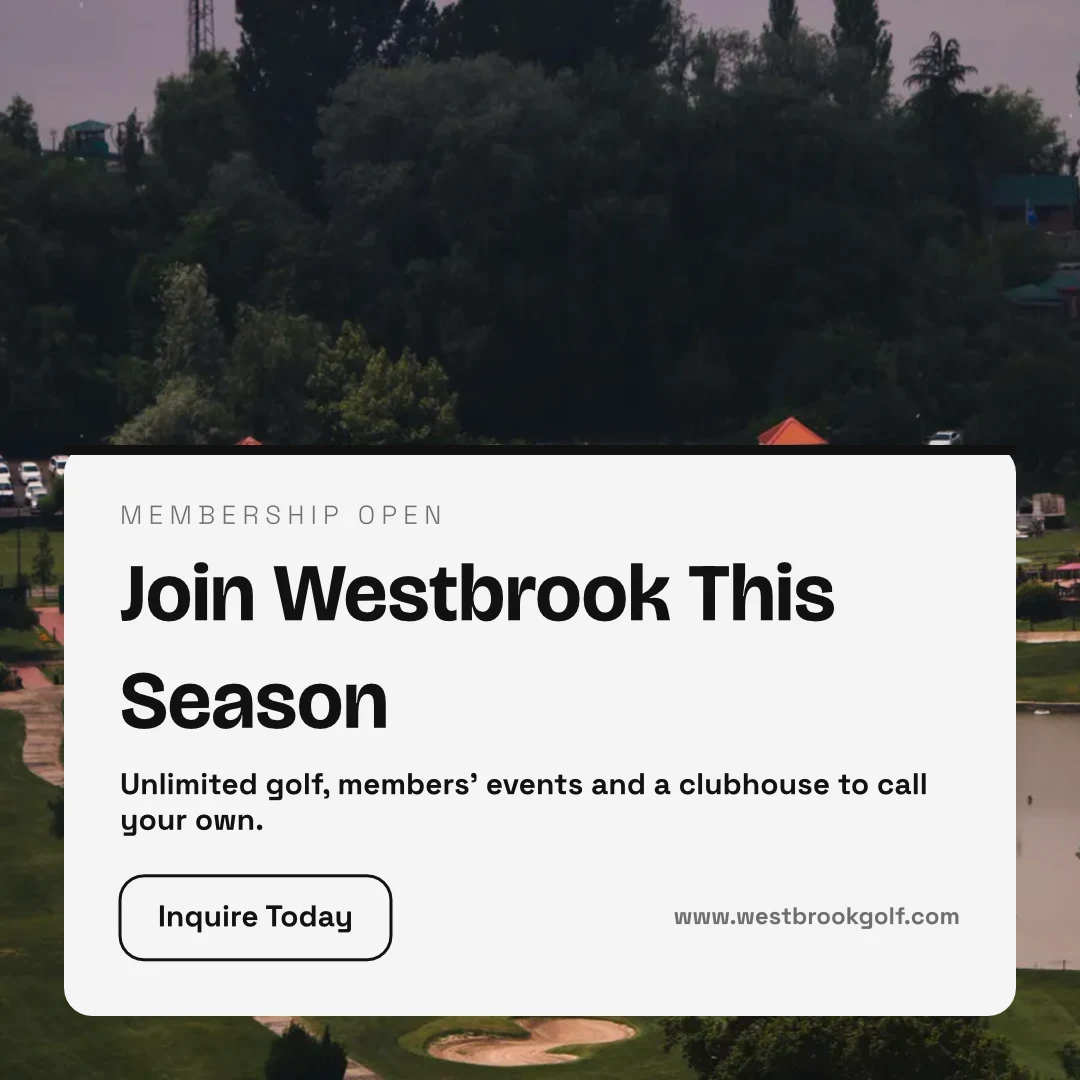



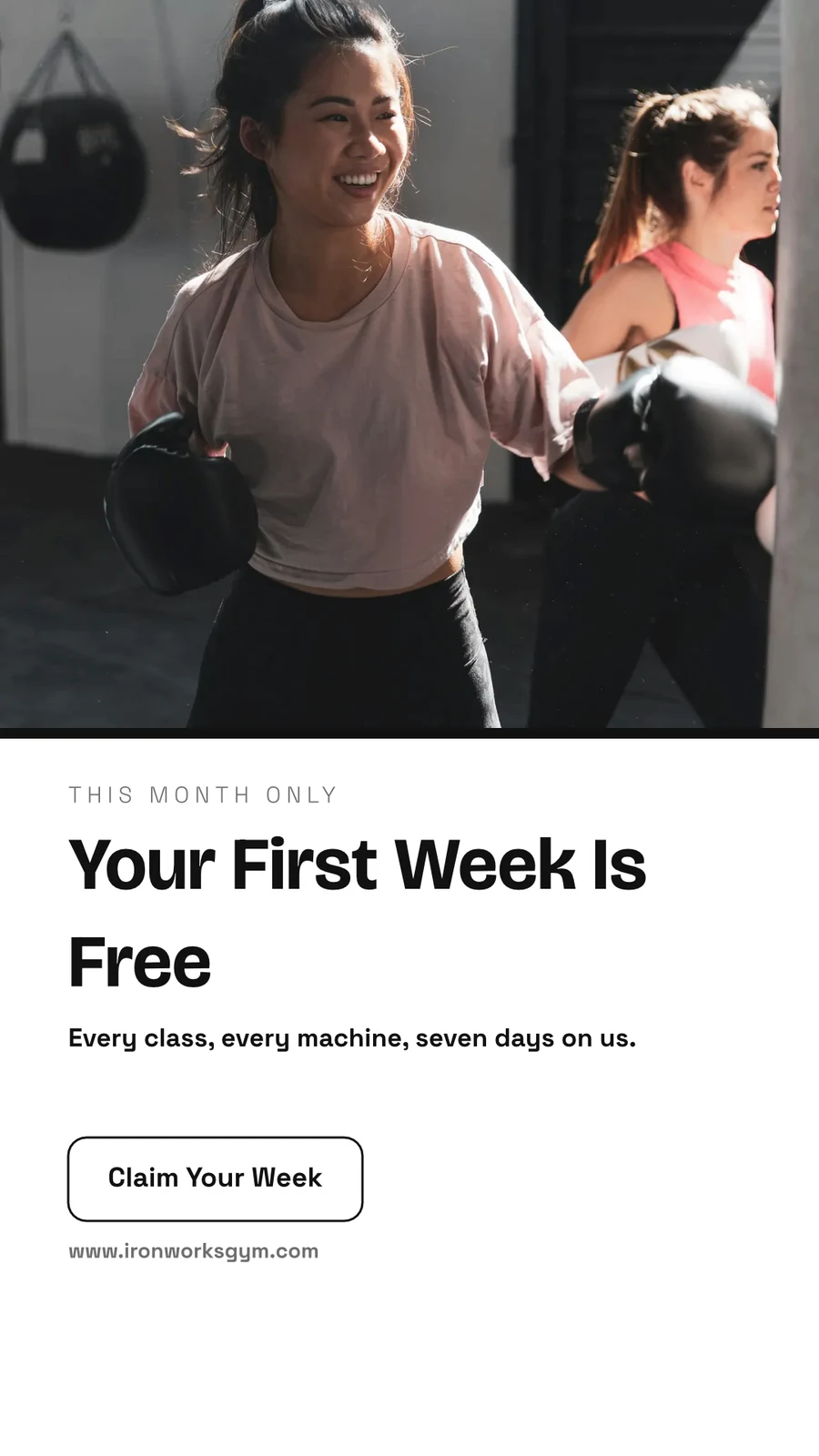
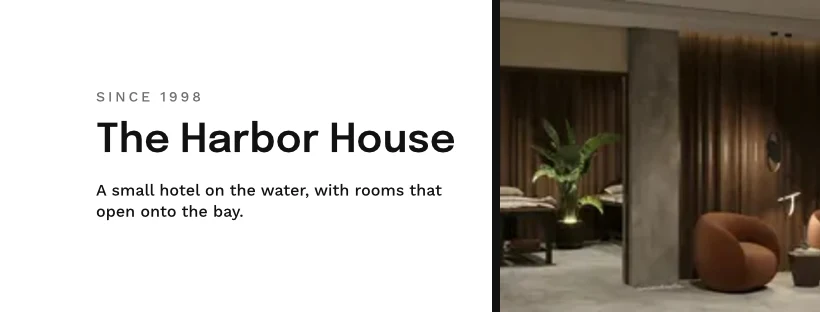
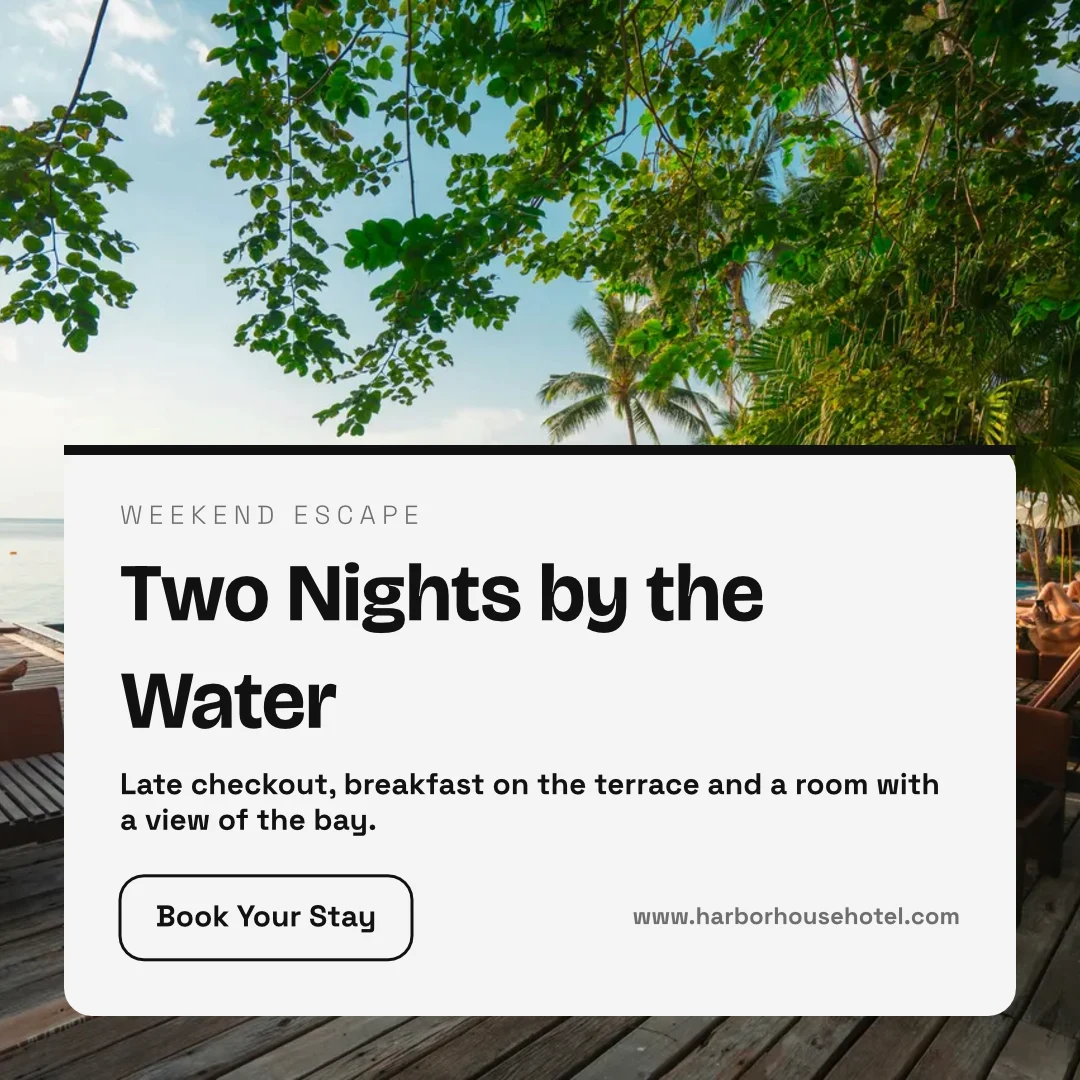
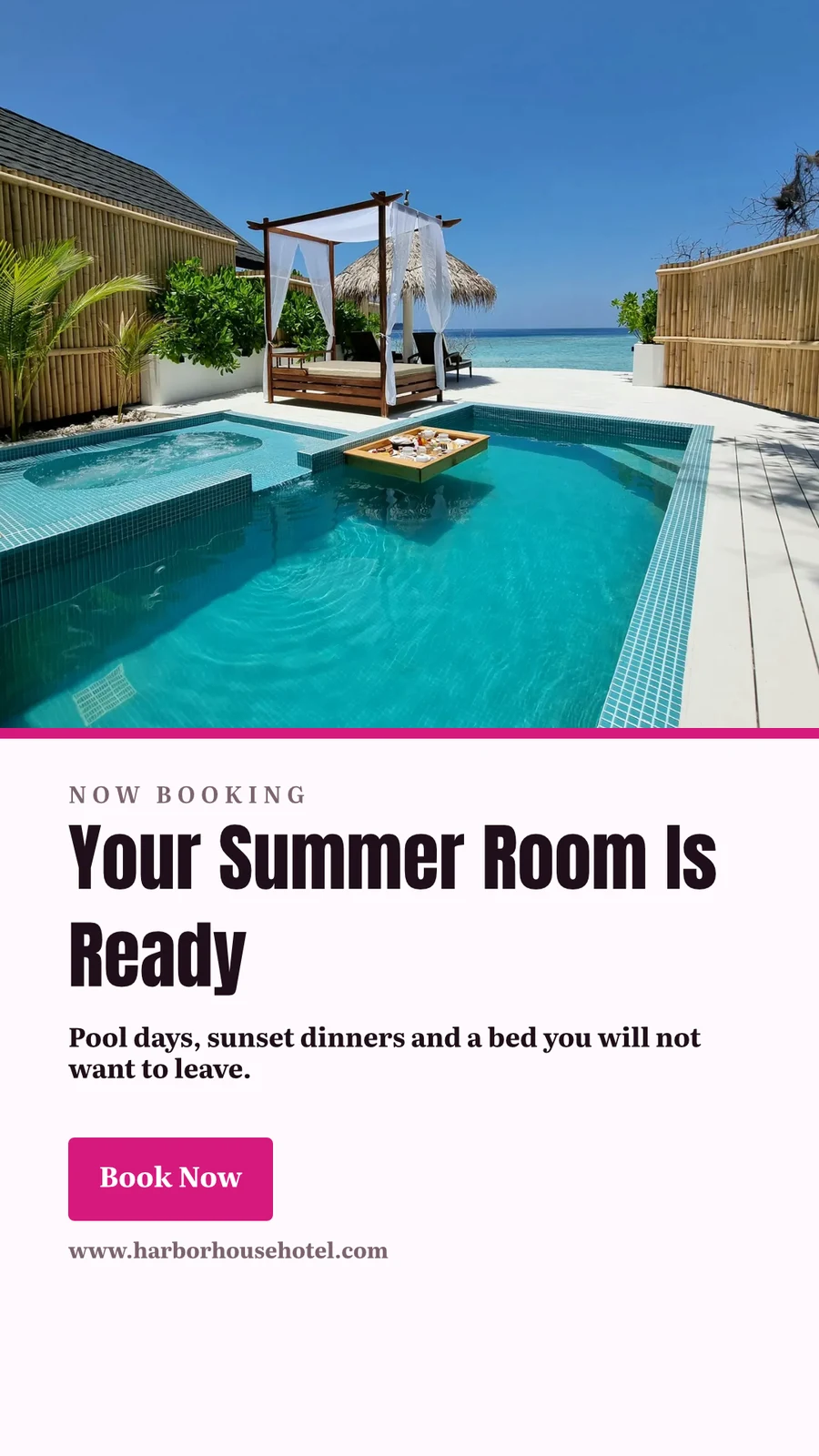

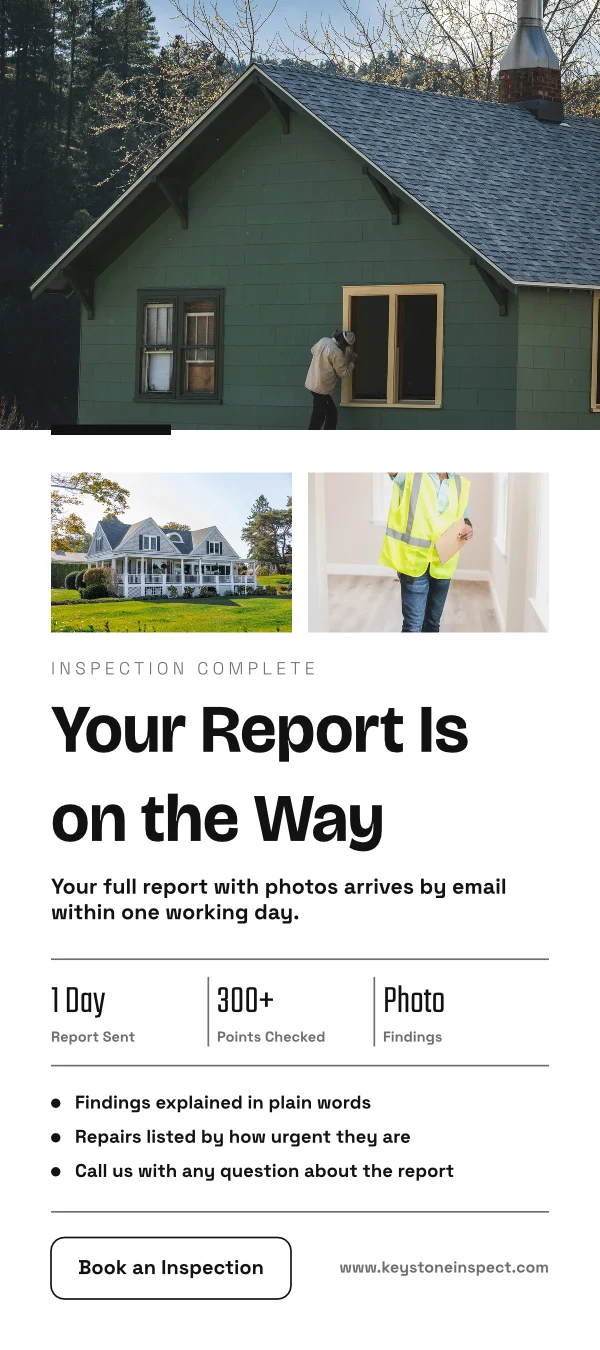

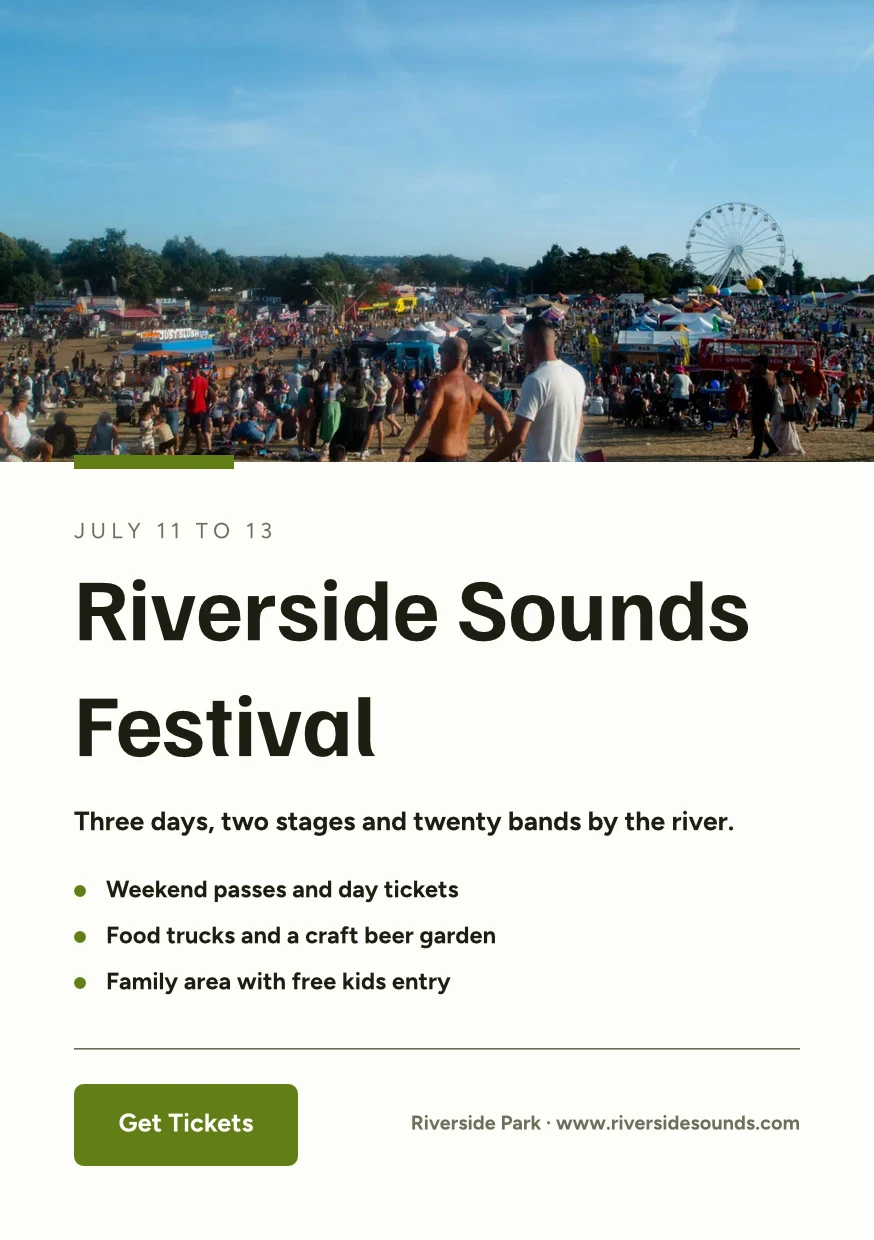

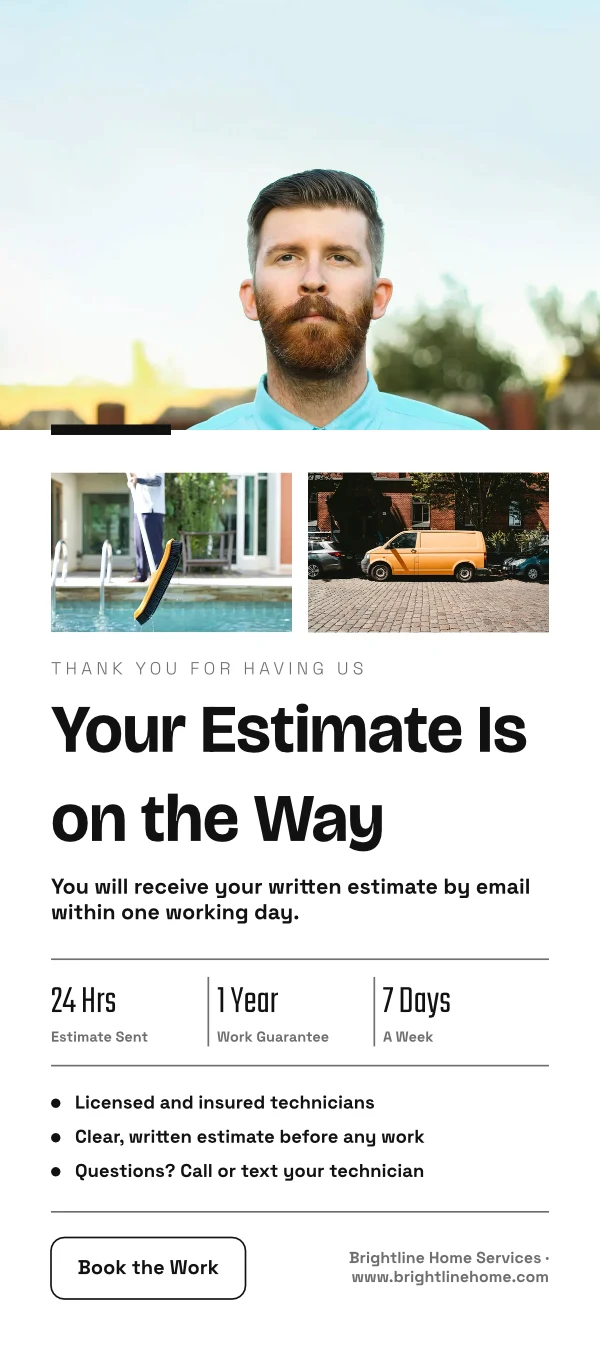
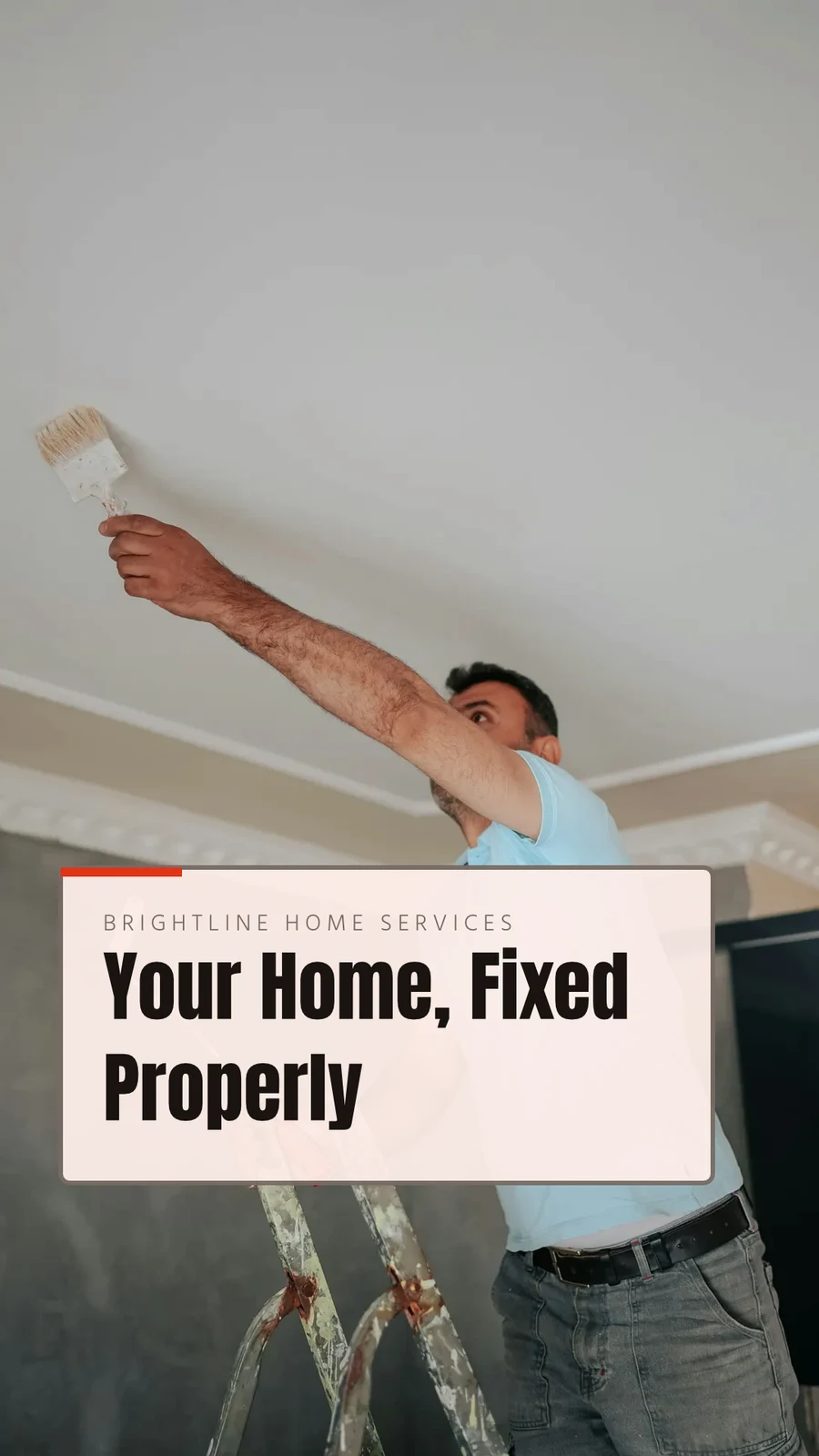




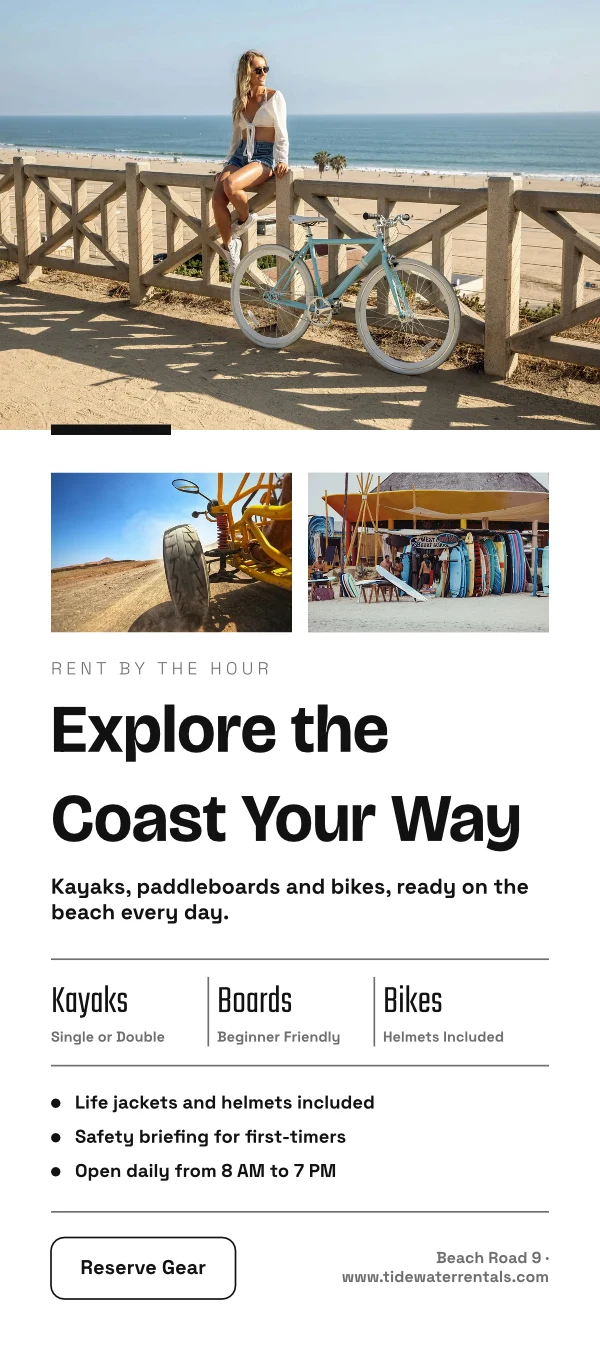
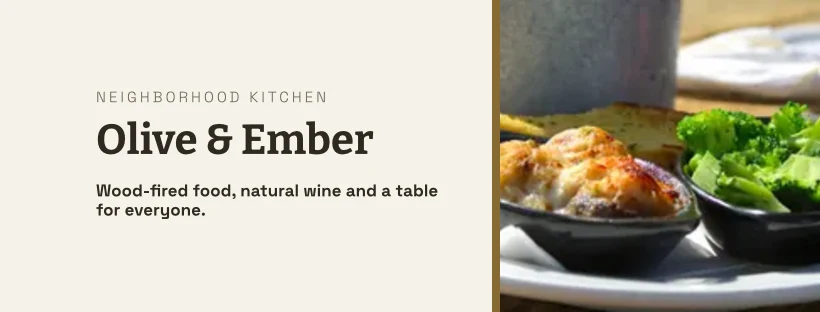
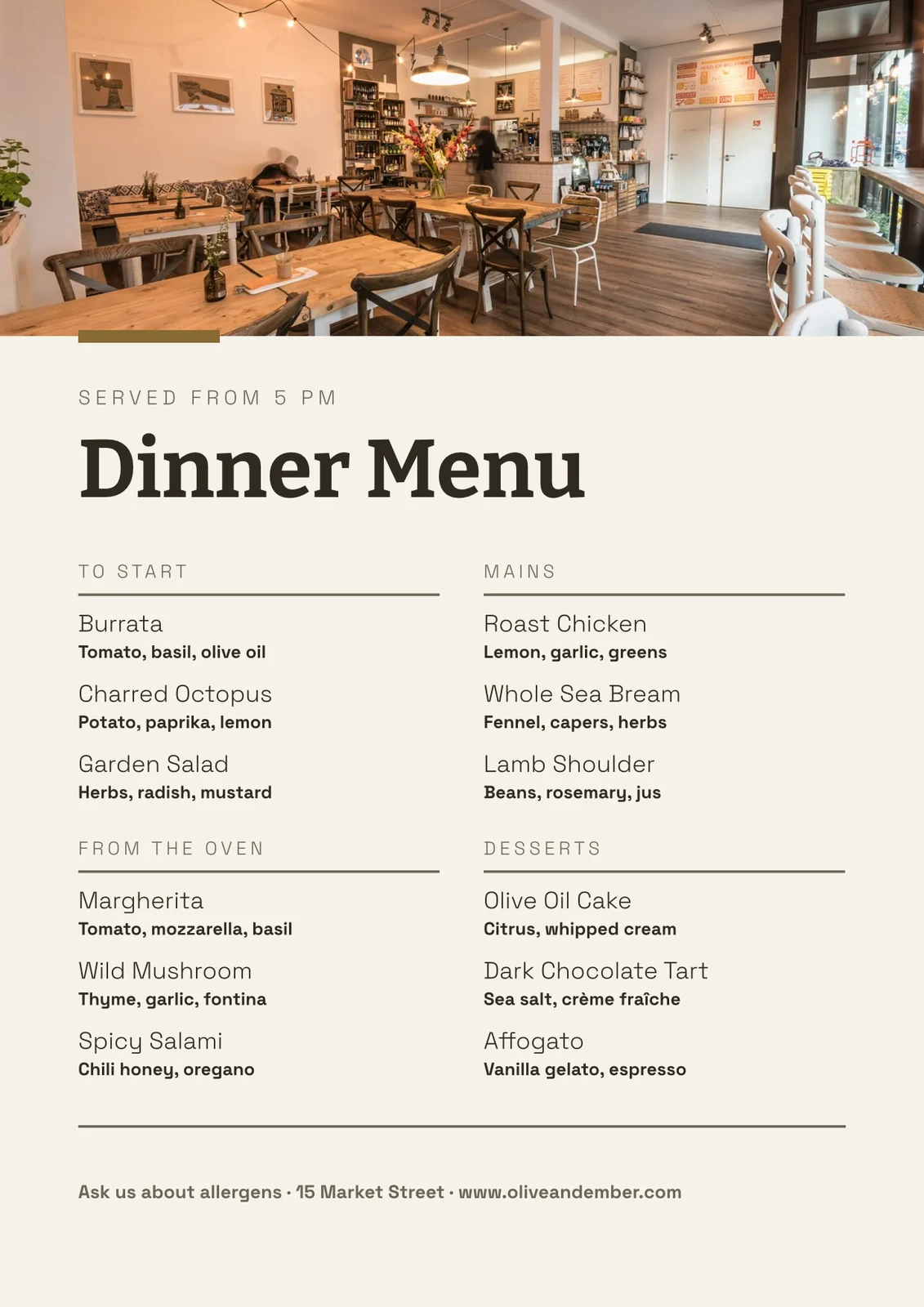


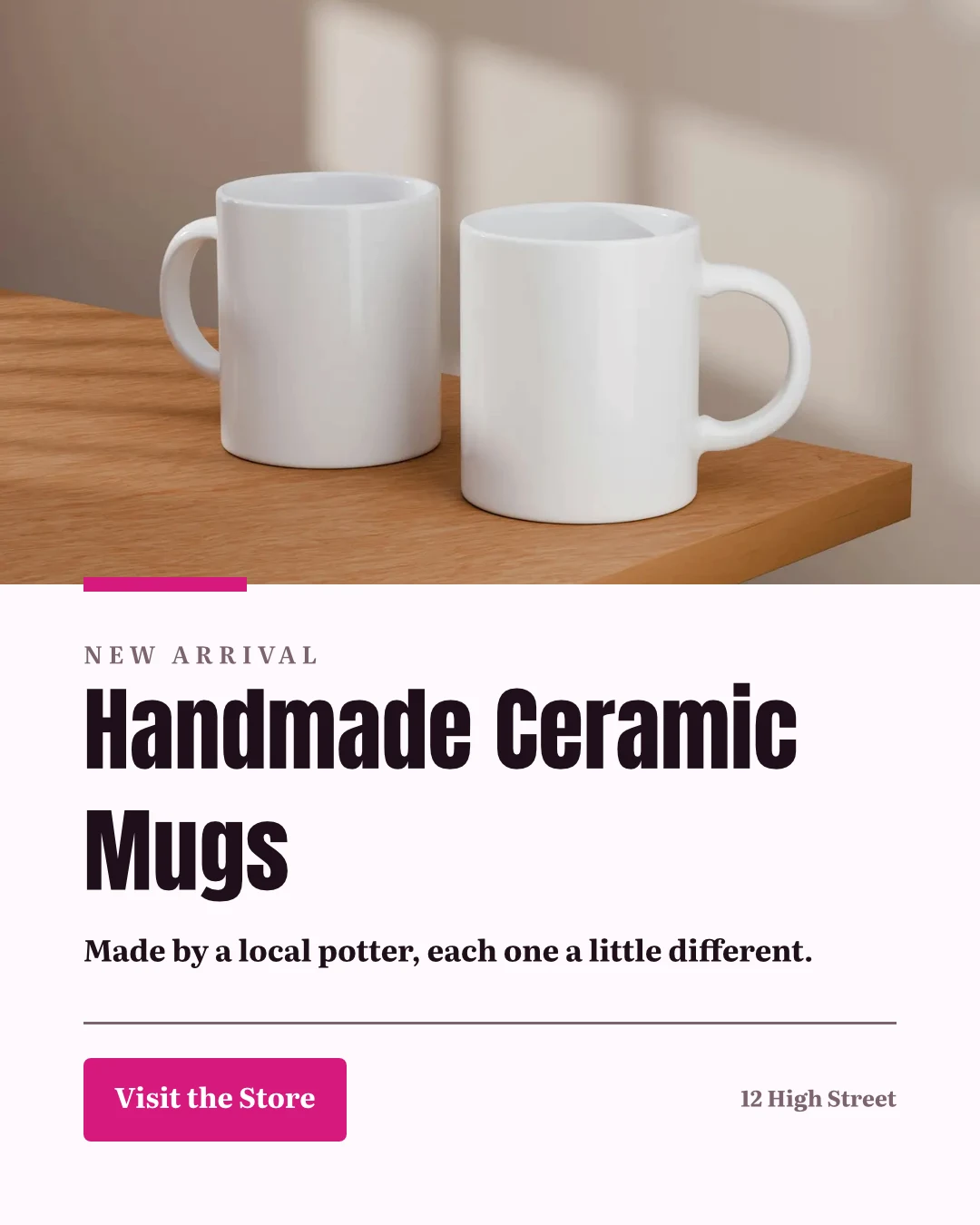
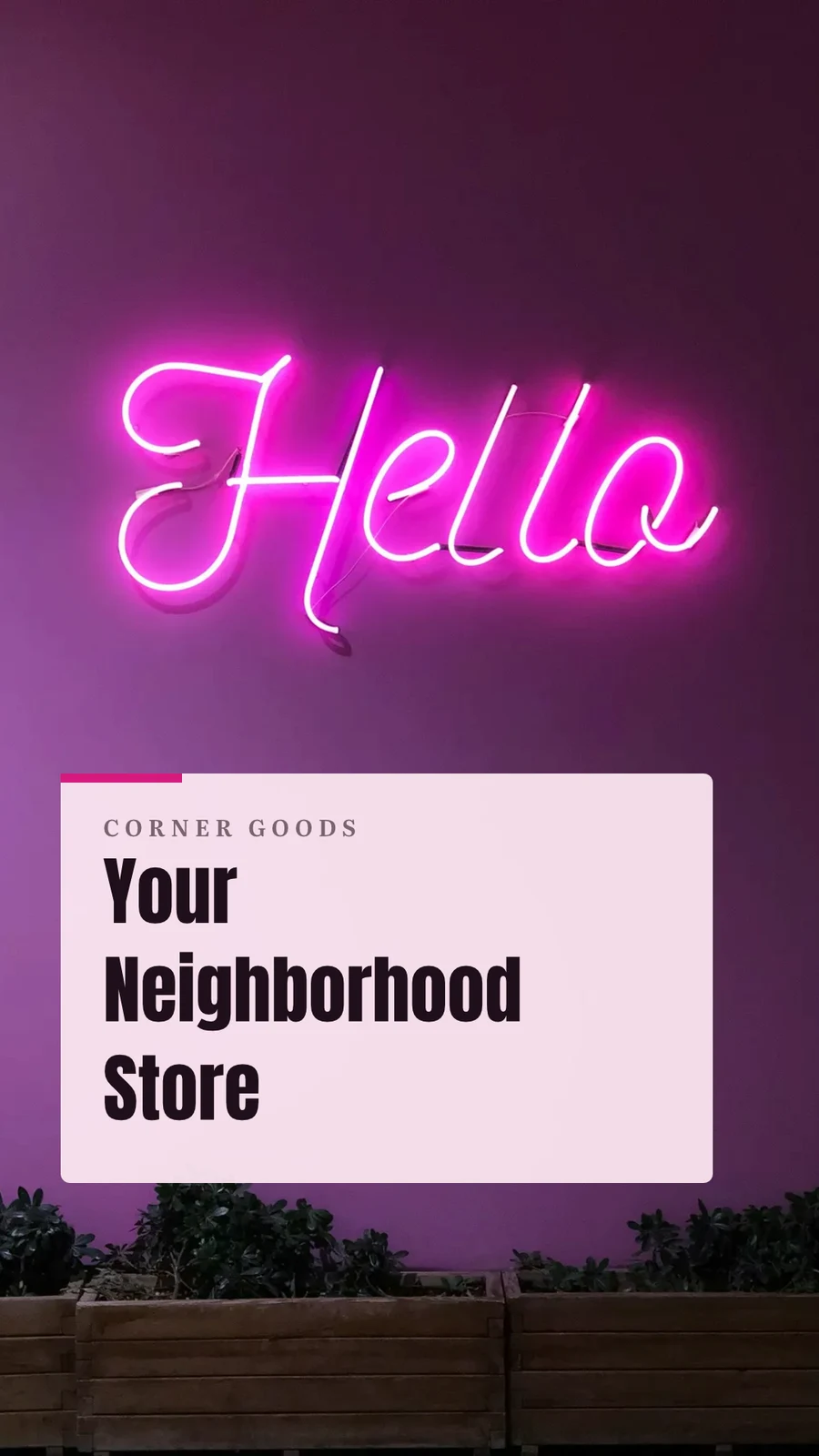

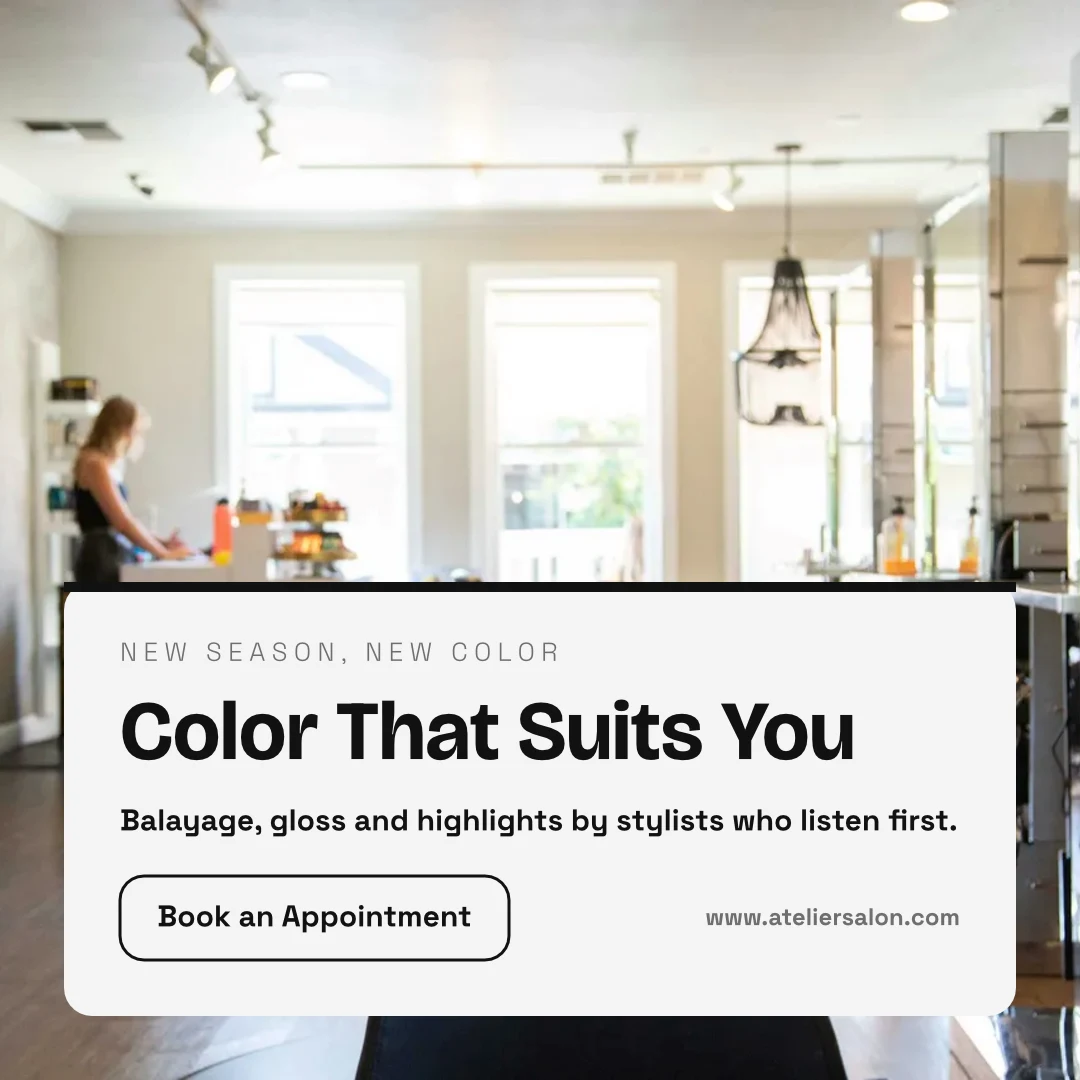
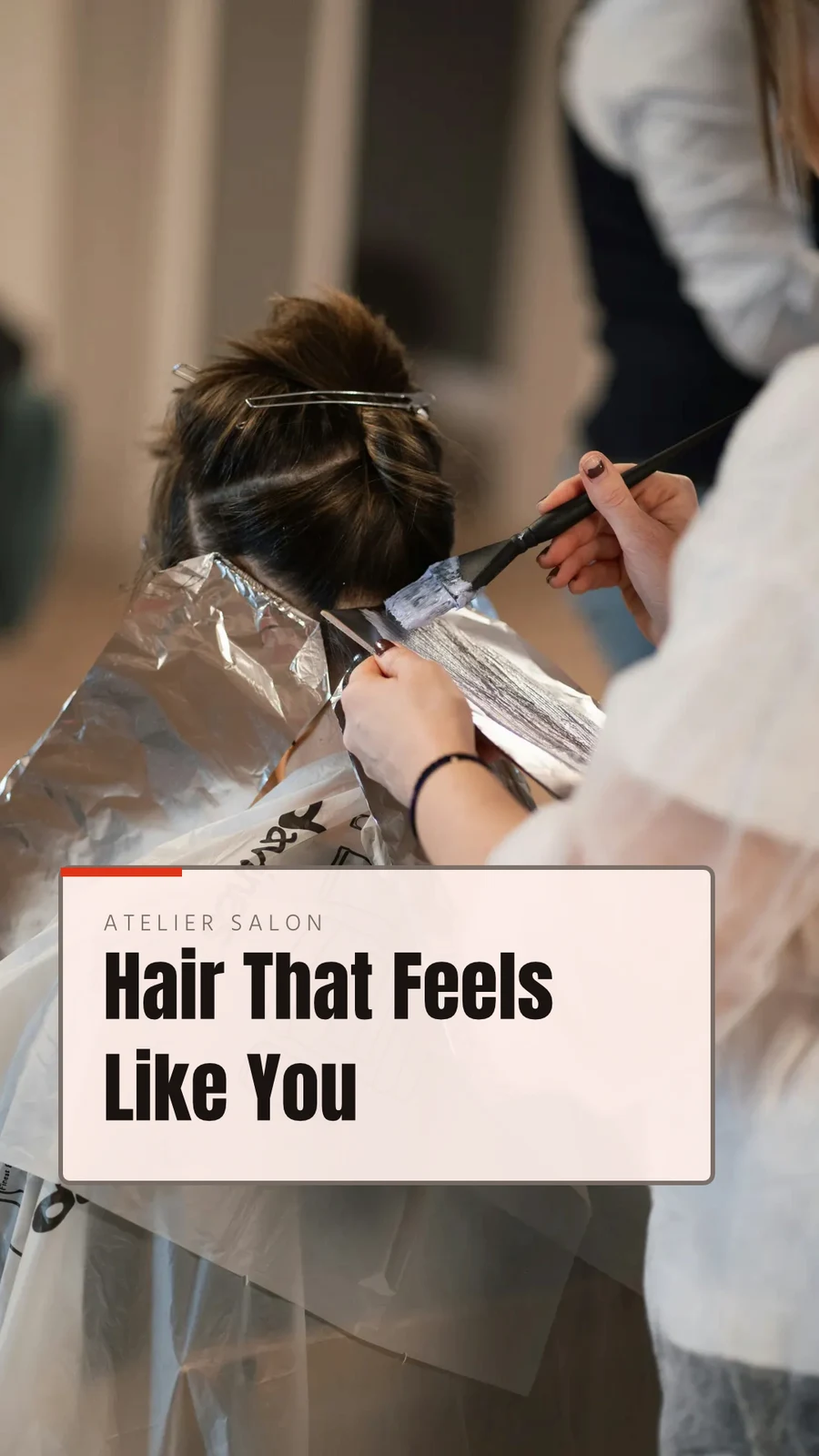


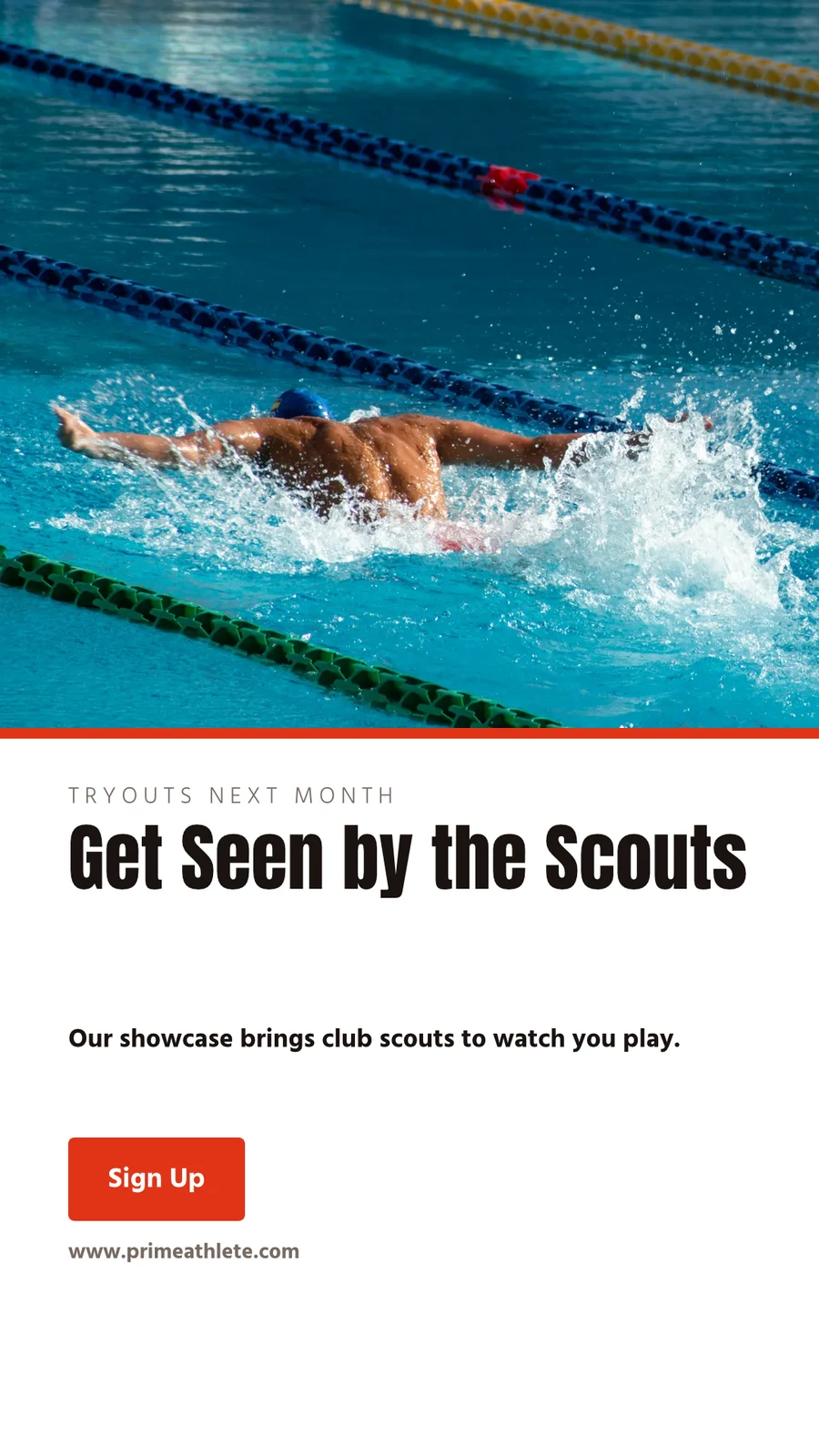
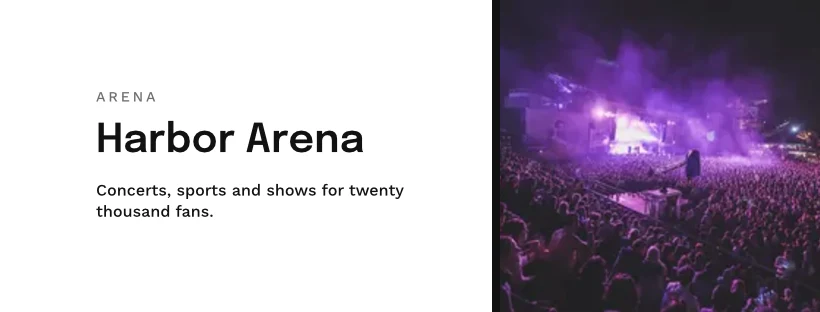
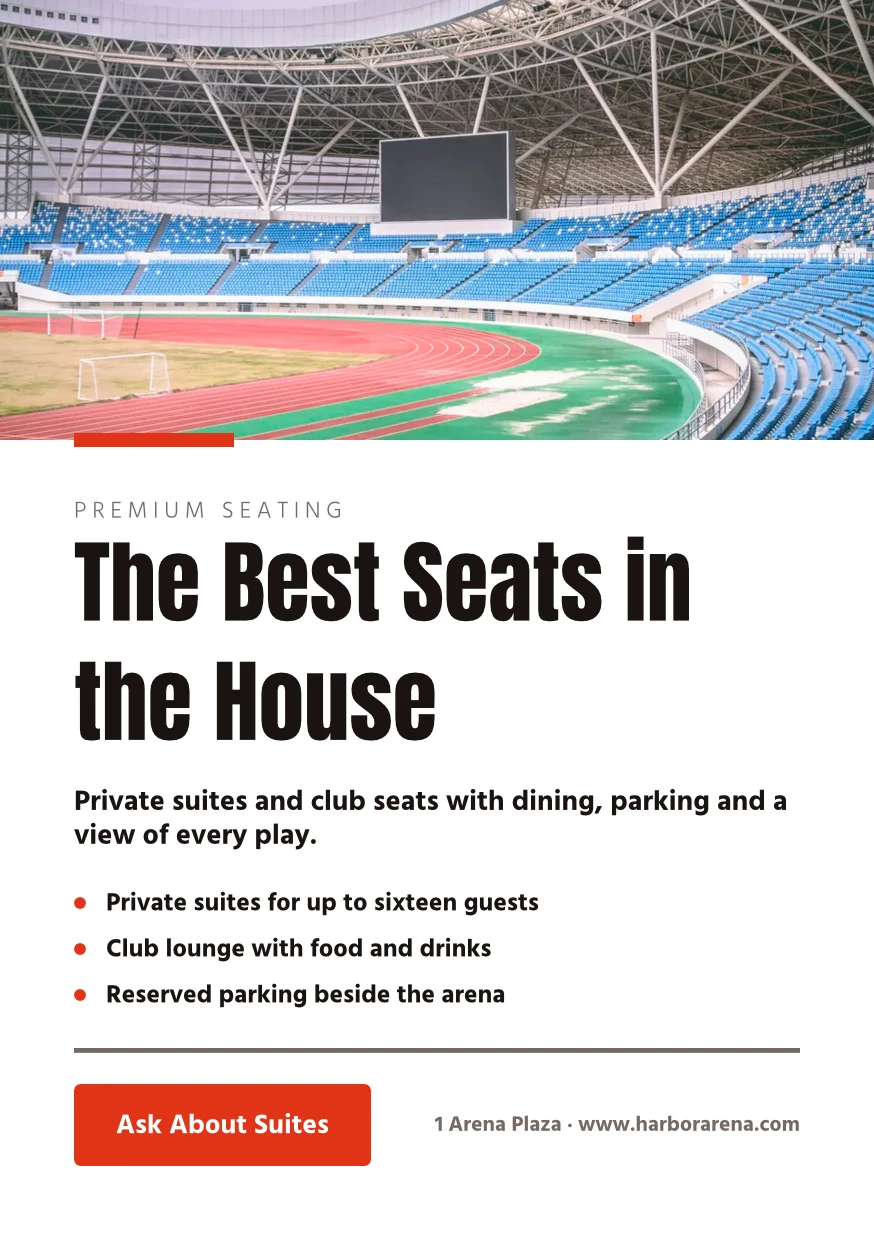

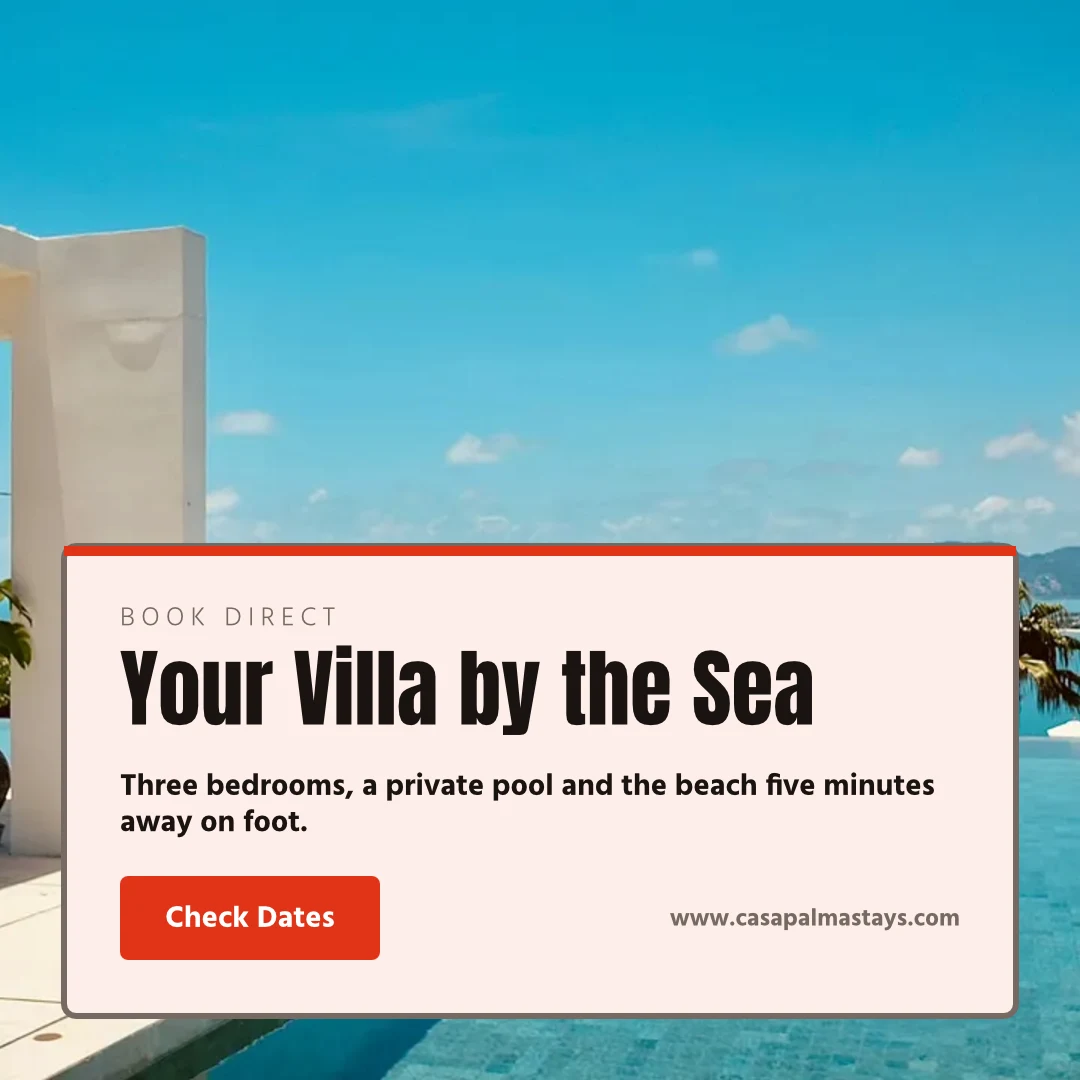
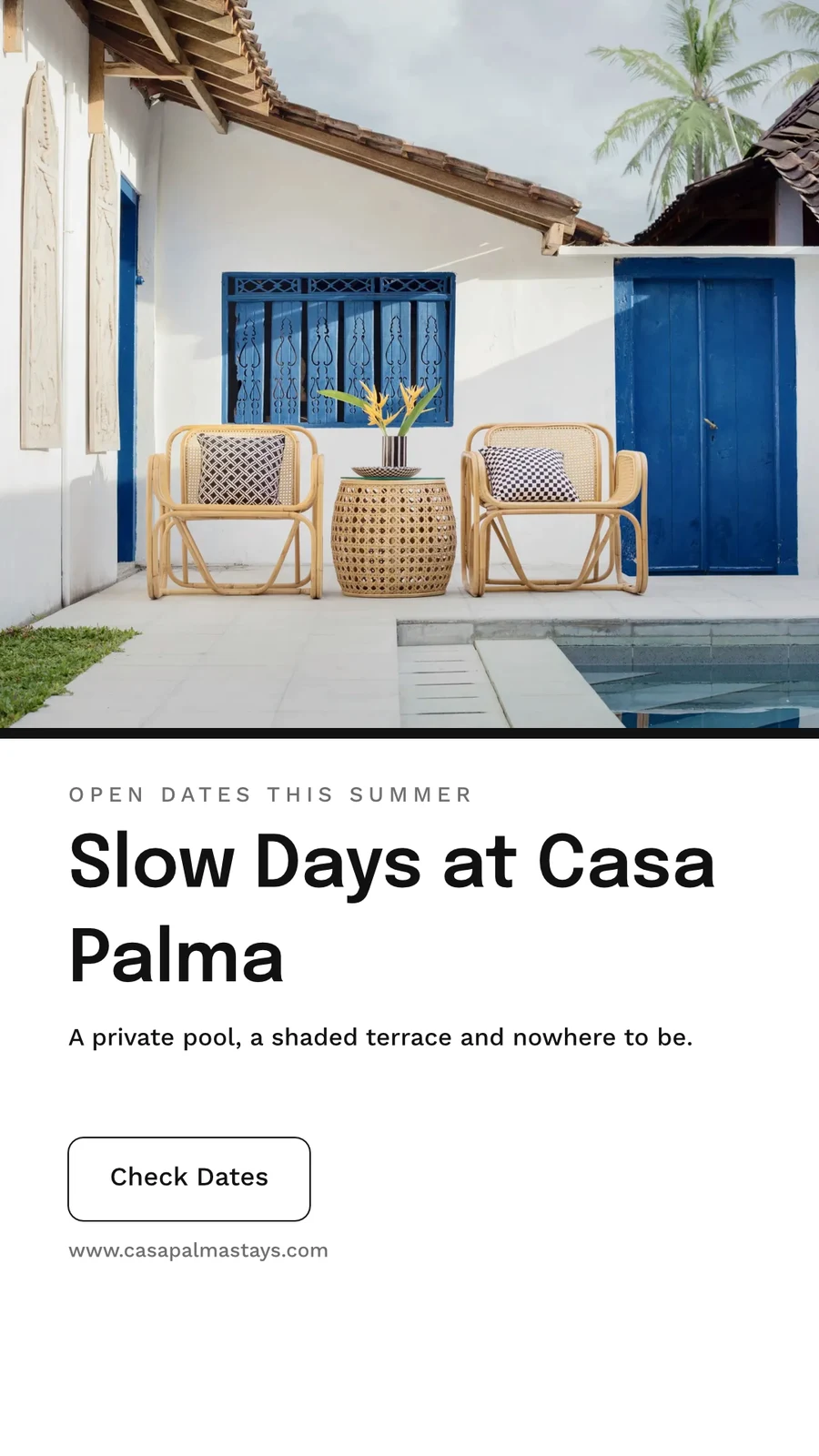
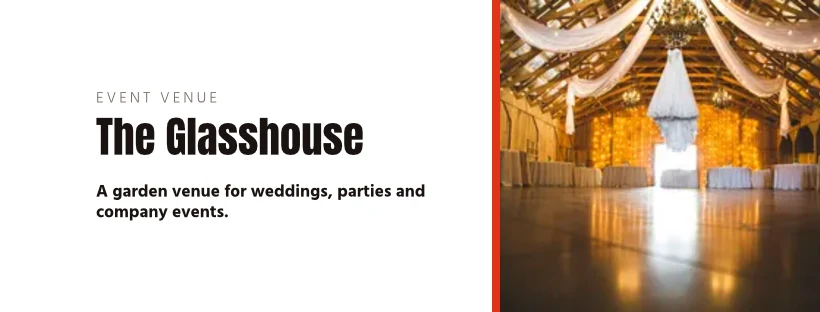
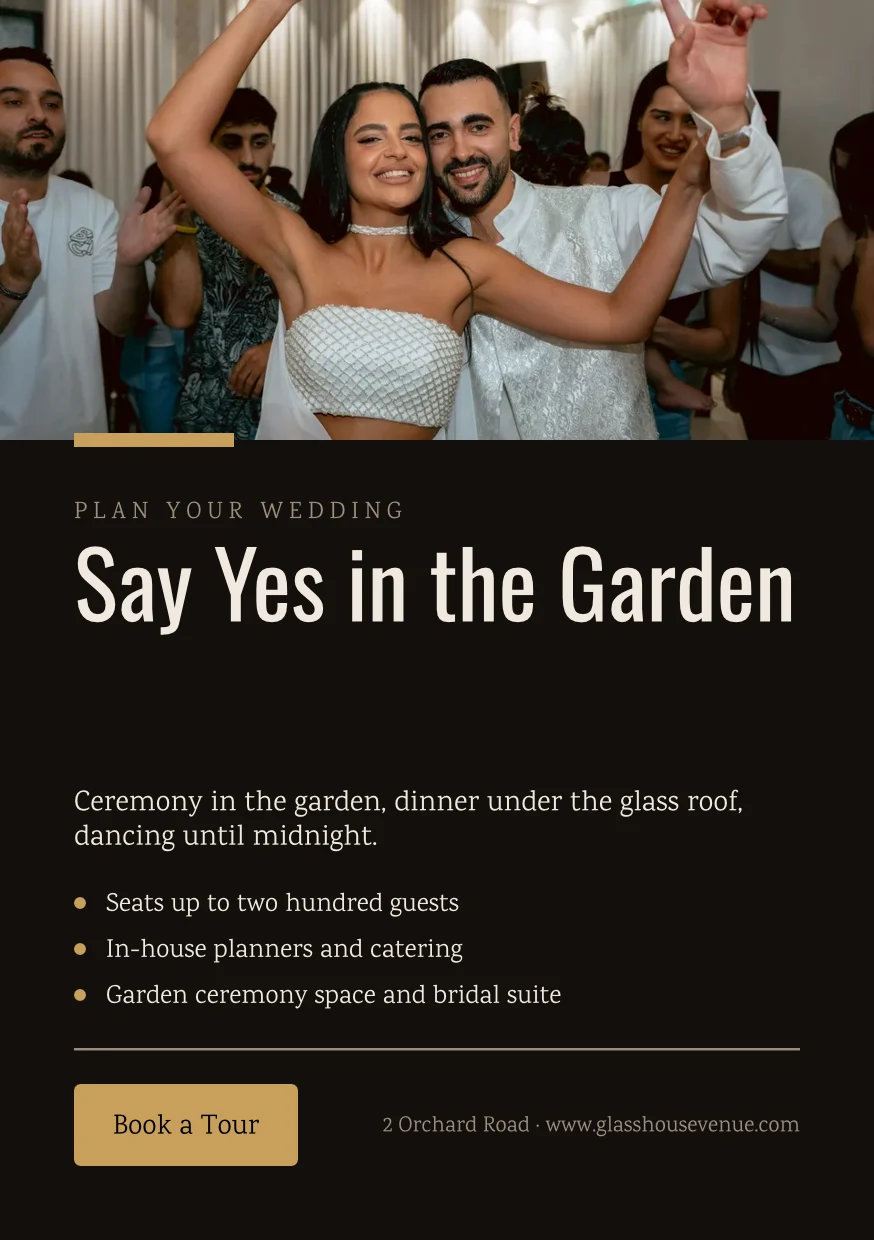
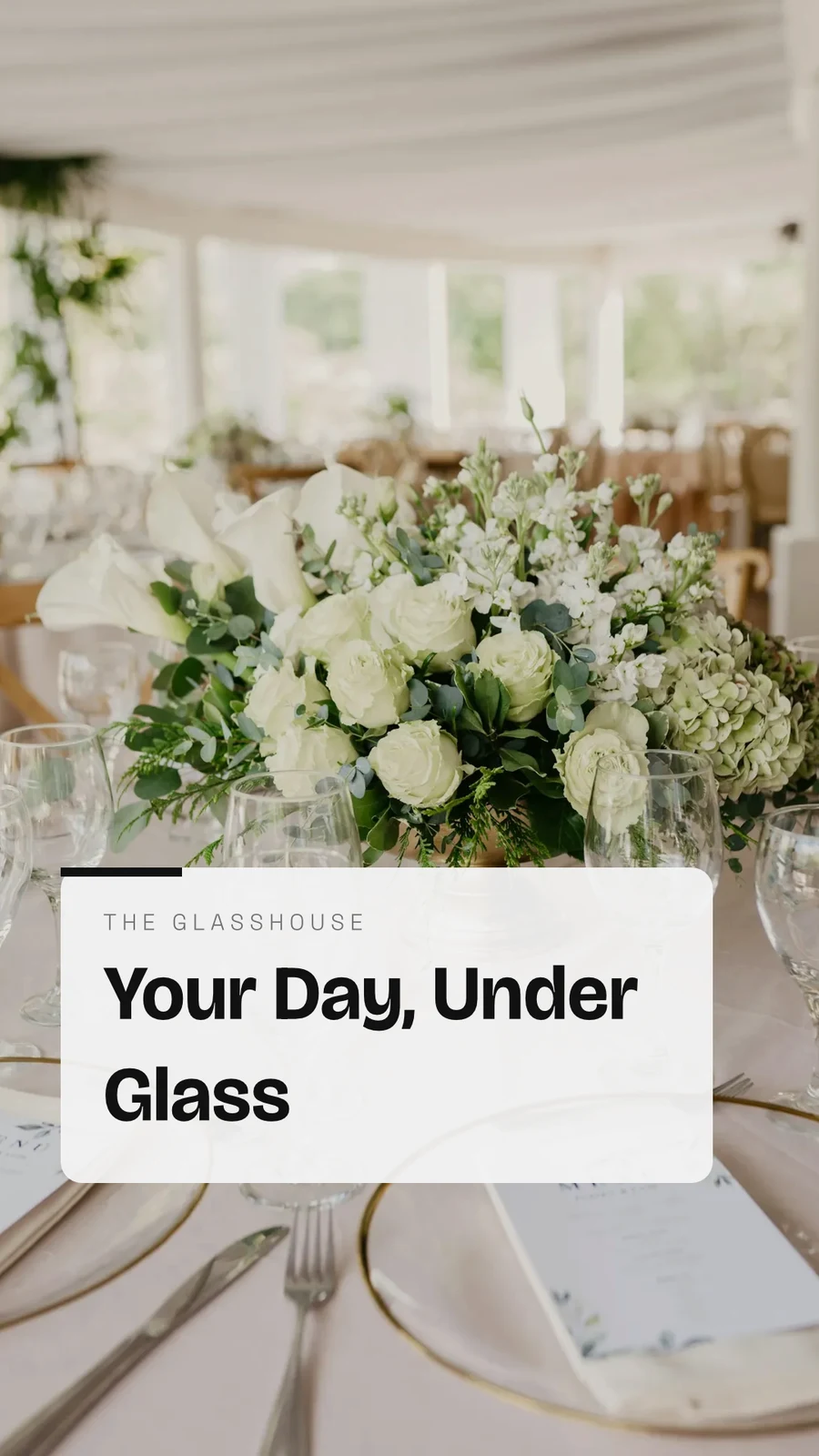
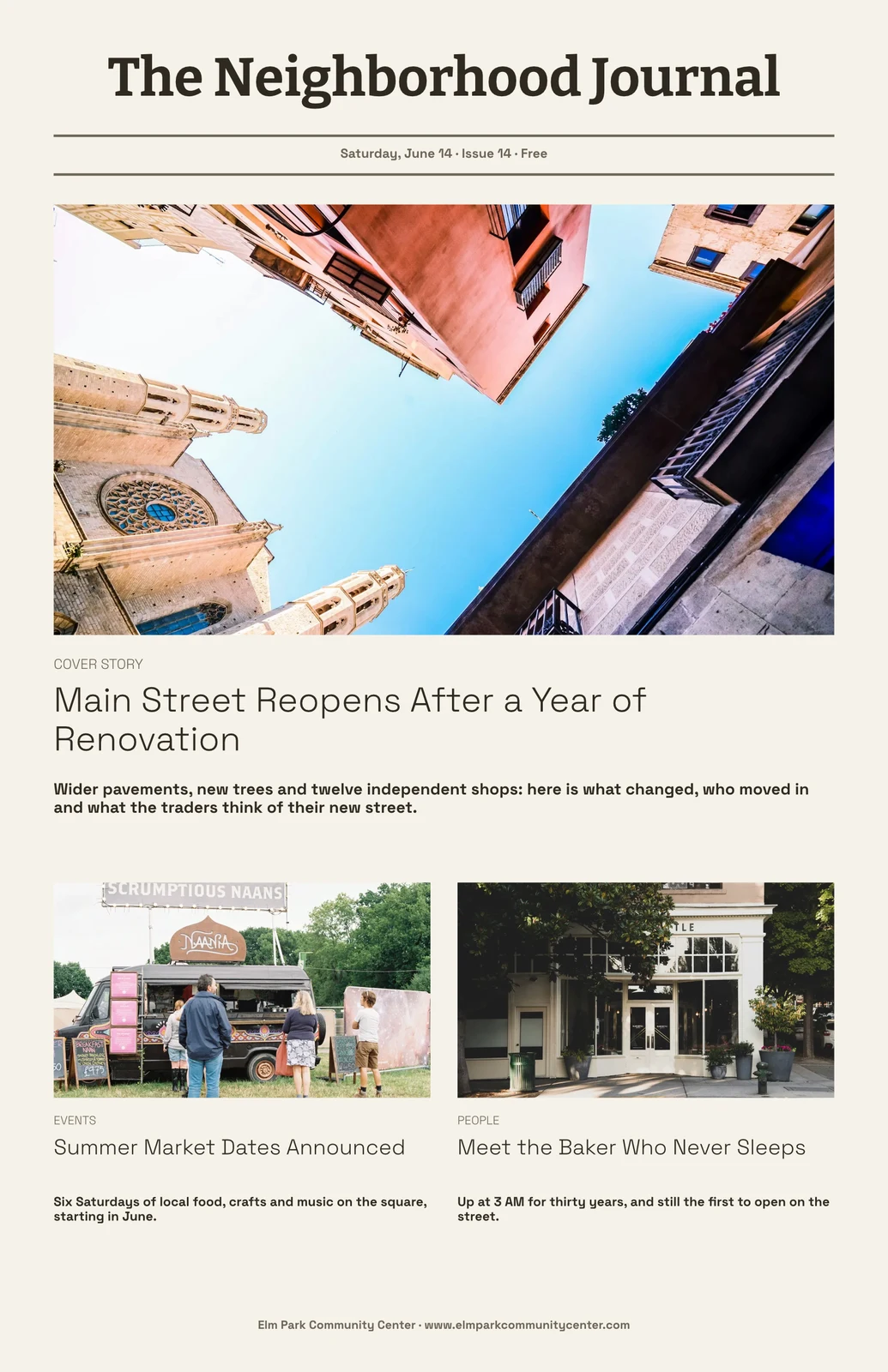
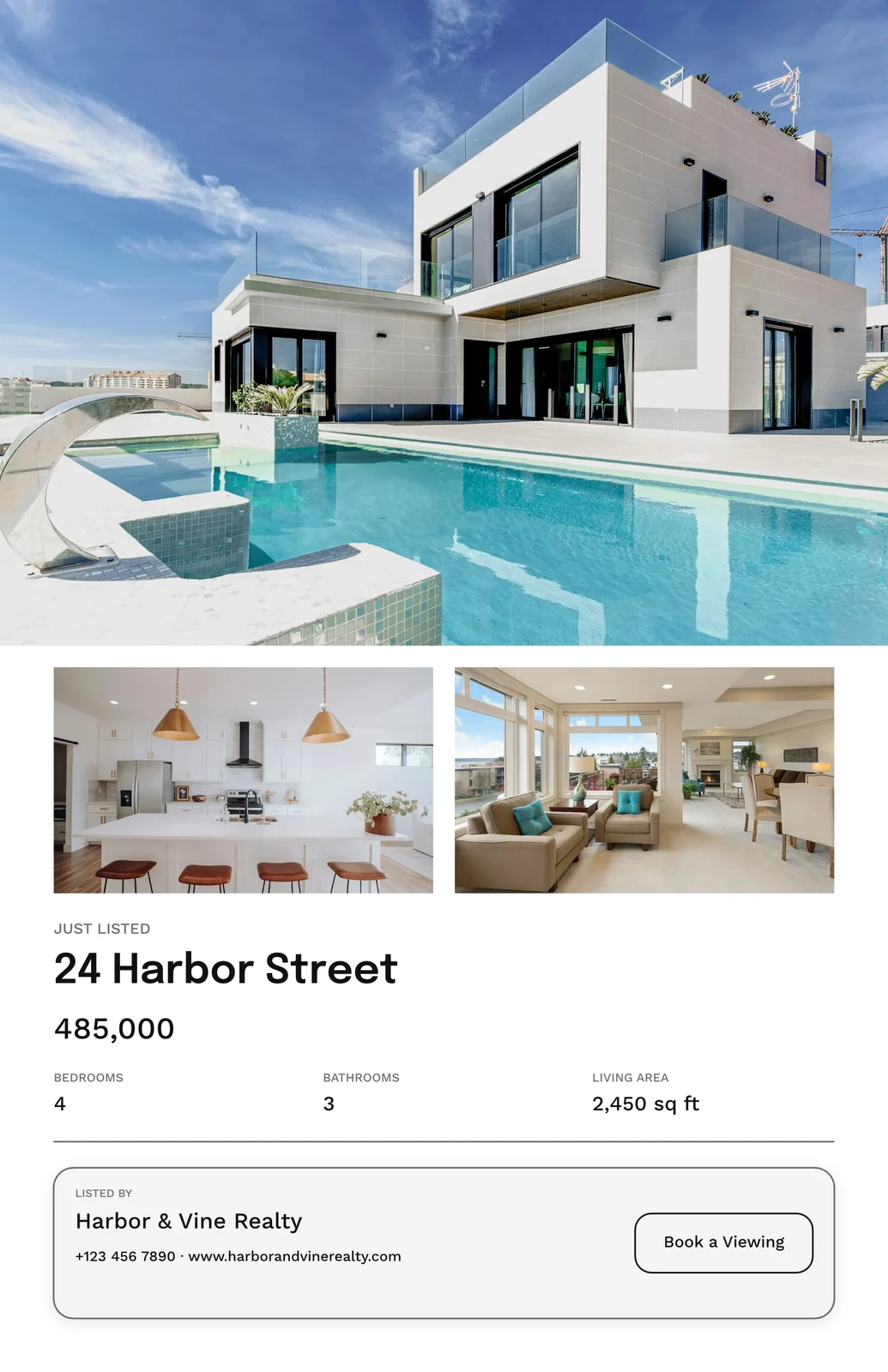
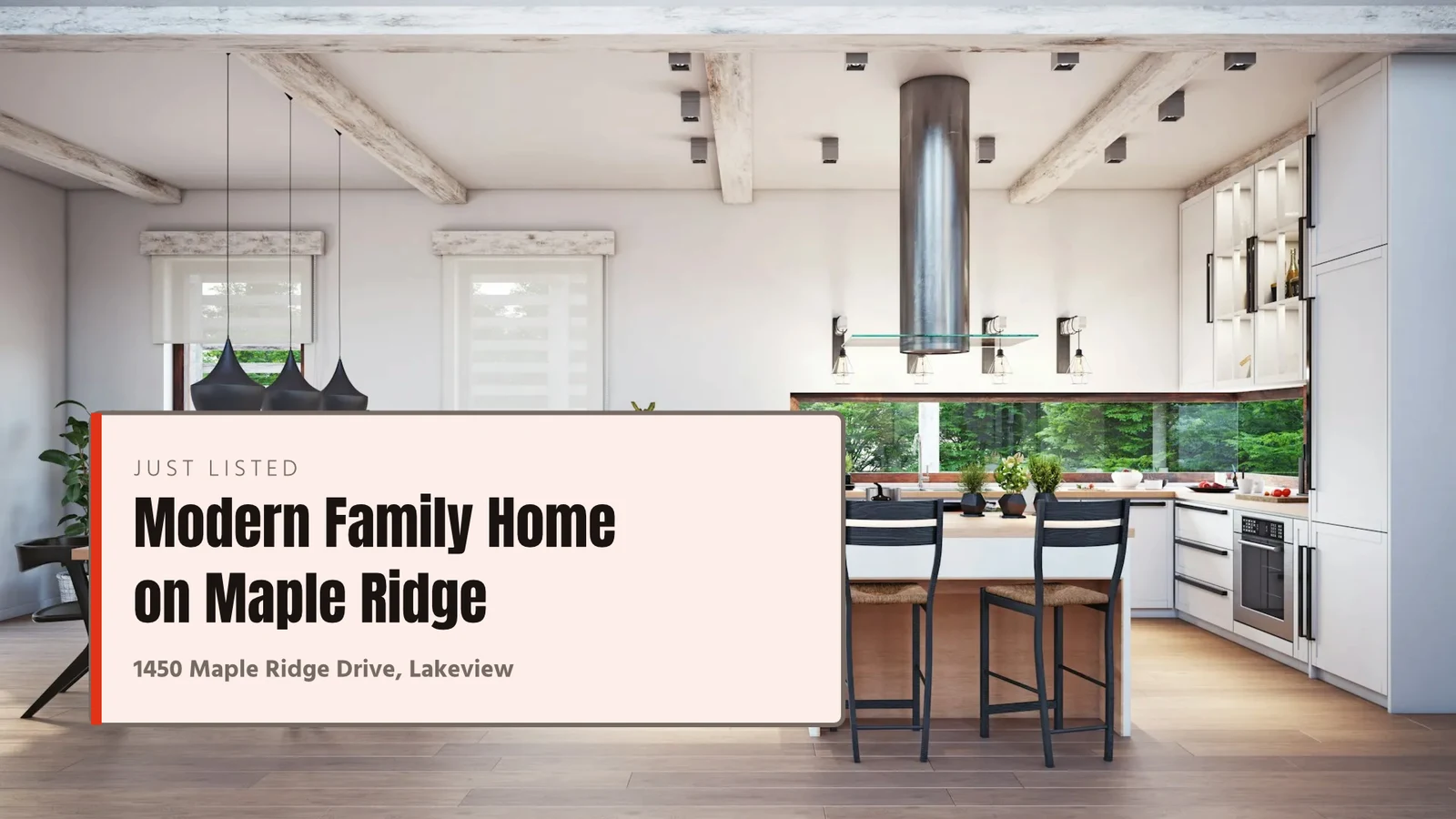
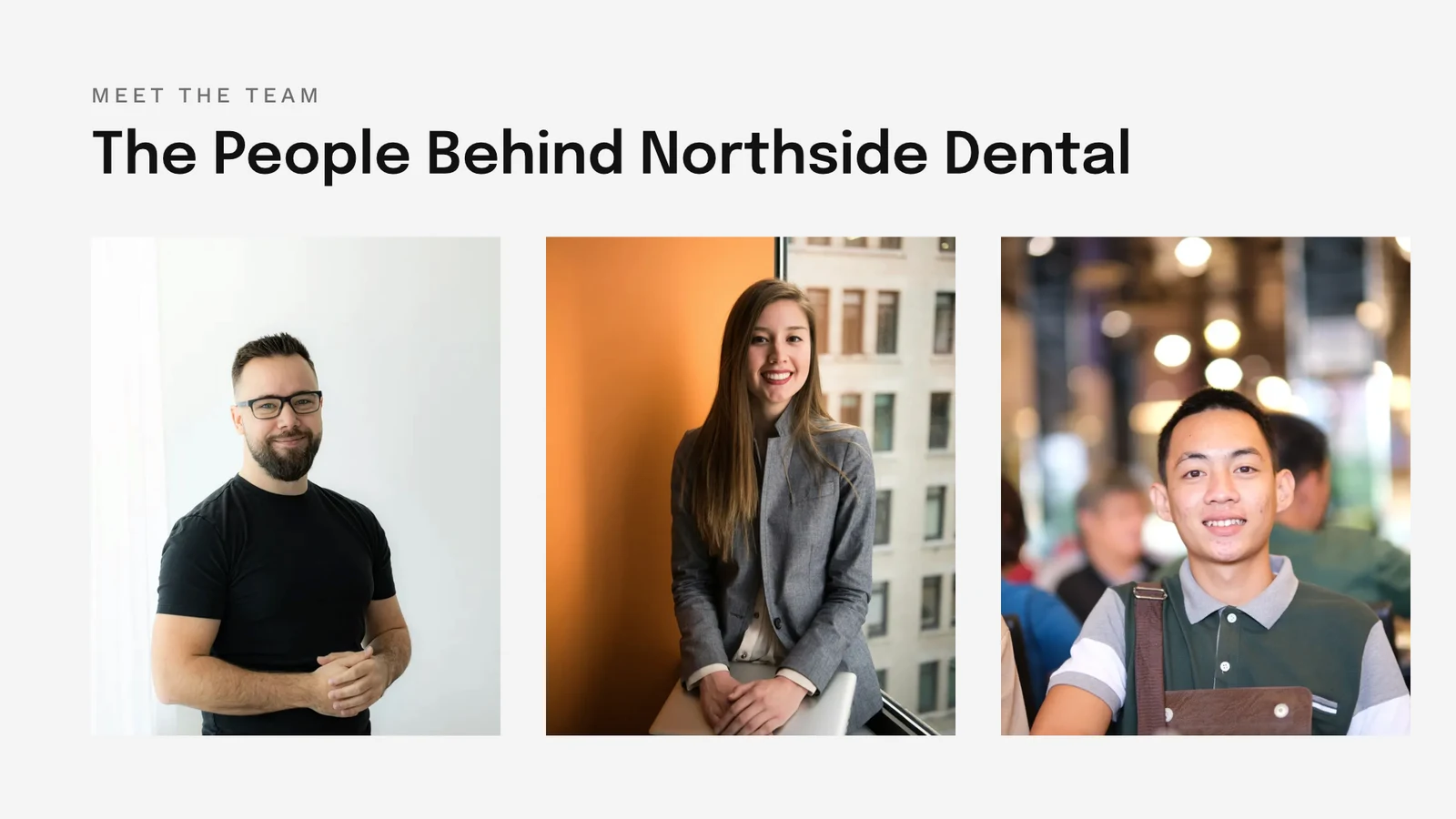
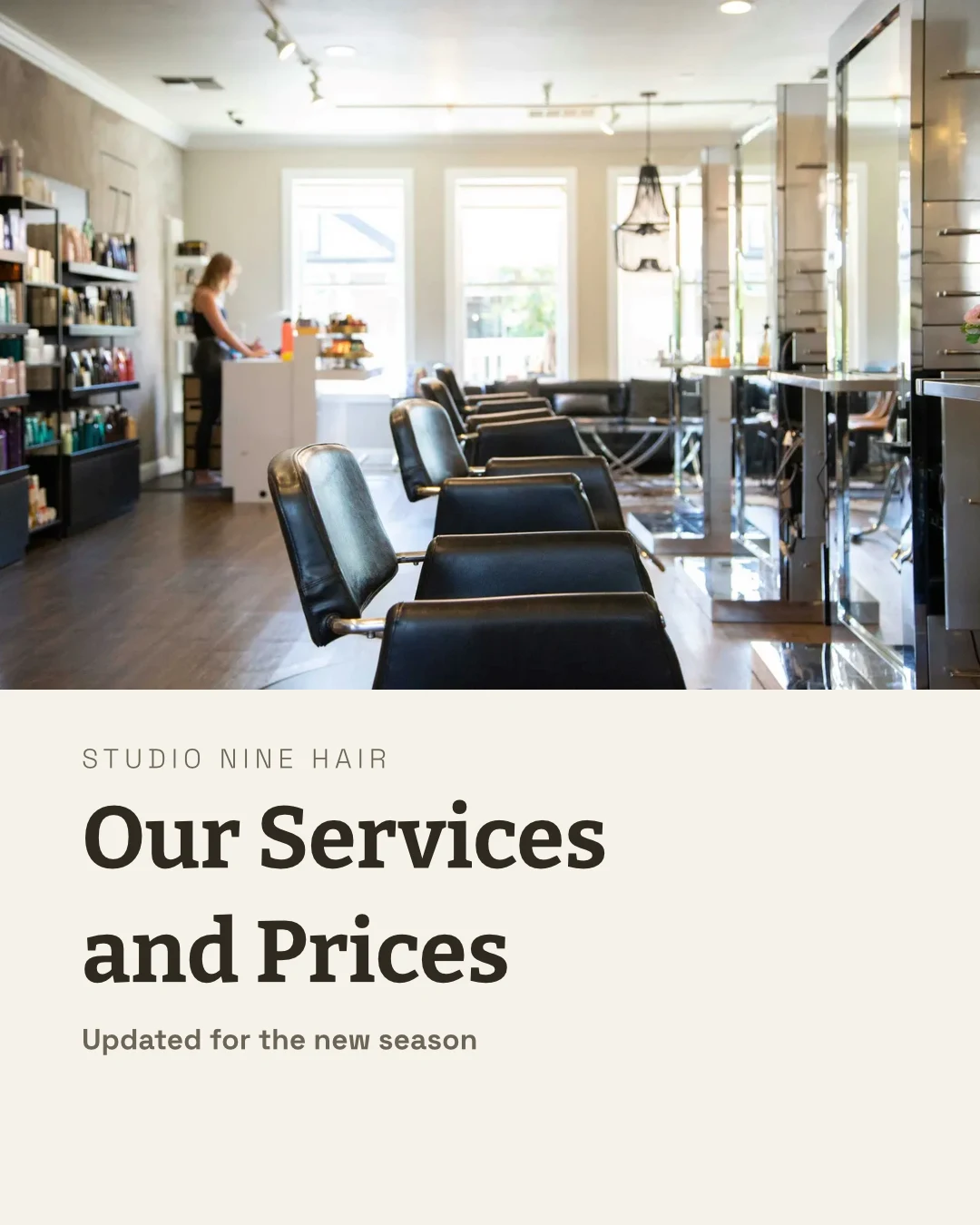


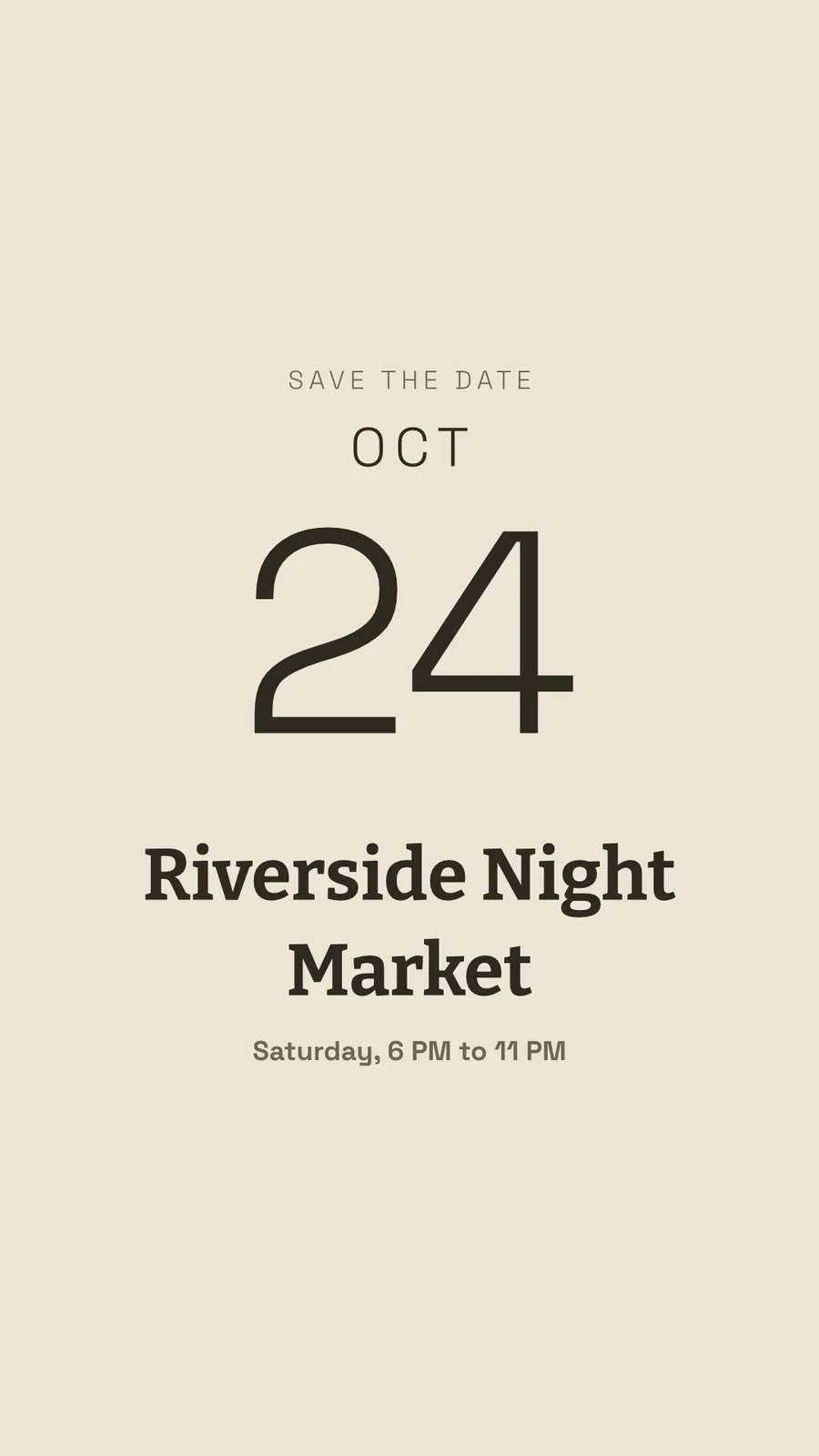
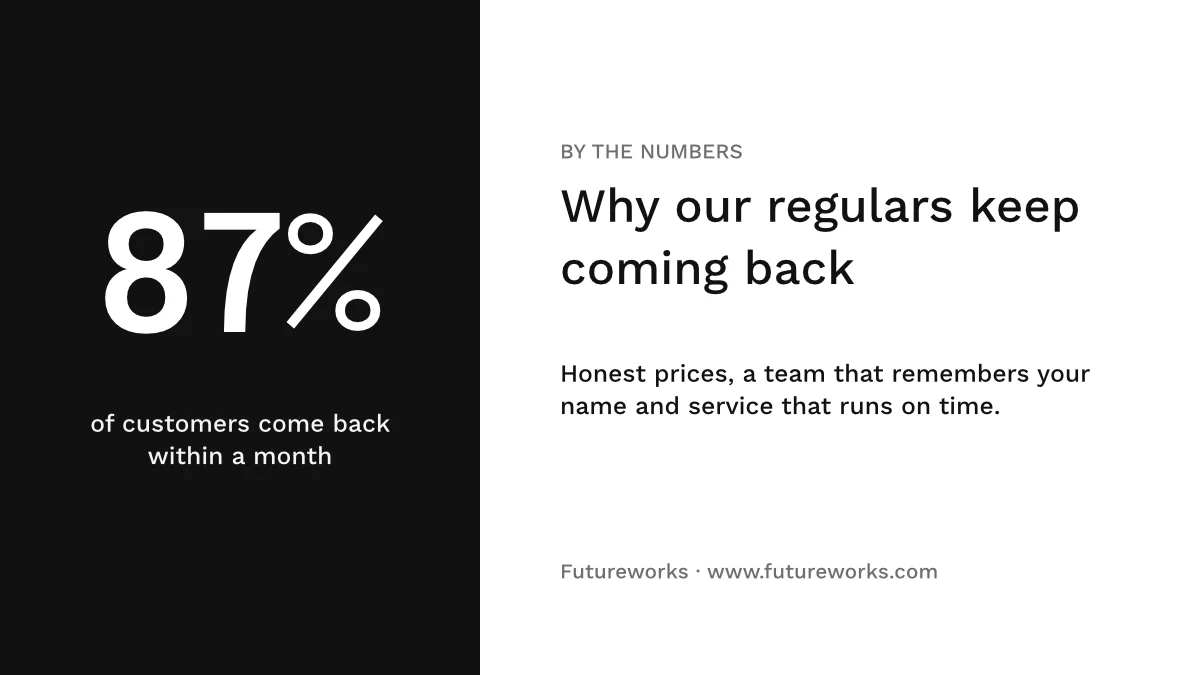
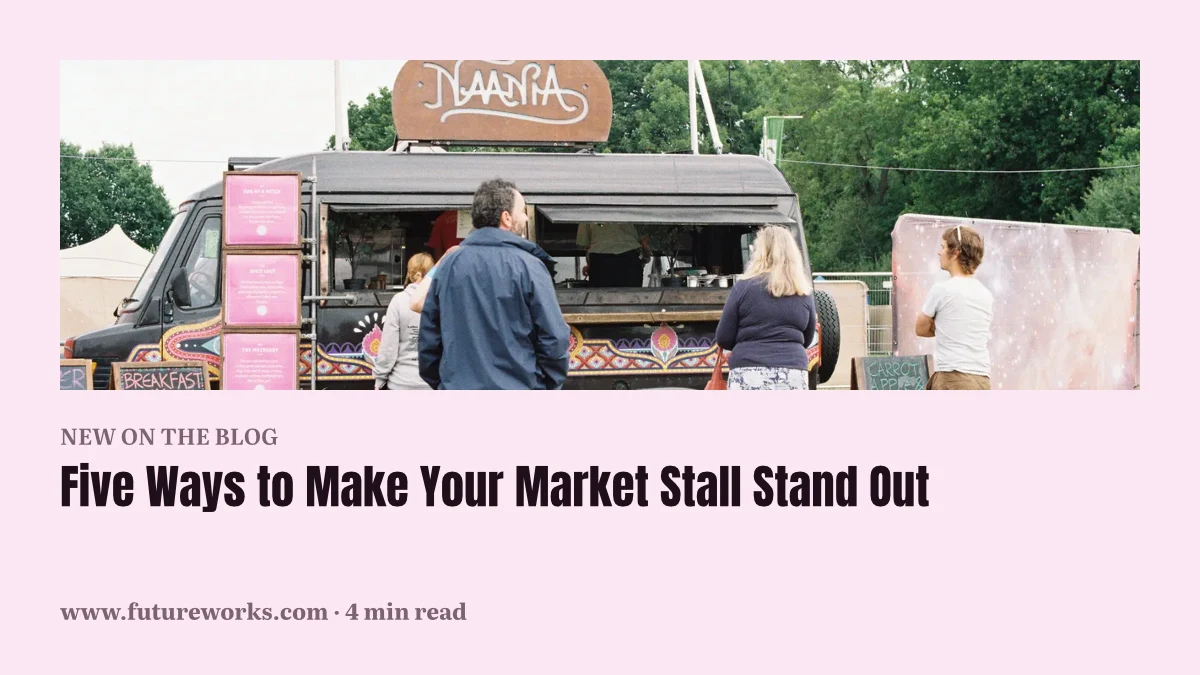
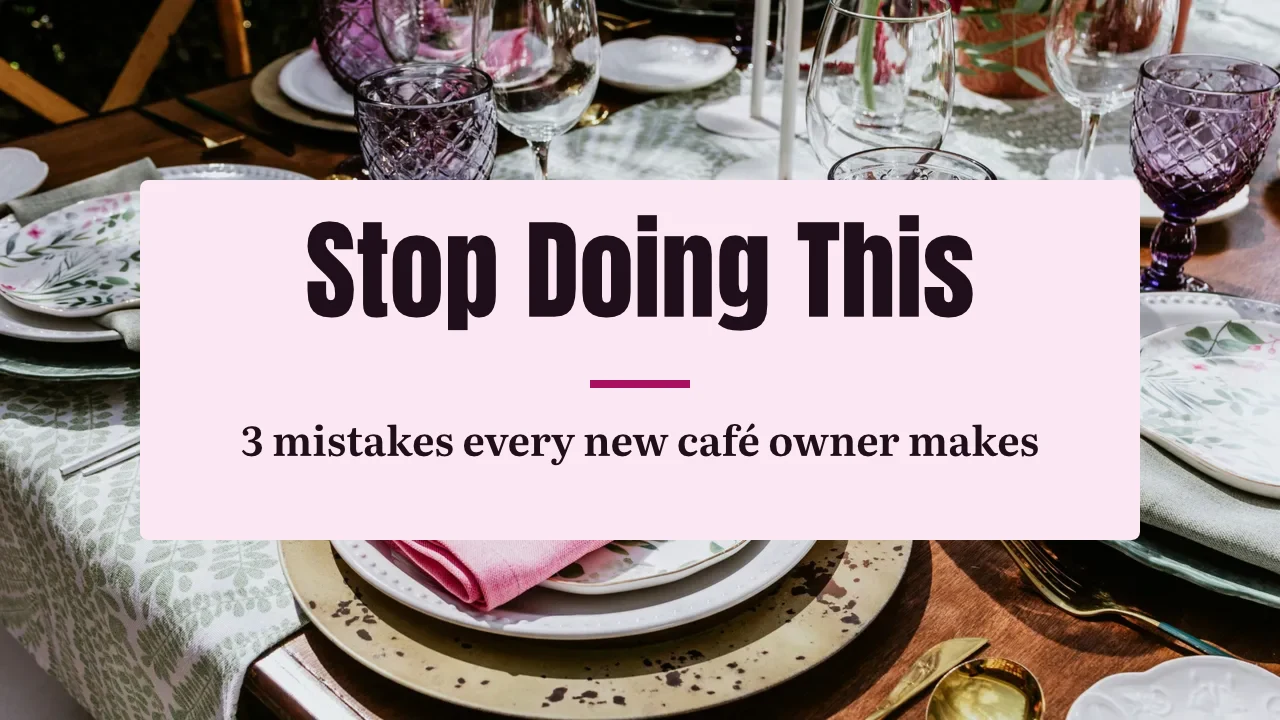
Her tasarım, ilk şablondan basılıma kadar
Sosyal medya gönderileri, baskı, video ve ekranlar; Calisto'nun boyutlarında veya belirlediğiniz herhangi bir boyutta.
Başla
Bir şablon, bir Tema veya boş bir boyut.
Düzenle
Katmanlar üzerinde kelimeler, fotoğraflar, şekiller ve grafikler.
Vektör ve Animasyon
Aynı dosyada yollar ve anahtar kareler.
Sürümler
Birinden birçok tasarım.
Gönder
Dışa aktarın, yazdırın, paylaşın veya devredin.
Birlikte
Ortak, canlı ve her sürüm saklanır.
Beyaz tahtalar
Tasarımdan önce yapışkan notlar.
Bir Cihazda
Kelimeleri ve fotoğrafları değiştirin.
Bir şablondan, bir Tema'dan veya boş bir boyuttan başlayın
Şablonlar, her Tema'daki Calisto düzenleridir; tür, sektör, stil ve renklerle filtrelendiler. Bir Tema, bir tasarımın giydiği renkleri, yazı tiplerini ve boşlukları belirler. Boş bir boyut, sosyal medya, baskı, video veya ekranlar için tam sanat tahtasında veya belirlediğiniz herhangi bir genişlik ve yükseklikte açılır.
Markam
Seçmeden önce markanızda çizilmiş her şablon.
Şablonlar



Marka Kit
Renkler, yazı tipleri ve logo, Studio'nun Ayarlarında düzenlenir ve her seçim kutusunda sunulur.
Ayarlar
Sadece Marka, Engage ile
Atölye koltuğu olmayan kişiler, yalnızca markanın yazı tipleri, renkleri ve Teması ile çalışır.

İşlem maddesi
Şablon olarak kaydet, açık tasarımdan bir kopya tutar; Şablonu Özelleştir, bir şablonun görünümünü değiştirir.
Şablonlar
Tanımla
İhtiyacınız olanı bir cümlede belirtin ve üç tasarım, markanızda geri döner; bunları şablon olarak saklayabilir veya kullanabilirsiniz.
Tanımla
Say what you need and Calisto makes three designs in your brand. Pick one to finish it.
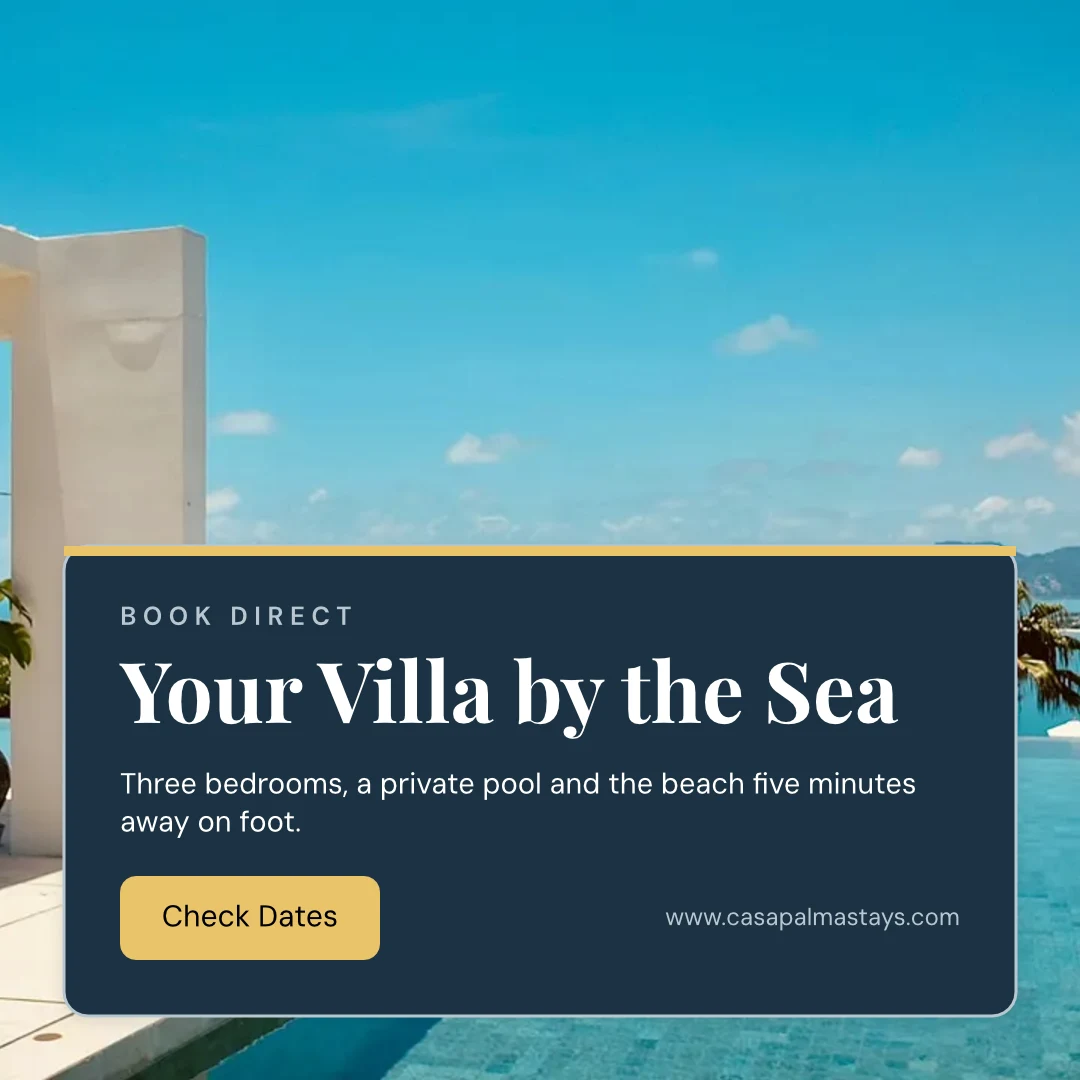
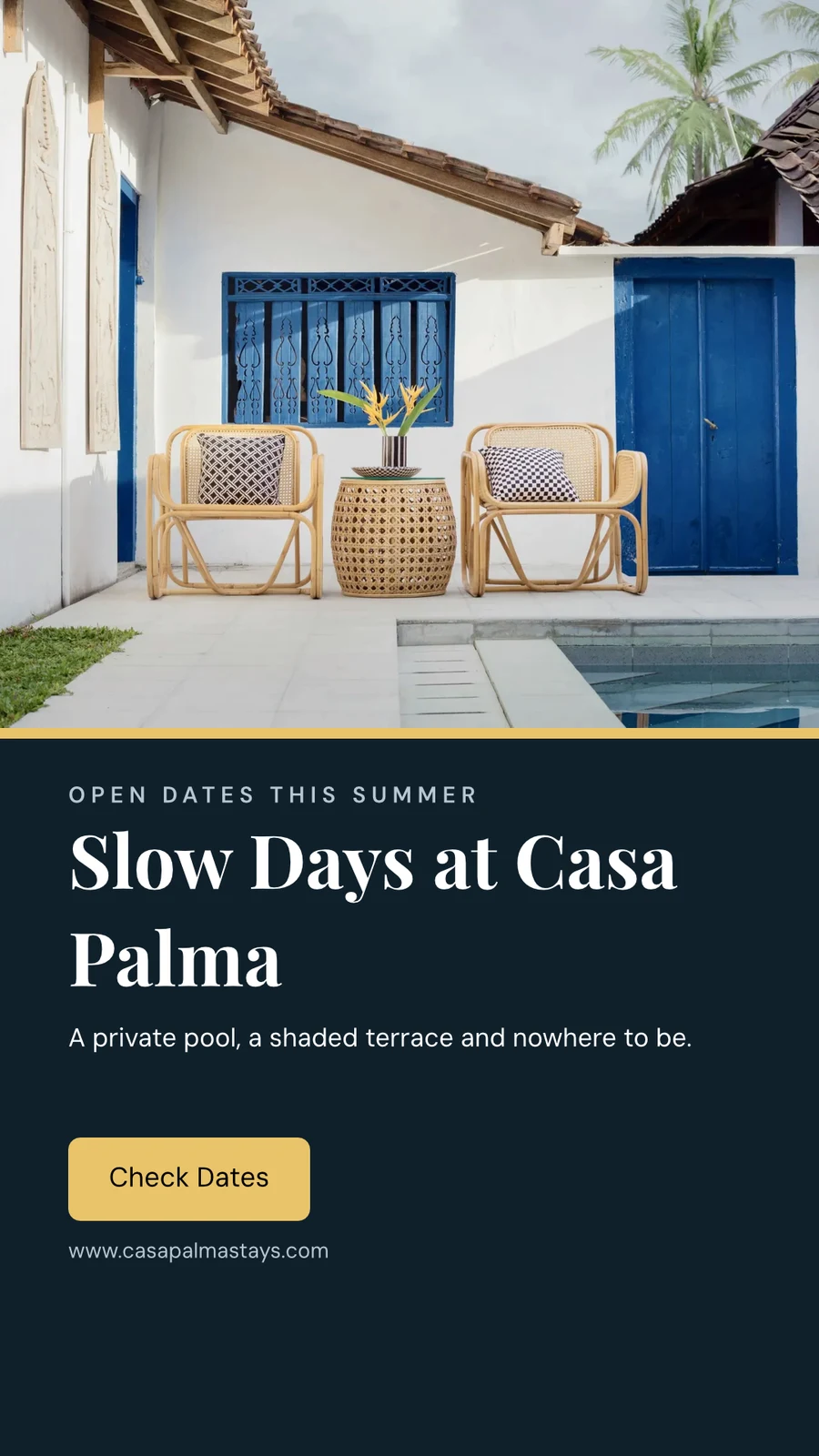
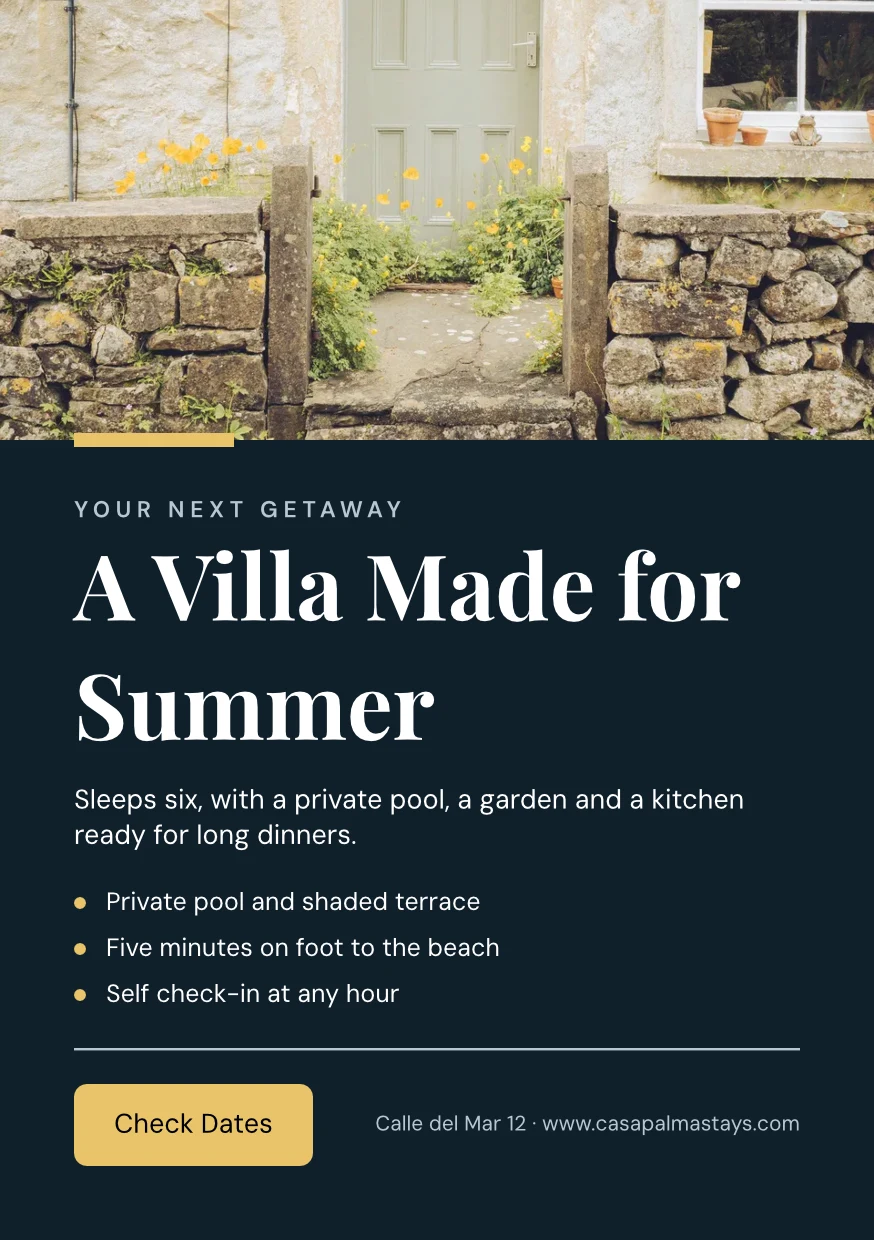
Web Sitenizden
Web sitenizden veya marka yönergeleri PDF'inizden okunan marka kitiniz: renkleri, yazı tipleri ve logosu, istediğinizde kaydedilir.
Ayarlar
Web Sitenizden

Marka Kuralları
Tasarımı markanın renklerine ve yazı tiplerine uydurun; marka kontrolü neyin yanlış olduğunu söyler ve markaya uygun olmayan hiçbir şey dışa aktarılmaz.
Şablonlar
Kelimeleri, fotoğrafları ve görünümü değiştirin
Kelimeler, fotoğraflar, şekiller, grafikler, QR kodları ve oluşturulmuş görseller ekleyin ve her birinin yazı tipi, rengi ve yerini ayarlayın. Essentials günlük kontrolleri korur; Pro hepsini gösterir.
Vektörleri çiz ve aynı dosya üzerinde animasyon yap
Bir kalemle kendi logonuzu ve görsellerinizi çizin ve aynı dosyada zaman çizelgesinde hareket eden bir tasarım ayarlayın. Her ikisi de Oluştur oturumu ile açılır; hazır olan ve şekil araçları her tasarımda bulunur.
 FotoğrafVektör
Bir tasarımden çok sayıda versiyon oluşturun
Toplu Oluştur, bir CSV'den veya yapıştırılan satırlardan bir tasarımın metin yer tutucularını doldurur; tek seferde en fazla 200 tasarım ve ikinci bir basım hiçbiri iki kez yapılmaz. Kopyala ve Boyutlandır, bir tasarımı başka bir boyutta yeniden düzenler ve yeni bir tasarım olarak kaydeder.
Kopyala ve Boyutlandır
Başka bir boyutta yeniden düzenlenmiş tasarım, yeni bir tasarım olarak kaydedilir.
Kopyala ve Boyutlandır
 Three Days of Live Music
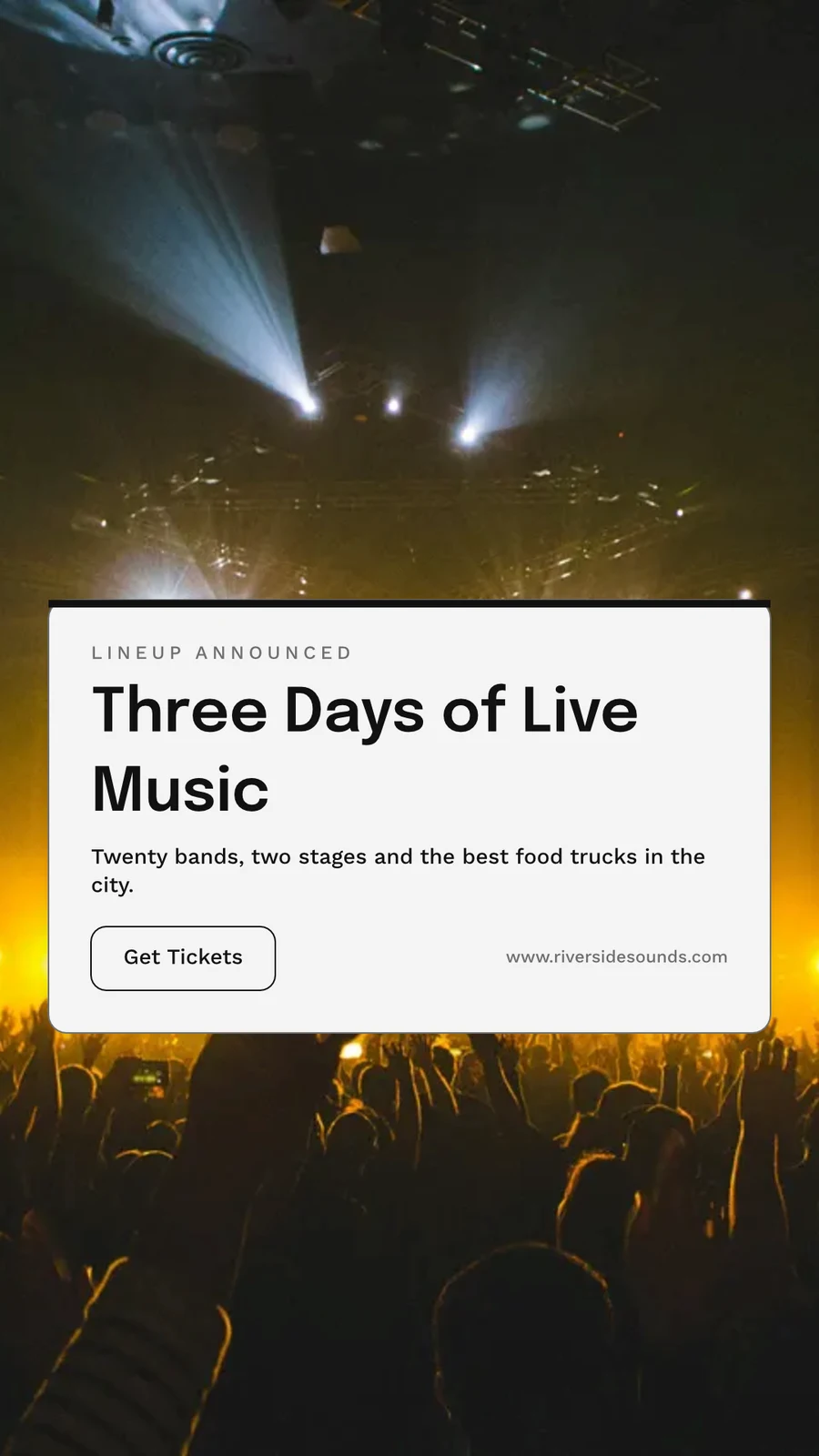
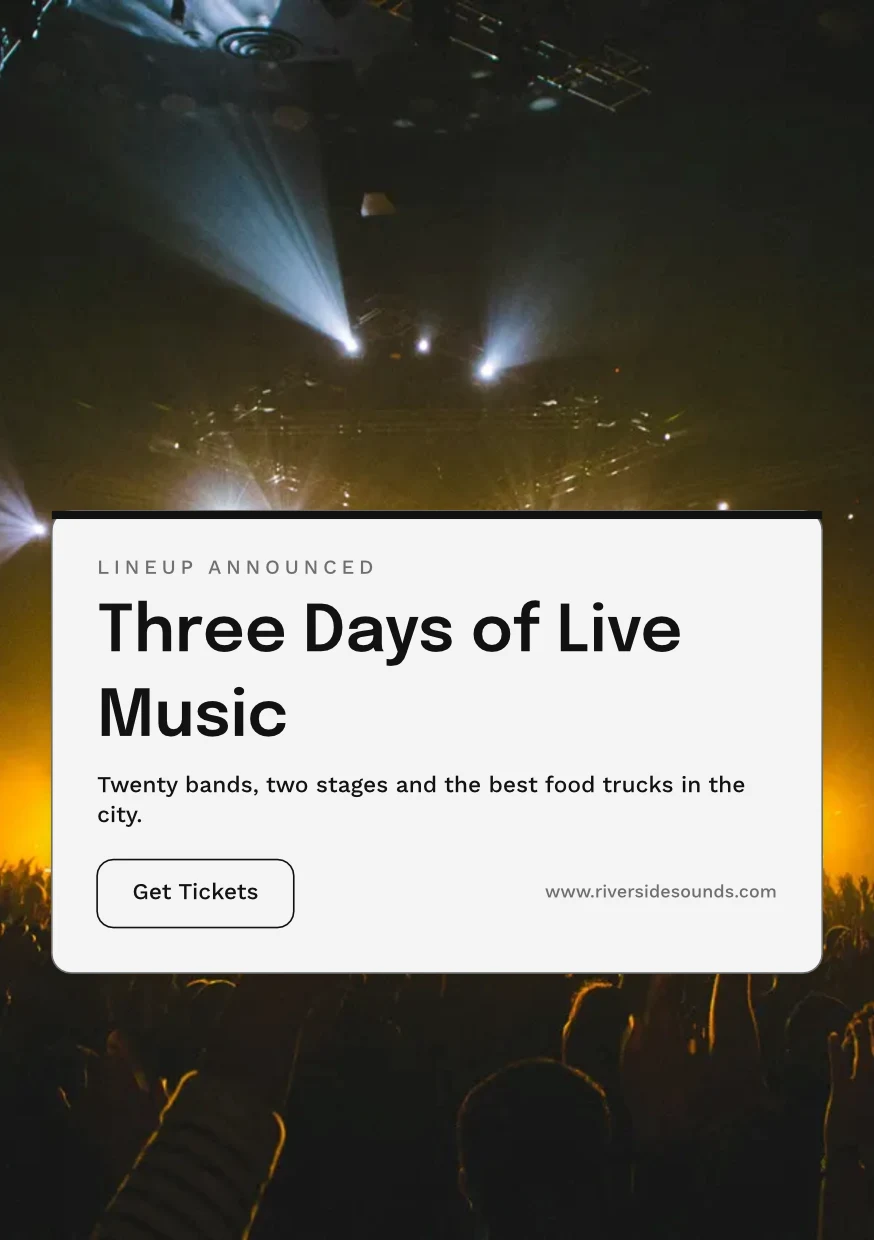
Dışa aktarın, yazdırın, paylaşın veya başka bir uygulama'ya gönderin
Web veya baskı çözünürlüğünde PNG, JPG, SVG ve PDF, baskı PDF'inde kanat ve kesim işaretleri ile veya basım için CMYK PDF. Bir halka açık bağlantısı gösterir ve herhangi bir web sitesine gömülür. Uygulamaya Gönder, Display, Kampanyalar veya Sitelere alır. Analitik, oluşturulan tasarımları, formatlara göre dışa aktarımları ve canlı halka açık bağlantıları sayar.
Dışa Aktar
Web veya baskı çözünürlüğünde PNG, JPG, SVG ve PDF, şeffaf bir arka plan ve her dışa aktarma tekrar dışa aktarılabilir şekilde saklanır.
Dışa Aktar ve Paylaş
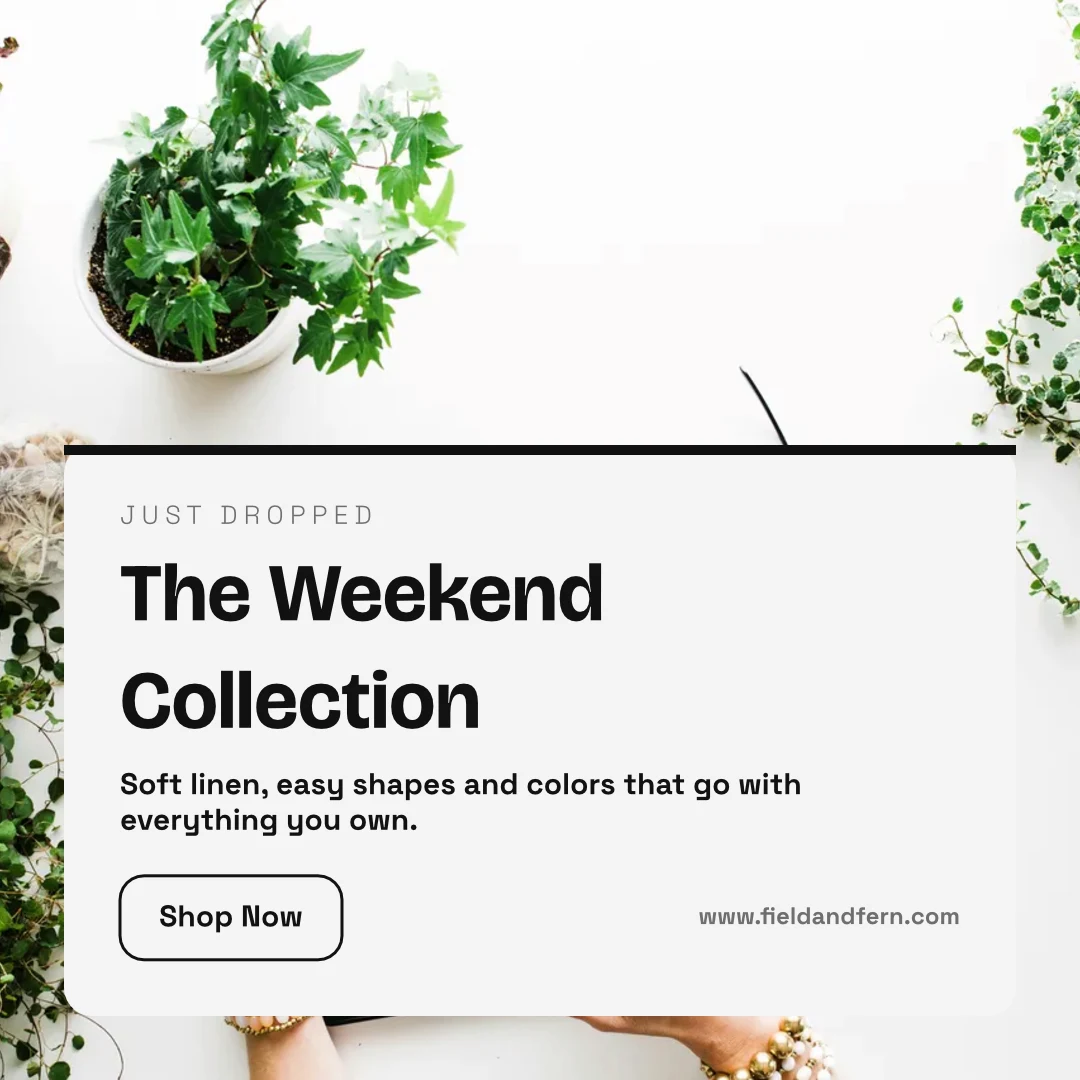
The Weekend Collection · 1080 × 1080 px
Format
Kamu Bağlantısı ve Gömme
Tasarımı gösteren, hareket ederse oynatan ve kendi QR koduyla herhangi bir web sitesine gömülen bir bağlantı.
Repairs Done Right
 İndir
Kamusal Bağlantı
https://studio.calistoco.com/p/design/k7Qm2xW9rTBir Sayfaya Göm
<iframe src="https://studio.calistoco.com/p/design/k7Qm2xW9rT" width="1080" height="1080" style="border:0" loading="lazy"></iframe>QR Kodu
Yazdırın veya yüz yüze gösterin214 taramaUygulamaya Gönder
Ekranlarınız için Display'e gönderin, Kampanyalar'da yeni bir e-postaya veya Siteler'de bir web sitesinin dosyalarına.
Dışa Aktar ve Paylaş
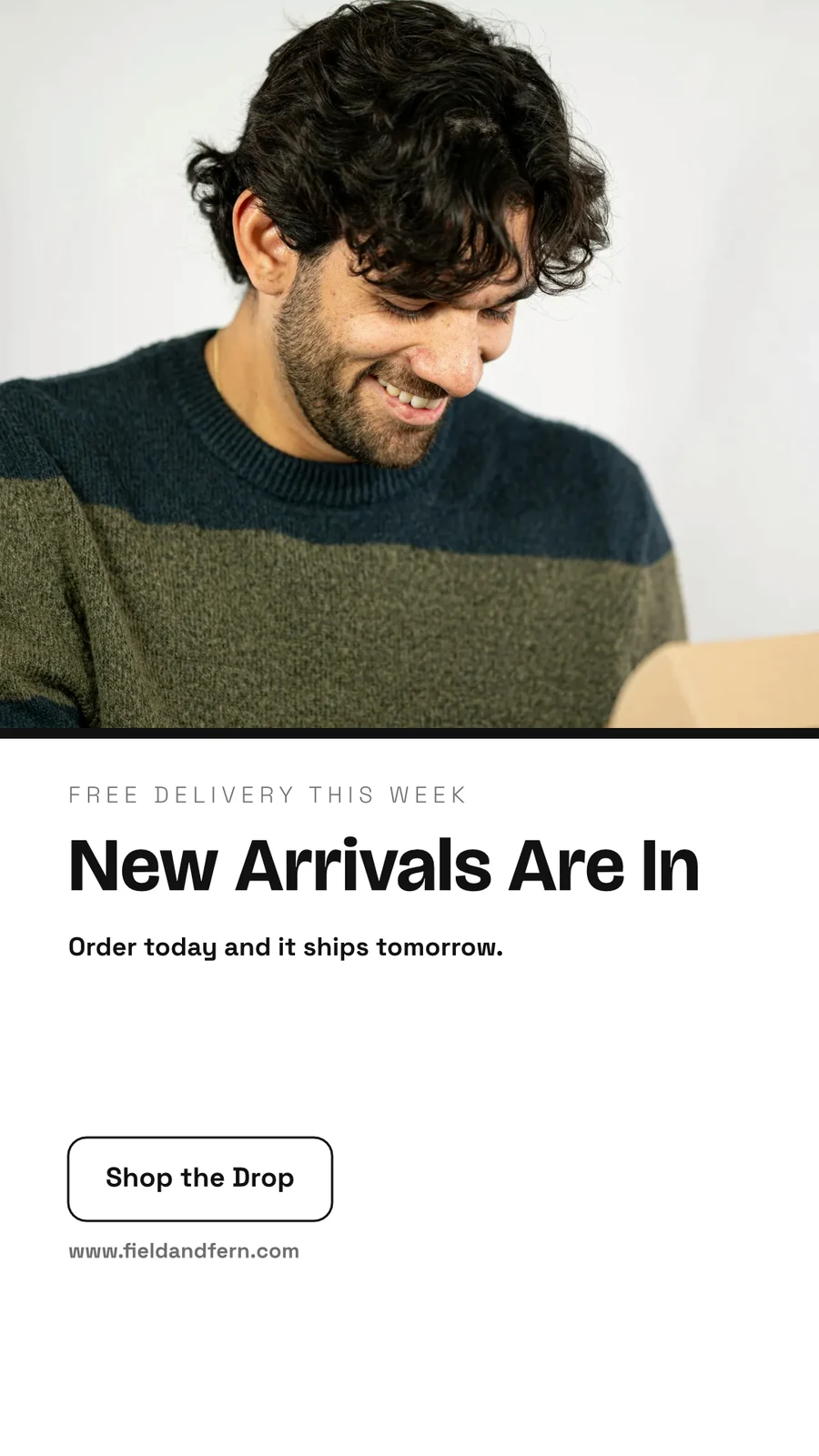
Your Summer Room Is Ready · 1080 × 1920 px
Send to app
Bu tasarımı, oraya yerleştirmek için başka bir Calisto uygulamasına devredin.Video Oluştur, Kliplerle
Her sayfa hareketiyle birlikte bir klip, ardından başlıklar, müzik, altyazılar ve bir MP4.
GIF ve Animasyonlu WebP
Hareket eden bir tasarım için, her sayfa kendi uzunluğuna göre.
Dışa Aktar ve Paylaş
The Curtain Rises Friday · 1080 × 1920 px
Format
Yazdır
Yazdır Kurulumu'nda kenar boşluğu, kanama, kesim işaretleri ve güvenli marj ayarlayın ve tasarım uygulama etrafında olmadan yazdırılır.
Baskı için PDF (CMYK)
Kendi cihazınızda, baskı atölyenizin size verdiği profil ile CMYK'ye dönüştürülür.
Dışa Aktar ve Paylaş
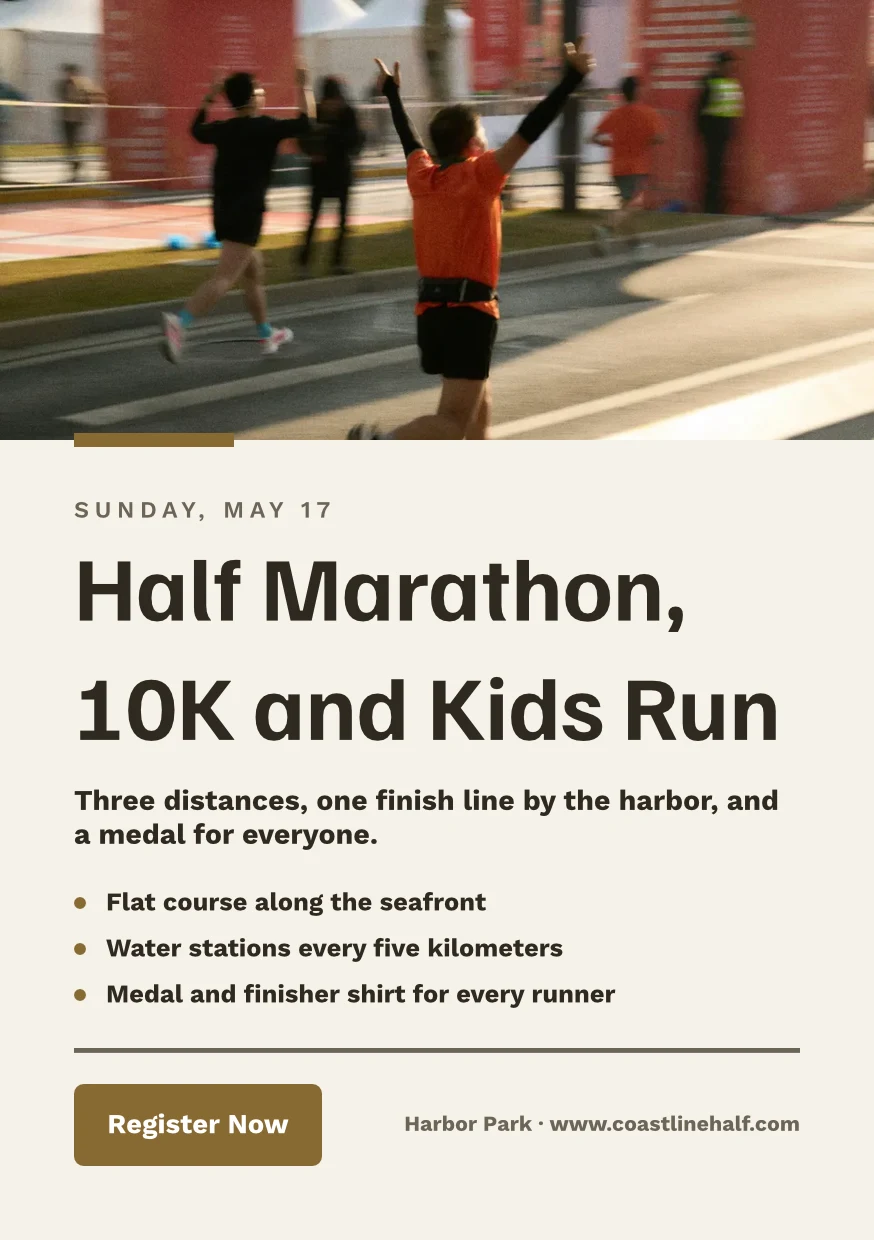
Find the Right Space · 874 × 1240 px
Format
Yazıcının Profili
Druckerei Weber Coated.icc2.1 MBRenkler Druckerei Weber Coated.icc için dönüştürüldü, bu cihazda okundu ve yüklenmedi.Bir tasarımı birlikte çalıştırın ve her versiyonu koruyun
Bir tasarımı, Görüntüleyebilir, Yorum Yapabilir veya Düzenleyebilir olarak bir kişiyle paylaşın. İçindeki herkes gösterilir ve farklı sayfalardaki iki kişi birbirlerinin üzerine yazmaz. Her kaydetme, önceki sürümü korur ve herhangi bir sürüm geri yüklenebilir. Merkezler, tasarımları işletmenin diğer dosyalarıyla gruplandırır.
Ortak Olarak Paylaş ve Düzenle
Görüntüleyebilir, Yorum yapabilir veya Düzenleyebilir olarak paylaşın ve tasarım üzerinde çalışırken herkesi görün.
"Close With Confidence" paylaş
Sayfadaki Yorumlar
Değişimin nereye gittiğini işaretleyin, bir takım arkadaşını belirtin veya onlara işi iletin ve tamamlandığında çözün.
 12345
Onay için gönder
Bir takım arkadaşına, Onaylar'da bunu kimin belirleyeceğine bağlı olarak veya hesabı olmayan müşterinizin cevap vereceği bir bağlantı olarak.
Brand Photos That Sell
Approve This Design
Northlight Studio · Tur 2Mesaj
Yeni fotoğraf çalışıyor. Anlaştığımız 18 500 kr fiyatında onaylandı, lütfen basıma gönderin.Sürüm Geçmişi
Her kaydetme, önceki sürümü korur ve herhangi bir sürüm geri yüklenebilir.
Sürüm Geçmişi
Takip Eden Bir Kopya
Her konumun kopyası, orijinal kilitleyen parçaları korur ve değişikliklerini alır.
Kütüphane
Tasarımlarınız, temalarınız ve şablonlarınız tek bir ızgarada, en yeni olanlar önce.
Kütüphane
Everything you have made: your designs, your themes and your templates.
Projeye Ata
Bir tasarım, Tasarımlar'dan veya düzenleyiciden bir müşteri projesine eklenir.
Tasarımlar
 A Brand People RememberInstagram Paylaşımı · Düzenlendi 12 dakika önce
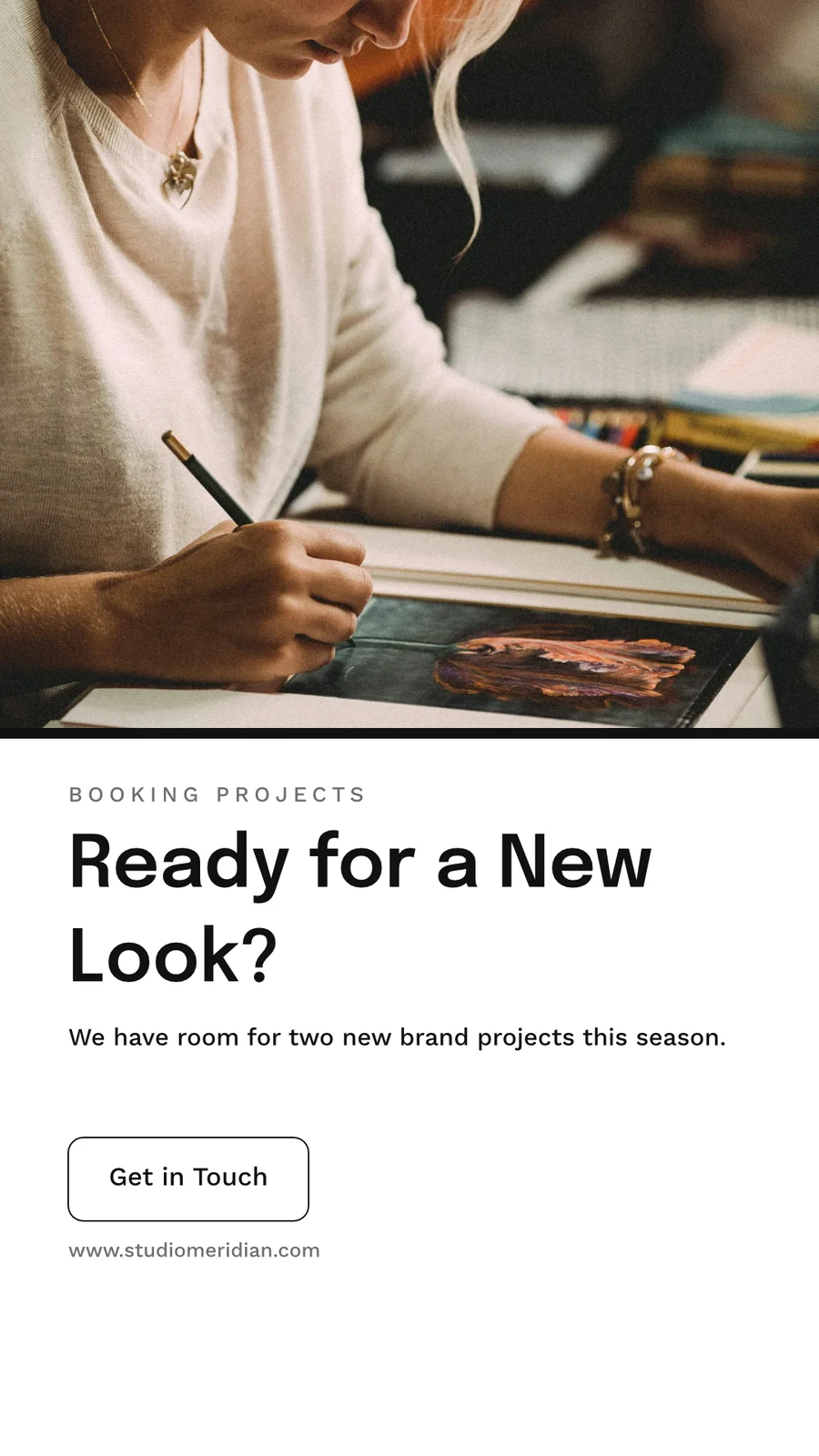
 Ready for a New Look?Instagram Hikayesi · Düzenlendi 1 saat önce
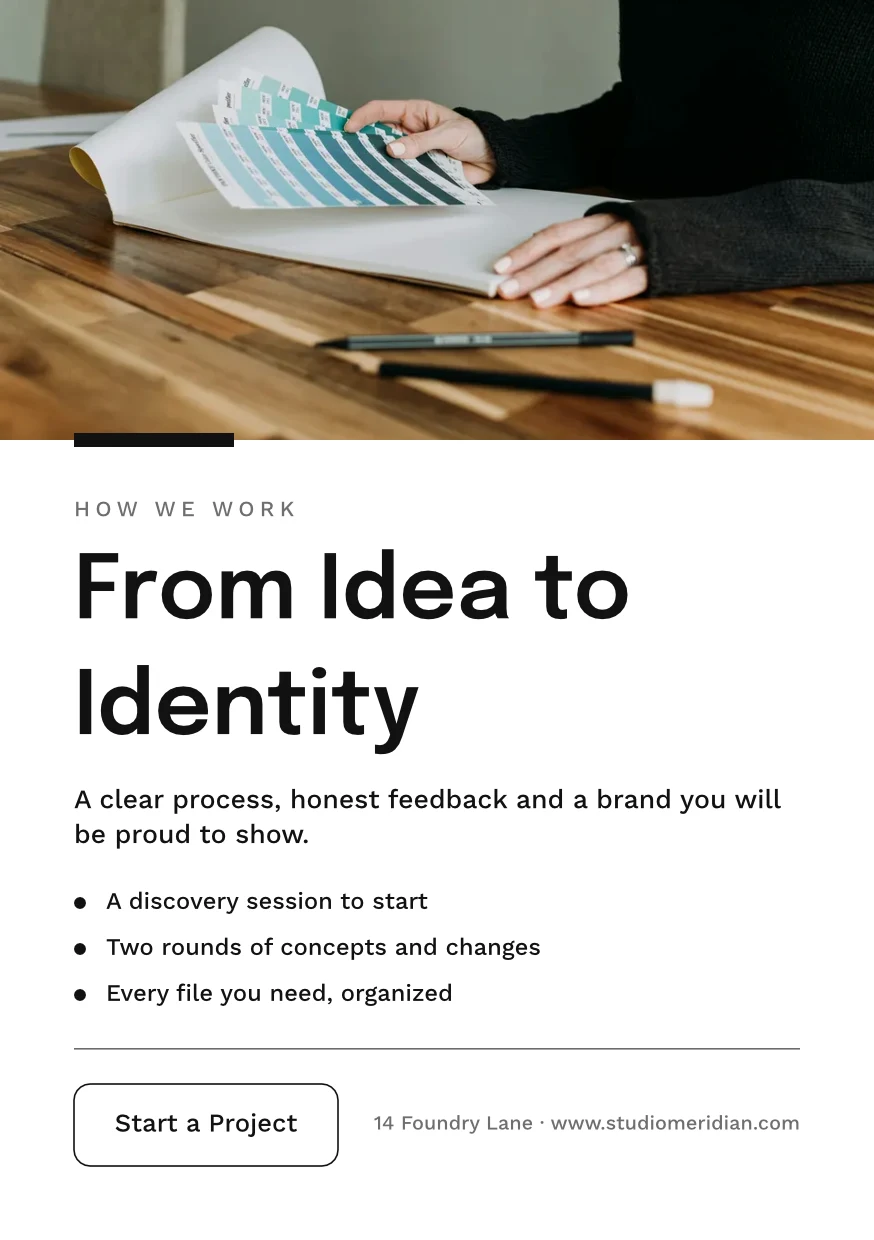
 From Idea to IdentityA5 Portrait · Düzenlendi Dün
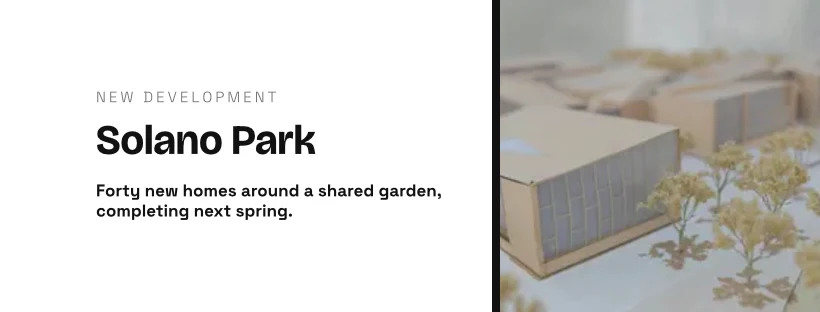
 Studio Meridian Page CoverFacebook Cover · Düzenlendi 2 gün önce
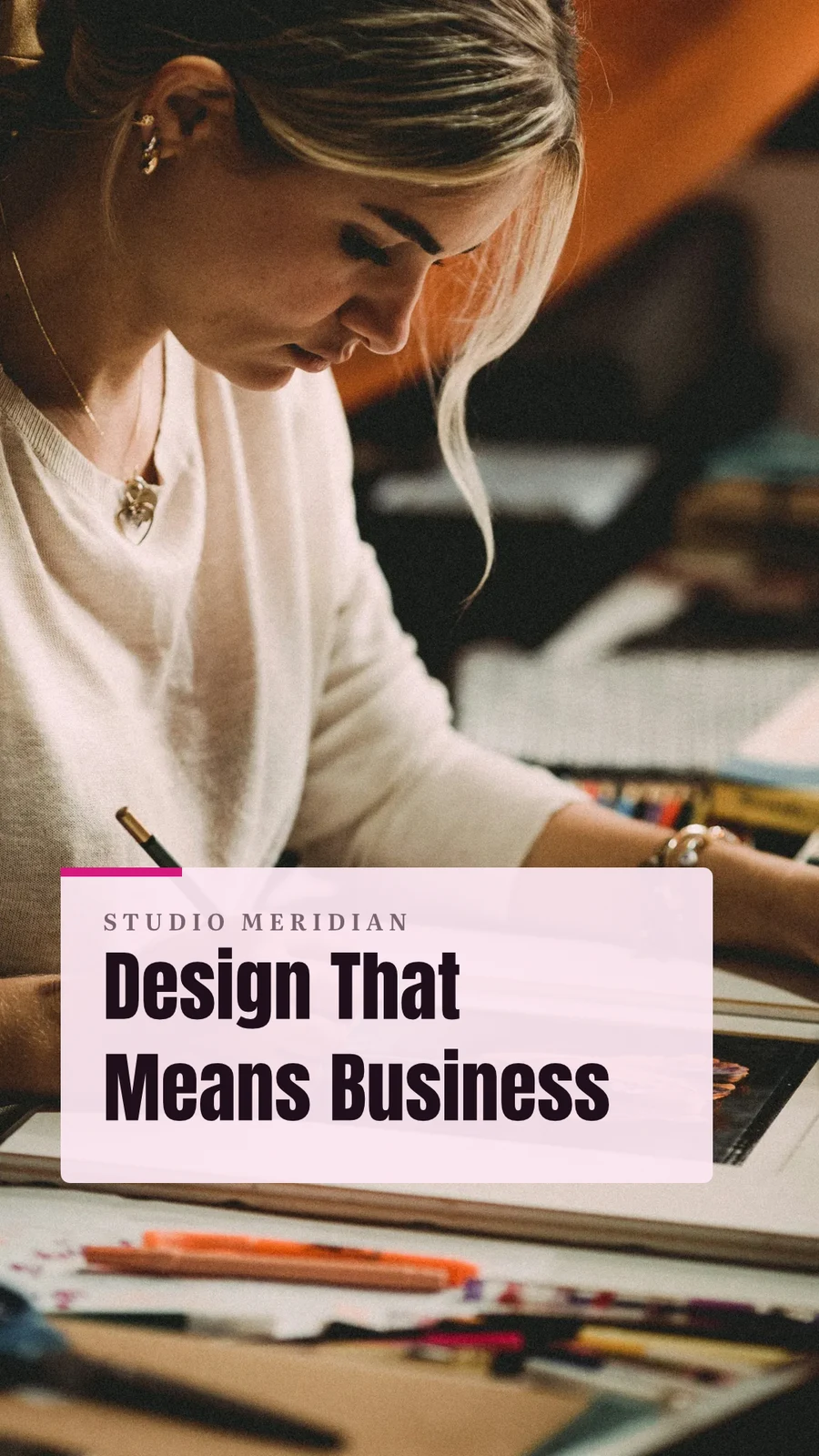
 Design That Means BusinessVertical Video (9:16) · Düzenlendi Geçen hafta
Projeye Ata
30 Günlük Çöp Kutusu
Sonra içindekilerle birlikte silindi.
Tasarımlar
Designs you move to Trash stay here until you restore them or delete them forever.
 Everything for Your EventInstagram Paylaşımı · Düzenlendi 12 dakika önceGeri YükleKalıcı Olarak Sil
 Summer Dates Fill FastInstagram Hikayesi · Düzenlendi 1 saat önceGeri YükleKalıcı Olarak Sil
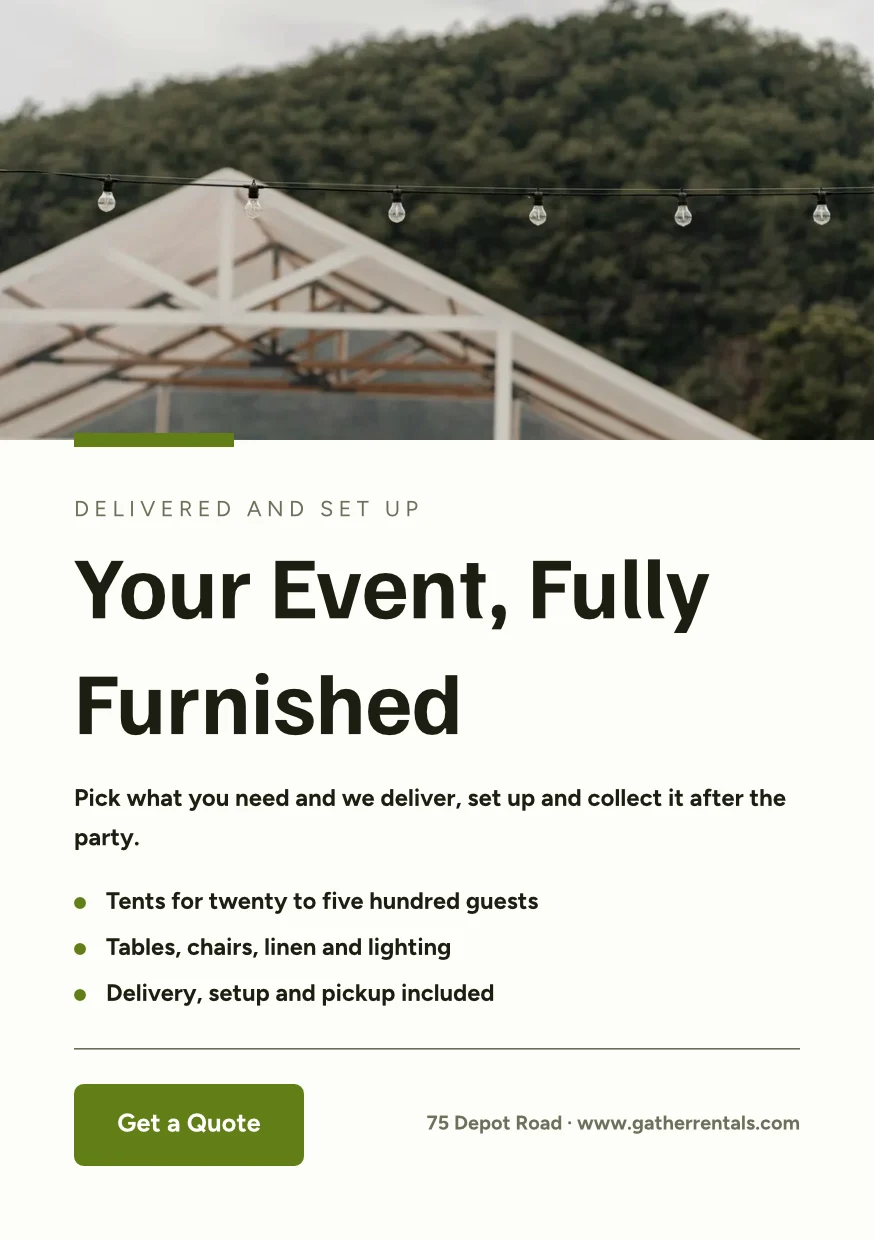
 Your Event, Fully FurnishedA5 Portrait · Düzenlendi DünGeri YükleKalıcı Olarak Sil
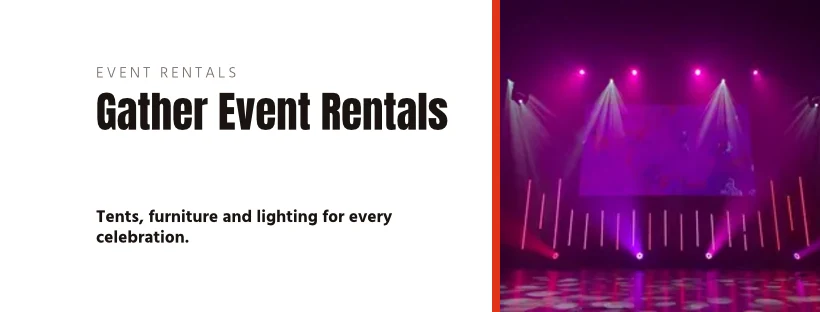
 Gather Event Rentals Page CoverFacebook Cover · Düzenlendi 2 gün önceGeri YükleKalıcı Olarak Sil
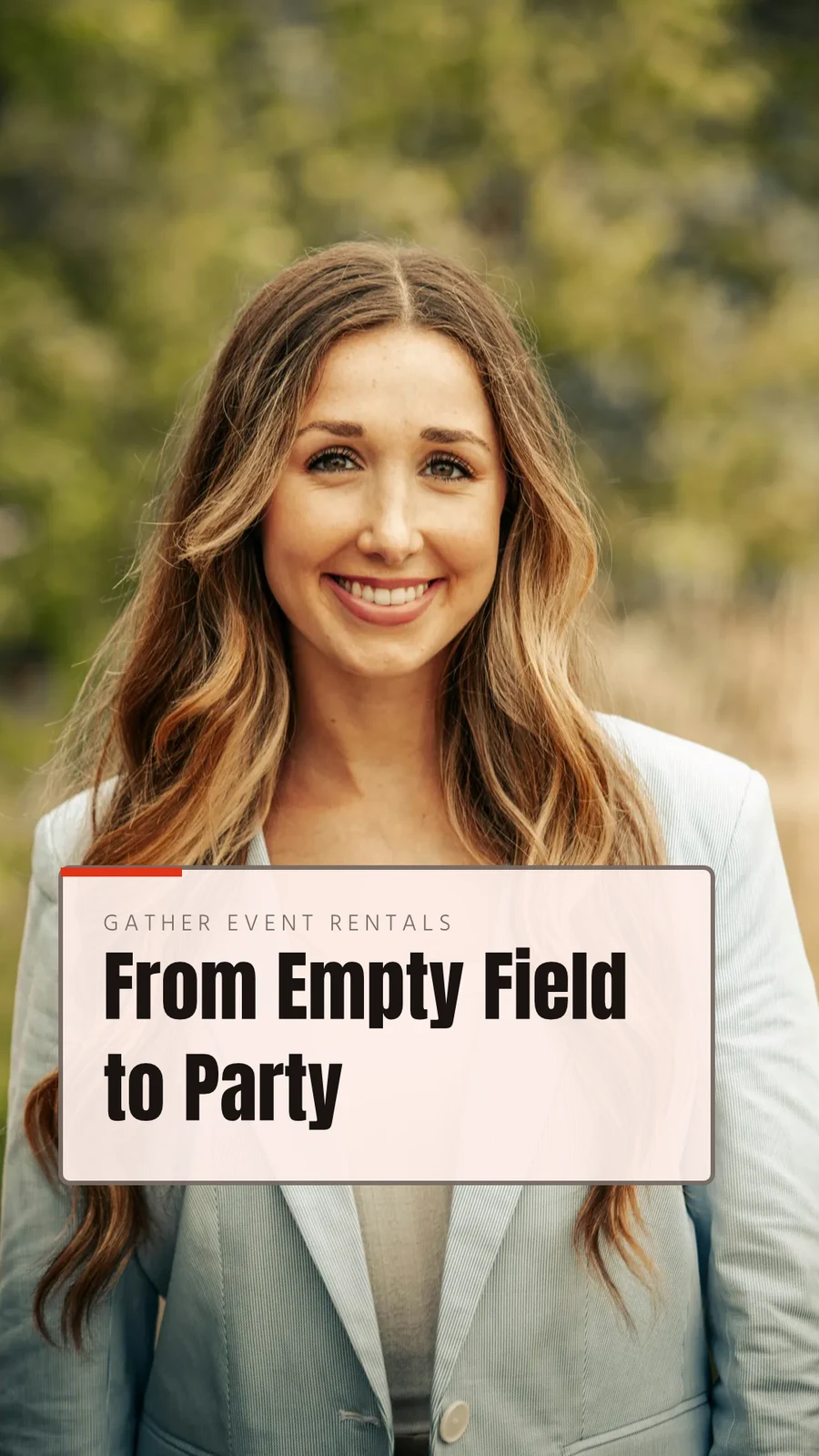
 From Empty Field to PartyVertical Video (9:16) · Düzenlendi Geçen haftaGeri YükleKalıcı Olarak Sil
 See Every Setup in PersonPoster (24×36") · Düzenlendi 3 hafta önceGeri YükleKalıcı Olarak Sil
"Close With Confidence" paylaş
Önce bir beyaz tahtada düşünün ilk
Bir pano boş veya Beyin Fırtınası, Zihin Haritası, Akış Şeması veya Geri Dönüş Analizi ile başlar; yapışkan notlar, şekiller, metin ve bağlantılarla. Gittikçe kaydeder ve iki cihazda açık bir pano, yeni kopyayı sormadan üzerine yazmaz.
Şablon'dan Başla
Beyaz tahtalar
Infinite-canvas boards for brainstorming and planning
Yeni Tahta Başlat
Beyin fırtınası, Zihin Haritası, Akış Diyagramı veya Geri Dönüş, ya da boş bir pano.
Notlar, Şekiller ve Bağlantılar
Kaydırmak için alanı sürükleyin veya iki parmakla kaydırın · ⌘/Ctrl-kaydırma ile yakınlaştırma
Yapışkan notlar, şekiller, metin, oklar, kalemle çizim ve resimler.
Asla Yazılmadı
İki cihazda açık olan bir tahta, kaydetmeden önce Yenile veya Sadece Benim'i sorar.
Tam Ekran
Yakınlaştır için pinç yapın · hareket ettirmek için iki parmak
Tahta tam ekran açılır, dokunmatik üzerinde yakınlaştırma ve iki parmak kaydırma ile.
Bir şablon kullanarak telefondan tasarım yapın
Ana Sayfa, Tasarımlar, Şablonlar ve Beyaz Tahtalar sekmelerdir. Bir telefonda bir tasarım, değiştirilecek kelimeleri ve fotoğraflarıyla açılır, Temasıyla giydirilir ve kaydedildiğinde bir tasarım haline gelir.

Stüdyonun her şeyin diğerine dokunduğu yer.
2 of these 7 connections are in your plan today; the others are their own apps.
Depot
Every design is a file in Depot, in the Hubs it sits in, beside the business’s other files.
Foto
A photo on a design opens in Foto from its Adjust panel.
Clips
Create Video opens the design on a timeline, every page a clip with its motion, and makes an MP4.
Display
A finished design is sent from its export page to a screen.
Campaigns
A finished design is sent from its export page into a new email in Campaigns.
Sites
A finished design is sent from its export page into a website’s files, ready to place on a page.
Listings
Create Flyer on a listing opens a flyer in Studio with the listing’s photo and details on it.
Calisto'da her şey dahil Studio.
- Social: Instagram Post, Instagram Story, Portrait Post (4:5), Facebook Post, Facebook Cover, X Post, LinkedIn Banner, YouTube Thumbnail and TikTok Cover.
- Video: 16:9, vertical 9:16, square 1:1 and portrait 4:5, for a design made to be played.
- Print: A3, A4 and A5, US Letter, Legal and Tabloid, a business card, a rack card and a 24 × 36 inch poster.
- Digital: presentations in 16:9 and 4:3, an email header, a lobby display and a portrait kiosk.
- A custom size at any whole-pixel width and height from 16 to 20,000.
- A size is a design: each opens on its exact artboard, followed by Calisto’s layouts at that size.
- New Design has three doors: From Theme, From Template and Blank Design.
- Templates: every Calisto layout in every Calisto Theme, filtered by type, industry, style, colors and size, with a name search.
- My Brand draws every template in the account’s brand kit.
- Use This Template opens an unsaved copy; it becomes a design when it is saved.
- Customize Template shows every page beside the Theme’s controls; Save Template keeps the result in Mine.
- Save as Template, in the editor, keeps a copy of the open design as one of the account’s templates.
- Edit Template changes one of the account’s own templates in place; one with no Theme of its own inherits the account’s.
- Describe It: a sentence becomes three designs from Calisto’s layouts in the business’s Theme, each its words written for it, to keep or save as a template; a figure nobody gave (a price, a date) is left for you to fill in.
- Themes: Calisto’s, the account’s own and those bought in the Pro Shop, each built and tuned in the theme builder.
- The Theme bar in the editor repaints the design in another Theme, and Save as Theme keeps the look.
- Templates and Themes from the Pro Shop, bought by whoever the owner’s billing setting allows.
- Left rail, where things are added: Page, Text, Shapes, Elements, Stickers, Graphics, Photos, Chart, QR Code and Generate.
- Elements: rectangle, circle, triangle, line, star, arrow and divider, and photo frames (square, rounded and circle).
- Stickers and Emoji: animated stickers and color emoji, each sticker with its license credit.
- Right rail, where they are refined: Format, Design (the Theme), Assist, Mockups, Print Setup and Comments.
- The selection chip holds up to five quick controls; right-click or a long press opens Cut, Copy, Paste, Duplicate, Group, stacking order, Align to Page and Delete.
- Pages with each page’s layers: show or hide and lock or unlock each layer.
- Enter Group and Leave Group edit inside a group, with the group’s path shown above the canvas.
- Position and size (X, Y, width, height, rotation) and the layer’s role, in Format’s More.
- Rulers, the hand tool, Pages and Layers, and full screen under the canvas, with the page number and zoom.
- Search Actions (⌘K) and Keyboard Shortcuts (⌘/) list every command and key.
- Essentials or Pro, each person’s own preference: Pro shows every control, Essentials folds the rarer ones behind More.
- Rulers and sizes in px, in or cm, each person’s own unit.
- Undo and redo, autosave, and nothing typed lost when a tab closes or a session lapses.
- Typeface, size, weight, color, alignment, line height and letter spacing on the selection.
- Shrink Text to Fit, shadow, outline, opacity and blend mode.
- Vertical type for Chinese, Japanese and Korean, mixed or all upright.
- Type on a Path, with its start and side set in Format.
- Bar, line, area, pie, donut and scatter charts from figures typed or pasted.
- Drawn in the design’s Theme as vector shapes and words, so a chart stays sharp in a PDF.
- Edit Chart Data reopens the figures; a redraw keeps the chart’s place, name and look.
- The Media Library: the account’s own files, stock photography and Calisto’s gallery, each pick copied into the account’s storage.
- Upload from the device: PNG, JPEG, WebP, HEIC and HEIF, SVG and Photoshop files.
- A Photoshop file opens with its layers kept, its text editable and its folders as groups.
- An SVG opens as editable vector.
- Adjust: Auto, looks, brightness, contrast and saturation, with vibrance, hue, gamma, sharpen, blur, grain and pixelate at Pro.
- Open in Foto takes a photo into Foto.
- Replace, crop, fill, fit or stretch, opacity and flip on a photo.
- Remove Background on the person’s own device: the picture is never uploaded.
- Upscale makes a photo 2× or 4× larger on the person’s own device, keeping the frame and crop, up to 4096 × 4096 pixels.
- Generate an image from a description, saved into the account’s storage.
- Vector Graphic (with the Create suite): a flat picture from a description, traced into editable vector paths.
- Draft copy for the design, dressed in its Theme.
- Erase part of a photo, or extend it past its edges.
- Assist reviews the layout and a selected photo.
- Tools: Selection, Direct Selection, Pen, Add and Delete Anchor Point, Anchor Point, Pencil, Shape Builder, Scissors, Knife, Width and Type on a Path.
- Combine Shapes: Unite, Subtract, Intersect, Exclude and Divide.
- Outline Stroke and Create Outlines, Join, compound paths, Offset Path, Simplify and Reverse.
- Stroke weight, alignment, width profiles, caps, corners, miter limit and dashes.
- Align and Distribute, and Symbols: new, redefine, break link and Repeat Grid.
- Snapping to anchor points, corners and centers, with smart guides.
- Warp: arc, arch, bulge, flag, wave, rise, fisheye or squeeze, with a Bend, the words still editable and vector in a PDF and an SVG.
- Image to Vector: a PNG or JPG traced on the device into a group of editable paths.
- Draw and Combine Shapes are on every design, in Design.
- Without the suite, Vector shows marked Upgrade, and a design that holds paths opens, saves and draws for everyone.
- In, Loop and Out on every design: fade, rise, drop, slide, grow, focus, pop, slow zoom, draw on, typewriter, word by word, line by line, count up, pulse, float, spin, and fade, sink or shrink out.
- Each preset writes real keyframes, its start, length and stagger behind More, and Preview plays the page.
- The Animate workspace (with the Create suite): a timeline, keyframes on position, scale, rotation, opacity, blur, color, draw on, path shape and count.
- Auto-Key, a motion path drawn on the canvas, ease curves, repeat once, loop or ping-pong, and stagger.
- Page transitions with their length.
- A moving design plays on its public link, exports as a GIF or animated WebP and plays on designed screens.
- The brand kit, colors, typefaces and logo, edited in Studio’s Settings and offered in every picker.
- On an Engage account, people without a Studio seat build with the brand kit only: its typefaces, its colors and its Theme.
- Every element added to a design arrives in the design’s Theme.
- A Copy That Follows: parts the original locks stay as the original has them in every copy, and take its changes.
- Who may lock parts for copies is the owner’s setting.
- From Your Website: the colors, typefaces, logo and icon read from the business’s site into the brand kit, saved when you say so.
- Brand Rules: the business’s (Ethos ▸ Settings ▸ Brand Guard) or one Hub’s own, holding a design to the brand’s colors only and the brand’s typefaces only.
- The brand check in the header names what is off brand, and no export goes out while a design is off brand.
- The brand kit’s palettes, by name, in every color control.
- Draft Copy in the brand’s voice, each line showing its brand findings with Apply.
- Copy & Resize lays a design out again at another size and saves it as a new design.
- Bulk Create fills a design’s text placeholders from a CSV or pasted rows, up to 200 designs in one run, each made once.
- A Bulk Create run downloads as one ZIP of PNGs.
- QR Code: a link or text, its colors, size and error correction, and a logo in the center.
- Mockup: a design on a t-shirt, mug, phone case, business card, poster frame, laptop, tote bag or billboard.
- Make a Copy, and Duplicate a template.
- Translate: every word of a design in another language, as a new design or in place, each word keeping its type; a line that cannot be translated stays as it was.
- PNG, JPG, SVG and PDF, at web or print resolution, with a transparent background on PNG and SVG.
- Print Setup: trim size, bleed, slug and safe margin, crop marks, registration marks and color bars.
- PDF for Print (CMYK): every color converted on your device to a PDF/X-3 for the press, with a coated press profile or your print shop’s own profile.
- Every page as one PDF, or a ZIP of pictures.
- GIF and animated WebP for a design that moves.
- Print prints the design, never the app around it.
- Export history on every design, with Re-Export.
- A custom scale beside web and print resolution.
- A public link that shows the design and embeds on any website; a design in Trash is not shown by it.
- The public link’s QR code and its preview card.
- Send to App hands a design to Display, Campaigns or Sites.
- Create Video opens the design in the media editor, every page a clip, then titles, music, captions and an MP4 (with Clips).
- Share with a person as Can view, Can comment or Can edit; a view or comment share opens read-only.
- Comments pinned to a point on a page, with replies, mentions, assigning a thread and resolving it; notices open the design on the thread.
- Send for Approval to a teammate, who approves or declines it in Approvals, with a note.
- Send for Approval to a client as a link: they see every page and approve it or ask for changes, with no account; each round is its own link.
- Your Approval Steps: the levels set in Settings ▸ Approvals, asked in order (an art director, then the client).
- A chip beside the title shows the latest answer.
- Shared with Me lists the designs others shared.
- Live co-editing, with everyone in the design shown in the header; two people on different pages never overwrite each other.
- Version History: every save keeps the version before it, autosaves one every ten minutes, named versions kept, any version restored.
- Hubs, Private or Public, and their Folders: Move To files a design in a Folder of a Hub.
- Recent, Starred, Shared with Me and Trash, with a title search.
- The Library: all of the account’s designs, themes and templates in one grid, newest first, filtered by kind.
- Assign to Project puts a design on a client project.
- Trash keeps a design for 30 days, then deletes it with everything it holds.
- Blank, Brainstorm, Mind Map, Flowchart and Retrospective starts.
- Sticky notes, shapes, text, connectors, drawing and images on an open board.
- Saves as you go; a board open on two devices asks Reload or Keep Mine rather than overwrite the newer one.
- Full screen, with pinch, two-finger pan and touch-and-hold to edit a note.
- Create Flyer on a listing opens a flyer with the listing’s photo and details on it (with Listings).
- Make a Post turns a review into a post for Instagram, Facebook or X, and Share on Social opens it in Impreta (with Reputation).
- Every design is in Depot with the business’s other files (with Depot).
- Designs created and edited, how many have a card, exports by format and the public links live.
- Over the last 7, 30 or 90 days, the last 12 months or all time.
- Home, Designs, Templates and Whiteboards as the tabs.
- A design opens as its words and photos to change, dressed in its Theme; Upscale 2× or 4× under each photo.
- Add Text, Add Photo and Add Sticker on the phone, then Save design.
- A design’s actions: share the image, share with people, Send for Approval, publish or copy the link, versions, star, rename, Move To, make a copy, Translate, Bulk Create, download a PNG, a PDF or more formats, and Move to Trash.
- Shortcuts: New Design, Recent Designs, Templates and Whiteboards.
- Photos, SVG, Photoshop files and text shared to Calisto start a new design.
- Notices when a design is shared or commented on, a teammate or a client answers its approval, a Bulk Create finishes, the brand kit changes or a design’s video is ready.
- Comments in a sheet, and Send for Approval and Translate from a design’s actions.
- Kept on This Device, switched on per device: Home, Designs, New Design, Templates and Whiteboards with no signal.
- The business’s identity, brand kit and language, edited in place.
- Each person’s units, export format and resolution, and Essentials or Pro, kept in their own account.
Kurulum maliyeti yok. Kullanmaya başladığınızda ödeyin.
Graphic design and whiteboards, in your brand.
Calisto Create
A Studio seat designs anything at every size, from Calisto’s templates or a blank page: layers, photos, Copy & Resize, Bulk Create, mockups, QR codes, print-ready PDFs, sharing and whiteboards.
Size önerilenler
Birlikte iyi çalışır.
Calisto Depot
Calisto Foto
Calisto Create
Her Calisto hesabına dahil olan Kütüphane, Otomatik, Toplu Otomatik, Görünüm, Ayarla ve Galeri özellikleri.
Learn more →Calisto Clips
Calisto Display
Calisto Display
Runs the TVs in a business: kitchen displays, pickup and now-serving boards, guest TVs, menu boards, signage and designed screens, with schedules, alerts and performance.
Learn more →Calisto Campaigns
Calisto Engage
Lists and consent per channel, emails built from blocks, sends at each person’s best hour, sequences and announcements, and what each campaign earned, credited to the click.
Learn more →Calisto Sites
Calisto Siteleri
A website and its phone app, built from a template on the page itself, showing what you sell from your own records and published on your own domain.
Learn more →Calisto Listings
Listelemeler
Listings'te çalışan her kişi için: ilanlar, randevular, projeler, kiralar ve ofis.
Learn more →Önerilenler için
Studio işleten sektörler ve her birinin neden işlettiği.
Spa ve WellnessClinical photography & content
Before and after galleries, treatment content.
Calisto'da Spa ve Wellness →Tıbbi EstetikBefore-and-after photography
Consented before-and-after galleries per treatment.
Calisto'da Tıbbi Estetik →Salonlar & BerberlerBefore and after galleries
Before and after galleries, salon content.
Calisto'da Salonlar & Berberler →Sanatçılar ve YeteneklerContent production
Produce the content you release.
Calisto'da Sanatçılar ve Yetenekler →Spor Ajanları & AtletlerContent production
Produce content for your athletes and sponsors.
Calisto'da Spor Ajanları & Atletler →Video Çekimi & FotoğrafçılarEditing & post-production
Edit, retouch and deliver every shoot.
Calisto'da Video Çekimi & Fotoğrafçılar →Grafik Tasarımcılar ve SanatçılarProduction studio
Produce the work you deliver.
Calisto'da Grafik Tasarımcılar ve Sanatçılar →Questions about Calisto Studio
Hayır. Stüdyo, Esaslar'da açılır: sektörünüzdeki bir şablondan başlayın, kelimeleri ve fotoğrafları değiştirin ve bir fotoğraf üzerinde Otomatik'u basın. Tasarımcılar, tüm kontrolleri ve aynı dosyada Vektör ve Animasyon çalışma alanlarını gösteren kendi tercihlerinde Pro'ya geçer.
Bir Create seat ile açılırlar. Biri olmadan, değiştiriciye Upgrade olarak işaretlenirler. Zaten vektör yolları veya keyframe'ler içeren bir tasarım hala herkes için açılır, kaydedilir ve oynatılır ve In, Loop ve Out animasyonları her tasarımda aktif durumdadır.
Evet, aynı anda. Her kişi tasarımın içindekilerden kimin olduğunu görür ve farklı sayfalardaki iki kişi birbirlerinin üzerine yazmaz. Bir tasarımı "Görüntüleyebilir", "Yorum Yapabilir" veya "Düzenleyebilir" olarak paylaşın, bir değişiklik nereye gidiyorsa yorumları sabitleyin ve onay için bir takım arkadaşına veya hesap olmayan bir müşteriye bağlantı olarak gönderin. Beyaz tahtalar aynı anda bir kişi tarafından kullanılır.
Evet. Bir Photoshop dosyası katmanları ve düzenlenebilir metniyle açılır ve SVG düzenlenebilir vektör olarak gelir. HEIC dahil fotoğraflar cihazınızdan veya Medya Kütüphaneniz'den gelir. Başka bir tasarım aracının kendi proje dosyası okunmaz.
PNG, JPG, SVG ve PDF, web veya baskı çözünürlüğünde, kanatlı baskı PDF'si, kesim işaretleri ve kayıt işaretleri ile ve baskı için CMYK PDF'si, cihazınızda oluşturulur. Hareket eden bir tasarım GIF veya animasyonlu WebP olarak ve Create Video in Clips aracılığıyla MP4 olarak dışa aktarılır. Her sayfa tek bir PDF veya ZIP olarak ayrılabilir.
Marka kiti, renkleri, yazı tipleri ve logosu, web sitenizden okunur veya Studio'nun Ayarları'nda elle ayarlanır ve her renk ve yazı tipi seçicisinde sunulur. Bir Engage hesabında, Studio koltuğu olmayan kişiler sadece marka kitini kullanır: yazı tipleri, renkleri ve Teması ve başka hiçbir şey.
200'ye kadar, bir CSV satırına veya yapıştırılan satırlara her biri, tasarımın metin yer tutucularını doldurur. Her biri kendi tasarımı olarak Kütüphanenize yerleşir ve tüm çalışma tek bir PNG'ler ZIP dosyası olarak indirilir.
Create Video ile tasarım bir videoya dönüşür; bu, her sayfayı hareketiyle birlikte bir klip olarak Clips'te açar, ardından başlıklar, müzik ve altyazılar ekleyerek MP4 oluşturur. Uzun ve kısa video düzenleme Video ve Clips'in işidir.
Depo'da, işletmenin diğer dosyalarıyla birlikte, yerleştirdiğiniz Hubs'da bulunurlar. Çöp Kutusu'ndaki bir tasarım 30 gün boyunca saklanır, ardından içindekilerle birlikte silinir.
Hayır. Generate bir görüntü oluşturur veya metin taslağı hazırlar, Assist düzeni ve bir fotoğrafı gözden geçirir ve bir fotoğraf silinebilir, kenarlarının ötesine uzatılabilir veya arka planından kesilebilir, bu işlem kendi cihazınızda gerçekleşir. Her şablon, boyut ve dışa aktarma onları gerektirmeden çalışır.
