ออกแบบโพสต์ ใบปลิว เมนู และหน้าจอใน แบรนด์ ของคุณ
เลือกแม่แบบที่ออกแบบมาสำหรับธุรกิจของคุณโดยเฉพาะ พร้อมสีและโลโก้ของคุณแล้ว เปลี่ยนคำและรูปภาพ จากนั้นโพสต์ พิมพ์ หรือแสดงบนหน้าจอ
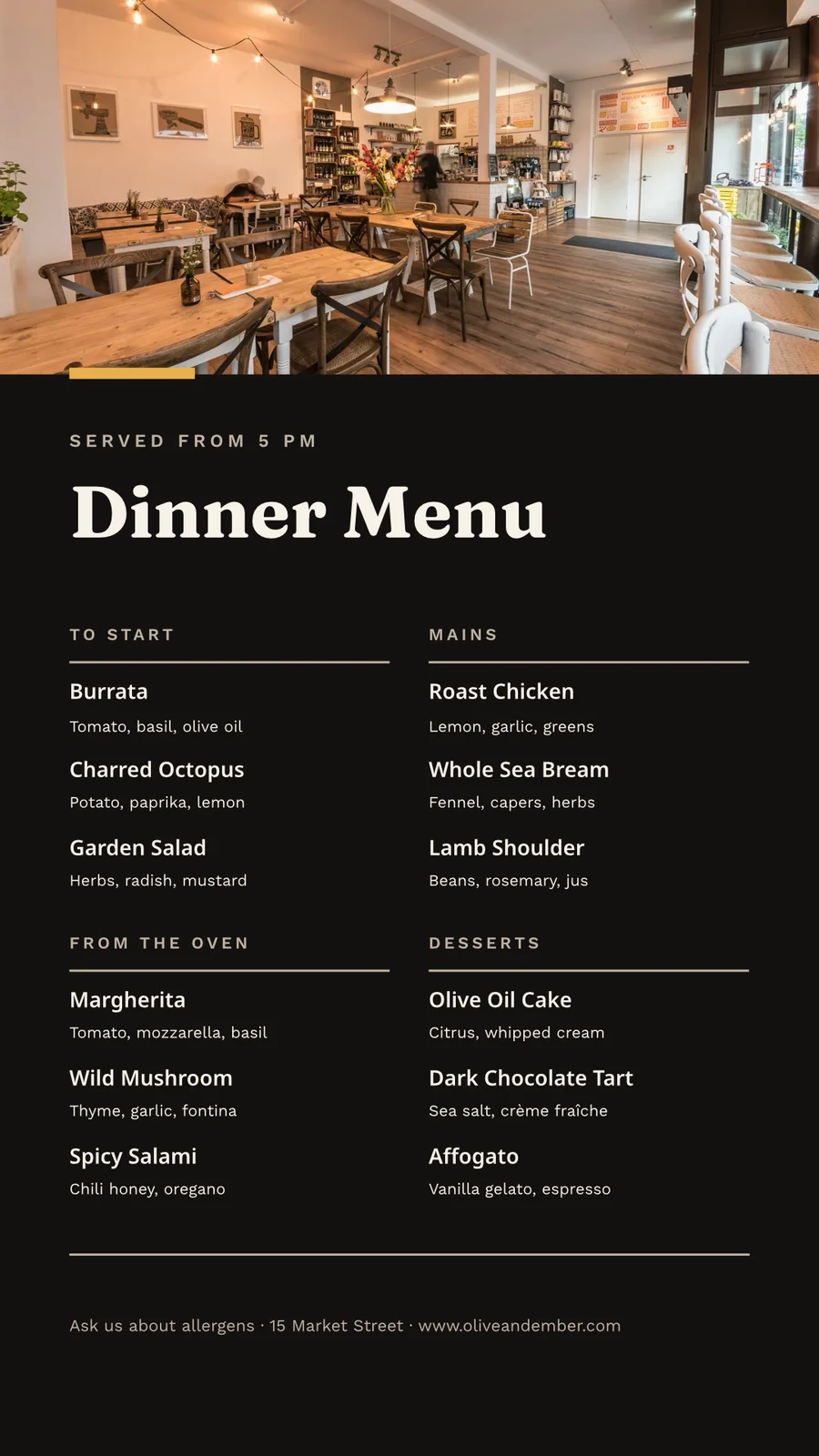
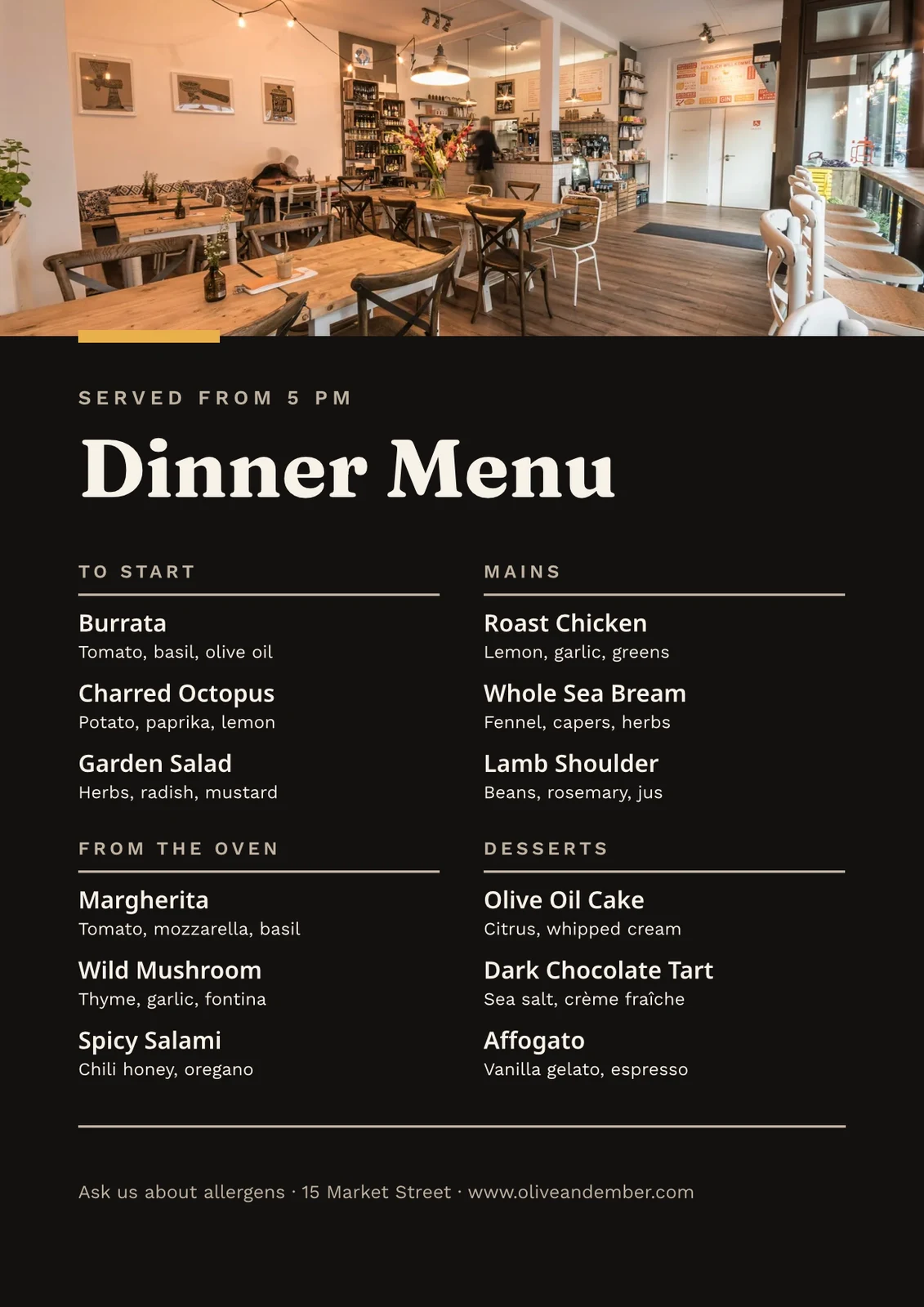
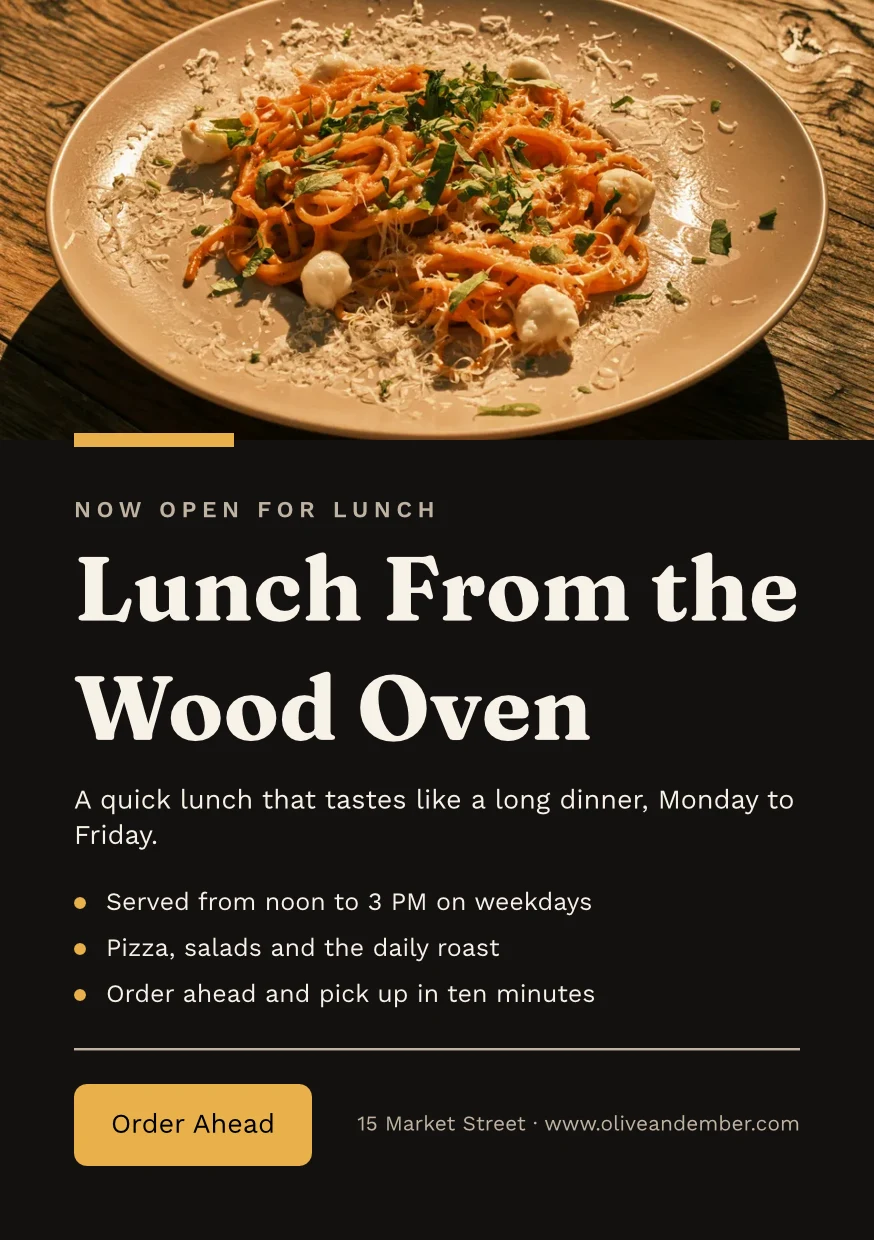
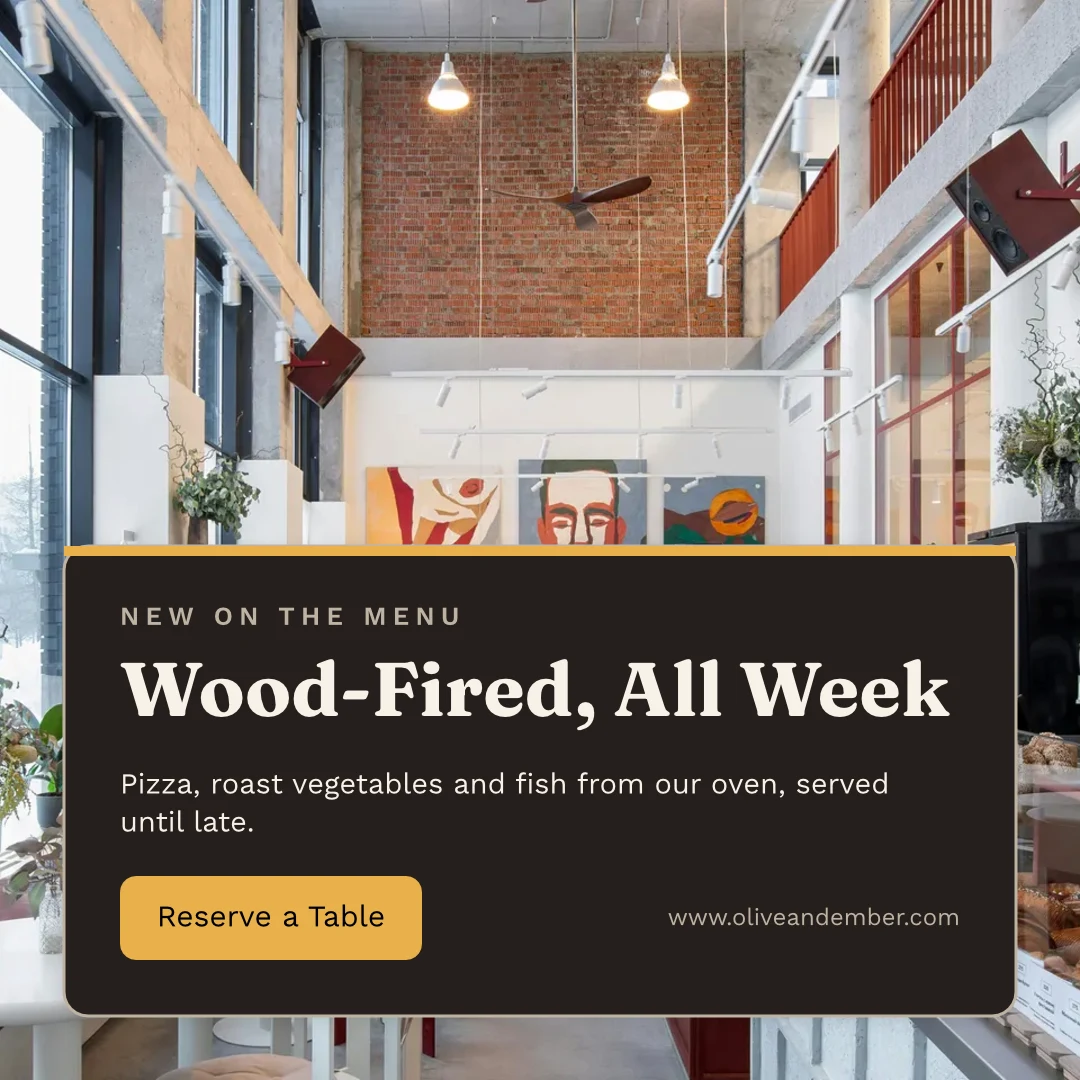
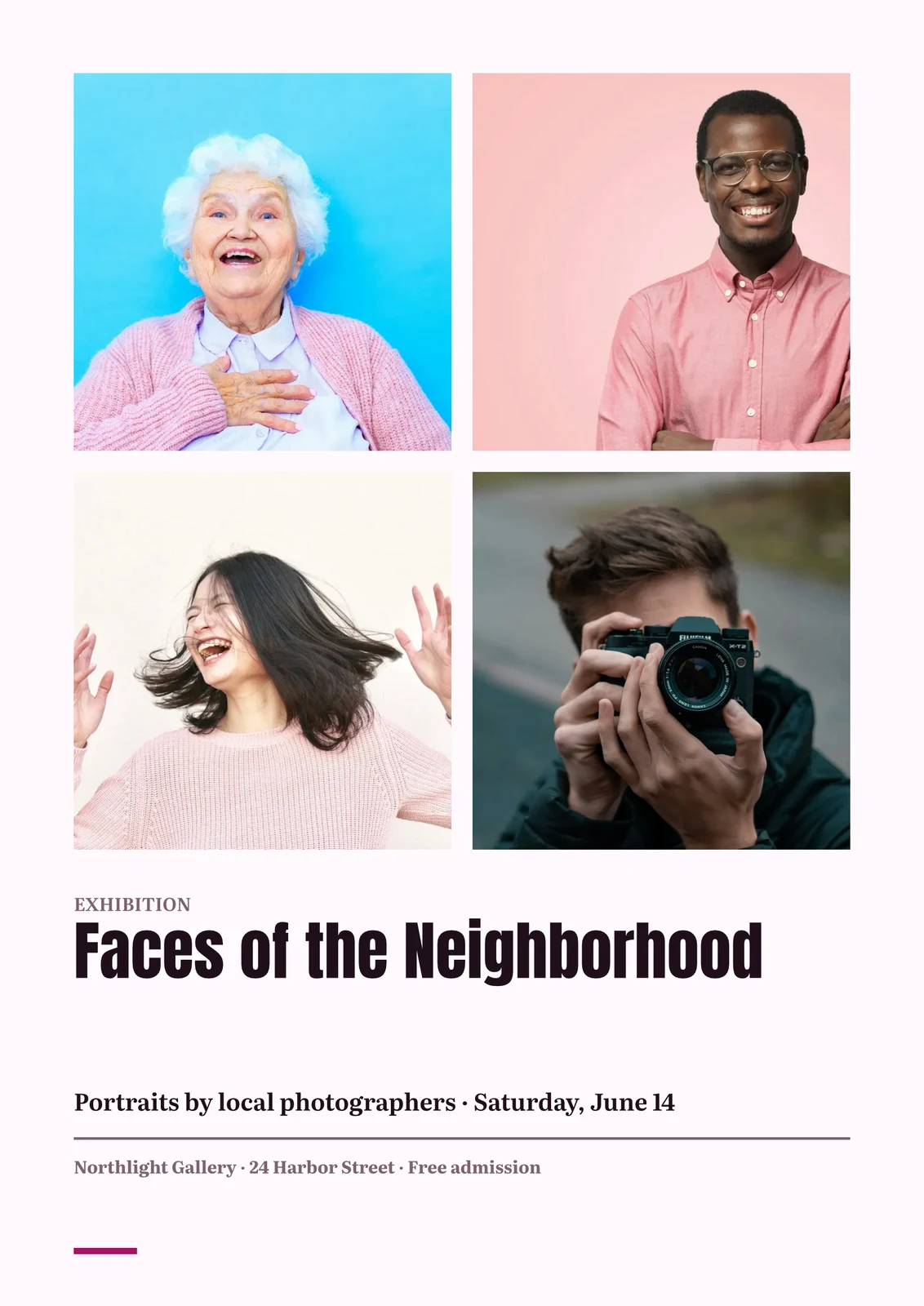
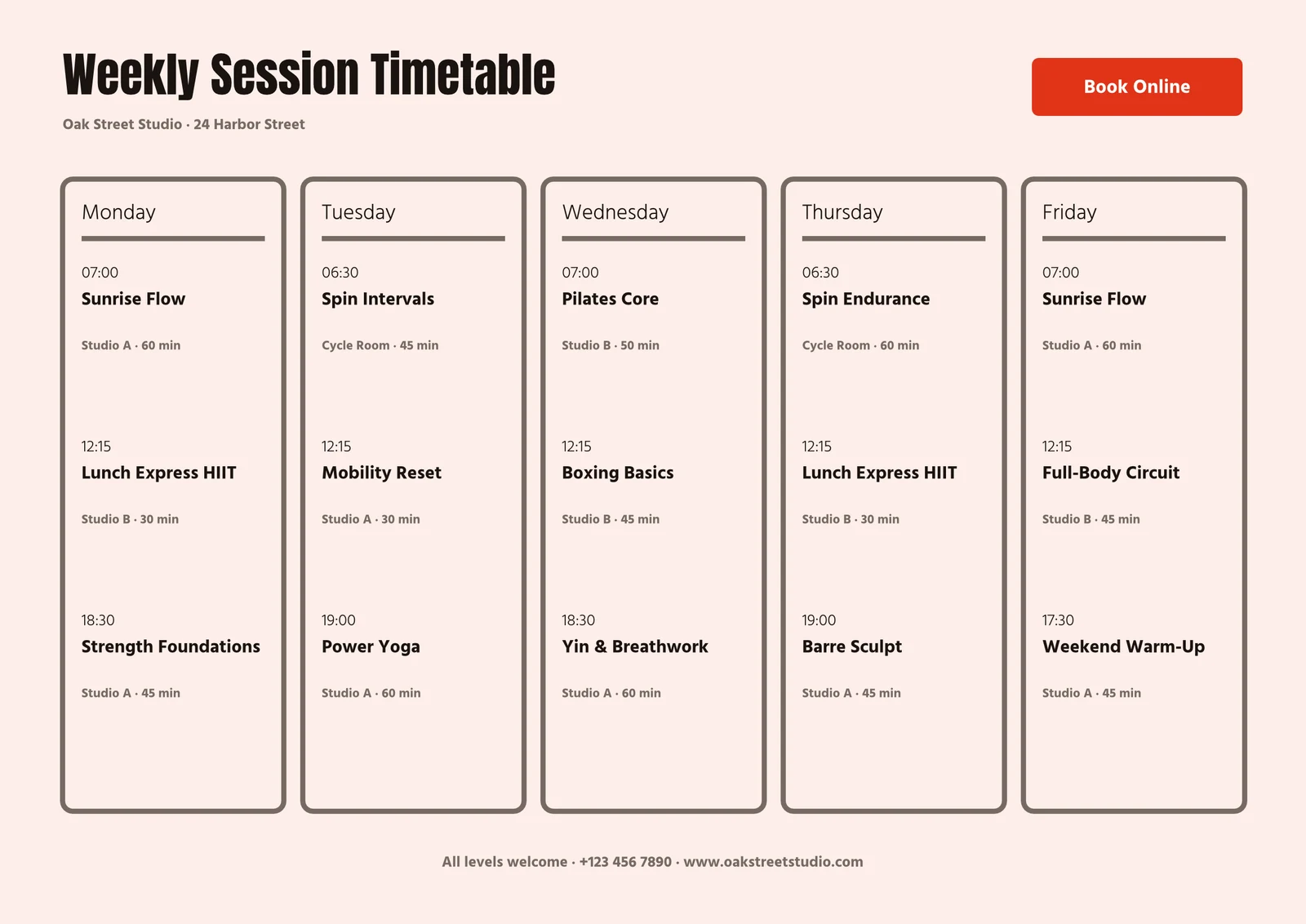
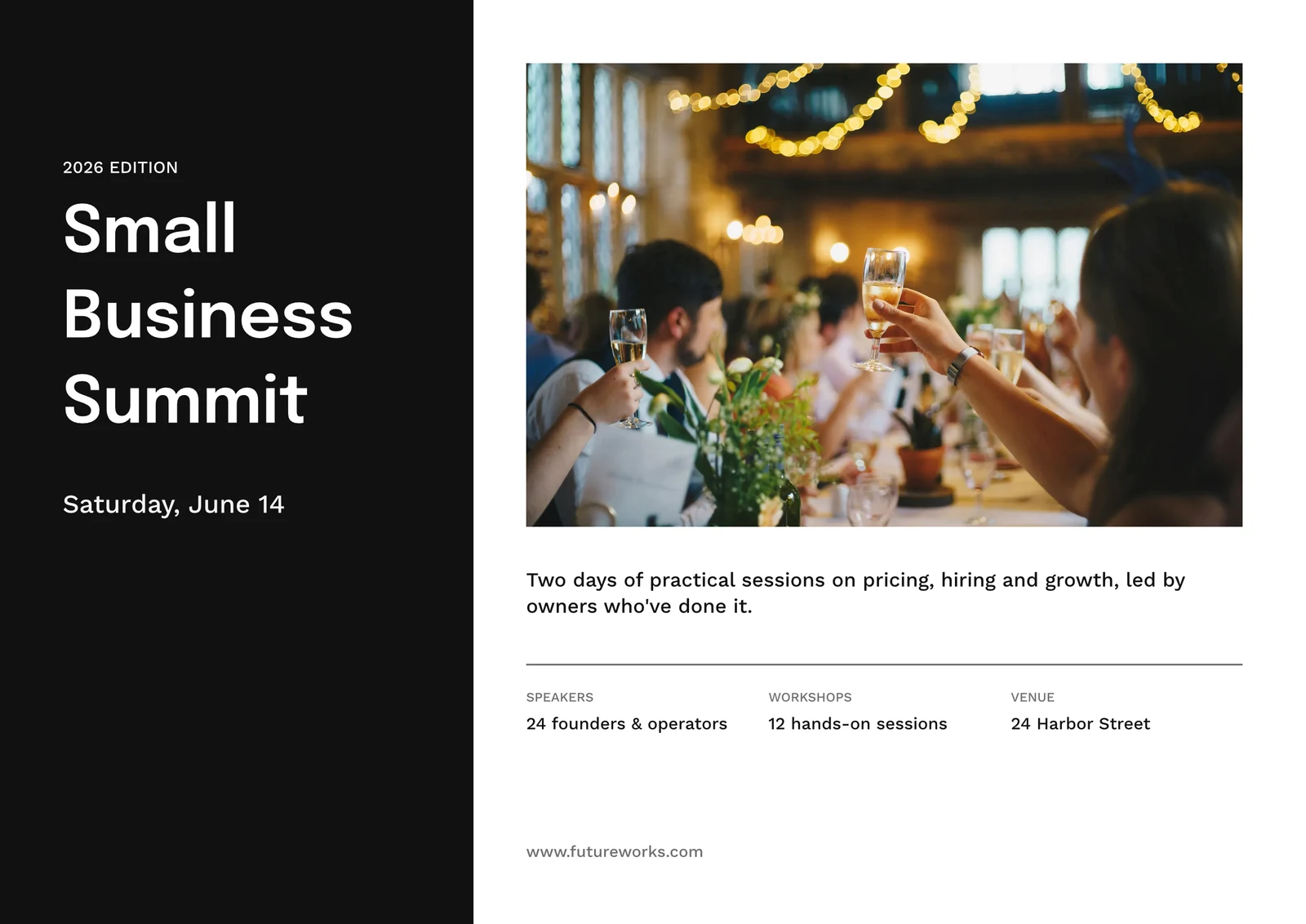
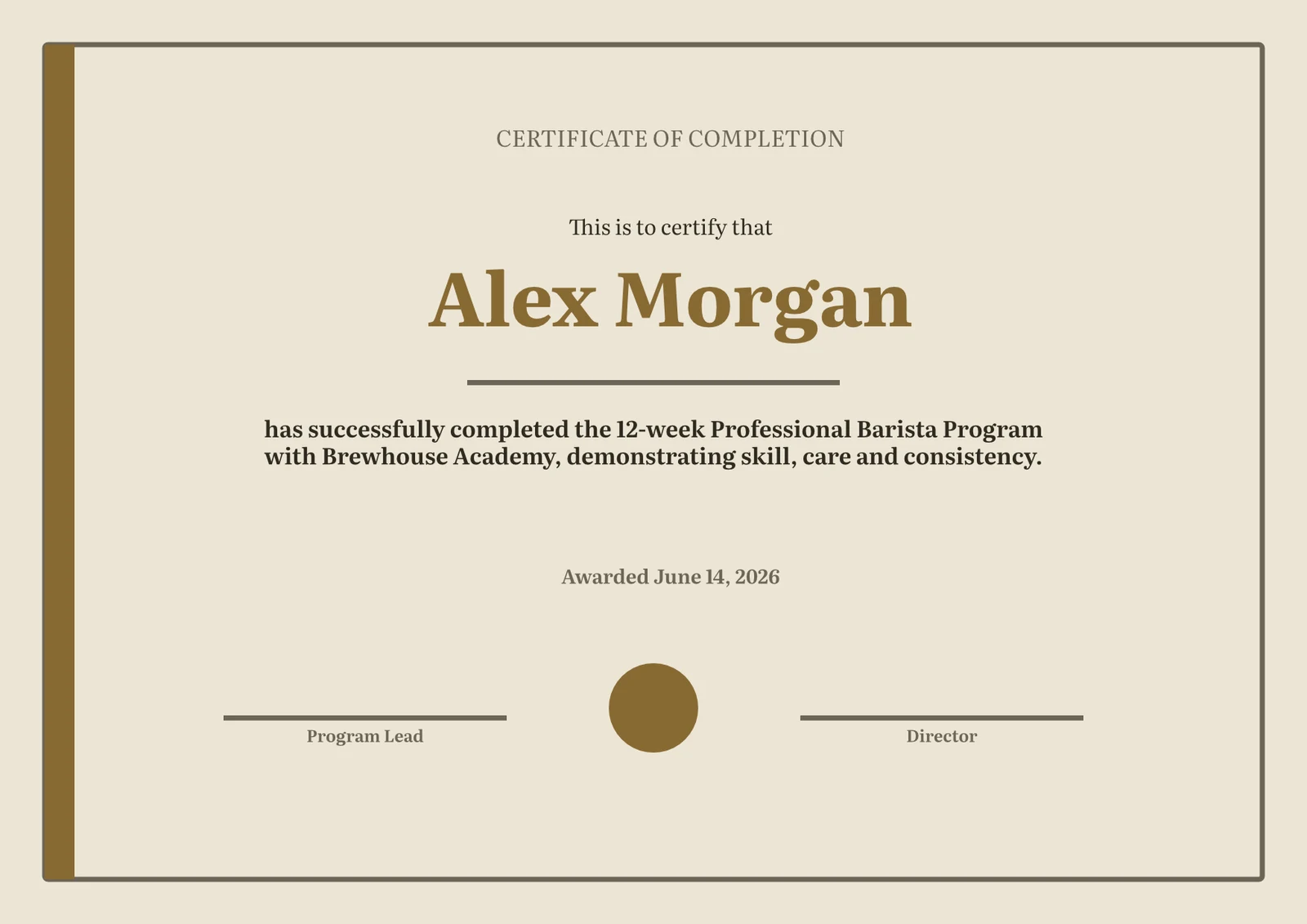
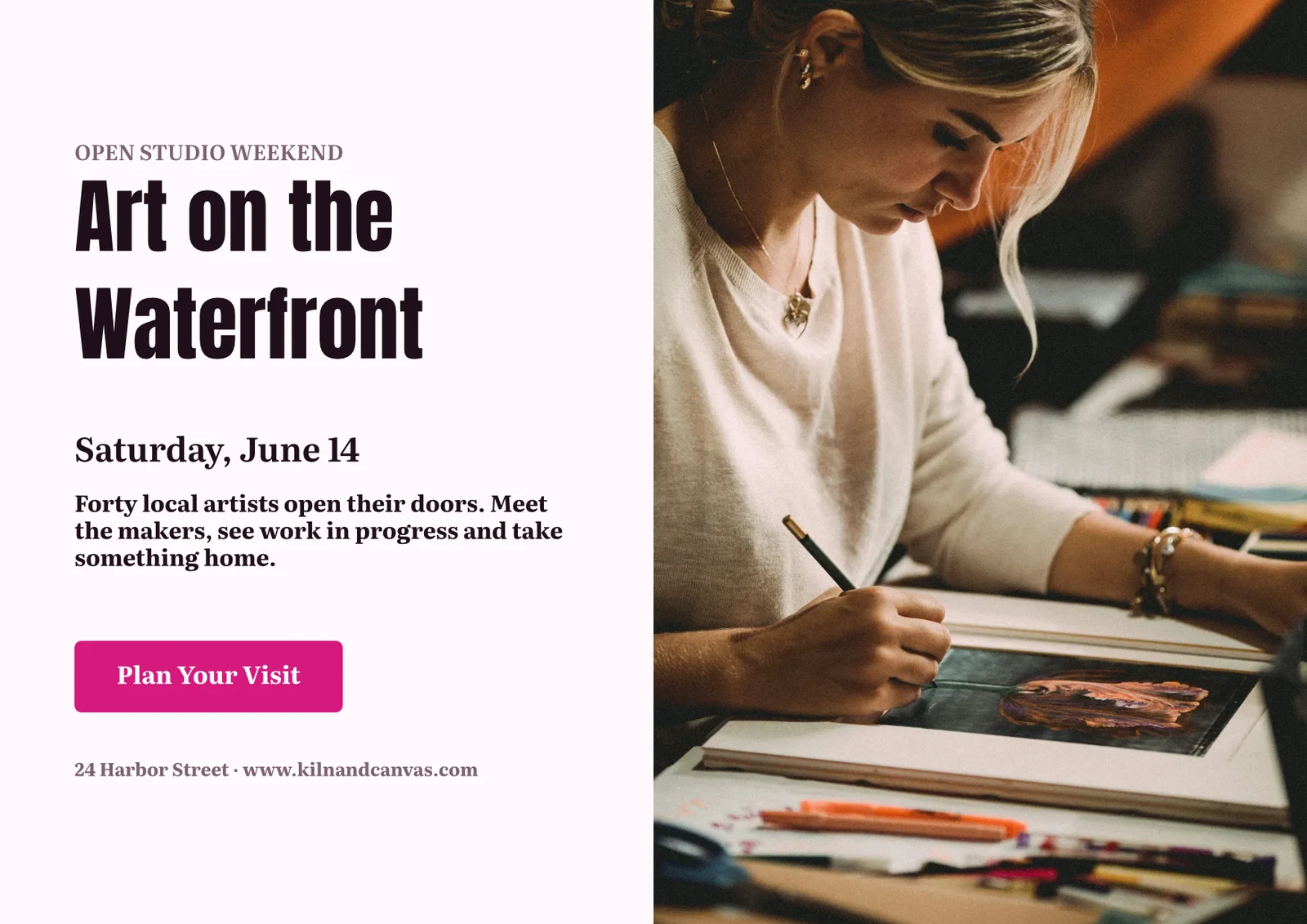
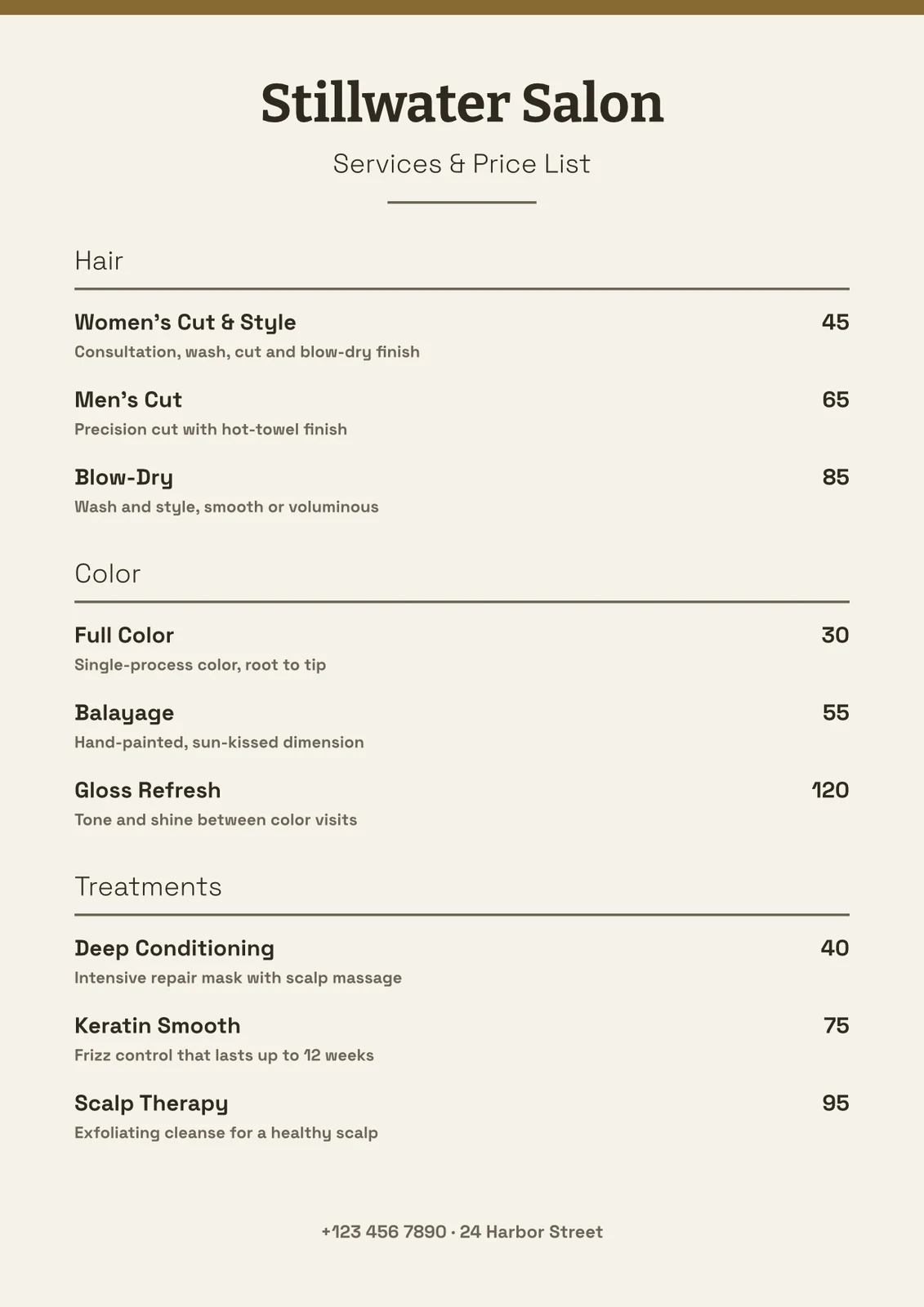
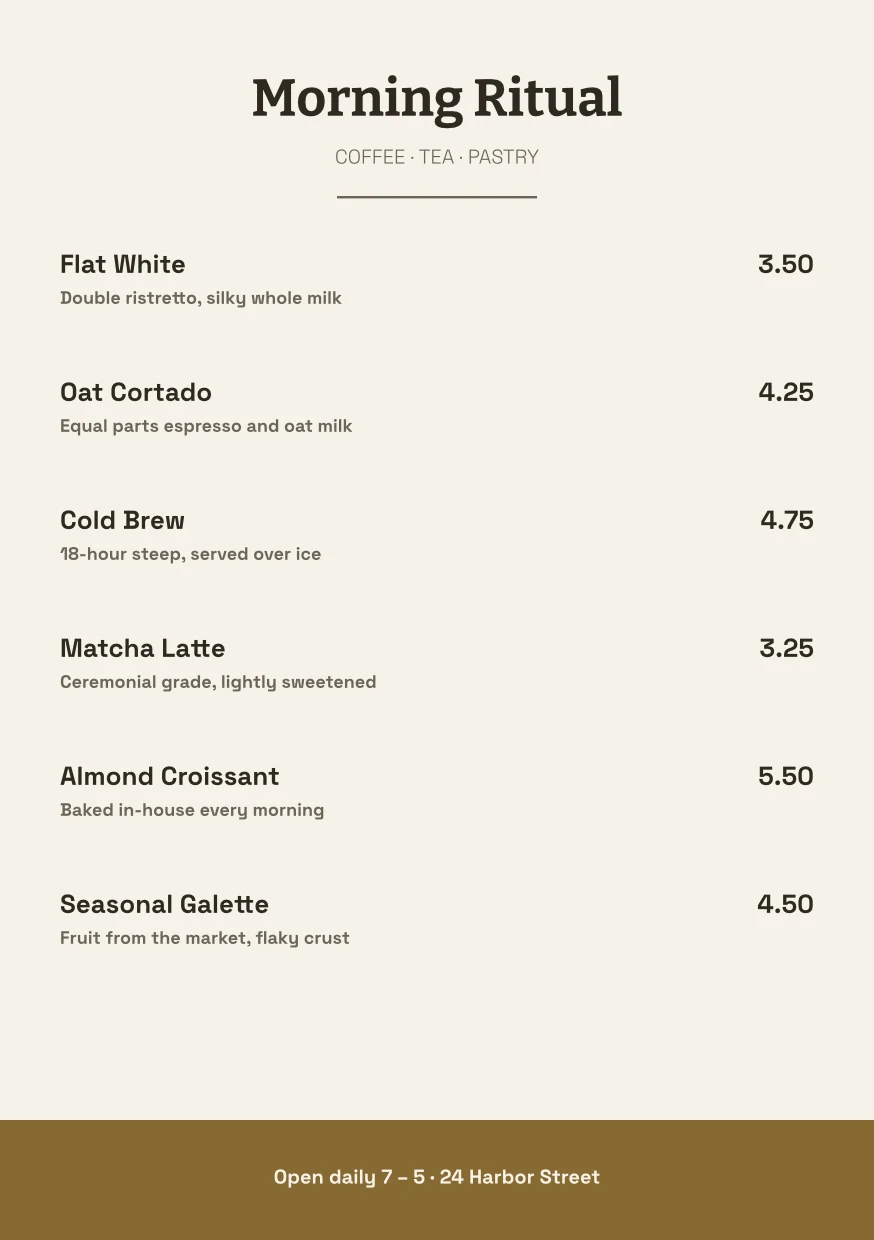
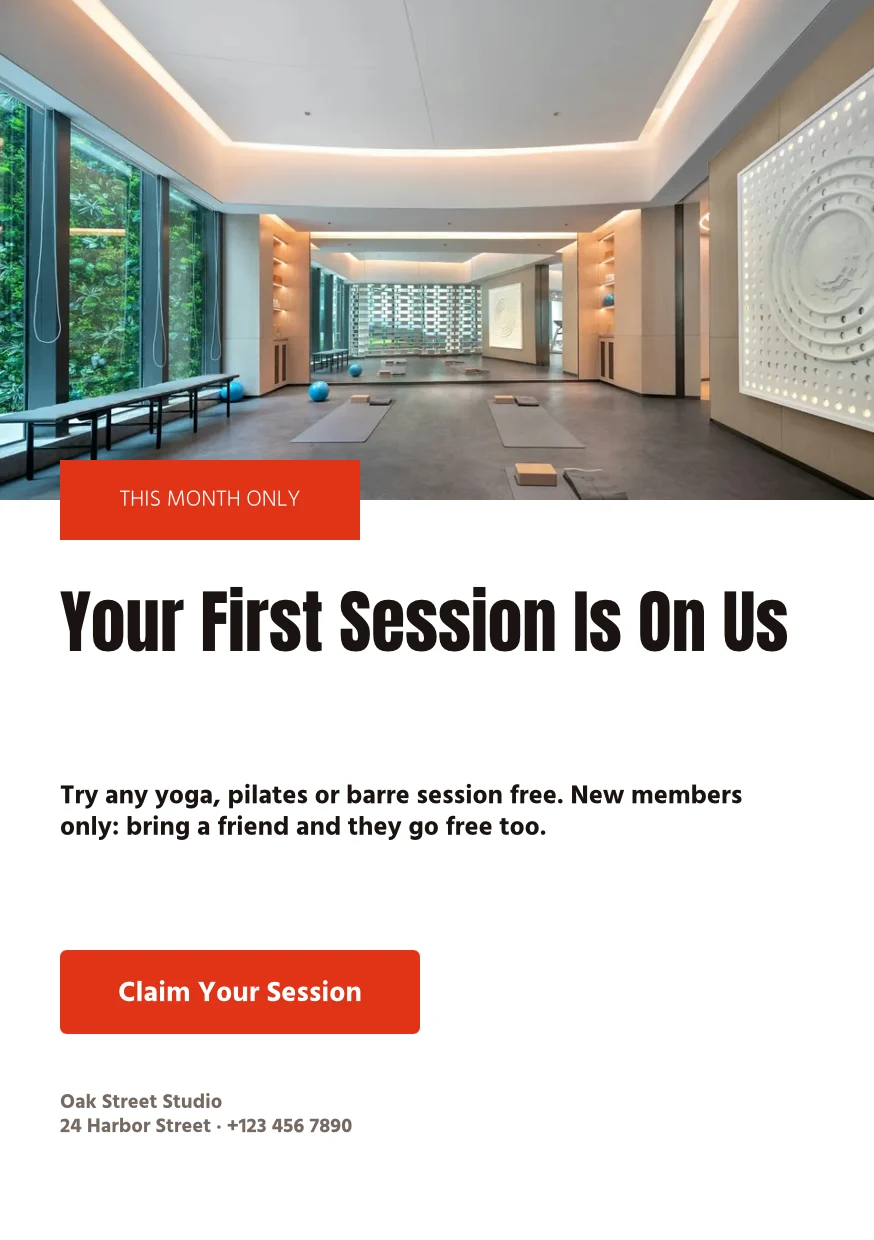
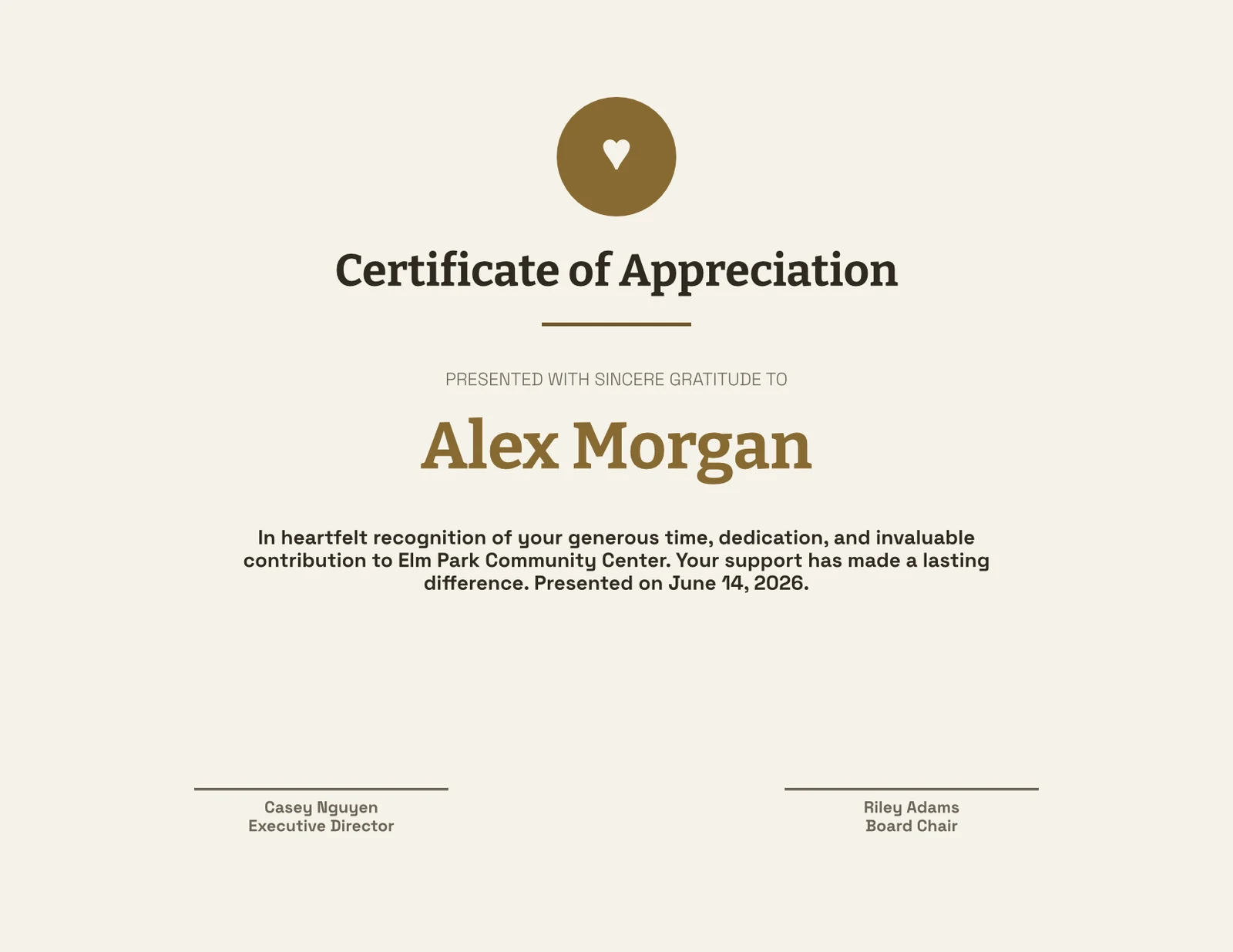
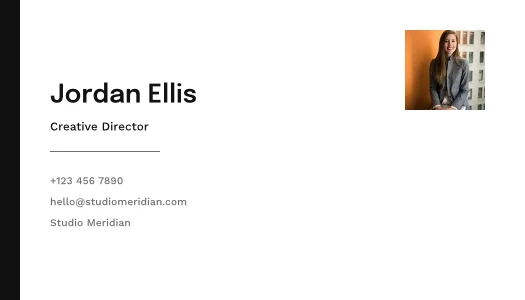
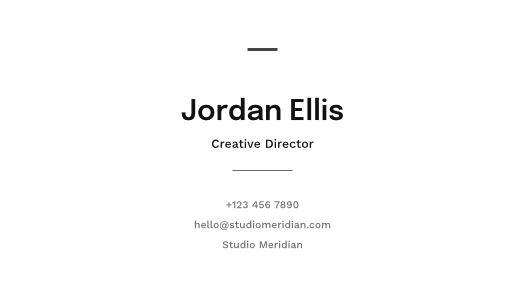
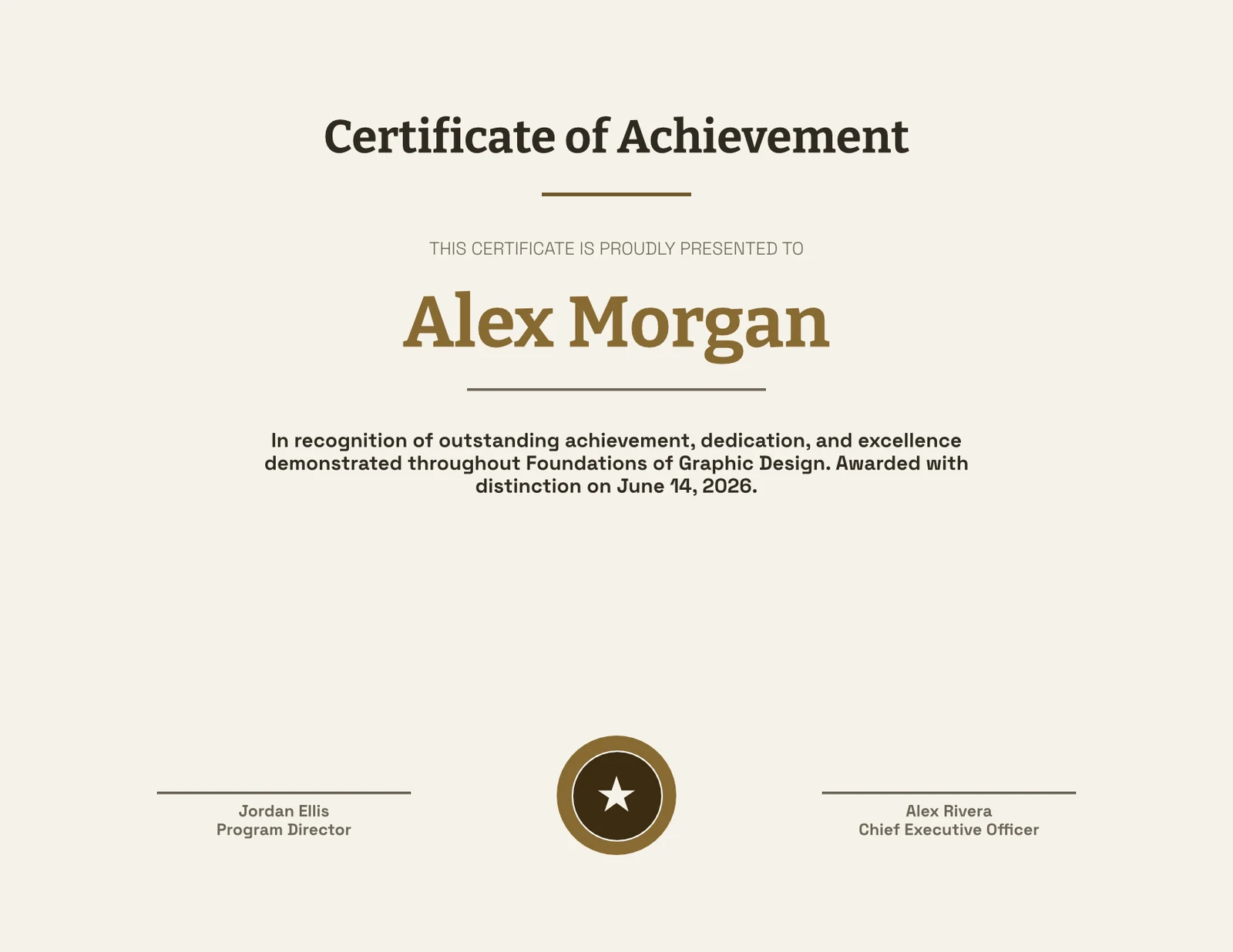
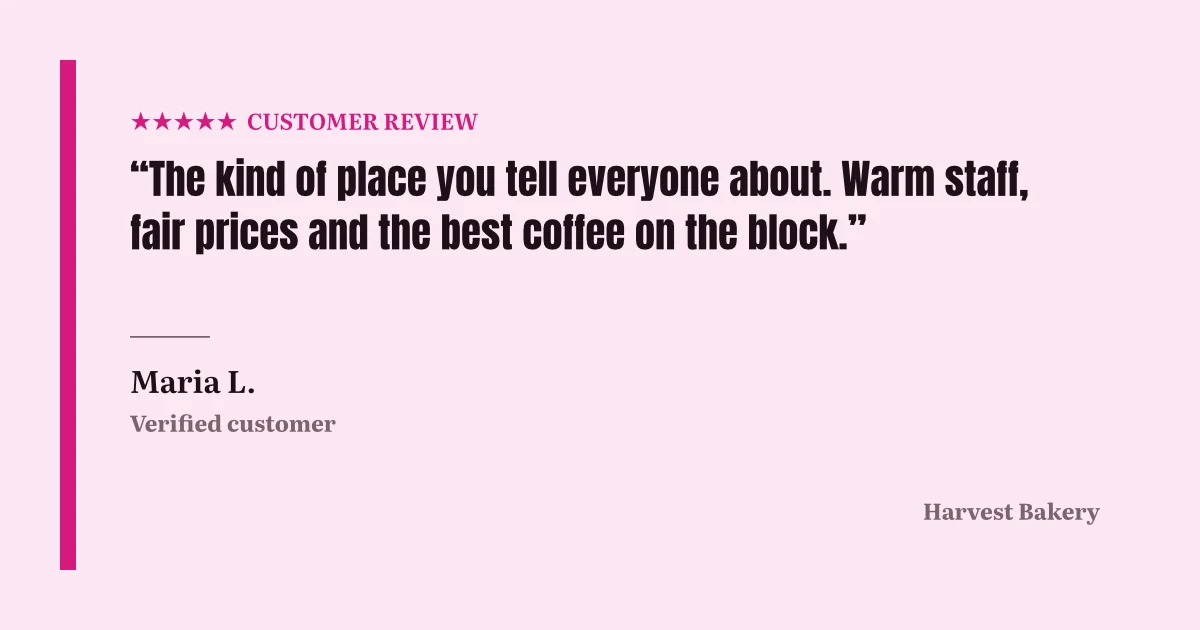
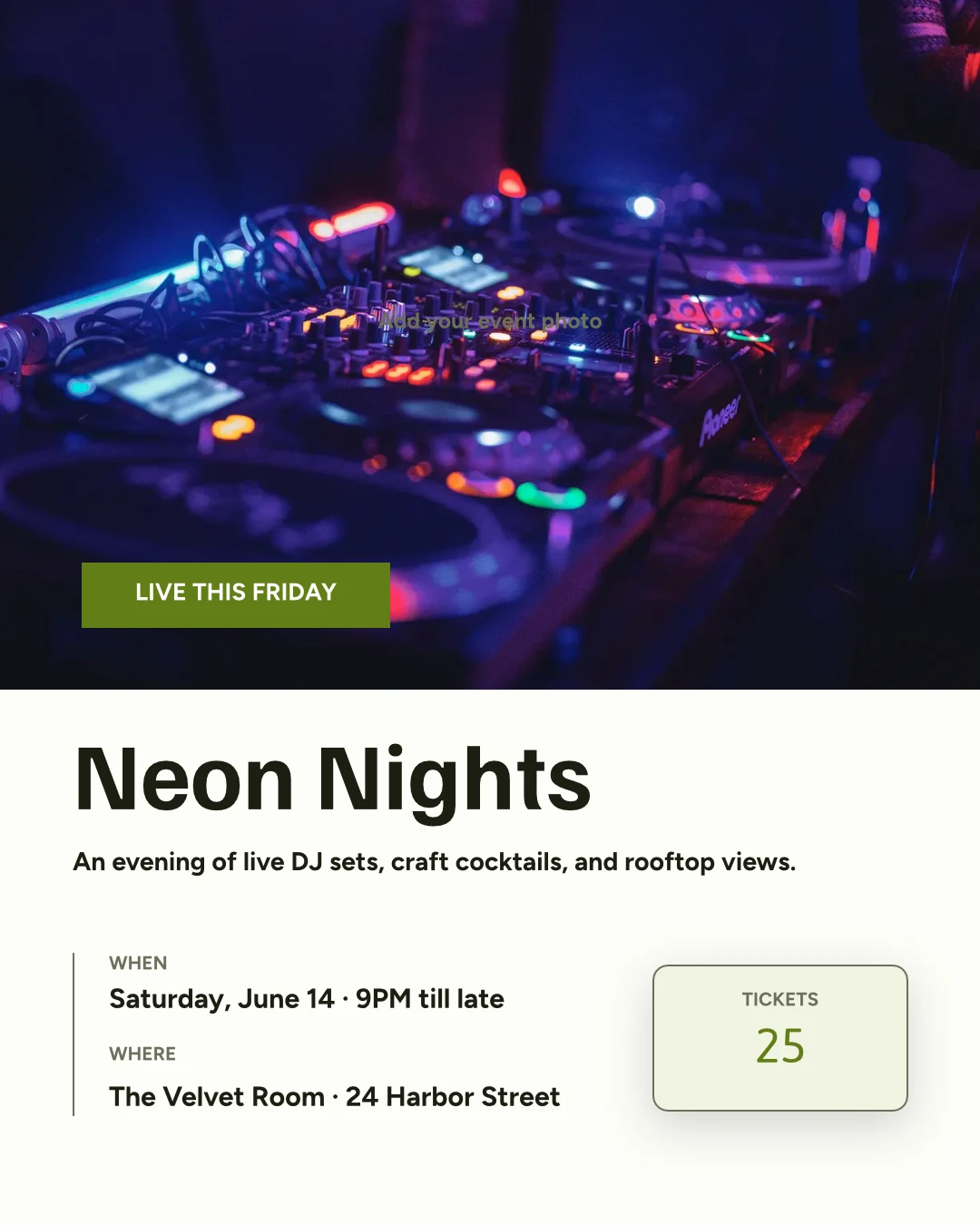
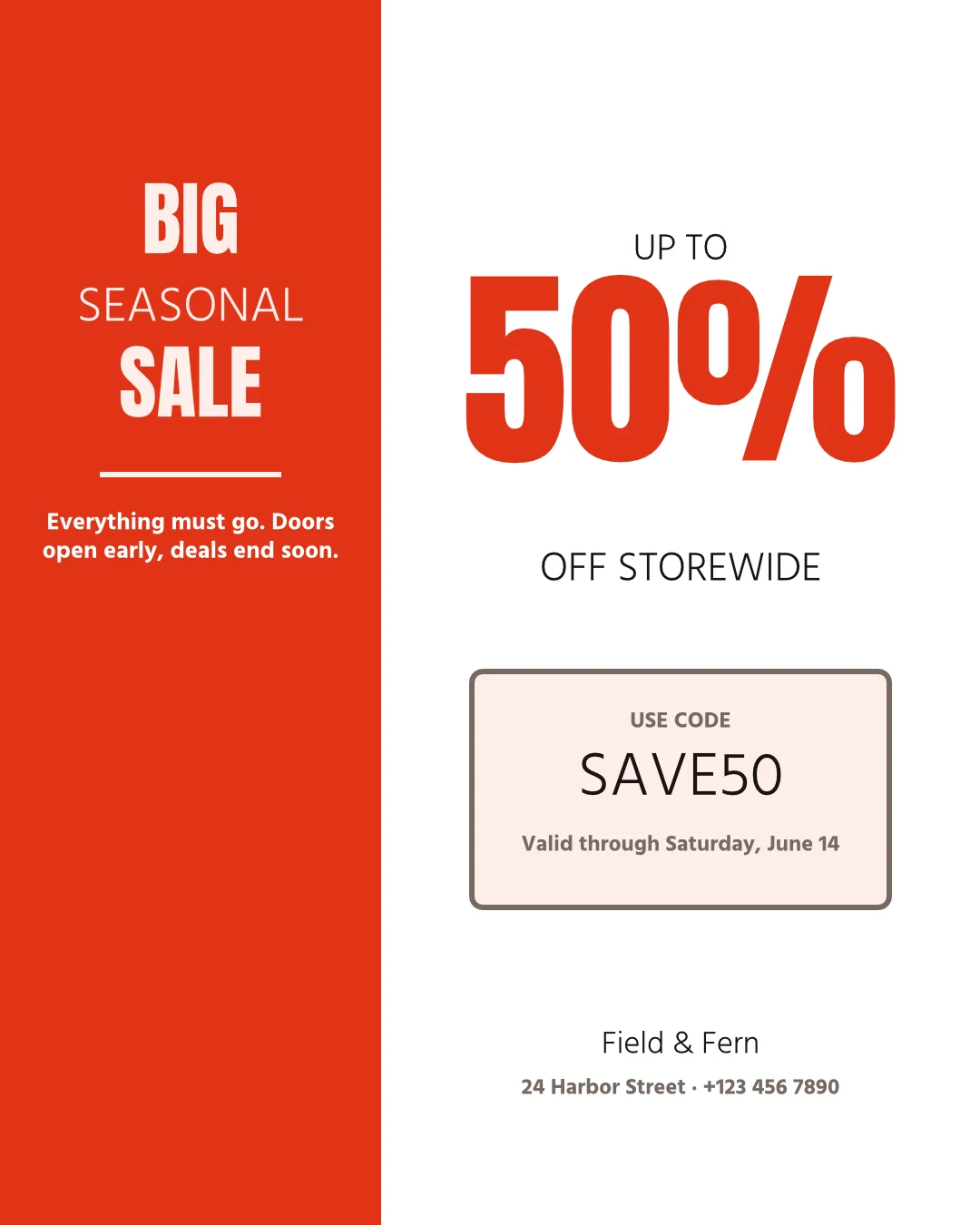
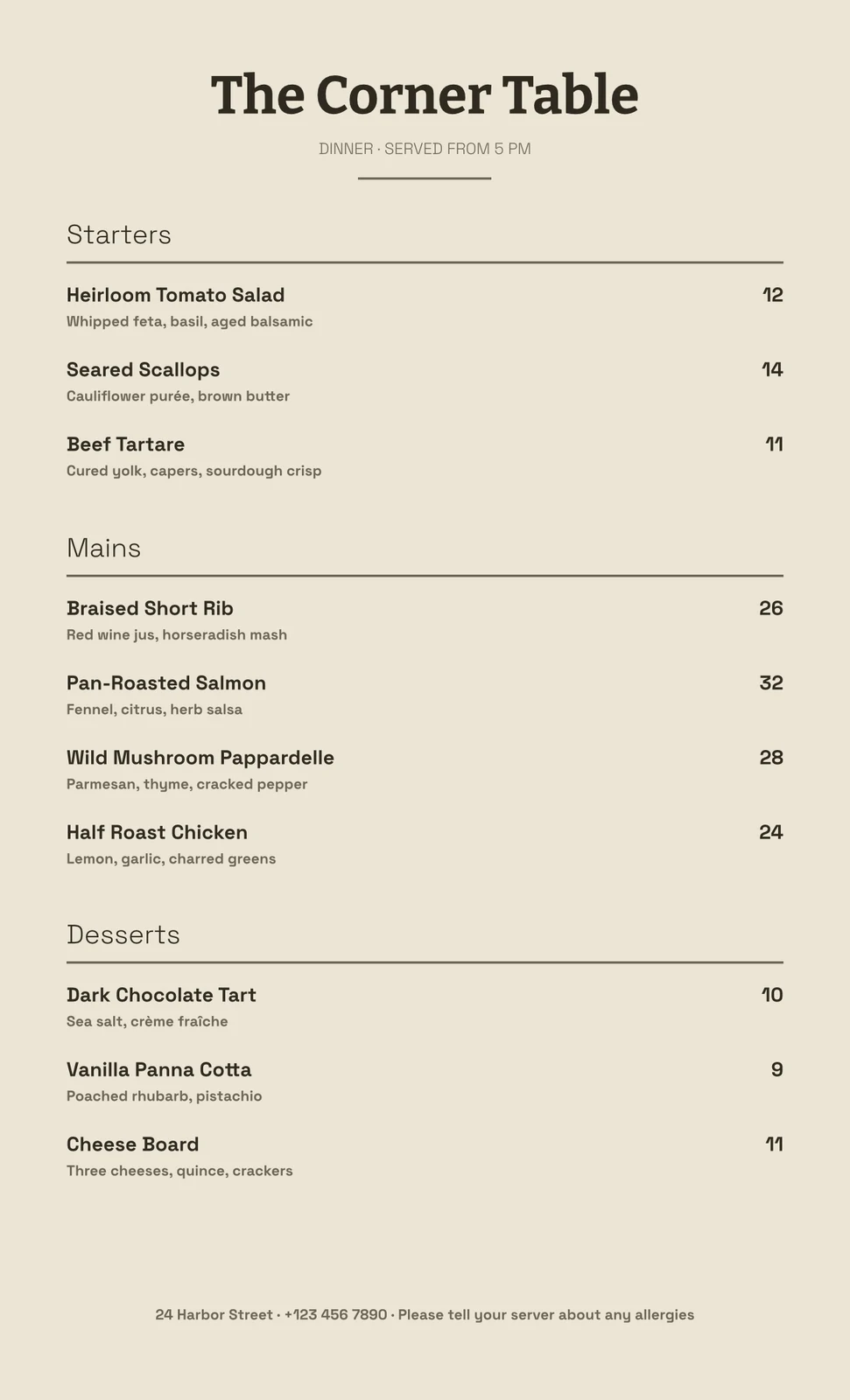
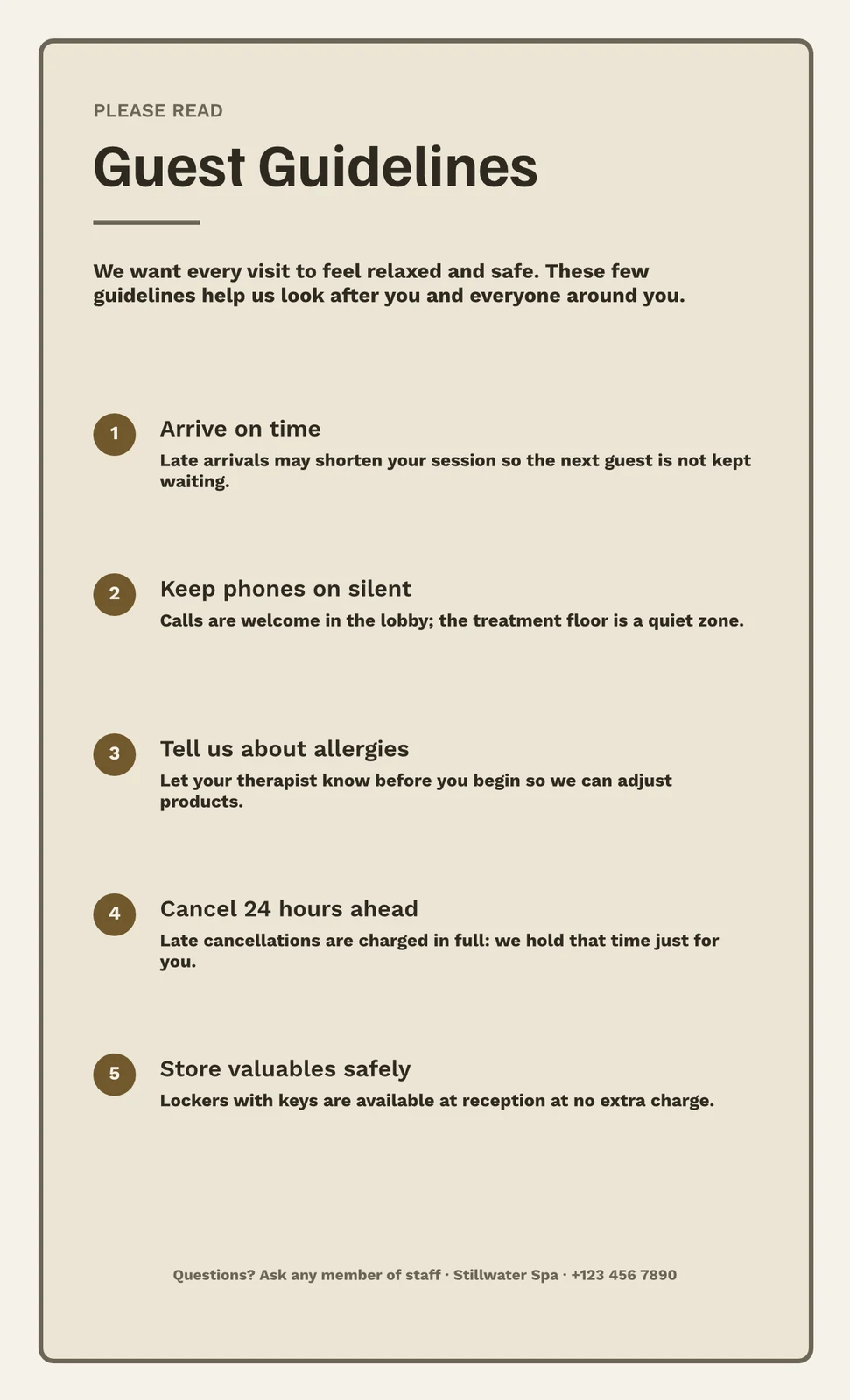

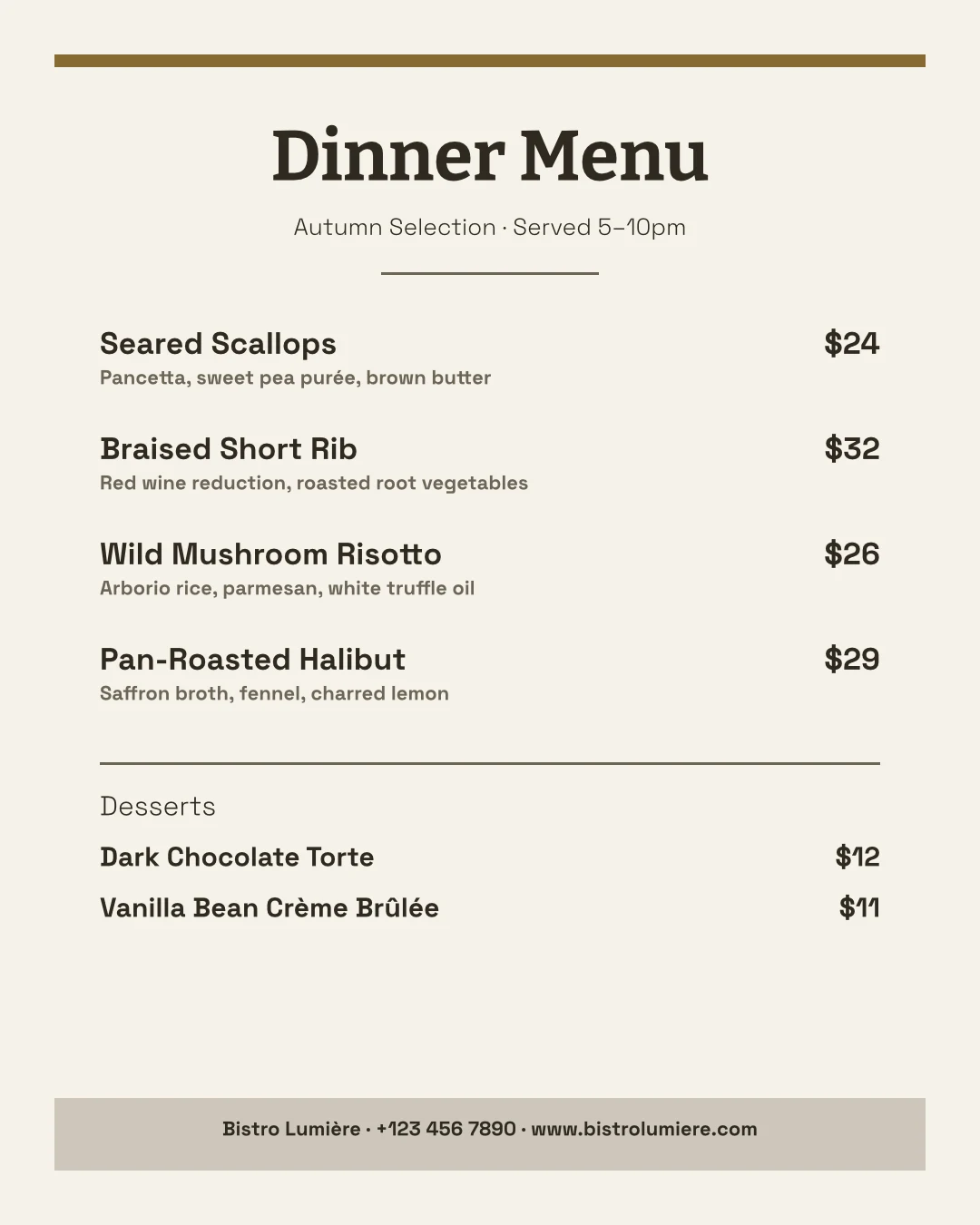
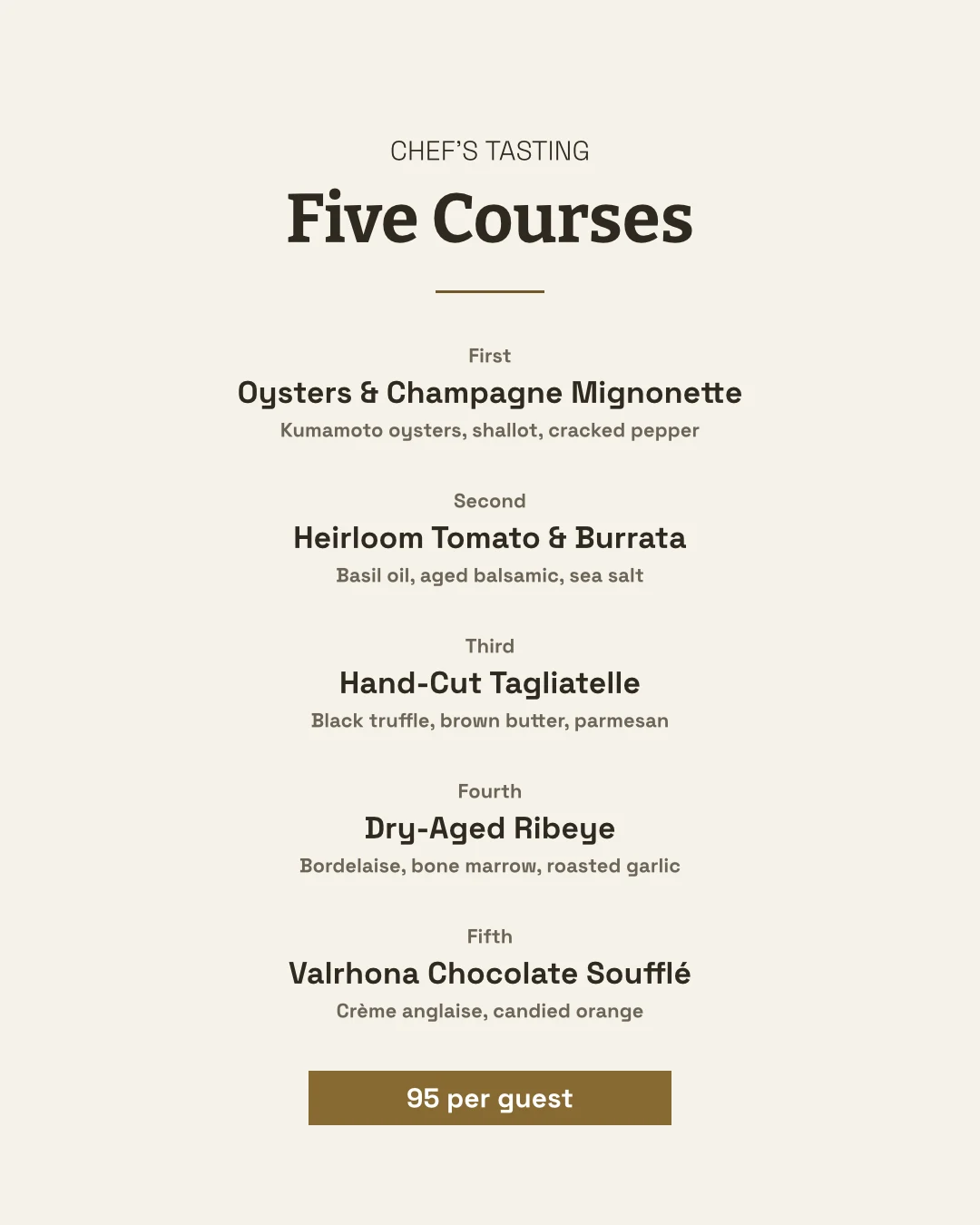
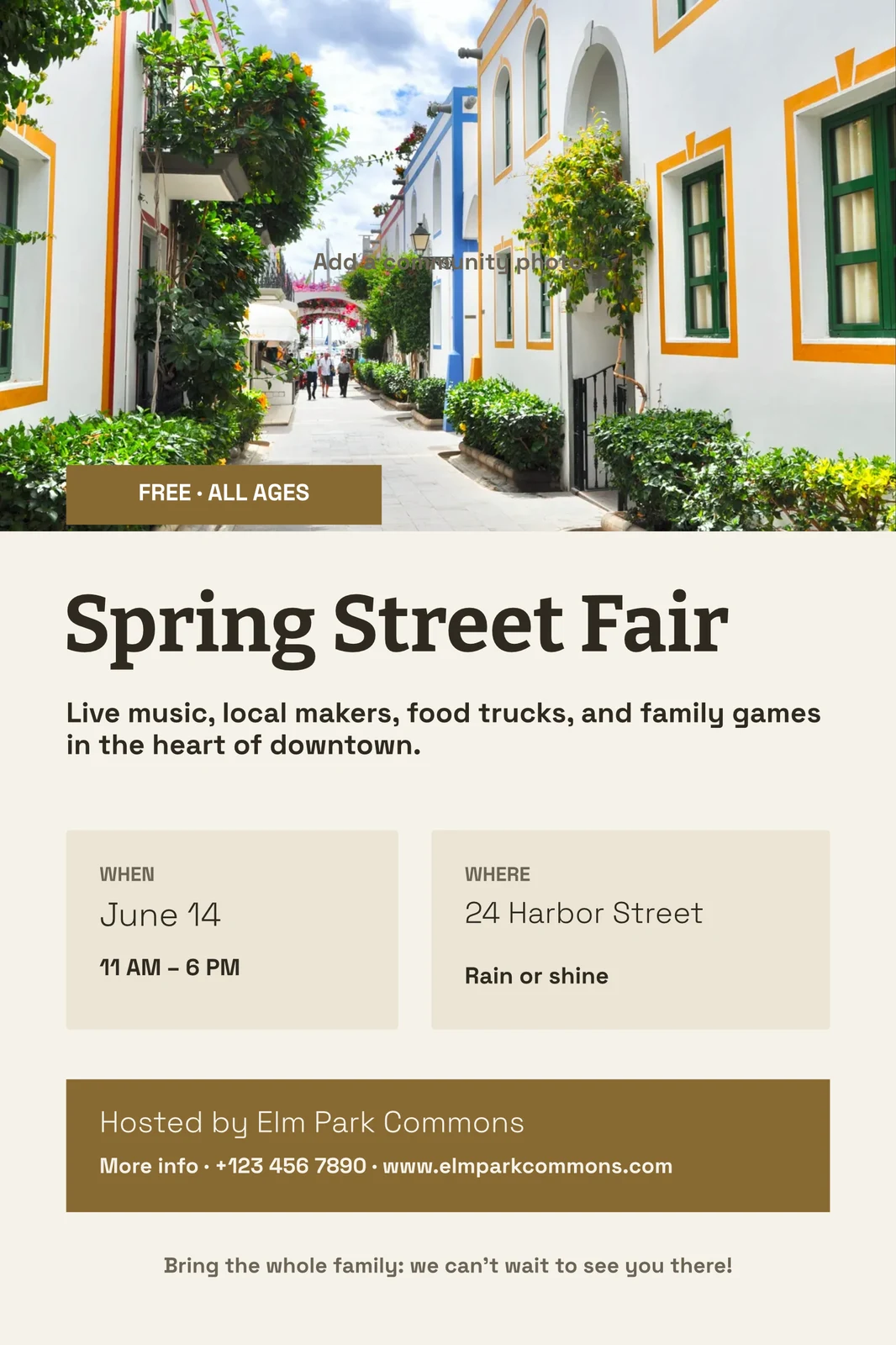
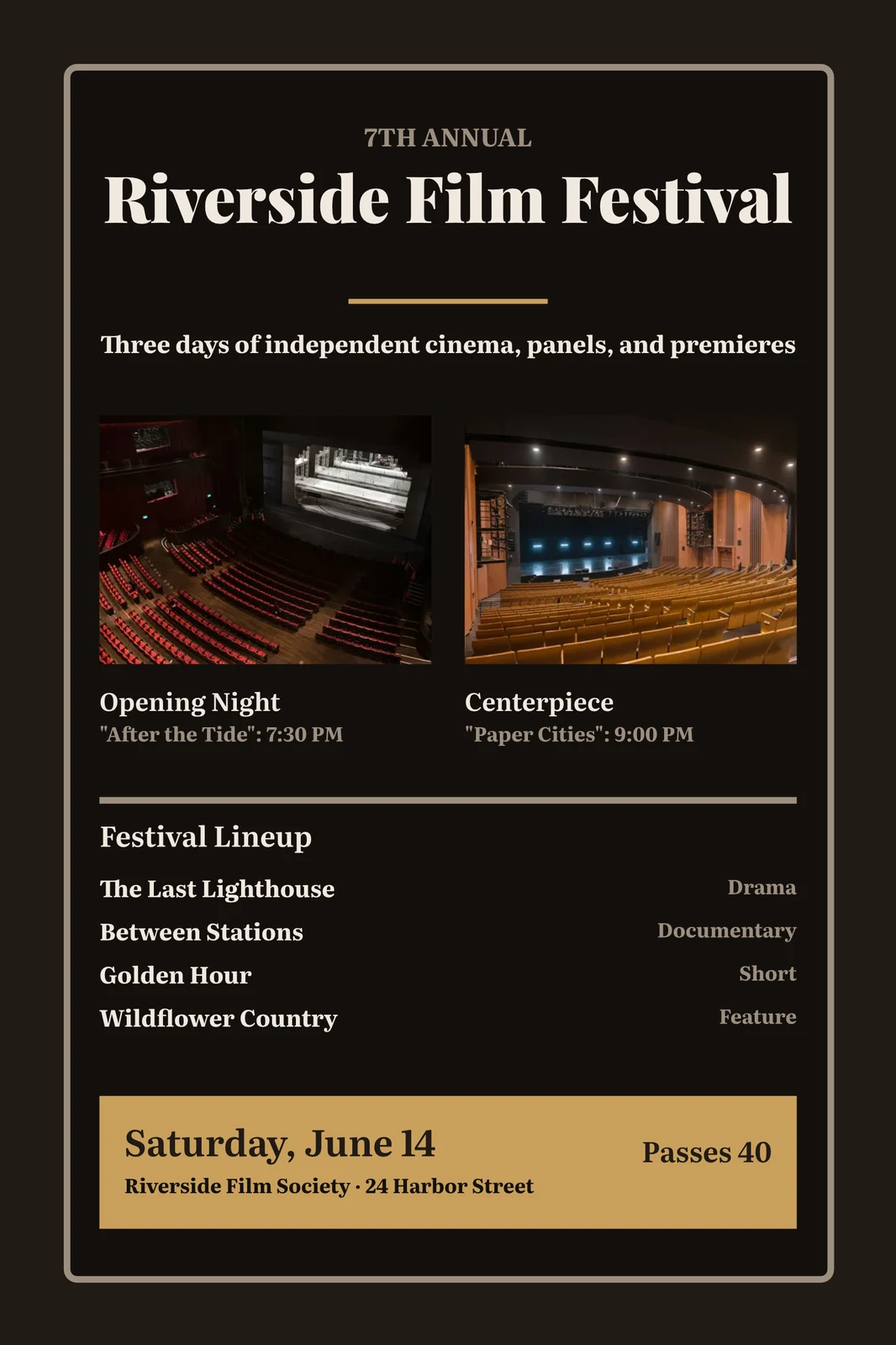
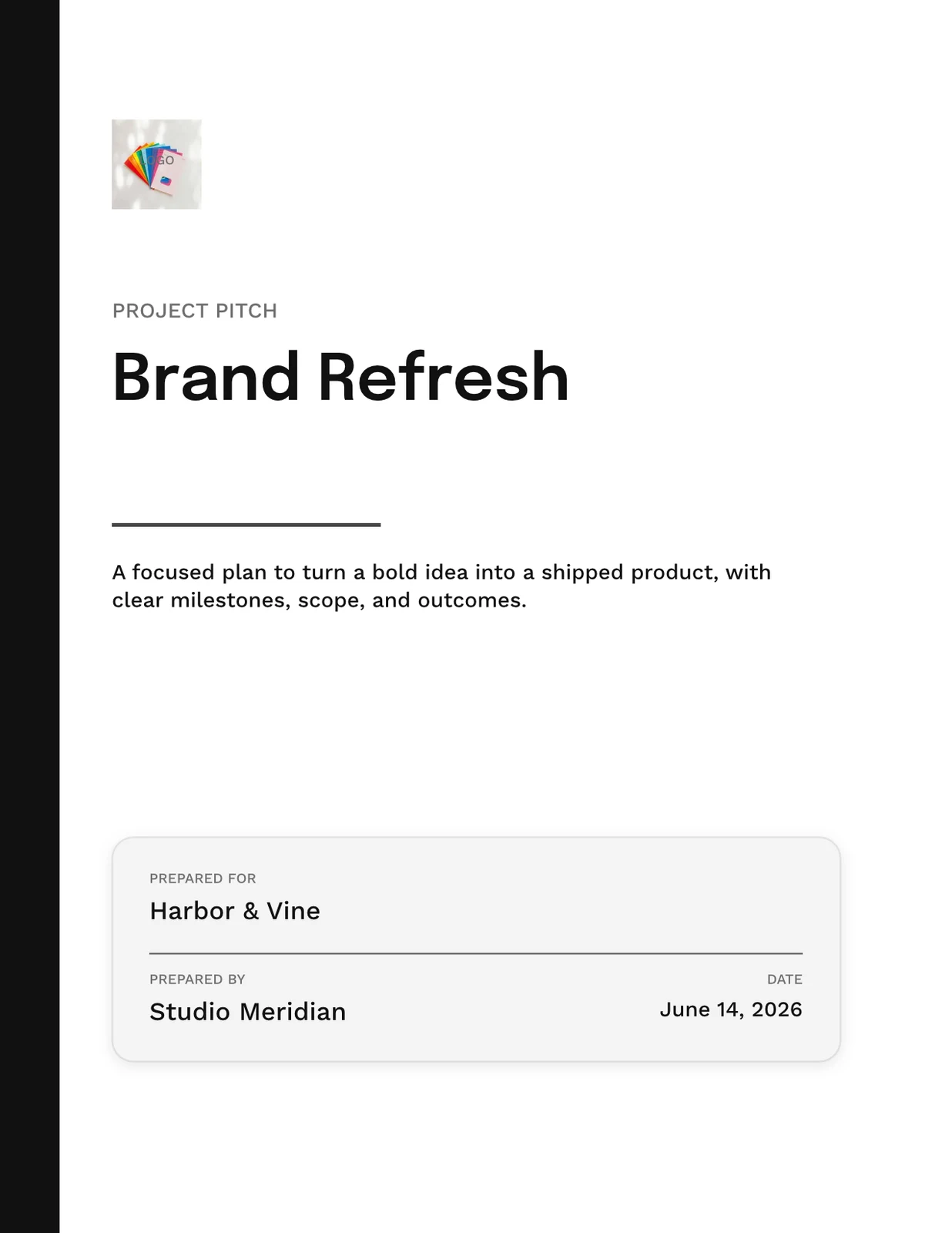
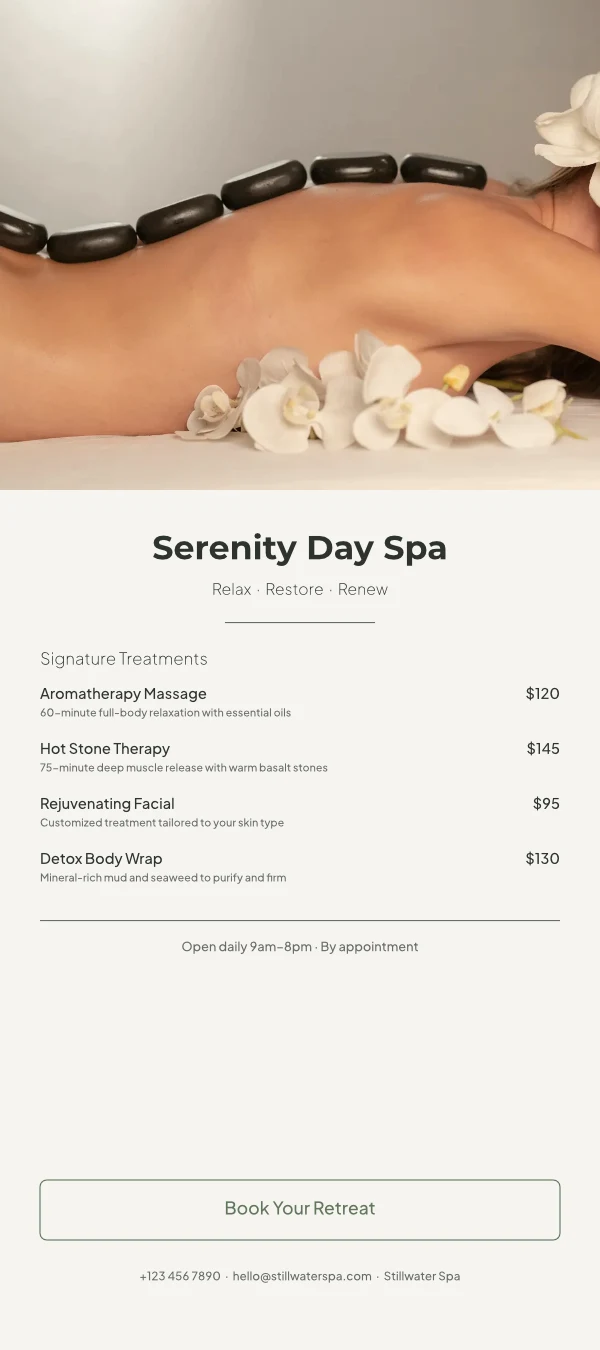

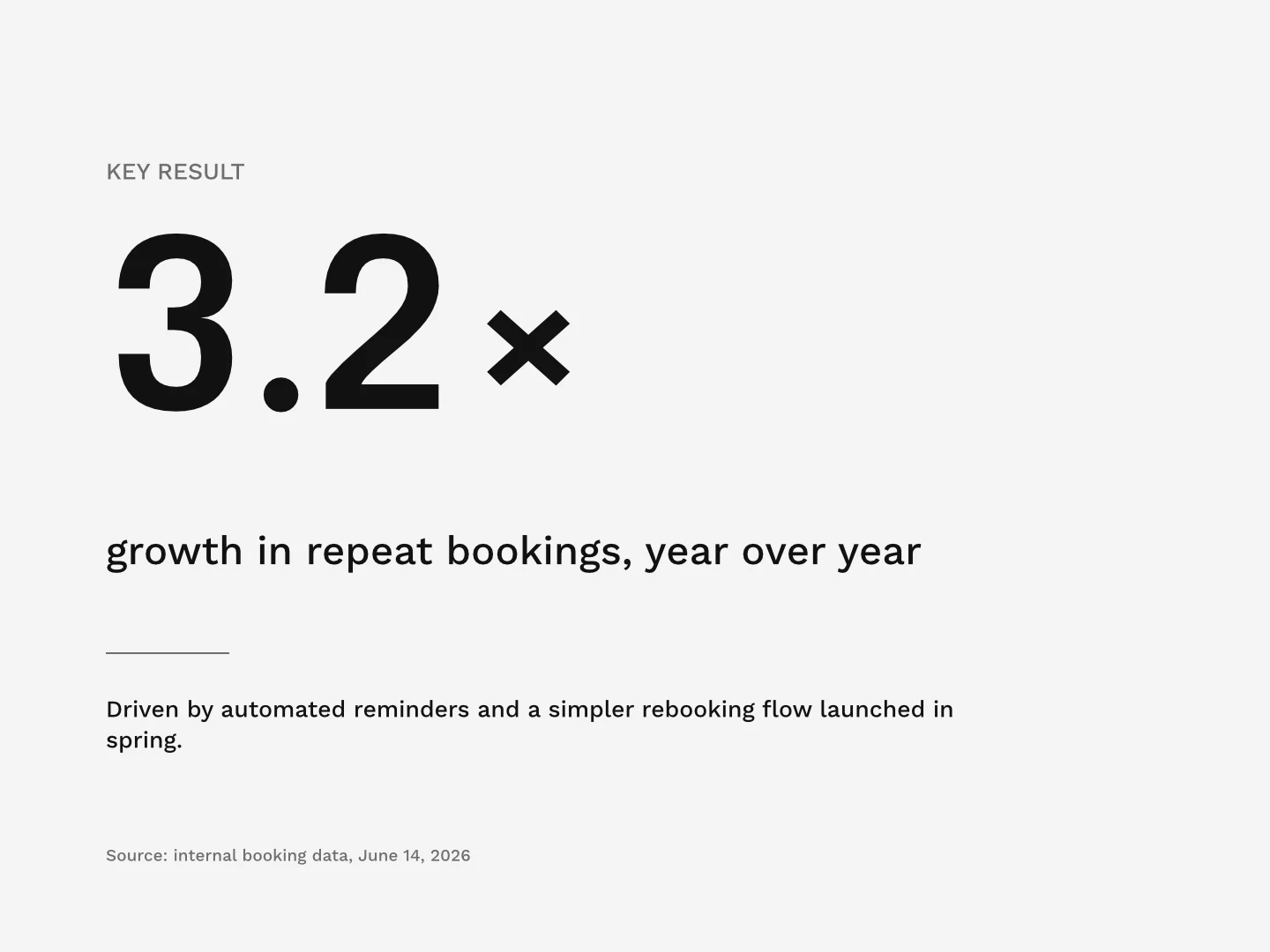
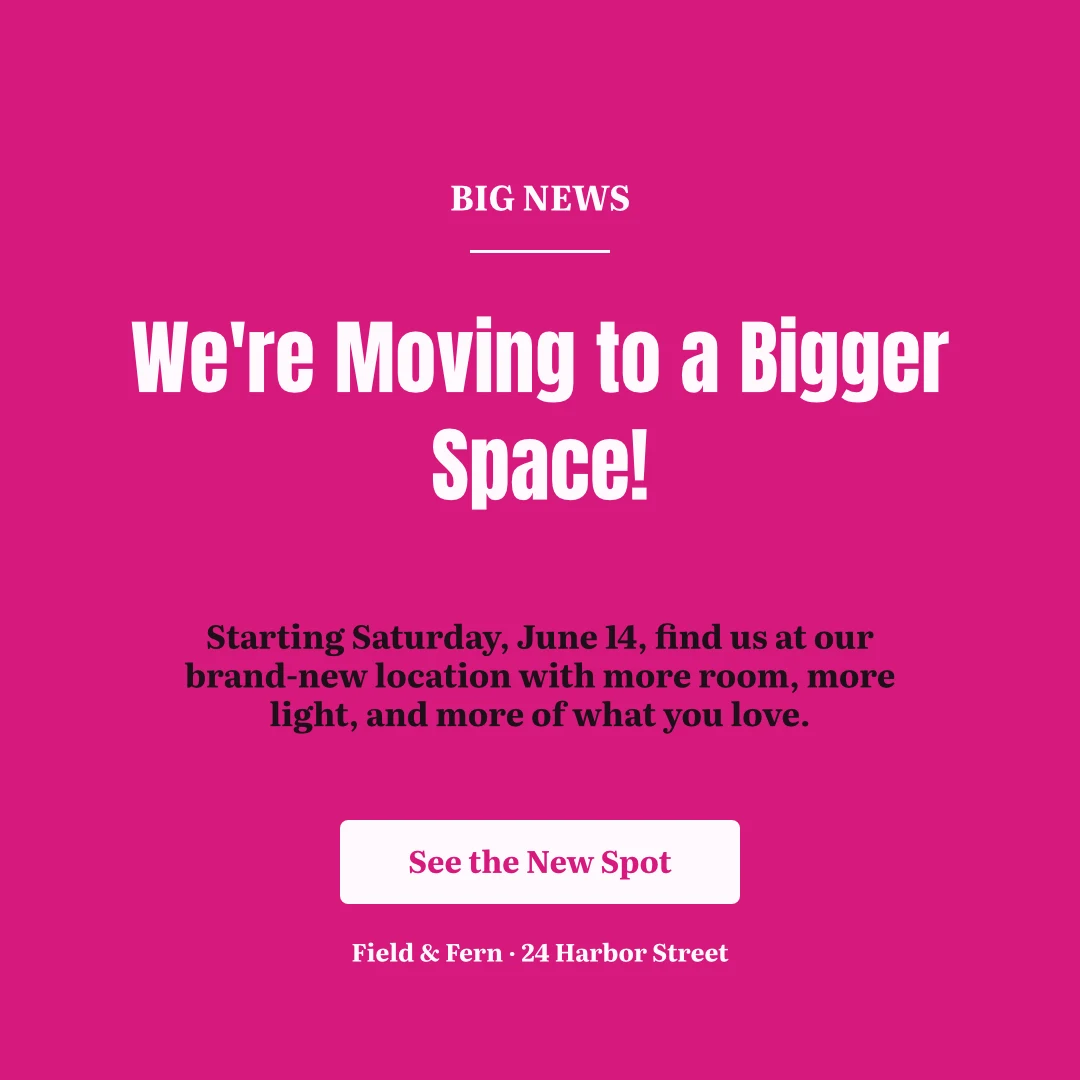
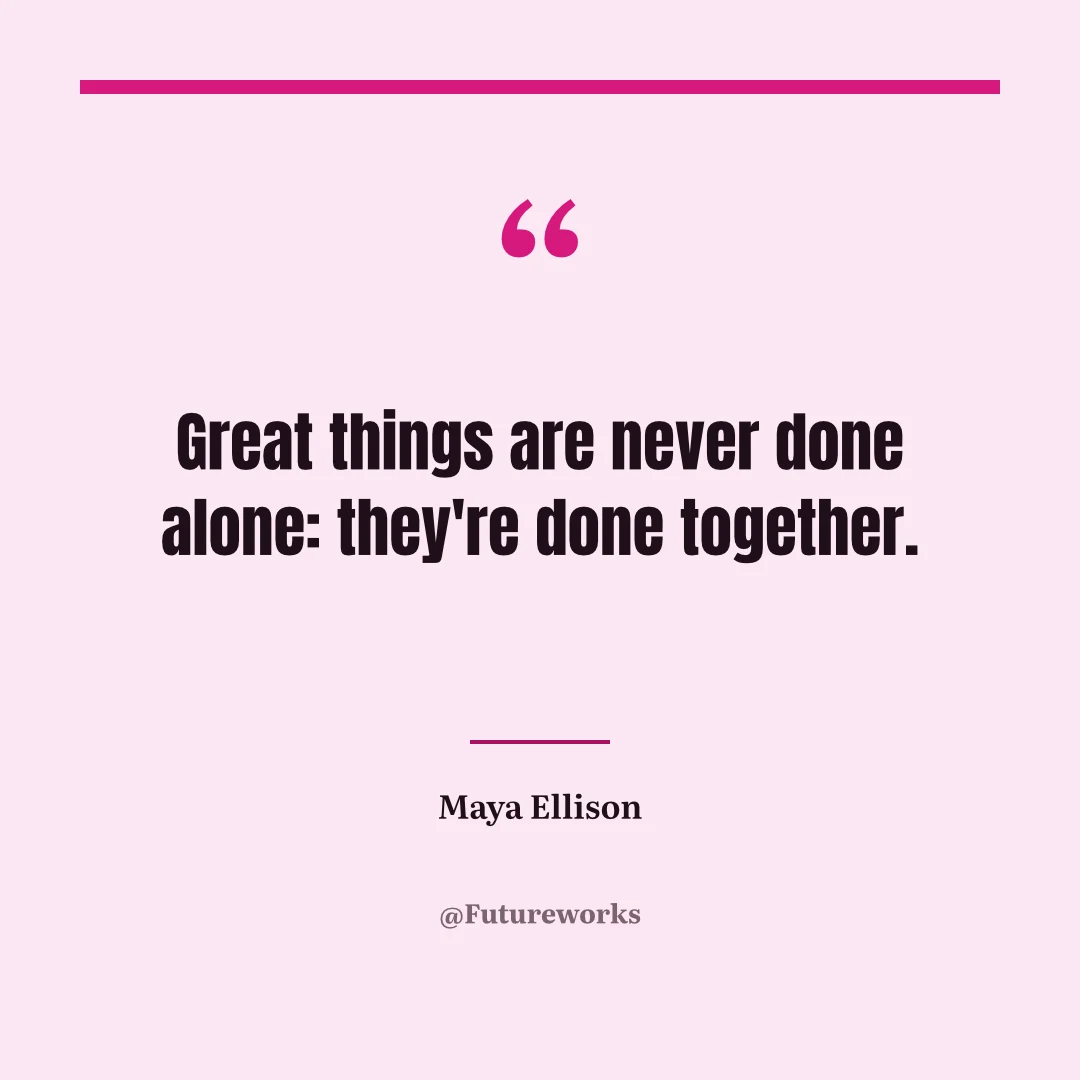
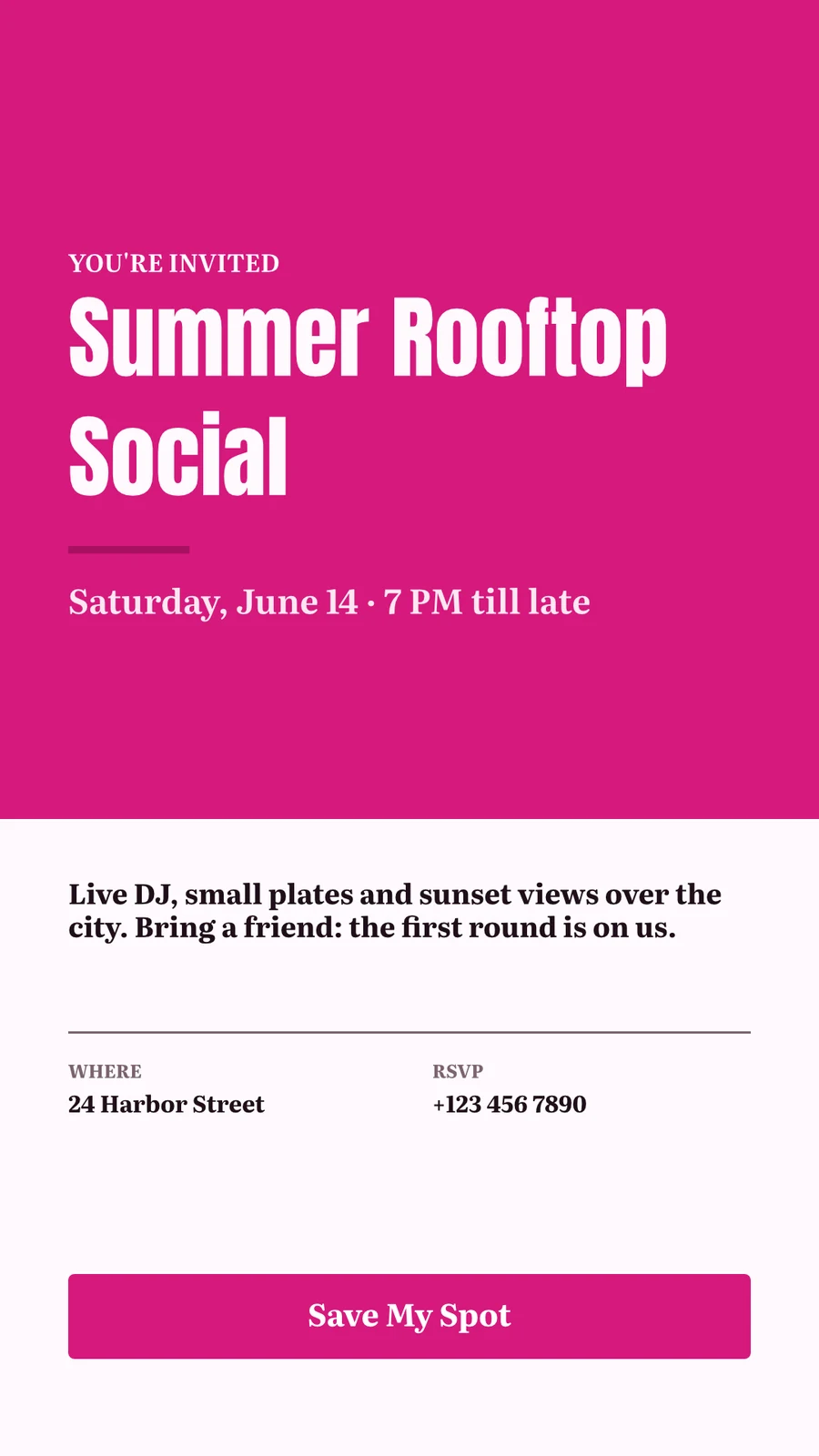
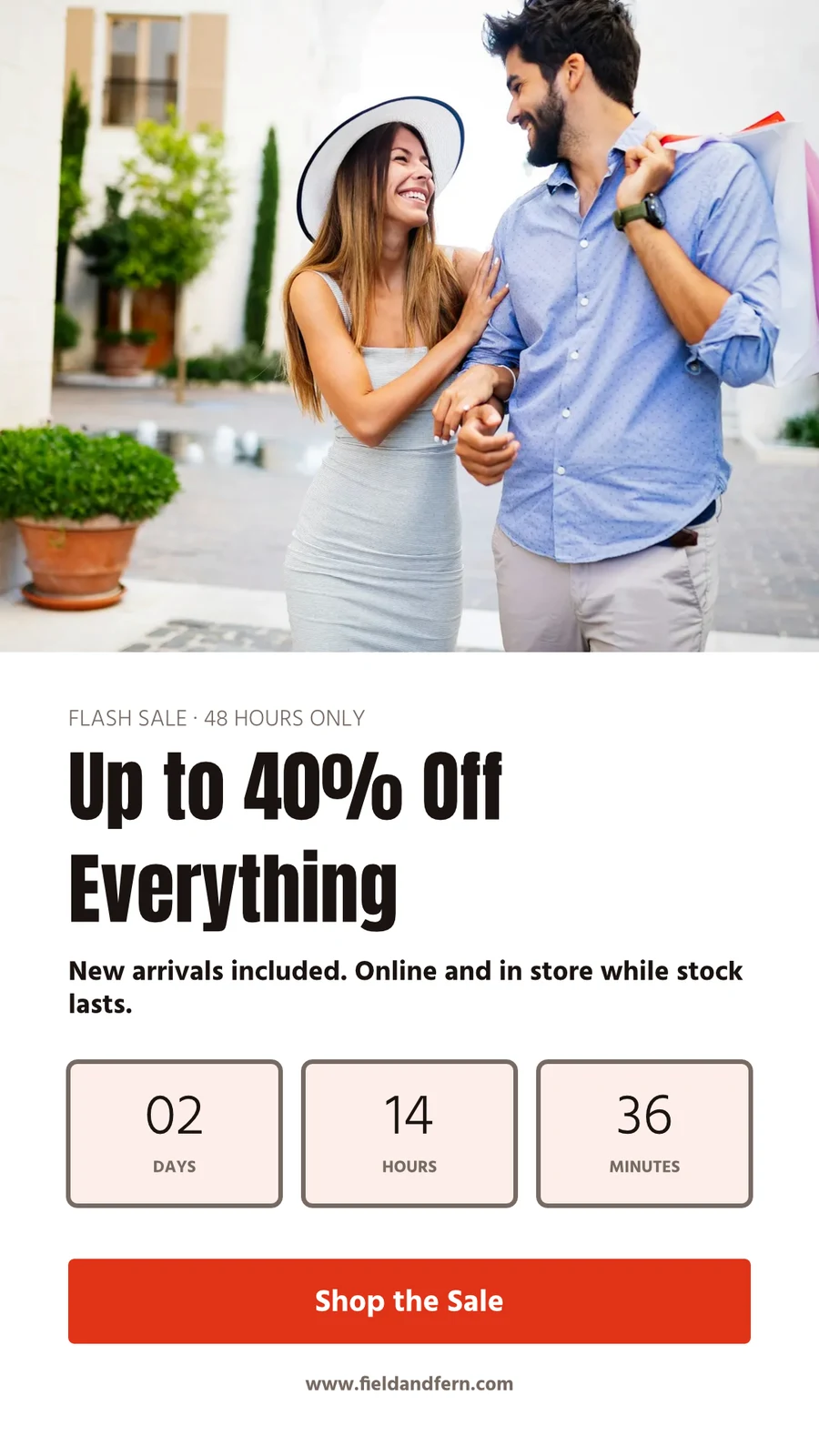
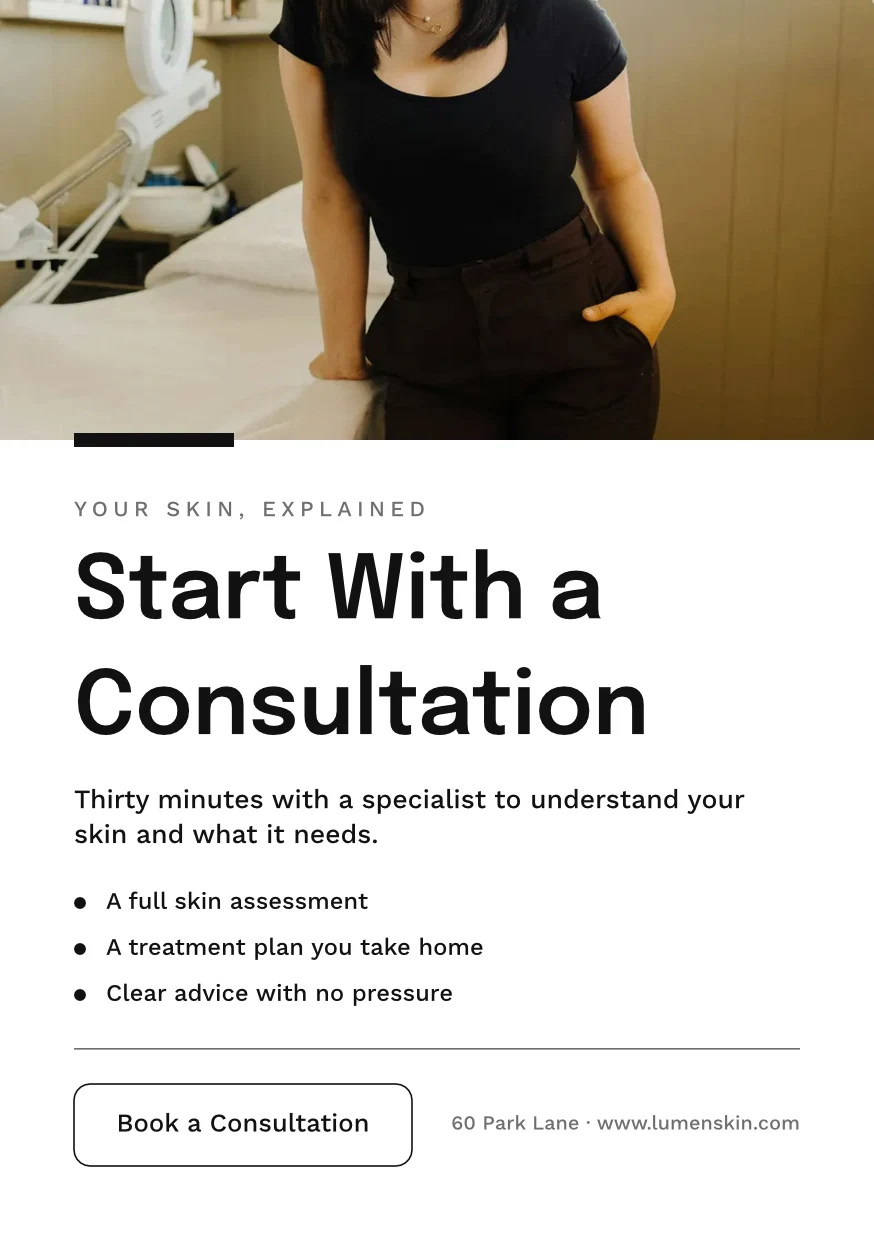
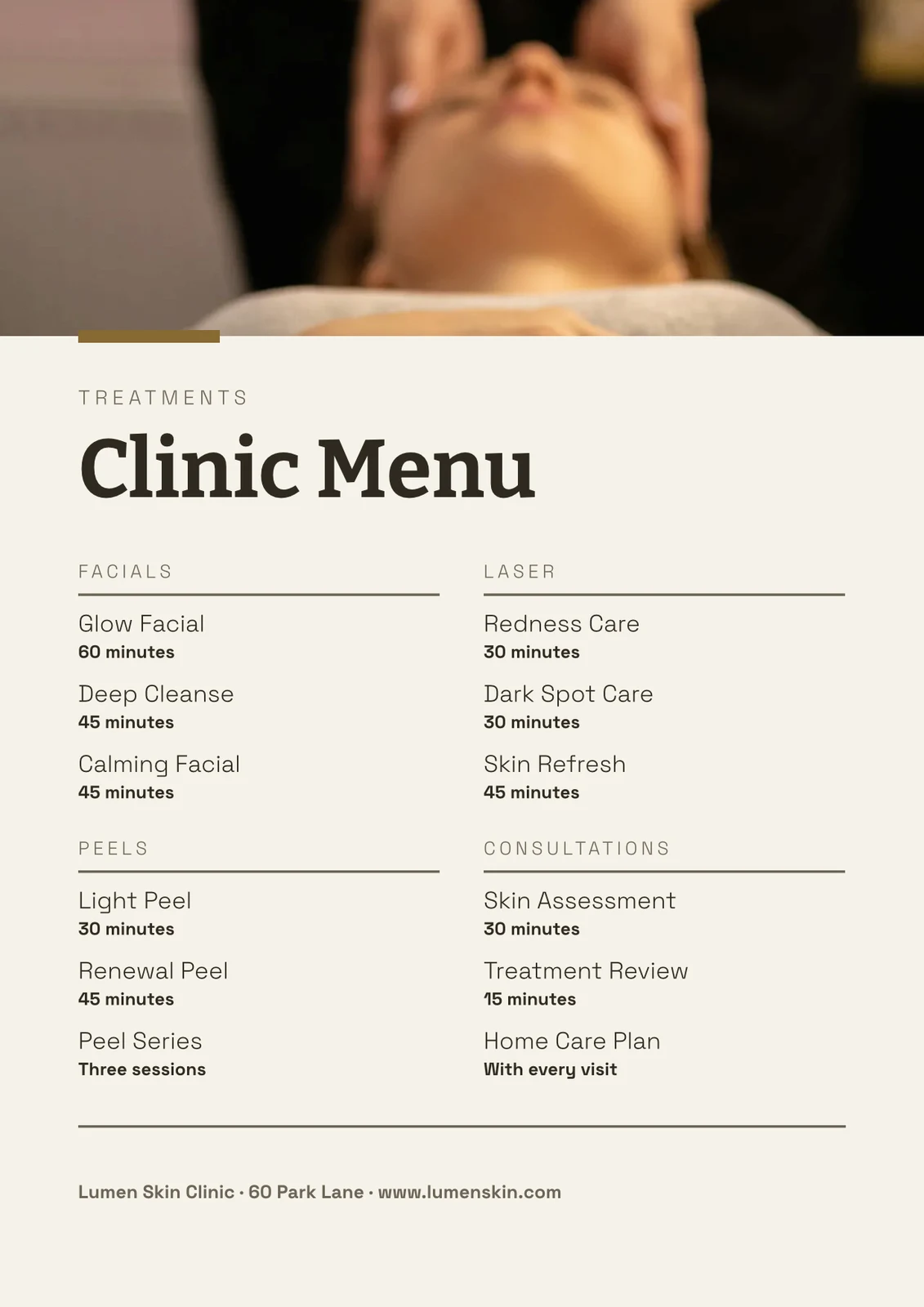


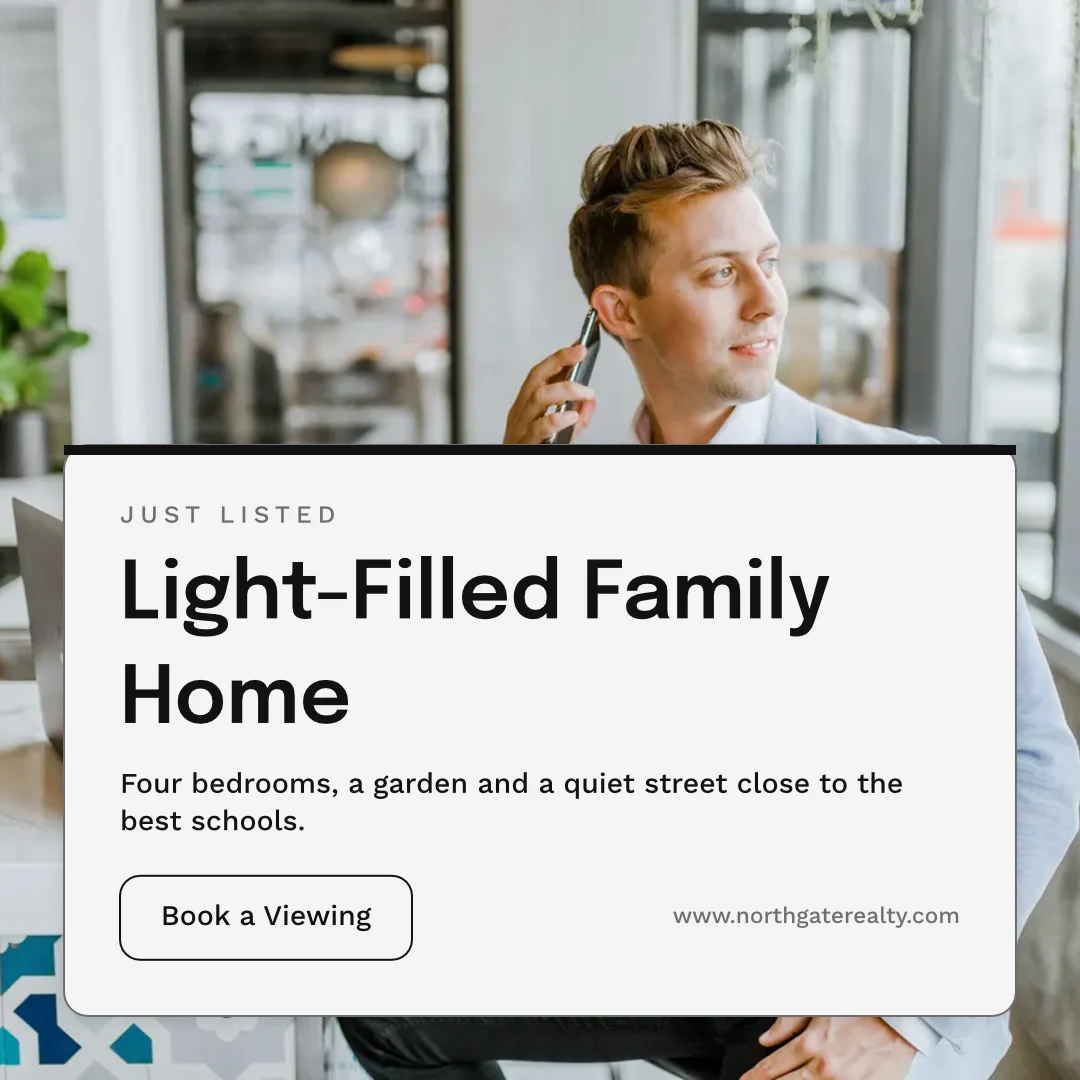
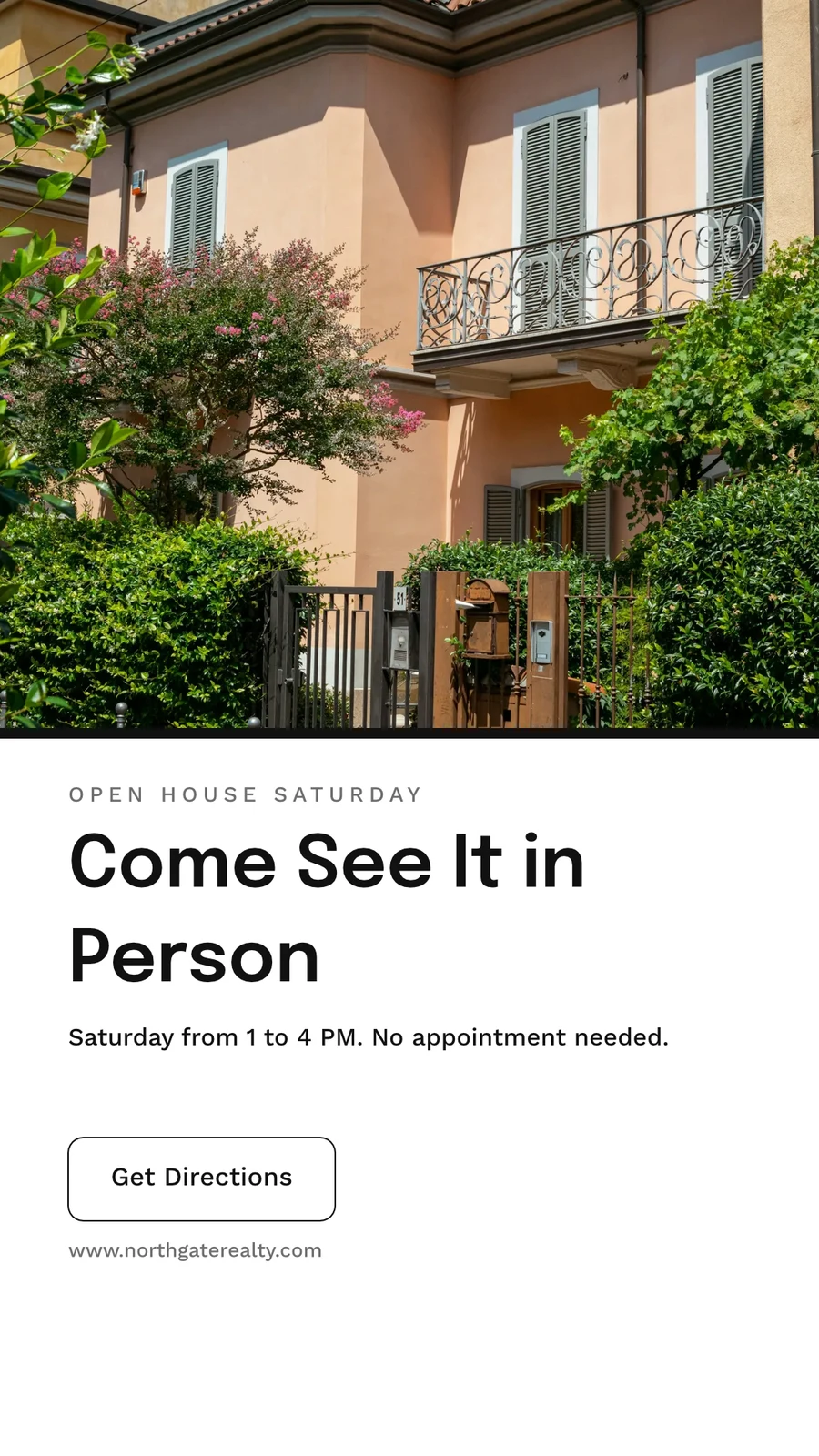
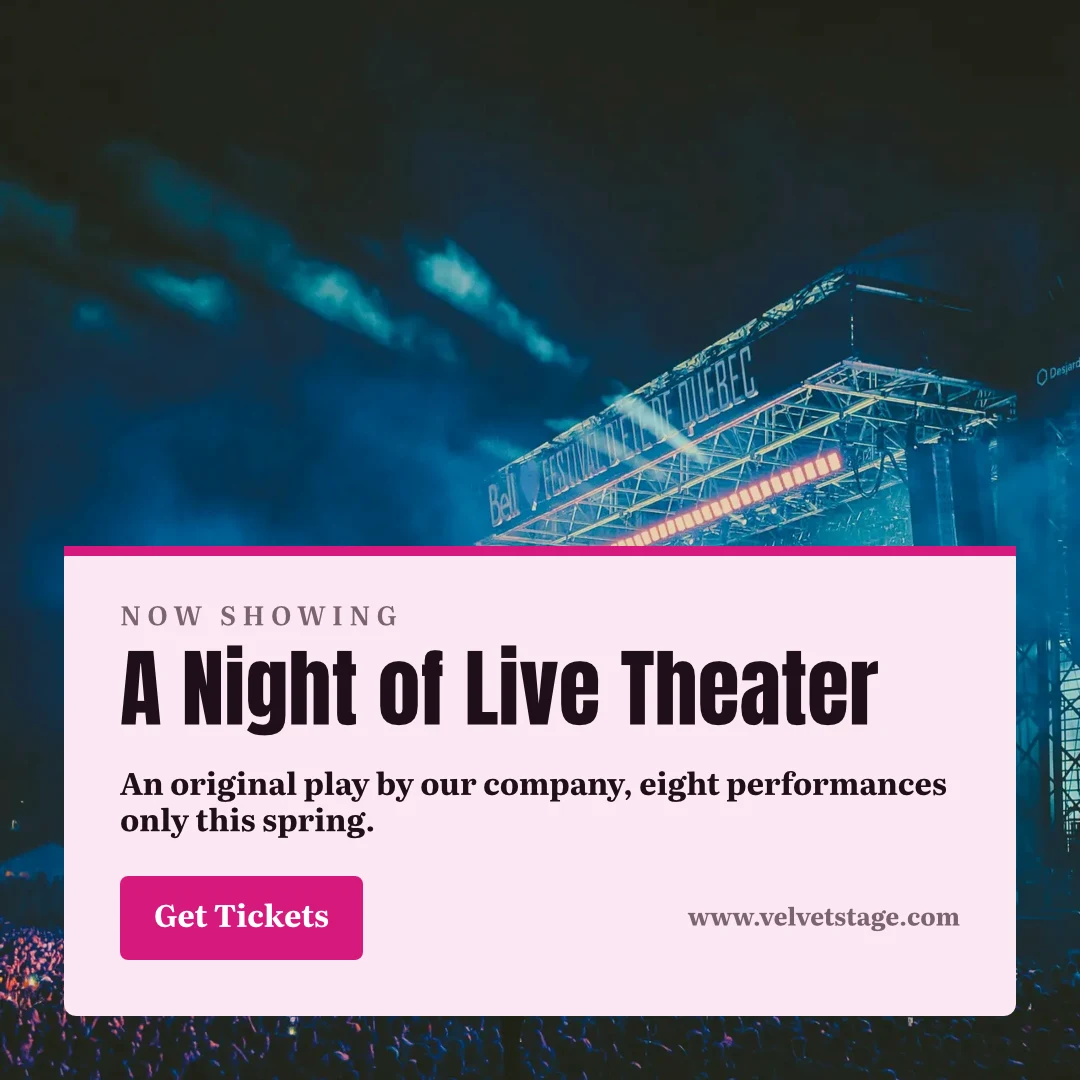
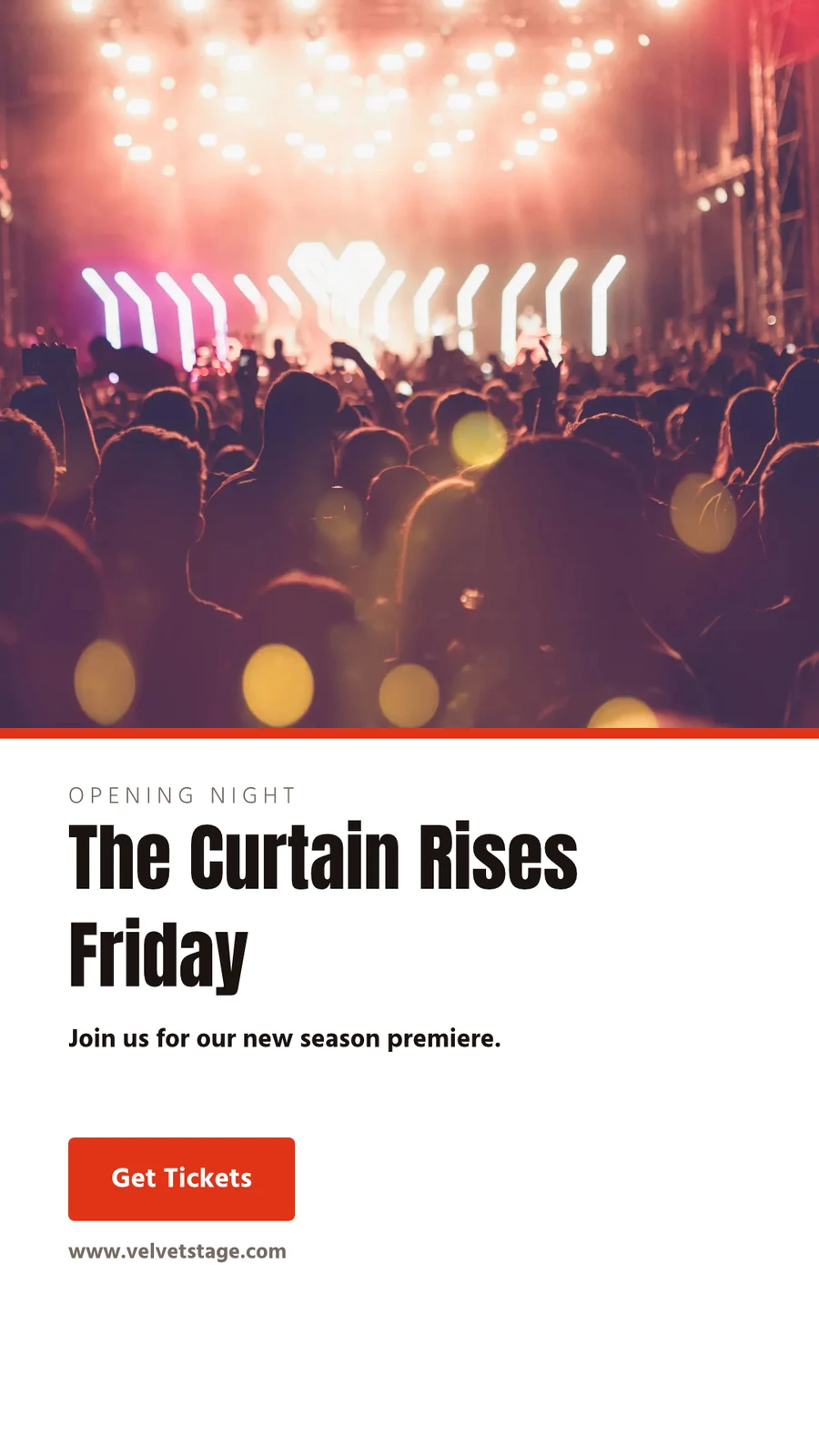
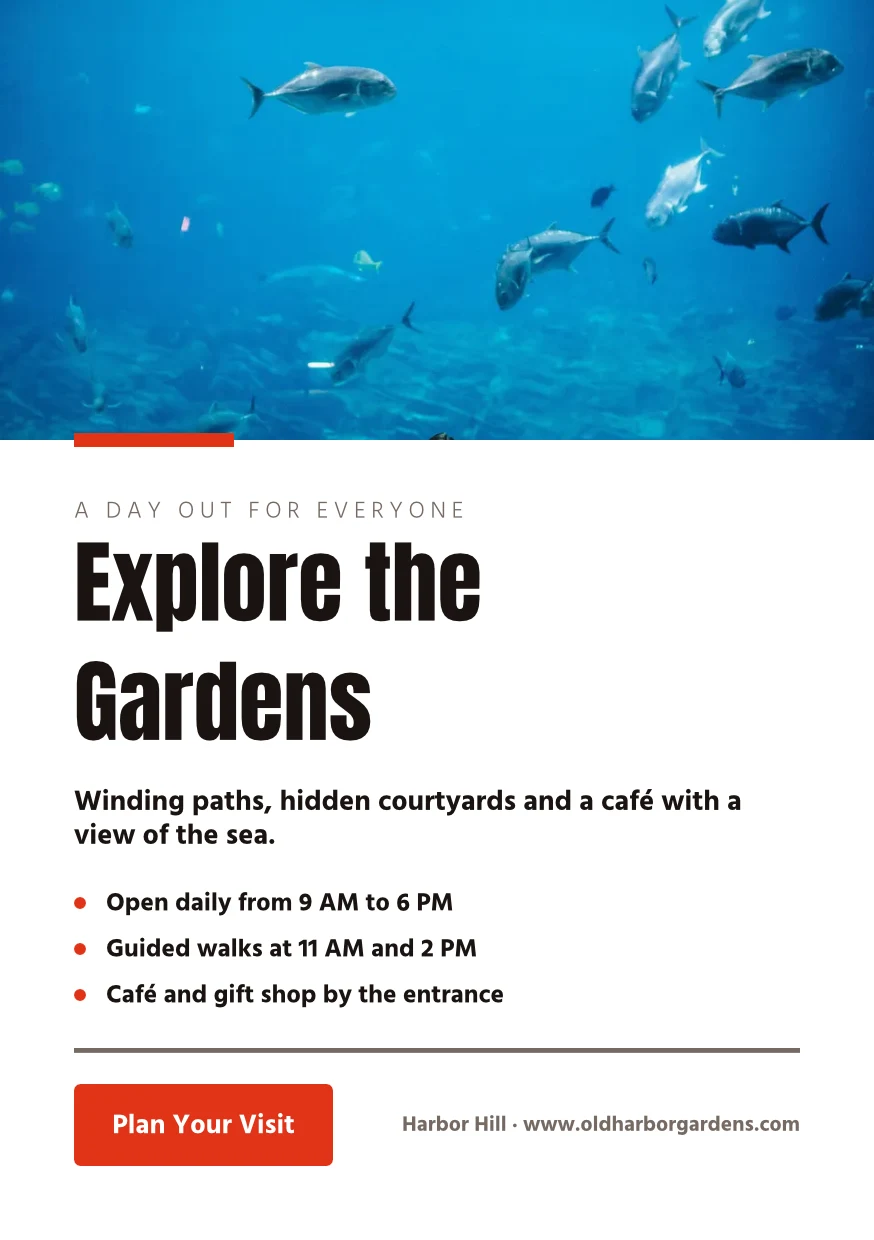
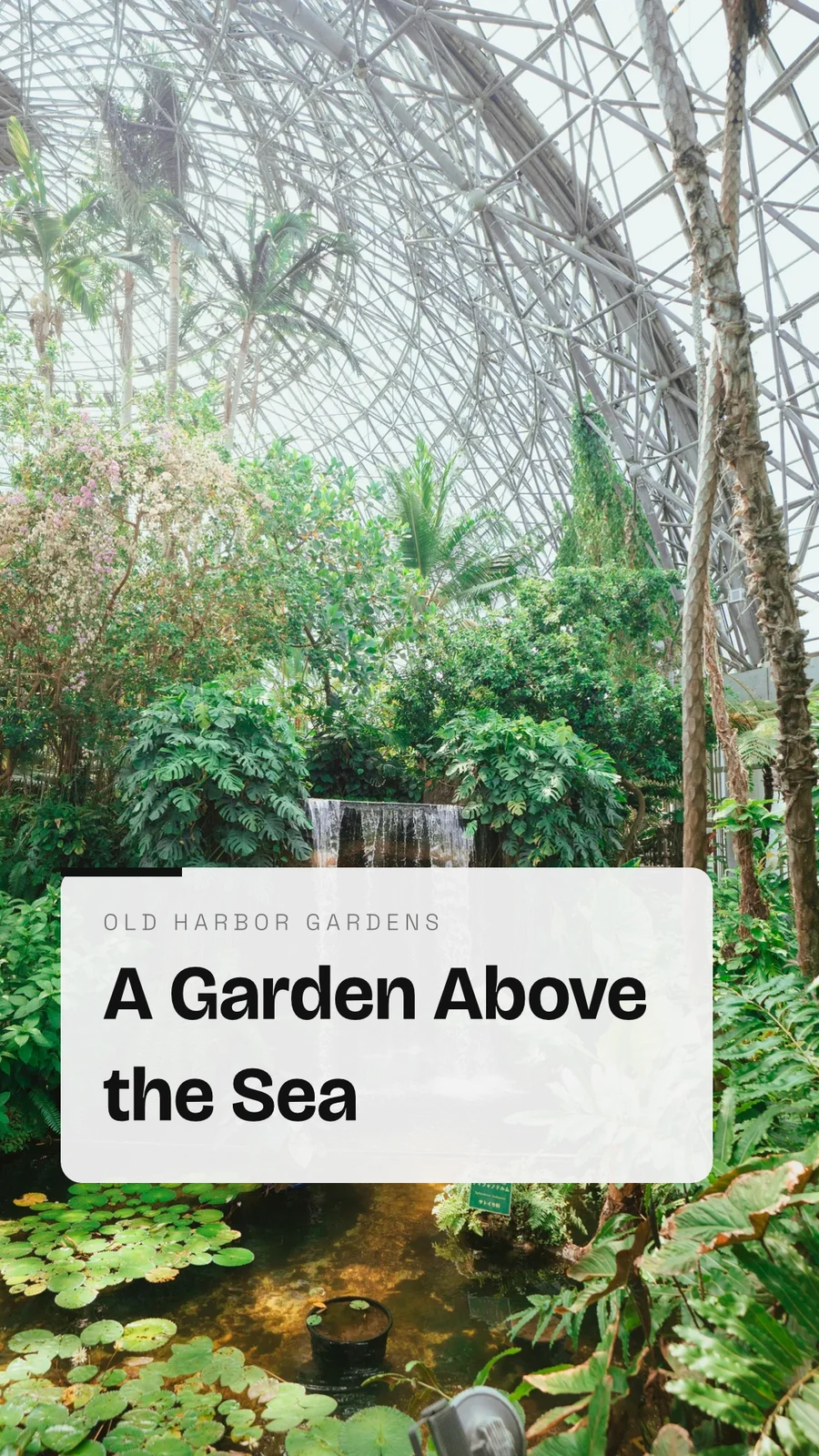

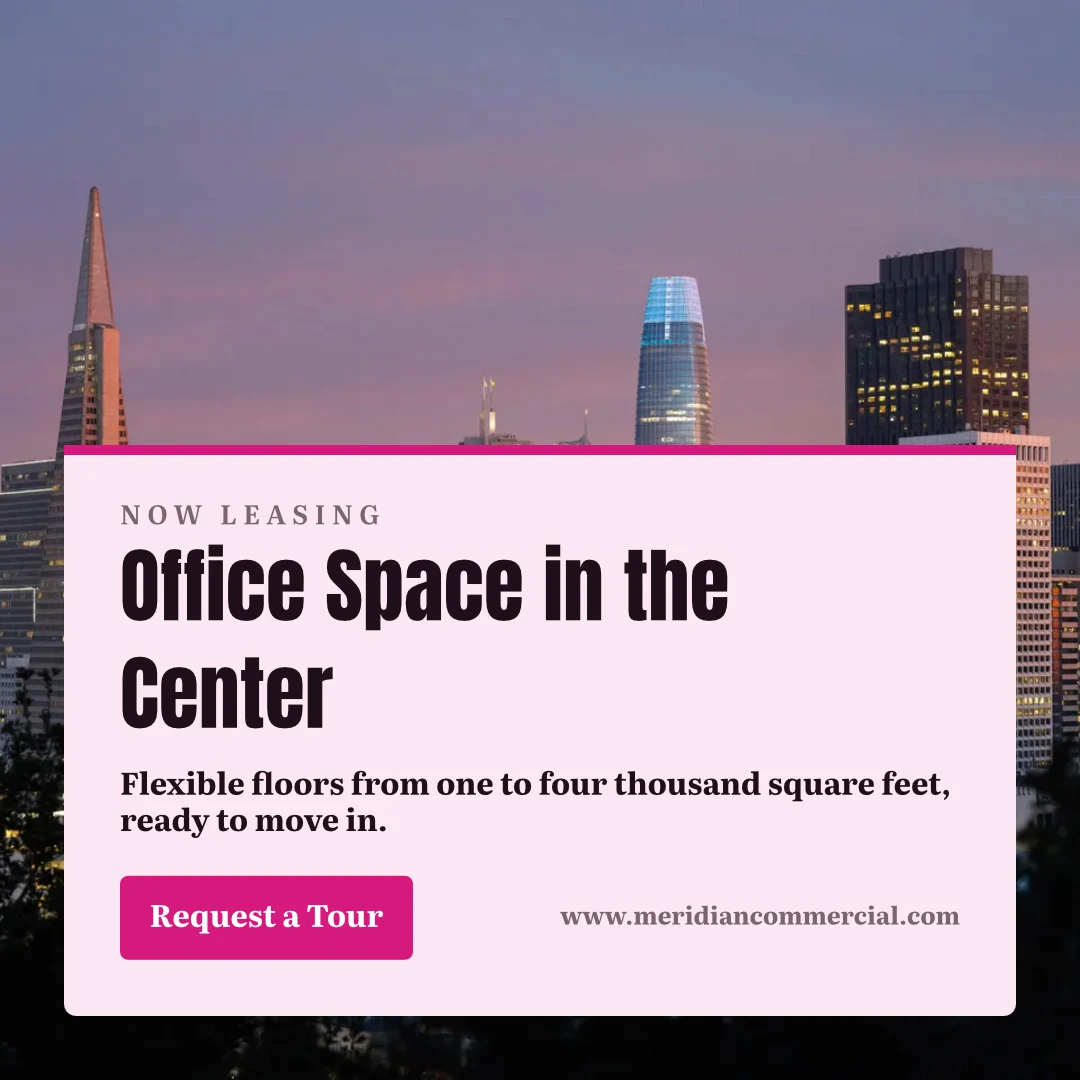
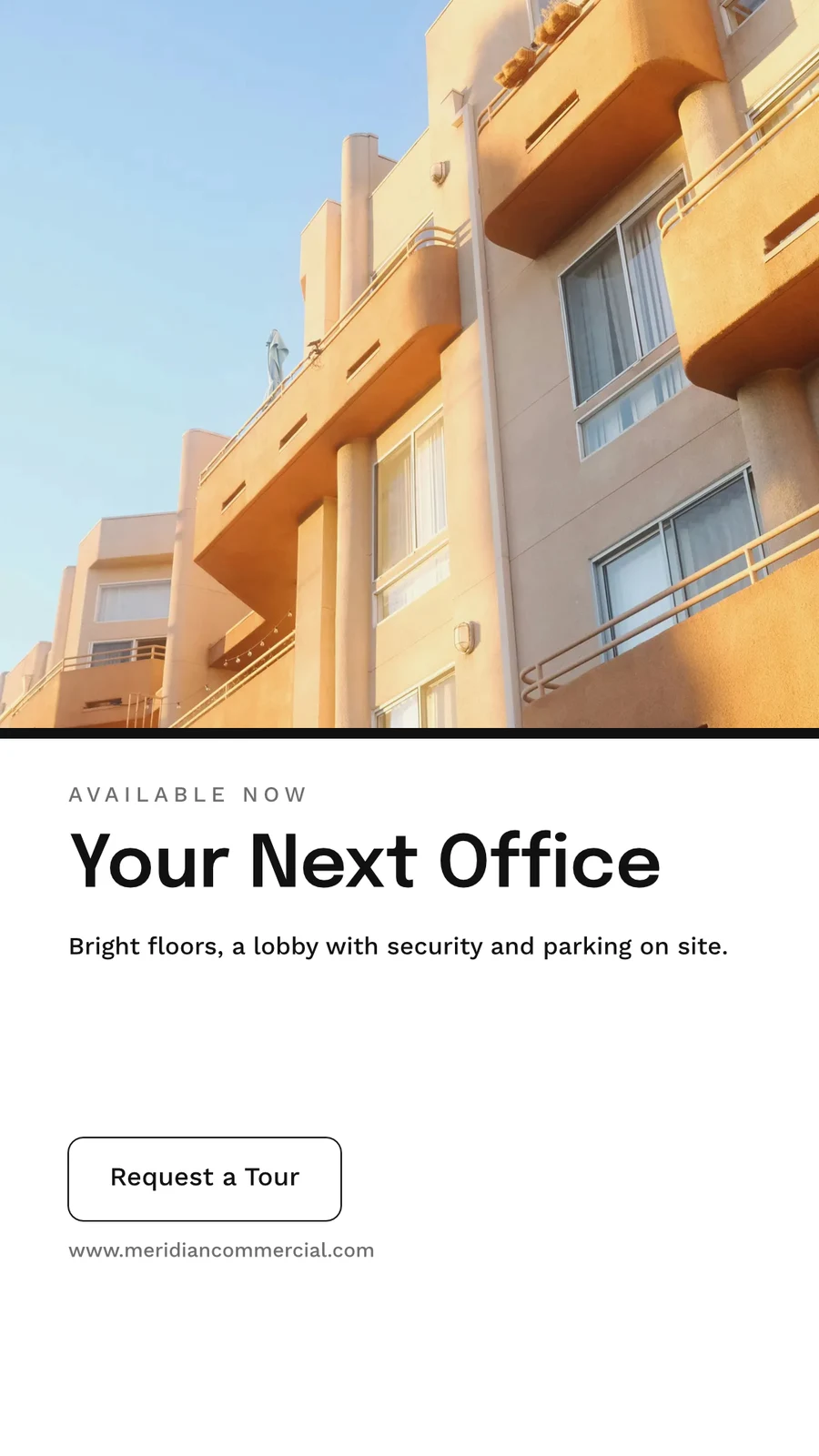
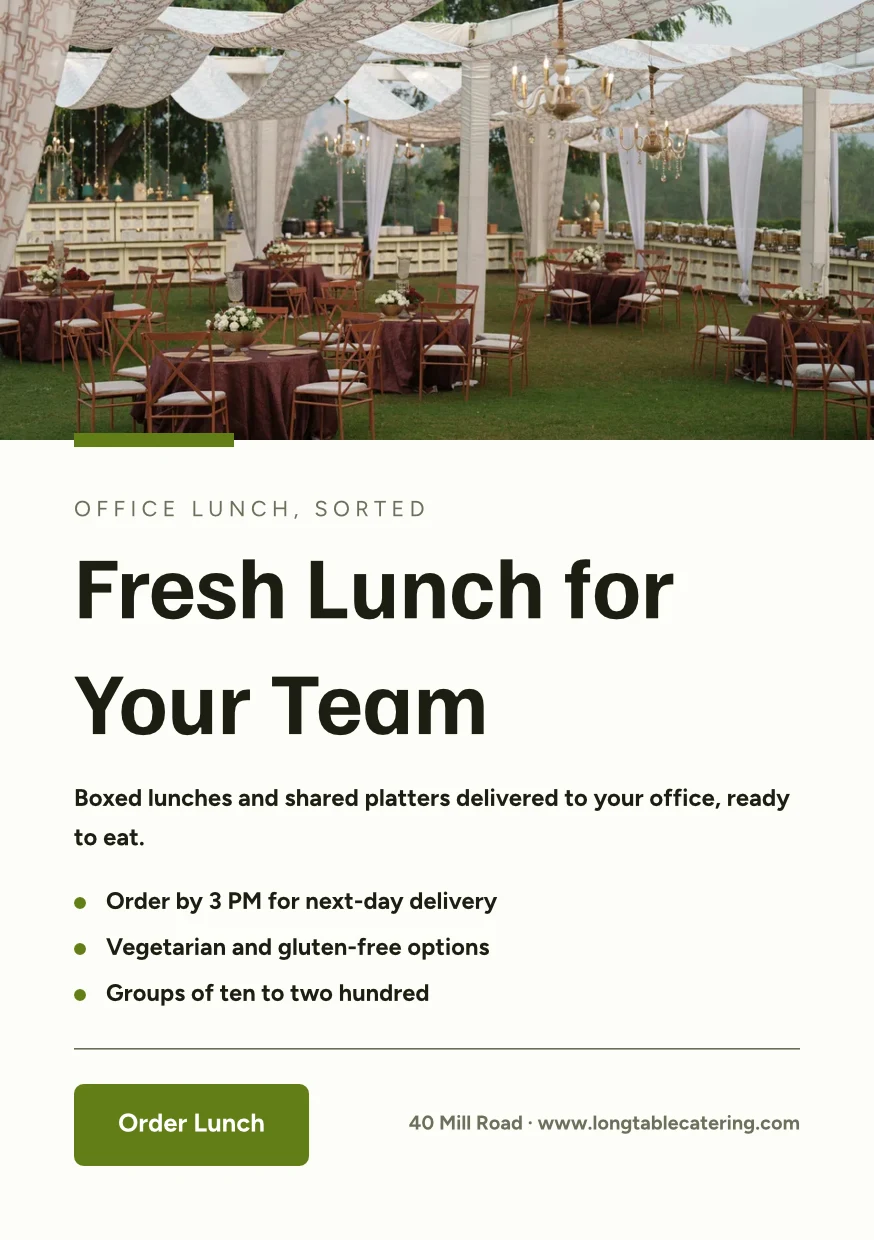
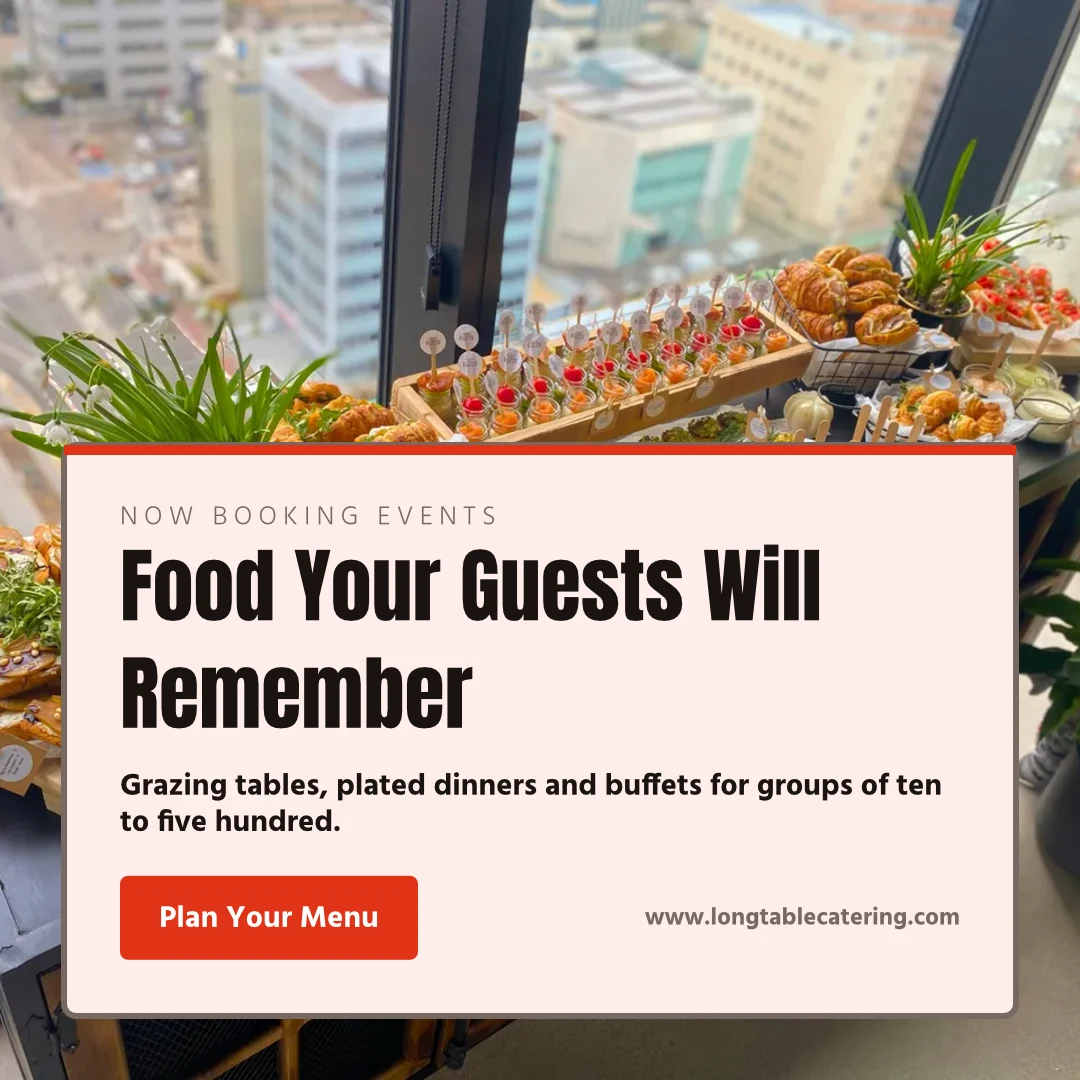


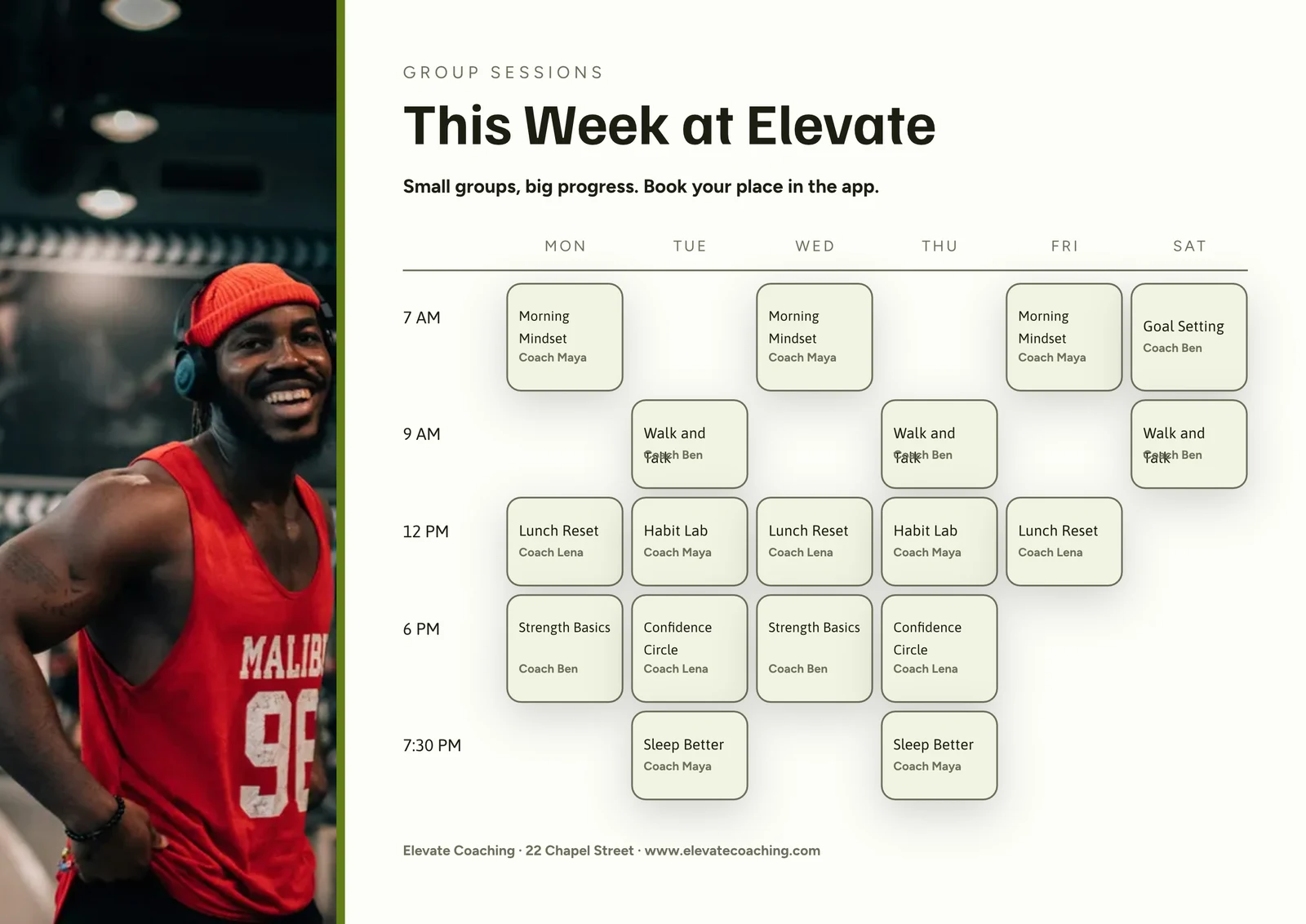
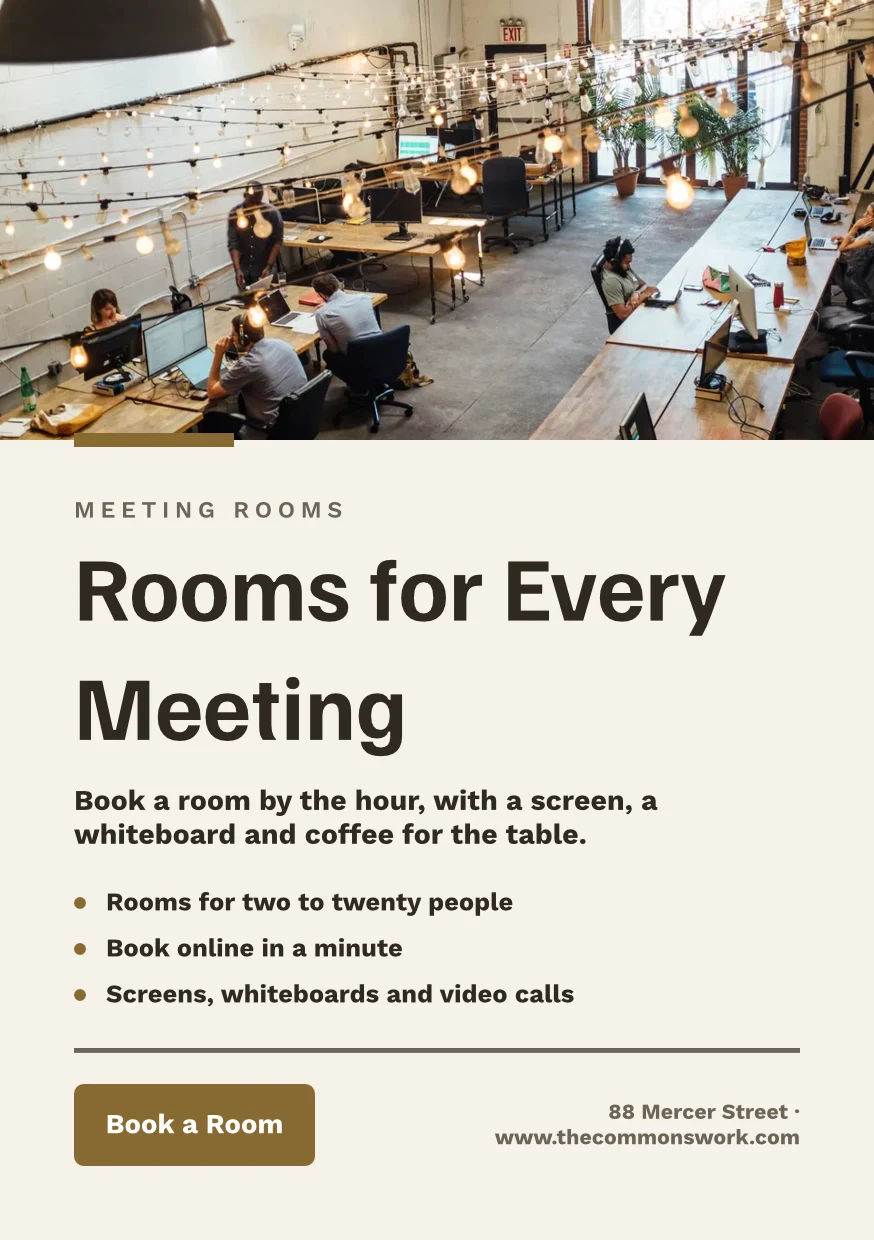
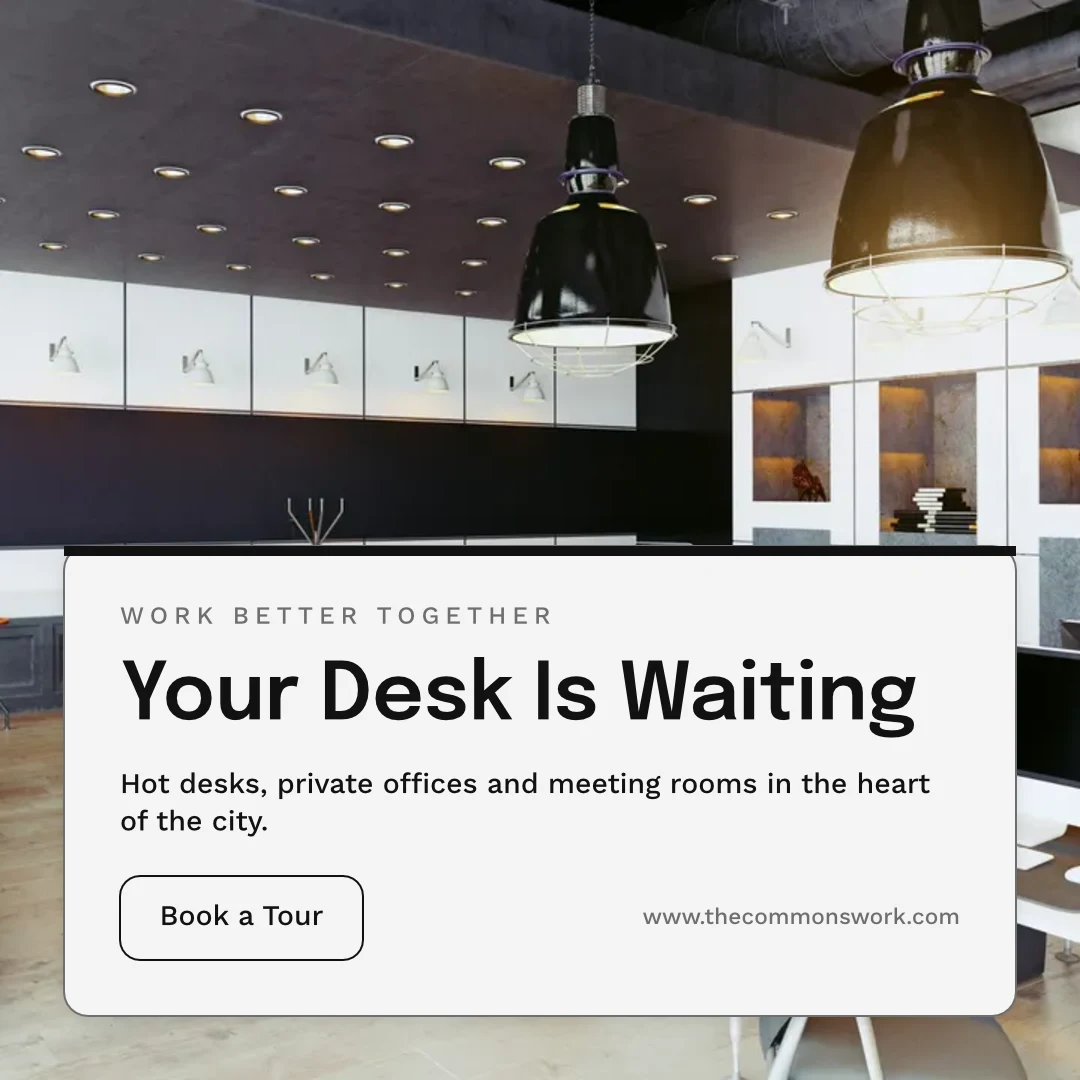
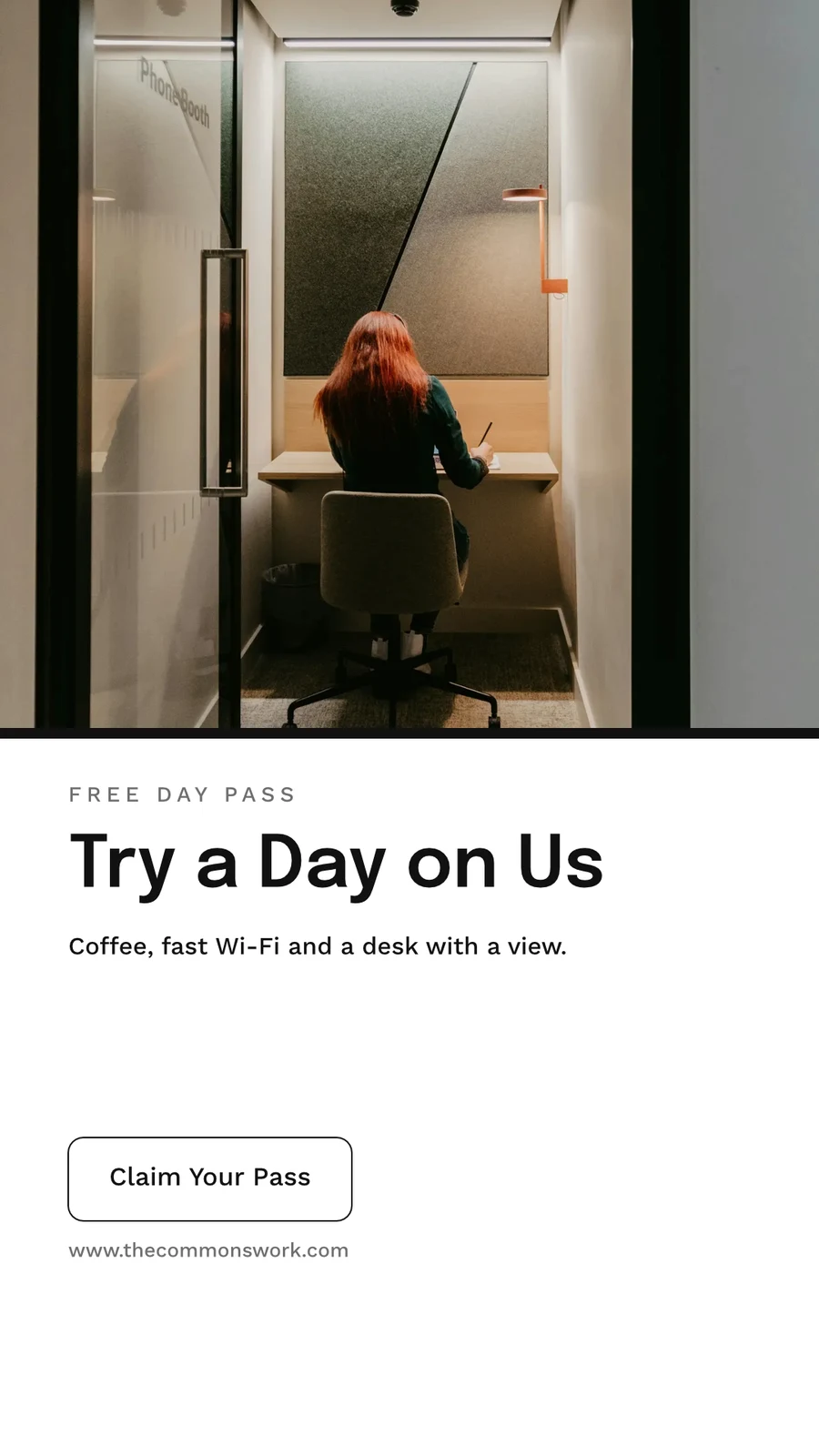

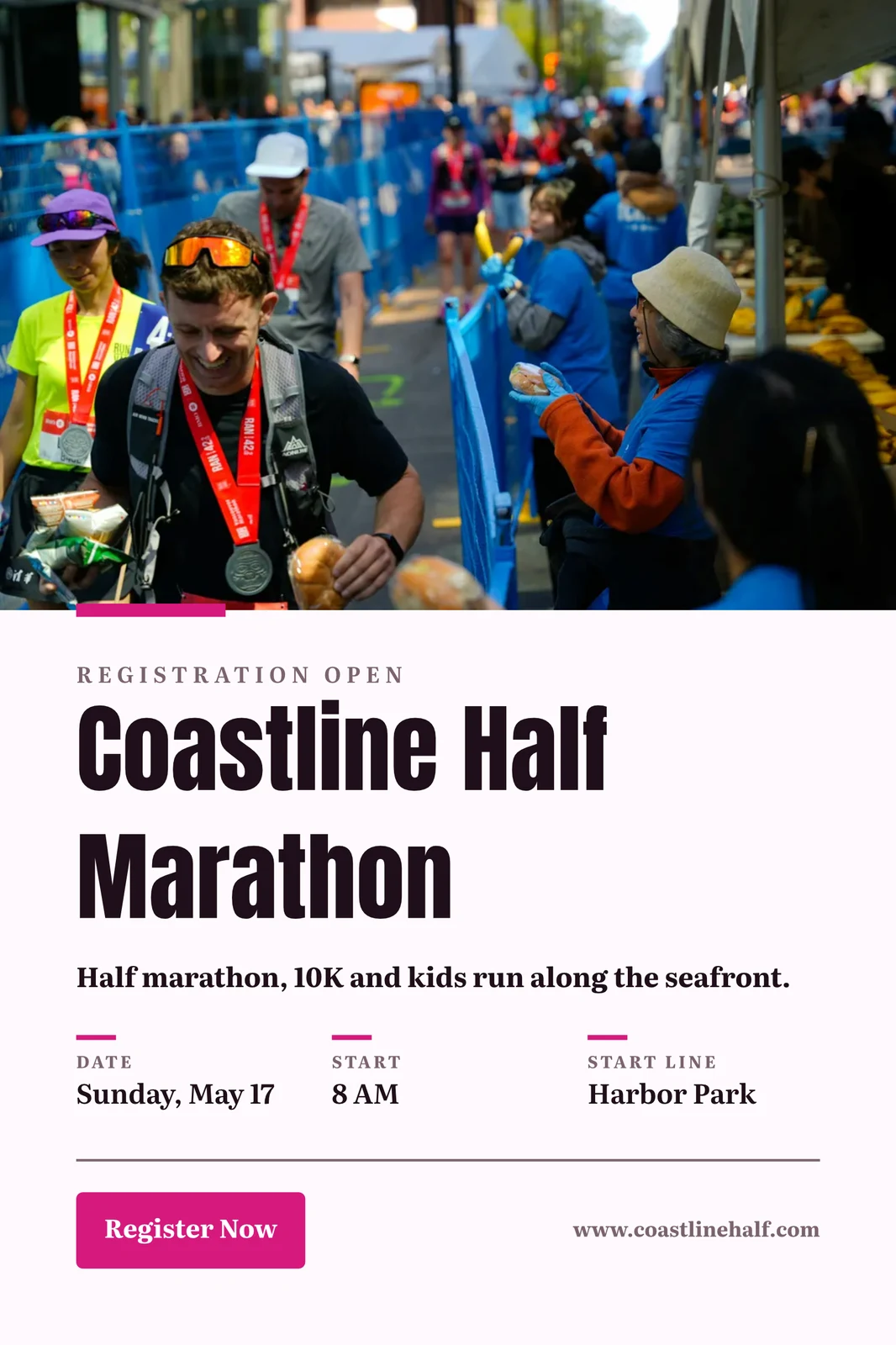
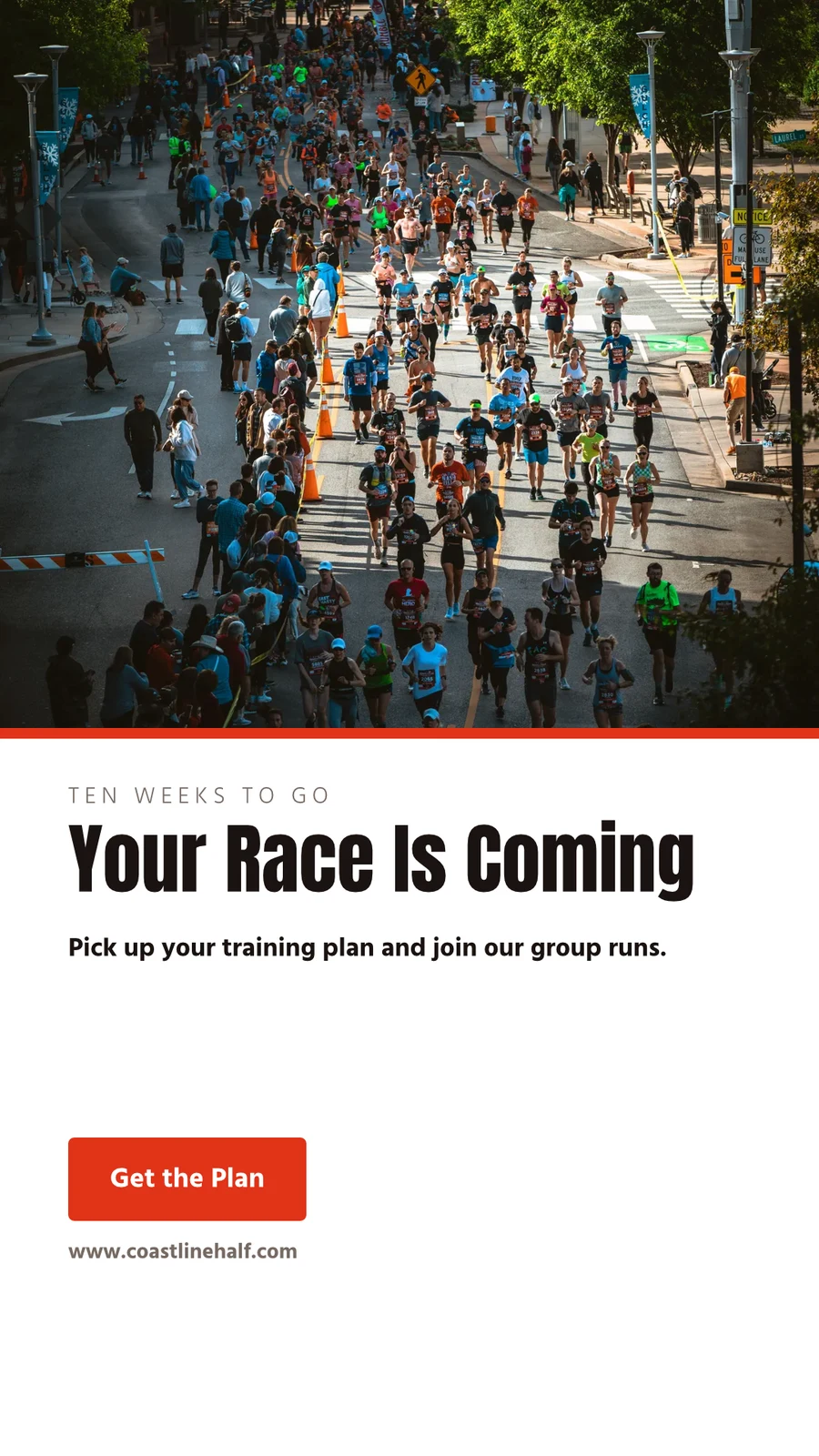
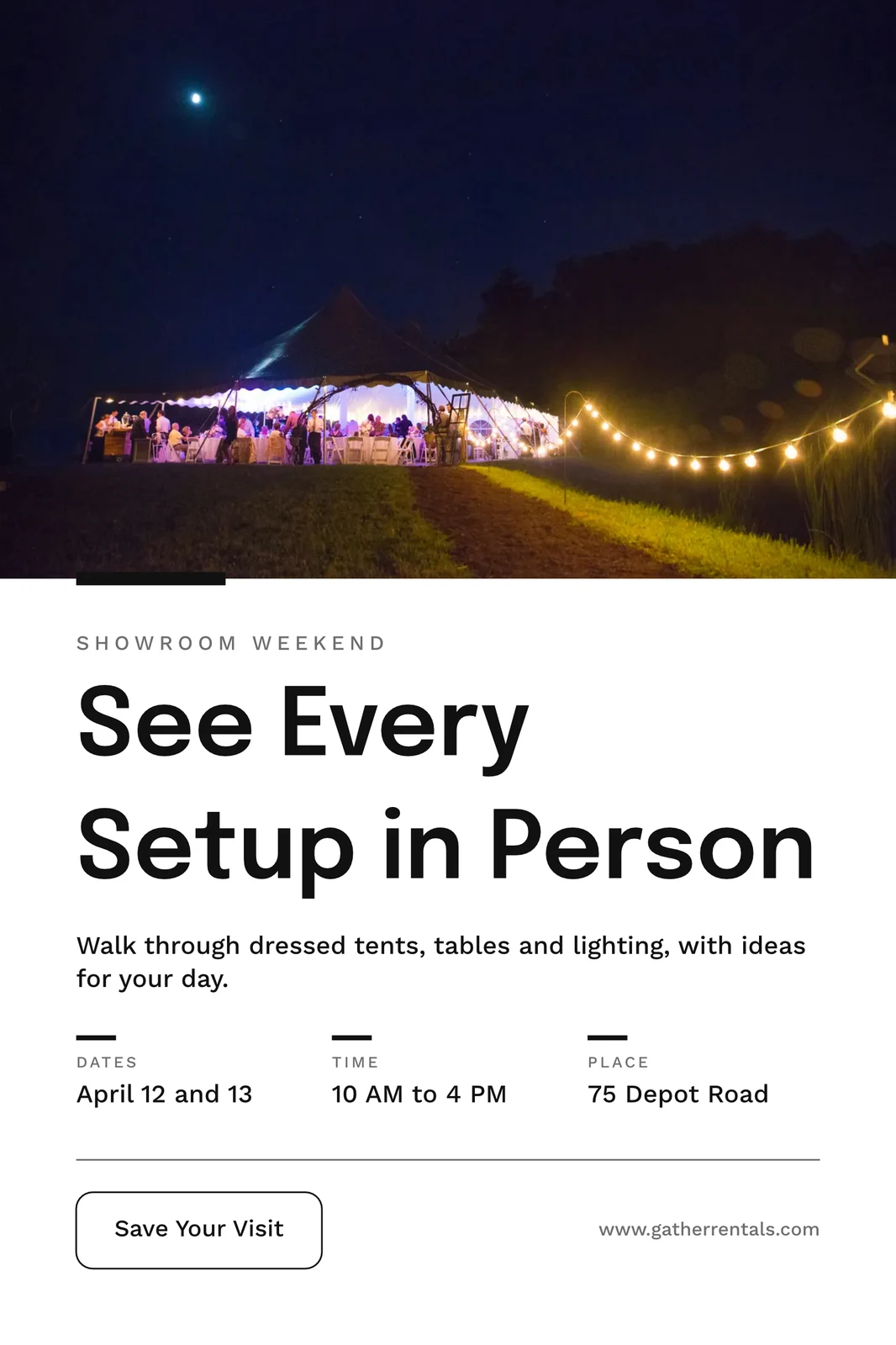
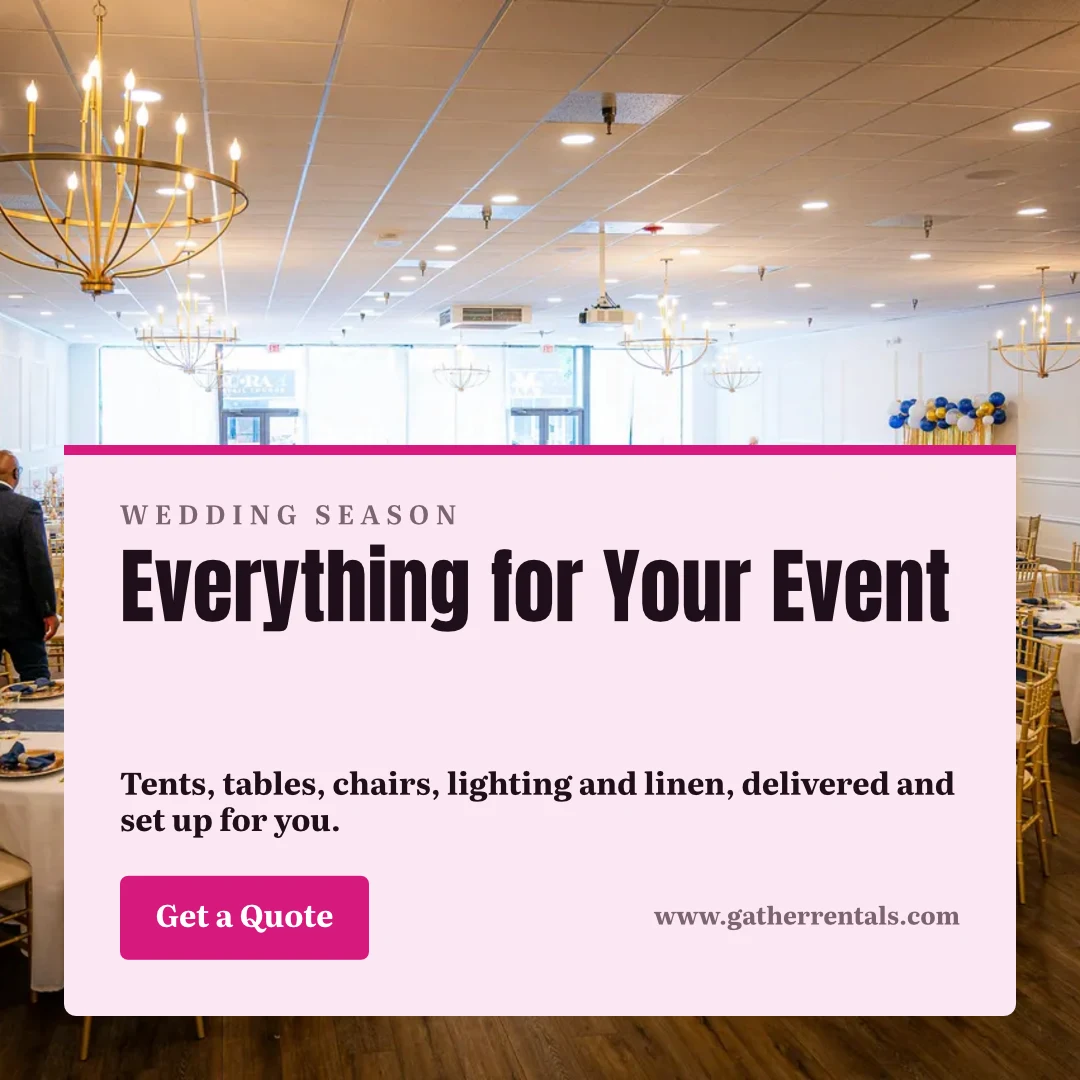
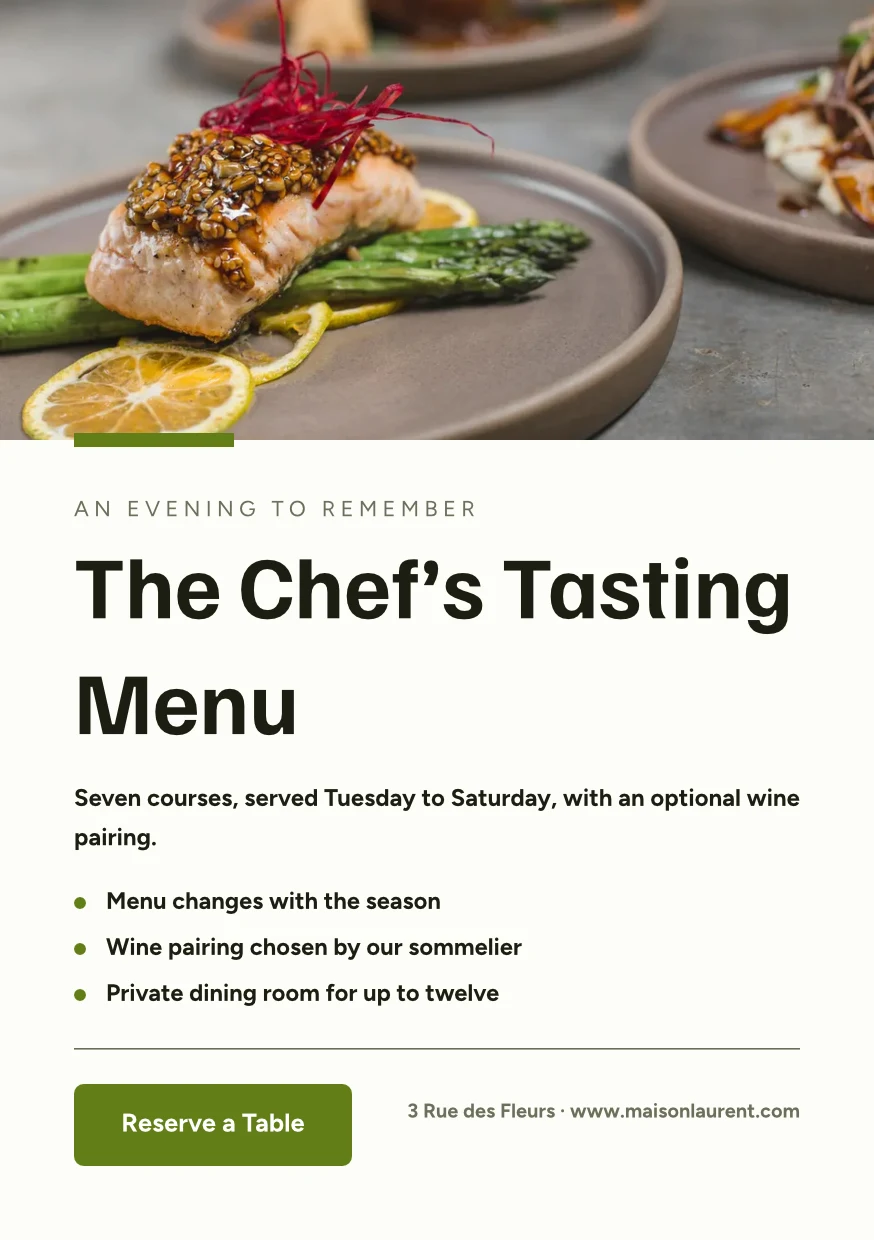
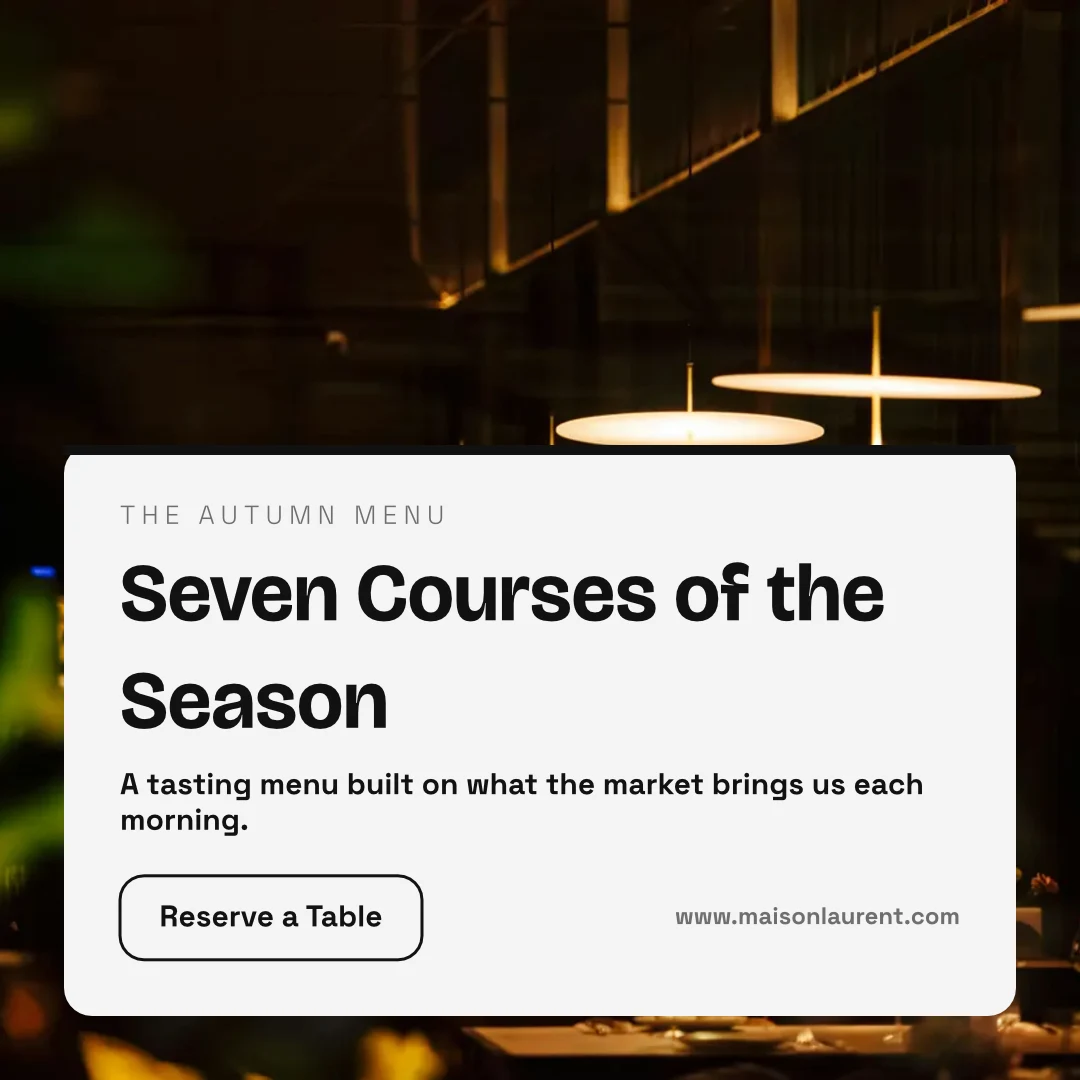
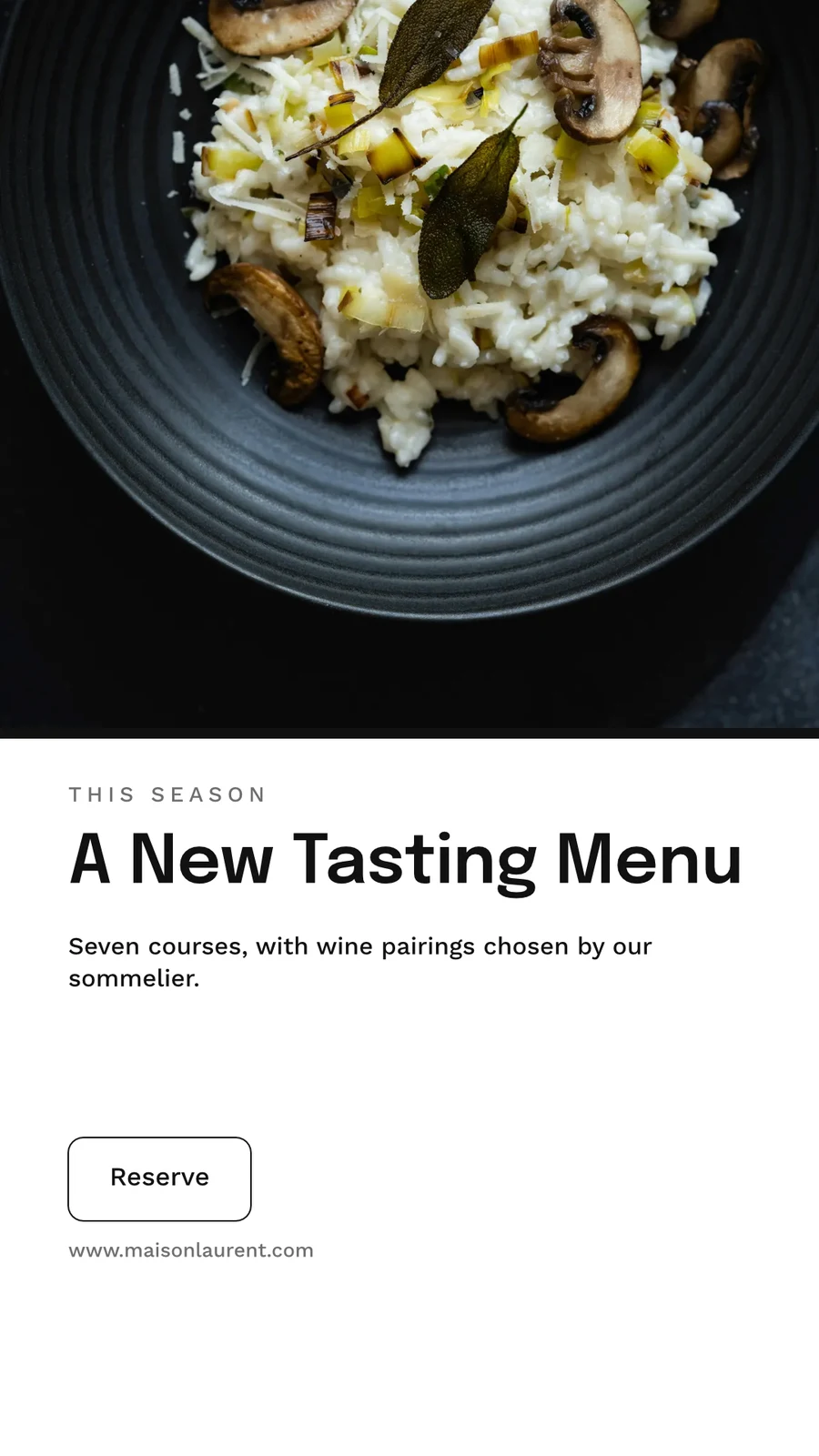
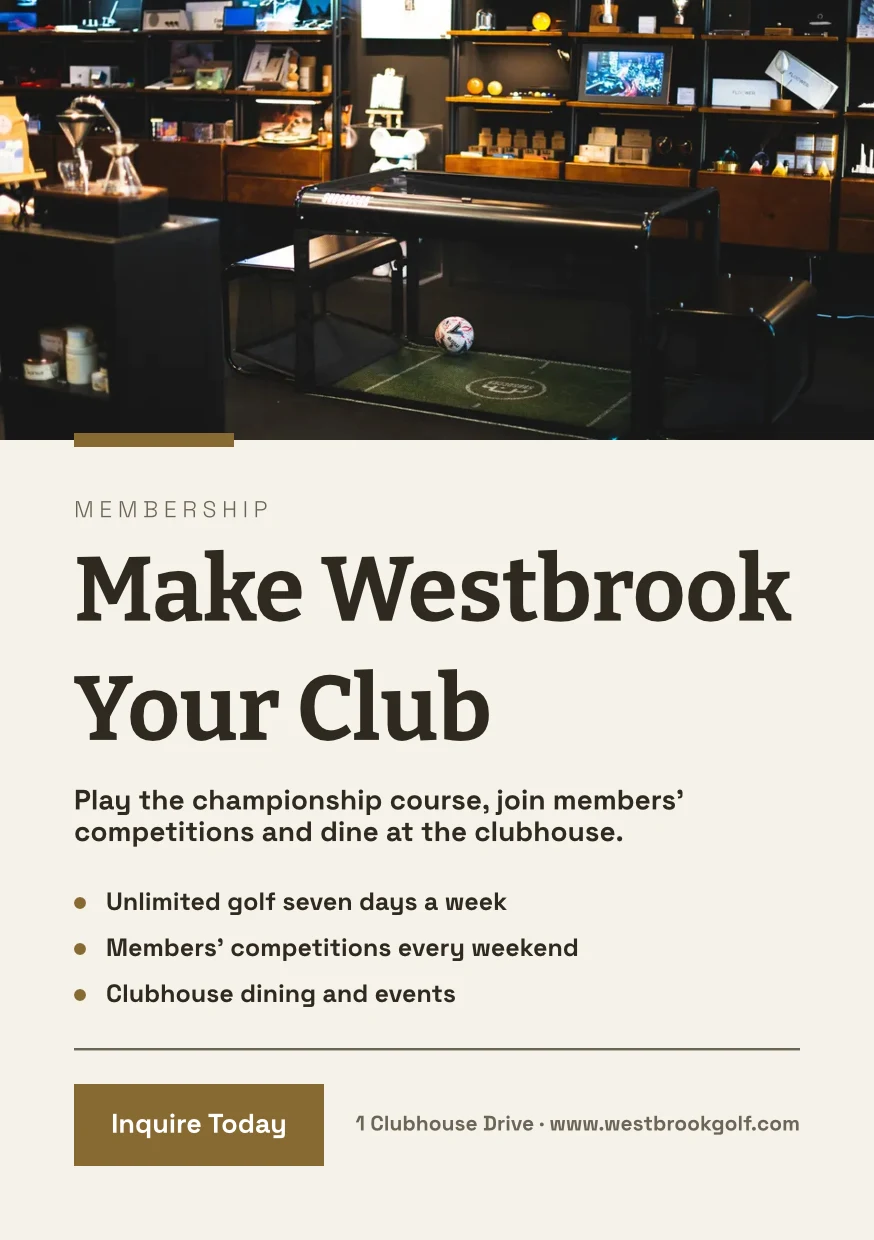

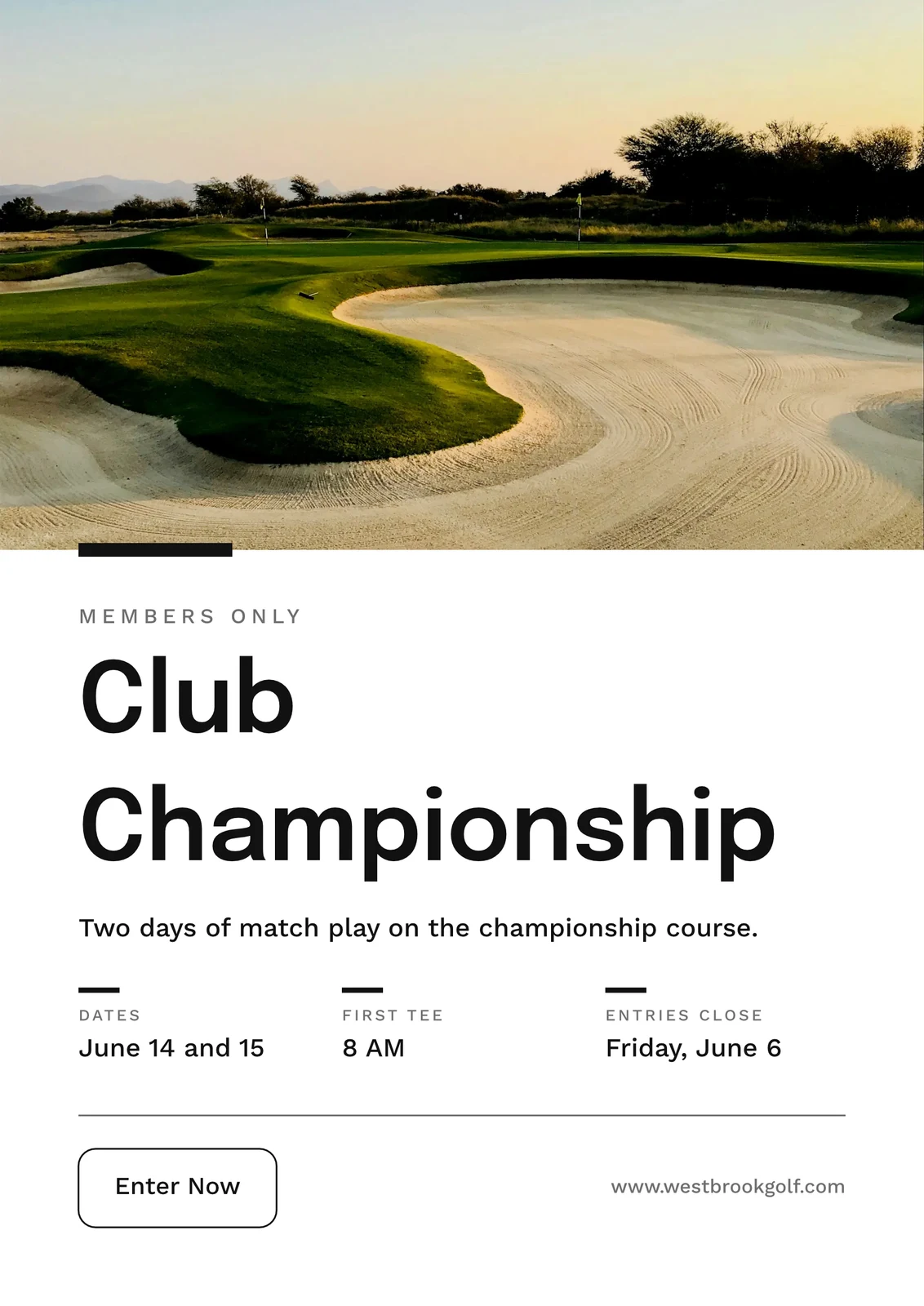
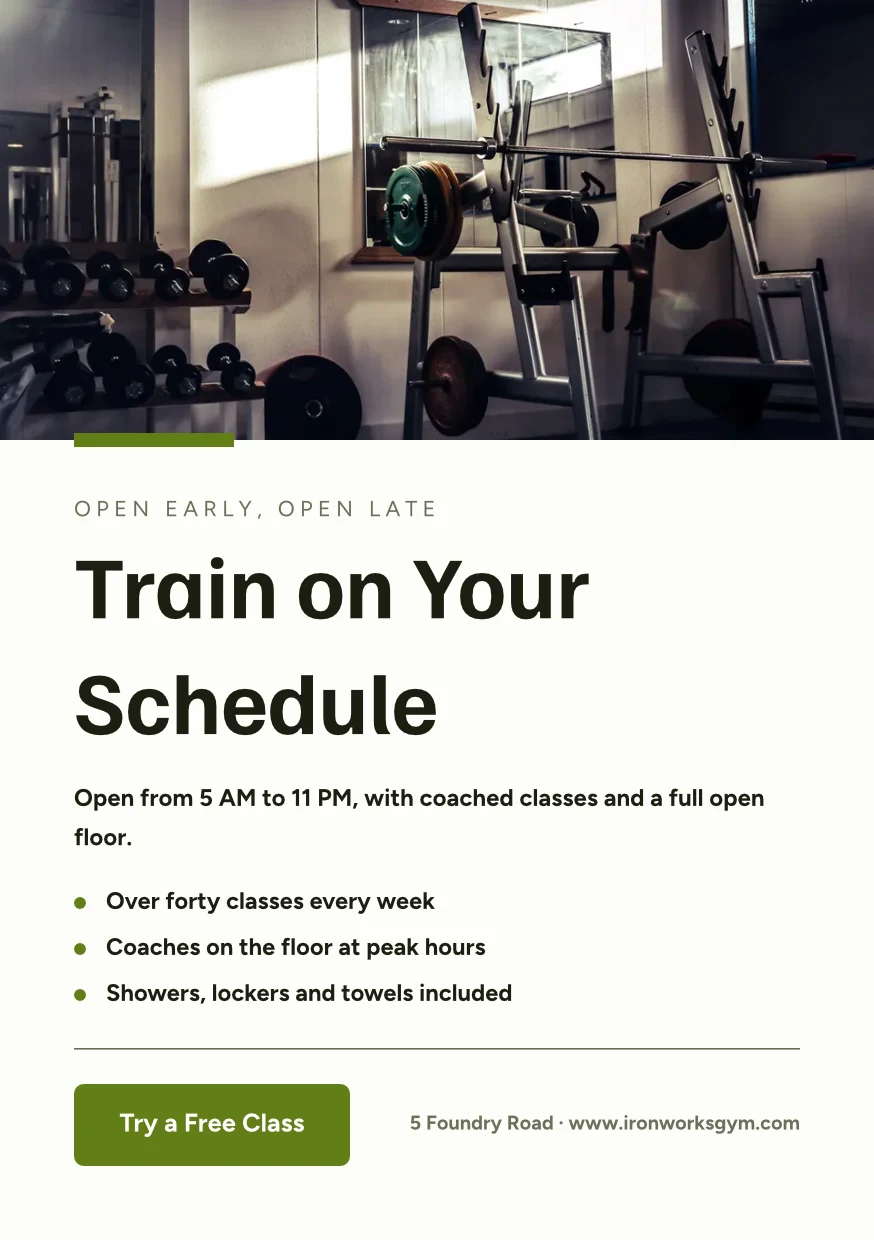

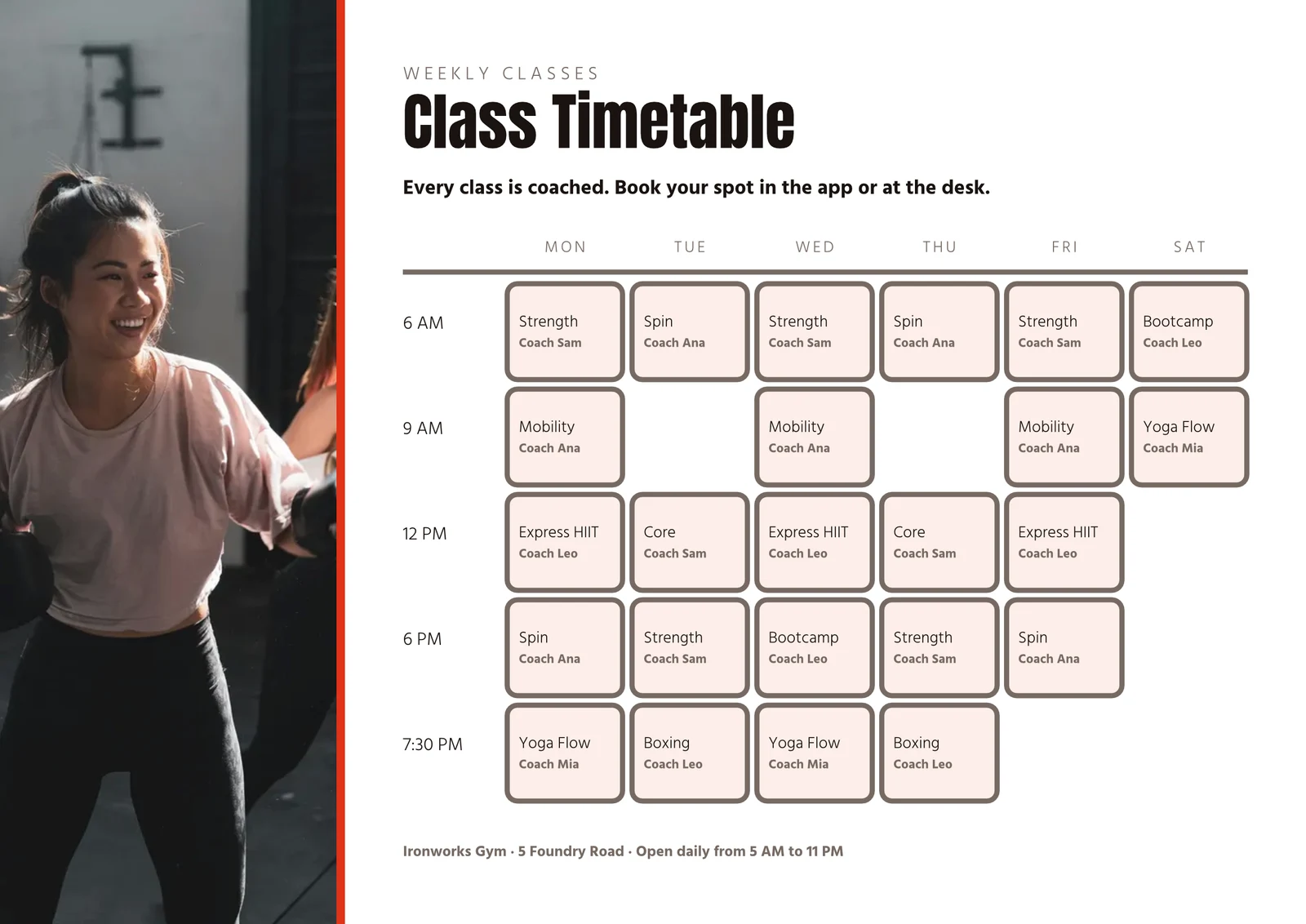
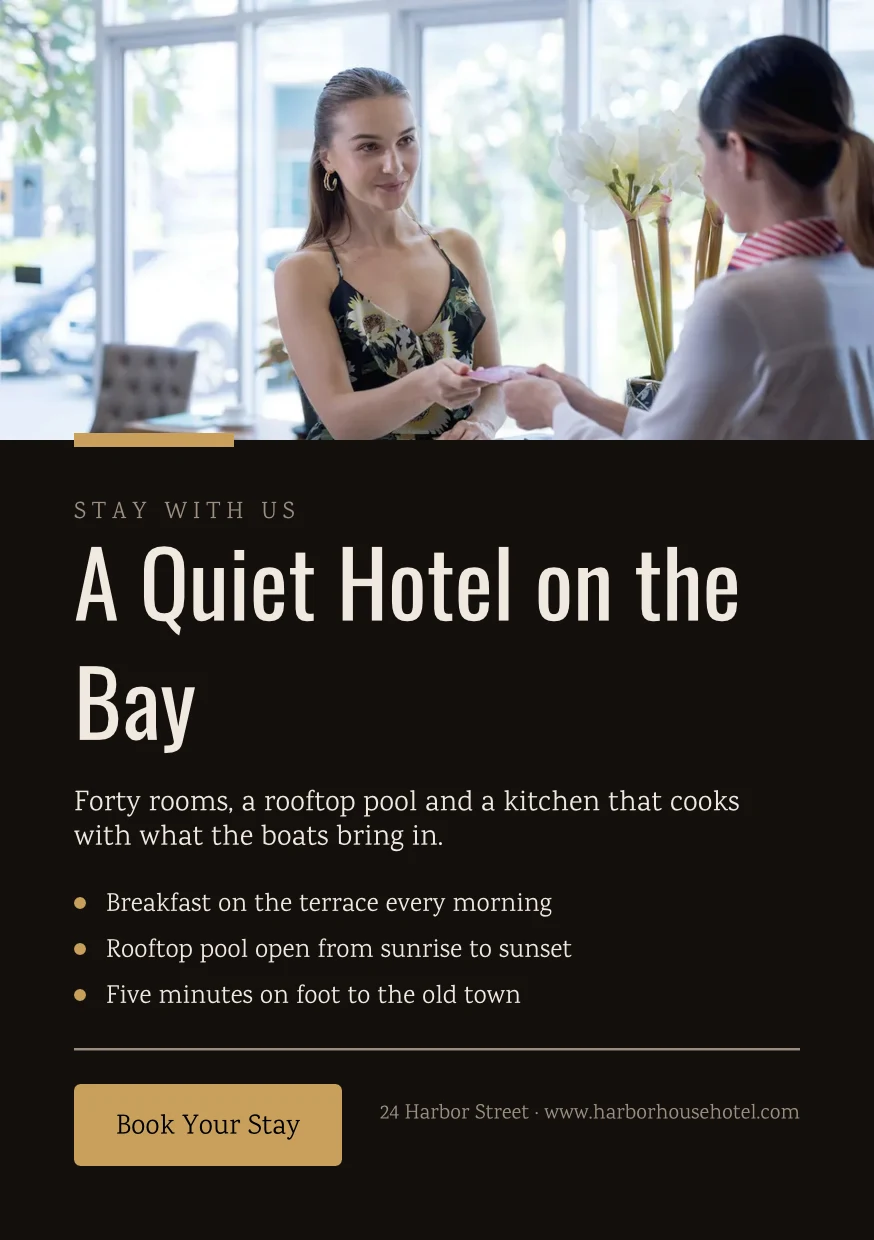
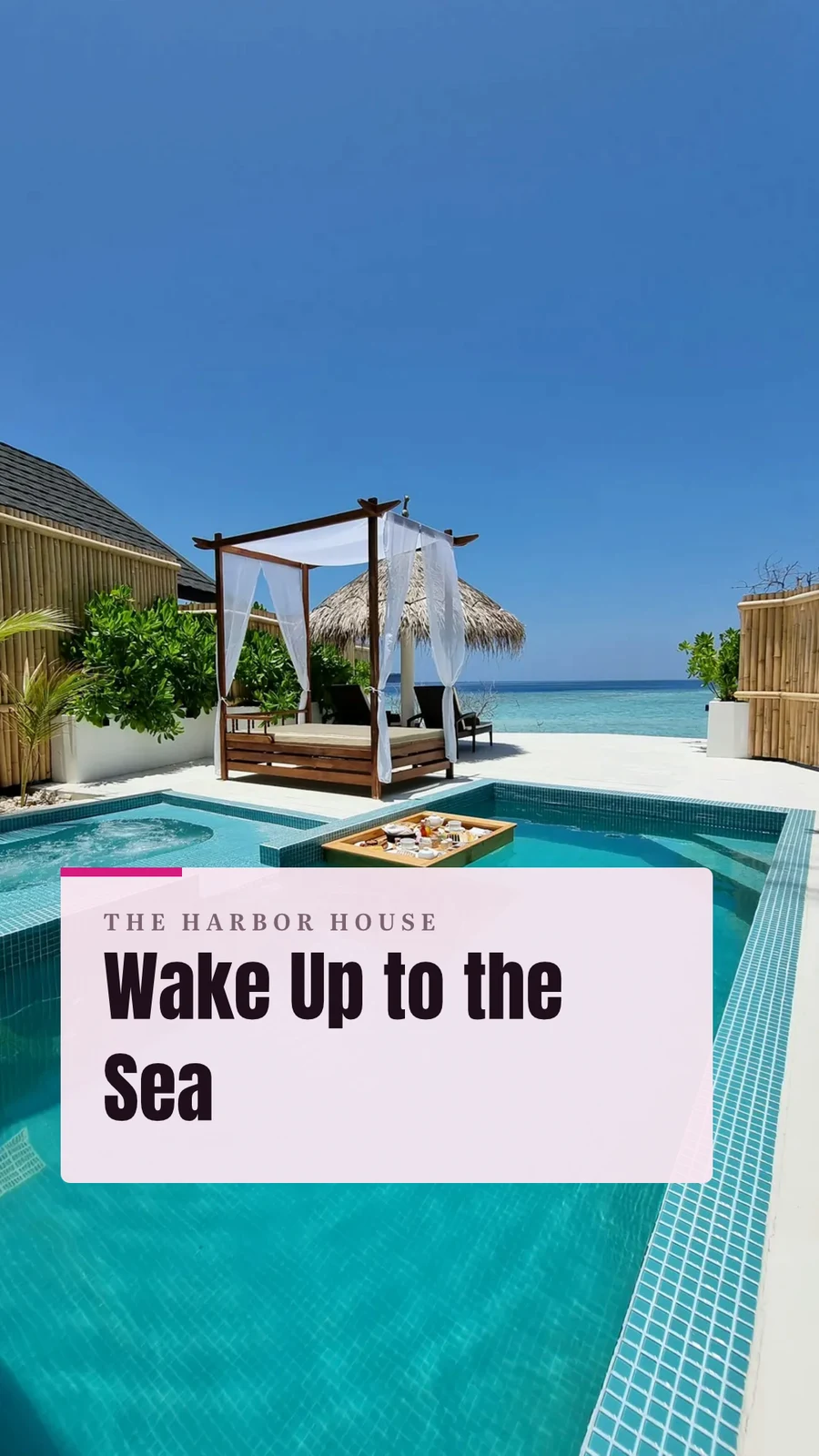
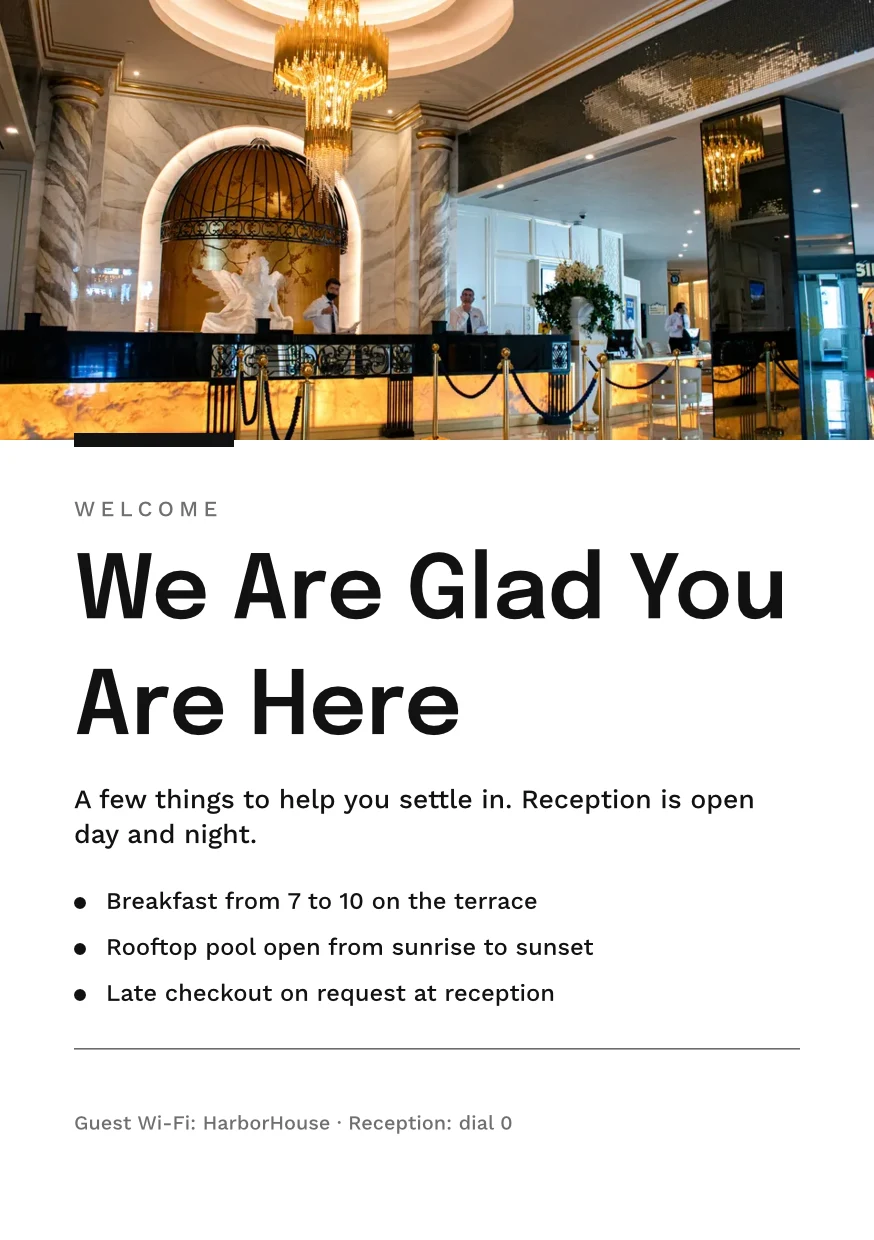

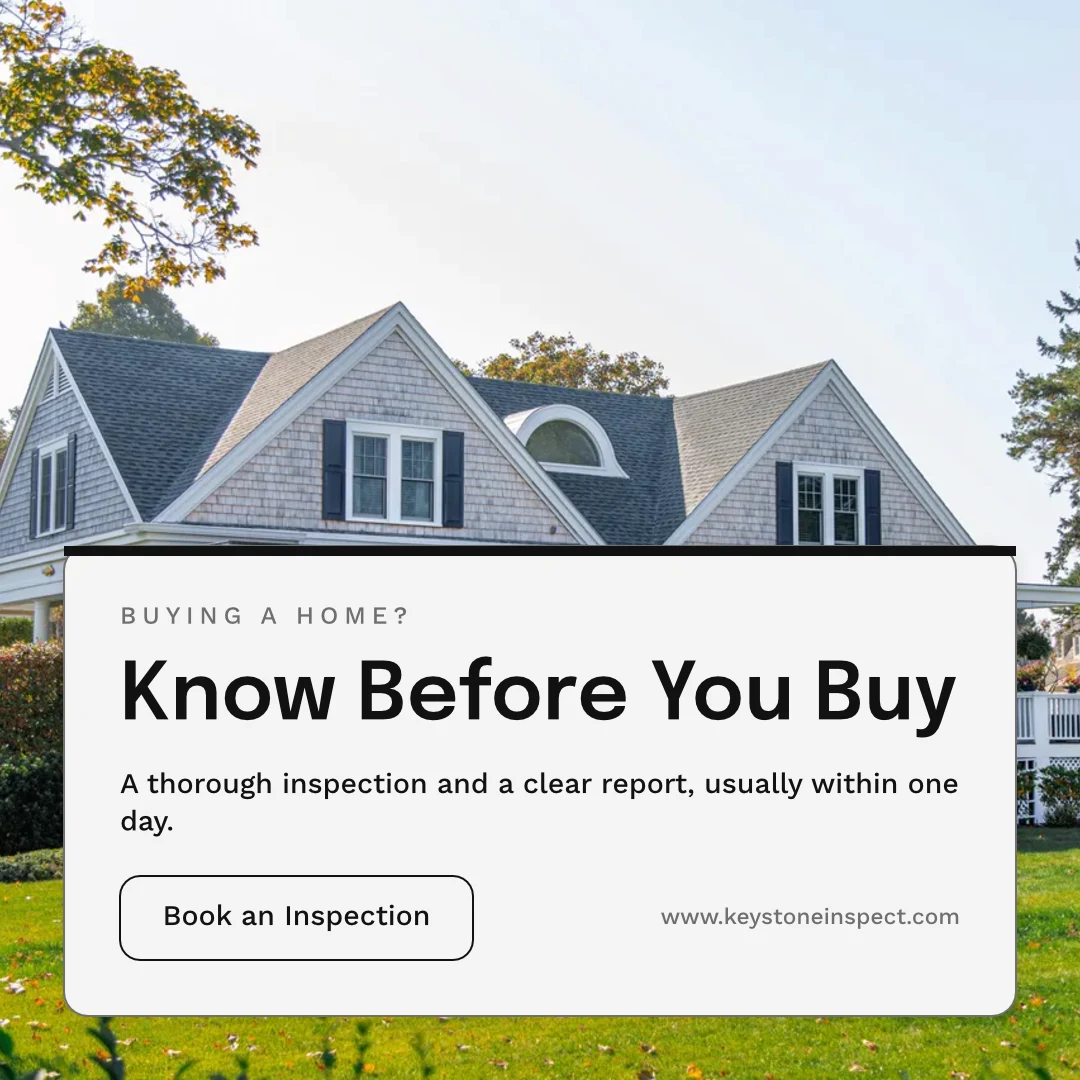
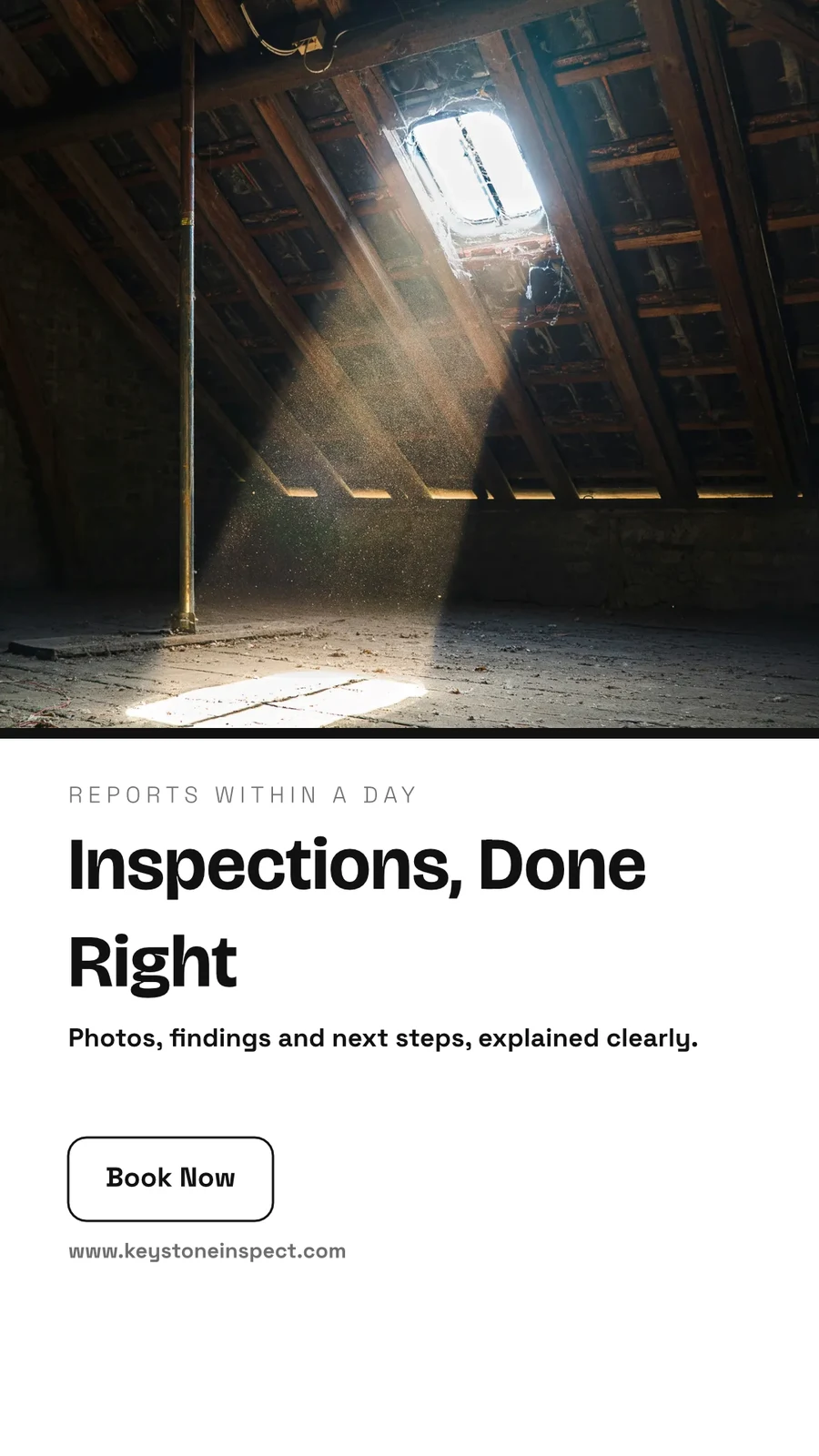

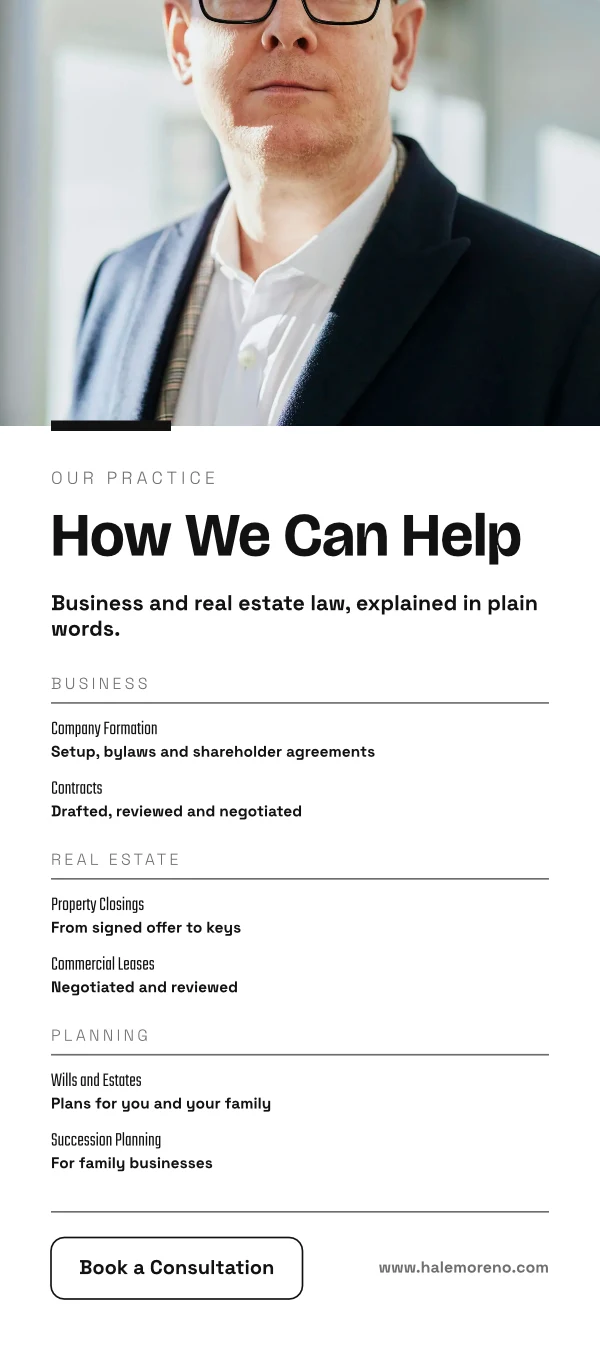
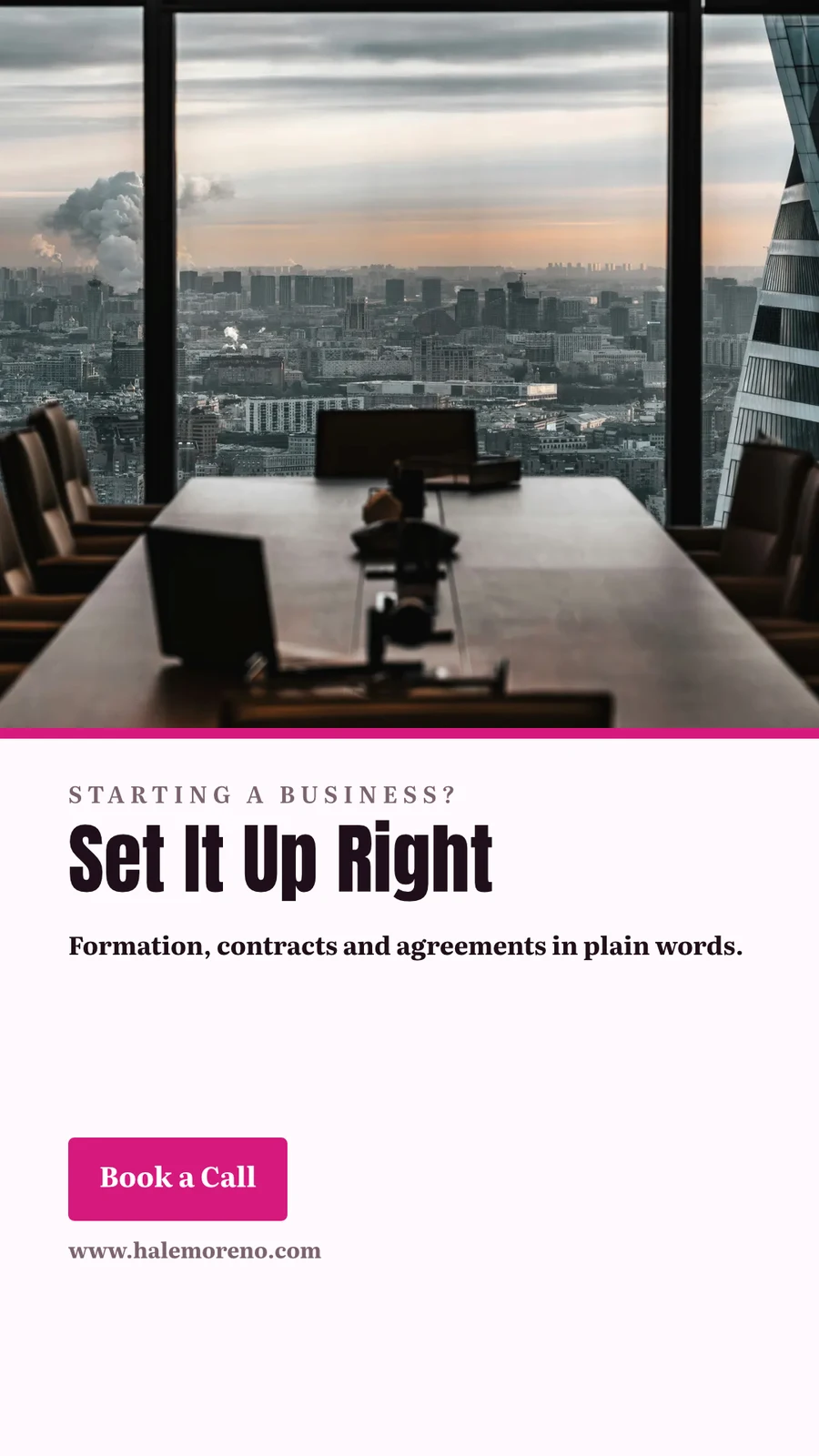

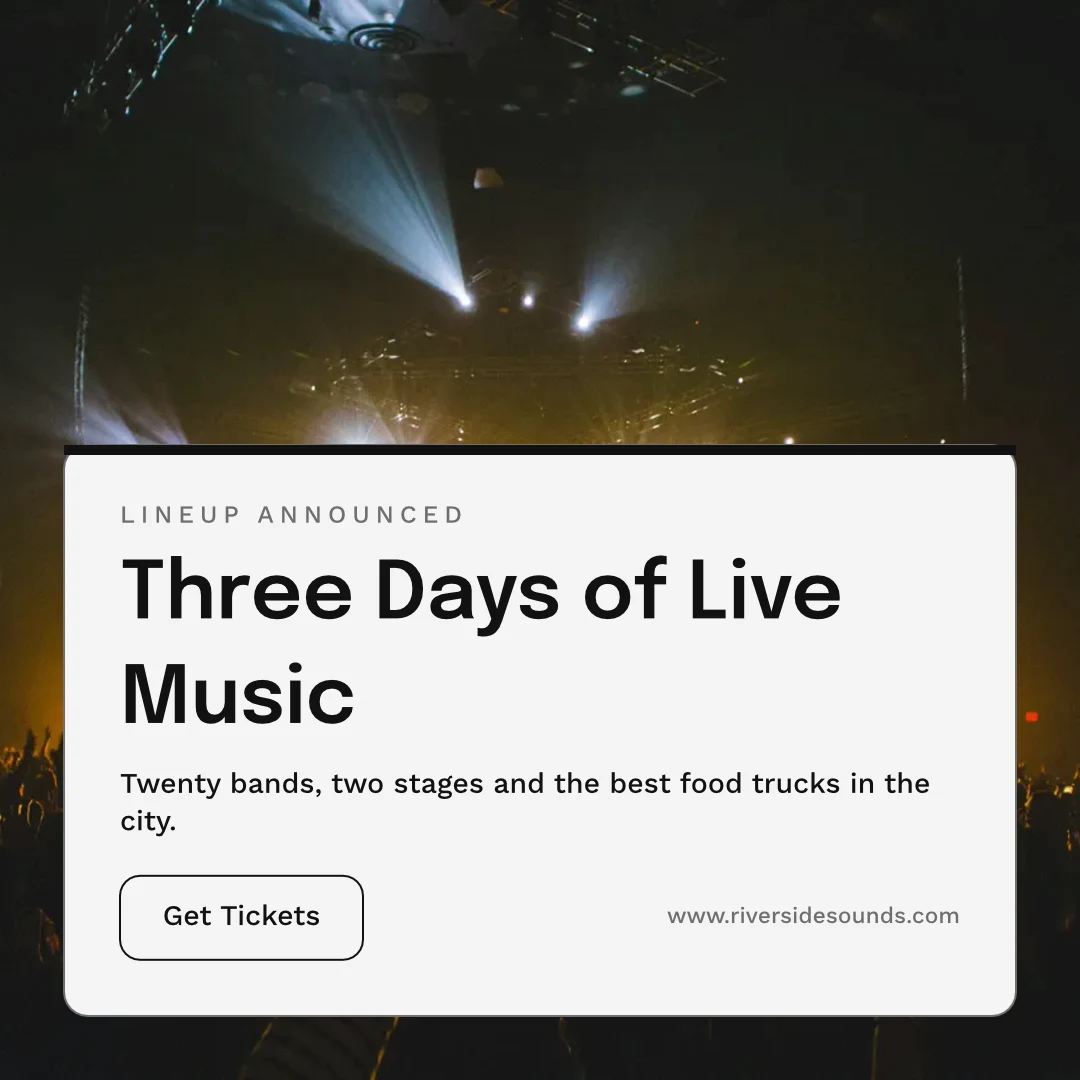

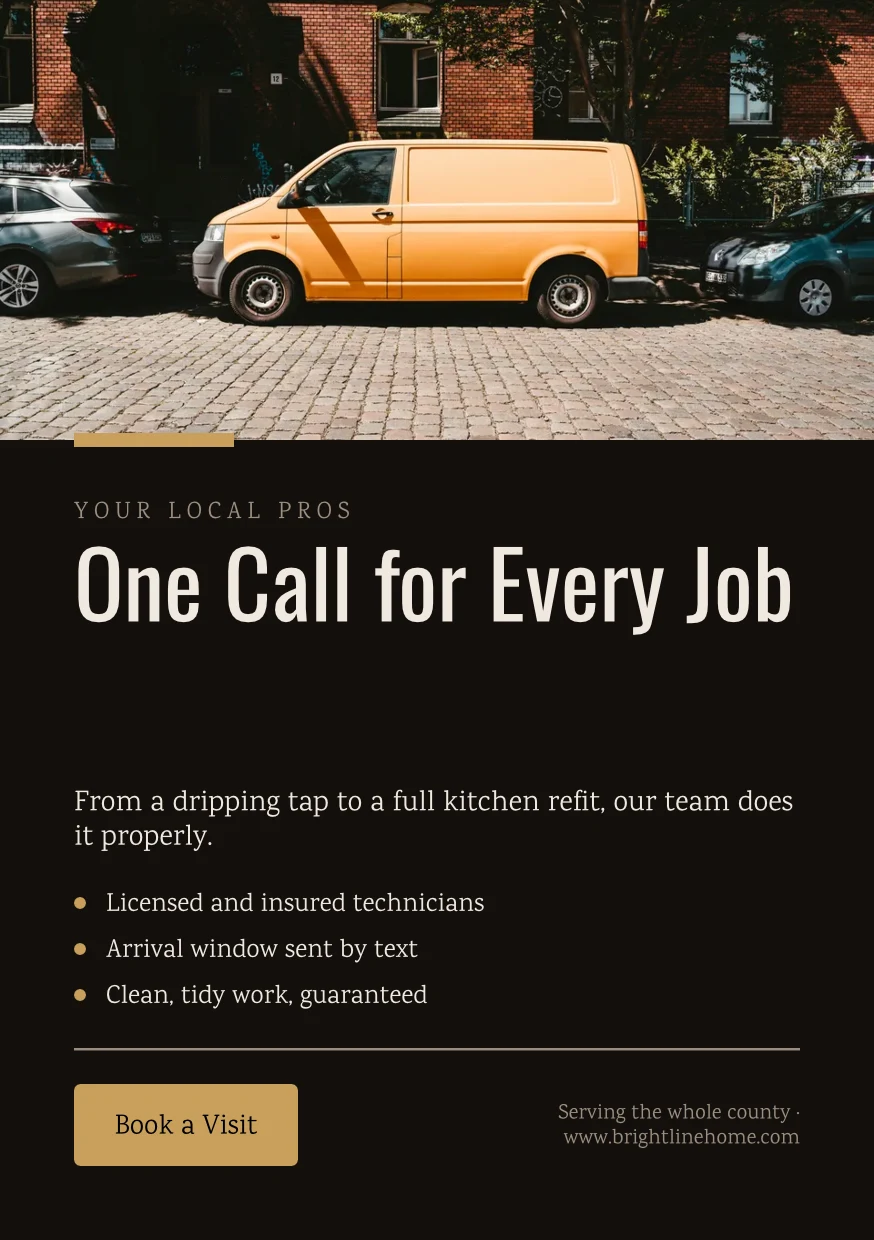

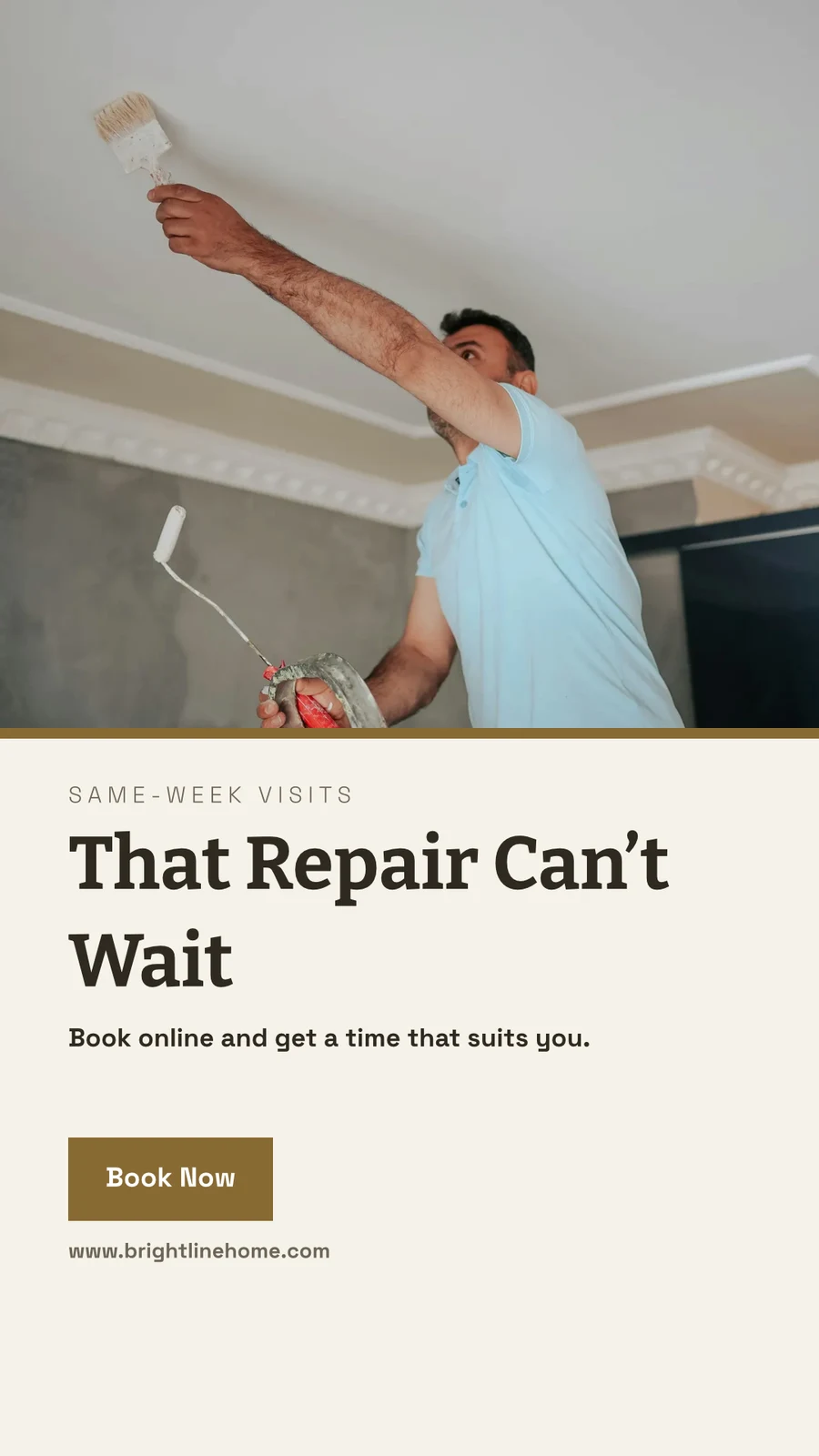
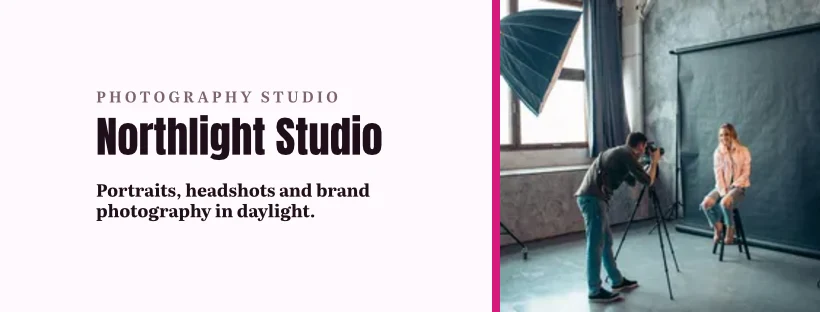
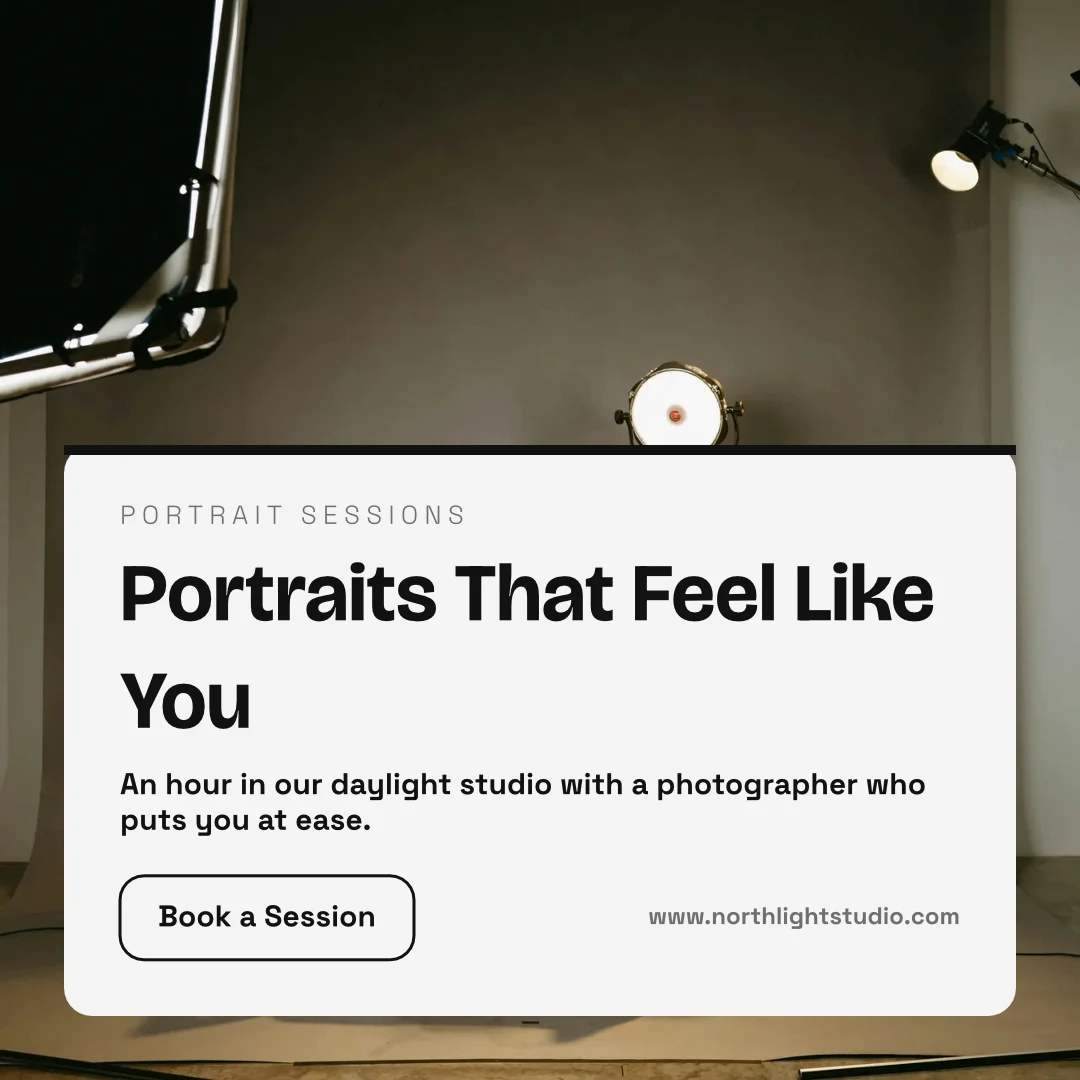
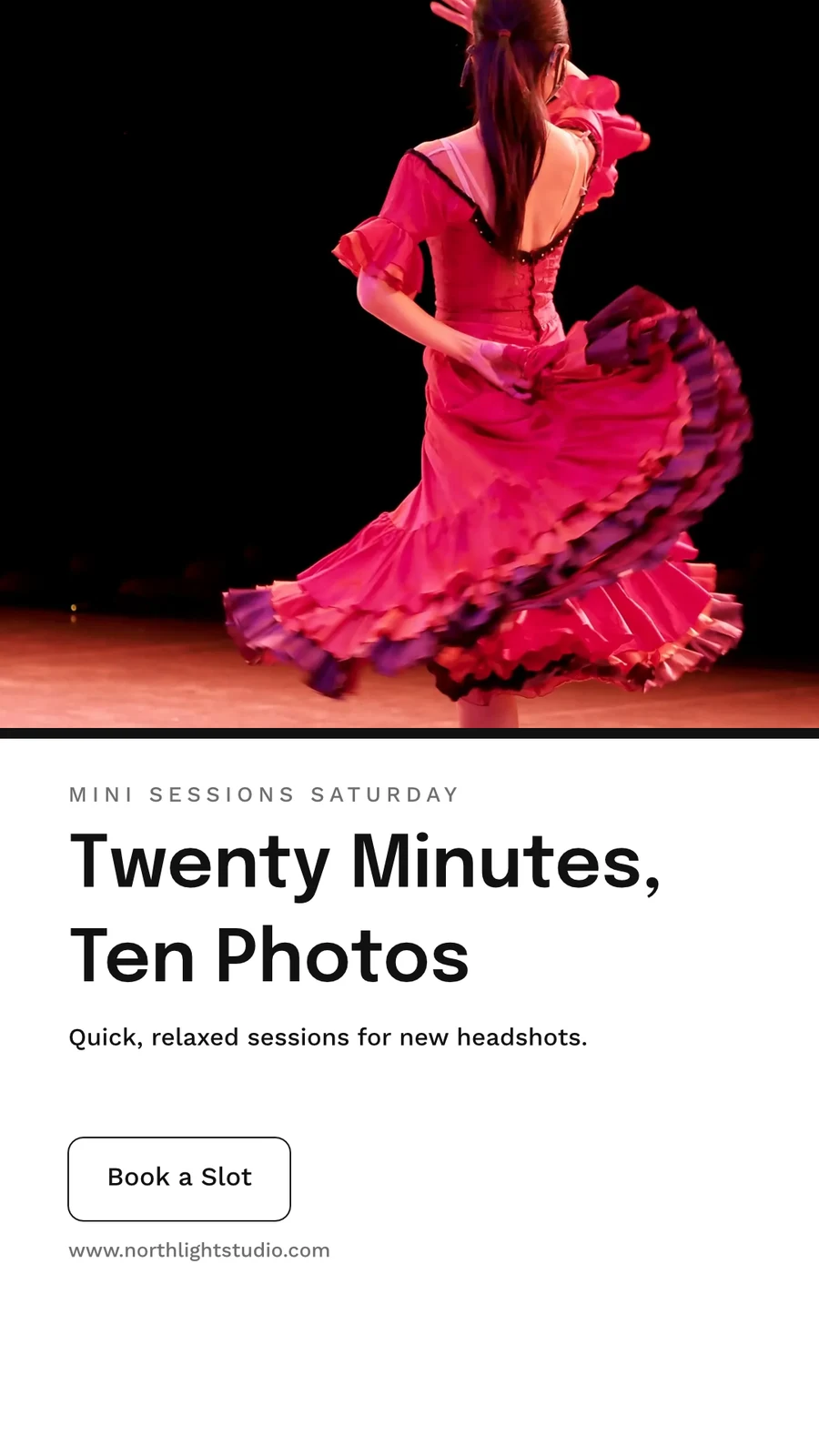
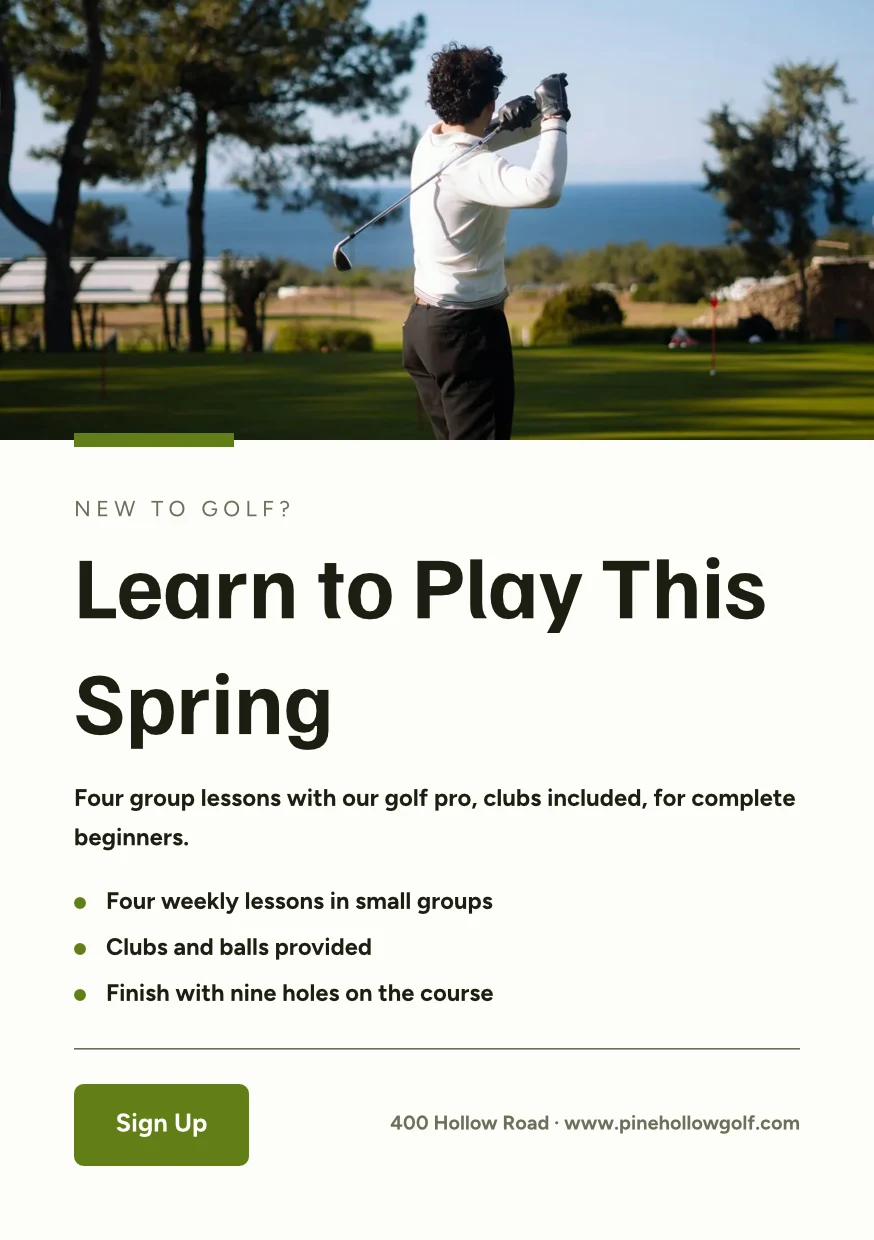
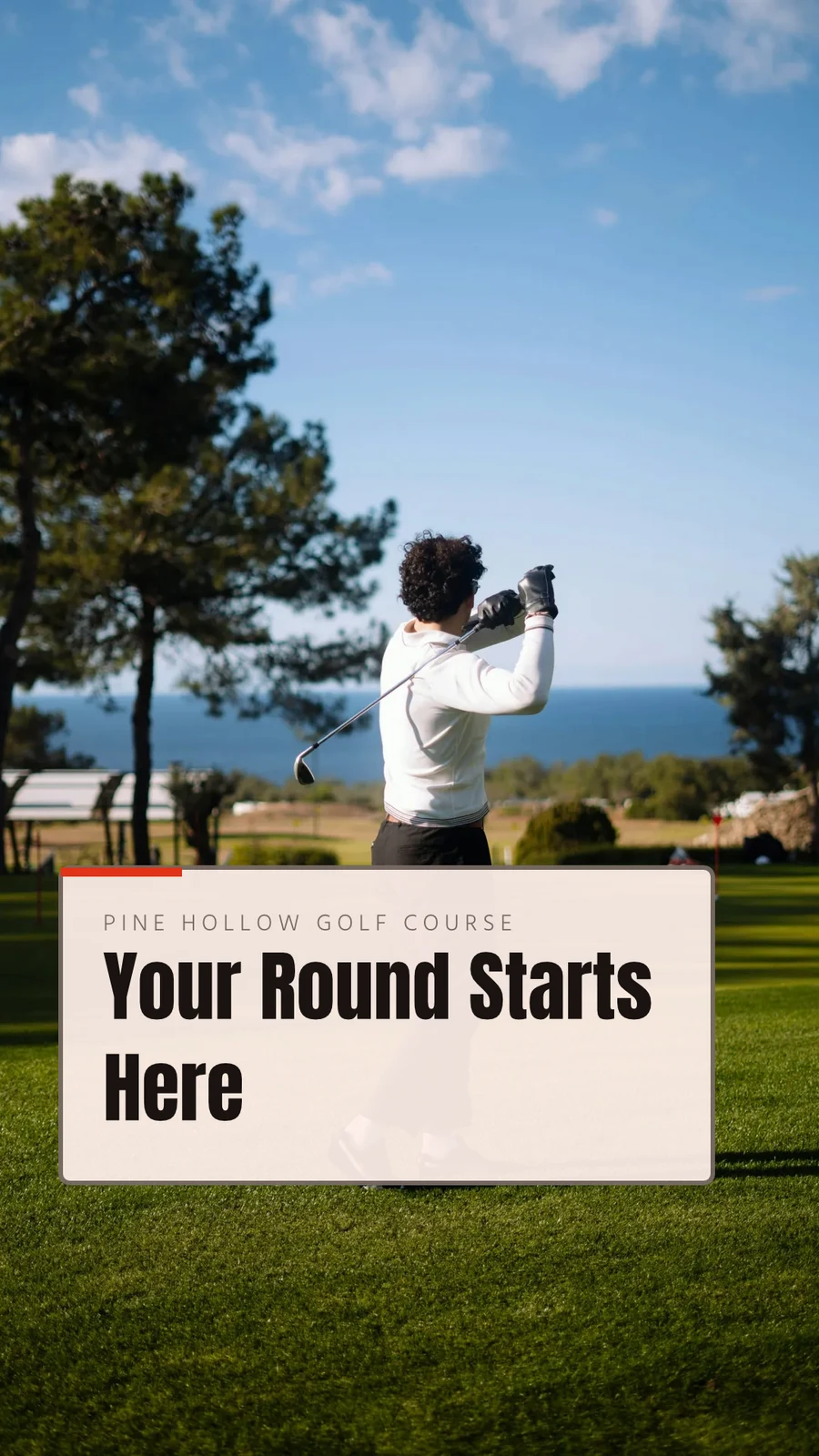
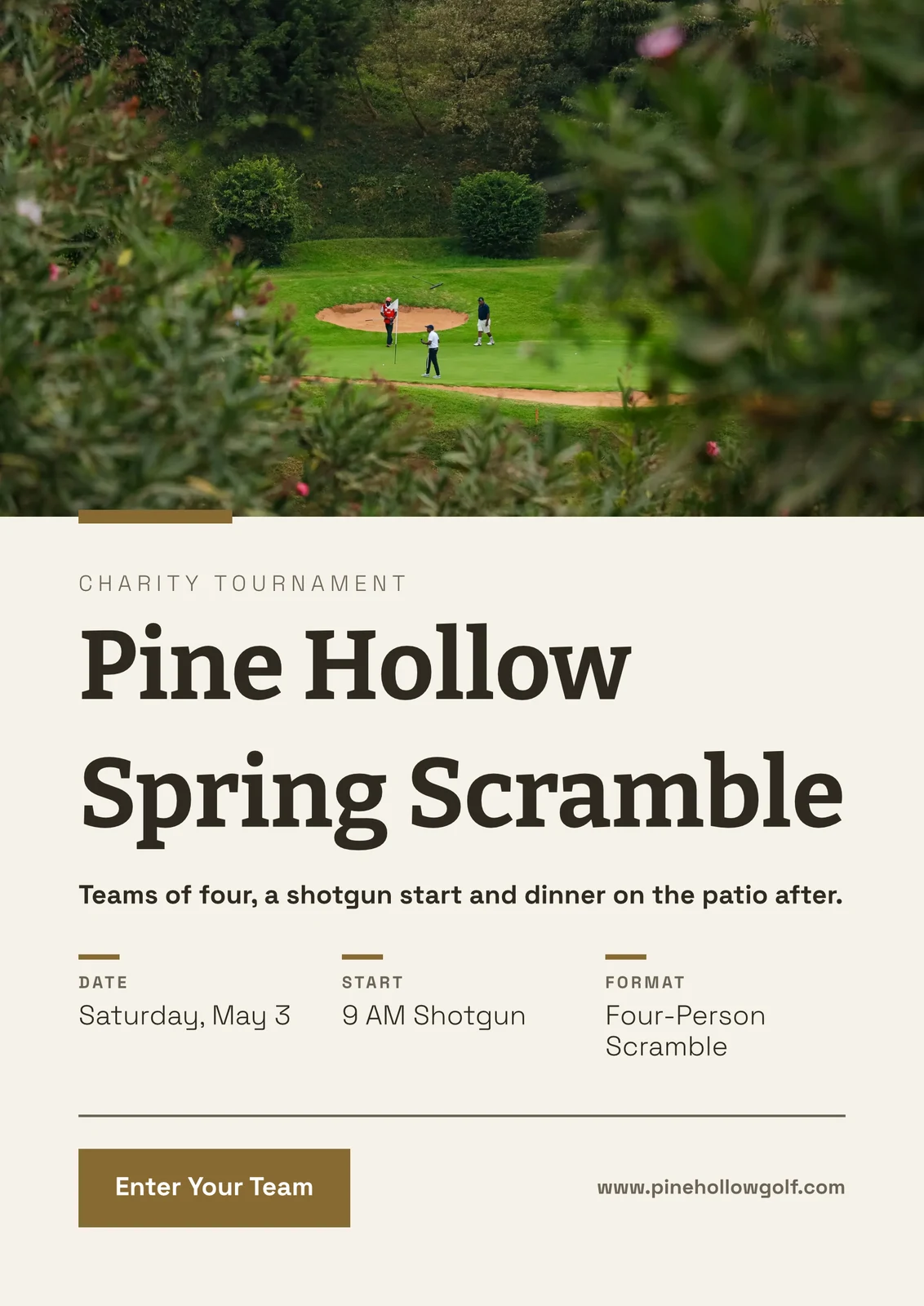
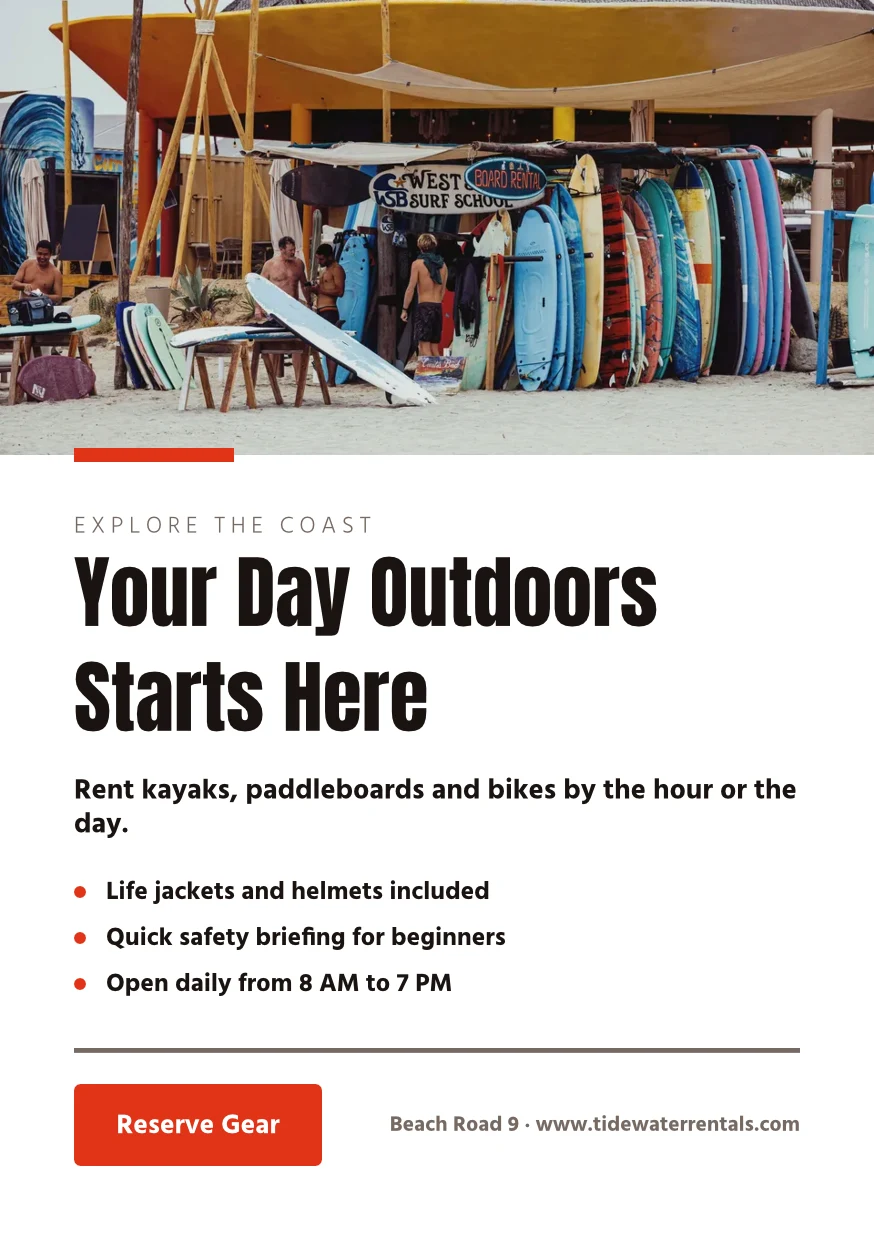
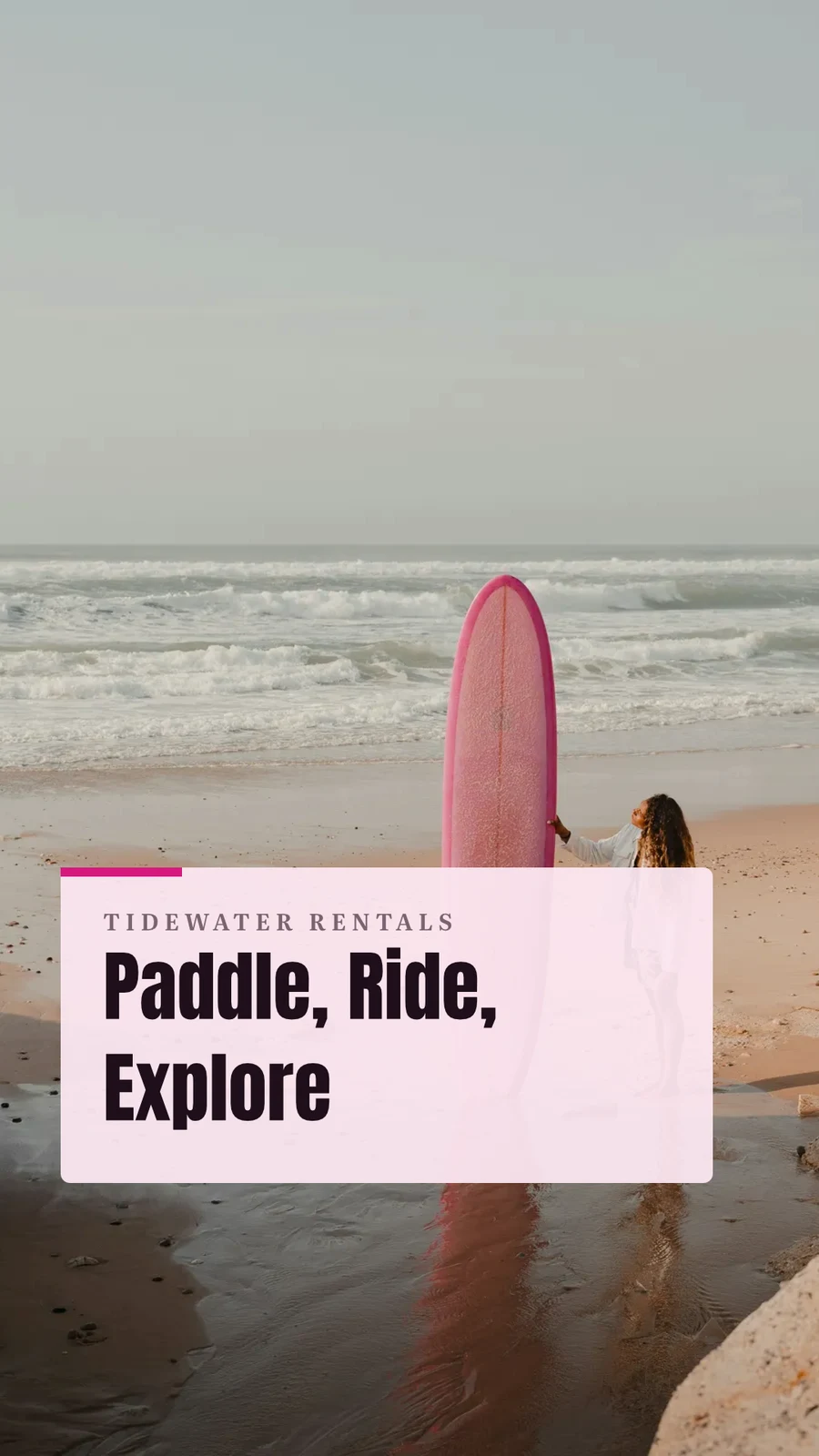
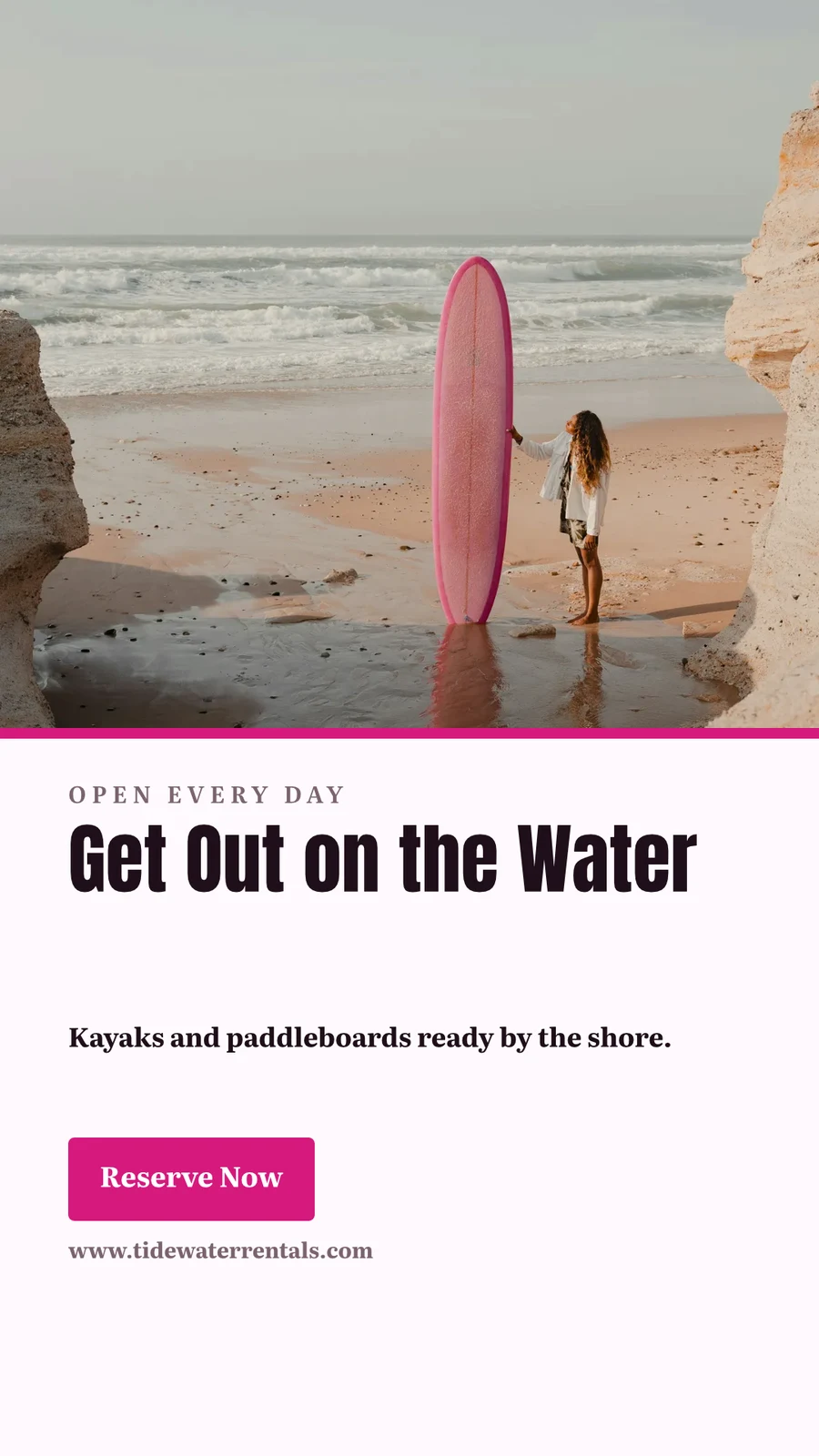
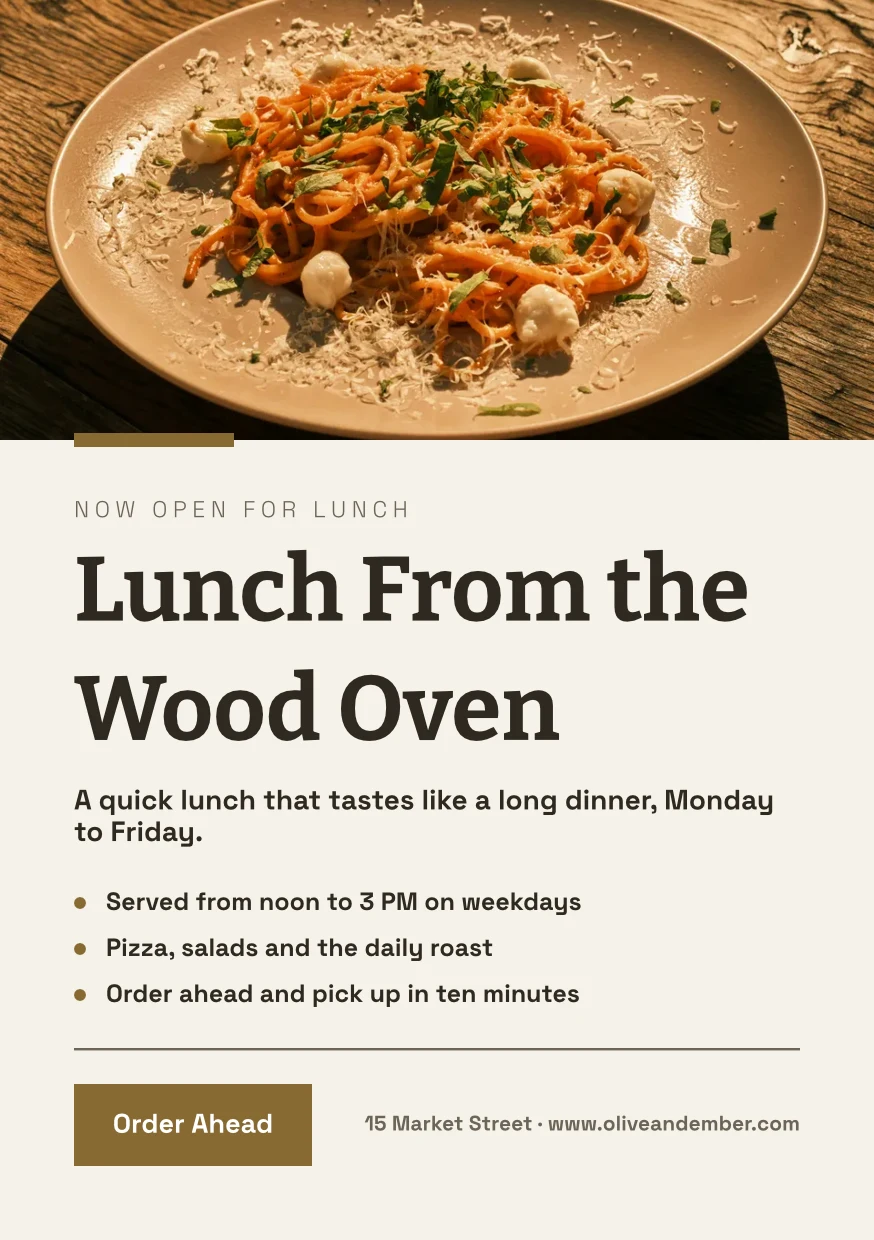
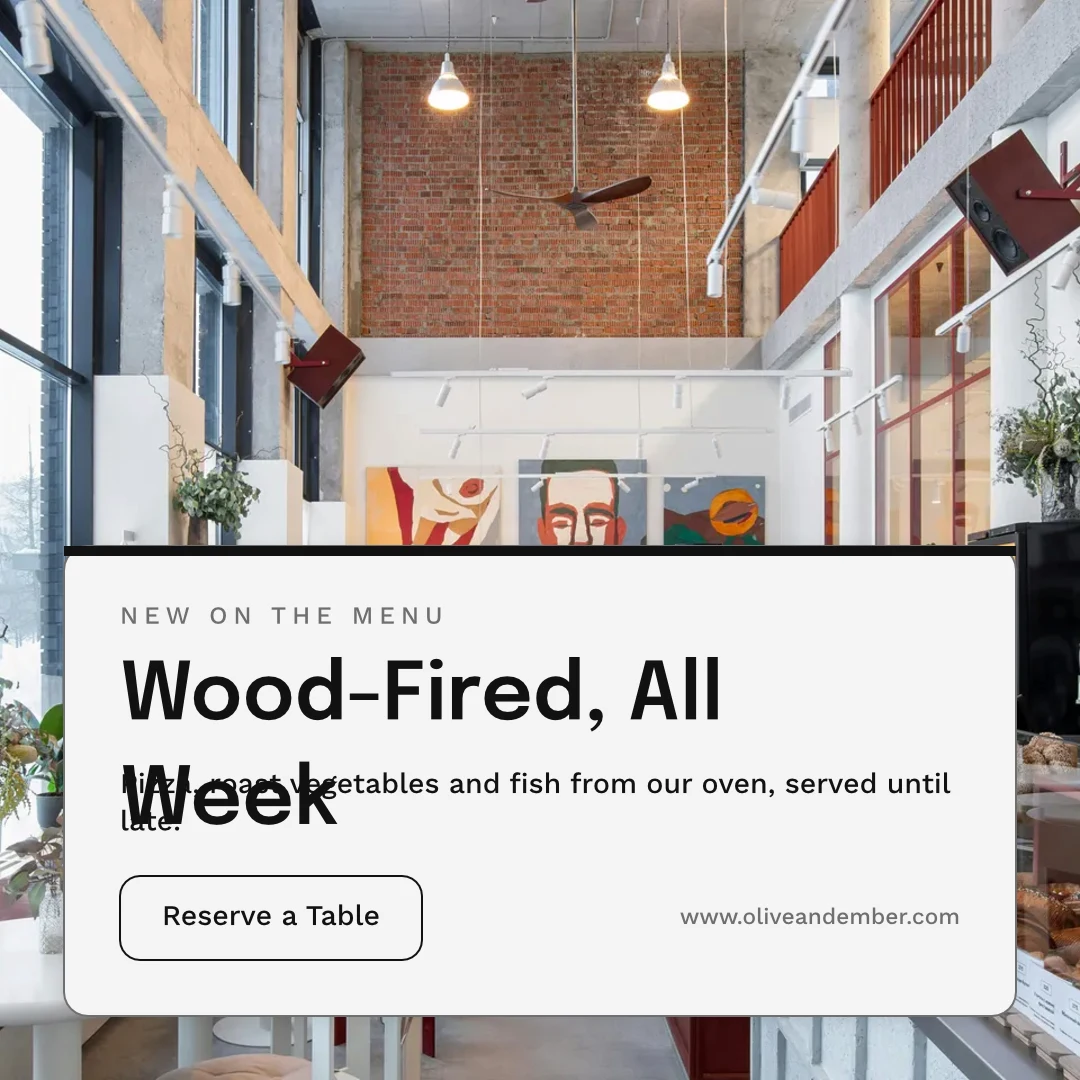
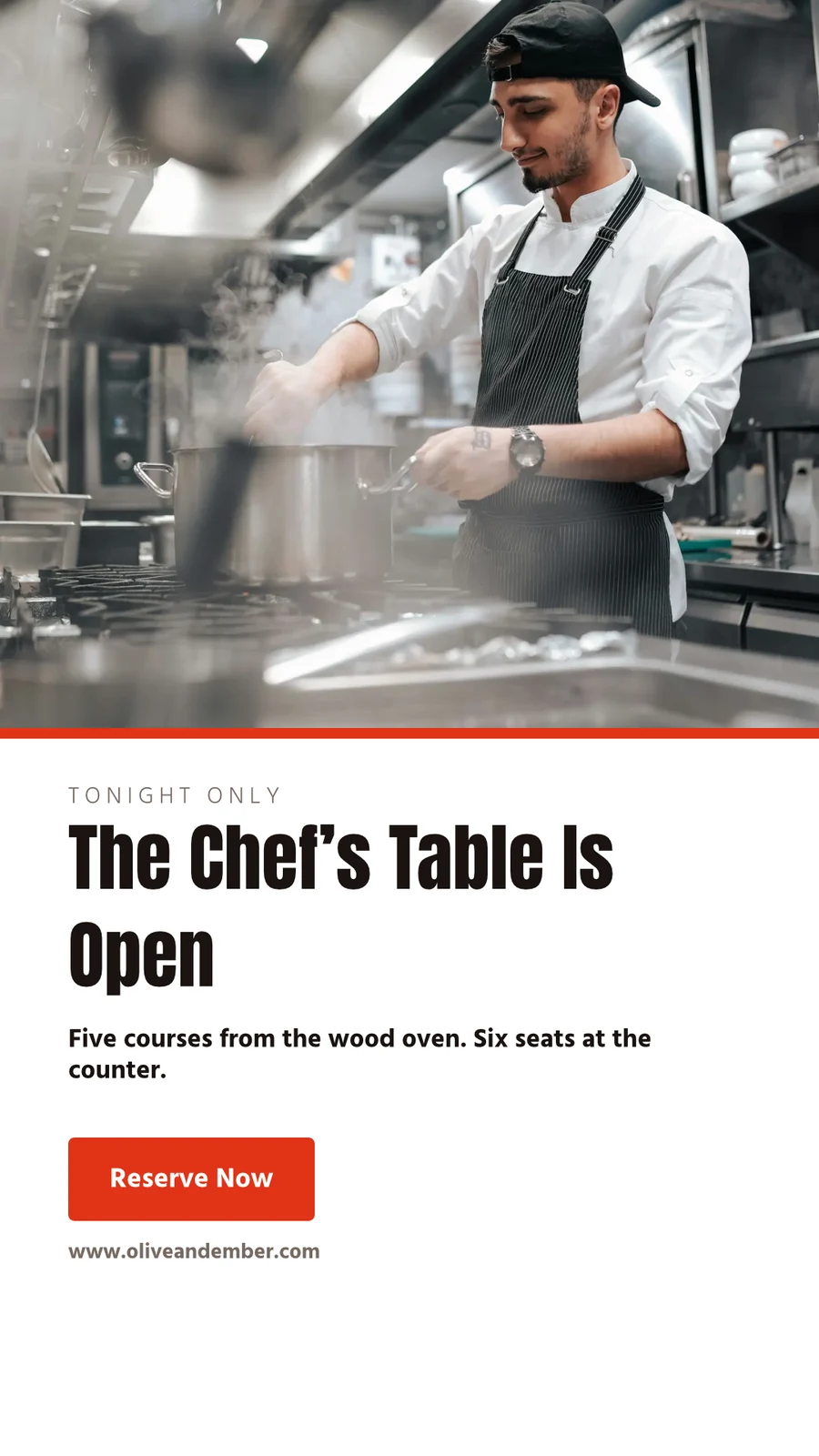
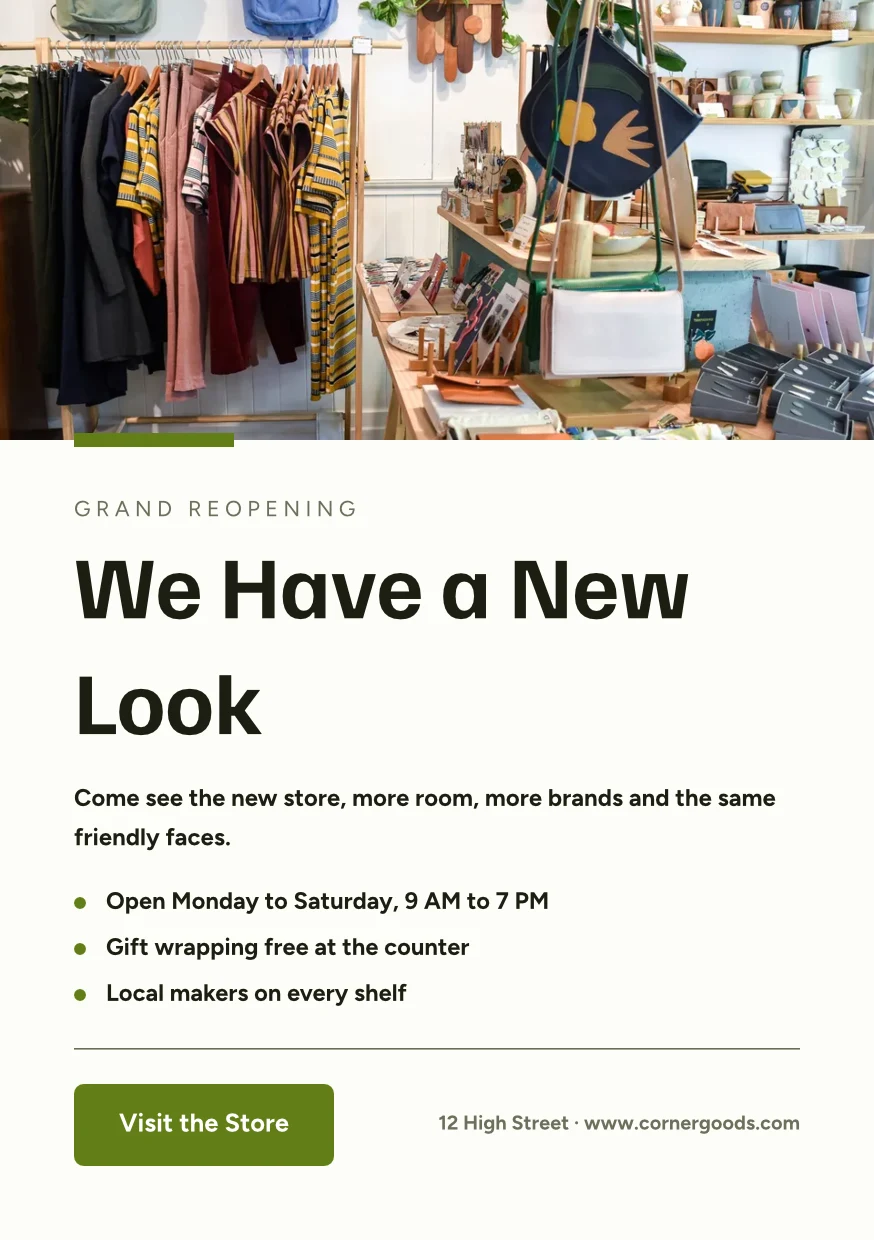
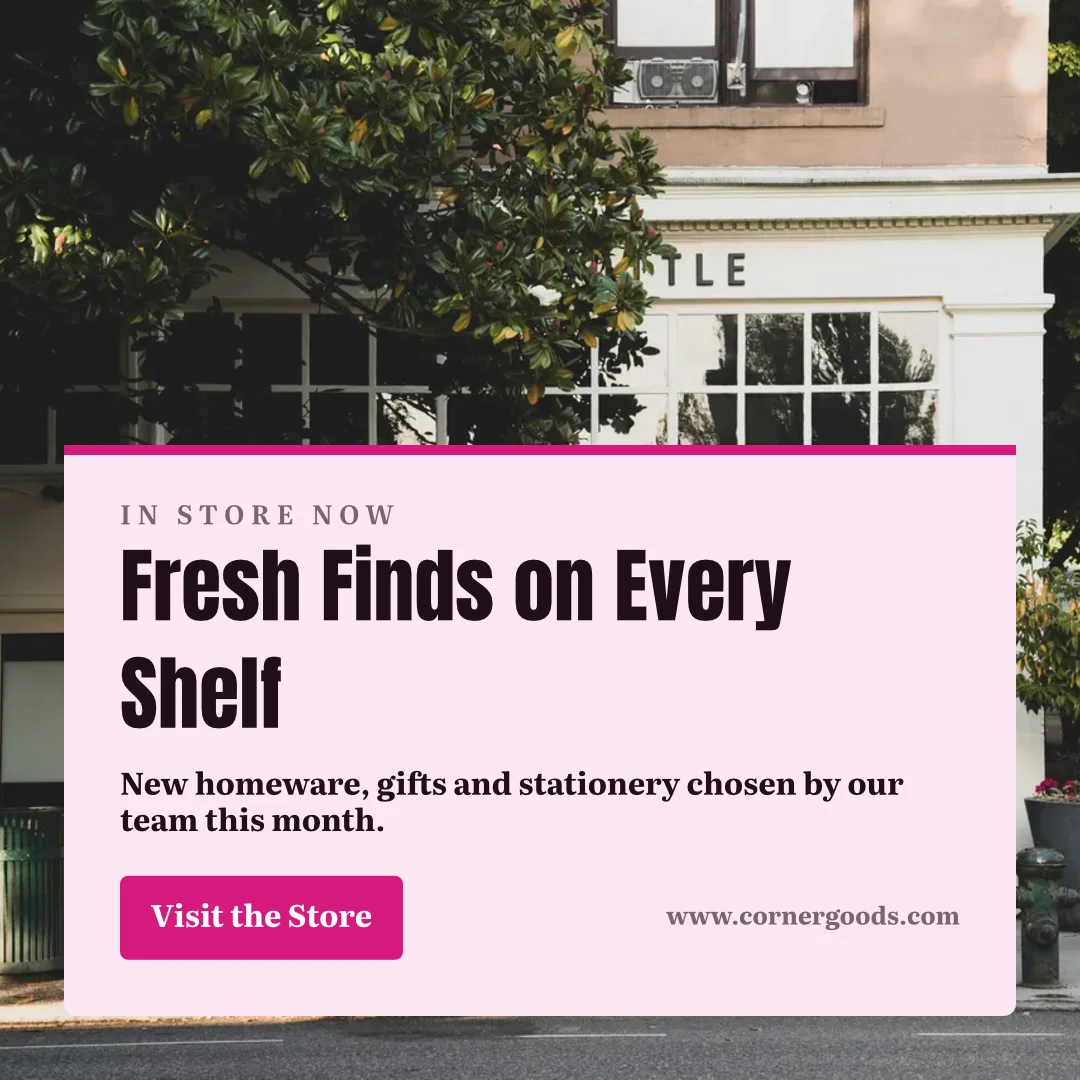
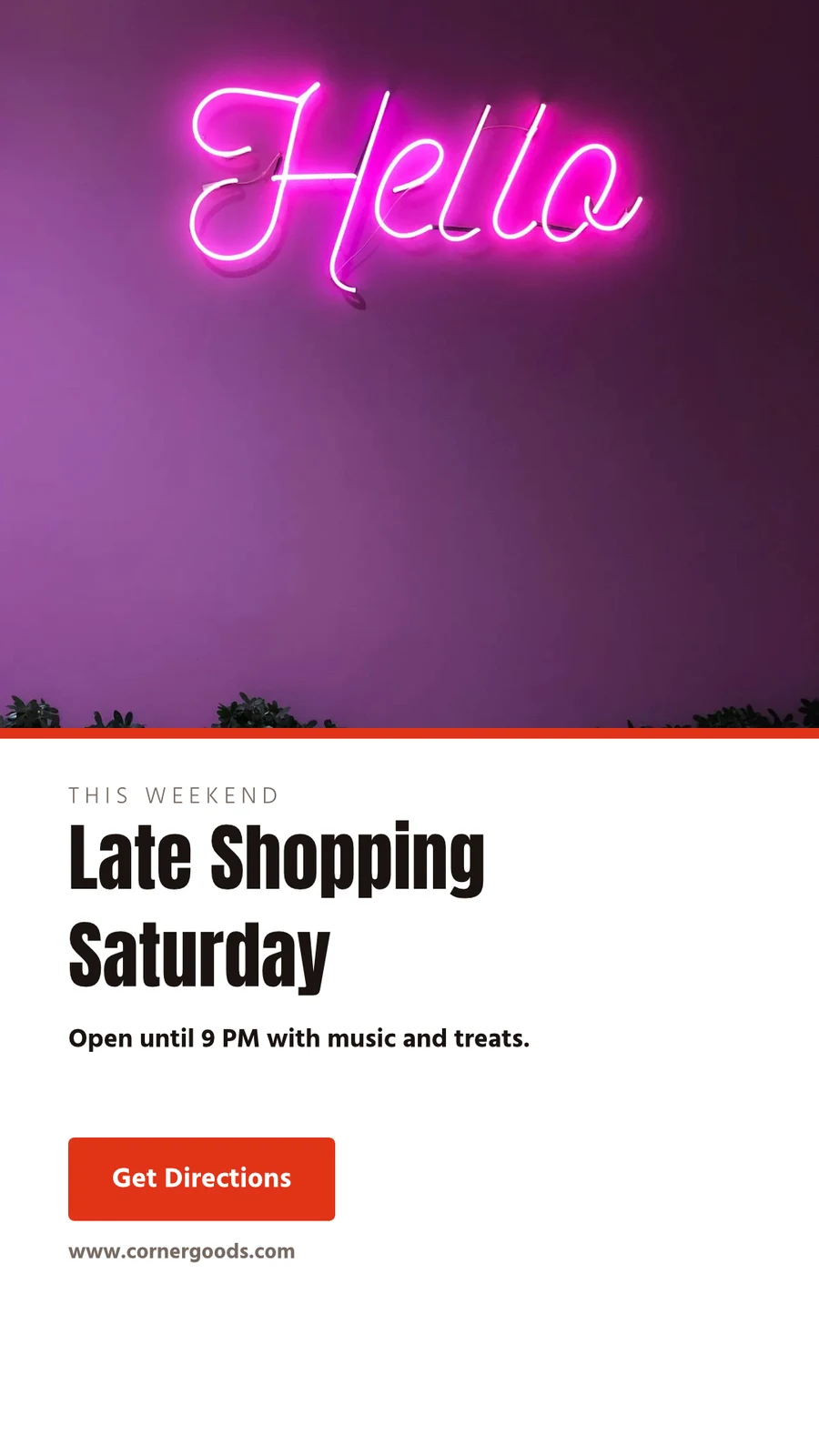
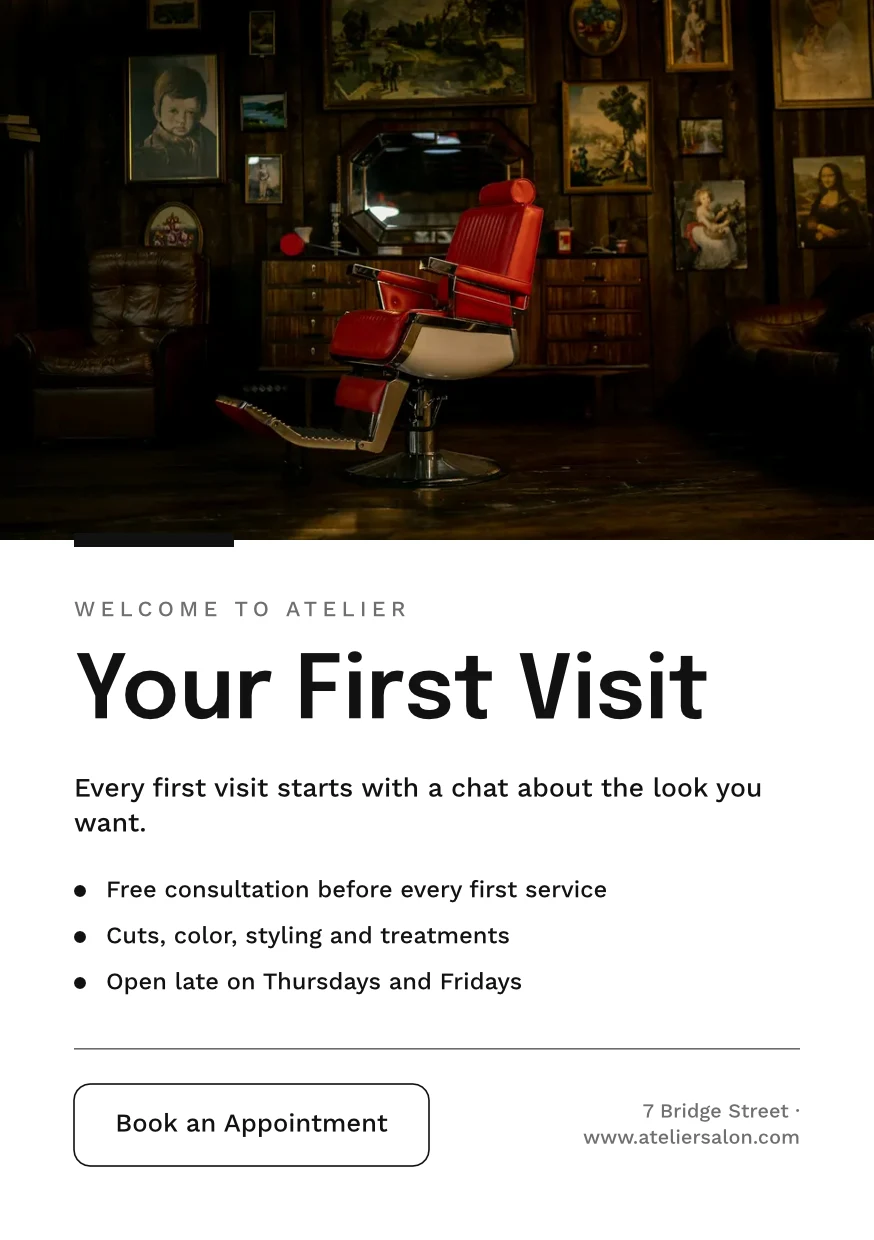
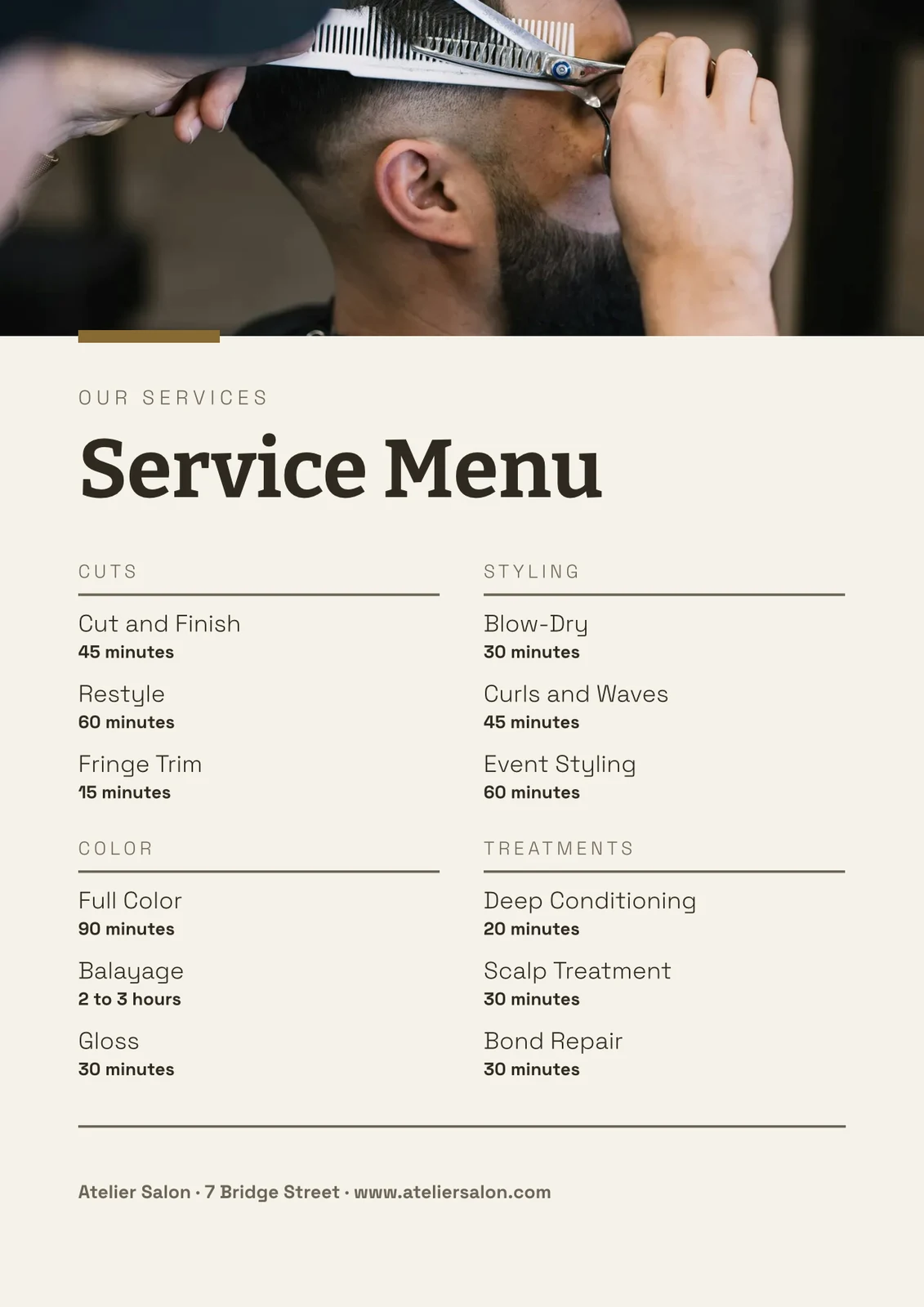
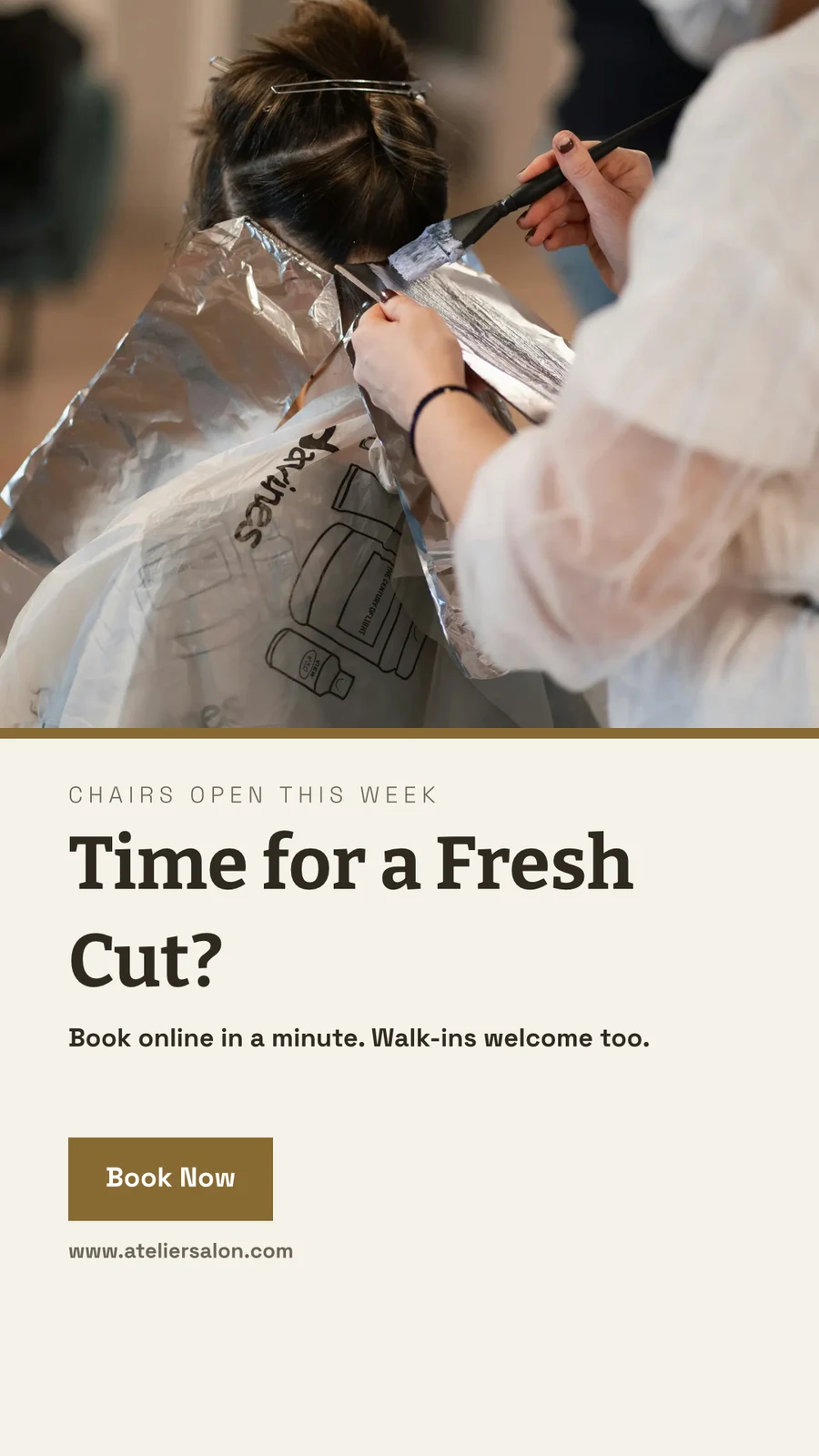
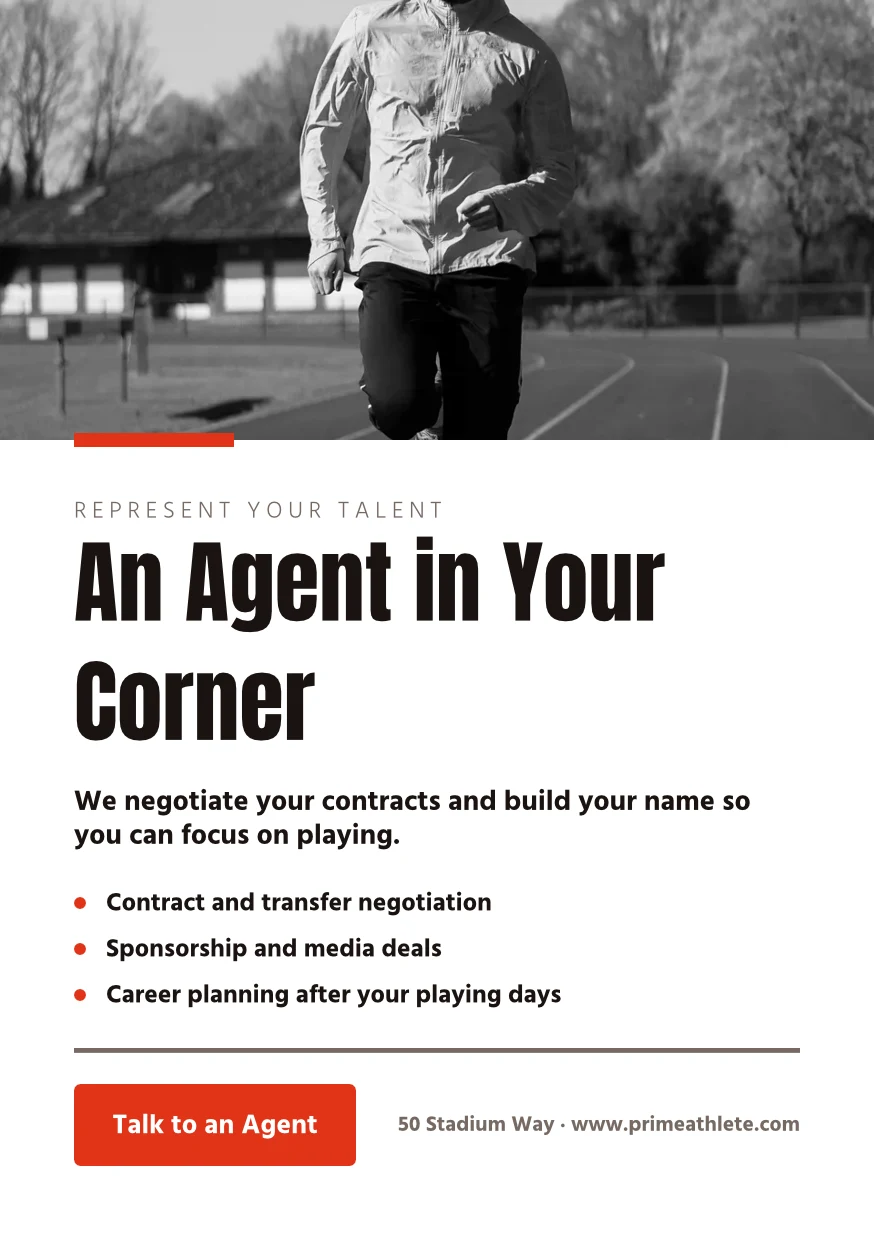
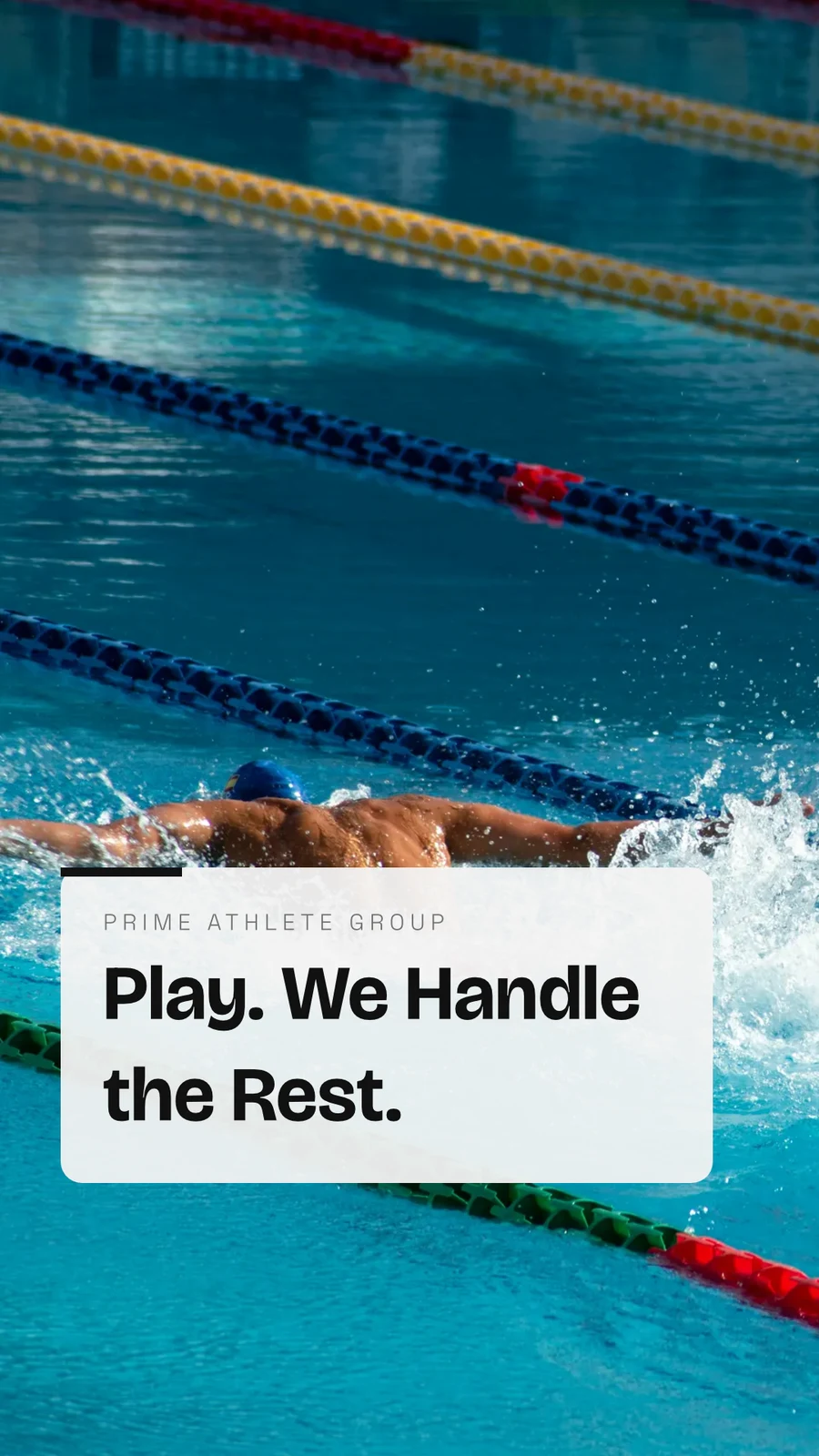
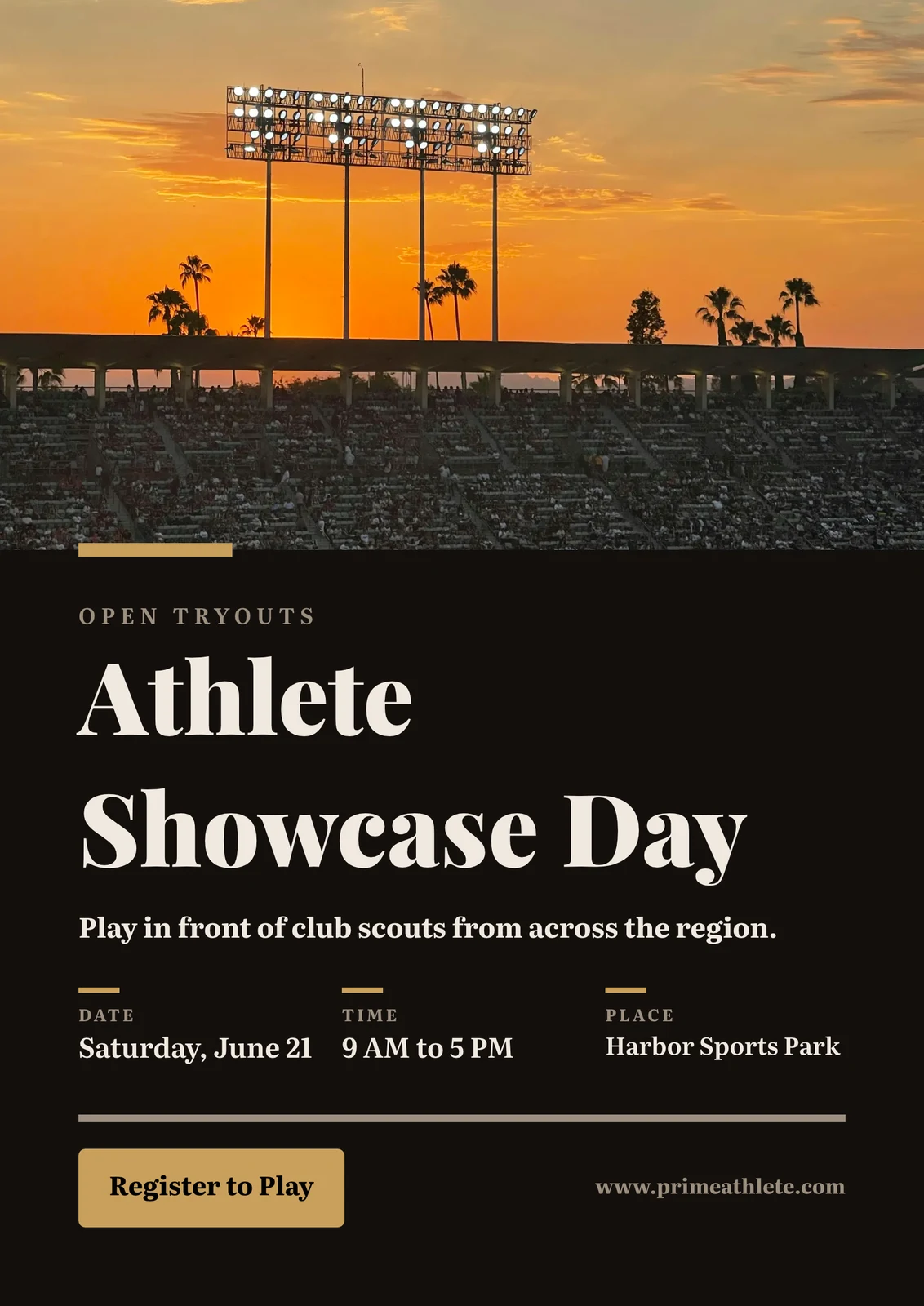
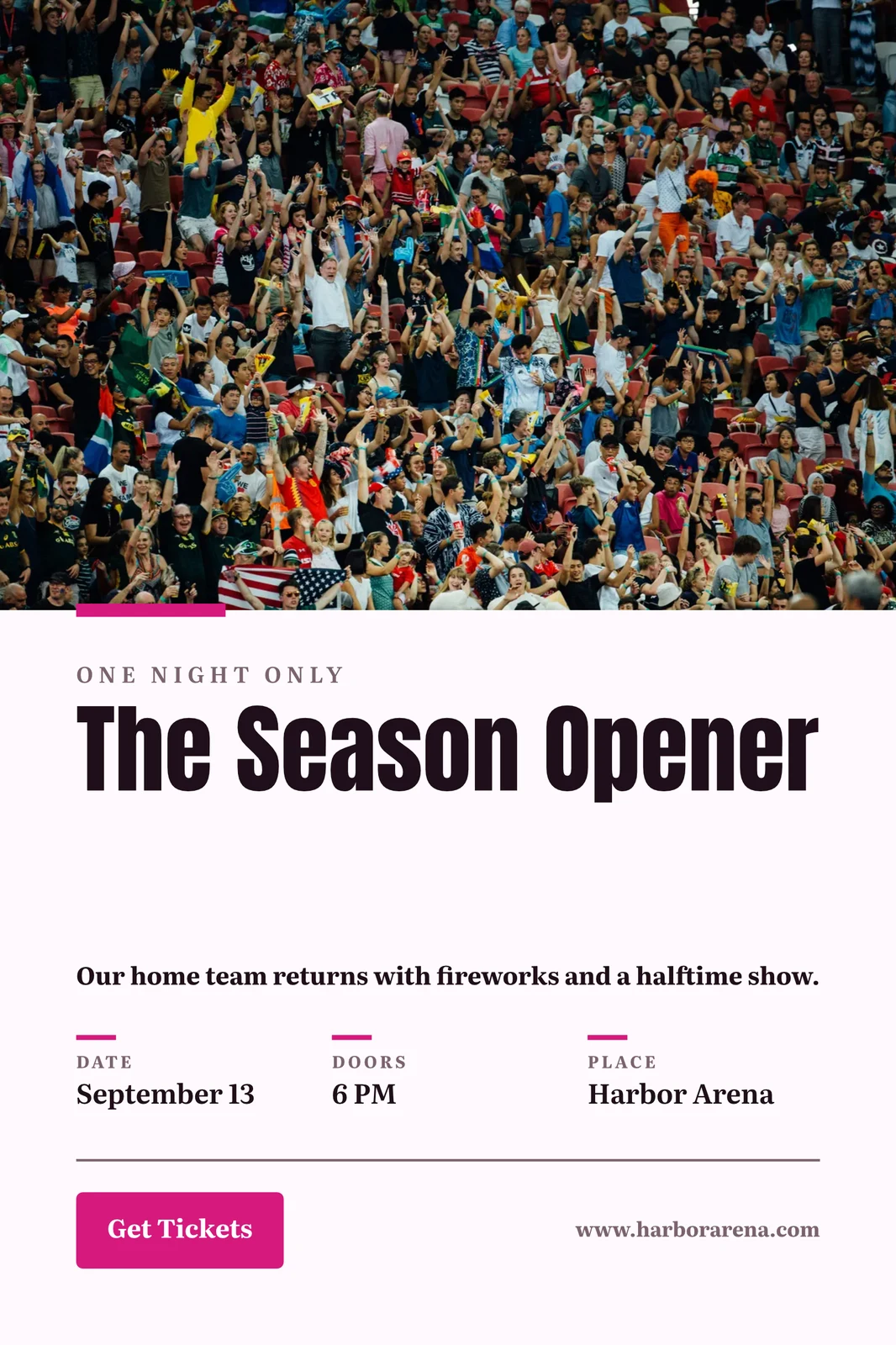
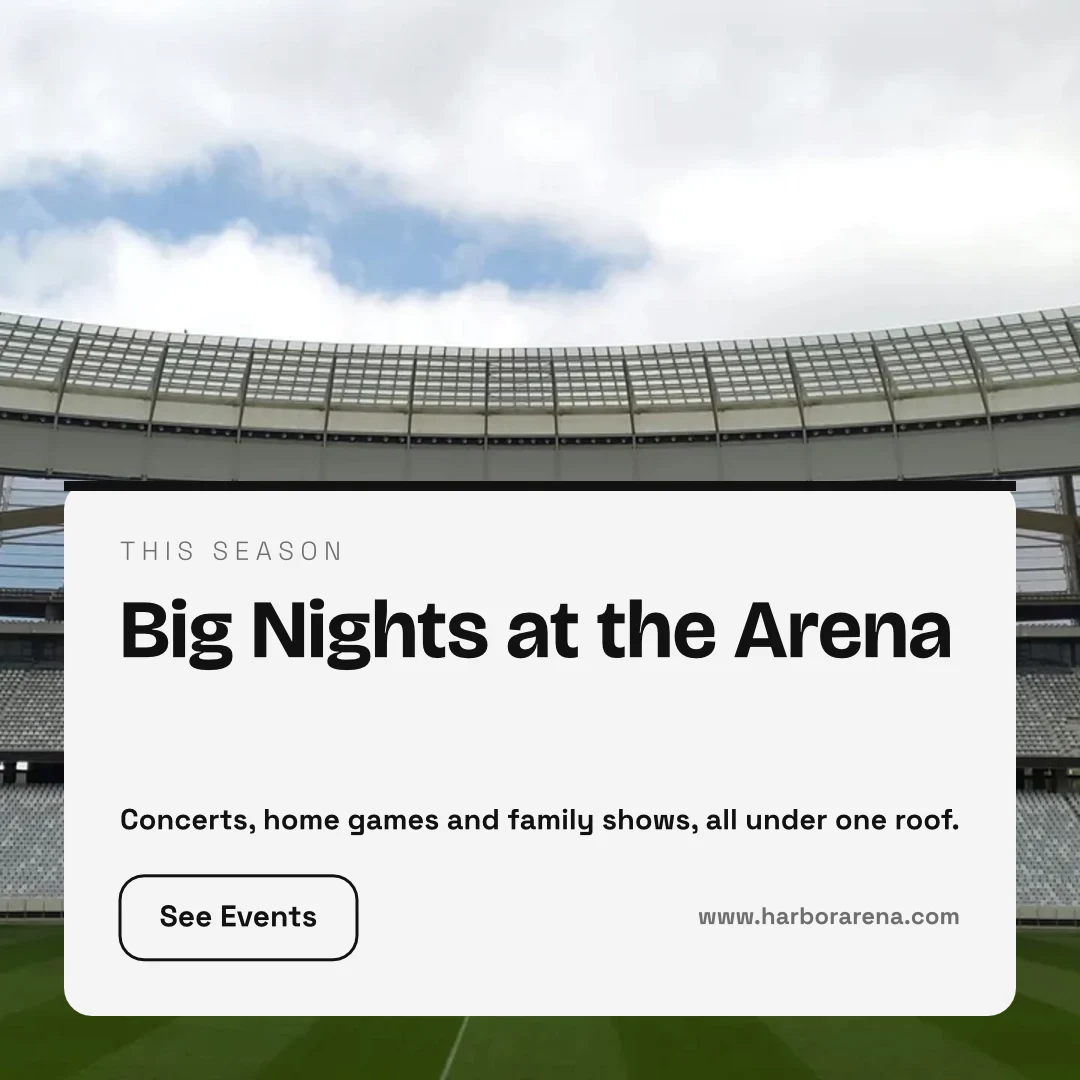
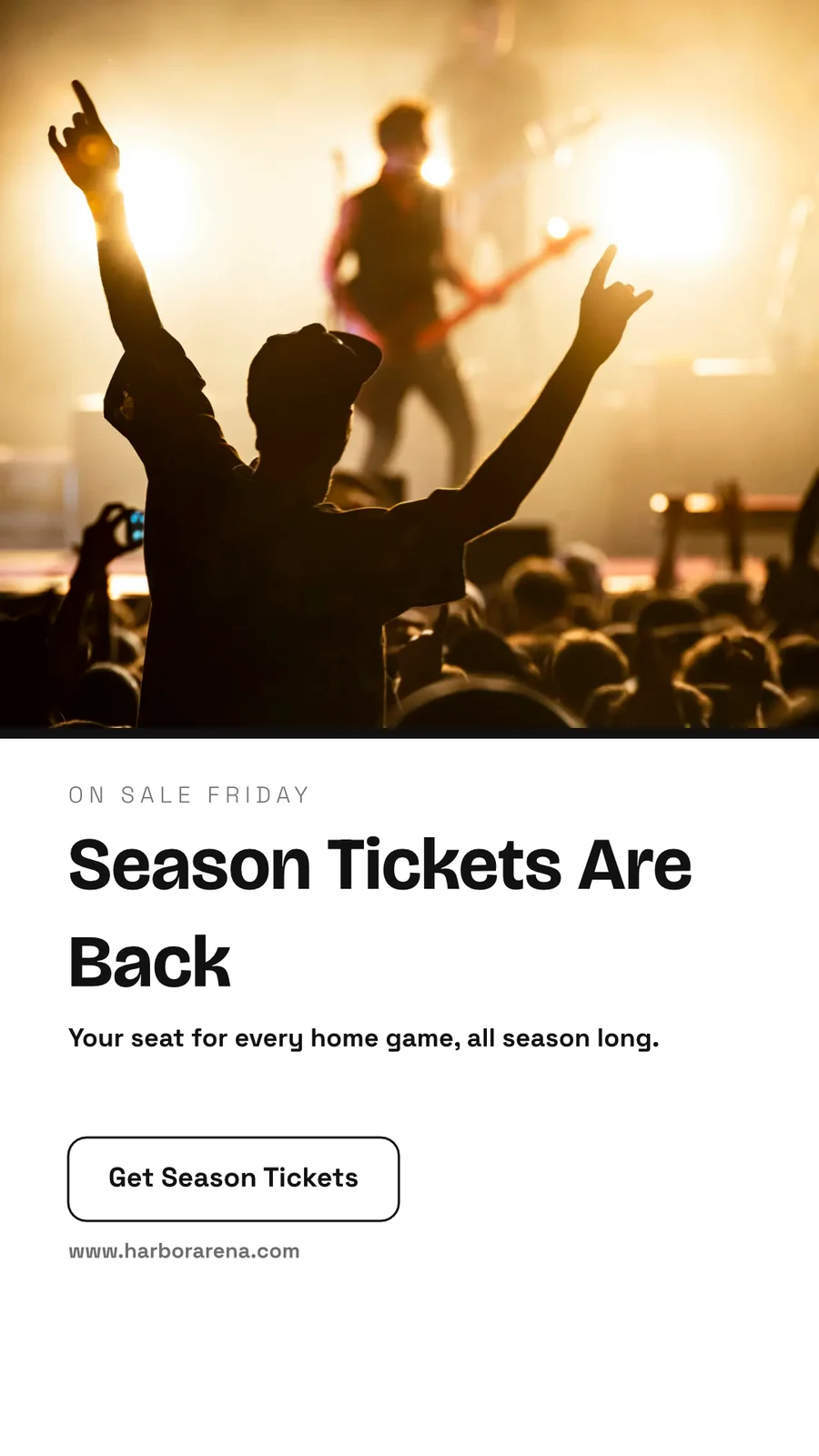
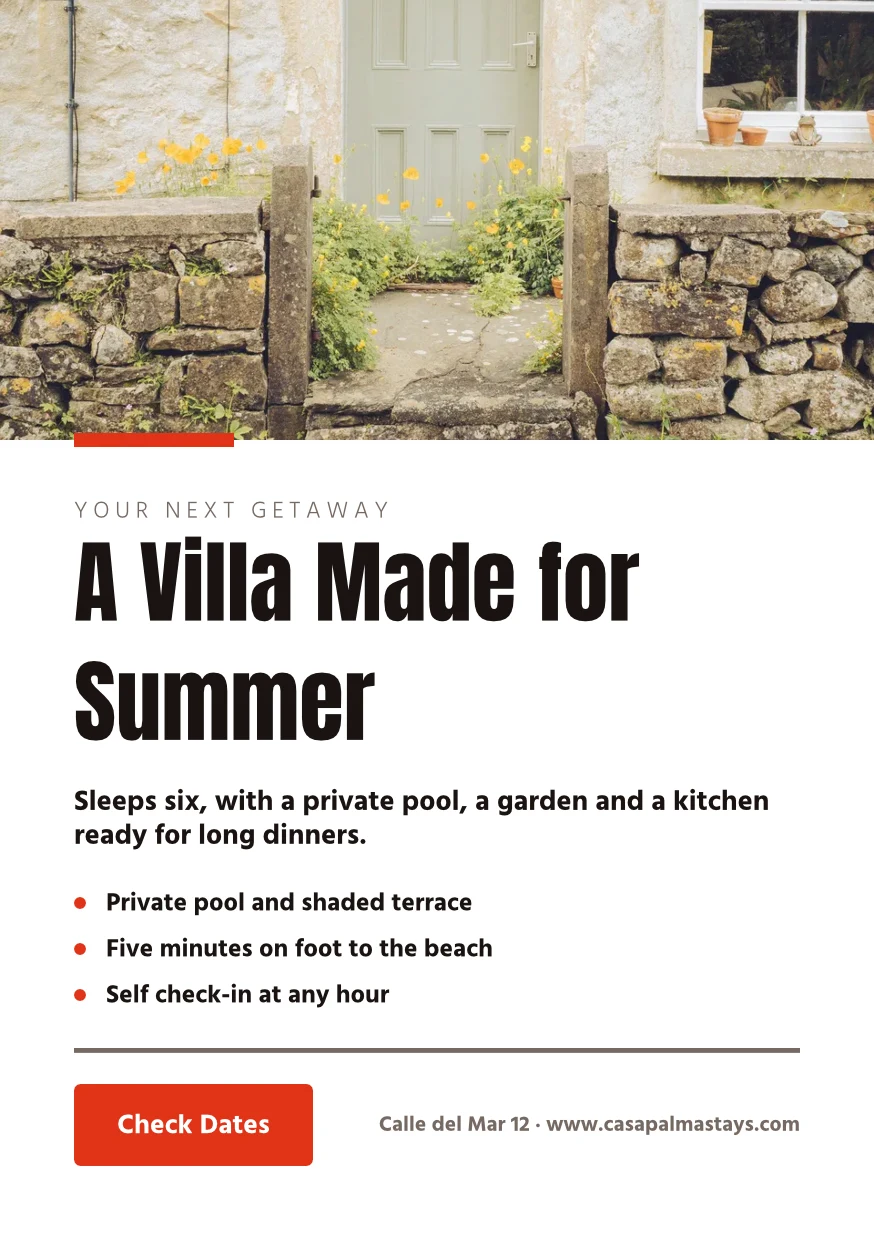
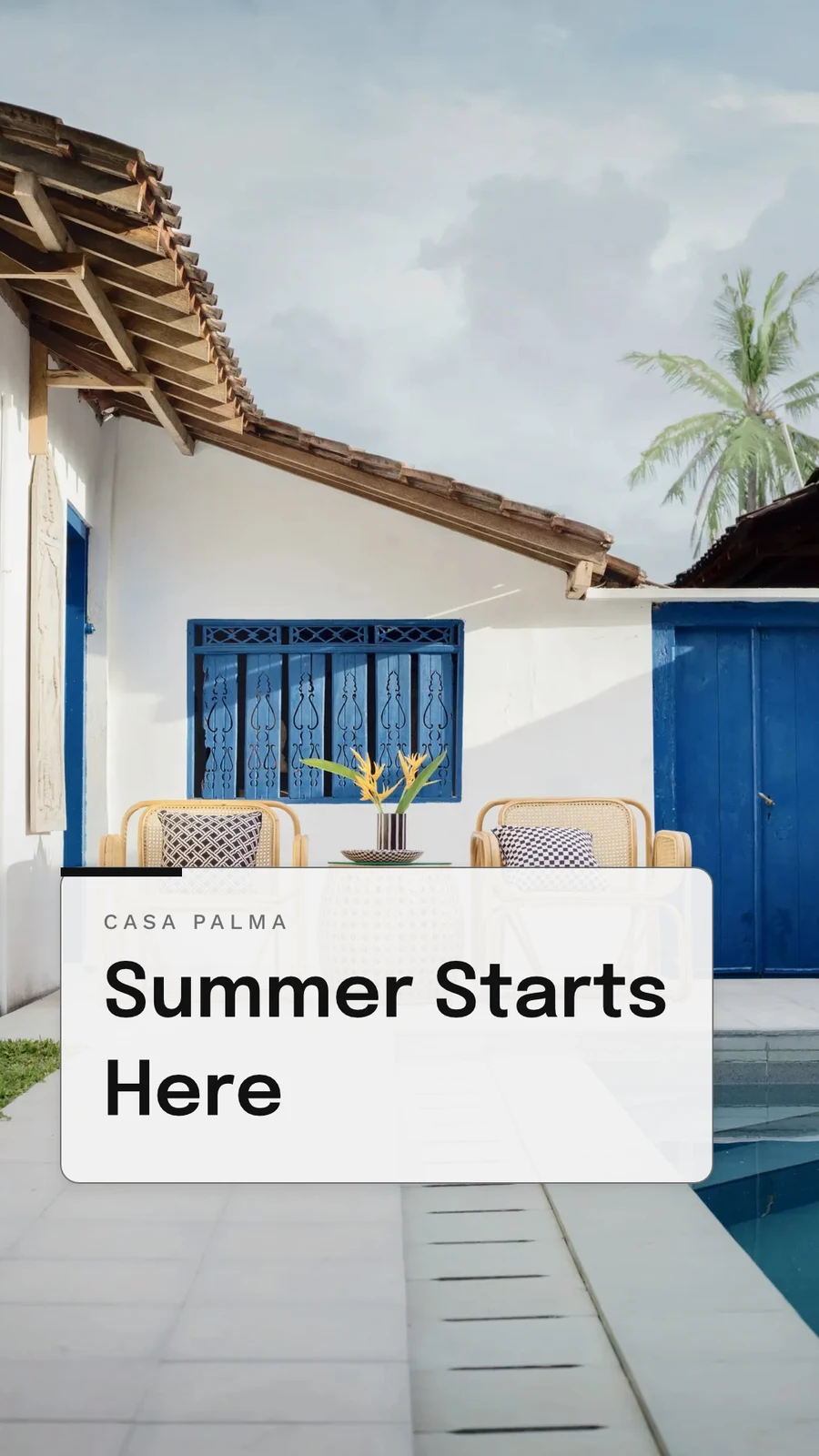
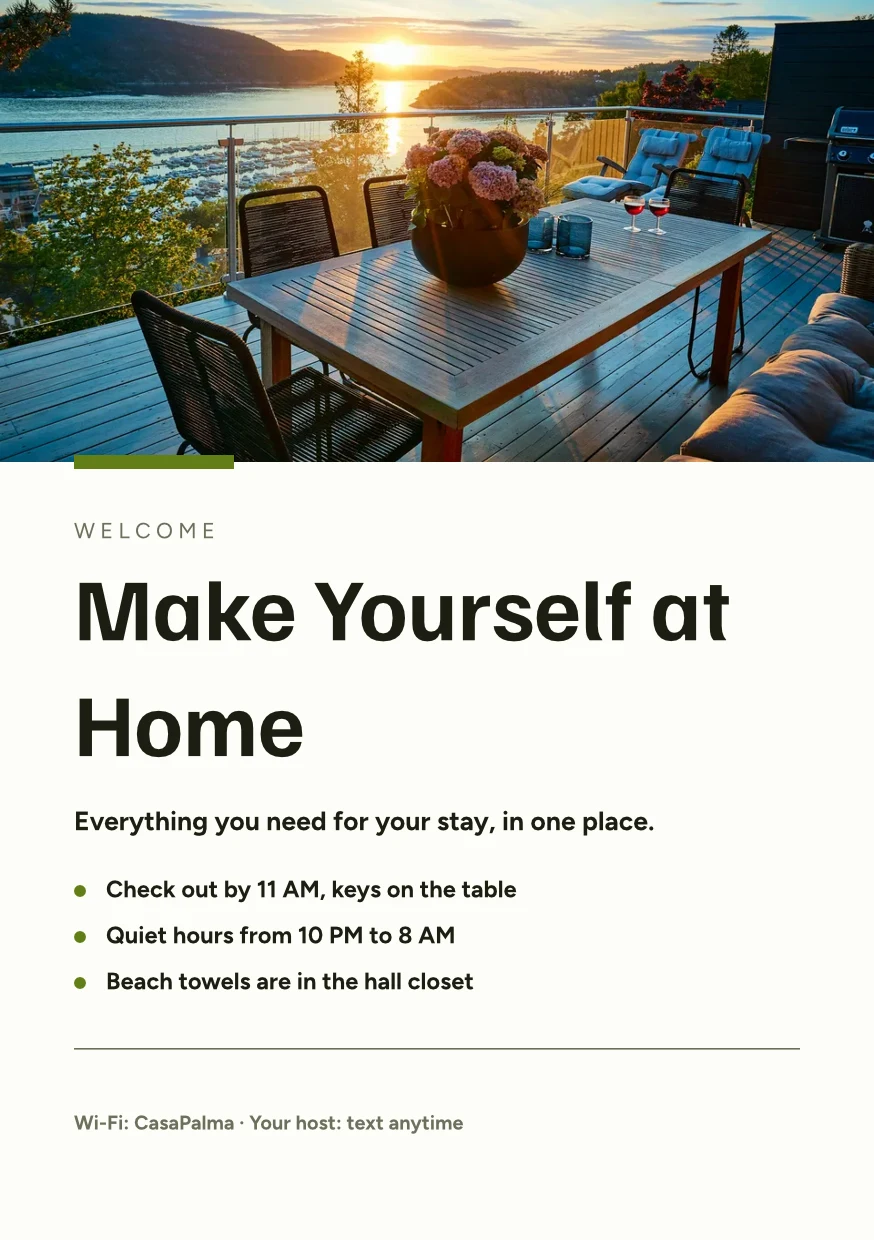
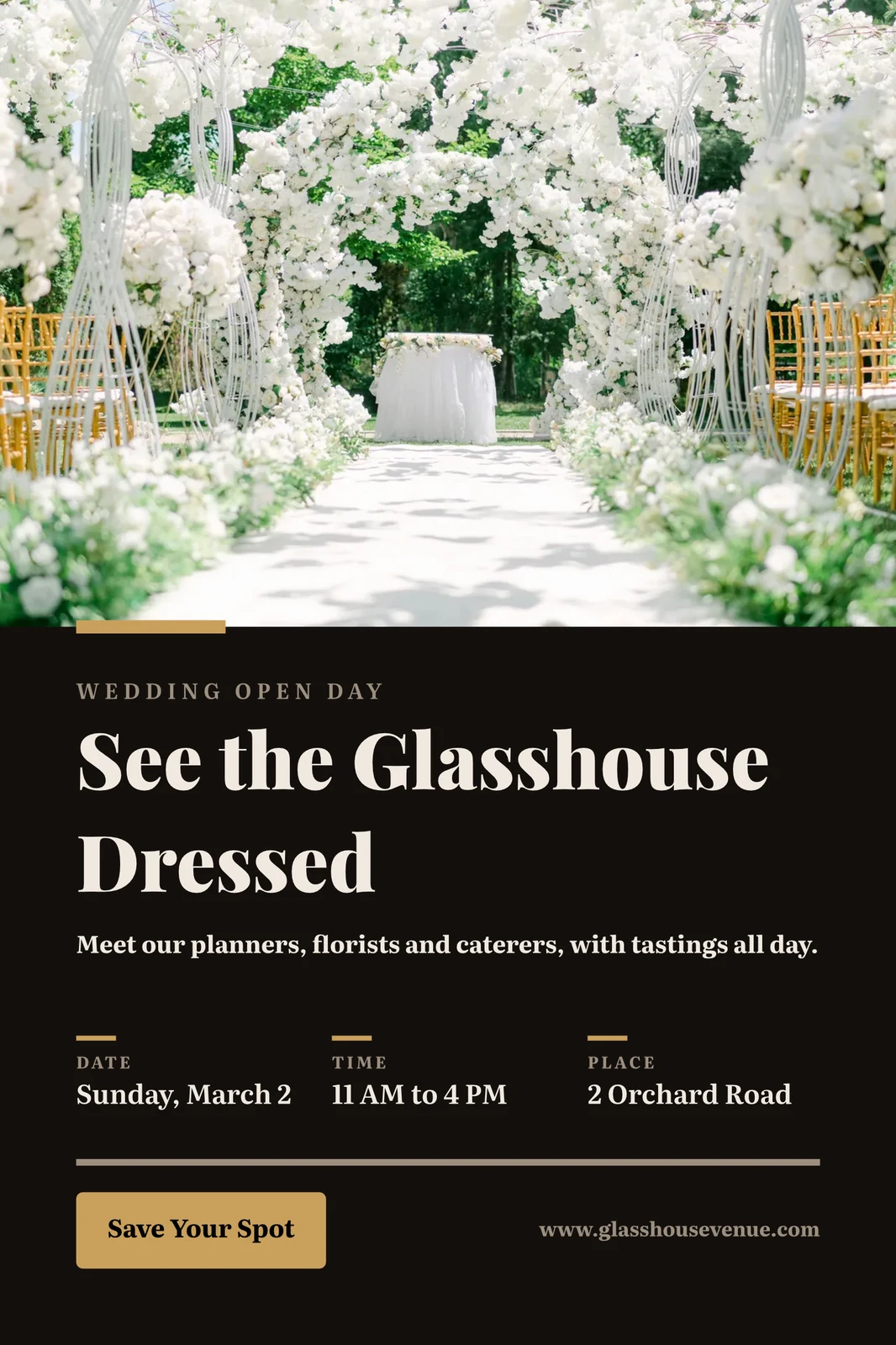
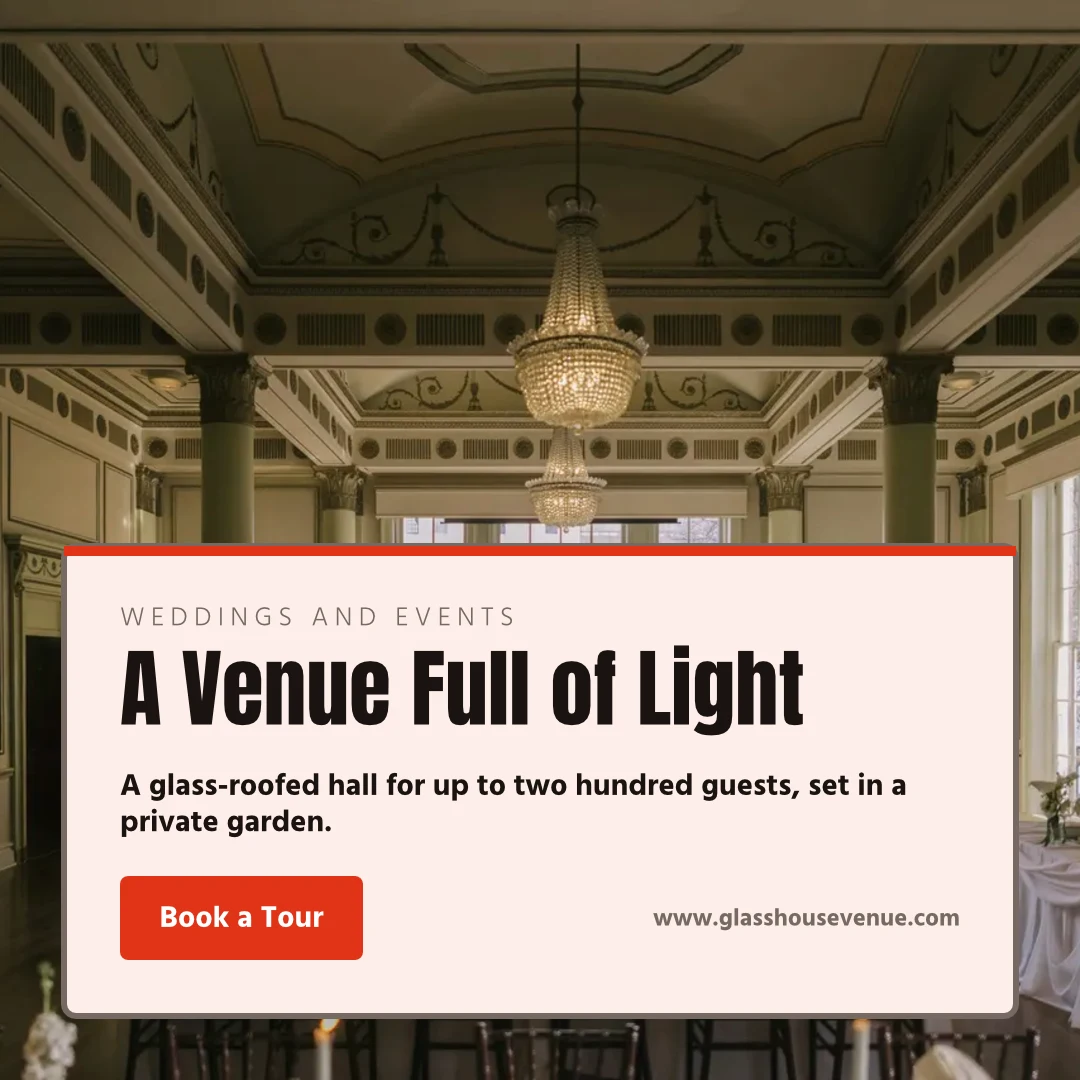
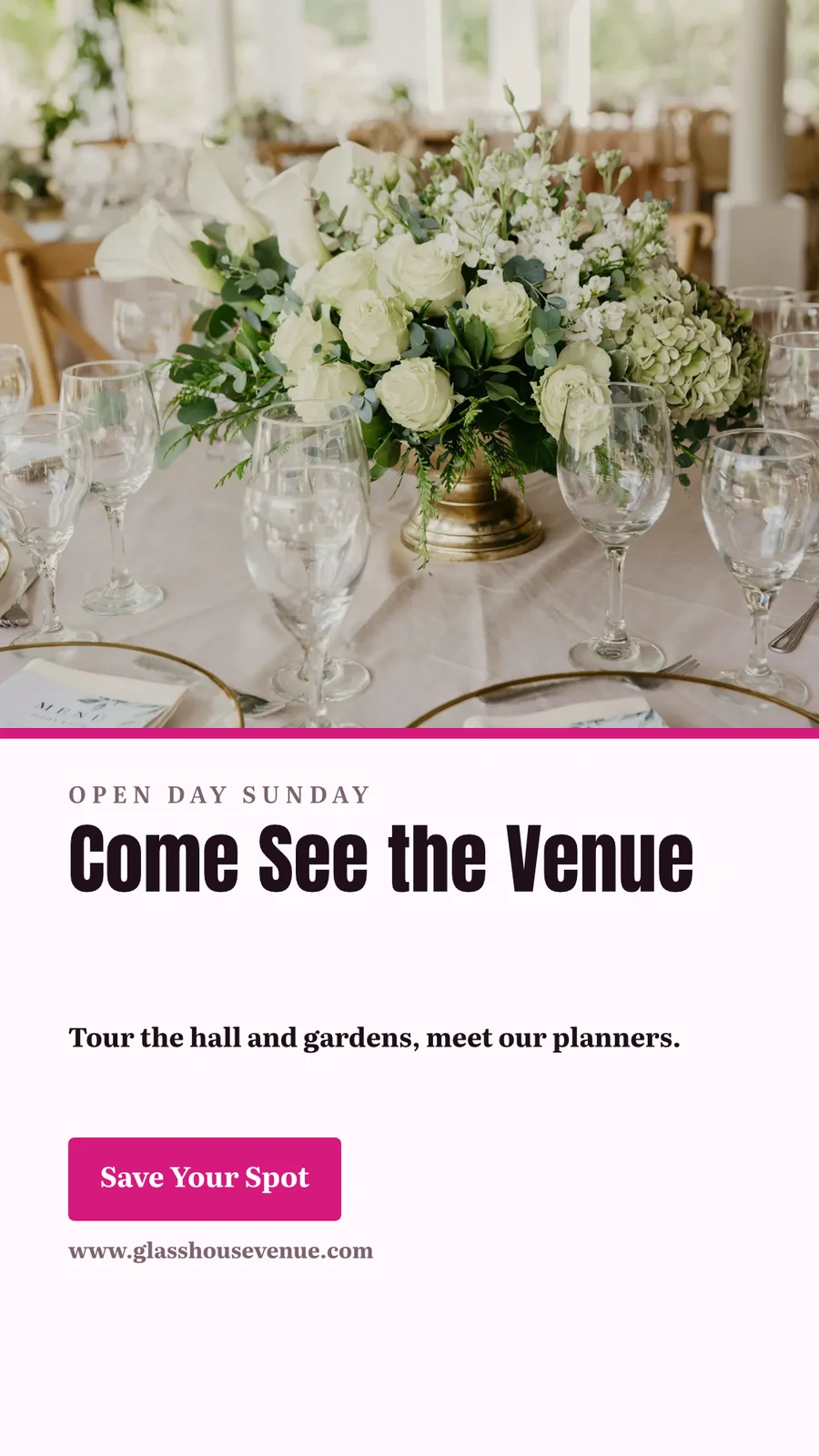
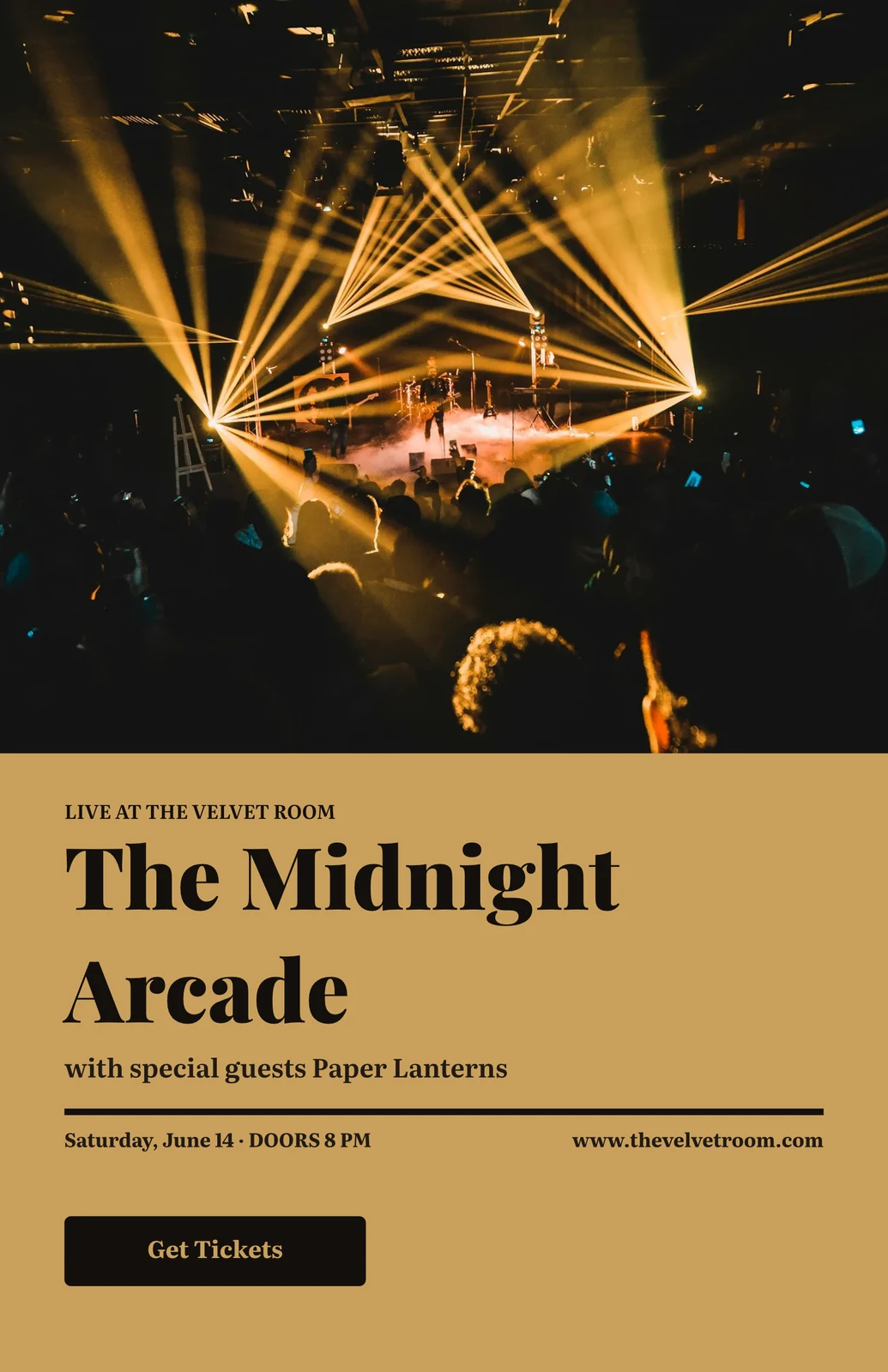
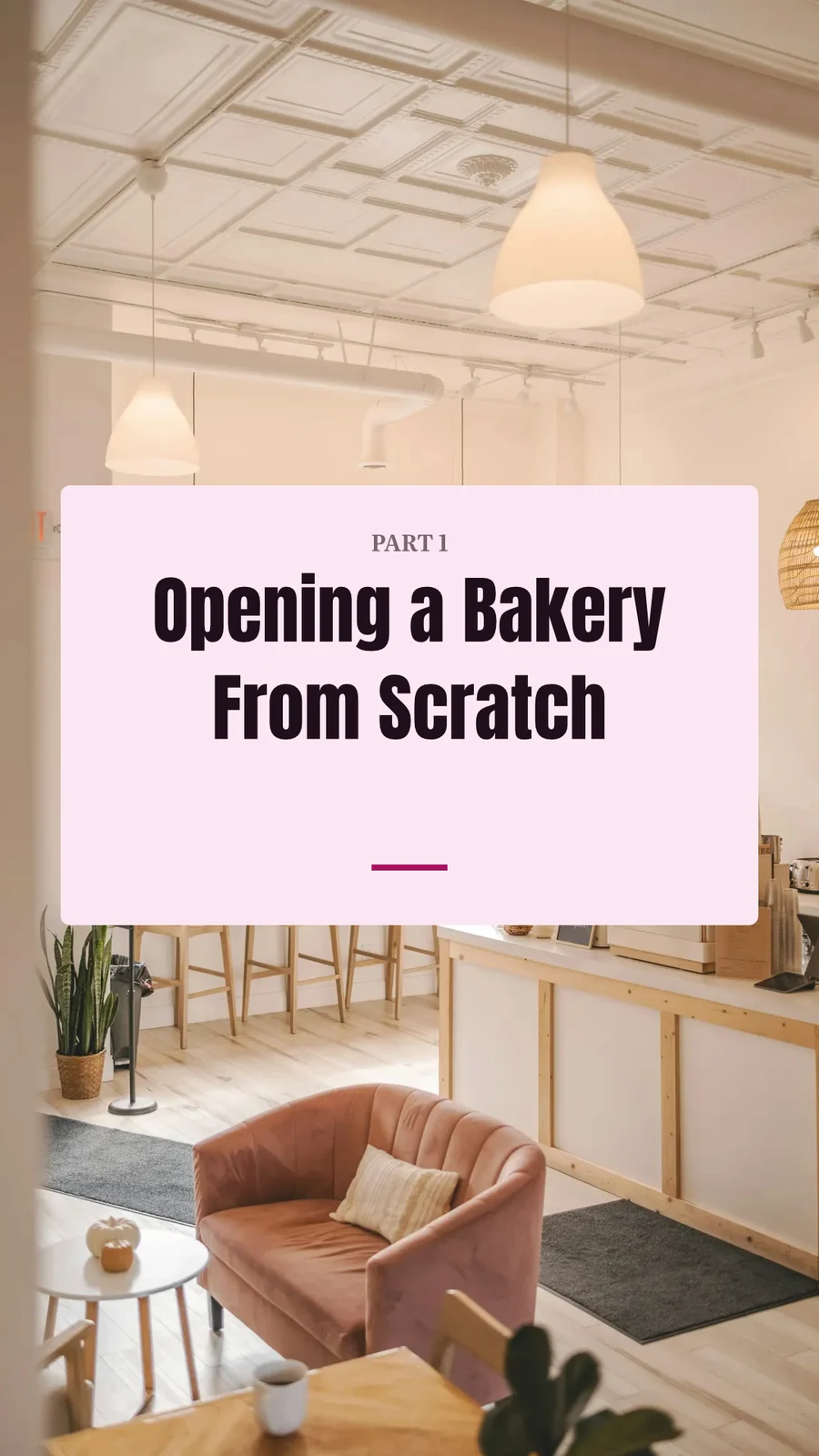
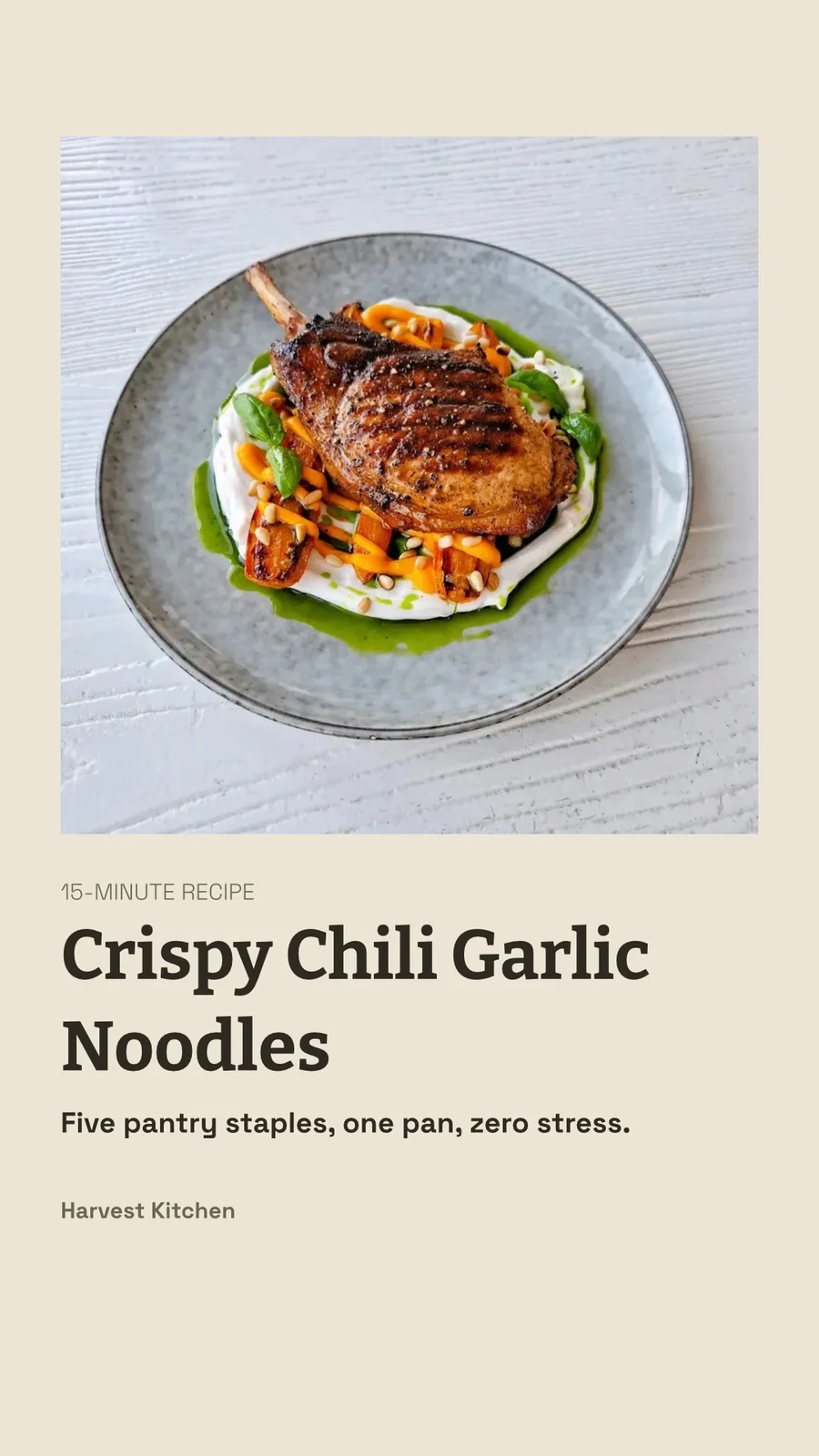
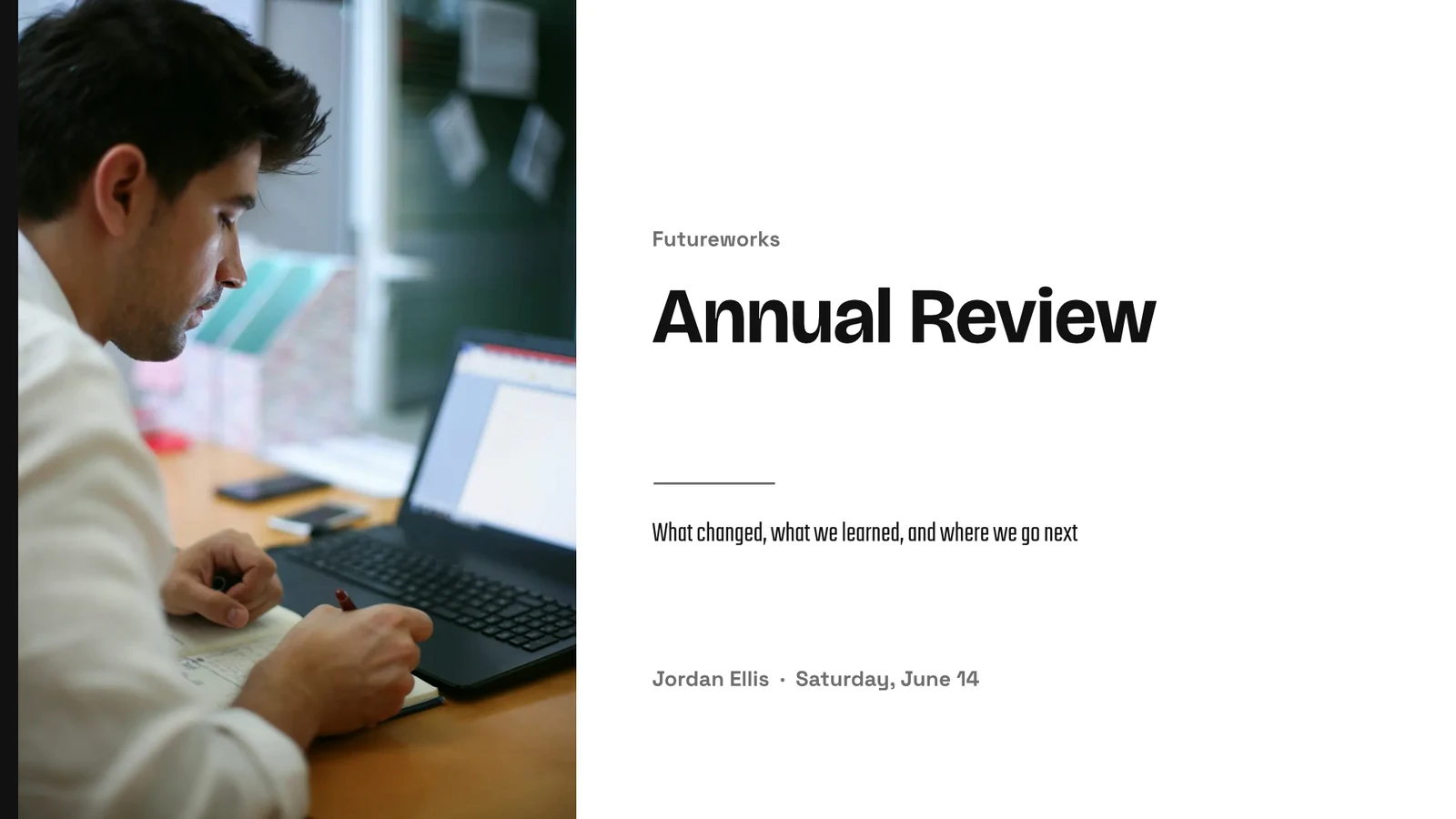



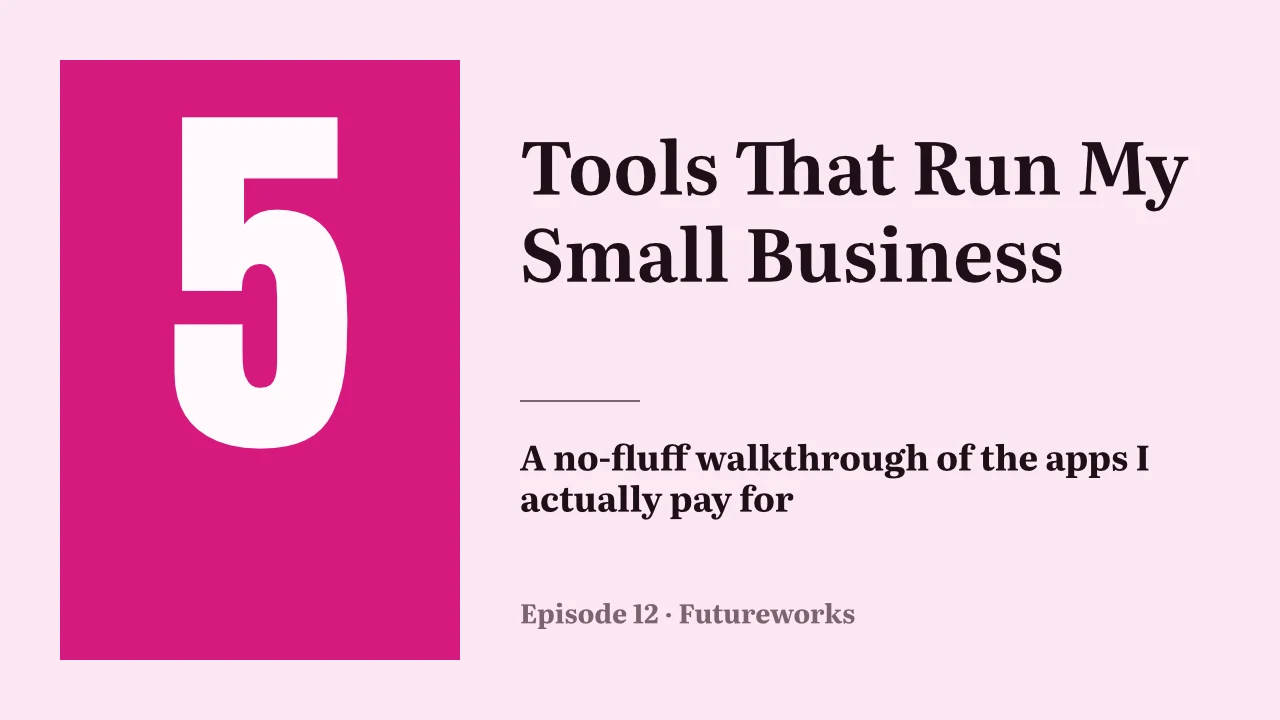
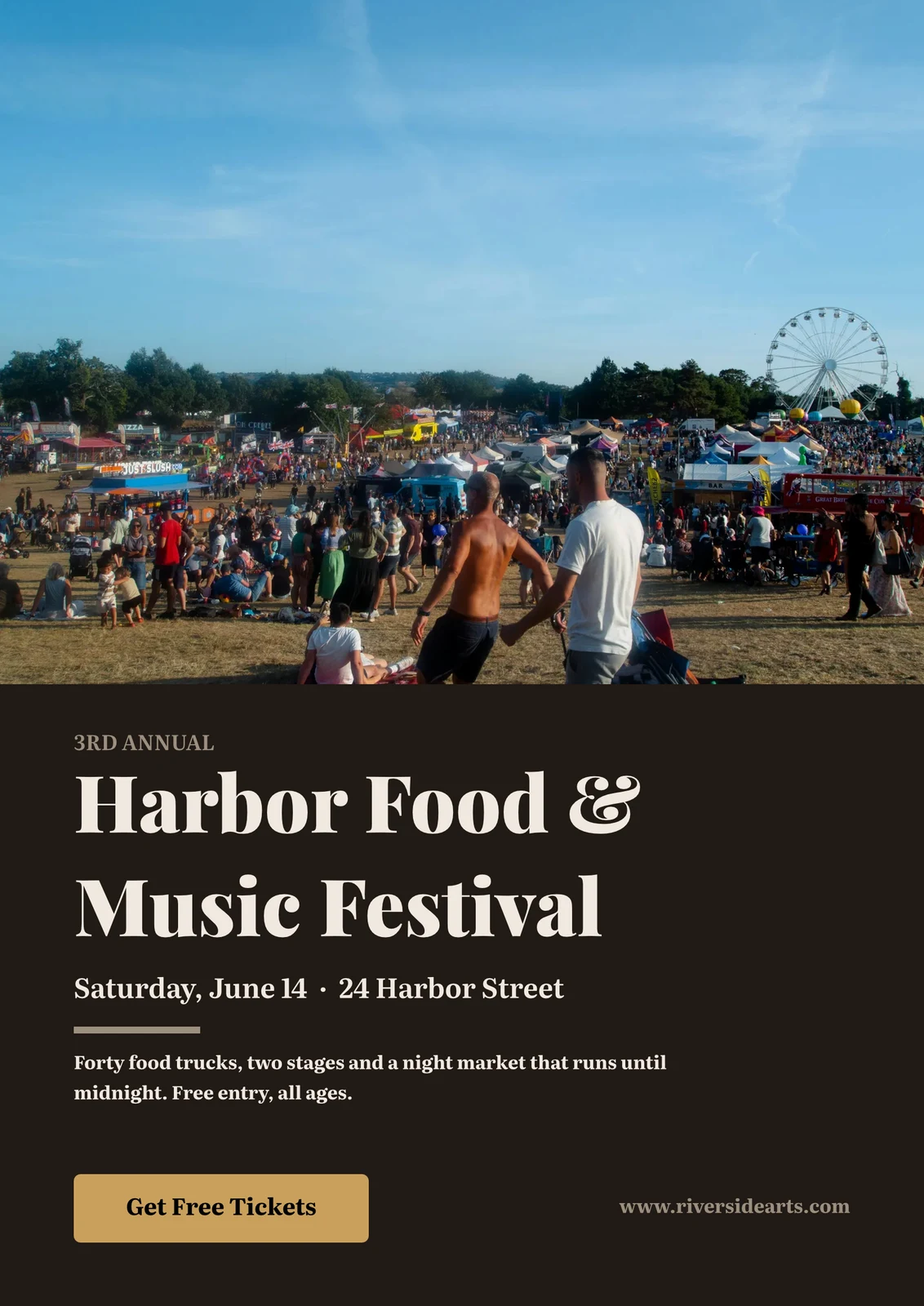
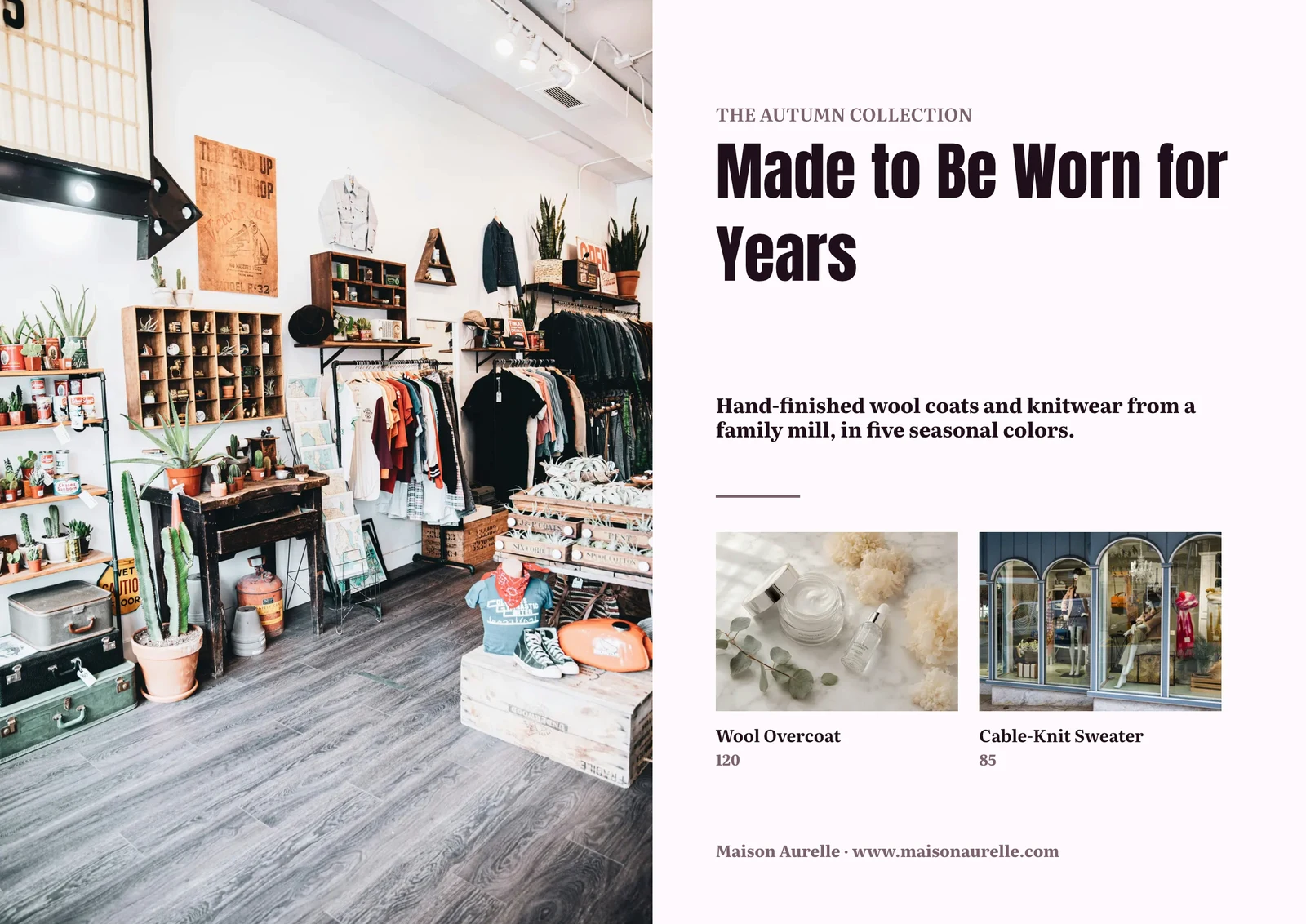
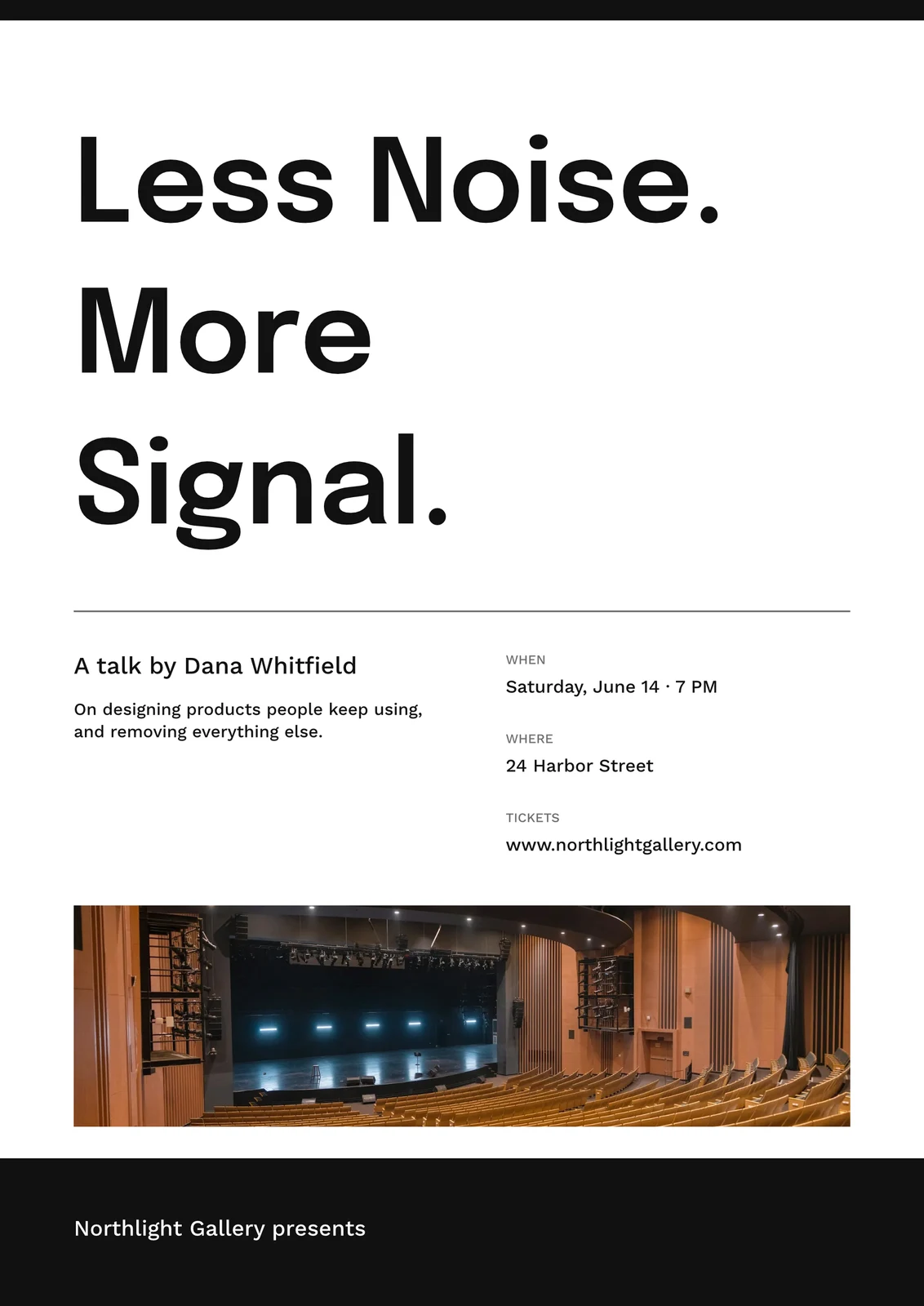
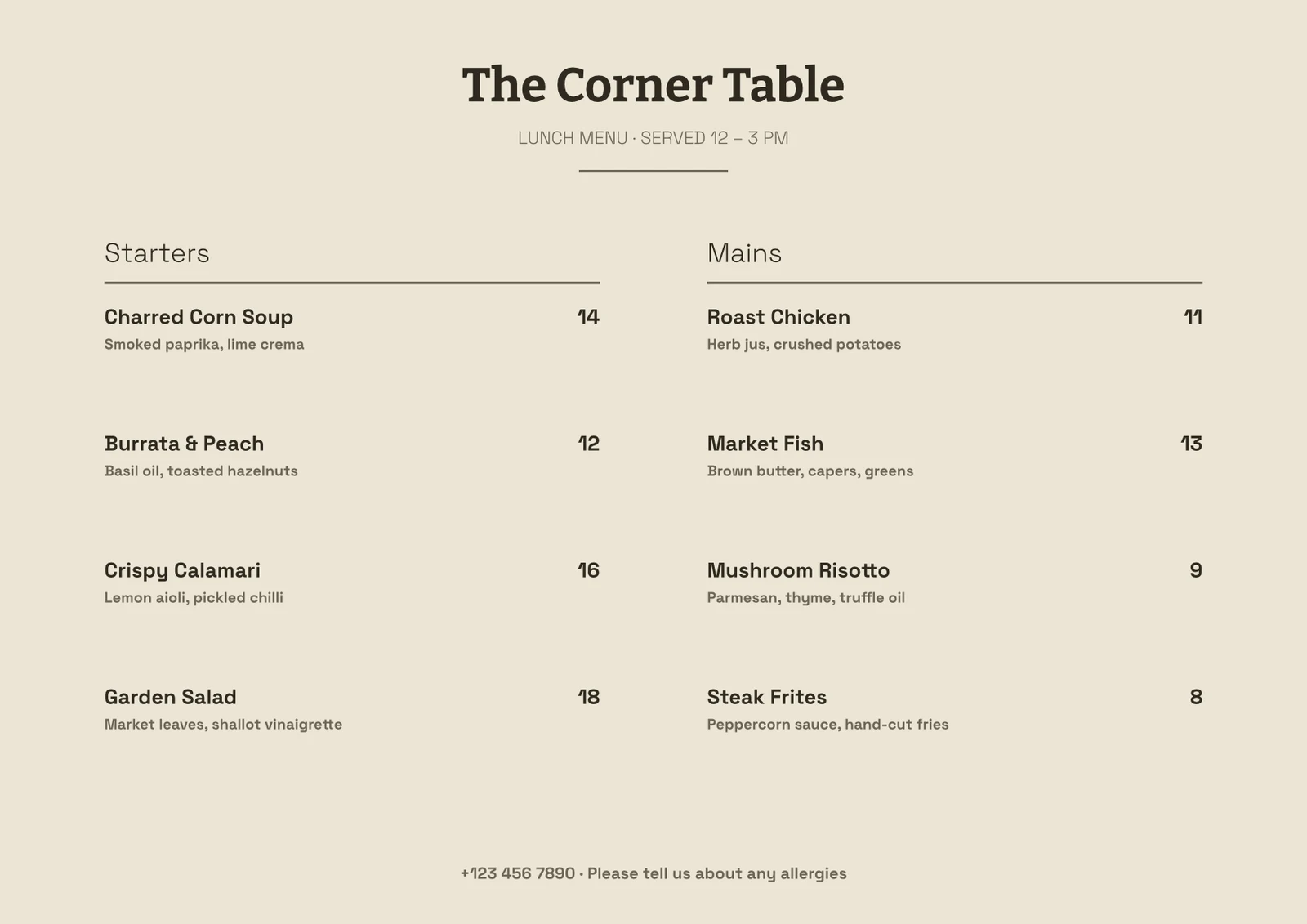
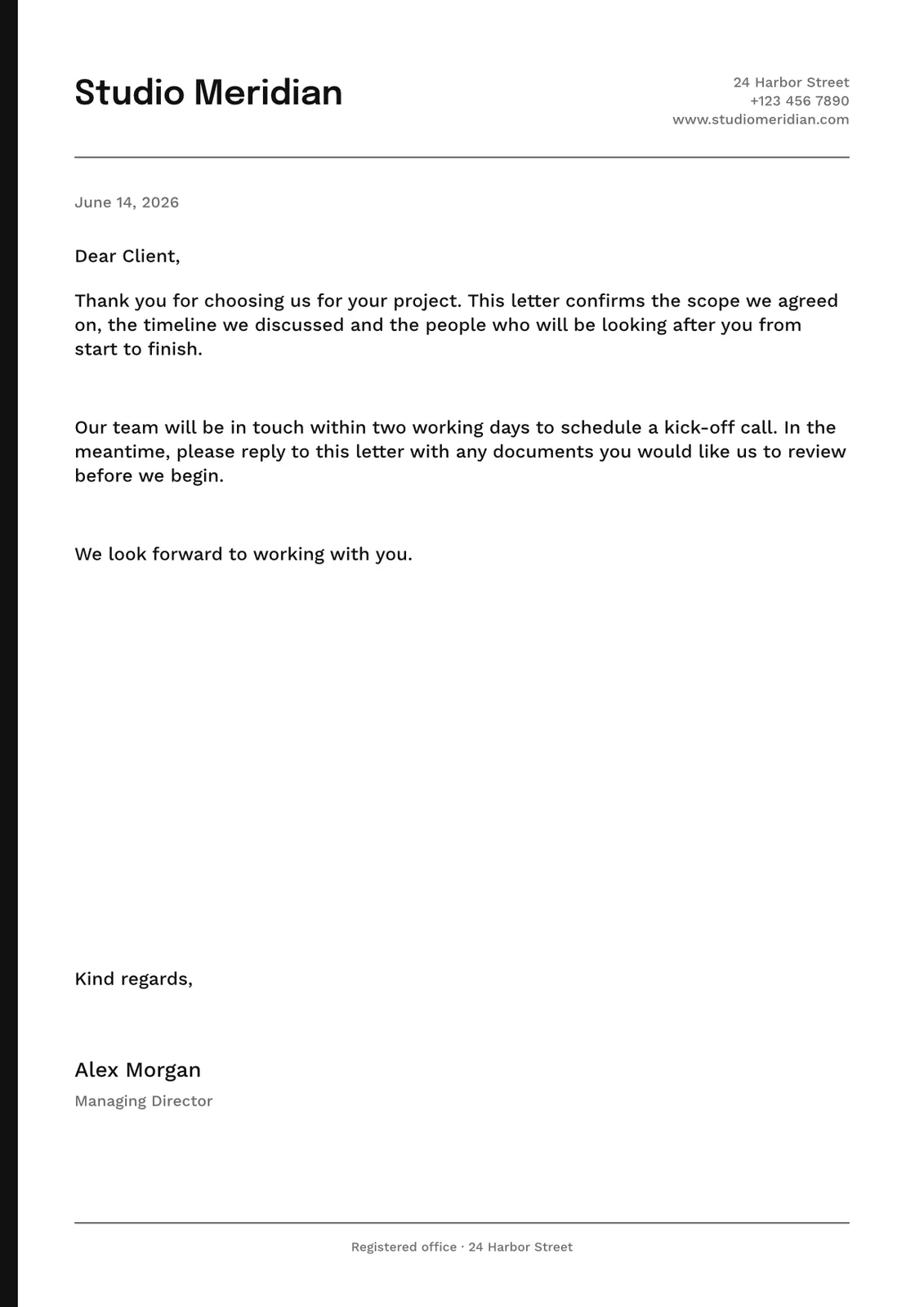
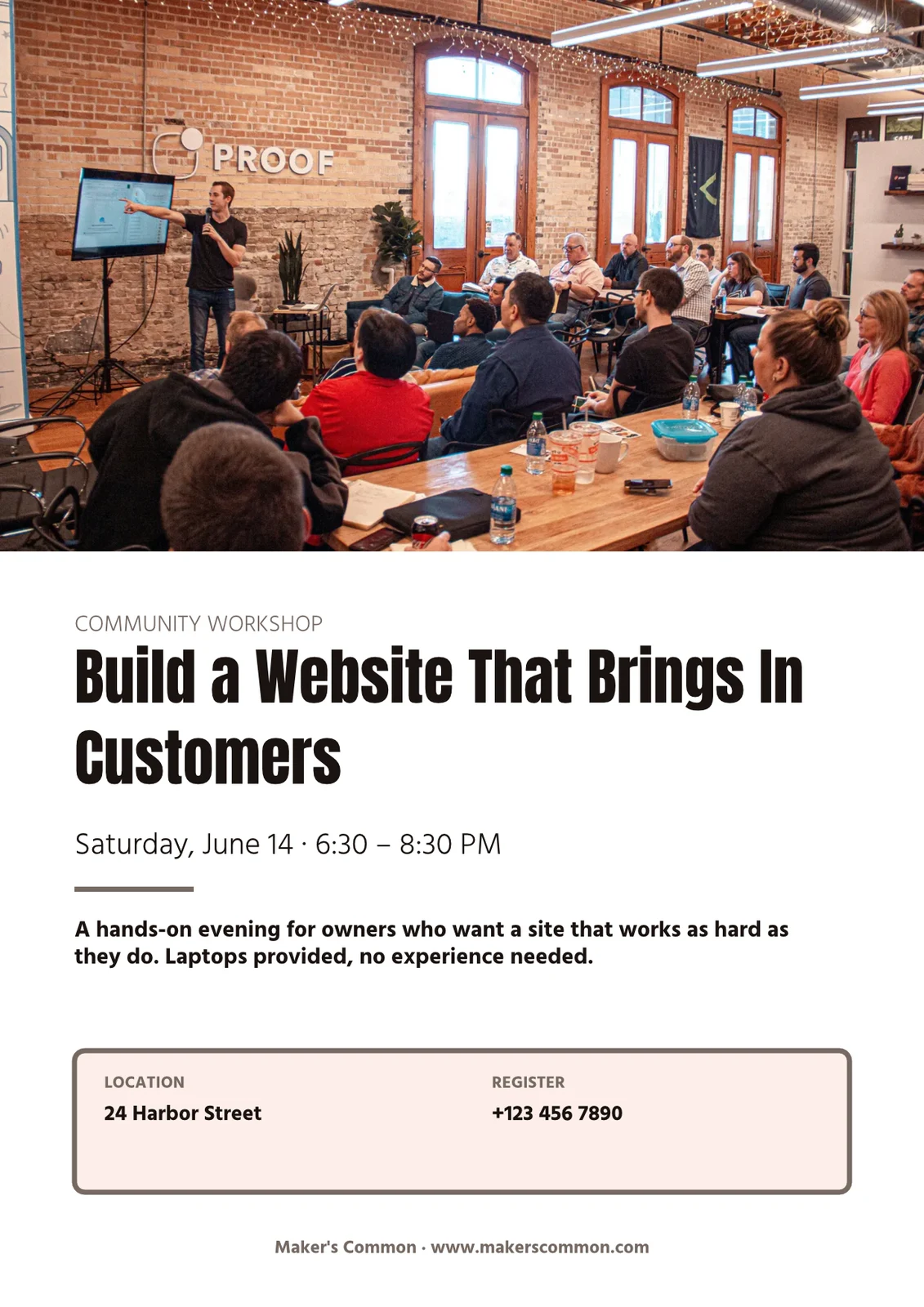
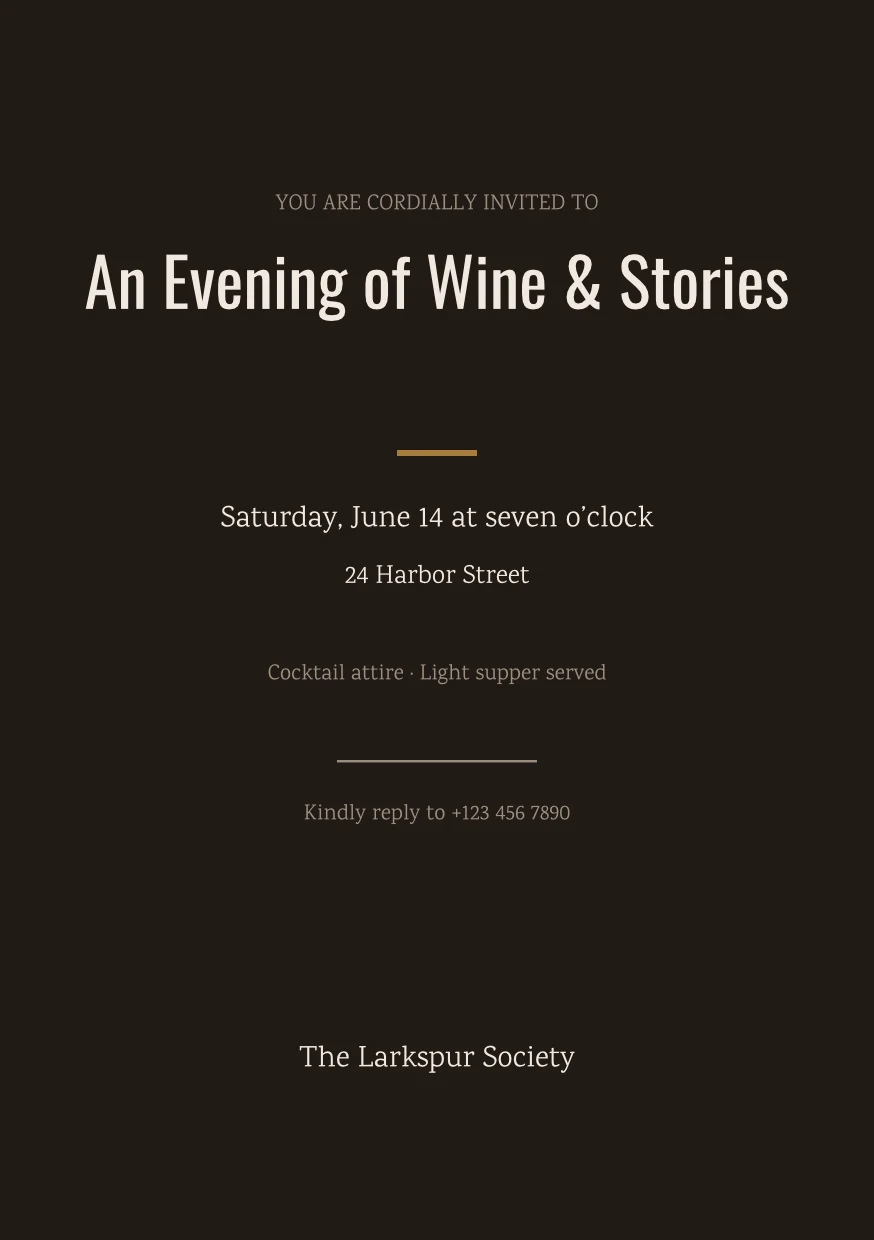
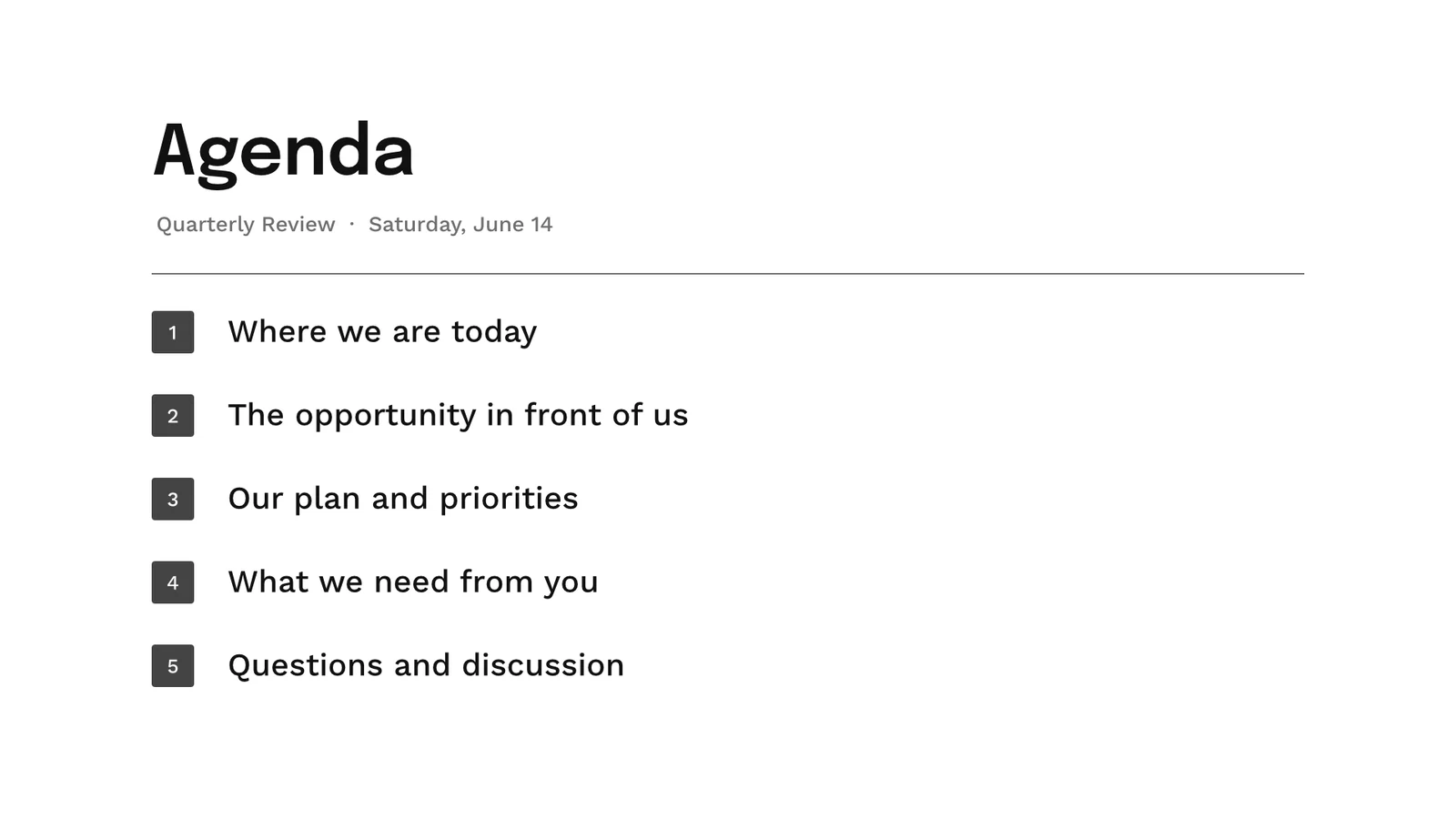
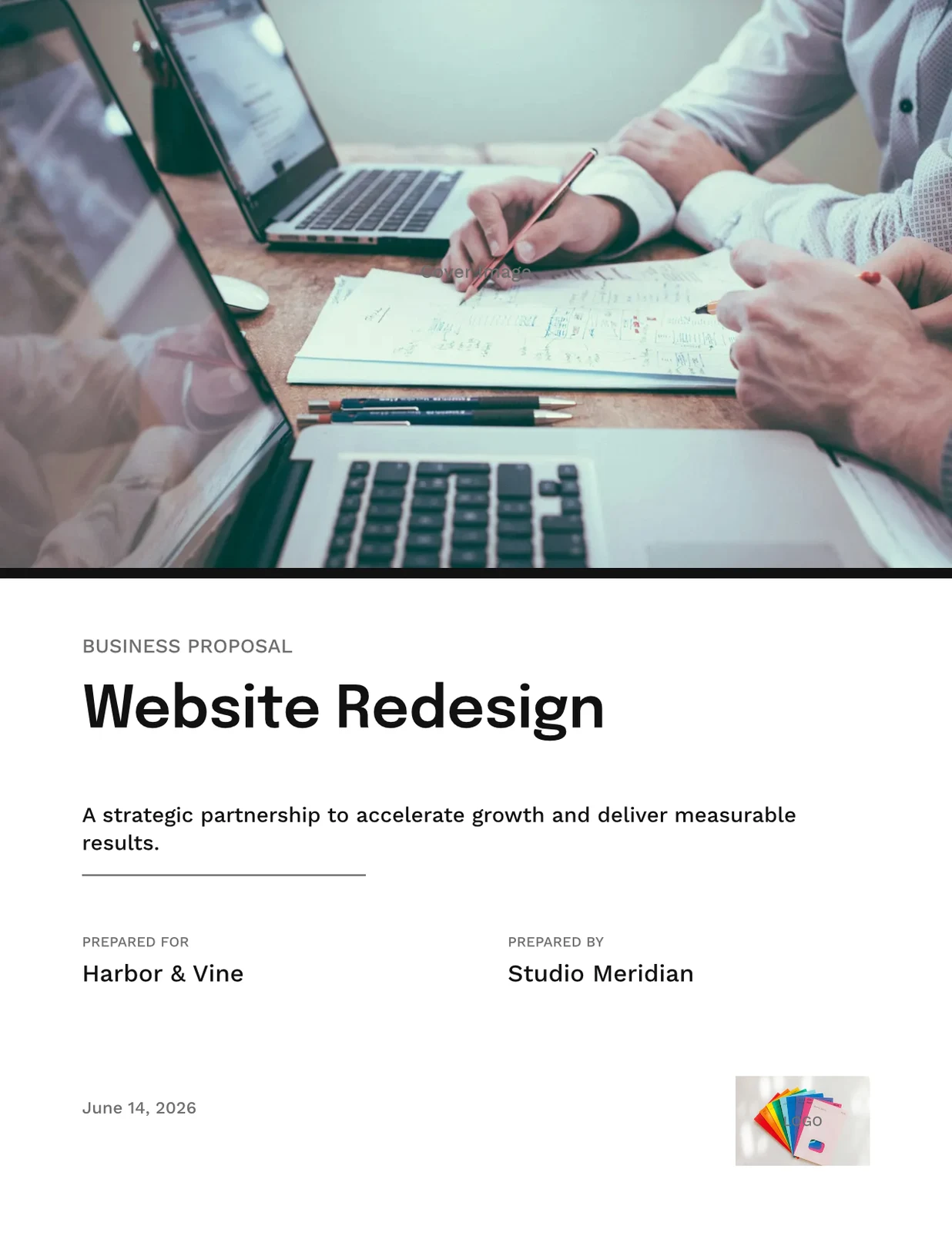
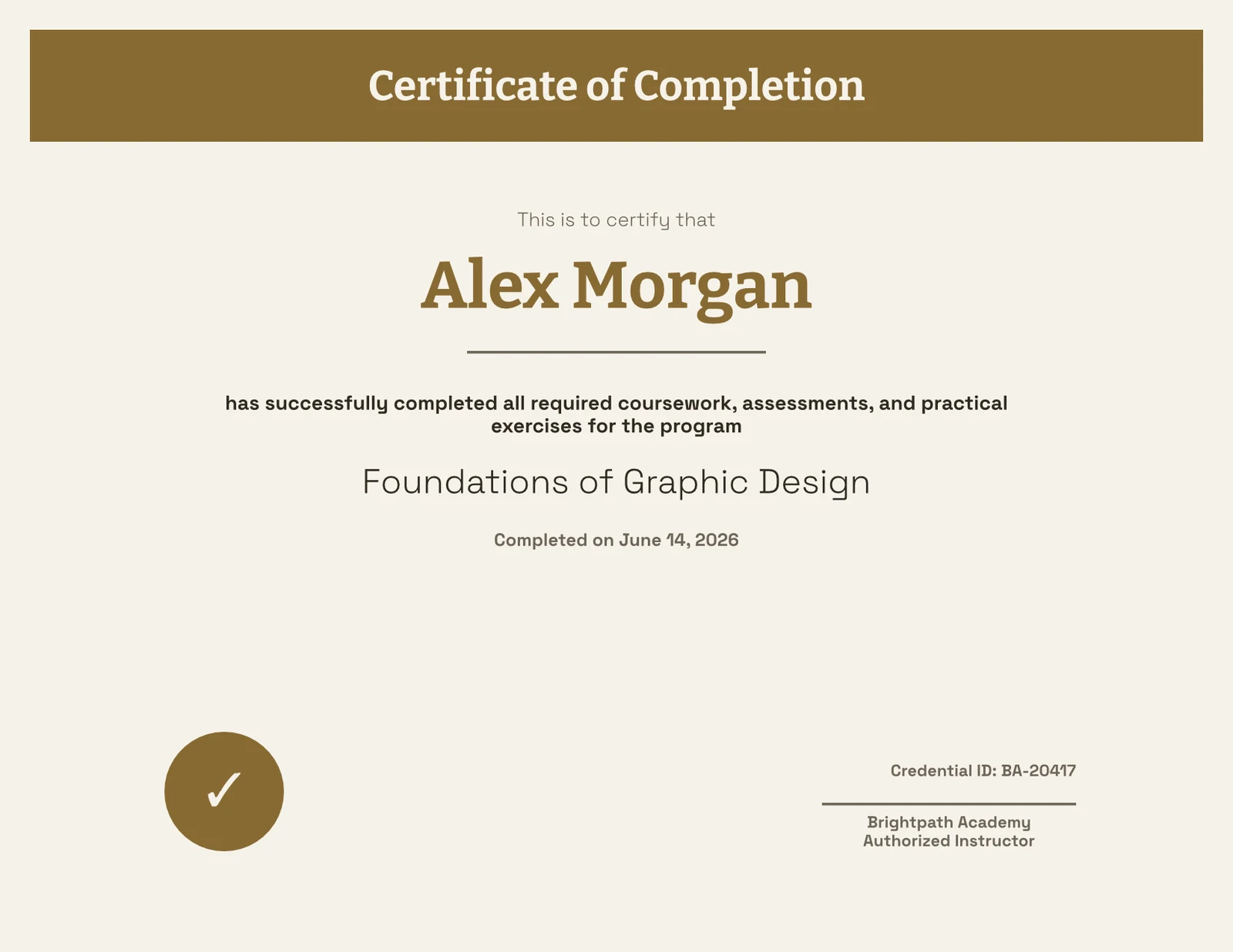
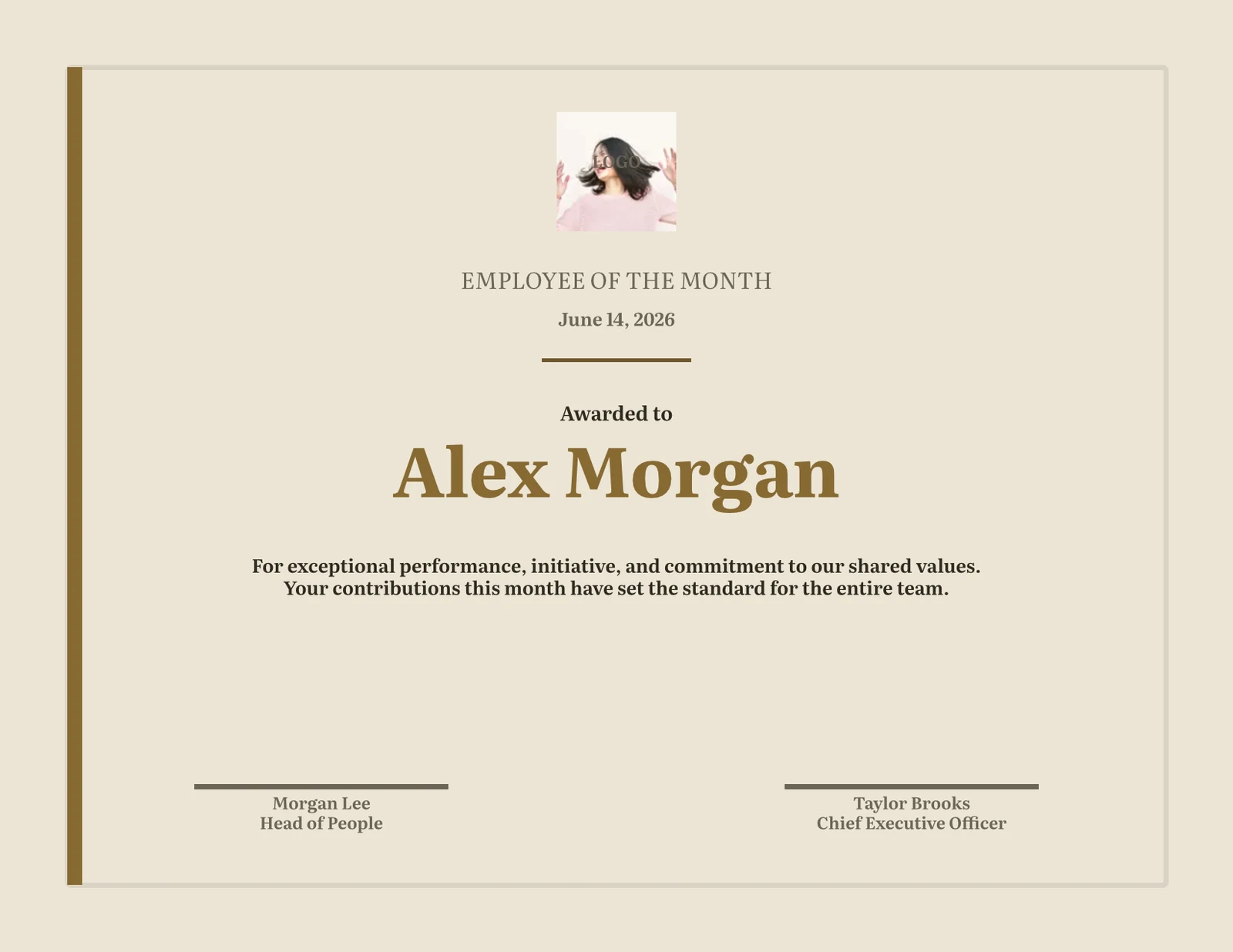
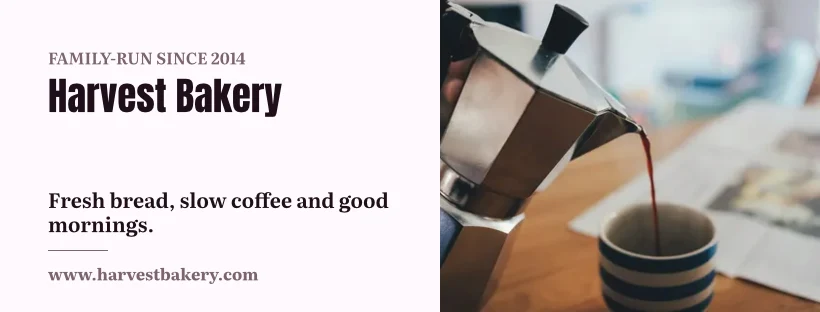
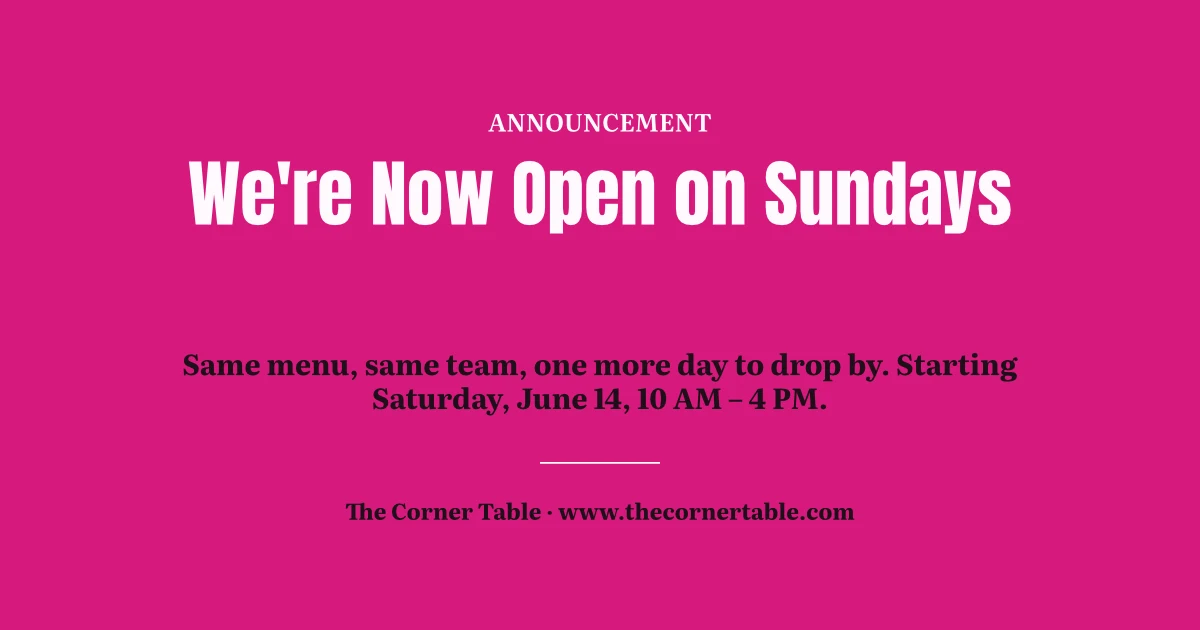
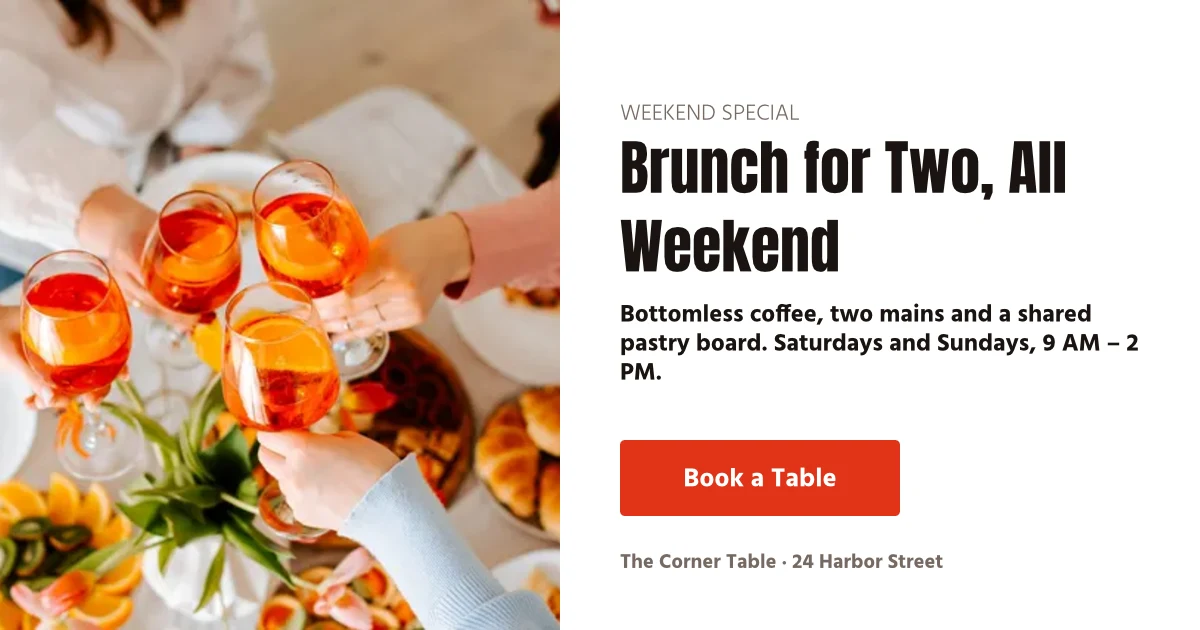
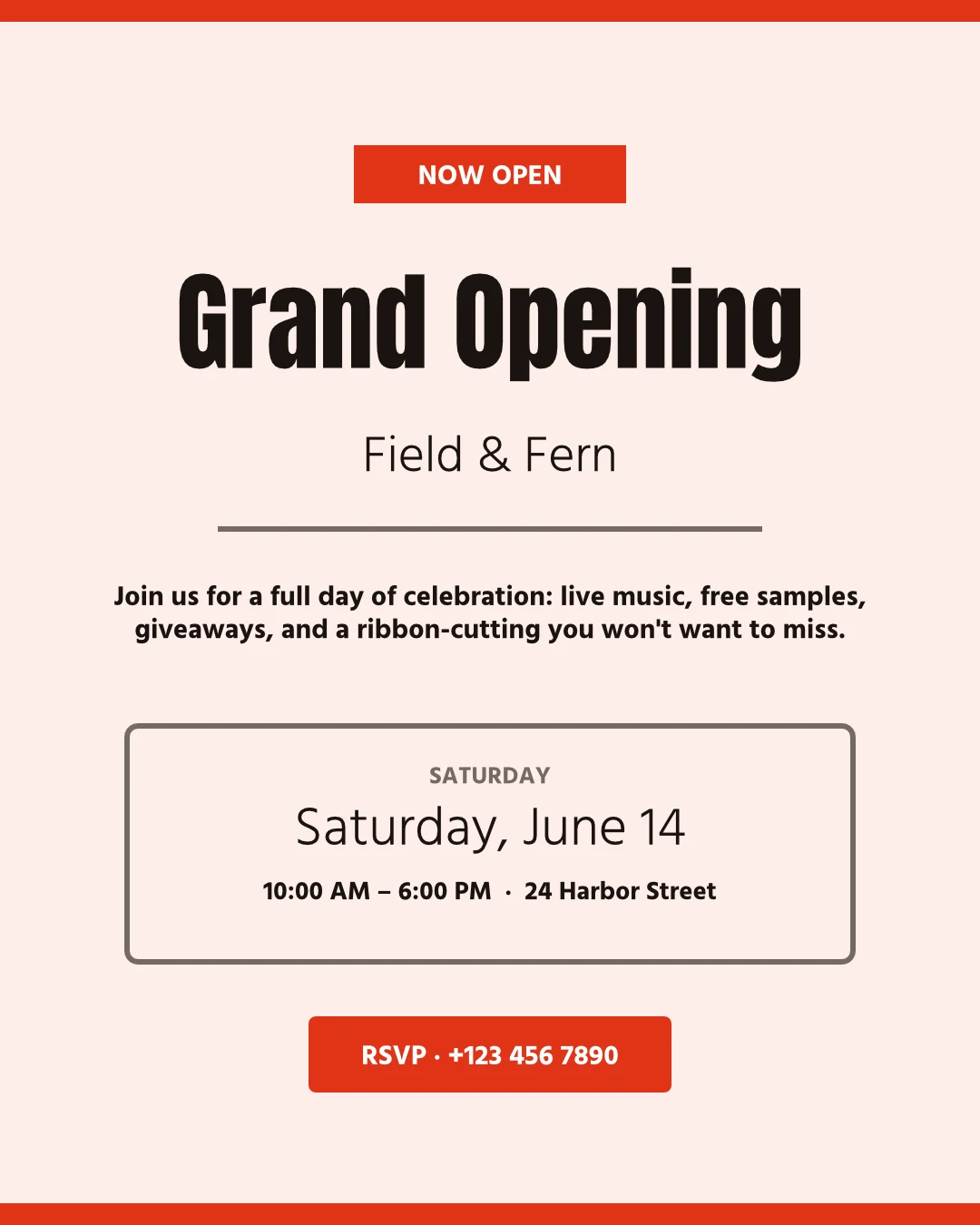
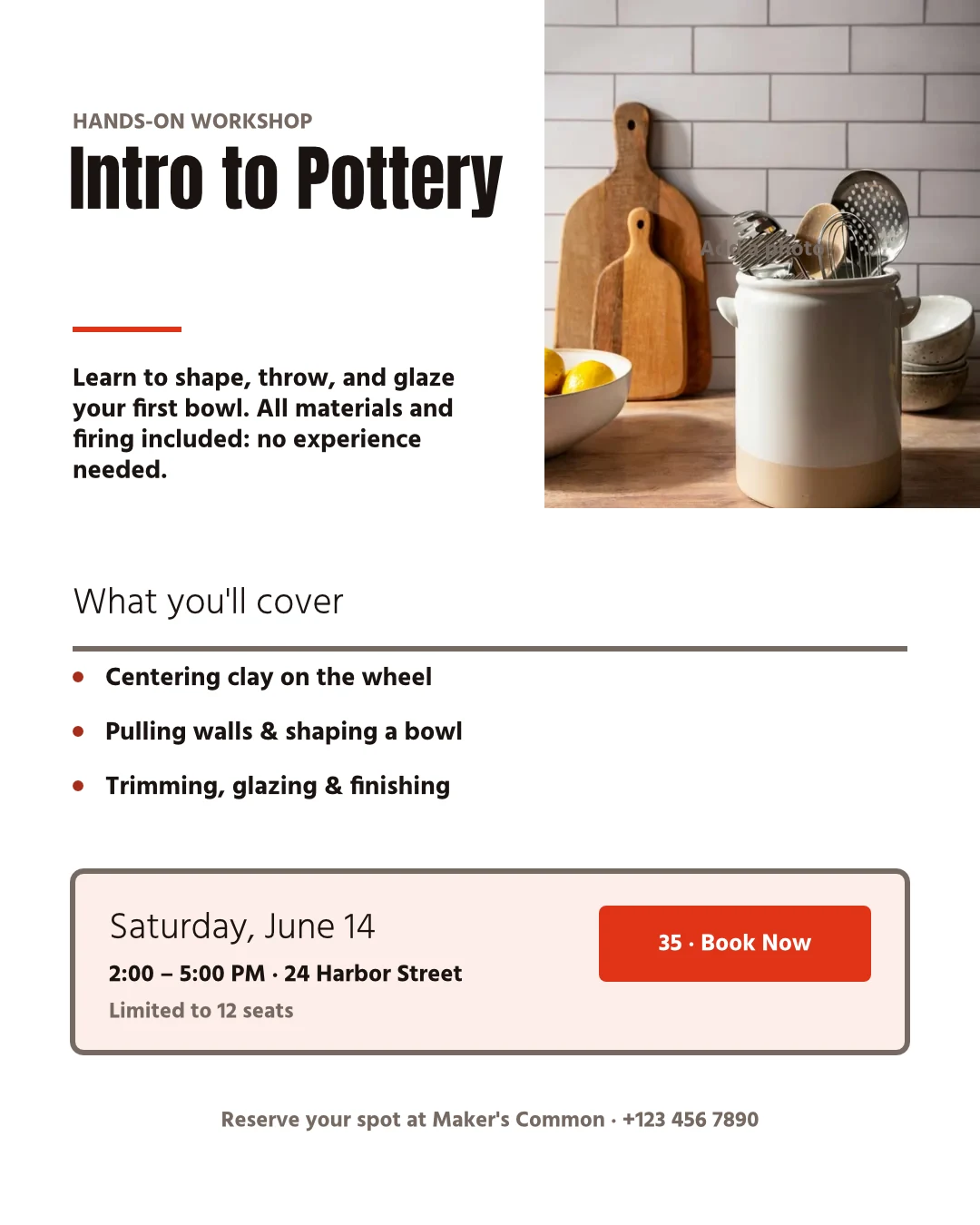
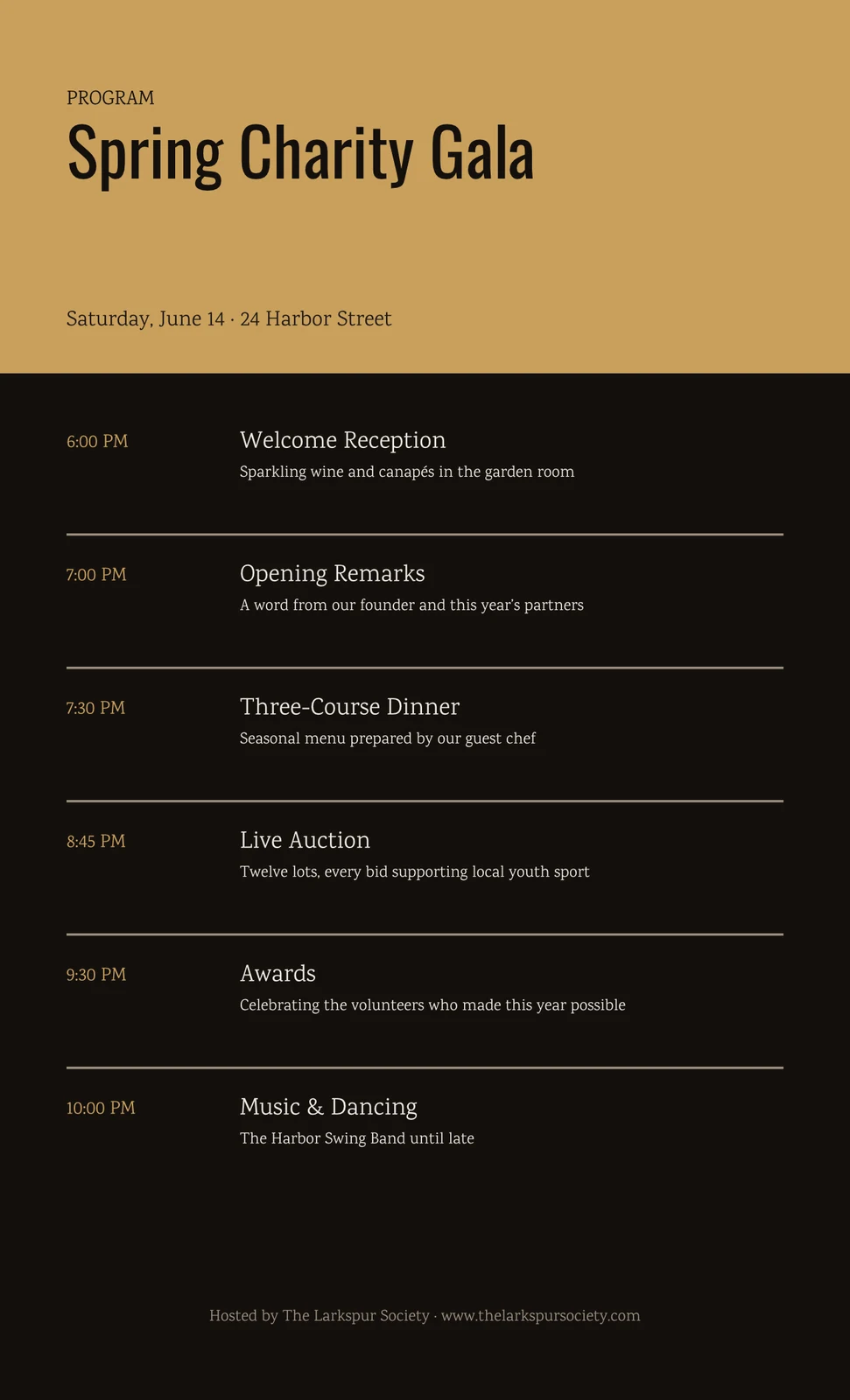
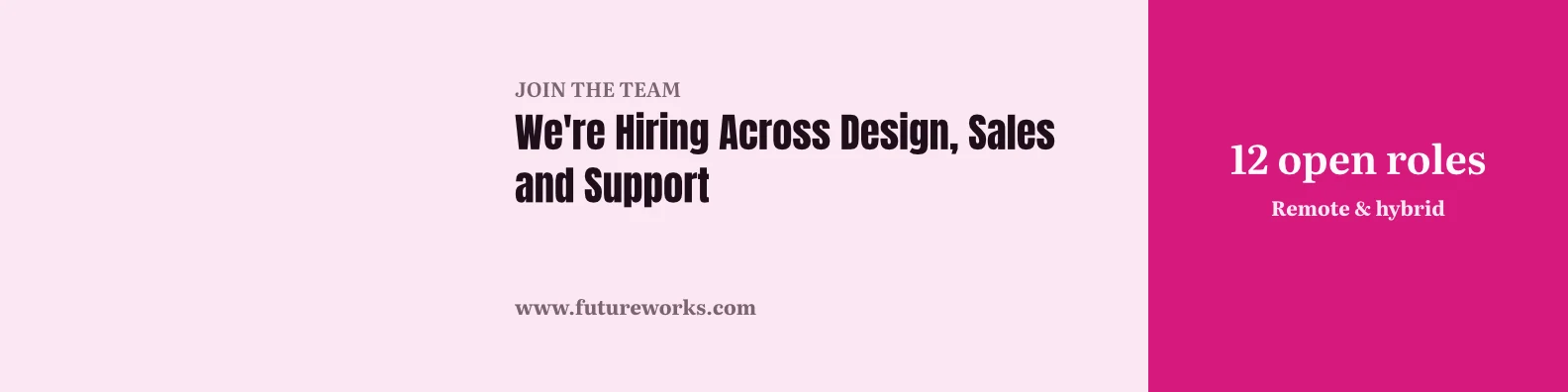
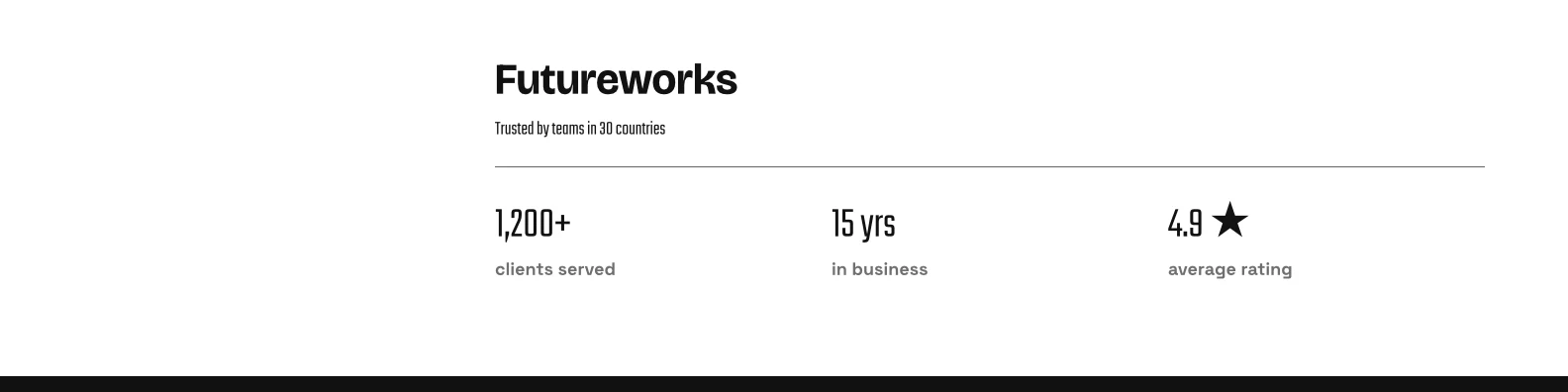
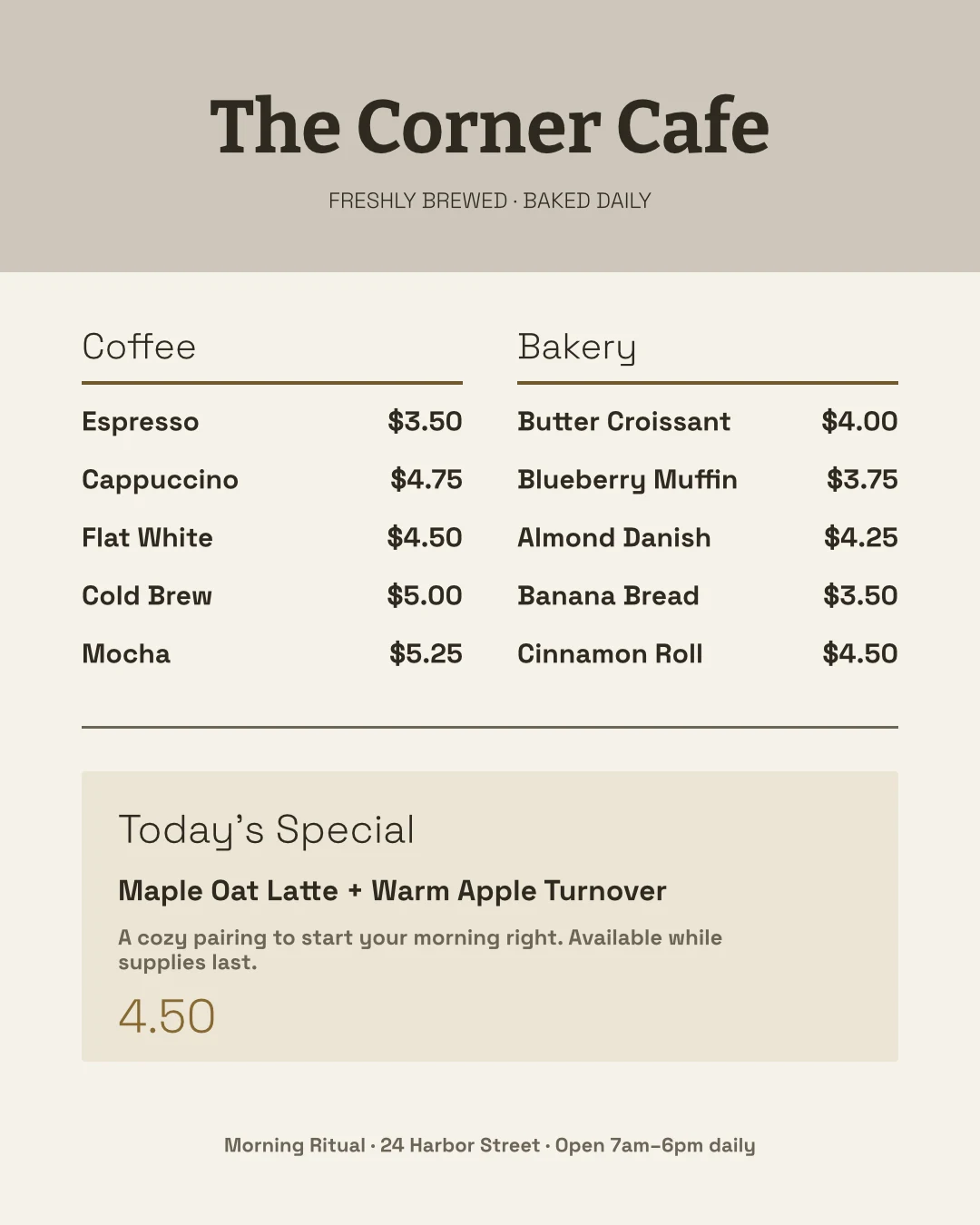
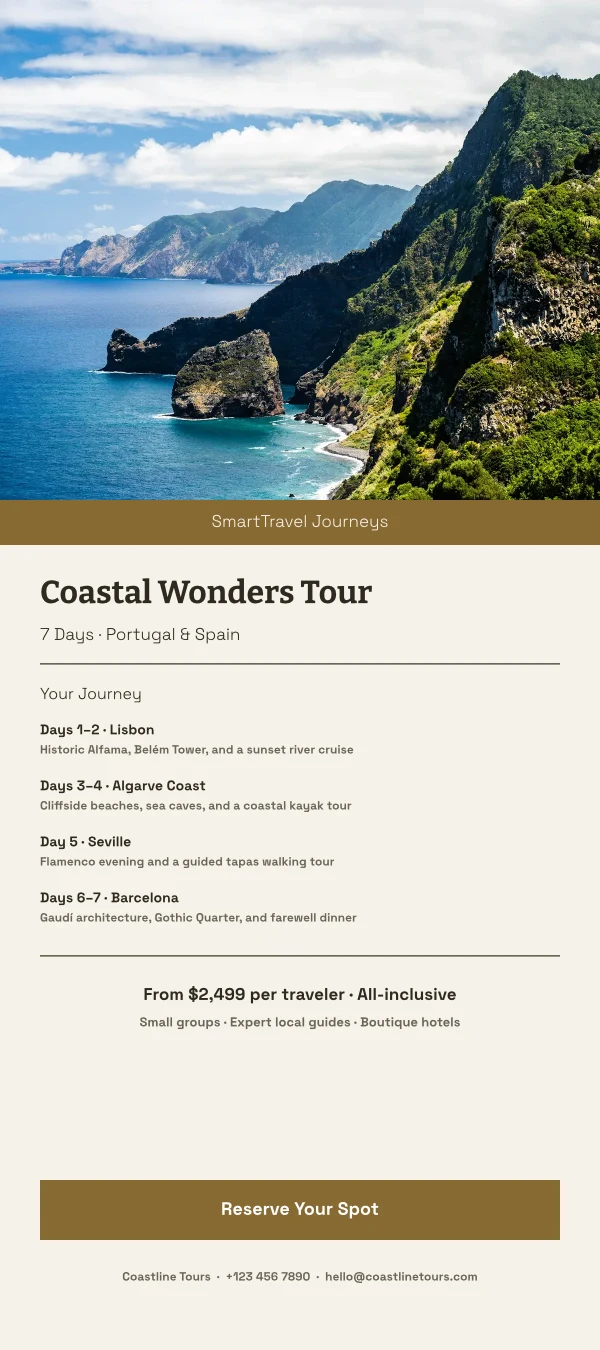
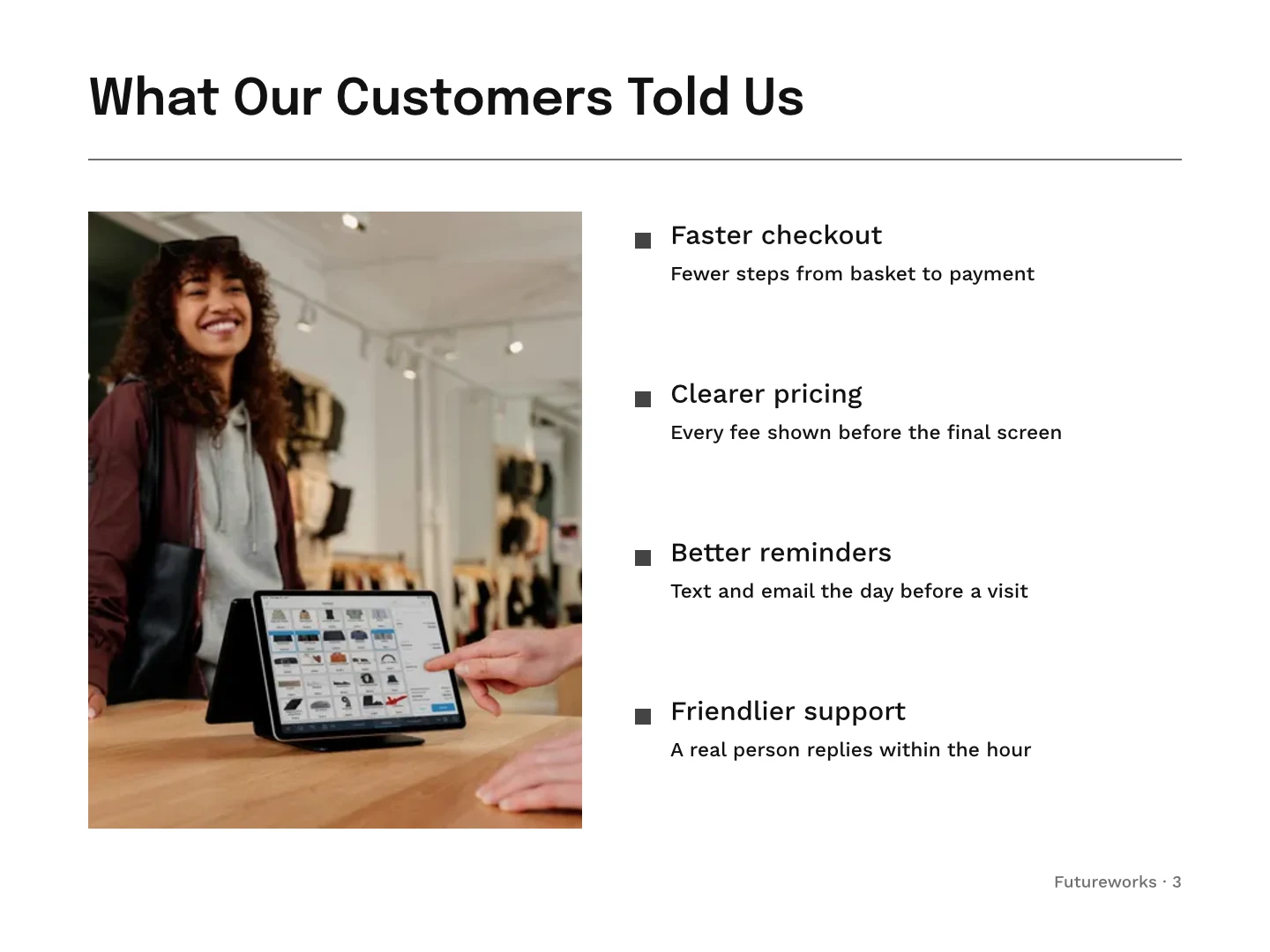
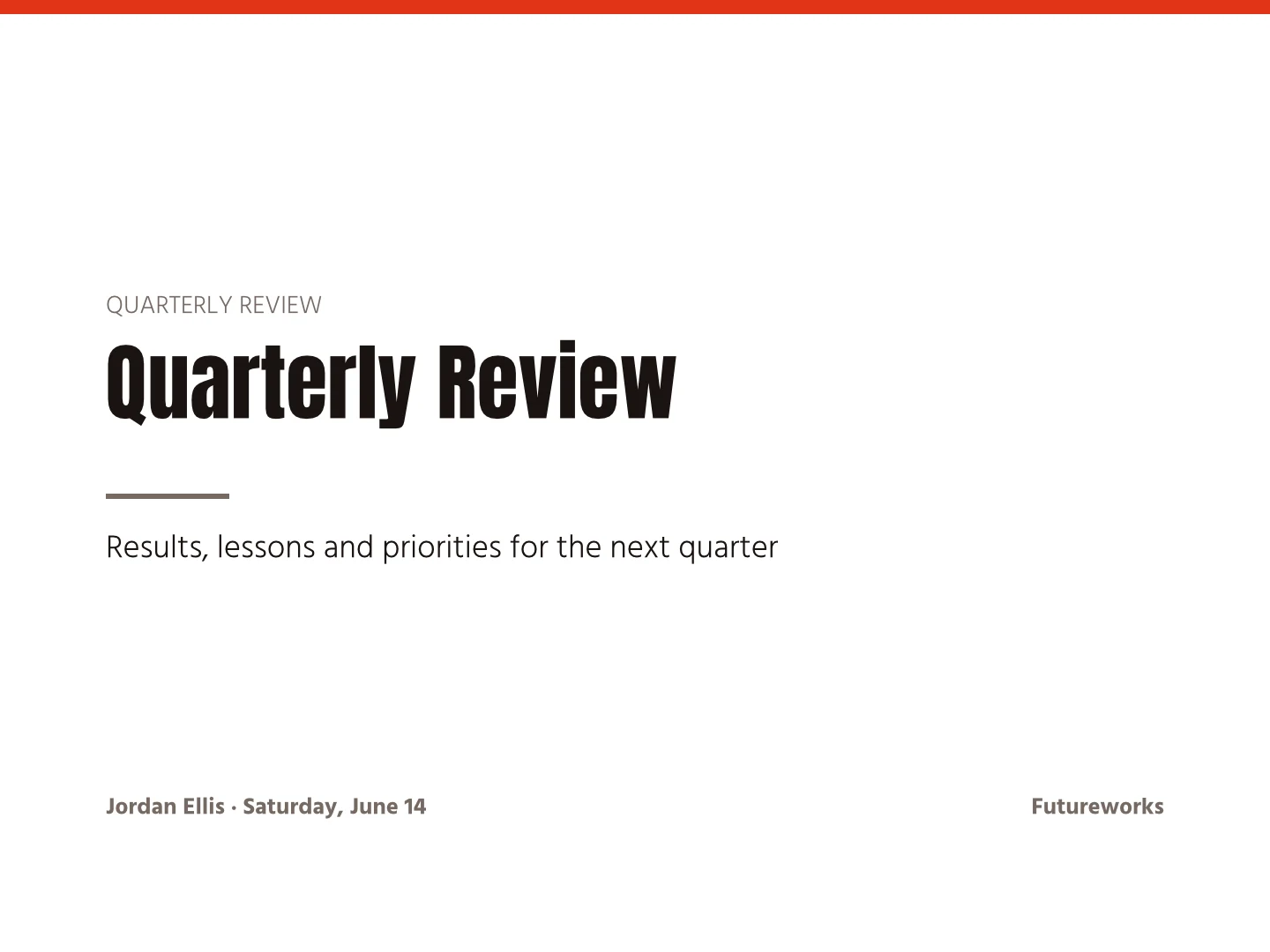
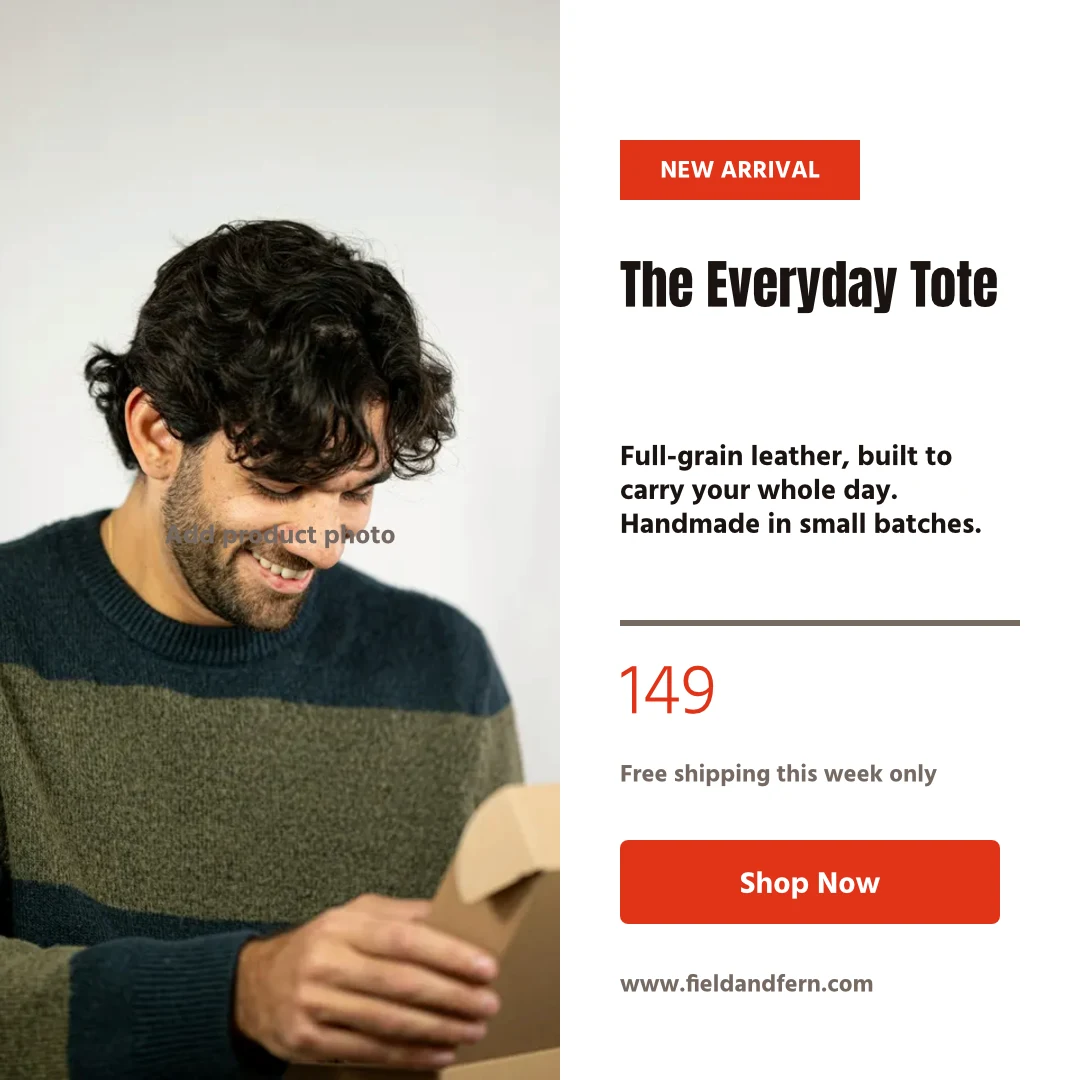
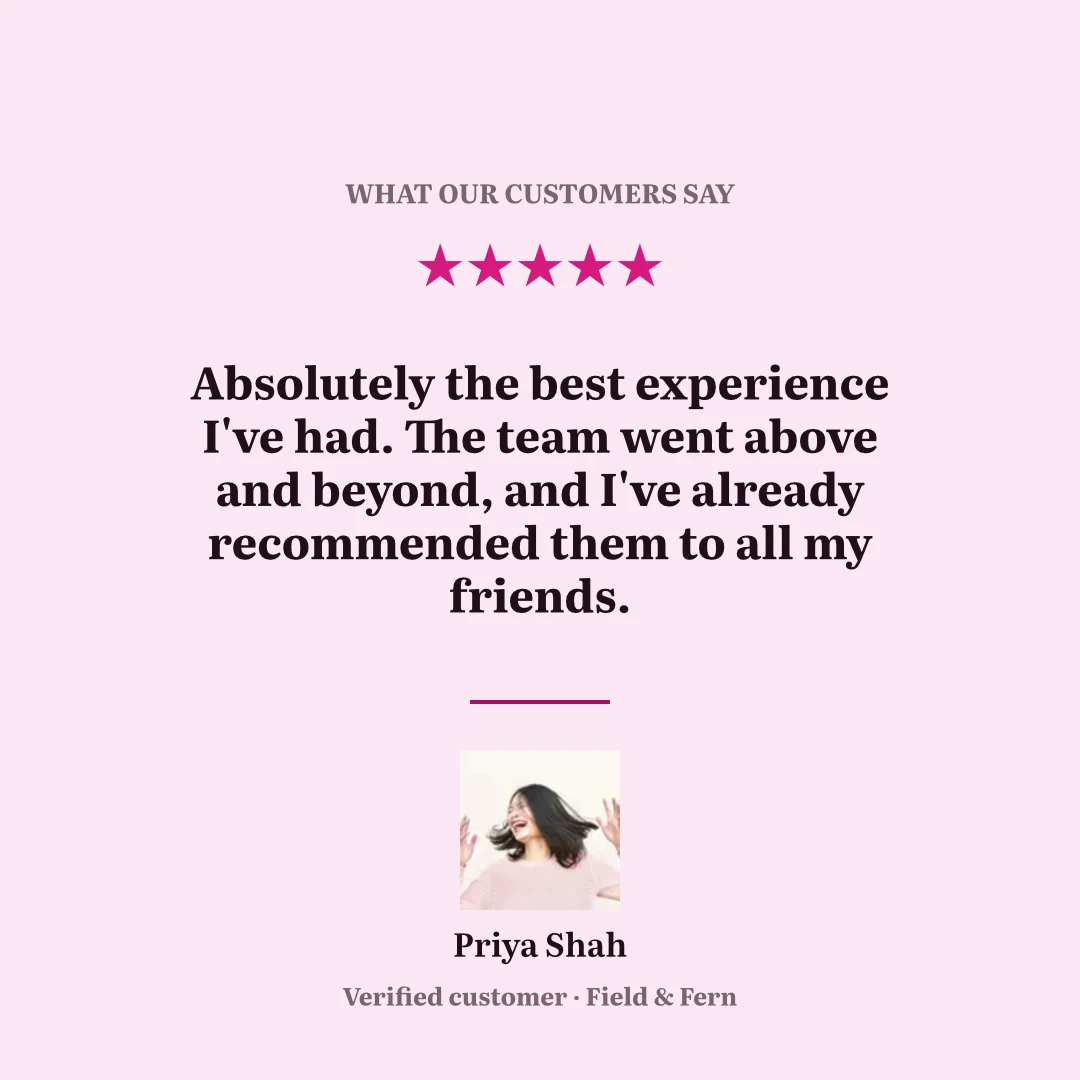
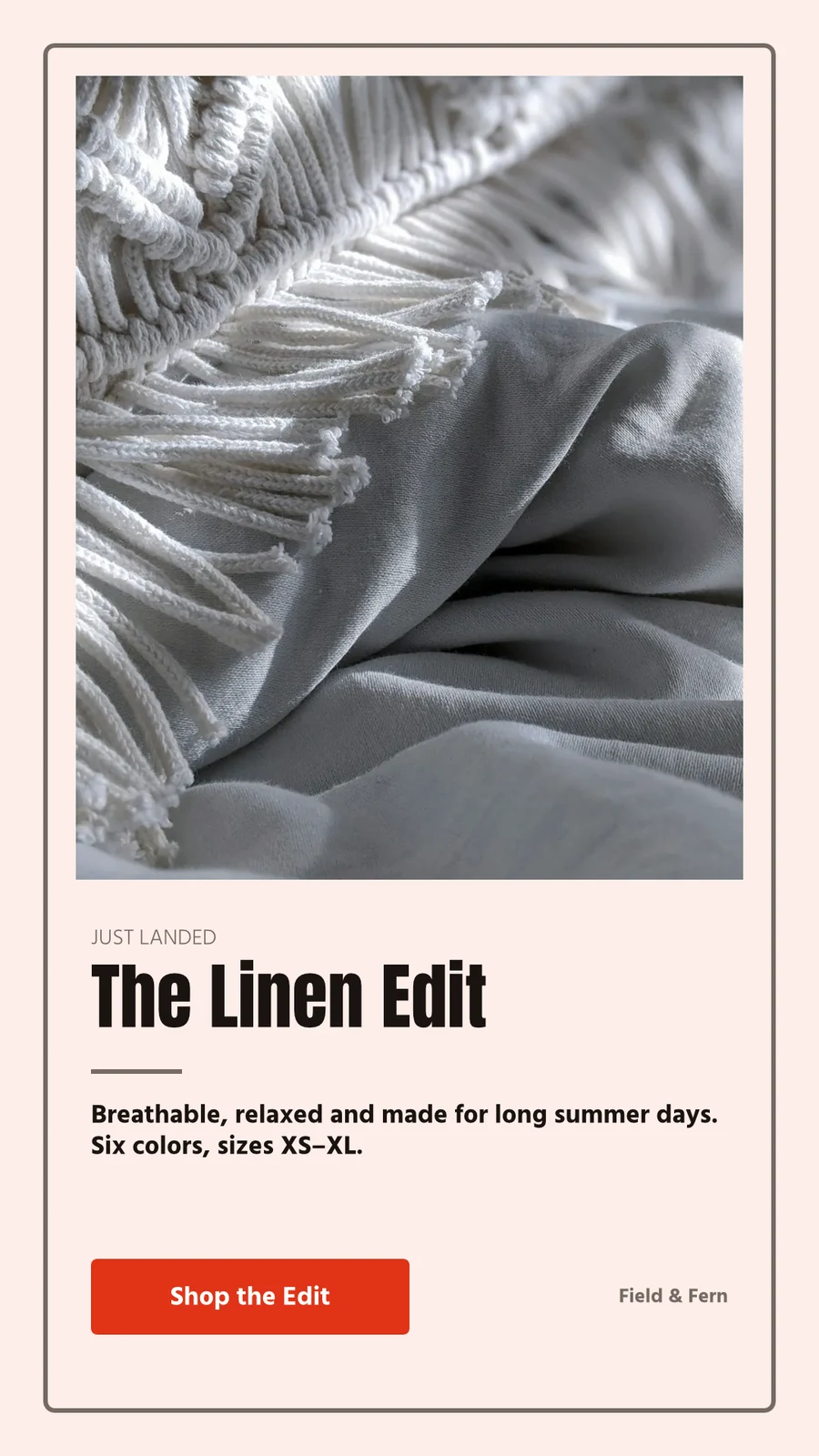

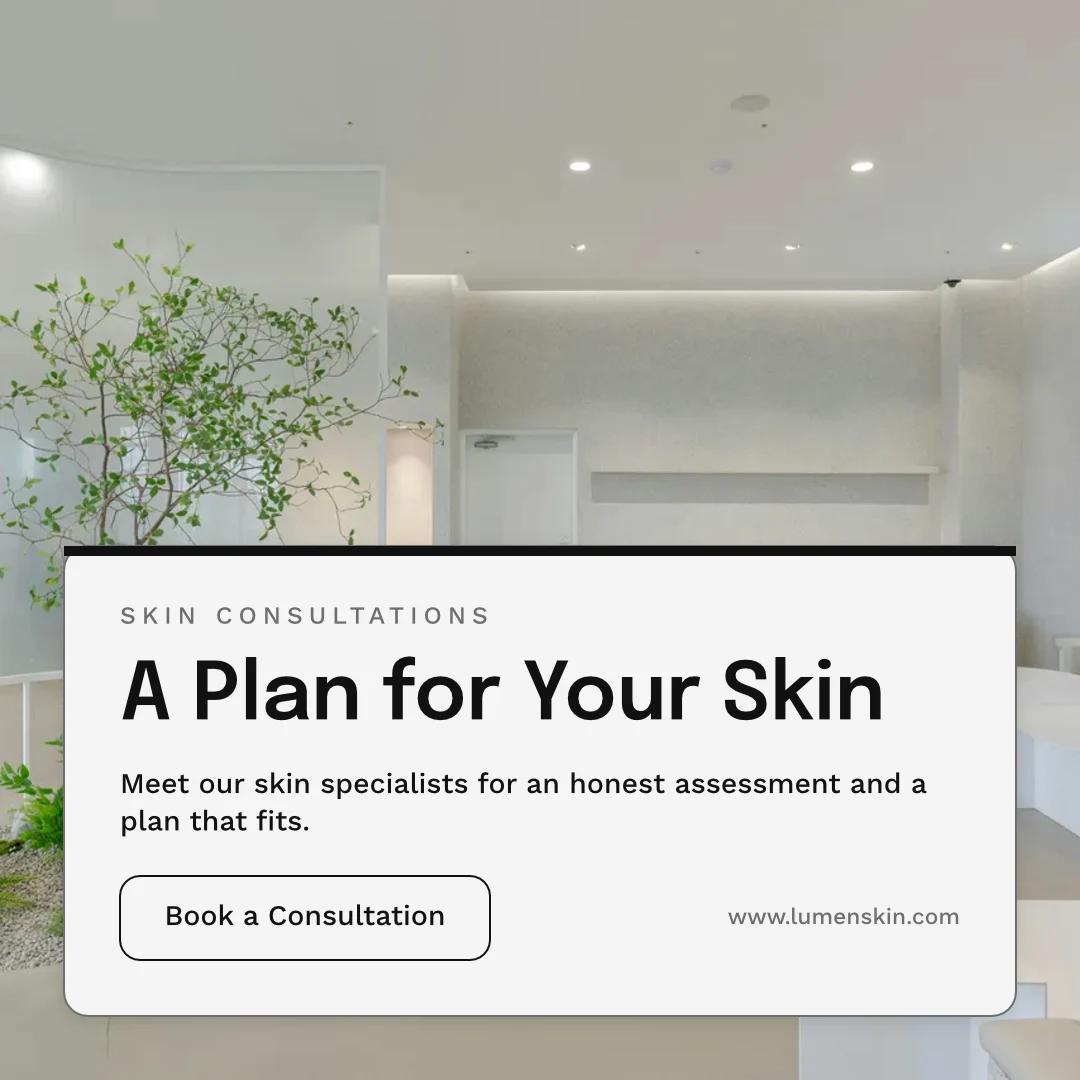


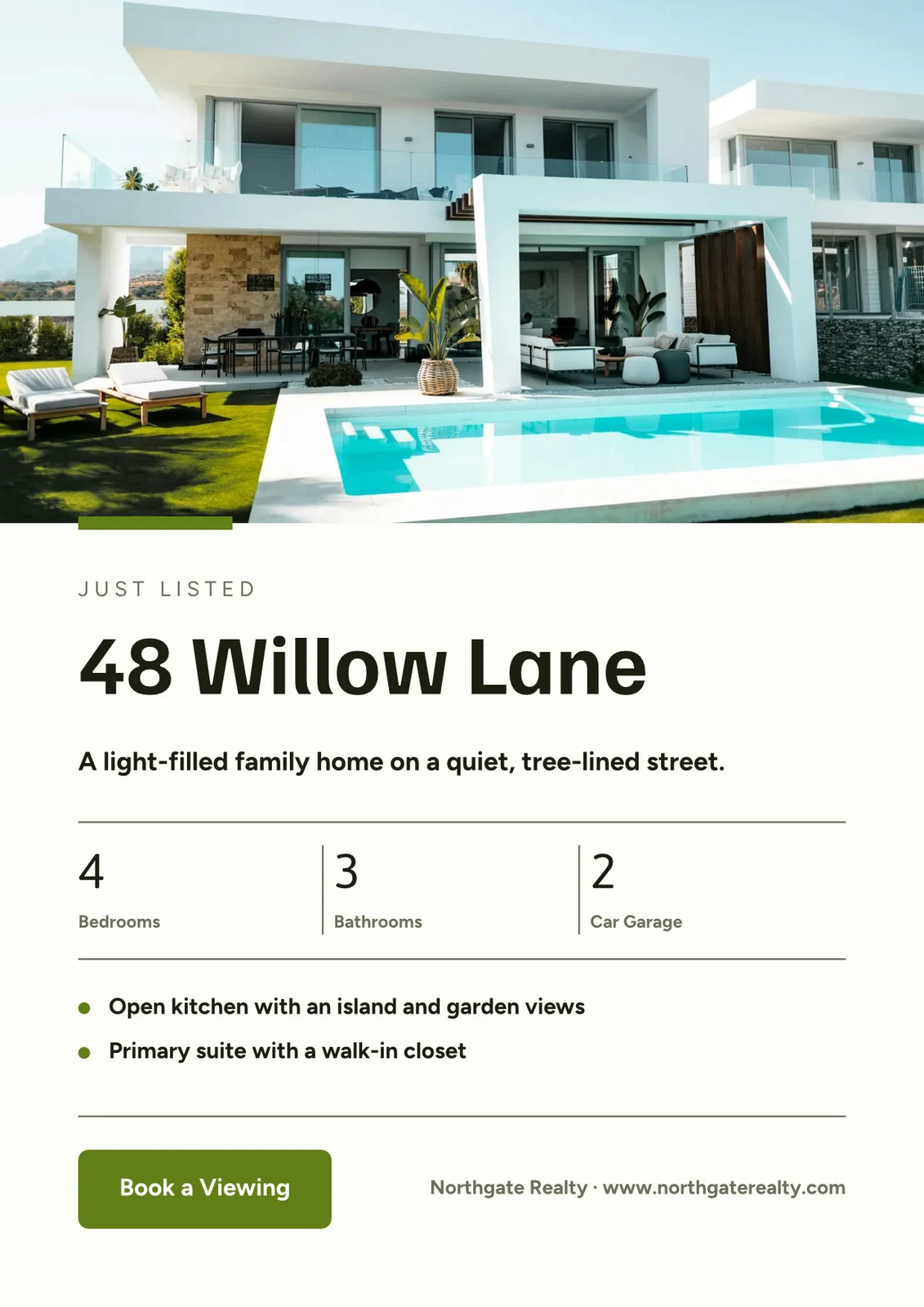
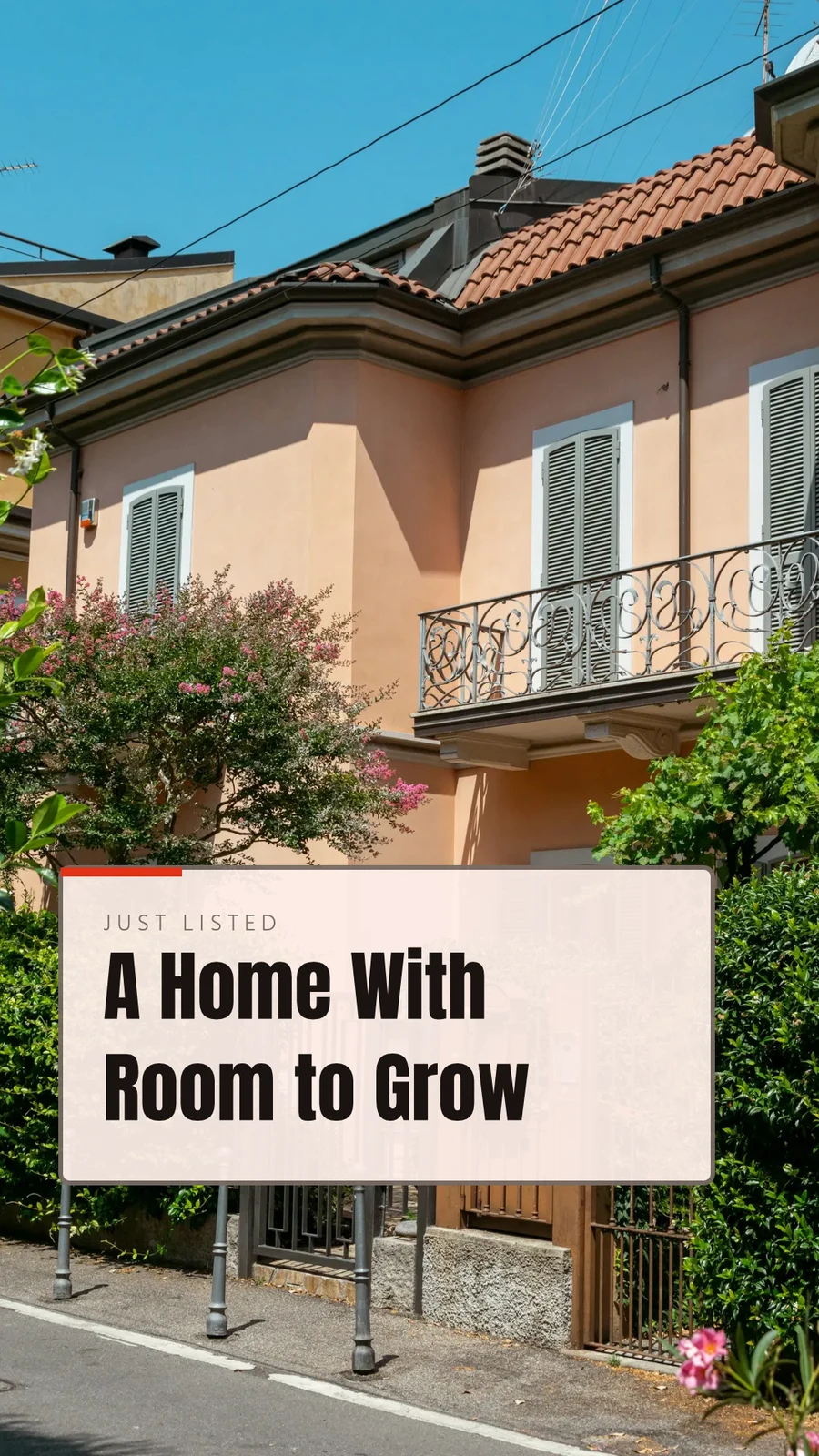

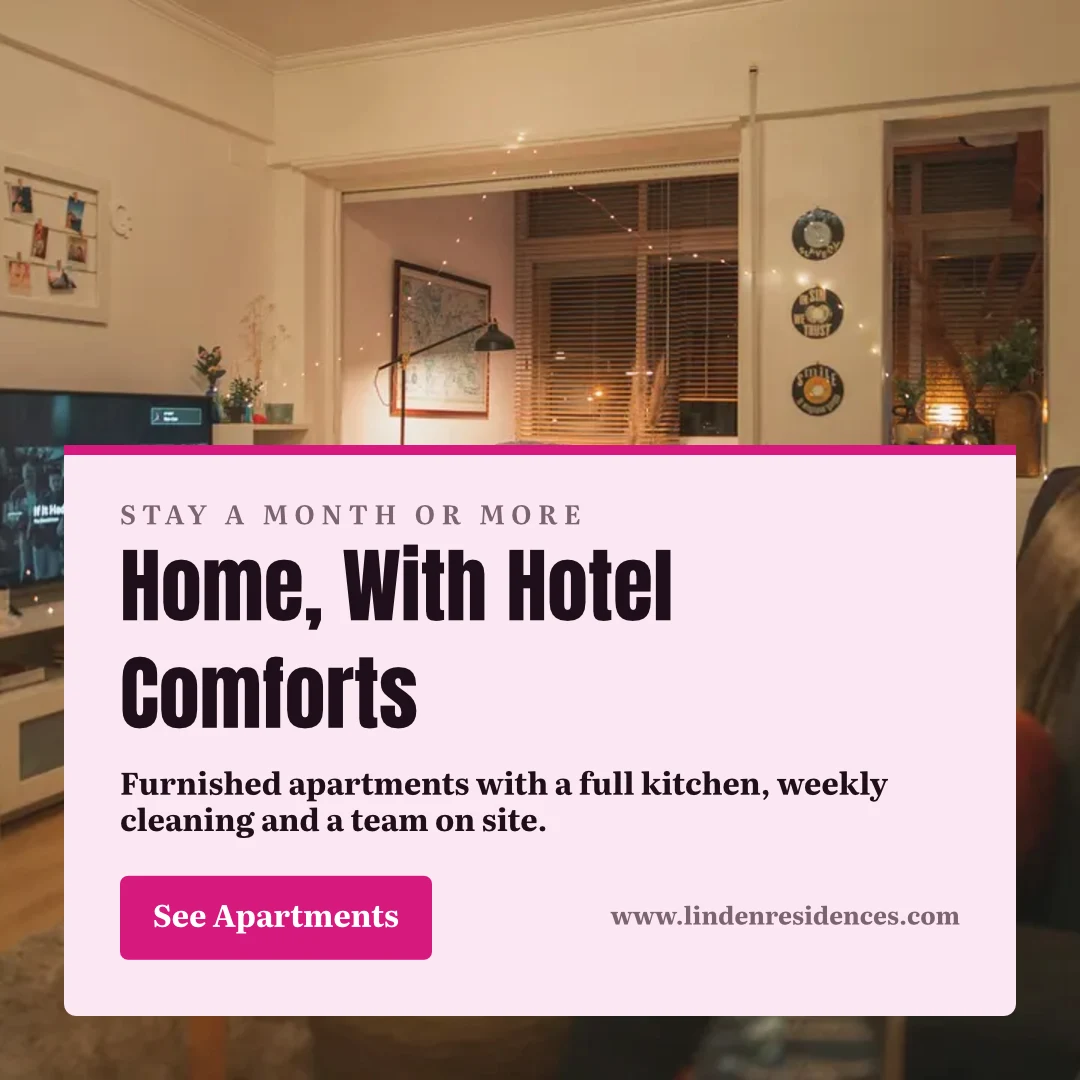
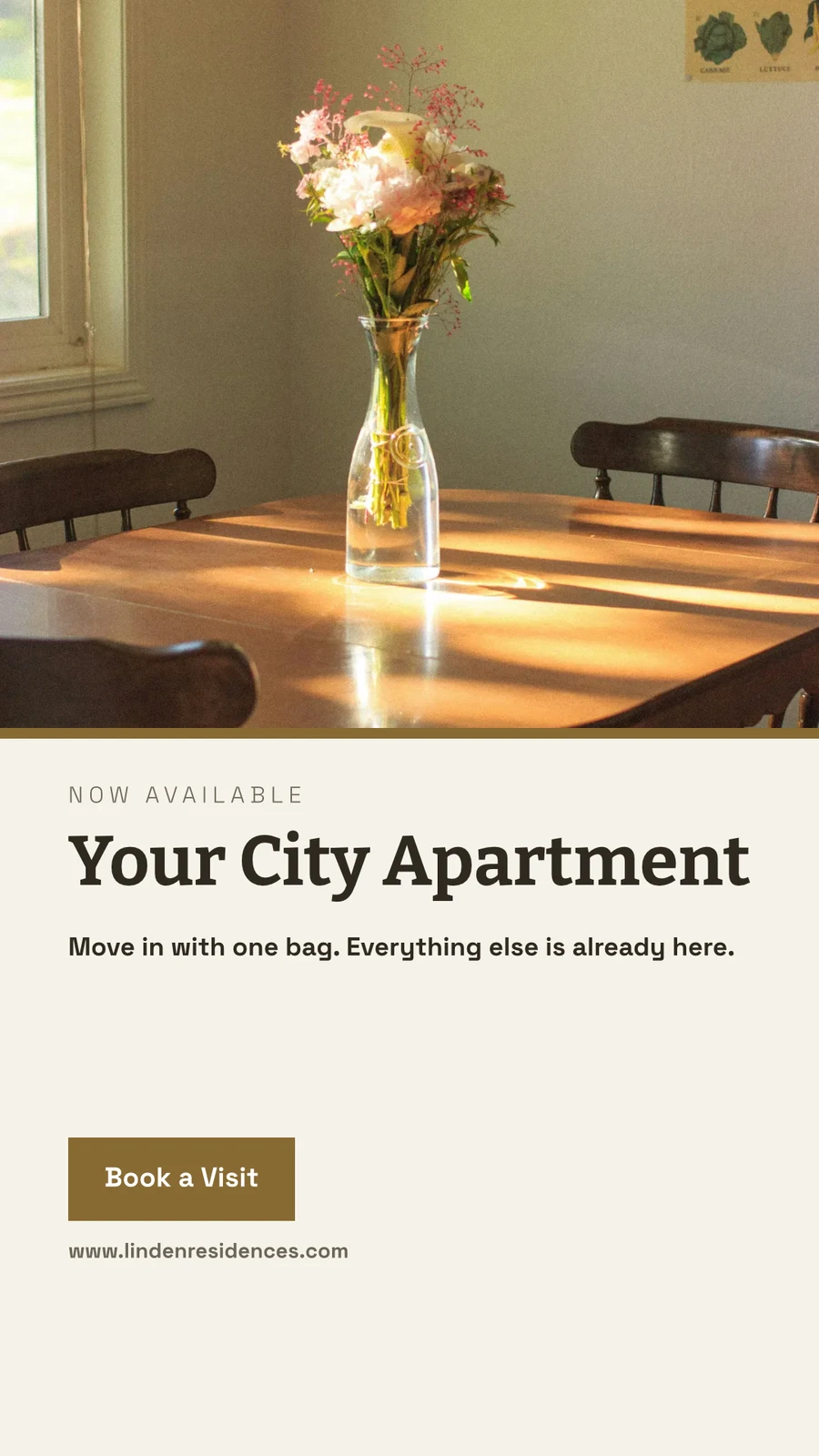
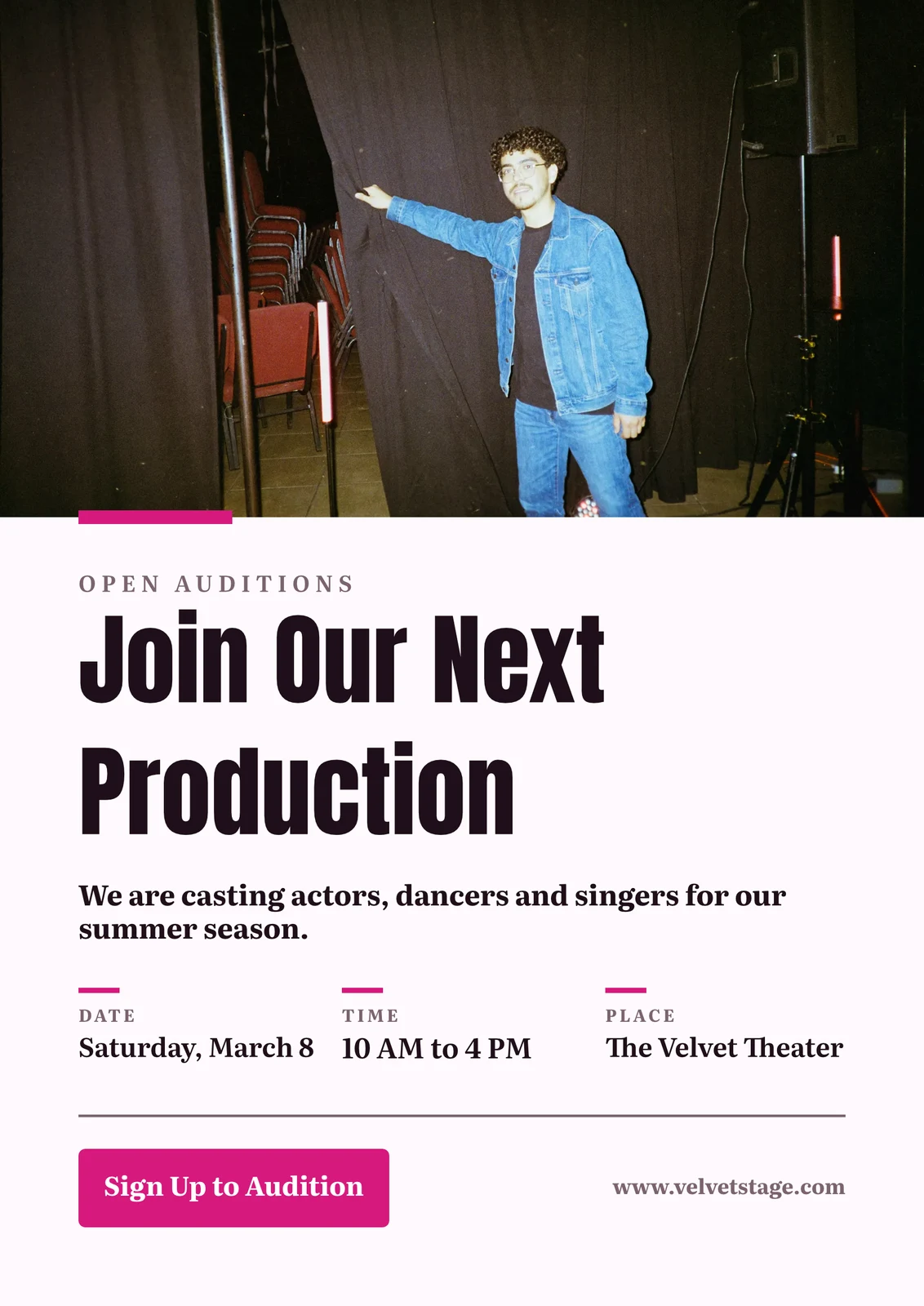
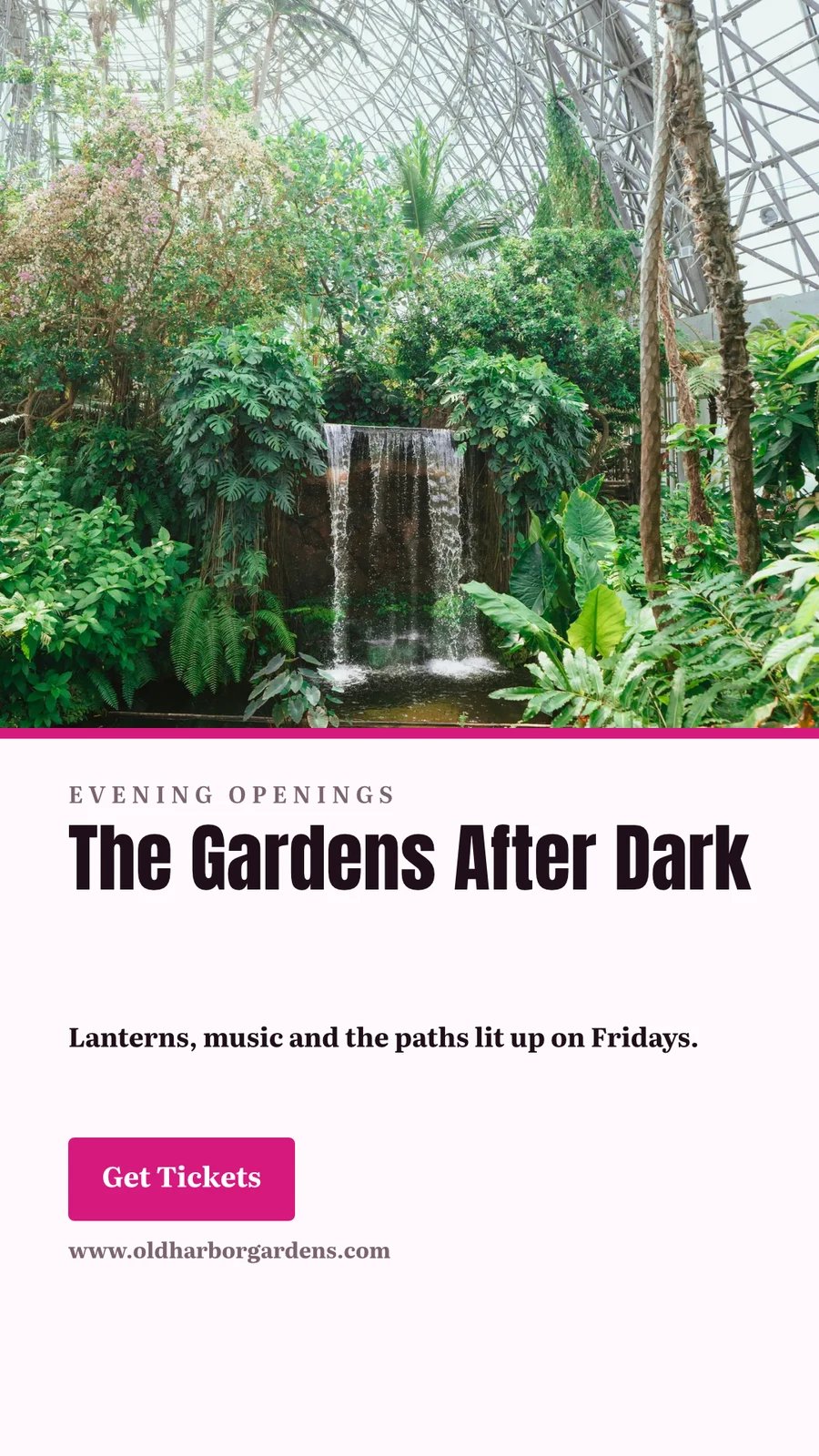
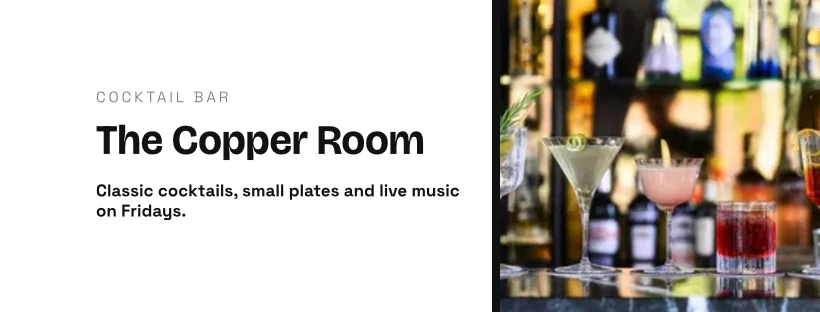
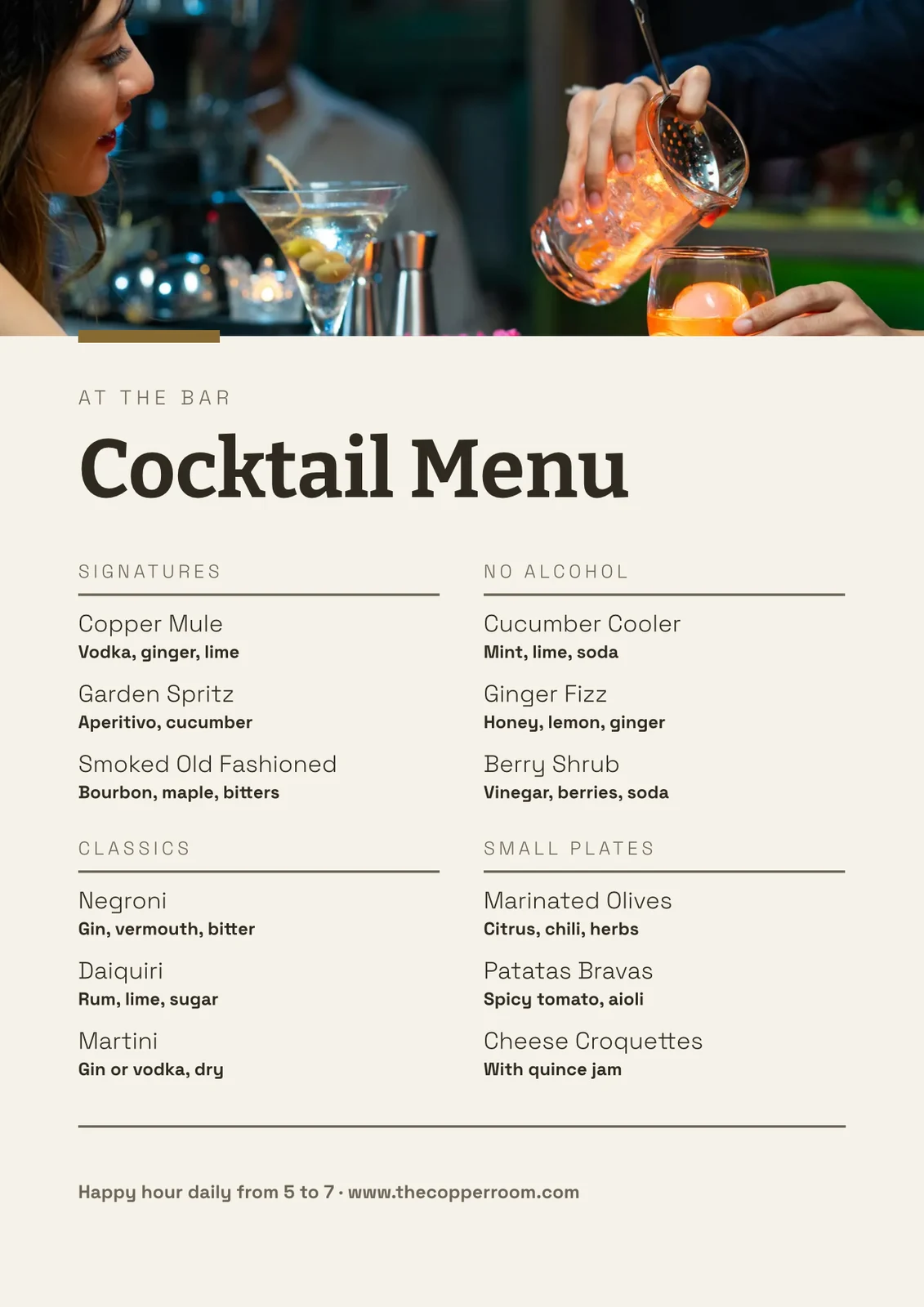
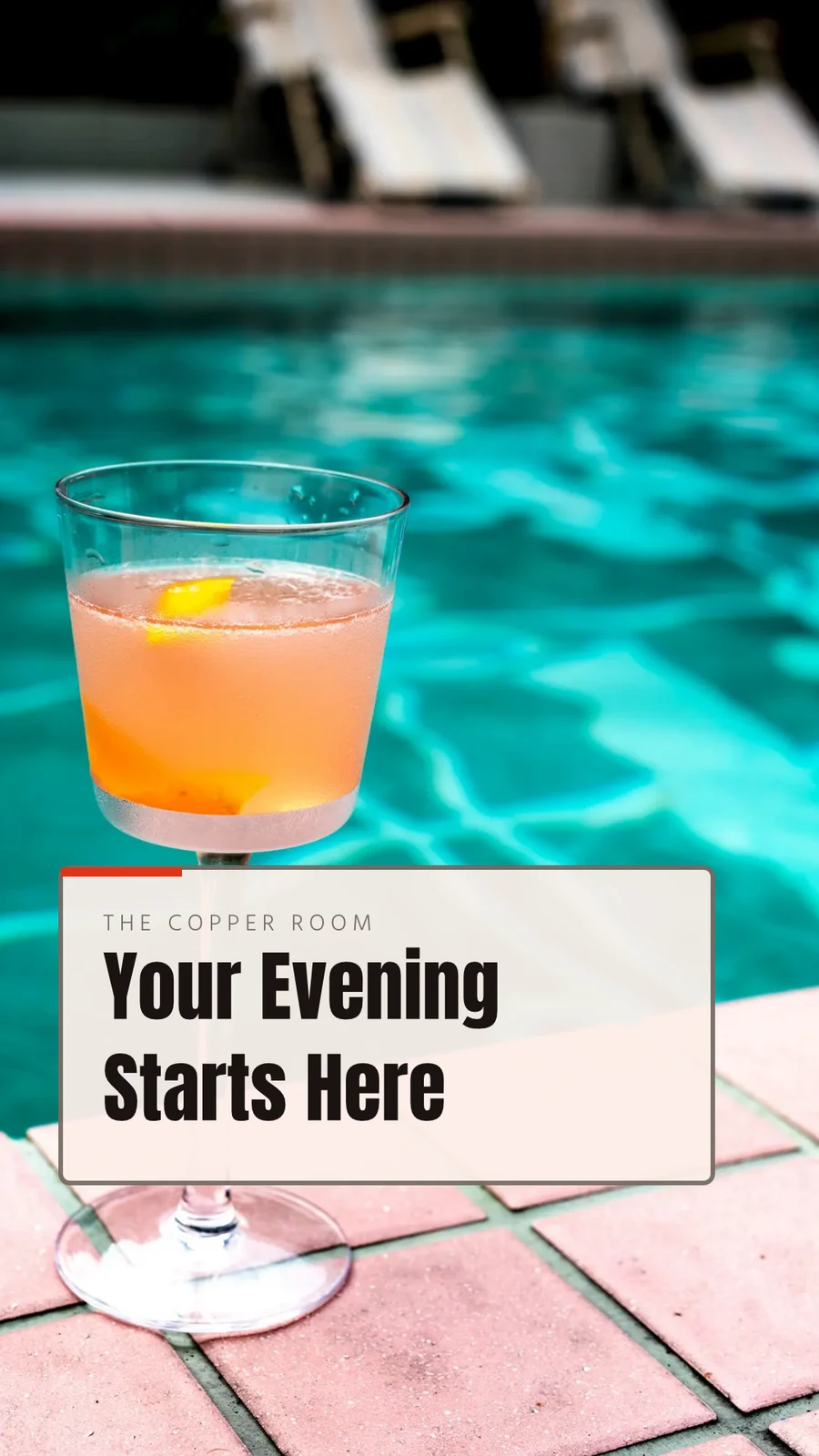
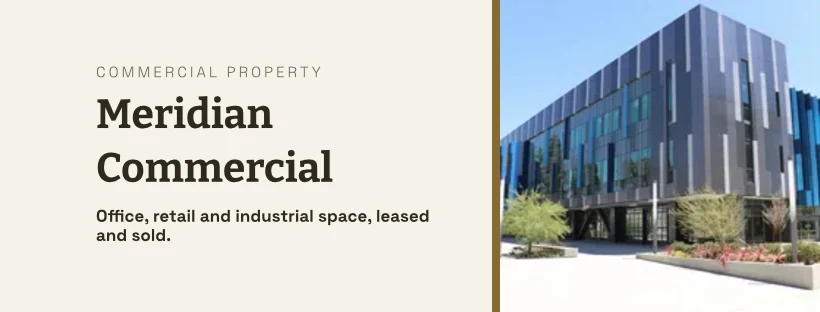
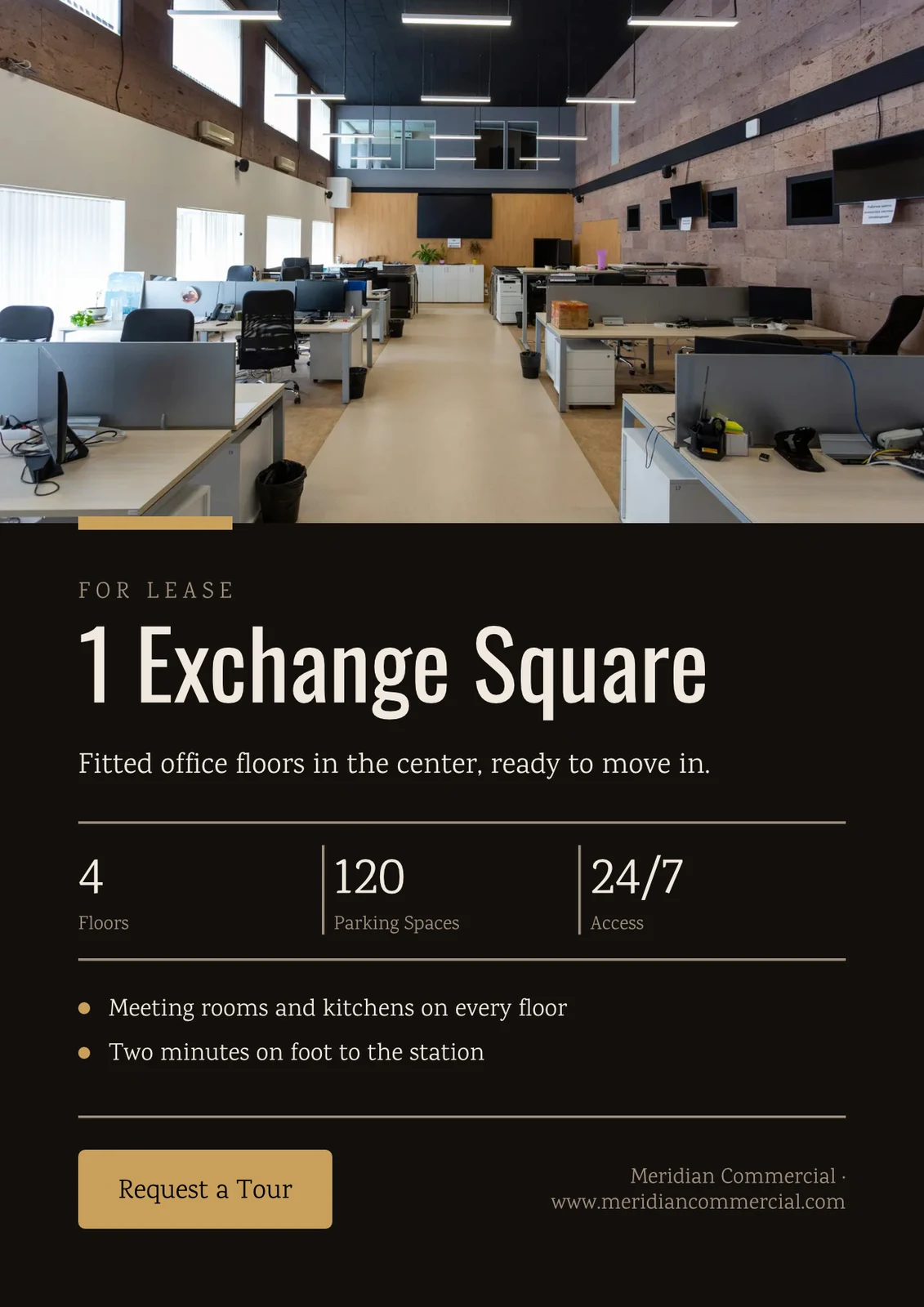
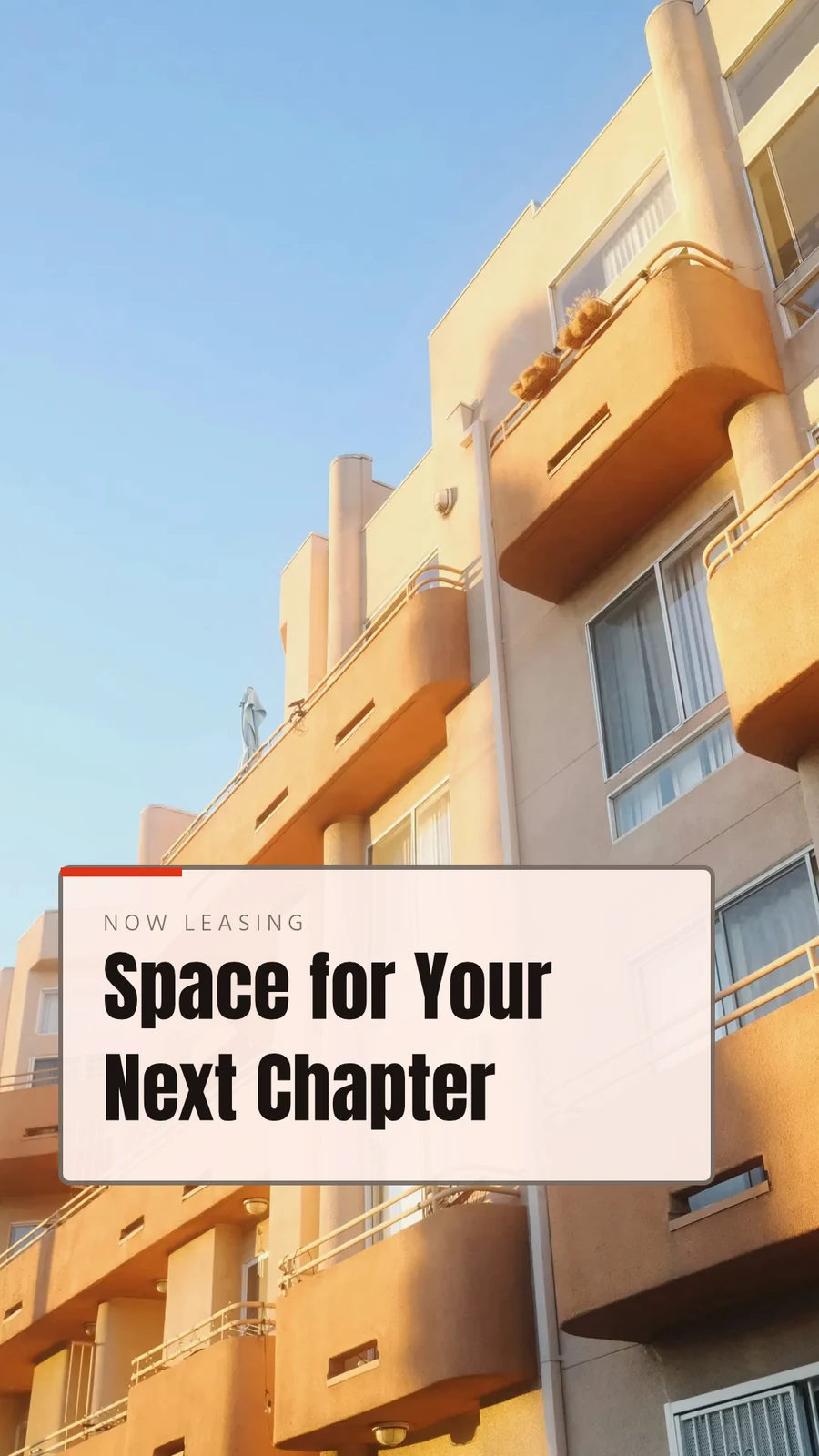
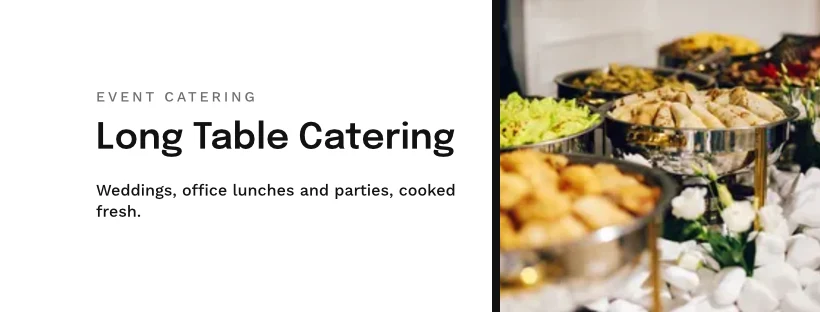


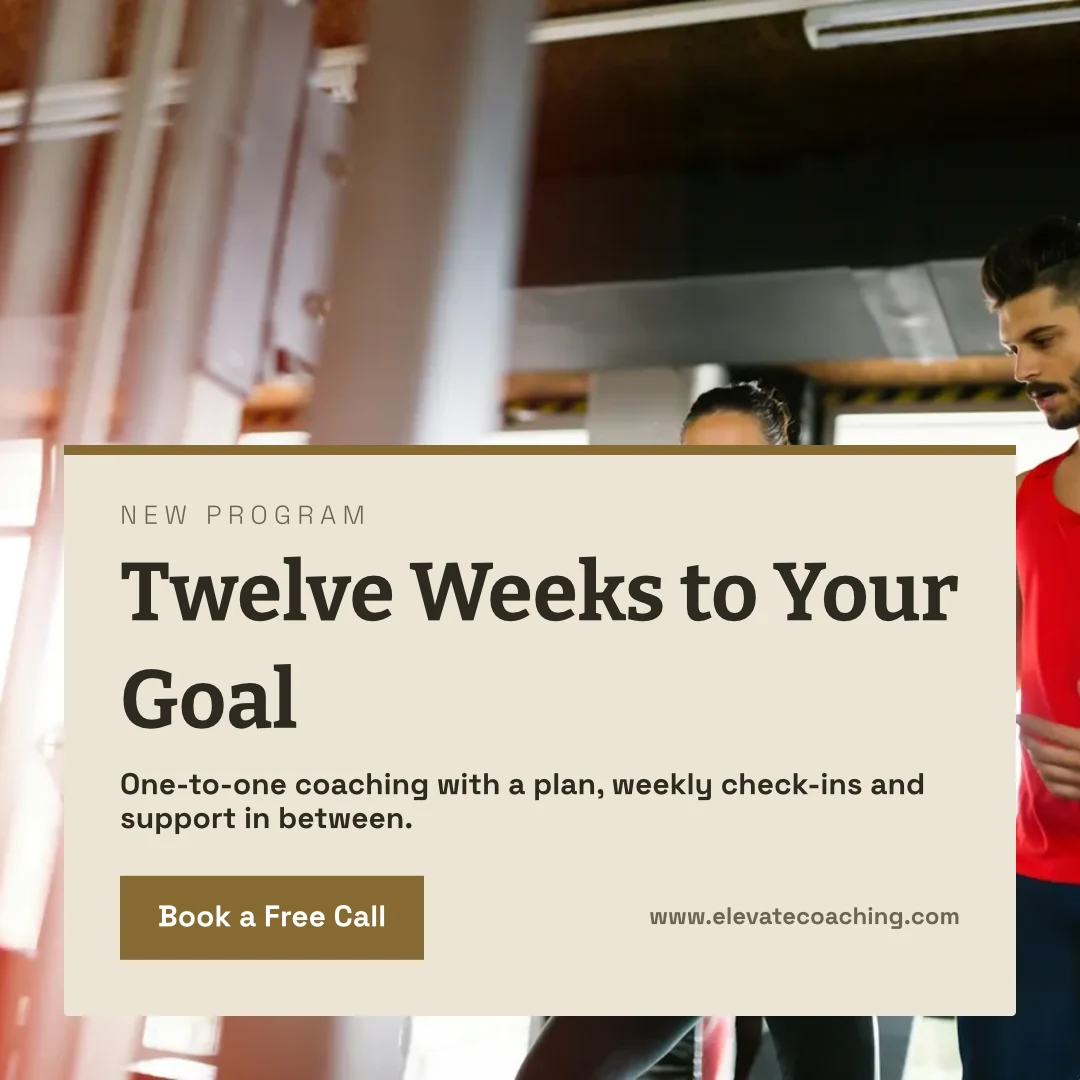
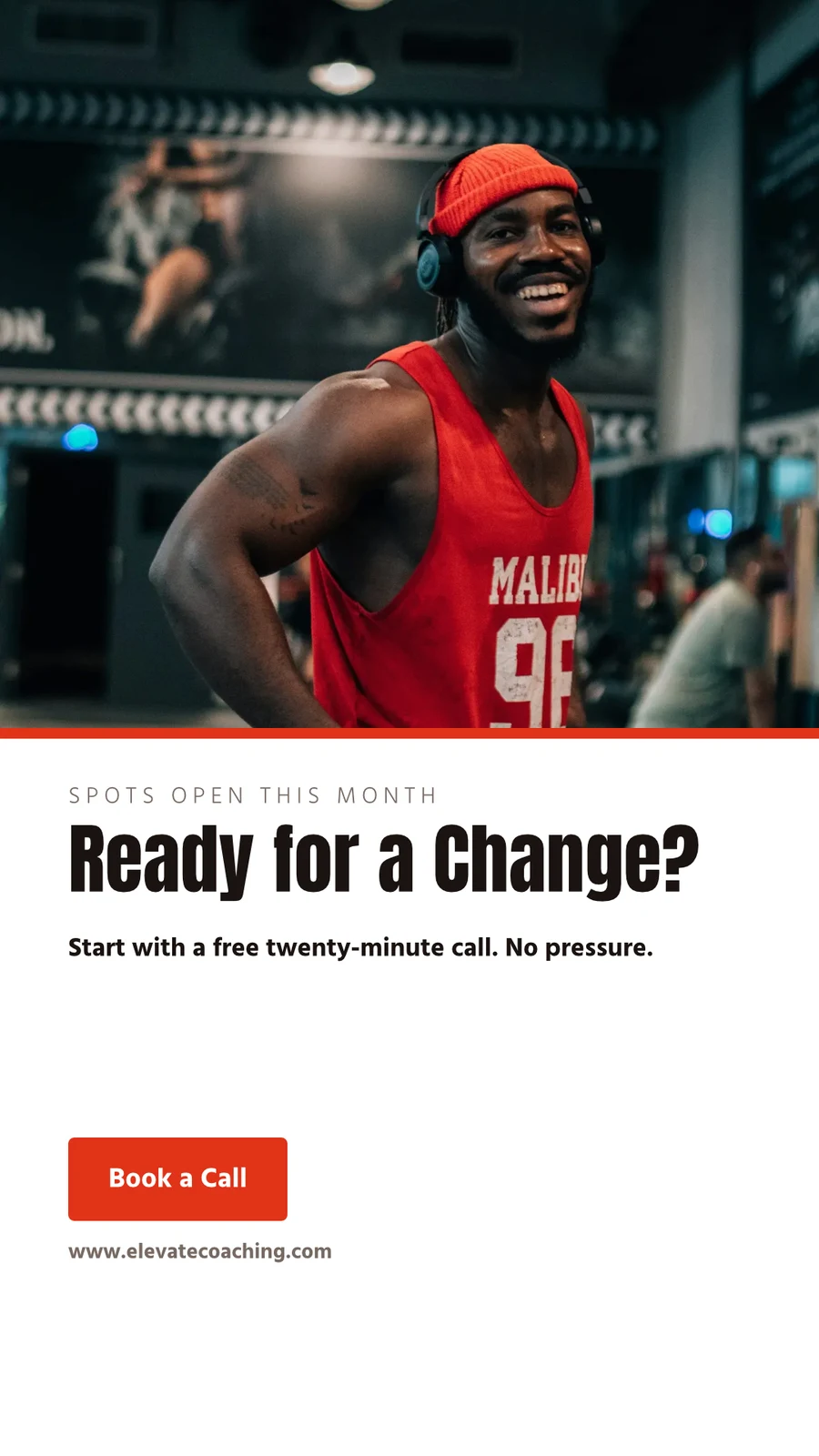
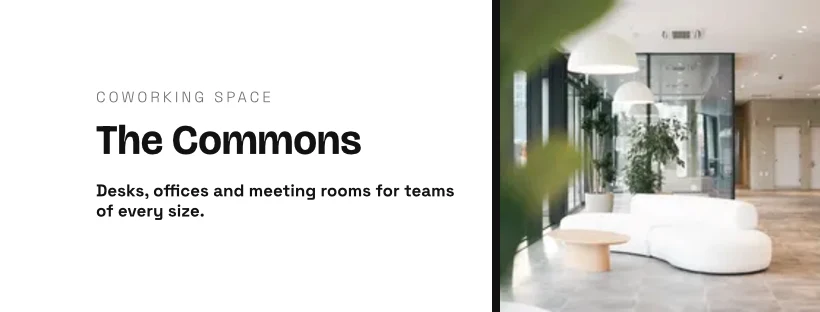
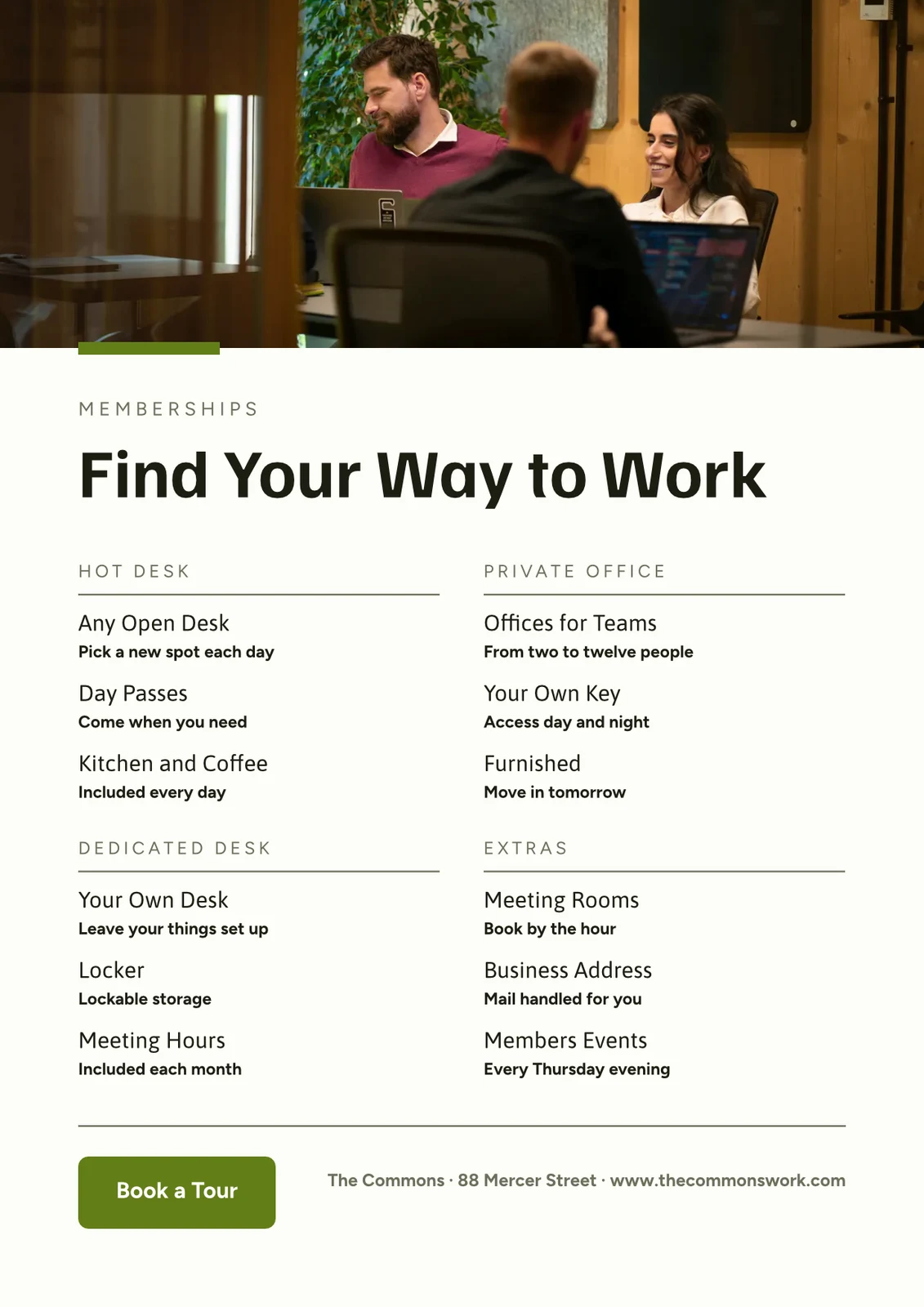
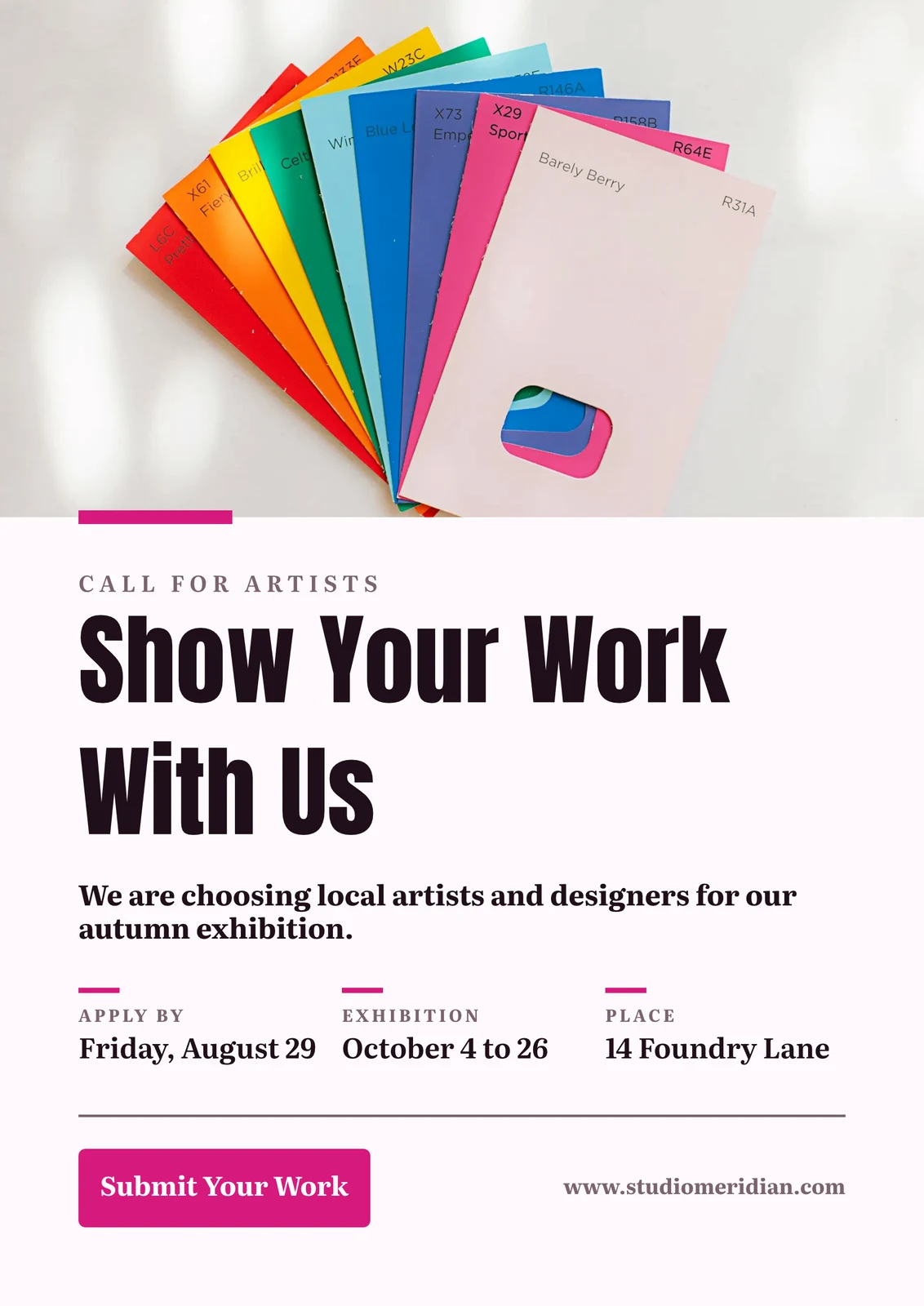
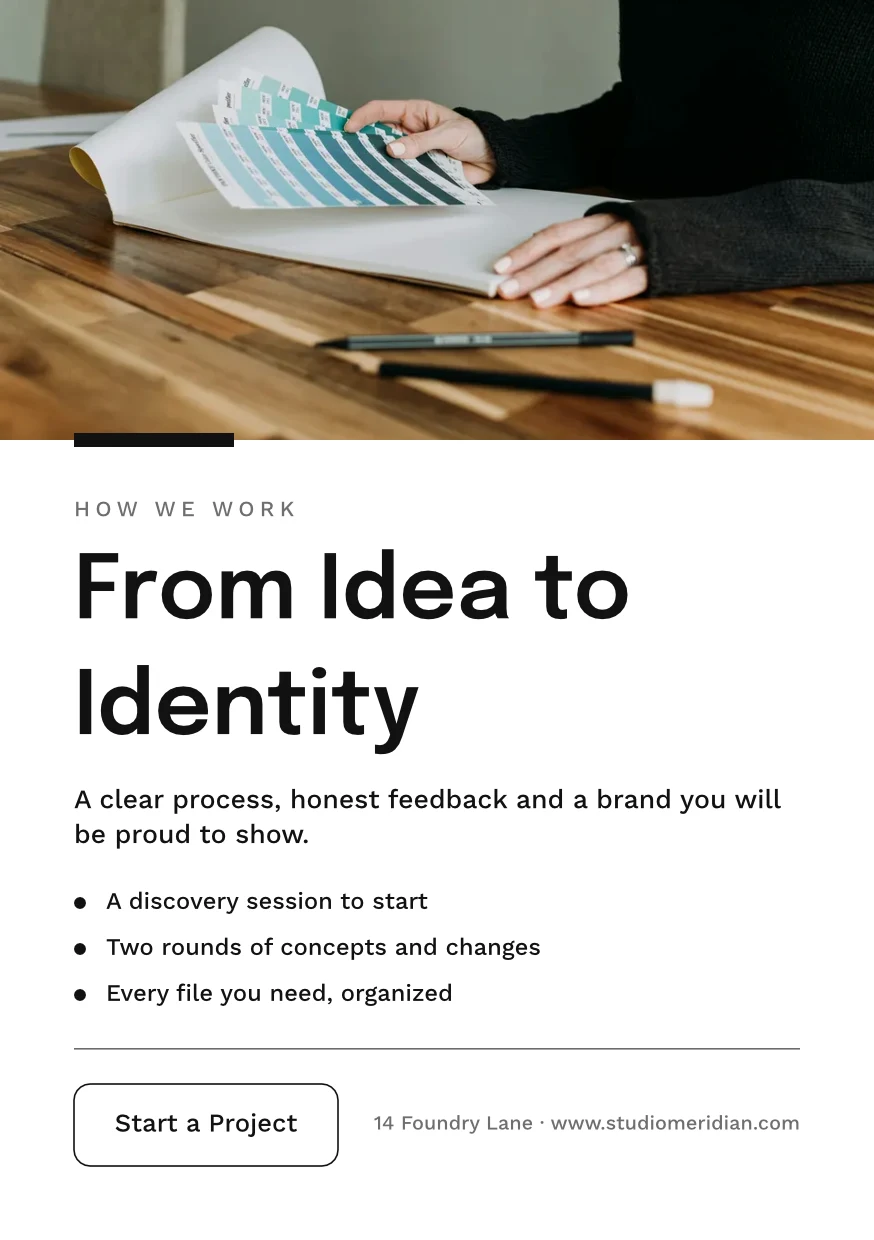
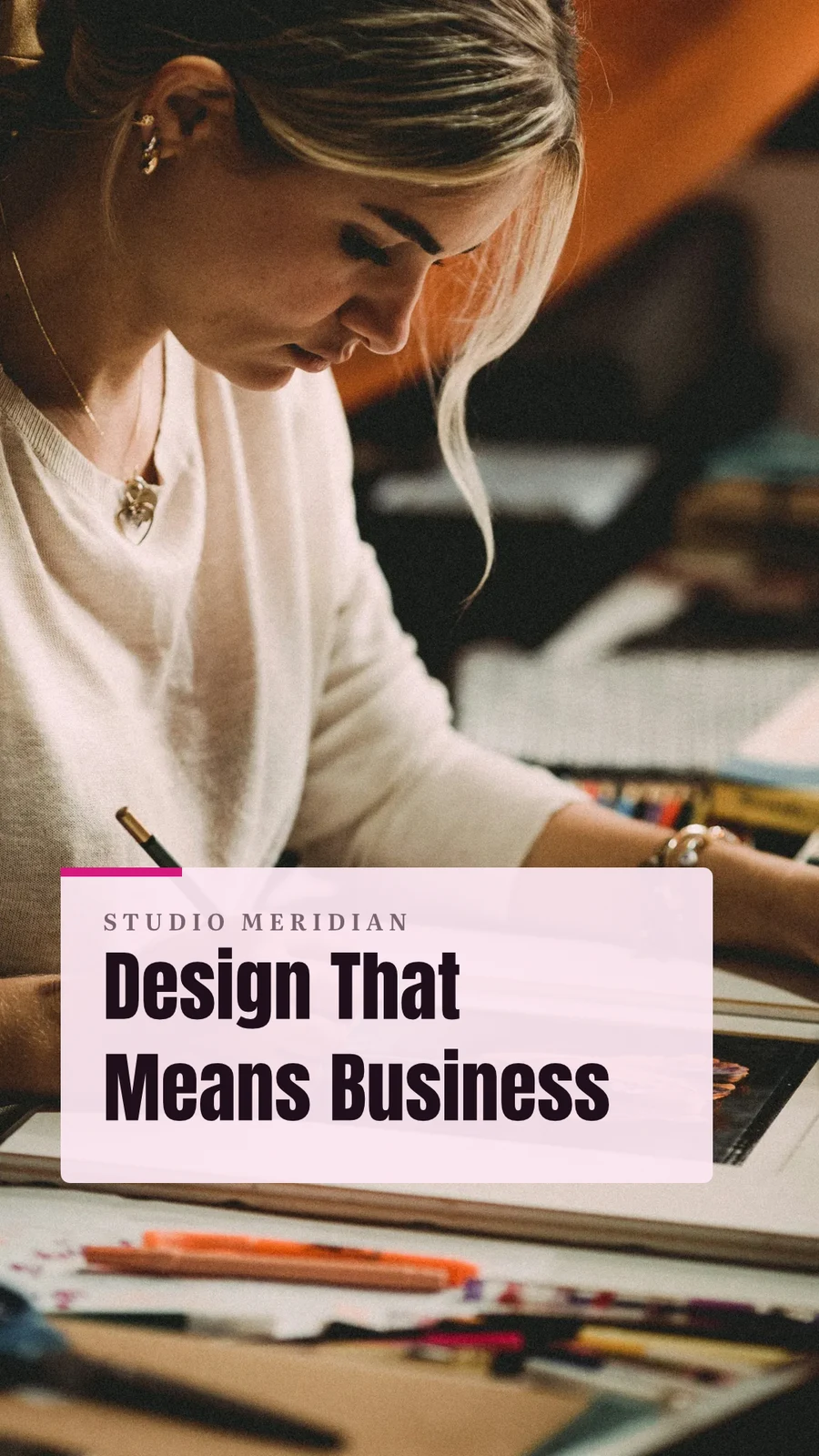
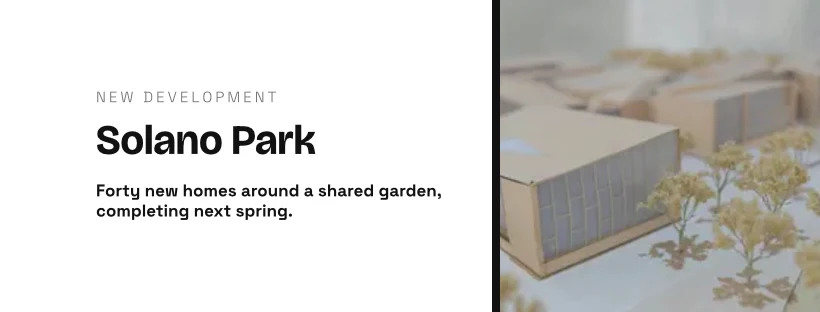
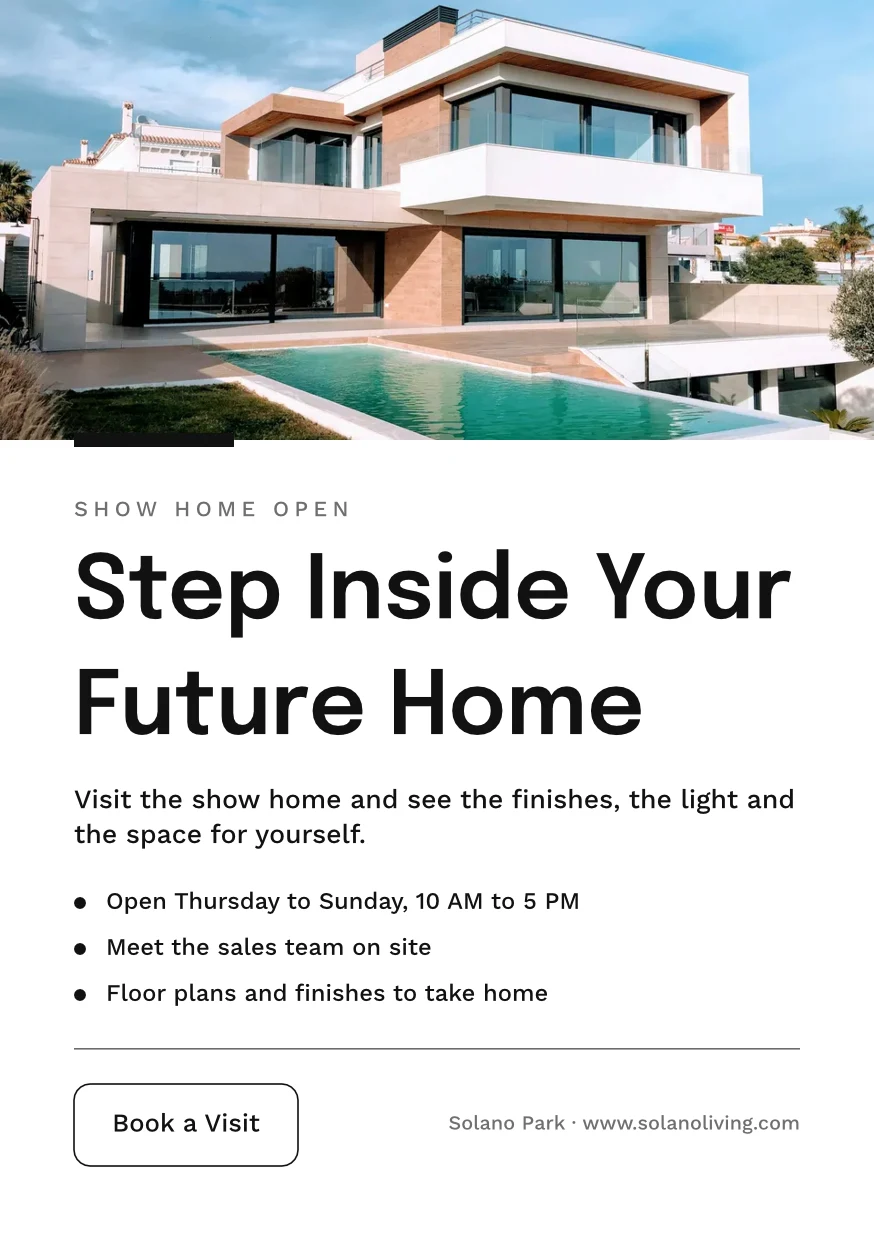
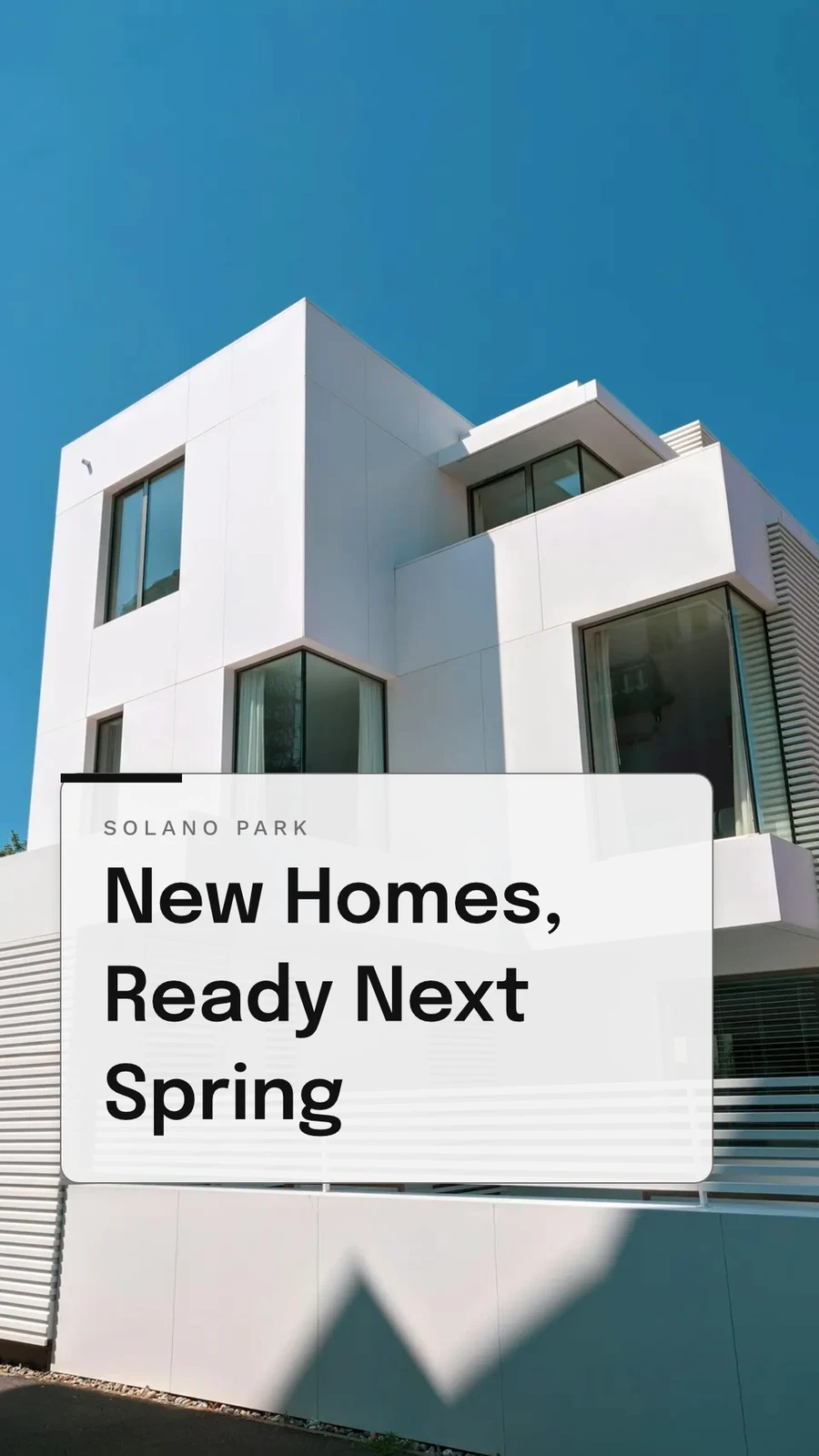

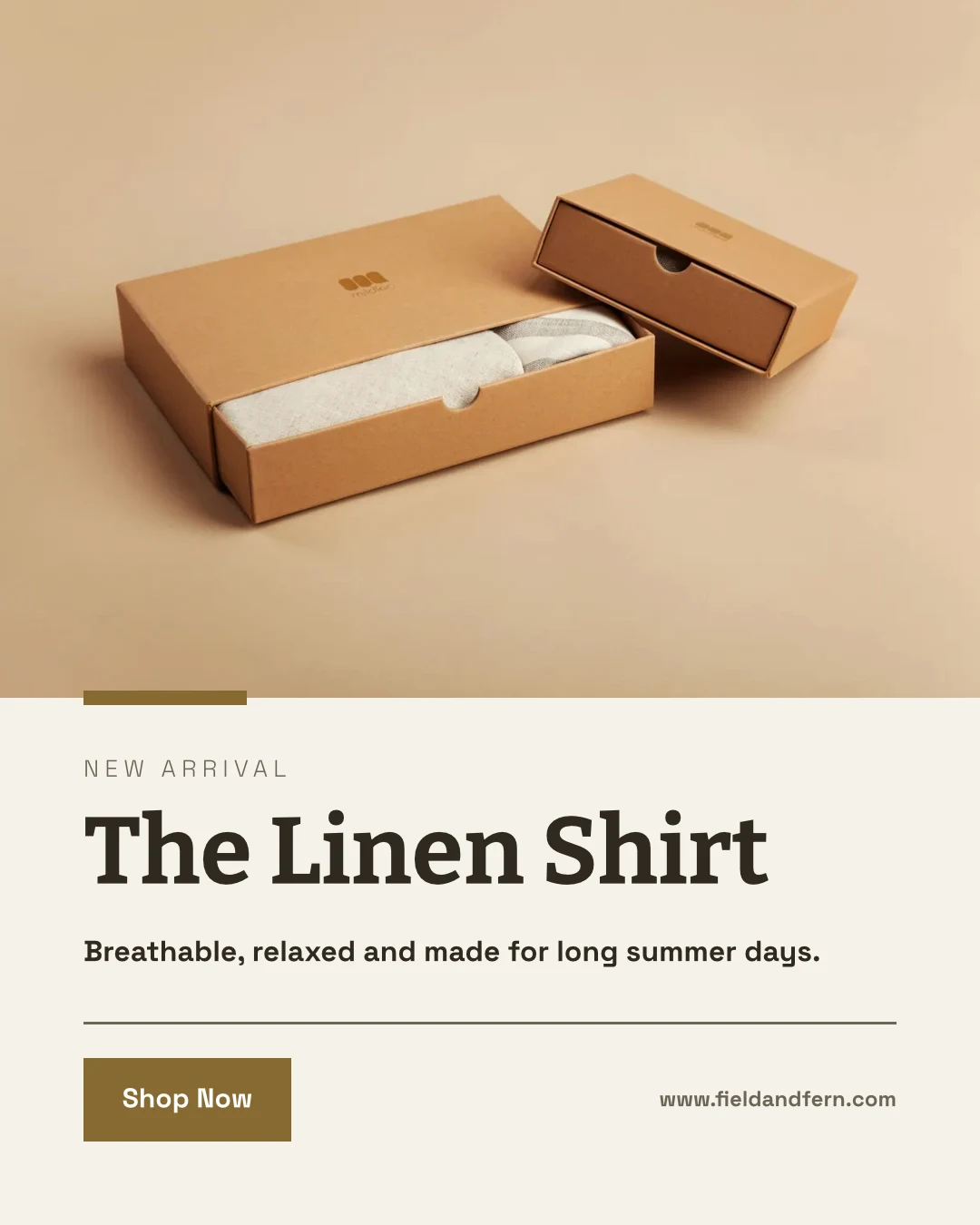

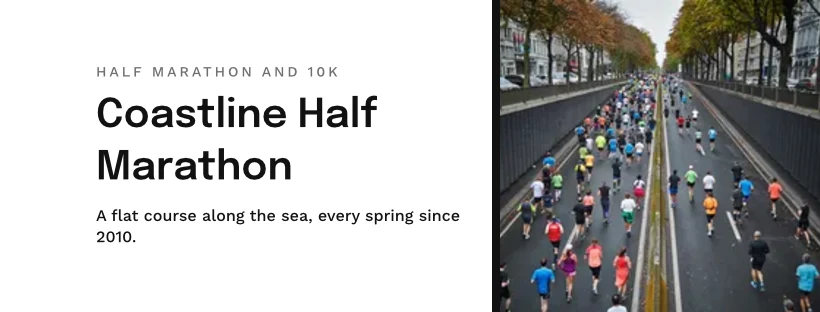
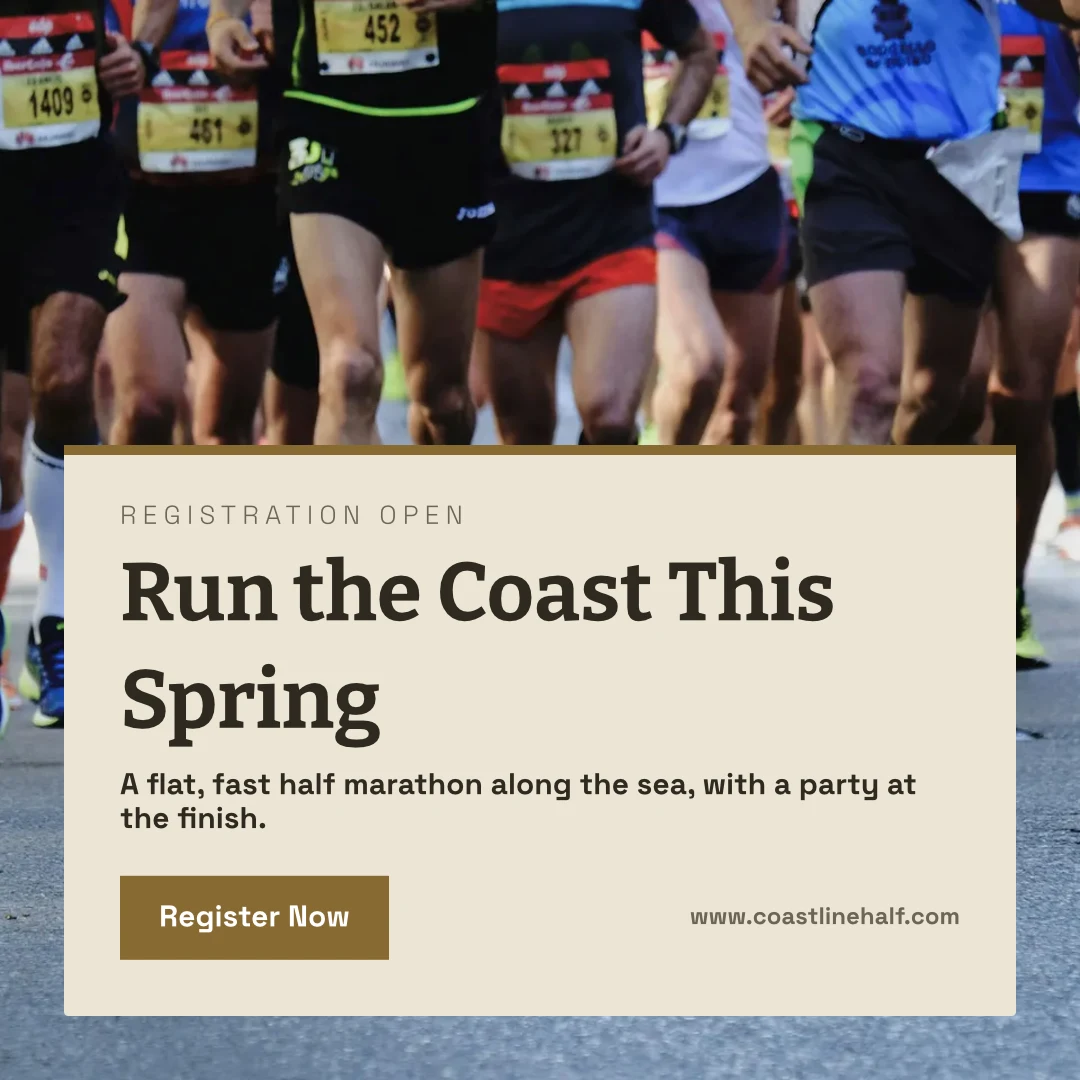
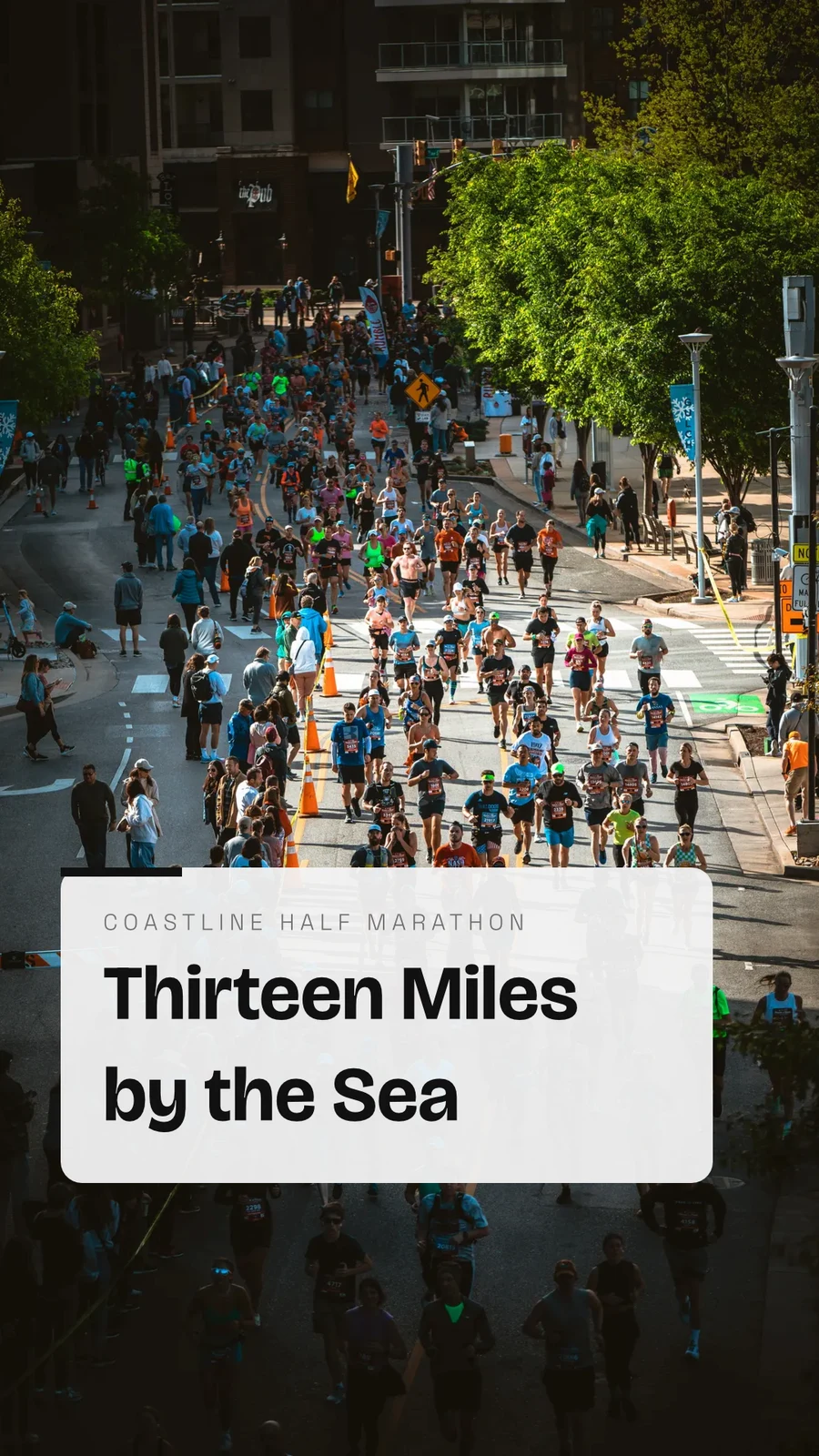
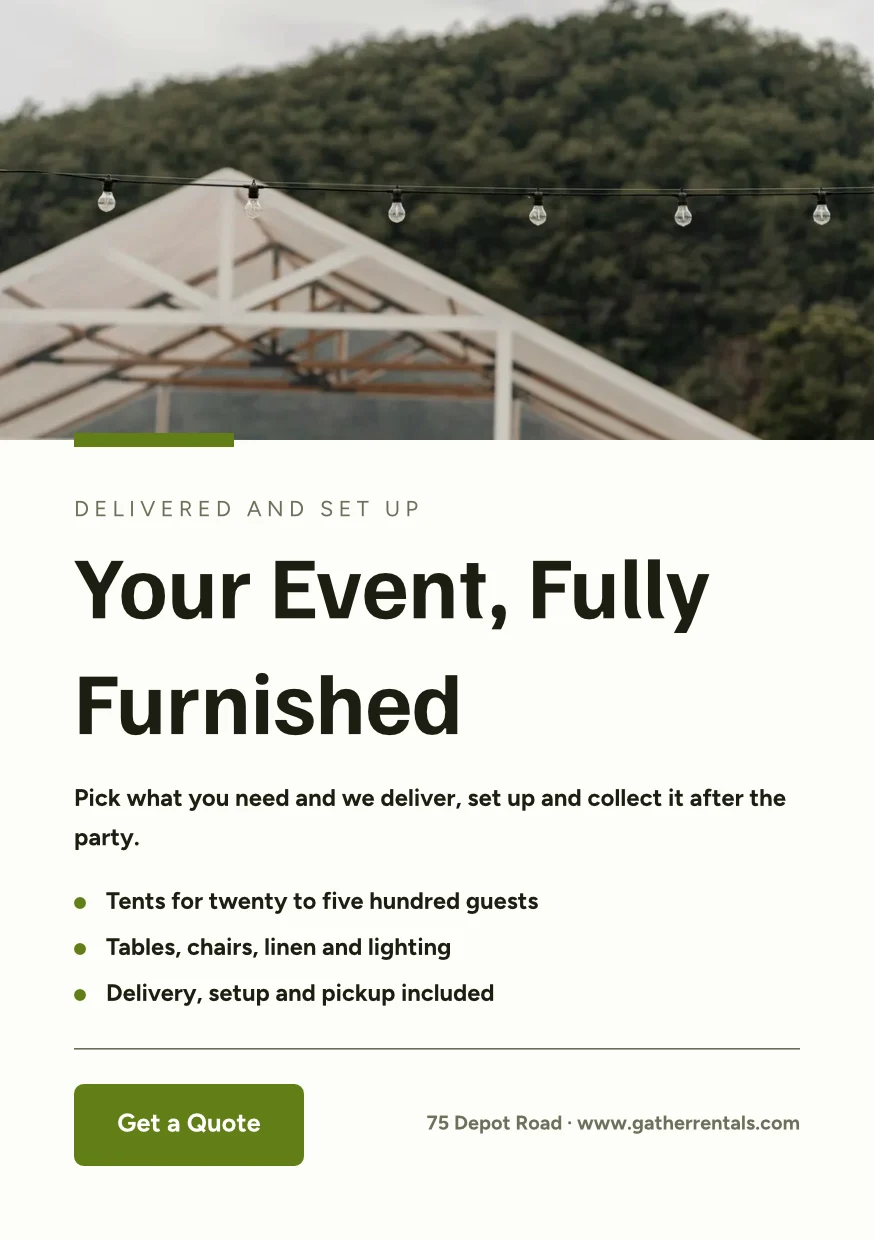

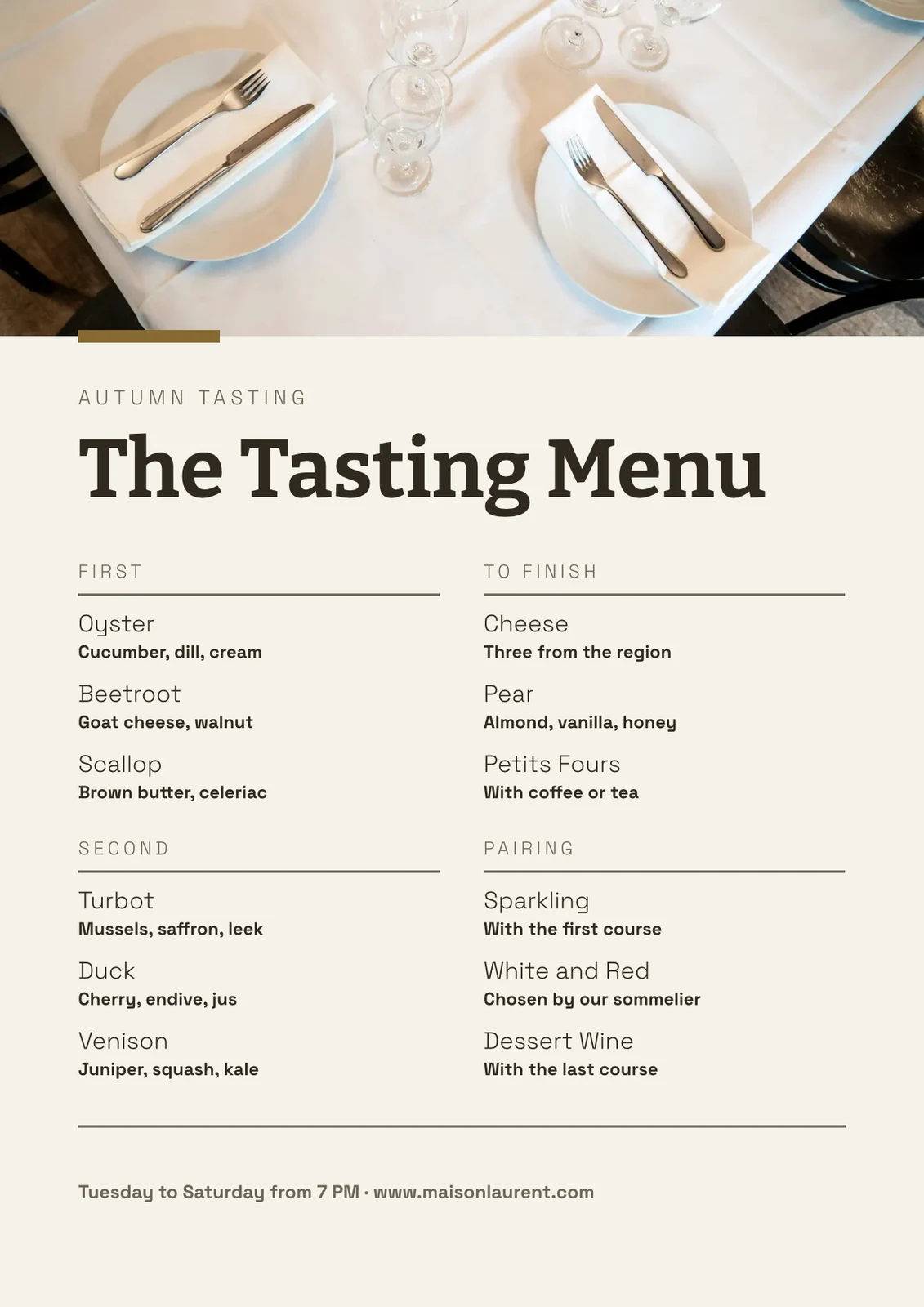
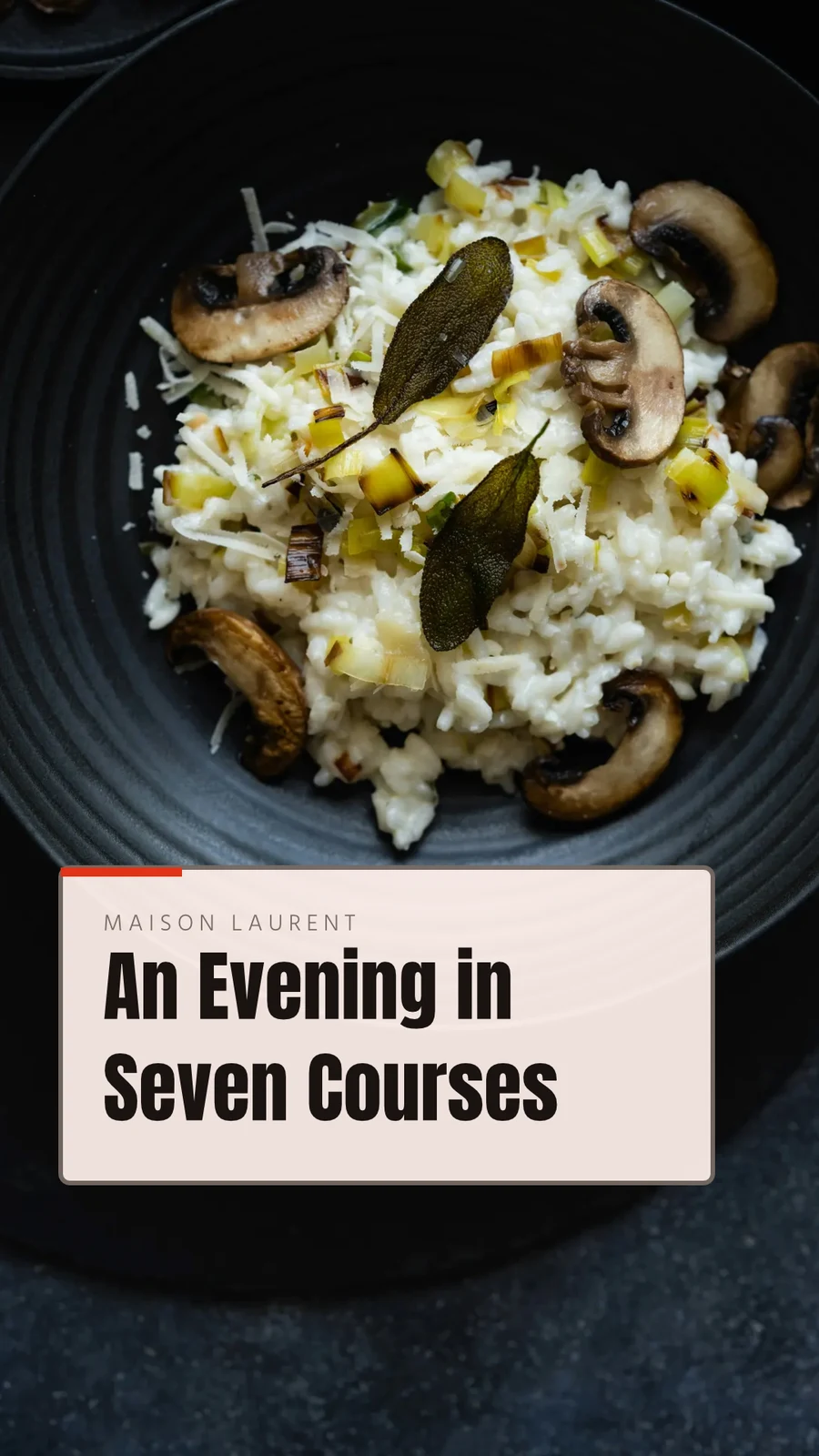
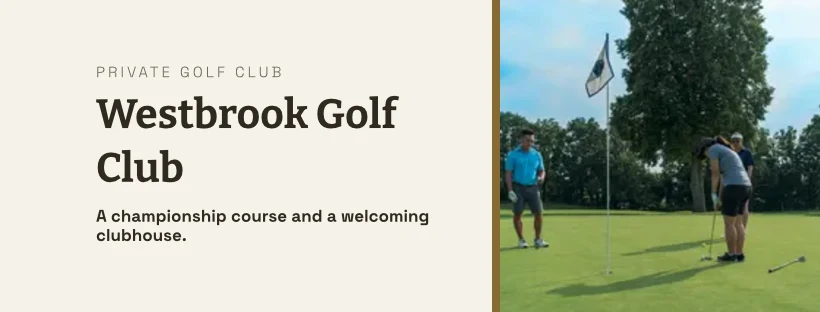
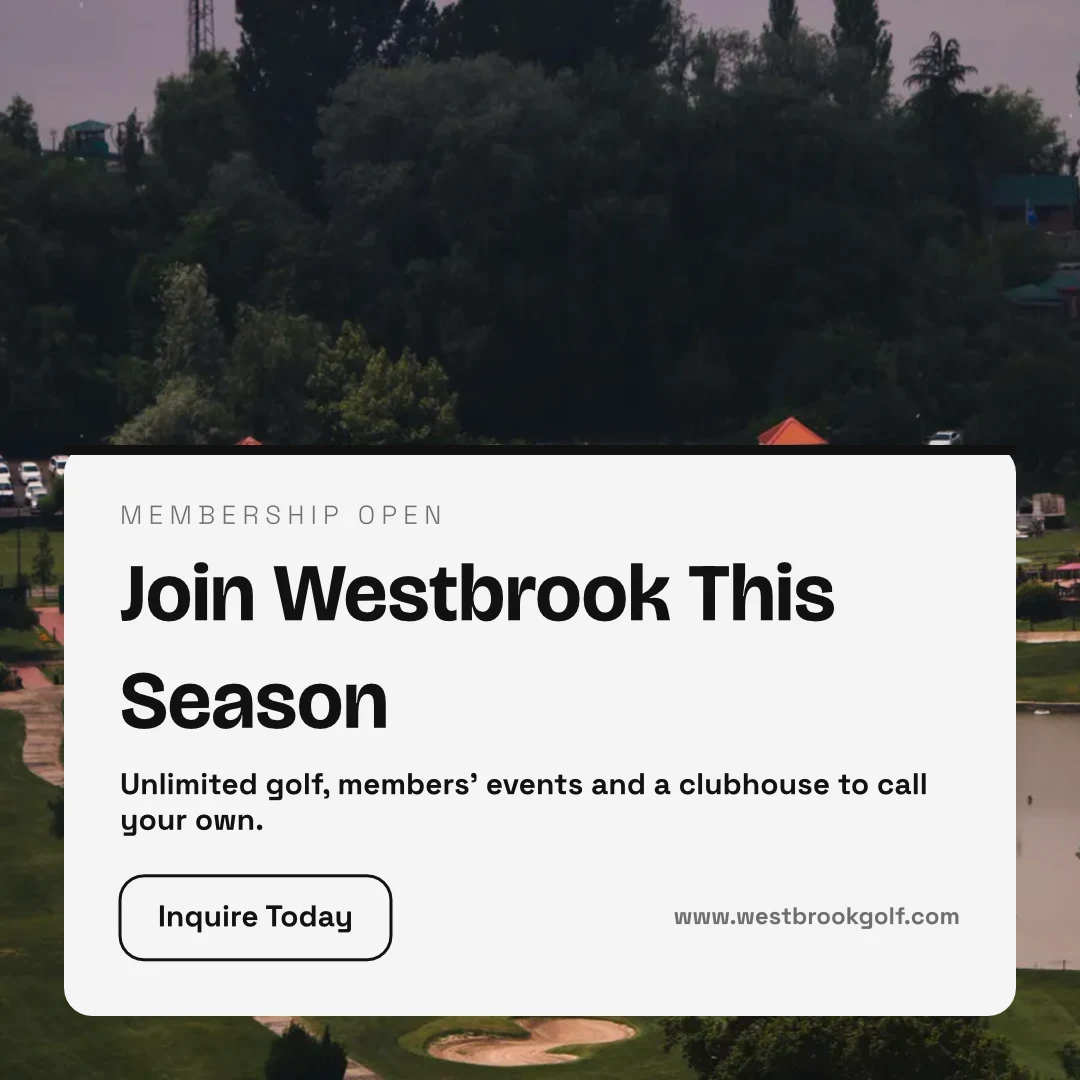

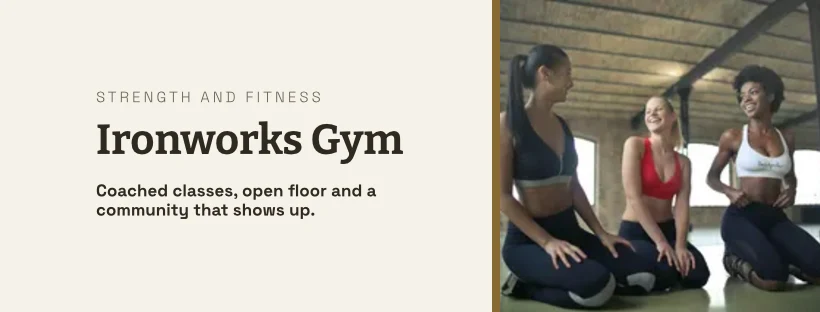

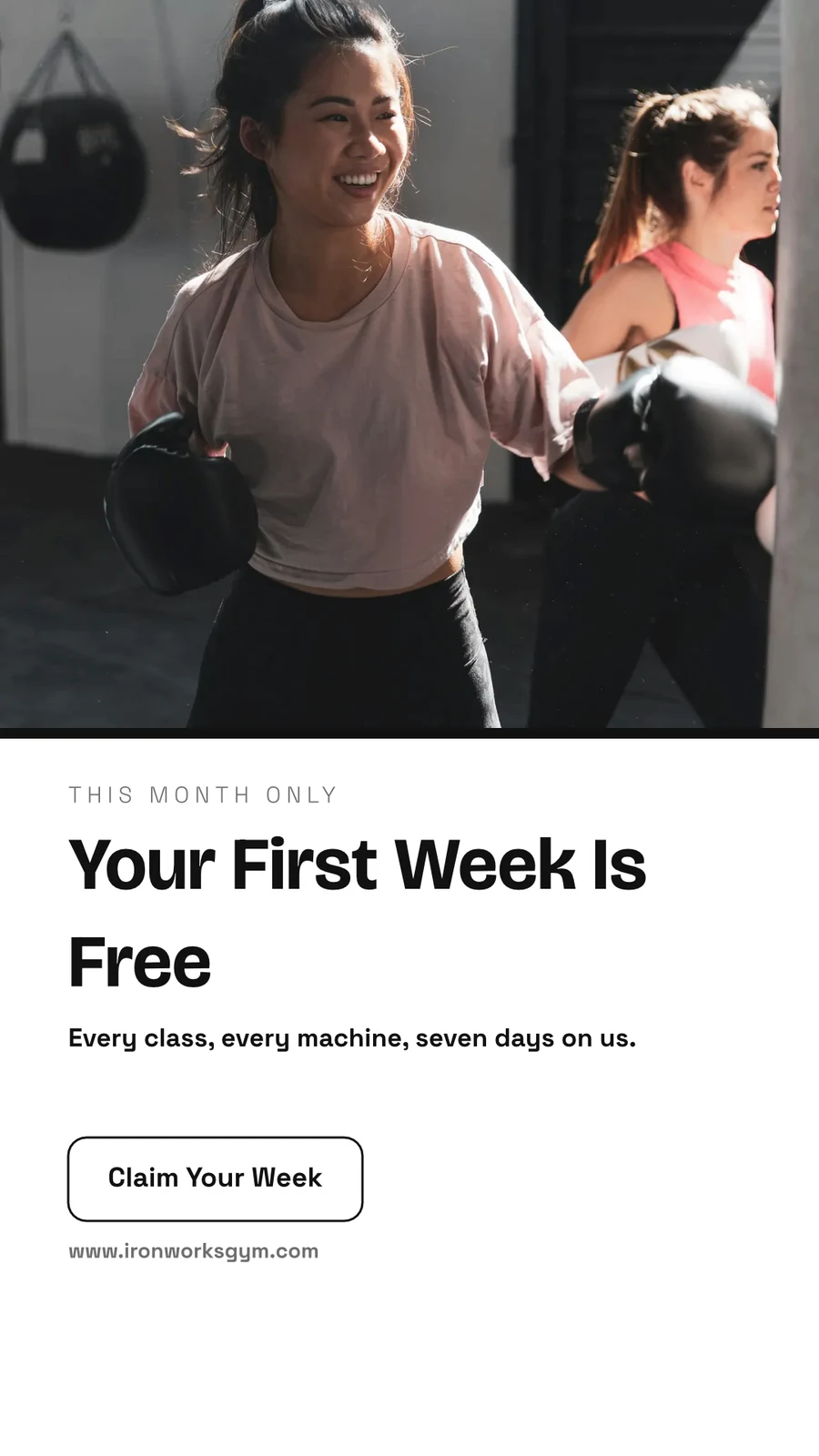
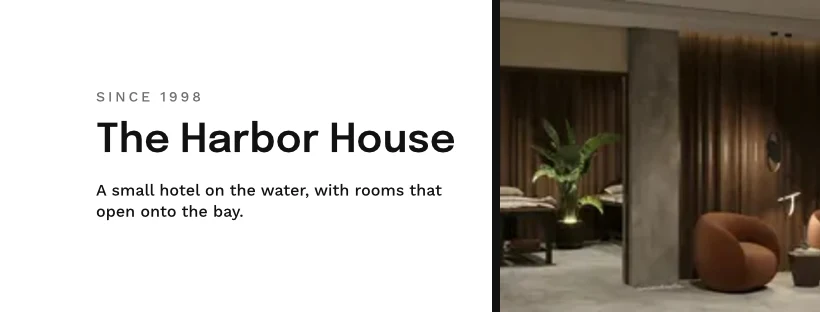
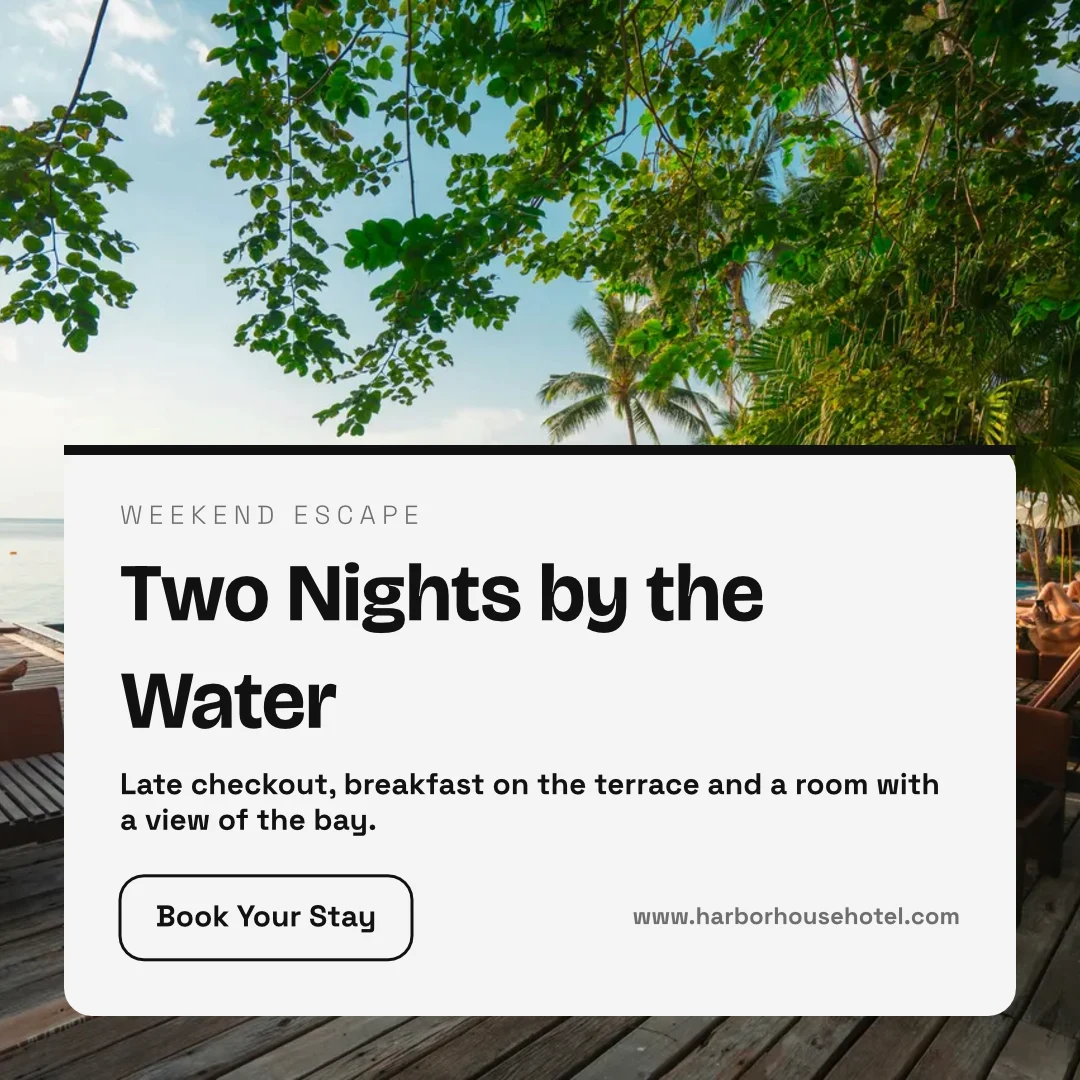


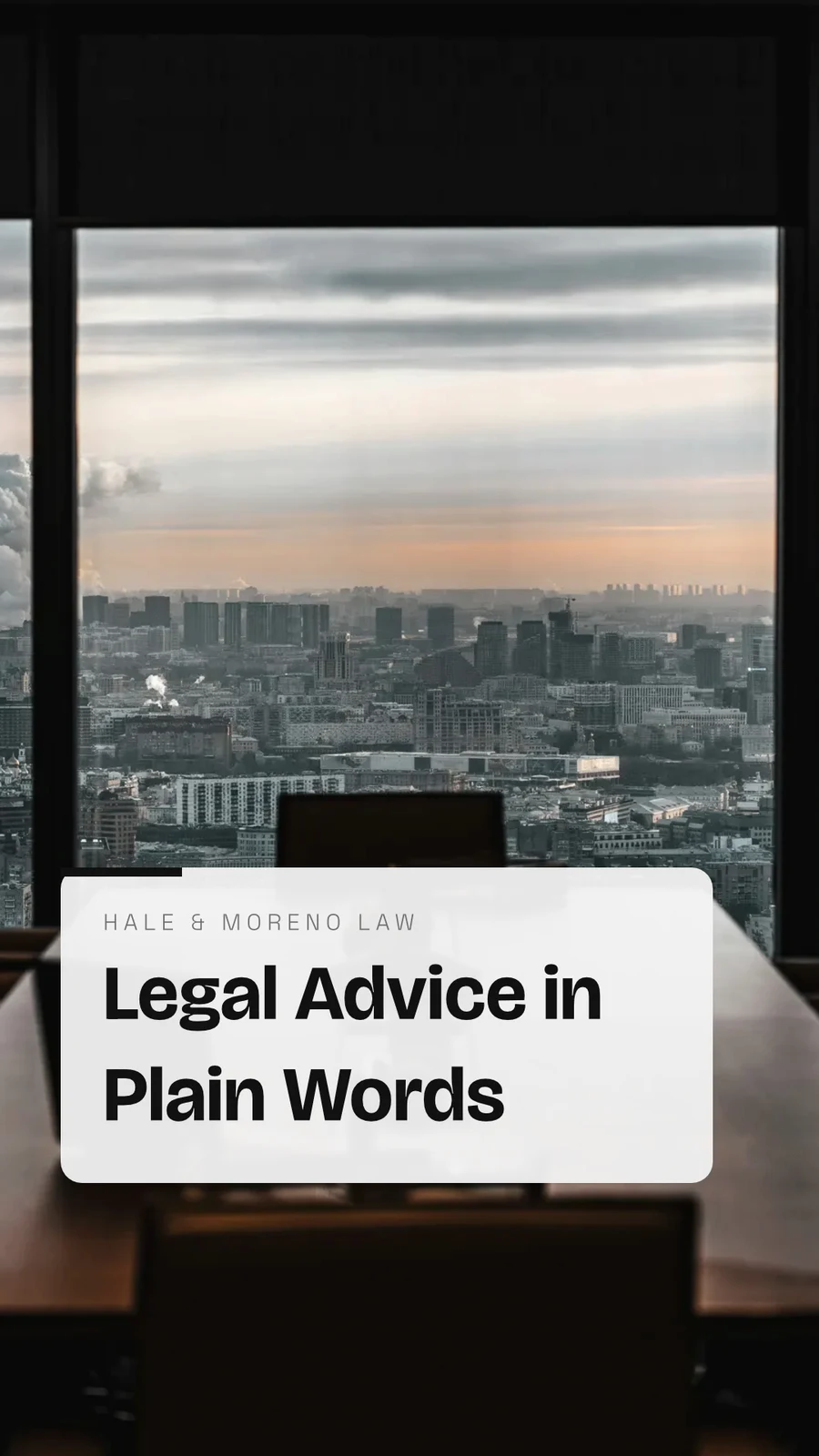
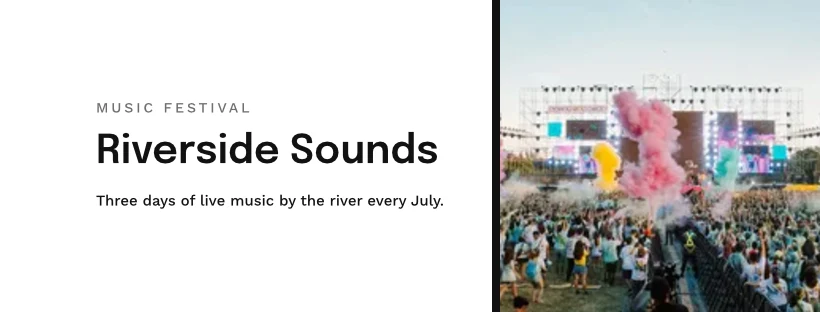
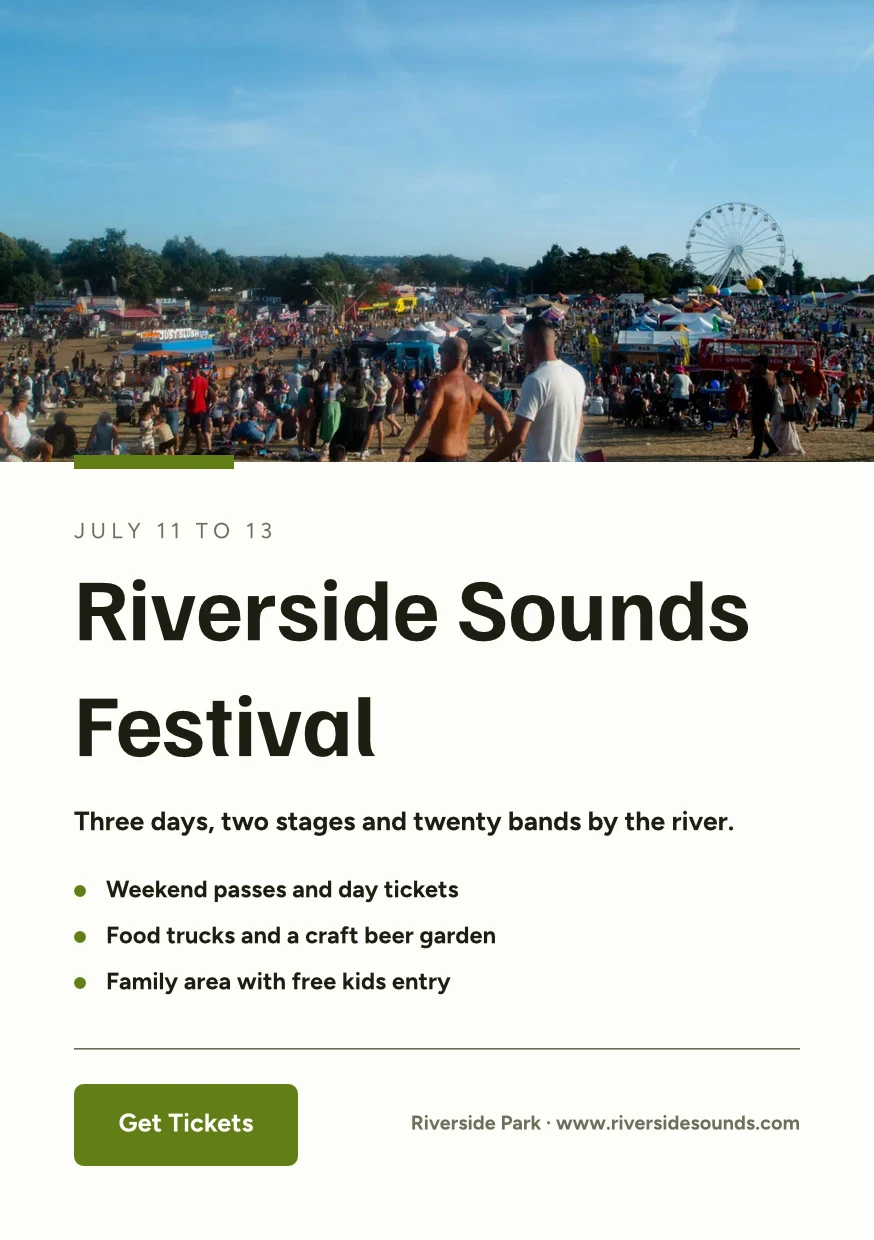

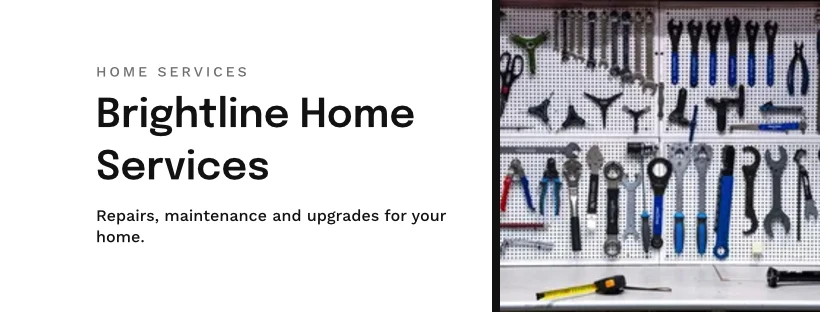
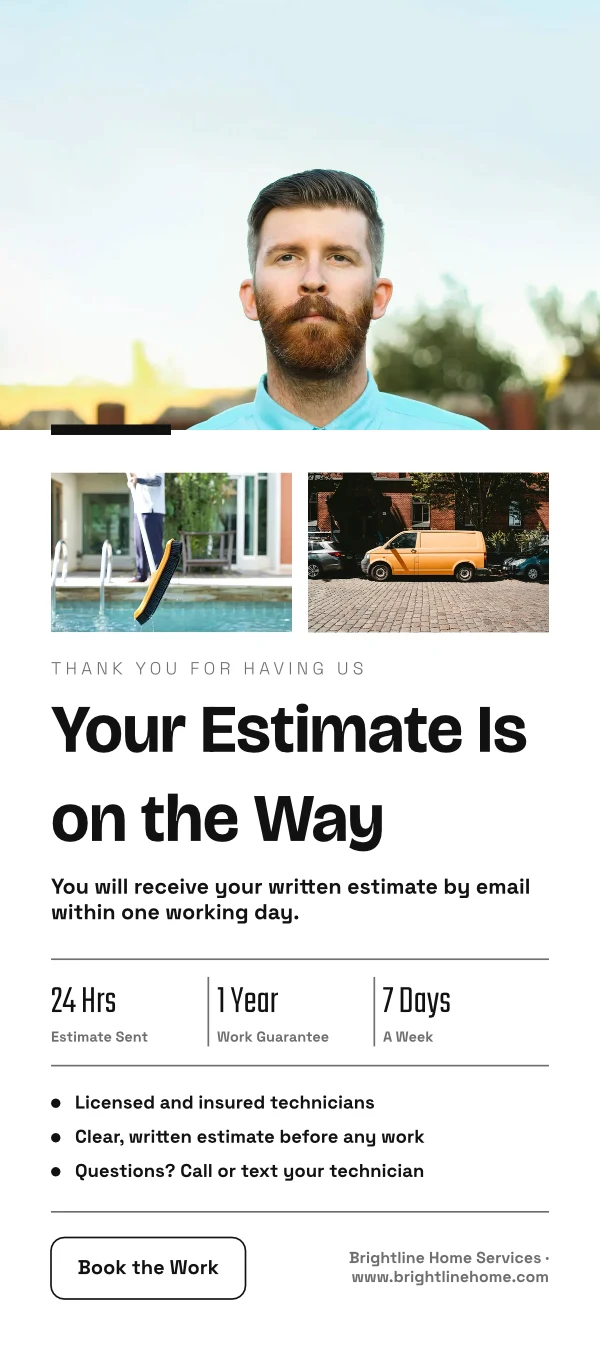
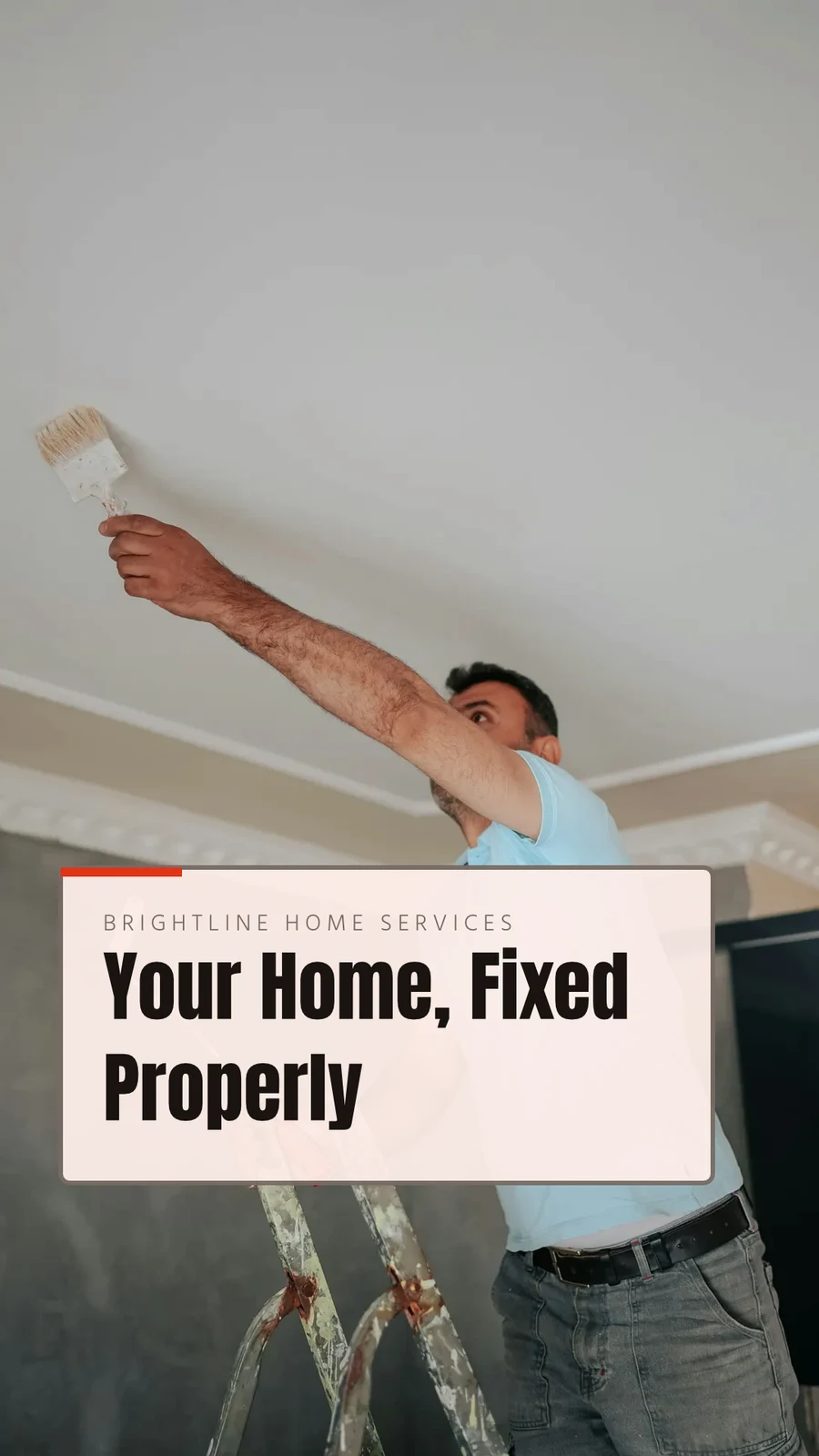
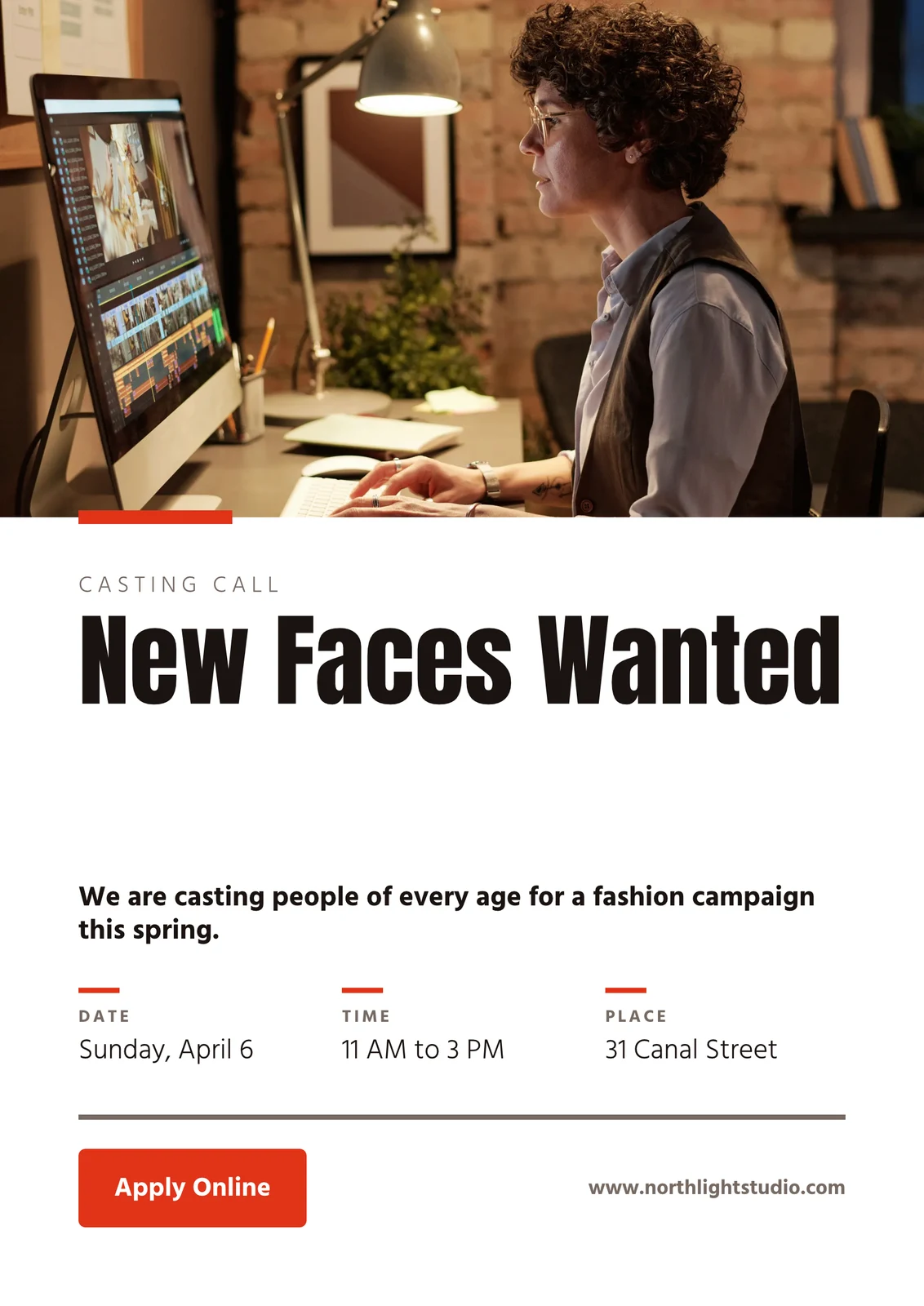
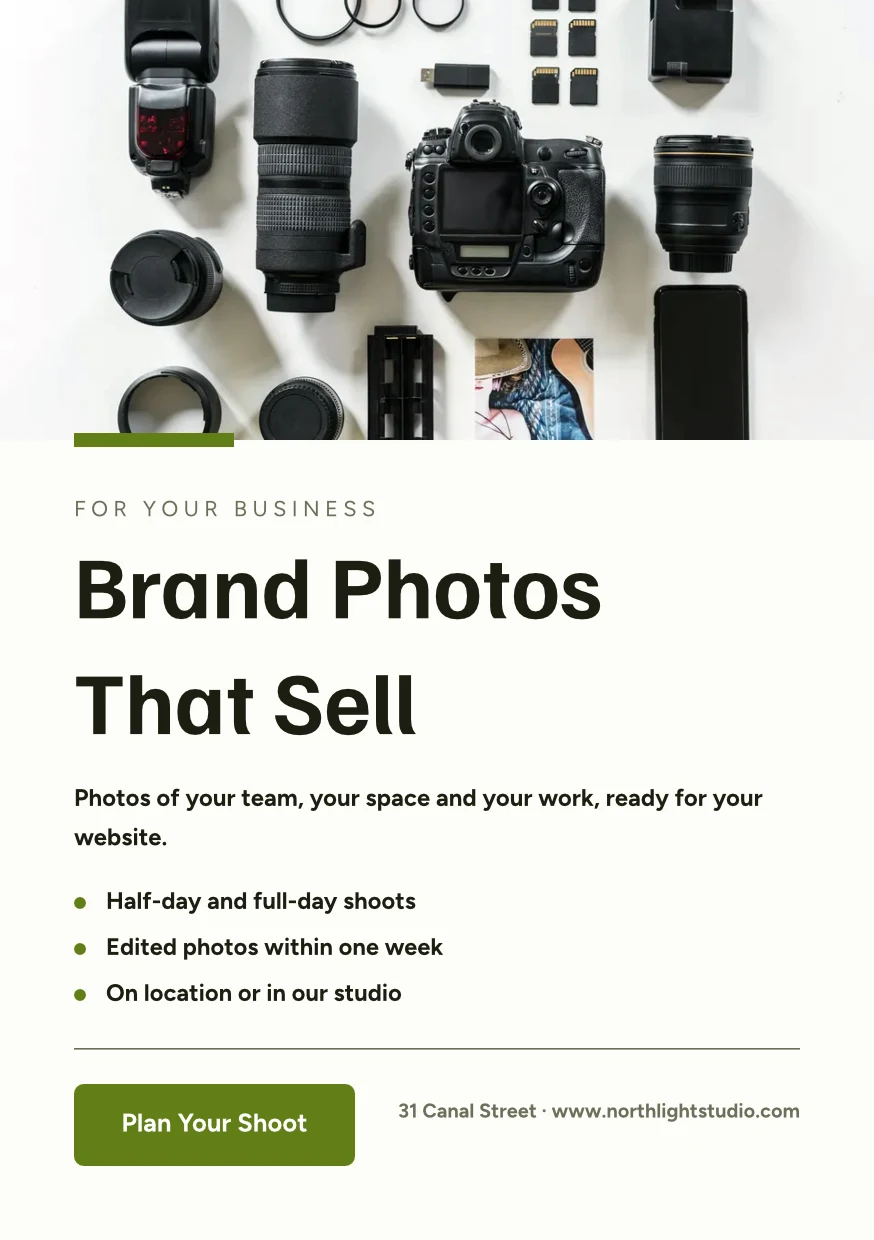
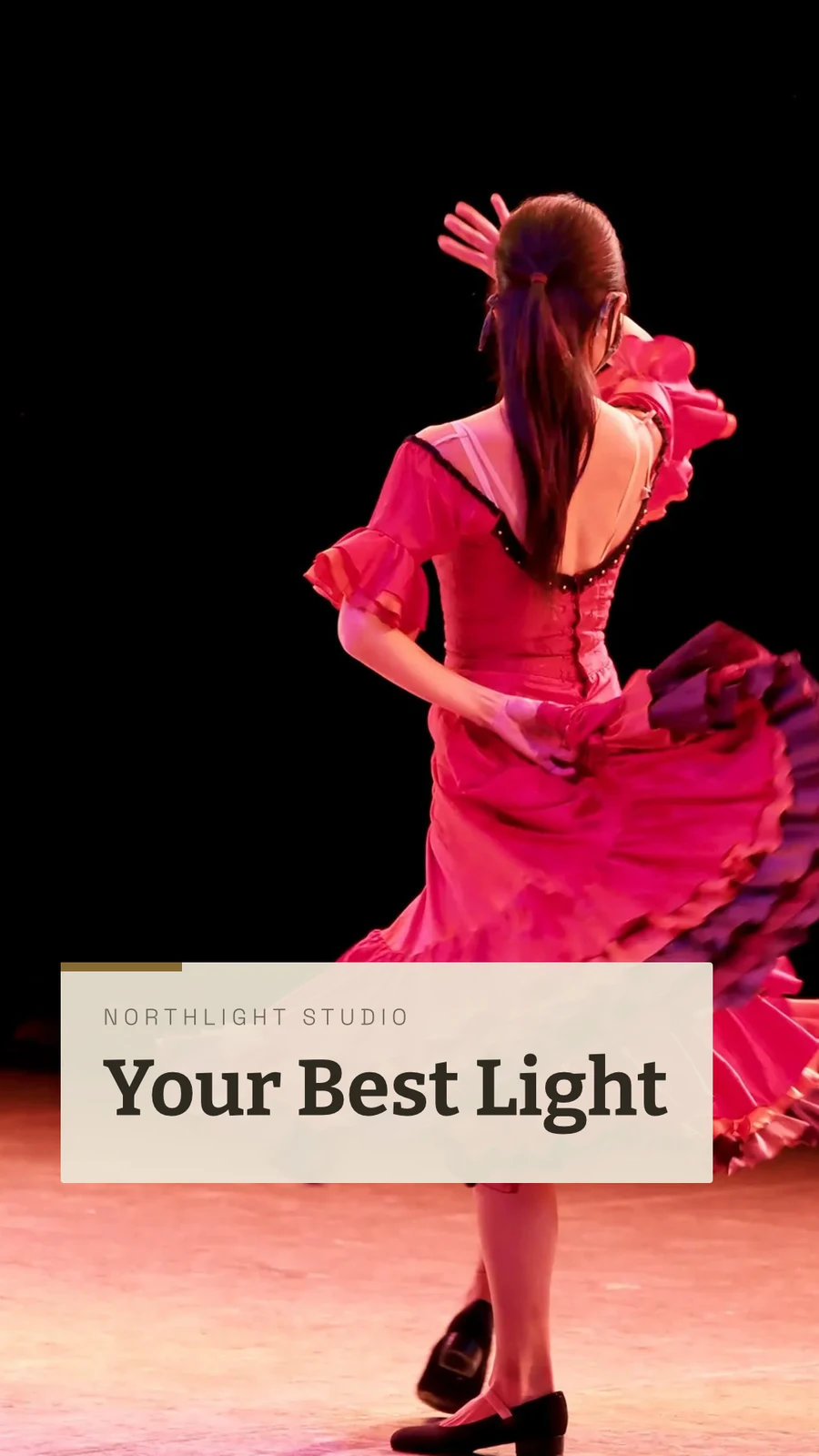

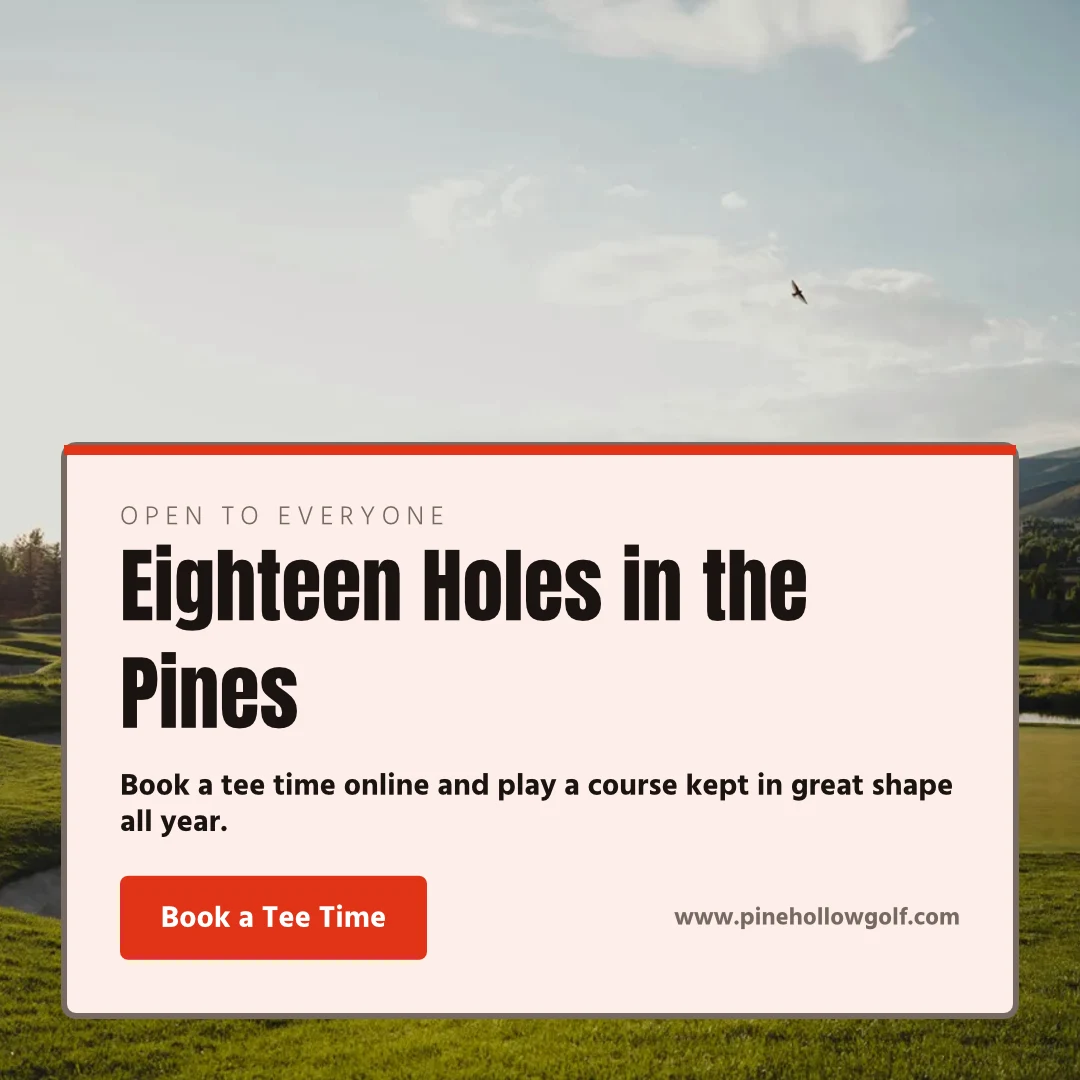
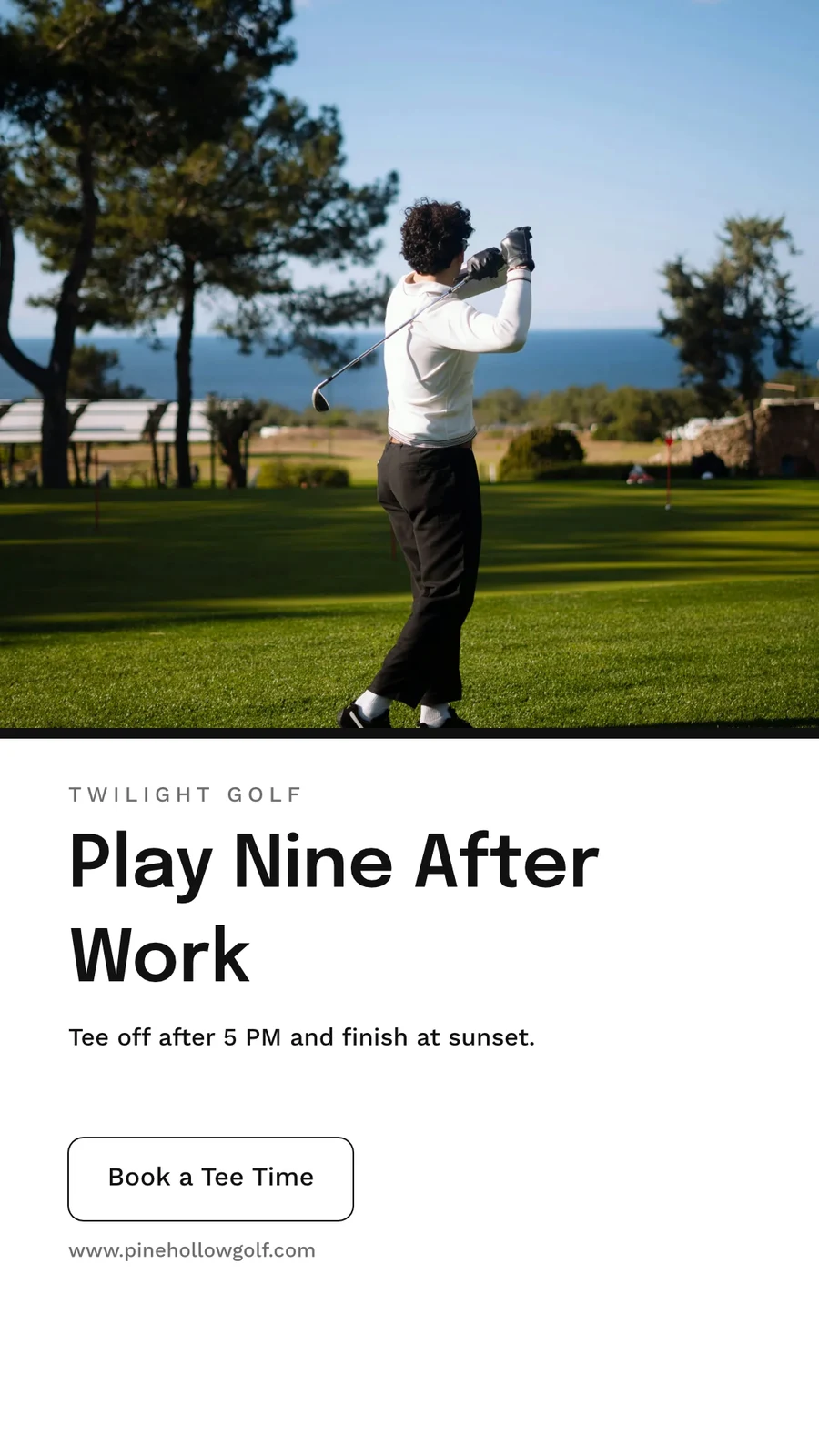

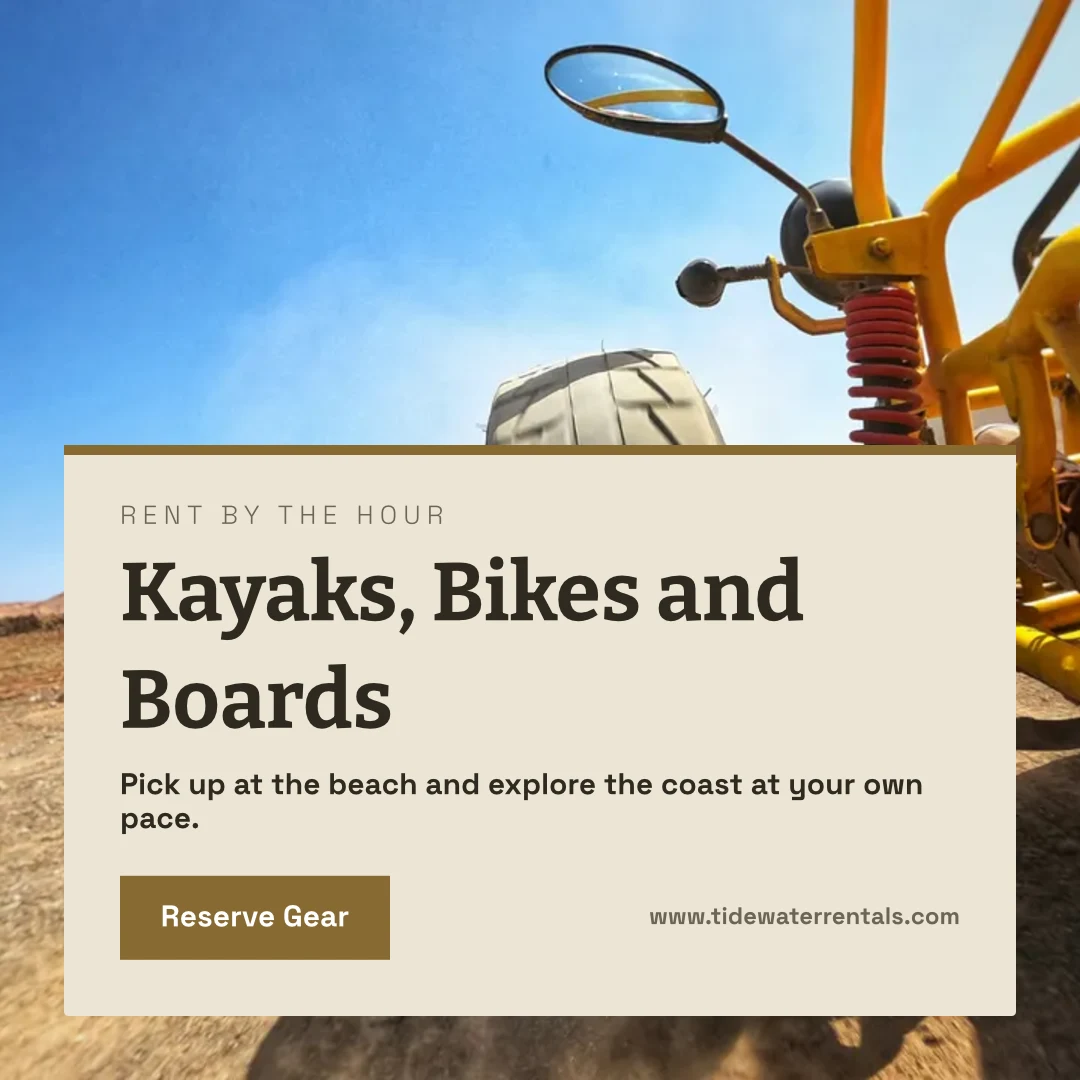

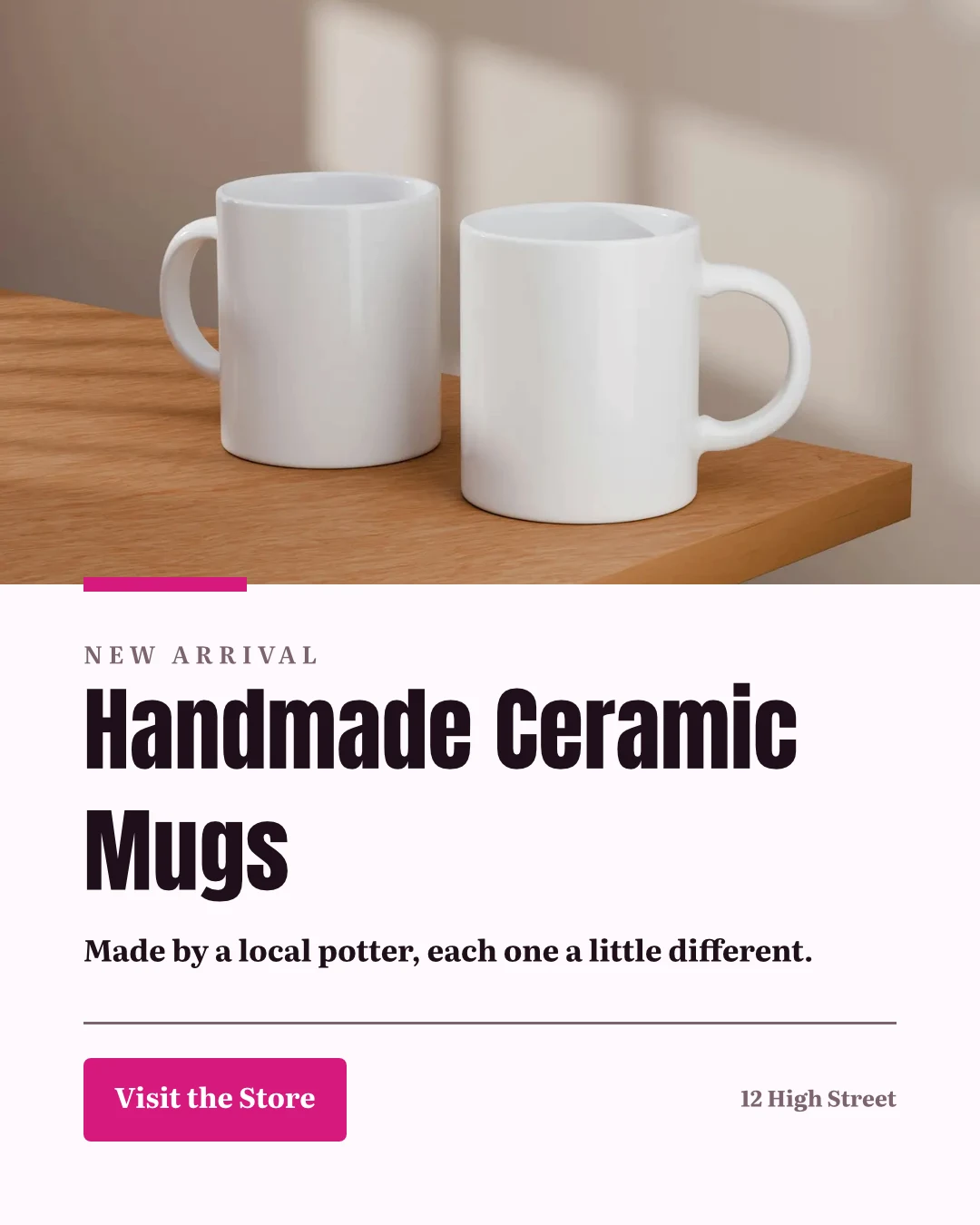
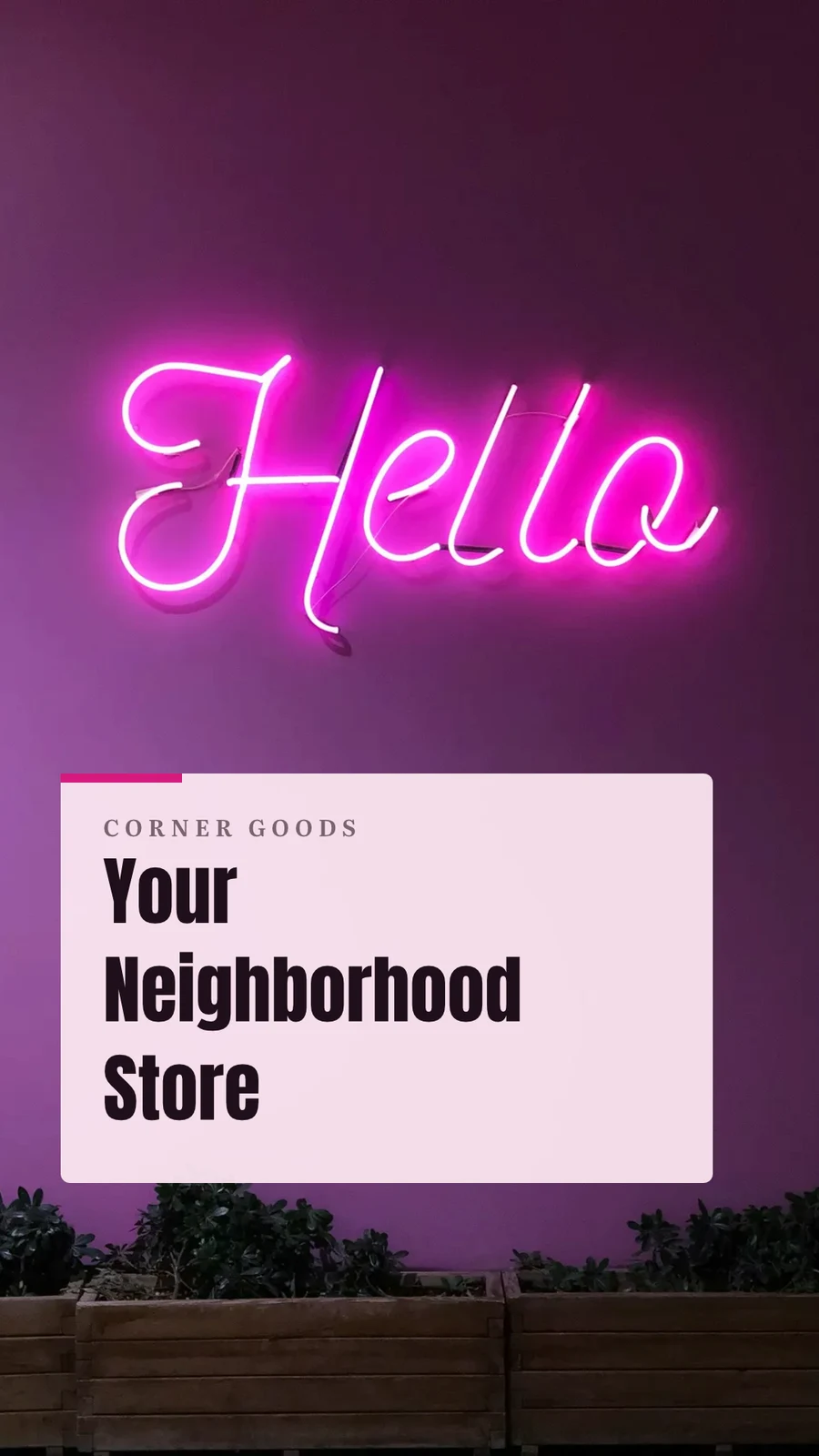

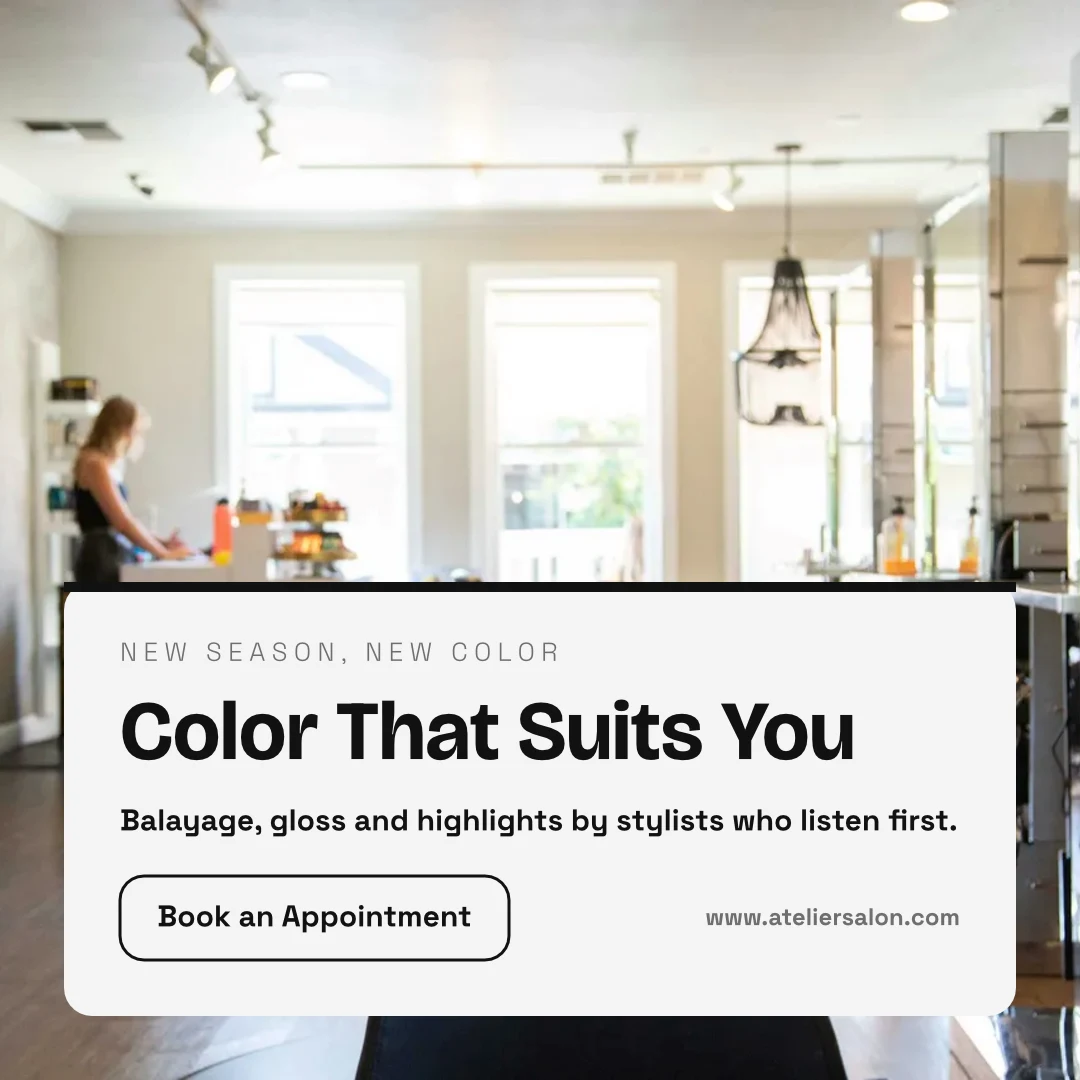
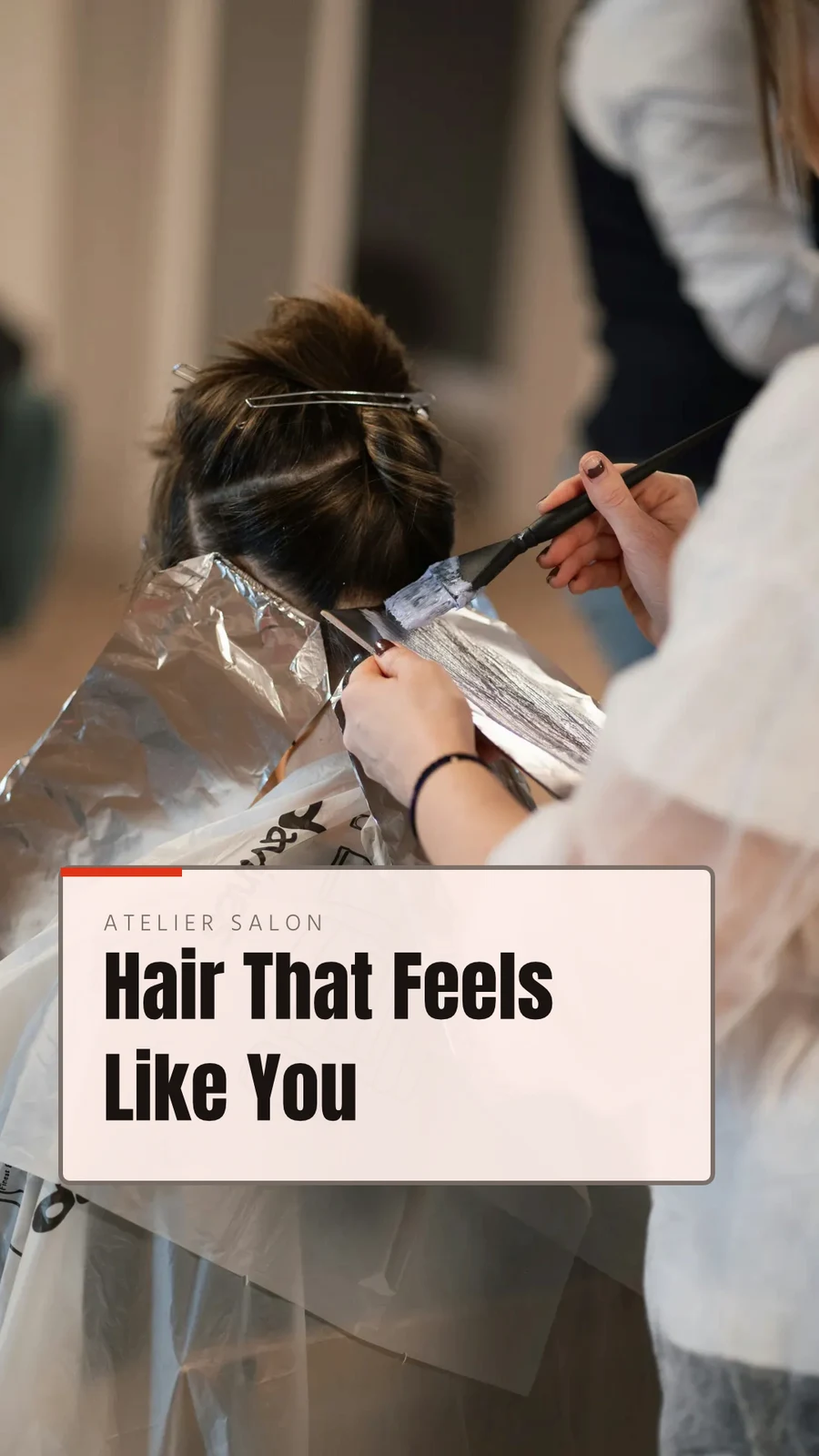
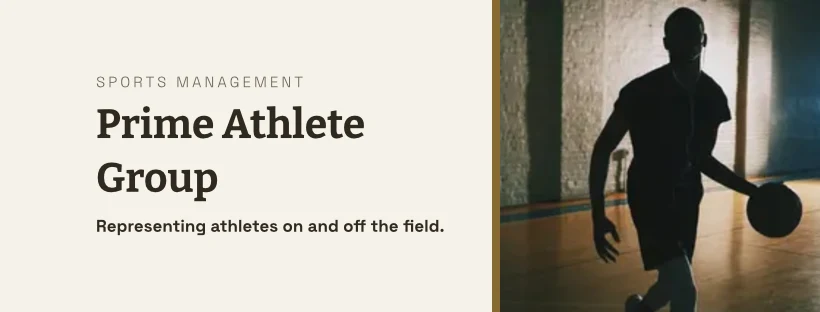
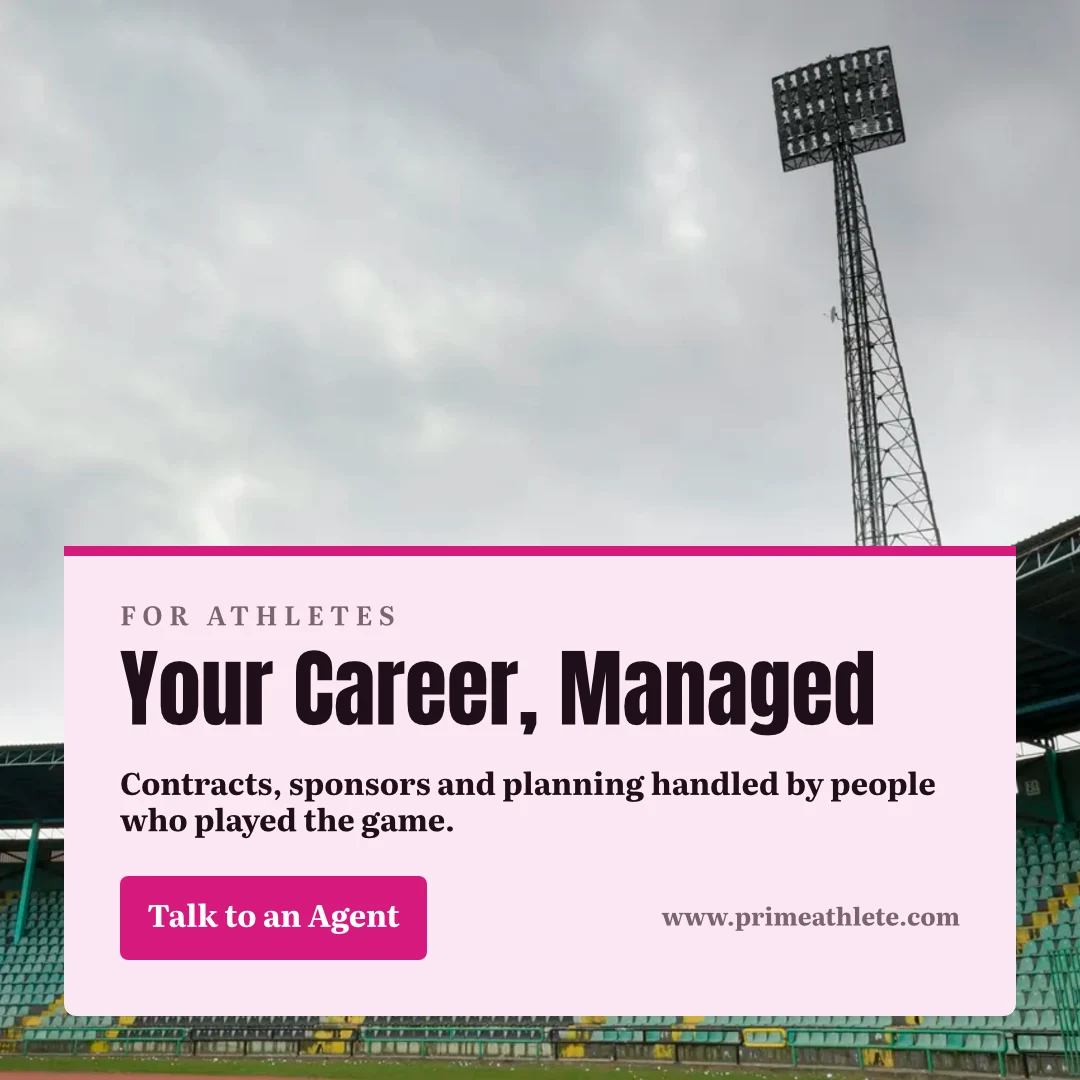
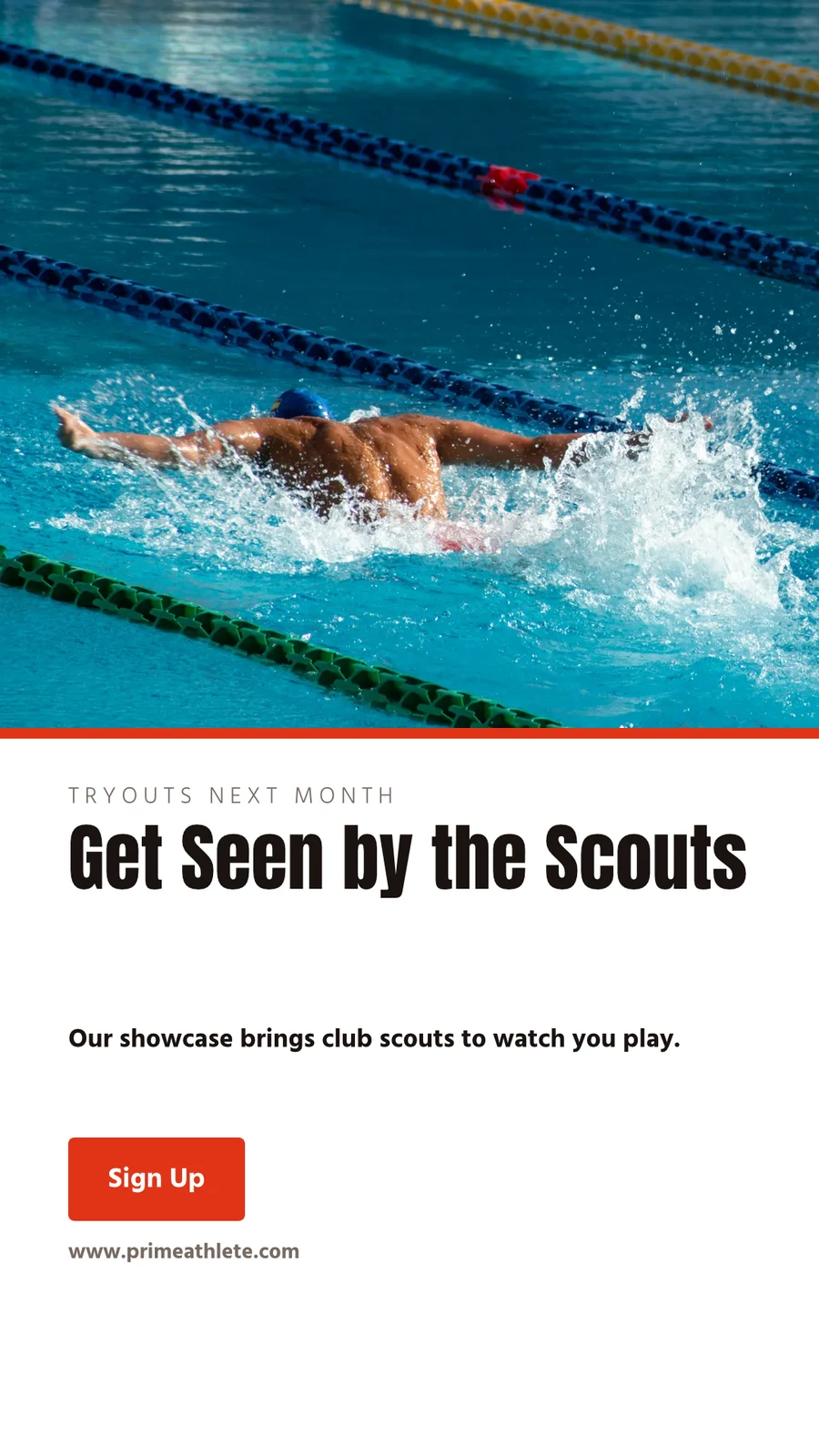
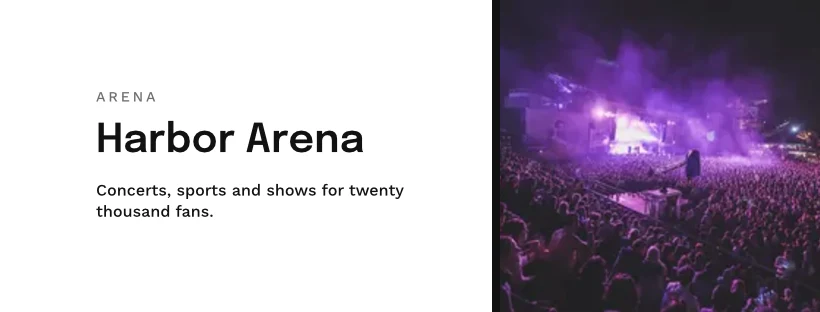

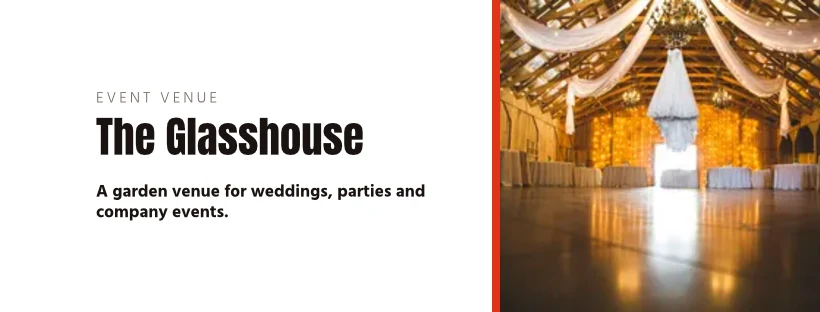
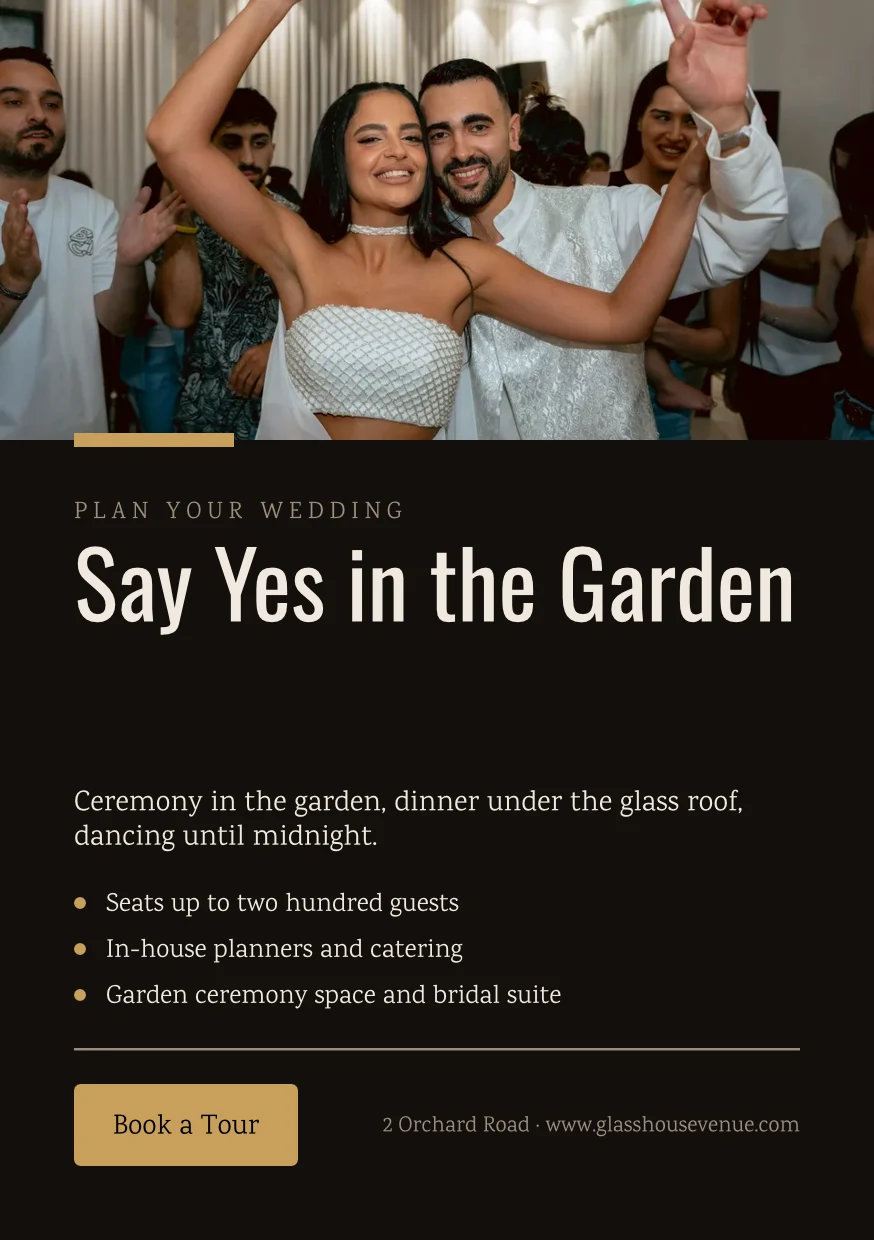
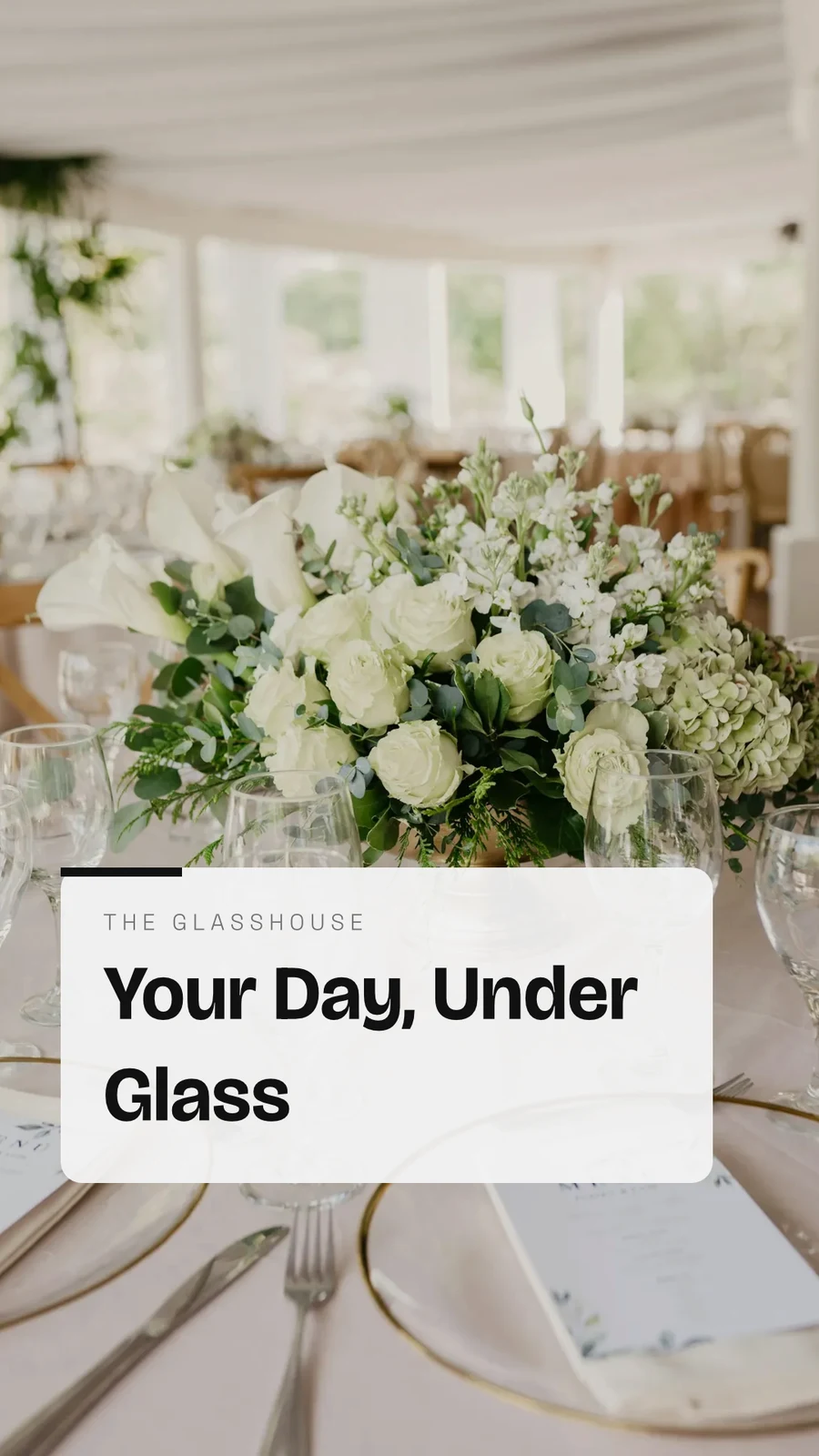
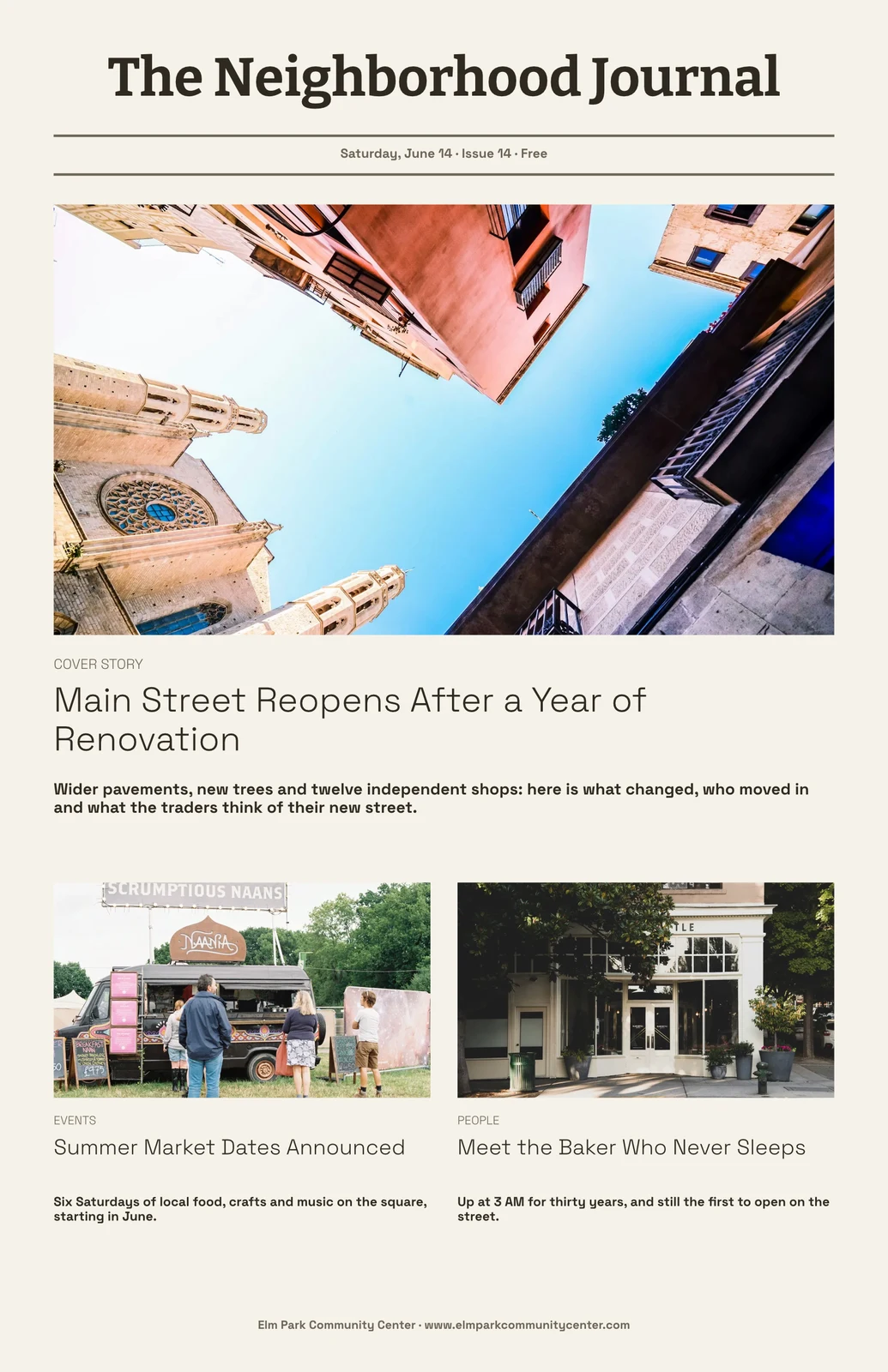
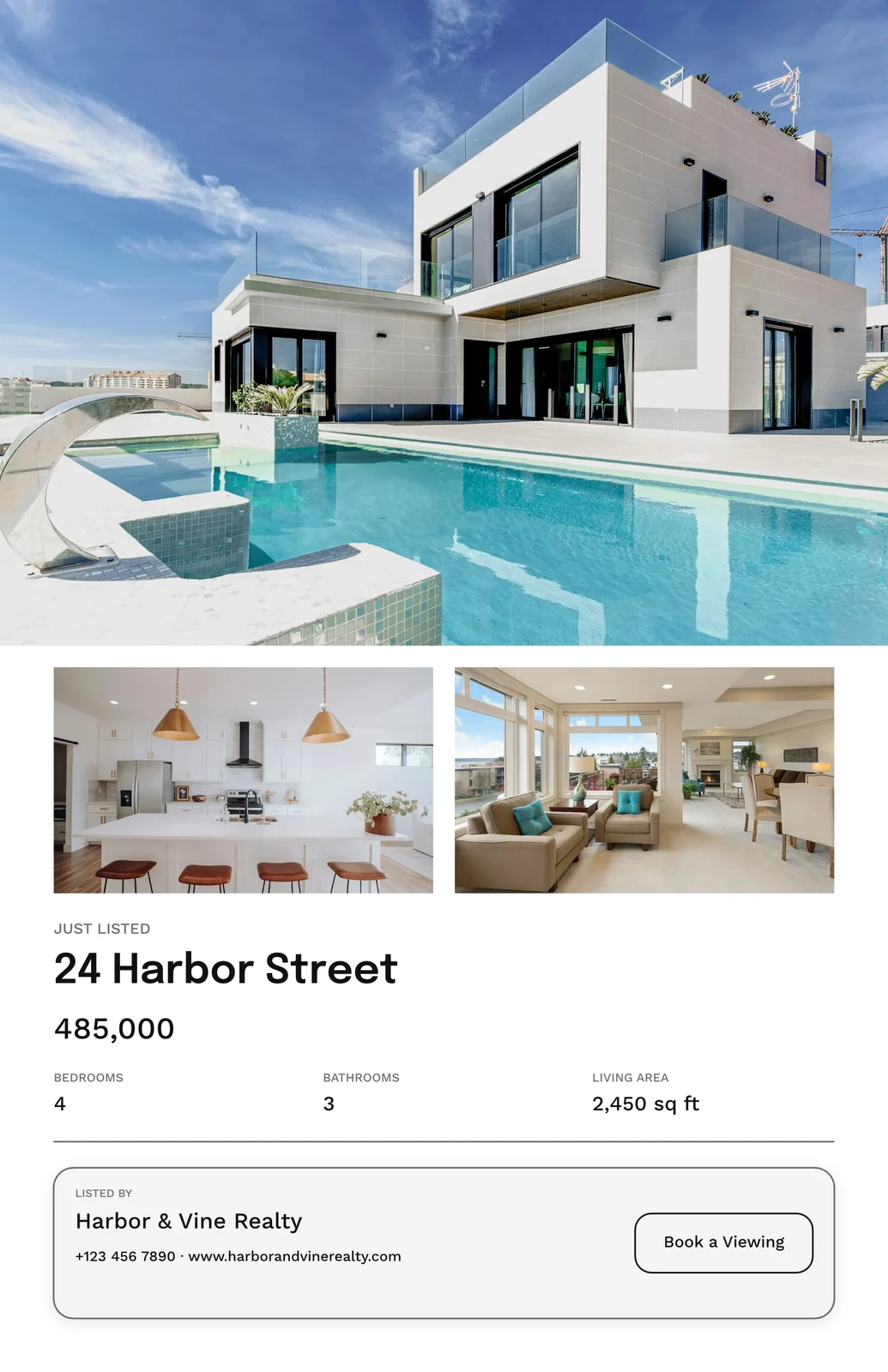
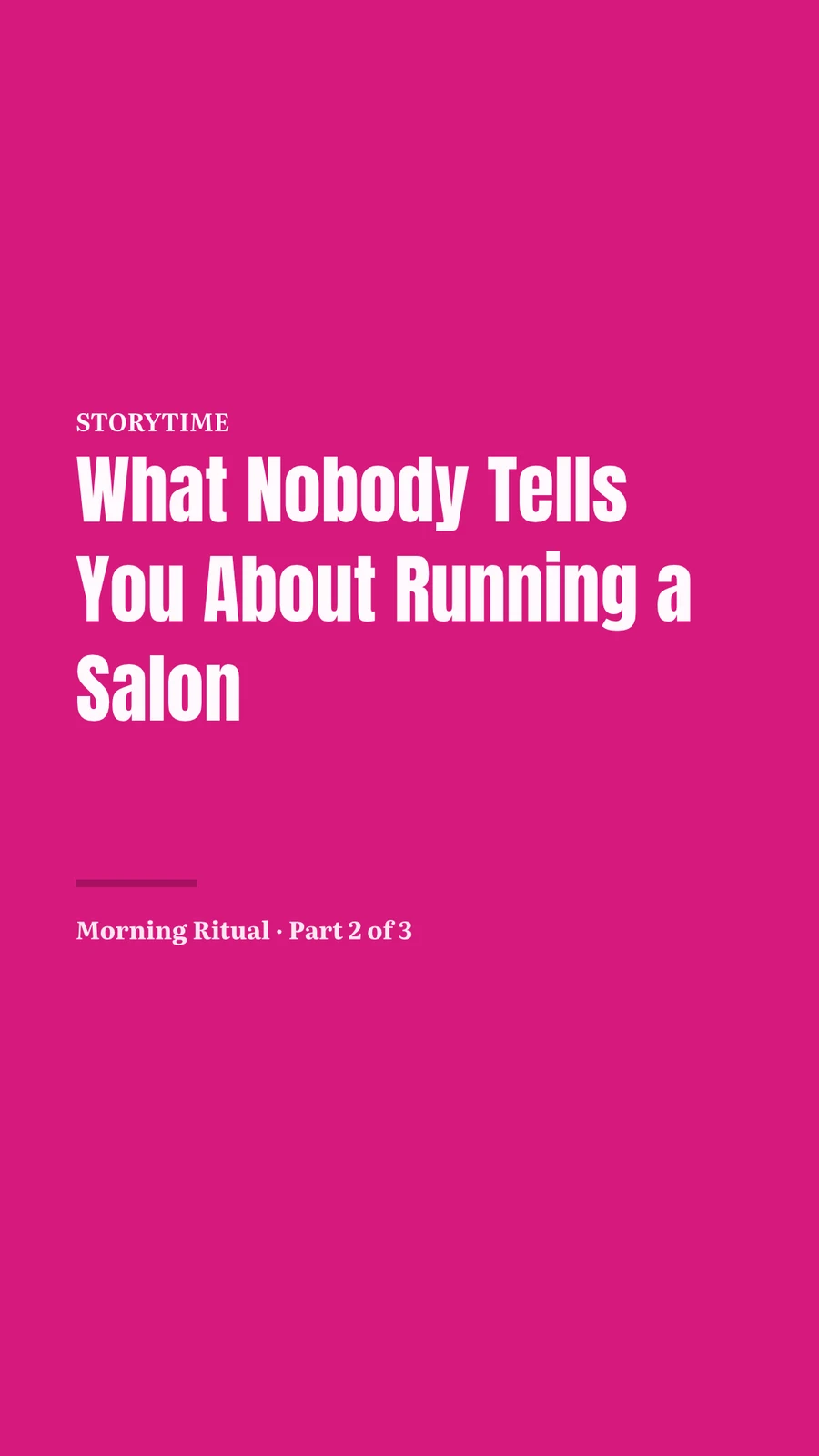
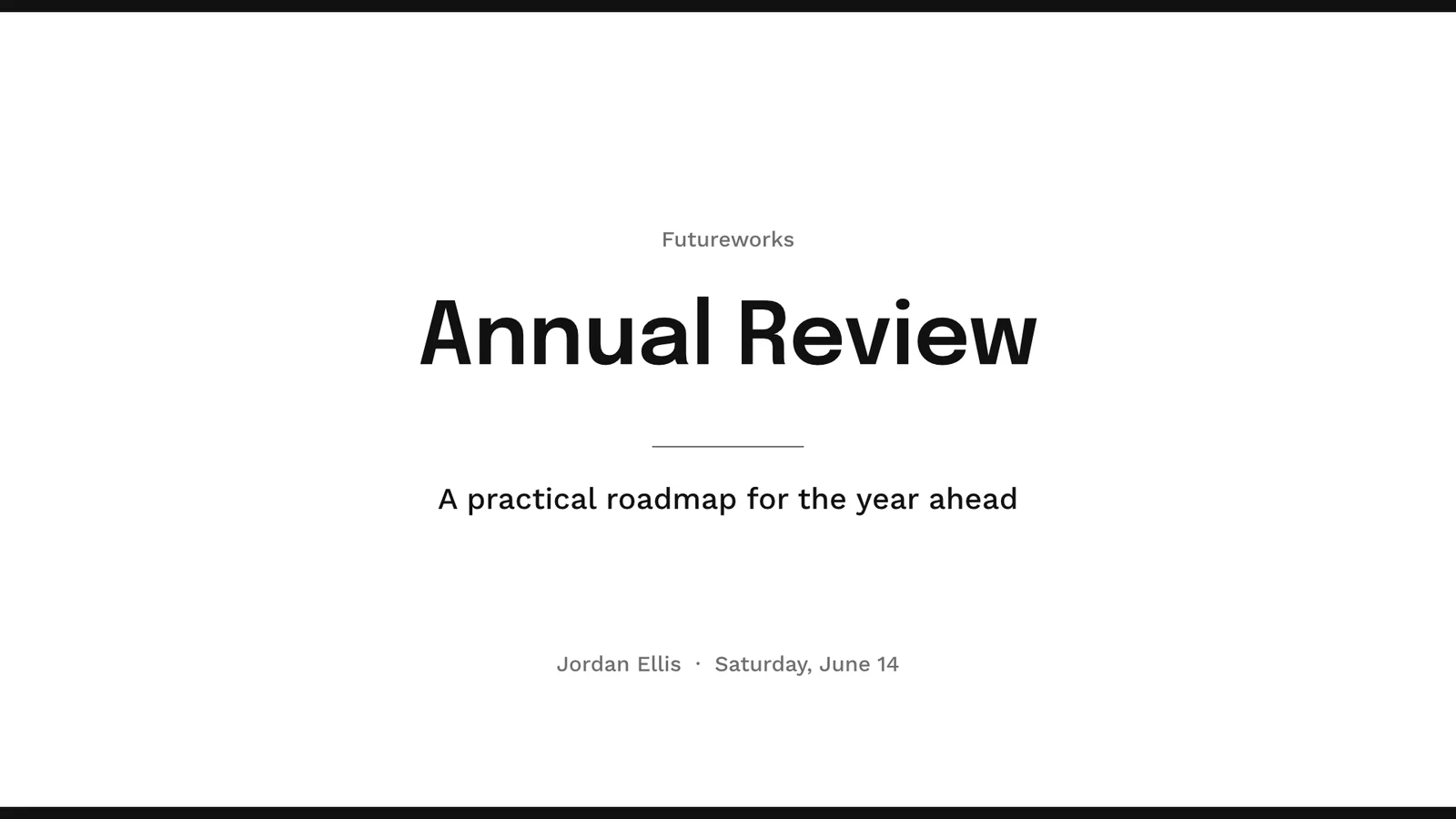
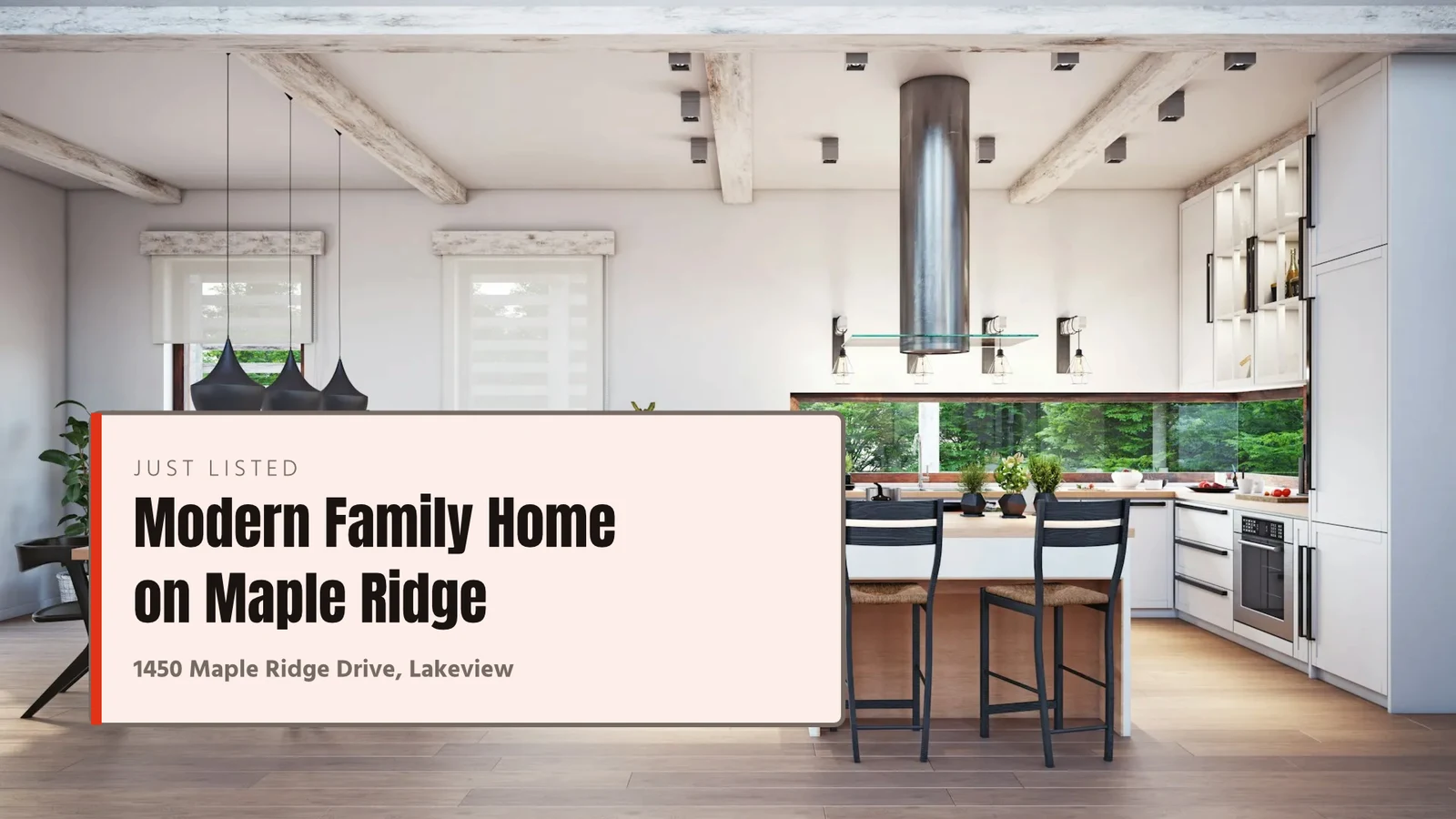

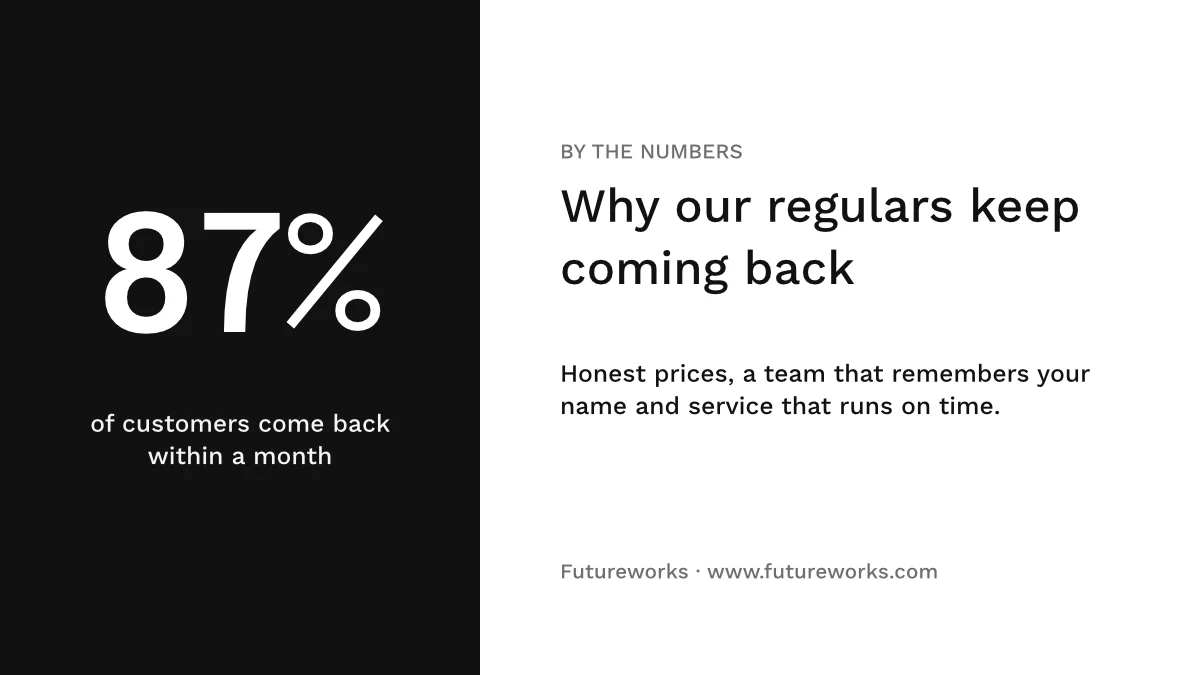
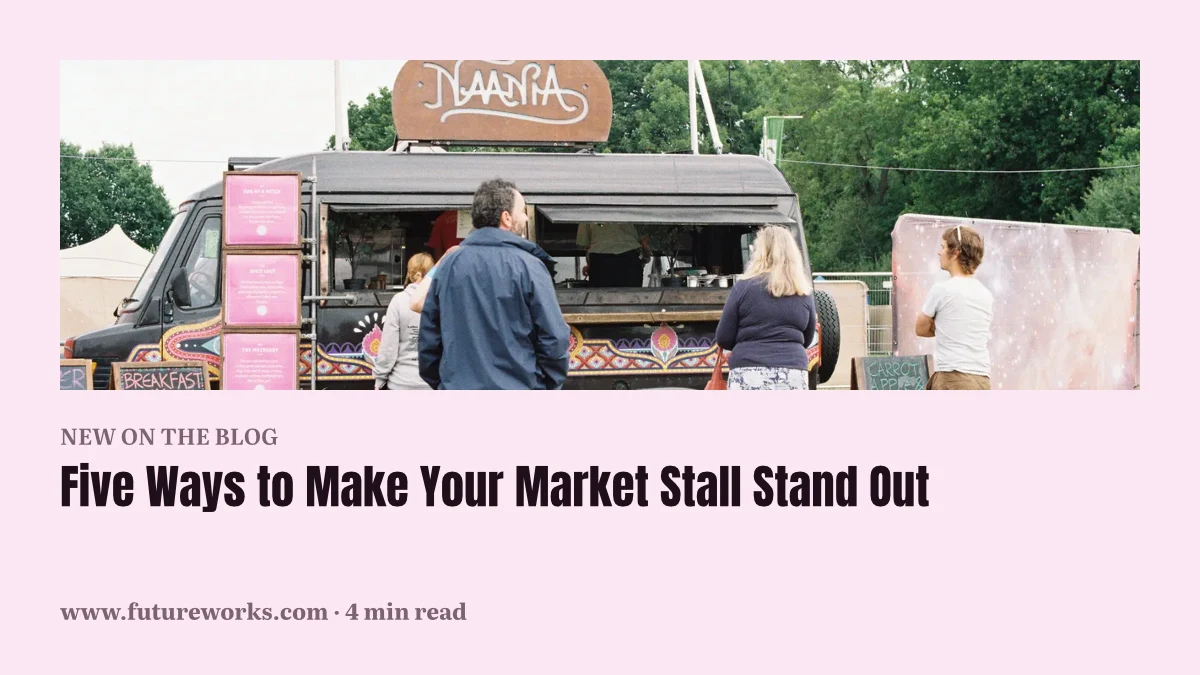
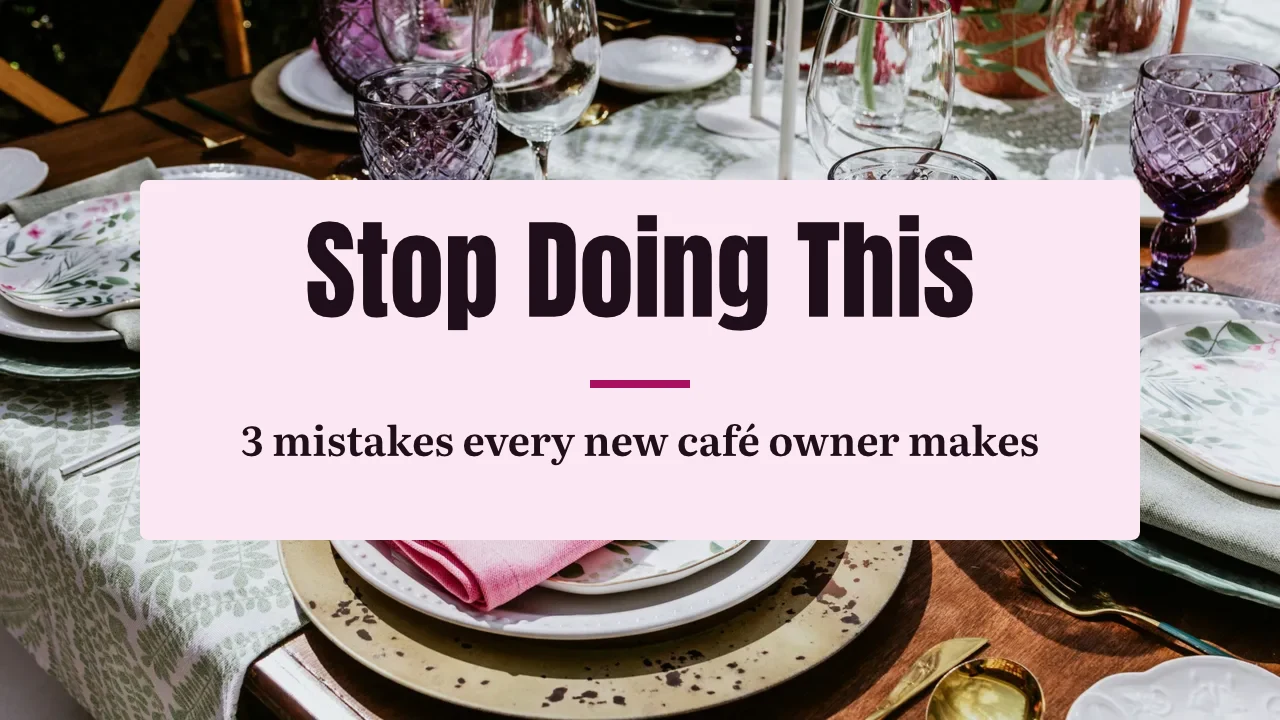
การออกแบบทุกแบบ ตั้งแต่เทมเพลตแรกไปจนถึงการ พิมพ์
โพสต์โซเชียลมีเดีย พิมพ์ วิดีโอ และหน้าจอ ในขนาดของ Calisto หรือขนาดที่คุณกำหนดเอง
เริ่ม
เทมเพลต หัวข้อ หรือขนาดว่างเปล่า
แก้ไข
คำศัพท์ รูปภาพ รูปทรง และแผนภูมิ บนเลเยอร์
Vector และ Animate
เส้นทางและคีย์เฟรมในไฟล์เดียวกัน
รุ่น
การออกแบบมากมายจากหนึ่งเดียว
ส่งออก
ส่งออก พิมพ์ แชร์ หรือส่งต่อ
ร่วมกัน
แชร์, แบบสด, และเก็บทุกเวอร์ชันไว้
กระดานไวท์บอร์ด
โพสต์โน้ตติดก่อนการออกแบบ
บนโทรศัพท์
เปลี่ยนข้อความและรูปภาพ
เริ่มต้นจากแม่แบบ หัวข้อ หรือขนาดว่างเปล่า size
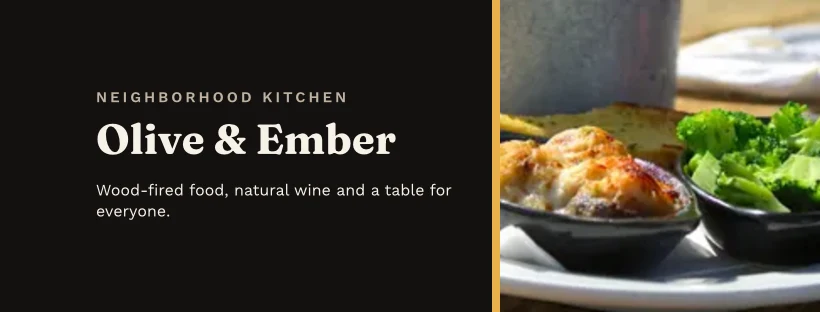
เทมเพลตคือการจัดวางของ Calisto ในทุกธีม กรองตามประเภท อุตสาหกรรม สไตล์ และสี ธีมกำหนดสี ตัวอักษร และการเว้นระยะที่การออกแบบสวมใส่ ขนาดว่างจะเปิดบนอาร์ตบอร์ดที่แม่นยำสำหรับโซเชียล พิมพ์ วิดีโอ หรือหน้าจอ หรือที่ความกว้างและความสูงที่คุณกำหนด
แบรนด์ของฉัน
เทมเพลตทั้งหมดที่วาดขึ้นในชุดแบรนด์ของคุณก่อนที่คุณจะเลือกหนึ่ง
เทมเพลต


ชุดแบรนด์
สี, ฟอนต์ และโลโก้ ที่แก้ไขใน การตั้งค่าของ Studio และนำเสนอในเครื่องเลือกทุกเครื่อง
การตั้งค่า
แบรนด์เท่านั้น พร้อม Engage
ผู้ที่ไม่มีที่นั่งในสตูดิโอจะสร้างงานด้วยฟอนต์ สี และธีมของแบรนด์เท่านั้น
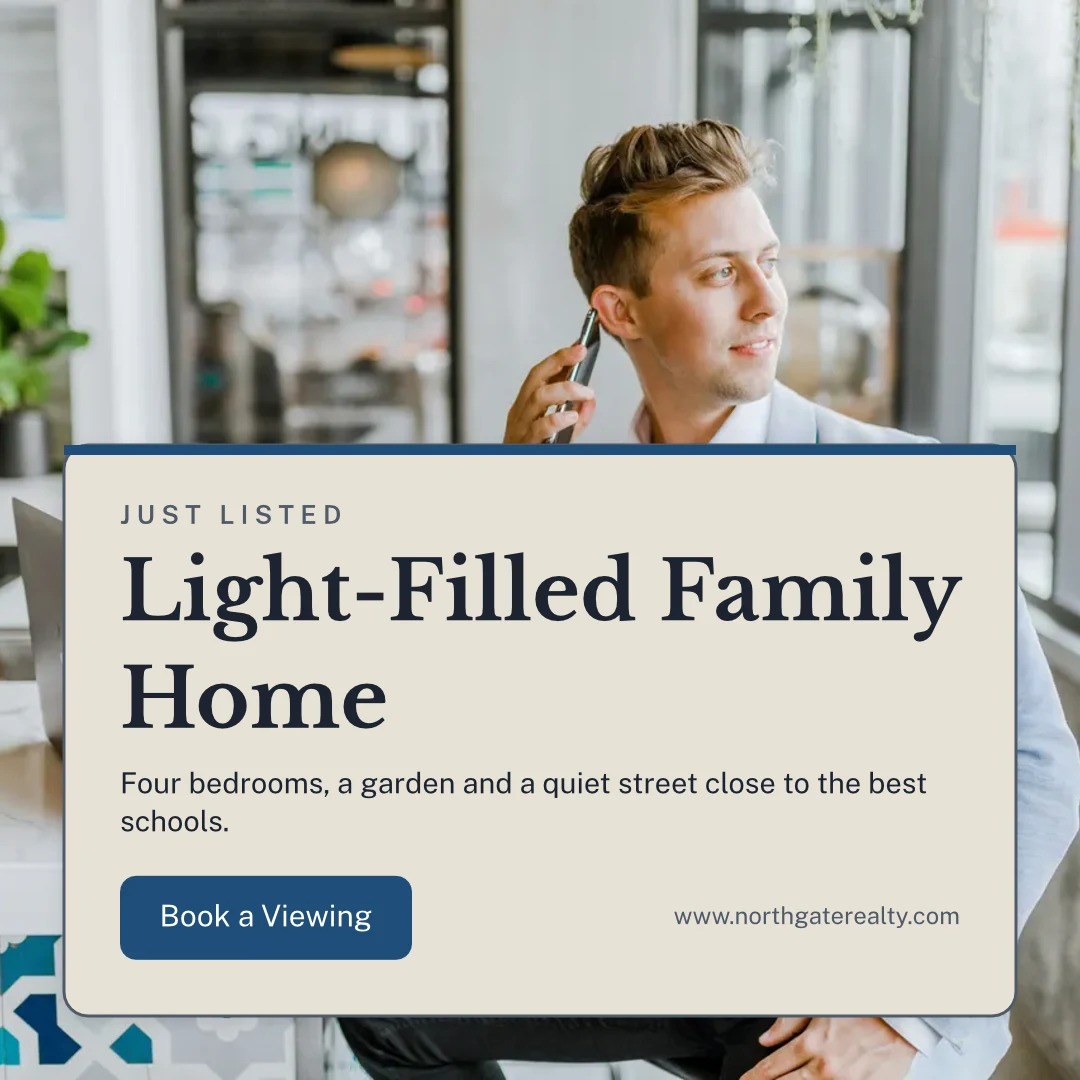
แม่แบบของคุณเอง
บันทึกเป็นแม่แบบจะเก็บสำเนาของดีไซน์ที่เปิดอยู่; ปรับแต่งแม่แบบจะเปลี่ยนรูปลักษณ์ของแม่แบบ
เทมเพลต
อธิบายสิ่งนี้
บอกความต้องการของคุณในประโยคเดียวและได้การออกแบบสามแบบกลับมาในแบรนด์ของคุณ เพื่อเก็บหรือบันทึกเป็นเทมเพลต
อธิบายสิ่งนี้
Say what you need and Calisto makes three designs in your brand. Pick one to finish it.
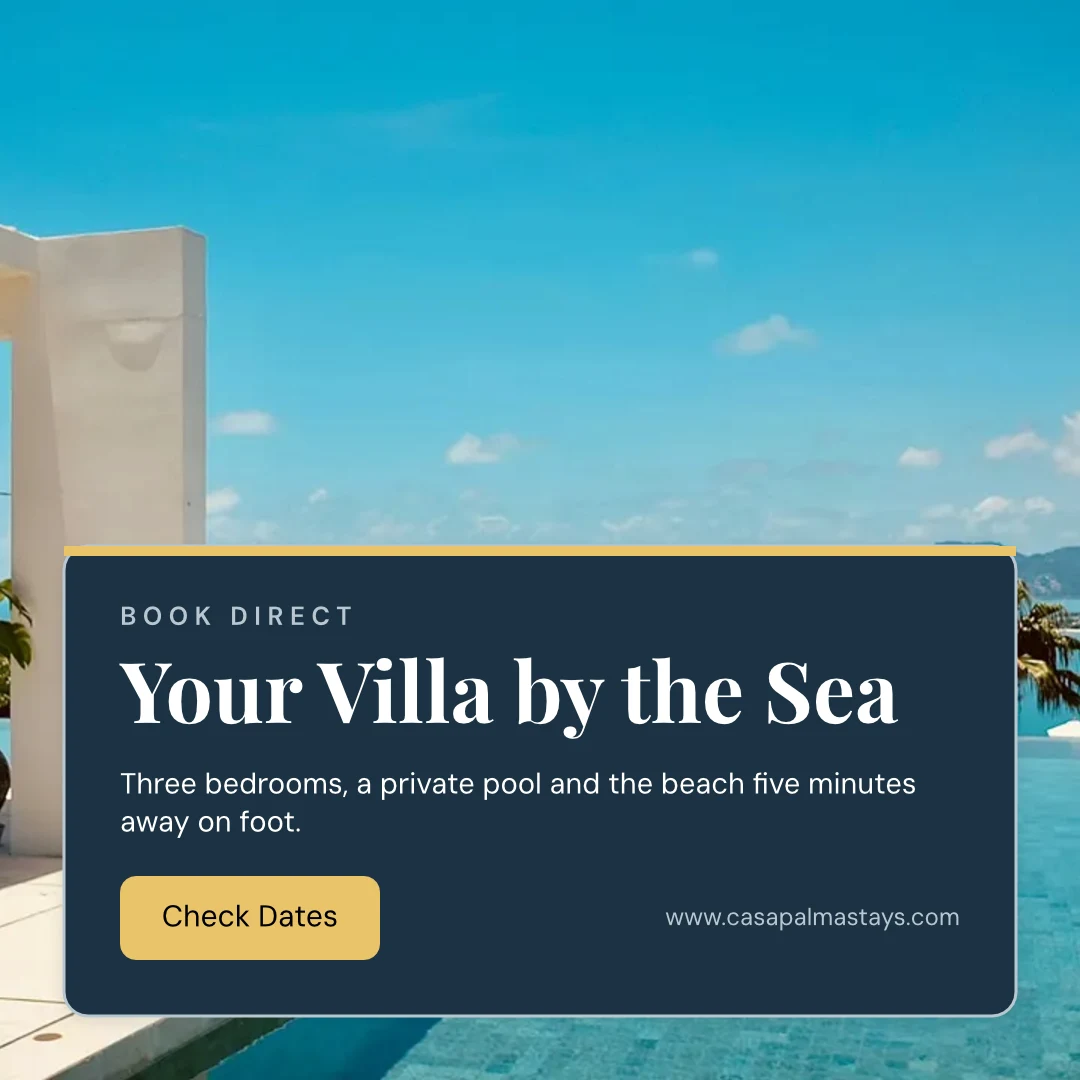
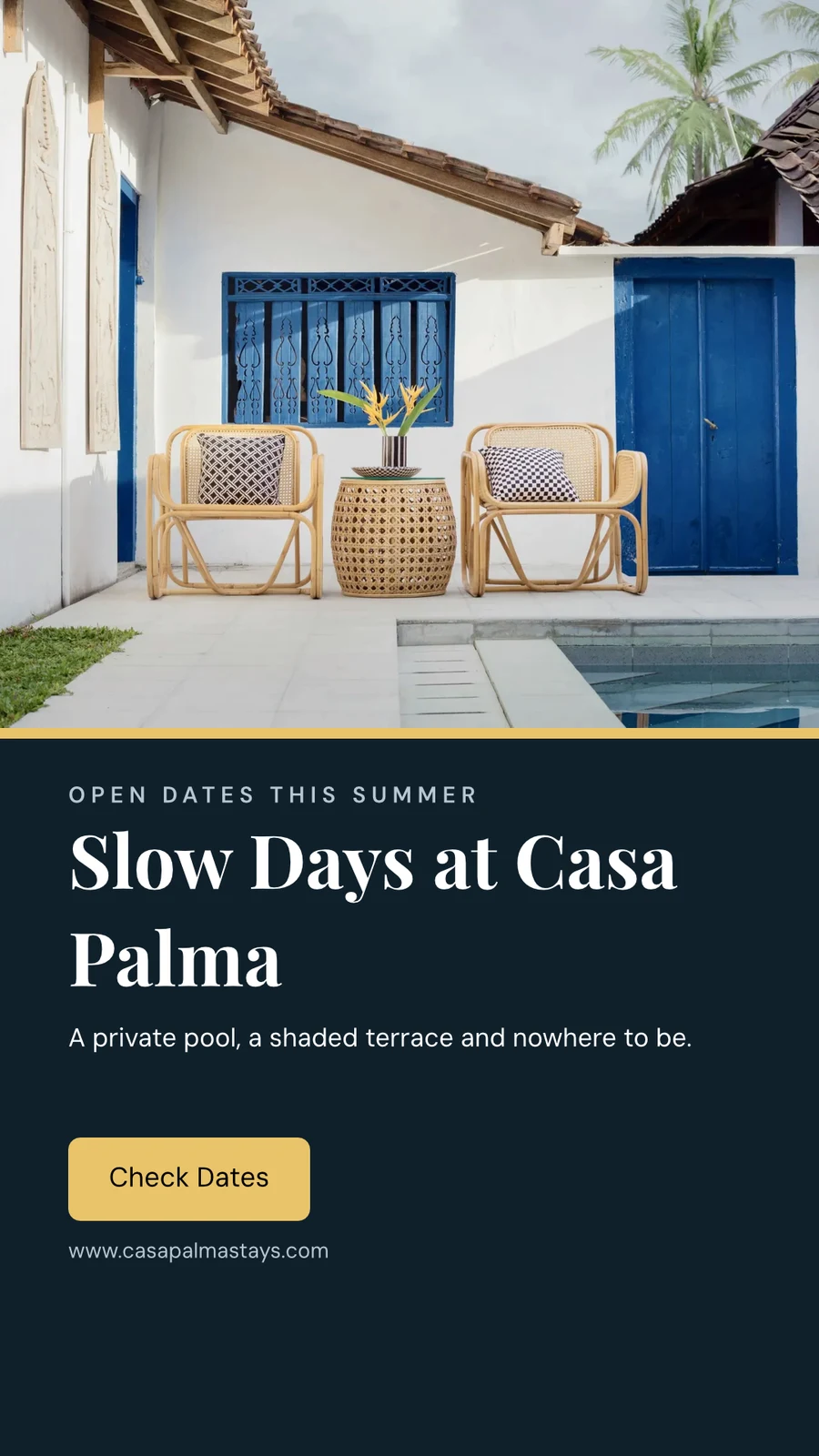
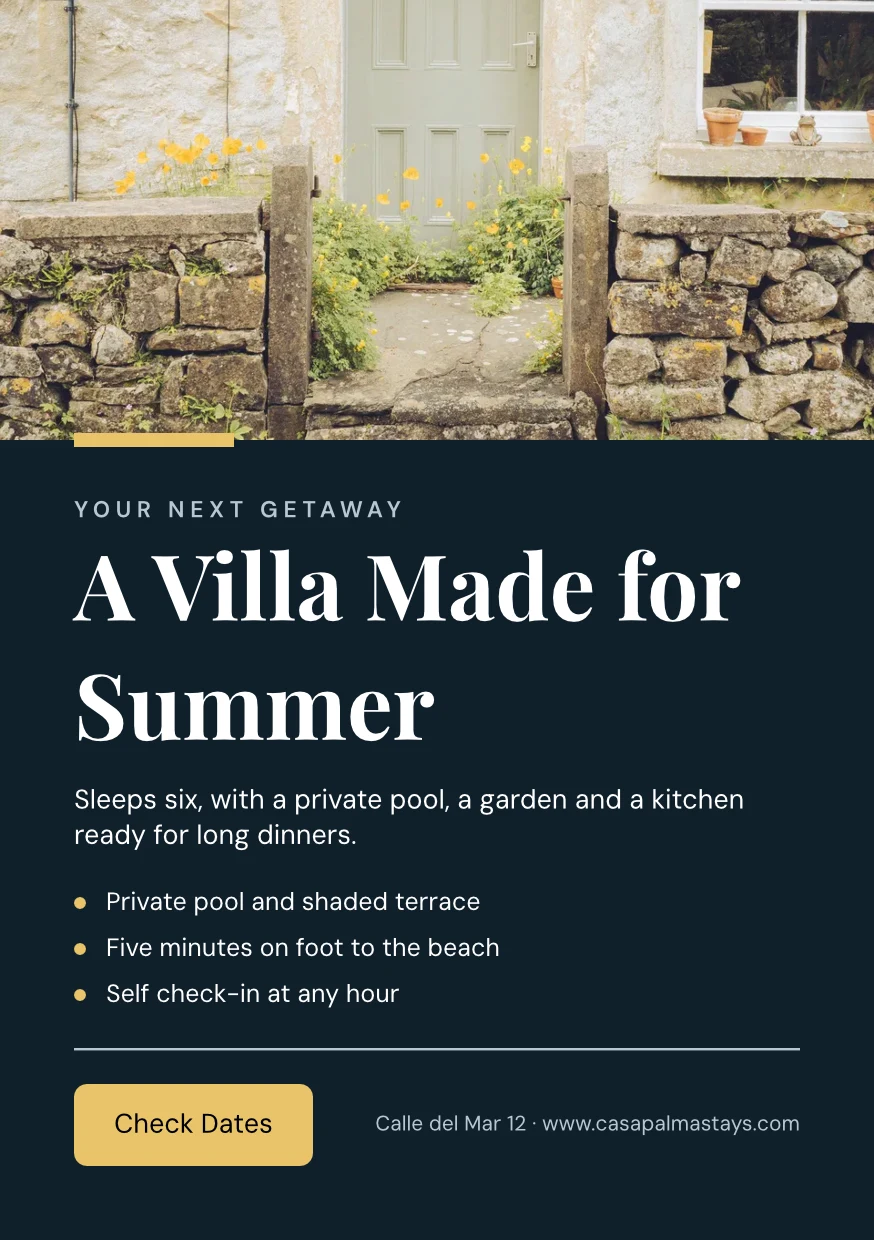
จากเว็บไซต์ของคุณ
ชุดแบรนด์ของคุณที่อ่านจากเว็บไซต์ของคุณหรือเอกสาร PDF ของแนวทางแบรนด์ของคุณ: สี ตัวอักษร และโลโก้ ซึ่งจะถูกบันทึกเมื่อคุณสั่ง
การตั้งค่า
จากเว็บไซต์ของคุณ

กฎของแบรนด์
ยึดการออกแบบให้สอดคล้องกับสีและฟอนต์ของแบรนด์; การตรวจสอบแบรนด์จะระบุสิ่งที่ผิด และจะไม่ส่งออกสิ่งใดที่ผิดแบรนด์
เทมเพลต
เปลี่ยนคำ, รูปภาพ และ ลักษณะ
เพิ่มคำ รูปภาพ รูปทรง แผนภูมิ รหัส QR และรูปภาพที่สร้างแล้ว ตั้งฟอนต์ สี และตำแหน่งของแต่ละรายการ Essentials ยังคงใช้การควบคุมพื้นฐาน; Pro แสดงทุกอย่าง
วาดเวกเตอร์และทำอนิเมชันในไฟล์ เดียวกัน
วาดโลโก้และงานศิลปะของคุณเองด้วยปากกา แล้วตั้งค่าการเคลื่อนไหวของดีไซน์บนไทม์ไลน์ในไฟล์เดียวกัน ทั้งสองเปิดด้วย Create seat; เครื่องมือเคลื่อนไหวและเครื่องมือรูปร่างมีในทุกดีไซน์
 รูปภาพVector
สร้างหลายเวอร์ชันจาก การออกแบบ เดียว
Bulk Create จะเติมช่องว่างของข้อความในการออกแบบจากไฟล์ CSV หรือบรรทัดที่วางลงไป สูงสุด 200 การออกแบบในหนึ่งครั้ง และการกดครั้งที่สองจะไม่ทำซ้ำสองครั้ง Copy & Resize จะจัดวางการออกแบบใหม่ในขนาดอื่นและบันทึกเป็นการออกแบบใหม่
คัดลอกและปรับขนาด
การออกแบบที่จัดวางใหม่ในขนาดอื่น บันทึกเป็นออกแบบใหม่
คัดลอกและปรับขนาด
 Three Days of Live Music
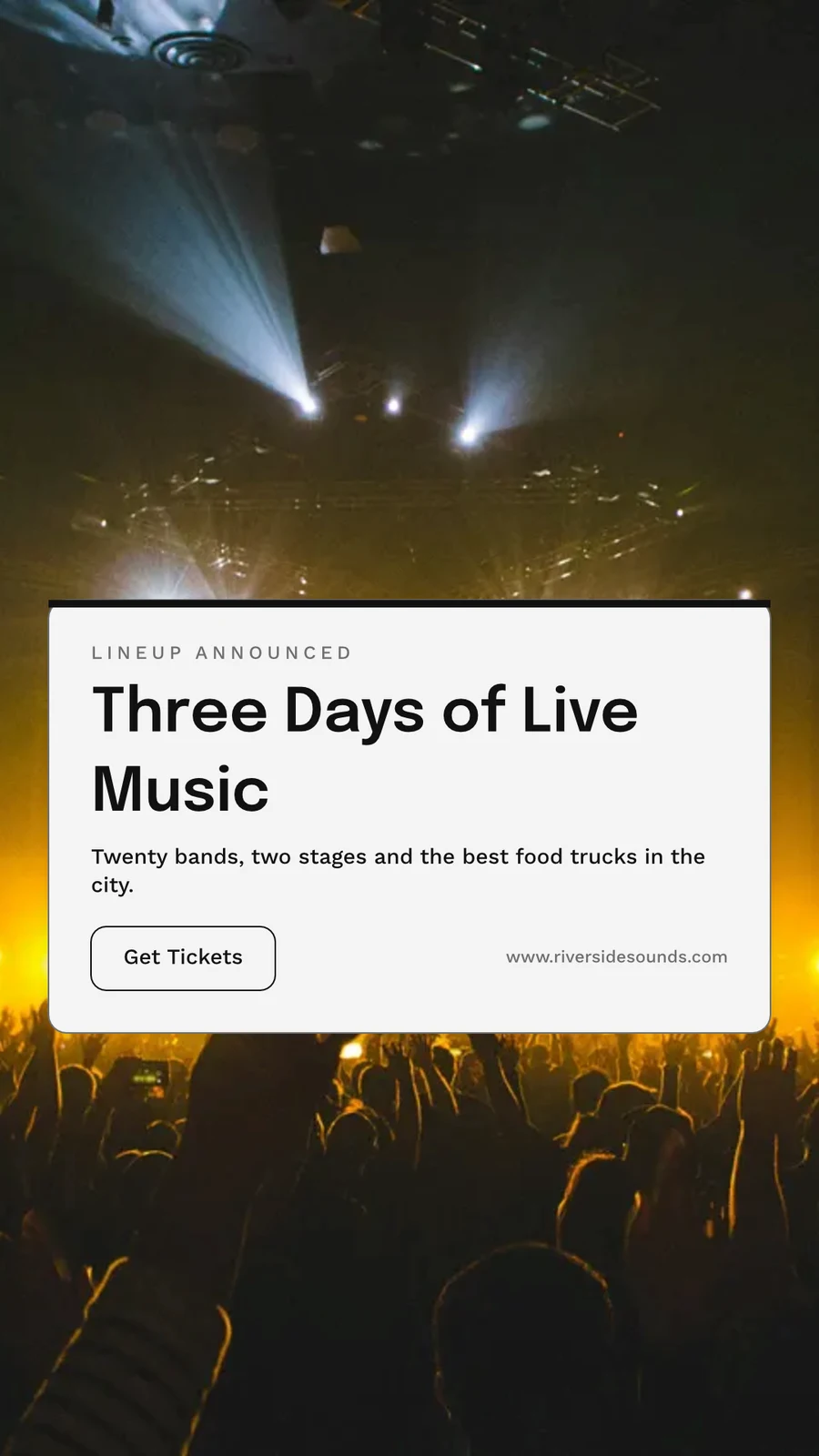
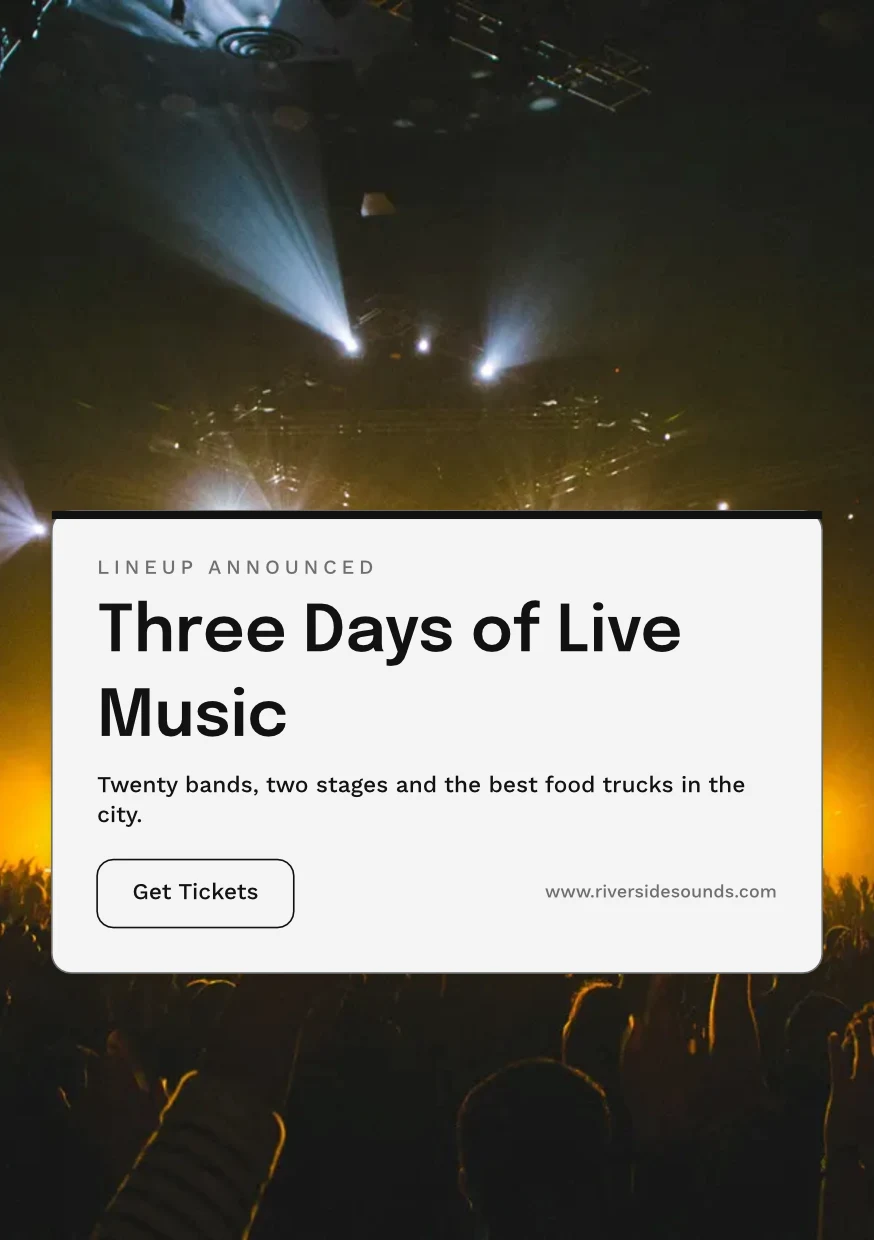
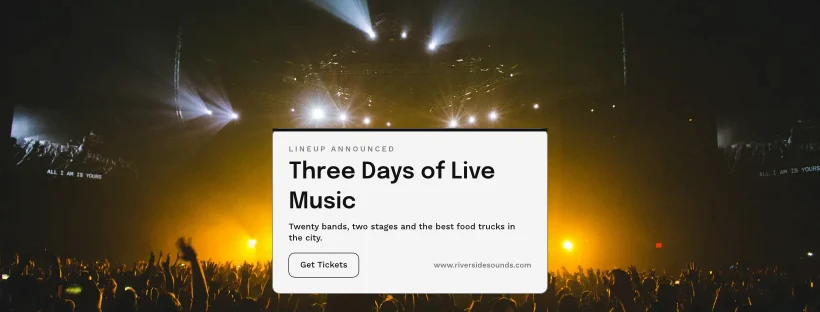
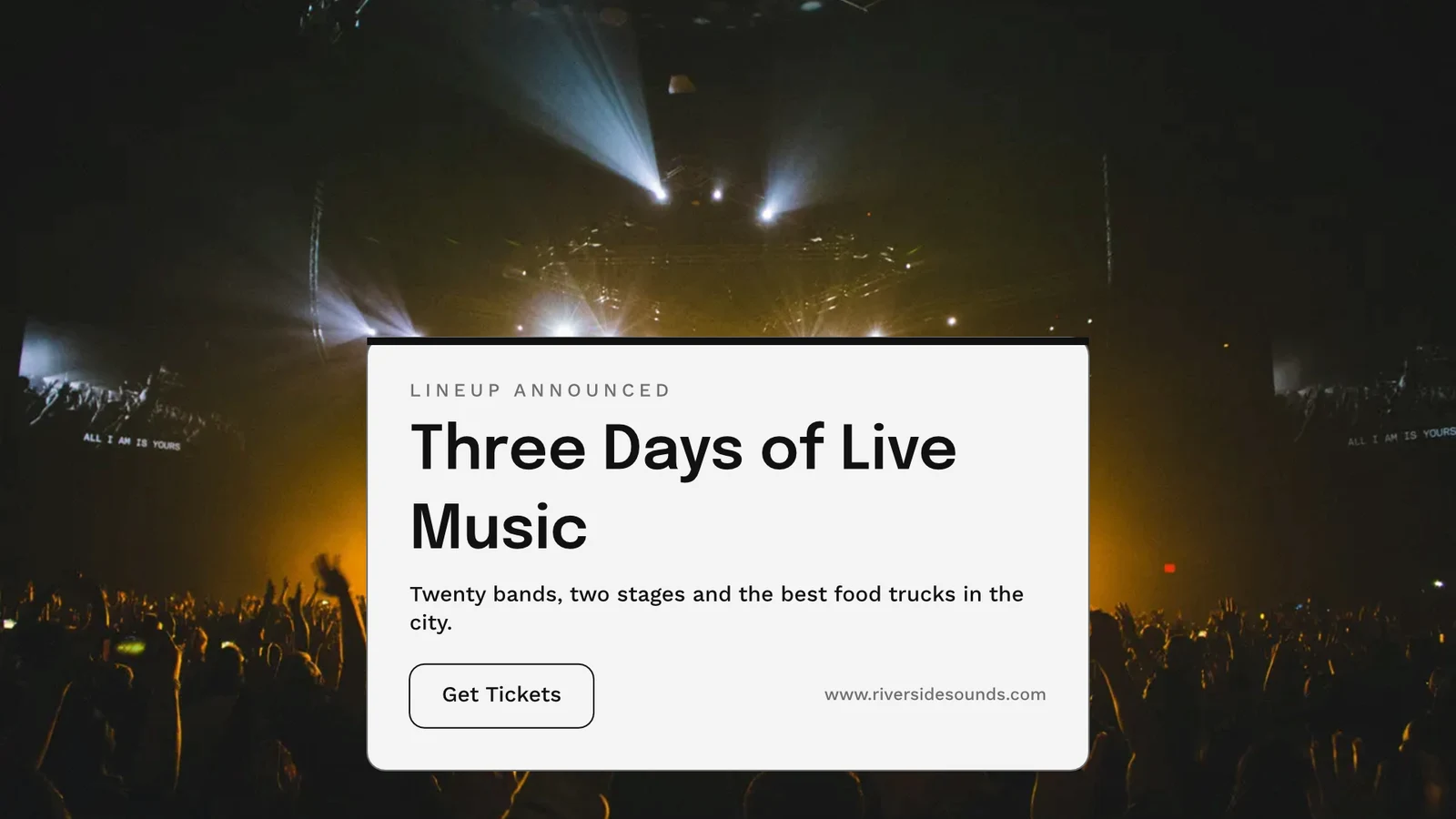
ส่งออก พิมพ์ แชร์ หรือส่งไปยัง แอป อื่น
ไฟล์ PNG, JPG, SVG และ PDF ที่ความละเอียดสำหรับเว็บหรือการพิมพ์ พร้อมขอบตัดและเครื่องหมายตัดสำหรับไฟล์ PDF การพิมพ์ หรือไฟล์ PDF แบบ CMYK สำหรับโรงพิมพ์ ลิงก์สาธารณะจะแสดงและฝังลงในเว็บไซต์ใดก็ได้ การส่งไปยังแอปจะนำเข้าไปยังส่วนแสดงผล แคมเปญ หรือเว็บไซต์ การวิเคราะห์จะนับจำนวนการออกแบบที่สร้าง การส่งออกตามรูปแบบ และลิงก์สาธารณะที่ใช้งานได้
ส่งออก
PNG, JPG, SVG และ PDF ที่ความละเอียดเว็บหรือการพิมพ์ พื้นหลังโปร่งใส และทุกการส่งออกถูกเก็บไว้เพื่อส่งออกอีกครั้ง
ส่งออกและแชร์
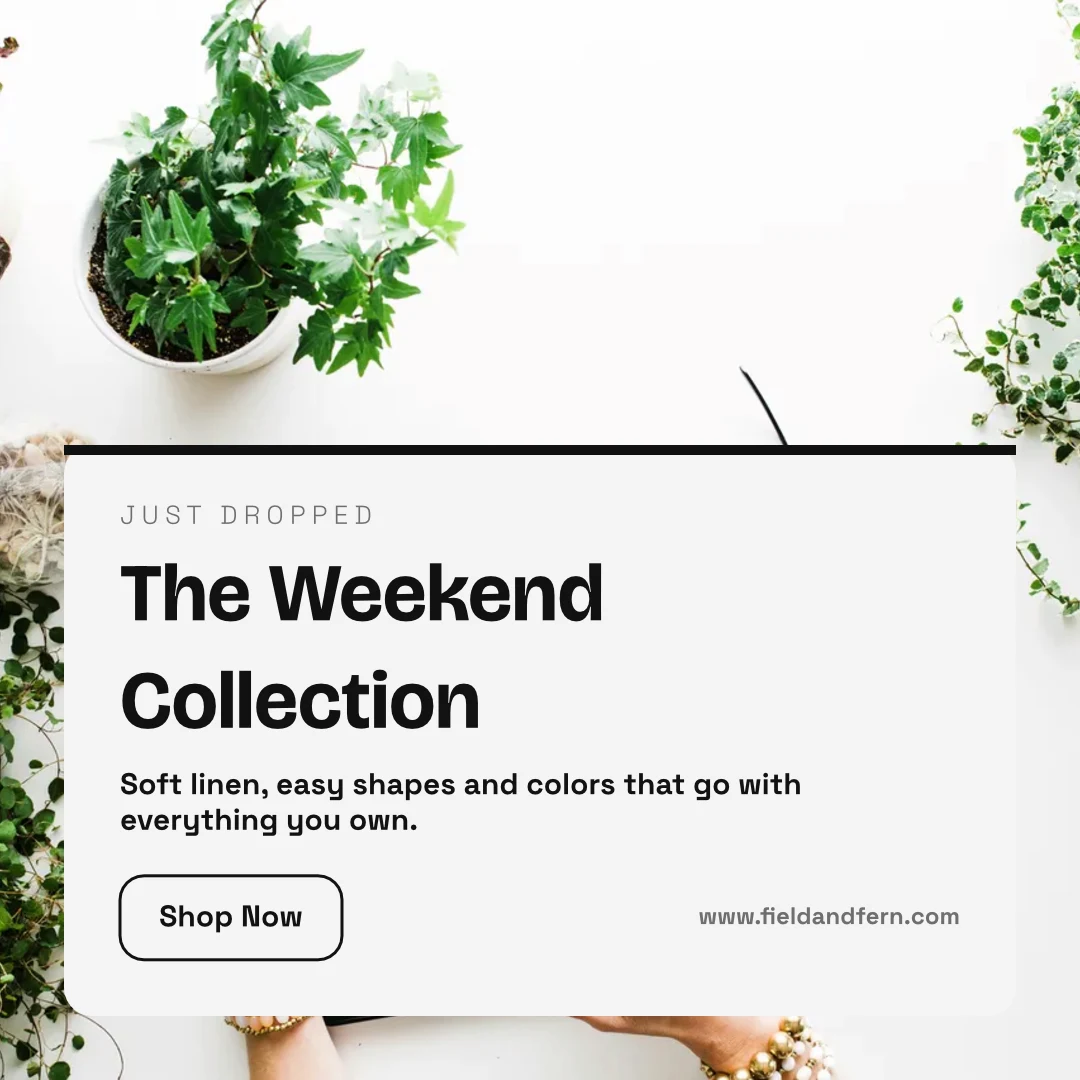
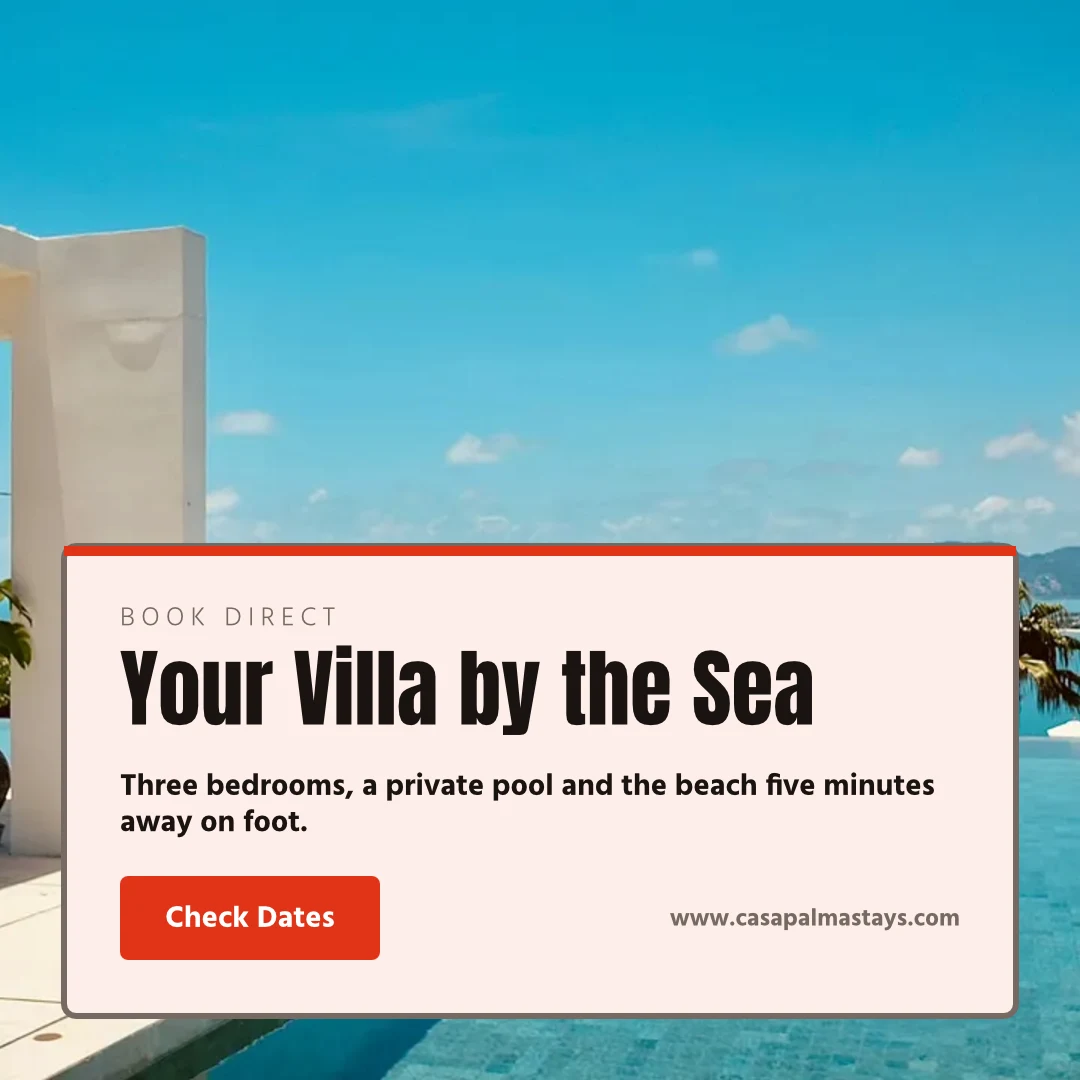
The Weekend Collection · 1080 × 1080 พิกเซล
รูปแบบ
ลิงก์สาธารณะและการฝัง
ลิงก์ที่แสดงการออกแบบ เล่นหากมีการเคลื่อนไหว และฝังบนเว็บไซต์ใดก็ได้ พร้อมรหัส QR ของตัวเอง
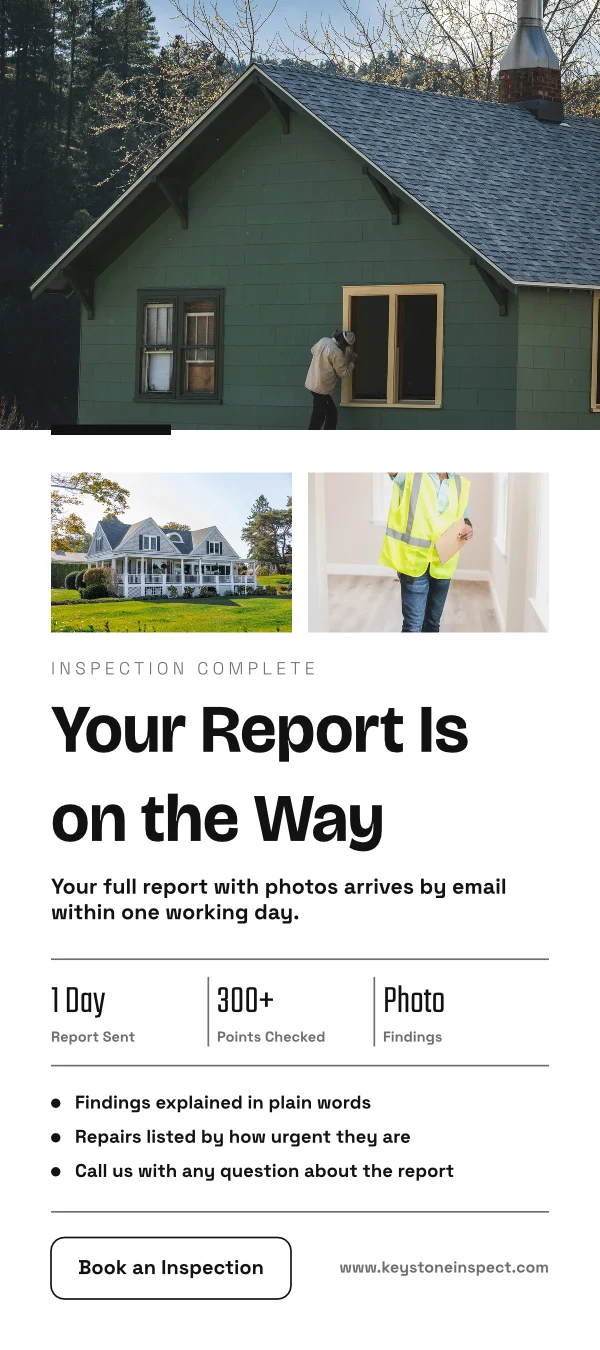
Repairs Done Right
 ดาวน์โหลด
ลิงก์สาธารณะ
https://studio.calistoco.com/p/design/k7Qm2xW9rTแทรกในหน้า
<iframe src="https://studio.calistoco.com/p/design/k7Qm2xW9rT" width="1080" height="1080" style="border:0" loading="lazy"></iframe>รหัส QR
พิมพ์หรือแสดงต่อหน้า214 การสแกนส่งไปยังแอป
ส่งไปยัง Display สำหรับหน้าจอบนหน้าจอมอนิเตอร์ของคุณ ส่งไปยังอีเมลใหม่ในแคมเปญ หรือส่งไปยังไฟล์เว็บไซต์ใน Sites
ส่งออกและแชร์
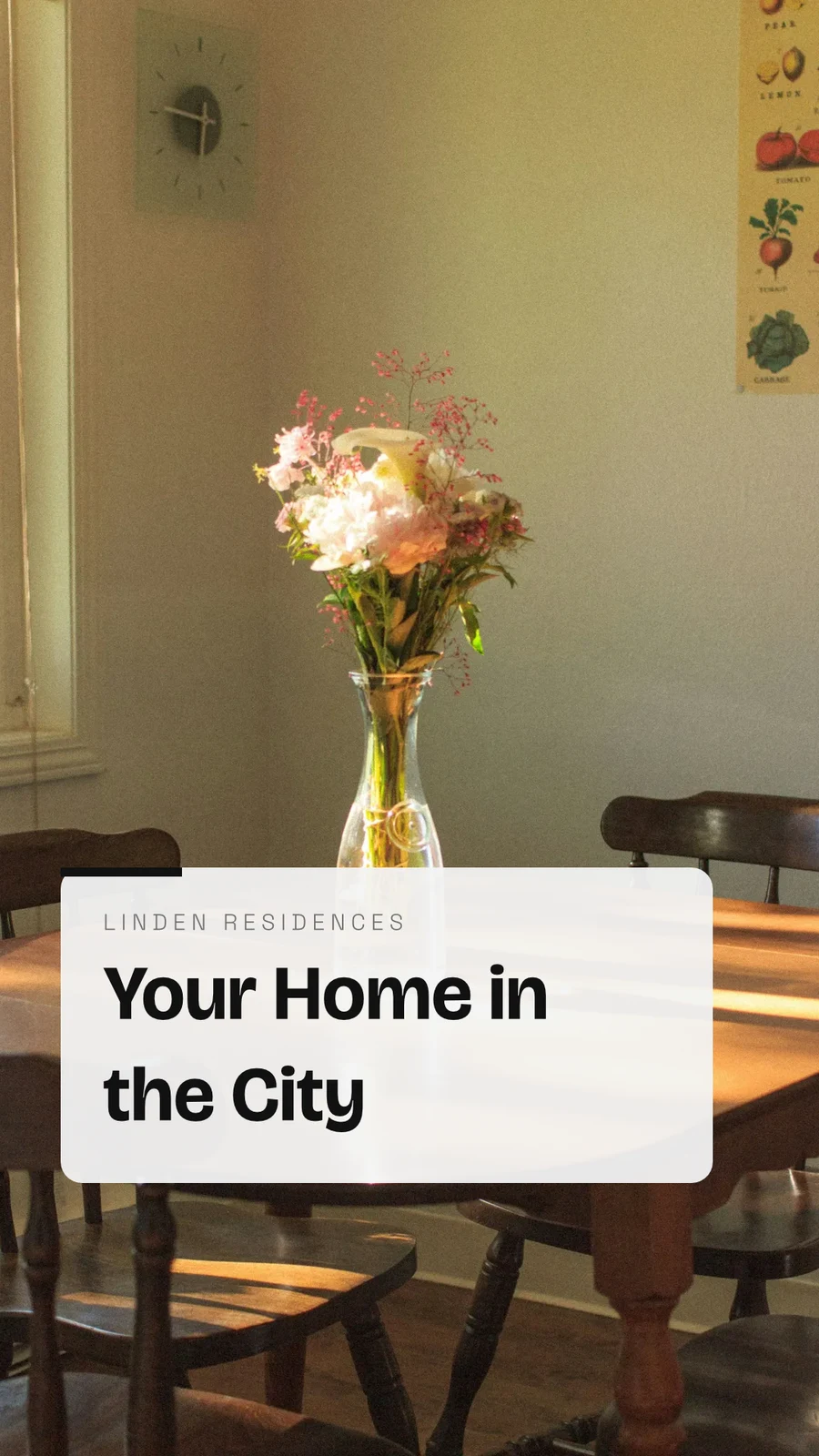
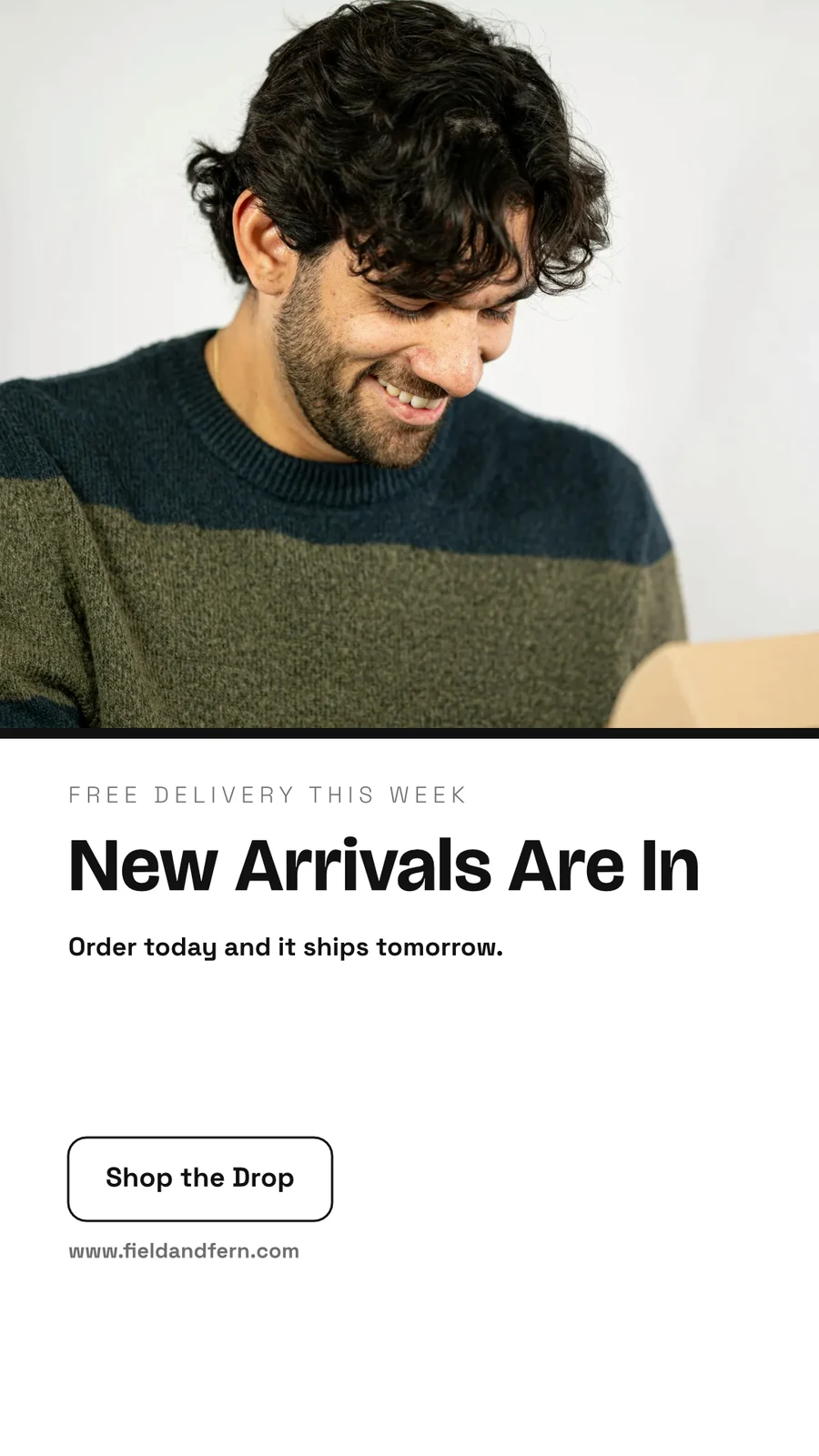
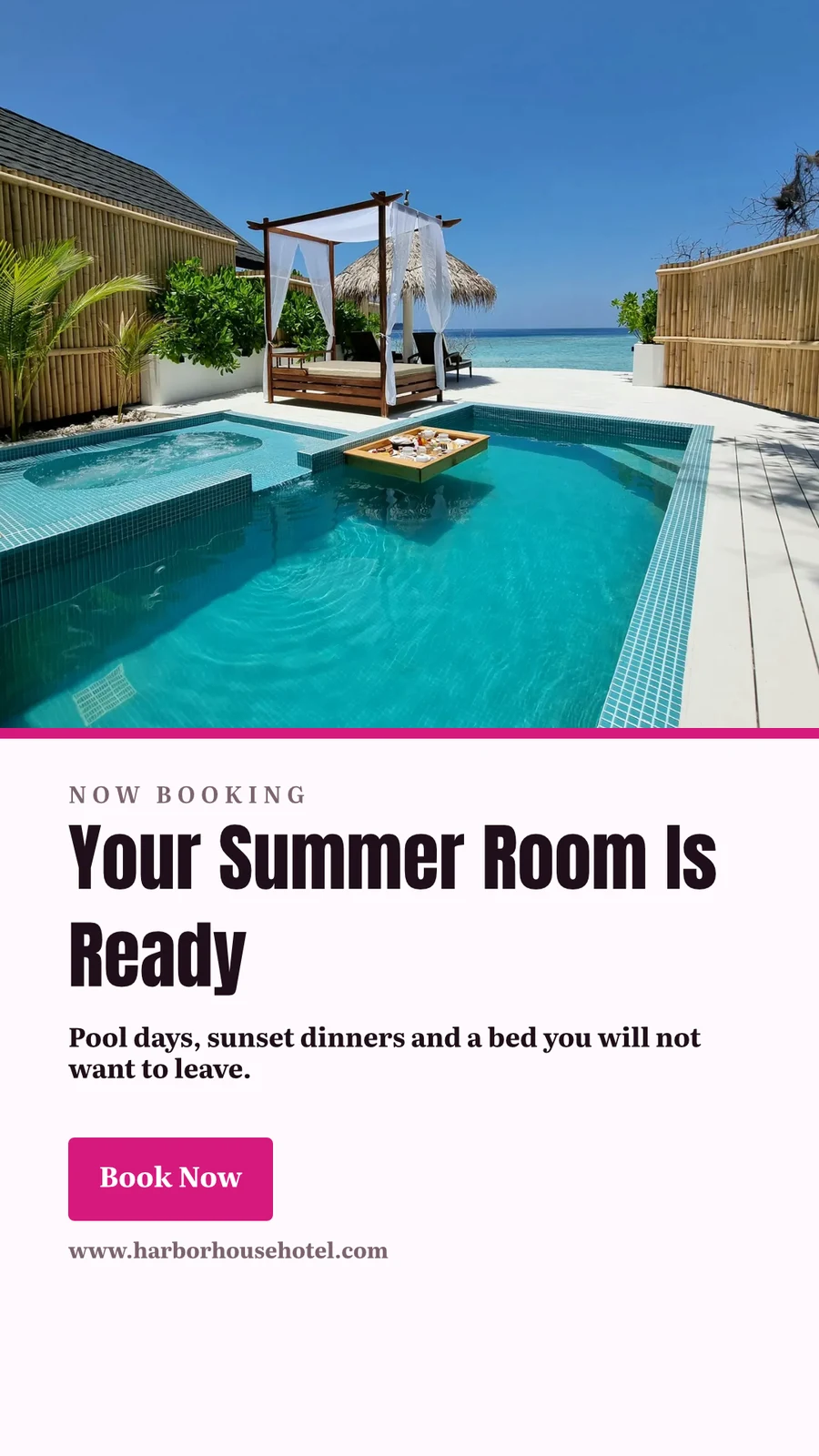
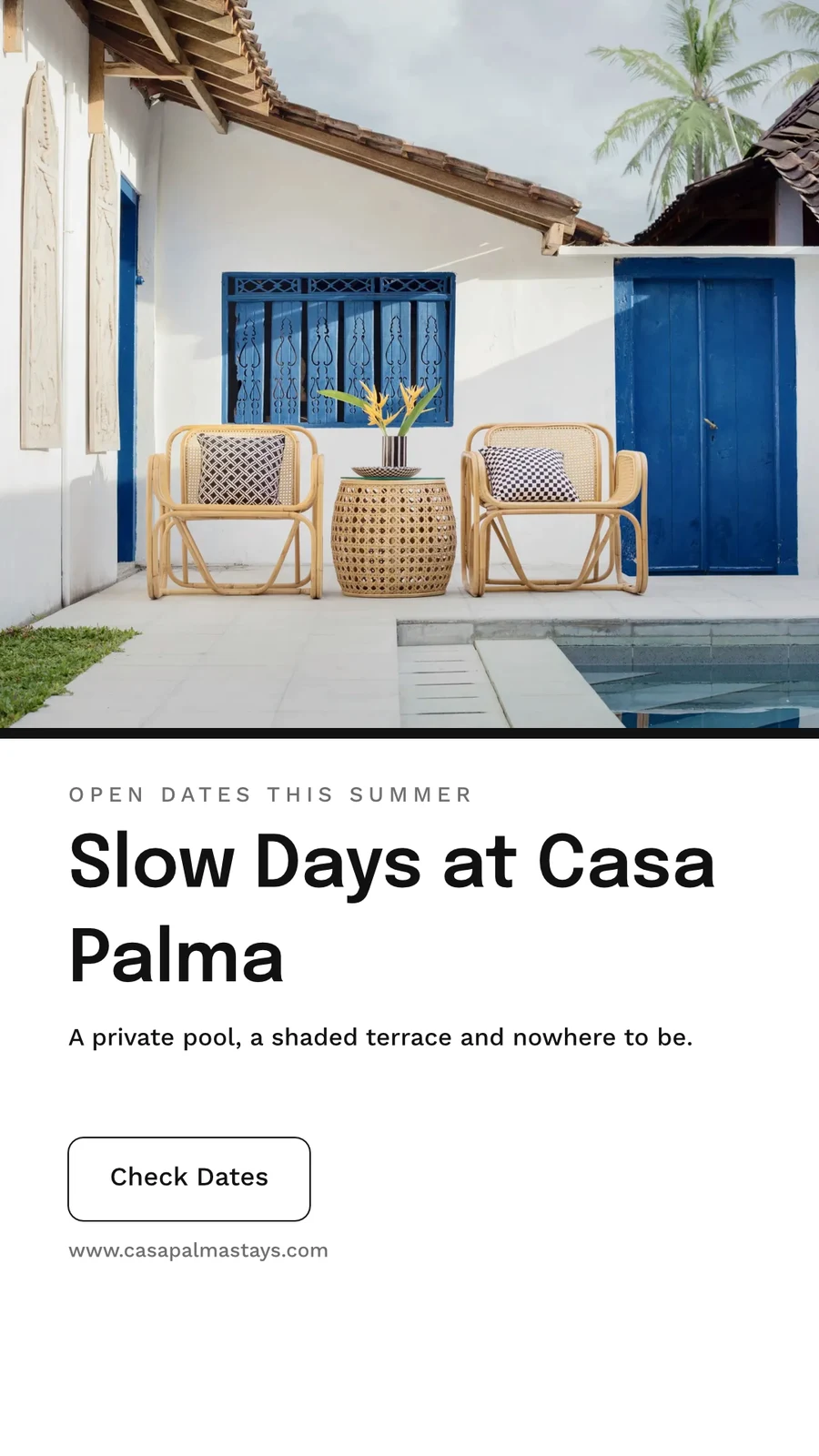
Your Summer Room Is Ready · 1080 × 1920 พิกเซล
Send to app
ส่งการออกแบบนี้ไปยังแอป Calisto อื่นเพื่อติดตั้งไว้ที่นั่นสร้างวิดีโอ พร้อมคลิป
ทุกหน้าเป็นคลิปพร้อมการเคลื่อนไหว จากนั้นคือหัวข้อ เพลง คำบรรยาย และไฟล์ MP4
GIF และ Animated WebP
สำหรับดีไซน์ที่เคลื่อนไหว ทุกหน้าสำหรับความยาวของตัวเอง
ส่งออกและแชร์
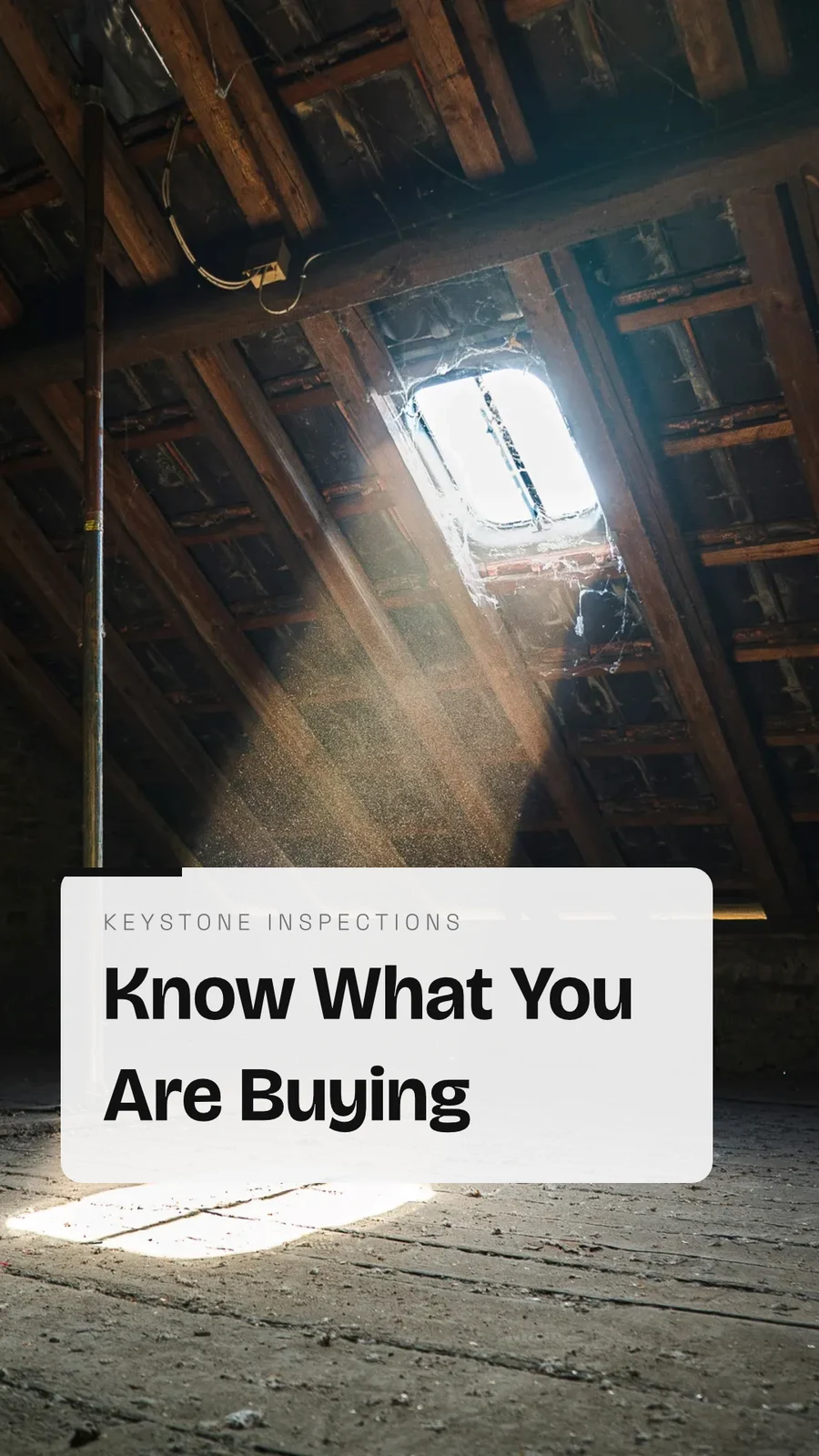
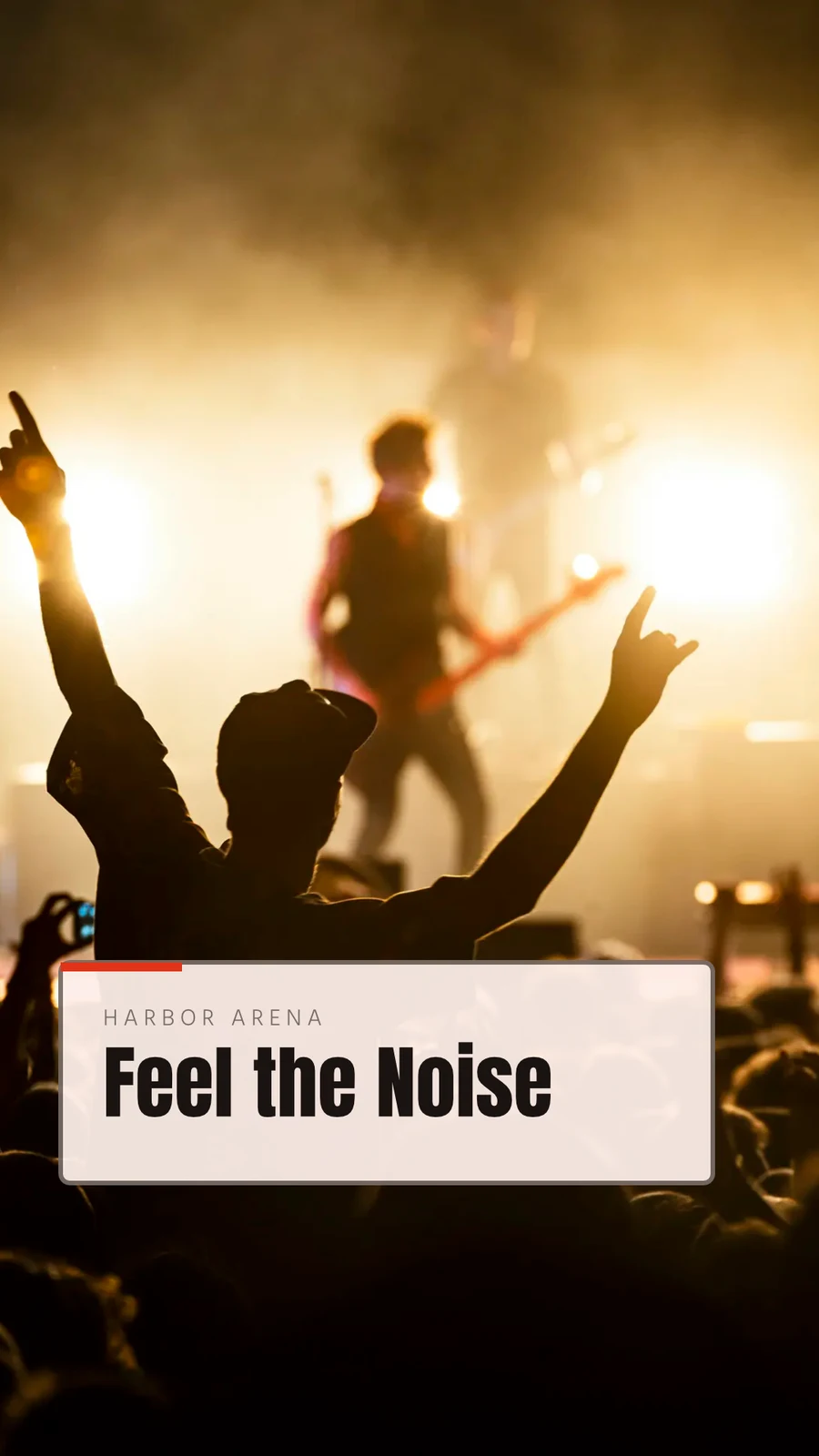
The Curtain Rises Friday · 1080 × 1920 พิกเซล
รูปแบบ
พิมพ์
ตัด ขอบเลือด เครื่องหมายตัด และระยะปลอดภัยในการตั้งค่าการพิมพ์ และงานออกแบบจะพิมพ์โดยไม่มีแอปอยู่รอบๆ
PDF สำหรับพิมพ์ (CMYK)
แปลงเป็น CMYK บนอุปกรณ์ของคุณเอง โดยใช้โปรไฟล์ของร้านพิมพ์เมื่อพวกเขาให้มา
ส่งออกและแชร์
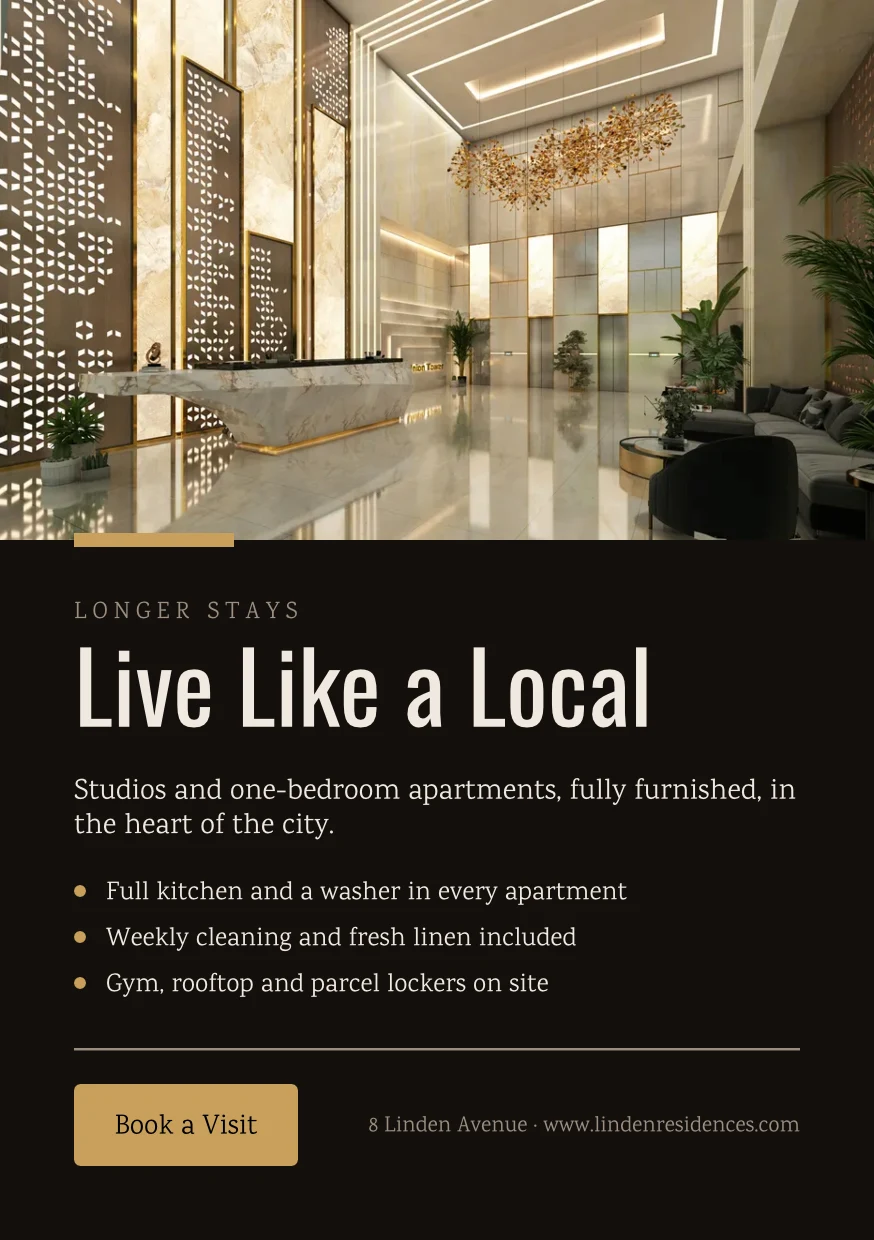
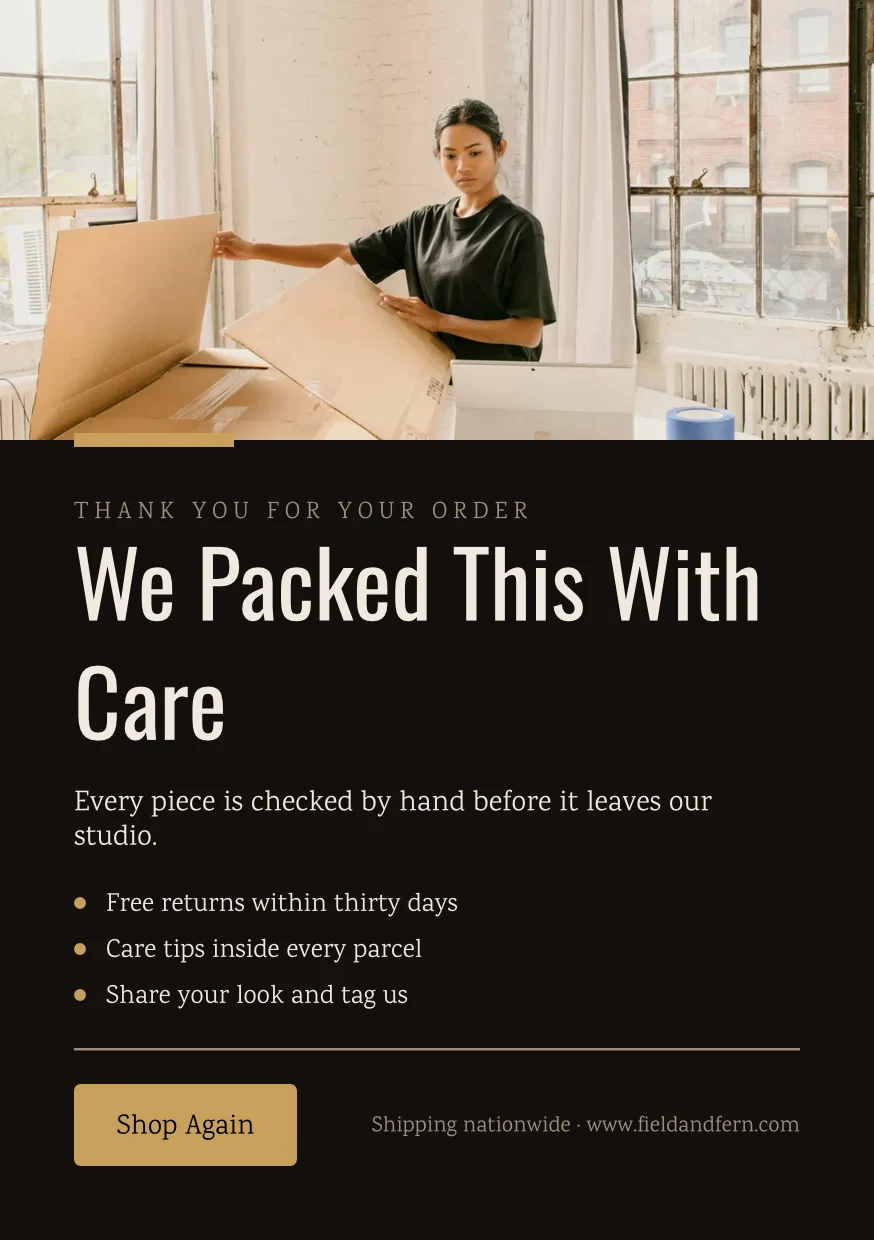
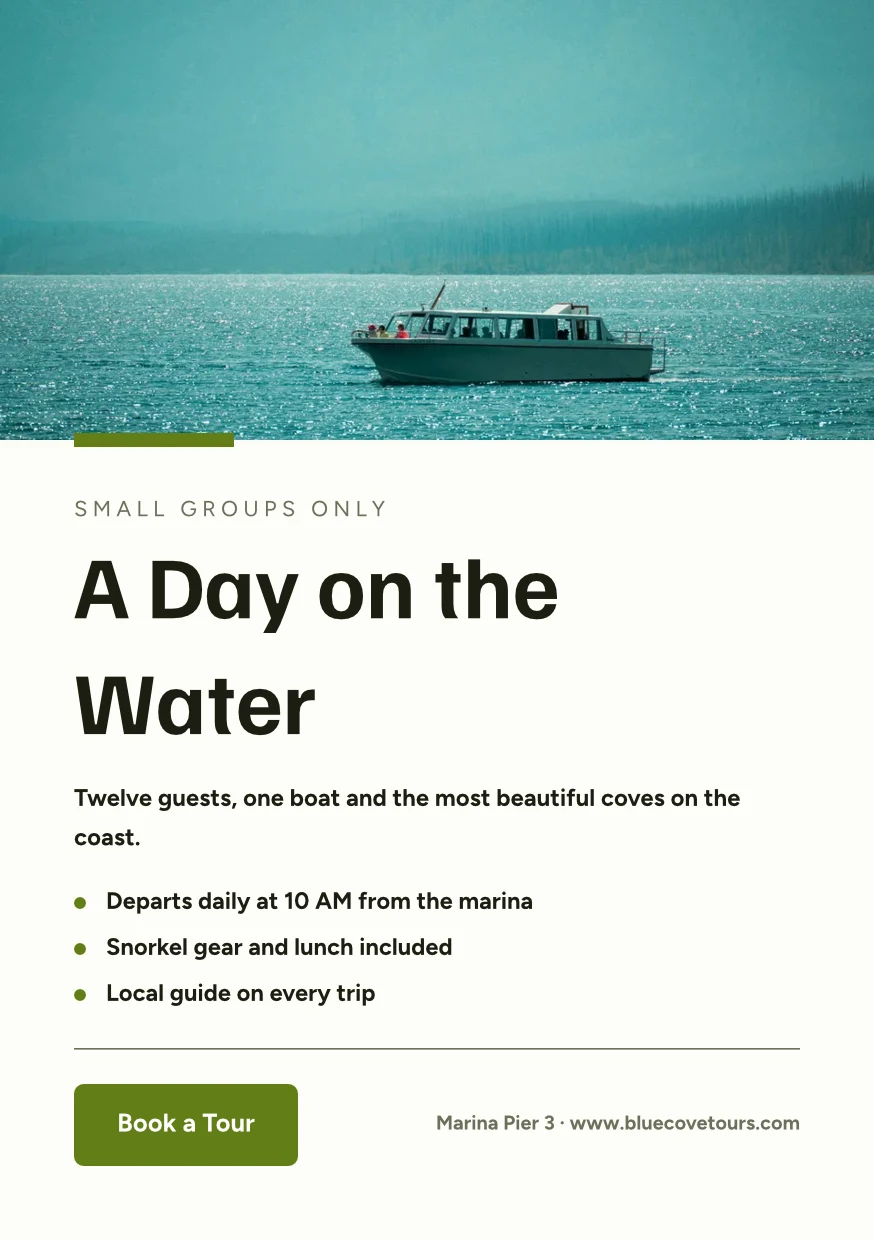
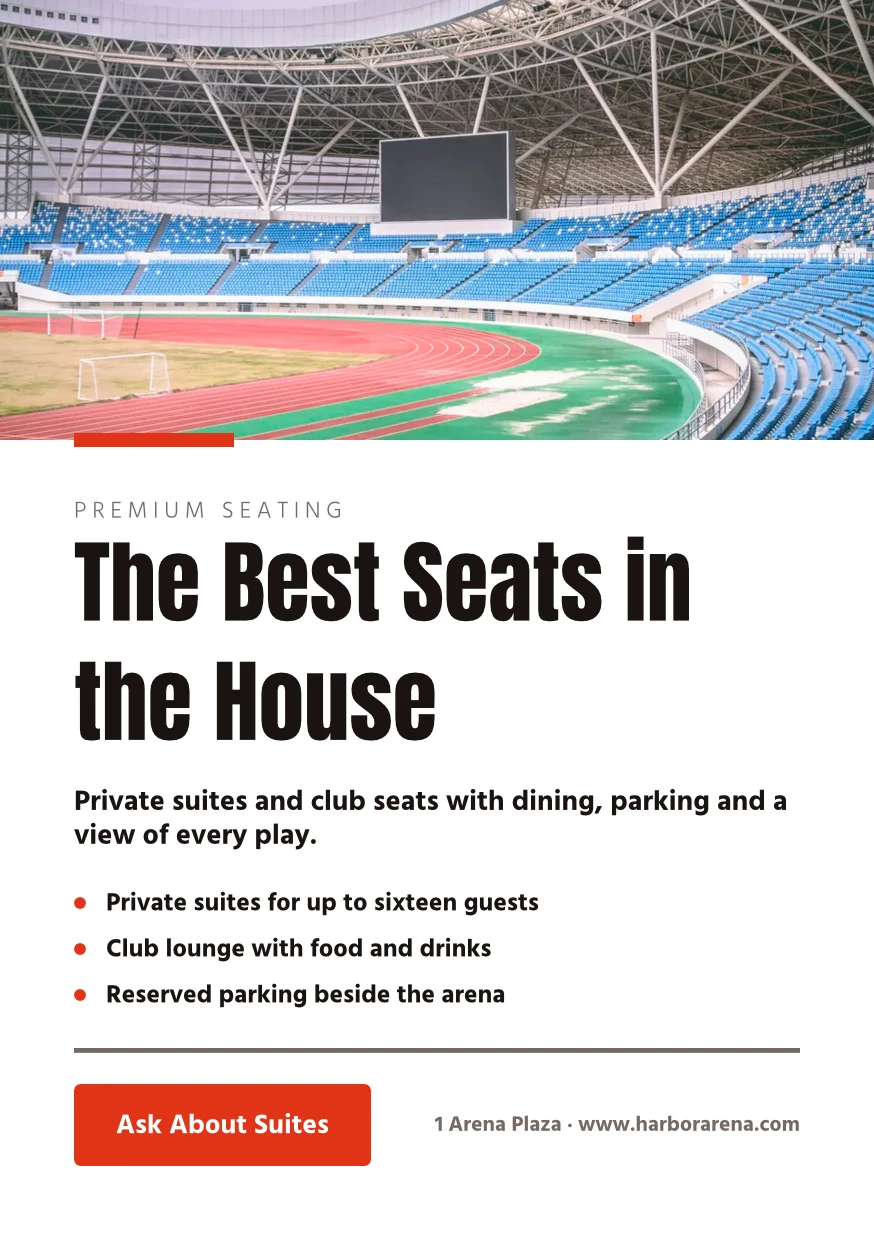
Find the Right Space · 874 × 1240 พิกเซล
รูปแบบ
โปรไฟล์ของผู้พิมพ์
Druckerei Weber Coated.icc2.1 MBสีถูกแปลงสำหรับ Druckerei Weber Coated.icc อ่านบนอุปกรณ์นี้และไม่มีการอัปโหลดทำงานร่วมกันบนการออกแบบ และเก็บทุก เวอร์ชัน
แชร์การออกแบบกับบุคคลในฐานะผู้ดู, ผู้แสดงความคิดเห็น หรือผู้แก้ไข ทุกคนที่เข้าร่วมจะปรากฏขึ้น และผู้ใช้สองคนบนหน้าต่างกันจะไม่ทับซ้อนกัน การบันทึกทุกครั้งจะเก็บเวอร์ชันก่อนหน้าไว้ และสามารถกู้คืนเวอร์ชันใดก็ได้ Hubs จะจัดกลุ่มการออกแบบร่วมกับไฟล์อื่นๆ ของธุรกิจ
แชร์และแก้ไขร่วมกัน
แบ่งปันเป็น สามารถดูได้, สามารถแสดงความคิดเห็นได้ หรือ สามารถแก้ไขได้ และให้ทุกคนเห็นการออกแบบในขณะที่พวกเขาทำงาน
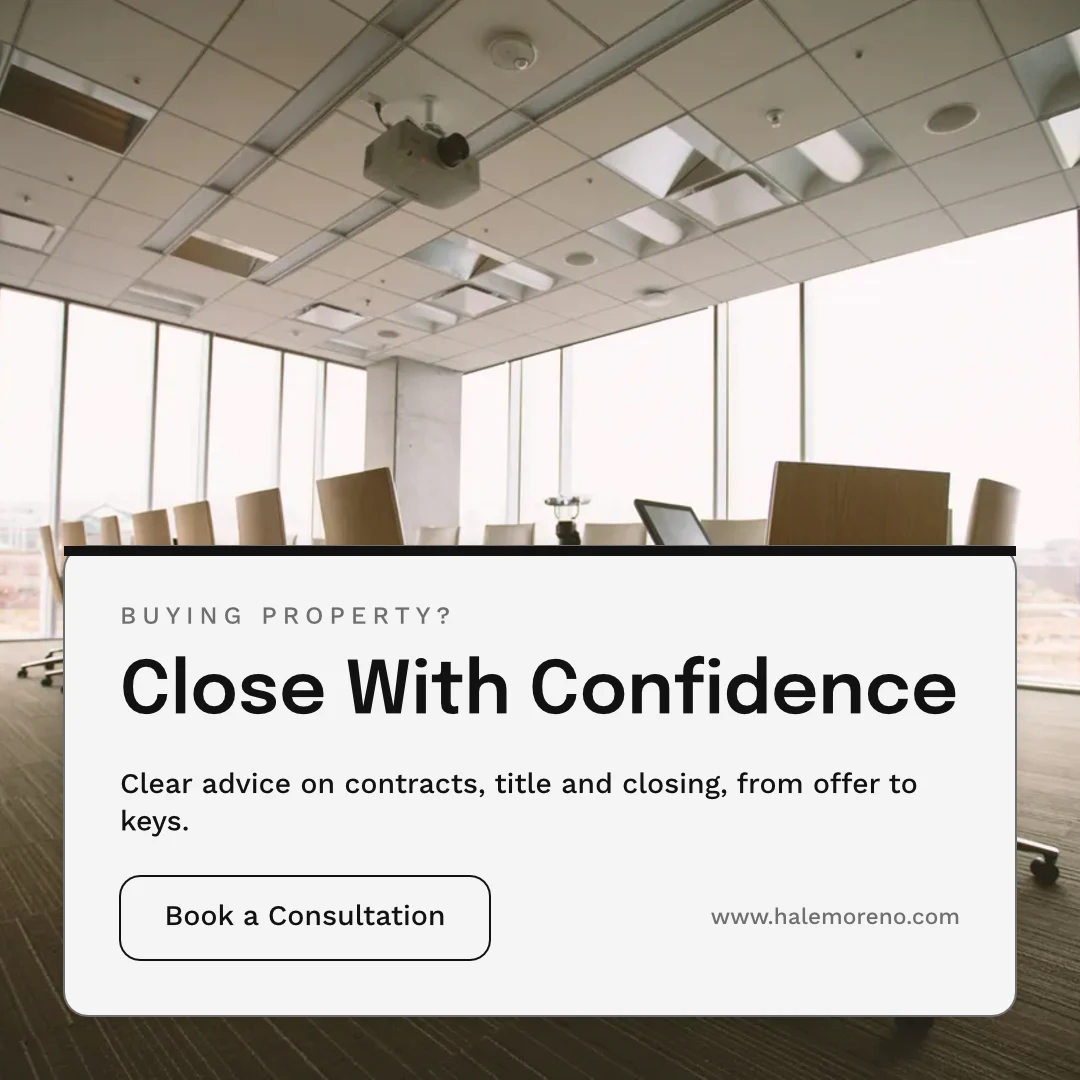
แชร์ "Close With Confidence"
ความคิดเห็นในหน้า
วางหมุดที่การเปลี่ยนแปลงเกิดขึ้น ระบุเพื่อนร่วมงานหรือส่งต่อสายงาน และแก้ไขเมื่อเสร็จสิ้น
 12345
ส่งเพื่อขออนุมัติ
ให้กับเพื่อนร่วมทีม ซึ่งตัดสินใจในขั้นตอนอนุมัติ หรือเป็นลิงก์ที่ลูกค้าของคุณตอบโดยไม่ต้องมีบัญชี
Brand Photos That Sell
Approve This Design
Northlight Studio · เลข 2ข้อความ
รูปถ่ายใหม่ใช้ได้ ได้รับการอนุมัติที่ราคา 18 500 kr ที่ตกลงกัน กรุณาส่งมาพิมพ์ประวัติเวอร์ชัน
ทุกครั้งที่บันทึกจะเก็บเวอร์ชันก่อนหน้าไว้ และสามารถกู้คืนเวอร์ชันใดก็ได้
ประวัติเวอร์ชัน
คัดลอกที่ติดตาม
เนื้อหาของแต่ละสถานที่จะคงส่วนที่ต้นฉบับล็อกไว้ และรับการเปลี่ยนแปลงของพวกมัน
ห้องสมุด
การออกแบบ, ธีม และเทมเพลตของคุณในตารางเดียว เรียงใหม่ล่าสุดก่อน
ห้องสมุด
Everything you have made: your designs, your themes and your templates.
มอบหมายให้โครงการ
การออกแบบถูกนำไปใช้ในโครงการลูกค้าจากส่วน Designs หรือตัวแก้ไข
การออกแบบ
 A Brand People Rememberโพสต์ Instagram · แก้ไขแล้ว 12 นาทีที่แล้ว
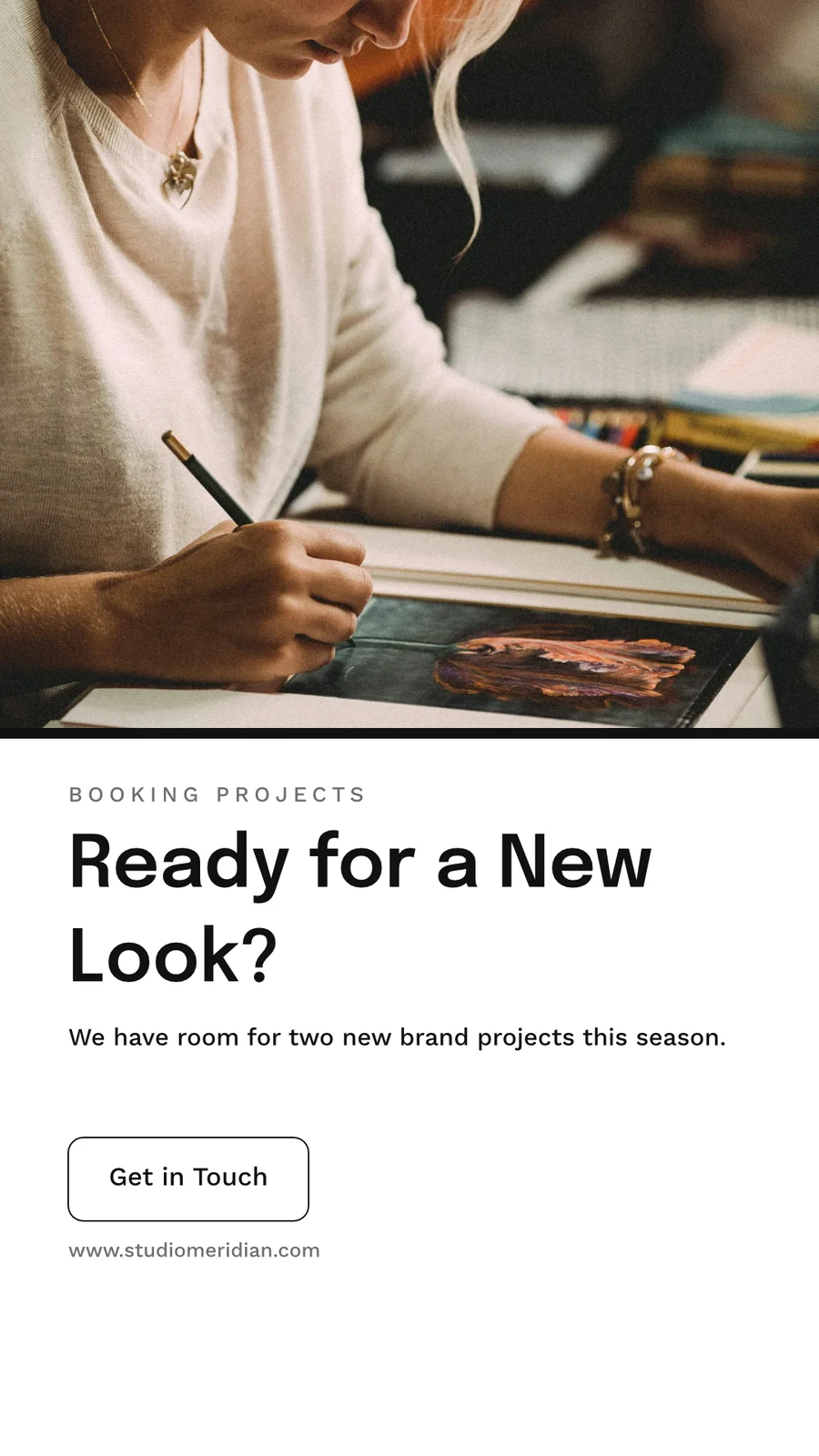
 Ready for a New Look?เรื่องเล่าใน Instagram · แก้ไขแล้ว 1 ชั่วโมงก่อน
 From Idea to IdentityA5 Portrait · แก้ไขแล้ว เมื่อวาน
 Studio Meridian Page CoverFacebook Cover · แก้ไขแล้ว 2 วันที่ผ่านมา
 Design That Means BusinessVertical Video (9:16) · แก้ไขแล้ว สัปดาห์ที่แล้ว
มอบหมายให้โครงการ
ถังขยะสำหรับ 30 วัน
จากนั้นถูกลบพร้อมกับทุกสิ่งที่เก็บไว้
การออกแบบ
Designs you move to Trash stay here until you restore them or delete them forever.
 Everything for Your Eventโพสต์ Instagram · แก้ไขแล้ว 12 นาทีที่แล้วกู้คืนลบถาวร
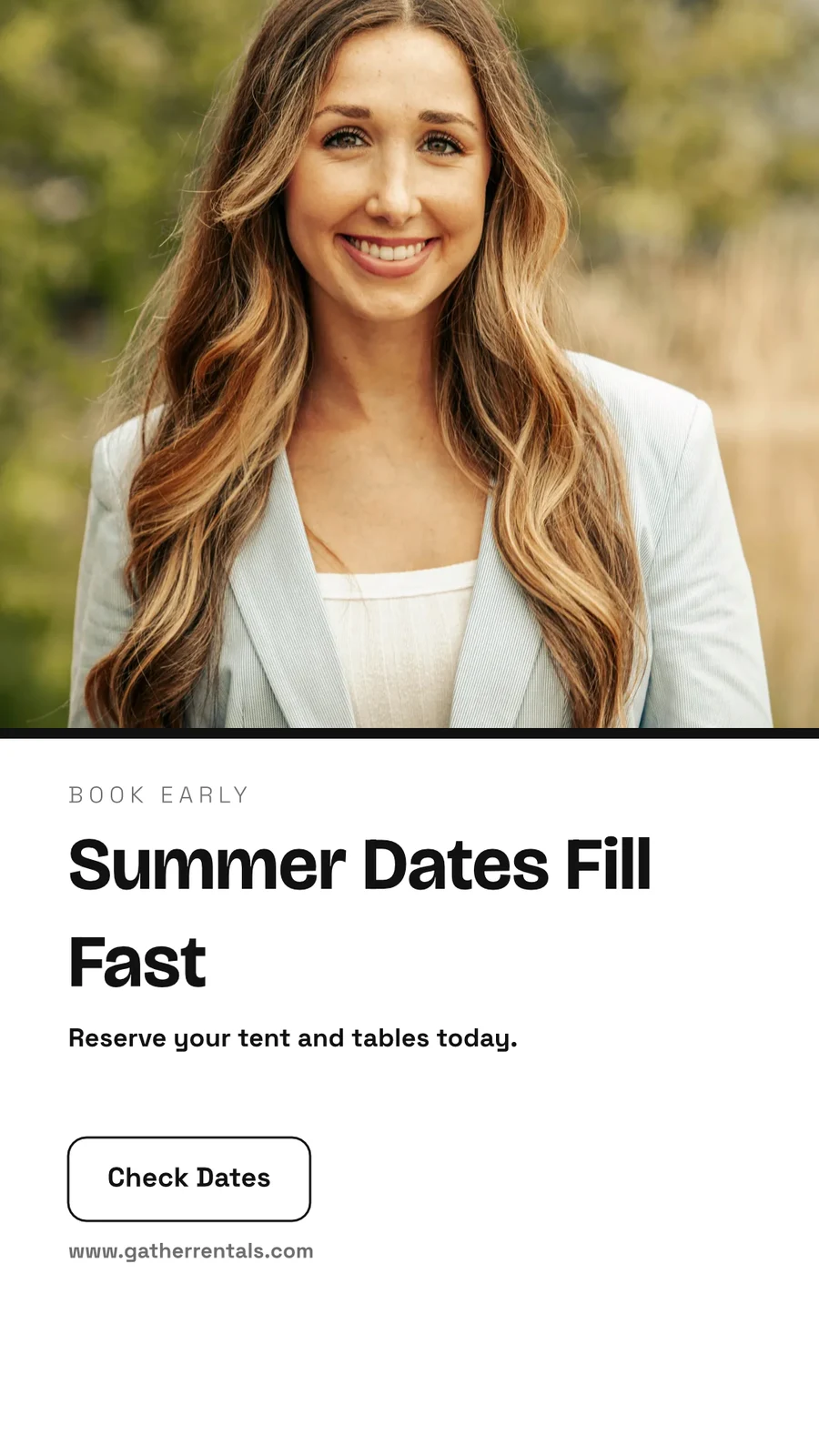
 Summer Dates Fill Fastเรื่องเล่าใน Instagram · แก้ไขแล้ว 1 ชั่วโมงก่อนกู้คืนลบถาวร
 Your Event, Fully FurnishedA5 Portrait · แก้ไขแล้ว เมื่อวานกู้คืนลบถาวร
 Gather Event Rentals Page CoverFacebook Cover · แก้ไขแล้ว 2 วันที่ผ่านมากู้คืนลบถาวร
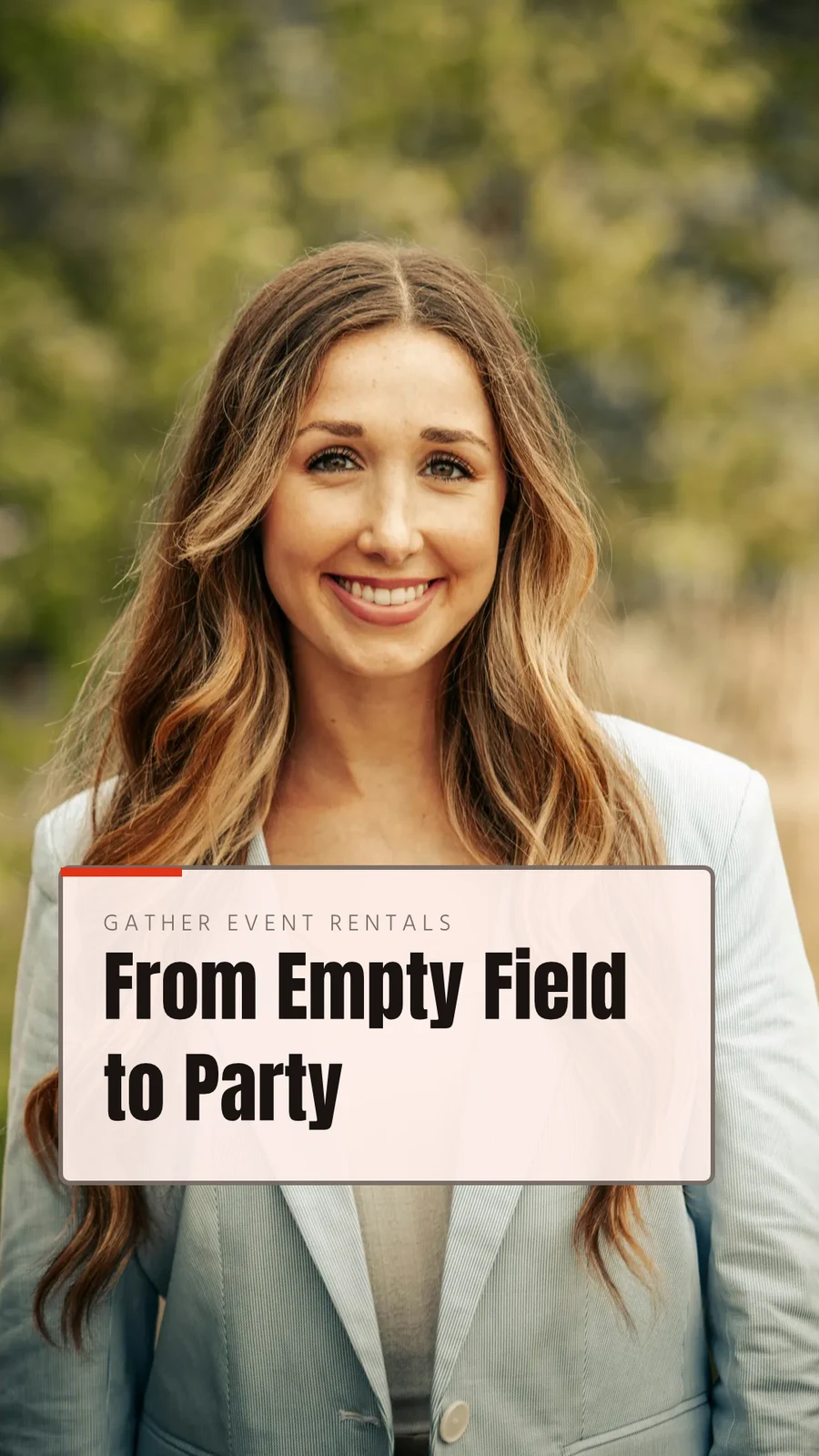
 From Empty Field to PartyVertical Video (9:16) · แก้ไขแล้ว สัปดาห์ที่แล้วกู้คืนลบถาวร
 See Every Setup in PersonPoster (24×36") · แก้ไขแล้ว 3 สัปดาห์ก่อนกู้คืนลบถาวร
แชร์ "Close With Confidence"
คิดทบทวนบนกระดานไวท์บอร์ด ก่อน
กระดานเริ่มต้นแบบว่างเปล่า หรือจาก Brainstorm, Mind Map, Flowchart หรือ Retrospective พร้อมโน้ตติดกระดาษ รูปทรง ข้อความ และตัวเชื่อมต่อ กระดานจะบันทึกอัตโนมัติเมื่อใช้งาน และกระดานที่เปิดอยู่บนอุปกรณ์สองเครื่องจะไม่เขียนทับสำเนาที่ใหม่กว่าโดยไม่มีการถาม
เริ่มต้นจากแม่แบบ
กระดานไวท์บอร์ด
Infinite-canvas boards for brainstorming and planning
เริ่มกระดานไวท์บอร์ดใหม่
สมองพ่น แผนที่ความคิด แผนภาพกระแส หรือการทบทวน หรือกระดานว่างเปล่า
หมายเหตุ รูปทรง และตัวเชื่อมต่อ
ลากด้วยระยะห่างหรือเลื่อนด้วยนิ้วสองนิ้วเพื่อเลื่อนภาพ · เลื่อนด้วย ⌘/Ctrl เพื่อซูม
โพสต์โน้ต, รูปทรง, ข้อความ, ลูกศร, วาดด้วยปากกา และรูปภาพ
ไม่เคยถูกเขียนทับ
เมื่อเปิดบอร์ดบนอุปกรณ์สองเครื่อง ระบบจะถามว่าต้องการรีโหลดหรือเก็บของฉันก่อนบันทึกทับสำเนาที่ใหม่กว่า
หน้าจอทั้งหมด
ดึงเพื่อซูม · ใช้สองนิ้วเพื่อเลื่อน
กระดานเปิดเต็มหน้าจอ พร้อมการย่อขยายและการเลื่อนด้วยสองนิ้วบนหน้าจอสัมผัส
สร้างดีไซน์บนโทรศัพท์ของคุณจาก แม่แบบ
หน้าหลัก การออกแบบ แม่แบบ และกระดานไวท์บอร์ดคือแท็บต่างๆ บนโทรศัพท์ การออกแบบจะเปิดขึ้นมาเป็นคำและรูปภาพเพื่อแก้ไข ตกแต่งด้วยธีมของคุณ และจะกลายเป็นการออกแบบเมื่อคุณบันทึก

ที่ Studio สัมผัสทุกอย่าง อื่น ๆ
2 of these 7 connections are in your plan today; the others are their own apps.
Depot
Every design is a file in Depot, in the Hubs it sits in, beside the business’s other files.
Foto
A photo on a design opens in Foto from its Adjust panel.
Clips
Create Video opens the design on a timeline, every page a clip with its motion, and makes an MP4.
Display
A finished design is sent from its export page to a screen.
Campaigns
A finished design is sent from its export page into a new email in Campaigns.
Sites
A finished design is sent from its export page into a website’s files, ready to place on a page.
Listings
Create Flyer on a listing opens a flyer in Studio with the listing’s photo and details on it.
สิ่งทั้งหมดที่รวมอยู่ใน Calisto Studio.
- Social: Instagram Post, Instagram Story, Portrait Post (4:5), Facebook Post, Facebook Cover, X Post, LinkedIn Banner, YouTube Thumbnail and TikTok Cover.
- Video: 16:9, vertical 9:16, square 1:1 and portrait 4:5, for a design made to be played.
- Print: A3, A4 and A5, US Letter, Legal and Tabloid, a business card, a rack card and a 24 × 36 inch poster.
- Digital: presentations in 16:9 and 4:3, an email header, a lobby display and a portrait kiosk.
- A custom size at any whole-pixel width and height from 16 to 20,000.
- A size is a design: each opens on its exact artboard, followed by Calisto’s layouts at that size.
- New Design has three doors: From Theme, From Template and Blank Design.
- Templates: every Calisto layout in every Calisto Theme, filtered by type, industry, style, colors and size, with a name search.
- My Brand draws every template in the account’s brand kit.
- Use This Template opens an unsaved copy; it becomes a design when it is saved.
- Customize Template shows every page beside the Theme’s controls; Save Template keeps the result in Mine.
- Save as Template, in the editor, keeps a copy of the open design as one of the account’s templates.
- Edit Template changes one of the account’s own templates in place; one with no Theme of its own inherits the account’s.
- Describe It: a sentence becomes three designs from Calisto’s layouts in the business’s Theme, each its words written for it, to keep or save as a template; a figure nobody gave (a price, a date) is left for you to fill in.
- Themes: Calisto’s, the account’s own and those bought in the Pro Shop, each built and tuned in the theme builder.
- The Theme bar in the editor repaints the design in another Theme, and Save as Theme keeps the look.
- Templates and Themes from the Pro Shop, bought by whoever the owner’s billing setting allows.
- Left rail, where things are added: Page, Text, Shapes, Elements, Stickers, Graphics, Photos, Chart, QR Code and Generate.
- Elements: rectangle, circle, triangle, line, star, arrow and divider, and photo frames (square, rounded and circle).
- Stickers and Emoji: animated stickers and color emoji, each sticker with its license credit.
- Right rail, where they are refined: Format, Design (the Theme), Assist, Mockups, Print Setup and Comments.
- The selection chip holds up to five quick controls; right-click or a long press opens Cut, Copy, Paste, Duplicate, Group, stacking order, Align to Page and Delete.
- Pages with each page’s layers: show or hide and lock or unlock each layer.
- Enter Group and Leave Group edit inside a group, with the group’s path shown above the canvas.
- Position and size (X, Y, width, height, rotation) and the layer’s role, in Format’s More.
- Rulers, the hand tool, Pages and Layers, and full screen under the canvas, with the page number and zoom.
- Search Actions (⌘K) and Keyboard Shortcuts (⌘/) list every command and key.
- Essentials or Pro, each person’s own preference: Pro shows every control, Essentials folds the rarer ones behind More.
- Rulers and sizes in px, in or cm, each person’s own unit.
- Undo and redo, autosave, and nothing typed lost when a tab closes or a session lapses.
- Typeface, size, weight, color, alignment, line height and letter spacing on the selection.
- Shrink Text to Fit, shadow, outline, opacity and blend mode.
- Vertical type for Chinese, Japanese and Korean, mixed or all upright.
- Type on a Path, with its start and side set in Format.
- Bar, line, area, pie, donut and scatter charts from figures typed or pasted.
- Drawn in the design’s Theme as vector shapes and words, so a chart stays sharp in a PDF.
- Edit Chart Data reopens the figures; a redraw keeps the chart’s place, name and look.
- The Media Library: the account’s own files, stock photography and Calisto’s gallery, each pick copied into the account’s storage.
- Upload from the device: PNG, JPEG, WebP, HEIC and HEIF, SVG and Photoshop files.
- A Photoshop file opens with its layers kept, its text editable and its folders as groups.
- An SVG opens as editable vector.
- Adjust: Auto, looks, brightness, contrast and saturation, with vibrance, hue, gamma, sharpen, blur, grain and pixelate at Pro.
- Open in Foto takes a photo into Foto.
- Replace, crop, fill, fit or stretch, opacity and flip on a photo.
- Remove Background on the person’s own device: the picture is never uploaded.
- Upscale makes a photo 2× or 4× larger on the person’s own device, keeping the frame and crop, up to 4096 × 4096 pixels.
- Generate an image from a description, saved into the account’s storage.
- Vector Graphic (with the Create suite): a flat picture from a description, traced into editable vector paths.
- Draft copy for the design, dressed in its Theme.
- Erase part of a photo, or extend it past its edges.
- Assist reviews the layout and a selected photo.
- Tools: Selection, Direct Selection, Pen, Add and Delete Anchor Point, Anchor Point, Pencil, Shape Builder, Scissors, Knife, Width and Type on a Path.
- Combine Shapes: Unite, Subtract, Intersect, Exclude and Divide.
- Outline Stroke and Create Outlines, Join, compound paths, Offset Path, Simplify and Reverse.
- Stroke weight, alignment, width profiles, caps, corners, miter limit and dashes.
- Align and Distribute, and Symbols: new, redefine, break link and Repeat Grid.
- Snapping to anchor points, corners and centers, with smart guides.
- Warp: arc, arch, bulge, flag, wave, rise, fisheye or squeeze, with a Bend, the words still editable and vector in a PDF and an SVG.
- Image to Vector: a PNG or JPG traced on the device into a group of editable paths.
- Draw and Combine Shapes are on every design, in Design.
- Without the suite, Vector shows marked Upgrade, and a design that holds paths opens, saves and draws for everyone.
- In, Loop and Out on every design: fade, rise, drop, slide, grow, focus, pop, slow zoom, draw on, typewriter, word by word, line by line, count up, pulse, float, spin, and fade, sink or shrink out.
- Each preset writes real keyframes, its start, length and stagger behind More, and Preview plays the page.
- The Animate workspace (with the Create suite): a timeline, keyframes on position, scale, rotation, opacity, blur, color, draw on, path shape and count.
- Auto-Key, a motion path drawn on the canvas, ease curves, repeat once, loop or ping-pong, and stagger.
- Page transitions with their length.
- A moving design plays on its public link, exports as a GIF or animated WebP and plays on designed screens.
- The brand kit, colors, typefaces and logo, edited in Studio’s Settings and offered in every picker.
- On an Engage account, people without a Studio seat build with the brand kit only: its typefaces, its colors and its Theme.
- Every element added to a design arrives in the design’s Theme.
- A Copy That Follows: parts the original locks stay as the original has them in every copy, and take its changes.
- Who may lock parts for copies is the owner’s setting.
- From Your Website: the colors, typefaces, logo and icon read from the business’s site into the brand kit, saved when you say so.
- Brand Rules: the business’s (Ethos ▸ Settings ▸ Brand Guard) or one Hub’s own, holding a design to the brand’s colors only and the brand’s typefaces only.
- The brand check in the header names what is off brand, and no export goes out while a design is off brand.
- The brand kit’s palettes, by name, in every color control.
- Draft Copy in the brand’s voice, each line showing its brand findings with Apply.
- Copy & Resize lays a design out again at another size and saves it as a new design.
- Bulk Create fills a design’s text placeholders from a CSV or pasted rows, up to 200 designs in one run, each made once.
- A Bulk Create run downloads as one ZIP of PNGs.
- QR Code: a link or text, its colors, size and error correction, and a logo in the center.
- Mockup: a design on a t-shirt, mug, phone case, business card, poster frame, laptop, tote bag or billboard.
- Make a Copy, and Duplicate a template.
- Translate: every word of a design in another language, as a new design or in place, each word keeping its type; a line that cannot be translated stays as it was.
- PNG, JPG, SVG and PDF, at web or print resolution, with a transparent background on PNG and SVG.
- Print Setup: trim size, bleed, slug and safe margin, crop marks, registration marks and color bars.
- PDF for Print (CMYK): every color converted on your device to a PDF/X-3 for the press, with a coated press profile or your print shop’s own profile.
- Every page as one PDF, or a ZIP of pictures.
- GIF and animated WebP for a design that moves.
- Print prints the design, never the app around it.
- Export history on every design, with Re-Export.
- A custom scale beside web and print resolution.
- A public link that shows the design and embeds on any website; a design in Trash is not shown by it.
- The public link’s QR code and its preview card.
- Send to App hands a design to Display, Campaigns or Sites.
- Create Video opens the design in the media editor, every page a clip, then titles, music, captions and an MP4 (with Clips).
- Share with a person as Can view, Can comment or Can edit; a view or comment share opens read-only.
- Comments pinned to a point on a page, with replies, mentions, assigning a thread and resolving it; notices open the design on the thread.
- Send for Approval to a teammate, who approves or declines it in Approvals, with a note.
- Send for Approval to a client as a link: they see every page and approve it or ask for changes, with no account; each round is its own link.
- Your Approval Steps: the levels set in Settings ▸ Approvals, asked in order (an art director, then the client).
- A chip beside the title shows the latest answer.
- Shared with Me lists the designs others shared.
- Live co-editing, with everyone in the design shown in the header; two people on different pages never overwrite each other.
- Version History: every save keeps the version before it, autosaves one every ten minutes, named versions kept, any version restored.
- Hubs, Private or Public, and their Folders: Move To files a design in a Folder of a Hub.
- Recent, Starred, Shared with Me and Trash, with a title search.
- The Library: all of the account’s designs, themes and templates in one grid, newest first, filtered by kind.
- Assign to Project puts a design on a client project.
- Trash keeps a design for 30 days, then deletes it with everything it holds.
- Blank, Brainstorm, Mind Map, Flowchart and Retrospective starts.
- Sticky notes, shapes, text, connectors, drawing and images on an open board.
- Saves as you go; a board open on two devices asks Reload or Keep Mine rather than overwrite the newer one.
- Full screen, with pinch, two-finger pan and touch-and-hold to edit a note.
- Create Flyer on a listing opens a flyer with the listing’s photo and details on it (with Listings).
- Make a Post turns a review into a post for Instagram, Facebook or X, and Share on Social opens it in Impreta (with Reputation).
- Every design is in Depot with the business’s other files (with Depot).
- Designs created and edited, how many have a card, exports by format and the public links live.
- Over the last 7, 30 or 90 days, the last 12 months or all time.
- Home, Designs, Templates and Whiteboards as the tabs.
- A design opens as its words and photos to change, dressed in its Theme; Upscale 2× or 4× under each photo.
- Add Text, Add Photo and Add Sticker on the phone, then Save design.
- A design’s actions: share the image, share with people, Send for Approval, publish or copy the link, versions, star, rename, Move To, make a copy, Translate, Bulk Create, download a PNG, a PDF or more formats, and Move to Trash.
- Shortcuts: New Design, Recent Designs, Templates and Whiteboards.
- Photos, SVG, Photoshop files and text shared to Calisto start a new design.
- Notices when a design is shared or commented on, a teammate or a client answers its approval, a Bulk Create finishes, the brand kit changes or a design’s video is ready.
- Comments in a sheet, and Send for Approval and Translate from a design’s actions.
- Kept on This Device, switched on per device: Home, Designs, New Design, Templates and Whiteboards with no signal.
- The business’s identity, brand kit and language, edited in place.
- Each person’s units, export format and resolution, and Essentials or Pro, kept in their own account.
ไม่มีต้นทุนการติดตั้ง จ่ายเมื่อเริ่มใช้งาน
Graphic design and whiteboards, in your brand.
Calisto Create
A Studio seat designs anything at every size, from Calisto’s templates or a blank page: layers, photos, Copy & Resize, Bulk Create, mockups, QR codes, print-ready PDFs, sharing and whiteboards.
แนะนำสำหรับคุณ
ทำงานร่วมกันได้ดี
Calisto Depot
Calisto Foto
Calisto Create
ห้องสมุด, อัตโนมัติ, อัตโนมัติแบบรวม, ลุค, ปรับ และแกลเลอรี รวมอยู่ในทุกบัญชี Calisto
Learn more →Calisto Clips
Calisto Display
Calisto Display
Runs the TVs in a business: kitchen displays, pickup and now-serving boards, guest TVs, menu boards, signage and designed screens, with schedules, alerts and performance.
Learn more →Calisto Campaigns
Calisto Engage
Lists and consent per channel, emails built from blocks, sends at each person’s best hour, sequences and announcements, and what each campaign earned, credited to the click.
Learn more →Calisto Sites
สถานที่ของ Calisto
A website and its phone app, built from a template on the page itself, showing what you sell from your own records and published on your own domain.
Learn more →Calisto Listings
รายการประกาศ
รายการของคุณ นัดหมาย การพัฒนา การเช่าและสำนักงาน สำหรับแต่ละบุคคลที่ทำงานในรายการ
Learn more →แนะนำสำหรับ
อุตสาหกรรมที่ดำเนินการ Studio และสิ่งที่แต่ละอุตสาหกรรมดำเนินการเพื่อวัตถุประสงค์นั้น
การฝึกสอนและการฝึกอบรมContent production
Program videos, demos and content.
การฝึกสอนและการฝึกอบรม บน Calisto →สปาและความเป็นอยู่ที่ดีClinical photography & content
Before and after galleries, treatment content.
สปาและความเป็นอยู่ที่ดี บน Calisto →ความงามทางการแพทย์Before-and-after photography
Consented before-and-after galleries per treatment.
ความงามทางการแพทย์ บน Calisto →คลินิกความงามและช่างตัดผมBefore and after galleries
Before and after galleries, salon content.
คลินิกความงามและช่างตัดผม บน Calisto →ตัวแทนกีฬาและนักกีฬาContent production
Produce content for your athletes and sponsors.
ตัวแทนกีฬาและนักกีฬา บน Calisto →การถ่ายวิดีโอและช่างภาพEditing & post-production
Edit, retouch and deliver every shoot.
การถ่ายวิดีโอและช่างภาพ บน Calisto →นักออกแบบกราฟิกและศิลปินProduction studio
Produce the work you deliver.
นักออกแบบกราฟิกและศิลปิน บน Calisto →Questions about Calisto Studio
สตูดิโอแบบไม่มีค่าใช้จ่ายเปิดใช้งานได้ที่ Essentials: เริ่มต้นจากแม่แบบในอุตสาหกรรมของคุณ เปลี่ยนข้อความและรูปภาพ แล้วกด Auto บนรูปภาพ นักออกแบบจะสลับไปใช้แบบ Pro ในความชอบส่วนตัวของพวกเขา ซึ่งแสดงการควบคุมทั้งหมดและพื้นที่ทำงาน Vector และ Animate ในไฟล์เดียวกัน
พวกเขาเปิดด้วยปุ่มสร้างที่นั่ง หากไม่มีจะแสดงในสวิตช์เกอร์ว่า "Upgrade" การออกแบบที่มีเส้นเวกเตอร์หรือคีย์เฟรมอยู่แล้วยังคงเปิด บันทึก และเล่นได้สำหรับทุกคน และอนิเมชั่น In, Loop และ Out จะปรากฏบนทุกการออกแบบ
ใช่ ในเวลาเดียวกัน แต่ละคนจะเห็นว่าใครอีกบ้างที่อยู่ในการออกแบบ และสองคนบนหน้าต่างกันจะไม่ทับซ้อนกัน แบ่งปันการออกแบบในฐานะ "สามารถดูได้", "สามารถแสดงความคิดเห็นได้" หรือ "สามารถแก้ไขได้" ปักหมุดความคิดเห็นที่การเปลี่ยนแปลงเกิดขึ้น และส่งไปขอความเห็นชอบจากเพื่อนร่วมงาน หรือส่งเป็นลิงก์ให้ลูกค้าที่ไม่มีบัญชี กระดานไวท์บอร์ดรับคนเพียงคนเดียวต่อครั้ง
ใช่ ไฟล์ Photoshop จะเปิดพร้อมเลเยอร์และข้อความที่แก้ไขได้ และ SVG เป็นเวกเตอร์ที่แก้ไขได้ รูปภาพ รวมถึง HEIC จะเข้ามาจากอุปกรณ์ของคุณหรือคลังสื่อด้านคุณ ไฟล์โครงการของเครื่องมือออกแบบอื่นจะไม่ถูกอ่าน
PNG, JPG, SVG และ PDF ที่ความละเอียดเว็บหรือการพิมพ์ PDF สำหรับการพิมพ์พร้อมขอบตัด เส้นตัด และเครื่องหมายลงทะเบียน และ PDF แบบ CMYK สำหรับโรงพิมพ์ สร้างบนอุปกรณ์ของคุณ การออกแบบที่เคลื่อนไหวจะส่งออกเป็น GIF หรือ WebP แบบเคลื่อนไหว และเป็น MP4 ผ่านสร้างวิดีโอในคลิปส์ ทุกหน้าสามารถส่งออกเป็น PDF เดียวหรือไฟล์ ZIP
ชุดแบรนด์ (brand kit) รวมถึงสี ตัวอักษร และโลโก้ จะถูกอ่านจากเว็บไซต์ของคุณ หรือตั้งค่าด้วยตนเองในส่วนการตั้งค่าของ Studio และนำเสนอในเครื่องเลือกสีและตัวอักษรทุกแบบ ในบัญชี Engage ผู้ที่ไม่มีที่นั่งใน Studio จะสร้างงานโดยใช้ชุดแบรนด์เท่านั้น: ตัวอักษร สี และธีม และไม่มีสิ่งอื่นใด
สูงสุด 200 รายการต่อแถวของไฟล์ CSV หรือแถวที่วางไว้ แต่ละรายการจะเติมช่องว่างข้อความในการออกแบบ แต่ละรายการจะลงอยู่ในห้องสมุดของคุณเป็นออกแบบของตัวเอง และการรันทั้งหมดจะดาวน์โหลดเป็นไฟล์ ZIP เดียวของไฟล์ PNG
การออกแบบกลายเป็นวิดีโอด้วย Create Video ซึ่งเปิดใน Clips ทุกหน้าเป็นคลิปพร้อมการเคลื่อนไหว จากนั้นเพิ่มหัวข้อ เพลง และคำบรรยาย และสร้าง MP4 การตัดต่อวิดีโอทั้งแบบยาวและสั้นเป็นของวิดีโอและ Clips
ใน Depot, พร้อมไฟล์อื่นๆ ของธุรกิจ, ใน Hubs ที่คุณจัดเก็บไว้ การออกแบบในถังขยะจะคงอยู่เป็นเวลา 30 วัน จากนั้นจะถูกลบพร้อมกับสิ่งที่มีอยู่ทั้งหมด
ไม่. การสร้างจะสร้างภาพหรือร่างข้อความ, การช่วยเหลือจะตรวจสอบเลย์เอาต์และรูปภาพ, และรูปภาพสามารถลบ ขยายเกินขอบ หรือตัดออกจากพื้นหลังได้ ซึ่งเกิดขึ้นบนอุปกรณ์ของคุณเอง เทมเพลต ขนาด และการส่งออกทุกแบบจะทำงานได้โดยไม่ต้องใช้สิ่งเหล่านี้
