โทรทัศน์ทุกเครื่องในธุรกิจของคุณ แต่ละเครื่องทำงาน งาน ของตัวเอง
มอบหมายงานให้ทีวีทุกเครื่องในธุรกิจของคุณ ตั้งแต่วิทยาลานครัวไปจนถึงห้องพักของแขก และแสดงคำสั่ง ห้องพัก และเมนูของคุณตามการเปลี่ยนแปลง ดำเนินการทั้งหมดจากที่เดียว แม้แต่จากโทรศัพท์ของคุณ
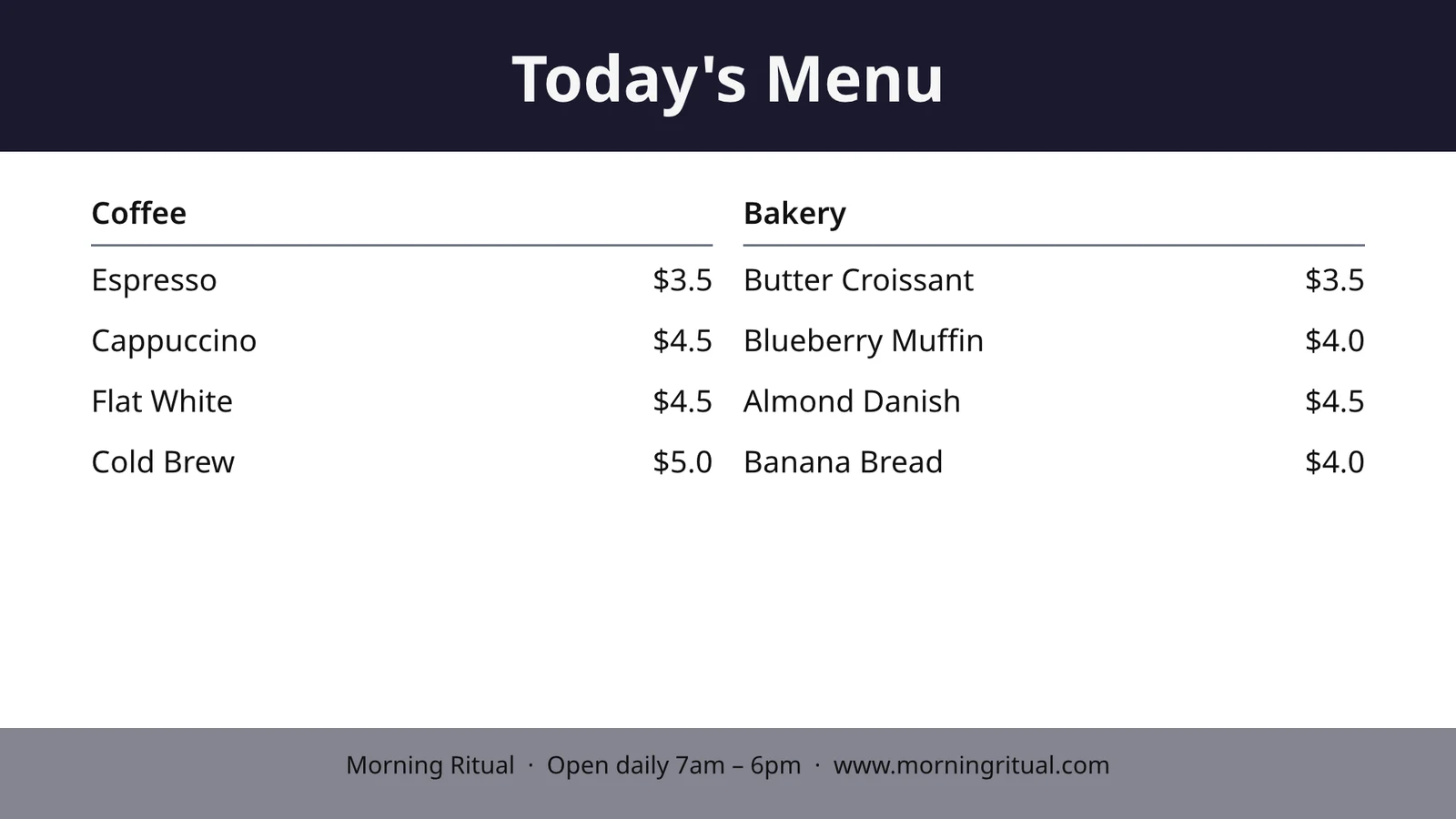
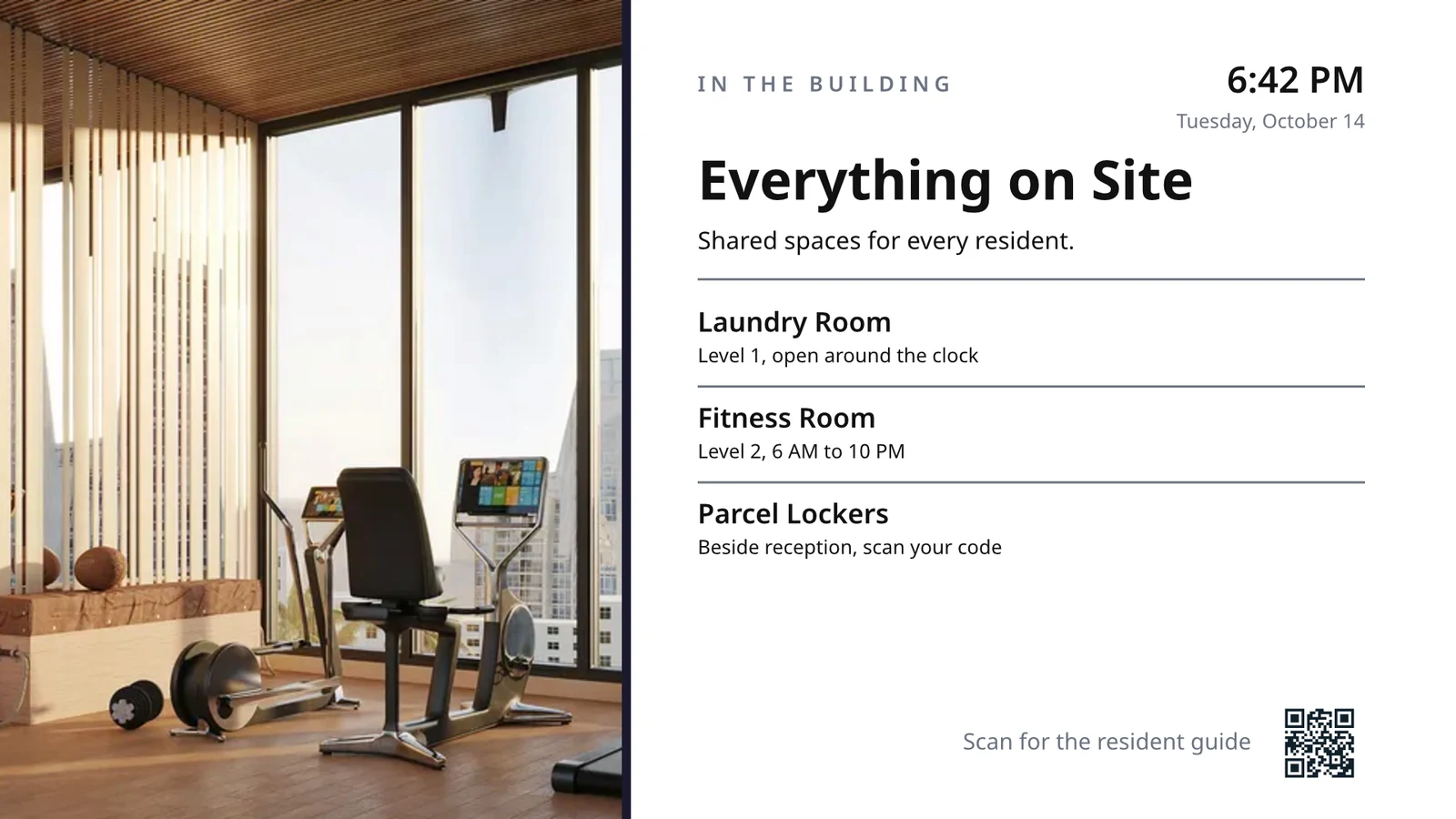
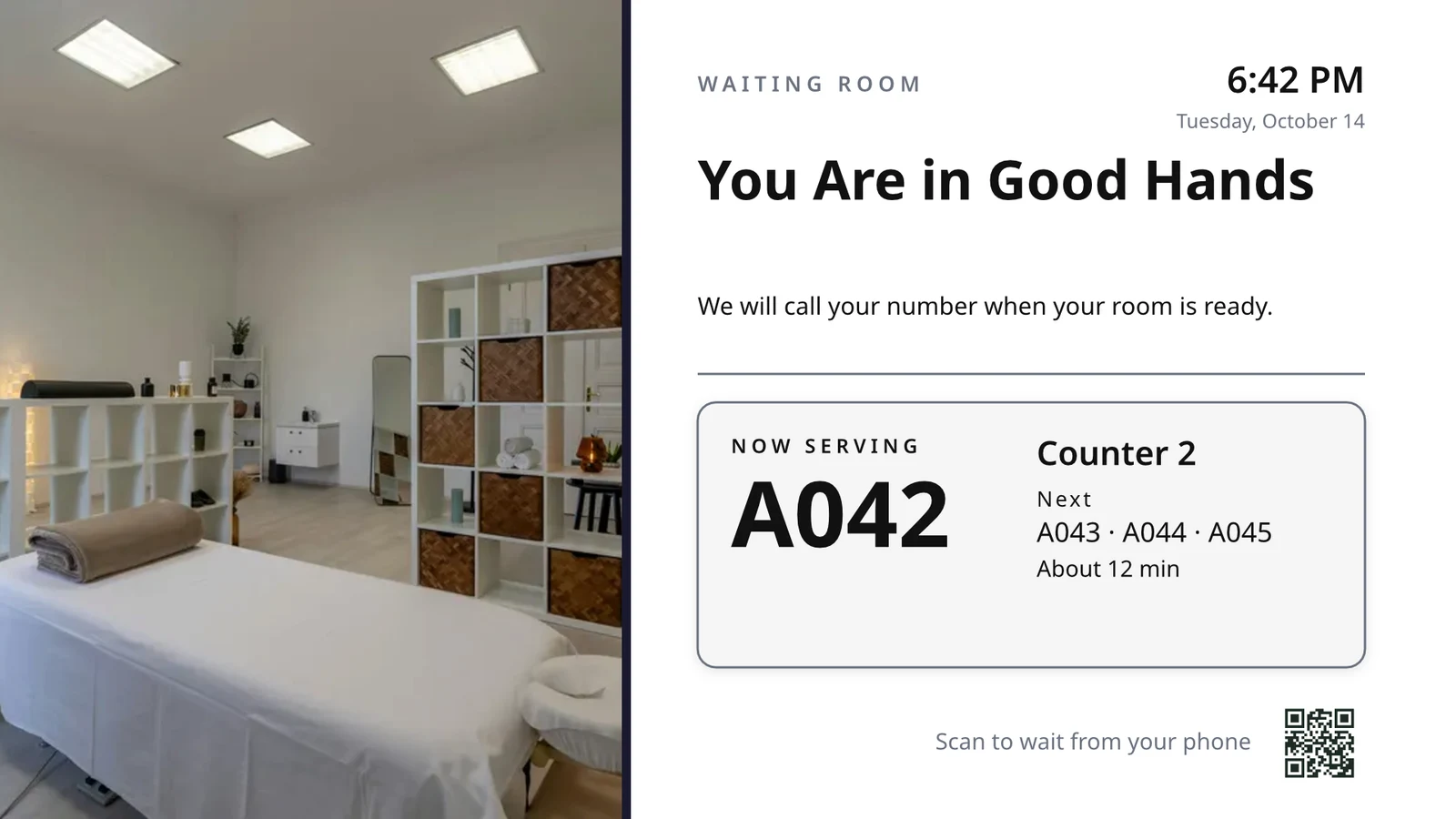
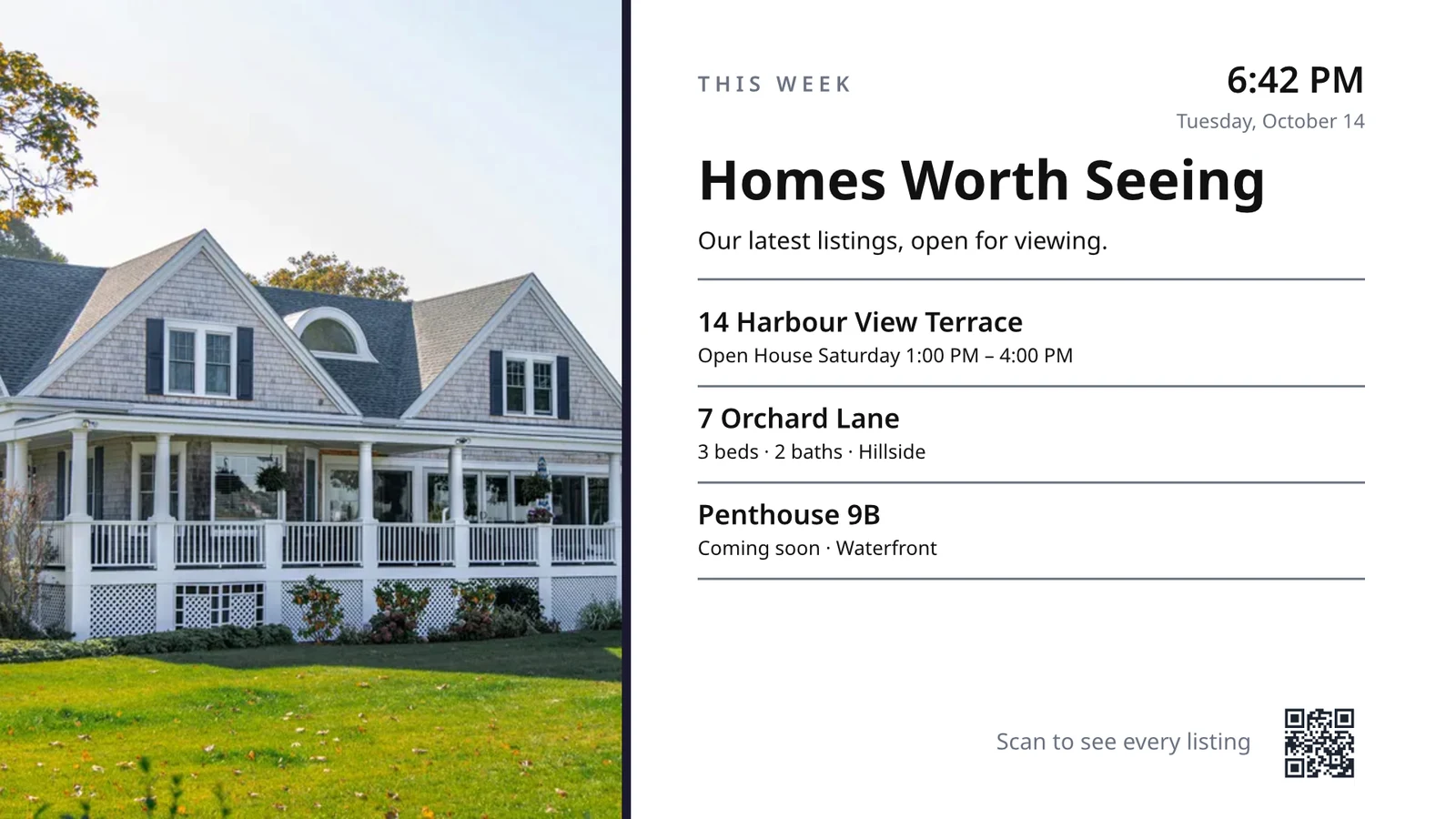
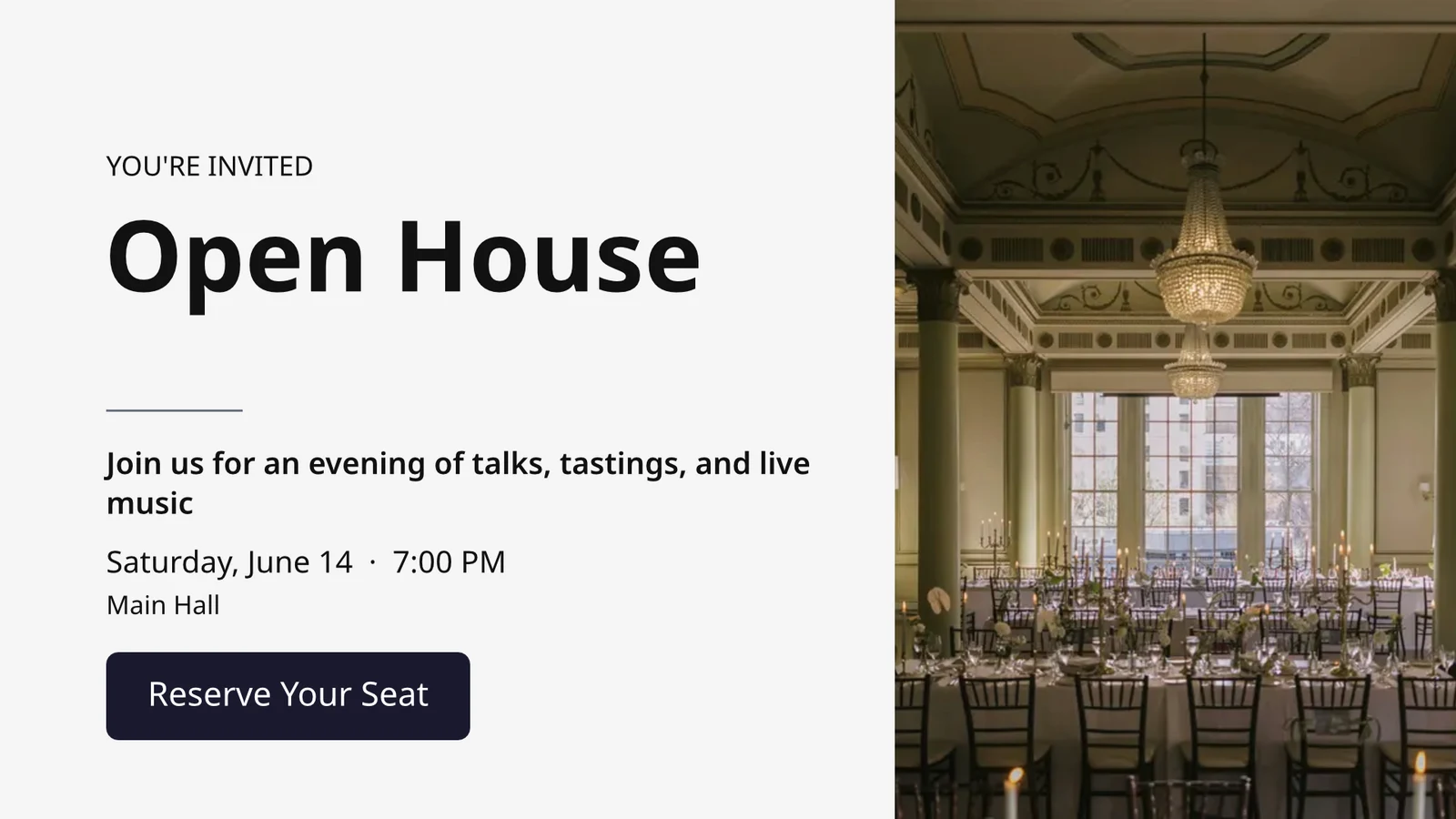
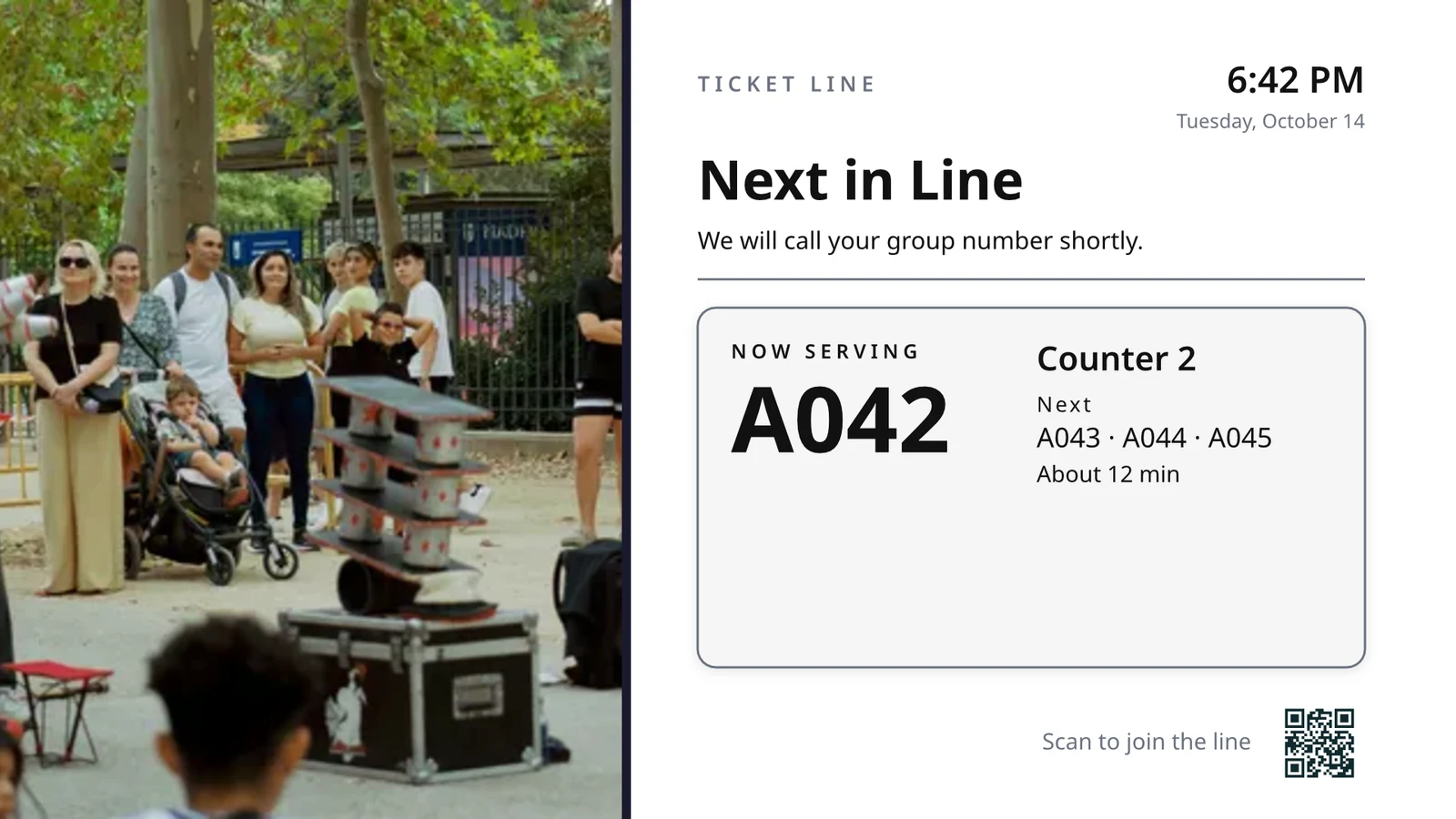
เลือกสิ่งที่ทีวีแต่ละเครื่องทำ แล้วรัน ทั้งหมด
โทรทัศน์แต่ละเครื่องรันหน้าจอที่สร้างขึ้นสำหรับงานหนึ่ง แสดงสิ่งที่กำลังเกิดขึ้นในธุรกิจของคุณในขณะนี้
หน้าจอตามงาน
ห้องครัว รับของ รอคิว แขก และป้ายบอกทาง
หน้าจอที่ออกแบบมา
ออกแบบของคุณเอง พร้อมข้อมูลแบบเรียลไทม์
โทรทัศน์ของคุณ
จับคู่กับรหัสแล้วรันจากระยะไกล
ตารางเวลา
หน้าจออีกอันในเวลาที่เหมาะสม
แจ้งเตือน
ข้อความเดียวบนทีวีทุกจอ
ประสิทธิภาพ
อะไรที่แสดงออก และนานแค่ไหน
แอปทีวี
แอปของคุณเองในร้านค้าแอปทีวี
บนโทรศัพท์
โทรทัศน์ของคุณจากทุกที่
เลือกหน้าที่แต่ละทีวีจะทำ จาก งาน ของมัน
เลือกงานและดูการทำงานบนข้อมูลตัวอย่างก่อนนำไปใช้กับทีวี งานสำหรับธุรกิจของคุณก่อน หรือตั้งค่าหน้าจอทุกหน้าจอที่ธุรกิจของคุณใช้พร้อมกัน แต่ละหน้าจอจะรักษาวัตถุประสงค์ ตำแหน่งการทำงาน เนื้อหา การออกแบบ ทีวี และตารางเวลาไว้
โทรทัศน์ของคุณจะทำอะไร?
เลือกงาน กำหนดสถานที่ทำงาน ป้อนรหัสบนทีวี และระบบจะทำงานกับข้อมูลสดของคุณ
หน้าจอครัวสำหรับพนักงาน, การทำความสะอาดและสถานะห้อง, ที่เคาน์เตอร์หน้า, นัดหมายวันนี้, ผู้เริ่มเล่นกอล์ฟ, จำนวนประตู, การปฏิบัติตามคำสั่งซื้อและเป้าหมายการขาย
จอแสดงผลในครัว
ตั๋วตามสถานีพร้อมตัวจับเวลา เชฟเริ่มงาน เสร็จงาน และส่งต่อ; เอกซ์โปส่งต่อ
การดูแลทั่วไป
สถานะของทุกห้อง (สกปรก, กำลังทำความสะอาด, สะอาด, ตรวจสอบแล้ว) และสิ่งที่ควรเปิดก่อน
หน้ารับแขก
ใครมาถึงและจากไปวันนี้ ห้องไหนพร้อมแล้ว ใครมาสายในการเช็คเอาท์
นัดหมายวันนี้
นัดหมายทั้งหมดวันนี้โดยเก้าอี้ ห้อง หรือผู้ให้บริการ: ใครอยู่ที่นี่ ใครถัดไป
กอล์ฟสตาร์ทเตอร์
กลุ่มที่จะเริ่มเล่นถัดไป ใครที่เช็คอินแล้ว และจังหวะการเล่น ส่งพวกเขาออกไป
จำนวนประตู
มีกี่คนที่เกินความจุที่สแกนผ่านประตูแต่ละประตู และแถวเคลื่อนที่เร็วแค่ไหน
การปฏิบัติตามคำสั่งซื้อ
คำสั่งซื้อขาเข้าและระยะเวลาที่ใช้ของแต่ละรายการ: อะไรล่าช้า อะไรถัดไป
เป้าหมายการขาย
เดือน ไตรมาส หรือปี เทียบกับเป้าหมาย ตารางผู้นำ และชัยชนะล่าสุด
ออกแบบหน้าจอขนาดทีวีที่มีข้อมูลสดบน มัน
ออกแบบหน้าจอในสตูดิโอที่ Editor ใช้ ที่อัตราส่วน 16:9 หรือ 9:16 เป็นหน้าจอว่างเปล่าหรือใช้เลย์เอาต์จาก Calisto สำหรับอุตสาหกรรมของคุณพร้อมภาพถ่าย ข้อมูลสด (Live Data) จะแสดงเมนู ตารางเวลา ข้อเสนอ รายการ นาฬิกา สภาพอากาศ Wi-Fi และจำนวนผู้รับบริการ ซึ่งดึงมาจากบันทึกของคุณบนหน้าจอทีวี
การออกแบบสำหรับอุตสาหกรรมของคุณ
เริ่มแบบว่างเปล่าหรือจาก 160 แบบจัดวาง ทั้งแนวนอนและแนวตั้ง แต่ละแบบมีภาพถ่ายและออกแบบสำหรับอุตสาหกรรมของคุณเป็นอันดับแรก
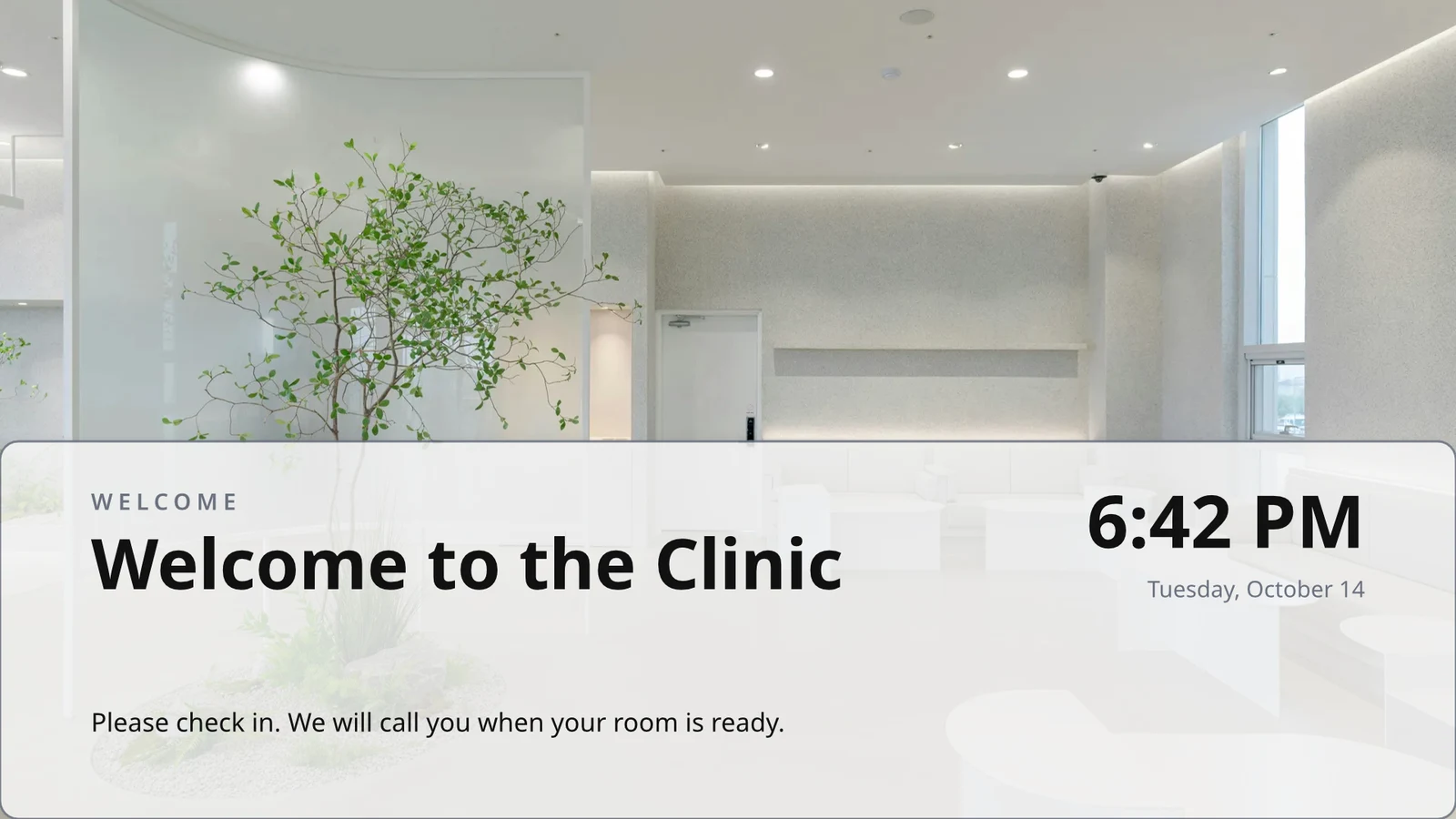
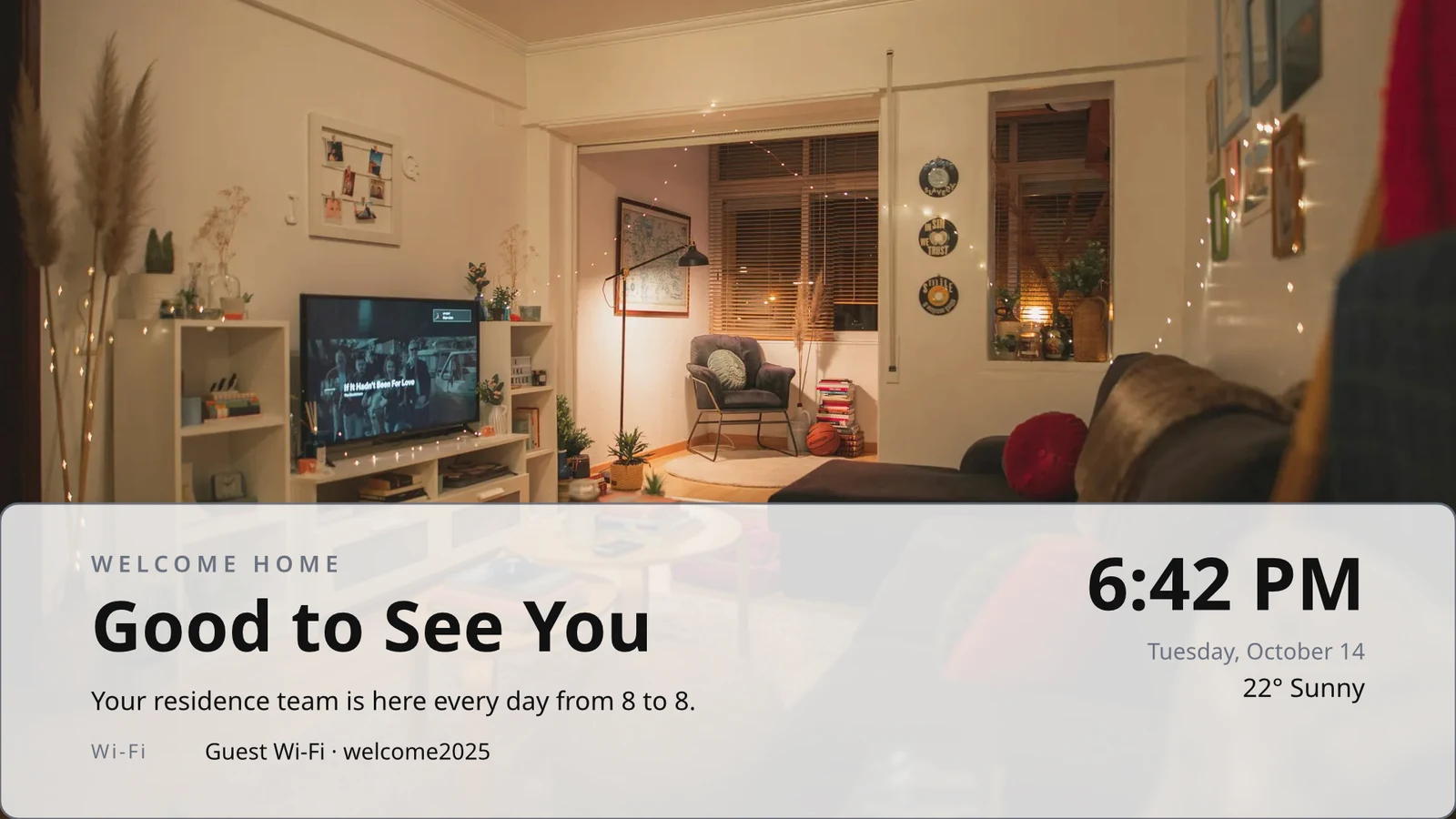
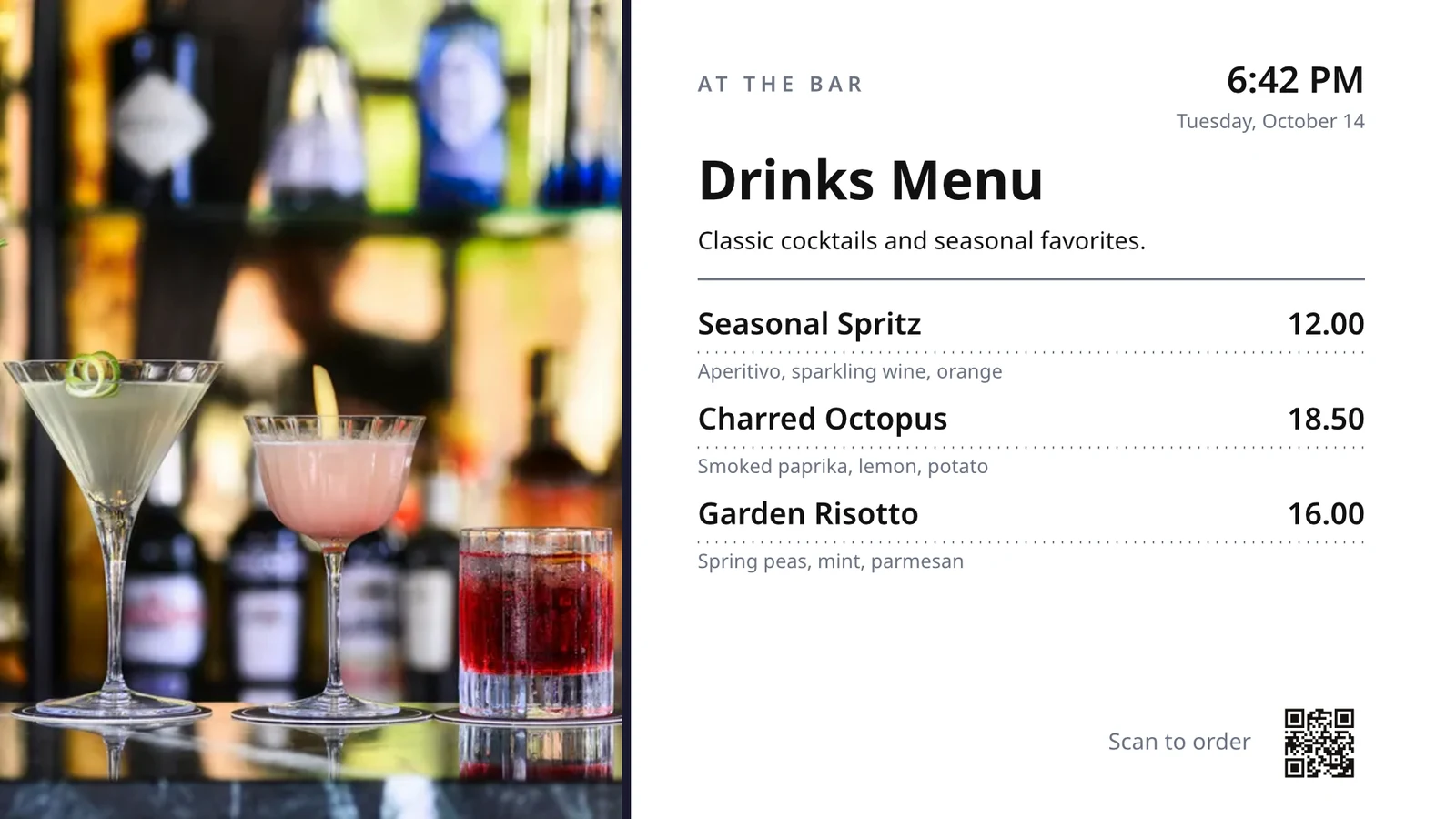
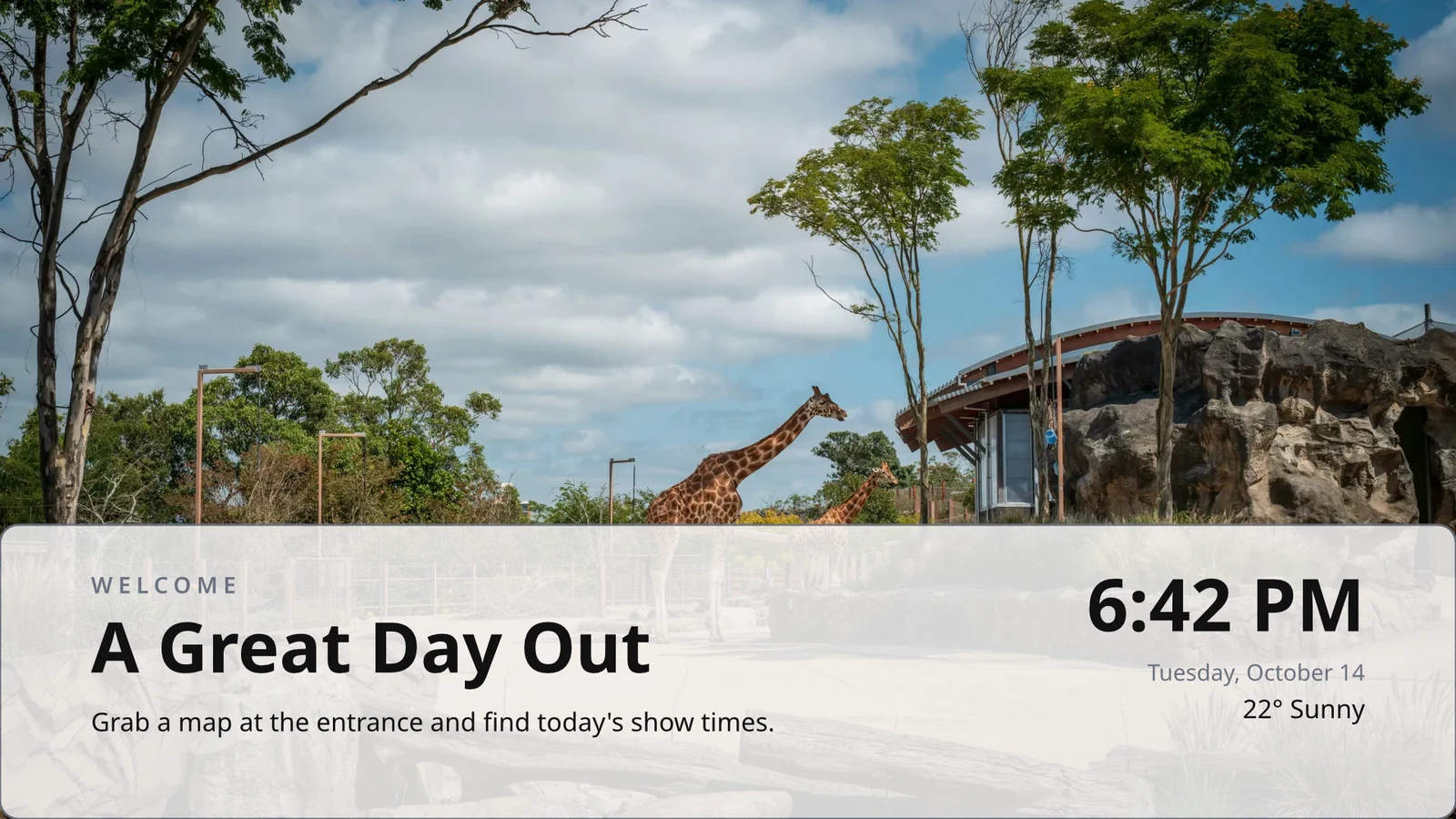
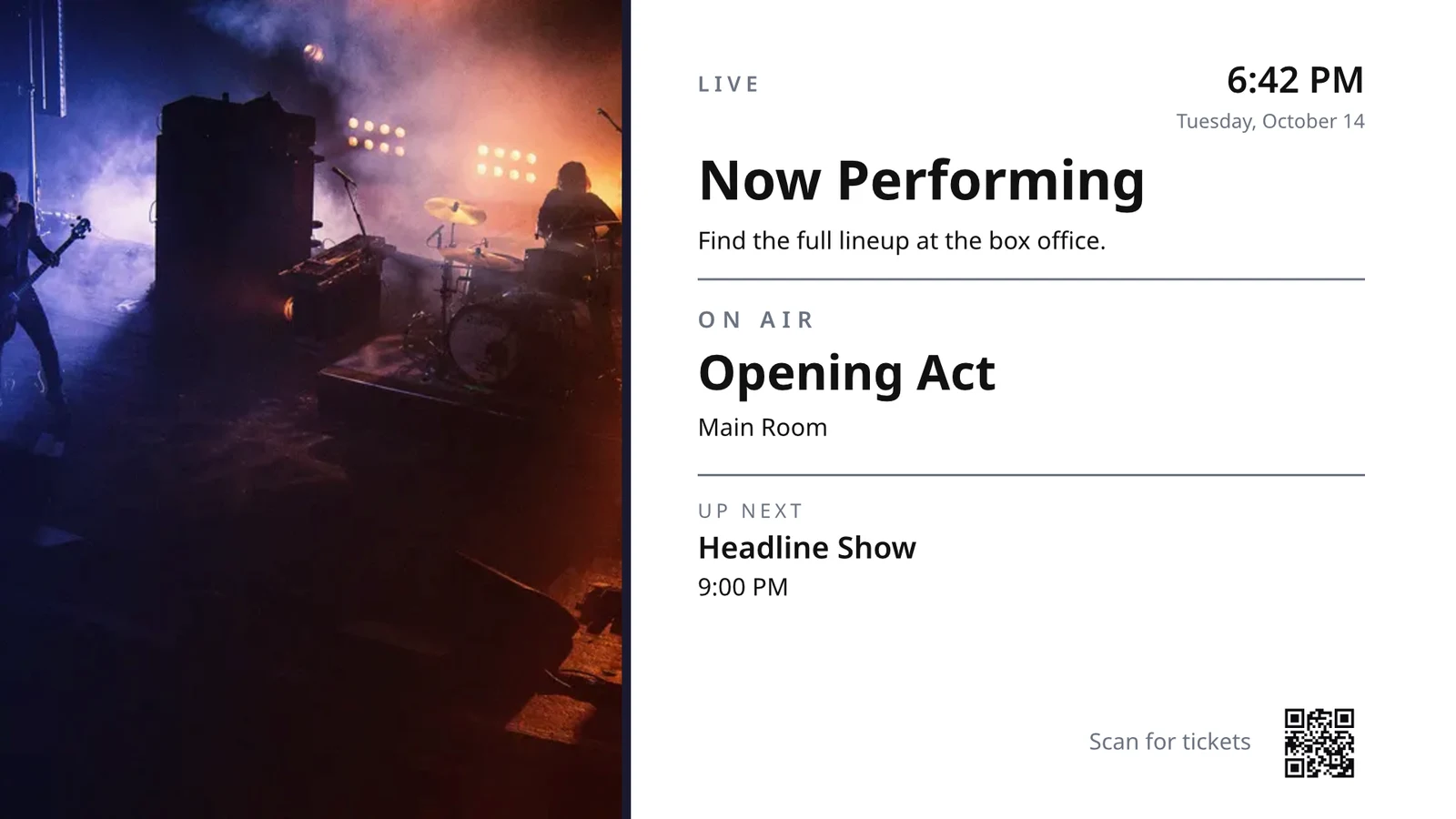
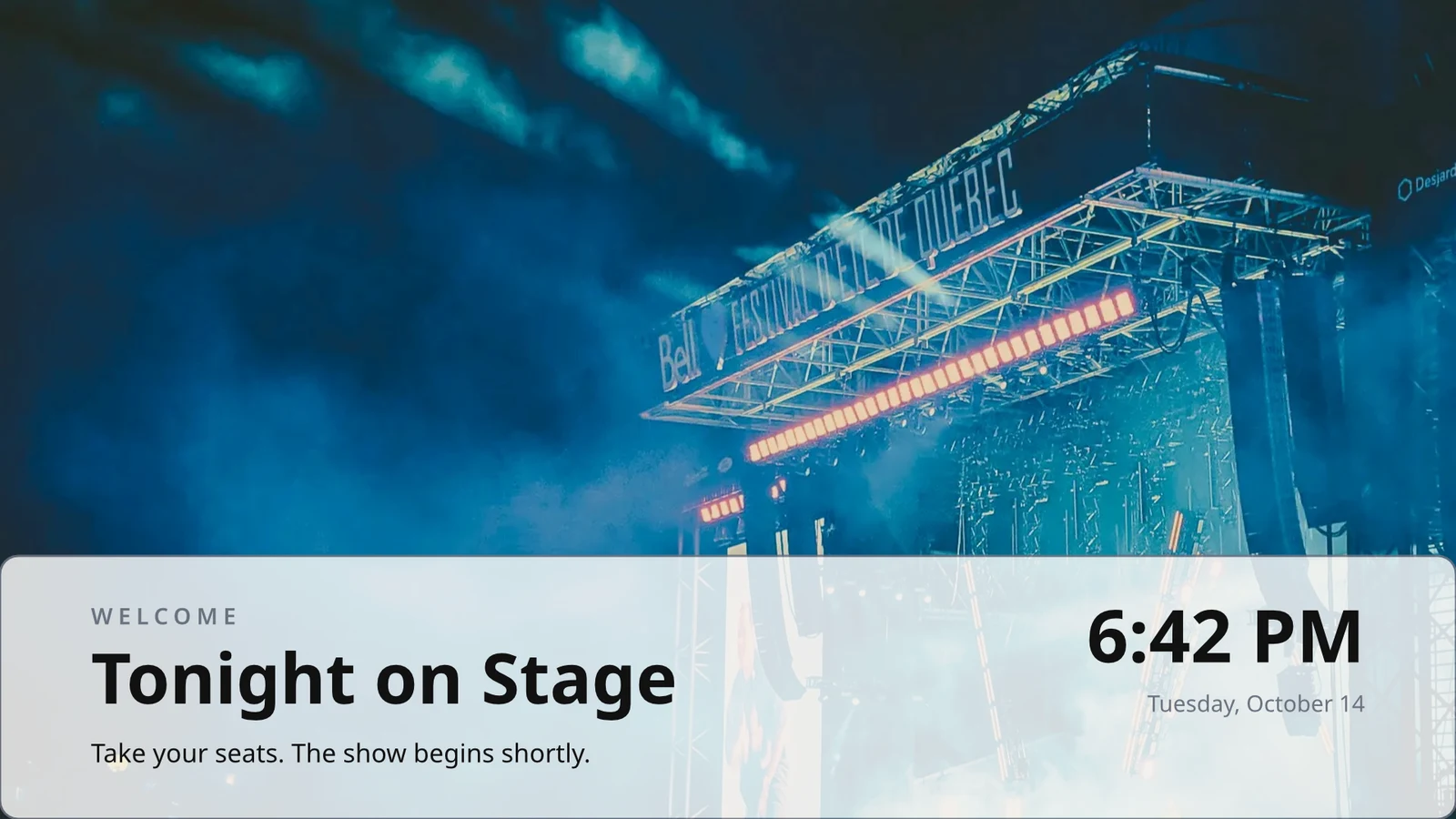
แถวที่คุณออกแบบครั้งเดียว
ออกแบบแถวหนึ่งของเมนู ตารางเวลา หรือรายการข้อเสนอ; โทรทัศน์จะทำการซ้ำสำหรับทุกบันทึก หน้าต่อหน้า
แนวคิดธีม
ธีม 48 แบบของ Calisto และธีมที่คุณสร้างขึ้นเอง ซึ่งปรับแต่งตามการออกแบบและบันทึกเป็นธีม
เผยแพร่ไปยังหน้าจอ
แต่ละหน้าถูกวาดที่ความละเอียด 4K; หน้าจออัปเดตจะเข้าถึงทีวีทุกเครื่องที่แสดงการออกแบบพร้อมกัน
123ทุกหน้าถูกวาดด้วย 4K สำหรับหน้าจอของคุณ ข้อมูลสด เช่น เมนู ราคา และนาฬิกา จะยังคงเป็นข้อมูลสด
หน้าจะเปลี่ยนไปตามการเปลี่ยนผ่านของแต่ละหน้า ทุกหน้าจอจะเปลี่ยนพร้อมกัน
หน้าที่กำลังเคลื่อนที่
หน้าเว็บที่เล่นด้วย Animate จะแสดงผลเป็นวิดีโอบนทีวีตลอดทั้งหน้าเว็บ
Page 2 of 3 · 10 วินาทีสำเนาสำหรับแต่ละสถานที่
แต่ละสถานที่จะได้รับสำเนาของตัวเอง ซึ่งเก็บส่วนที่คุณล็อกไว้ และนำการเปลี่ยนแปลงของคุณไปยังส่วนเหล่านั้น
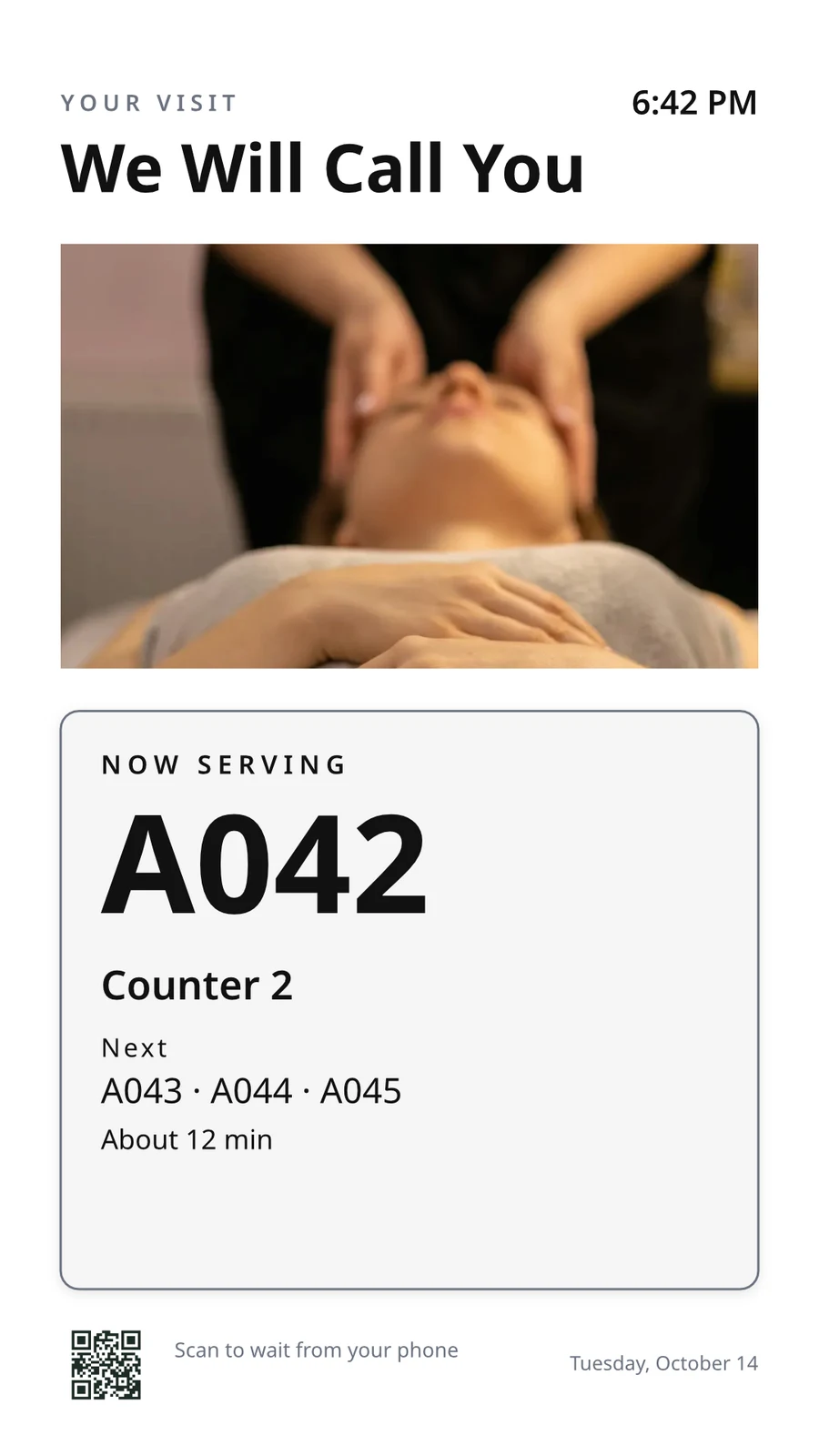 ถูกล็อกสำหรับการทำสำเนาถูกล็อกสำหรับการทำสำเนา
จับคู่ทีวีด้วยรหัสและดำเนินการ ระยะไกล
โทรทัศน์แสดงรหัสหกตัวอักษร และเพิ่มโทรทัศน์จะจับคู่กับมัน มันรายงานแพลตฟอร์ม แผง จอสัมผัส รีโมทและเสียง หน้าของโทรทัศน์แต่ละเครื่องแสดงสุขภาพ ห้องของมัน และสิ่งที่กำลังทำงานและถัดไป พร้อมระบุภาพหน้าจอ รีสตาร์ทและโหลดใหม่
ควบคุมระยะไกล
สิ่งที่มันทำงาน
Lunch menuMenu board · Promote & informกำลังออกอากาศตามตาราง "Lunch menu on the pass"ถัดไป: Dinner menu เวลา 17:00สุขภาพ
- สถานะ
- Online
- ครั้งล่าสุดที่เห็น
- 12 seconds ago
- Up Today
- 9 h 41 min
- กำลังแสดง
- Lunch menu
- แพลตฟอร์ม
- Android TV
- แบบจำลอง
- 55" UHD panel
- App Version
- 3.14.2
- System Version
- Android TV 12
สิ่งที่มันทำได้
TouchรีโมทSoundการเรียกเก็บเงิน
ไม่มีโฆษณาบนทีวีที่คุณมี
Apple TV, Android TV, Google TV และ Fire TV, โทรทัศน์อัจฉริยะของ Samsung และ LG หรือเบราว์เซอร์ใดๆ
K7QX4Mหน้าจอนี้จะเริ่มทำงานอัตโนมัติทันทีที่ได้รับการอนุมัติเพิ่มทีวี
กรอกโค้ดที่ทีวีของคุณแสดงเพื่อจับคู่กับบัญชีของคุณ
ใส่หน้าจอเพิ่มบนทีวีในเวลาที่ถูกต้อง ชั่วโมง
ตารางกำหนดเวลาจะเปิดหน้าจอหรือเพลย์ลิสต์บนทีวีหรือกลุ่มทีวีที่เลือก ระหว่างวันที่ ที่เลือก วัน และเวลา ในเขตเวลาของแต่ละทีวี ตารางกำหนดเวลาที่เฉพาะเจาะจงที่สุดจะชนะ เมื่อธุรกิจของคุณขอการอนุมัติ ตารางกำหนดเวลาจะเล่นเฉพาะหลังจากมีคนอนุมัติ
ตารางเวลา
สิ่งที่ทีวีของคุณแสดงและเมื่อไหร่
| ตารางเวลา | คำอธิบาย | สิ่งที่ทำ | กำลังแสดง | การอนุมัติ | สถานะ |
|---|---|---|---|---|---|
| Breakfast menu in the restaurant | Weekdays from 6:30 | Play the content chosen below | 3 TVs · 1 TV group | ได้รับการอนุมัติ | กำลังใช้งาน |
| Sunset spa ritual offer | Lobby and pool bar, evenings | Play the content chosen below | 2 TV groups | รอการอนุมัติ | กำลังใช้งาน |
| Rainy day activities | Only when it rains | Play the content chosen below | 1 TV group | ได้รับการอนุมัติ | กำลังใช้งาน |
| Weekly restart | Mondays at 4:00 | Restart the TVs when it opens | TVs that run no screen of their own (account default) | ได้รับการอนุมัติ | กำลังใช้งาน |
| Nyepi quiet day | Every TV off for the day of silence | Turn the TVs off for the whole window | 4 TV groups | ได้รับการอนุมัติ | กำลังใช้งาน |
| Cooking class promo | Restaurant TVs, afternoons | Play the content chosen below | โทรทัศน์ 2 เครื่อง | ส่งกลับ | ไม่ใช้งาน |
| Wedding weekend welcome | Lobby, Friday to Sunday | Play the content chosen below | 1 TV group | ร่าง | ไม่ใช้งาน |
| Galungan offerings guide | Lobby and villas, festival week | Play the content chosen below | 2 TV groups | ได้รับการอนุมัติ | กำลังใช้งาน |
| Refresh before check-in | Daily at 13:45 | Refresh the TVs when it opens | 1 TV group | ได้รับการอนุมัติ | กำลังใช้งาน |
| Kids’ club afternoons | Pool bar TVs, 14:00 to 17:00 | Play the content chosen below | โทรทัศน์ 2 เครื่อง | รอการอนุมัติ | กำลังใช้งาน |
เอกสาร ตารางสเปรดชีต และการนำเสนอ
ไฟล์ PDF เอกสาร ตารางสเปรดชีต และงานนำเสนอจะเล่นเป็นหน้า และชุดสไลด์จะเล่นอีกครั้งเมื่อมีการบันทึก
สื่อ
หน้าเว็บและแดชบอร์ดที่เผยแพร่แล้ว
หน้าเว็บสาธารณะหรือแดชบอร์ดที่เผยแพร่สู่เว็บ ออกแบบตามขนาดของทีวี และมีการอัปเดตตามช่วงเวลาที่คุณกำหนด
สื่อ
หน้าสาธารณะ: เว็บไซต์ของท่าน หรือแดชบอร์ดที่แชร์ผ่านลิงก์ มันถูกวาดตามขนาดของทีวีและแสดงเป็นรูปภาพ
แผงควบคุมจากเครื่องมือวิเคราะห์ข้อมูลของคุณ
แผงควบคุมที่ลงชื่อเข้าใช้แล้วที่วาดผ่านภาพการส่งออกของแต่ละเครื่องมือ พร้อมการเชื่อมต่อของคุณเอง โดยเก็บความลับไว้เป็นความลับ
โทรทัศน์สดและสตรีมมิ่ง
ช่องหรือสตรีมของคุณเองจากผู้ให้บริการทีวี พร้อมเสียงเปิดหรือปิดตามต้องการ
Members’ bar screen
ข้อมูลจากแผ่นงาน
แสดงแถวจากแผ่นที่คุณเผยแพร่ ไฟล์ CSV หรือ JSON ทีละหน้า
โพสต์โซเชียลของคุณ
สิ่งที่คุณเผยแพร่ และโพสต์ล่าสุดของคุณในแต่ละช่องทาง
การถ่ายทอดสดของท่าน แบบสด
การถ่ายทอดสดหรือเว็บเซมินาร์ของคุณขณะกำลังถ่ายทอดสด พร้อมปฏิกิริยาจากห้องและรหัสสำหรับเข้าร่วม
สื่อและเพลย์ลิสต์
รูปภาพและวิดีโอในคลังสื่อดังนั้น, รูปภาพสต็อก และเพลย์ลิสต์ที่กำหนดเวลาให้แต่ละรายการ
สื่อ
อนุมัติหรือส่งกลับ
กำหนดตารางแล้ว ในแผงอนุมัติหรือจากข้อความแจ้งเตือนเอง
Fado night on the lobby TVs
ข้อมูลตารางเวลา
- คำอธิบาย
- Thursday to Saturday evenings
- การอนุมัติ
- รอการอนุมัติ
- Last Modified
- 21/11 · Inês Carvalho
หน้าต่าง
- Daily Window
- 18:00 to 23:00
- Active Days
- Thu, Fri, Sat
- Evaluated in
- Each TV’s own time zone
- ความสำคัญ
- 20
เนื้อหา
- รายการเพลง
- Fado nights
- Screen content
- Keep each TV’s own content
ที่ไหน
- Plays on
- 2 TVs · 1 TV group
- กลุ่มทีวี
- Lobby TVs
กิจกรรม
การตั้งค่าบัญชีเริ่มต้น
ตารางที่ไม่มีทีวีจะใช้งานได้เฉพาะที่ซึ่งทีวีไม่มีหน้าจอของตัวเอง
ตารางเวลาใหม่
เลือกสิ่งที่ทีวีของคุณจะเล่น และเมื่อไหร่
ที่ไหน
โทรทัศน์ใดที่เล่นตารางนี้ หากเว้นว่างทั้งสองช่อง จะทำให้เป็นค่าเริ่มต้นทั่วบัญชี จากนั้นจะเล่นบนโทรทัศน์ทุกเครื่องที่ไม่มีการแสดงหน้าจอของตัวเอง
มีเฉพาะในบางสภาพอากาศ
ตารางเวลาหรือรายการโซนจะเล่นเฉพาะเมื่อท้องฟ้าแจ่มใสหรือมีฝน หรือเมื่ออากาศอุ่นขึ้นหรือเย็นกว่าที่คุณระบุ
ตารางเวลาใหม่
เลือกสิ่งที่ทีวีของคุณจะเล่น และเมื่อไหร่
สภาพอากาศ
เล่นได้เฉพาะบางสภาพอากาศ ที่ซึ่งหน้าจอแต่ละหน้าจอถูกตั้งค่าไว้ เมื่อไม่สามารถอ่านสภาพอากาศได้ จะไม่เล่น
เริ่มต้นใหม่หรือปิดเครื่อง
หน้าต่างที่รีสตาร์ทหรือรีเฟรชโทรทัศน์หนึ่งครั้งเมื่อเปิด หรือปิดโทรทัศน์จนกว่าจะปิดหน้าต่าง
ตารางเวลาใหม่
เลือกสิ่งที่ทีวีของคุณจะเล่น และเมื่อไหร่
สิ่งที่ทำ
นำข้อความขึ้นทุกหน้าจอทีวี แล้วค่อย ถอดออก
การแจ้งเตือนจะแสดงเหนือสิ่งที่ทีวีที่เลือกกำลังจะเล่น จนกว่าจะถูกลบออกหรือหมดเวลา บันทึกเป็นร่าง เปิดใช้งานเมื่อจำเป็น และลบออกจากหน้าหรือการแจ้งเตือน ข้อความจะแสดงตามที่เขียน ไม่ใช่เป็นโค้ด
ดูว่าทีวีแต่ละเครื่องเปิดอะไร และเปิดนาน เท่าใด
ทุกทีวีรายงานสิ่งที่มันแสดงในการเช็คอินแต่ละครั้ง การวัดประสิทธิภาพนับจำนวนครั้งแสดง, นาทีที่ทีวีแต่ละเครื่องเปิดอยู่ และข้อผิดพลาดที่มันจับได้ โดยวันและโดยทีวี ในช่วงเวลาที่เลือก ทีวีที่ดับลงจะอ่านว่ามืด รายงานจะอยู่ข้างมัน
ประสิทธิภาพ
Impressions, uptime and errors across your TVs, day by day.
| วันที่ | โทรทัศน์ | จำนวนการแสดงผล | เวลาทำงาน (นาที) | ข้อผิดพลาด |
|---|---|---|---|---|
| 21/11/2026 | Lobby Welcome TV | 1284 | 1022 | 1 |
| 21/11/2026 | Restaurant Menu TV | 962 | 958 | 2 |
| 21/11/2026 | Front Desk TV | 1118 | 1440 | 1 |
| 21/11/2026 | Room 204 TV | 46 | 312 | 3 |
| 20/11/2026 | Lobby Welcome TV | 1301 | 1031 | 1 |
| 20/11/2026 | Restaurant Menu TV | 977 | 965 | 2 |
| 20/11/2026 | Housekeeping TV | 1440 | 1440 | 1 |
เวลาทำงาน
เครดิตจากแต่ละครั้งของการเช็คอินของทีวี ไม่มีการสันนิษฐาน
ประสิทธิภาพ
Which TVs stayed up, and which dropped out.
| โทรทัศน์ | เวลาทำงาน | จำนวนวันที่มีข้อผิดพลาด | ข้อผิดพลาดล่าสุด |
|---|---|---|---|
| Cold Prep TV | 95.8% | 2 | Yesterday |
| Rider Pickup TV | 97.1% | 1 | 2 days ago |
| Packing TV | 99.2% | 1 | 6 days ago |
| Office TV | 99.6% | 1 | 11 days ago |
| Expo TV | 99.7% | 1 | 19 days ago |
| Grill Line TV | 99.9% | 1 | 26 days ago |
โทรทัศน์ที่หยุดทำงาน
ผู้ดูแลระบบจะได้รับแจ้งครั้งเดียวเมื่อทีวีดับ และอีกครั้งเมื่อกลับมาทำงาน
กฎของคุณ
การแจ้งเตือนแต่ละครั้งคือกฎ Automation ที่คุณสามารถแก้ไขหรือปิดได้
การอัตโนมัติ
| การทำงานอัตโนมัติ | เมื่อ | จากนั้น | 7 วันที่ผ่านมา | การทำงานครั้งล่าสุด | สถานะ |
|---|---|---|---|---|---|
| Tell the admins when a screen stops checking in | หน้าจอมืดลง | แจ้งผู้ดูแลระบบว่าหน้าจอหนึ่งดับลง | 3 | 2 ชั่วโมงที่ผ่านมา | เปิดอยู่ |
| Tell the admins when a screen is back | หน้าจอกลับมาแล้ว | แจ้งผู้ดูแลระบบว่าหน้าจอกลับมาใช้งานได้แล้ว | 3 | 1 ชั่วโมงก่อน | เปิดอยู่ |
| Tell the admins when a schedule ends | กำหนดเวลาสิ้นสุดแล้ว | แจ้งผู้ดูแลระบบว่าตารางสิ้นสุดลง | 1 | 9 days ago | เปิดอยู่ |
| Tell the admins when an alert goes live | แจ้งเตือนเริ่มใช้งานแล้ว | แจ้งผู้ดูแลระบบว่ามีการแจ้งเตือนเปิดใช้งานแล้ว | 2 | 3 วันที่ผ่านมา | เปิดอยู่ |
| Tell the admins when an alert is taken down | แจ้งเตือนถูกยกเลิก | แจ้งผู้ดูแลระบบว่ามีการแจ้งเตือนถูกยกเลิก | 2 | 3 วันที่ผ่านมา | เปิดอยู่ |
| แจ้งผู้อนุมัติว่ามีการรอการอนุมัติตารางเวลา | ตารางรอการอนุมัติ | แจ้งผู้อนุมัติว่ามีการรอการอนุมัติตารางเวลา | 4 | เมื่อวาน | เปิดอยู่ |
| Tell the sender their schedule was approved | ตารางเวลาได้รับการอนุมัติแล้ว | แจ้งผู้ส่งเกี่ยวกับผลการตัดสินใจในตารางเวลาของพวกเขา | 3 | เมื่อวาน | เปิดอยู่ |
| Tell the sender their schedule was sent back | ตารางเวลาที่ส่งกลับ | แจ้งผู้ส่งเกี่ยวกับผลการตัดสินใจในตารางเวลาของพวกเขา | 1 | 2 สัปดาห์ก่อน | เปิดอยู่ |
| แจ้งผู้ดูแลระบบว่าแอปพลิเคชัน TV สร้างเสร็จแล้ว | การพัฒนาแอปทีวีเสร็จสิ้นแล้ว | แจ้งผู้ดูแลระบบว่าแอปพลิเคชัน TV สร้างเสร็จแล้ว | 1 | 1 month ago | เปิดอยู่ |
หลักฐานการเล่น
โทรทัศน์แต่ละเครื่องบันทึกสิ่งที่มันแสดงในการเช็คอินทุกครั้ง และหน้าจอที่ล้มเหลวจะแสดงภาพสำรองที่มีแบรนด์ของคุณและถูกนับว่าเป็นข้อผิดพลาด
ประสิทธิภาพ
Proof of play: how often content and ads were on screen.
| วันที่ | จำนวนการแสดงผล | โทรทัศน์ | จำนวนการแสดงผลโฆษณา | ผู้ชมต่อการเล่น |
|---|---|---|---|---|
| 21 nov 2026 | 1,421 | Pickup TV | 366 | 14.8 |
| 21 nov 2026 | 1,304 | Menu Board Left | 341 | 12.1 |
| 21 nov 2026 | 1,298 | Menu Board Right | 339 | 12.1 |
| 20 nov 2026 | 1,377 | Pickup TV | 352 | 13.5 |
| 20 nov 2026 | 1,270 | Menu Board Left | 330 | 10.9 |
| 20 nov 2026 | 1,262 | Menu Board Right | 328 | 10.9 |
กลุ่มเป้าหมาย
แต่ละการแสดงจะนับจำนวนคนในห้องทีวีที่ Access นับไว้ แสดงเป็นค่าเฉลี่ยต่อการแสดง
ประสิทธิภาพ
Proof of play: how often content and ads were on screen.
| วันที่ | จำนวนการแสดงผล | โทรทัศน์ | จำนวนการแสดงผลโฆษณา | ผู้ชมต่อการเล่น |
|---|---|---|---|---|
| 21 nov. 2026 | 612 | Event Hall TV | 148 | 23,6 |
| 21 nov. 2026 | 588 | Floor 2 Lounge TV | 141 | 9,1 |
| 21 nov. 2026 | 541 | Kitchen TV | 129 | 6,8 |
| 21 nov. 2026 | 524 | Reception TV | 126 | 4,2 |
| 20 nov. 2026 | 597 | Event Hall TV | 143 | 31,0 |
| 20 nov. 2026 | 579 | Floor 2 Lounge TV | 139 | 8,4 |
แยกตามหน้าจอ
ตัวเลขทุกตัว หนึ่งแถวต่อทีวี พร้อมจำนวนการแสดงผลโฆษณาและการคลิก
ประสิทธิภาพ
Every figure, one row per screen.
| โทรทัศน์ | จำนวนการแสดงผล | จำนวนการแสดงผลโฆษณา | จำนวนคลิกโฆษณา | เวลาทำงาน (ชั่วโมง) | ข้อผิดพลาด |
|---|---|---|---|---|---|
| Departures TV · Bávaro Office | 14,822 | 3,706 | 118 | 712 | 1 |
| Check-in Line TV | 12,406 | 3,101 | 96 | 698 | 1 |
| Dock Pier 2 TV | 11,930 | 2,982 | 74 | 655 | 2 |
| Beach Bar TV | 9,718 | 2,430 | 61 | 640 | 1 |
| Shop Window TV | 8,604 | 2,151 | 48 | 702 | 1 |
| Marina Lobby TV | 6,800 | 1,032 | 15 | 690 | 1 |
ประสิทธิภาพ
Which TVs stayed up, and which dropped out.
| โทรทัศน์ | เวลาทำงาน | จำนวนวันที่มีข้อผิดพลาด | ข้อผิดพลาดล่าสุด |
|---|---|---|---|
| Cold Prep TV | 95.8% | 2 | Yesterday |
| Rider Pickup TV | 97.1% | 1 | 2 days ago |
| Packing TV | 99.2% | 1 | 6 days ago |
| Office TV | 99.6% | 1 | 11 days ago |
| Expo TV | 99.7% | 1 | 19 days ago |
| Grill Line TV | 99.9% | 1 | 26 days ago |
เผยแพร่แอปของคุณเองใน ร้านค้า ของทีวี
เครื่องสร้างแอป TV ออกแบบแอปแบรนด์ของคุณสำหรับ Apple TV, Android TV และ Fire TV: ภาพลักษณ์ เนื้อหาและช่อง การแสดงตัวอย่างบนทีวี การสร้าง รายการในร้านค้า และข้อมูลเชิงลึก Calisto สร้างแอปสำหรับแต่ละแพลตฟอร์ม และคุณจะได้รับการแจ้งเตือนเมื่อการสร้างเสร็จสิ้น
แอปทีวี
Your branded app for Apple TV, Fire TV and Android TV. Design, build and publish it.
การออกแบบและเนื้อหา
สี, ประเภท, การนำทาง, วิดีโอและช่องทาง, แสดงตัวอย่างเหมือนทีวีที่ดึงดูดพวกเขา
แอปทีวี
Your branded app for Apple TV, Fire TV and Android TV. Design, build and publish it.
#7b2cbfสีพื้นหลัง#120a1cรูปแบบพื้นหลังSolidGradientมัวควบคุมทีวีของคุณจาก โทรศัพท์
บนโทรศัพท์ หน้าจอจะเปิดขึ้นในทีวีของคุณและทีวีอื่นๆ ที่ต้องการคุณ เรียงจากที่ร้ายแรงที่สุดก่อน แจ้งเตือนบนผนังและตารางงานที่รอการอนุมัติ หน้าจอและทีวีจะเปิดเป็นหน้าของตัวเอง
เมื่อไม่มีสัญญาณ
บ้าน โทรทัศน์ หน้าของโทรทัศน์ และแจ้งเตือนเปิดแบบออฟไลน์บนอุปกรณ์ที่คุณเลือก
สถานะทีวี
โทรทัศน์ออนไลน์ โทรทัศน์ที่ต้องการคุณ แจ้งเตือนที่แสดงและการอนุมัติที่รออยู่ บนกระดานวิดเจ็ตของ Windows
แชร์รูปภาพเข้ามา
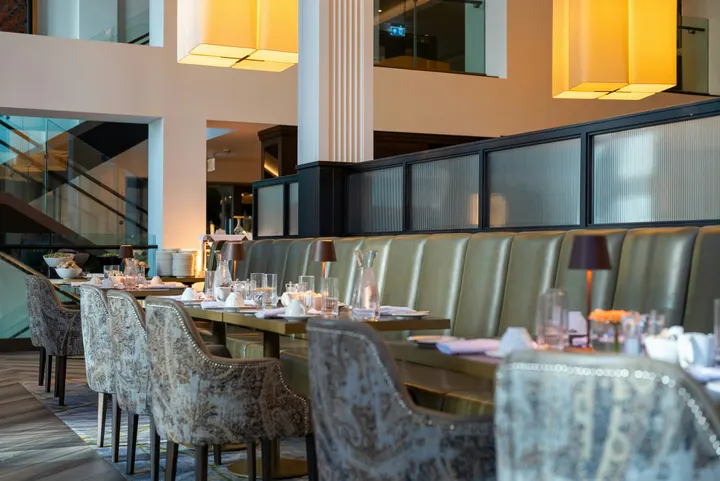 fine-dining-01.jpgรูปภาพ · ตอนนี้
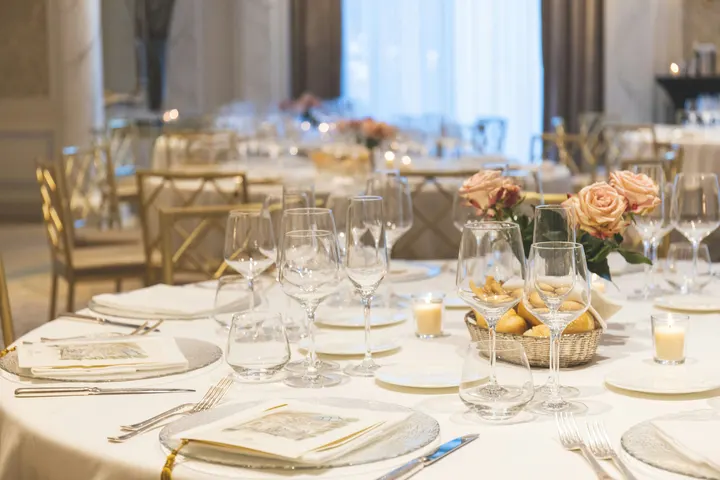 fine-dining-02.jpgรูปภาพ · ตอนนี้
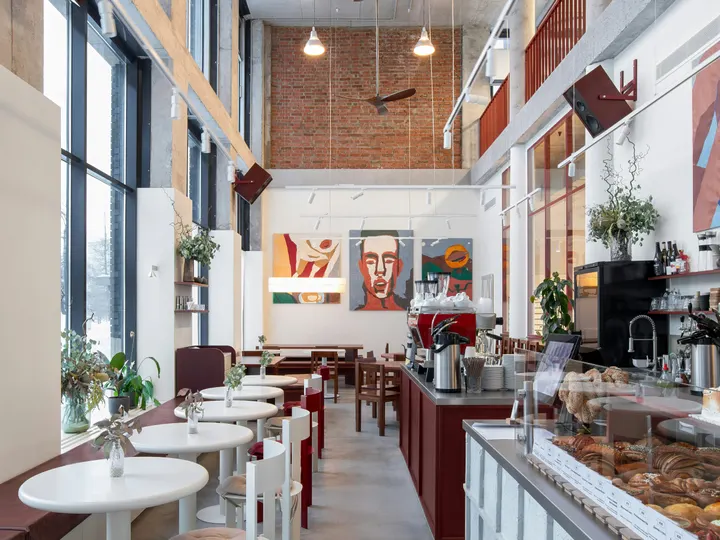 restaurant-01.jpgรูปภาพ · ตอนนี้
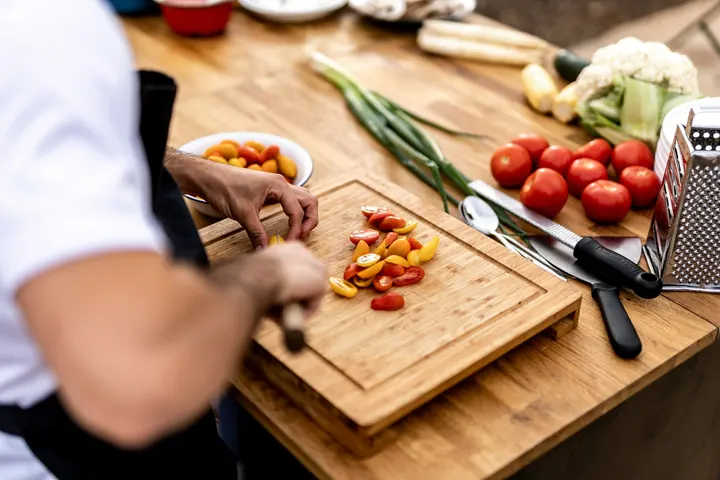 fine-dining-04.jpgรูปภาพ · เมื่อวาน
 restaurant-03.jpgรูปภาพ · 3 วันที่ผ่านมา
 restaurant-02.pngรูปภาพ · สัปดาห์ที่แล้วBistro Kogarashi · Tokyo
รูปภาพและวิดีโอที่แชร์จากโทรศัพท์จะถูกเก็บไว้ในห้องสมุดสื่อดิจิทัล
ทางลัด
โทรทัศน์, การแจ้งเตือน, ตารางเวลา, เพิ่มโทรทัศน์, หน้าจอของฉัน และตัวอย่างสดจากไอคอนของแอปพลิเคชัน
ล้างการแจ้งเตือนหรืออนุมัติจากข้อความแจ้งเตือน
ล้างการแจ้งเตือนที่ผู้ดูแลระบบอื่นยกระดับ หรืออนุมัติตารางงานที่กำลังรอคุณอยู่ จากการแจ้งเตือน
ที่ซึ่ง Display สัมผัสทุกสิ่ง อื่นๆ.
4 of these 8 connections are in your plan today; the others are their own apps.
Dine
The kitchen display shows and bumps the kitchen’s own orders, and the menu board reads the menu set up in Dine.
Stays
A guest TV reads the stay in its room, and the housekeeping TV is the same board as Stays’ Housekeeping.
Coworking
A meeting room’s door sign is made and paired from Coworking’s Spaces, each paired with the room it hangs outside.
Kiosks
Kiosks and TVs are set up through the same screen records, and play the same designed screens and live feeds.
Orderflow
Room service ordered from a guest TV goes to Orderflow, and the order fulfillment screen is Orderflow’s queue on a TV.
Studio
Designed screens are made in the same design editor Studio opens, and a Studio design at TV size plays as one.
Automations
Every notice Display sends is an Automations rule, and other apps’ rules can repaint a board.
Ads
A free TV’s ad band is filled through Ads, the one place a screen’s ads are chosen.
ไม่มีต้นทุนการติดตั้ง จ่ายเมื่อเริ่มใช้งาน
Every TV free with Calisto’s ad band, or ad-free per TV.
Calisto Display
Runs the TVs in a business: kitchen displays, pickup and now-serving boards, guest TVs, menu boards, signage and designed screens, with schedules, alerts and performance.
แนะนำสำหรับคุณ
ทำงานร่วมกันได้ดี
Calisto Dine
รวมอยู่ในแผนของคุณ
แอปหลักของคุณแสดงทุกอย่างที่แผน Commerce และ Ops ของคุณเปิดใช้งาน
Learn more →Calisto Stays
รวมอยู่ในแผนของคุณ
แอปหลักของคุณแสดงทุกอย่างที่แผน Commerce และ Ops ของคุณเปิดใช้งาน
Learn more →Calisto Coworking
รวมอยู่ในแผนของคุณ
แอปหลักของคุณแสดงทุกอย่างที่แผน Commerce และ Ops ของคุณเปิดใช้งาน
Learn more →Calisto Kiosks
เคาน์เตอร์ Calisto
One job per kiosk, from check-in and ordering to wayfinding, set up on any tablet at your own kiosk address, with each screen’s own card terminal and printer.
Learn more →Calisto Orderflow
Calisto Studio
Calisto Create
A Studio seat designs anything at every size, from Calisto’s templates or a blank page: layers, photos, Copy & Resize, Bulk Create, mockups, QR codes, print-ready PDFs, sharing and whiteboards.
Learn more →Calisto Automations
Calisto Ads
Calisto Engage
Run campaigns on the websites, apps, kiosks, TV screens and member portals other Calisto businesses publish, and sell the ad space on your own.
Learn more →แนะนำสำหรับ
อุตสาหกรรมที่ดำเนินการ Display และสิ่งที่แต่ละอุตสาหกรรมดำเนินการเพื่อวัตถุประสงค์นั้น
โรงแรมและรีสอร์ทLobby & meeting screens
Lobby, meeting floor and restaurant screens.
โรงแรมและรีสอร์ท บน Calisto →RestaurantsDigital menu boards
Kitchen display and guest-facing menu screens.
Restaurants บน Calisto →การพัฒนาอสังหาริมทรัพย์Sales gallery screens
Sales gallery screens and site hoardings.
การพัฒนาอสังหาริมทรัพย์ บน Calisto →คลินิกความงามและช่างตัดผมLobby screen
The waiting area reads the same queue as the desk.
คลินิกความงามและช่างตัดผม บน Calisto →Live Music & FestivalsStage & wayfinding screens
Stage, wayfinding and sponsor screens.
Live Music & Festivals บน Calisto →Marathons & EnduranceStart, finish & expo screens
Start, finish and expo screens.
Marathons & Endurance บน Calisto →Venue ManagementWayfinding & room screens
Wayfinding, room and sponsor screens.
Venue Management บน Calisto →สนามกีฬาและหอประชุมConcourse & stand screens
Wayfinding, concourse and sponsor screens.
สนามกีฬาและหอประชุม บน Calisto →พื้นที่ทำงานร่วมกันRoom screens
Room availability and community screens.
พื้นที่ทำงานร่วมกัน บน Calisto →In-Person RetailersIn-store screens
Window, shelf-edge and queue screens.
In-Person Retailers บน Calisto →สิ่งทั้งหมดที่รวมอยู่ใน Calisto Display.
- New: every job a TV can do, ordered for your industry, each shown running on sample data, with the one choice that makes it this screen and where it works.
- Set Up Every Screen: your kind of business’s set at once, a screen set for each of the 38 kinds of business.
- Run the operation: kitchen display (prep, expo and bar, with bump), housekeeping and room status, front desk, today’s appointments, golf starter, door counter, order fulfillment (Orderflow’s queue, with accept, reject and bump) and sales targets.
- Move customers: order pickup, now serving on any app’s walk-in line, check-in welcome, meeting room sign, departures and tours, wayfinding, tournament and race leaderboard, class schedule.
- Serve guests: the guest TV in a hotel, apartment or short-stay room, and the resident and member TV.
- Promote and inform: designed screen, digital signage with zones and playlists, menu board, offers and upgrades, property window, on air.
- A screen’s record: Purpose, Where (location, station, counter, room, course or event, filled in when there is one), Content, Look (dark or light, your logo and color), TVs and Schedule, beside the screen running live on your data.
- Put It on a TV: the one step that puts a screen on its TVs, refused with the reason when something it needs is missing.
- My Screens: each screen, what it runs and on how many TVs.
- Other apps put their own screens on a TV from their own desk: now serving from a walk-in line, a leaderboard from a competition, room signs from Coworking’s Spaces and every Events host’s Rooms.
- The kitchen display reads and moves the kitchen’s orders, the same orders Dine’s kitchen screen and Station work from.
- The menu board reads the menu set up in Dine.
- Room service ordered on a guest TV is charged to the stay and handed to Orderflow, whose accept fires the kitchen.
- Late checkout and the property guide come from the stay and the property.
- The housekeeping TV is the same board as Stays’ Housekeeping, moving each room’s tasks.
- Staff act from a staff screen of their own account; a guest acts only from the room TV while its stay is checked in.
- A TV reads only its own screen’s data, scoped on the server to its station, counter or room.
- The design editor Studio uses, at 16:9 landscape or 9:16 portrait; a Studio design at a screen’s shape is a designed screen too.
- Start blank or from 160 layouts, 81 landscape and 79 portrait, each tagged with its industries and carrying photographs, your own industry first.
- Themes: Calisto’s 48 and your own, chosen and tuned per design, Save as Theme; a design that picks none keeps its own look.
- Live Data: the menu, the schedule (classes, sessions, events, tours, race waves, today and the next six days), offers running now, homes on the market, a dish’s price, the offer on now, clock, date, weather, guest Wi-Fi, a QR code, the number being served and what is on air.
- Lists are one designed row, repeated for every record in the list’s columns and gaps, paging by its area; a list with no records draws nothing.
- Publish to Screens draws each page at 4K and keeps the live layer apart; Update Screens reaches every TV and kiosk playing the design at once.
- Each page shows for its own length; pages turn together across a bank of TVs.
- A page animated with Animate plays as a video made on your device or Calisto’s servers, from the start each time the page comes on.
- Played full screen, or as an item in any signage zone.
- People Inside: how many are in the screen’s room now, its limit, the places left and how full it is, where Access counts the room.
- A copy for each location keeps the parts its original locks for copies, and takes their changes; your business chooses who may lock them.
- Add a TV: the TV shows a six-character code; you enter it and give the TV a name and, in a room, its room.
- The TV reports its platform, panel resolution, touch, remote and sound at pairing and on every check-in.
- Apple TV, Android TV, Google TV and Fire TV run the Calisto TV app from their stores; Samsung Tizen and LG webOS open it from their own app; any browser opens the TV address.
- A TV that cannot get a code keeps asking and replaces a lapsed code by itself.
- TVs: every TV, its platform, location, what it runs, its state and when it was last seen, searched, filtered and sorted on the server however many you have.
- A TV’s page: health, capabilities, room, what it runs now and next, Choose What This TV Runs, remote control, billing and unpair.
- Remote control: identify, screenshot, restart and reload, answered by the TV on its next check-in; on a commercial display that lets Calisto control it, turn on, turn off, switch input and volume.
- Video walls: TVs mounted together play one screen across the wall, each its slice, with the panels’ frames allowed for.
- One clock for every TV: page turns, zone rotations, looping videos and music play in step across screens.
- Audio zones: your own tracks or your music service’s stream under whatever a set of TVs shows, every TV at the same moment, quieter for a chime, silent while a TV sleeps.
- TV hours: TVs follow the place’s opening hours or your own; outside them they go dark and wake for opening.
- Meeting rooms: a room’s TV shows the Calisto Live meeting booked in it, a code to join before it starts and the meeting once it is live.
- Runs as the digital signage of the video-meeting displays in your rooms.
- TV Groups: a floor, a building or a brand as one target.
- A TV with nothing to run shows your logo, your name and the time where it hangs.
- Starts from what it last received when it powers on with no network.
- Spaces: a TV assigned to an archived Space stops; one that cannot be read for a moment keeps playing.
- Unpair reaches the TV on its next check-in.
- Live Preview: what a real TV is showing right now.
- A schedule puts a screen, or a playlist in a signage screen’s main zone, on chosen TVs and TV groups between dates, on chosen days and hours.
- Each TV keeps its own time zone; a schedule may set one.
- The most specific schedule wins (a TV, then its group, then the account default), then priority, then the latest start.
- A schedule with no TVs is the account default: it plays only on a TV that runs no screen of its own.
- Approvals: when your business asks for them, a schedule plays only once approved; Approve, or Send Back with a note, on its page, in the Approvals panel or from the notification.
- A schedule that is on is turned off before it can be deleted.
- Media: photos and videos (JPEG, PNG, WebP, GIF, MP4, WebM), audio, stock photos and playlists that time each item by its seconds.
- Documents, decks and web pages: PDFs, documents, spreadsheets, presentations and Slides decks play as pages; a public web page or a published dashboard is drawn at the screen’s size and refreshed on your interval.
- Dashboards: your analytics tools’ dashboards drawn through each service’s own image export with your own connection, its secret kept sealed, refreshed on your interval.
- Zones also play live TV and IPTV streams, your Live broadcast with its reactions, rows from a published Sheet or a CSV or JSON file, and your published social posts.
- A schedule or a zone item can play only in some weather: rain, snow, sun, warmer or colder than you say.
- An alert goes over whatever its TVs are playing until it is cleared or its time runs out.
- Info, warning or critical, with its colors and how long it stays.
- Saved as a draft, activated when needed, cleared from its page, the list or the notification.
- Each alert names who raised and who cleared it; its text shows as written, never as code.
- An Access alert (a lockdown, an evacuation) goes over the TVs where it is raised and comes off at the stand-down.
- Official warnings from public alerting authorities go over the TVs at the places they cover until they end.
- Your own alert system, such as a campus or building system, posts to a private address, in CAP or JSON, and its alerts go over the TVs at the places you choose until it cancels them.
- Rules put a screen on the TVs for a while when something happens: a visitor checks in, a badge is shown at a door, a zone fills up.
- Overview: plays, minutes on and errors, in total and by TV and day, over all time, 7, 30 or 90 days.
- Impressions, Uptime and By Screen views, and Reports.
- Proof of play: each TV files what it plays on every check-in; a screen that fails is shown as your branded fallback and reported as an error.
- Uptime is credited from check-ins, so a TV that was dark reads as dark.
- Audience: each play counts the people in the TV’s room where Access counts it, shown as the average per play.
- Notices as Automations rules you can change or turn off: a TV stopped checking in or is back, a schedule ended, an alert went live or was cleared, a schedule waits for approval, was approved or sent back, a TV app build finished.
- The fleet is checked every 15 minutes, on Calisto’s database or your own.
- Every paired TV is free with 15% of the screen given to an ad band, on customer and guest screens.
- Staff screens never show ads, and a guest navigating a room TV sees none.
- Remove Ads makes one TV ad-free at the per-TV price, agreed once before anything is billed.
- An ad-free TV may opt back in: its band sells with you as the seller, sharing what it earns, and your own ads fill the rest.
- Ad Surfaces: your own house ads.
- Your branded app for Apple TV, Android TV and Fire TV.
- Overview, Design, Content, Preview, Build, Store Listing and Analytics in one workspace.
- Built by Calisto’s build pipeline for each platform; Display holds no store keys.
- Analytics: installs, active TVs and watch time by month.
- Tabs for Home, TVs, Alerts and Schedules, and More for the whole menu.
- Home: the fleet’s counts and the TVs that need someone, worst first, any alert on the walls and schedules waiting for approval.
- A screen and a TV open as their own pages, with Put It on a TV and Choose What This TV Runs; alerts and schedules are edited from their own pages.
- Designed screens and the TV App’s artwork open in the phone design view: pages, Edit Words and Photos, Publish to Screens.
- Shortcuts: TVs, Alerts, Schedules, Add a TV, My Screens and Live Preview.
- Home, TVs, a TV’s page and Alerts open with no signal on a device you choose; raising or clearing an alert, approving a schedule and restarting a TV need the signal, and say so.
- Notifications with buttons: Clear Alert on an alert another admin raised, Approve on a schedule waiting for you.
- TV Status on the Windows Widgets Board: TVs online, TVs that need you, alerts showing and schedules waiting.
- Photos and videos shared from the phone land in Media.
- Calisto’s search finds TVs, screens, schedules and alerts.
- Every create happens once, however often the button is pressed.
Questions about Calisto Display
Apple TV, Android TV, Google TV หรือ Fire TV จะรันแอป Calisto TV จากสโตร์ของอุปกรณ์นั้น; โทรทัศน์อัจฉริยะของ Samsung และ LG จะเปิดจากแอปของตัวเอง; โทรทัศน์อื่นๆ ที่มีเบราว์เซอร์จะเปิดที่อยู่เว็บ โทรทัศน์จะแสดงรหัสให้คุณจับคู่จากเมนูเพิ่มโทรทัศน์ Calisto ไม่ติดตั้งอะไรบนpremises ของคุณ
จอแสดงผลในครัวจะแสดงและแจ้งลำดับการรับออเดอร์ที่ครัวได้รับ ซึ่งเป็นออเดอร์เดียวกับที่หน้าจอครัวของ Dine และสถานีทำงานใช้ และกระดานเมนูจะอ่านเมนูที่ตั้งค่าใน Dine จอที่อ่านบันทึกของแอปอื่นต้องมีแอปนั้น; จอที่ออกแบบมา, ป้ายบอกทาง และระบบแจ้งเตือนไม่ต้องใช้อะไรเพิ่มเติม
โทรทัศน์ฟรีมอบแถบของหน้าจอให้โฆษณาของ Calisto บนหน้าจอของลูกค้าและแขก หน้าจอของพนักงานจะไม่แสดงโฆษณา และแขกที่ใช้โทรทัศน์ในห้องจะไม่เห็นโฆษณาใด ๆ การปิดโฆษณาทำให้โทรทัศน์หนึ่งเครื่องไม่มีโฆษณาในราคาต่อโทรทัศน์ และโทรทัศน์ที่ไม่มีโฆษณาอาจเลือกกลับเข้ามาและได้รับส่วนแบ่ง
โทรทัศน์จะเก็บข้อมูลที่ได้รับล่าสุดและเริ่มจากข้อมูลนั้นเมื่อเปิดเครื่องโดยไม่มีเครือข่าย หน้าจอจะแสดงเวลาที่ตรวจสอบล่าสุด และผู้ดูแลระบบจะได้รับการแจ้งเตือนครั้งเดียวเมื่อโทรทัศน์ดับและอีกครั้งเมื่อกลับมาทำงาน
ตรงที่งานต้องการ พนักงานครัวส่งใบสั่งงานจากหน้าจอแสดงผลในครัว พนักงานทำความสะอาดย้ายห้องบนกระดานของตน และแขกสั่งอาหารส่งเข้าห้องหรือขอเช็คเอาท์สายบนทีวีในห้องขณะที่ยังเช็คอินอยู่ กระดานเมนูไม่ทำสิ่งใดเลย
รูปภาพและวิดีโอถูกอัปโหลดไปยัง Media จากโทรศัพท์เช่นกัน และเล่นในเพลย์ลิสต์และโซนป้ายโฆษณา หน้าจอการตลาดถูกออกแบบอีกครั้งใน Designed Screens เริ่มจากเลย์เอาต์สำหรับอุตสาหกรรมของคุณ พร้อมข้อมูลสดในตำแหน่งที่ปกติจะต้องพิมพ์ราคาหรือเวลา