Ontwerp posters, flyers, menu's en schermen in uw merk.
Kies een sjabloon dat is gemaakt voor uw type bedrijf, al in uw kleuren en logo, en verander de woorden en foto's. Plaats het vervolgens, druk het af of zet het op een scherm.
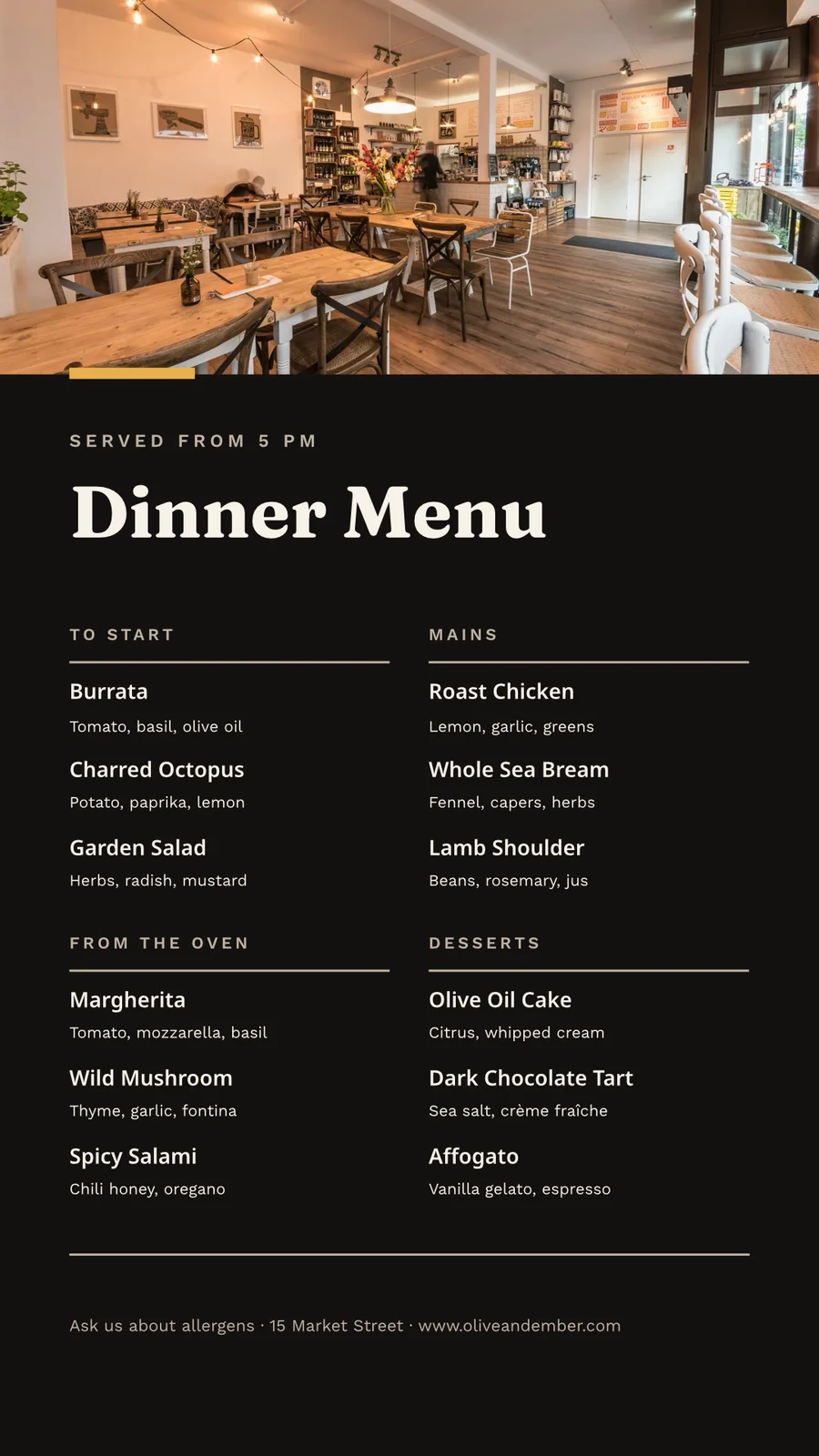
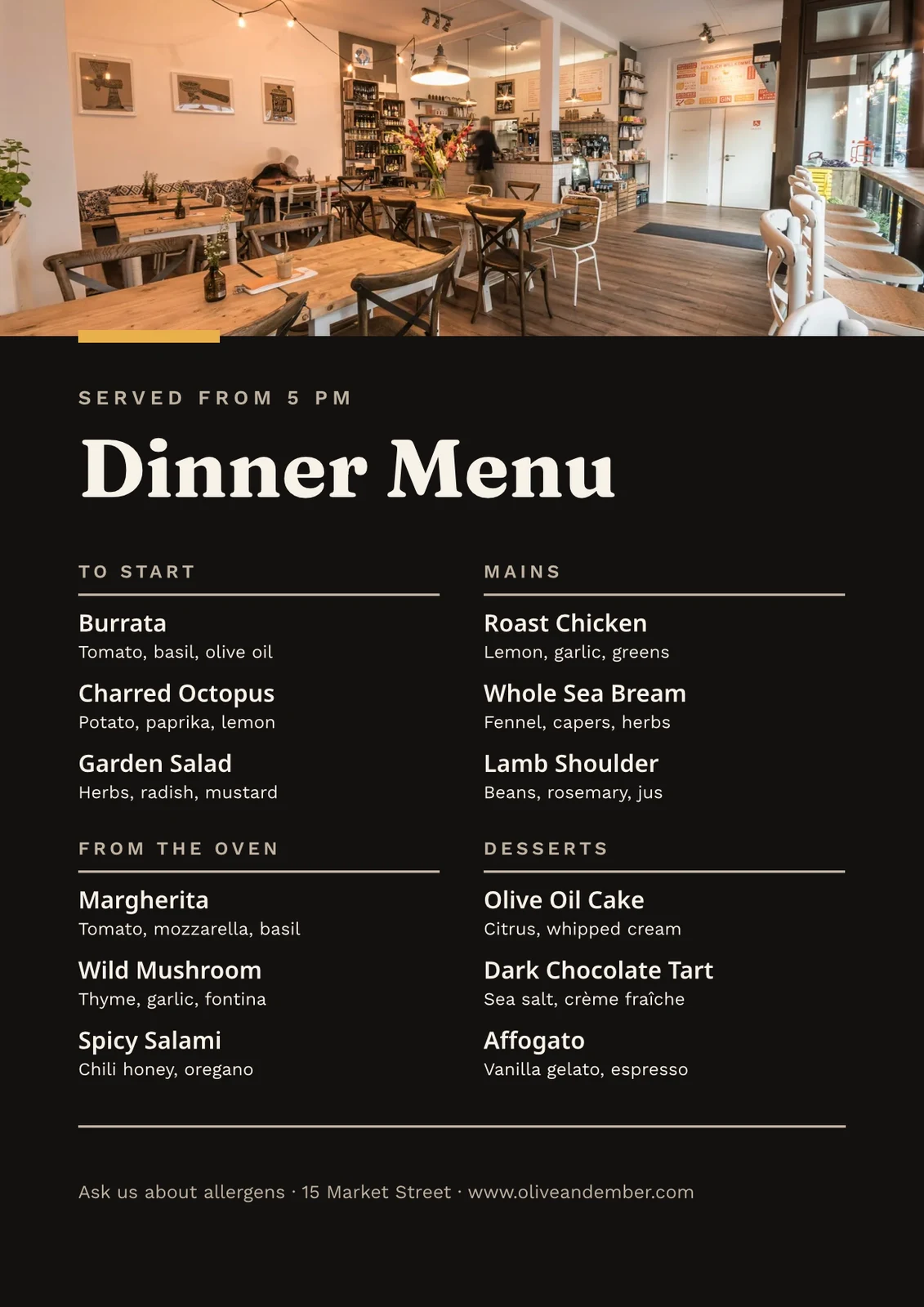
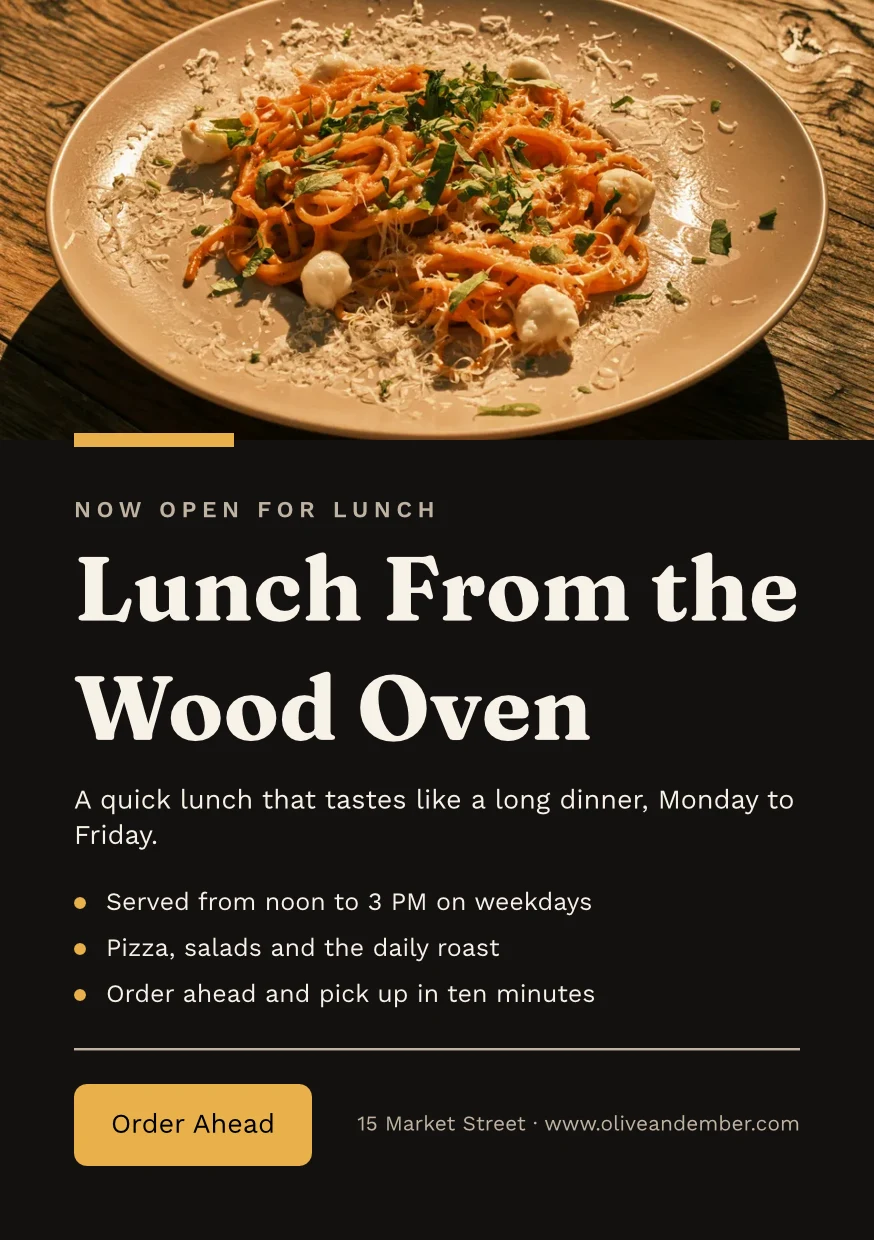
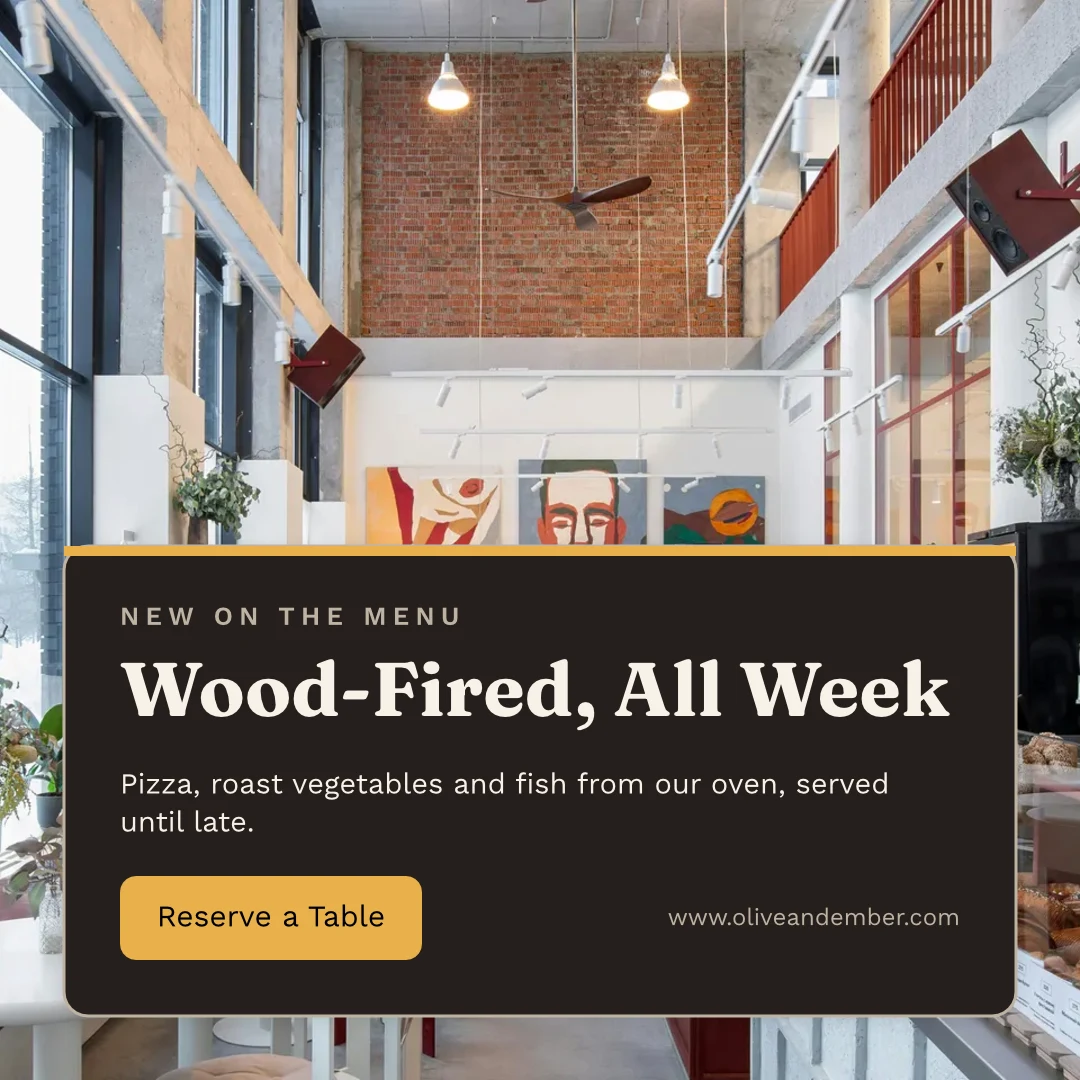
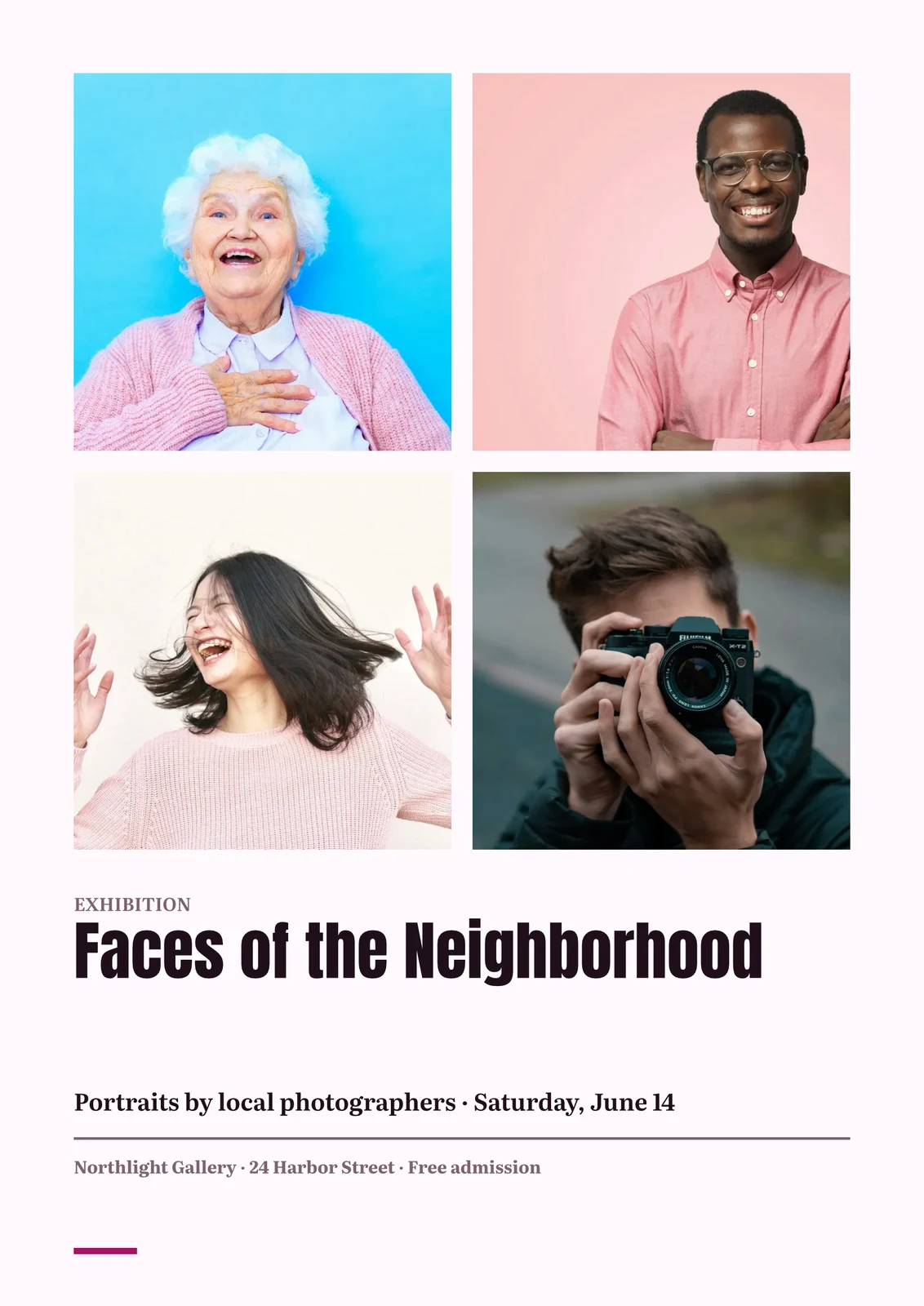
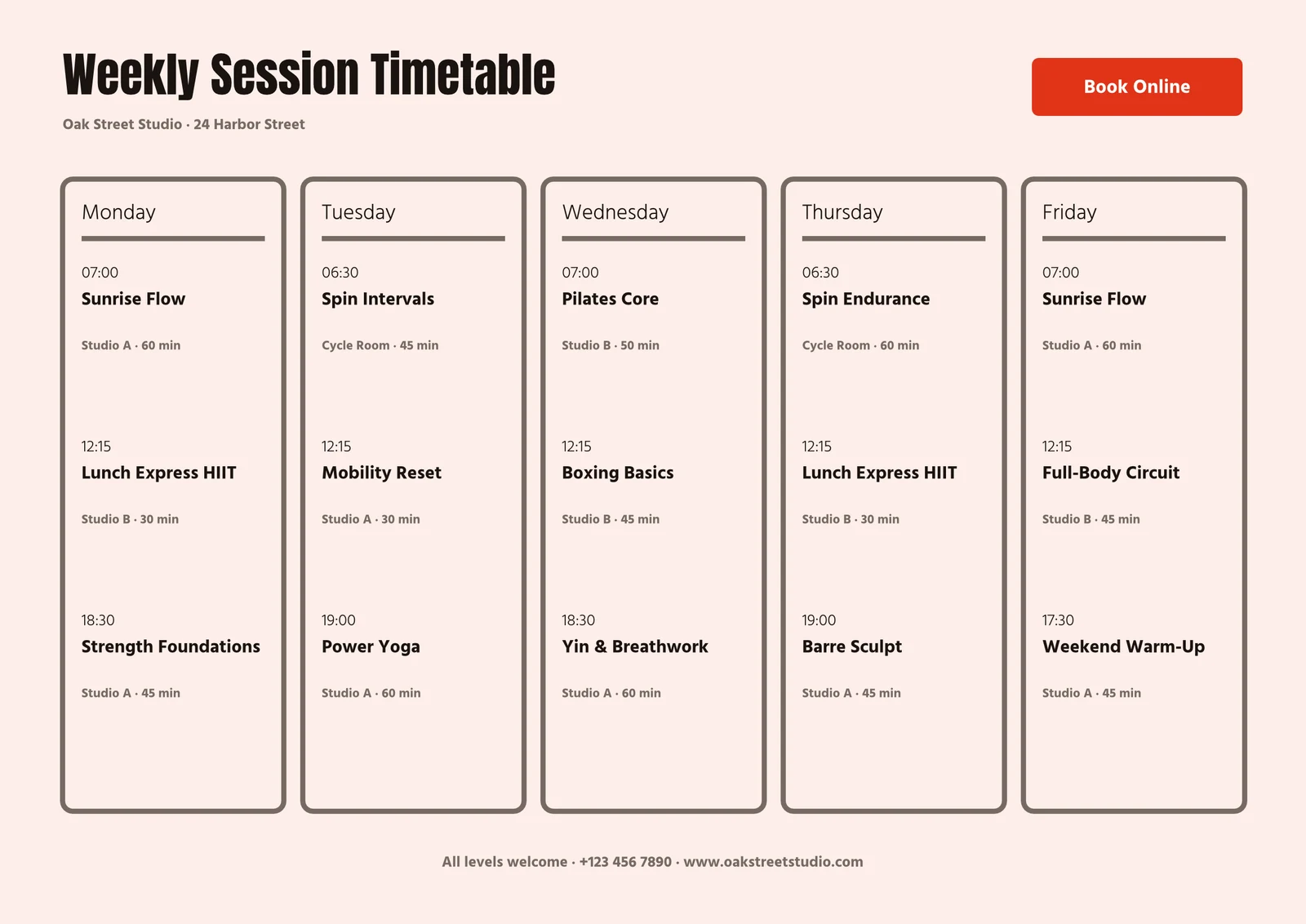
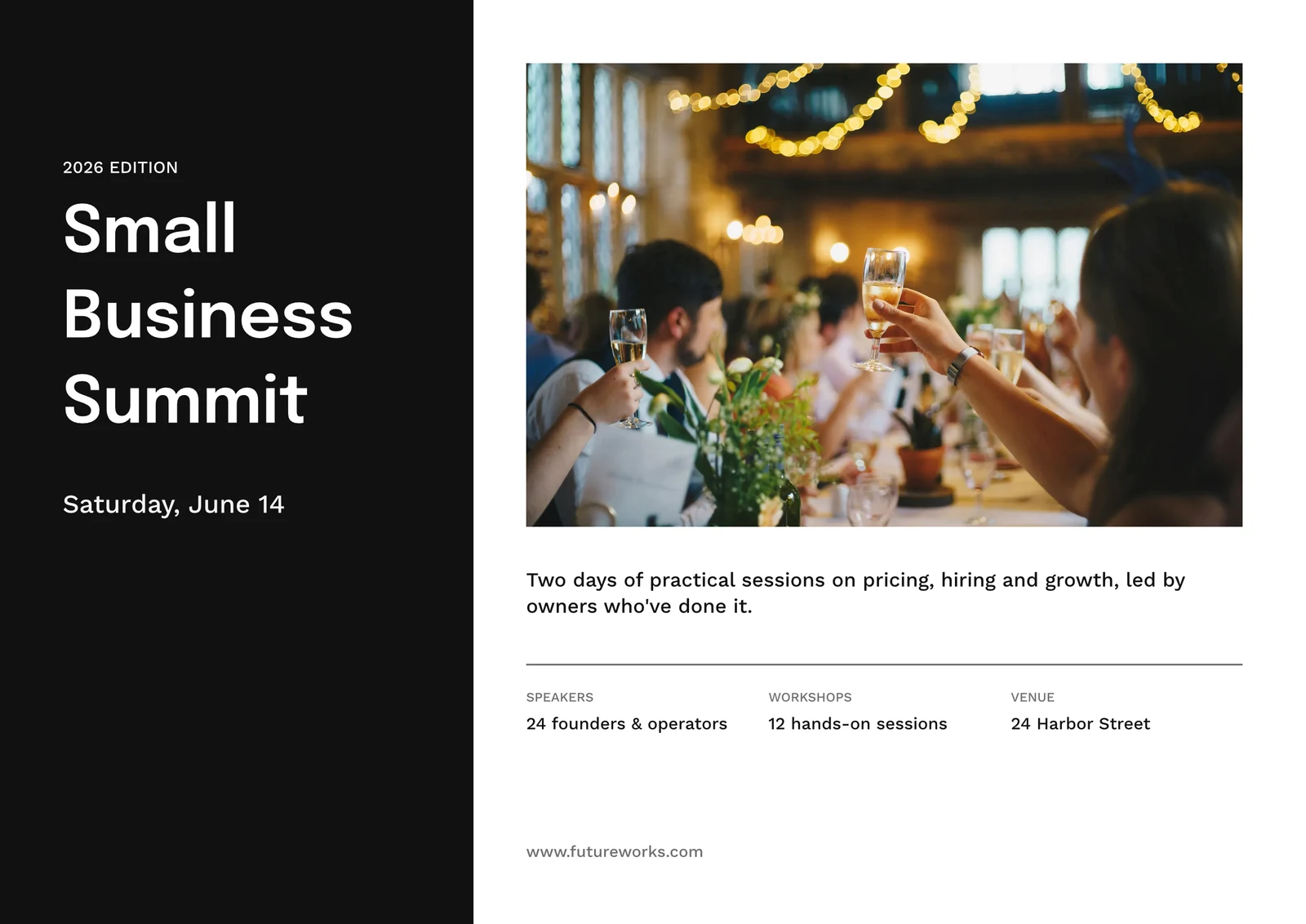
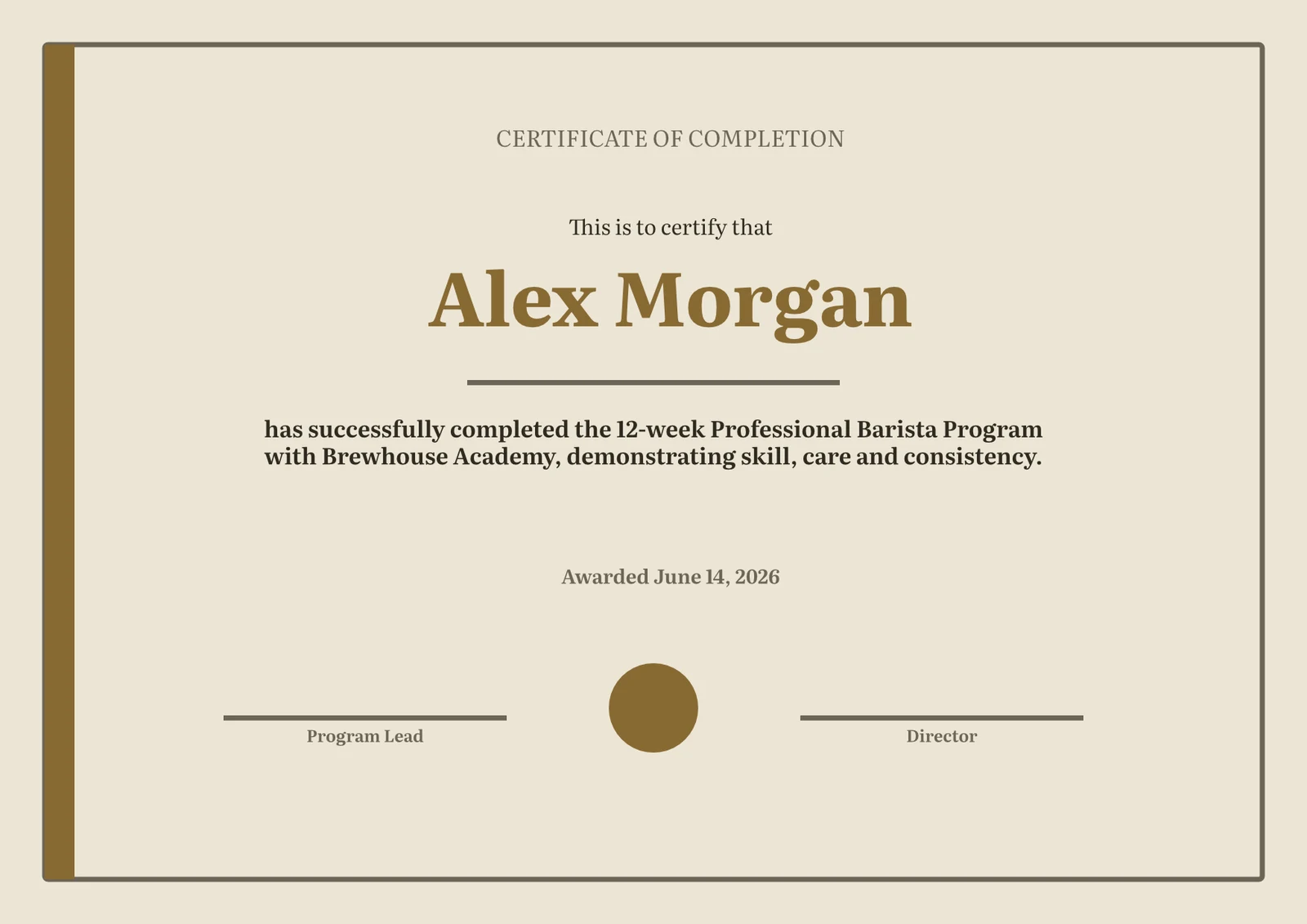
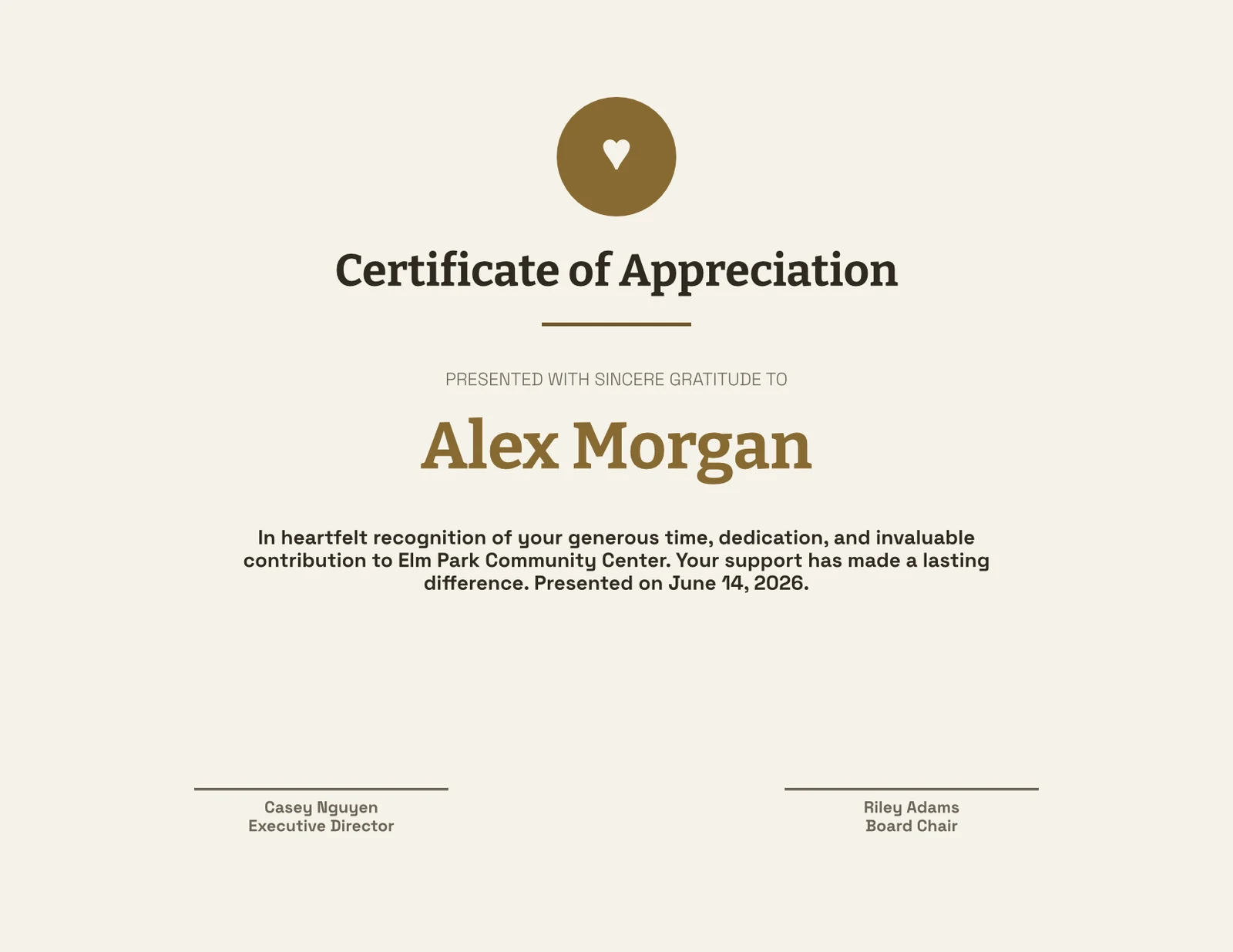
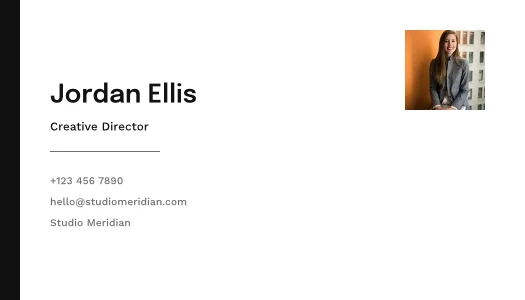
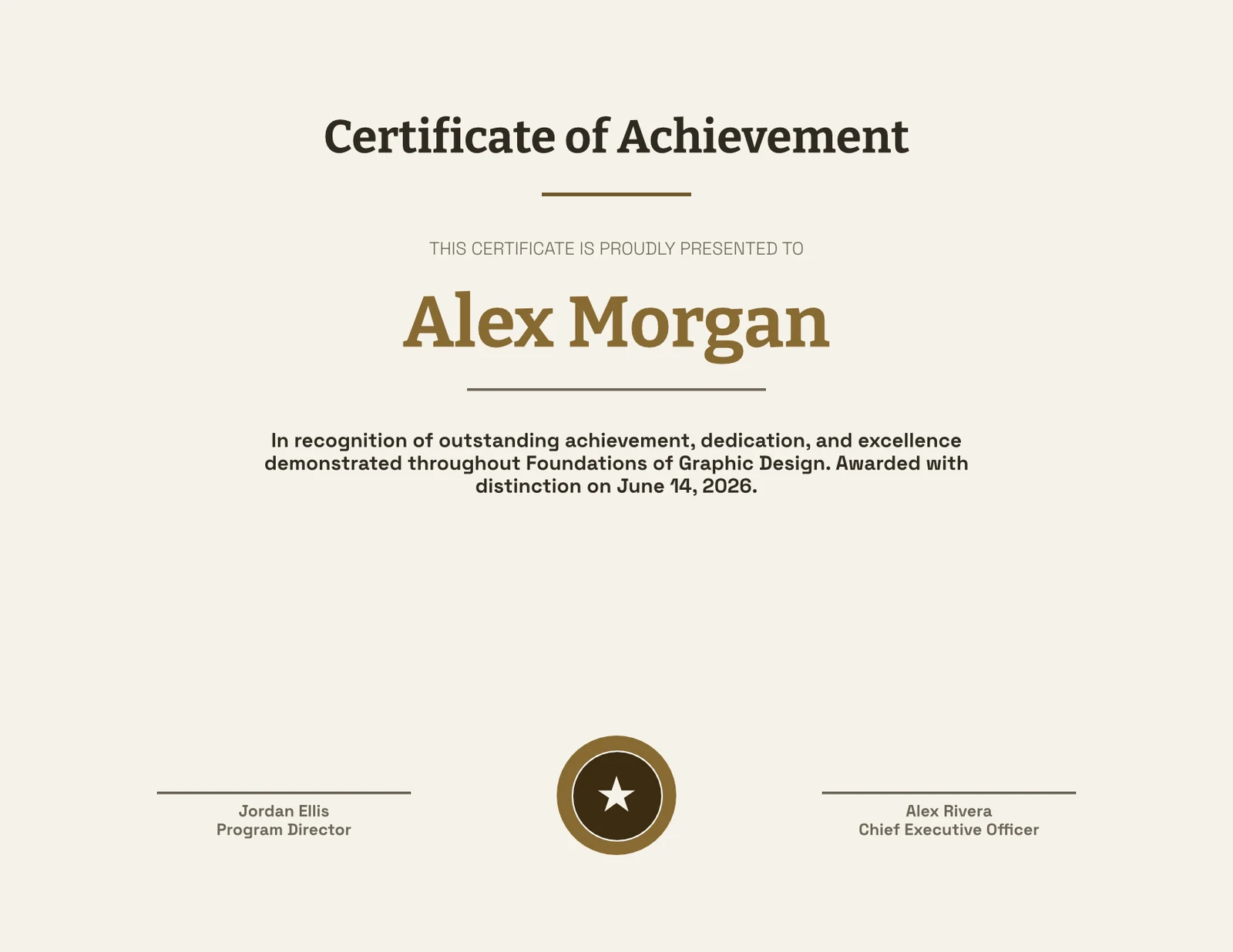
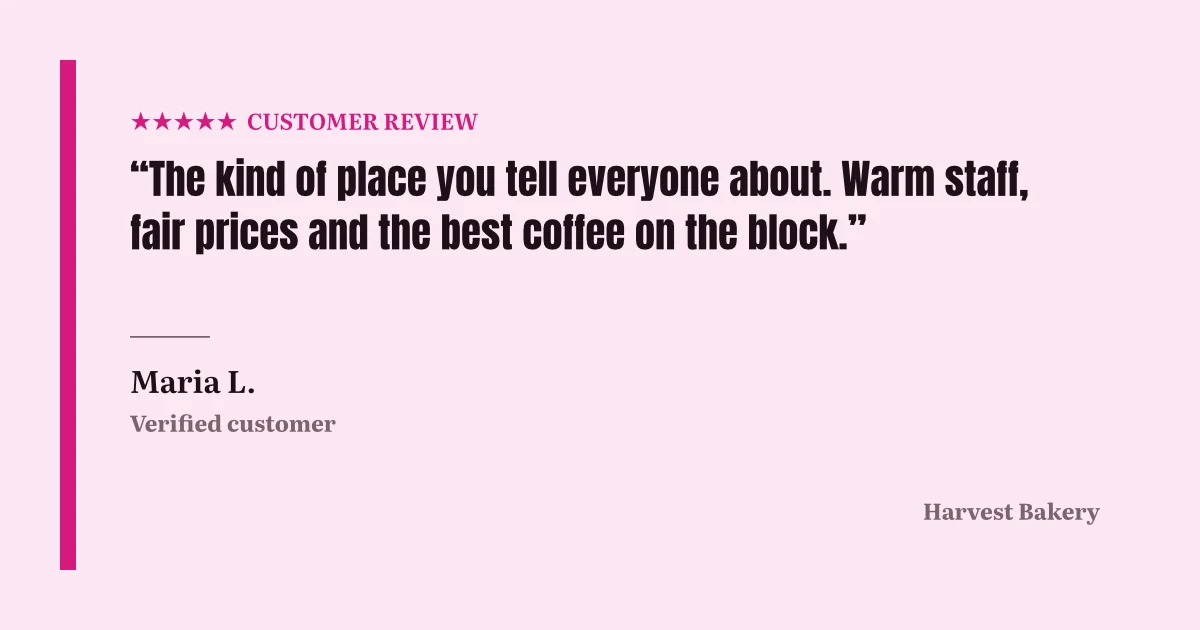
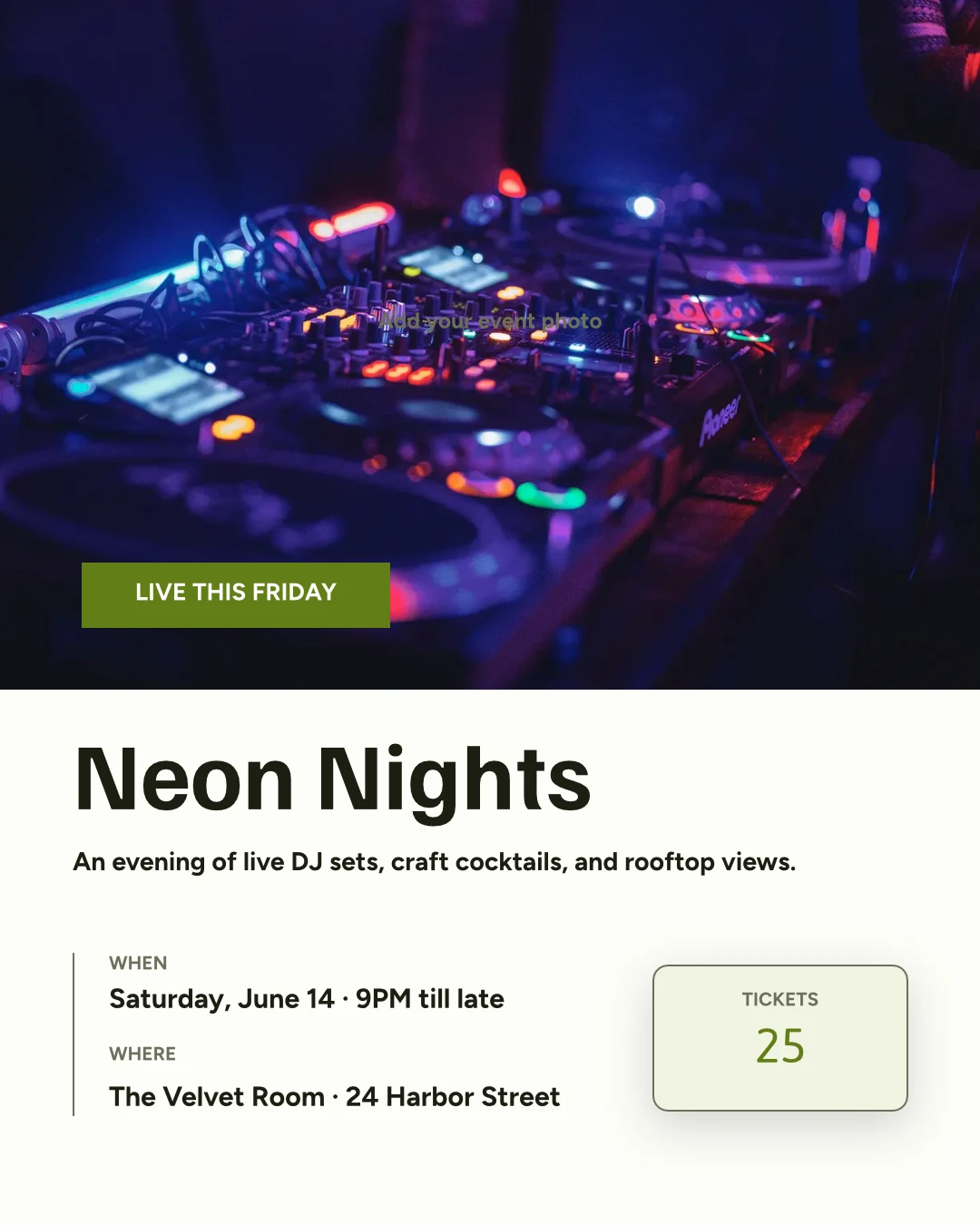
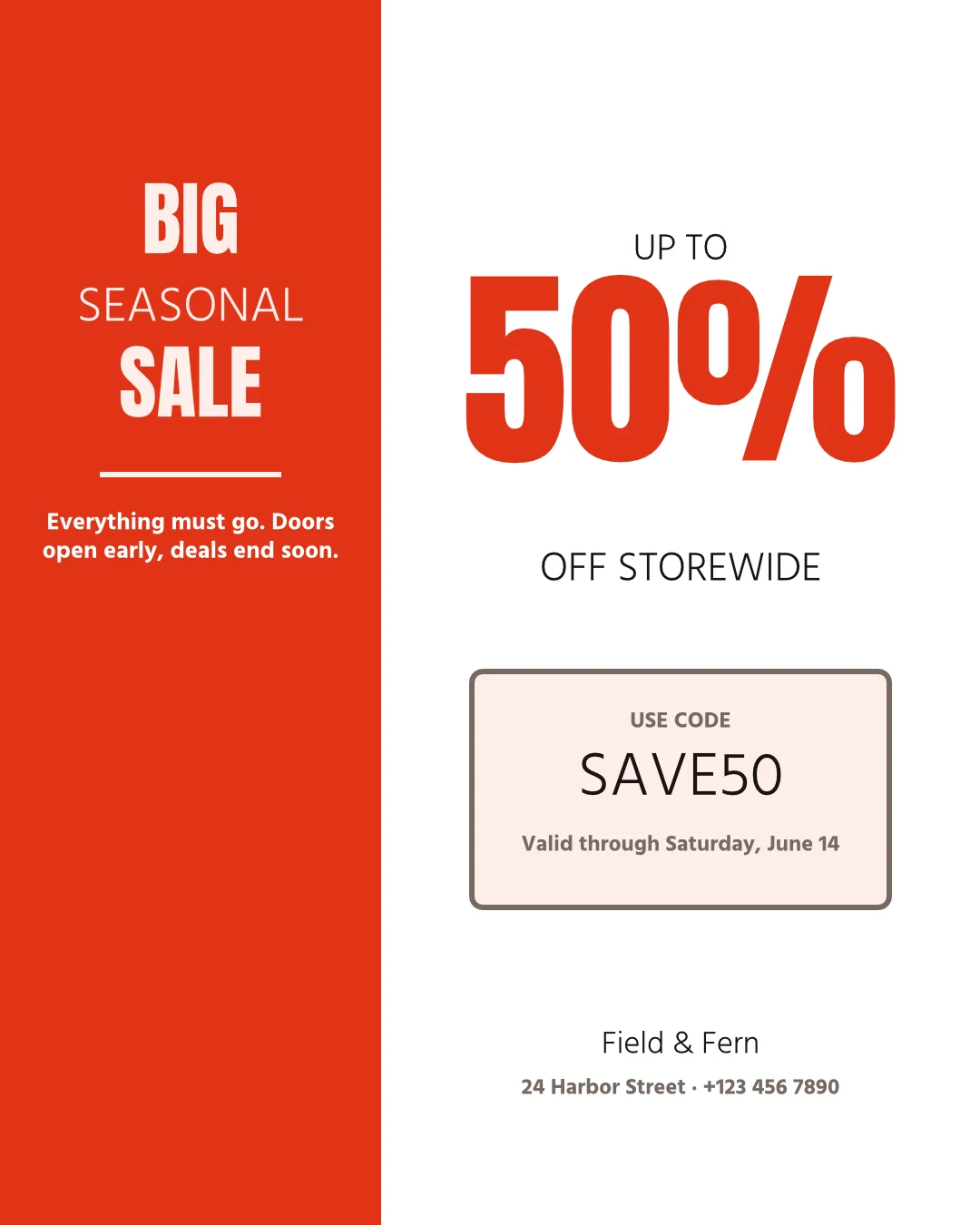
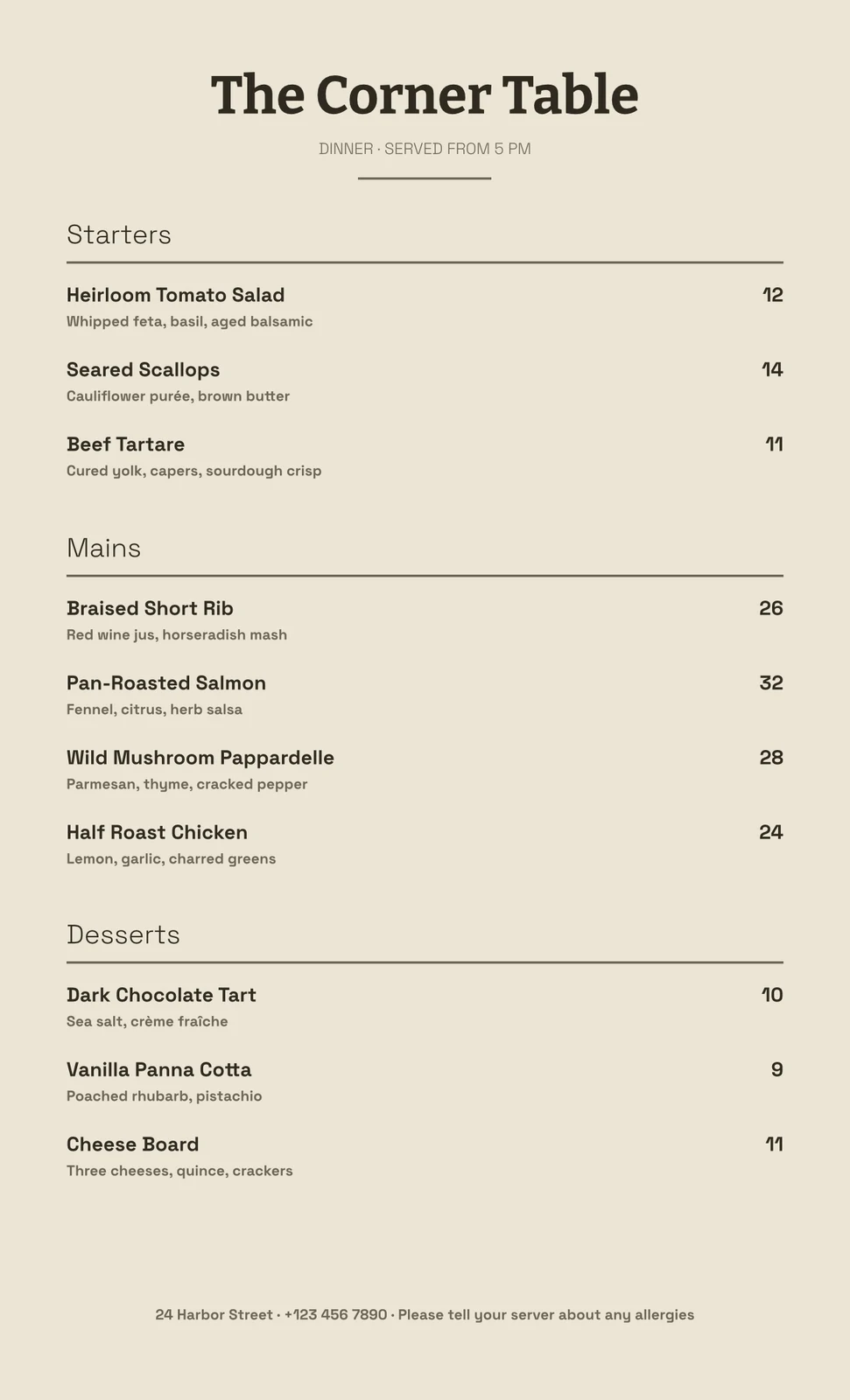
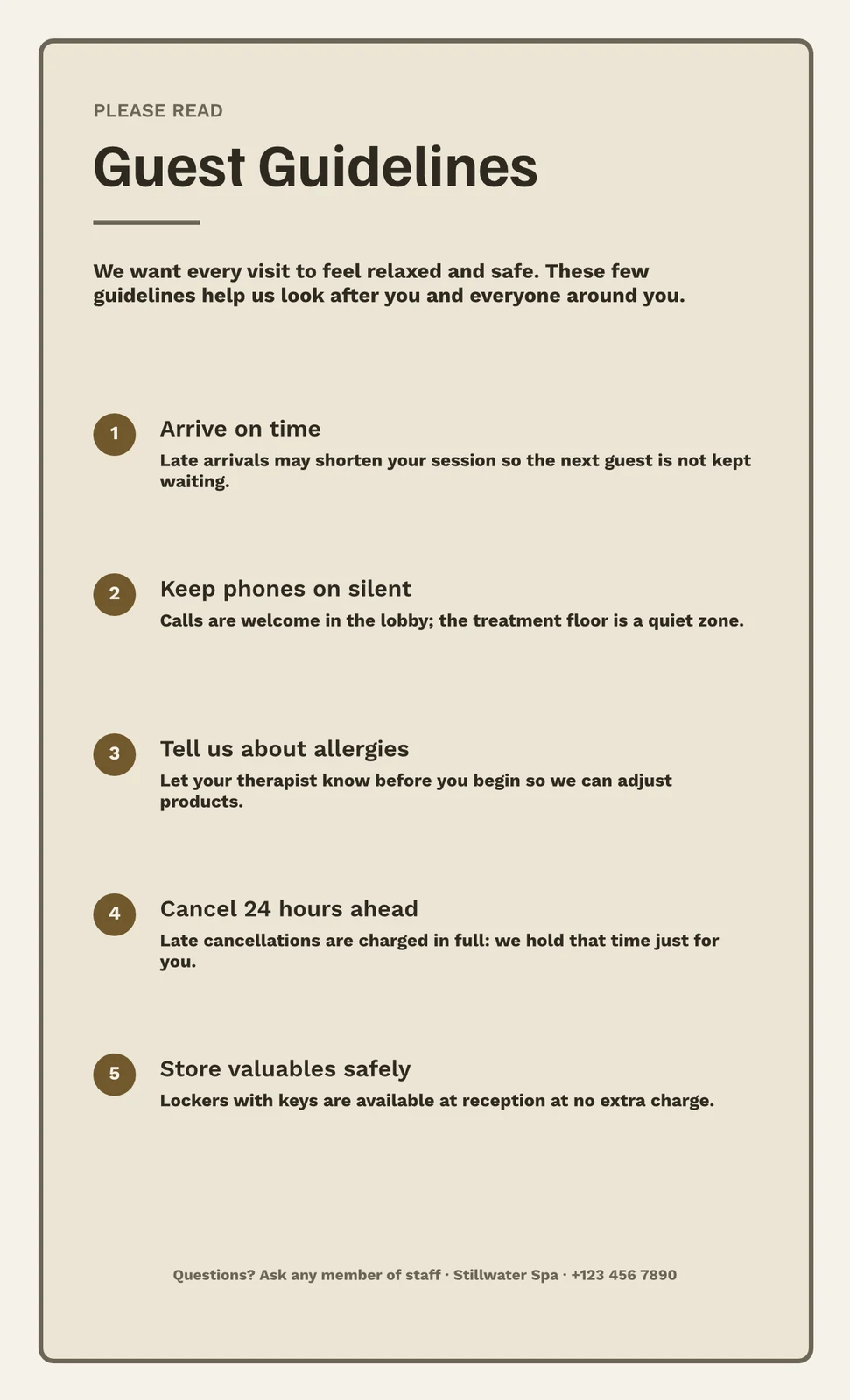

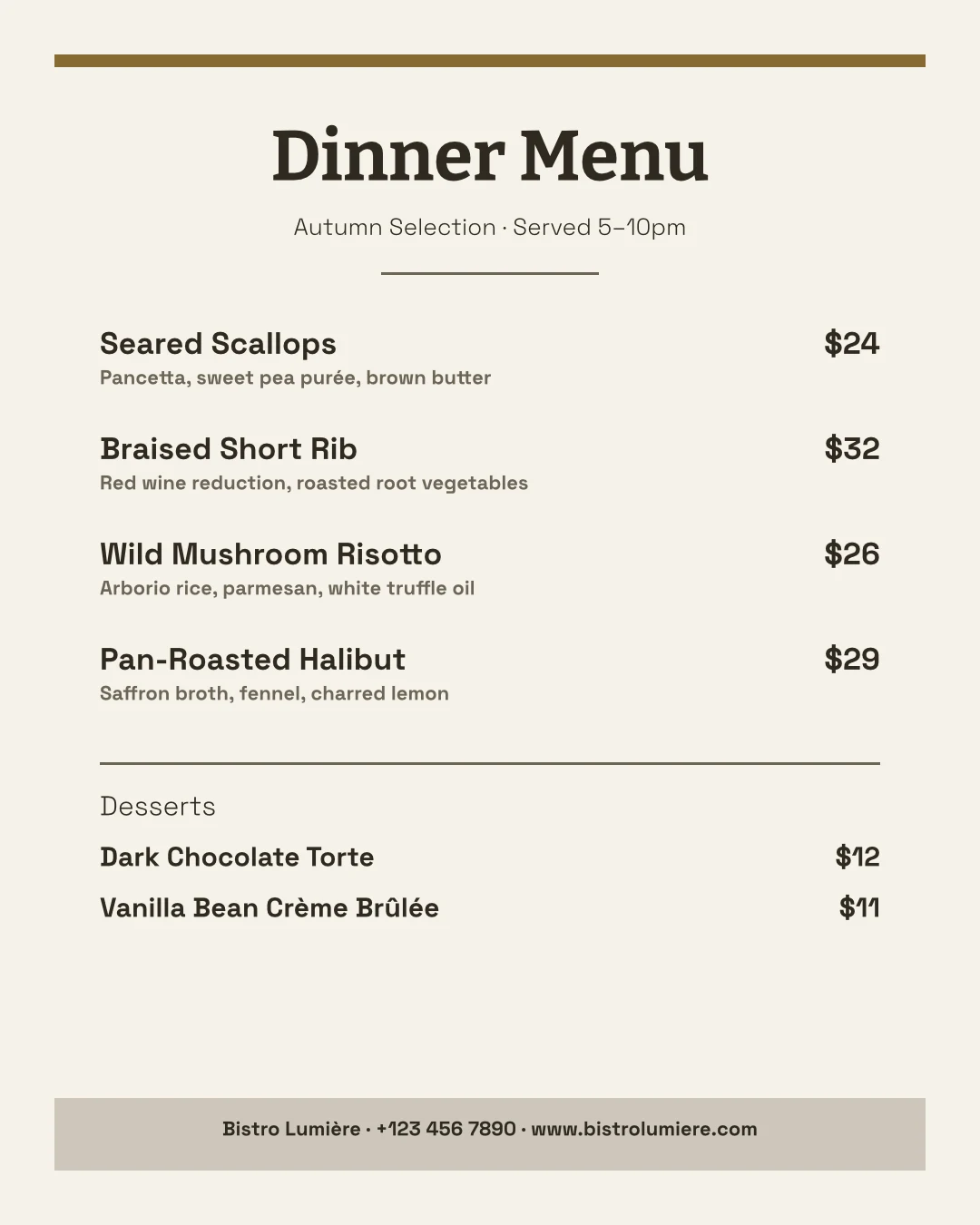
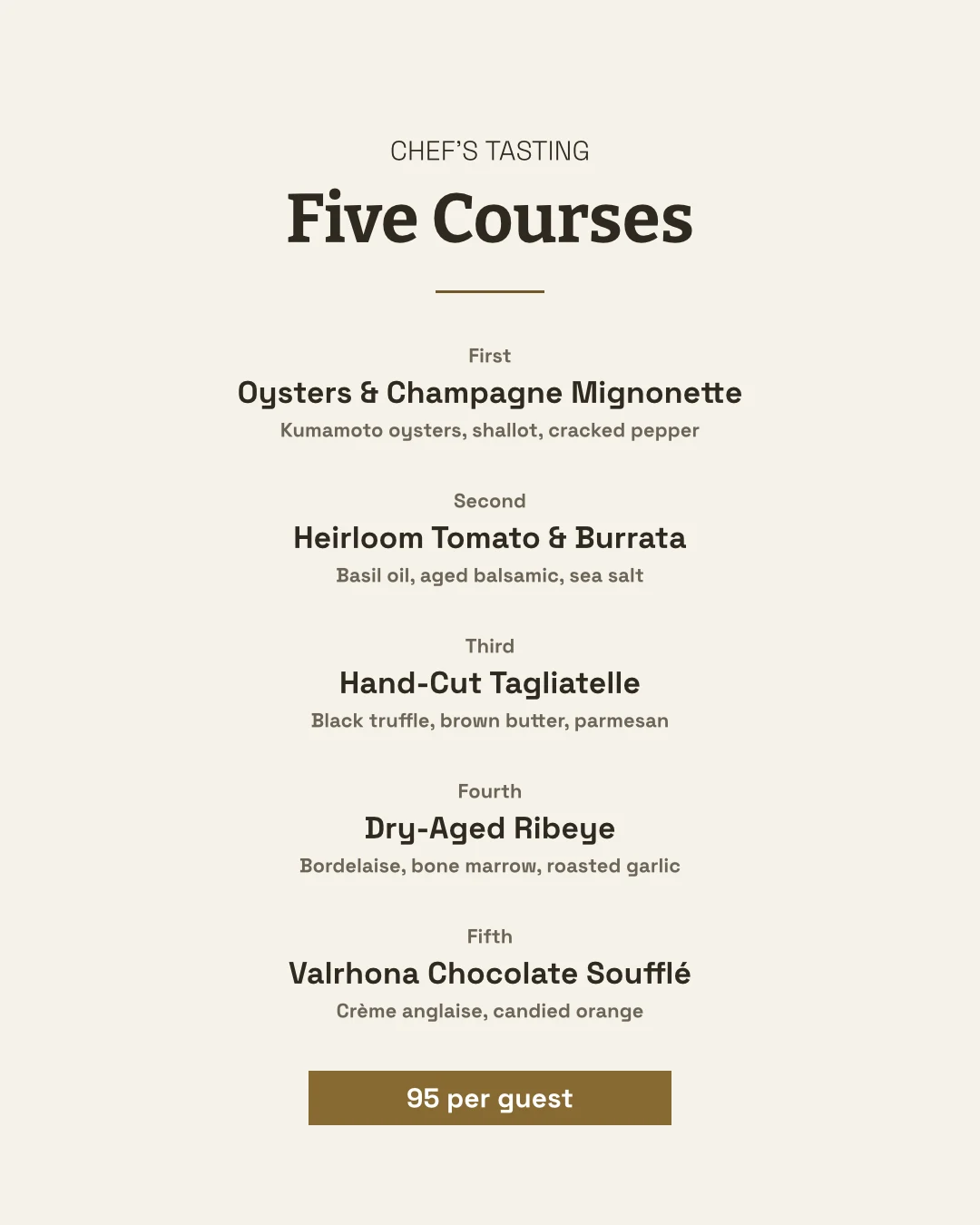
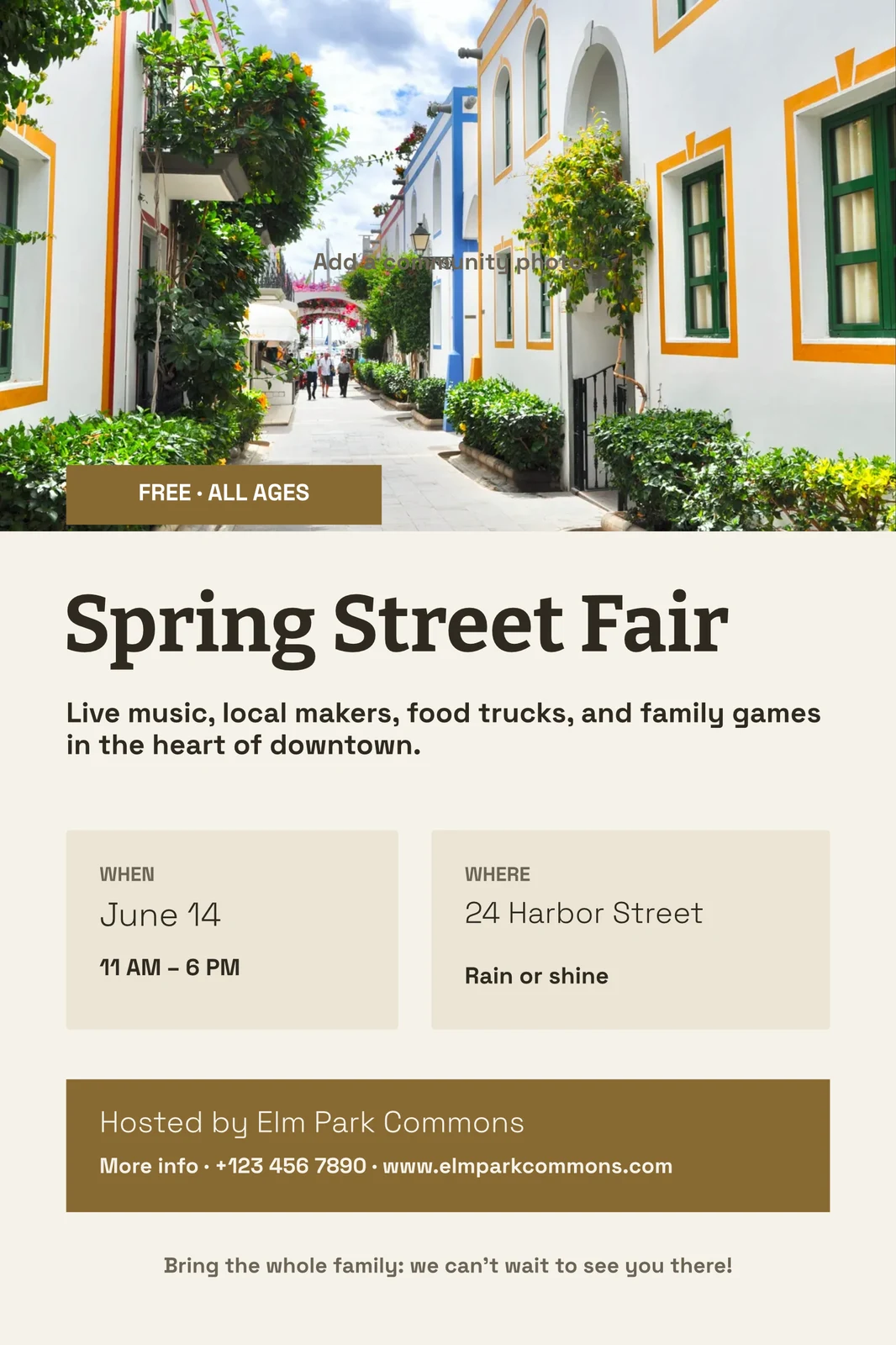
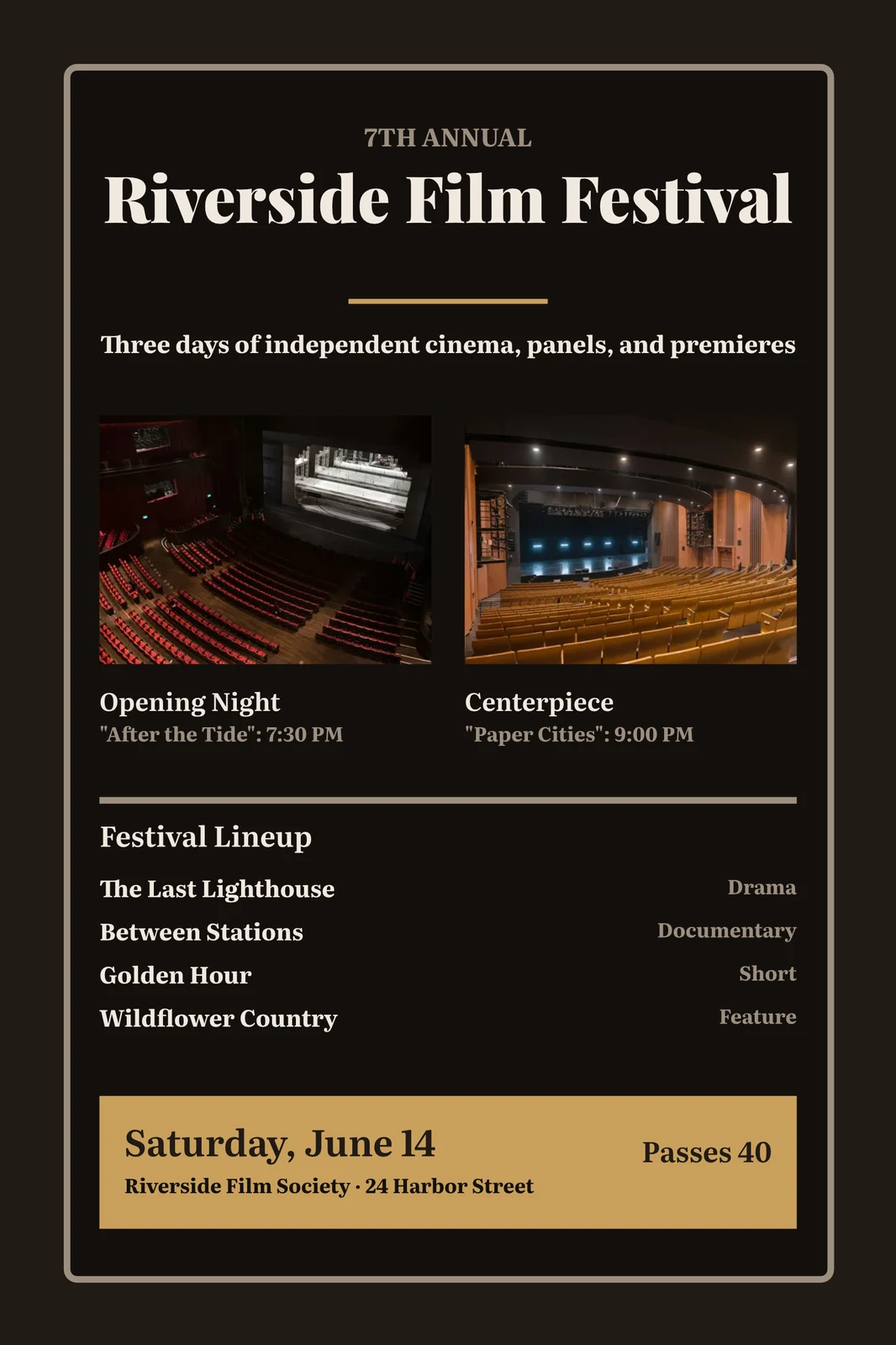
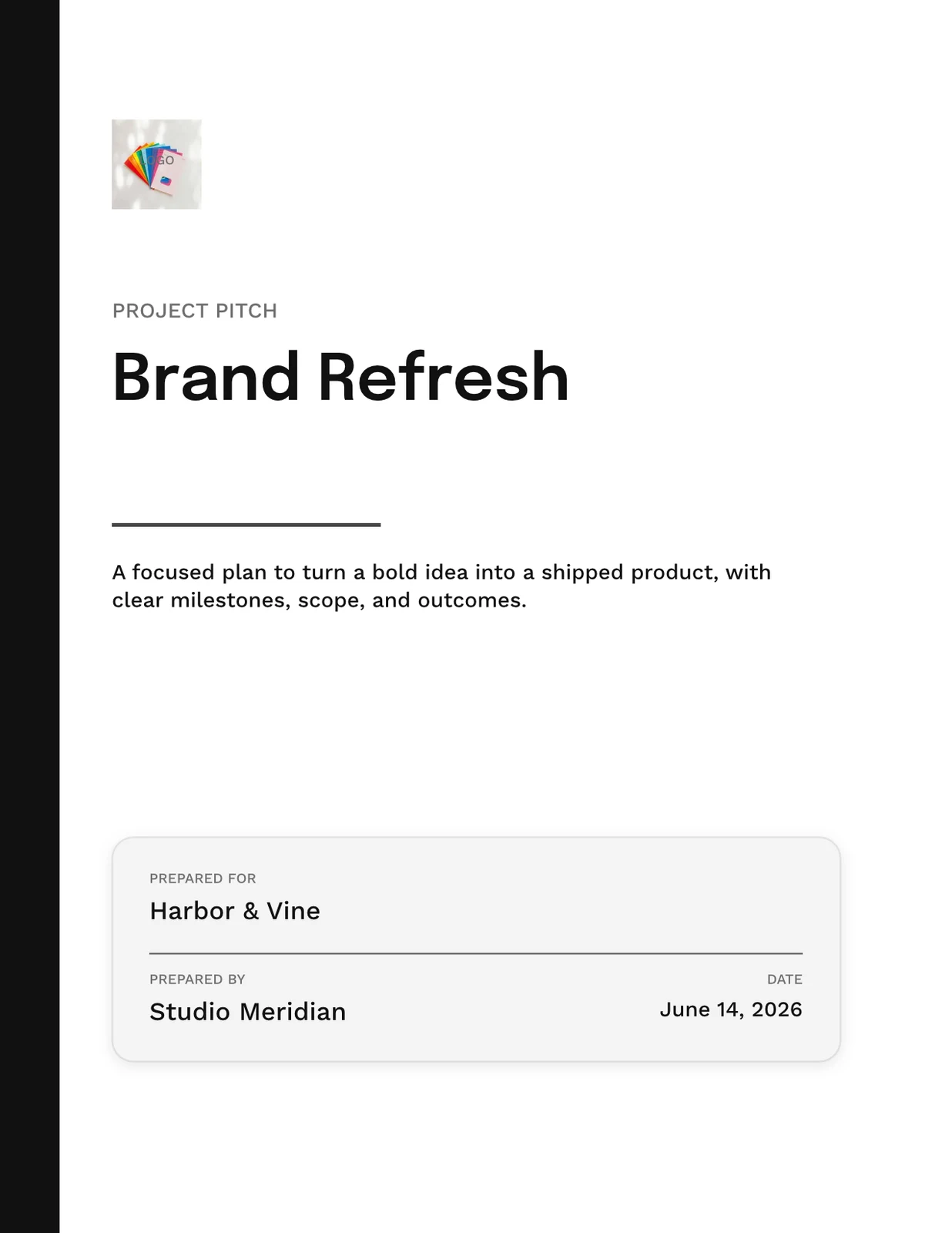
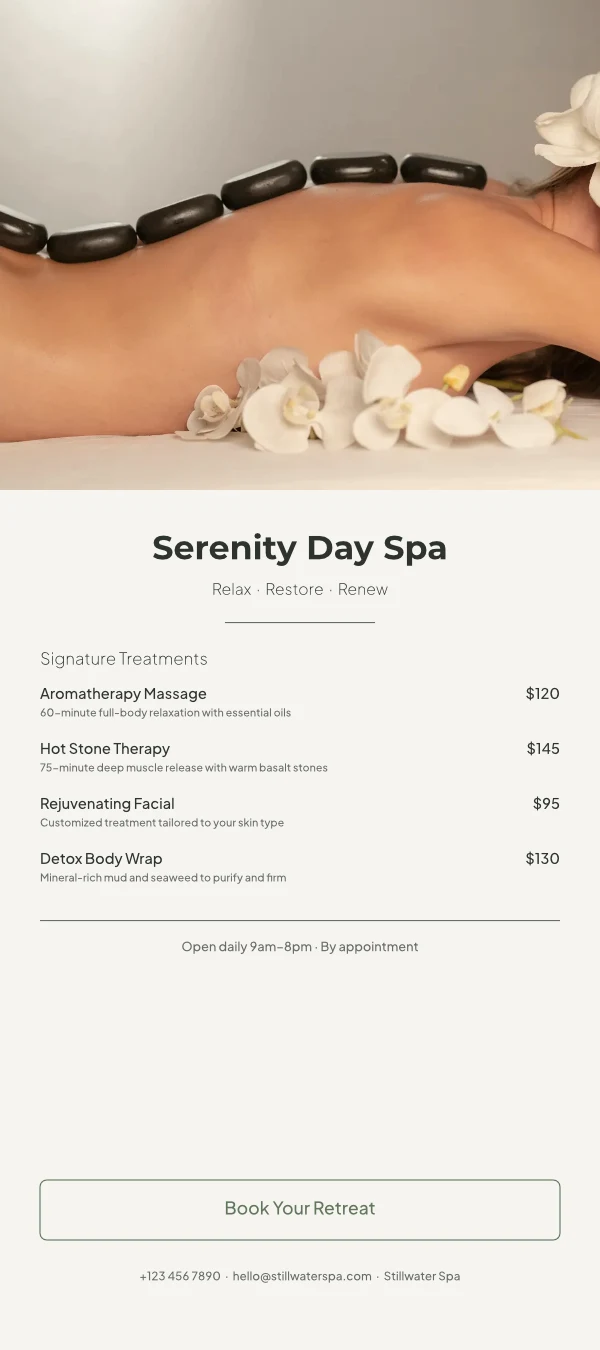
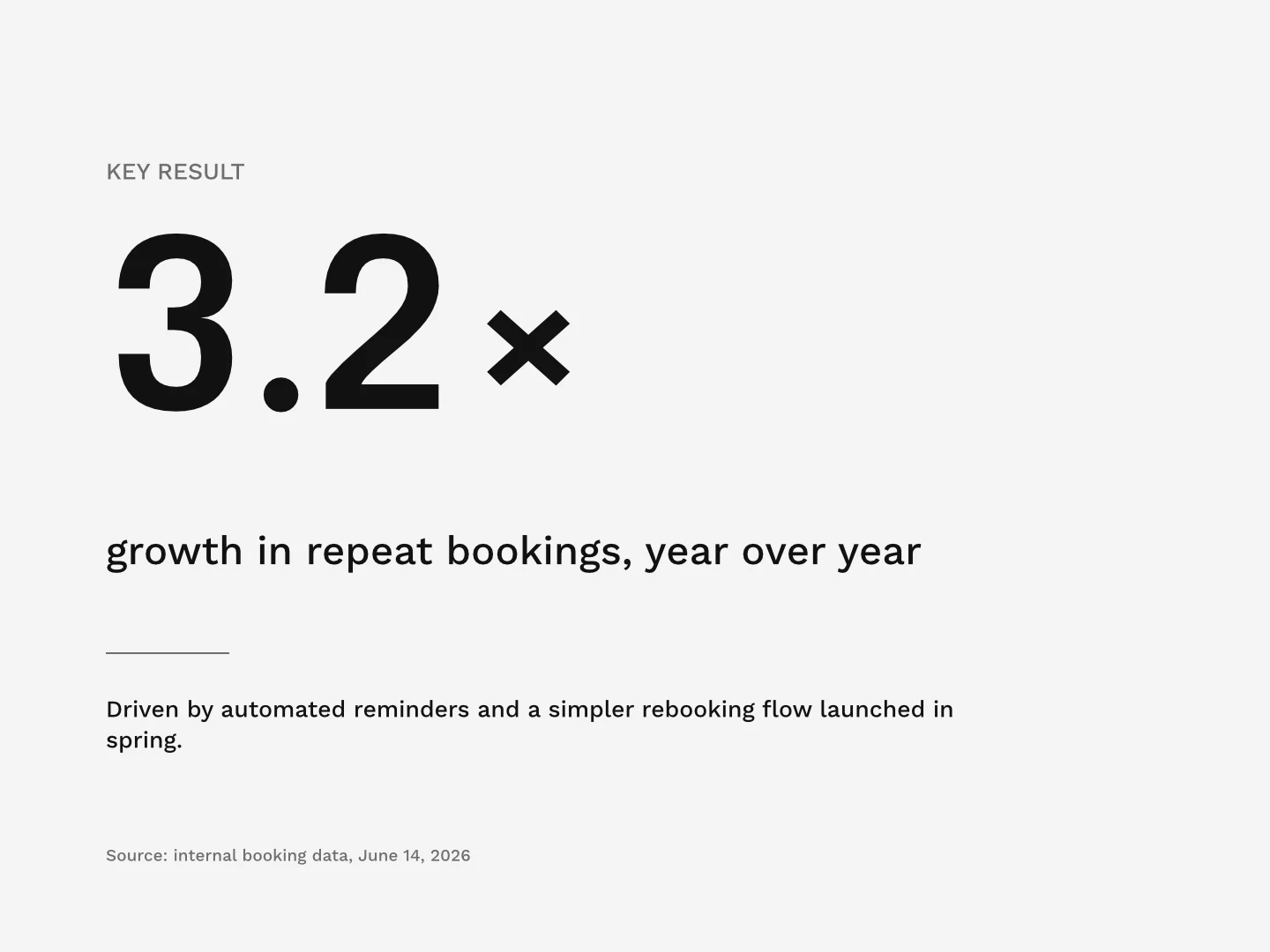
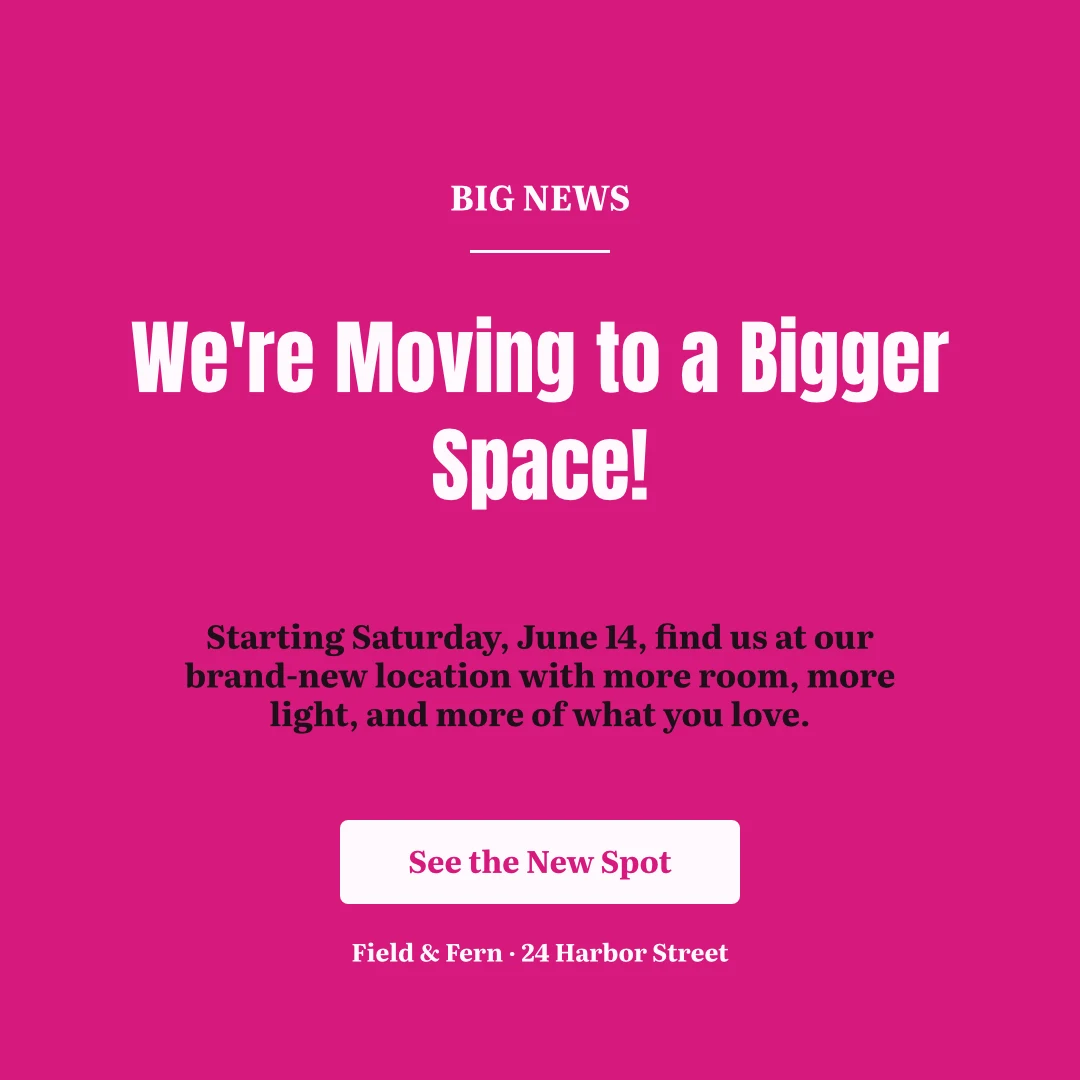
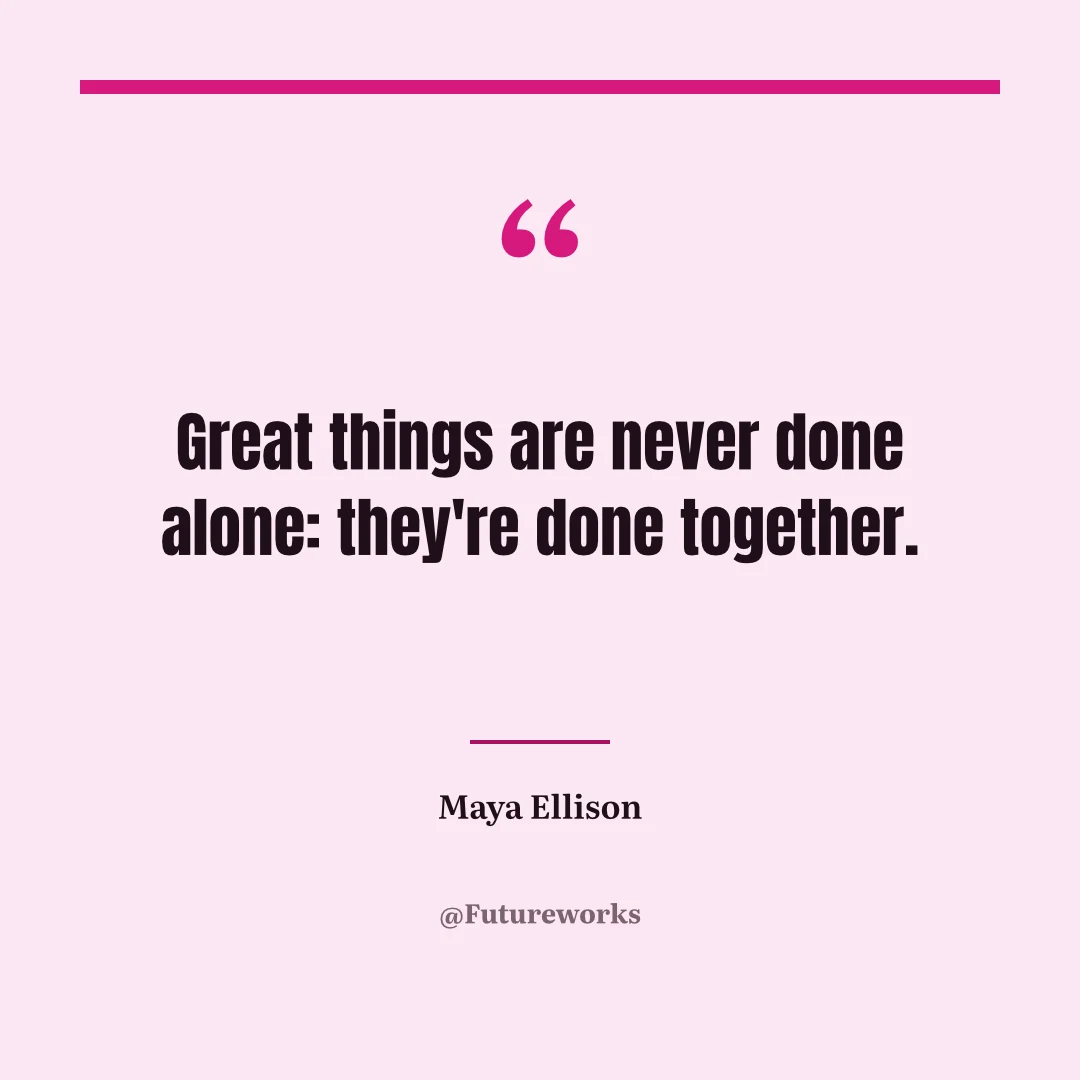
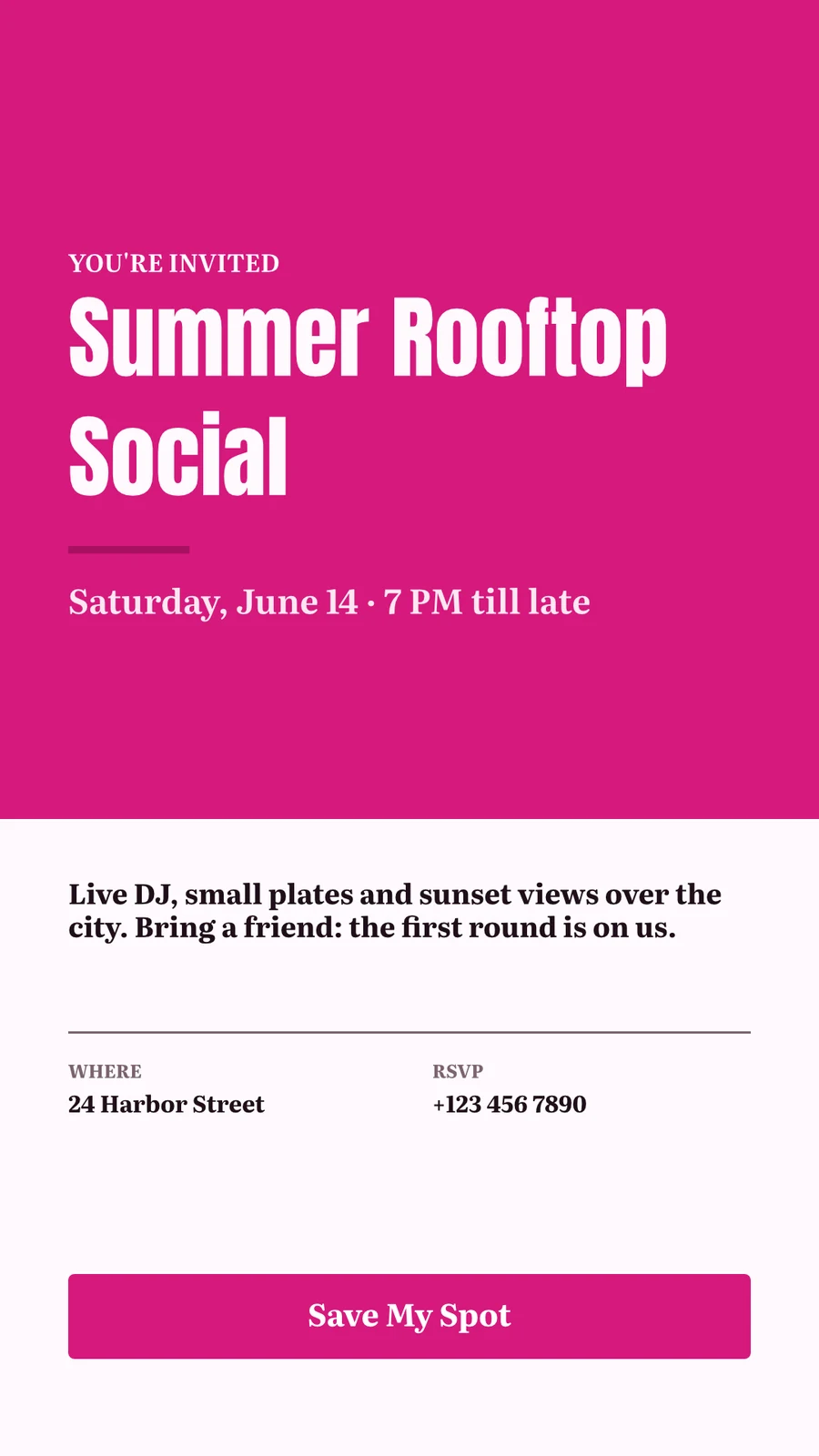
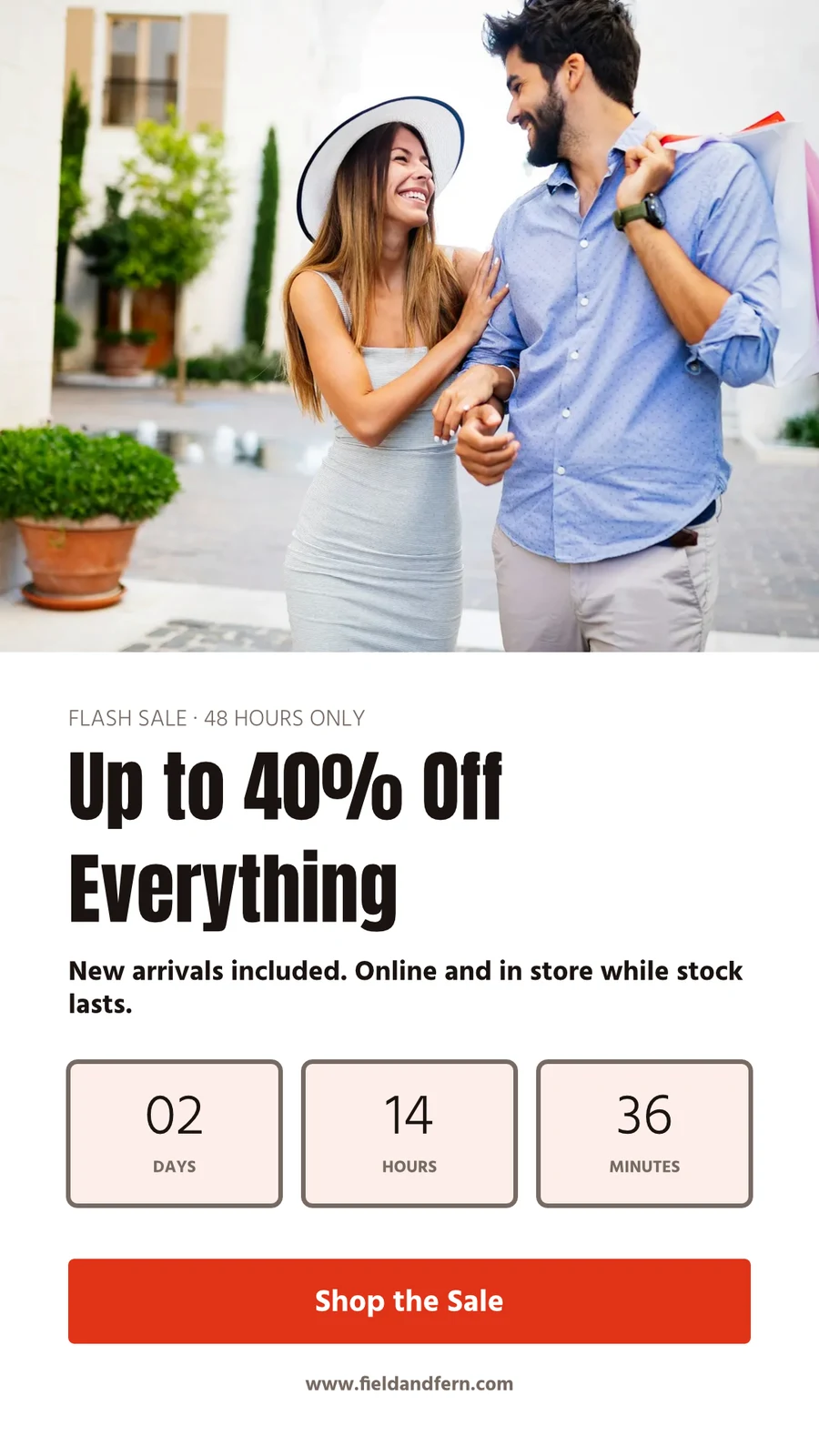

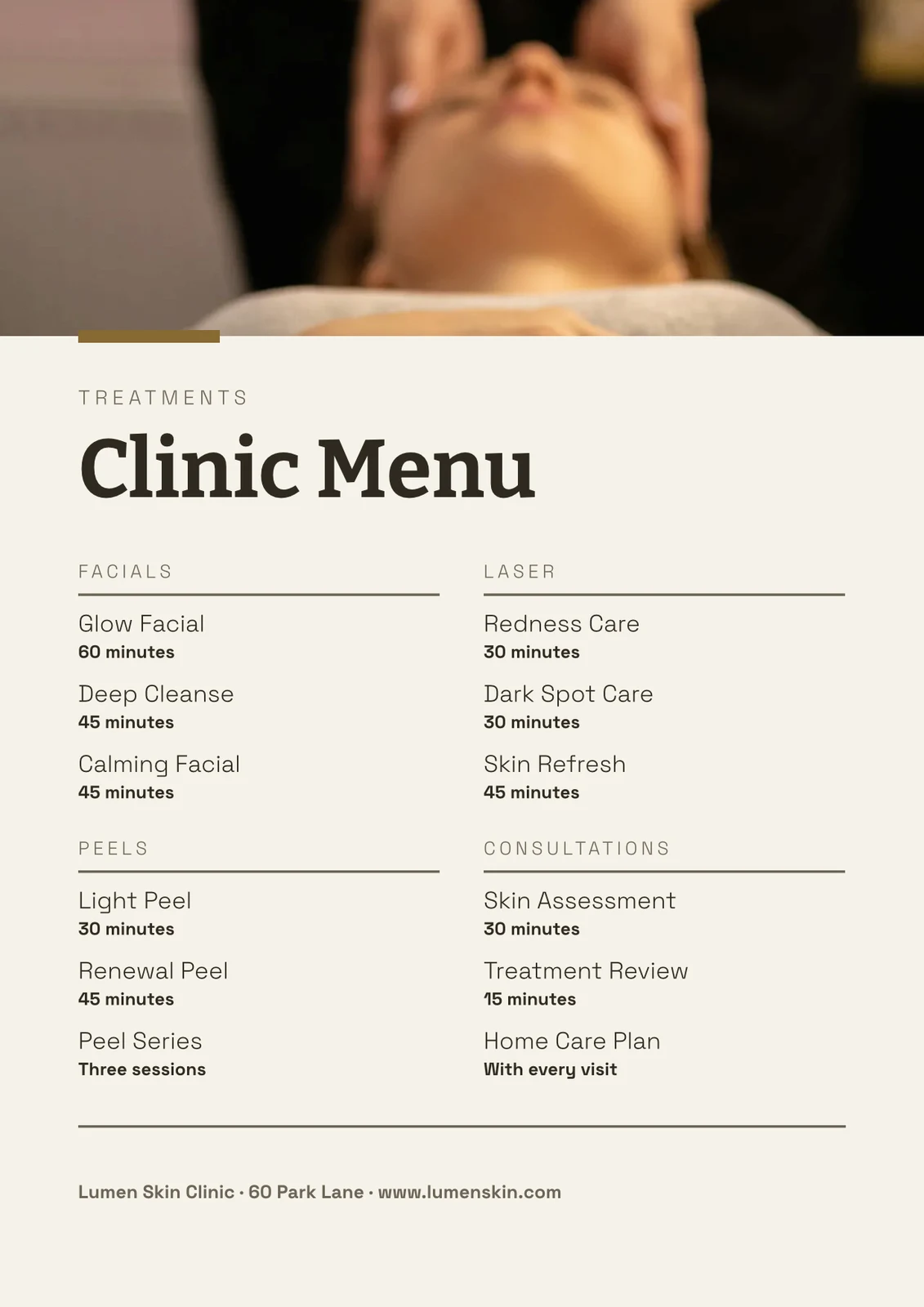


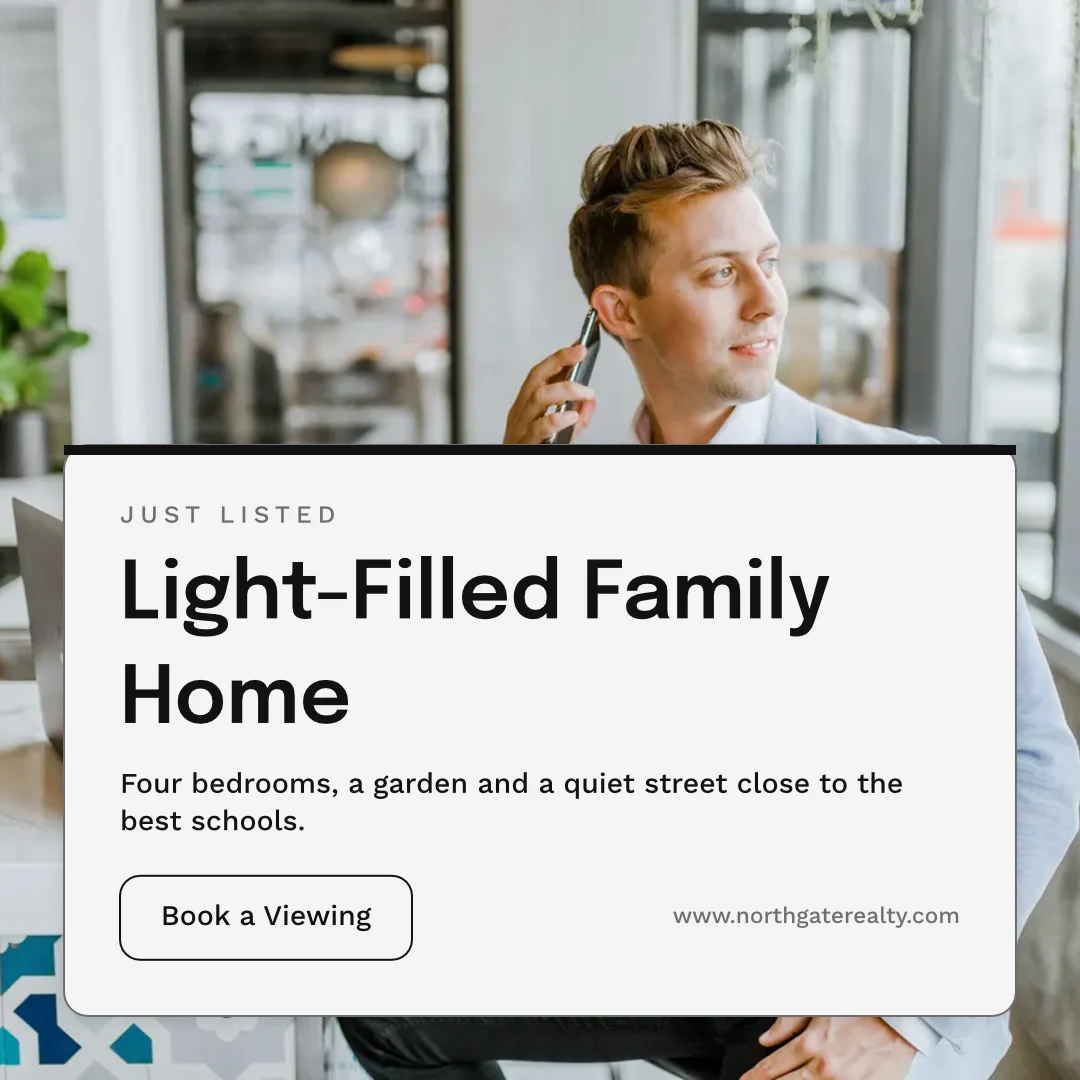
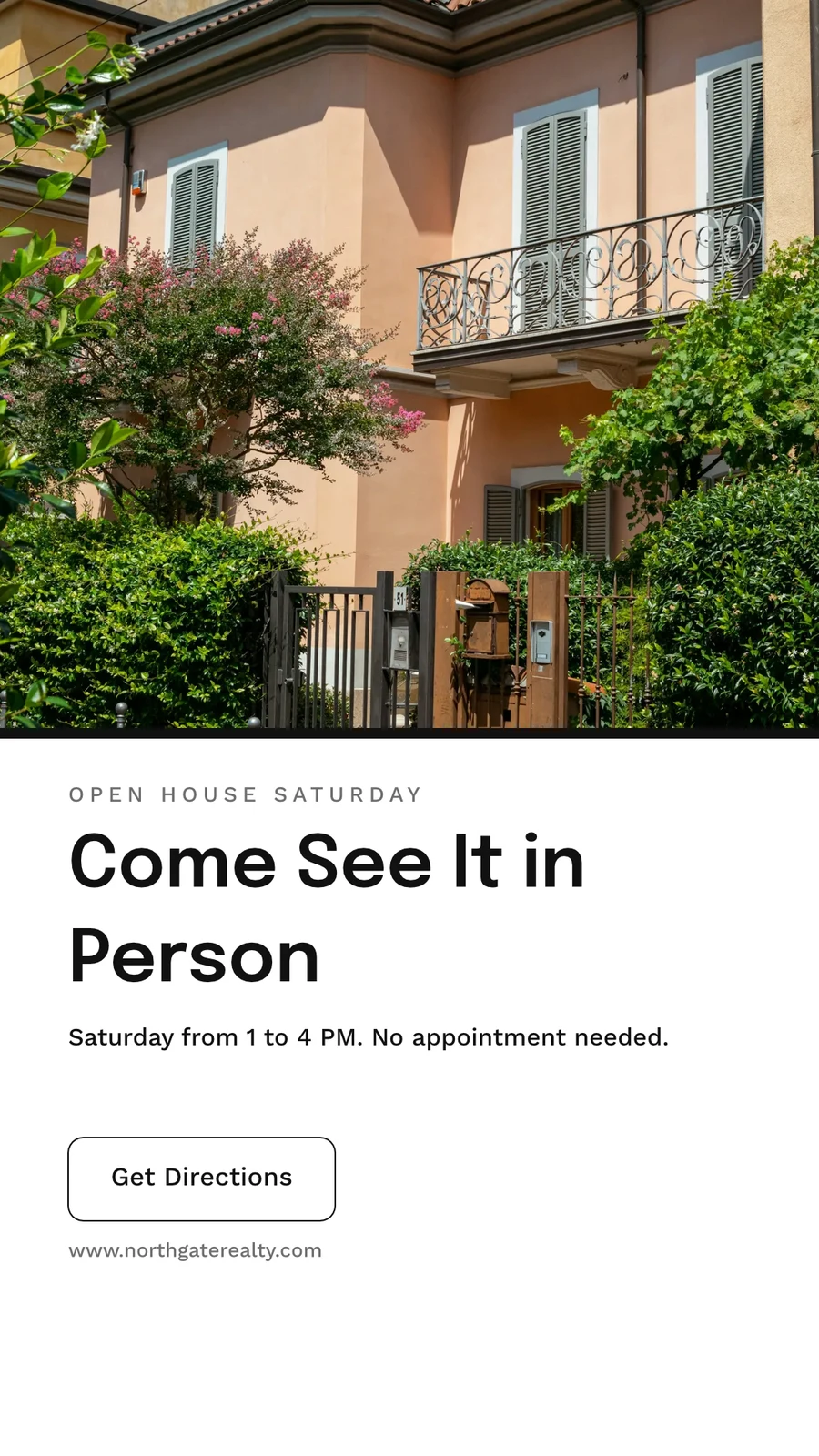
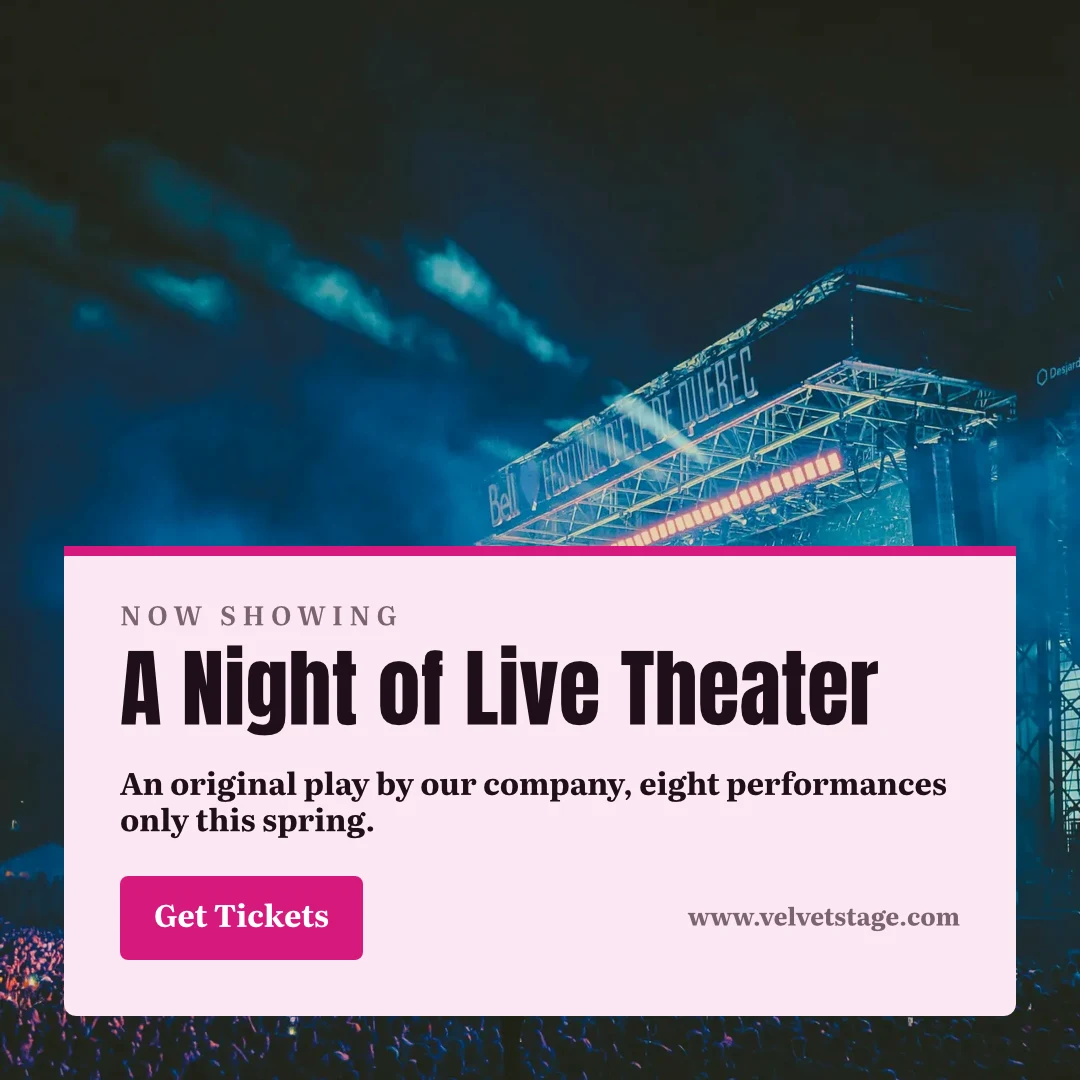
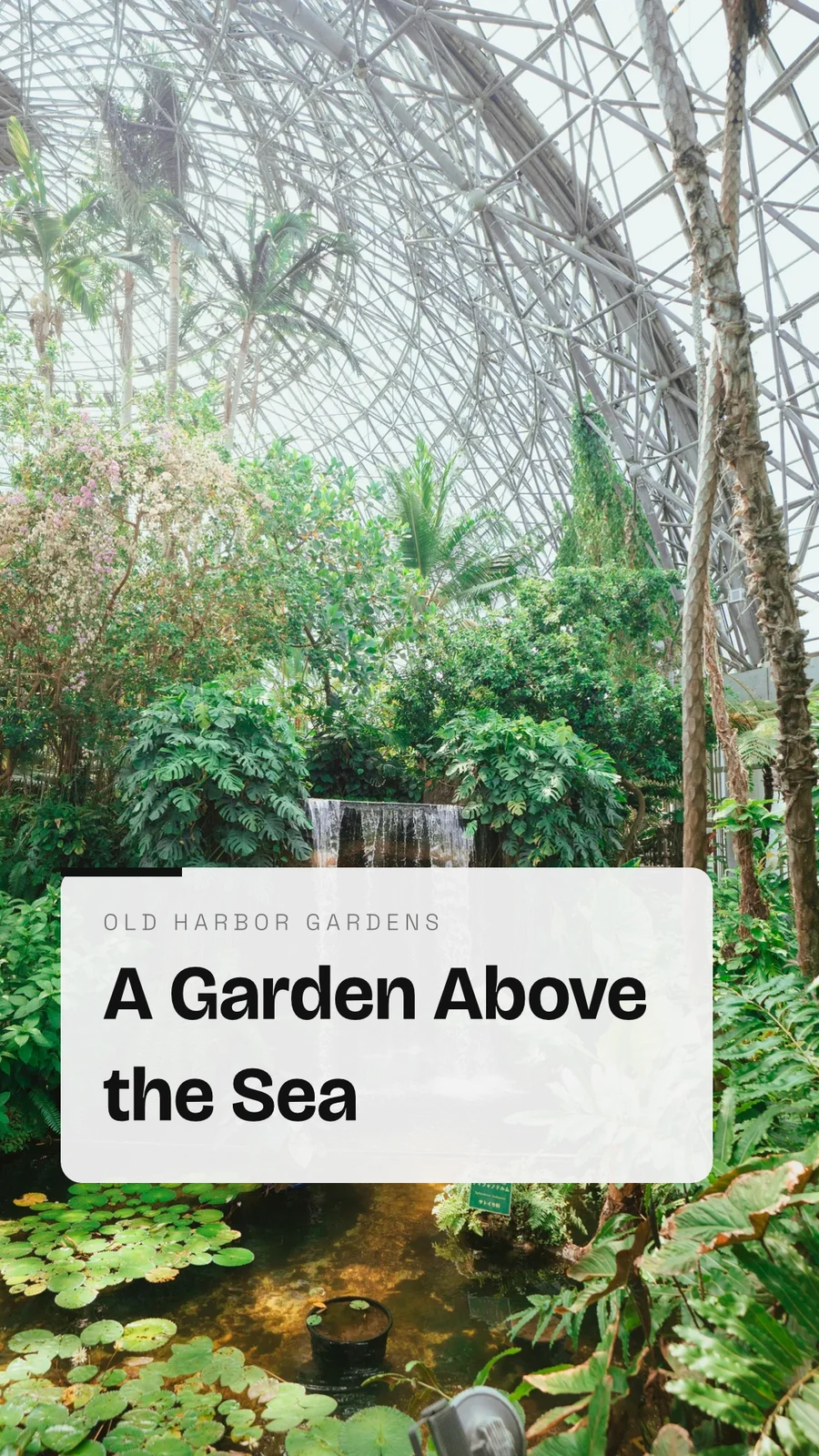

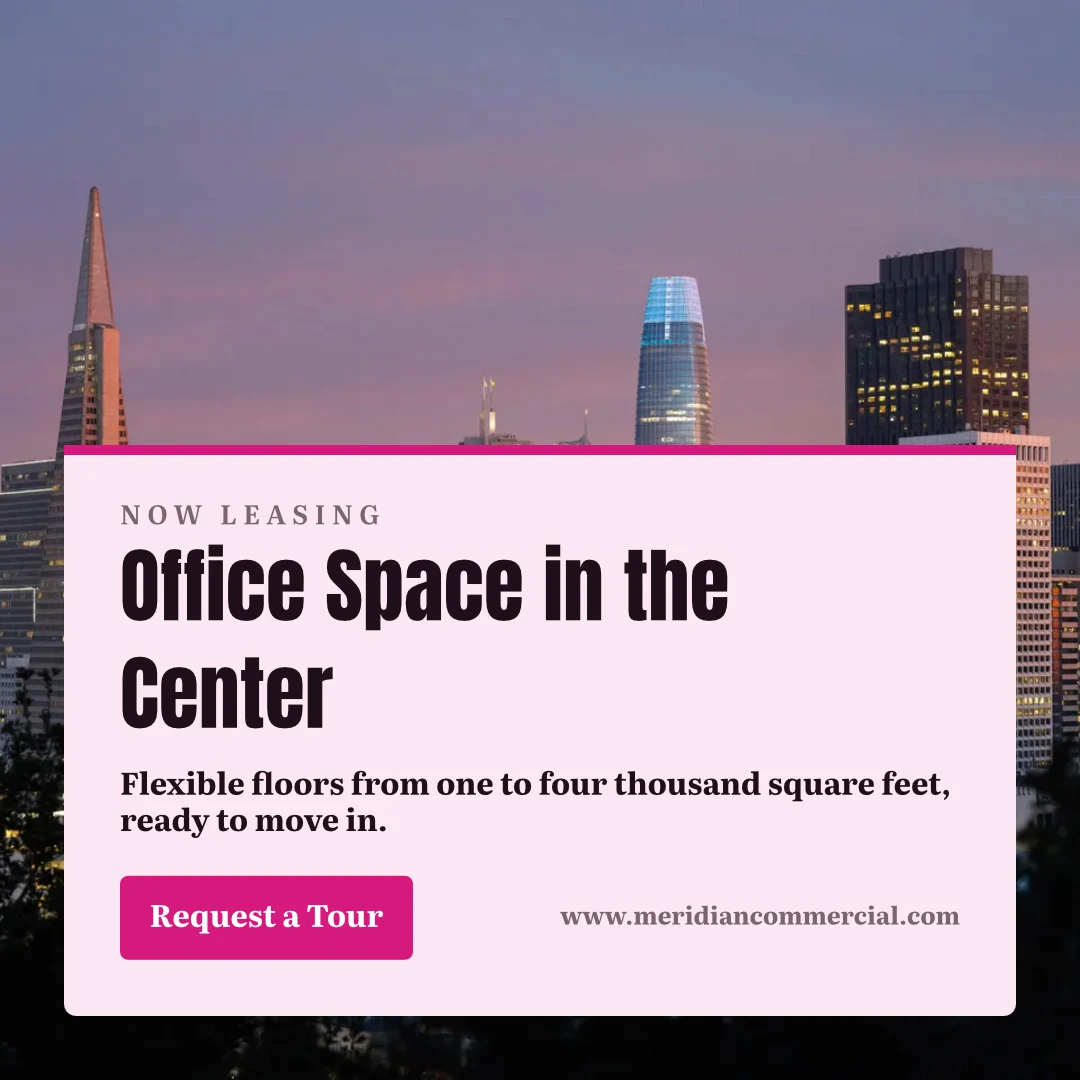
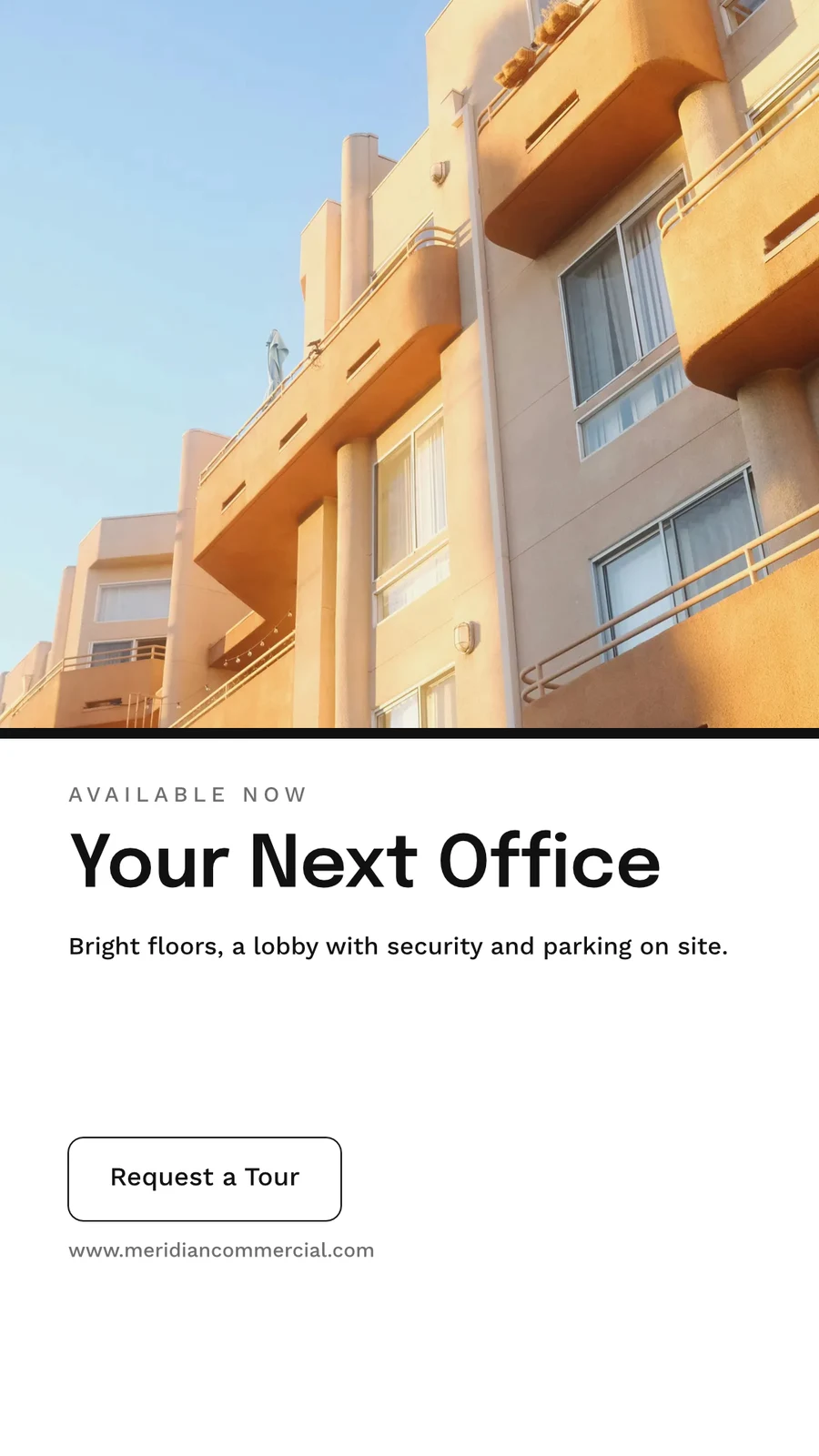
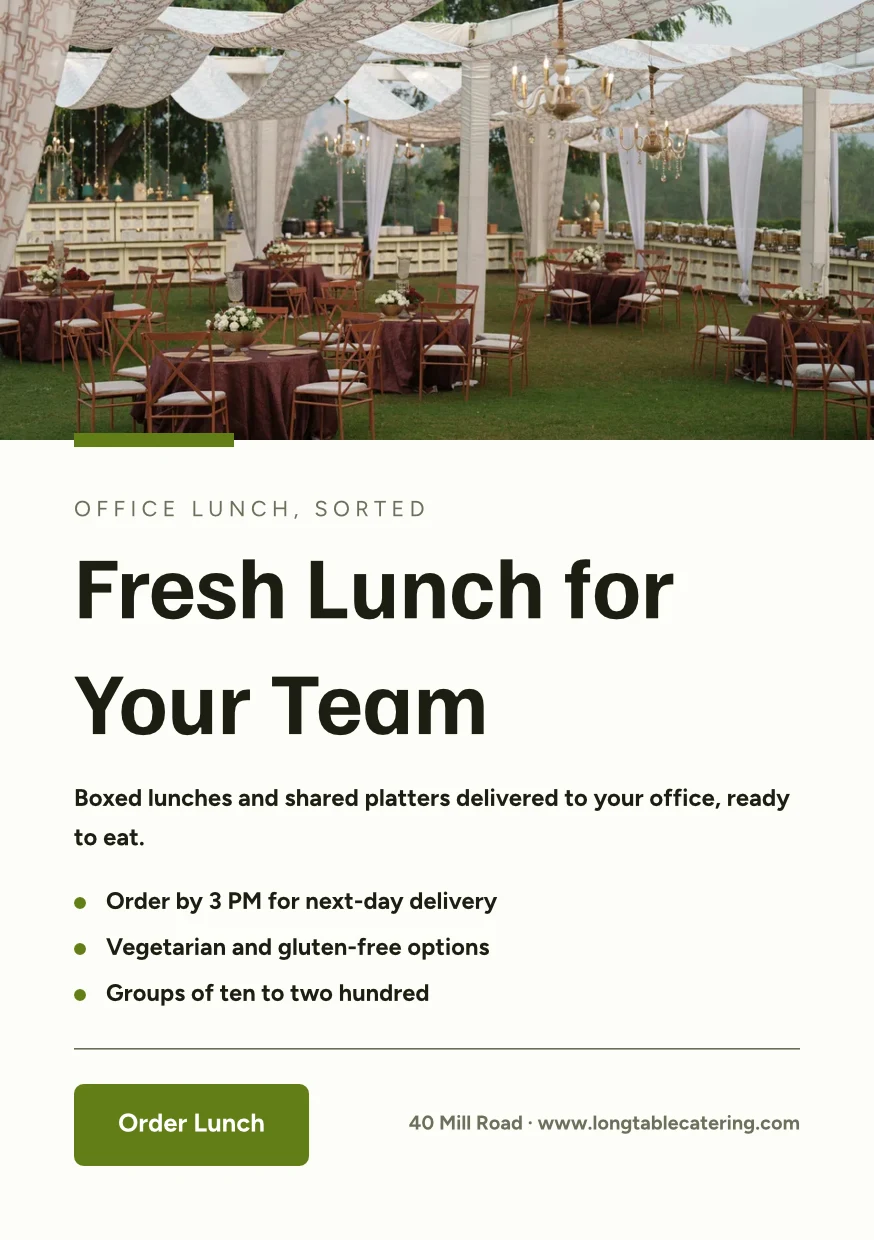
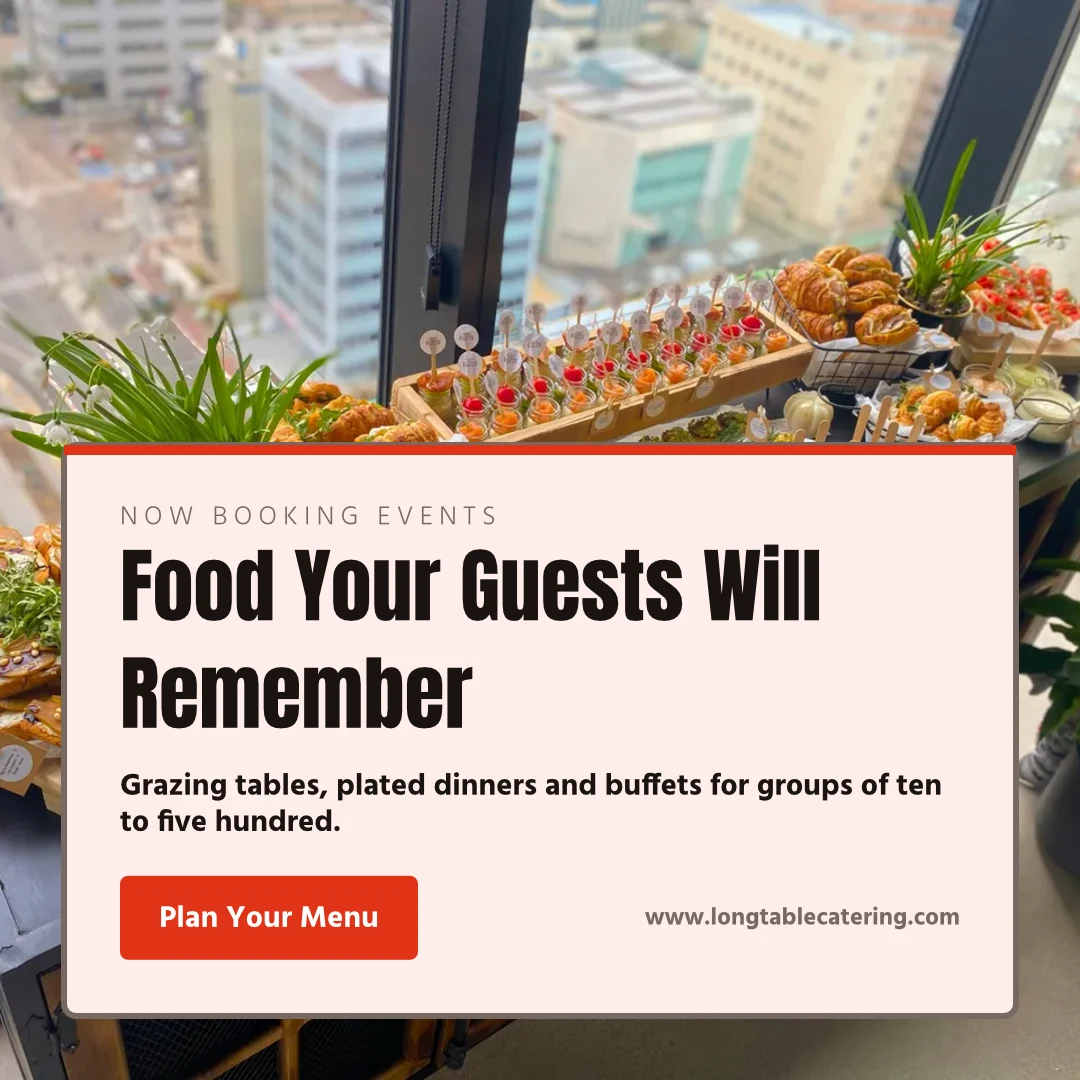
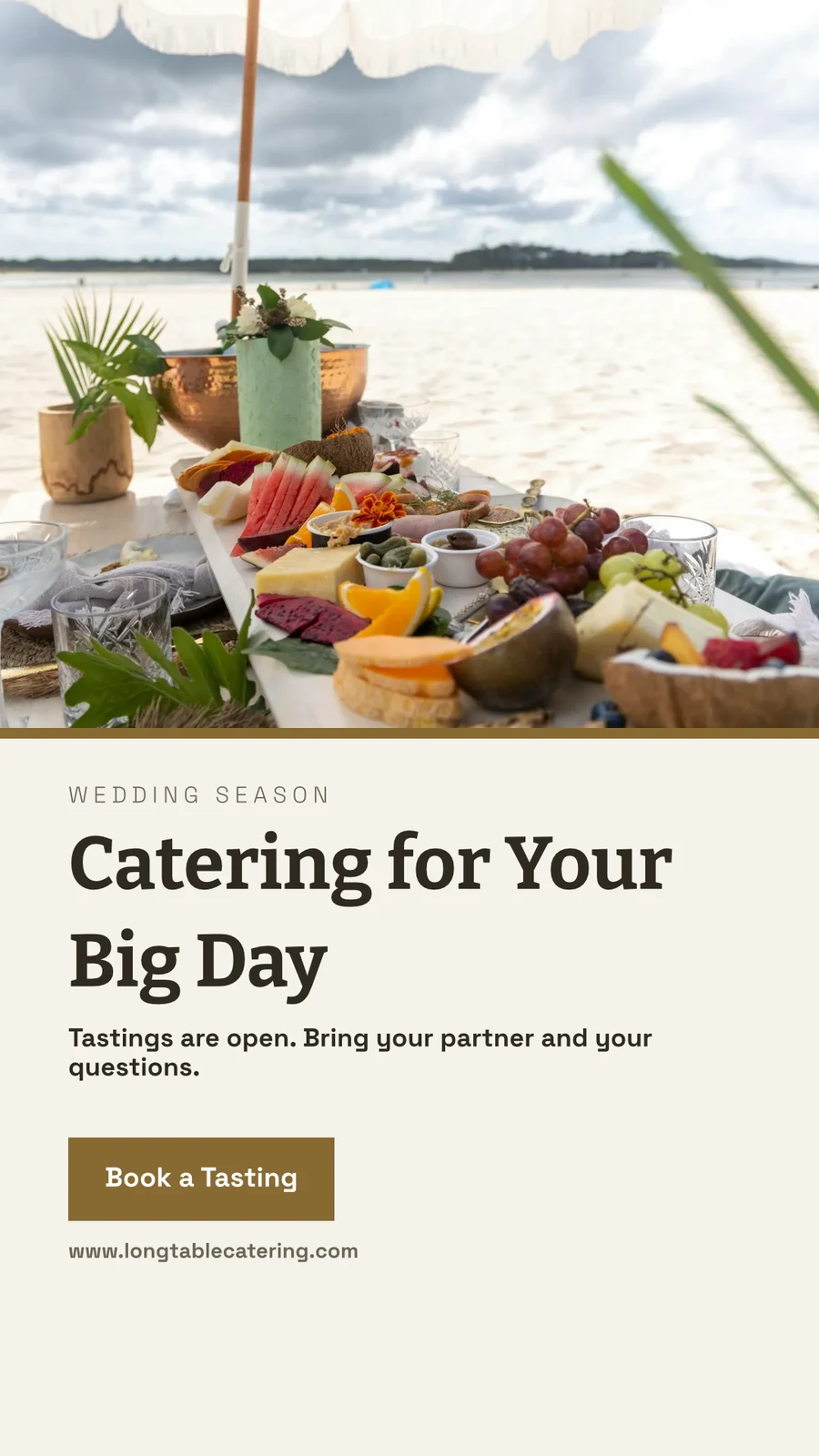

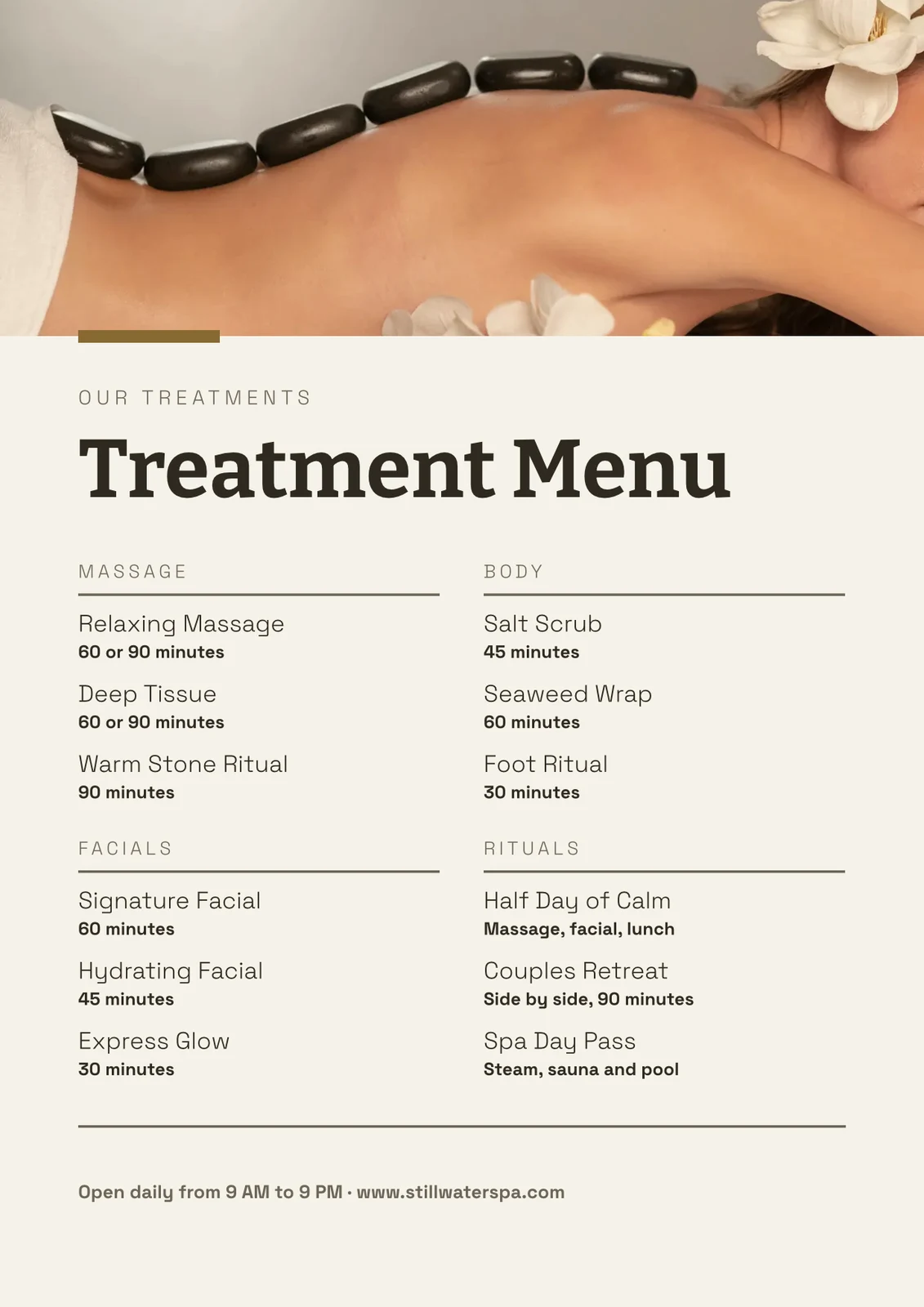
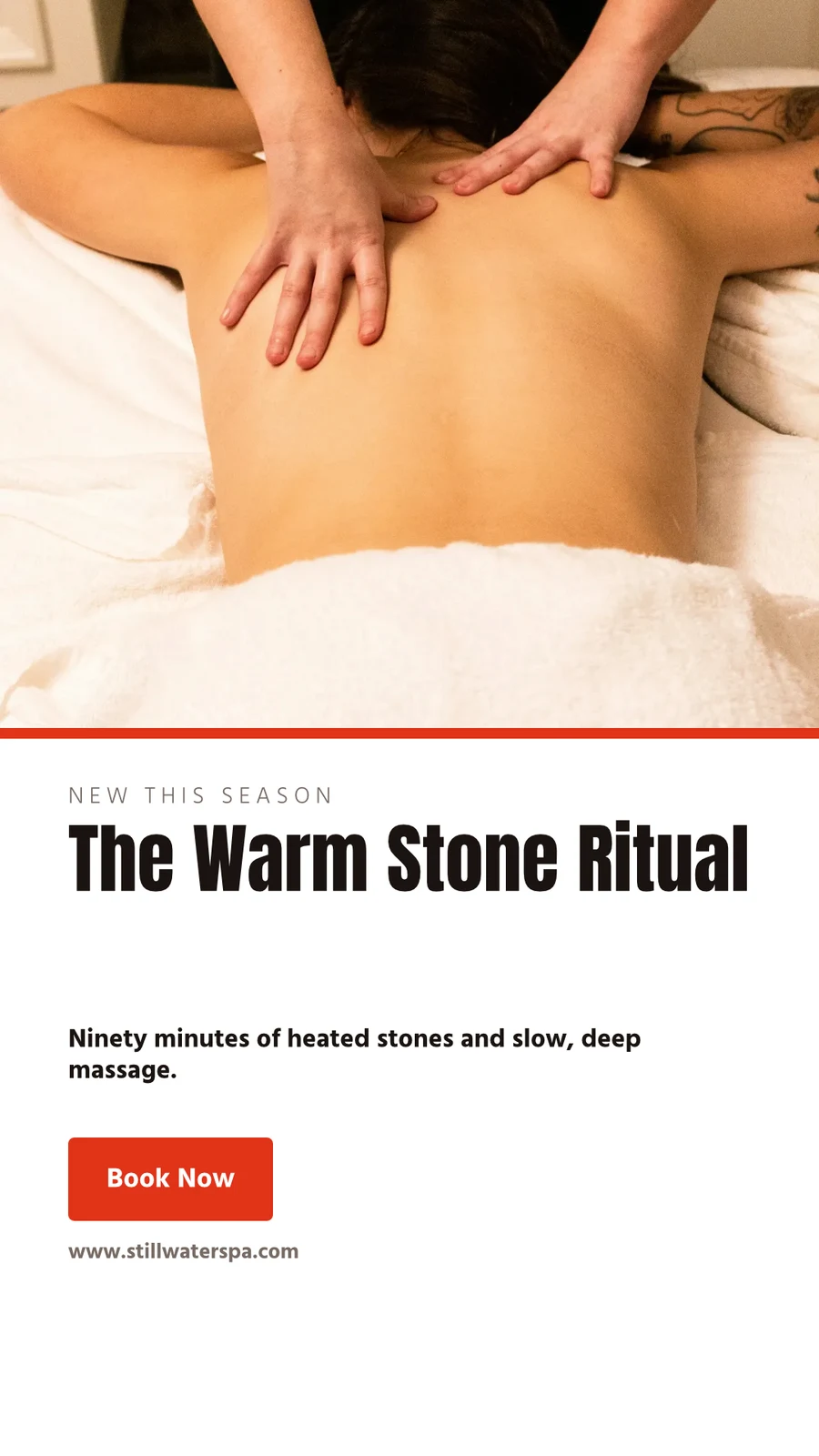
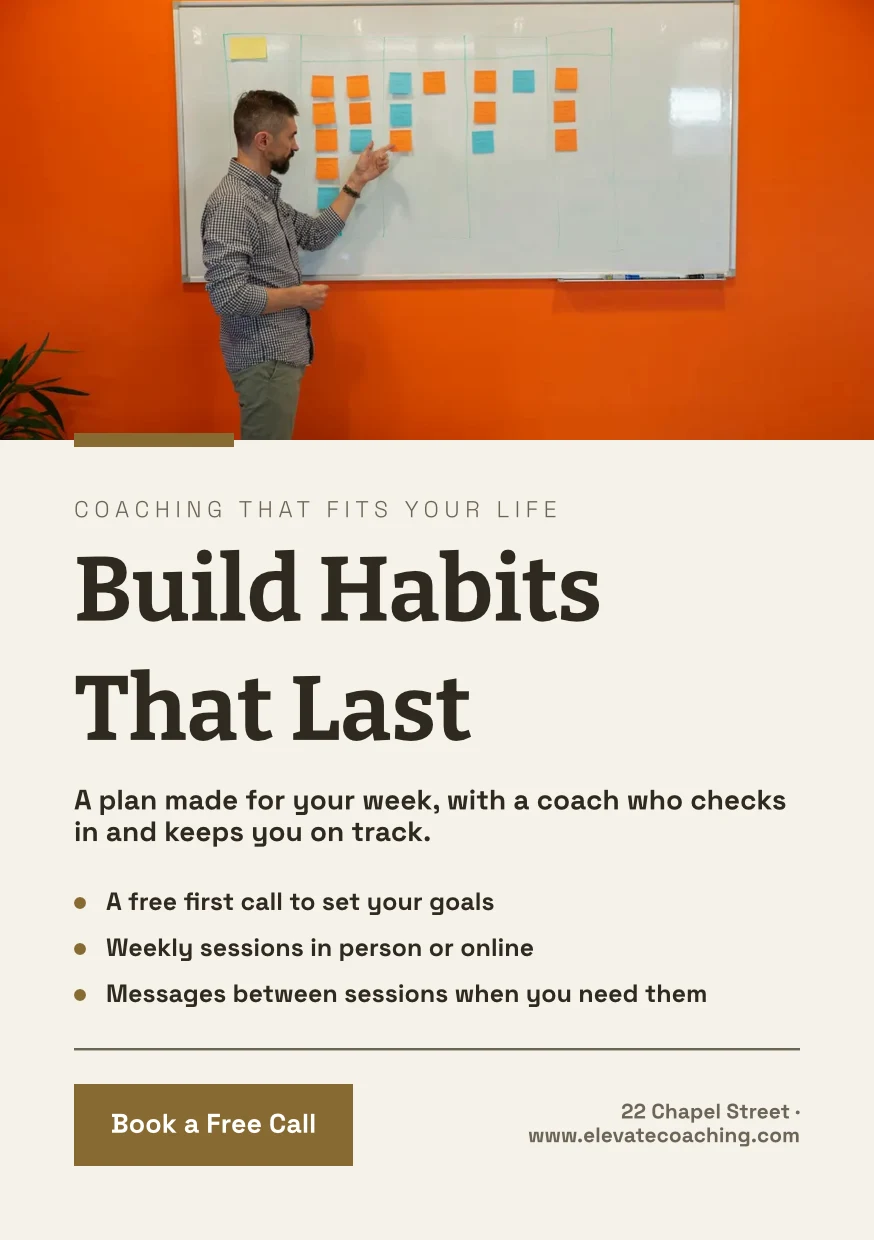
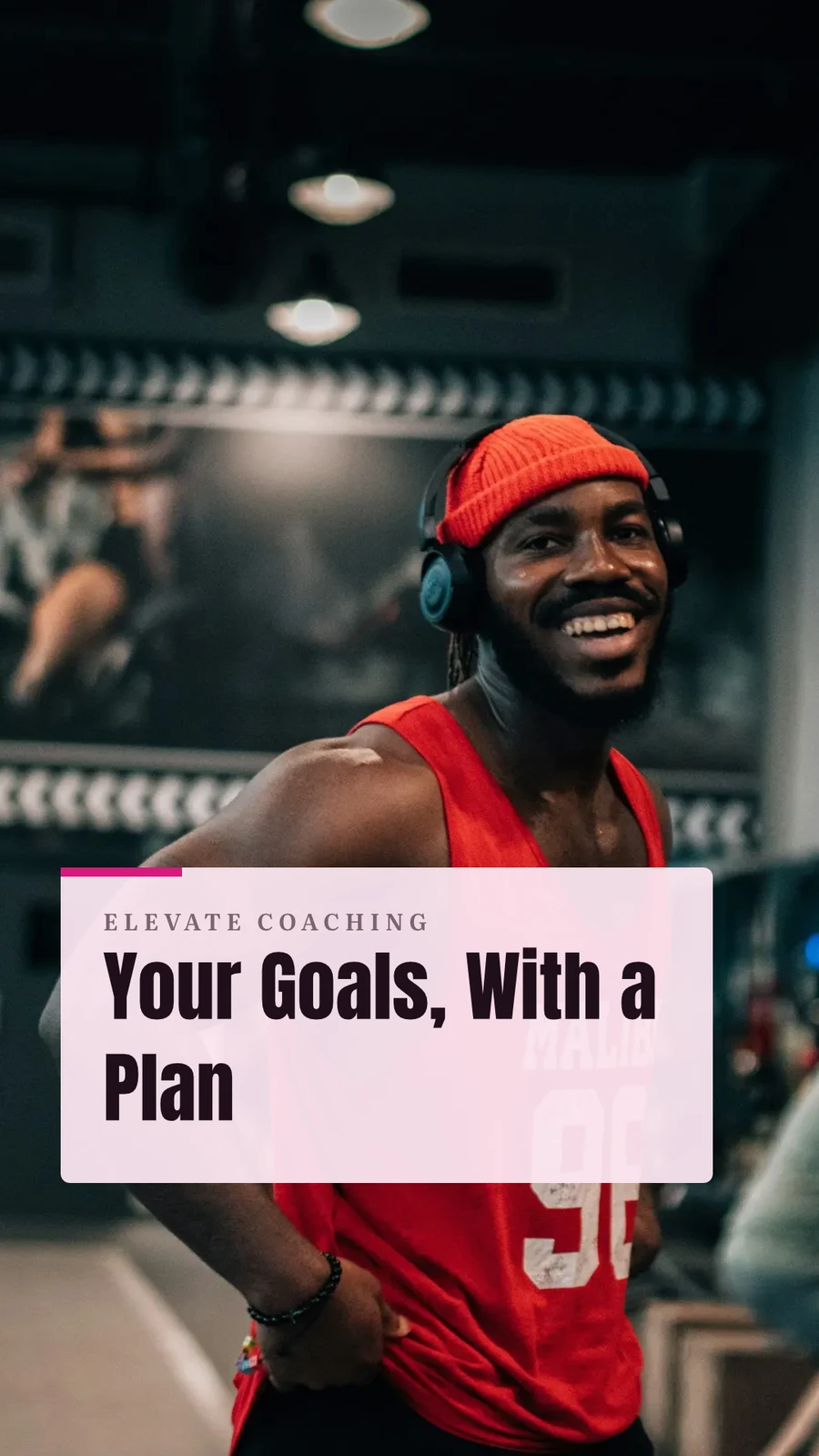
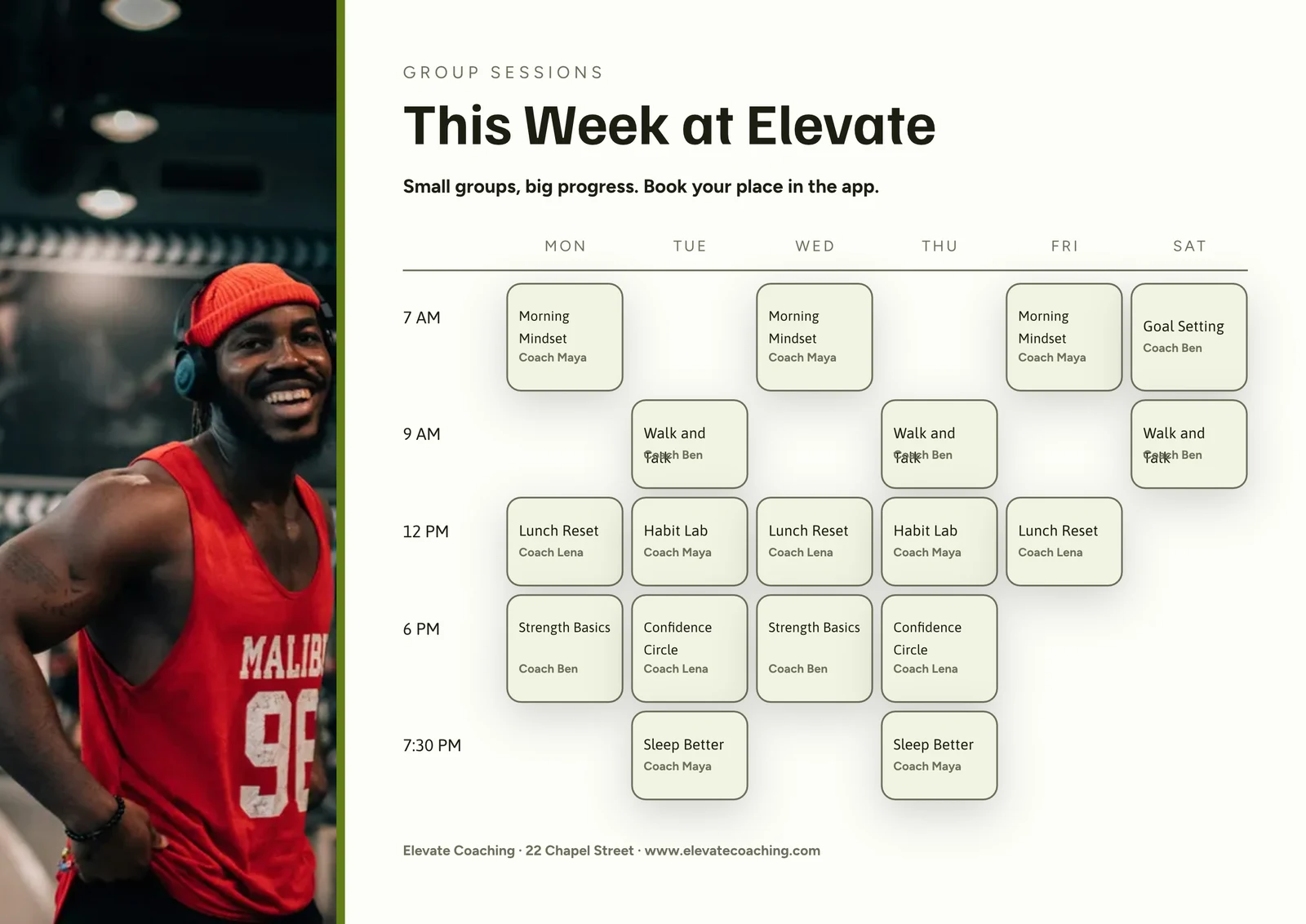
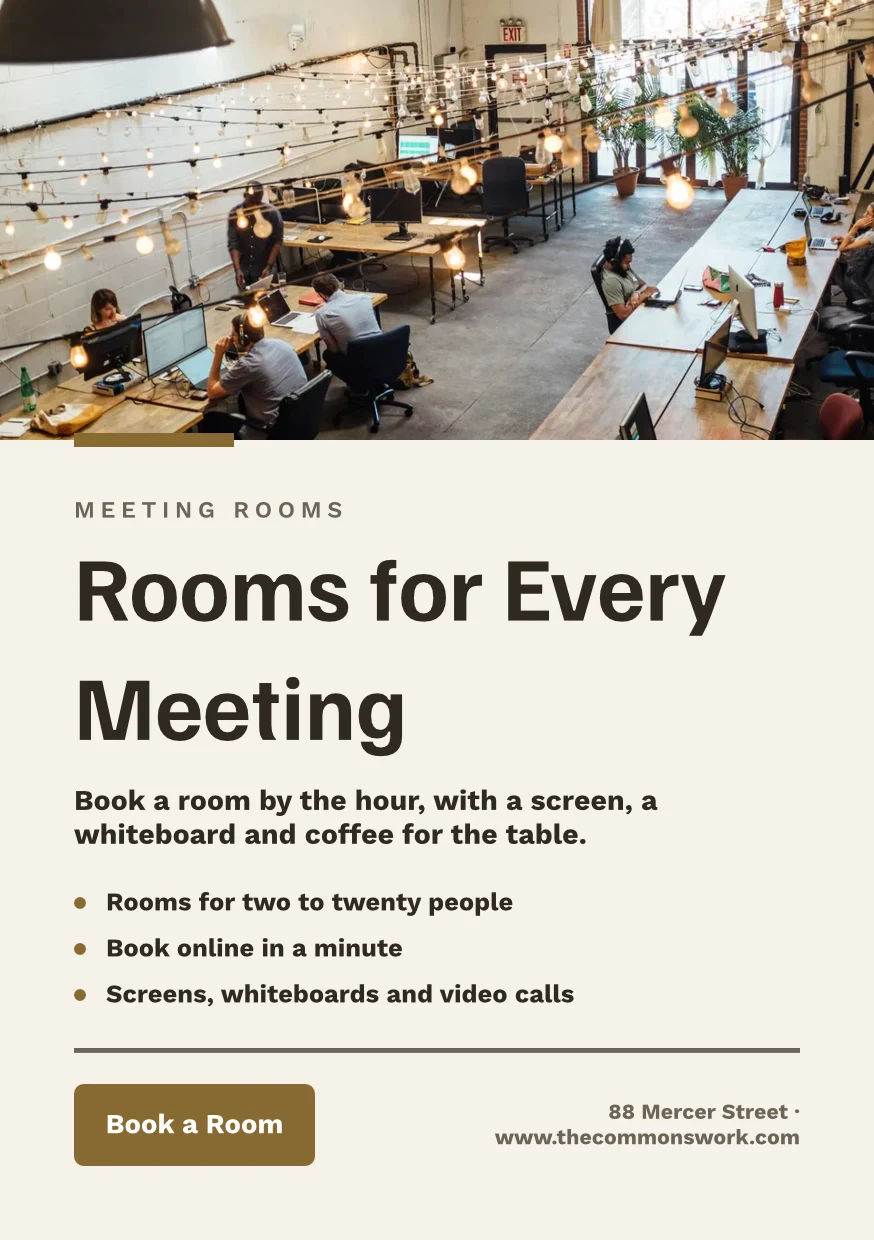
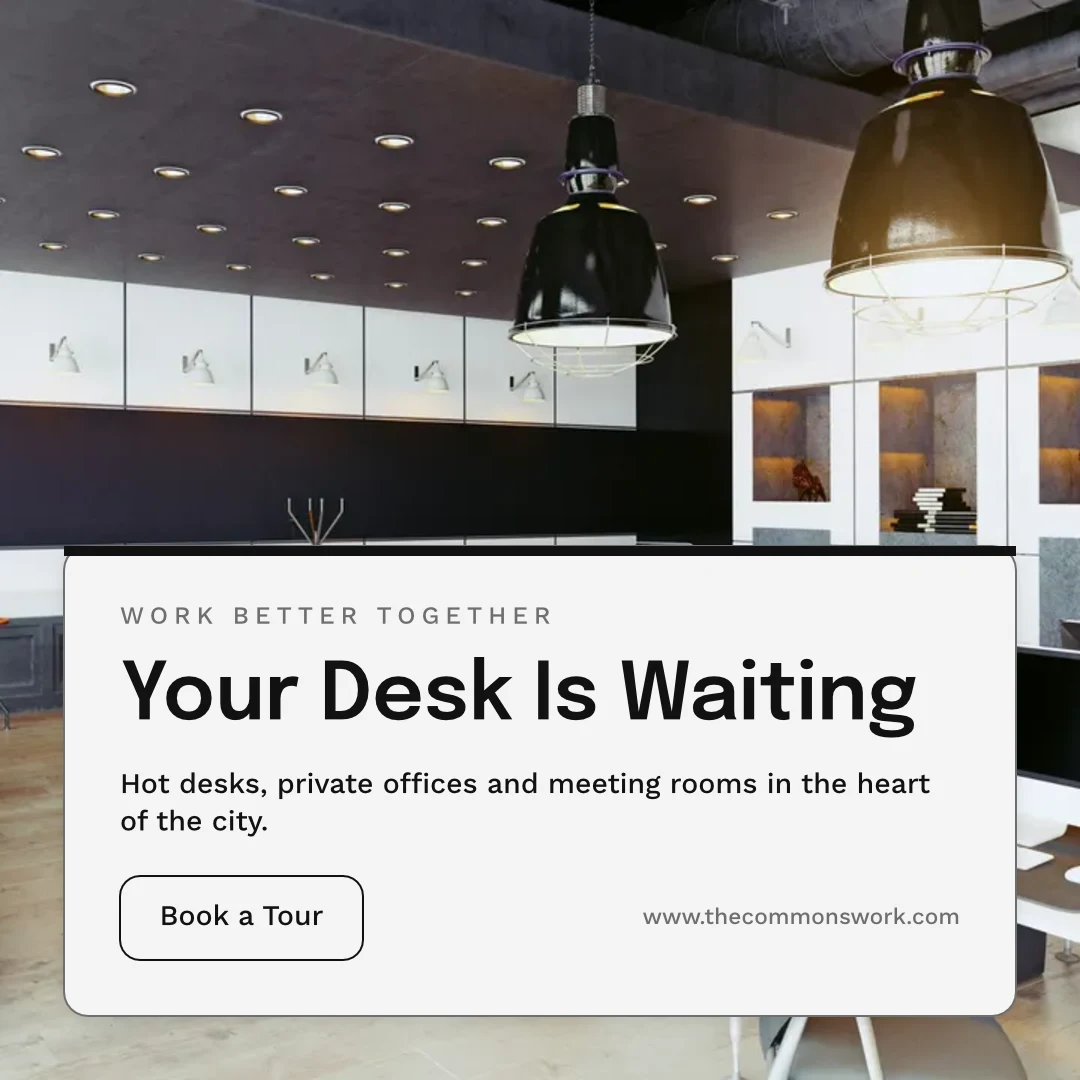

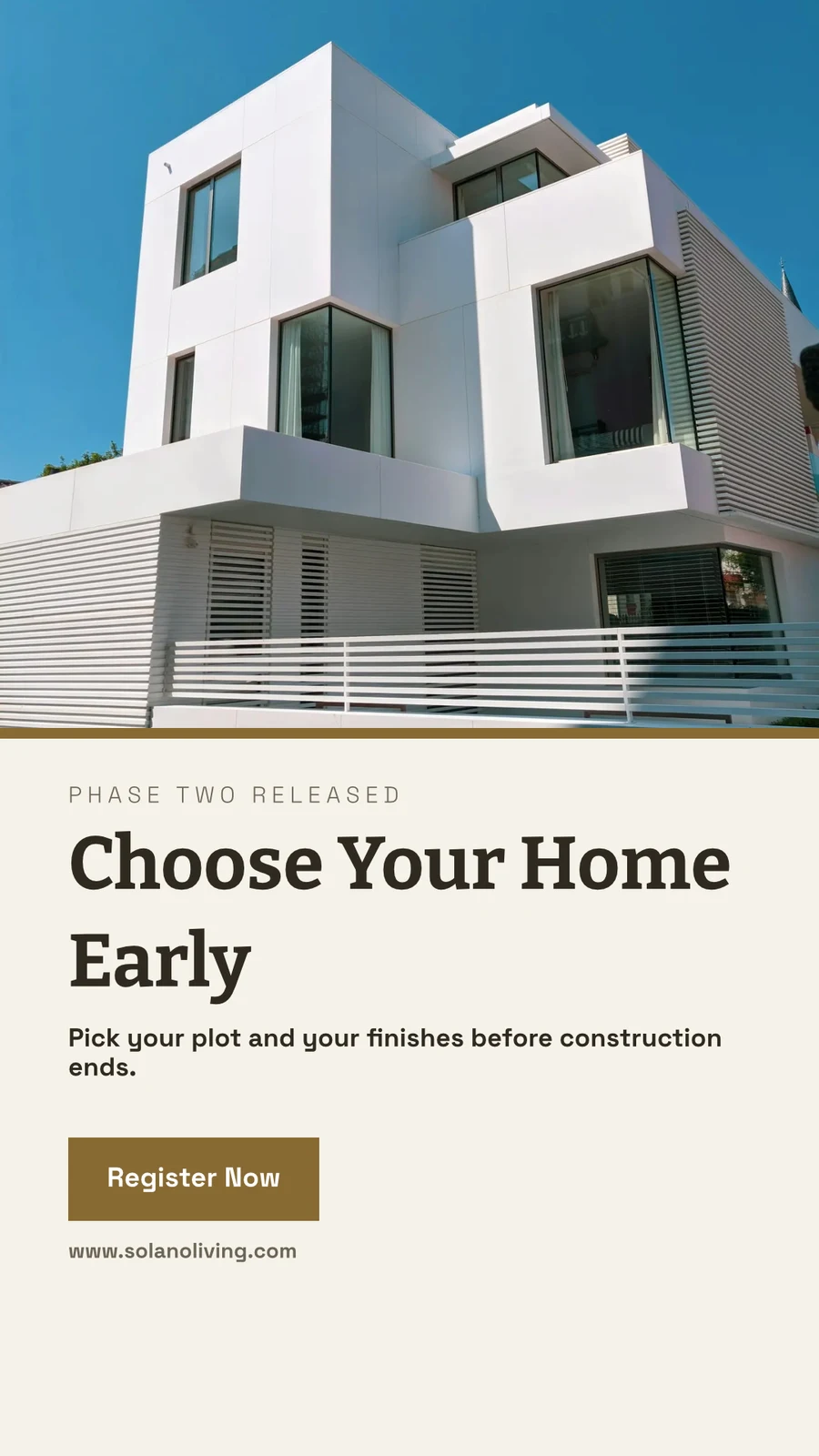
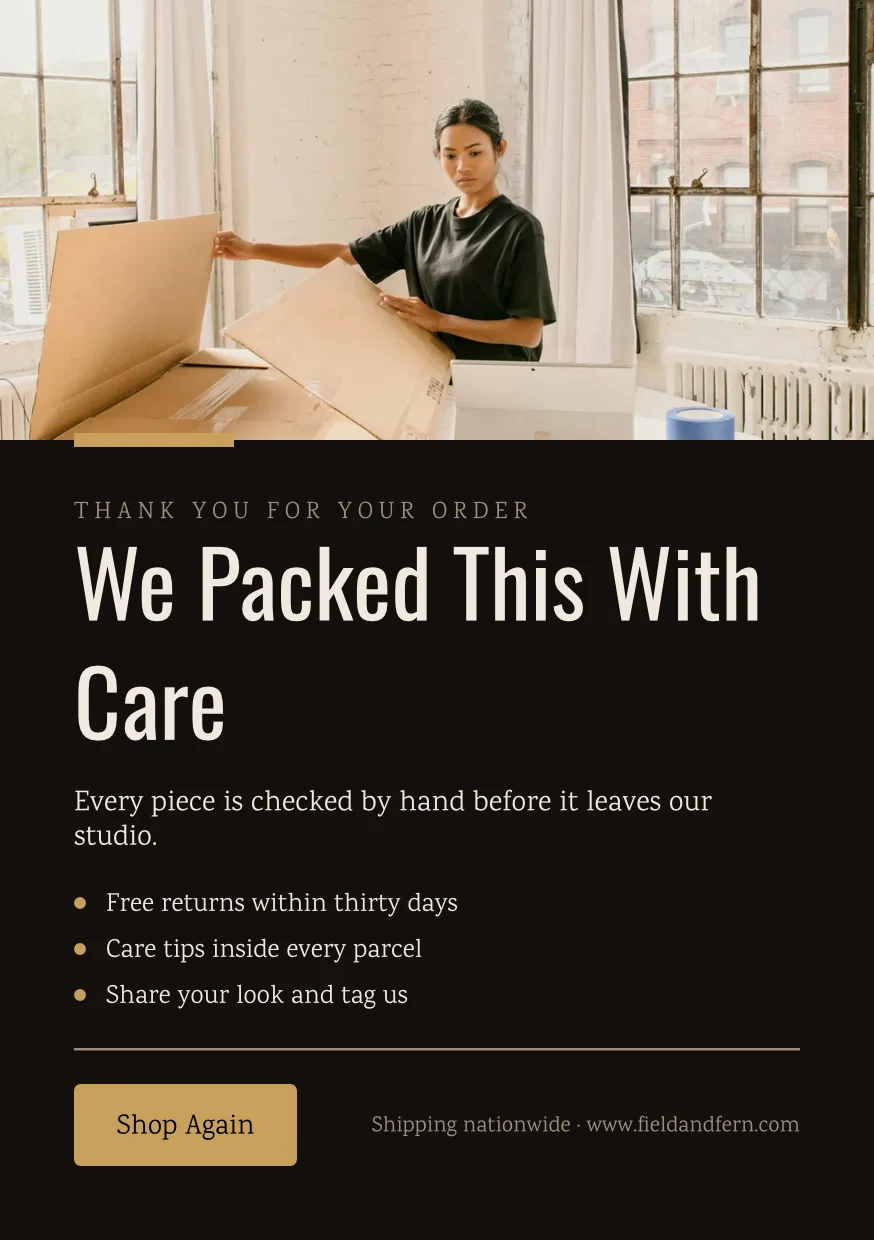
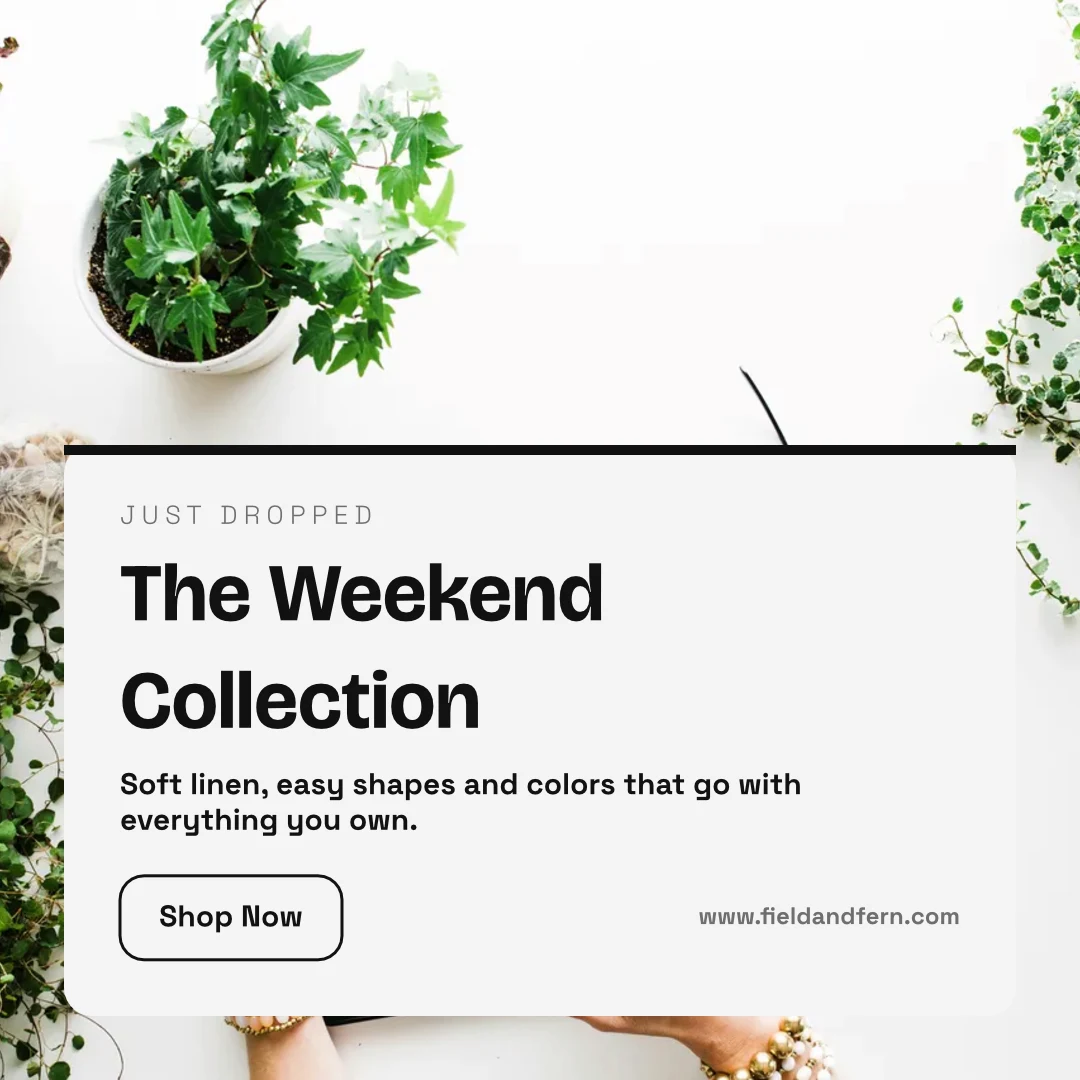
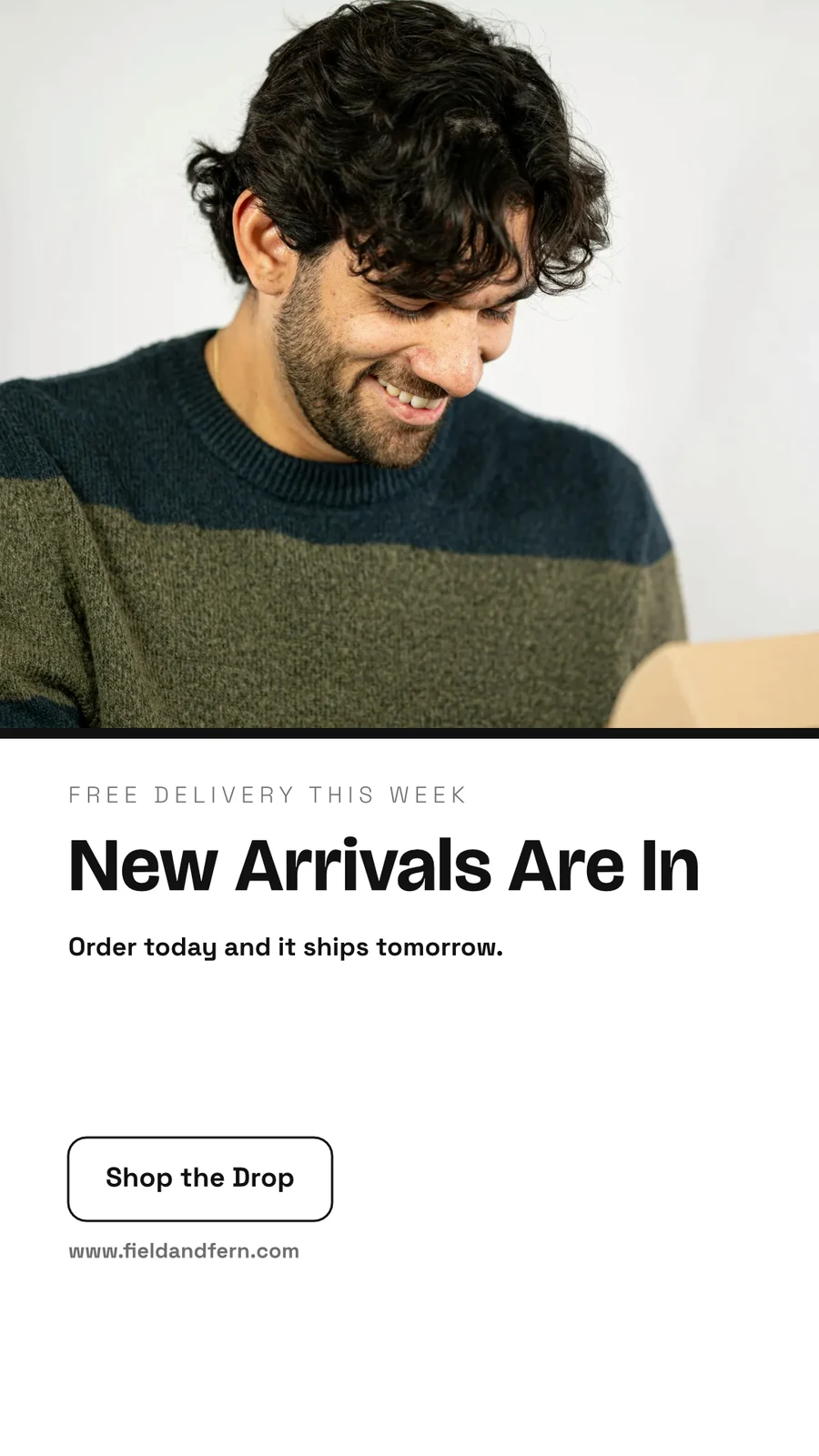
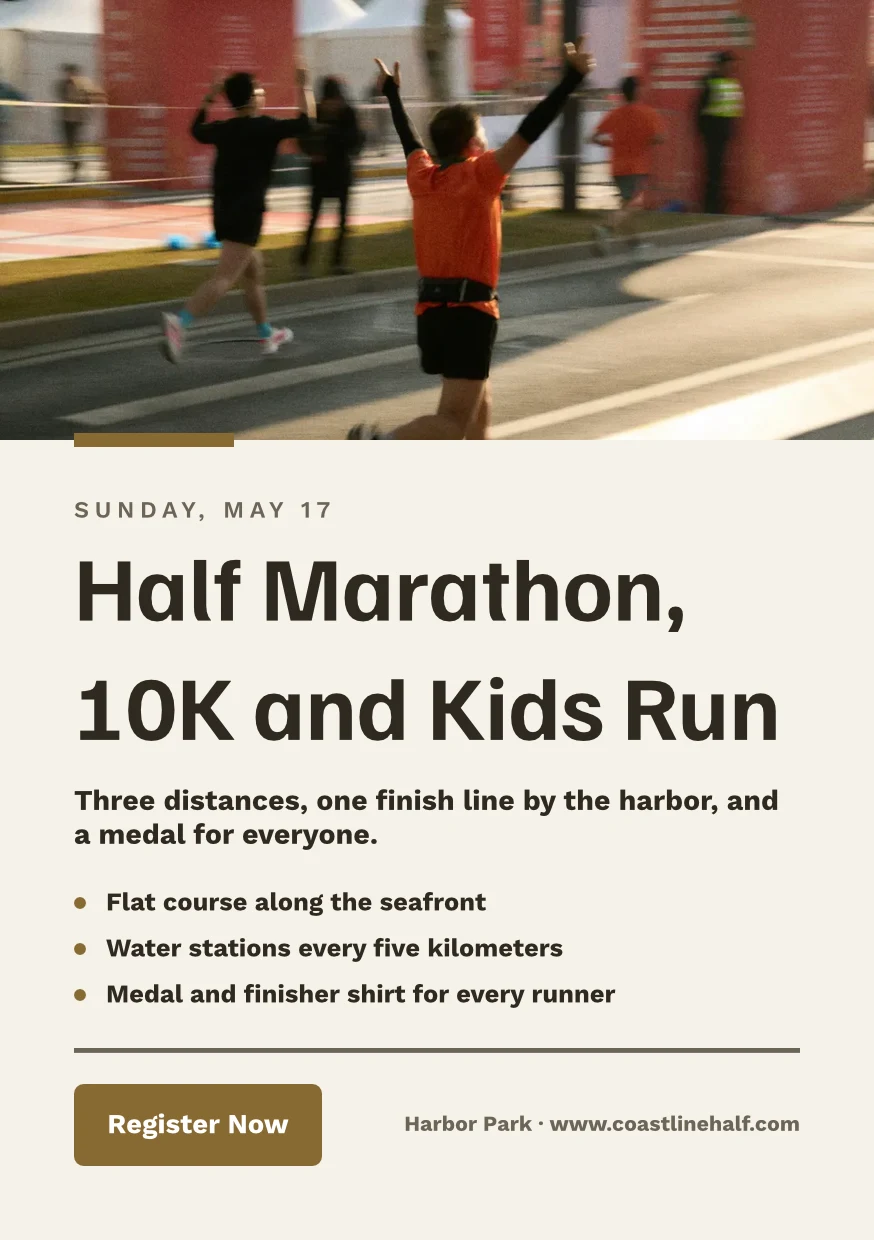
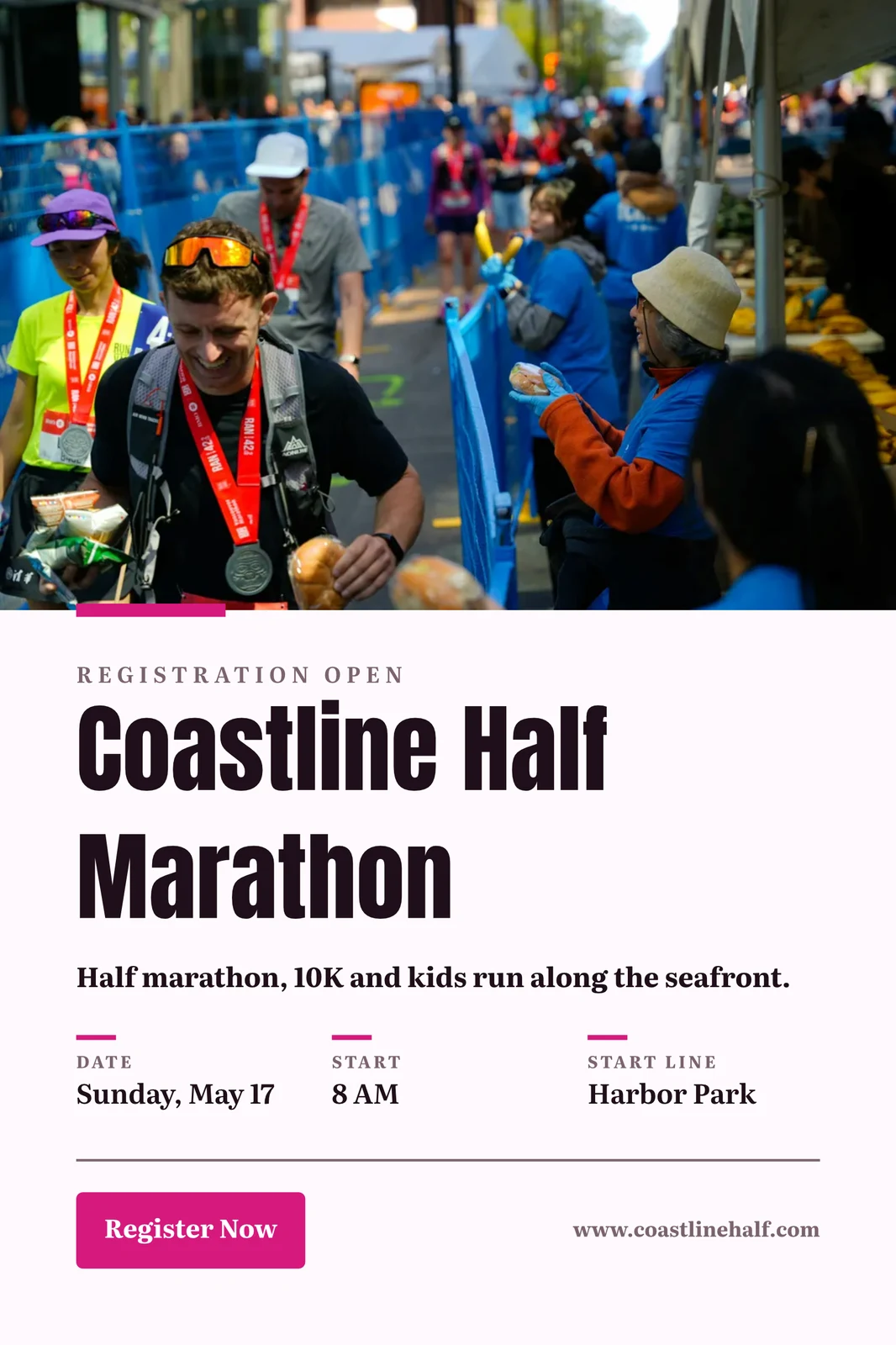
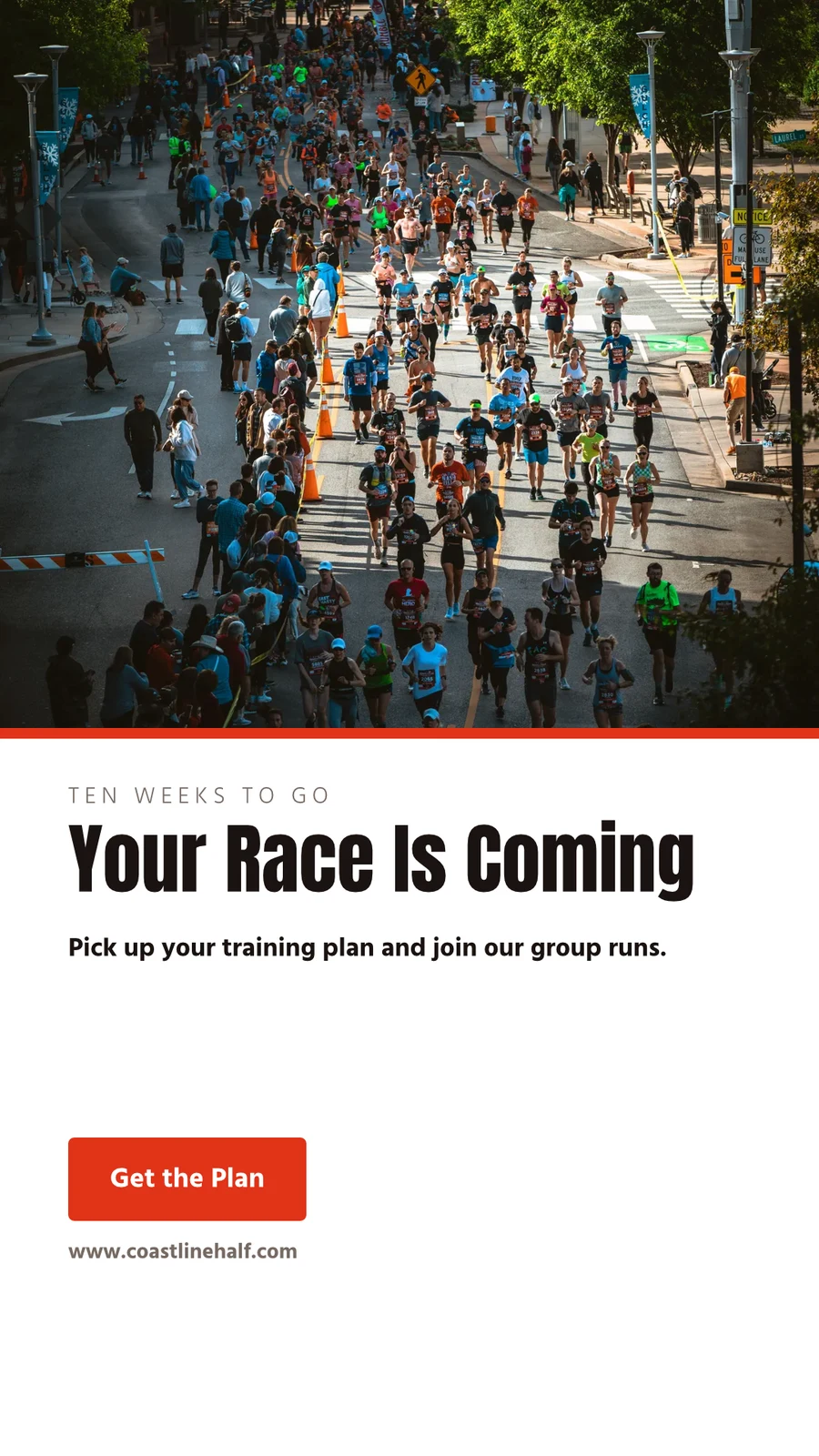
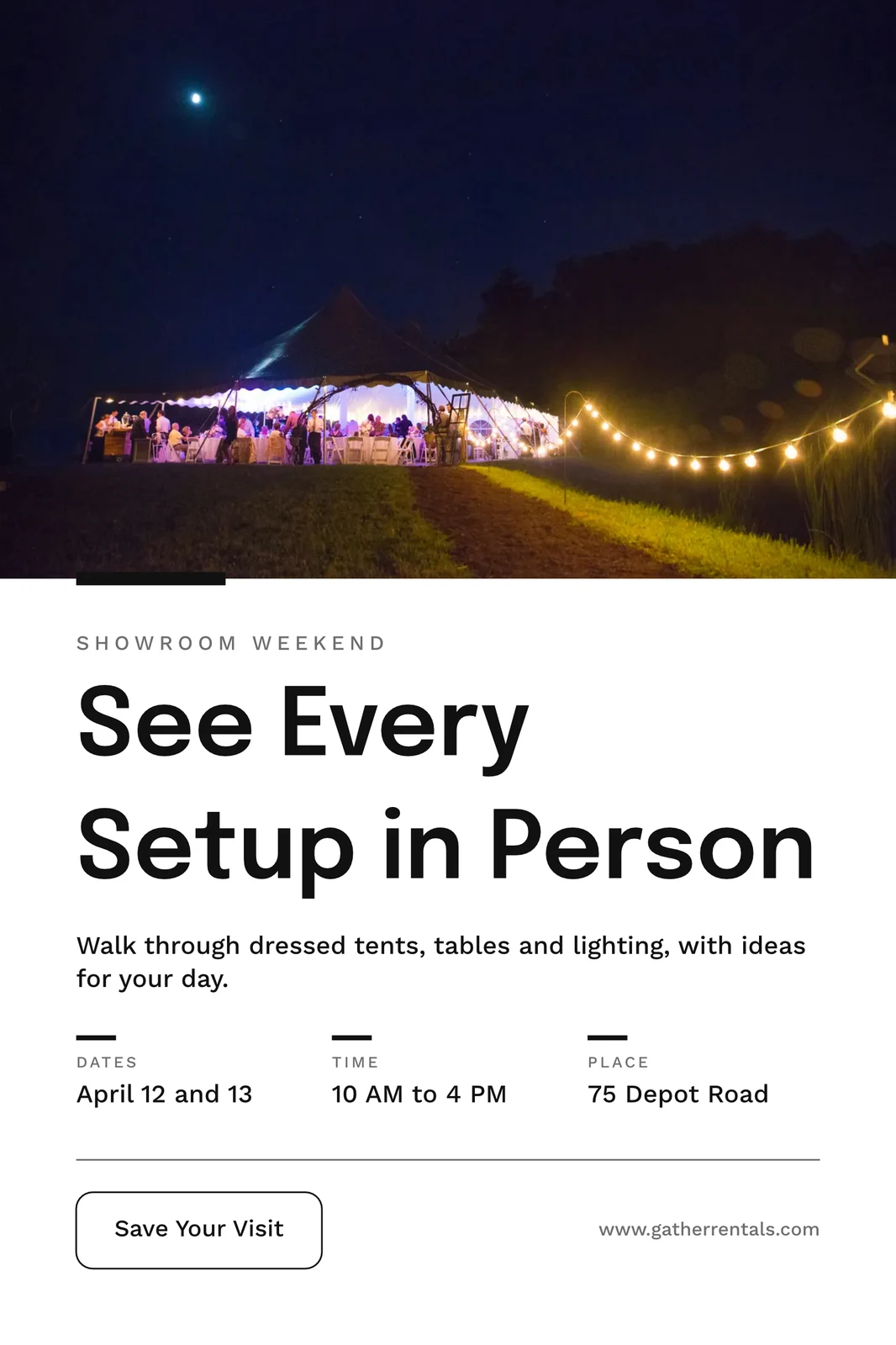
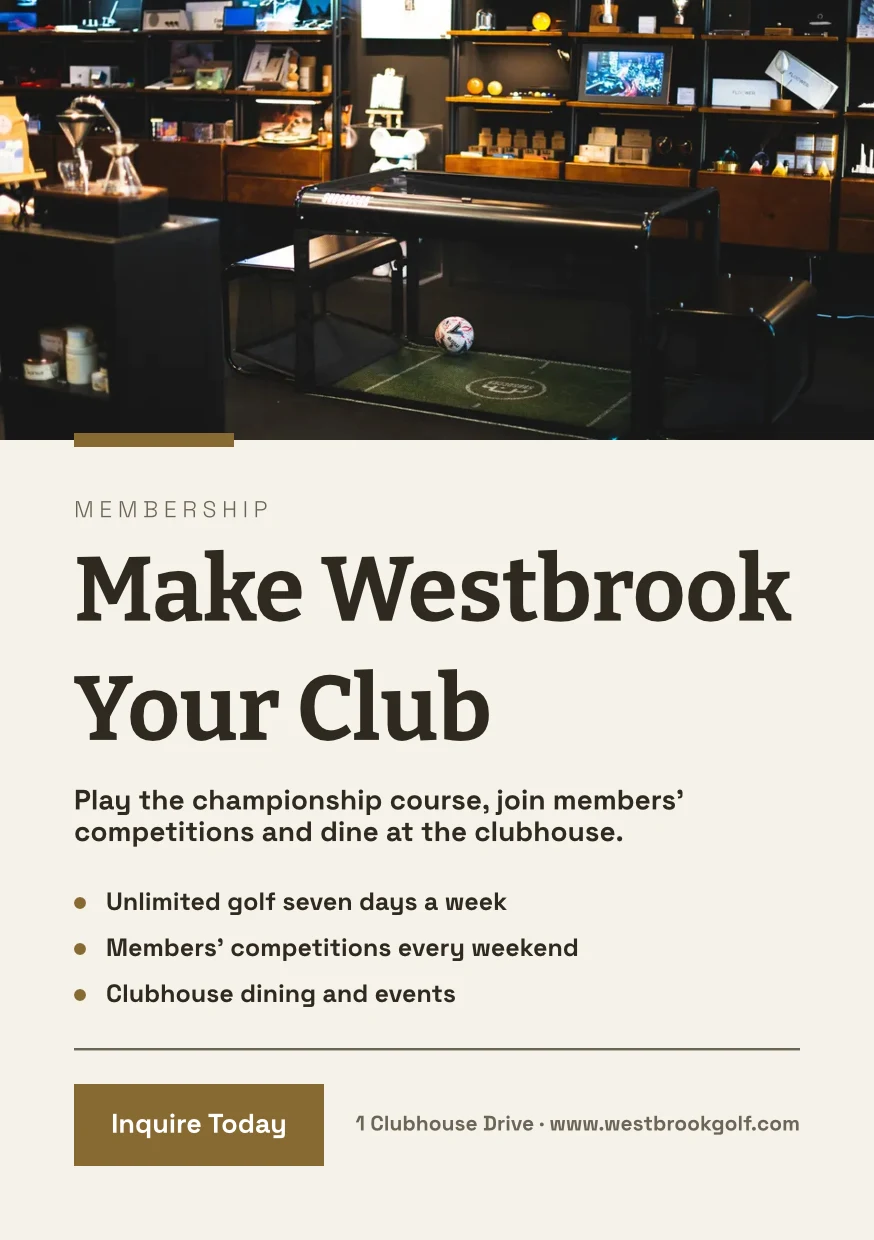

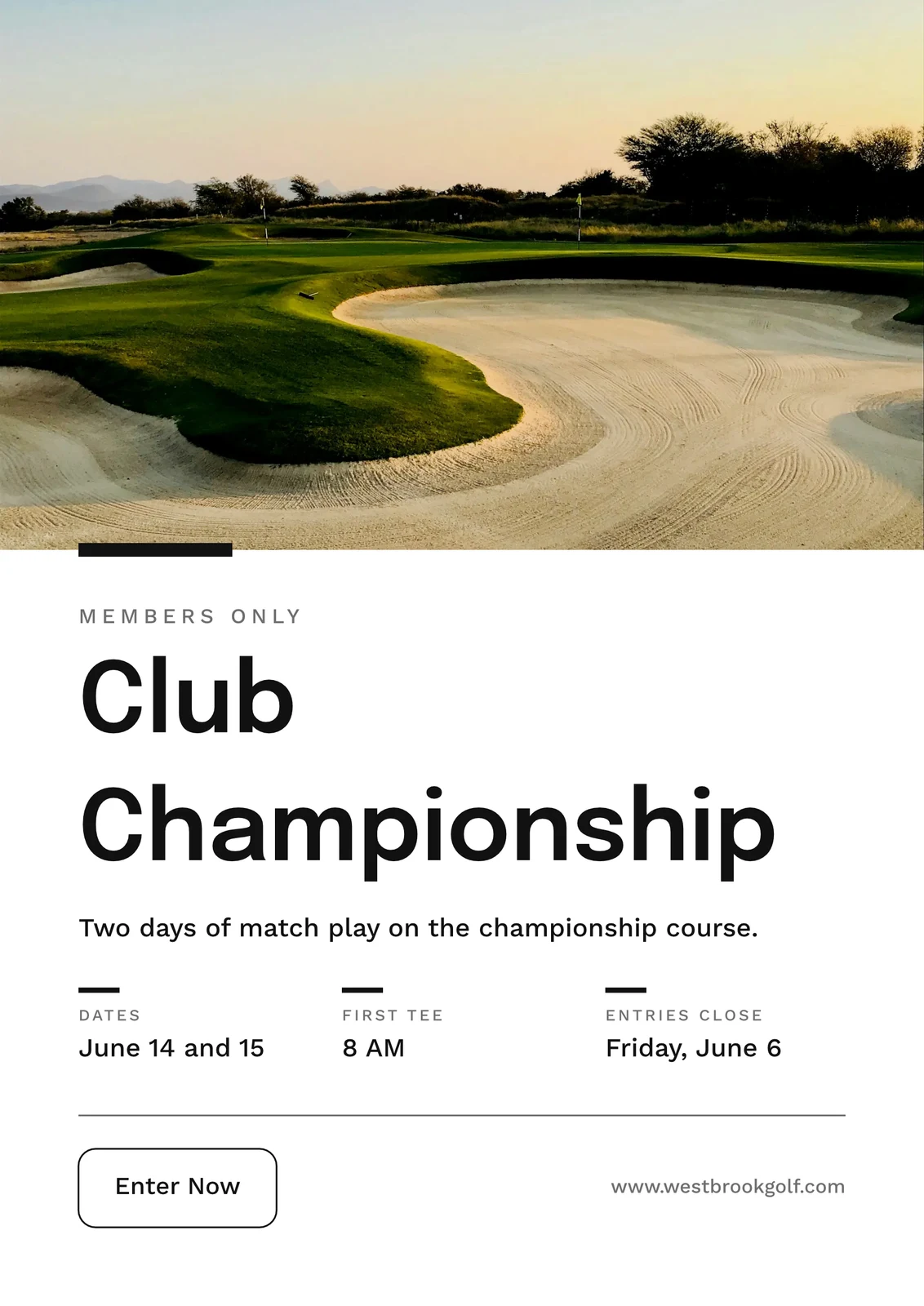
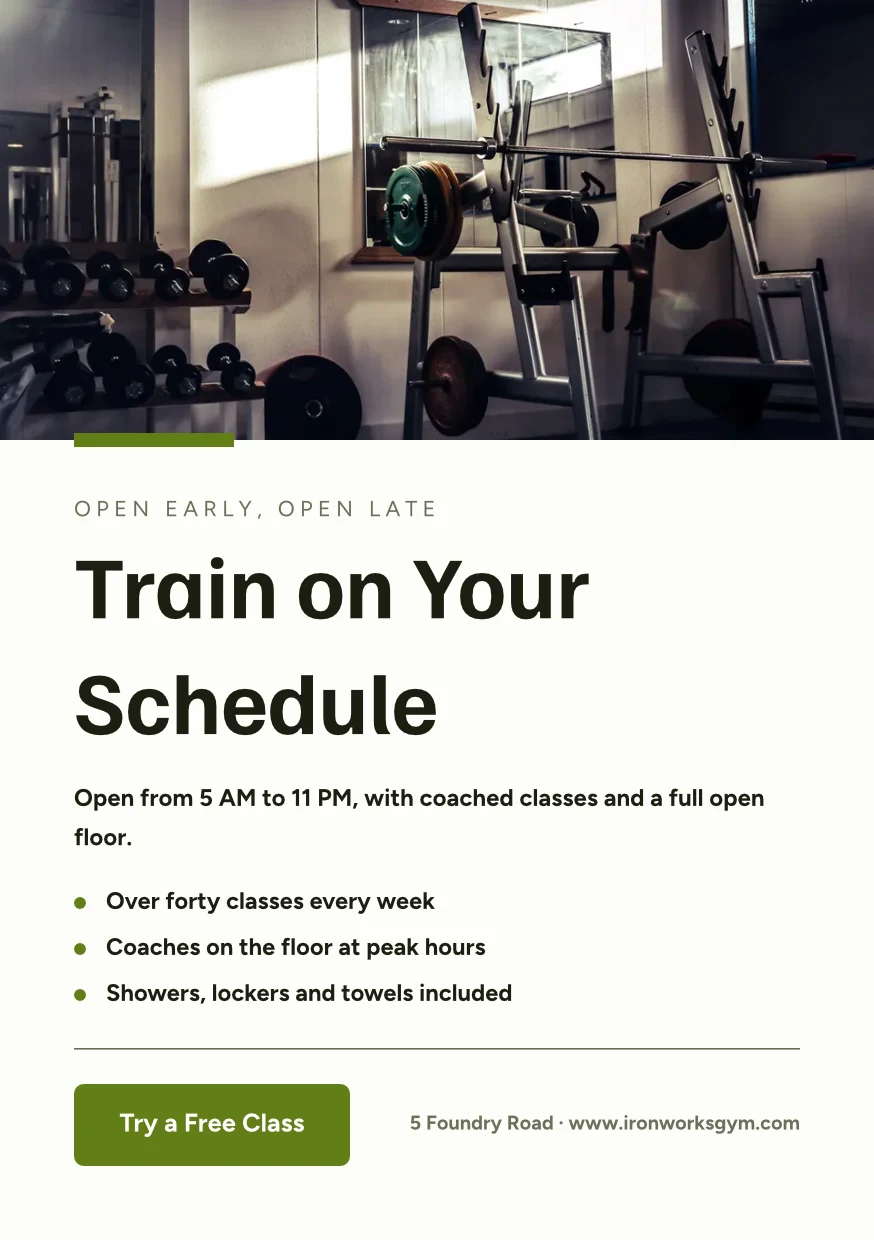
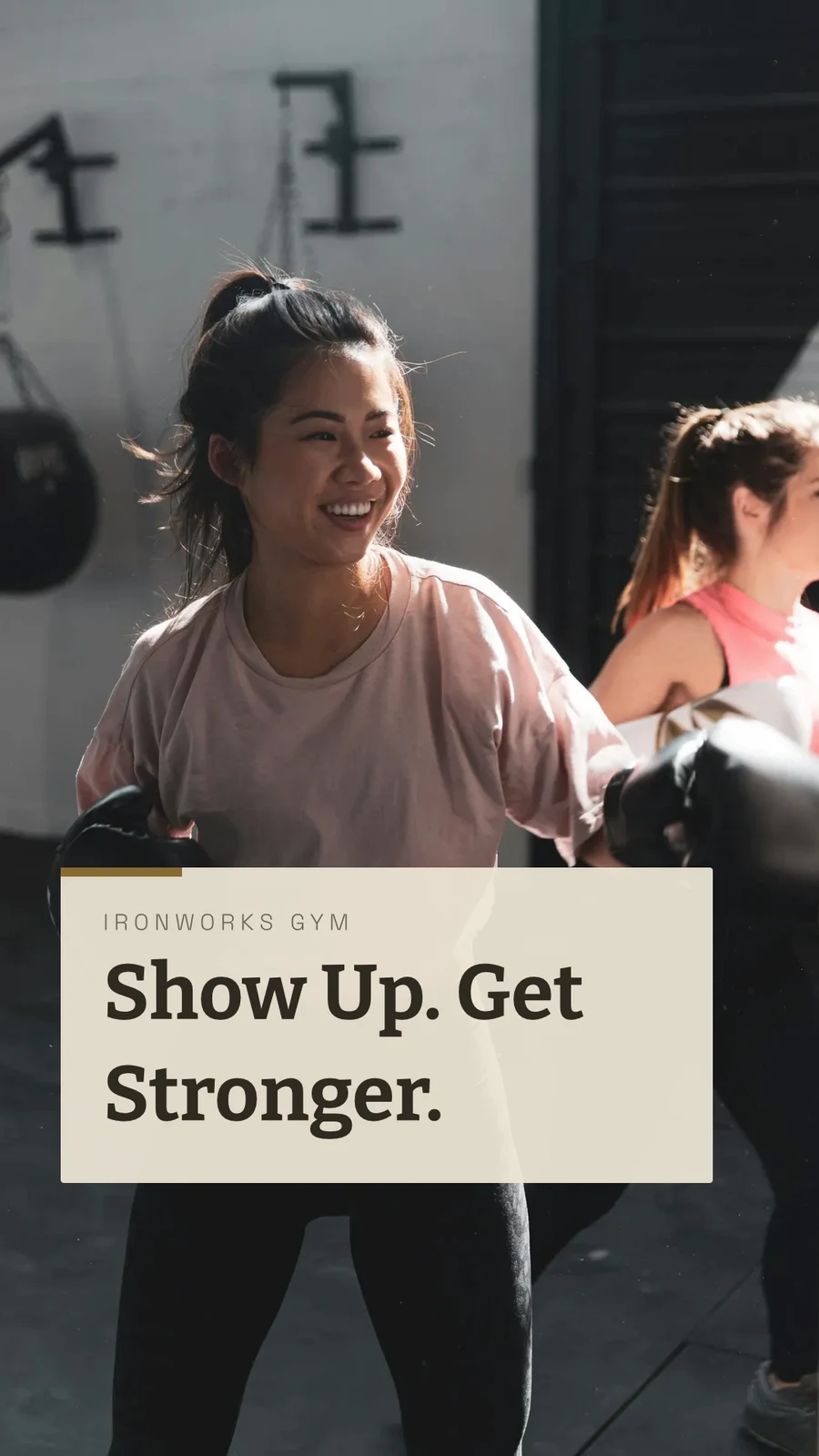
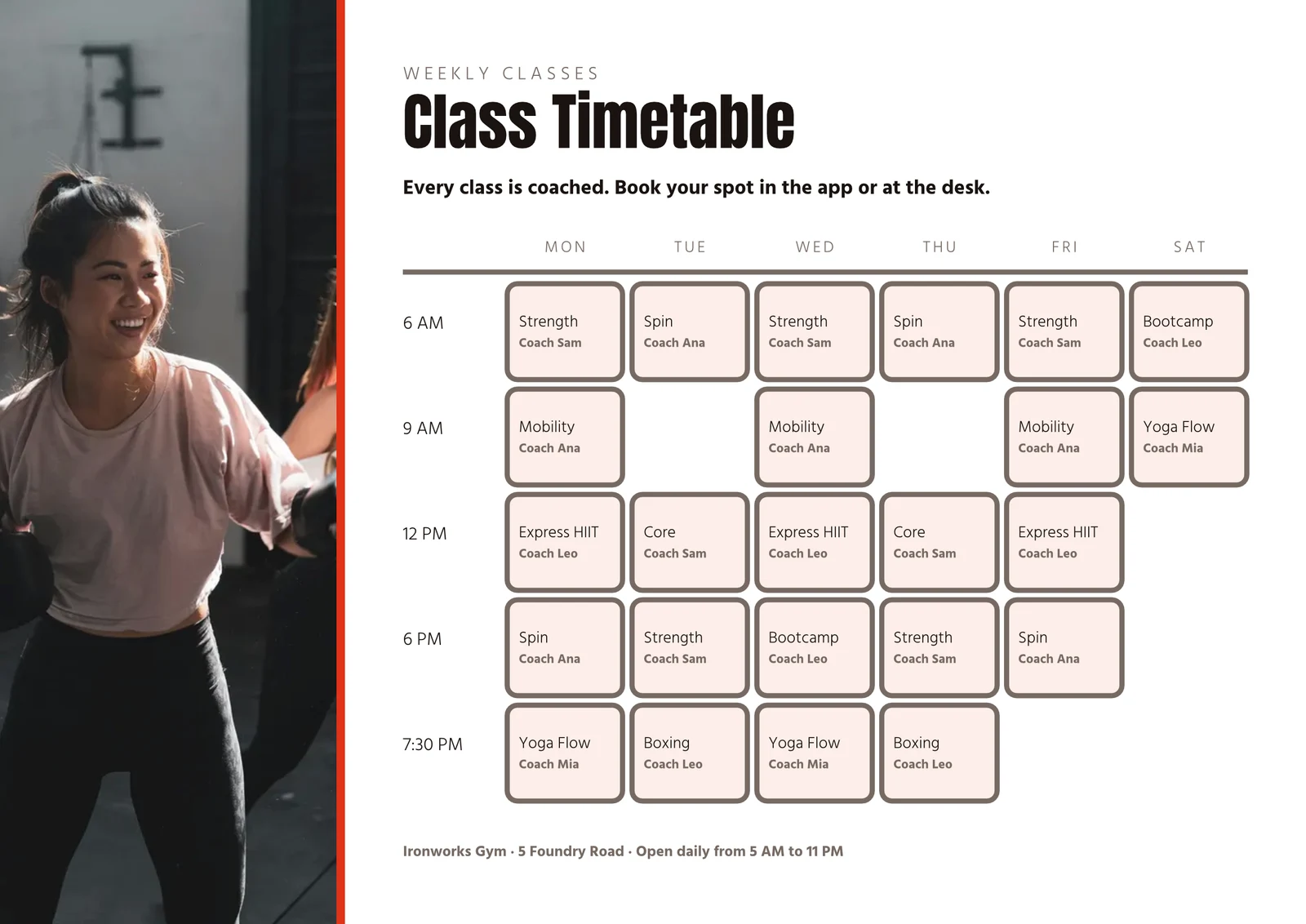
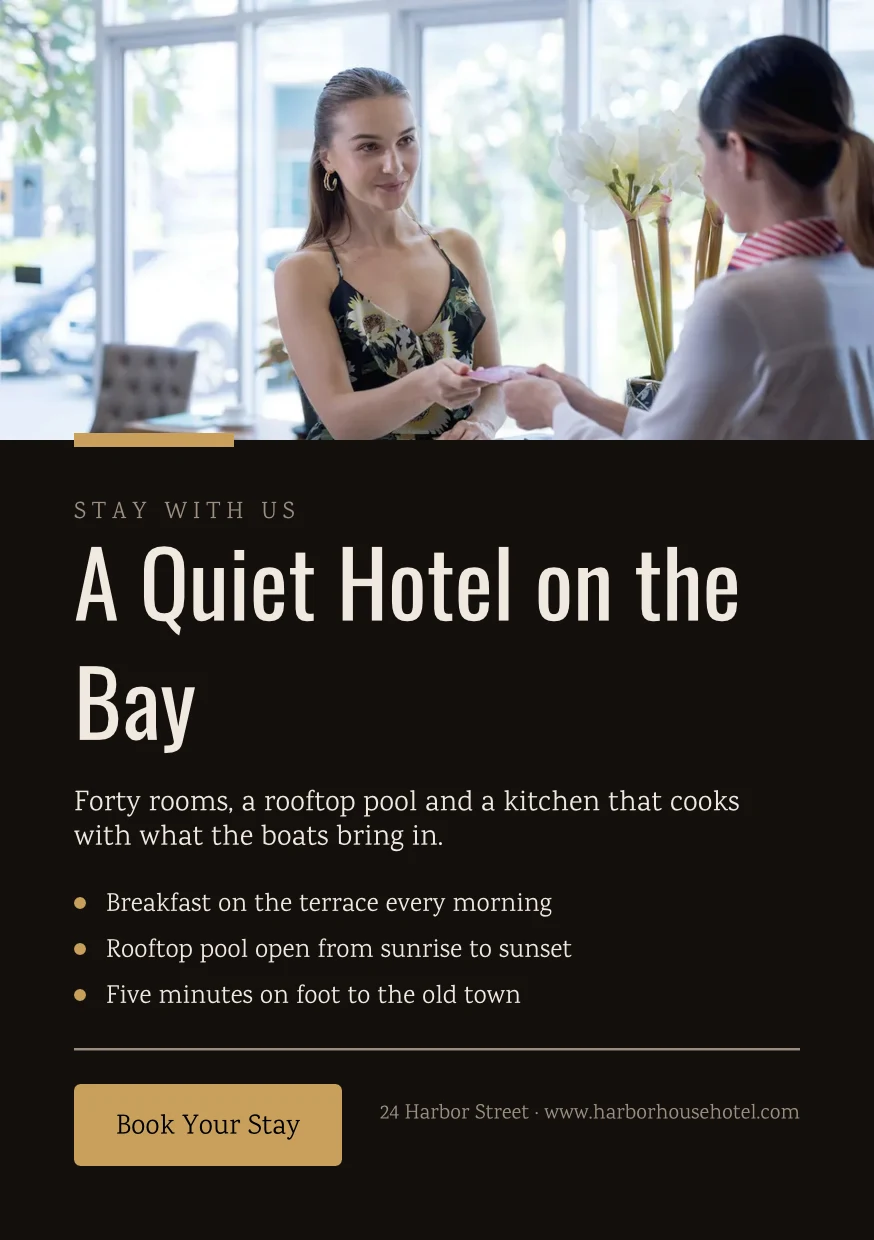
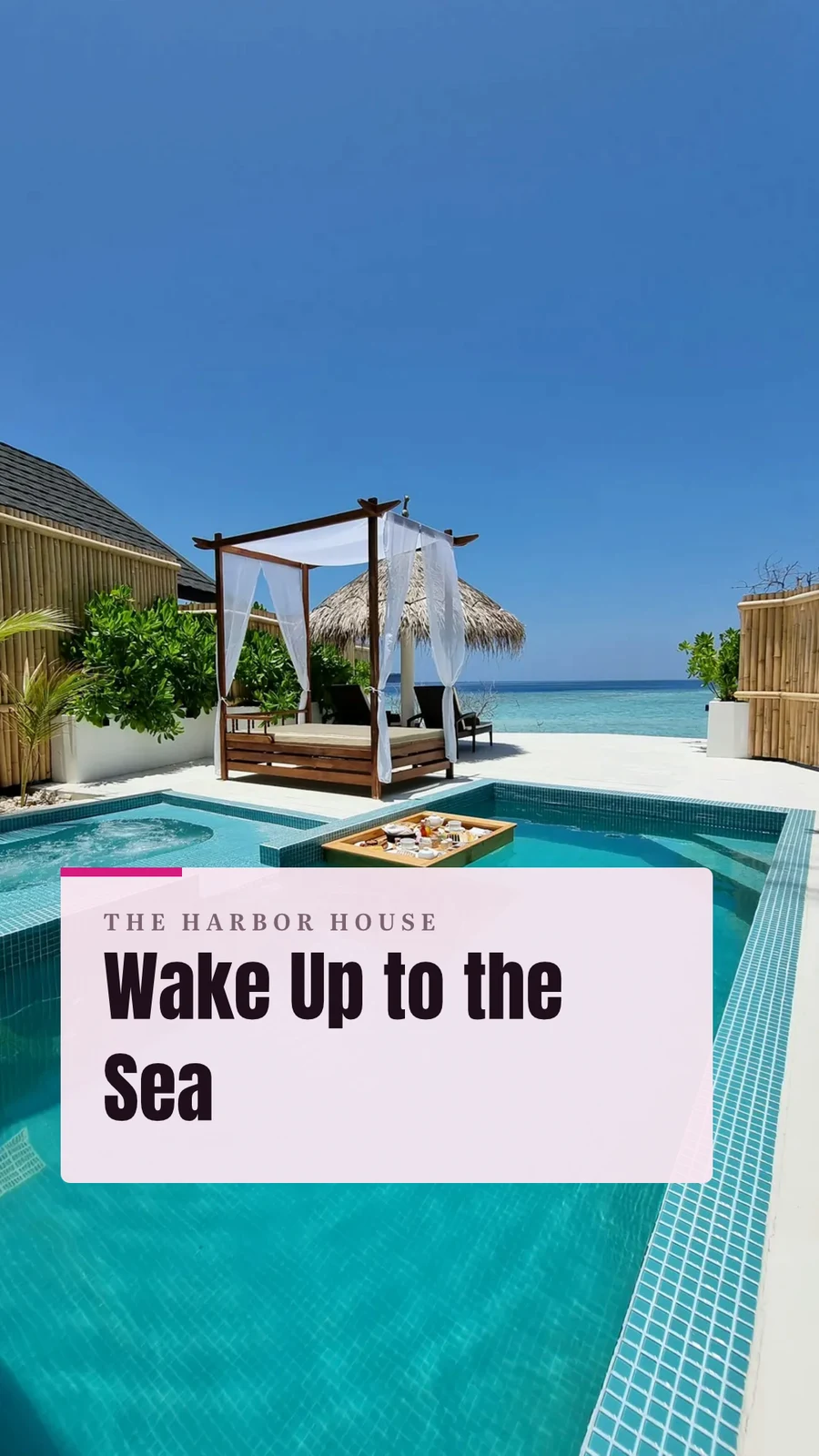
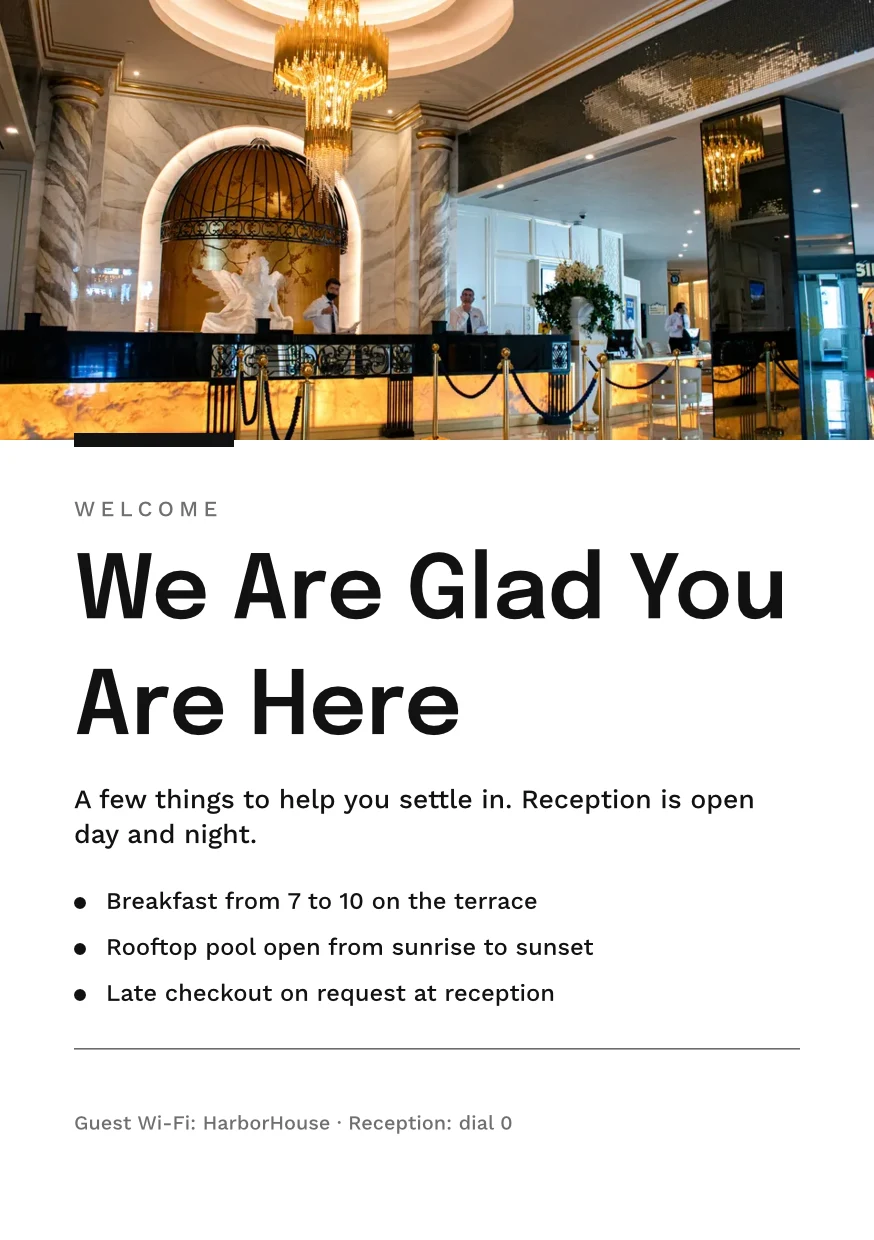





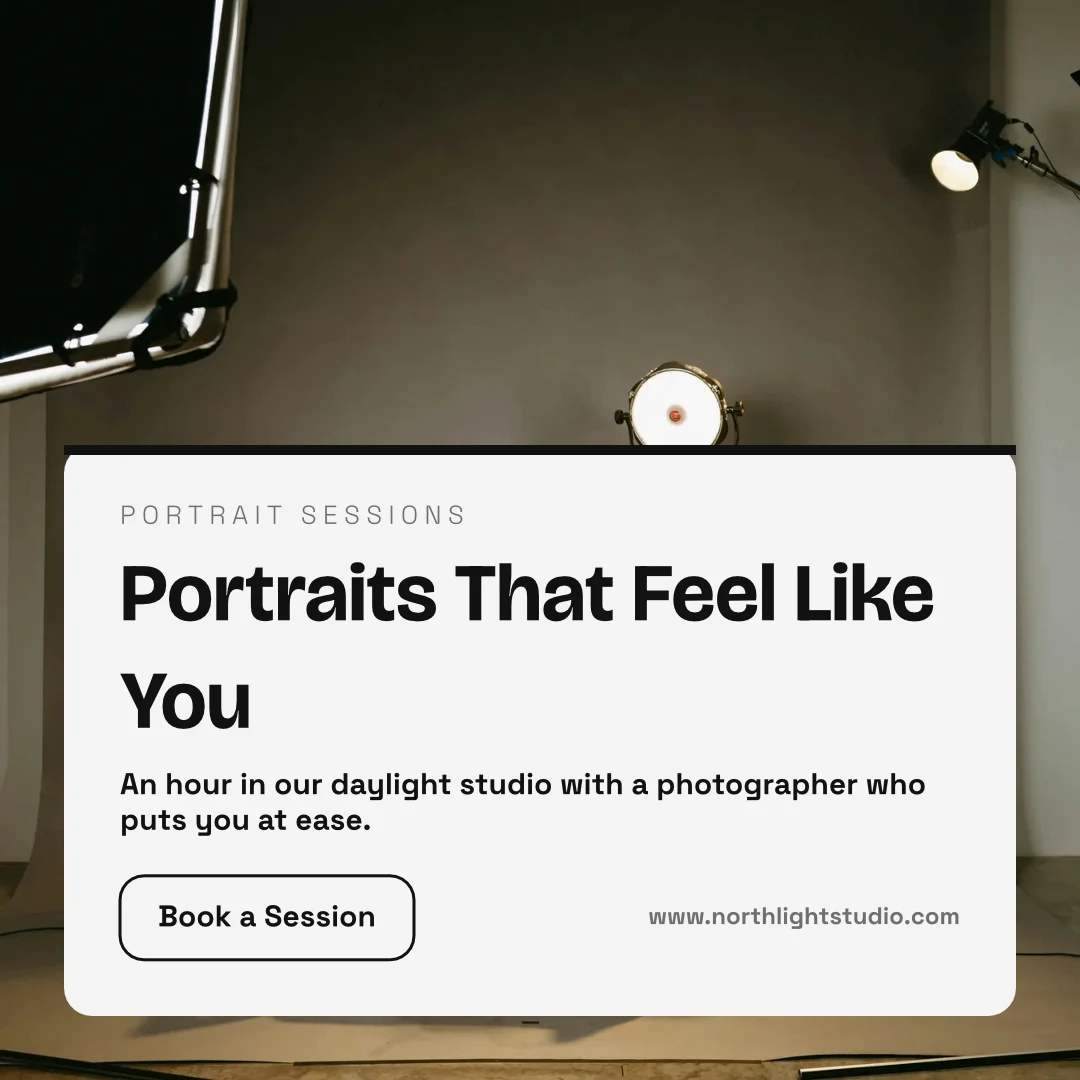
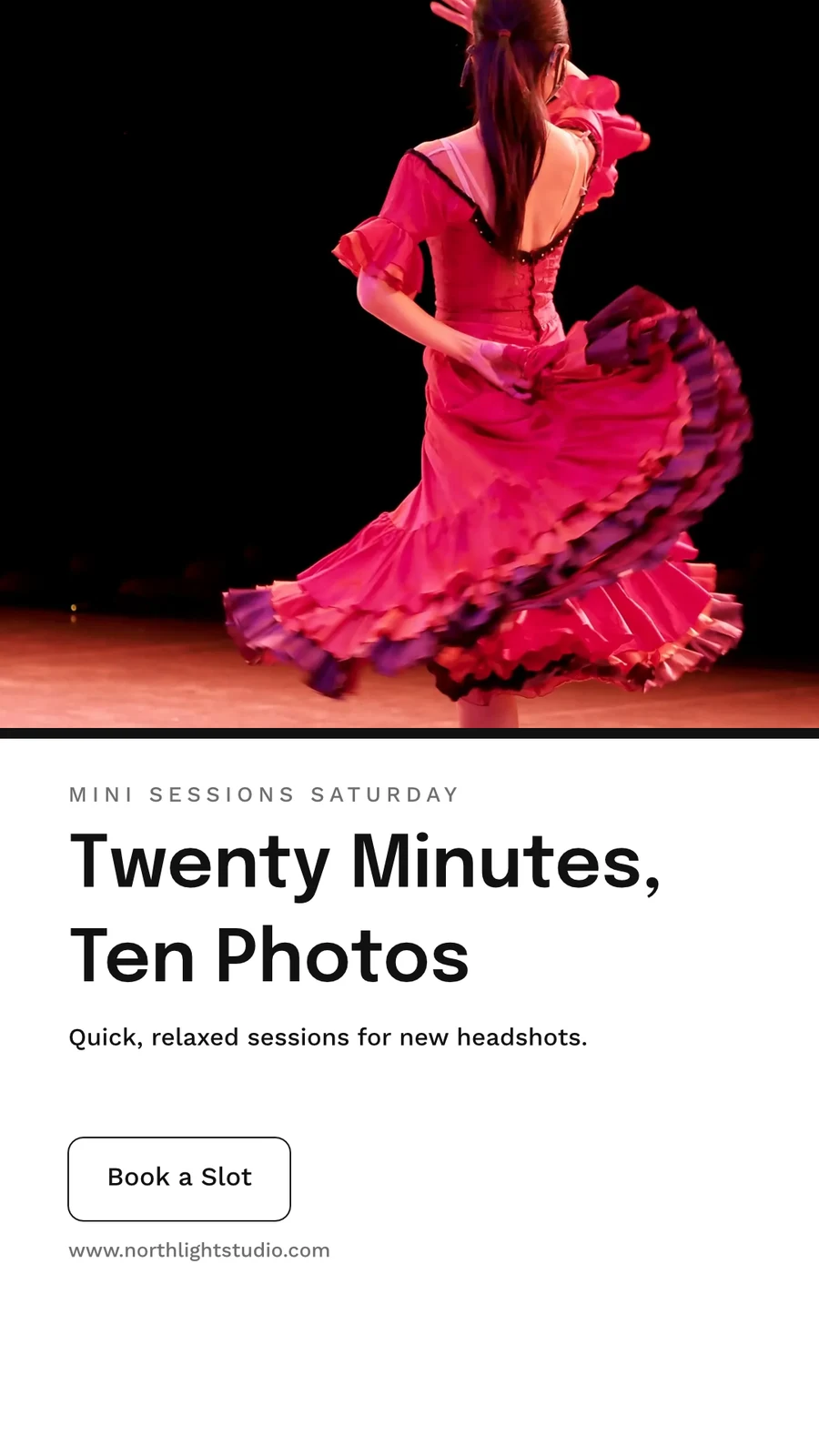
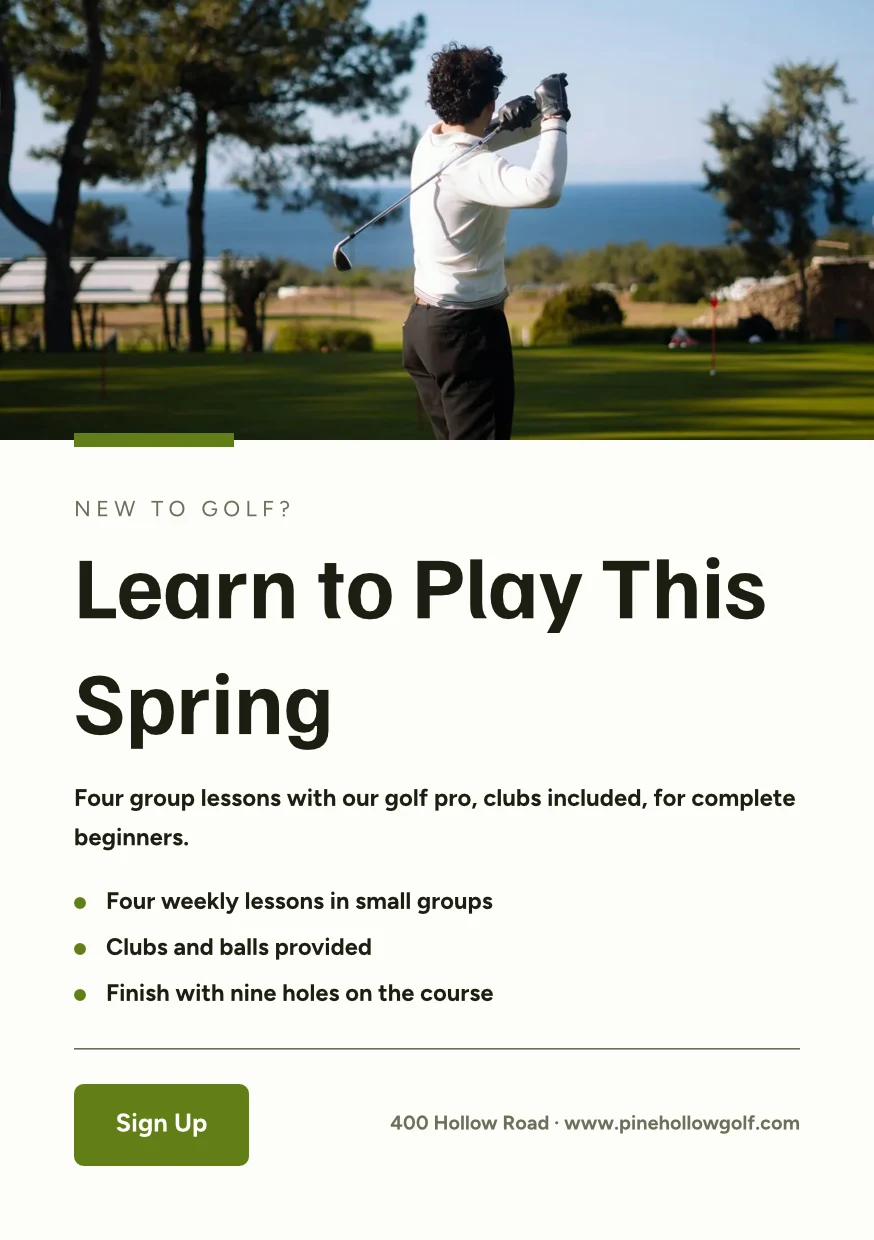
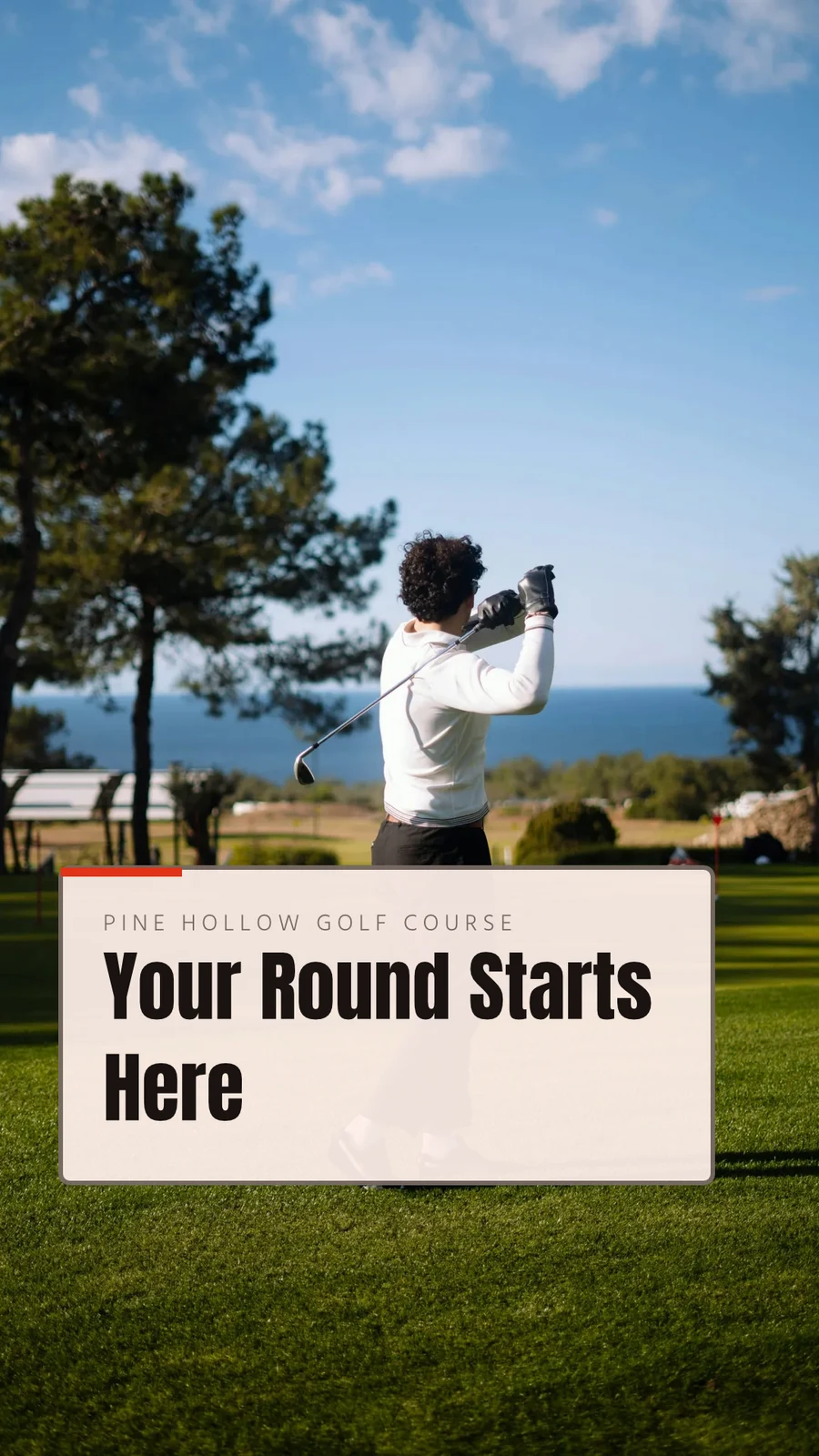
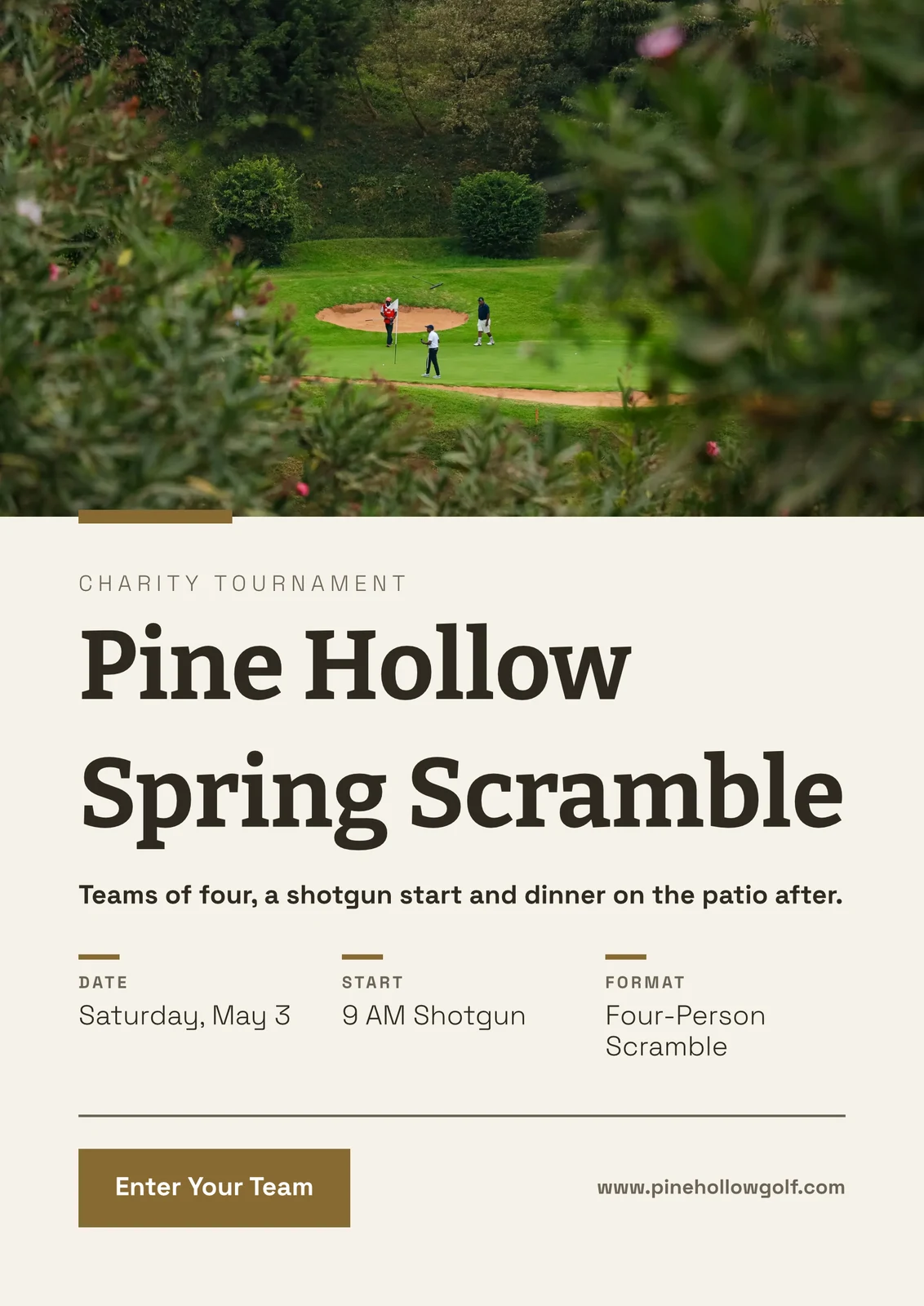
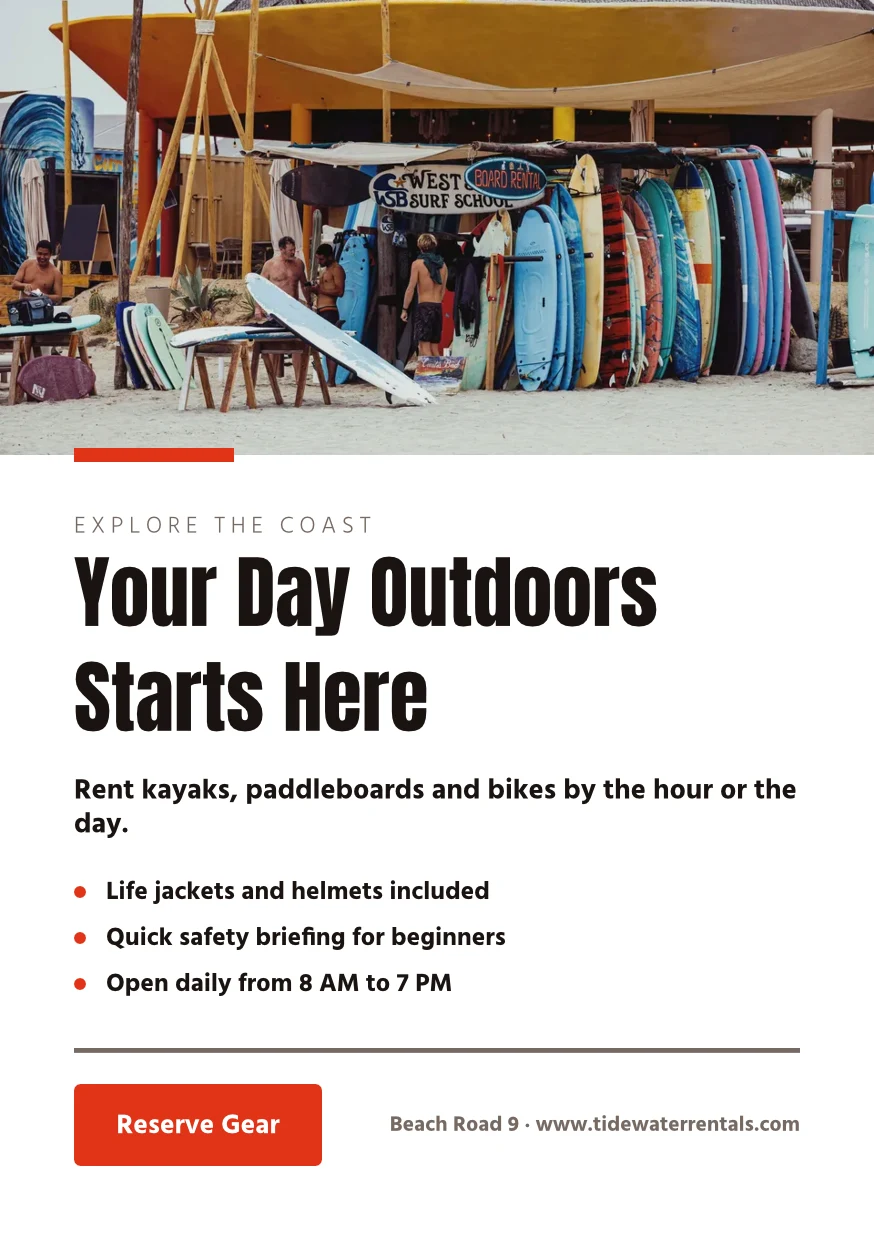
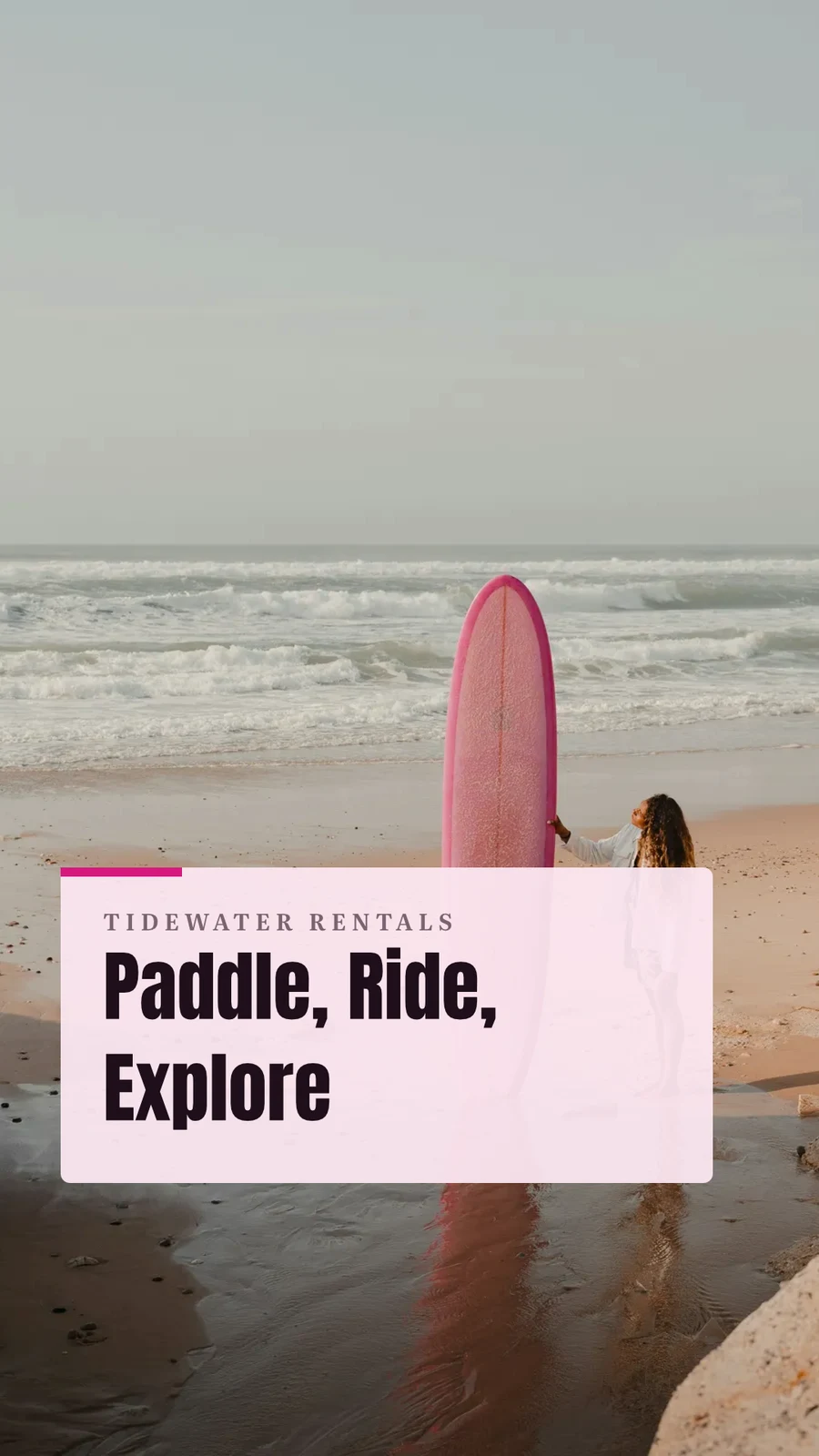
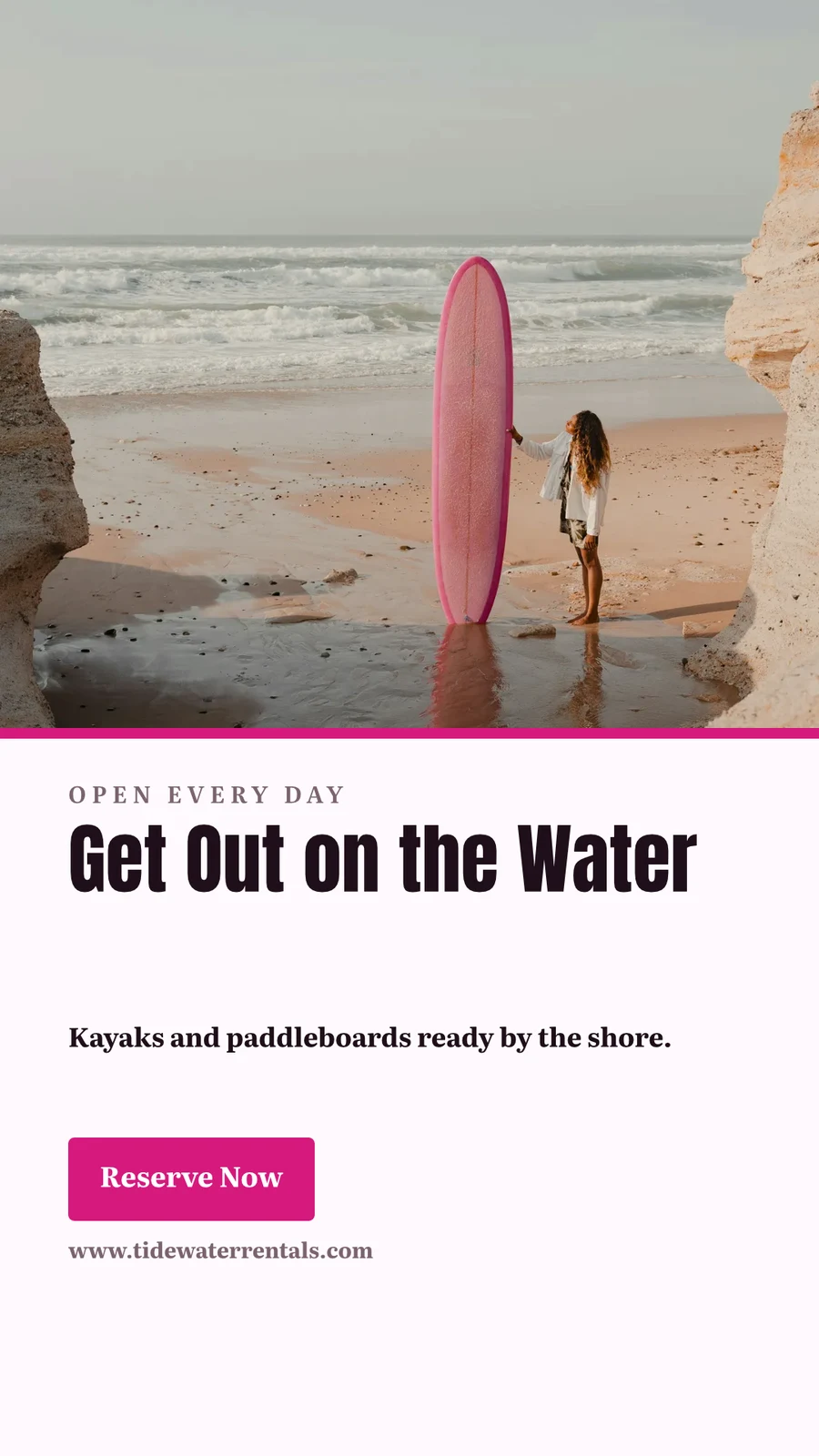
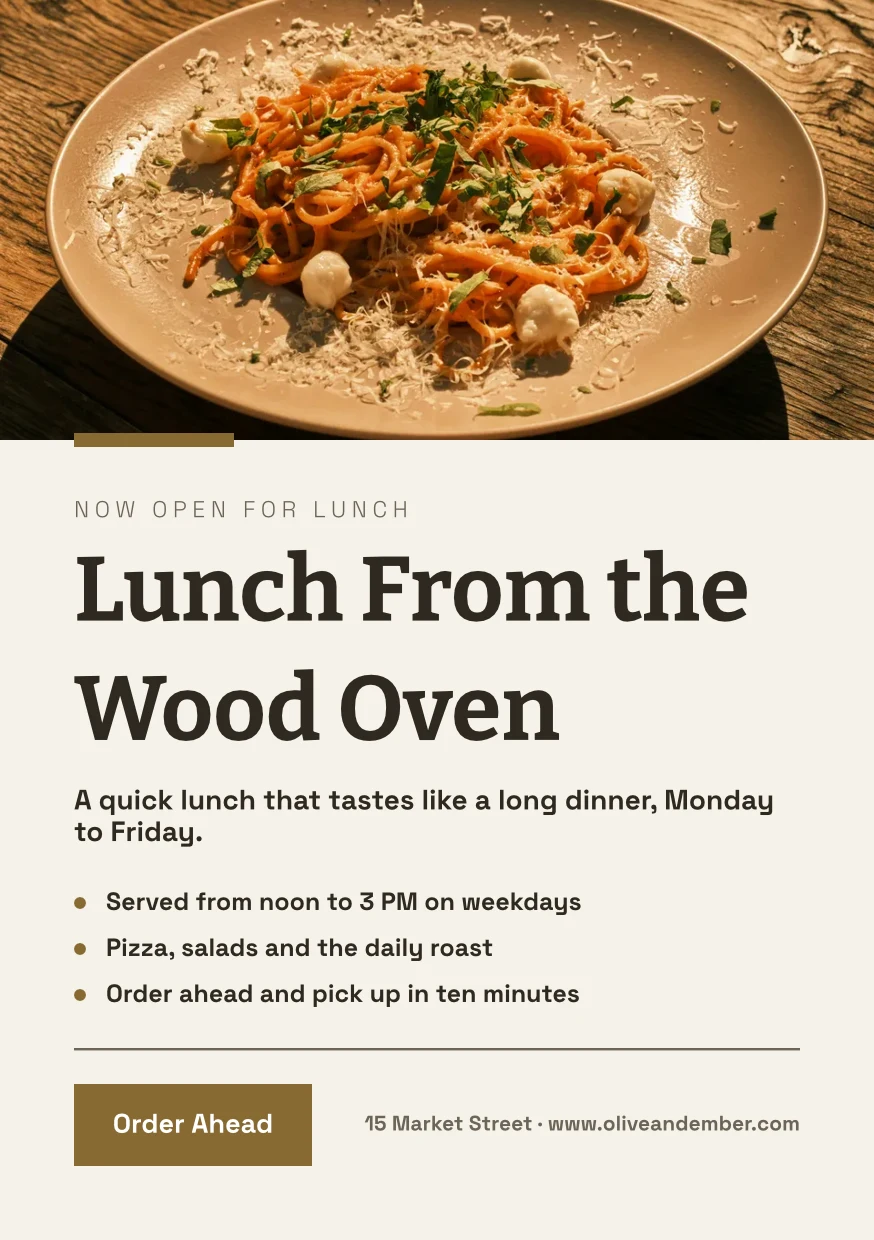
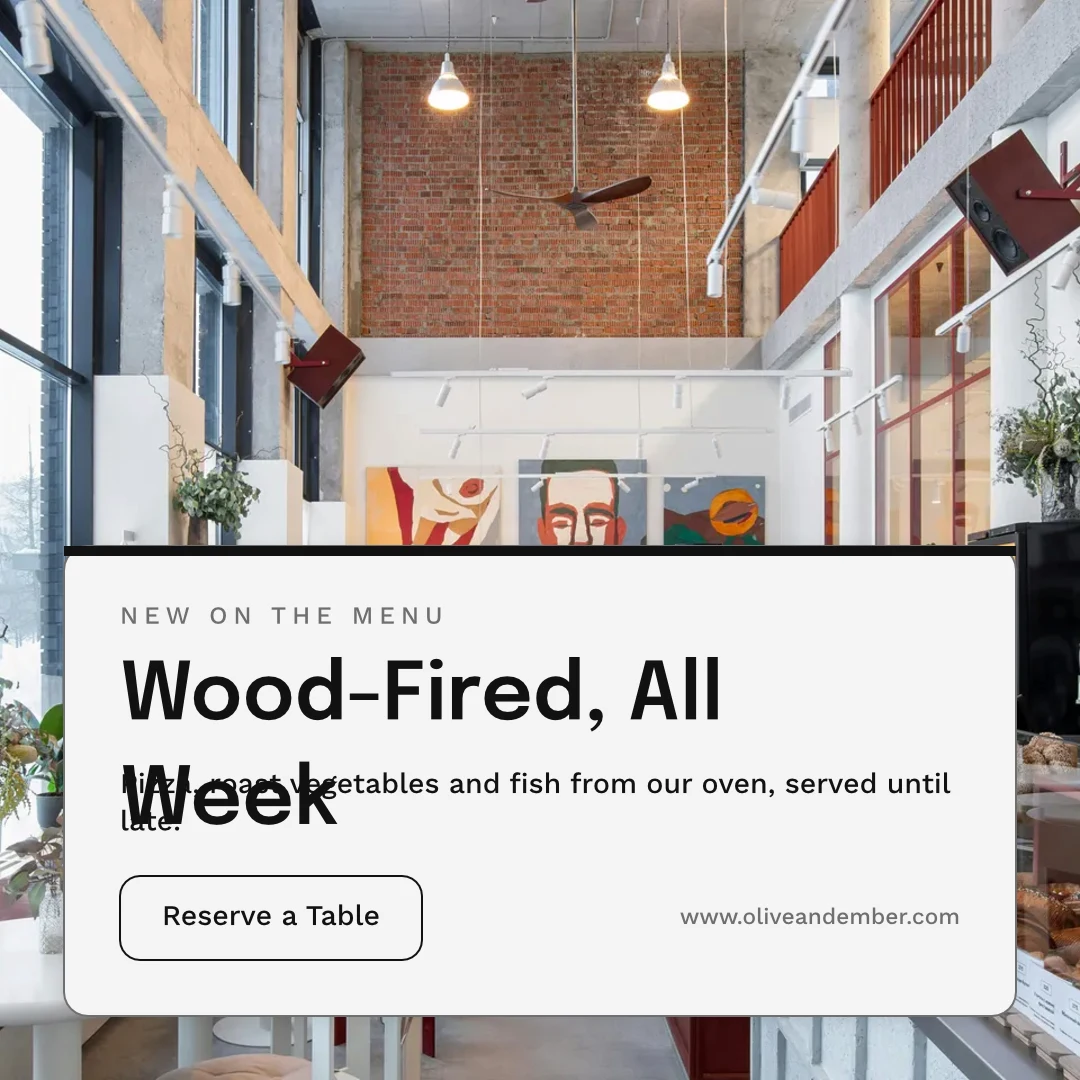
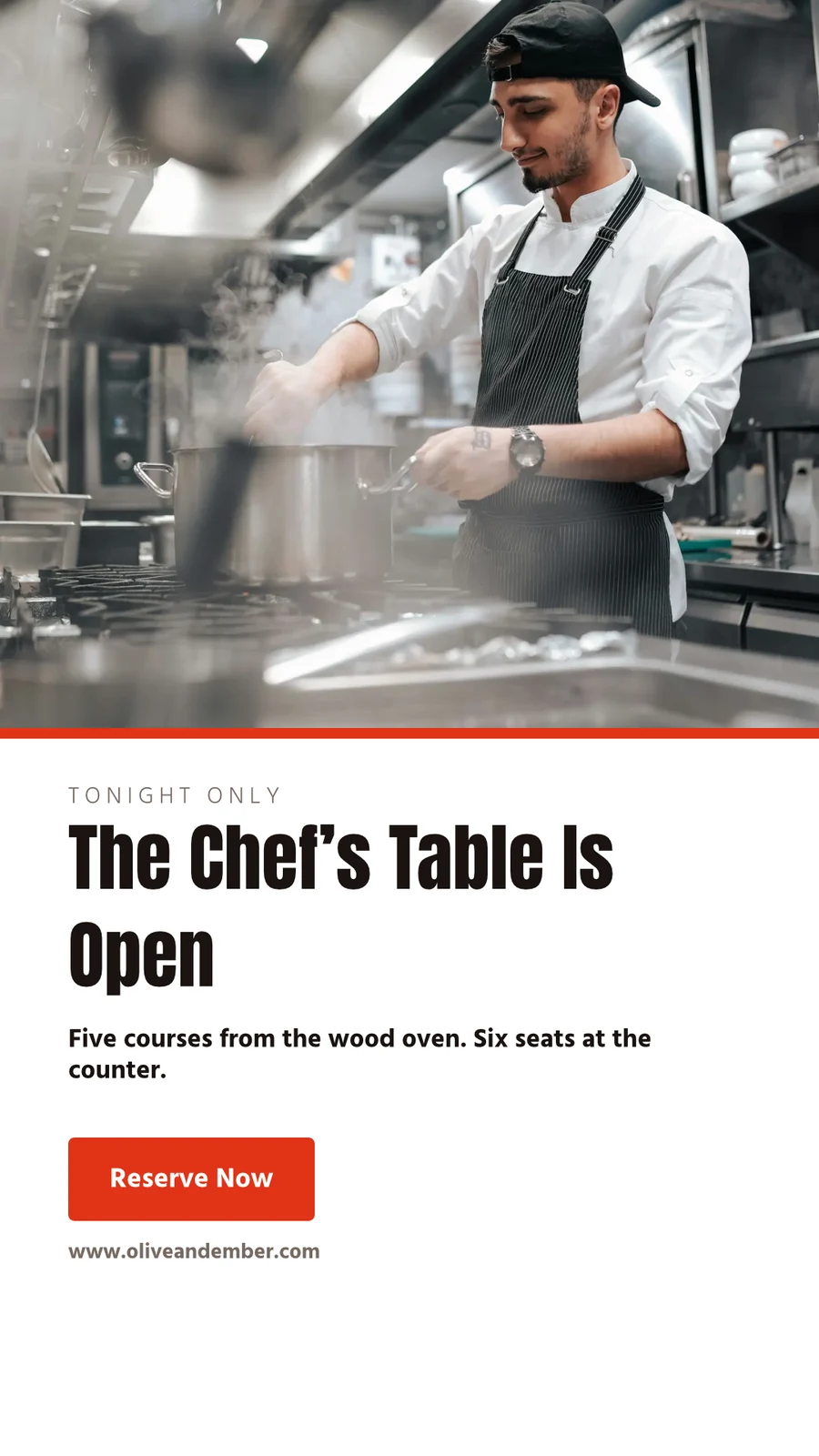
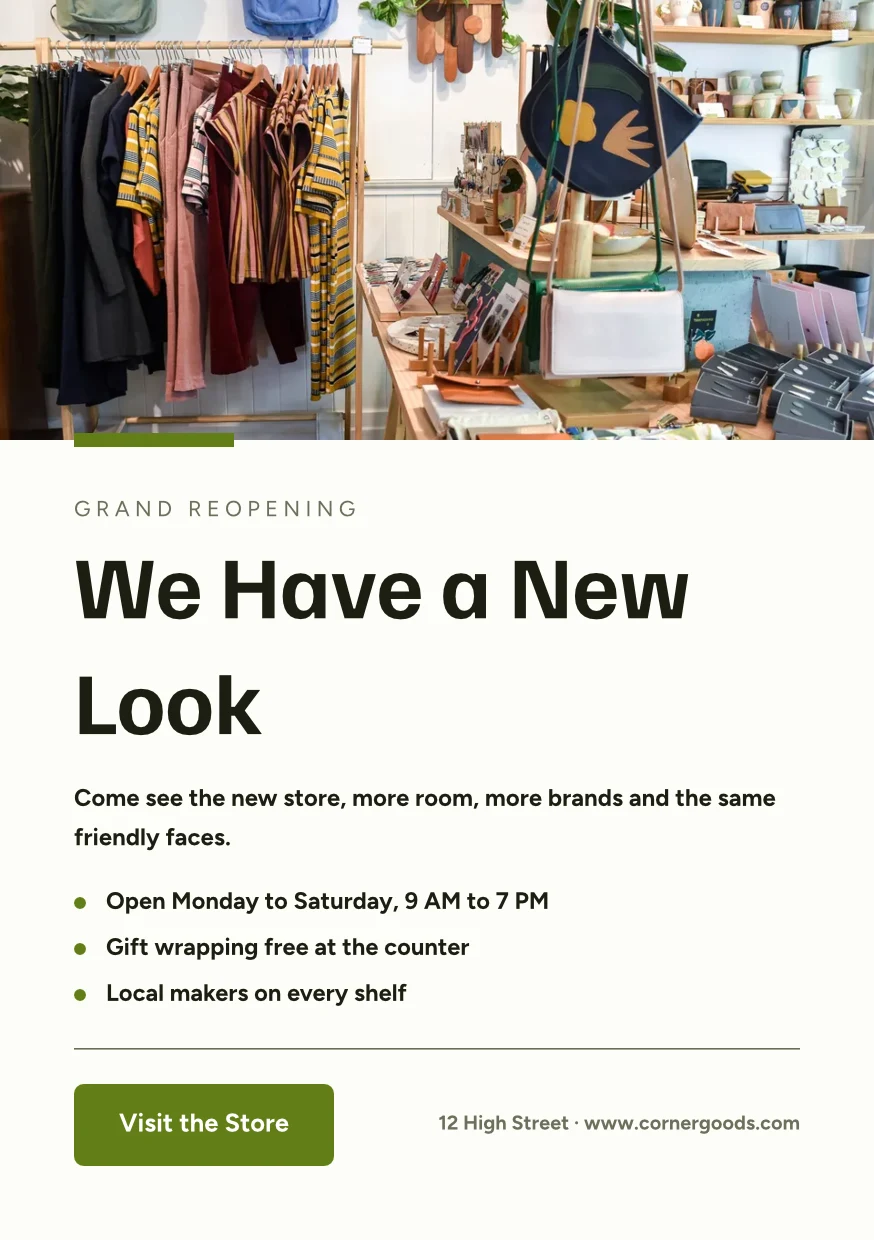
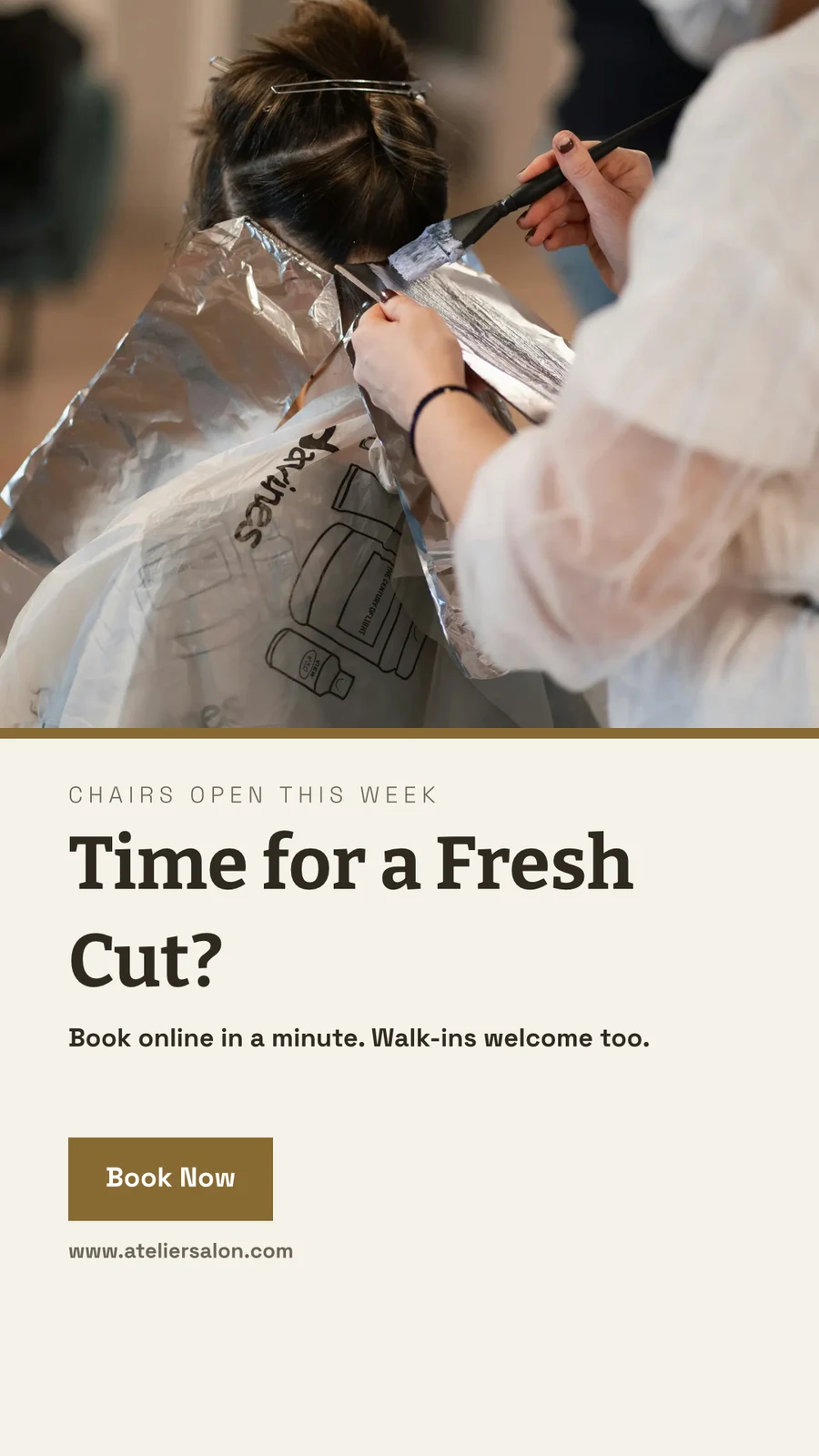
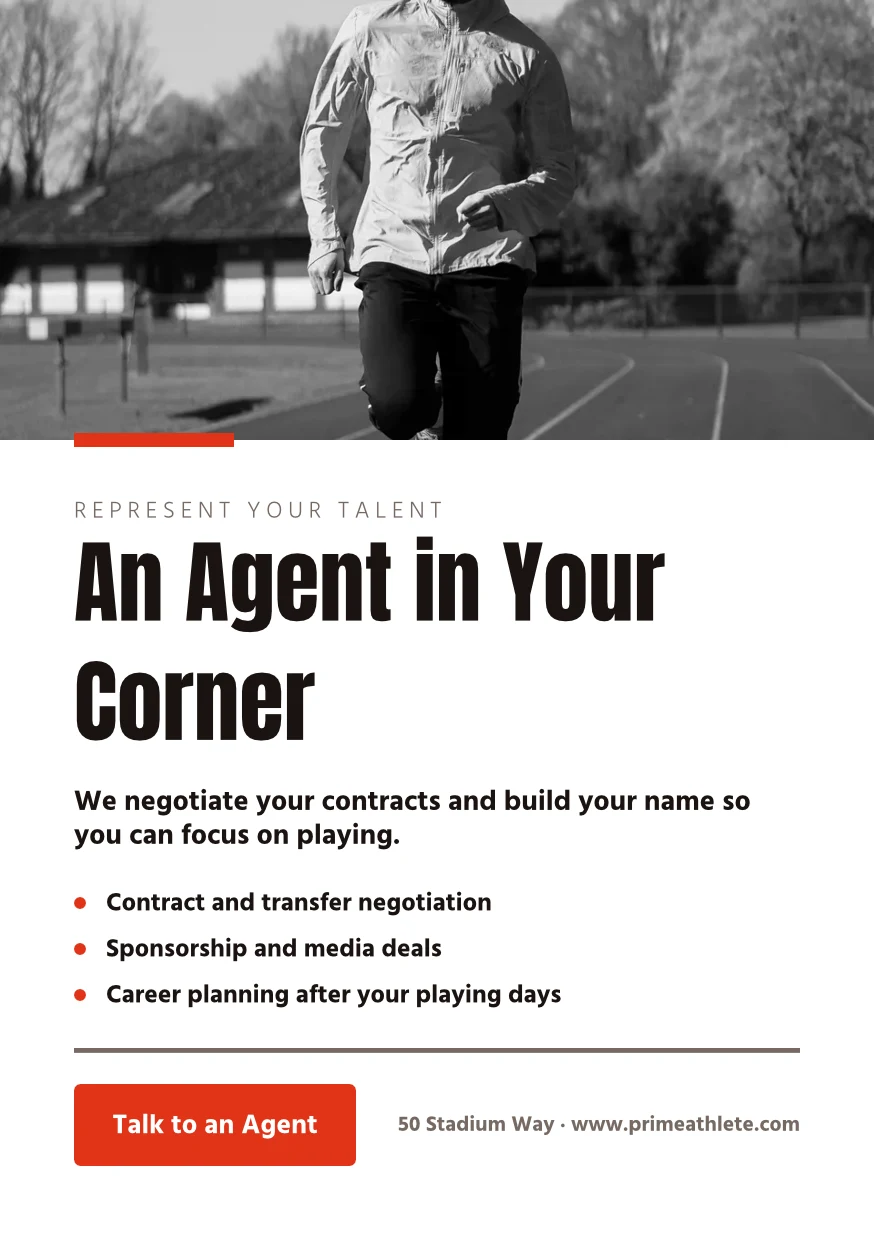
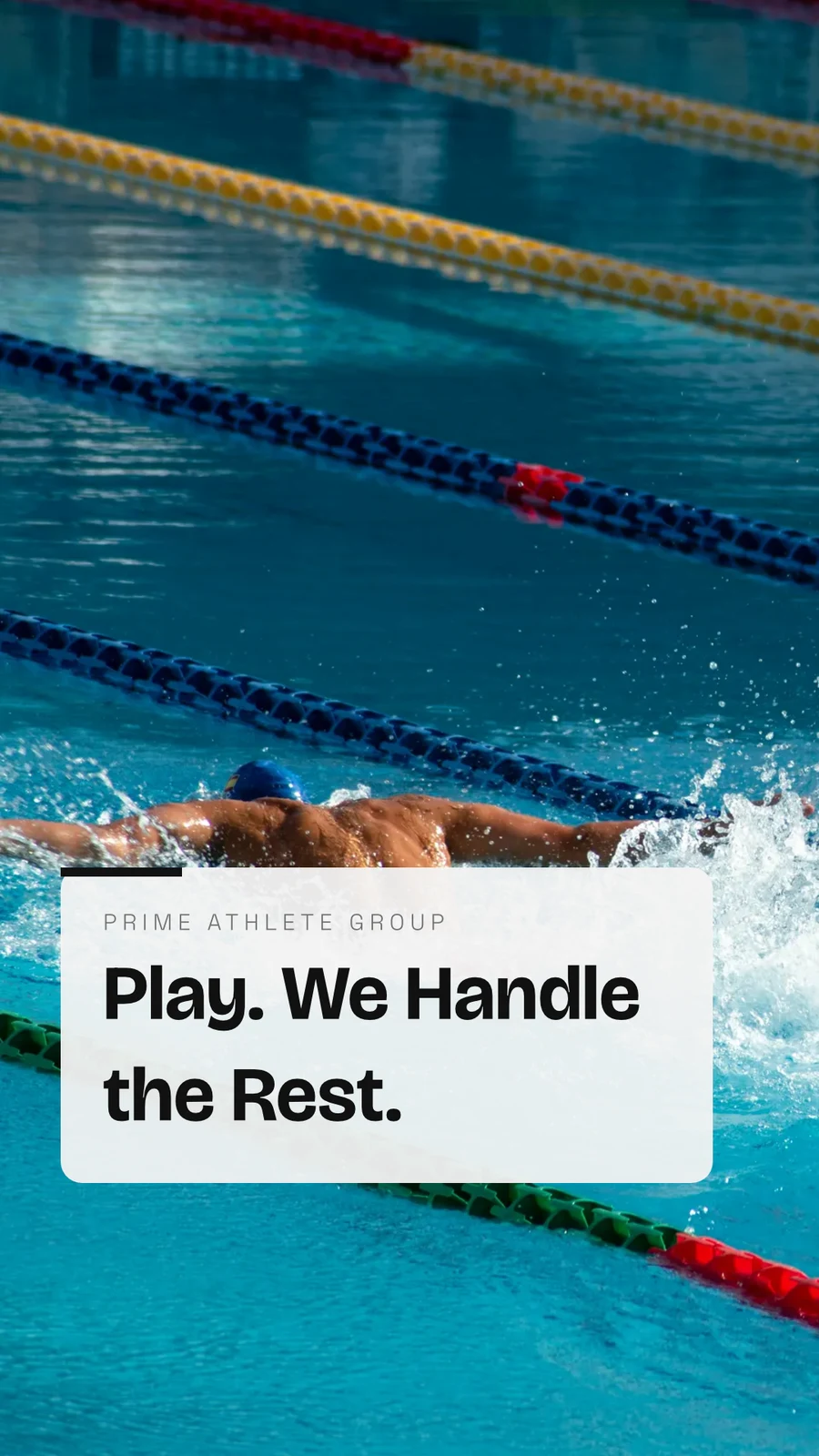
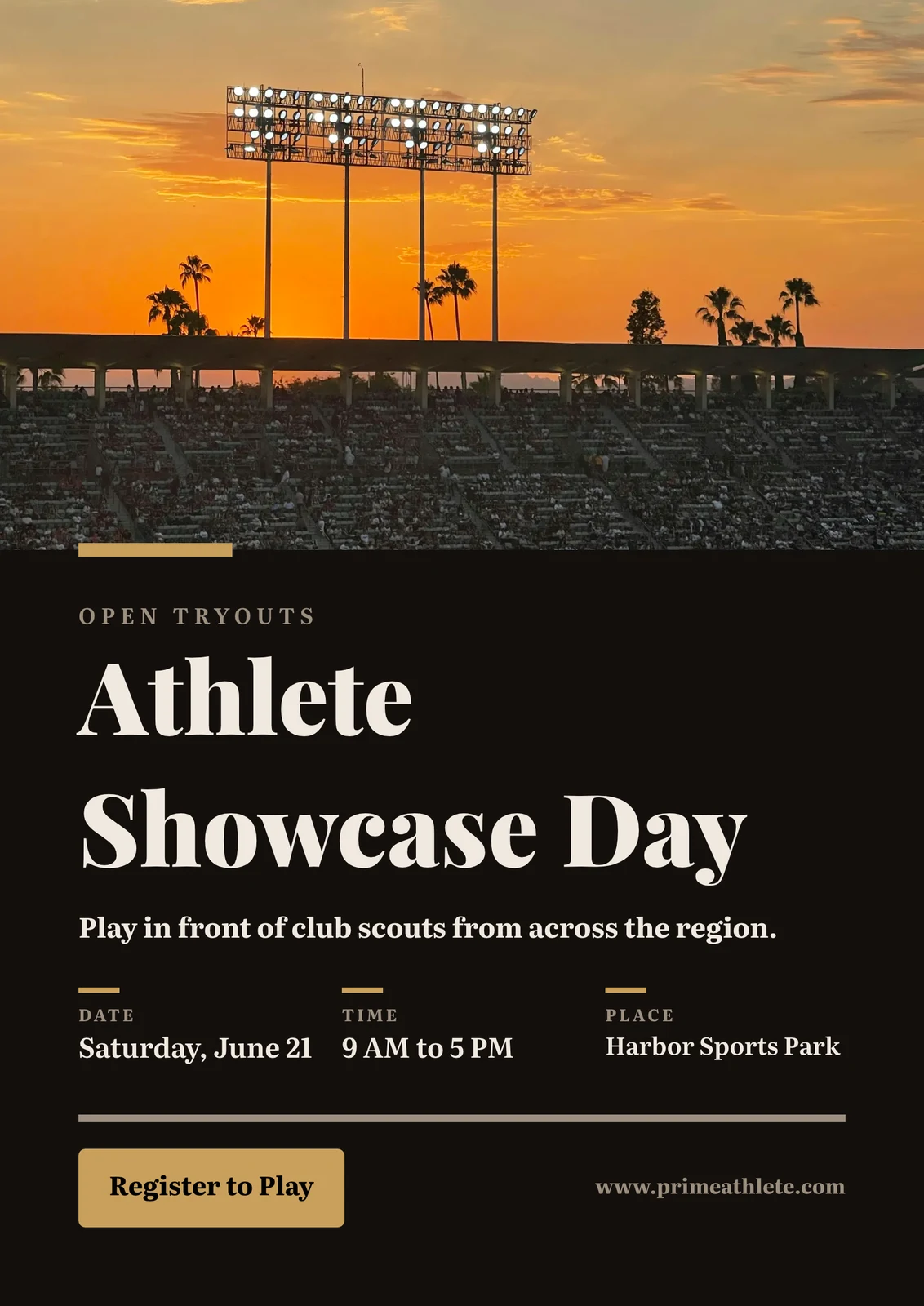
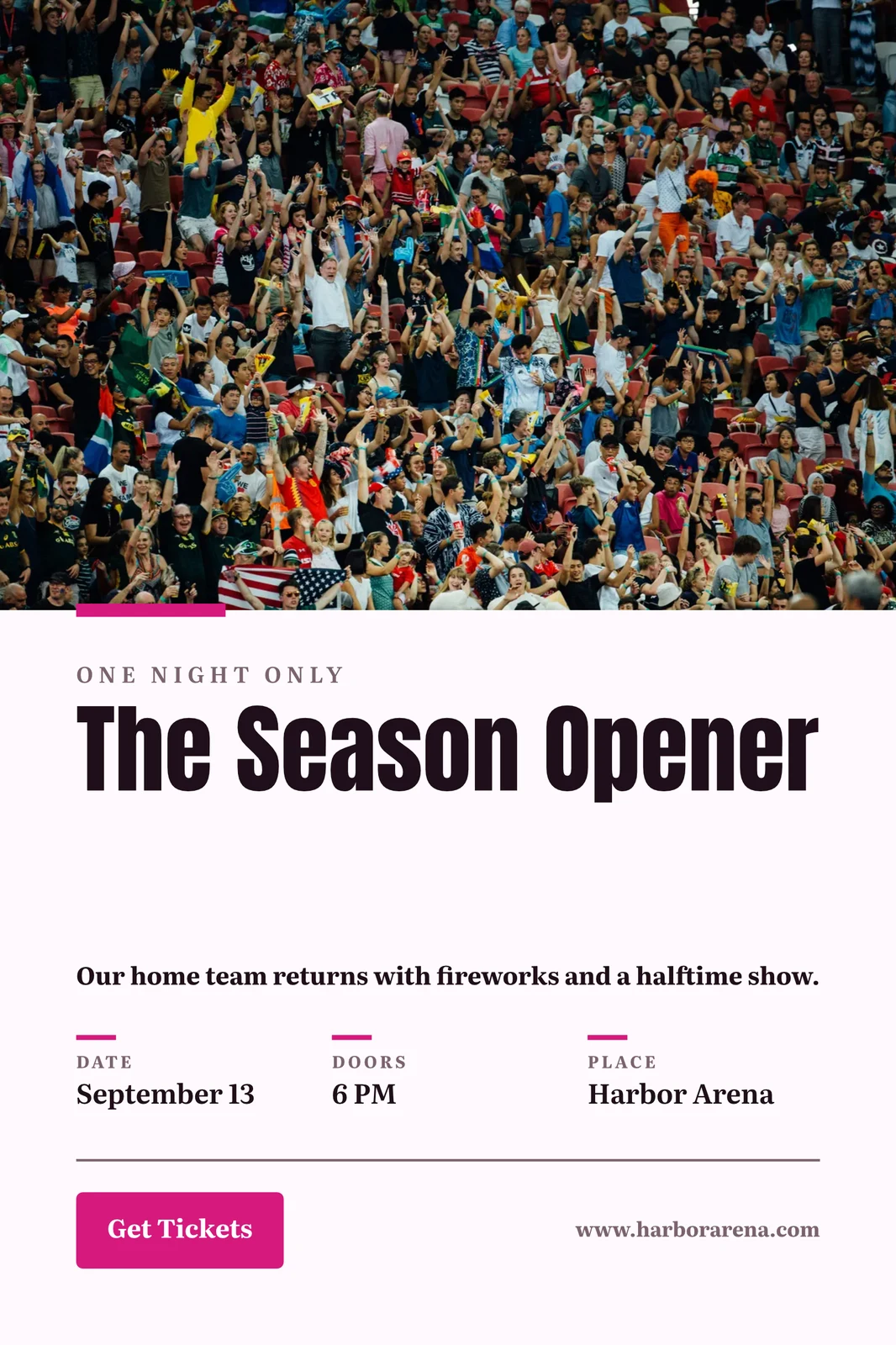
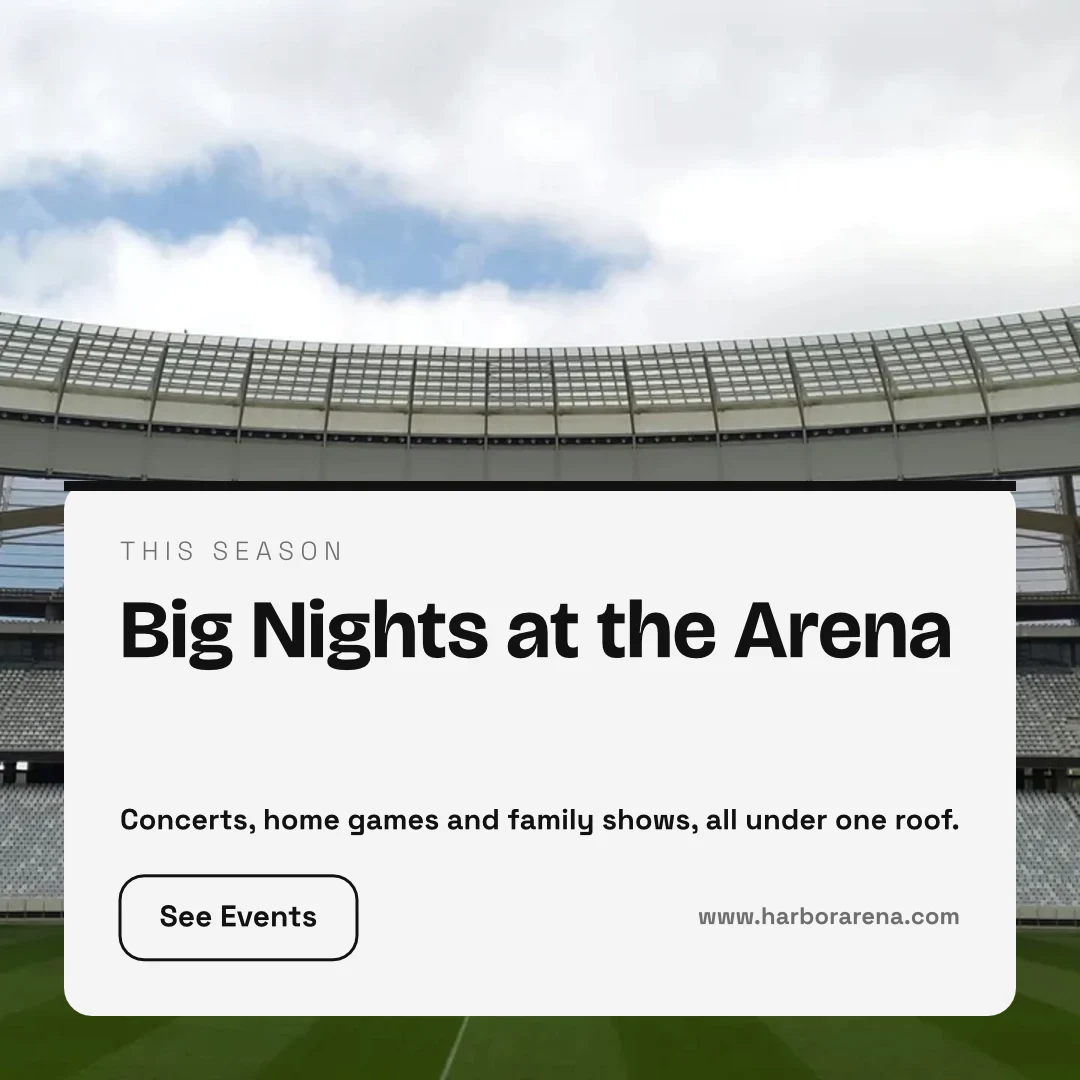
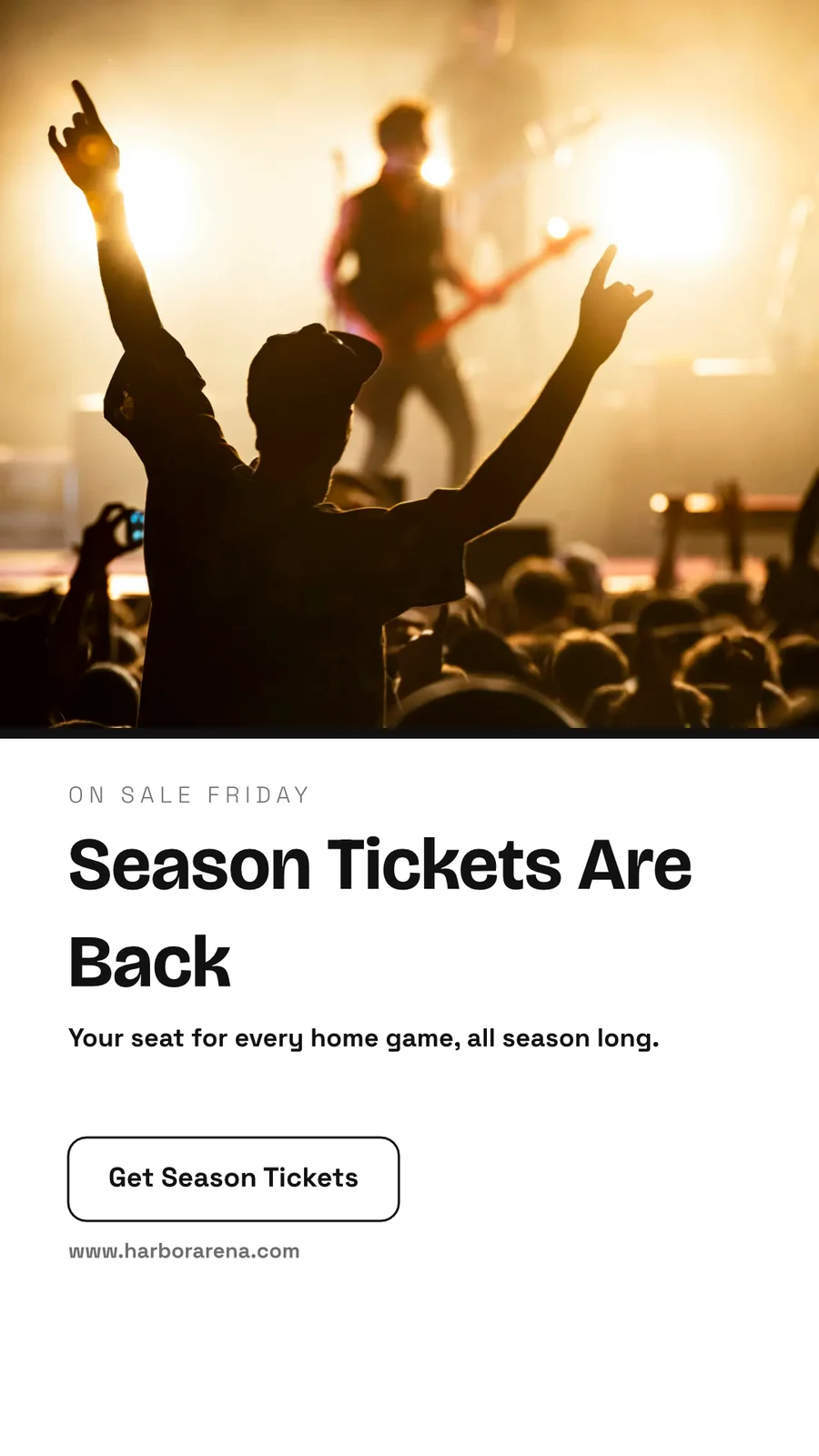
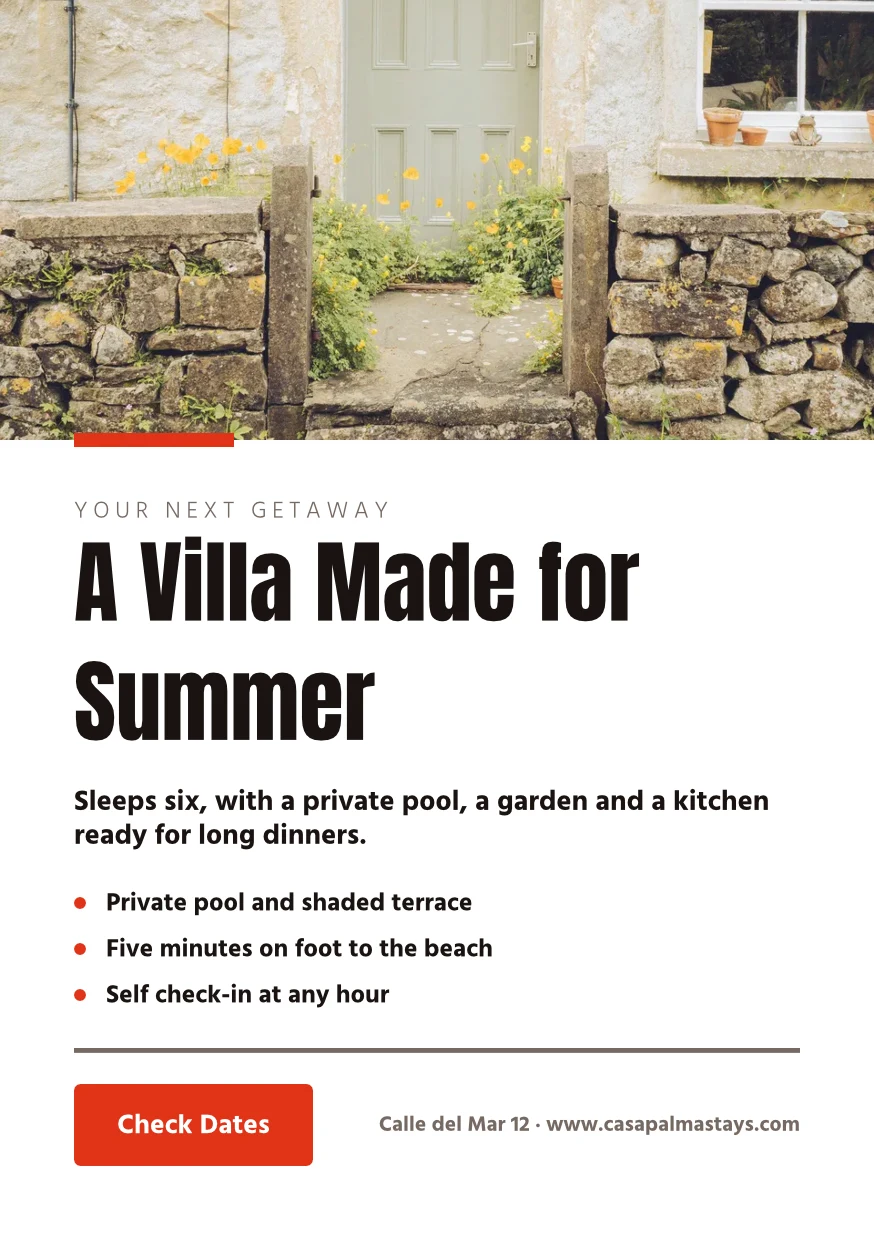
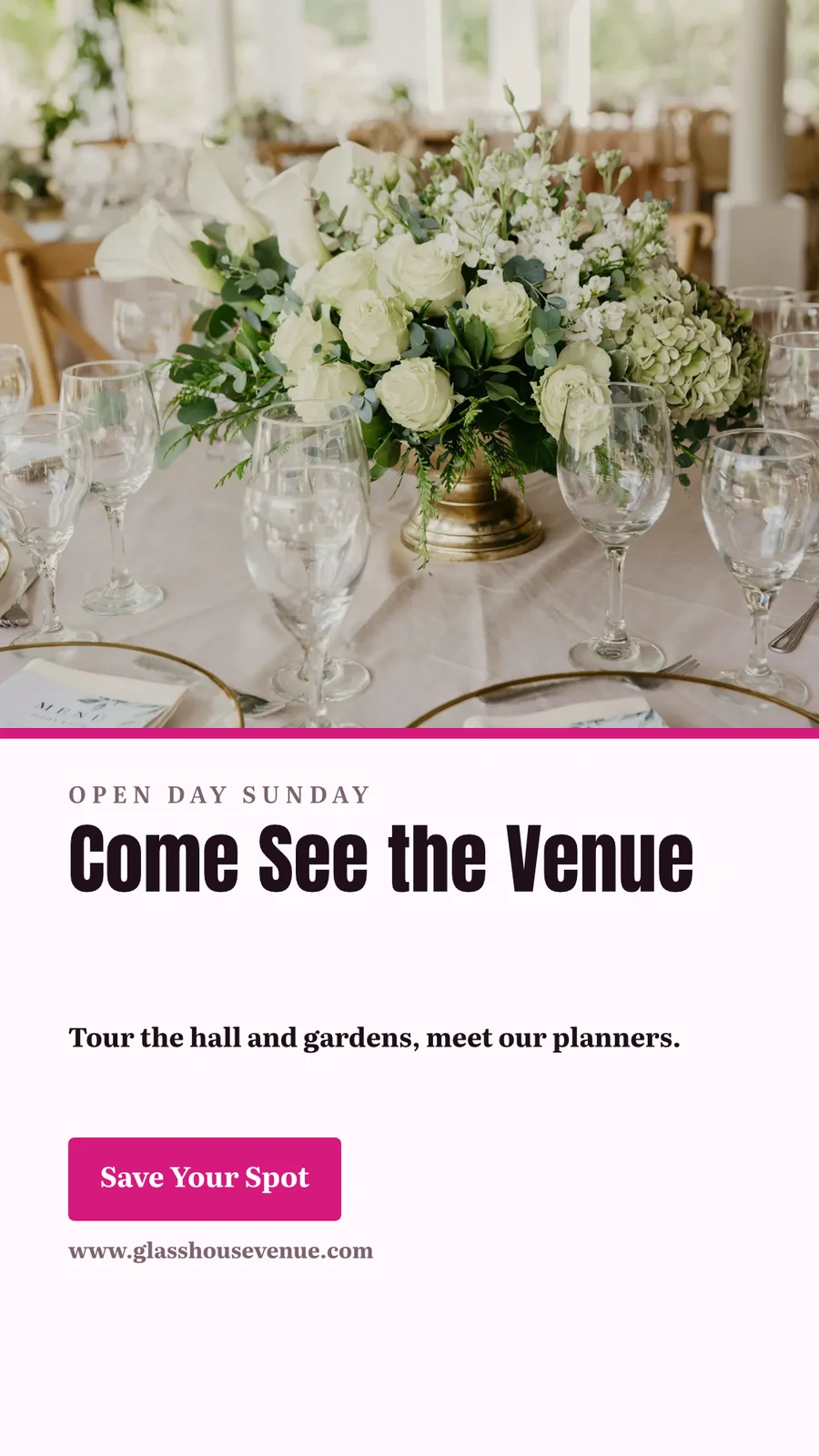
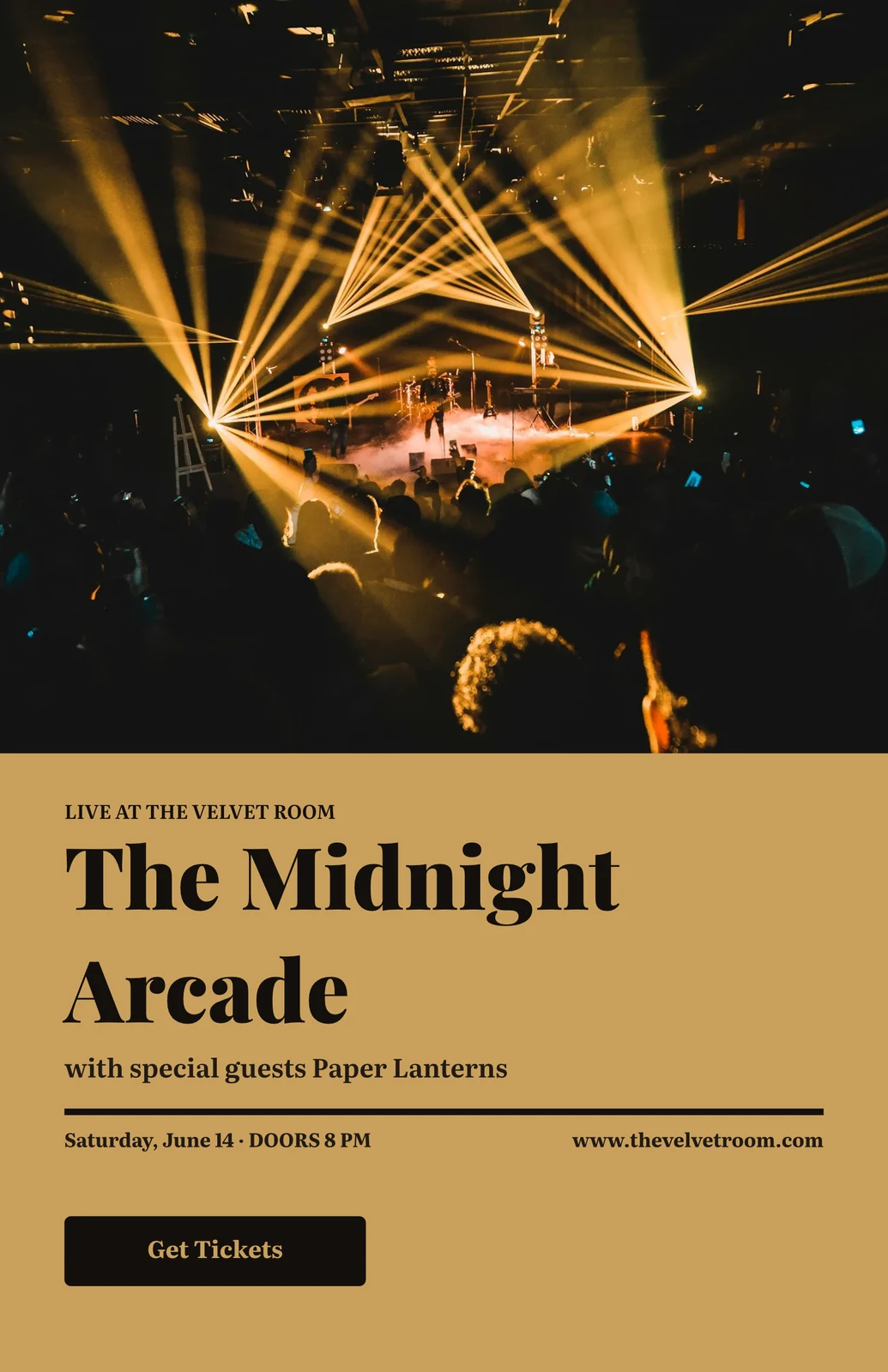
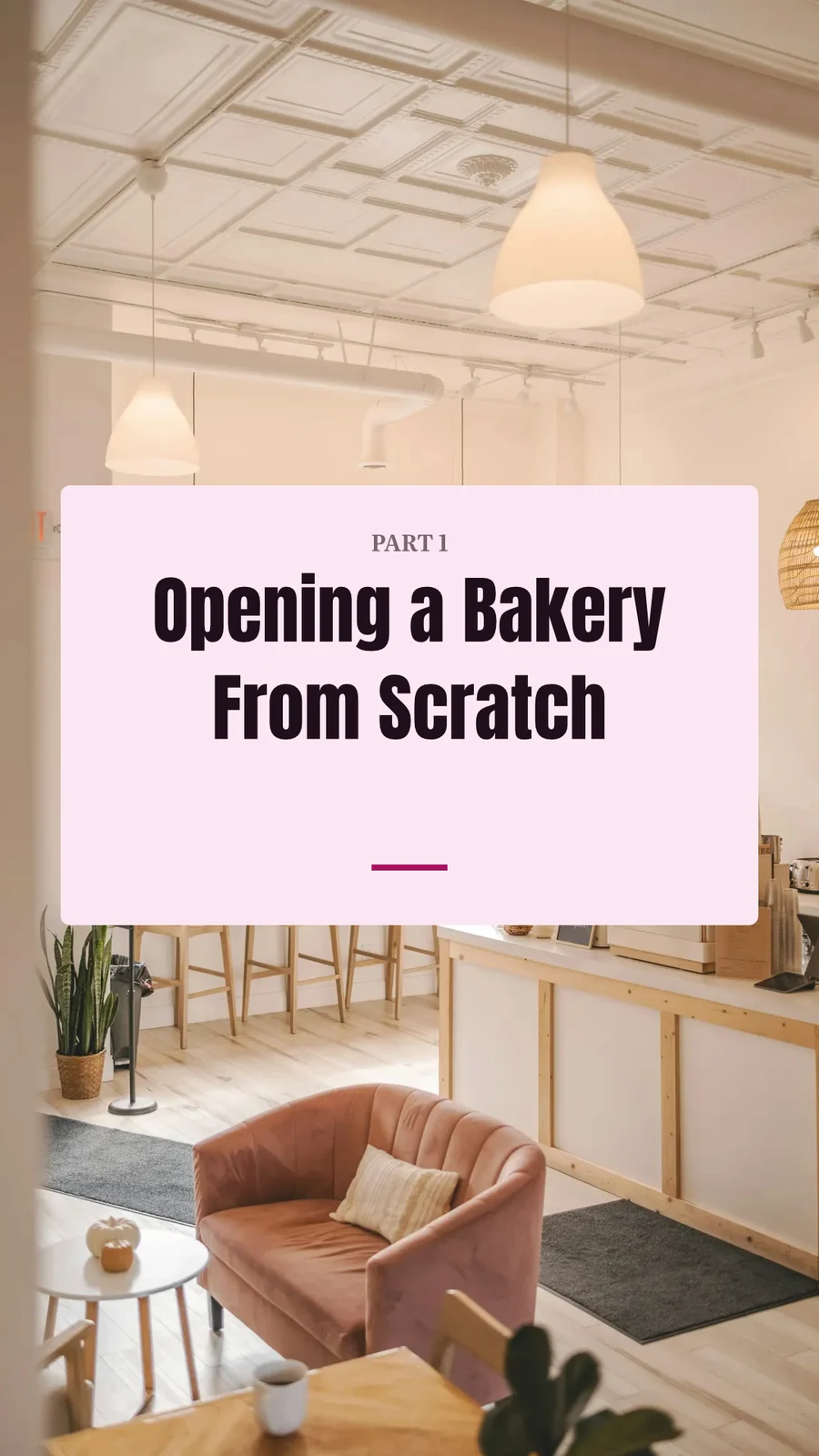
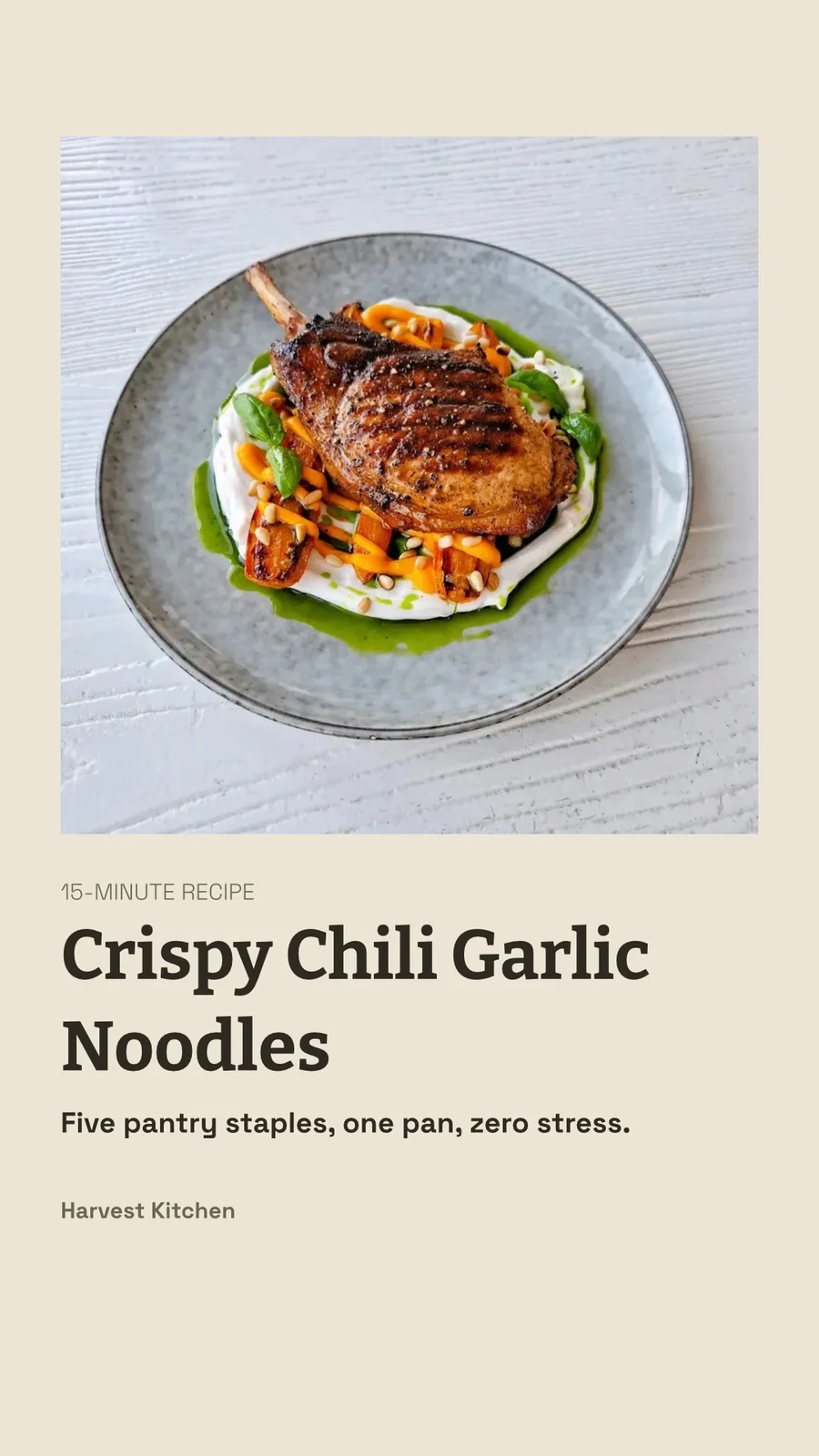
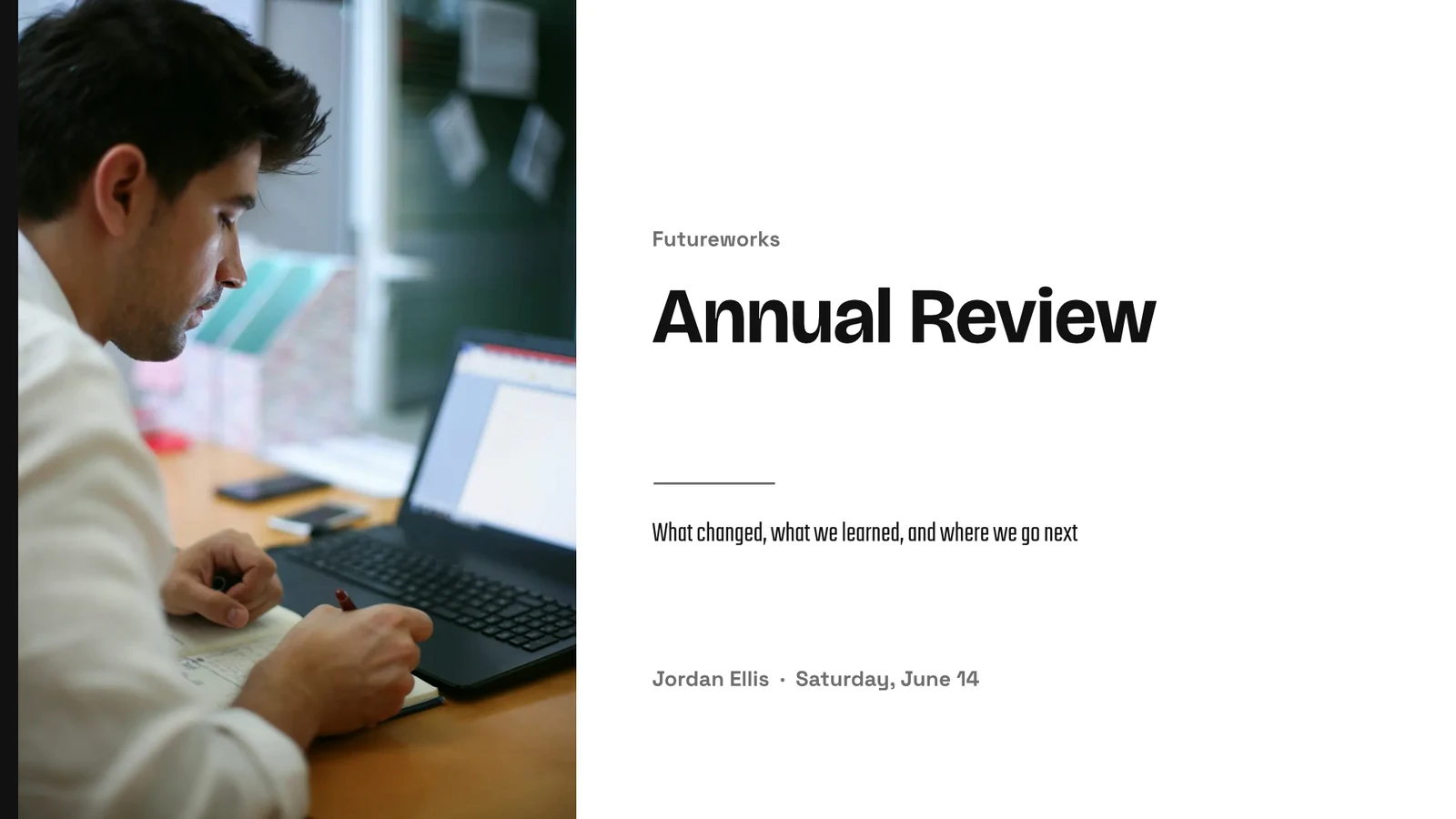
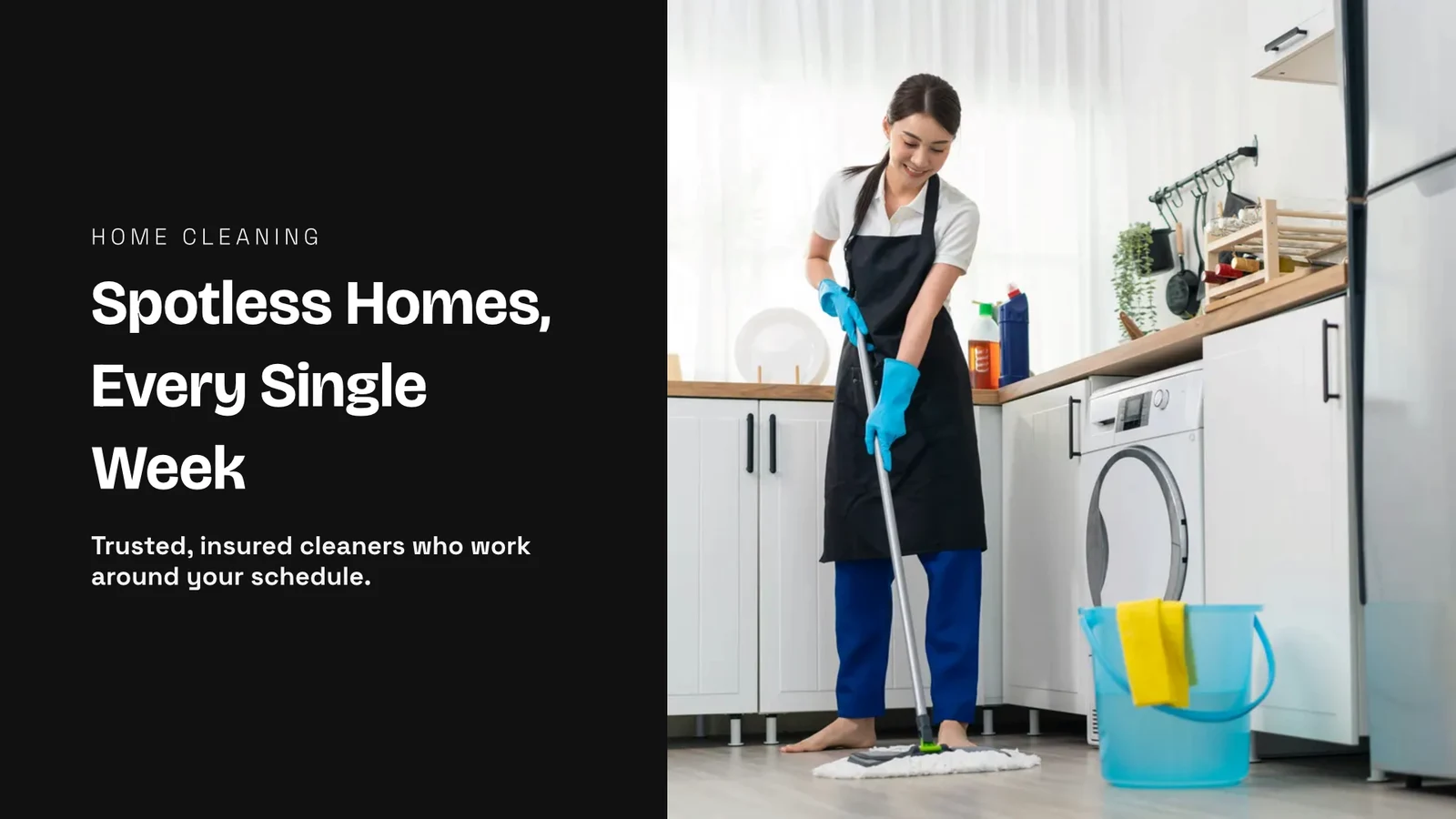


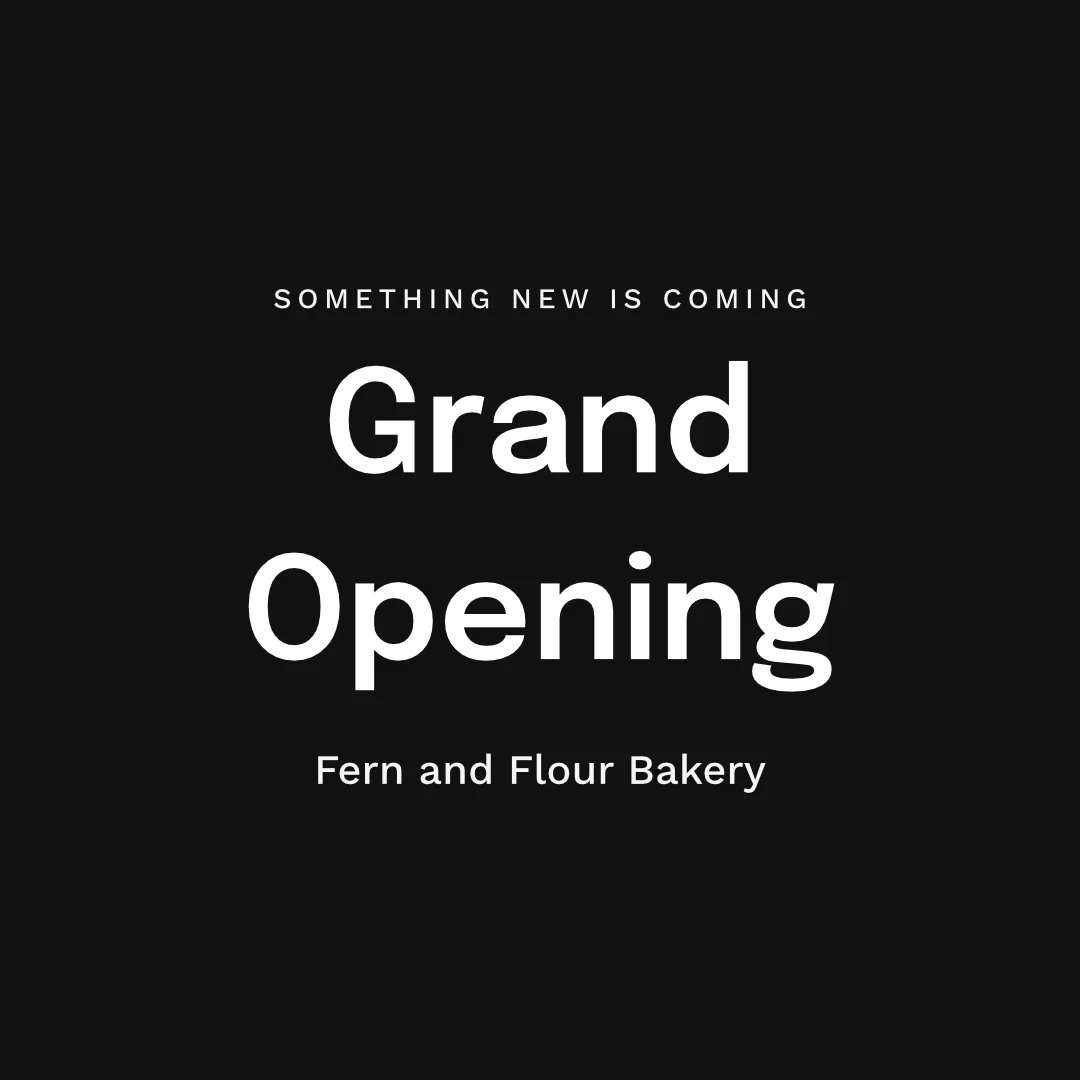
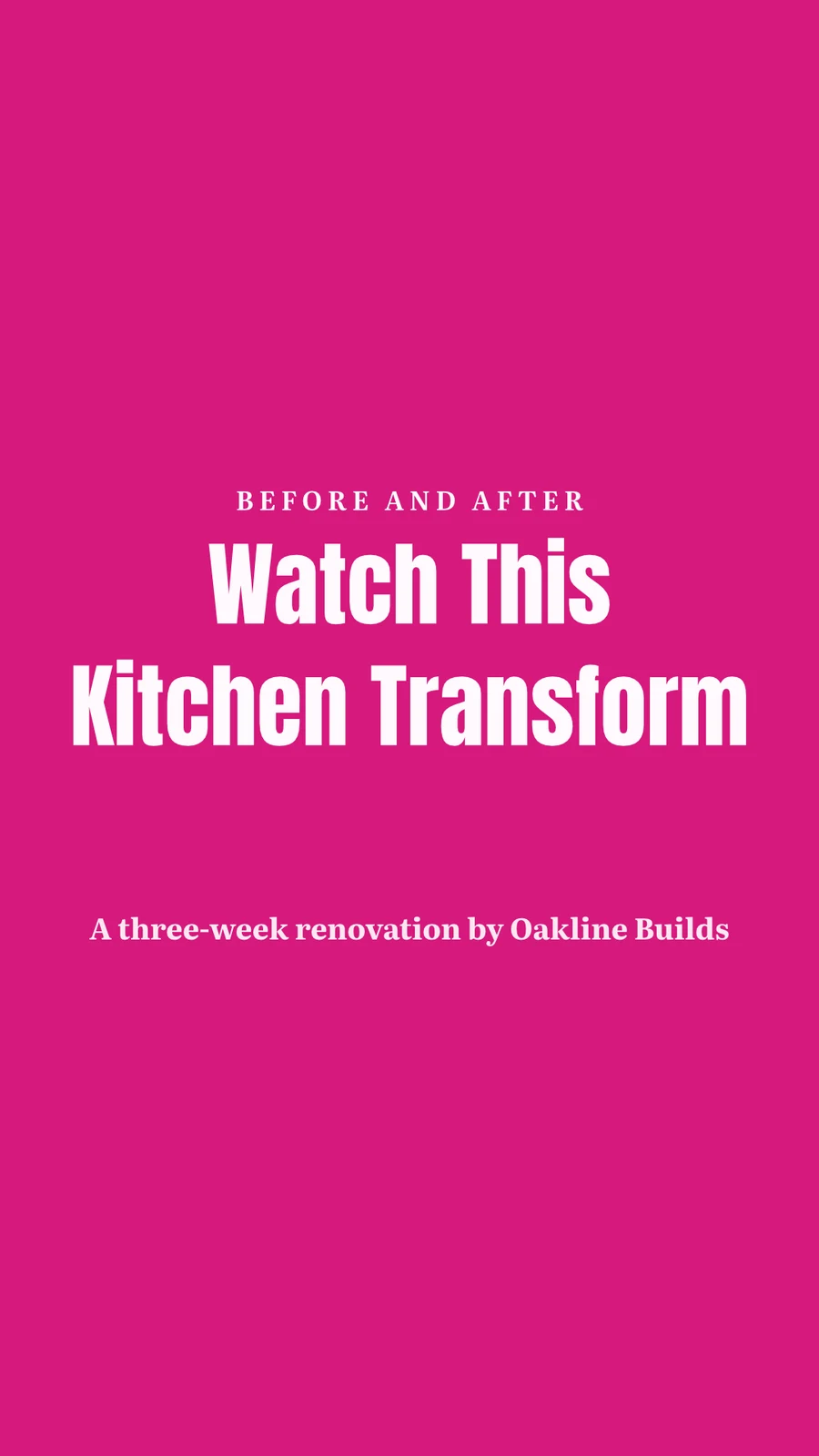
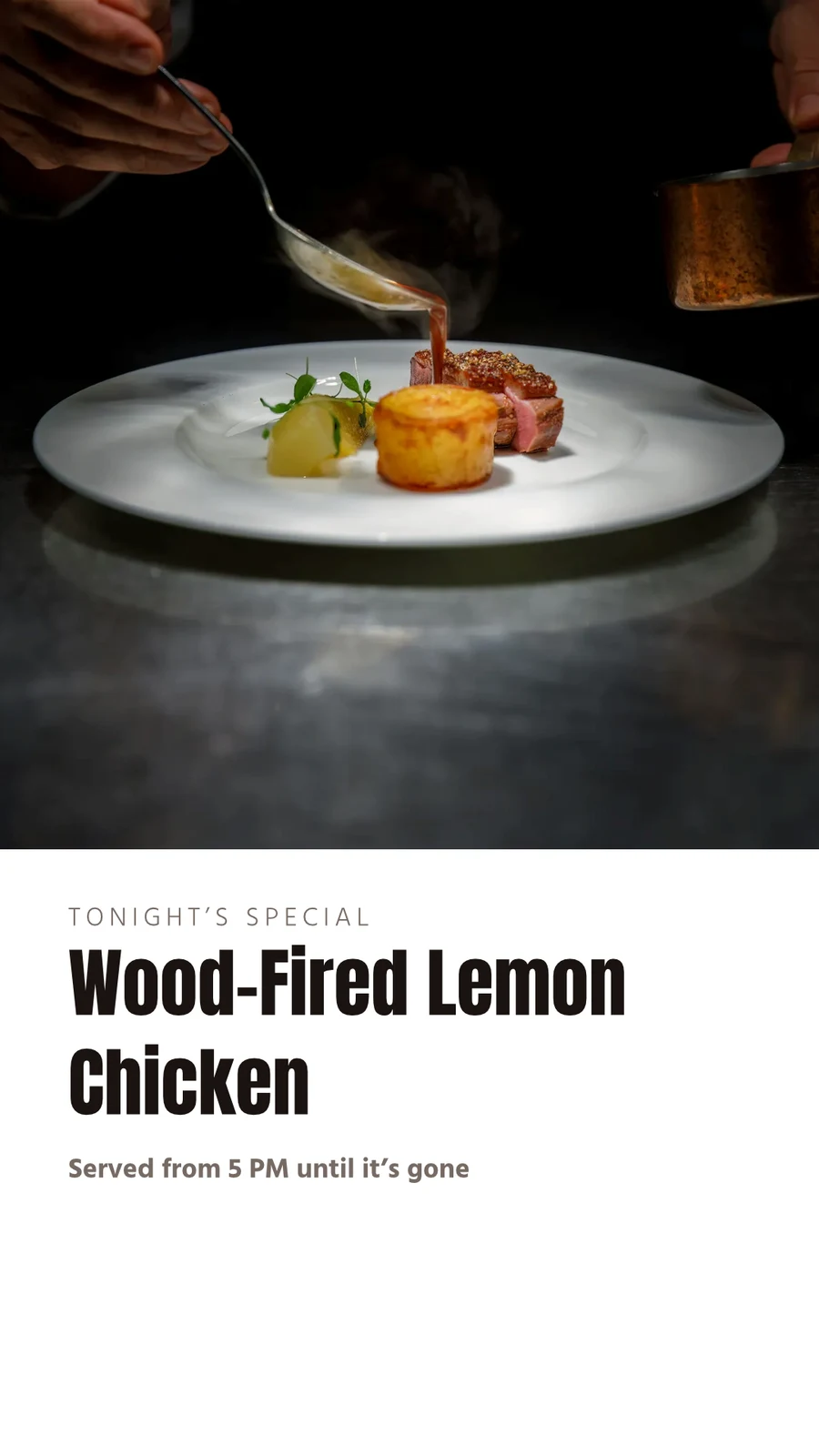
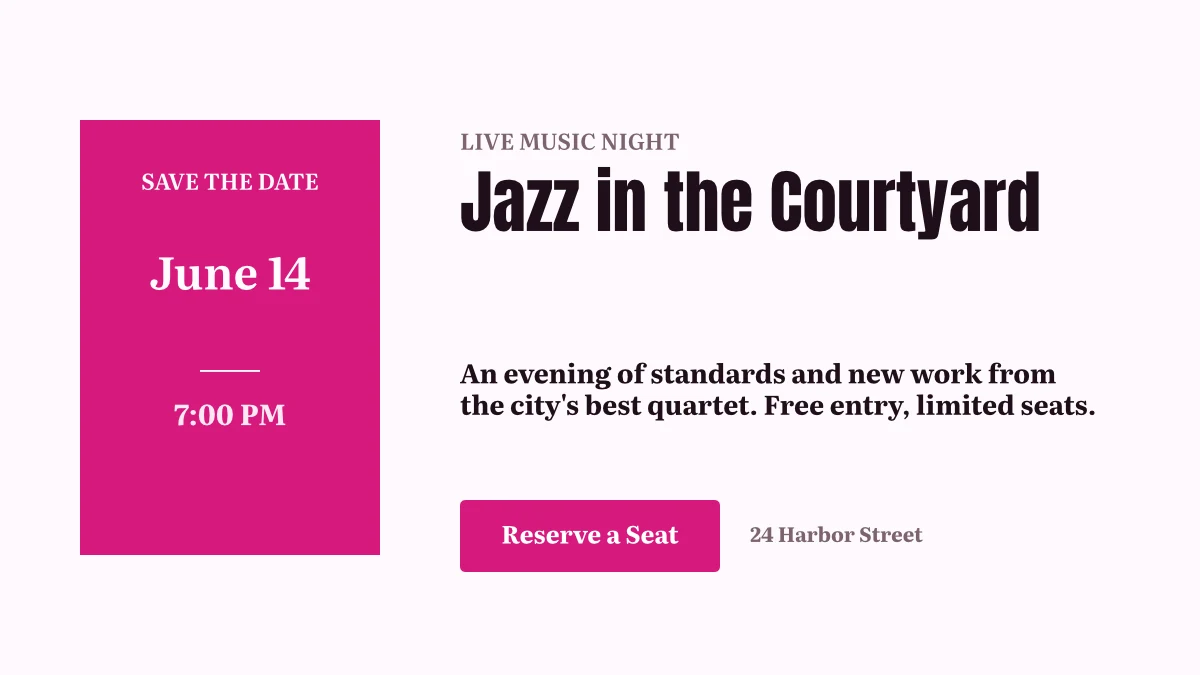
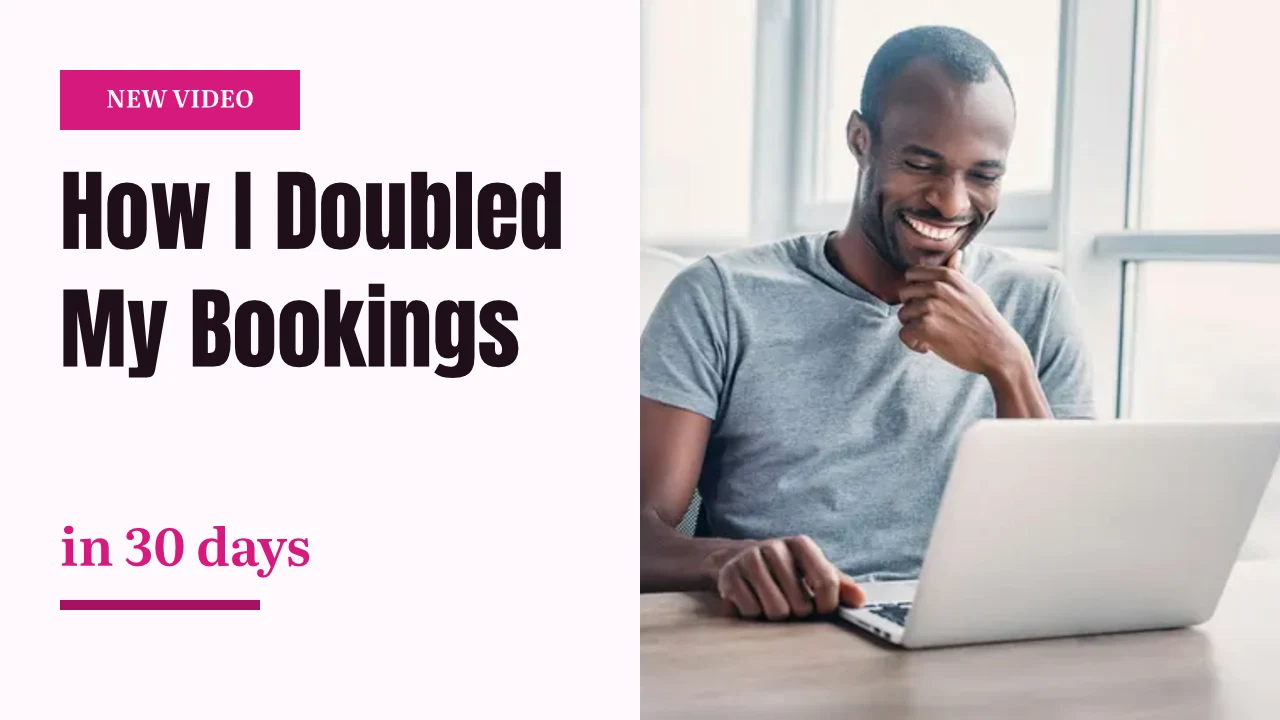
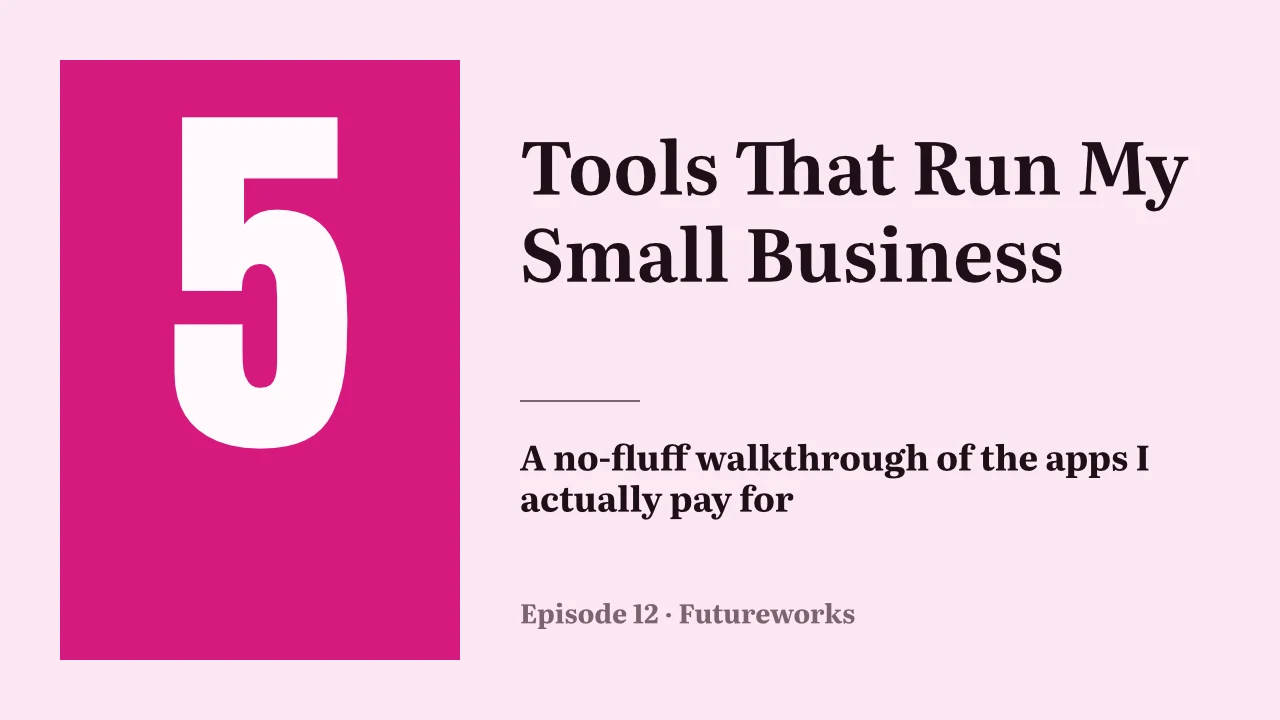
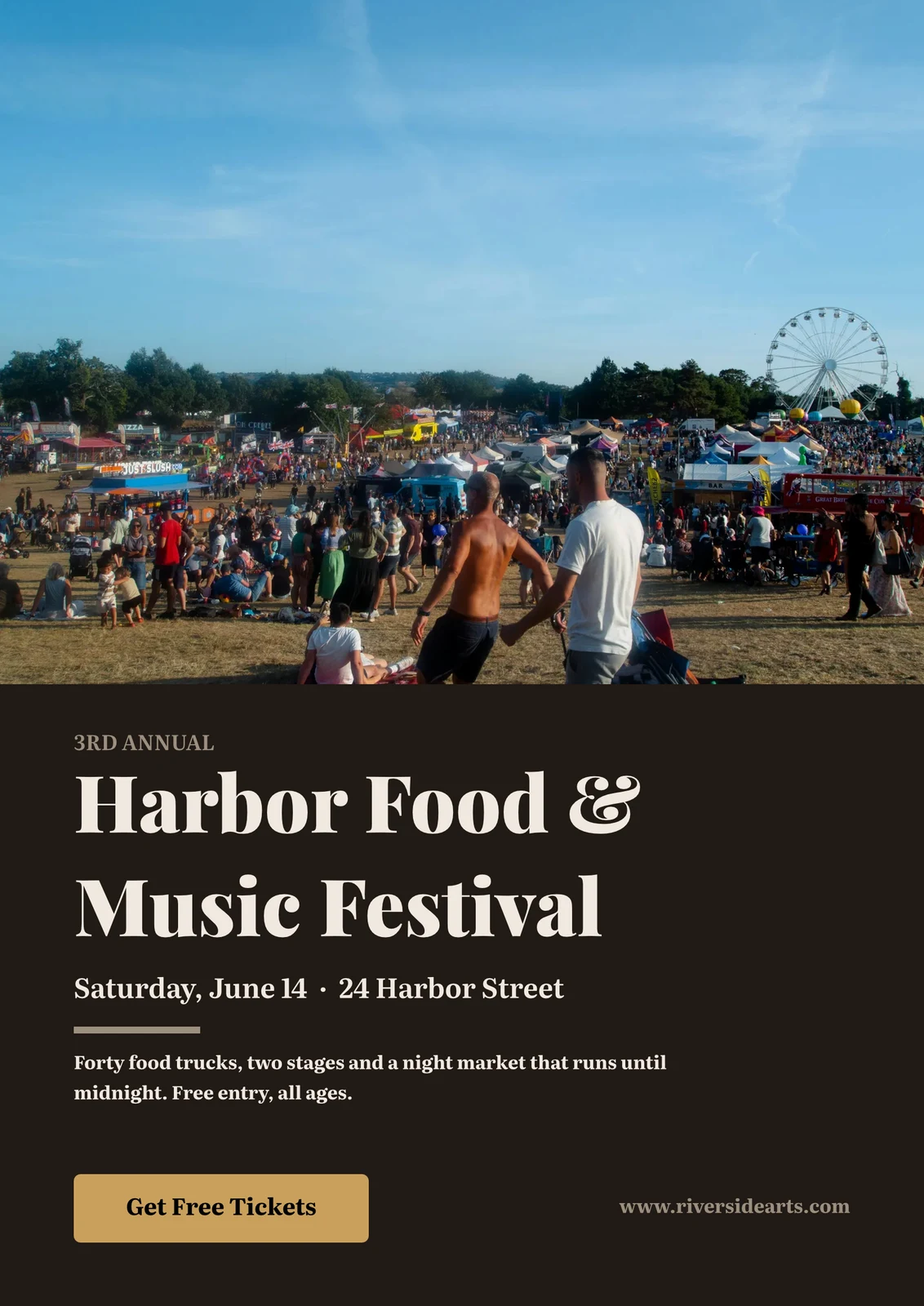
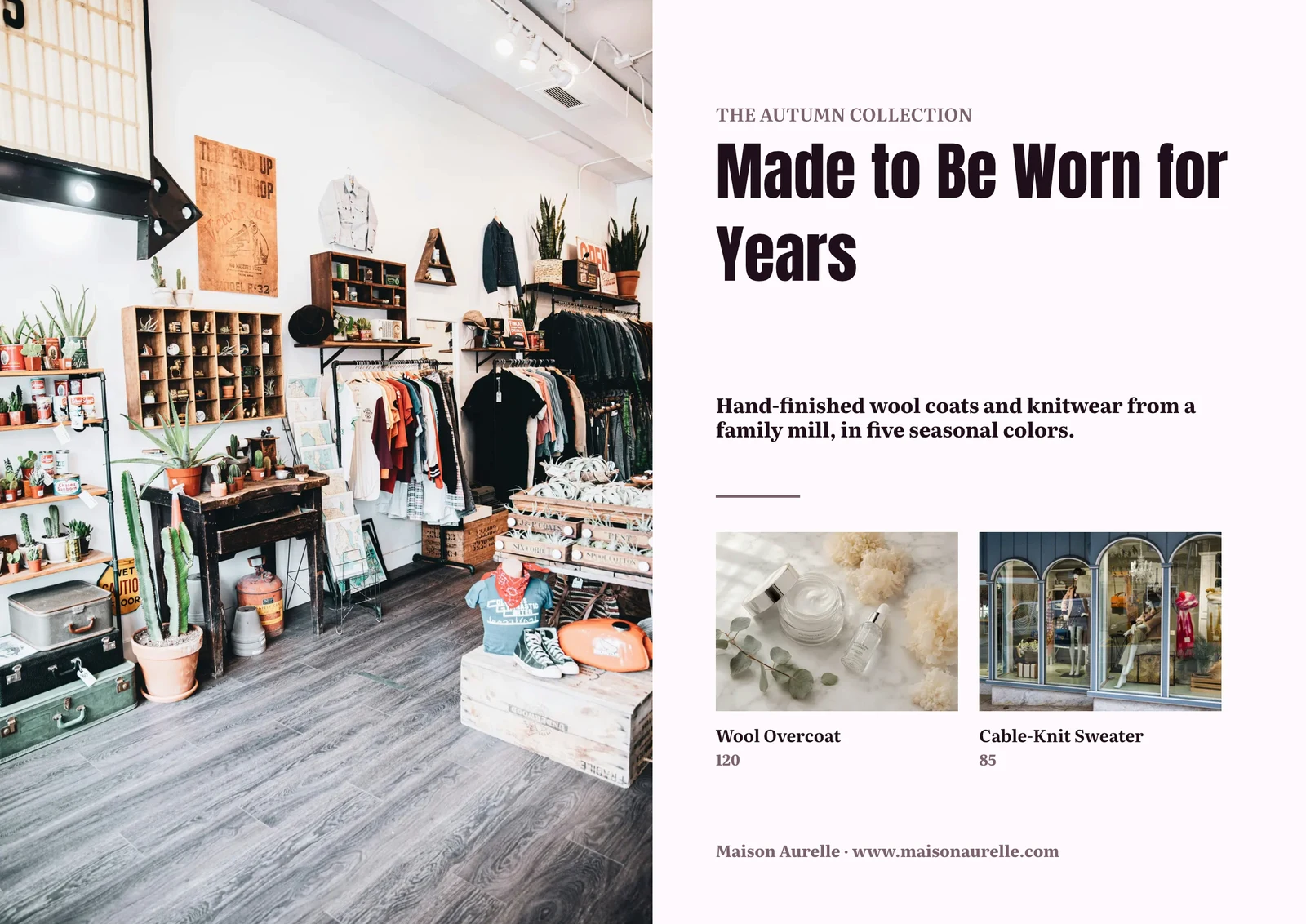
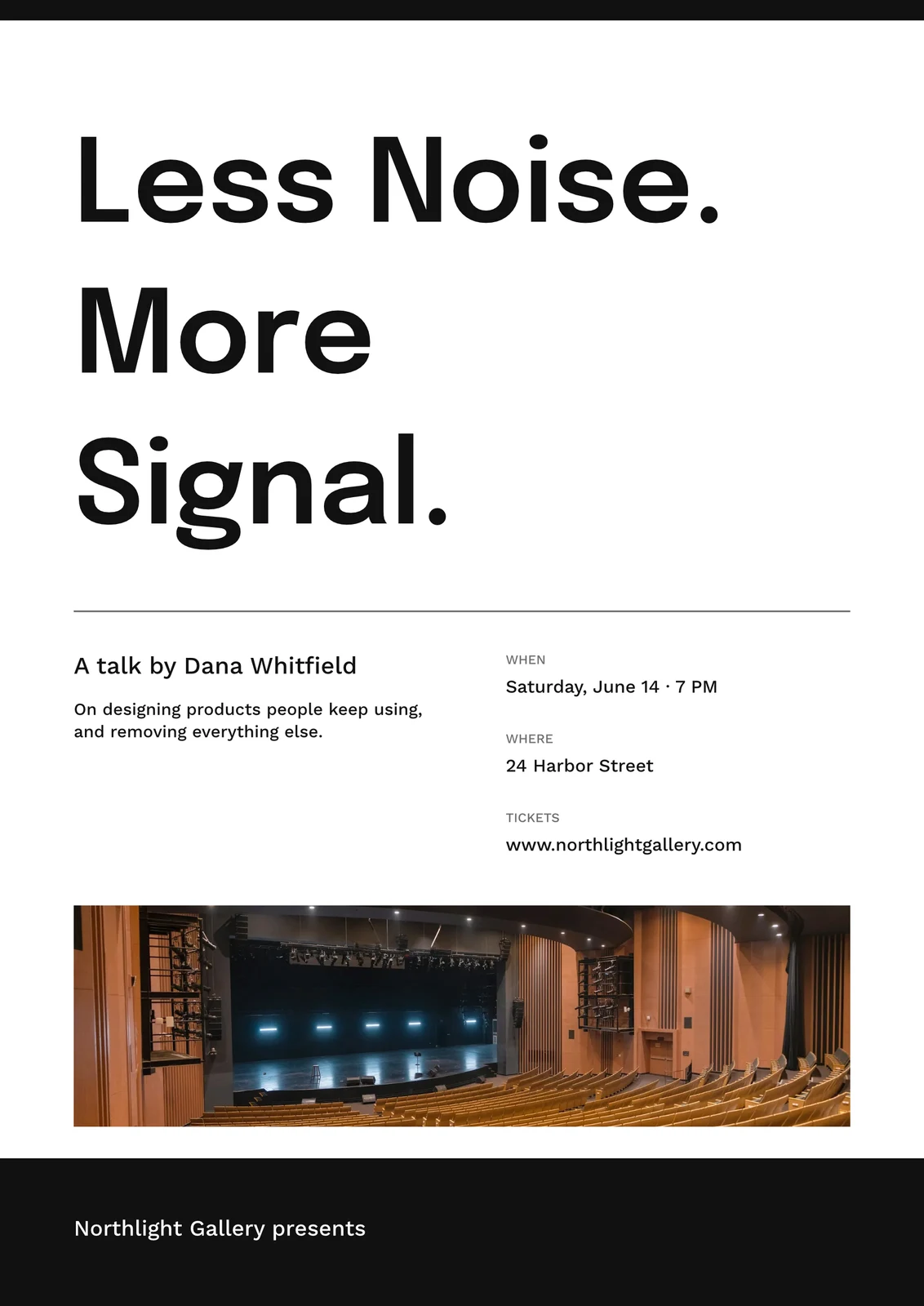
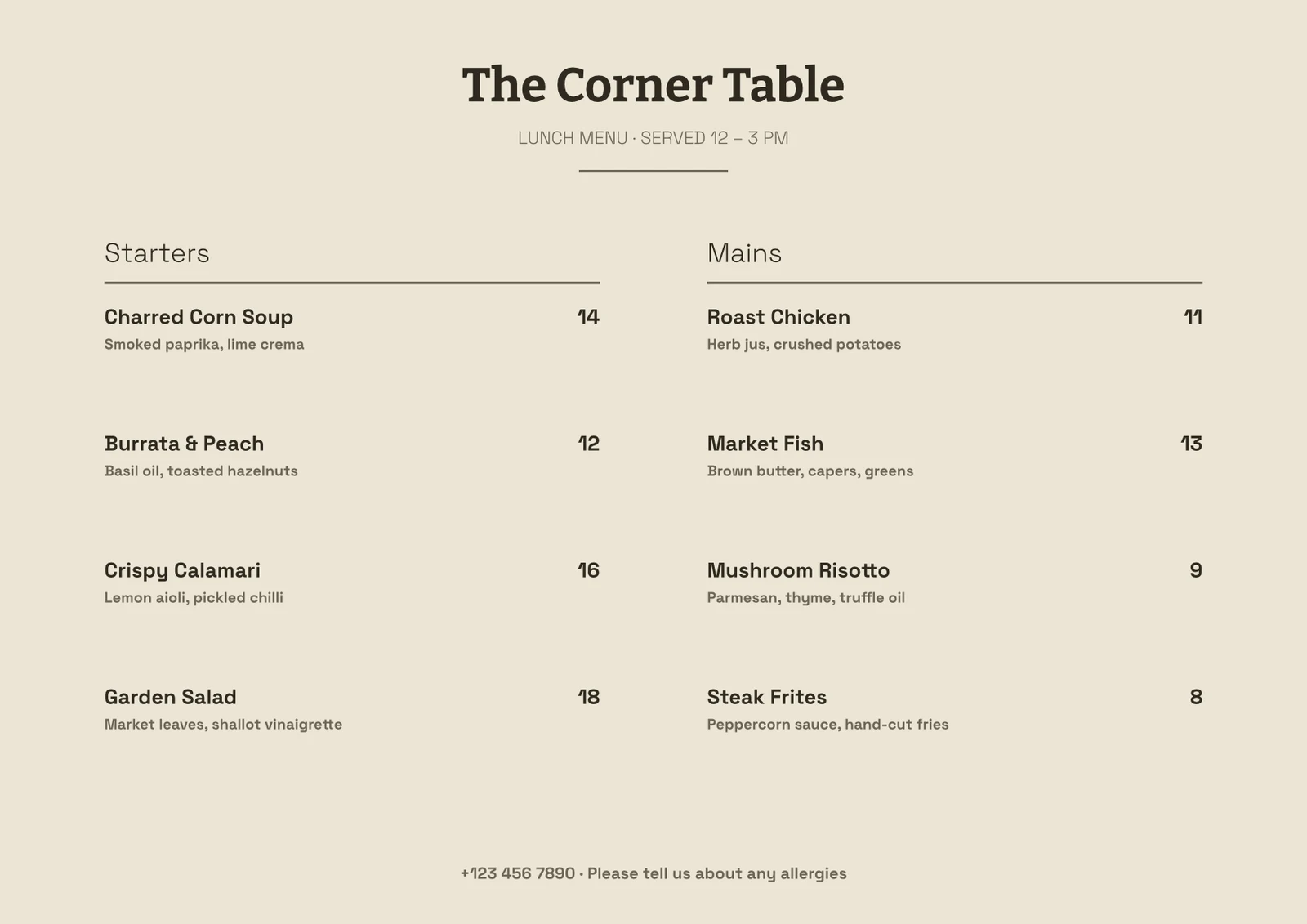
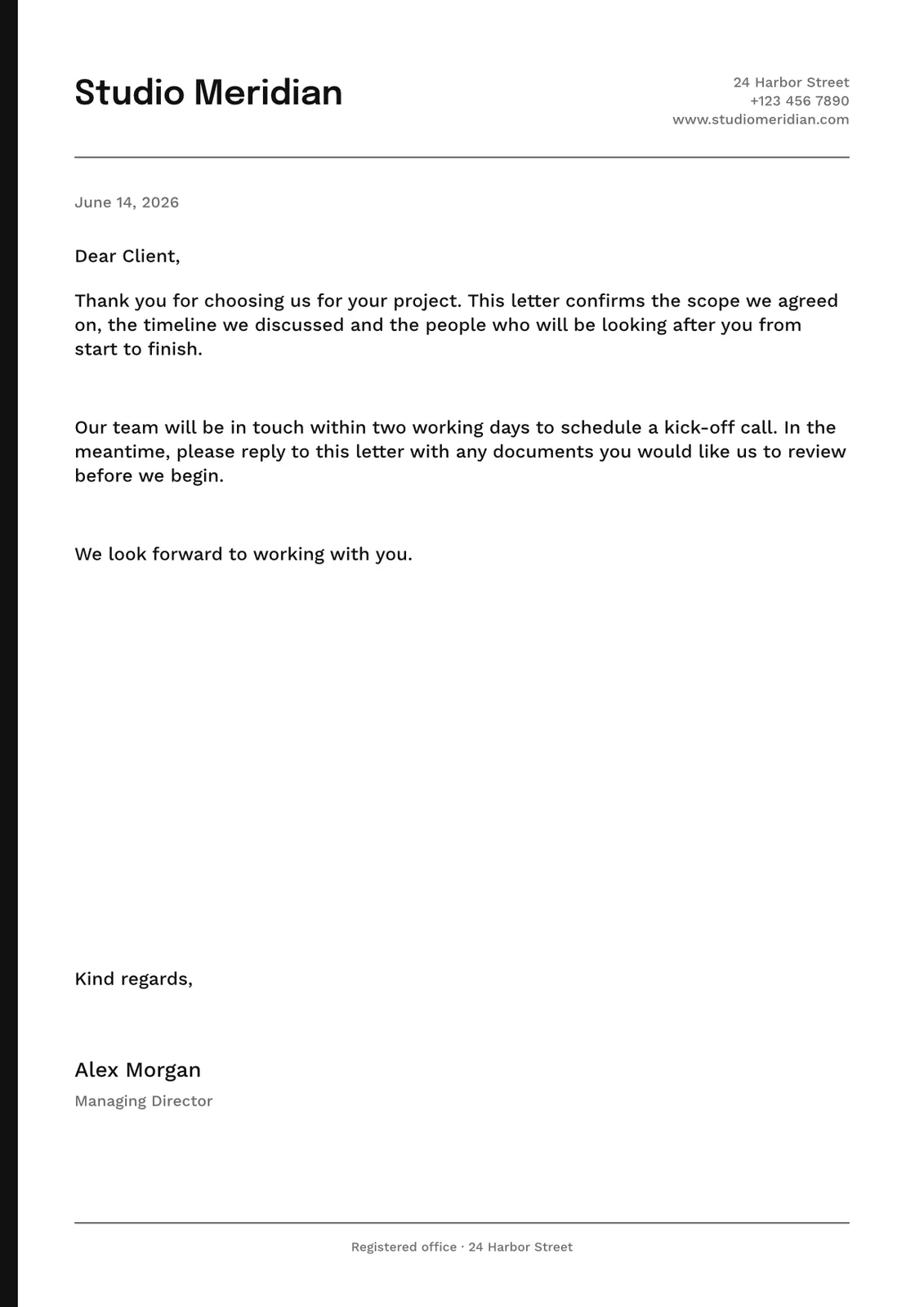
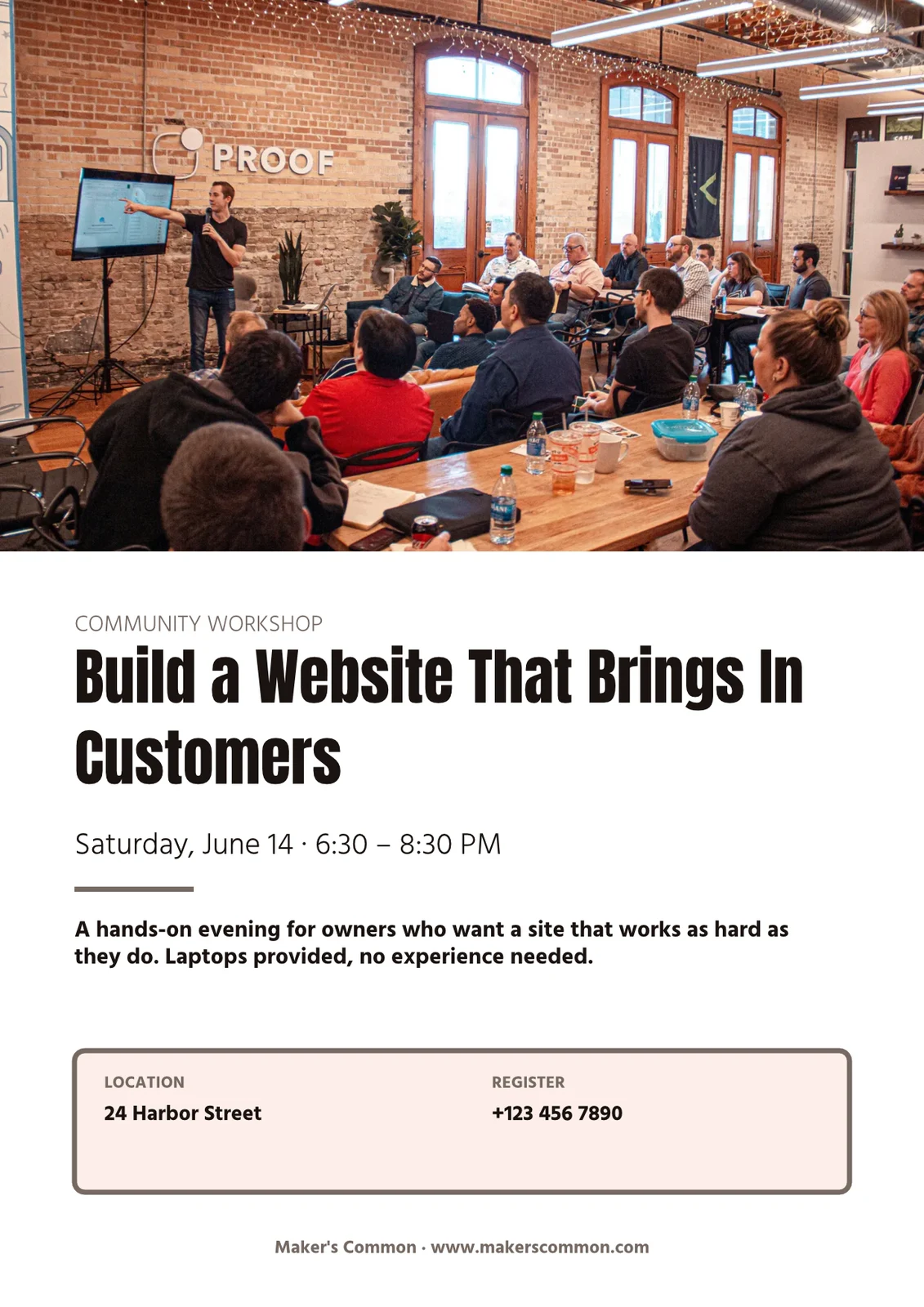
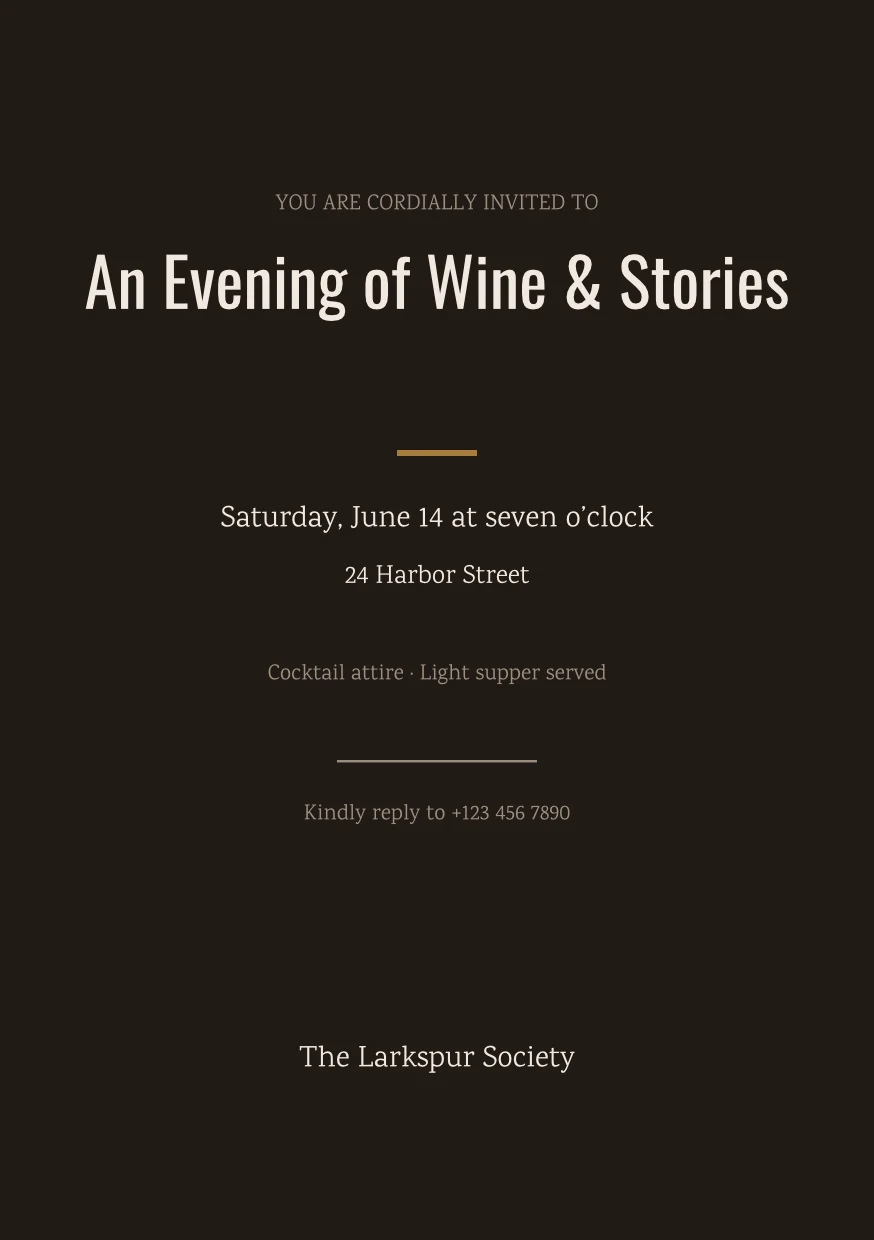
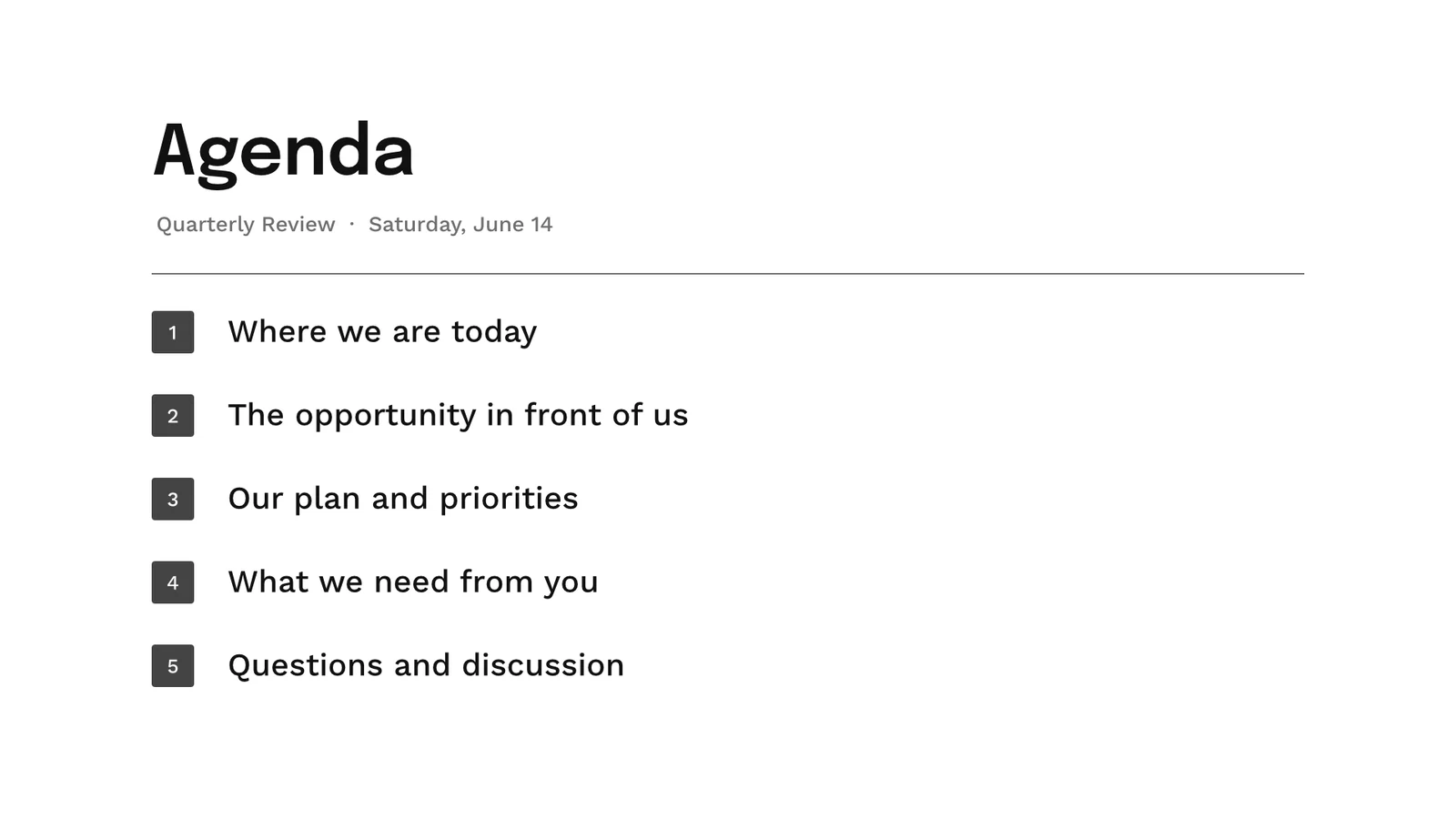
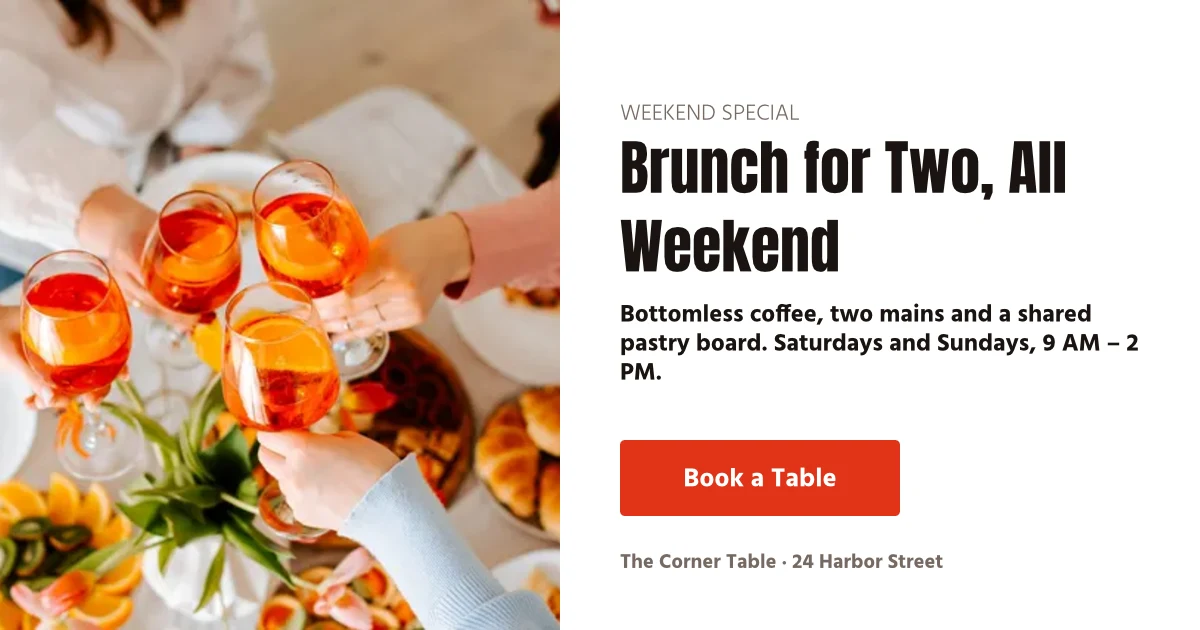
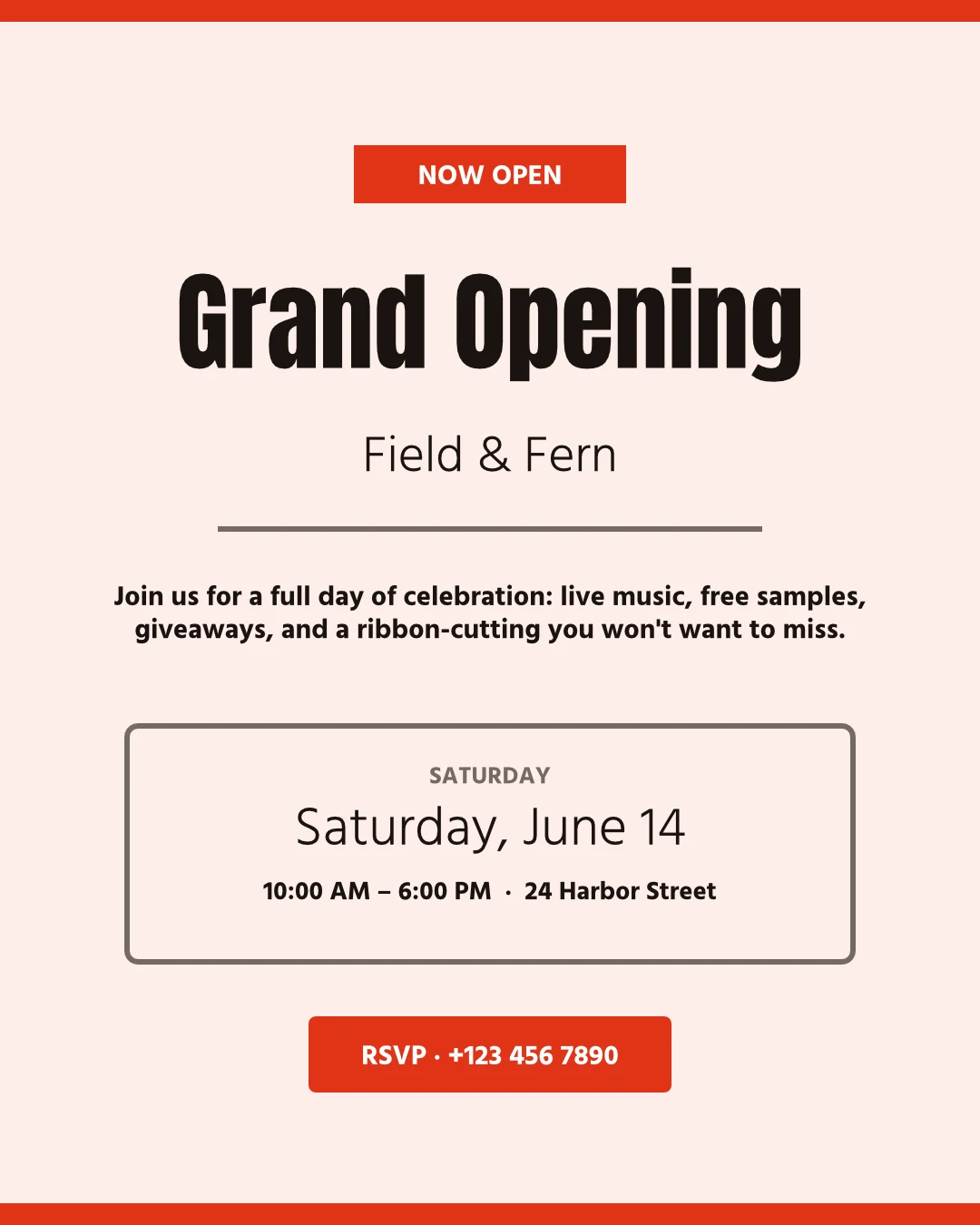
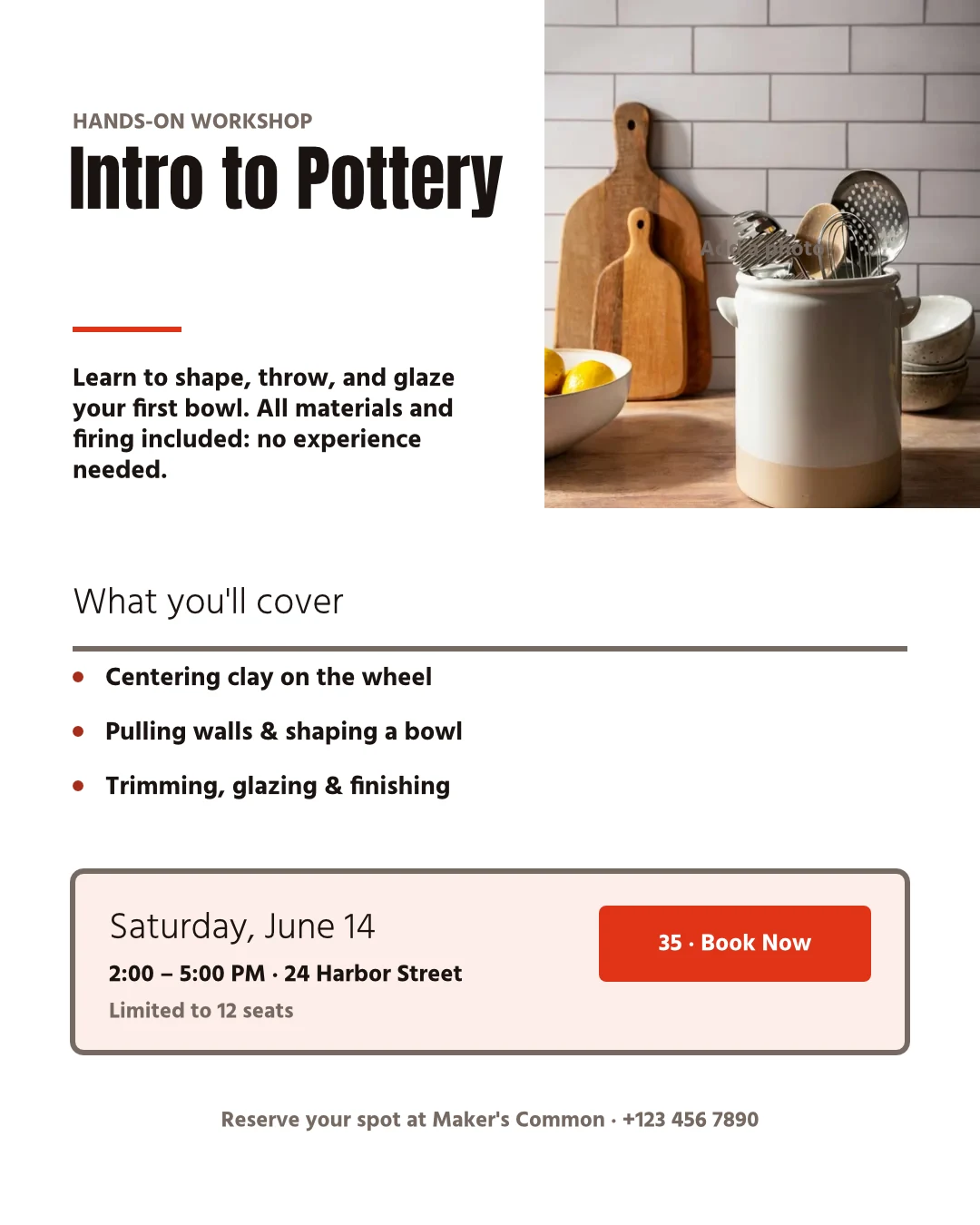
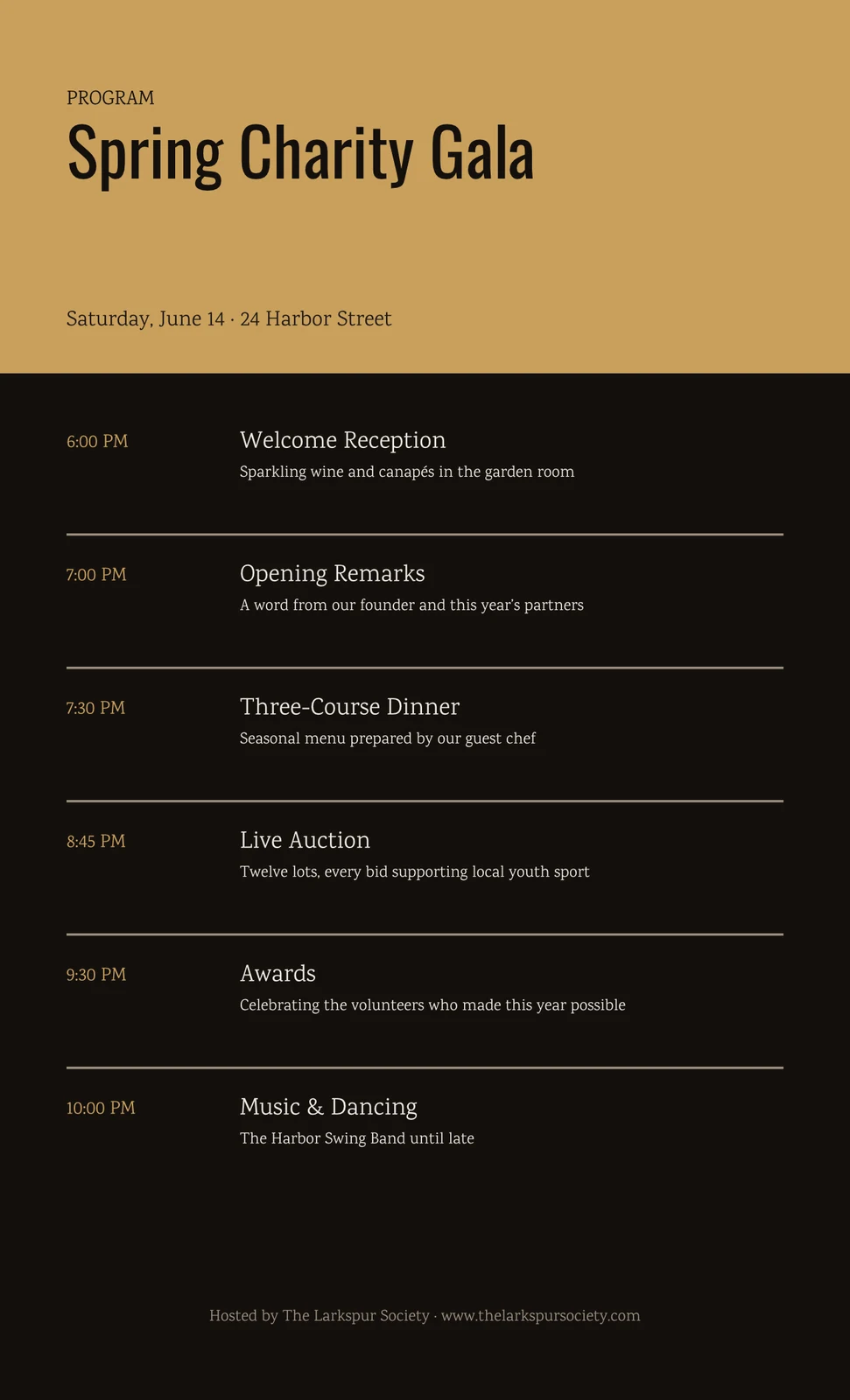
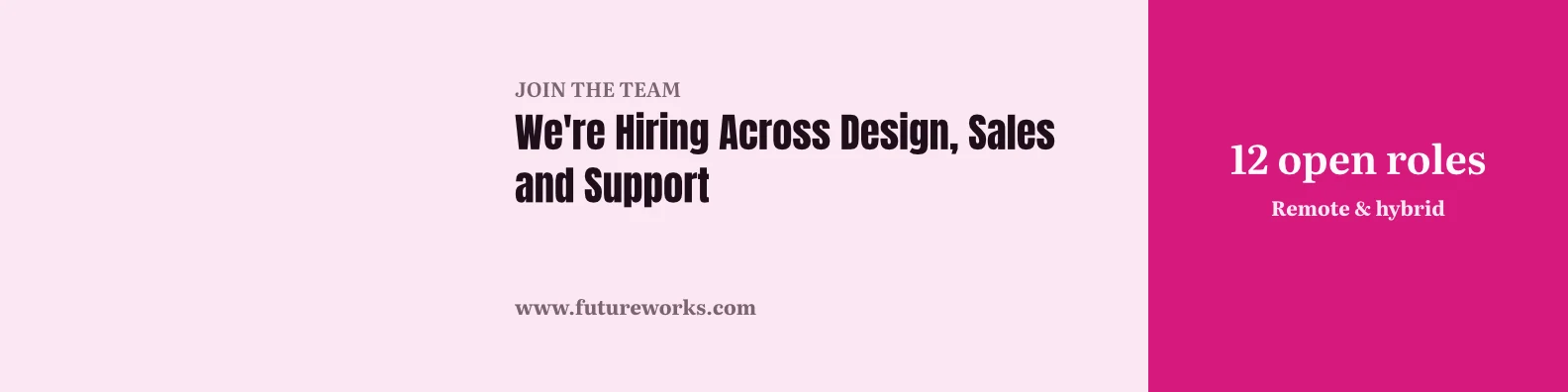
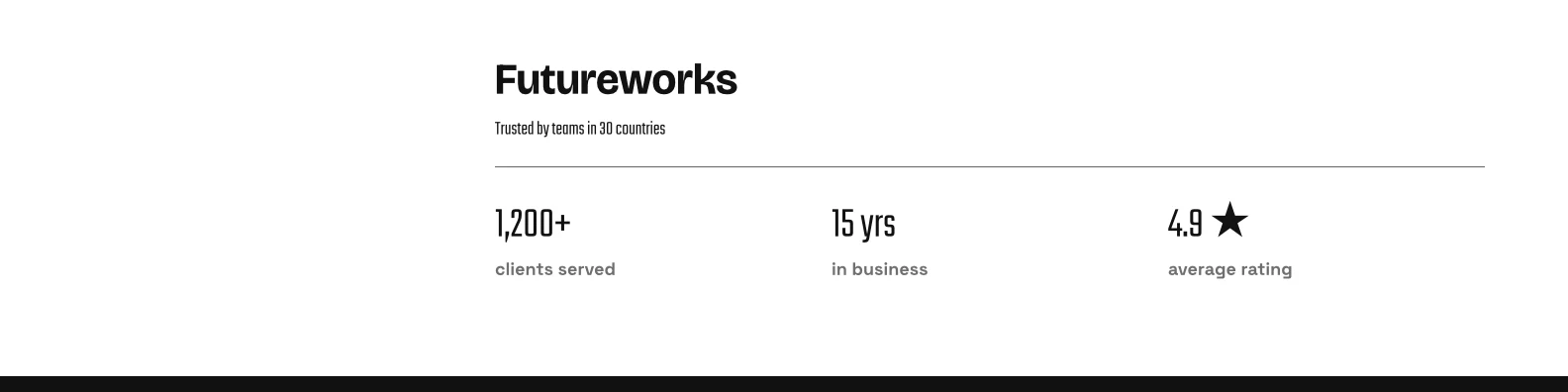
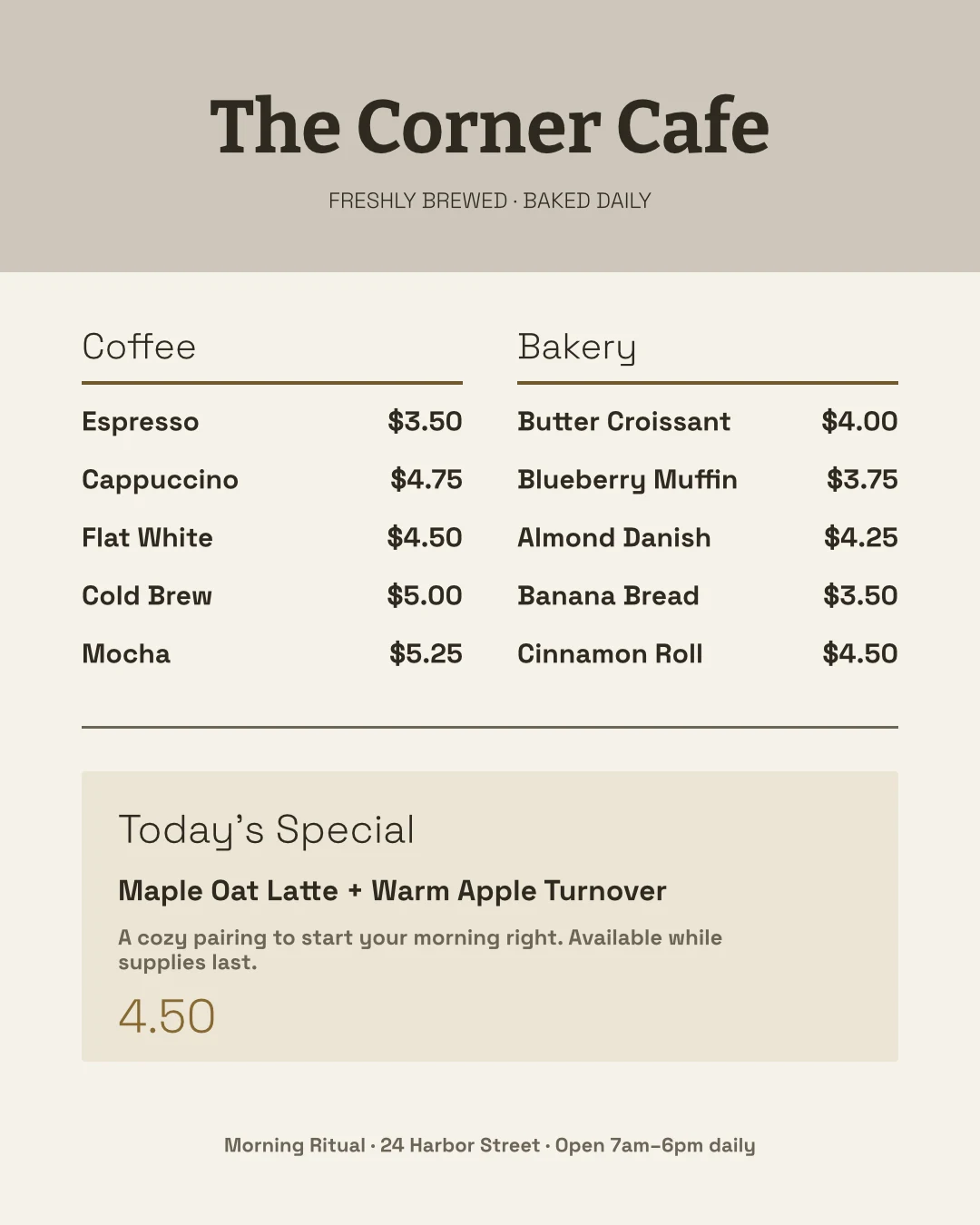
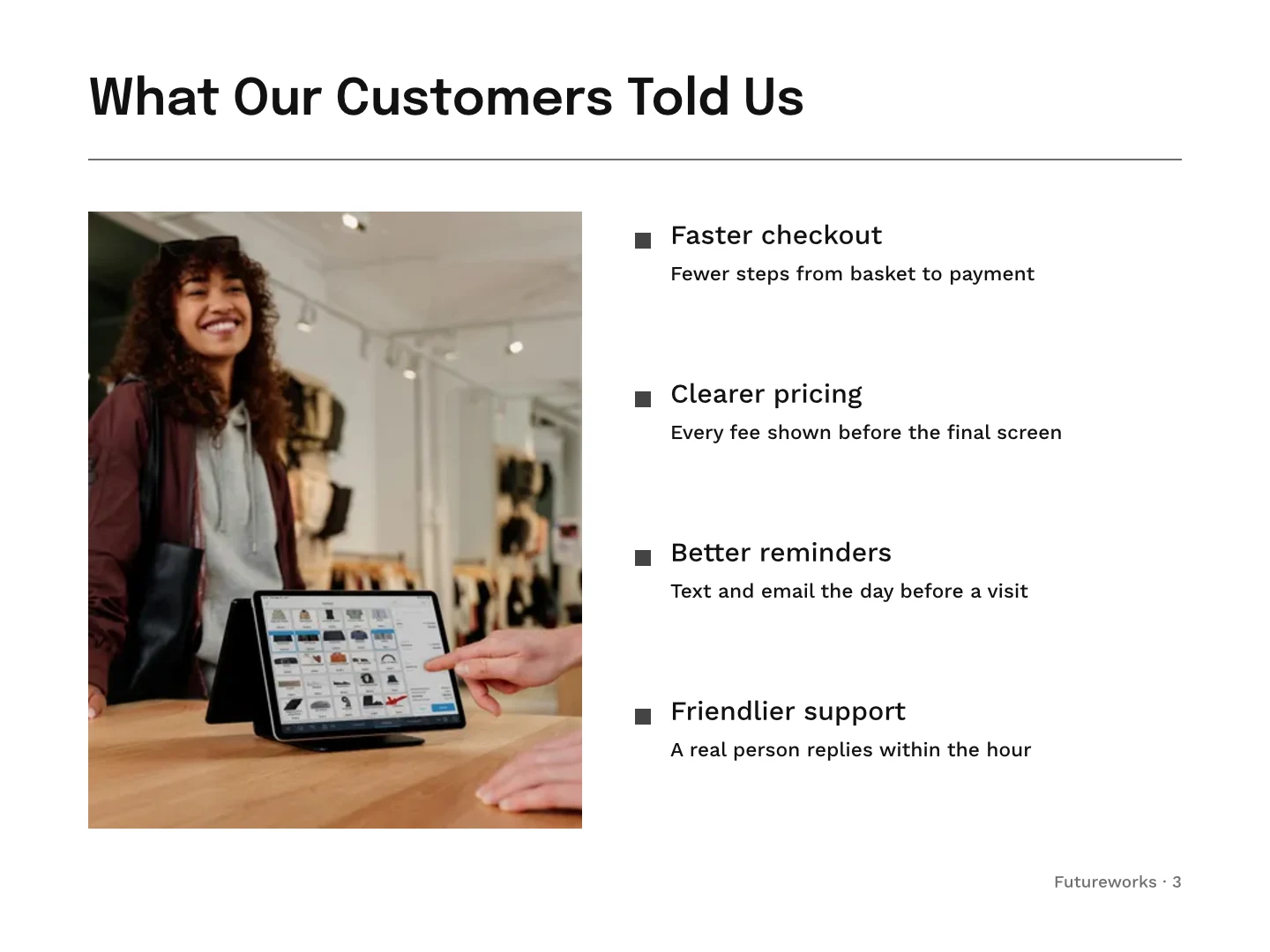
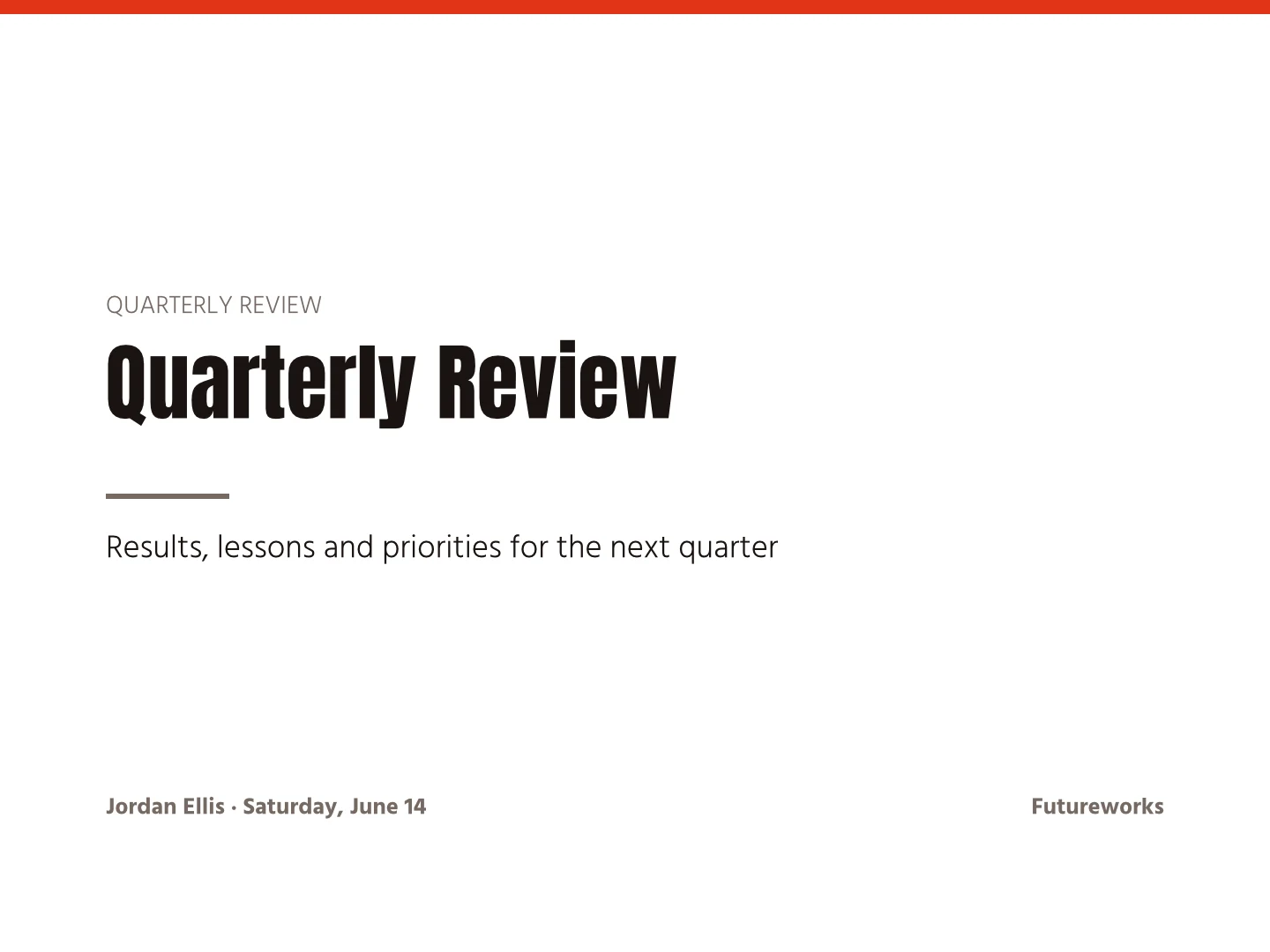
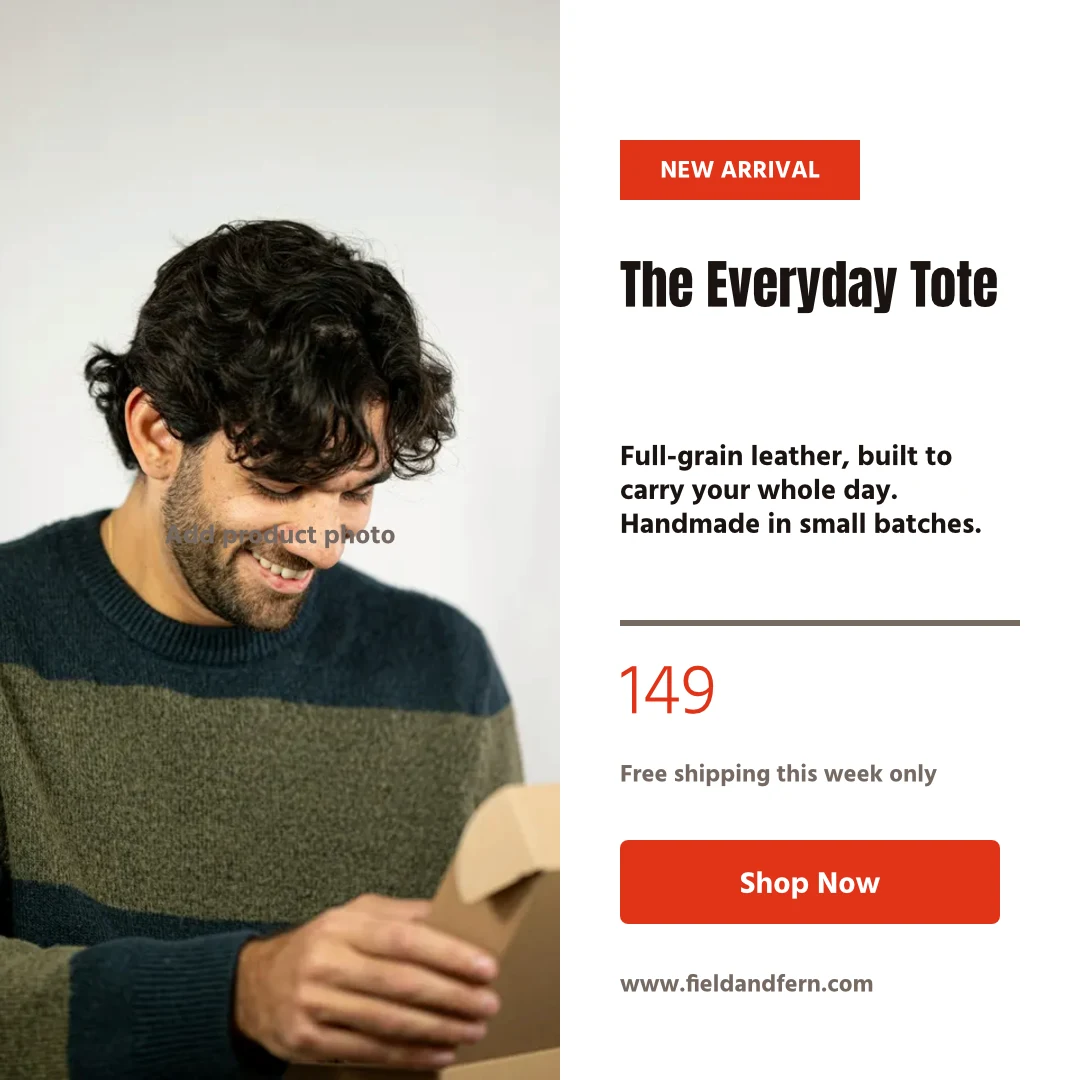
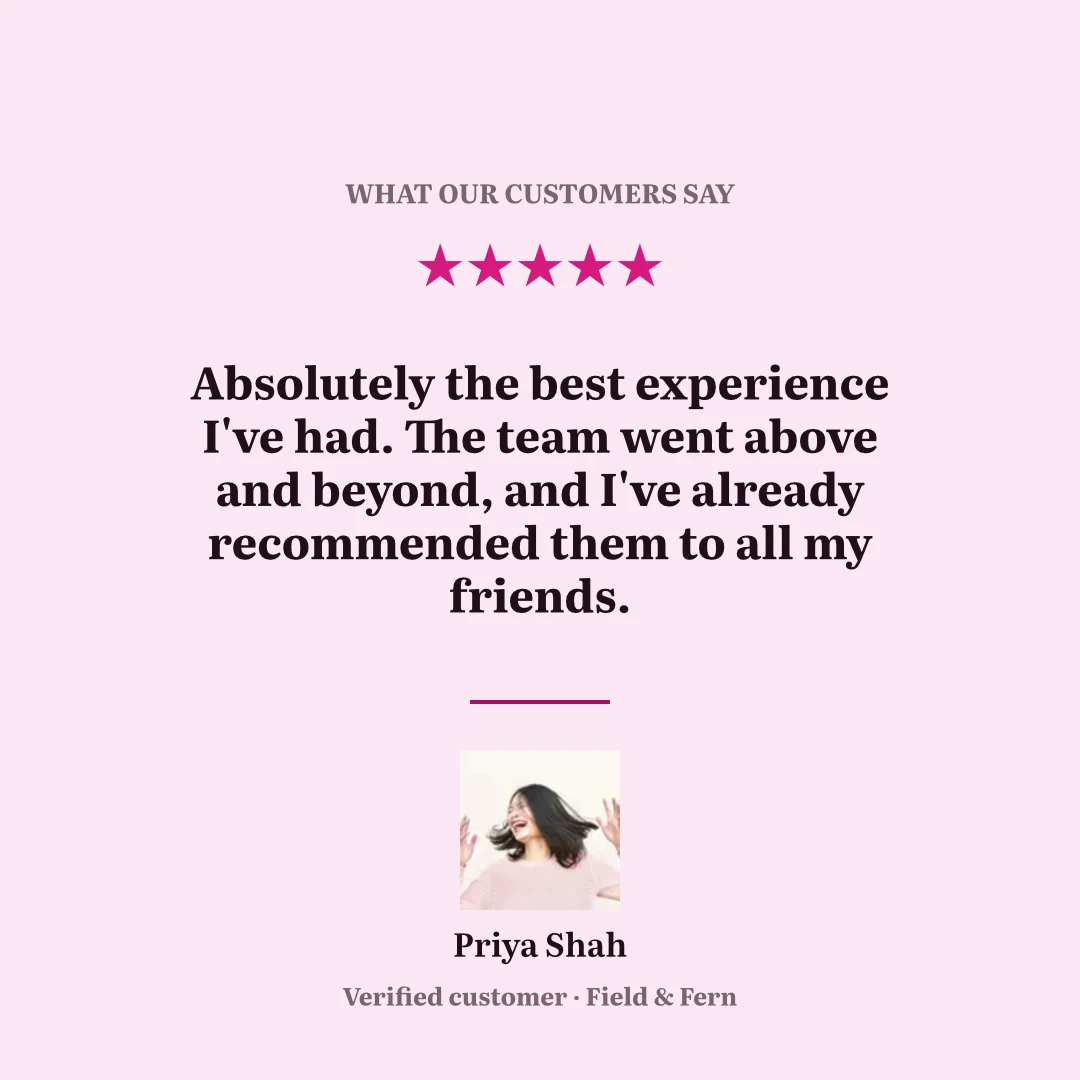
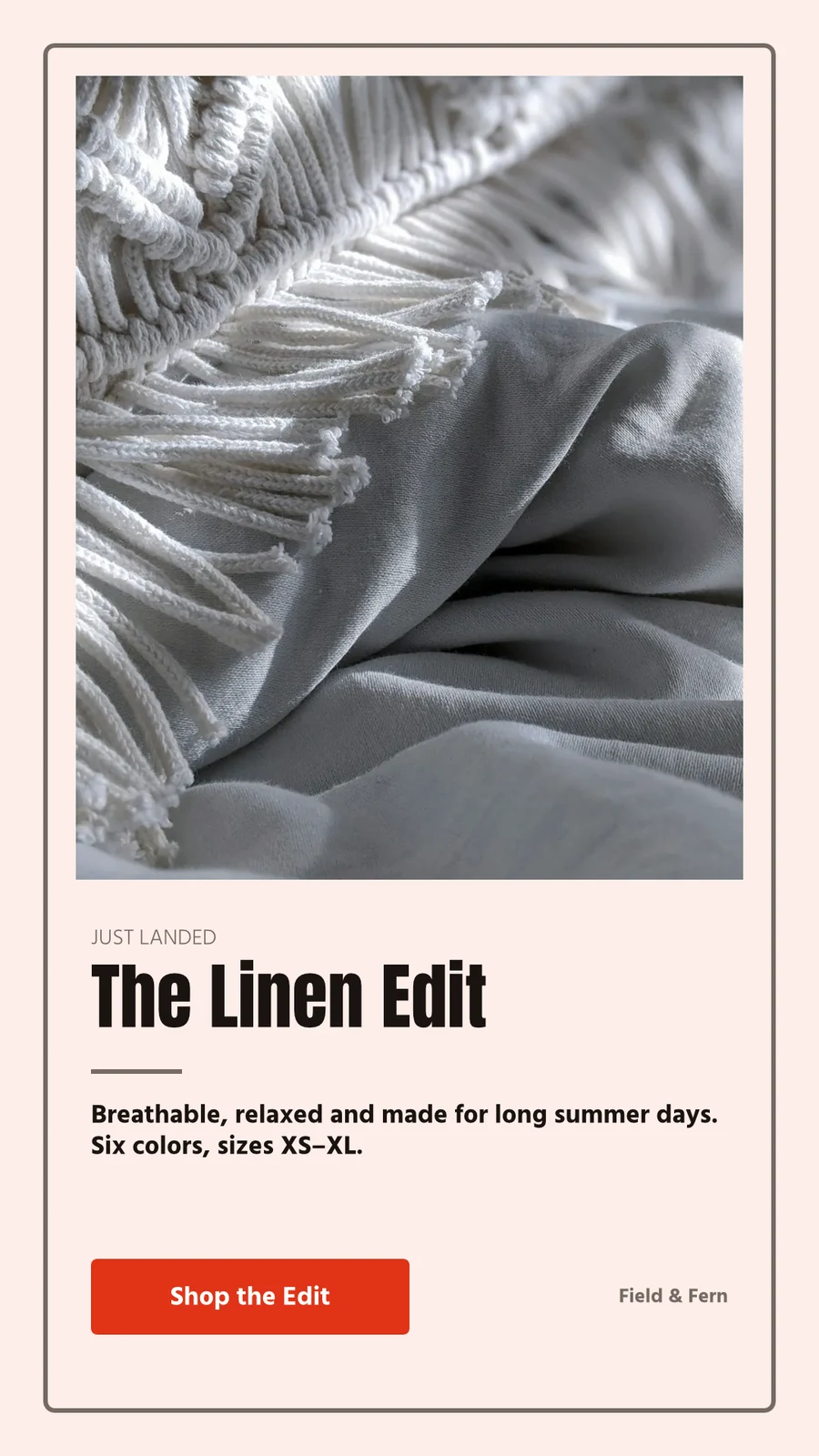

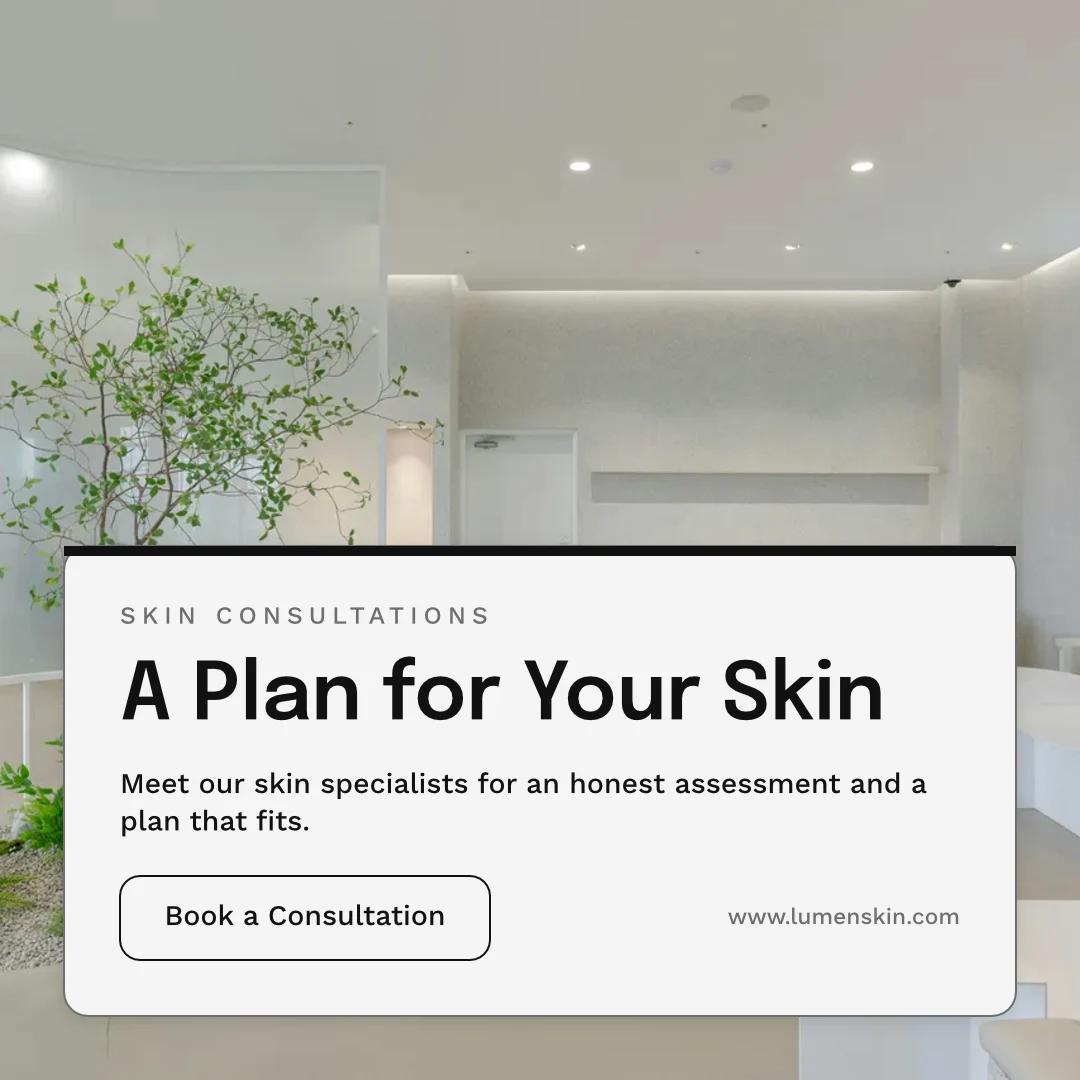


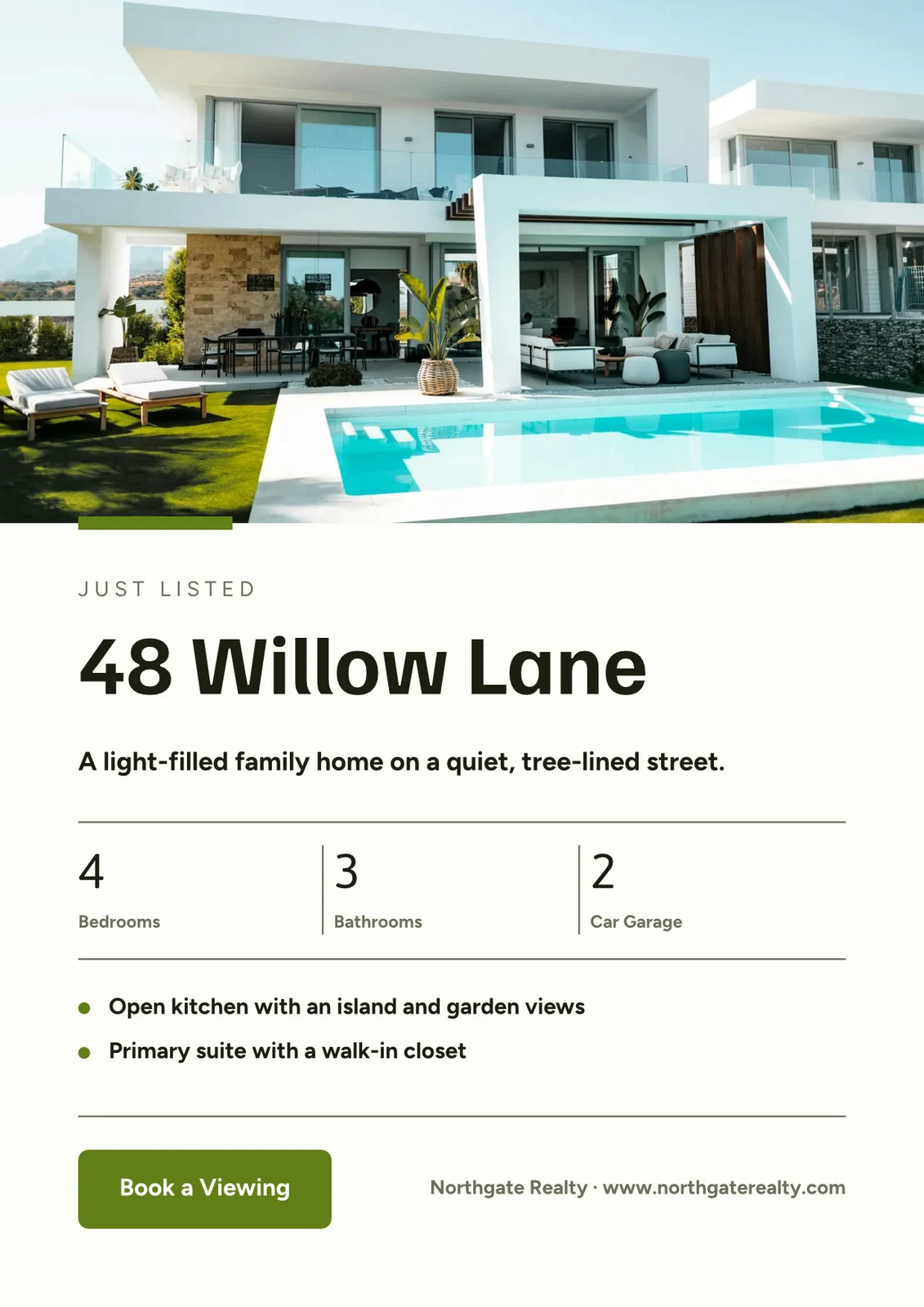
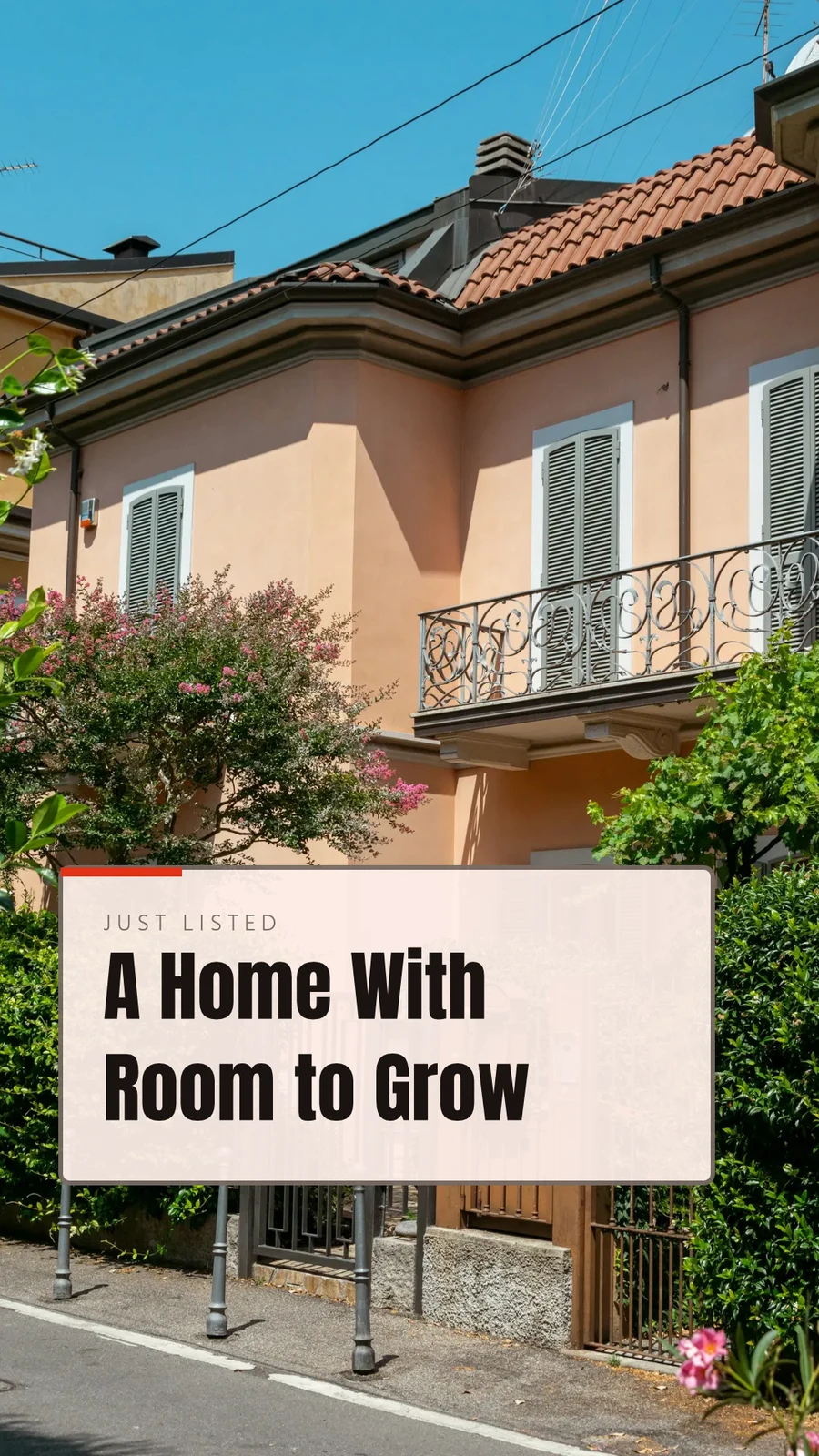

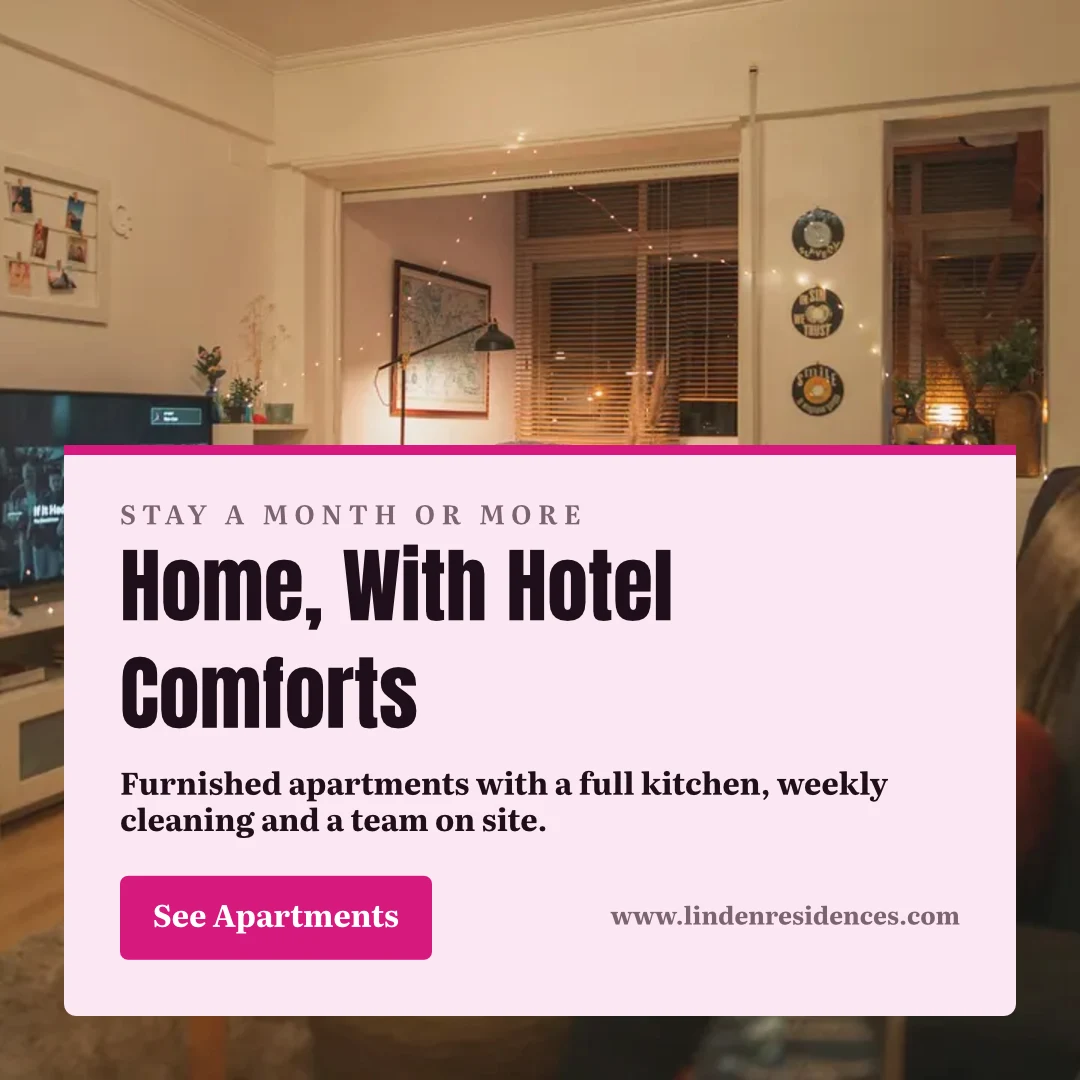
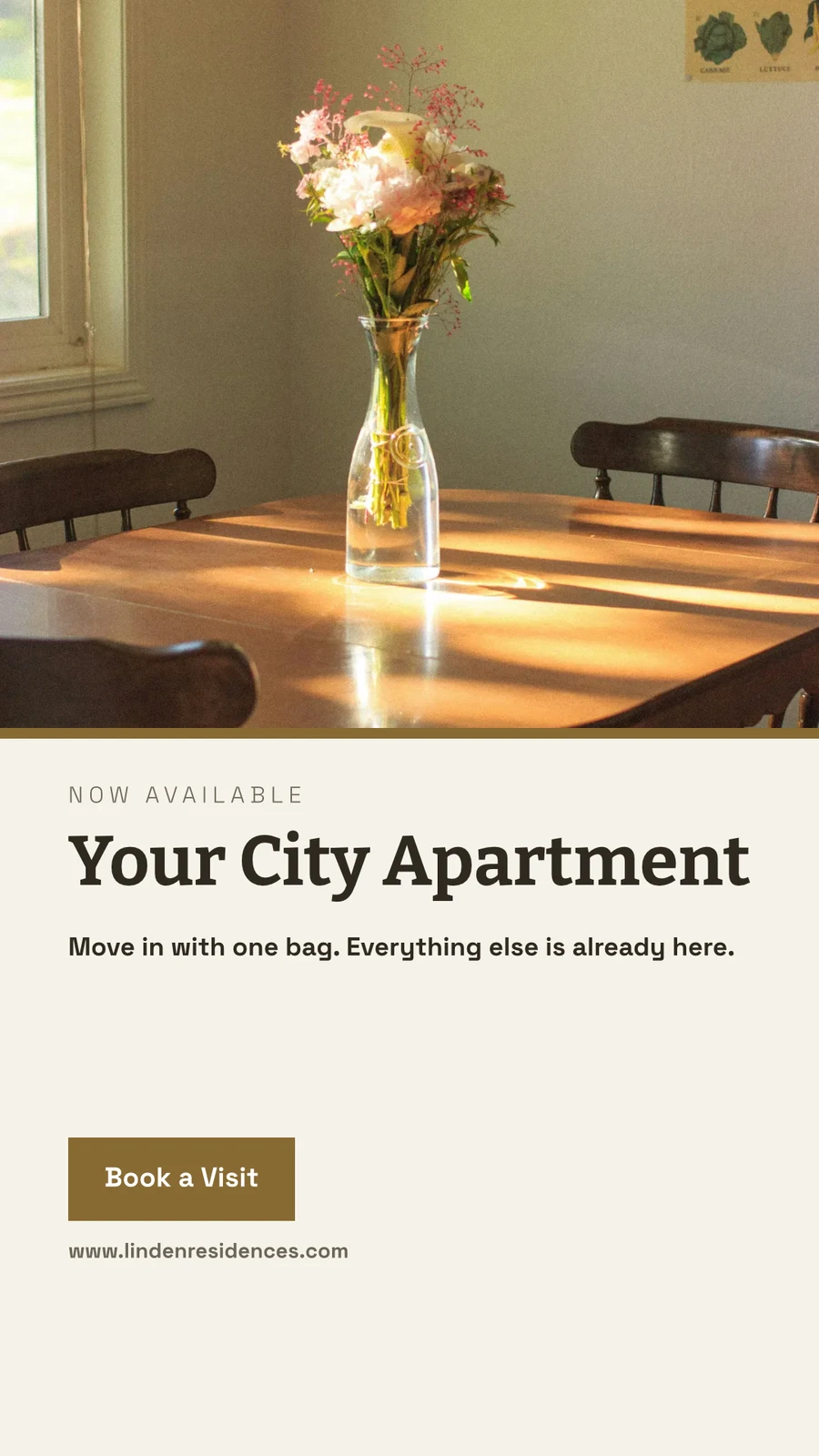
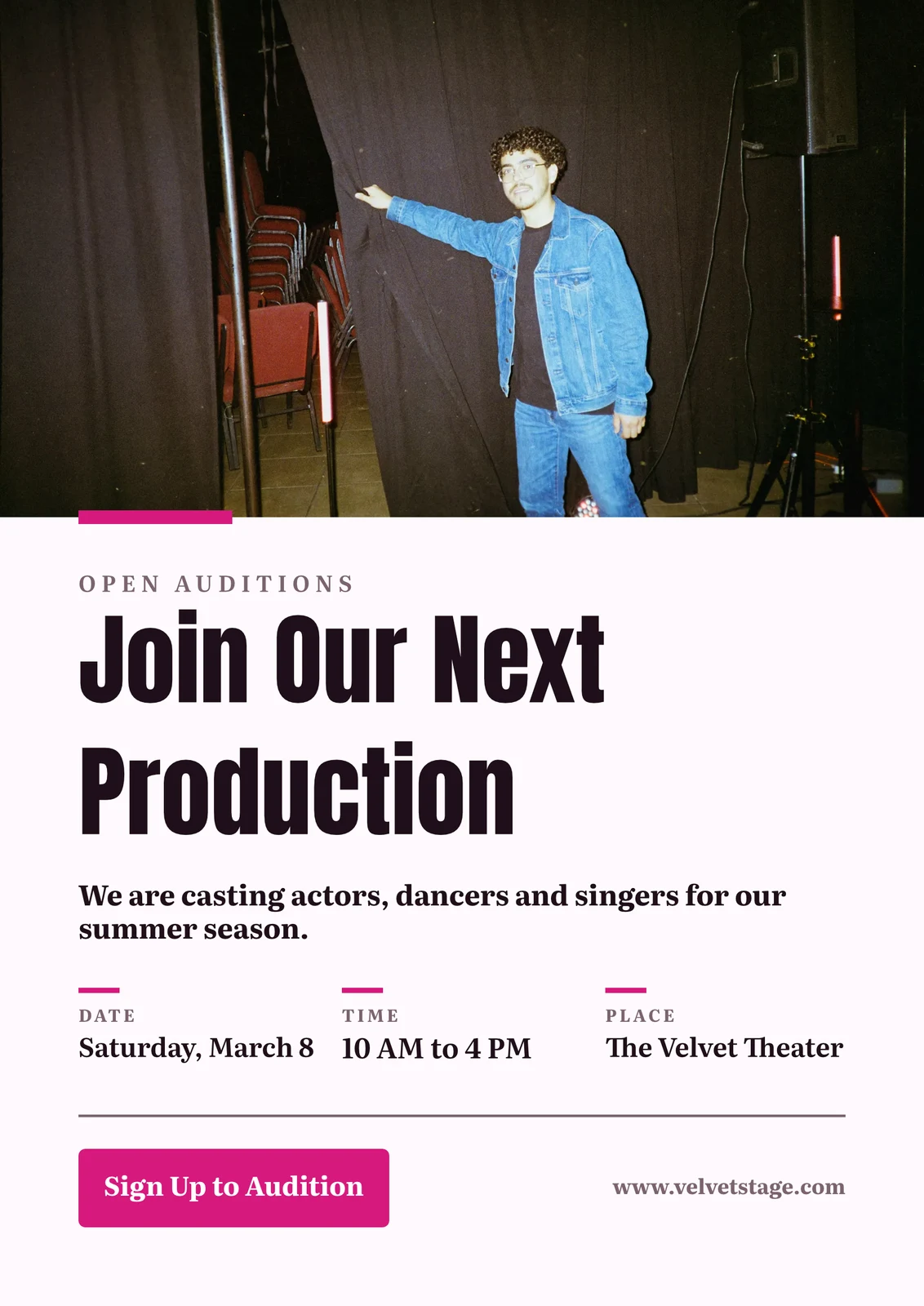
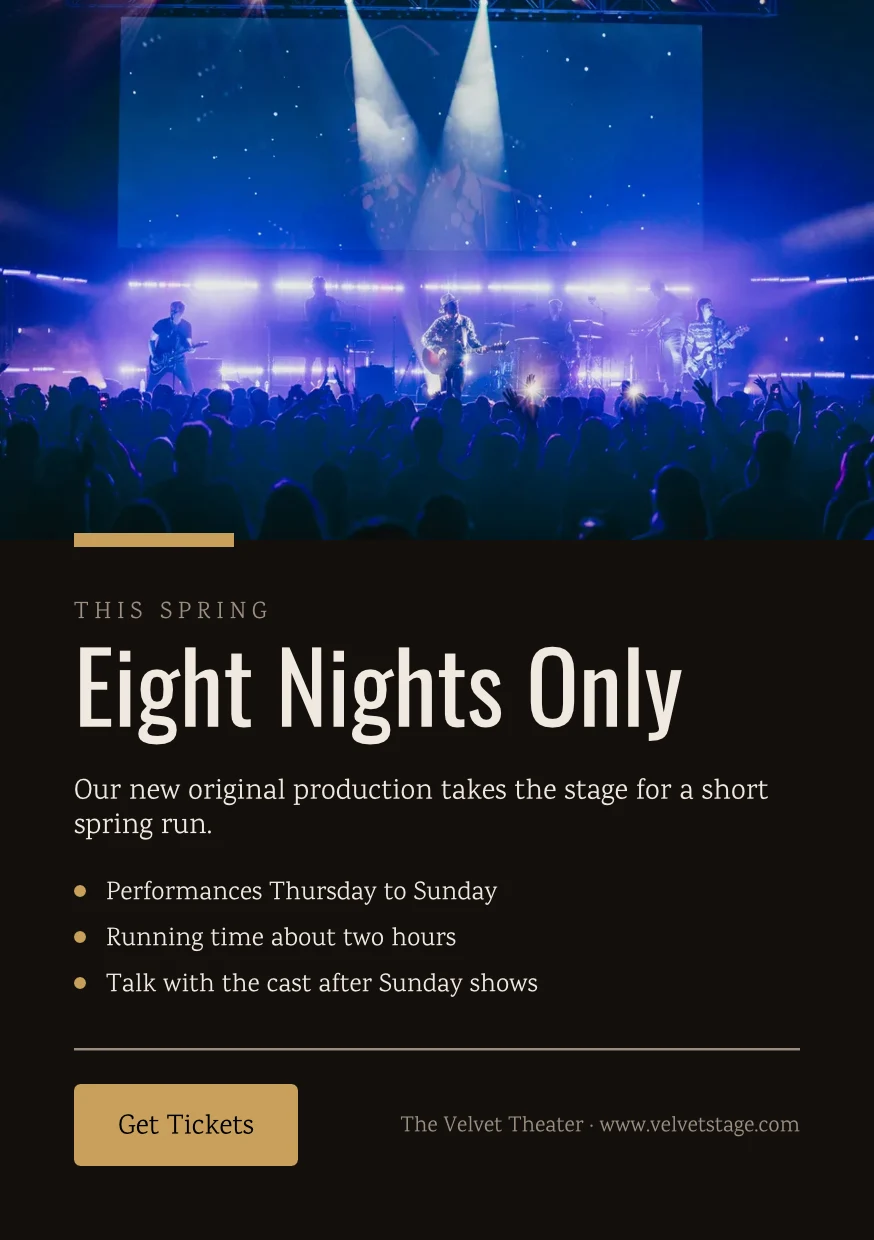
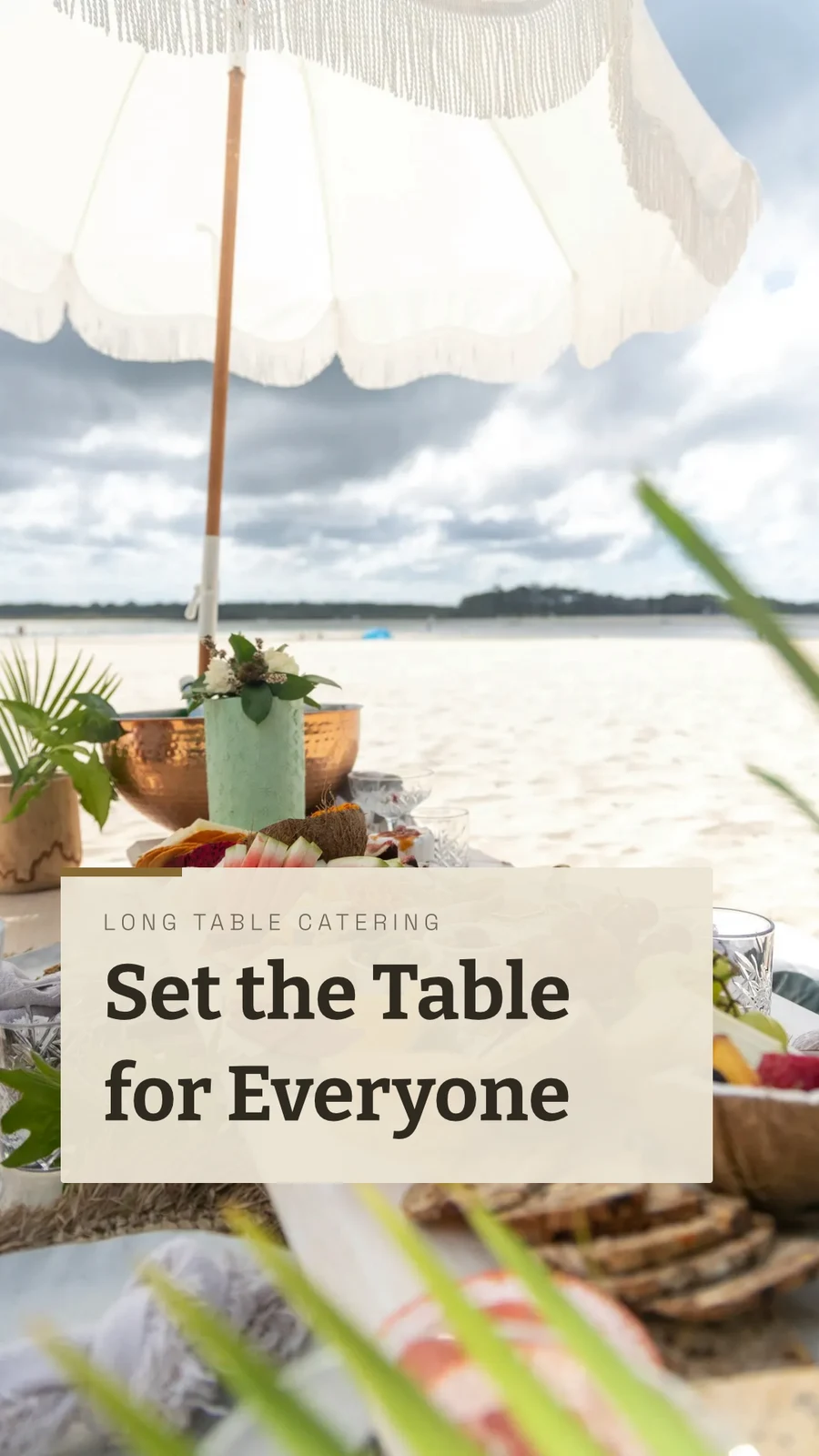


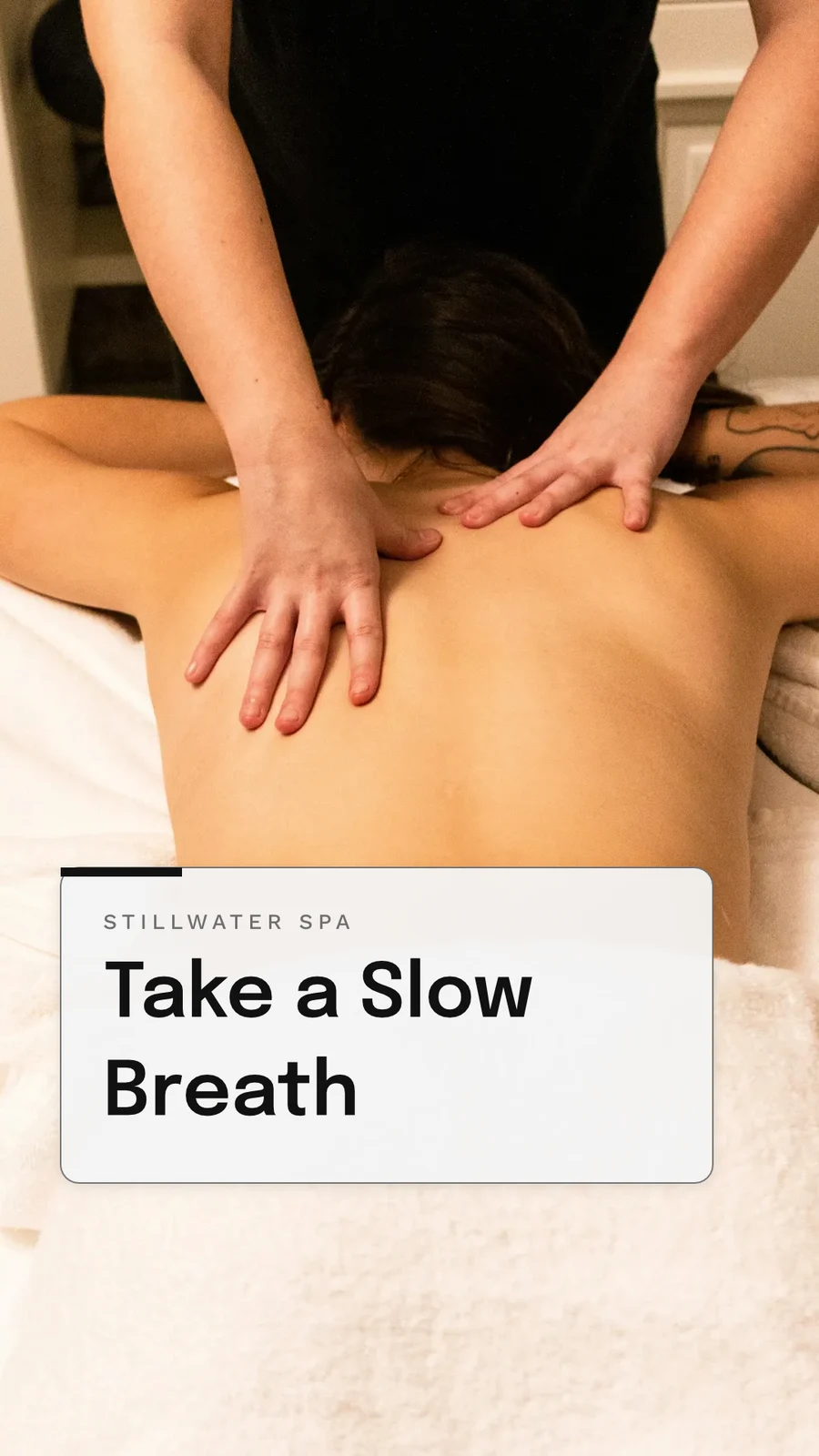
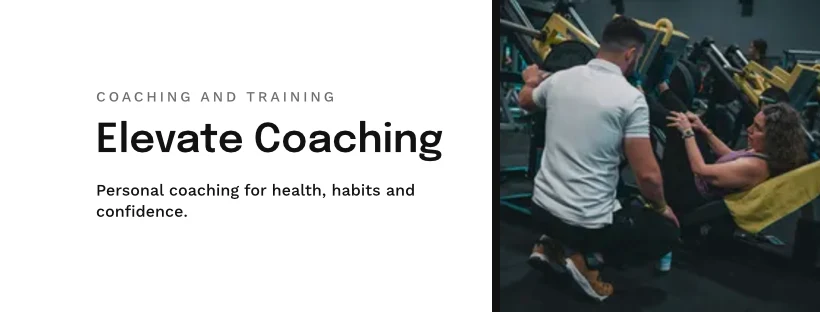
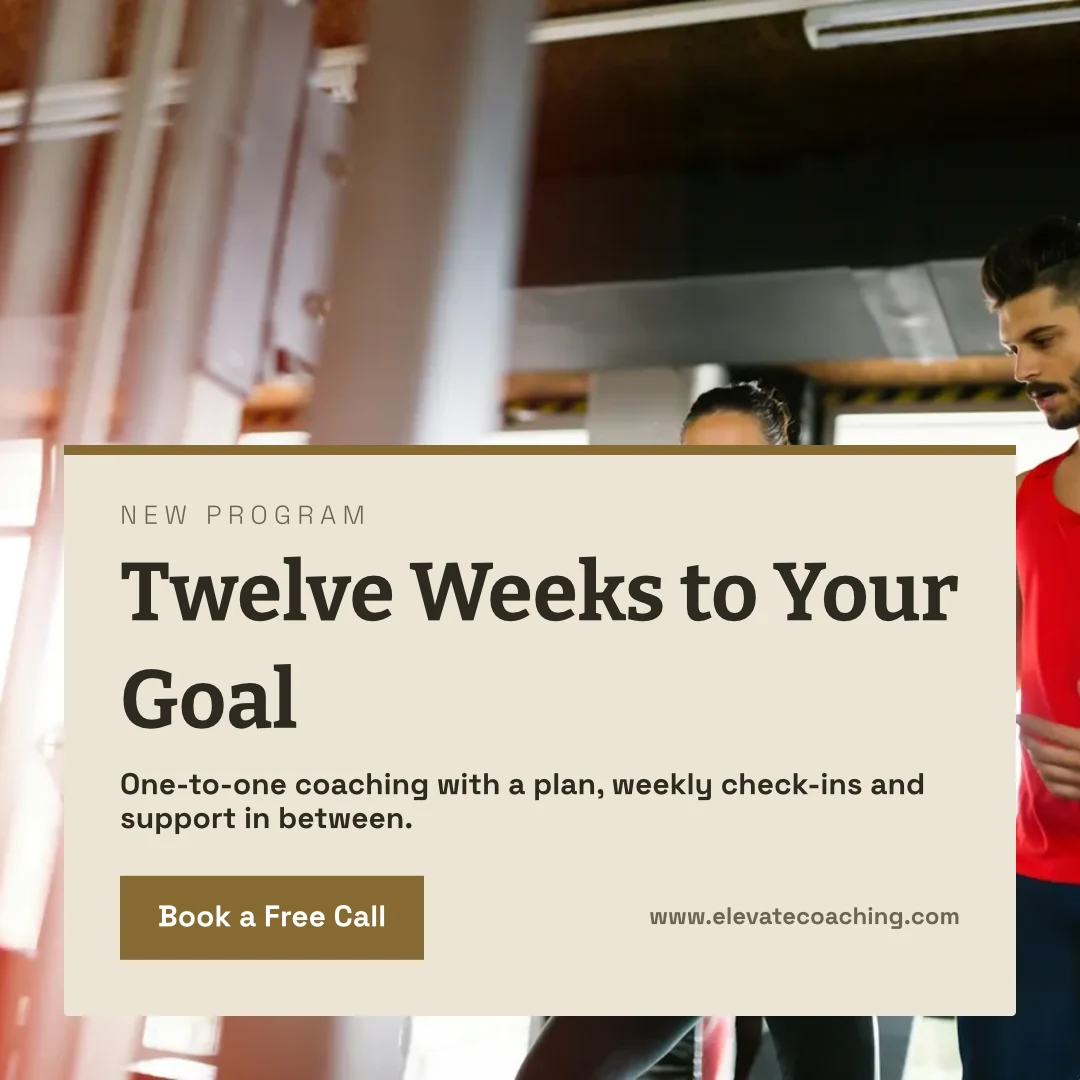
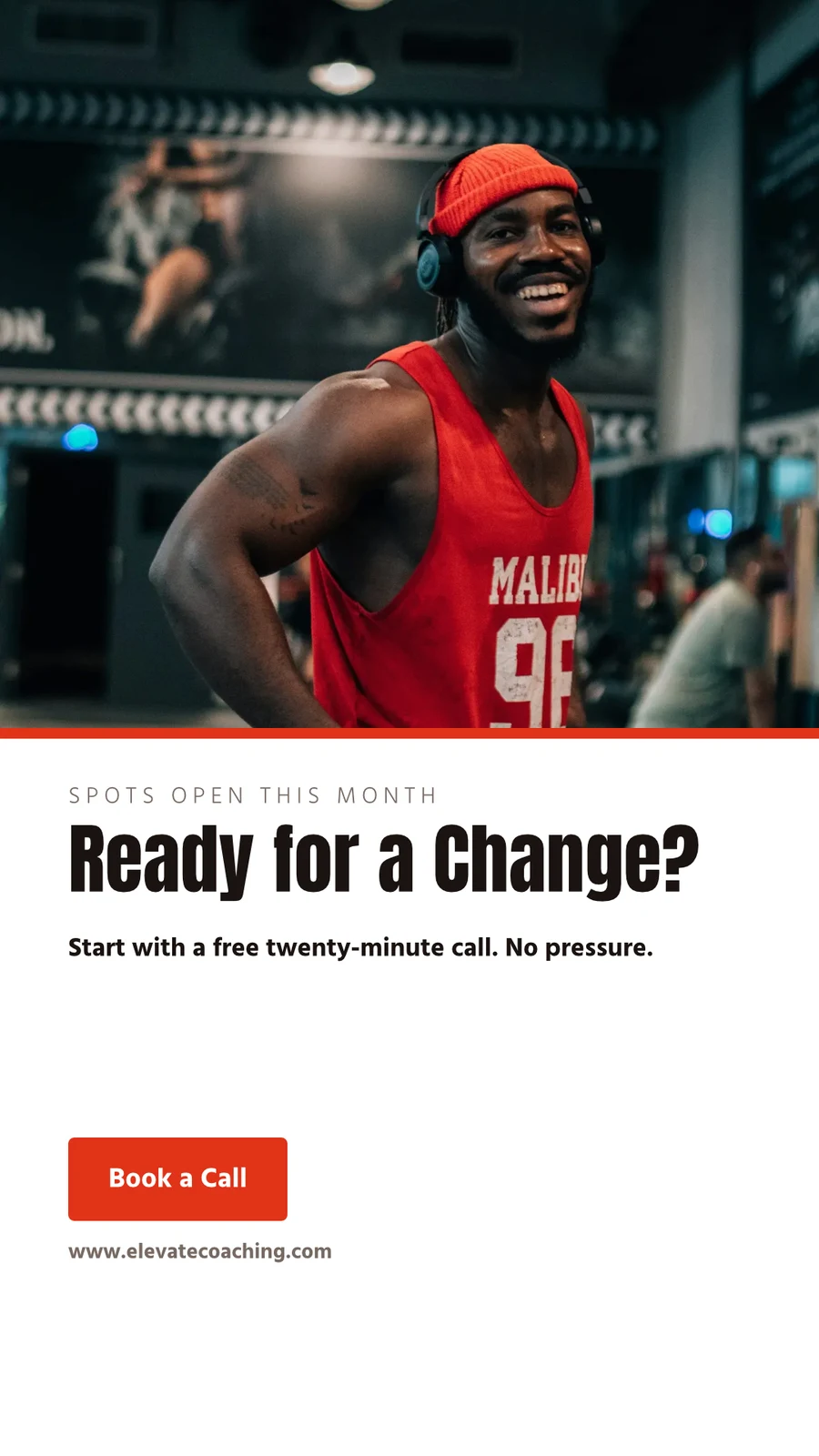
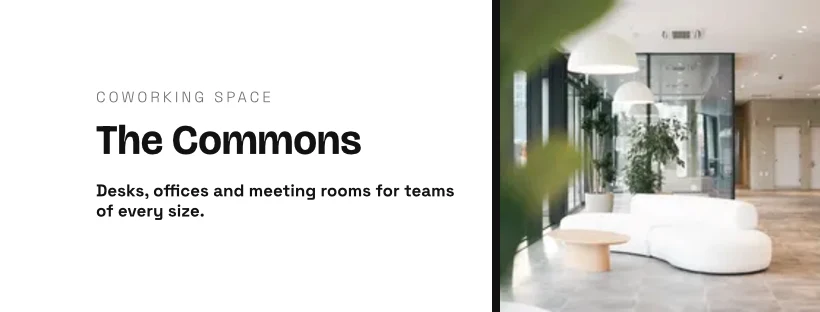
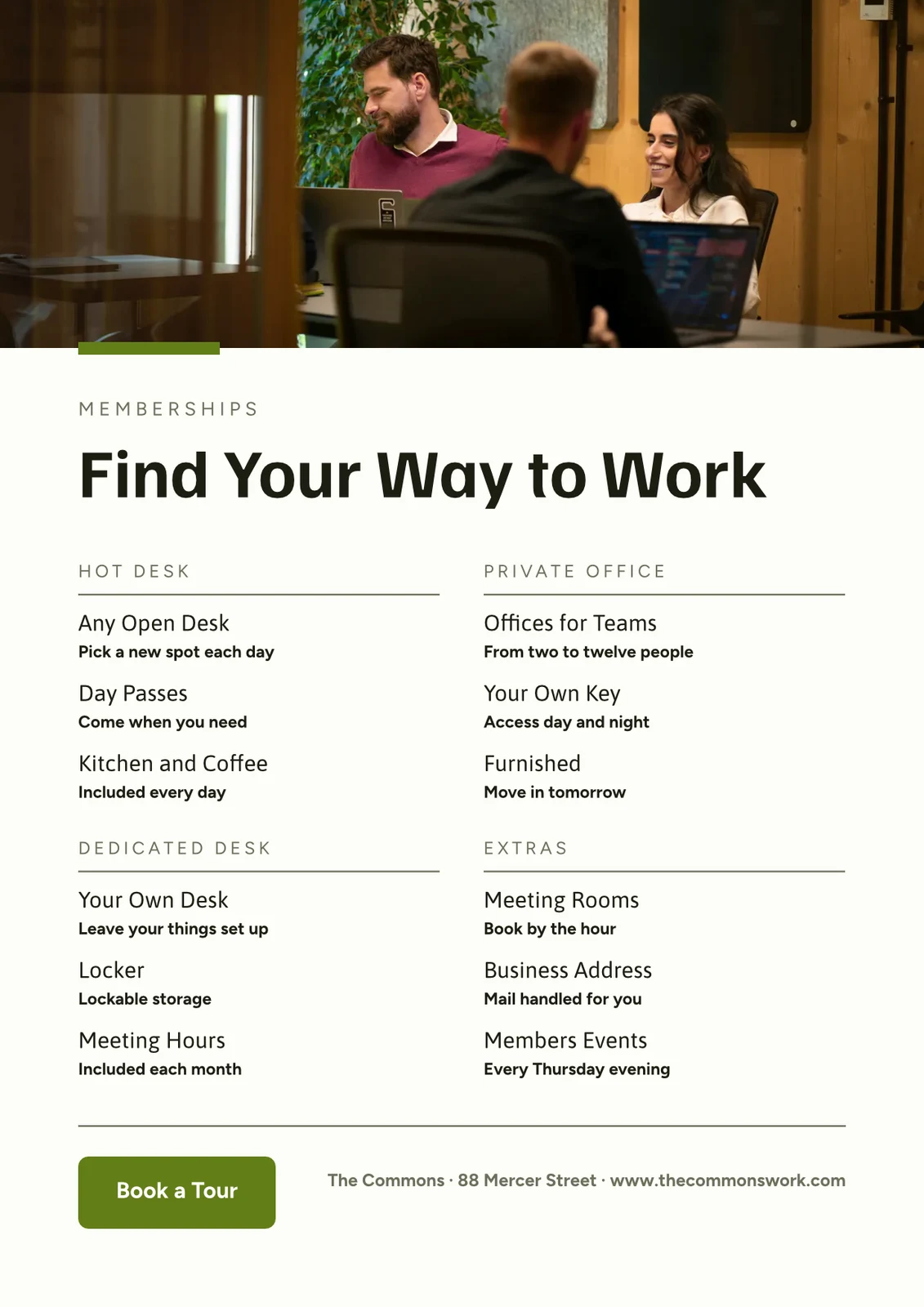
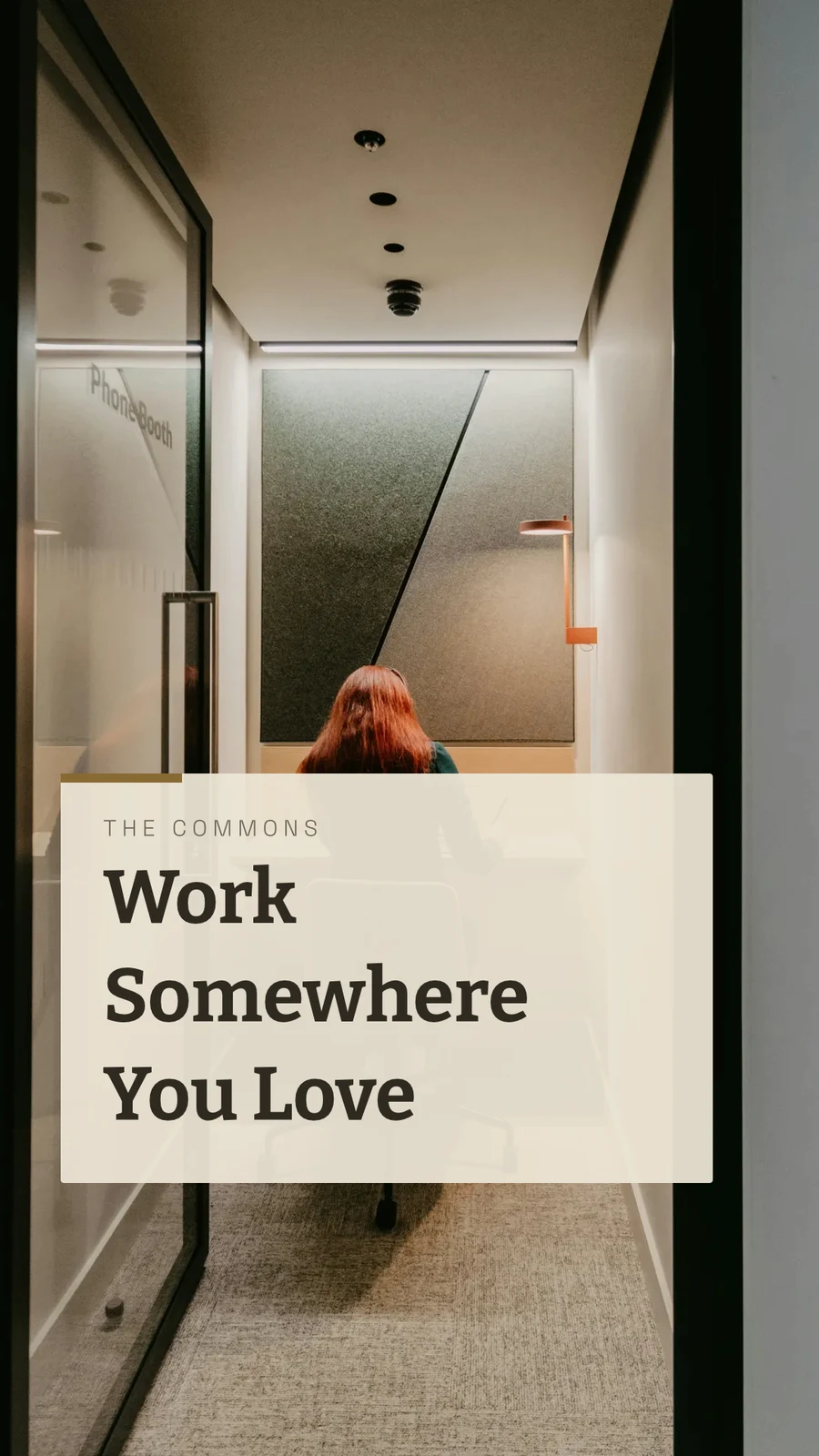


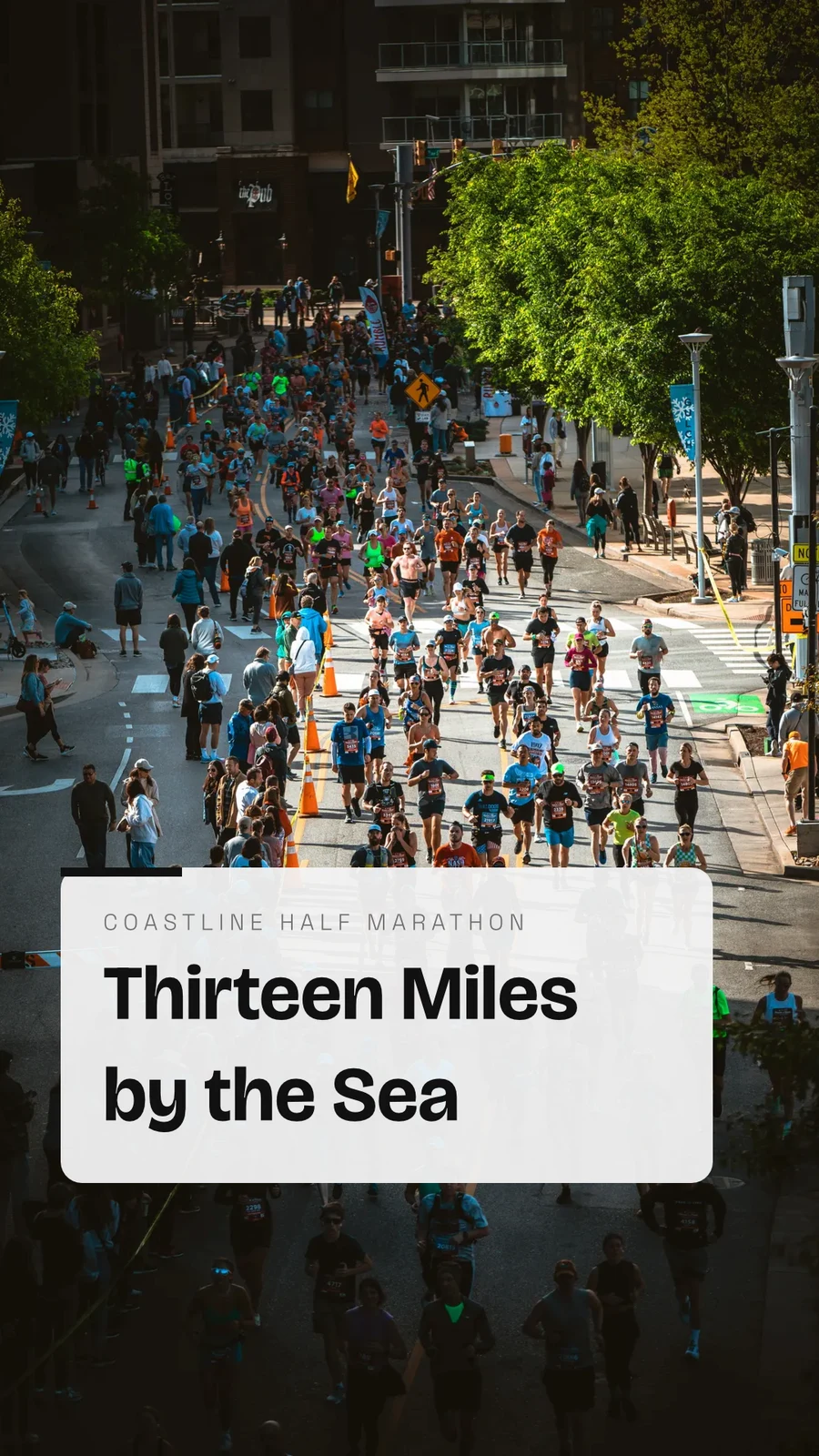
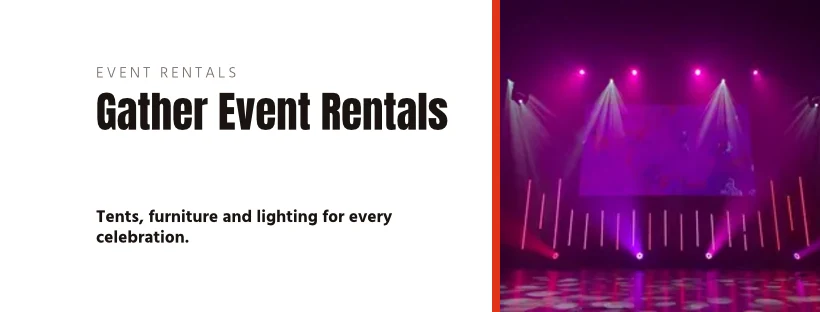
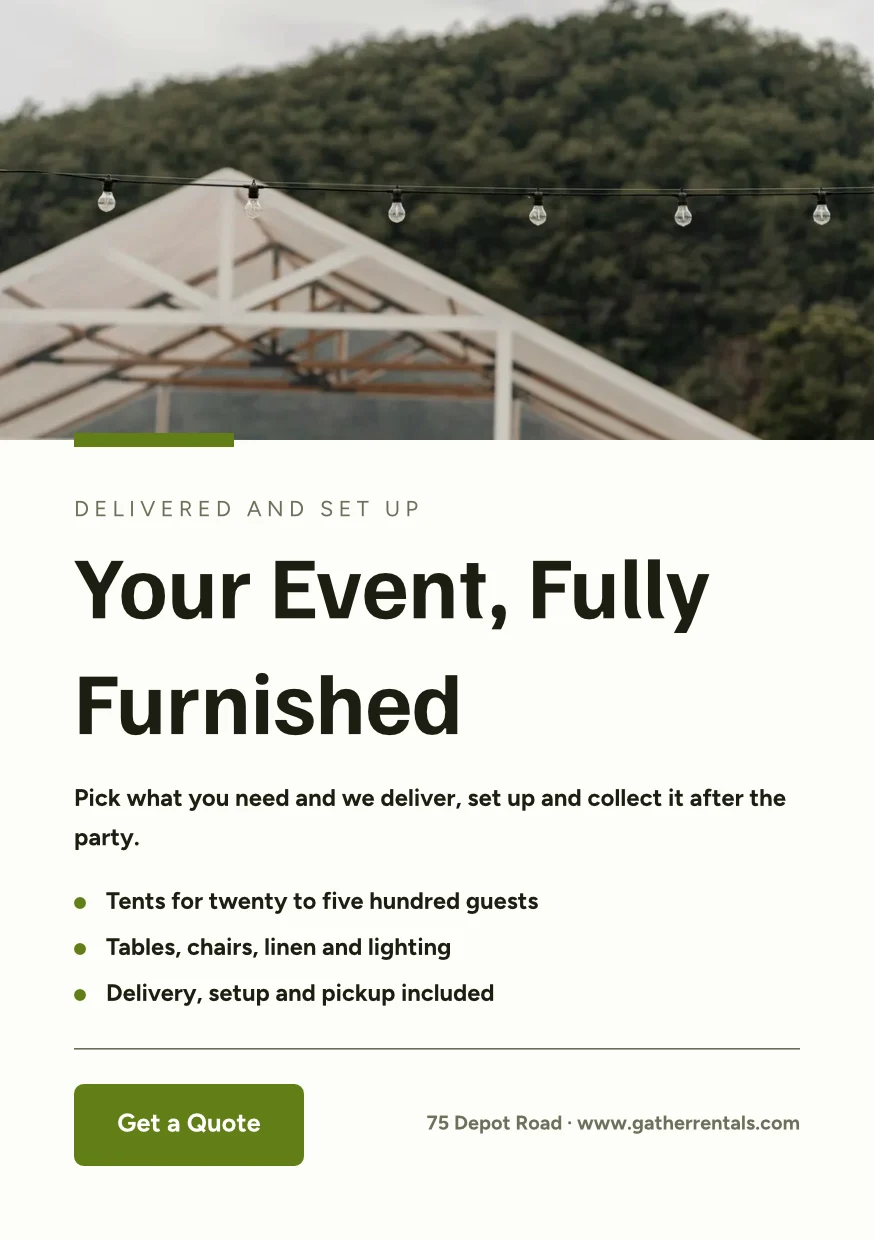
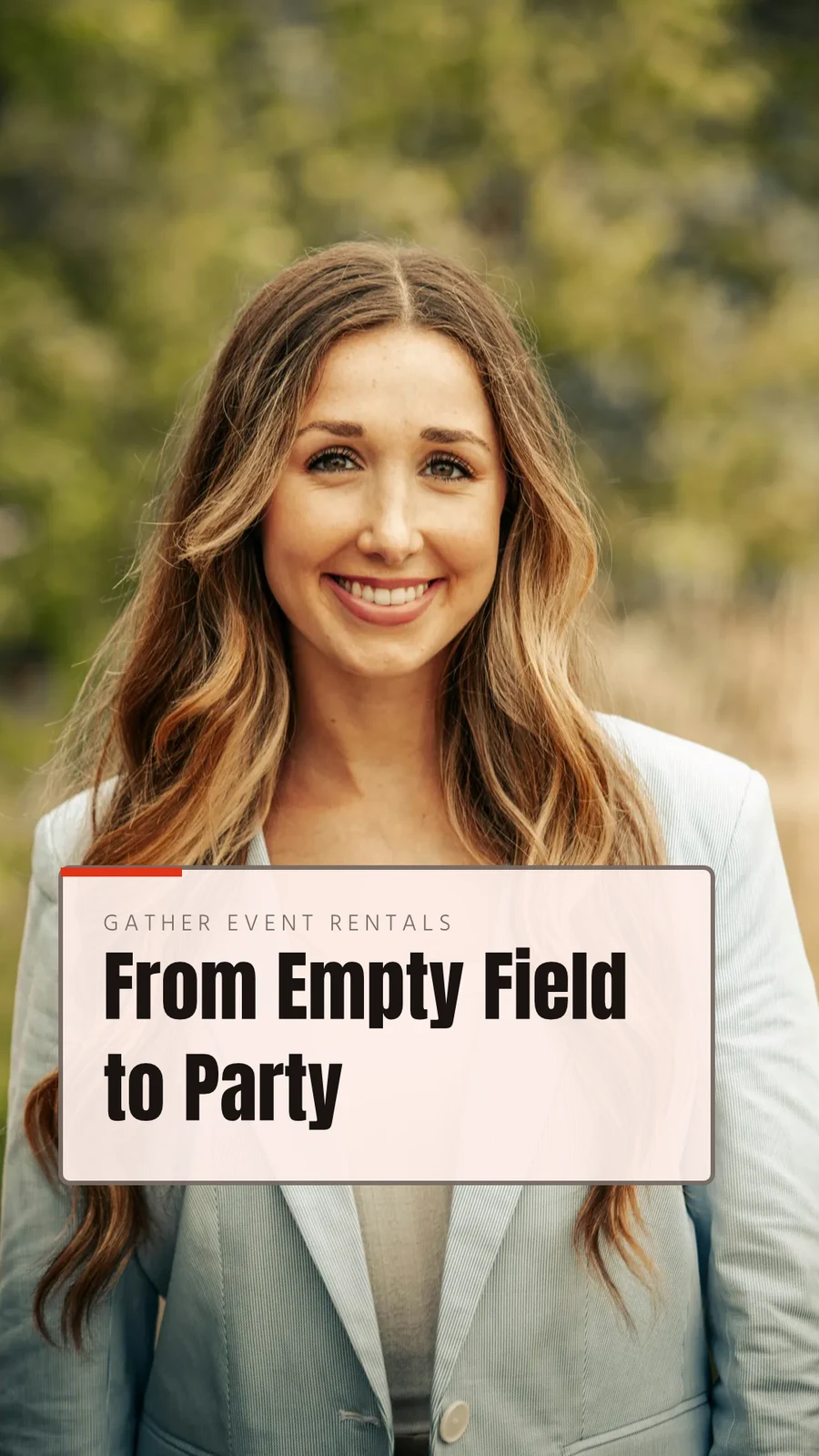
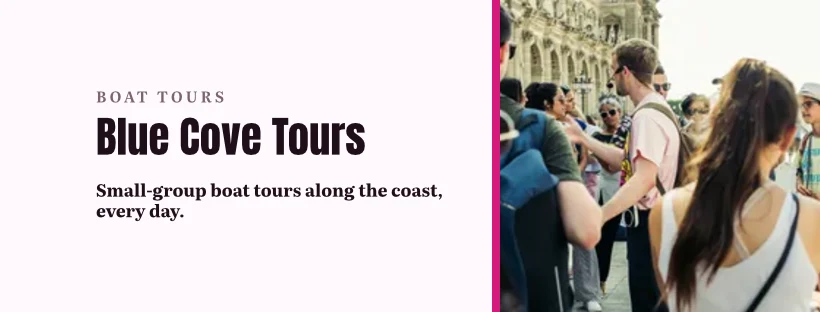
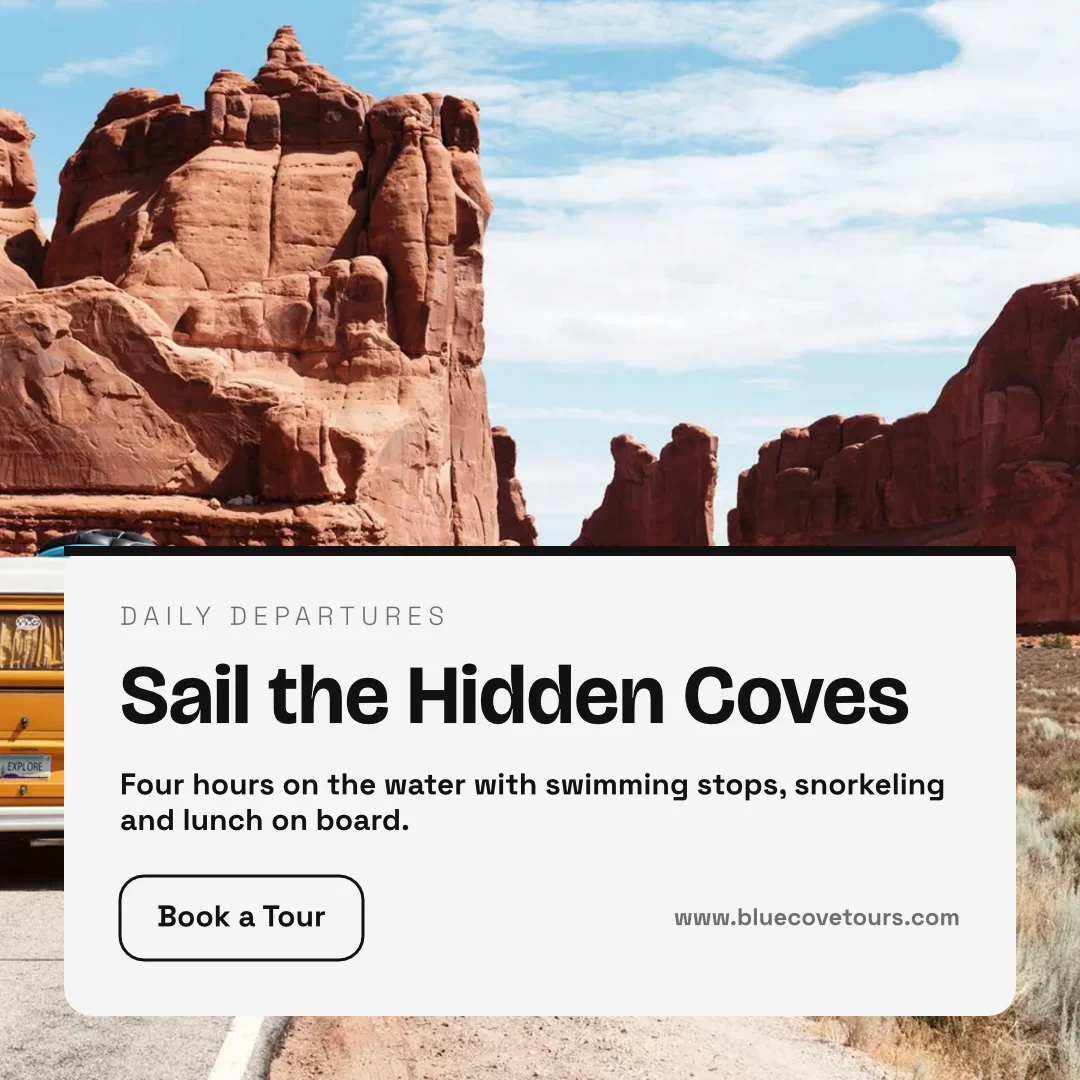
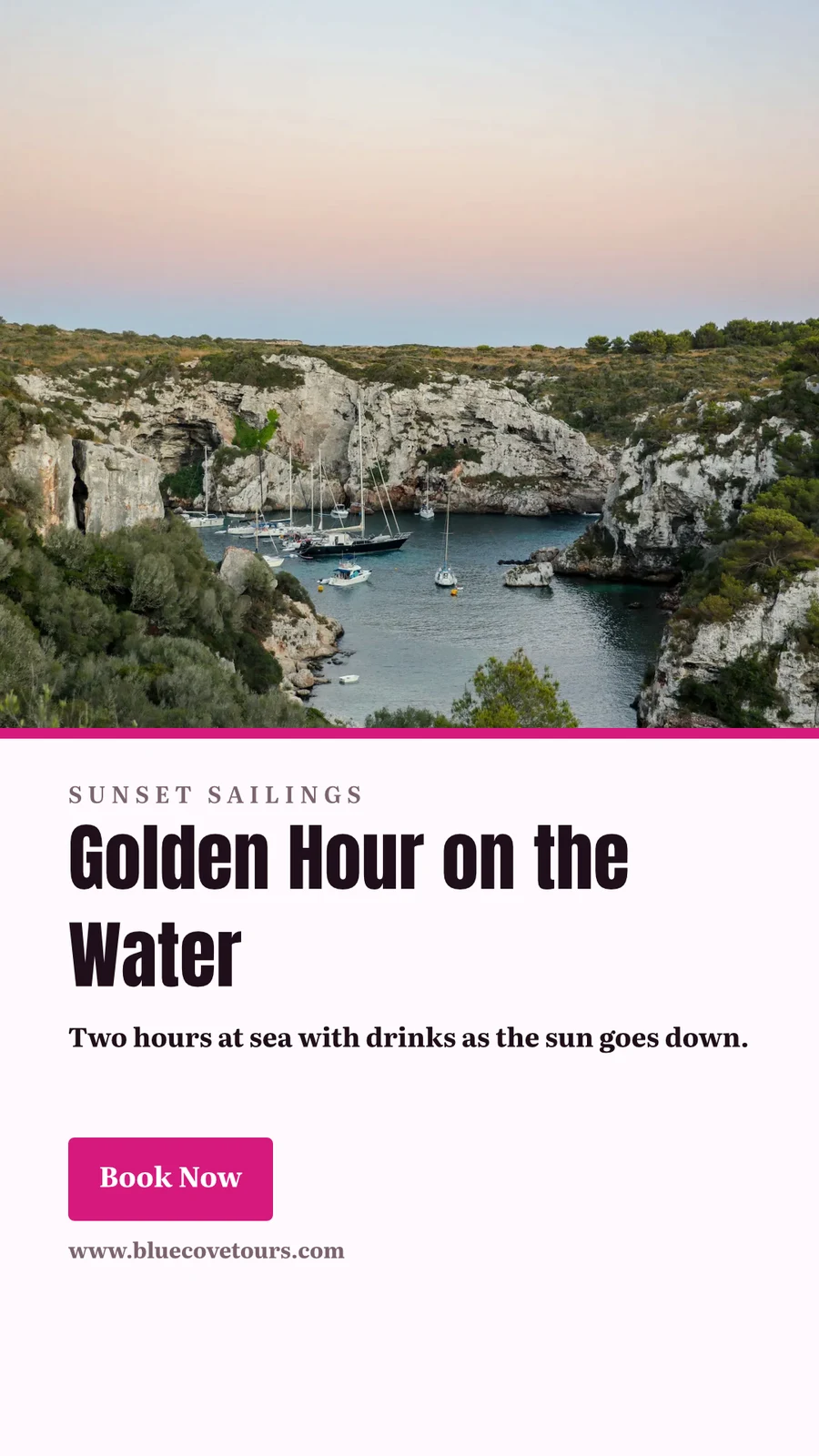
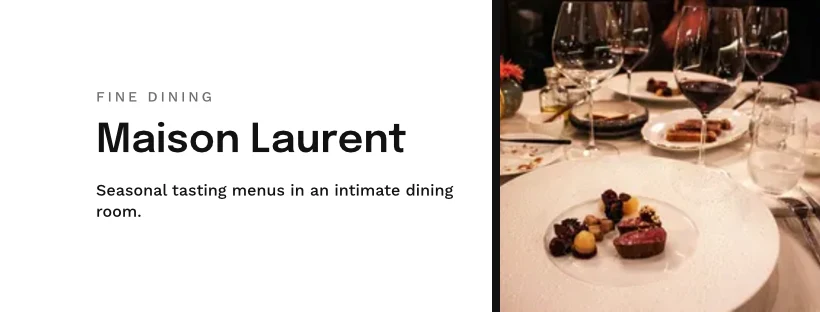
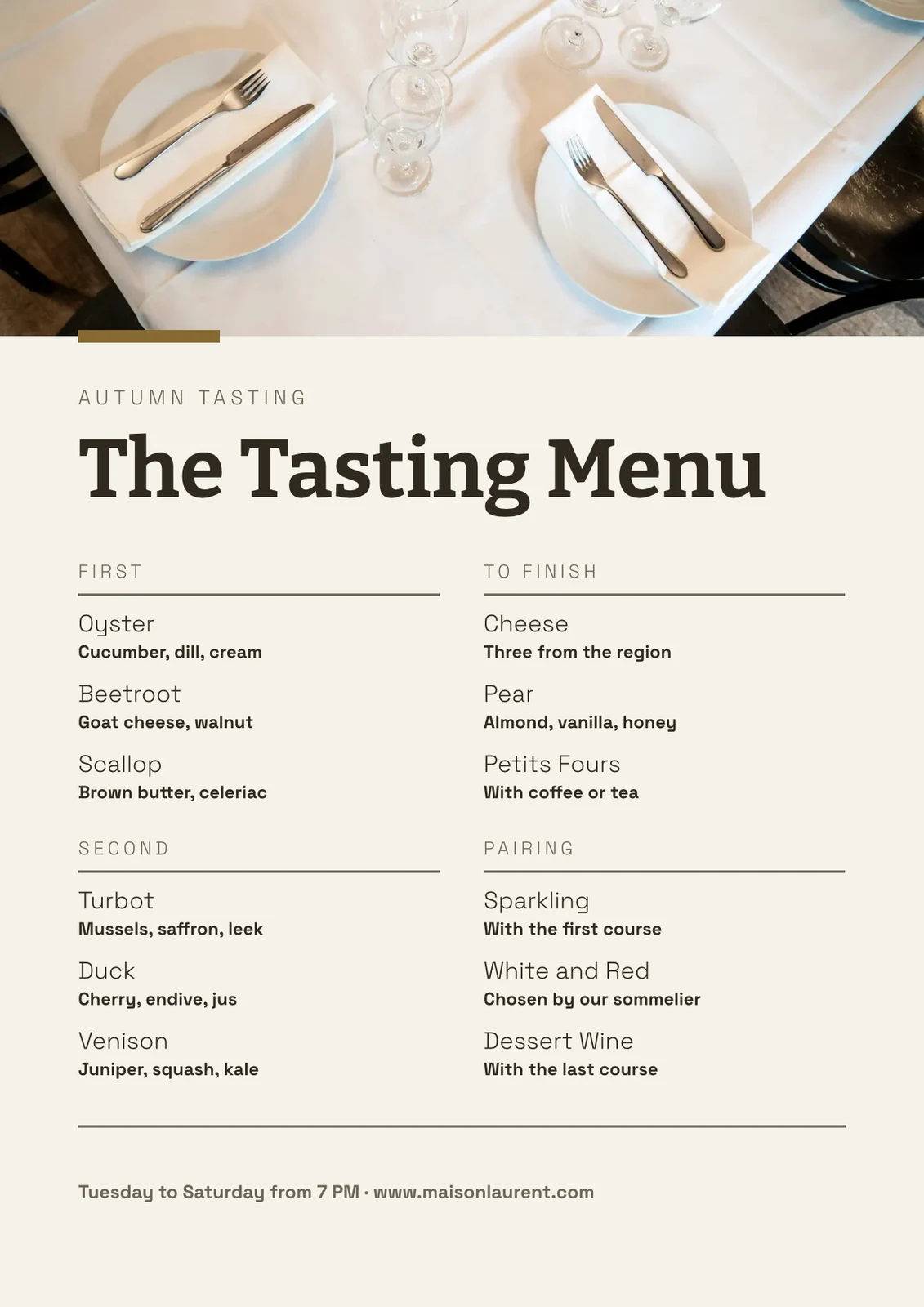
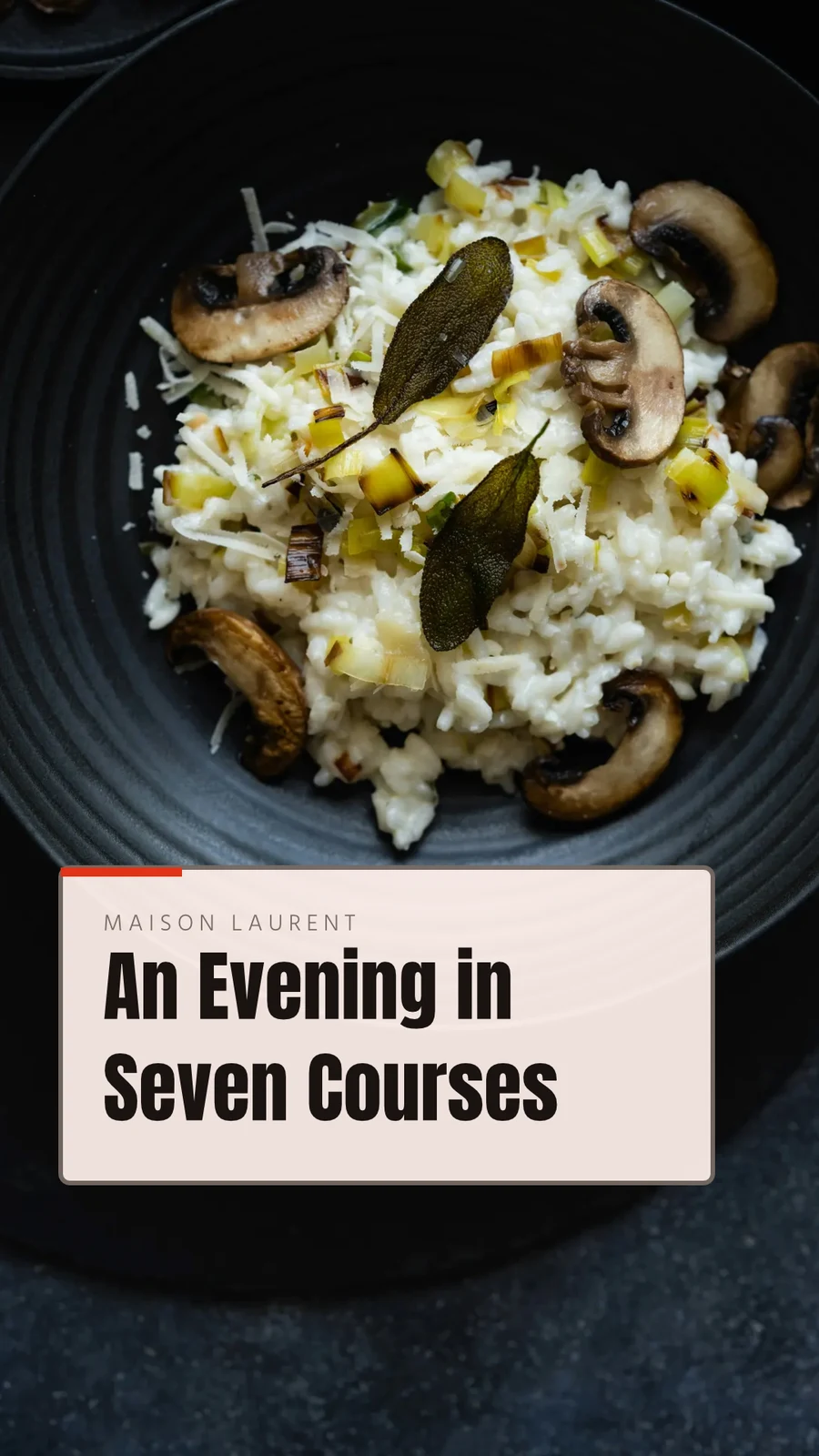
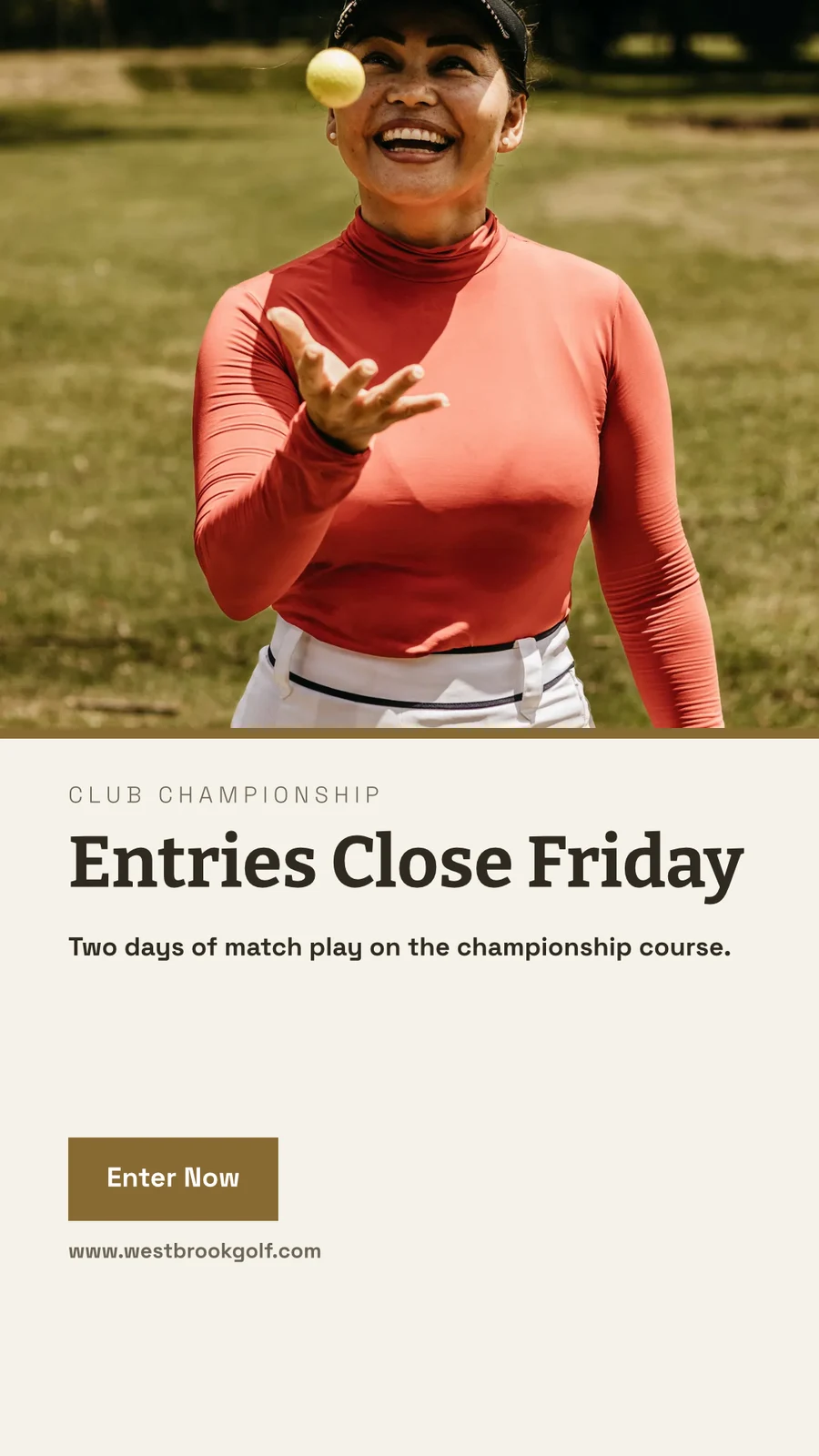
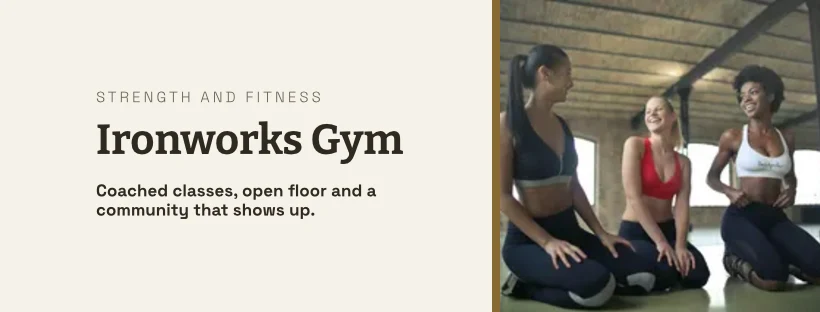
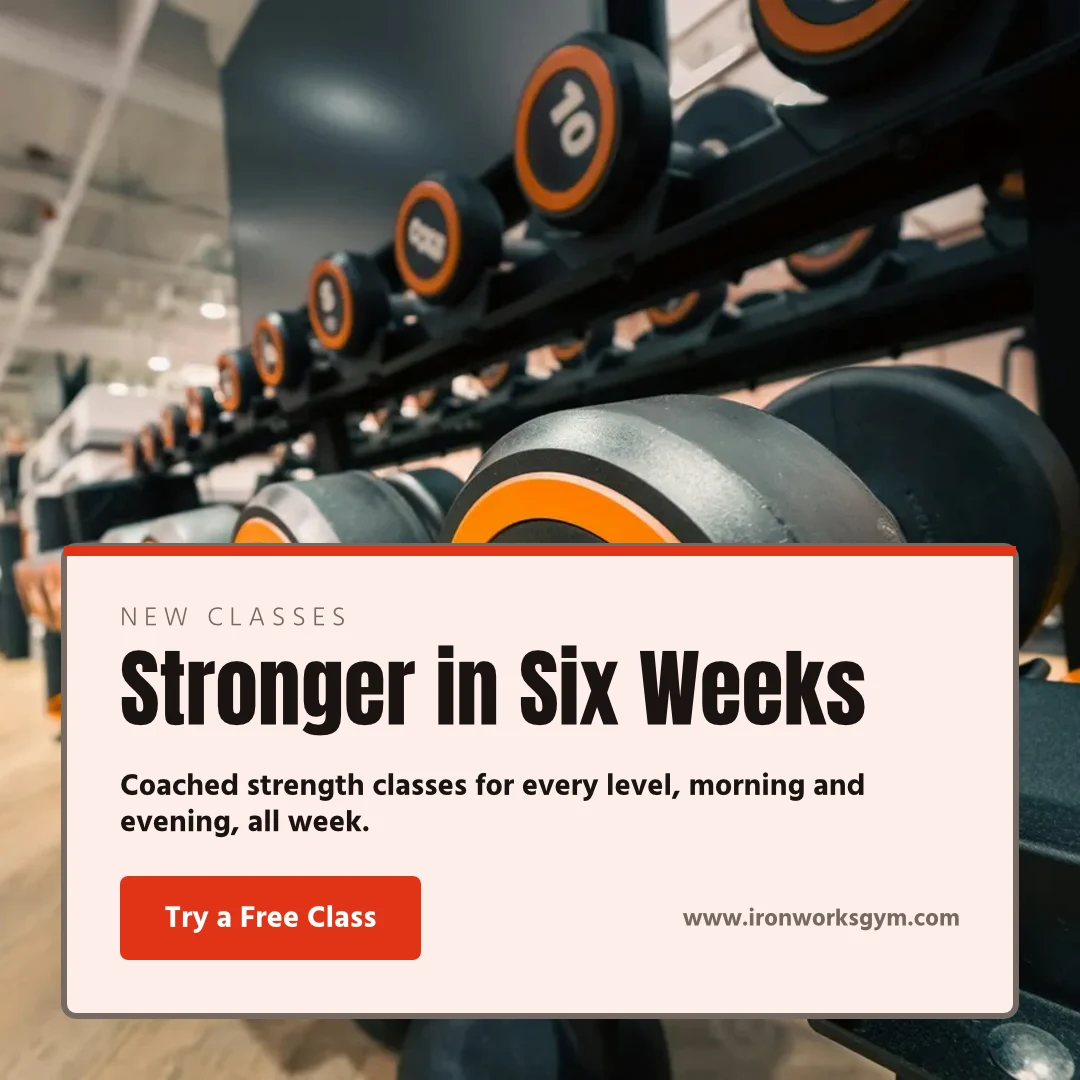
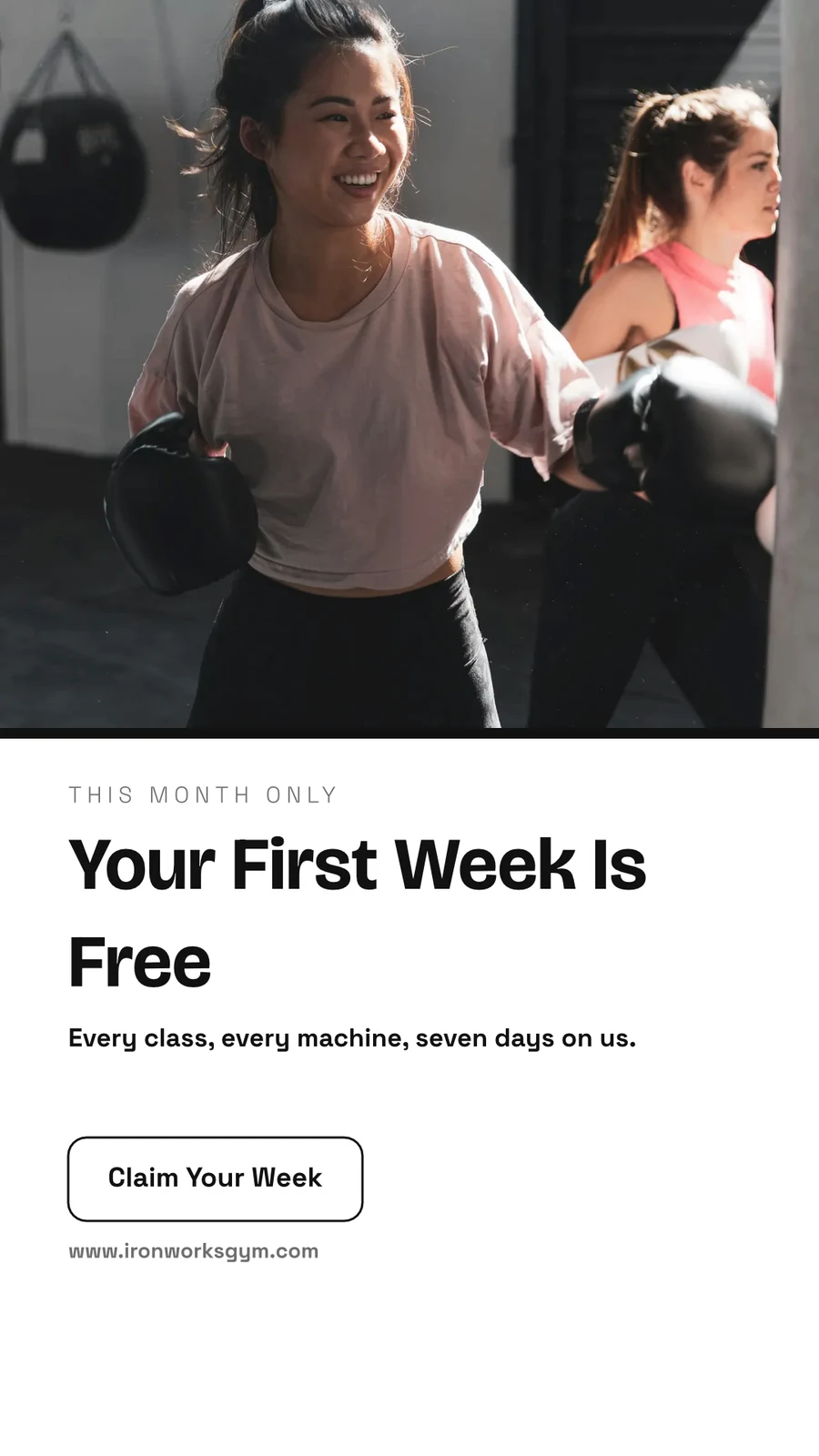
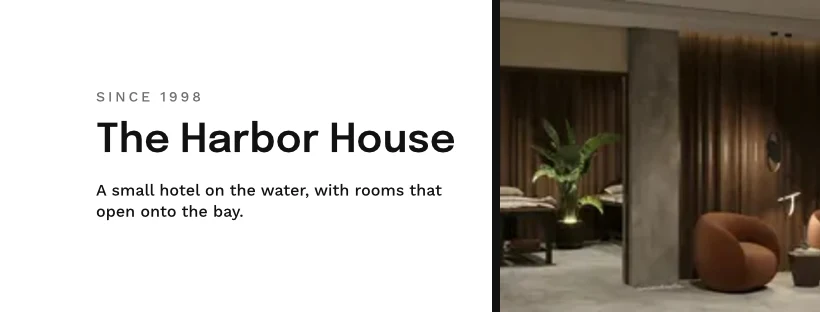
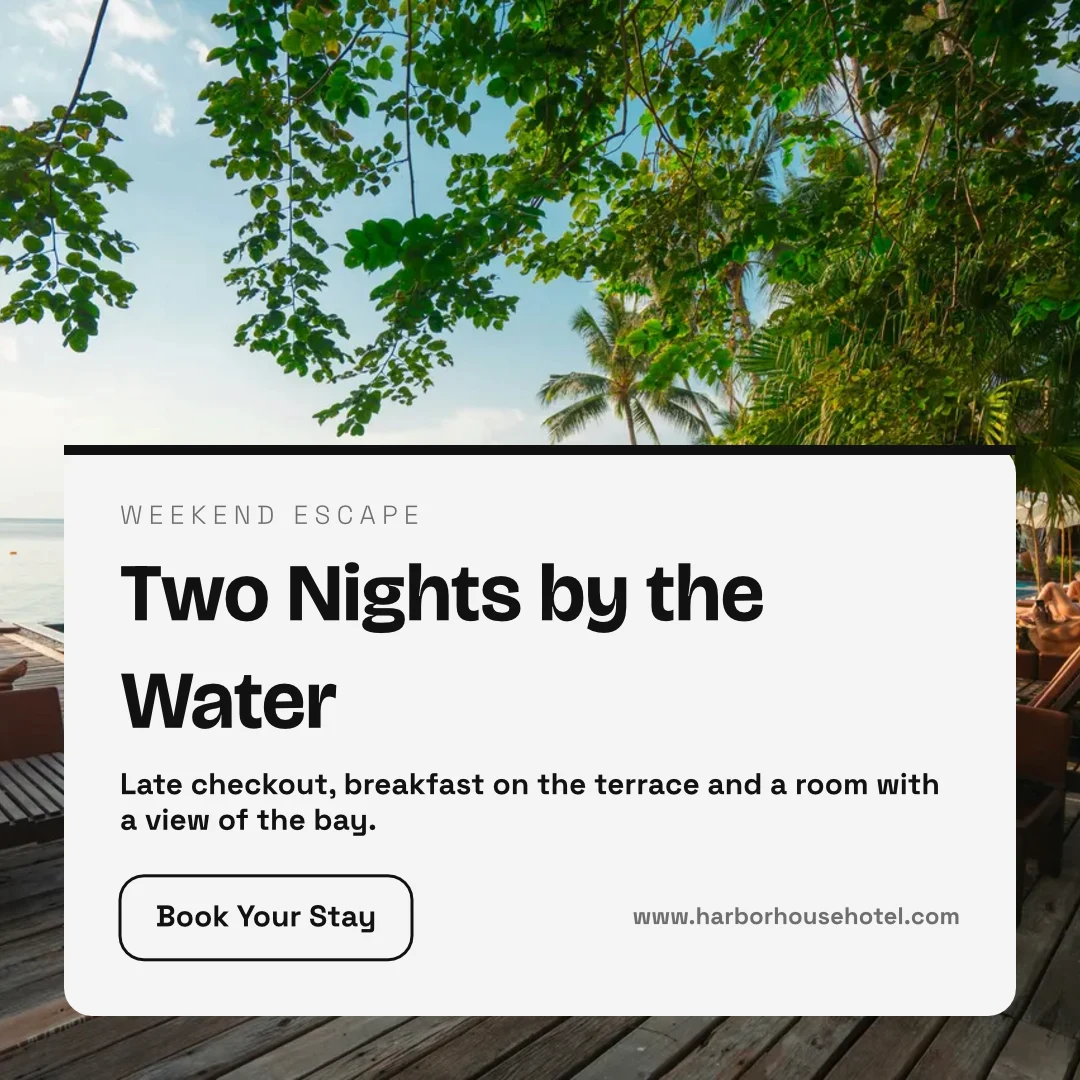
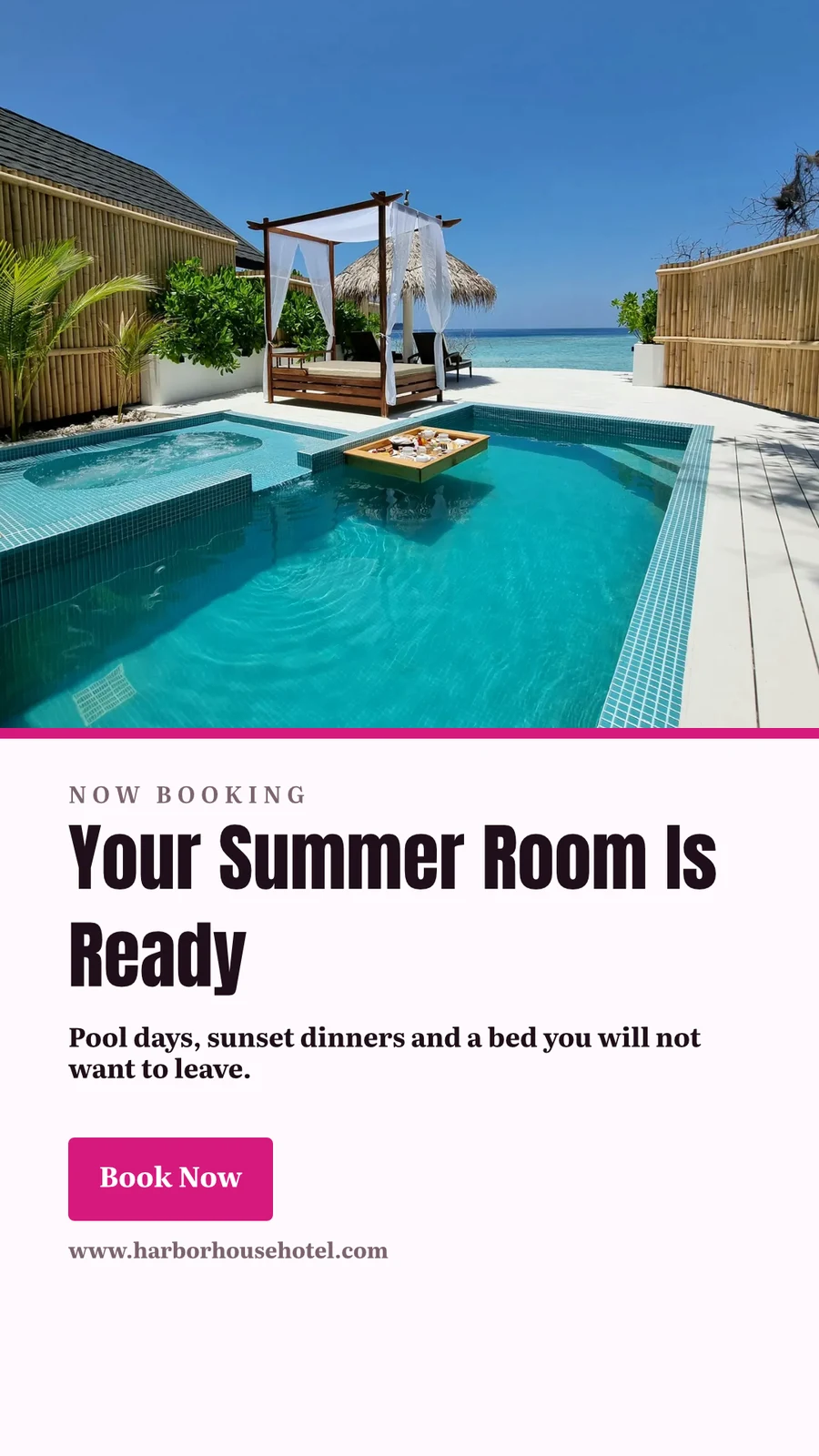

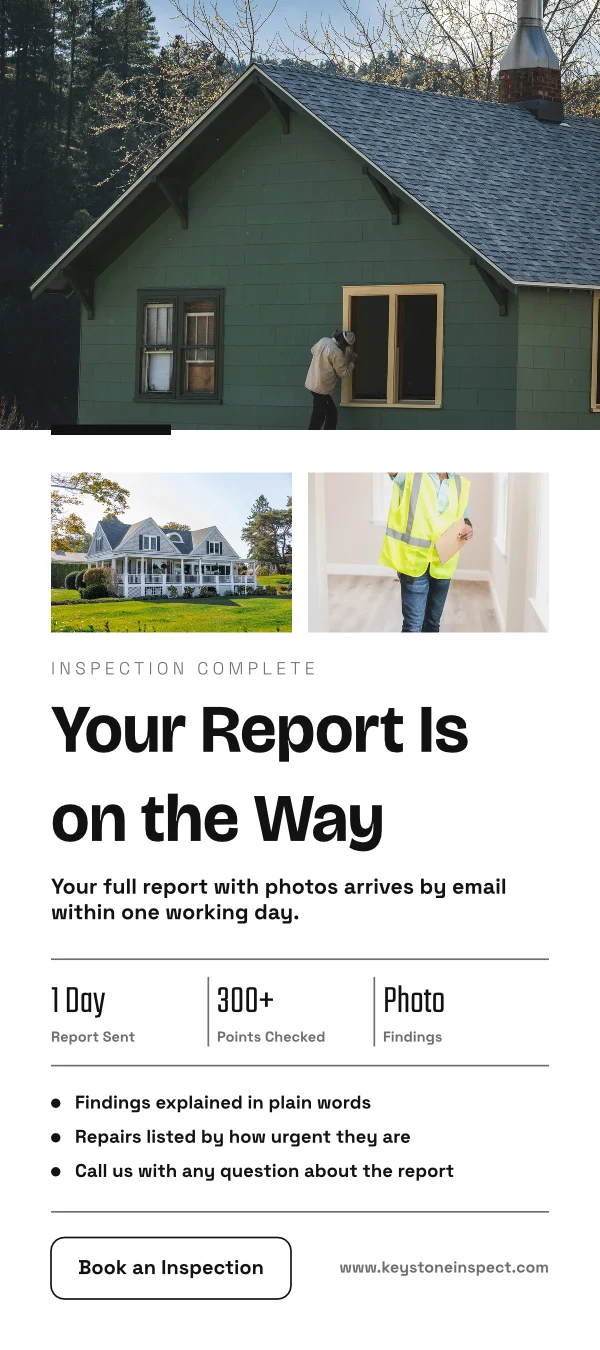

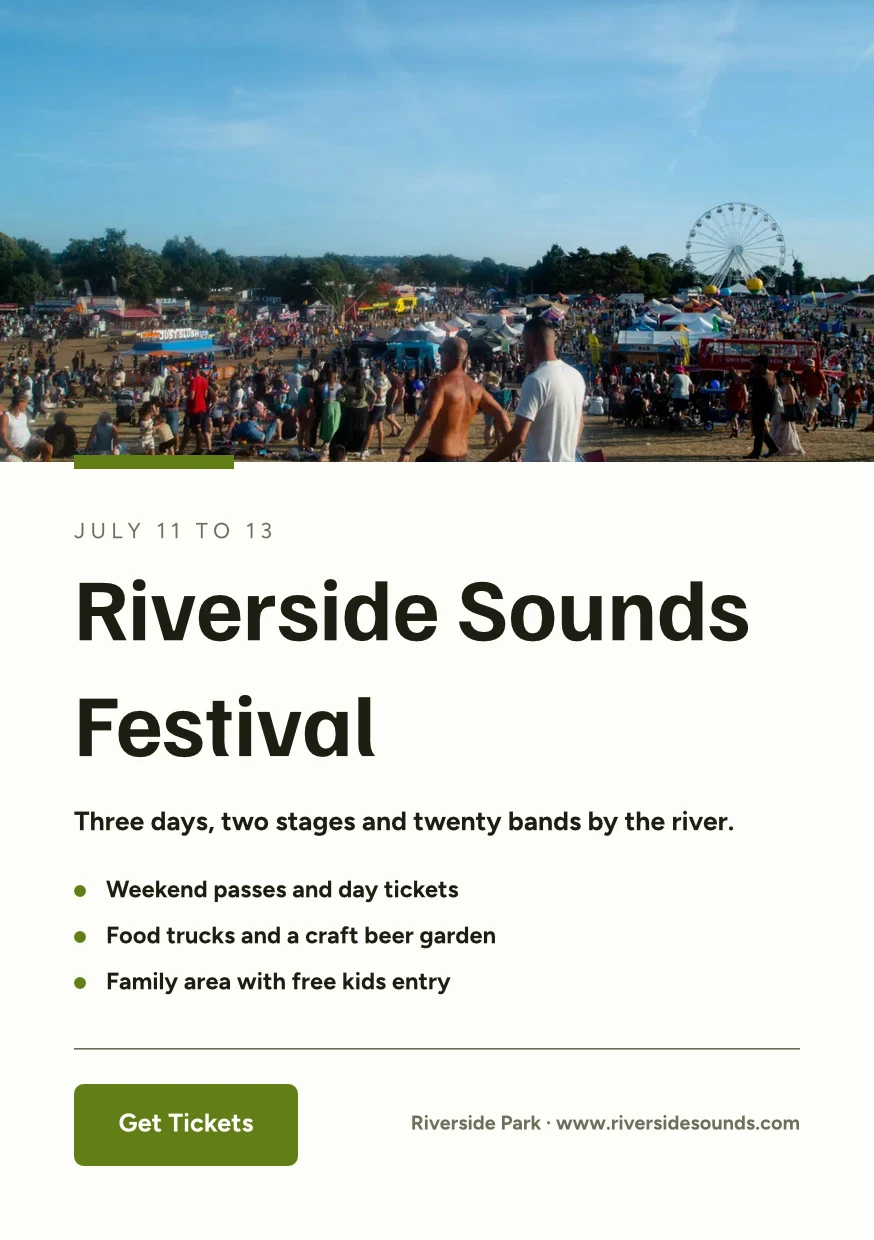

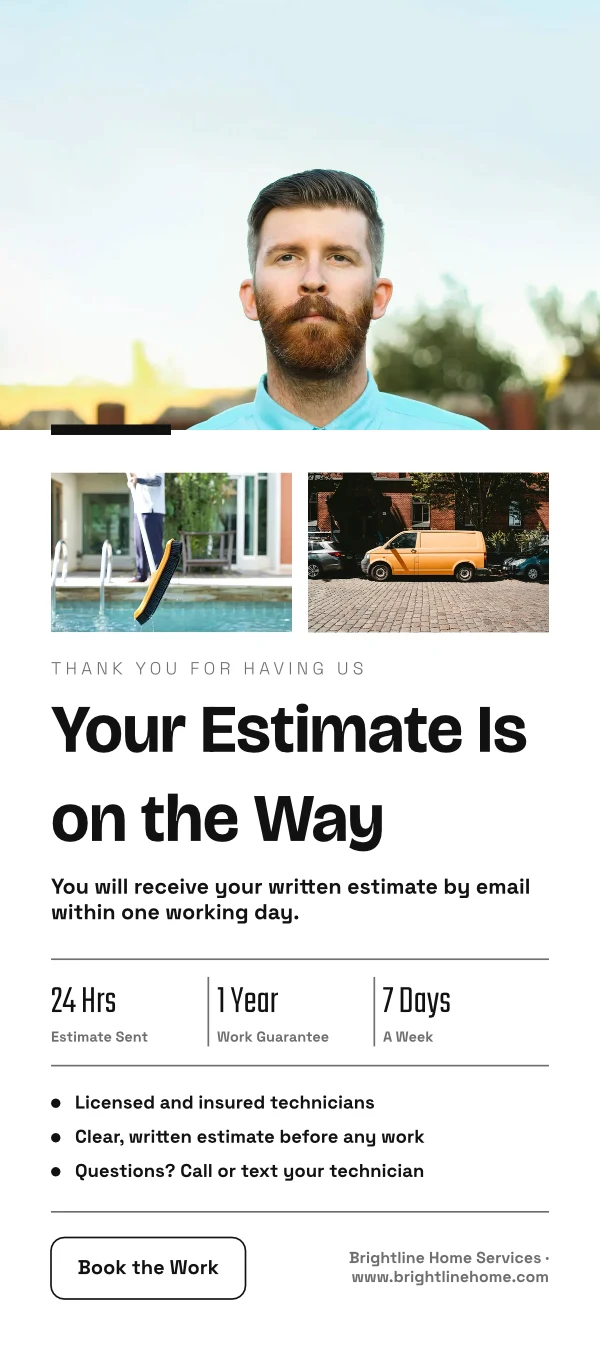
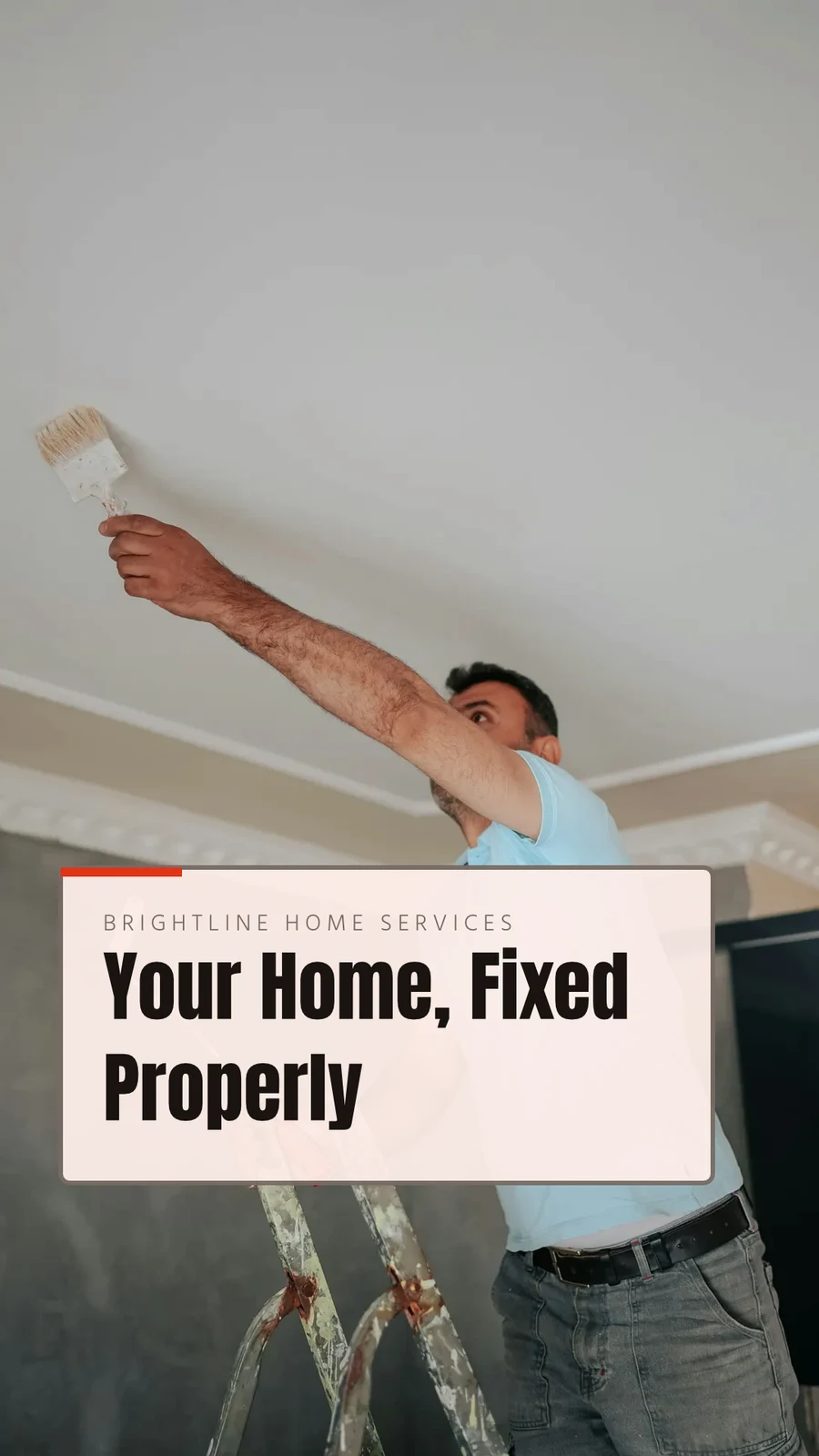

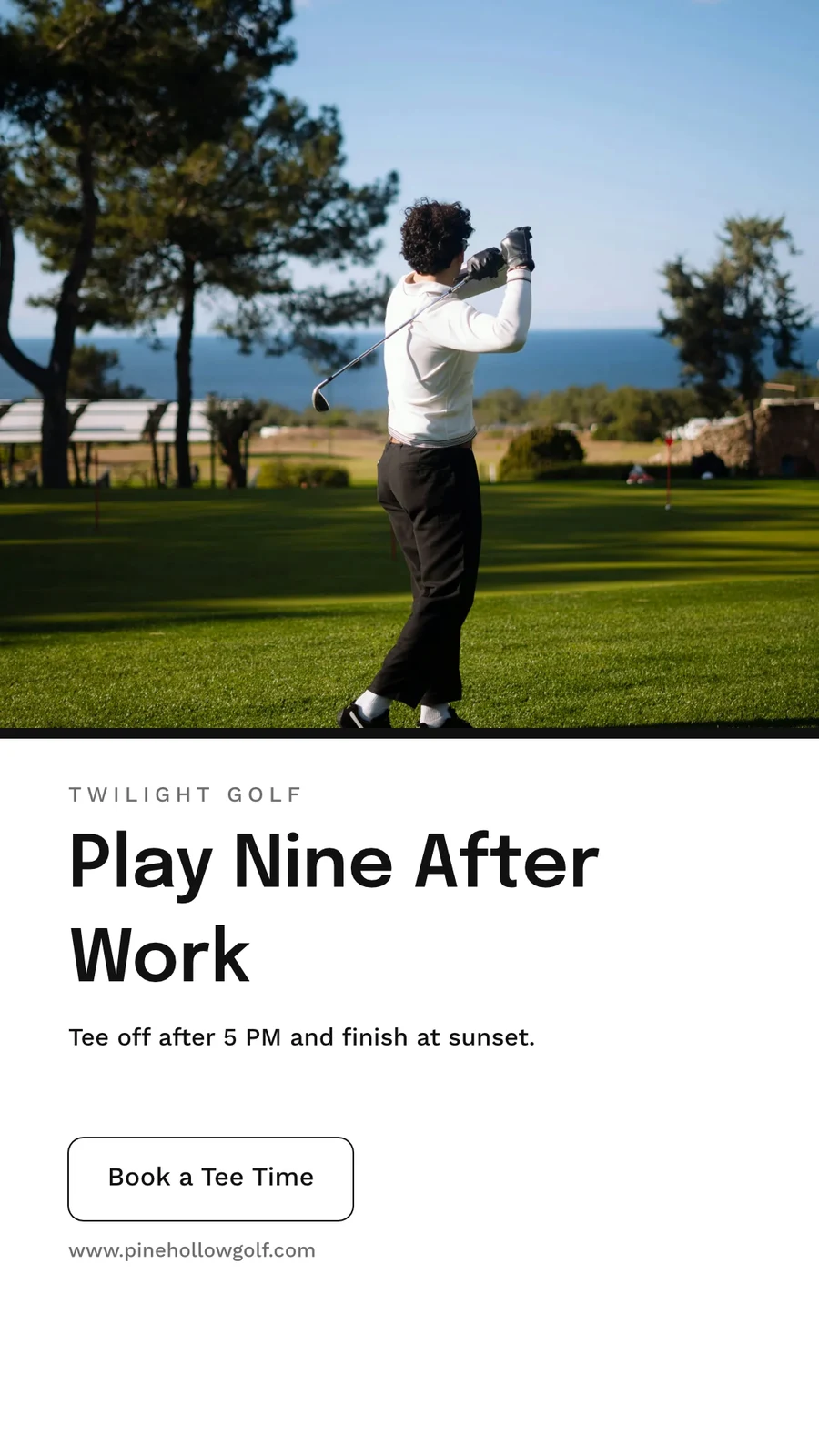
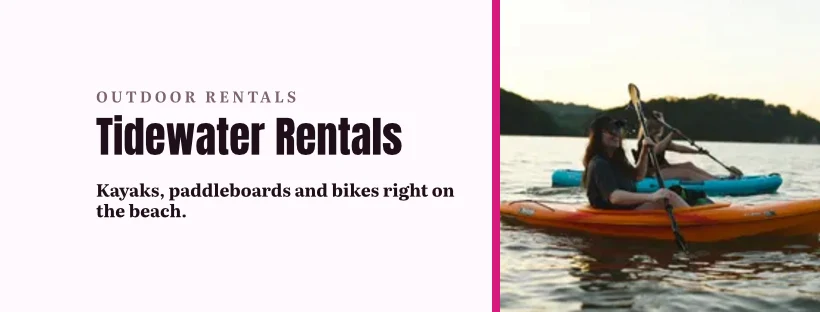
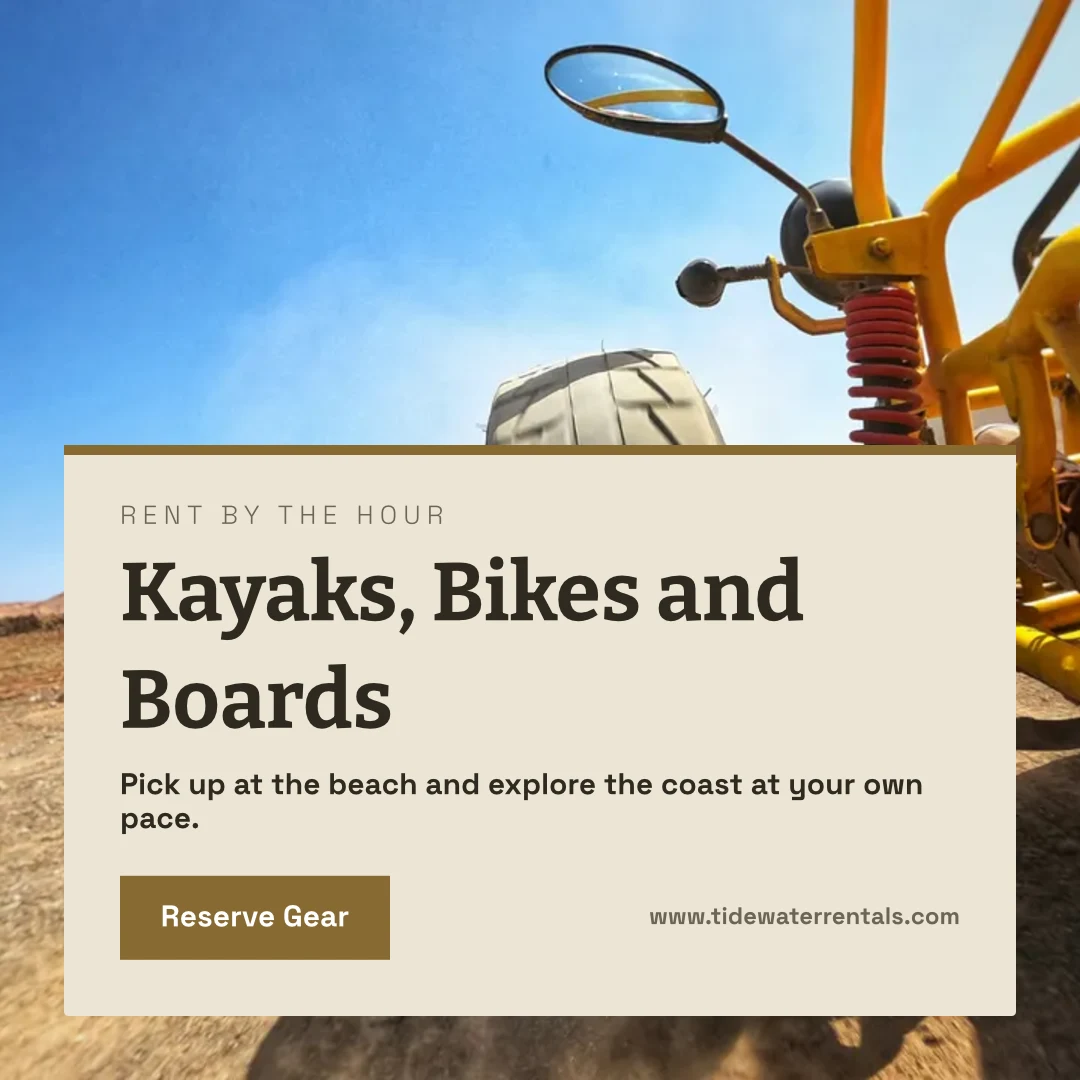
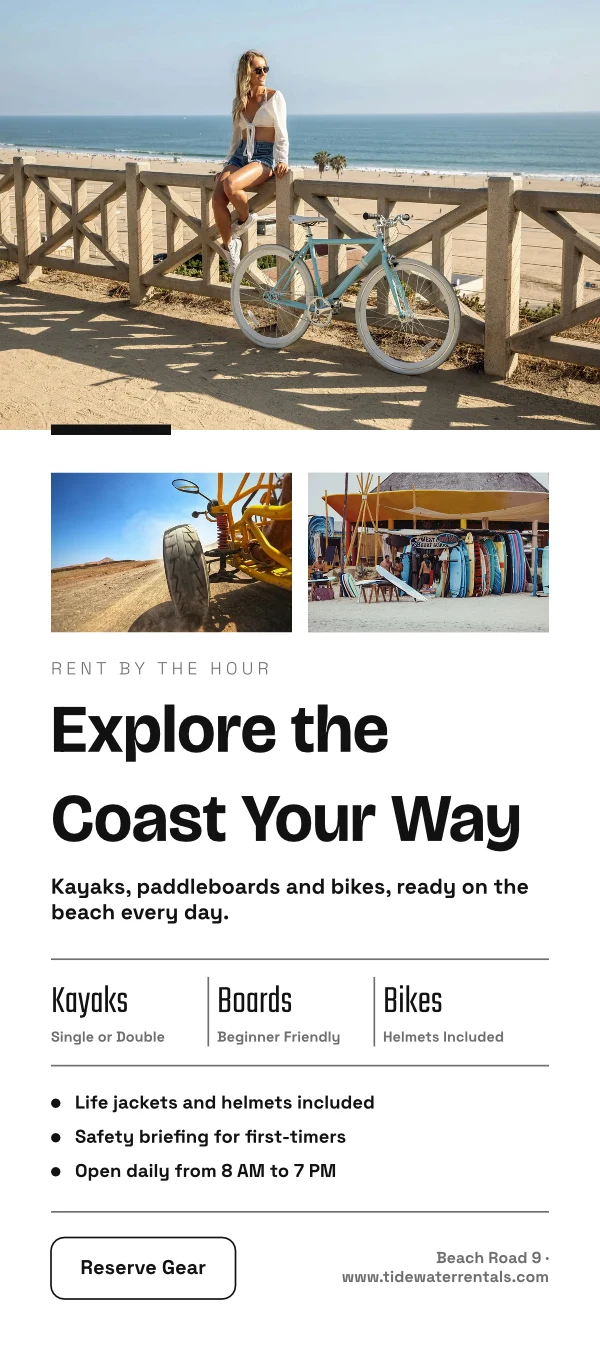

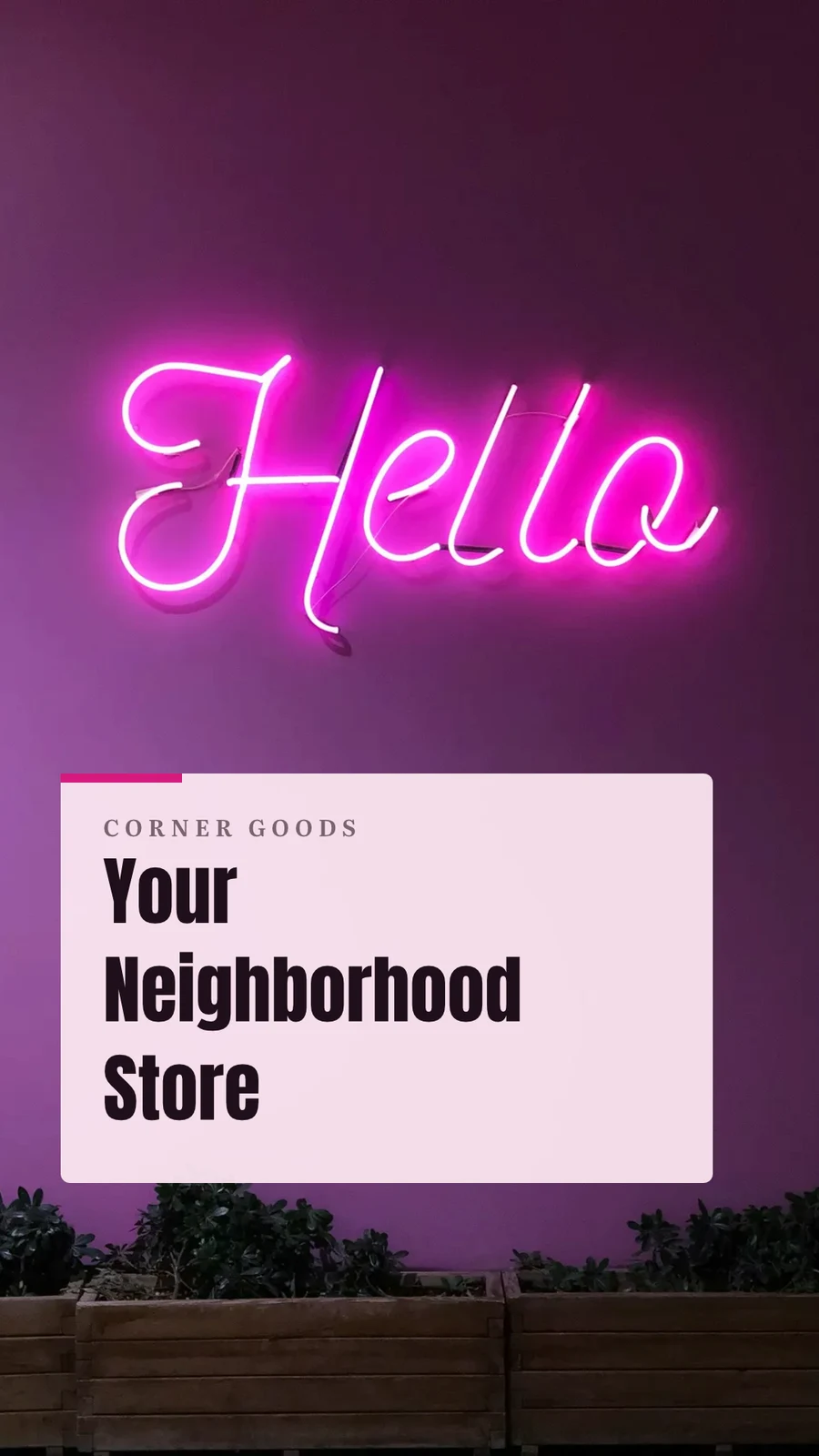
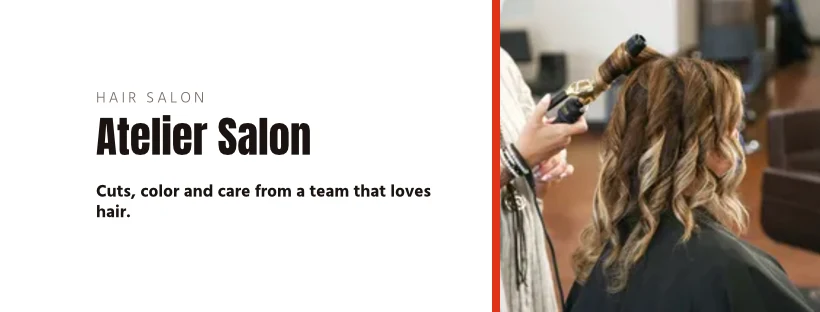
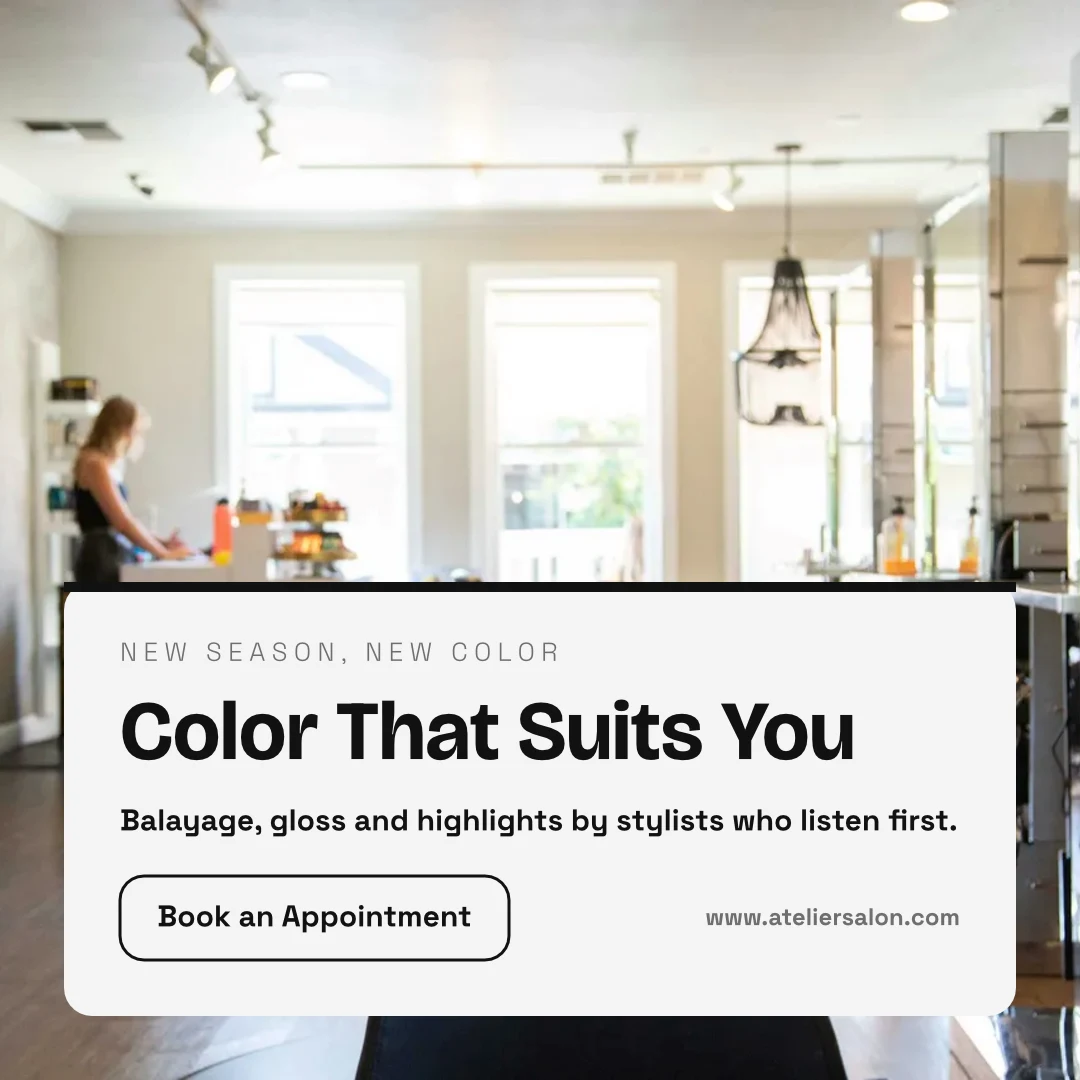
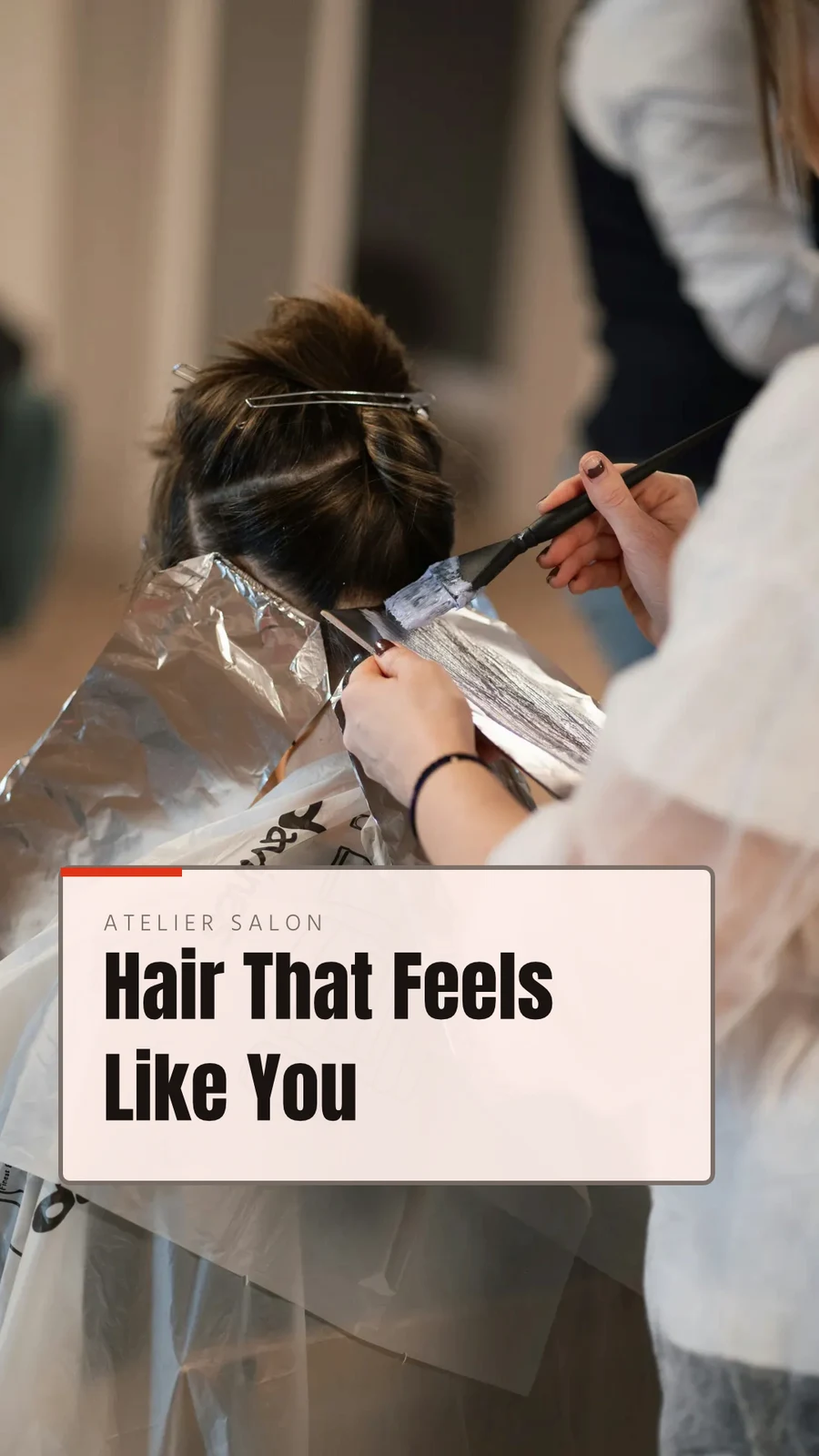
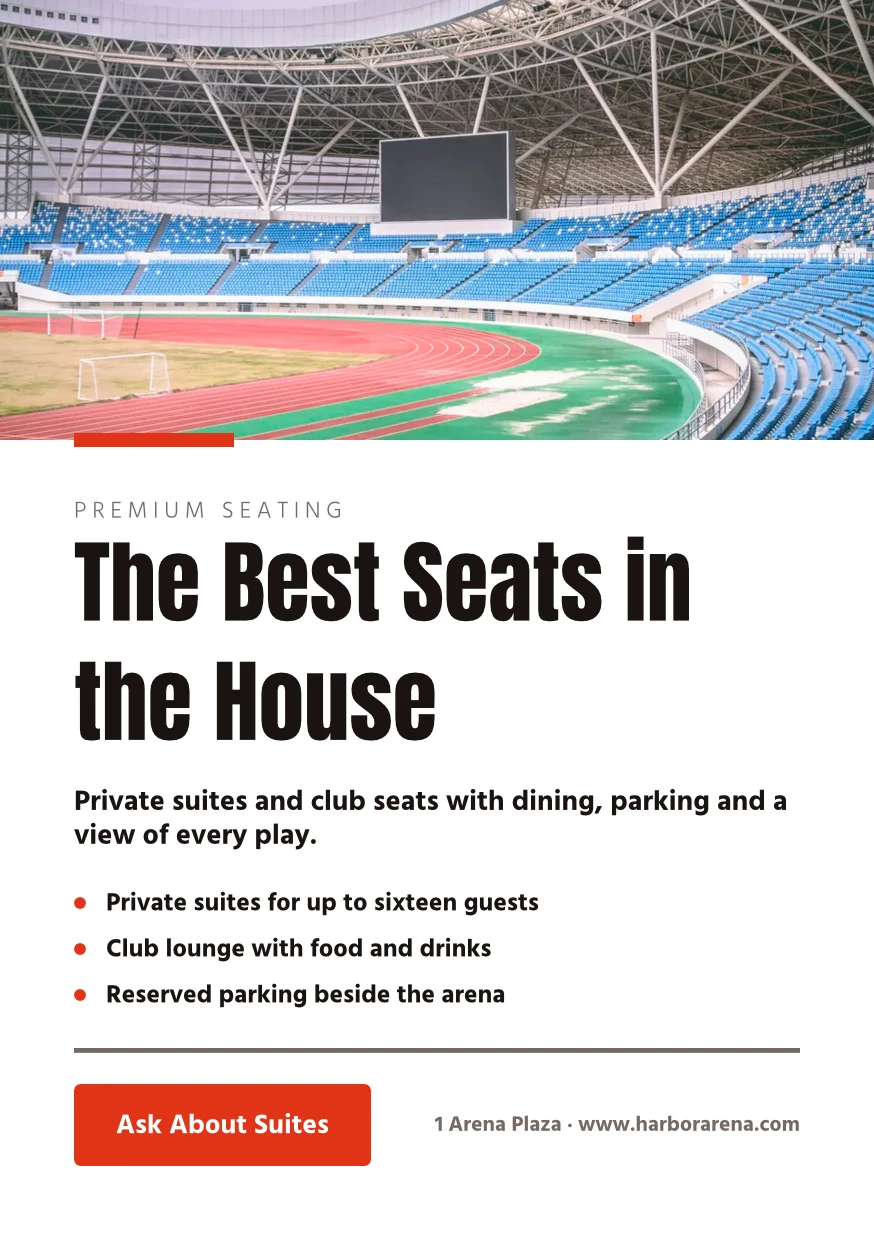

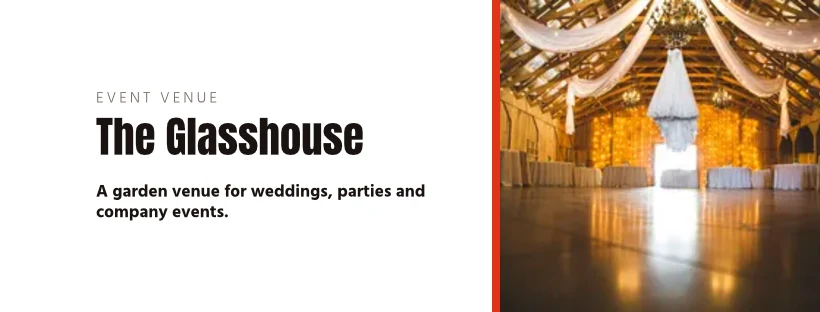
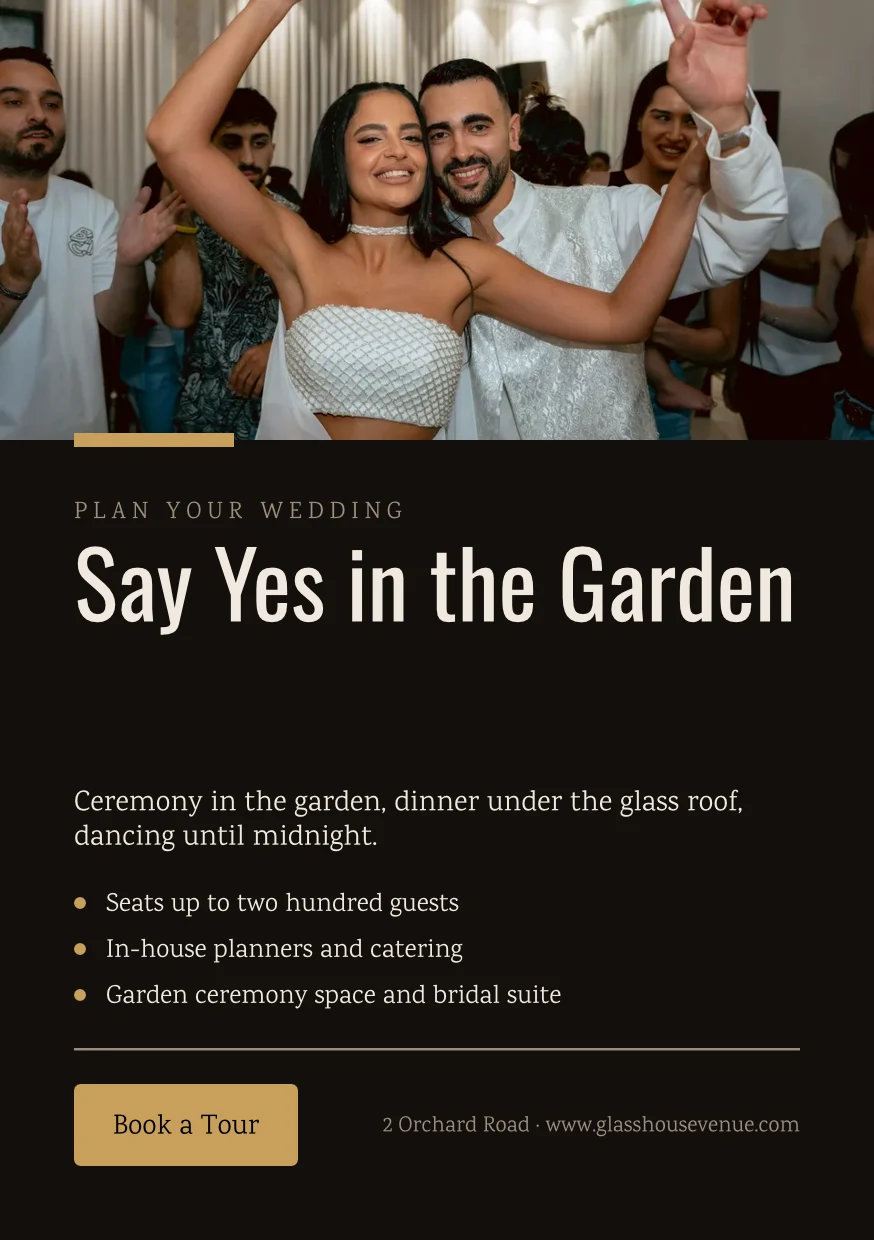
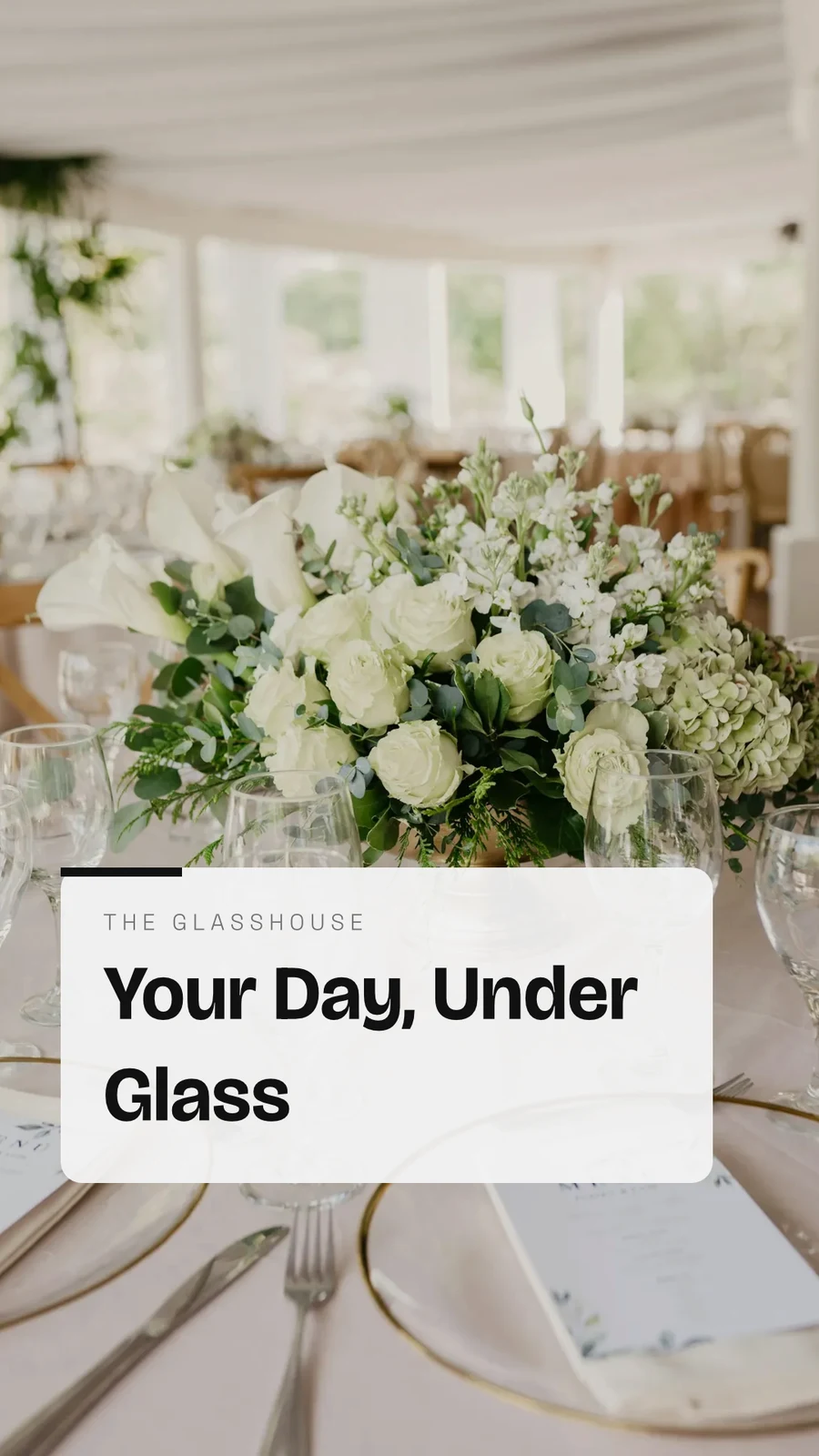
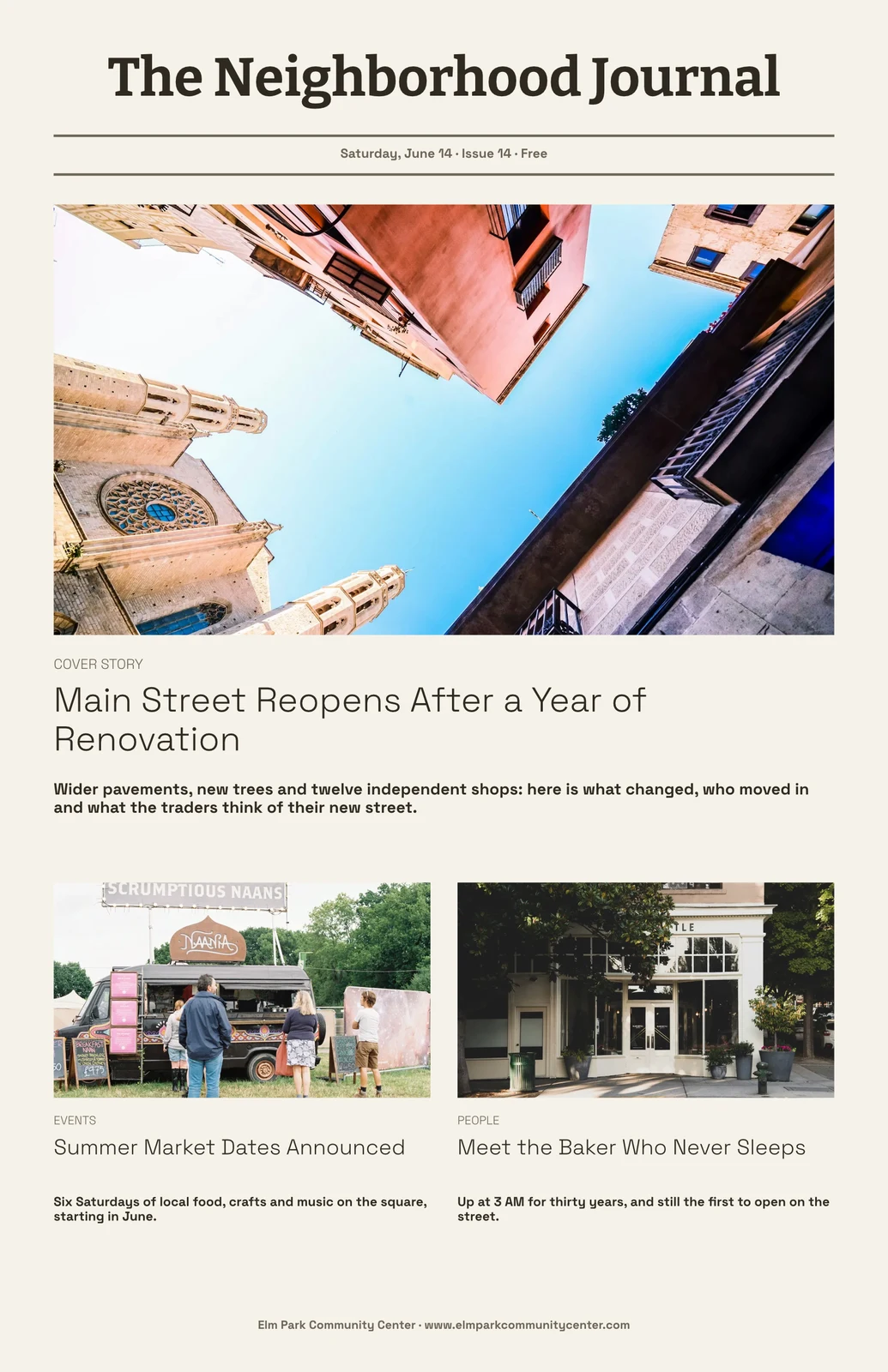
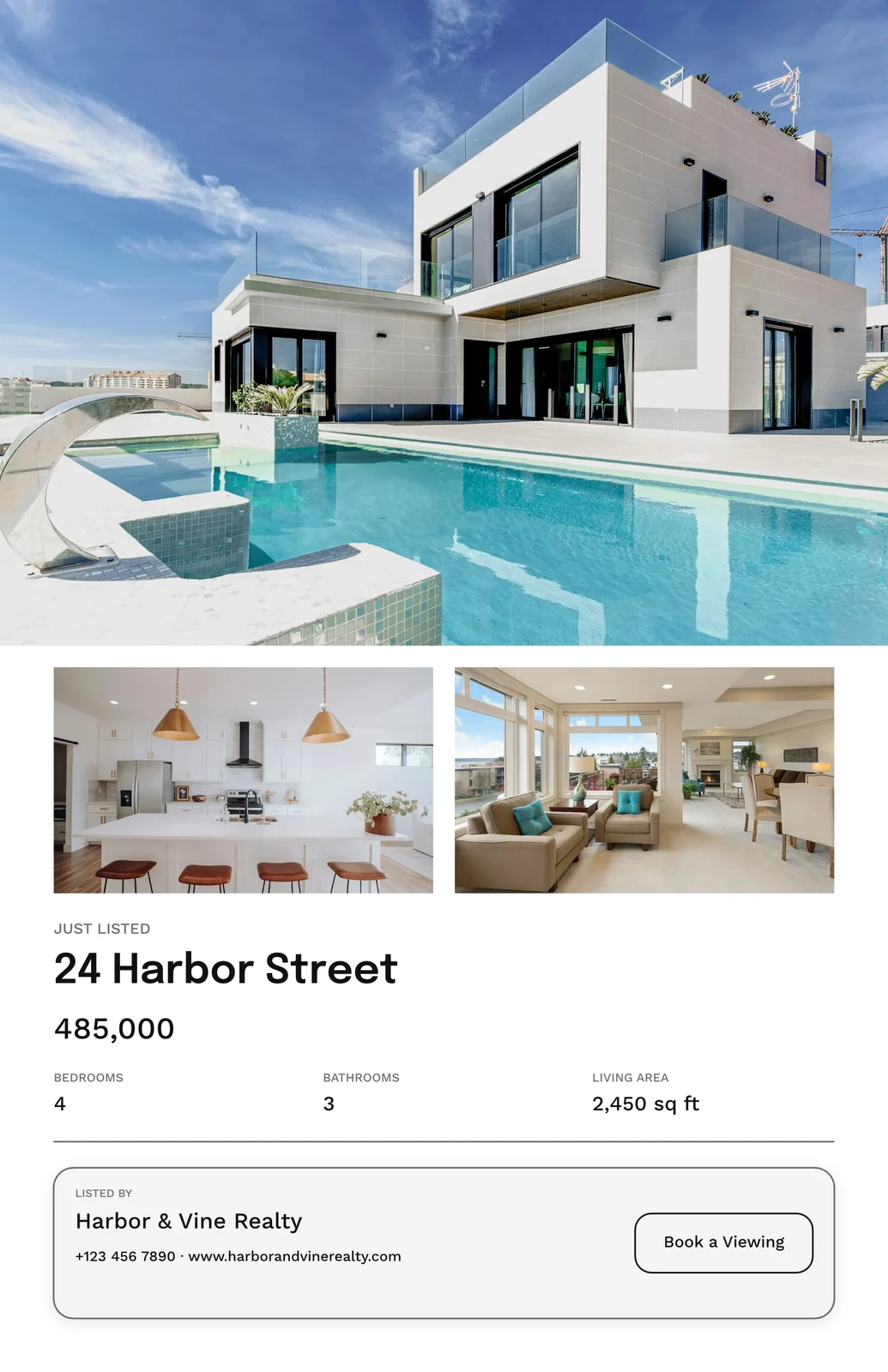
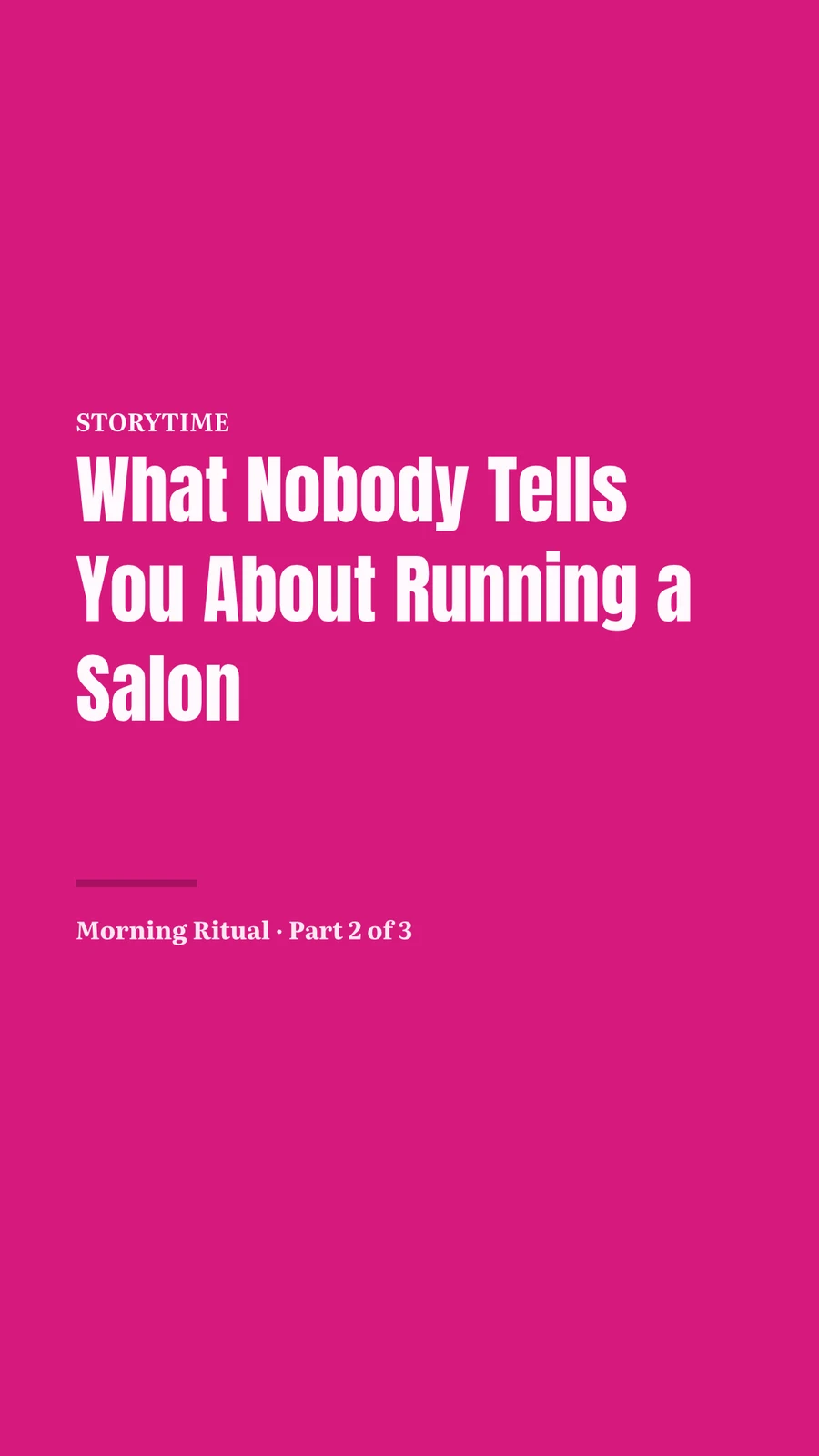
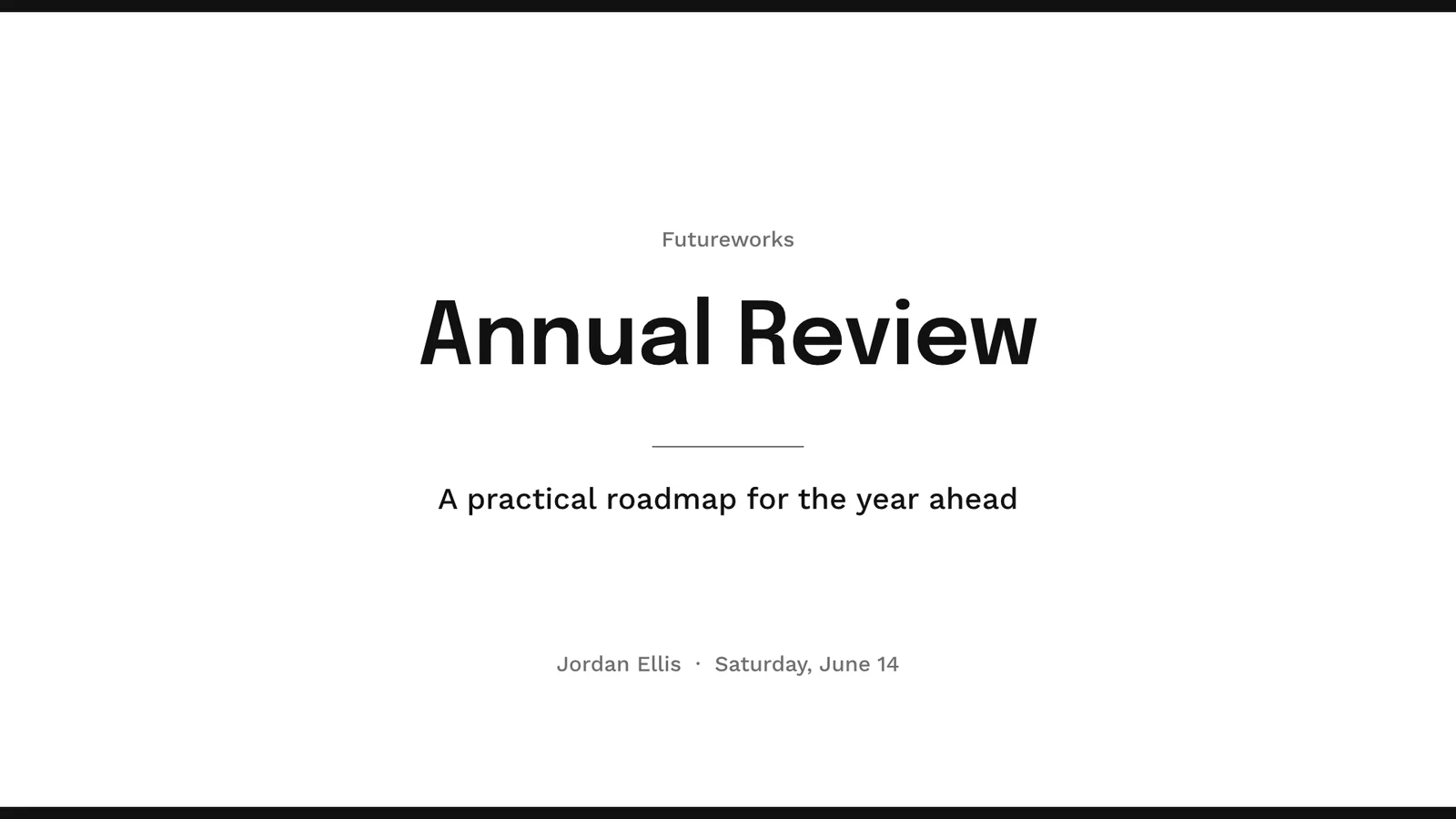
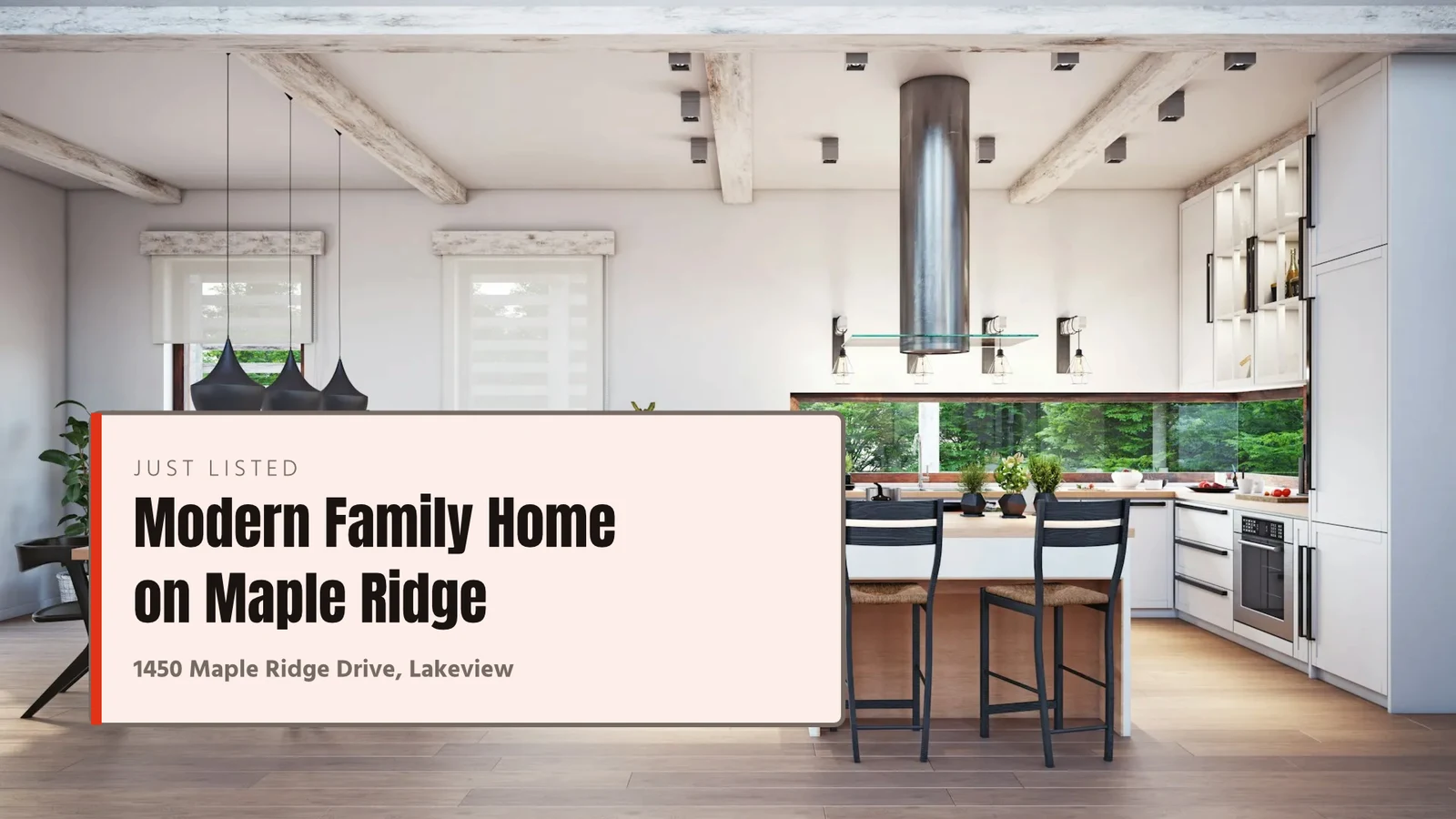

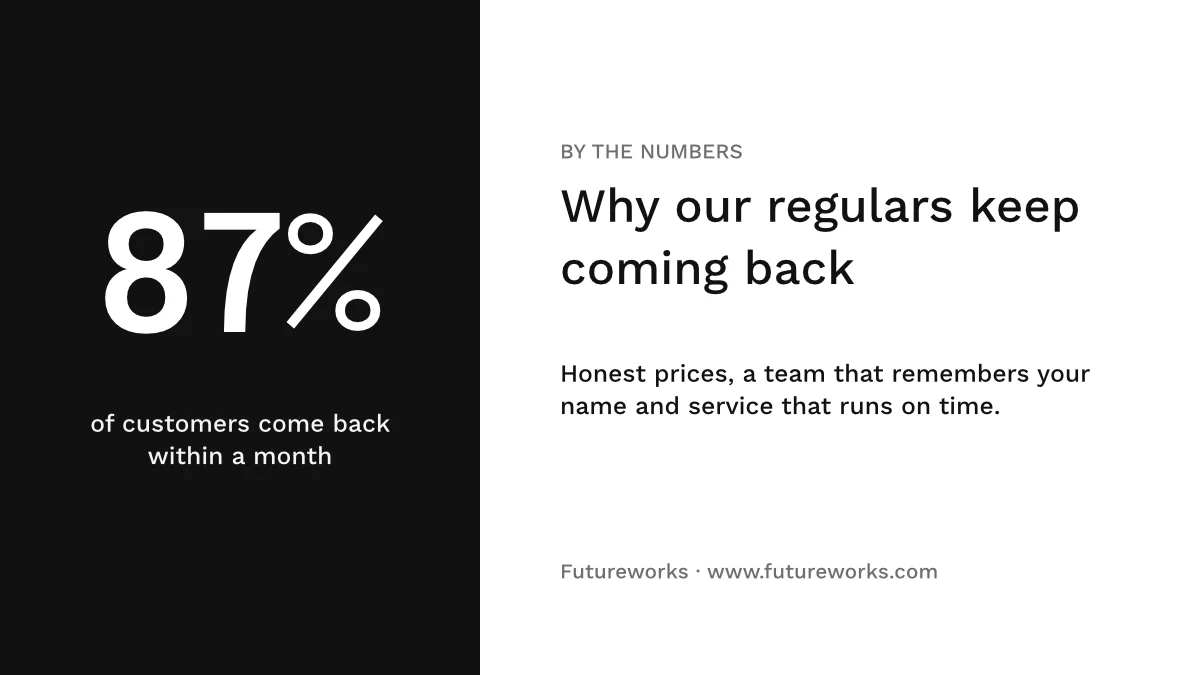
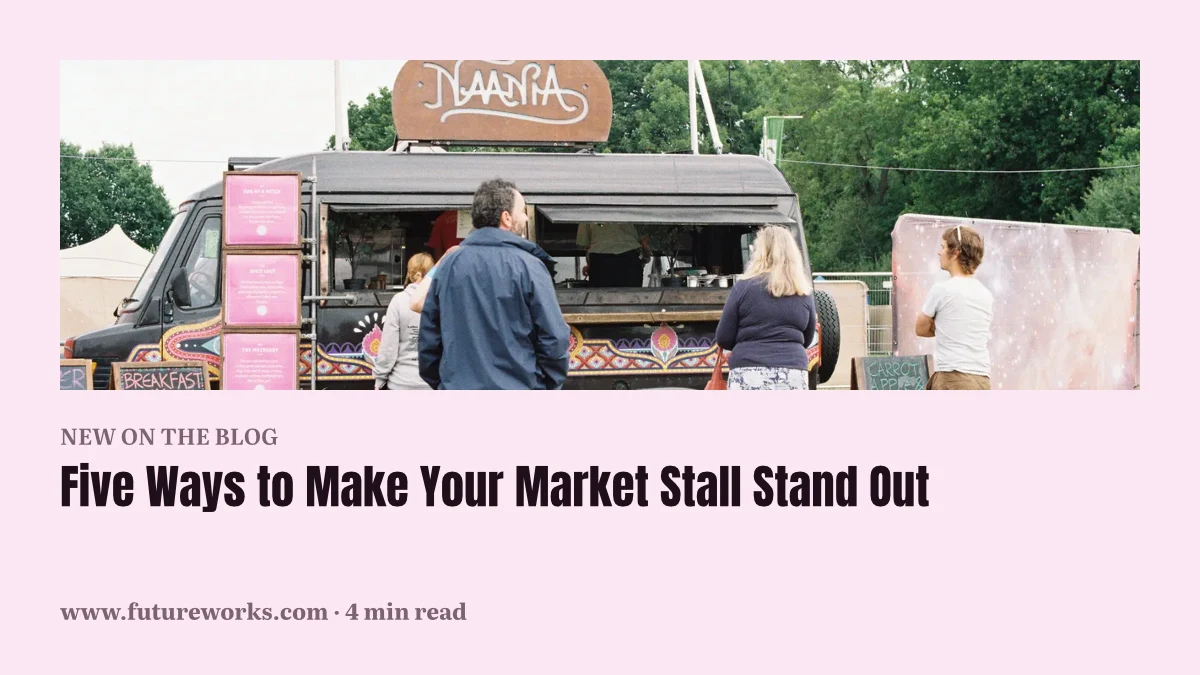
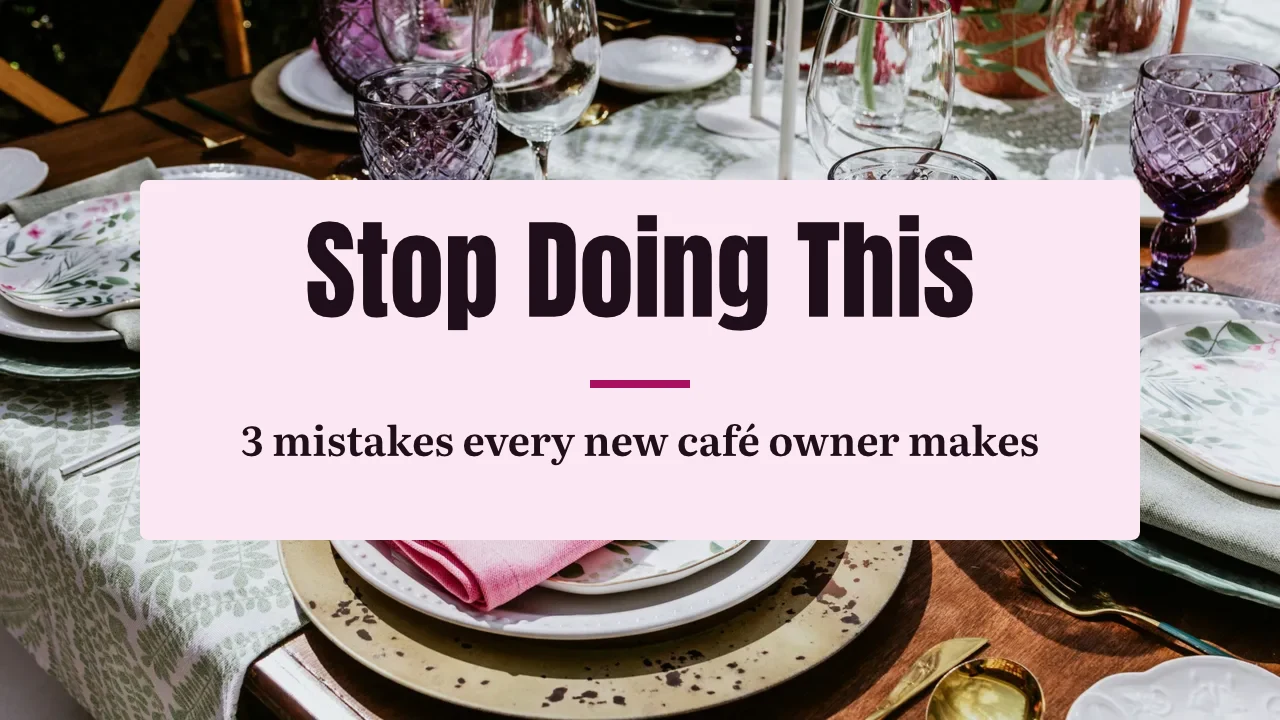
Every design, from the first template to the print
Sociale berichten, drukwerk, video en schermen, in de maten van Calisto of elke maat die u instelt.
Starten
Een sjabloon, een thema of een blanco formaat.
Edit
Woorden, foto's, vormen en diagrammen, in lagen.
Vector en Animeren
Pad en sleutelframes in hetzelfde bestand.
Versies
Veel ontwerpen uit één.
Verstuur uit
Exporteren, afdrukken, delen of overhandigen.
Samen
Gedeeld, live en elke versie bewaard.
Whiteboards
Sticky notes before the design.
Op een telefoon
Verander de woorden en foto's.
Begin met een sjabloon, een Thema of een lege grootte
Templates zijn de lay-outs van Calisto in elk Thema, gefilterd op type, sector, stijl en kleuren. Een Thema stelt de kleuren, lettertypes en afstanden vast die een ontwerp draagt. Een blanco formaat opent op het exacte artwork voor social, print, video of schermen, of op elke breedte en hoogte die u instelt.
Mijn Merk
Elk sjabloon dat in uw merkset is getekend voordat u er een kiest.
Sjablonen

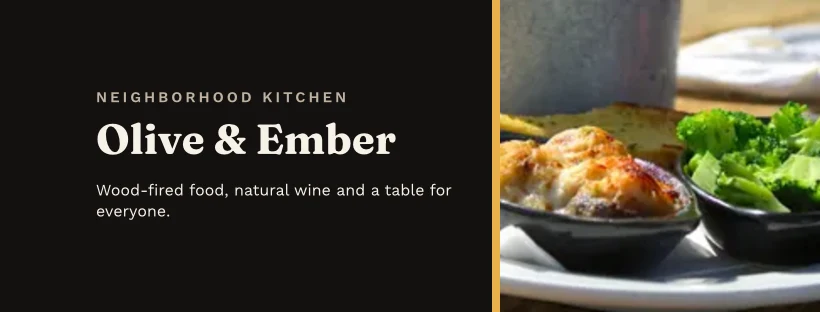

Het Brand Kit
Kleuren, lettertypes en logo, bewerkt in de Instellingen van Studio en aangeboden in elke selector.
Instellingen
Alleen Merk, met Engage
Mensen zonder een Studio-plaats bouwen alleen met de lettertypes, kleuren en Thema van het merk.
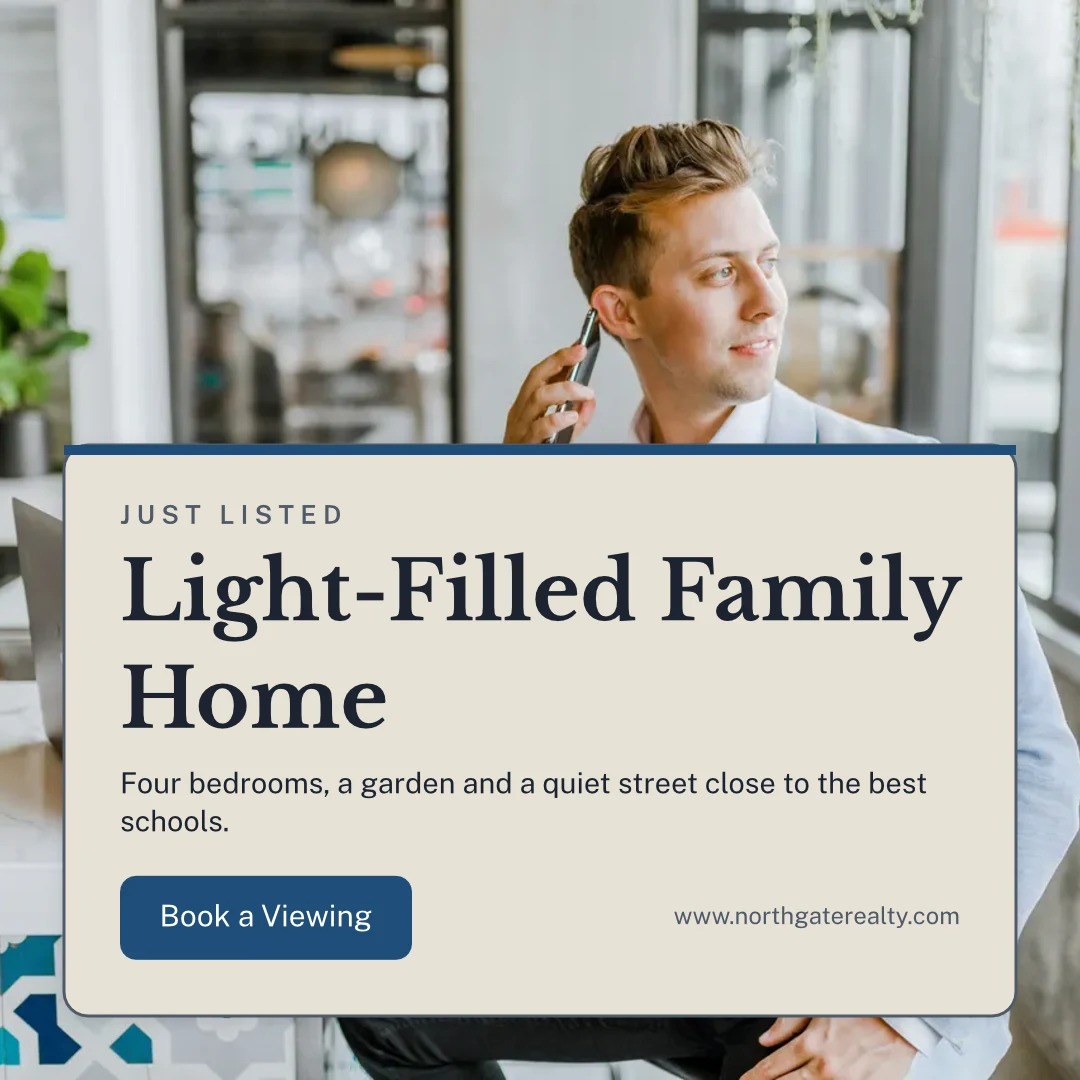
Uw eigen sjablonen
Opslaan als sjabloon bewaart een kopie van het geopende ontwerp; Aanpassen van sjabloon verandert het uiterlijk van een sjabloon.
Sjablonen
Beschrijf het
Zeg wat u nodig hebt in een zin en drie ontwerpen komen terug in uw merk, om te behouden of op te slaan als sjablonen.
Beschrijf het
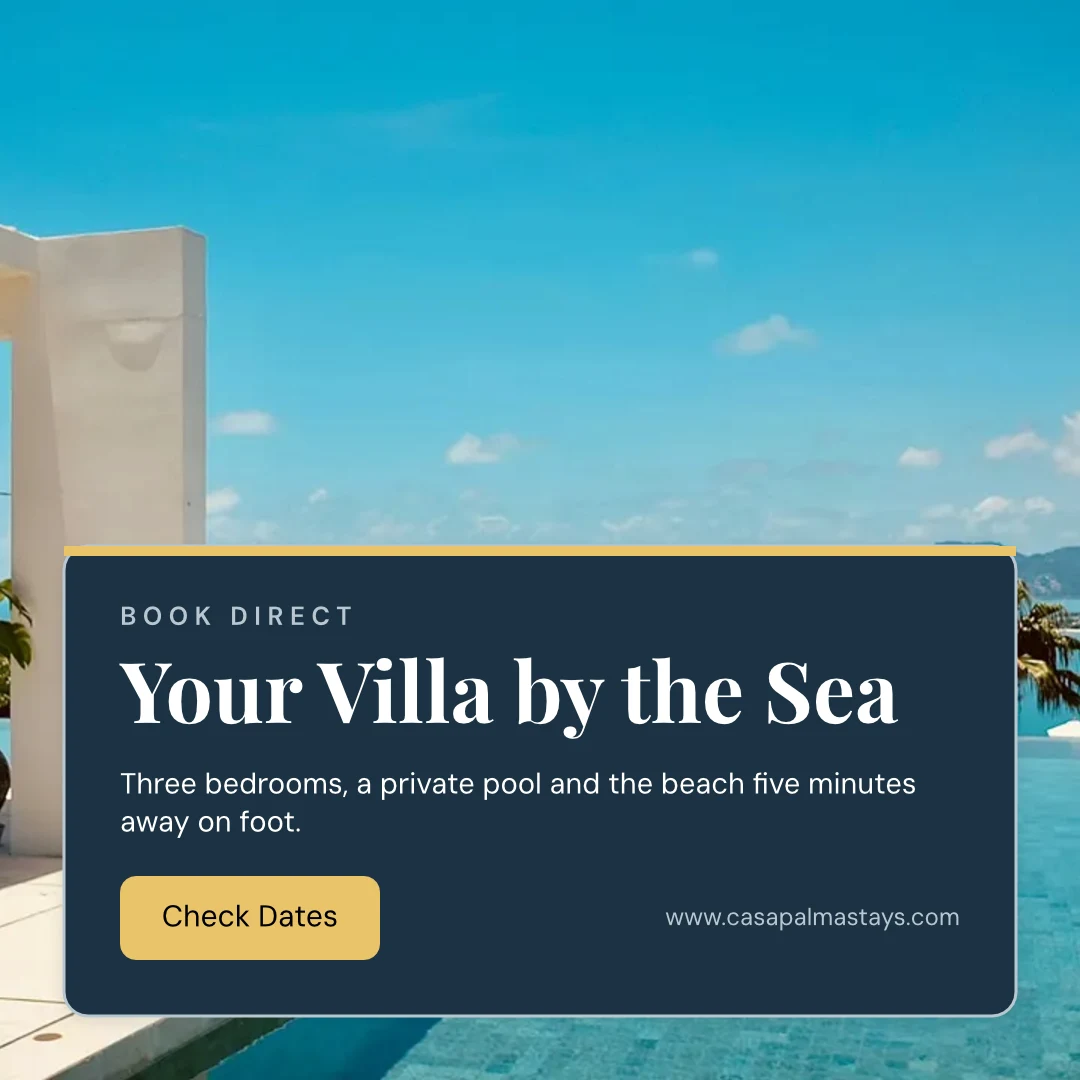
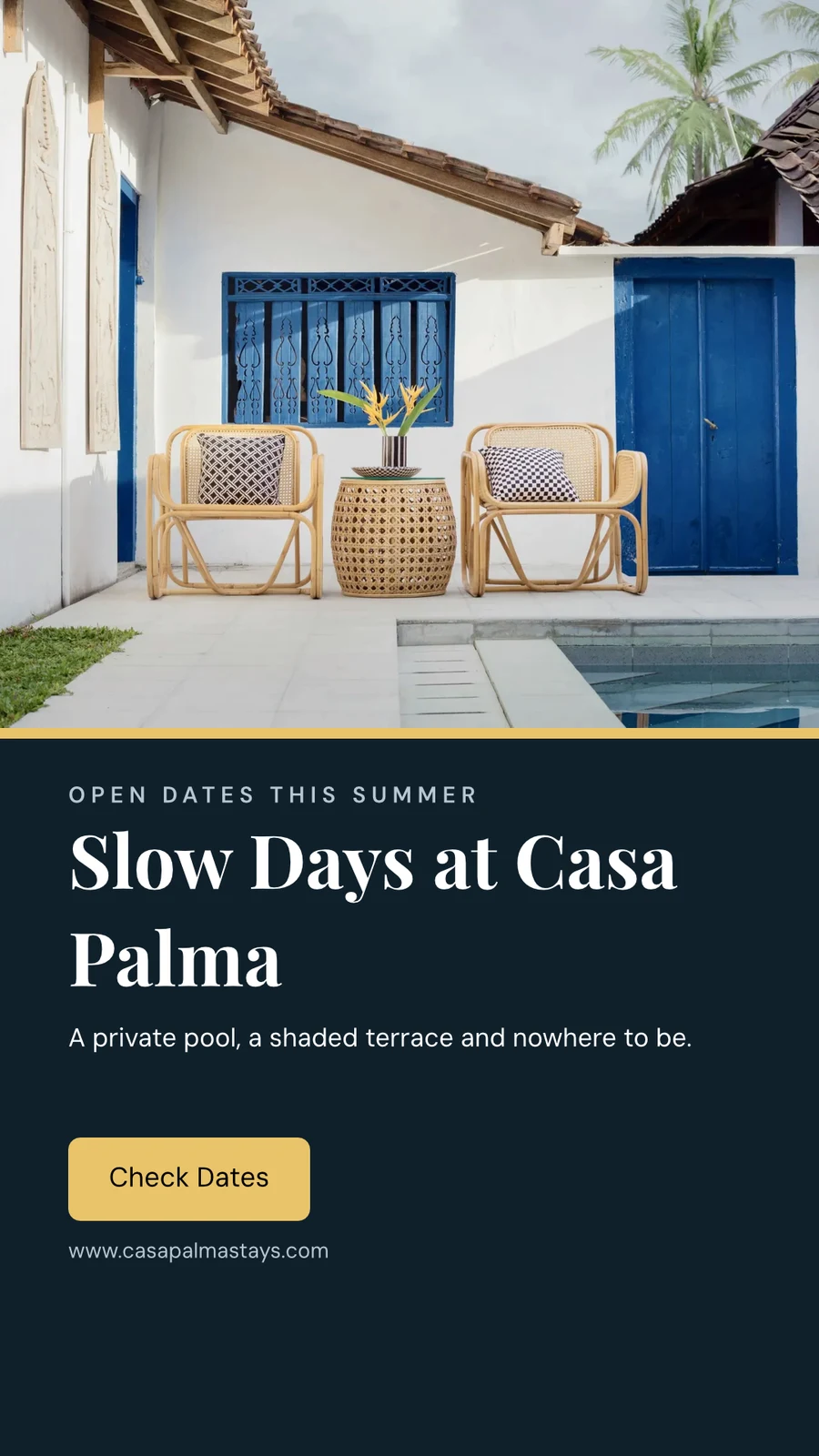
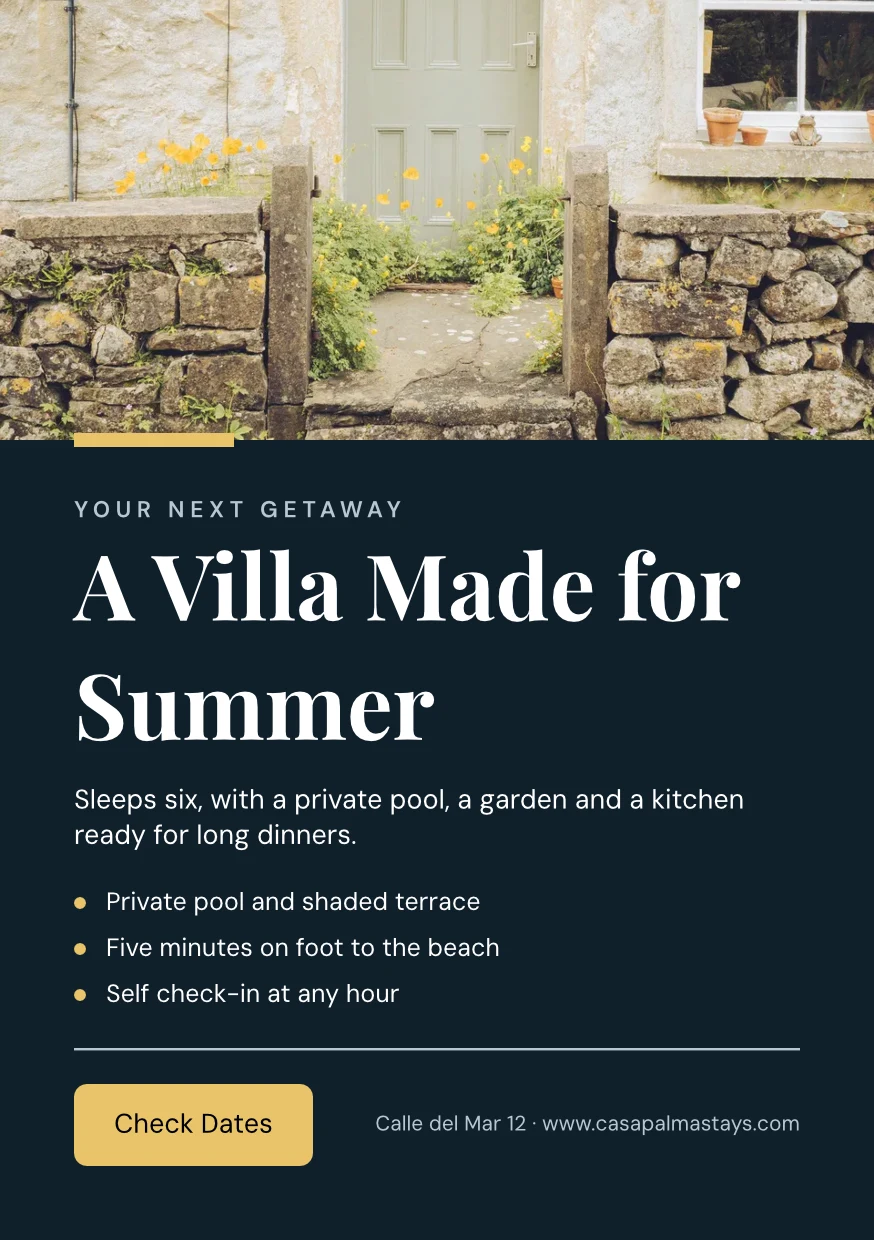
Say what you need and Calisto makes three designs in your brand. Pick one to finish it.
From Your Website
Uw merkset wordt gelezen van uw website of uw merkrichtlijnen-PDF: de kleuren, lettertypes en logo, opgeslagen wanneer u dat wilt.
Instellingen
From Your Website

Merkregels
Houd een ontwerp vast aan de kleuren en lettertypes van het merk; de merkcontrole geeft aan wat niet klopt, en niets dat niet aan het merk voldoet wordt geëxporteerd.
Sjablonen
Verander de woorden, de foto's en de look
Voeg woorden, foto's, vormen, grafieken, QR-codes en gegenereerde afbeeldingen toe, en stel voor elk het lettertype, de kleur en de plaats in. Essentials houdt zich aan de alledaagse bedieningselementen; Pro toont elk ervan.
Vectoren tekenen en animeren in dezelfde bestand
Teken uw eigen logo en artwork met een pen en zet een ontwerp in beweging op een tijdslijn, in hetzelfde bestand. Beide openen met 'Create seat'; de kant-en-klare bewegingen en de vormgereedschappen zijn op elk ontwerp aanwezig.
 FotoVector
Maak vele versies uit één design
Bulk Create fills a design’s text placeholders from a CSV or pasted rows, up to 200 designs in one run, and a second press makes none twice. Copy & Resize lays a design out again at another size and saves it as a new design.
Kopiëren en vergroten
Een ontwerp opnieuw uitgelijnd in een andere grootte, opgeslagen als een nieuw ontwerp.
Kopiëren en vergroten
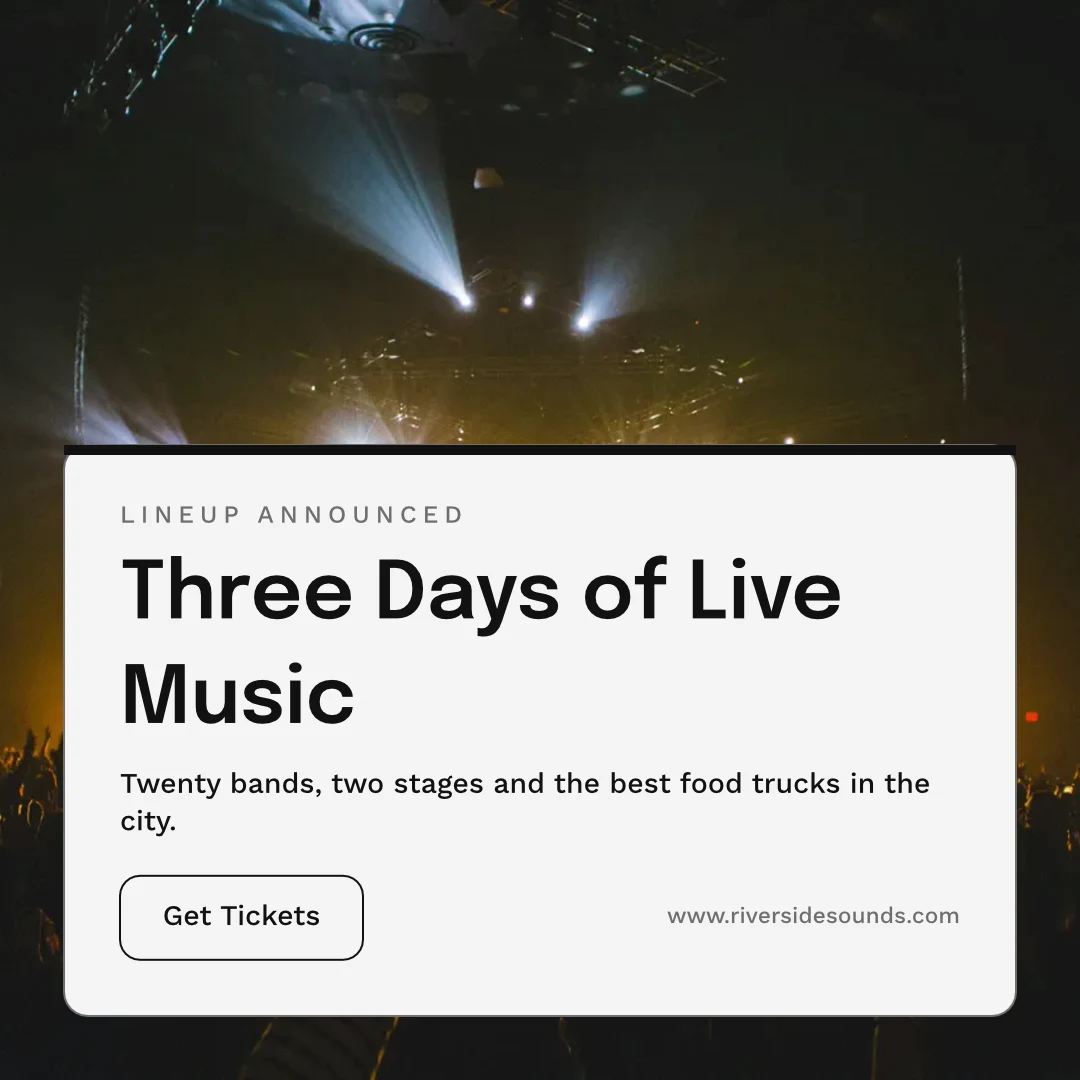
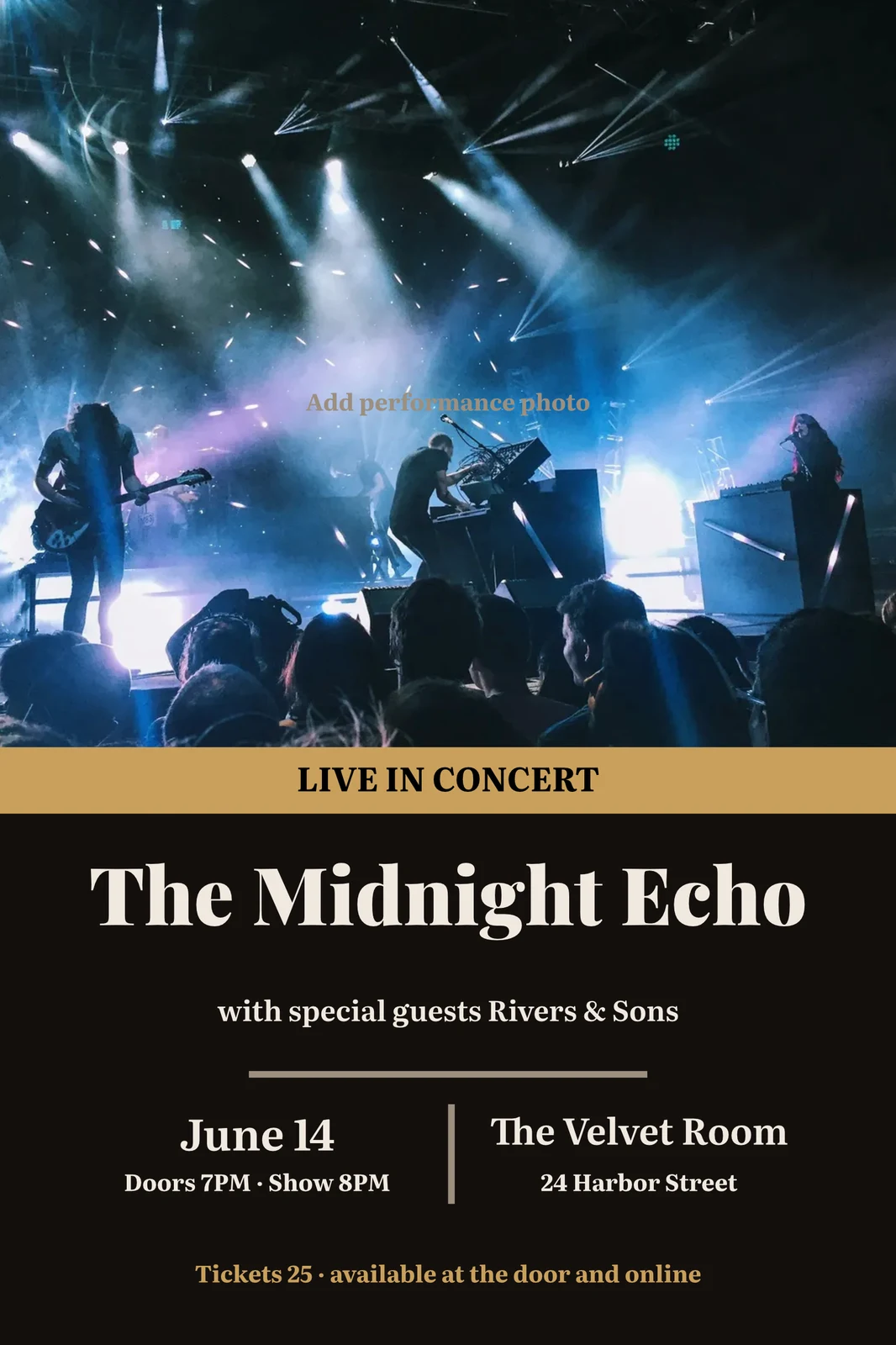
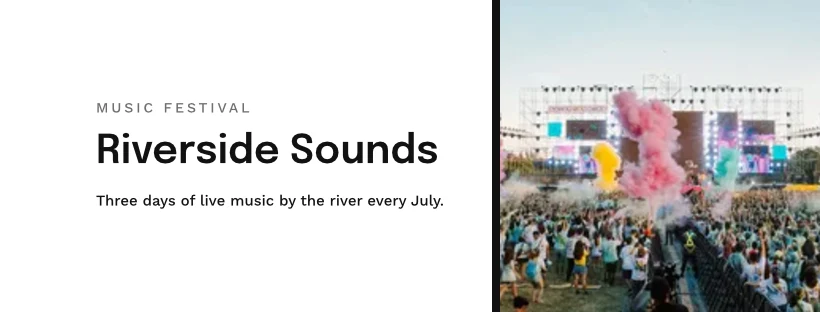
 Three Days of Live Music
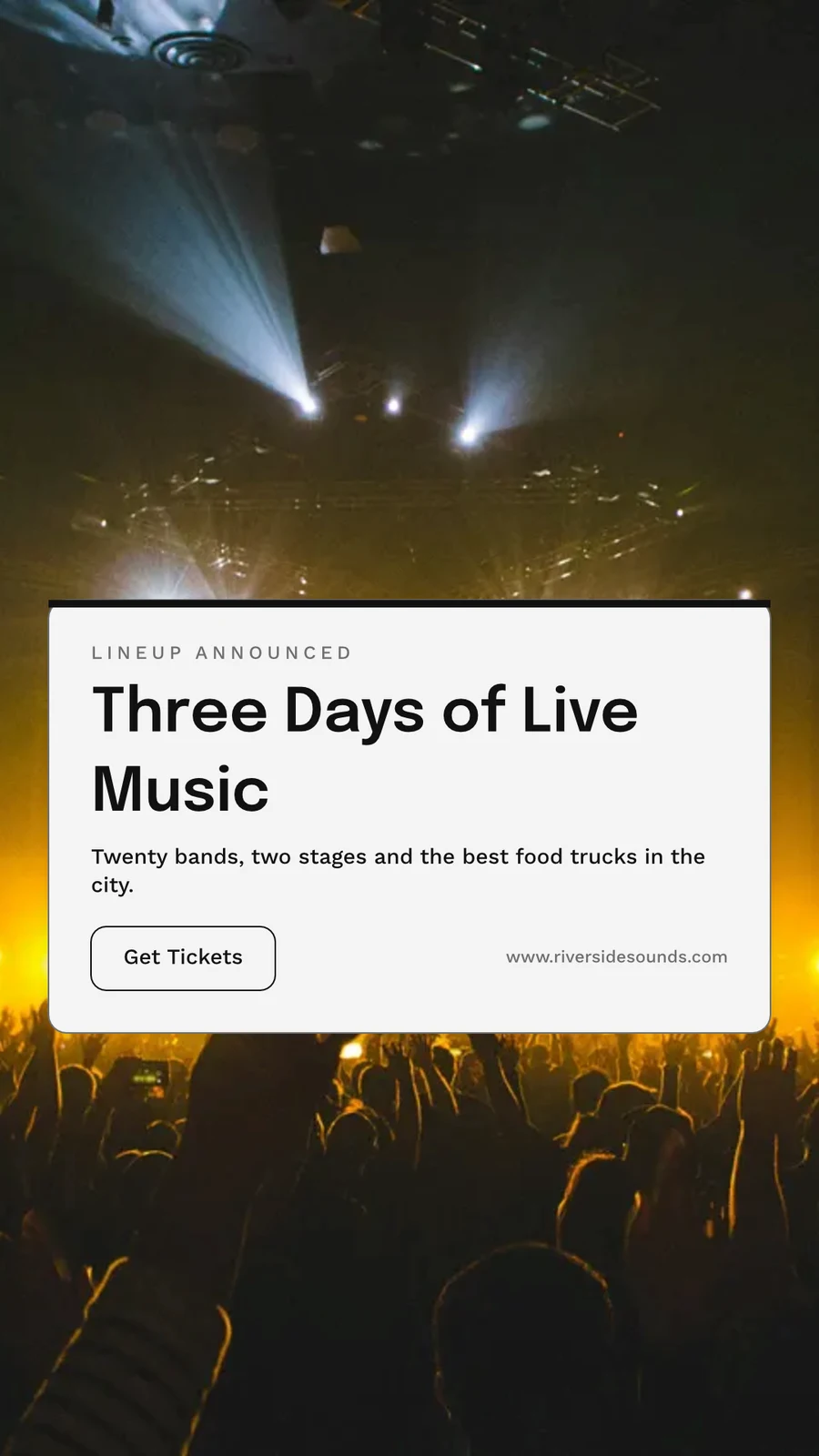
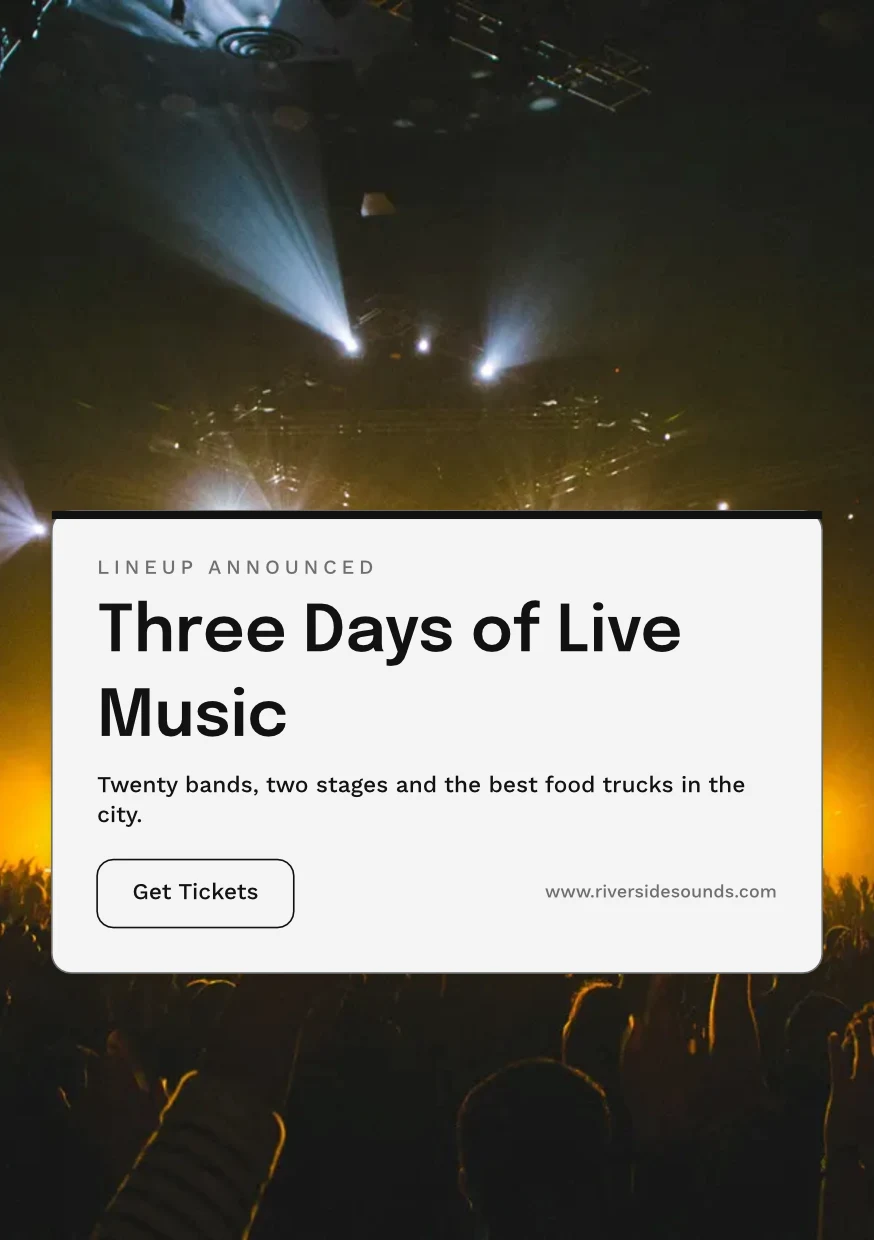
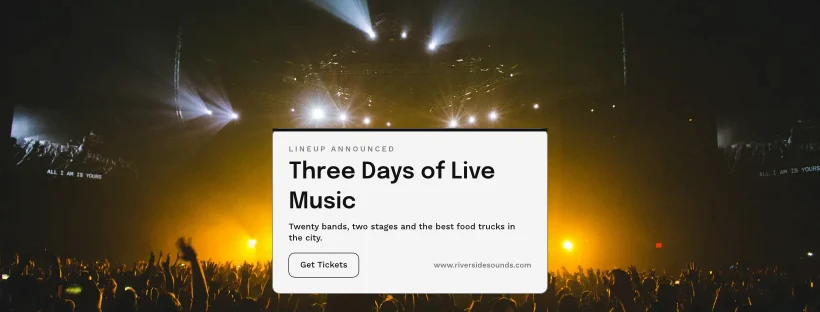
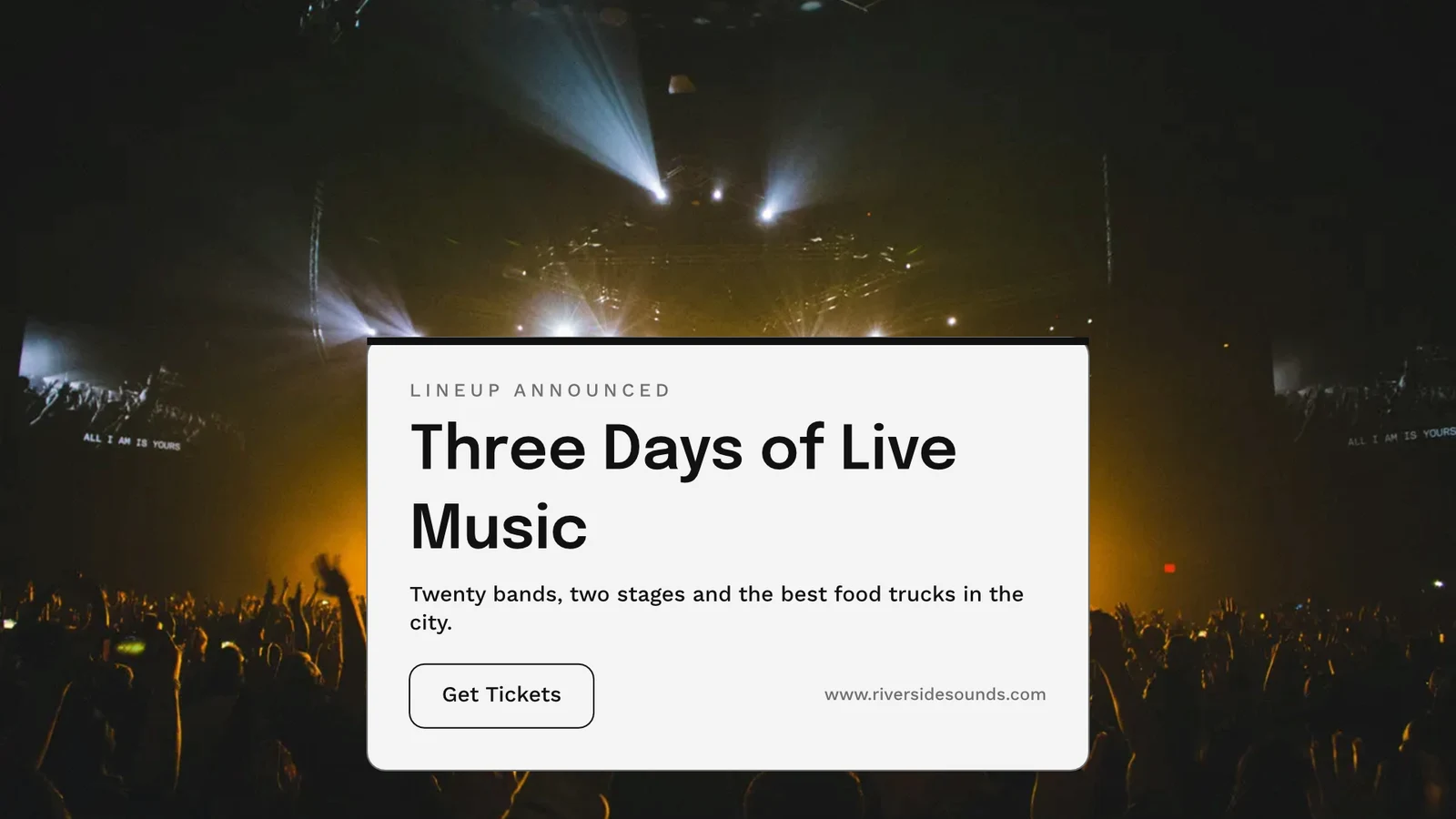
Exporteren, afdrukken, delen of verzenden naar een andere app
PNG, JPG, SVG and PDF at web or print resolution, with bleed and crop marks on a print PDF, or a CMYK PDF for the press. A public link shows it and embeds on any website. Send to App takes it into Display, Campaigns or Sites. Analytics counts the designs made, the exports by format and the public links live.
Exporteren
PNG, JPG, SVG en PDF in web- of drukresolutie, een transparante achtergrond, en elke export opgeslagen om opnieuw te exporteren.
Exporteren & Delen
The Weekend Collection · 1080 × 1080 px
Formaat
Publieke link en inbedding
Een link die het ontwerp toont, het afspelt als het verandert, en in elke website kan worden ingebed, met zijn eigen QR-code.
Repairs Done Right
 Downloaden
Publieke link
https://studio.calistoco.com/p/design/k7Qm2xW9rTInbedden in een pagina
<iframe src="https://studio.calistoco.com/p/design/k7Qm2xW9rT" width="1080" height="1080" style="border:0" loading="lazy"></iframe>QR-code
Print or display in person214 scansVerzenden naar App
Send it to Display for your screens, into a new email in Campaigns, or into a website’s files in Sites.
Exporteren & Delen
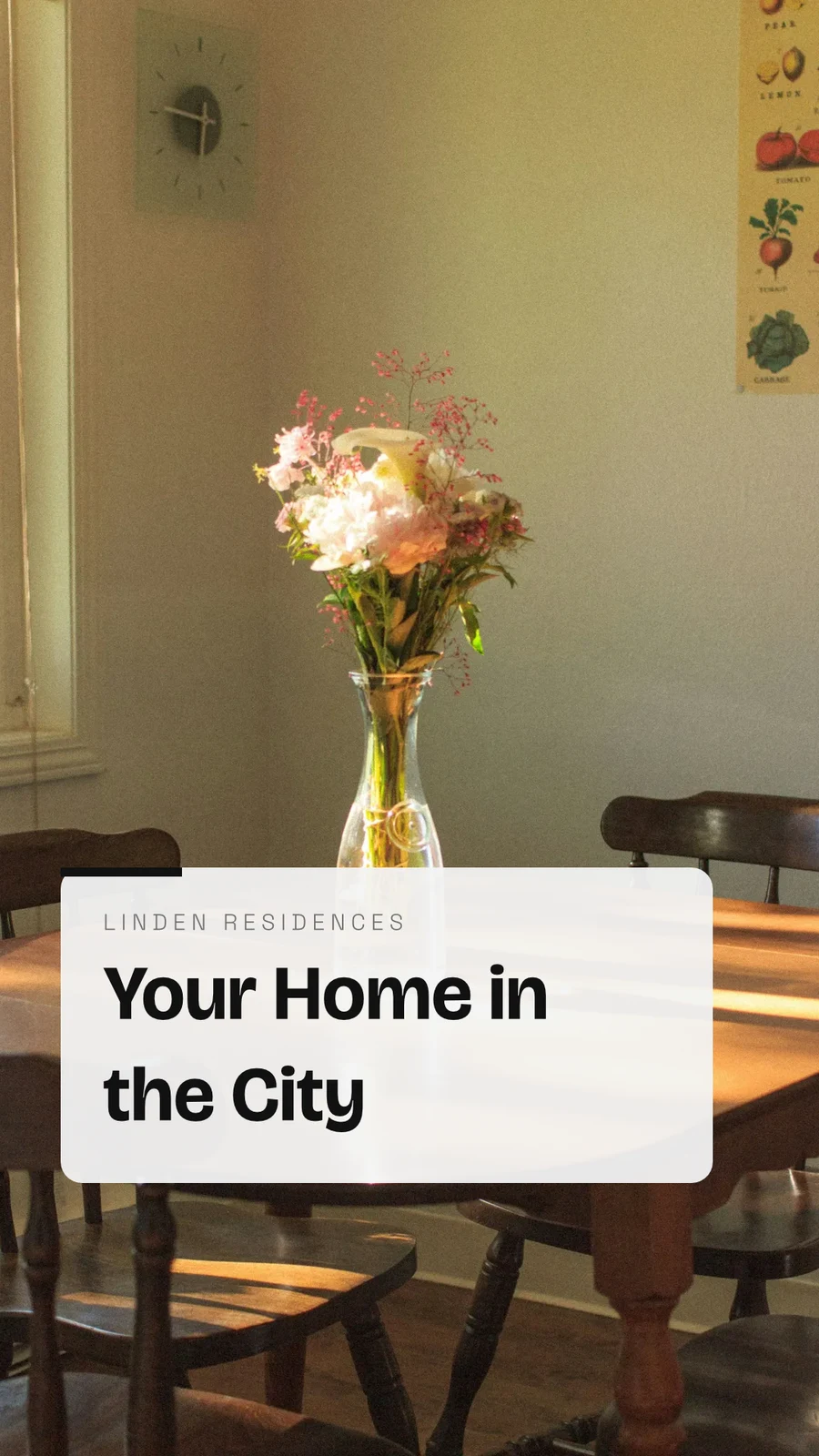
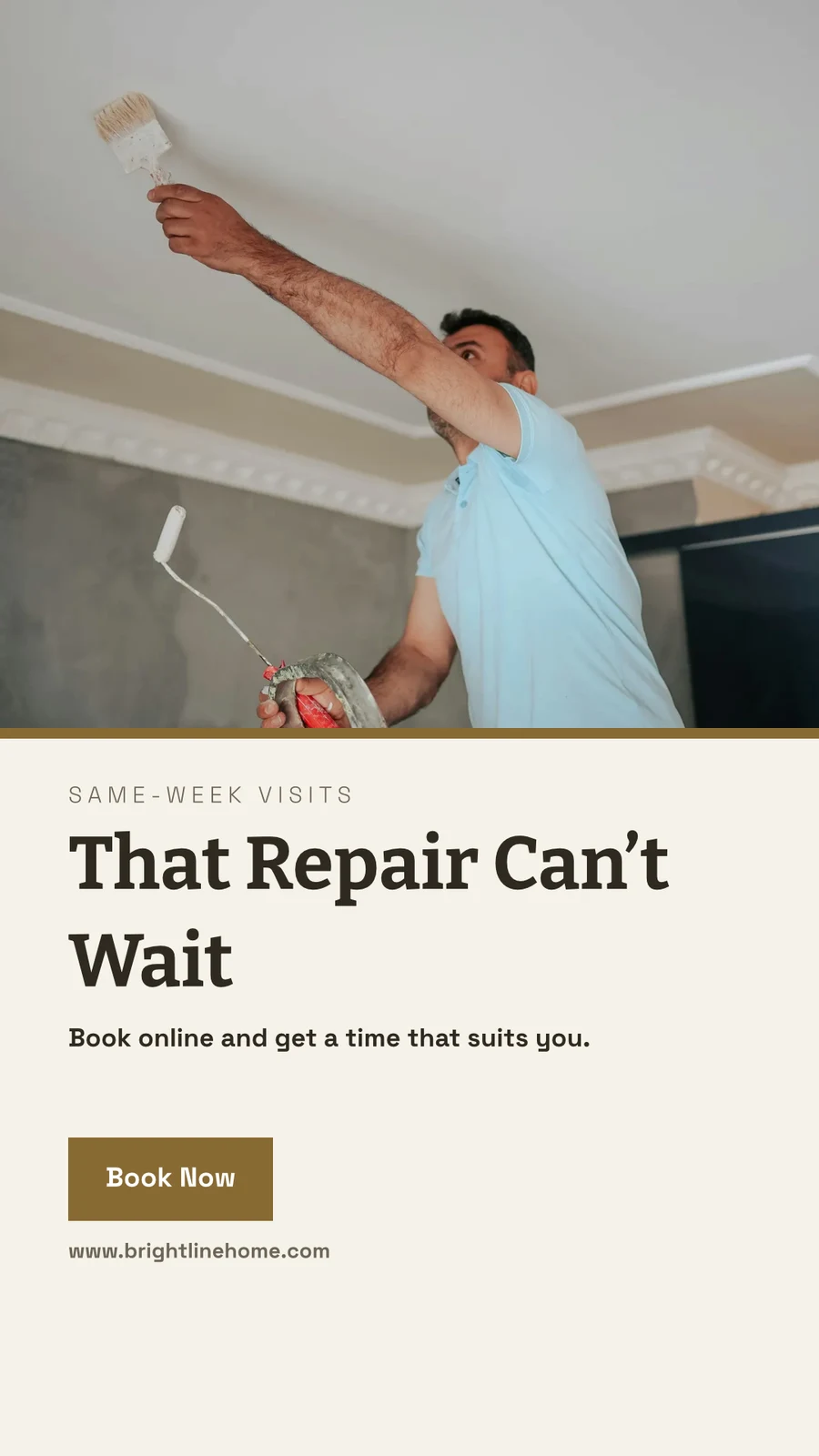
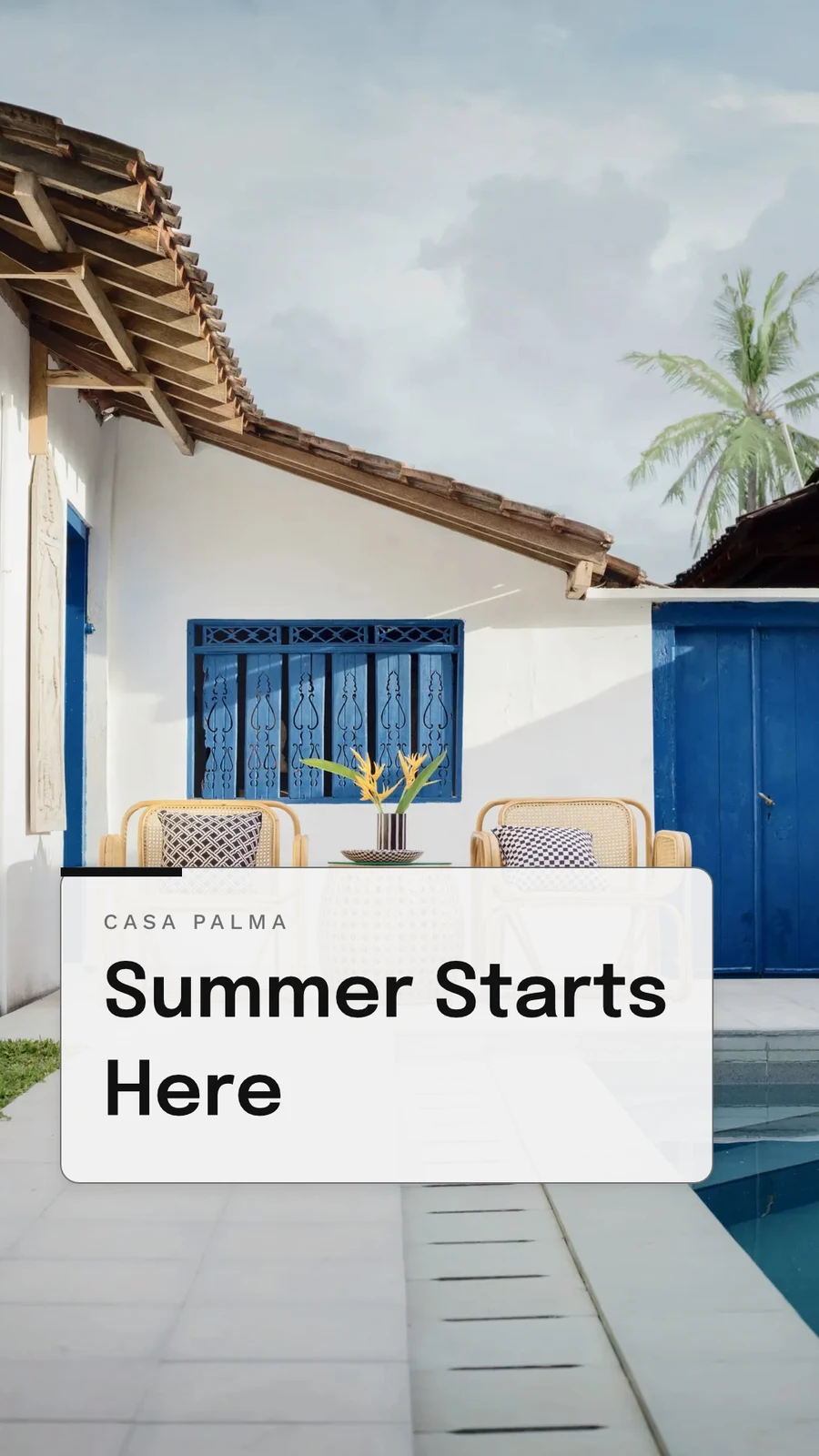
Your Summer Room Is Ready · 1080 × 1920 px
Send to app
Dit ontwerp overdragen aan een andere Calisto-app om het daar te plaatsen.Video aanmaken, met clips
Elke pagina een clip met beweging, vervolgens titels, muziek, ondertiteling en een MP4.
GIF and Animated WebP
Voor een ontwerp dat beweegt, elke pagina voor zijn eigen lengte.
Exporteren & Delen
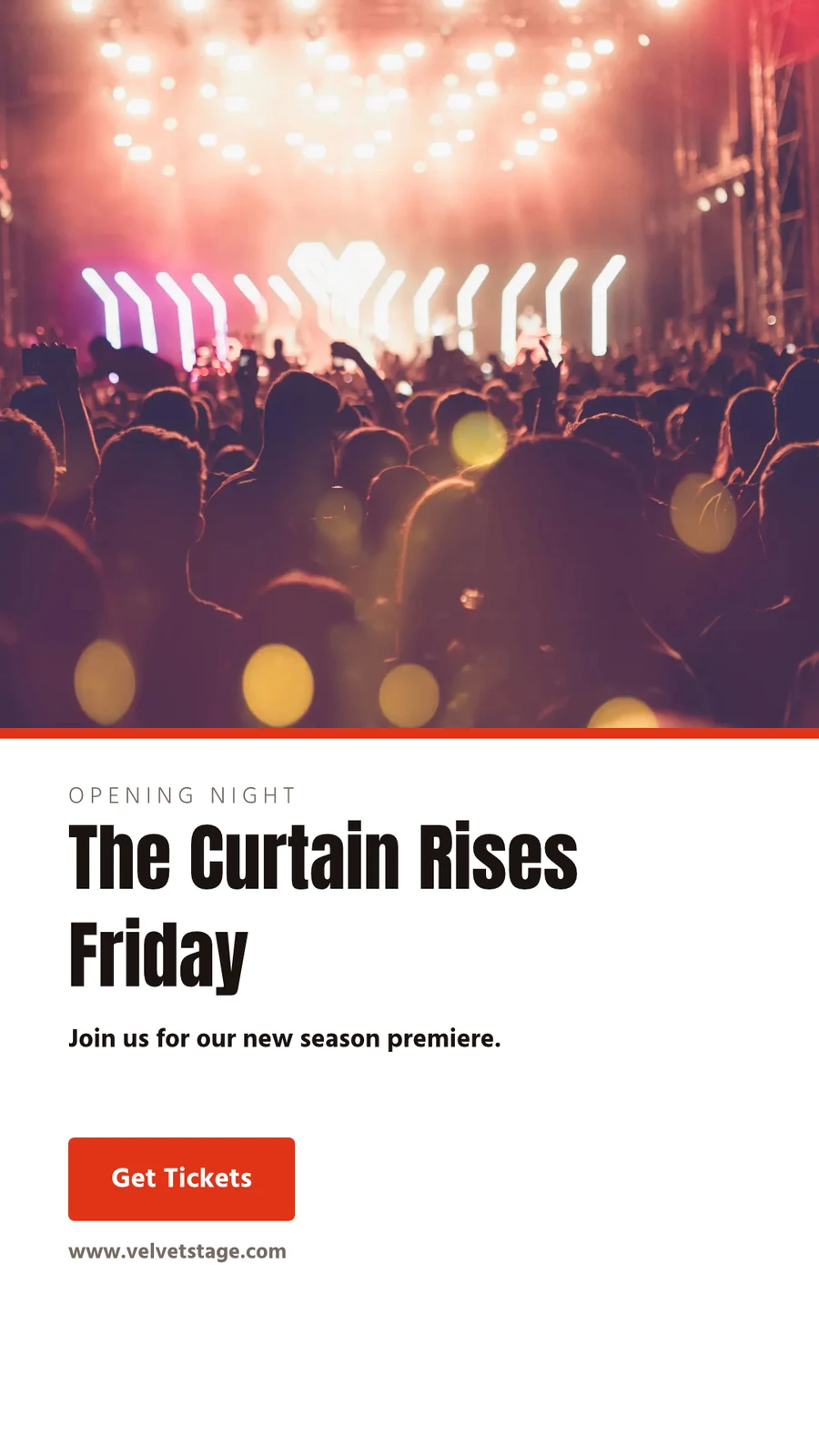
The Curtain Rises Friday · 1080 × 1920 px
Formaat
Afdrukken
Trimmen, bloederen, kensmerken en een veilige marge in de Print Setup, en het ontwerp wordt afgedrukt zonder de app eromheen.
PDF voor afdrukken (CMYK)
Omgezet naar CMYK op uw eigen apparaat, met het profiel van uw drukkerij als zij u er een geven.
Exporteren & Delen
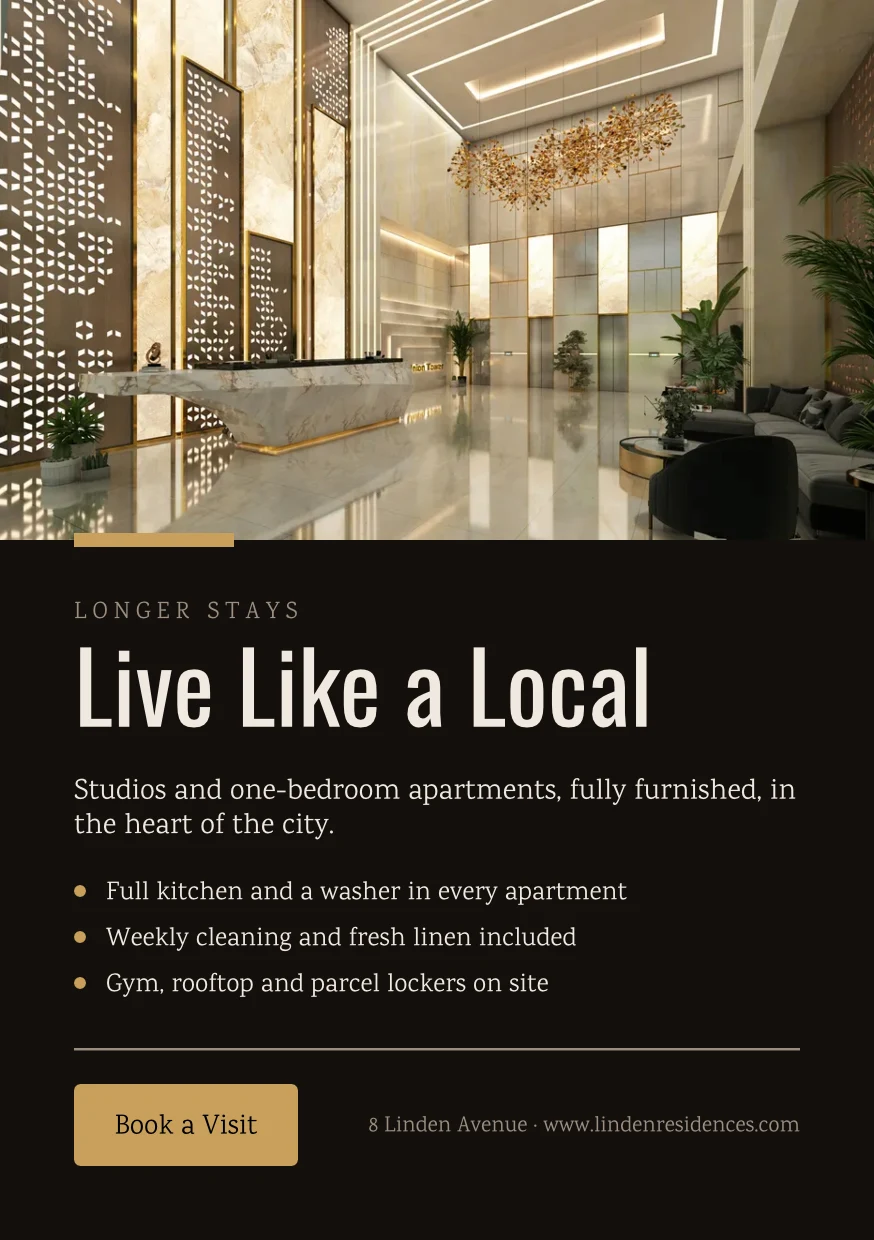
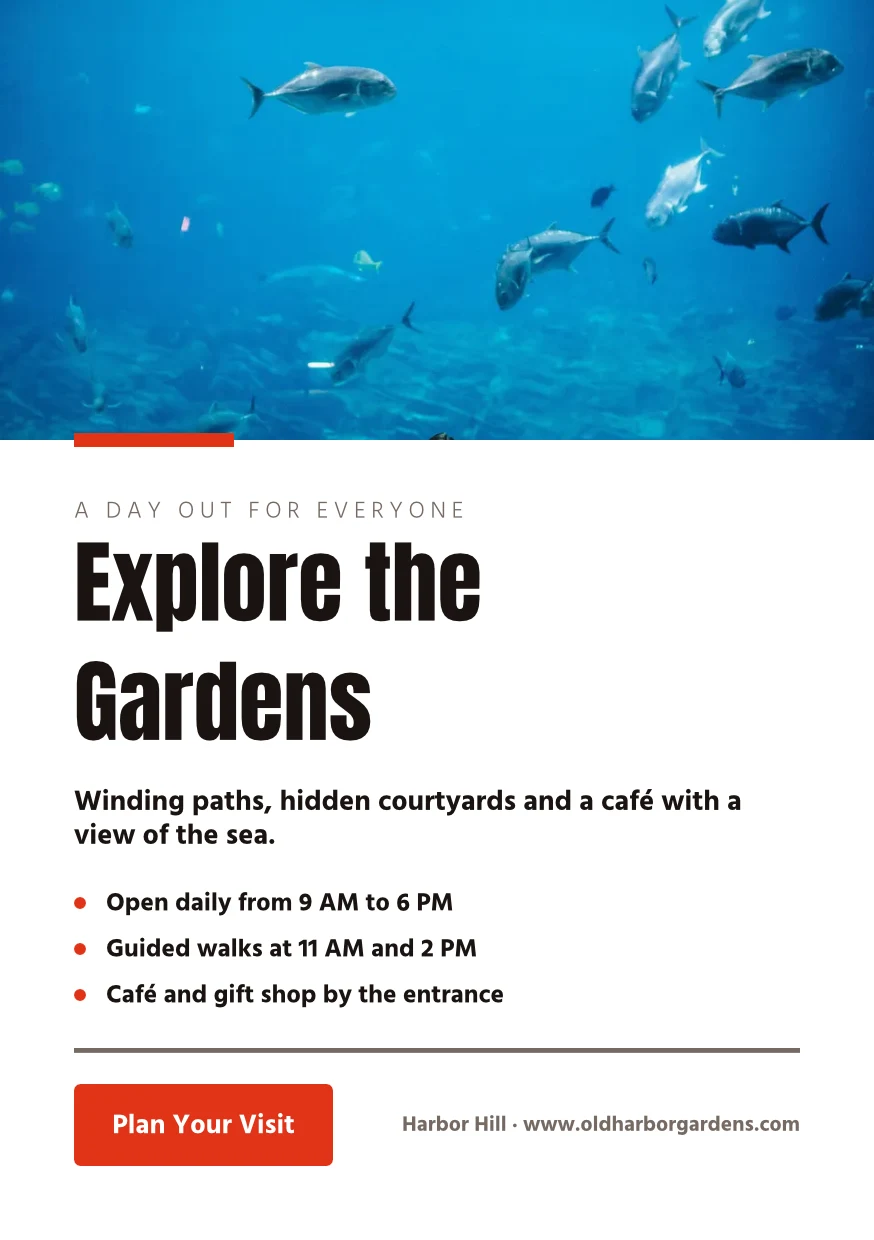
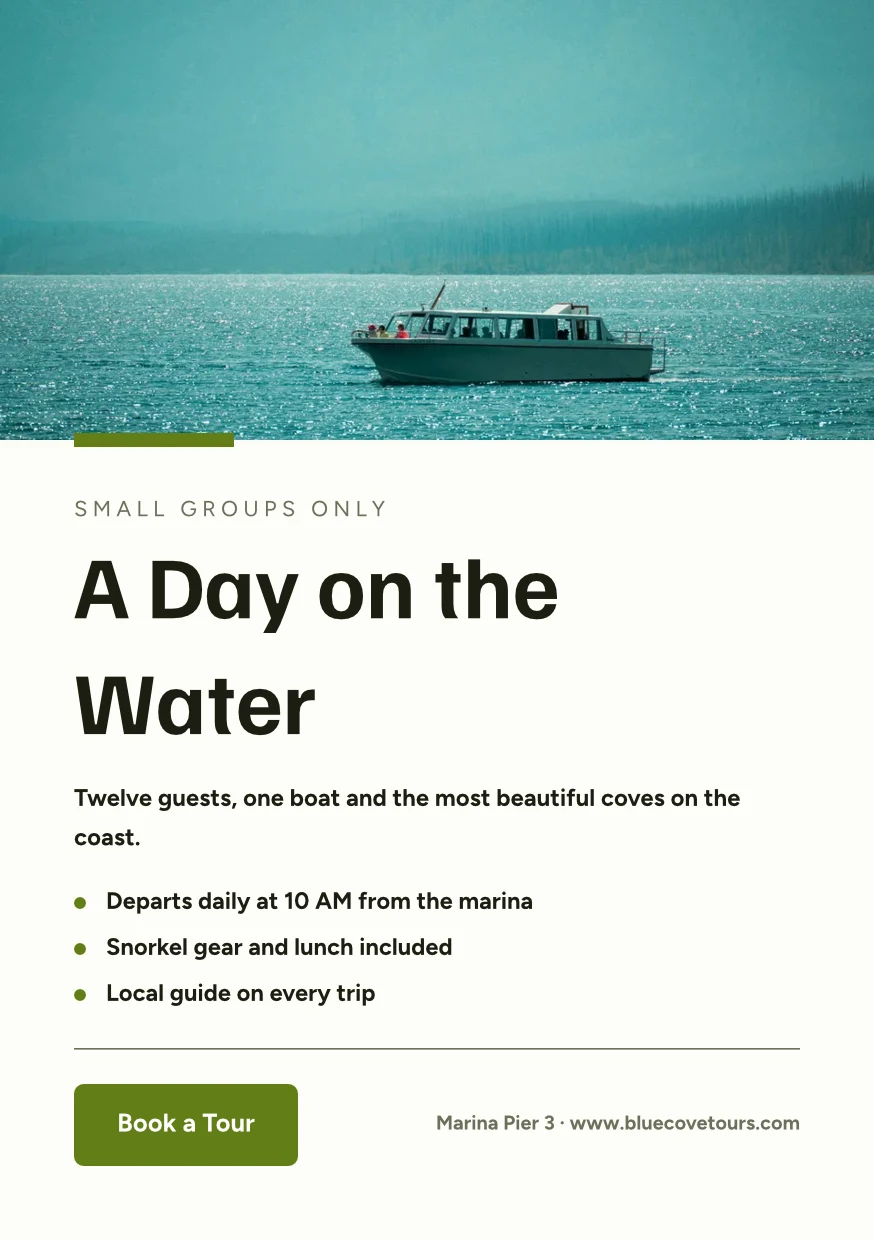
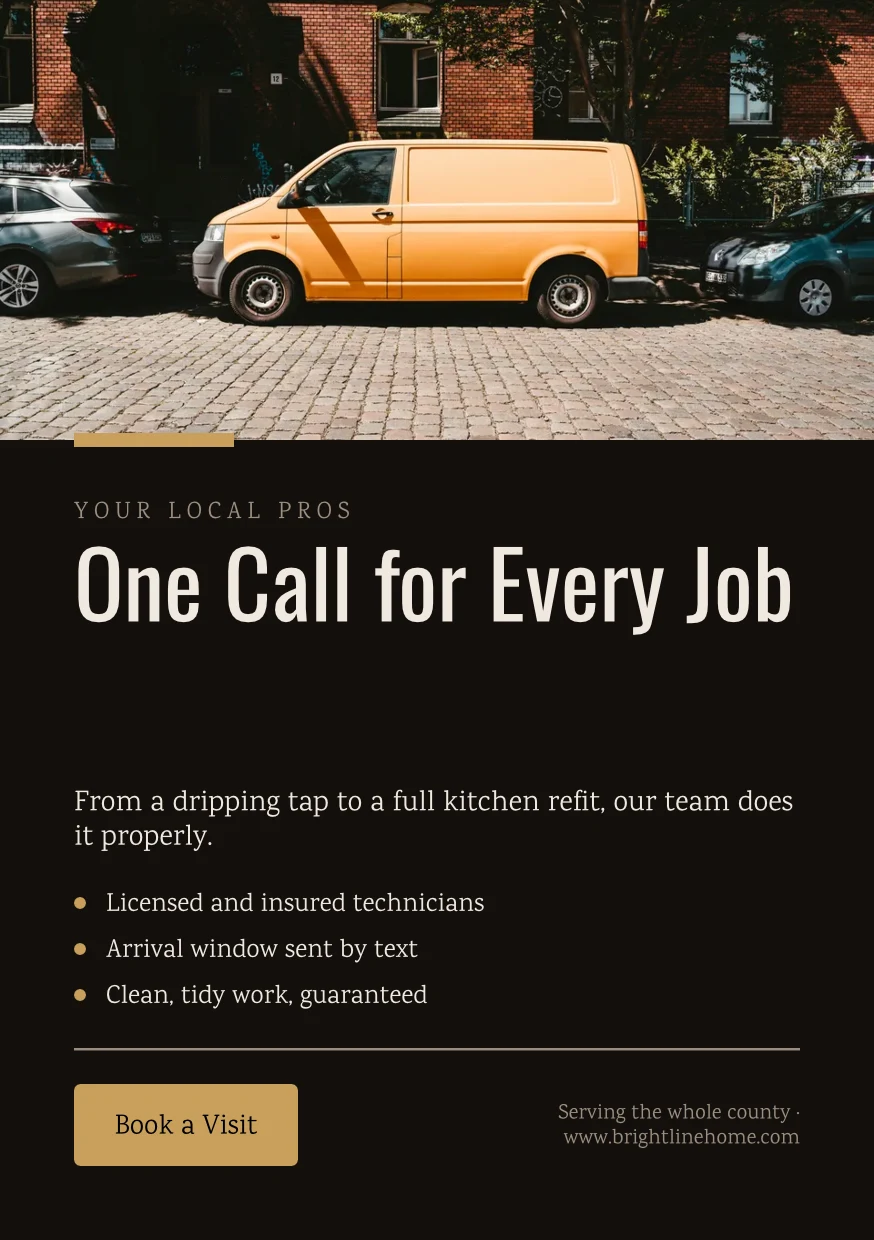
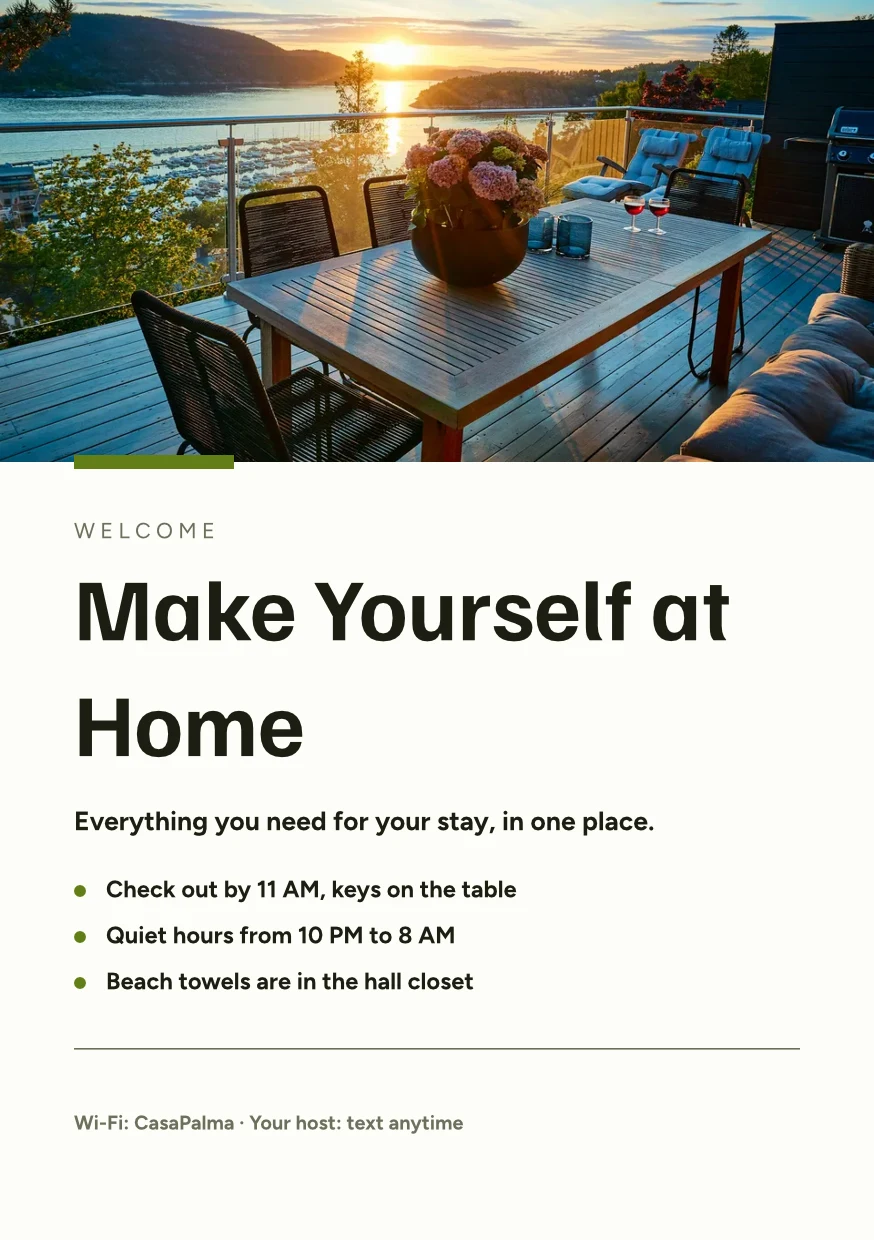
Find the Right Space · 874 × 1240 px
Formaat
Printer's Profile
Druckerei Weber Coated.icc2.1 MBKleuren worden omgezet voor Druckerei Weber Coated.icc, gelezen op dit apparaat en niet geüpload.Work on a design together, and keep every version
Deel een ontwerp met een persoon als Kan bekijken, Kan reageren of Kan bewerken. Iedereen hierin wordt getoond, en twee personen op verschillende pagina's schrijven nooit over elkaar heen. Elke opslag bewaart de versie ervoor, en elke versie kan worden hersteld. Hubs groepeert ontwerpen met de andere bestanden van het bedrijf.
Samen delen en bewerken
Share as Can view, Can comment or Can edit, and see everyone in the design as they work.
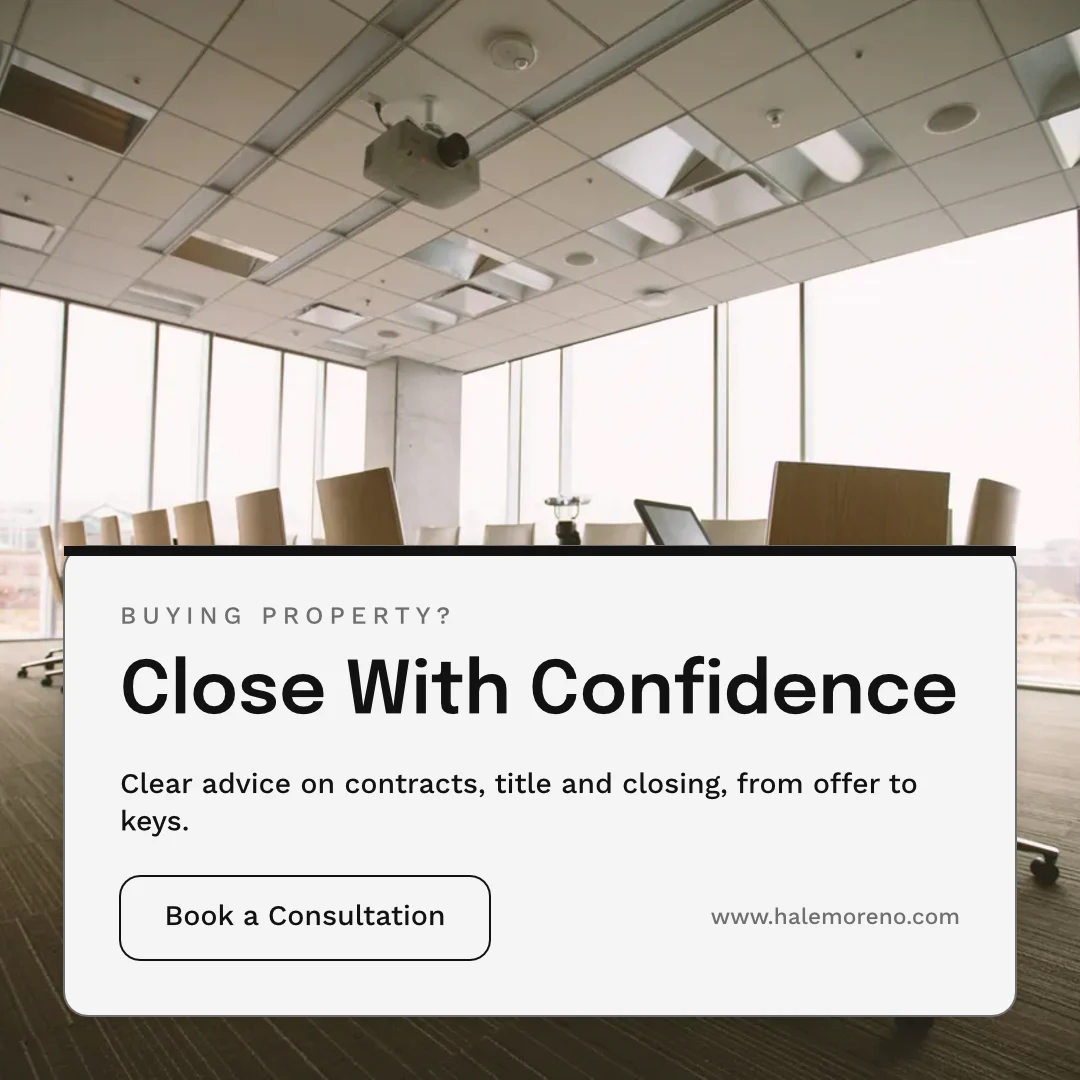
Deel "Close With Confidence"
Comments on the Page
Plaats een pin waar de wijziging gaat, noem een teamlid of geef hen het draadje, en los het op wanneer het klaar is.
 12345
Verzenden voor goedkeuring
Aan een teamlid, die het beslist in Goedkeuringen, of als een link die uw klant beantwoordt zonder account.
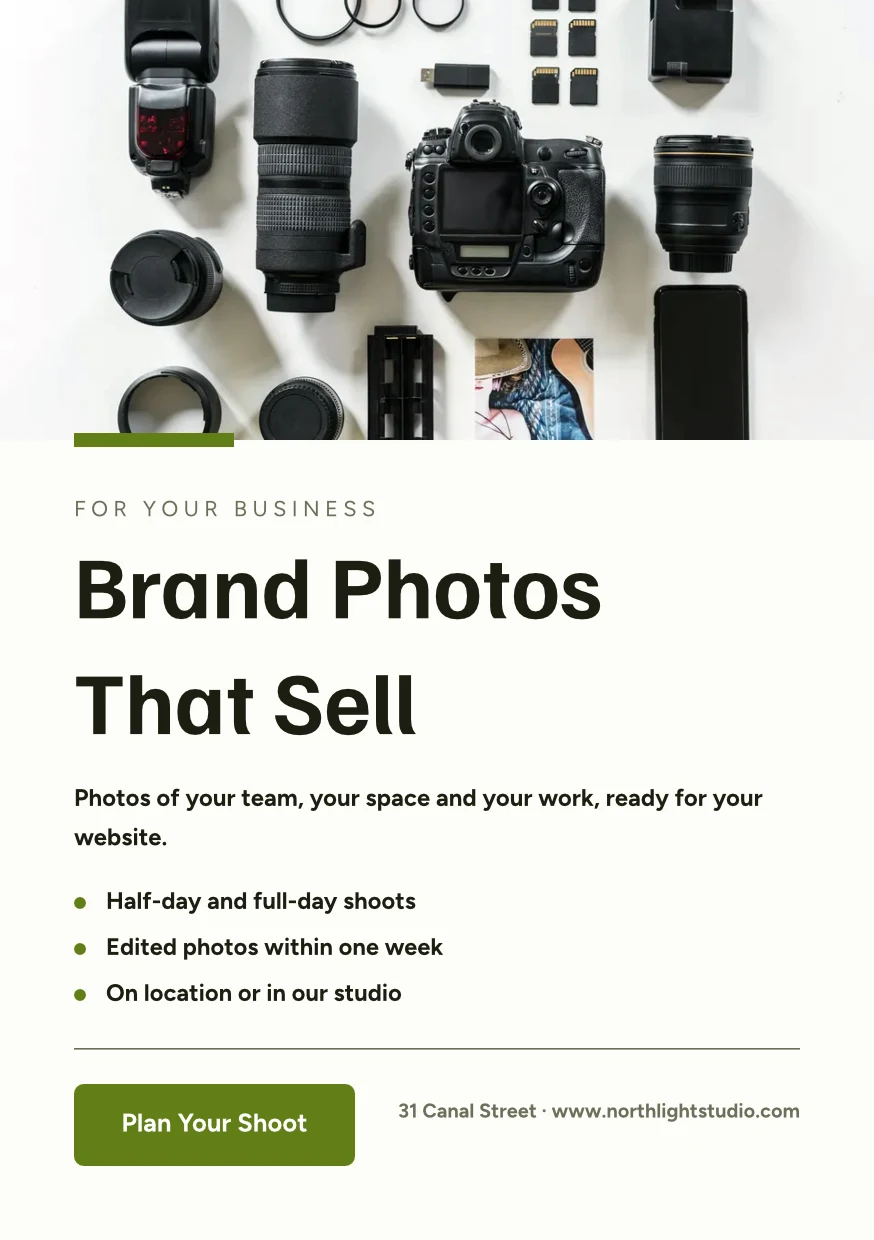
Brand Photos That Sell
Approve This Design
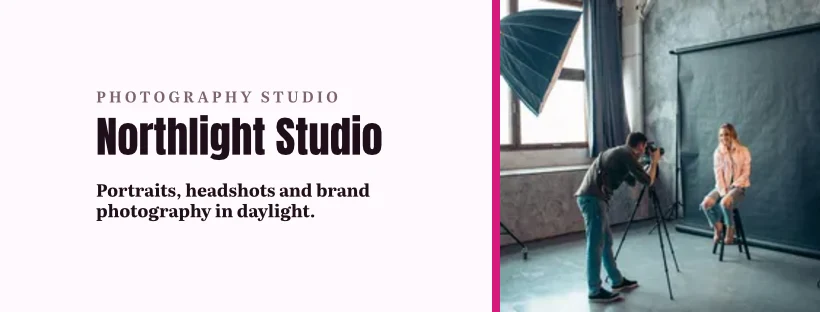
Northlight Studio · Ronde 2Bericht
De nieuwe foto werkt. Goedgekeurd tegen de 18 500 kr die we hebben afgesproken, stuur het dan naar de drukker.Versiegeschiedenis
Elke opslag bewaart de versie ervoor, en elke versie kan worden hersteld.
Versiegeschiedenis
Een kopie die volgt
De kopie van elke locatie behoudt de delen die de originele versie vergrendelt, en neemt hun wijzigingen over.
Bibliotheek
Your designs, themes and templates in one grid, newest first.
Bibliotheek
Everything you have made: your designs, your themes and your templates.
Toewijzen aan Project
Een ontwerp wordt toegevoegd aan een klantproject vanuit Ontwerpen of de editor.
Ontwerpen
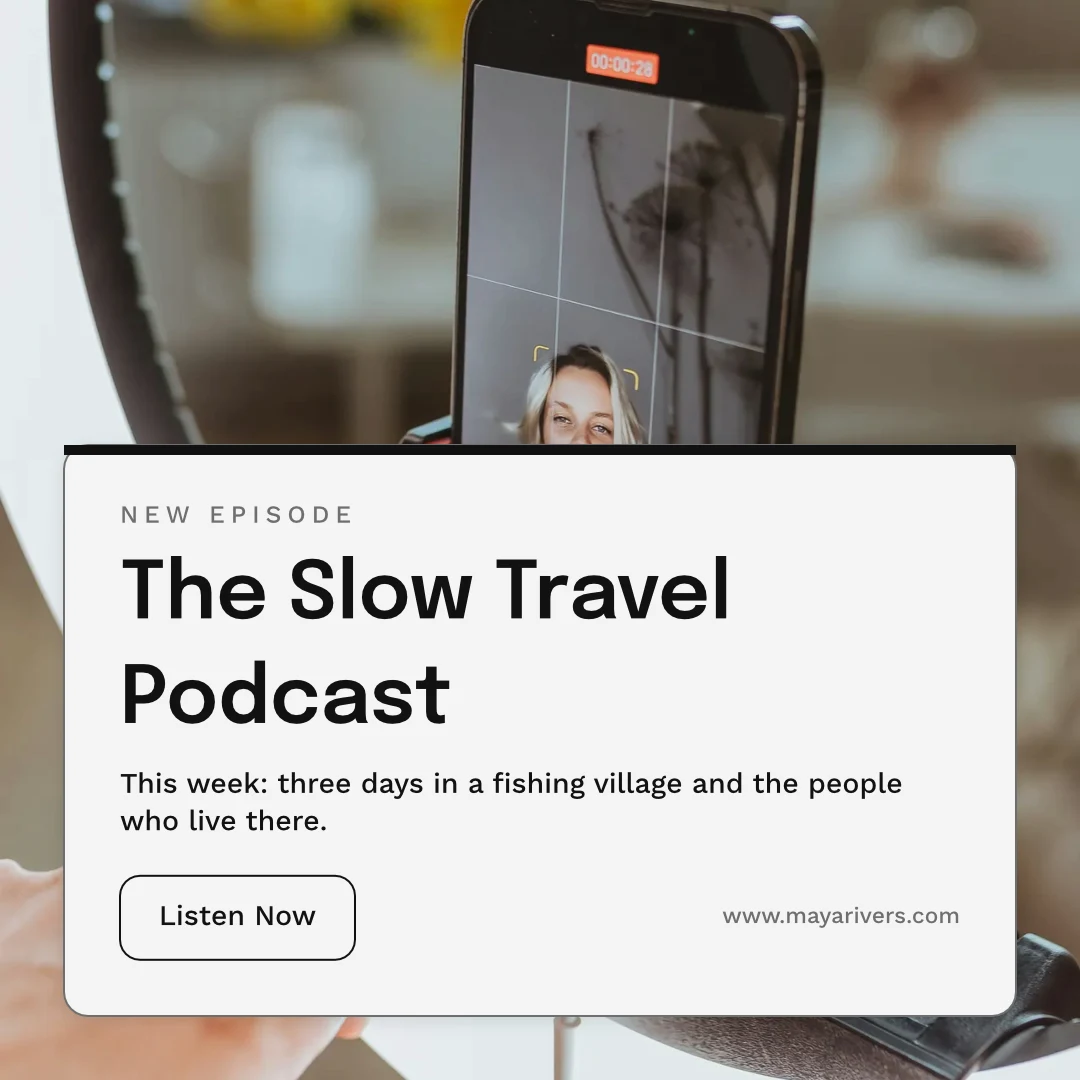
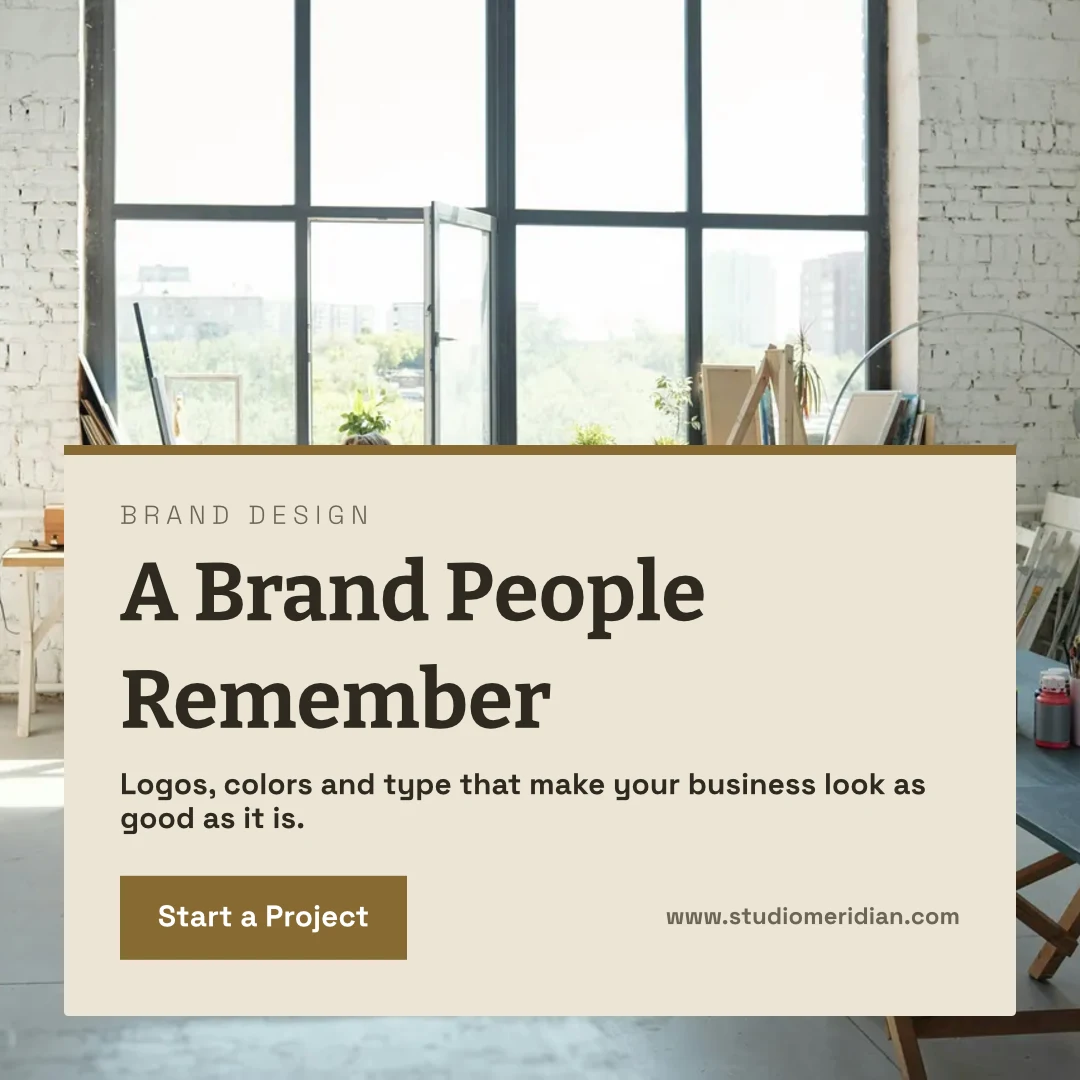
 A Brand People RememberInstagram-post · Gewijzigd 12 minuten geleden
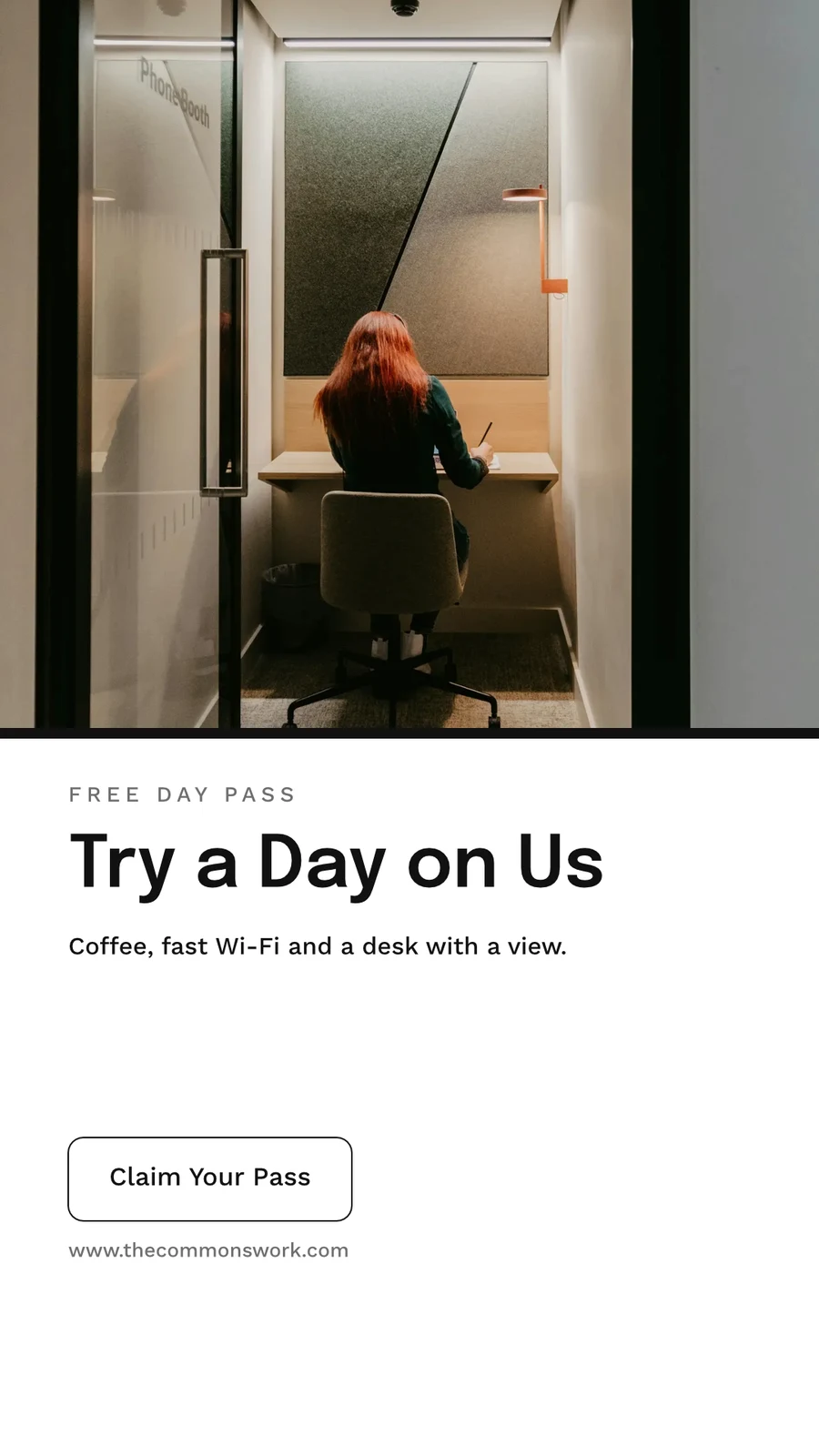
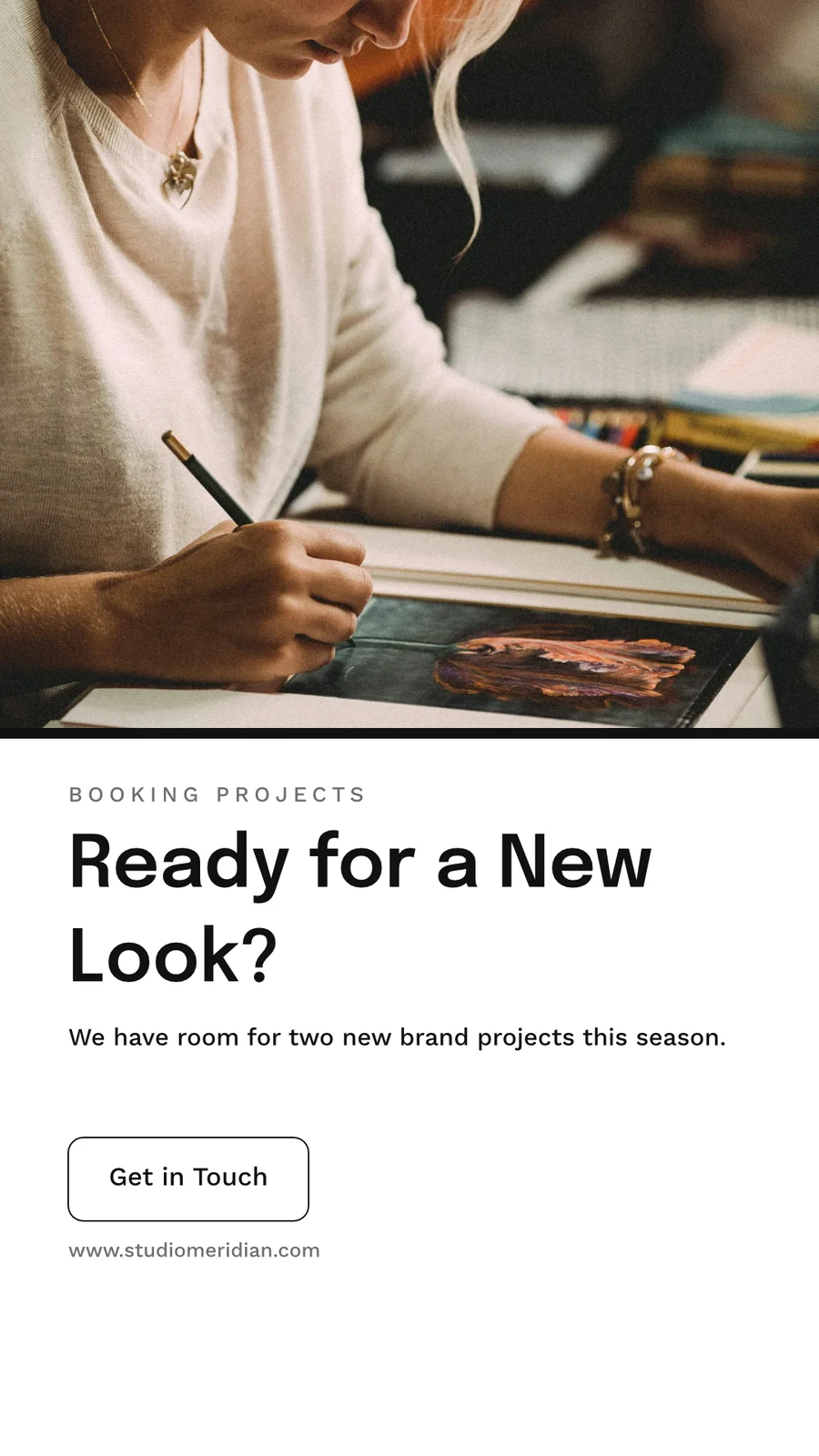
 Ready for a New Look?Instagram Story · Gewijzigd 1 uur geleden
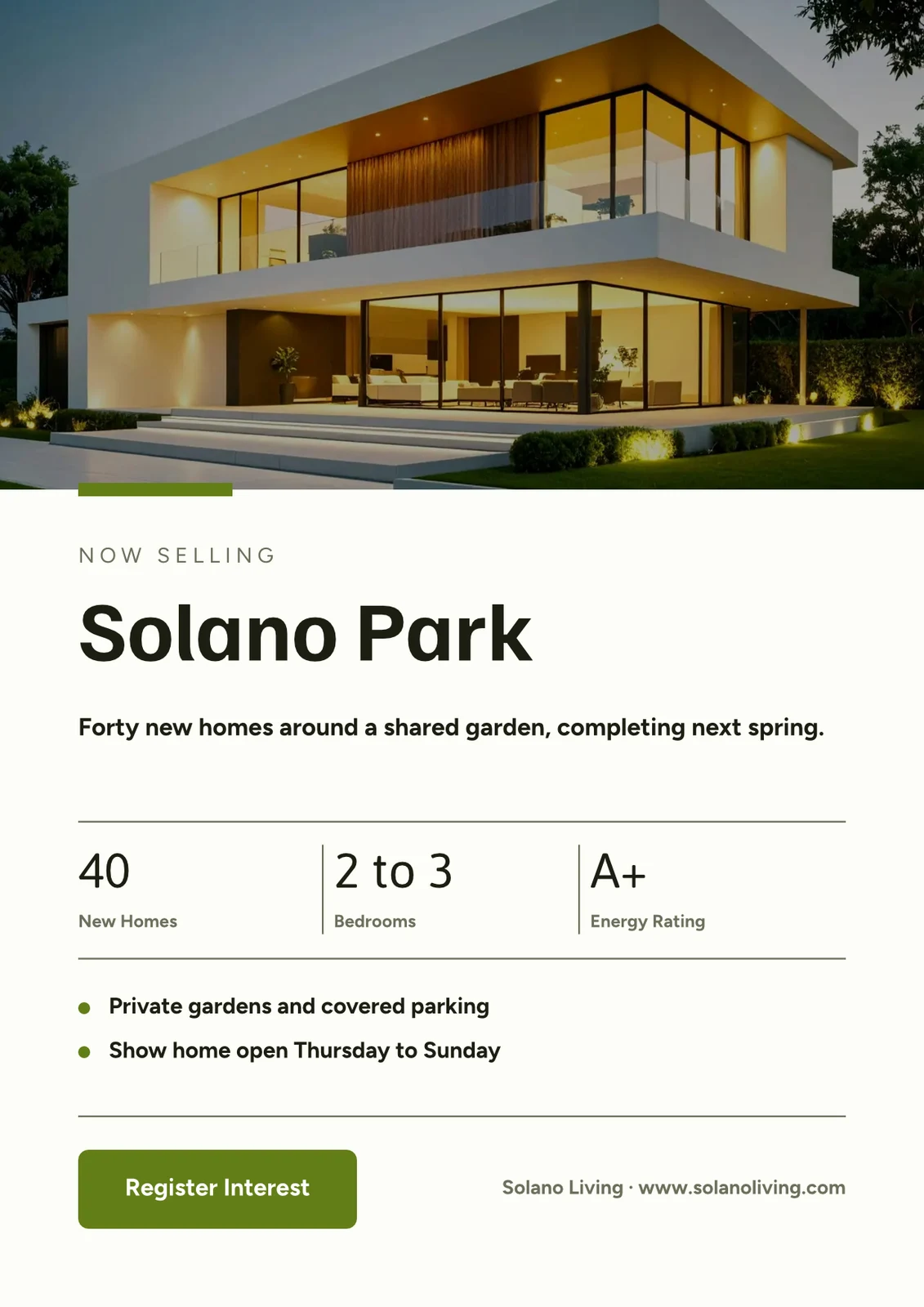
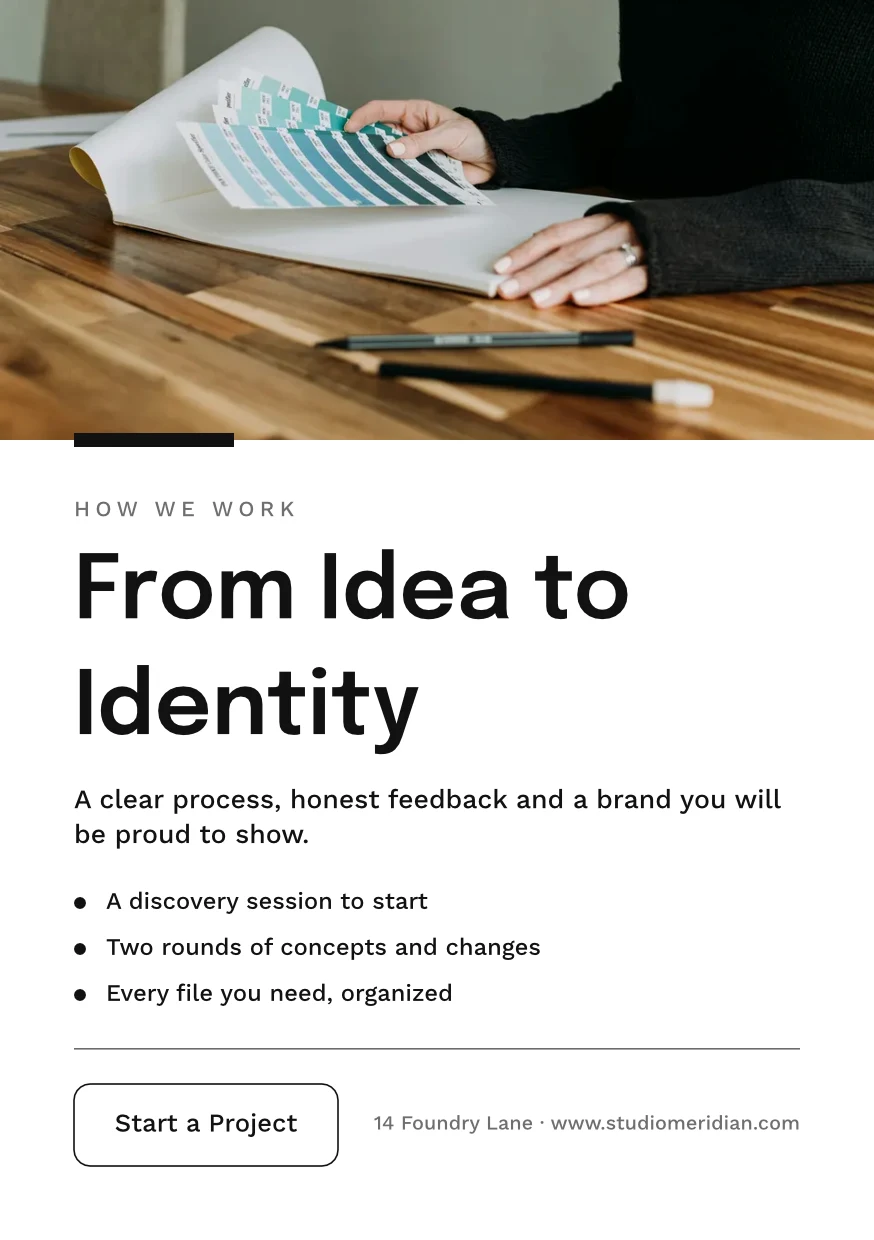
 From Idea to IdentityA5 Portrait · Gewijzigd Gisteren
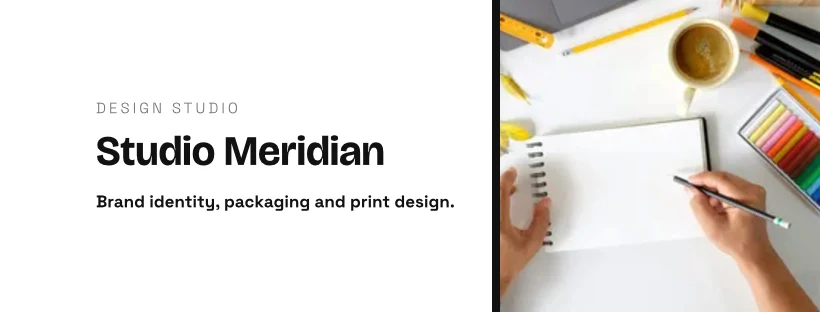
 Studio Meridian Page CoverFacebook Cover · Gewijzigd 2 days ago
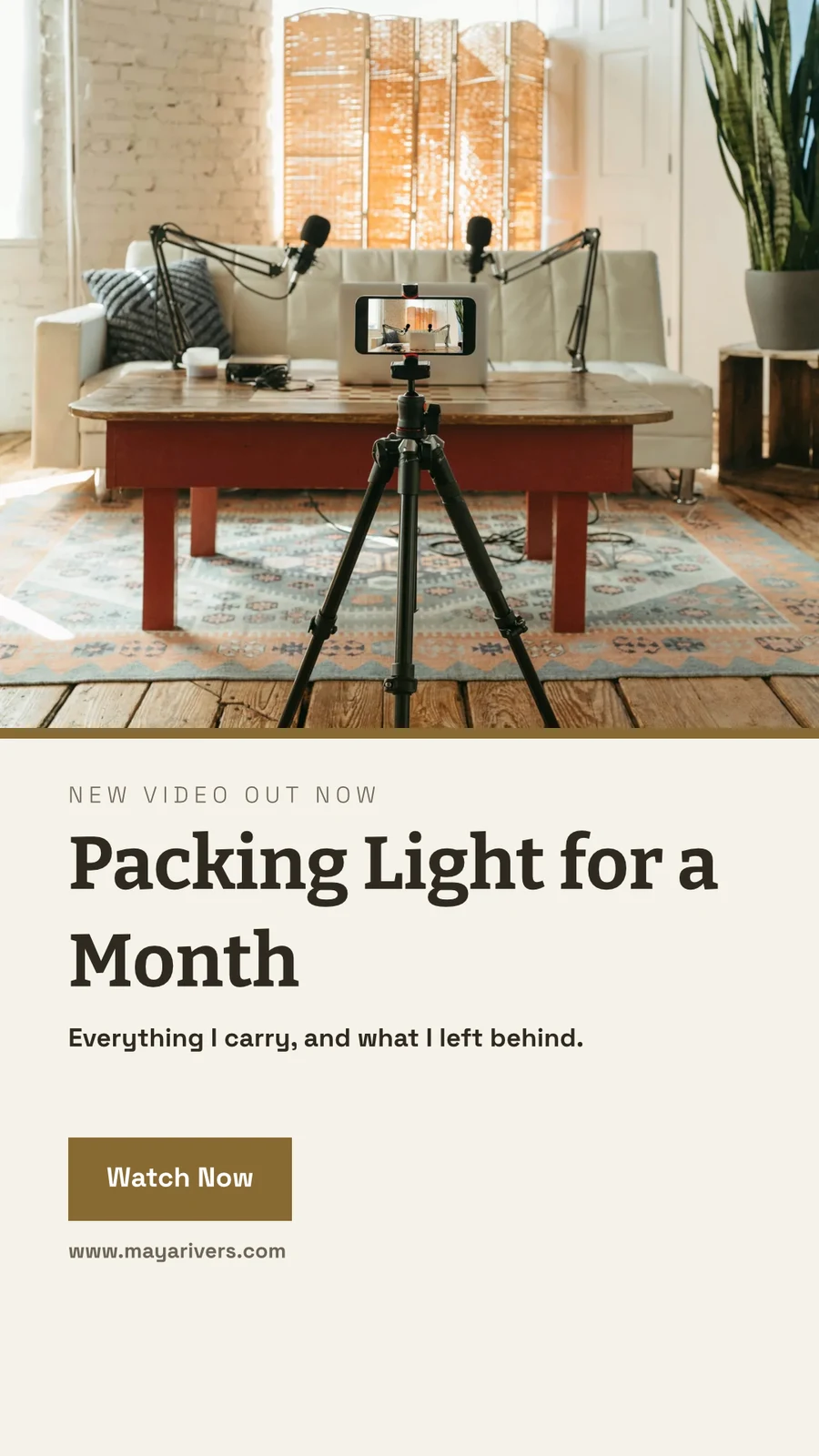
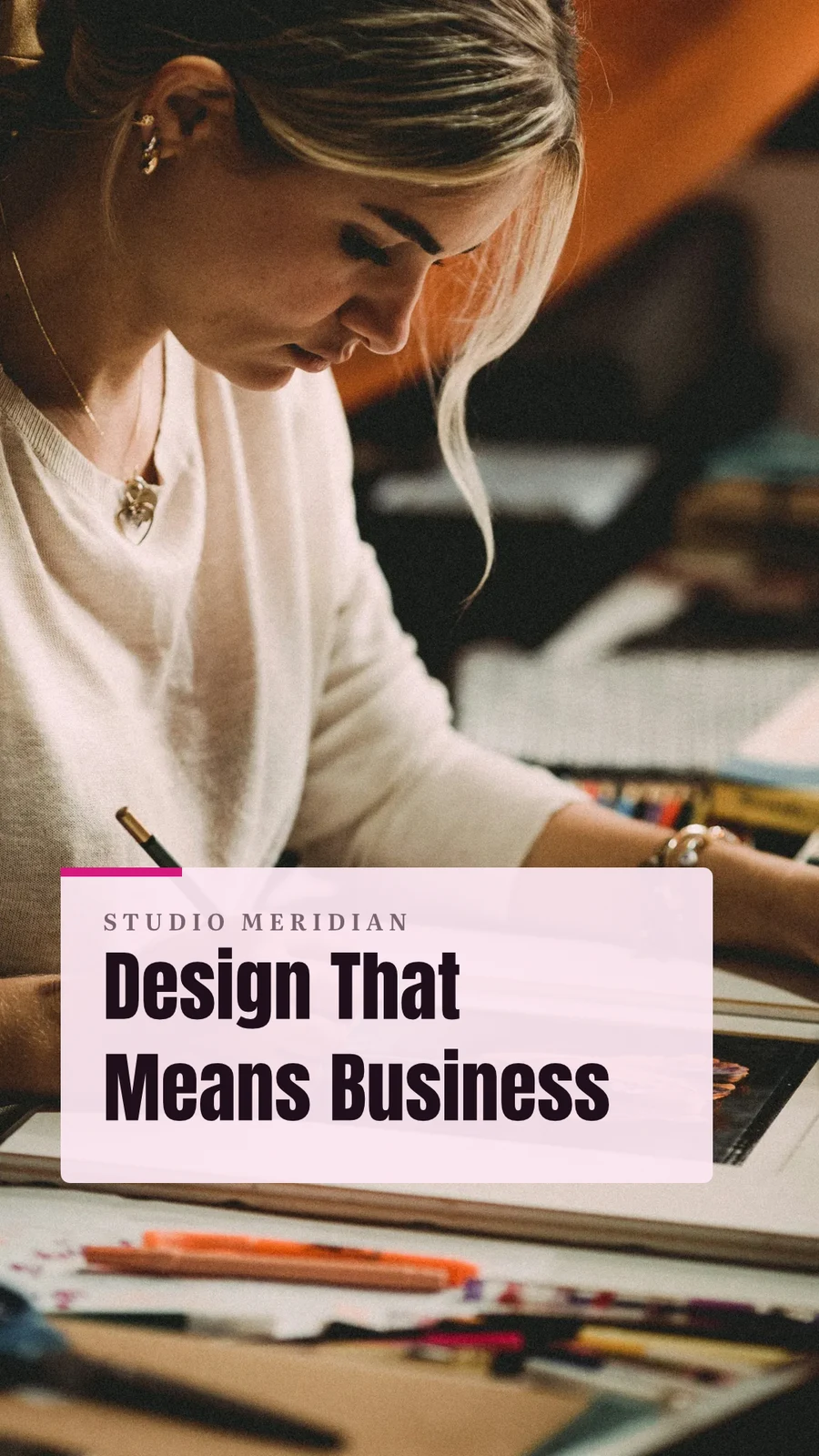
 Design That Means BusinessVertical Video (9:16) · Gewijzigd Afgelopen week
Toewijzen aan Project
Prullenbak voor 30 dagen
Vervolgens verwijderd met alles wat het bevat.
Ontwerpen
Designs you move to Trash stay here until you restore them or delete them forever.
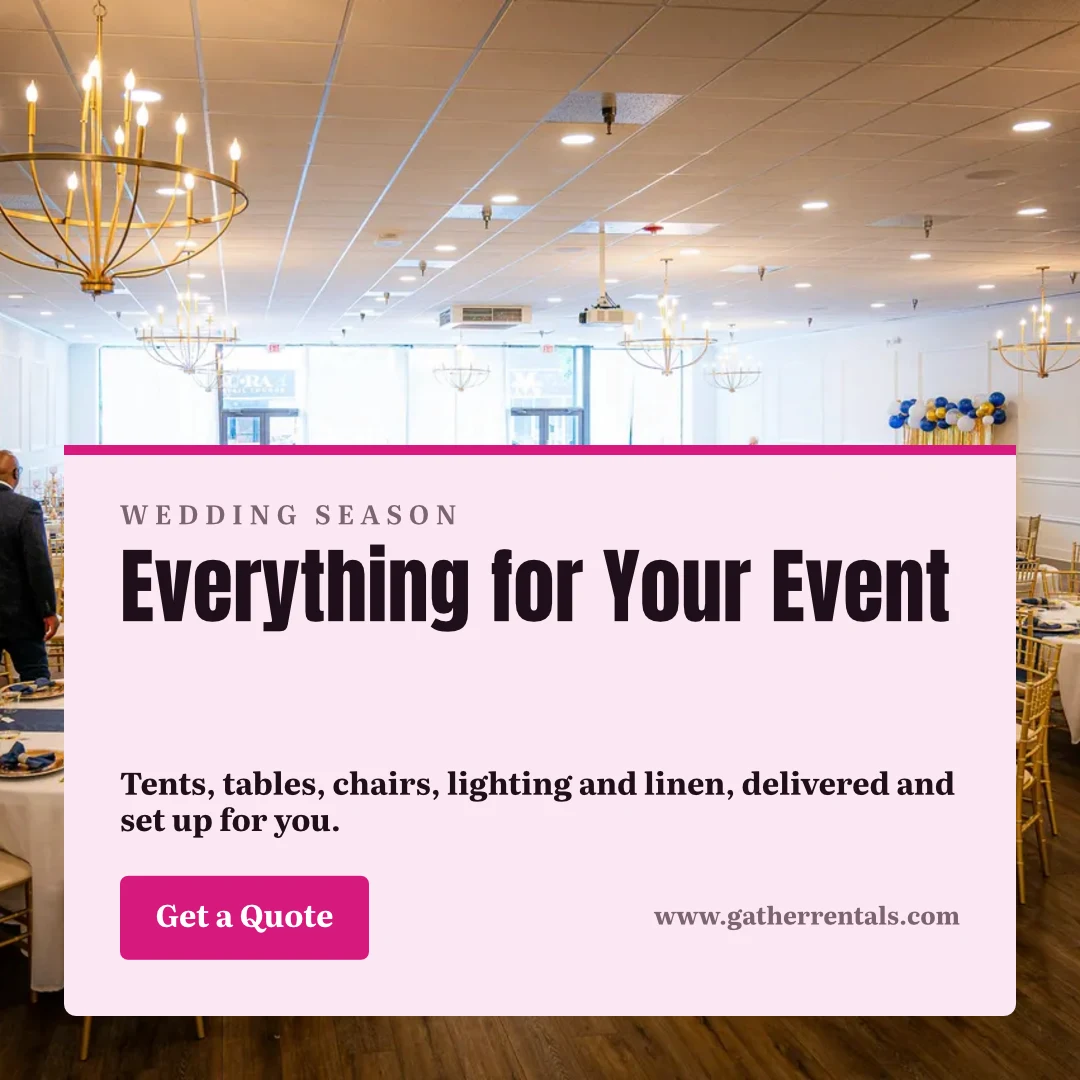
 Everything for Your EventInstagram-post · Gewijzigd 12 minuten geledenRestoreVoor altijd verwijderen
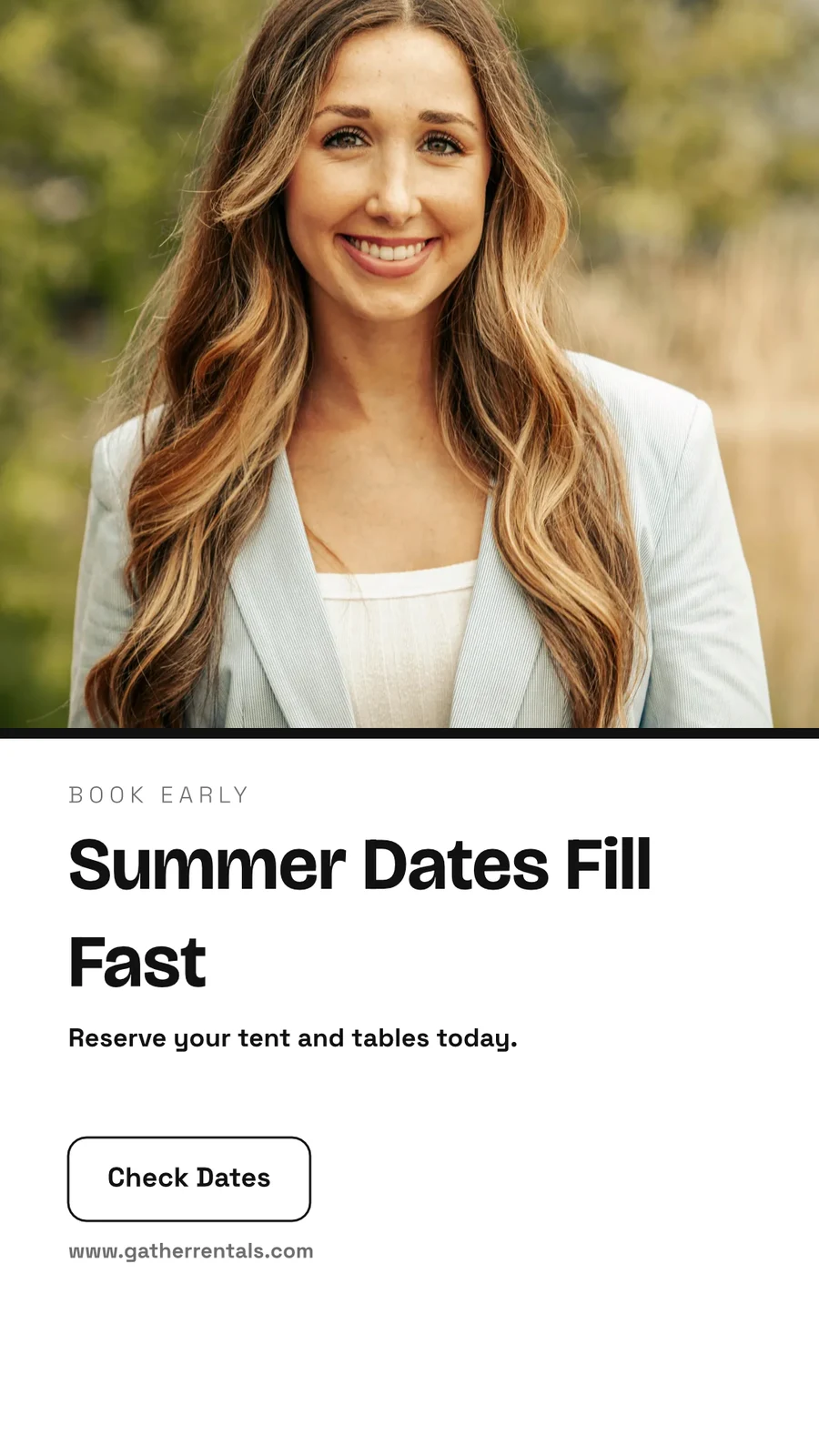
 Summer Dates Fill FastInstagram Story · Gewijzigd 1 uur geledenRestoreVoor altijd verwijderen
 Your Event, Fully FurnishedA5 Portrait · Gewijzigd GisterenRestoreVoor altijd verwijderen
 Gather Event Rentals Page CoverFacebook Cover · Gewijzigd 2 days agoRestoreVoor altijd verwijderen
 From Empty Field to PartyVertical Video (9:16) · Gewijzigd Afgelopen weekRestoreVoor altijd verwijderen
 See Every Setup in PersonPoster (24×36") · Gewijzigd 3 weken geledenRestoreVoor altijd verwijderen
Deel "Close With Confidence"
Denk het eerst na op een whiteboard eerst
Een bord begint leeg of vanuit Brainstorm, Mind Map, Flowchart of Retrospective, met post-it-notities, vormen, tekst en connectoren. Het slaat op terwijl u werkt, en een bord dat op twee apparaten openstaat overschrijft de nieuwere versie nooit zonder te vragen.
Starten vanuit een sjabloon
Whiteboards
Infinite-canvas boards for brainstorming and planning
Start a New Whiteboard
Brainstorm, Mind Map, Flowchart of Retrospective, of een blanco bord.
Opmerkingen, vormen en aansluitingen
Ruimtedruk of twee-vinger scrollen om te pansen · ⌘/Ctrl-scrollen om te zoomen
Stijlnotities, vormen, tekst, pijlen, tekenen met een pen en afbeeldingen.
Nooit overschreven
Een bord dat op twee apparaten openstaat, vraagt Reload of Keep Mine voordat het overschrijft de nieuwere kopie.
Het hele scherm
Inzoomen door te pinnen · twee vingers om te verplaatsen
A board opens full screen, with pinch and two-finger pan on touch.
Maak een ontwerp op uw telefoon vanuit een sjabloon
Home, Designs, Templates and Whiteboards are the tabs. On a phone a design opens as its words and photos to change, dressed in its Theme, and becomes a design when you save it.
Where Studio touches everything else.
2 of these 7 connections are in your plan today; the others are their own apps.
Depot
Every design is a file in Depot, in the Hubs it sits in, beside the business’s other files.
Foto
A photo on a design opens in Foto from its Adjust panel.
Clips
Create Video opens the design on a timeline, every page a clip with its motion, and makes an MP4.
Display
A finished design is sent from its export page to a screen.
Campaigns
A finished design is sent from its export page into a new email in Campaigns.
Sites
A finished design is sent from its export page into a website’s files, ready to place on a page.
Listings
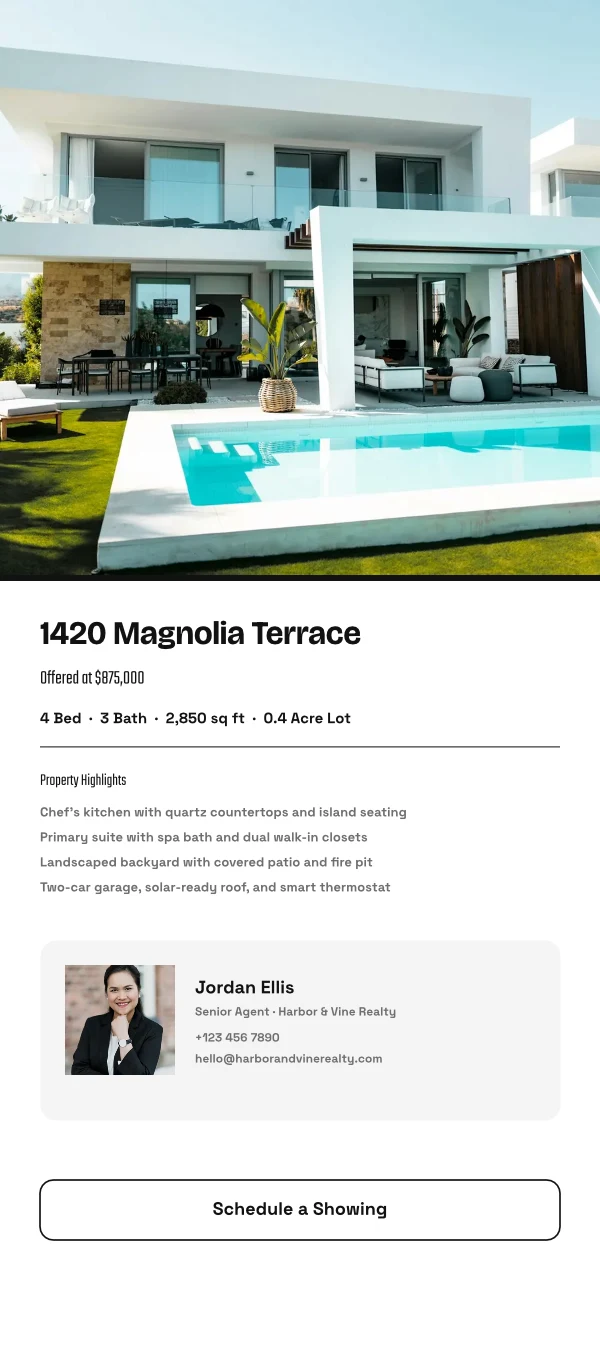
Create Flyer on a listing opens a flyer in Studio with the listing’s photo and details on it.
Alles inbegrepen in Calisto Studio.
- Social: Instagram Post, Instagram Story, Portrait Post (4:5), Facebook Post, Facebook Cover, X Post, LinkedIn Banner, YouTube Thumbnail and TikTok Cover.
- Video: 16:9, vertical 9:16, square 1:1 and portrait 4:5, for a design made to be played.
- Print: A3, A4 and A5, US Letter, Legal and Tabloid, a business card, a rack card and a 24 × 36 inch poster.
- Digital: presentations in 16:9 and 4:3, an email header, a lobby display and a portrait kiosk.
- A custom size at any whole-pixel width and height from 16 to 20,000.
- A size is a design: each opens on its exact artboard, followed by Calisto’s layouts at that size.
- New Design has three doors: From Theme, From Template and Blank Design.
- Templates: every Calisto layout in every Calisto Theme, filtered by type, industry, style, colors and size, with a name search.
- My Brand draws every template in the account’s brand kit.
- Use This Template opens an unsaved copy; it becomes a design when it is saved.
- Customize Template shows every page beside the Theme’s controls; Save Template keeps the result in Mine.
- Save as Template, in the editor, keeps a copy of the open design as one of the account’s templates.
- Edit Template changes one of the account’s own templates in place; one with no Theme of its own inherits the account’s.
- Describe It: a sentence becomes three designs from Calisto’s layouts in the business’s Theme, each its words written for it, to keep or save as a template; a figure nobody gave (a price, a date) is left for you to fill in.
- Themes: Calisto’s, the account’s own and those bought in the Pro Shop, each built and tuned in the theme builder.
- The Theme bar in the editor repaints the design in another Theme, and Save as Theme keeps the look.
- Templates and Themes from the Pro Shop, bought by whoever the owner’s billing setting allows.
- Left rail, where things are added: Page, Text, Shapes, Elements, Stickers, Graphics, Photos, Chart, QR Code and Generate.
- Elements: rectangle, circle, triangle, line, star, arrow and divider, and photo frames (square, rounded and circle).
- Stickers and Emoji: animated stickers and color emoji, each sticker with its license credit.
- Right rail, where they are refined: Format, Design (the Theme), Assist, Mockups, Print Setup and Comments.
- The selection chip holds up to five quick controls; right-click or a long press opens Cut, Copy, Paste, Duplicate, Group, stacking order, Align to Page and Delete.
- Pages with each page’s layers: show or hide and lock or unlock each layer.
- Enter Group and Leave Group edit inside a group, with the group’s path shown above the canvas.
- Position and size (X, Y, width, height, rotation) and the layer’s role, in Format’s More.
- Rulers, the hand tool, Pages and Layers, and full screen under the canvas, with the page number and zoom.
- Search Actions (⌘K) and Keyboard Shortcuts (⌘/) list every command and key.
- Essentials or Pro, each person’s own preference: Pro shows every control, Essentials folds the rarer ones behind More.
- Rulers and sizes in px, in or cm, each person’s own unit.
- Undo and redo, autosave, and nothing typed lost when a tab closes or a session lapses.
- Typeface, size, weight, color, alignment, line height and letter spacing on the selection.
- Shrink Text to Fit, shadow, outline, opacity and blend mode.
- Vertical type for Chinese, Japanese and Korean, mixed or all upright.
- Type on a Path, with its start and side set in Format.
- Bar, line, area, pie, donut and scatter charts from figures typed or pasted.
- Drawn in the design’s Theme as vector shapes and words, so a chart stays sharp in a PDF.
- Edit Chart Data reopens the figures; a redraw keeps the chart’s place, name and look.
- The Media Library: the account’s own files, stock photography and Calisto’s gallery, each pick copied into the account’s storage.
- Upload from the device: PNG, JPEG, WebP, HEIC and HEIF, SVG and Photoshop files.
- A Photoshop file opens with its layers kept, its text editable and its folders as groups.
- An SVG opens as editable vector.
- Adjust: Auto, looks, brightness, contrast and saturation, with vibrance, hue, gamma, sharpen, blur, grain and pixelate at Pro.
- Open in Foto takes a photo into Foto.
- Replace, crop, fill, fit or stretch, opacity and flip on a photo.
- Remove Background on the person’s own device: the picture is never uploaded.
- Upscale makes a photo 2× or 4× larger on the person’s own device, keeping the frame and crop, up to 4096 × 4096 pixels.
- Generate an image from a description, saved into the account’s storage.
- Vector Graphic (with the Create suite): a flat picture from a description, traced into editable vector paths.
- Draft copy for the design, dressed in its Theme.
- Erase part of a photo, or extend it past its edges.
- Assist reviews the layout and a selected photo.
- Tools: Selection, Direct Selection, Pen, Add and Delete Anchor Point, Anchor Point, Pencil, Shape Builder, Scissors, Knife, Width and Type on a Path.
- Combine Shapes: Unite, Subtract, Intersect, Exclude and Divide.
- Outline Stroke and Create Outlines, Join, compound paths, Offset Path, Simplify and Reverse.
- Stroke weight, alignment, width profiles, caps, corners, miter limit and dashes.
- Align and Distribute, and Symbols: new, redefine, break link and Repeat Grid.
- Snapping to anchor points, corners and centers, with smart guides.
- Warp: arc, arch, bulge, flag, wave, rise, fisheye or squeeze, with a Bend, the words still editable and vector in a PDF and an SVG.
- Image to Vector: a PNG or JPG traced on the device into a group of editable paths.
- Draw and Combine Shapes are on every design, in Design.
- Without the suite, Vector shows marked Upgrade, and a design that holds paths opens, saves and draws for everyone.
- In, Loop and Out on every design: fade, rise, drop, slide, grow, focus, pop, slow zoom, draw on, typewriter, word by word, line by line, count up, pulse, float, spin, and fade, sink or shrink out.
- Each preset writes real keyframes, its start, length and stagger behind More, and Preview plays the page.
- The Animate workspace (with the Create suite): a timeline, keyframes on position, scale, rotation, opacity, blur, color, draw on, path shape and count.
- Auto-Key, a motion path drawn on the canvas, ease curves, repeat once, loop or ping-pong, and stagger.
- Page transitions with their length.
- A moving design plays on its public link, exports as a GIF or animated WebP and plays on designed screens.
- The brand kit, colors, typefaces and logo, edited in Studio’s Settings and offered in every picker.
- On an Engage account, people without a Studio seat build with the brand kit only: its typefaces, its colors and its Theme.
- Every element added to a design arrives in the design’s Theme.
- A Copy That Follows: parts the original locks stay as the original has them in every copy, and take its changes.
- Who may lock parts for copies is the owner’s setting.
- From Your Website: the colors, typefaces, logo and icon read from the business’s site into the brand kit, saved when you say so.
- Brand Rules: the business’s (Ethos ▸ Settings ▸ Brand Guard) or one Hub’s own, holding a design to the brand’s colors only and the brand’s typefaces only.
- The brand check in the header names what is off brand, and no export goes out while a design is off brand.
- The brand kit’s palettes, by name, in every color control.
- Draft Copy in the brand’s voice, each line showing its brand findings with Apply.
- Copy & Resize lays a design out again at another size and saves it as a new design.
- Bulk Create fills a design’s text placeholders from a CSV or pasted rows, up to 200 designs in one run, each made once.
- A Bulk Create run downloads as one ZIP of PNGs.
- QR Code: a link or text, its colors, size and error correction, and a logo in the center.
- Mockup: a design on a t-shirt, mug, phone case, business card, poster frame, laptop, tote bag or billboard.
- Make a Copy, and Duplicate a template.
- Translate: every word of a design in another language, as a new design or in place, each word keeping its type; a line that cannot be translated stays as it was.
- PNG, JPG, SVG and PDF, at web or print resolution, with a transparent background on PNG and SVG.
- Print Setup: trim size, bleed, slug and safe margin, crop marks, registration marks and color bars.
- PDF for Print (CMYK): every color converted on your device to a PDF/X-3 for the press, with a coated press profile or your print shop’s own profile.
- Every page as one PDF, or a ZIP of pictures.
- GIF and animated WebP for a design that moves.
- Print prints the design, never the app around it.
- Export history on every design, with Re-Export.
- A custom scale beside web and print resolution.
- A public link that shows the design and embeds on any website; a design in Trash is not shown by it.
- The public link’s QR code and its preview card.
- Send to App hands a design to Display, Campaigns or Sites.
- Create Video opens the design in the media editor, every page a clip, then titles, music, captions and an MP4 (with Clips).
- Share with a person as Can view, Can comment or Can edit; a view or comment share opens read-only.
- Comments pinned to a point on a page, with replies, mentions, assigning a thread and resolving it; notices open the design on the thread.
- Send for Approval to a teammate, who approves or declines it in Approvals, with a note.
- Send for Approval to a client as a link: they see every page and approve it or ask for changes, with no account; each round is its own link.
- Your Approval Steps: the levels set in Settings ▸ Approvals, asked in order (an art director, then the client).
- A chip beside the title shows the latest answer.
- Shared with Me lists the designs others shared.
- Live co-editing, with everyone in the design shown in the header; two people on different pages never overwrite each other.
- Version History: every save keeps the version before it, autosaves one every ten minutes, named versions kept, any version restored.
- Hubs, Private or Public, and their Folders: Move To files a design in a Folder of a Hub.
- Recent, Starred, Shared with Me and Trash, with a title search.
- The Library: all of the account’s designs, themes and templates in one grid, newest first, filtered by kind.
- Assign to Project puts a design on a client project.
- Trash keeps a design for 30 days, then deletes it with everything it holds.
- Blank, Brainstorm, Mind Map, Flowchart and Retrospective starts.
- Sticky notes, shapes, text, connectors, drawing and images on an open board.
- Saves as you go; a board open on two devices asks Reload or Keep Mine rather than overwrite the newer one.
- Full screen, with pinch, two-finger pan and touch-and-hold to edit a note.
- Create Flyer on a listing opens a flyer with the listing’s photo and details on it (with Listings).
- Make a Post turns a review into a post for Instagram, Facebook or X, and Share on Social opens it in Impreta (with Reputation).
- Every design is in Depot with the business’s other files (with Depot).
- Designs created and edited, how many have a card, exports by format and the public links live.
- Over the last 7, 30 or 90 days, the last 12 months or all time.
- Home, Designs, Templates and Whiteboards as the tabs.
- A design opens as its words and photos to change, dressed in its Theme; Upscale 2× or 4× under each photo.
- Add Text, Add Photo and Add Sticker on the phone, then Save design.
- A design’s actions: share the image, share with people, Send for Approval, publish or copy the link, versions, star, rename, Move To, make a copy, Translate, Bulk Create, download a PNG, a PDF or more formats, and Move to Trash.
- Shortcuts: New Design, Recent Designs, Templates and Whiteboards.
- Photos, SVG, Photoshop files and text shared to Calisto start a new design.
- Notices when a design is shared or commented on, a teammate or a client answers its approval, a Bulk Create finishes, the brand kit changes or a design’s video is ready.
- Comments in a sheet, and Send for Approval and Translate from a design’s actions.
- Kept on This Device, switched on per device: Home, Designs, New Design, Templates and Whiteboards with no signal.
- The business’s identity, brand kit and language, edited in place.
- Each person’s units, export format and resolution, and Essentials or Pro, kept in their own account.
Geen opstartkosten. Betaal wanneer u begint met gebruiken.
Graphic design and whiteboards, in your brand.
Calisto Create
A Studio seat designs anything at every size, from Calisto’s templates or a blank page: layers, photos, Copy & Resize, Bulk Create, mockups, QR codes, print-ready PDFs, sharing and whiteboards.
Aanbevolen voor u
Werkt goed samen.
Calisto Depot
Calisto Foto
Calisto Create
De Bibliotheek, Auto, Bulk Auto, Looks, Aanpassen en Galerijen, inbegrepen bij elke Calisto-account.
Learn more →Calisto Clips
Calisto Display
Calisto Display
Runs the TVs in a business: kitchen displays, pickup and now-serving boards, guest TVs, menu boards, signage and designed screens, with schedules, alerts and performance.
Learn more →Calisto Campaigns
Calisto Engage
Lists and consent per channel, emails built from blocks, sends at each person’s best hour, sequences and announcements, and what each campaign earned, credited to the click.
Learn more →Calisto Sites
Calisto Sites
A website and its phone app, built from a template on the page itself, showing what you sell from your own records and published on your own domain.
Learn more →Calisto Listings
Aangekondigingen
Uw advertenties, afspraken, ontwikkelingen, verhuur en het kantoor, voor elke persoon die werkt in Advertenties.
Learn more →Aanbevolen voor
De industrieën die Studio runnen, en waarvoor elk van hen het runnen.
Coaching & TrainingContent production
Program videos, demos and content.
Coaching & Training op Calisto →Spa & WellnessClinical photography & content
Before and after galleries, treatment content.
Spa & Wellness op Calisto →Medische estheticaBefore-and-after photography
Consented before-and-after galleries per treatment.
Medische esthetica op Calisto →Salons & KappersBefore and after galleries
Before and after galleries, salon content.
Salons & Kappers op Calisto →Kunstenaars & TalentContent production
Produce the content you release.
Kunstenaars & Talent op Calisto →Sportagentschappen & AtletenContent production
Produce content for your athletes and sponsors.
Sportagentschappen & Atleten op Calisto →Videografie & FotografenEditing & post-production
Edit, retouch and deliver every shoot.
Videografie & Fotografen op Calisto →Grafische ontwerpers & kunstenaarsProduction studio
Produce the work you deliver.
Grafische ontwerpers & kunstenaars op Calisto →Questions about Calisto Studio
Nee. Studio opent bij Essentials: start vanuit een sjabloon in jouw branche, verander de woorden en foto's, en druk op Auto op een foto. Ontwerpers schakelen over naar Pro in hun eigen voorkeuren, wat elke controle en de Vector- en Animate-werkruimtes op hetzelfde bestand toont.
Ze openen met 'Zetel aanmaken'. Zonder deze tonen ze in de schakelaar gemarkeerd als 'Upgrade'. Een ontwerp dat al vectornaden of keyframes bevat, opent, slaat op en speelt voor iedereen af, en de In, Loop en Out-animaties staan op elk ontwerp.
Ja, tegelijkertijd. Iedereen ziet wie er nog meer in het ontwerp zit, en twee personen op verschillende pagina's schrijven nooit elkaars werk over. Deel een ontwerp als Kan bekijken, Kan commentaren of Kan bewerken, pin commentaren waar een wijziging gaat, en stuur het voor goedkeuring naar een teamlid of, als link, naar een klant zonder account. Whiteboards worden één persoon per keer gebruikt.
Ja. Een Photoshop-bestand opent met lagen en bewerkbare tekst, en een SVG als bewerkbaar vector. Foto's, inclusief HEIC, komen van uw apparaat of uw Media-bibliotheek. Het projectbestand van een ander ontwerptool wordt niet gelezen.
PNG, JPG, SVG and PDF, at web or print resolution, a print PDF with bleed, crop marks and registration marks, and a CMYK PDF for the press, made on your device. A design that moves exports as a GIF or an animated WebP, and as an MP4 through Create Video in Clips. Every page can leave as one PDF or a ZIP.
Het merkkit, de kleuren, lettertypes en logo, wordt gelezen van uw website of handmatig ingesteld in de Instellingen van Studio, en aangeboden in elke kleur- en lettertypekiezer. Op een Engage-account bouwen mensen zonder Studio-plek alleen met het merkkit: de lettertypes, de kleuren en het Thema, en niets anders.
Tot 200, één per rij van een CSV of geplakte rijen, waarbij elk de tekstplaceholders van het ontwerp invult. Elk landt in uw Bibliotheek als eigen ontwerp, en de hele run wordt gedownload als één ZIP-bestand met PNG's.
Een ontwerp wordt met Create Video een video, wat het opent in Clips, elke pagina een clip met zijn beweging, voegt vervolgens titels, muziek en ondertitels toe en maakt een MP4. Lange en korte video-editing is van Video's en Clips'.
In Depot, samen met de andere bestanden van het bedrijf, in de Hubs waar u ze plaatst. Een ontwerp in Prullenbak blijft 30 dagen staan en wordt daarna samen met alles wat het bevat, verwijderd.
Nee. Generate maakt een afbeelding of schetst tekst, Assist beoordeelt het ontwerp en een foto, en een foto kan worden gewist, buiten zijn randen worden getrokken of uit de achtergrond worden uitgesneden, wat gebeurt op uw eigen apparaat. Elk sjabloon, formaat en export werkt zonder hen.
