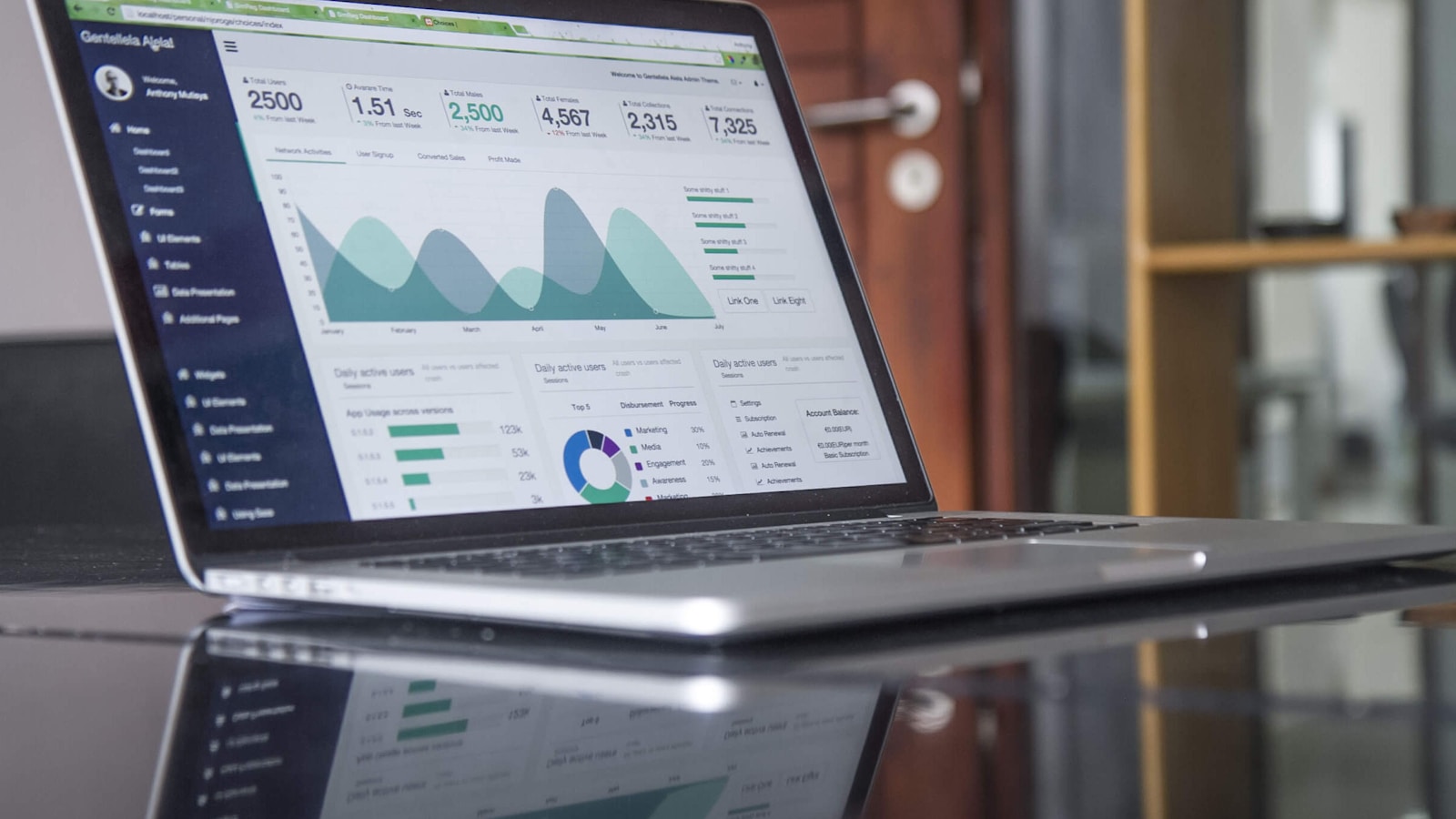
Elke TV in uw bedrijf, elk met zijn eigen job.
Het scherm op de beurs: blader door het werk, start een bestelling
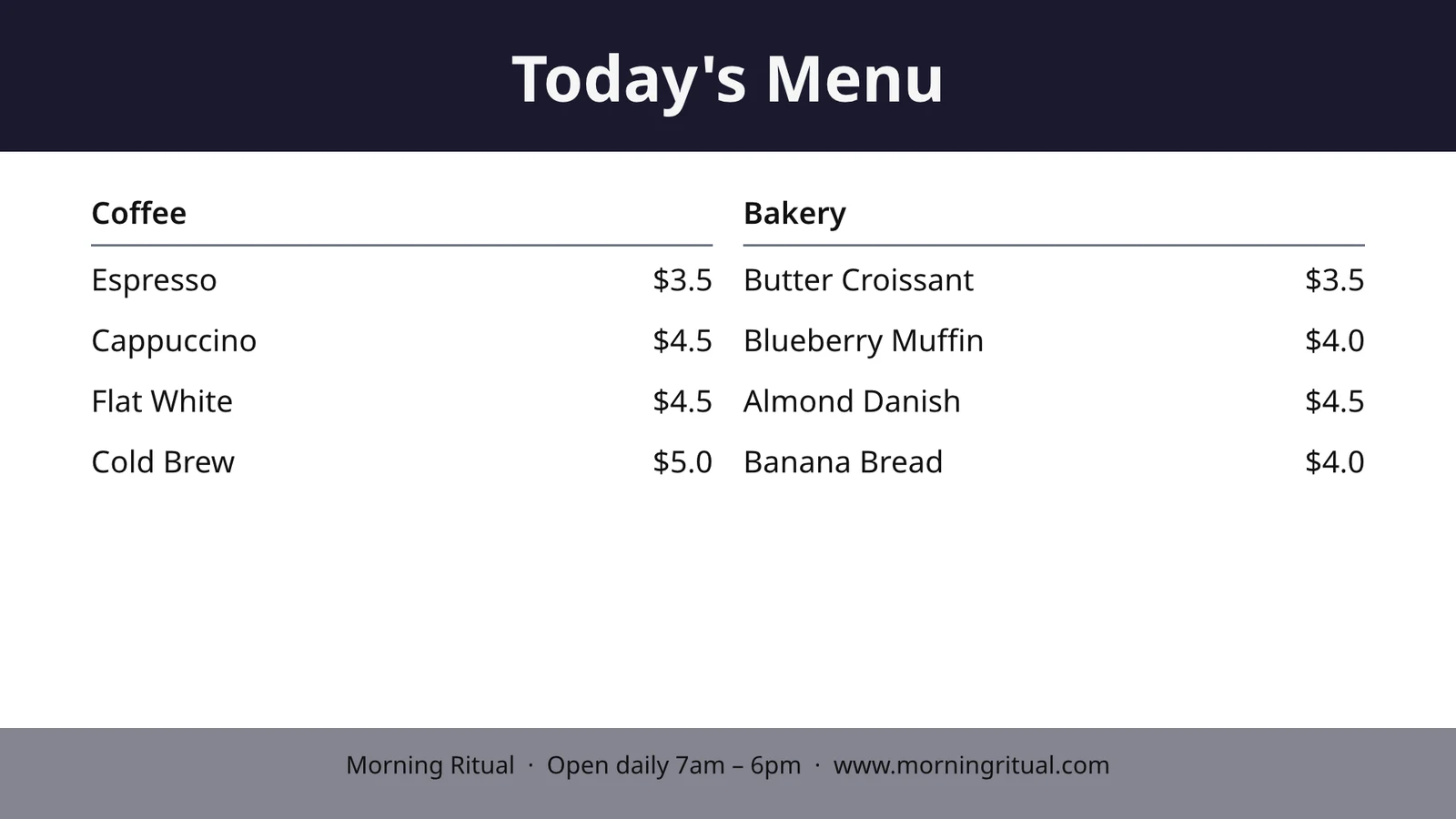
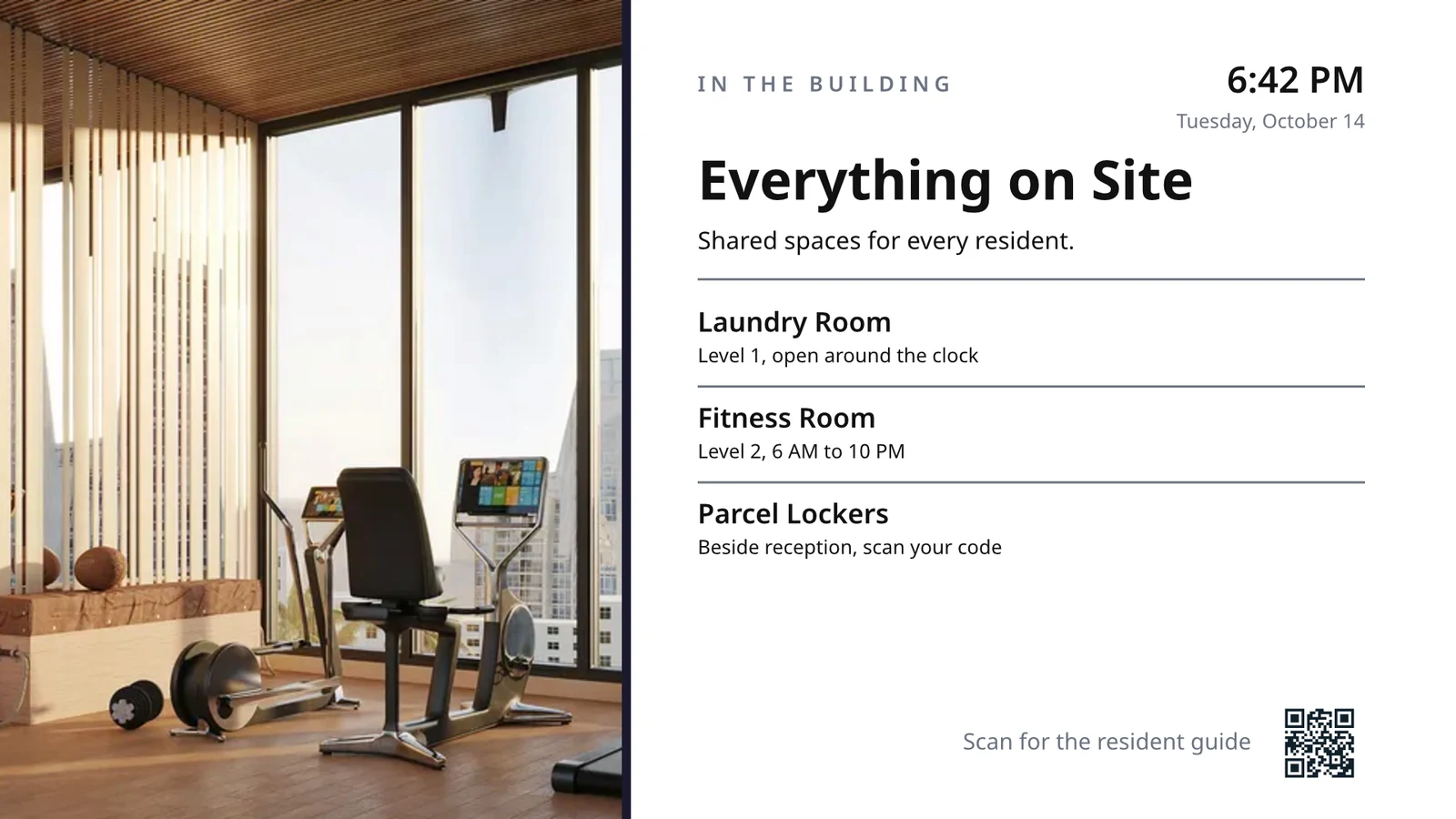
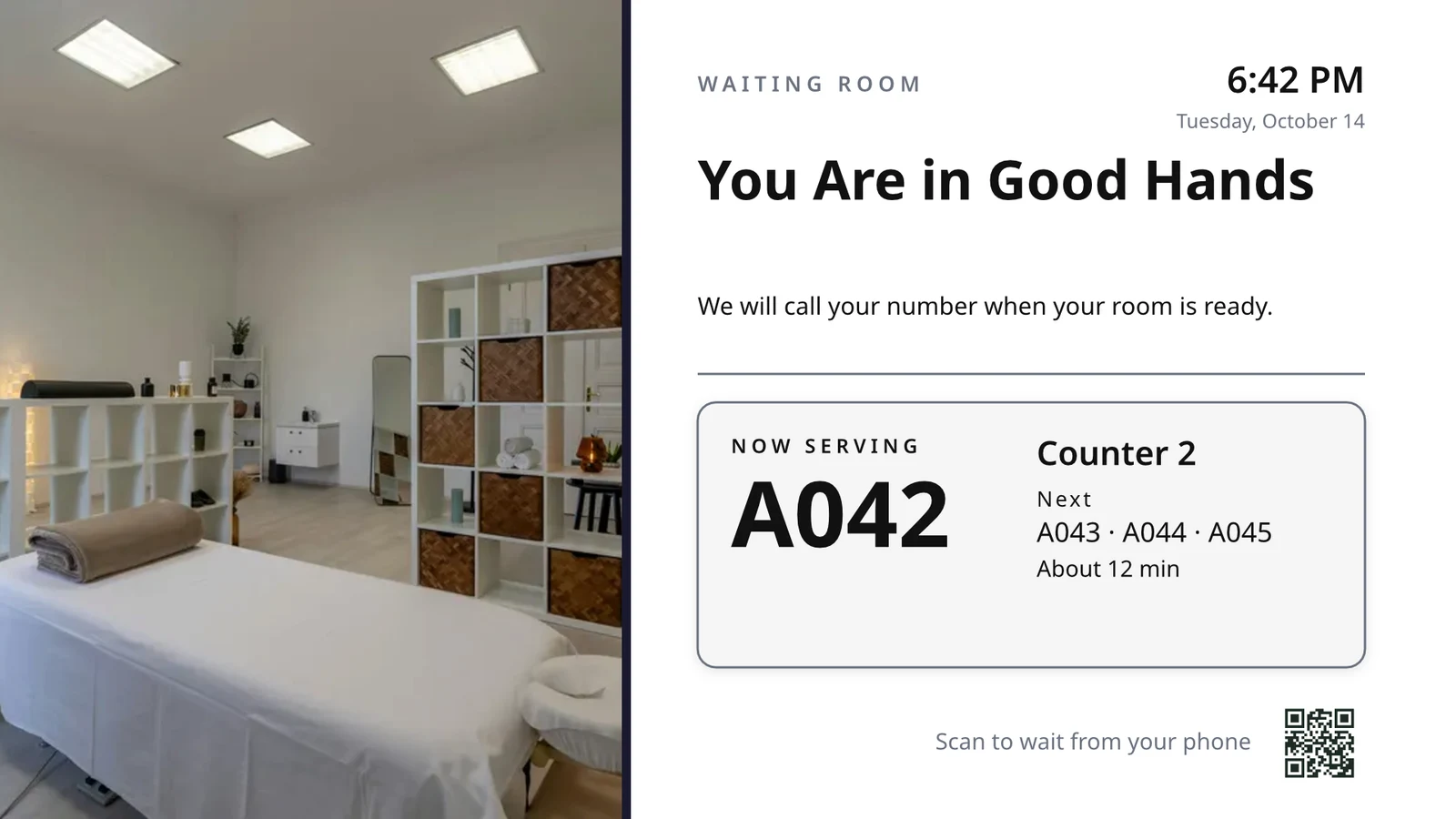
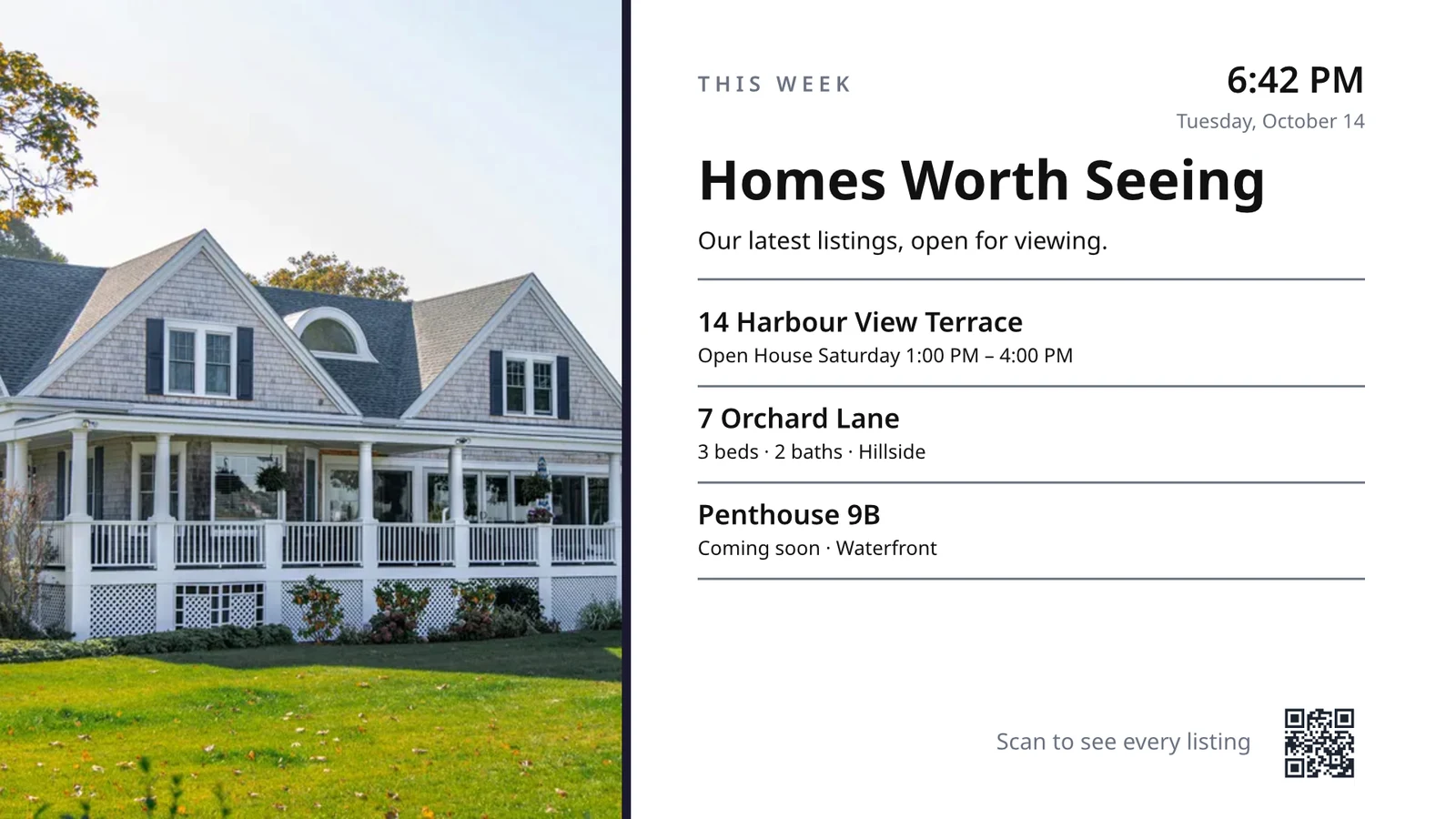
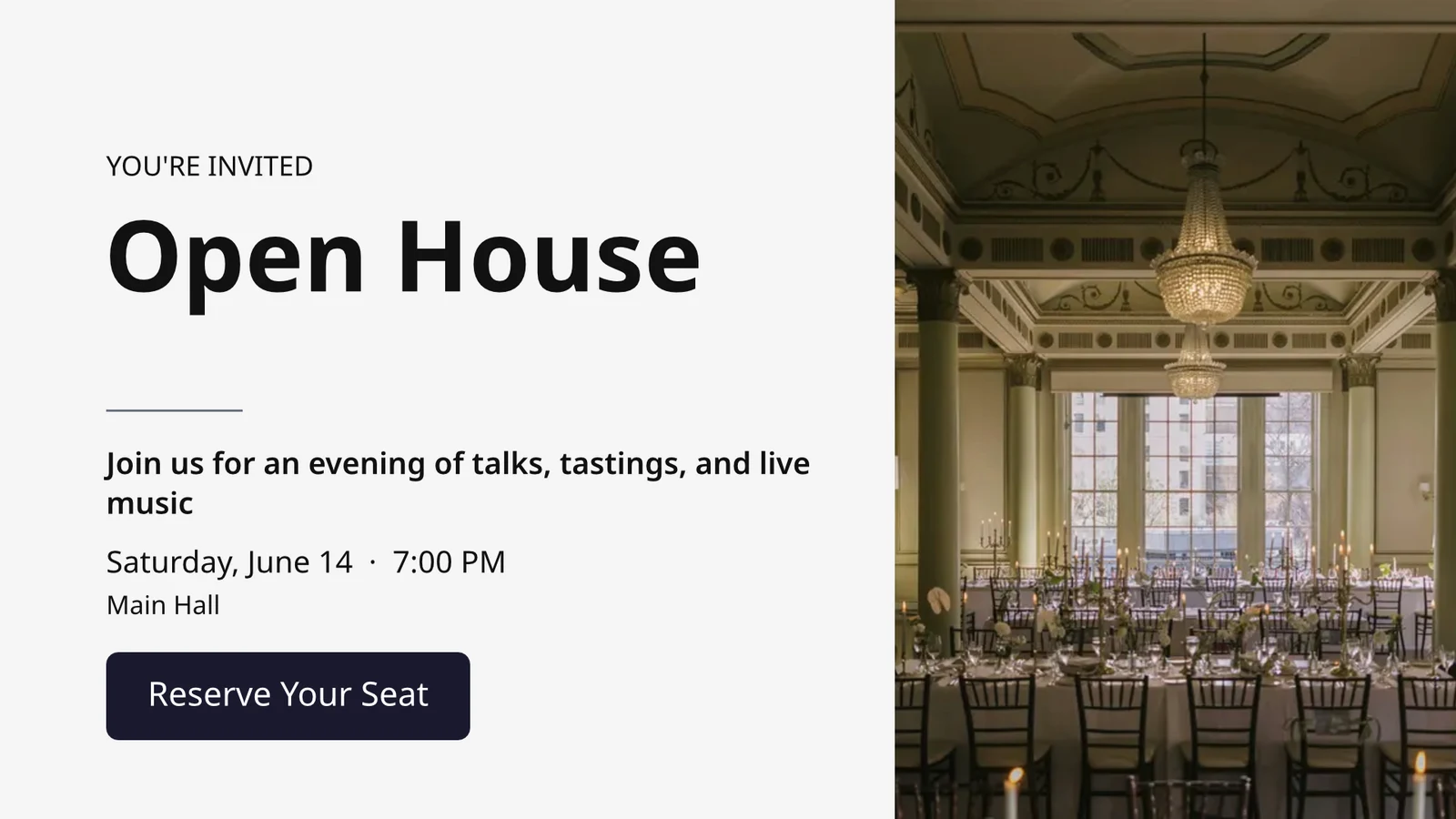
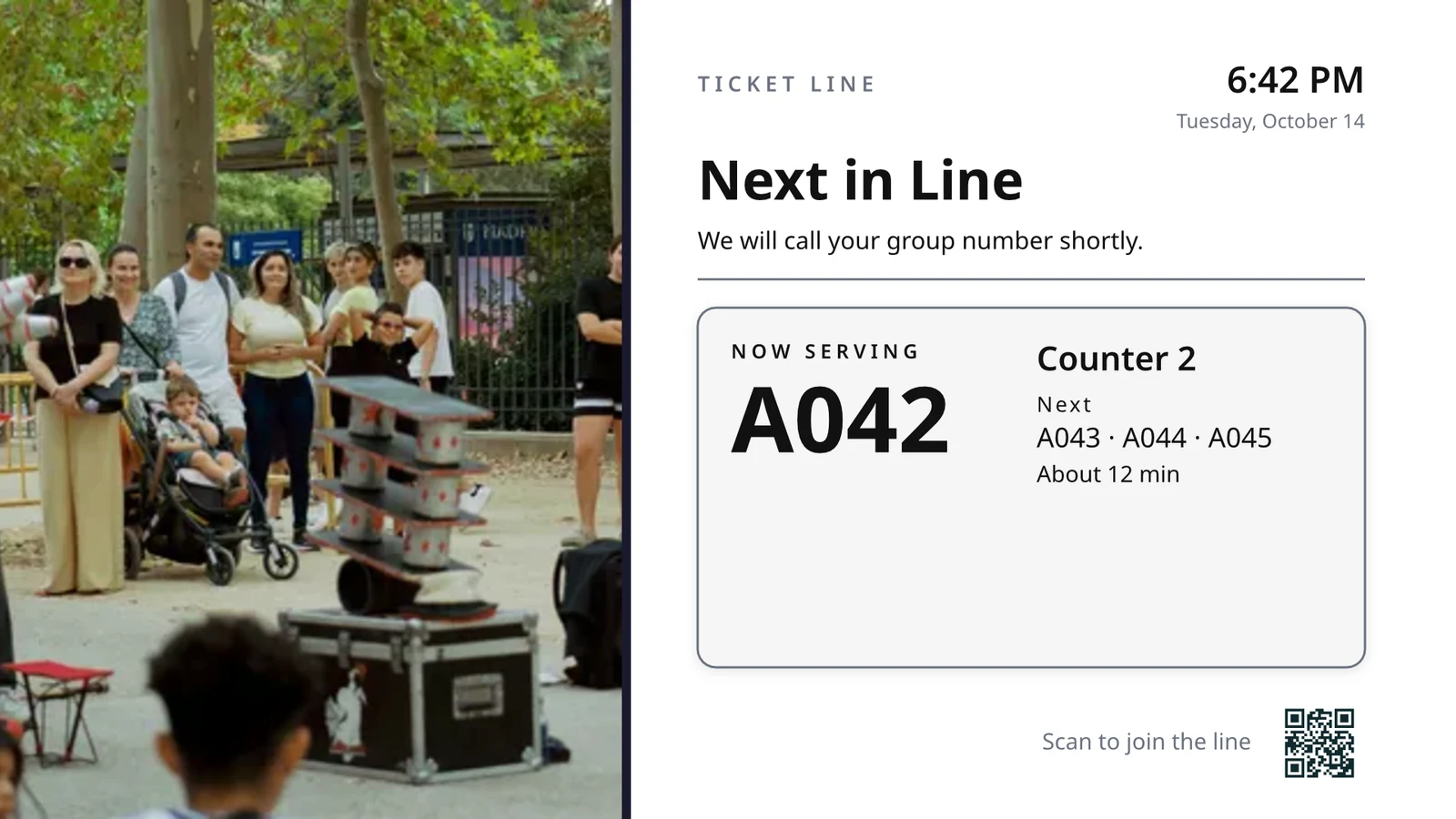
Choose what each TV does, then run them all
Each TV runs a screen made for one job, showing what is happening in your business right now.
Schermen door Job
Kitchen, pickup, queue, guest, signage.
Ontworpen schermen
Uw eigen ontwerp, met live data.
Uw tv's
Paired with a code, run remotely.
Schedules
Een ander scherm op het juiste uur.
Waarschuwingen
Eén bericht op elke TV.
Prestaties
Wat heeft gespeeld en hoe lang.
TV-app
Uw eigen app in de TV-winkels.
Op een telefoon
Uw tv's van overal.
Kies wat elke TV doet, vanaf zijn taak
Kies een taak en bekijk hoe deze werkt met sample data voordat deze op een TV verschijnt; eerst de taken voor uw soort bedrijf, of stel alle schermen in die uw soort bedrijf gebruikt, tegelijkertijd. Elk scherm behoudt zijn doel, waar het werkt, zijn inhoud, zijn uiterlijk, zijn TVs en zijn schema.
What will your TV do?
Kies de baan. Stel waar deze werkt. Voer de Code in op de TV en deze draait op uw live data.
Een keukendisplay voor personeelswissels, schoonmaak en kamertoestand, de receptie, de afspraken van vandaag, de golfstarter, een deurgetal, orderuitvoering en verkoopdoelen.
Keukenweergave
Tickets per station met timers. Koks beginnen, eindigen en schuiven; expo stuurt door.
Huisregels
De staat van elke kamer (vuil, schoonmaken, schoon, geïnspecteerd) en wat eerst moet worden aangepakt.
Receptie
Wie arriveert en vertrekt vandaag, welke kamers klaar zijn, wie laat is met uitchecken.
Afspraken van vandaag
Alle afspraken vandaag per stoel, kamer of leverancier: wie is hier, wie is volgende.
Golfstarter
De volgende groepen om te starten, wie heeft zich ingeschreven, tempo van spelen. Stuur ze weg.
Aantal deuren
Hoeveel zijn er tegen de capaciteit, gescand per poort, hoe snel de rij beweegt.
Order Fulfillment
Inkomende bestellingen en hoe lang elk duurt: wat laat is, wat eerst komt.
Verkoopdoelen
De maand, kwartaal of jaar tegenover de doelstelling, de ranglijst en de nieuwste overwinningen.
Ontwerp een scherm van TV-formaat met live data op het
Design a screen in the editor Studio uses, at 16:9 or 9:16, blank or from Calisto’s layouts for your industry, with photographs. Live Data places your menu, schedule, offers, listings, clock, weather, Wi-Fi and the number being served, drawn from your records on the TV.
Layouts for Your Industry
Start leeg of vanaf 160 lay-outs, landschap en portret, elk met foto's en gemaakt voor een branche, de uwe eerst.
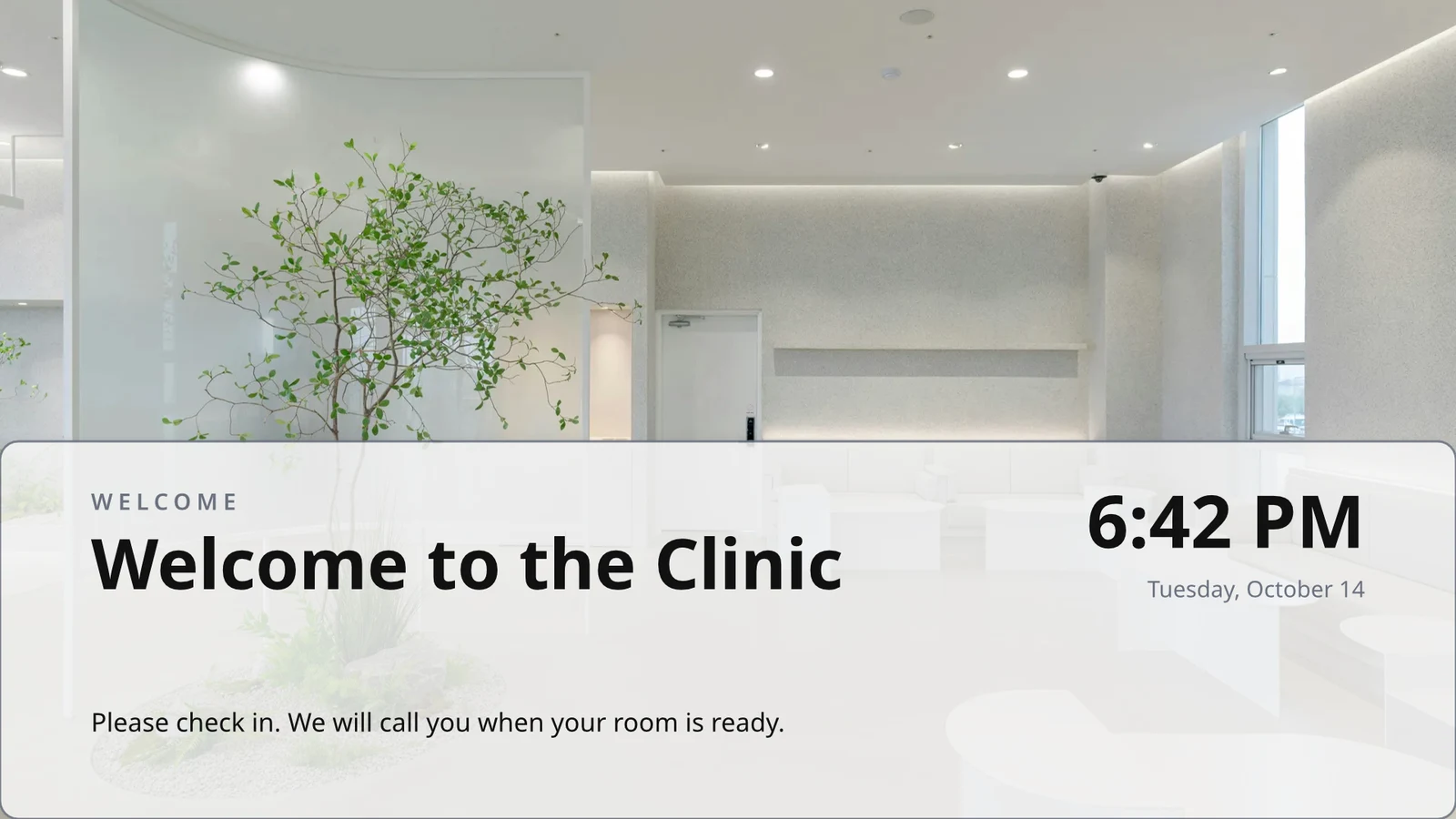
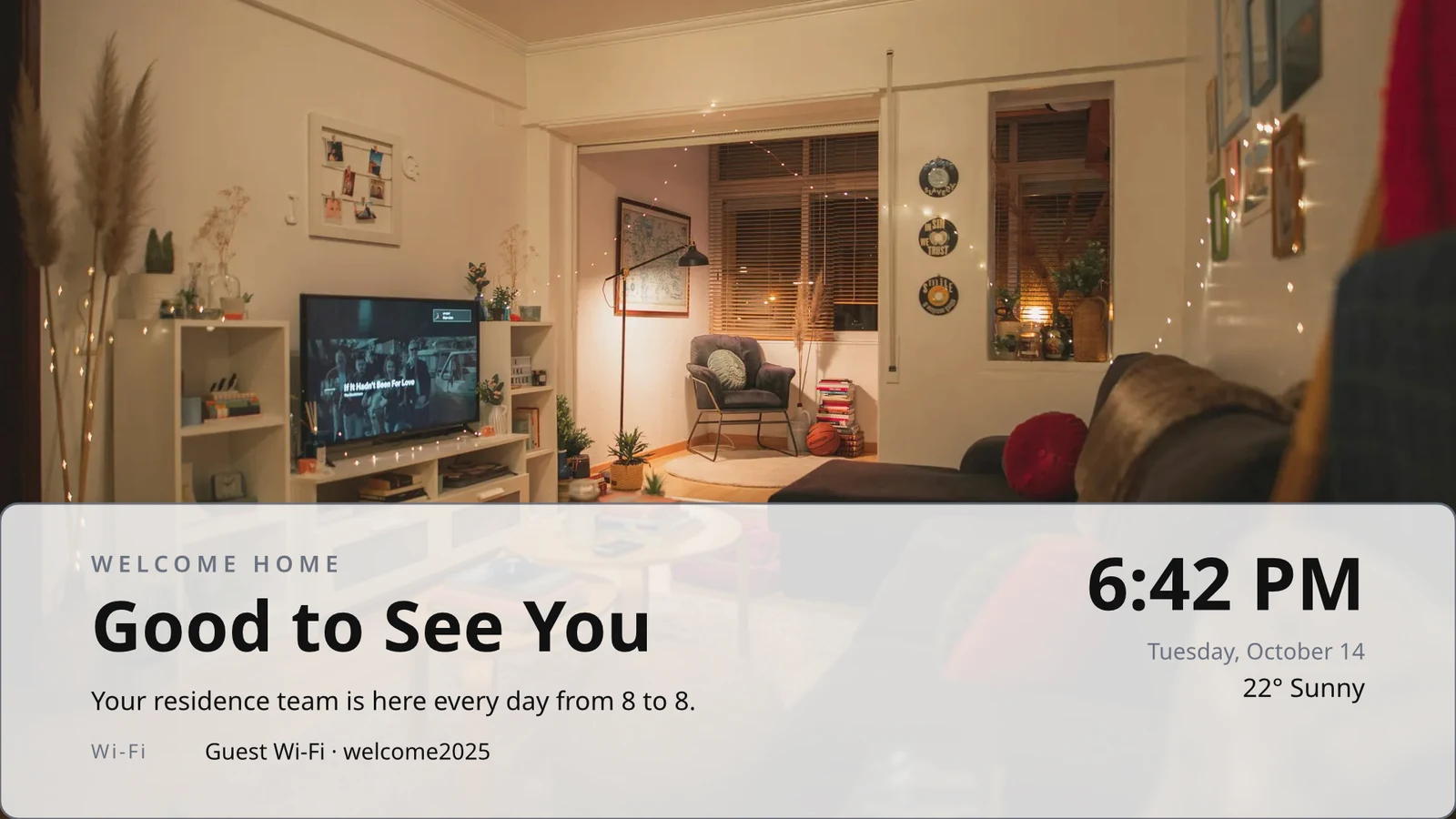
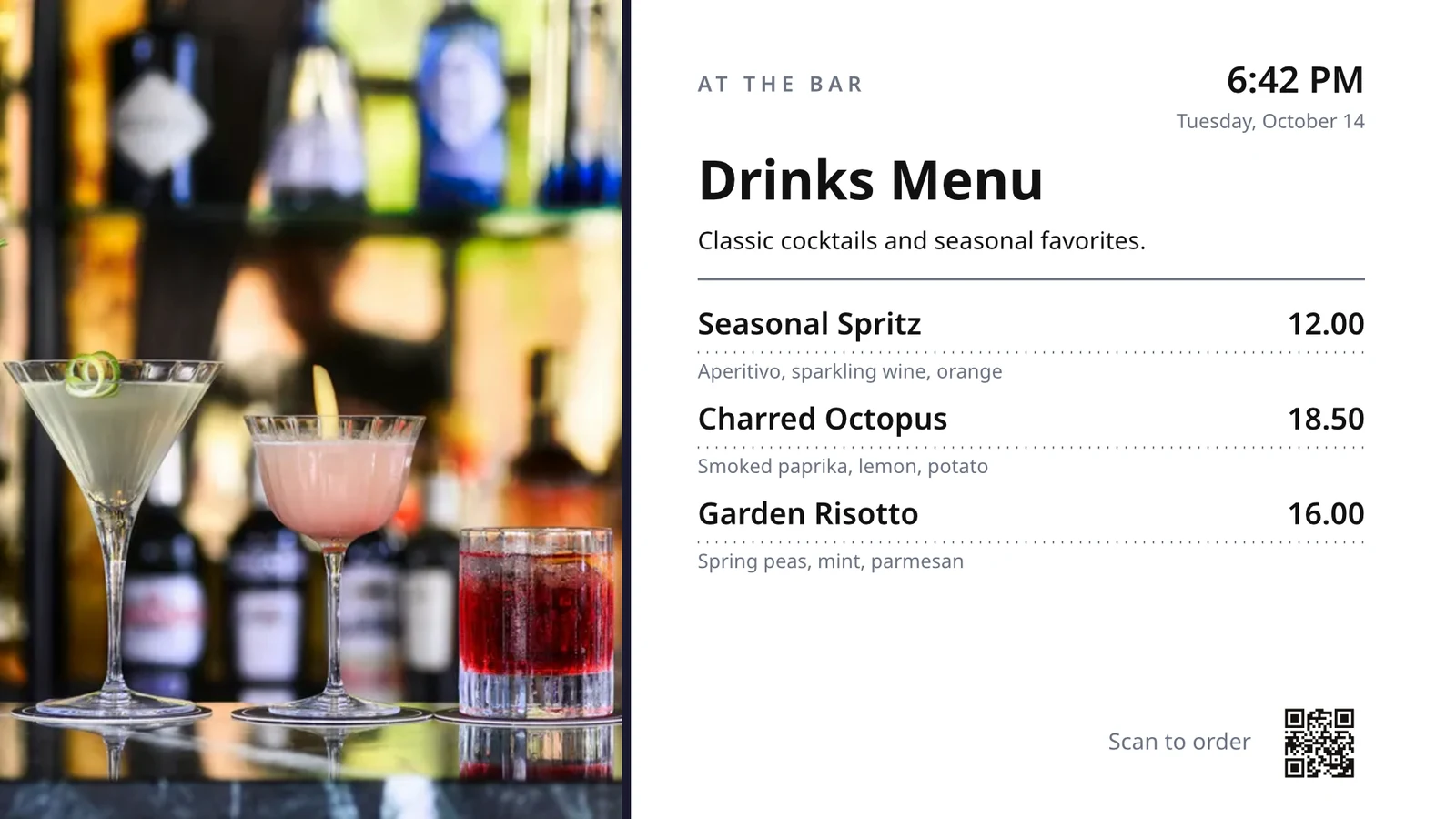
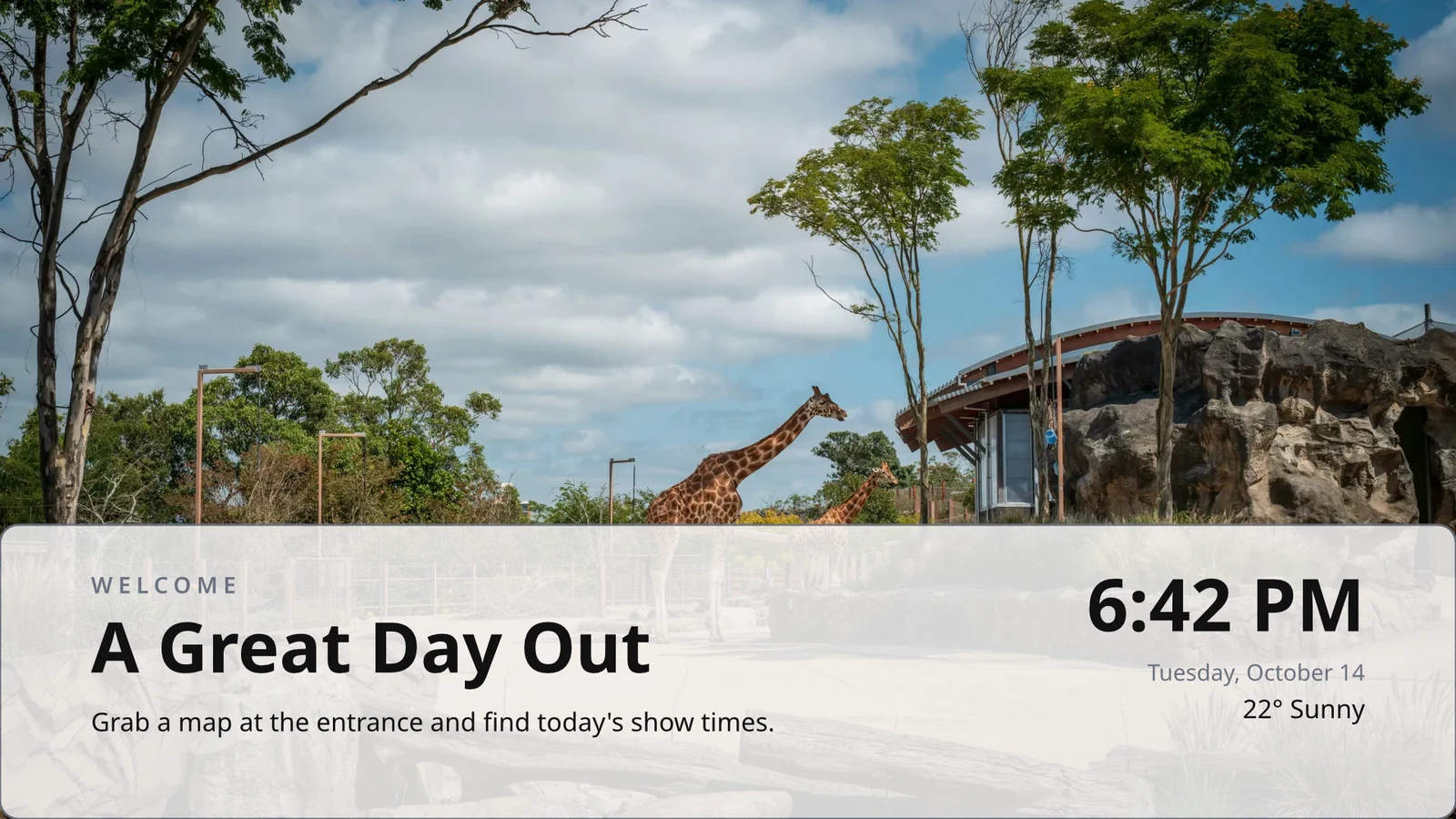
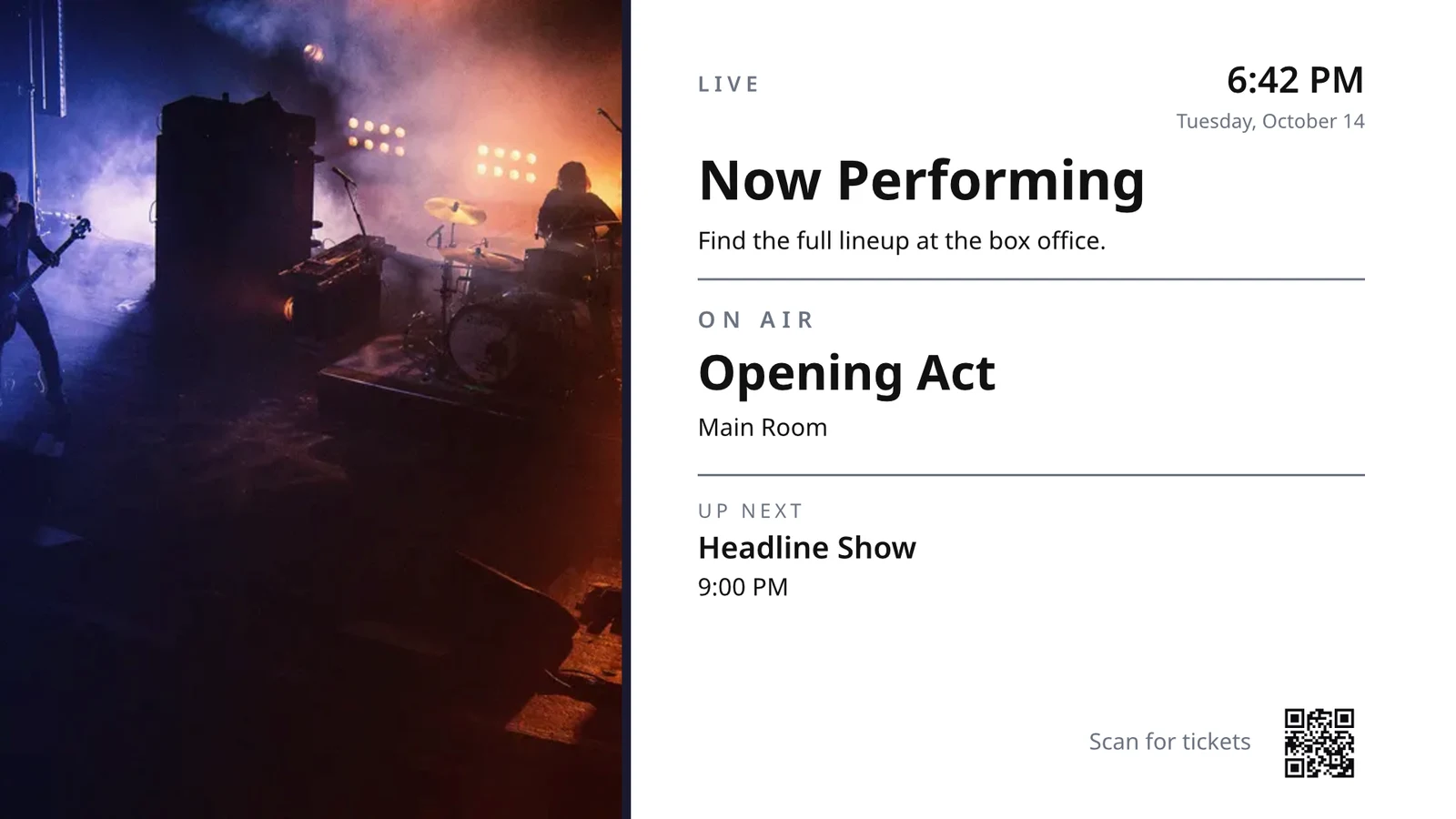
Rijën die u één keer ontwerpt
Ontwerp een rij van een menu, schema of aanbiedingslijst; de TV herhaalt het voor elke record, pagina voor pagina.
Thema's
Calisto's 48 thema's en de jouwen, afgestemd per ontwerp en opgeslagen als een Thema.
Publiceren naar Schermen
Elke pagina wordt getekend in 4K; Update Screens bereikt alle tv's die het ontwerp tegelijk afspelen.
123Elke pagina wordt getekend in 4K voor uw schermen. Live data, zoals uw menu, prijzen en de klok, blijft live.
Pagina's draaien met de overgang die elk heeft. Elke scherm draait tegelijkertijd.
Verplaatsen van pagina's
A page animated with Animate plays on the TV as a video, as long as the page.
Page 2 of 3 · 10 secEen kopie voor elke locatie
Elke locatie krijgt zijn eigen kopie, waardoor de gedeelten die u vergrendelt behouden blijven en uw wijzigingen daaraan worden overgenomen.
 Locked for copiesLocked for copies
Koppel een TV aan zijn code en bedien deze op afstand
The TV shows a six-character code, and Add a TV pairs it. It reports its platform, panel, touch, remote and sound. Each TV’s page shows its health, its room and what it runs now and next, with identify, screenshot, restart and reload.
Afstandsbediening
What It Runs
Lunch menuMenu board · Promote & informLive vanuit de agenda "Lunch menu on the pass".Volgende: Dinner menu vanaf 17:00Gezondheid
- Status
- Online
- Laatst gezien
- 12 seconds ago
- Up Today
- 9 h 41 min
- Weergeven
- Lunch menu
- Platform
- Android TV
- Model
- 55" UHD panel
- App Version
- 3.14.2
- System Version
- Android TV 12
Wat het kan doen
TouchAfstandsbedieningSoundFacturatie
Ad-freeOp de tv's die u heeft
Apple TV, Android TV, Google TV en Fire TV, Samsung- en LG-smart TVs, of elke browser.
K7QX4MDit scherm start automatisch zodra het goedgekeurd is.Een TV toevoegen
Voer de code in die uw TV toont om deze te koppelen aan uw account.
Put another screen on a TV at the right hour
Een schema plaatst een scherm of afspeellijst op gekozen tv's of tv-groepen tussen bepaalde data, op gekozen dagen en uren, in de eigen tijdzone van elke tv. Het meest specifieke schema wint. Wanneer uw bedrijf goedkeuring vraagt, speelt een schema pas nadat iemand het heeft goedgekeurd.
Schedules
Wat uw tv's afspelen en wanneer
| Schedule | Description | Wat het doet | Speelt Doorgaan | Goedkeuring | Status |
|---|---|---|---|---|---|
| Breakfast menu in the restaurant | Weekdays from 6:30 | Play the content chosen below | 3 TVs · 1 TV group | Goedgekeurd | Actief |
| Sunset spa ritual offer | Lobby and pool bar, evenings | Play the content chosen below | 2 TV groups | Wachten op goedkeuring | Actief |
| Rainy day activities | Only when it rains | Play the content chosen below | 1 TV group | Goedgekeurd | Actief |
| Weekly restart | Mondays at 4:00 | Restart the TVs when it opens | TVs that run no screen of their own (account default) | Goedgekeurd | Actief |
| Nyepi quiet day | Every TV off for the day of silence | Turn the TVs off for the whole window | 4 TV groups | Goedgekeurd | Actief |
| Cooking class promo | Restaurant TVs, afternoons | Play the content chosen below | 2 tv's | Teruggezonden | Inactive |
| Wedding weekend welcome | Lobby, Friday to Sunday | Play the content chosen below | 1 TV group | Concept | Inactive |
| Galungan offerings guide | Lobby and villas, festival week | Play the content chosen below | 2 TV groups | Goedgekeurd | Actief |
| Refresh before check-in | Daily at 13:45 | Refresh the TVs when it opens | 1 TV group | Goedgekeurd | Actief |
| Kids’ club afternoons | Pool bar TVs, 14:00 to 17:00 | Play the content chosen below | 2 tv's | Wachten op goedkeuring | Actief |
Documenten, Spreadsheets en Presentaties
PDF's, documenten, spreadsheets en presentaties spelen als pagina's, en een Slides-deck opnieuw wanneer het wordt opgeslagen.
Media
Webpagina's en gepubliceerde dashboards
Een openbare webpagina of een dashboard dat naar het web is gepubliceerd, getekend op de grootte van de TV en vernieuwd op uw interval.
Media
Een openbare pagina: uw website of een dashboard dat gedeeld wordt via link. Het wordt getekend in de grootte van de TV en getoond als een afbeelding.
Dashboards van uw analysetools
Signed-in dashboards drawn through each tool’s own image export, with your own connection, its secret kept sealed.
Live TV en streams
Uw eigen kanaal of stream van uw tv-aanbieder, met geluid aan of uit.
Members’ bar screen
Gegevens uit een tabel
Regels uit een Sheet dat u heeft gepubliceerd, of een CSV- of JSON-bestand, per pagina.
Uw Sociale Berichten
What you published, and your recent posts on each of your channels.
Uw uitzending, Live
Uw uitzending of webinar terwijl deze live is, inclusief de reacties van de zaal en een code om toe te treden.
Media en afspeellijsten
Foto's en video's in de Media-bibliotheek, stockfoto's en afspeellijsten die elk item tijden.
Media
Approve or Send Back
Beslist over het schema, in het paneel Goedkeuringen of vanuit de melding zelf.
Fado night on the lobby TVs
Planninginformatie
- Description
- Thursday to Saturday evenings
- Goedkeuring
- Wachten op goedkeuring
- Last Modified
- 21/11 · Inês Carvalho
Venster
- Daily Window
- 18:00 to 23:00
- Active Days
- Thu, Fri, Sat
- Evaluated in
- Each TV’s own time zone
- Prioriteit
- 20
Inhoud
- Afspelijst
- Fado nights
- Screen content
- Keep each TV’s own content
Where
- Plays on
- 2 TVs · 1 TV group
- TV-groepen
- Lobby TVs
Activiteit
Standaardaccount
Een schema zonder TV's speelt alleen waar een TV geen eigen scherm draait.
Nieuwe Agenda
Kies wat uw tv's afspelen en wanneer
Where
Which TVs play this schedule. Leave both empty to make it the account-wide default. It then plays on every TV that runs no screen of its own.
Alleen bij bepaalde weersomstandigheden
Een schema of een zone-item speelt alleen wanneer de lucht helder of regenachtig is, of warmer of kouder dan u aangeeft.
Nieuwe Agenda
Kies wat uw tv's afspelen en wanneer
Weer
Play only in some weather, where each screen is set up. When the weather cannot be read, it does not play.
Restart or Turn Off
Een venster dat de TV's één keer herstart of vernieuwt wanneer het opent, of ze uitzet tot het sluit.
Nieuwe Agenda
Kies wat uw tv's afspelen en wanneer
Wat het doet
Plaats één bericht op elke TV, en neem het vervolgens af
Een waarschuwing gaat over alles wat de gekozen tv's afspelen tot het wordt opgeheven of de tijd eruit is. Bewaar het als een concept, activeer het wanneer nodig, en haal het van zijn pagina of van de melding. De tekst wordt getoond zoals geschreven, nooit als code.
Bekijk wat elke TV heeft afgespeeld en hoe lang
Elke TV rapporteert wat het uitzendt bij elke incheck. Prestaties tellen het aantal afspelingen, de minuten dat elke TV aan was en de fouten die het opving, per dag en per TV, over de door u gekozen periode. Een TV die uitvalt, wordt als uitgevallen geregistreerd. Rapporten staan erbij.
Prestaties
Impressions, uptime and errors across your TVs, day by day.
| Date | TV | Impressions | Uptime (min) | Fouten |
|---|---|---|---|---|
| 21/11/2026 | Lobby Welcome TV | 1284 | 1022 | 1 |
| 21/11/2026 | Restaurant Menu TV | 962 | 958 | 2 |
| 21/11/2026 | Front Desk TV | 1118 | 1440 | 1 |
| 21/11/2026 | Room 204 TV | 46 | 312 | 3 |
| 20/11/2026 | Lobby Welcome TV | 1301 | 1031 | 1 |
| 20/11/2026 | Restaurant Menu TV | 977 | 965 | 2 |
| 20/11/2026 | Housekeeping TV | 1440 | 1440 | 1 |
Uptime
Gecrediteerd vanuit de check-ins van elke TV, nooit aangenomen.
Prestaties
Which TVs stayed up, and which dropped out.
| TV | Uptime | Dagen met fouten | Laatste fout |
|---|---|---|---|
| Cold Prep TV | 95.8% | 2 | Yesterday |
| Rider Pickup TV | 97.1% | 1 | 2 days ago |
| Packing TV | 99.2% | 1 | 6 days ago |
| Office TV | 99.6% | 1 | 11 days ago |
| Expo TV | 99.7% | 1 | 19 days ago |
| Grill Line TV | 99.9% | 1 | 26 days ago |
Een TV die stopt
Beheerders worden één keer verteld wanneer een TV donker wordt en opnieuw wanneer deze weer aan is.
Uw regels
Elke kennisgeving is een automatiseringsregel die u kunt wijzigen of uitzetten.
Automatiseringen
| Automatisering | Wanneer | Vervolgens | Afgelopen 7 dagen | Last run | Status |
|---|---|---|---|---|---|
| Tell the admins when a screen stops checking in | Scherm is uitgevallen | Vertel de admins dat een scherm donker is geworden | 3 | 2 uur geleden | Aan |
| Tell the admins when a screen is back | Het scherm is terug | Tell the admins a screen is back | 3 | 1 uur geleden | Aan |
| Tell the admins when a schedule ends | Planning beëindigd | Vertel de beheerders dat een schema is geëindigd | 1 | 9 days ago | Aan |
| Tell the admins when an alert goes live | Alert went live | Vertel de beheerders dat een waarschuwing actief is | 2 | 3 dagen geleden | Aan |
| Tell the admins when an alert is taken down | Waarschuwing opgehaald | Vertel de admins dat een waarschuwing is verwijderd | 2 | 3 dagen geleden | Aan |
| Vertel de goedkeurders dat een schema op goedkeuring wacht | Schema wacht op goedkeuring | Vertel de goedkeurders dat een schema op goedkeuring wacht | 4 | Gisteren | Aan |
| Tell the sender their schedule was approved | Planning goedgekeurd | Deel de beslissing over hun planning met de afzender | 3 | Gisteren | Aan |
| Tell the sender their schedule was sent back | Afspraak teruggezonden | Deel de beslissing over hun planning met de afzender | 1 | 2 weken geleden | Aan |
| Vertel de admins dat een TV-app-build klaar is | TV-app build voltooid | Vertel de admins dat een TV-app-build klaar is | 1 | 1 month ago | Aan |
Bewijs van spelen
Each TV files what it plays on every check-in, and a screen that fails shows your branded fallback and is counted as an error.
Prestaties
Proof of play: how often content and ads were on screen.
| Date | Impressions | TV | Ad Impressions | Publiek per Play |
|---|---|---|---|---|
| 21 nov 2026 | 1,421 | Pickup TV | 366 | 14.8 |
| 21 nov 2026 | 1,304 | Menu Board Left | 341 | 12.1 |
| 21 nov 2026 | 1,298 | Menu Board Right | 339 | 12.1 |
| 20 nov 2026 | 1,377 | Pickup TV | 352 | 13.5 |
| 20 nov 2026 | 1,270 | Menu Board Left | 330 | 10.9 |
| 20 nov 2026 | 1,262 | Menu Board Right | 328 | 10.9 |
Publiek
Elke afspeling telt de mensen in de kamer van de TV waar Access het telt, weergegeven als het gemiddelde per afspeling.
Prestaties
Proof of play: how often content and ads were on screen.
| Date | Impressions | TV | Ad Impressions | Publiek per Play |
|---|---|---|---|---|
| 21 nov. 2026 | 612 | Event Hall TV | 148 | 23,6 |
| 21 nov. 2026 | 588 | Floor 2 Lounge TV | 141 | 9,1 |
| 21 nov. 2026 | 541 | Kitchen TV | 129 | 6,8 |
| 21 nov. 2026 | 524 | Reception TV | 126 | 4,2 |
| 20 nov. 2026 | 597 | Event Hall TV | 143 | 31,0 |
| 20 nov. 2026 | 579 | Floor 2 Lounge TV | 139 | 8,4 |
By Screen
Elke figuur, één rij per tv, met advertentietoonbeelden en klikken.
Prestaties
Every figure, one row per screen.
| TV | Impressions | Ad Impressions | Advertentiekliks | Uptime (u) | Fouten |
|---|---|---|---|---|---|
| Departures TV · Bávaro Office | 14,822 | 3,706 | 118 | 712 | 1 |
| Check-in Line TV | 12,406 | 3,101 | 96 | 698 | 1 |
| Dock Pier 2 TV | 11,930 | 2,982 | 74 | 655 | 2 |
| Beach Bar TV | 9,718 | 2,430 | 61 | 640 | 1 |
| Shop Window TV | 8,604 | 2,151 | 48 | 702 | 1 |
| Marina Lobby TV | 6,800 | 1,032 | 15 | 690 | 1 |
Prestaties
Which TVs stayed up, and which dropped out.
| TV | Uptime | Dagen met fouten | Laatste fout |
|---|---|---|---|
| Cold Prep TV | 95.8% | 2 | Yesterday |
| Rider Pickup TV | 97.1% | 1 | 2 days ago |
| Packing TV | 99.2% | 1 | 6 days ago |
| Office TV | 99.6% | 1 | 11 days ago |
| Expo TV | 99.7% | 1 | 19 days ago |
| Grill Line TV | 99.9% | 1 | 26 days ago |
Publiceer uw eigen app op de TV winkels
De TV-appbouwer ontwerpt uw gemarkeerde app voor Apple TV, Android TV en Fire TV: het uiterlijk, de inhoud en kanalen, een voorbeeld op een tv, de build, de winkelvermelding en de analyses. Calisto bouwt de app voor elk platform en u wordt ingelicht wanneer een build klaar is.
TV-app
Your branded app for Apple TV, Fire TV and Android TV. Design, build and publish it.
Design and Content
Kleuren, type, navigatie, video en kanalen, voorgekeken zoals een TV ze tekent.
TV-app
Your branded app for Apple TV, Fire TV and Android TV. Design, build and publish it.
#7b2cbfAchtergrondkleur#120a1cAchtergrondstijlSolidGradientBlurBestuur je tv's vanaf een telefoon
On a phone, Display opens on your TVs and the ones that need you, worst first, any alert on the walls and the schedules waiting for approval. A screen and a TV open as their own pages.
Zonder Signaal
Home, tv's, een tv-pagina en Alerts openen offline op een apparaat dat u kiest.
TV-status
TVs online, TVs that need you, alerts showing and approvals waiting, on the Windows Widgets Board.
Foto's delen binnen
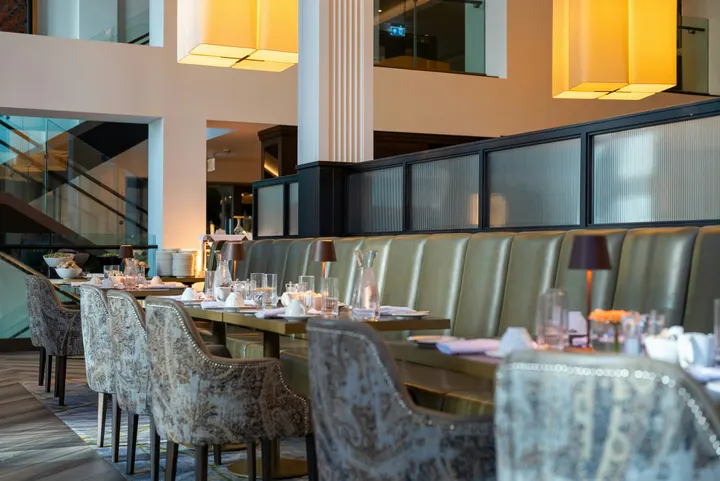 fine-dining-01.jpgAfbeelding · Net nu
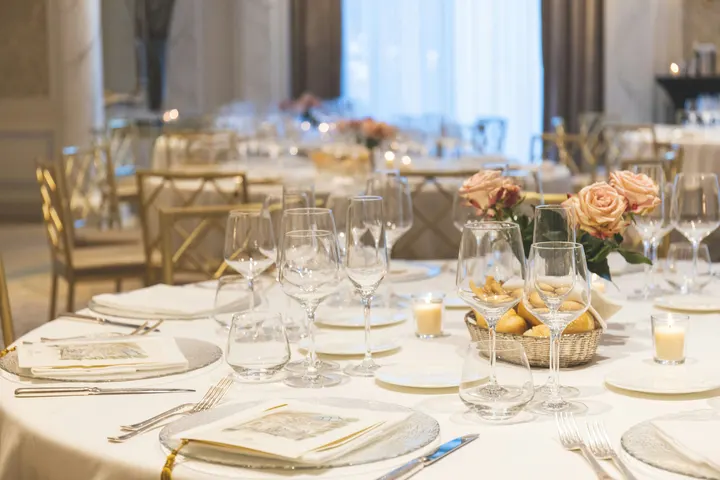 fine-dining-02.jpgAfbeelding · Net nu
 restaurant-01.jpgAfbeelding · Net nu
 fine-dining-04.jpgAfbeelding · Gisteren
 restaurant-03.jpgAfbeelding · 3 dagen geleden
 restaurant-02.pngAfbeelding · Afgelopen weekBistro Kogarashi · Tokyo
Foto's en video's die gedeeld worden vanaf de telefoon komen terecht in de Media-bibliotheek.
Snelkoppelingen
TV's, Alerts, Schedules, TV toevoegen, Mijn Schermen en Live Preview vanuit het app-icoon.
Alert wissen of Goedkeuren vanuit de melding
Een waarschuwing van een andere beheerder oplossen of een wachtende planning goedkeuren vanuit de melding.
Waar Display alles anders raakt.
4 of these 8 connections are in your plan today; the others are their own apps.
Dine
The kitchen display shows and bumps the kitchen’s own orders, and the menu board reads the menu set up in Dine.
Stays
A guest TV reads the stay in its room, and the housekeeping TV is the same board as Stays’ Housekeeping.
Coworking
A meeting room’s door sign is made and paired from Coworking’s Spaces, each paired with the room it hangs outside.
Kiosks
Kiosks and TVs are set up through the same screen records, and play the same designed screens and live feeds.
Orderflow
Room service ordered from a guest TV goes to Orderflow, and the order fulfillment screen is Orderflow’s queue on a TV.
Studio
Designed screens are made in the same design editor Studio opens, and a Studio design at TV size plays as one.
Automations
Every notice Display sends is an Automations rule, and other apps’ rules can repaint a board.
Ads
A free TV’s ad band is filled through Ads, the one place a screen’s ads are chosen.
Geen opstartkosten. Betaal wanneer u begint met gebruiken.
Every TV free with Calisto’s ad band, or ad-free per TV.
Calisto Display
Runs the TVs in a business: kitchen displays, pickup and now-serving boards, guest TVs, menu boards, signage and designed screens, with schedules, alerts and performance.
Aanbevolen voor u
Werkt goed samen.
Calisto Dine
Inbegrepen bij uw abonnementen
Uw Core-app toont alles wat uw Commerce- en Ops-plannen inschakelen.
Learn more →Calisto Stays
Inbegrepen bij uw abonnementen
Uw Core-app toont alles wat uw Commerce- en Ops-plannen inschakelen.
Learn more →Calisto Coworking
Inbegrepen bij uw abonnementen
Uw Core-app toont alles wat uw Commerce- en Ops-plannen inschakelen.
Learn more →Calisto Kiosks
Calisto Kiosks
One job per kiosk, from check-in and ordering to wayfinding, set up on any tablet at your own kiosk address, with each screen’s own card terminal and printer.
Learn more →Calisto Orderflow
Calisto Studio
Calisto Create
A Studio seat designs anything at every size, from Calisto’s templates or a blank page: layers, photos, Copy & Resize, Bulk Create, mockups, QR codes, print-ready PDFs, sharing and whiteboards.
Learn more →Calisto Automations
Calisto Ads
Calisto Engage
Run campaigns on the websites, apps, kiosks, TV screens and member portals other Calisto businesses publish, and sell the ad space on your own.
Learn more →Aanbevolen voor
De industrieën die Display runnen, en waarvoor elk van hen het runnen.
Hotels & ResortsLobby & meeting screens
Lobby, meeting floor and restaurant screens.
Hotels & Resorts op Calisto →RestaurantsDigital menu boards
Kitchen display and guest-facing menu screens.
Restaurants op Calisto →Onroerend goedontwikkelingSales gallery screens
Sales gallery screens and site hoardings.
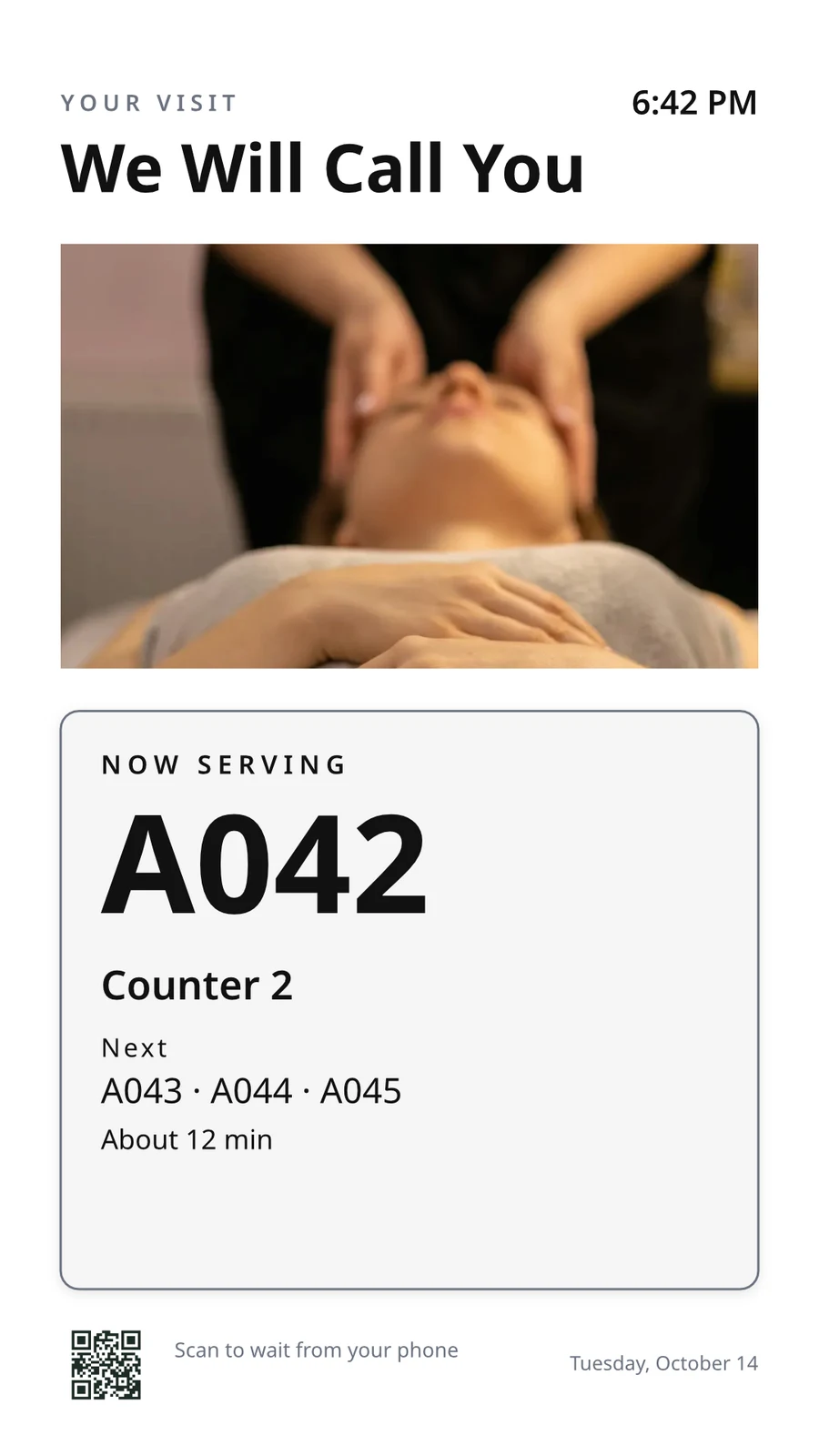
Onroerend goedontwikkeling op Calisto →Salons & KappersLobby screen
The waiting area reads the same queue as the desk.
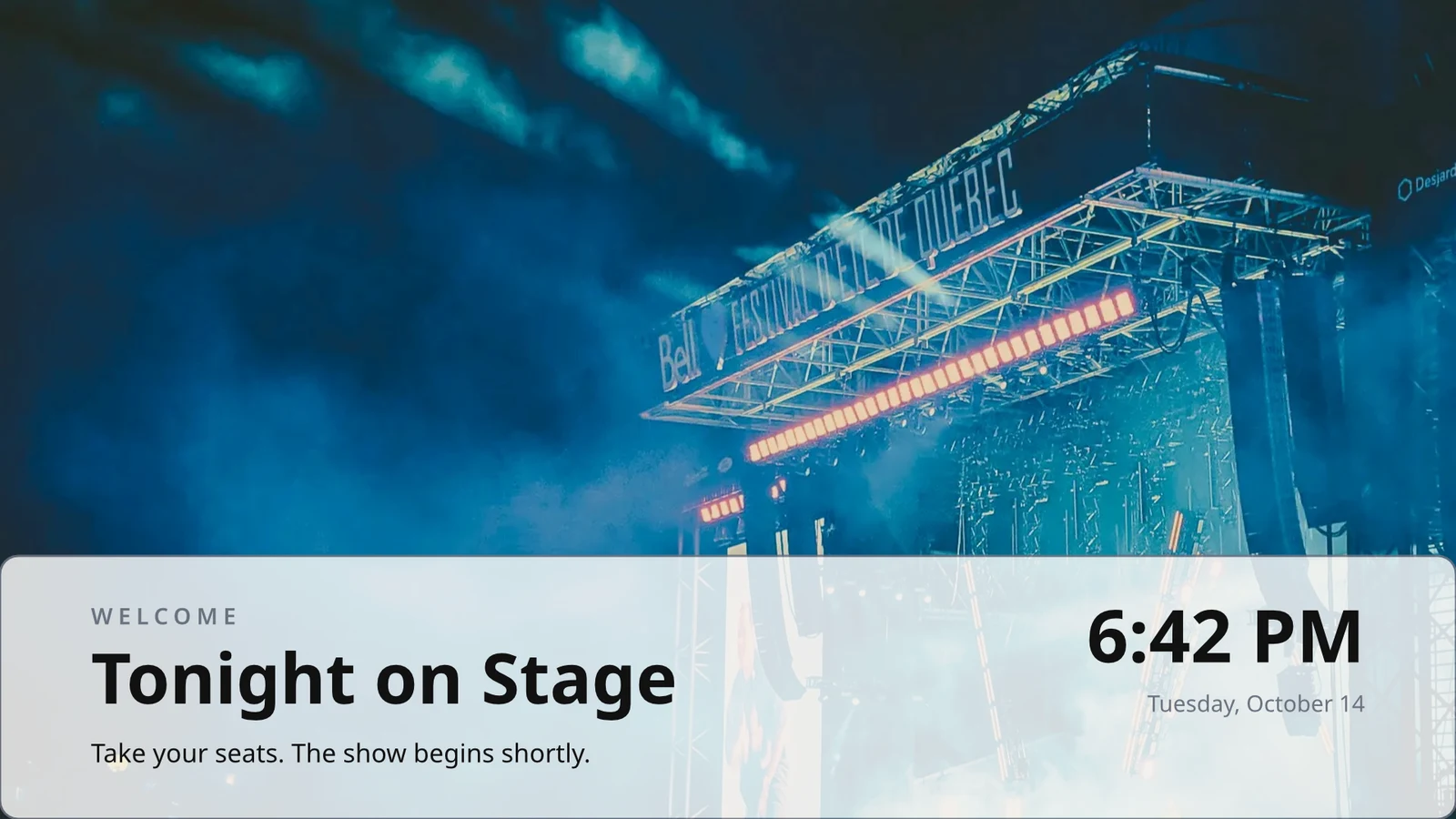
Salons & Kappers op Calisto →Live Music & FestivalsStage & wayfinding screens
Stage, wayfinding and sponsor screens.
Live Music & Festivals op Calisto →Marathons & EnduranceStart, finish & expo screens
Start, finish and expo screens.
Marathons & Endurance op Calisto →Venue ManagementWayfinding & room screens
Wayfinding, room and sponsor screens.
Venue Management op Calisto →Stadia & ArenasConcourse & stand screens
Wayfinding, concourse and sponsor screens.
Stadia & Arenas op Calisto →Openbaar GolfClubhouse screens
Tee sheet, leaderboard and clubhouse screens.
Openbaar Golf op Calisto →In-Person RetailersIn-store screens
Window, shelf-edge and queue screens.
In-Person Retailers op Calisto →Alles inbegrepen in Calisto Display.
- New: every job a TV can do, ordered for your industry, each shown running on sample data, with the one choice that makes it this screen and where it works.
- Set Up Every Screen: your kind of business’s set at once, a screen set for each of the 38 kinds of business.
- Run the operation: kitchen display (prep, expo and bar, with bump), housekeeping and room status, front desk, today’s appointments, golf starter, door counter, order fulfillment (Orderflow’s queue, with accept, reject and bump) and sales targets.
- Move customers: order pickup, now serving on any app’s walk-in line, check-in welcome, meeting room sign, departures and tours, wayfinding, tournament and race leaderboard, class schedule.
- Serve guests: the guest TV in a hotel, apartment or short-stay room, and the resident and member TV.
- Promote and inform: designed screen, digital signage with zones and playlists, menu board, offers and upgrades, property window, on air.
- A screen’s record: Purpose, Where (location, station, counter, room, course or event, filled in when there is one), Content, Look (dark or light, your logo and color), TVs and Schedule, beside the screen running live on your data.
- Put It on a TV: the one step that puts a screen on its TVs, refused with the reason when something it needs is missing.
- My Screens: each screen, what it runs and on how many TVs.
- Other apps put their own screens on a TV from their own desk: now serving from a walk-in line, a leaderboard from a competition, room signs from Coworking’s Spaces and every Events host’s Rooms.
- The kitchen display reads and moves the kitchen’s orders, the same orders Dine’s kitchen screen and Station work from.
- The menu board reads the menu set up in Dine.
- Room service ordered on a guest TV is charged to the stay and handed to Orderflow, whose accept fires the kitchen.
- Late checkout and the property guide come from the stay and the property.
- The housekeeping TV is the same board as Stays’ Housekeeping, moving each room’s tasks.
- Staff act from a staff screen of their own account; a guest acts only from the room TV while its stay is checked in.
- A TV reads only its own screen’s data, scoped on the server to its station, counter or room.
- The design editor Studio uses, at 16:9 landscape or 9:16 portrait; a Studio design at a screen’s shape is a designed screen too.
- Start blank or from 160 layouts, 81 landscape and 79 portrait, each tagged with its industries and carrying photographs, your own industry first.
- Themes: Calisto’s 48 and your own, chosen and tuned per design, Save as Theme; a design that picks none keeps its own look.
- Live Data: the menu, the schedule (classes, sessions, events, tours, race waves, today and the next six days), offers running now, homes on the market, a dish’s price, the offer on now, clock, date, weather, guest Wi-Fi, a QR code, the number being served and what is on air.
- Lists are one designed row, repeated for every record in the list’s columns and gaps, paging by its area; a list with no records draws nothing.
- Publish to Screens draws each page at 4K and keeps the live layer apart; Update Screens reaches every TV and kiosk playing the design at once.
- Each page shows for its own length; pages turn together across a bank of TVs.
- A page animated with Animate plays as a video made on your device or Calisto’s servers, from the start each time the page comes on.
- Played full screen, or as an item in any signage zone.
- People Inside: how many are in the screen’s room now, its limit, the places left and how full it is, where Access counts the room.
- A copy for each location keeps the parts its original locks for copies, and takes their changes; your business chooses who may lock them.
- Add a TV: the TV shows a six-character code; you enter it and give the TV a name and, in a room, its room.
- The TV reports its platform, panel resolution, touch, remote and sound at pairing and on every check-in.
- Apple TV, Android TV, Google TV and Fire TV run the Calisto TV app from their stores; Samsung Tizen and LG webOS open it from their own app; any browser opens the TV address.
- A TV that cannot get a code keeps asking and replaces a lapsed code by itself.
- TVs: every TV, its platform, location, what it runs, its state and when it was last seen, searched, filtered and sorted on the server however many you have.
- A TV’s page: health, capabilities, room, what it runs now and next, Choose What This TV Runs, remote control, billing and unpair.
- Remote control: identify, screenshot, restart and reload, answered by the TV on its next check-in; on a commercial display that lets Calisto control it, turn on, turn off, switch input and volume.
- Video walls: TVs mounted together play one screen across the wall, each its slice, with the panels’ frames allowed for.
- One clock for every TV: page turns, zone rotations, looping videos and music play in step across screens.
- Audio zones: your own tracks or your music service’s stream under whatever a set of TVs shows, every TV at the same moment, quieter for a chime, silent while a TV sleeps.
- TV hours: TVs follow the place’s opening hours or your own; outside them they go dark and wake for opening.
- Meeting rooms: a room’s TV shows the Calisto Live meeting booked in it, a code to join before it starts and the meeting once it is live.
- Runs as the digital signage of the video-meeting displays in your rooms.
- TV Groups: a floor, a building or a brand as one target.
- A TV with nothing to run shows your logo, your name and the time where it hangs.
- Starts from what it last received when it powers on with no network.
- Spaces: a TV assigned to an archived Space stops; one that cannot be read for a moment keeps playing.
- Unpair reaches the TV on its next check-in.
- Live Preview: what a real TV is showing right now.
- A schedule puts a screen, or a playlist in a signage screen’s main zone, on chosen TVs and TV groups between dates, on chosen days and hours.
- Each TV keeps its own time zone; a schedule may set one.
- The most specific schedule wins (a TV, then its group, then the account default), then priority, then the latest start.
- A schedule with no TVs is the account default: it plays only on a TV that runs no screen of its own.
- Approvals: when your business asks for them, a schedule plays only once approved; Approve, or Send Back with a note, on its page, in the Approvals panel or from the notification.
- A schedule that is on is turned off before it can be deleted.
- Media: photos and videos (JPEG, PNG, WebP, GIF, MP4, WebM), audio, stock photos and playlists that time each item by its seconds.
- Documents, decks and web pages: PDFs, documents, spreadsheets, presentations and Slides decks play as pages; a public web page or a published dashboard is drawn at the screen’s size and refreshed on your interval.
- Dashboards: your analytics tools’ dashboards drawn through each service’s own image export with your own connection, its secret kept sealed, refreshed on your interval.
- Zones also play live TV and IPTV streams, your Live broadcast with its reactions, rows from a published Sheet or a CSV or JSON file, and your published social posts.
- A schedule or a zone item can play only in some weather: rain, snow, sun, warmer or colder than you say.
- An alert goes over whatever its TVs are playing until it is cleared or its time runs out.
- Info, warning or critical, with its colors and how long it stays.
- Saved as a draft, activated when needed, cleared from its page, the list or the notification.
- Each alert names who raised and who cleared it; its text shows as written, never as code.
- An Access alert (a lockdown, an evacuation) goes over the TVs where it is raised and comes off at the stand-down.
- Official warnings from public alerting authorities go over the TVs at the places they cover until they end.
- Your own alert system, such as a campus or building system, posts to a private address, in CAP or JSON, and its alerts go over the TVs at the places you choose until it cancels them.
- Rules put a screen on the TVs for a while when something happens: a visitor checks in, a badge is shown at a door, a zone fills up.
- Overview: plays, minutes on and errors, in total and by TV and day, over all time, 7, 30 or 90 days.
- Impressions, Uptime and By Screen views, and Reports.
- Proof of play: each TV files what it plays on every check-in; a screen that fails is shown as your branded fallback and reported as an error.
- Uptime is credited from check-ins, so a TV that was dark reads as dark.
- Audience: each play counts the people in the TV’s room where Access counts it, shown as the average per play.
- Notices as Automations rules you can change or turn off: a TV stopped checking in or is back, a schedule ended, an alert went live or was cleared, a schedule waits for approval, was approved or sent back, a TV app build finished.
- The fleet is checked every 15 minutes, on Calisto’s database or your own.
- Every paired TV is free with 15% of the screen given to an ad band, on customer and guest screens.
- Staff screens never show ads, and a guest navigating a room TV sees none.
- Remove Ads makes one TV ad-free at the per-TV price, agreed once before anything is billed.
- An ad-free TV may opt back in: its band sells with you as the seller, sharing what it earns, and your own ads fill the rest.
- Ad Surfaces: your own house ads.
- Your branded app for Apple TV, Android TV and Fire TV.
- Overview, Design, Content, Preview, Build, Store Listing and Analytics in one workspace.
- Built by Calisto’s build pipeline for each platform; Display holds no store keys.
- Analytics: installs, active TVs and watch time by month.
- Tabs for Home, TVs, Alerts and Schedules, and More for the whole menu.
- Home: the fleet’s counts and the TVs that need someone, worst first, any alert on the walls and schedules waiting for approval.
- A screen and a TV open as their own pages, with Put It on a TV and Choose What This TV Runs; alerts and schedules are edited from their own pages.
- Designed screens and the TV App’s artwork open in the phone design view: pages, Edit Words and Photos, Publish to Screens.
- Shortcuts: TVs, Alerts, Schedules, Add a TV, My Screens and Live Preview.
- Home, TVs, a TV’s page and Alerts open with no signal on a device you choose; raising or clearing an alert, approving a schedule and restarting a TV need the signal, and say so.
- Notifications with buttons: Clear Alert on an alert another admin raised, Approve on a schedule waiting for you.
- TV Status on the Windows Widgets Board: TVs online, TVs that need you, alerts showing and schedules waiting.
- Photos and videos shared from the phone land in Media.
- Calisto’s search finds TVs, screens, schedules and alerts.
- Every create happens once, however often the button is pressed.
Questions about Calisto Display
Een Apple TV, Android TV, Google TV of Fire TV draait de Calisto TV-app vanuit zijn winkel; Samsung- en LG-smarte TV's openen deze vanuit hun eigen app; elke andere TV met een browser opent zijn adres. De TV toont een code en u koppelt deze via 'Een TV toevoegen'. Calisto installeert niets op uw locatie.
Het keukendisplay toont en stuurt de bestellingen door die uw keuken ontvangt, dezelfde bestellingen die het Dine-keukenscherm en een Station gebruiken, en het menubord leest het menu dat in Dine is ingesteld. Een scherm dat de gegevens van een andere app leest, heeft die app nodig; een ontworpen scherm, borden en meldingen hebben niets anders nodig.
Een gratis TV geeft een band van zijn scherm aan Calisto's advertenties op klant- en gastschermen. Personeelschermen tonen nooit advertenties, en een gast die een kamertv gebruikt, ziet er geen. Verwijder Advertenties maakt één TV-advertentievrij tegen de per-TV-prijs, en een advertentievrije TV kan zich opnieuw inschrijven en een deel krijgen.
Een TV behoudt wat het laatst heeft ontvangen en start hier vanaf wanneer het zonder netwerk wordt ingeschakeld. De pagina toont wanneer het laatst heeft ingelogd, en de beheerders worden eenmalig ingelicht wanneer een TV uitvalt en opnieuw wanneer deze weer online is.
Waar de taak het nodig heeft. Keukelpersoneel stuurt tickets van het keukendisplay, housekeeping verplaatst kamers op zijn bord, en een gast bestelt roomservice of vraagt om late checkout op de kamertelevisie terwijl de verblijf gecheckt is. Een menubord neemt helemaal geen actie.
Foto's en video's worden geüpload naar Media, ook vanaf een telefoon, en worden afgespeeld in afspeellijsten en signagezones. Marketing-schermen worden opnieuw ontworpen in Designed Screens, vertrekkend van een lay-out voor uw branche, met live data waar anders een prijs of tijd zou worden ingetypt.