






Calisto Slides

Een presentatie maken, deze presenteren en deze op. sturen

Begin bij een van Calisto's ontwerpen of een zin, bouw het samen in uw eigen kleuren, en presenteer het met uw notities voor u.

Van de eerste dia tot de vragen van het publiek.

PresentationsQ3 Owners’ Review⋯OpgeslagenZoekacties⌘KSWDOAHDelenAanwezig▾
123456
Notities

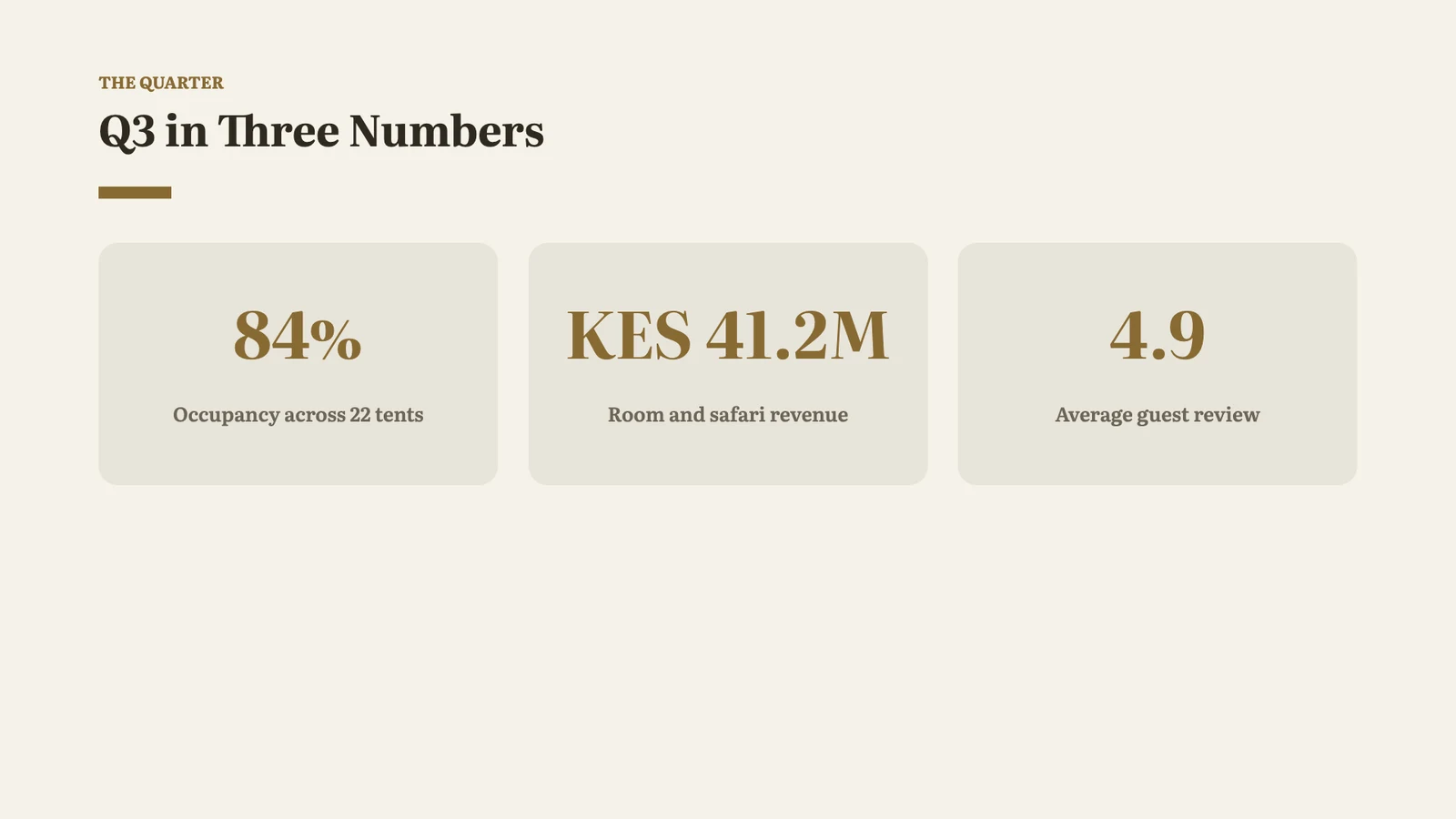
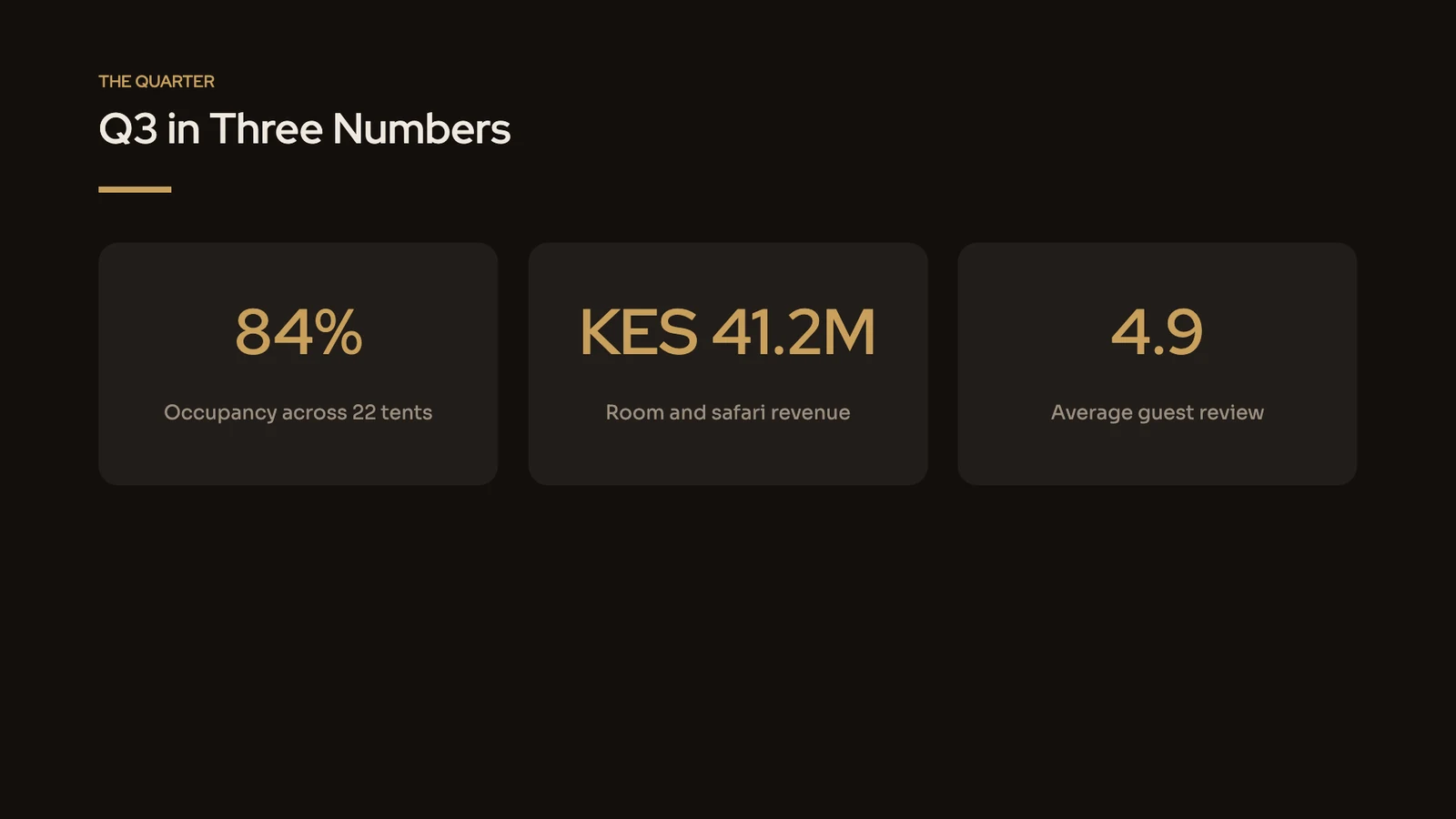
Start with occupancy: 84% across the 22 tents, our best quarter since we opened. Then the revenue, and the review score the guides earned in August.

Ontwerp

Thema

Dragen Midnight Dining · ModernCalistoMijnZoek thema'sAaSand · TraditionalAaMidnight Dining · ModernAaCalm Spa · ModernAaClassic · TraditionalAaCobalt · ModernAaWarm · TraditionalBladeren door alle thema'sDit thema aanpassenOpslaan als thema

Paginagrootte

Merkcontrole

NotitiesDia 2 van 6Grid− 75% +Bekijken ▾Volledig scherm
Calisto Slides

Elke presentatie die je maakt, en waar het ook naartoe gaat

Een pitch, een teambriefing en een klantvoorstel zijn allemaal presentaties hier, opgeslagen samen met de rest van uw bestanden.

Een presentatie starten

Starten vanuit een sjabloon, een thema of een zin

Elke start opent een nieuw deck dat alleen wordt opgeslagen wanneer u het vernoemt. Beschrijf het deck en Build It for Me schetst een outline die u bewerkt, herschikt en knipt, waarna het deck wordt gebouwd uit precies die outline.

Bouw het voor mij

Bewerk, sorteer en bekort de structuur die het opstelt vanuit uw beschrijving; Presentatie genereren bouwt precies dat.

slides.calistoco.com/new?build=1
Review-omschrijving
Beschrijf de presentatie

A launch plan for our new night desks, open until 2 a.m., for members who work with Europe and Asia

Titel presentatieNight Desks Launch
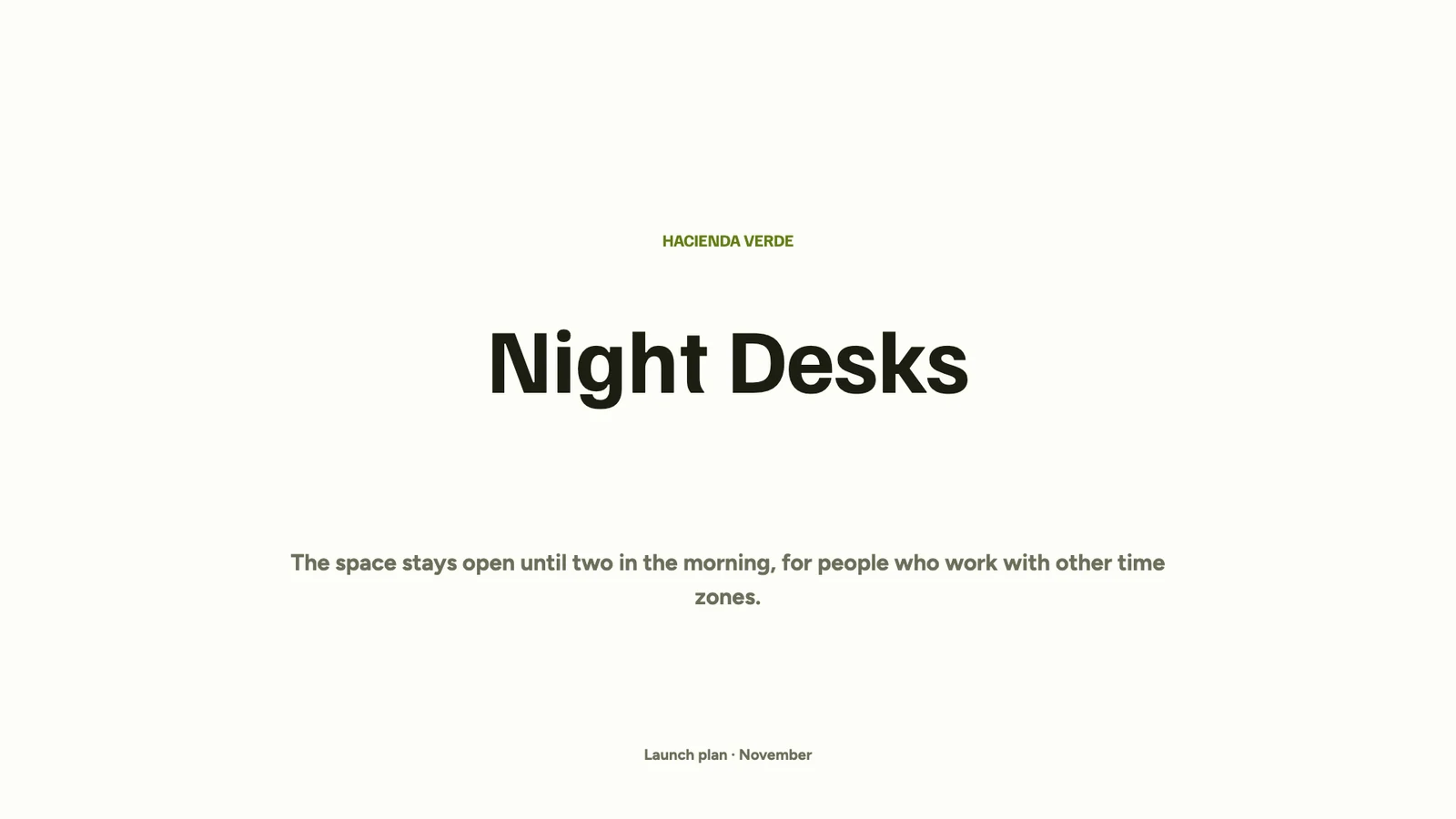
1Night Desks
  • Open until two in the morning
  • For members who work across time zones
+ Punt toevoegen
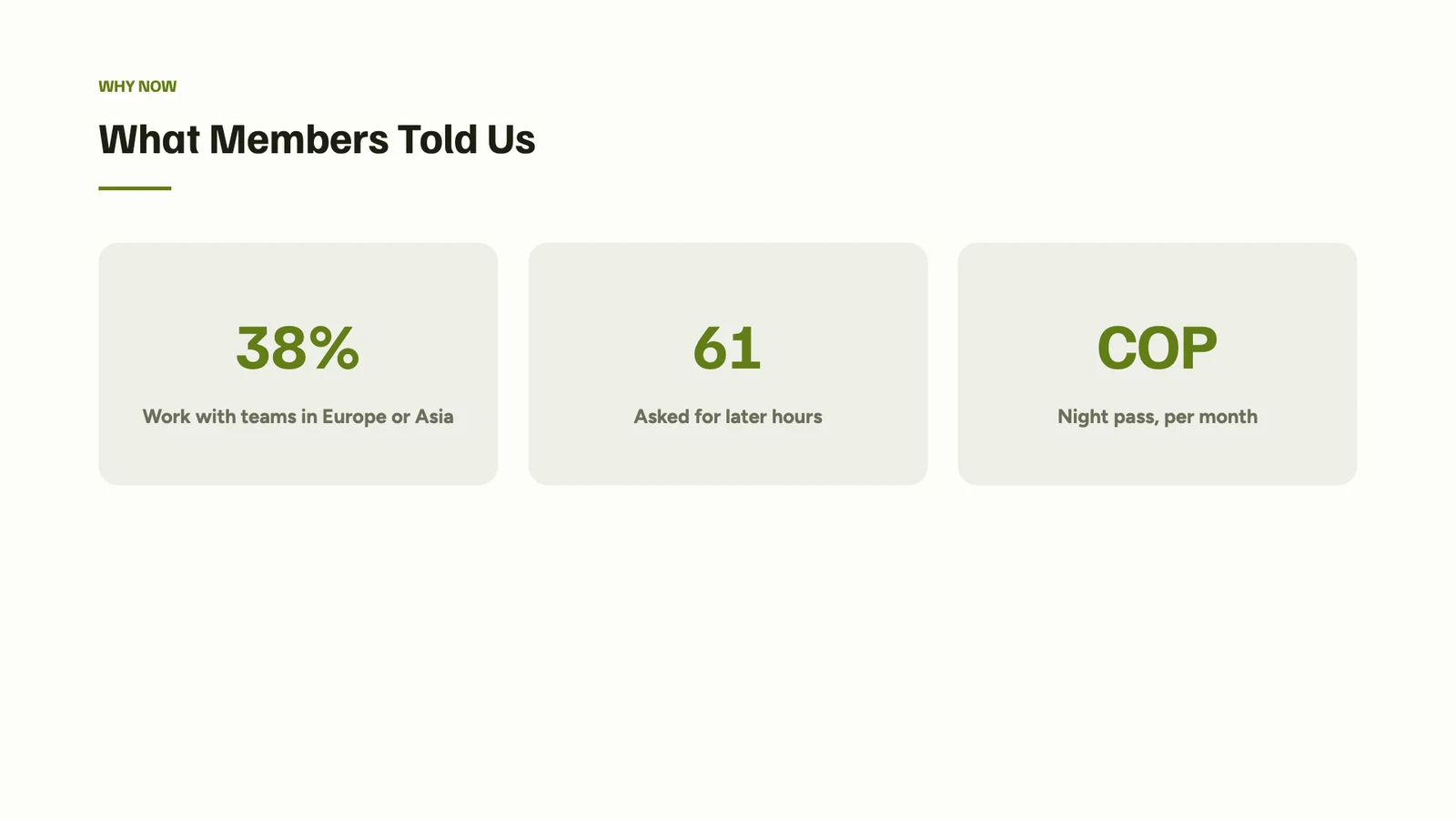
2What Members Told Us
  • 38% work with teams in Europe or Asia
  • 61 members asked for later hours
  • A night pass at COP 450,000 a month
+ Punt toevoegen
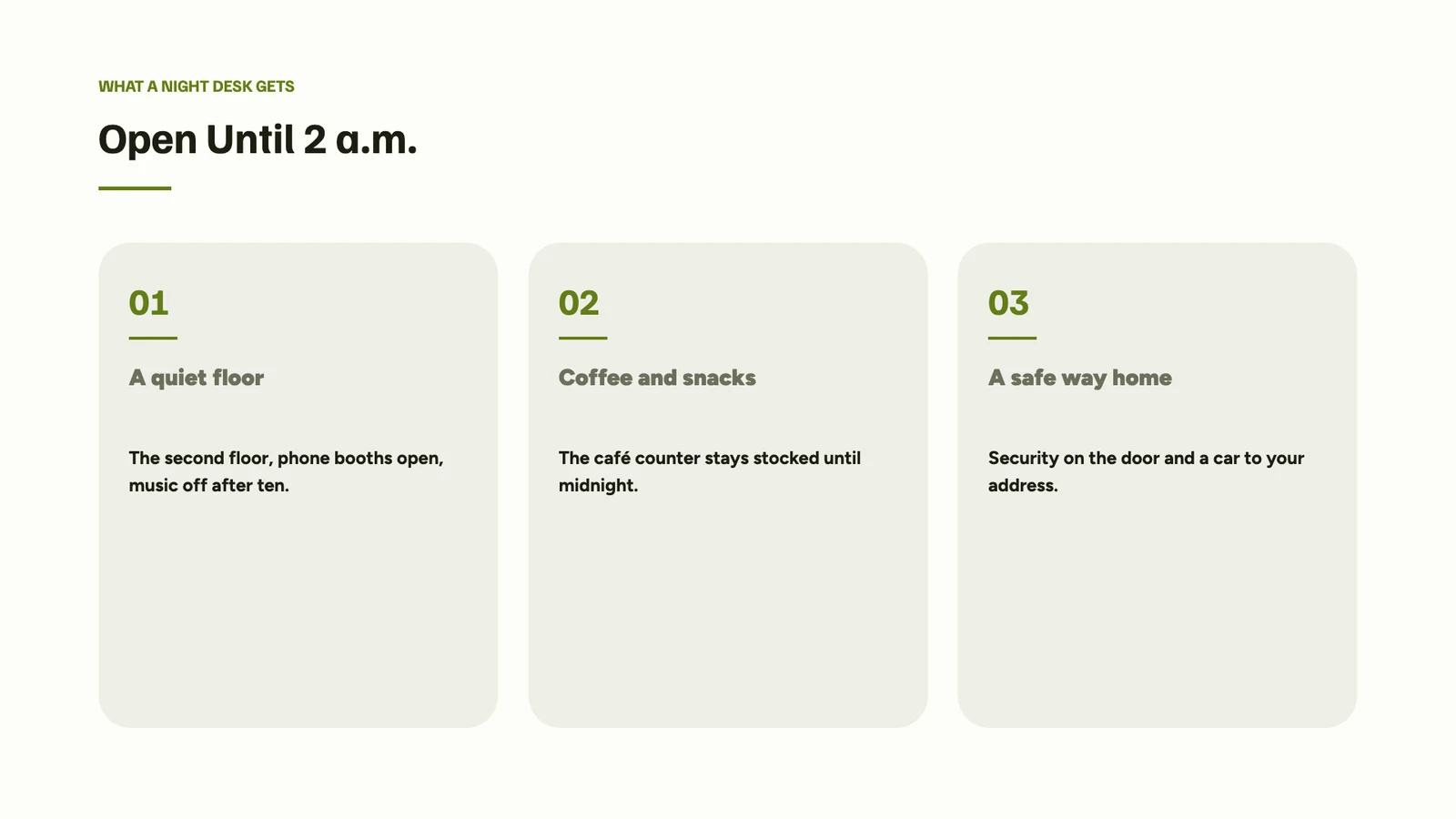
3Open Until 2 a.m.
  • A quiet second floor
  • Coffee and snacks until midnight
  • Security on the door and a car home
+ Punt toevoegen
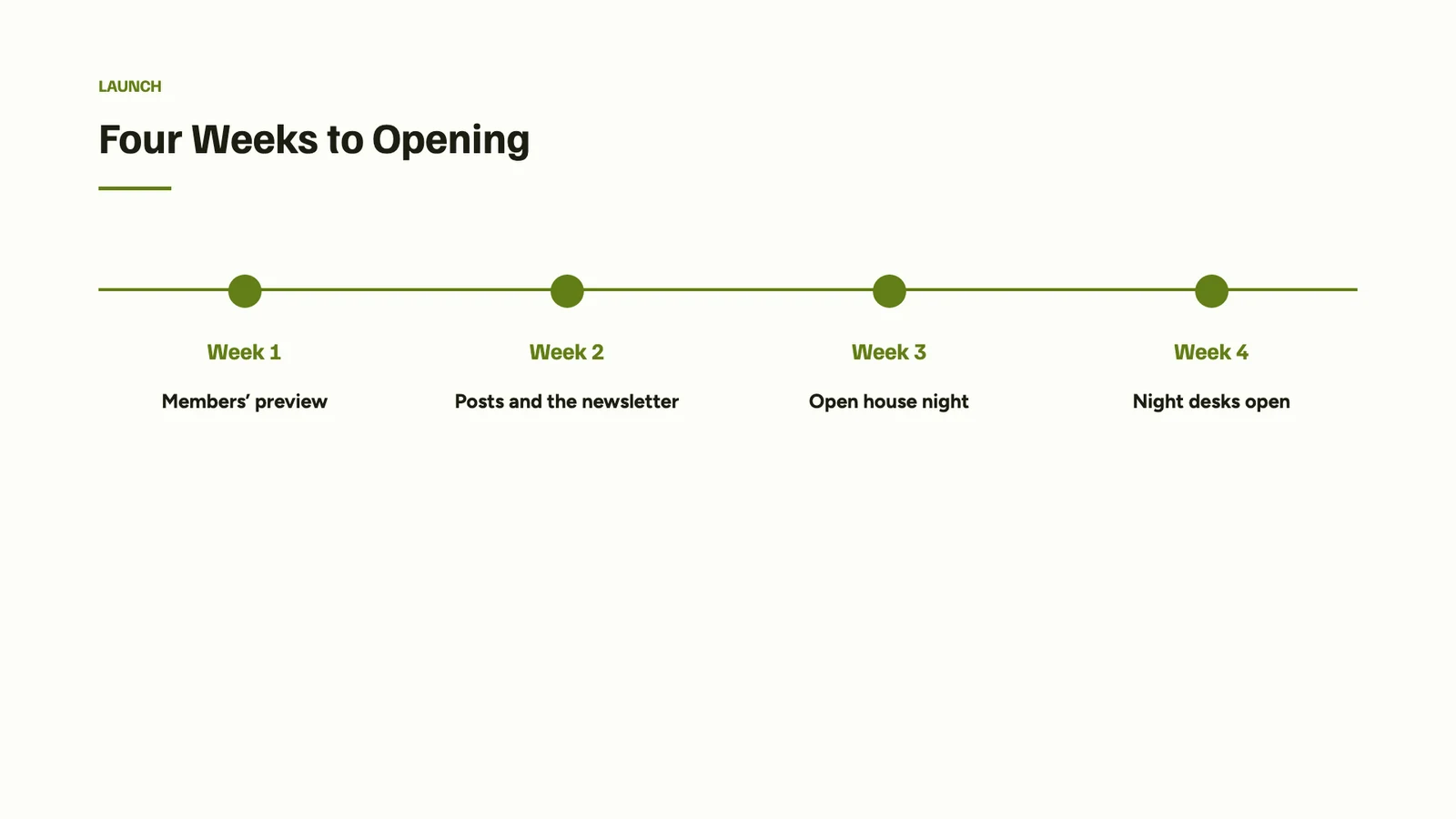
4Four Weeks to Opening
  • Members’ preview
  • Posts and the newsletter
  • Open house night
  • Night desks open
+ Punt toevoegen
5Questions?
  • Valentina Ríos · Community
+ Punt toevoegen
+ Smeer toe
Presentatie genererenOverstappen op Review & GenererenOpnieuw beginnen

Templates by Kind and Industry

Een ontwerp in een thema, gefilterd op deck-type, branche, stijl en kleur.

slides.calistoco.com/templates
SjablonenCalistoMijnAangeschaft
Sjablonen zoekenElk type ▾Elke sector ▾Alle stijlen ▾KleurenMijn Merk
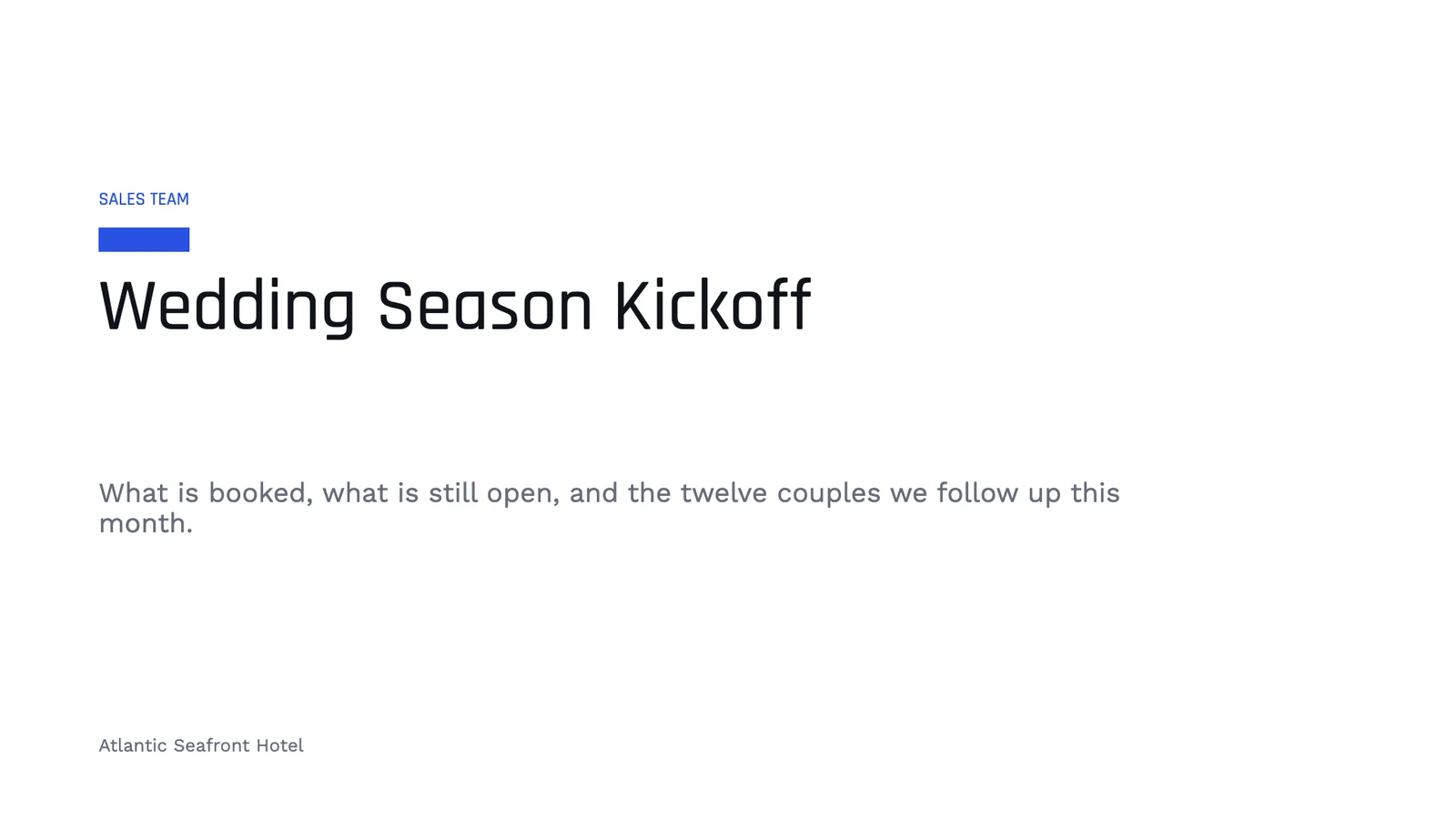
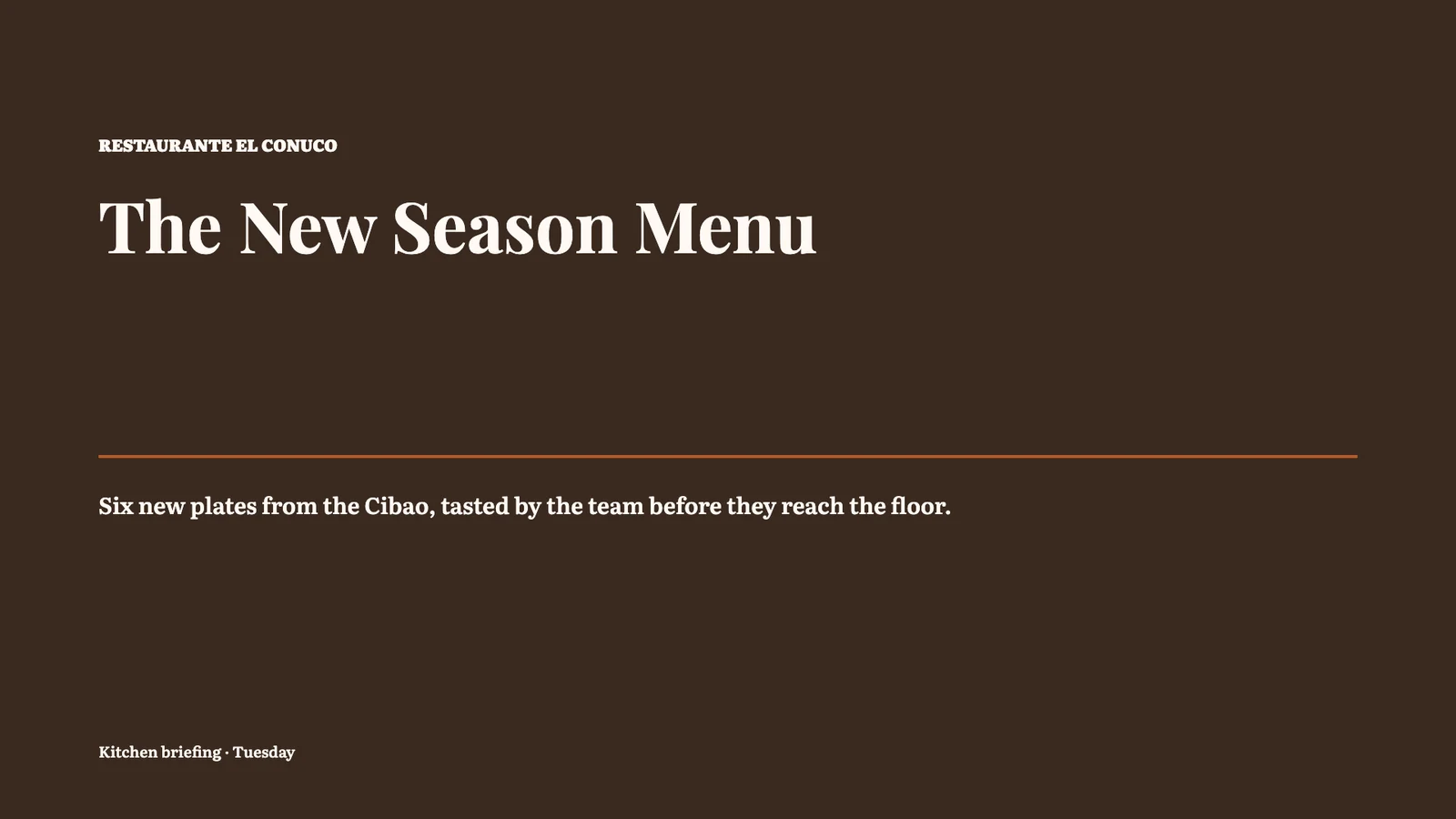
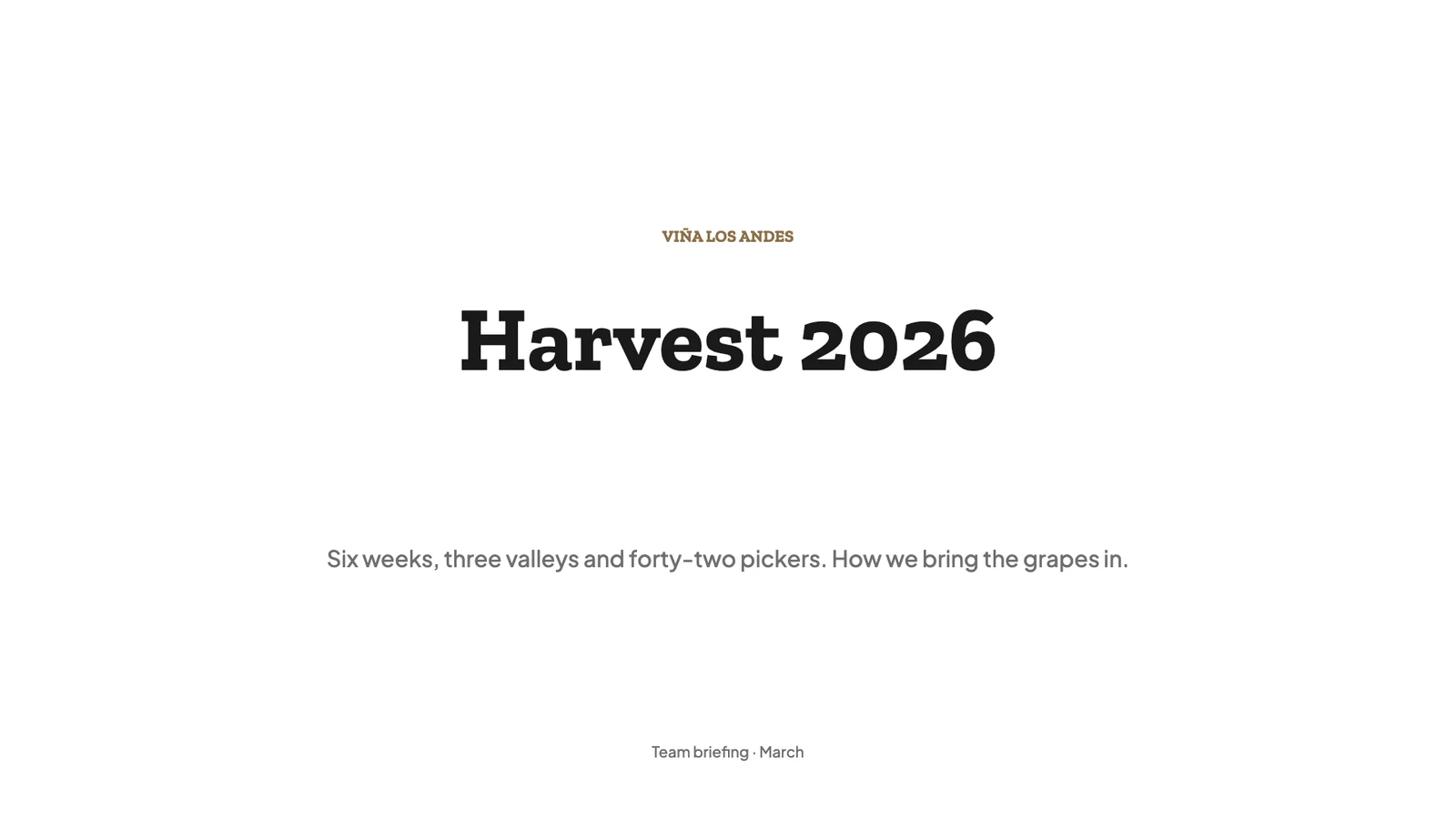
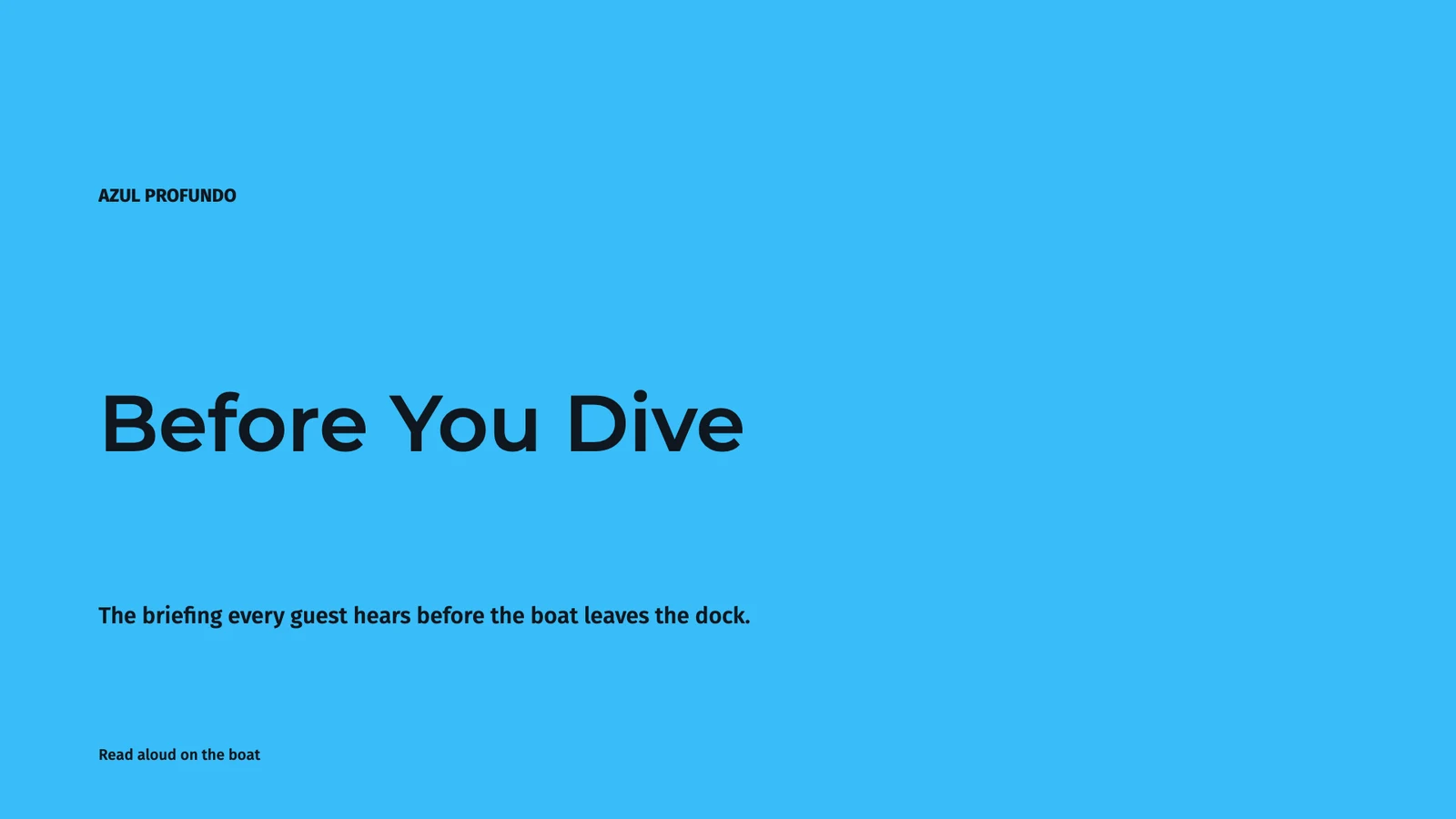
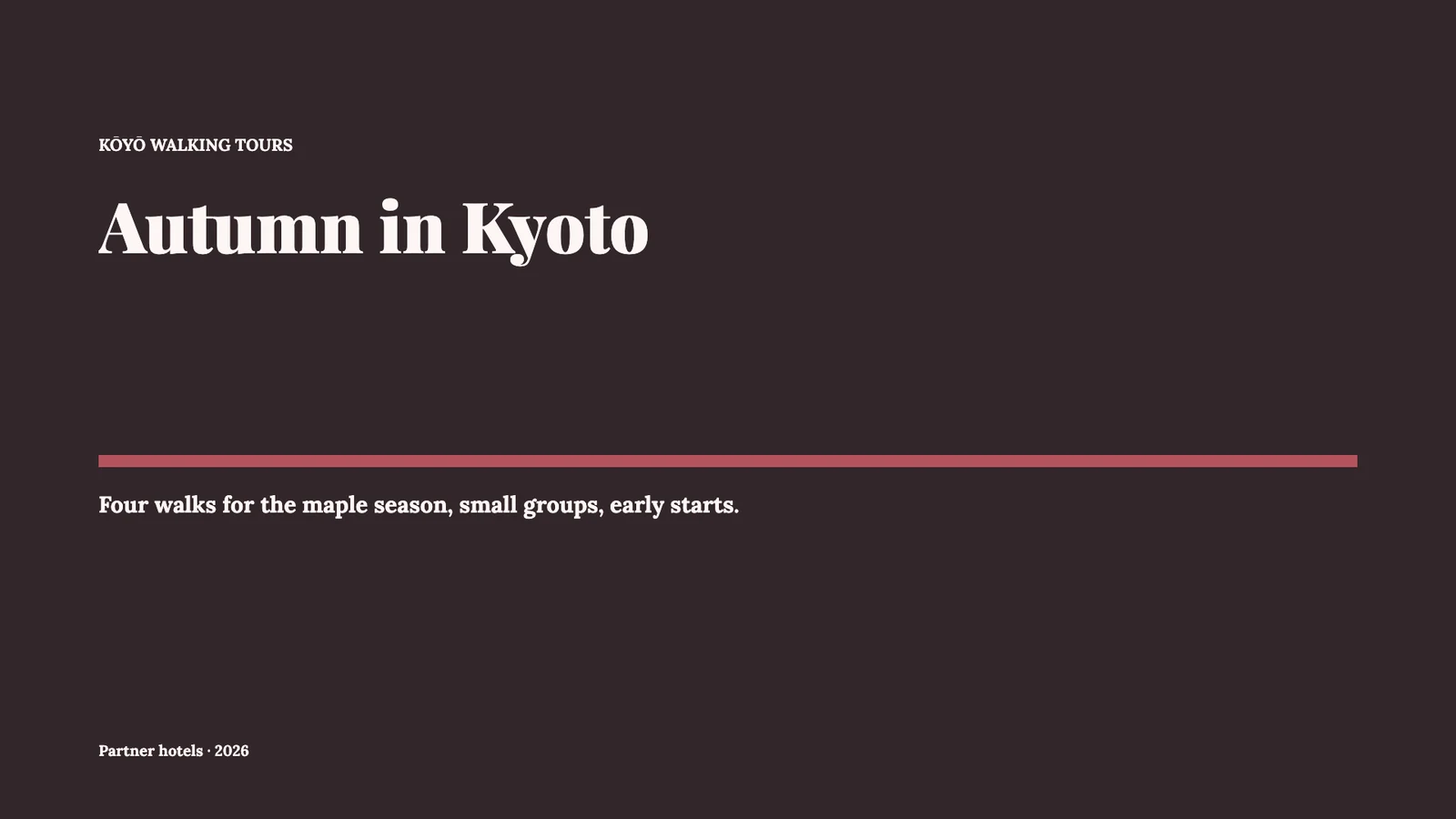
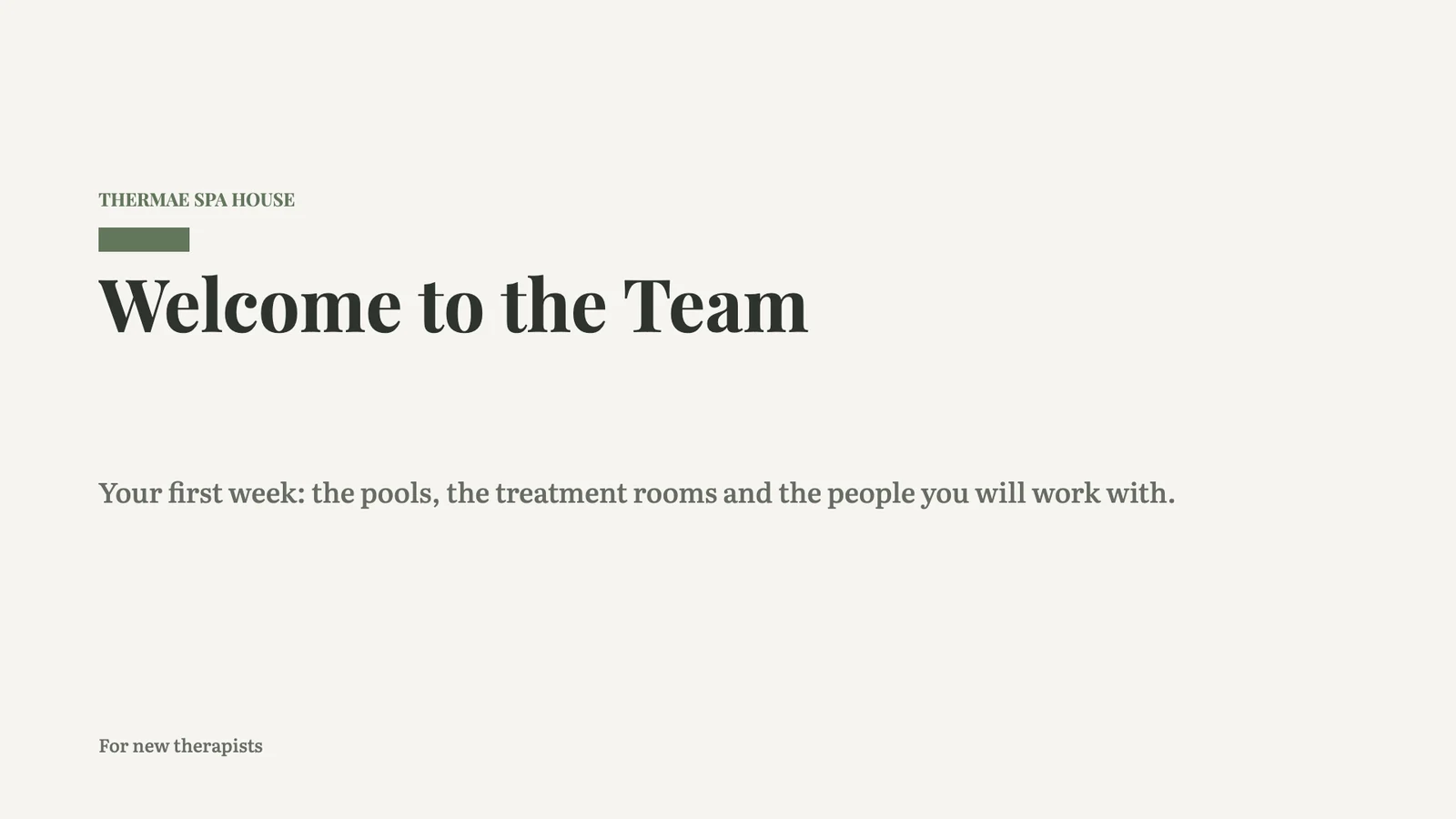
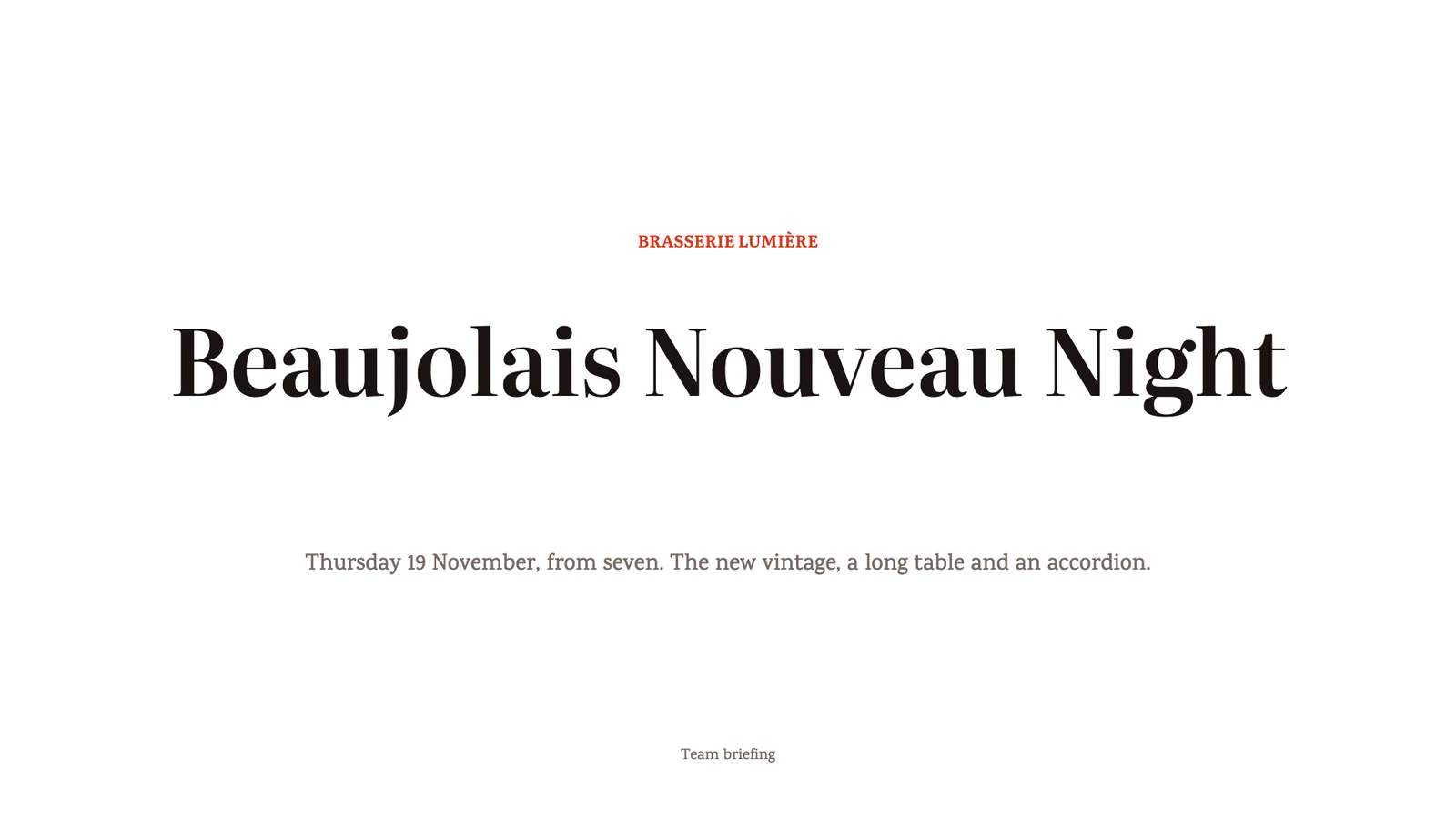
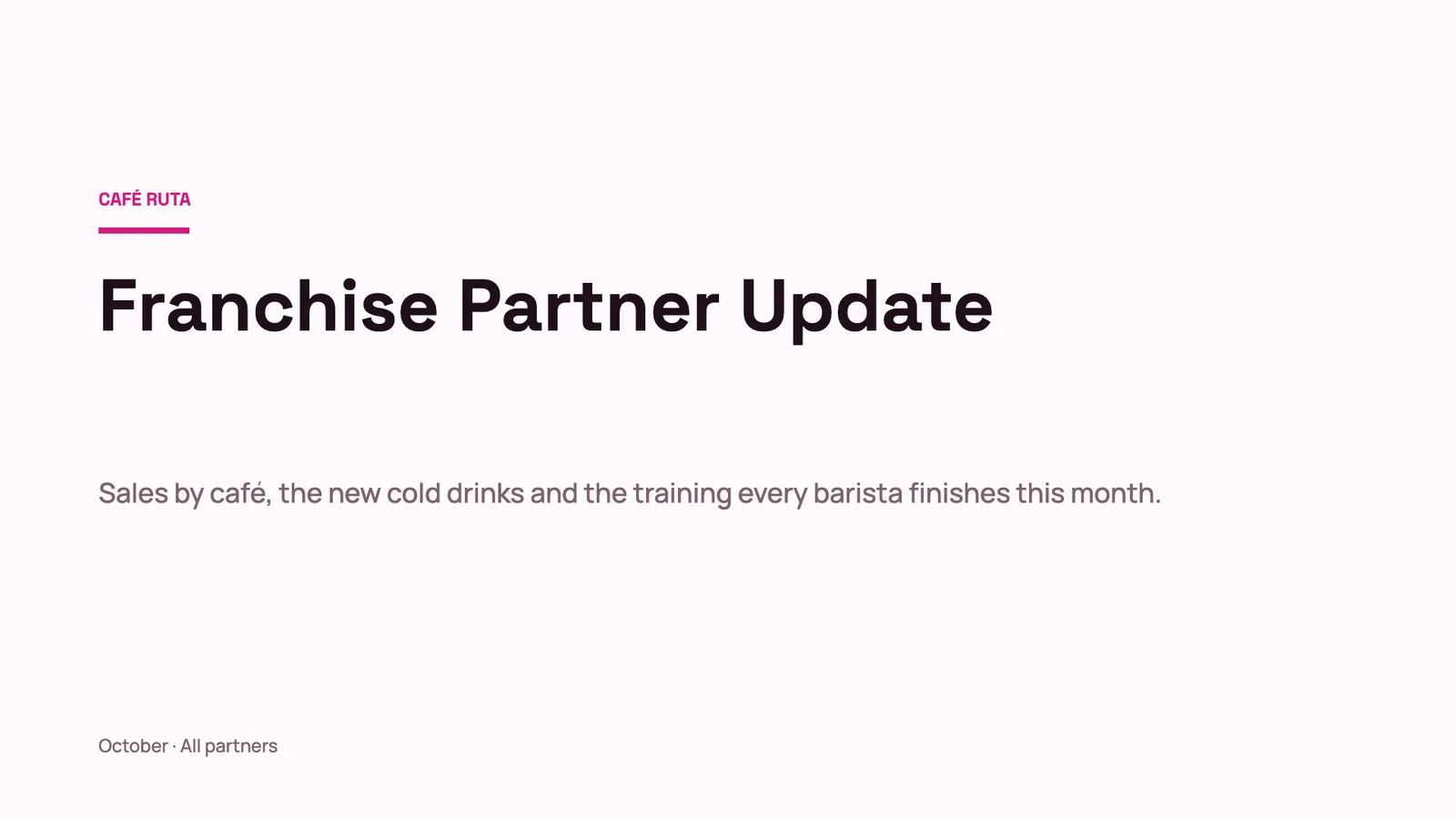
Wedding Season KickoffSales meetings · Cobalt · ModernAutumn ToursMarketing · Blush · TraditionalSecond Location PlanStrategy & planning · Noir · ModernStudio PortfolioPortfolios & lookbooks · Ink · ArtisticPatient Experience ReviewReports & reviews · Calm Spa · ModernBrand Refresh ProposalVoorstellen · Paper · ModernHarvest 2026 BriefingEvents & conferences · Classic · ArtisticDive Safety BriefingTraining & onboarding · Tech Forward · ModernNew Season MenuProduct · Warm · TraditionalFranchise Partner UpdateReports & reviews · Fuchsia · ModernBeaujolais NightEvents & conferences · Poppy · TraditionalWelcome to the TeamTeam & culture · Calm Spa · Traditional
Een Thema of een lege presentatie

Begin in een van de thema's van Calisto, uw eigen thema, of vanaf een lege dia die al in het thema van uw bedrijf staat.

slides.calistoco.com/new
Maak een nieuw PresentatieHoe wilt u beginnen?
Starten vanuit een sjabloonEen ontwerp dat al in een thema is gekleed. Kies er één en maak het uw eigen.
Begin bij een ThemaKies of ontwerp een Thema, en bouw uw presentatie erin.
Leeg startenEen lege presentatie in uw thema.
Bouw het voor mijCalisto stelt dit samen op basis van de gegevens van uw bedrijf: uw producten, diensten, openingstijden en team.
Theme LibraryCalistoMijn
AaBlush · TraditionalAaCalm Spa · ModernAaCitron · ModernAaCobalt · ModernAaMidnight Dining · ModernAaSand · Traditional
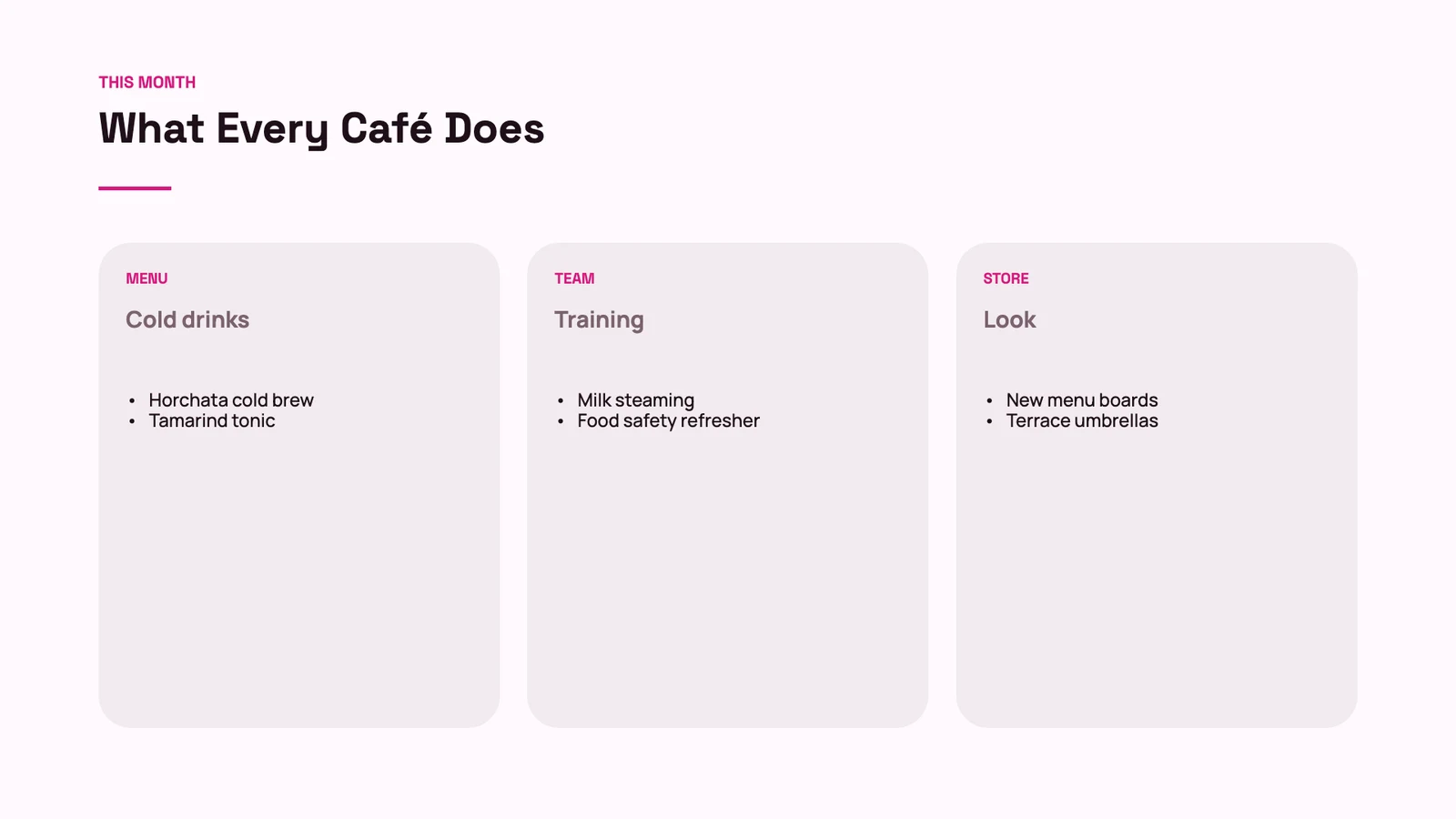
Een PPTX-bestand importeren

A .pptx opens as a deck you keep editing, with its tables, notes and pictures.

PresentationsWedding Season Kickoff⋯OpgeslagenZoekacties⌘KLMDelenAanwezig▾
12345
Notities

Go round the table: each person takes the couples they met at a show-round and gives a date for the call. Naidoo and Botha first, their deposit is due on Friday.

NotitiesDia 4 van 5Grid− 75% +Bekijken ▾Volledig scherm

Uw eigen sjablonen

Save any deck or one slide as a template, and use it again.

PresentationsBeaujolais Night⋯OpgeslagenZoekacties⌘KCDHMDelenAanwezig▾
1234
NotitiesDia 1 van 4Grid− 75% +Bekijken ▾Volledig scherm
Sla deze presentatie op als sjabloon
CancelSjabloon Opslaan
slides.calistoco.com/new?build=1
Review-omschrijving
Beschrijf de presentatie

A launch plan for our new night desks, open until 2 a.m., for members who work with Europe and Asia

Titel presentatieNight Desks Launch
1Night Desks
  • Open until two in the morning
  • For members who work across time zones
+ Punt toevoegen
2What Members Told Us
  • 38% work with teams in Europe or Asia
  • 61 members asked for later hours
  • A night pass at COP 450,000 a month
+ Punt toevoegen
3Open Until 2 a.m.
  • A quiet second floor
  • Coffee and snacks until midnight
  • Security on the door and a car home
+ Punt toevoegen
4Four Weeks to Opening
  • Members’ preview
  • Posts and the newsletter
  • Open house night
  • Night desks open
+ Punt toevoegen
5Questions?
  • Valentina Ríos · Community
+ Punt toevoegen
+ Smeer toe
Presentatie genererenOverstappen op Review & GenererenOpnieuw beginnen
De dia's maken

Voeg links toe aan de Linker, verfijn aan de Rechter

Dia's, tekst, vormen, media, tabellen en grafieken worden toegevoegd via de linker balk, of gesleept naar de dia waar ze terechthoorden. Opmaak, ontwerp, opmerkingen en geschiedenis staan in de rechter balk. Een klein chipje op de dia bevat de weinige besturingselementen van de selectie.

Voeg een dia toe vanuit een ontwerp

Agenda, SWOT, tijdlijn, roadmap, organigram, funnel, prijsstelling en elk ander layout, getekend in het thema van uw presentatie.

PresentationsSecond Location Plan⋯OpgeslagenZoekacties⌘KSKEADelenAanwezig▾
12345
OntwerpenSjablonenCalistoMijn
CoverKPIVergelijkingTijdlijnSluitendLege dia
NotitiesDia 5 van 5Grid− 75% +Bekijken ▾Volledig scherm
Uw thema

Maak elke deck in uw kleuren en Lettertypes

Een nieuw deck neemt het thema van uw bedrijf over: de kleuren, de lettertypes en hun diktes, en de afstanden. Wijzig het thema in Refine Design, pas elk deel ervan aan, of sla het op als het uw eigen. Elk deck behoudt het thema waarin het is gemaakt.

PresentationsCorporate Retreats at Miradouro⋯OpgeslagenZoekacties⌘KMLJPDelenAanwezig▾
12345

Ontwerp

ThemaDragenClassic · TraditionalCalistoMijnZoek thema's
AaClassic · TraditionalAaSand · TraditionalAaMidnight Dining · ModernAaBlush · TraditionalAaMist · ModernAaNoir · TraditionalAaCitron · ModernAaCobalt · TraditionalAaWarm · Modern
Bladeren door alle thema'sDit thema aanpassenPaginagrootteBreedbeeld (16:9) ▾MerkcontroleMerkcontrole
NotitiesDia 3 van 5Grid− 75% +Bekijken ▾Volledig scherm

Pas een thema aan en sla het op

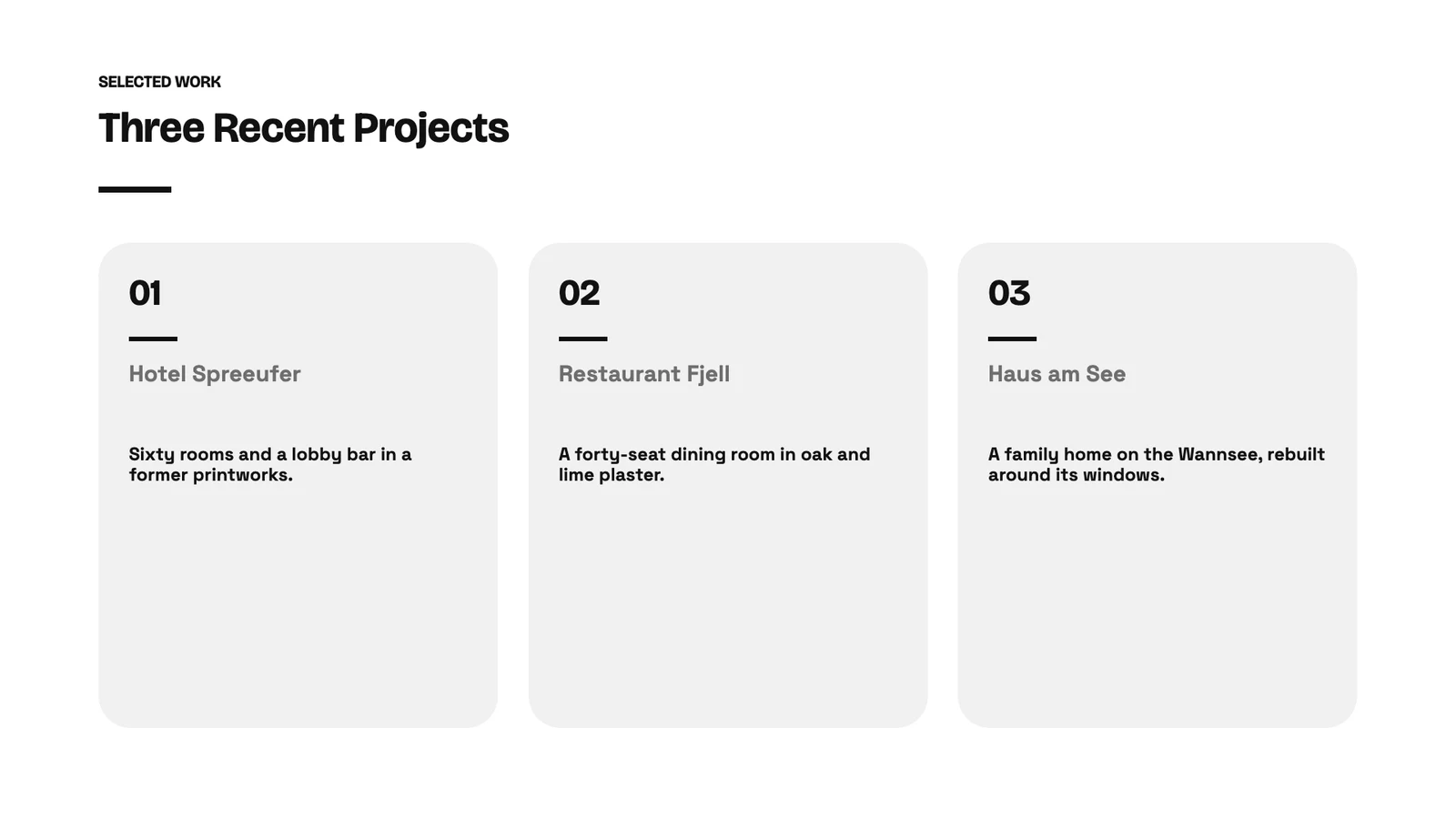
Dit thema aanpassenInk · ArtisticKleurSlide background#FFFFFFTitles and text#111111Accent · chart color 1#111111Chart color 2#444444Subtitles · chart color 4#6E6E6ETypografieTitelfontBricolage Grotesque700Body fontSpace Grotesk700RegelafrondingLine spacing 1.12×LijndikteStandaardOpslaan als thema

Wijzig elk geschilderd deel van een thema, de kleuren, lettertypes, afstanden of lijndiktes, en sla het op als Thema voor uw volgende presentaties.

Uw eigen lettertype

MerkfonteinenHotel Naniwa BayAaNaniwa Sans LightNaniwaSans-Light.otfAaNaniwa Sans RegelmatigNaniwaSans-Regular.otfAaNaniwa Sans MediumNaniwaSans-Medium.otfAaNaniwa Sans VetNaniwaSans-Bold.otfAaNaniwa Serif RegelmatigNaniwaSerif-Regular.ttfAaNaniwa Serif 400 ItalicNaniwaSerif-Italic.ttfUpload FontUpload alleen lettertypen die uw licentie toelaat te gebruiken op uw website en in uw documenten. Elke bestand voegt één gewicht toe.

Een lettertype dat uw merk uploadt, wordt getekend in de editor, de export en de gepubliceerde presentatie.

Merkcontrole

MerkcontroleOpnieuw uitvoeren78%5 problemenWrite "dive guide", not "instructor".ToepassenWrite "guests", not "customers".ToepassenBlocked word "easy".ToepassenWrite "buddy check", not "partner check".ToepassenTone leans casual; brand guideline is Calm.Gecontroleerd tegenAzul Profundo brand kitBasisstemCalm, clear and safety first

De presentatie kon niet worden gelezen tegen uw merkrichtlijnen toen u vroeg.

Vier Paginagroottes

PaginagrootteFranchise Partner UpdateDe hele stapel veranderen. De inhoud stroomt opnieuw om de nieuwe vorm aan te passen.
Breedbeeld (16:9)Standaard (4:3)A4Brief
Toepassen

16:9, 4:3, A4 of Letter, ingesteld voor elke presentatie.

Uit uw andere bestanden

Plaats Slide met cijfers van de sheet en tekst van het document

Een grafiek kan een bereik van een sheet lezen en vernieuwen wanneer de sheet verandert. Een passage van een document kan op een dia worden geplaatst en op dezelfde manier worden vernieuwd. Elke app beslist nog steeds wie zijn bestand mag lezen.

Gelinkte grafieken, met tabbladen

Balken-, lijn-, cirkel- en ringdiagrammen, vernieuwd vanuit het bereik dat ze lezen.

PresentationsWedding Season Kickoff⋯OpgeslagenZoekacties⌘KTNRBDelenAanwezig▾
12345
Regeling ▾Gegevens bewerken…Verversen van Sheet

Formaat

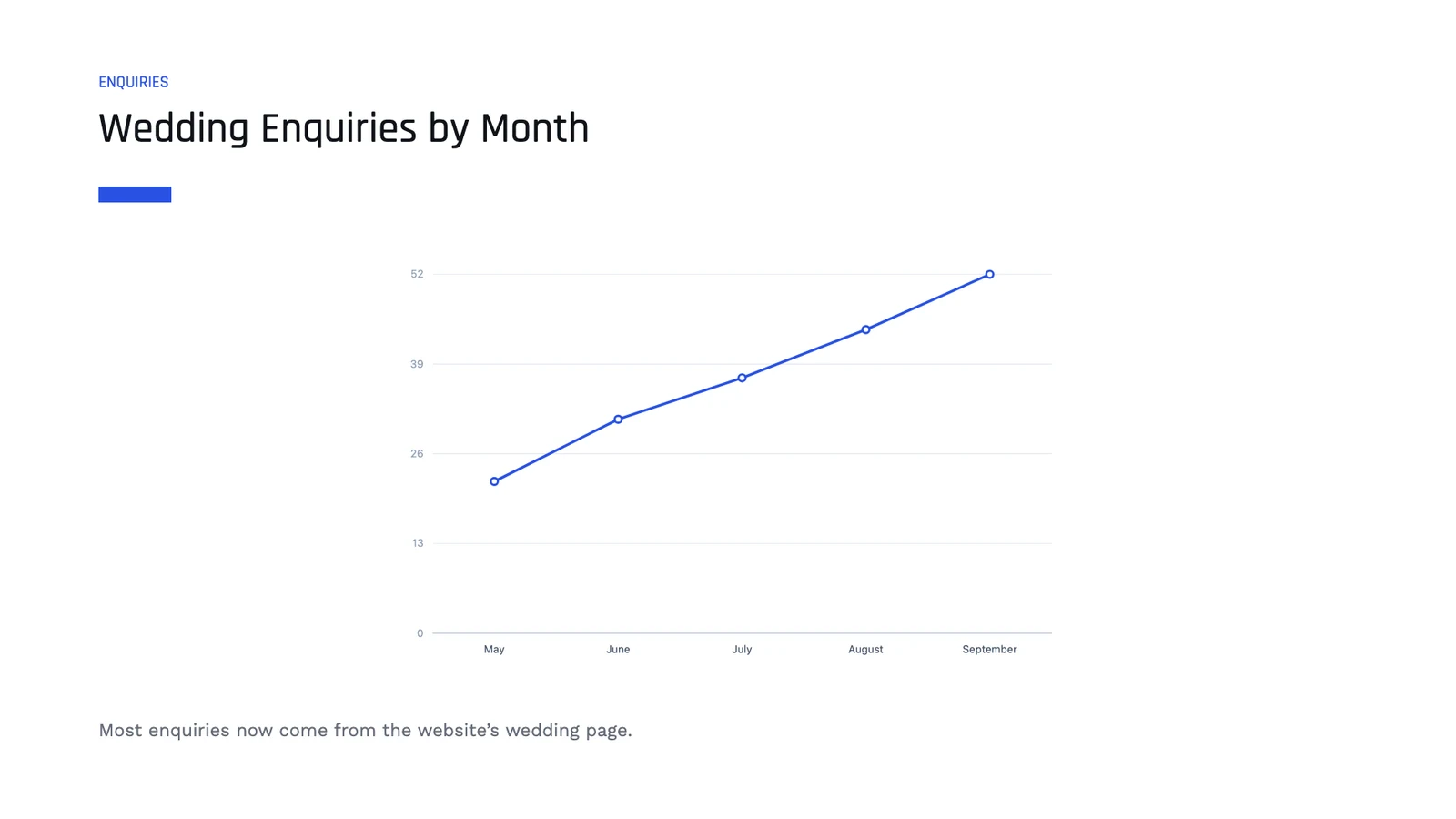
Gelinkt aan een spreadsheet · A2:A6 / B2:B6SpreadsheetWedding Enquiries 2026 · By monthTypeBarRegelingPieDonutLabelsWaardenMay22June31July37August44September525 datapuntenVerversen van Sheet
NotitiesDia 3 van 5Grid− 75% +Bekijken ▾Volledig scherm

Tekst uit een document, met documenten

Een sectie van een document, bijgewerkt op de dia.

PresentationsFront Desk Training⋯OpgeslagenZoekacties⌘KATDelenAanwezig▾
12345

Van Calisto

Inhoud vanuit DocsEen document, of een deel ervanVeld samenvoegenInvuldata van uw bedrijfDia-nummerVult in op elke diaDiaalgetalHoeveel dia's het deck heeftDateVandaag, wanneer getoond
NotitiesDia 4 van 5Grid− 75% +Bekijken ▾Volledig scherm
Inhoud vanuit Docs
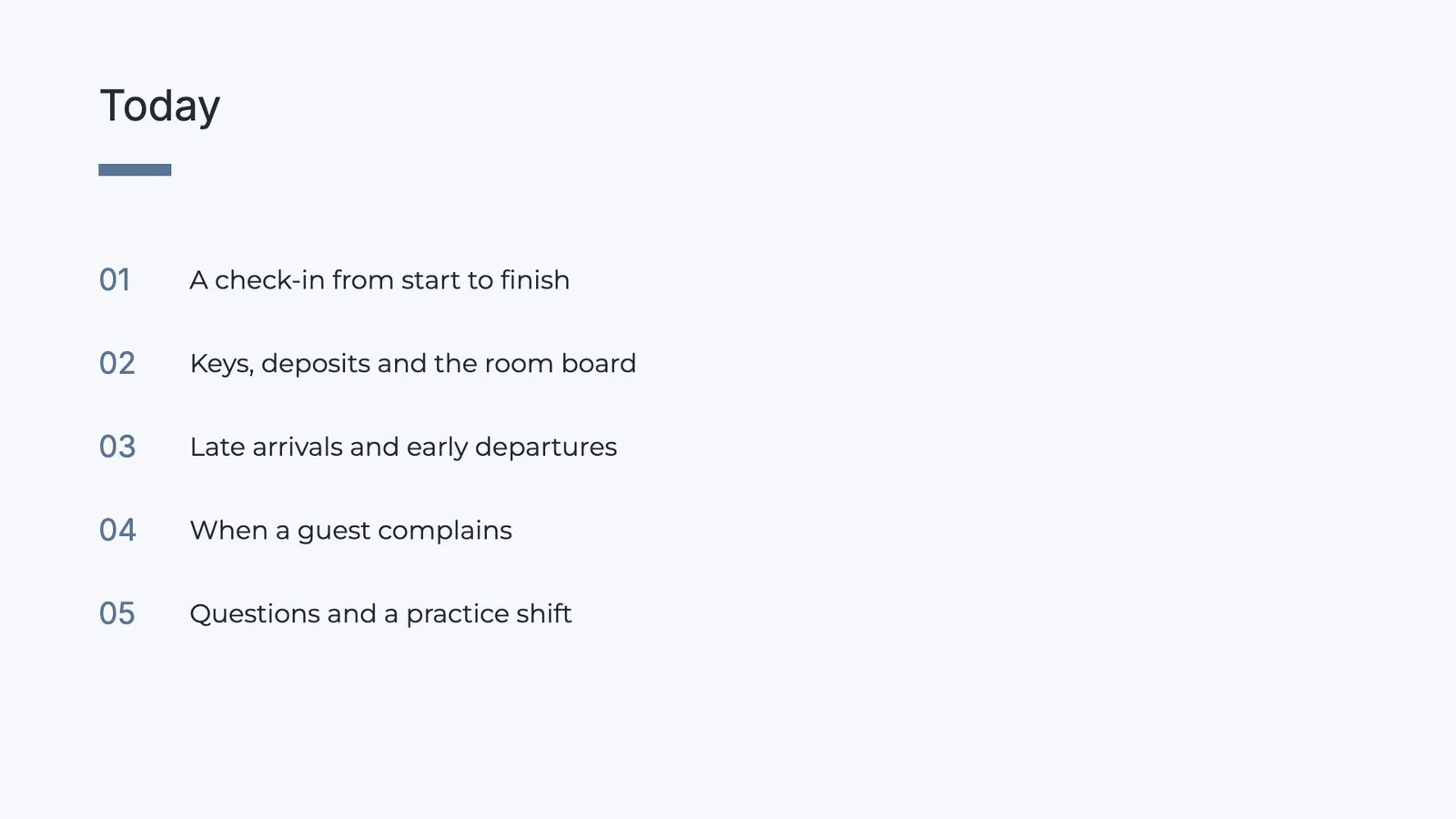
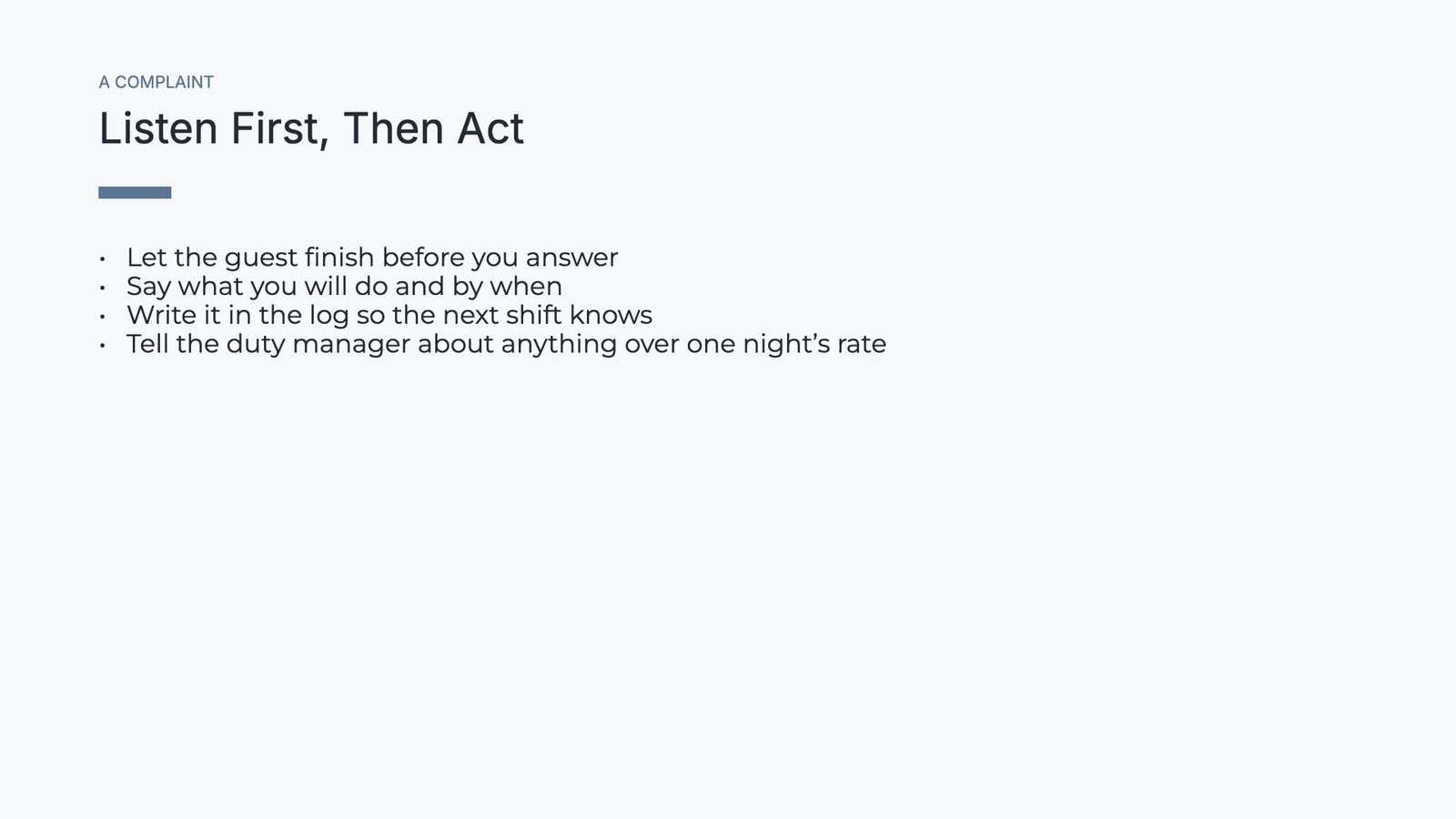
Front Desk HandbookHele documentSectieOpening the deskA check-in from start to finishKeys, deposits and the room boardLate arrivals and early departuresWhen a guest complainsClosing the shiftVoorbeeld · 4 regels

Let the guest finish before you answer.

Say what you will do and by when.

Write it in the log so the next shift knows.

Tell the duty manager about anything over one night’s rate.

ChangeInhoud invoegen

Foto's, Video en Bestanden

Uit uw Depotbestanden: een videolink, een embed of audio.

PresentationsNew Season Menu⋯OpgeslagenZoekacties⌘KRPYGDelenAanwezig▾
1234

Media

AfbeeldingFrom the media library or an uploadVideo or EmbedEen videolink, of een pagina om in te sluitenAudioEen geluid dat afspelt op de diaBestand uit DepotA file you keep in Depot
NotitiesDia 3 van 4Grid− 75% +Bekijken ▾Volledig scherm
Bijvoegen vanuit Depot
Bestanden zoeken…
sancocho-siete-carnes.jpgBrand · Menu photos2.4 MB
mofongo-chicharron.jpgBrand · Menu photos2.1 MB
pescado-con-coco.jpgBrand · Menu photos2.8 MB
chef-ramon-cibao.mp4Brand · Kitchen videos48 MB
merengue-tipico-loop.mp3Team · Music6.2 MB
temporada-carta.pdfTeam · Menus1.3 MB
A file you keep in Depot
Samenwerken

Bewerk One Deck Together en commentaar op een Slide

Twee personen die twee vormen verplaatsen landen beiden, en iedereen met de deck open wordt getoond op Share. Opmerkingen staan op een dia of een punt erop, met antwoorden, vermeldingen en een persoon waaraan het is toegewezen. Nodig mensen uit om te bekijken, opmerkingen te plaatsen of te bewerken.

PresentationsSecond Location Plan⋯OpgeslagenZoekacties⌘KSAEKDADelenAanwezig▾
12345
Emre KayaDeniz Arslan
NotitiesDia 2 van 5Grid− 75% +Bekijken ▾Volledig scherm

Iedereen in het deksel wordt getoond in Delen, en twee mensen die twee vormen verplaatsen behouden beide hun wijziging.

Reageer op een dia of een punt erop, noem iemand, wijs de draad toe en markeer als Afgerond.

Voeg mensen toe op naam of e-mail als Kan bekijken, Kan reageren of Kan bewerken, of deel met een Hub.

Benamingen van versies en sessies, vergeleken en hersteld.

Een alleen-lezen of alleen-commentaar persoon krijgt het deck zonder mogelijkheid om het te bewerken.

Een deck gaat in een map van een Hub, naast de overige bestanden van het team.

Aanwezig

Presenteer met uw notities, een timer en de vragen van het publiek Vragen

Elke dia speelt zijn eigen overgang en animaties, met een pen, een laser en een zwart scherm. Presenter View toont uw notities, de volgende dia en een timer terwijl het publieksscherm u volgt. Mensen die de gepubliceerde presentatie lezen, kunnen meelezen en vragen sturen.

Presenterweergave

Uw sprekeropmerkingen, de volgende dia en een timer op uw scherm, terwijl het publieksvenster u volgt.

PresenterweergaveDia 2 van 42 screens followingBlack8:42
Vorige2 / 4Volgende
Volgende

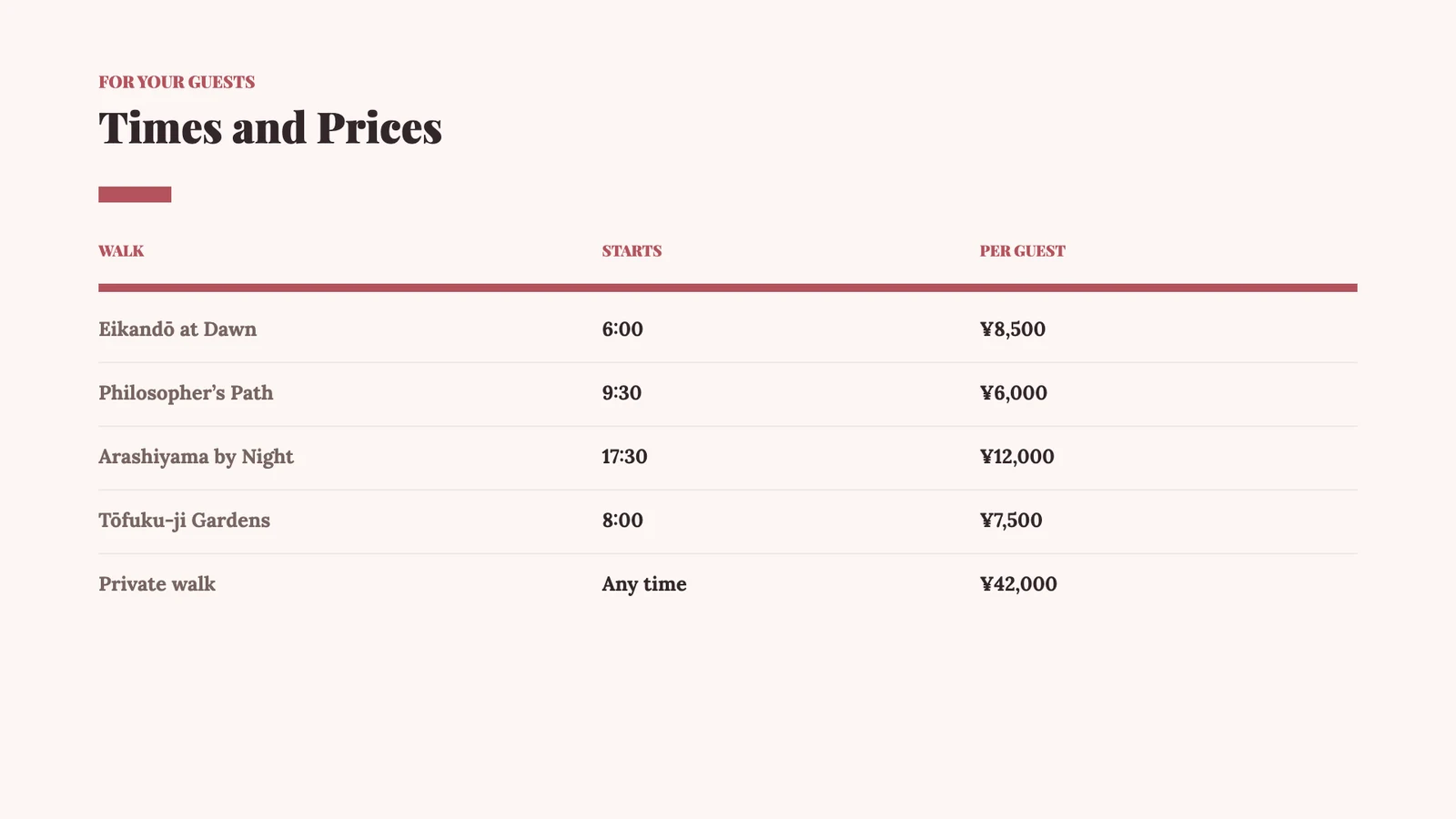
Times and Prices

SprekeropmerkingenVragen3
  • Start with Eikandō: it is the one guests ask for by name.
  • Dawn walks sell out first in November; suggest partners book them two weeks ahead.
  • Mention the tea after the walk is included.
  • Pause for questions before the prices.
Publiceren en Verzenden

Publiceer Het, Stuur Het, of Bevestig Het aan de Transactie

Publiceren geeft een link, een QR-code en drie embeds: inline, een dia-presentatie en één die de spreker volgt. Wie het heeft gelezen geeft aan wie de gepubliceerde presentatie heeft geopend en hoe lang. Onpubliceren zorgt ervoor dat de link niet meer werkt.

Een link, een QR-code en inbeddingen

Publish gives a link, a QR code and inline, slideshow and follow-the-presenter embeds, with a password or an end date when you want one.

PresentationsNight Desks Launch⋯OpgeslagenZoekacties⌘KVRDelenAanwezig▾
12345
NotitiesDia 1 van 5Grid− 75% +Bekijken ▾Volledig scherm
Presentatie Publiceren
PubliekUw presentatie is live en kan door iedereen met de link worden geopend.
Publieke linkKopieer en plak dit overal: e-mail, berichten, sociale media
slides.calistoco.com/p/night-desks-hv7k2Link kopiëren
Inbedden in een paginaGa naar je Site, App of elke webpagina
InlineDia-presentatieDe presentator volgenToont de dia waarop de presentator zich bevindt, live, terwijl hij/zij presenteert.<iframe src="https://slides.calistoco.com/p/night-desks-hv7k2?follow=1" width="960" height="540"
QR-codePrint or display in person
38 scans
Downloaden
Wie kan toegang krijgenControleer wie deze link kan openen
Iedereen met de link Link verloopt in30 dagen
Niet publiceren

Wie heeft het gelezen

Wie het gepubliceerde deksel heeft geopend, hoe lang ze hebben gelezen en welke slide het langst heeft bekeken.

PresentationsBrand Refresh Proposal⋯OpgeslagenZoekacties⌘KSLDelenAanwezig▾
12345
NotitiesDia 4 van 5Grid− 75% +Bekijken ▾Volledig scherm
Wie heeft het gelezen

Opened by 6 people · 11 opent

Laatste 18m · 41m 20s leestijd

Langst vastgehouden op dia 4 · 6m 05s

Meer dan één browser heeft deze link geopend. Deze is doorgestuurd.

Lezer 1 · desktopgeopend 18m · 3 keer · 14m 40s · 5 van 5 dia'sLezer 2 · phonegeopend 2h · 2 keer · 8m 10s · 5 van 5 dia'sLezer 3 · desktopgeopend 5h · 7m 55s · 4 van 5 dia'sLezer 4 · desktopgeopend Gisteren · 2 keer · 5m 30s · 5 van 5 dia'sLezer 5 · phonegeopend Gisteren · 2 keer · 3m 15s · 3 van 5 dia'sLezer 6 · desktopgeopend 2d · 1m 50s · 2 van 5 dia's
Op een telefoon

Vind, Lees, Presenteer en Stuur een Deck Vanaf een Telefoon

Home shows what you were working on and the comments waiting for you. A deck opens to read, present with its notes and timer, comment on and send. A template or a description becomes a deck you save on the phone; laying out slides stays on the desk.

Thuis

De presentaties waar u aan werkte, en de opmerkingen die aan u zijn toegewezen of wachten op uw antwoord.

ThuisNieuwe presentatie
Goede morgen, Lerato.Waar wilt u vandaag aan werken?Gaan

Ga verder waar u stopte

Wedding Season KickoffLaatst bewerkt · 2 h agoOpen Proposals, FebruaryLaatst bewerkt · 1 d geleden

Reacties voor U · 4

Can you add the Dlamini wedding to the open proposals?Toegekend aan U · Wedding Season Kickoff · van Thabo NkosiLerato, the enquiries chart needs September’s figureMentioned You · Wedding Season Kickoff · van Megan EllisAgreed, let’s lead with the R 3.4m slideReplied to You · Wedding Season Kickoff · van Sipho Dube

Presentatie vanaf de telefoon

Open een deck en presenteer het met je spreker-notities en een timer.

Dia 3 van 506:42VolgendeSpeaker notes

Remind the crews that the Carmenère block starts tomorrow, not Thursday. Rosa has the bus times for each valley; Tomás wants every bin weighed before it reaches the sorting table.

Volgende

Een Deck vanuit een beschrijving

Beschrijf het dek, schets het, lees en presenteer het, en sla het op om het te behouden.

Beschrijf uw presentatie
Waar is de presentatie voor, en wat moet deze behandelen?

A launch plan for our new night desks: open until 2 a.m. for members who work with Europe and Asia, the price, what is included and the four weeks to opening.

Schets hetYou will see the outline first and can change it before the deck is built.Night Desks LaunchDia 1 van 5Nog niet opgeslagenOpslaan

Meldingen met knoppen

Reply to a comment, mark an assigned one done, or see who read your deck.

9:41Saturday, November 21Dia's2 minuten geledenMarta Lopes assigned you a comment on Corporate Retreats at MiradouroPlease check the Executive package before Vantage sees it.AntwoordenMarkeren als voltooidDia's9 minuten geledenSomeone is reading Corporate Retreats at MiradouroCorporate Retreats at Miradouro was opened from its shared link.Wie heeft het gelezenDia's24 minuten geledenRui Faria mentioned you in Corporate Retreats at MiradouroInês, can the fado evening move to the second night?AntwoordenDia's41 minuten geledenAna Sousa replied to a comment on Summer Weddings 2027Yes, the terrace holds 120 seated.Antwoorden

Open een PPTX-bestand van overal

Een .pptx-bestand dat gedeeld is met Calisto opent als een presentatie.

Nieuwe presentatie
Kadıköy ikinci şube.pptx4.8 MBHet importeren van uw presentatie…Uploaden… 72%Second Location PlanDia 2 van 5Aanwezig

Presenteren zonder signaal

Op het apparaat bewaarde dekken, wanneer u kiest; opmerkingen die worden verzonden wanneer u weer verbinding maakt.

Dive Safety Briefing
Kept on this device · 3 h agoKeep presentations on this devicePresenteer elk deck dat u eerder hebt geopend, zonder verbinding, en commentaar hierop: een reactie wacht hier en wordt verzonden zodra u weer online bent.AanwezigDiego RamírezDia 2

Add “check the dive flag is up” to the buddy check.

Widgets

Comments for You and Recent Presentations, on a Windows desktop.

9:41Restaurante El Conuco
SlidesOpmerkingen voor u6 commentaren wachten op uShould the chivo go up to RD$ 750?Toegekend aan U · New Season Menu · Yolanda PeñaCarlos, add the Samaná fish photoMentioned You · New Season Menu · Luis BatistaTasting moved to five, thanksReplied to You · Kitchen Rota, November · Yolanda PeñaWho brings the mamajuana for the pairing?Toegekend aan U · New Season Menu · Ramón CruzNieuwe presentatieOpen SlidesSlidesRecentste PresentatiesGa verder waar u stopteNew Season MenuLaatst geopendAanwezigKitchen Rota, NovemberGewijzigd Nov 20AanwezigPatronales Weekend SpecialsGewijzigd Nov 18AanwezigWine List TrainingGewijzigd Nov 15AanwezigNieuwe presentatieAll Presentations
ThuisNieuwe presentatie
Goede morgen, Lerato.Waar wilt u vandaag aan werken?Gaan

Ga verder waar u stopte

Wedding Season KickoffLaatst bewerkt · 2 h agoOpen Proposals, FebruaryLaatst bewerkt · 1 d geleden

Reacties voor U · 4

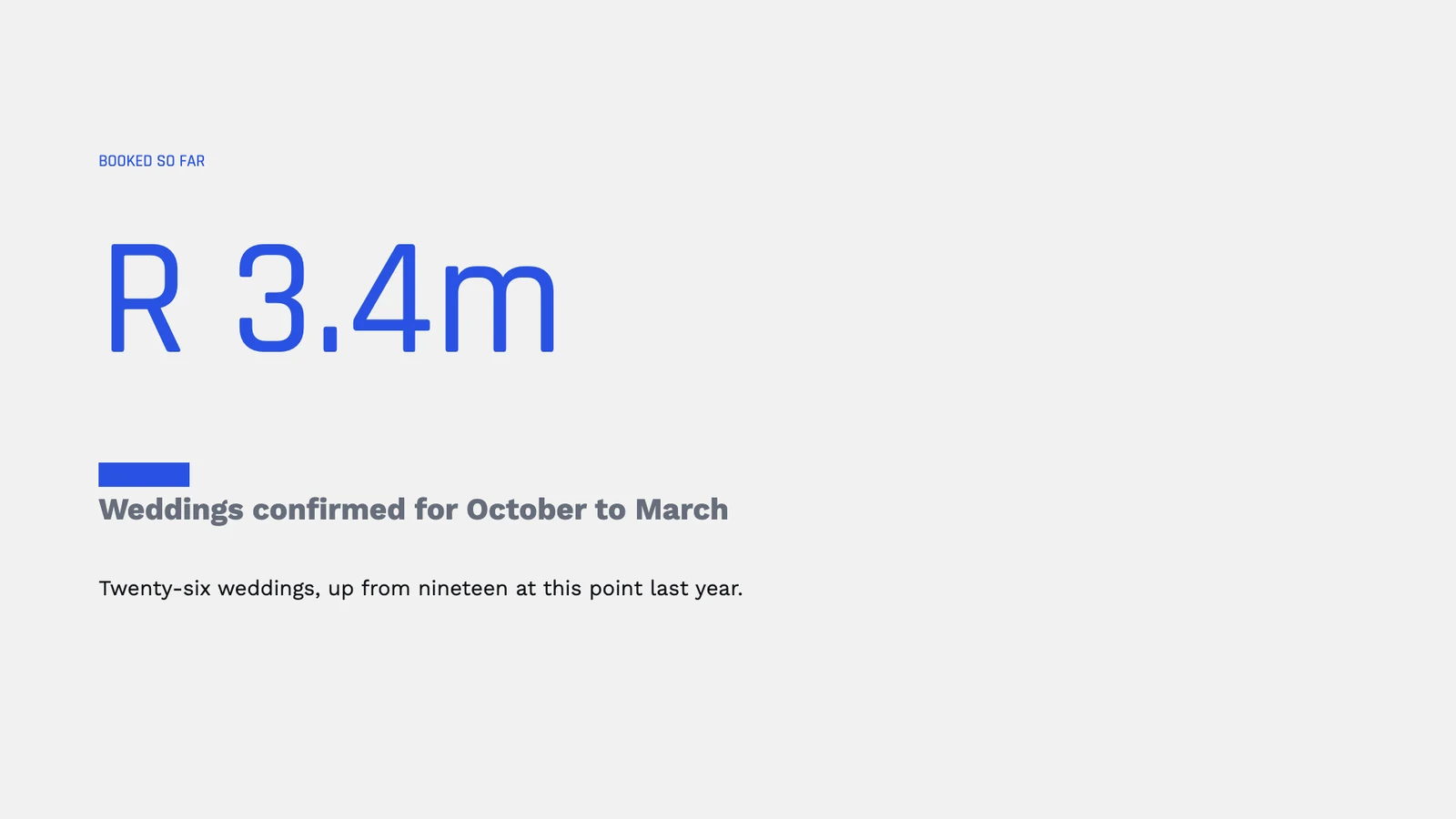
Can you add the Dlamini wedding to the open proposals?Toegekend aan U · Wedding Season Kickoff · van Thabo NkosiLerato, the enquiries chart needs September’s figureMentioned You · Wedding Season Kickoff · van Megan EllisAgreed, let’s lead with the R 3.4m slideReplied to You · Wedding Season Kickoff · van Sipho Dube
Prijzen

Geen opstartkosten. Betaal wanneer u begint met gebruiken.

Presentations, presenting them, and where they go.

Calisto Werk

Documents, spreadsheets, slides, forms, and file storage

€4/user/mo

Calisto Work is one subscription per person for Docs, Sheets, Slides, Forms, Agenda, Equipo, and Depot, with a branded mailbox for each person.

Aanbevolen voor u

Werkt goed samen.

Calisto Sheets

Calisto Werk

Documents, spreadsheets, slides, forms, and file storage

Learn more →
€4/user/mo
Calisto Docs

Calisto Werk

Documents, spreadsheets, slides, forms, and file storage

Learn more →
€4/user/mo
Calisto Depot

Calisto Werk

Documents, spreadsheets, slides, forms, and file storage

Learn more →
€4/user/mo
Calisto Live

Calisto Live

Video meetings, calls, webinars and live rooms.

Learn more →
€6/user/mo
Calisto Deals

Calisto Commerce

The CRM: leads routed and claimed, a pipeline on your own stages, quotes as versions and the contracts they become, people and companies, the day’s follow-ups, the handoff after the sale, commissions and the forecast.

Learn more →
€55/user/mo
Calisto Proposals

Calisto Commerce

Designed proposals priced by a quote from your catalog, sent by email, text, WhatsApp or a link, then chosen, accepted, signed and paid on one link, with follow-up, change orders and analytics.

Learn more →
€0.85per proposal
Calisto University

Calisto Ops

Courses with their exams, learning paths and programs, assignments with a deadline, grading and completion rules, certificates in your name that renew, seminars on Live, learning analytics, and training on a phone with or without signal.

Learn more →
€20/user/mo
Calisto Navigator

Calisto Navigator

A portal with its own journey and messages, each client’s own records, unlimited clients signing in without passwords, and its own domain.

Learn more →
€30/portal/mo
Calisto Display

Calisto Display

Runs the TVs in a business: kitchen displays, pickup and now-serving boards, guest TVs, menu boards, signage and designed screens, with schedules, alerts and performance.

Learn more →
€9/TV/mo

Aanbevolen voor

De industrieën die Slides runnen, en waarvoor elk van hen het runnen.

Makelaars voor onroerend goedPresentations

Listing presentations built on live data.

Makelaars voor onroerend goed op Calisto →

Videografie & FotografenPresentations

Pitch decks and client presentations.

Videografie & Fotografen op Calisto →

Grafische ontwerpers & kunstenaarsPresentations

Pitch decks and concept presentations.

Grafische ontwerpers & kunstenaars op Calisto →

Hoe Slides zich vergelijkt

Alles. Een Prijs.

Alles inbegrepen in Calisto Slides.

Presentations
  • One library with five lenses: Recent, My Presentations, Shared With Me, Starred and Trash.
  • Search reaches titles and the text on every slide; sort by opened, modified, created or name.
  • Each row shows its owner, when you last opened it, its slide count and whether it is shared.
  • Hubs in the sidebar narrow the library to one Hub; Move To… files a deck in a Folder of a Hub.
  • Trash keeps a deck for 30 days; only its owner restores it or deletes it for good.
Home
  • A describe box, the decks you were working on, a Jump To row and the activity of your decks.
  • Comments for You: threads assigned to you, and threads where someone mentioned or answered you.
  • The storage your account has used.
Starting a Deck
  • From a template, from a theme, blank, Build It for Me, or Import.
  • Every start opens a new deck that is saved only when you name it; leaving with changes asks first.
  • Build It for Me: an outline you edit, reorder and trim, then the deck built from that outline.
  • A new deck takes the account’s theme and your own deck shape and default transition.
  • PPTX import: shapes onto the shape library, tables with merges, speaker notes, pictures stored in your files.
Templates, Designs and Themes
  • A template is a design in a theme: Calisto’s, your own and the ones you bought.
  • Templates filter by deck type, industry, style and color; designs come as whole decks and as single slides.
  • Save as Template works on any deck, saved or not; Save Slide as Design or as Template from a slide’s menu.
  • Edit Template opens the template itself; using one never changes it.
  • Library: every design, theme and template of yours for Slides.
The Editor
  • The left rail adds: Slide, Text, Shapes, Media, Table, Chart and From Calisto; shapes, lines, text and tables drag onto the slide.
  • The right rail refines: Format, Design, Assist, Comments, History and Info.
  • On the slide, a chip with at most five controls for the selection; everything else in Format.
  • The object menu: clipboard, stacking order, group and ungroup, flip and lock.
  • Notes, slide count, Grid view, zoom, grid lines, rulers, smart guides, snap to grid and full screen along the bottom.
  • Search Actions (⌘K) and the shortcuts list (⌘/) index every command; each command has one home.
On a Slide
  • Multi-select, marquee, align, distribute, nudge, and paste in place.
  • 27 library shapes, lines and connectors; text with bold, italic, links and color.
  • Tables with rows, columns, merged cells and a header row.
  • Charts typed in, or linked to a range of a sheet and refreshed from it.
  • Images with replace, crop, fit, border and opacity; video, embeds and audio; your Depot files.
  • A passage of a document placed on a slide and refreshed from it.
  • Links to a web address, a slide or an action; alt text; fields for slide number, count and date; merge fields.
  • Backgrounds in a color, a gradient or an image; a transition with its direction on each slide; object animations.
  • Sections, skipped slides, and find and replace.
Theme and Brand
  • Refine Design: Calisto’s and your own themes, a dial for every painted part, Save as Theme, Customize.
  • A deck keeps the theme it was made in, and is repainted only when you change it.
  • Your brand’s own typeface, drawn in the editor, the published deck and every export.
  • Brand Check reads the deck against your brand guidelines when you ask.
  • Page size for each deck: 16:9, 4:3, A4 or Letter.
Writing Help
  • Build It for Me drafts an outline from a description.
  • Improve Text rewrites a selection in your brand’s voice; Describe This Slide drafts a slide from a sentence.
Working Together
  • Several people edit at once: two people moving two shapes both land, undo is each person’s own.
  • Everyone with the deck open shows on Share.
  • Comments on a slide or a point on it, with replies, resolve, mentions and assignment.
  • Versions: named versions and sessions, compare, preview and restore.
  • Share with people to view, comment or edit; a reader cannot change the deck anywhere.
Presenting
  • One player for the desk, the audience window, the published deck and the phone.
  • Transitions and animations, pen, laser and black screen; the screen stays awake.
  • Present from the start or from this slide; skipped slides stay out.
  • Presenter View: your notes, the next slide and a timer, driving the audience window.
  • The audience’s questions, answered from Presenter View.
  • Present in Live puts the deck on the meeting’s stage (with Live).
Publish
  • A link, a QR code and three embeds: inline, slideshow, and follow the presenter.
  • Who Read It: who opened the published deck and for how long.
  • Unpublish and the link stops working.
Send and Attach
  • One Send dialog: Mail’s composer, Inbox, a Live meeting or Connect.
  • Attach to a deal (with Deals); a deck made for a deal, a proposal (with Proposals) or a course lesson (with University).
  • On a client project (with Velocity), or shared with a client to read and comment in their portal (with Navigator).
  • Create Task: a follow-up through Dispatch, linked back to the deck.
  • A deck plays on a TV as its pages, with Display.
Export
  • PDF, PPTX, PNG, JPEG and SVG, drawn from the deck itself.
  • PPTX keeps speaker notes, sections and each weight of your typeface.
  • A Confidential or Restricted deck carries its classification watermark.
On a Phone
  • Home, Presentations, Templates and Library in the tab bar.
  • Read a deck, present it with notes and a timer, comment, share, publish, rename and send.
  • A template, a description or shared text becomes a deck you read, present and save.
  • Notifications open the deck on its comment; Reply and Mark as Done from a comment’s notice, Who Read It from a reader’s.
  • Shortcuts: New Presentation, Recent, Shared With Me and Templates; widgets: Comments for You and Recent Presentations.
  • A .pptx shared to Calisto is imported and opens.
  • Decks kept on the device to read and present with no signal, when you choose; a comment written offline is sent on reconnect.
Settings and Preferences
  • Business, design, sign-in, locations, currencies and taxes: the one business record.
  • Your own new-deck shape, default transition, speaker notes while editing and where Share starts, the same in every business.
  • Which comment notices reach you, set by each person.
Eerlijke antwoorden

Questions about Calisto Slides

Ja. Een .pptx-opener opent als een presentatie die u blijft bewerken: de vormen, tabellen met samengevoegde cellen, sprekersnotities en afbeeldingen gaan hiermee mee. Een presentatie exporteert ook terug naar PPTX, PDF of afbeeldingen, inclusief de notities en secties.

U beschrijft het deck, Build It for Me schetst een outline, en u bewerkt, herschikt of verwijdert diens dia's voordat er iets wordt gebouwd. Het deck wordt vervolgens gebouwd uit precies de outline die u hebt behouden, in uw thema, en wordt alleen opgeslagen wanneer u het een naam geeft.

Ja. Twee mensen die twee delen van een dia bewerken, behouden beide hun wijzigingen; de ongedaan maken-functie van elke persoon is hun eigen, en iedereen met de presentatie open staat op 'Delen'. Een persoon die uitgenodigd is om te bekijken of te commentareren, kan het niet wijzigen.

No. They play when you present and on the published deck, but a PPTX export carries the slides without them.

Een telefoon leest, presenteert, commenteert op, verzendt en slaat een deck op. Het indelen van dia's gebeurt op een computer.

Slides is inbegrepen in Calisto Work, één abonnement per persoon. De prijsbox op deze pagina leest de live catalogus.