Bir dokunuşla fotoğraf düzenleyin; elle veya katmanlar ile.
Hesabınızda zaten bulunan fotoğraflar için fotoğraf düzenleyici. Bir fotoğrafı veya tüm çekimi tamamlayın, ardından müşterinizin en sevdiğini seçtiği bir Galeri paylaşın.
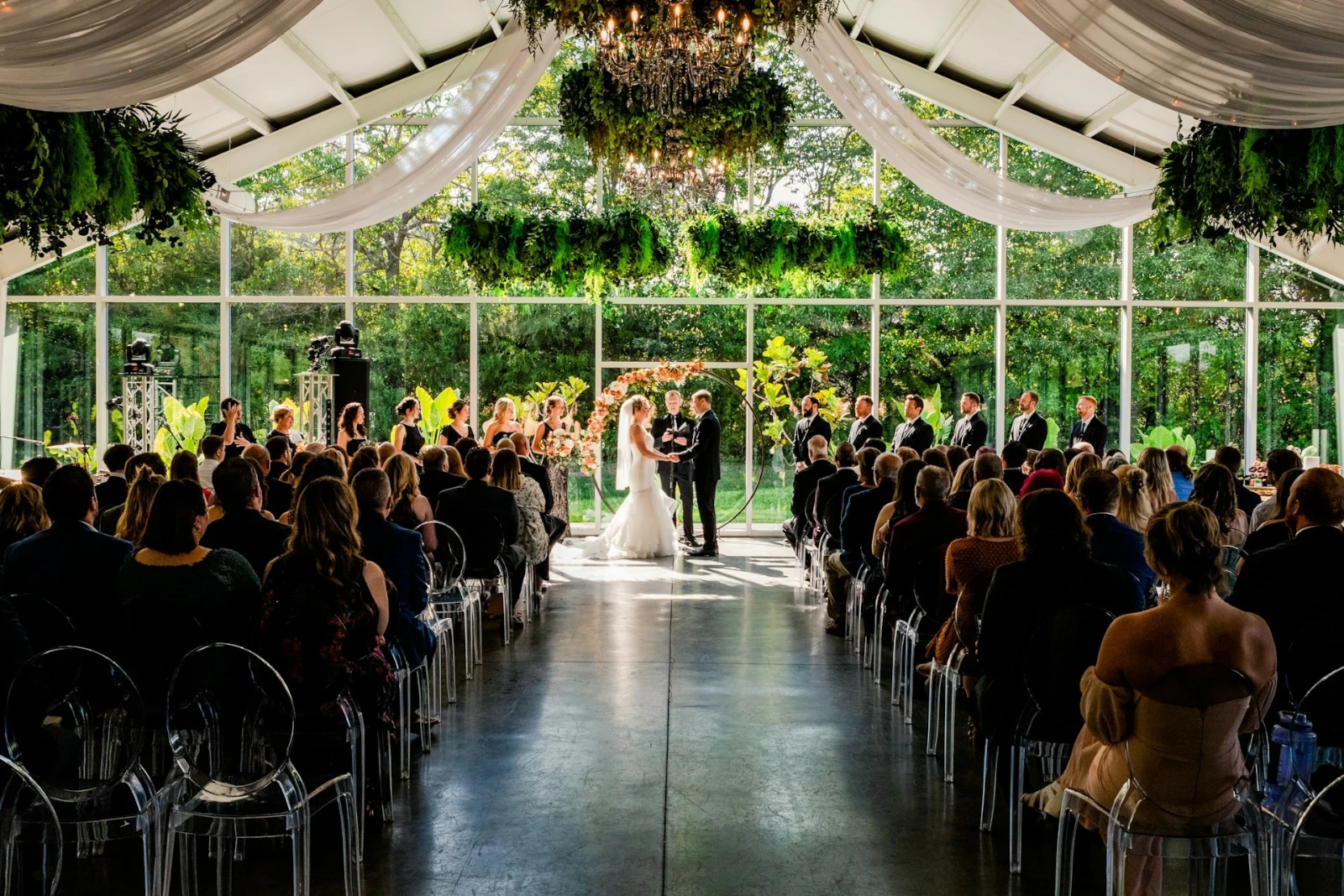
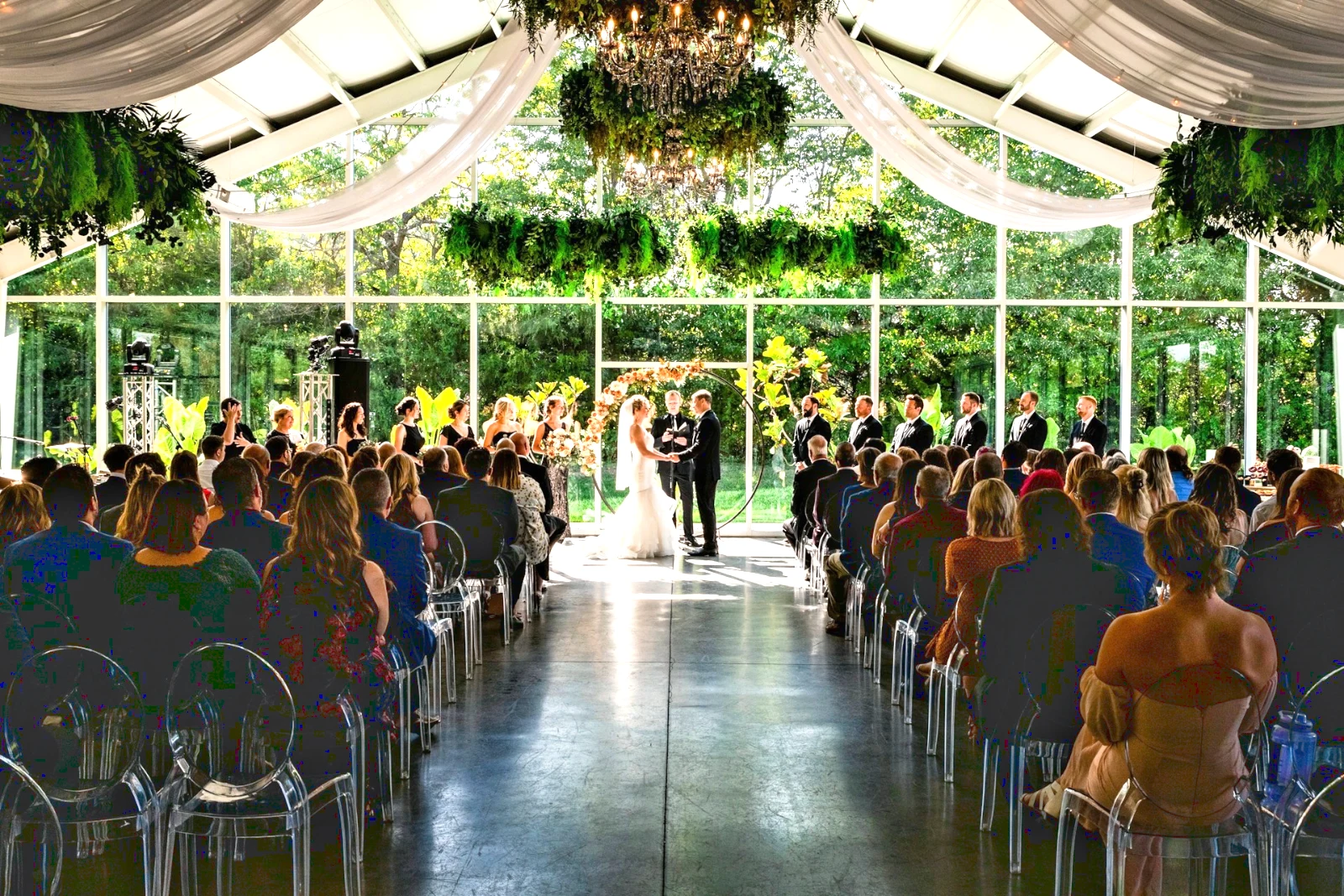
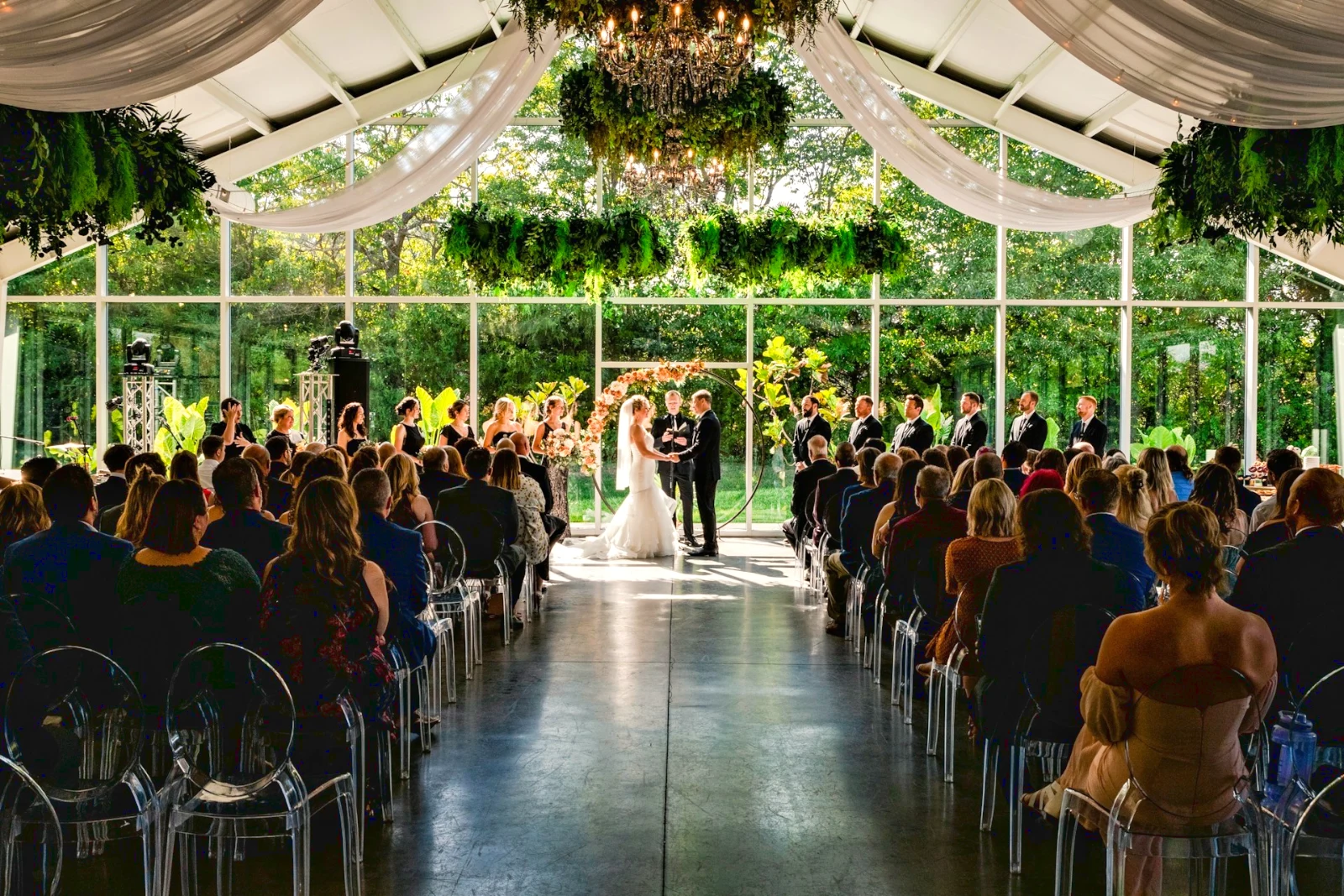
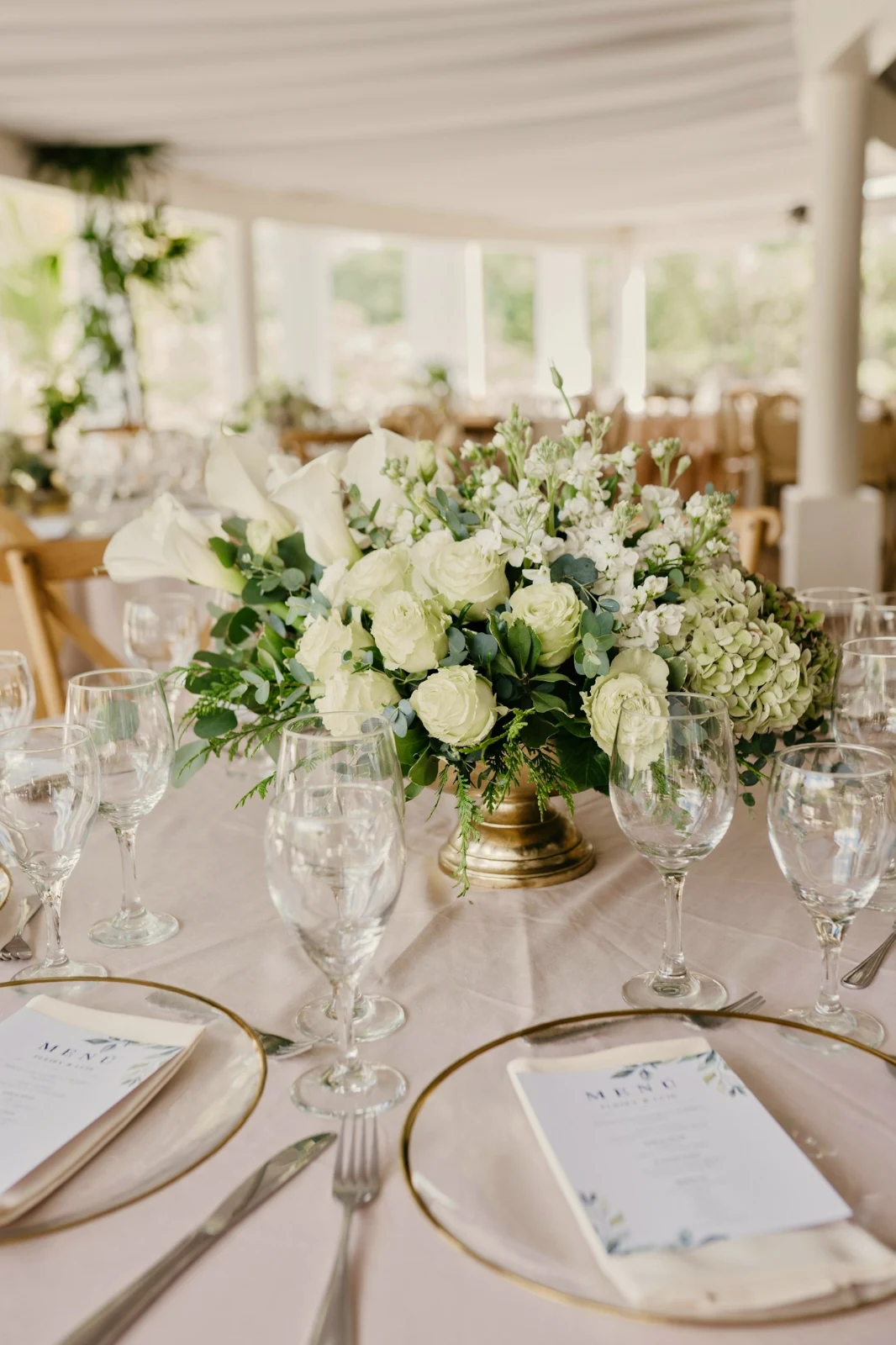
 Bright and Airy
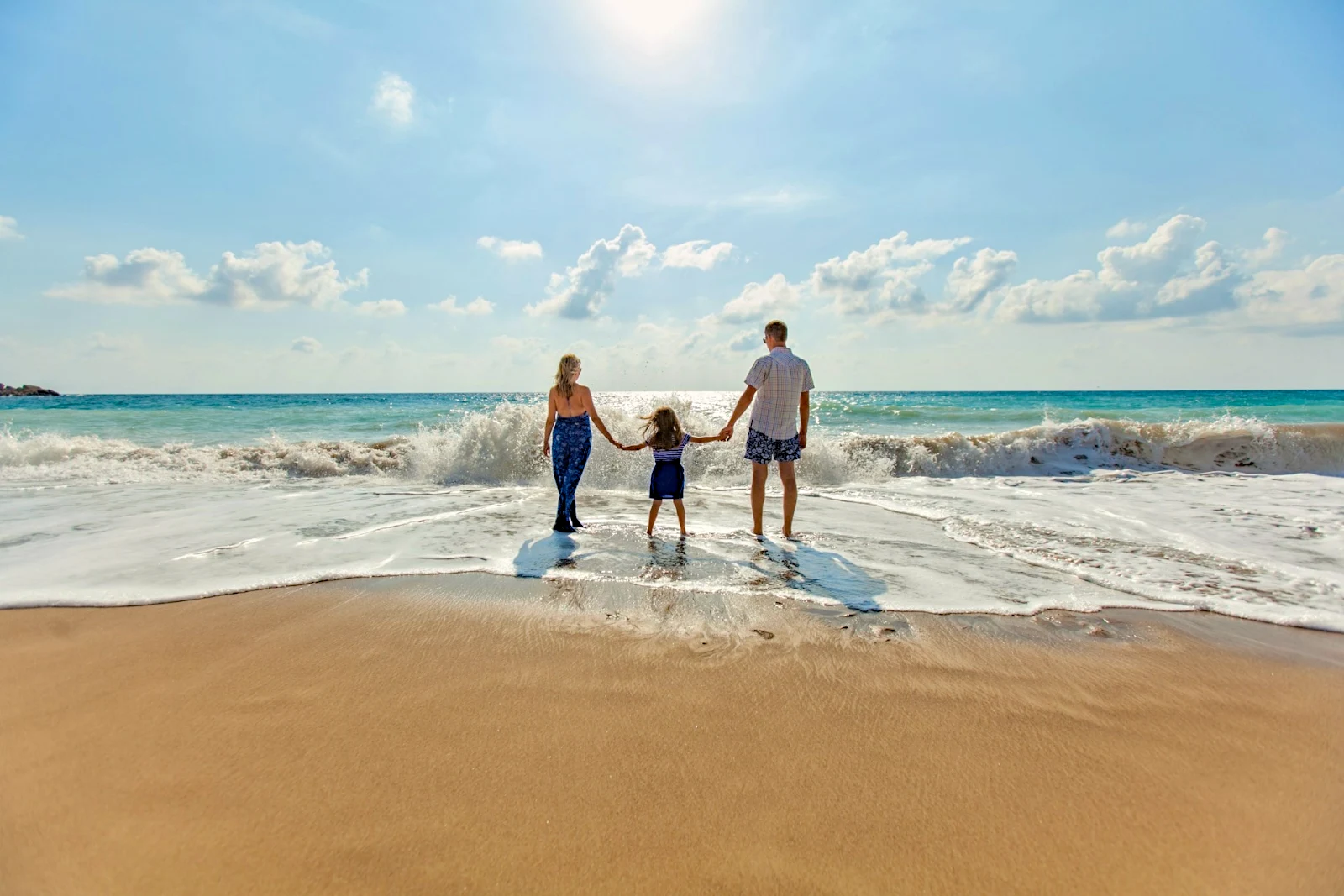
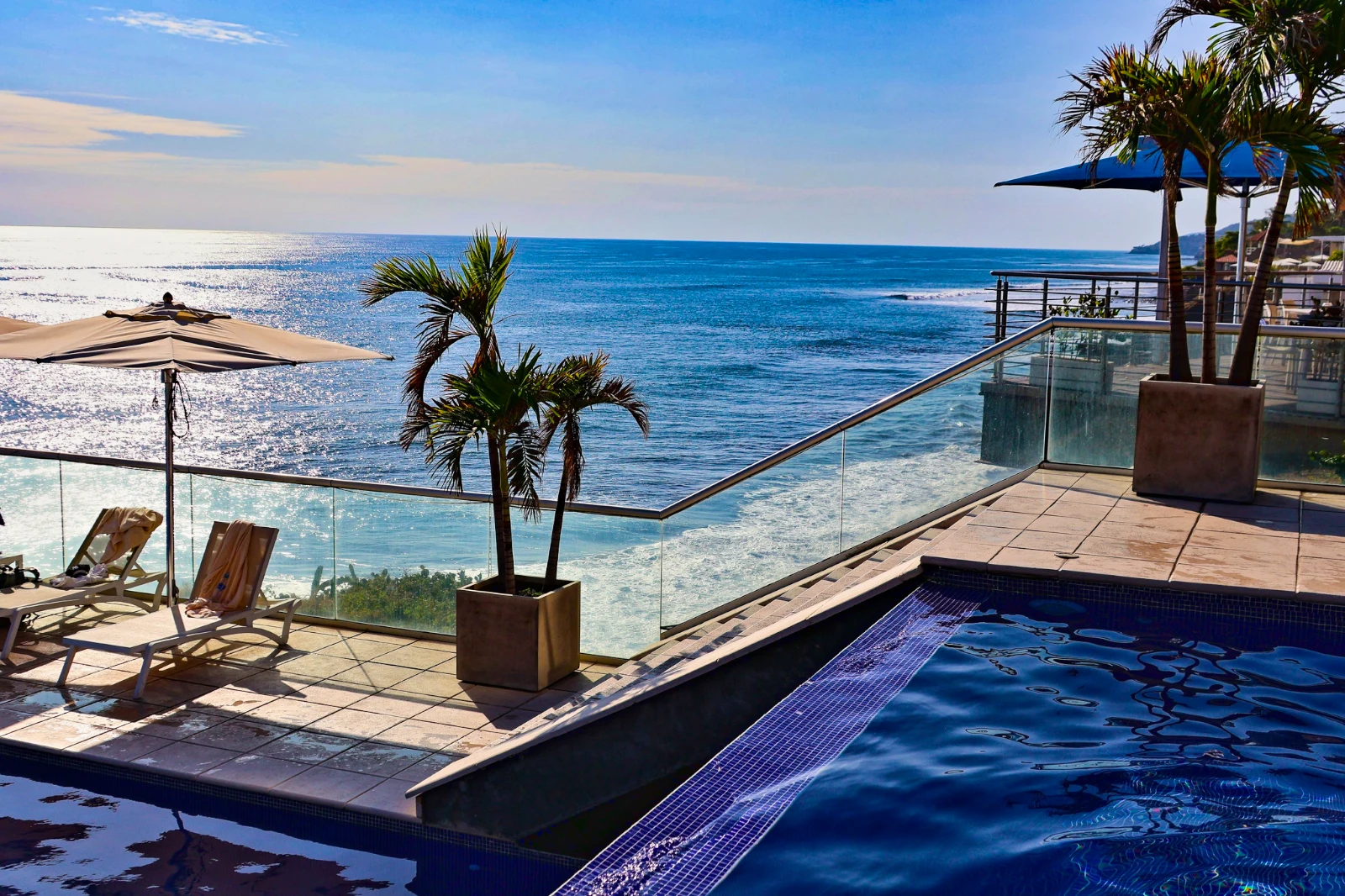 Punchy Social
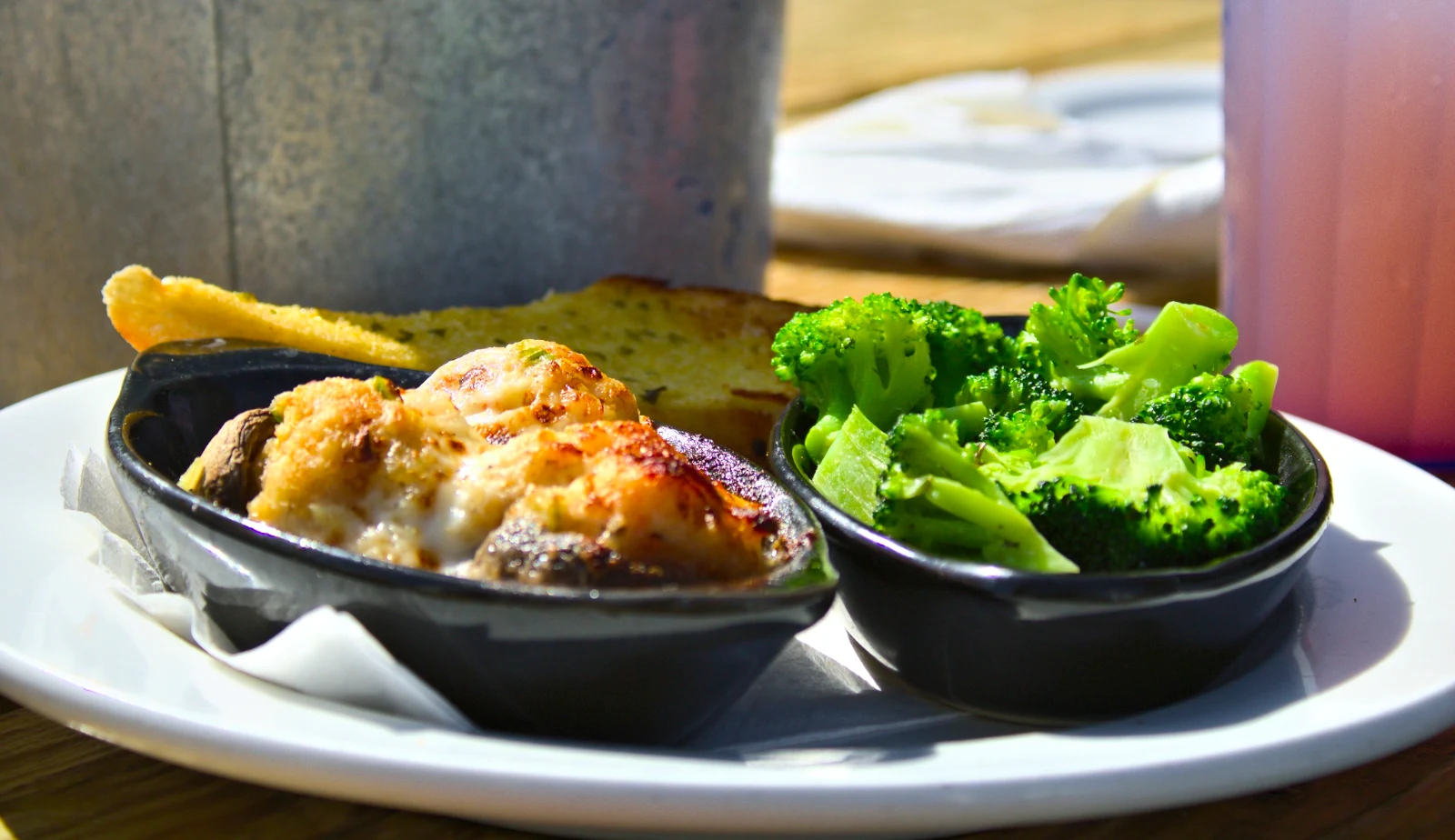 Punchy Social
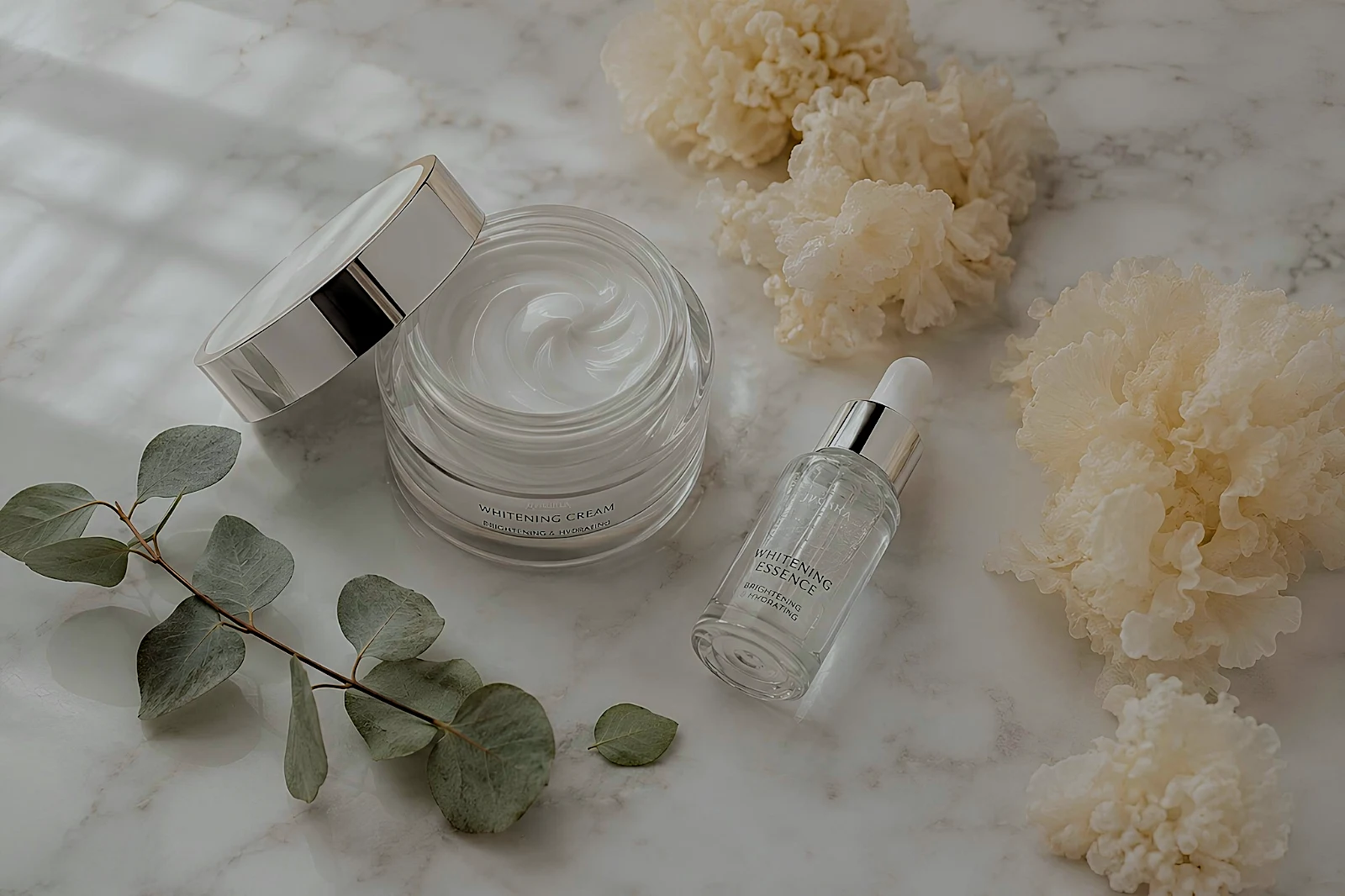 True Color
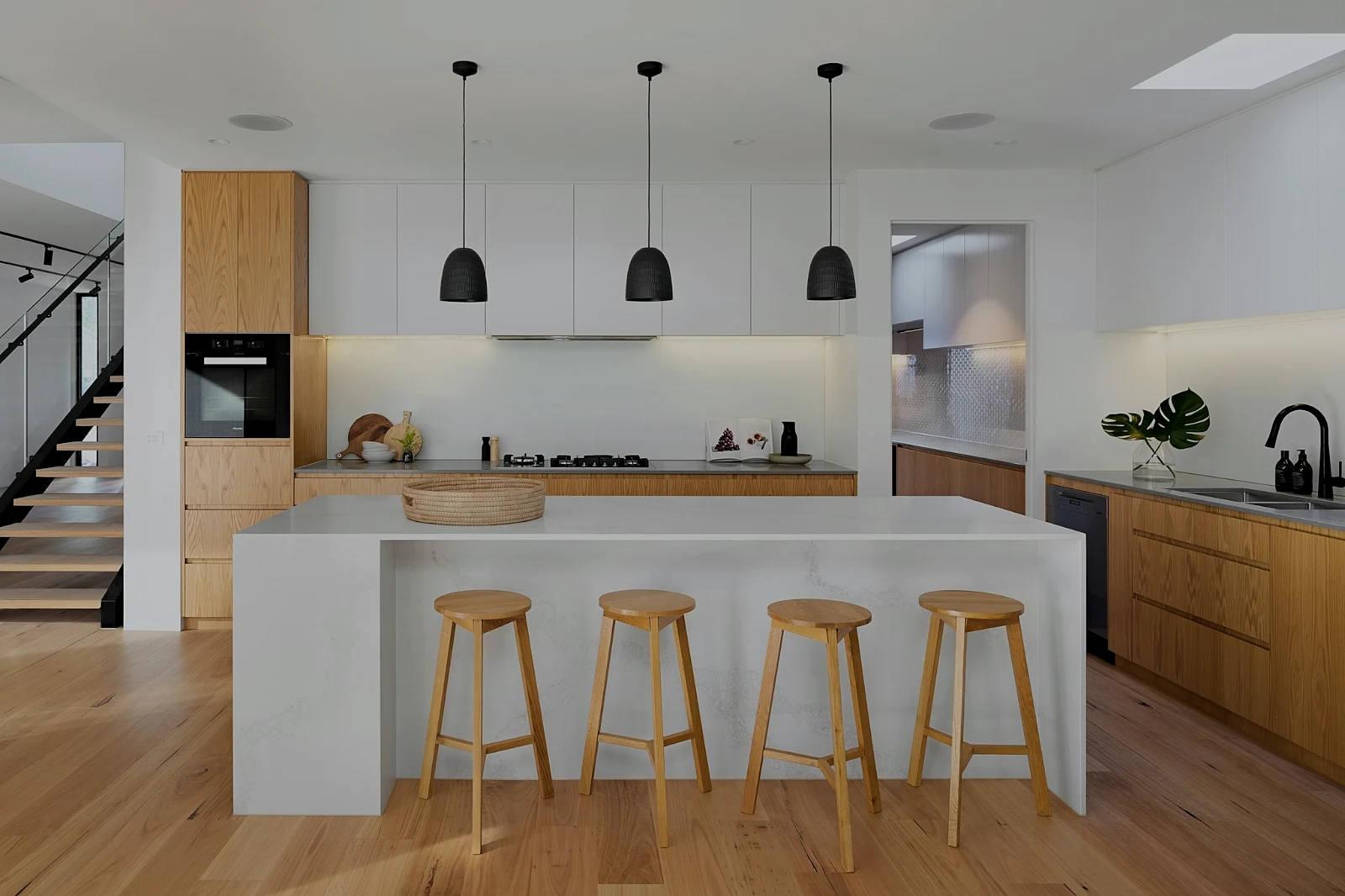 True Color
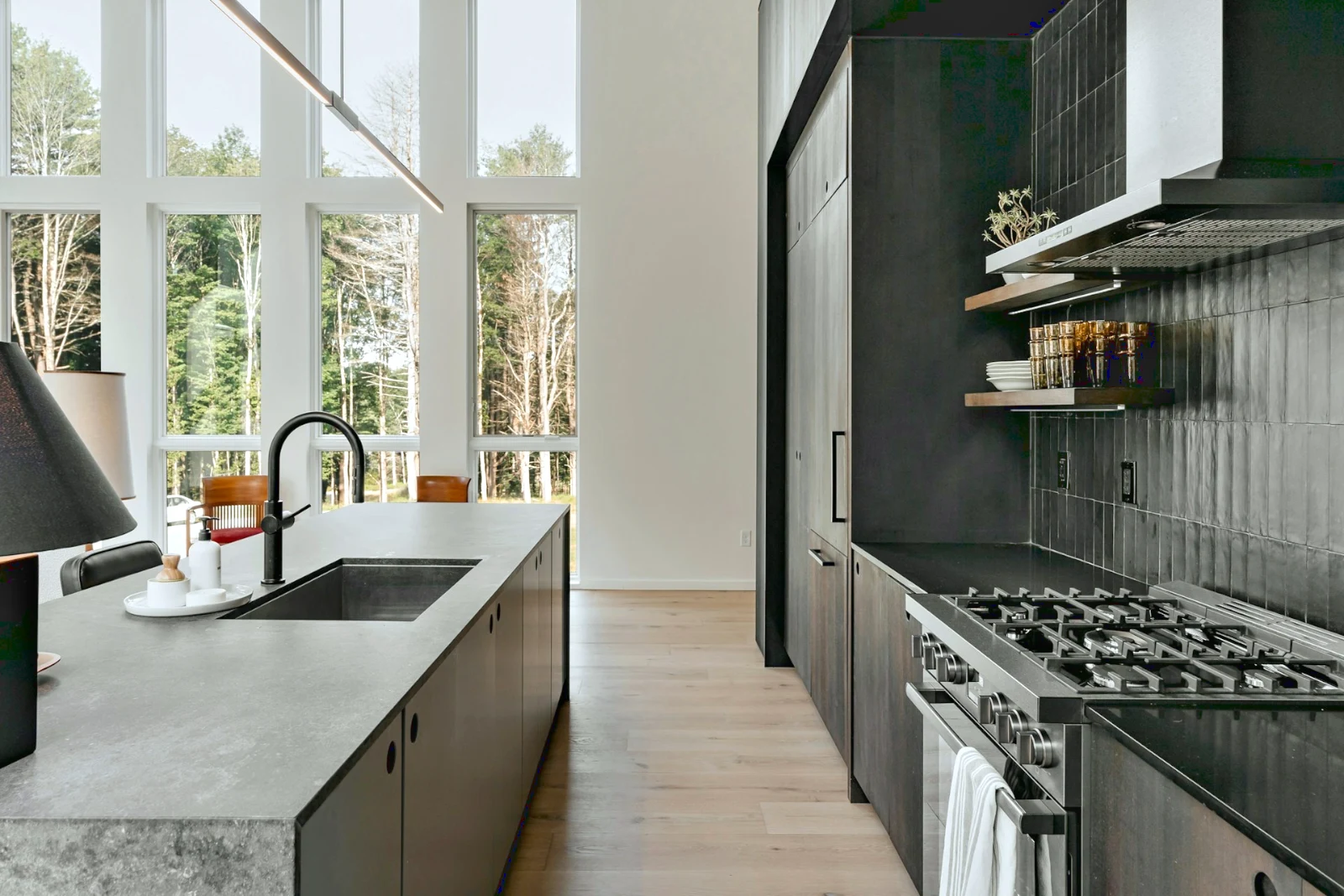
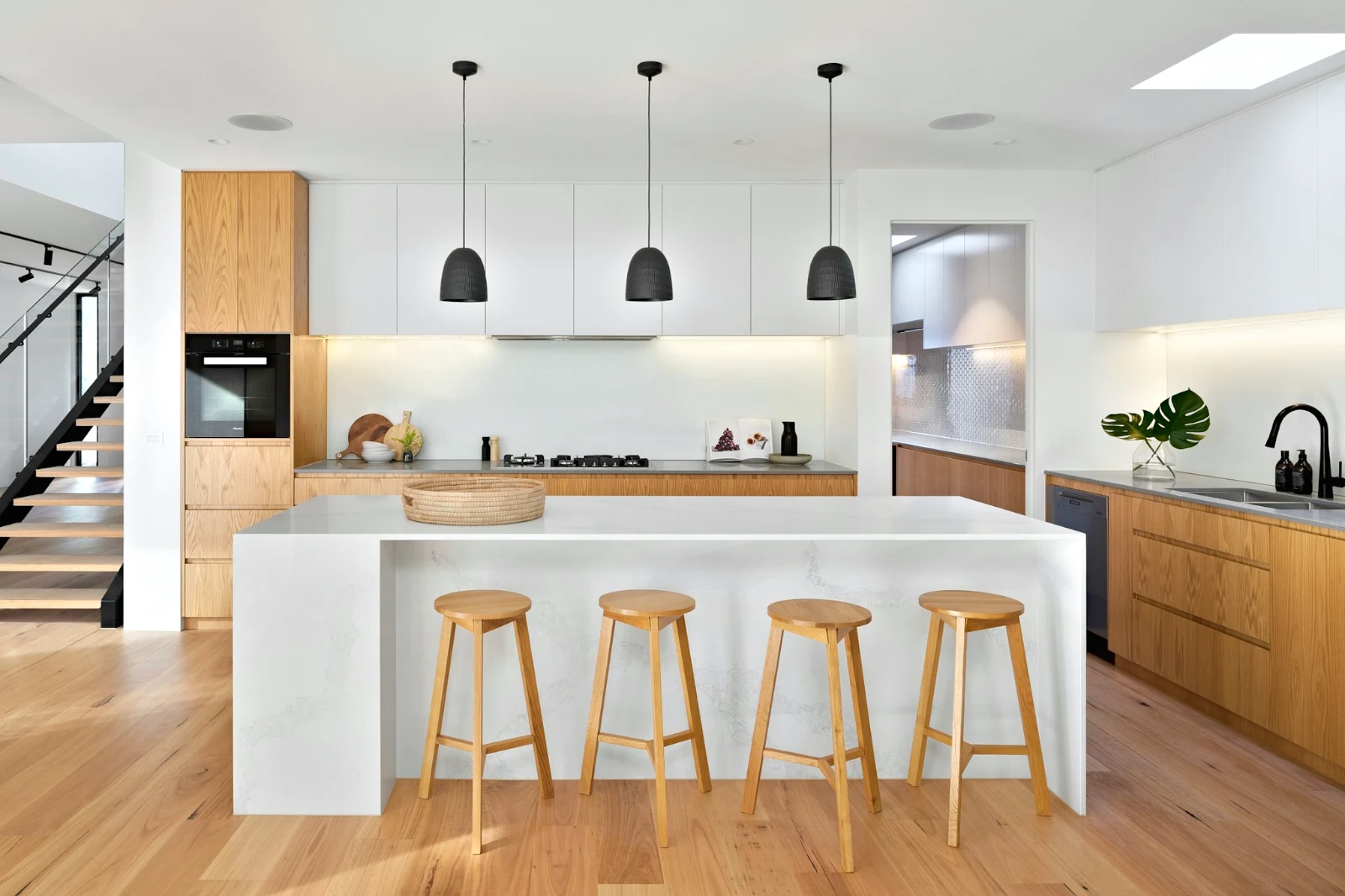
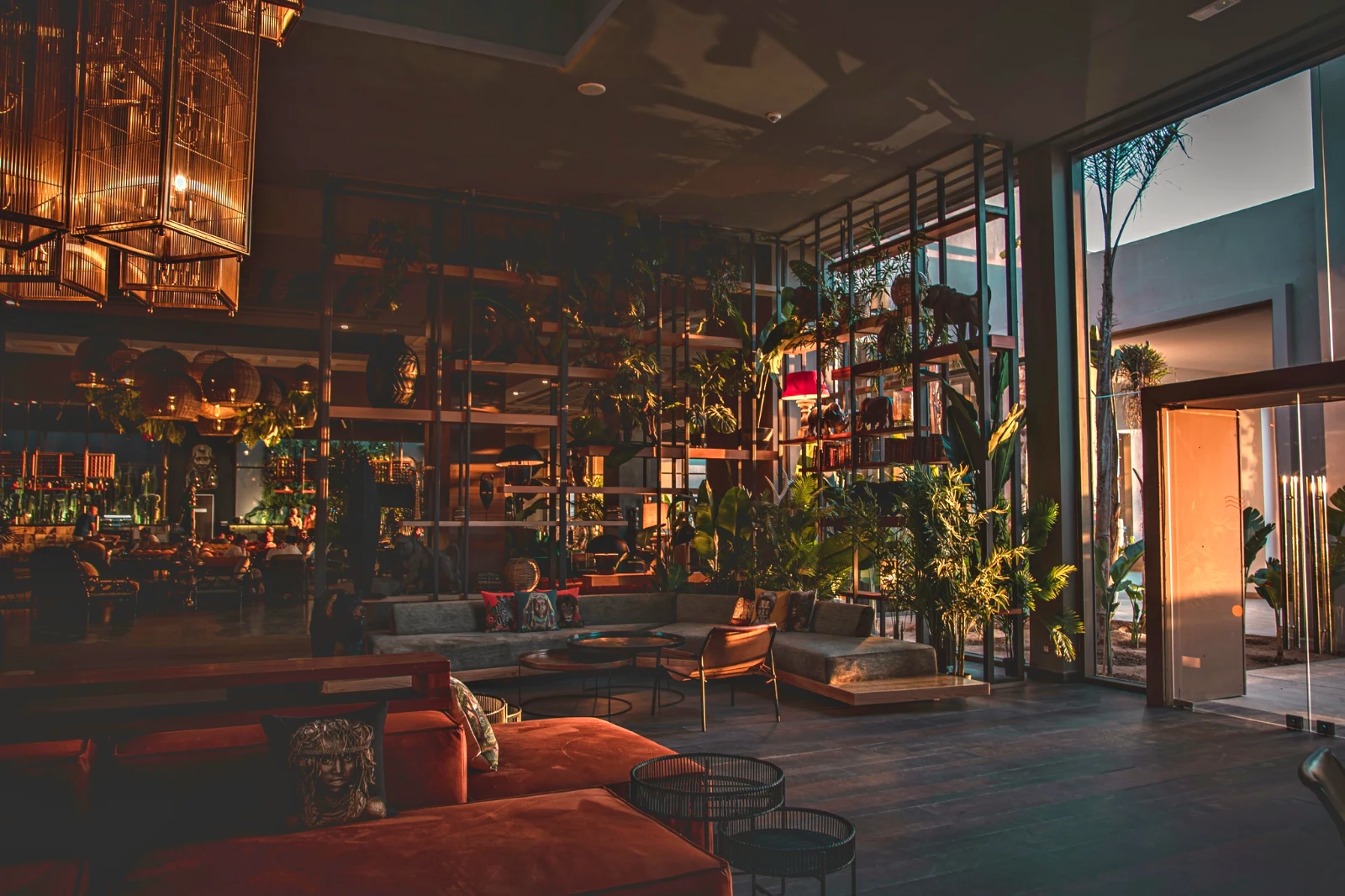 Warm Interior
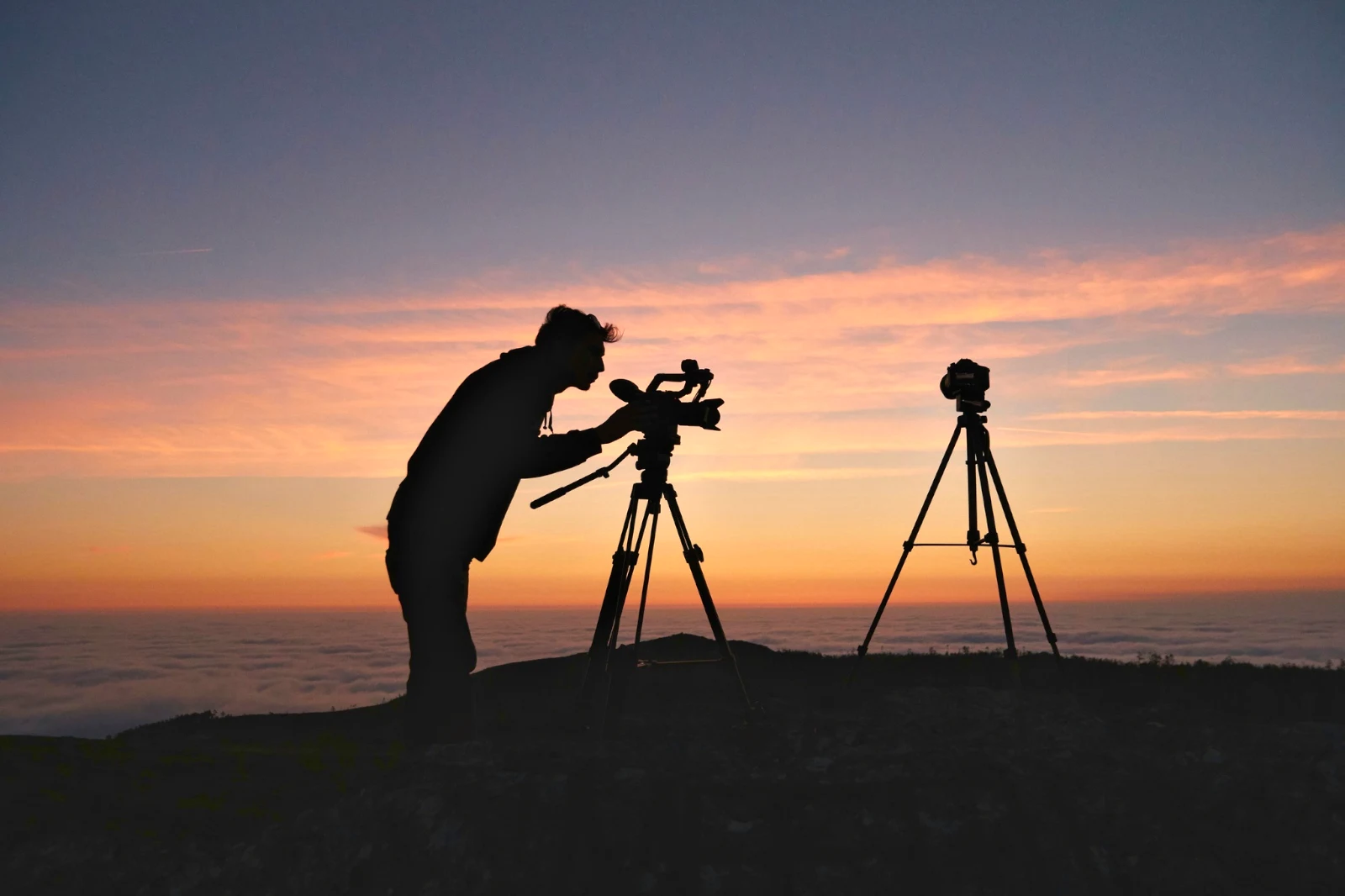
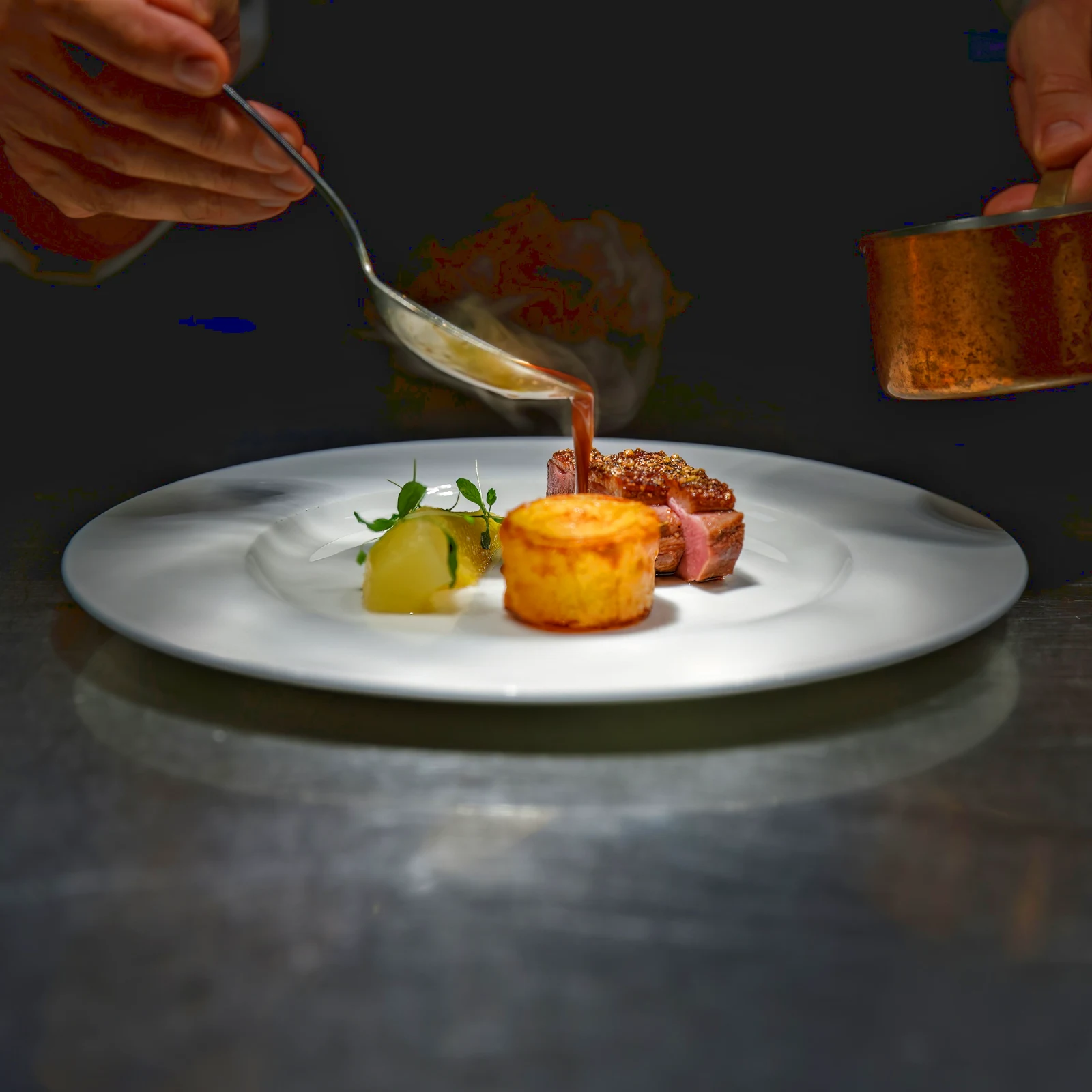 Twilight Glow
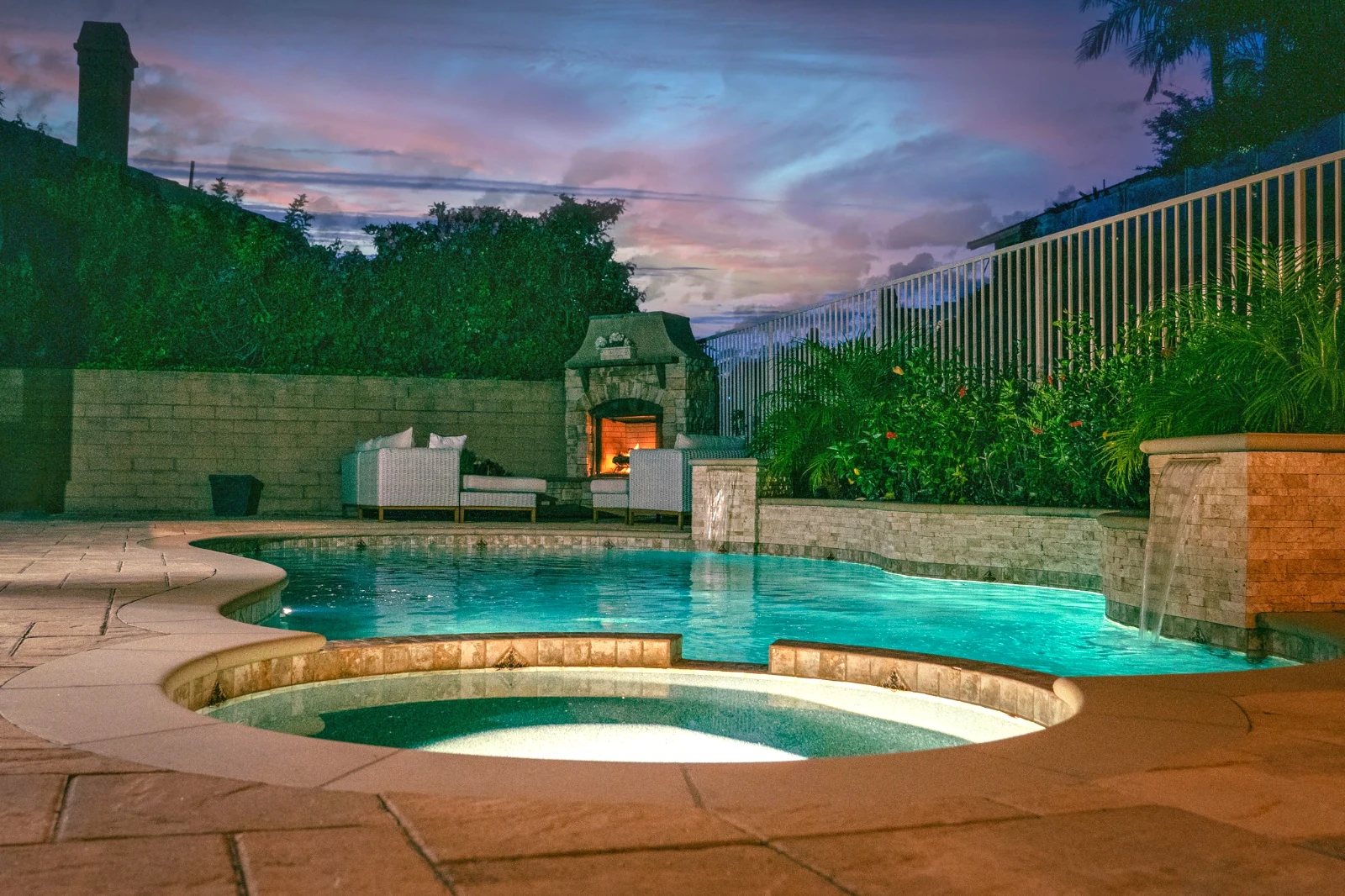 Bright and Airy
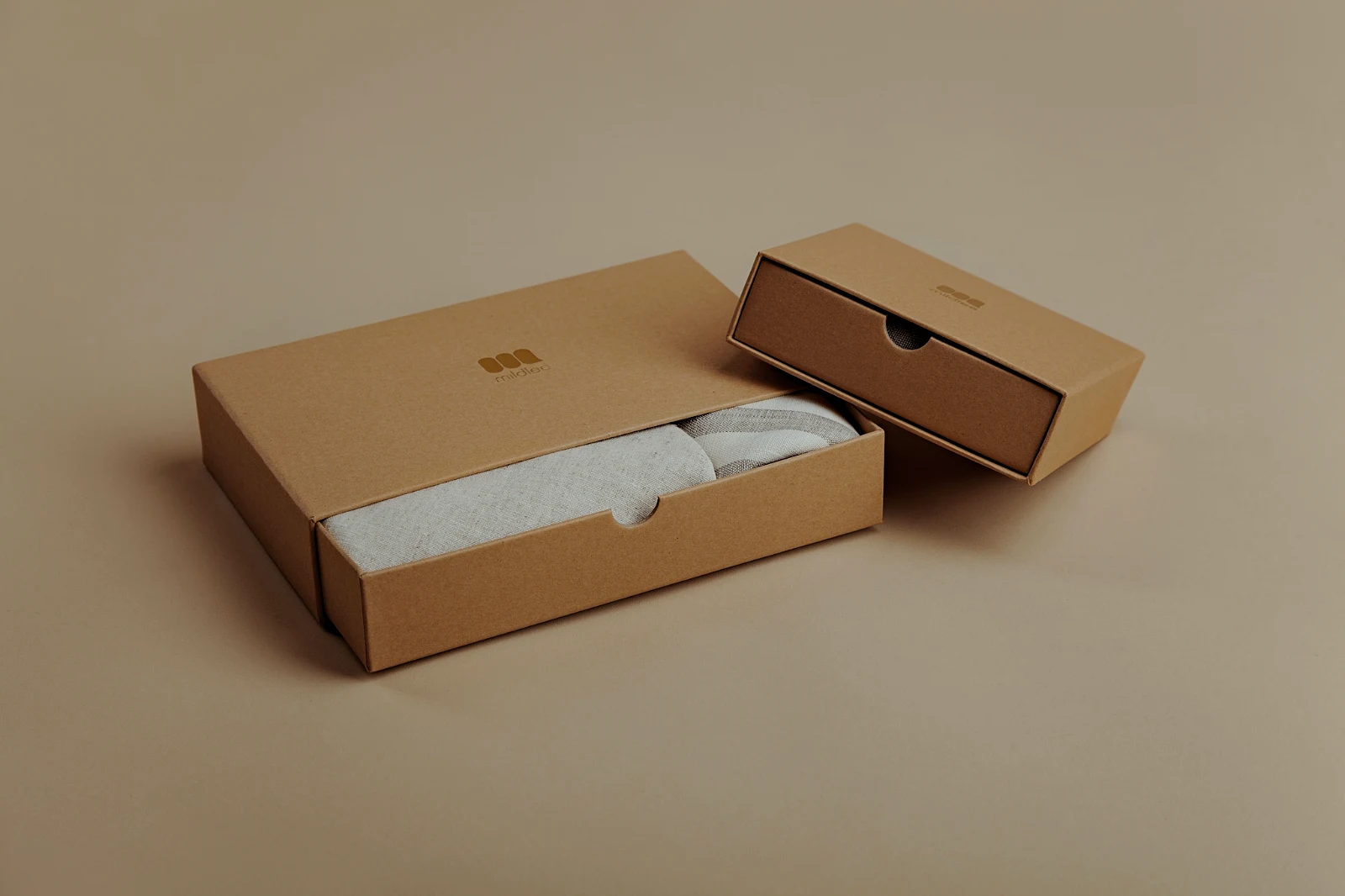 True ColorBright and AiryPunchy SocialPunchy SocialTrue ColorTrue ColorWarm InteriorTwilight GlowBright and AiryTrue ColorBright and AiryPunchy SocialPunchy SocialTrue ColorTrue ColorWarm InteriorTwilight GlowBright and AiryTrue ColorBright and AiryPunchy SocialPunchy SocialTrue ColorTrue ColorWarm InteriorTwilight GlowBright and AiryTrue Color
 Golden Hour WarmthBenim
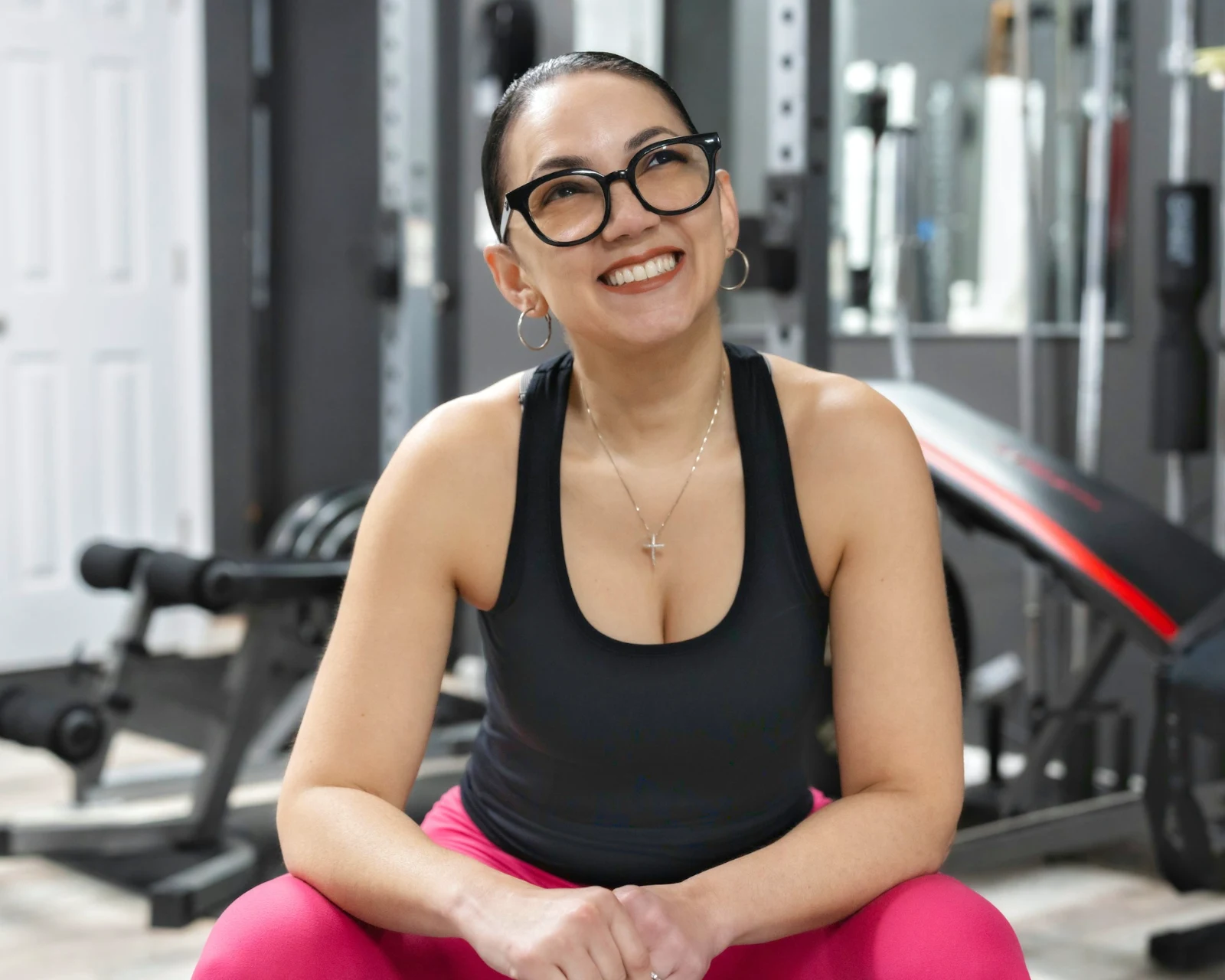 Soft Portrait
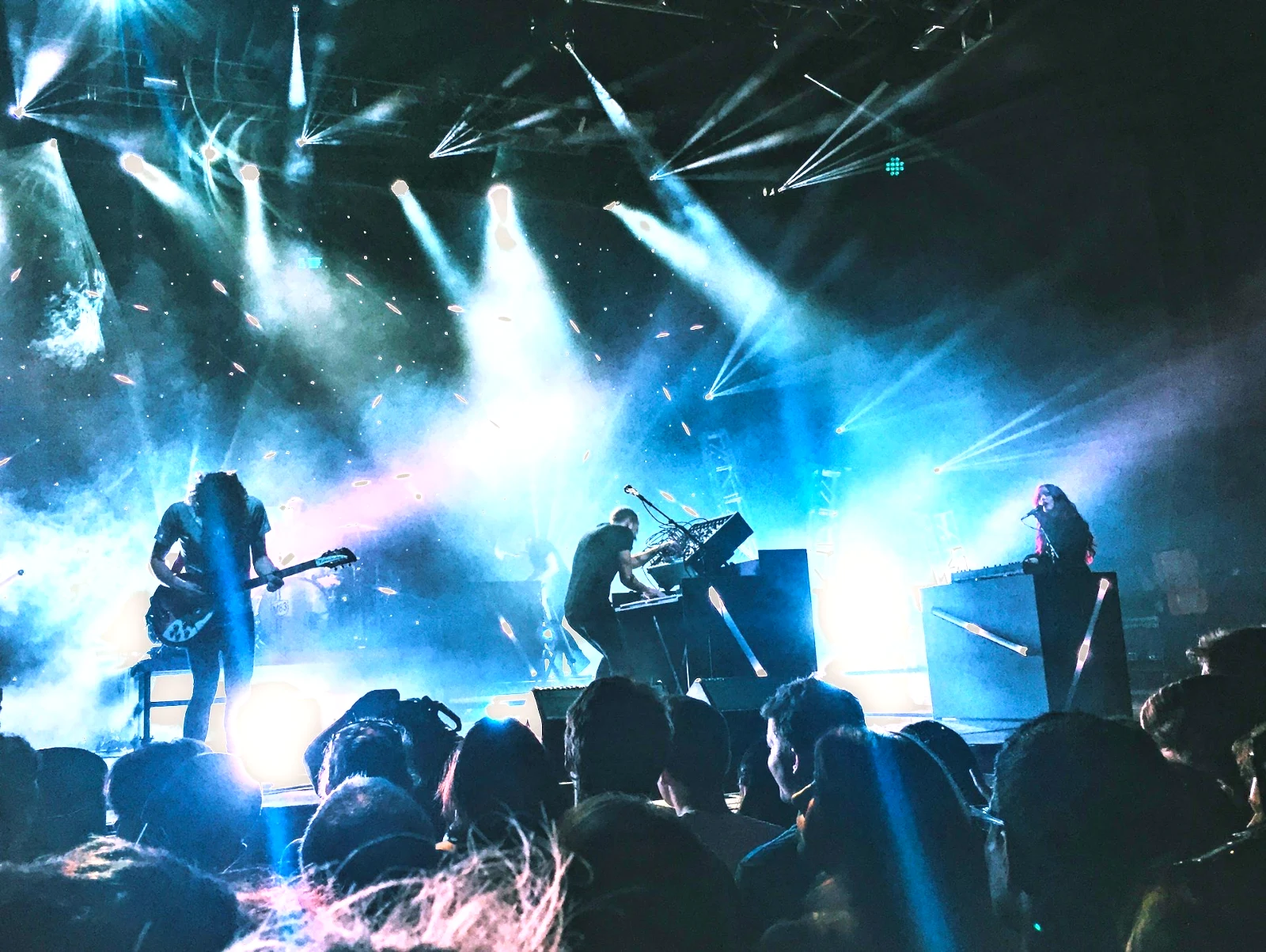 Punchy Social
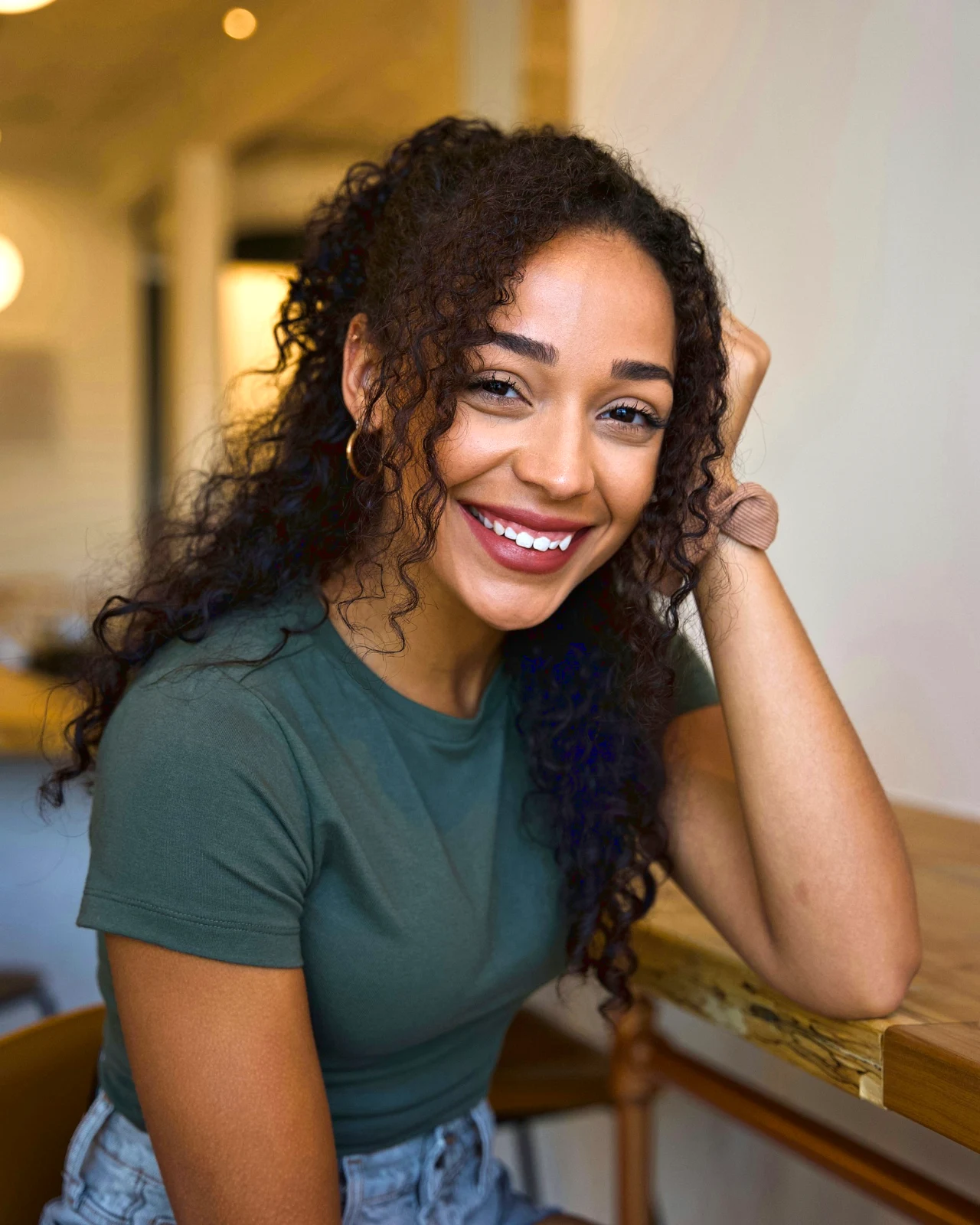 Punchy Social
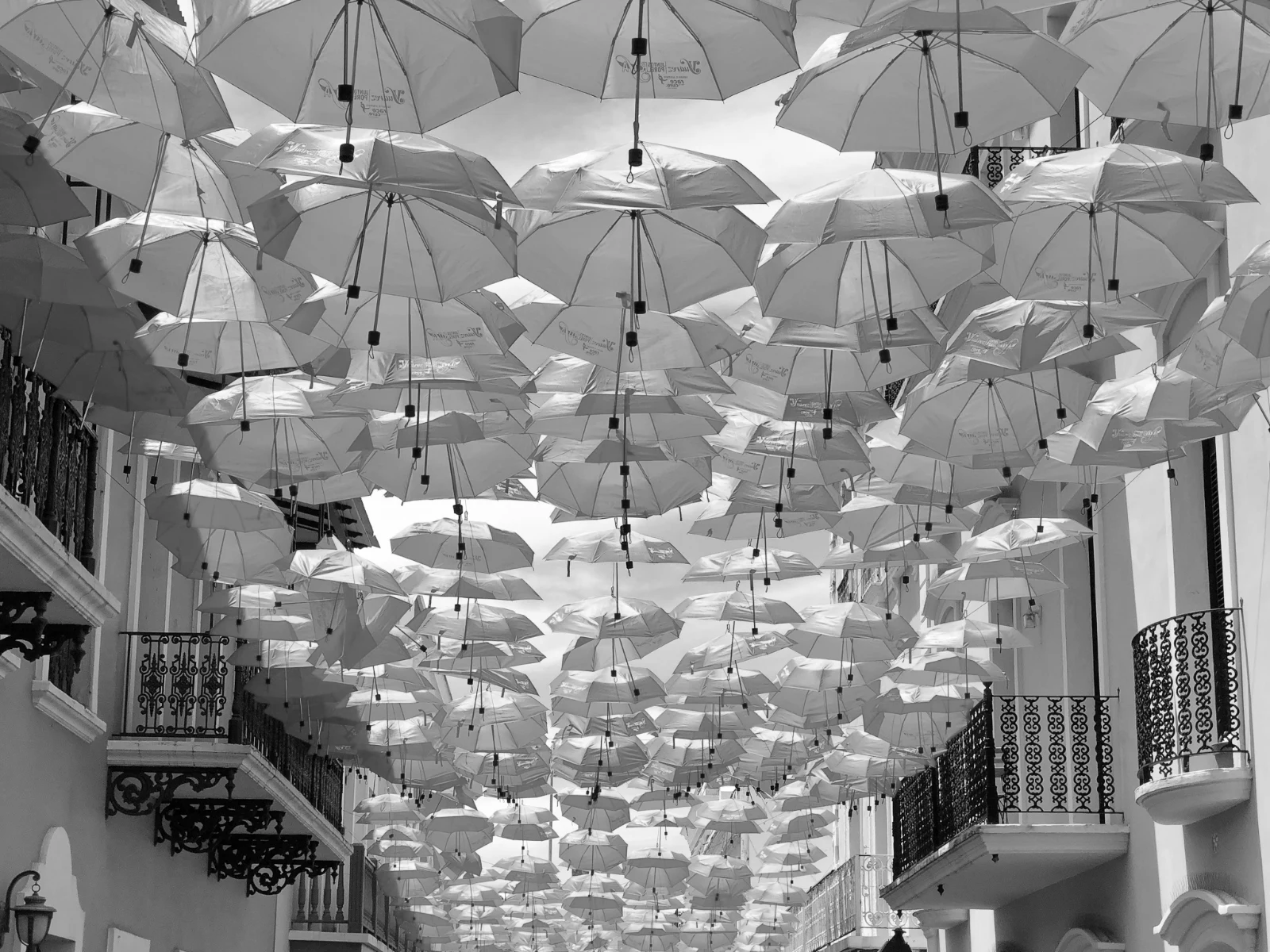 Siyah ve Beyaz
 Soft Portrait
 Soft Portrait
 Twilight Glow
 Soft Portrait
 Soft PortraitGolden Hour WarmthBenimSoft PortraitPunchy SocialPunchy SocialSiyah ve BeyazSoft PortraitSoft PortraitTwilight GlowSoft PortraitSoft PortraitGolden Hour WarmthBenimSoft PortraitPunchy SocialPunchy SocialSiyah ve BeyazSoft PortraitSoft PortraitTwilight GlowSoft PortraitSoft PortraitGolden Hour WarmthBenimSoft PortraitPunchy SocialPunchy SocialSiyah ve BeyazSoft PortraitSoft PortraitTwilight GlowSoft PortraitSoft PortraitBright and AiryPunchy SocialPunchy SocialTrue ColorTrue ColorWarm InteriorTwilight GlowBright and AiryTrue ColorGolden Hour WarmthBenimSoft PortraitPunchy SocialPunchy SocialSiyah ve BeyazSoft PortraitSoft PortraitTwilight GlowSoft PortraitSoft Portrait
Çekimden müşterinin seçimlerine
İki derinlikte bir editör: herkes için basit, yaşamı düzenleyenler için her kontrol.
Kütüphane
Hesabın sakladığı her fotoğraf.
Temizleme
Bayraklar, İlk En İyi ve benzeri çekimler.
Otomatik ve Görünüm
Tek bir dokunuş veya kendi bakışınız.
Ayarla
Işık, renk, çizgiler ve parçalar.
Toplu Otomatik
Tek seferde bir bütün set.
Katmanlar
Seçimler, maskeleme ve boyama.
Galeriler
Müşteri seçer ve notlar.
Gönder
Bir tasarım, bir web sitesi, bir liste.
Bir Cihazda
Fotoğraf tam ekran.
Tüm fotoğrafları içeri getirin ve tekrar bulun
Bir masadan, kameradan veya kamera kaydımdan yükleyin veya herhangi bir uygulamadan Foto'ya bir fotoğraf paylaşın. Hesapta Depo'da tutulan her fotoğraf, Kütüphane'dedir; yıldızı, etiketleri, müşterinin seçimleri veya bir arama ile tekrar bulunur.
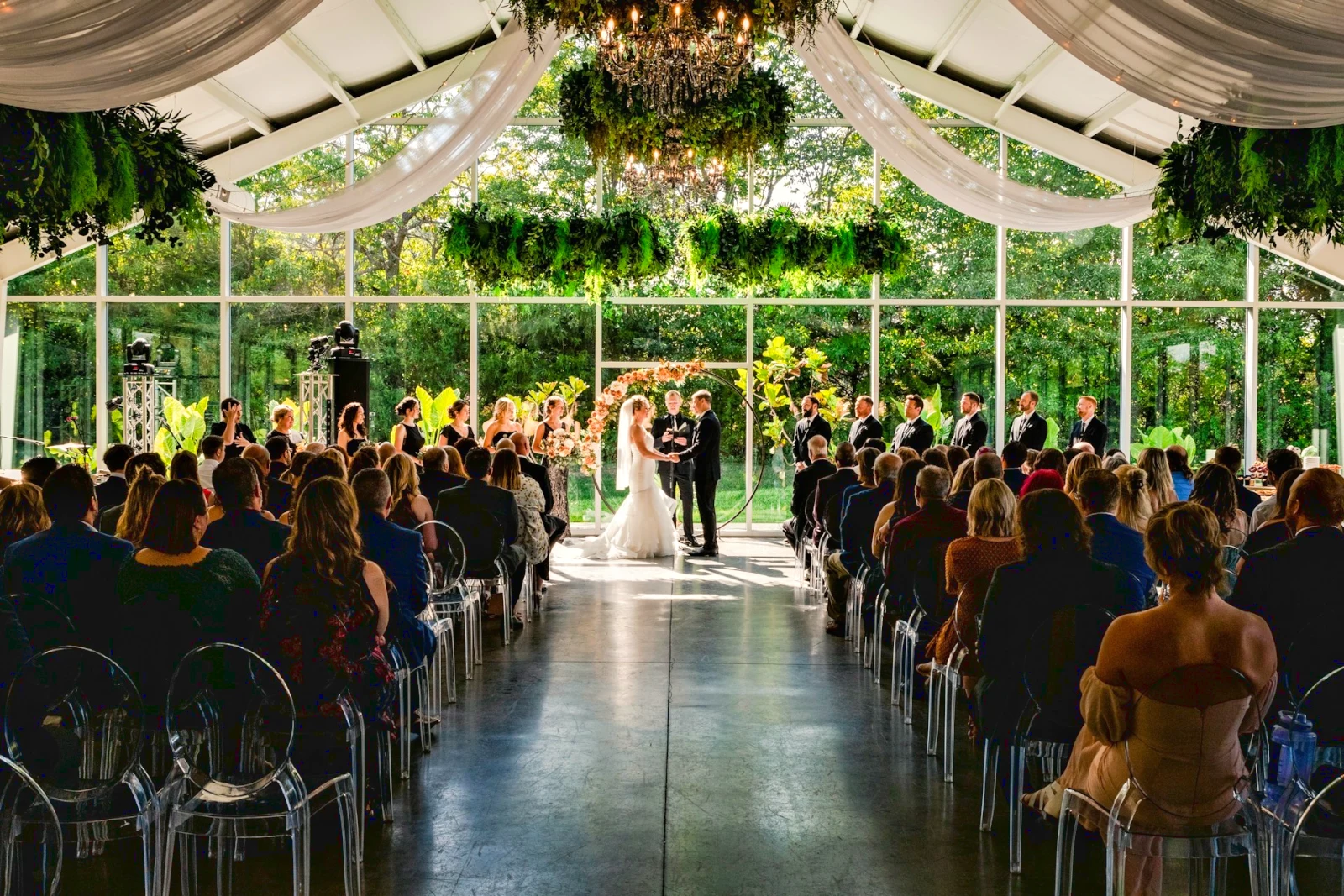 Düzenlendi
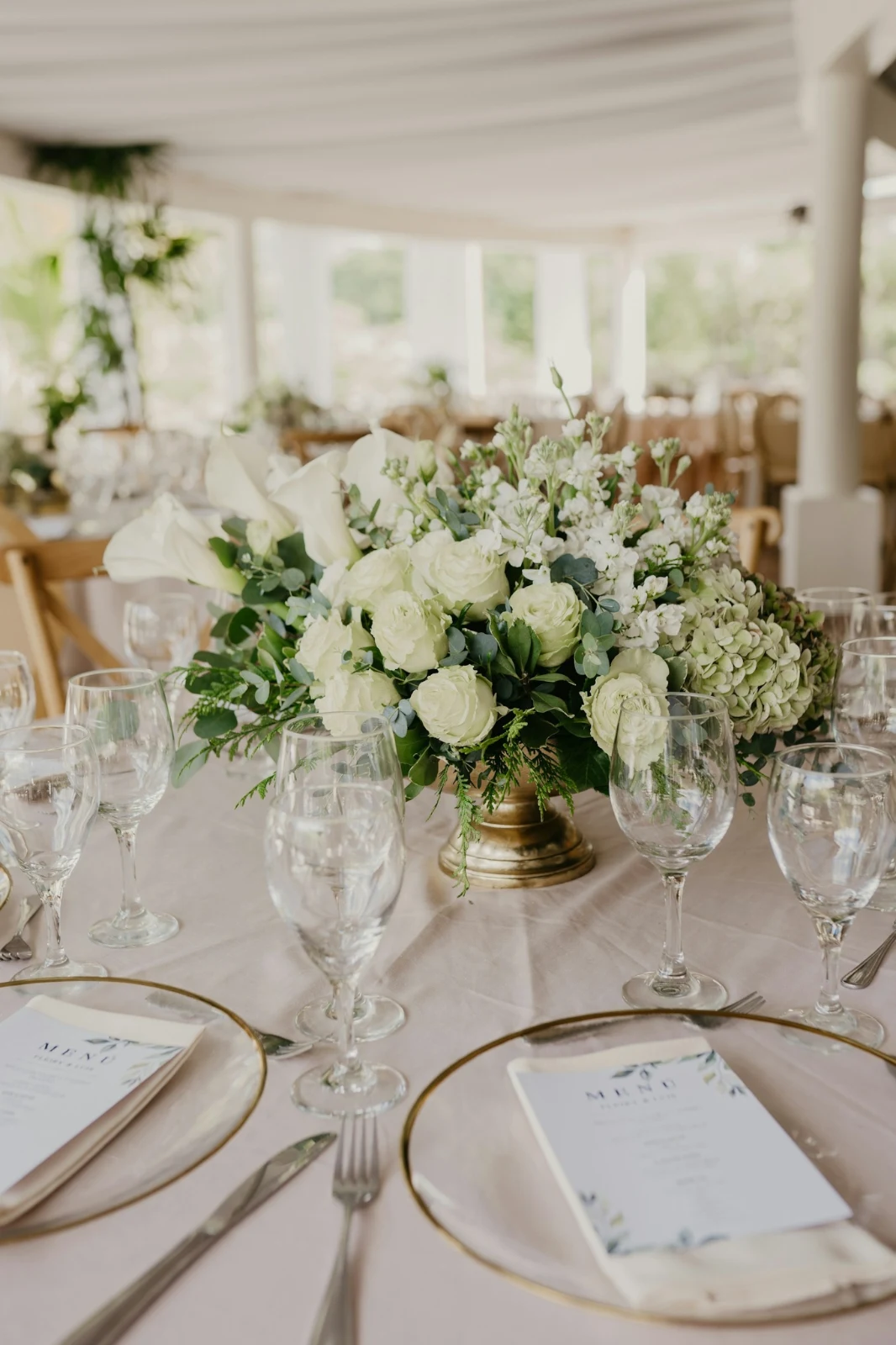

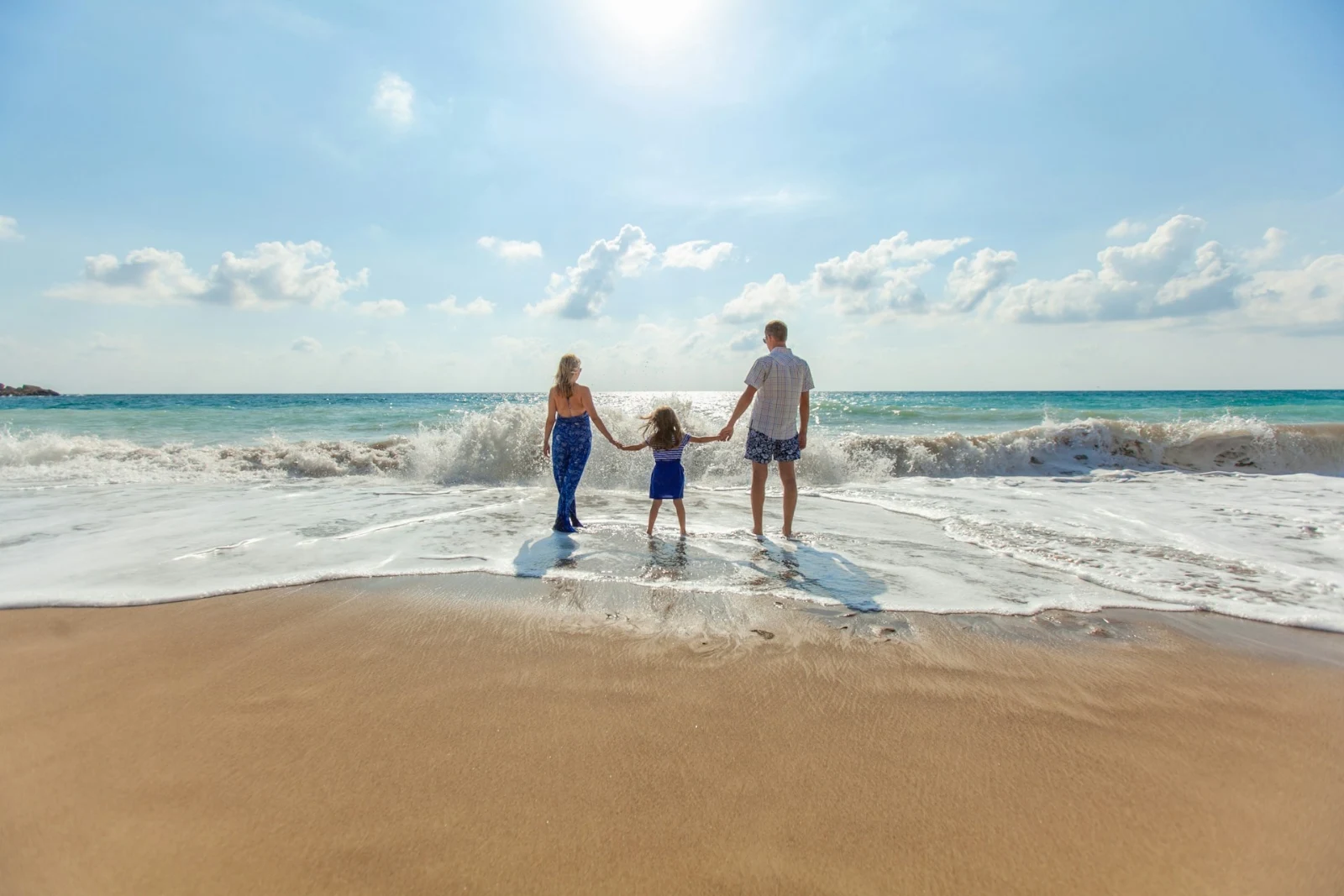

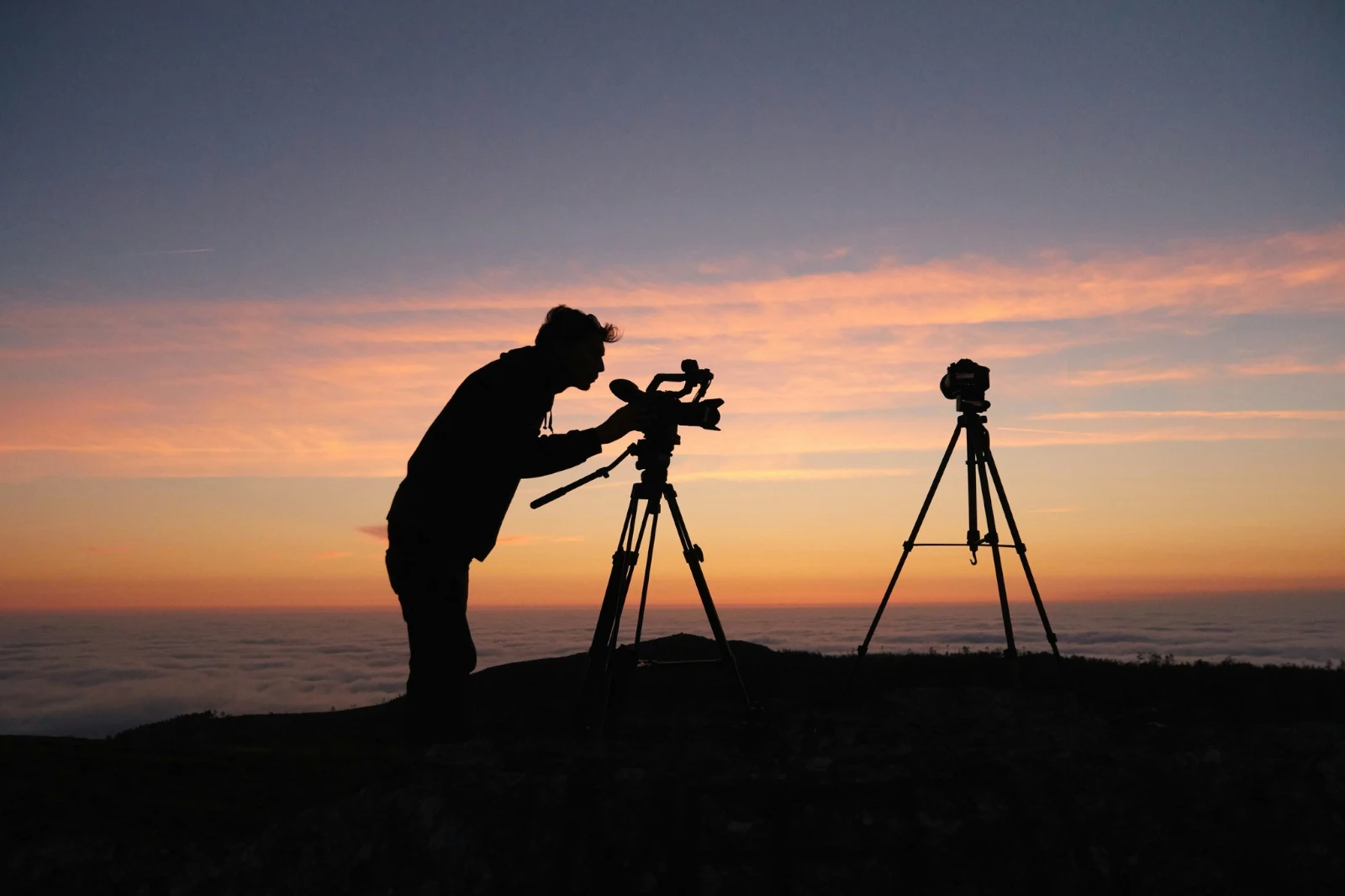
 Düzenlendi
 Düzenlendi



Yıldız ve Etiketler
Aynı yıldız ve etiketler (Depot, Docs ve Studio) okunuyor.
Merkezler ve Klasörler
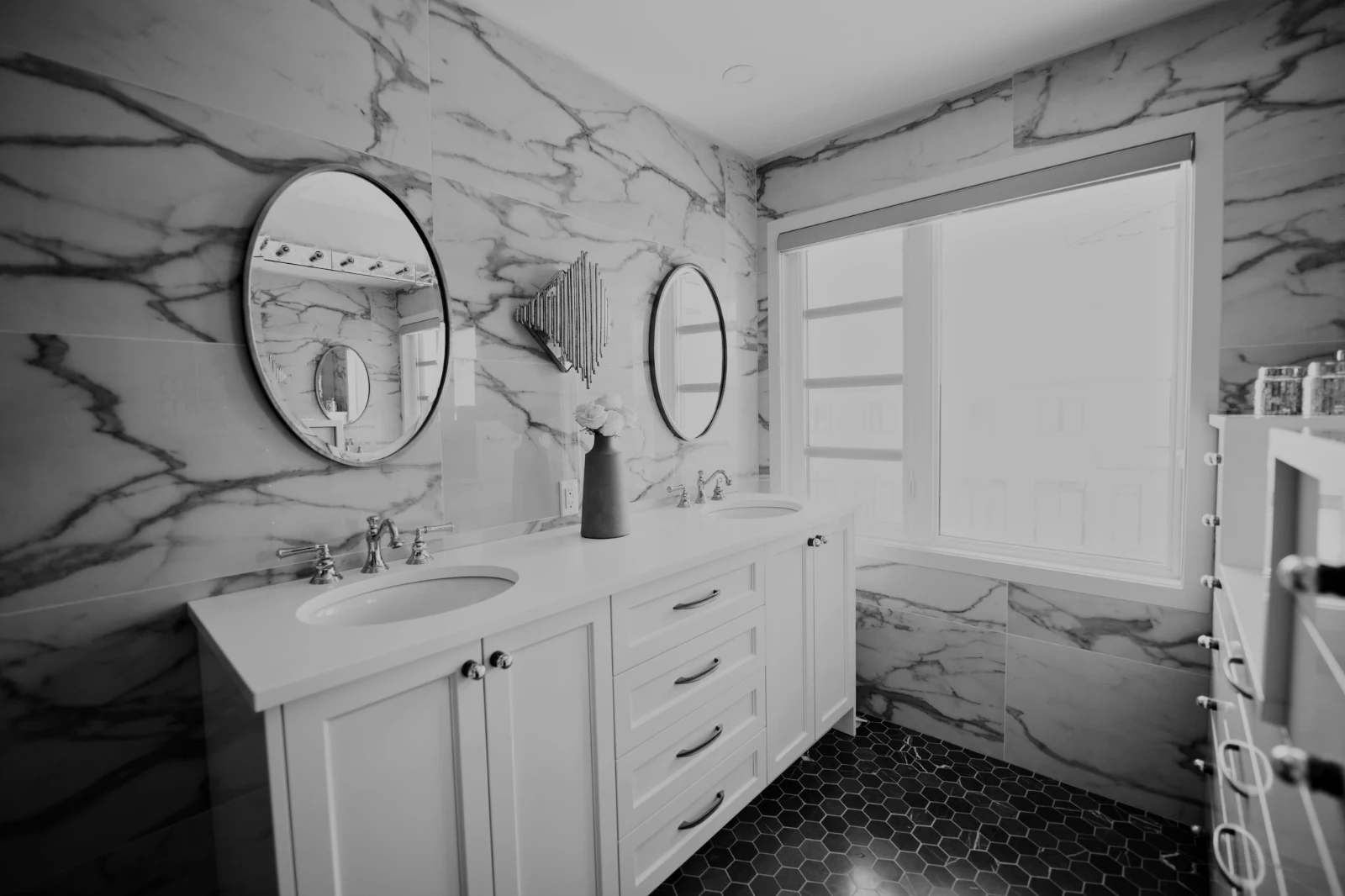
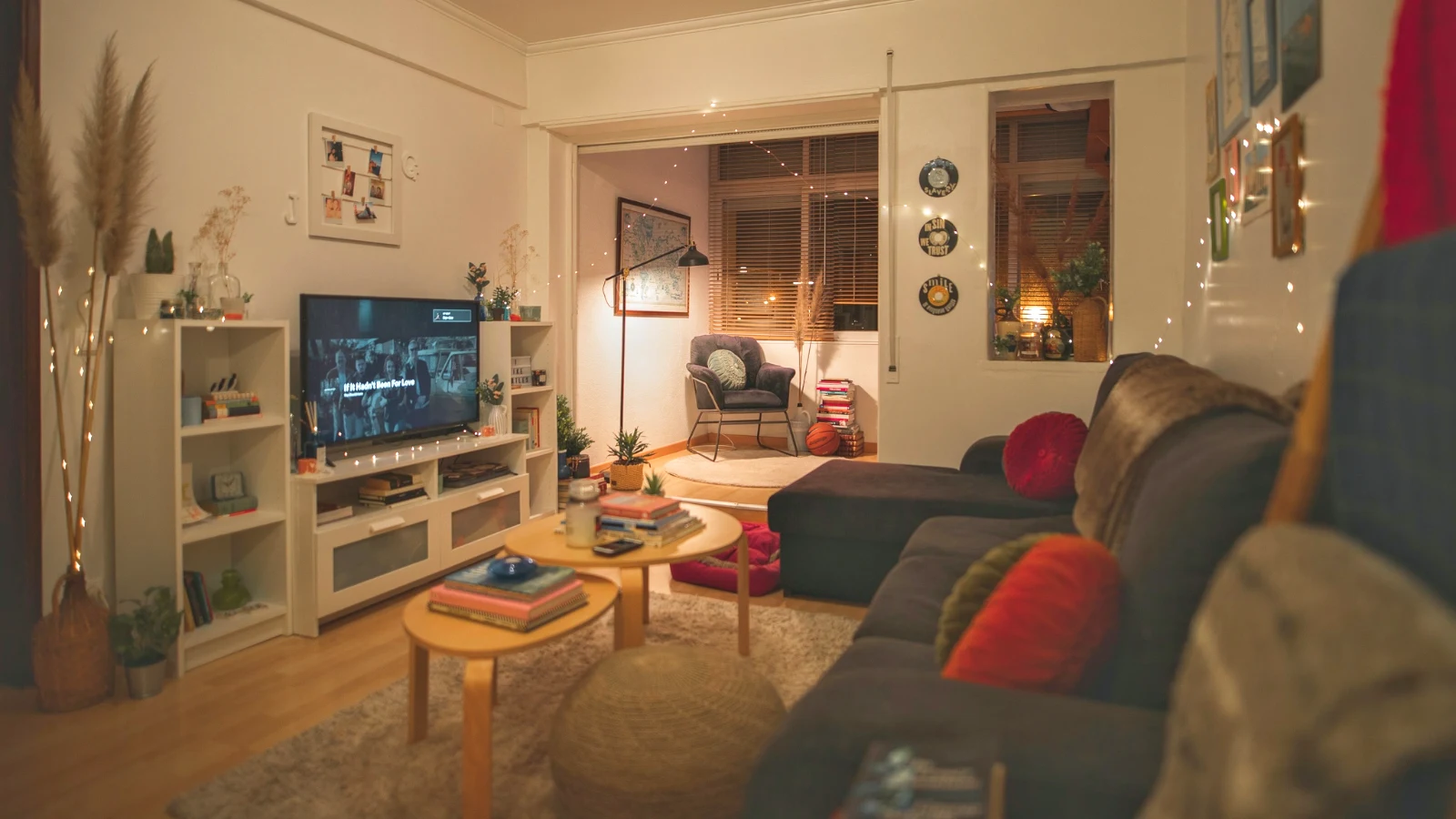
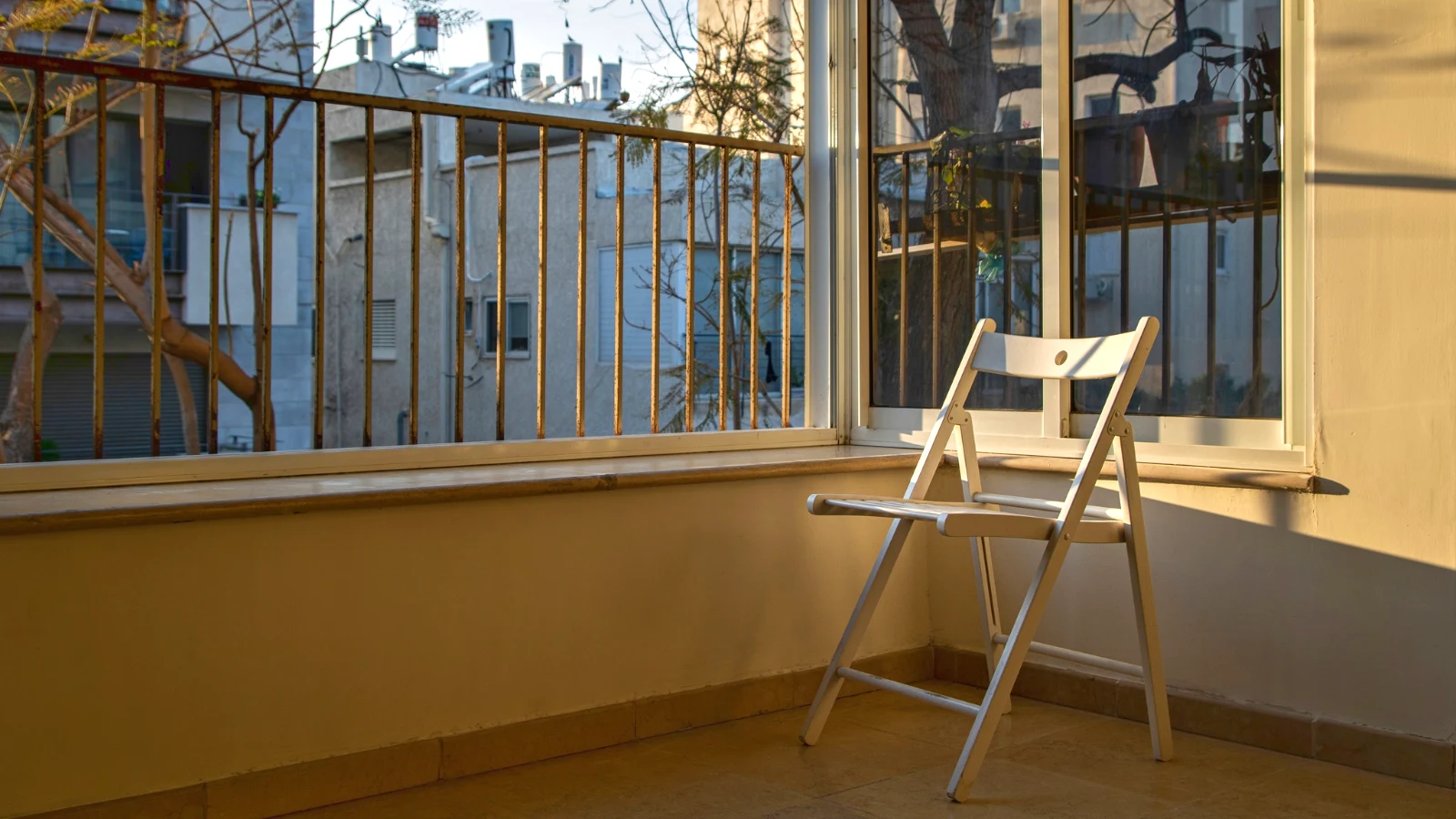
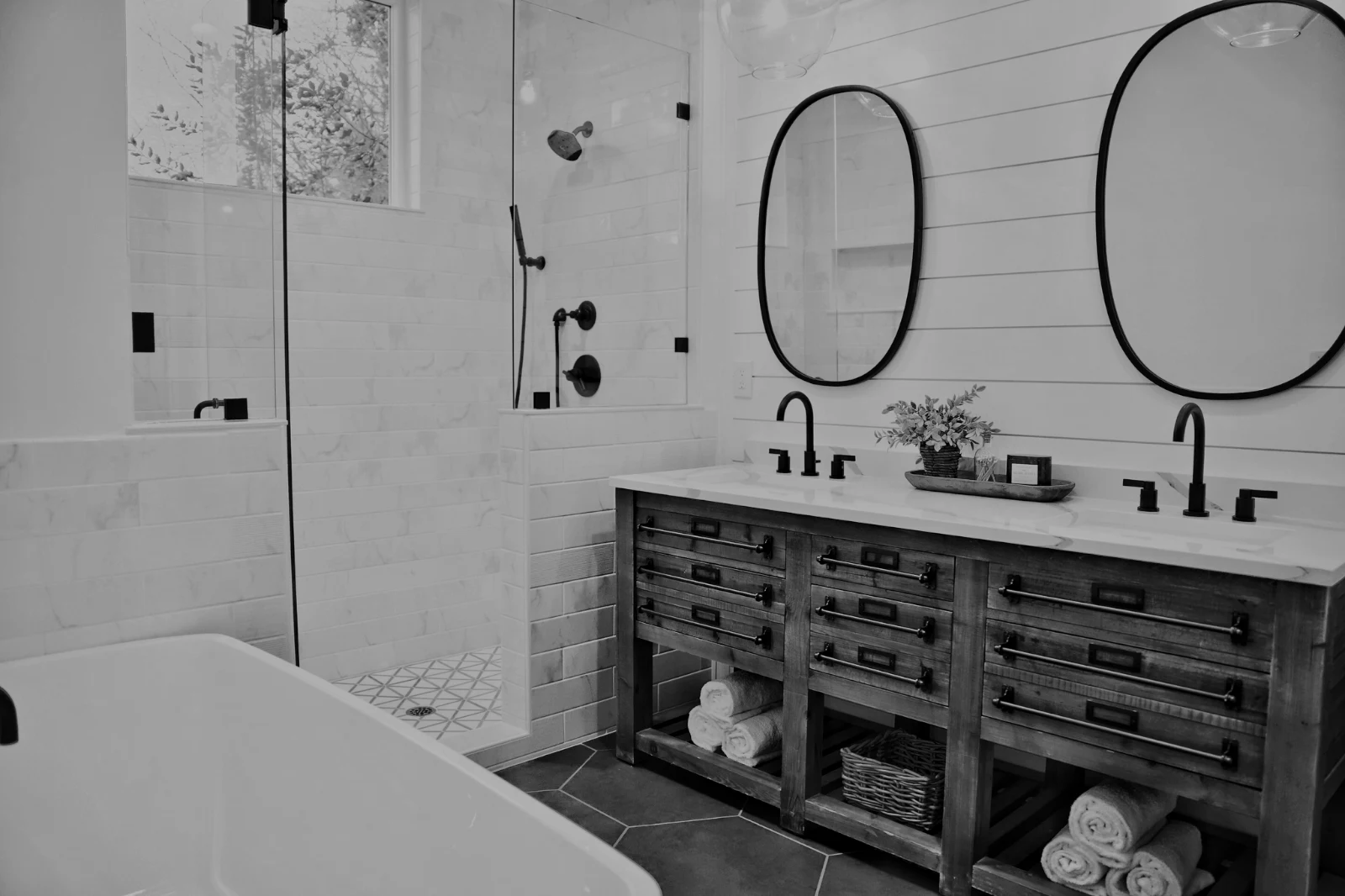
Bir Hub'un kendi fotoğrafları; Move To… Klasörü (Depot ile).
RAW ve HEIC
Bir RAW, cihazda geliştirilir veya geliştirilemediğinde sunucuda geliştirilir.
Bağlı Yakalama
USB'de KameraKamera bağlandı · Canon EOS R6 Mark II
 Canlı GörünümÇekCanlı Görünümü Durdur
VarışKameradan gelen fotoğraflar buraya ve Kamera Yükleme Merkezi'ne yerleşir.
Her Yeni Çerçeveye UygulaTrue Color uygulat AW27_flatlay_01.jpg
 AW27_packing.jpg
 AW27_unboxing.jpg
 AW27_shelf.jpg
 AW27_tote.jpg
Canlı Görüntü ile Foto'ya doğrudan USB üzerinden veya kameranın kendi Wi-Fi yüklemesiyle çekim yapın.
Her kareye bakmadan koruyucuları bulun
Her fotoğraf yüklenmeden sonra okunur: odakı, ışıklandırması ve herhangi birinin gözlerinin kapalı olup olmadığı. En İyileri Önce Sırala, önerilen en iyi çekimleri göster, her bayrağa göre filtrele ve benzer çekimleri yan yana karşılaştır. Hiçbir fotoğraf sizin için işaretlenmez: siz saklayacakları seçersiniz.
 Closed EyesMissed FlashMissed FocusBlurryBlack Frame
Kapalı Gözler ve Kaçırılan Odak
Fotoğrafta işaretlendi; Bulanık, Siyah Çerçeve ve Çekilen Flaş da işaretli, her biri bir filtre.
Closed EyesBlurryMissed FocusMissed FlashBlack FrameBir dokunuşla fotoğrafı düzeltin veya bir görünüm uygulayın
Otomatik, cihazınızdaki fotoğrafı okur, kaydırıcılarını ayarlar ve her birini hareket ettirdiği için adlandırır; Geri Al, fotoğrafı geri koyar. Görünüm, fotoğrafına en uygun olanlar ve sizin kendi görünümleriniz Calisto'nun görünümlerini ve sizin görünümlerinizden tutar; Görünümü Kaydet, herhangi bir düzenlemeyi sizinler arasında bir tanesi olarak saklar.
Tarzınız
Kendi düzenlemelerinizden öğrendiği gibi otomatik olarak hareket ettirdi; her değer bir kaydırıcıdır.
Önerilen Görünümler
Bu listede ilk sırada bulunan gibi bir fotoğraf için yapılan görünümler.
Aksiyonlar
Adımlarınızı bir kez kaydedin ve herhangi bir fotoğraf veya tüm seçimde çalın.
İletişim Kağıtları
İsimler, yıldızlar, seçimler ve bayraklarla birlikte ızgara üzerinde basılan bir seçim, PDF olarak.
Fotoğraf Eşleştir
Bu birinin kaydırıcıları olarak ayarlanmış, başka bir fotoğrafın ışığı ve rengi.
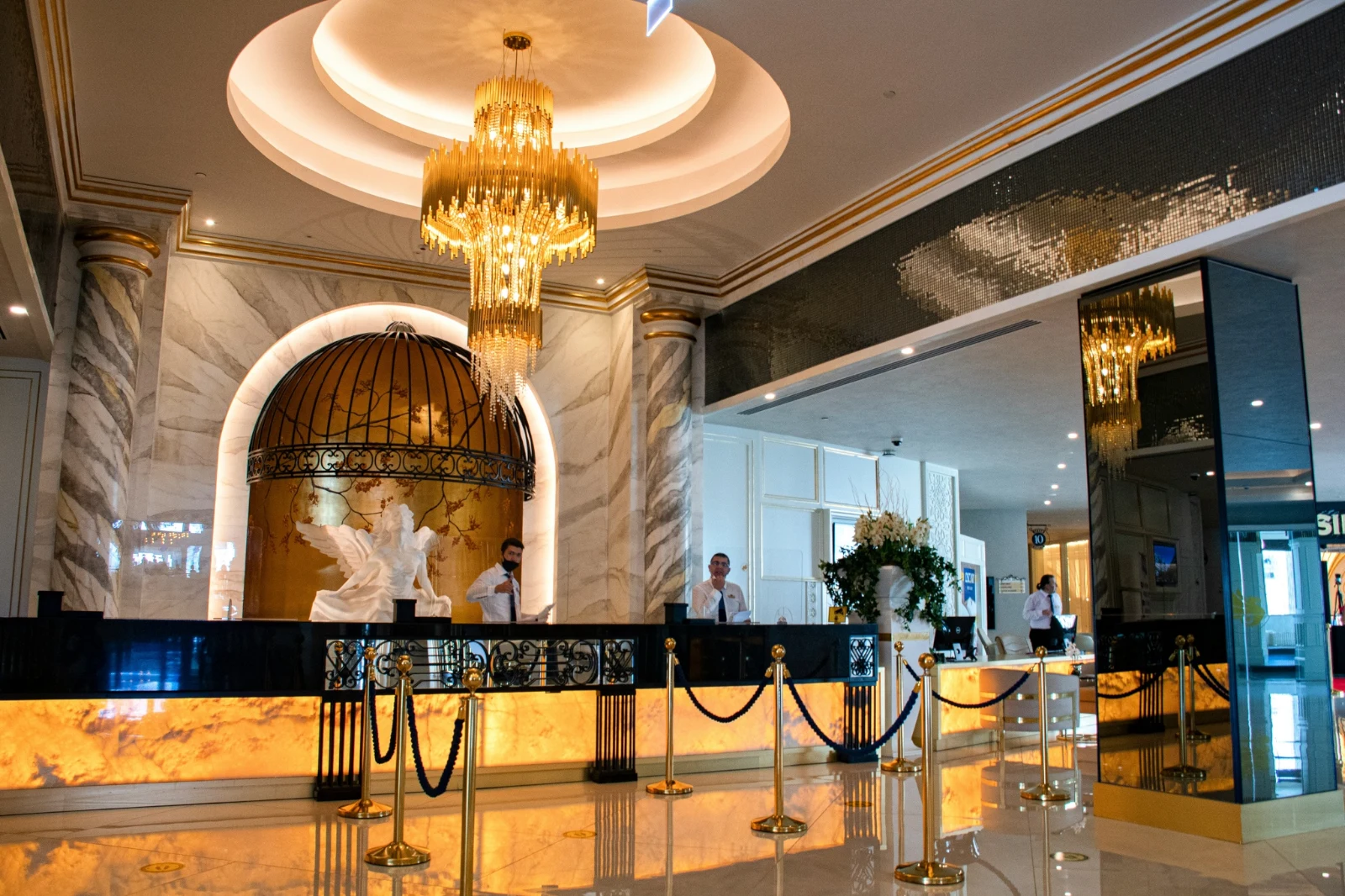
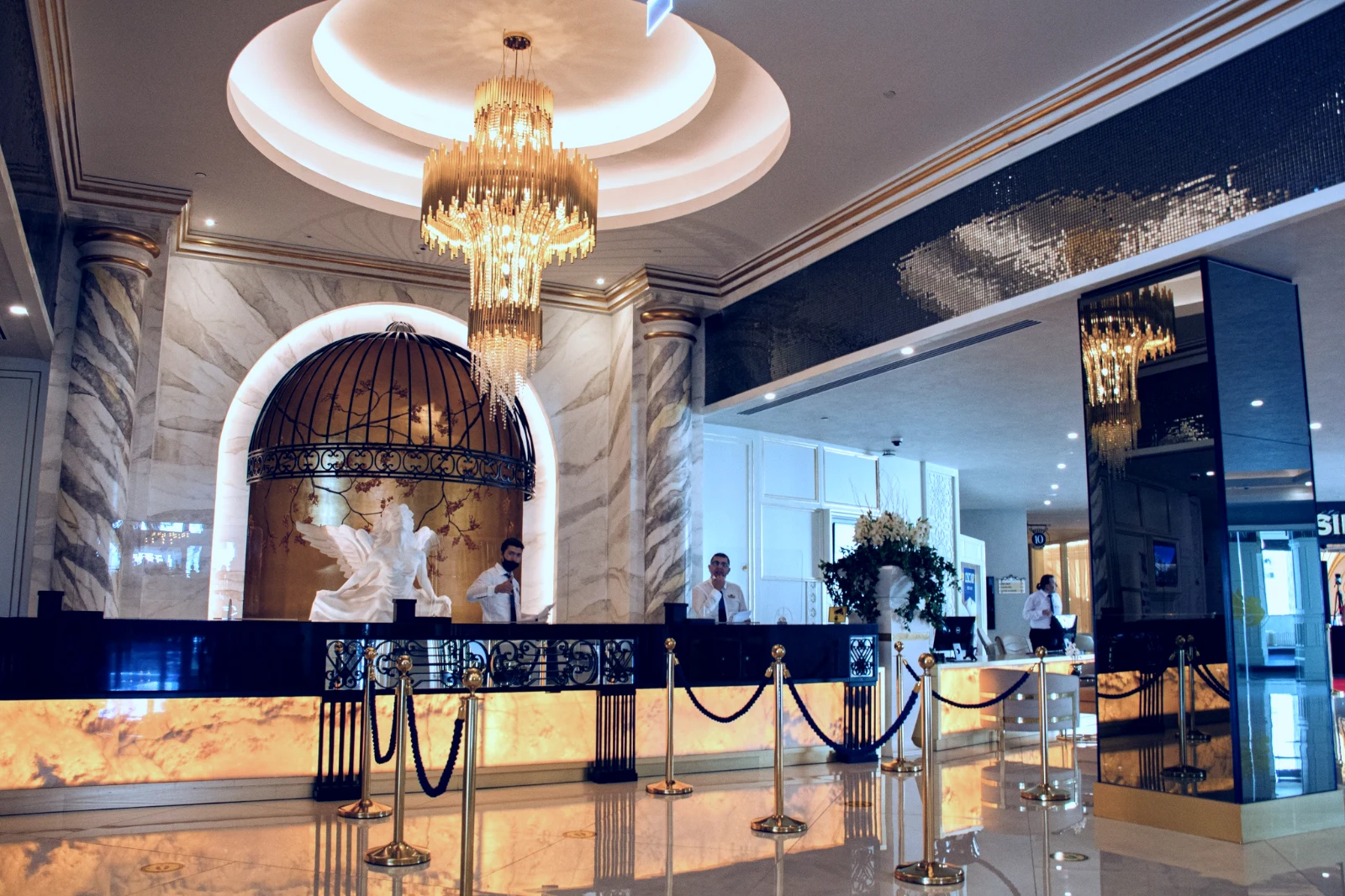
Asla Orijinal Değil
Bir düzenleme, fotoğrafının geçmişiyle yan yana durur; orijinal hali geldiği gibi kalır.
Önce
Fotoğrafı geldiği gibi görmek için basılı tutun.
 Önce
Işıkları, renkleri ve çizgileri elle ayarla
Işık, Renk ve Krop ilk açılır ve ton eğrisinden gürültüye ve merceğe kadar her diğer kontrol, More'dan bir dokunuş uzağındadır. Düz Çizgiler, fotoğrafın çizgilerini bulur ve Transform'ı kendisi ayarlar veya çizdiğiniz çizgileri çözer.
Kaldır ve Onar
Bir kablo veya lekeye boyayın; yanına Kopyala ve Doldur uygulayın.
Parçayı Ayarla
Gökyüzü, konu veya arka plan, bir fırça, gradyanlar veya parlaklık aralığı.
İnsanlar
Cilt, yüz, gözler, dudaklar, saç, kıyafetler veya bütün kişi; Retouch Skin, bunu kendi tonlarına doğru eşitler.
Lens ve Portre Bulanıklığı
Arka plan bulanıklaştırılmış veya fotoğrafın tamamı derinliğiyle, odak noktası belirlediğiniz yerde.
Film Negatifleri
Taranmış renkli veya siyah-beyaz negatifin pozitif haline dönüşmesi, turuncu maske kaldırıldıktan sonra.
Doğru Lens
Kamera kendi düzeltmesi, yoksa lens profili ve renk kenarlıkları kaldırılır.
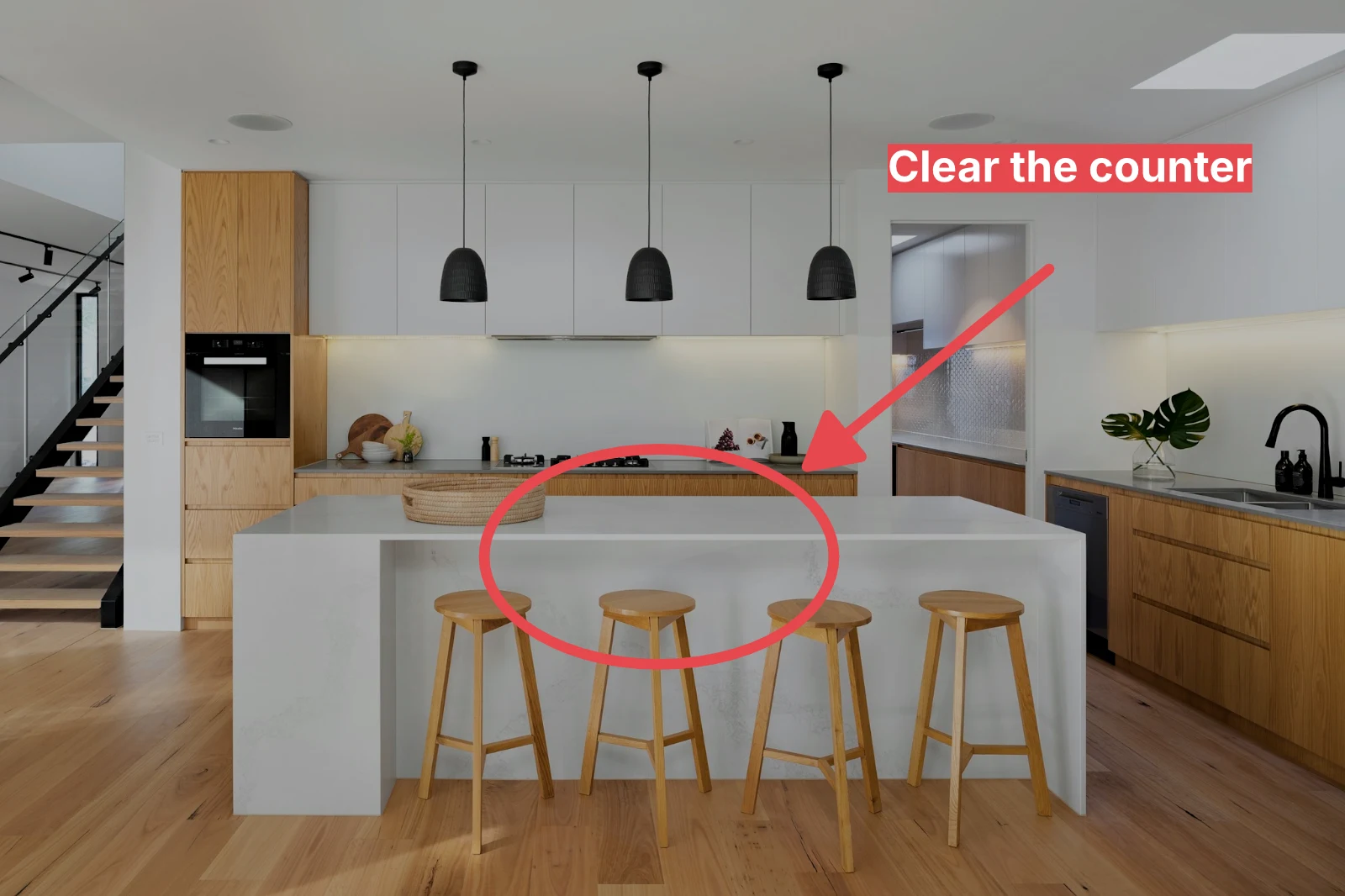
İşaretleme
Fotoğrafa çizilen bir ok, bir daire, bir kutu veya bir etiket.
Bütün bir set için Otomatik ve görünüşünüzü verin
Kütüphaneden fotoğrafları seçin ve bir görünüm belirleyin, ardından Toplu Otomatik'e basın. Her fotoğraf cihazınızda kendi Otomatik ayarını alır, ardından görünüm, düzenlemesinin bir adımı olarak kaydedilir. İhracatlar sunucuda yapılır, bu nedenle sayfa kapatılsa bile tamamlanırlar.


2. Bir Görünüm Seç
Golden Hour WarmthSadece Otomatik9 kopyadan 9 tanesi hazır.
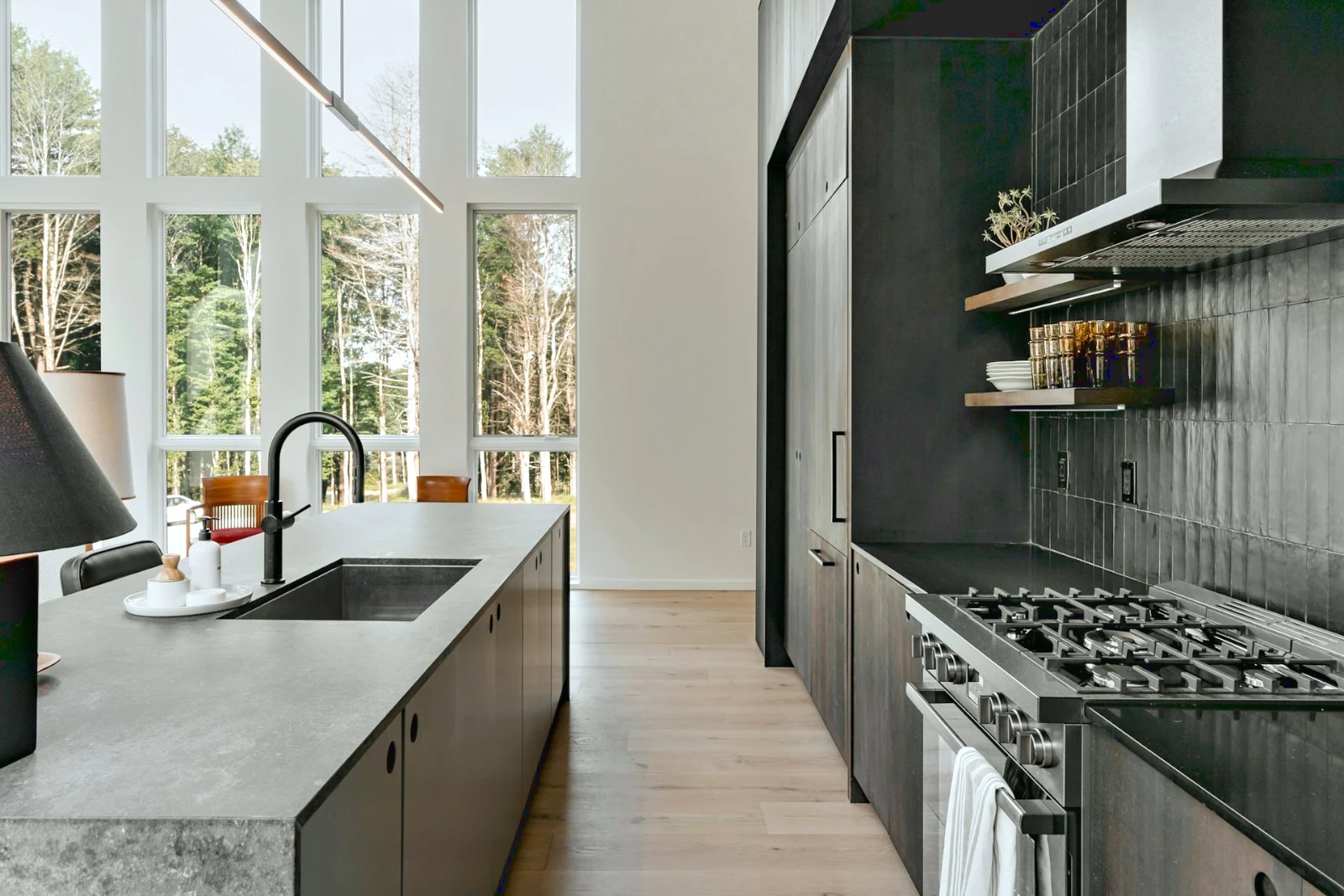
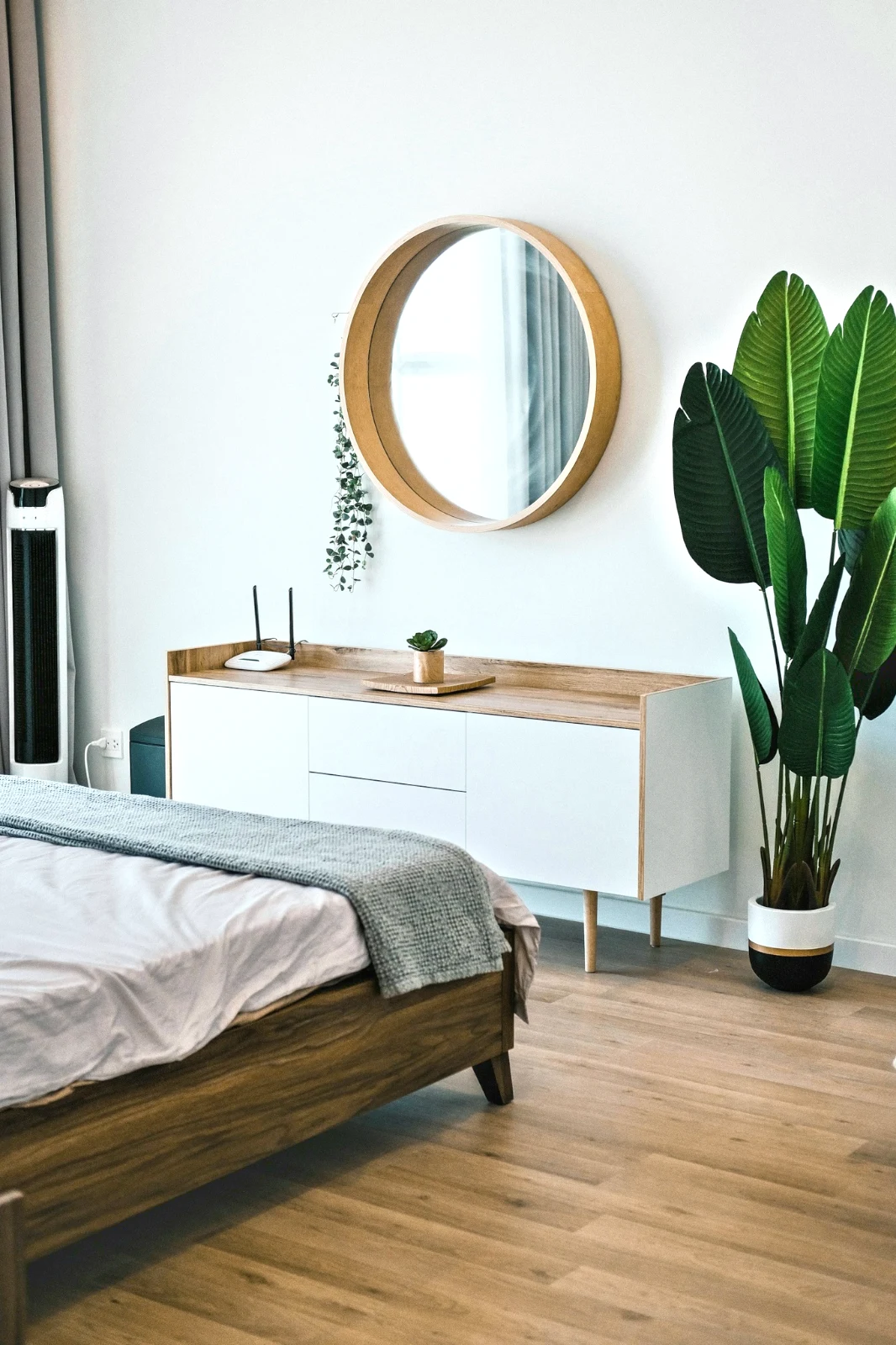
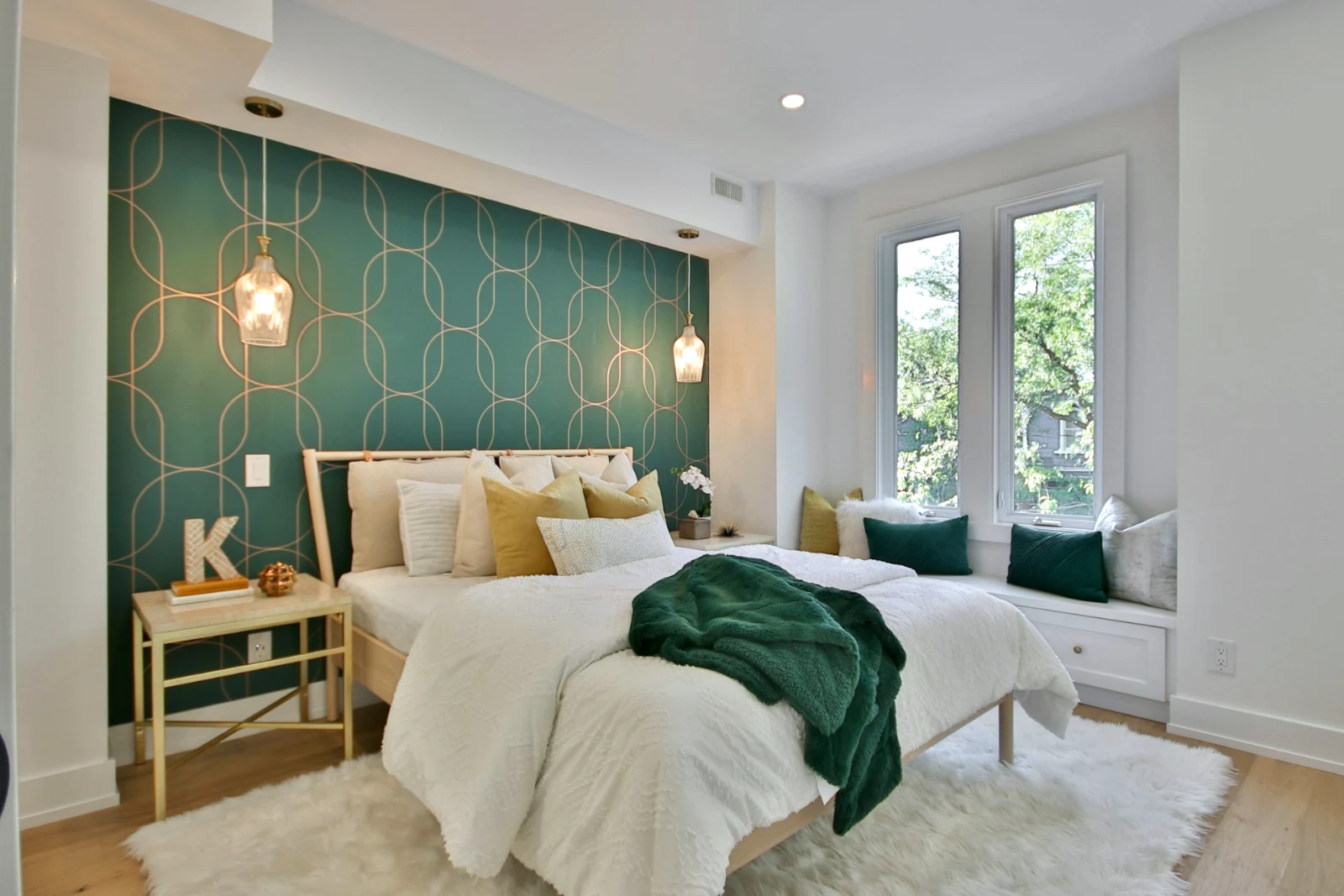
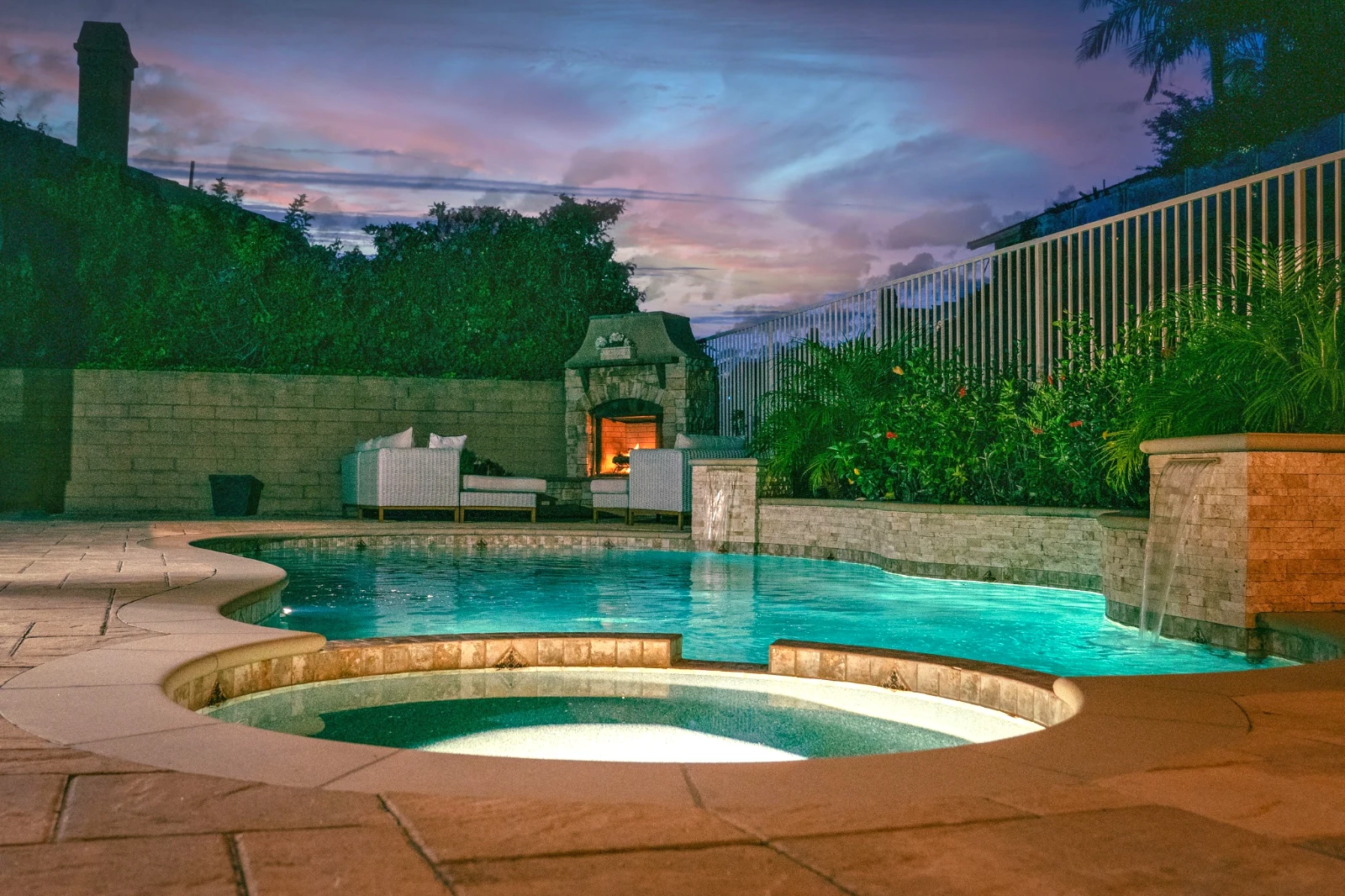
Fotoğrafı katmanlar halinde oluştur ve her yere dışa aktar
İnsanların paylaştığı bir boyutta yeni bir Fotoğraf başlatın veya katmanlar olarak bir seçim açın; her fotoğraf kendi düzenlemesini korur. Konuyu veya gökyüzünü seçin, maskeleyin, boyayın, iyileştirin, klonlayın ve büktürün, metin ve şekiller ekleyin, ardından JPEG, PNG, WebP, AVIF, TIFF veya katmanlı PSD olarak dışa aktarın.
Seçimler
Tüy, kenarları genişlet ve rafine et ve bir seçimi maskeye dönüştür.
Bir Galeri paylaşın ve müşterinin seçtiği şeyi görün
Bir çekimi Galeri'ye koyun ve kanıtlama için paylaşın. Müşteri belirlediğiniz sayıya kadar seçer, herhangi bir fotoğraf üzerine not bırakır ve seçimlerini gönderir, onaylar veya değişiklik ister, tur turuna. Seçimleri kütüphanenizde Müşteri Seçimleri olarak görünür.
Kanıtlama
Kanıtlama için paylaşılan her galeri: müşterinin seçtiği ve not ettiği şeyler ve turu nasıl cevaplandırdığı.
| Galeri | Yuvarlak | Seçildi | Of | Notlar | Cevap | Müşteri | Cevaplandı |
|---|---|---|---|---|---|---|---|
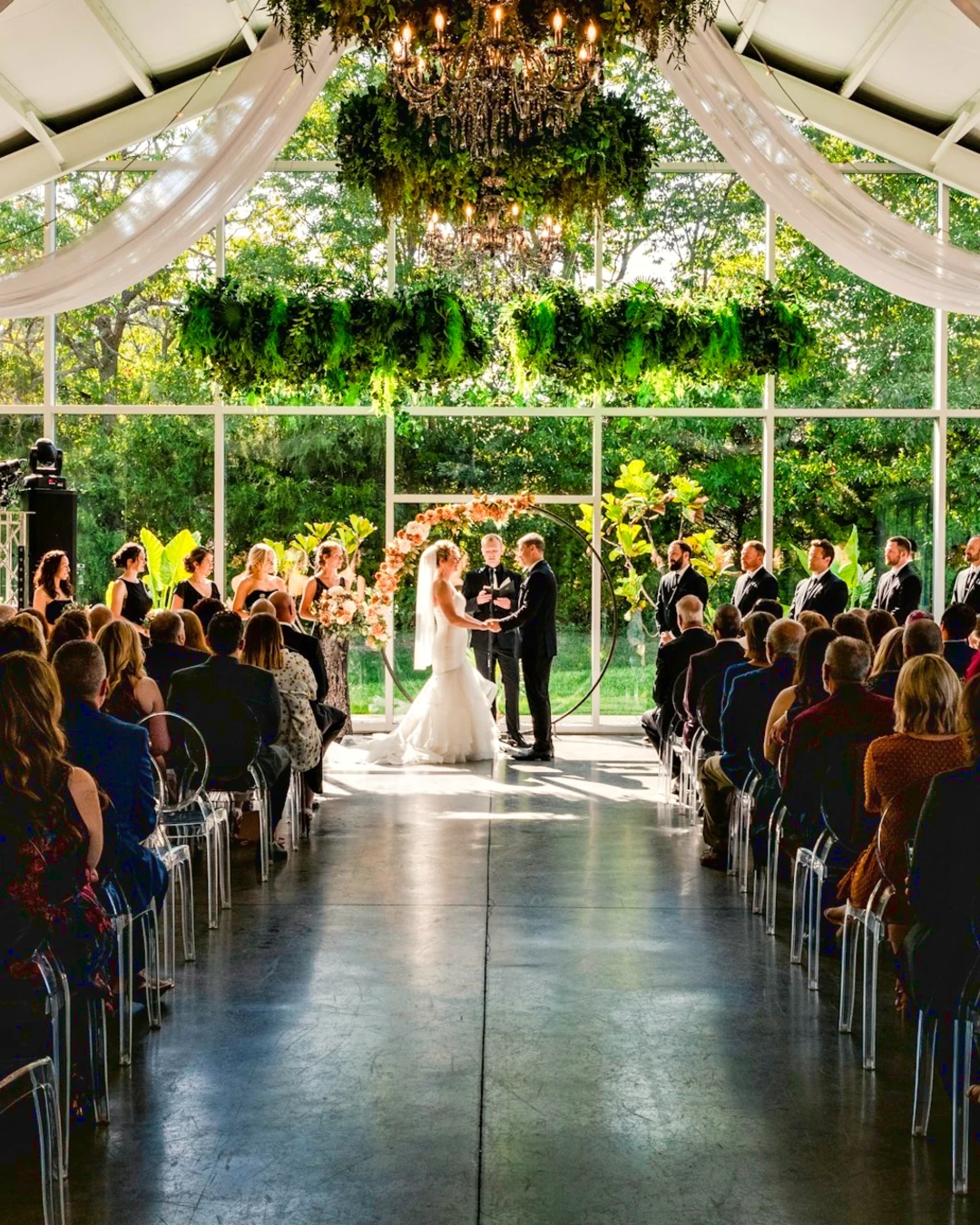
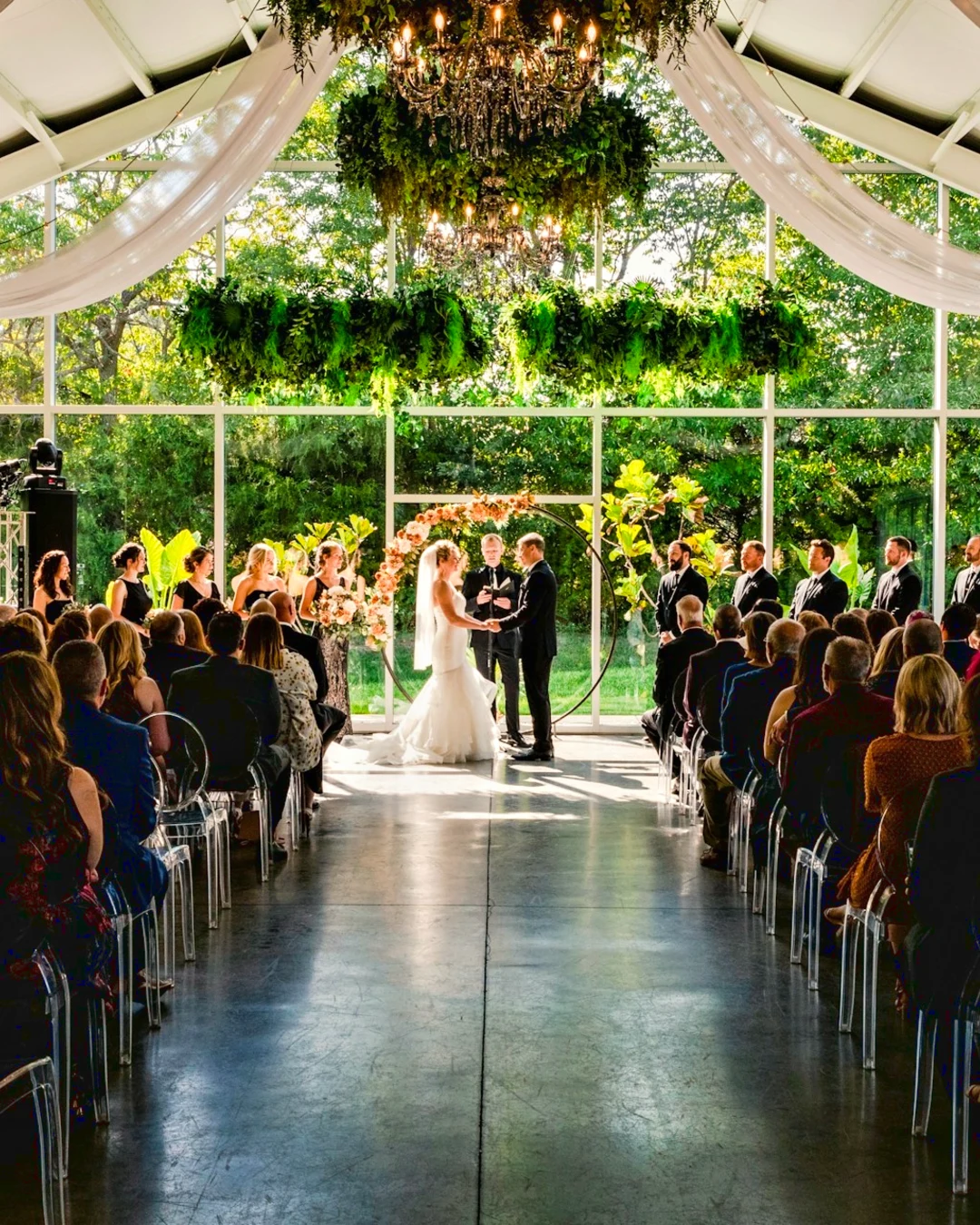
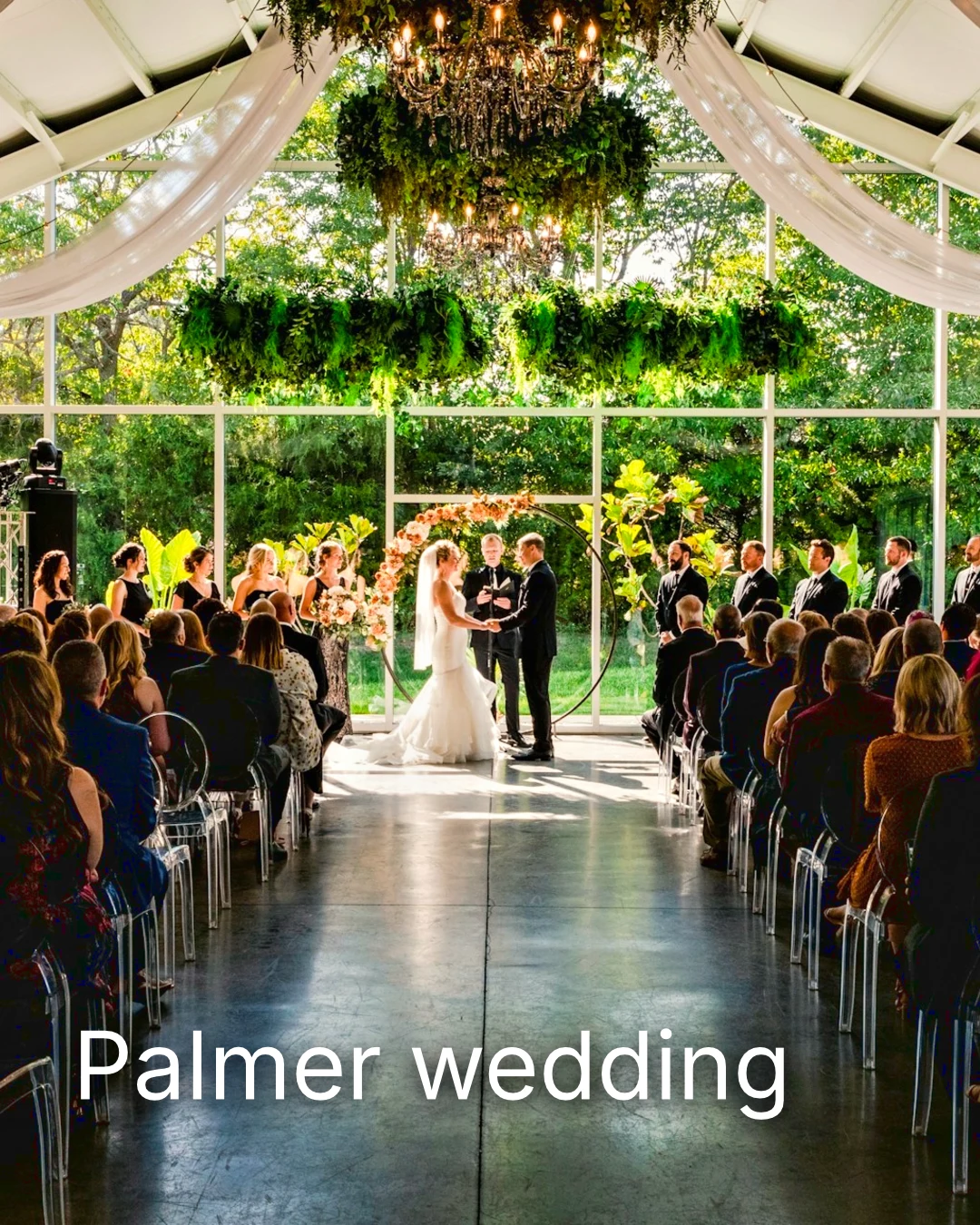
| Palmer wedding | 1 | 4 | 4 | 2 | Müşteri bekleniyor | Sarah Palmer | Müşteri bekleniyor |
| Carter portrait session | 2 | 3 | Sınırsız | 0 | Onaylandı | James Carter | 19/11/2026 |
| Harbourline Dental team headshots | 1 | 0 | Sınırsız | 2 | İstenen değişiklikler | James Bennett | 19/11/2026 |
| Nguyen Family at Brighton | 1 | 12 | 15 | 3 | Seçim gönderildi | Linh Nguyen | 20/11/2026 |
| Okonkwo Engagement | 2 | 20 | 20 | 0 | Onaylandı | Ada Okonkwo | 17/11/2026 |
| St Kilda Bakery Menu | 1 | 6 | Sınırsız | 1 | Müşteri bekleniyor | Marco Ricci | Müşteri bekleniyor |
Fotoğrafa Notlar
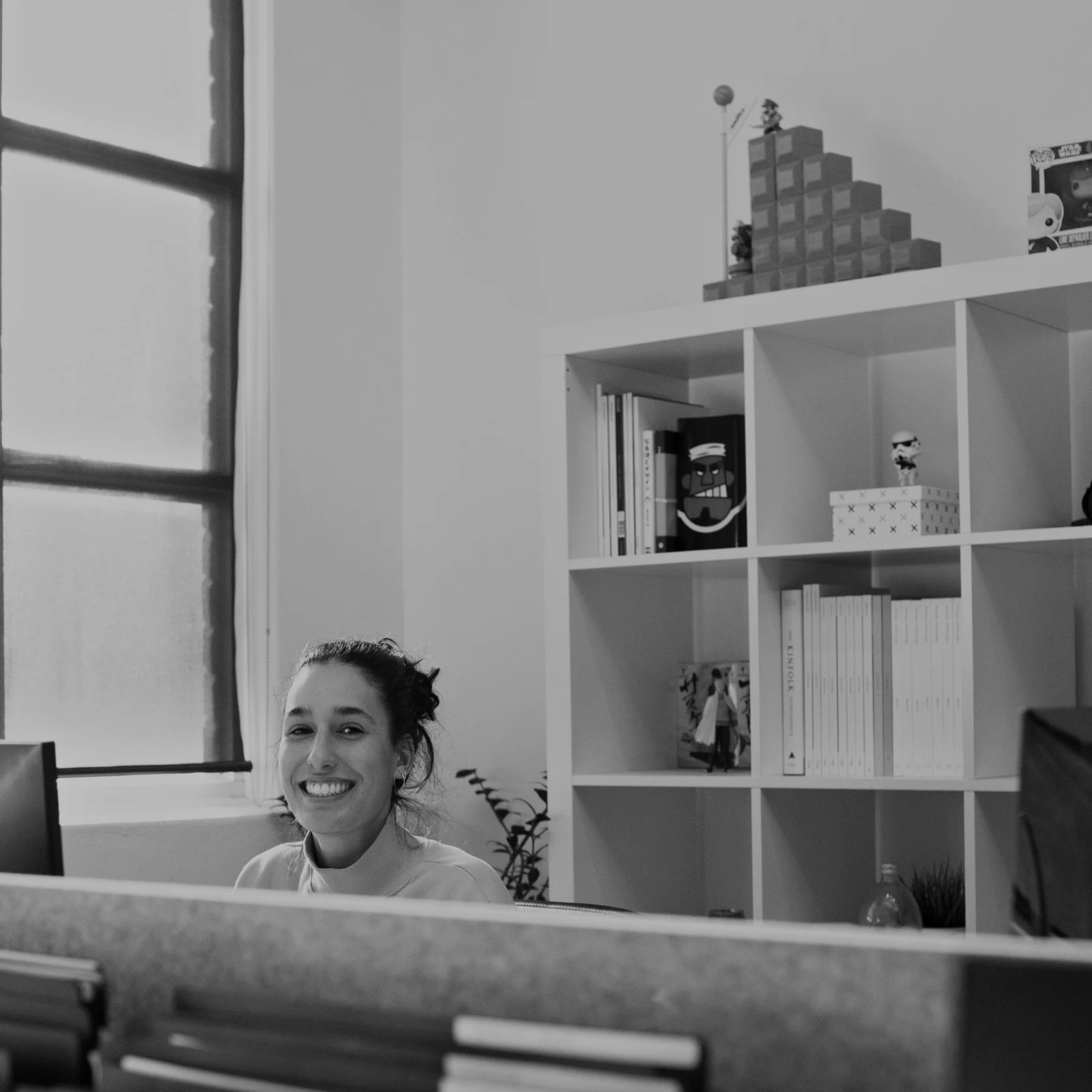
Her not, düzenlerken fotoğrafında görünür.
Görüntüle veya İndir
Avenida da Liberdade 212
Galeri
Her bağlantı yalnızca görüntüleme veya indirilebilir olup, isteğe bağlı bir parola ile korunabilir.
Su İşareti
Favorilerinizi seçin ve değiştirmek istediğiniz her şey hakkında bir not bırakın. Bittiğinde cevabınızı gönderin. Her turu sadece bir kez yanıtlayabilirsiniz.
Müşterinin gördüğü veya indirdiği her fotoğrafta logonuz veya yazılarınız, tesliminize kadar.
Galeriden Baskılar
Her biri $ 149.000. Kargo ve vergi ödeme aşamasında eklenir.
Müşteri, laboratuvarınız tarafından yapılmış ve gönderilmiş herhangi bir fotoğrafın baskısını, kendi ödeme sayfanızda yapılan ödemeyi satın alır.
Bir İşin Galeri, Yetenekle
Lookbook SS27 İncelemede
- Müşteri
- Maison Kiri
- Yuvarlak
- 1
- Seçildi
- 8 / 12
- Cevap
- Müşteri bekleniyor
- Bağlantı Kapat
- 2026/12/12
Talent'teki bir işin kendi Galeri'si vardır ve aynı şekilde doğrulanmıştır.
Kapanış Günü
Galeriler
Her işin galerisi: müşterinin gördüğü, seçtiği ve indirdiği.
| Galeri | Müşteri | İş Aşaması | Bağlantı Kapat | Oluşturuldu |
|---|---|---|---|---|
| Program Shoot · Strength | Thandi Mokoena | İncelemede | 2026/11/30 | 2026/11/09 |
| Client Story · Pieter | Pieter van Wyk | İncelemede | 2026/12/07 | 2026/11/12 |
| Mobility Series | Aisha Davids | Teslim Edildi | 2026/12/18 | 2026/10/22 |
| Coaches Team Photos | Kopje Coaching | Teslim Edildi | 2027/01/05 | 2026/10/31 |
| Summer Bootcamp | Lerato Nkosi | Üretim aşamasında | 2027/01/20 | 2026/11/18 |
Her Galeri'nin bağlantısı, belirlediğiniz günde kapanır ve Galeri listesi, sonraki 30 günde kapanacak olanları gösterir.
Kullanıldığı yerde tamamlanmış bir fotoğraf gönder
Bir fotoğraf, en yeni dışa aktarımı olarak veya hiçbiri yoksa orijinali olarak yüklenir: Tam boyutta bir Galeri'ye, yeni bir tasarıma, bir web sitesinin varlıklarına veya bir listeye. Calisto'daki her fotoğraf seçici zaten hesabın fotoğraflarını, dışa aktarmaları dahil, listeler.
A Tasarım, With Studio
Yeni bir gönderi veya hikaye, fotoğraf yerleştirildiğinde açılır.
 Menú de OtoñoTostadas de jaiba, desde hoy
Bir Web Sitesi, Sitelerle
Web sitesinin varlıklarına eklendi.
Varlıklar
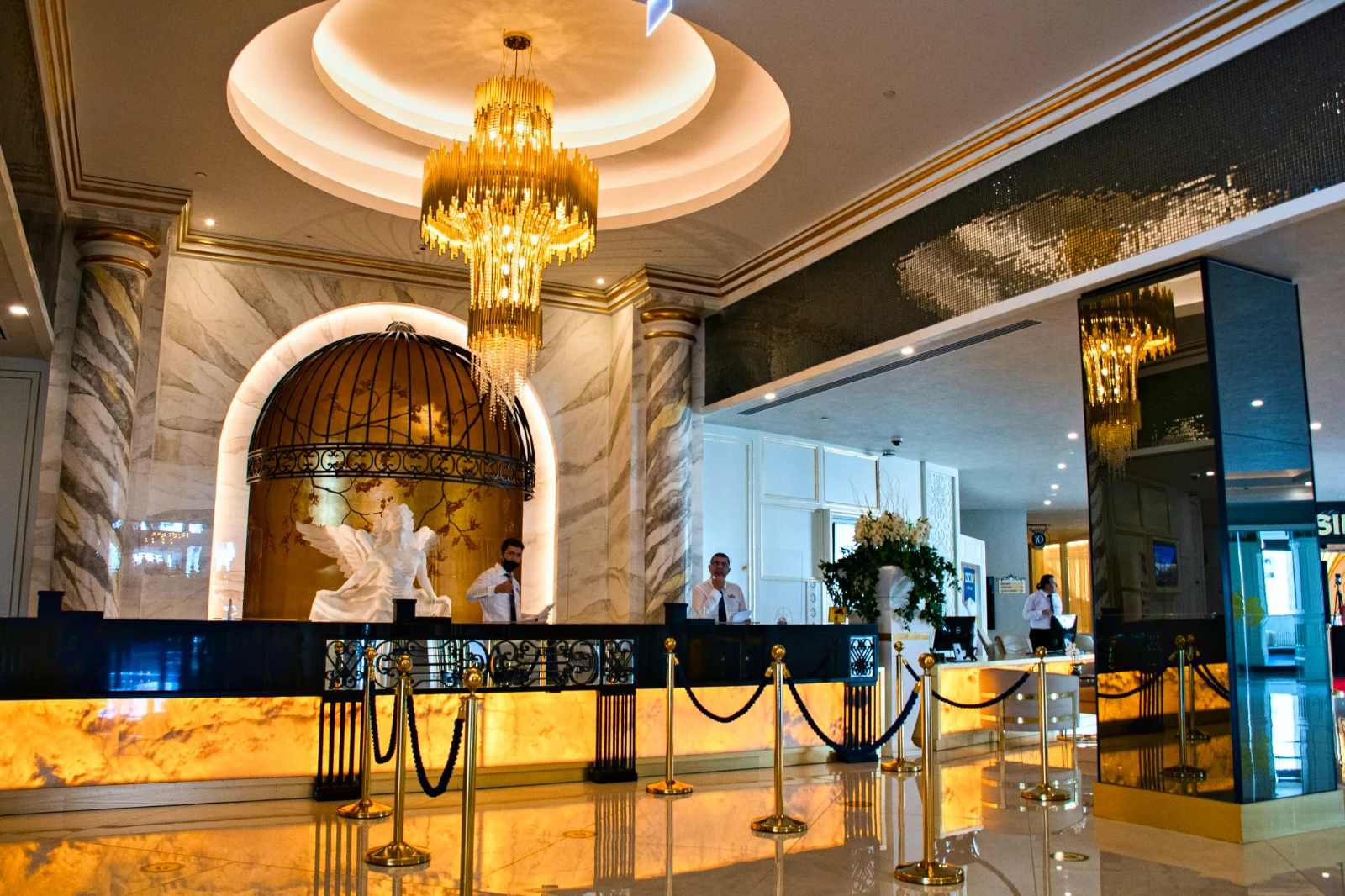
Bir Liste, Listelerle
İşletmenin bir listesi olduğunda, fotoğraflarına eklenir.
T3 Rua do Século 41 Yayınlandı
Fotoğraf tam ekranla telefonunuzda düzenleyin
Yakınlaştırmak için dokunun, tam uyum sağlamak için çift dokunun ve "Önce" için basılı tutun. Her bölüm, fotoğrafın altında yer alan bir çiptir; kontroller asla üstünde değil, altında biriktirilir ve kaydırma asla düzenleme yapmaz; kaydırma sadece yatay sürüklemeye bağlıdır.
Foto'ya Paylaşıldı
Kamera kaydı paylaşılan bir fotoğraf, Fotoğrafları Ekle'ye yerleşir.
Bu cihazdaki herhangi bir uygulamadan fotoğrafları Foto'ya paylaşın, bir tanesini çekin veya burada seçin.
Eklenecek fotoğraflar
Sinyal Yok
Ana, Kütüphane, Görünüm ve Fotoğrafları Ekle açık; düzenlemeler ve yüklemeler bekliyor ve tek seferde yer alıyor.
Bu cihazdaki herhangi bir uygulamadan fotoğrafları Foto'ya paylaşın, bir tanesini çekin veya burada seçin.
Eklenecek fotoğraflar
Foto'nun her şeye değdiği yer diğerleri.
4 of these 5 connections are in your plan today; the other is its own app.
Depot
Every photo and every export is a file in Depot, on the account’s one storage quota, and a Gallery is a Hub.
Studio
An image’s Adjust in Studio is Foto’s, Send To opens a new design with the photo placed, and a layered Photo opens there as a design.
Talent
Galleries and Proofing are the same views Talent shows, and a job’s Gallery is the Hub of that job.
Listings
Bulk Auto takes a listing’s photos as a set, and the exports replace them on the listing.
Sites
Send To adds a photo to a website’s assets.
Kurulum maliyeti yok. Kullanmaya başladığınızda ödeyin.
Photos edited in one tap, by hand or in layers.
Calisto Create
Her Calisto hesabına dahil olan Kütüphane, Otomatik, Toplu Otomatik, Görünüm, Ayarla ve Galeri özellikleri.
Foto Pro
Herkes için her bir Ayar kontrolü satır içi ve Katmanlar çalışma alanı, kendi koltuğunda veya Koltuk oluştur ile; bir işletme koltuklarını çalışanlarına atar.
Size önerilenler
Birlikte iyi çalışır.
Calisto Depot
Calisto Studio
Calisto Create
A Studio seat designs anything at every size, from Calisto’s templates or a blank page: layers, photos, Copy & Resize, Bulk Create, mockups, QR codes, print-ready PDFs, sharing and whiteboards.
Learn more →Calisto Talent
Planlarınızla Dahil
Core uygulamanız, Commerce ve Ops planlarınızda açılan her şeyi gösterir.
Learn more →Calisto Listings
Listelemeler
Listings'te çalışan her kişi için: ilanlar, randevular, projeler, kiralar ve ofis.
Learn more →Calisto Sites
Calisto Siteleri
A website and its phone app, built from a template on the page itself, showing what you sell from your own records and published on your own domain.
Learn more →Calisto'da her şey dahil Foto.
- Foto Essentials for every signed-in person: Home, the Library, Auto, Bulk Auto, Looks, Adjust with Auto, Light, Color and Crop, and Galleries; every other control one tap away behind More.
- Foto Pro, a seat per person: every Adjust control inline and the Layers workspace.
- Essentials or Pro is each person’s own choice, in Profile & Preferences ▸ Creative Tools, never a business setting.
- Without a seat, More and Layers read Pro · Upgrade, or Ask for a Pro Seat for a team member.
- A photo whose edit holds Pro fields always opens, saves and draws at Essentials.
- First open asks nothing technical at Essentials, and leads with Layers and the keys at Pro.
- Every photo read after it is uploaded: when it was taken, its exposure, its focus and its faces.
- Flags: Blurry, Missed Focus, Black Frame, Missed Flash and Closed Eyes, each a filter in the Library.
- A score from focus, exposure and open eyes: Best First, and the Suggested Best Shots.
- Similar Shots: bursts, brackets and the same pose taken twice, grouped best first, with Star the Best of Each.
- Faces and eyes are read on your own device; nothing is starred or hidden for you.
- Home: the photos to pick up again, Upload Photos, New Photo, From Media Library, Bulk Auto, and Recent Photos.
- The Library: All Photos, Starred, Edited, Similar Shots, Layers and Client Picks, with search, sort (Best First and Date Taken included) and a Tag filter.
- A Hub’s photos on their own, from the Hubs in the sidebar; Move To… a Folder of a Hub, and New Hub, Private or Public (with Depot).
- A selection is starred, tagged, given a look, run through Bulk Auto, sent on, opened as layers or assigned to a client project.
- Star and Tags are the platform’s: the same in Depot, Docs and Studio, carried wherever the photo is picked.
- An export is listed with its photo, never among the originals.
- The account’s storage shown in the Library, on the one Depot quota (with Depot).
- Upload from a desk, the camera or the device’s photos, through the one upload queue.
- Add Photos is where a photo shared to Foto lands: the camera roll’s Share sheet, or Open With on a desk.
- Then Adjust for one photo, Bulk Auto for a set, or the Library.
- JPEG, PNG, WebP, HEIC, HEIF, AVIF, TIFF and camera RAW; a RAW is developed on the device, or converted on the server when the device cannot.
- The camera and lens a file says made it, read once from the original and kept on the file.
- Auto: one tap reads the photo on the device, sets its sliders and names each one; Undo puts the photo back.
- Your Style beside Auto, once you have edited eight photos: Auto moved the way you move it, and the Texture, Clarity and Saturation you usually set, learned from your own edits; yours, never the business’s.
- Light, Color, Crop and Straighten; Whites and Blacks, Detail (Detail, Fine Detail, Clear Haze), Tone Curve, Color Mixer, Color Grading, Sharpening and Noise, Lens, Transform and Effects.
- Straighten Lines: Auto and Vertical, and Level, Full and Guided (up to four lines drawn on the photo); it sets the Transform sliders it solved and names them, and leaves a photo with no clear lines as it is.
- Lens: Correct Lens from the camera’s own correction in the RAW, else the lens profile; Remove Color Fringes; nothing the camera already corrected is corrected twice.
- How it was drawn, said under the control it concerns.
- Remove and Repair: Remove what you paint over; Clone and Fill.
- Adjust Part: Sky, Subject and Background; a Brush, Linear and Radial gradients and a Brightness Range.
- People: Skin, Face, Eyes, Lips, Hair, Clothes and Body, found on your device.
- Retouch Skin: Even Skin smooths blotches and keeps the pores; Match Skin Tone evens the skin toward the person’s own tone.
- Frequency Separation: paint where, then Smooth Tone and Fine Detail retouch the tone and the texture each on its own.
- Portrait Blur on the background, and Lens Blur by the photo’s depth with Focus Distance and Depth of Focus.
- Film Negative: a scanned color or black and white negative turned positive from its film base, shared across a roll by copying the edit.
- Changes: every change to a part, with its own controls, opacity, blend and invert.
- Markup: an arrow, a circle, a box, a freehand line or a label drawn on the photo, carried by every export.
- Before: press and hold. Undo and Redo through the edit’s whole history.
- The original is never changed; the edit is kept beside it with its history.
- A client’s note from Proofing shown on the photo while it is edited.
- Calisto’s looks and the business’s own, in Looks ▸ Calisto and Mine.
- Match a Photo: another photo’s look, solved into Exposure, Contrast, Saturation, White Balance and Color Grading.
- Suggested looks first in Adjust: the looks made for a photo like this one, from the kind of photo each of Calisto’s was made for and the photos each of yours has been put on.
- Save Look keeps an edit’s settings as a look of the business’s own.
- A look given to one photo or a whole selection.
- A selection from the Library, or one listing’s photos for a business with listings (with Listings), and a look.
- Start From Auto or Your Style.
- Each photo read on the device and given its own Auto, then the look; a look that straightens lines solves each photo’s lines.
- Saved as a step of each photo’s edit.
- The exports made on the server, so they finish with the page closed; the results screen shows each one as it is ready.
- For a listing’s photos, the exports replace them on the listing, through Listings’ own write (with Listings).
- Bulk Auto Finished is sent once per run, to the person who started it.
- Camera on USB, in Chrome or Edge: Connect Camera, Shoot, Live View on Canon EOS and Nikon, every frame straight into Foto.
- The camera’s own Wi-Fi upload: FTP, FTPS or SFTP to Calisto with a login of your own, the password shown once.
- Every frame in the Camera Uploads Hub as it lands, with the last edited frame’s edit or a look applied to each new one.
- Nothing to install: the camera talks to the page itself.
- Record Action in Adjust: your steps kept as steps, then played on any photo or a Library selection, with Auto, looks, straightening and found parts solved again for each photo.
- Actions are the business’s, kept beside its looks.
- Contact Sheet: a selection or a Gallery printed 2 to 8 across, portrait or landscape, with names, stars, client picks and culling flags, filed in Depot as a PDF.
- HDR: bracketed exposures fused into one photo, lined up even when taken by hand.
- Panorama: overlapping frames joined, laid on a cylinder for a known lens, cropped clean; brackets at each position fused first.
- Focus Stack: frames focused at different distances, sharp from near to far.
- Astro Stack: night-sky frames aligned on their stars and stacked by sigma clipping, median or mean, dark frames taken off.
- A new photo in Depot every time; the photos merged stay as they were. Large merges finish on our servers.
- Smart Objects: Convert to Smart Object, New Linked Copy, Update Linked Copies and Release Smart Object; each copy keeps its own opacity, blend and styles.
- New Photo at a size people make: YouTube Thumbnail, Instagram Post and Story, Square, A4 and US Letter at 300 ppi, or a custom size, on white, black, a color or transparent.
- Open as Layers on a selection: each photo a layer carrying its own edit.
- Photo, pixels, adjustment, text and shape layers in one layer tree: chosen, checked to act on several, shown, hidden, locked, renamed, moved, grouped, duplicated and deleted.
- Tools: Move, Select Rectangle, Ellipse, Freehand and Straight Lines, Select Similar Color, Select Subject and Sky, Brush, Eraser, Dodge, Burn, Blur, Sharpen, Heal, Clone, Fill, Warp, Warp Grid, Warp Perspective, Text, Shapes and Crop.
- The Select menu: Select All, Deselect, Invert, Feather, Expand, Contract, Smooth, Refine Edges, Selection to Mask and Fill with Color; Shift adds, Alt subtracts, both intersect.
- Layer masks and shape masks, each enabled, inverted, feathered, applied or deleted; layer styles: drop and inner shadow, outer and inner glow, color overlay and stroke.
- Apply and Convert to Pixels; every paint stroke written as new tiles, so every earlier step still undoes.
- Export as JPEG, PNG, WebP, AVIF, TIFF or a layered PSD, with what it could not hold said in plain words; Recent Exports in the Export dialog.
- A layered Photo opens in Studio as any design does (with Studio).
- Without the seat, a layered Photo opens to look at.
- A Gallery is a Hub shared with a client through its link, Private or Public; a job’s Gallery is the Hub of that job (with Talent).
- Send To ▸ Gallery puts the photos in at full size.
- Share for Proofing: the client’s email (the Gallery also lists in their portal), how many they may pick, view or download, a password, and your watermark.
- Your watermark on every photo of the link, at every size and on every download: your logo, your business name or your own words, where it sits, its size and its opacity, set once in Settings ▸ Photos ▸ Watermark.
- Watermark the Photos or Remove the Watermark on a link in Proofing, so the final delivery goes out clean.
- Prints from the Gallery: Choose Prints from your drop-ship products on sale online; the client taps Buy Print on a photo, picks the print, the size and how many, and pays on your own checkout (with Shop and Orderflow).
- Your lab prints the photo the client chose and ships it to them; the order is in Orderflow beside every other web order.
- The client picks up to the limit, leaves notes, and sends their selection, approves or asks for changes, round by round.
- Open the Next Round, or Stop Proofing; an earlier round stays as it was.
- Galleries counts what is delivered, waiting on the client and closing in 30 days.
- The same Galleries and Proofing views Talent shows (with Talent).
- A photo goes on as its current export, or the original when it has none.
- A Gallery; a design, opened in Studio with the photo placed (with Studio); a website’s assets (with Sites); a listing’s photos, when the business has a listing (with Listings).
- Every picture picker in Calisto lists the business’s photos in Depot, exports included.
- Adjust and Layers, switched in the header: ⌘⌥1 and ⌘⌥2, or A and L.
- Keyboard Shortcuts (⌘/) lists every key; ⌘K finds every command.
- Each editor’s back link returns to the Library.
- Home, Library and Settings in the tab bar; shortcuts to Add Photos, the Library, Bulk Auto and Looks.
- The photo fills the screen: pinch to zoom and pan, double-tap to fit, press and hold for Before.
- Each section a chip under the photo, its tray docked under it, never over it, with the desk’s controls and a Reset.
- A slider moves only on a sideways drag, so a scroll never edits; words are typed in a dialog above the keyboard.
- Layers on a phone: the canvas full screen, the tools in a bottom bar, the layer tree and Format as bottom sheets.
- Keep Foto on This Device: Home, the Library, Looks and Add Photos open with no signal; an edit’s save, a new look and uploads wait and land once.
- Copy Saved is sent when the server finishes a copy, to the person who asked for it.
- Foto installs as part of the Calisto app.
- Every photo and every export is a Depot file on the account’s one quota; each Foto Pro seat adds its included storage to it (with Depot).
- Working copies and the render cache never count.
- Settings ▸ General: the business’s name, design and sign-in.
- Settings ▸ Photos: the export format, size on the long side or the original’s, quality, and the look Bulk Auto starts from; changed by the business’s admins, and Purview may lock it.
Questions about Calisto Foto
Her giriş yapan kişi Foto Essentials'e sahiptir: Kütüphane, Otomatik, Toplu Otomatik, Görünüşler, Işıkla Ayarla, Renk ve Kesme ve Galeriler. Her diğer Ayarla kontrolü Daha Fazla'nın ardındadır. Foto Pro, hepsini satır içine koyar ve bir kişi başına koltuk için Katmanlar çalışma alanını ekler.
Hayır. Düzenleme, fotoğrafının yanında geçmişiyle birlikte saklanır, böylece herhangi bir adım daha sonra geri alınamaz. İhracat, fotoğraftan erişilen Depot'daki yeni bir dosyadır ve orijinal haliyle geldiği gibi kalır.
JPEG, PNG, WebP, HEIC, HEIF, AVIF, TIFF ve kamera RAW dosyaları. Bir RAW dosya, cihaz tarafından geliştirilir veya cihaz yapamadığında sunucuda geliştirilir. Katmanlı bir Fotoğraf, JPEG, PNG, WebP, AVIF, TIFF veya katmanlı bir PSD olarak dışa aktarılır.
Stüdyo, bir tasarımı katmanlı bir PSD olarak açar. Foto, katmanlarını, maskelemelerini, karıştırmalarını, gruplarını, metinlerini ve stillerini koruyan katmanlı bir Fotoğrafı PSD olarak kaydeder ve tutamadıklarını açık sözlü olarak söyler.
Kanıt için Galeri'yi paylaşın. Müşteri linki açar, belirlediğiniz sayı kadar fotoğraf seçer, herhangi bir fotoğrafa not bırakır ve seçimlerini gönderir, onaylar veya değişiklik ister, tur turuna. Seçimleri Kütüphanenizde Müşteri Seçimleri olarak görünür ve her not düzenlerken fotoğrafta gösterilir.
Evet. Galeri'nin satışı yaptığı sevkiyat ürünlerini seçin, örneğin laboratuvarınızın bastığı ve gönderdiği baskılar. Müşteri bir fotoğrafın Al Baskı seçeneğine dokunur, baskıyı, boyutu ve adetini seçer ve kendi faturanızda ödeme yapar. Laboratuvarınız bu fotoğrafı basar ve müşterinin adresine gönderir.
Her Calisto'daki resim seçicisinin onları bulduğu, hesabınızın tek depolama kota olan Depo'da. Her Foto Pro veya Create koltuğu, dahil ettiği depolamayı aynı kota ekler.
