Bewerk een foto met één tik, met de hand of in lagen.
De foto-editor voor de foto's die al in uw account staan. Voltooi een foto of een hele shoot, deel vervolgens een Galerij waar uw klant zijn favorieten uit kiest.
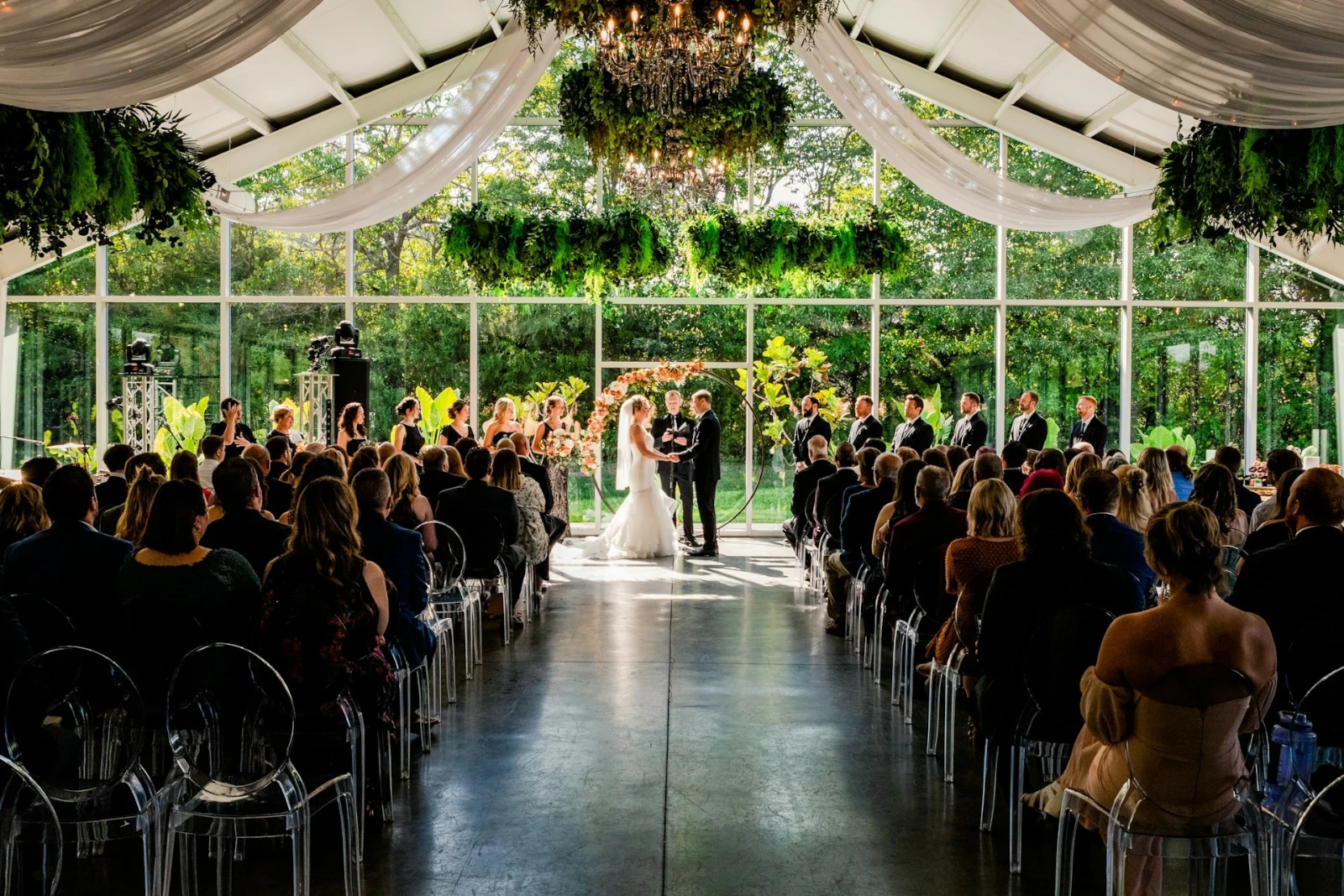
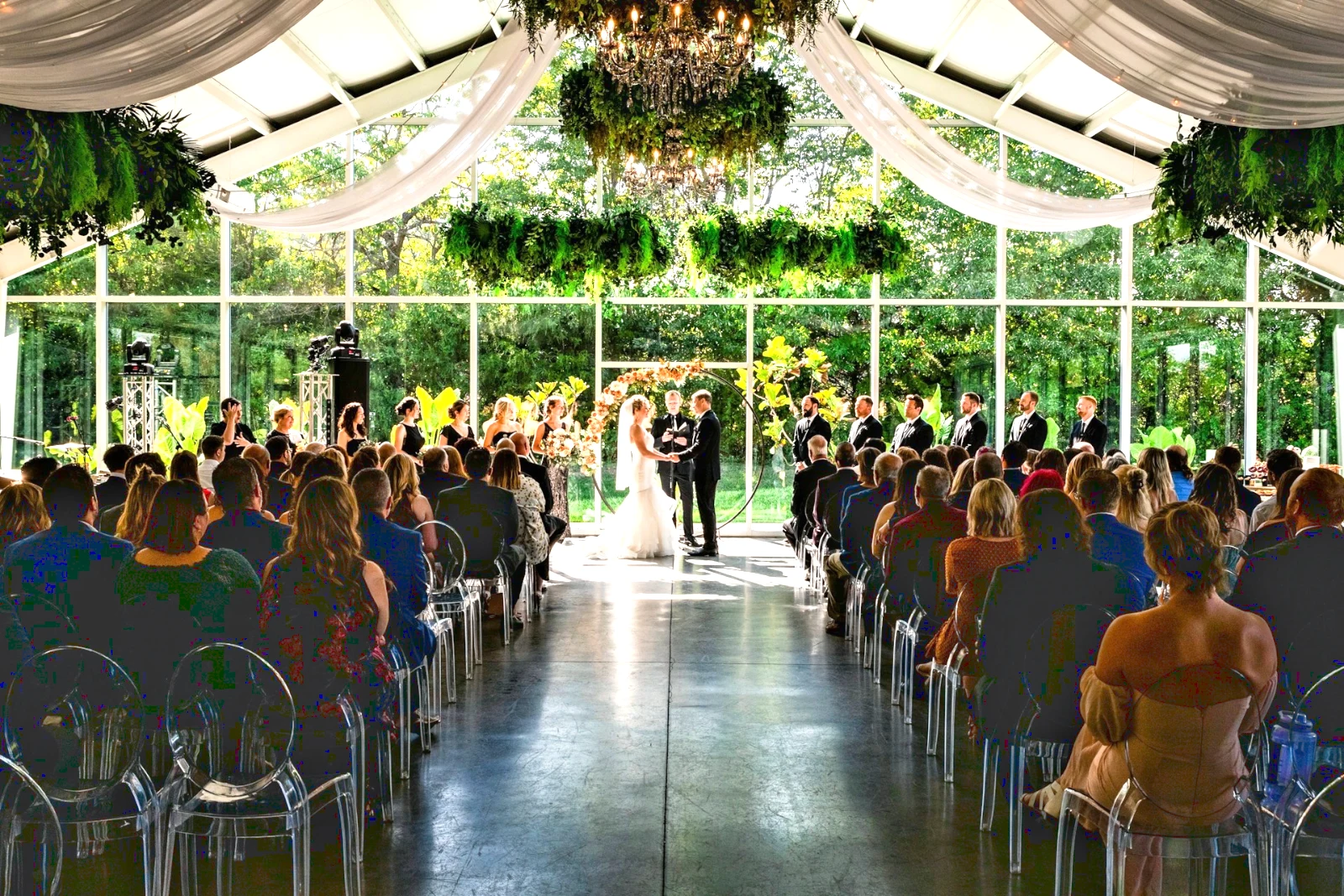
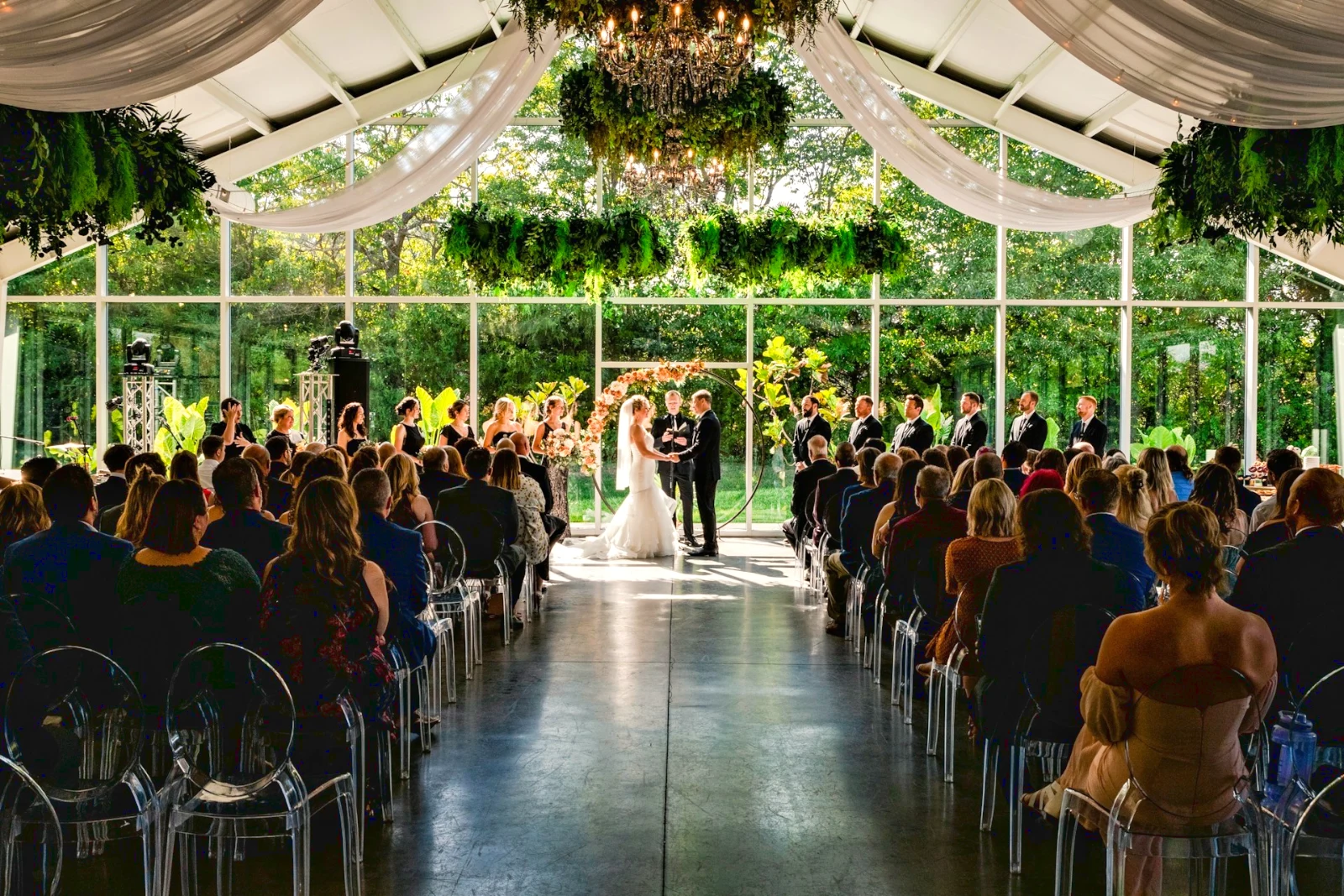
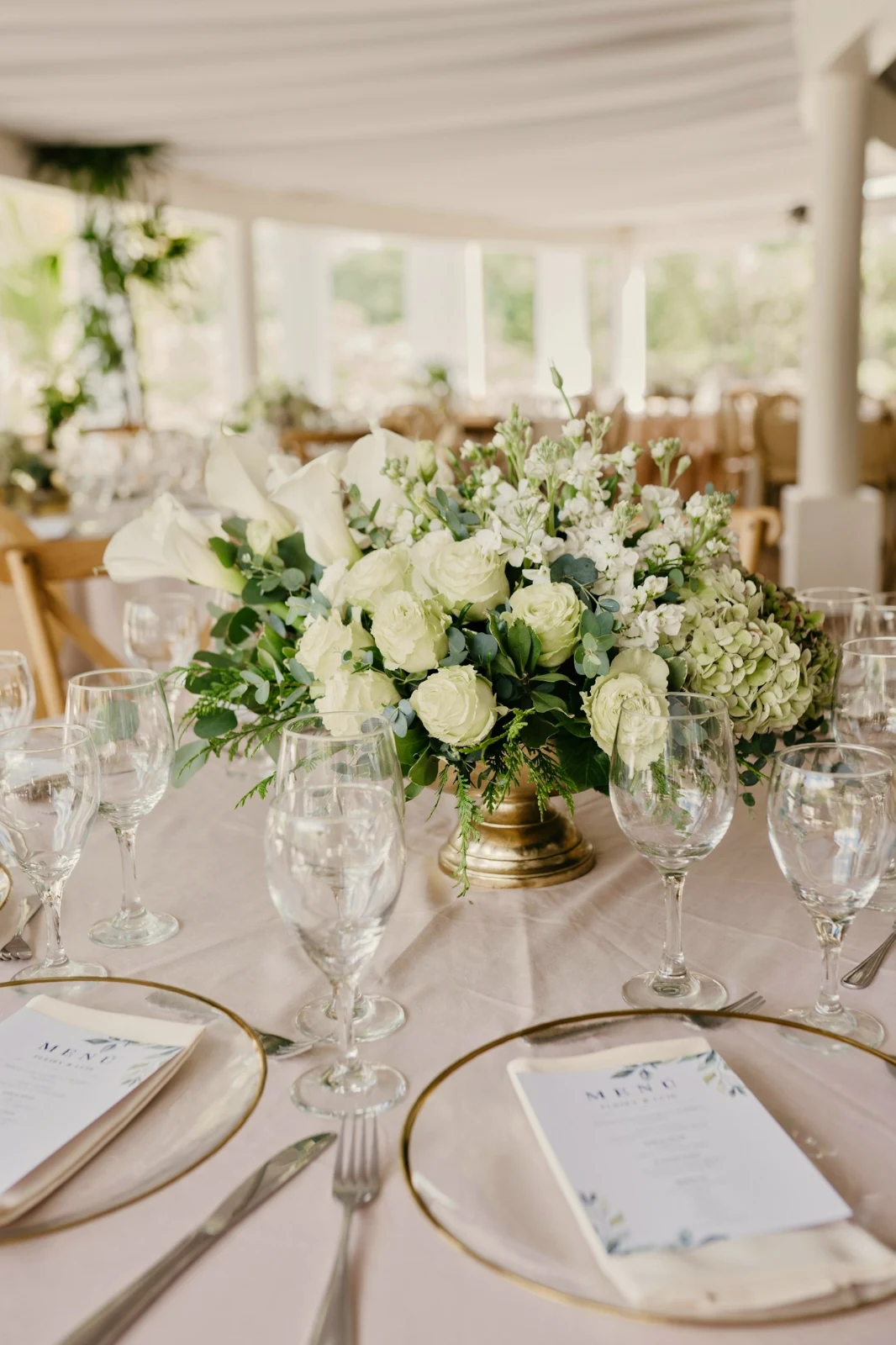
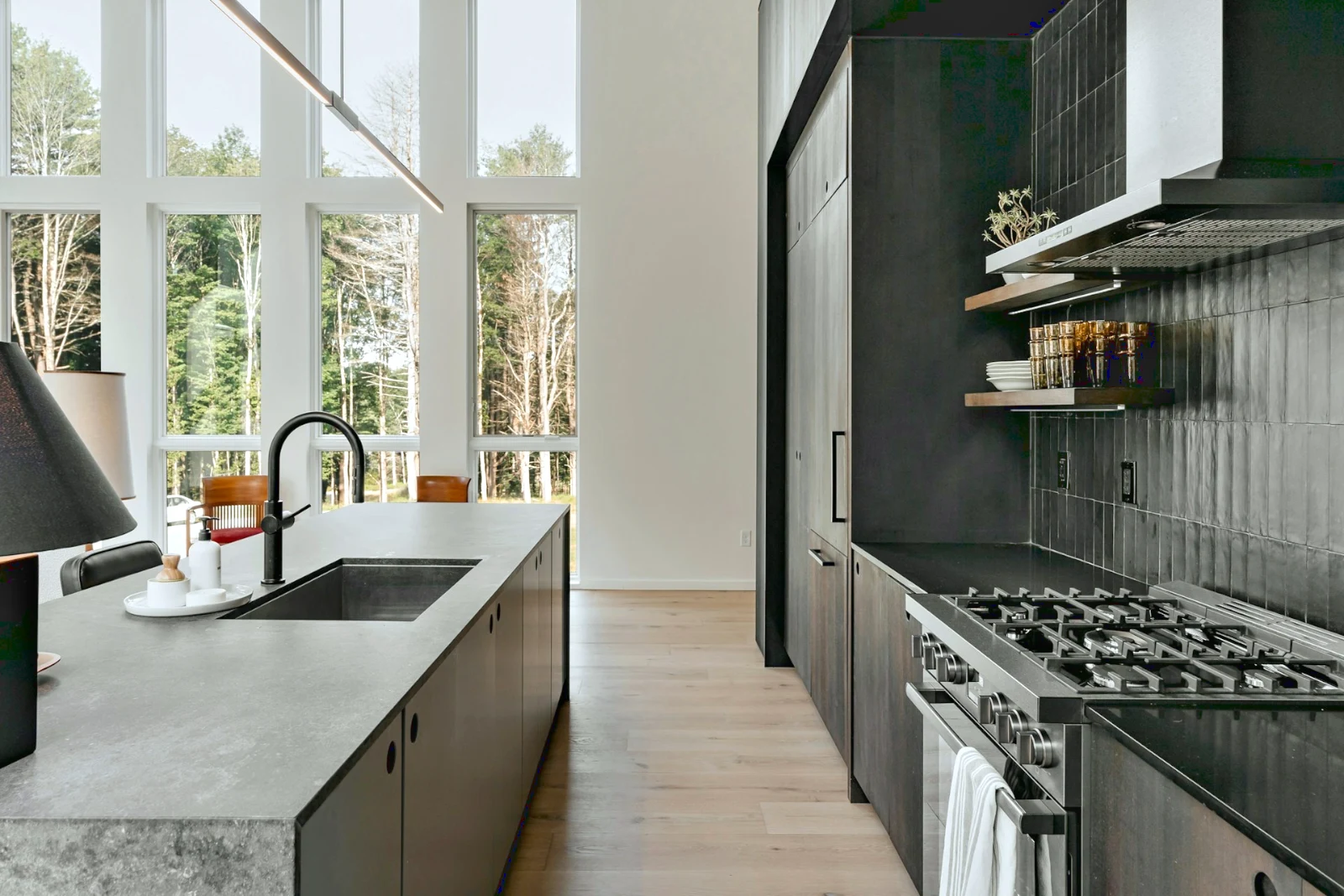 Bright and Airy
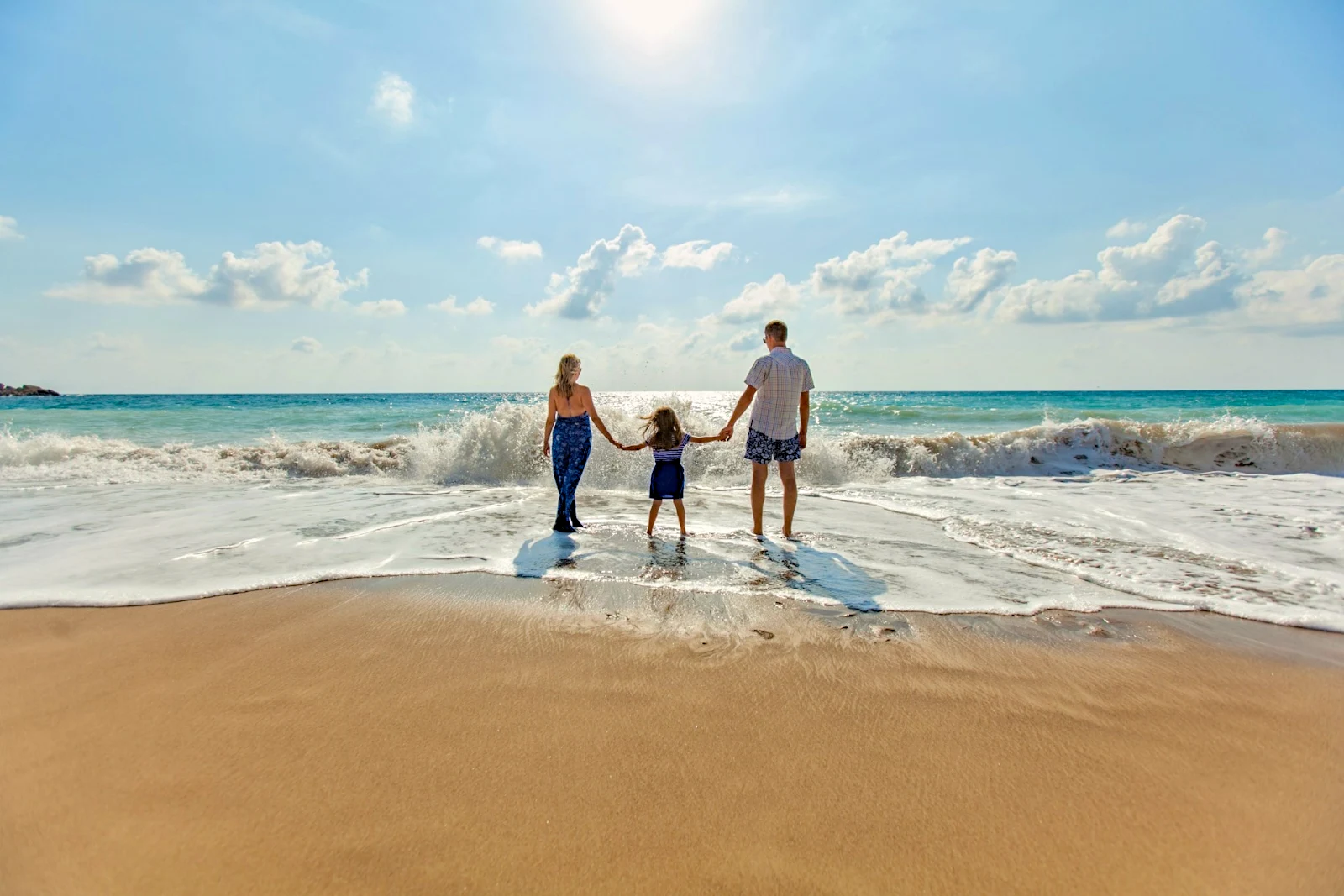
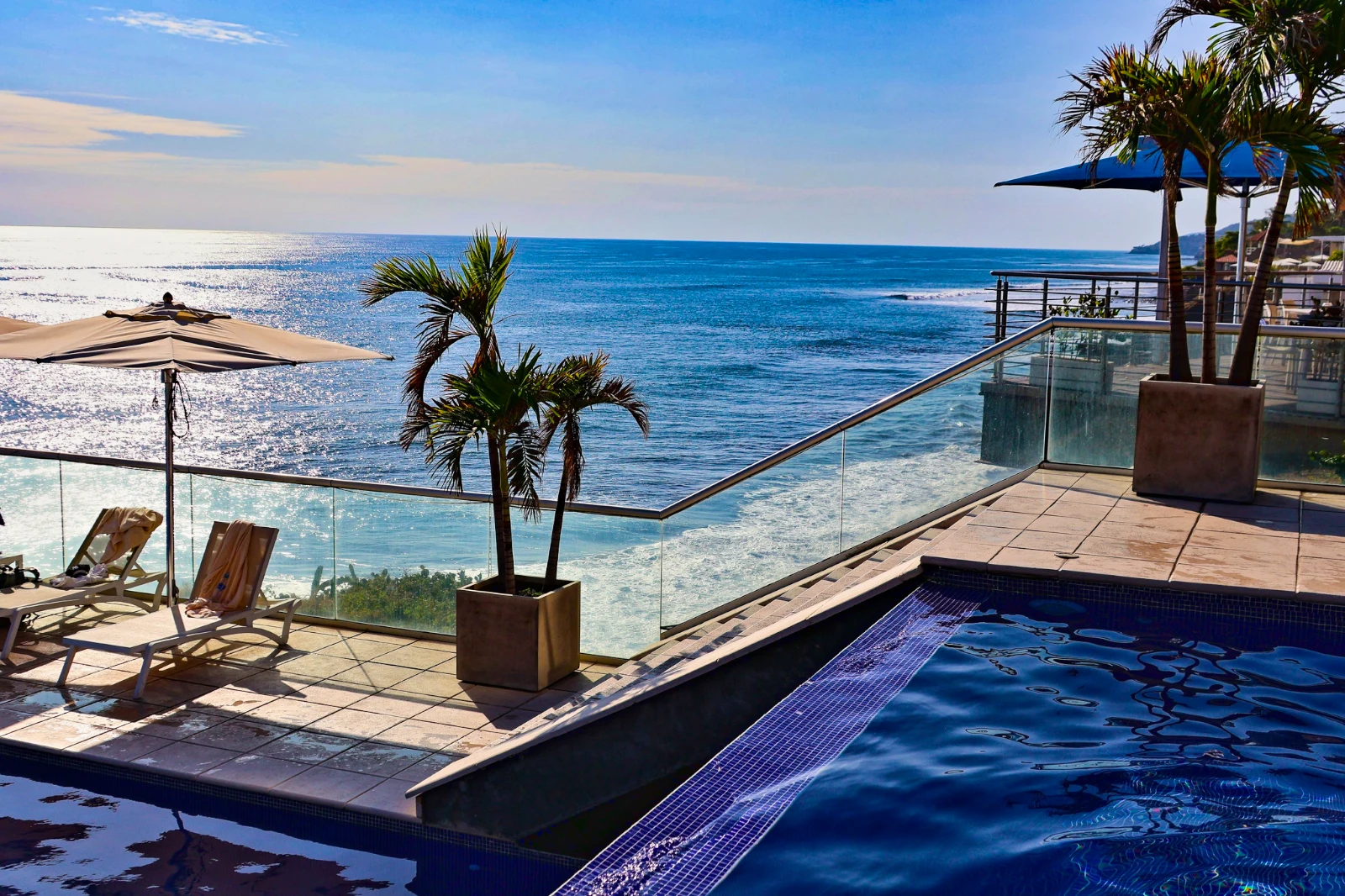 Punchy Social
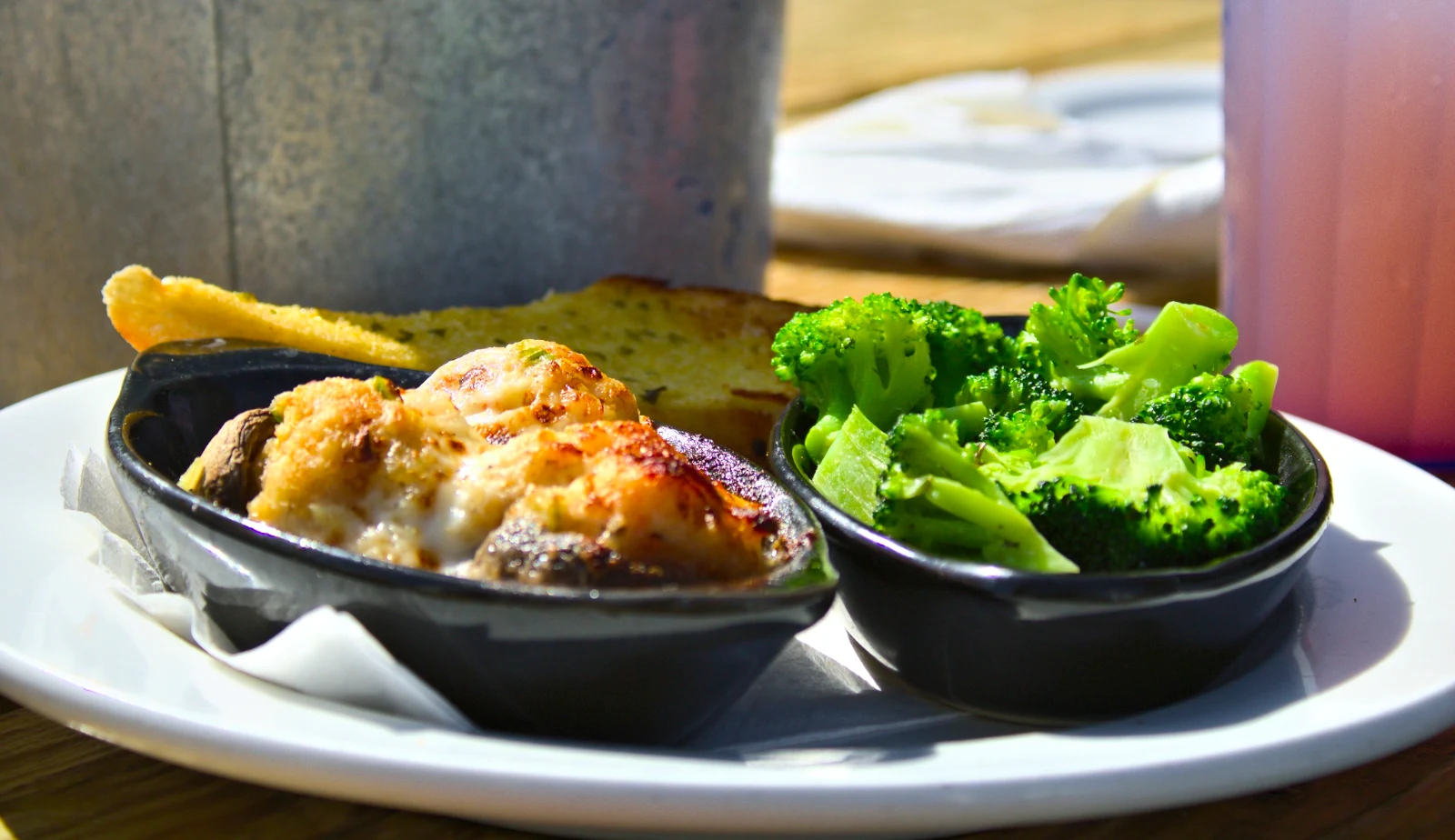 Punchy Social
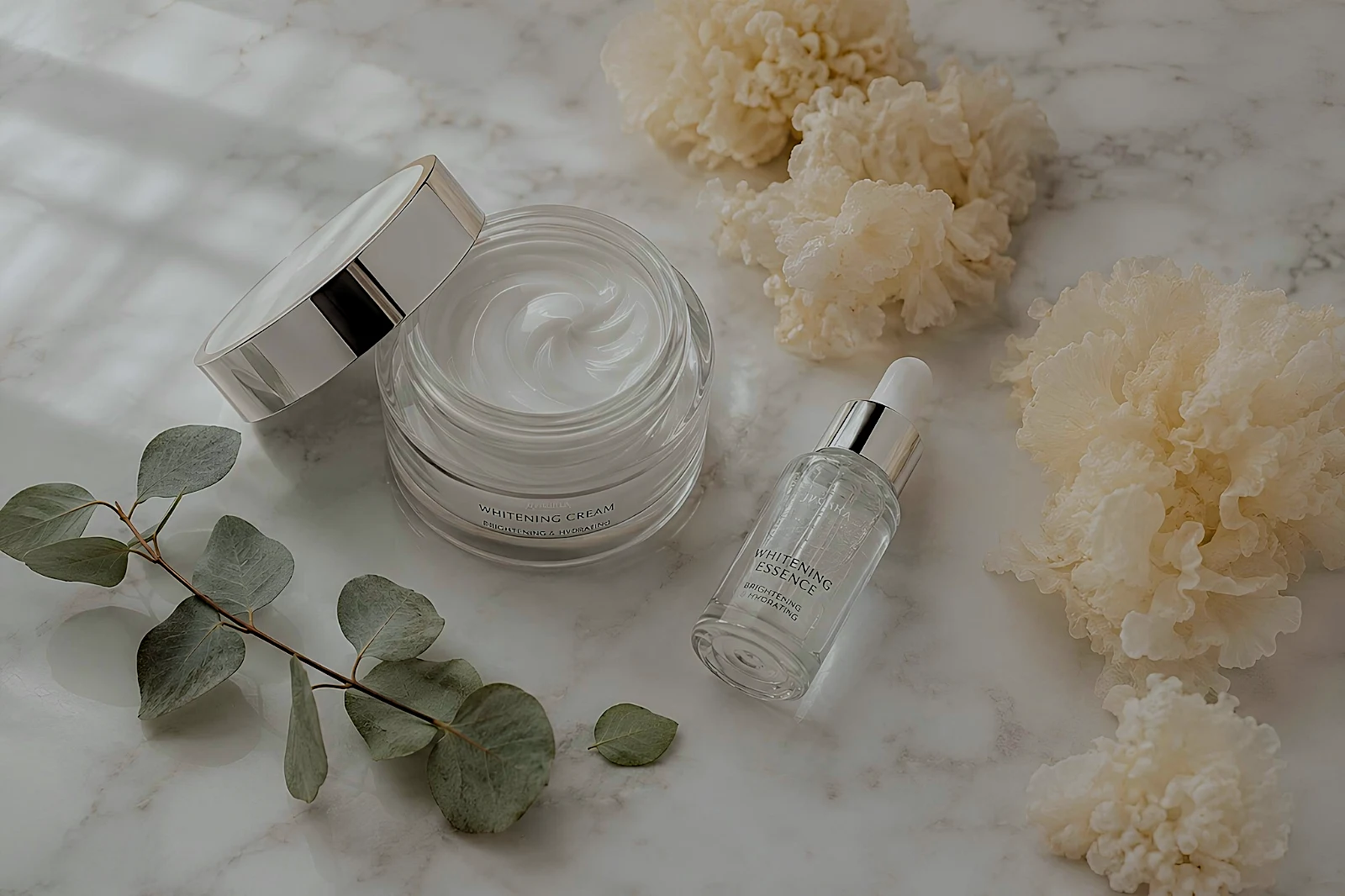 True Color
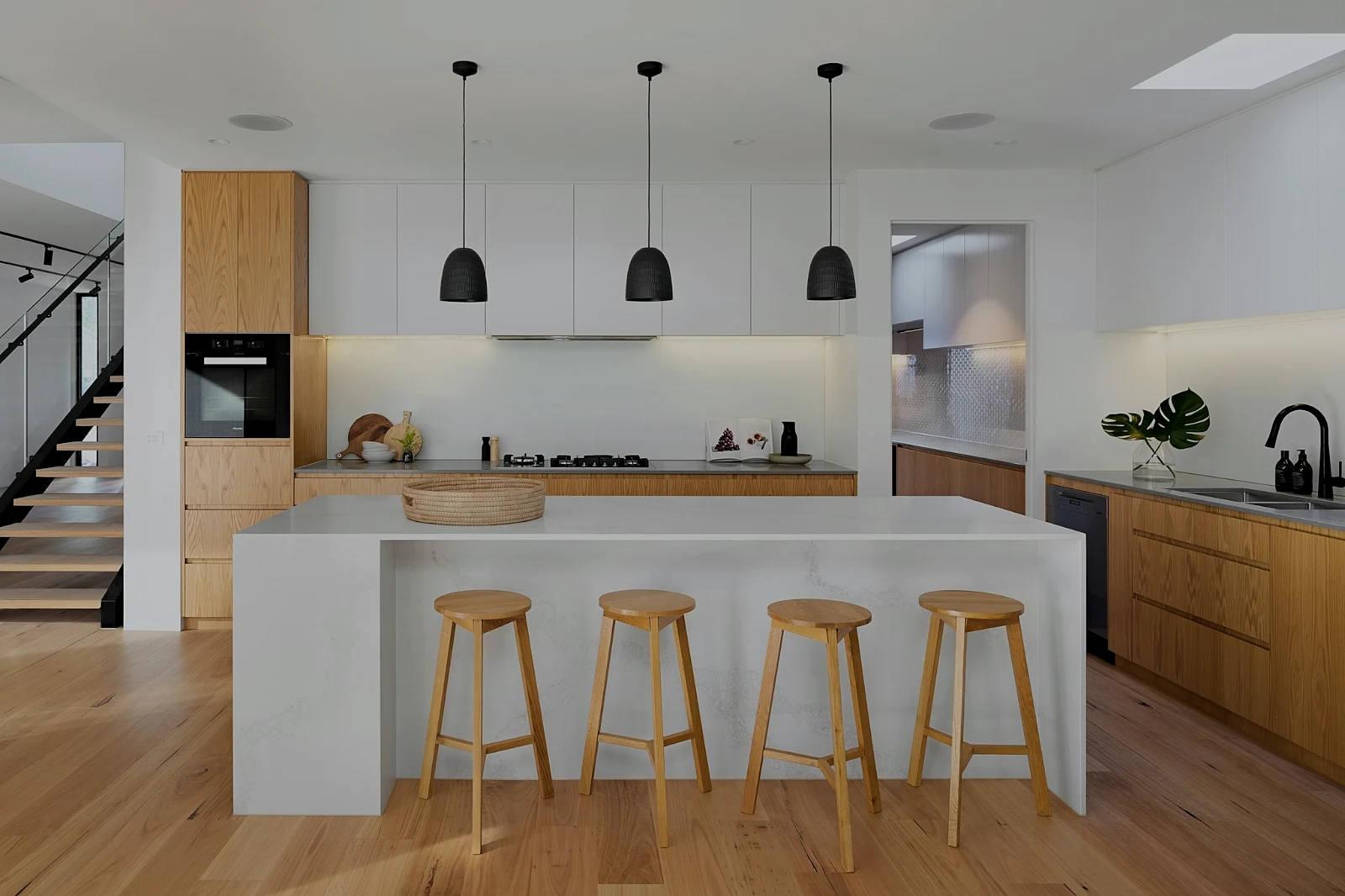 True Color
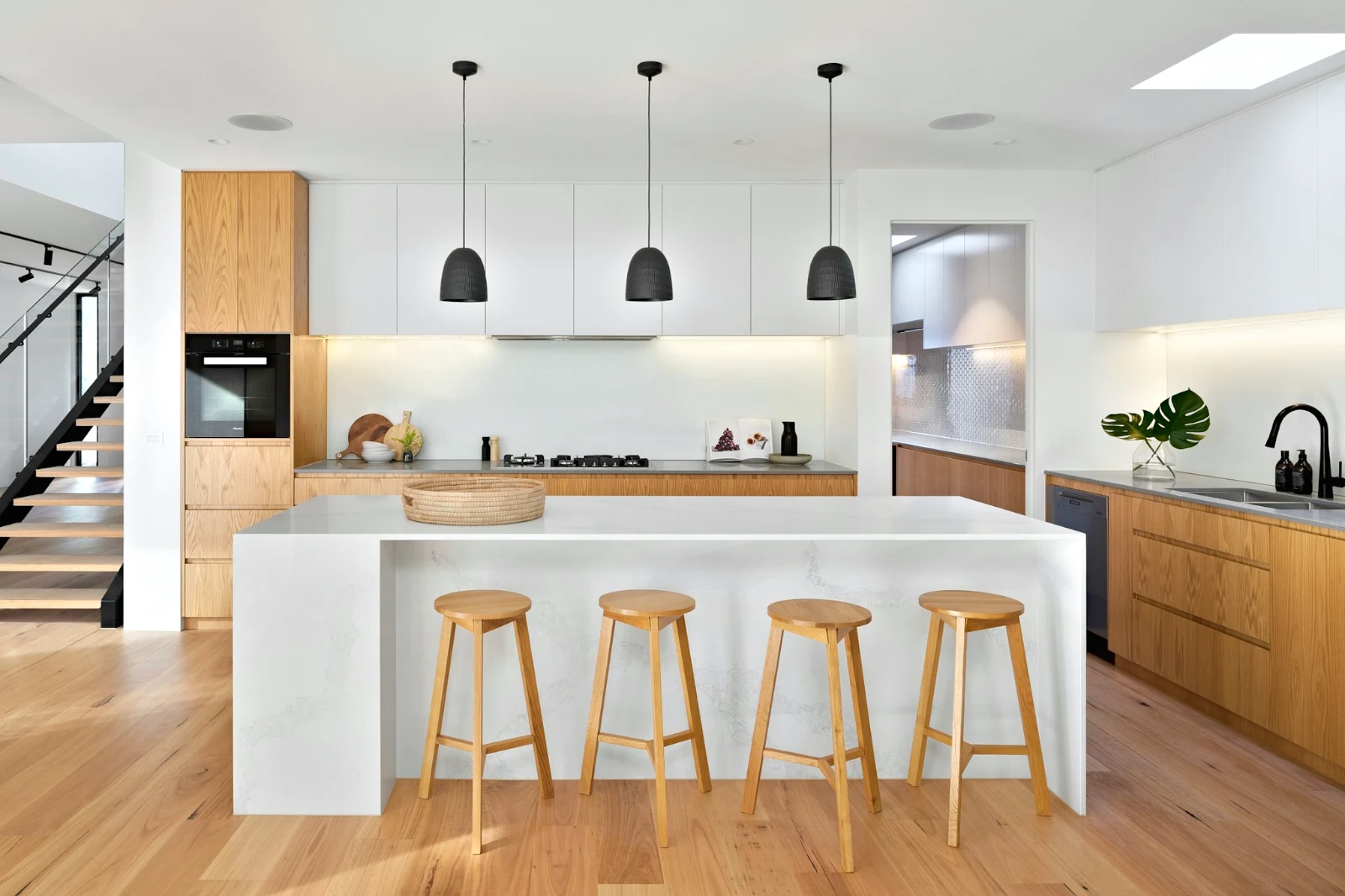
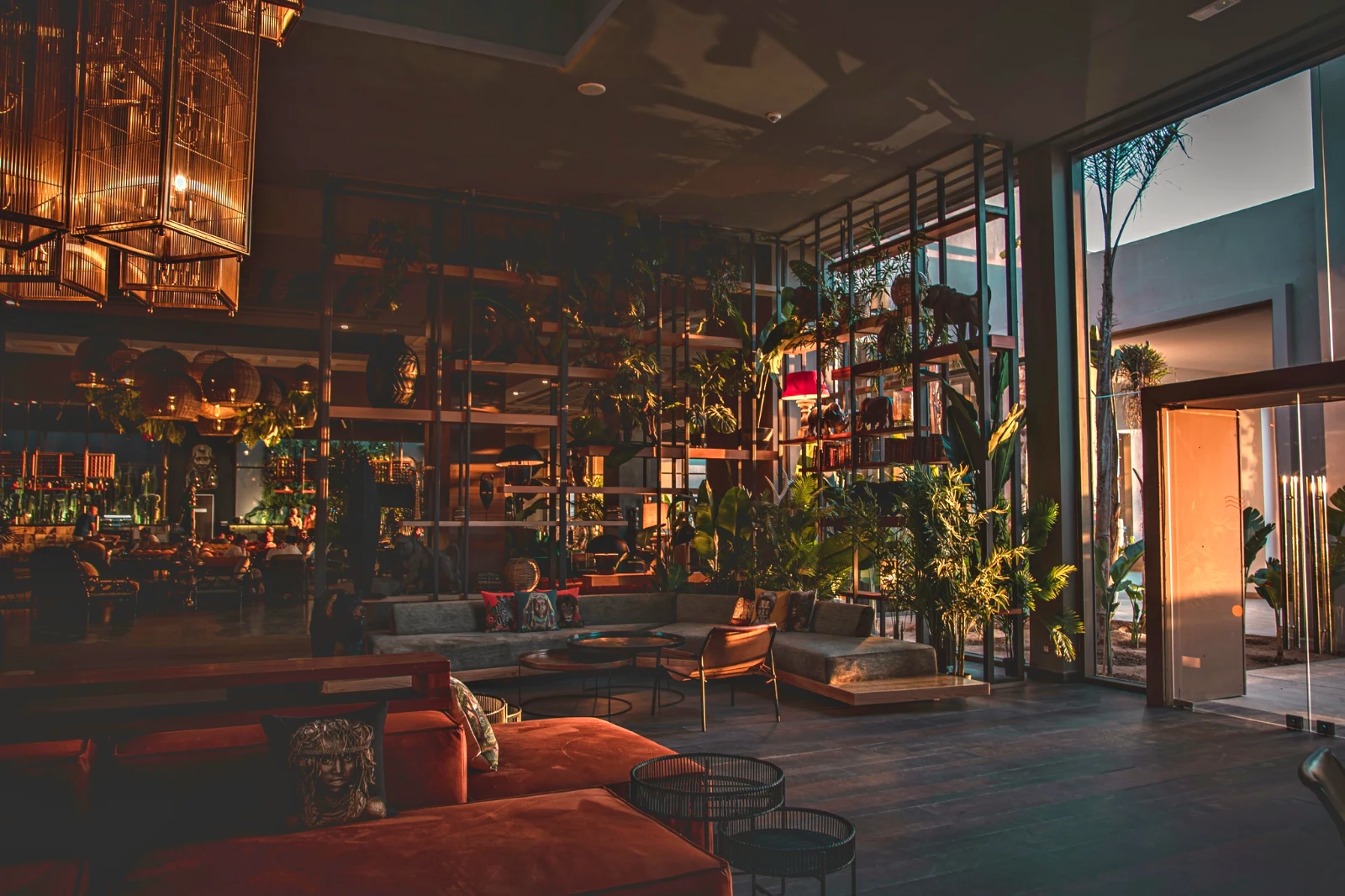 Warm Interior
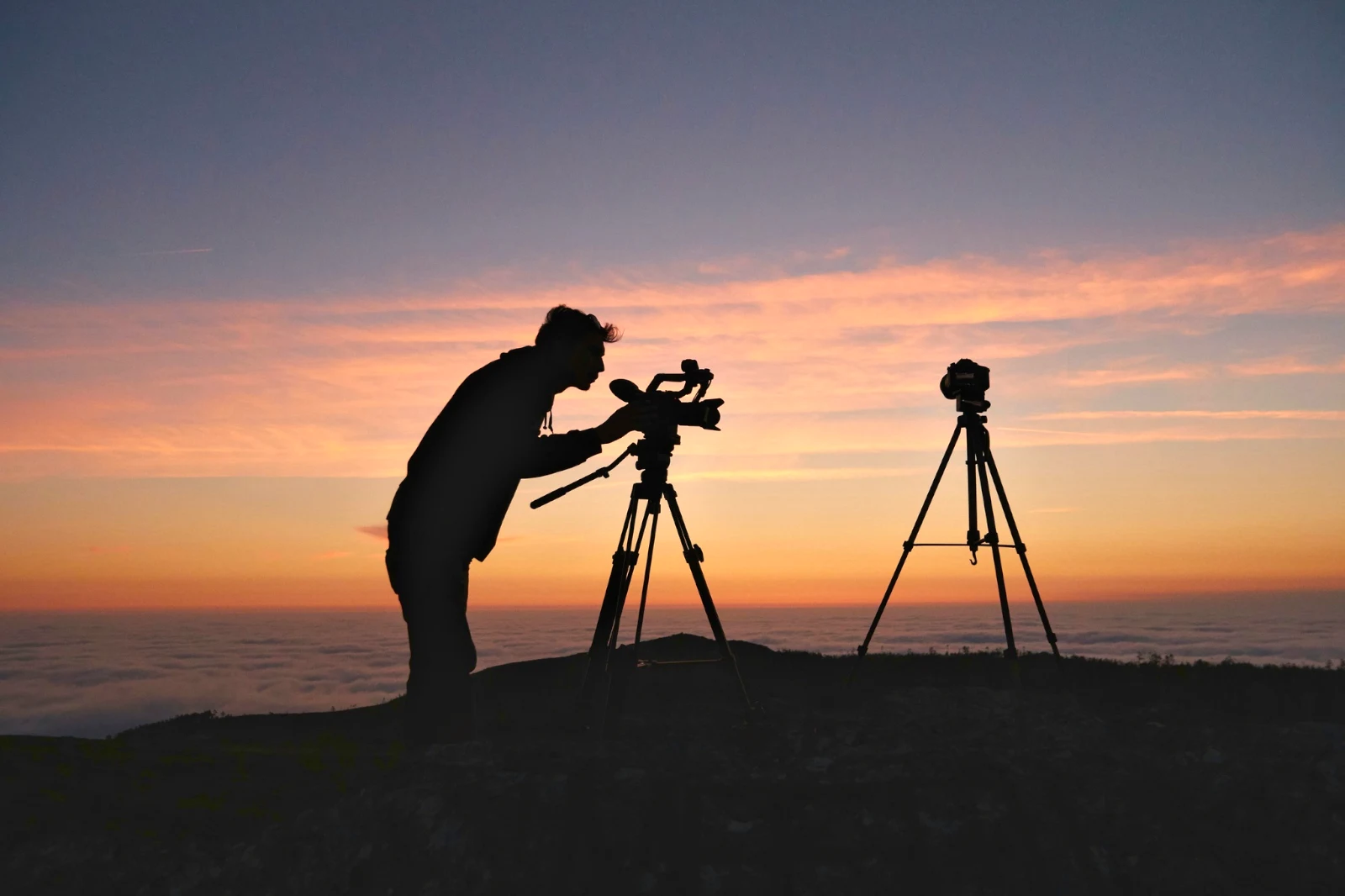
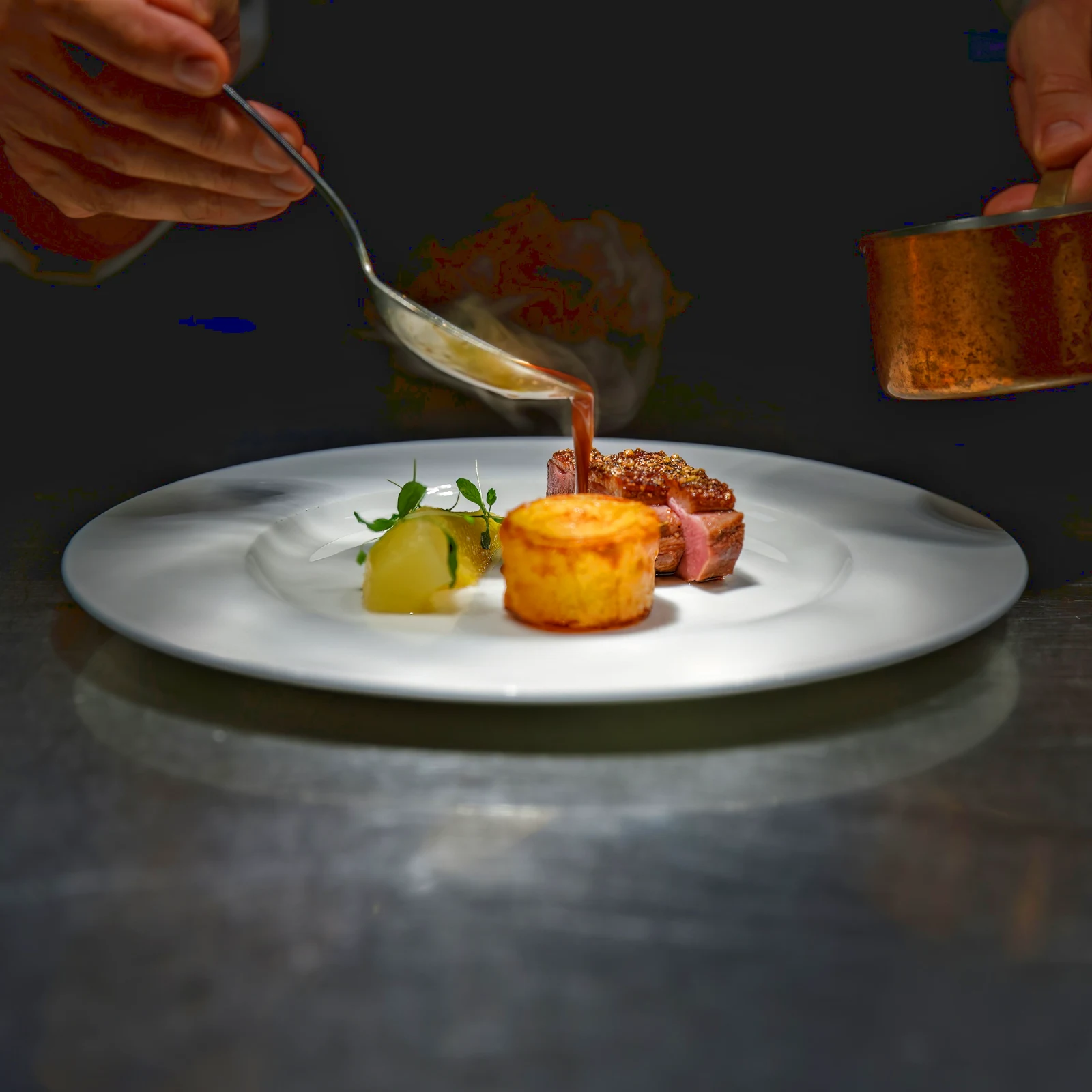 Twilight Glow
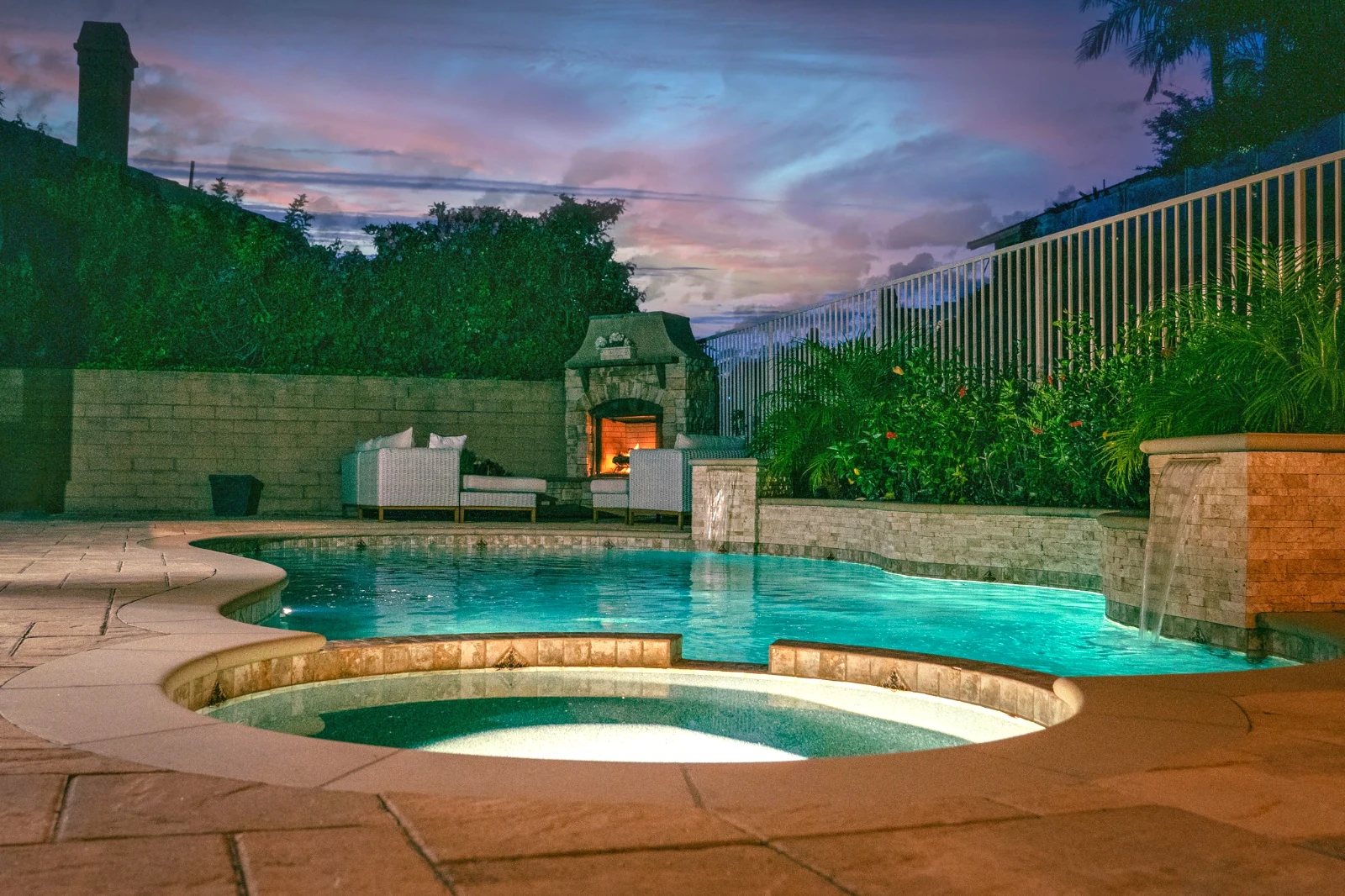 Bright and Airy
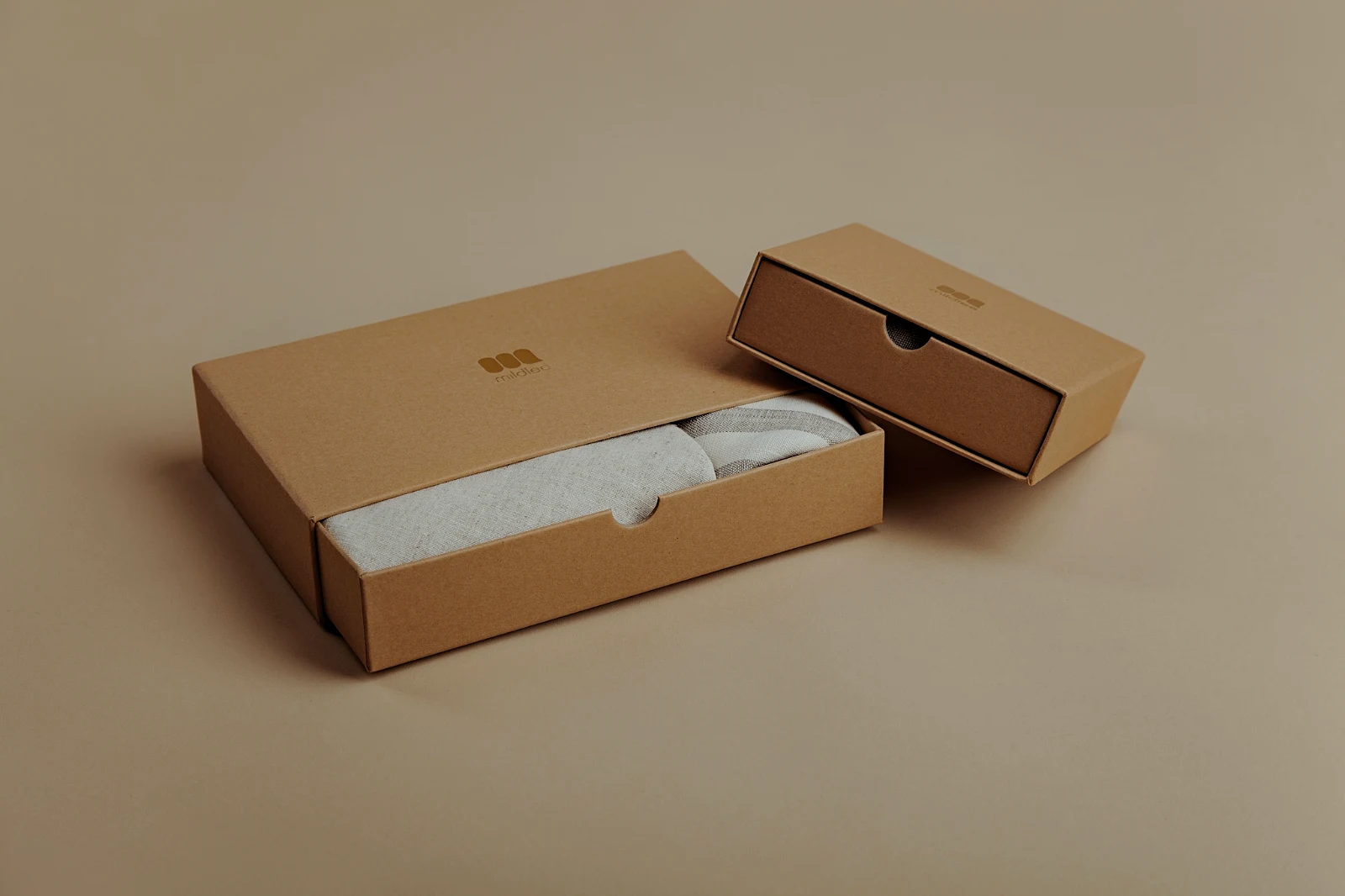 True ColorBright and AiryPunchy SocialPunchy SocialTrue ColorTrue ColorWarm InteriorTwilight GlowBright and AiryTrue ColorBright and AiryPunchy SocialPunchy SocialTrue ColorTrue ColorWarm InteriorTwilight GlowBright and AiryTrue ColorBright and AiryPunchy SocialPunchy SocialTrue ColorTrue ColorWarm InteriorTwilight GlowBright and AiryTrue Color
 Golden Hour WarmthMijn
 Soft Portrait
 Punchy Social
 Punchy Social
 Zwart en wit
 Soft Portrait
 Soft Portrait
 Twilight Glow
 Soft Portrait
 Soft PortraitGolden Hour WarmthMijnSoft PortraitPunchy SocialPunchy SocialZwart en witSoft PortraitSoft PortraitTwilight GlowSoft PortraitSoft PortraitGolden Hour WarmthMijnSoft PortraitPunchy SocialPunchy SocialZwart en witSoft PortraitSoft PortraitTwilight GlowSoft PortraitSoft PortraitGolden Hour WarmthMijnSoft PortraitPunchy SocialPunchy SocialZwart en witSoft PortraitSoft PortraitTwilight GlowSoft PortraitSoft PortraitBright and AiryPunchy SocialPunchy SocialTrue ColorTrue ColorWarm InteriorTwilight GlowBright and AiryTrue ColorGolden Hour WarmthMijnSoft PortraitPunchy SocialPunchy SocialZwart en witSoft PortraitSoft PortraitTwilight GlowSoft PortraitSoft Portrait
From the shoot to the client’s picks
Één editor op twee dieptes: simpel voor iedereen, elke controle voor de mensen die voor hun leven redigeren.
Bibliotheek
Elke foto die de account bewaart.
Culling
Flags, Best First and similar shots.
Auto and Looks
One tap, or a look of your own.
Aanpassen
Licht, kleur, lijnen en onderdelen.
Bulk Auto
Een hele set in één run.
Laagjes
Selections, masks and paint.
Galerijen
De klant kiest en noteert.
Versturen naar
Een ontwerp, een website, een advertentie.
Op een telefoon
De foto volledig scherm.
Breng elke foto binnen en vind het opnieuw
Upload vanaf een bureau, de camera of de camerarol, of deel een foto met Foto vanuit elke app. Elke foto die het account in Depot bewaart, staat in de Bibliotheek, opnieuw gevonden via zijn ster, zijn tags, de keuzes van de klant of een zoekopdracht.
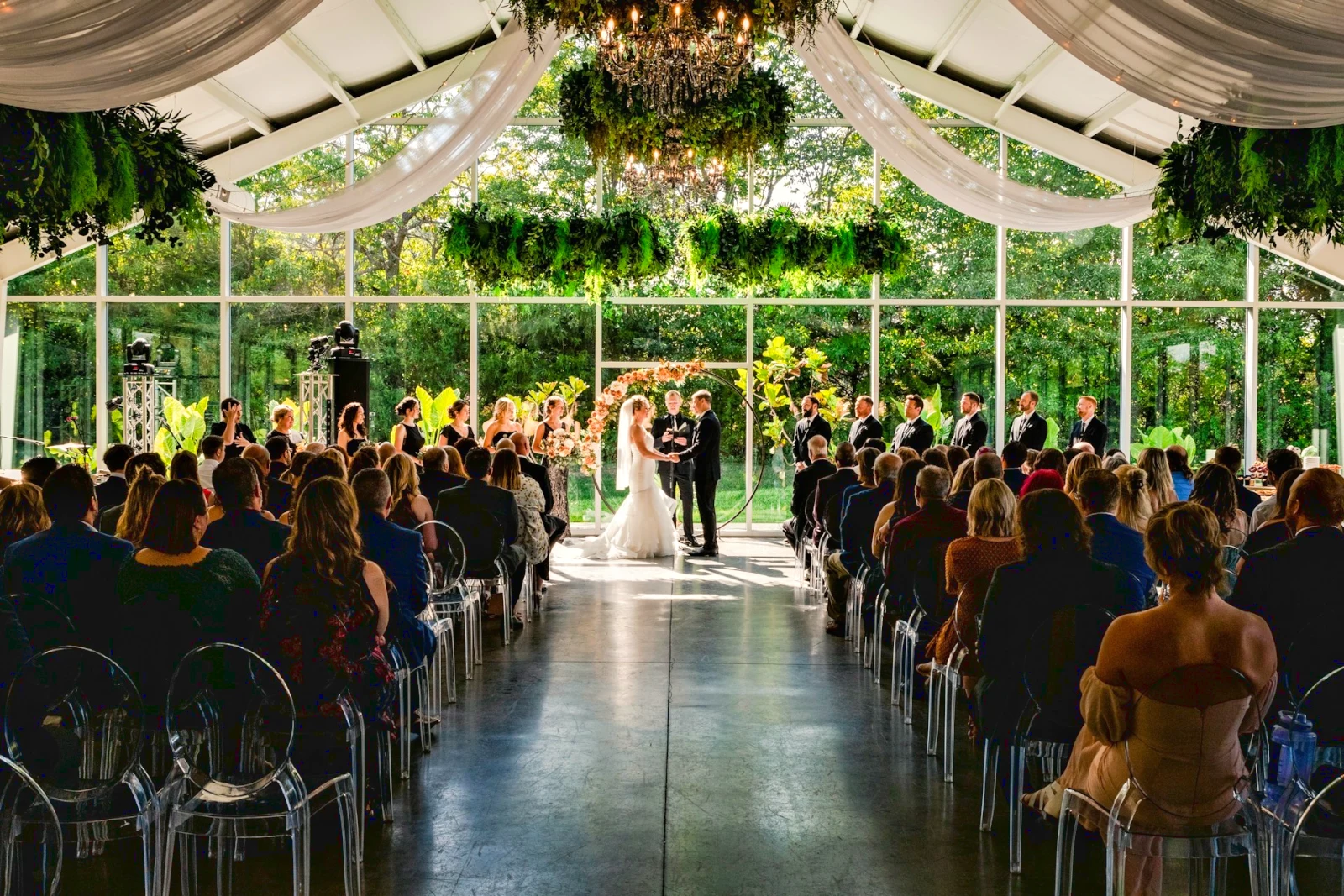 Gewijzigd


 Gewijzigd
 Gewijzigd



Sterren en labels
Dezelfde sterren en Depot-, Docs- en Studio-labels lezen.
Hubs en Mappen
Foto's van een Hub op zichzelf; Verplaatsen naar… een map (met Depot).
RAW en HEIC
Een RAW wordt ontwikkeld op het apparaat, of op de server wanneer dit niet kan.
Tethered Capture
Camera op USBCamera verbonden · Canon EOS R6 Mark II
 Live WeergaveOpnamesessieLive View stoppen
AangekomenFoto's van de camera landen hier en in het Camera Uploads Hub.
Toepassen op elk nieuw framePas True Color toe AW27_flatlay_01.jpg
 AW27_packing.jpg
 AW27_unboxing.jpg
 AW27_shelf.jpg
 AW27_tote.jpg
Schiet rechtstreeks via USB naar Foto met Live View, of upload vanuit de eigen Wi-Fi van de camera.
Vind de bewaardragers zonder elke frame te hoeven bekijken
Elke foto wordt na het uploaden gelezen: de focus, de belichting en of de ogen van iemand gesloten zijn. Sorteer op Beste Eerst, toon de voorgestelde beste shots, filter per vlag, en vergelijk vergelijkbare shots naast elkaar. Er wordt niets voor u gemarkeerd: u kiest de keepers.
 Closed EyesMissed FlashMissed FocusBlurryBlack Frame
Gesloten ogen en gemiste focus
Gemarkeerd op de foto, evenals Vervagen, Zwart Kader en Vermiste Flits, elk een filter.
Closed EyesBlurryMissed FocusMissed FlashBlack FrameRepareer een foto met één tik, of pas een look toe
Auto leest de foto op uw apparaat, stelt de schuifregelaars in en noemt elk van degenen die hij heeft verplaatst; Undo zet de foto terug. Looks houdt Calisto's looks en uw eigen looks, degenen die eerst passen bij de foto, en Save Look bewaart elke bewerking als een van de uw eigen.
Uw stijl
Auto verplaatste zich zoals u het verplaatst, geleerd van uw eigen bewerkingen; elke waarde een schuifregelaar.
Voorgestelde Looks
De looks gemaakt voor een foto zoals deze, eerst in de lijst.
Acties
Registreer uw stappen één keer en speel ze af op elke foto of een volledige selectie.
Contactbladen
Een selectie op een raster gedrukt met namen, sterren, picks en vlaggen, als PDF.
Match a Photo
Het licht en de kleur van een andere foto, ingesteld als de sliders van deze.
Nooit de Origineel
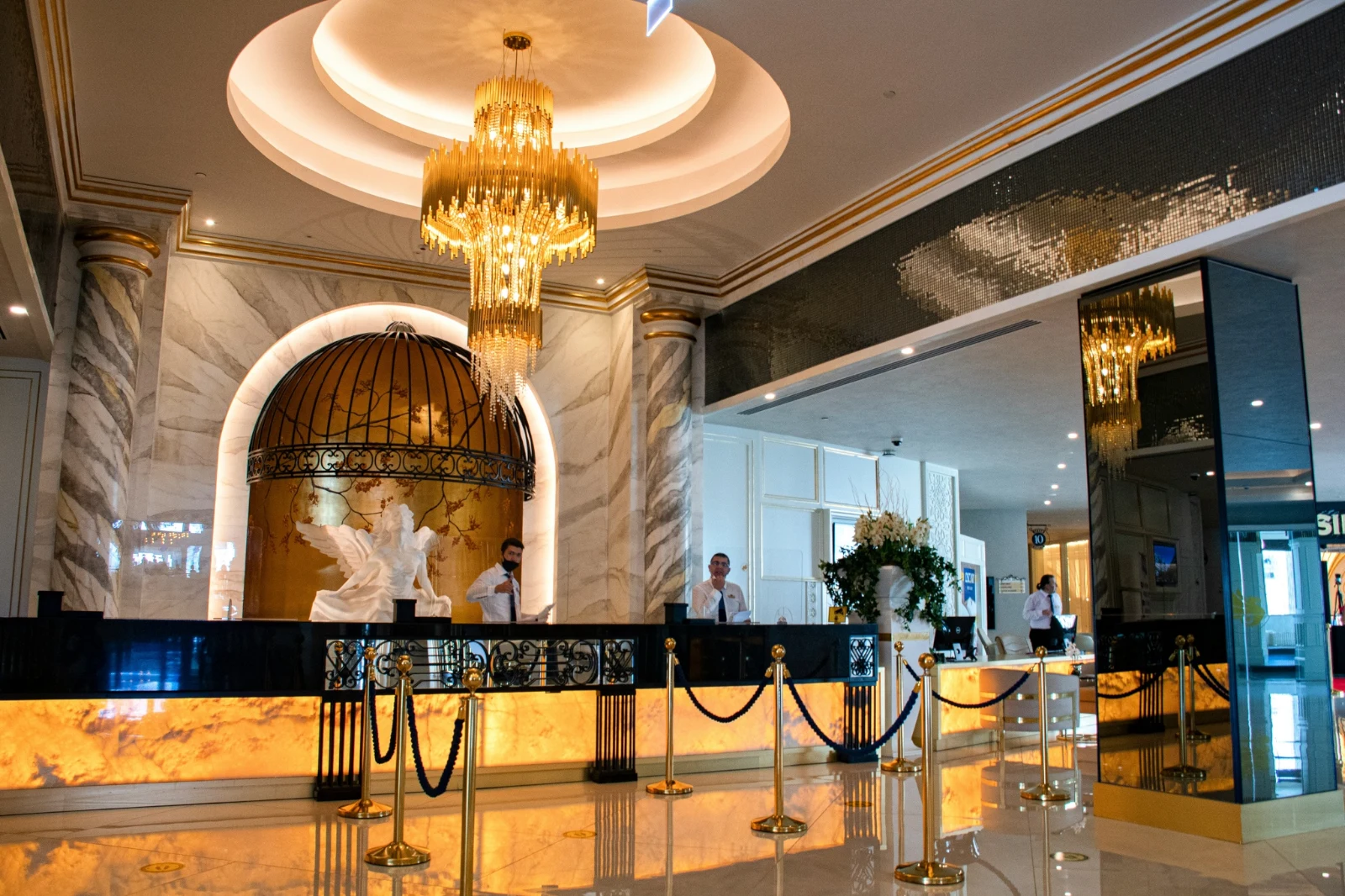
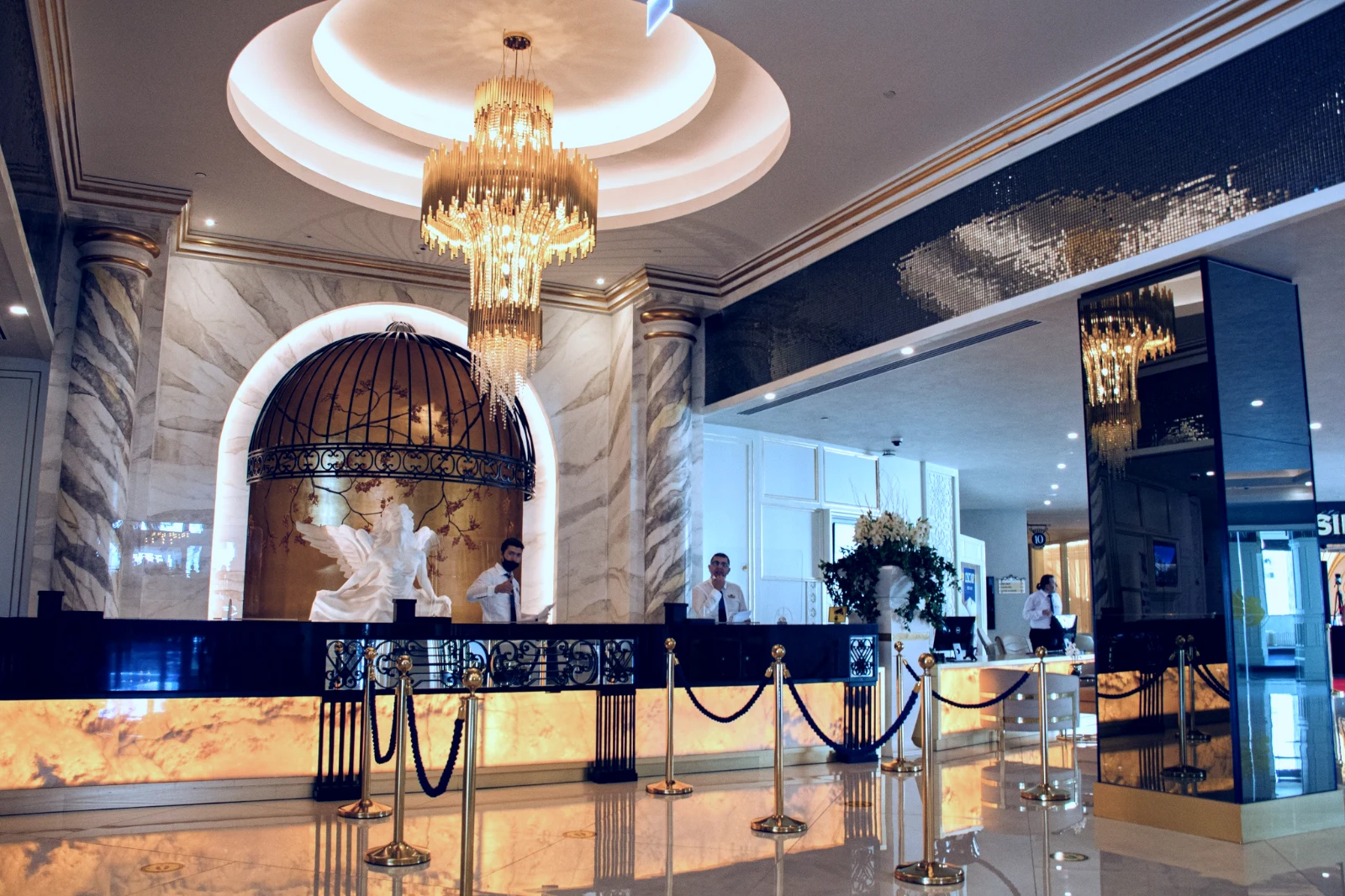
Een bewerking staat naast de foto met zijn geschiedenis; de originele blijft zoals hij/zij kwam.
Vóór
Druk en houd ingedrukt om de foto te zien zoals deze is gekomen.
 Vóór
Stel het licht, de kleur en de lijnen handmatig in
Licht, Kleur en Crop openen eerst, en elke andere controle, van de tooncurve tot ruis en de lens, is één tikje weg achter Meer. Rechte lijnen vinden de lijnen van de foto en stellen Transform zelf in, of lossen de lijnen op die u tekent.
Verwijderen en Repareren
Kleur een kabel of vlek over; clone en vul ernaast.
Adjust Part
De lucht, het onderwerp of de achtergrond, een kwast, gradiënten of een helderheidsbereik.
People
Skin, face, eyes, lips, hair, clothes or the whole person; Retouch Skin evens it toward their own tone.
Lens and Portrait Blur
De achtergrond vervaagd, of de hele foto door de diepte, met de focus waar u deze hebt ingesteld.
Filmnegatieven
Een gescande kleur- of zwart-wit negatief omgezet in positief, met de oranje masker verwijderd.
Correcte lens
De correctie van de camera zelf, anders het lensprofiel, en kleurfringen verwijderd.
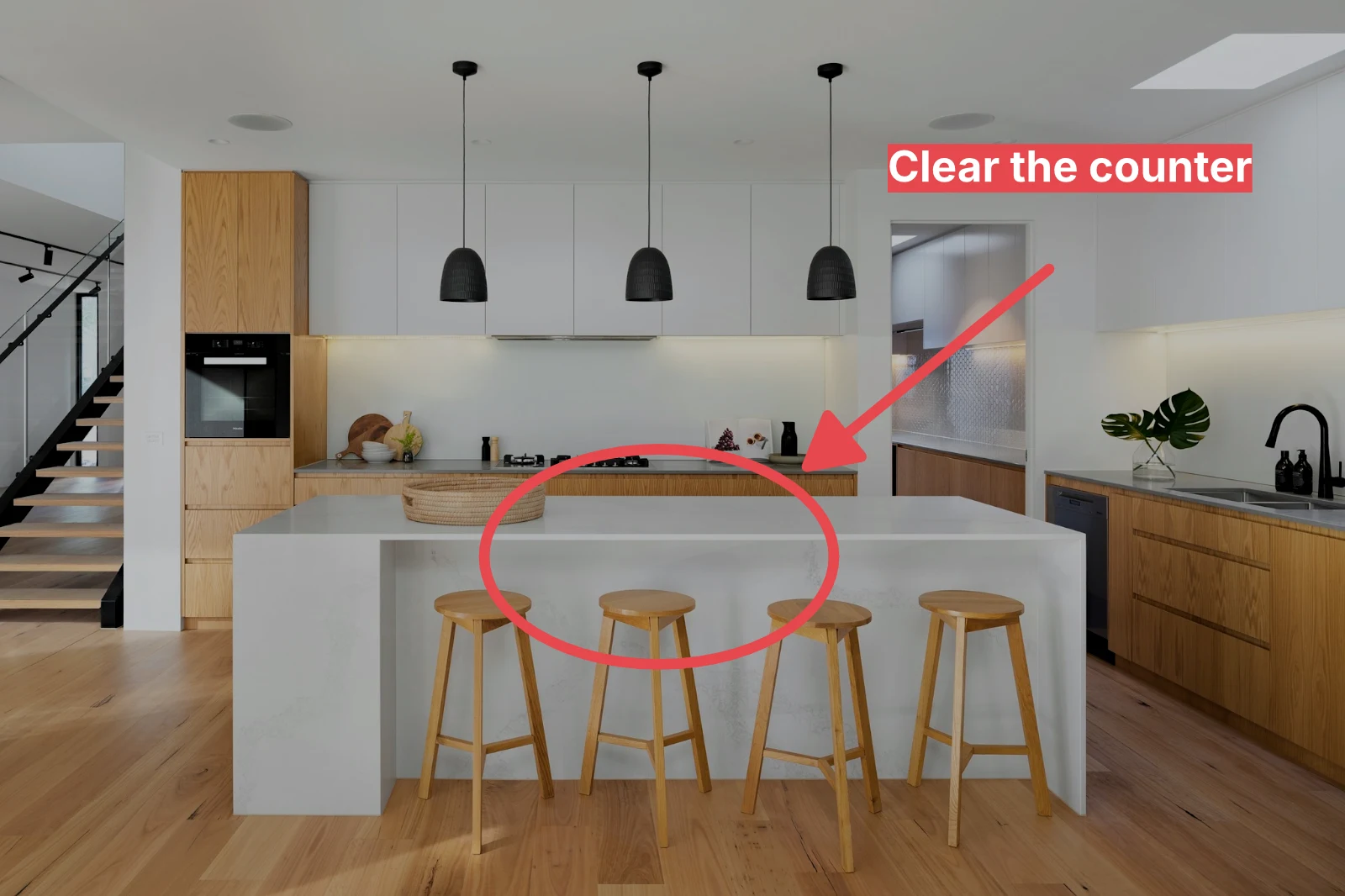
Markup
Een pijl, een cirkel, een vakje of een label dat op de foto is getekend.
Geef een hele set zijn Auto en uw look
Choose photos in the Library and a look, then press Bulk Auto. Each photo gets its own Auto on your device, then the look, saved as a step of its edit. The exports are made on the server, so they finish with the page closed.


2. Kies een Look
Golden Hour WarmthAlleen automatisch9 of 9 copies ready.
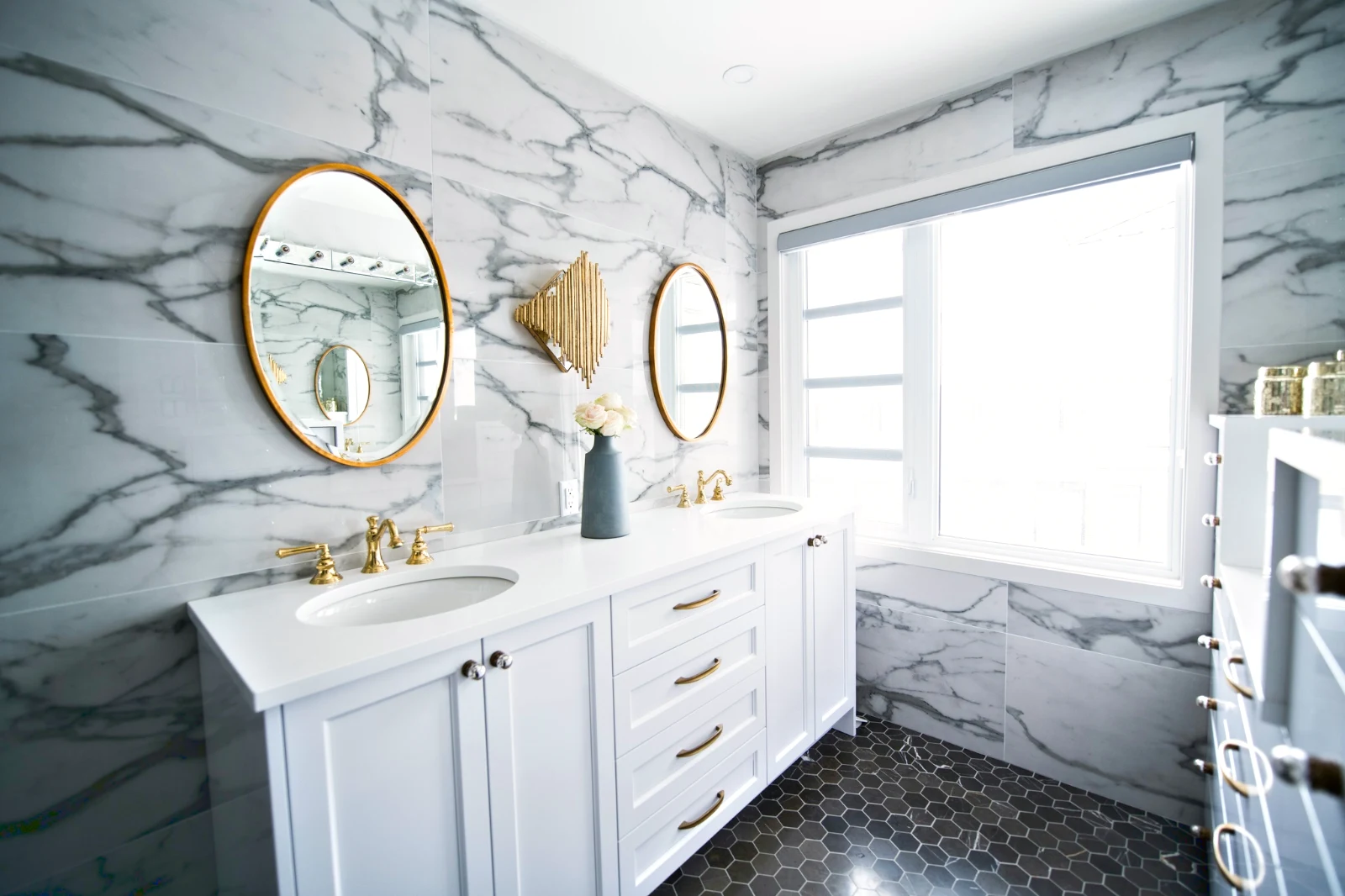
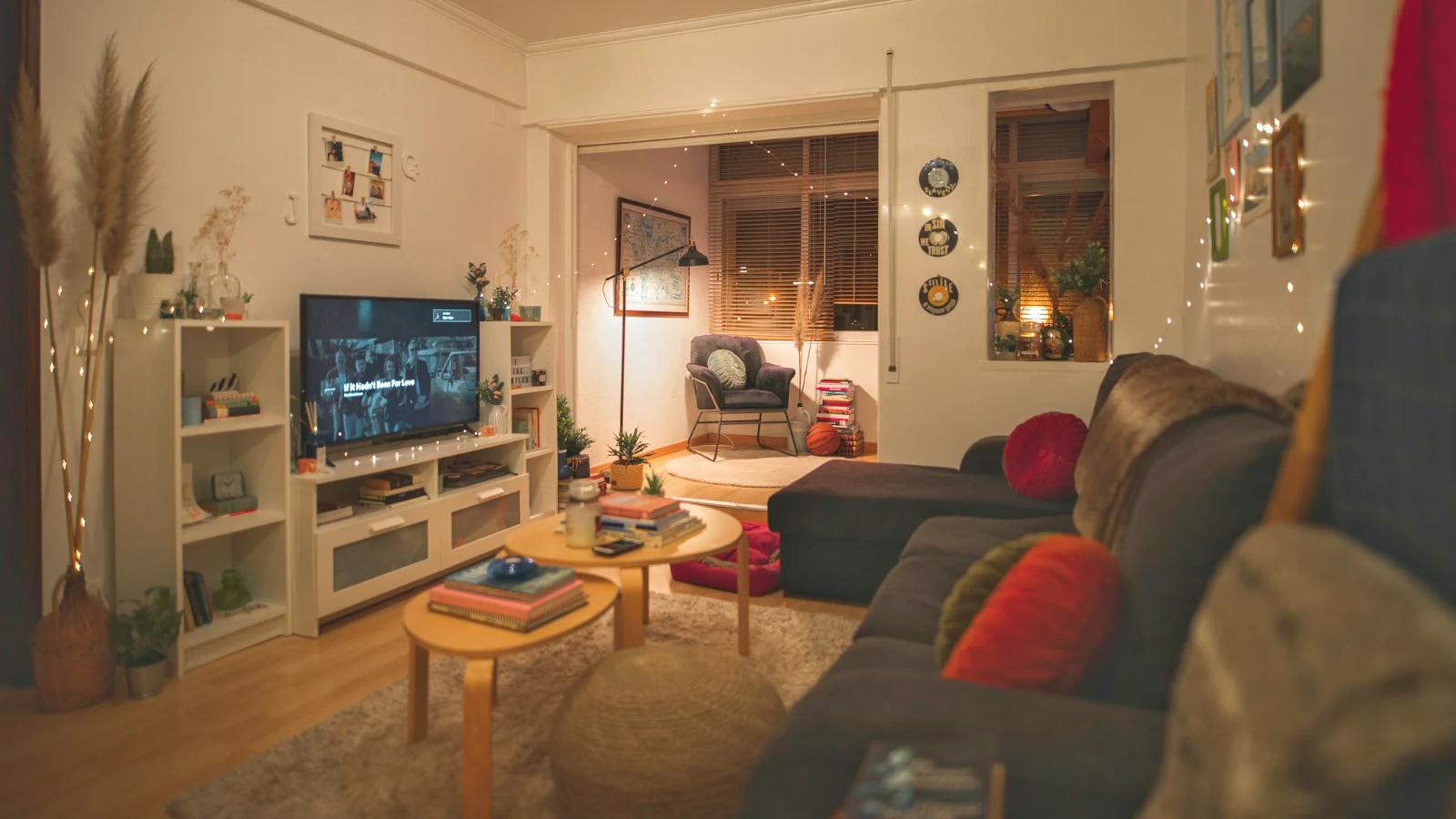
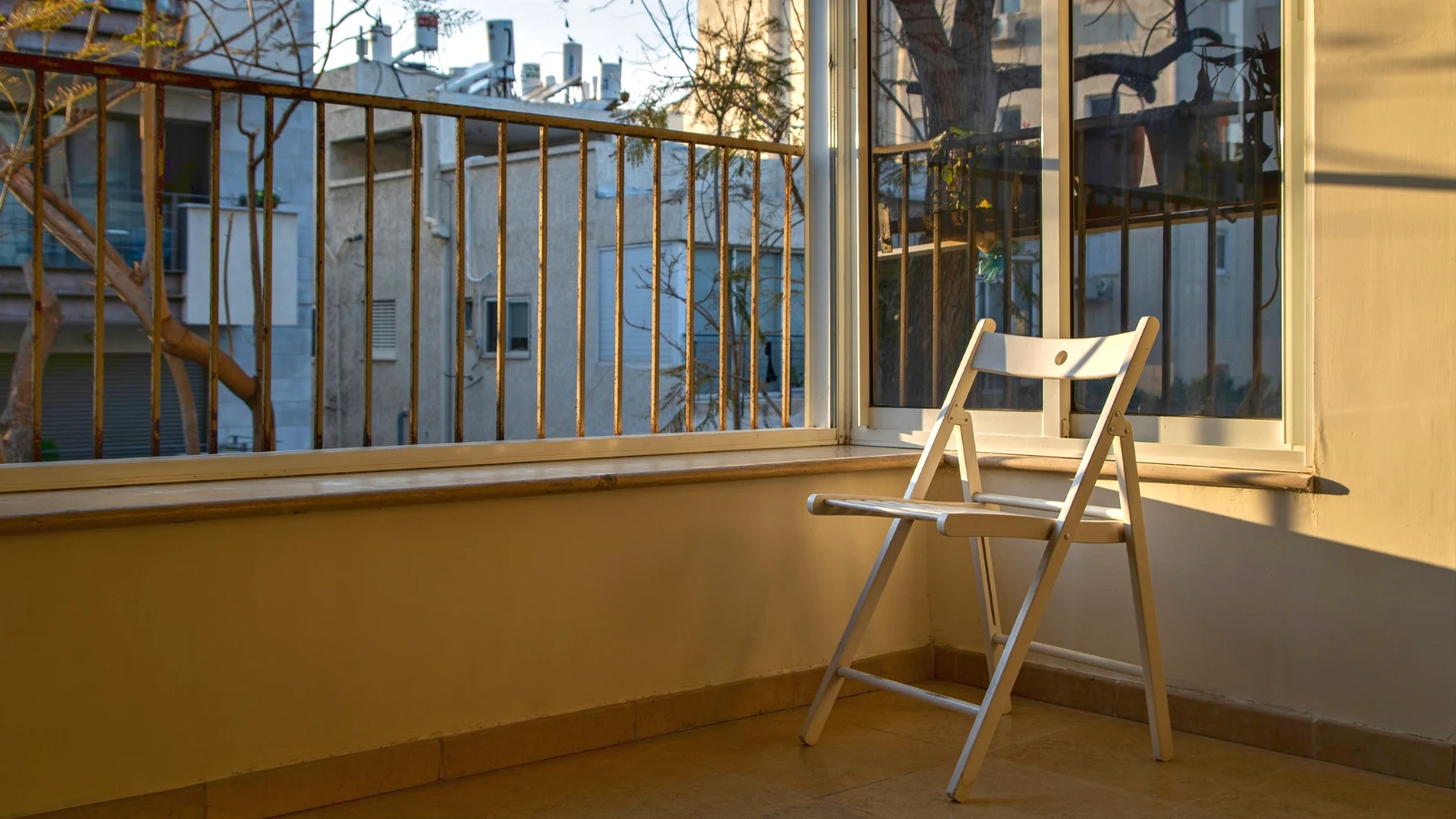
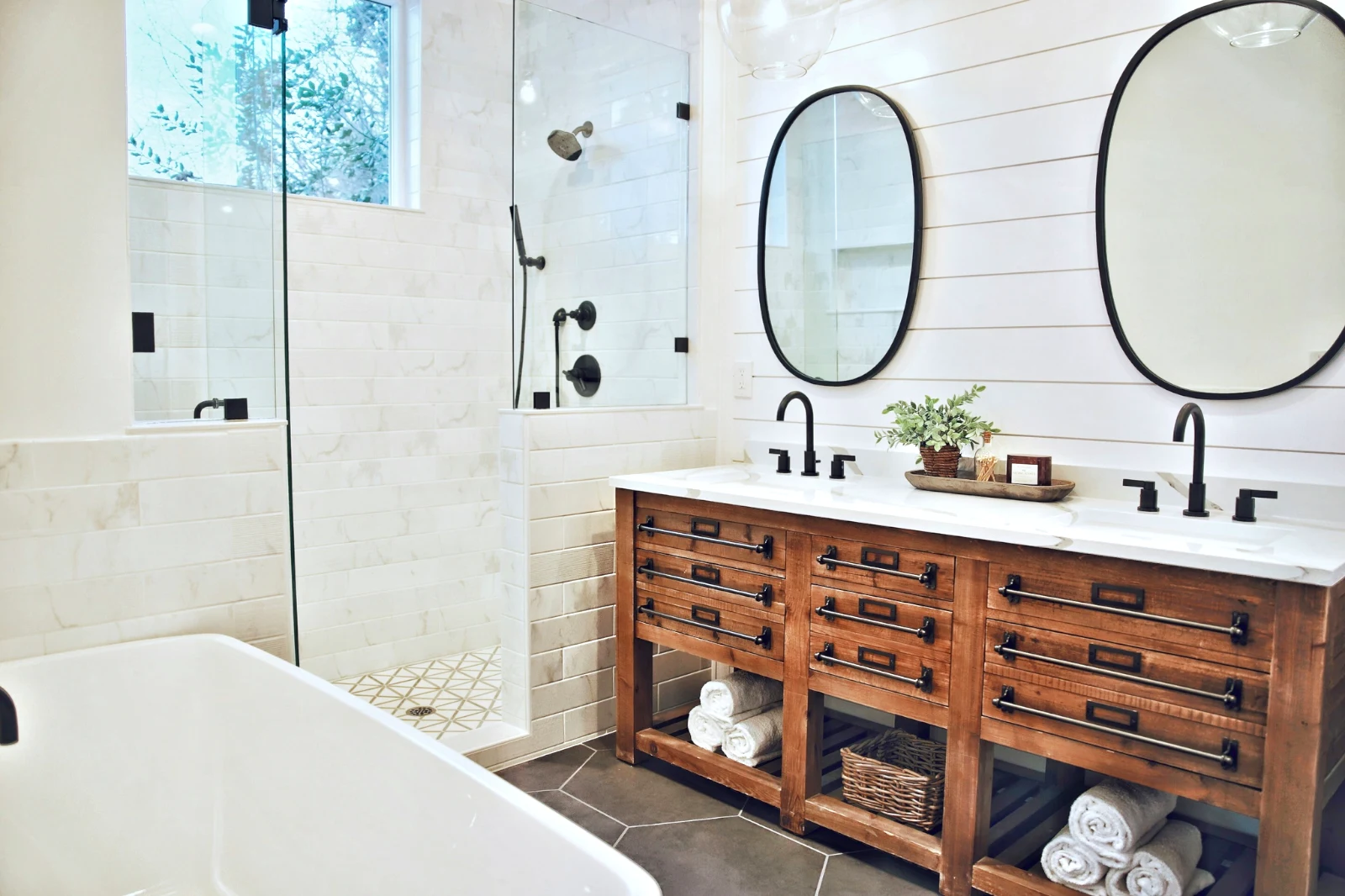
Bouw een foto in lagen en exporteer het overal
Start een nieuwe Foto op een formaat dat mensen plaatsen, of open een selectie als lagen, waarbij elke foto zijn eigen bewerking behoudt. Selecteer het onderwerp of de lucht, masker, verf, genees, clone en vervorm, voeg tekst en vormen toe, en exporteer als JPEG, PNG, WebP, AVIF, TIFF of een gelagen PSD.
Selecties
Veer, uitbreiden, verfijn randen en zet een selectie om in een masker.
Deel een galerij en zie wat de klant kies
Plaats een shoot in een Galerij en deel deze voor de bevestiging. De klant kiest tot het aantal dat u heeft ingesteld, laat een opmerking bij elke foto, en stuurt hun selectie, goedkeuring of verzoeken om wijzigingen, ronde voor ronde. Hun keuzes zijn in uw Bibliotheek opgenomen als Client Picks.
Bewerking
Elke galerij gedeeld voor proofing: wat de klant heeft gekozen en opgemerkt, en hoe ze het rondje hebben beantwoord.
| Gallery | Ronde | Opgehaald | Van | Notities | Antwoord | Klant | Beantwoord |
|---|---|---|---|---|---|---|---|
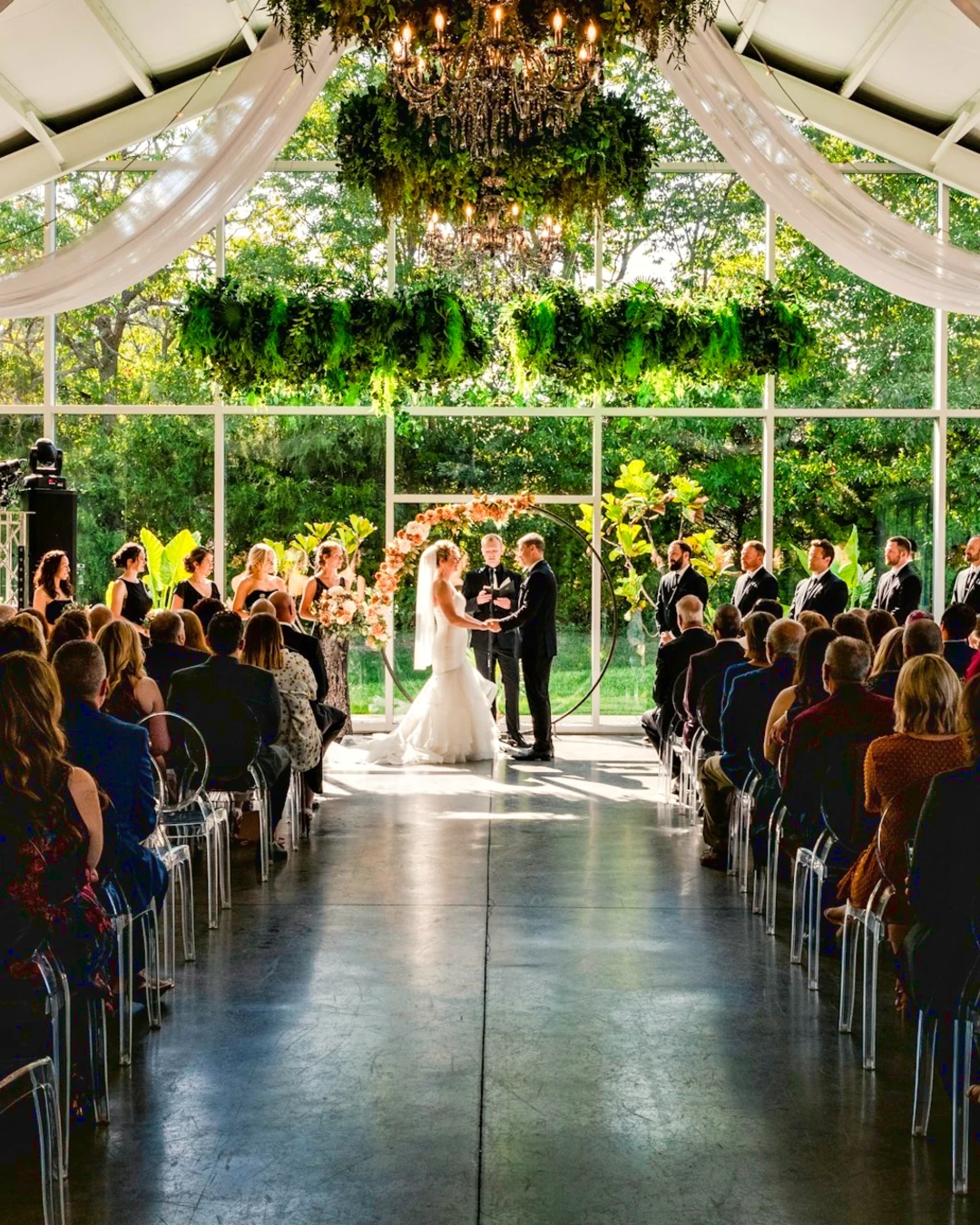
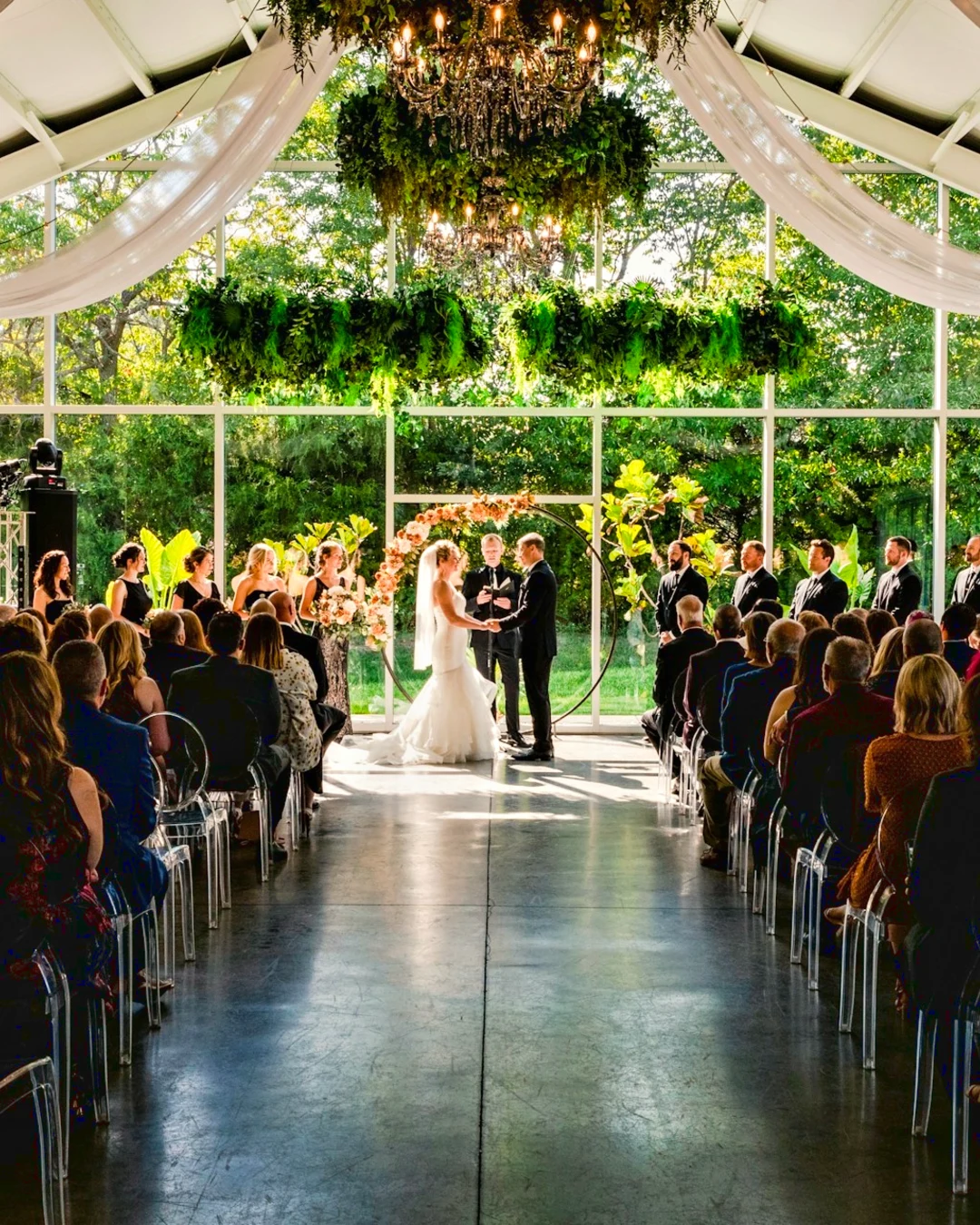
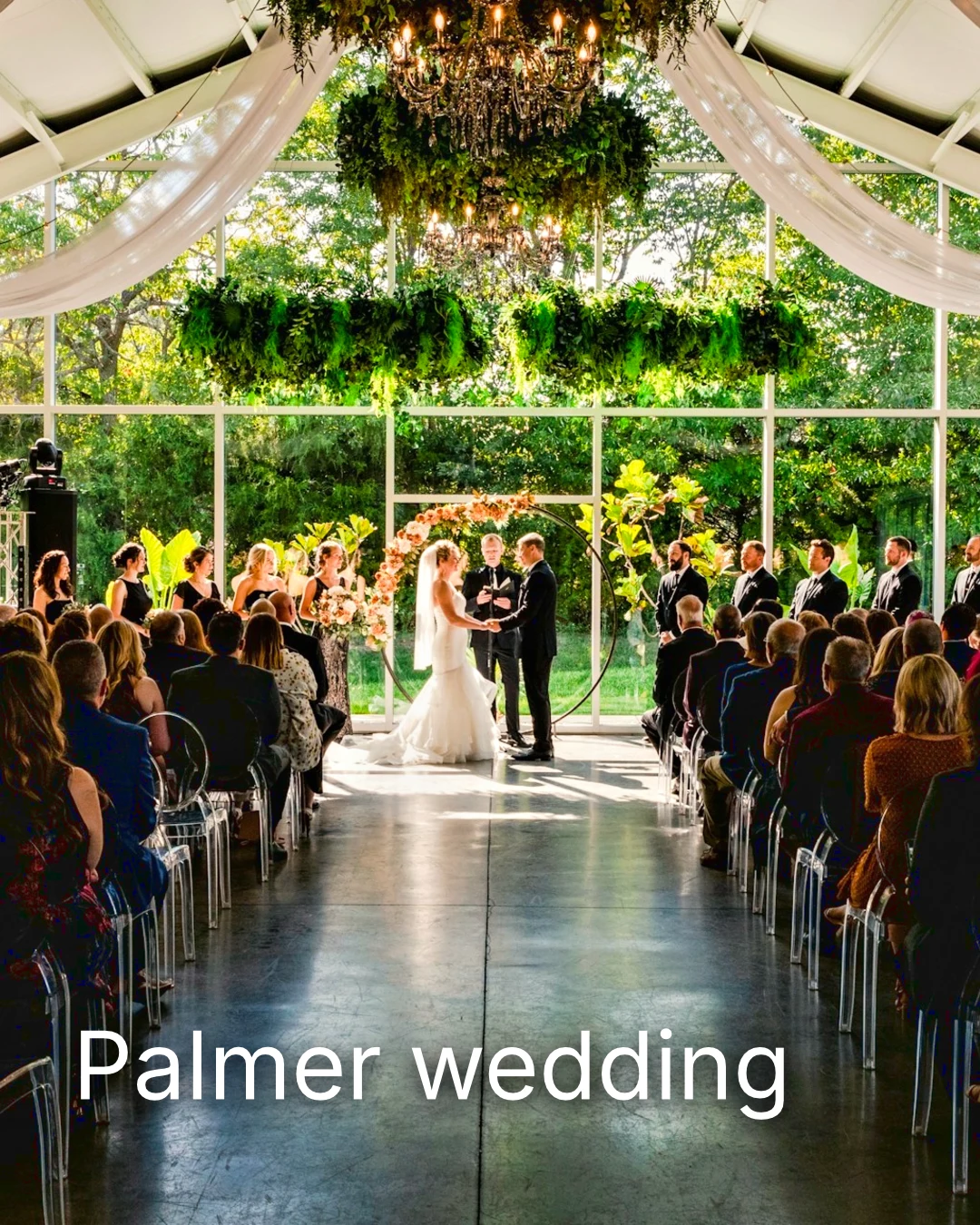
| Palmer wedding | 1 | 4 | 4 | 2 | Wachten op de klant | Sarah Palmer | Wachten op de klant |
| Carter portrait session | 2 | 3 | Geen limiet | 0 | Goedgekeurd | James Carter | 19/11/2026 |
| Harbourline Dental team headshots | 1 | 0 | Geen limiet | 2 | Gewenste wijzigingen | James Bennett | 19/11/2026 |
| Nguyen Family at Brighton | 1 | 12 | 15 | 3 | Selectie verzonden | Linh Nguyen | 20/11/2026 |
| Okonkwo Engagement | 2 | 20 | 20 | 0 | Goedgekeurd | Ada Okonkwo | 17/11/2026 |
| St Kilda Bakery Menu | 1 | 6 | Geen limiet | 1 | Wachten op de klant | Marco Ricci | Wachten op de klant |
Notities bij de foto
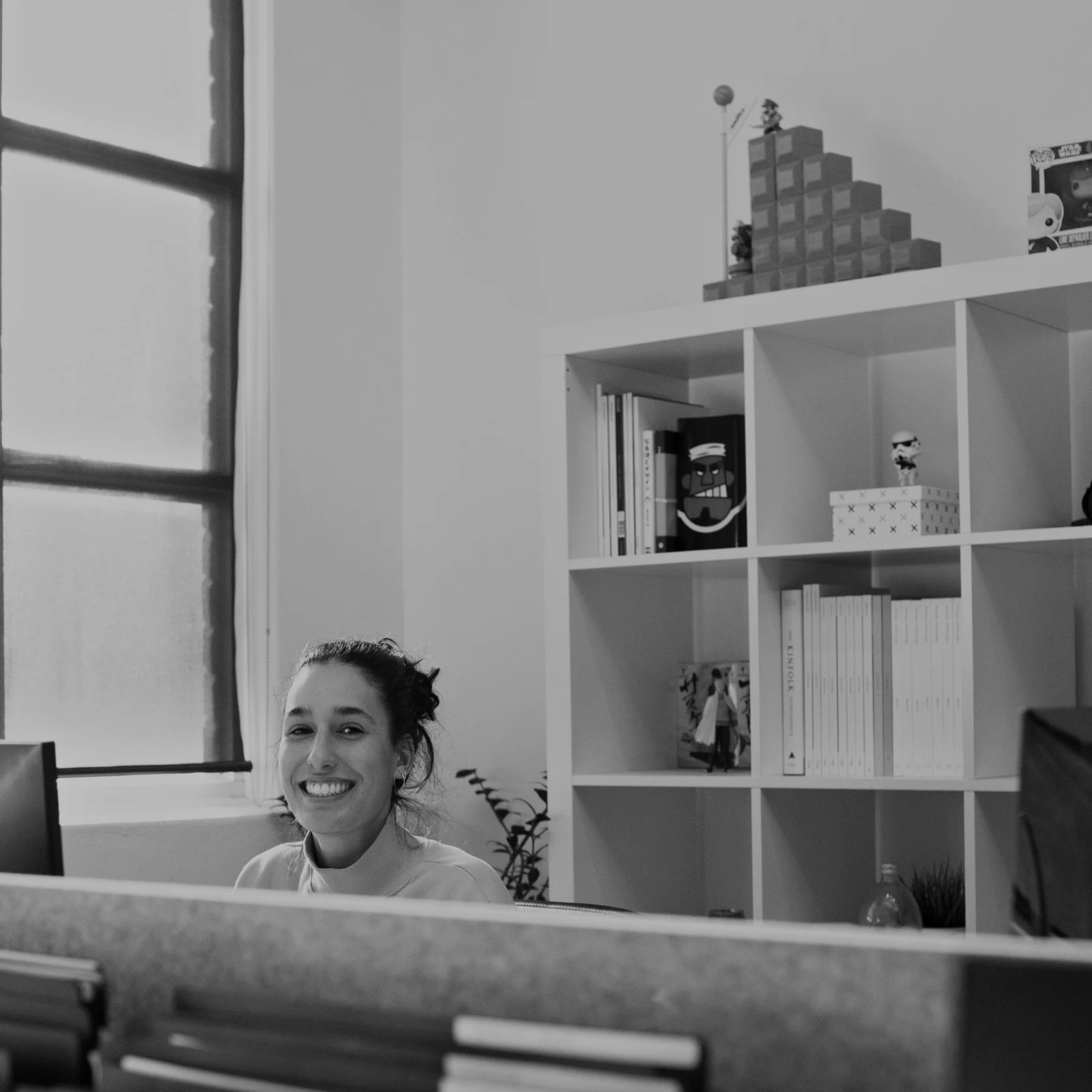
Elke notitie wordt getoond op de foto terwijl u bewerkt.
Bekijken of downloaden
Avenida da Liberdade 212
Gallery
Elke link is alleen-lees of downloadbaar, met een optioneel wachtwoord.
Uw watermerk
Kies je favorieten en laat een opmerking achter bij alles wat je zou willen veranderen. Wanneer je klaar bent, stuur je je antwoord. Je kunt elke ronde maar één keer beantwoorden.
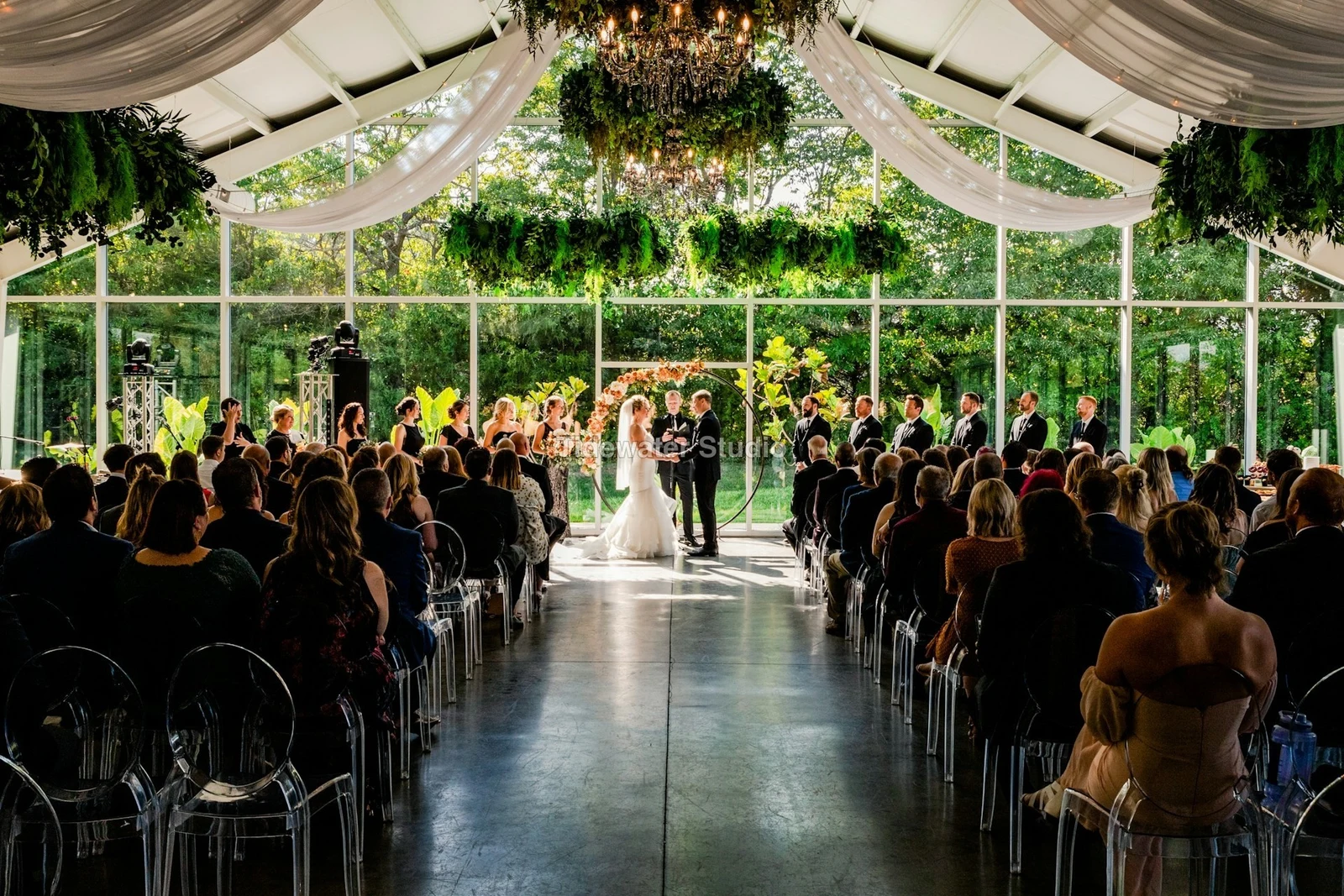
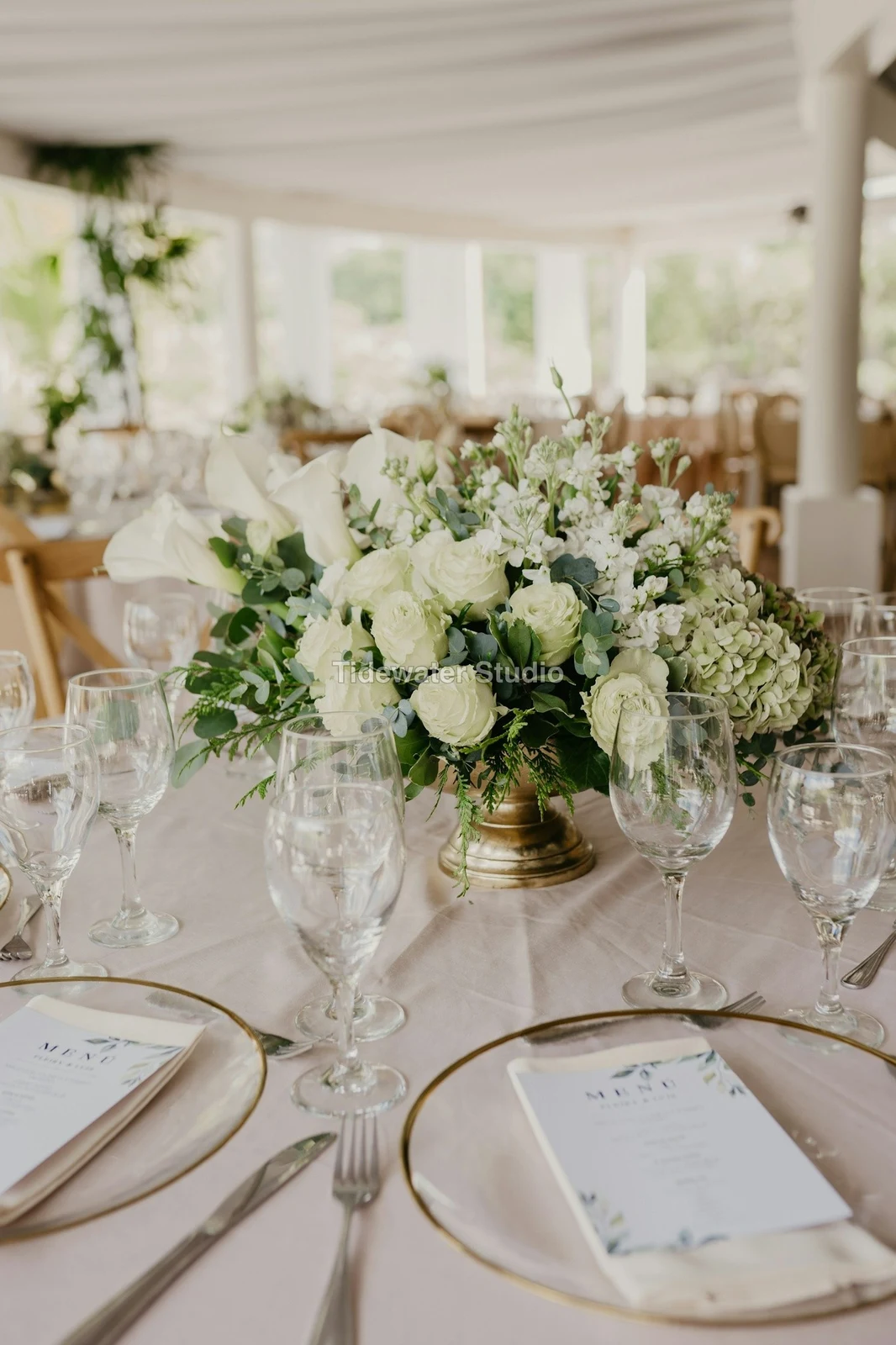
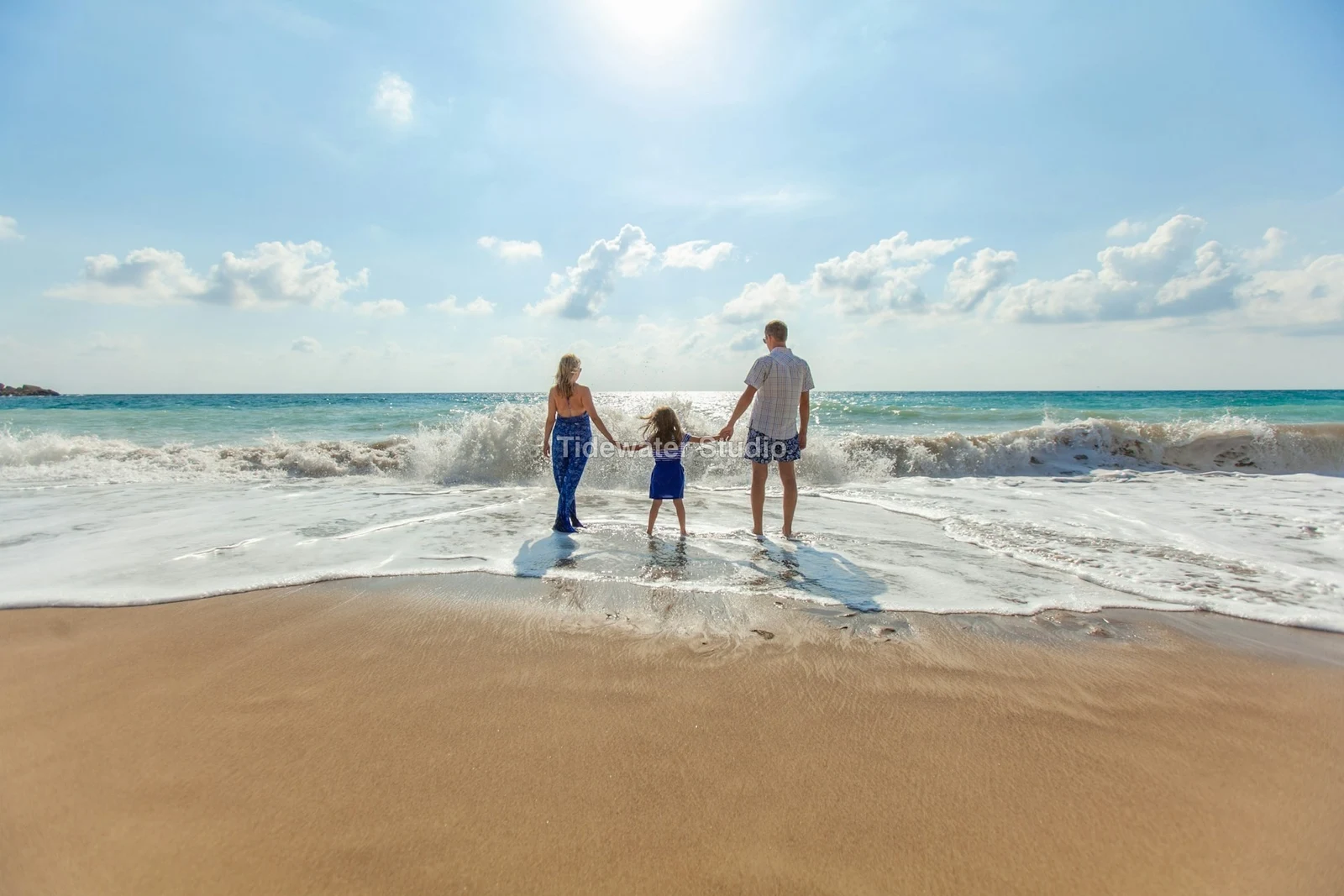
Uw logo of tekst op elke foto die de klant ziet of downloadt, tot u levert.
Afdrukken vanuit de Galerij
$ 149.000 per stuk. Verzending en belasting worden bij afrekenen toegevoegd.
De klant koopt een afdruk van elke foto, gemaakt en verzonden door uw lab, betaald via uw eigen checkout.
Een galerij voor een baan, met talent
Lookbook SS27 In review
- Klant
- Maison Kiri
- Ronde
- 1
- Opgehaald
- 8 / 12
- Antwoord
- Wachten op de klant
- Link Closes
- 2026/12/12
Een baan in Talent heeft zijn eigen Galerij, op dezelfde manier gecontroleerd.
Een sluitingsdag
Galerijen
Elke galerij van een baan: wat de klant ziet, kiest uit en downloadt.
| Gallery | Klant | Baansfase | Link Closes | Gemaakt |
|---|---|---|---|---|
| Program Shoot · Strength | Thandi Mokoena | In review | 2026/11/30 | 2026/11/09 |
| Client Story · Pieter | Pieter van Wyk | In review | 2026/12/07 | 2026/11/12 |
| Mobility Series | Aisha Davids | Geleverd | 2026/12/18 | 2026/10/22 |
| Coaches Team Photos | Kopje Coaching | Geleverd | 2027/01/05 | 2026/10/31 |
| Summer Bootcamp | Lerato Nkosi | In productie | 2027/01/20 | 2026/11/18 |
De link van elke galerij sluit op de dag die u instelt, en de lijst met galerijen toont degenen die de komende 30 dagen sluiten.
Stuur een afgerichte foto waar het wordt gebruikt
Een foto wordt opgeslagen als nieuwste export, of de originele als deze er geen heeft: in een Galerij op volledige grootte, op een nieuw ontwerp, in de assets van een website of op een aanbieding. Elke foto-picker in Calisto vermeldt al de foto's van het account, inclusief exports.
Een Ontwerp, Met Studio
Een nieuwe post of story opent met de foto geplaatst.
 Menú de OtoñoTostadas de jaiba, desde hoy
Een Website, Met Sites
Toegevoegd aan de assets van de site.
Activa
Een vermelding, met vermeldingen
Toegevoegd aan de foto's, wanneer het bedrijf een listing heeft.
T3 Rua do Século 41 Gepubliceerd
Bewerk met de foto volledig scherm op uw telefoon
Inzoomen door te pinnen, tweemaal tikken om aan te passen en vasthouden voor 'Voor'. Elk gedeelte is een chip onder de foto waarvan de bediening eronder is gedockt, nooit erboven, en een schuifbalk beweegt alleen bij een horizontale sleep, zodat scrollellen nooit bewerkt.
Gedeeld naar Foto
A photo shared from the camera roll lands in Add Photos.
Deel foto's naar Foto vanuit elke app op dit apparaat, maak er één, of kies ze hier.
Foto's om toe te voegen
No Signal
Home, de Bibliotheek, Looks en Foto's toevoegen zijn geopend; bewerkingen en uploads wachten en landen één keer.
Deel foto's naar Foto vanuit elke app op dit apparaat, maak er één, of kies ze hier.
Foto's om toe te voegen
Waar Foto alles anders raakt.
4 of these 5 connections are in your plan today; the other is its own app.
Depot
Every photo and every export is a file in Depot, on the account’s one storage quota, and a Gallery is a Hub.
Studio
An image’s Adjust in Studio is Foto’s, Send To opens a new design with the photo placed, and a layered Photo opens there as a design.
Talent
Galleries and Proofing are the same views Talent shows, and a job’s Gallery is the Hub of that job.
Listings
Bulk Auto takes a listing’s photos as a set, and the exports replace them on the listing.
Sites
Send To adds a photo to a website’s assets.
Geen opstartkosten. Betaal wanneer u begint met gebruiken.
Photos edited in one tap, by hand or in layers.
Calisto Create
De Bibliotheek, Auto, Bulk Auto, Looks, Aanpassen en Galerijen, inbegrepen bij elke Calisto-account.
Foto Pro
Elke Adjust-instelling inline en de Layers-workspace, voor één persoon, op een eigen stoel of met een Create seat; een bedrijf wijst zijn stoelen toe aan zijn mensen.
Aanbevolen voor u
Werkt goed samen.
Calisto Depot
Calisto Studio
Calisto Create
A Studio seat designs anything at every size, from Calisto’s templates or a blank page: layers, photos, Copy & Resize, Bulk Create, mockups, QR codes, print-ready PDFs, sharing and whiteboards.
Learn more →Calisto Talent
Inbegrepen bij uw abonnementen
Uw Core-app toont alles wat uw Commerce- en Ops-plannen inschakelen.
Learn more →Calisto Listings
Aangekondigingen
Uw advertenties, afspraken, ontwikkelingen, verhuur en het kantoor, voor elke persoon die werkt in Advertenties.
Learn more →Calisto Sites
Calisto Sites
A website and its phone app, built from a template on the page itself, showing what you sell from your own records and published on your own domain.
Learn more →Alles inbegrepen in Calisto Foto.
- Foto Essentials for every signed-in person: Home, the Library, Auto, Bulk Auto, Looks, Adjust with Auto, Light, Color and Crop, and Galleries; every other control one tap away behind More.
- Foto Pro, a seat per person: every Adjust control inline and the Layers workspace.
- Essentials or Pro is each person’s own choice, in Profile & Preferences ▸ Creative Tools, never a business setting.
- Without a seat, More and Layers read Pro · Upgrade, or Ask for a Pro Seat for a team member.
- A photo whose edit holds Pro fields always opens, saves and draws at Essentials.
- First open asks nothing technical at Essentials, and leads with Layers and the keys at Pro.
- Every photo read after it is uploaded: when it was taken, its exposure, its focus and its faces.
- Flags: Blurry, Missed Focus, Black Frame, Missed Flash and Closed Eyes, each a filter in the Library.
- A score from focus, exposure and open eyes: Best First, and the Suggested Best Shots.
- Similar Shots: bursts, brackets and the same pose taken twice, grouped best first, with Star the Best of Each.
- Faces and eyes are read on your own device; nothing is starred or hidden for you.
- Home: the photos to pick up again, Upload Photos, New Photo, From Media Library, Bulk Auto, and Recent Photos.
- The Library: All Photos, Starred, Edited, Similar Shots, Layers and Client Picks, with search, sort (Best First and Date Taken included) and a Tag filter.
- A Hub’s photos on their own, from the Hubs in the sidebar; Move To… a Folder of a Hub, and New Hub, Private or Public (with Depot).
- A selection is starred, tagged, given a look, run through Bulk Auto, sent on, opened as layers or assigned to a client project.
- Star and Tags are the platform’s: the same in Depot, Docs and Studio, carried wherever the photo is picked.
- An export is listed with its photo, never among the originals.
- The account’s storage shown in the Library, on the one Depot quota (with Depot).
- Upload from a desk, the camera or the device’s photos, through the one upload queue.
- Add Photos is where a photo shared to Foto lands: the camera roll’s Share sheet, or Open With on a desk.
- Then Adjust for one photo, Bulk Auto for a set, or the Library.
- JPEG, PNG, WebP, HEIC, HEIF, AVIF, TIFF and camera RAW; a RAW is developed on the device, or converted on the server when the device cannot.
- The camera and lens a file says made it, read once from the original and kept on the file.
- Auto: one tap reads the photo on the device, sets its sliders and names each one; Undo puts the photo back.
- Your Style beside Auto, once you have edited eight photos: Auto moved the way you move it, and the Texture, Clarity and Saturation you usually set, learned from your own edits; yours, never the business’s.
- Light, Color, Crop and Straighten; Whites and Blacks, Detail (Detail, Fine Detail, Clear Haze), Tone Curve, Color Mixer, Color Grading, Sharpening and Noise, Lens, Transform and Effects.
- Straighten Lines: Auto and Vertical, and Level, Full and Guided (up to four lines drawn on the photo); it sets the Transform sliders it solved and names them, and leaves a photo with no clear lines as it is.
- Lens: Correct Lens from the camera’s own correction in the RAW, else the lens profile; Remove Color Fringes; nothing the camera already corrected is corrected twice.
- How it was drawn, said under the control it concerns.
- Remove and Repair: Remove what you paint over; Clone and Fill.
- Adjust Part: Sky, Subject and Background; a Brush, Linear and Radial gradients and a Brightness Range.
- People: Skin, Face, Eyes, Lips, Hair, Clothes and Body, found on your device.
- Retouch Skin: Even Skin smooths blotches and keeps the pores; Match Skin Tone evens the skin toward the person’s own tone.
- Frequency Separation: paint where, then Smooth Tone and Fine Detail retouch the tone and the texture each on its own.
- Portrait Blur on the background, and Lens Blur by the photo’s depth with Focus Distance and Depth of Focus.
- Film Negative: a scanned color or black and white negative turned positive from its film base, shared across a roll by copying the edit.
- Changes: every change to a part, with its own controls, opacity, blend and invert.
- Markup: an arrow, a circle, a box, a freehand line or a label drawn on the photo, carried by every export.
- Before: press and hold. Undo and Redo through the edit’s whole history.
- The original is never changed; the edit is kept beside it with its history.
- A client’s note from Proofing shown on the photo while it is edited.
- Calisto’s looks and the business’s own, in Looks ▸ Calisto and Mine.
- Match a Photo: another photo’s look, solved into Exposure, Contrast, Saturation, White Balance and Color Grading.
- Suggested looks first in Adjust: the looks made for a photo like this one, from the kind of photo each of Calisto’s was made for and the photos each of yours has been put on.
- Save Look keeps an edit’s settings as a look of the business’s own.
- A look given to one photo or a whole selection.
- A selection from the Library, or one listing’s photos for a business with listings (with Listings), and a look.
- Start From Auto or Your Style.
- Each photo read on the device and given its own Auto, then the look; a look that straightens lines solves each photo’s lines.
- Saved as a step of each photo’s edit.
- The exports made on the server, so they finish with the page closed; the results screen shows each one as it is ready.
- For a listing’s photos, the exports replace them on the listing, through Listings’ own write (with Listings).
- Bulk Auto Finished is sent once per run, to the person who started it.
- Camera on USB, in Chrome or Edge: Connect Camera, Shoot, Live View on Canon EOS and Nikon, every frame straight into Foto.
- The camera’s own Wi-Fi upload: FTP, FTPS or SFTP to Calisto with a login of your own, the password shown once.
- Every frame in the Camera Uploads Hub as it lands, with the last edited frame’s edit or a look applied to each new one.
- Nothing to install: the camera talks to the page itself.
- Record Action in Adjust: your steps kept as steps, then played on any photo or a Library selection, with Auto, looks, straightening and found parts solved again for each photo.
- Actions are the business’s, kept beside its looks.
- Contact Sheet: a selection or a Gallery printed 2 to 8 across, portrait or landscape, with names, stars, client picks and culling flags, filed in Depot as a PDF.
- HDR: bracketed exposures fused into one photo, lined up even when taken by hand.
- Panorama: overlapping frames joined, laid on a cylinder for a known lens, cropped clean; brackets at each position fused first.
- Focus Stack: frames focused at different distances, sharp from near to far.
- Astro Stack: night-sky frames aligned on their stars and stacked by sigma clipping, median or mean, dark frames taken off.
- A new photo in Depot every time; the photos merged stay as they were. Large merges finish on our servers.
- Smart Objects: Convert to Smart Object, New Linked Copy, Update Linked Copies and Release Smart Object; each copy keeps its own opacity, blend and styles.
- New Photo at a size people make: YouTube Thumbnail, Instagram Post and Story, Square, A4 and US Letter at 300 ppi, or a custom size, on white, black, a color or transparent.
- Open as Layers on a selection: each photo a layer carrying its own edit.
- Photo, pixels, adjustment, text and shape layers in one layer tree: chosen, checked to act on several, shown, hidden, locked, renamed, moved, grouped, duplicated and deleted.
- Tools: Move, Select Rectangle, Ellipse, Freehand and Straight Lines, Select Similar Color, Select Subject and Sky, Brush, Eraser, Dodge, Burn, Blur, Sharpen, Heal, Clone, Fill, Warp, Warp Grid, Warp Perspective, Text, Shapes and Crop.
- The Select menu: Select All, Deselect, Invert, Feather, Expand, Contract, Smooth, Refine Edges, Selection to Mask and Fill with Color; Shift adds, Alt subtracts, both intersect.
- Layer masks and shape masks, each enabled, inverted, feathered, applied or deleted; layer styles: drop and inner shadow, outer and inner glow, color overlay and stroke.
- Apply and Convert to Pixels; every paint stroke written as new tiles, so every earlier step still undoes.
- Export as JPEG, PNG, WebP, AVIF, TIFF or a layered PSD, with what it could not hold said in plain words; Recent Exports in the Export dialog.
- A layered Photo opens in Studio as any design does (with Studio).
- Without the seat, a layered Photo opens to look at.
- A Gallery is a Hub shared with a client through its link, Private or Public; a job’s Gallery is the Hub of that job (with Talent).
- Send To ▸ Gallery puts the photos in at full size.
- Share for Proofing: the client’s email (the Gallery also lists in their portal), how many they may pick, view or download, a password, and your watermark.
- Your watermark on every photo of the link, at every size and on every download: your logo, your business name or your own words, where it sits, its size and its opacity, set once in Settings ▸ Photos ▸ Watermark.
- Watermark the Photos or Remove the Watermark on a link in Proofing, so the final delivery goes out clean.
- Prints from the Gallery: Choose Prints from your drop-ship products on sale online; the client taps Buy Print on a photo, picks the print, the size and how many, and pays on your own checkout (with Shop and Orderflow).
- Your lab prints the photo the client chose and ships it to them; the order is in Orderflow beside every other web order.
- The client picks up to the limit, leaves notes, and sends their selection, approves or asks for changes, round by round.
- Open the Next Round, or Stop Proofing; an earlier round stays as it was.
- Galleries counts what is delivered, waiting on the client and closing in 30 days.
- The same Galleries and Proofing views Talent shows (with Talent).
- A photo goes on as its current export, or the original when it has none.
- A Gallery; a design, opened in Studio with the photo placed (with Studio); a website’s assets (with Sites); a listing’s photos, when the business has a listing (with Listings).
- Every picture picker in Calisto lists the business’s photos in Depot, exports included.
- Adjust and Layers, switched in the header: ⌘⌥1 and ⌘⌥2, or A and L.
- Keyboard Shortcuts (⌘/) lists every key; ⌘K finds every command.
- Each editor’s back link returns to the Library.
- Home, Library and Settings in the tab bar; shortcuts to Add Photos, the Library, Bulk Auto and Looks.
- The photo fills the screen: pinch to zoom and pan, double-tap to fit, press and hold for Before.
- Each section a chip under the photo, its tray docked under it, never over it, with the desk’s controls and a Reset.
- A slider moves only on a sideways drag, so a scroll never edits; words are typed in a dialog above the keyboard.
- Layers on a phone: the canvas full screen, the tools in a bottom bar, the layer tree and Format as bottom sheets.
- Keep Foto on This Device: Home, the Library, Looks and Add Photos open with no signal; an edit’s save, a new look and uploads wait and land once.
- Copy Saved is sent when the server finishes a copy, to the person who asked for it.
- Foto installs as part of the Calisto app.
- Every photo and every export is a Depot file on the account’s one quota; each Foto Pro seat adds its included storage to it (with Depot).
- Working copies and the render cache never count.
- Settings ▸ General: the business’s name, design and sign-in.
- Settings ▸ Photos: the export format, size on the long side or the original’s, quality, and the look Bulk Auto starts from; changed by the business’s admins, and Purview may lock it.
Questions about Calisto Foto
Elke ingelogde persoon heeft Foto Essentials: de Bibliotheek, Auto, Bulk Auto, Looks, Aanpassen met licht, Kleur en Knippen, en Galerijen. Elke andere aanpasoptie bevindt zich achter Meer. Foto Pro plaatst ze allemaal inline en voegt de werkomgevinglagen toe, voor één persoon per stoel.
Nee. Een bewerking wordt bewaard naast de foto met de geschiedenis, zodat elke stap later ongedaan kan worden gemaakt. Een export is een nieuw bestand in Depot, bereikt vanaf de foto, en het origineel blijft zoals het was.
JPEG, PNG, WebP, HEIC, HEIF, AVIF, TIFF en camera RAW-bestanden. Een RAW-bestand wordt ontwikkeld op je apparaat, of op de server als het apparaat dit niet kan. Een gelaagd Foto exporteert als JPEG, PNG, WebP, AVIF, TIFF of een gelaagd PSD.
Studio opent een gelagen PSD als ontwerp. Foto slaat een gelagen Foto op als PSD die zijn lagen, maskers, mengmodi, groepen, tekst en stijlen behoudt, en vermeldt in simpele woorden wat het niet kon behouden.
Deel de Galerij voor het controleren. De klant opent de link, kiest tot het aantal dat u hebt ingesteld, laat een opmerking bij elke foto achter en stuurt hun selectie, gooit goedkeuring of vraagt om wijzigingen, ronde voor ronde. Hun keuzes verschijnen als Klantkeuzes in uw Bibliotheek en elke opmerking wordt getoond op de foto terwijl u bewerkt.
Ja. Kies welke van uw drop-ship producten de Galerij verkoopt, zoals afdrukken die uw lab maakt en verzendt. De klant tikt op Afdruk Aankopen bij een foto, kiest de afdruk, de maat en het aantal, en betaalt bij uw eigen kassa. Uw lab drukt deze foto af en verzendt deze naar hen.
In Depot, op de opslagquota van je account, waar elke foto-picker in Calisto ze vindt. Elke Foto Pro- of Create-plaats voegt de opslag die het bevat toe aan dezelfde quota.
