Edit gambar dalam satu sentuhan, secara manual atau dalam layer.
Editor foto untuk foto yang sudah ada dalam akaun anda. Selesaikan satu foto atau keseluruhan sesi fotografi, kemudian kongsi Galeri di mana pelanggan anda memilih kegemaran mereka.
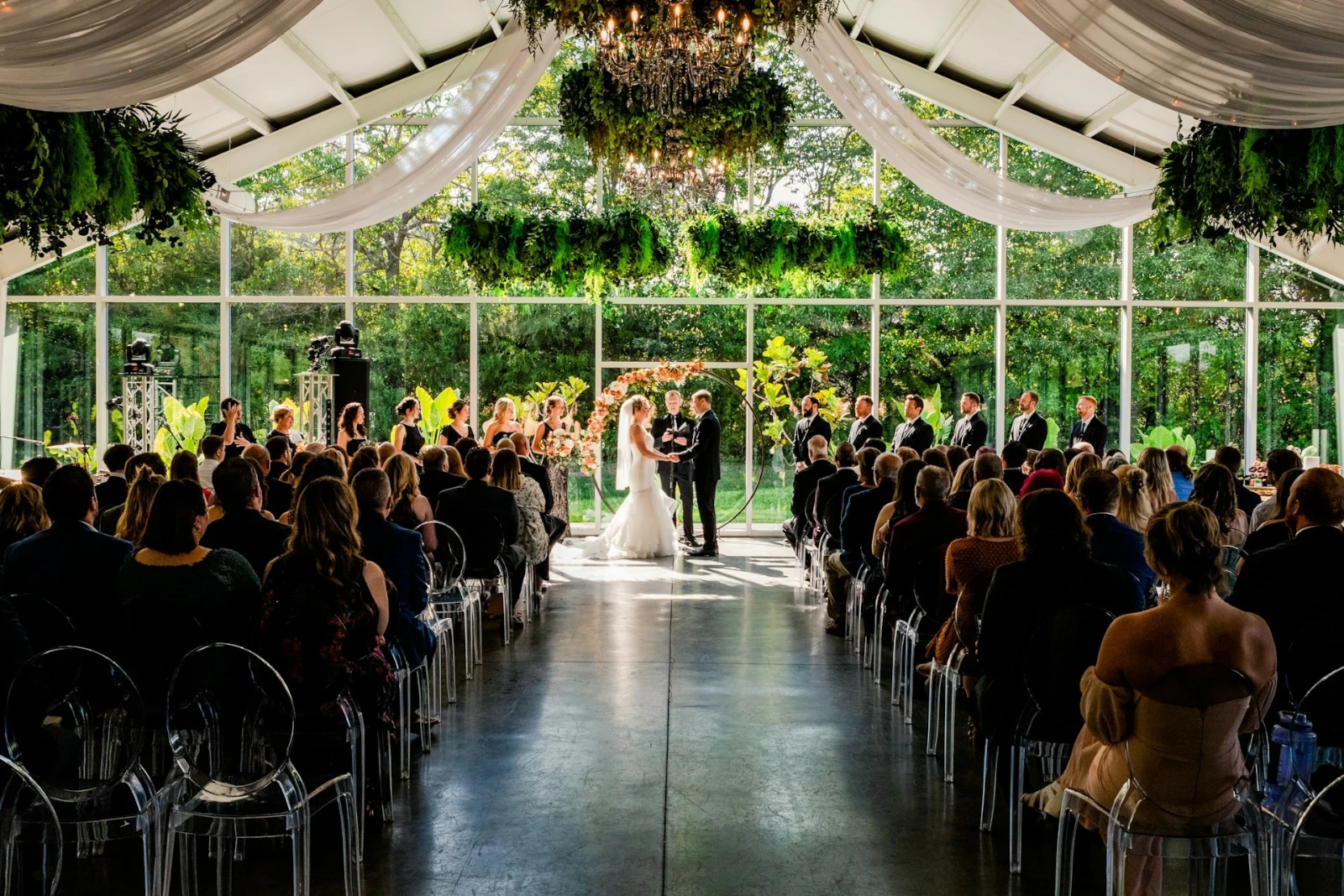
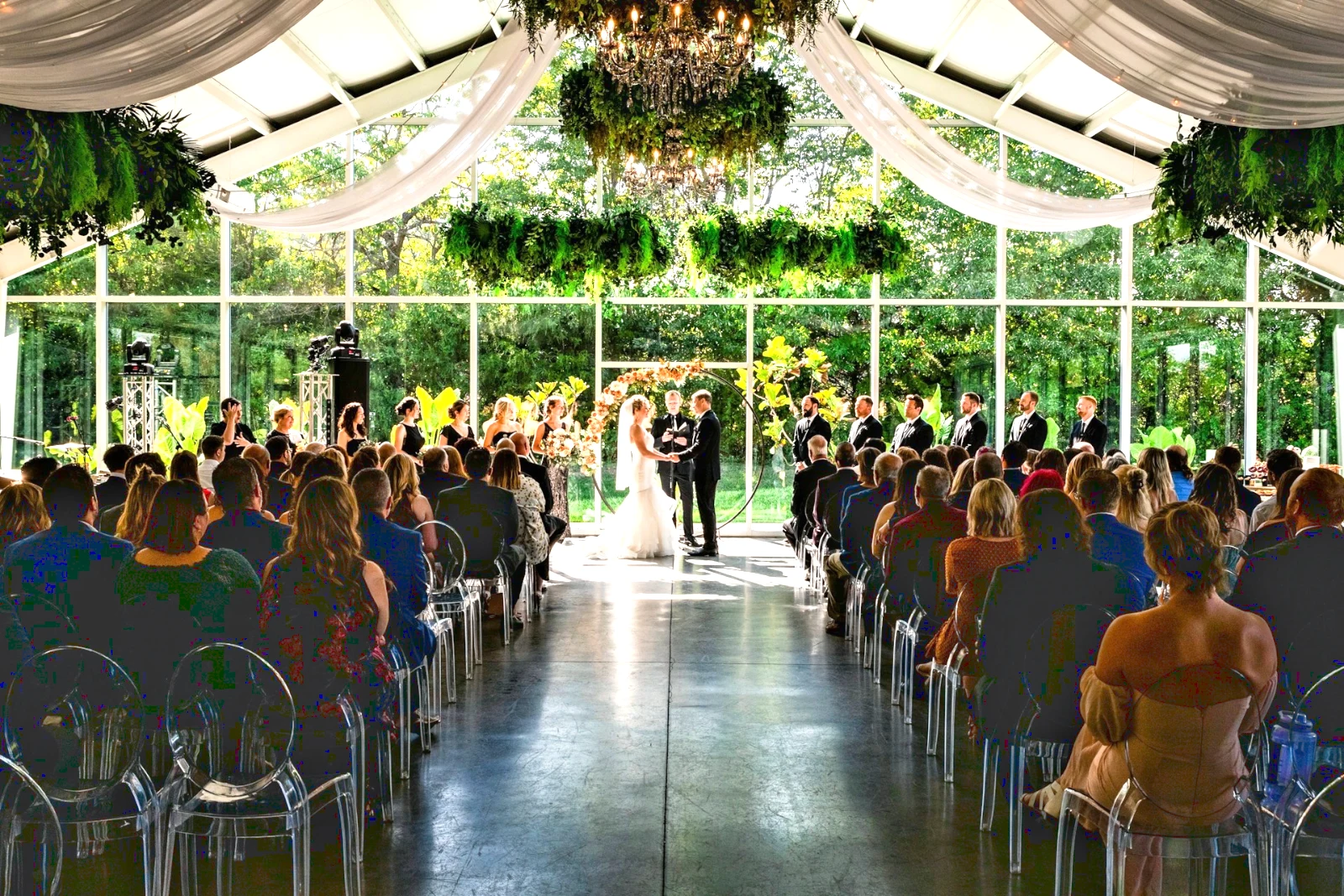
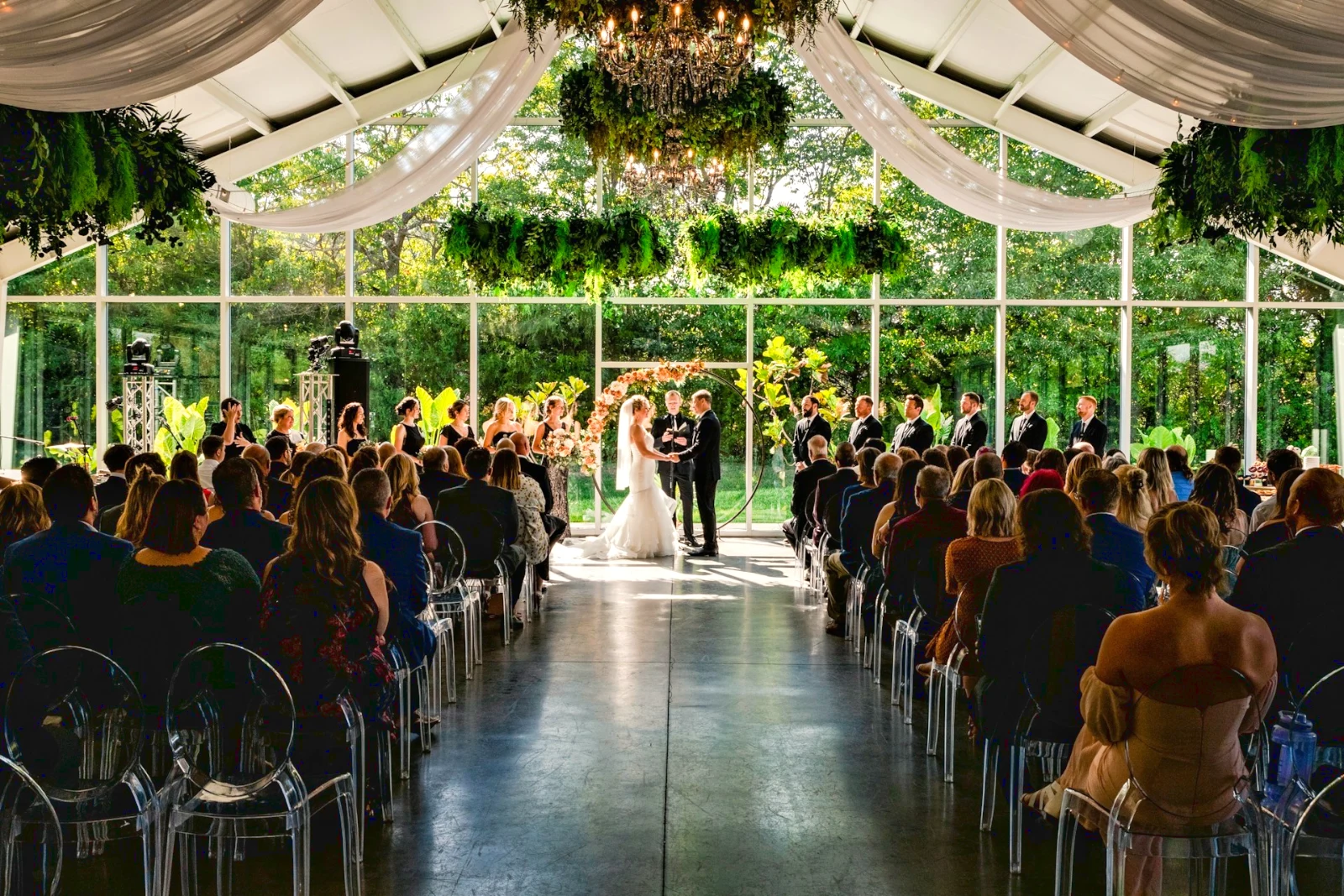
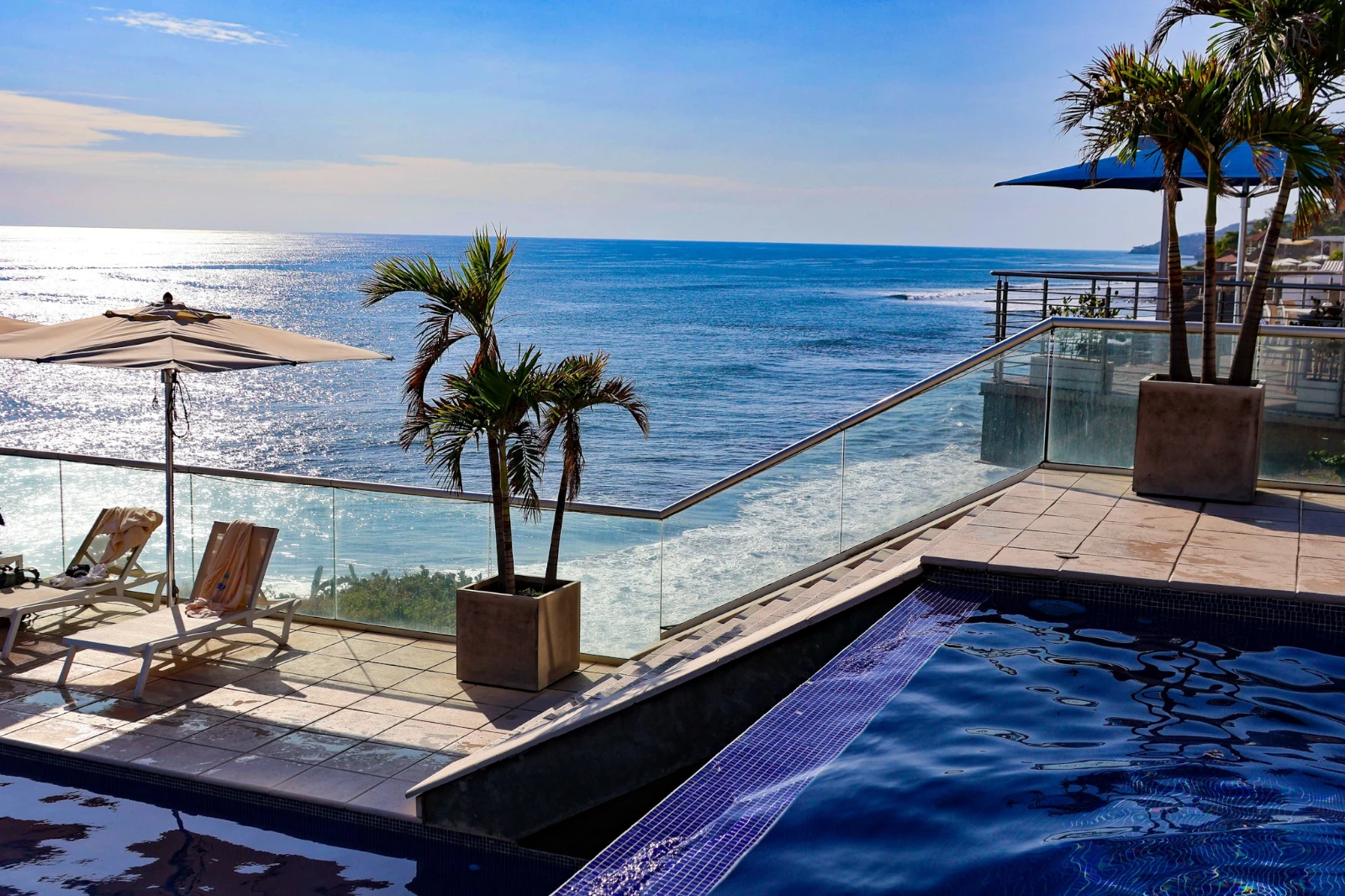
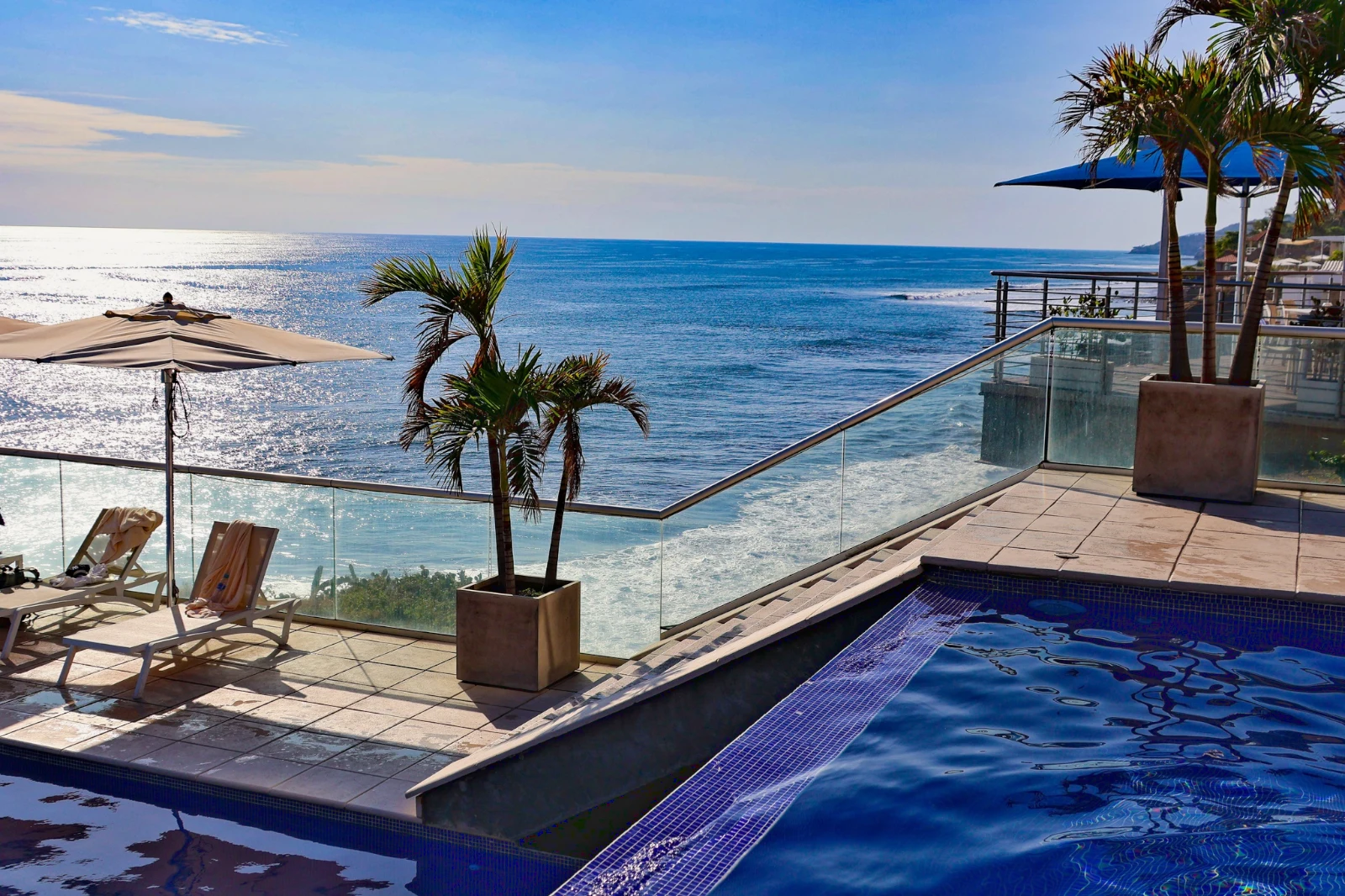
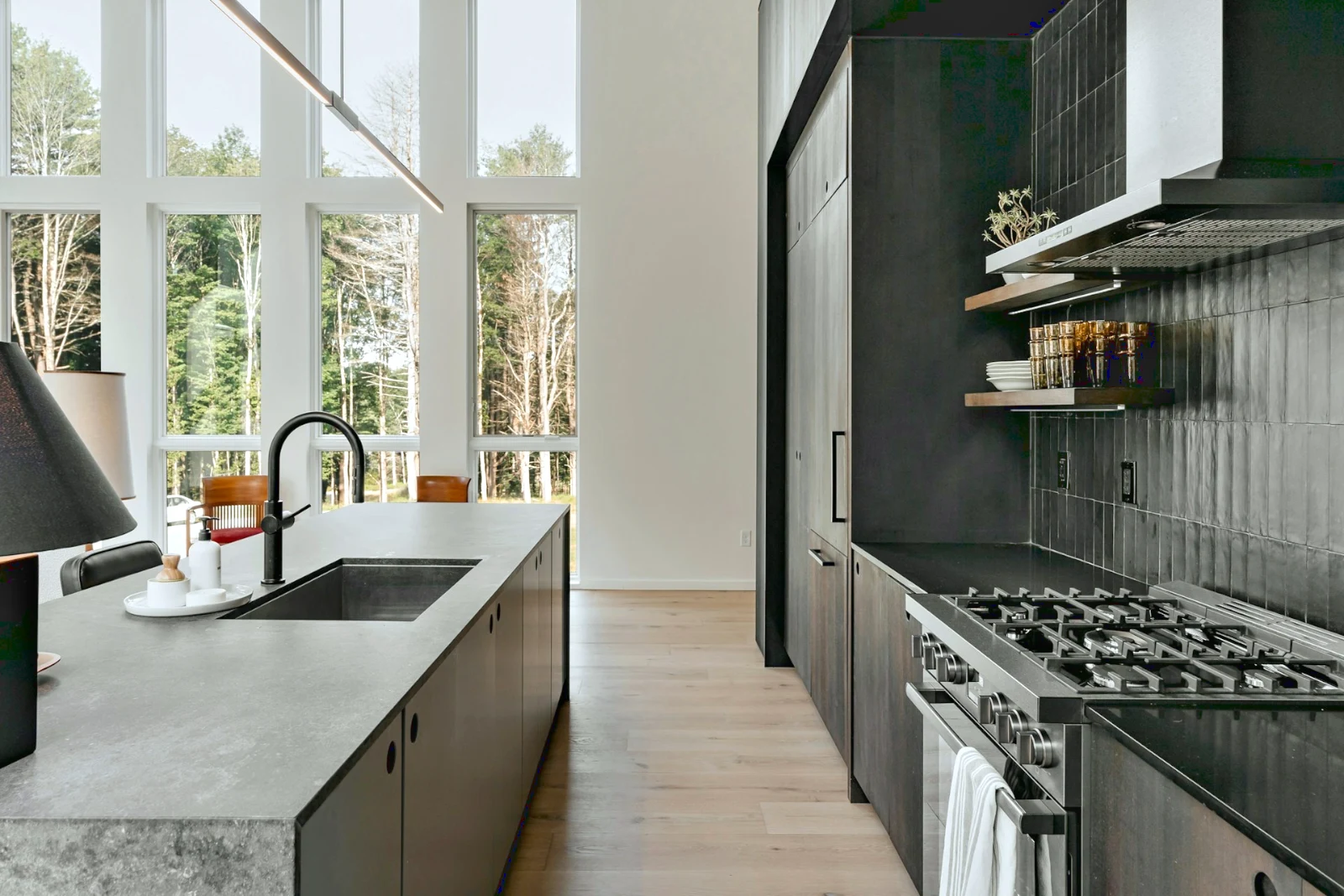 Bright and Airy
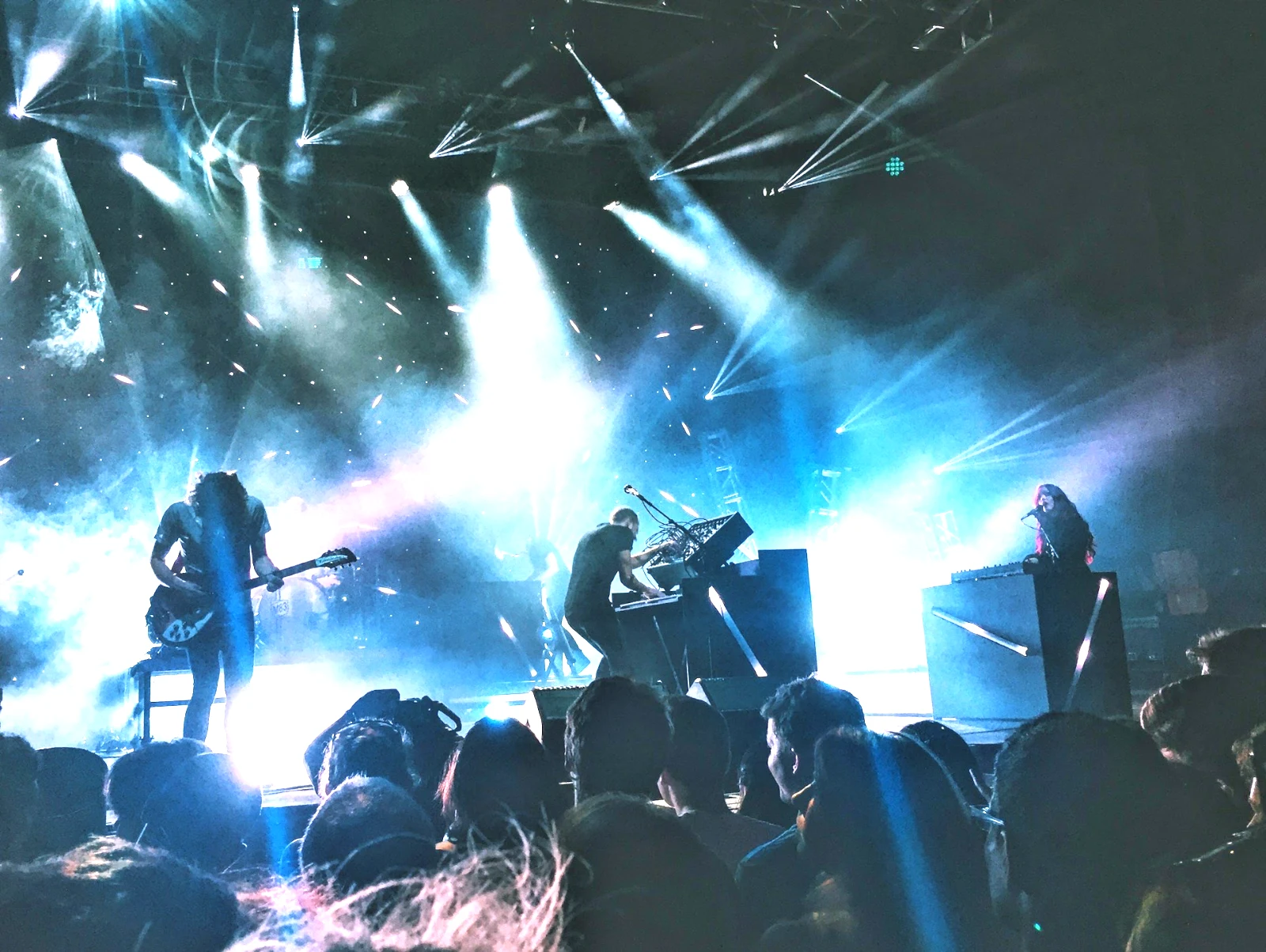
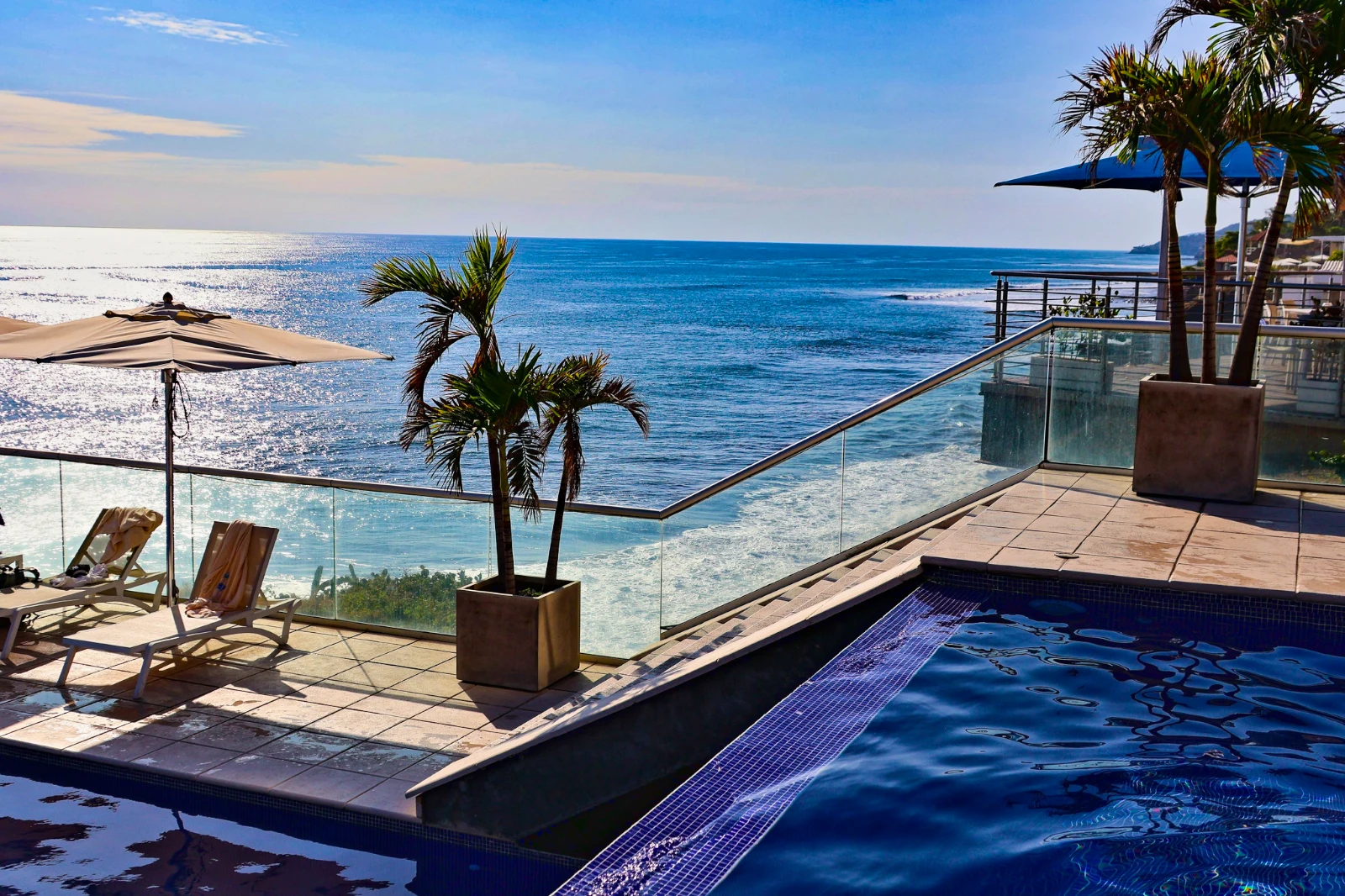 Punchy Social
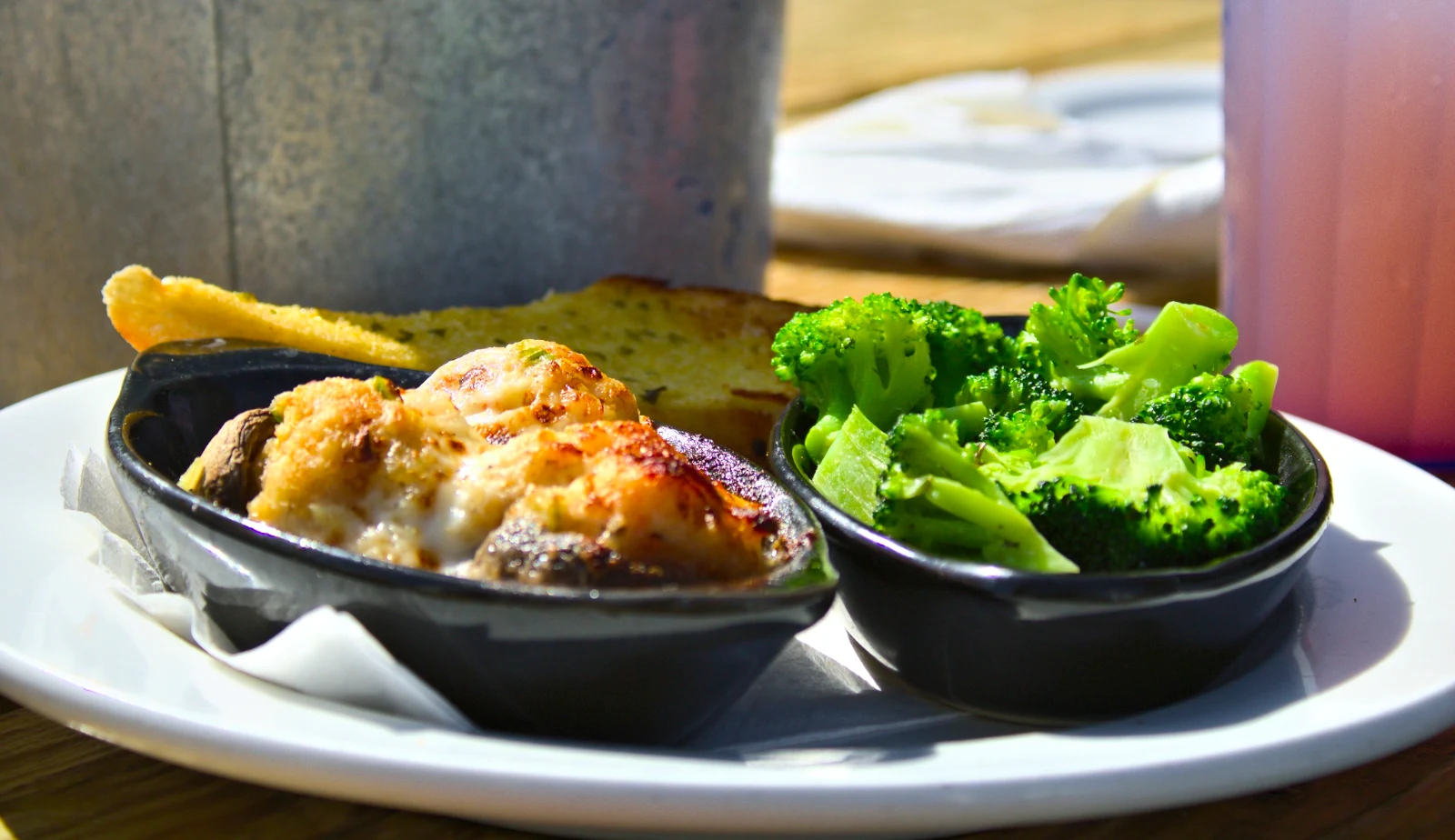 Punchy Social
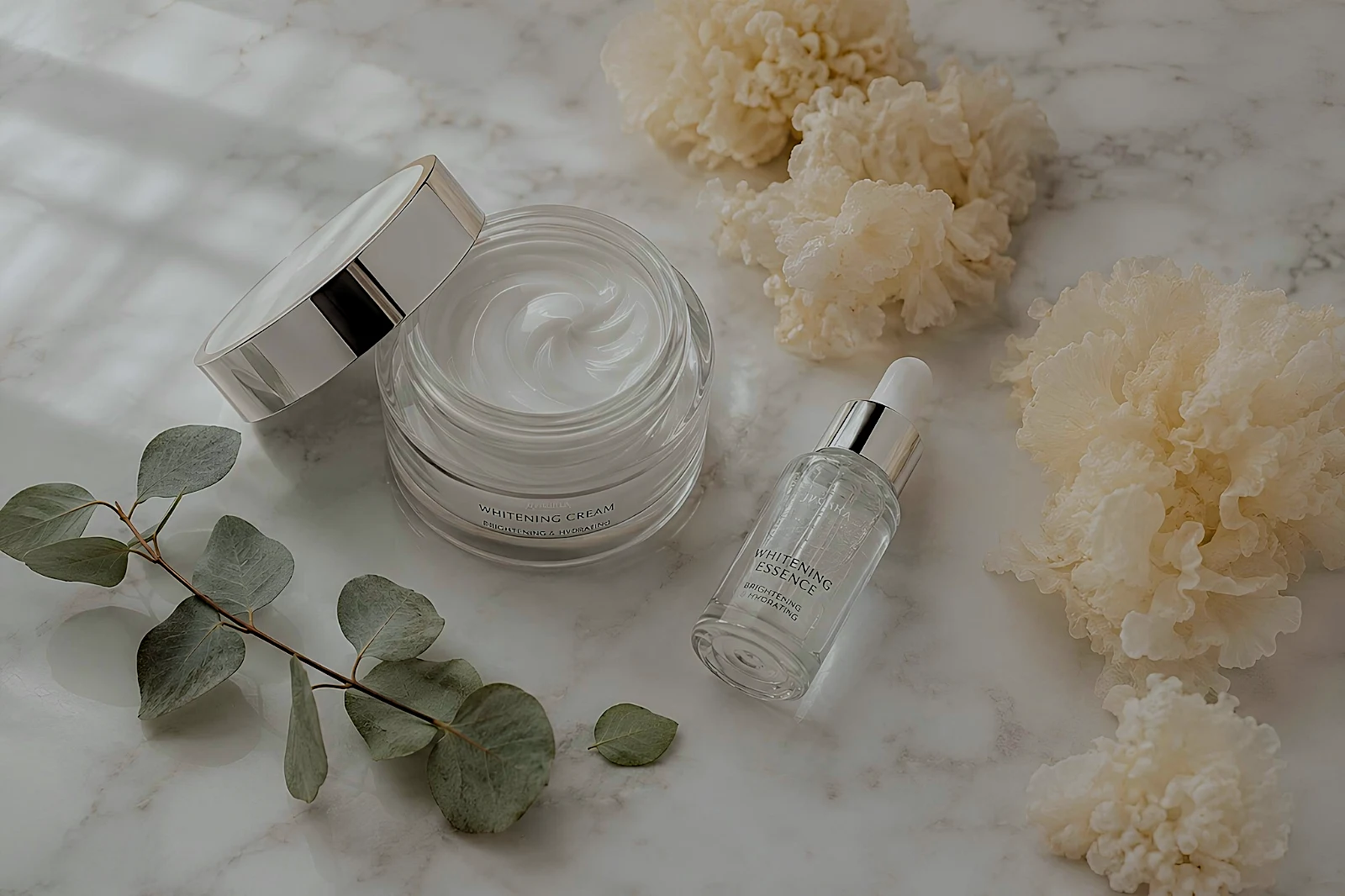 True Color
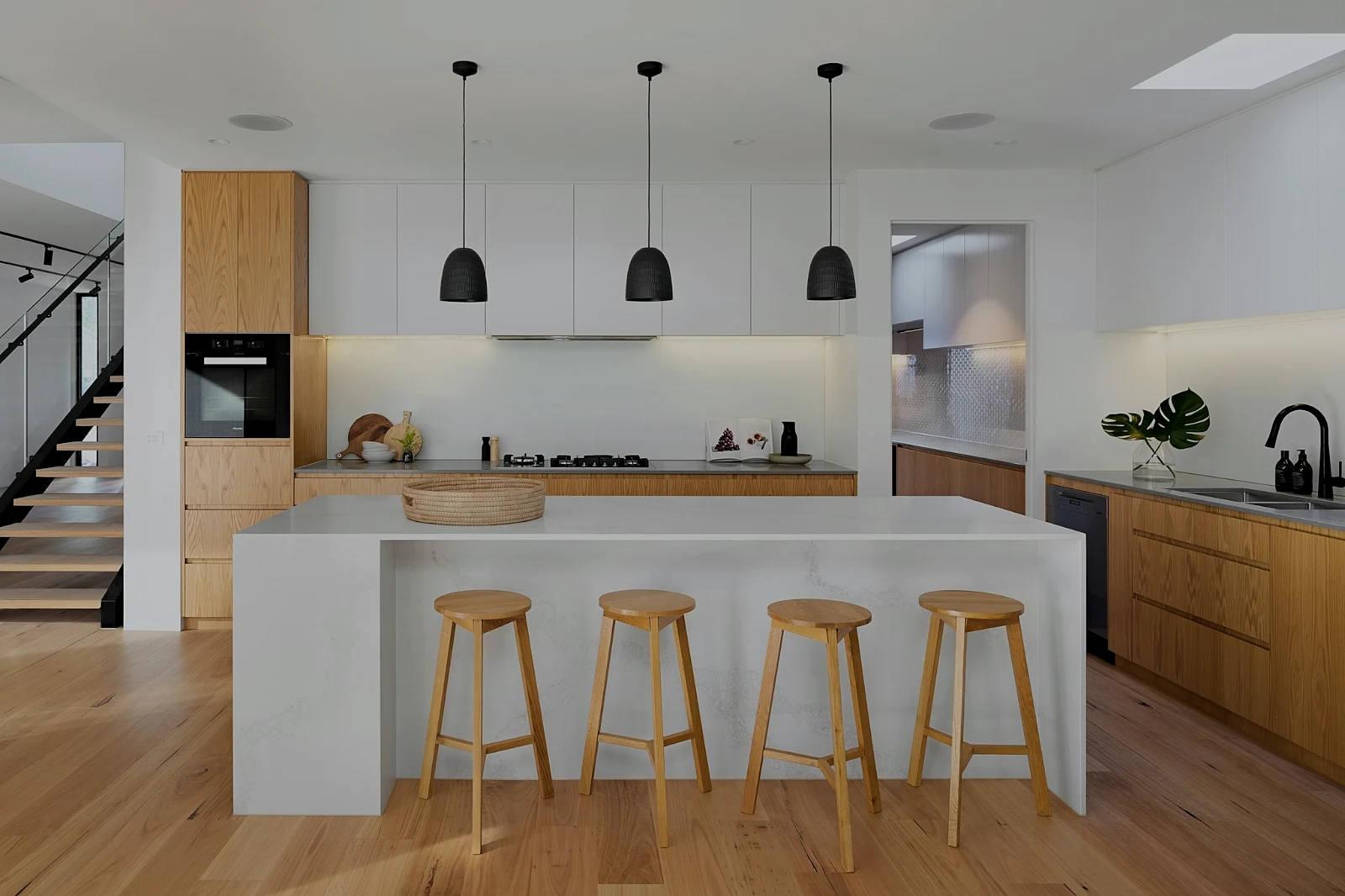 True Color
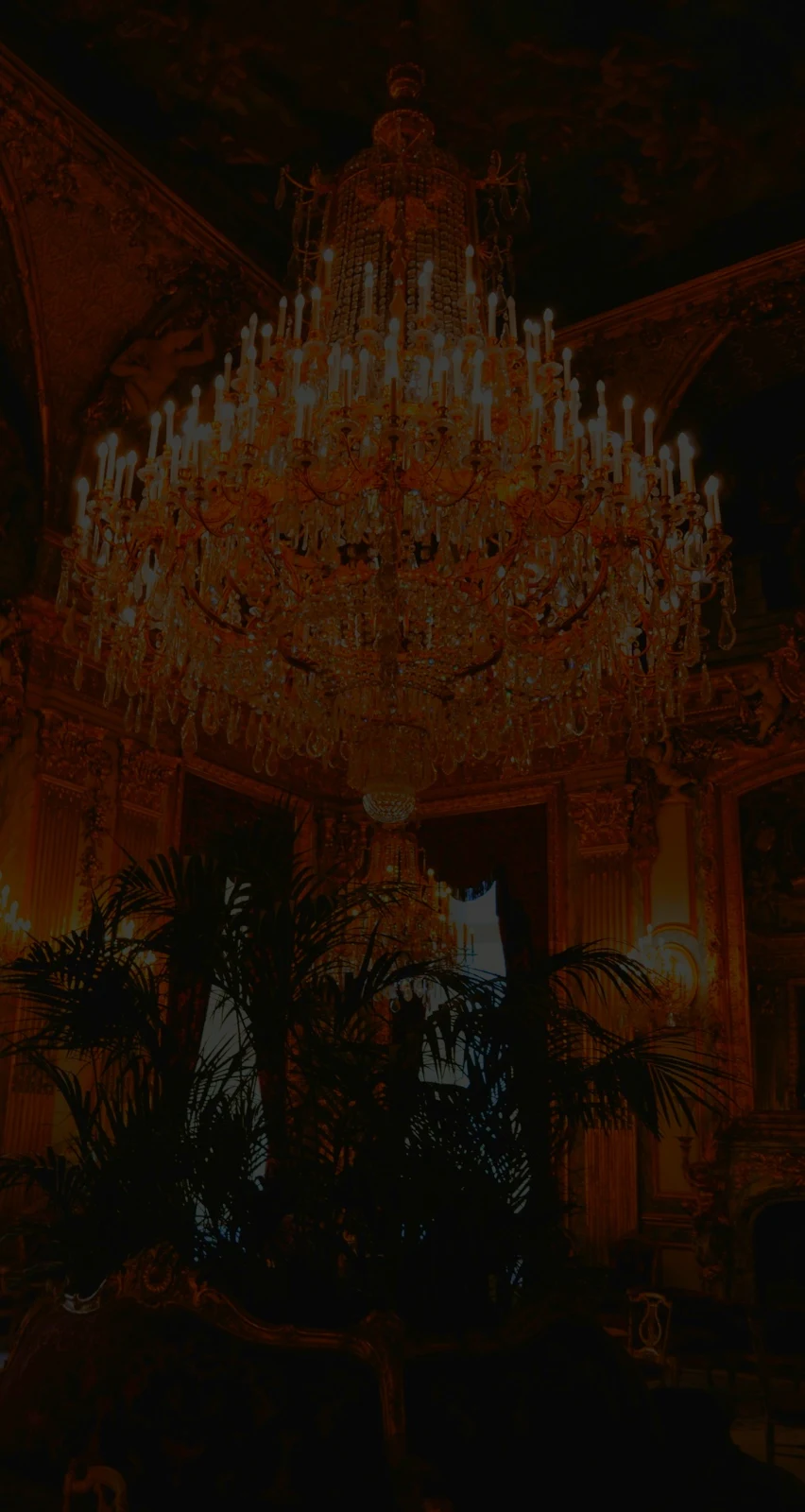
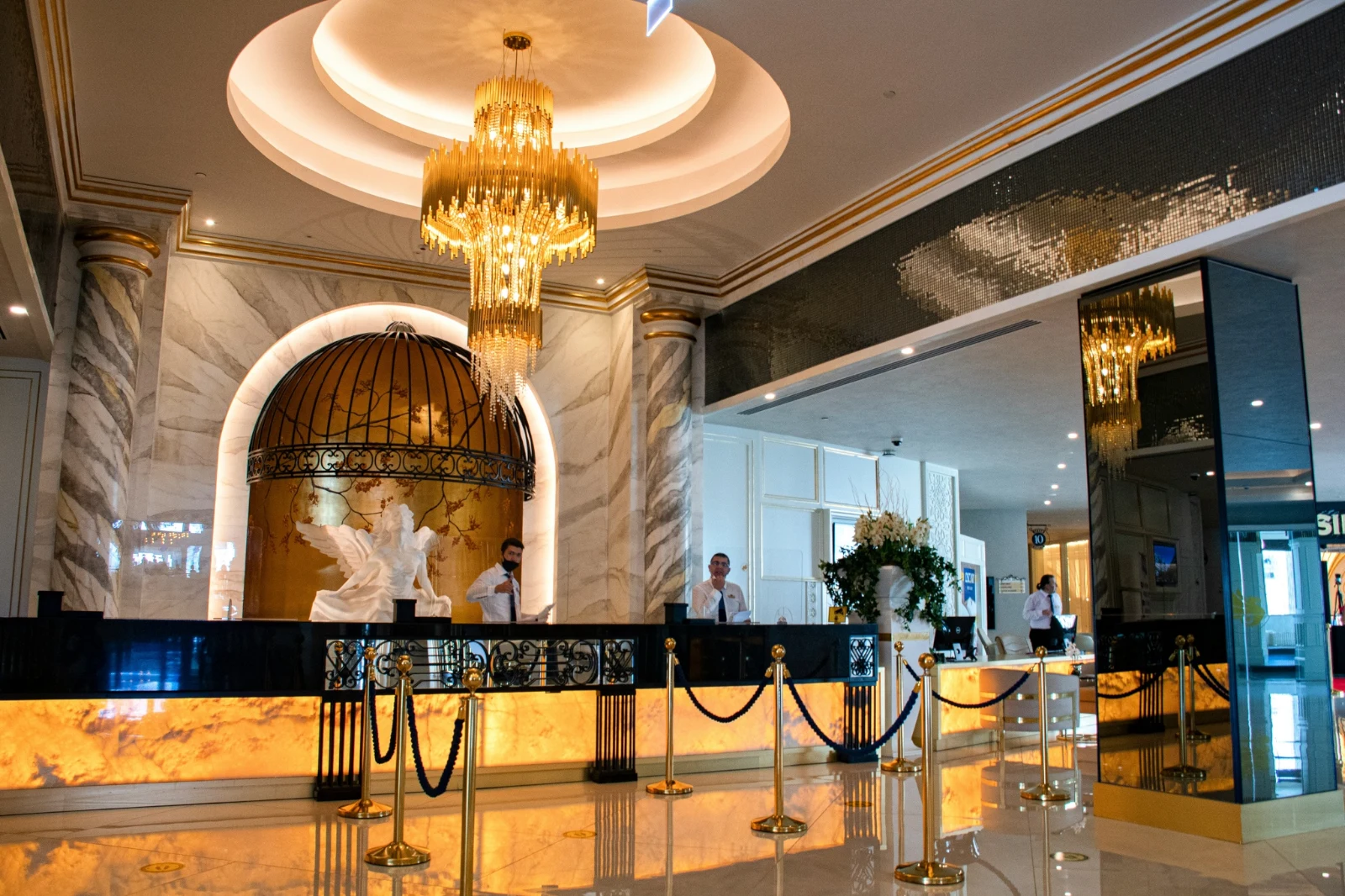
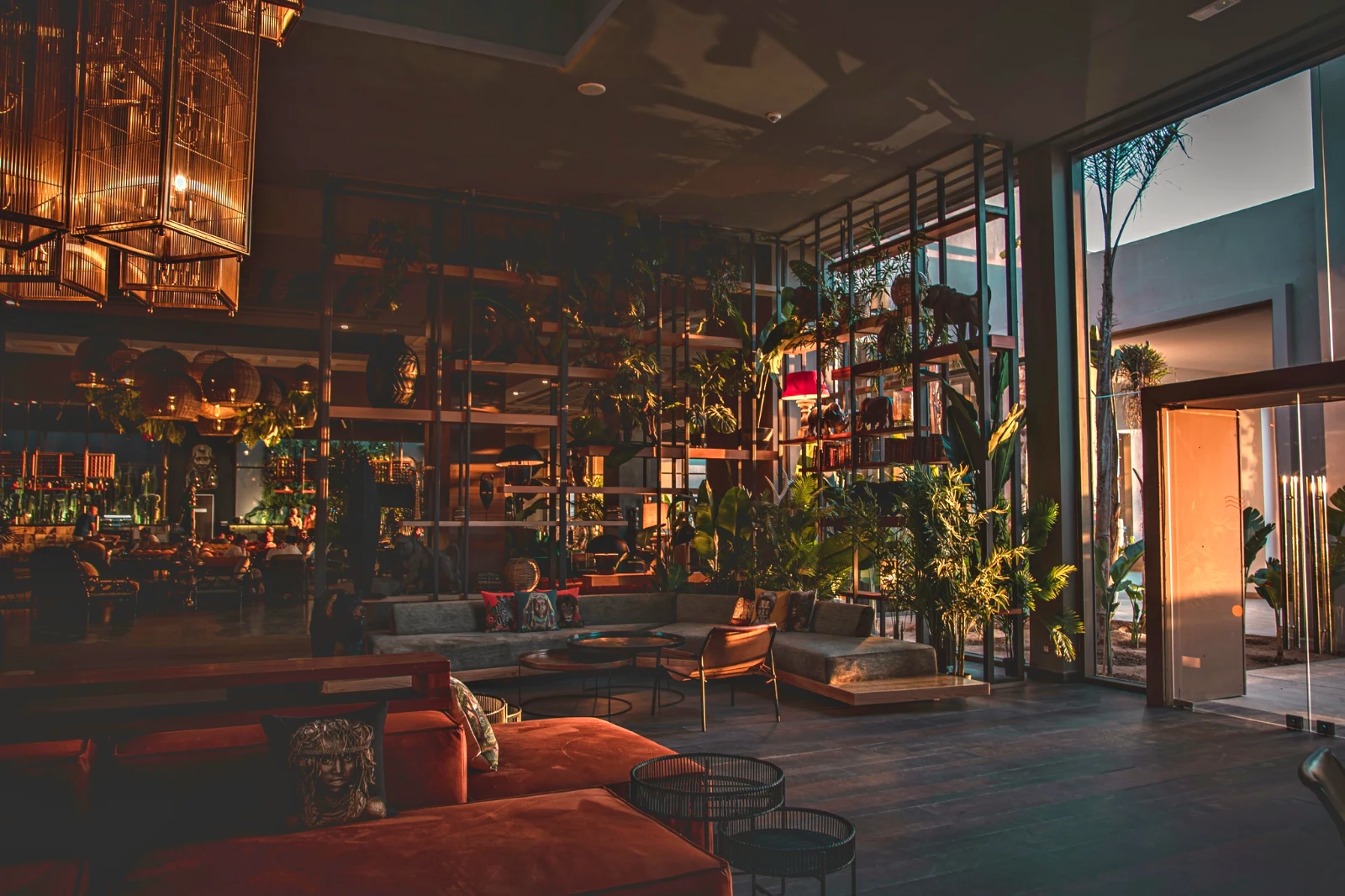 Warm Interior
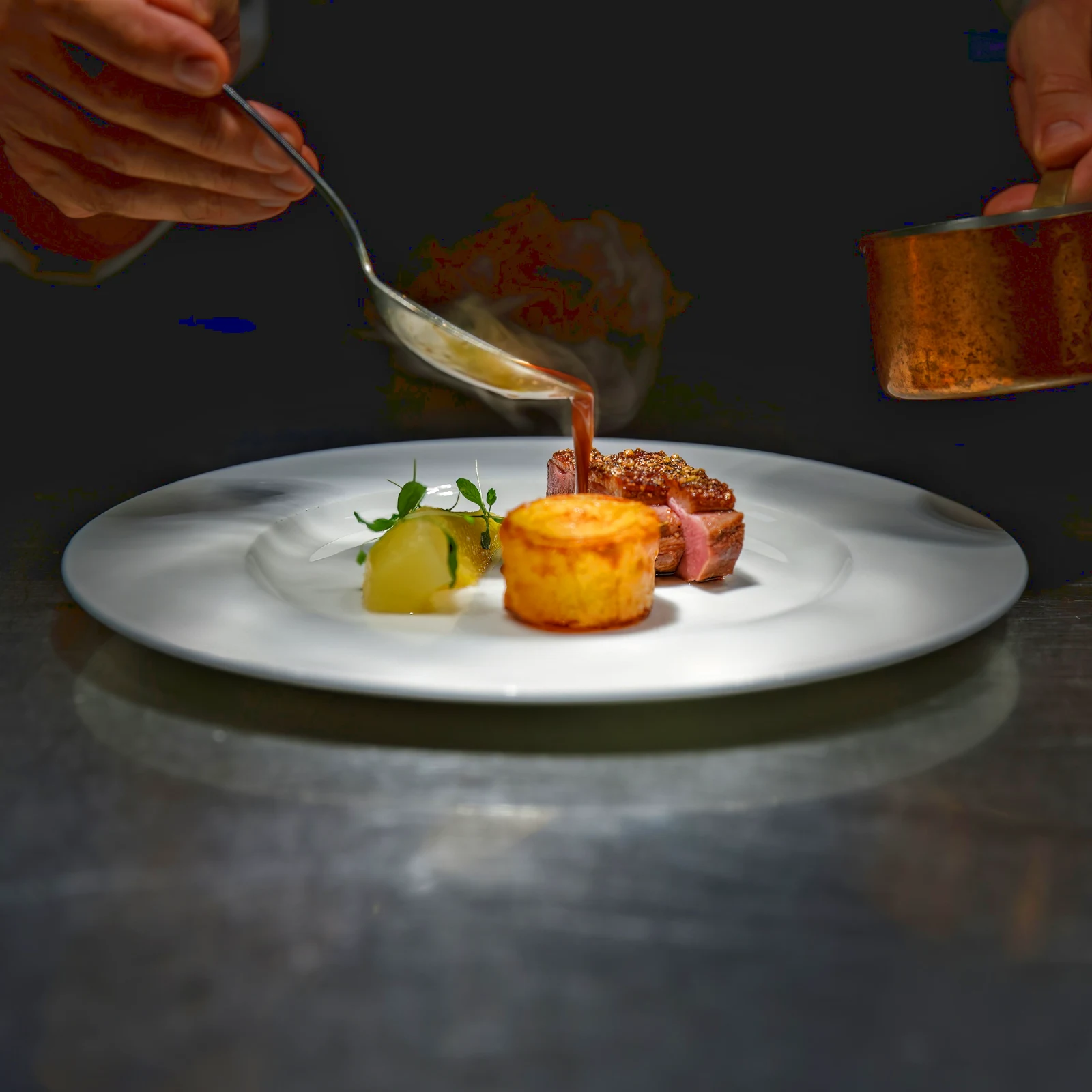 Twilight Glow
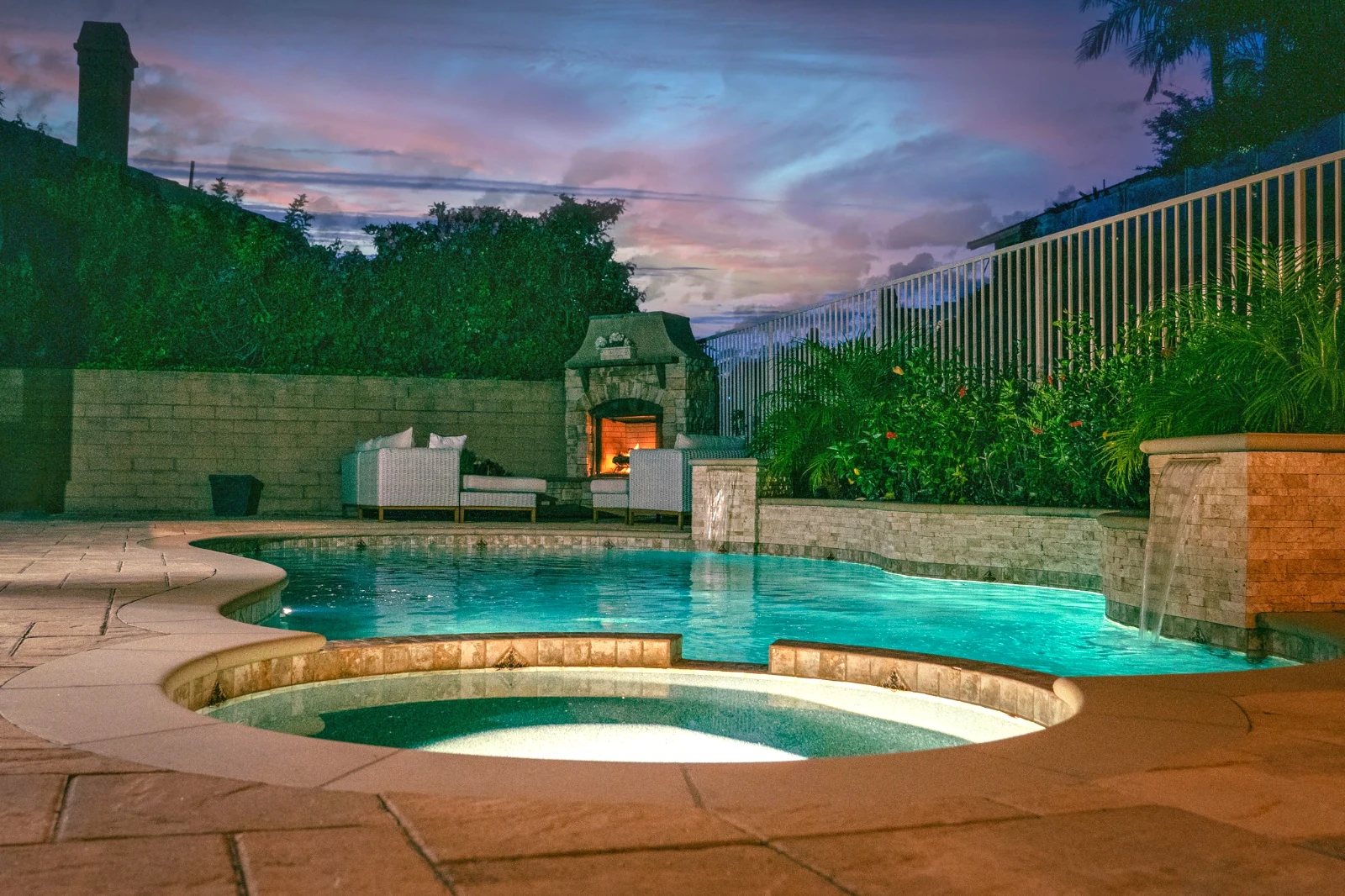 Bright and Airy
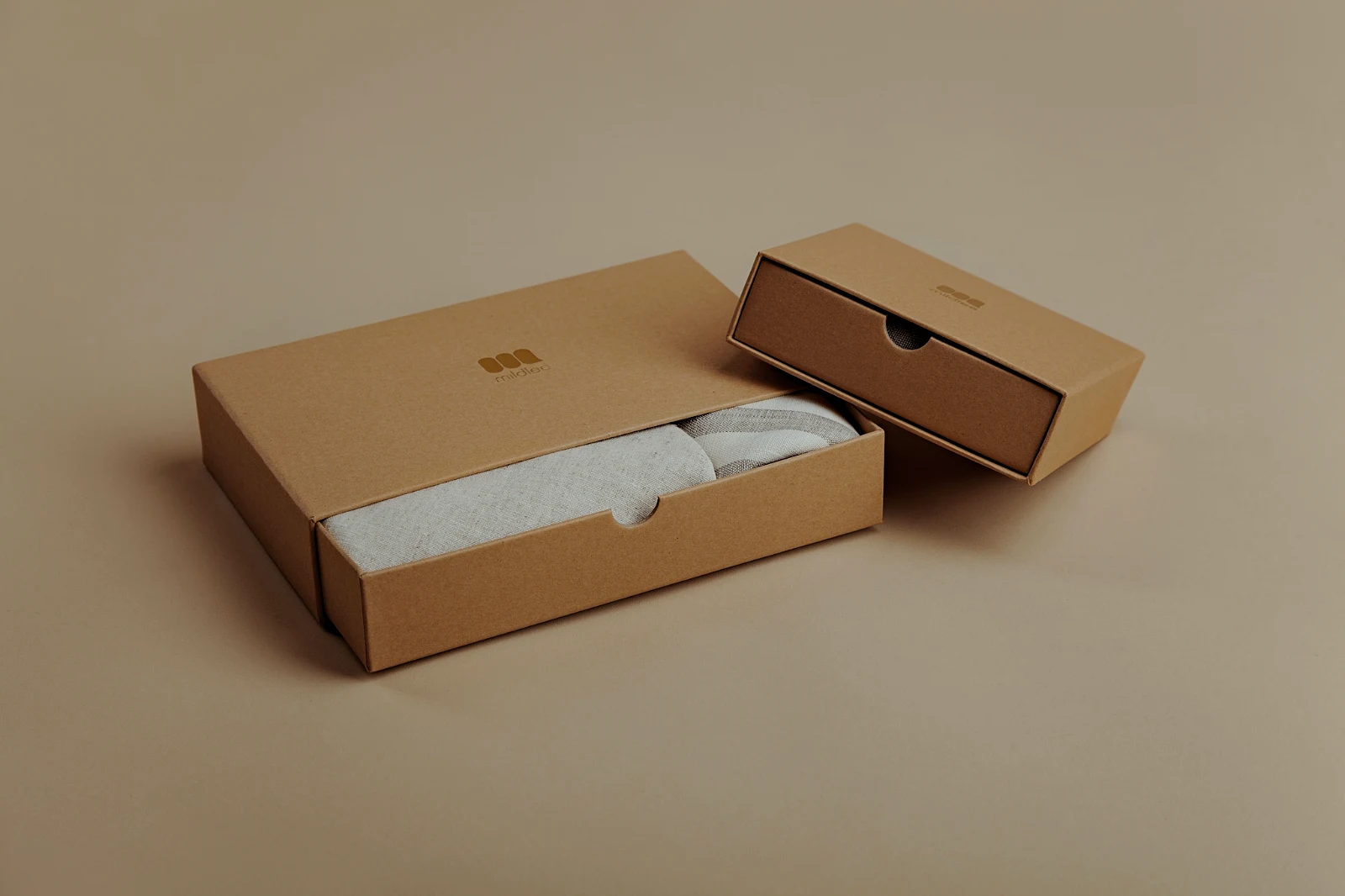 True ColorBright and AiryPunchy SocialPunchy SocialTrue ColorTrue ColorWarm InteriorTwilight GlowBright and AiryTrue ColorBright and AiryPunchy SocialPunchy SocialTrue ColorTrue ColorWarm InteriorTwilight GlowBright and AiryTrue ColorBright and AiryPunchy SocialPunchy SocialTrue ColorTrue ColorWarm InteriorTwilight GlowBright and AiryTrue Color
 Golden Hour WarmthSaya
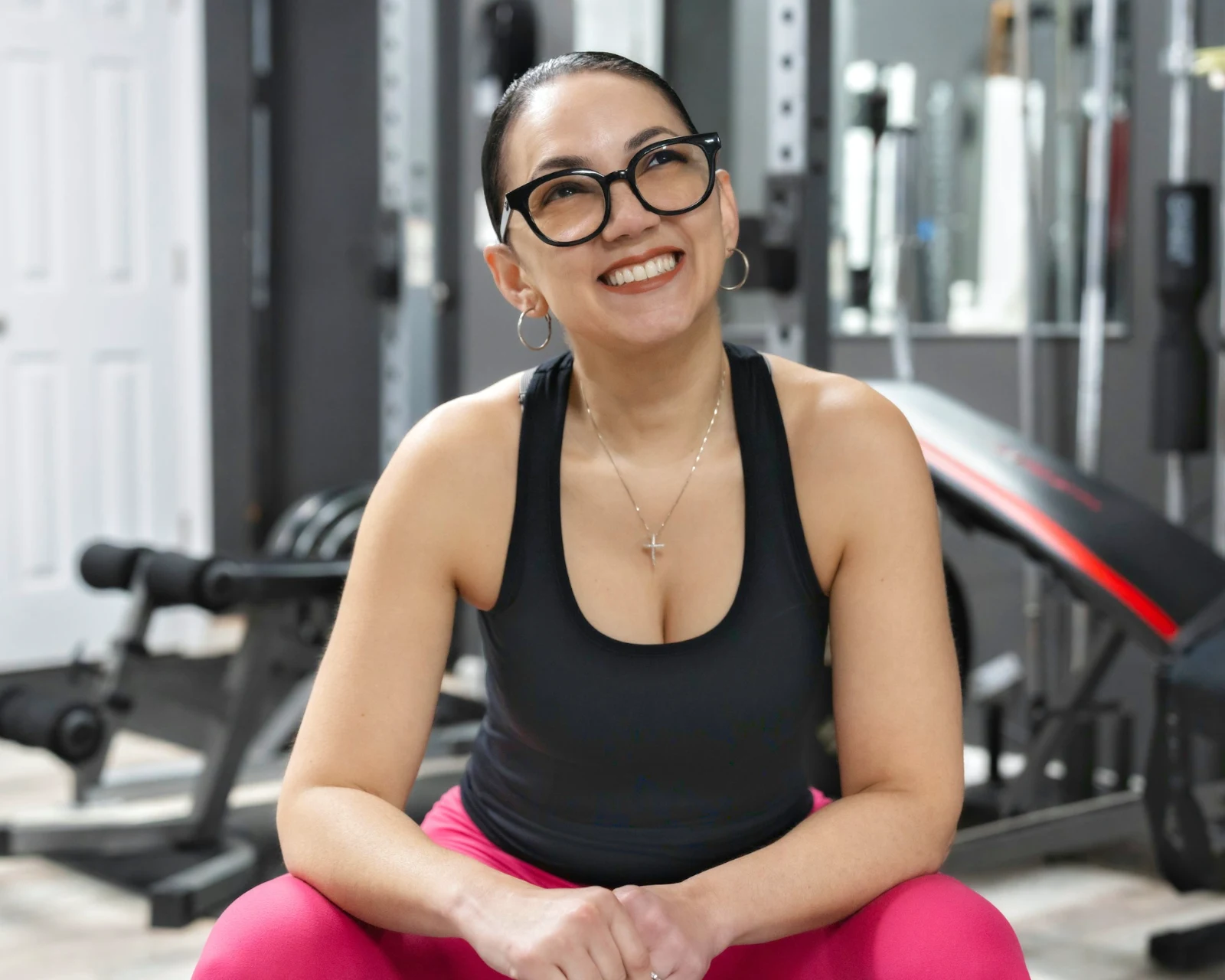 Soft Portrait
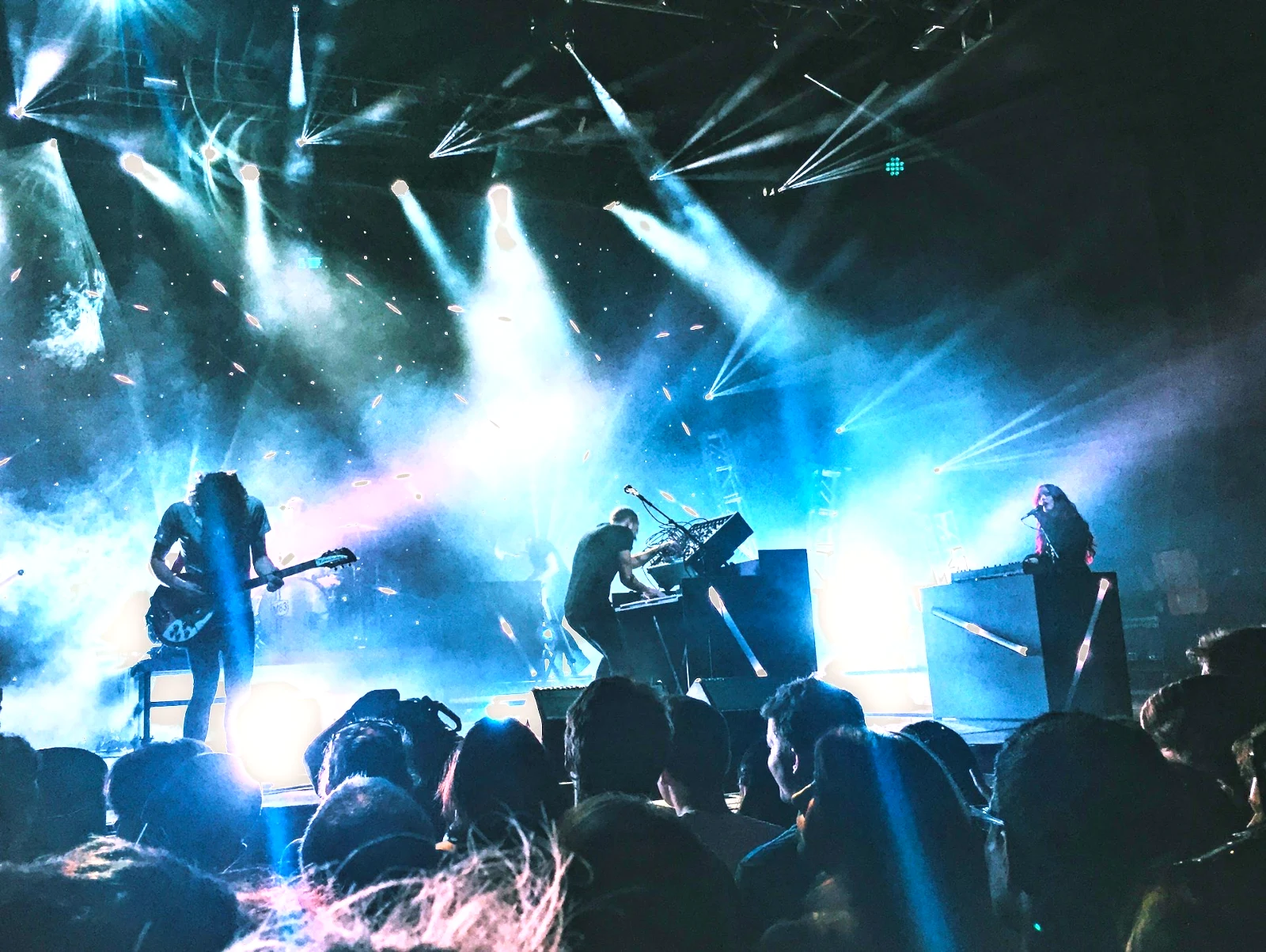 Punchy Social
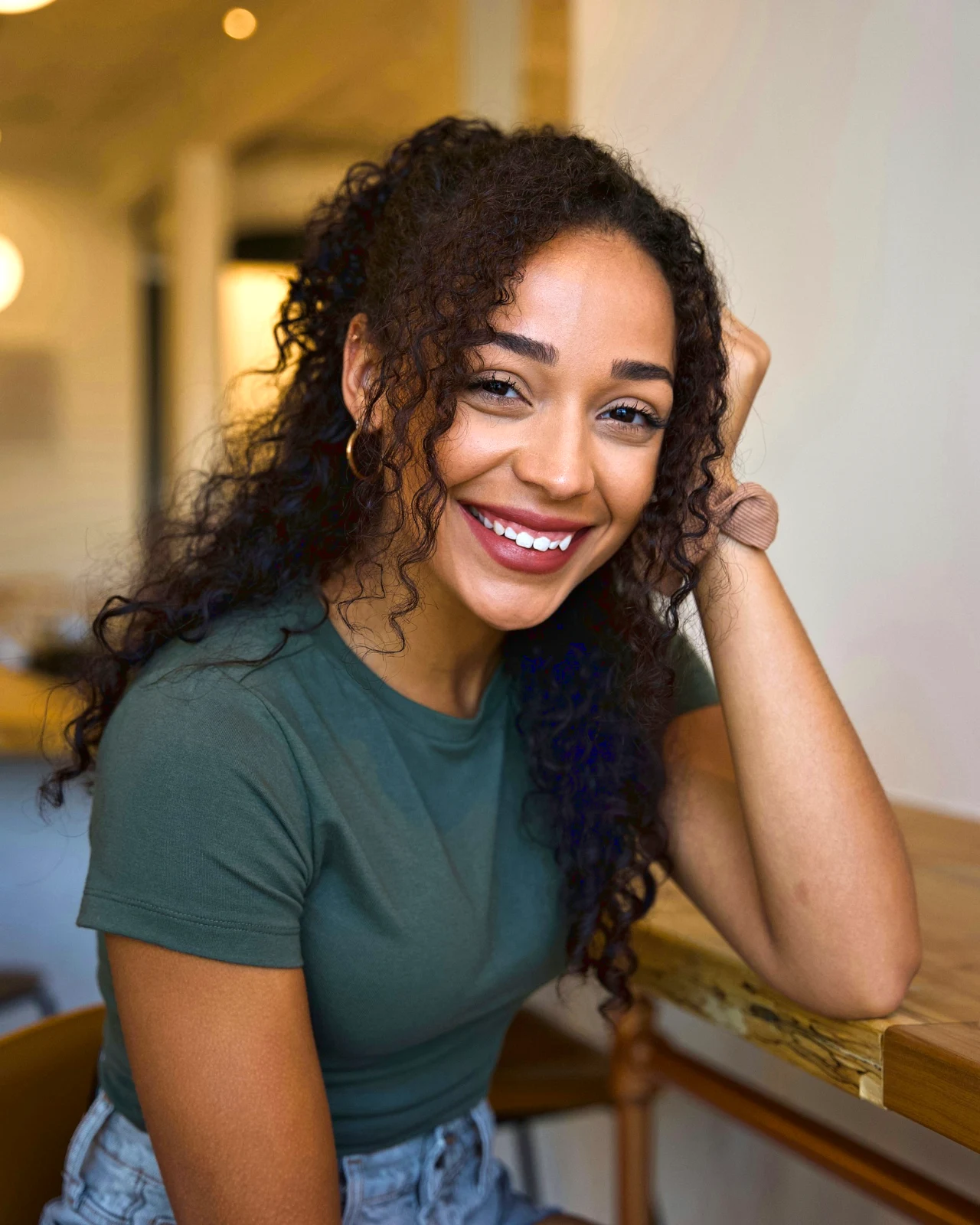 Punchy Social
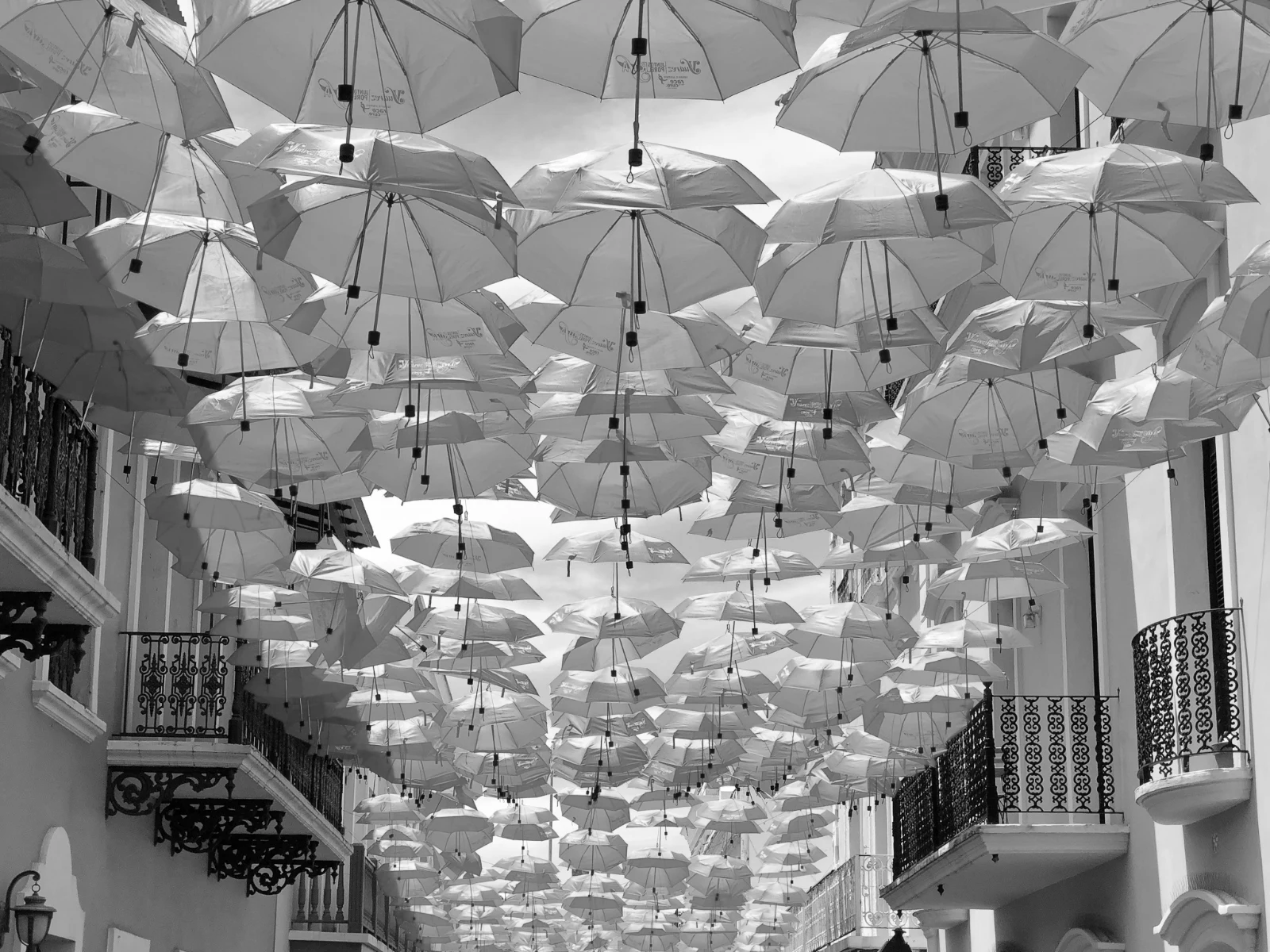 Hitam dan Putih
 Soft Portrait
 Soft Portrait
 Twilight Glow
 Soft Portrait
 Soft PortraitGolden Hour WarmthSayaSoft PortraitPunchy SocialPunchy SocialHitam dan PutihSoft PortraitSoft PortraitTwilight GlowSoft PortraitSoft PortraitGolden Hour WarmthSayaSoft PortraitPunchy SocialPunchy SocialHitam dan PutihSoft PortraitSoft PortraitTwilight GlowSoft PortraitSoft PortraitGolden Hour WarmthSayaSoft PortraitPunchy SocialPunchy SocialHitam dan PutihSoft PortraitSoft PortraitTwilight GlowSoft PortraitSoft PortraitBright and AiryPunchy SocialPunchy SocialTrue ColorTrue ColorWarm InteriorTwilight GlowBright and AiryTrue ColorGolden Hour WarmthSayaSoft PortraitPunchy SocialPunchy SocialHitam dan PutihSoft PortraitSoft PortraitTwilight GlowSoft PortraitSoft Portrait
Dari syuting hingga pilihan pelanggan
Satu editor pada dua kedalaman: mudah untuk semua orang, setiap kawalan untuk orang yang mengedit sebagai pekerjaan.
Perpustakaan
Setiap foto yang disimpan oleh akaun ini.
Penyingkiran
Bendera, Terbaik Pertama dan gambar serupa.
Automatik dan Penampilan
Satu sentuhan, atau pandangan anda sendiri.
Laraskan
Cahaya, warna, garisan dan bahagian.
Auto Dalam Jumlah
Satu set lengkap dalam satu larian.
Lapisan
Pilihan, topeng dan cat.
Galeri
Pelanggan memilih dan mencatat.
Hantar Kepada
Reka bentuk, laman web, senarai.
Di Telefon
Foto skrin penuh.
Masukkan setiap foto, dan cari semula
Muat naik dari meja, kamera atau gelung kamera, atau kongsi foto ke Foto dari mana-mana aplikasi. Setiap foto yang akaun simpan dalam Depot ada dalam Perpustakaan, dijumpai semula oleh bintangnya, tagnya, pilihan pelanggan atau carian.
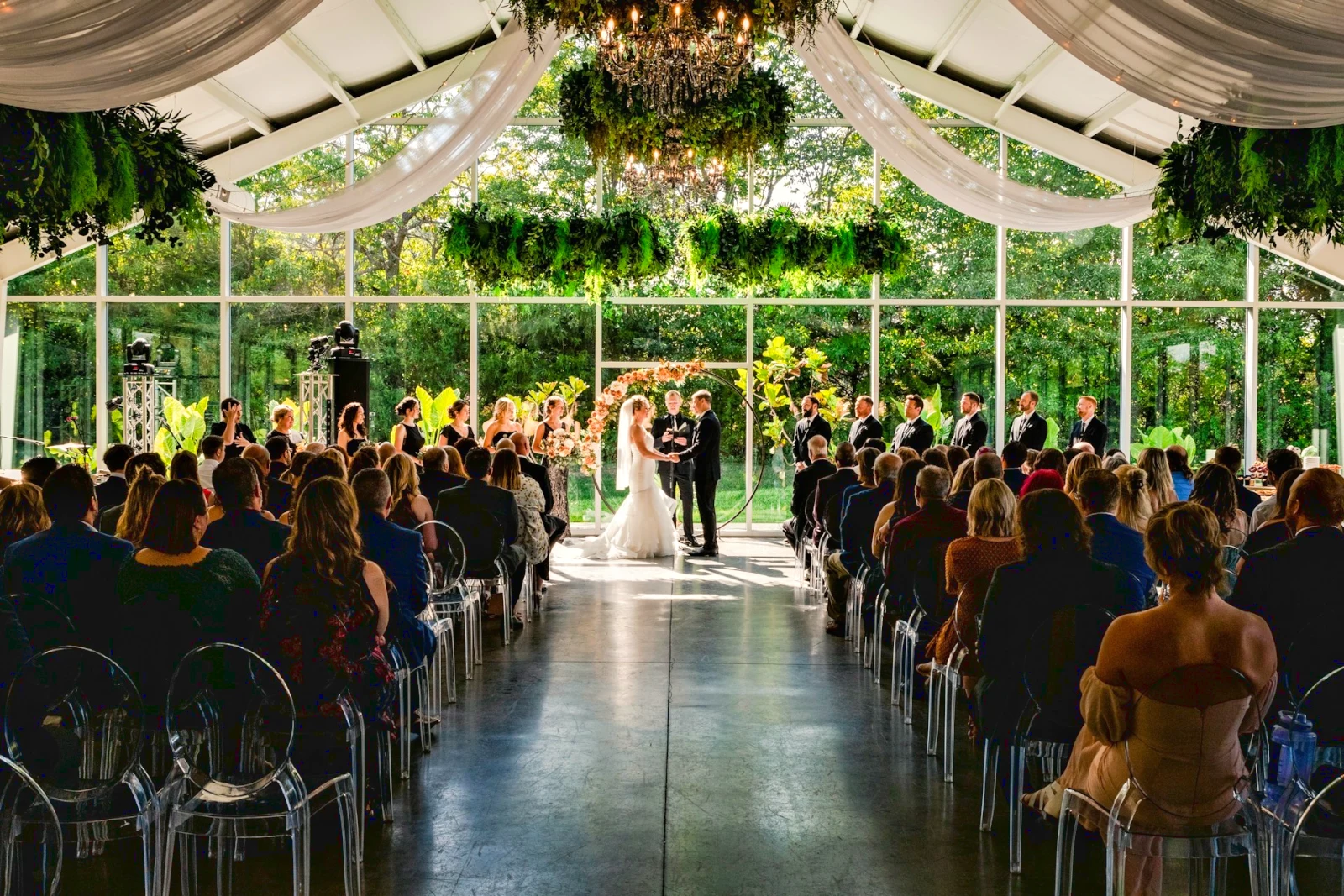 Disunting
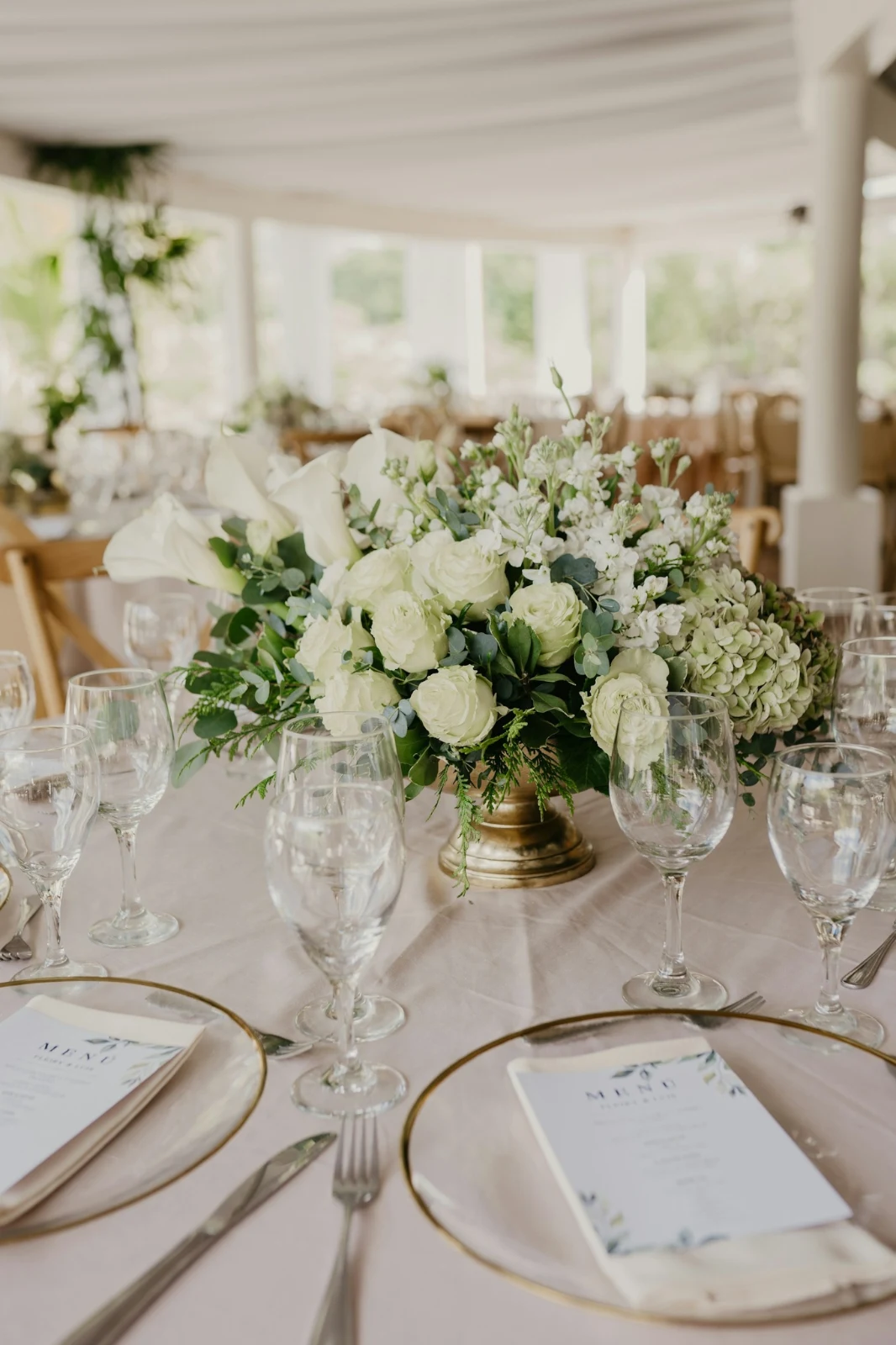

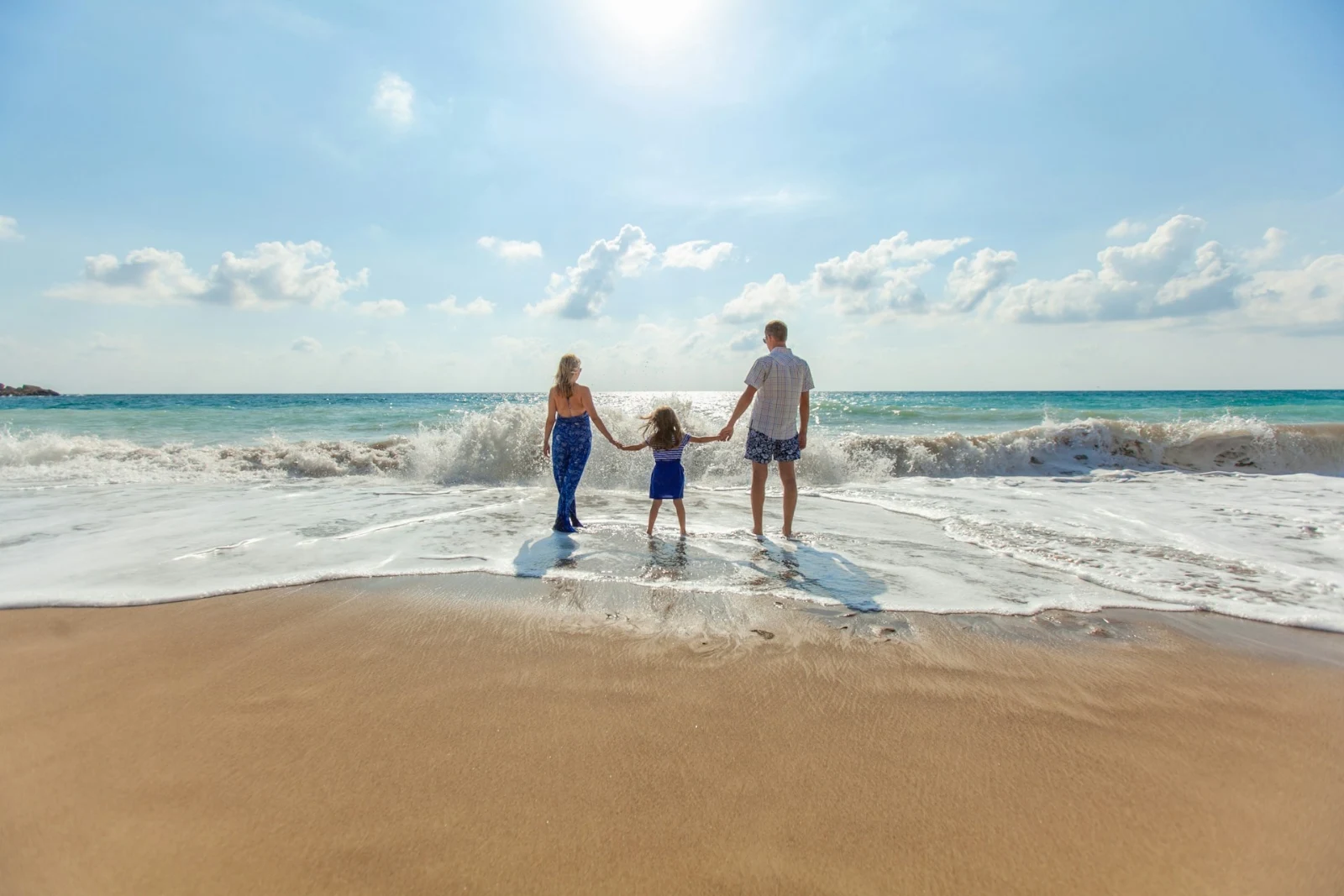

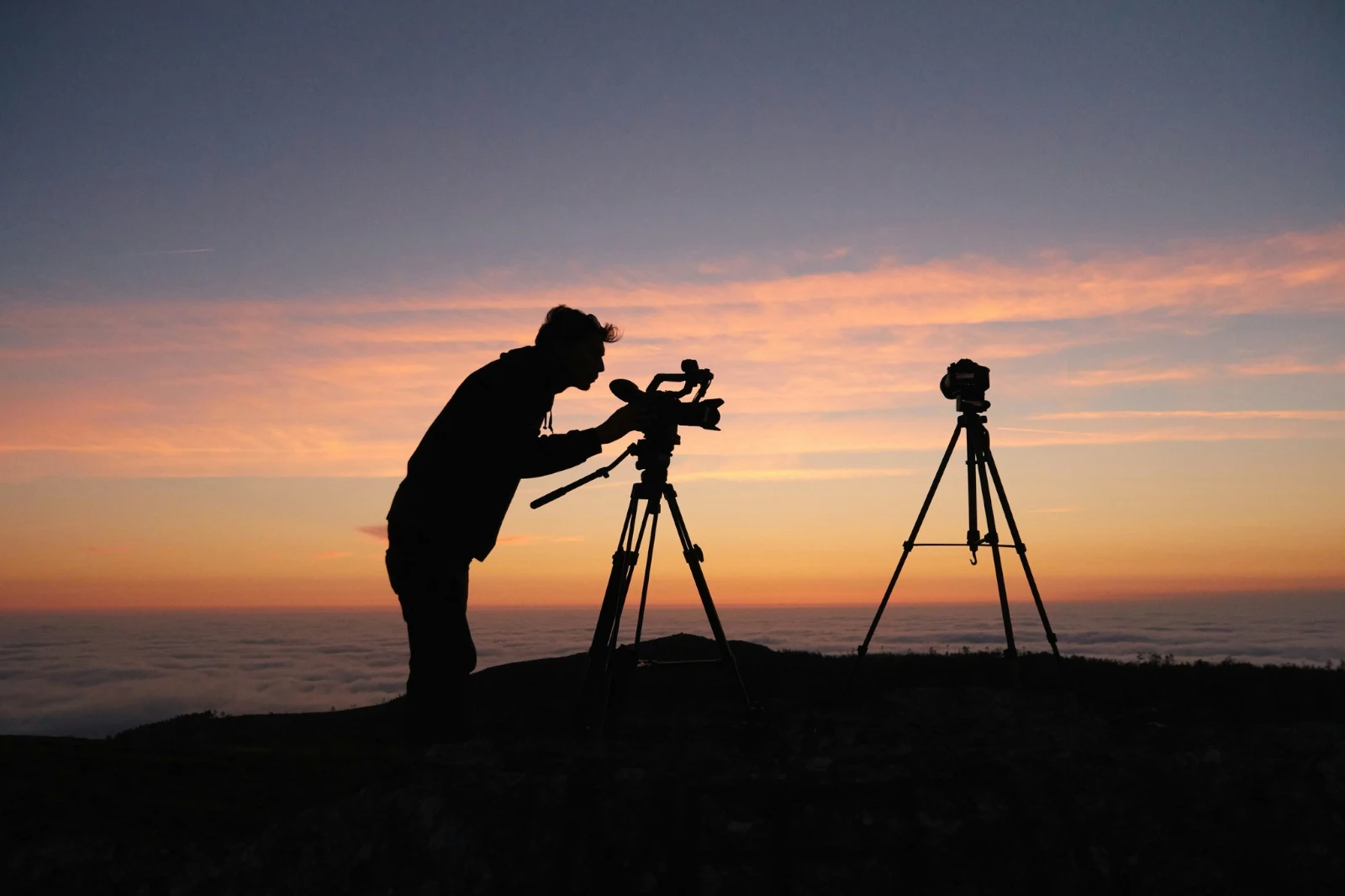
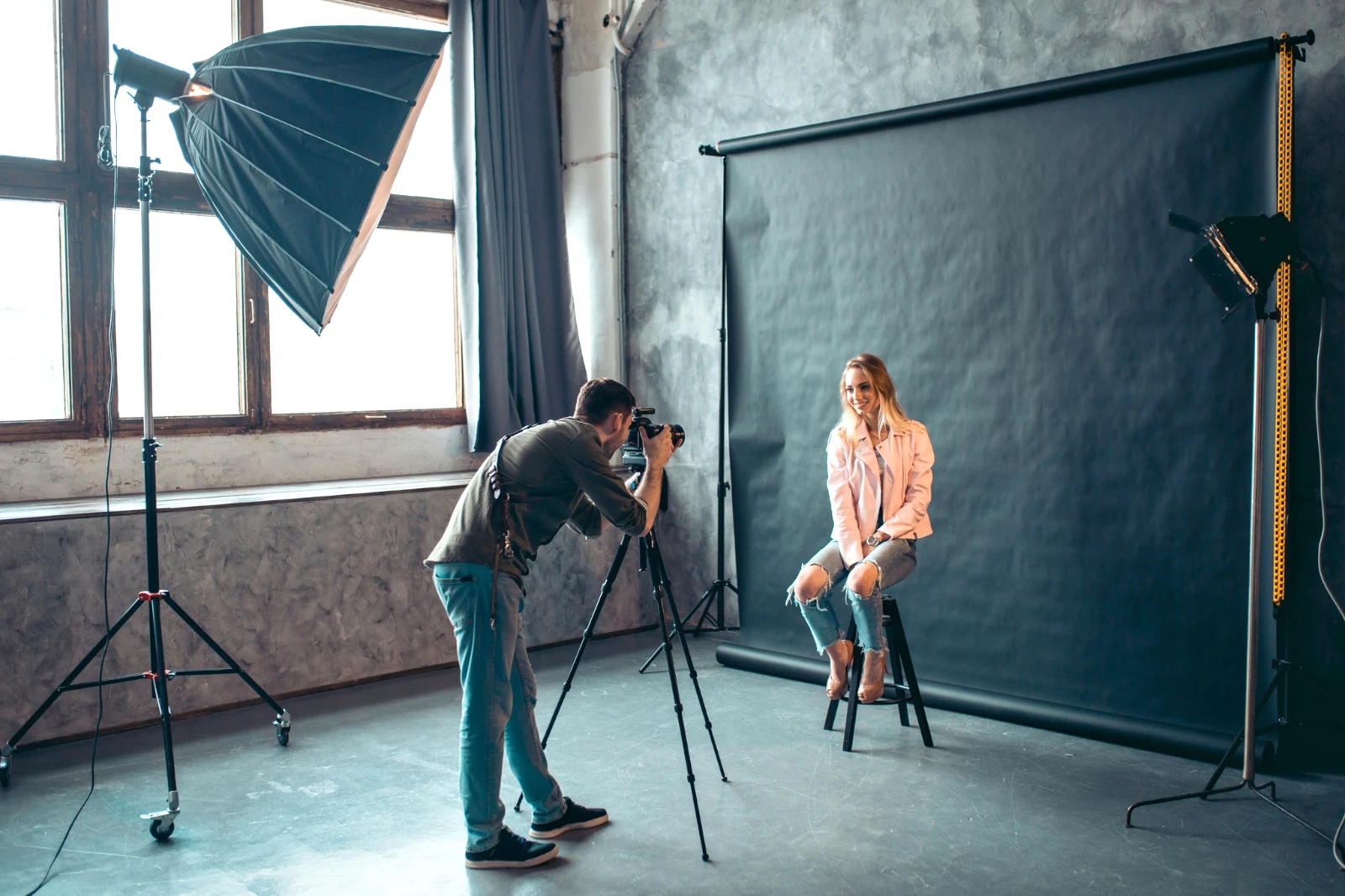 Disunting
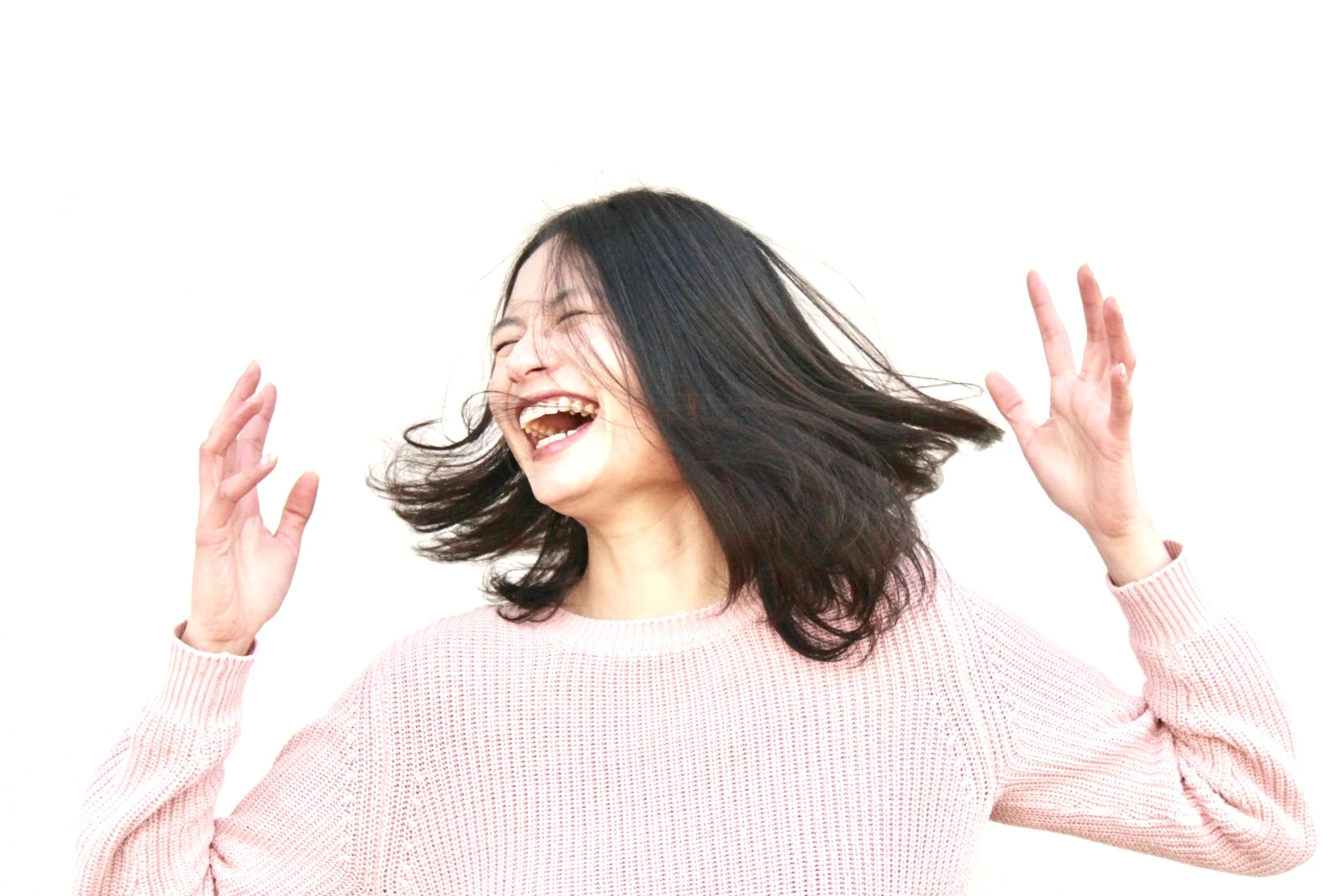 Disunting
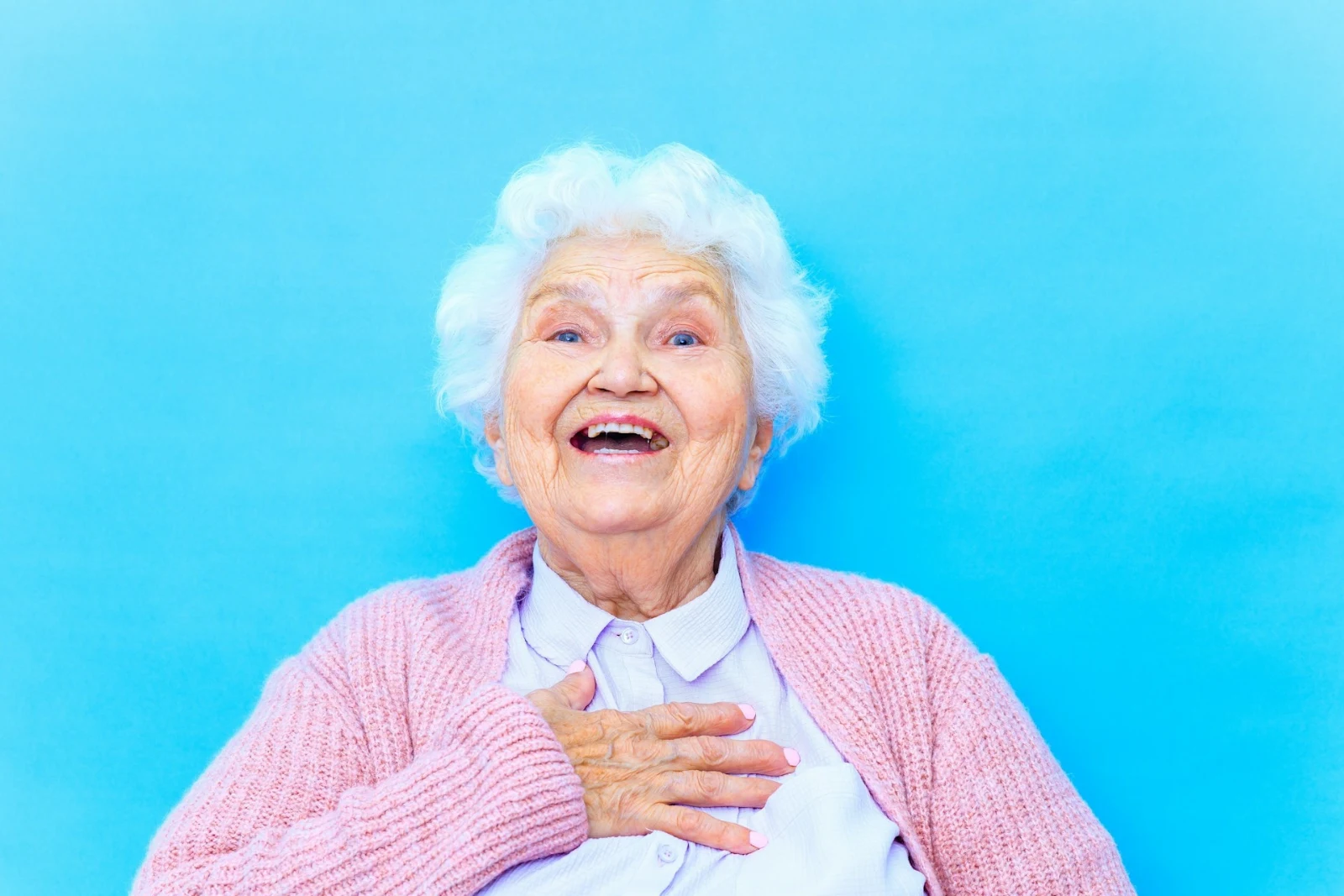

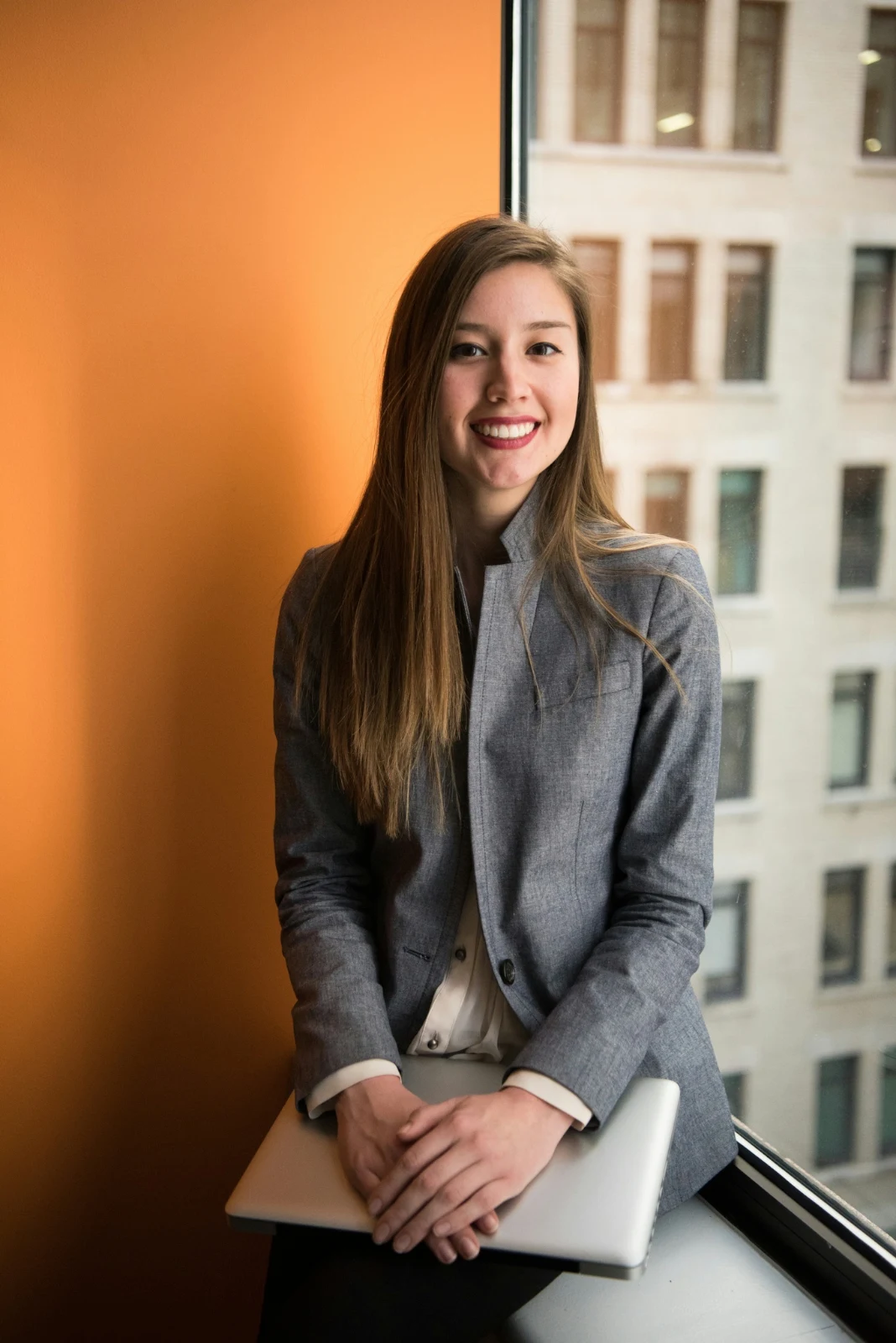
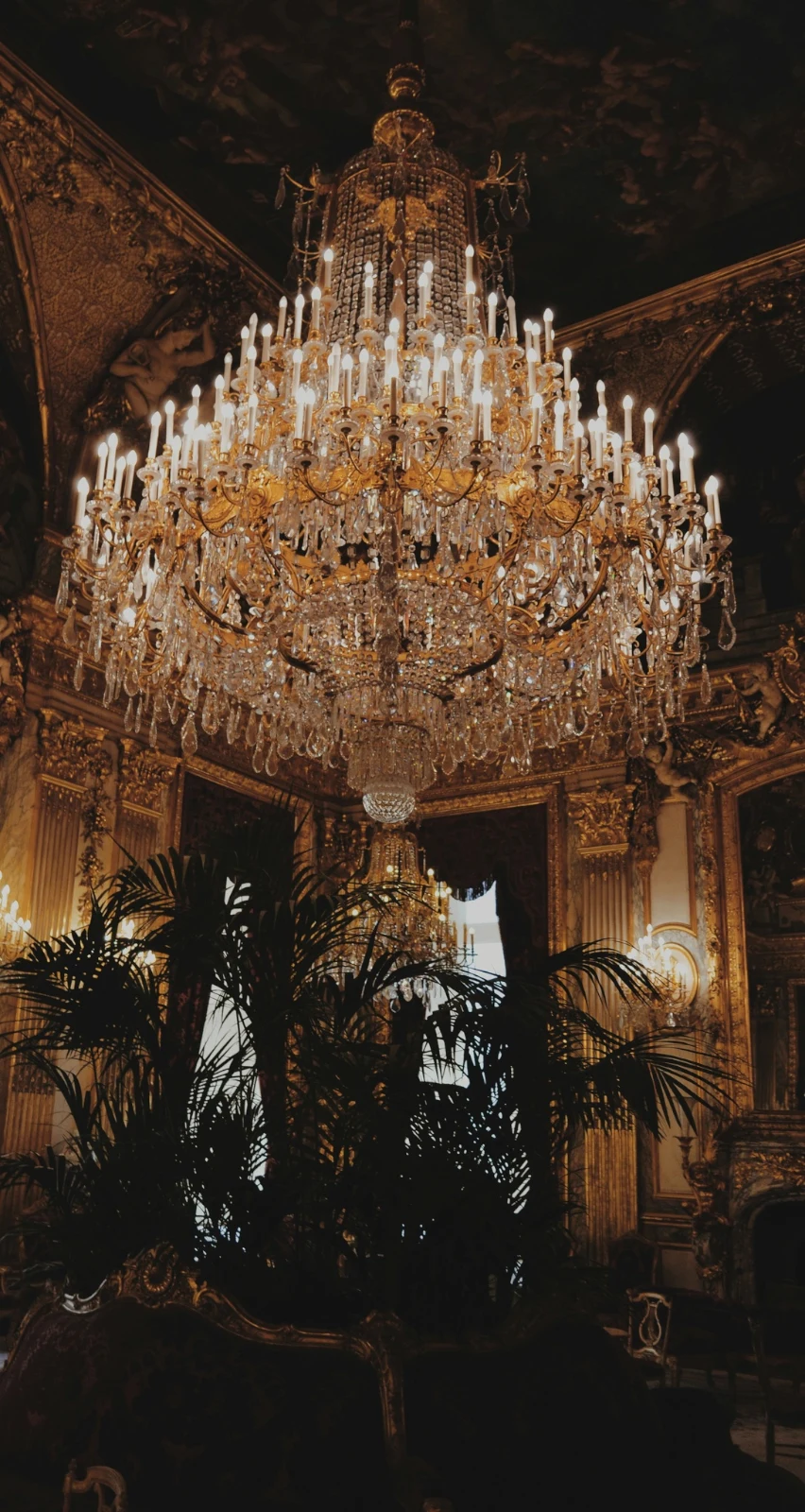

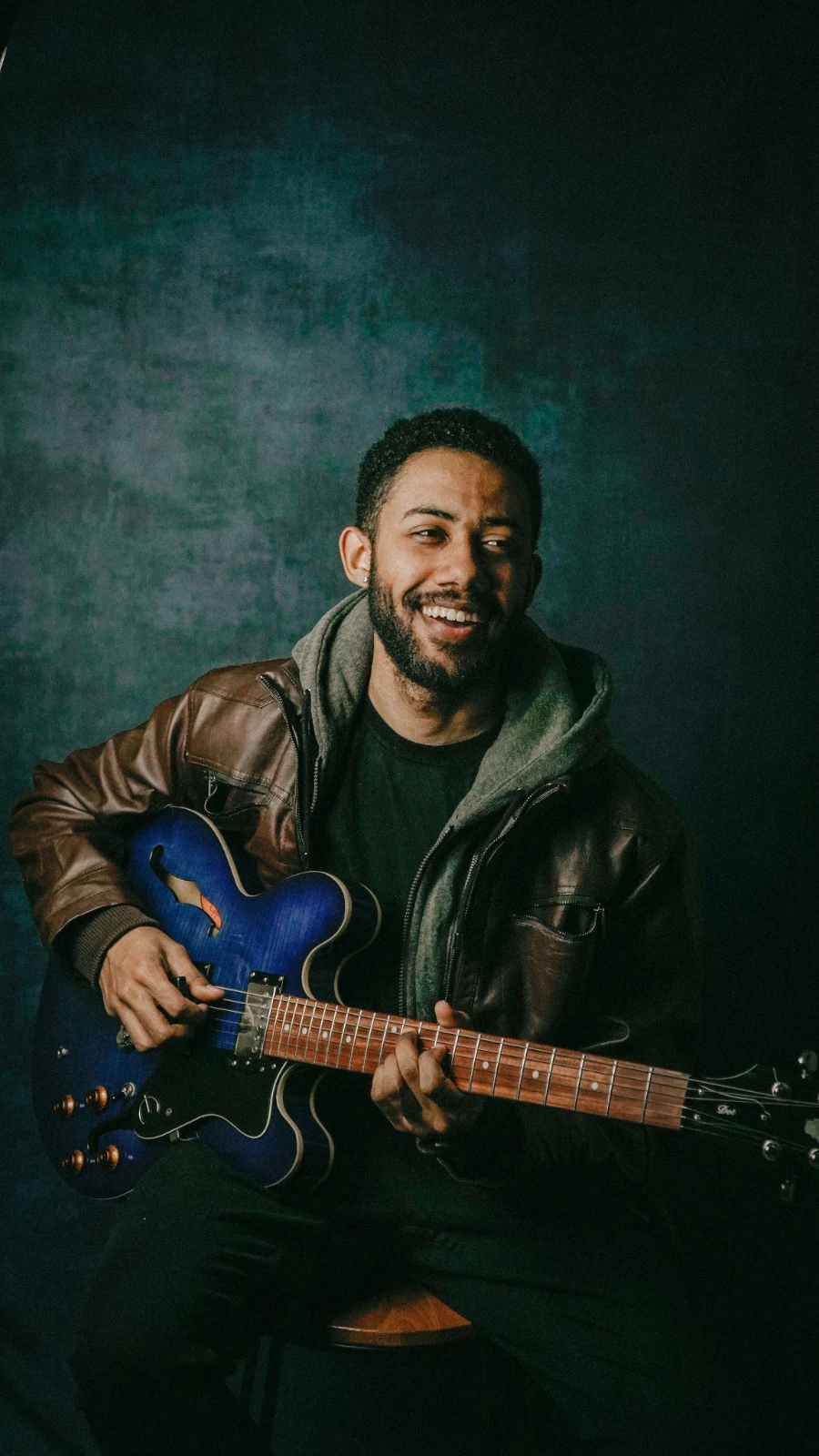
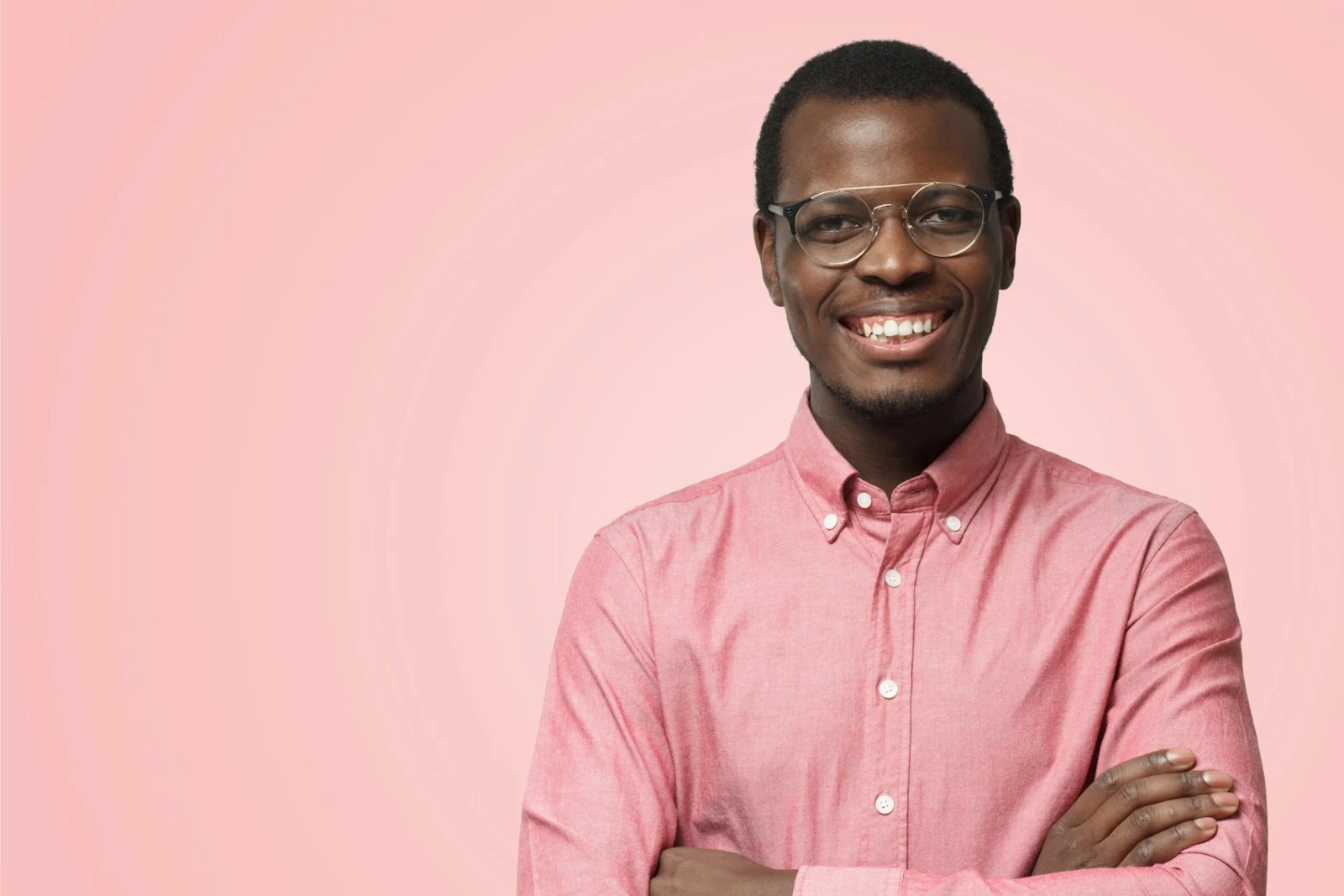
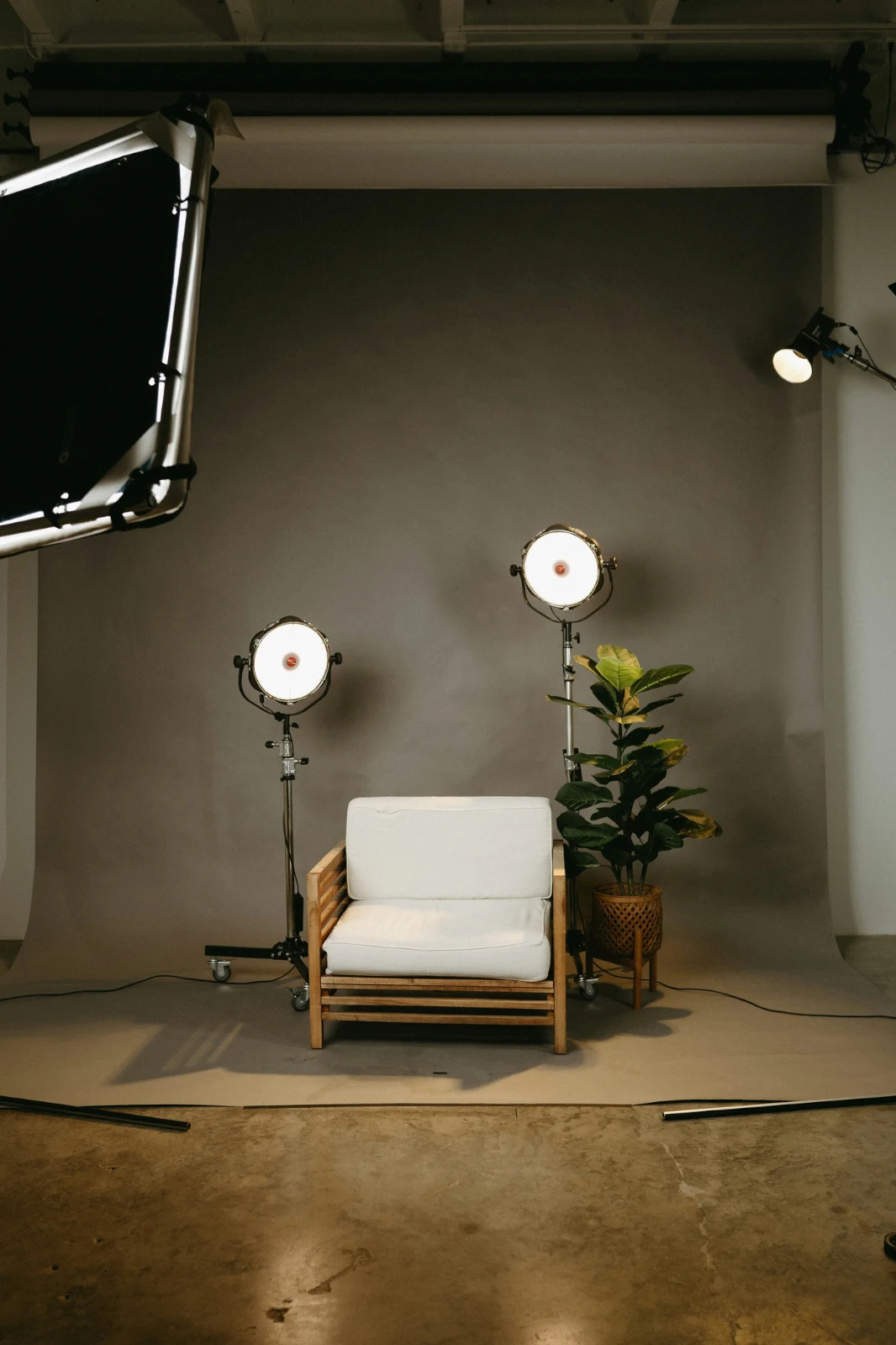
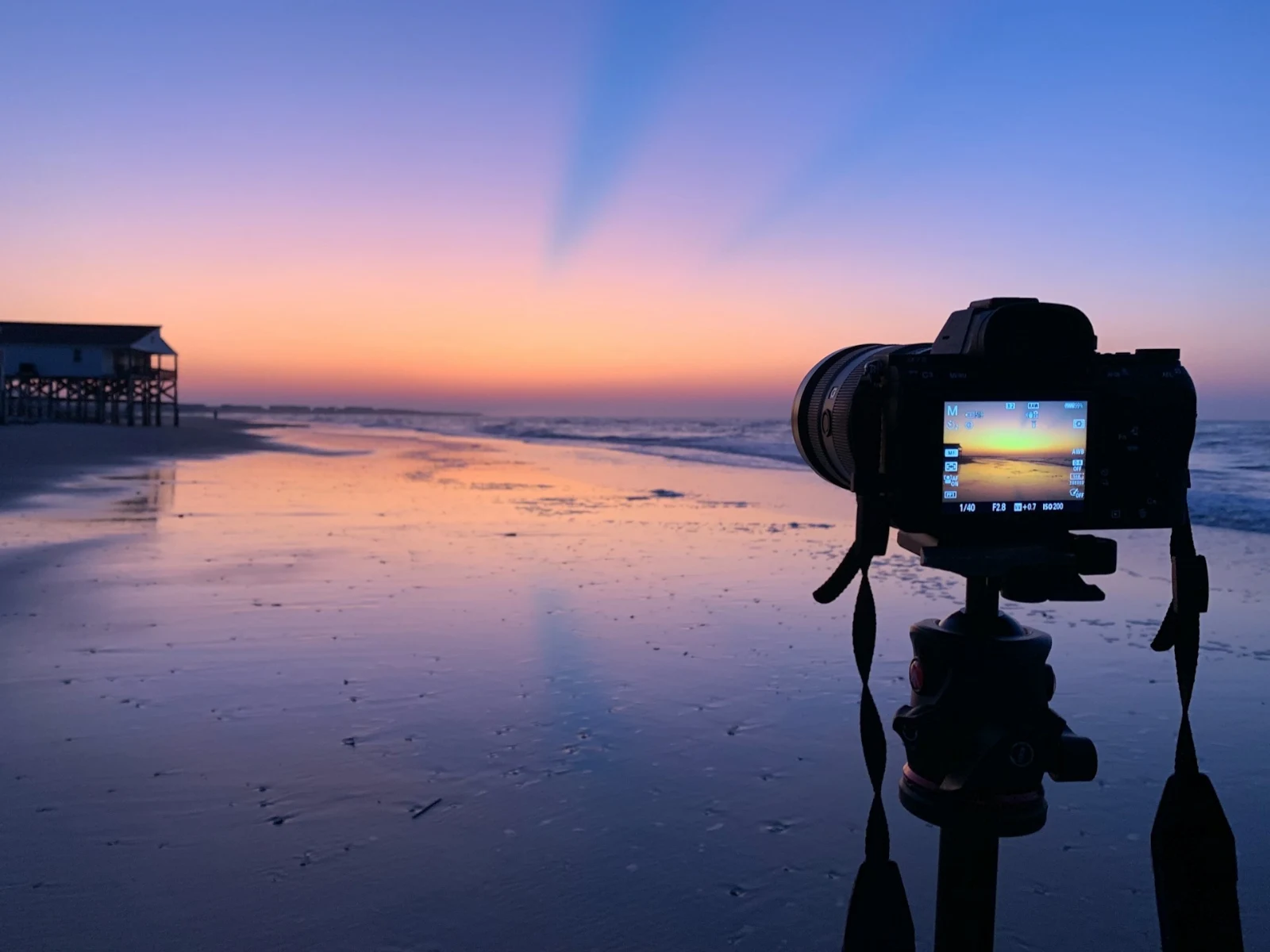
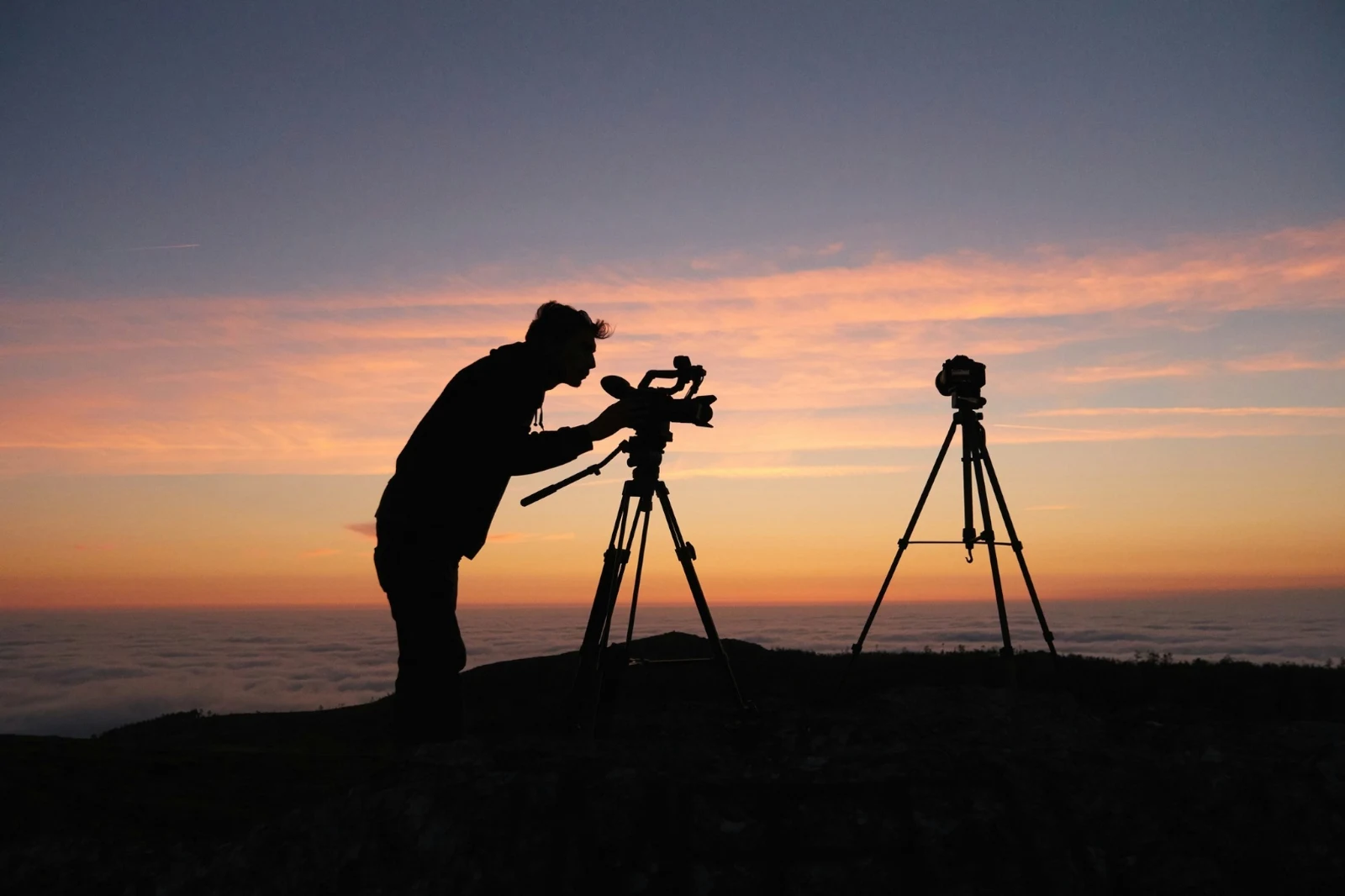

Bintang dan Tag
Bintang dan tag yang sama seperti Depot, Dokumen dan Studio.
Hub dan Folder
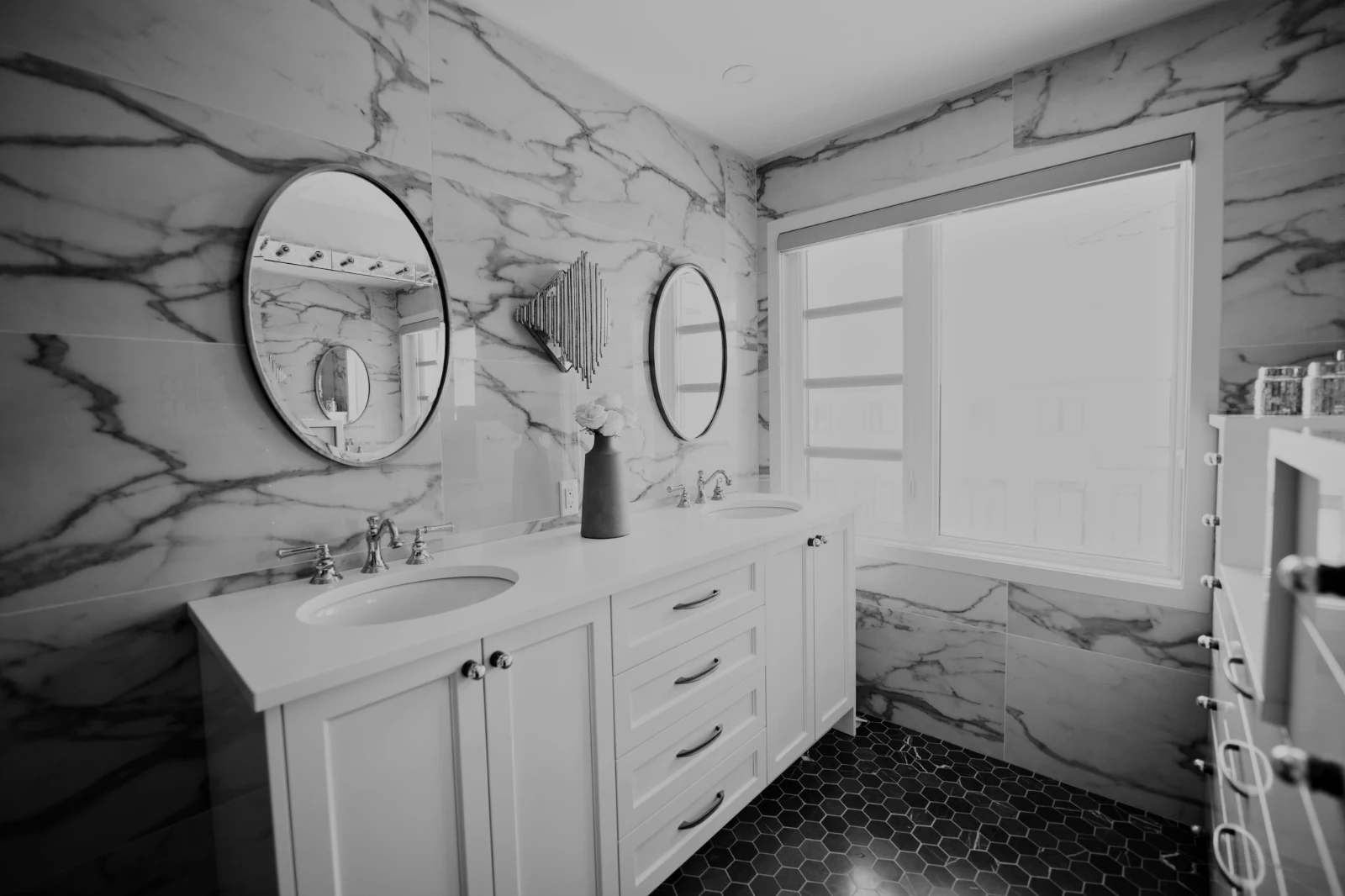
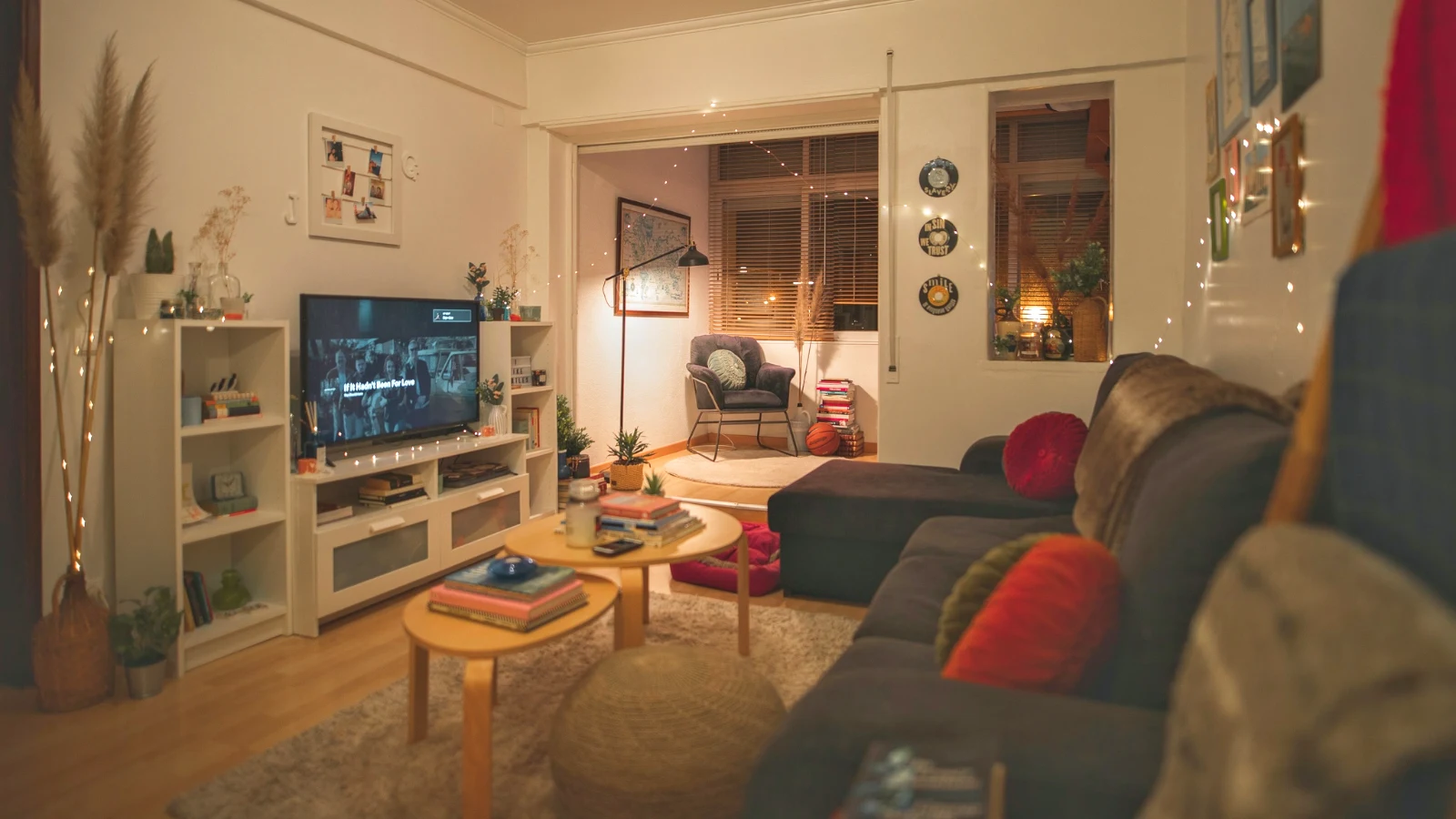
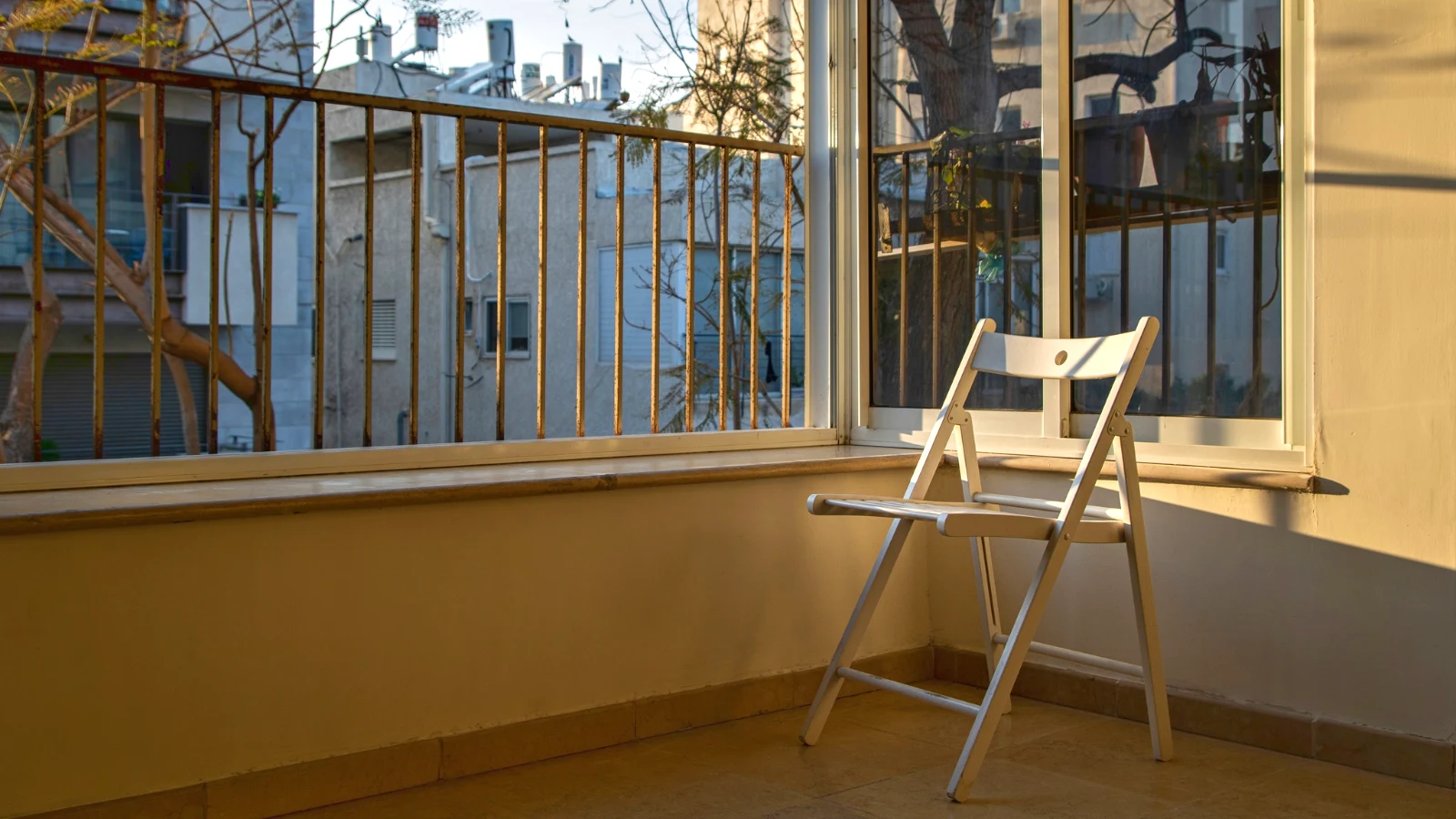
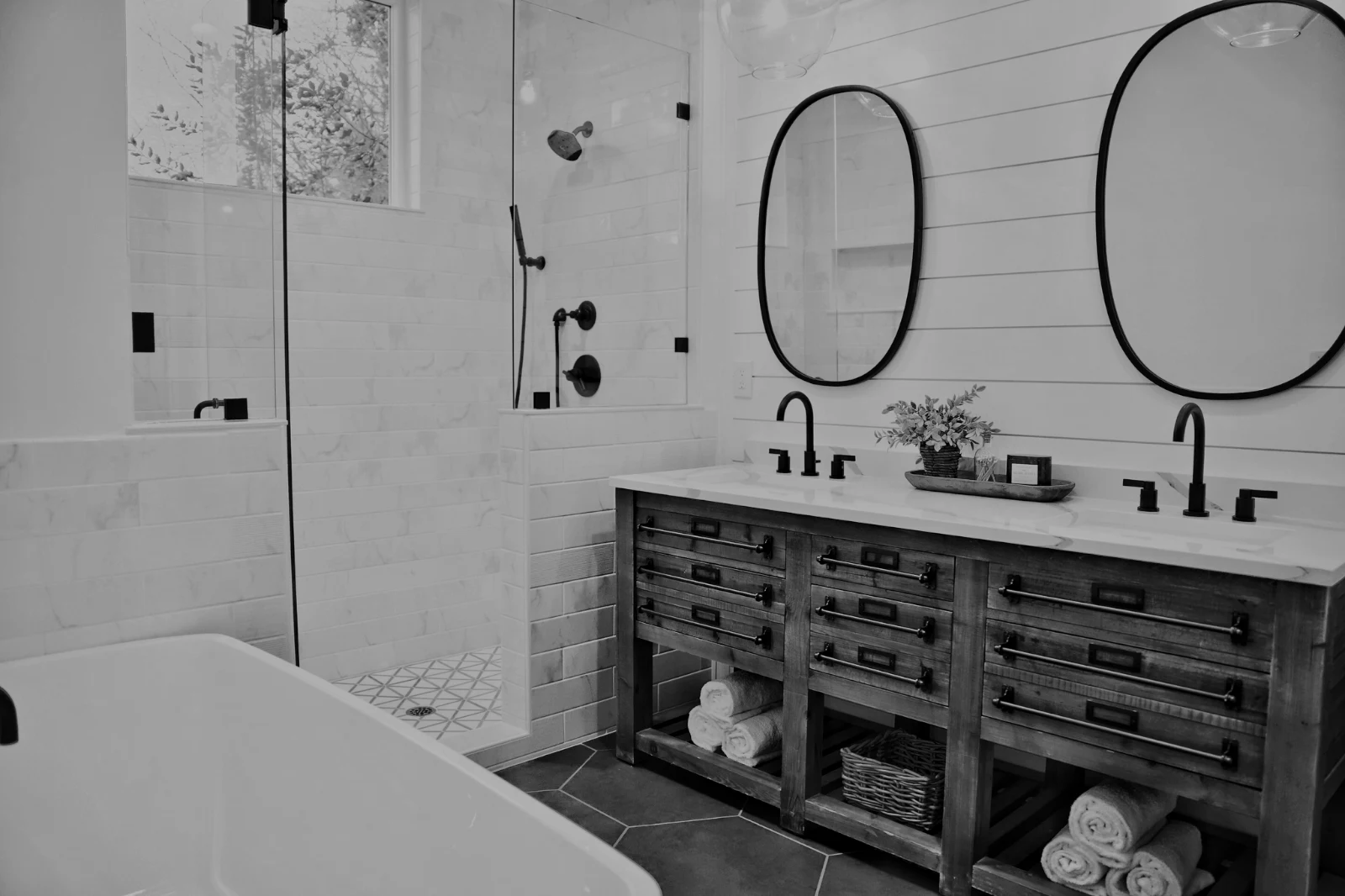
Foto Hub secara sendiri; Pindah Ke… Folder (dengan Depot).
RAW dan HEIC
RAW dihasilkan pada peranti, atau pada pelayar jika tidak dapat dilakukan di peranti.
Penangkapan Berterusan
Kamera pada USBKamera disambungkan · Canon EOS R6 Mark II
 Paparan LangsungTembakHentikan Paparan Langsung
Telah tibaGambar dari kamera mendarat di sini dan dalam Pusat Muat Naik Kamera.
Terapkan kepada Setiap Bingkai BaruTerapkan True Color AW27_flatlay_01.jpg
 AW27_packing.jpg
 AW27_unboxing.jpg
 AW27_shelf.jpg
 AW27_tote.jpg
Ambil gambar terus ke Foto melalui USB dengan Live View, atau dari muat naik Wi-Fi sendiri kamera.
Cari penjaga tanpa melihat setiap bingkai
Setiap foto dibaca selepas ia diunggah: fokusnya, pendedahannya, dan sama ada mata sesiapa tertutup. Susun Terbaik Pertama, tunjuk tembakan terbaik yang disyorkan, tapis mengikut setiap bendera, dan bandingkan tembakan yang serupa bersebelahan. Tiada apa-apa yang ditanda bintang untuk anda: anda yang memilih pemegangnya.
 Closed EyesMissed FlashMissed FocusBlurryBlack Frame
Mata Tertutup dan Fokus Hilang
Ditandakan pada gambar, sama seperti Buram, Bingkai Hitam dan Kilat Terlewat, setiap satu adalah penapis.
Closed EyesBlurryMissed FocusMissed FlashBlack FramePerbaiki foto dengan satu sentuhan, atau terapkan gaya
Auto membaca foto pada peranti anda, menetapkan penyesatnya dan memberi nama kepada setiap satu yang digerakkan; Undo meletakkan semula foto tersebut. Looks menyimpan gaya Calisto dan gaya anda sendiri, yang sesuai dengan foto terlebih dahulu, dan Save Look menyimpan sebarang edit sebagai salah satu milik anda.
Gaya Anda
Auto menggerakkan seperti cara anda menggerakkannya, belajar daripada suntingan anda sendiri; setiap nilai adalah pemutar.
Rupa Cadangan
Gaya yang dibuat untuk foto seperti ini, pertama dalam senarai.
Tindakan
Rakam langkah anda sekali dan mainkannya pada mana-mana gambar atau keseluruhan pilihan.
Lembaran Sentuhan
Pilihan yang dicetak pada grid dengan nama, bintang, pilihan dan bendera, sebagai fail PDF.
Padankan Foto
Cahaya dan warna foto lain, ditetapkan sebagai penyesuai bagi yang ini.
Bukan Asalnya
Satu penyuntingan duduk di sebelah foto dengan sejarahnya; asal kekal seperti yang datang.
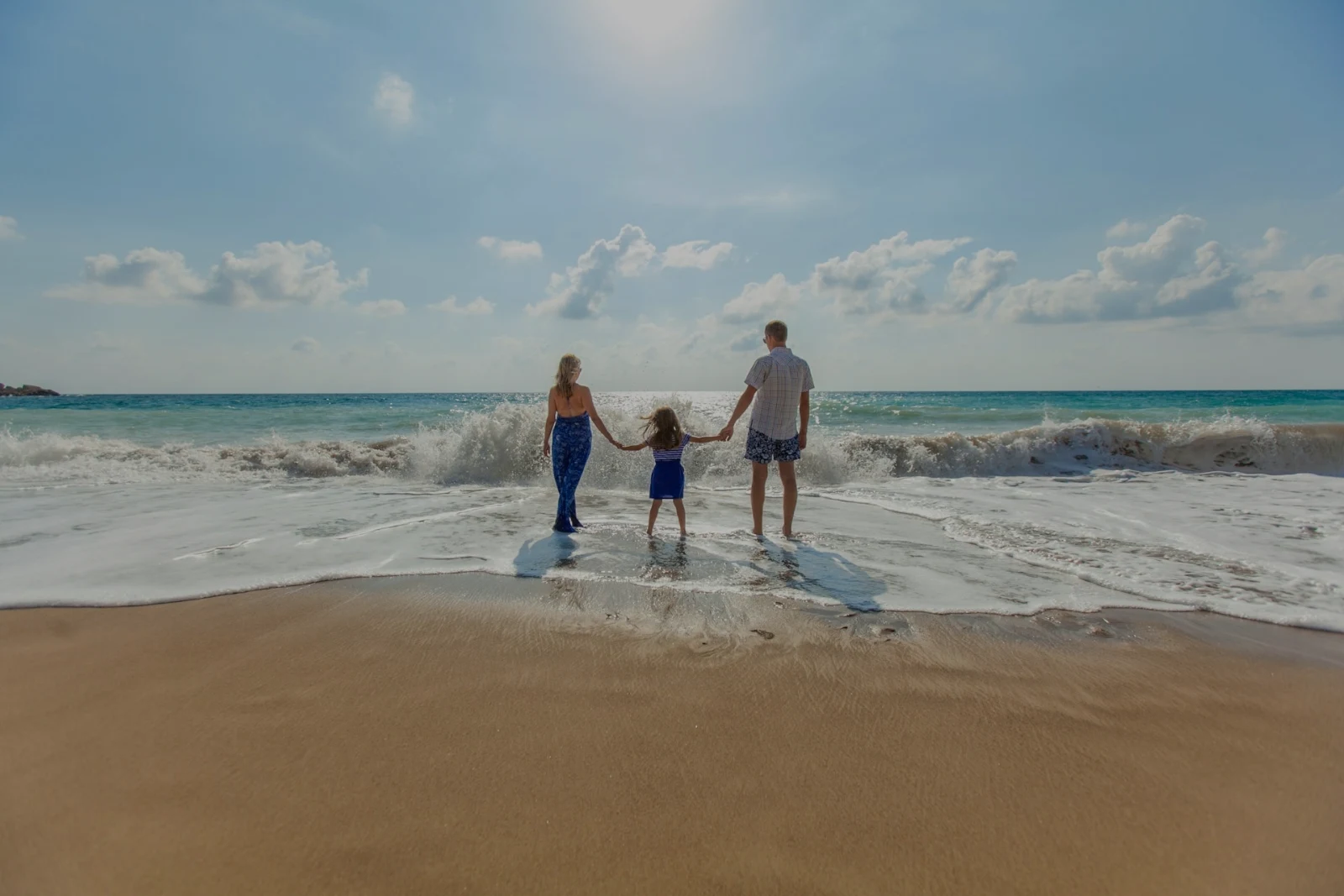
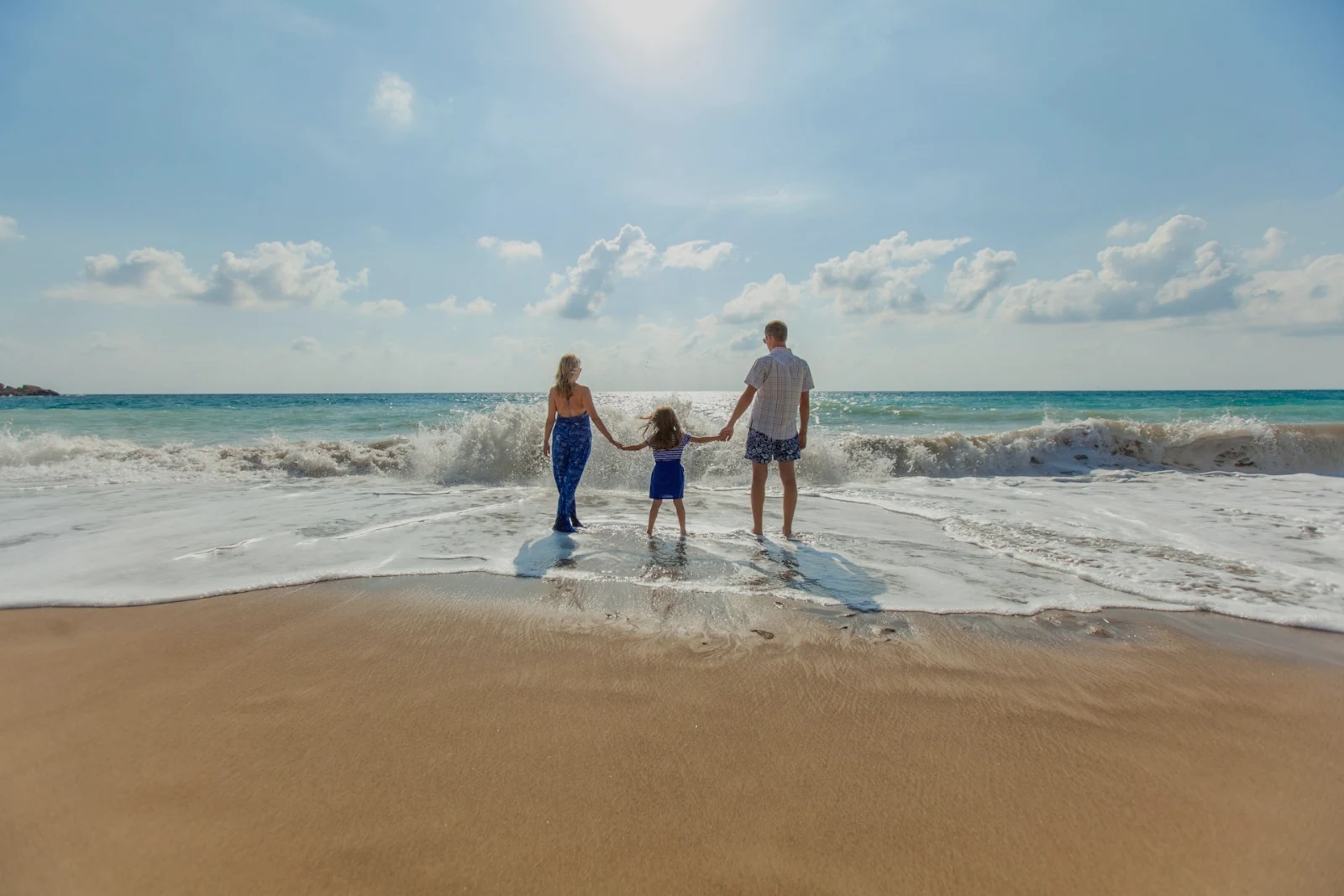
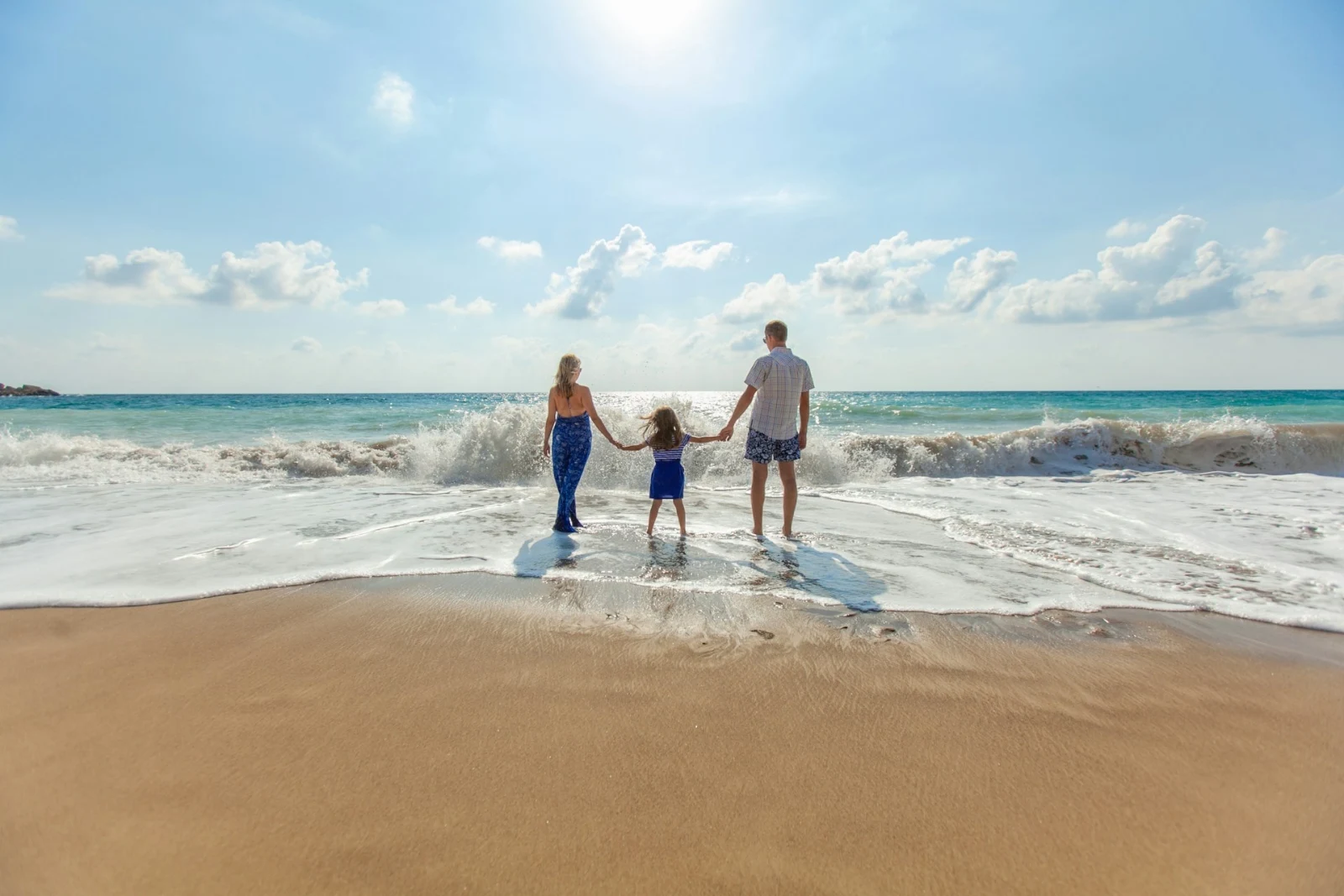
Sebelum
Tekan dan tahan untuk melihat foto sebagaimana asal.
 Sebelum
Tetapkan lampu, warna dan garis secara manual
Cahaya, Warna dan Potong dibuka dahulu, dan setiap kawalan lain, dari lengkung nada kepada bising dan kanta, berada satu sentuhan di belakang Lebih. Garis Lurus mencari garis-garis gambar dan menetapkan Transformasi itu sendiri, atau menyelesaikan garis yang anda lukis.
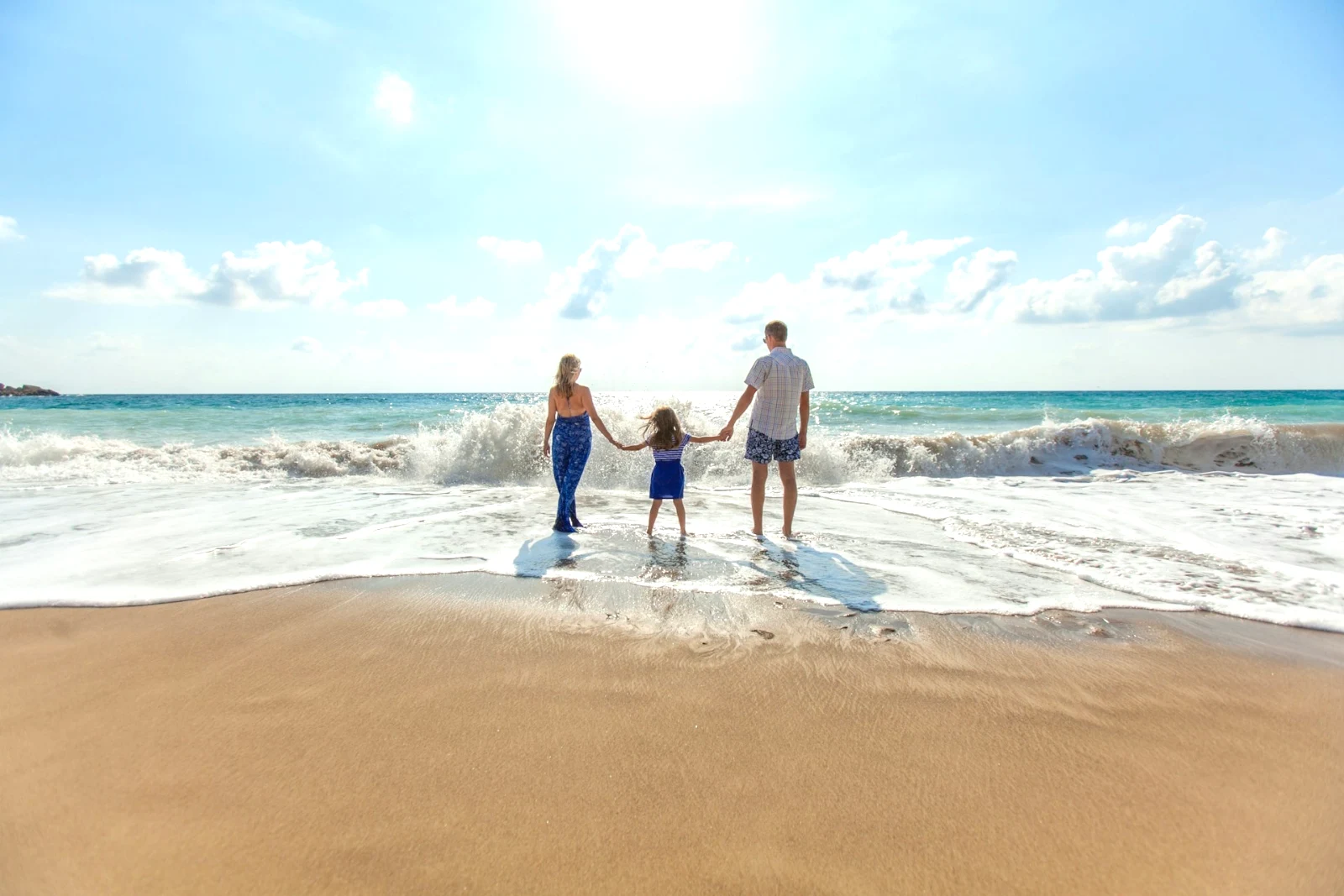
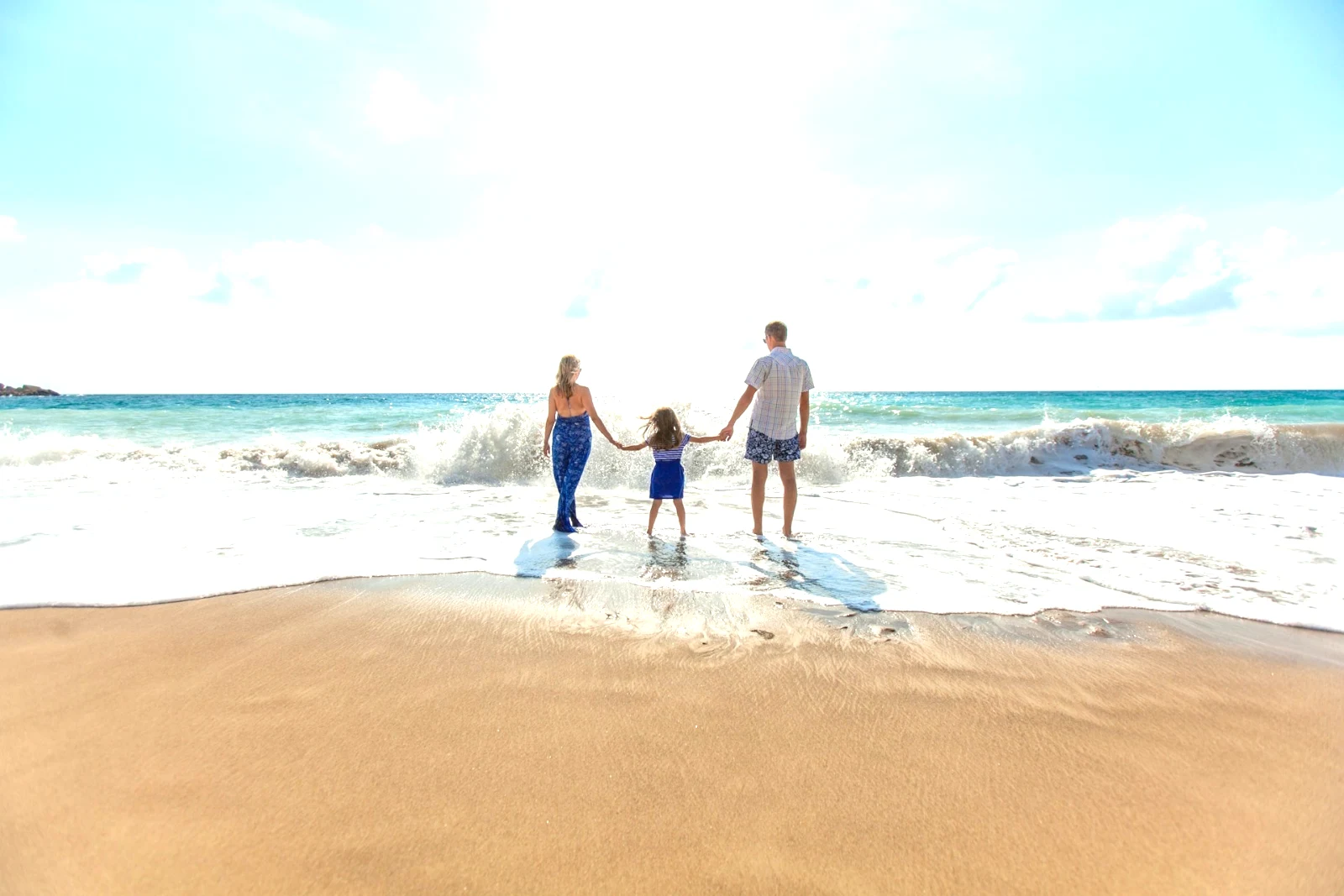
Buang danbaiki
Lukis ke atas kabel atau noda; Salin dan Isi di sebelahnya.
Bahagikan
Langit, subjek atau latar belakang, kuas, gradien atau julat kecerahan.
Orang
Kulit, muka, mata, bibir, rambut, pakaian atau keseluruhan orang; Retouch Skin menyamakan ia ke arah nada mereka sendiri.
Lensa dan Blur Potret
Latar belakang kabur, atau keseluruhan foto mengikut kedalannya, dengan fokus di tempat yang anda tetapkan.
Negatif Filem
Negatif berwarna atau hitam putih yang dipindai ditukar menjadi positif, dengan penapis oren dikeluarkan.
Lensa Betul
Pembetulan sendiri kamera, atau profil lensa, dan fring warna dihapuskan.
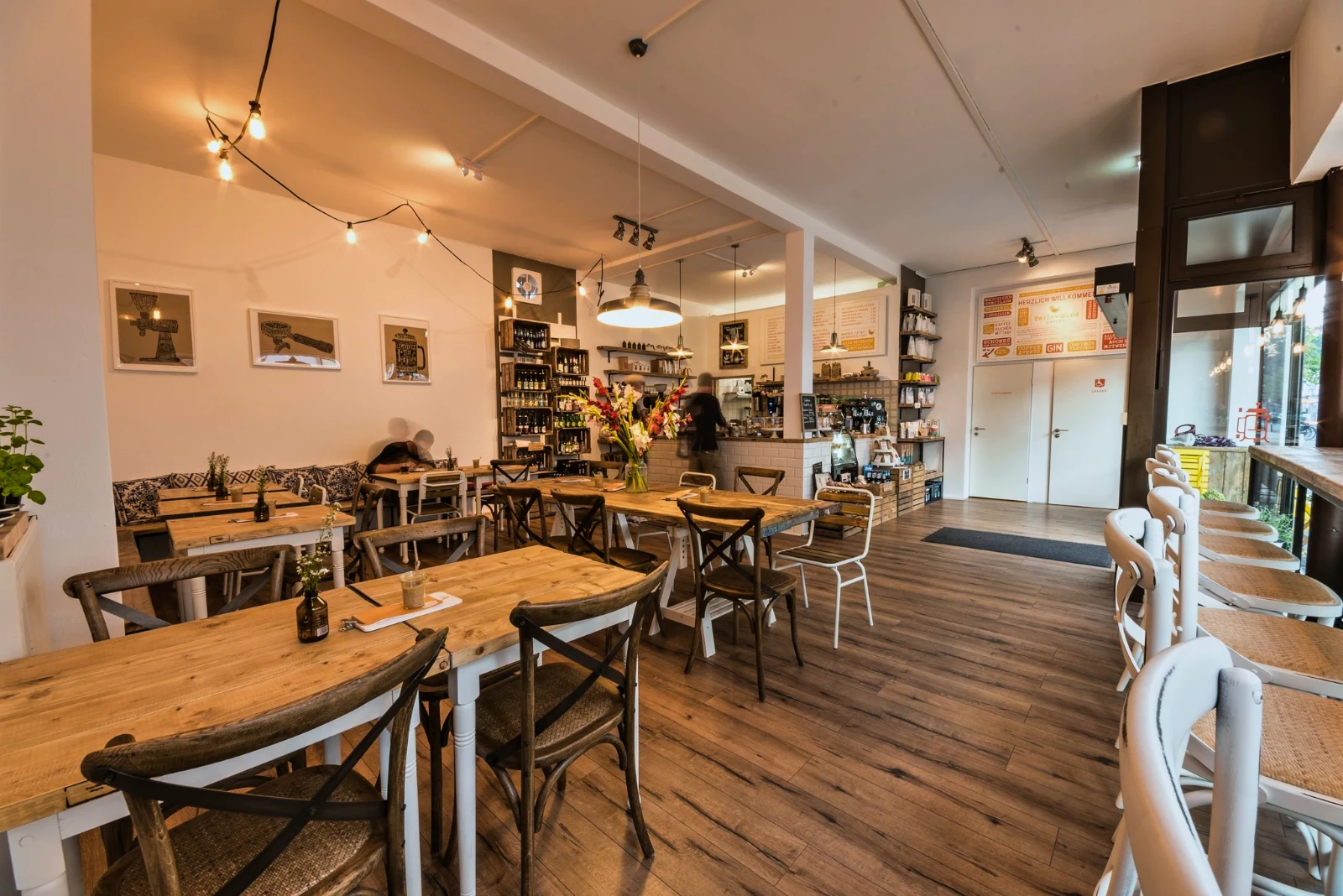
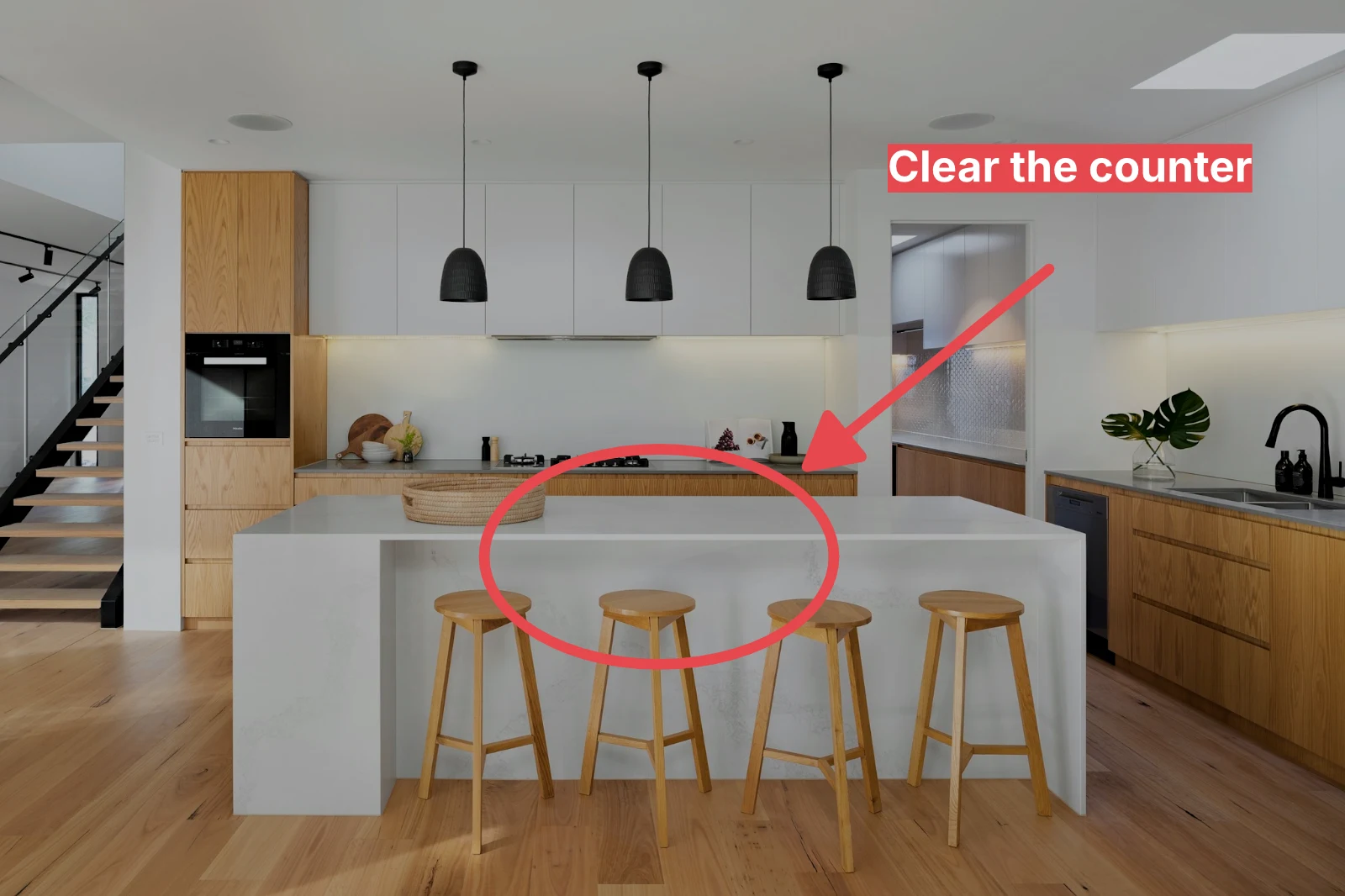
Penambahbaikan
Satu anak panah, bulatan, kotak atau label yang dilukis pada foto.
Berikan satu set penuh Auto dan gaya anda
Pilih foto dalam Perpustakaan dan satu penampilan, kemudian tekan Bulk Auto. Setiap foto mendapat Auto sendiri pada peranti anda, kemudian penampilan itu, disimpan sebagai langkah penyuntingannya. Eksport dibuat di pelayan, jadi mereka siap dengan halaman ditutup.
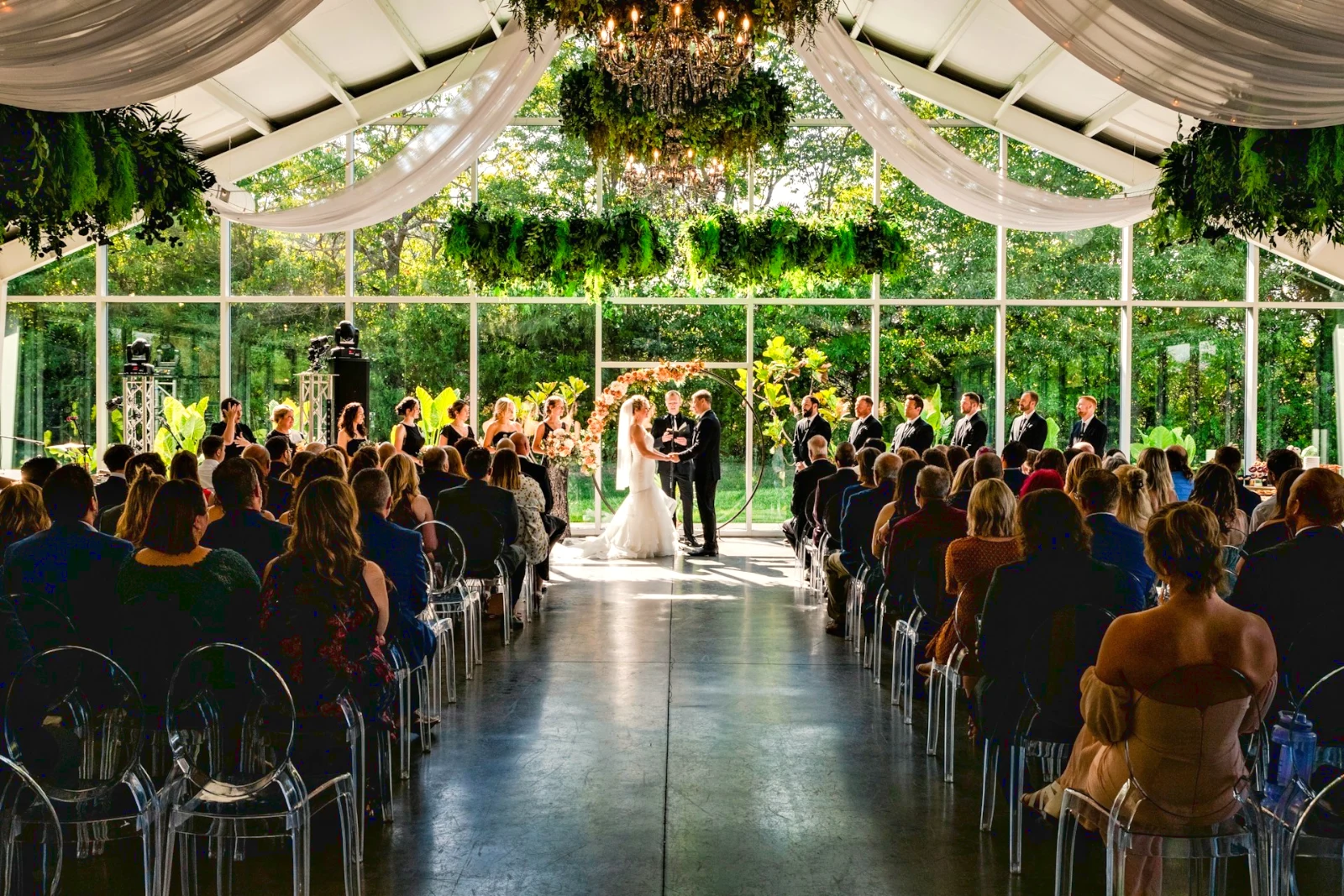
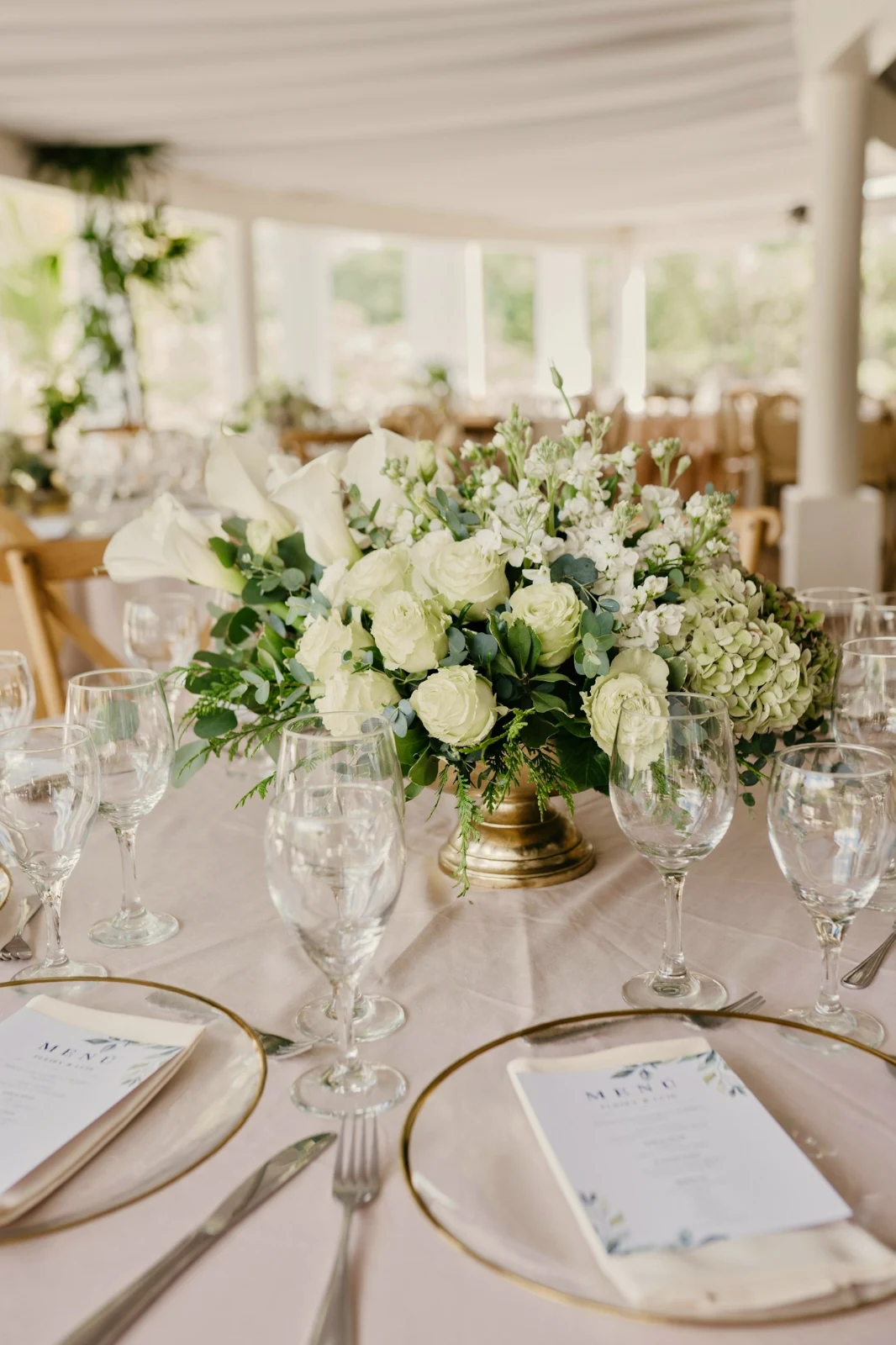

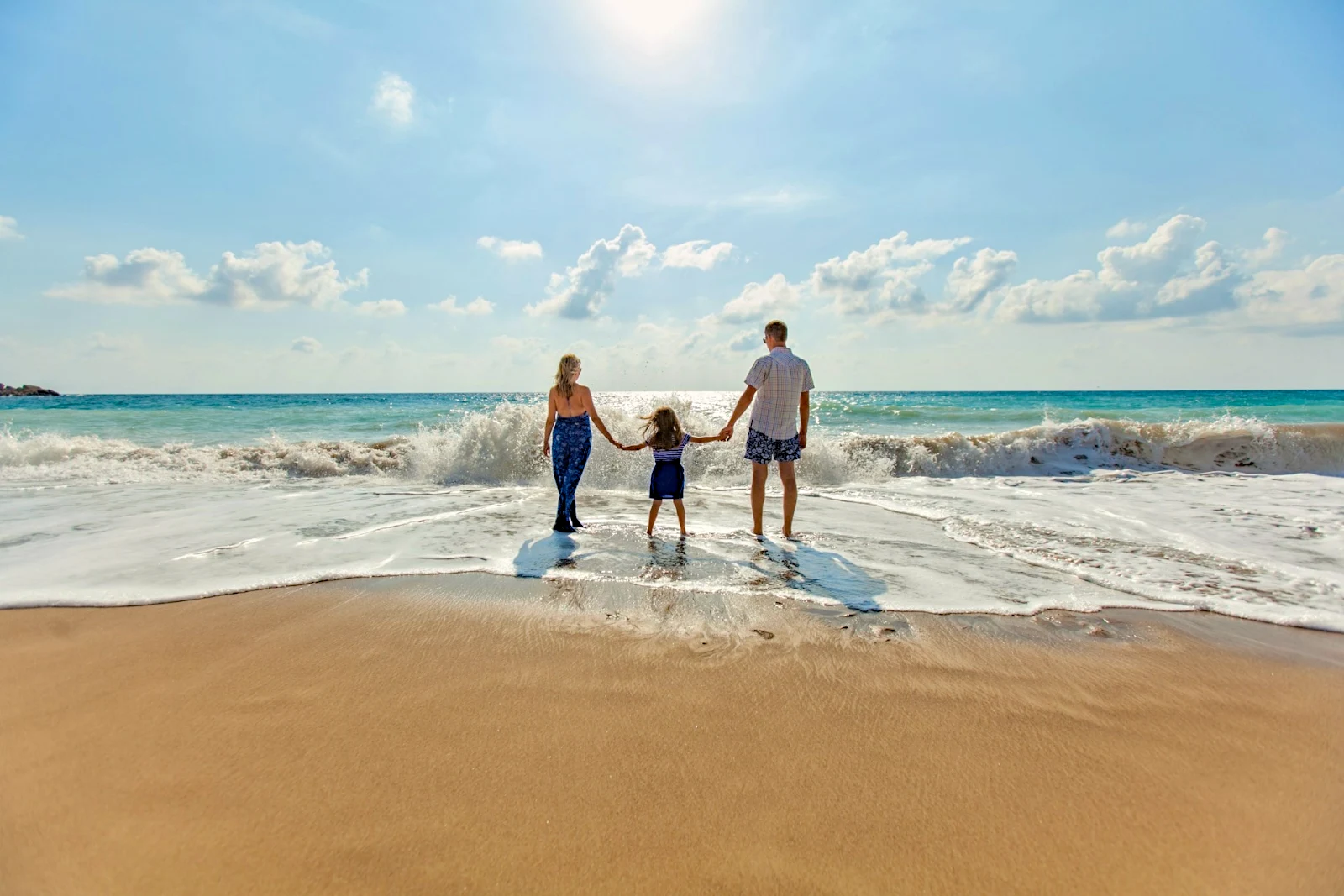

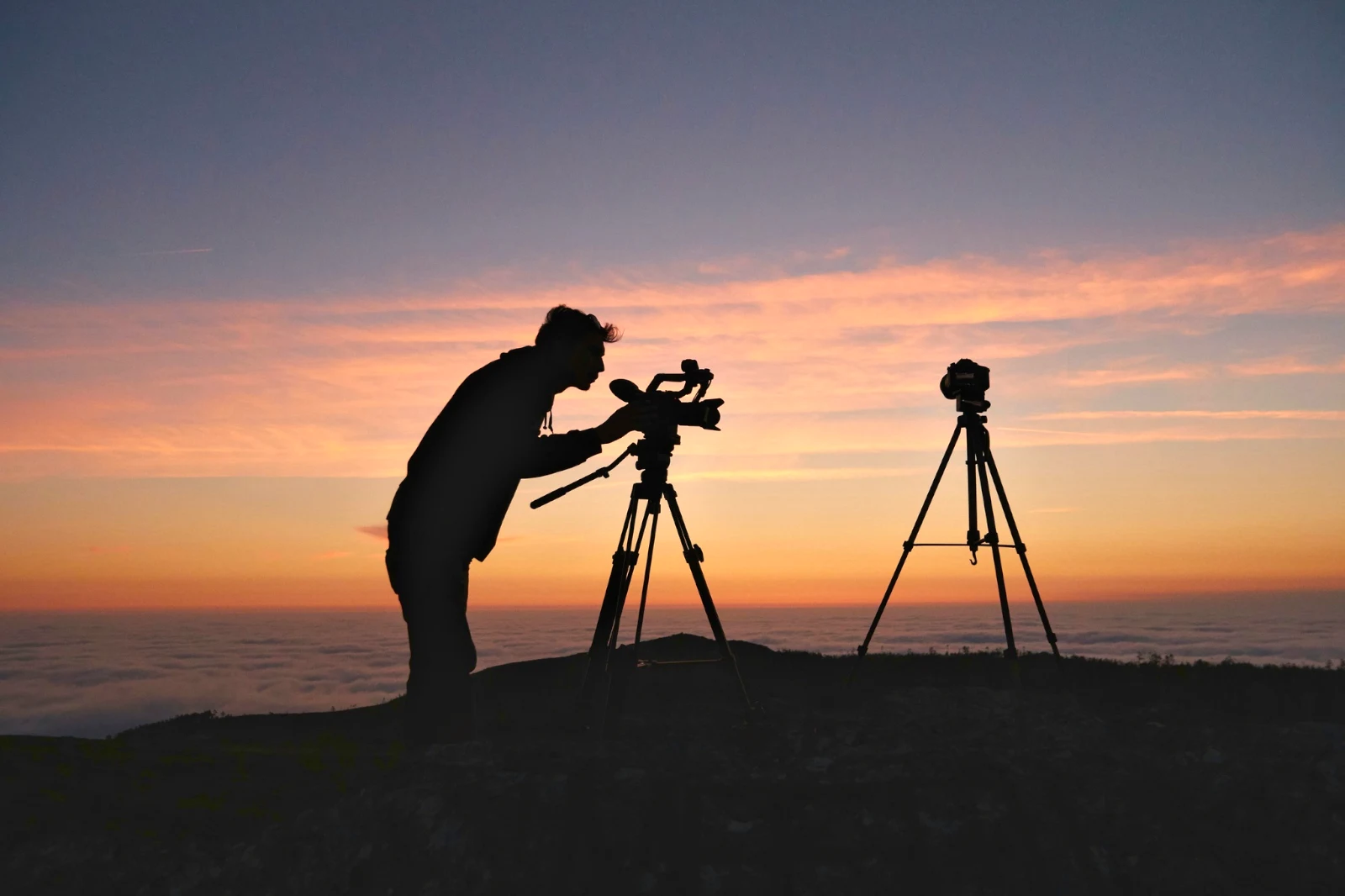
2. Pilih Satu Tampilan
Golden Hour WarmthHanya Automatik9 daripada 9 salinan siap.
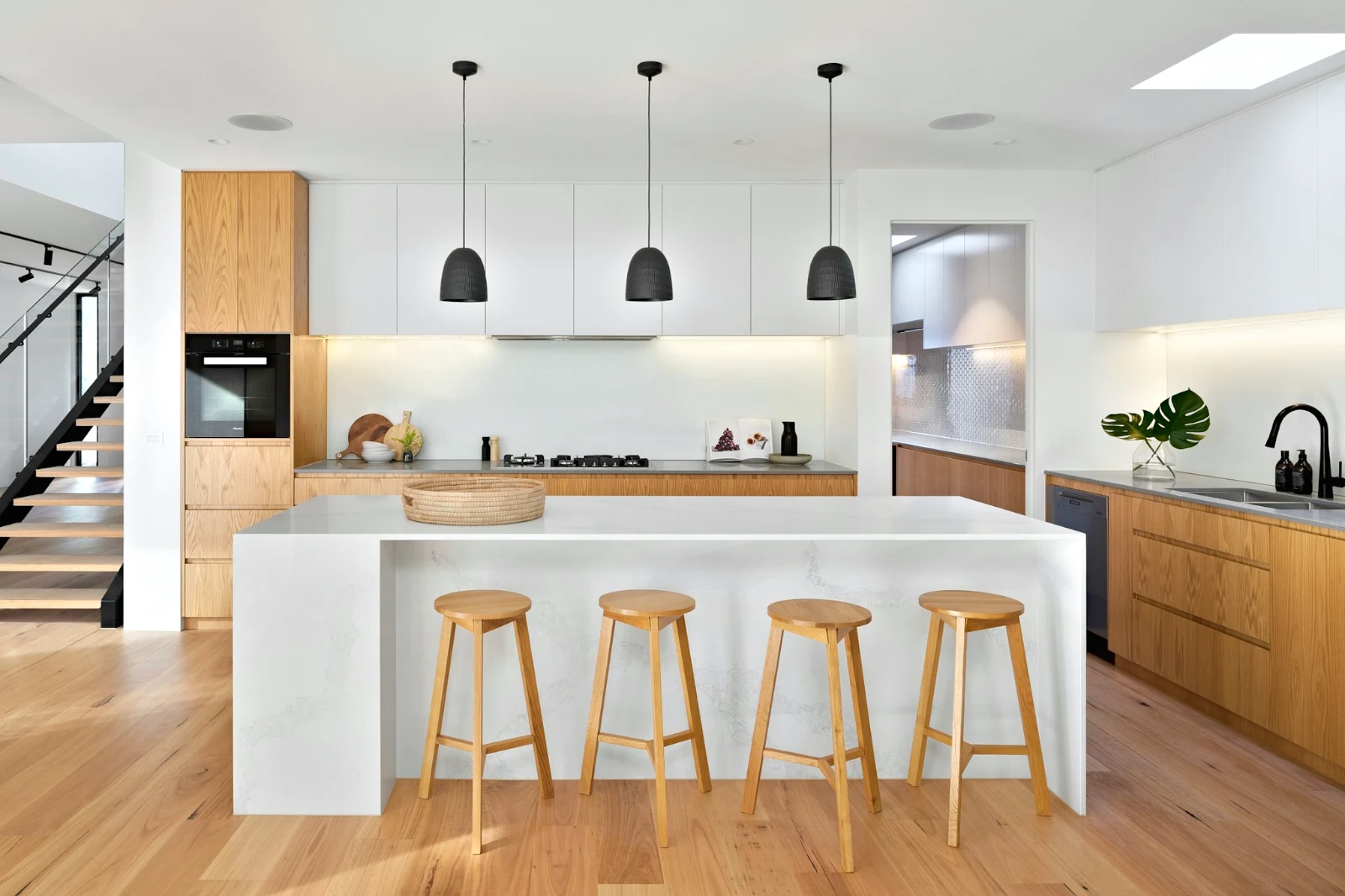
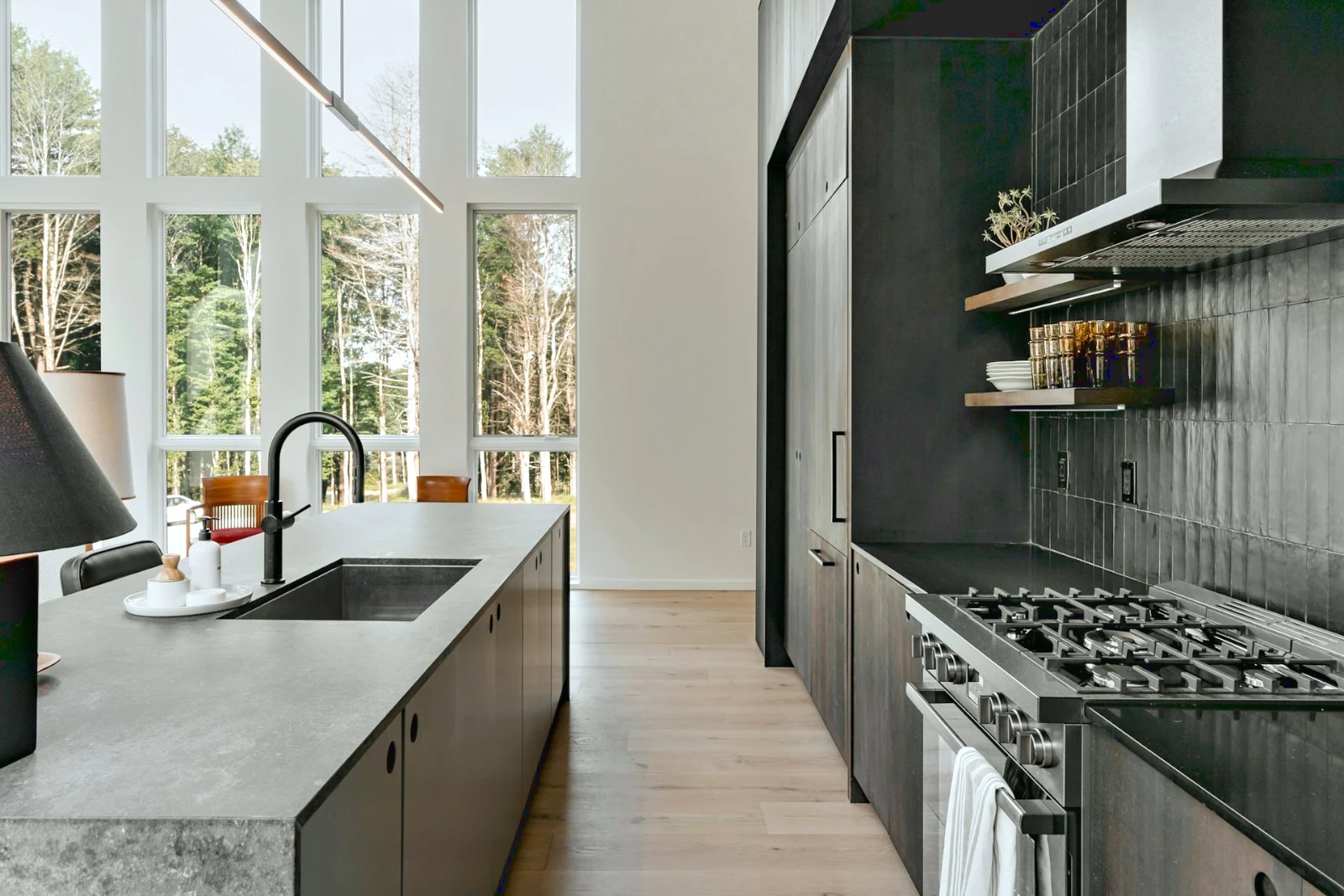
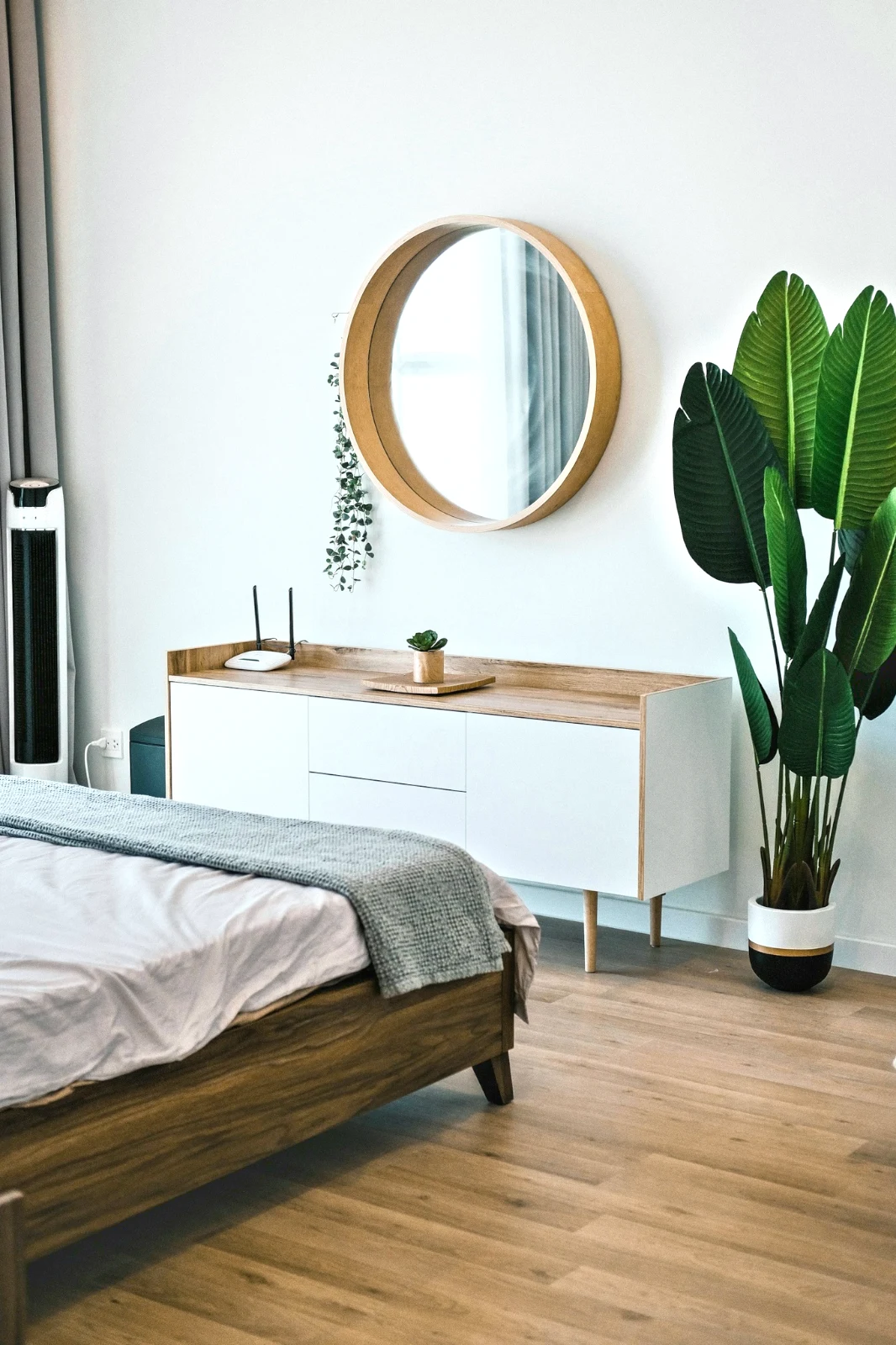
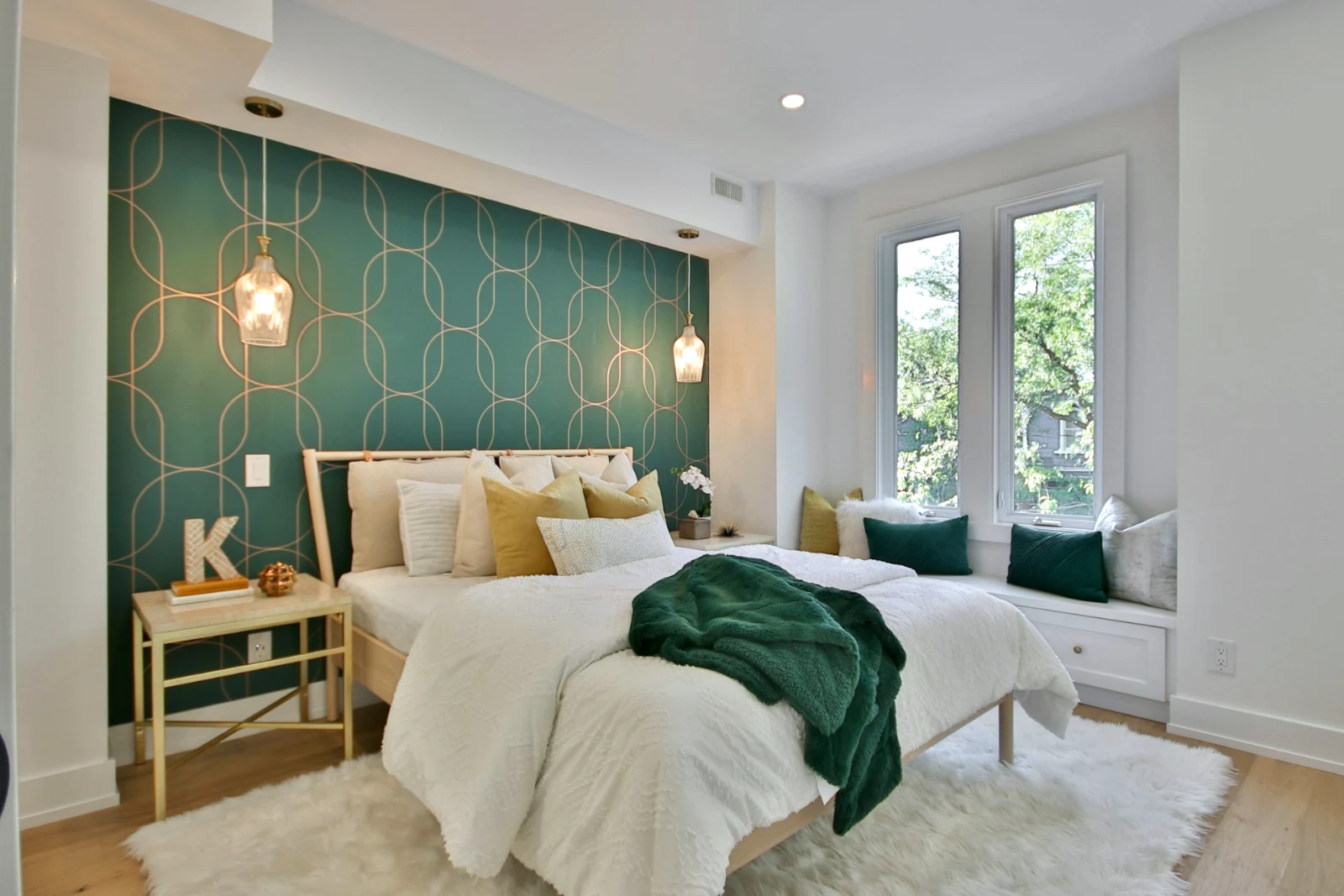
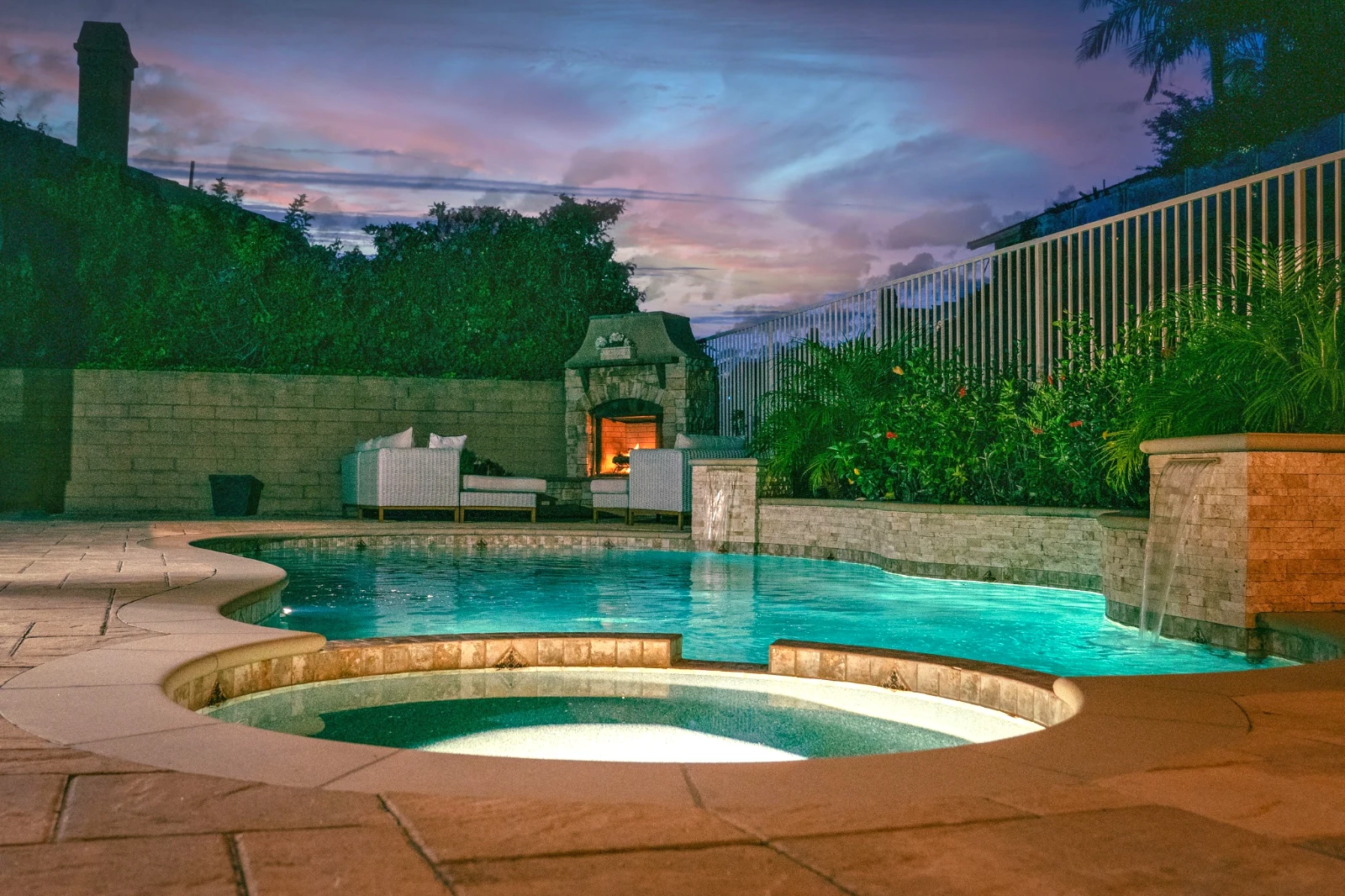
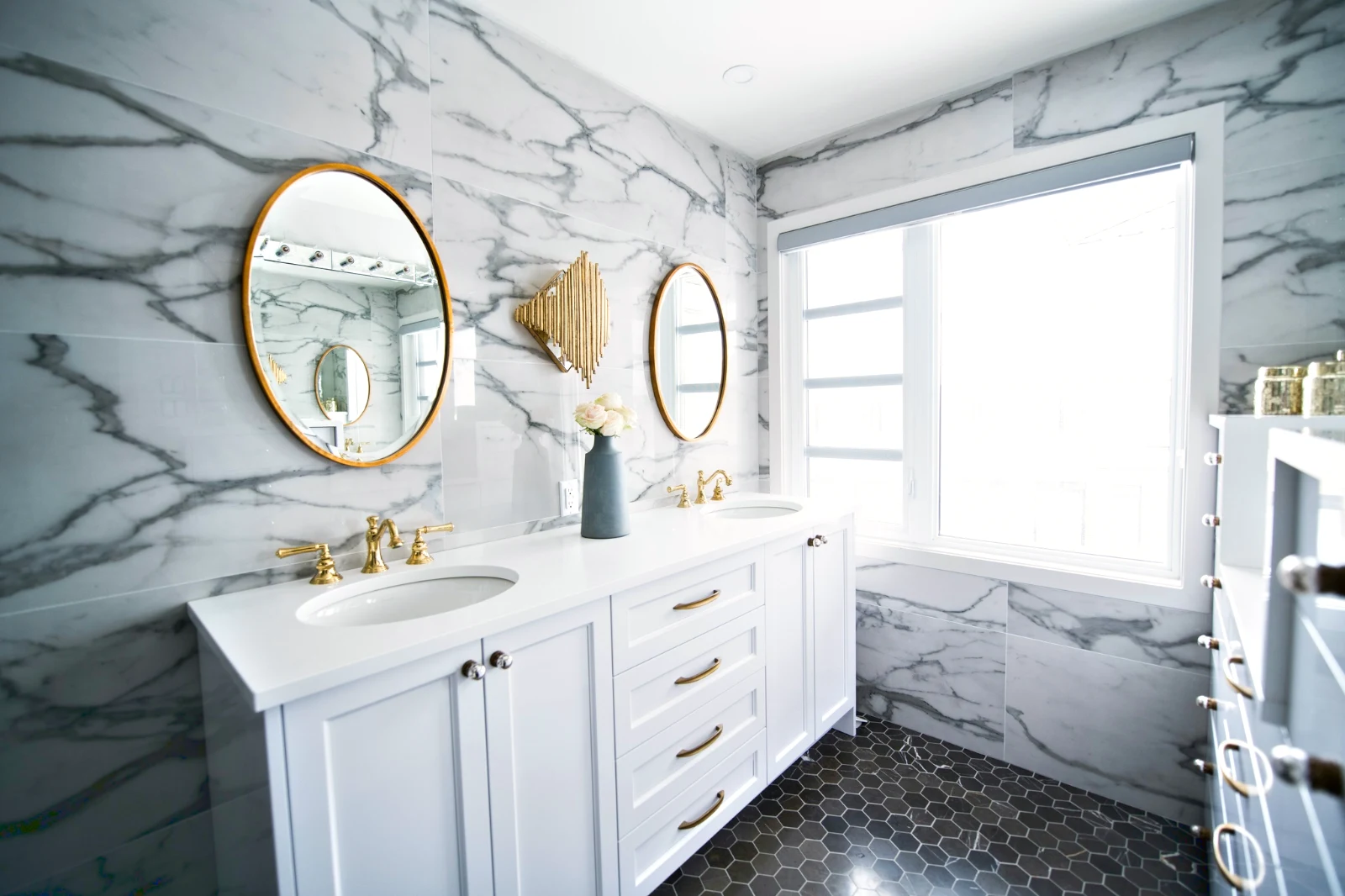
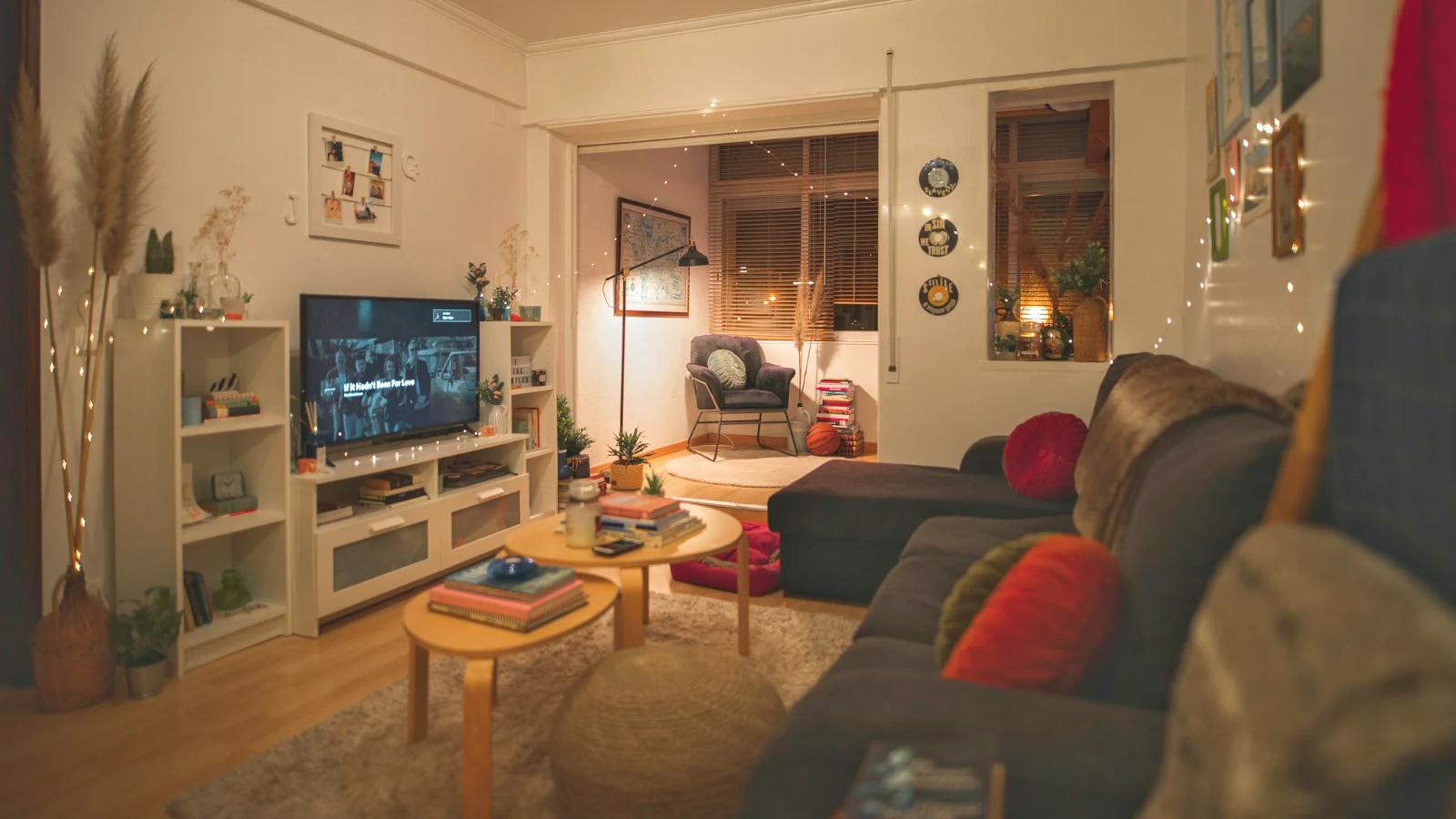
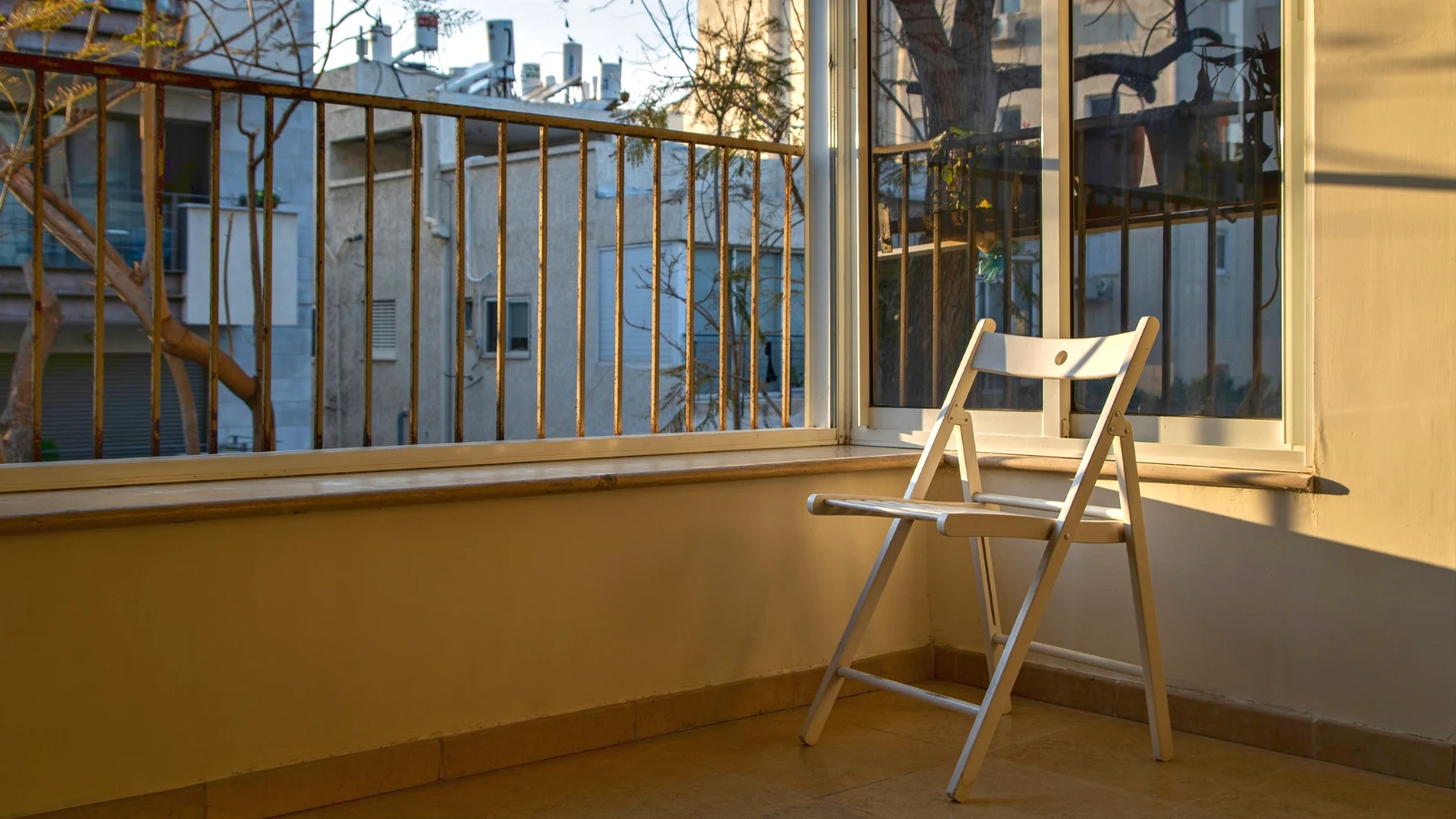
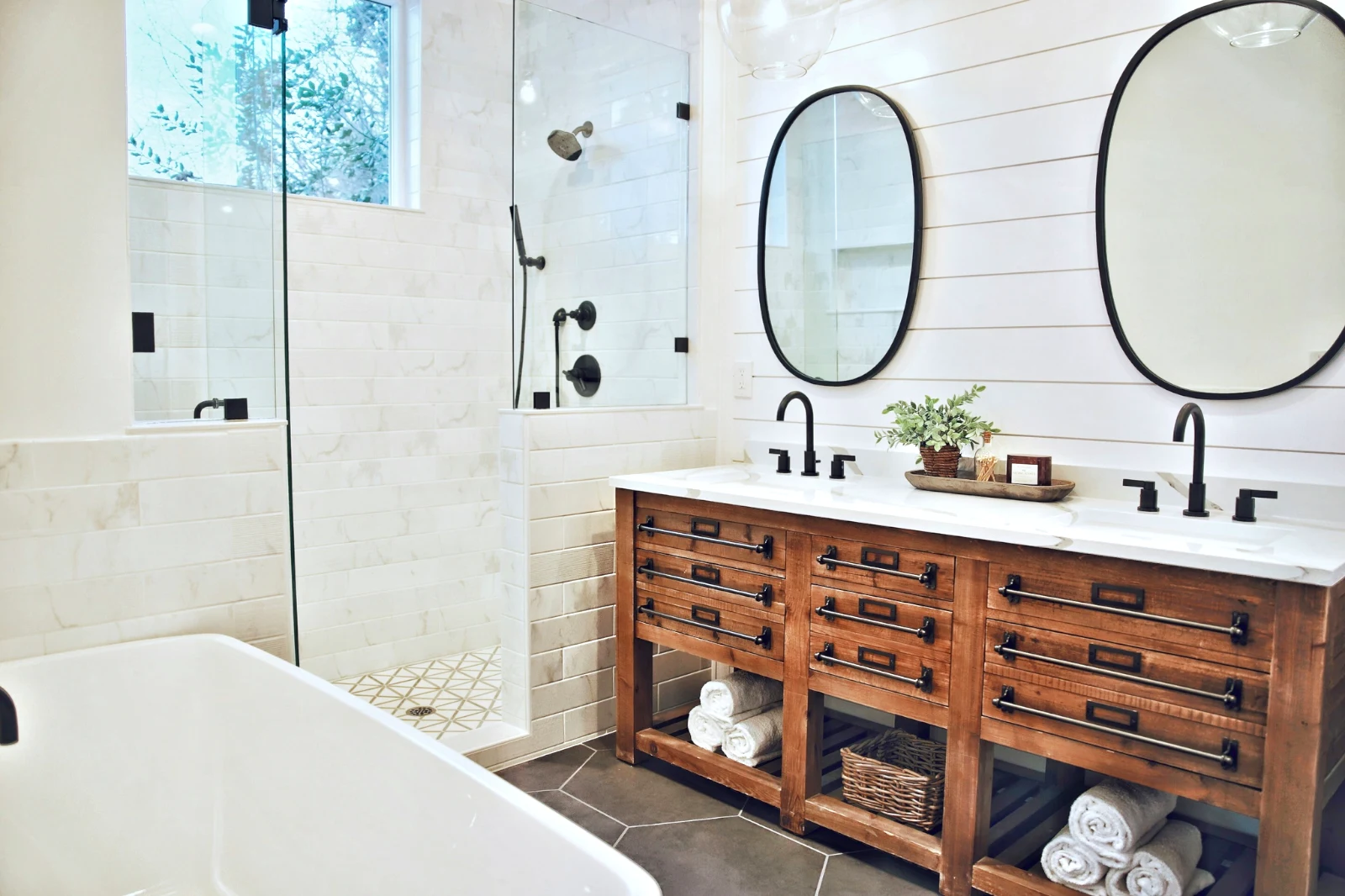
Bangun imej secara berlapis, dan eksport ke mana-mana
Mulakan Foto baru pada saiz yang orang muat naik, atau buka pilihan sebagai lapisan, setiap foto mengekalkan suntingan masing-masing. Pilih subjek atau langit, topeng, cat, rawat, kloning dan bengkokkan, tambah teks dan bentuk, kemudian eksport sebagai JPEG, PNG, WebP, AVIF, TIFF atau PSD berlapis.
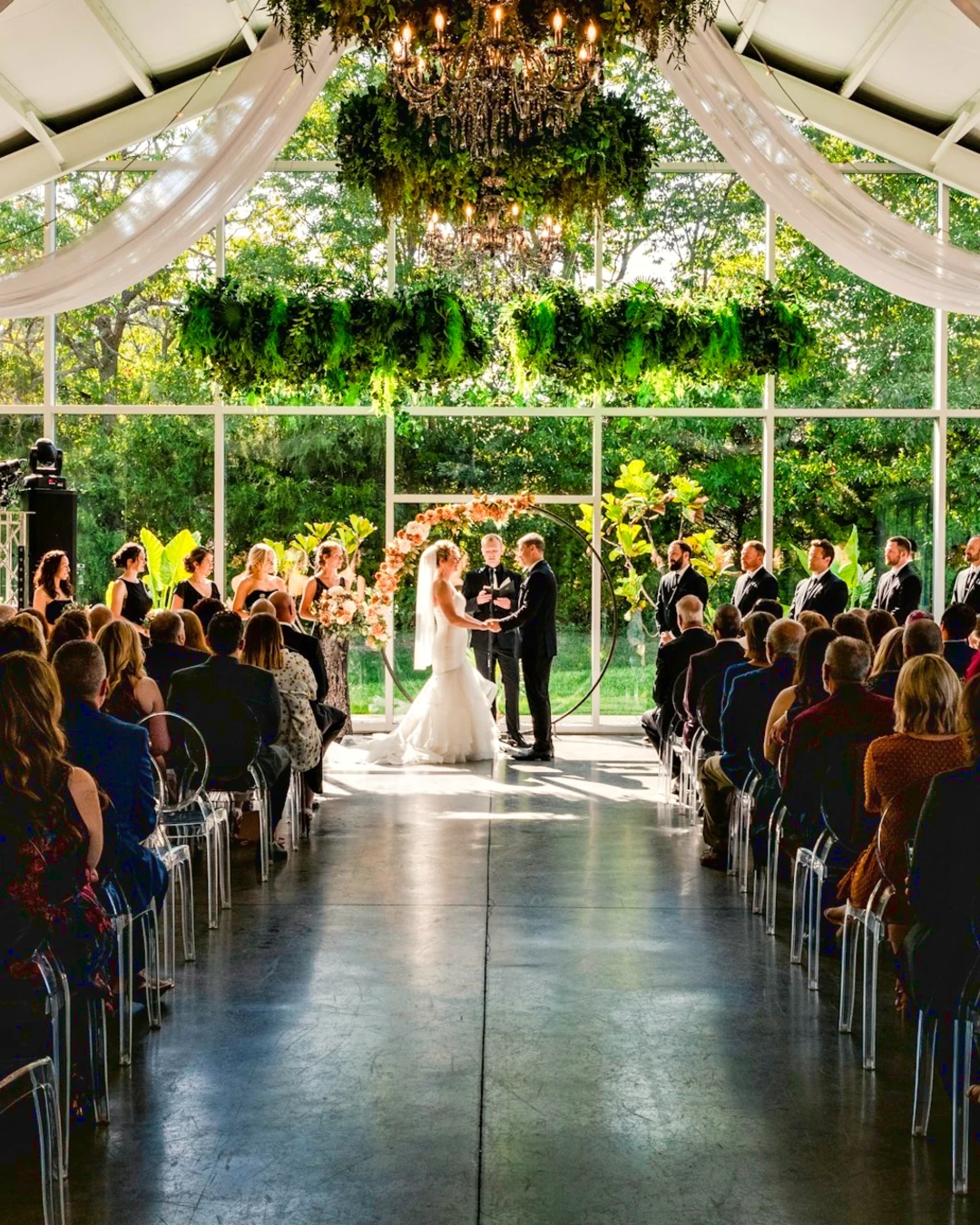
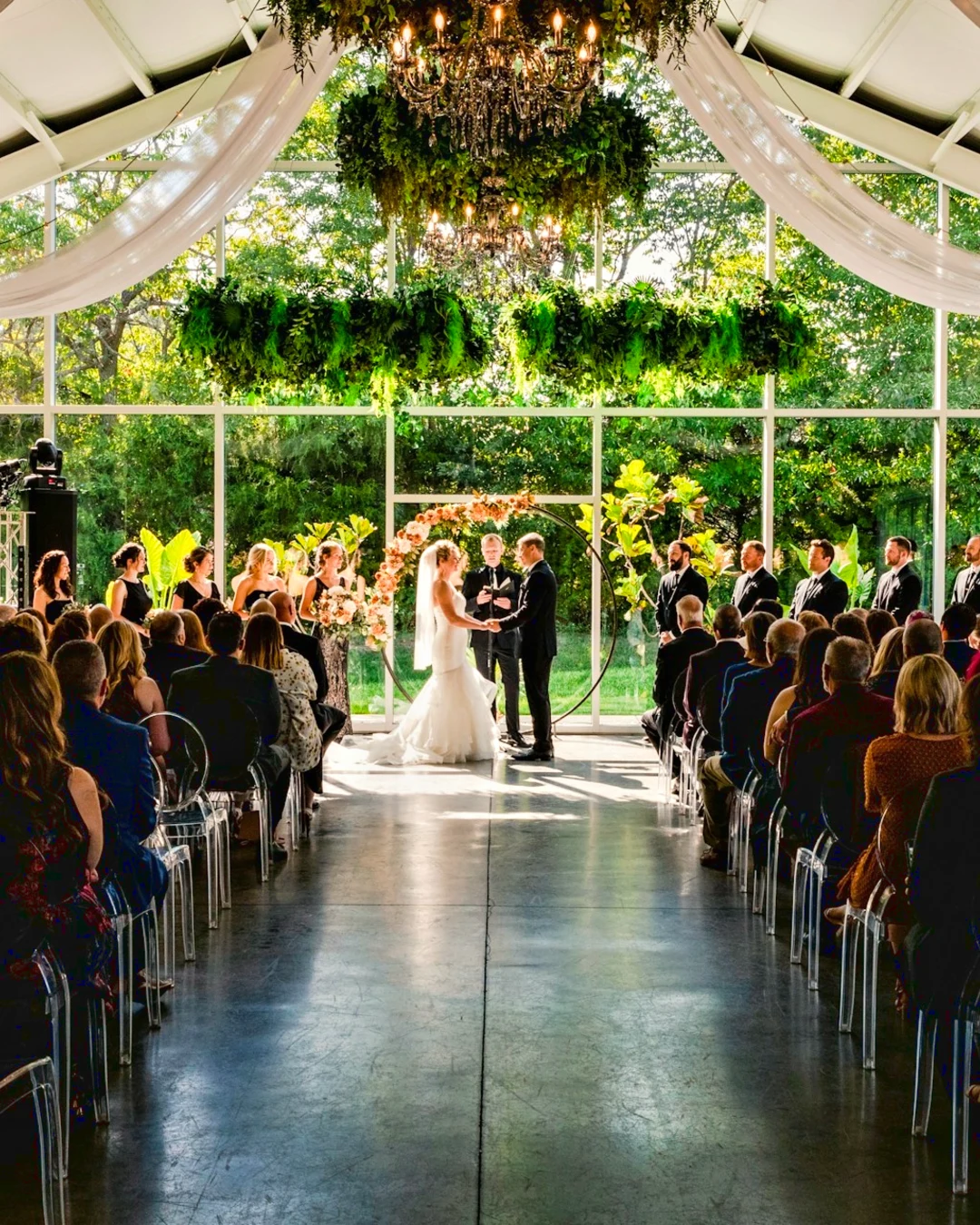
Pemilihan
Bulatkan, lapaskan, perhalus tepi dan tukar pilihan menjadi topeng.
Kongsi sebuah Galeri dan lihat apa yang dipilih oleh pelanggan picks
Letakkan satu sesi dalam Galeri dan kongsi untuk pemeriksaan. Pelanggan memilih sehingga bilangan yang anda tetapkan, meninggalkan nota pada mana-mana foto dan menghantar pilihan mereka, menyetujui atau meminta perubahan, satu demi satu. Pilihan mereka adalah Pilihan Pelanggan dalam Perpustakaan anda.
Penyemakan
Setiap galeri yang dikongsi untuk semakan: apa yang klien pilih dan catat, serta bagaimana mereka menjawab putaran tersebut.
| Galeri | Bulat | Dipilih | Dari | Nota | Jawapan | Pelanggan | Dijawab |
|---|---|---|---|---|---|---|---|
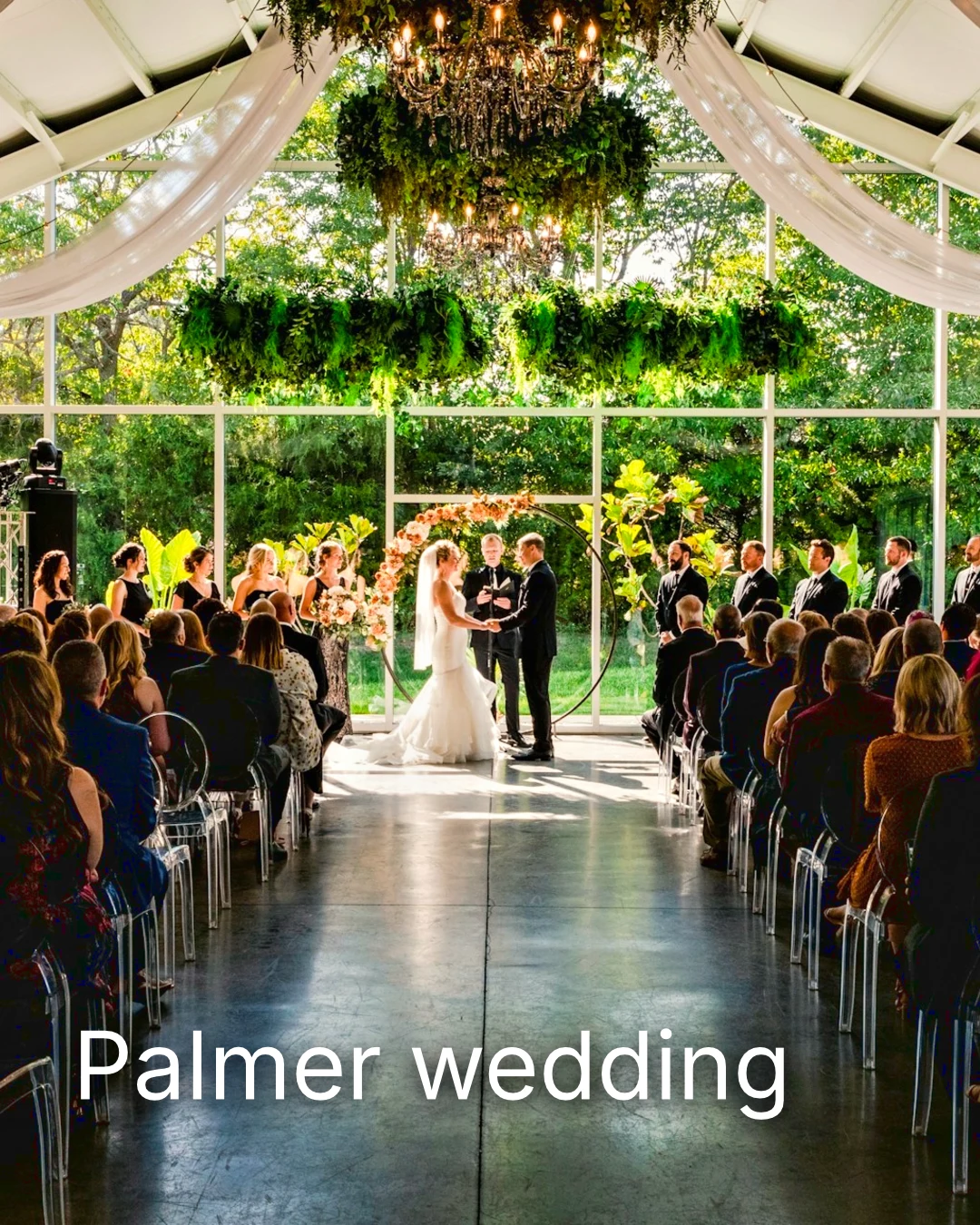
| Palmer wedding | 1 | 4 | 4 | 2 | Menunggu pada klien | Sarah Palmer | Menunggu pada klien |
| Carter portrait session | 2 | 3 | Tiada had | 0 | Disahkan | James Carter | 19/11/2026 |
| Harbourline Dental team headshots | 1 | 0 | Tiada had | 2 | Perubahan yang diminta | James Bennett | 19/11/2026 |
| Nguyen Family at Brighton | 1 | 12 | 15 | 3 | Pilihan dihantar | Linh Nguyen | 20/11/2026 |
| Okonkwo Engagement | 2 | 20 | 20 | 0 | Disahkan | Ada Okonkwo | 17/11/2026 |
| St Kilda Bakery Menu | 1 | 6 | Tiada had | 1 | Menunggu pada klien | Marco Ricci | Menunggu pada klien |
Nota pada Foto
Setiap nota muncul pada foto semasa anda mengedit.
Lihat atau Muat Turun
Avenida da Liberdade 212
Galeri
Setiap pautan hanya untuk melihat atau boleh dimuat turun, dengan kata laluan pilihan.
Tanda Air Anda
Pilih kegemaran anda dan tinggalkan nota pada apa sahaja yang ingin diubah. Apabila selesai, hantar jawapan anda. Anda boleh menjawab setiap pusingan sekali sahaja.
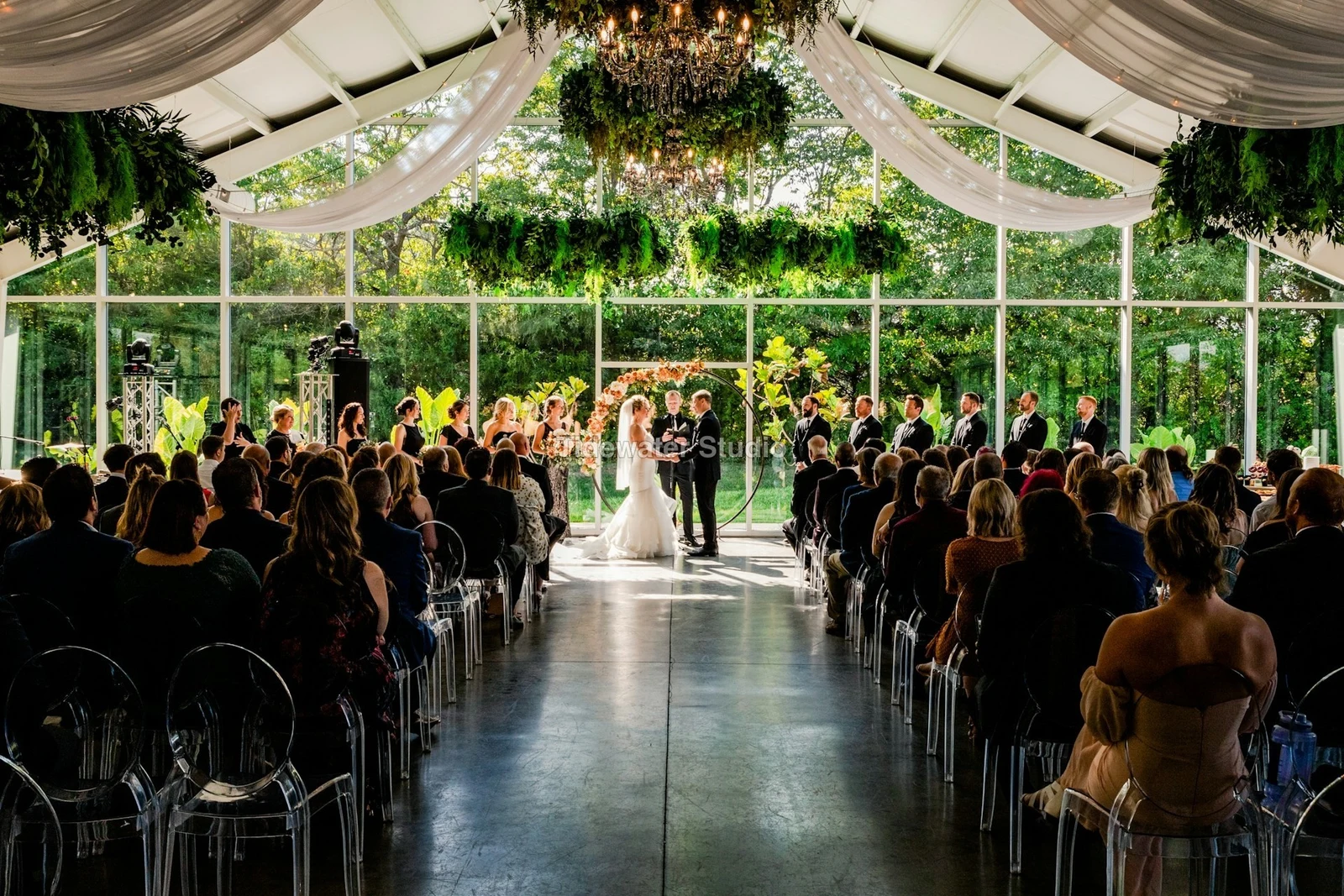
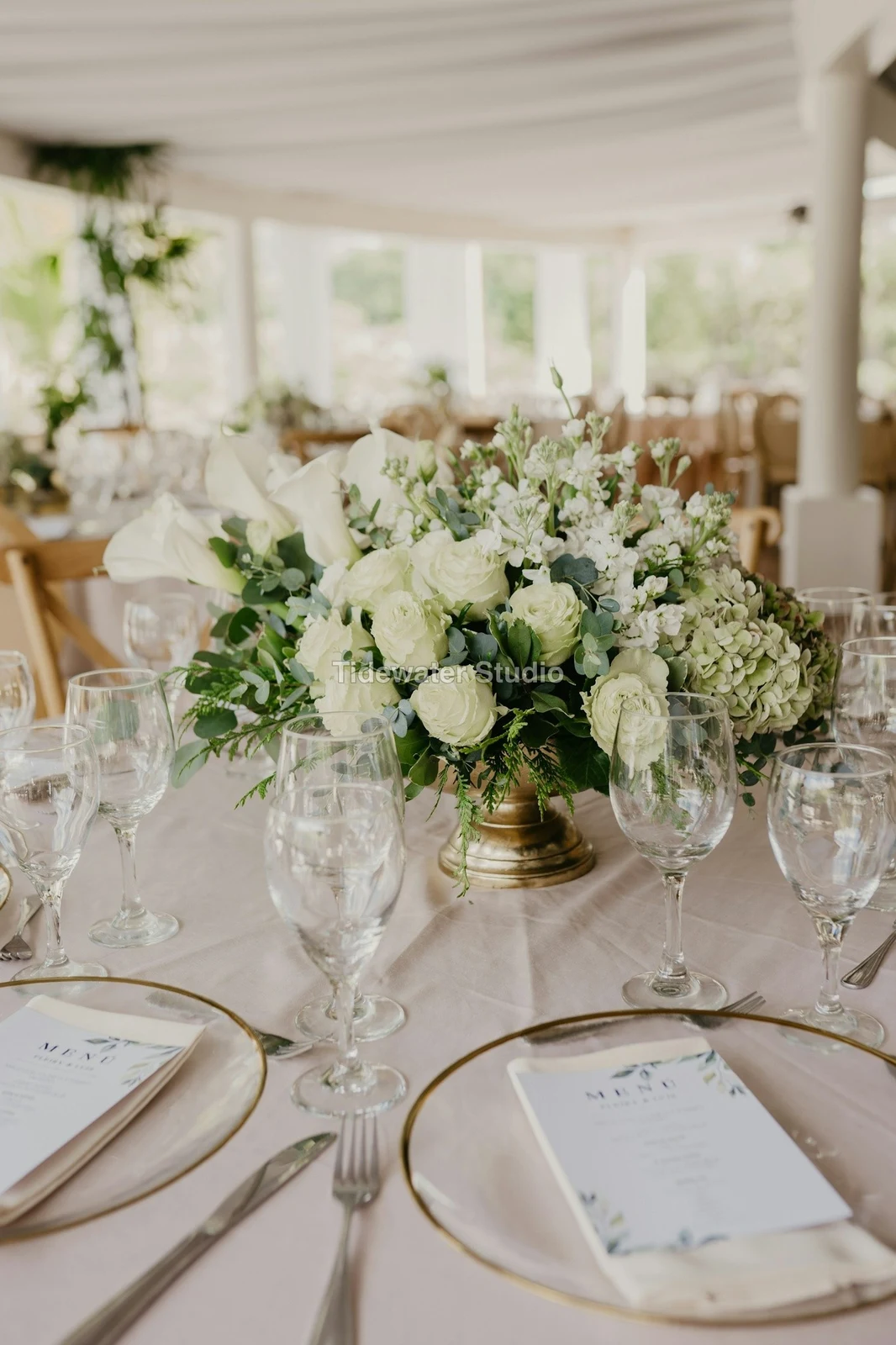
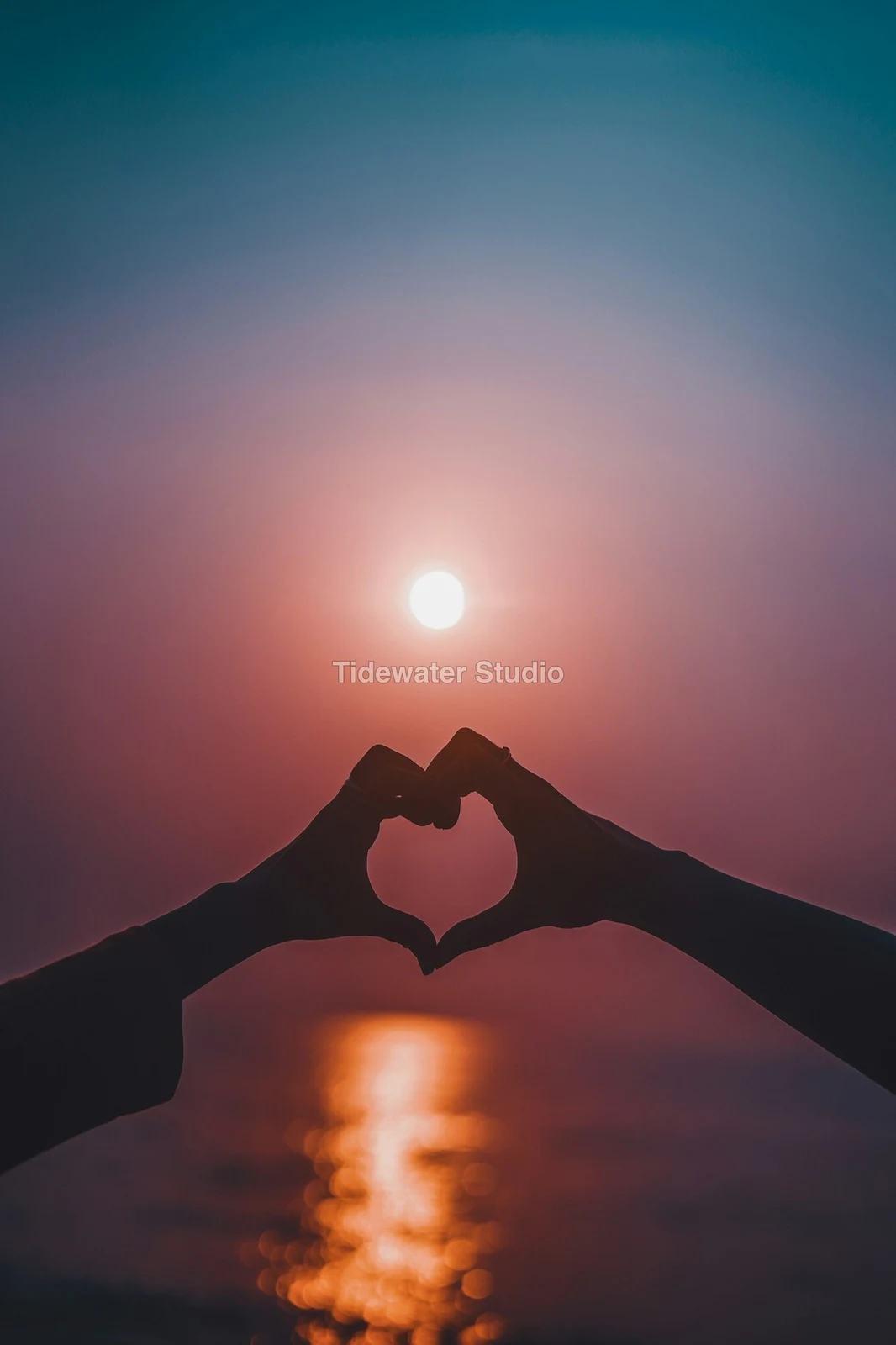
Logo atau perkataan anda pada setiap foto yang dilihat atau dimuat turun oleh pelanggan, sehingga anda menghantarnya.
Cetakan Dari Galeri
$ 149.000 setiap satu. Penghantaran dan cukai ditambah semasa pembayaran.
Pelanggan membeli cetakan mana-mana foto, dibuat dan dihantar oleh makmal anda, dibayar pada semak keluar anda sendiri.
Galeri Pekerjaan, Dengan Bakat
Lookbook SS27 Dalam semakan
- Pelanggan
- Maison Kiri
- Bulat
- 1
- Dipilih
- 8 / 12
- Jawapan
- Menunggu pada klien
- Pautan Tamat
- 2026/12/12
Pekerjaan di Talent mempunyai Galeri tersendiri, disahkan dengan cara yang sama.
Hari Penutupan
Galeri
Galeri setiap kerja: apa yang klien lihat, pilih dan muat turun.
| Galeri | Pelanggan | Tahap Kerja | Pautan Tamat | Dicipta |
|---|---|---|---|---|
| Program Shoot · Strength | Thandi Mokoena | Dalam semakan | 2026/11/30 | 2026/11/09 |
| Client Story · Pieter | Pieter van Wyk | Dalam semakan | 2026/12/07 | 2026/11/12 |
| Mobility Series | Aisha Davids | Dihantar | 2026/12/18 | 2026/10/22 |
| Coaches Team Photos | Kopje Coaching | Dihantar | 2027/01/05 | 2026/10/31 |
| Summer Bootcamp | Lerato Nkosi | Dalam pengeluaran | 2027/01/20 | 2026/11/18 |
Pautan setiap Galeri ditutup pada hari yang anda tetapkan, dan senarai Galeri menunjukkan yang akan ditutup dalam 30 hari akan datang.
Hantar foto siap di mana ia digunakan
Satu foto akan keluar sebagai eksport terkini, atau asal apabila tiada: ke dalam Galeri pada saiz penuh, ke reka bentuk baharu, ke aset laman web atau ke senarai. Setiap pemilih gambar dalam Calisto sudah menyenaraikan foto akaun, termasuk eksport.
A Design, With Studio
Posting atau cerita baru dibuka dengan foto yang diletakkan.
 Menú de OtoñoTostadas de jaiba, desde hoy
Satu Laman Web, Dengan Laman Web
Ditambahkan ke aset laman web.
Aset
Senarai, Dengan Senarai
Ditambahkan ke gambarnya, apabila perniagaan mempunyai senarai.
T3 Rua do Século 41 Diterbitkan
Edit dengan foto skrin penuh pada telefon anda
Ketuk untuk zum, ketuk dua kali untuk muat dan tekan serta tahan untuk Sebelum. Setiap bahagian adalah satu cip di bawah gambar yang kawalannya berlabuh di bawahnya, tidak pernah di atasnya, dan pemutar hanya bergerak pada geseran ke sisi, jadi gelaran tidak pernah mengedit.
Dikongsi ke Foto
Foto yang dikongsi dari gelung kamera mendarat di Tambah Foto.
Kongsi foto ke Foto daripada mana-mana aplikasi pada peranti ini, ambil satu, atau pilih di sini.
Foto untuk ditambah
Tiada Sinyal
Rumah, Perpustakaan, Tampilan dan Tambah Foto dibuka; penyuntingan dan muat naik menunggu dan mendarat sekali.
Kongsi foto ke Foto daripada mana-mana aplikasi pada peranti ini, ambil satu, atau pilih di sini.
Foto untuk ditambah
Di mana Foto menyentuh segala sesuatu yang lain.
4 of these 5 connections are in your plan today; the other is its own app.
Depot
Every photo and every export is a file in Depot, on the account’s one storage quota, and a Gallery is a Hub.
Studio
An image’s Adjust in Studio is Foto’s, Send To opens a new design with the photo placed, and a layered Photo opens there as a design.
Talent
Galleries and Proofing are the same views Talent shows, and a job’s Gallery is the Hub of that job.
Listings
Bulk Auto takes a listing’s photos as a set, and the exports replace them on the listing.
Sites
Send To adds a photo to a website’s assets.
Tiada kos tetapan. Bayar apabila mula menggunakan.
Photos edited in one tap, by hand or in layers.
Calisto Create
Perpustakaan, Auto, Bulk Auto, Looks, Adjust dan Galleries, disertakan dengan setiap akaun Calisto.
Foto Pro
Setiap kawalan Adjust secara dalam talin dan ruang kerja Layers, untuk seorang individu, pada kerusi tersendiri atau dengan mencipta kerusi; sebuah perniagaan menetapkan kerusi-kerusinya kepada orang-orangnya.
Disyorkan untuk anda
Berfungsi dengan baik bersama.
Calisto Depot
Calisto Studio
Calisto Create
A Studio seat designs anything at every size, from Calisto’s templates or a blank page: layers, photos, Copy & Resize, Bulk Create, mockups, QR codes, print-ready PDFs, sharing and whiteboards.
Learn more →Calisto Talent
Termasuk Dalam Pelan Anda
Aplikasi Core anda menunjukkan semua yang direncanakan oleh perniagaan dan operasi anda.
Learn more →Calisto Listings
Senarai
Senarai anda, temu janji, pembangunan, sewa dan pejabat, untuk setiap orang yang bekerja dalam Senarai.
Learn more →Calisto Sites
Tapak Calisto
A website and its phone app, built from a template on the page itself, showing what you sell from your own records and published on your own domain.
Learn more →Semua yang termasuk dalam Calisto Foto.
- Foto Essentials for every signed-in person: Home, the Library, Auto, Bulk Auto, Looks, Adjust with Auto, Light, Color and Crop, and Galleries; every other control one tap away behind More.
- Foto Pro, a seat per person: every Adjust control inline and the Layers workspace.
- Essentials or Pro is each person’s own choice, in Profile & Preferences ▸ Creative Tools, never a business setting.
- Without a seat, More and Layers read Pro · Upgrade, or Ask for a Pro Seat for a team member.
- A photo whose edit holds Pro fields always opens, saves and draws at Essentials.
- First open asks nothing technical at Essentials, and leads with Layers and the keys at Pro.
- Every photo read after it is uploaded: when it was taken, its exposure, its focus and its faces.
- Flags: Blurry, Missed Focus, Black Frame, Missed Flash and Closed Eyes, each a filter in the Library.
- A score from focus, exposure and open eyes: Best First, and the Suggested Best Shots.
- Similar Shots: bursts, brackets and the same pose taken twice, grouped best first, with Star the Best of Each.
- Faces and eyes are read on your own device; nothing is starred or hidden for you.
- Home: the photos to pick up again, Upload Photos, New Photo, From Media Library, Bulk Auto, and Recent Photos.
- The Library: All Photos, Starred, Edited, Similar Shots, Layers and Client Picks, with search, sort (Best First and Date Taken included) and a Tag filter.
- A Hub’s photos on their own, from the Hubs in the sidebar; Move To… a Folder of a Hub, and New Hub, Private or Public (with Depot).
- A selection is starred, tagged, given a look, run through Bulk Auto, sent on, opened as layers or assigned to a client project.
- Star and Tags are the platform’s: the same in Depot, Docs and Studio, carried wherever the photo is picked.
- An export is listed with its photo, never among the originals.
- The account’s storage shown in the Library, on the one Depot quota (with Depot).
- Upload from a desk, the camera or the device’s photos, through the one upload queue.
- Add Photos is where a photo shared to Foto lands: the camera roll’s Share sheet, or Open With on a desk.
- Then Adjust for one photo, Bulk Auto for a set, or the Library.
- JPEG, PNG, WebP, HEIC, HEIF, AVIF, TIFF and camera RAW; a RAW is developed on the device, or converted on the server when the device cannot.
- The camera and lens a file says made it, read once from the original and kept on the file.
- Auto: one tap reads the photo on the device, sets its sliders and names each one; Undo puts the photo back.
- Your Style beside Auto, once you have edited eight photos: Auto moved the way you move it, and the Texture, Clarity and Saturation you usually set, learned from your own edits; yours, never the business’s.
- Light, Color, Crop and Straighten; Whites and Blacks, Detail (Detail, Fine Detail, Clear Haze), Tone Curve, Color Mixer, Color Grading, Sharpening and Noise, Lens, Transform and Effects.
- Straighten Lines: Auto and Vertical, and Level, Full and Guided (up to four lines drawn on the photo); it sets the Transform sliders it solved and names them, and leaves a photo with no clear lines as it is.
- Lens: Correct Lens from the camera’s own correction in the RAW, else the lens profile; Remove Color Fringes; nothing the camera already corrected is corrected twice.
- How it was drawn, said under the control it concerns.
- Remove and Repair: Remove what you paint over; Clone and Fill.
- Adjust Part: Sky, Subject and Background; a Brush, Linear and Radial gradients and a Brightness Range.
- People: Skin, Face, Eyes, Lips, Hair, Clothes and Body, found on your device.
- Retouch Skin: Even Skin smooths blotches and keeps the pores; Match Skin Tone evens the skin toward the person’s own tone.
- Frequency Separation: paint where, then Smooth Tone and Fine Detail retouch the tone and the texture each on its own.
- Portrait Blur on the background, and Lens Blur by the photo’s depth with Focus Distance and Depth of Focus.
- Film Negative: a scanned color or black and white negative turned positive from its film base, shared across a roll by copying the edit.
- Changes: every change to a part, with its own controls, opacity, blend and invert.
- Markup: an arrow, a circle, a box, a freehand line or a label drawn on the photo, carried by every export.
- Before: press and hold. Undo and Redo through the edit’s whole history.
- The original is never changed; the edit is kept beside it with its history.
- A client’s note from Proofing shown on the photo while it is edited.
- Calisto’s looks and the business’s own, in Looks ▸ Calisto and Mine.
- Match a Photo: another photo’s look, solved into Exposure, Contrast, Saturation, White Balance and Color Grading.
- Suggested looks first in Adjust: the looks made for a photo like this one, from the kind of photo each of Calisto’s was made for and the photos each of yours has been put on.
- Save Look keeps an edit’s settings as a look of the business’s own.
- A look given to one photo or a whole selection.
- A selection from the Library, or one listing’s photos for a business with listings (with Listings), and a look.
- Start From Auto or Your Style.
- Each photo read on the device and given its own Auto, then the look; a look that straightens lines solves each photo’s lines.
- Saved as a step of each photo’s edit.
- The exports made on the server, so they finish with the page closed; the results screen shows each one as it is ready.
- For a listing’s photos, the exports replace them on the listing, through Listings’ own write (with Listings).
- Bulk Auto Finished is sent once per run, to the person who started it.
- Camera on USB, in Chrome or Edge: Connect Camera, Shoot, Live View on Canon EOS and Nikon, every frame straight into Foto.
- The camera’s own Wi-Fi upload: FTP, FTPS or SFTP to Calisto with a login of your own, the password shown once.
- Every frame in the Camera Uploads Hub as it lands, with the last edited frame’s edit or a look applied to each new one.
- Nothing to install: the camera talks to the page itself.
- Record Action in Adjust: your steps kept as steps, then played on any photo or a Library selection, with Auto, looks, straightening and found parts solved again for each photo.
- Actions are the business’s, kept beside its looks.
- Contact Sheet: a selection or a Gallery printed 2 to 8 across, portrait or landscape, with names, stars, client picks and culling flags, filed in Depot as a PDF.
- HDR: bracketed exposures fused into one photo, lined up even when taken by hand.
- Panorama: overlapping frames joined, laid on a cylinder for a known lens, cropped clean; brackets at each position fused first.
- Focus Stack: frames focused at different distances, sharp from near to far.
- Astro Stack: night-sky frames aligned on their stars and stacked by sigma clipping, median or mean, dark frames taken off.
- A new photo in Depot every time; the photos merged stay as they were. Large merges finish on our servers.
- Smart Objects: Convert to Smart Object, New Linked Copy, Update Linked Copies and Release Smart Object; each copy keeps its own opacity, blend and styles.
- New Photo at a size people make: YouTube Thumbnail, Instagram Post and Story, Square, A4 and US Letter at 300 ppi, or a custom size, on white, black, a color or transparent.
- Open as Layers on a selection: each photo a layer carrying its own edit.
- Photo, pixels, adjustment, text and shape layers in one layer tree: chosen, checked to act on several, shown, hidden, locked, renamed, moved, grouped, duplicated and deleted.
- Tools: Move, Select Rectangle, Ellipse, Freehand and Straight Lines, Select Similar Color, Select Subject and Sky, Brush, Eraser, Dodge, Burn, Blur, Sharpen, Heal, Clone, Fill, Warp, Warp Grid, Warp Perspective, Text, Shapes and Crop.
- The Select menu: Select All, Deselect, Invert, Feather, Expand, Contract, Smooth, Refine Edges, Selection to Mask and Fill with Color; Shift adds, Alt subtracts, both intersect.
- Layer masks and shape masks, each enabled, inverted, feathered, applied or deleted; layer styles: drop and inner shadow, outer and inner glow, color overlay and stroke.
- Apply and Convert to Pixels; every paint stroke written as new tiles, so every earlier step still undoes.
- Export as JPEG, PNG, WebP, AVIF, TIFF or a layered PSD, with what it could not hold said in plain words; Recent Exports in the Export dialog.
- A layered Photo opens in Studio as any design does (with Studio).
- Without the seat, a layered Photo opens to look at.
- A Gallery is a Hub shared with a client through its link, Private or Public; a job’s Gallery is the Hub of that job (with Talent).
- Send To ▸ Gallery puts the photos in at full size.
- Share for Proofing: the client’s email (the Gallery also lists in their portal), how many they may pick, view or download, a password, and your watermark.
- Your watermark on every photo of the link, at every size and on every download: your logo, your business name or your own words, where it sits, its size and its opacity, set once in Settings ▸ Photos ▸ Watermark.
- Watermark the Photos or Remove the Watermark on a link in Proofing, so the final delivery goes out clean.
- Prints from the Gallery: Choose Prints from your drop-ship products on sale online; the client taps Buy Print on a photo, picks the print, the size and how many, and pays on your own checkout (with Shop and Orderflow).
- Your lab prints the photo the client chose and ships it to them; the order is in Orderflow beside every other web order.
- The client picks up to the limit, leaves notes, and sends their selection, approves or asks for changes, round by round.
- Open the Next Round, or Stop Proofing; an earlier round stays as it was.
- Galleries counts what is delivered, waiting on the client and closing in 30 days.
- The same Galleries and Proofing views Talent shows (with Talent).
- A photo goes on as its current export, or the original when it has none.
- A Gallery; a design, opened in Studio with the photo placed (with Studio); a website’s assets (with Sites); a listing’s photos, when the business has a listing (with Listings).
- Every picture picker in Calisto lists the business’s photos in Depot, exports included.
- Adjust and Layers, switched in the header: ⌘⌥1 and ⌘⌥2, or A and L.
- Keyboard Shortcuts (⌘/) lists every key; ⌘K finds every command.
- Each editor’s back link returns to the Library.
- Home, Library and Settings in the tab bar; shortcuts to Add Photos, the Library, Bulk Auto and Looks.
- The photo fills the screen: pinch to zoom and pan, double-tap to fit, press and hold for Before.
- Each section a chip under the photo, its tray docked under it, never over it, with the desk’s controls and a Reset.
- A slider moves only on a sideways drag, so a scroll never edits; words are typed in a dialog above the keyboard.
- Layers on a phone: the canvas full screen, the tools in a bottom bar, the layer tree and Format as bottom sheets.
- Keep Foto on This Device: Home, the Library, Looks and Add Photos open with no signal; an edit’s save, a new look and uploads wait and land once.
- Copy Saved is sent when the server finishes a copy, to the person who asked for it.
- Foto installs as part of the Calisto app.
- Every photo and every export is a Depot file on the account’s one quota; each Foto Pro seat adds its included storage to it (with Depot).
- Working copies and the render cache never count.
- Settings ▸ General: the business’s name, design and sign-in.
- Settings ▸ Photos: the export format, size on the long side or the original’s, quality, and the look Bulk Auto starts from; changed by the business’s admins, and Purview may lock it.
Questions about Calisto Foto
Setiap orang yang log masuk mempunyai Foto Essentials: Perpustakaan, Auto, Bulk Auto, Looks, Adjust dengan Light, Color dan Crop, dan Galeri. Setiap kawalan Adjust lain berada di belakang More. Foto Pro meletakkannya semua secara bersiri dan menambah ruang kerja Layers, untuk seorang setiap tempat duduk.
Tidak. Penyuntingan disimpan di sebelah foto dengan sejarahnya, jadi sebarang langkah boleh dibatalkan kemudian. Eksport adalah fail baru di Depot, dicapai dari fotonya, dan asalannya kekal seperti asal.
Fail JPEG, PNG, WebP, HEIC, HEIF, AVIF, TIFF dan kamera RAW. RAW dikembangkan pada peranti anda, atau pada pelayan apabila peranti tidak dapat. Foto berlapis dieksport sebagai JPEG, PNG, WebP, AVIF, TIFF atau PSD berlapis.
Studio membuka fail PSD berlapis sebagai reka bentuk. Foto menyimpan fail Foto berlapis sebagai PSD yang mengekalkan lapisan, topeng, gabungan, kumpulan, teks dan gaya, serta menyatakan dalam kata-kata mudah apa yang tidak dapat dipelihara.
Kongsi Galeri untuk pembuktian. Pelanggan membuka pautan, memilih sehingga bilangan yang anda tetapkan, meninggalkan nota pada mana-mana foto dan menghantar pilihan mereka, menyetujui atau meminta perubahan, satu demi satu. Pilihan mereka muncul sebagai Pilihan Pelanggan di Perpustakaan anda, dan setiap nota muncul pada foto semasa anda mengedit.
Ya. Pilih produk drop-ship mana yang dijual oleh Galeri, seperti cetakan yang dibuat dan dihantar oleh makmal anda. Pelanggan menekan Beli Cetakan pada foto, memilih cetakan, saiz dan berapa banyak, serta membayar di semak keluar anda sendiri. Makmal anda mencetak foto tersebut dan menghantarnya kepada mereka.
Di Depot, dalam kuota penyimpanan tunggal akaun anda, di mana setiap pemetik gambar dalam Calisto menemukannya. Setiap kerusi Foto Pro atau Create menambah penyimpanan yang disertakan ke dalam kuota yang sama itu.
