Reka letak poster, pamflet, menu dan skrin dalam jenama. anda.
Pilih templat yang dibuat untuk jenis perniagaan anda, sudah dalam warna dan logo anda, dan ubah perkataan serta gambar. Kemudian muat naik, cetak atau letakkan pada skrin.
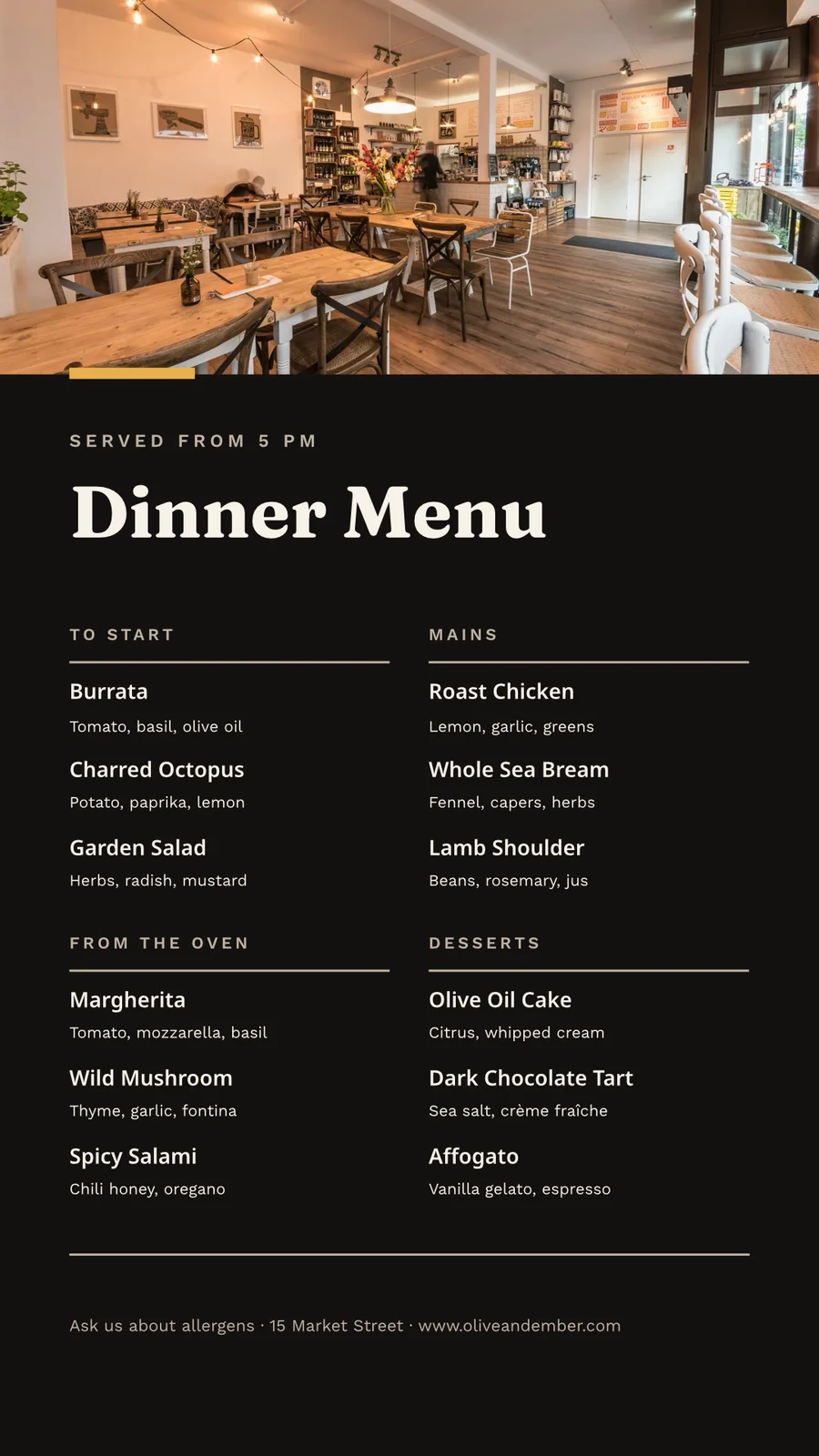
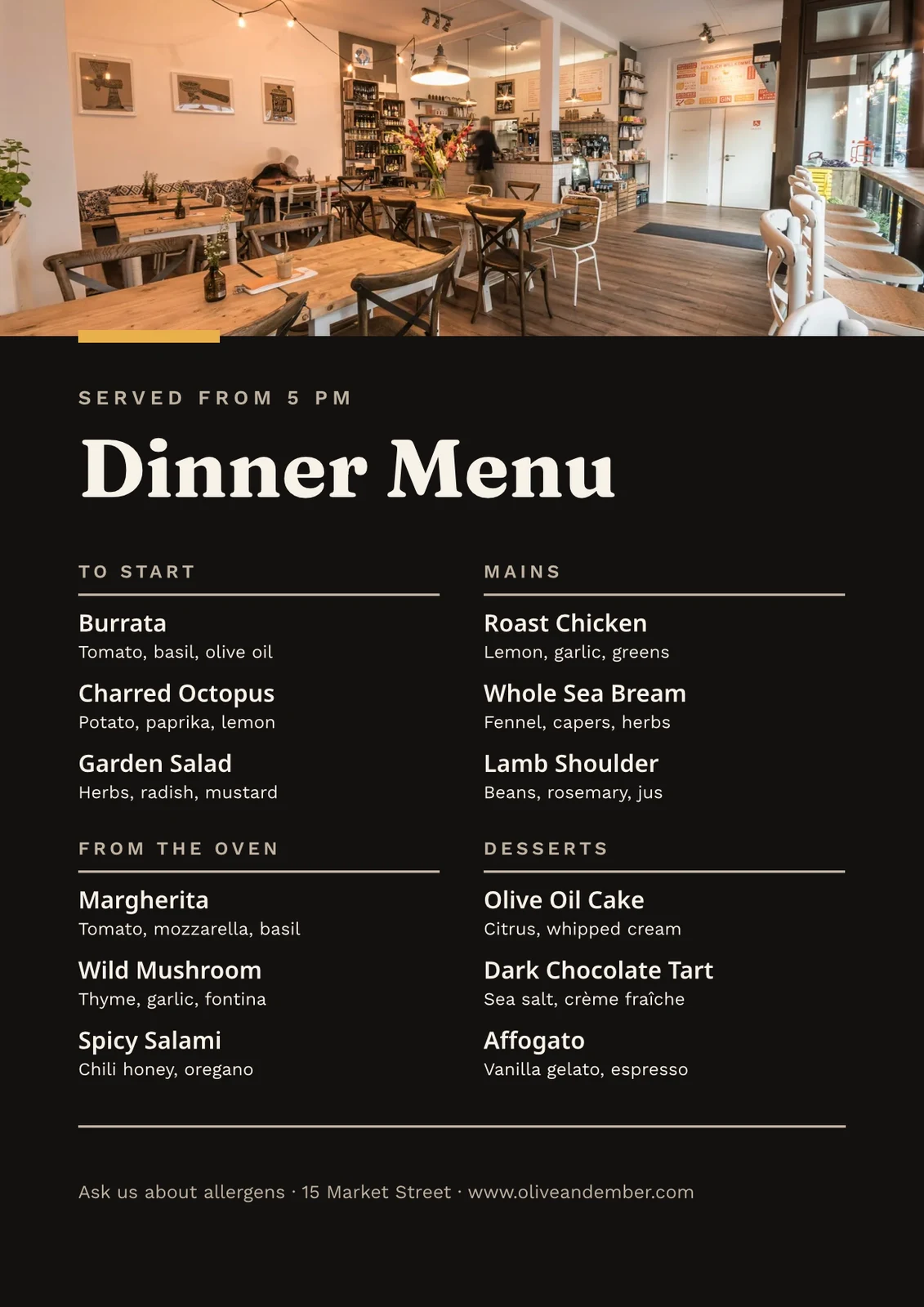
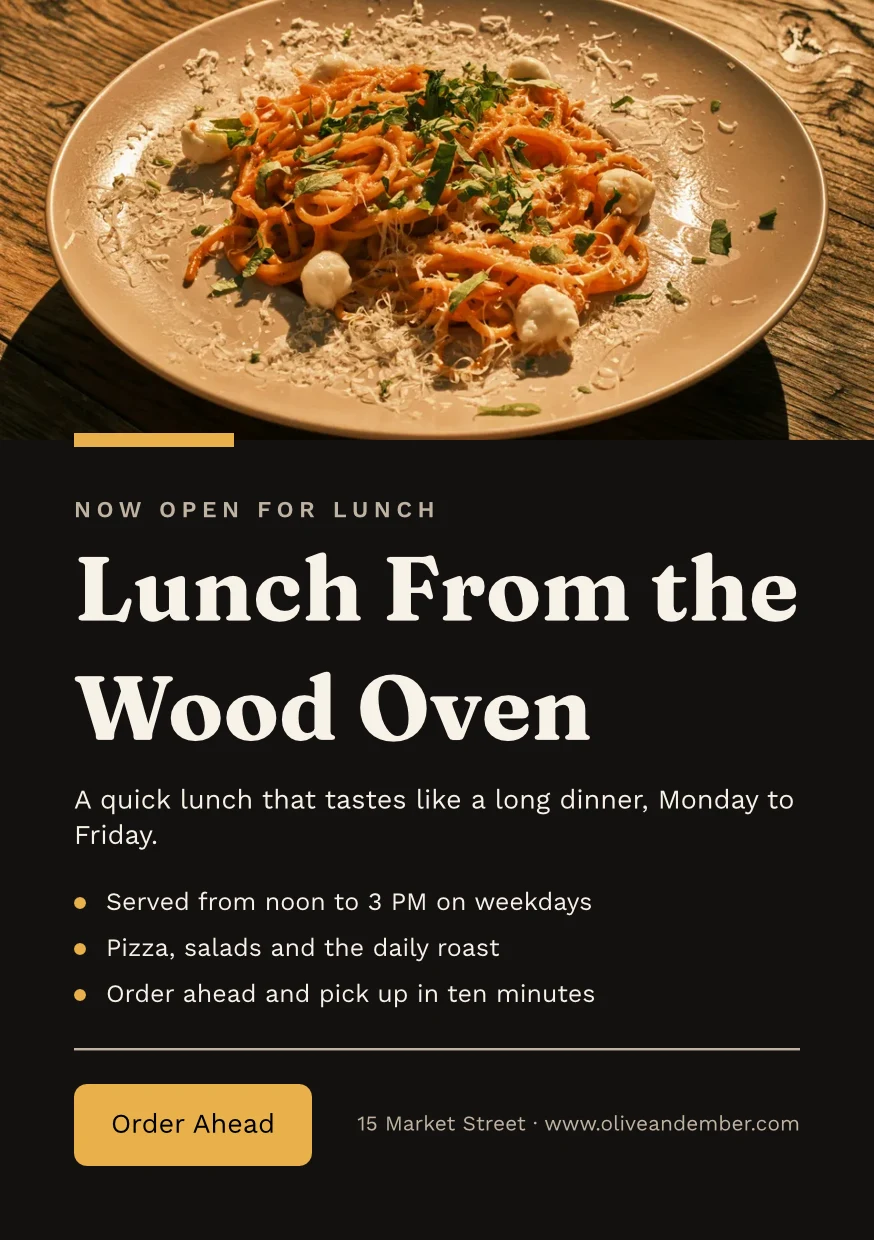
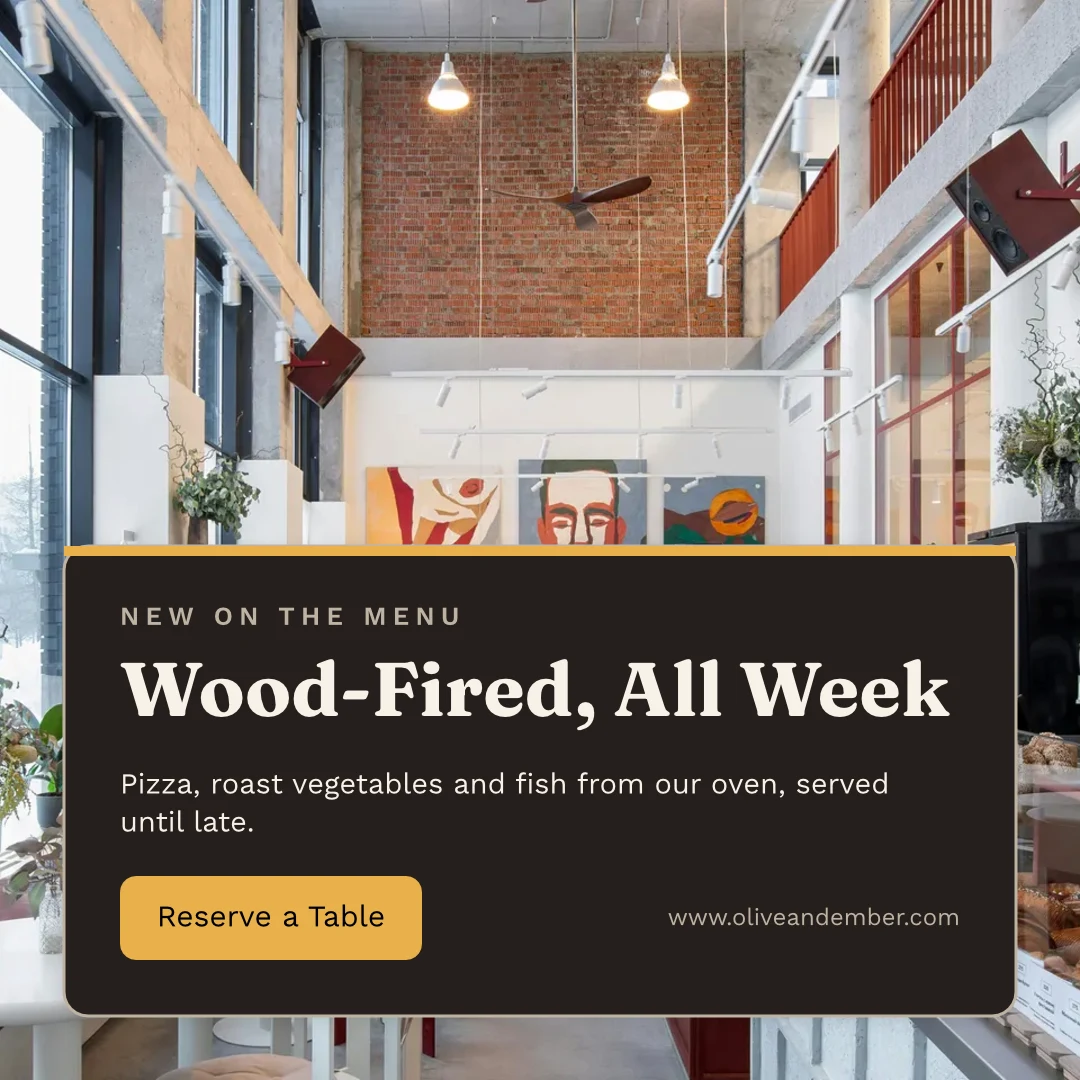
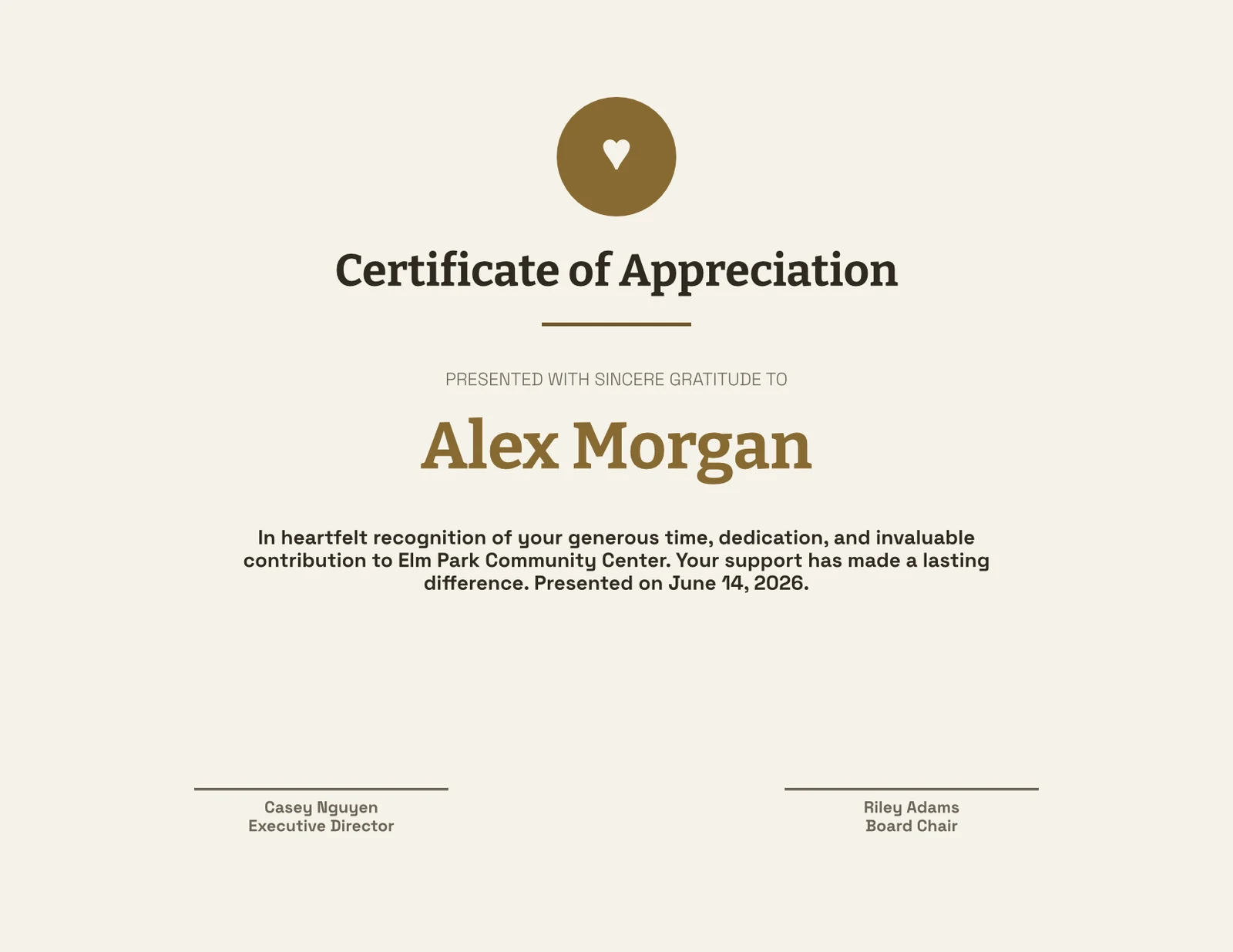
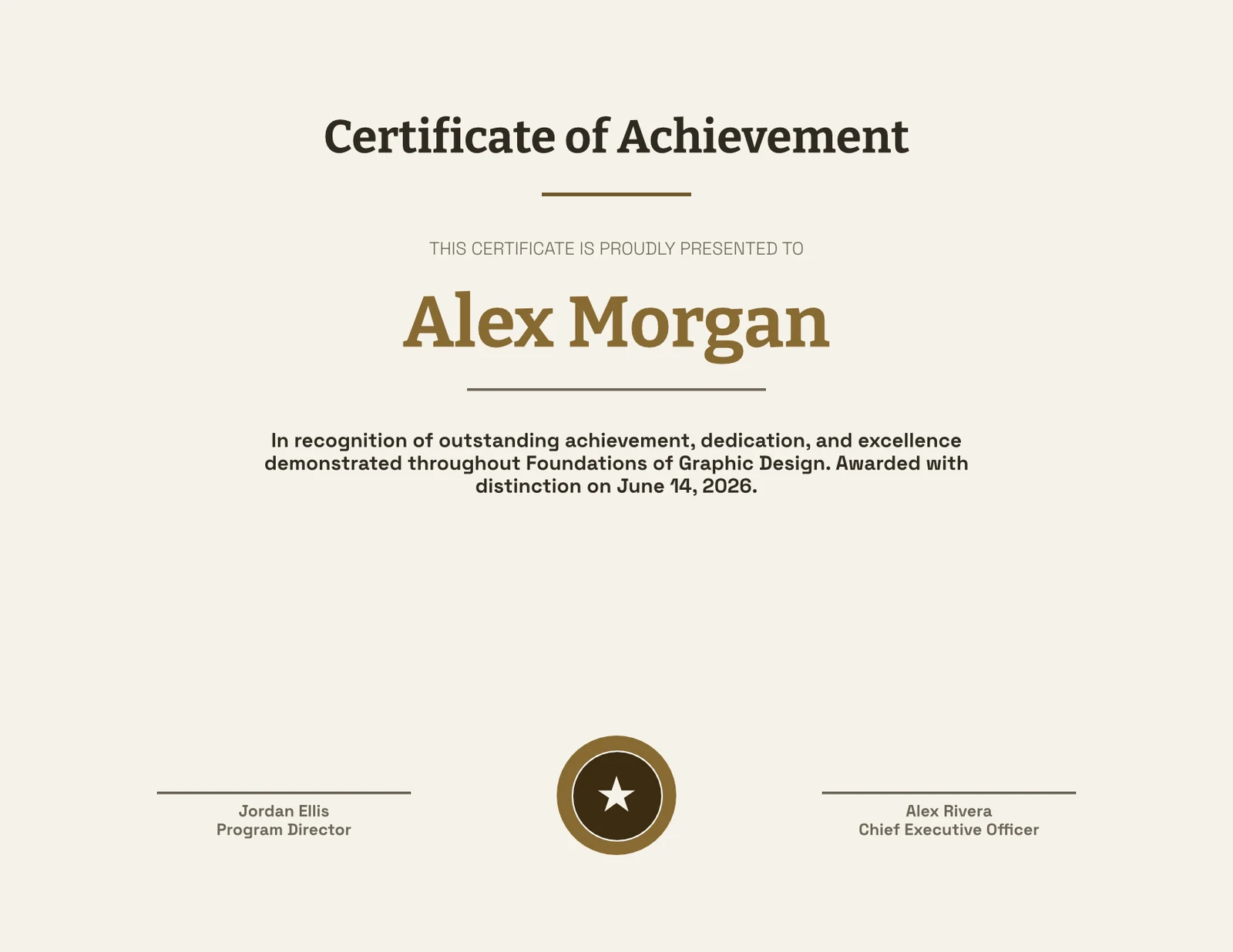
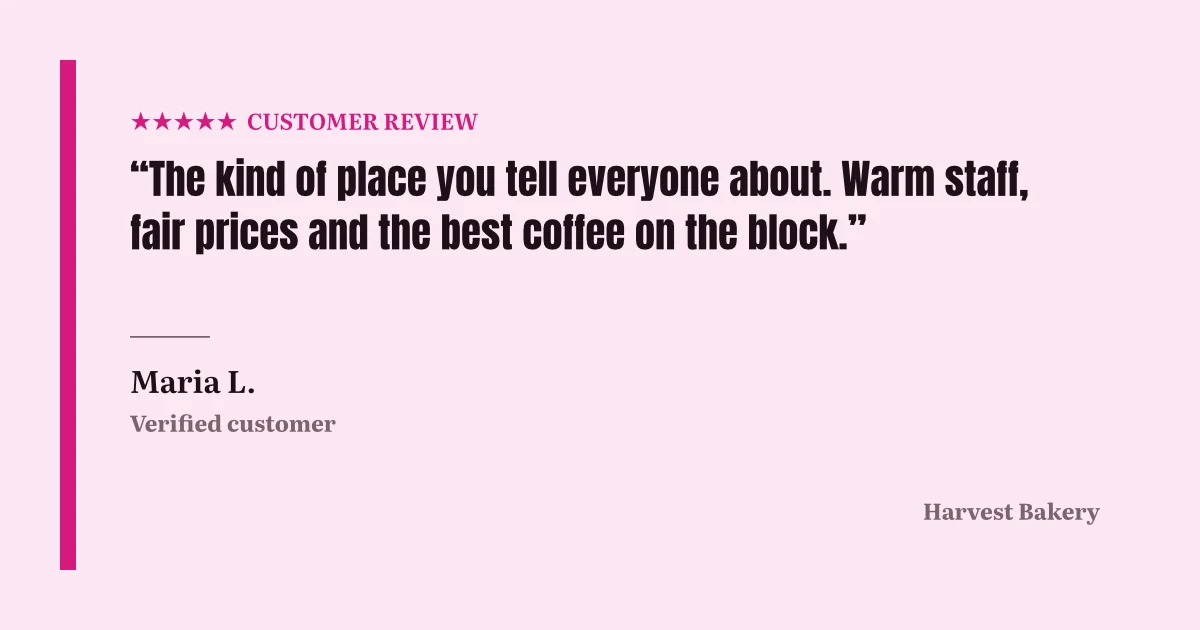
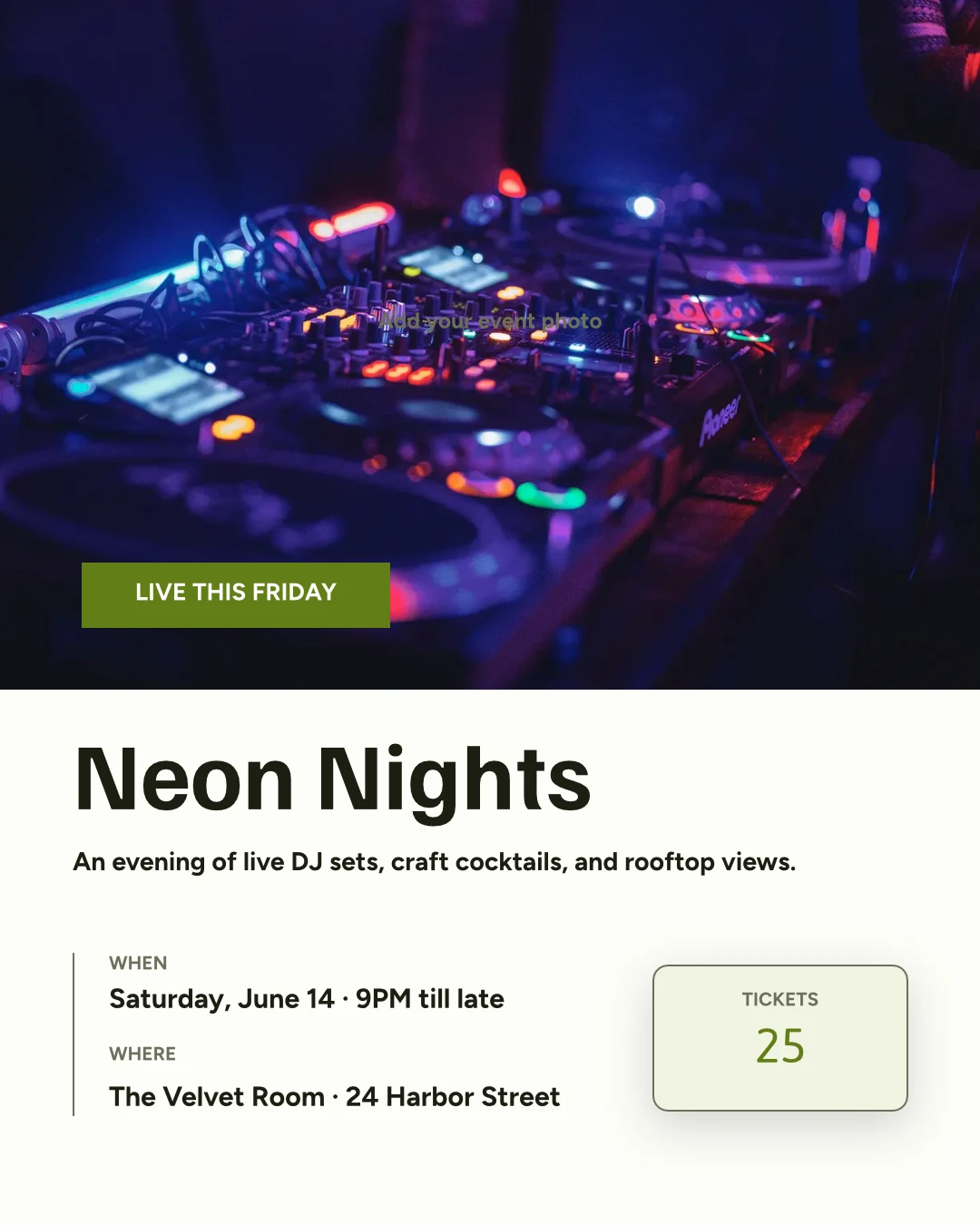
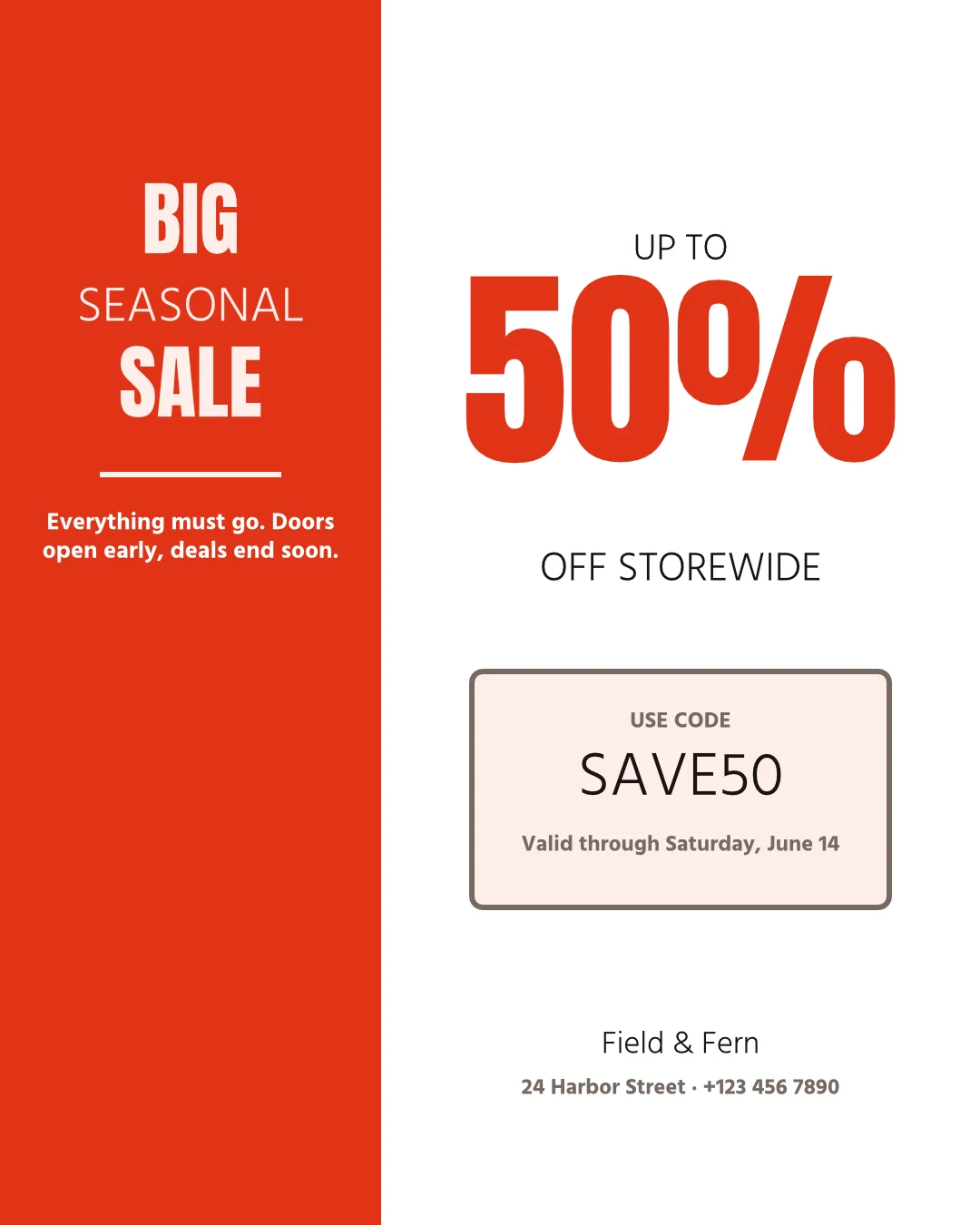
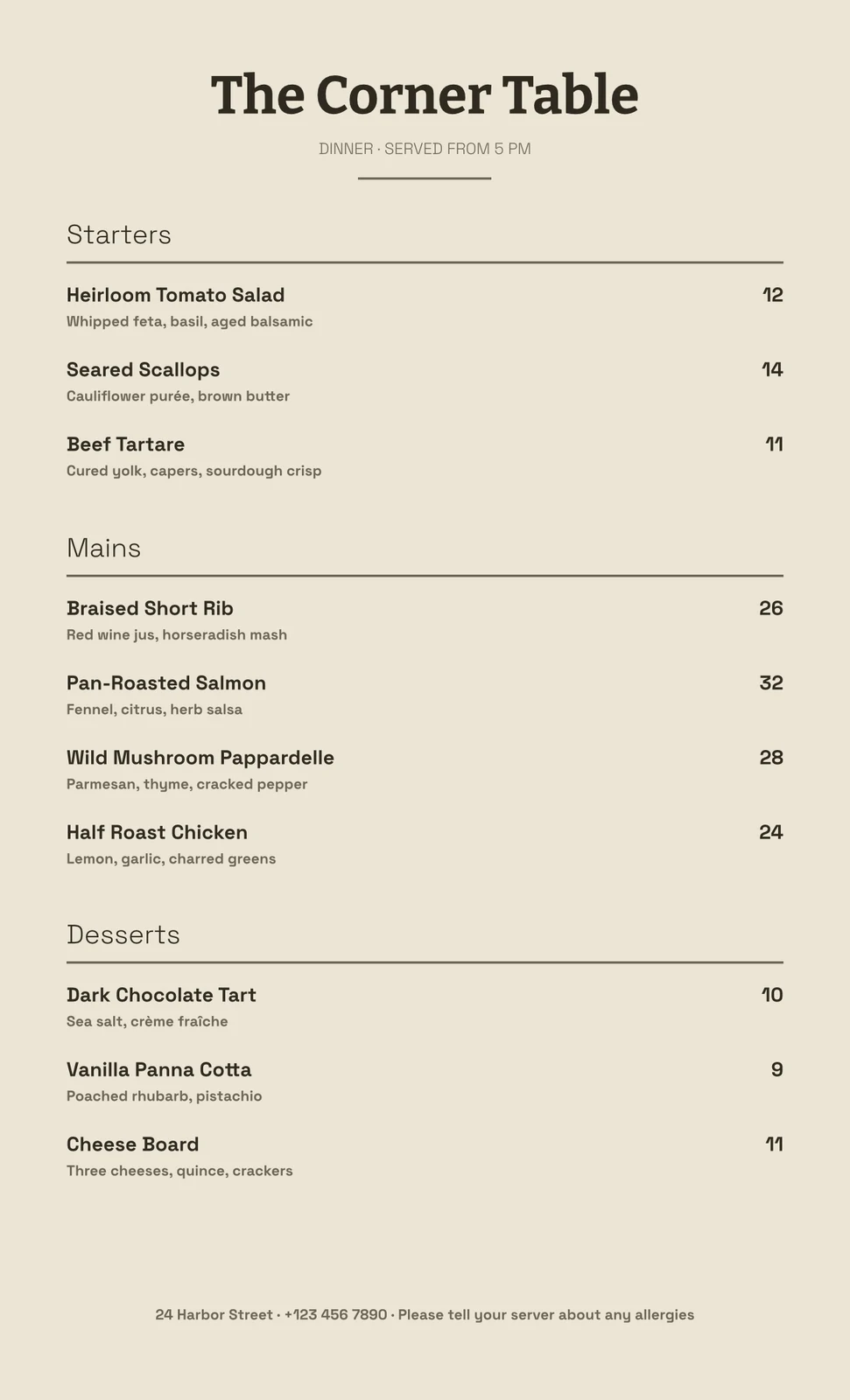
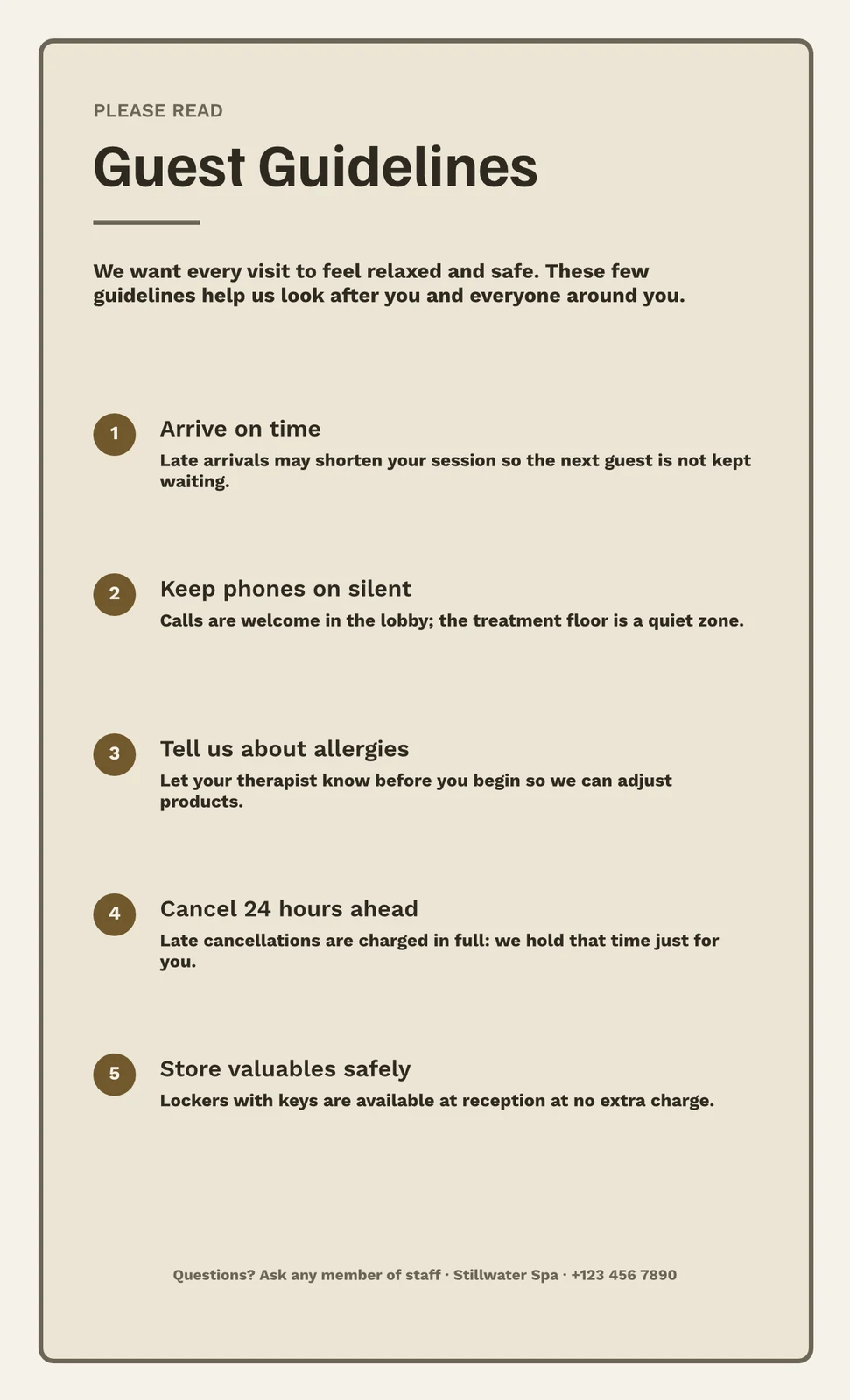

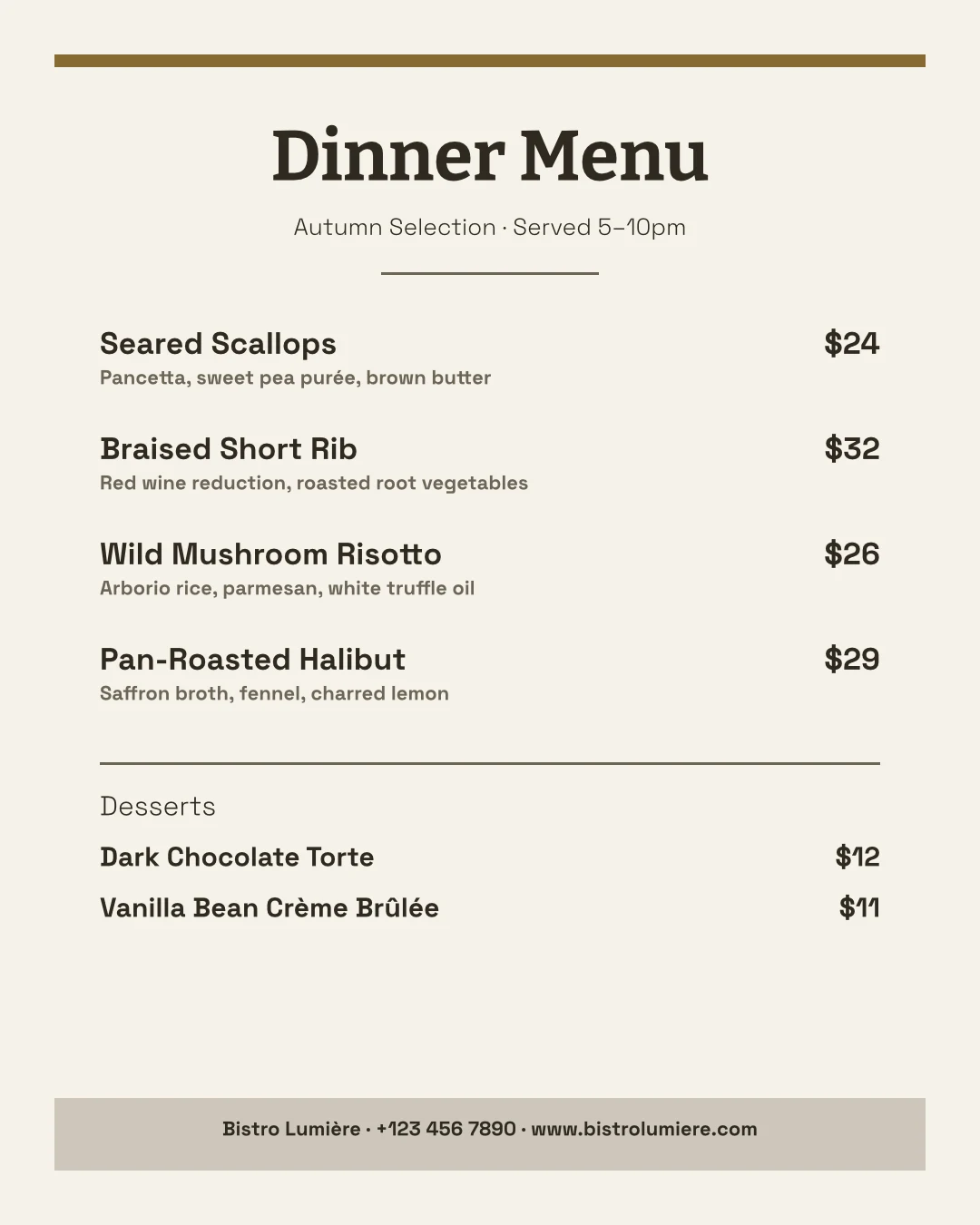
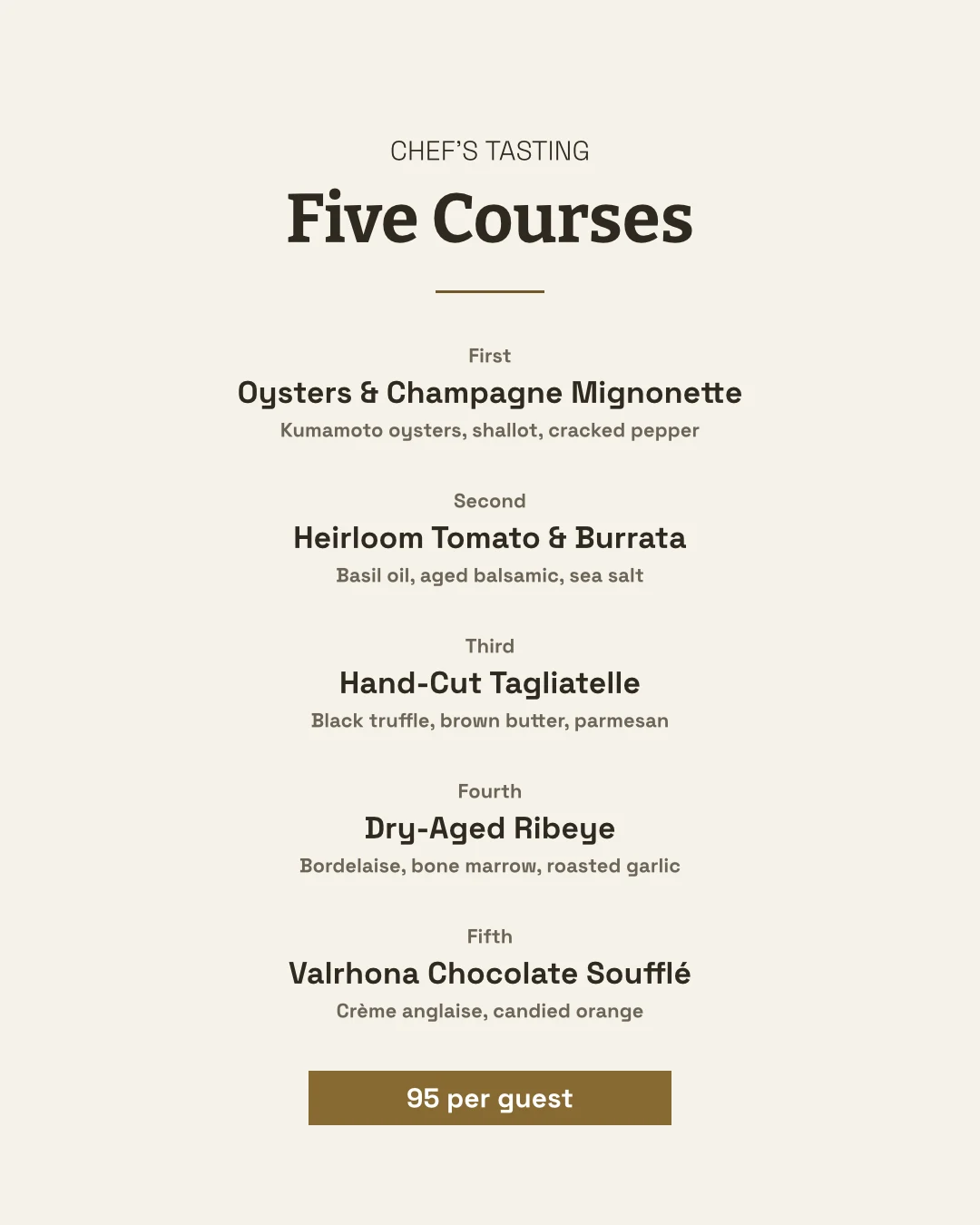
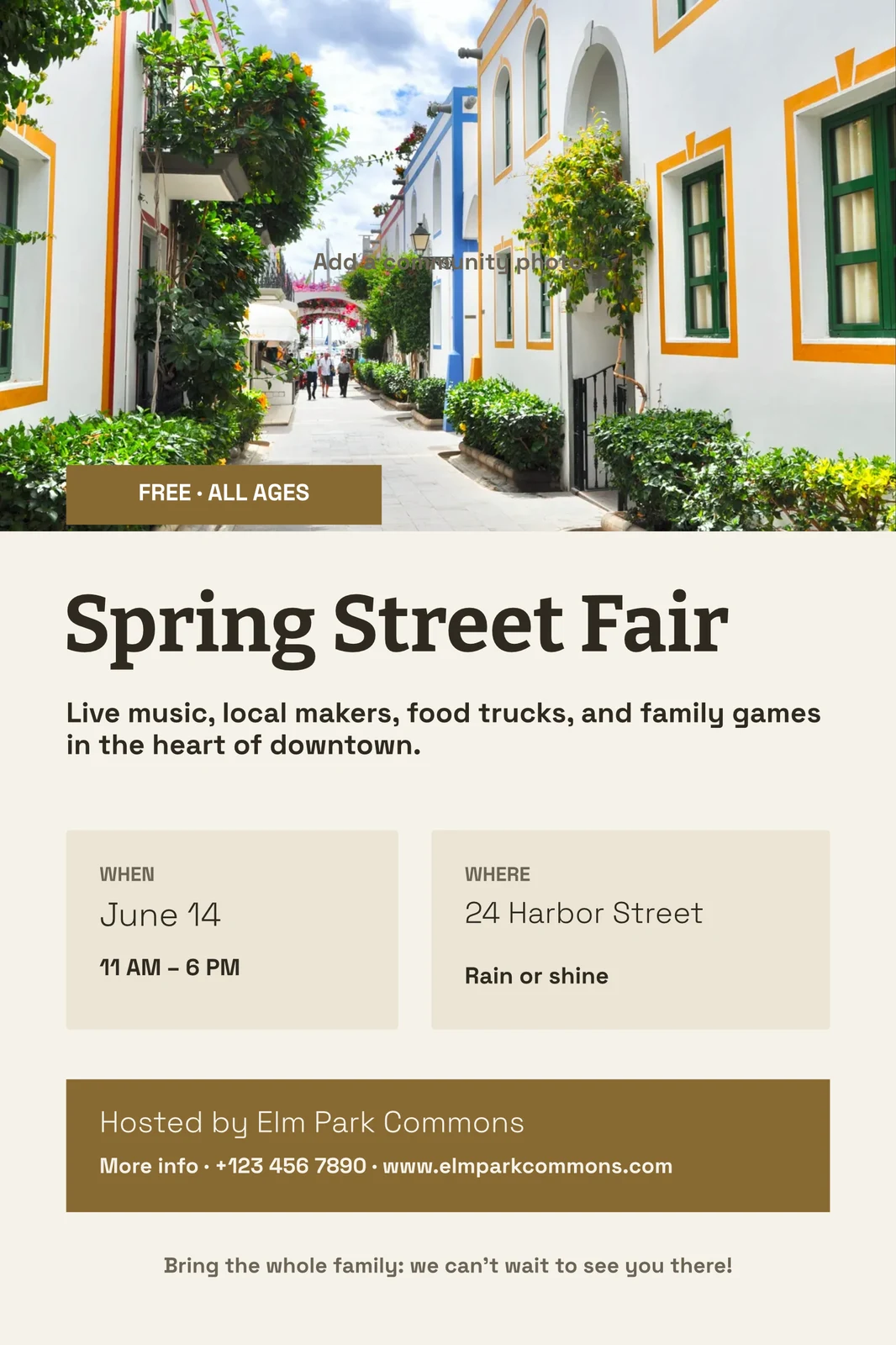
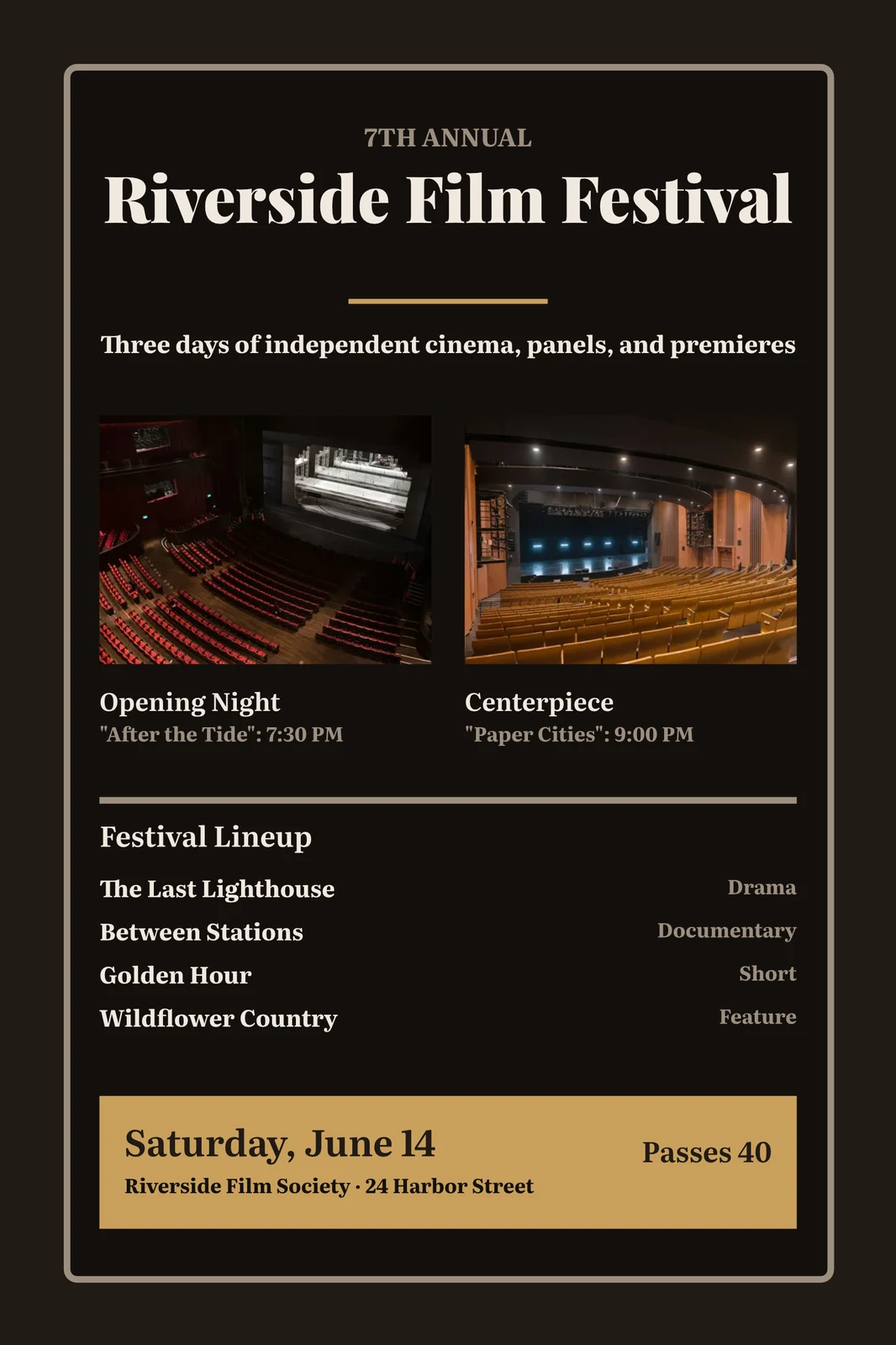
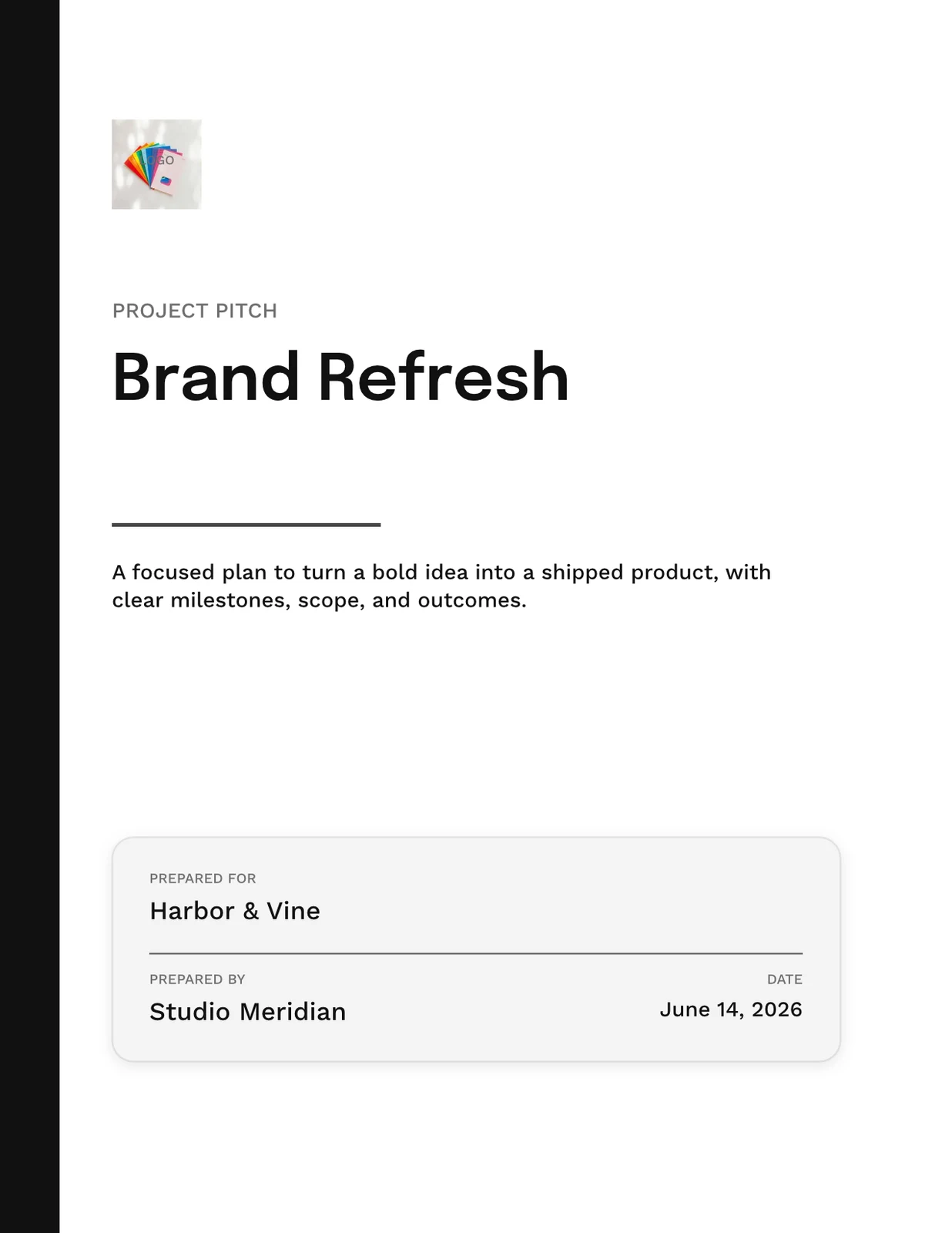


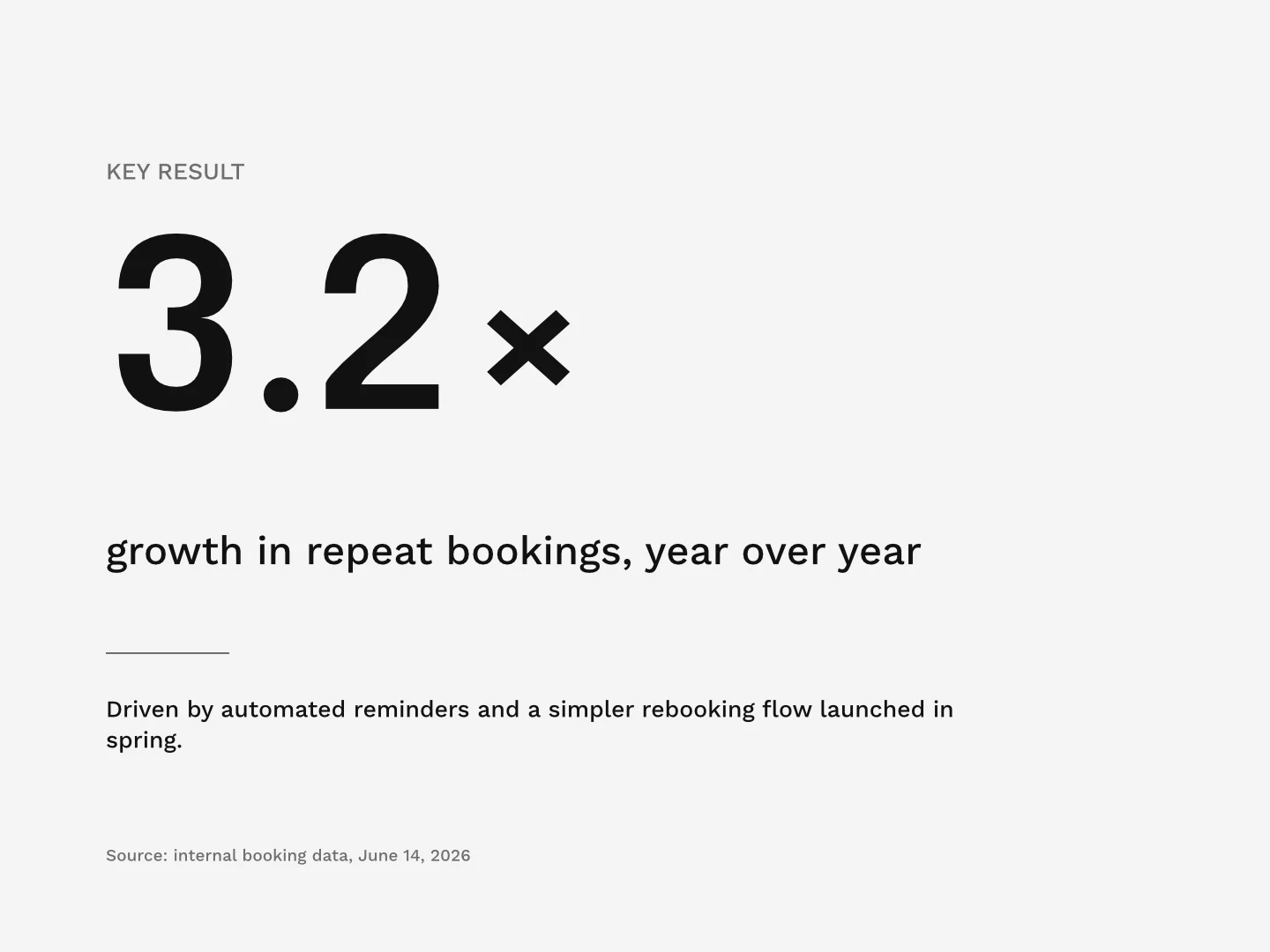

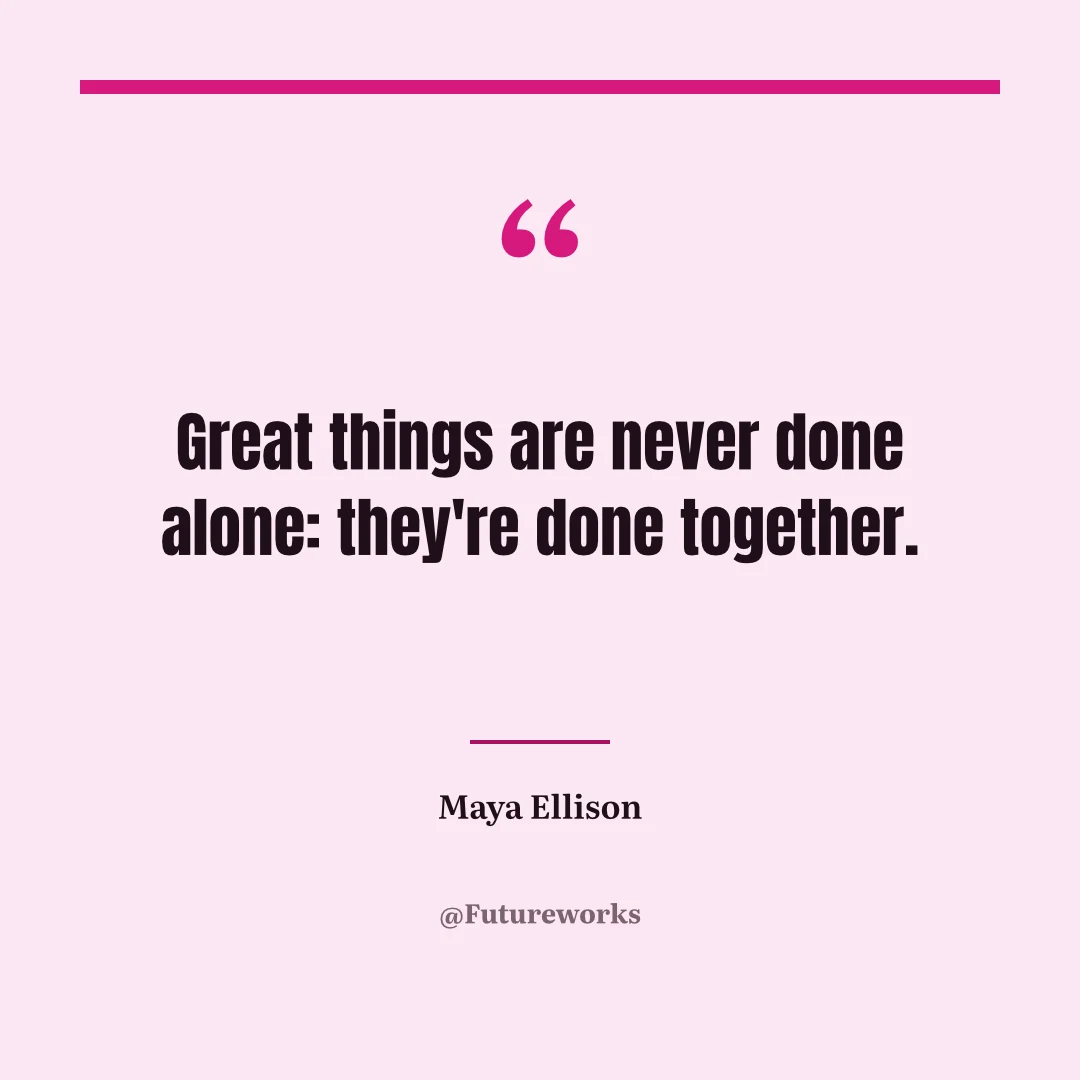
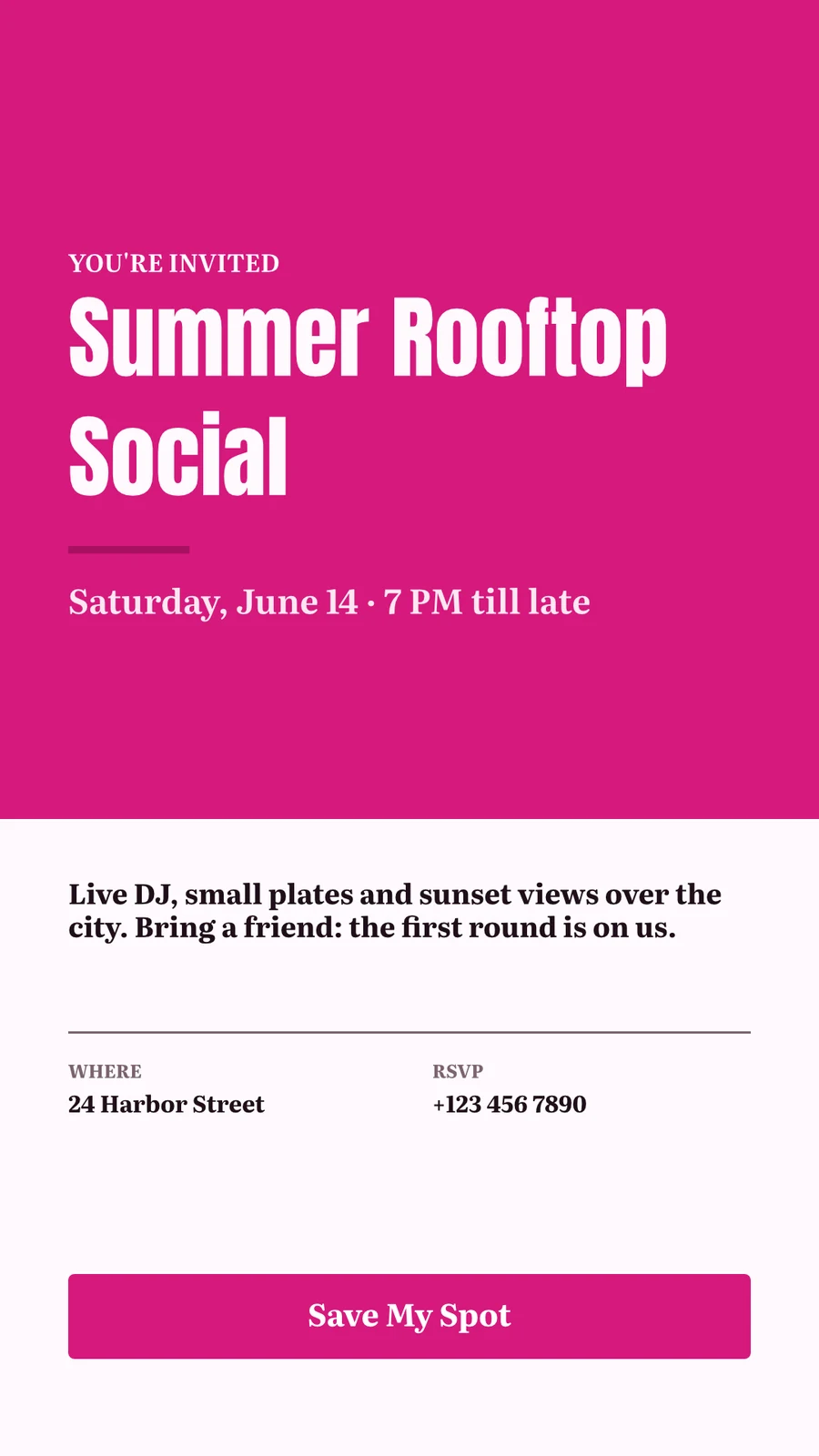
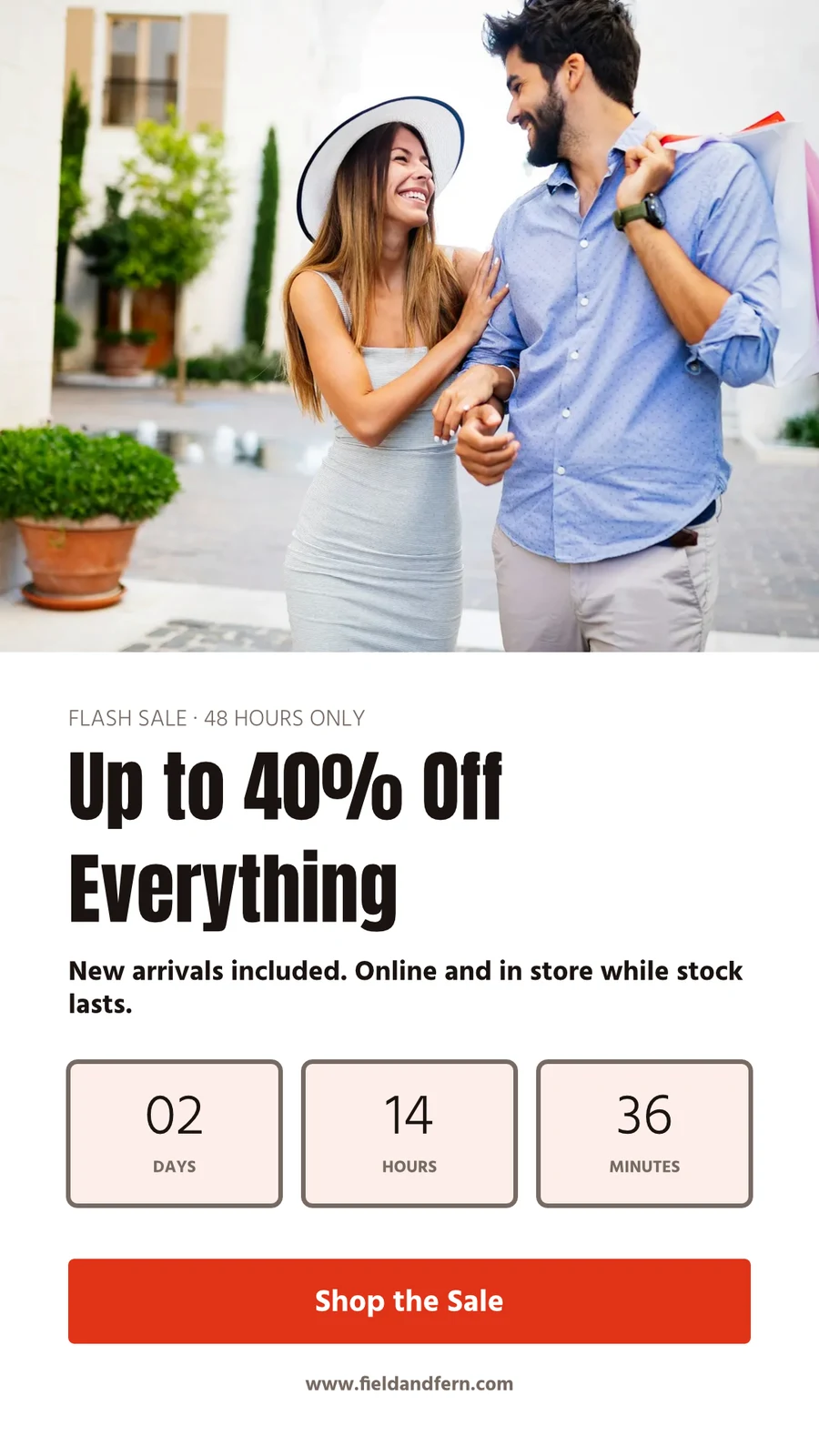

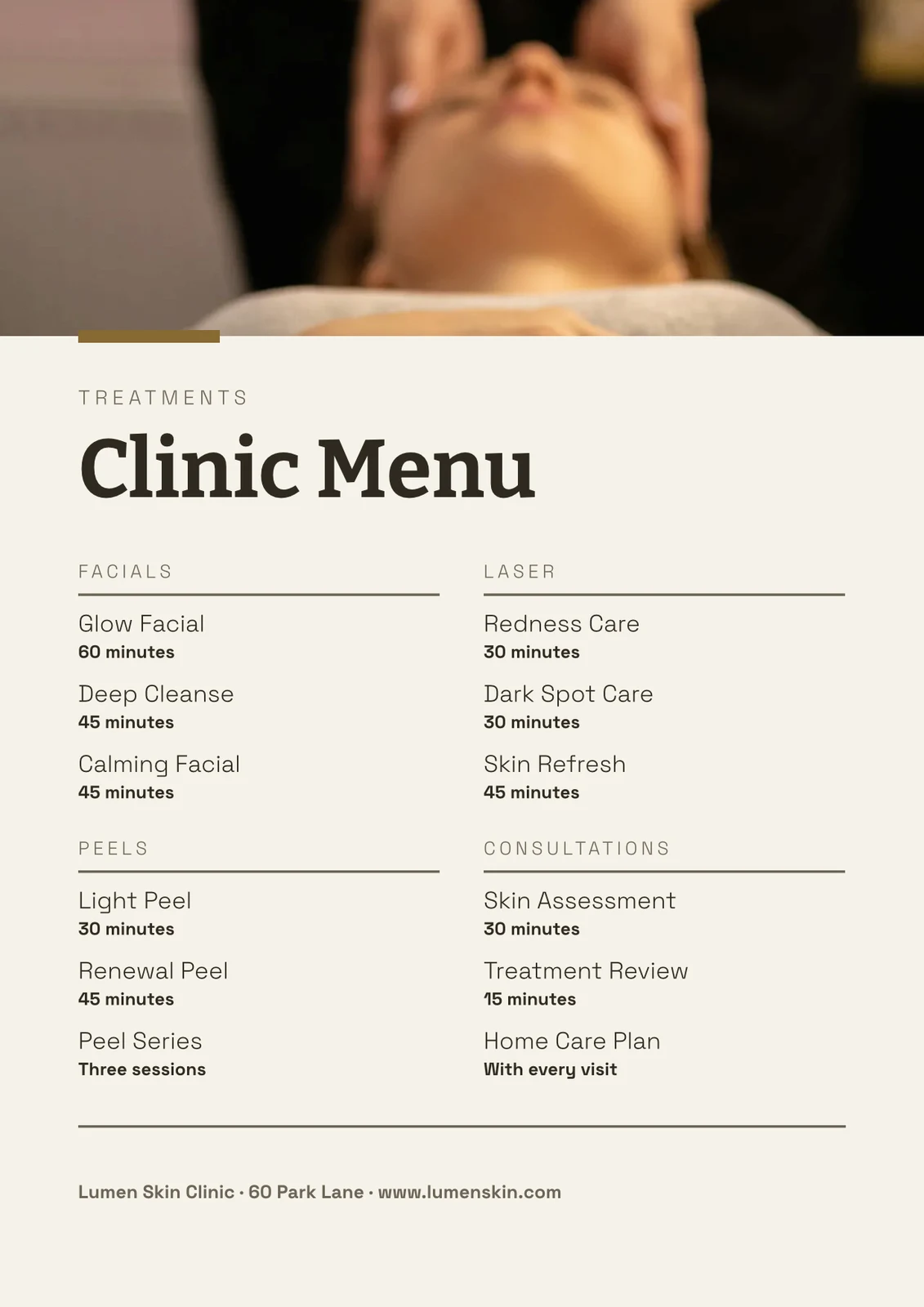


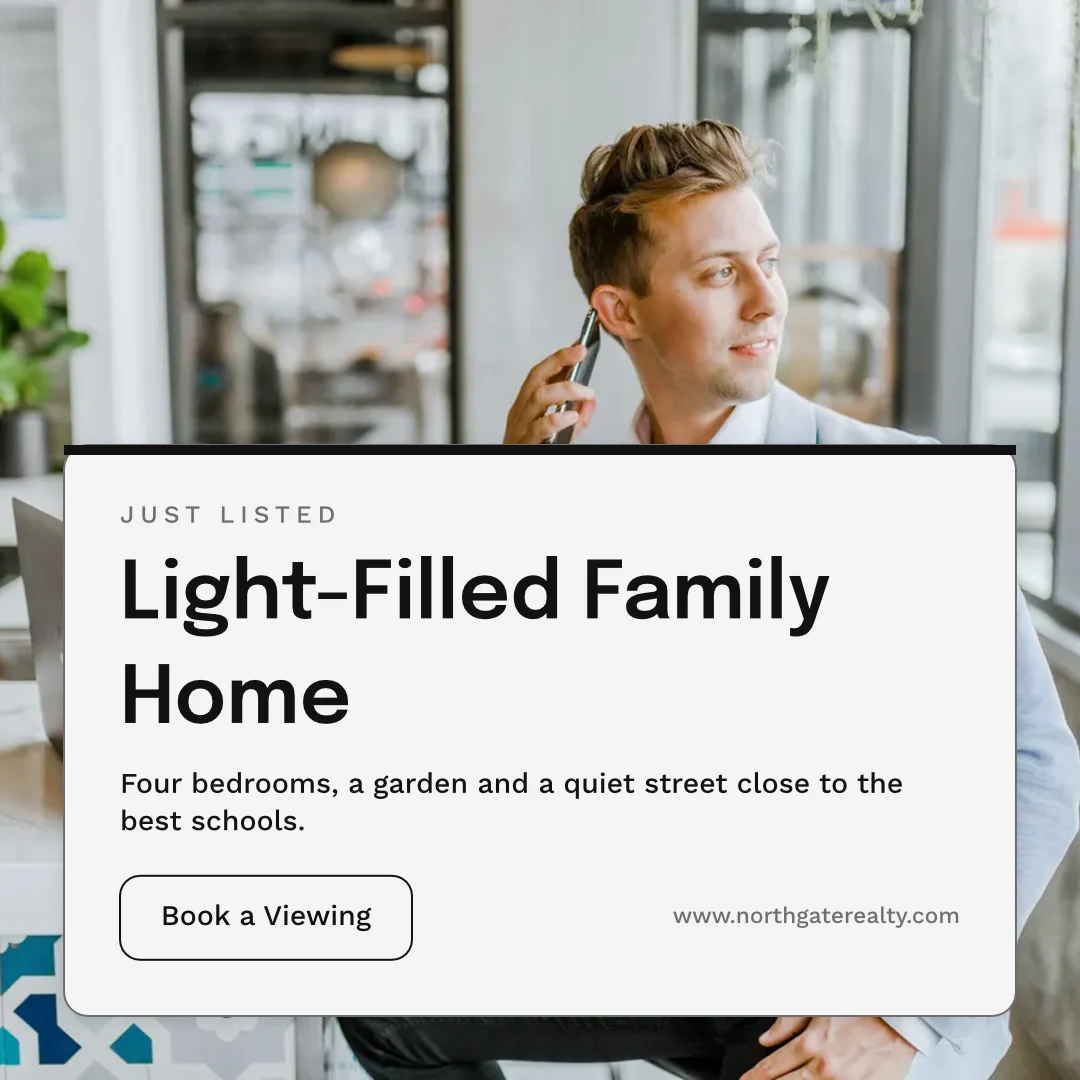
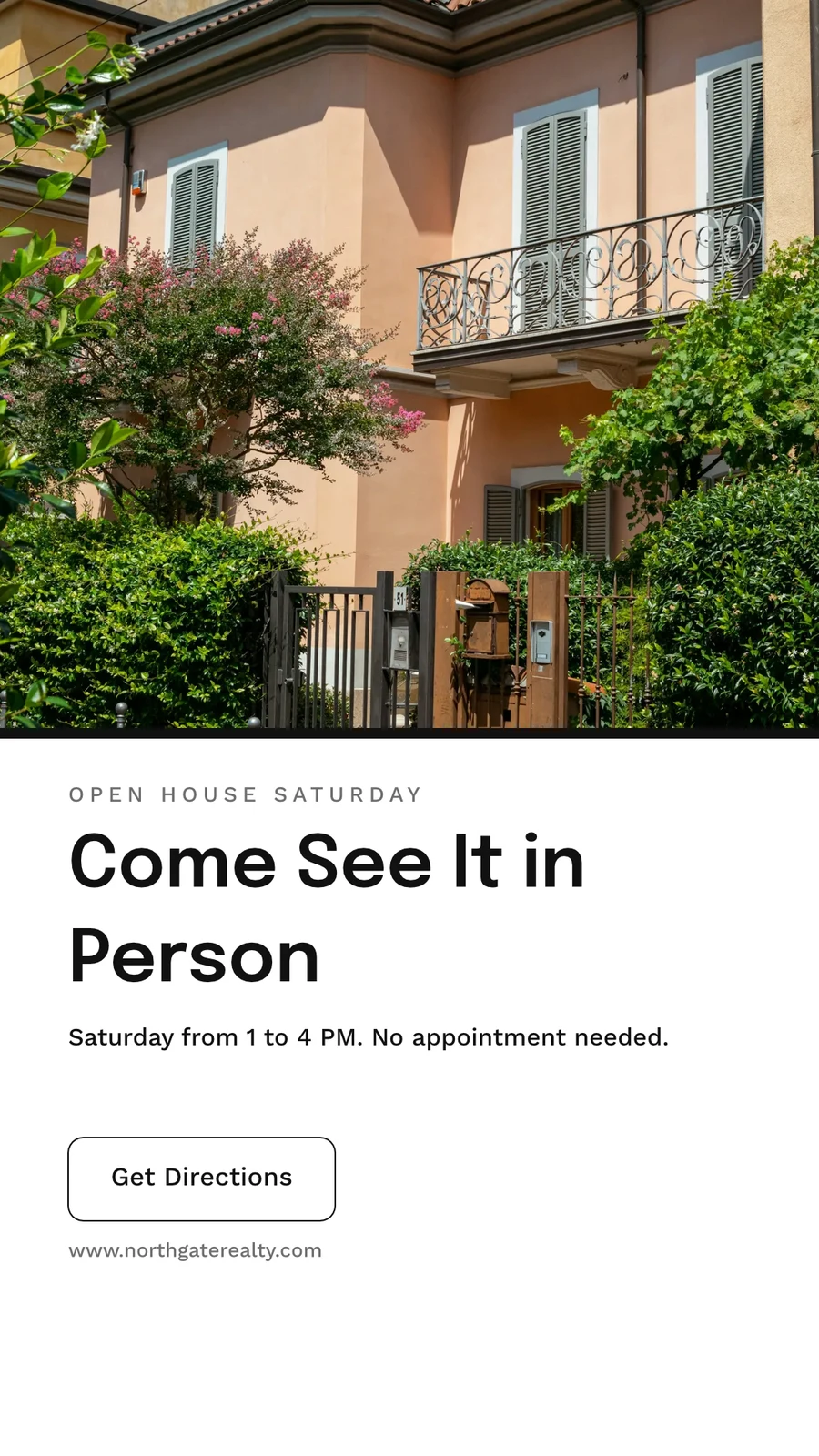
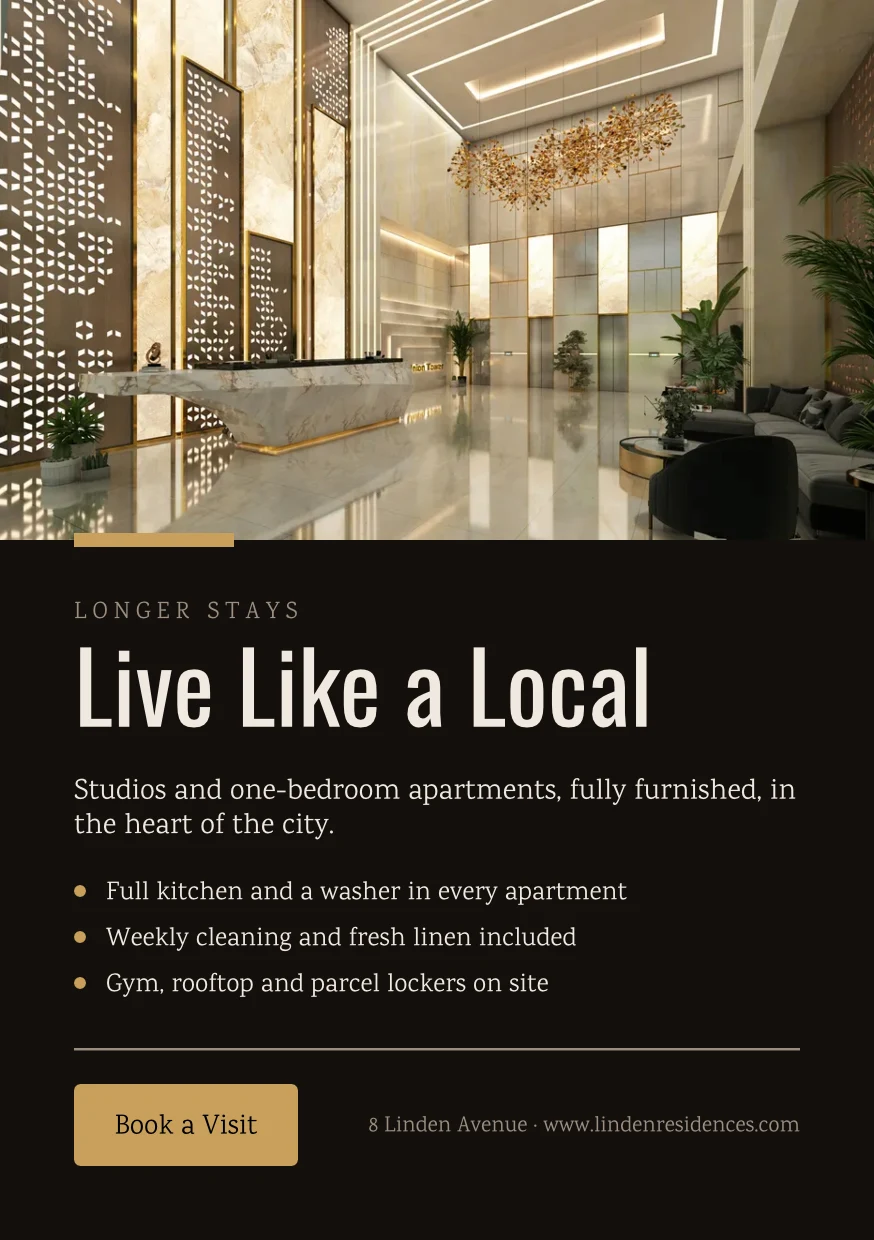
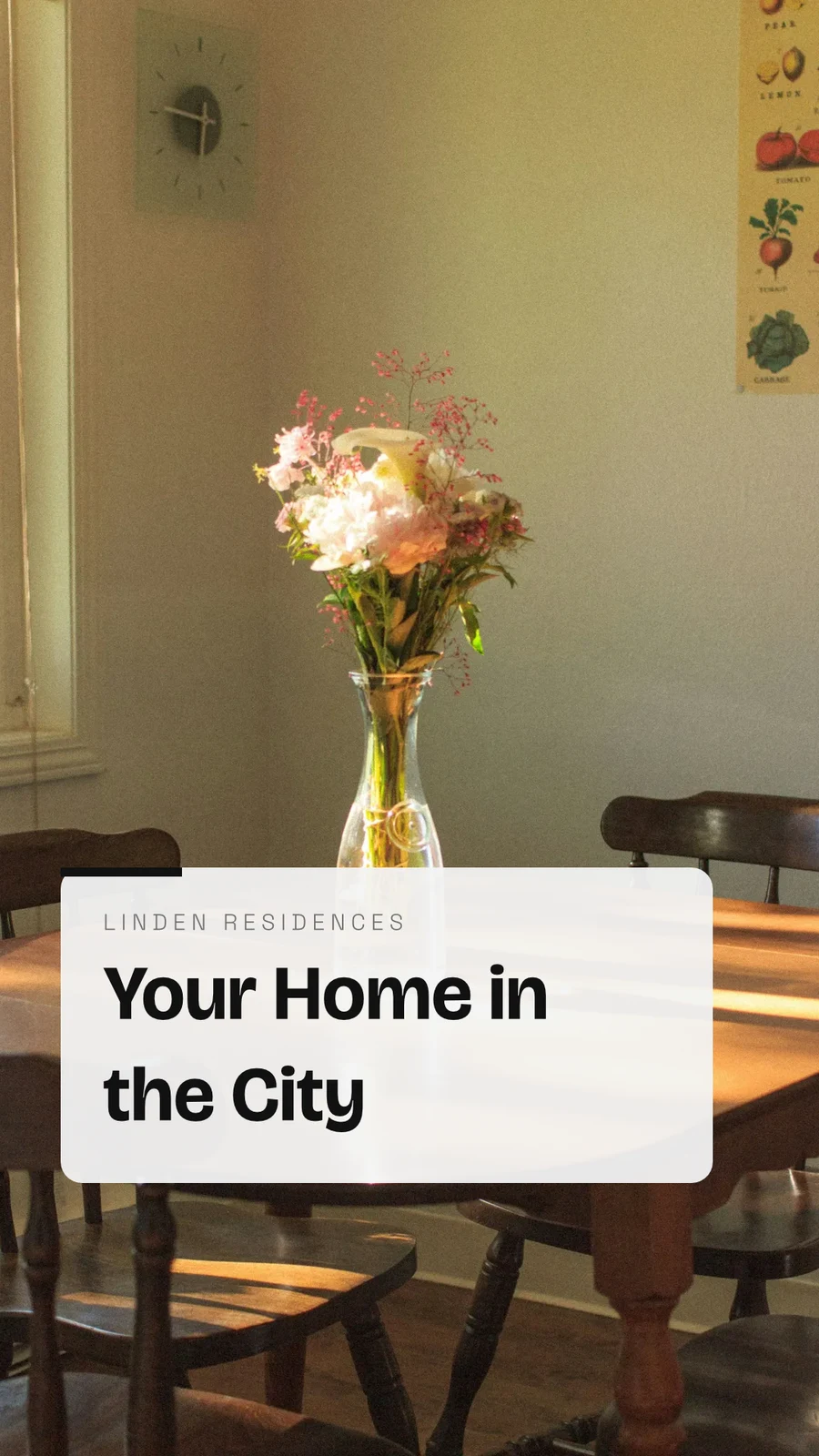
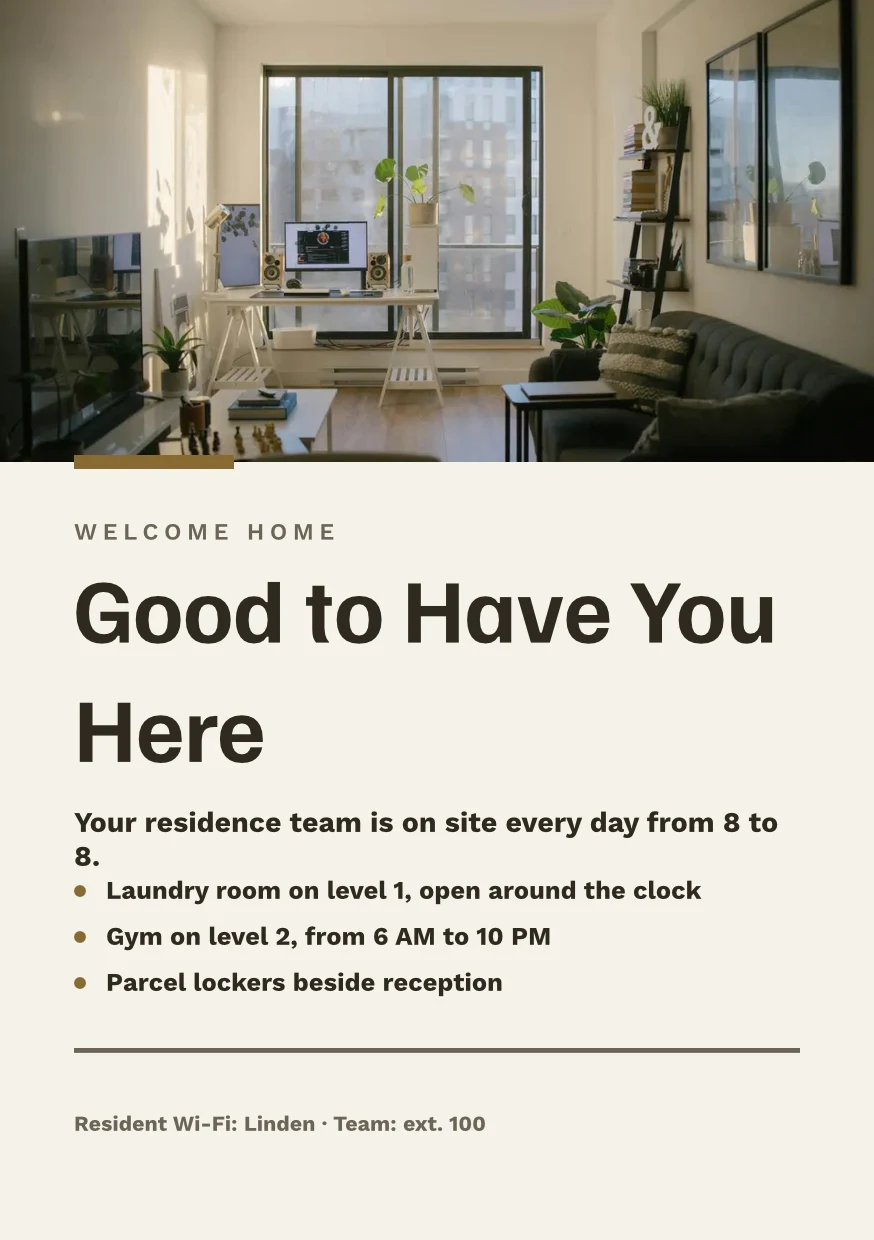
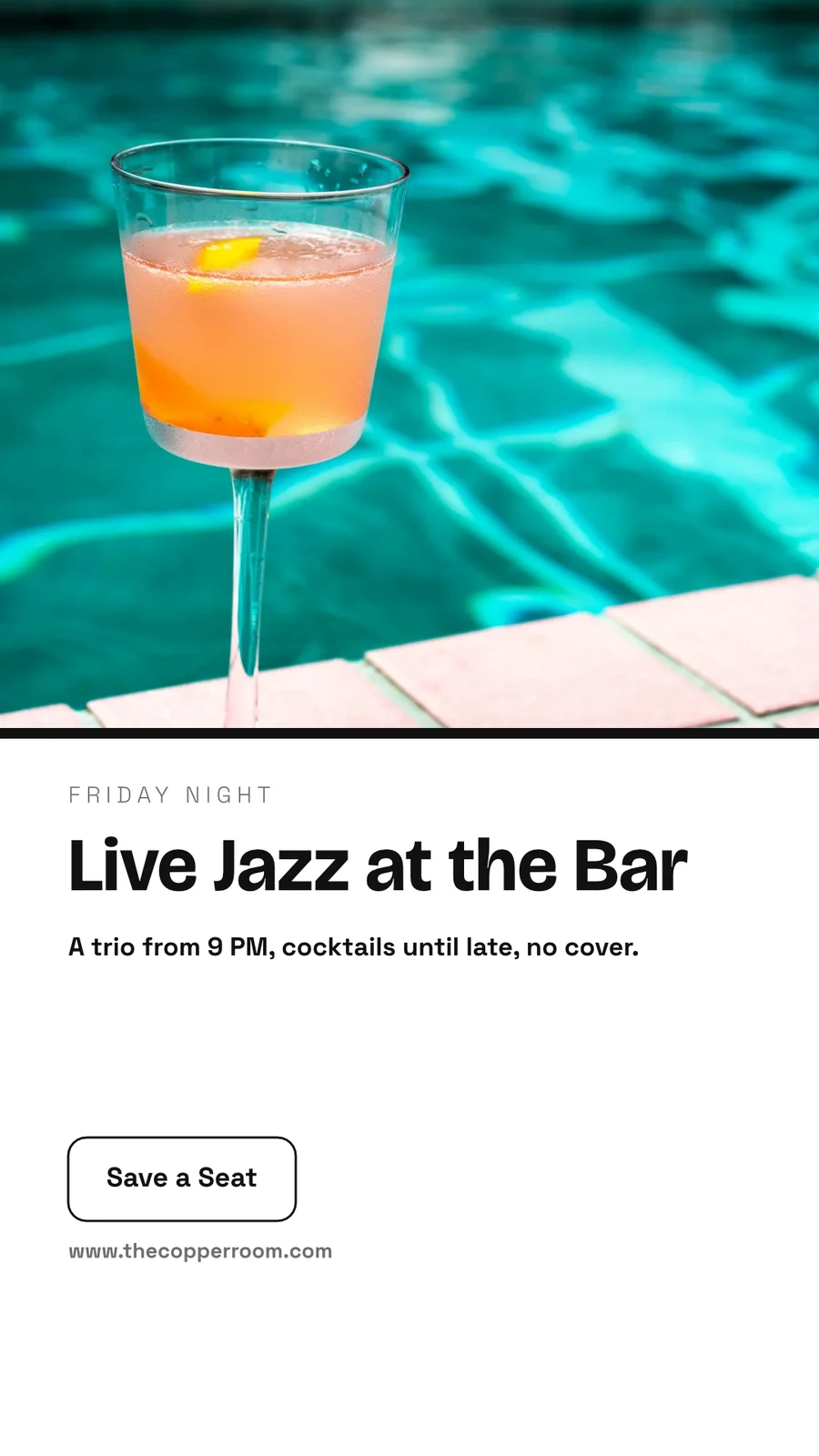

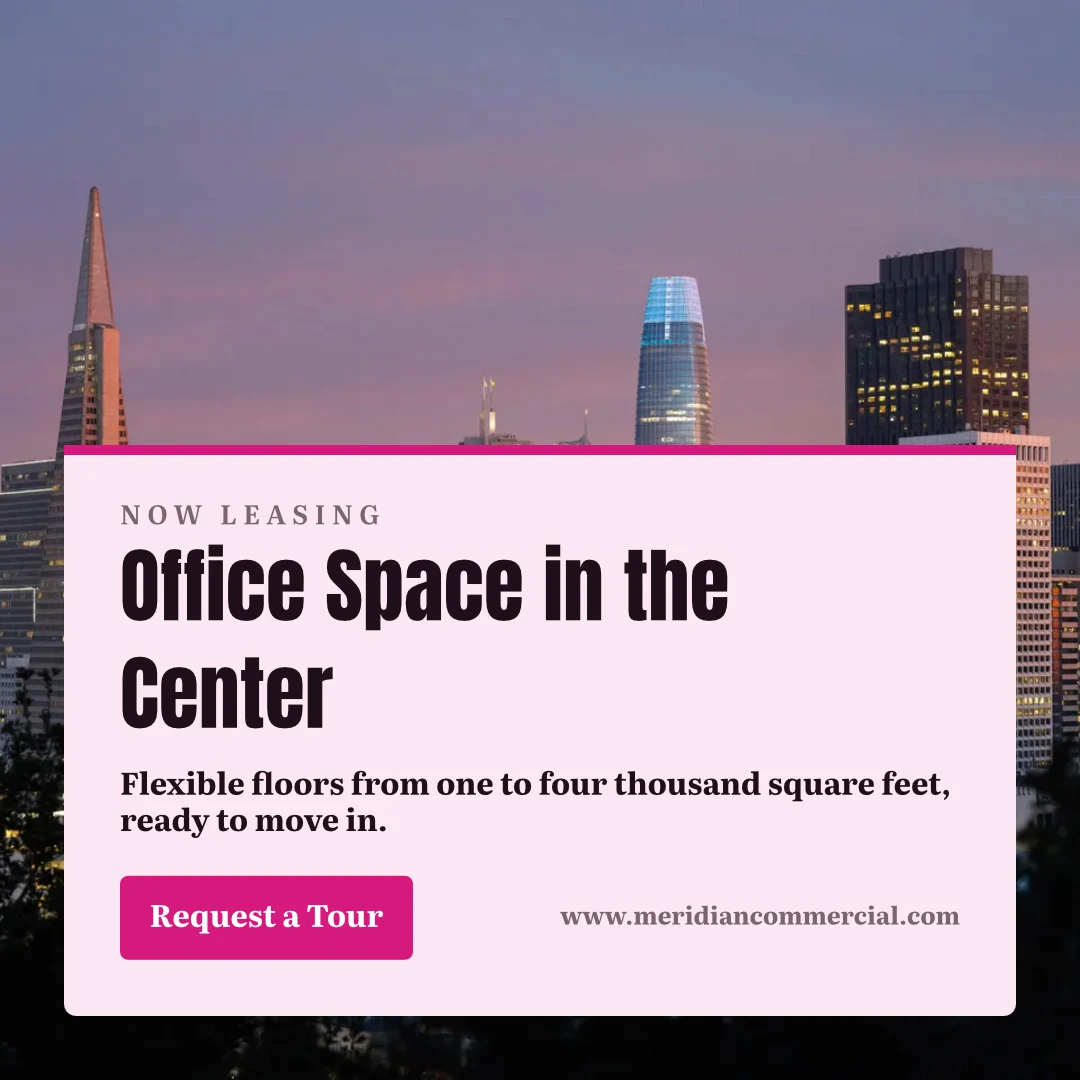
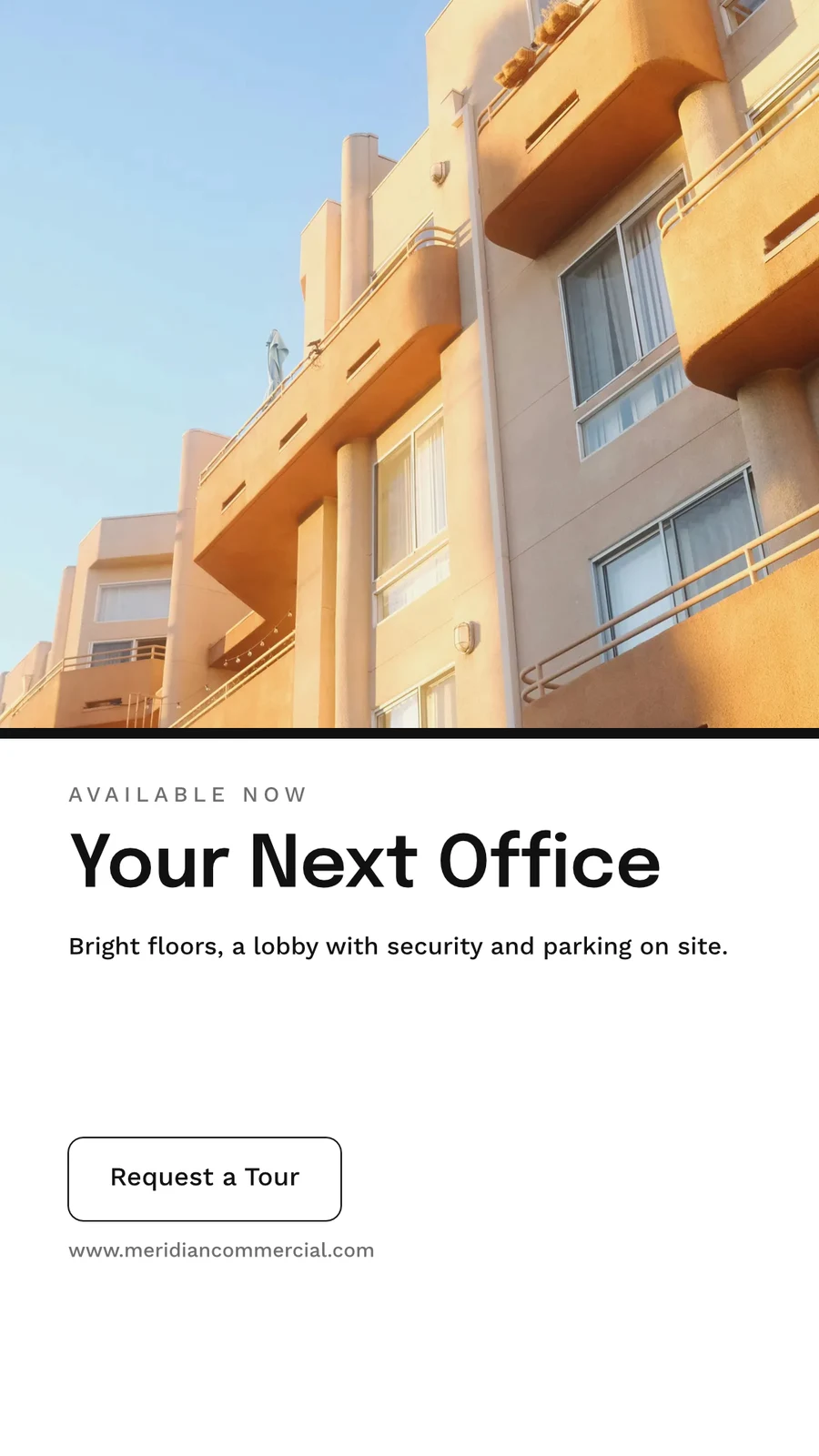
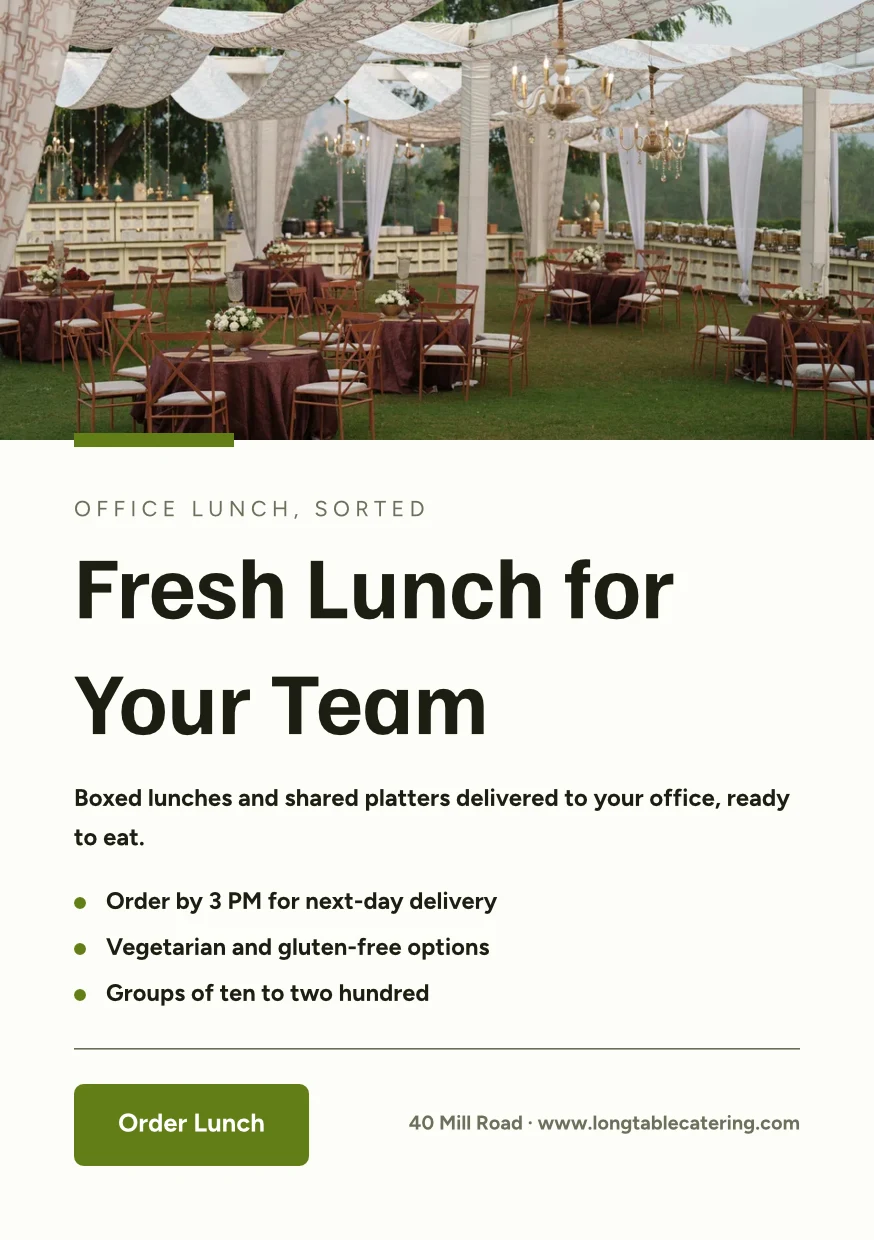

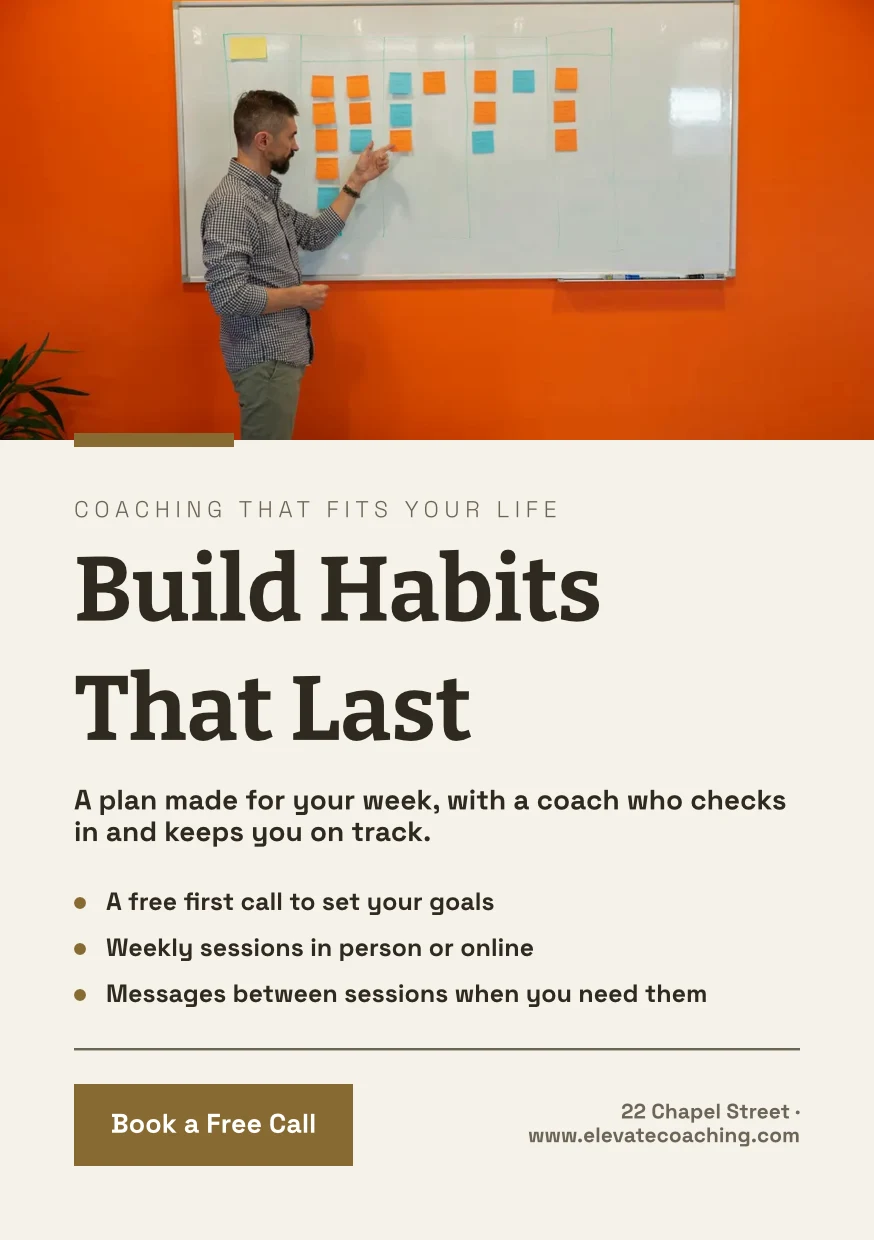

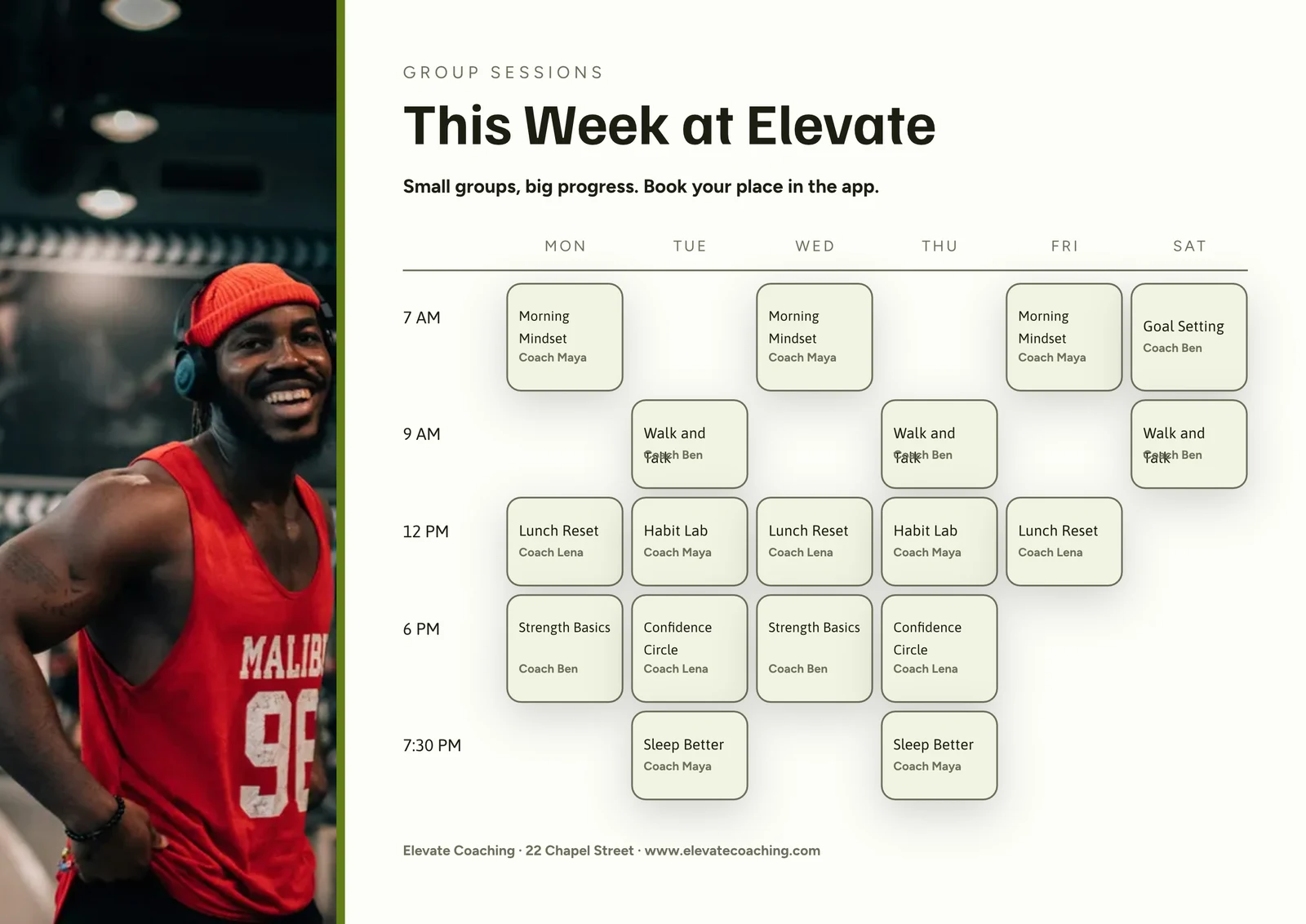
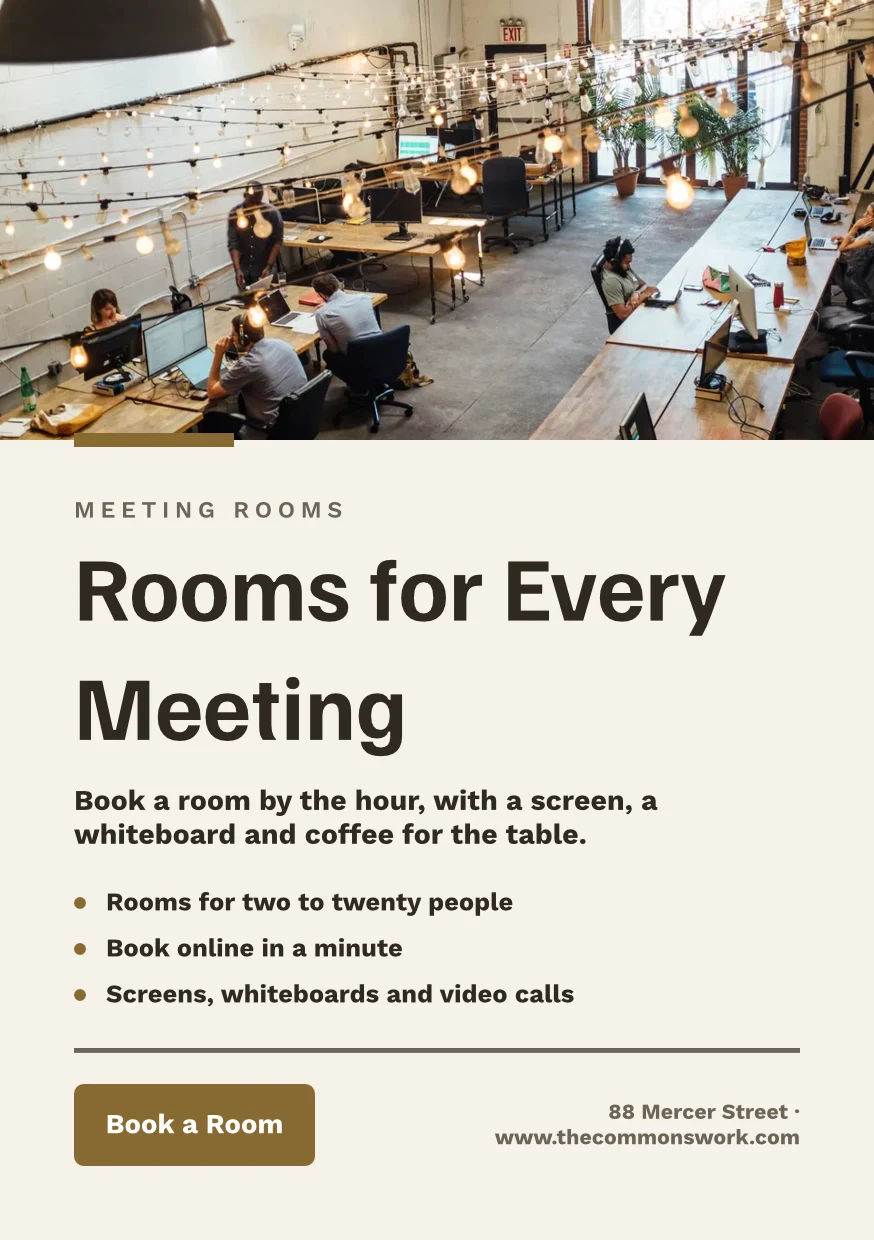
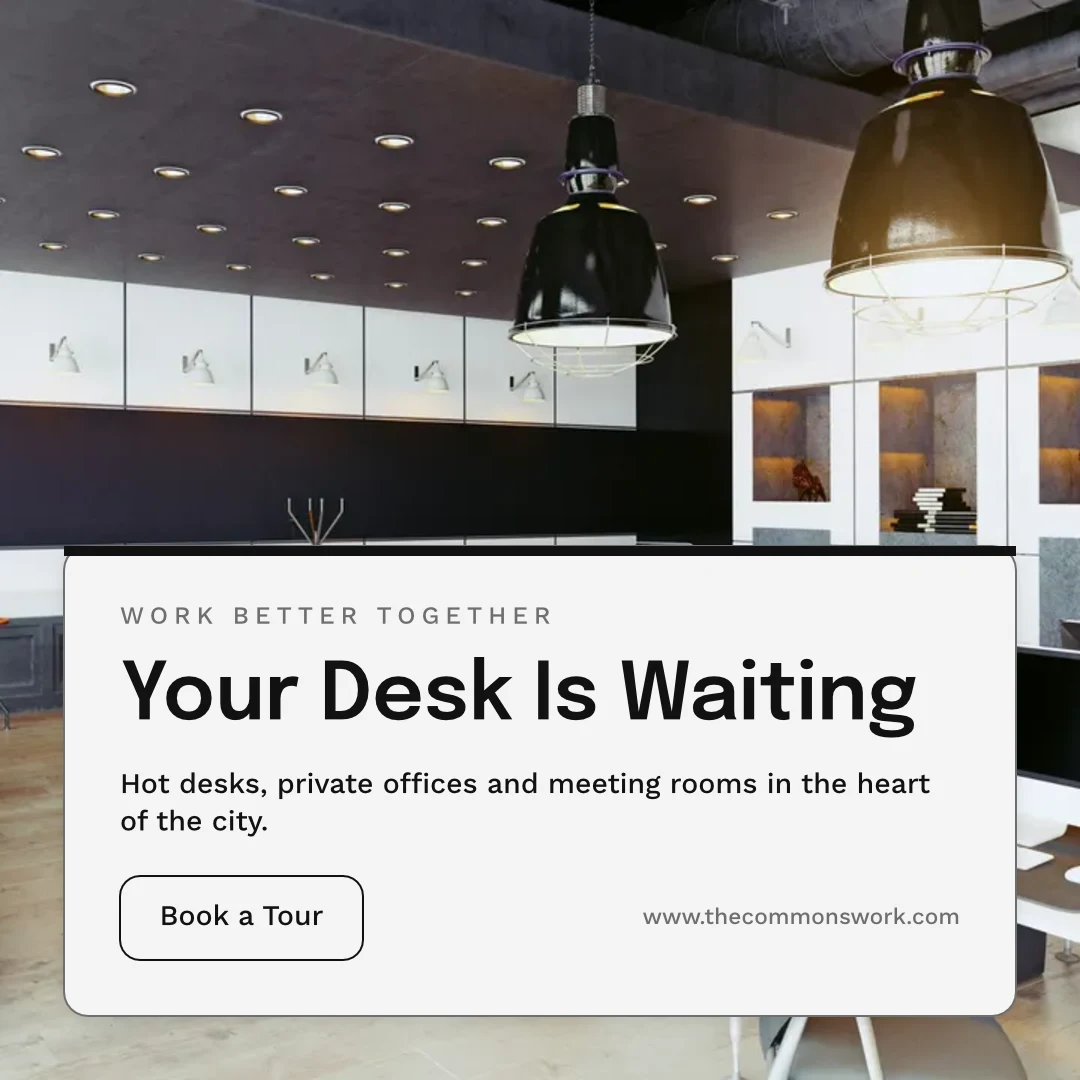
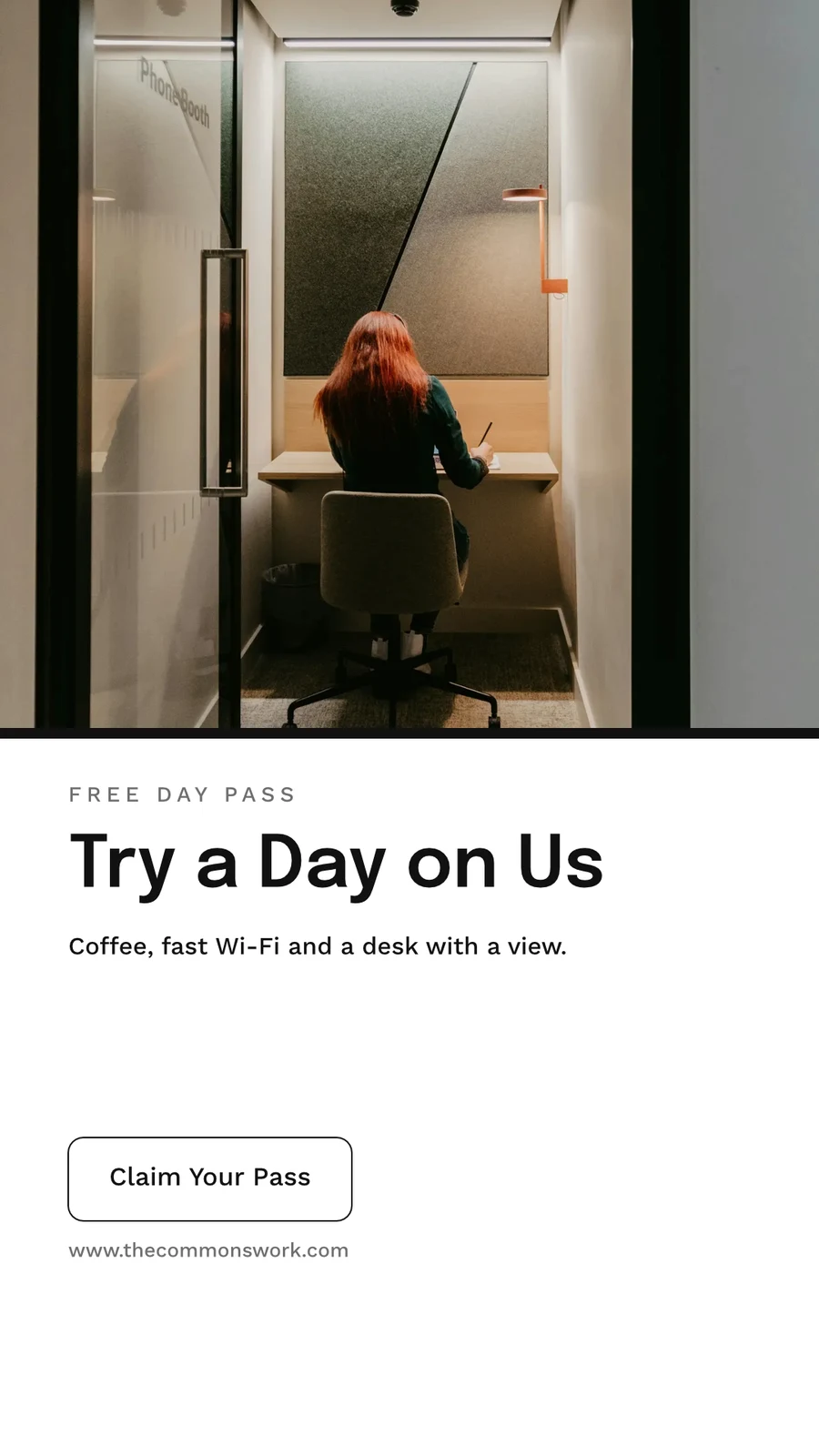

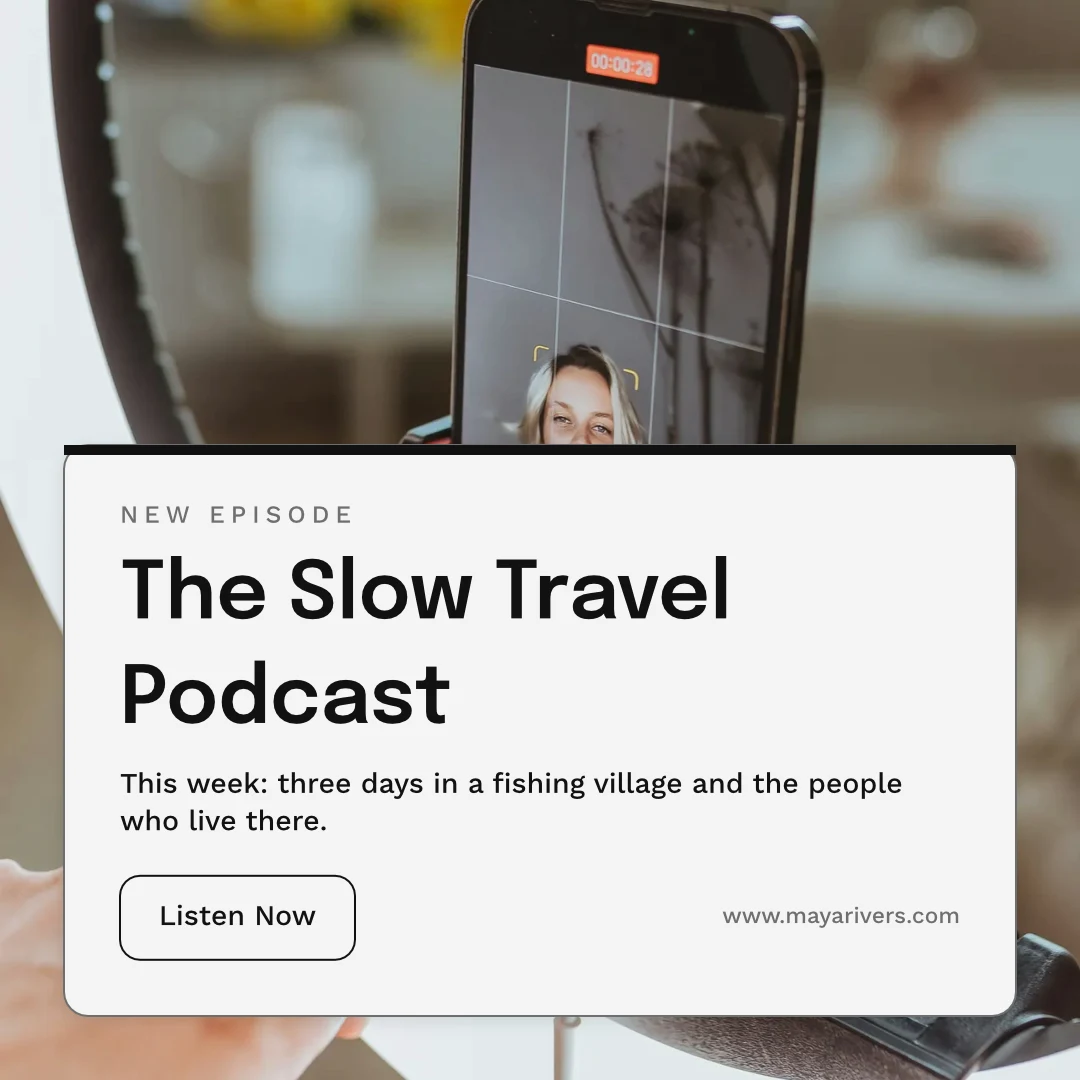
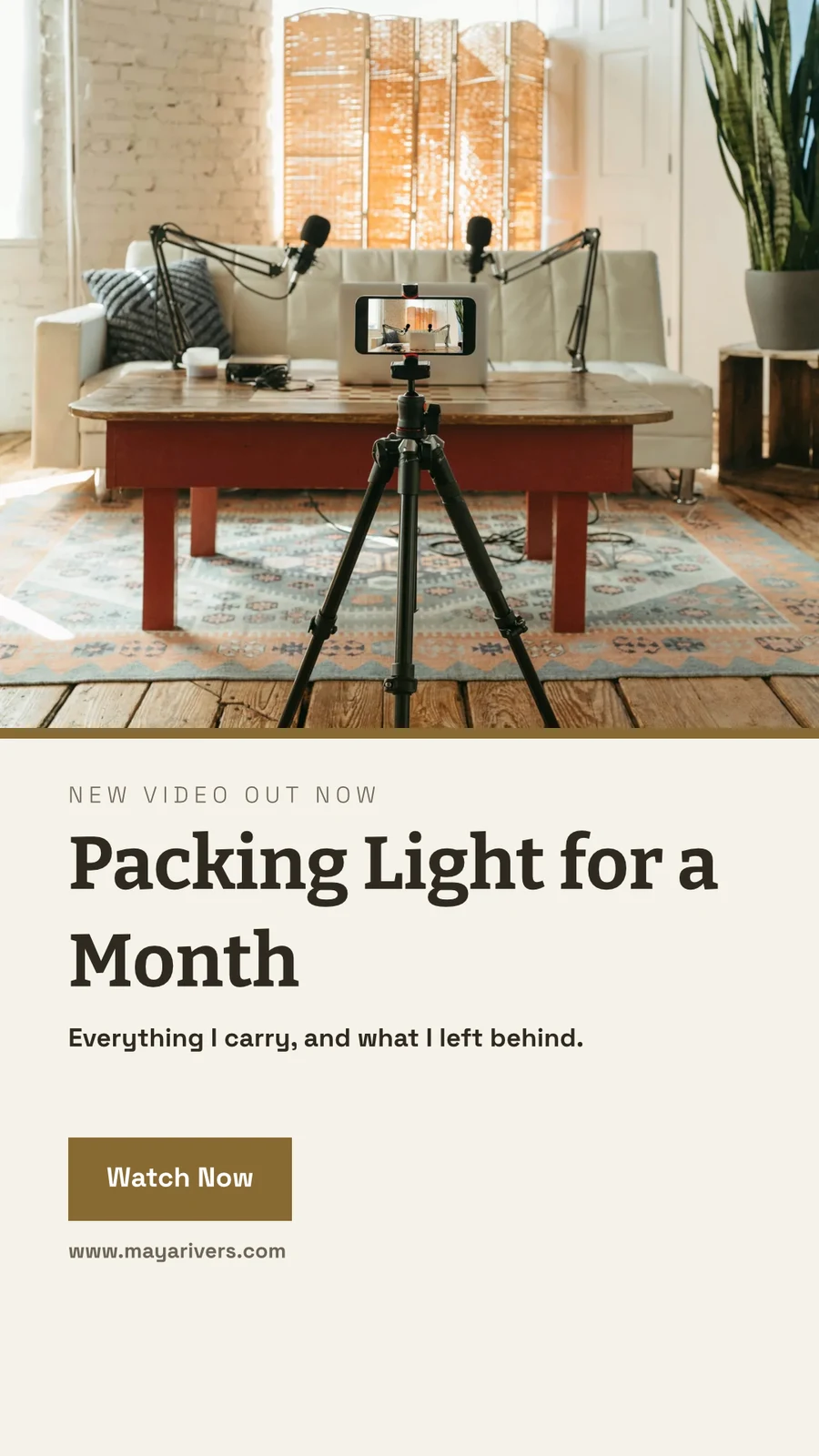
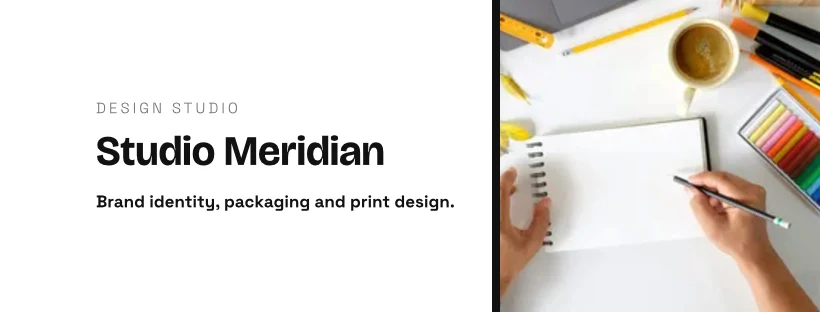

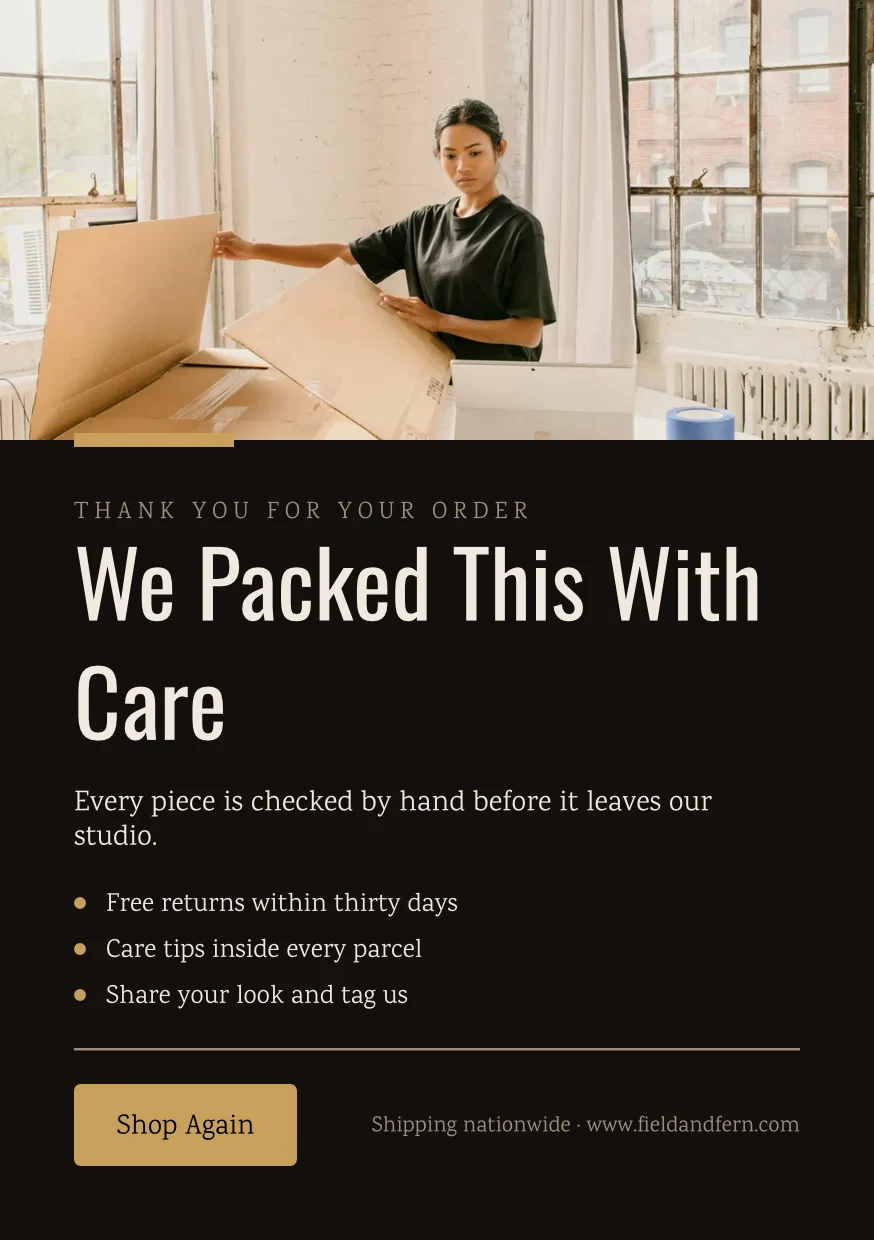
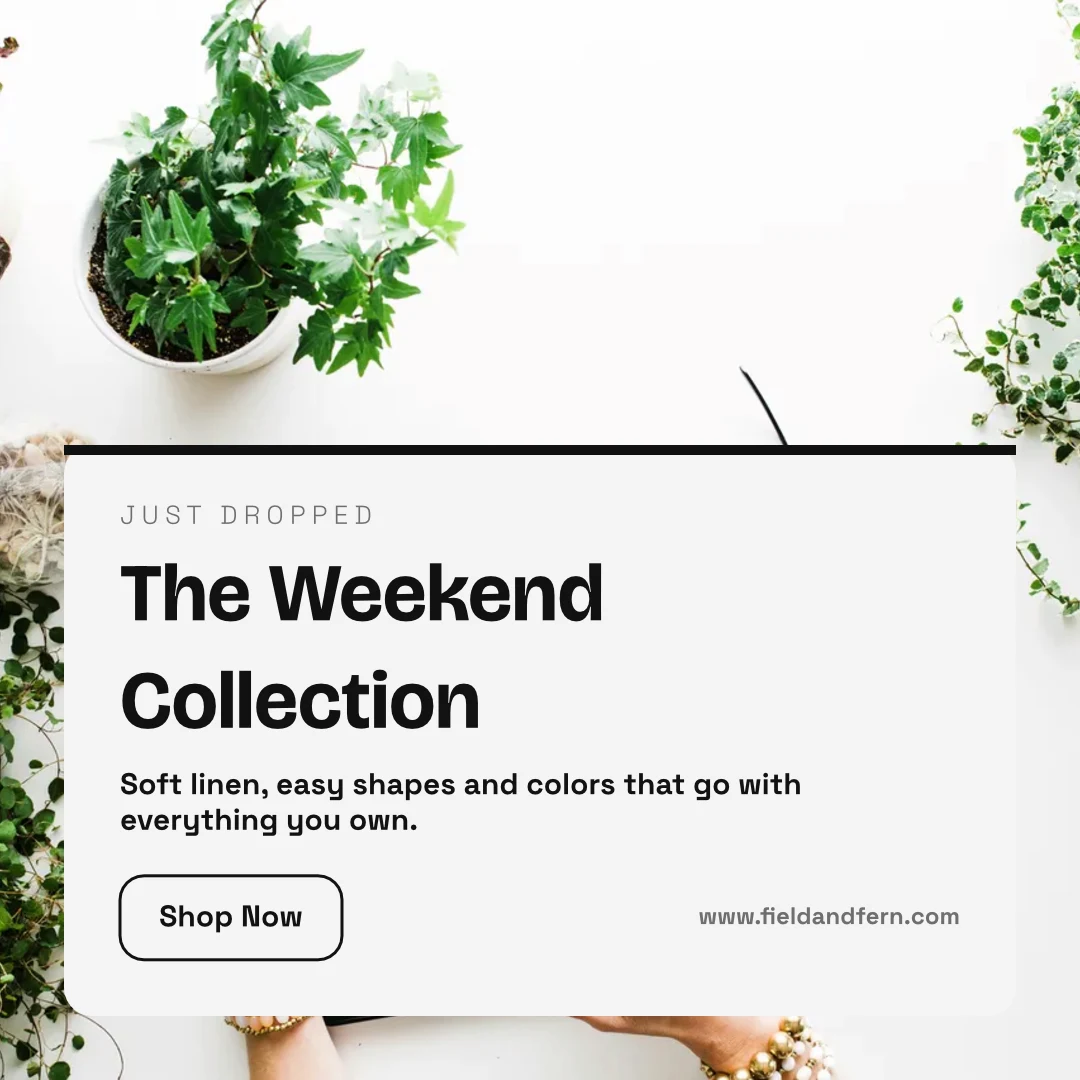
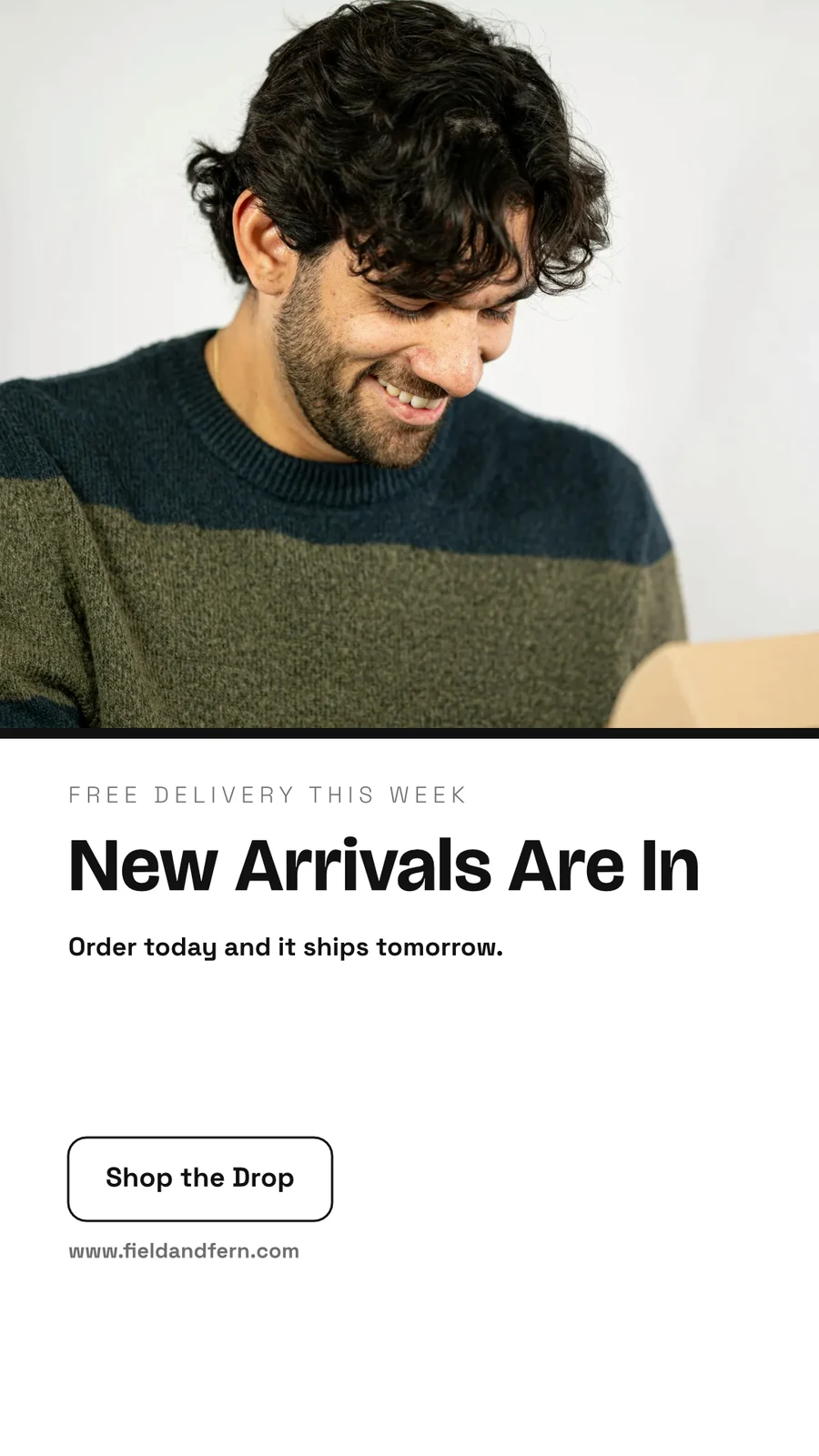
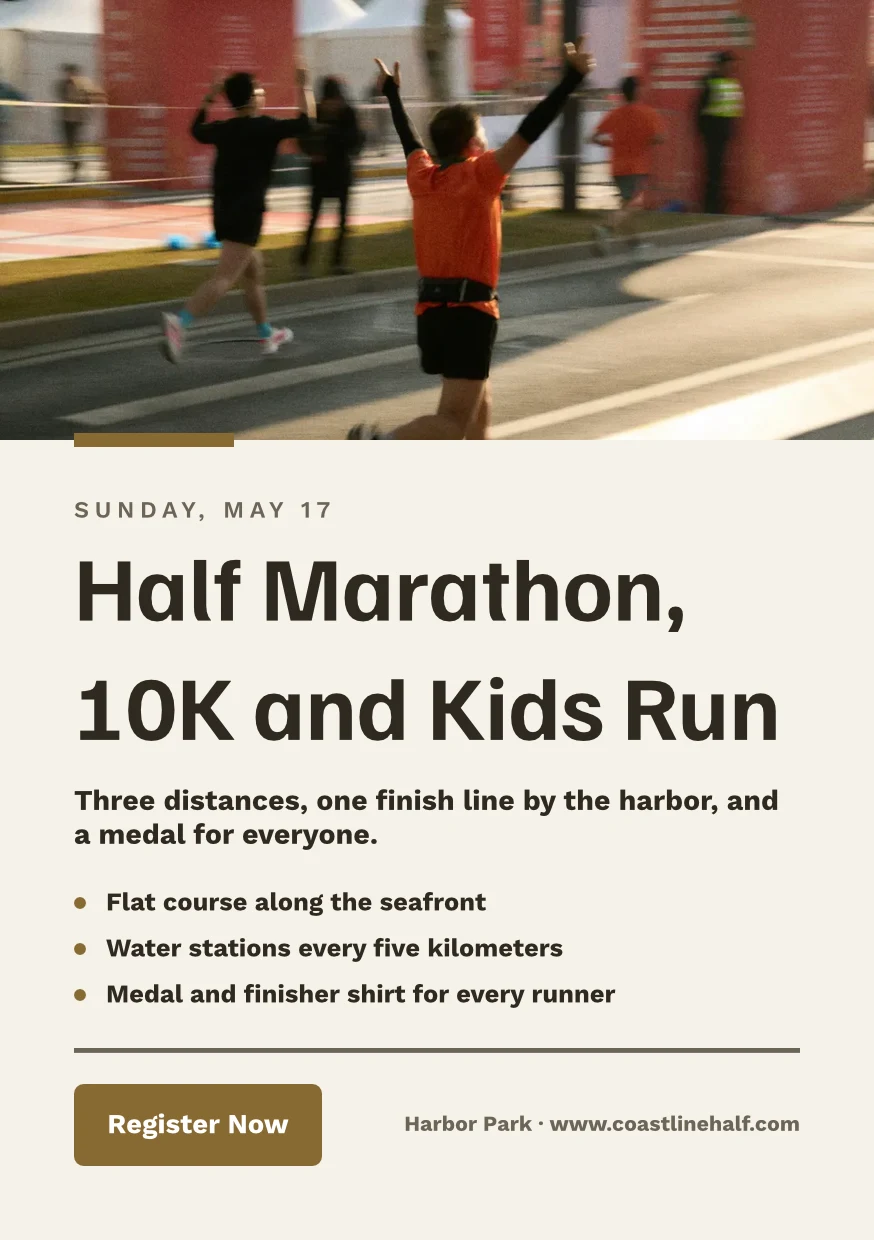
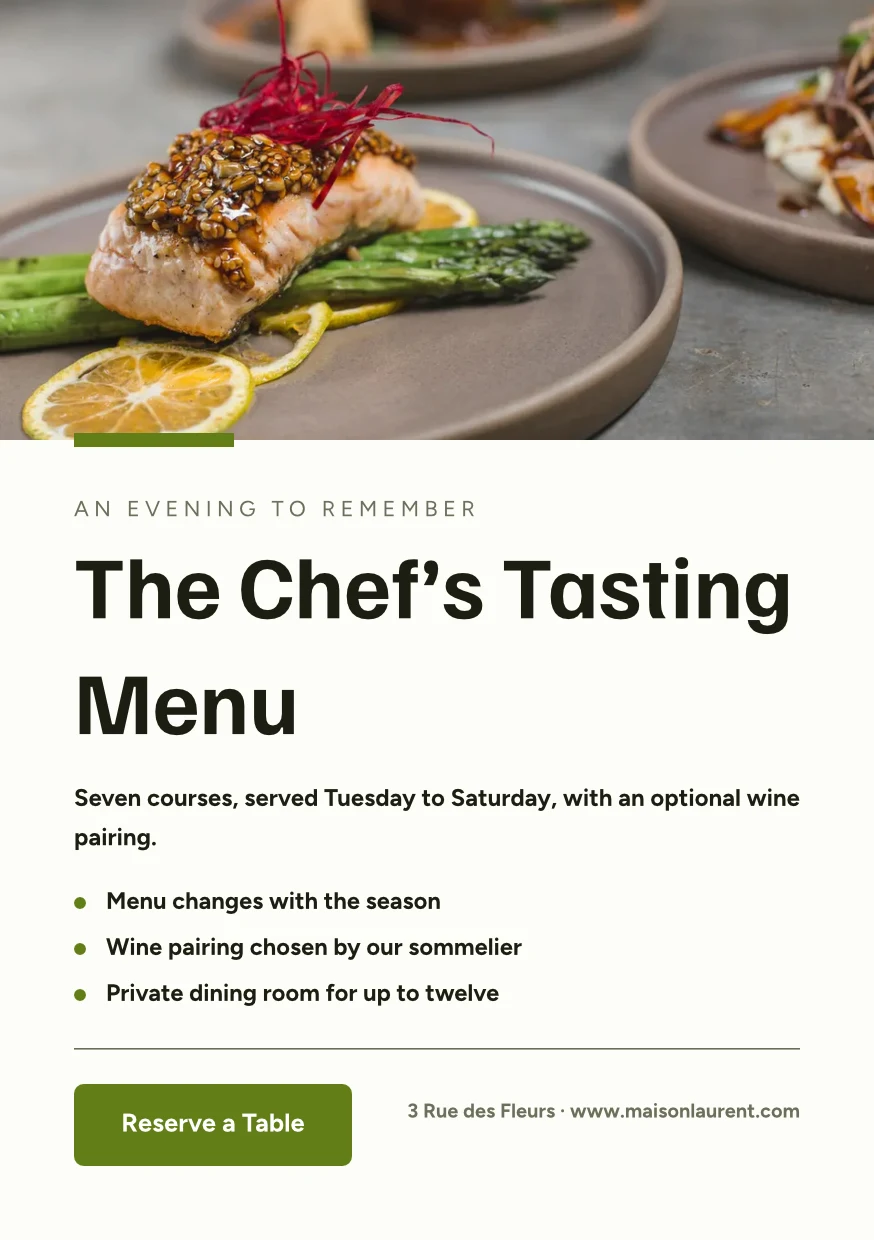
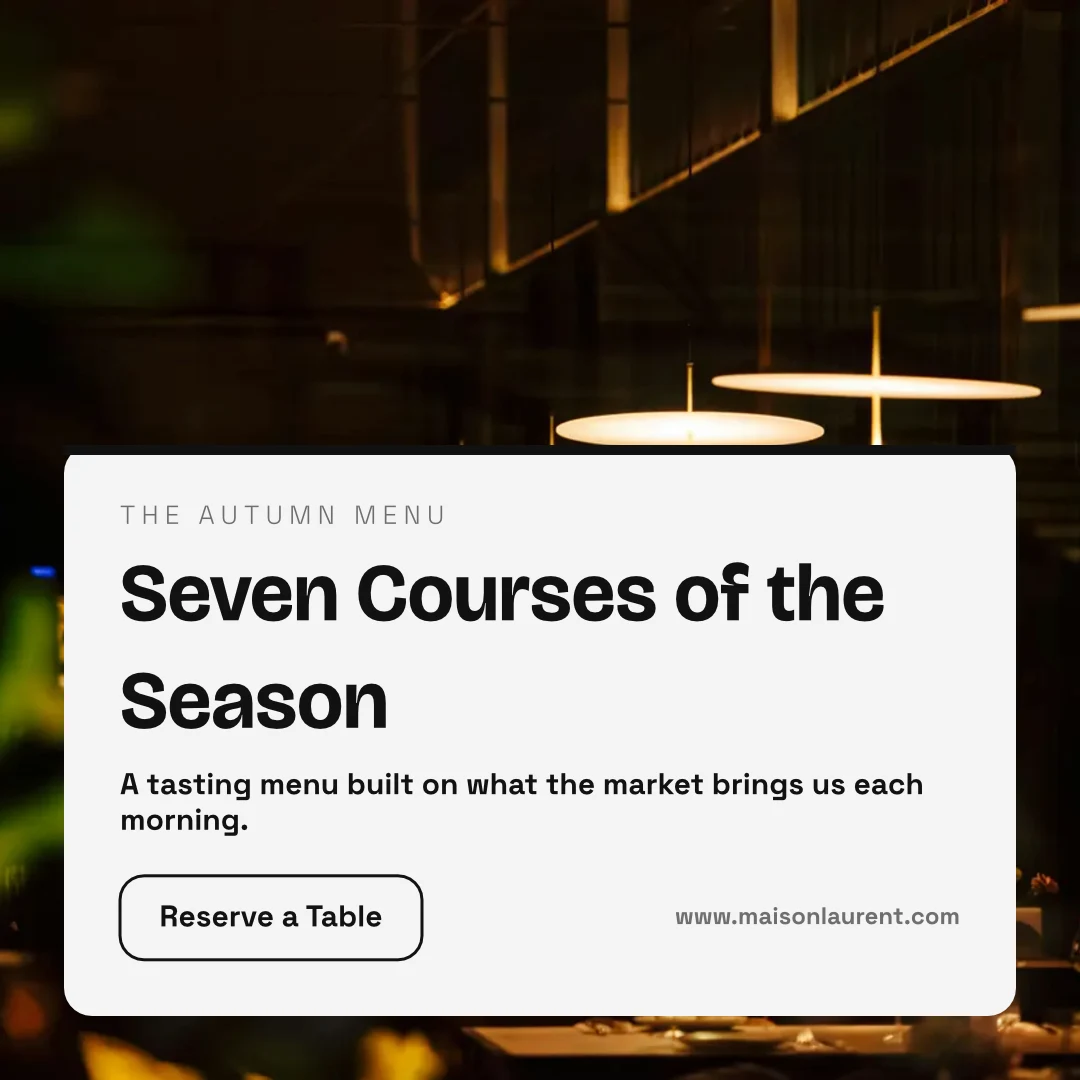
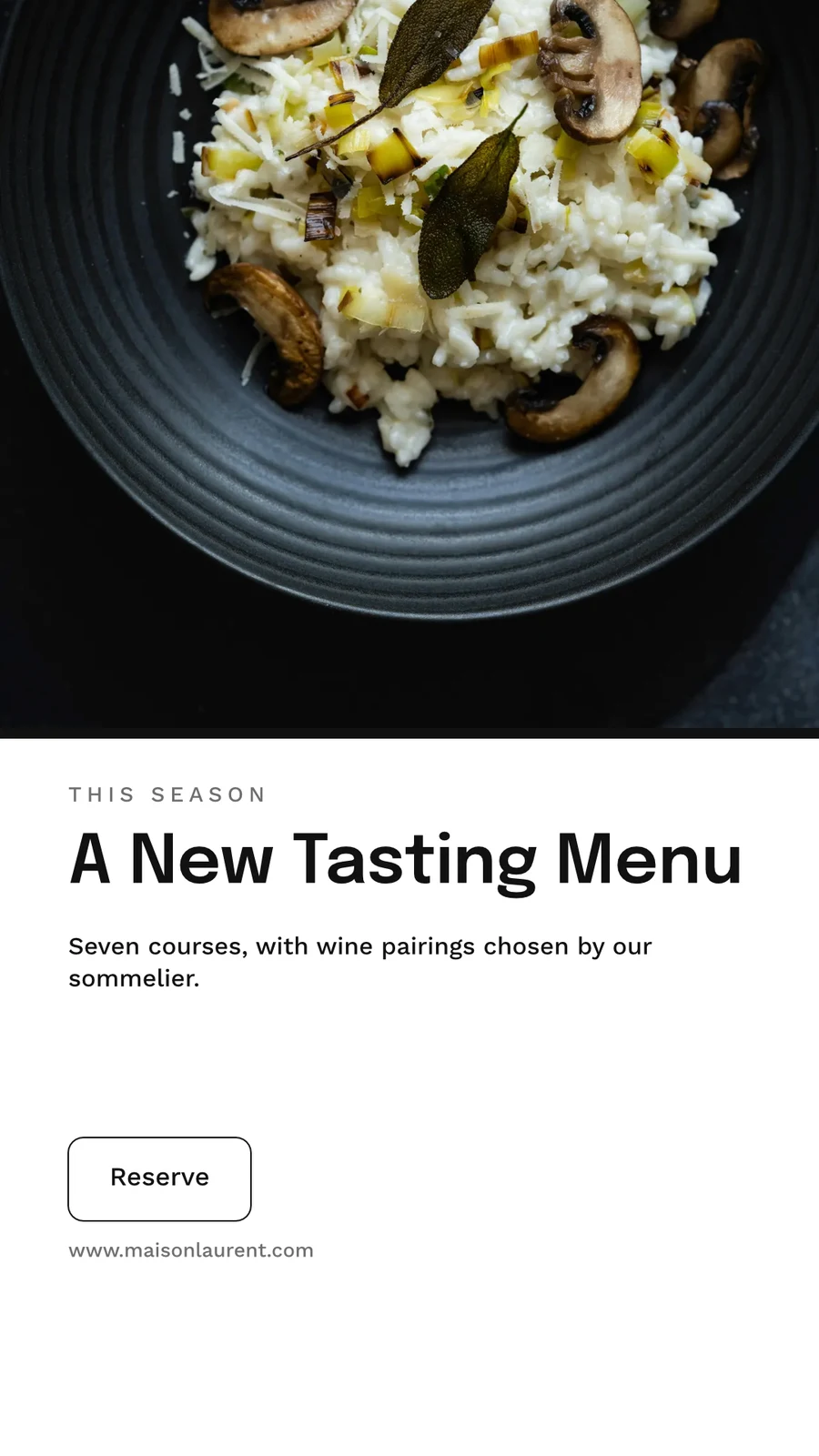
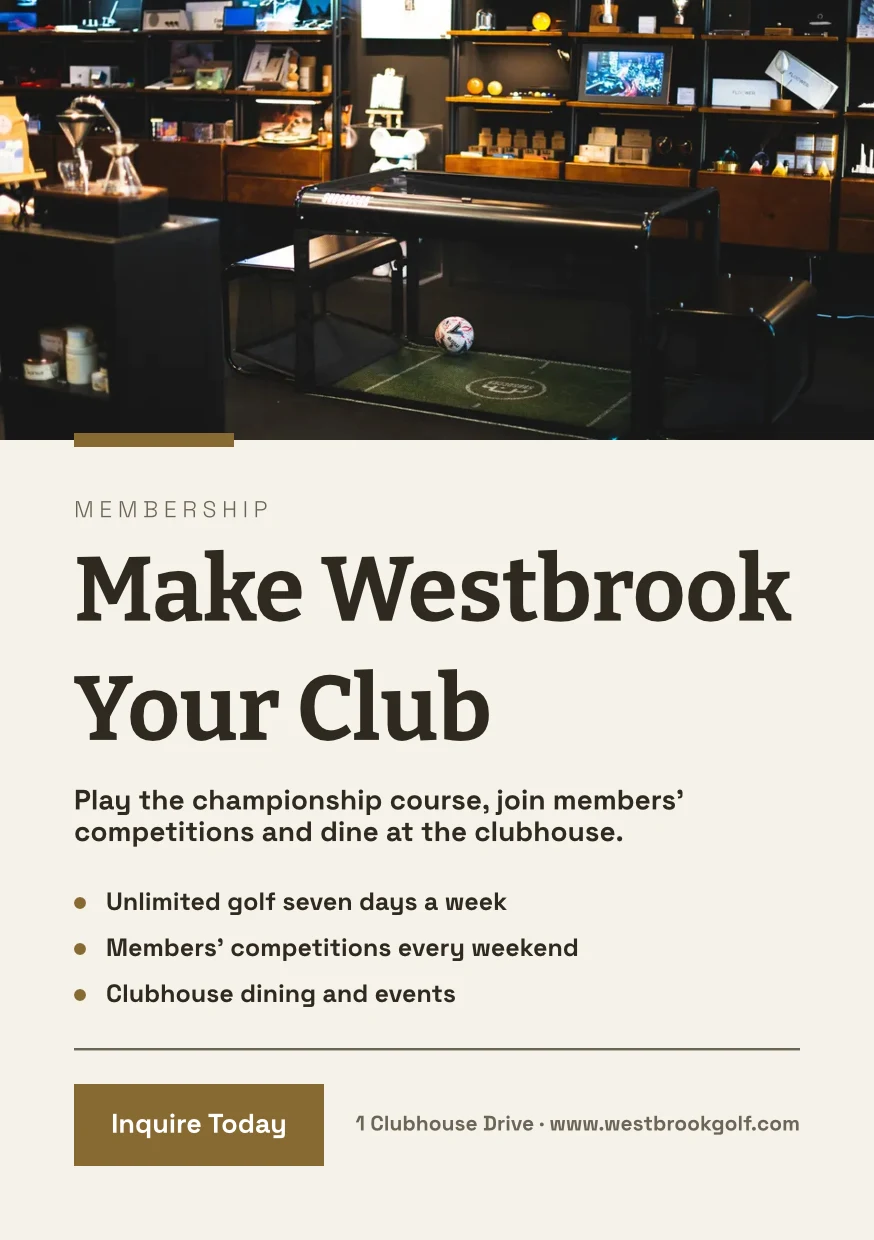





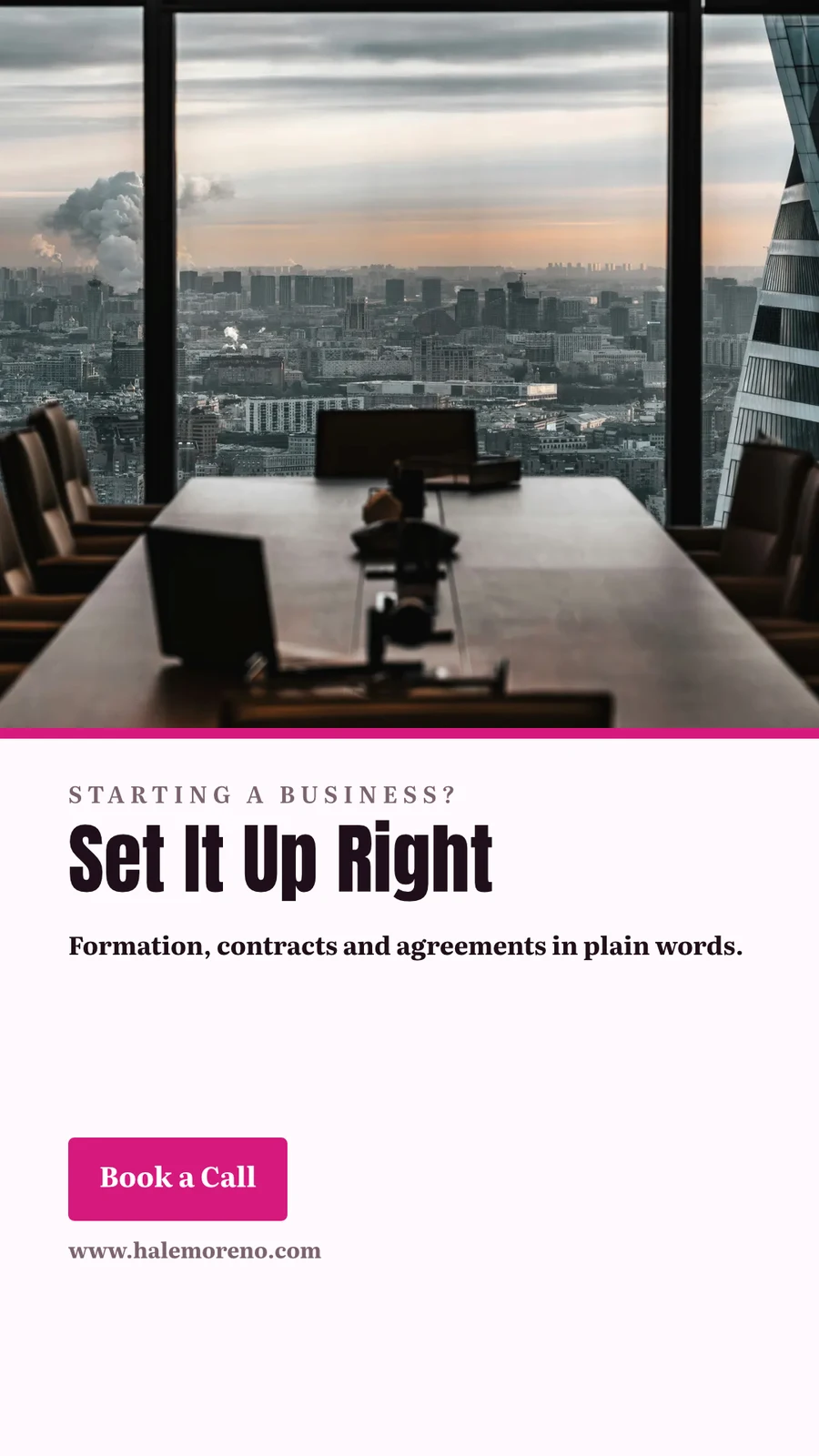

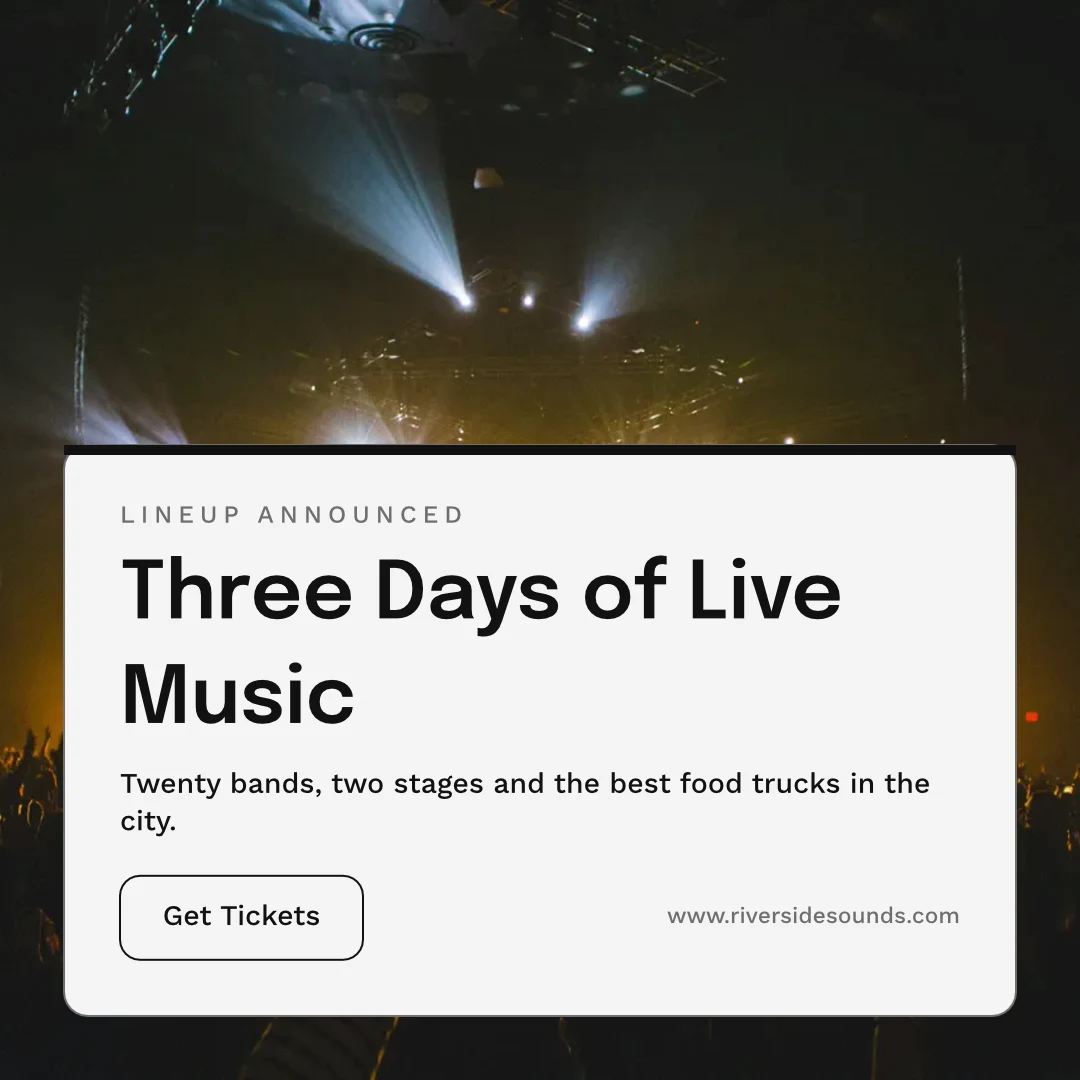

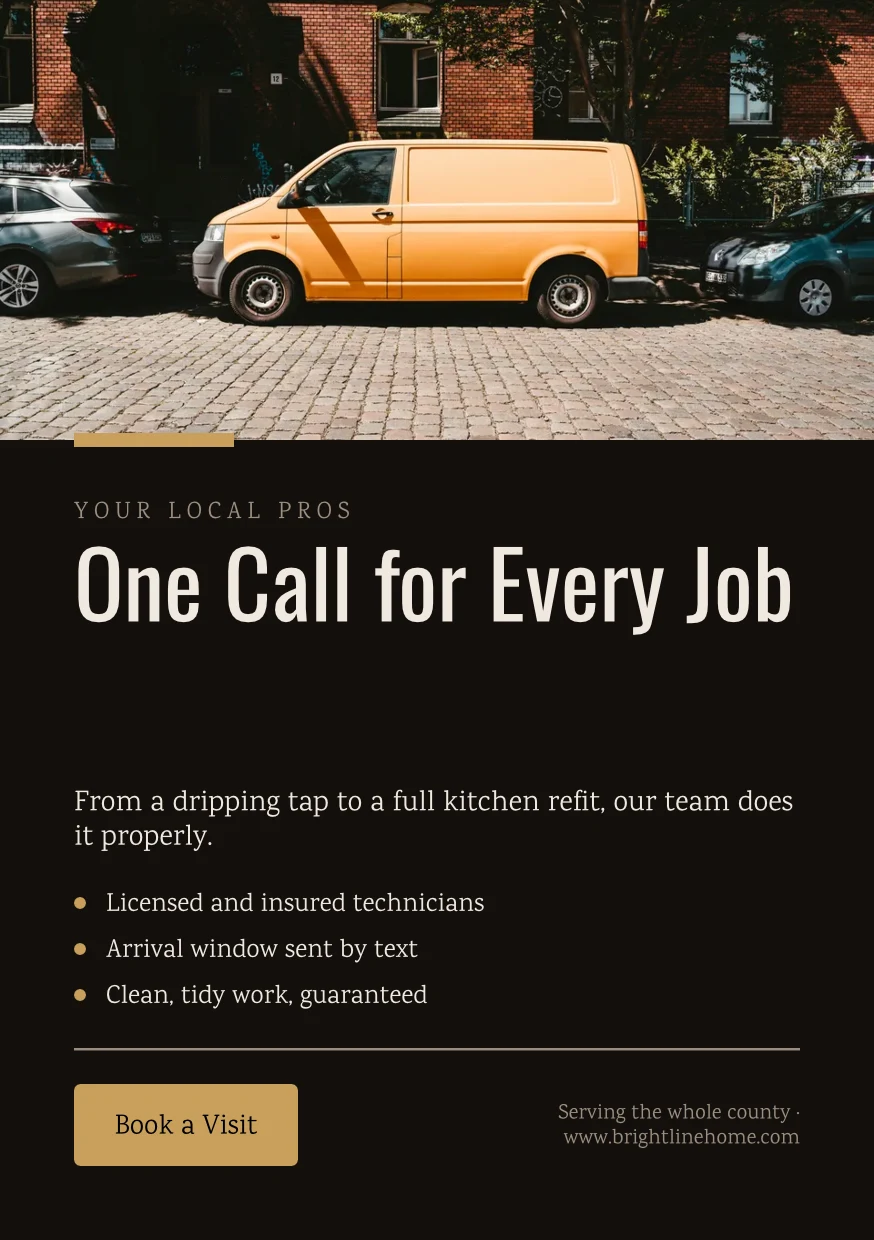


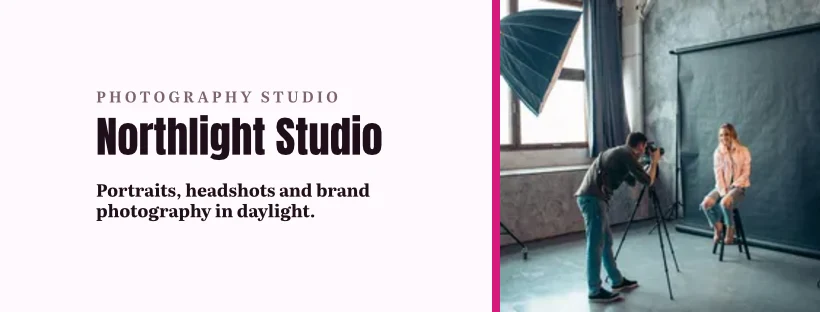
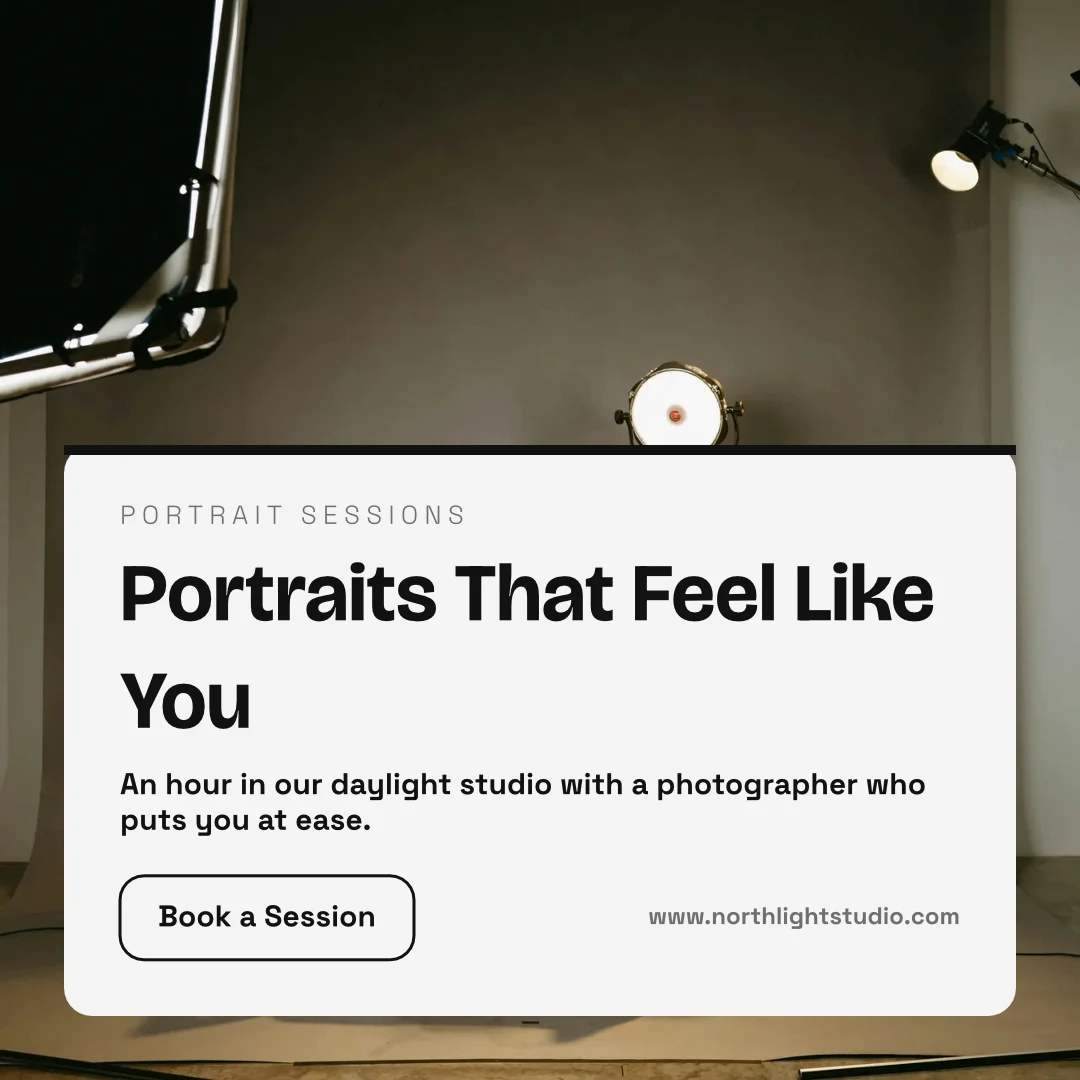
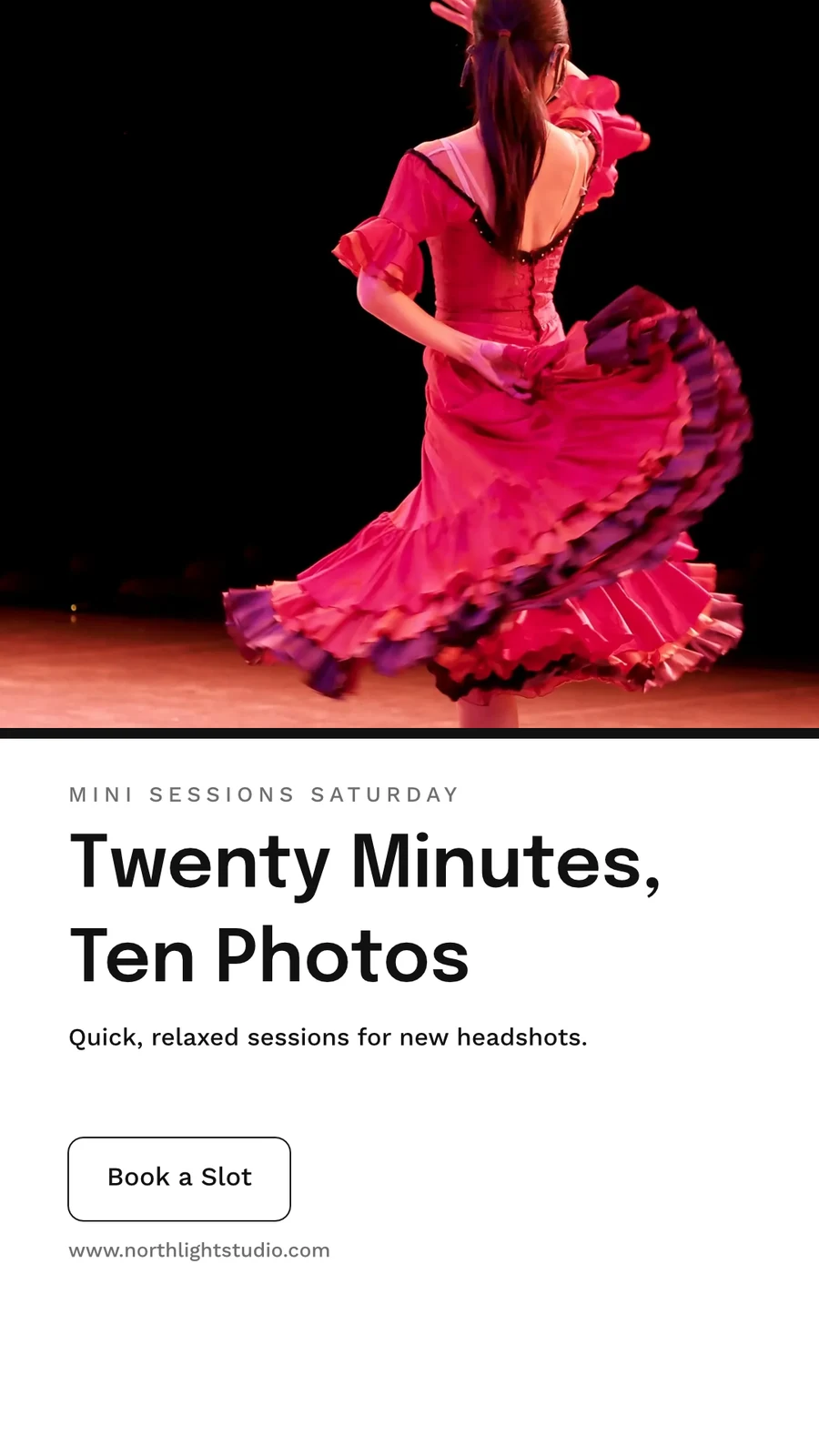
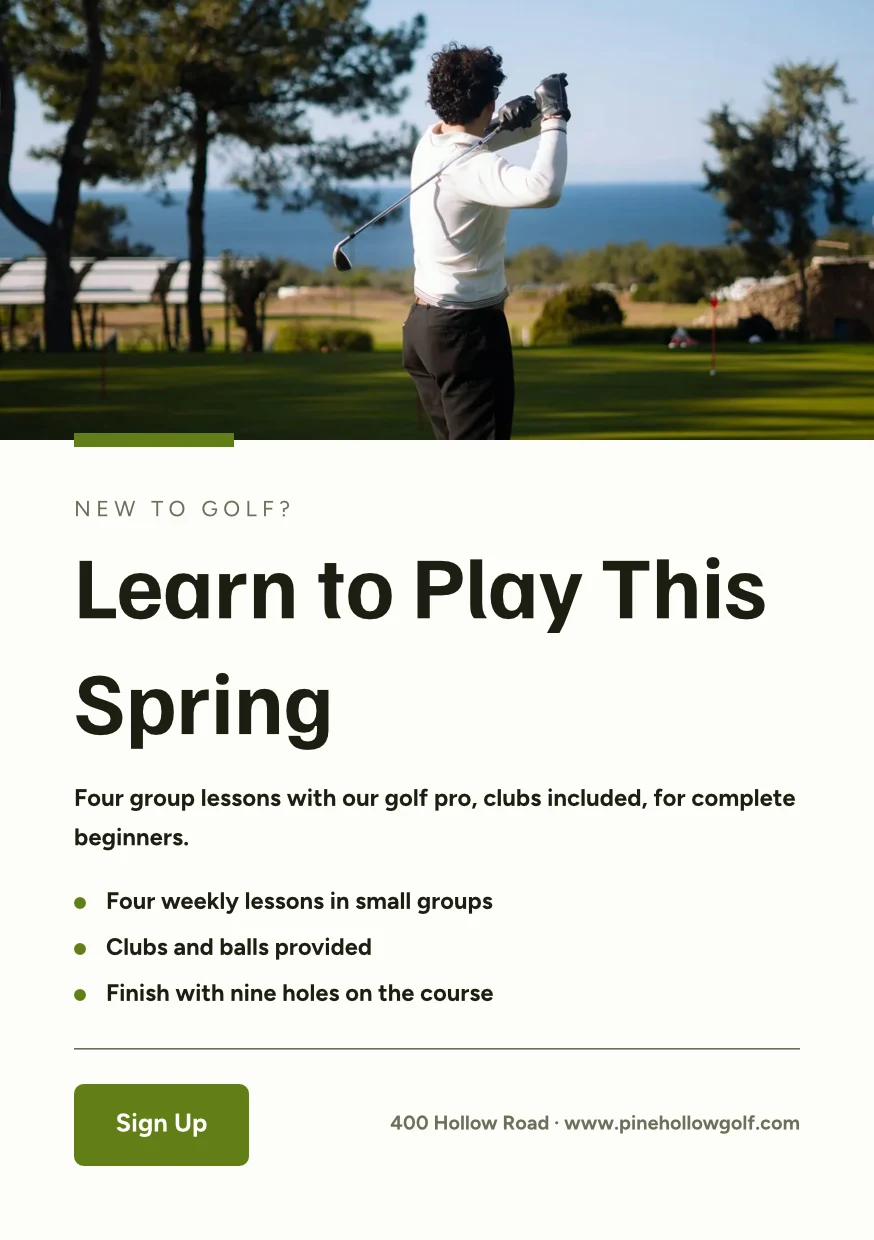
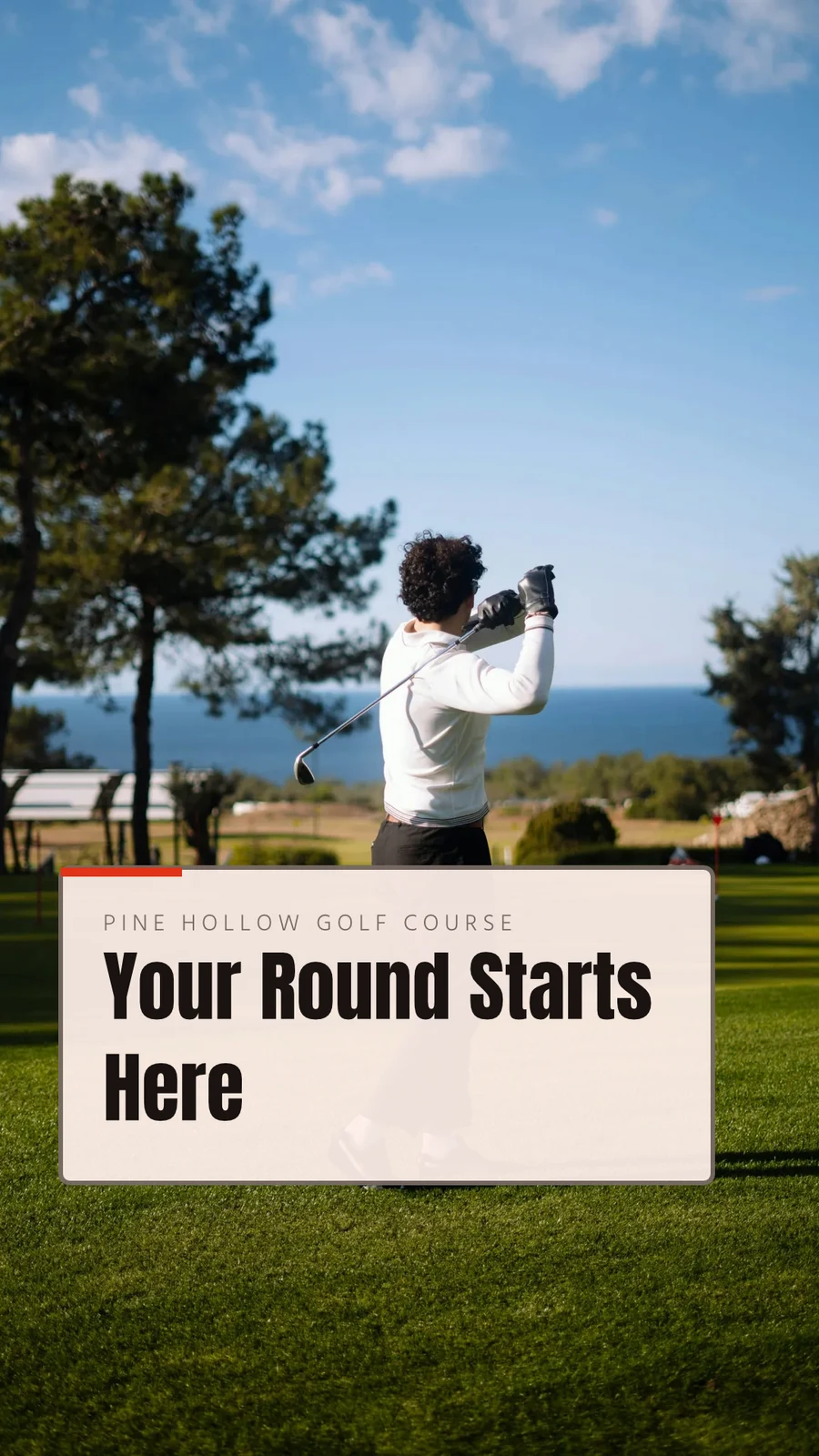
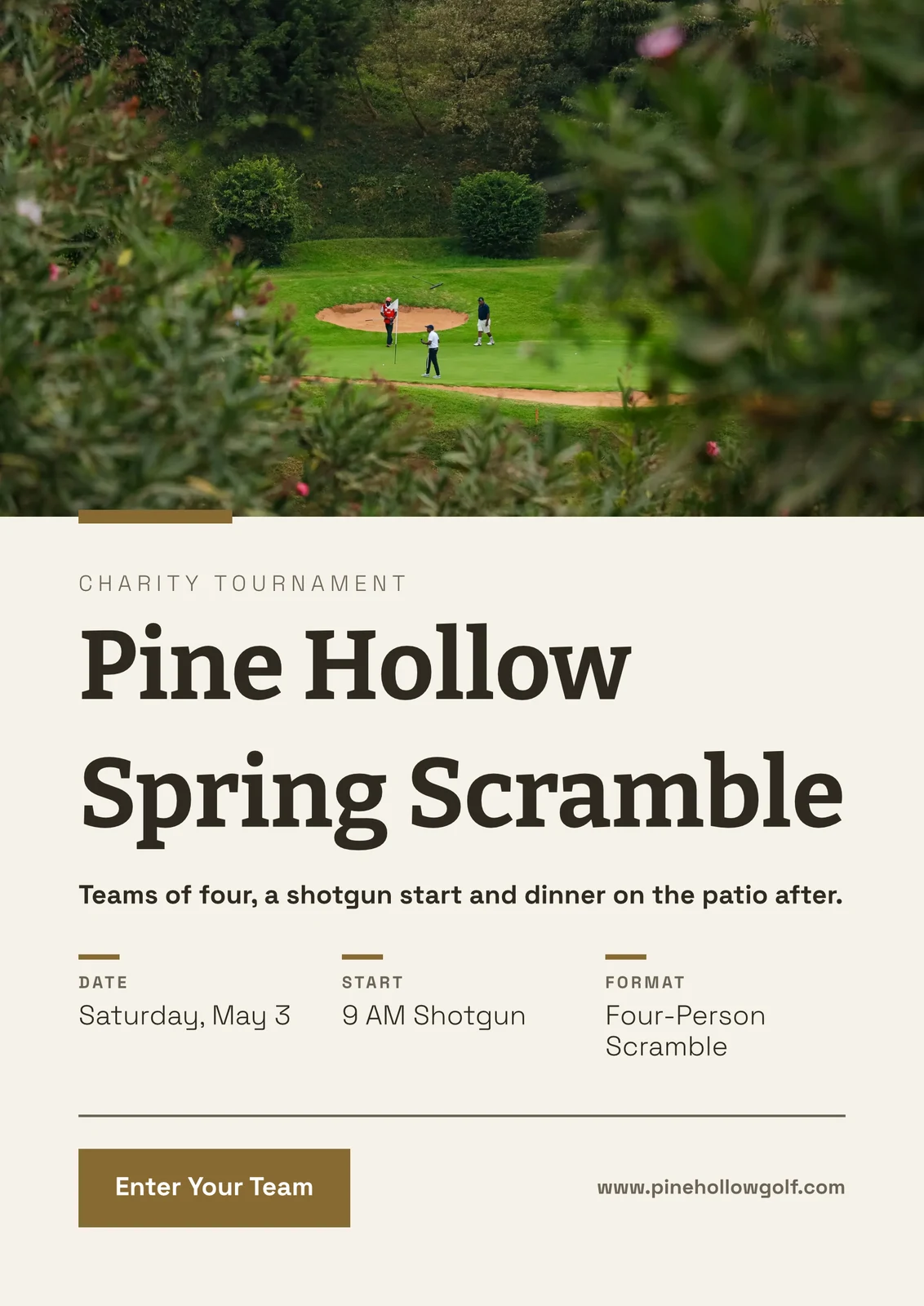
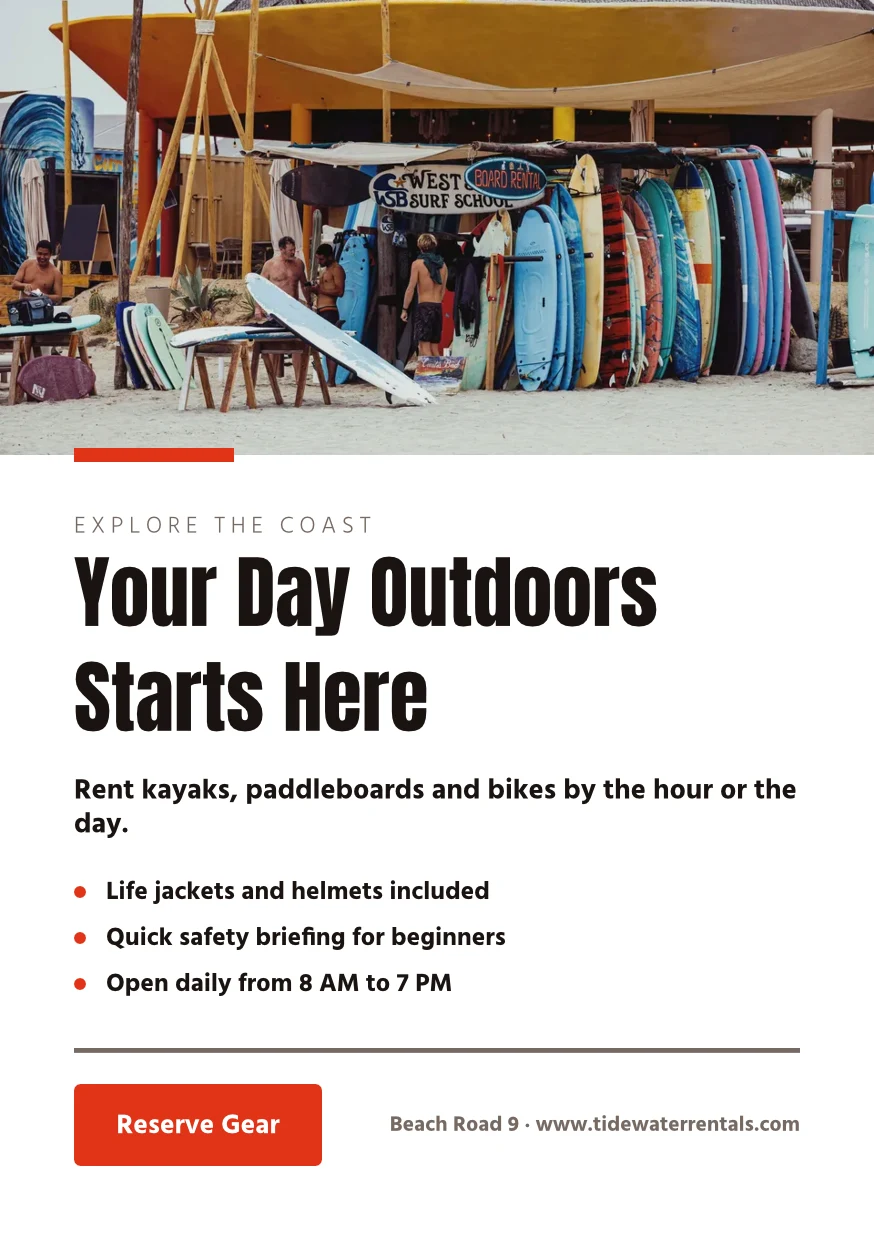
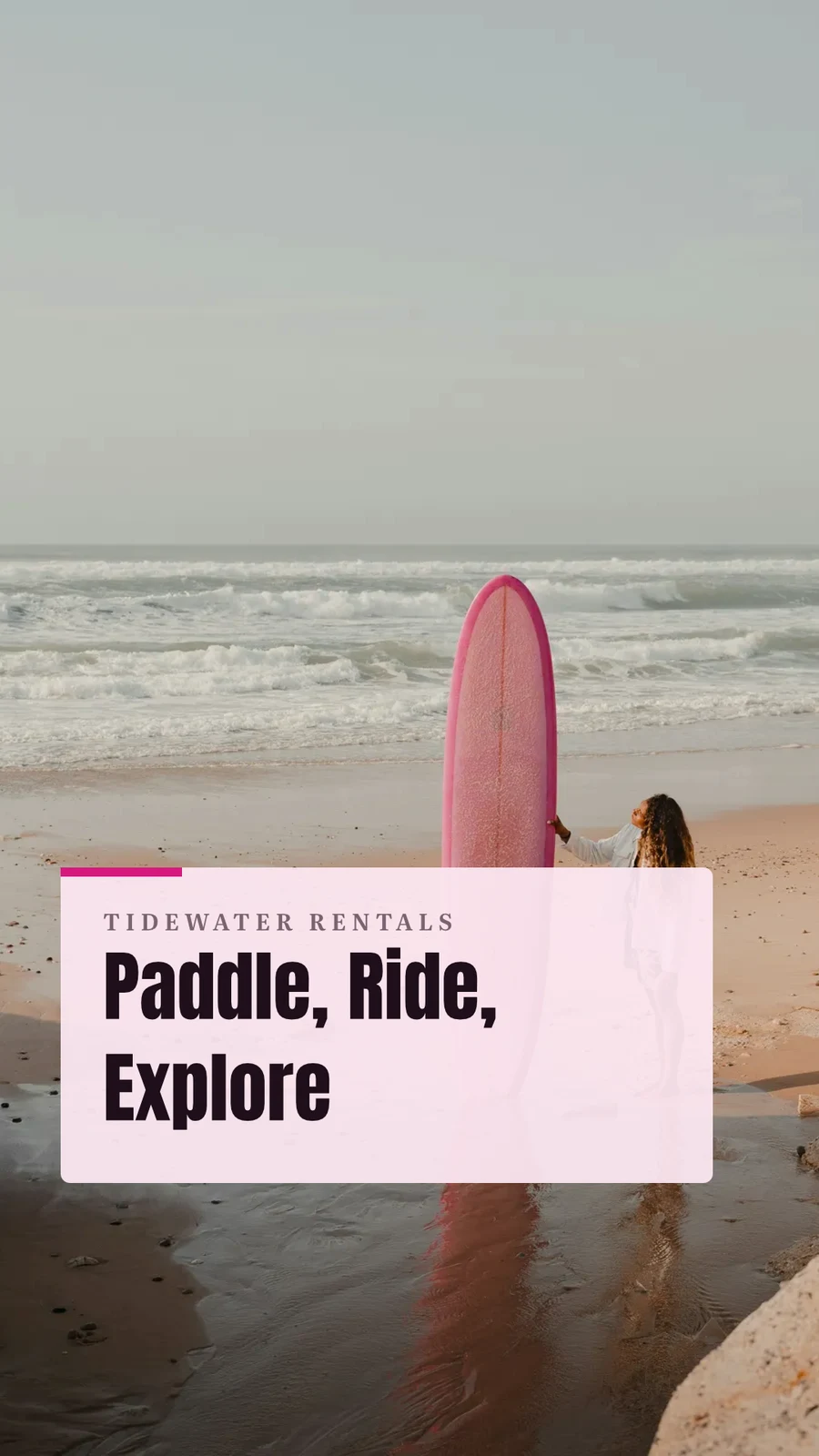
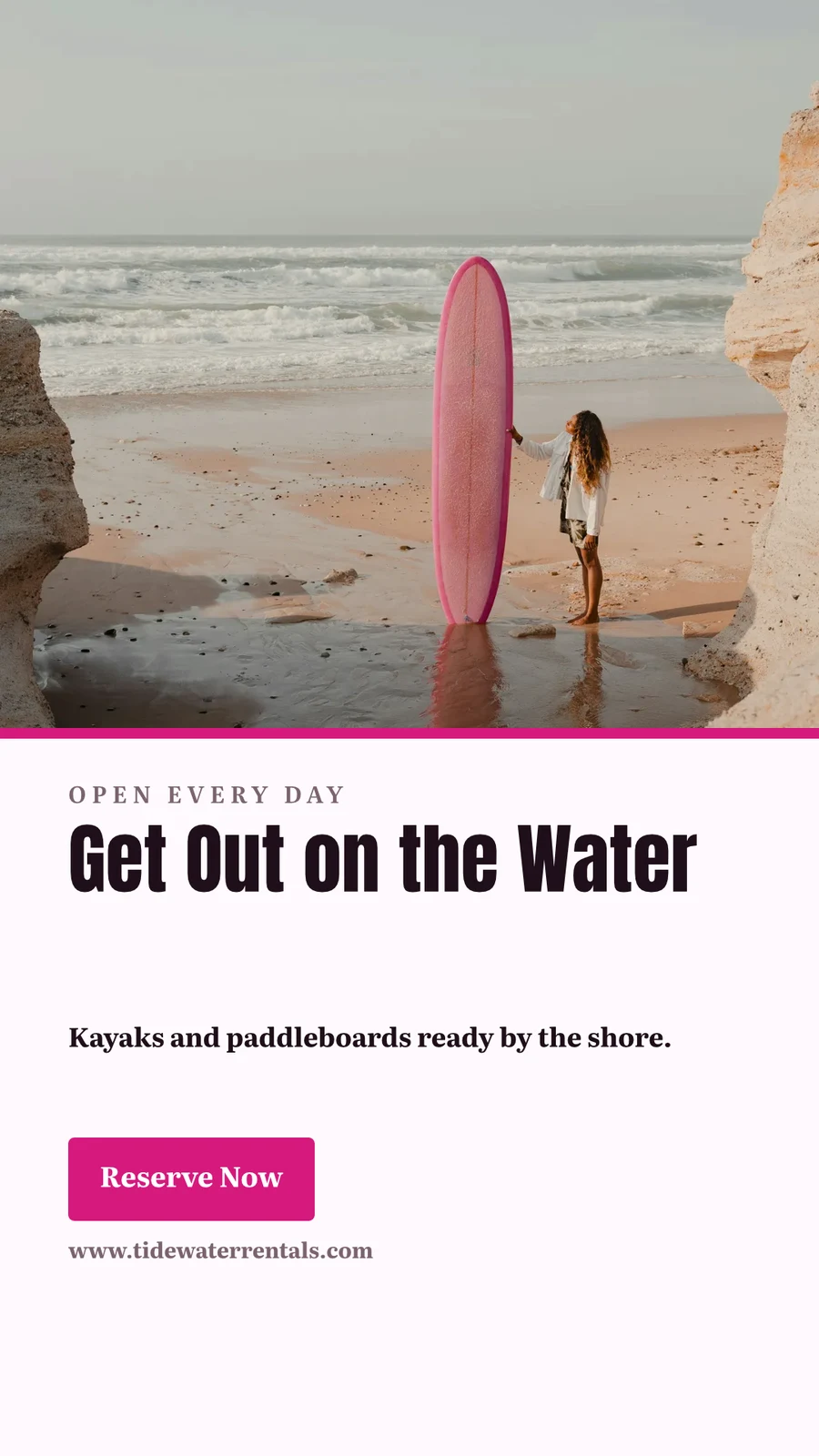
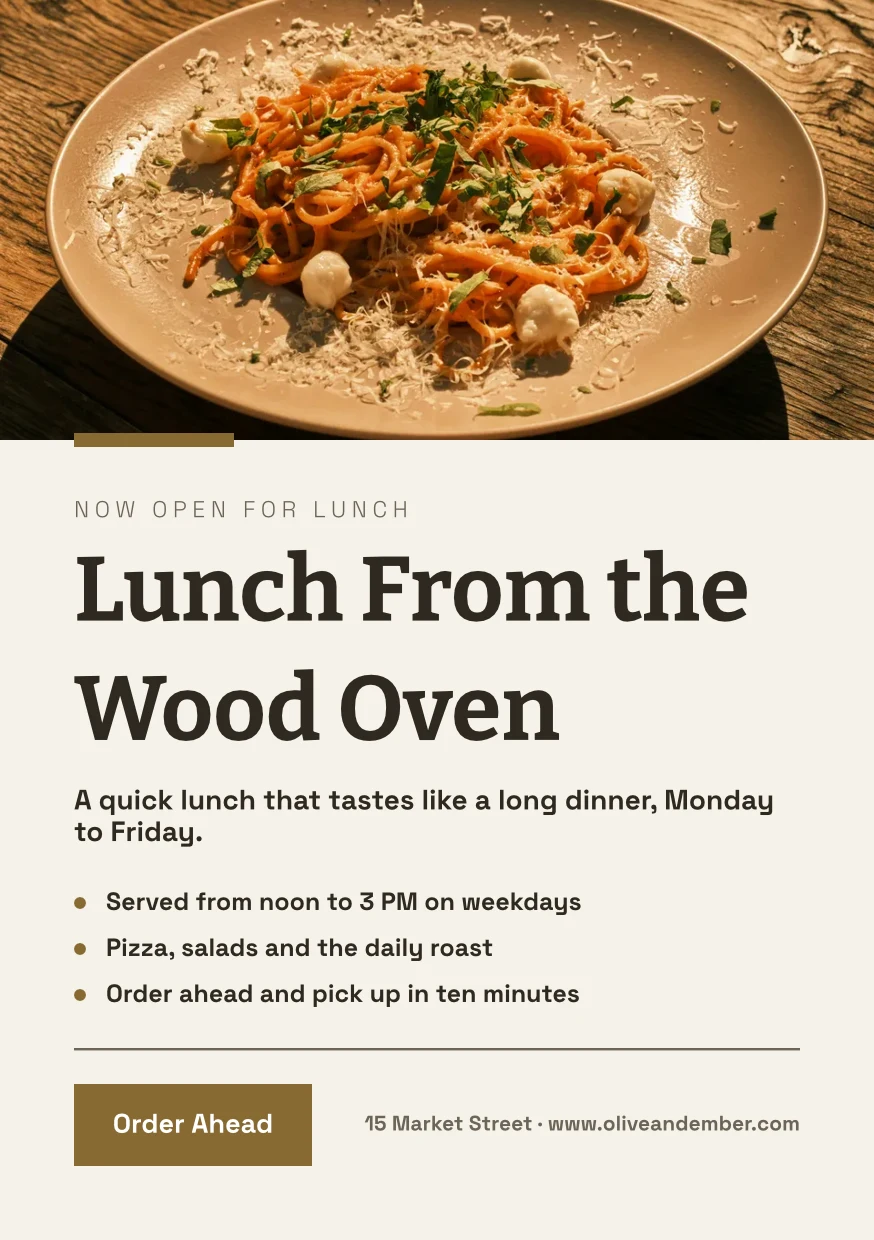
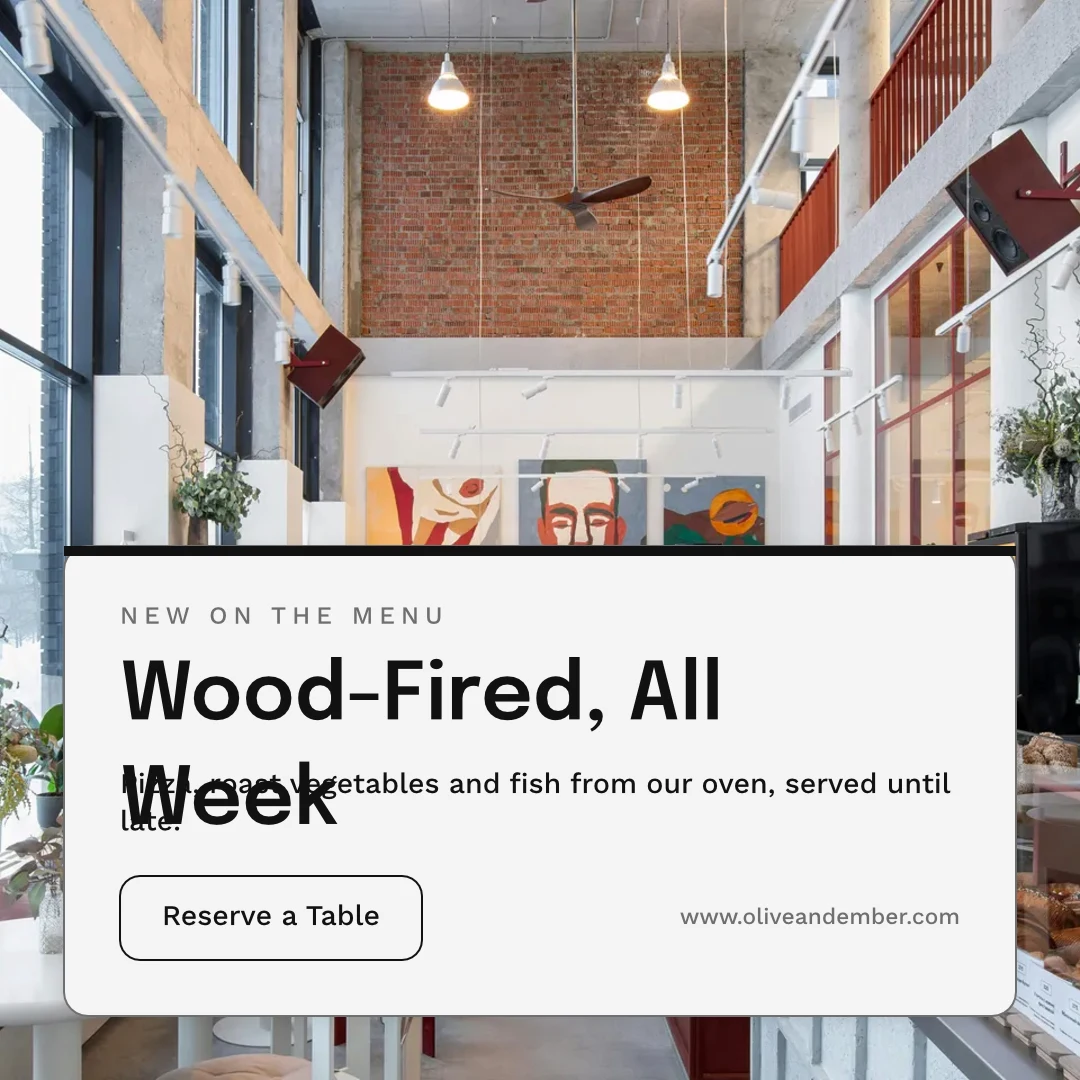

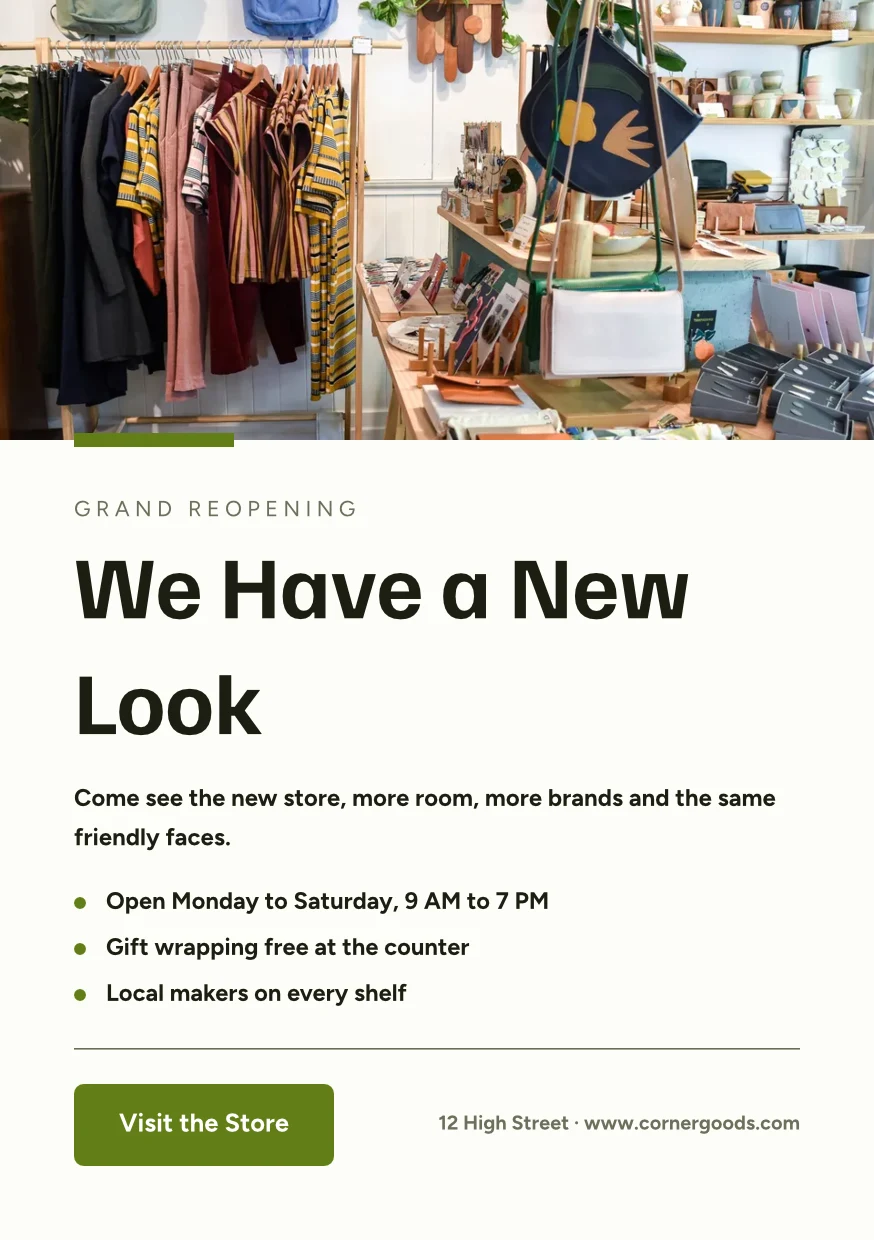
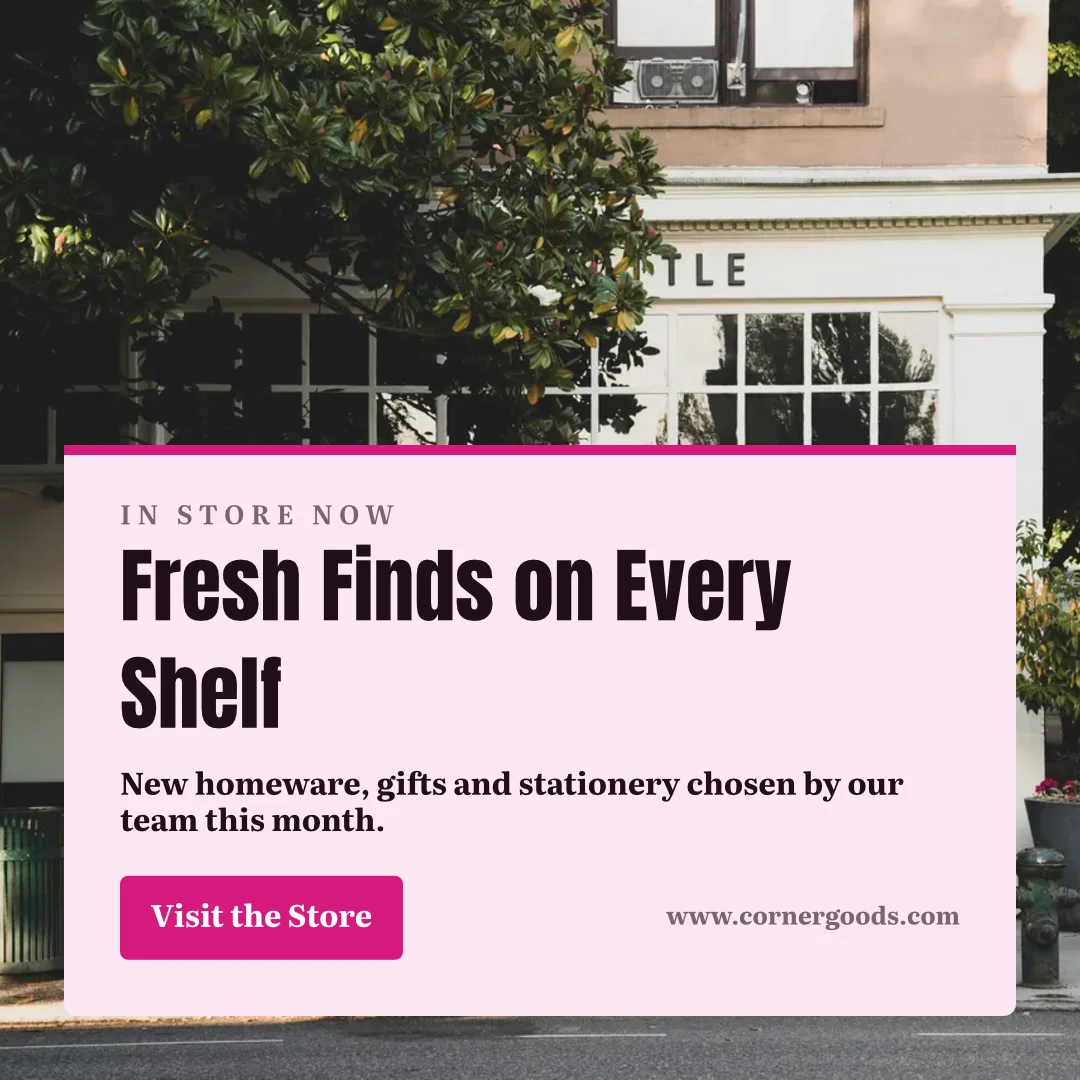
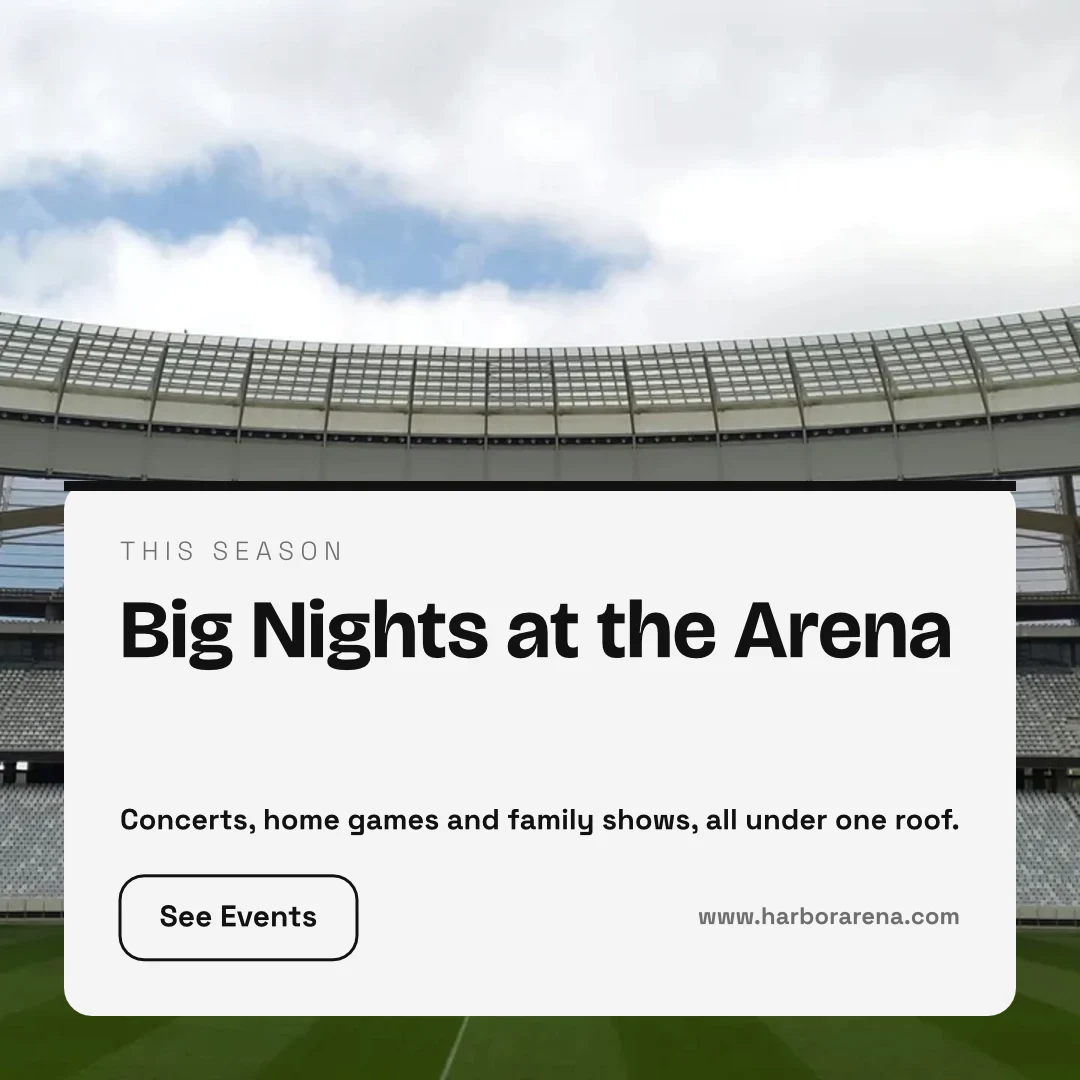
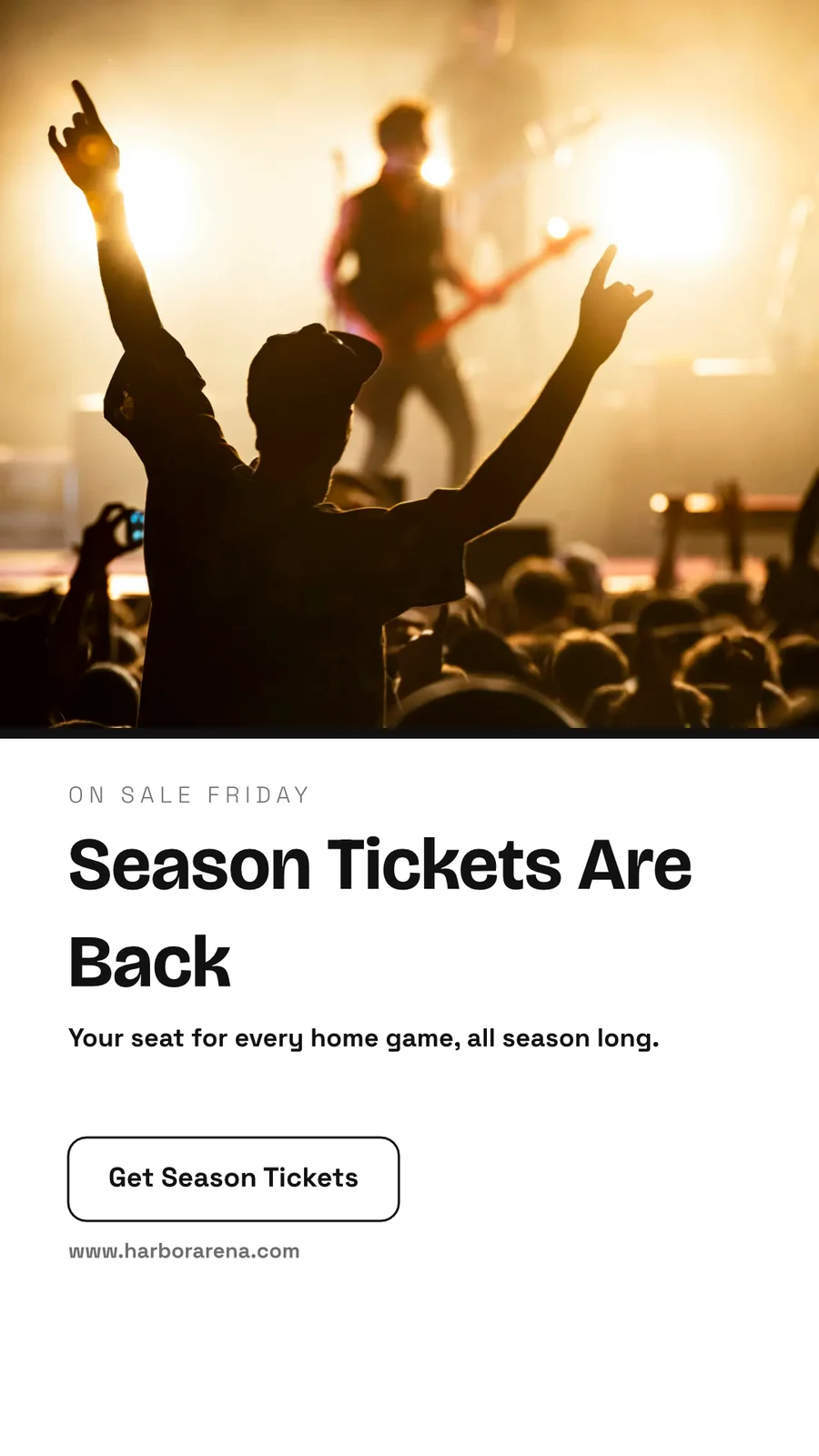
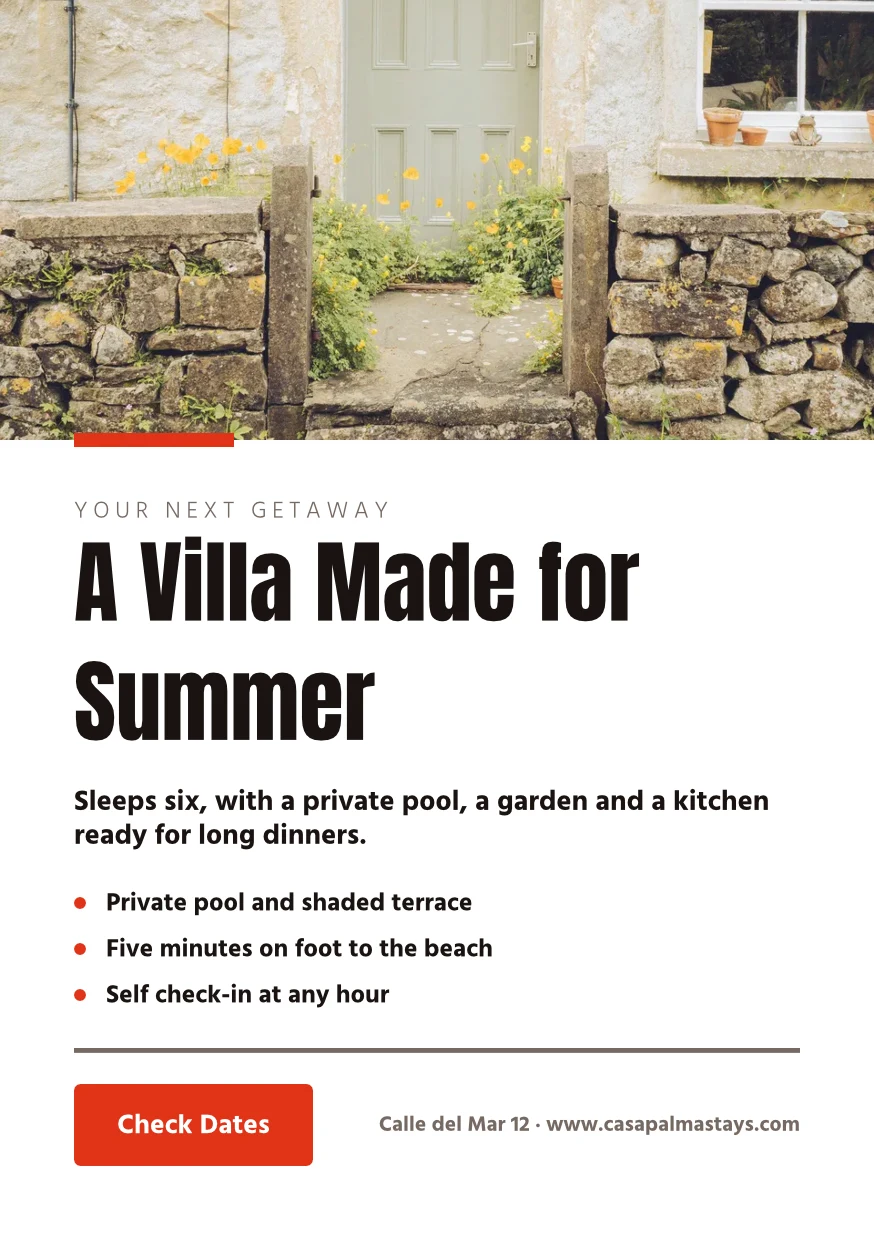
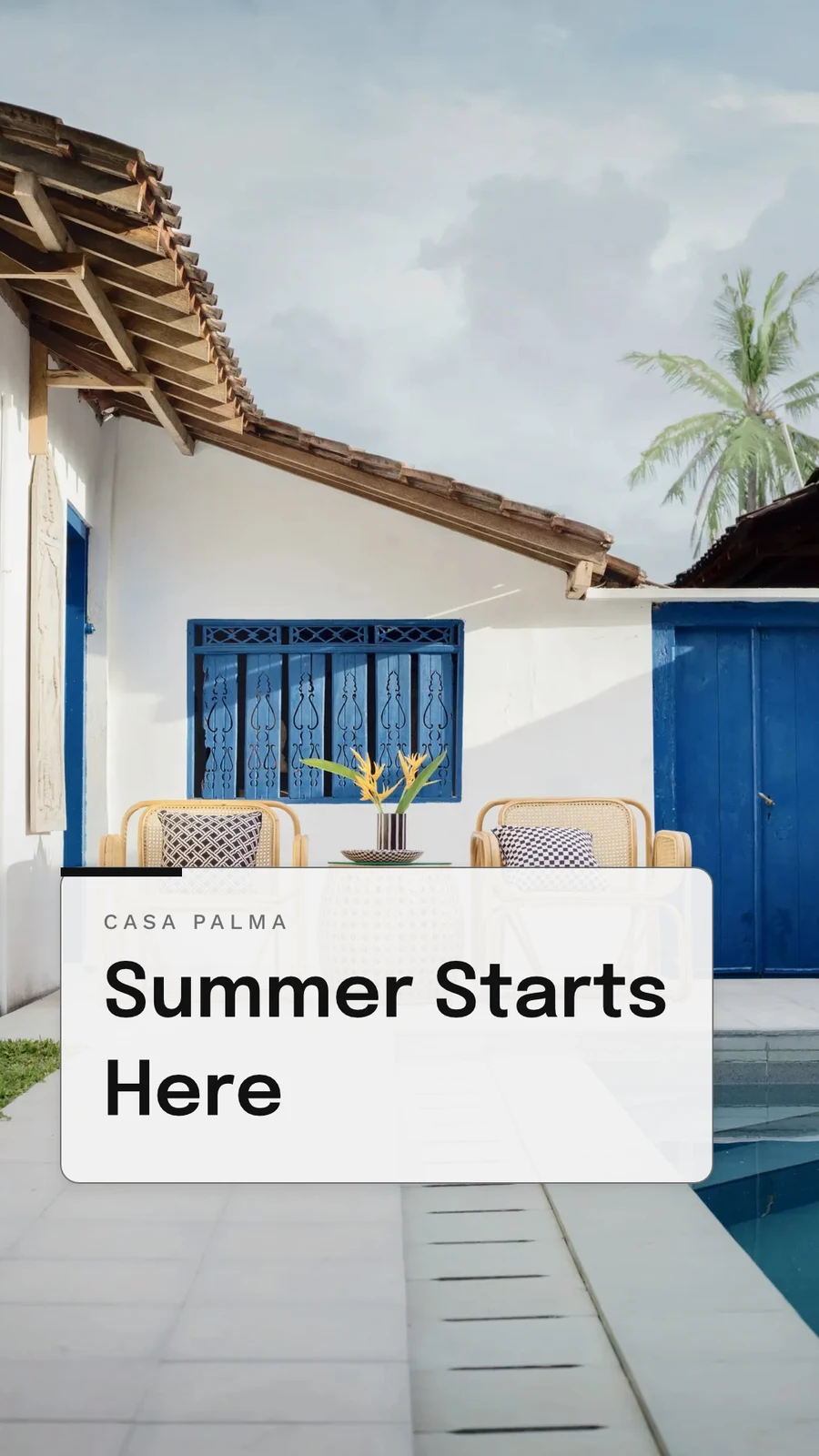
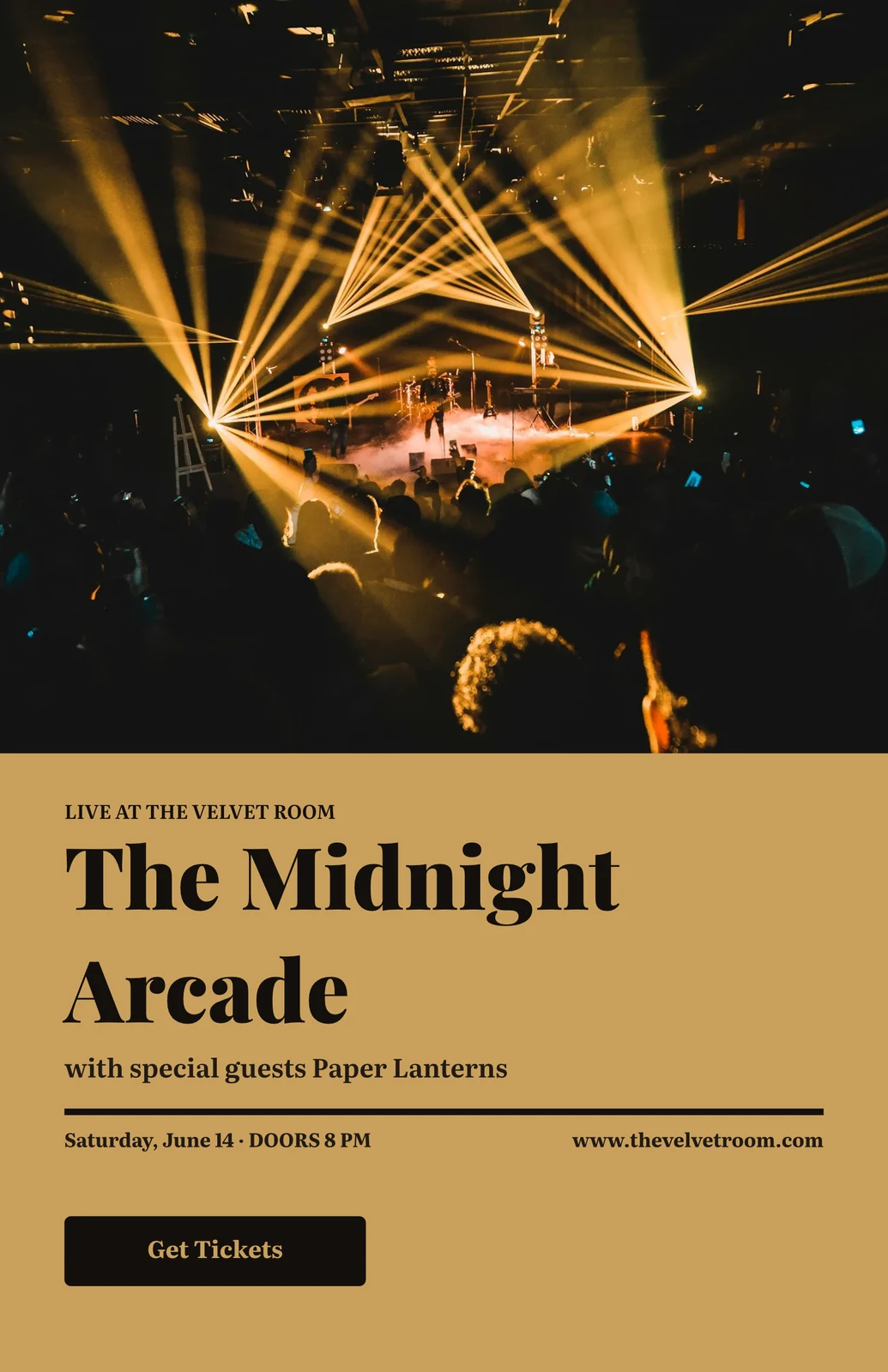
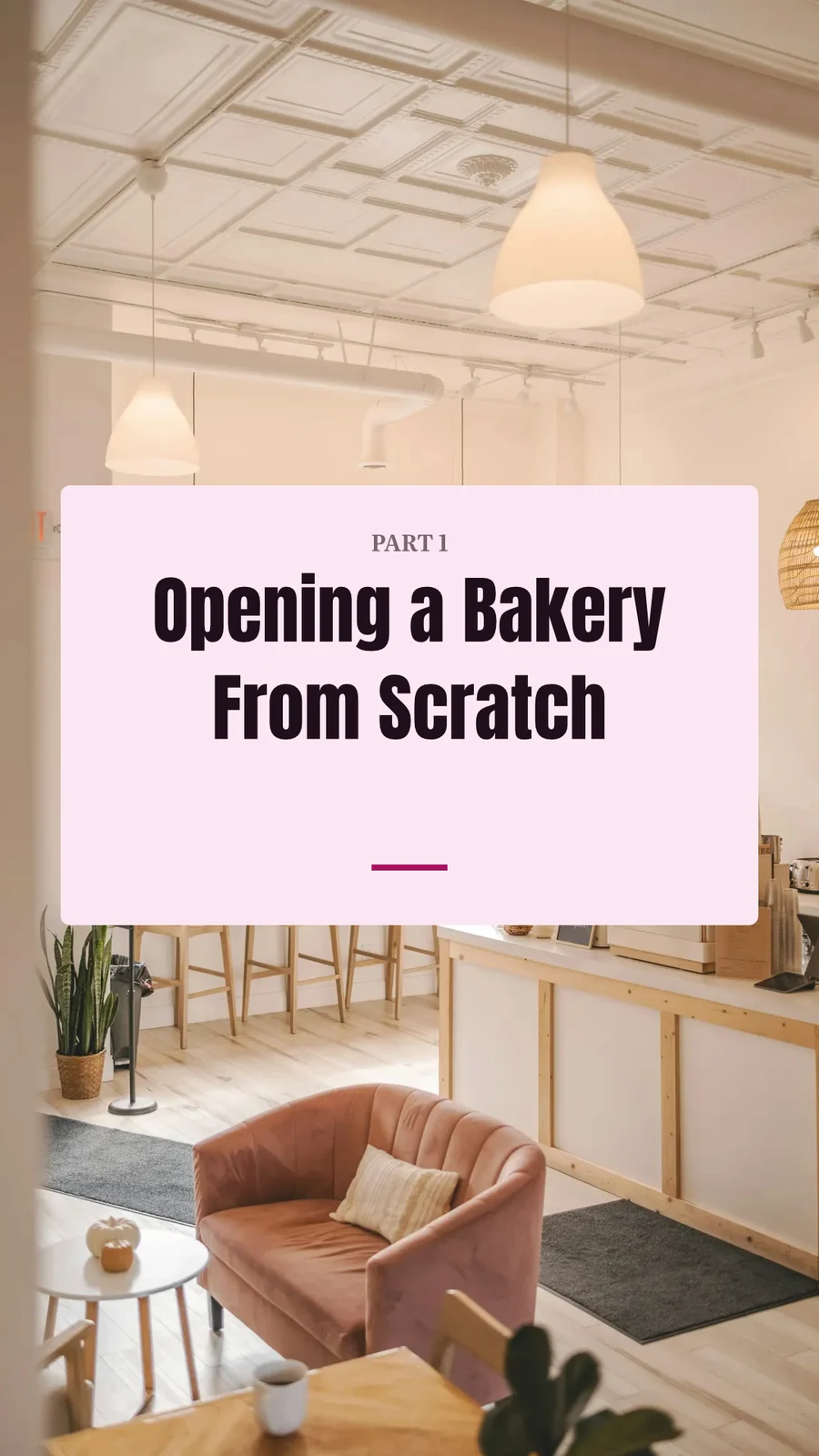
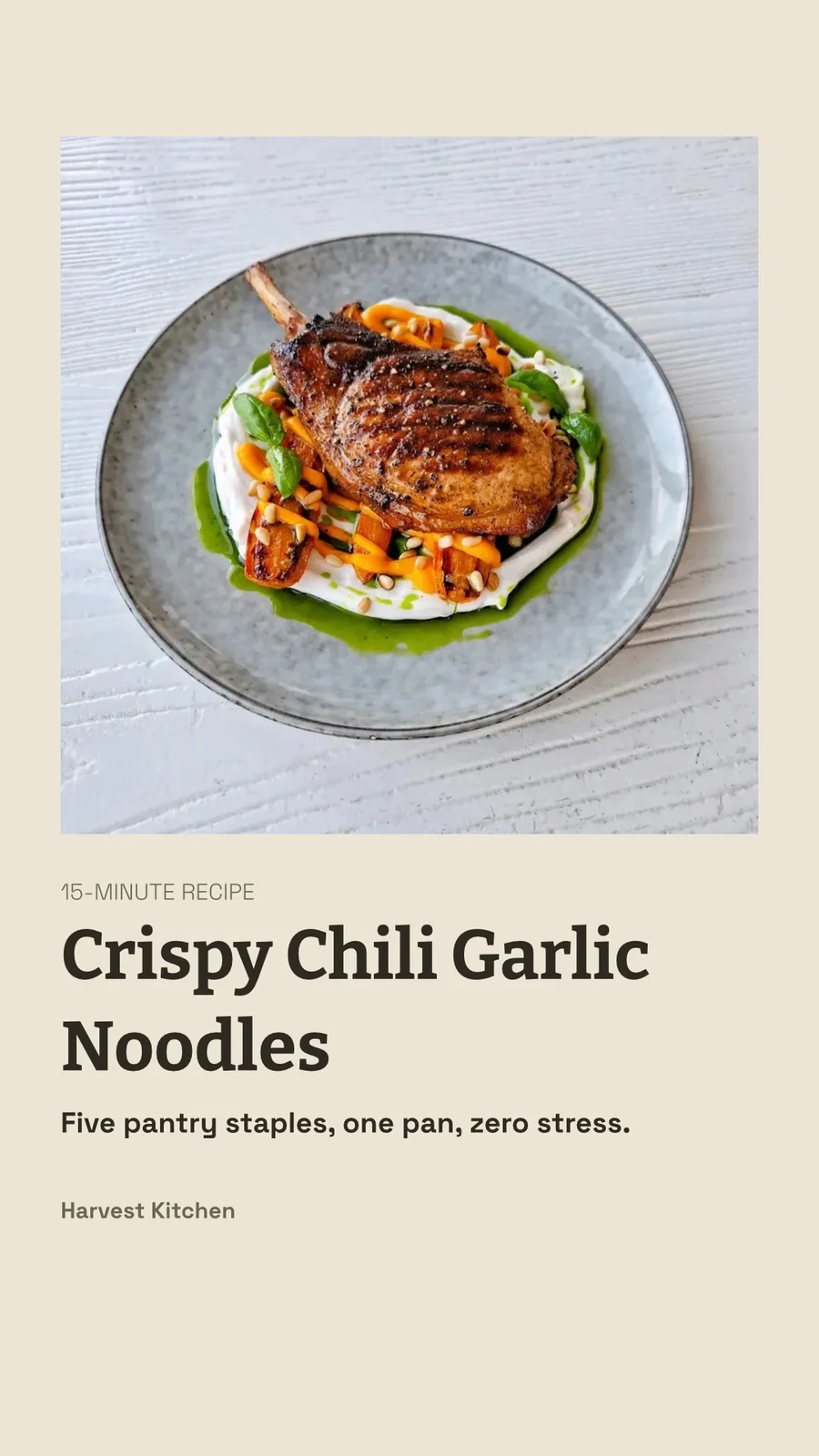
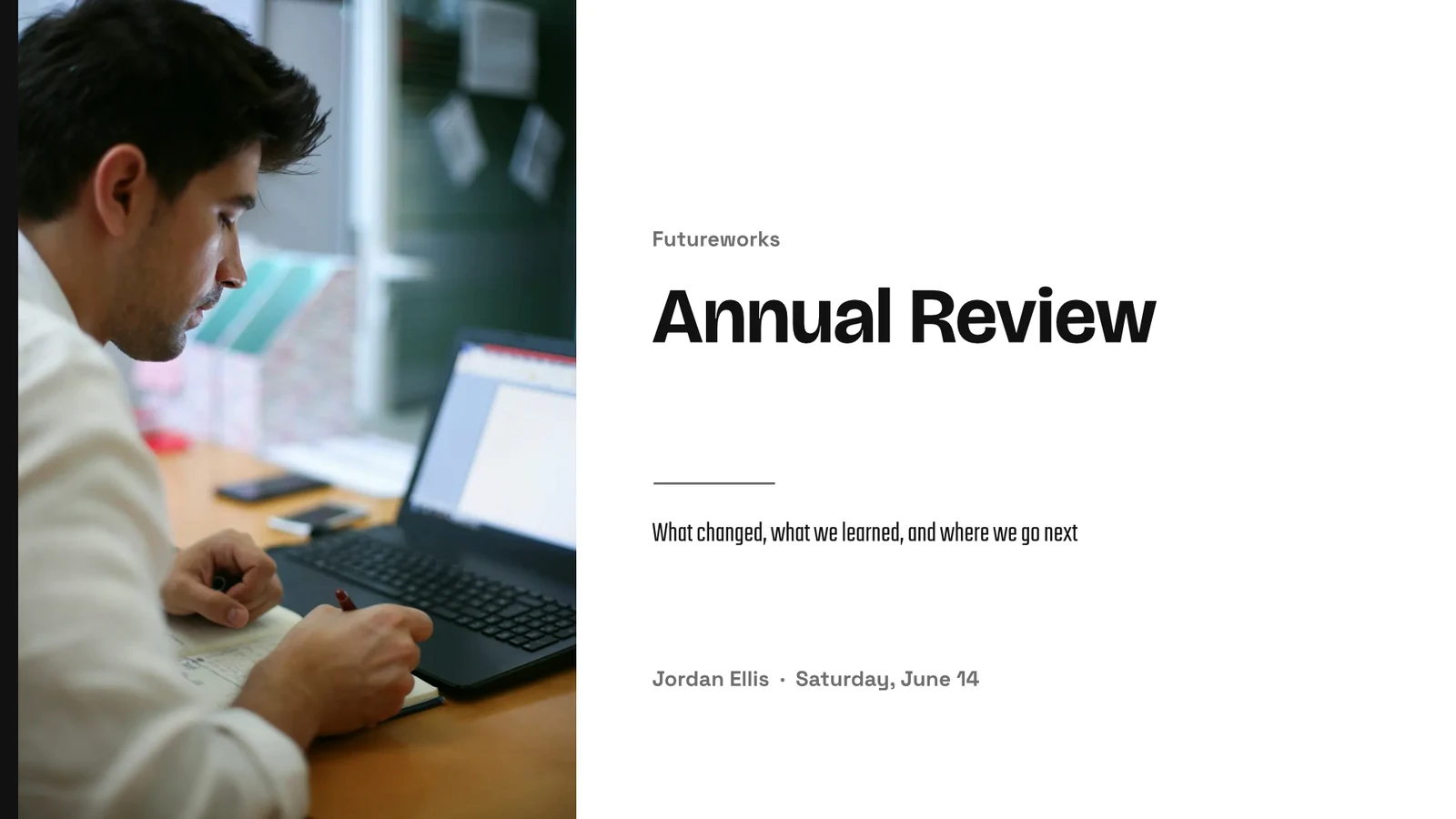



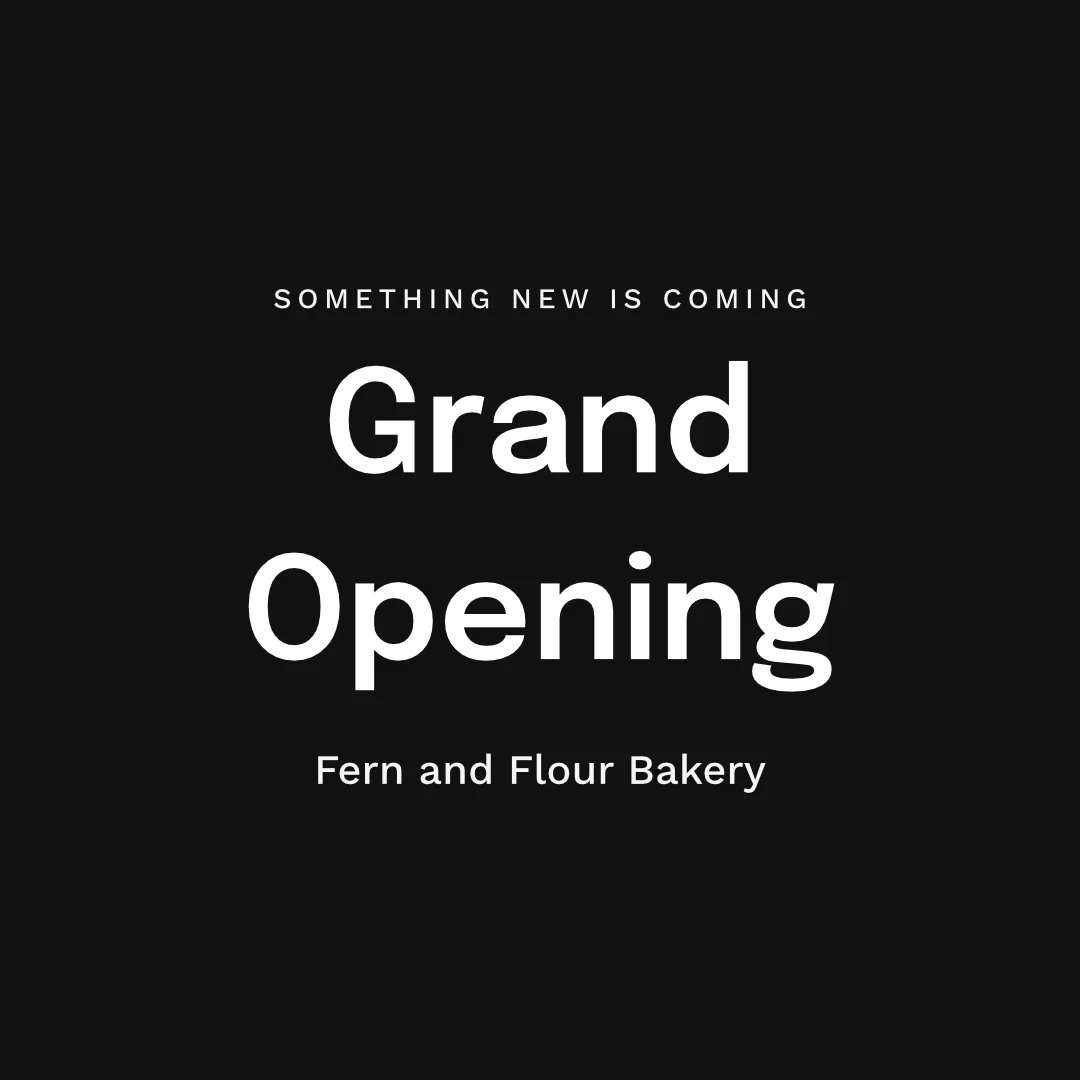
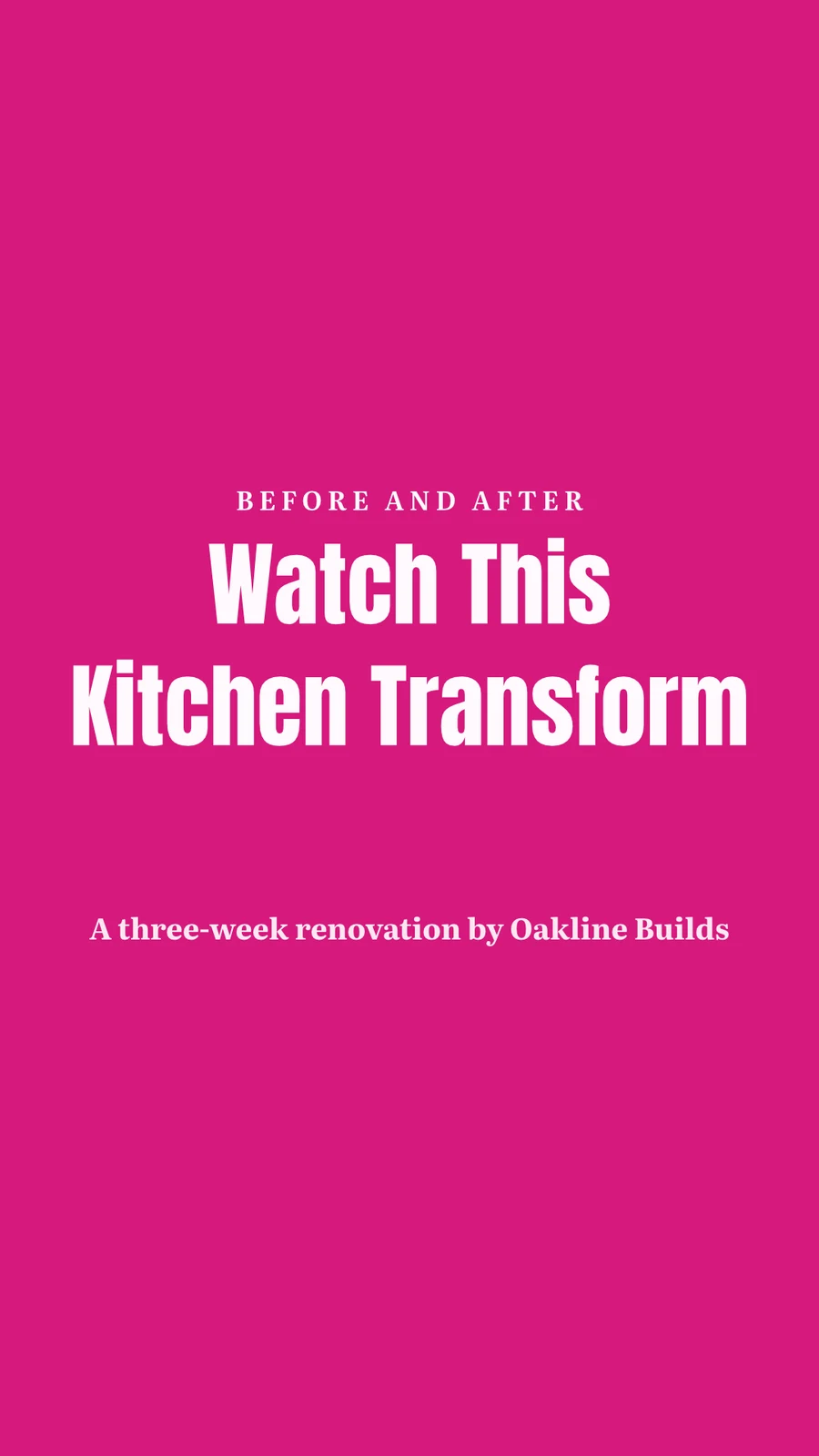
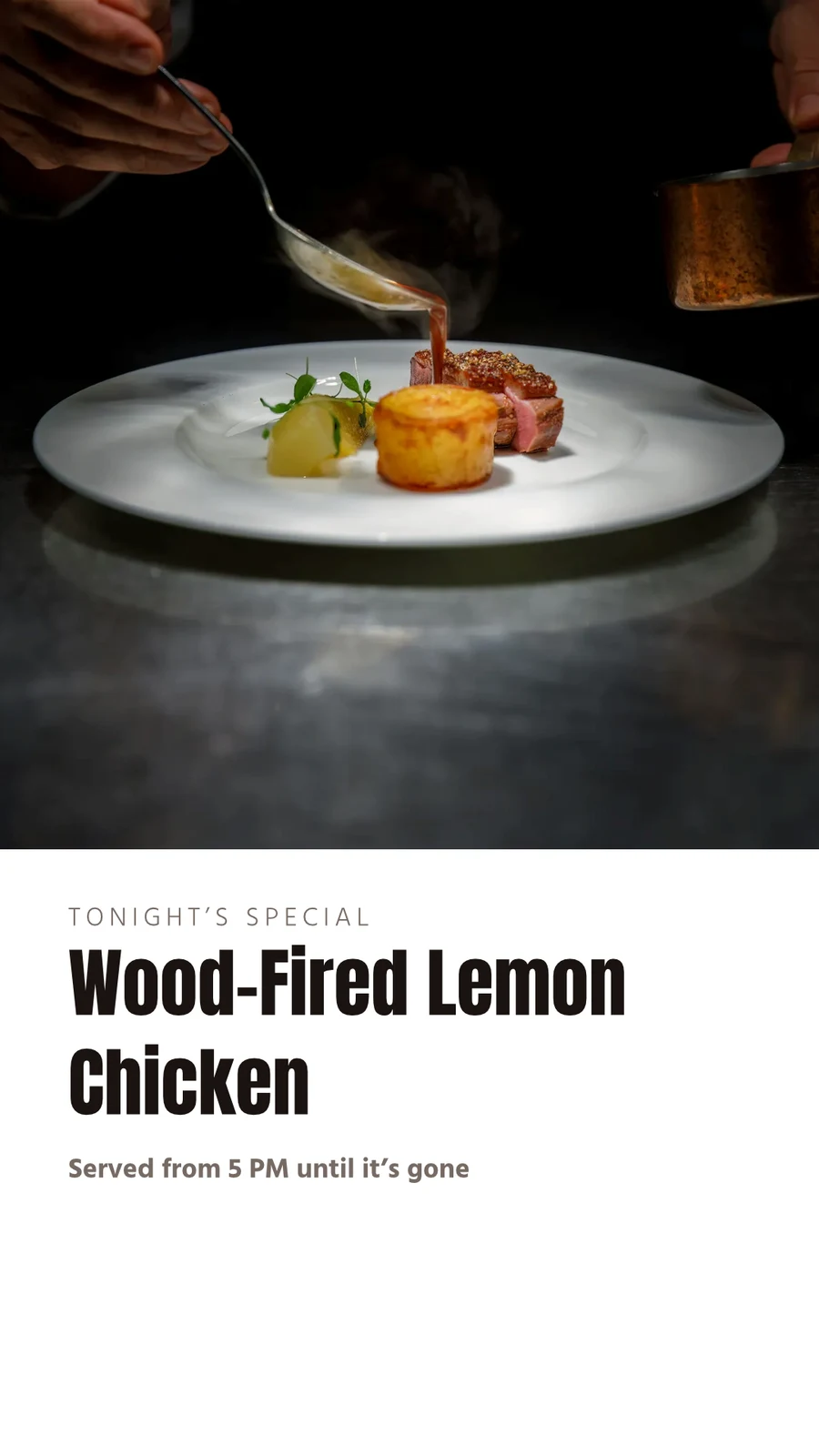
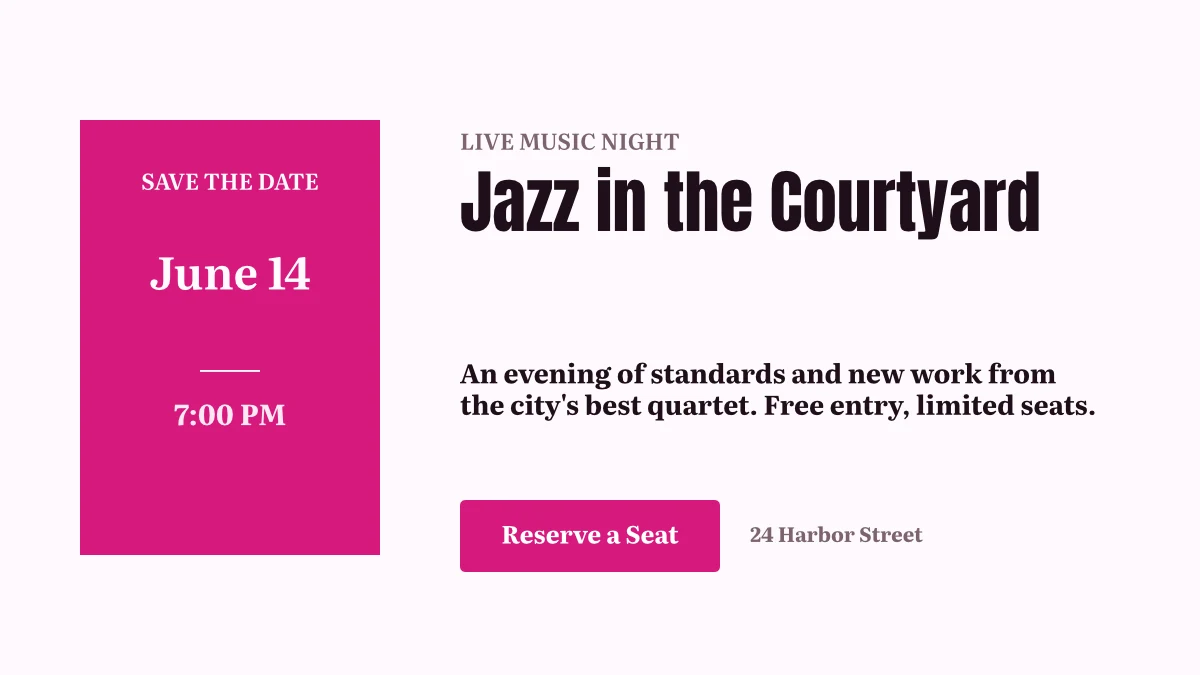
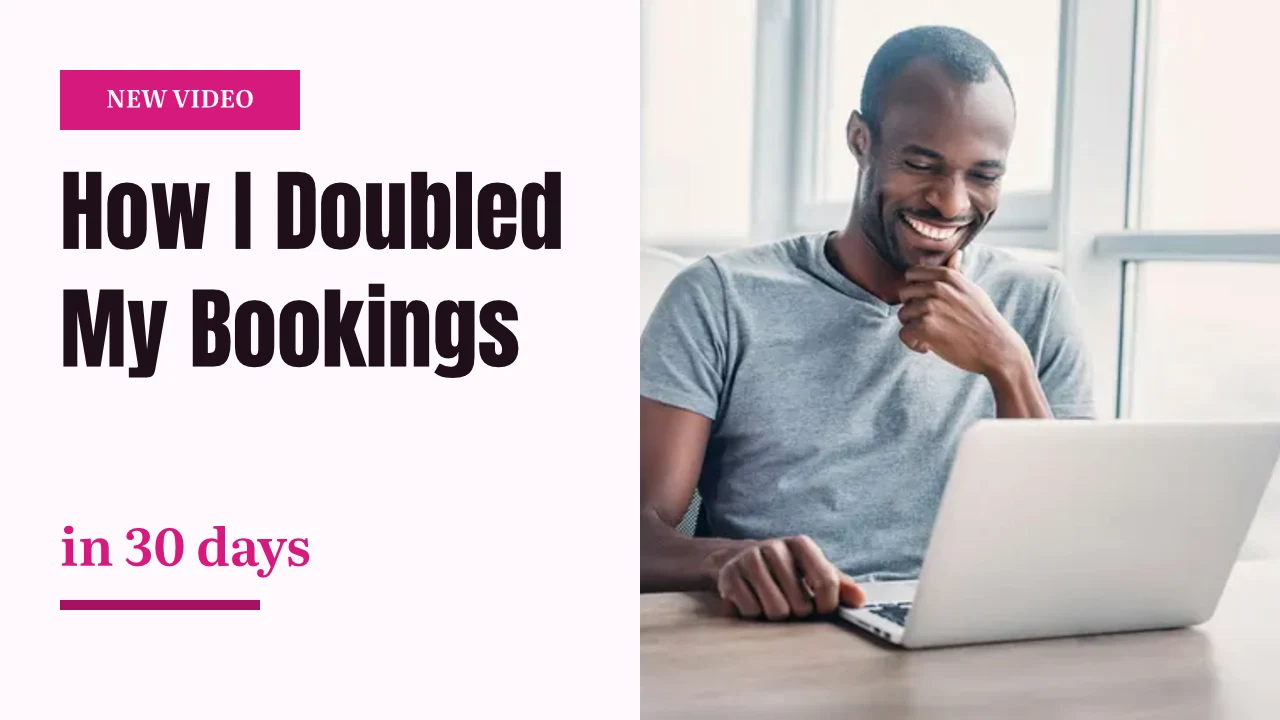
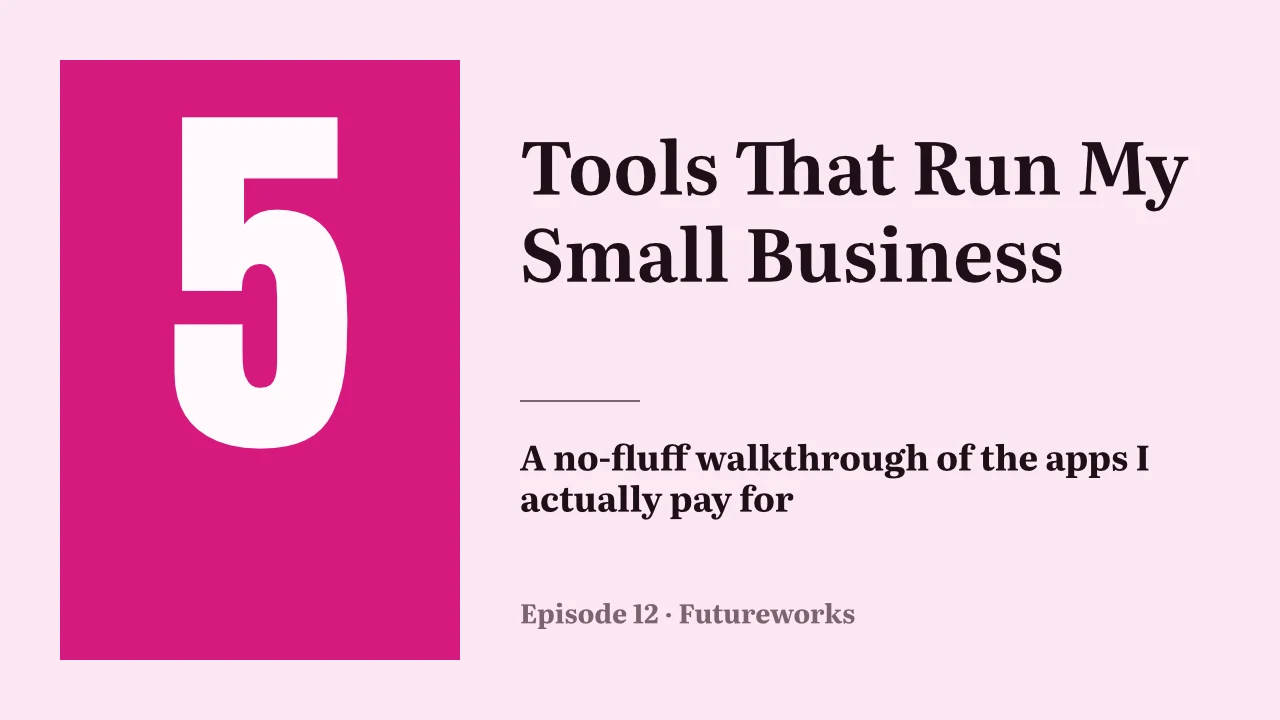
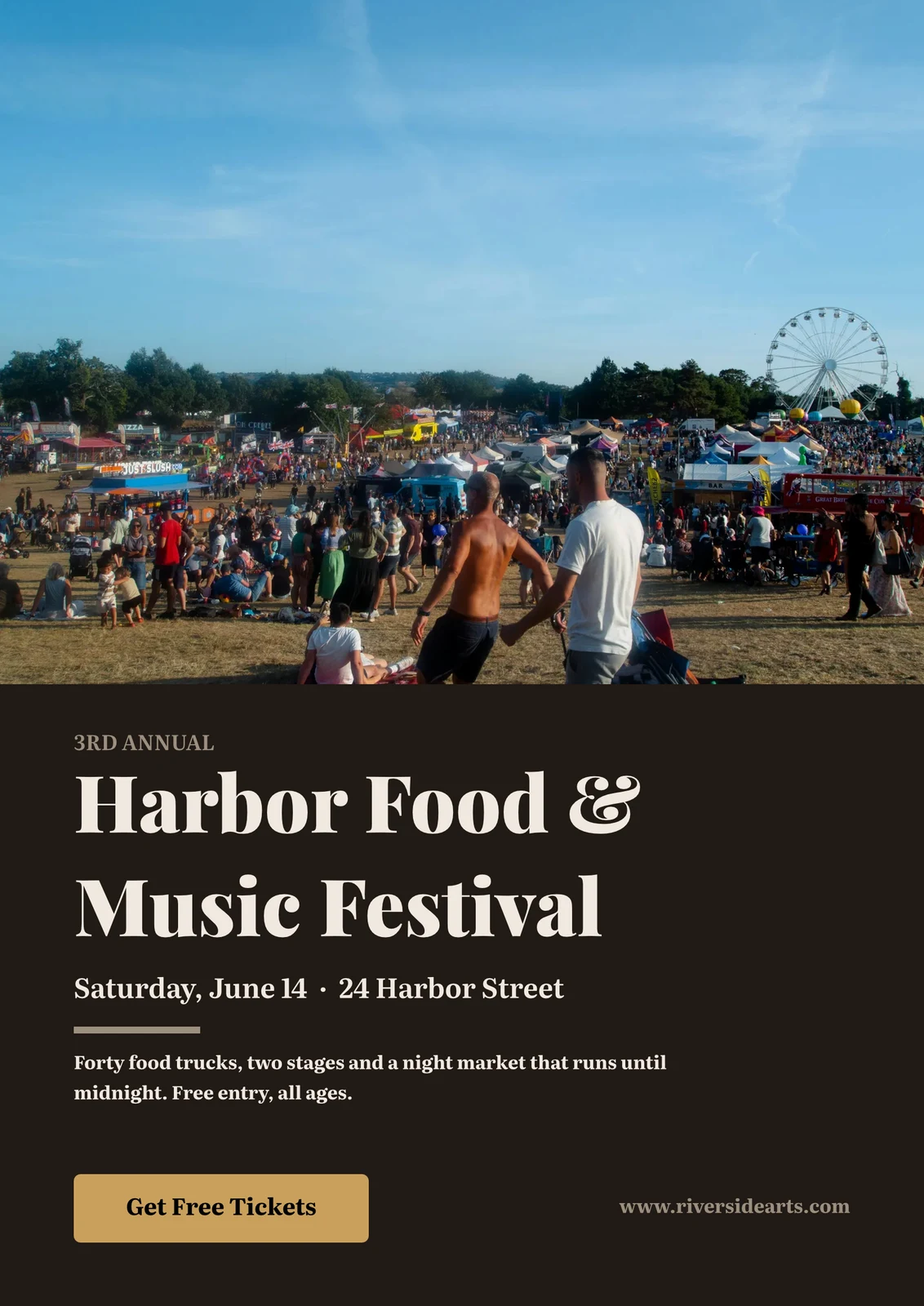
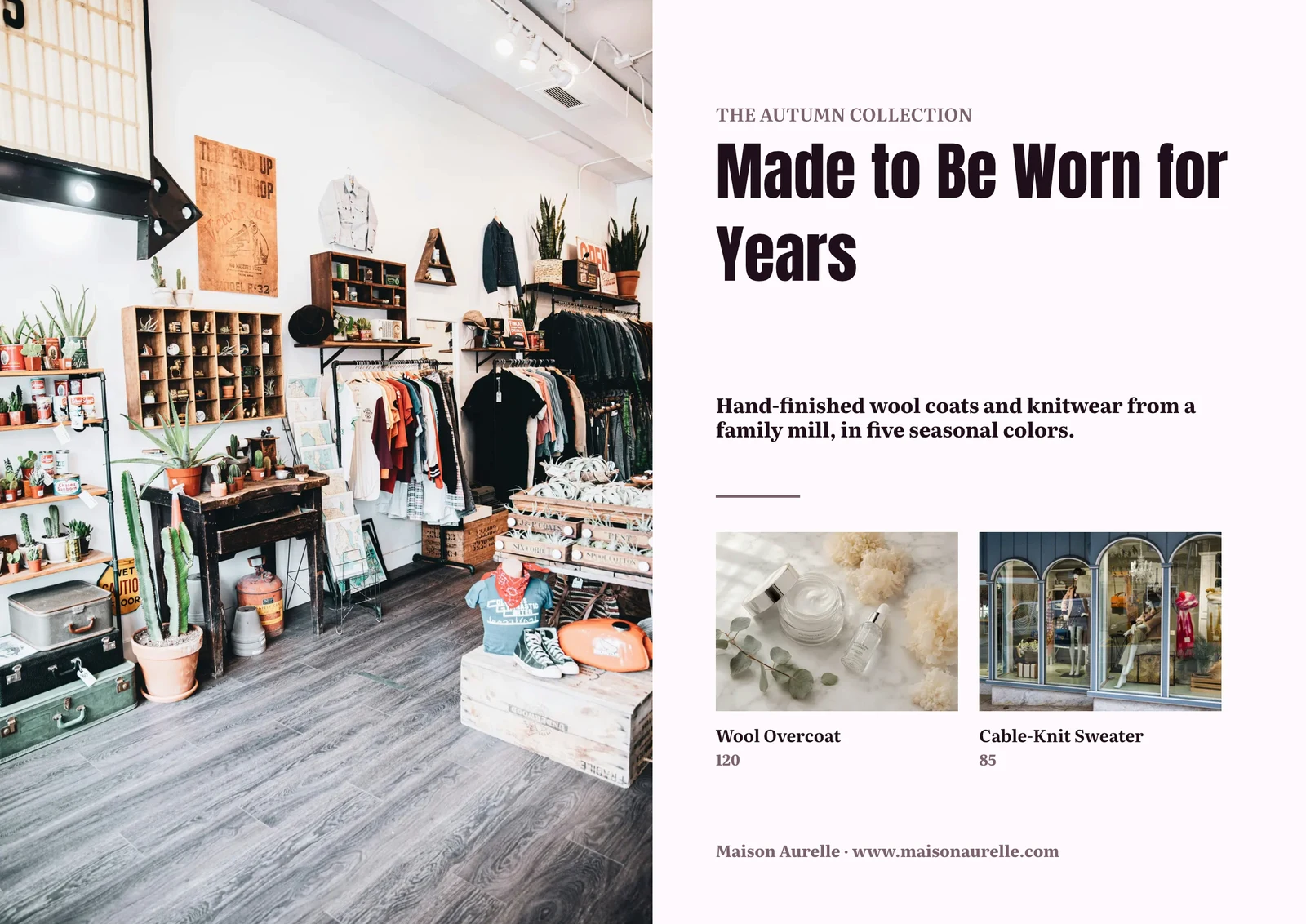
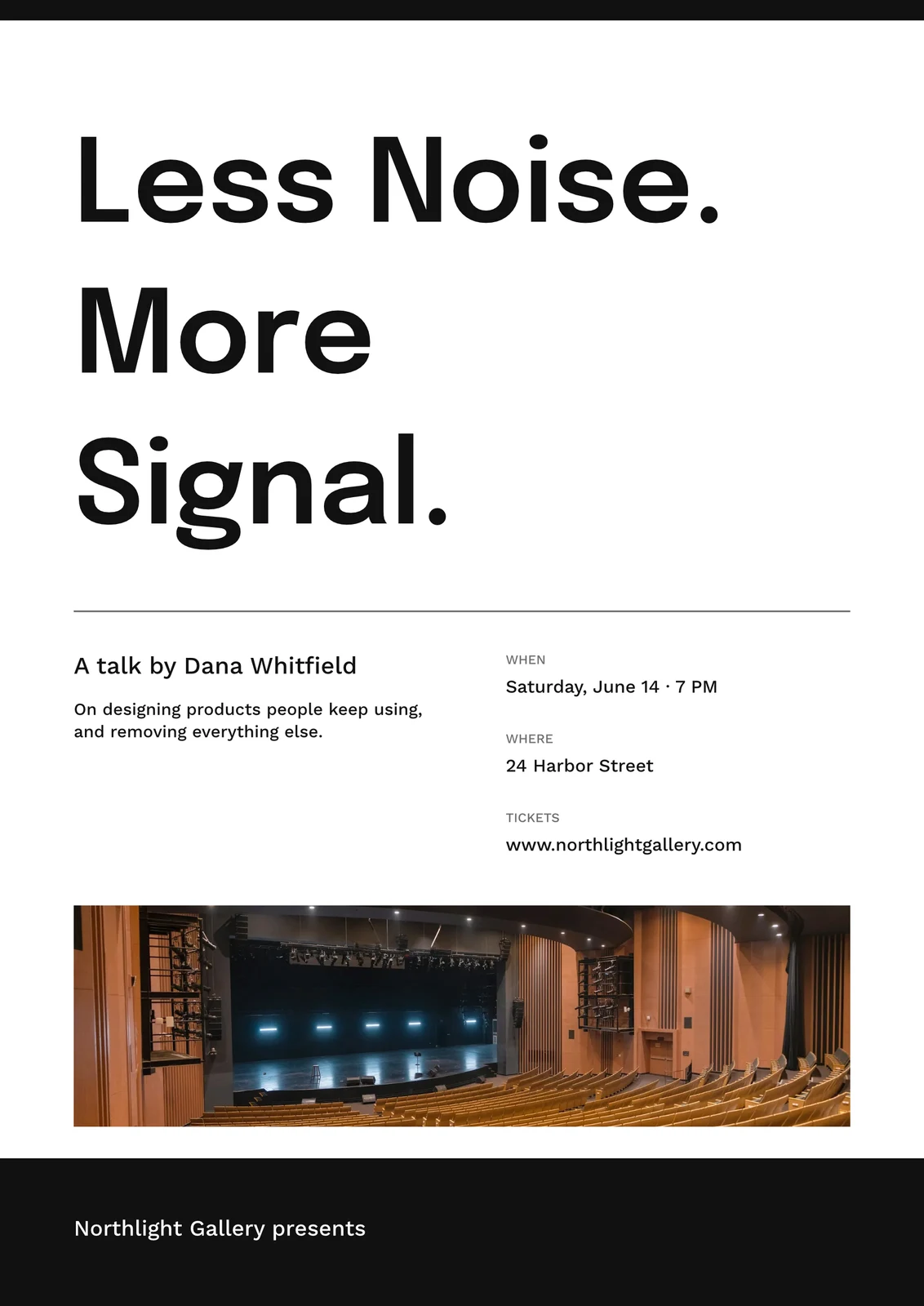
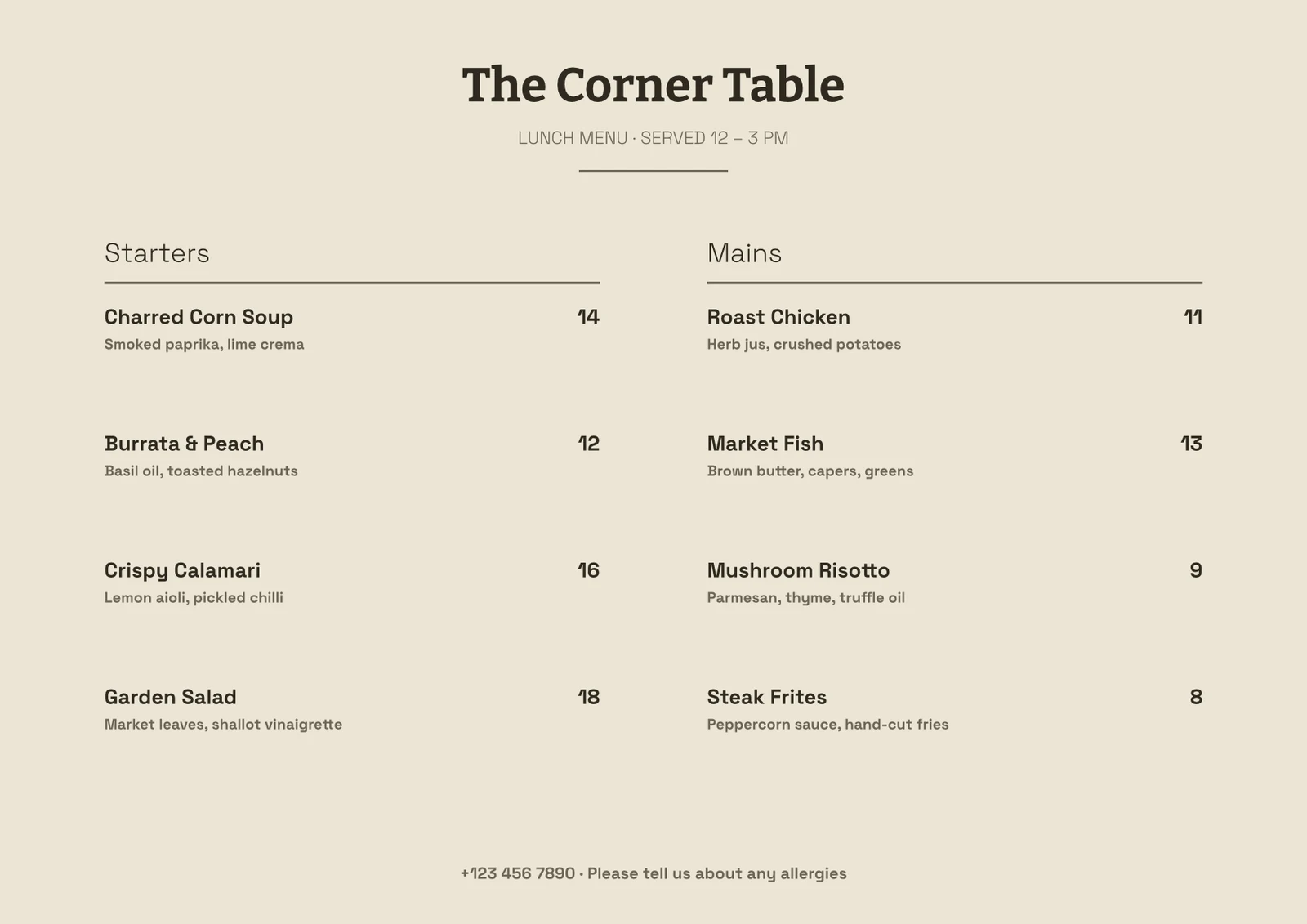
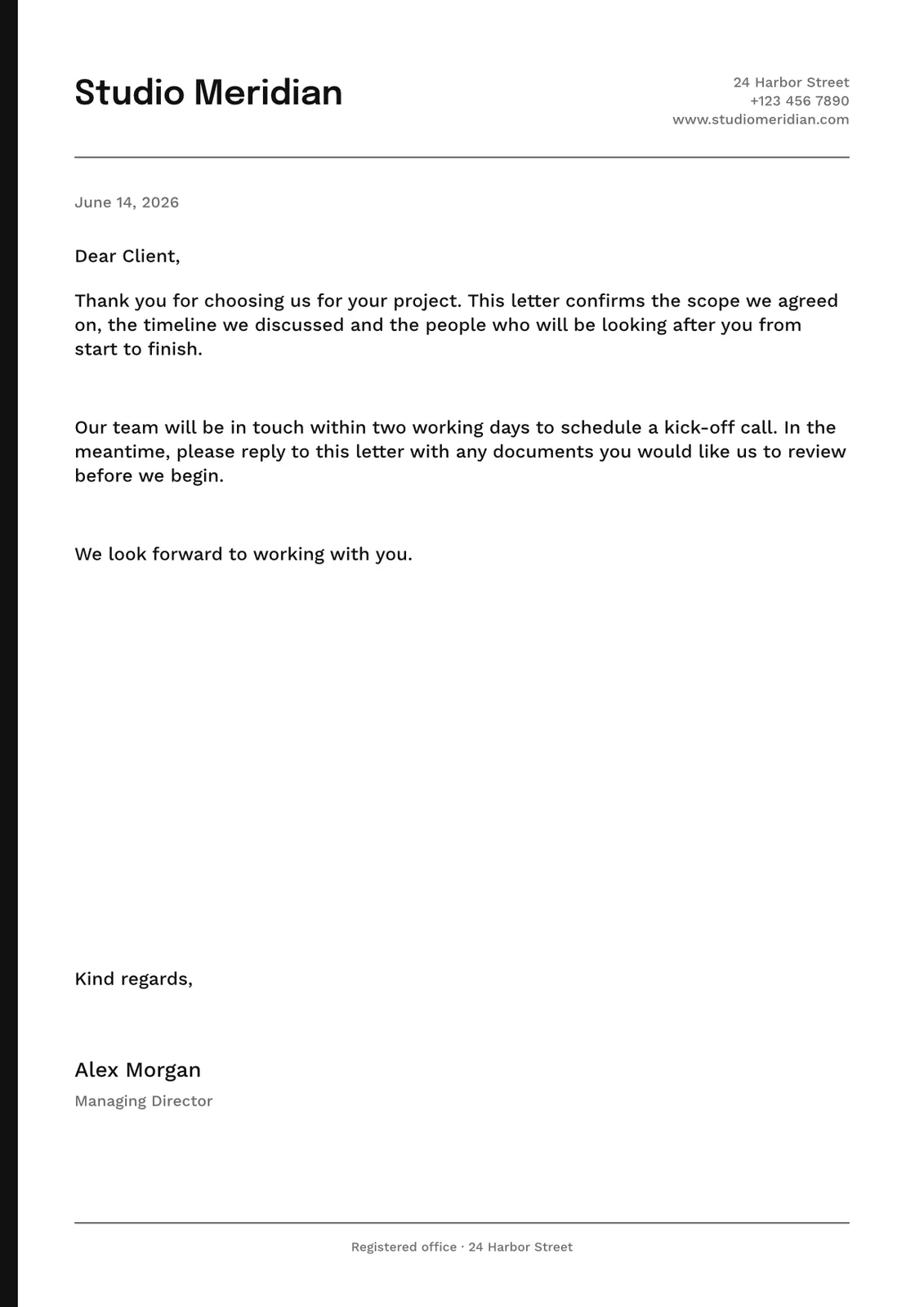
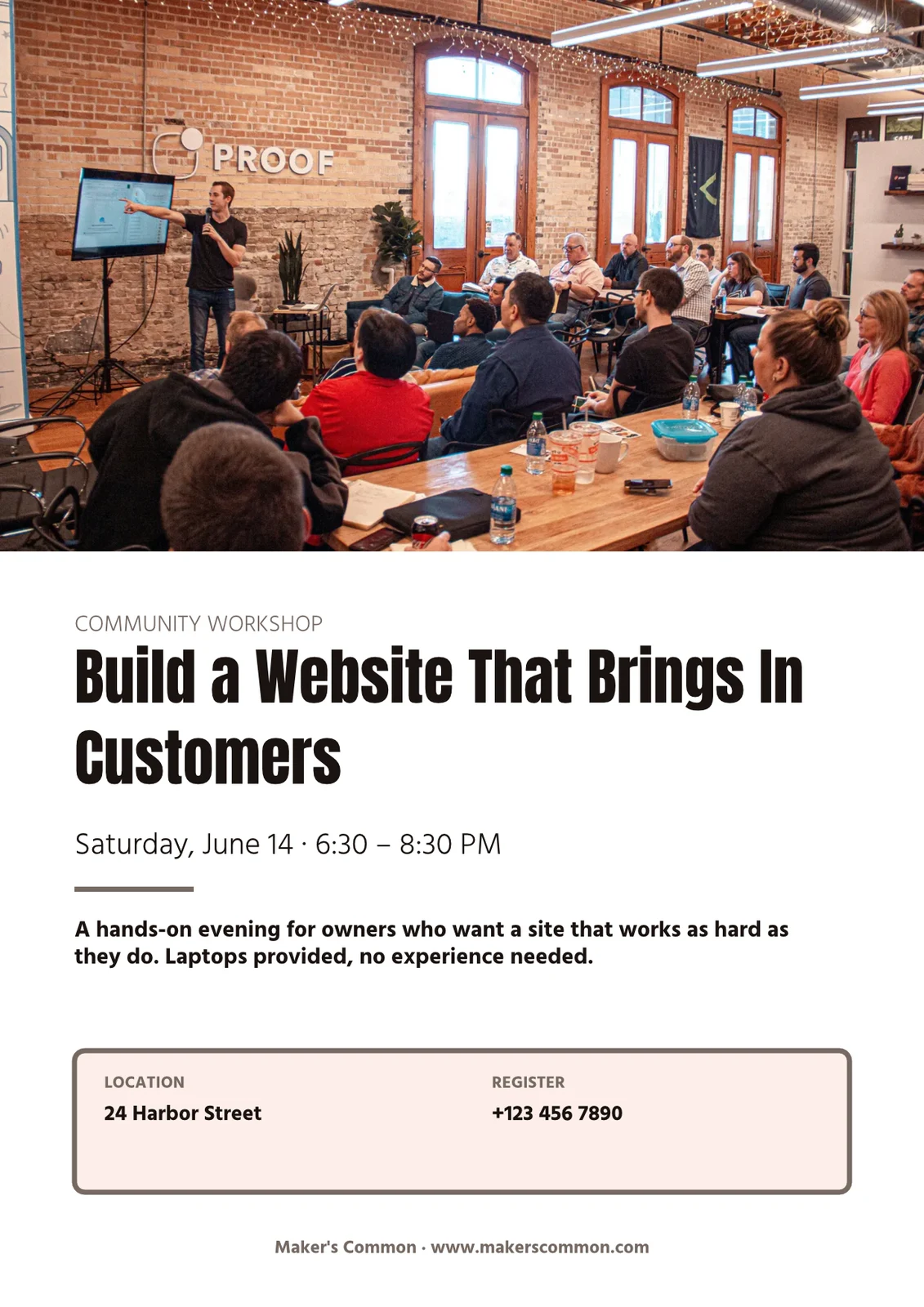
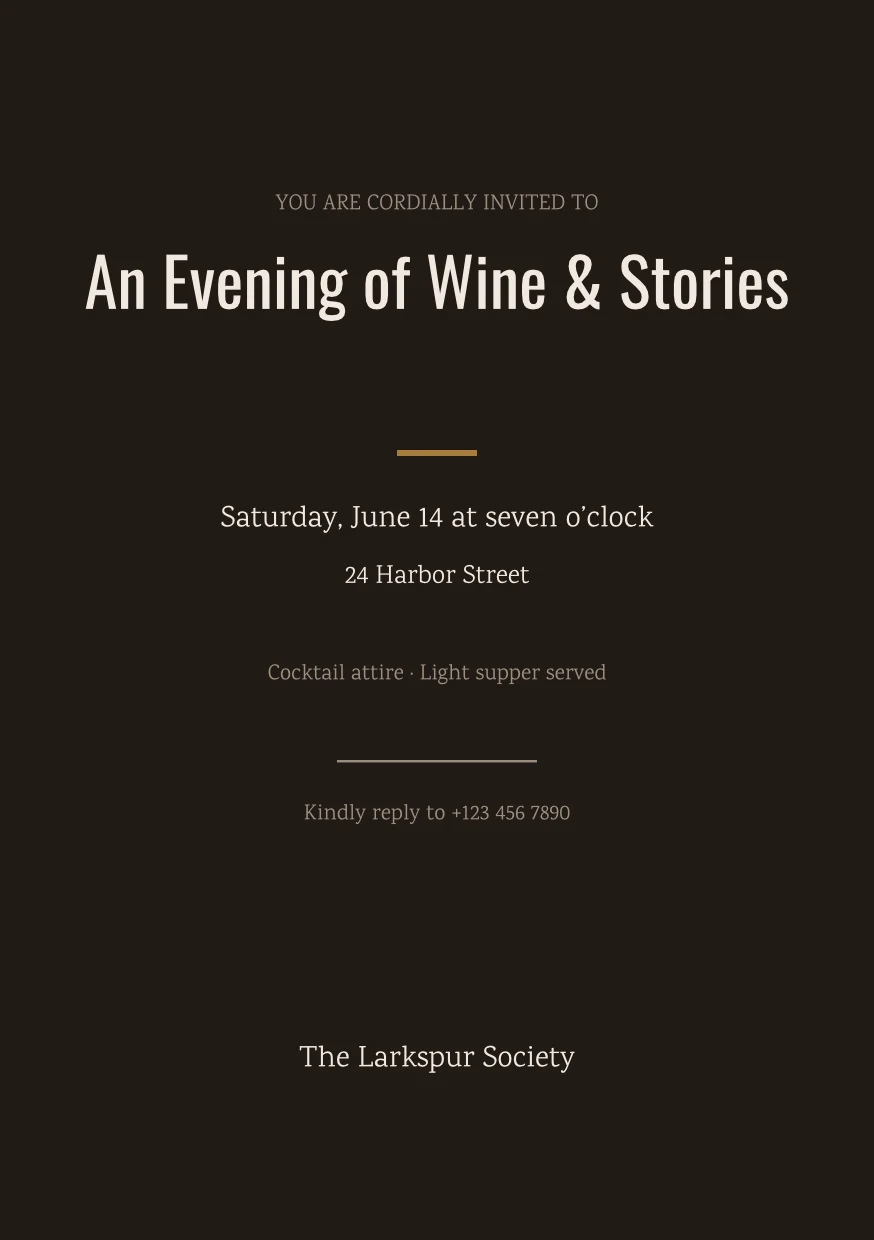
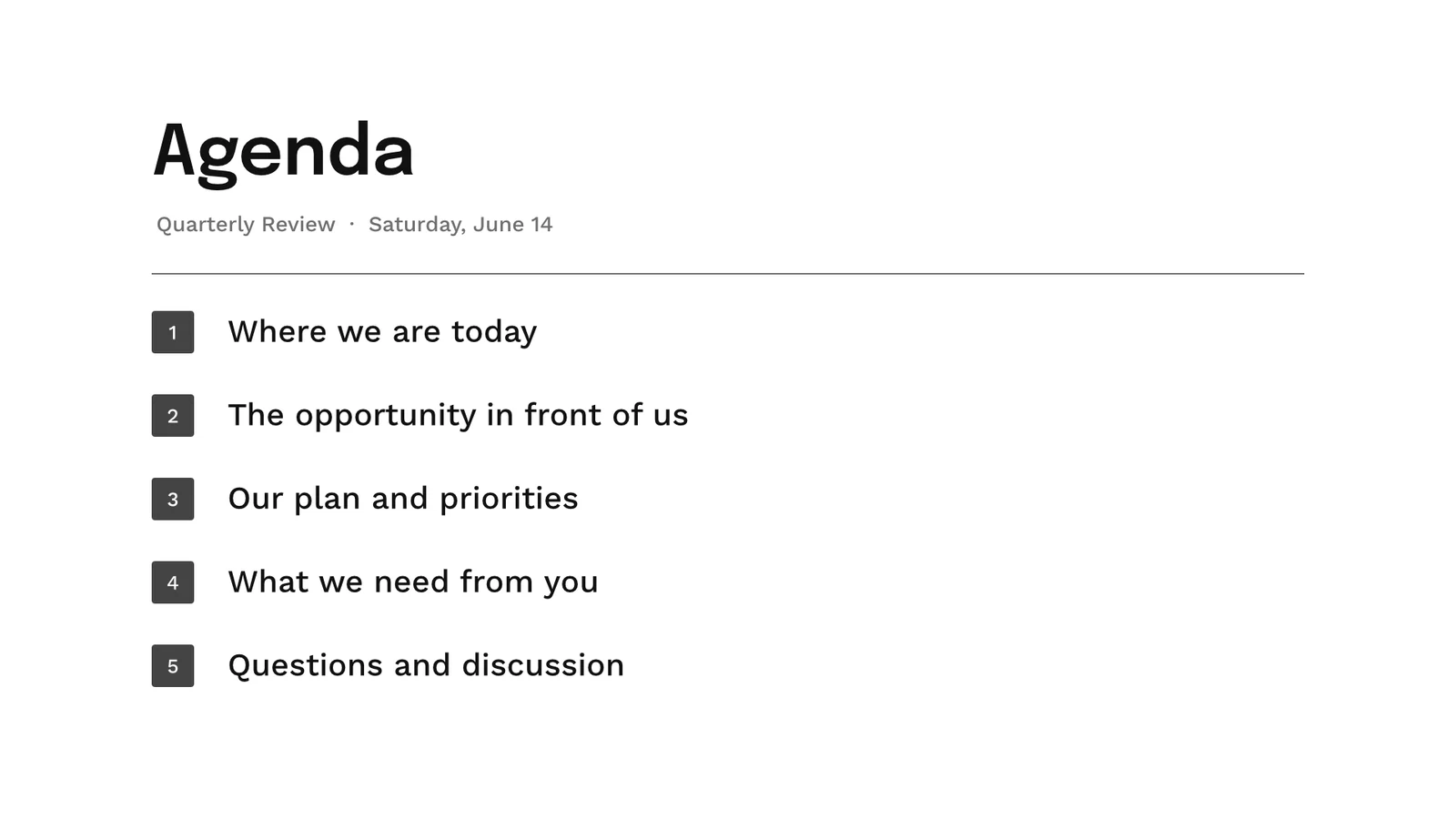
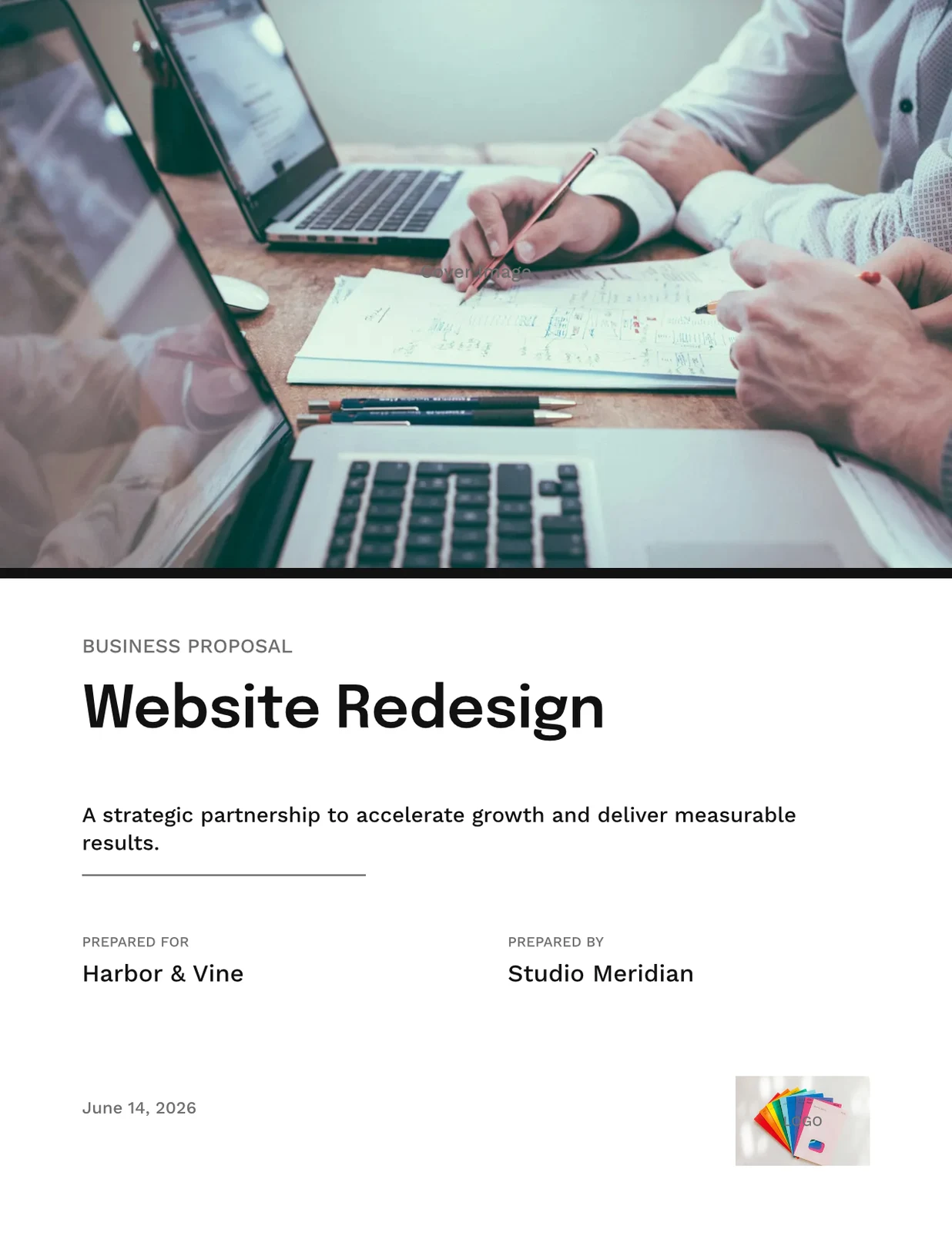
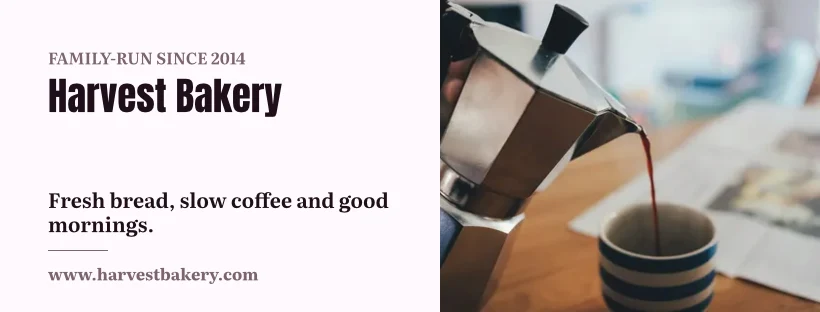
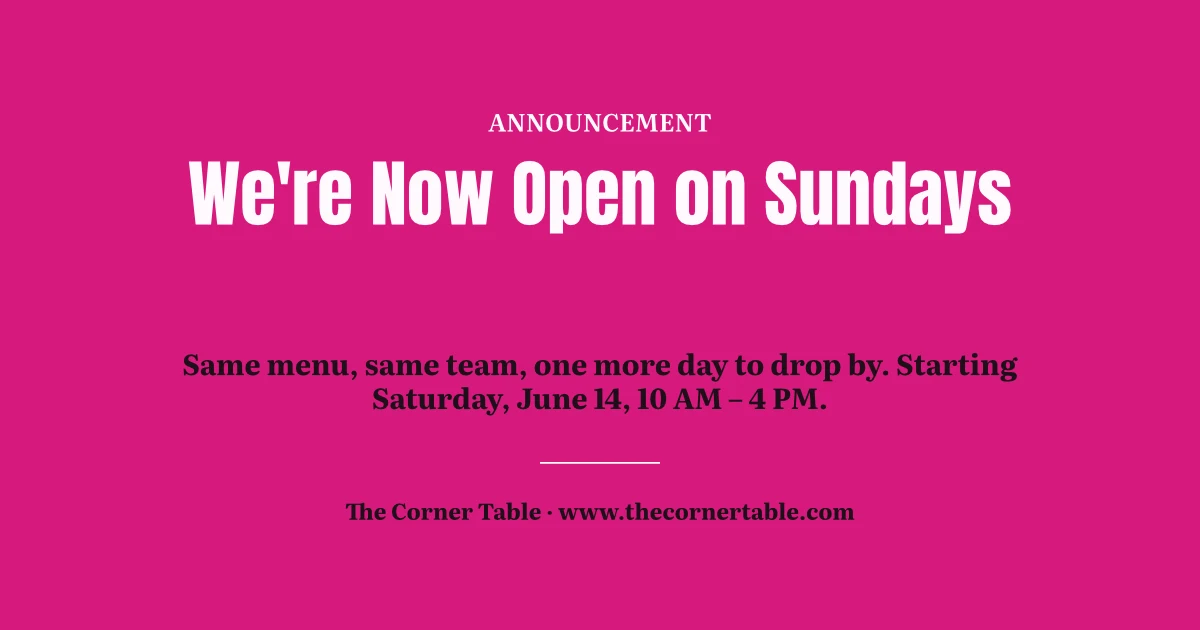
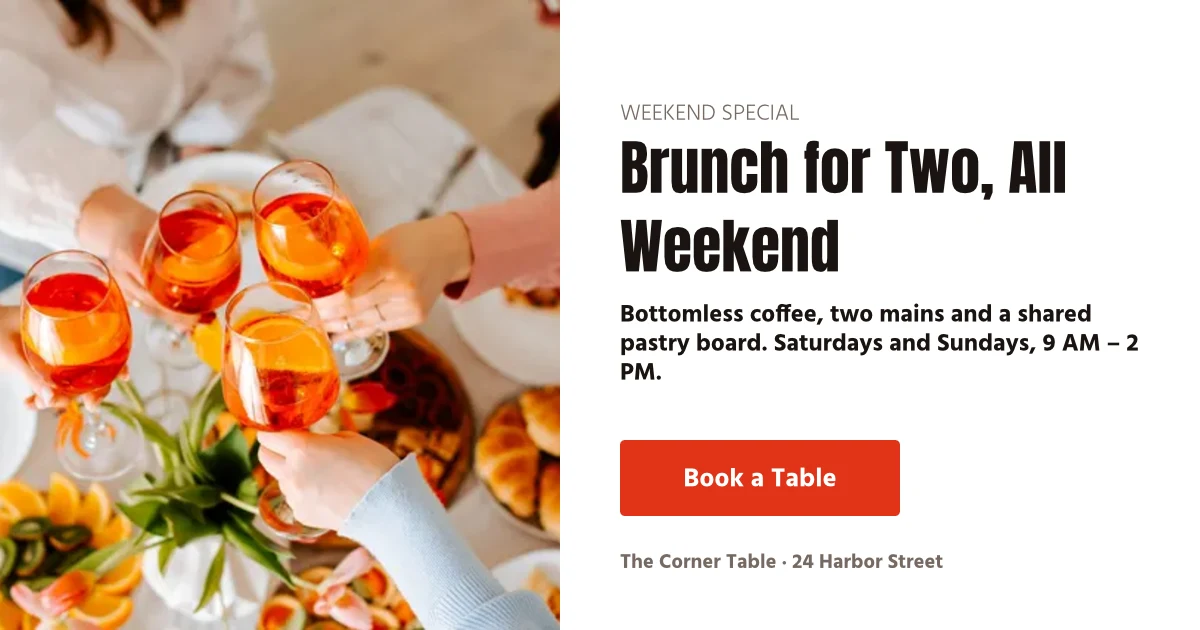
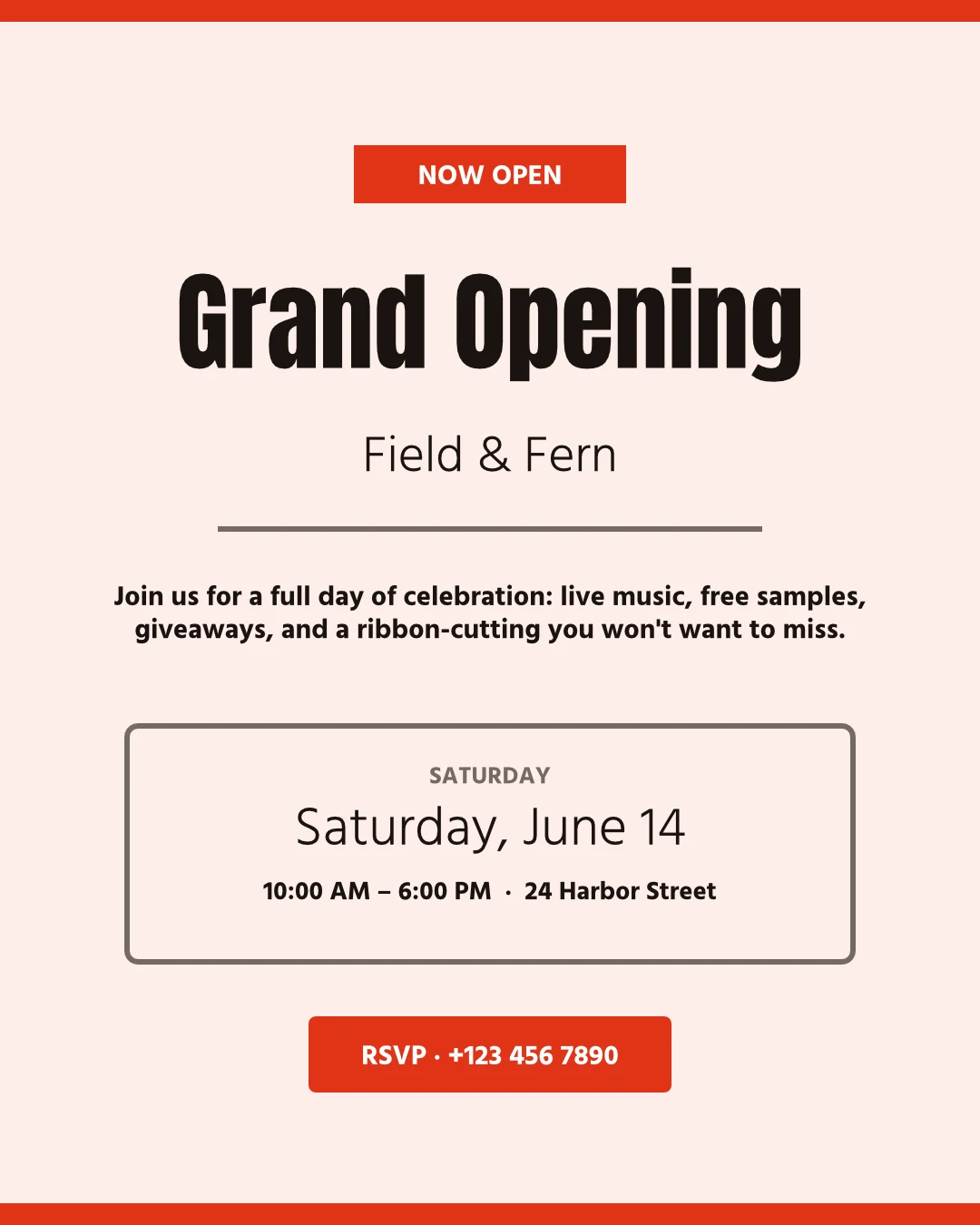
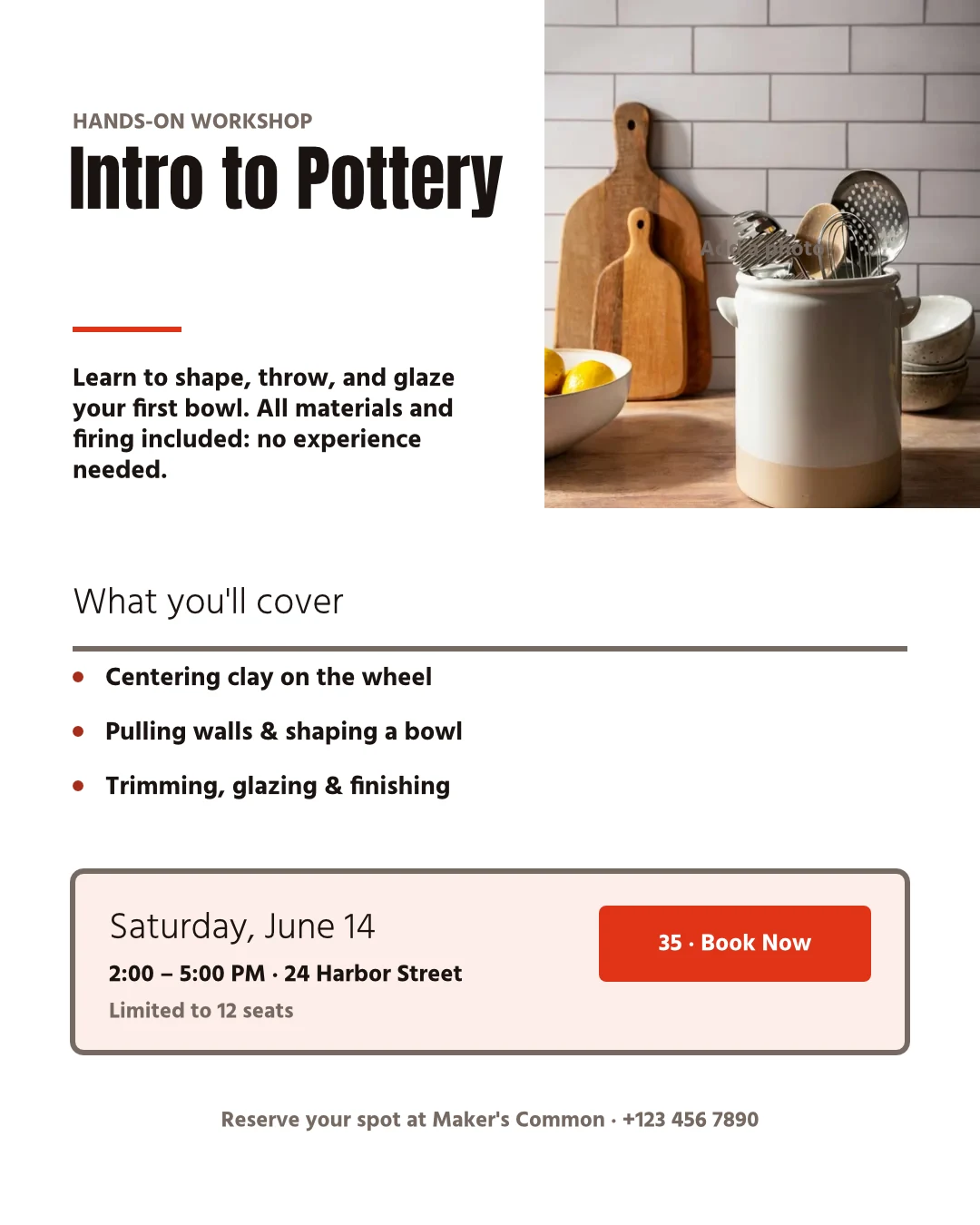
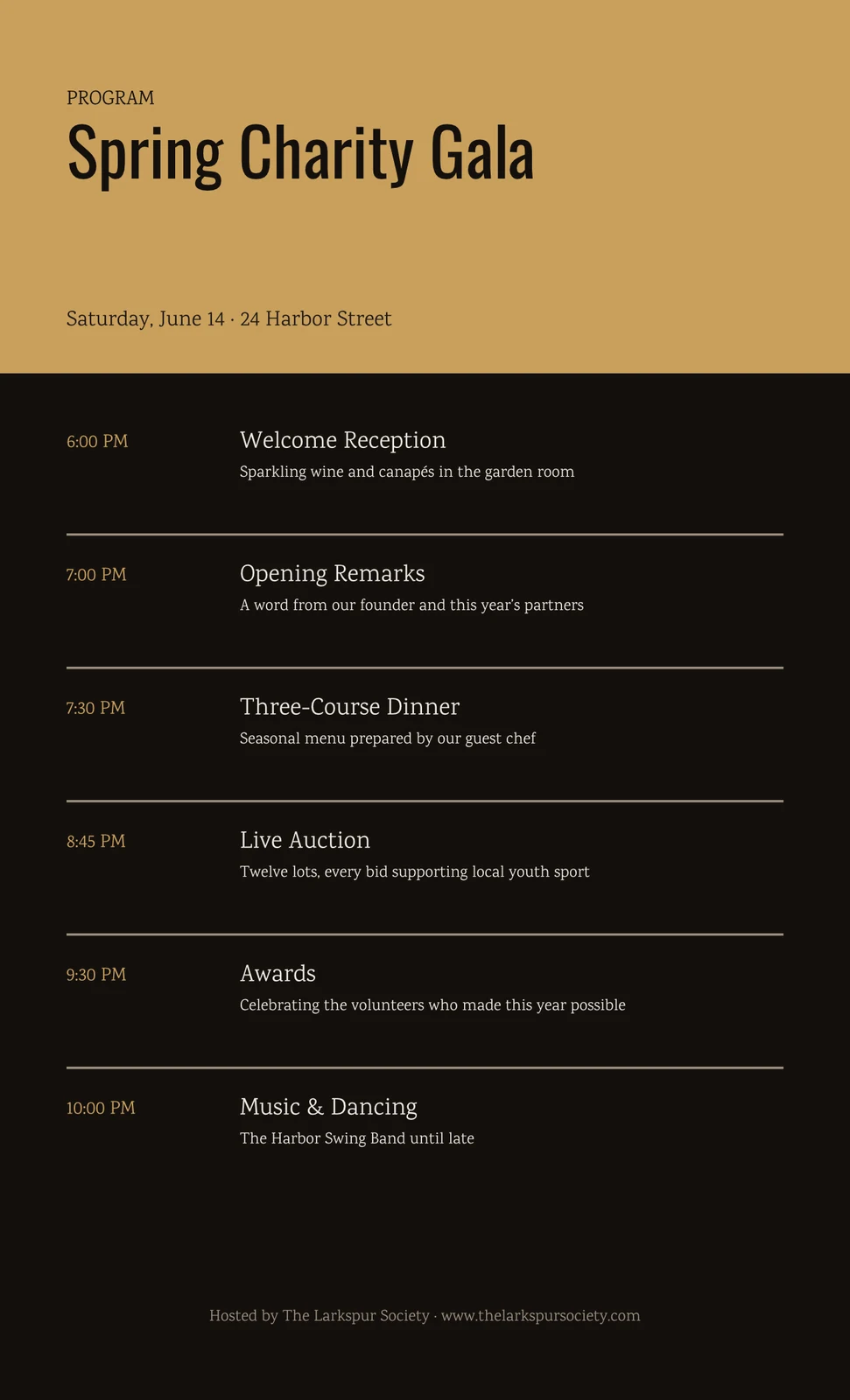
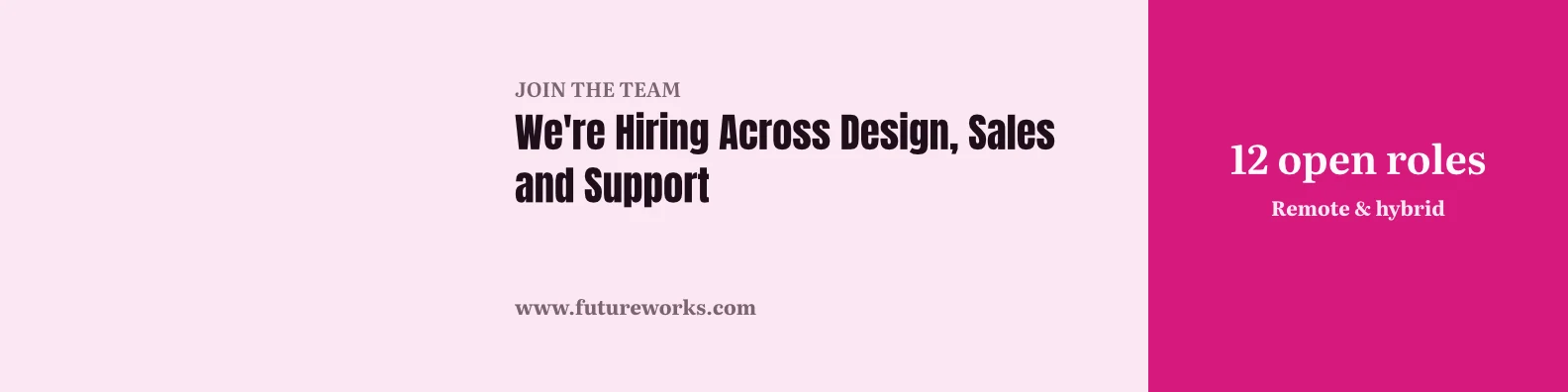
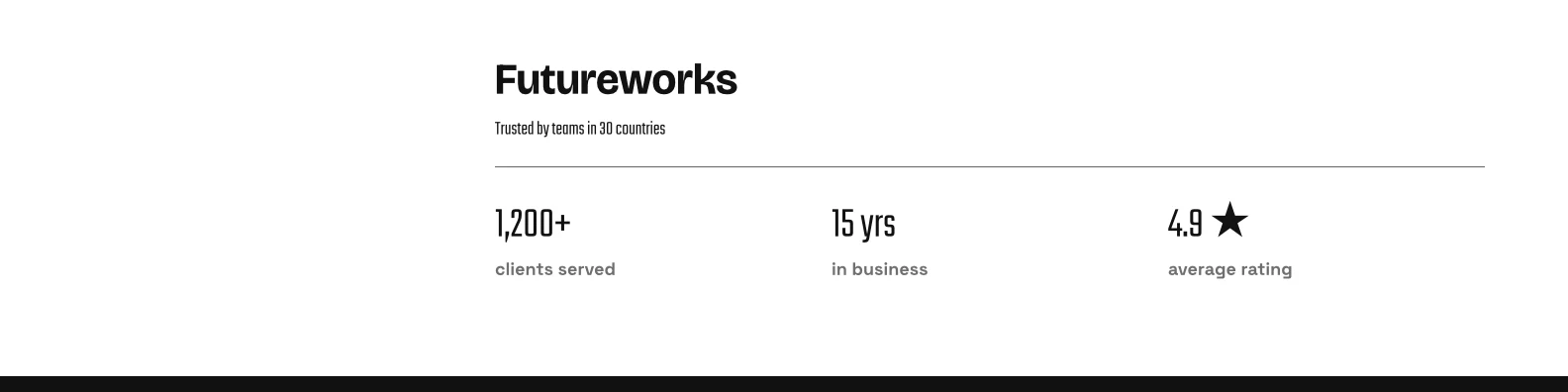

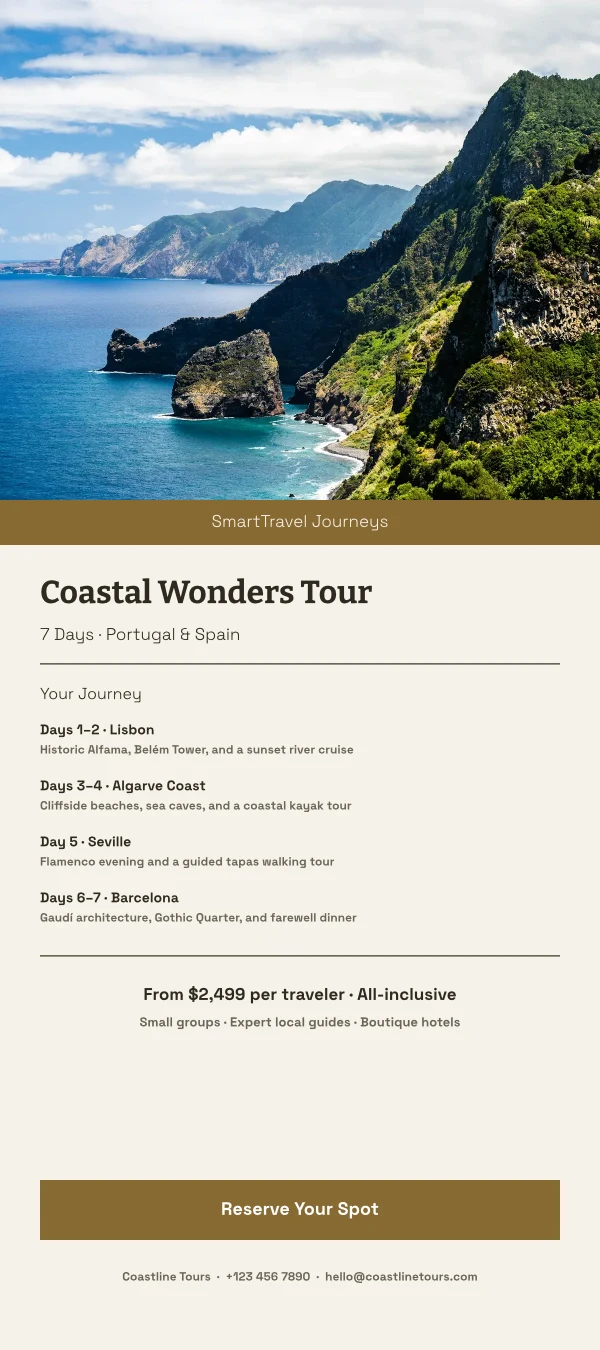
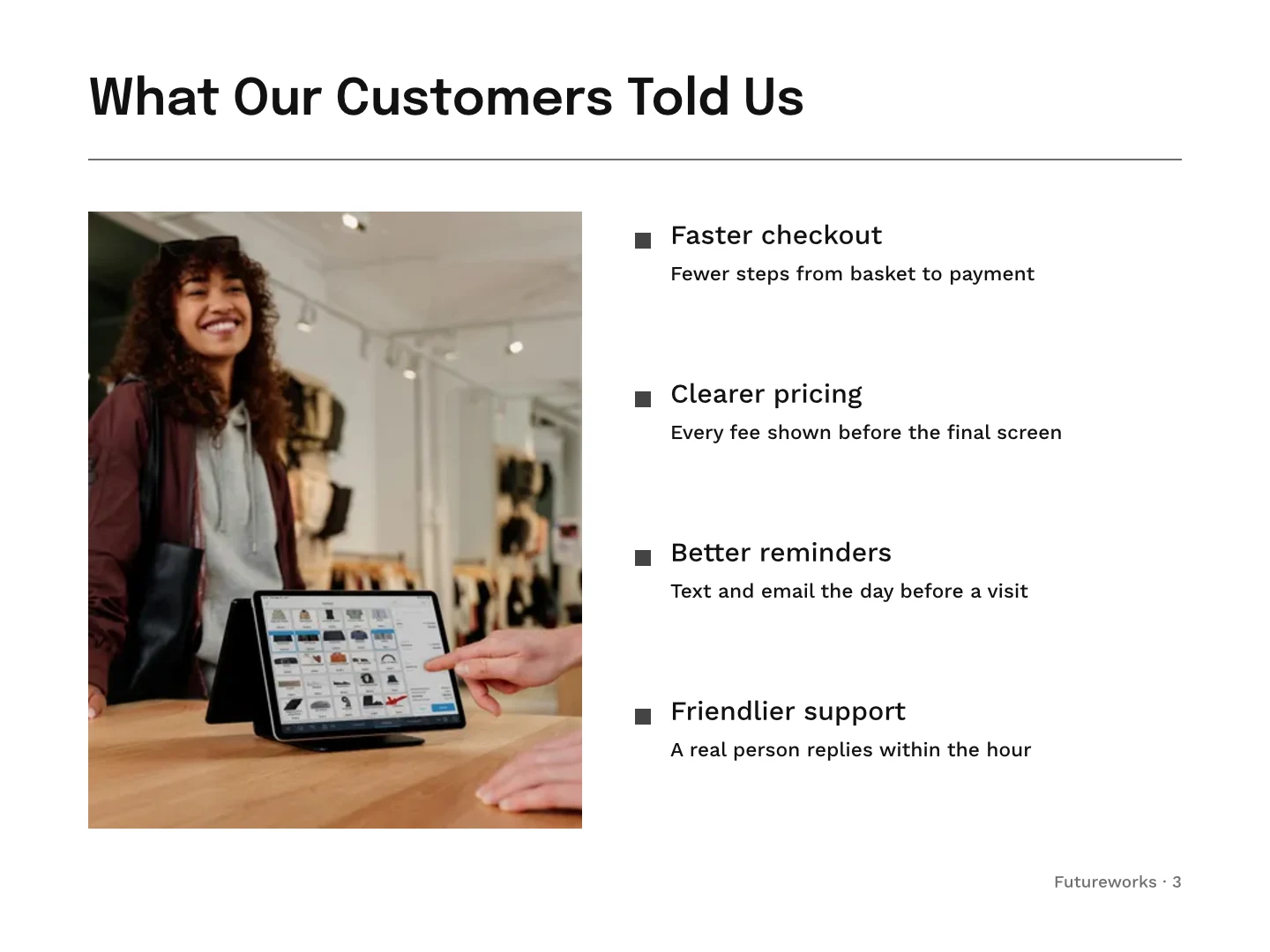
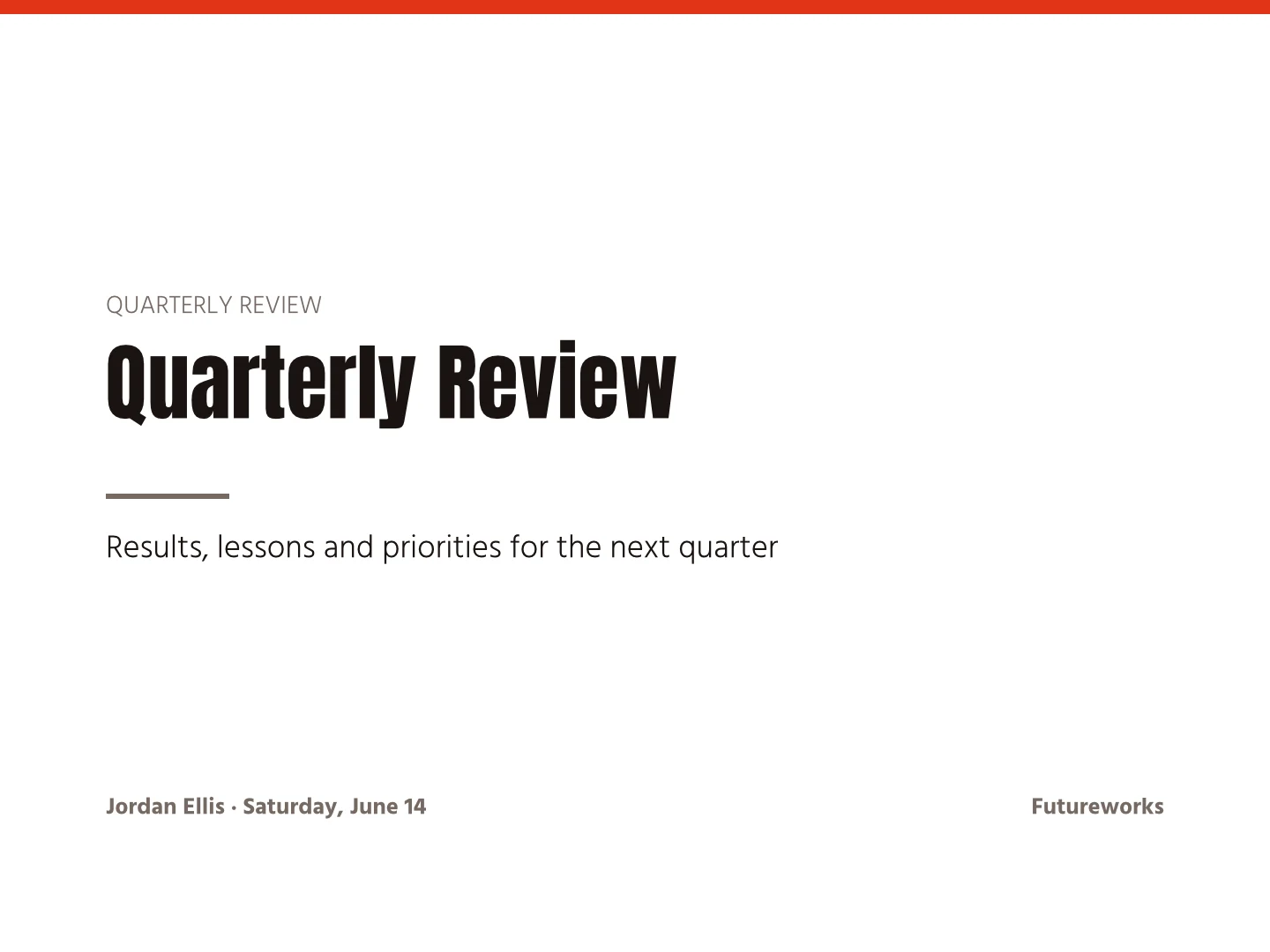
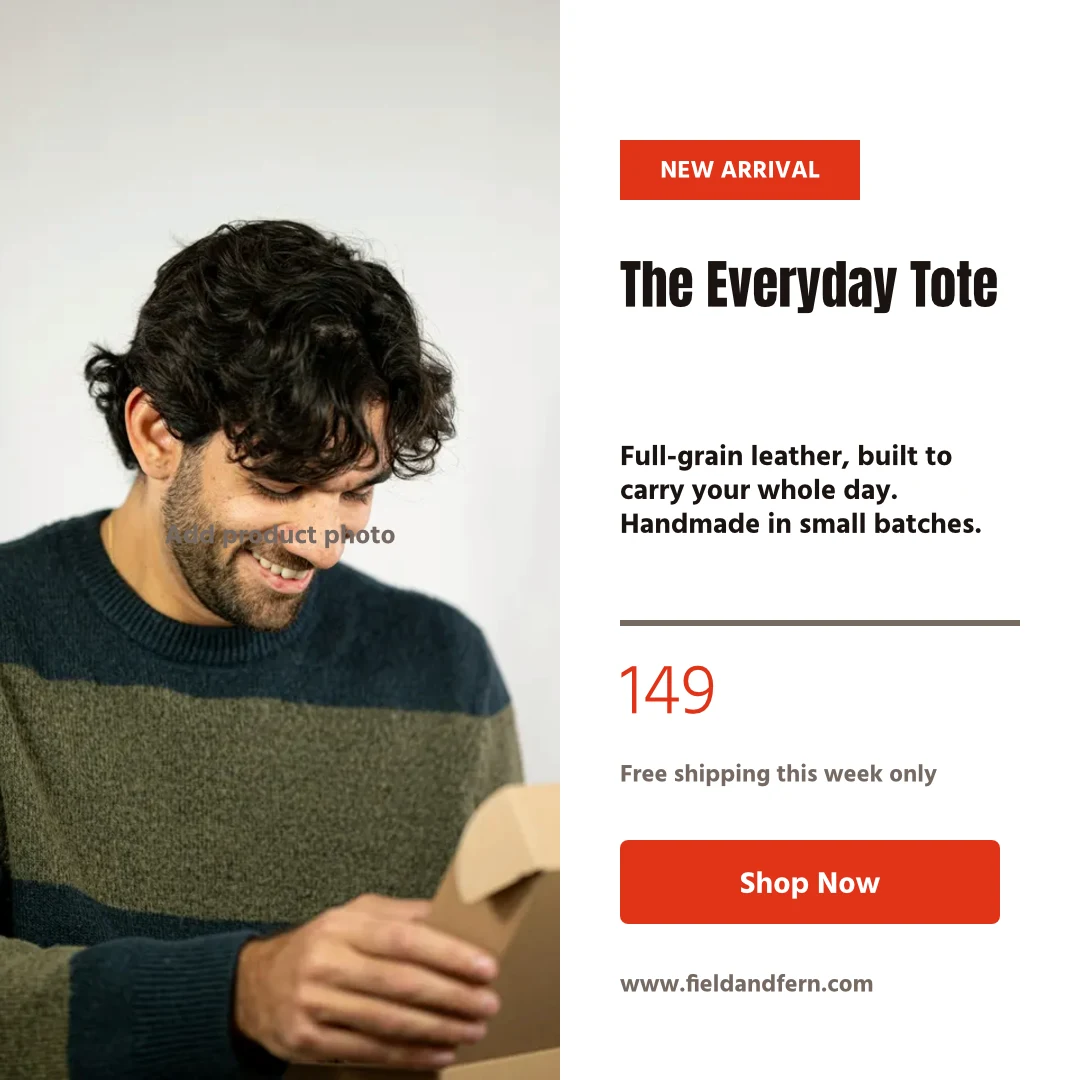

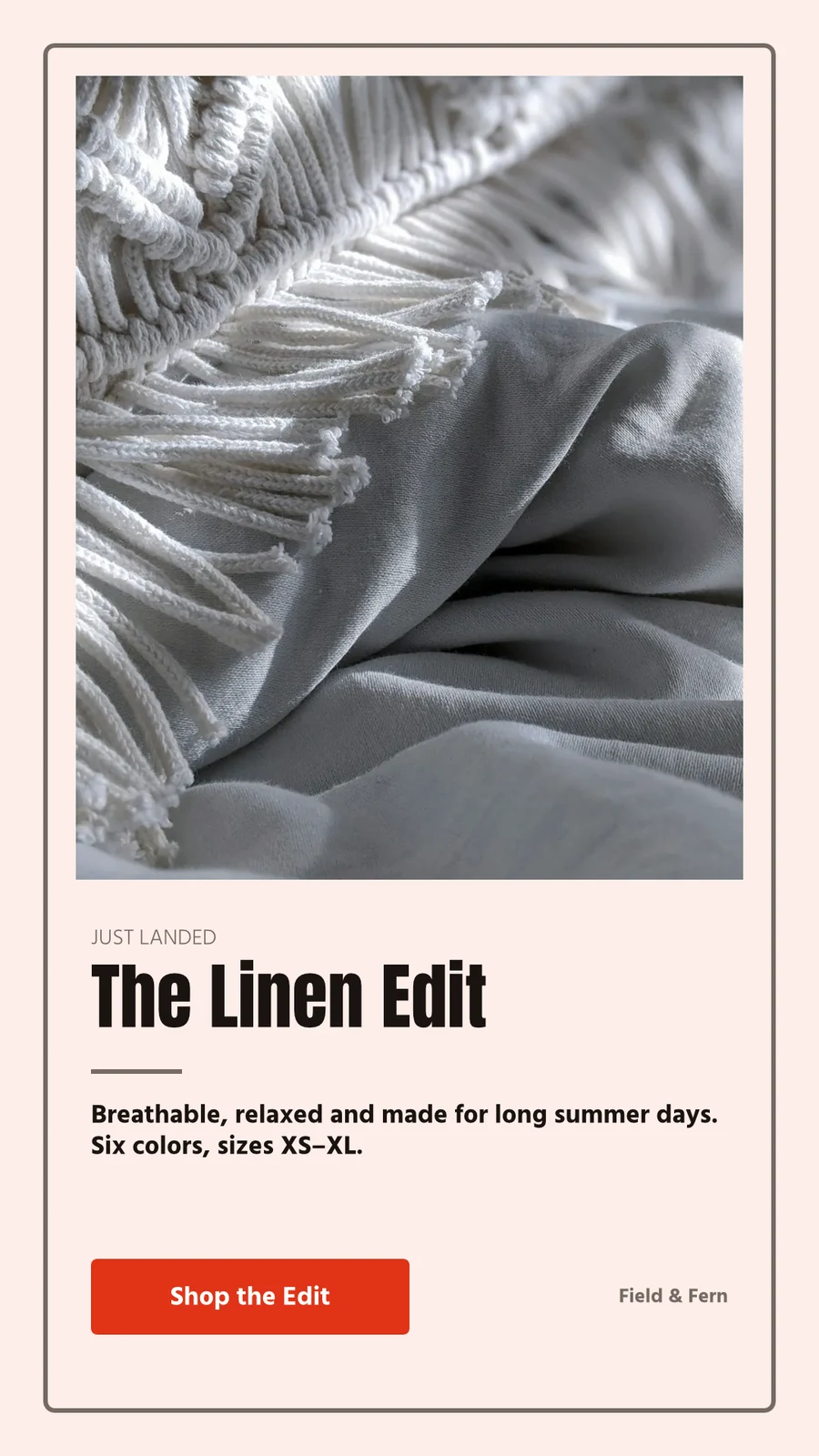

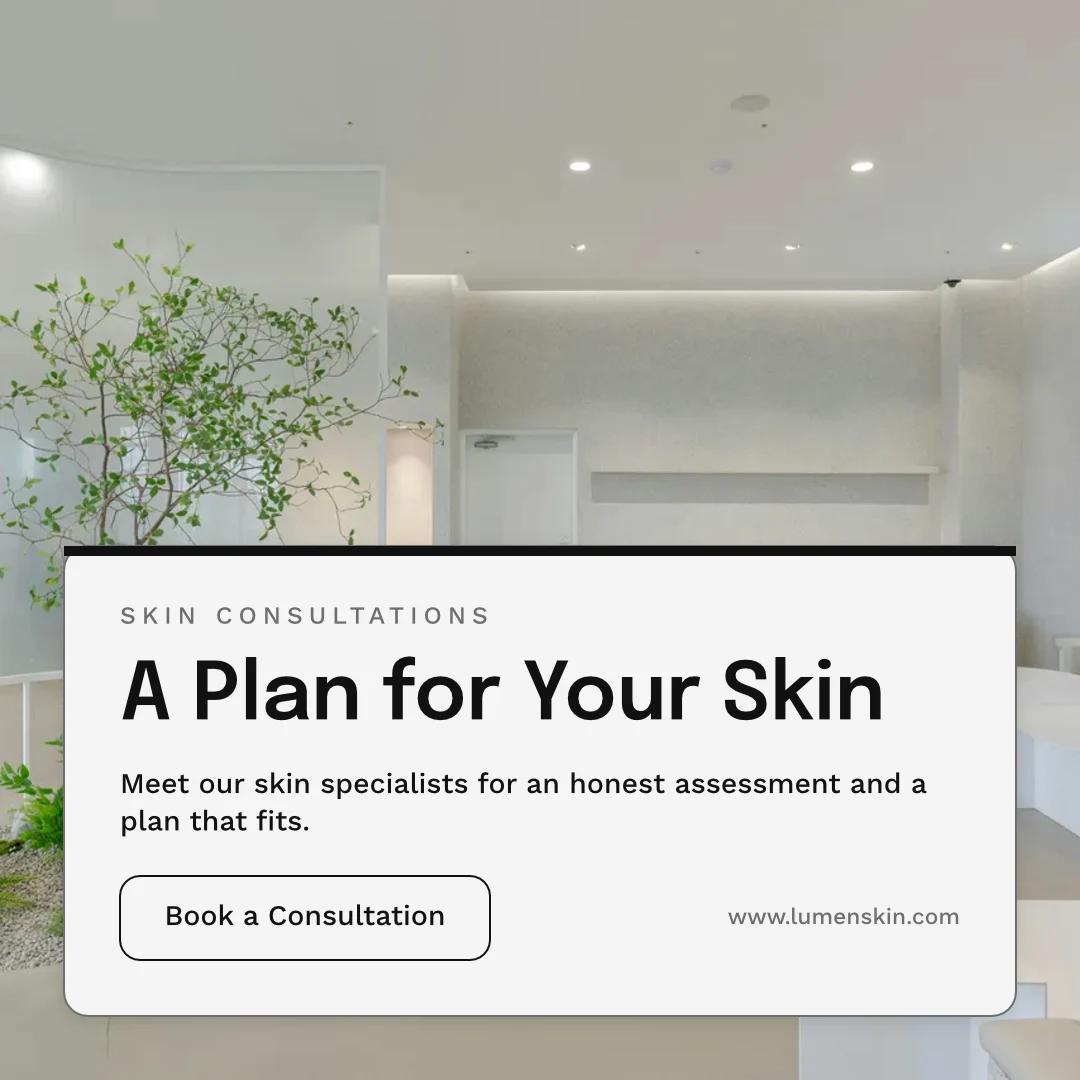


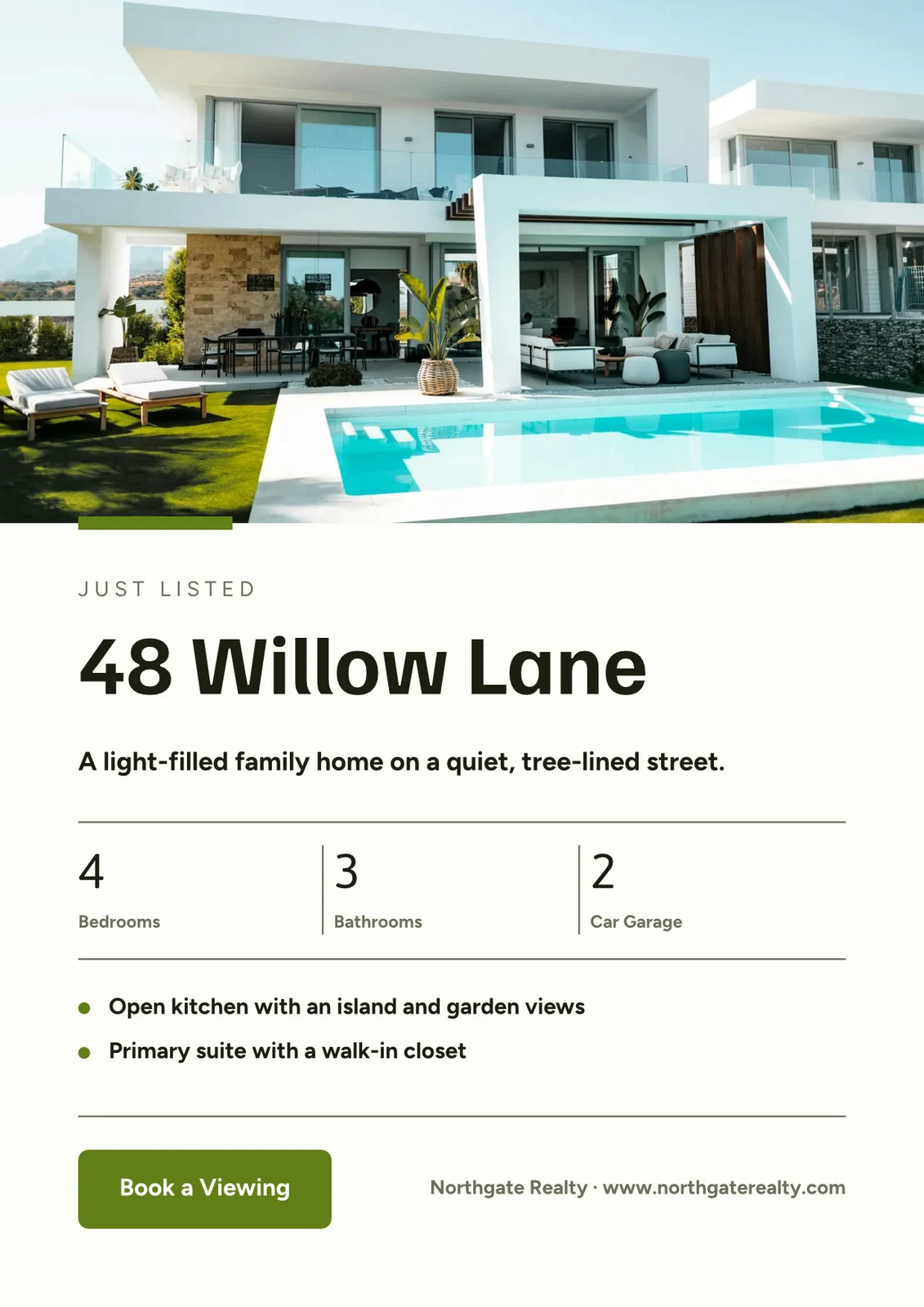
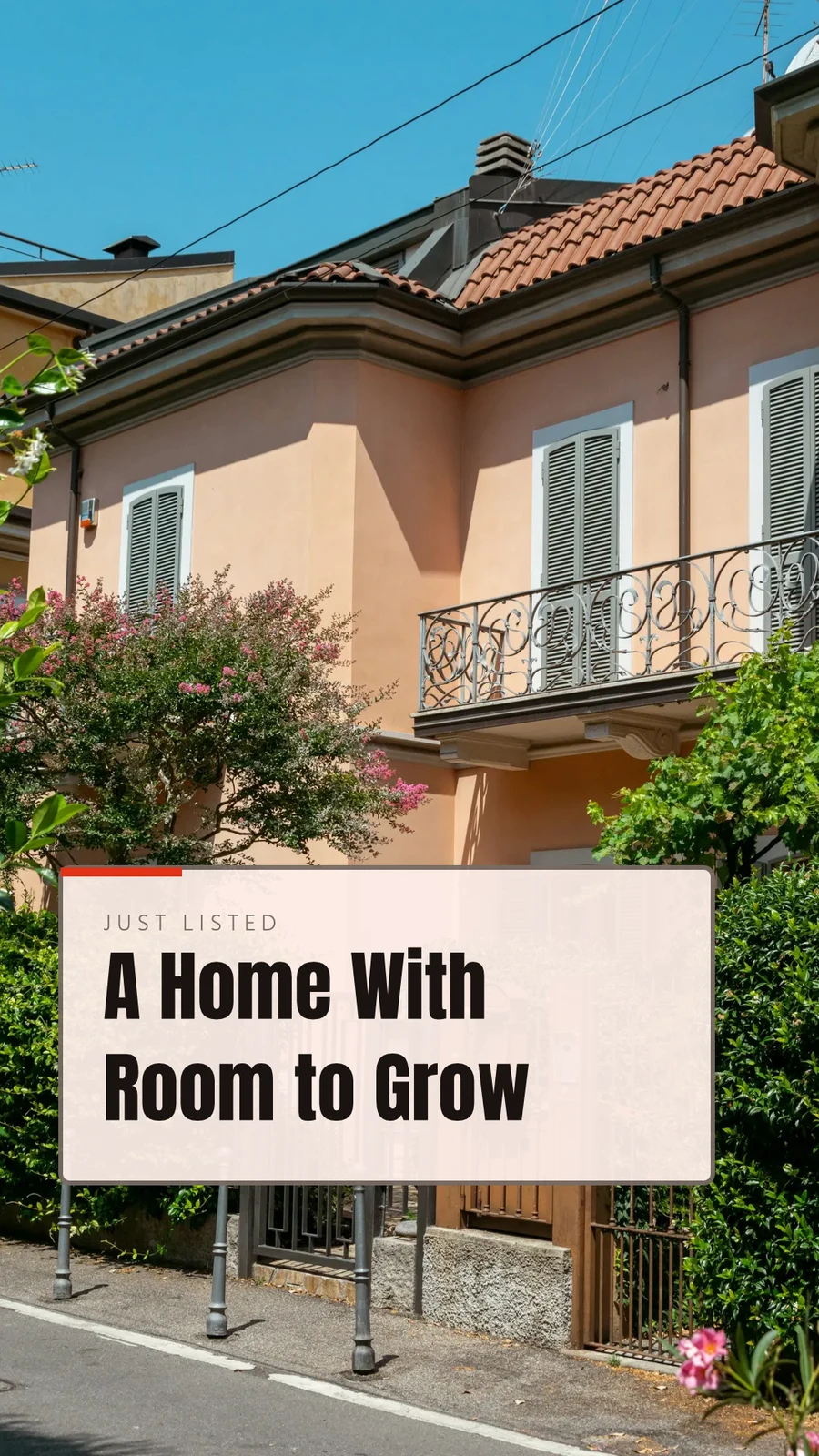

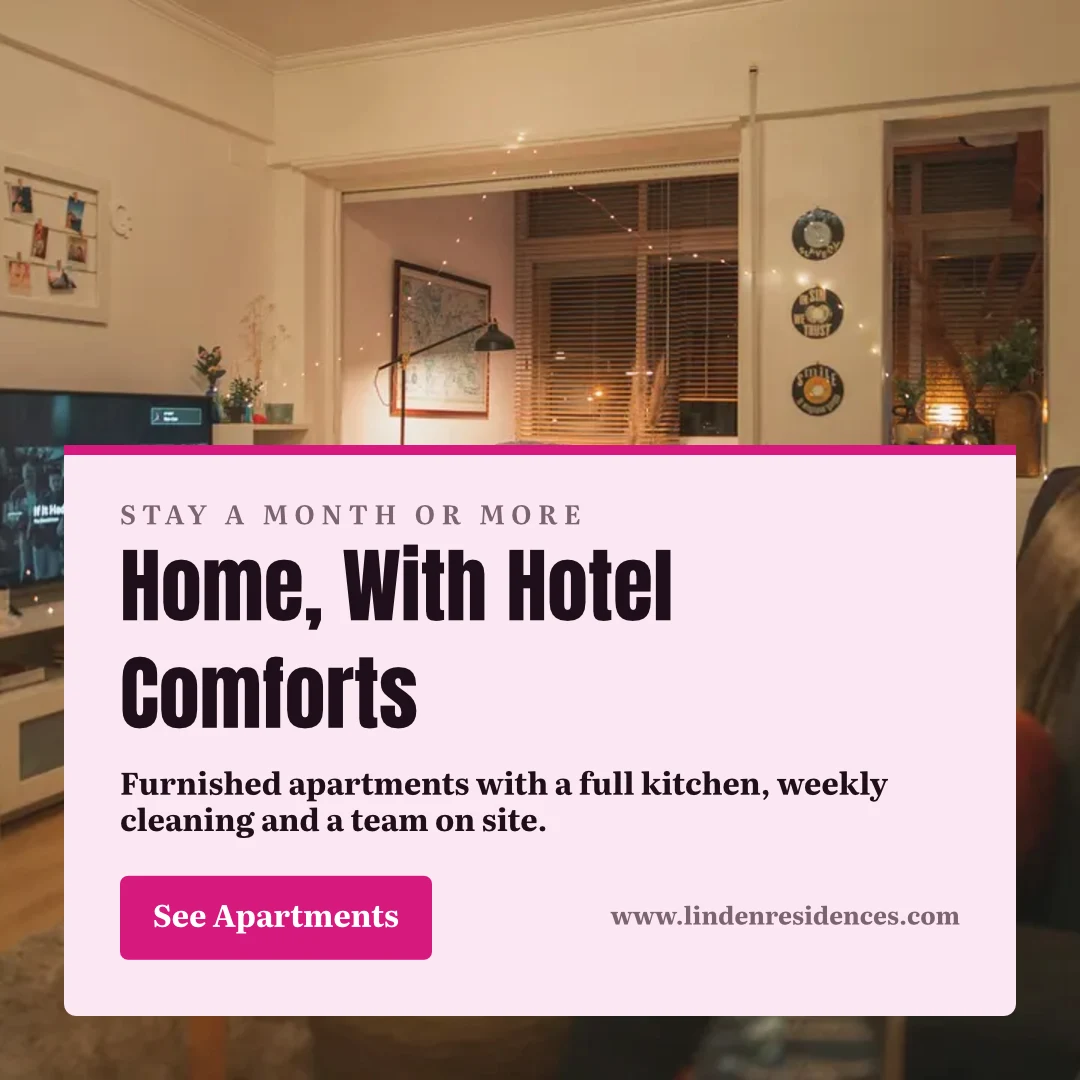
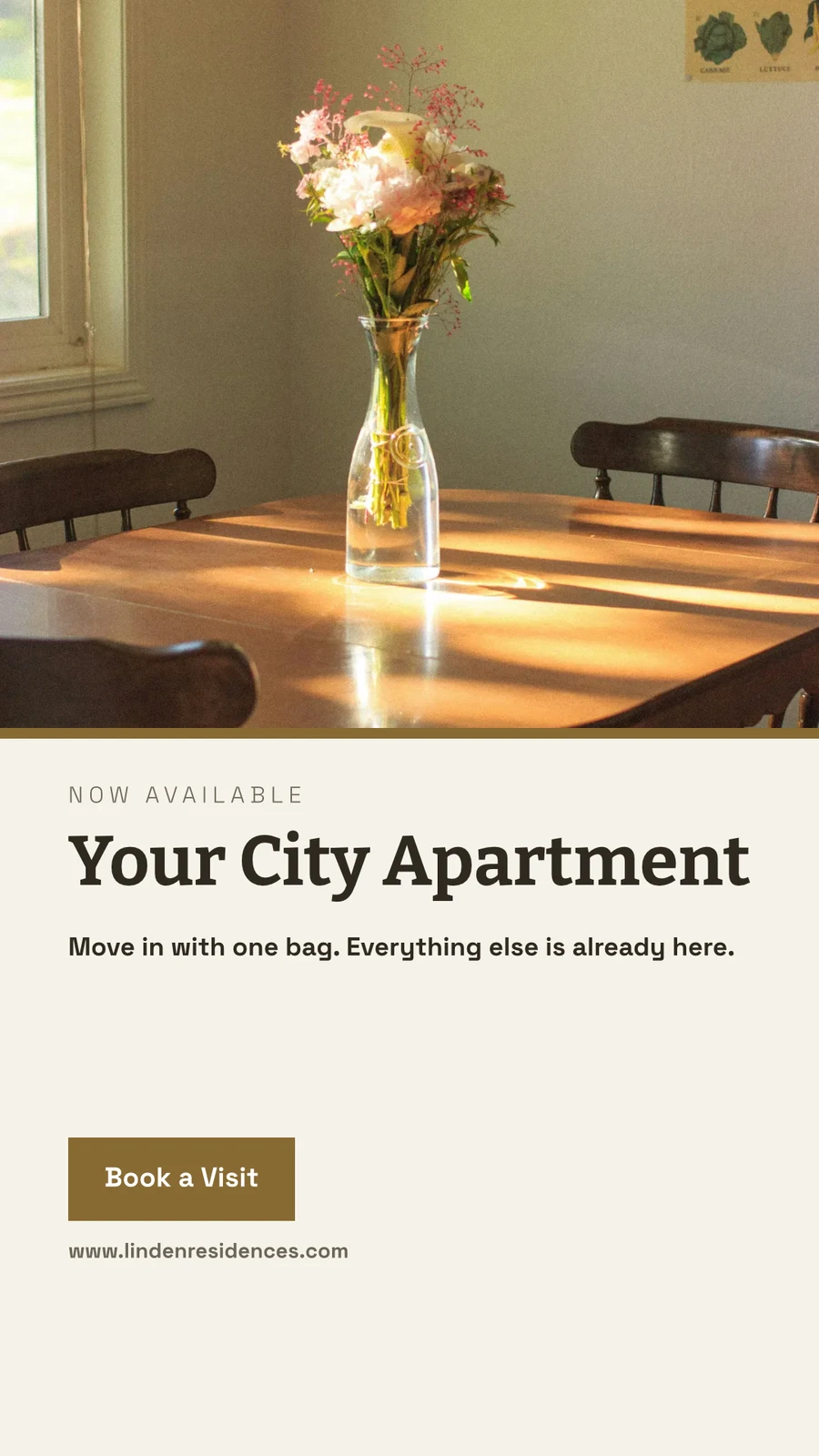
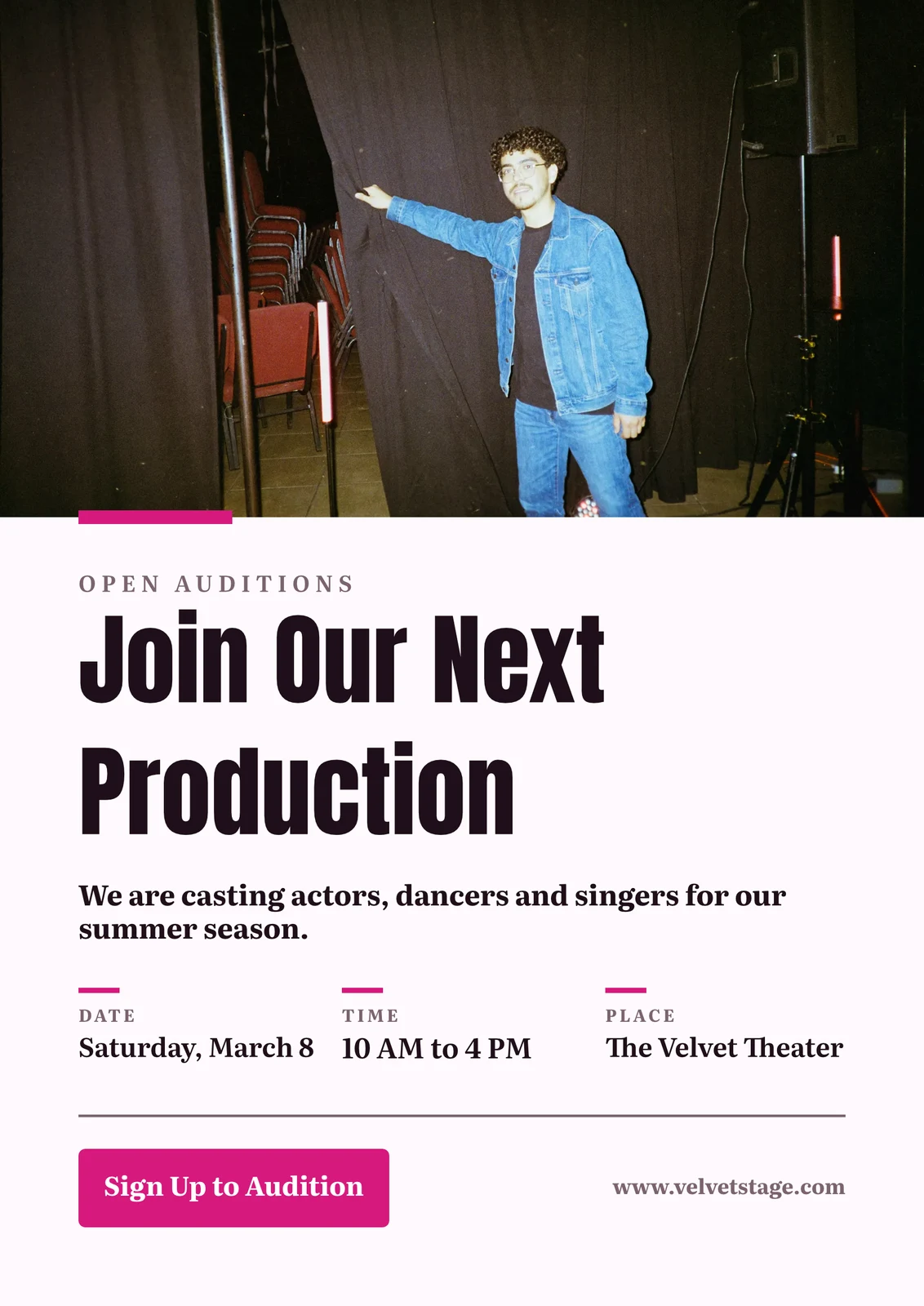
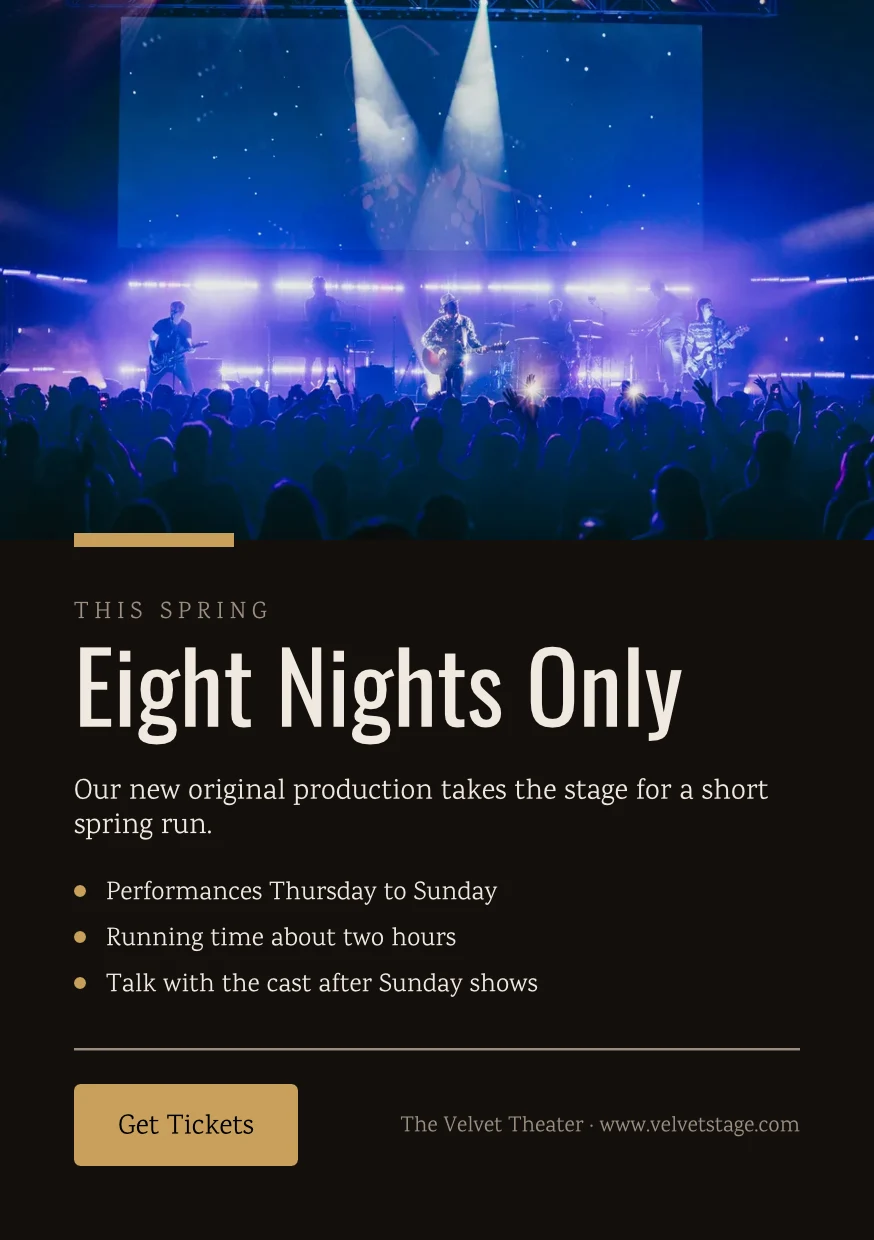

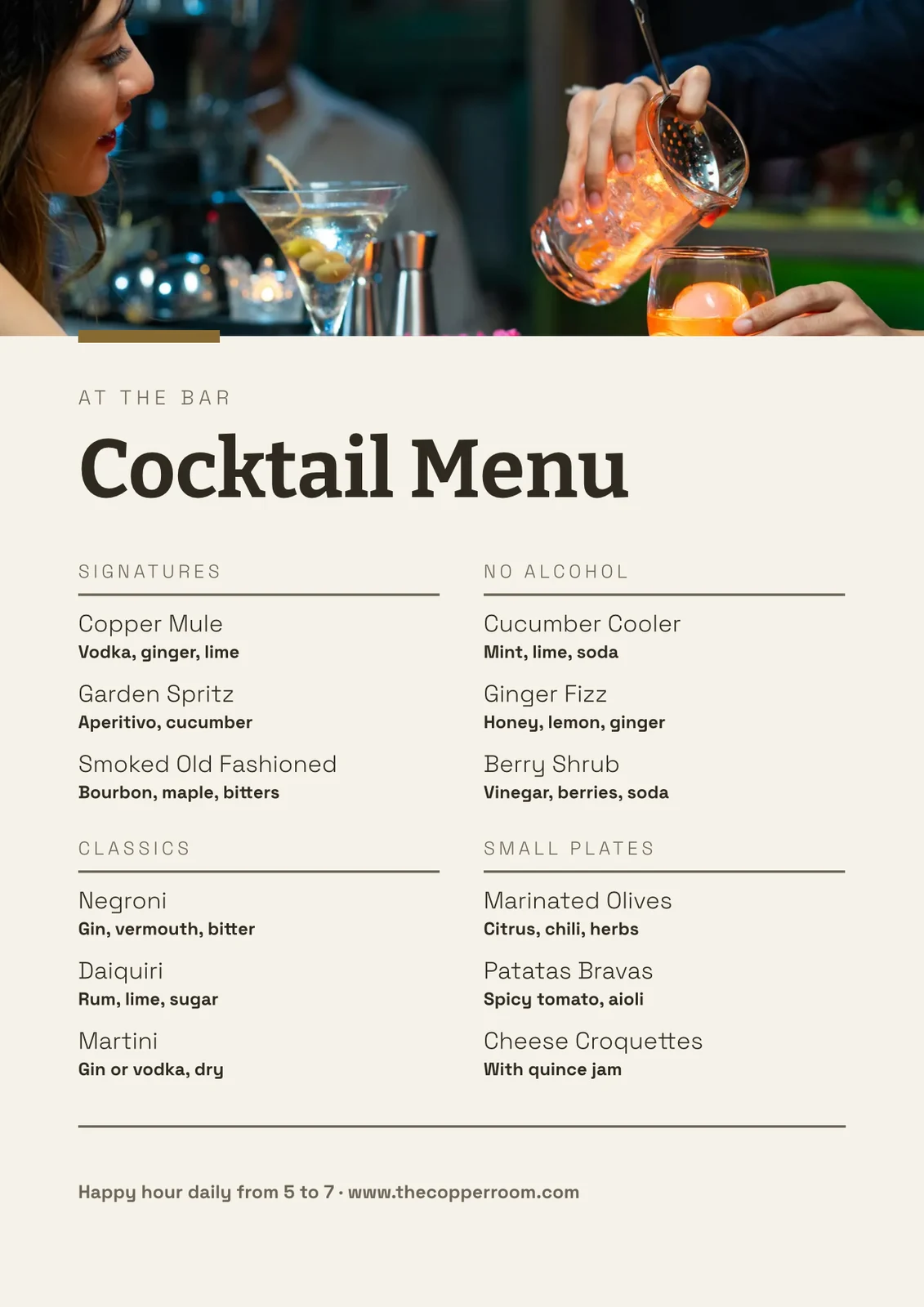

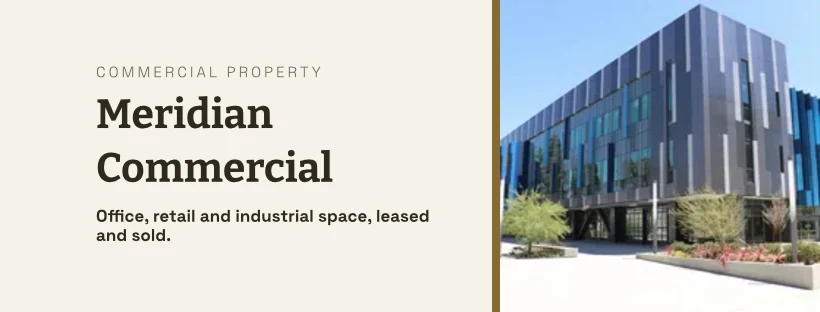
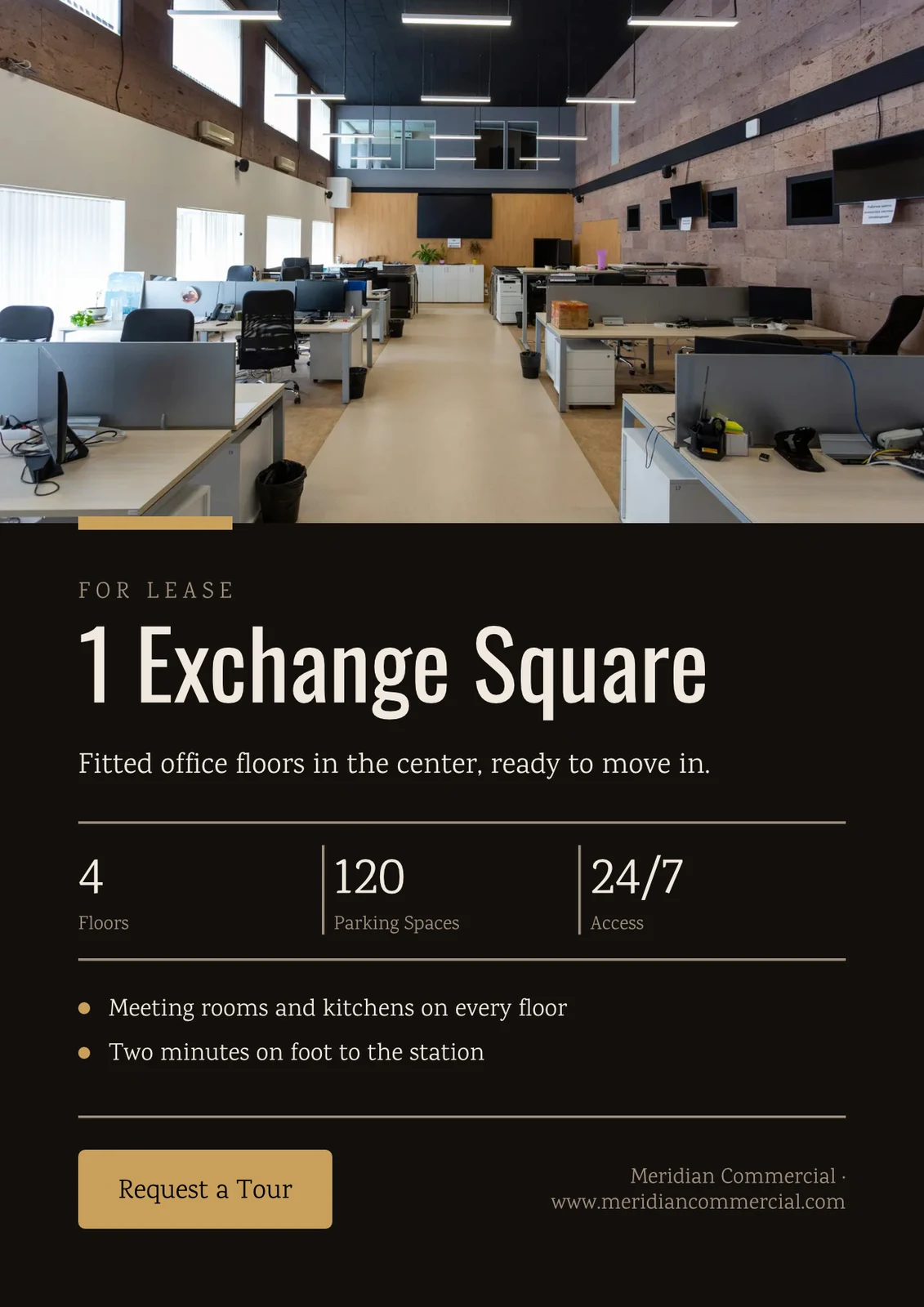
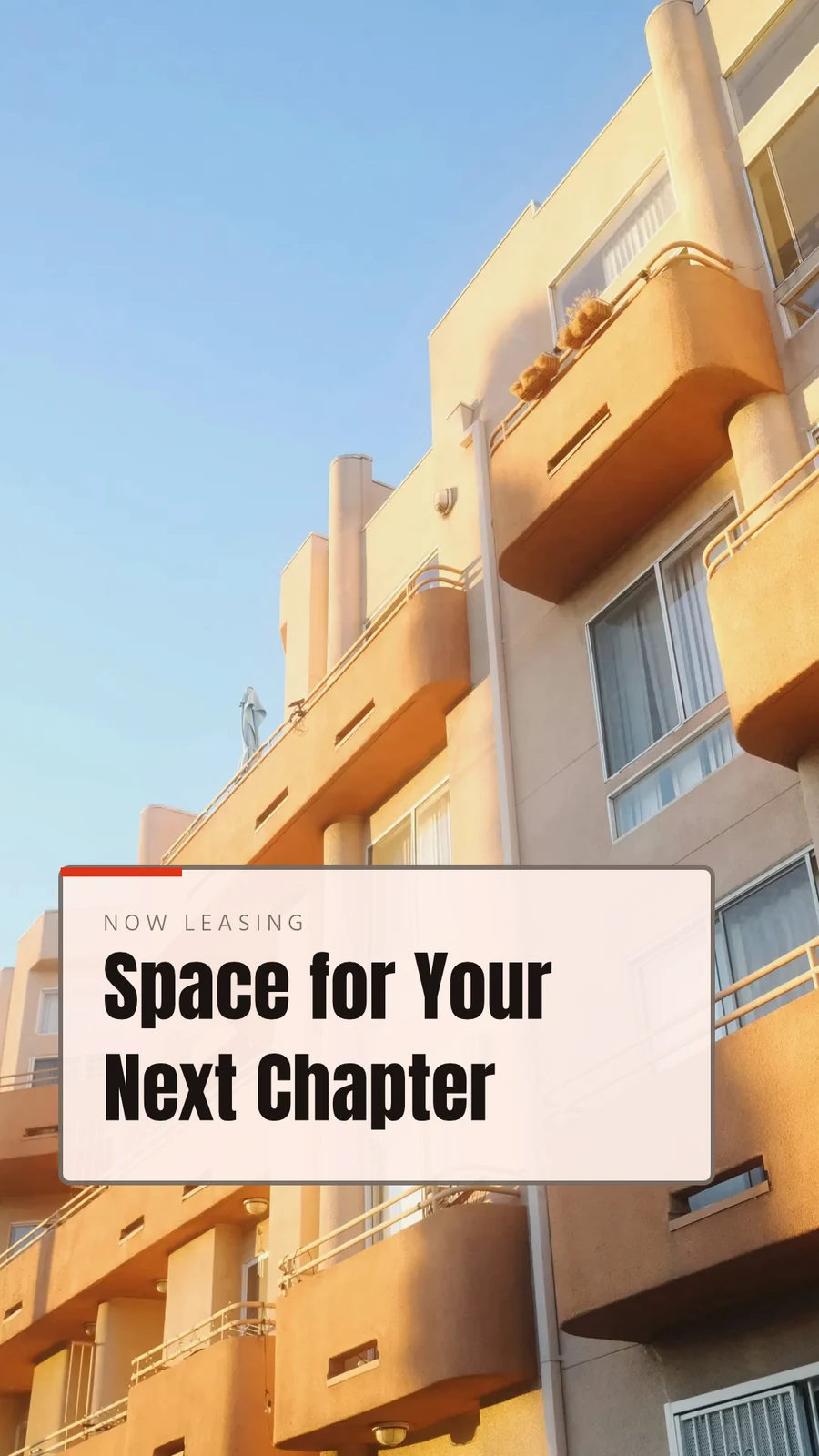



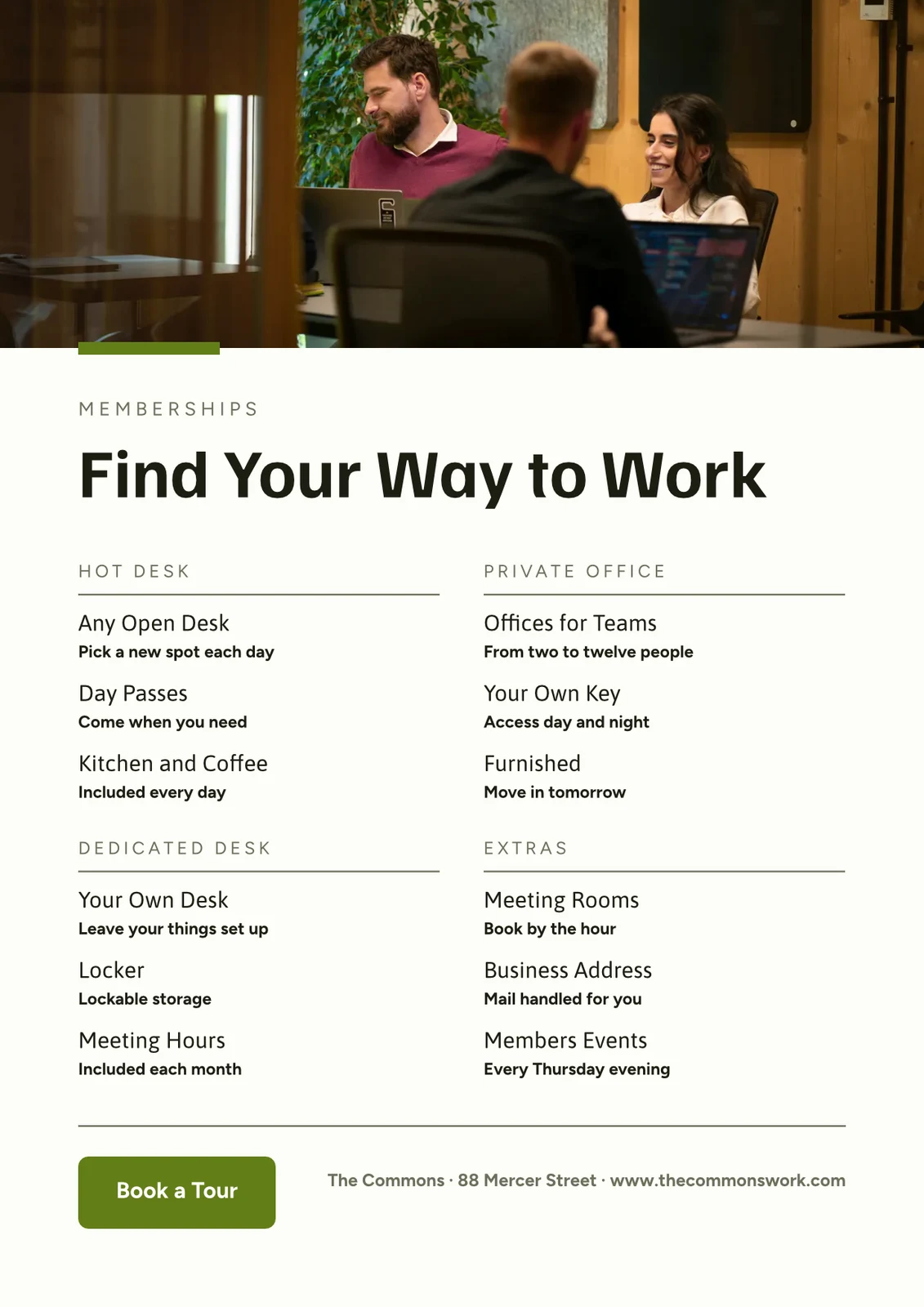
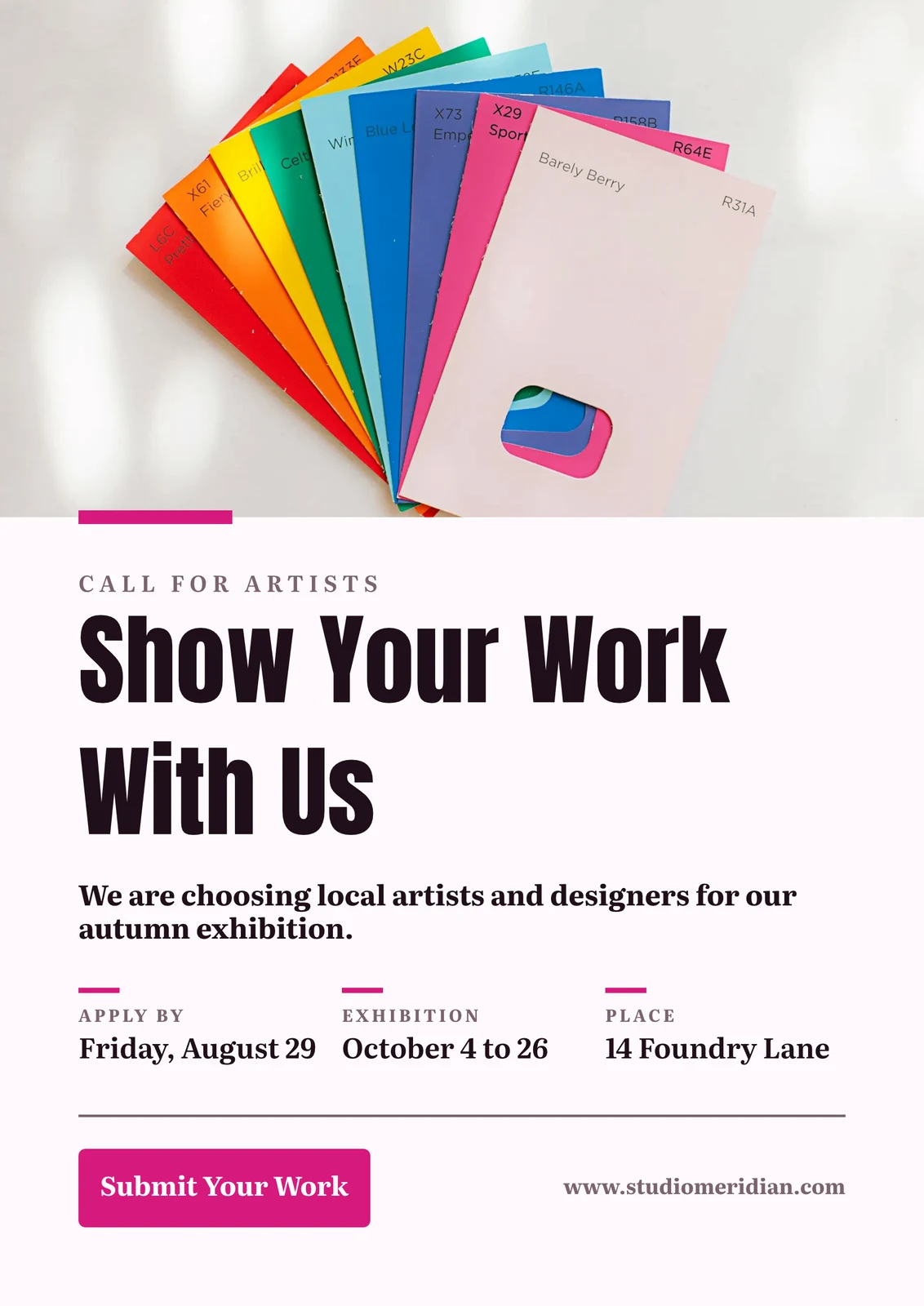
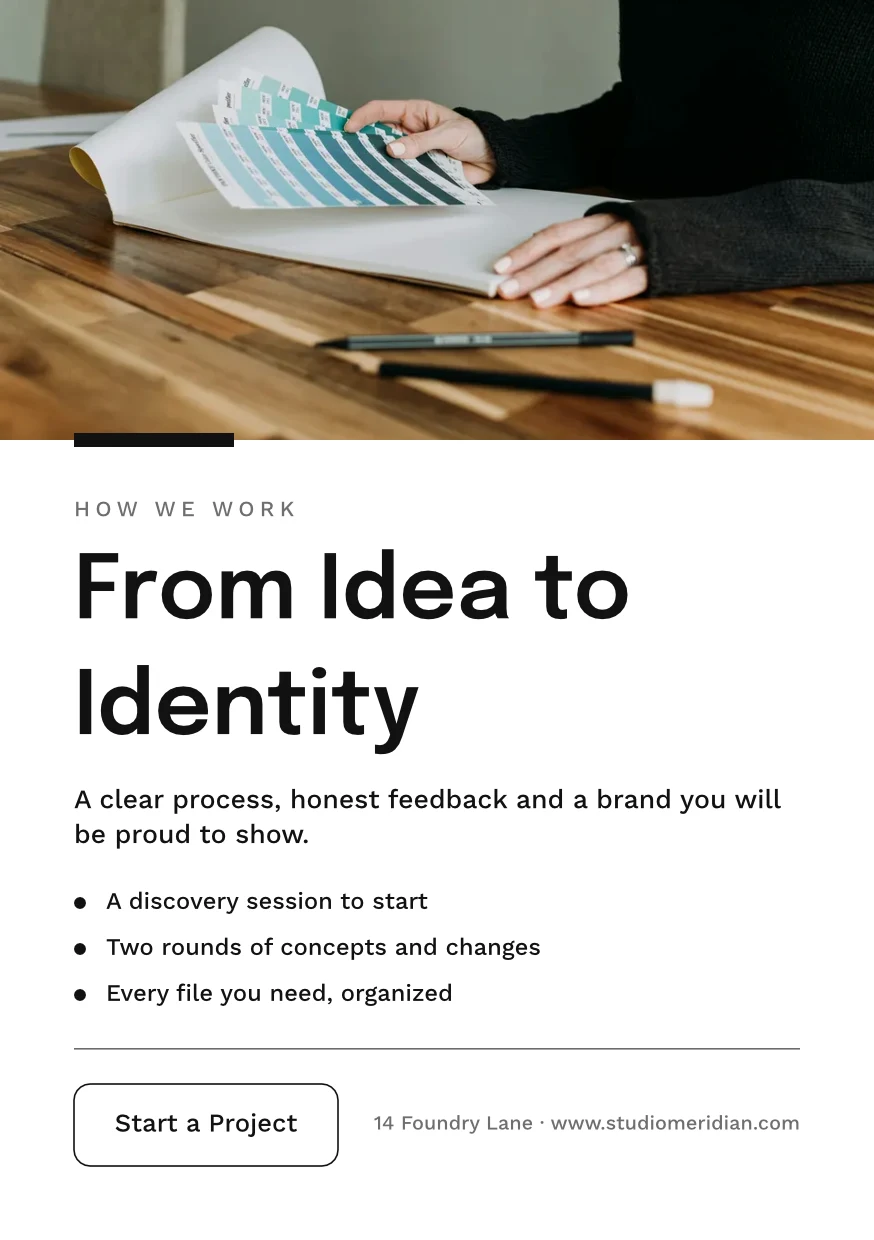
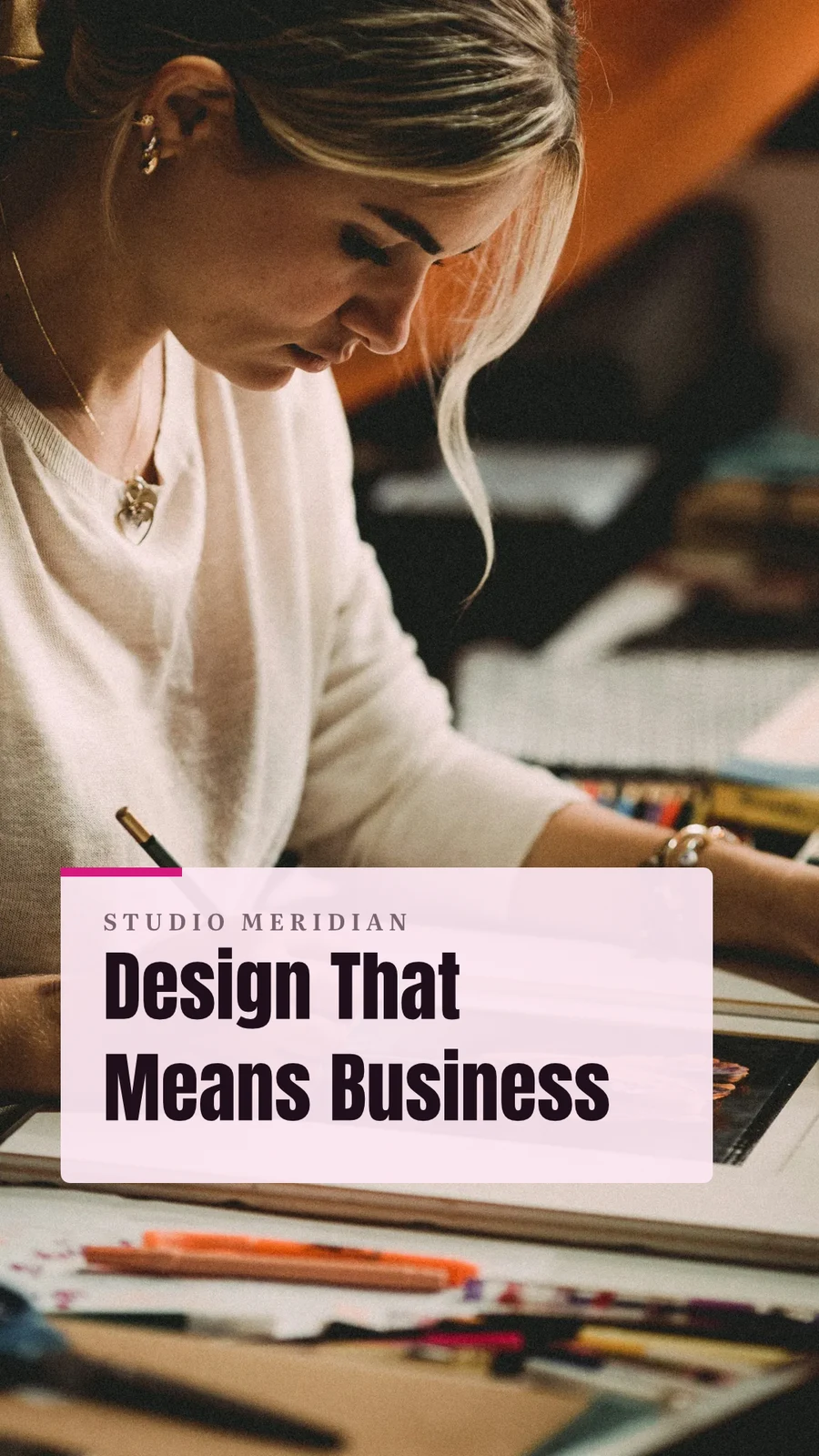
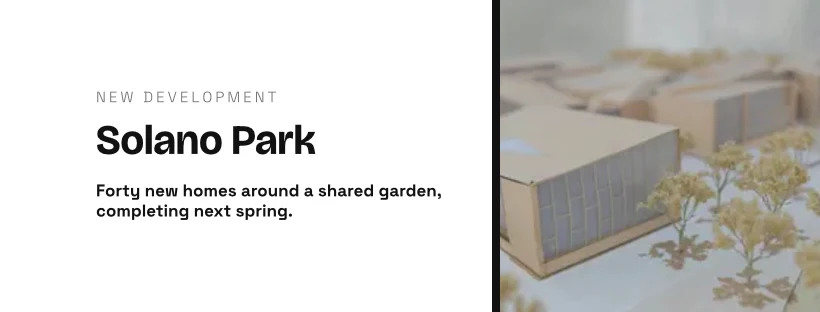
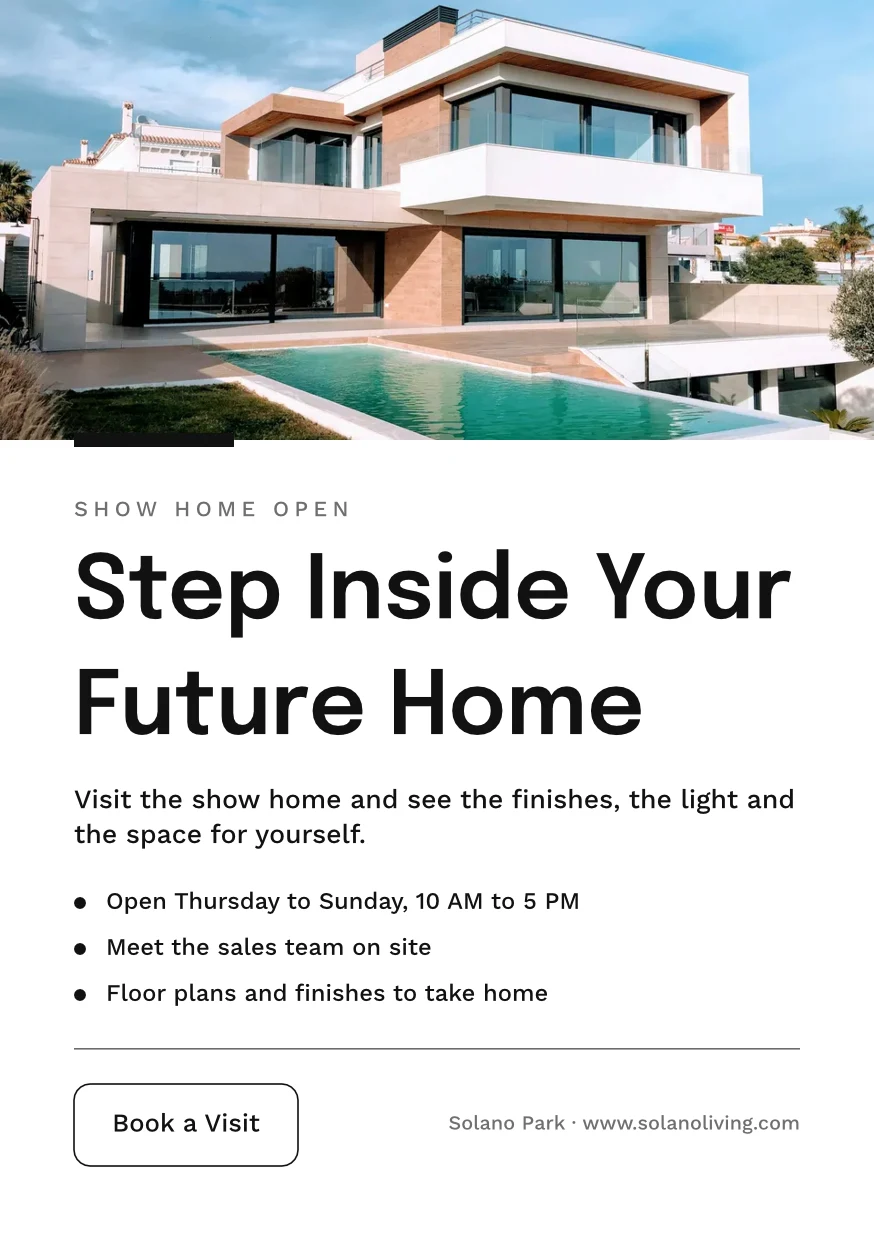
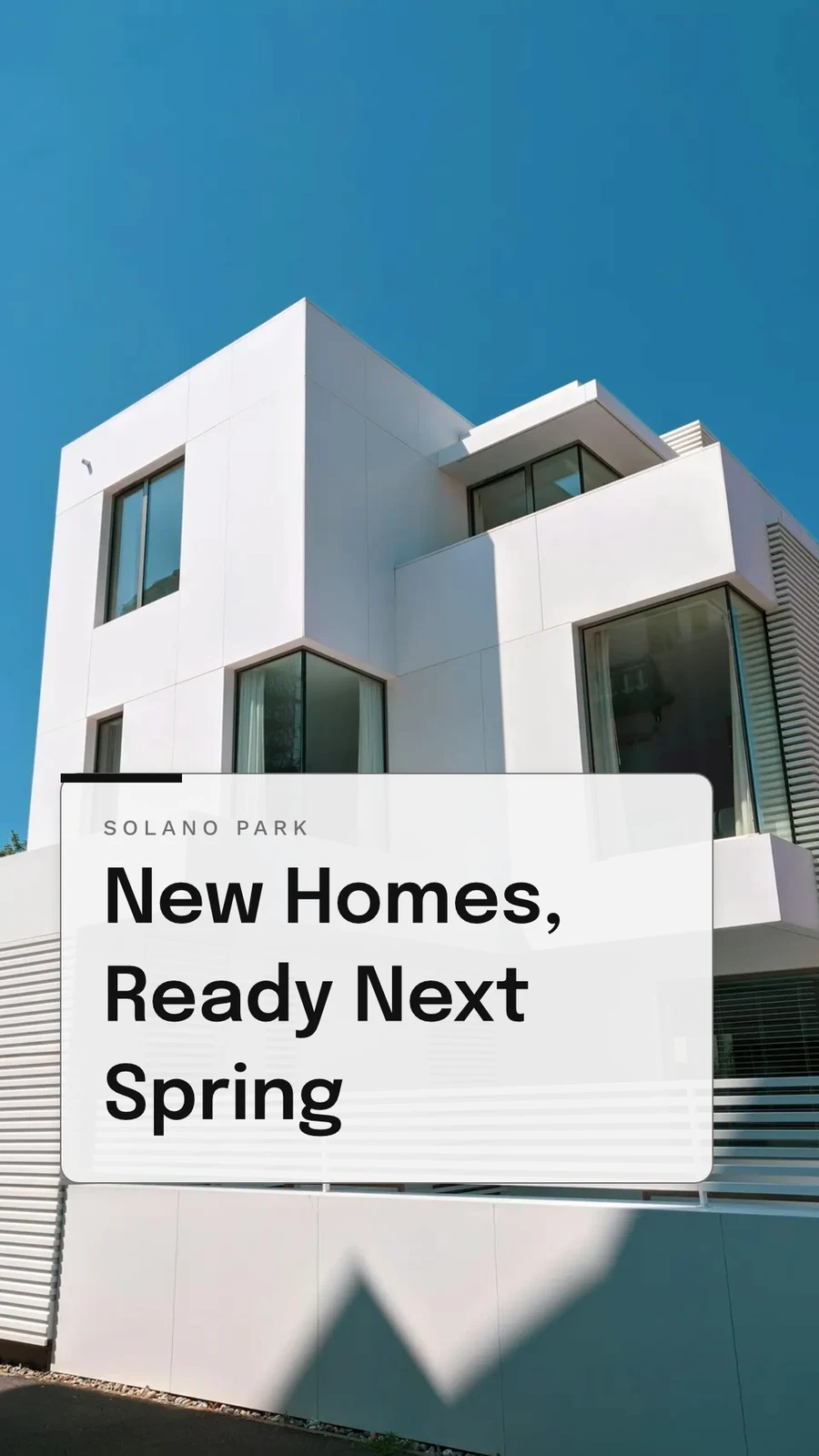

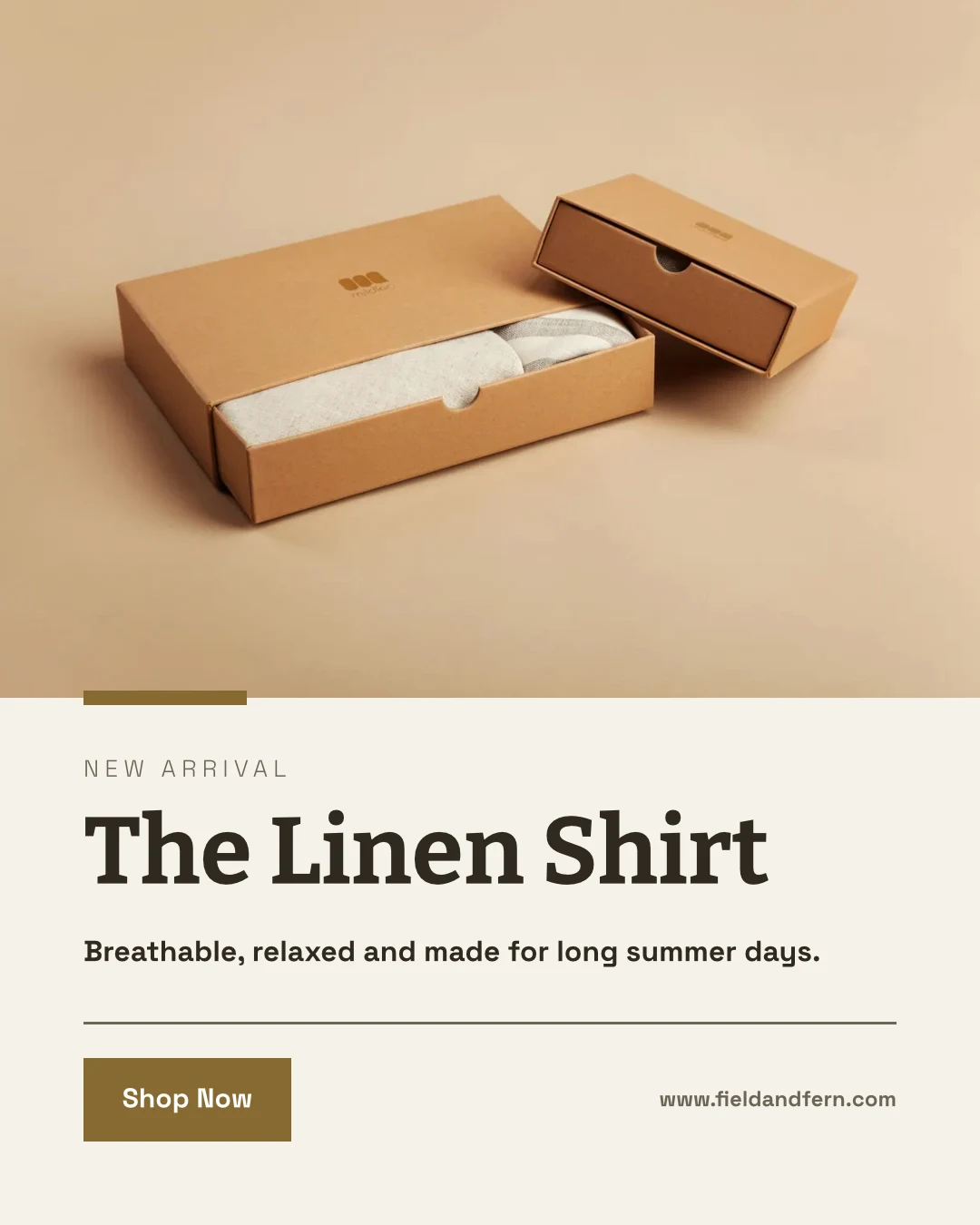

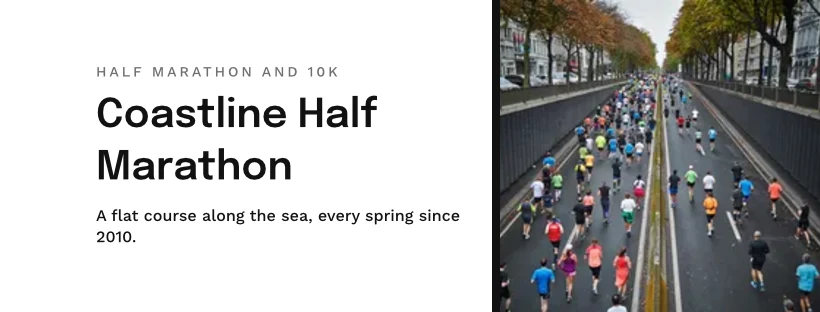


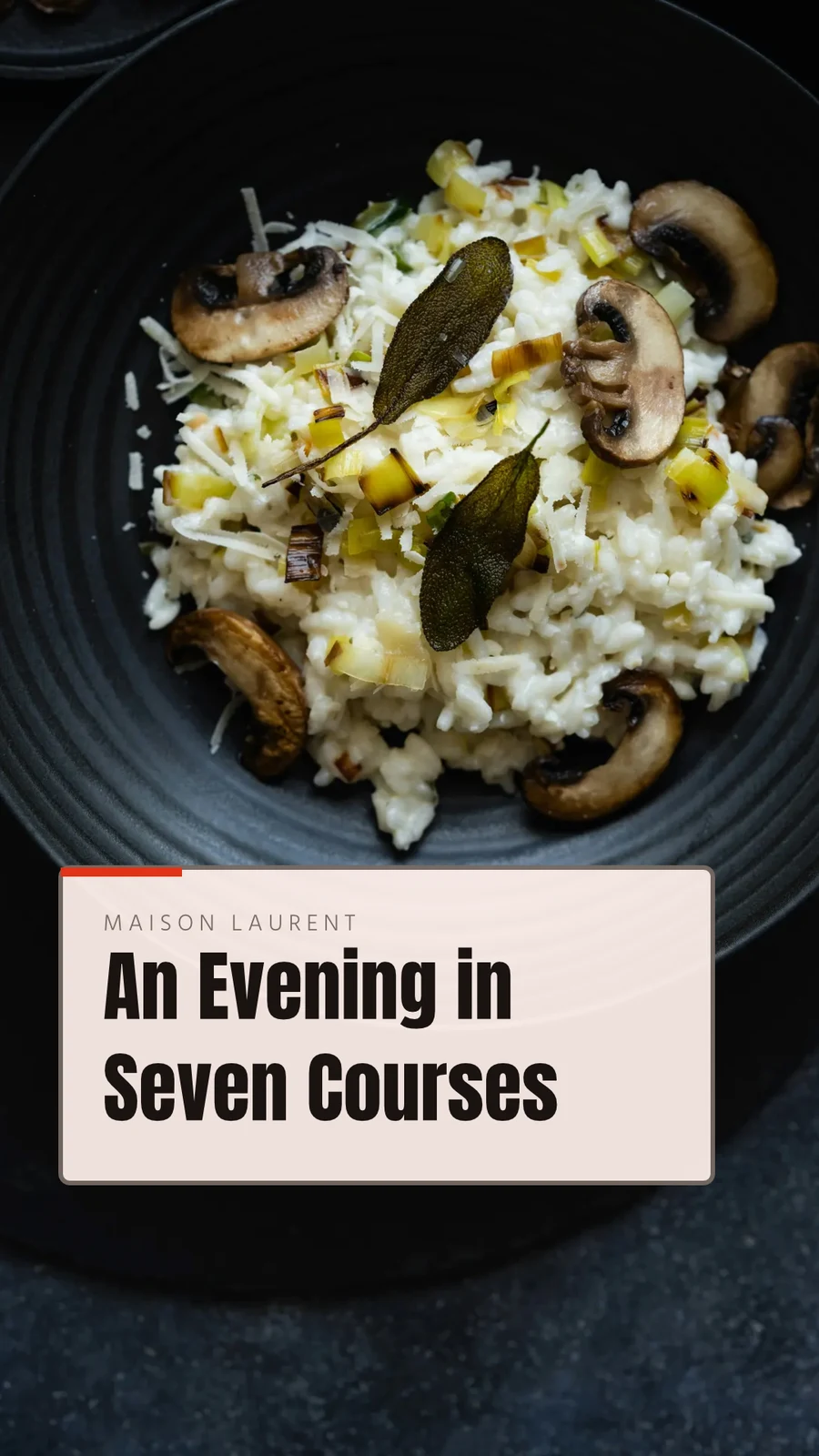
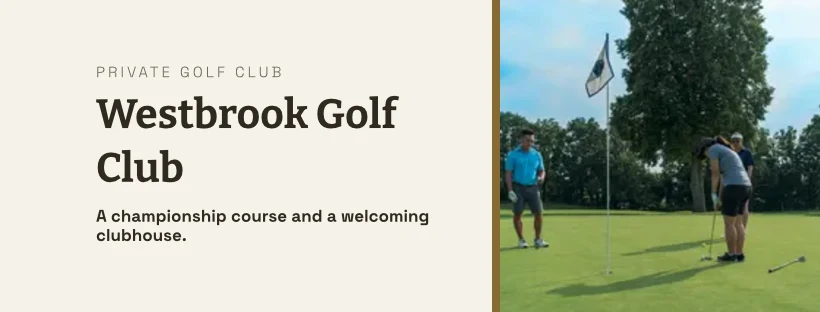
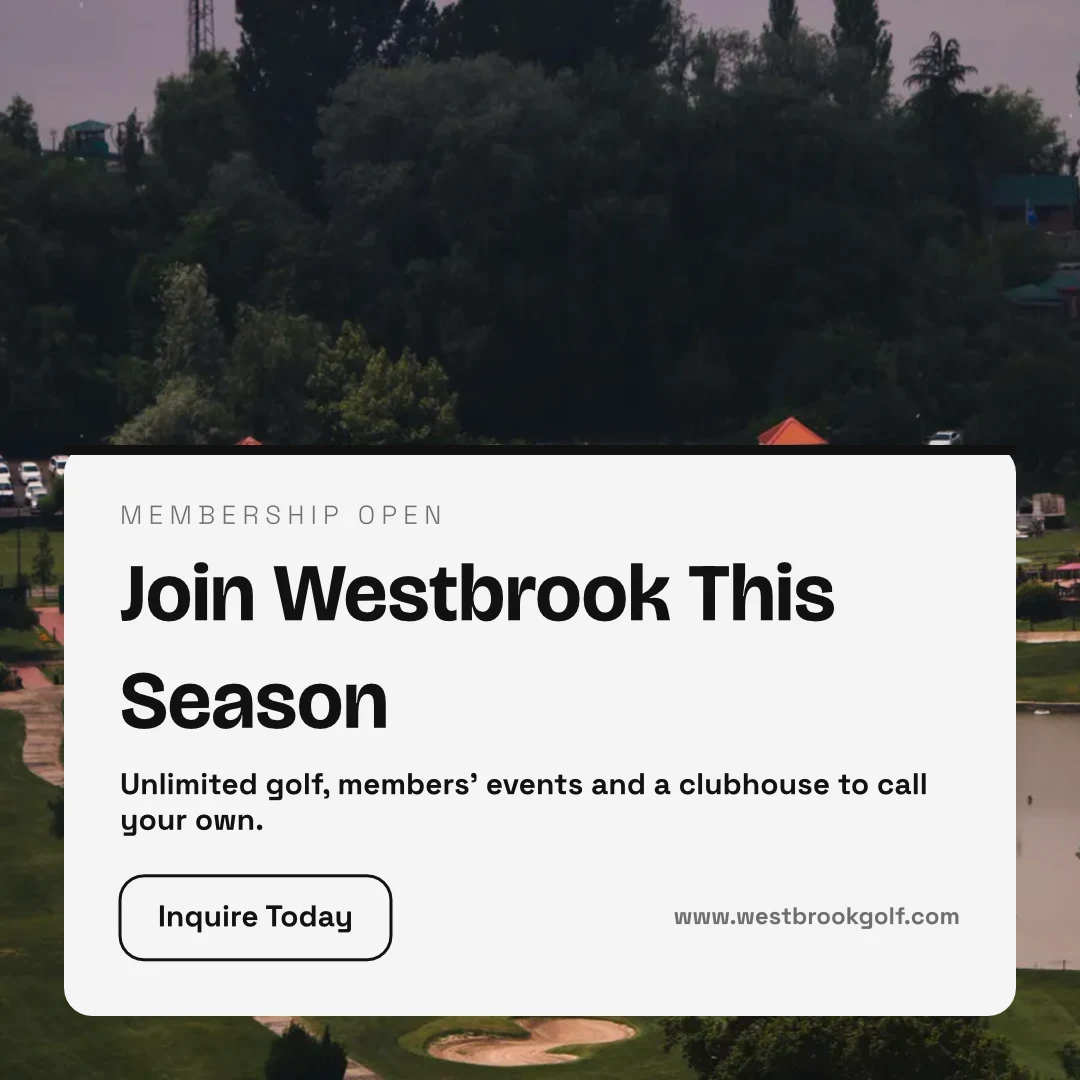



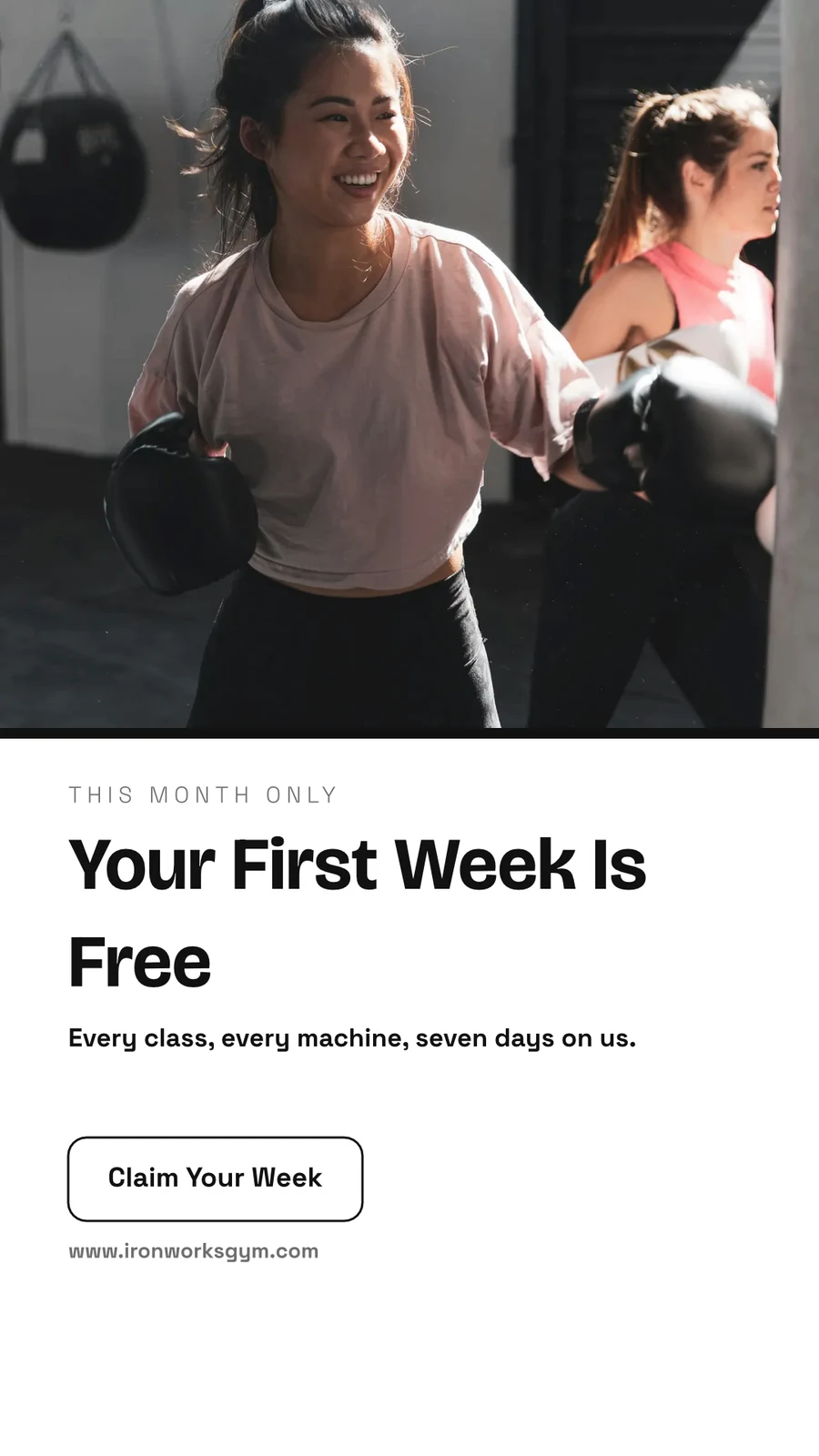


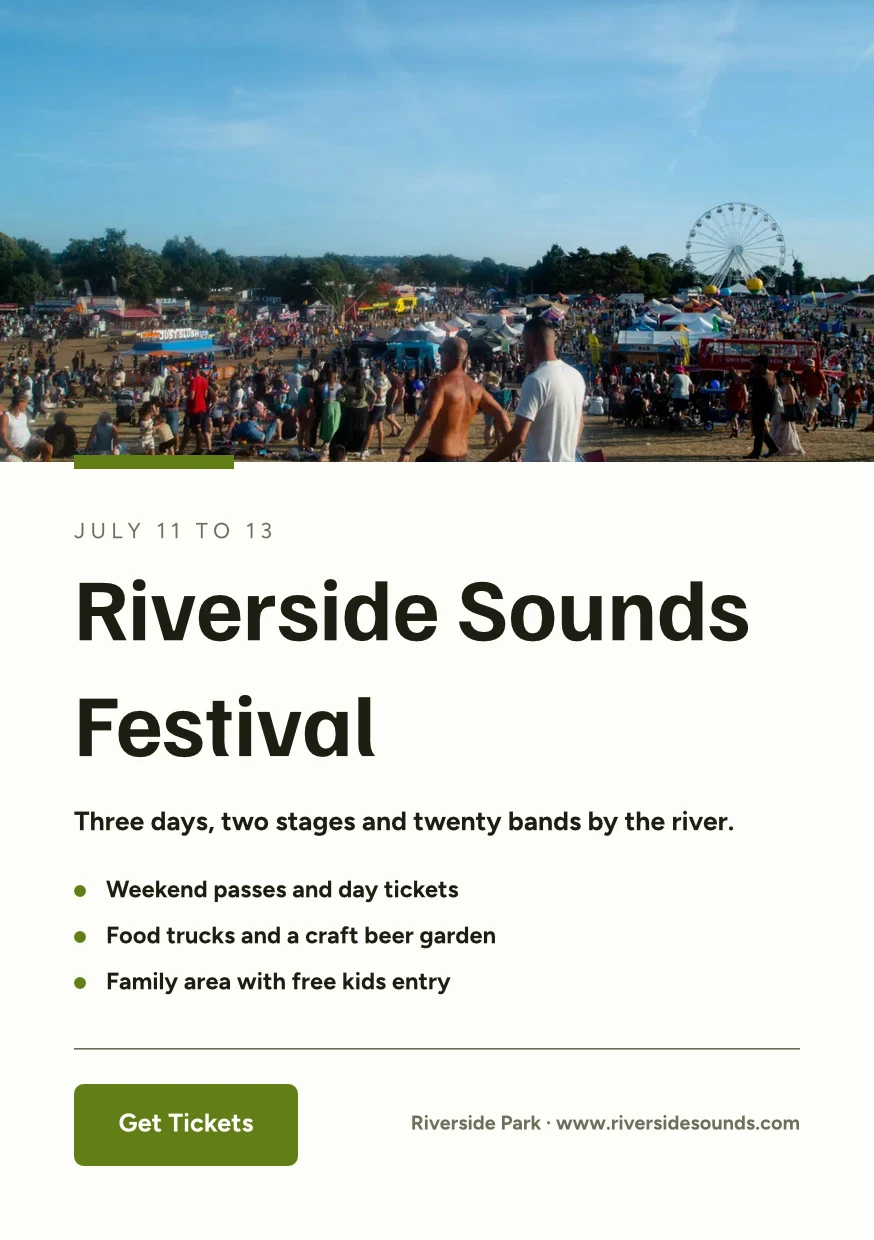

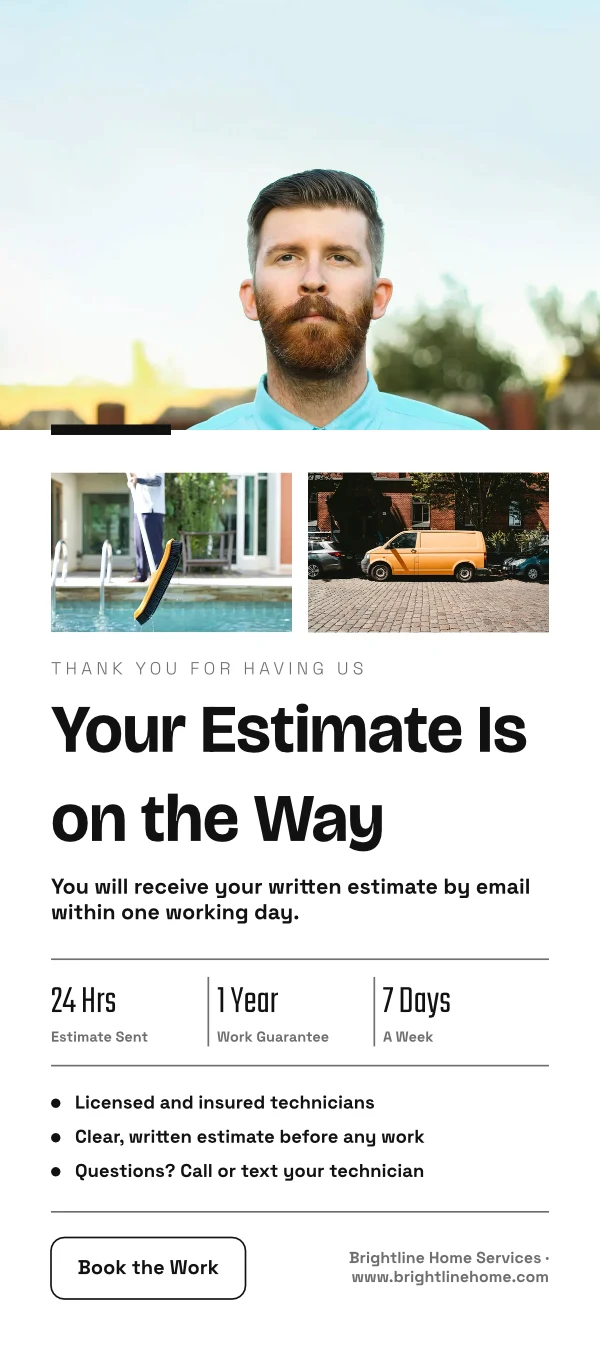
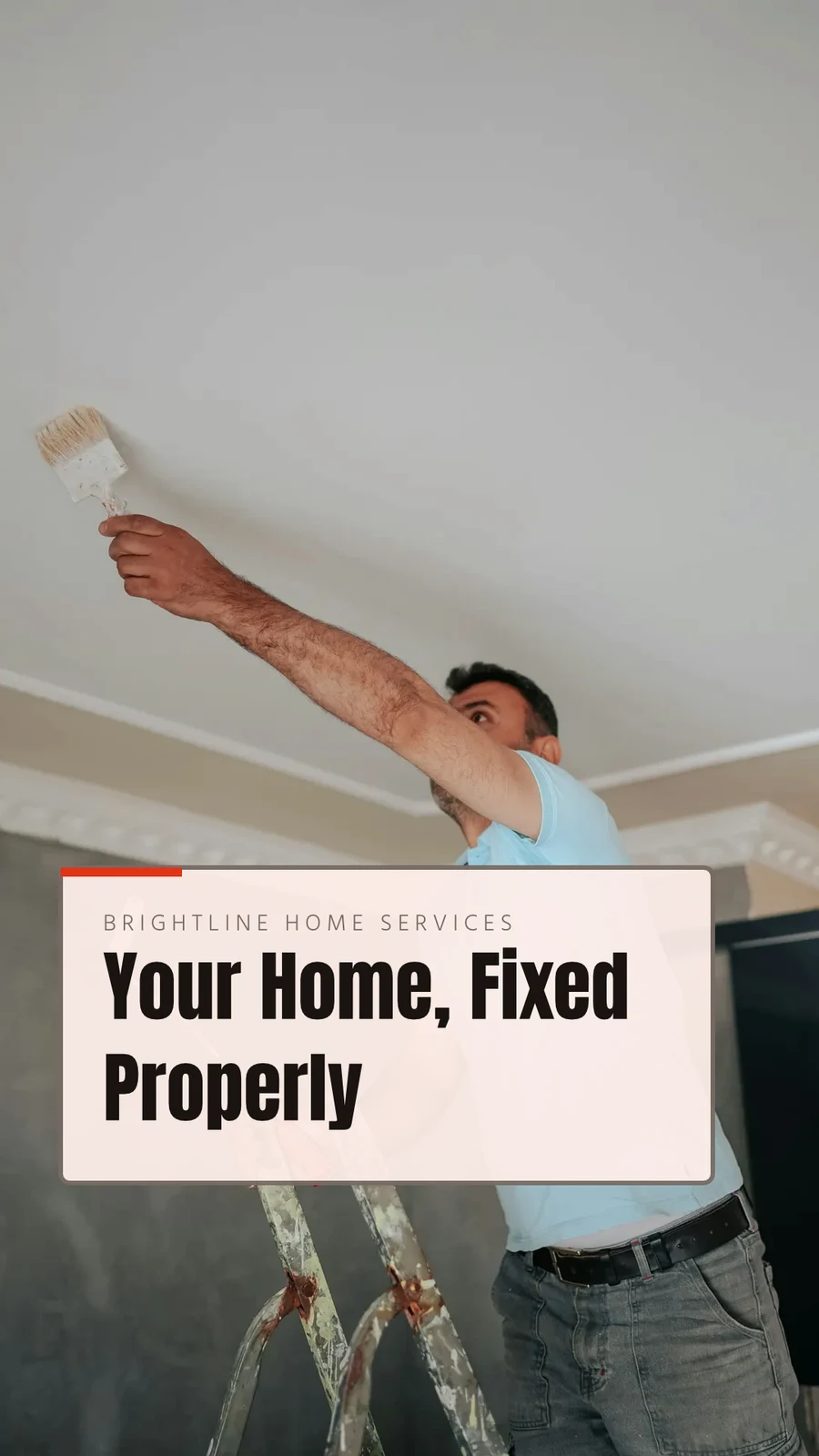
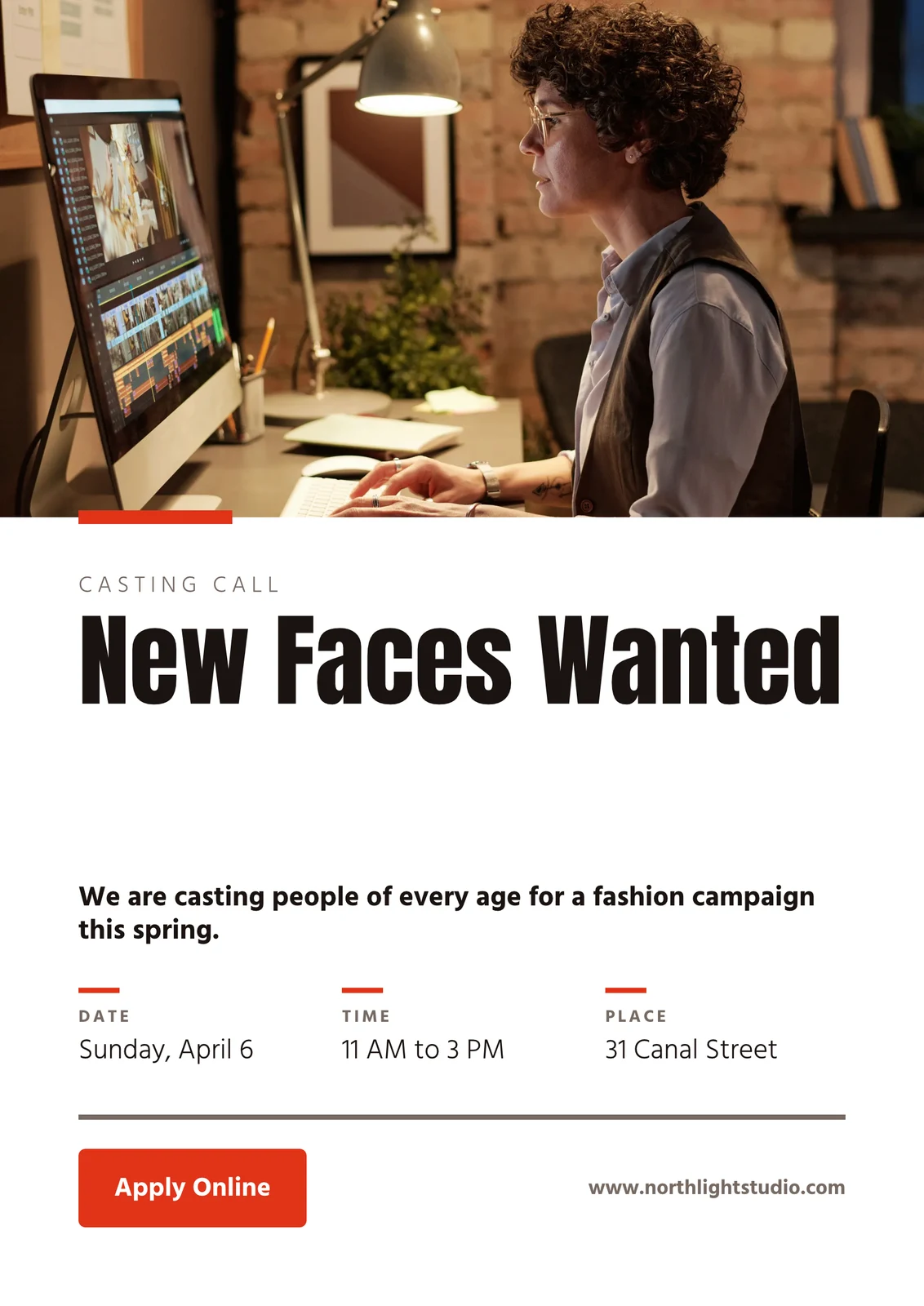
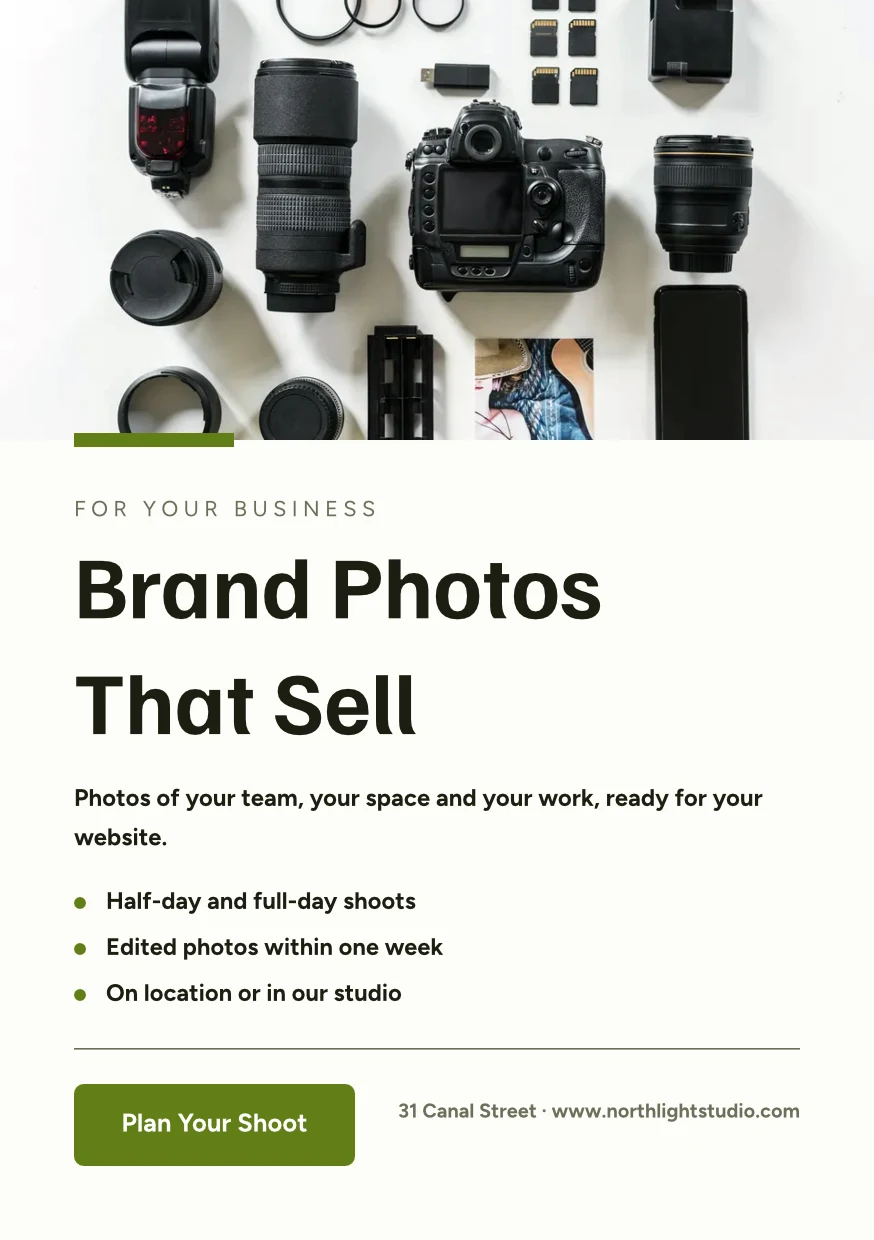
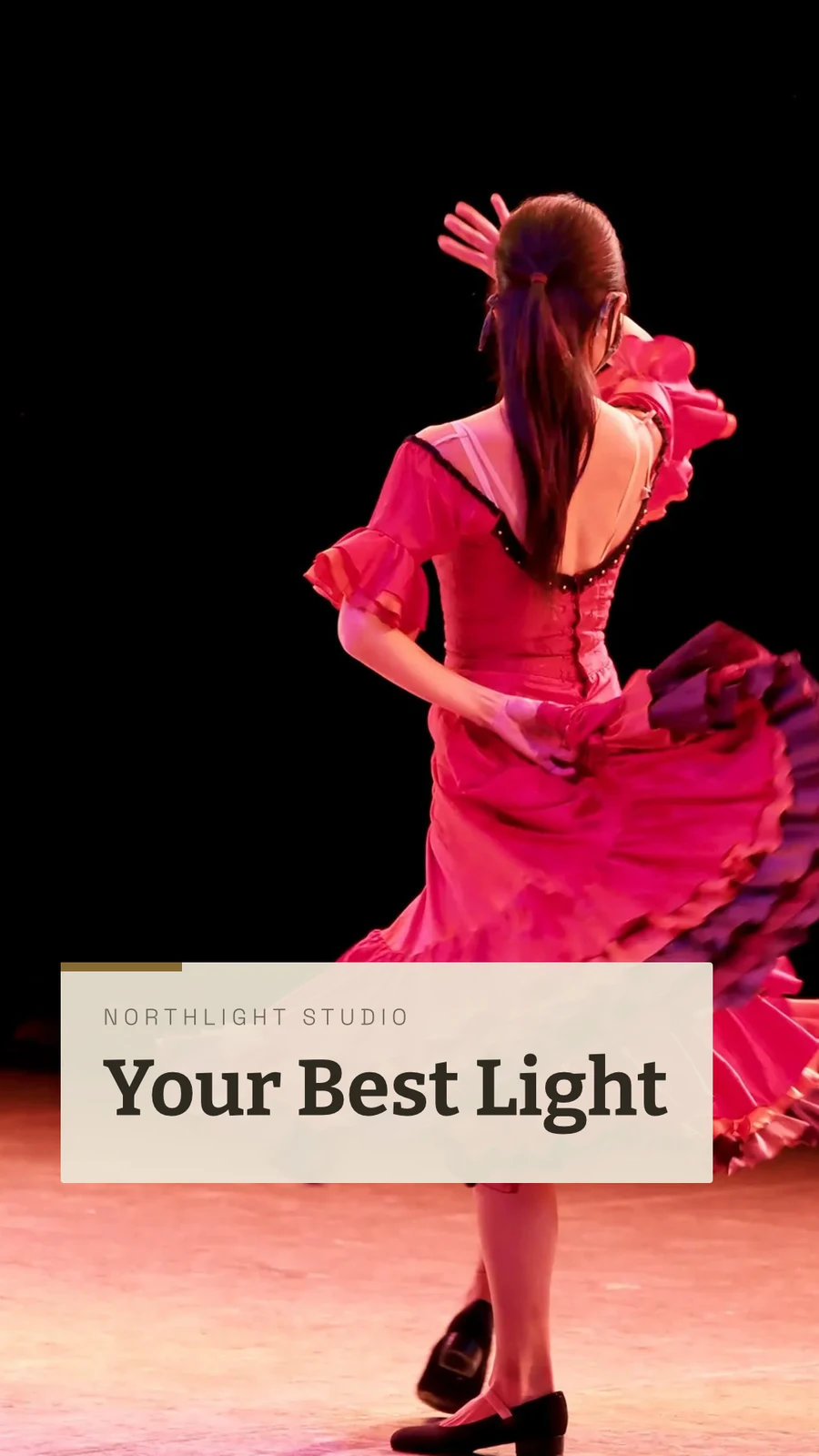

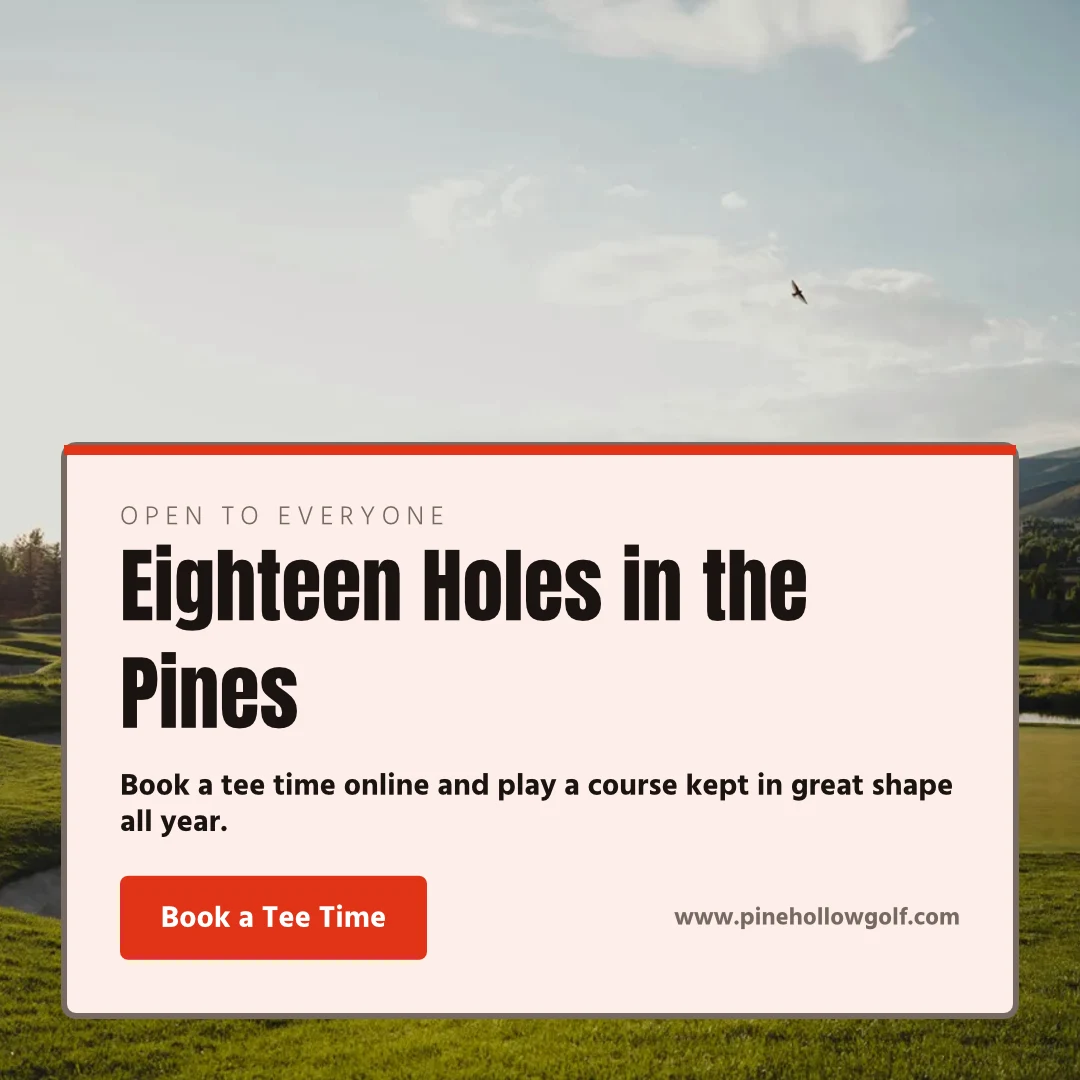
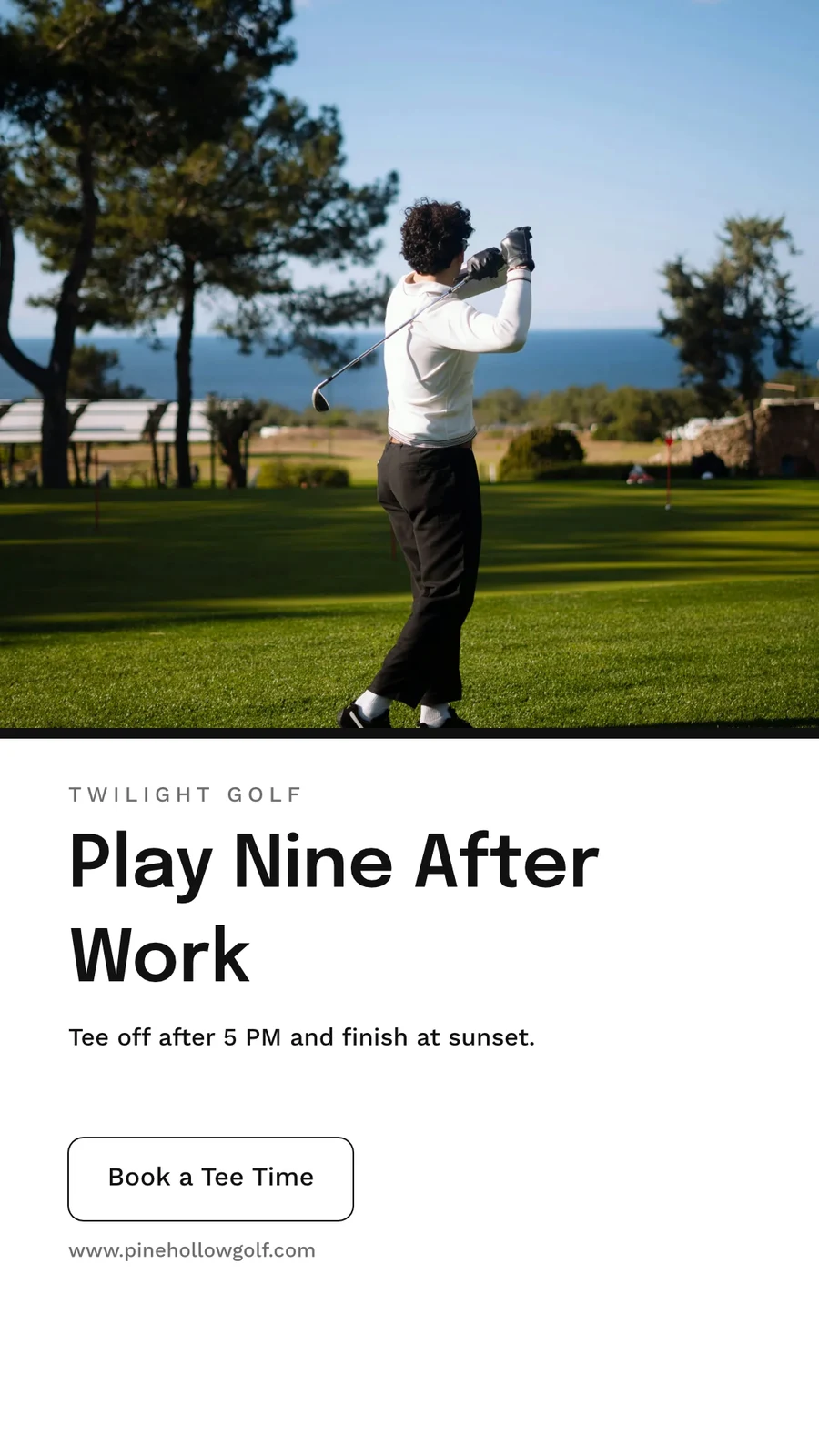

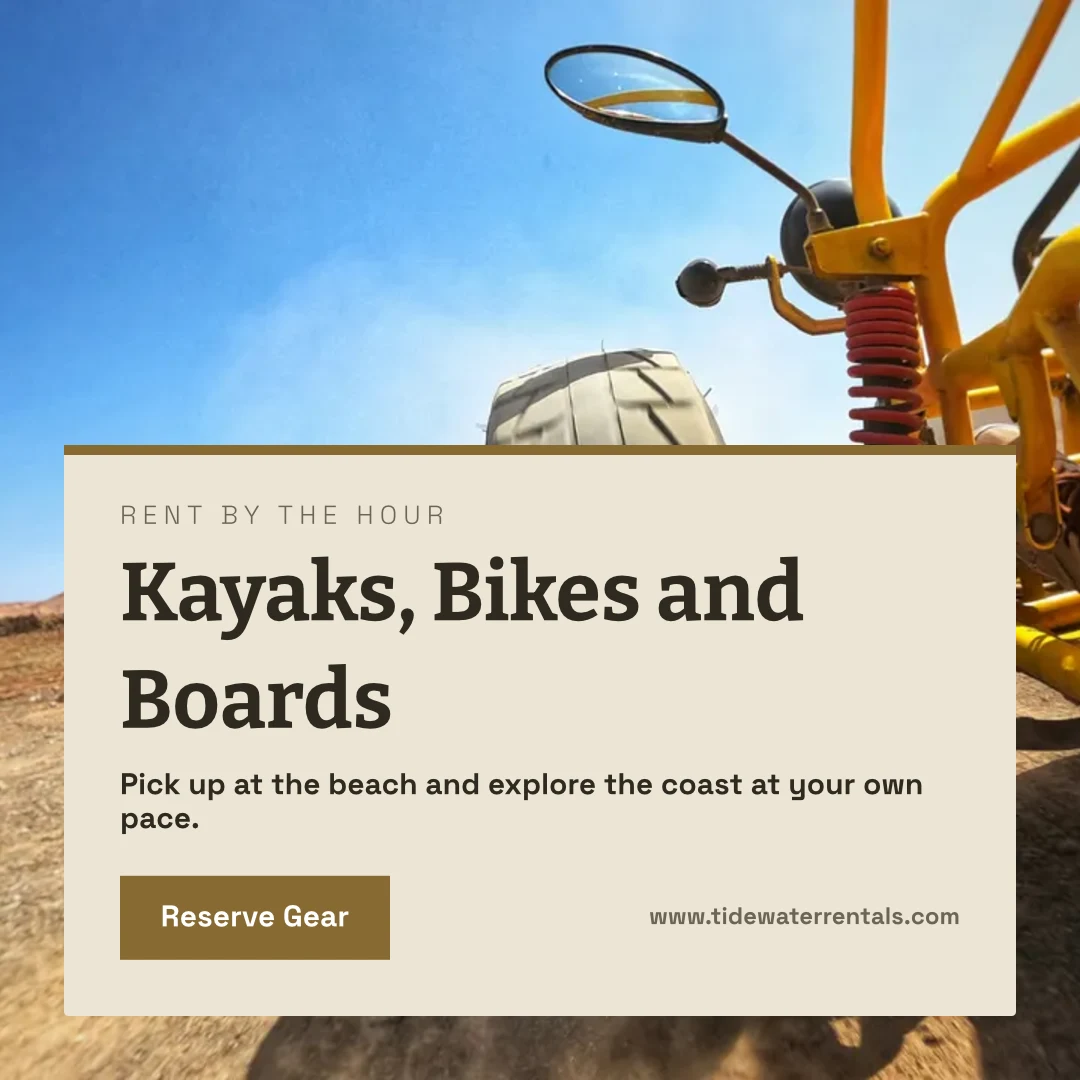
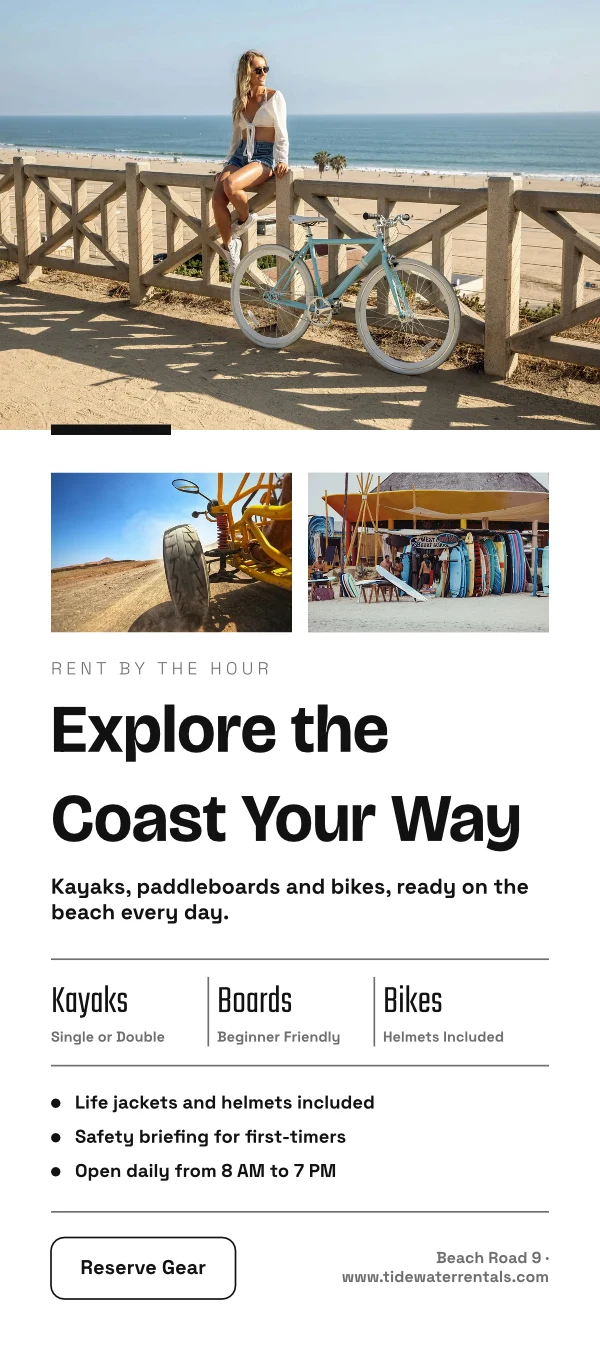

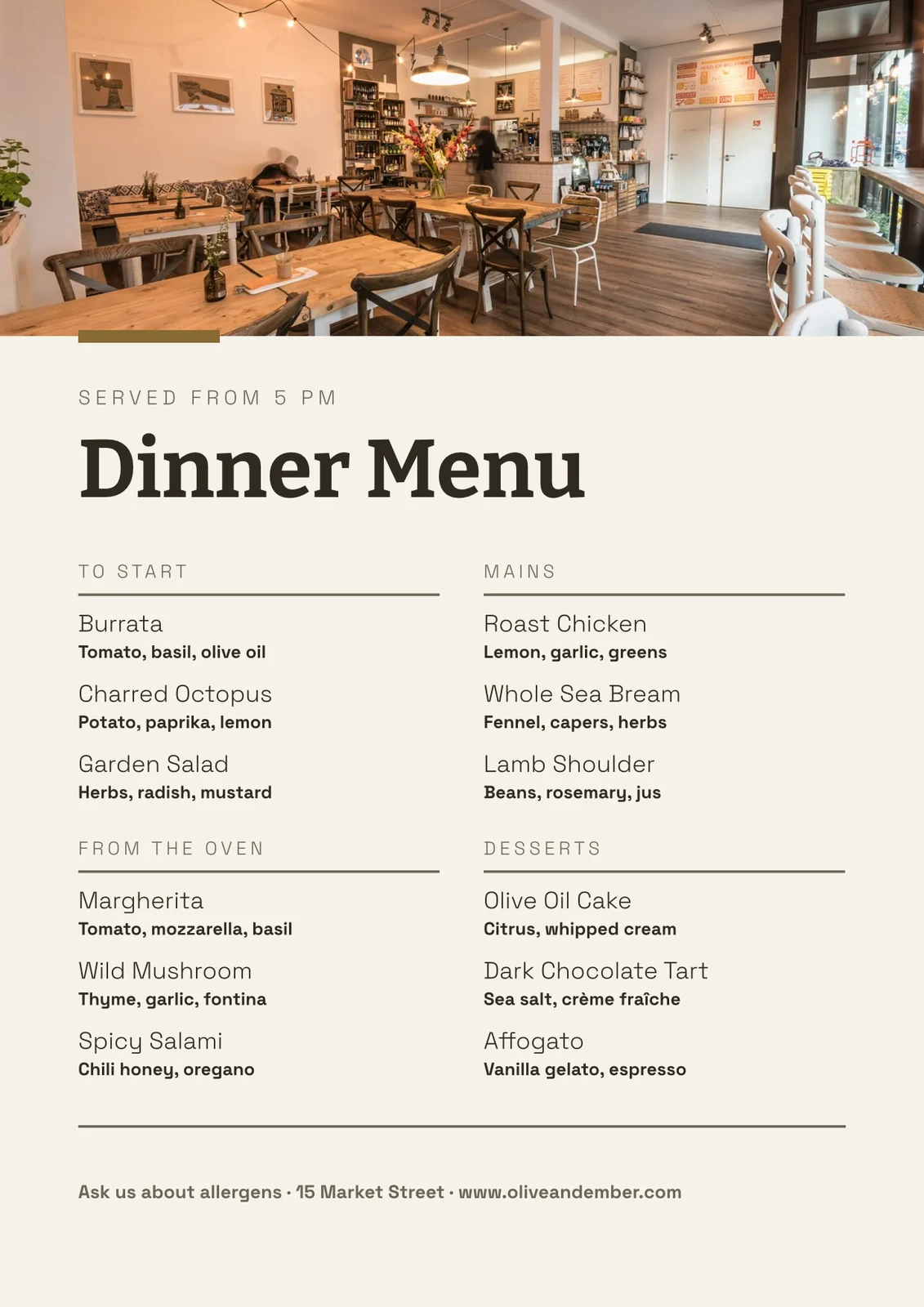

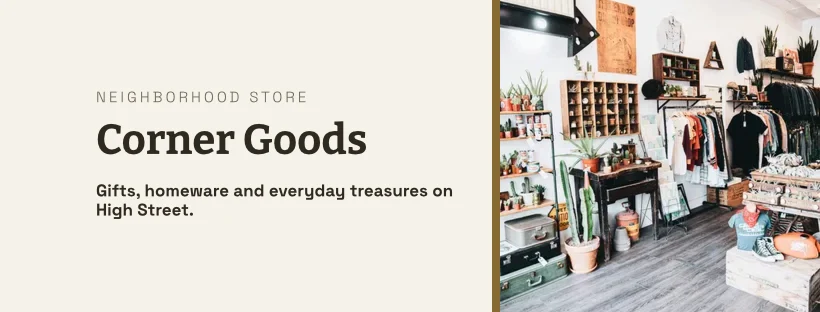
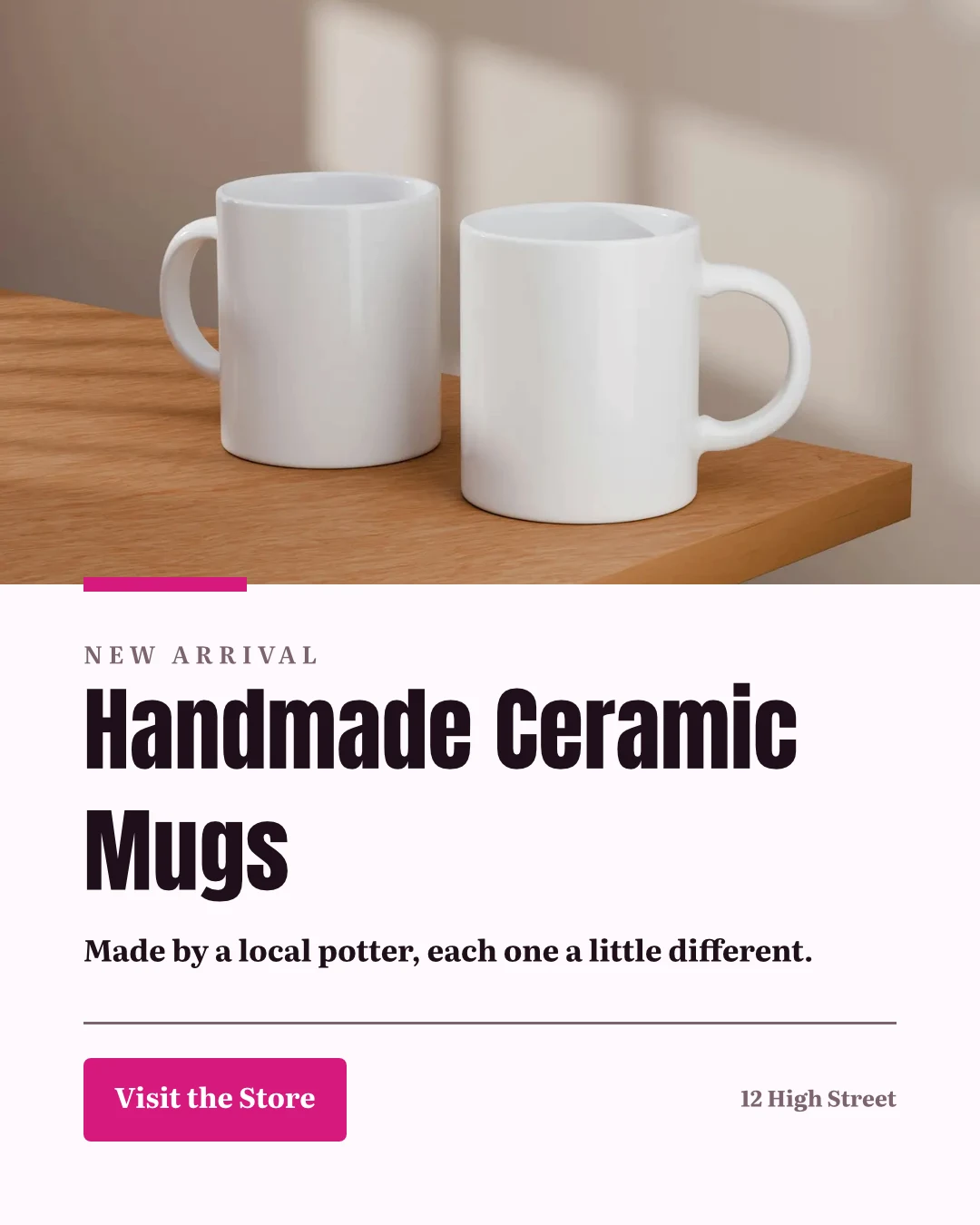
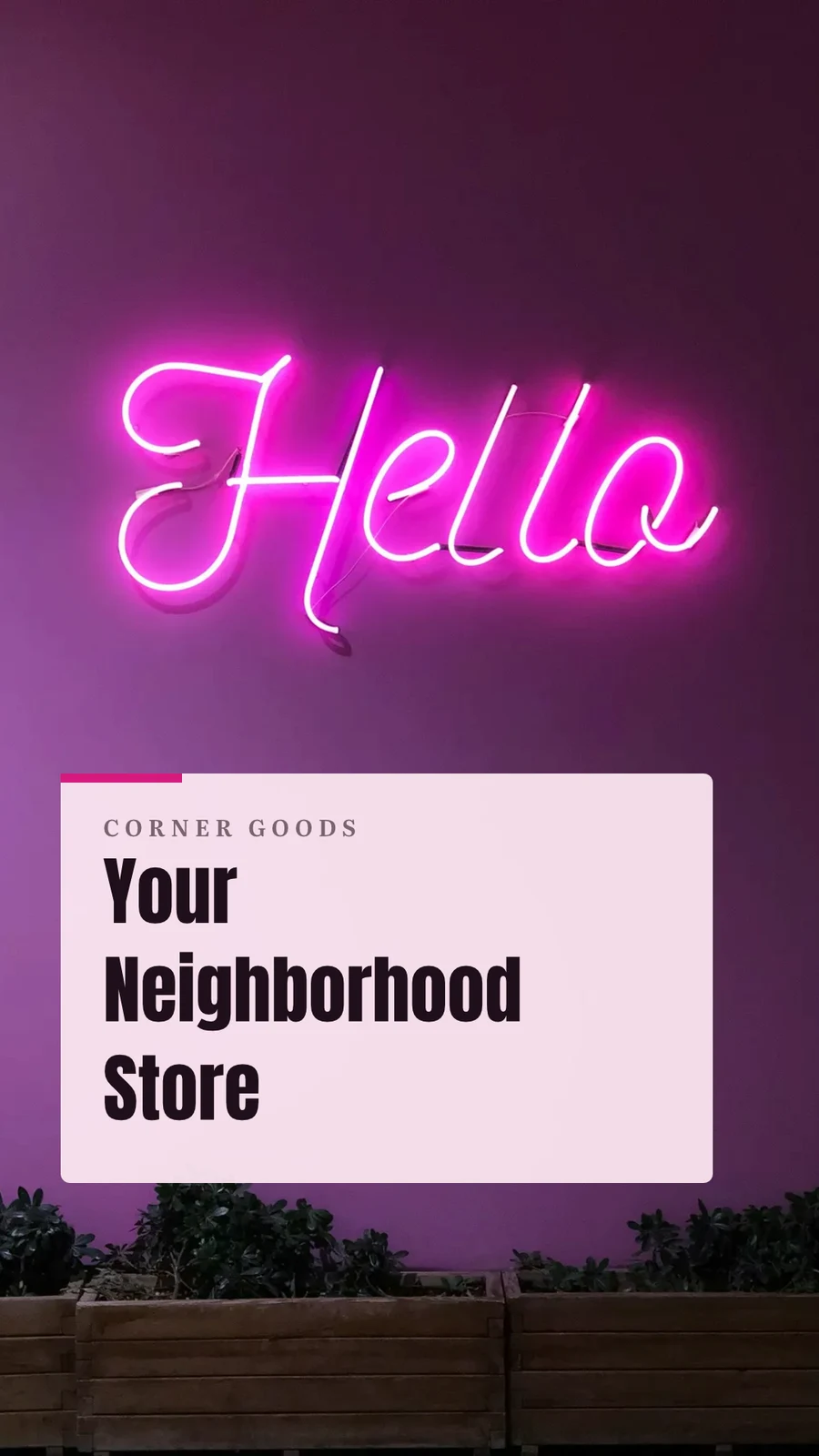

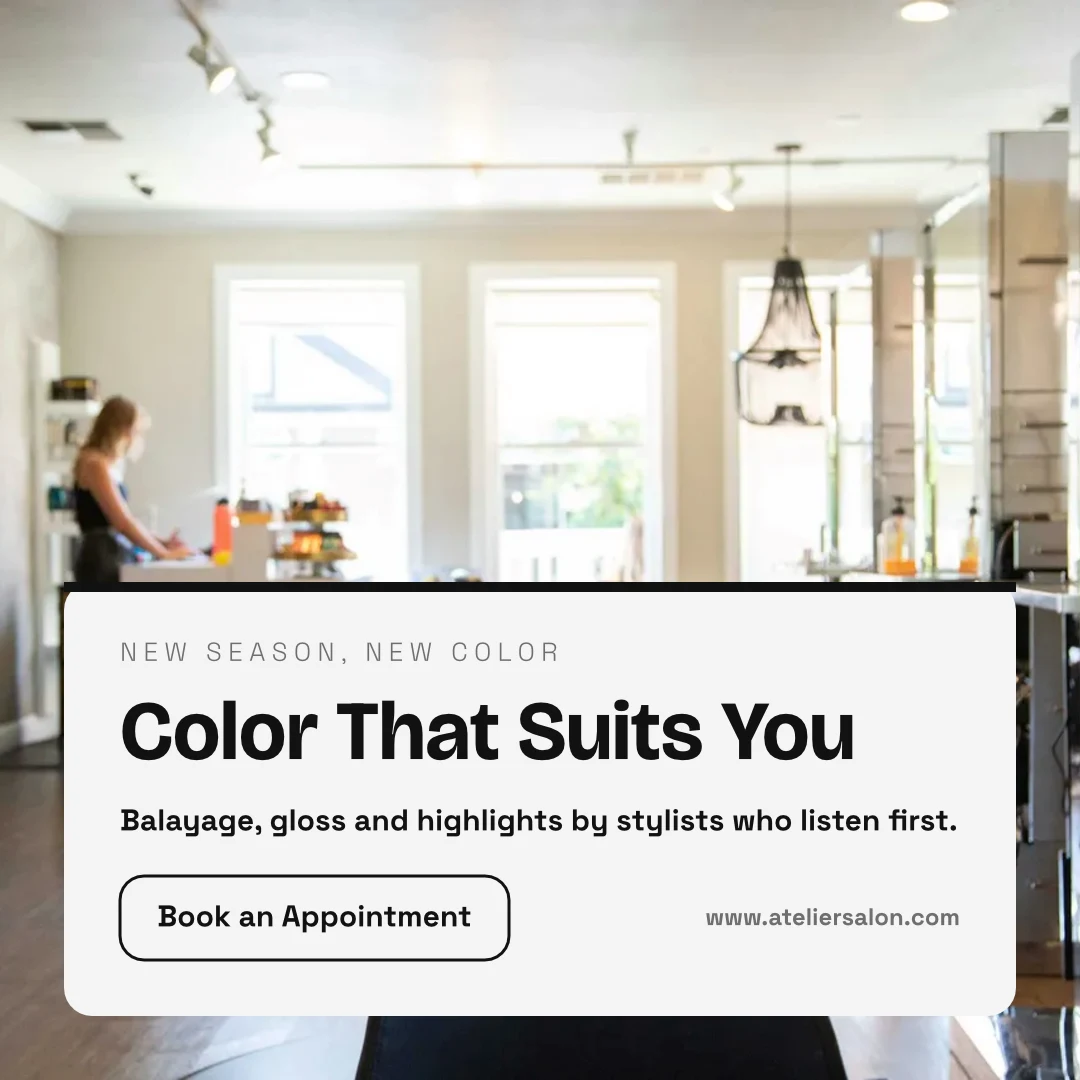
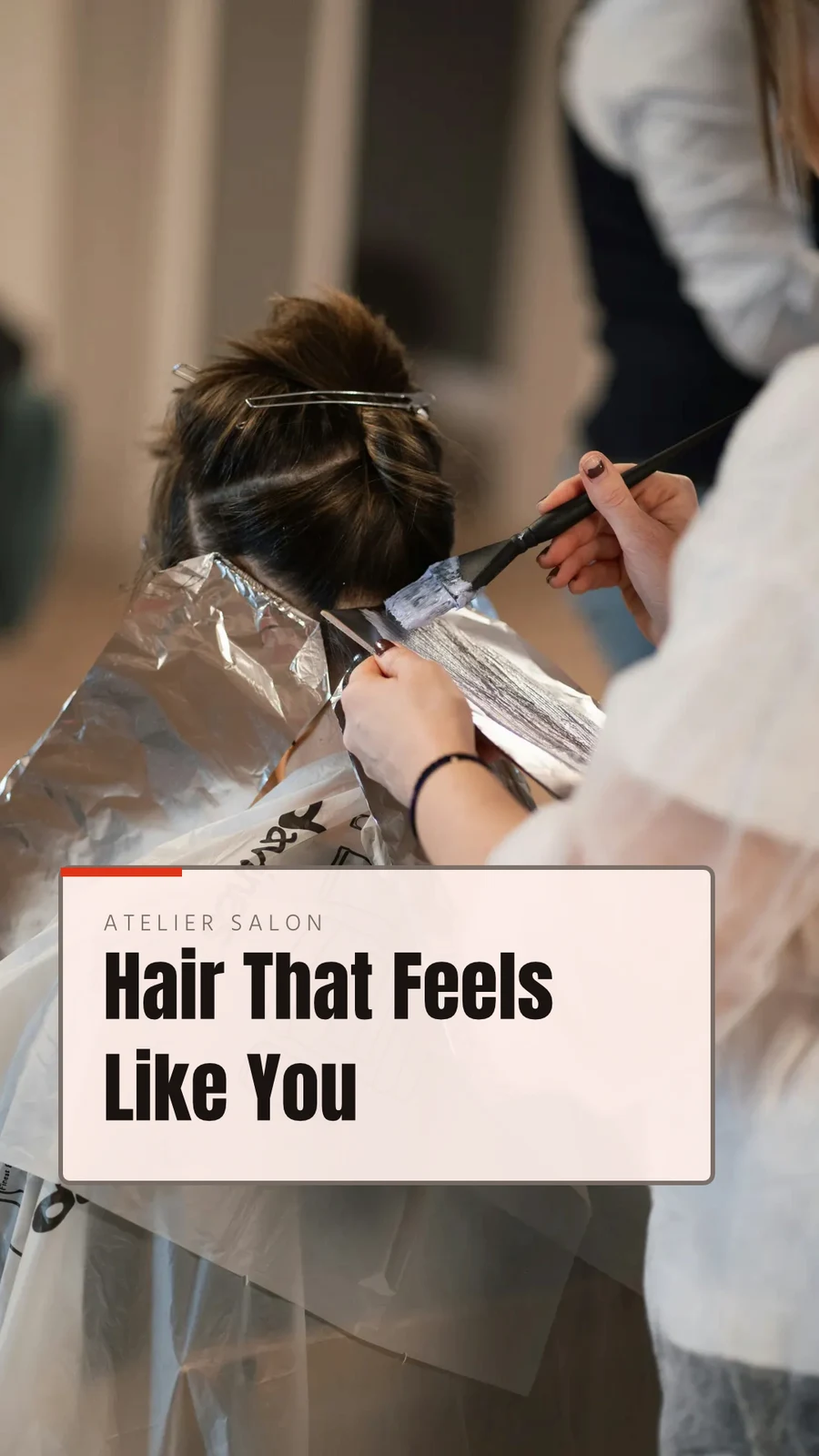
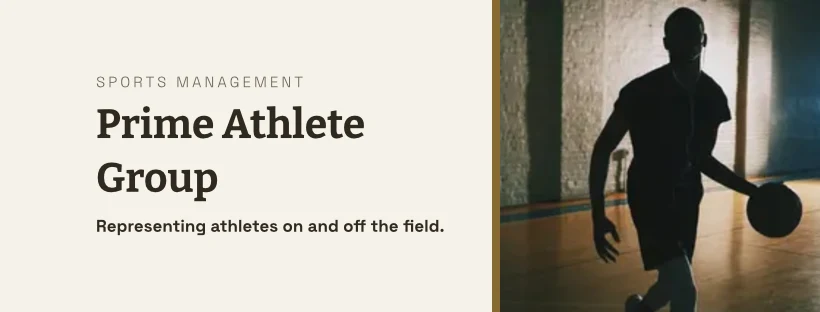

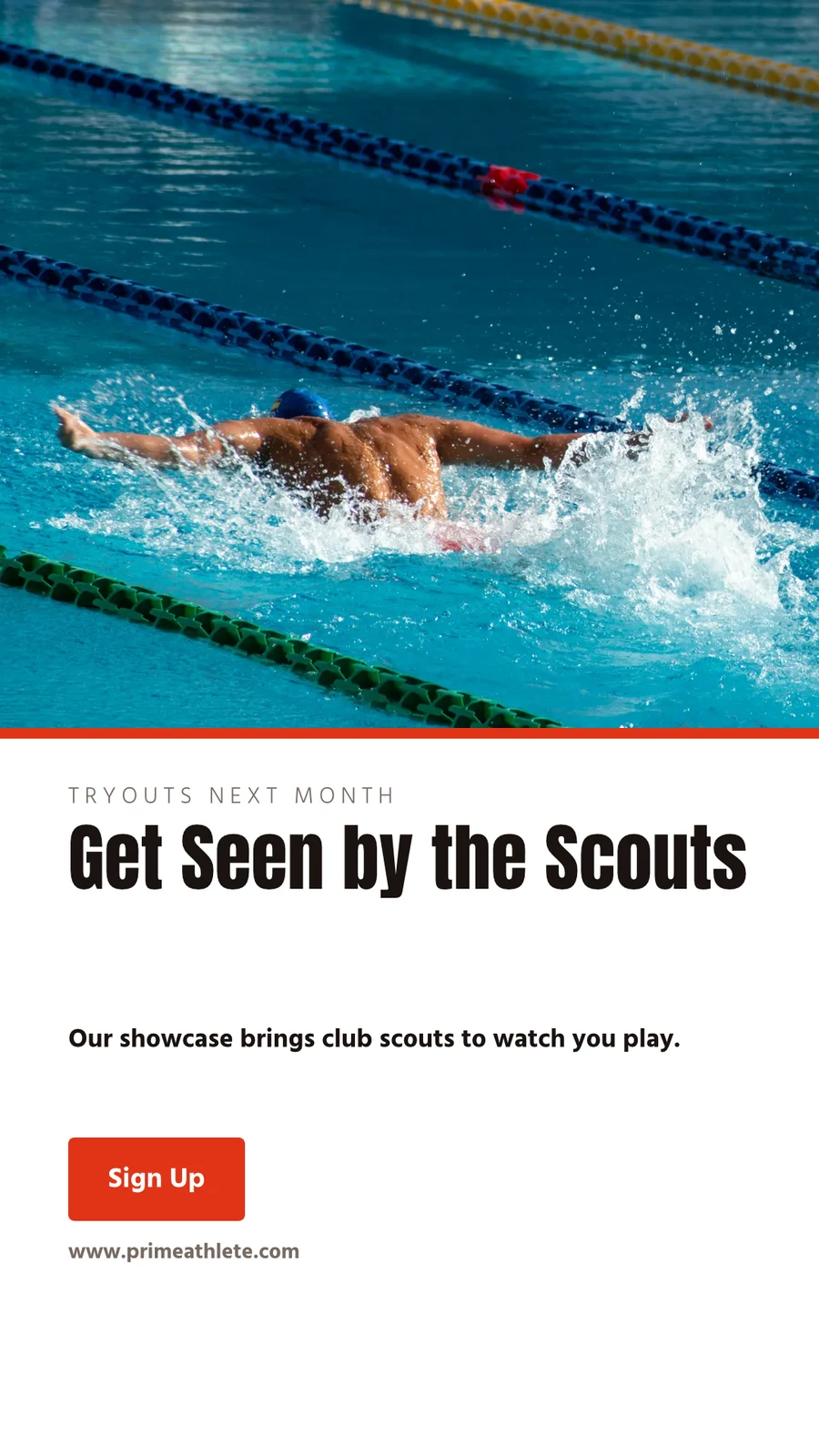
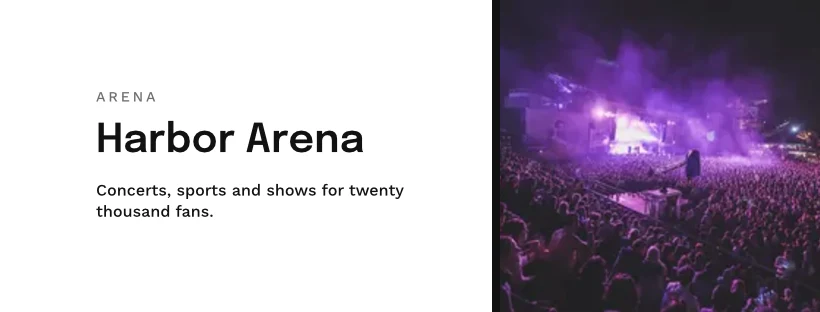
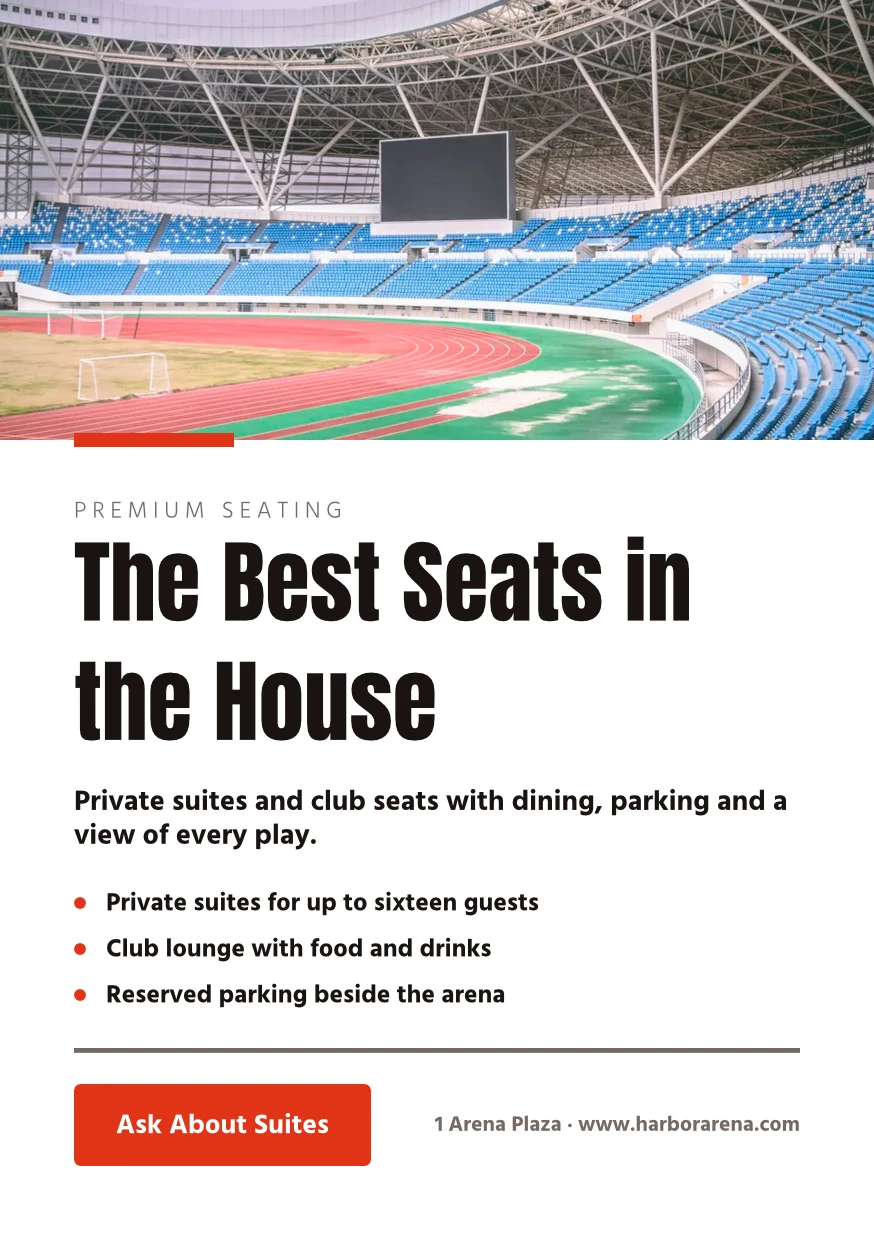

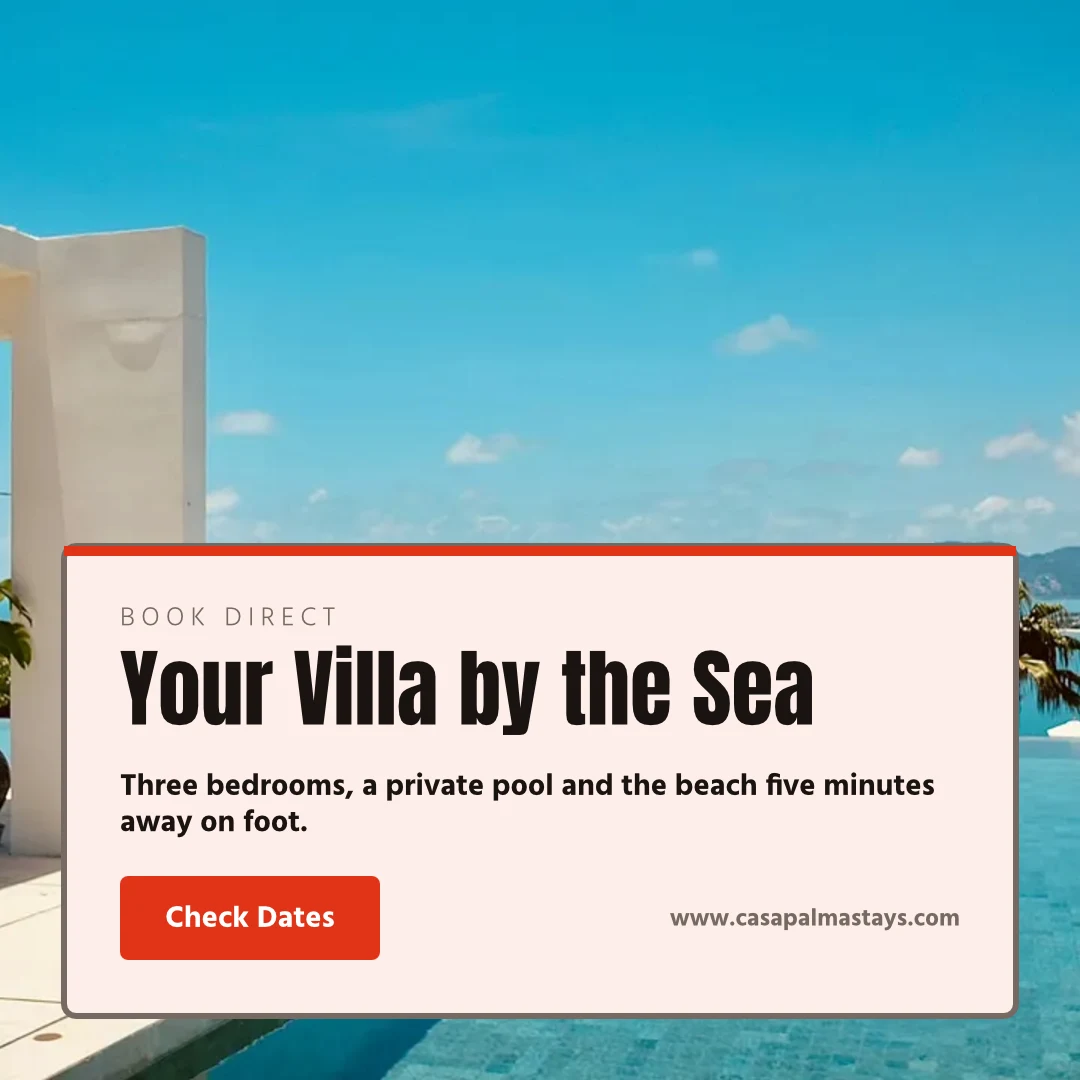
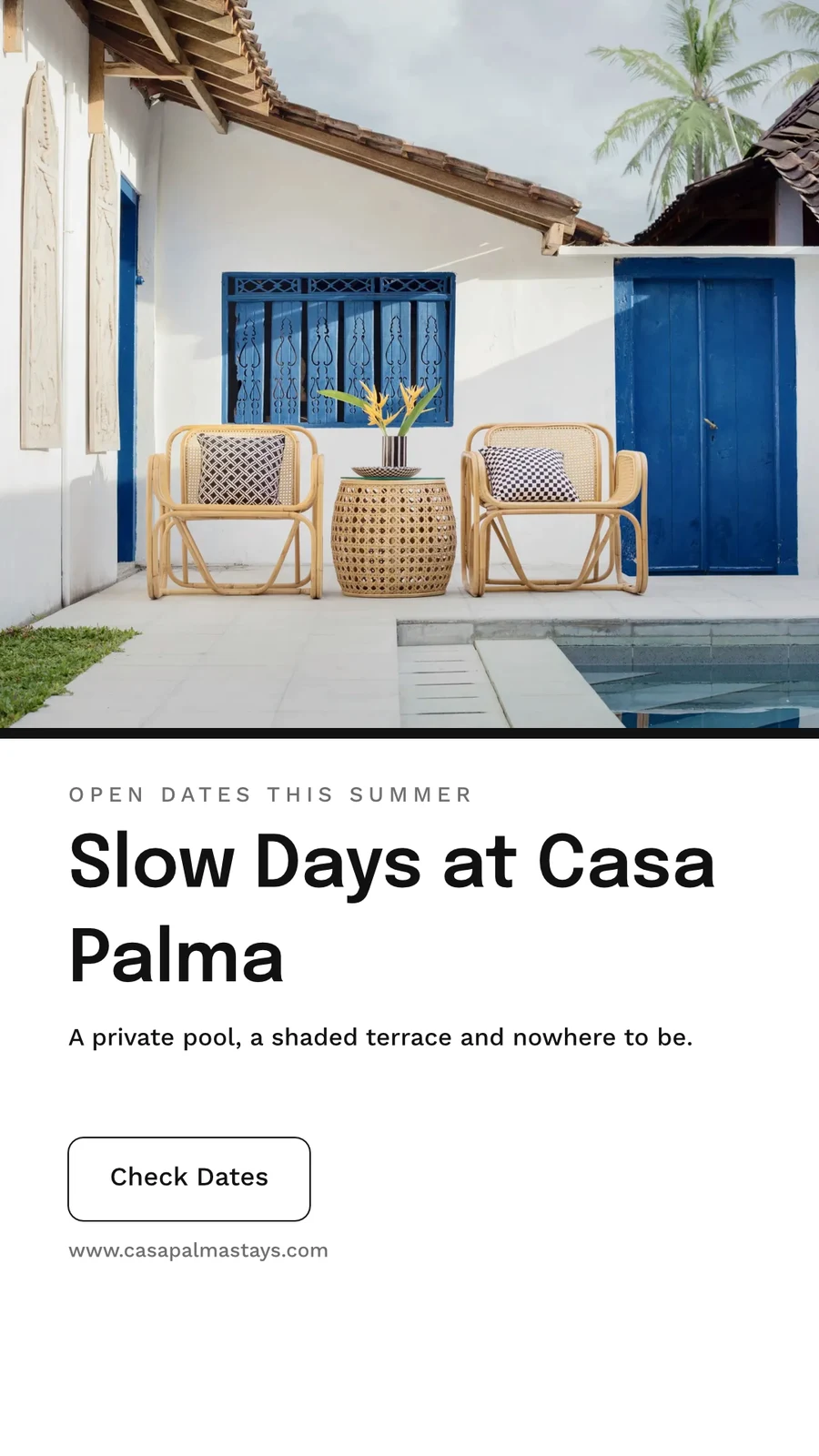
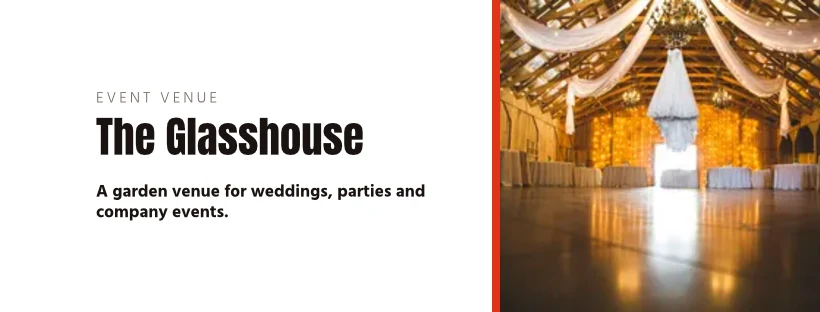
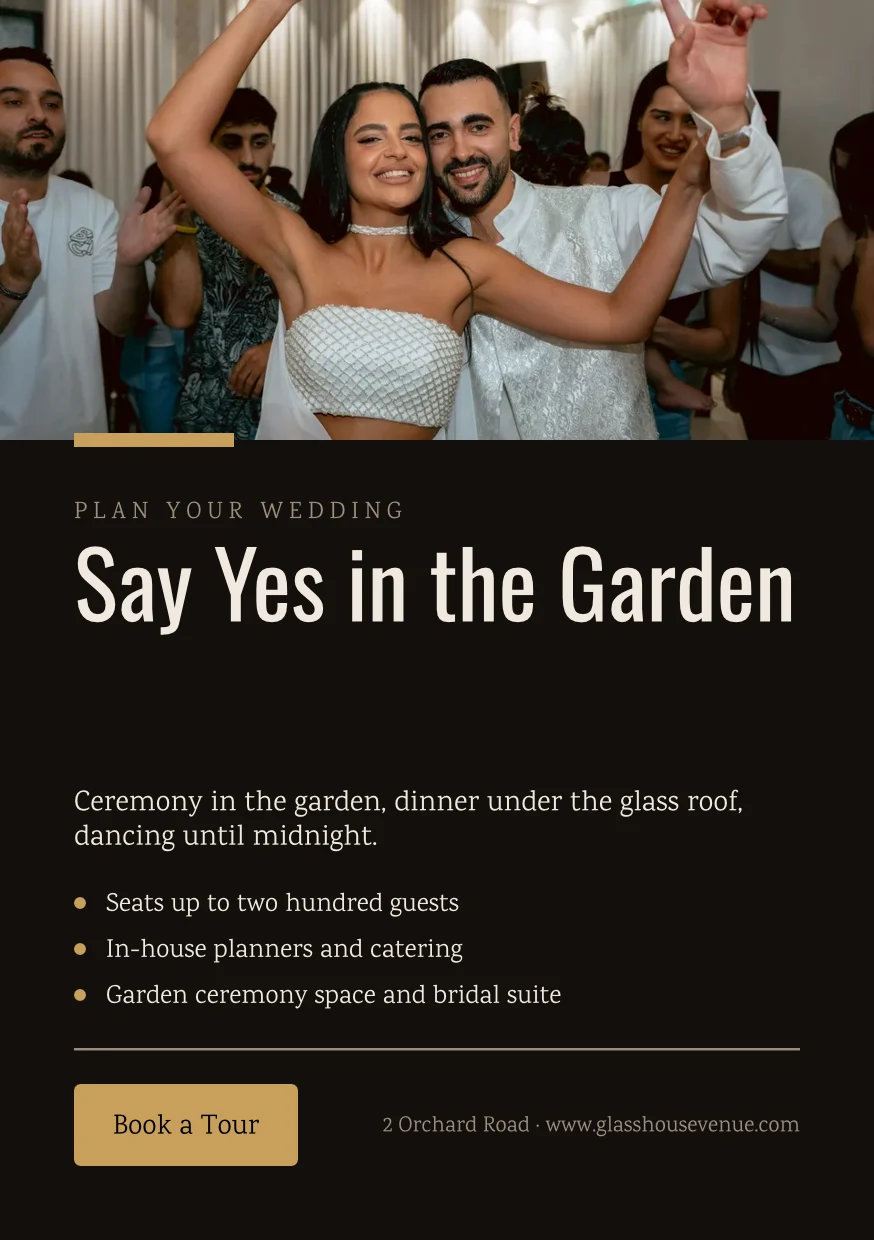
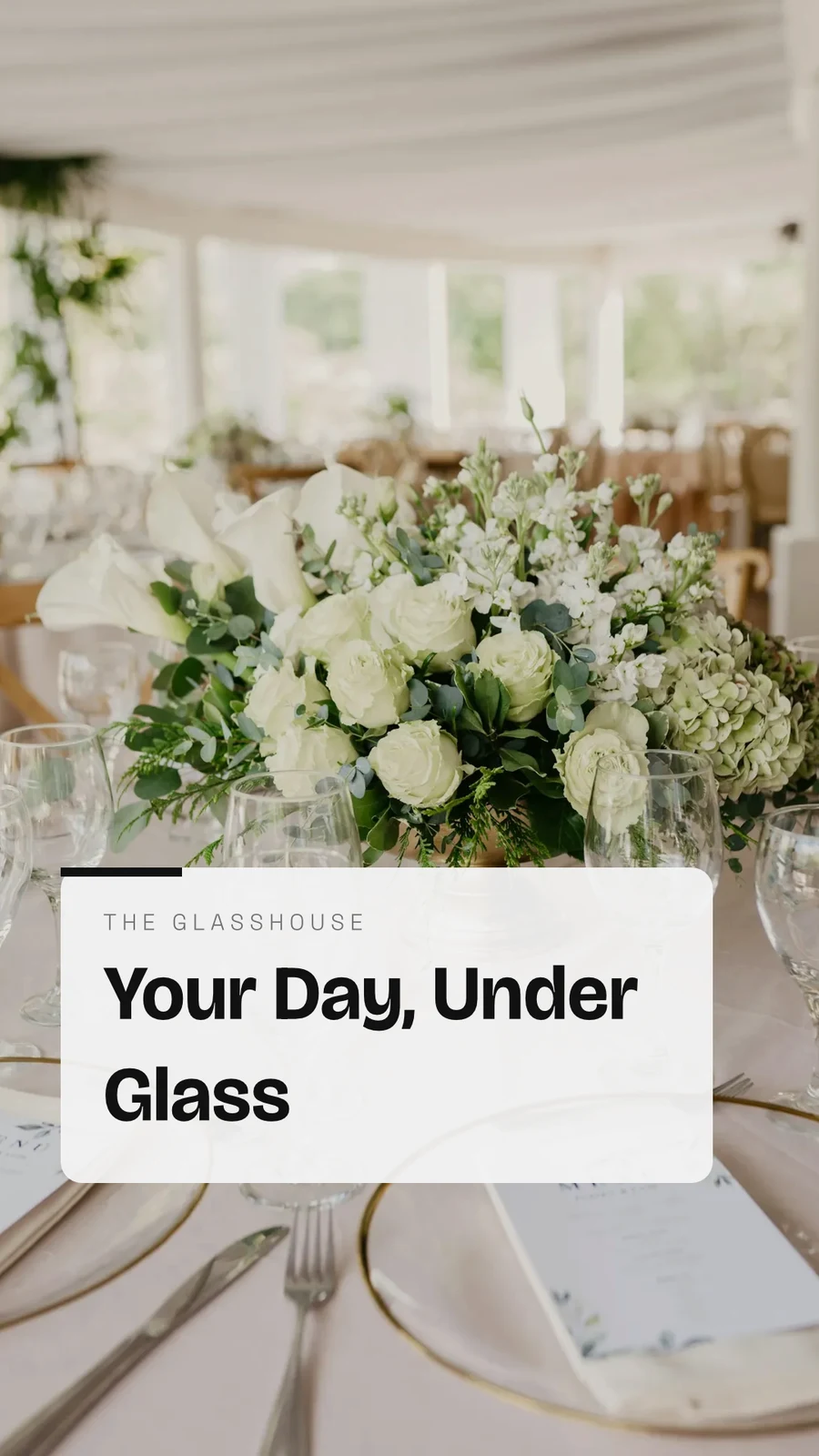
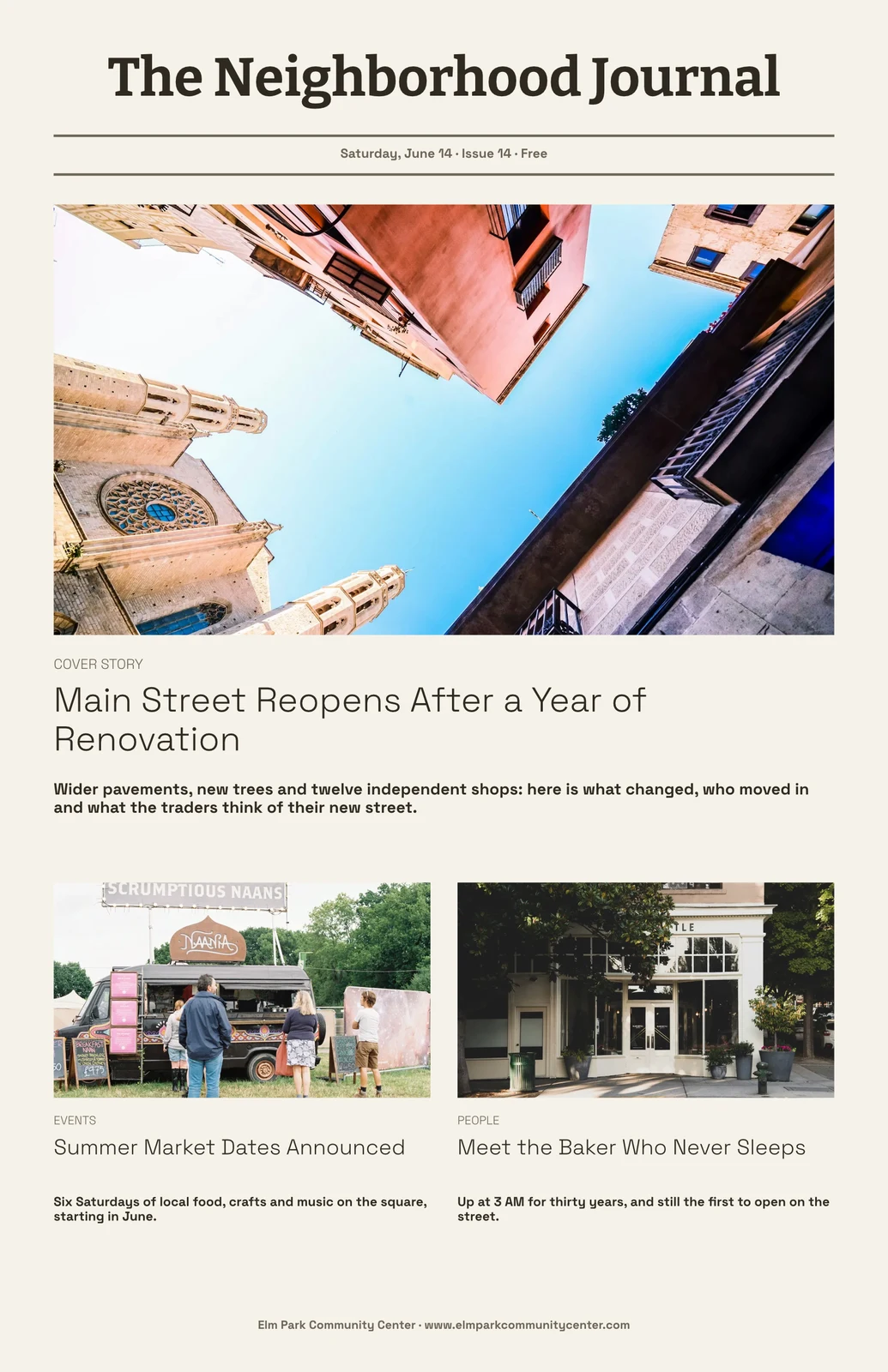
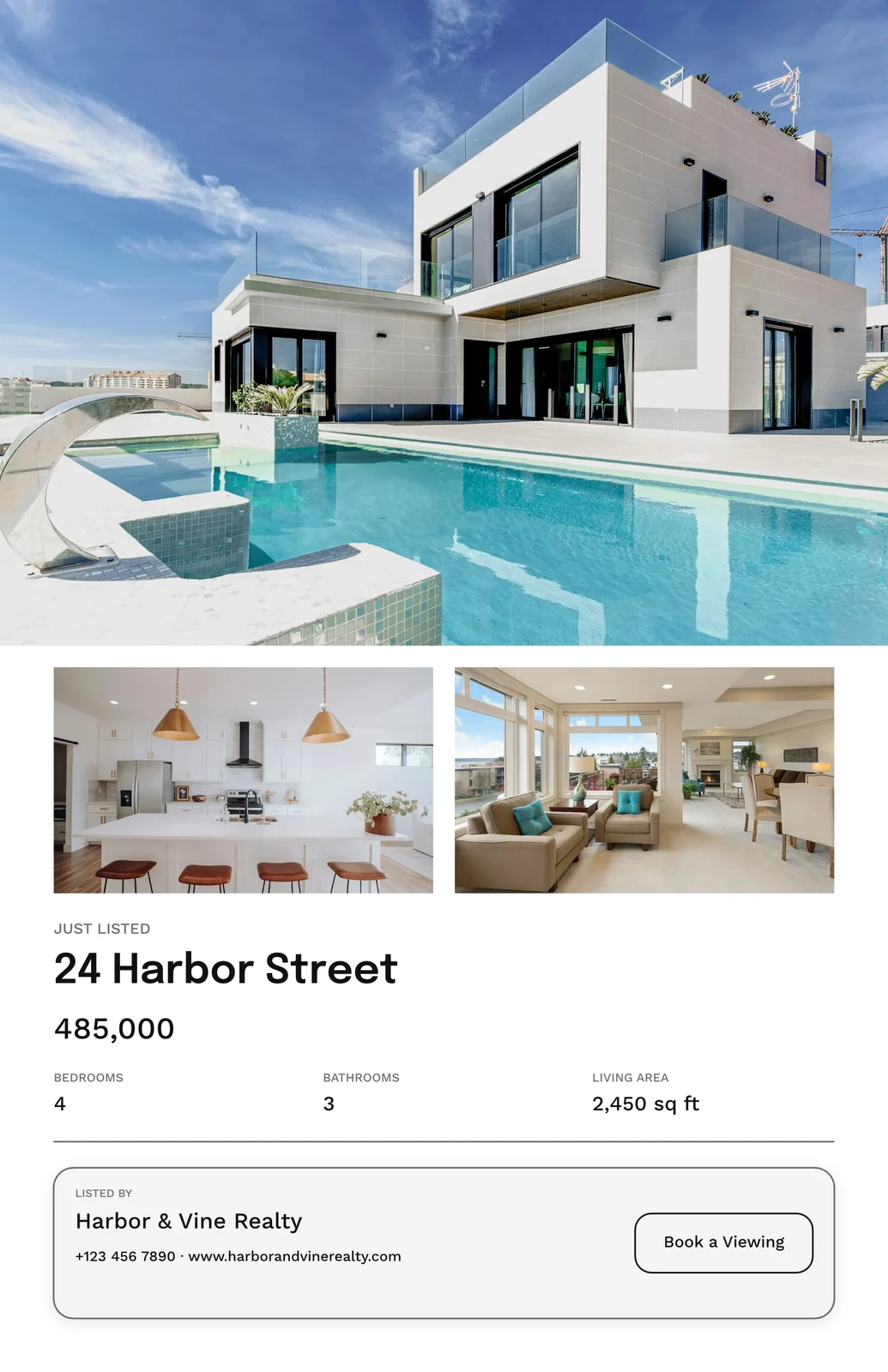
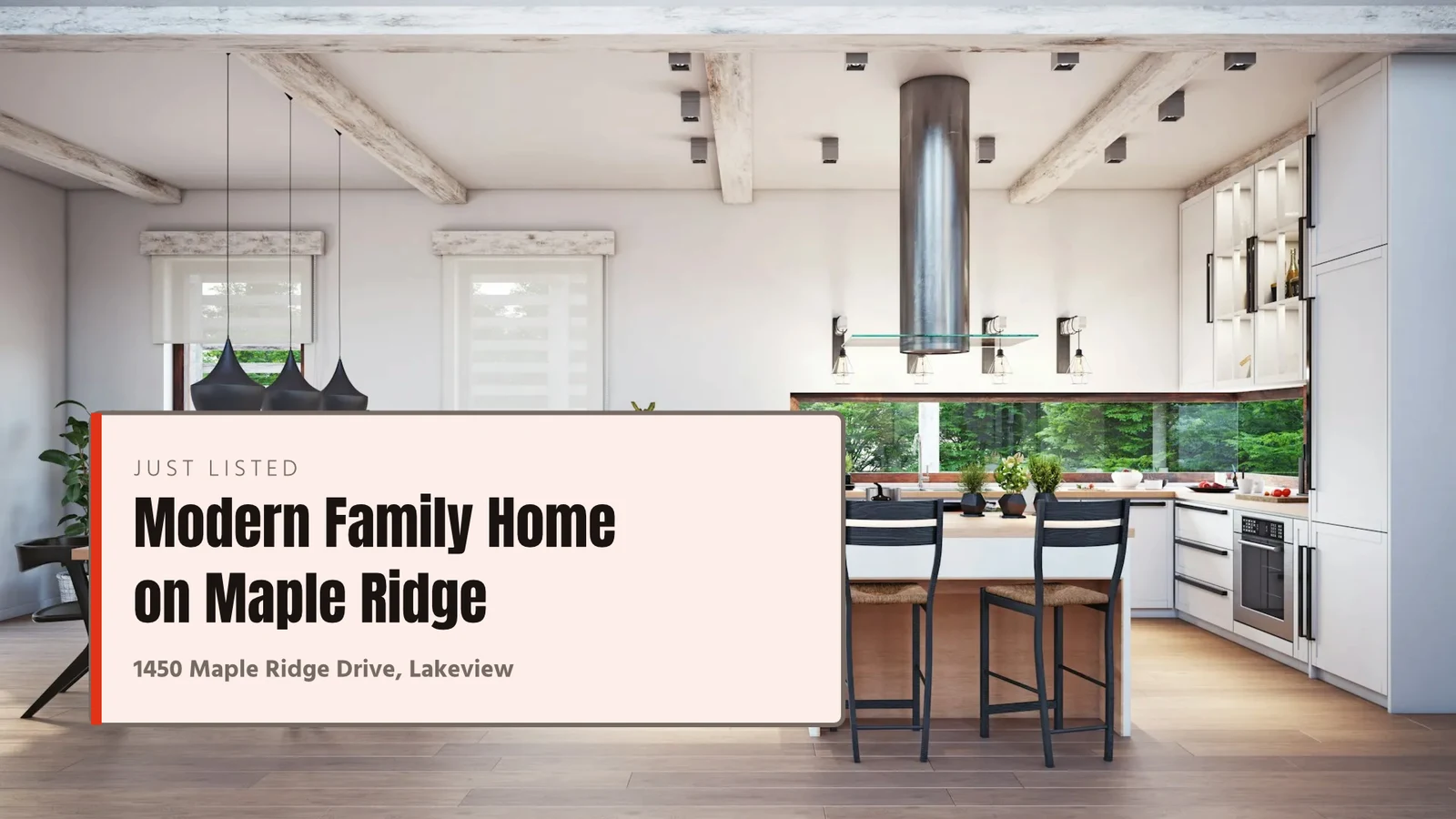

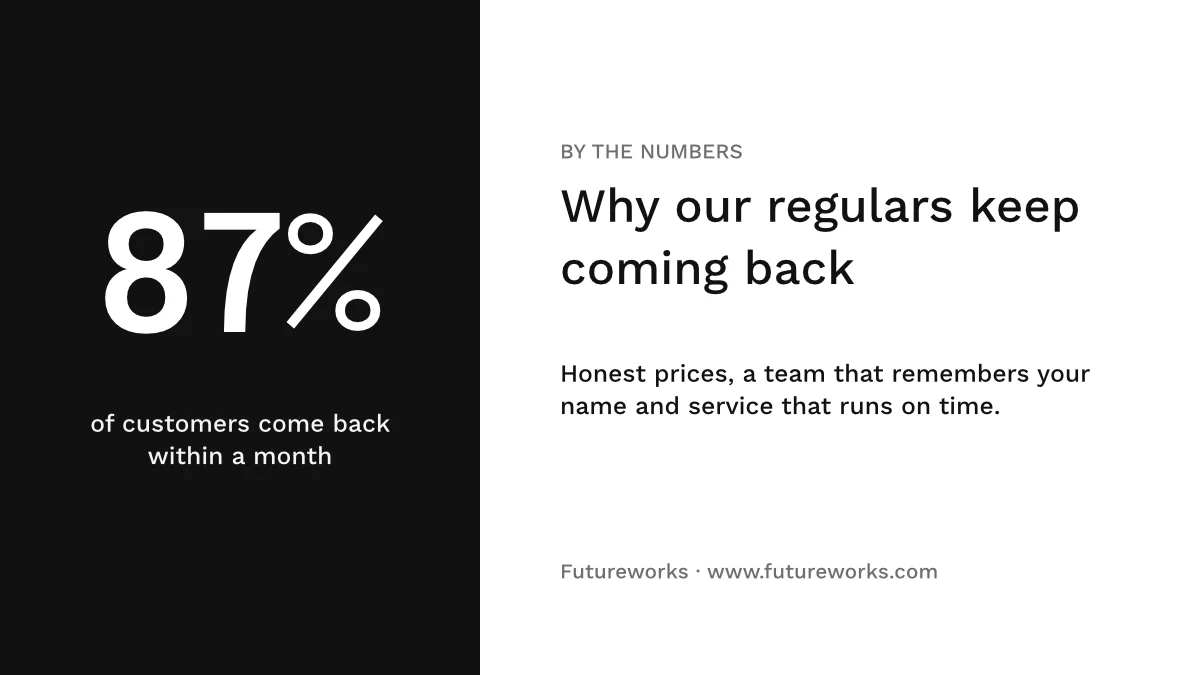
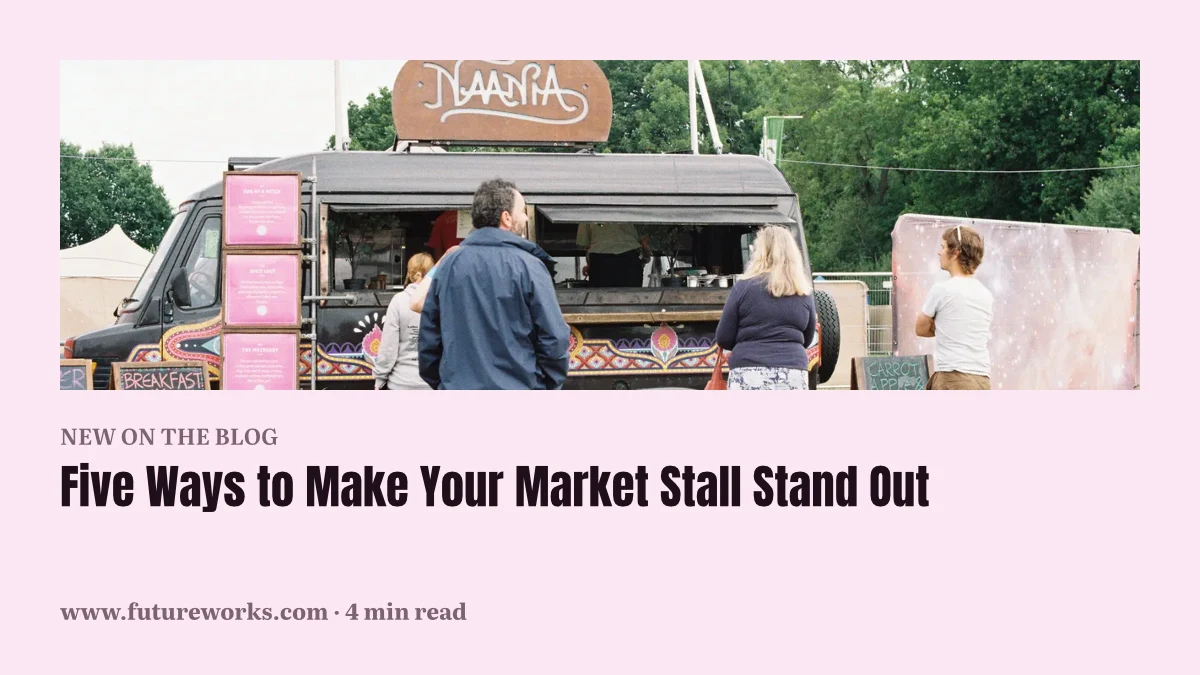
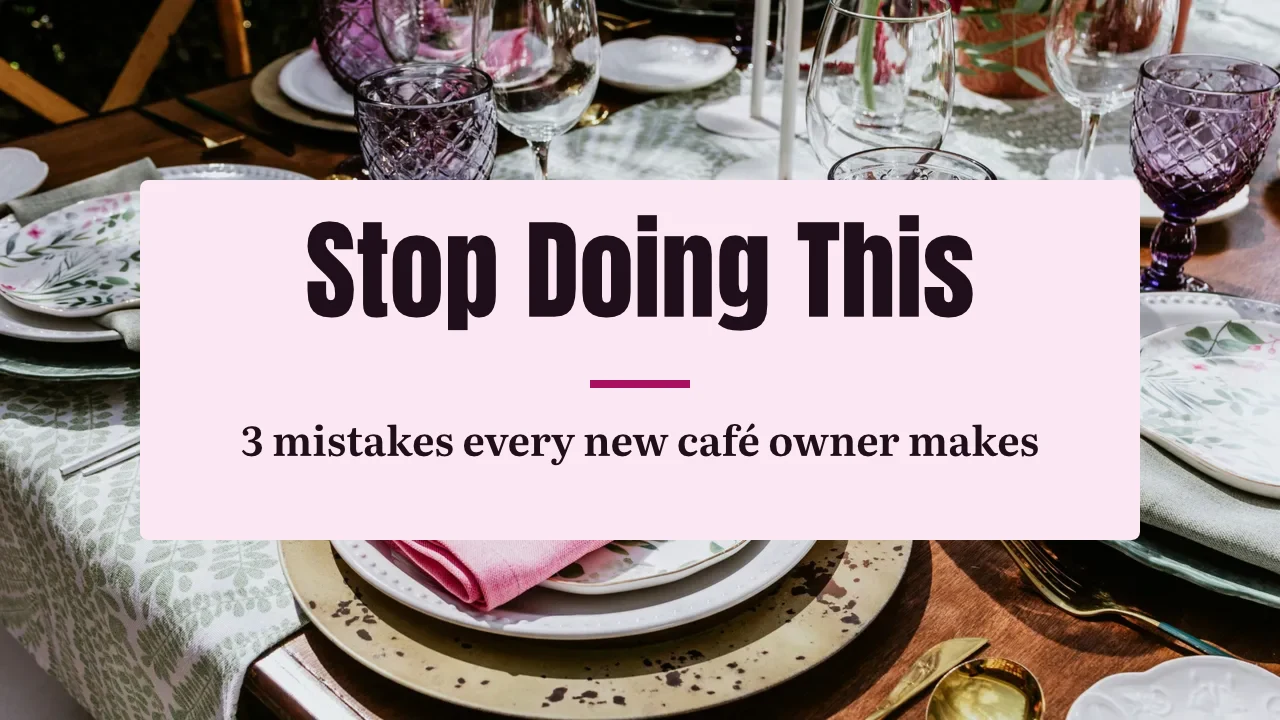
Setiap reka bentuk, dari templat pertama hingga ke cetak
Posting media sosial, cetakan, video dan skrin, pada saiz Calisto atau saiz mana sahaja yang anda tetapkan.
Mula
Satu templat, satu Tema atau saiz kosong.
Edit
Kata-kata, foto, bentuk dan carta, pada lapisan.
Vector dan Animate
Laluan dan bingkai kunci dalam fail yang sama.
Versi
Banyak reka bentuk daripada satu.
Hantar Keluar
Eksport, cetak, kongsi atau serahkan.
Bersama
Dikongsi, langsung, dan setiap versi disimpan.
Papan putih
Nota melekat sebelum reka bentuk.
Di Telefon
Tukar perkataan dan gambar.
Mula dari templat, tema atau saiz kosong
Templat ialah susun atur Calisto dalam setiap Tema, ditapis mengikut jenis, industri, gaya dan warna. Tema menetapkan warna, jenis huruf dan jarak yang dipakai oleh reka bentuk. Saiz kosong dibuka pada papan seni tepat untuk media sosial, cetakan, video atau skrin, atau pada lebar dan tinggi mana sahaja yang anda tetapkan.
Jenama Saya
Setiap templat yang digambar dalam kit jenama anda sebelum anda memilih satu.
Templat



Kit Jenama
Warna, jenis huruf dan logo, diedit dalam Tetapan Studio dan ditawarkan dalam setiap pemilih.
Tetapan
Hanya Jenama, Dengan Engage
Orang tanpa tempat Studio membina menggunakan jenis huruf, warna dan Tema jenama sahaja.

Senarai hubungan di bawah ialah Orbit, dan fail disimpan dalam Depot. Pautan ialah apa yang meletakkan perbualan di atas kedua-duanya.
Simpan sebagai Templat menyimpan salinan reka bentuk yang terbuka; Sesuaikan Templat mengubah penampilan templat.
Templat
Terangkan Ia
Katakan keperluan anda dalam satu ayat dan tiga reka bentuk kembali dalam jenama anda, untuk disimpan atau simpan sebagai templat.
Terangkan Ia
Say what you need and Calisto makes three designs in your brand. Pick one to finish it.
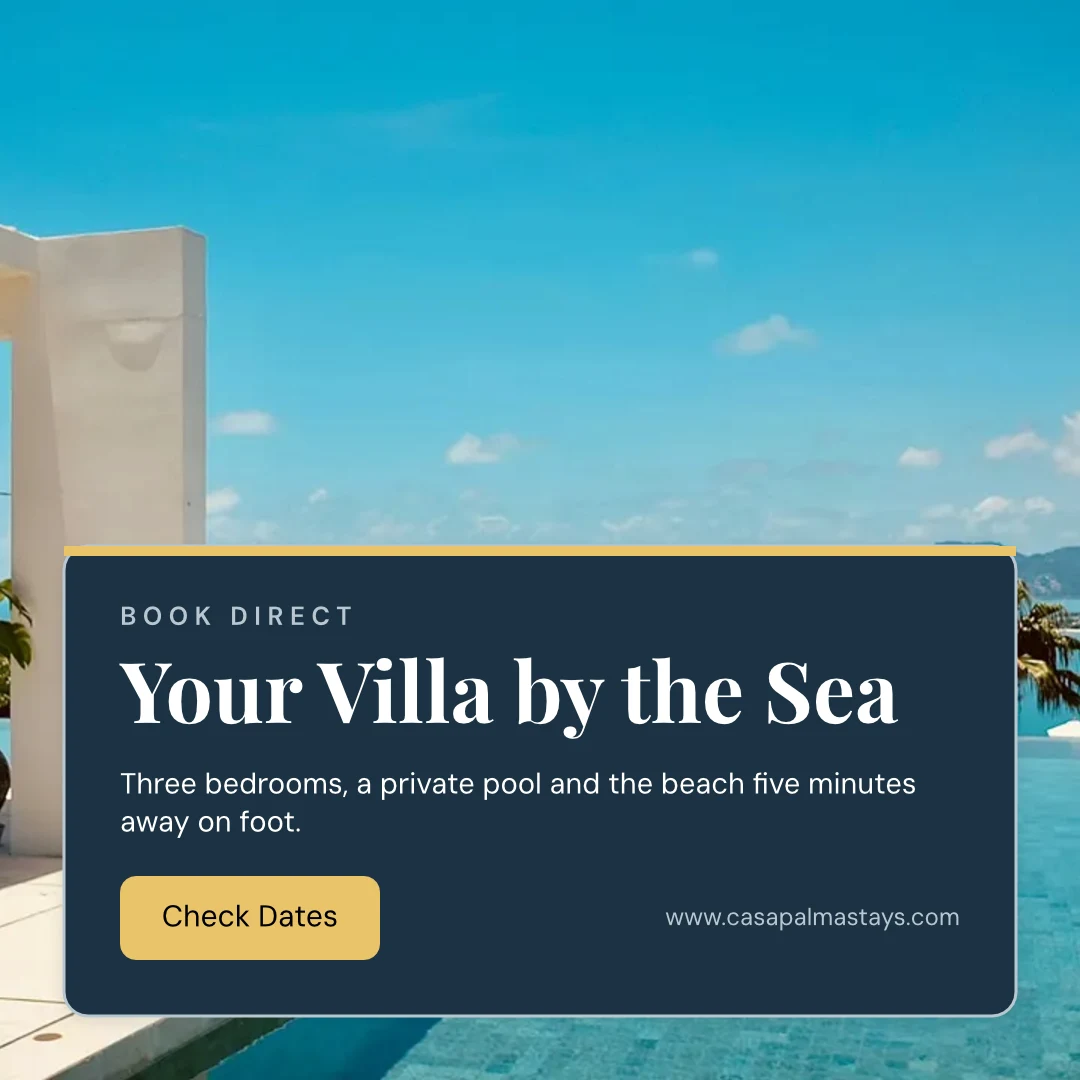
Dari Laman Web Anda
Kit jenama anda dibaca dari laman web atau fail PDF garis panduan jenama anda: warnanya, jenis huruf dan logonya, disimpan apabila anda menyatakan.
Tetapan
Dari Laman Web Anda

Peraturan Jenama
Terapkan reka bentuk kepada warna dan jenis huruf jenama; semakan jenama menamakan apa yang salah, dan tiada apa yang tidak menepati jenama yang dieksport.
Templat
Tukar perkataan, gambar dan gaya
Tambah perkataan, foto, bentuk, carta, kod QR dan imej yang dijana, serta tetapkan jenis huruf, warna dan kedudukan bagi setiap satu. Essentials mengekalkan kawalan harian; Pro memaparkan semuanya.
Lukis vektor dan animasikan dalam fail yang sama
Lukis logo dan karya seni anda sendiri dengan pen, dan tetapkan reka bentuk bergerak pada garis masa, dalam fail yang sama. Kedua-duanya dibuka dengan Butang Cipta kerusi; pergerakan sedia ada dan alat bentuk ada pada setiap reka bentuk.
 FotoVektor
Buatkan banyak versi daripada satu reka bentuk
Cipta Dalam Jumlah mengisi tempat penanda teks reka bentuk dari CSV atau baris yang ditempel, sehingga 200 reka bentuk dalam satu larian, dan tekan semula membuatkan tiada yang berulang dua kali. Salin & Saiz semula meletakkan semula reka bentuk pada saiz lain dan menyimpannya sebagai reka bentuk baru.
Salin & Saiz Semula
Satu reka bentuk yang disusun semula pada saiz lain, disimpan sebagai reka bentuk baharu.
Salin & Saiz Semula
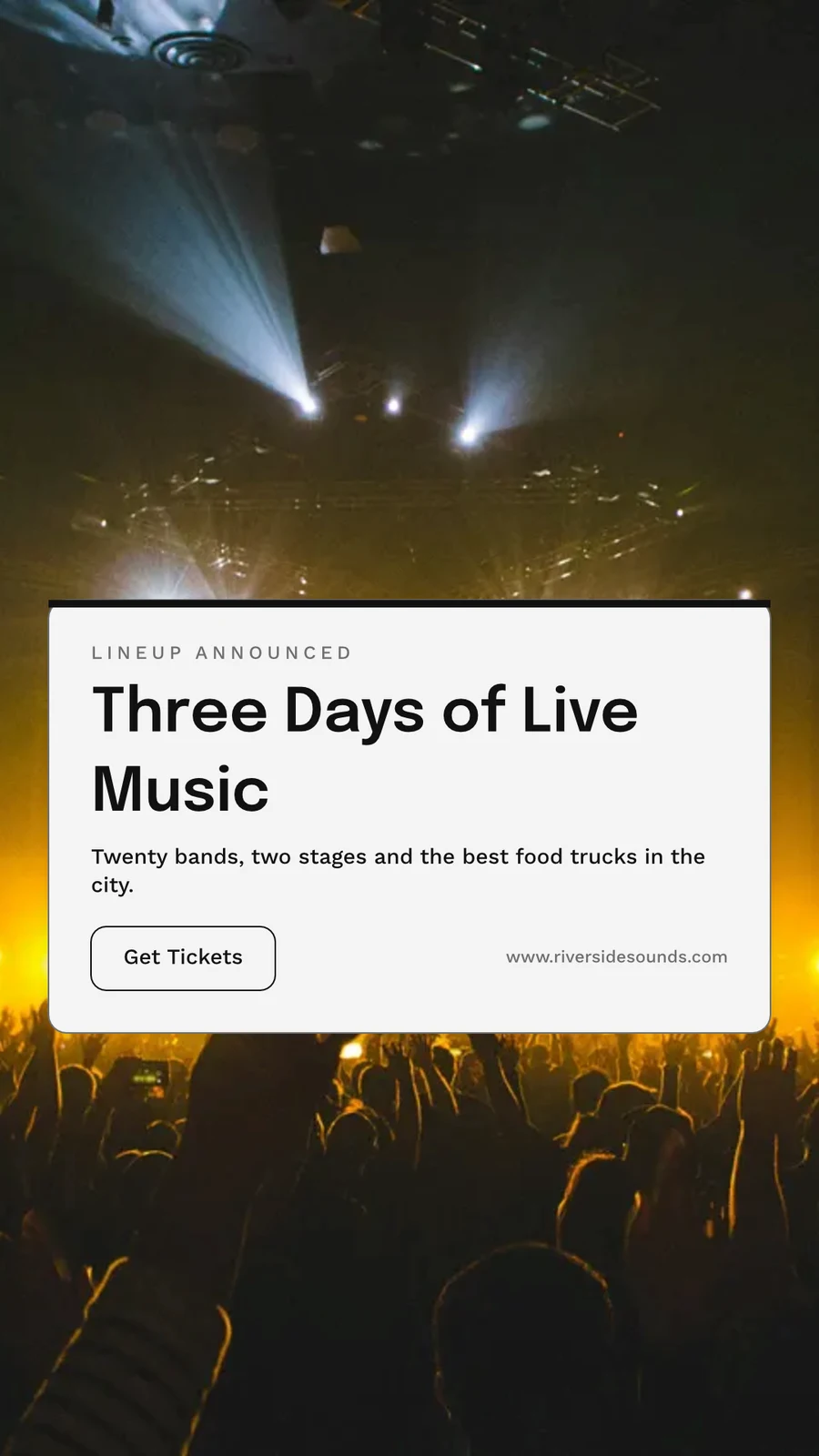
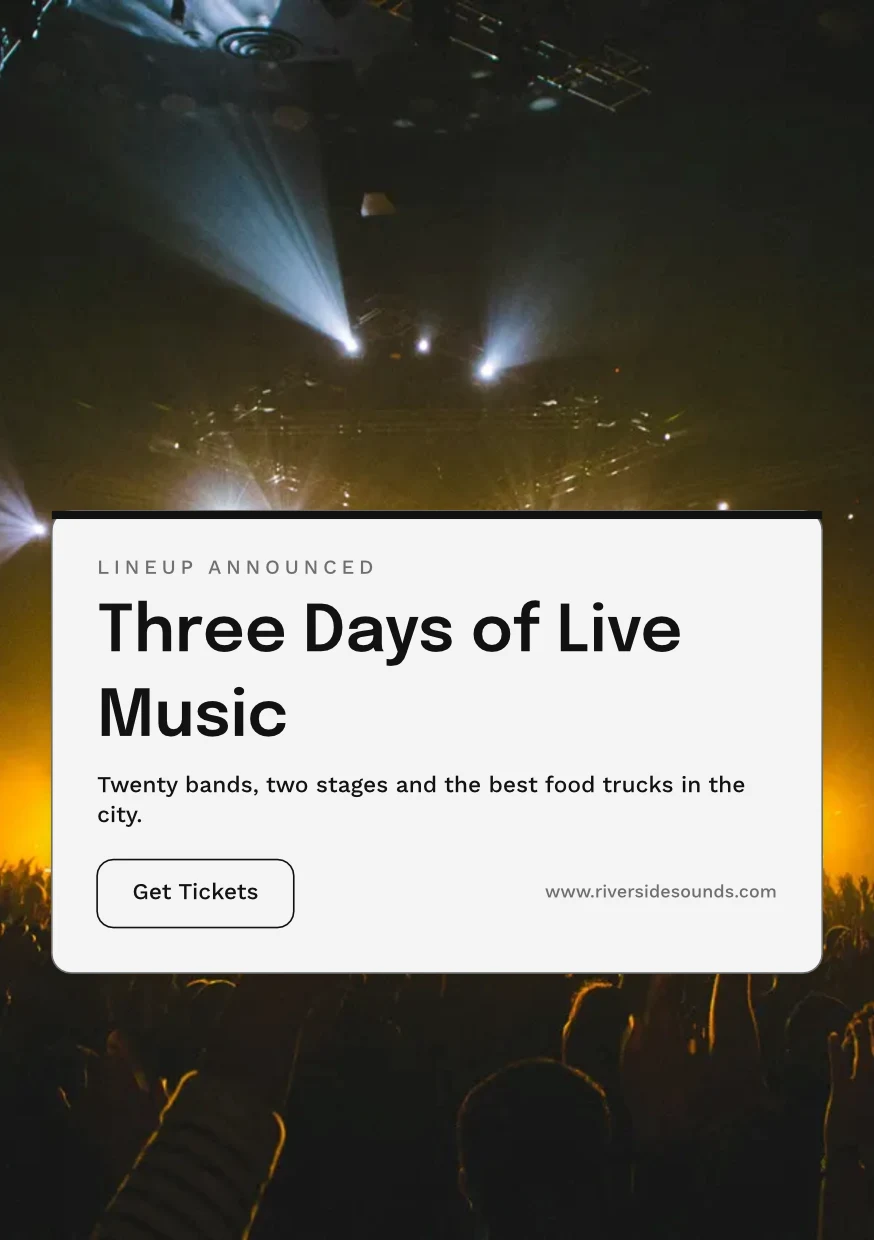
 Three Days of Live Music
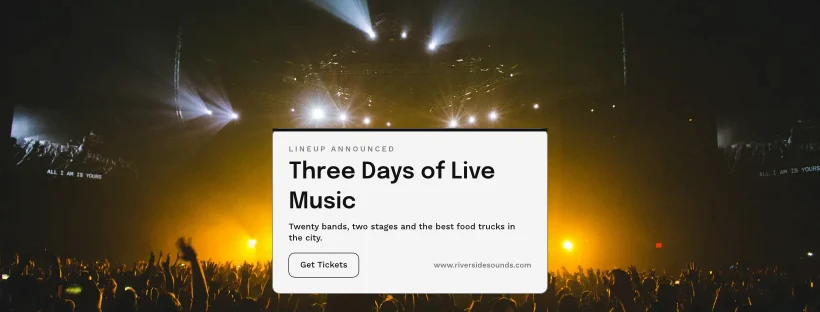
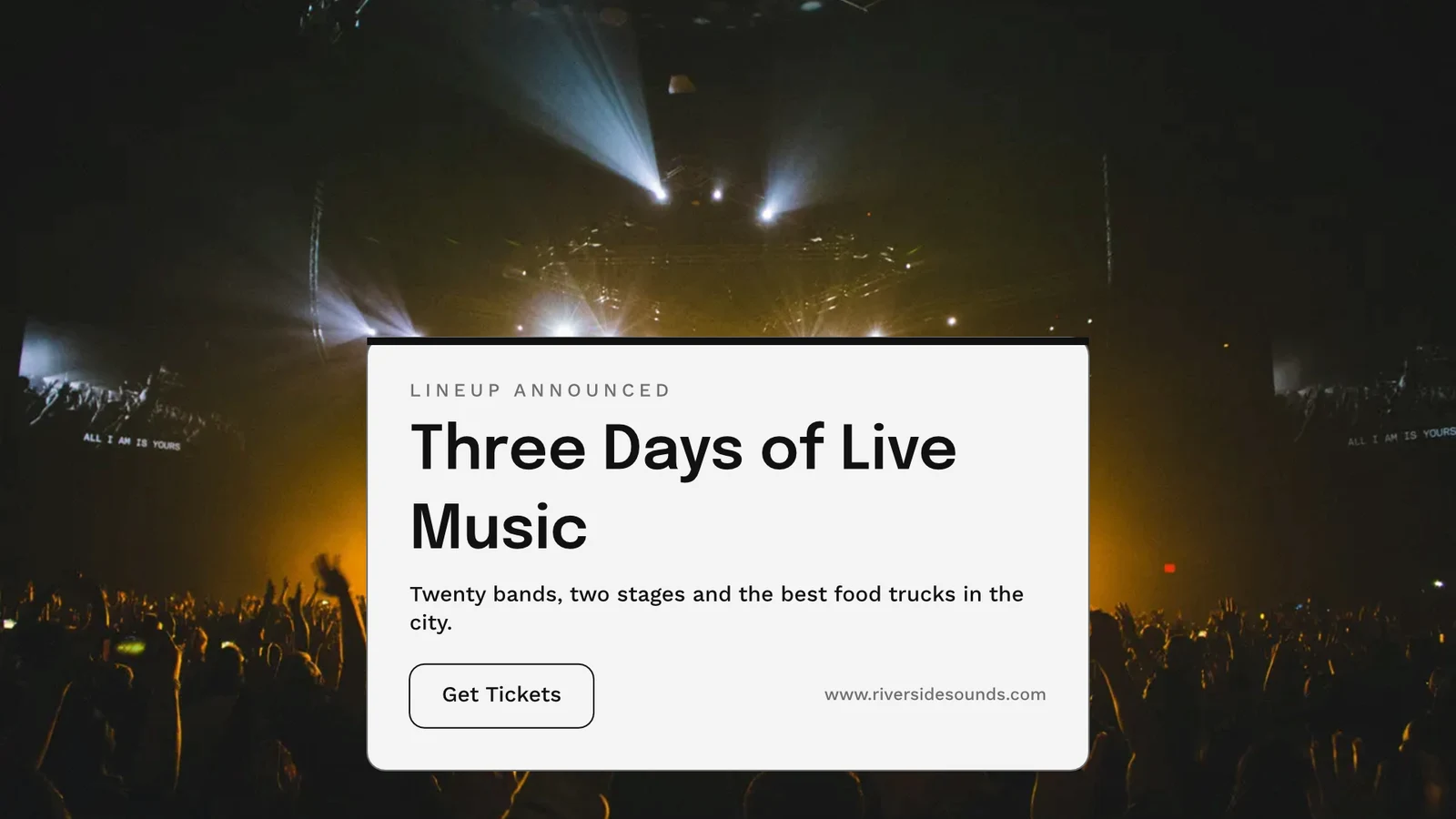
Eksport, cetak, kongsi atau hantar ke app lain
PNG, JPG, SVG dan PDF pada resolusi web atau cetakan, dengan tepi alih dan tanda potong pada PDF cetakan, atau PDF CMYK untuk percetakan. Pautan awam memaparkannya dan menyematkannya pada mana-mana laman web. Hantar ke Aplikasi membawanya ke Paparan, Kempen atau Laman. Analisis mengira reka bentuk yang dibuat, eksport mengikut format dan pautan awam yang aktif.
Eksport
PNG, JPG, SVG dan PDF pada resolusi web atau cetakan, latar belakang lutsinar, dan setiap eksport dipelihara untuk dieksport semula.
Eksport & Kongsi
The Weekend Collection · 1080 × 1080 px
Format
Pautan Awam dan Sematkan
Pautan yang menunjukkan reka bentuk, memainkannya jika ia bergerak, dan disematkan pada mana-mana laman web, bersama kod QR sendiri.
Repairs Done Right
 Muat turun
Pautan Awam
https://studio.calistoco.com/p/design/k7Qm2xW9rTMasukkan ke dalam Halaman
<iframe src="https://studio.calistoco.com/p/design/k7Qm2xW9rT" width="1080" height="1080" style="border:0" loading="lazy"></iframe>Kod QR
Cetak atau tampilkan secara berhadapan214 pindaiHantar ke Aplikasi
Hantarnya ke Paparan untuk skrin anda, ke e-mel baharu dalam Kampanye, atau ke fail laman web dalam Tapak.
Eksport & Kongsi
Your Summer Room Is Ready · 1080 × 1920 px
Send to app
Serahkan reka bentuk ini kepada aplikasi Calisto lain untuk diletakkan di sana.Cipta Video, Dengan Klip
Setiap halaman adalah klip dengan geraknya, kemudian tajuk, muzik, tajuk dan MP4.
GIF dan WebP Beranimasi
Untuk reka bentuk yang bergerak, setiap halaman untuk panjangnya sendiri.
Eksport & Kongsi
The Curtain Rises Friday · 1080 × 1920 px
Format
Cetak
Trim, bleed, tanda pemotongan dan margin selamat dalam Tetapan Cetak, dan reka bentuk mencetak tanpa aplikasi di sekelilingnya.
PDF untuk Cetak (CMYK)
Dikonversi kepada CMYK pada peranti anda sendiri, dengan profil kedai cetakan mereka apabila mereka memberikannya kepada anda.
Eksport & Kongsi
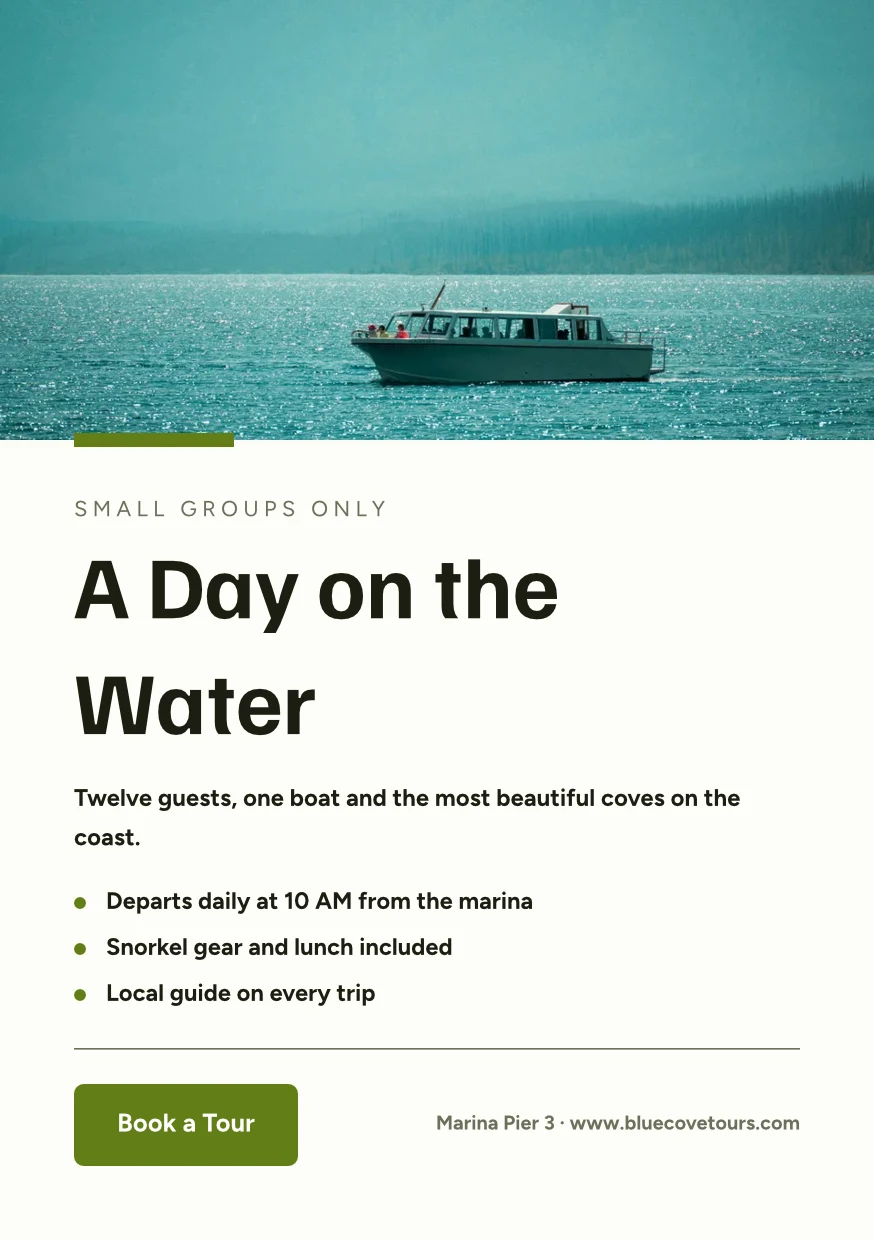
Find the Right Space · 874 × 1240 px
Format
Profil Cetak
Druckerei Weber Coated.icc2.1 MBWarna telah ditukar untuk Druckerei Weber Coated.icc, baca pada peranti ini dan tidak diunggah.Bekerja pada reka bentuk bersama, dan kekalkan setiap versi
Kongsi reka bentuk dengan seseorang sebagai Boleh lihat, Boleh komen atau Boleh edit. Semua orang yang terlibat akan ditunjukkan, dan dua orang di halaman yang berbeza tidak akan menimpa satu sama lain. Setiap simpanan mengekalkan versi sebelum itu, dan mana-mana versi boleh dipulihkan. Kumpulan Hubs menggabungkan reka bentuk dengan fail lain perniagaan.
Kongsi dan Edit Bersama
Kongsi sebagai Boleh lihat, Boleh komen atau Boleh edit, dan lihat semua orang dalam reka bentuk semasa mereka bekerja.
Kongsi "Close With Confidence"
Komen pada Halaman
Letakkan pen di mana perubahan itu berlaku, sebutkan rakan pasukan atau serahkan benang itu kepada mereka, dan selesaikan apabila ia siap.
 12345
Hantar untuk Persetujuan
Kepada rakan pasukan, yang memutuskan dalam Persetujuan, atau sebagai pautan yang jawapan pelanggan anda tanpa akaun.
Brand Photos That Sell
Approve This Design
Northlight Studio · Pusingan 2Mesej
Foto baharu berfungsi. Diluluskan pada 18 500 kr yang kita bersetuju, sila hantar untuk cetakan.Sejarah Versi
Setiap simpanan mengekalkan versi sebelum itu, dan mana-mana versi boleh dipulihkan.
Sejarah Versi
Salinan Yang Mengikut
Salinan setiap lokasi mengekalkan bahagian yang dikunci asal, dan mengambil perubahan mereka.
Perpustakaan
Reka bentuk, tema dan templat anda dalam satu grid, yang terbaru dahulu.
Perpustakaan
Everything you have made: your designs, your themes and your templates.
Tugaskan ke Projek
Rekaan pergi ke projek pelanggan daripada Rekaan atau editor.
Reka bentuk
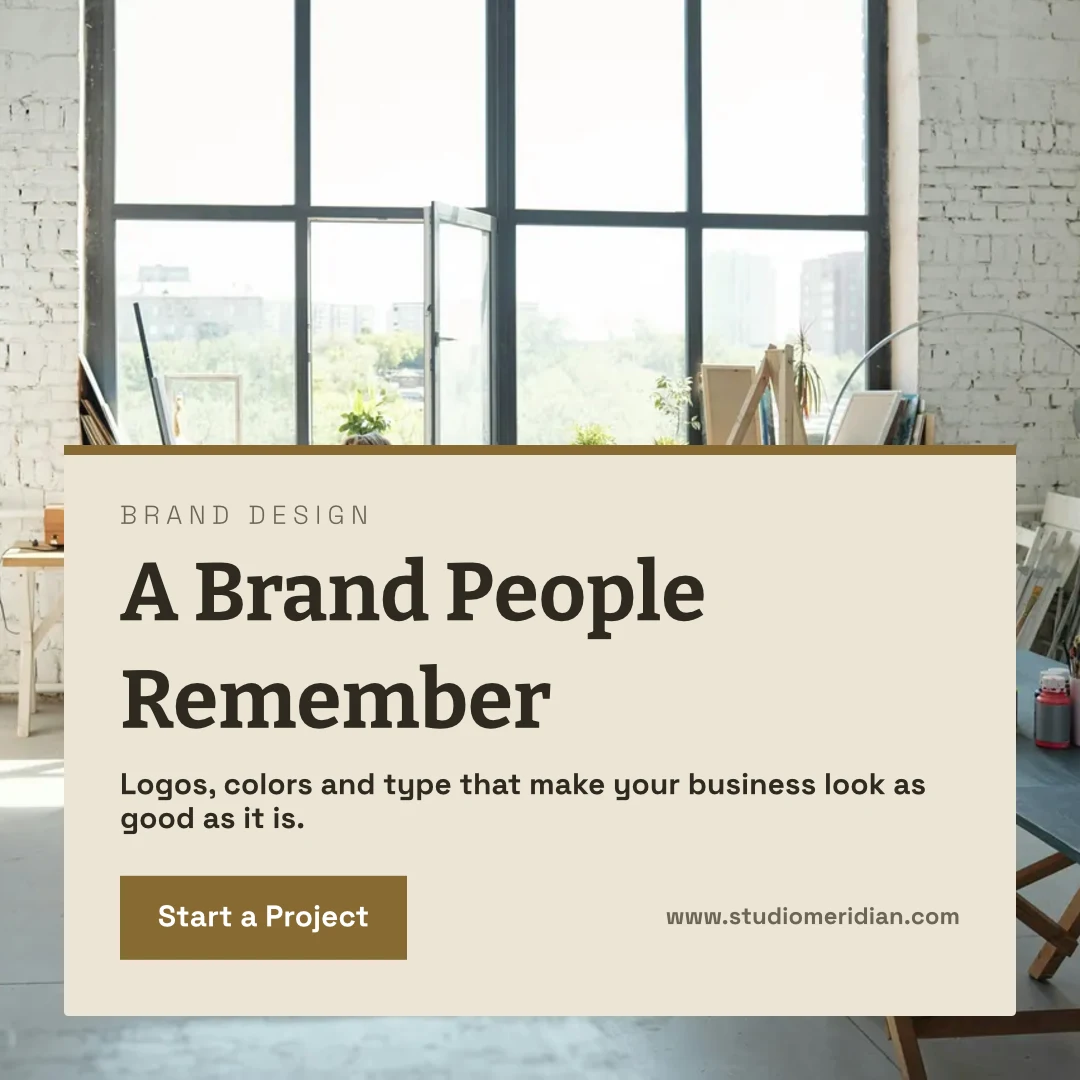
 A Brand People RememberPos Instagram · Disunting 12 minit yang lalu
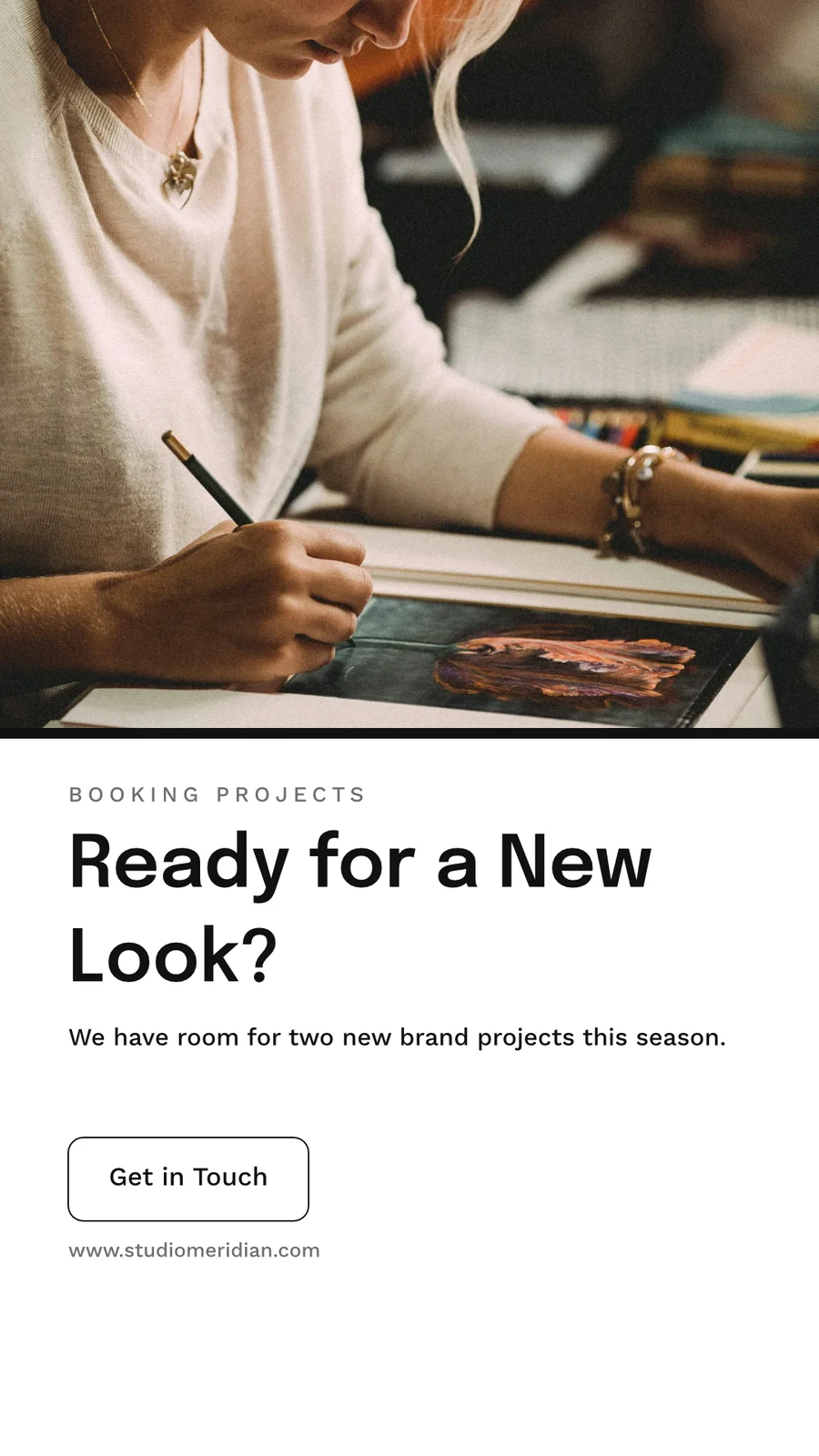
 Ready for a New Look?Cerita Instagram · Disunting 1 jam yang lalu
 From Idea to IdentityA5 Portrait · Disunting Semalam
 Studio Meridian Page CoverFacebook Cover · Disunting 2 hari yang lalu
 Design That Means BusinessVertical Video (9:16) · Disunting Minggu lepas
Tugaskan ke Projek
Buang selama 30 Hari
Kemudian dipadamkan bersama segala apa yang dimilikinya.
Reka bentuk
Designs you move to Trash stay here until you restore them or delete them forever.
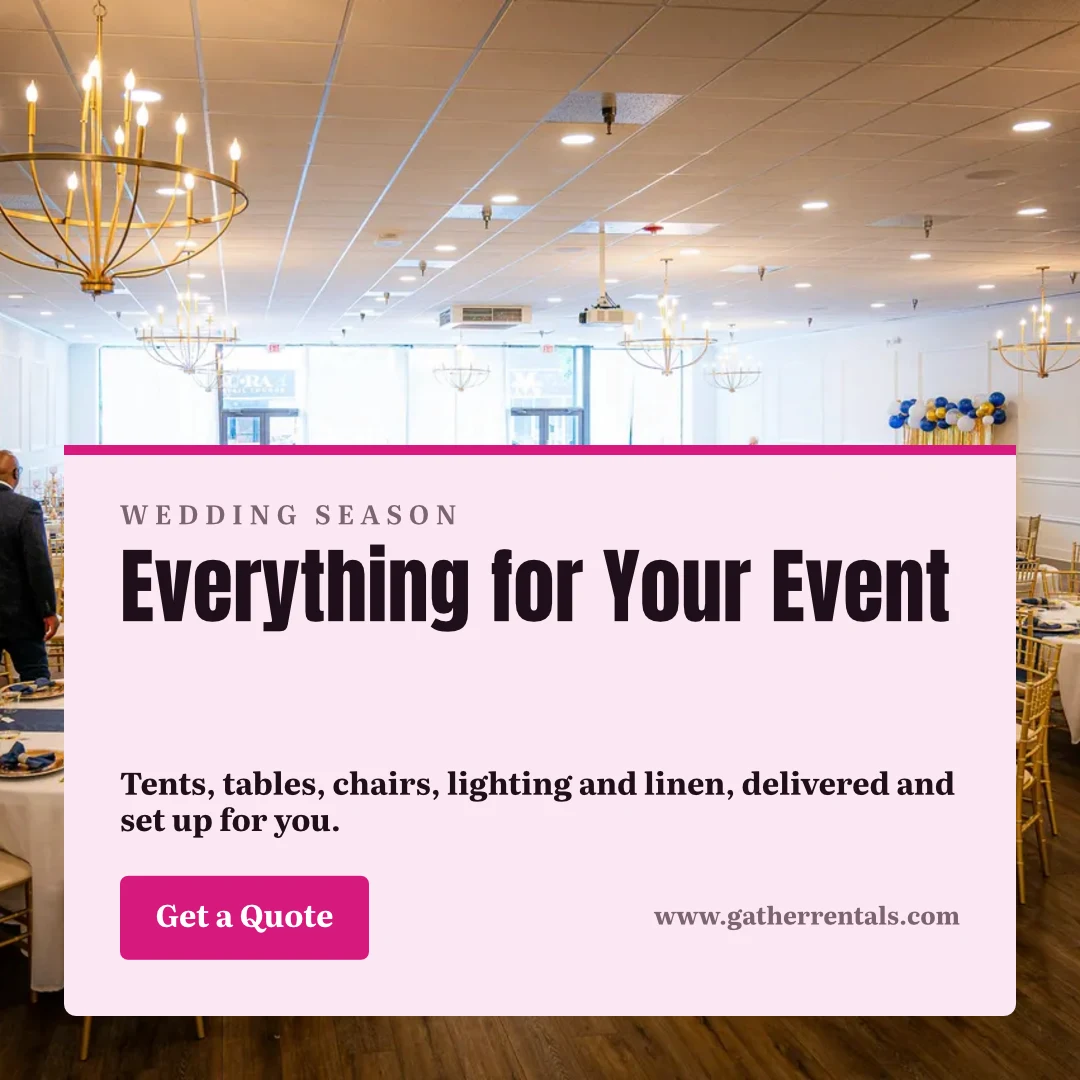
 Everything for Your EventPos Instagram · Disunting 12 minit yang laluPulihkanPadam Untuk Selamanya
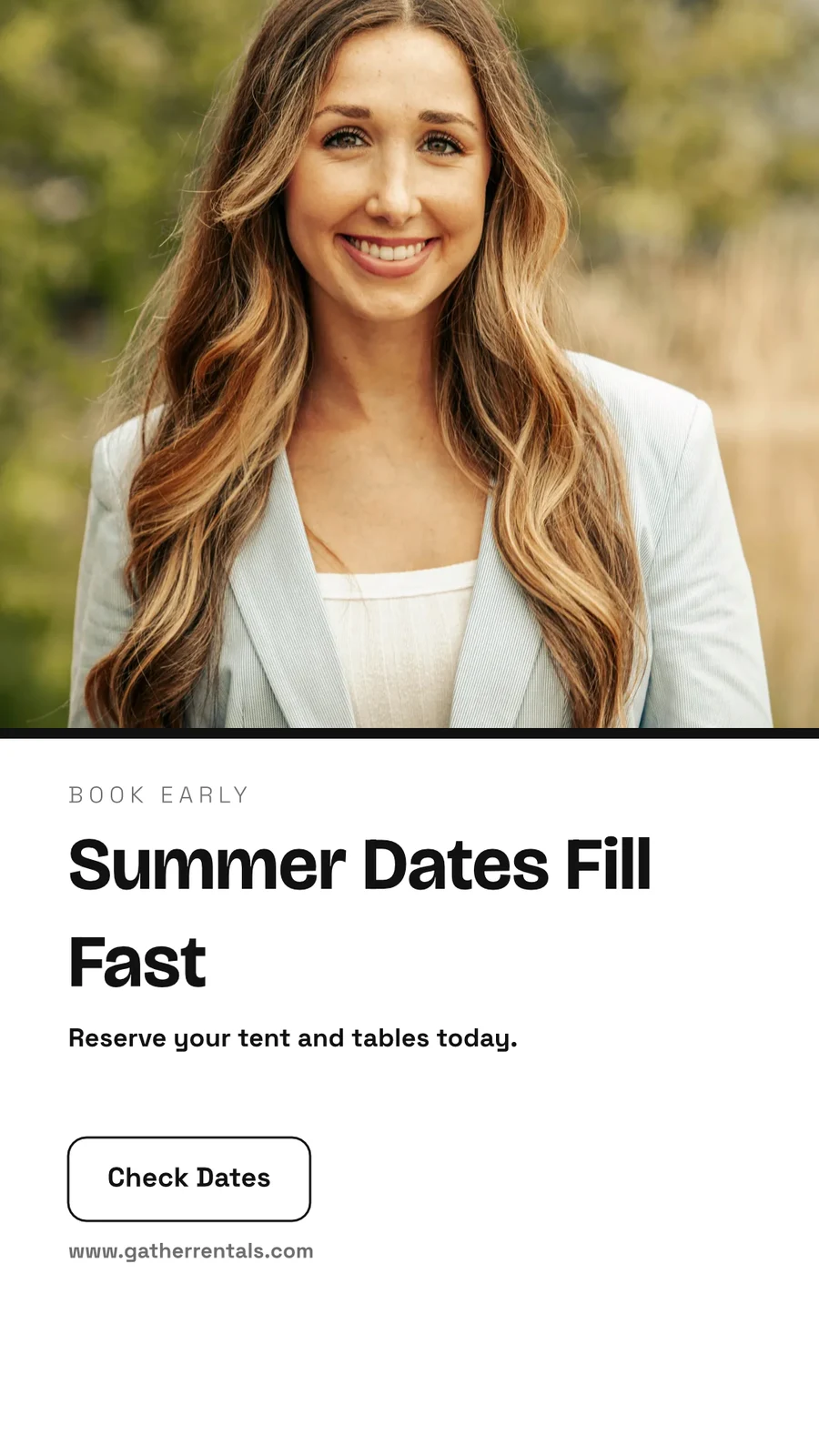
 Summer Dates Fill FastCerita Instagram · Disunting 1 jam yang laluPulihkanPadam Untuk Selamanya
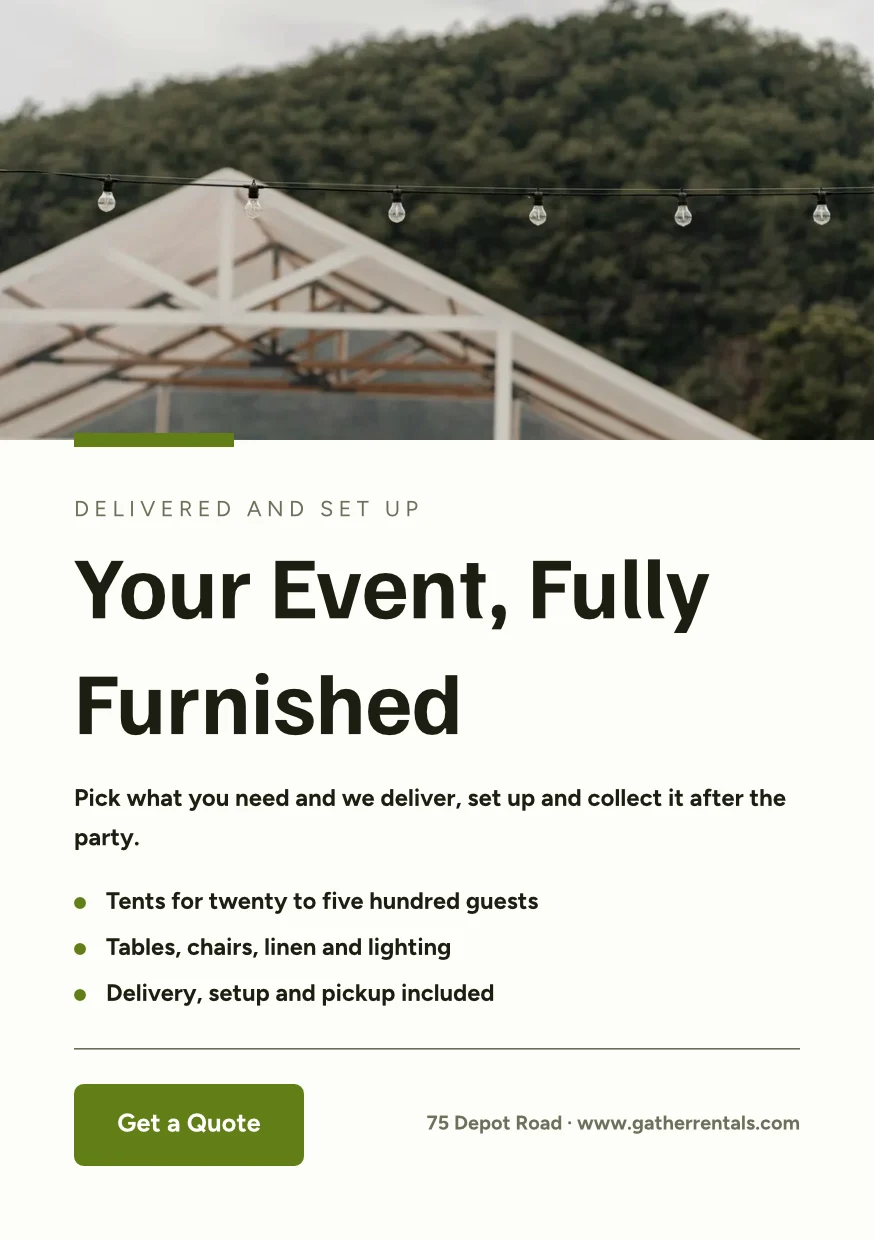
 Your Event, Fully FurnishedA5 Portrait · Disunting SemalamPulihkanPadam Untuk Selamanya
 Gather Event Rentals Page CoverFacebook Cover · Disunting 2 hari yang laluPulihkanPadam Untuk Selamanya
 From Empty Field to PartyVertical Video (9:16) · Disunting Minggu lepasPulihkanPadam Untuk Selamanya
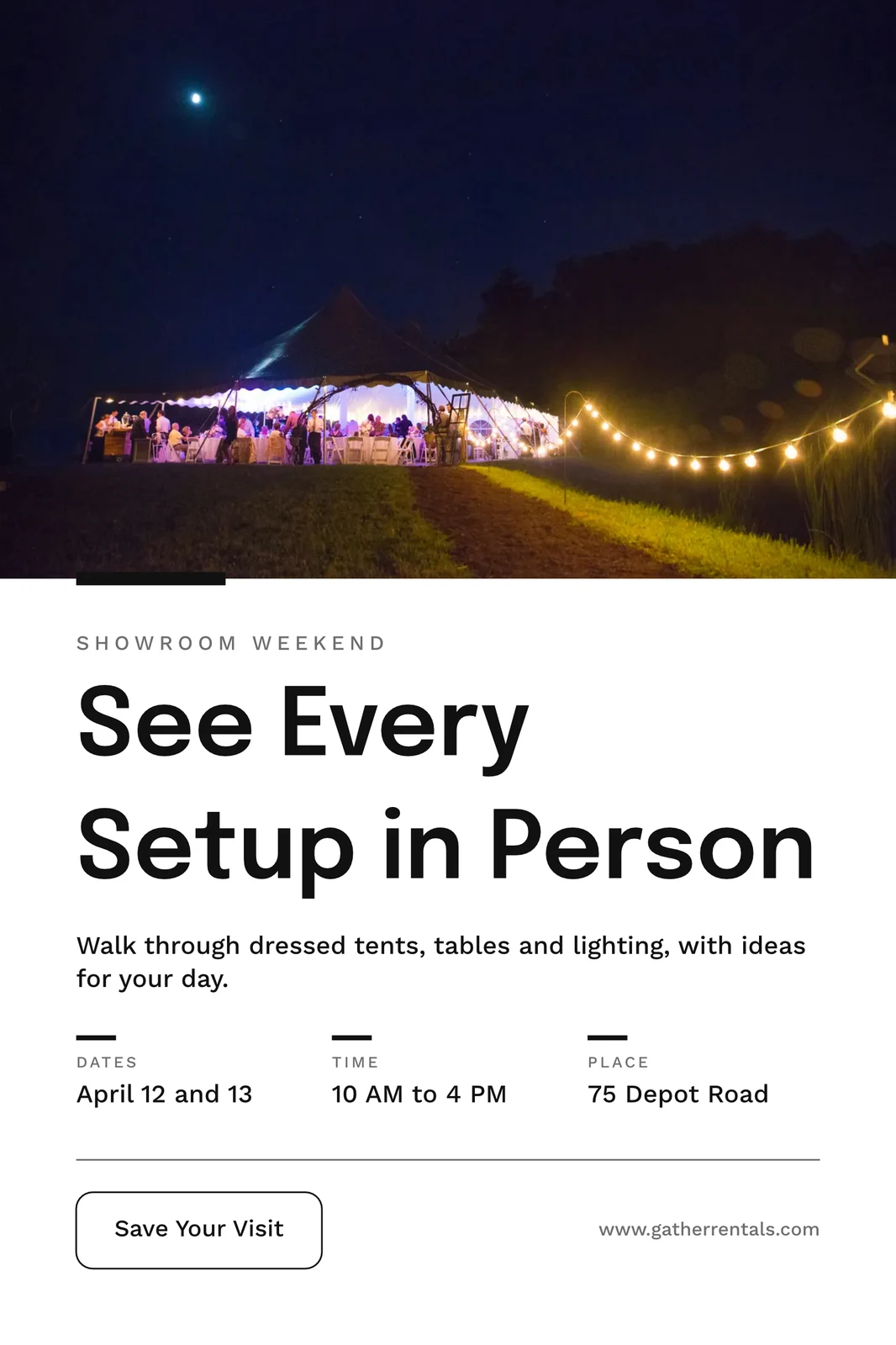
 See Every Setup in PersonPoster (24×36") · Disunting 3 minggu laluPulihkanPadam Untuk Selamanya
Kongsi "Close With Confidence"
Pikirkan dengan teliti di papan putih terlebih dahulu
Papan bermula kosong atau dari Brainstorm, Mind Map, Flowchart atau Retrospective, dengan nota melekit, bentuk, teks dan penyambung. Ia menyimpan semasa anda pergi, dan papan yang terbuka pada dua peranti tidak pernah menimpa salinan yang lebih baru tanpa bertanya.
Mula Dari Templat
Papan putih
Infinite-canvas boards for brainstorming and planning
Mula Papan Putih Baru
Brainstorm, Mind Map, Flowchart atau Retrospective, atau papan kosong.
Nota, Bentuk dan Penghubung
Seret ruang atau genggaman dua jari untuk menggeser · ⌘/Ctrl-scroll untuk zum
Nota melekat, bentuk, teks, anak panah, lukisan dengan pen, dan imej.
Tidak Pernah Ditulis Ulang
Papan yang terbuka pada dua peranti meminta Muat Semula atau Pertahankan Saya sebelum menyimpan ke atas salinan yang lebih baru.
Seluruh Skrin
Ketuk untuk zum · dua jari untuk geser
Papan membuka skrin penuh, dengan pinching dan geseran dua jari pada sentuhan.
Buat reka bentuk pada telefon anda daripada templat
Rumah, Reka Bentuk, Templat dan Papan Putih ialah tab-tabnya. Pada telefon, satu reka bentuk dibuka sebagai perkataan dan fotonya untuk diubah, berpakaian dalam Temanya, dan menjadi reka bentuk apabila anda menyimpannya.

Di mana Studio menyentuh segala yang lain.
2 of these 7 connections are in your plan today; the others are their own apps.
Depot
Every design is a file in Depot, in the Hubs it sits in, beside the business’s other files.
Foto
A photo on a design opens in Foto from its Adjust panel.
Clips
Create Video opens the design on a timeline, every page a clip with its motion, and makes an MP4.
Display
A finished design is sent from its export page to a screen.
Campaigns
A finished design is sent from its export page into a new email in Campaigns.
Sites
A finished design is sent from its export page into a website’s files, ready to place on a page.
Listings
Create Flyer on a listing opens a flyer in Studio with the listing’s photo and details on it.
Semua yang termasuk dalam Calisto Studio.
- Social: Instagram Post, Instagram Story, Portrait Post (4:5), Facebook Post, Facebook Cover, X Post, LinkedIn Banner, YouTube Thumbnail and TikTok Cover.
- Video: 16:9, vertical 9:16, square 1:1 and portrait 4:5, for a design made to be played.
- Print: A3, A4 and A5, US Letter, Legal and Tabloid, a business card, a rack card and a 24 × 36 inch poster.
- Digital: presentations in 16:9 and 4:3, an email header, a lobby display and a portrait kiosk.
- A custom size at any whole-pixel width and height from 16 to 20,000.
- A size is a design: each opens on its exact artboard, followed by Calisto’s layouts at that size.
- New Design has three doors: From Theme, From Template and Blank Design.
- Templates: every Calisto layout in every Calisto Theme, filtered by type, industry, style, colors and size, with a name search.
- My Brand draws every template in the account’s brand kit.
- Use This Template opens an unsaved copy; it becomes a design when it is saved.
- Customize Template shows every page beside the Theme’s controls; Save Template keeps the result in Mine.
- Save as Template, in the editor, keeps a copy of the open design as one of the account’s templates.
- Edit Template changes one of the account’s own templates in place; one with no Theme of its own inherits the account’s.
- Describe It: a sentence becomes three designs from Calisto’s layouts in the business’s Theme, each its words written for it, to keep or save as a template; a figure nobody gave (a price, a date) is left for you to fill in.
- Themes: Calisto’s, the account’s own and those bought in the Pro Shop, each built and tuned in the theme builder.
- The Theme bar in the editor repaints the design in another Theme, and Save as Theme keeps the look.
- Templates and Themes from the Pro Shop, bought by whoever the owner’s billing setting allows.
- Left rail, where things are added: Page, Text, Shapes, Elements, Stickers, Graphics, Photos, Chart, QR Code and Generate.
- Elements: rectangle, circle, triangle, line, star, arrow and divider, and photo frames (square, rounded and circle).
- Stickers and Emoji: animated stickers and color emoji, each sticker with its license credit.
- Right rail, where they are refined: Format, Design (the Theme), Assist, Mockups, Print Setup and Comments.
- The selection chip holds up to five quick controls; right-click or a long press opens Cut, Copy, Paste, Duplicate, Group, stacking order, Align to Page and Delete.
- Pages with each page’s layers: show or hide and lock or unlock each layer.
- Enter Group and Leave Group edit inside a group, with the group’s path shown above the canvas.
- Position and size (X, Y, width, height, rotation) and the layer’s role, in Format’s More.
- Rulers, the hand tool, Pages and Layers, and full screen under the canvas, with the page number and zoom.
- Search Actions (⌘K) and Keyboard Shortcuts (⌘/) list every command and key.
- Essentials or Pro, each person’s own preference: Pro shows every control, Essentials folds the rarer ones behind More.
- Rulers and sizes in px, in or cm, each person’s own unit.
- Undo and redo, autosave, and nothing typed lost when a tab closes or a session lapses.
- Typeface, size, weight, color, alignment, line height and letter spacing on the selection.
- Shrink Text to Fit, shadow, outline, opacity and blend mode.
- Vertical type for Chinese, Japanese and Korean, mixed or all upright.
- Type on a Path, with its start and side set in Format.
- Bar, line, area, pie, donut and scatter charts from figures typed or pasted.
- Drawn in the design’s Theme as vector shapes and words, so a chart stays sharp in a PDF.
- Edit Chart Data reopens the figures; a redraw keeps the chart’s place, name and look.
- The Media Library: the account’s own files, stock photography and Calisto’s gallery, each pick copied into the account’s storage.
- Upload from the device: PNG, JPEG, WebP, HEIC and HEIF, SVG and Photoshop files.
- A Photoshop file opens with its layers kept, its text editable and its folders as groups.
- An SVG opens as editable vector.
- Adjust: Auto, looks, brightness, contrast and saturation, with vibrance, hue, gamma, sharpen, blur, grain and pixelate at Pro.
- Open in Foto takes a photo into Foto.
- Replace, crop, fill, fit or stretch, opacity and flip on a photo.
- Remove Background on the person’s own device: the picture is never uploaded.
- Upscale makes a photo 2× or 4× larger on the person’s own device, keeping the frame and crop, up to 4096 × 4096 pixels.
- Generate an image from a description, saved into the account’s storage.
- Vector Graphic (with the Create suite): a flat picture from a description, traced into editable vector paths.
- Draft copy for the design, dressed in its Theme.
- Erase part of a photo, or extend it past its edges.
- Assist reviews the layout and a selected photo.
- Tools: Selection, Direct Selection, Pen, Add and Delete Anchor Point, Anchor Point, Pencil, Shape Builder, Scissors, Knife, Width and Type on a Path.
- Combine Shapes: Unite, Subtract, Intersect, Exclude and Divide.
- Outline Stroke and Create Outlines, Join, compound paths, Offset Path, Simplify and Reverse.
- Stroke weight, alignment, width profiles, caps, corners, miter limit and dashes.
- Align and Distribute, and Symbols: new, redefine, break link and Repeat Grid.
- Snapping to anchor points, corners and centers, with smart guides.
- Warp: arc, arch, bulge, flag, wave, rise, fisheye or squeeze, with a Bend, the words still editable and vector in a PDF and an SVG.
- Image to Vector: a PNG or JPG traced on the device into a group of editable paths.
- Draw and Combine Shapes are on every design, in Design.
- Without the suite, Vector shows marked Upgrade, and a design that holds paths opens, saves and draws for everyone.
- In, Loop and Out on every design: fade, rise, drop, slide, grow, focus, pop, slow zoom, draw on, typewriter, word by word, line by line, count up, pulse, float, spin, and fade, sink or shrink out.
- Each preset writes real keyframes, its start, length and stagger behind More, and Preview plays the page.
- The Animate workspace (with the Create suite): a timeline, keyframes on position, scale, rotation, opacity, blur, color, draw on, path shape and count.
- Auto-Key, a motion path drawn on the canvas, ease curves, repeat once, loop or ping-pong, and stagger.
- Page transitions with their length.
- A moving design plays on its public link, exports as a GIF or animated WebP and plays on designed screens.
- The brand kit, colors, typefaces and logo, edited in Studio’s Settings and offered in every picker.
- On an Engage account, people without a Studio seat build with the brand kit only: its typefaces, its colors and its Theme.
- Every element added to a design arrives in the design’s Theme.
- A Copy That Follows: parts the original locks stay as the original has them in every copy, and take its changes.
- Who may lock parts for copies is the owner’s setting.
- From Your Website: the colors, typefaces, logo and icon read from the business’s site into the brand kit, saved when you say so.
- Brand Rules: the business’s (Ethos ▸ Settings ▸ Brand Guard) or one Hub’s own, holding a design to the brand’s colors only and the brand’s typefaces only.
- The brand check in the header names what is off brand, and no export goes out while a design is off brand.
- The brand kit’s palettes, by name, in every color control.
- Draft Copy in the brand’s voice, each line showing its brand findings with Apply.
- Copy & Resize lays a design out again at another size and saves it as a new design.
- Bulk Create fills a design’s text placeholders from a CSV or pasted rows, up to 200 designs in one run, each made once.
- A Bulk Create run downloads as one ZIP of PNGs.
- QR Code: a link or text, its colors, size and error correction, and a logo in the center.
- Mockup: a design on a t-shirt, mug, phone case, business card, poster frame, laptop, tote bag or billboard.
- Make a Copy, and Duplicate a template.
- Translate: every word of a design in another language, as a new design or in place, each word keeping its type; a line that cannot be translated stays as it was.
- PNG, JPG, SVG and PDF, at web or print resolution, with a transparent background on PNG and SVG.
- Print Setup: trim size, bleed, slug and safe margin, crop marks, registration marks and color bars.
- PDF for Print (CMYK): every color converted on your device to a PDF/X-3 for the press, with a coated press profile or your print shop’s own profile.
- Every page as one PDF, or a ZIP of pictures.
- GIF and animated WebP for a design that moves.
- Print prints the design, never the app around it.
- Export history on every design, with Re-Export.
- A custom scale beside web and print resolution.
- A public link that shows the design and embeds on any website; a design in Trash is not shown by it.
- The public link’s QR code and its preview card.
- Send to App hands a design to Display, Campaigns or Sites.
- Create Video opens the design in the media editor, every page a clip, then titles, music, captions and an MP4 (with Clips).
- Share with a person as Can view, Can comment or Can edit; a view or comment share opens read-only.
- Comments pinned to a point on a page, with replies, mentions, assigning a thread and resolving it; notices open the design on the thread.
- Send for Approval to a teammate, who approves or declines it in Approvals, with a note.
- Send for Approval to a client as a link: they see every page and approve it or ask for changes, with no account; each round is its own link.
- Your Approval Steps: the levels set in Settings ▸ Approvals, asked in order (an art director, then the client).
- A chip beside the title shows the latest answer.
- Shared with Me lists the designs others shared.
- Live co-editing, with everyone in the design shown in the header; two people on different pages never overwrite each other.
- Version History: every save keeps the version before it, autosaves one every ten minutes, named versions kept, any version restored.
- Hubs, Private or Public, and their Folders: Move To files a design in a Folder of a Hub.
- Recent, Starred, Shared with Me and Trash, with a title search.
- The Library: all of the account’s designs, themes and templates in one grid, newest first, filtered by kind.
- Assign to Project puts a design on a client project.
- Trash keeps a design for 30 days, then deletes it with everything it holds.
- Blank, Brainstorm, Mind Map, Flowchart and Retrospective starts.
- Sticky notes, shapes, text, connectors, drawing and images on an open board.
- Saves as you go; a board open on two devices asks Reload or Keep Mine rather than overwrite the newer one.
- Full screen, with pinch, two-finger pan and touch-and-hold to edit a note.
- Create Flyer on a listing opens a flyer with the listing’s photo and details on it (with Listings).
- Make a Post turns a review into a post for Instagram, Facebook or X, and Share on Social opens it in Impreta (with Reputation).
- Every design is in Depot with the business’s other files (with Depot).
- Designs created and edited, how many have a card, exports by format and the public links live.
- Over the last 7, 30 or 90 days, the last 12 months or all time.
- Home, Designs, Templates and Whiteboards as the tabs.
- A design opens as its words and photos to change, dressed in its Theme; Upscale 2× or 4× under each photo.
- Add Text, Add Photo and Add Sticker on the phone, then Save design.
- A design’s actions: share the image, share with people, Send for Approval, publish or copy the link, versions, star, rename, Move To, make a copy, Translate, Bulk Create, download a PNG, a PDF or more formats, and Move to Trash.
- Shortcuts: New Design, Recent Designs, Templates and Whiteboards.
- Photos, SVG, Photoshop files and text shared to Calisto start a new design.
- Notices when a design is shared or commented on, a teammate or a client answers its approval, a Bulk Create finishes, the brand kit changes or a design’s video is ready.
- Comments in a sheet, and Send for Approval and Translate from a design’s actions.
- Kept on This Device, switched on per device: Home, Designs, New Design, Templates and Whiteboards with no signal.
- The business’s identity, brand kit and language, edited in place.
- Each person’s units, export format and resolution, and Essentials or Pro, kept in their own account.
Tiada kos tetapan. Bayar apabila mula menggunakan.
Graphic design and whiteboards, in your brand.
Calisto Create
A Studio seat designs anything at every size, from Calisto’s templates or a blank page: layers, photos, Copy & Resize, Bulk Create, mockups, QR codes, print-ready PDFs, sharing and whiteboards.
Disyorkan untuk anda
Berfungsi dengan baik bersama.
Calisto Depot
Calisto Foto
Calisto Create
Perpustakaan, Auto, Bulk Auto, Looks, Adjust dan Galleries, disertakan dengan setiap akaun Calisto.
Learn more →Calisto Clips
Calisto Display
Paparan Calisto
Runs the TVs in a business: kitchen displays, pickup and now-serving boards, guest TVs, menu boards, signage and designed screens, with schedules, alerts and performance.
Learn more →Calisto Campaigns
Calisto Engage
Lists and consent per channel, emails built from blocks, sends at each person’s best hour, sequences and announcements, and what each campaign earned, credited to the click.
Learn more →Calisto Sites
Tapak Calisto
A website and its phone app, built from a template on the page itself, showing what you sell from your own records and published on your own domain.
Learn more →Calisto Listings
Senarai
Senarai anda, temu janji, pembangunan, sewa dan pejabat, untuk setiap orang yang bekerja dalam Senarai.
Learn more →Disyorkan untuk
Industri yang menjalankan Studio, dan apa yang masing-masing dijalankan untuknya.
Latihan & PengasuhanContent production
Program videos, demos and content.
Latihan & Pengasuhan di Calisto →Spa & KesejahteraanClinical photography & content
Before and after galleries, treatment content.
Spa & Kesejahteraan di Calisto →Estetik PerubatanBefore-and-after photography
Consented before-and-after galleries per treatment.
Estetik Perubatan di Calisto →Salon & BarbershopBefore and after galleries
Before and after galleries, salon content.
Salon & Barbershop di Calisto →Agen Sukan & AtletContent production
Produce content for your athletes and sponsors.
Agen Sukan & Atlet di Calisto →Videografi & FotograferEditing & post-production
Edit, retouch and deliver every shoot.
Videografi & Fotografer di Calisto →Pereka Grafik & SenimanProduction studio
Produce the work you deliver.
Pereka Grafik & Seniman di Calisto →Questions about Calisto Studio
Tidak. Studio dibuka pada Essentials: mulakan dari templat dalam industri anda, ubah perkataan dan gambar, dan tekan Auto pada gambar. Pereka beralih ke Pro dalam pilihan mereka sendiri, yang menunjukkan setiap kawalan dan ruang kerja Vector serta Animate dalam fail yang sama.
Mereka dibuka dengan Create seat. Tanpa satu pun, ia akan muncul dalam pusingan sebagai Upgrade. Reka bentuk yang sudah mempunyai laluan vektor atau keyframe masih dibuka, disimpan dan dimainkan oleh semua orang, dan animasi In, Loop dan Out ada pada setiap reka bentuk.
Ya, pada masa yang sama. Setiap orang melihat siapa lagi yang berada dalam reka bentuk, dan dua orang pada halaman yang berbeza tidak pernah menindih satu sama lain. Kongsi reka bentuk sebagai Boleh lihat, Boleh komen atau Boleh edit, pin komen di mana perubahan berlaku, dan hantar untuk kelulusan kepada rakan pasukan atau, sebagai pautan, kepada pelanggan tanpa akaun. Papan putih mengambil satu orang pada satu masa.
Ya. Fail Photoshop dibuka dengan lapisan dan teks yang boleh diedit, serta SVG sebagai vektor yang boleh diedit. Foto, termasuk HEIC, datang dari peranti anda atau Perpustakaan Media anda. Fail projek alat reka bentuk lain tidak dibaca.
PNG, JPG, SVG dan PDF, pada resolusi web atau cetak, PDF cetak dengan tepi, tanda pemotongan dan tanda pendaftaran, serta PDF CMYK untuk percetakan, dibuat pada peranti anda. Reka bentuk yang bergerak mengeksport sebagai GIF atau WebP animasi, dan sebagai MP4 melalui Cipta Video dalam Klip. Setiap halaman boleh keluar sebagai satu PDF atau ZIP.
Kit jenama, warna, jenis huruf dan logonya, dibaca dari laman web anda atau ditetapkan secara manual dalam Tetapan Studio, dan ditawarkan dalam setiap pemetik warna dan jenis huruf. Pada akaun Engage, orang tanpa kerusi Studio hanya membina menggunakan kit jenama: jenis hurufnya, warnanya dan Temanya, dan tiada lagi.
Sehingga 200, satu setiap baris dalam fail CSV atau baris yang ditempel, setiap satu mengisi tempat penanda teks reka bentuk. Setiap satu mendarat dalam Perpustakaan anda sebagai reka bentuk tersendiri, dan keseluruhan laluan itu dimuat turun sebagai satu fail ZIP berisi fail PNG.
Dengan Create Video, reka bentuk menjadi video, yang membukanya di Clips, setiap halaman sebagai klip dengan geraknya, kemudian menambah tajuk, muzik dan kapsyen serta menjadikan MP4. Penyuntingan video panjang dan pendek adalah milik Video dan Clips.
Dalam Depot, bersama fail lain perniagaan, dalam Hubs yang anda letakkan mereka. Reka bentuk dalam Sampah kekal selama 30 hari, kemudian ia dipadam bersama segala apa yang ia pegang.
Tidak. Generate membuat imej atau drafkan salinan, Assist meninjau susun atur dan foto, dan foto boleh dipadam, dilanjutkan melebihi tepinya atau dipotong daripada latar belakangnya, yang berlaku pada peranti anda sendiri. Setiap templat, saiz dan eksport berfungsi tanpa mereka.
