Ontwerp poste, vlieërs, menues en skermbeelde in jou merk.
Kies 'n sjabloon wat vir jou tipe besigheid geskik is, reeds in jou kleure en logo, en verander die woorde en foto's. Plaas dit dan, druk dit uit of sit dit op 'n skerm.
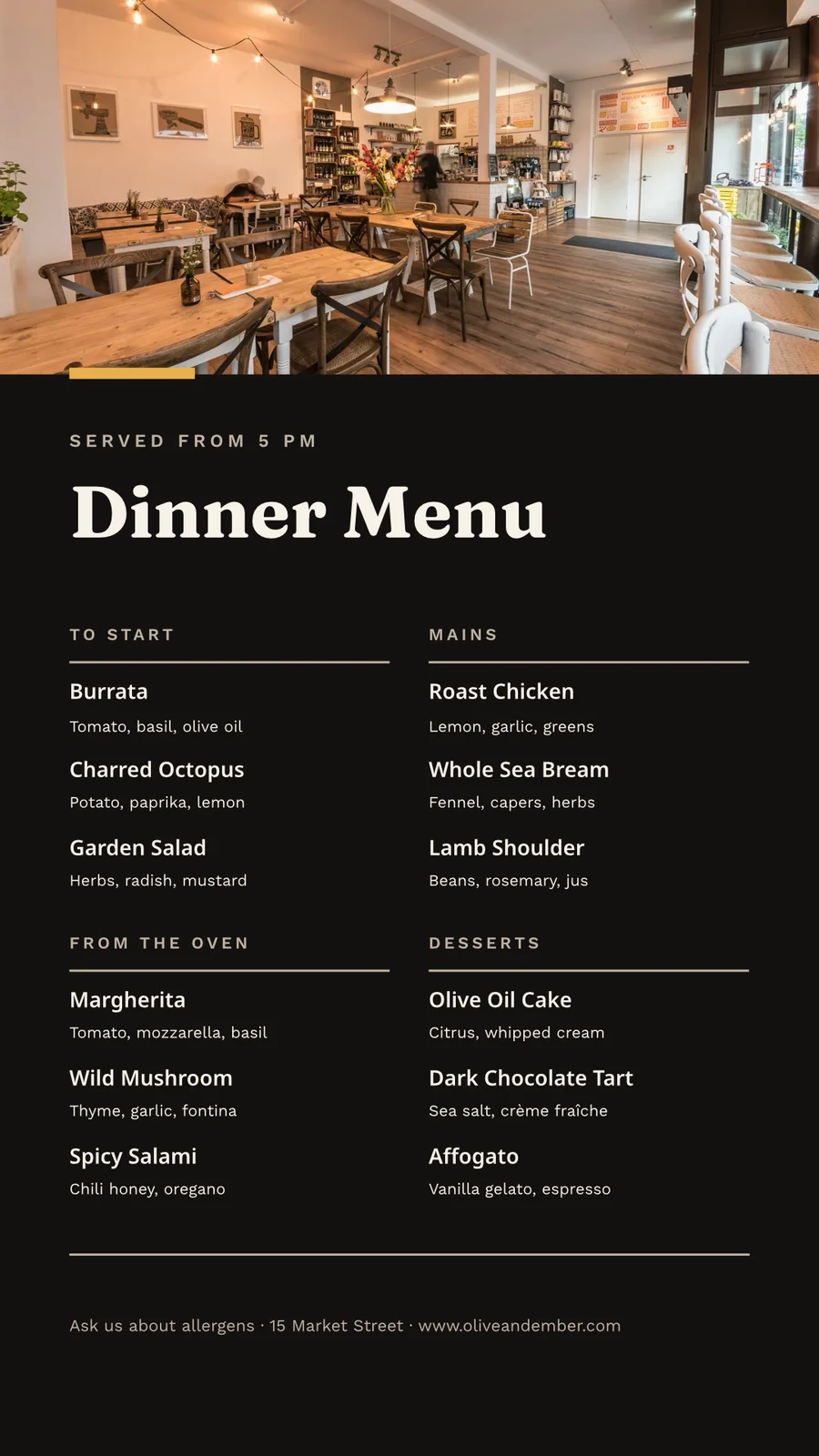
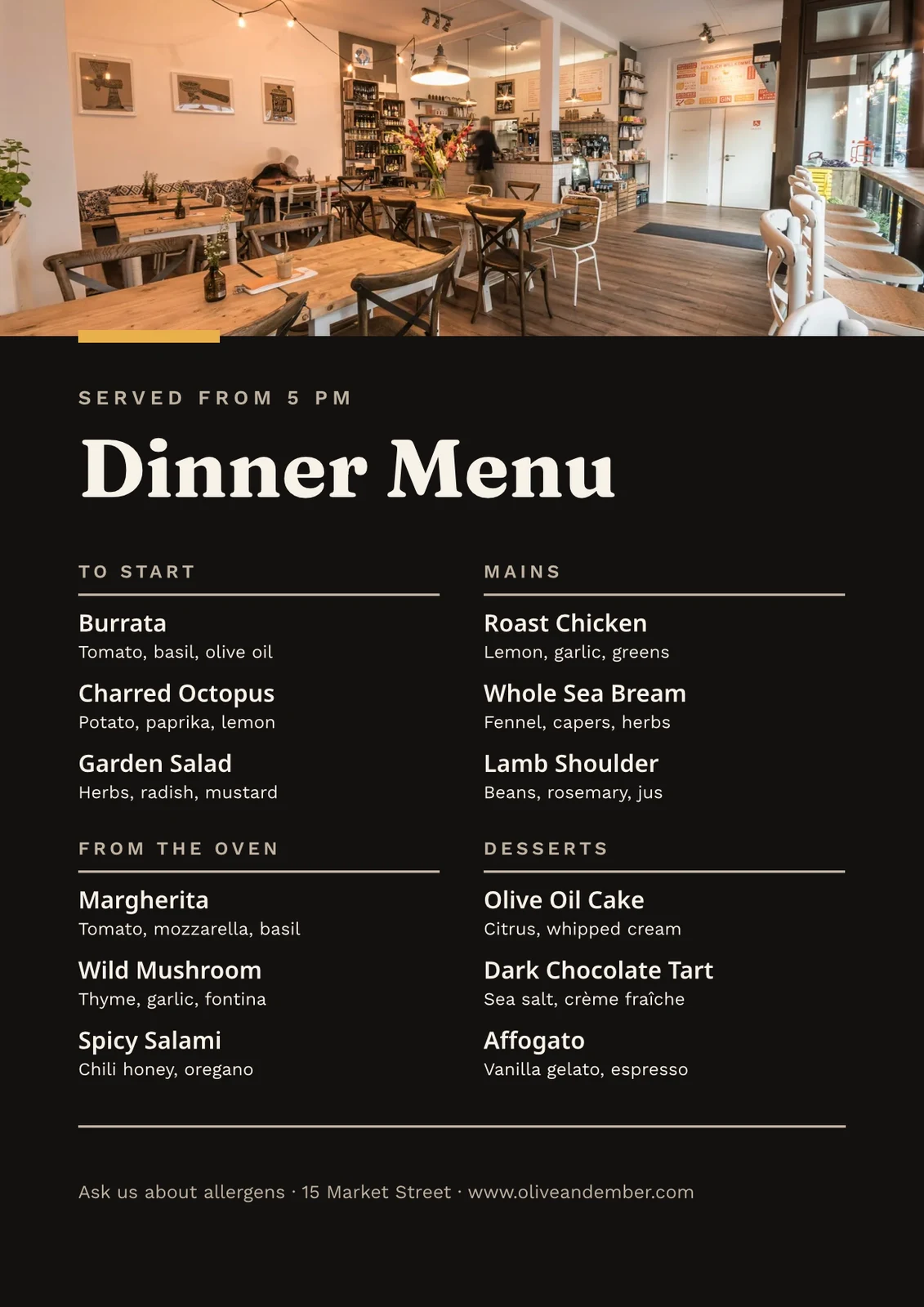
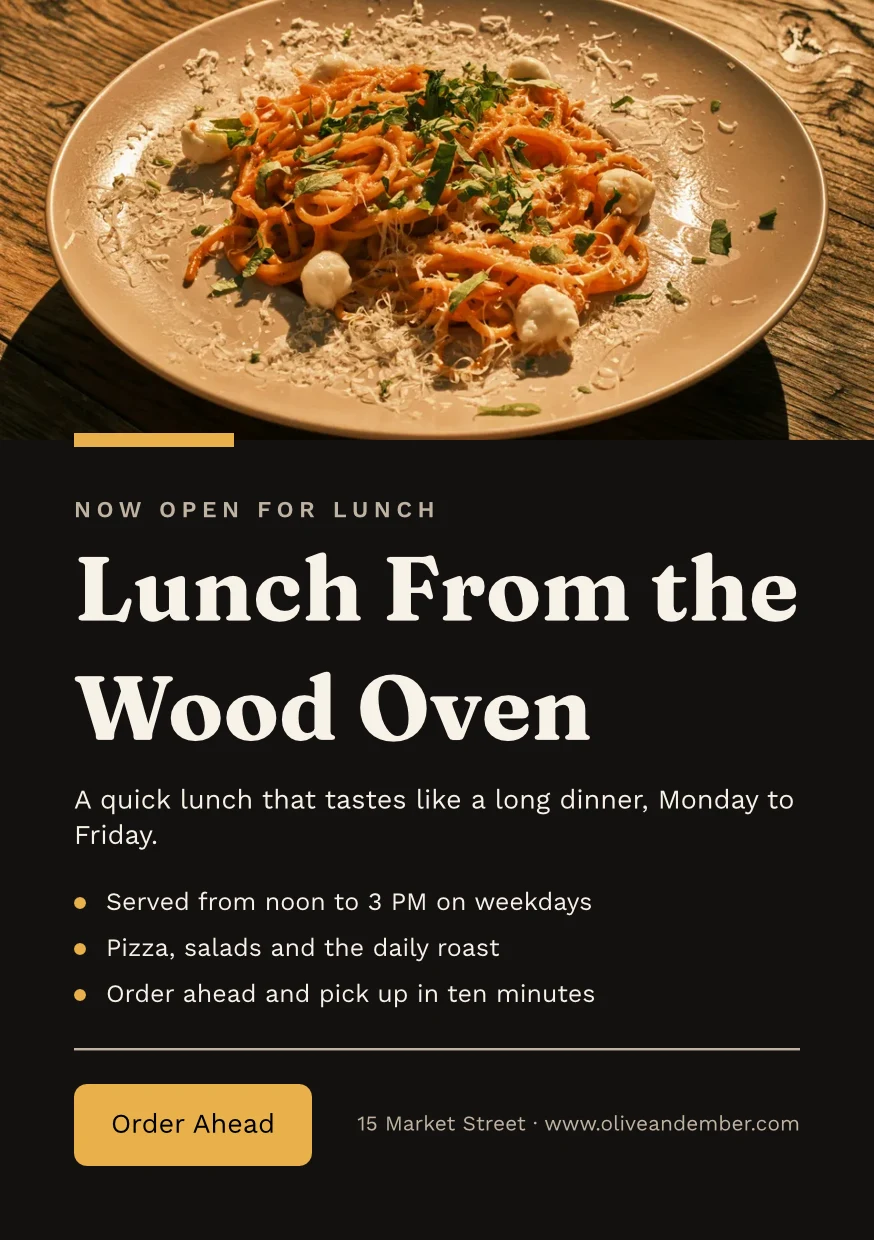
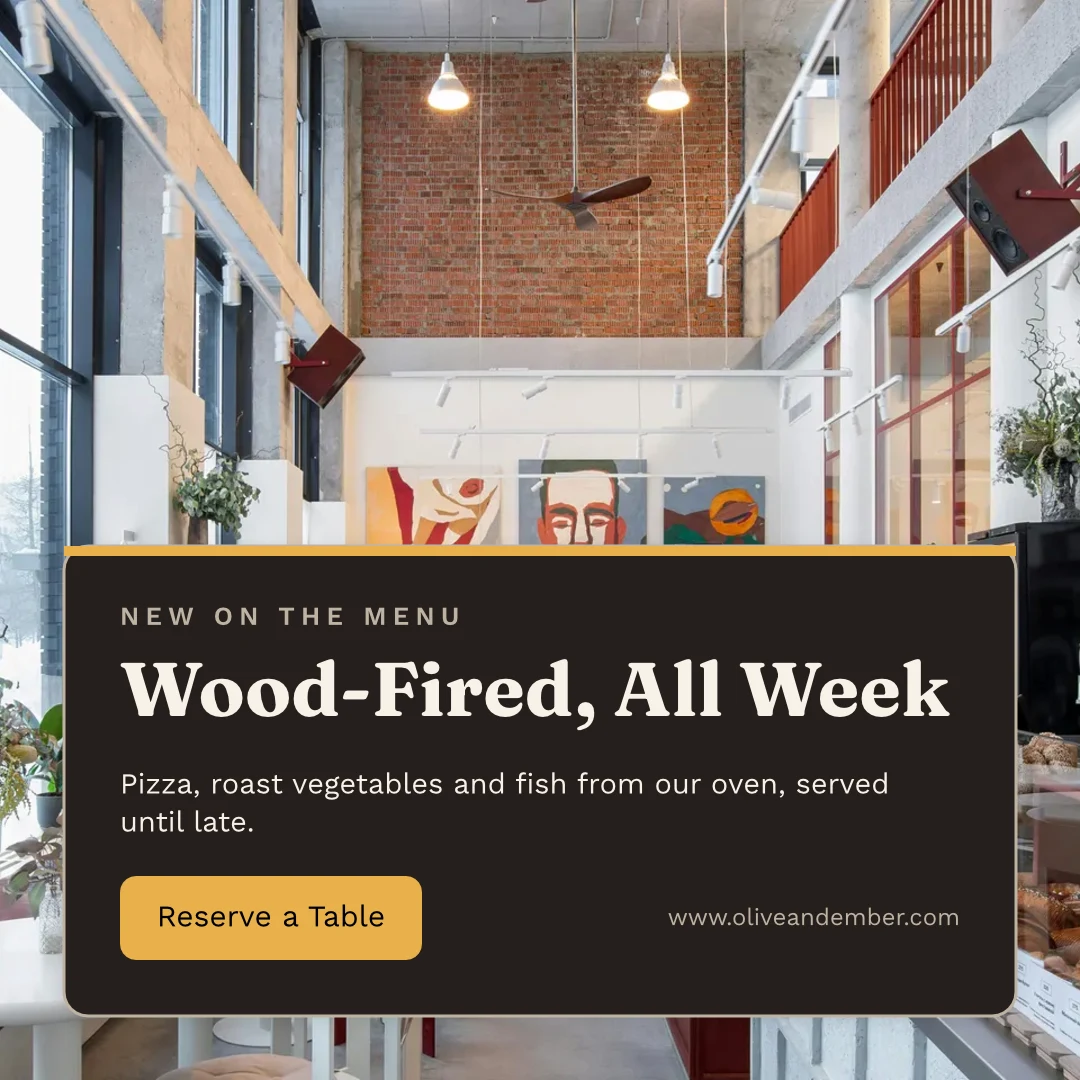
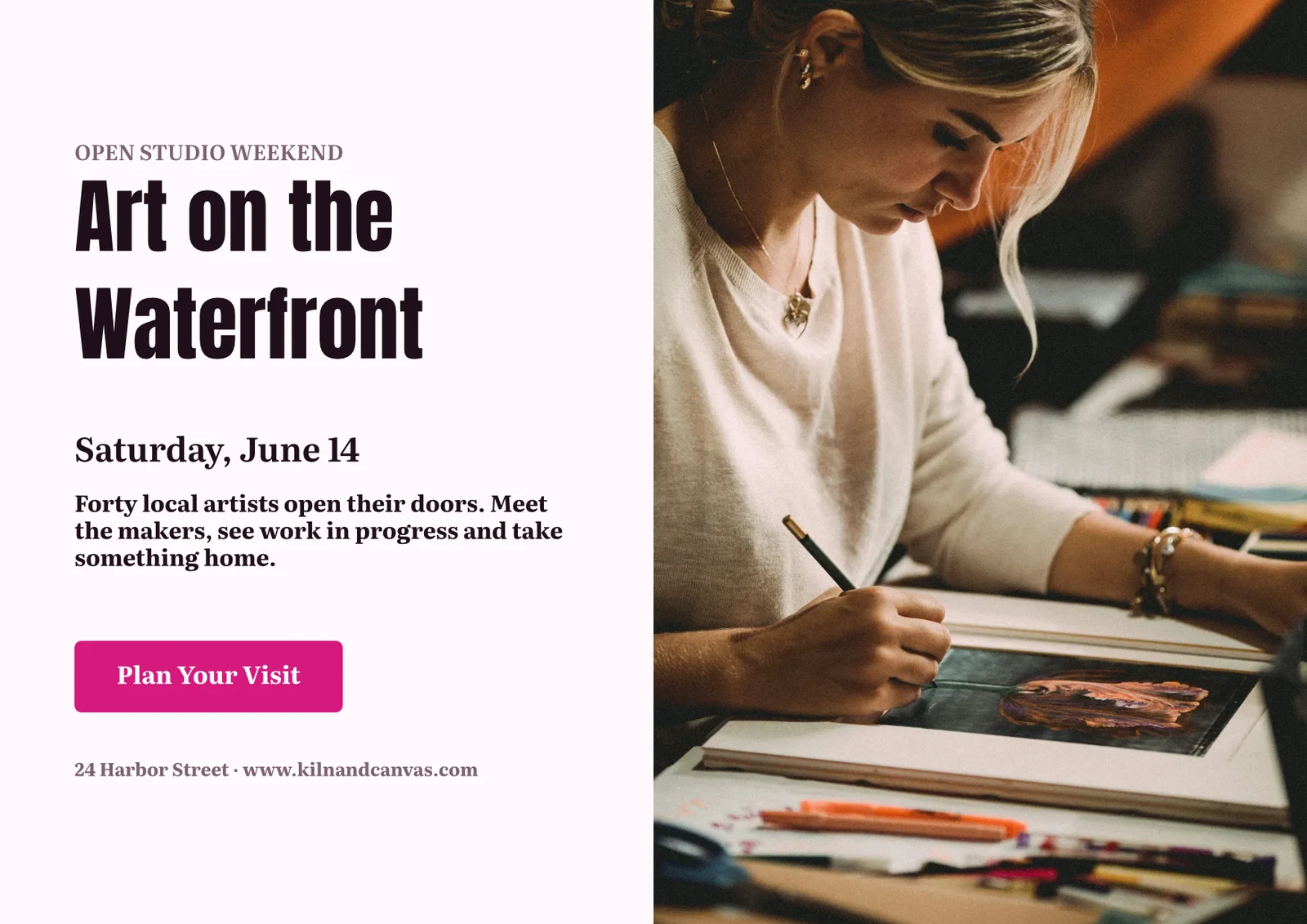
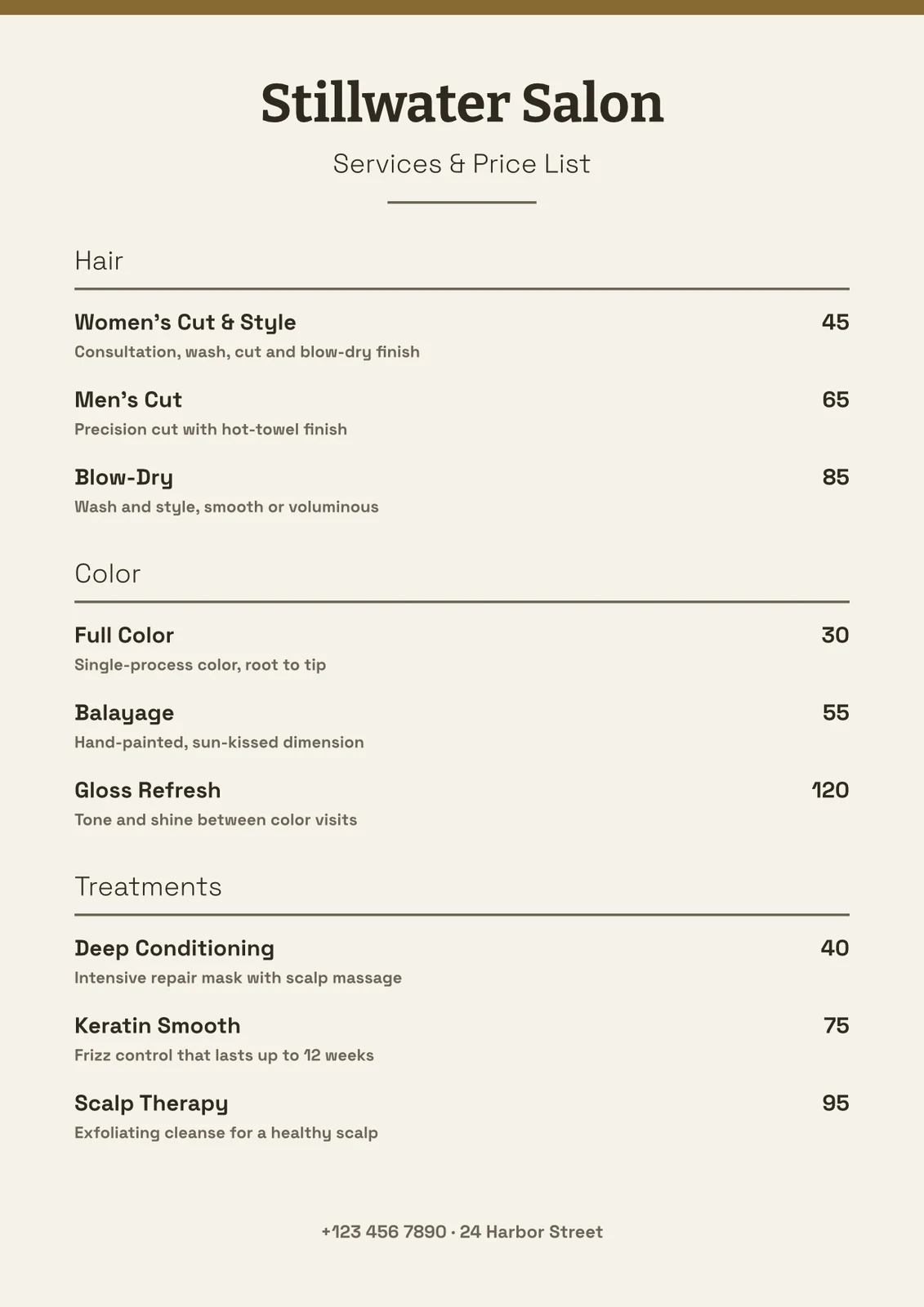
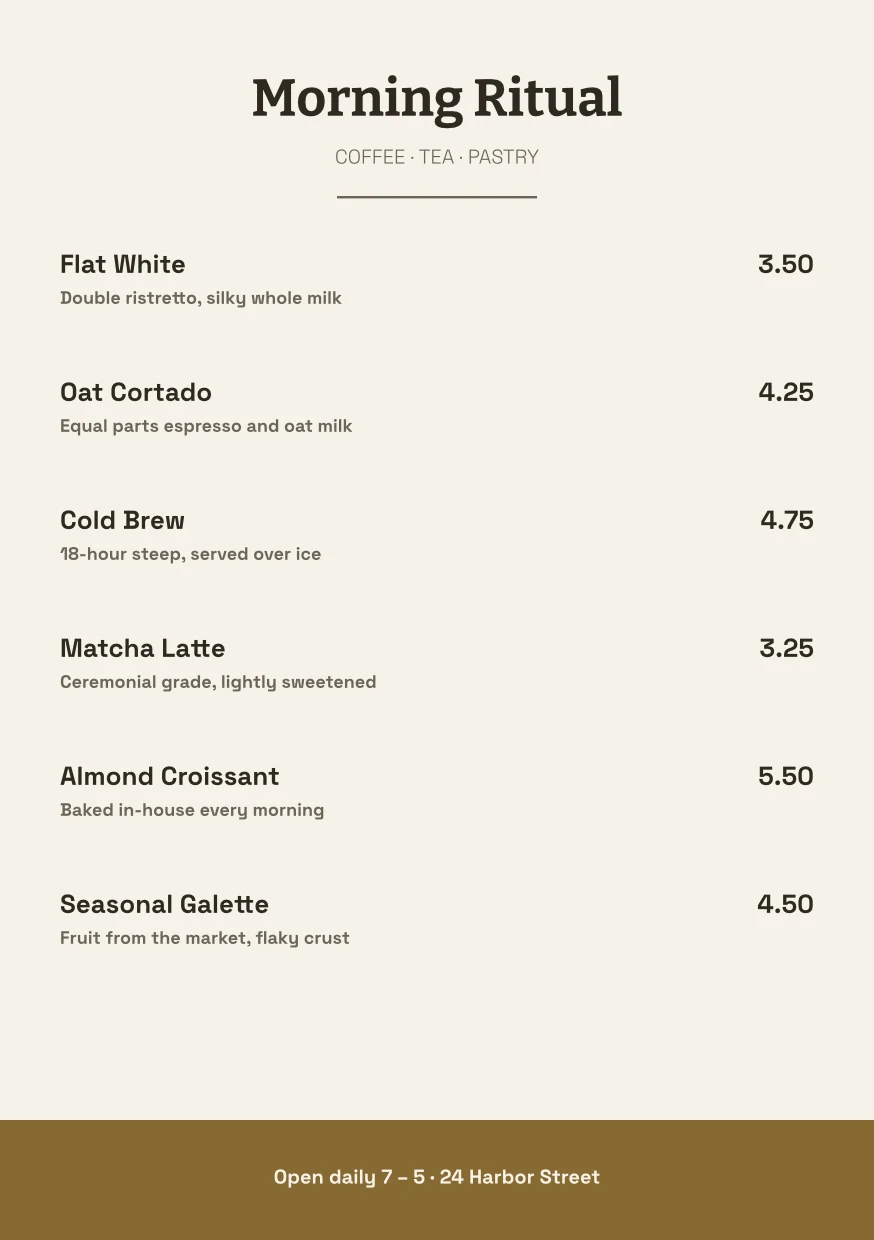
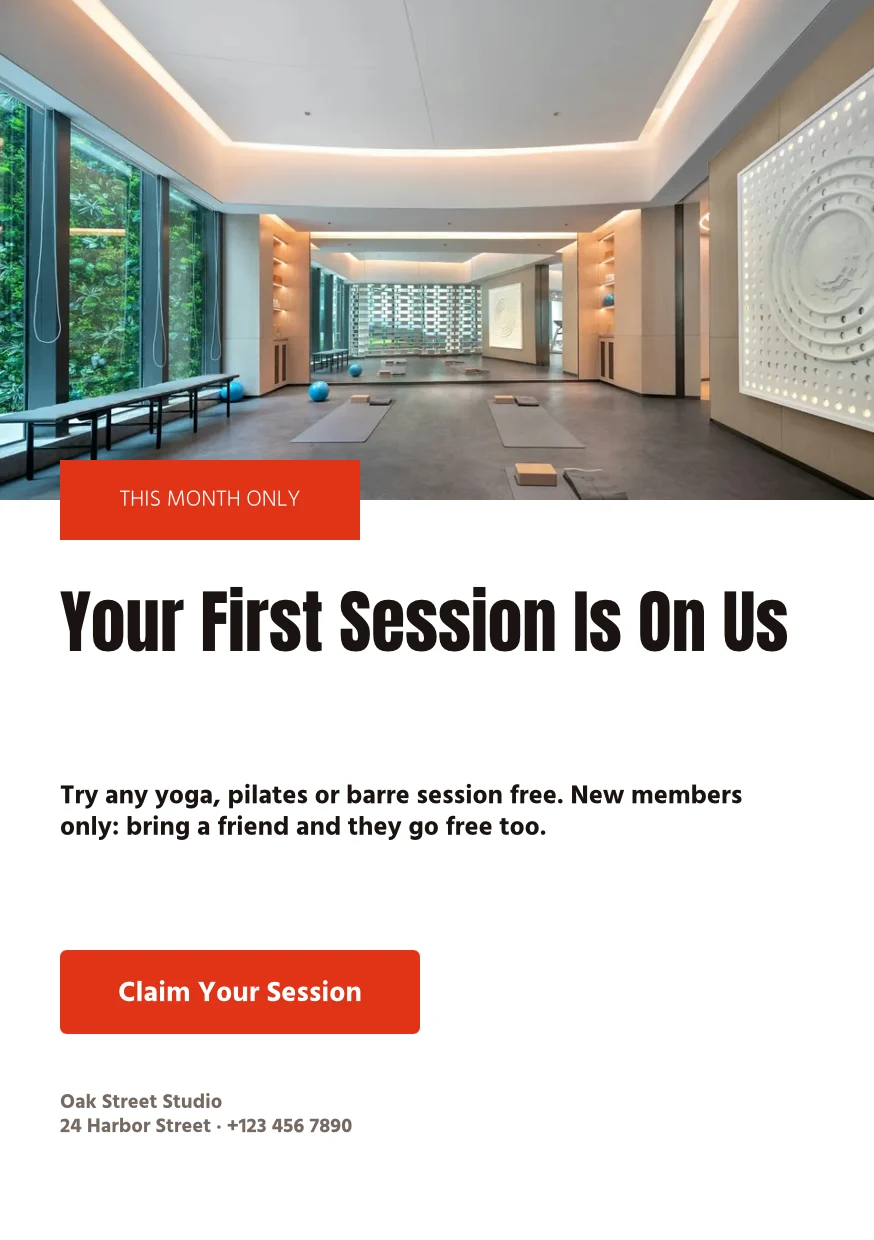
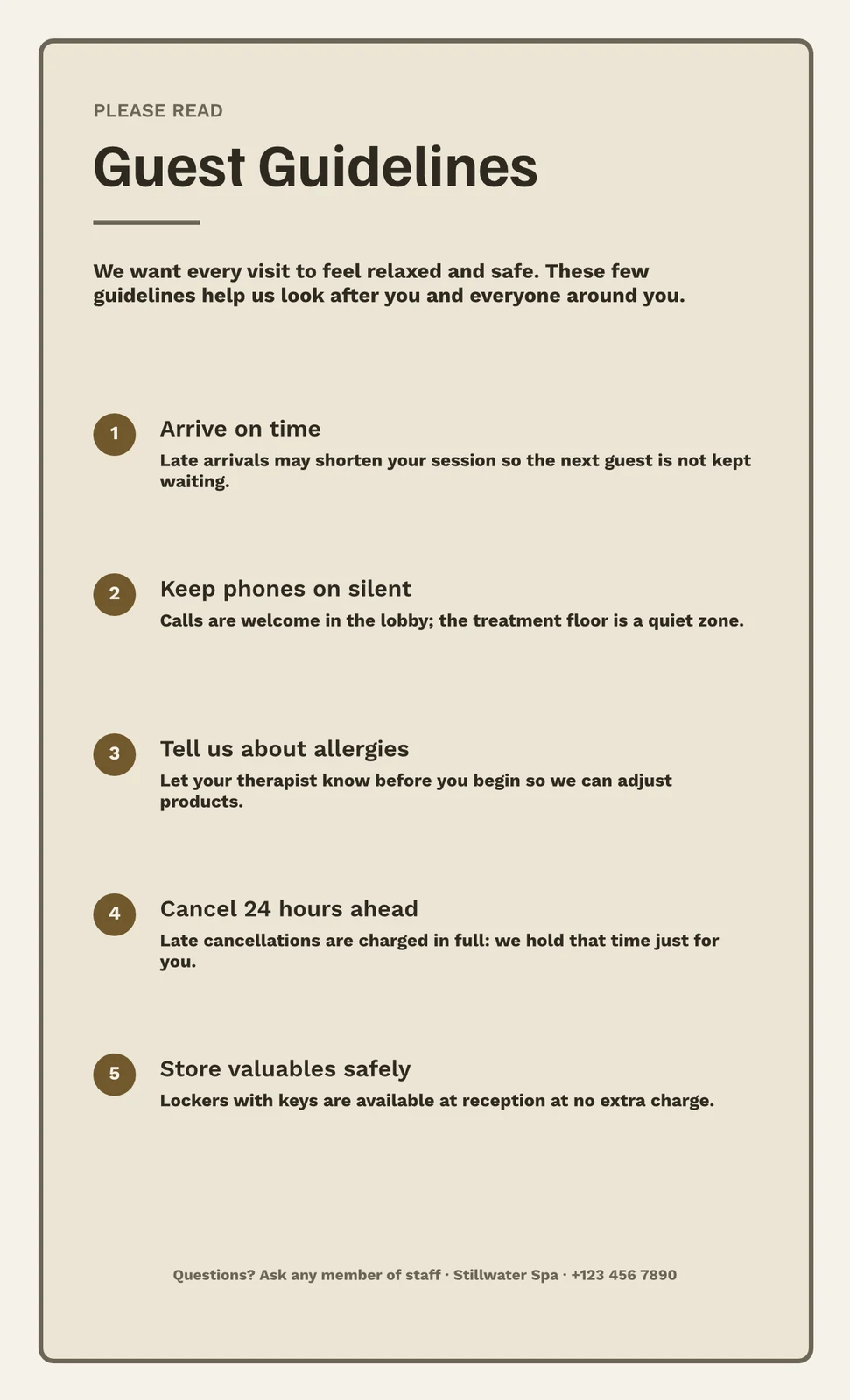

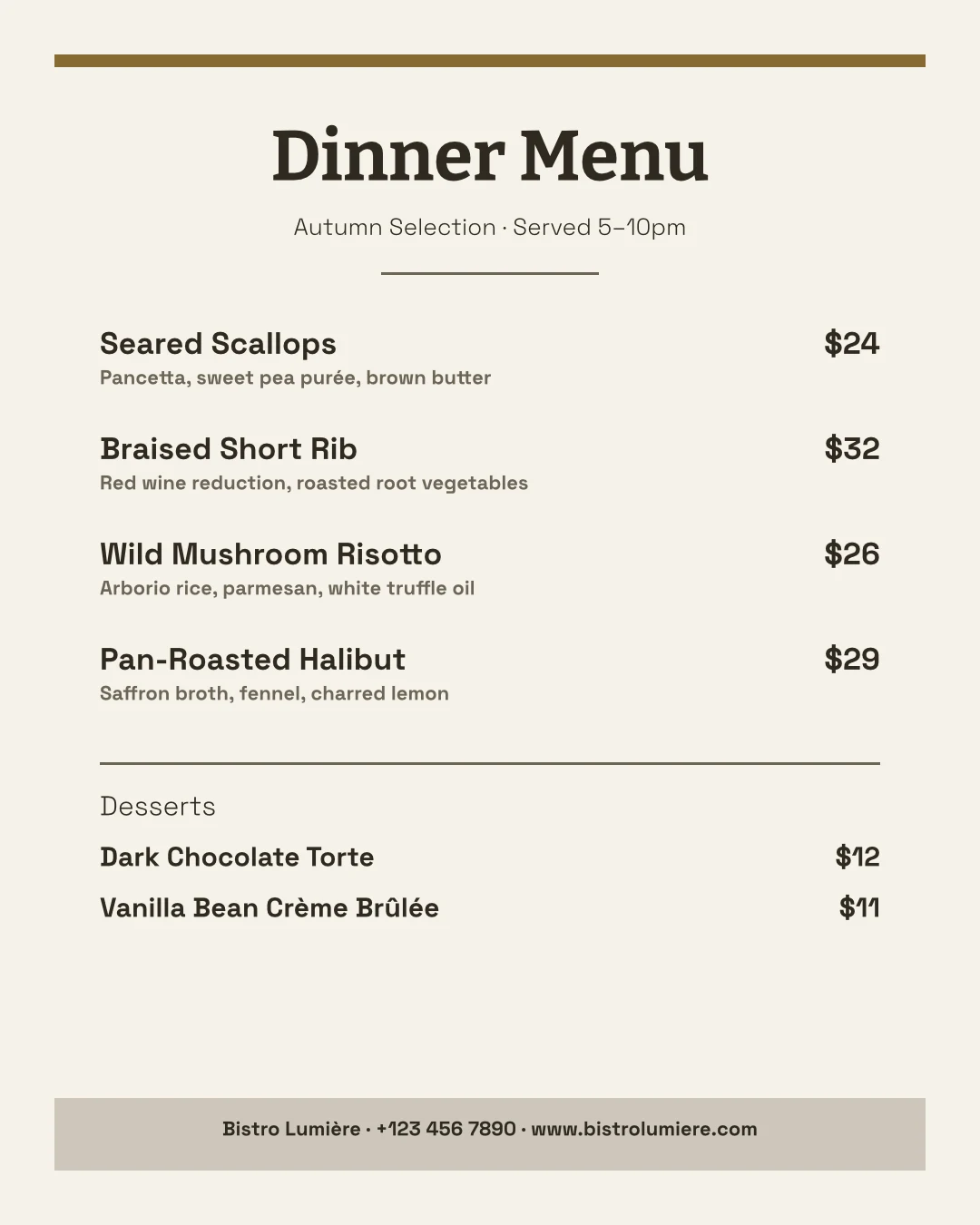
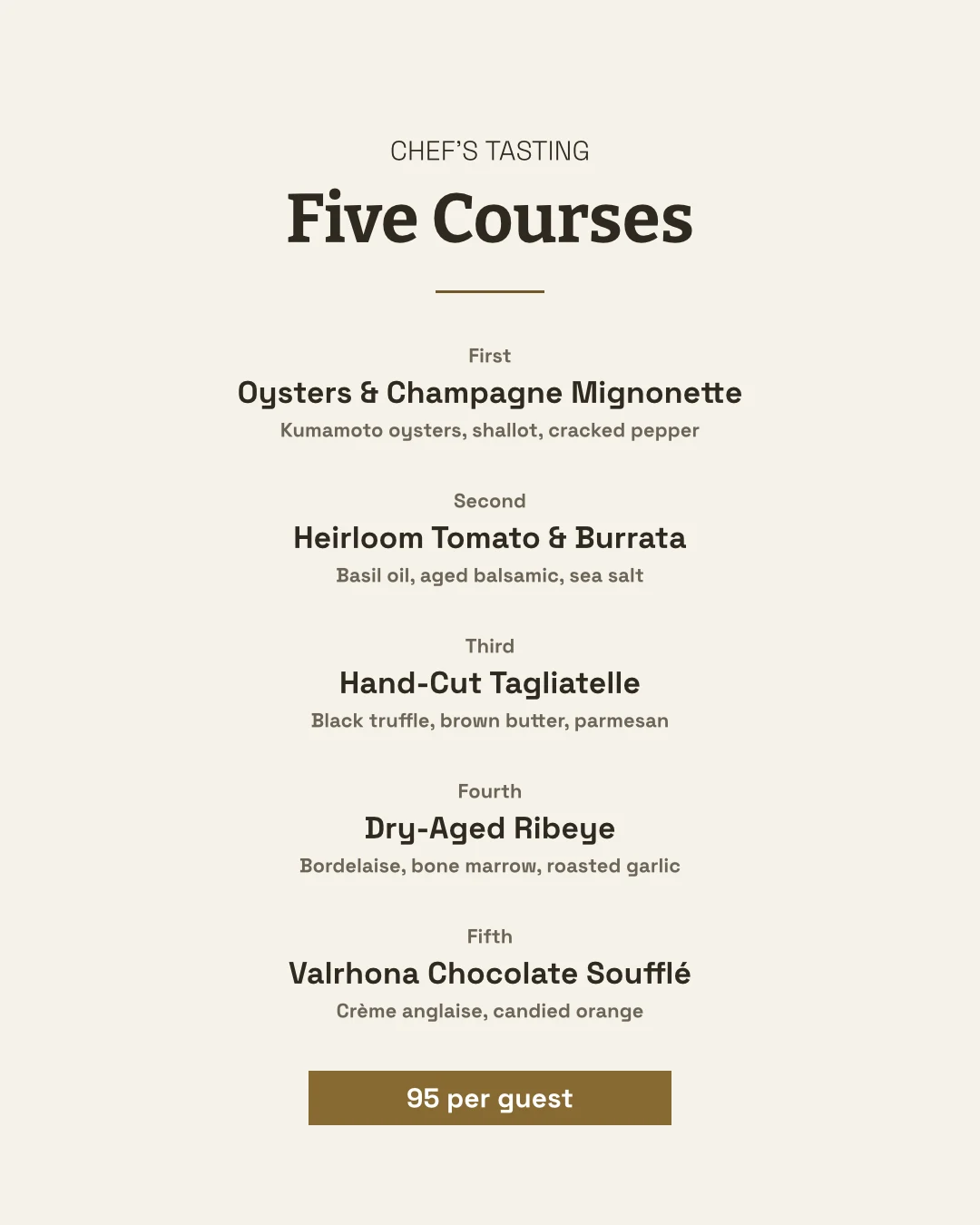
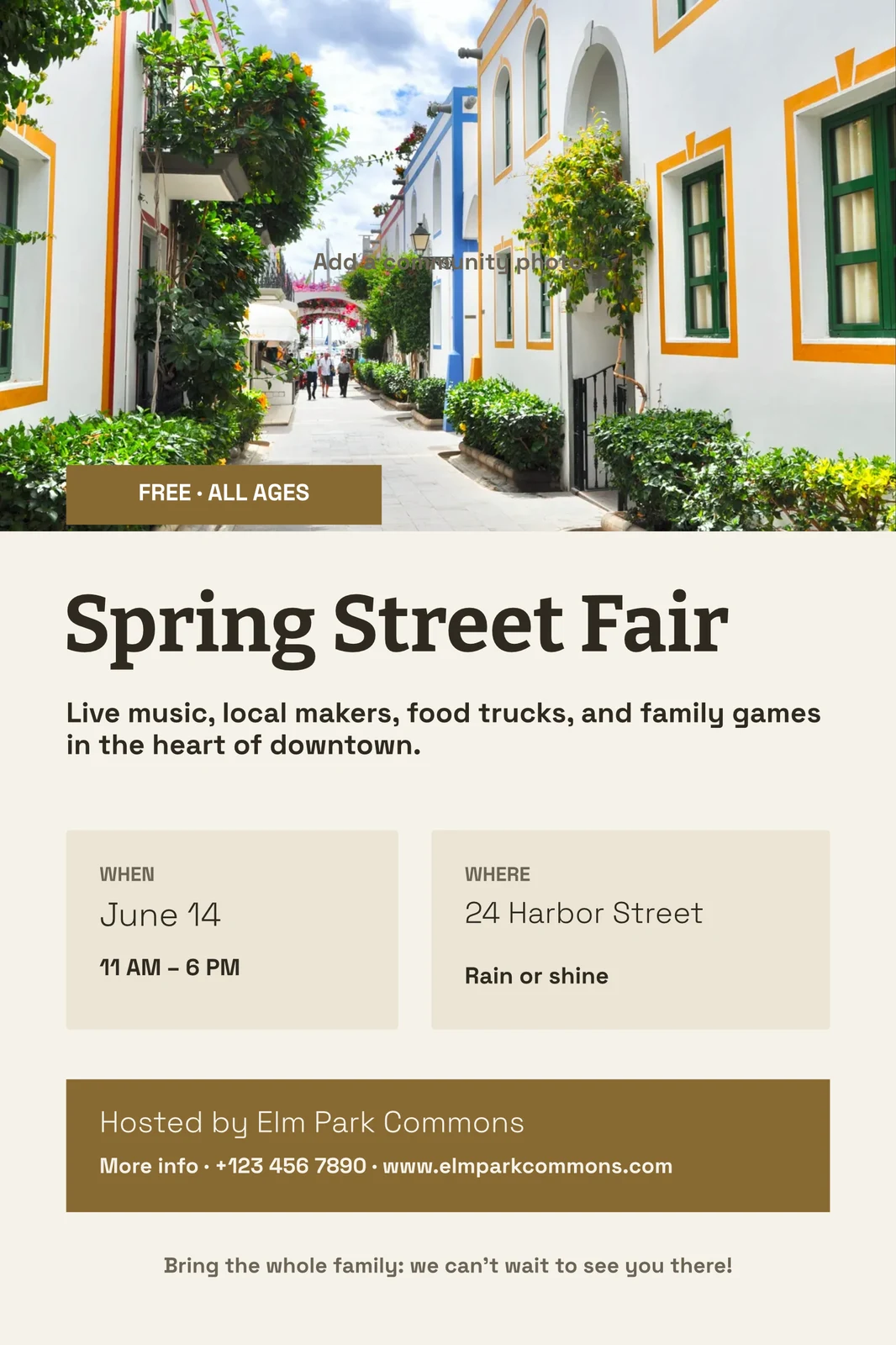

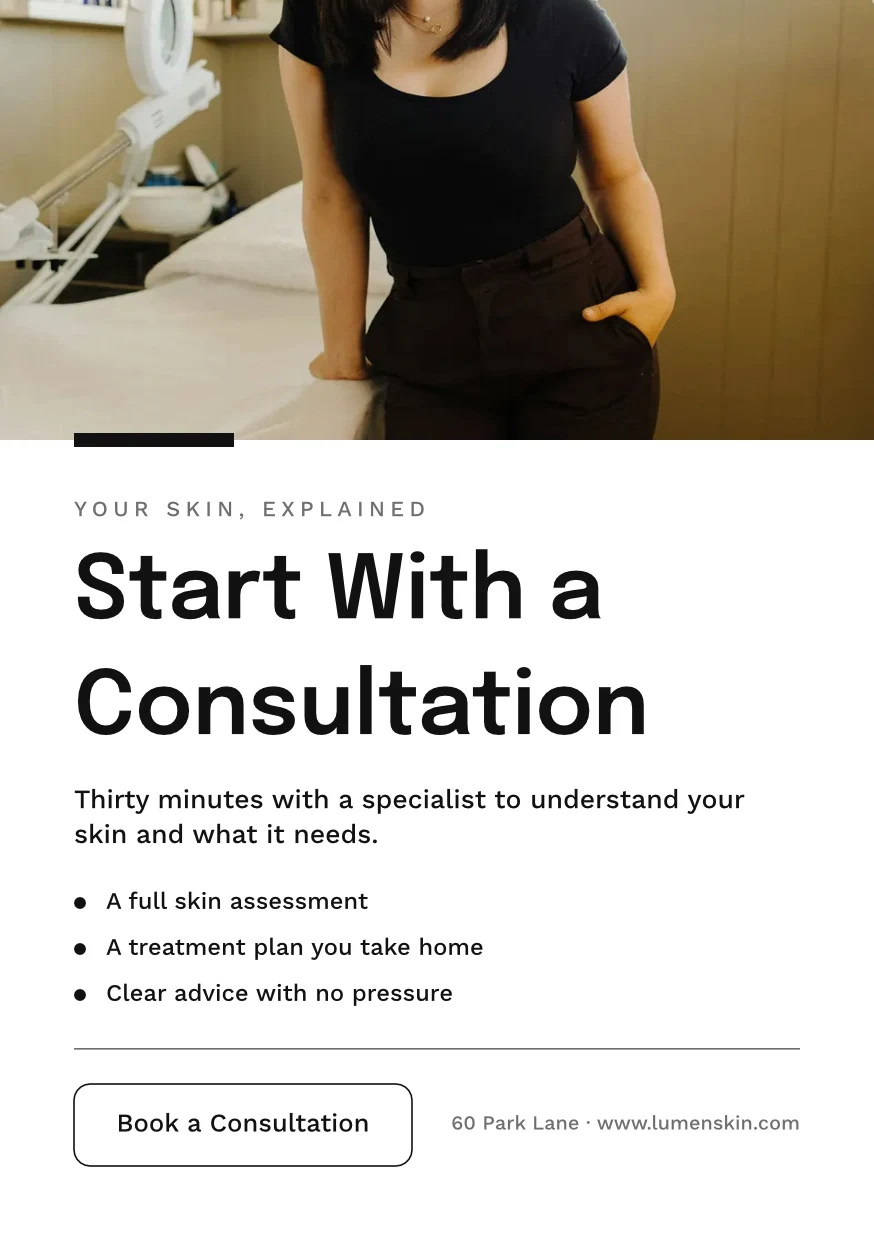
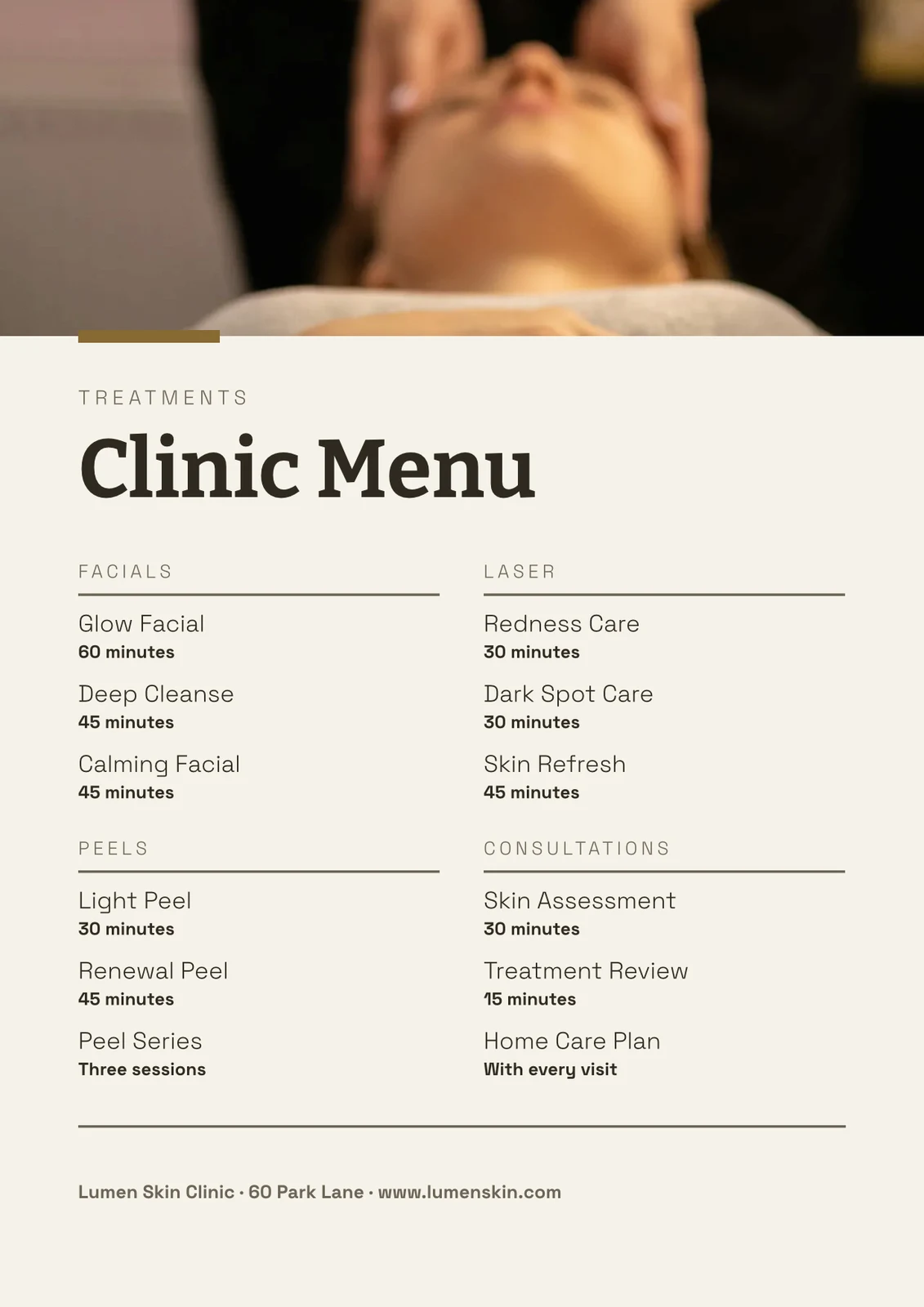


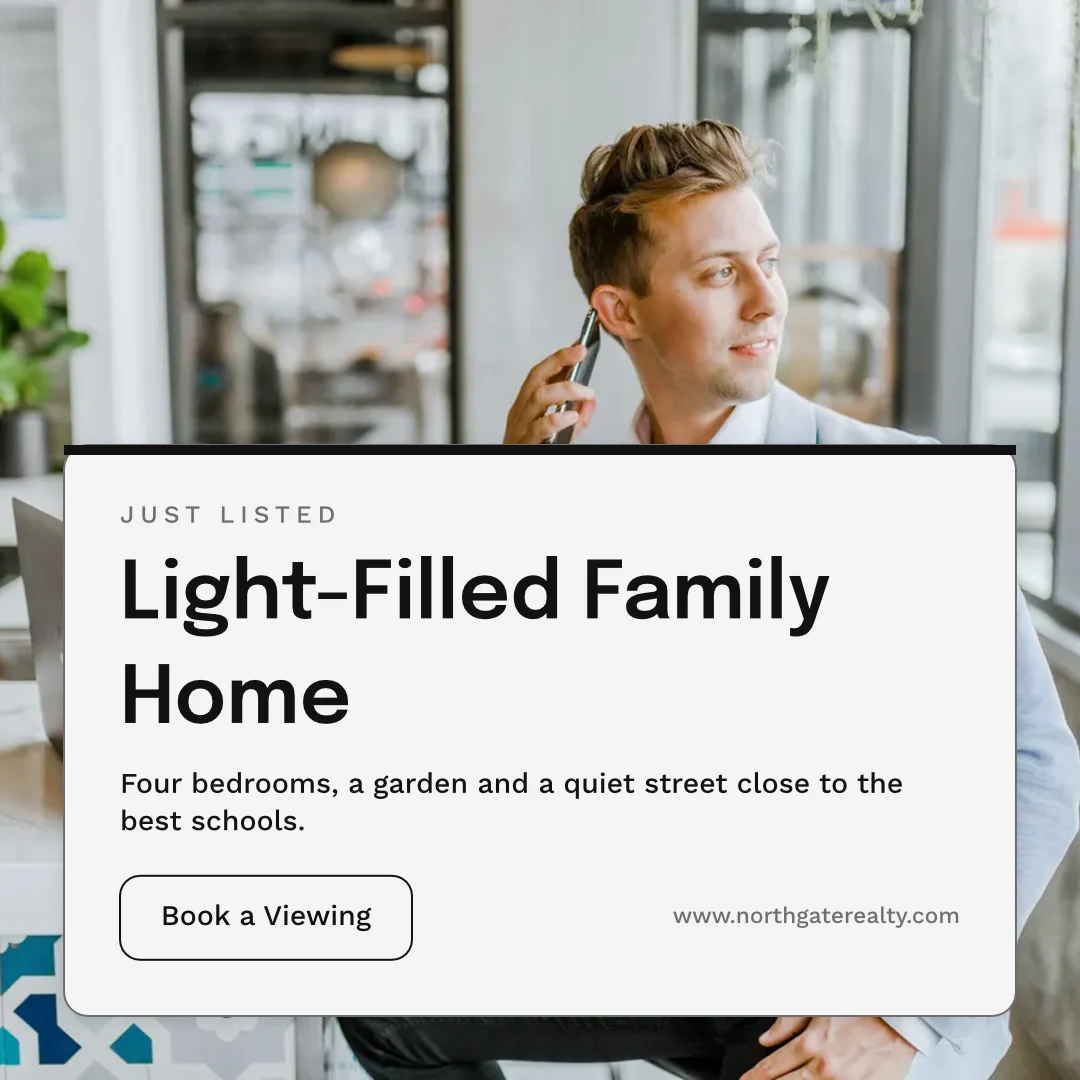
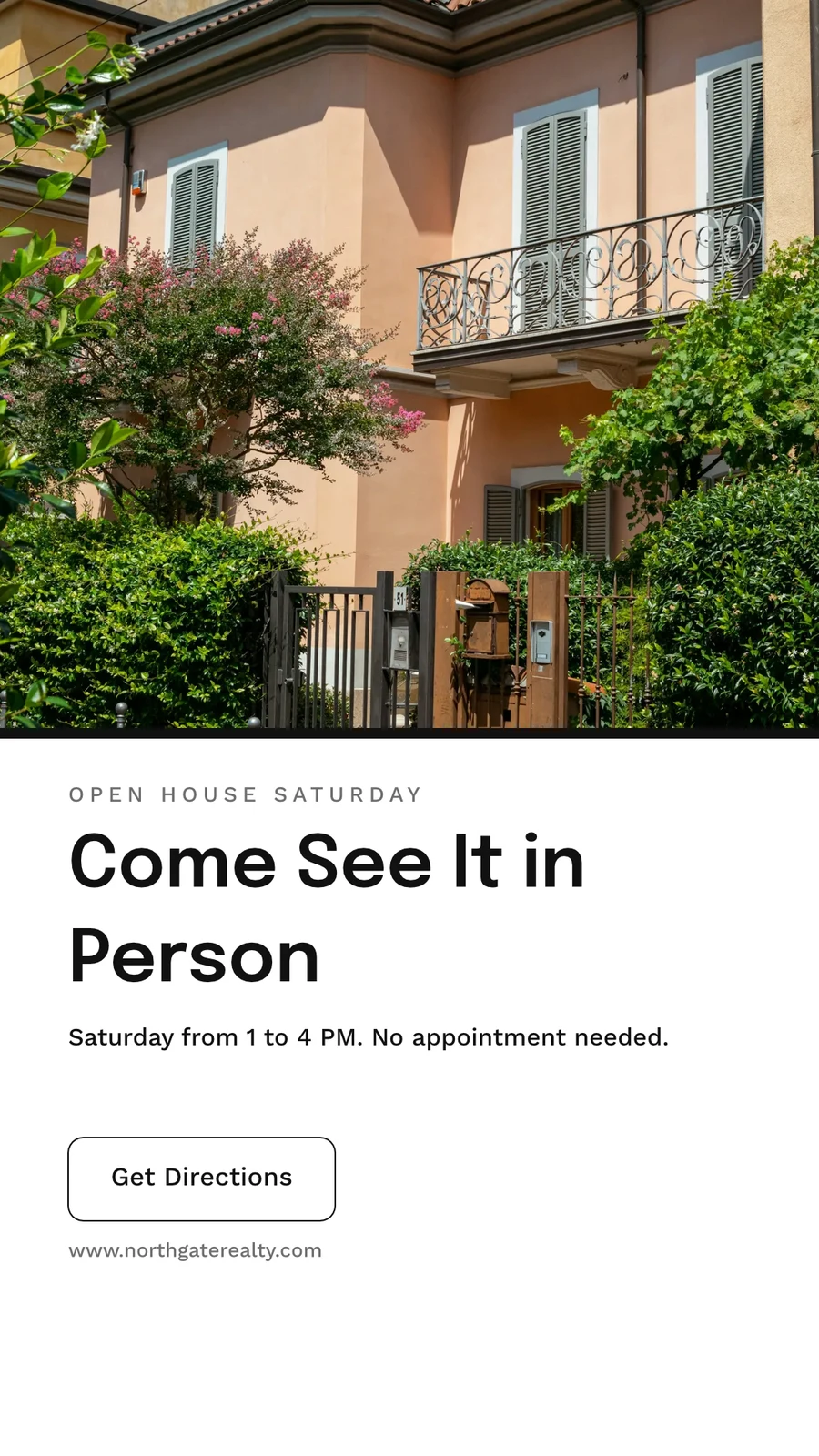
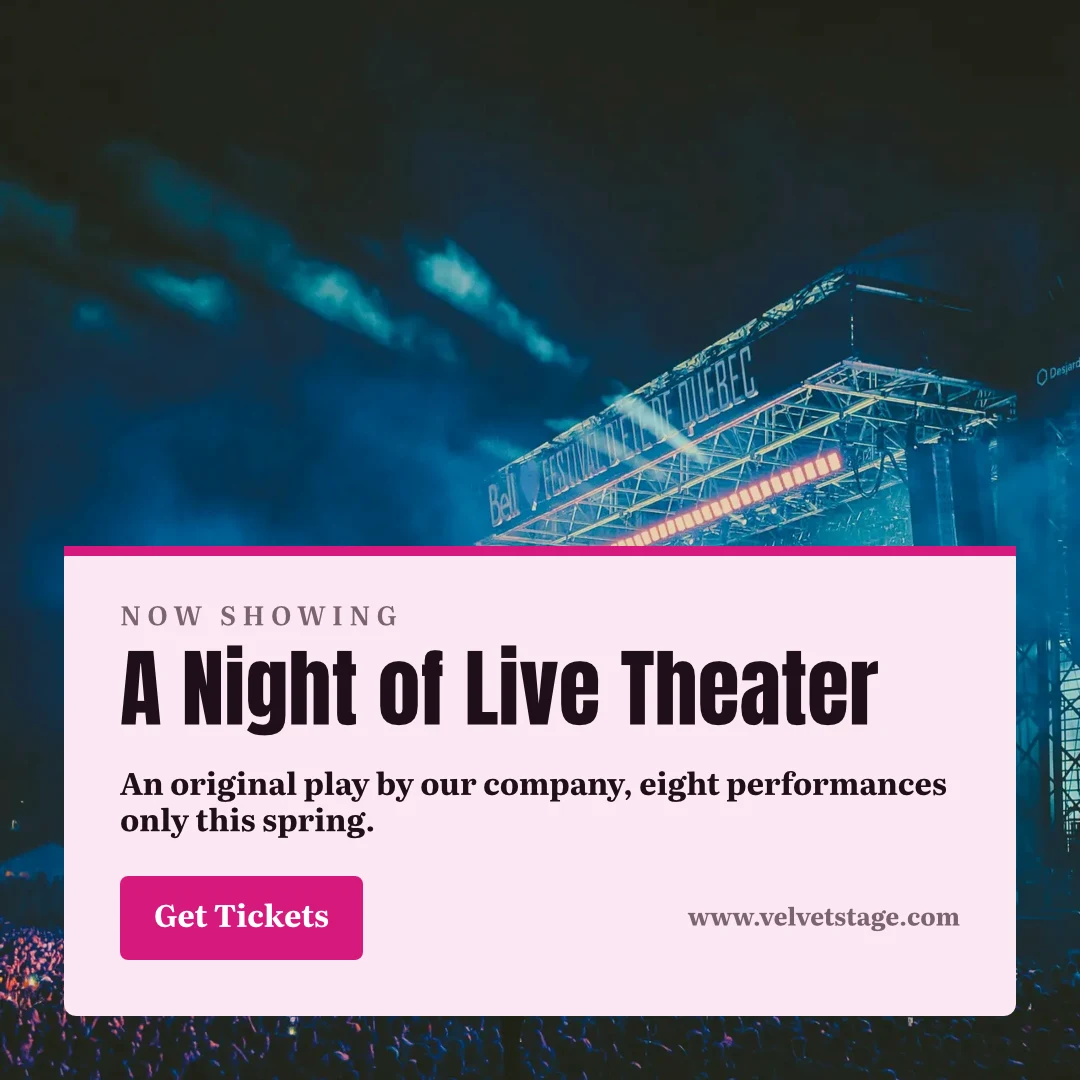
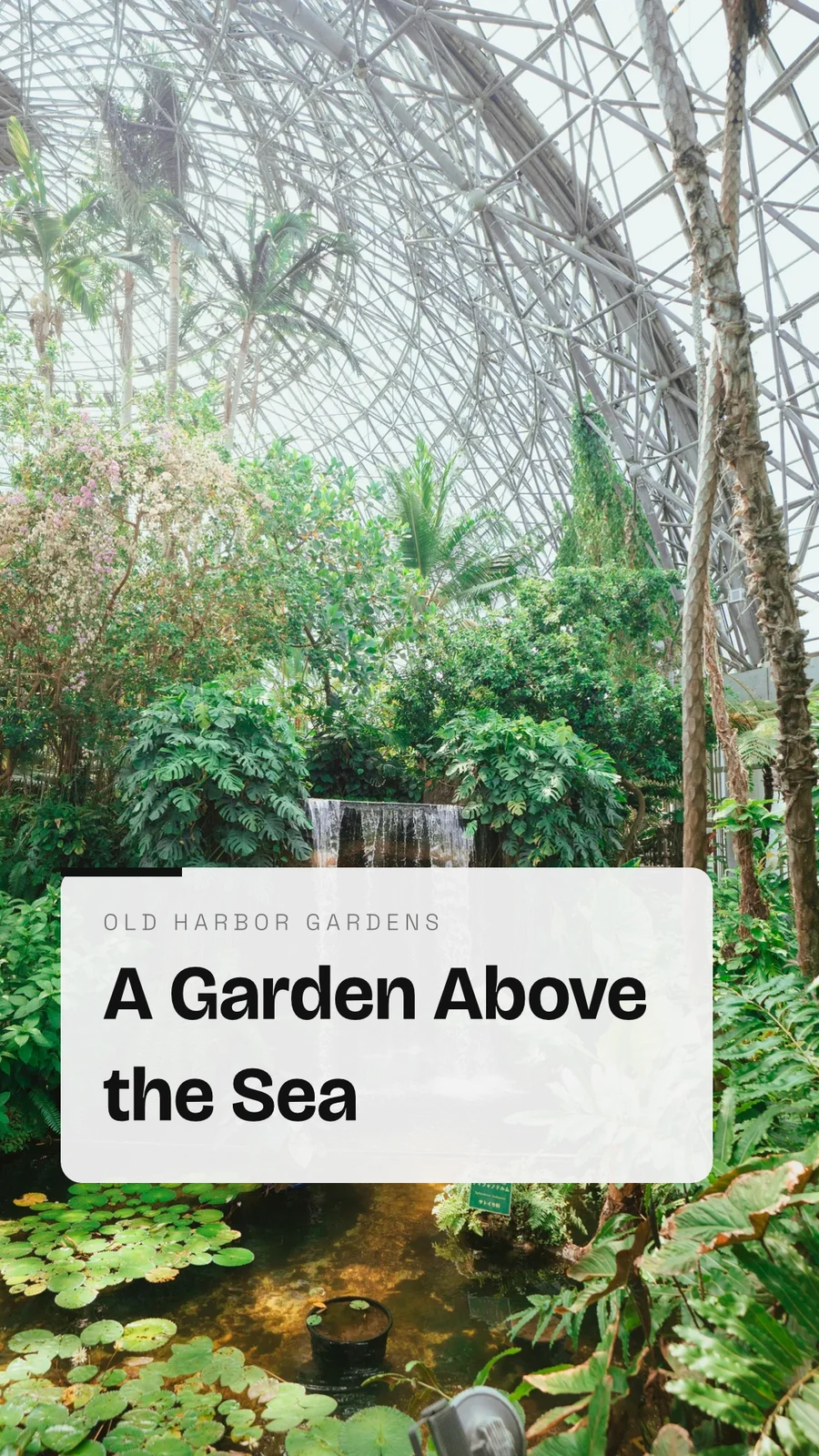

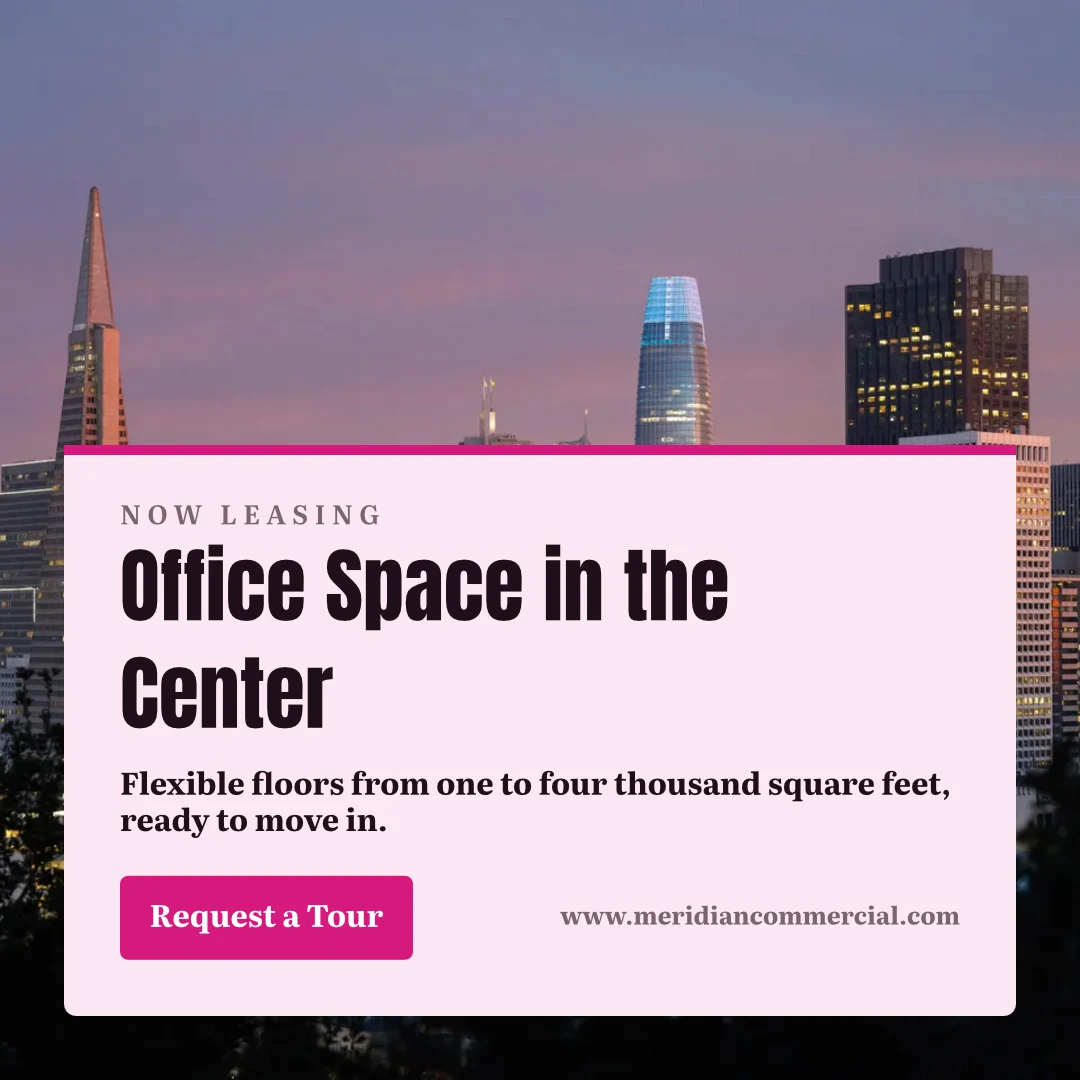
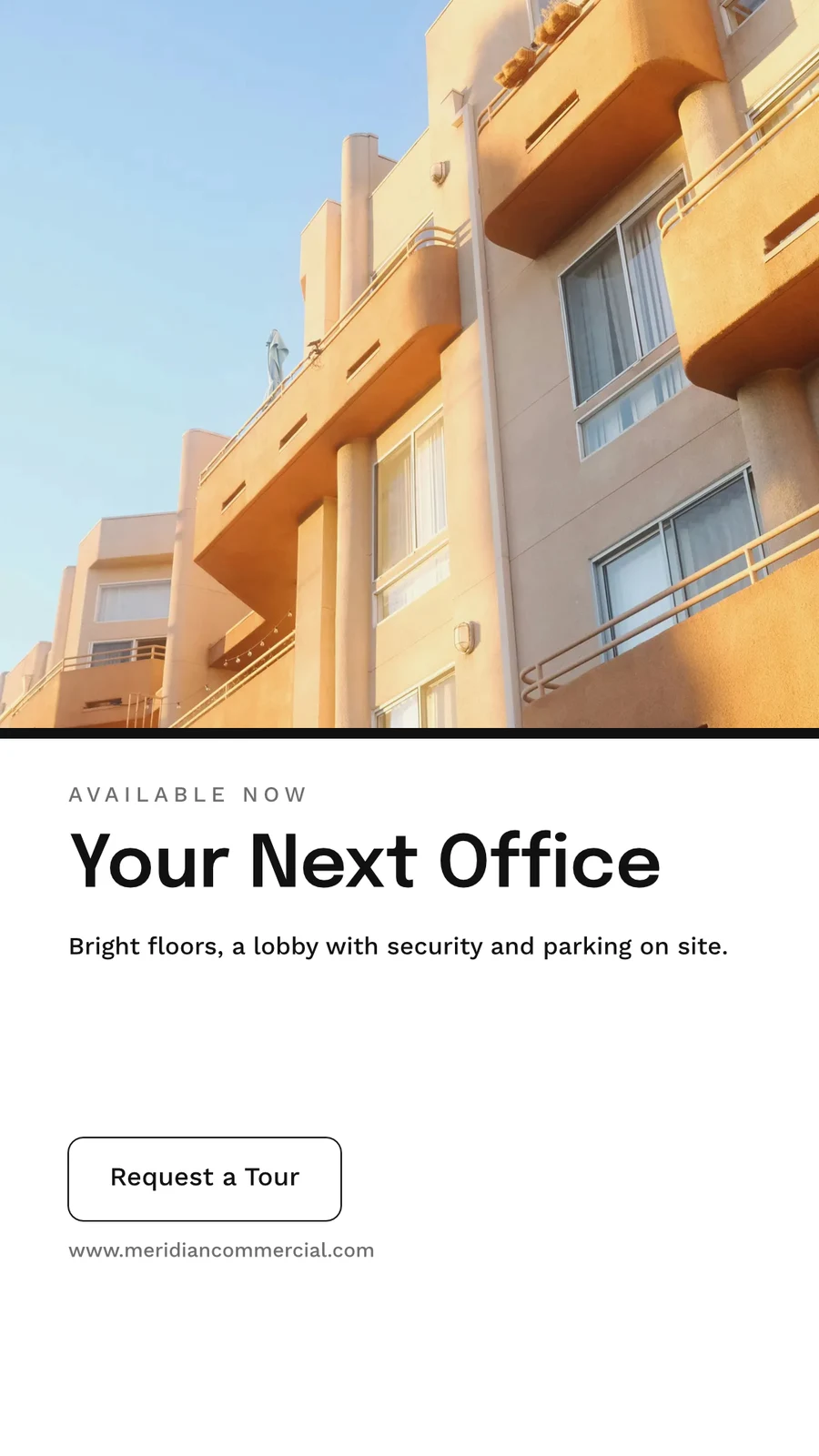
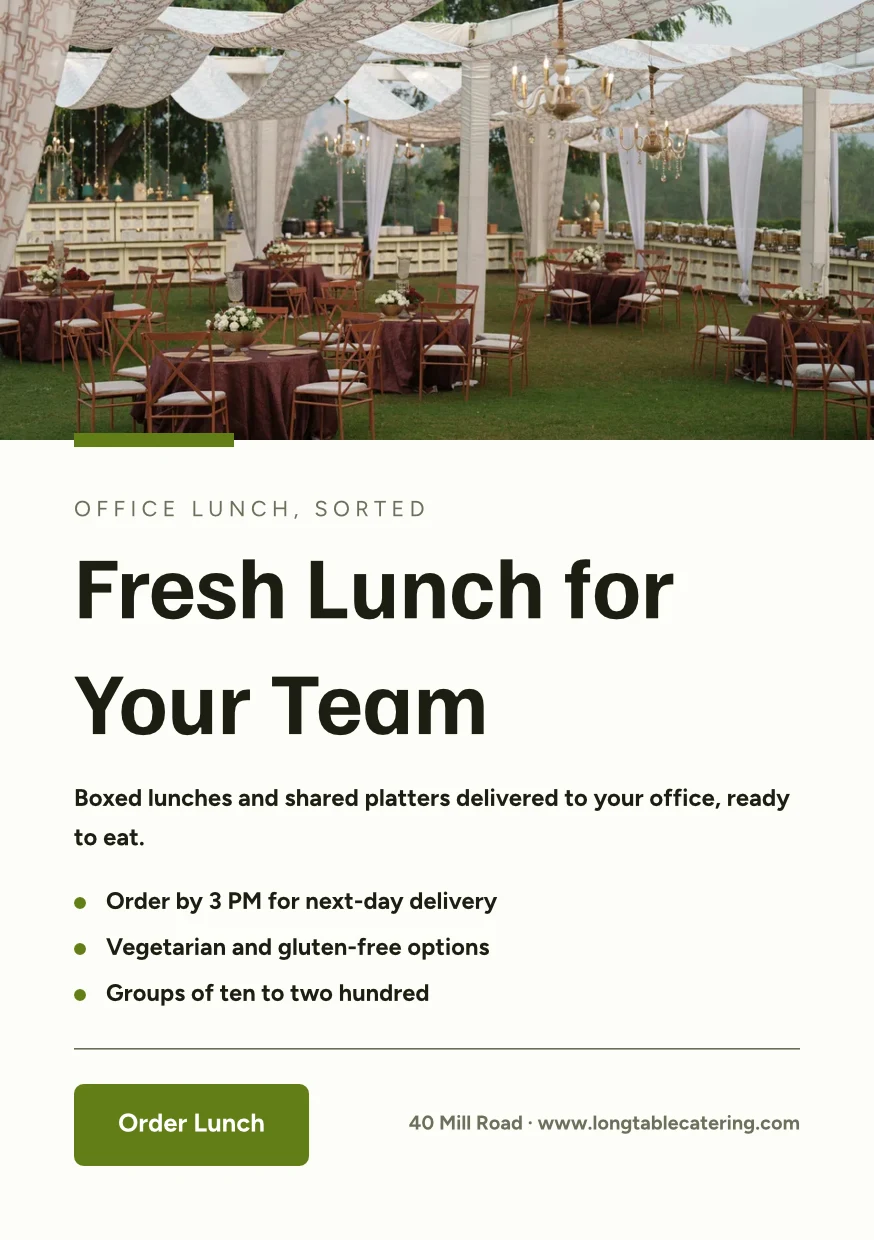
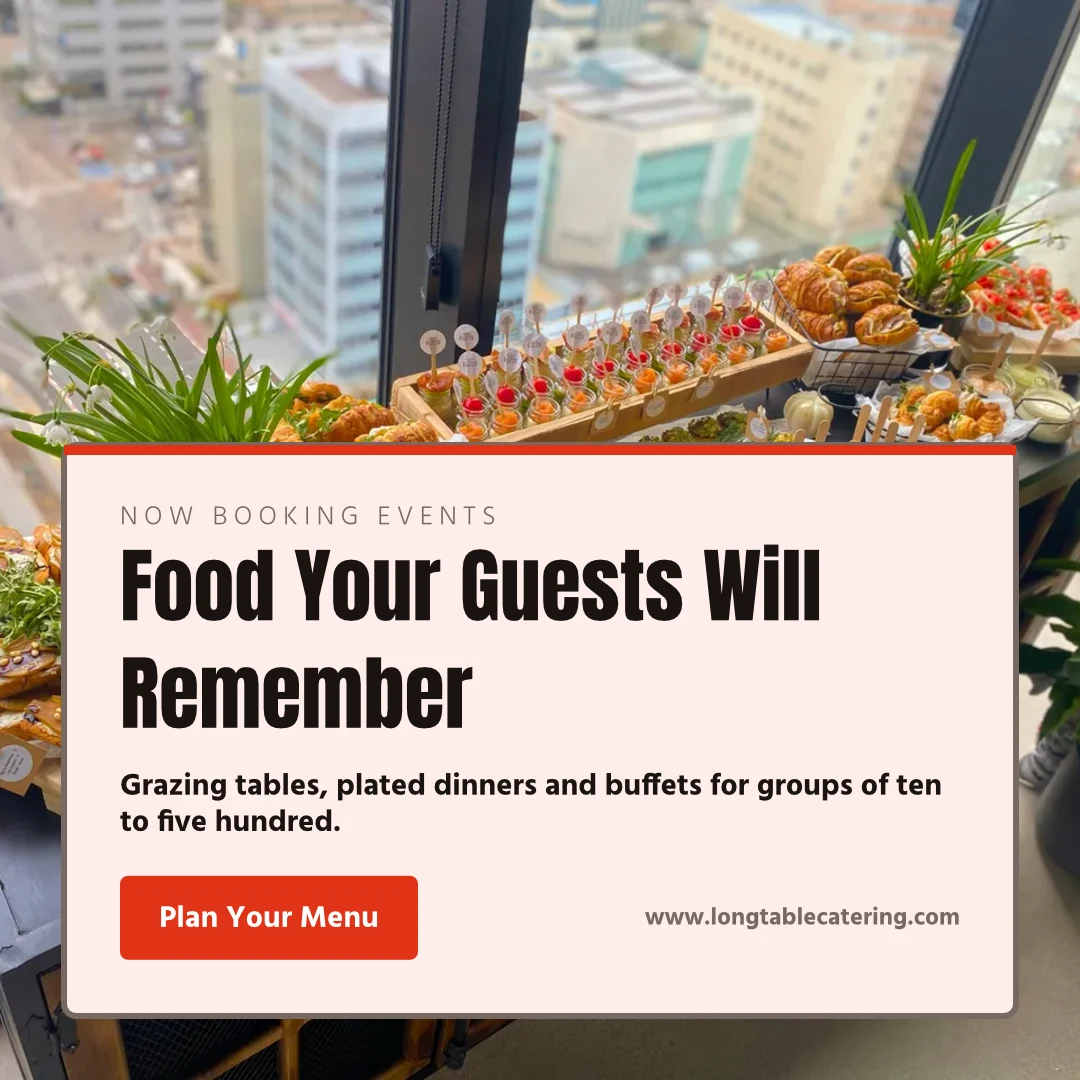


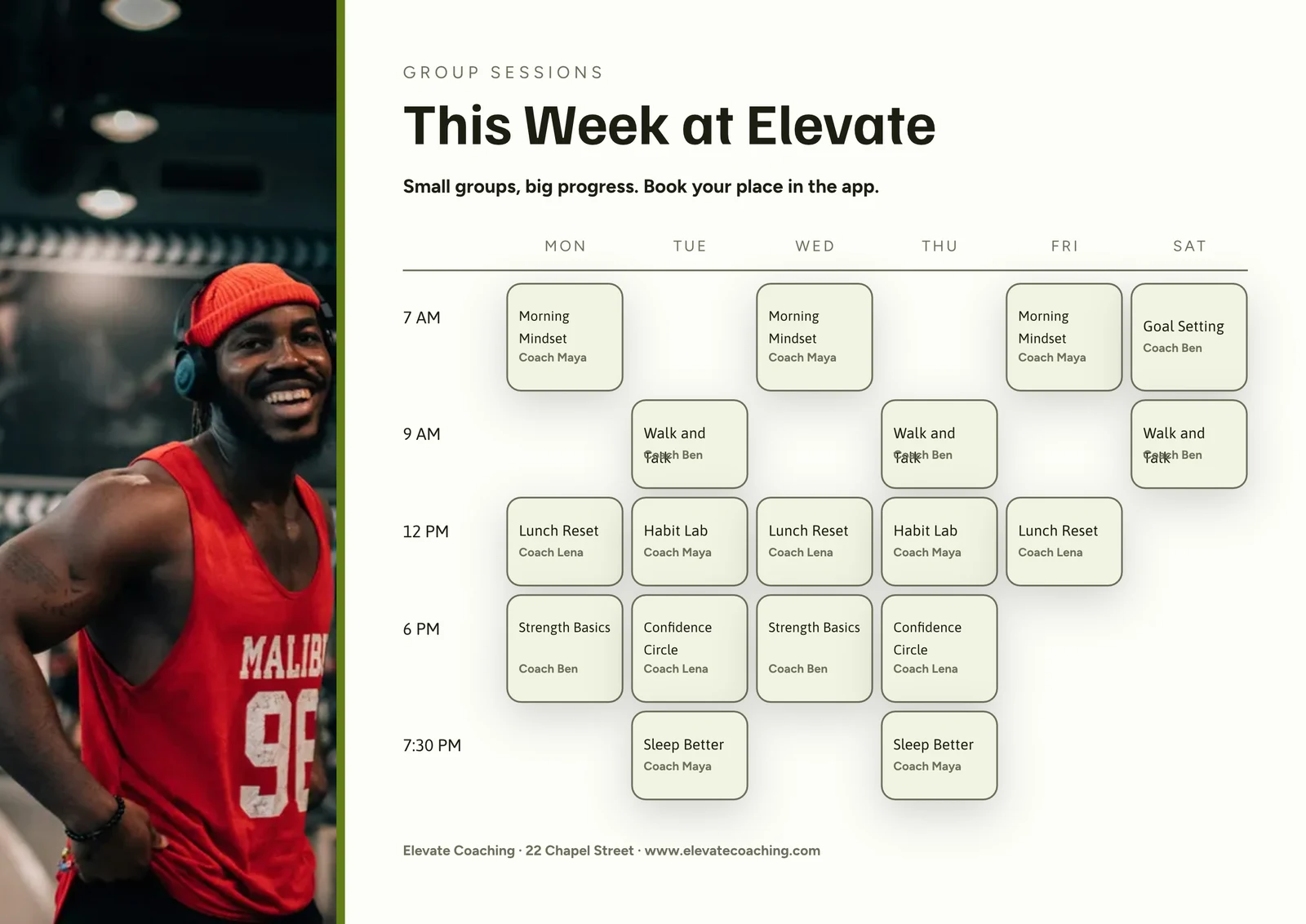
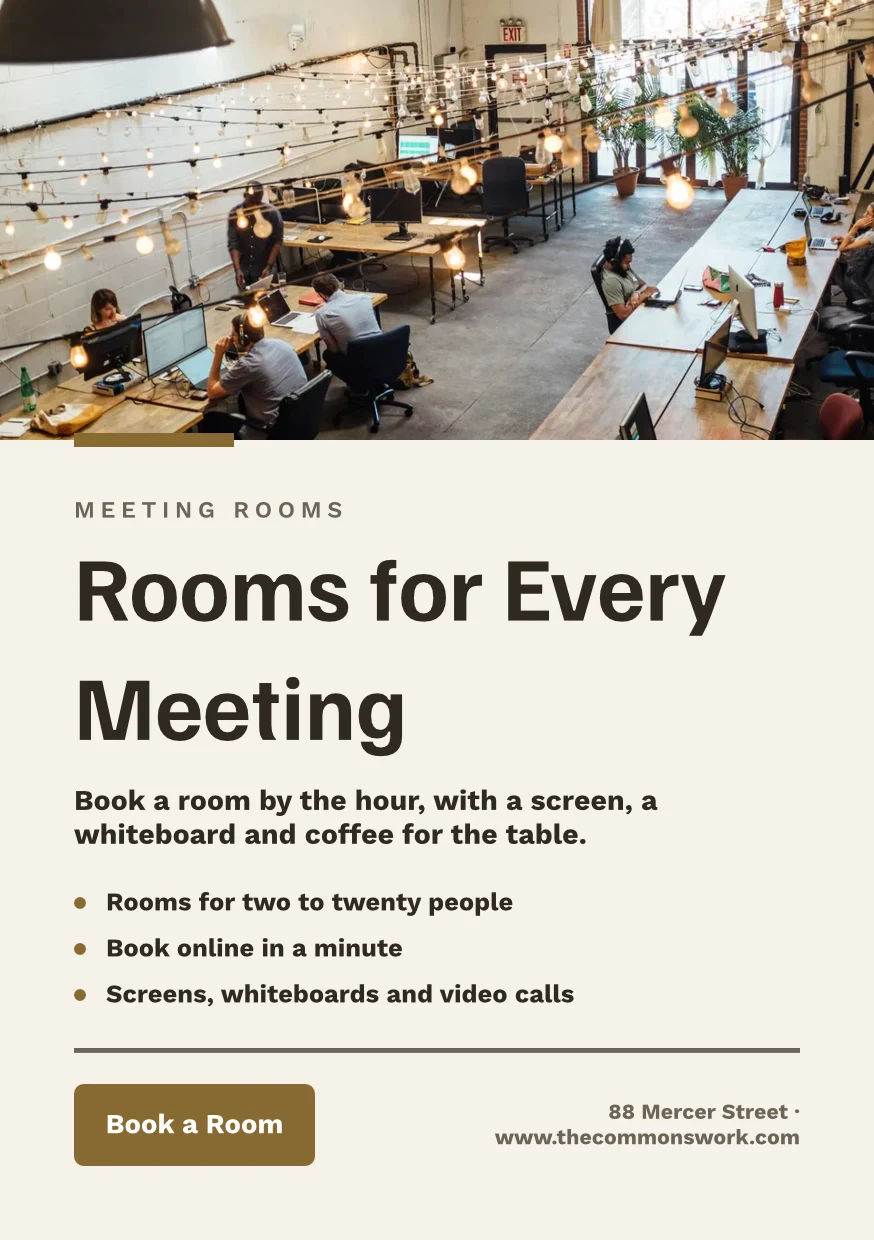
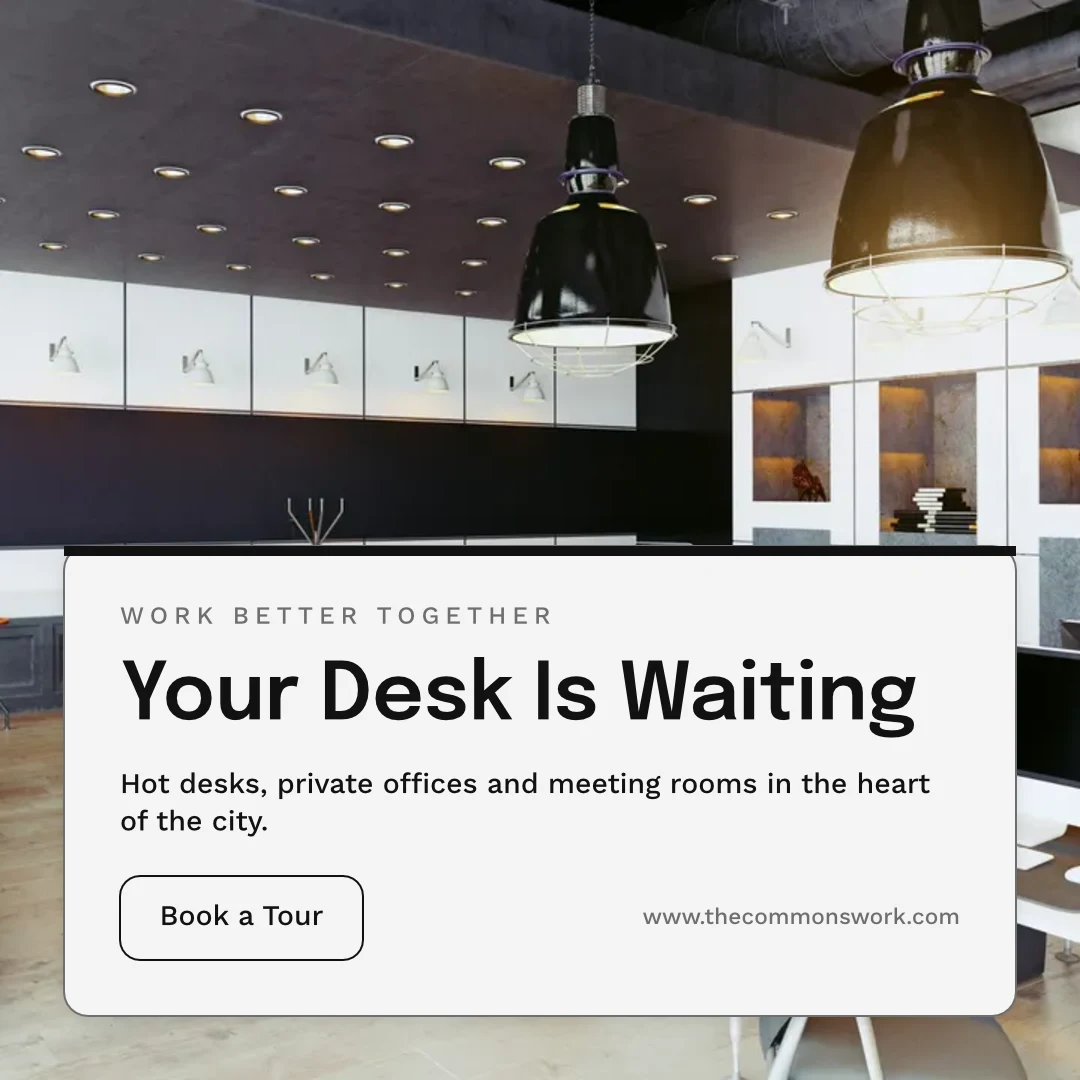
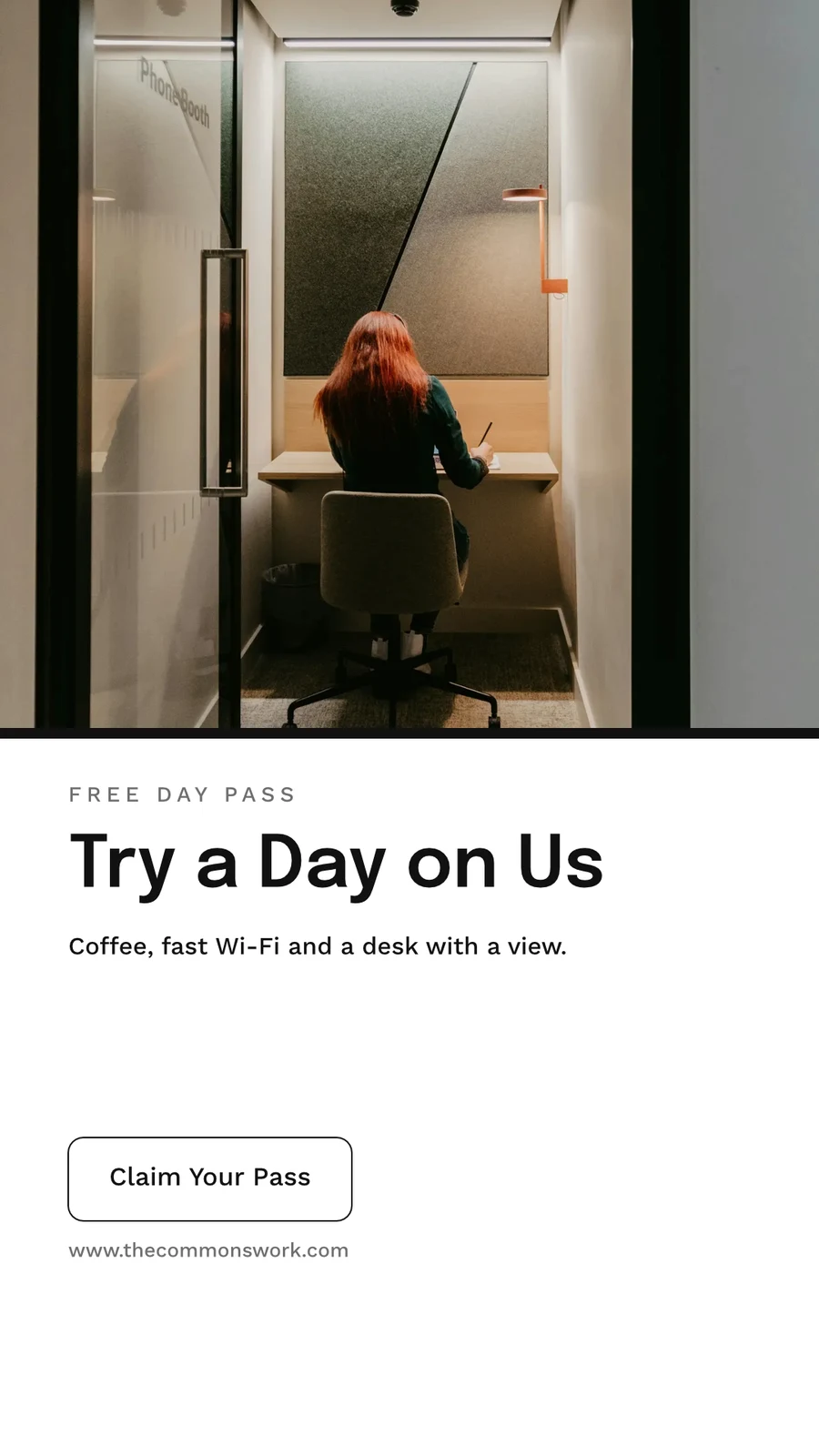

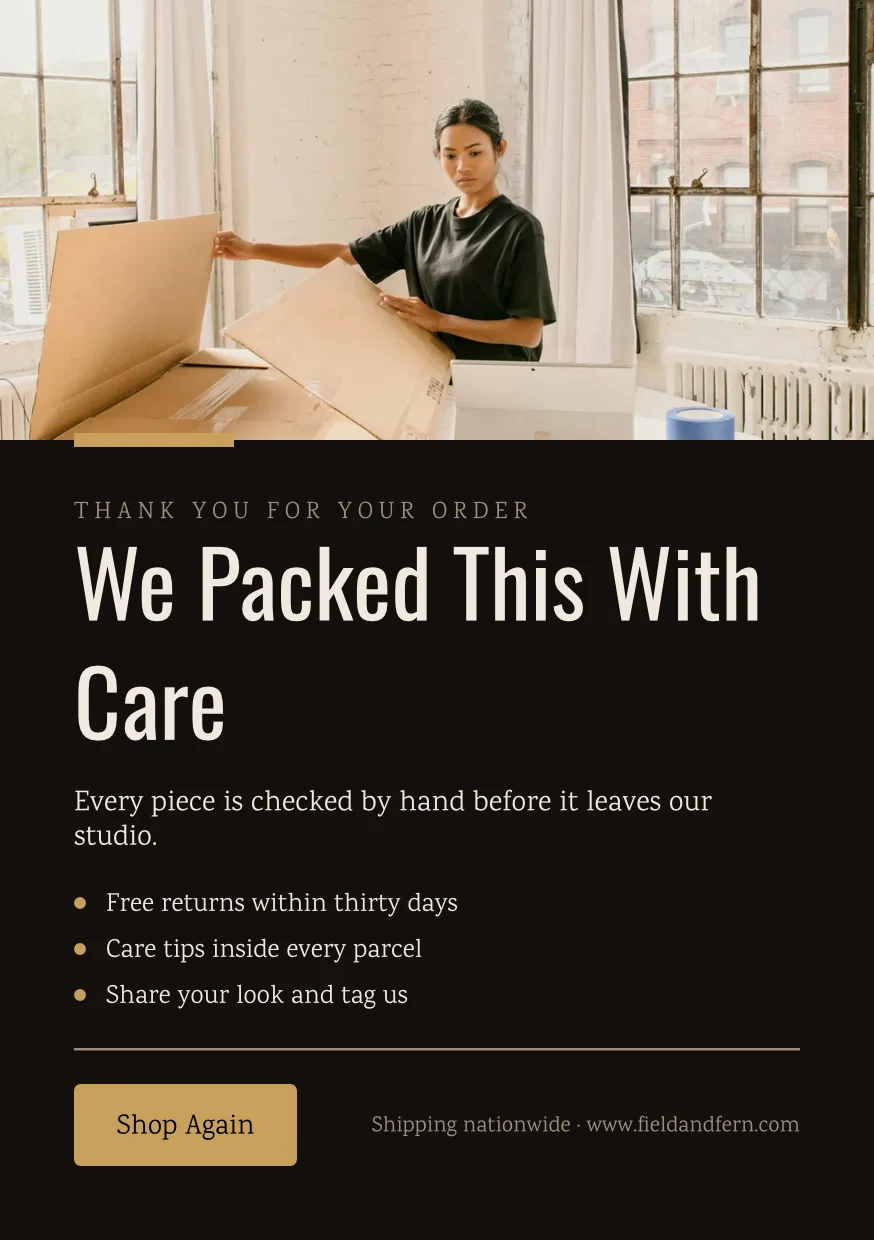
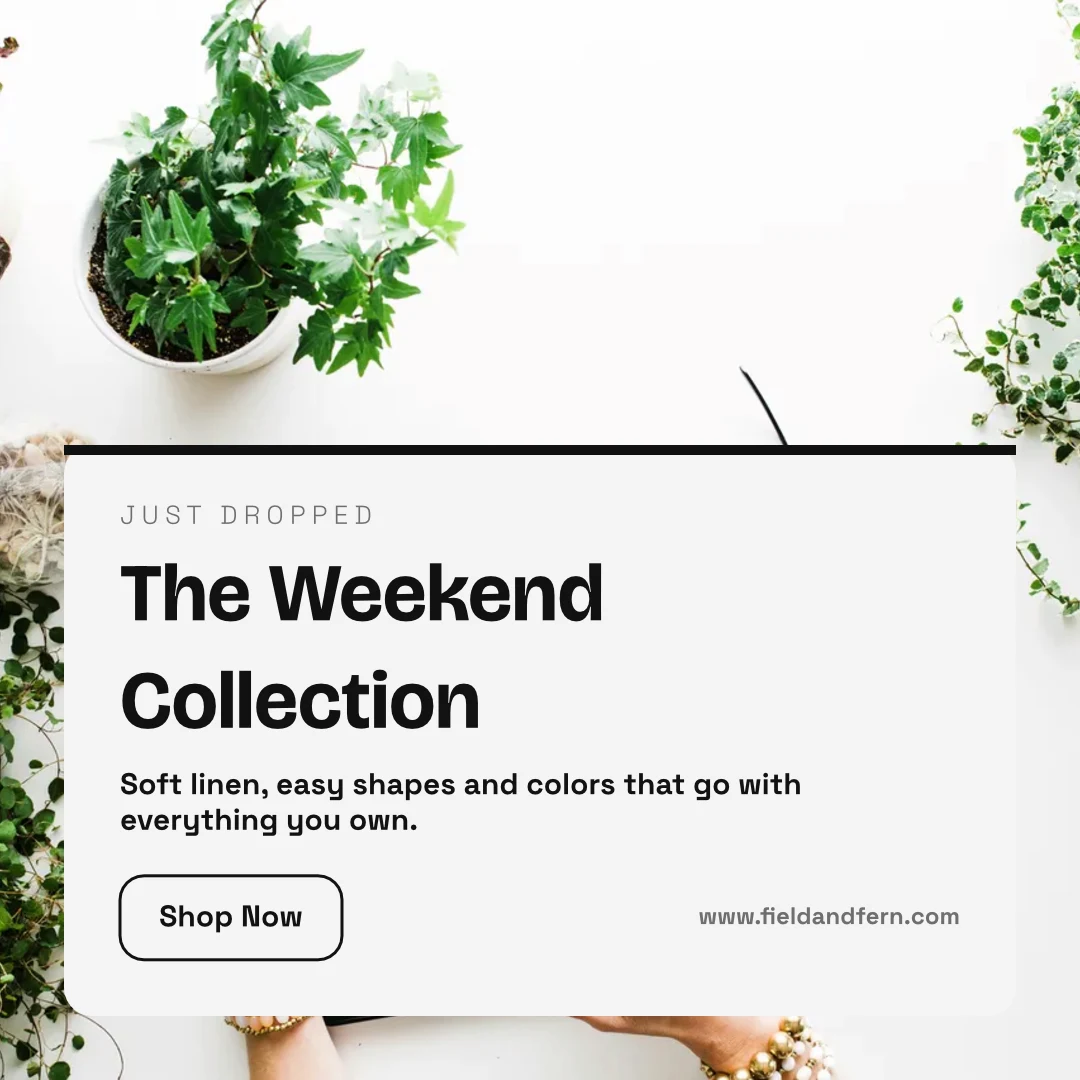
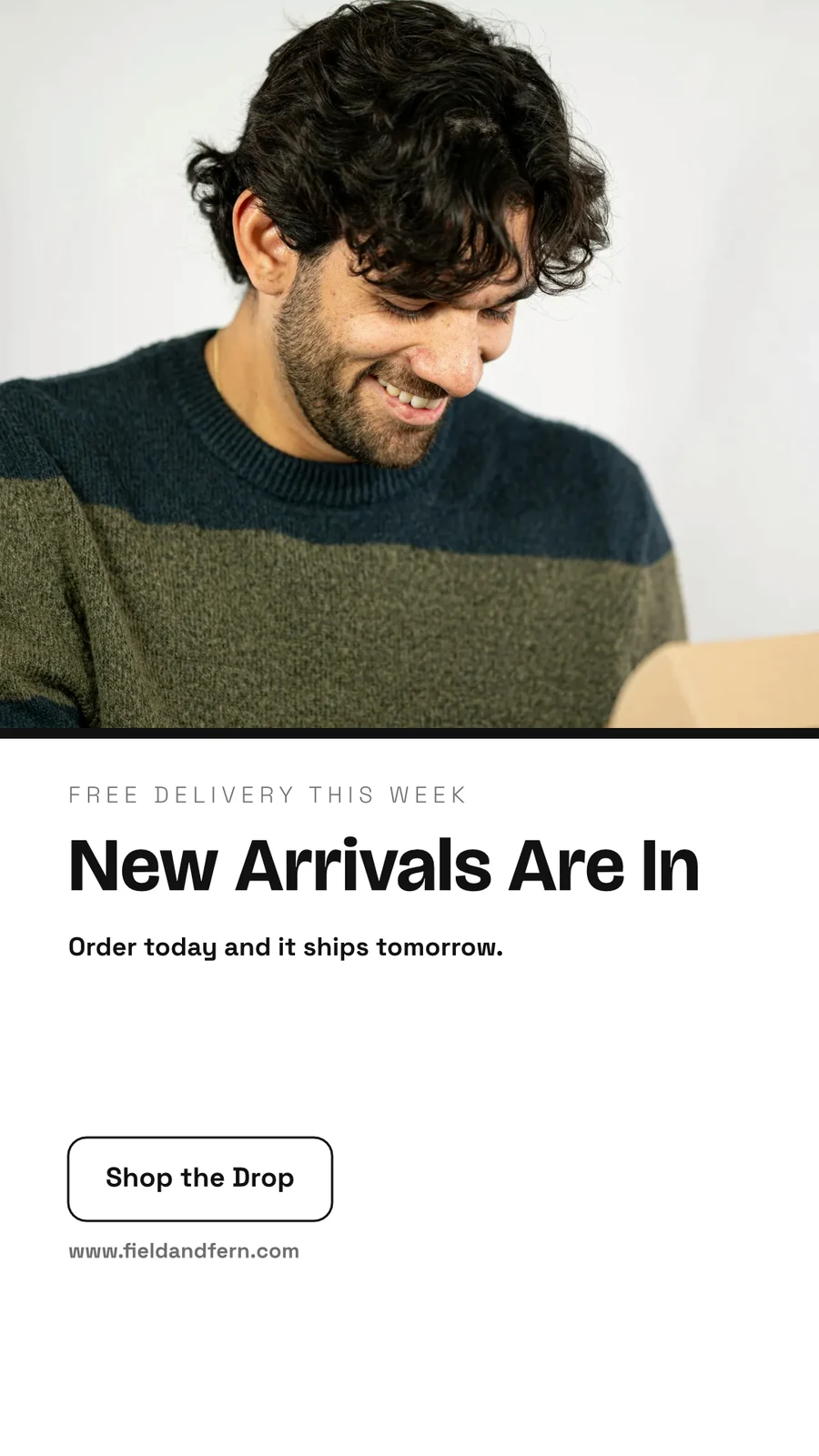
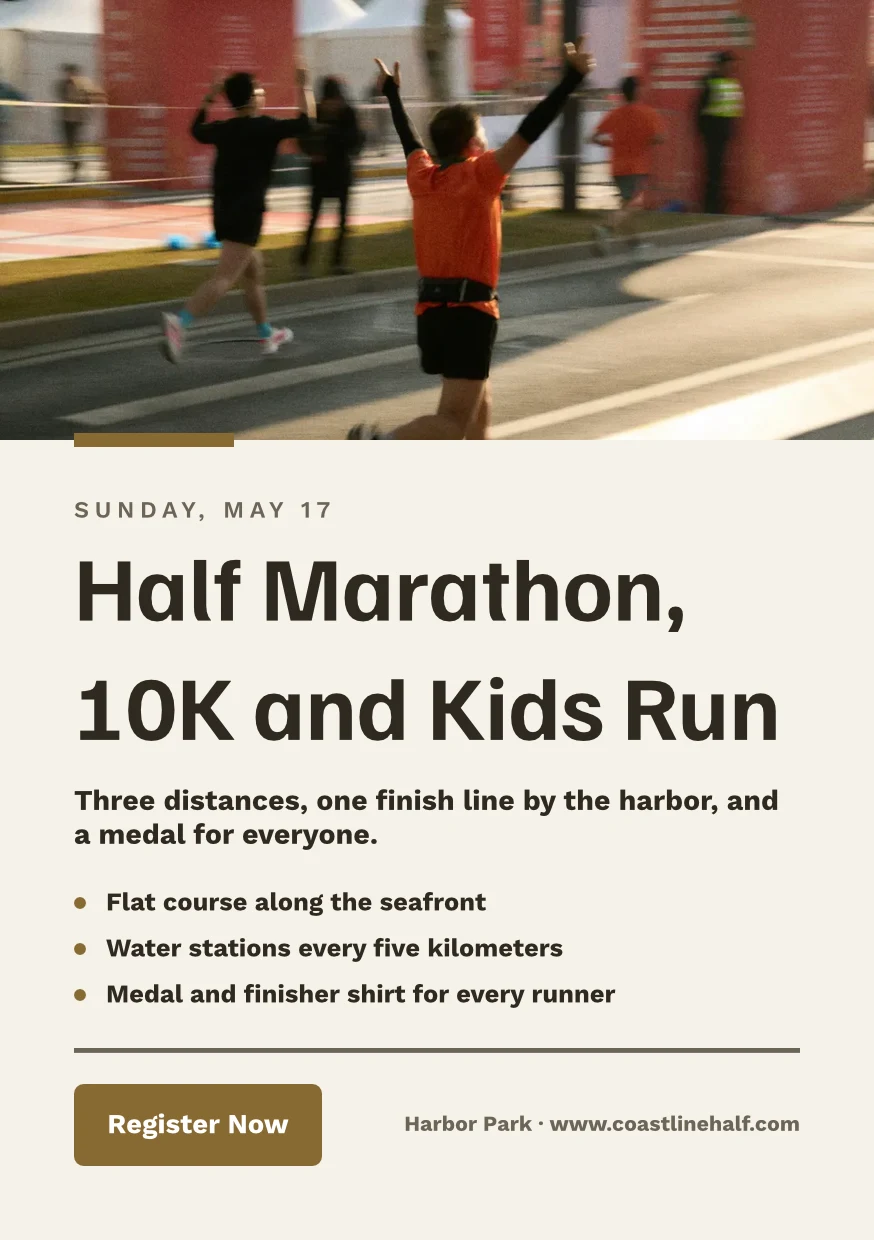
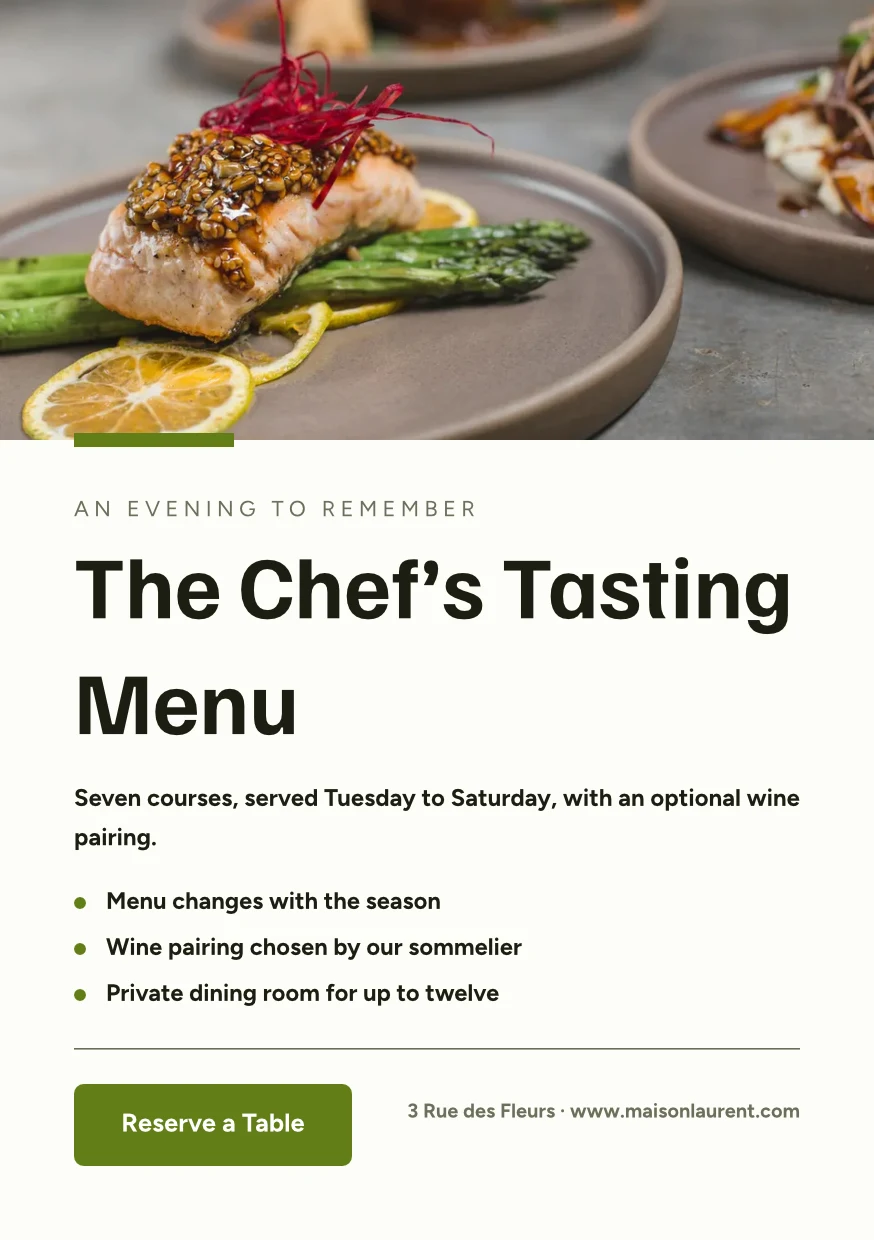
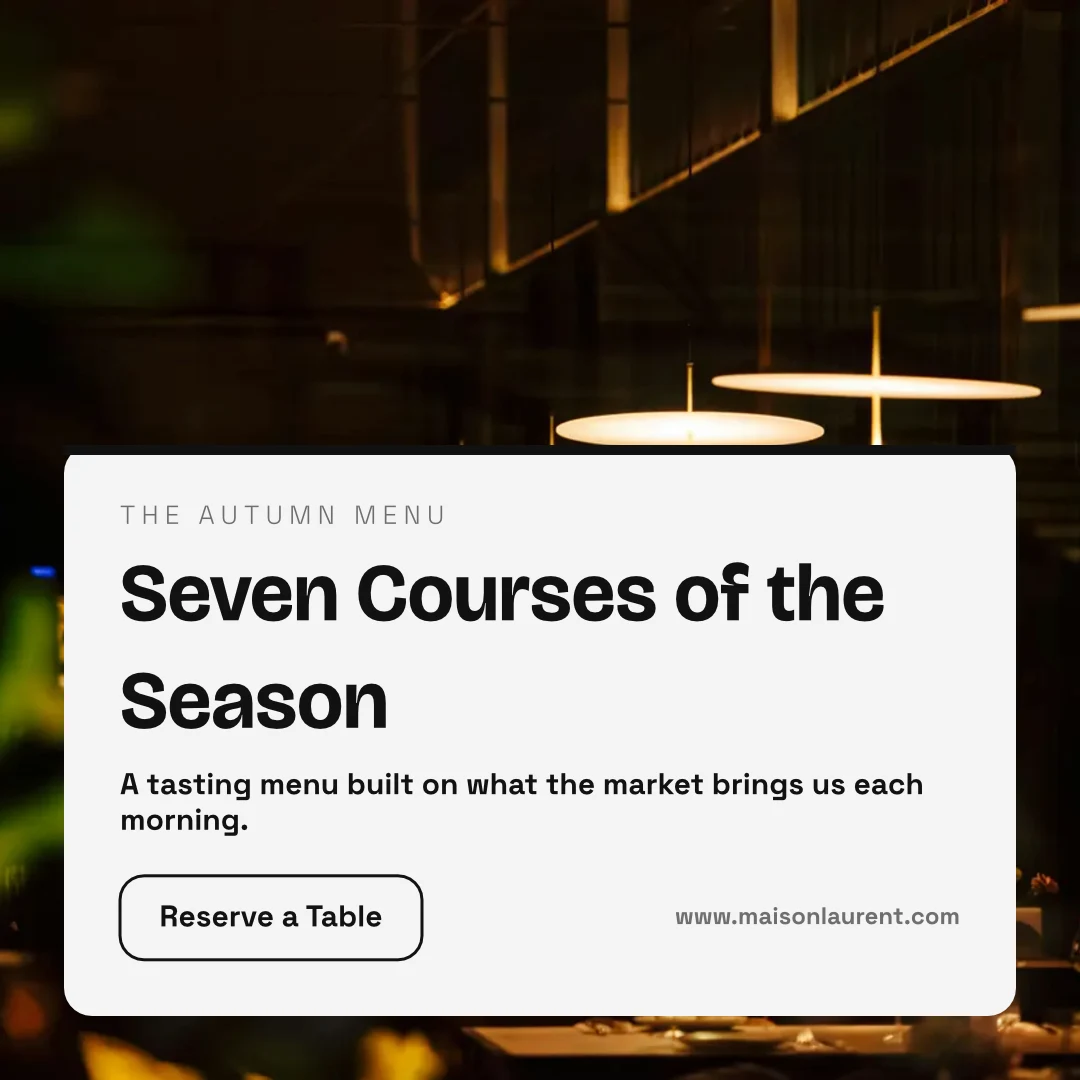
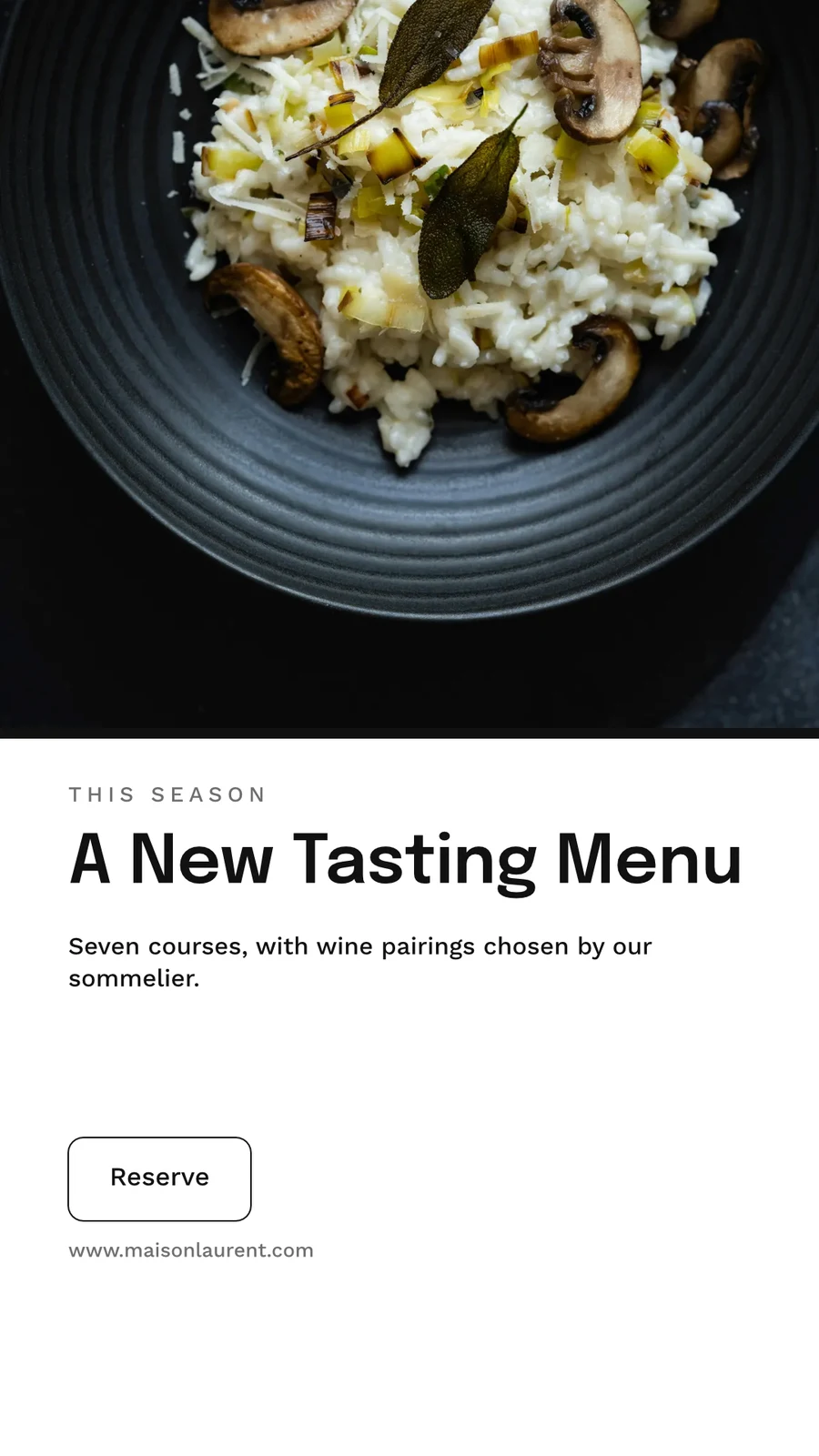
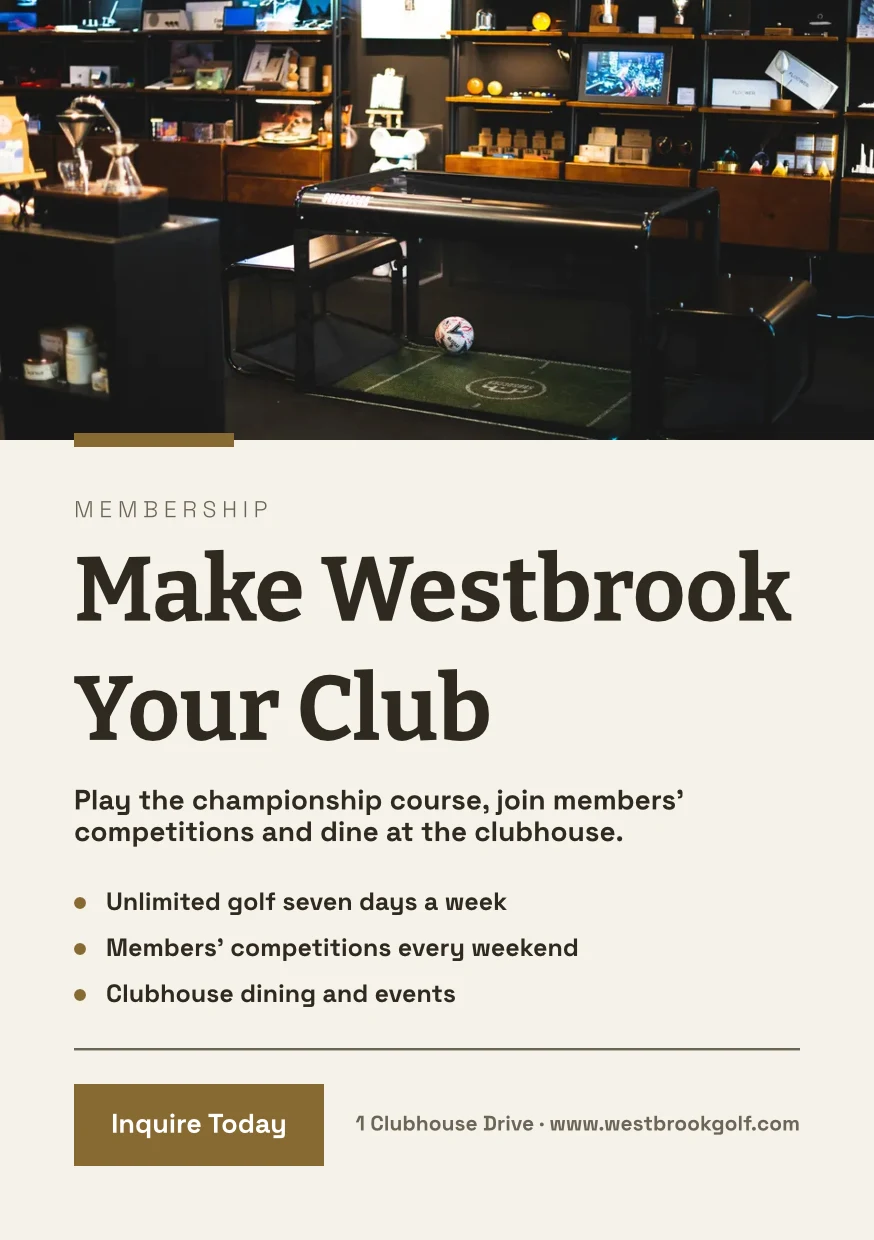
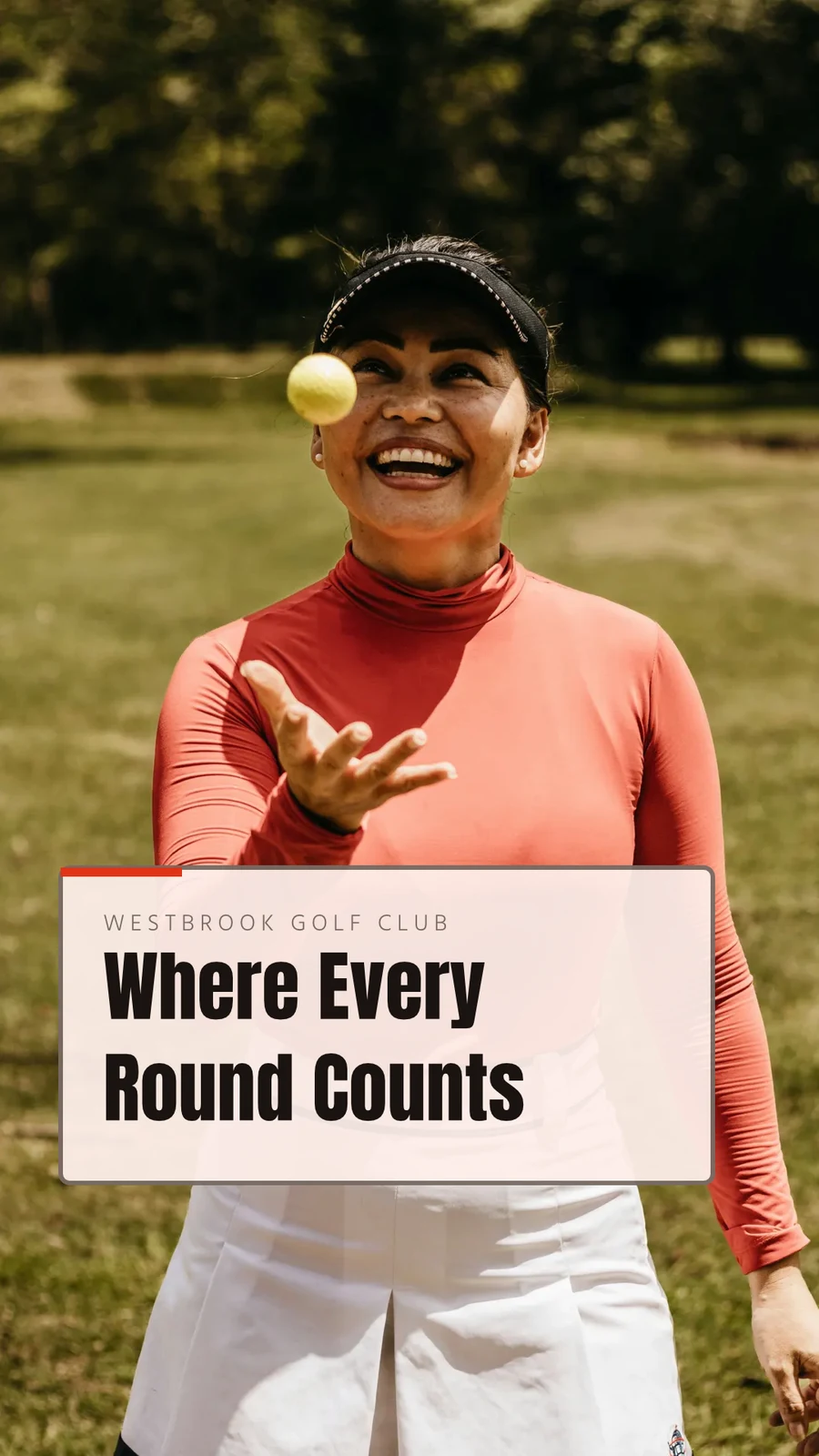
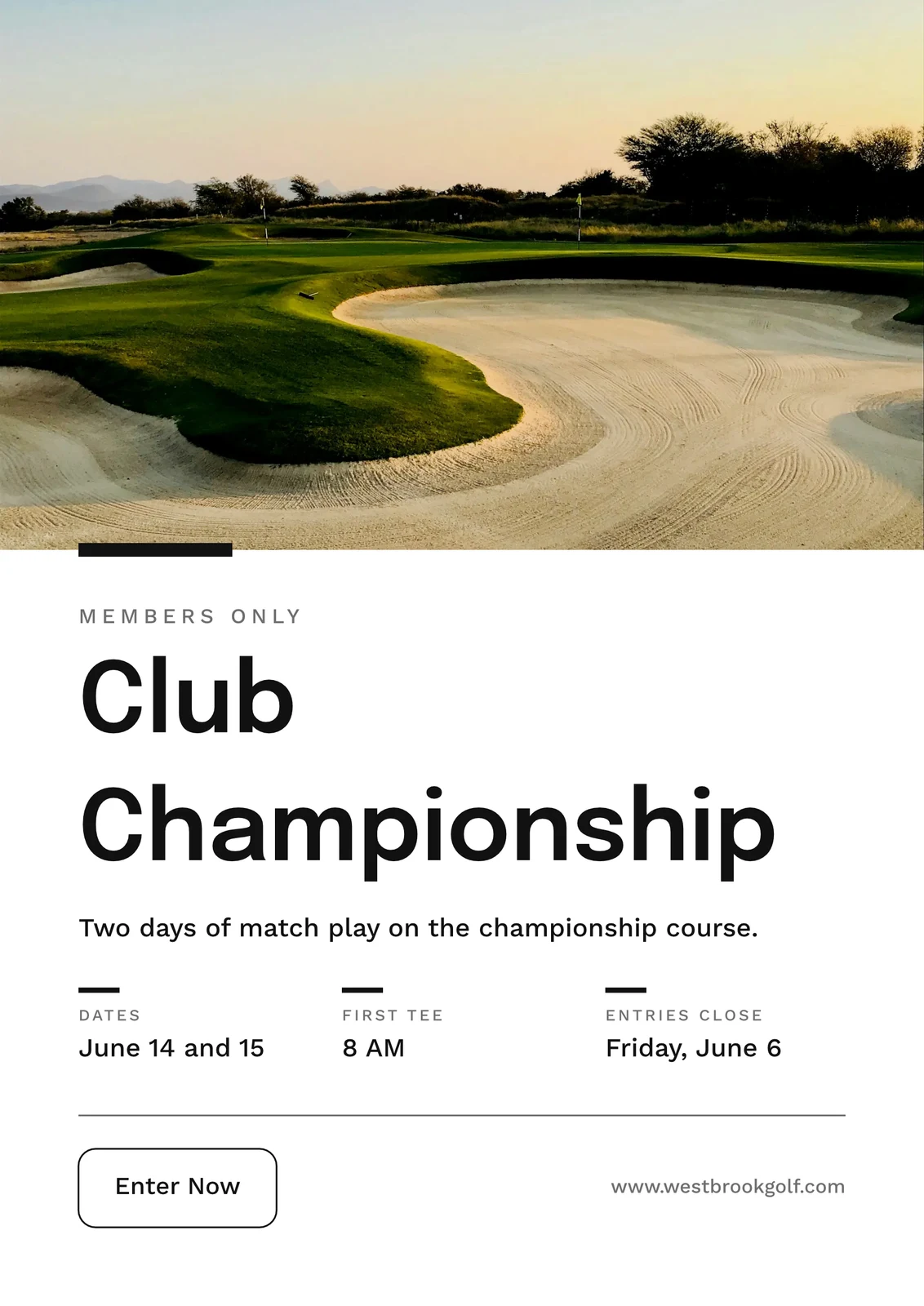
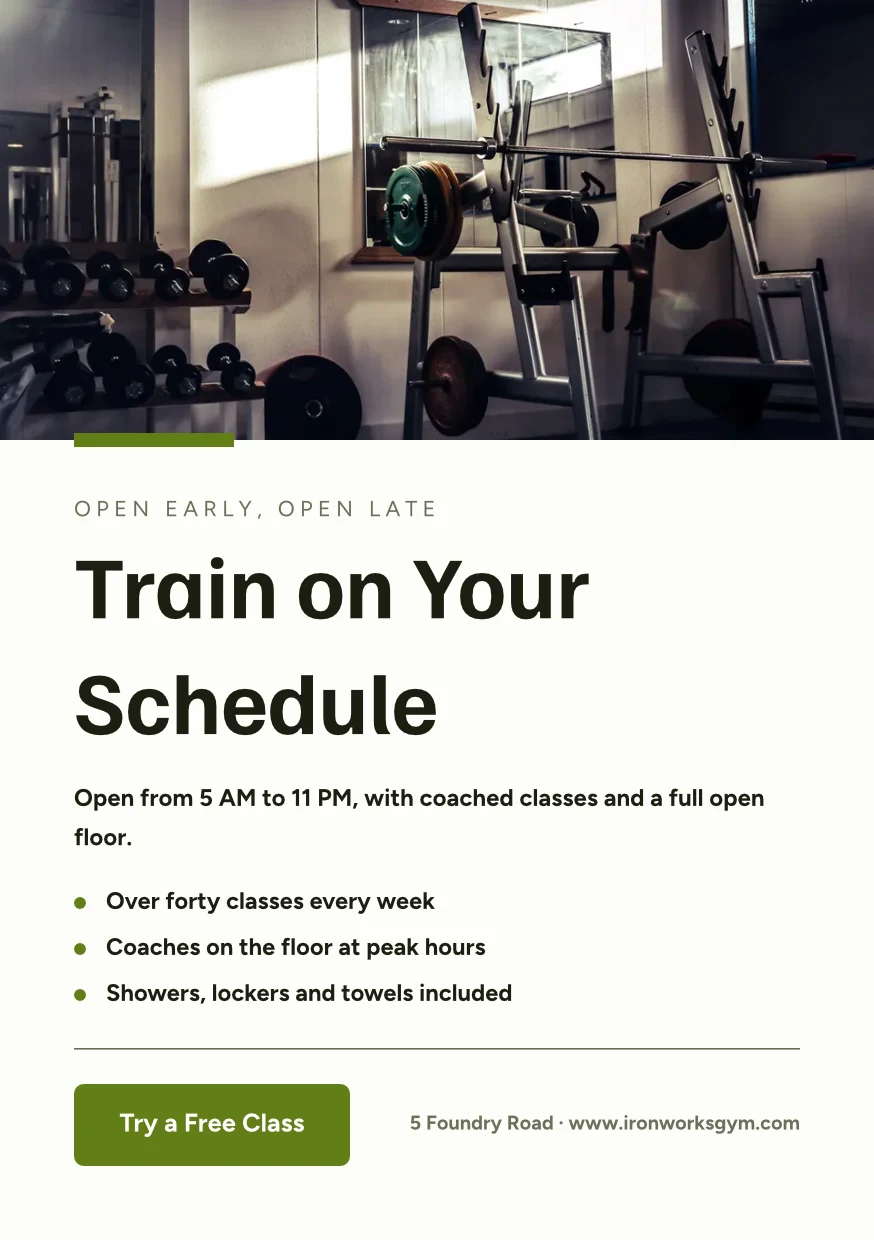
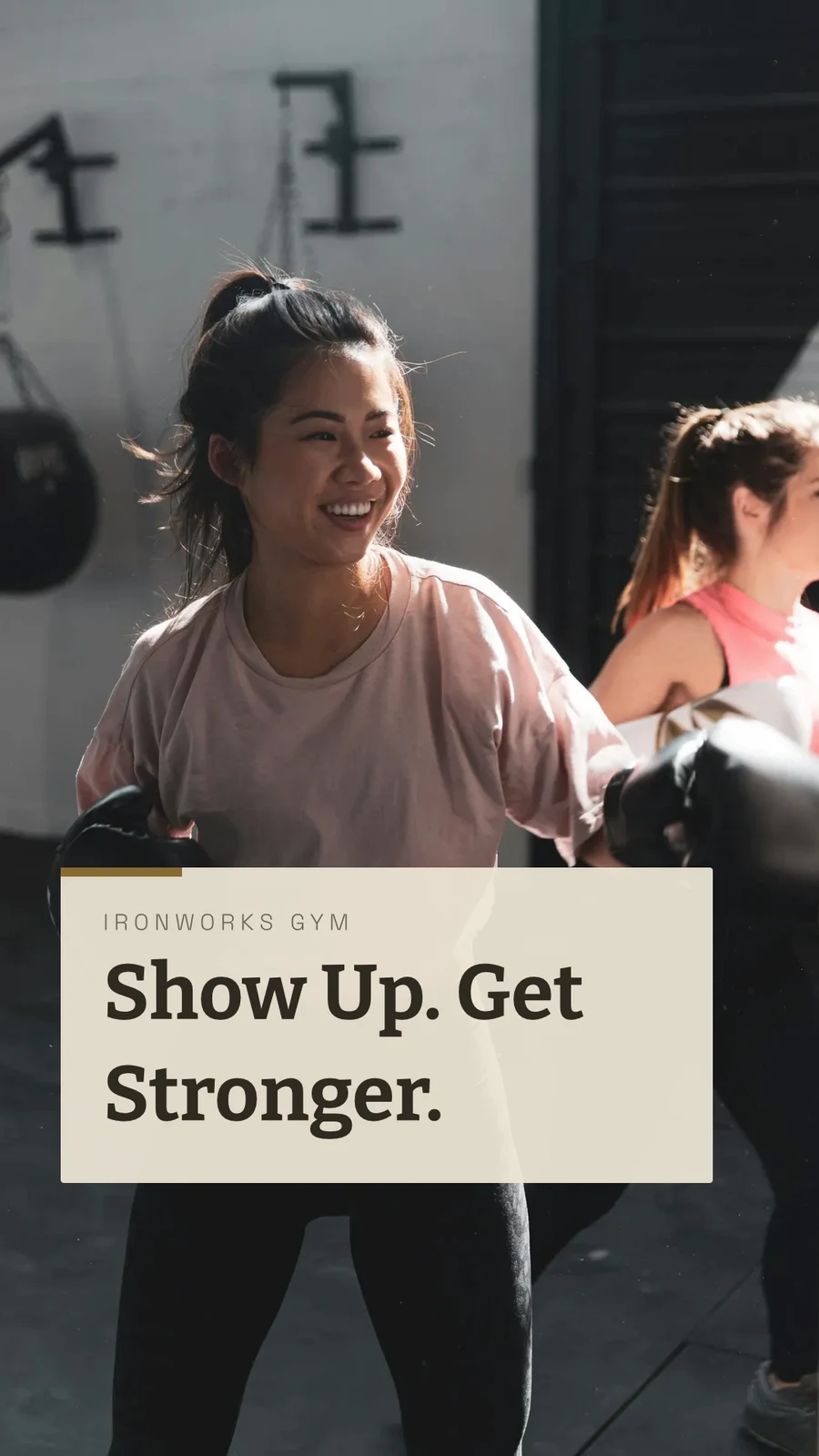


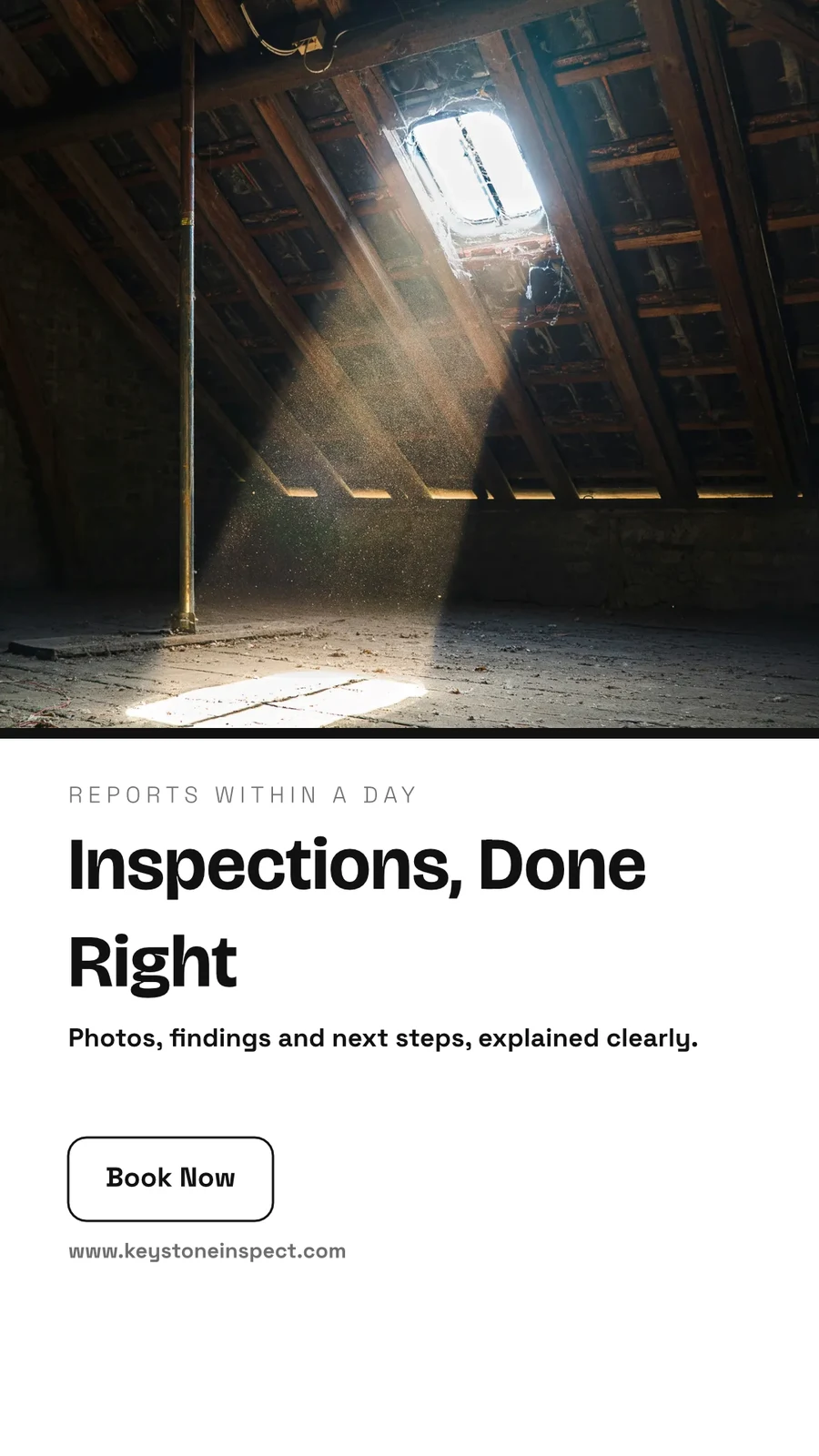

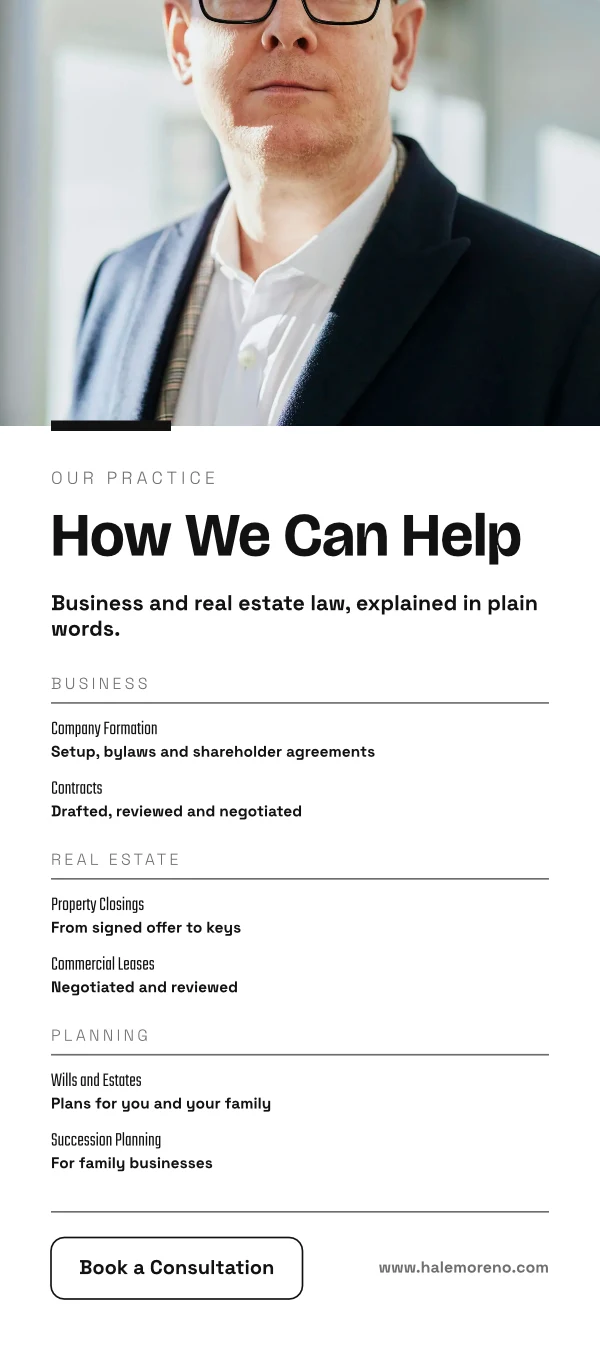
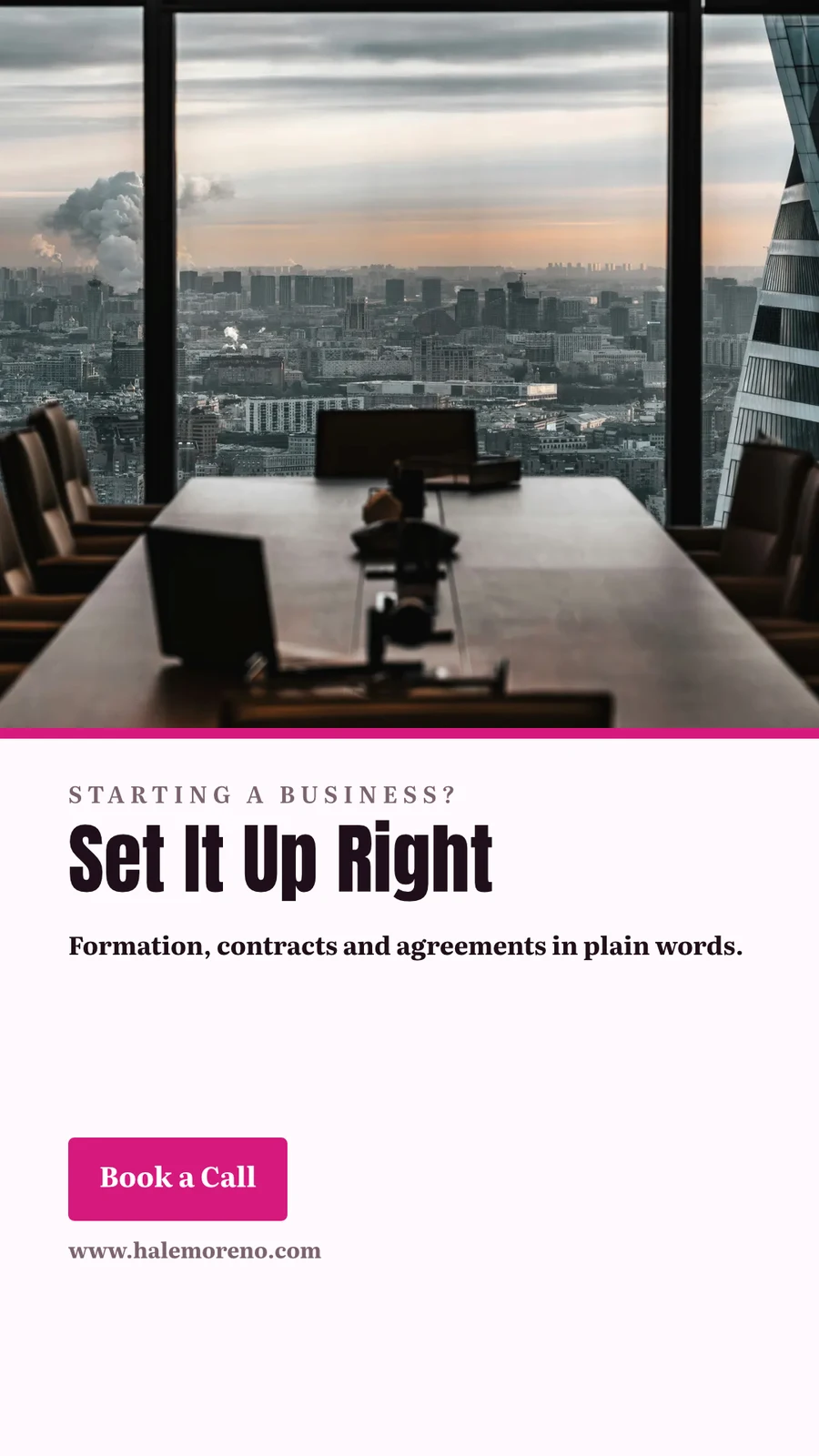
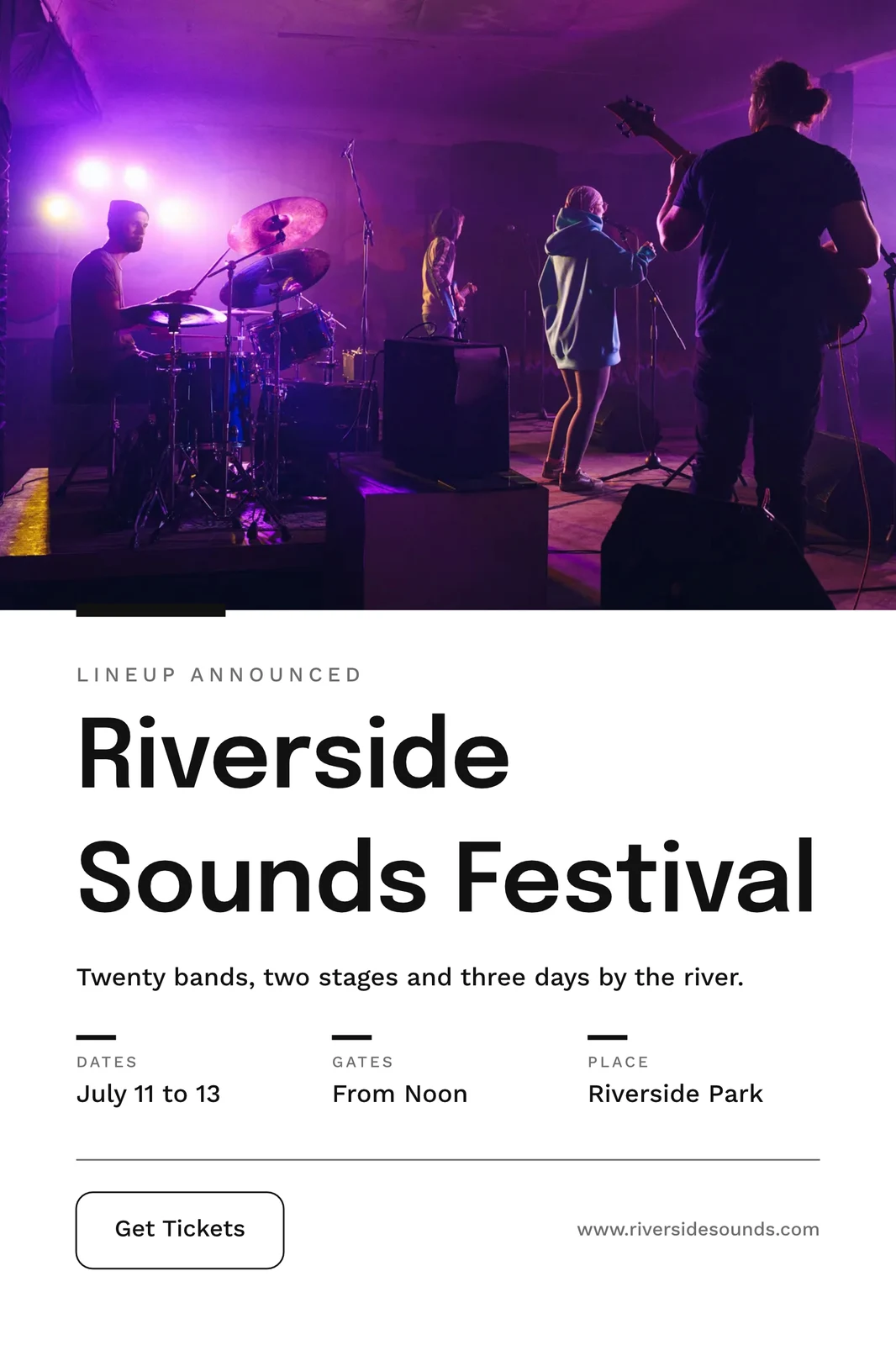


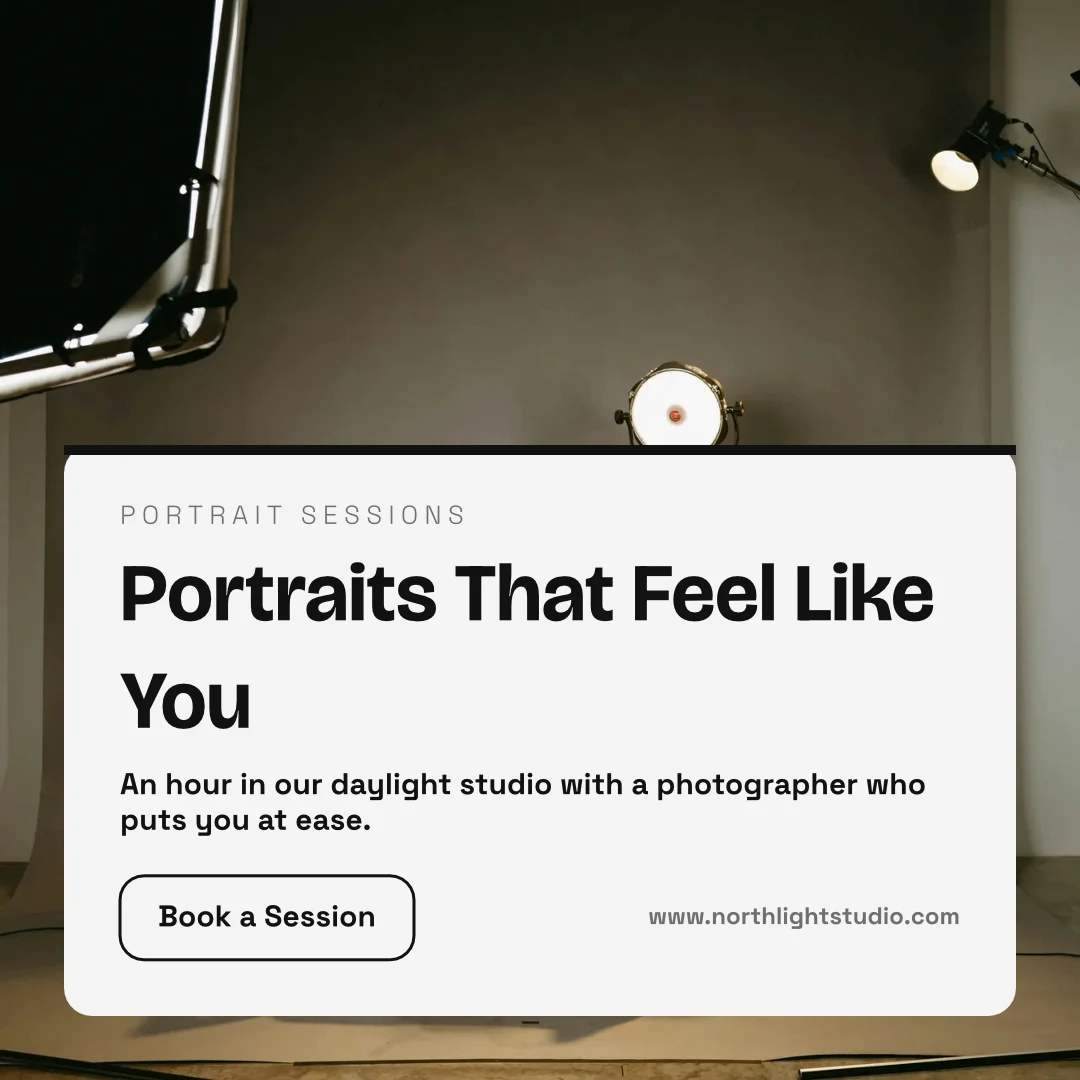
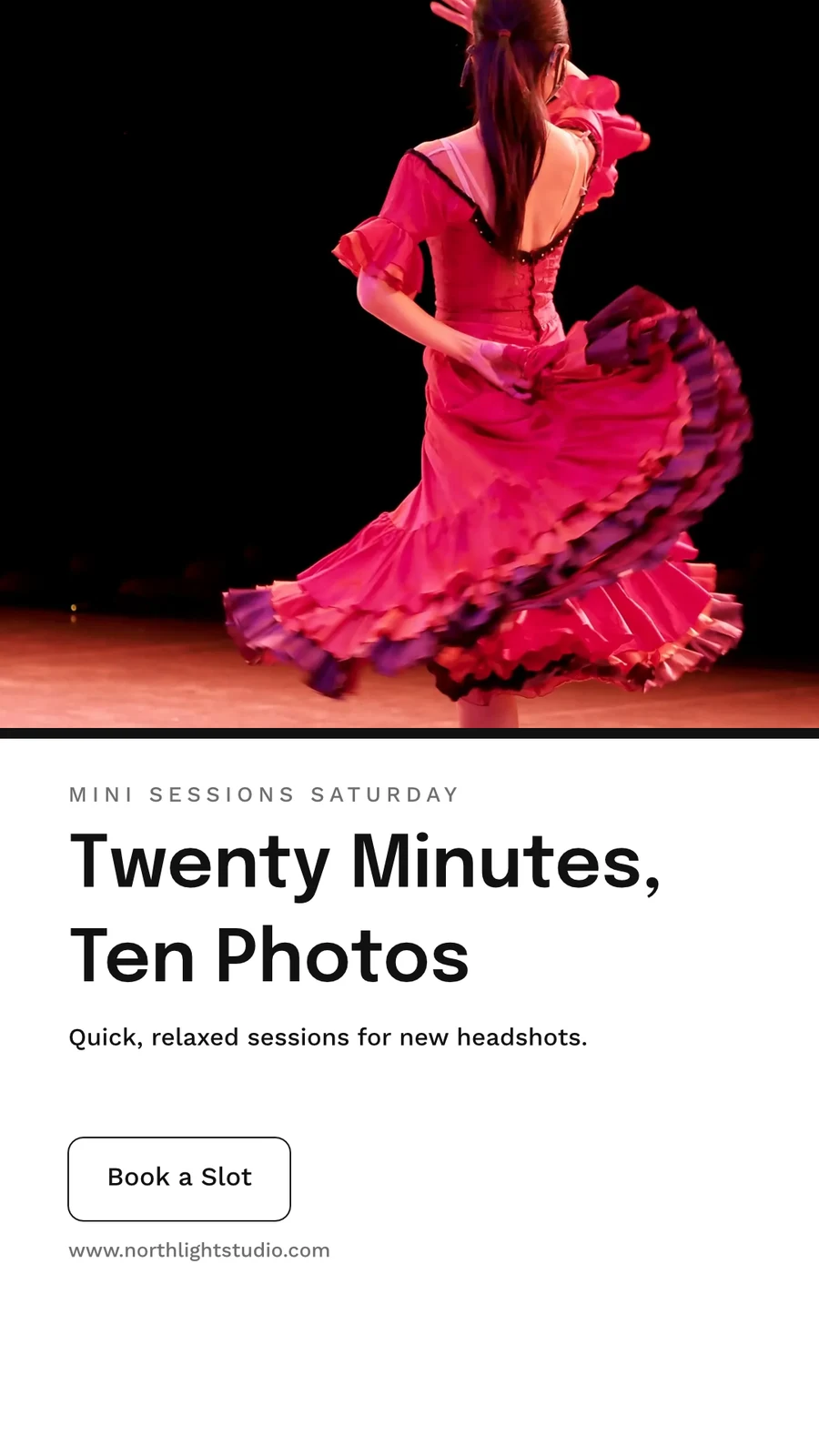
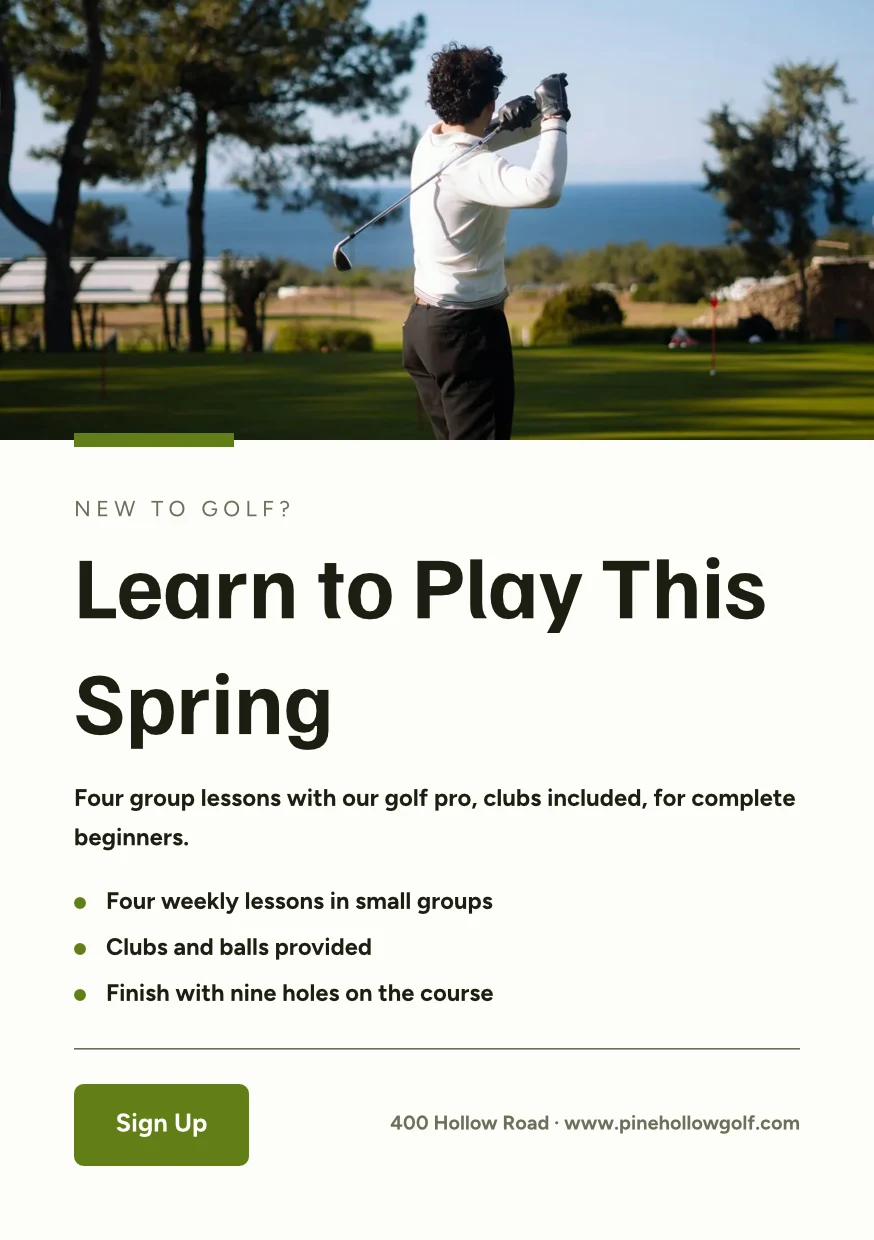
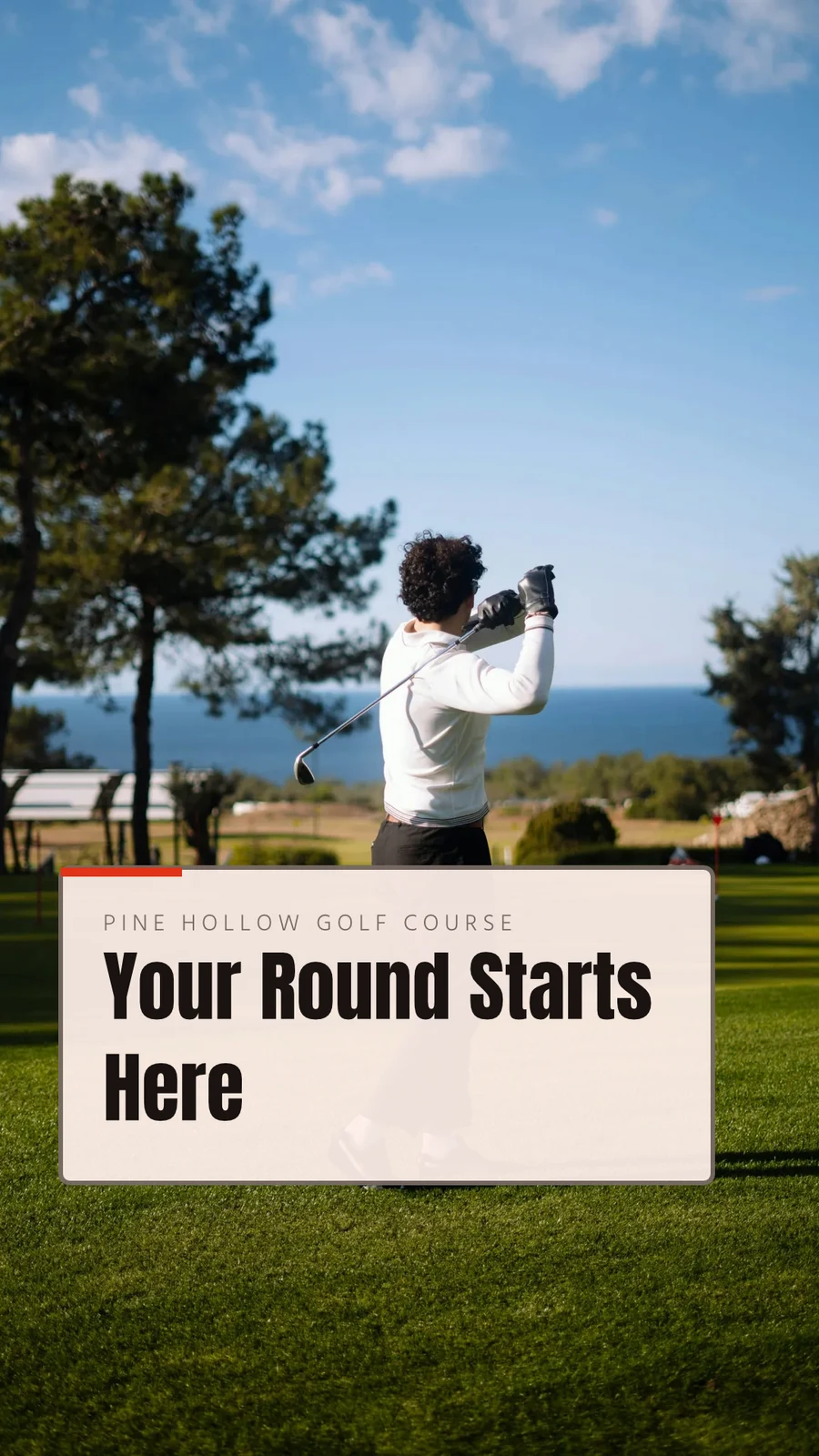
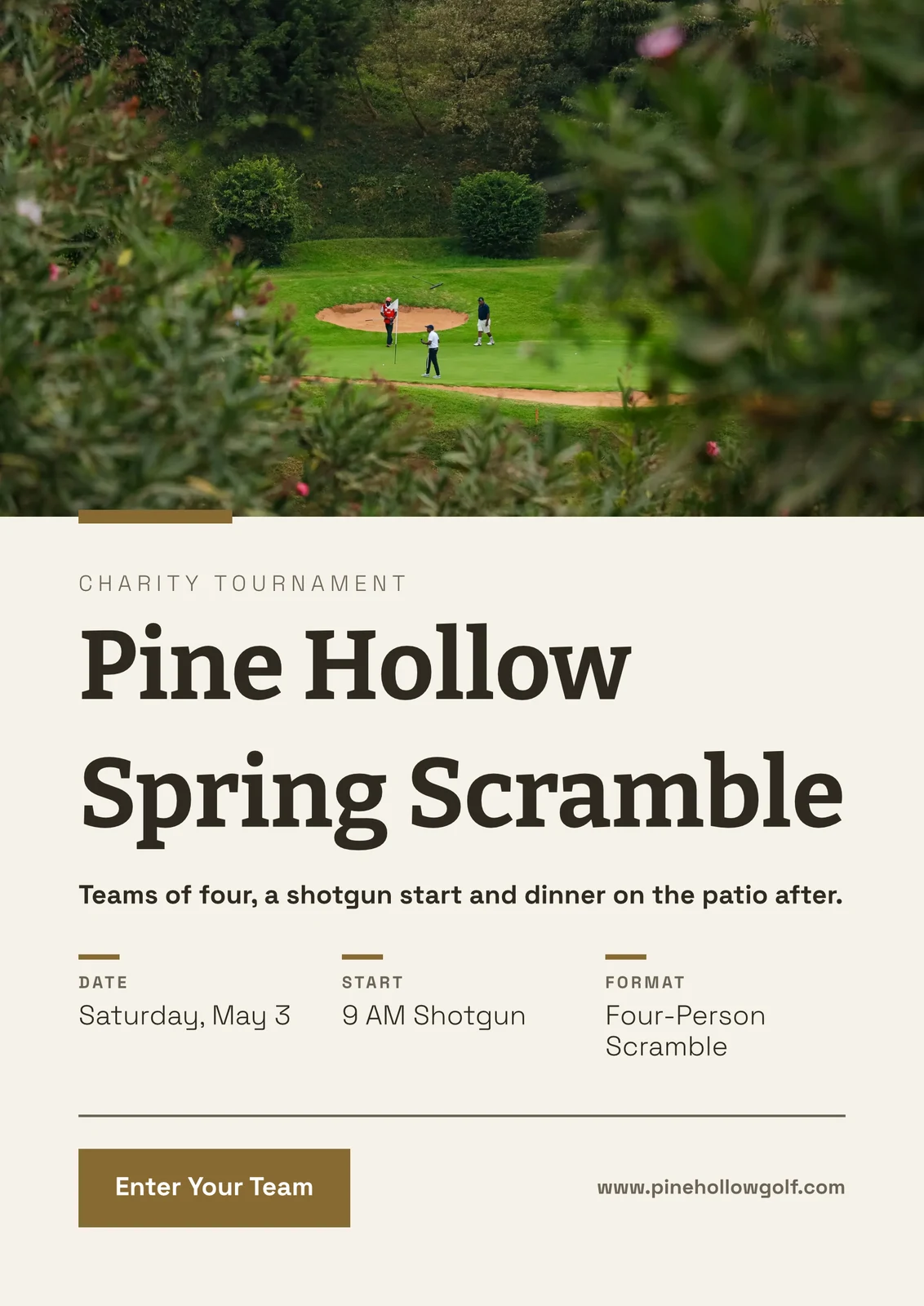
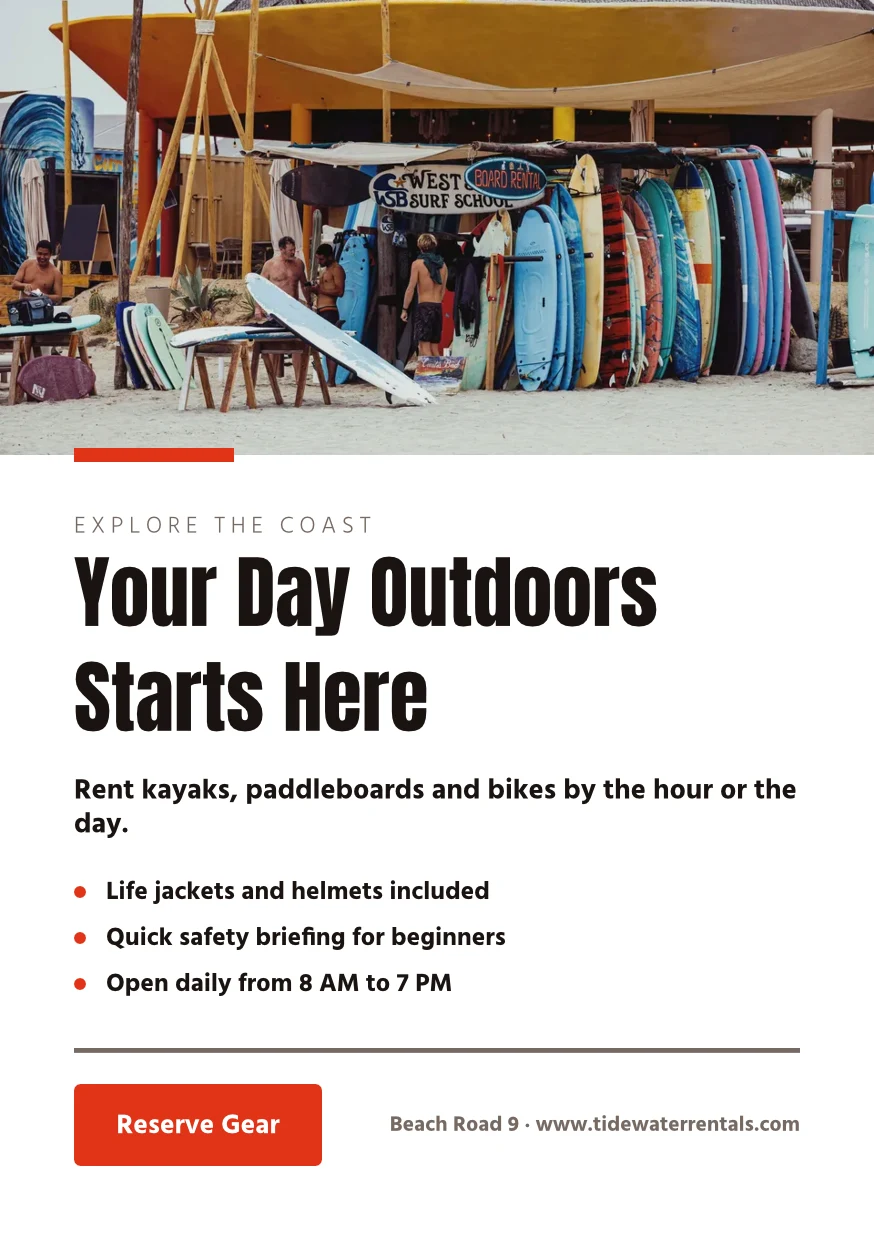
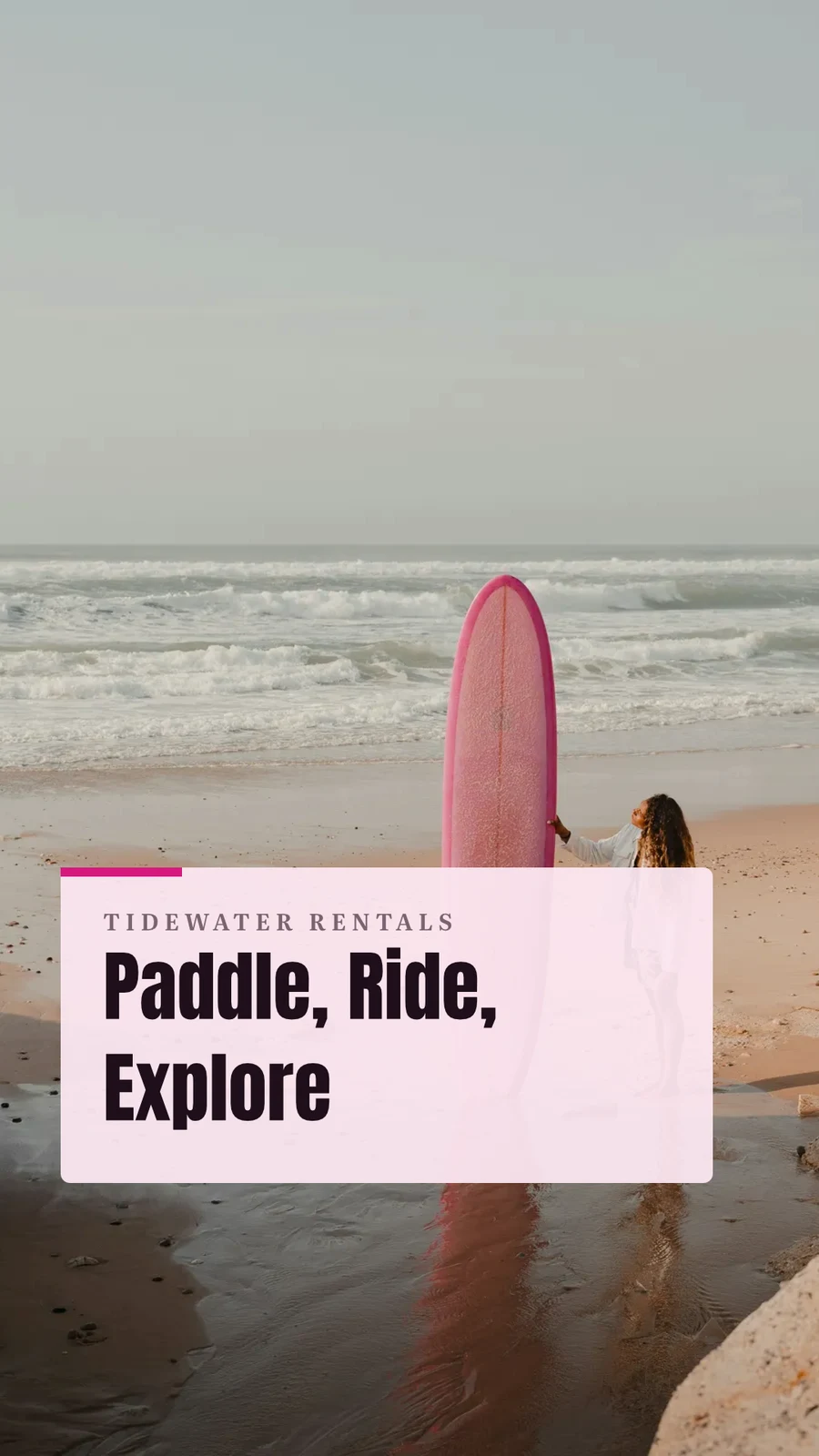
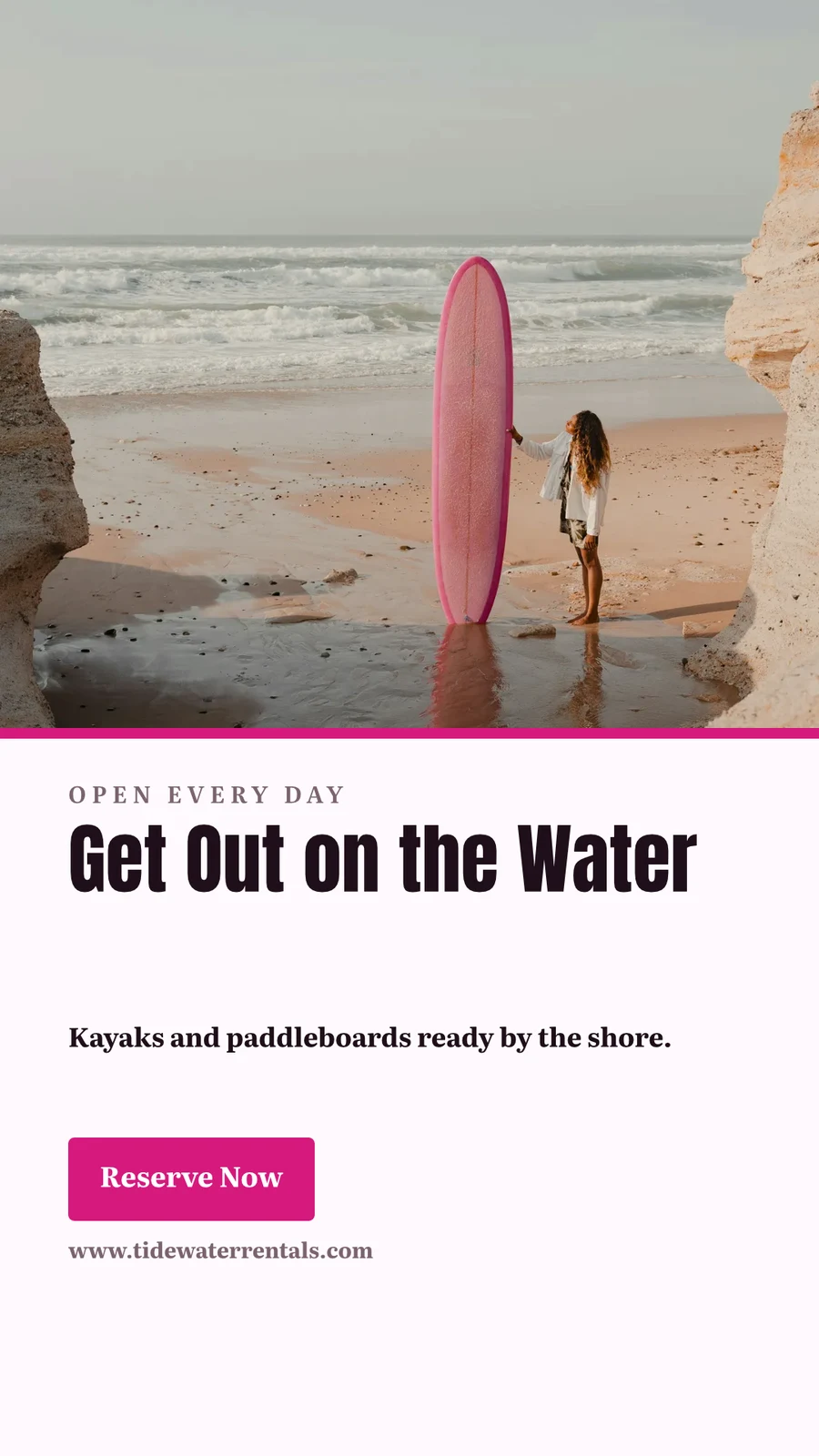
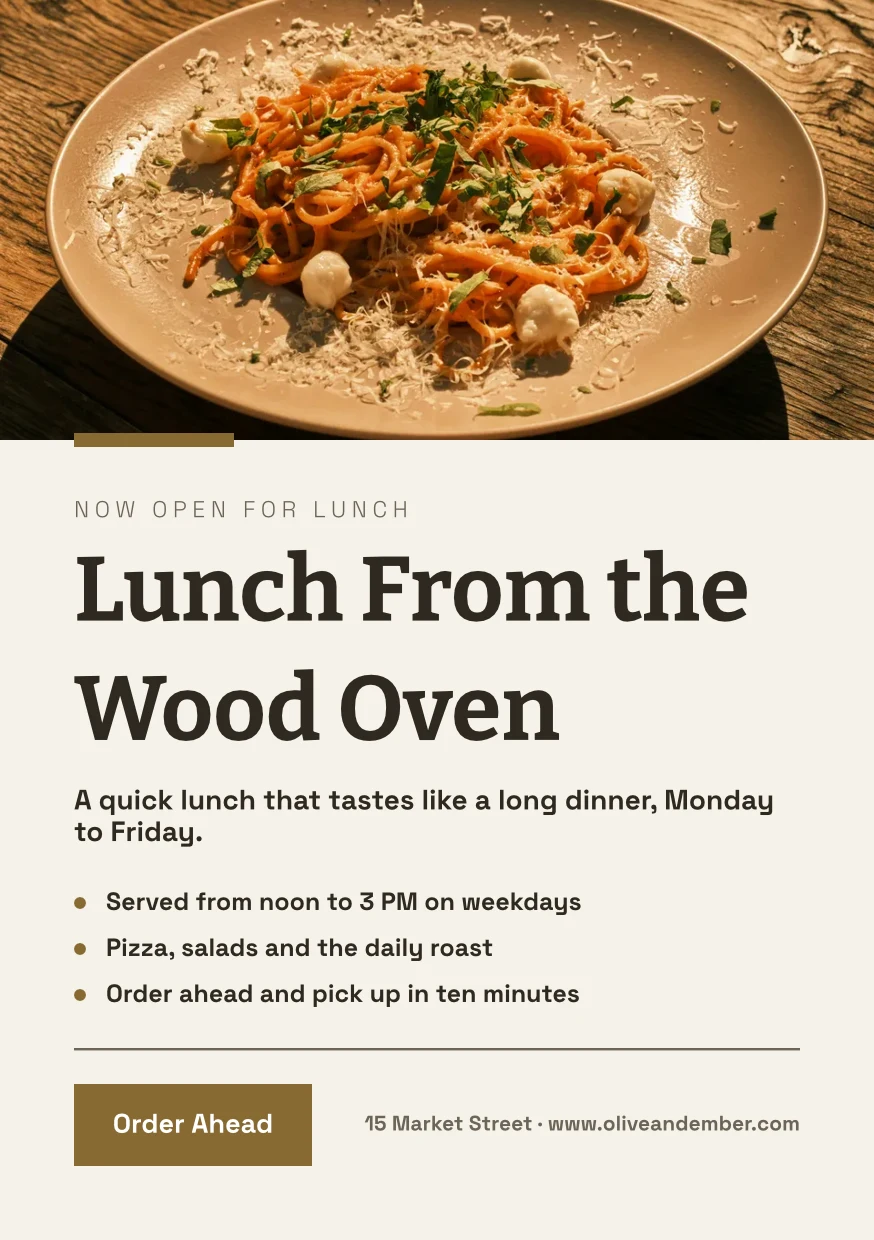
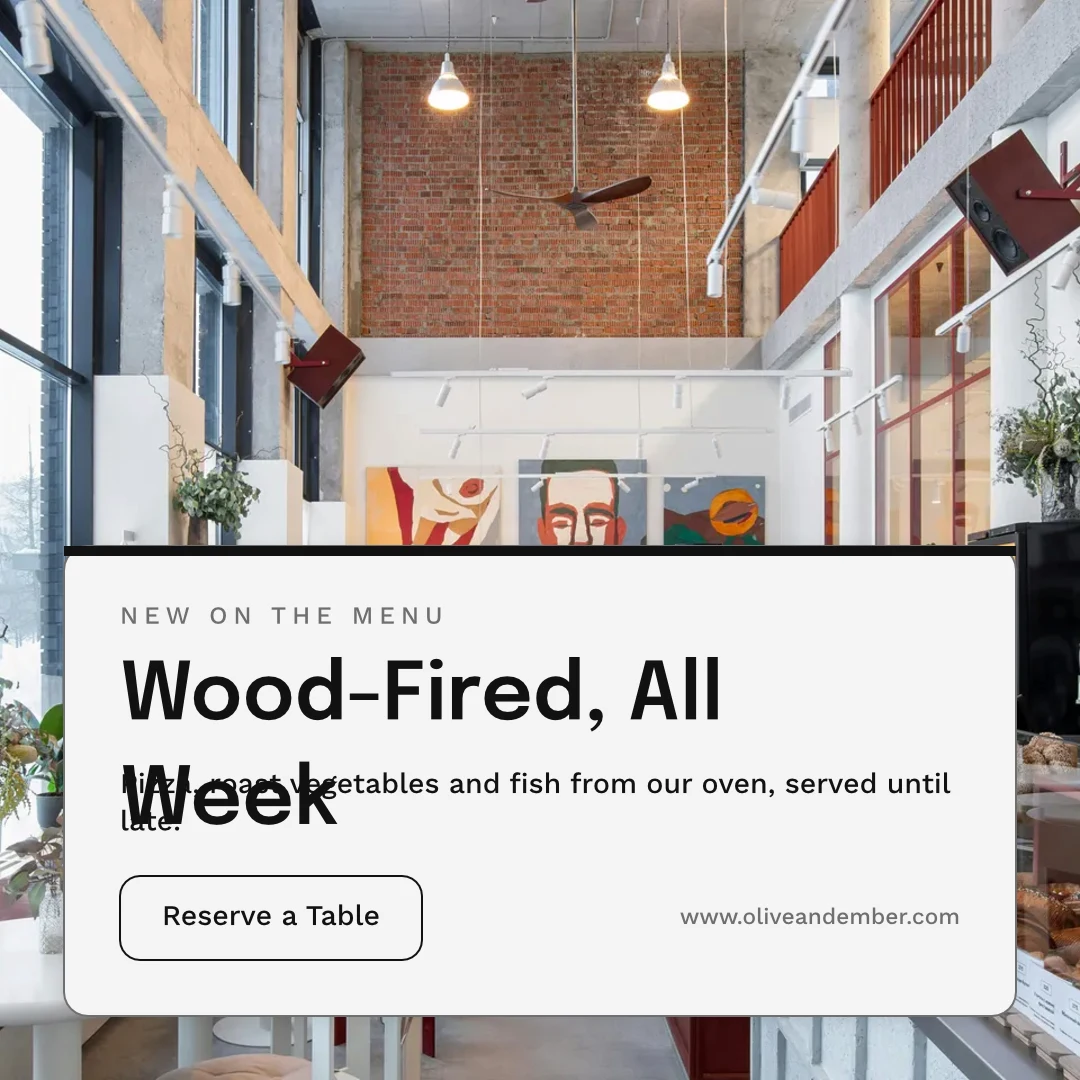
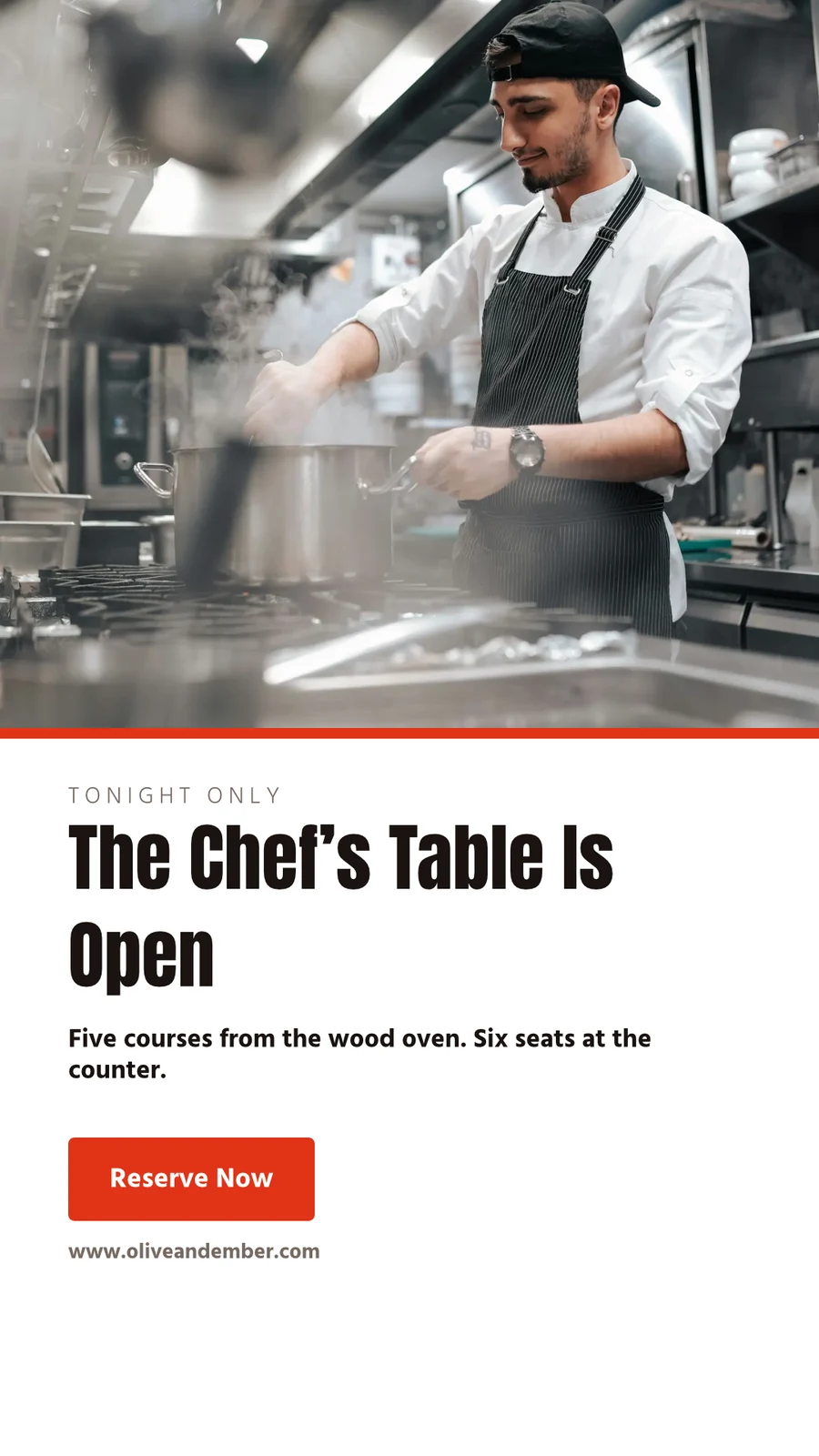
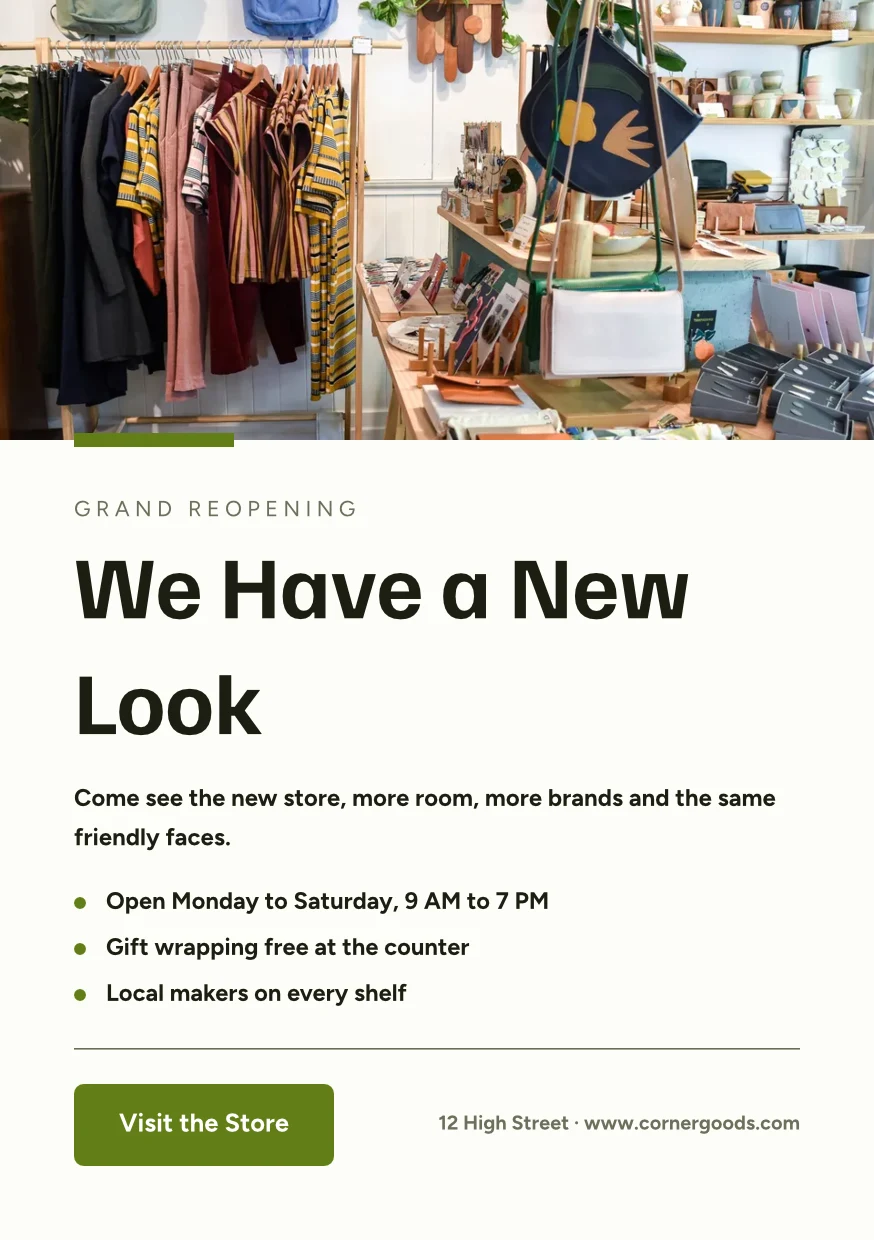
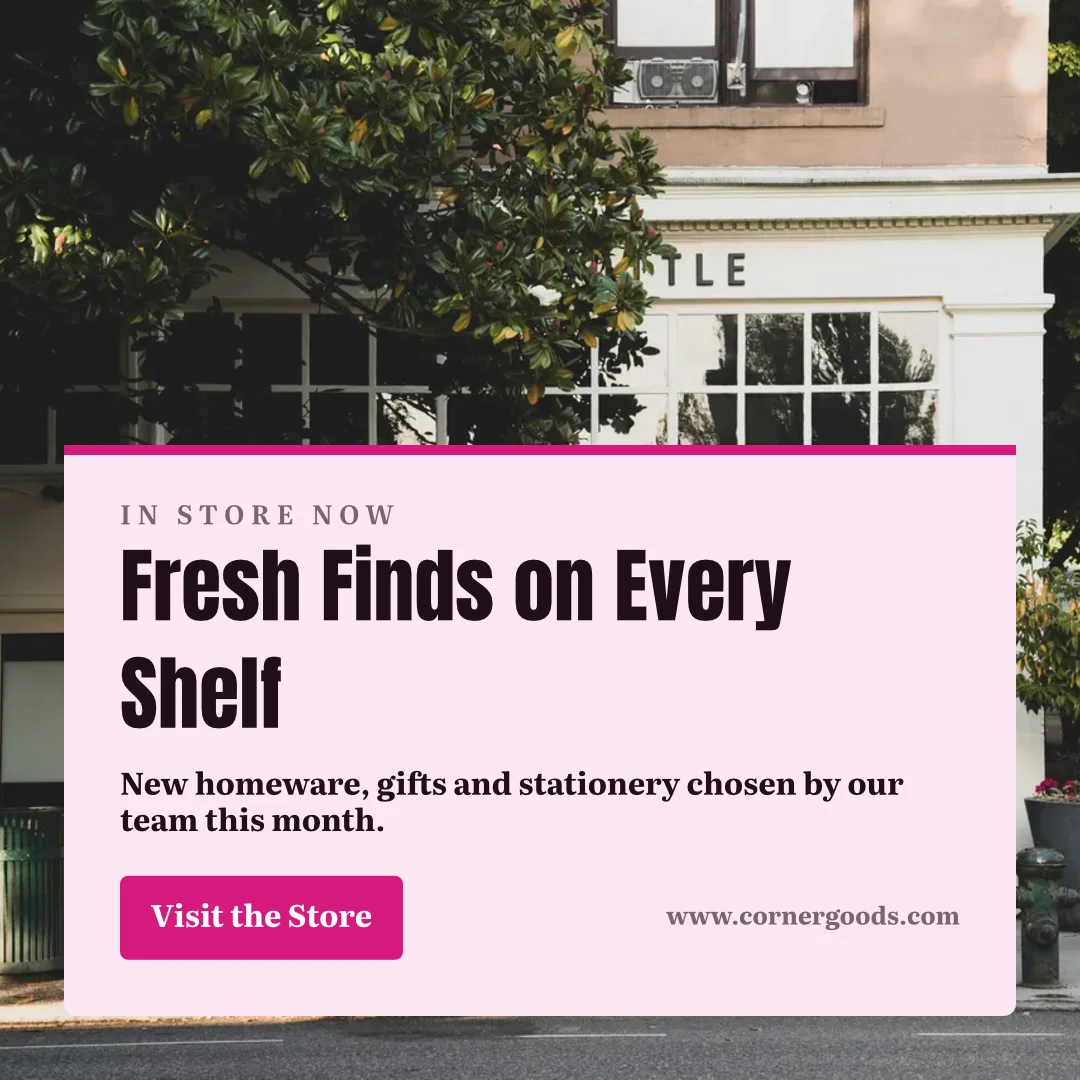
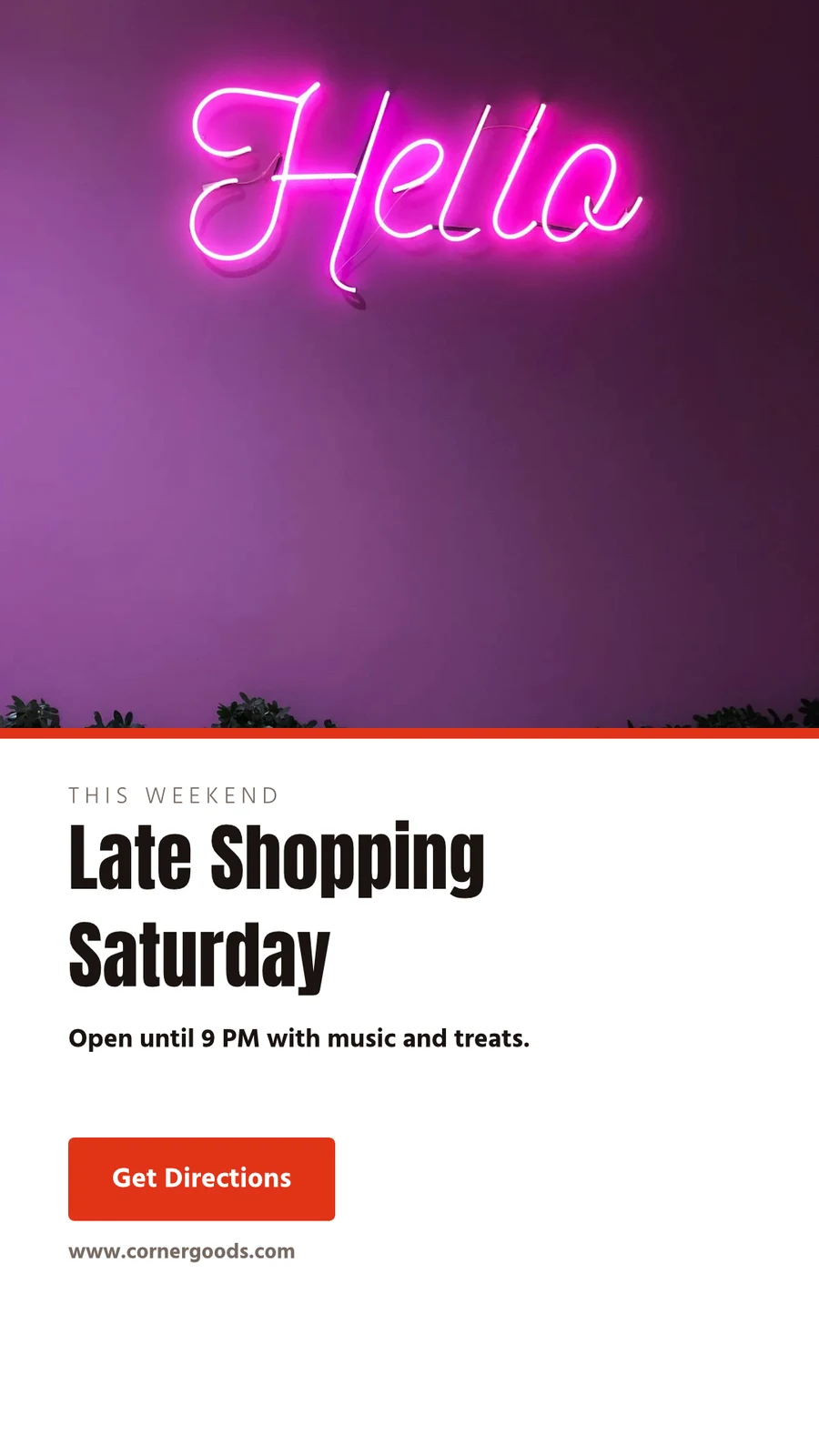
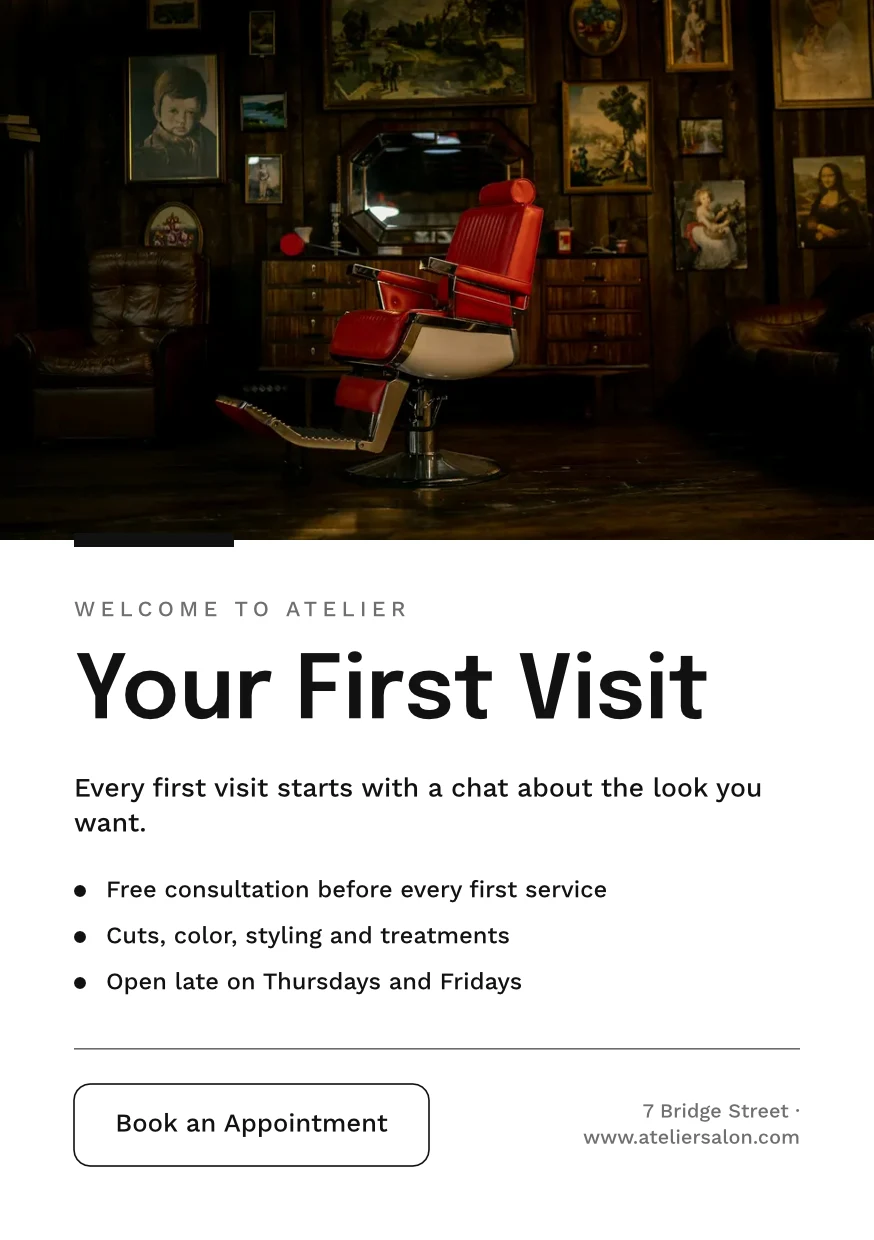
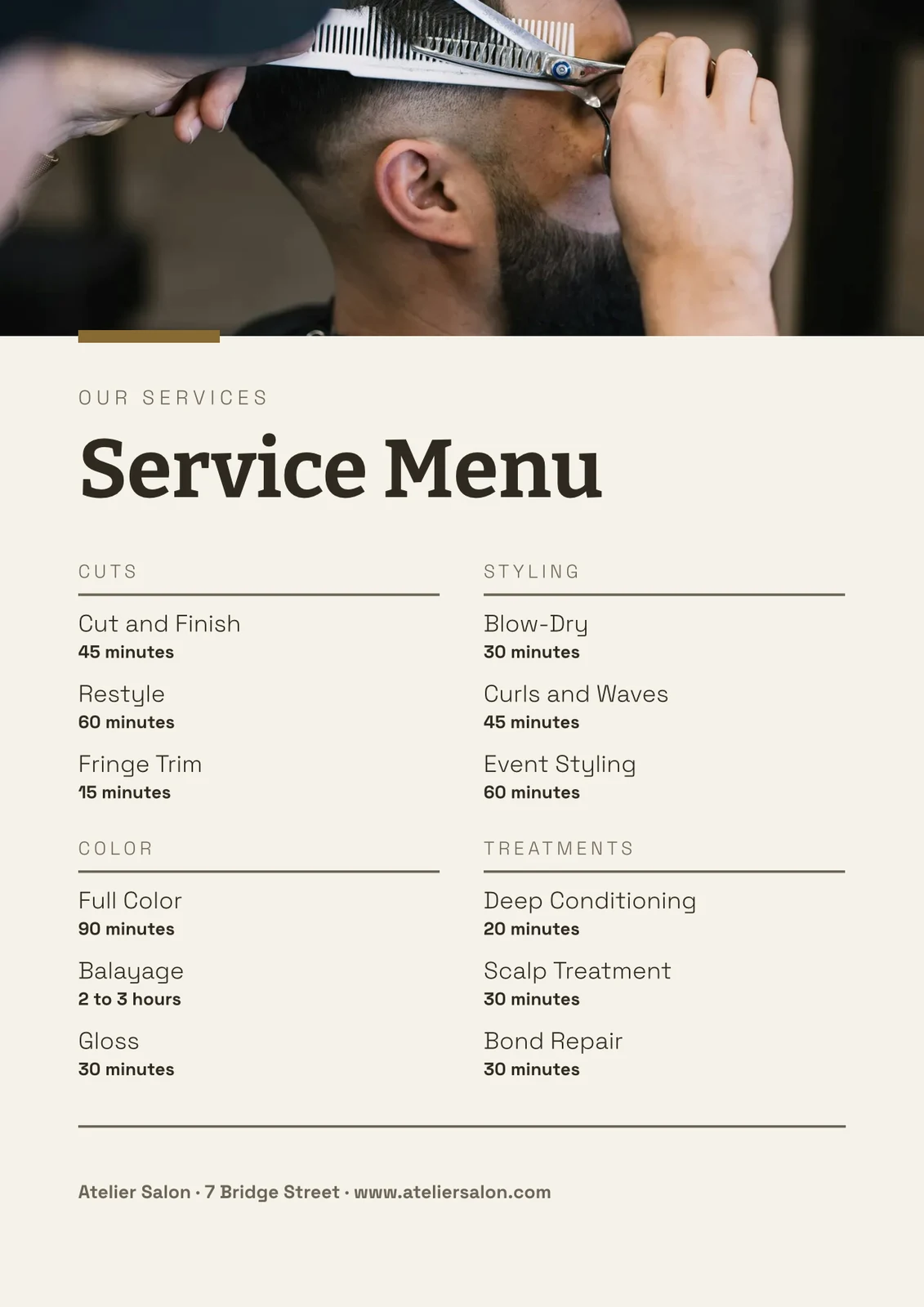
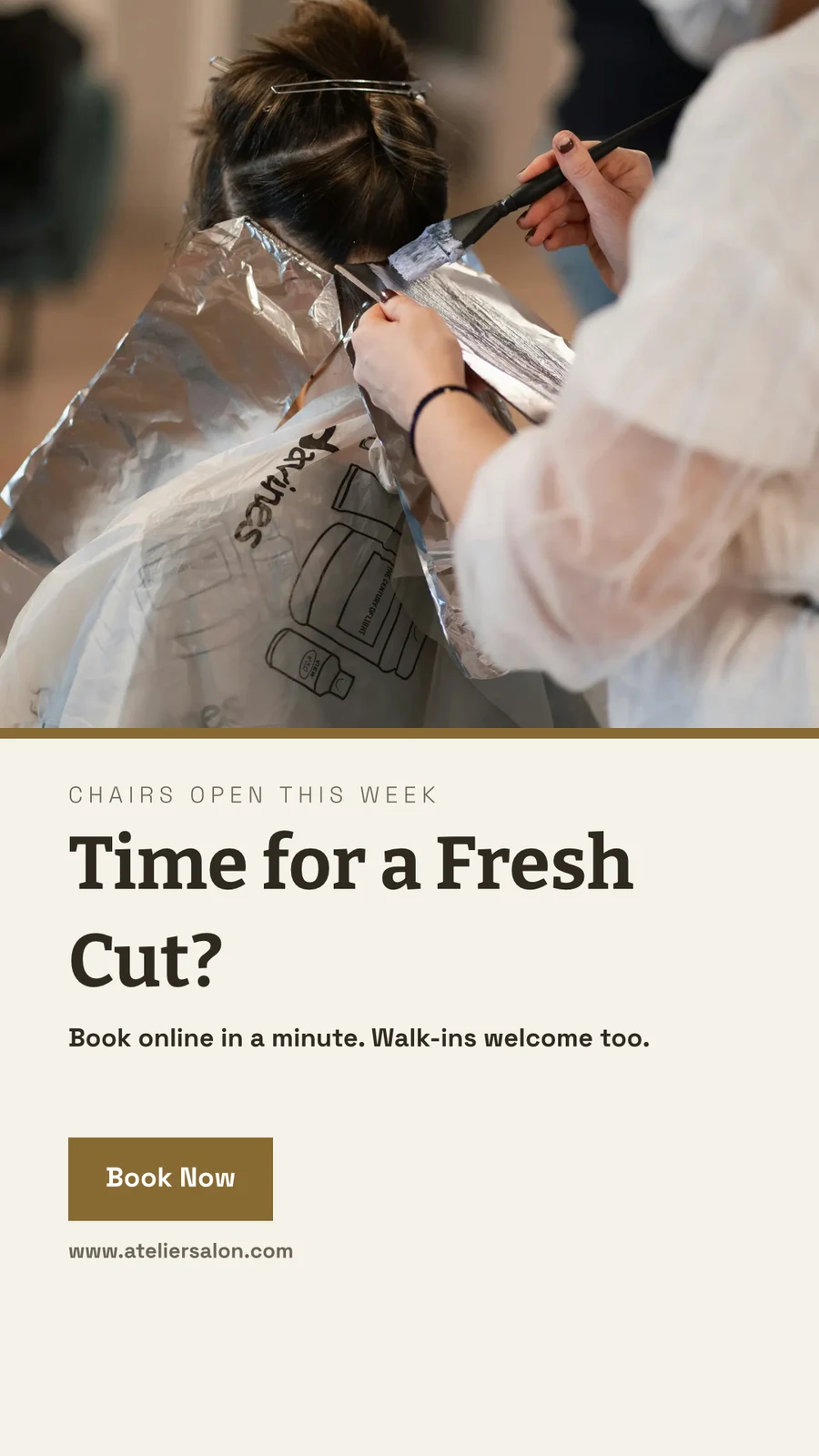
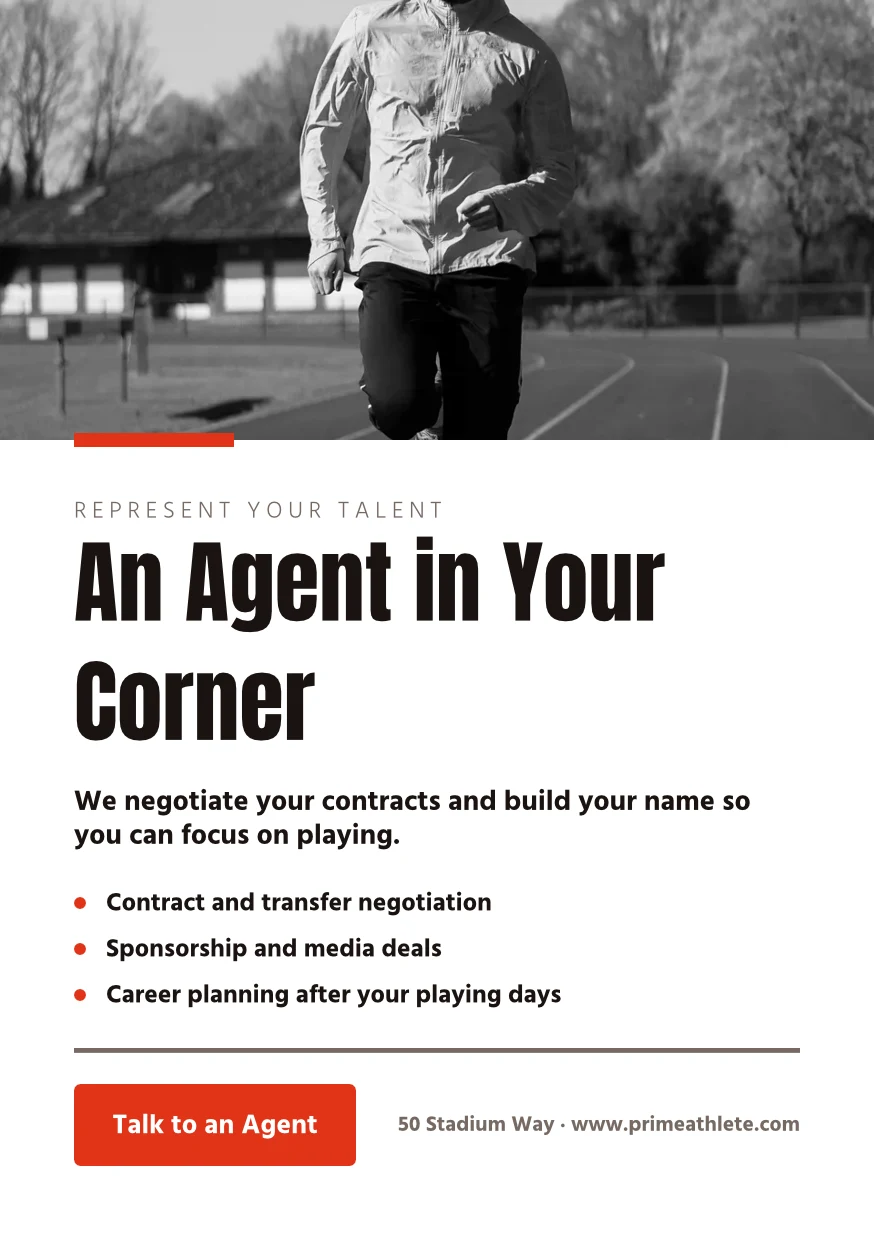
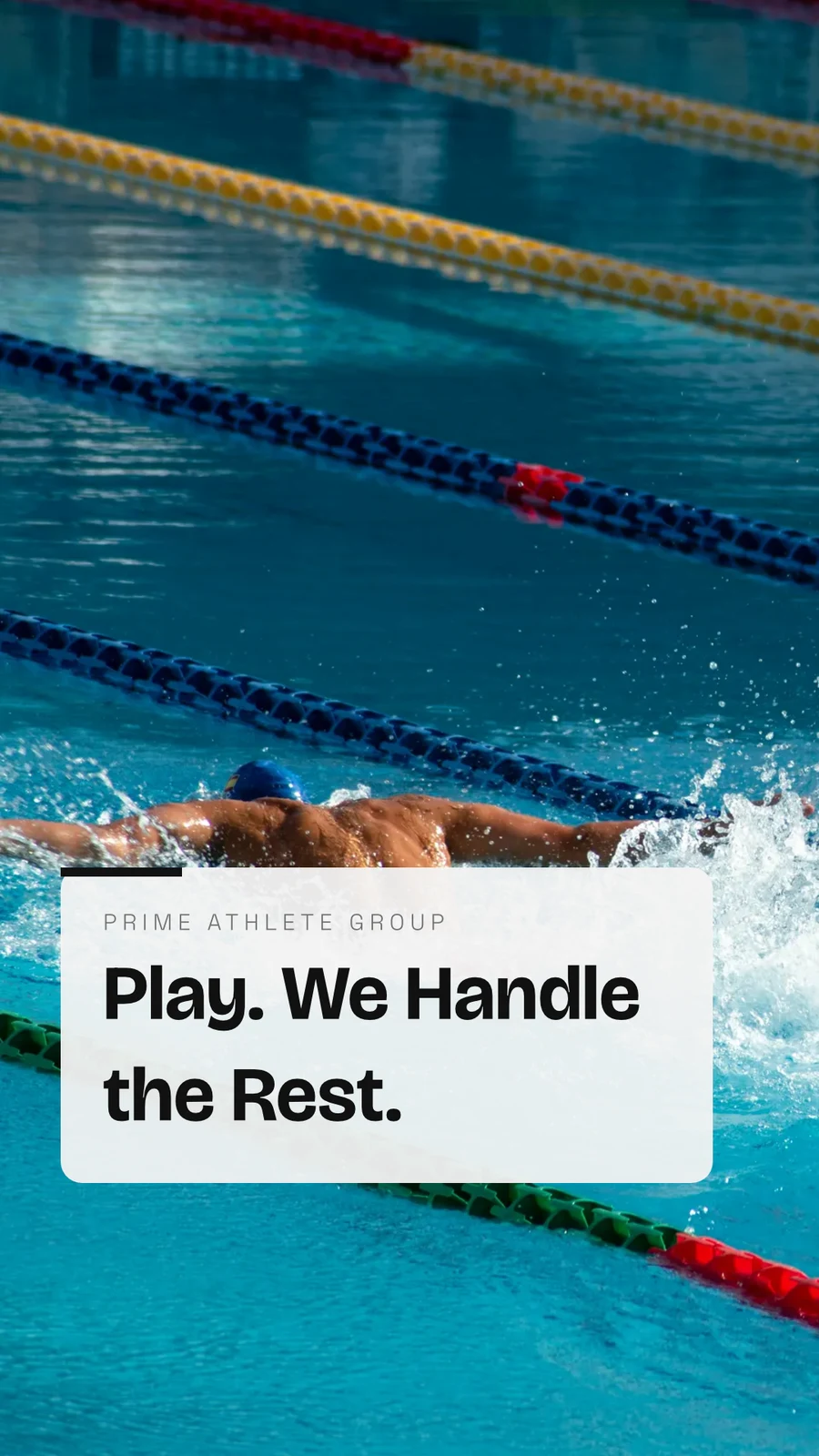
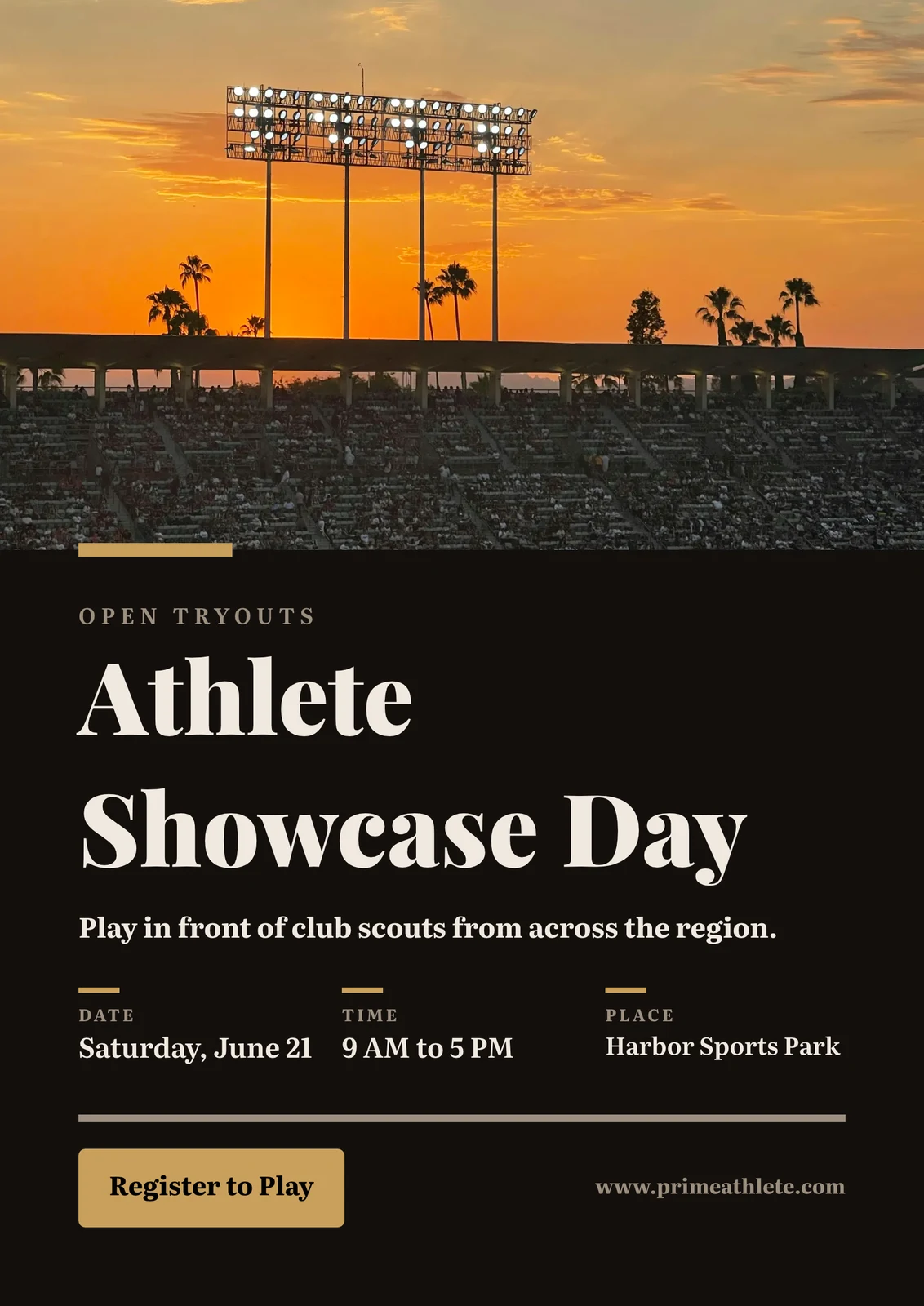
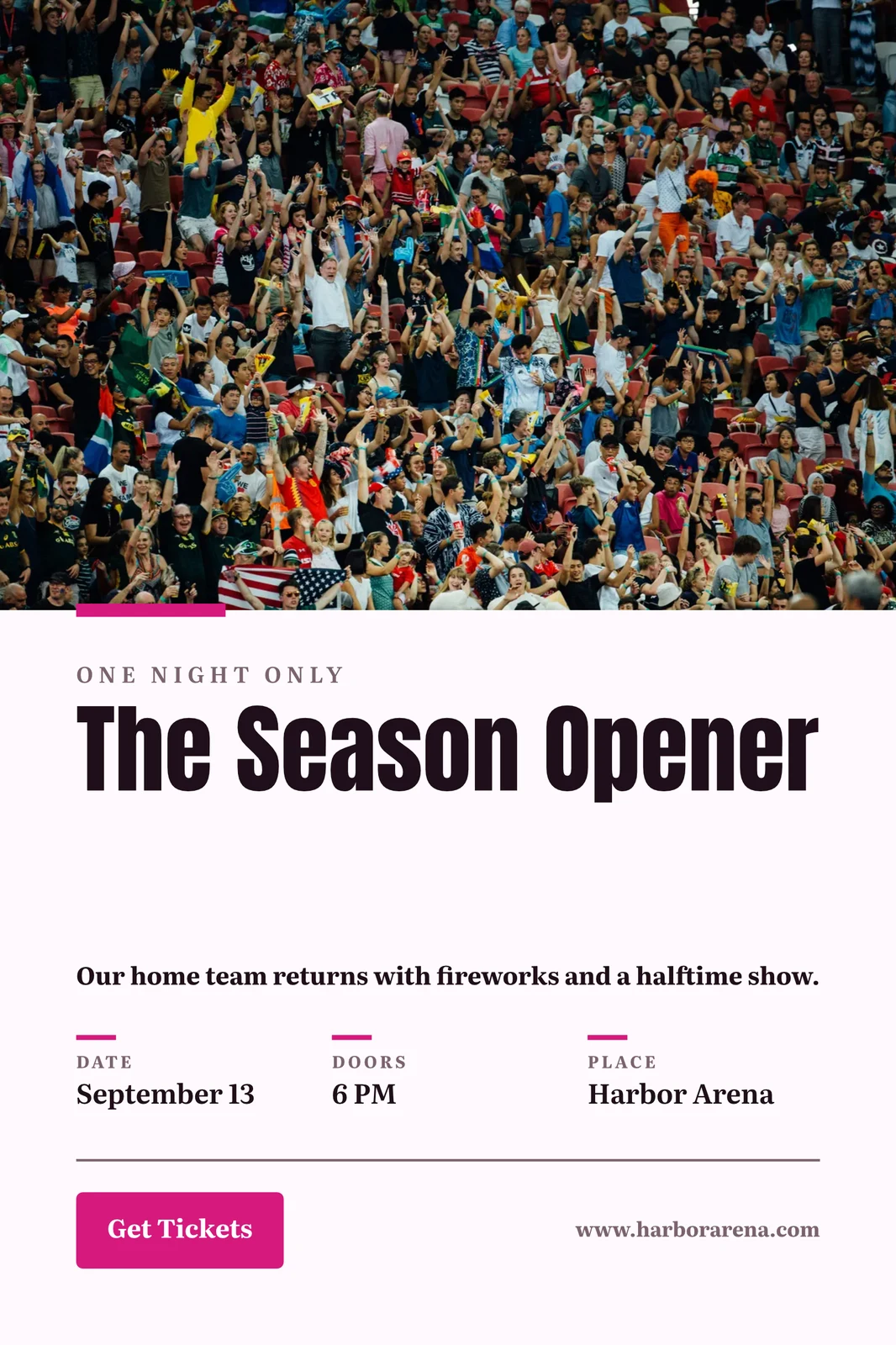
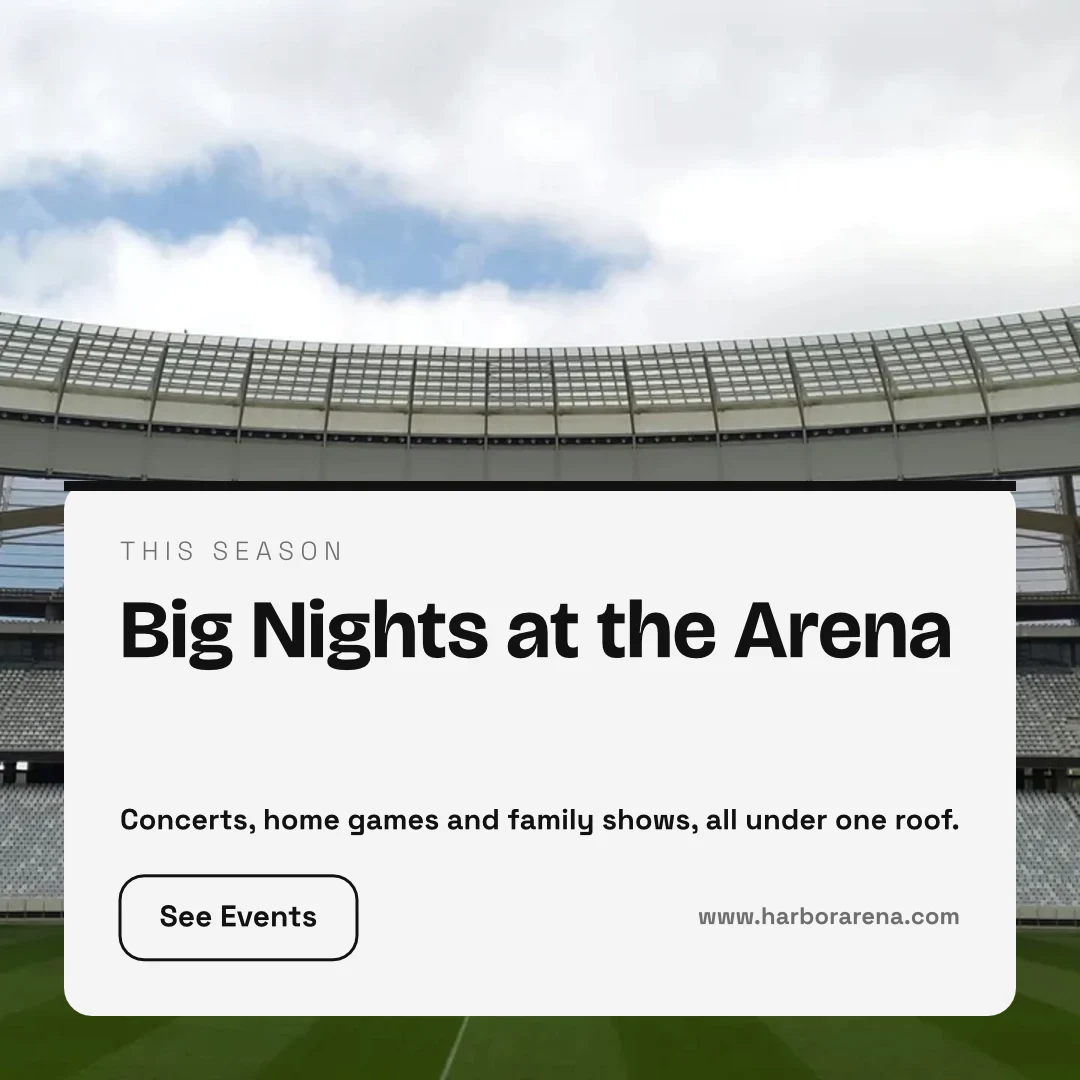
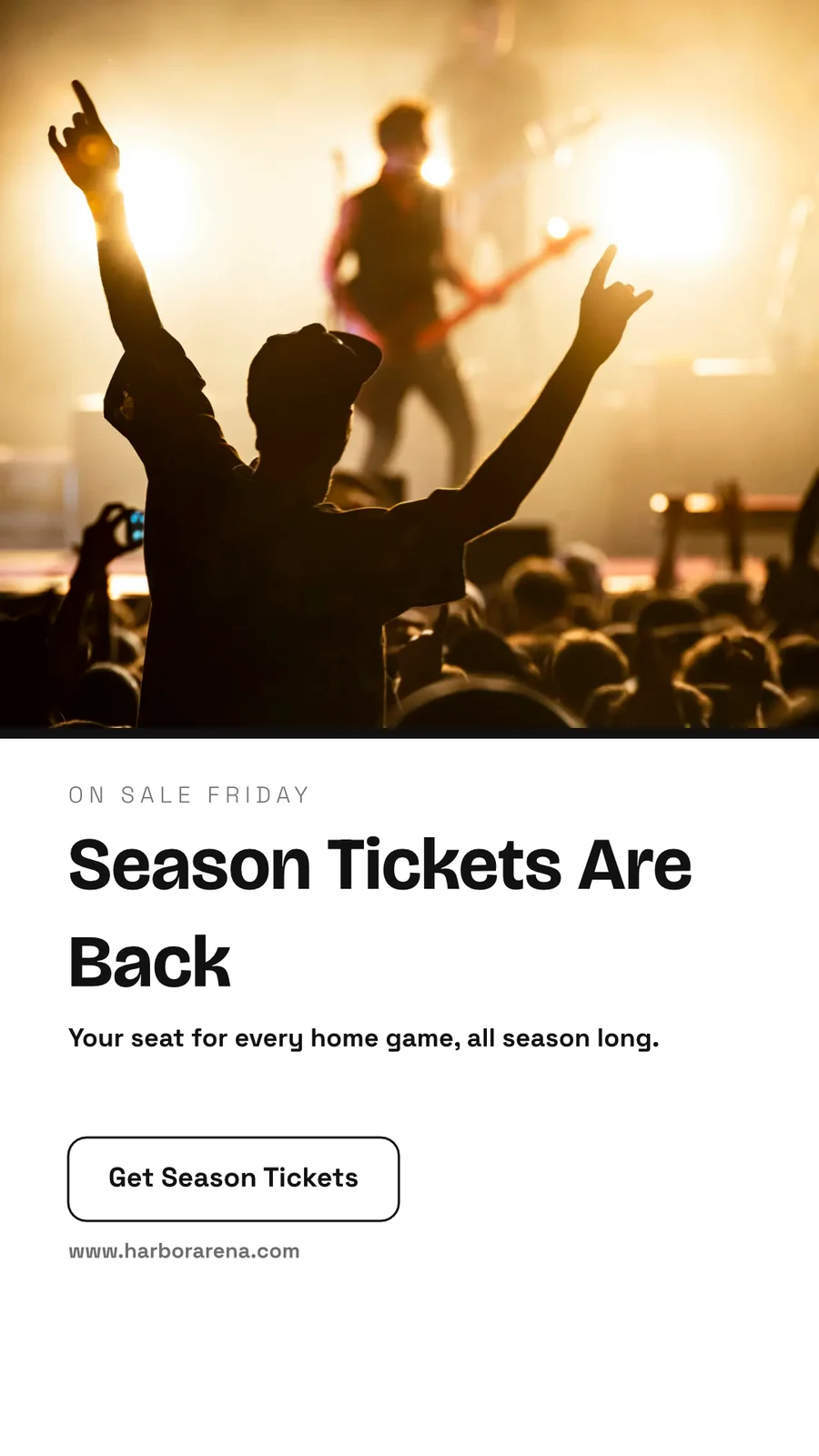
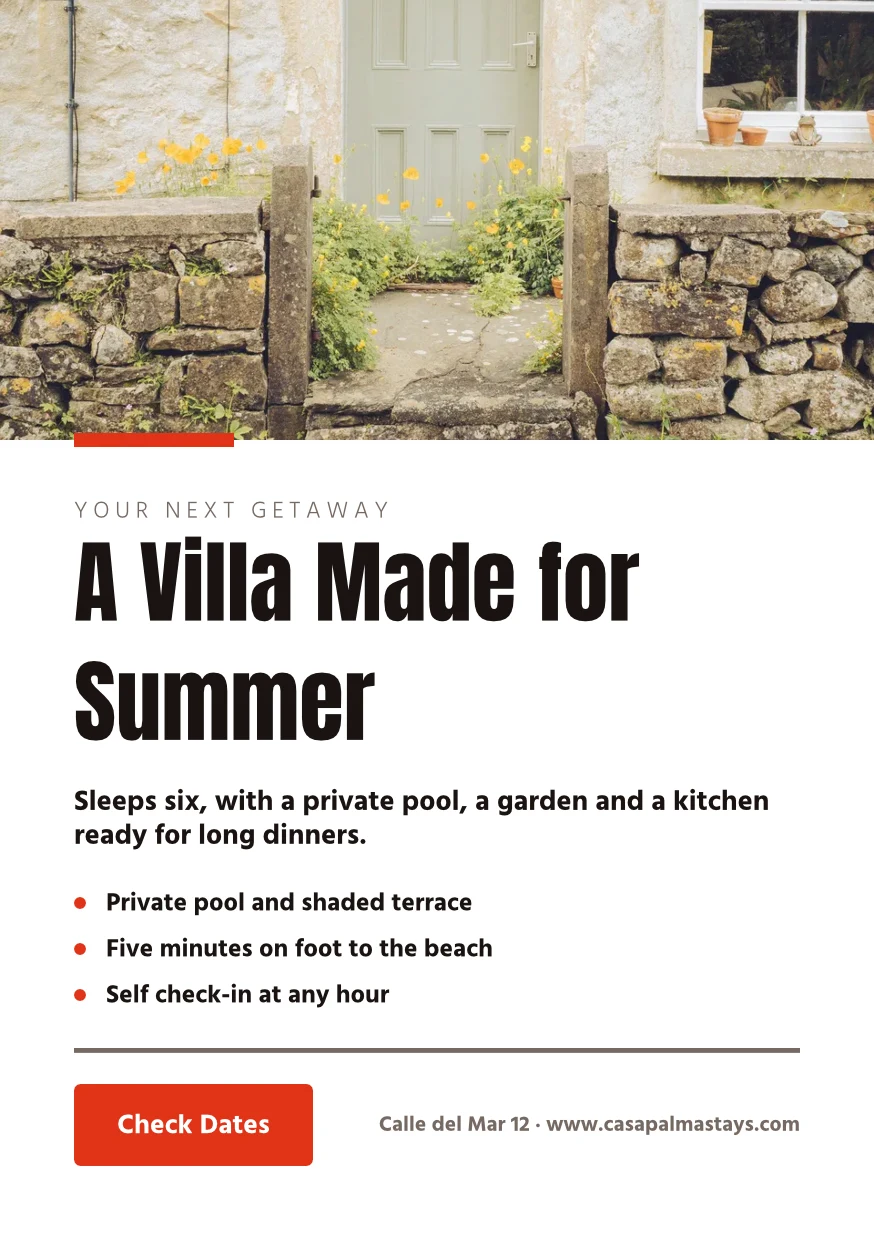


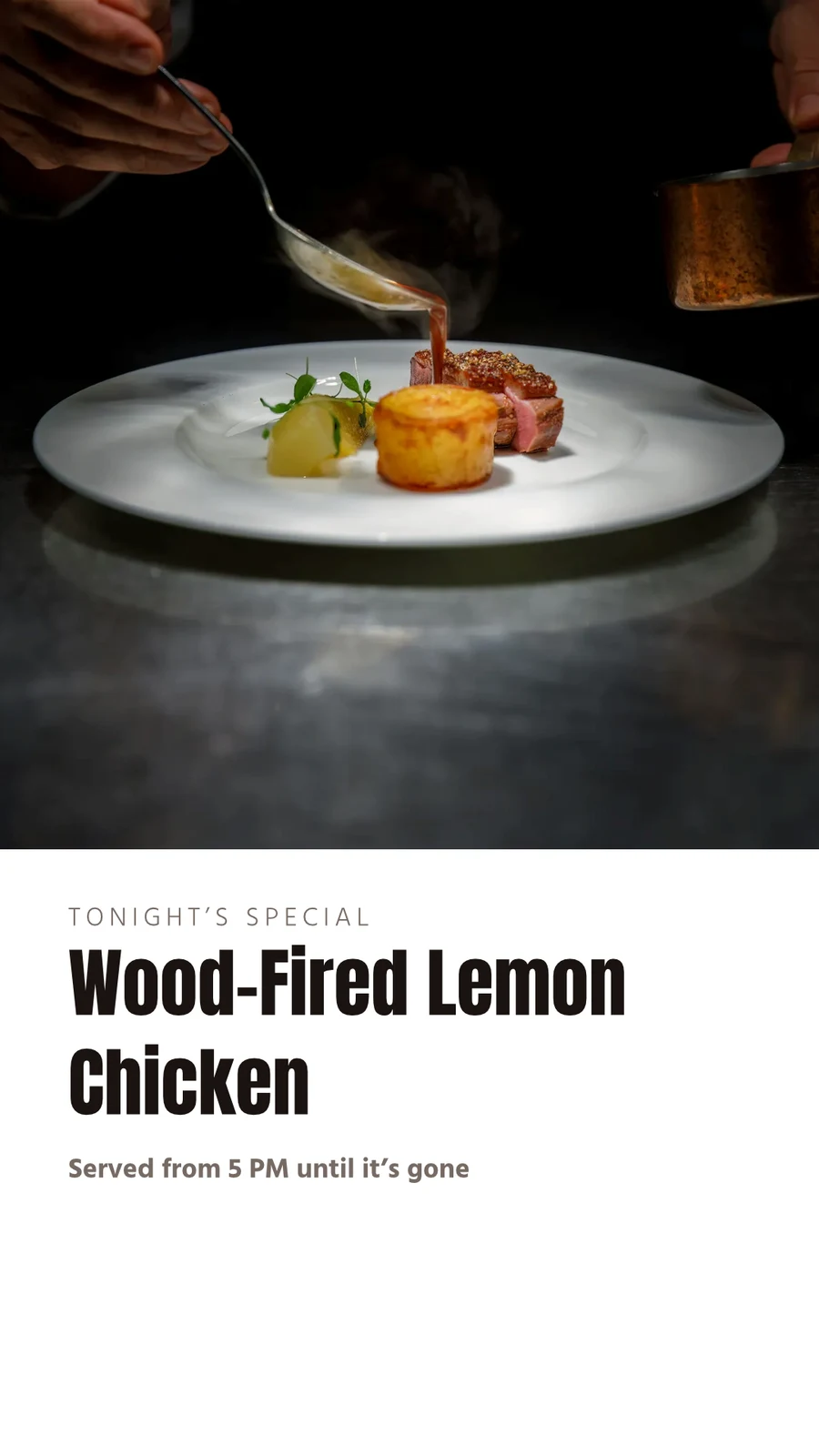
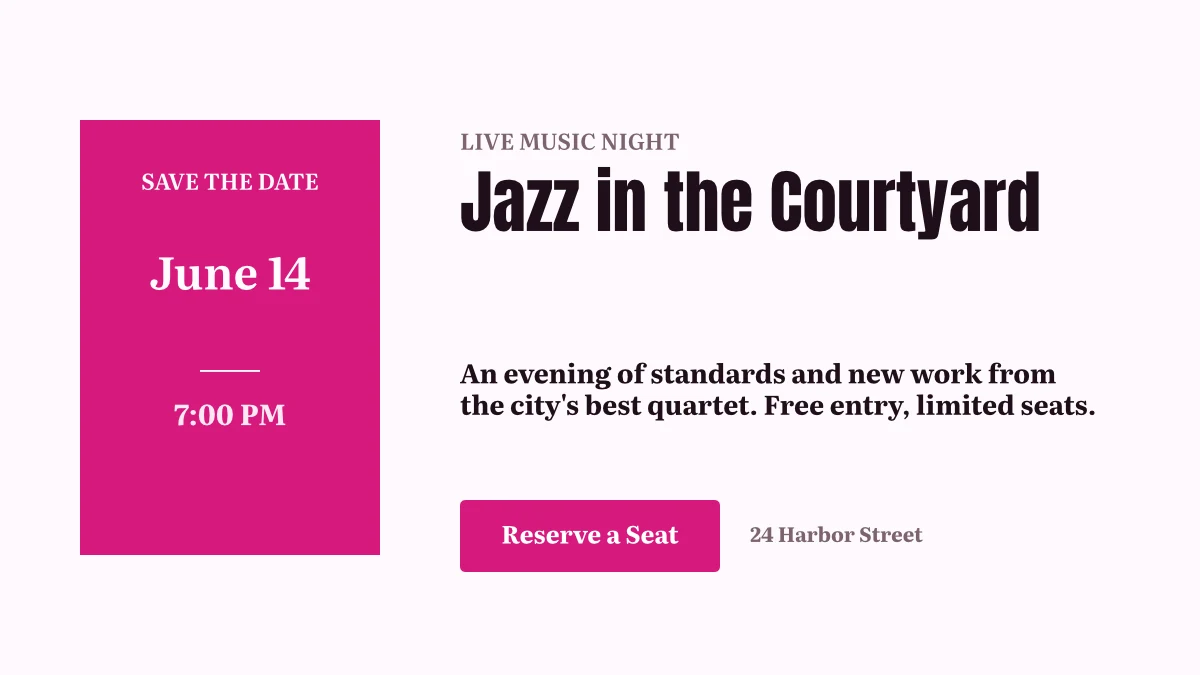
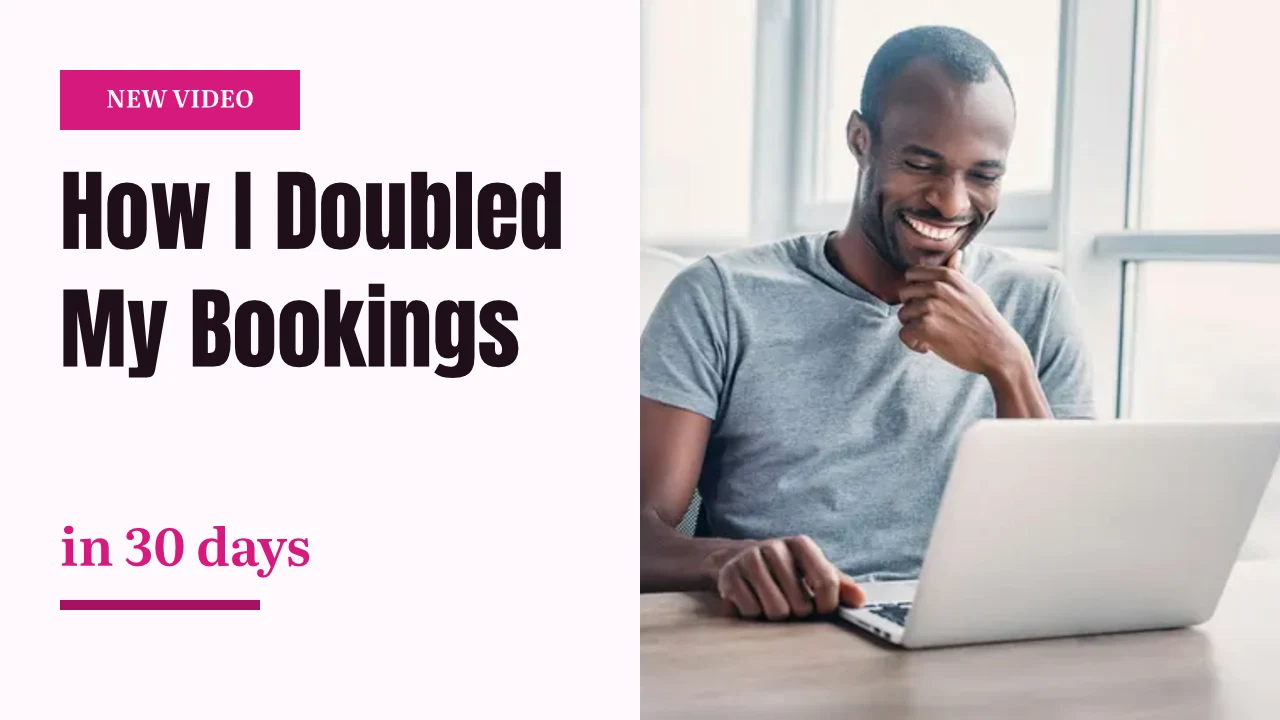
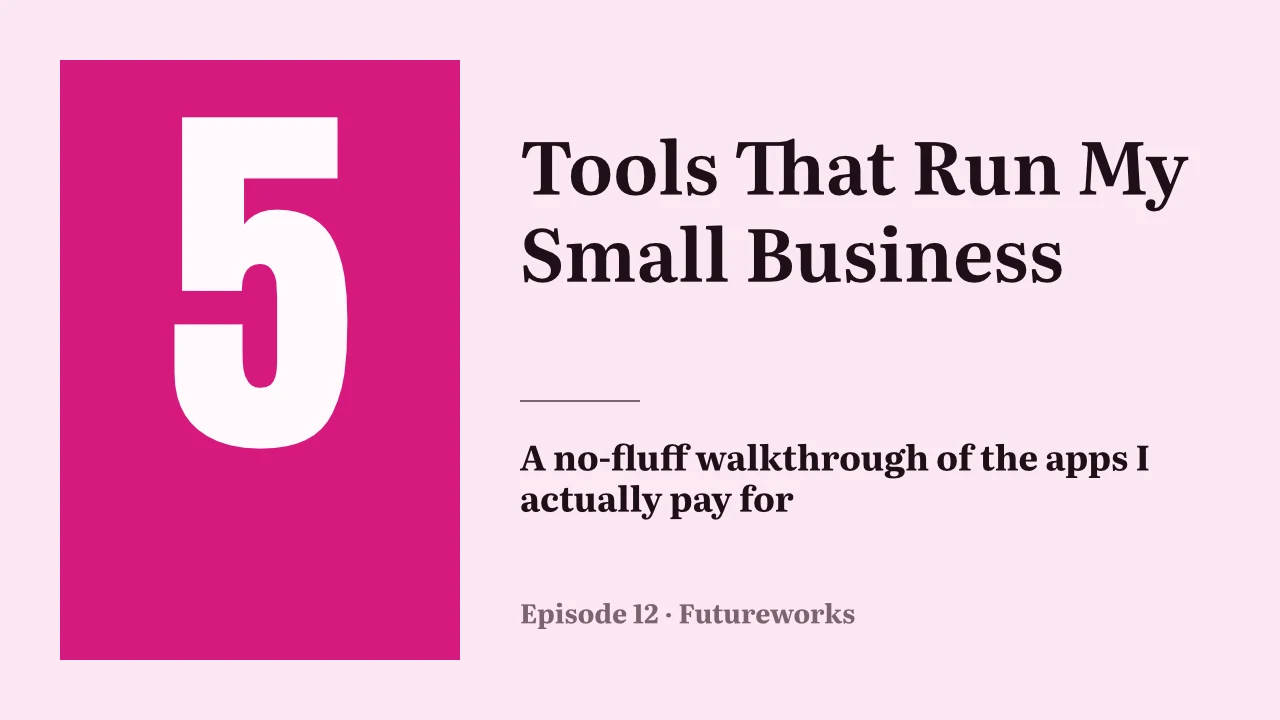
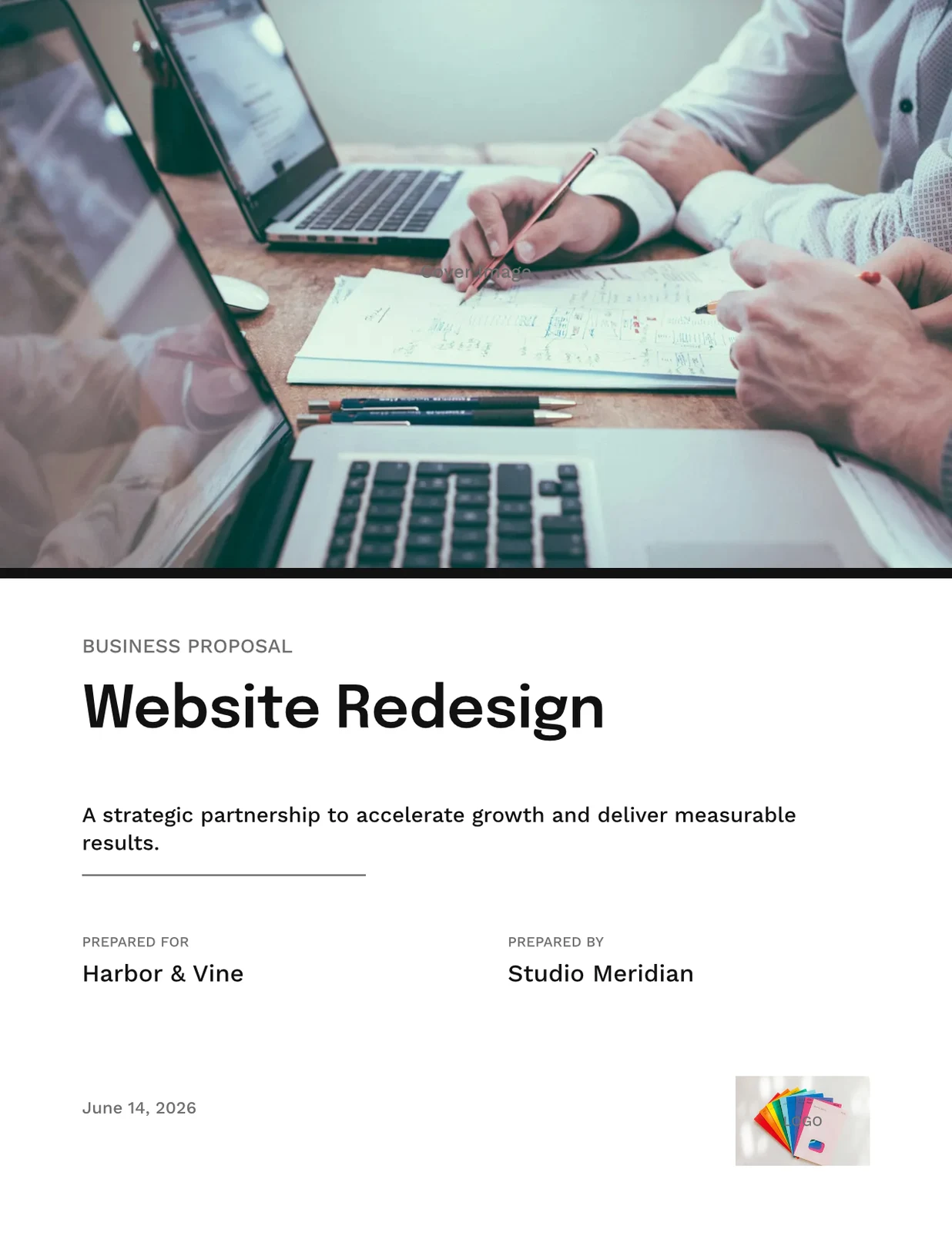
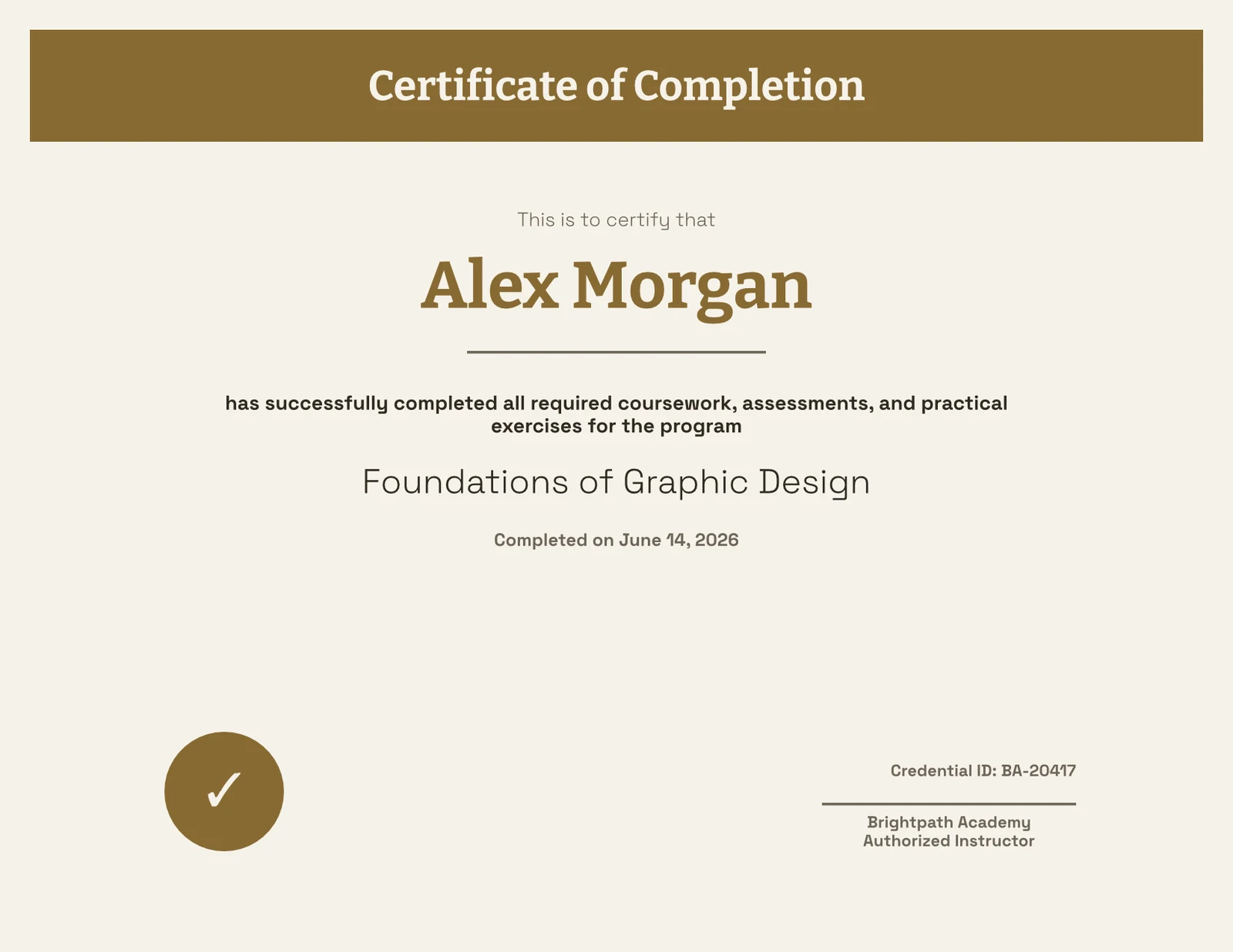
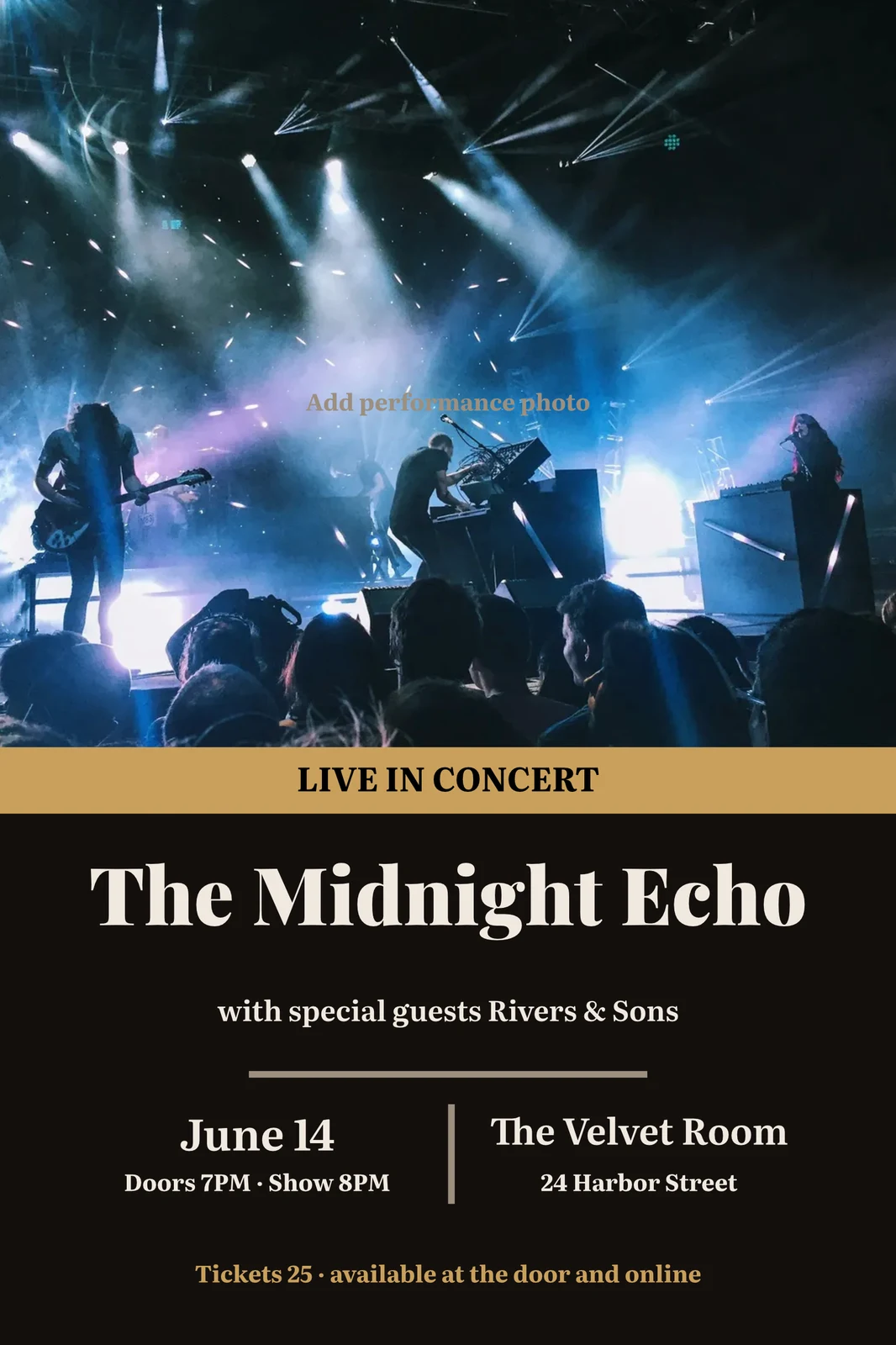
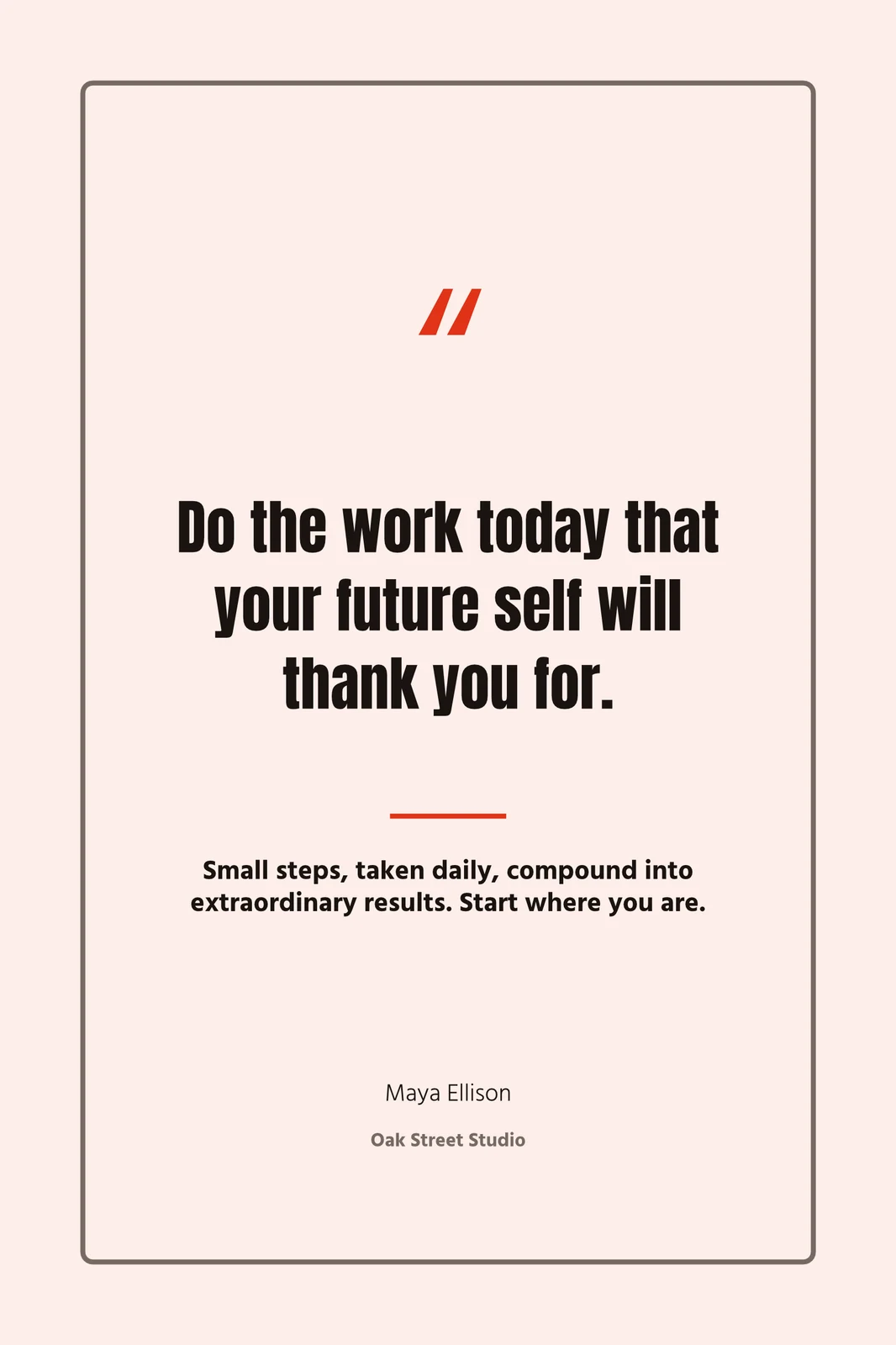
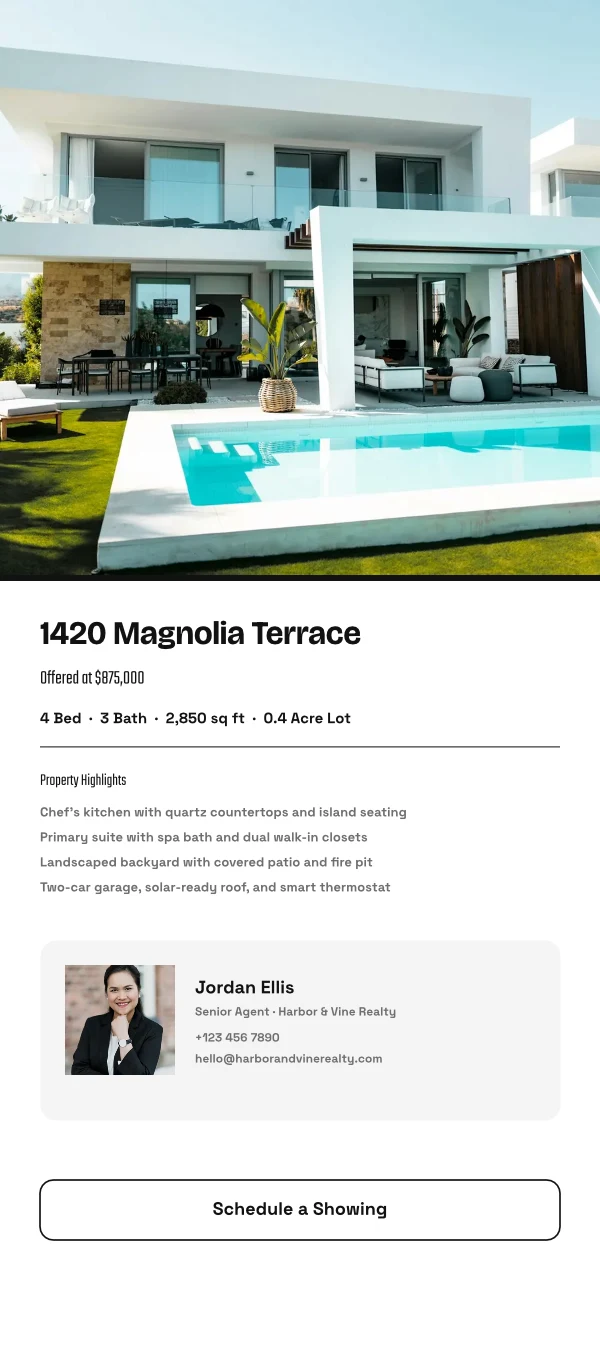
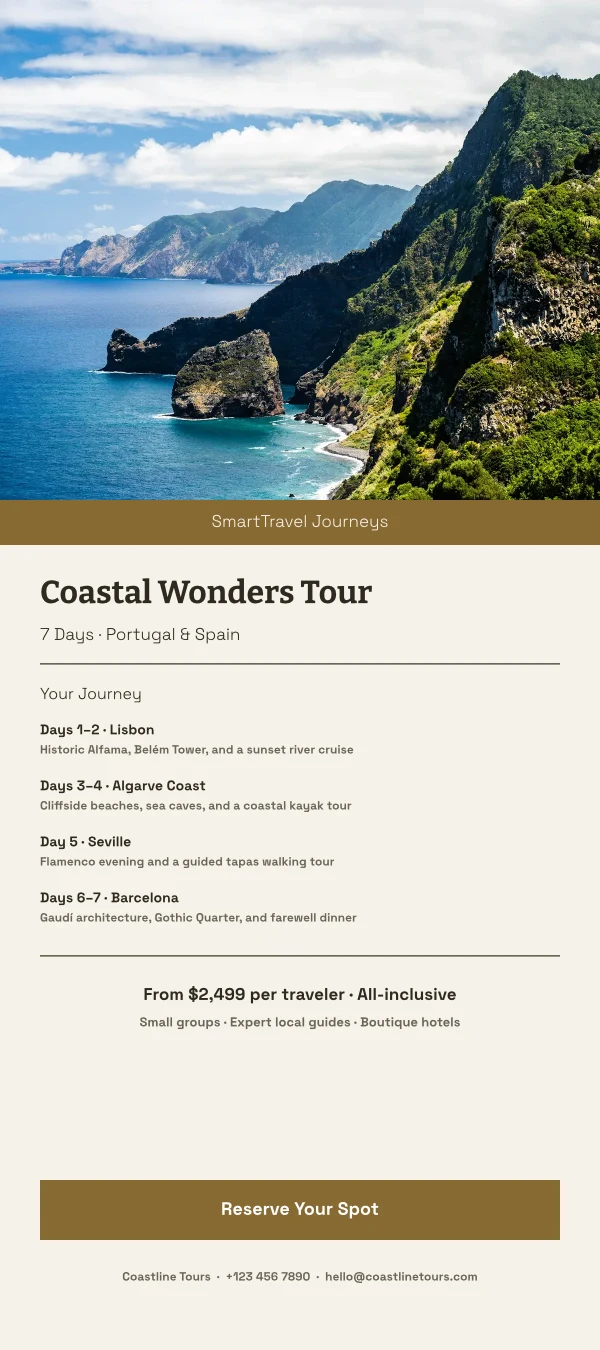
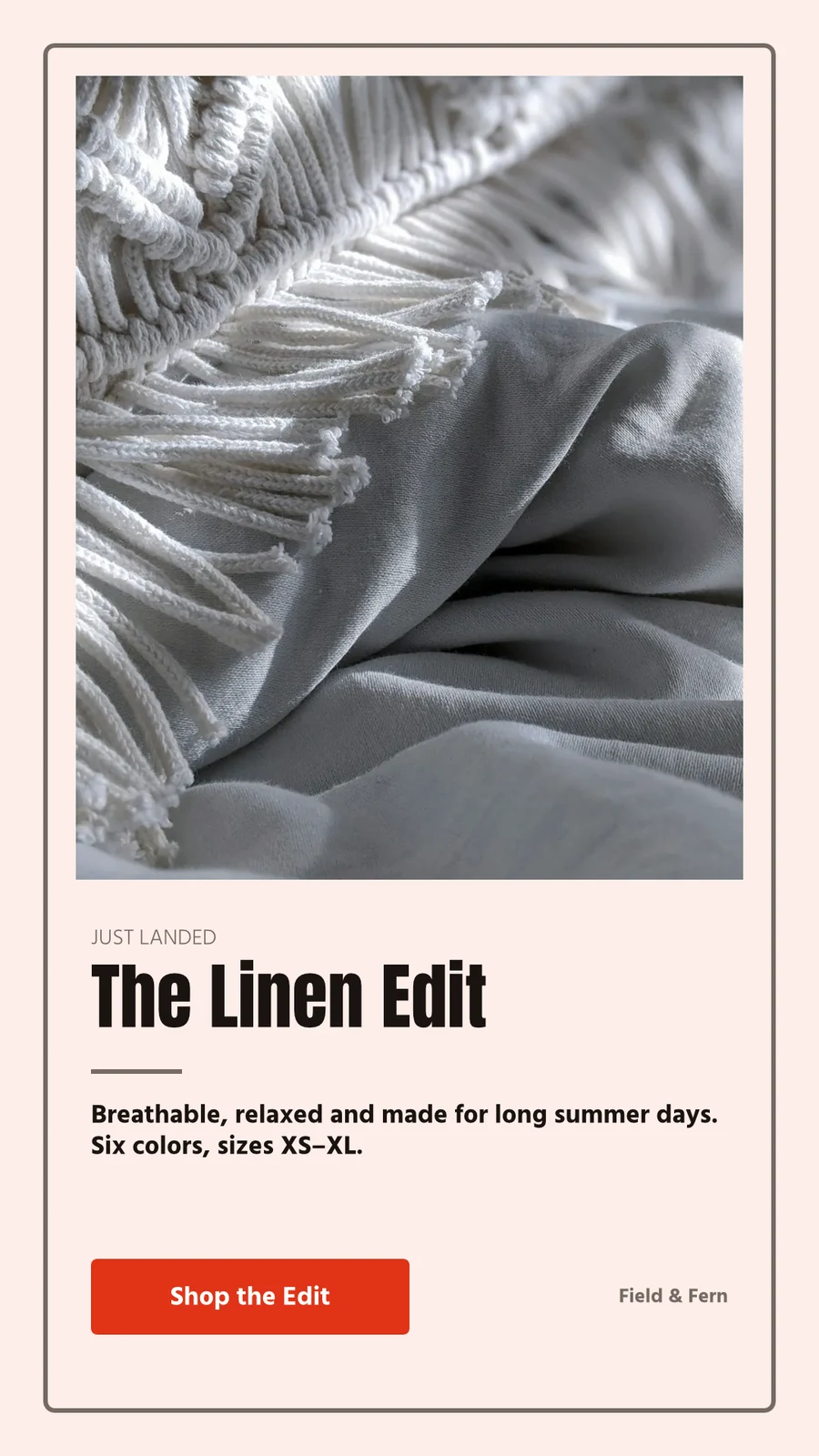

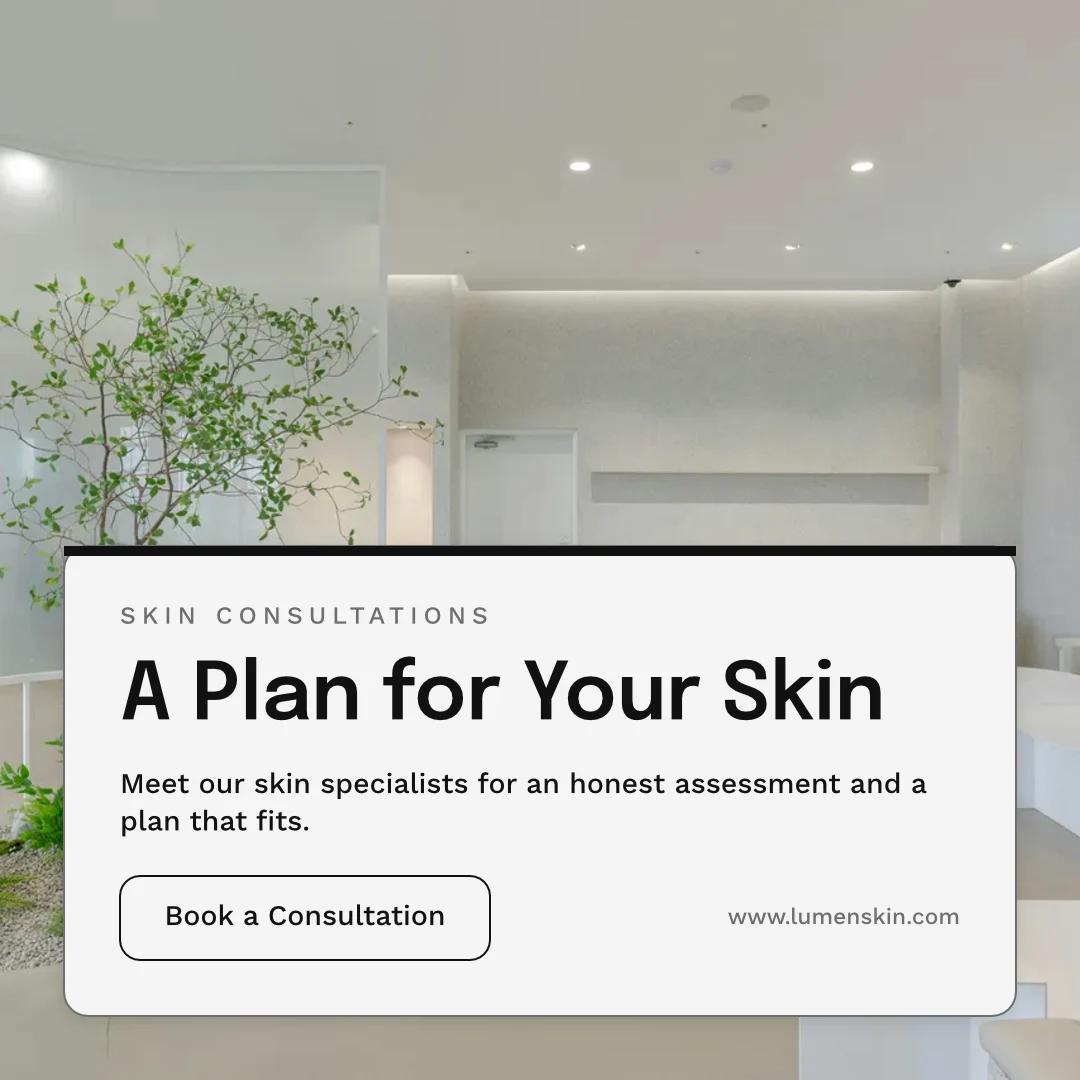
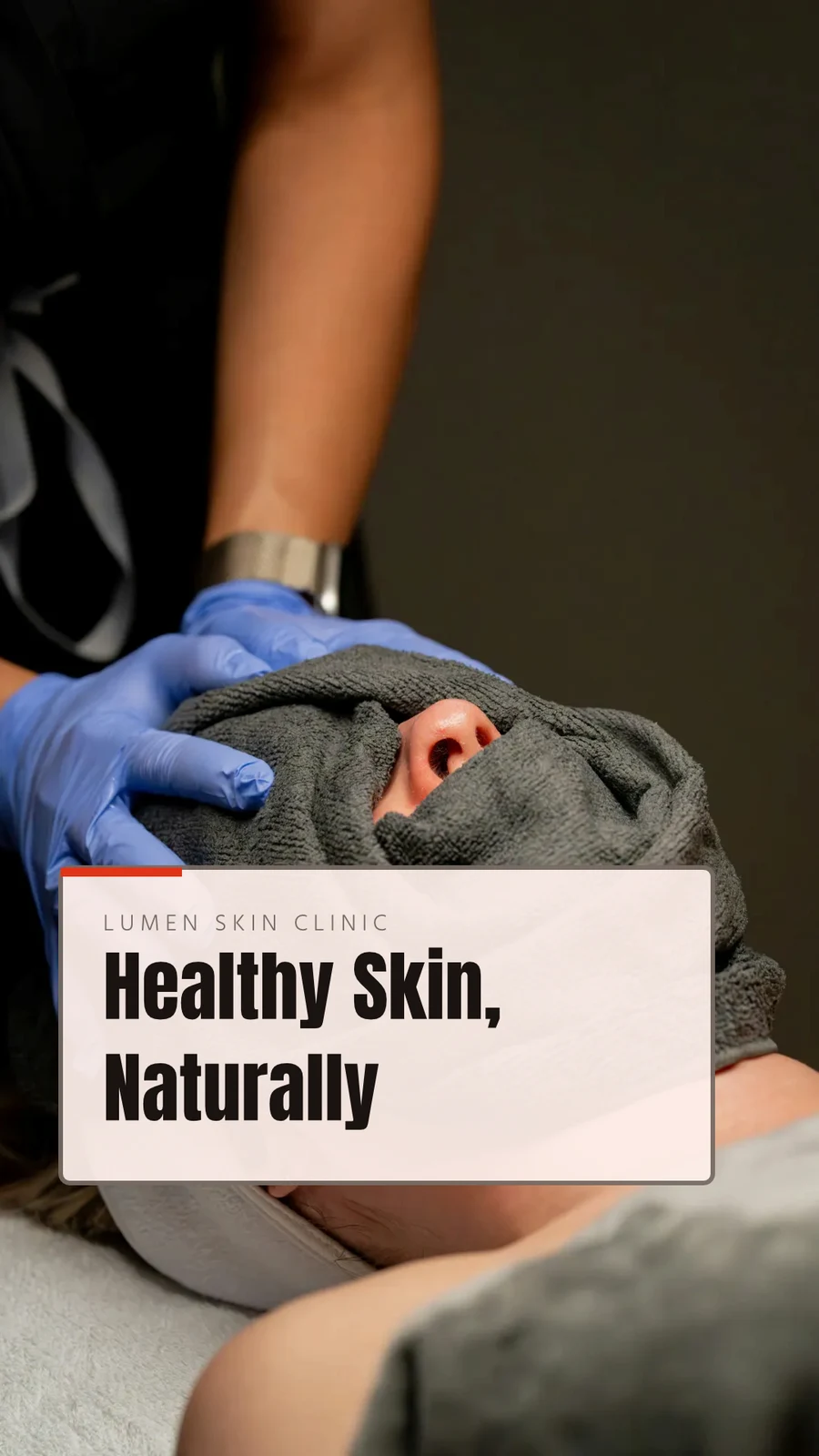

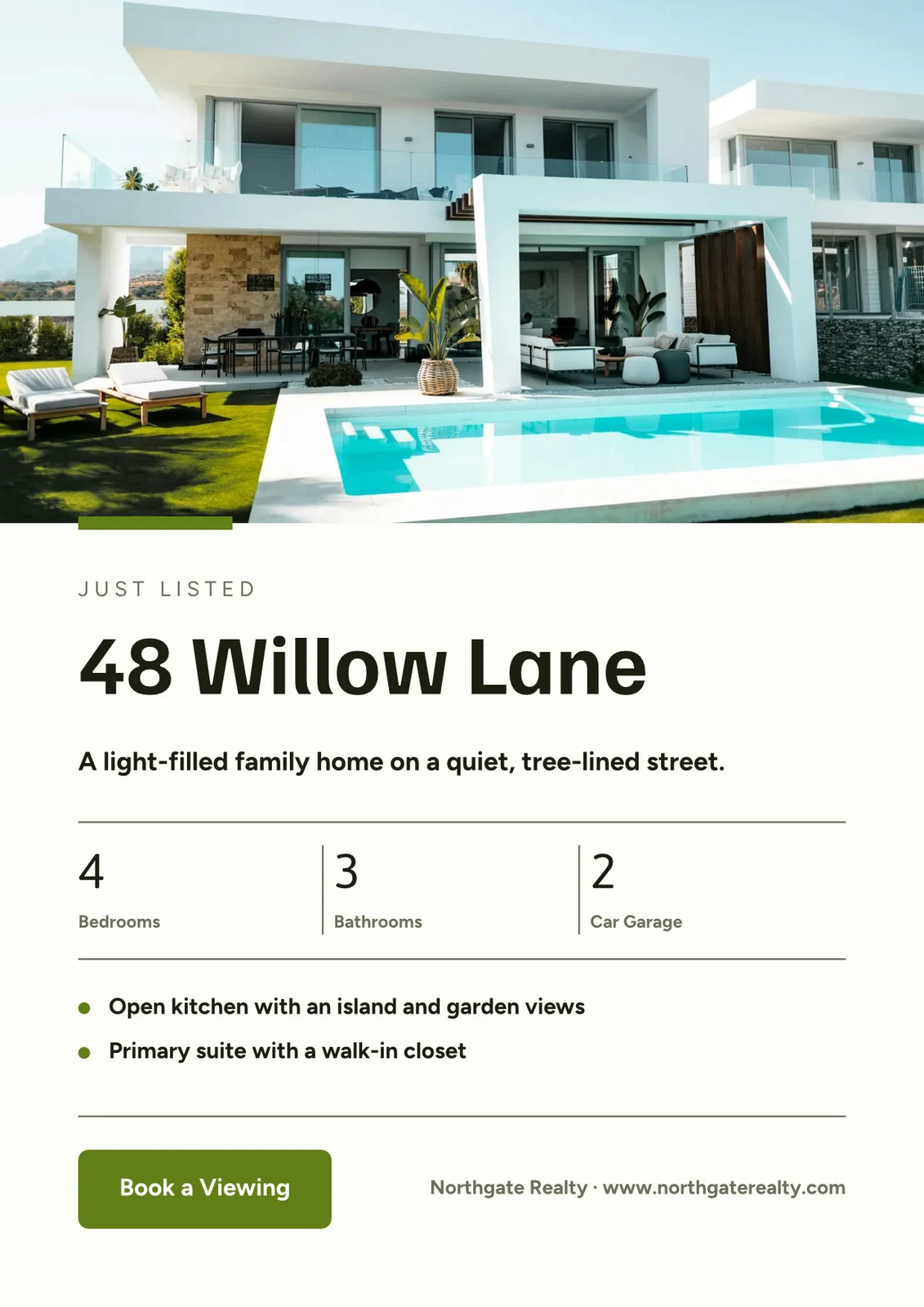
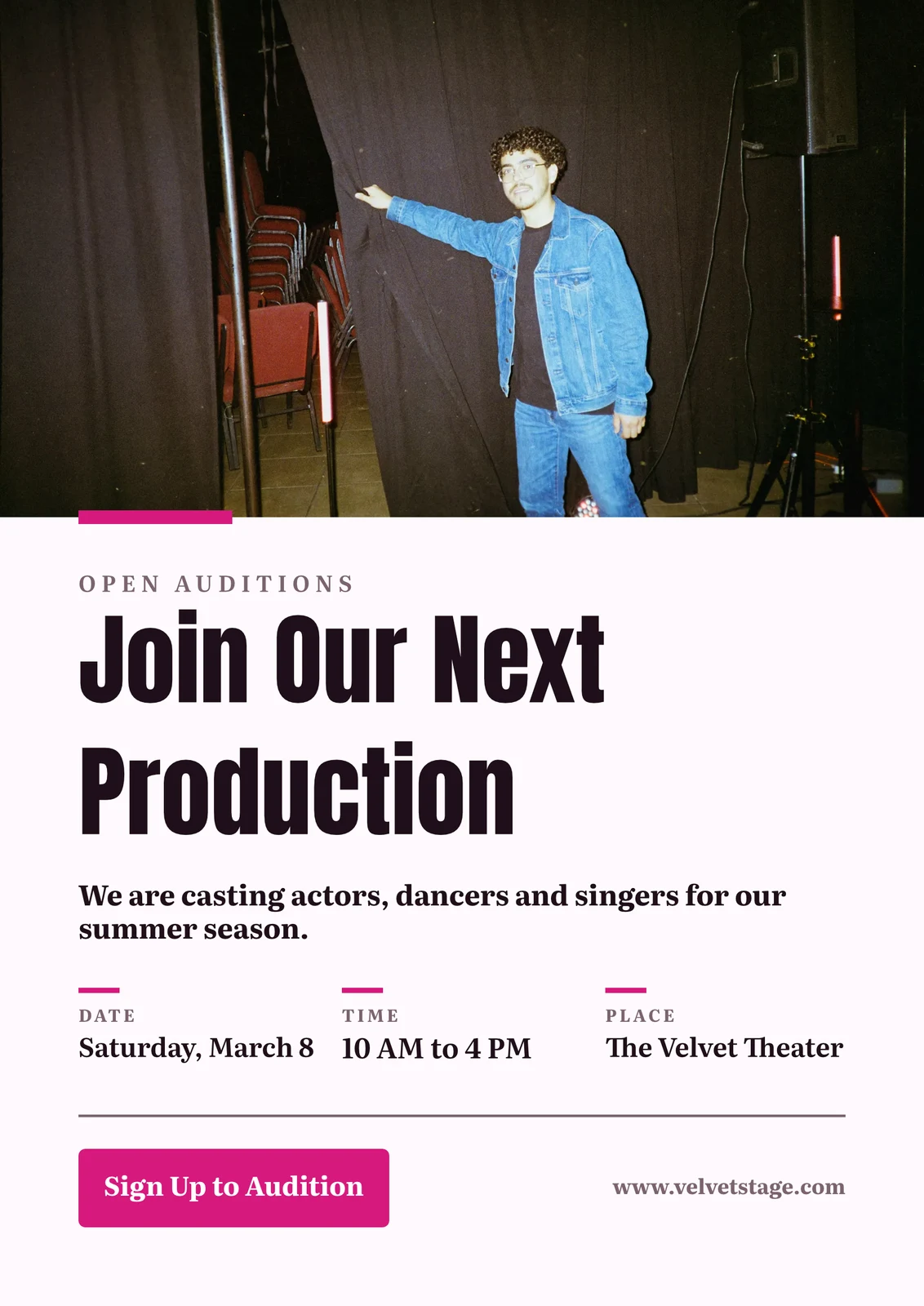
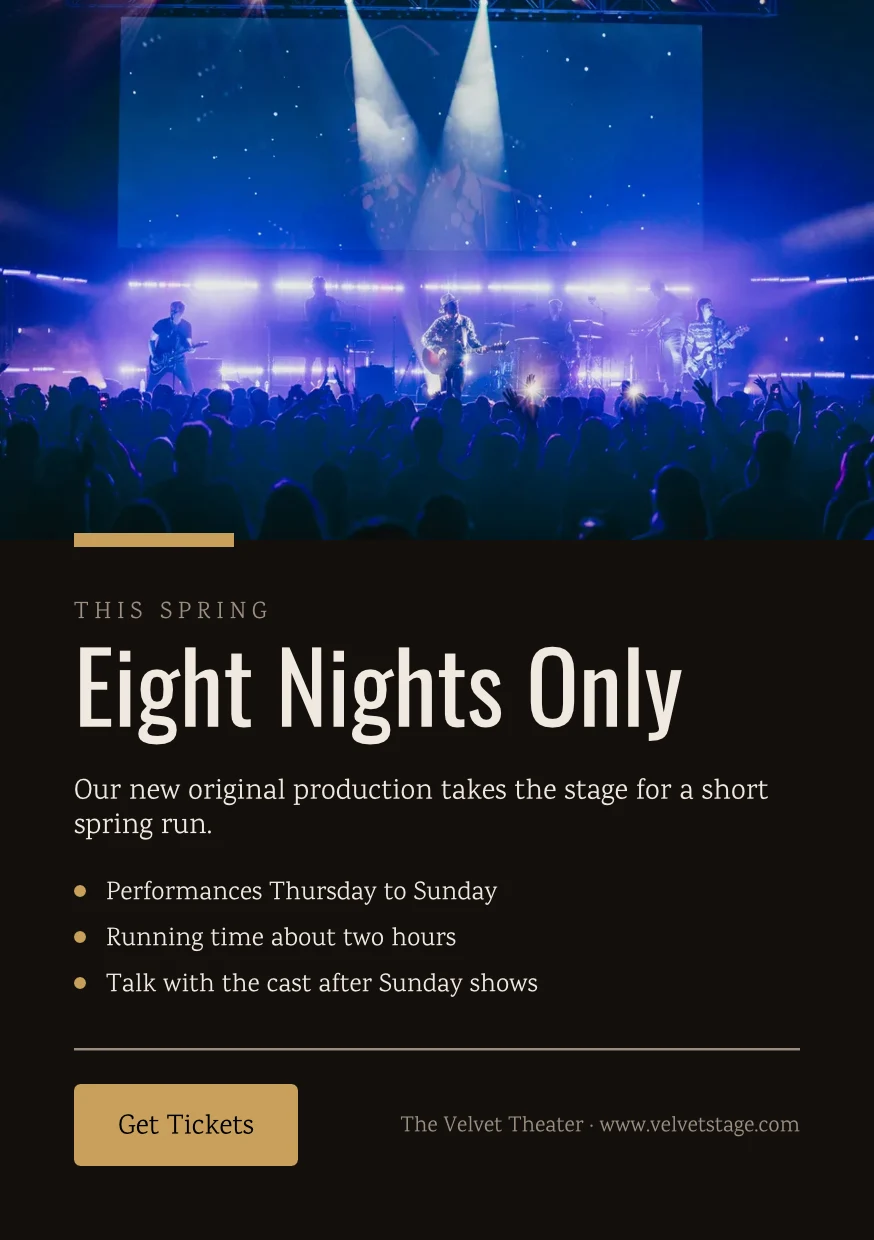
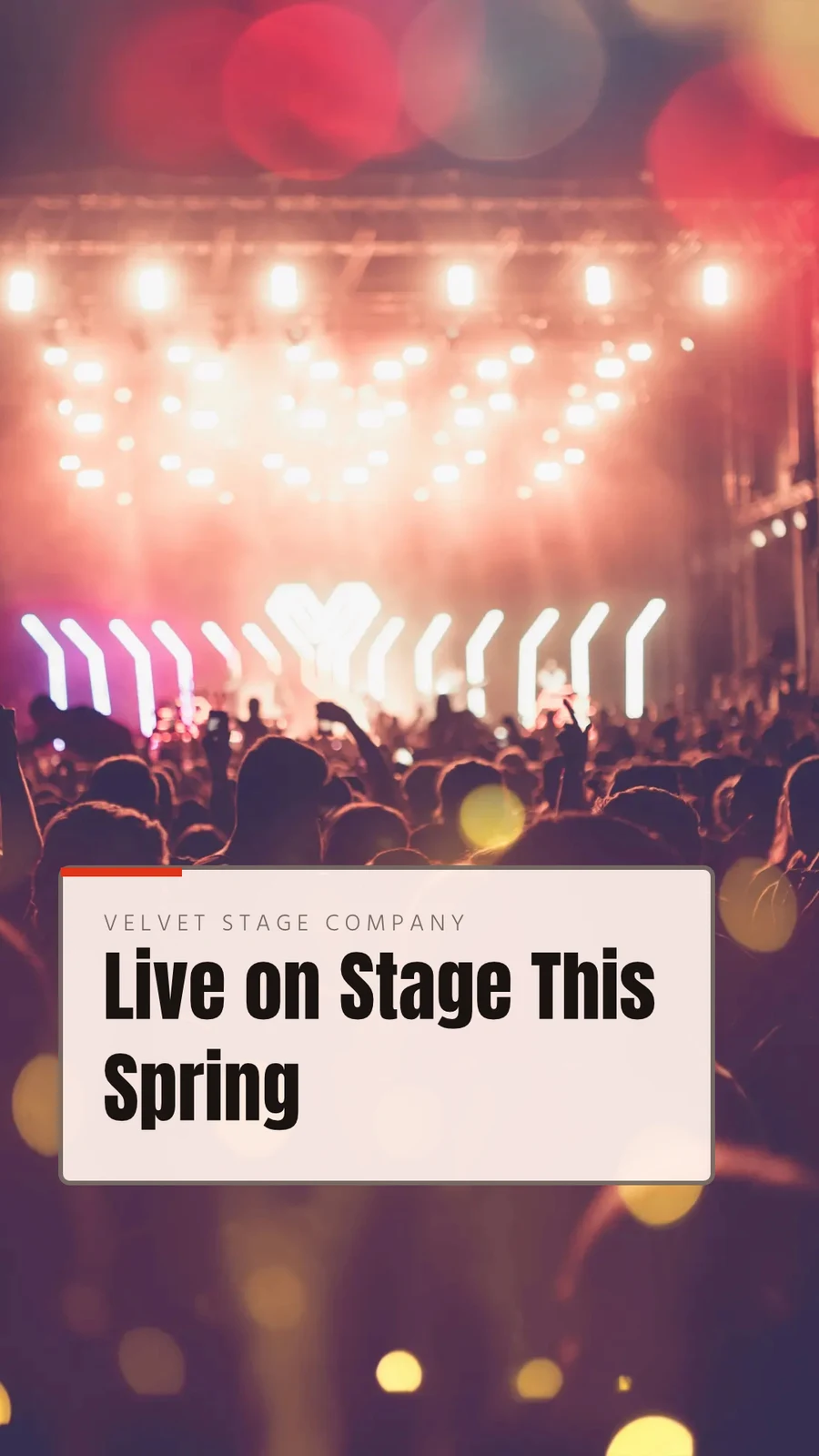



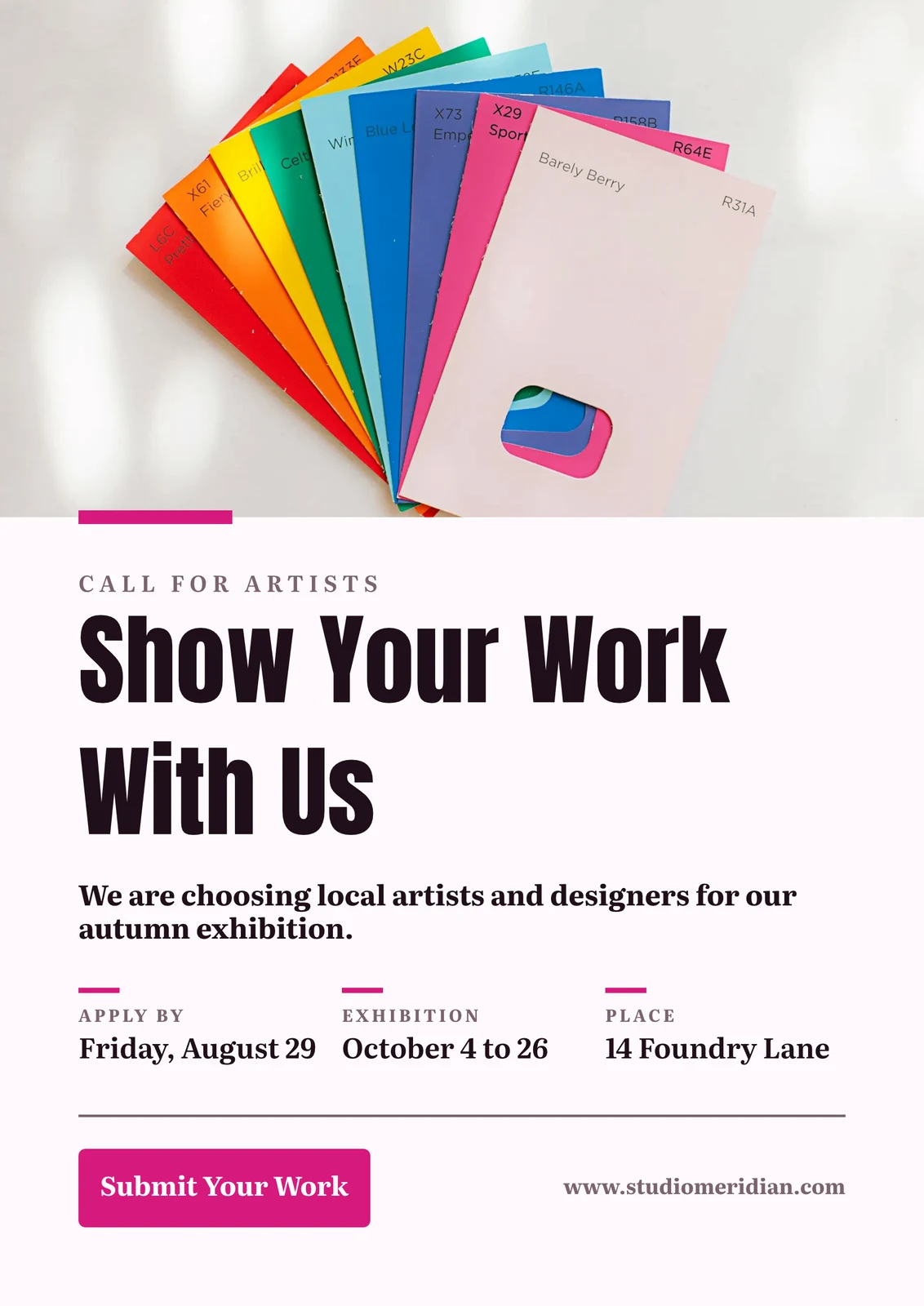
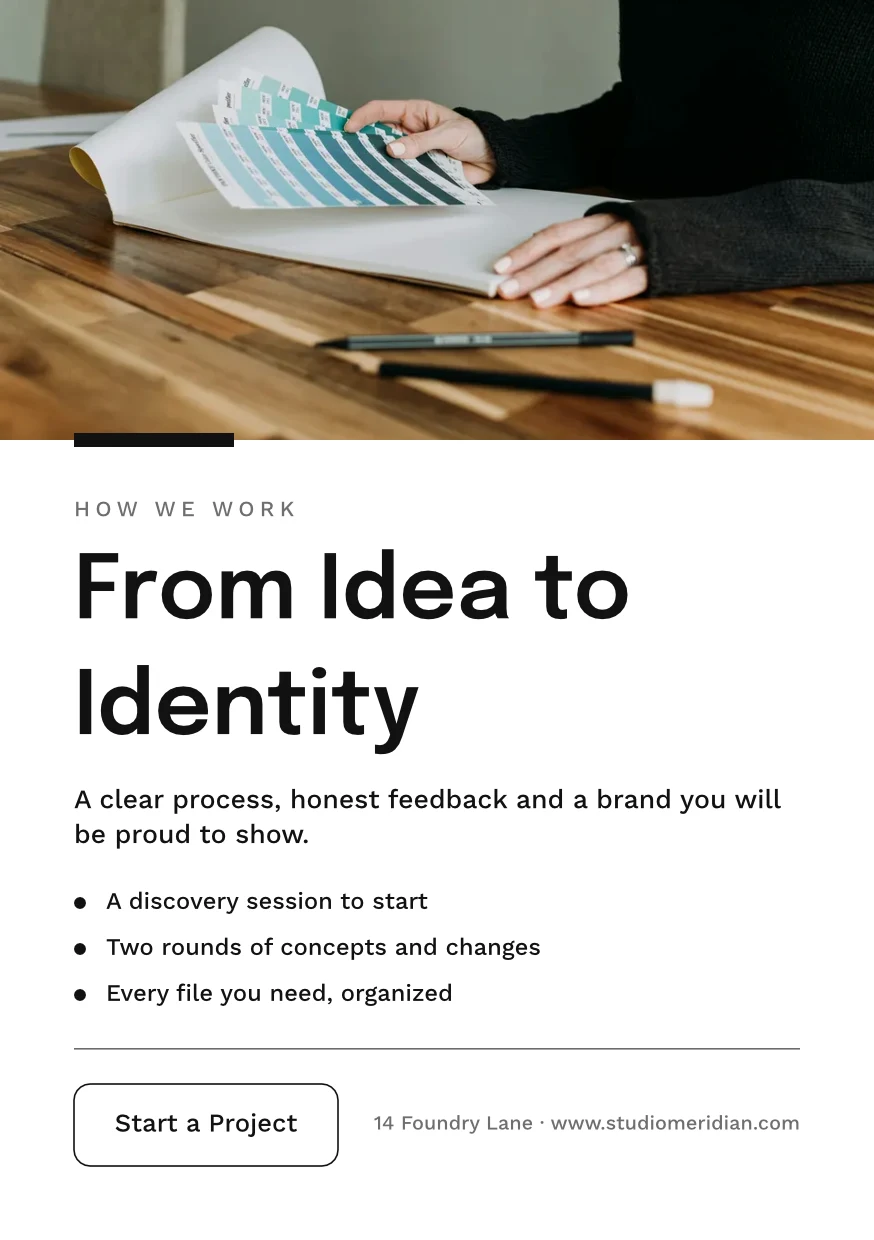
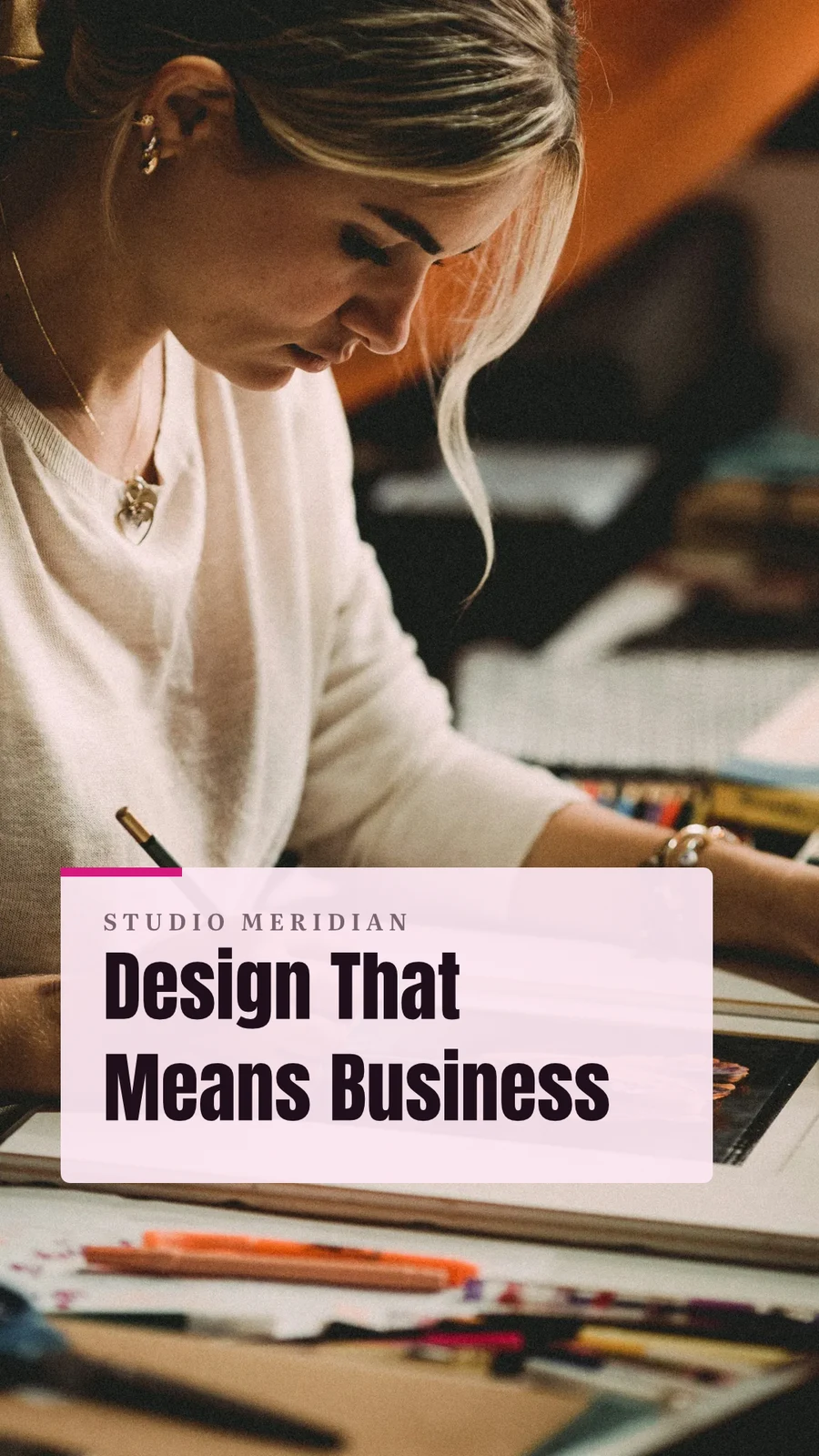
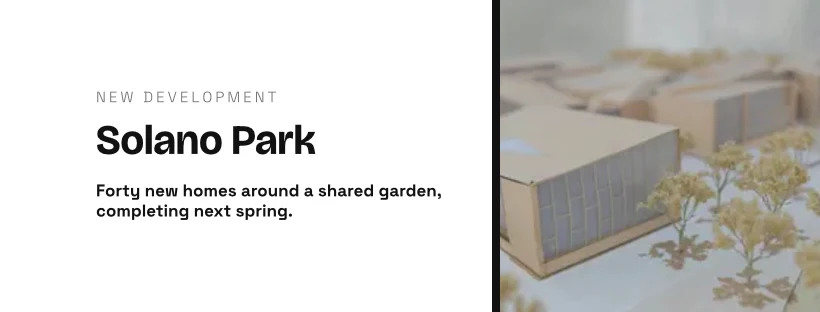


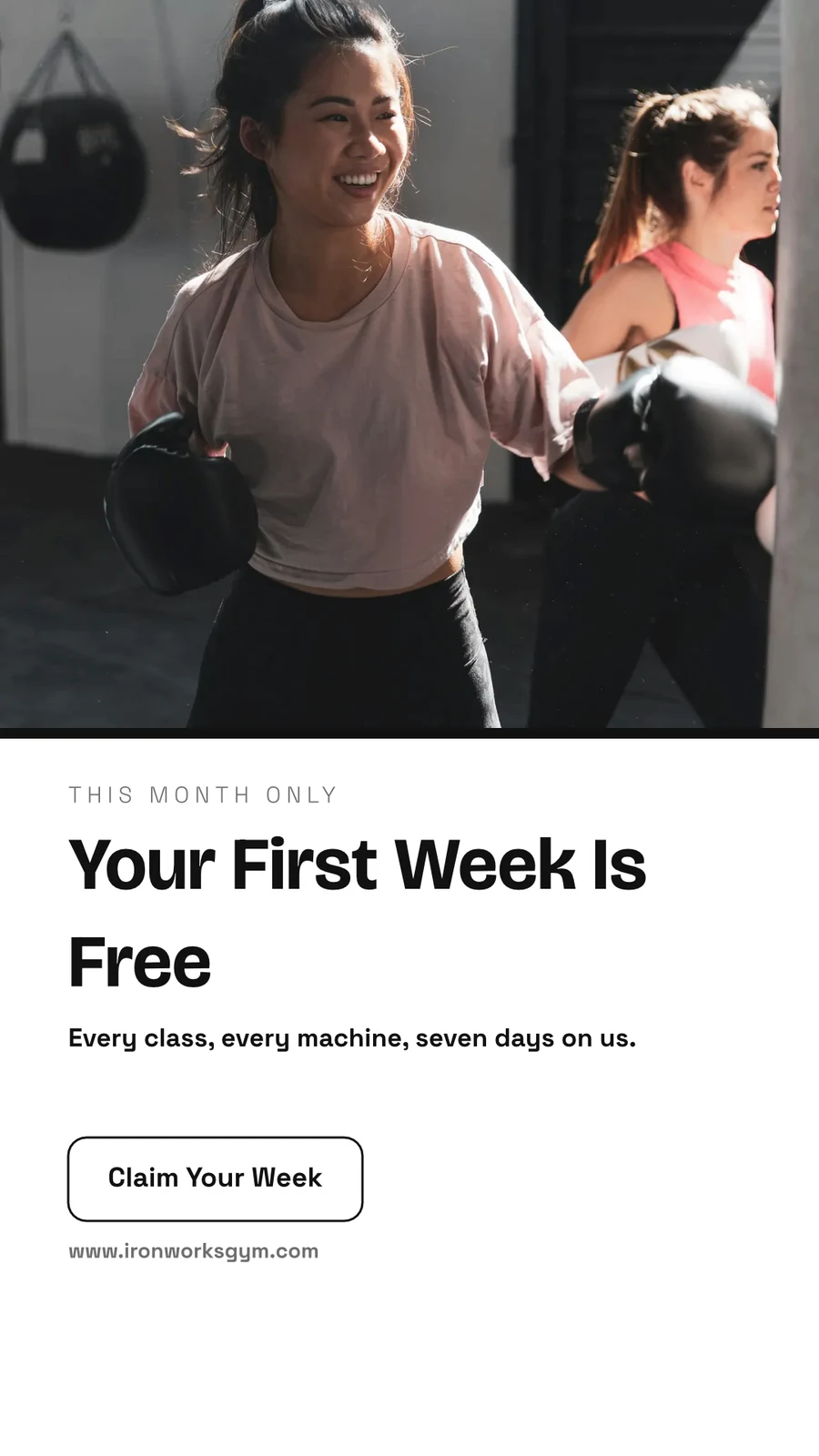
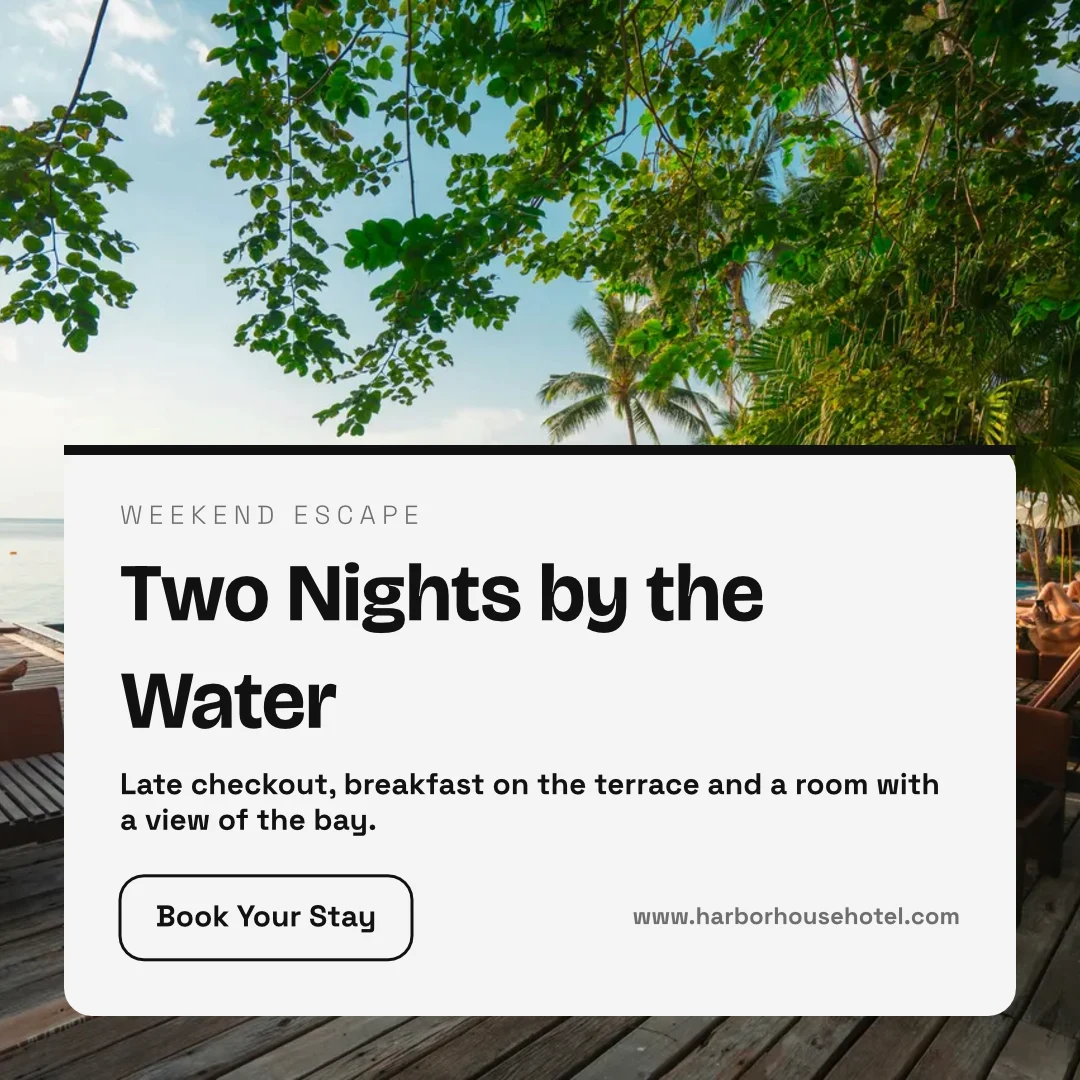
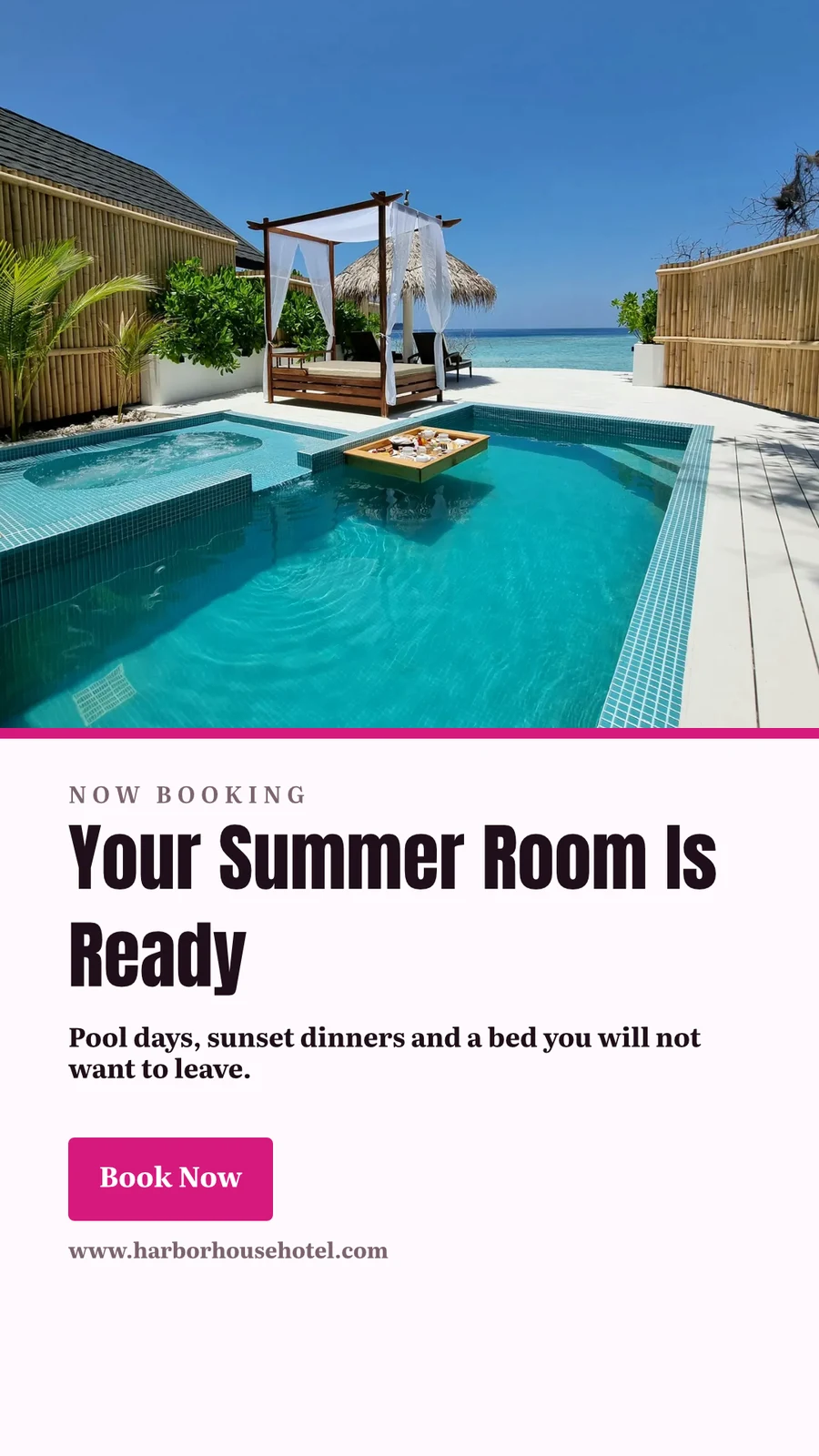





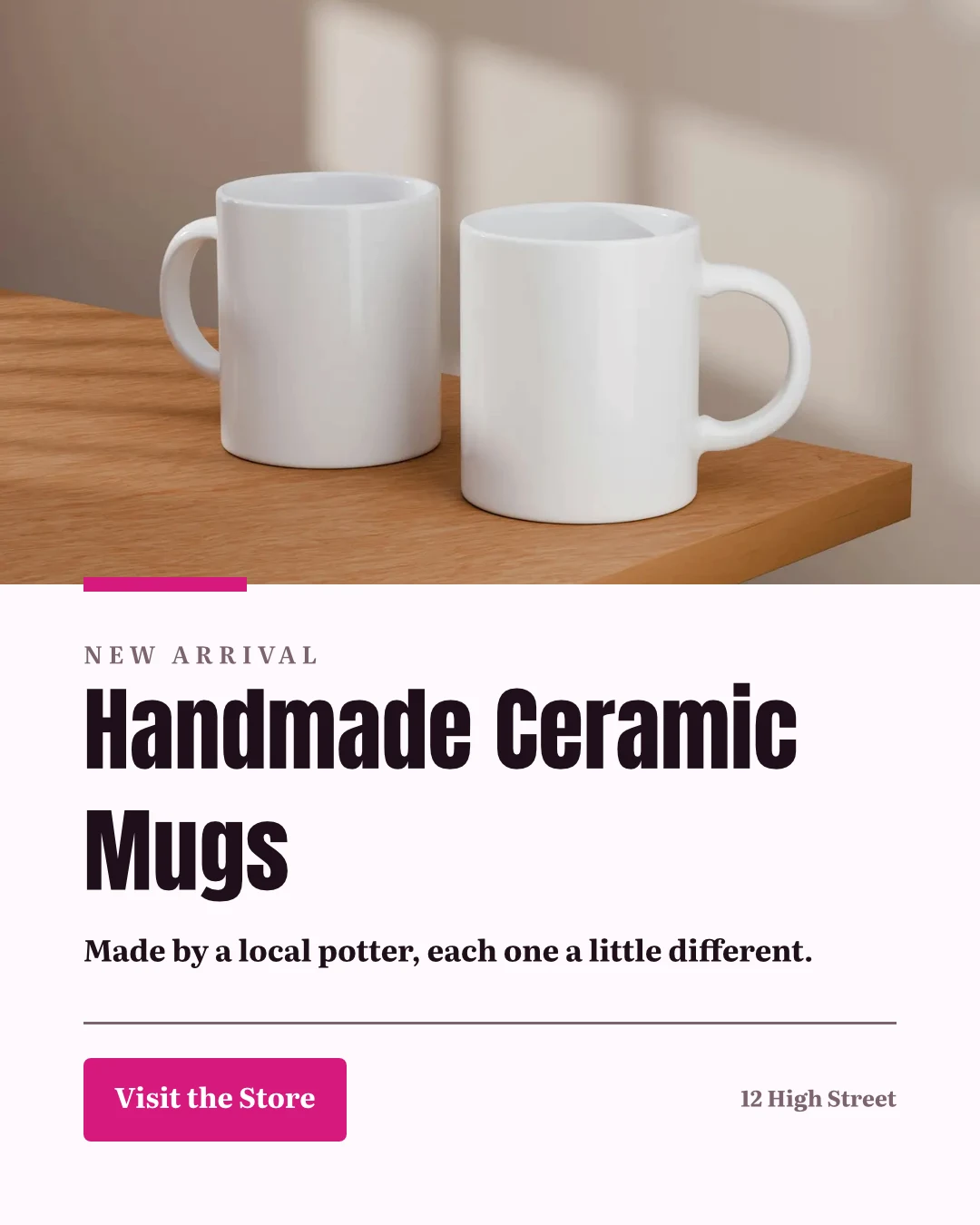
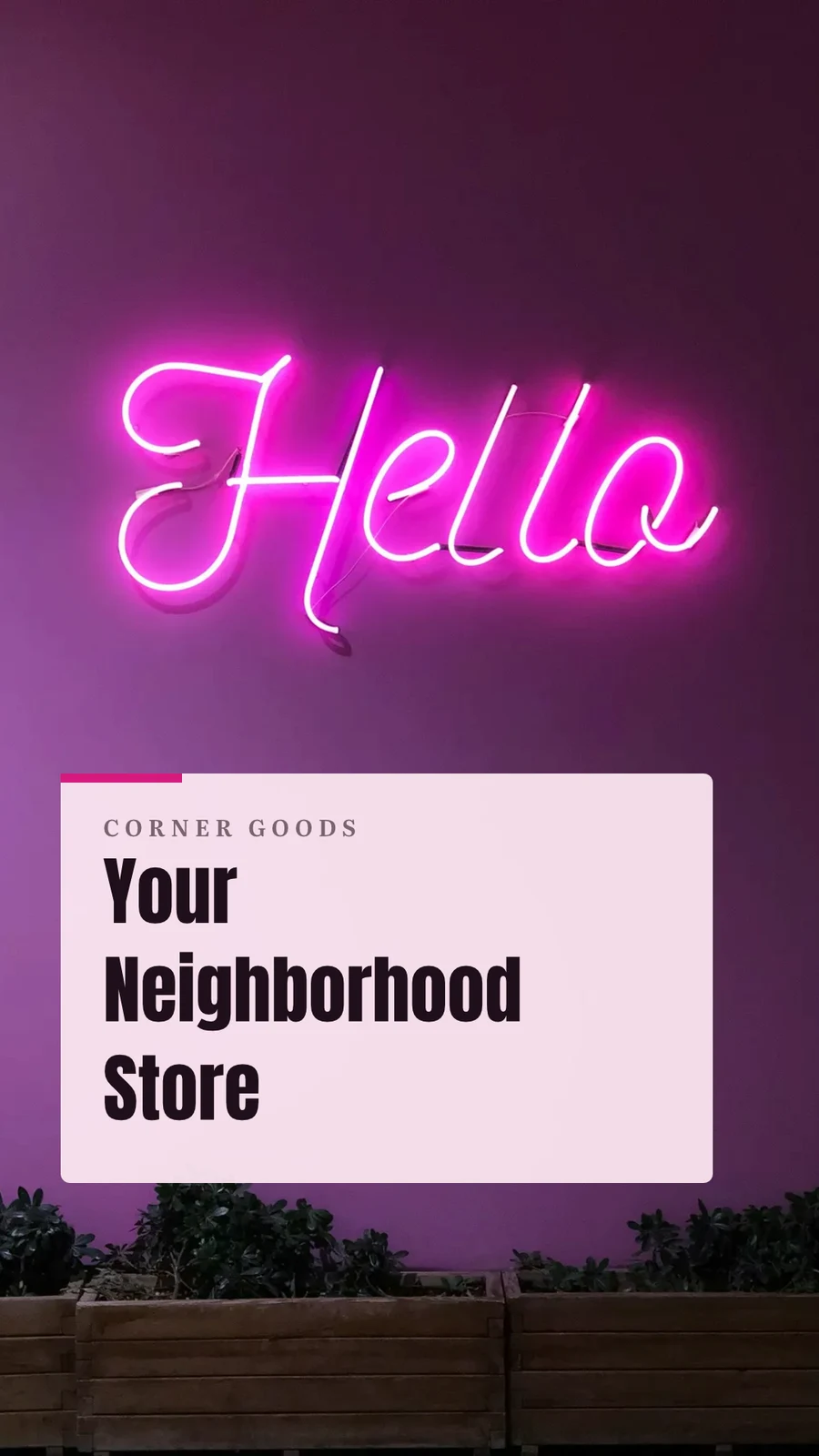

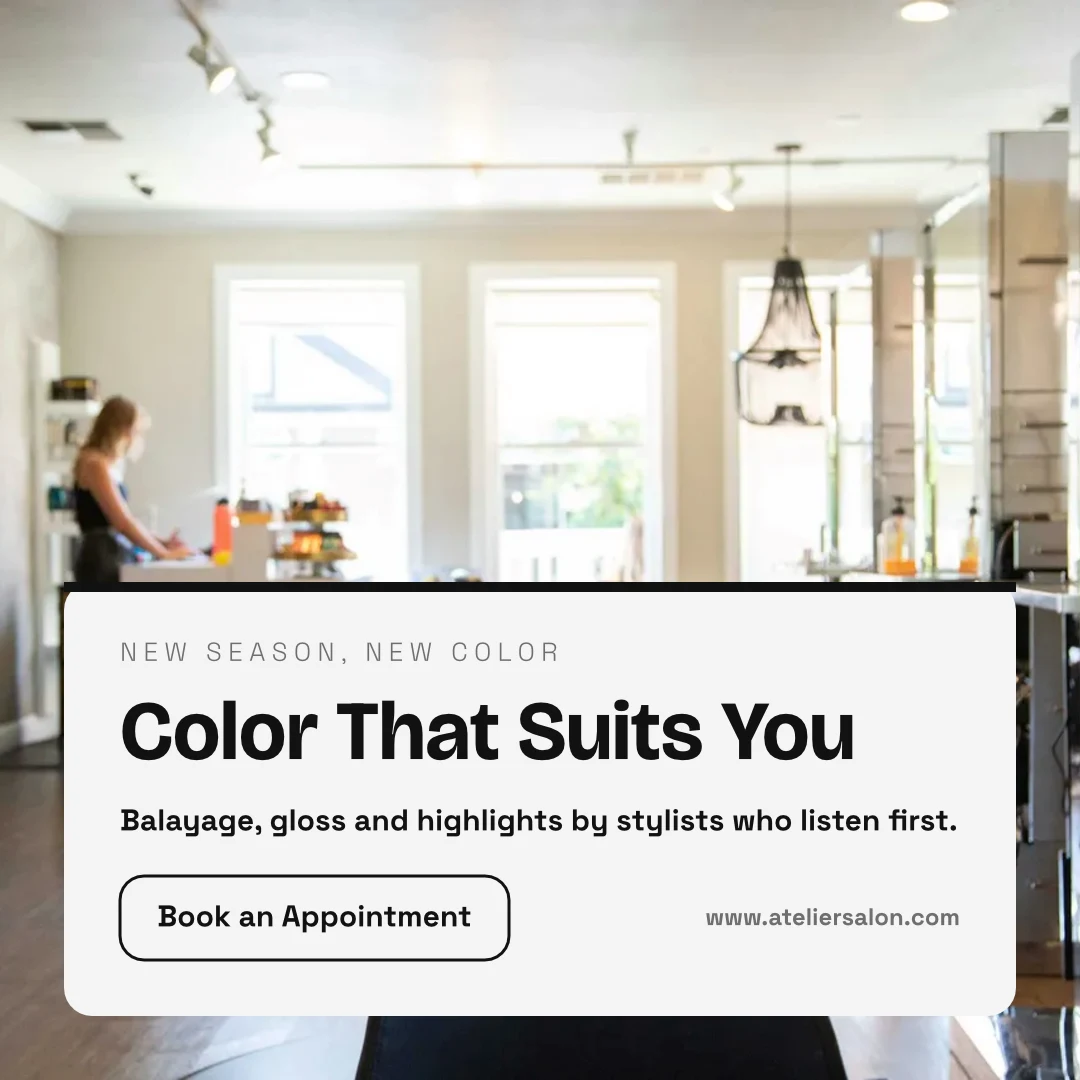
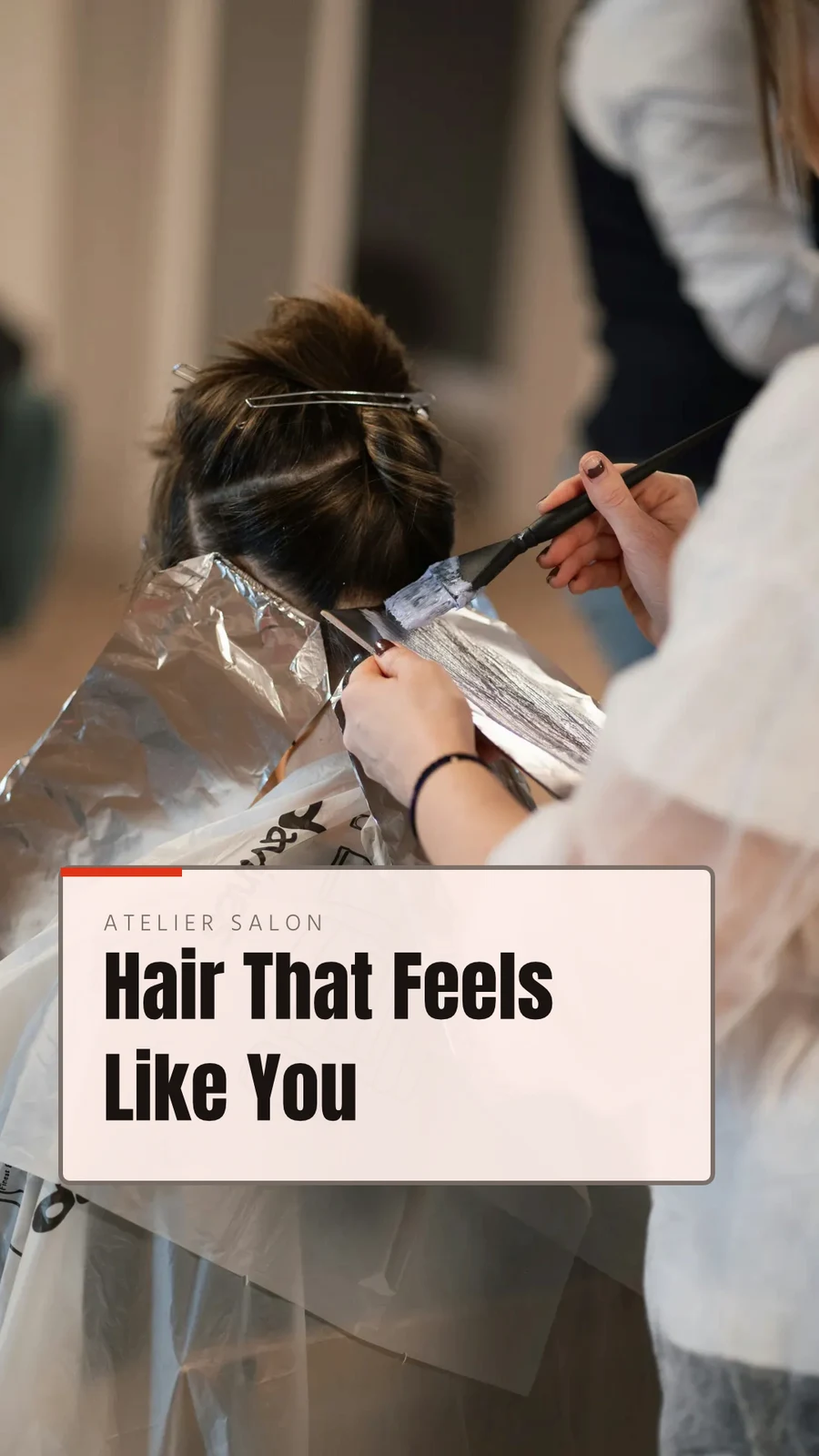
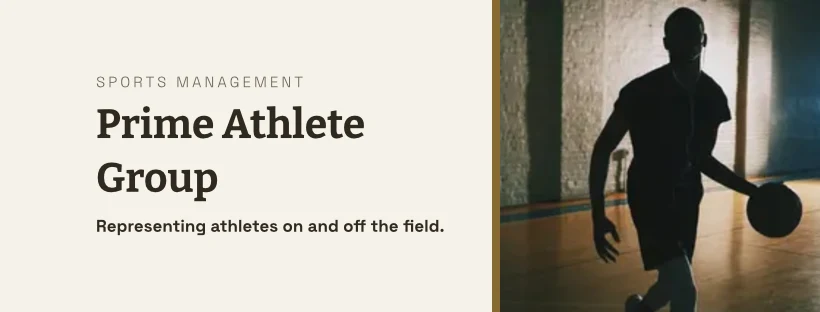
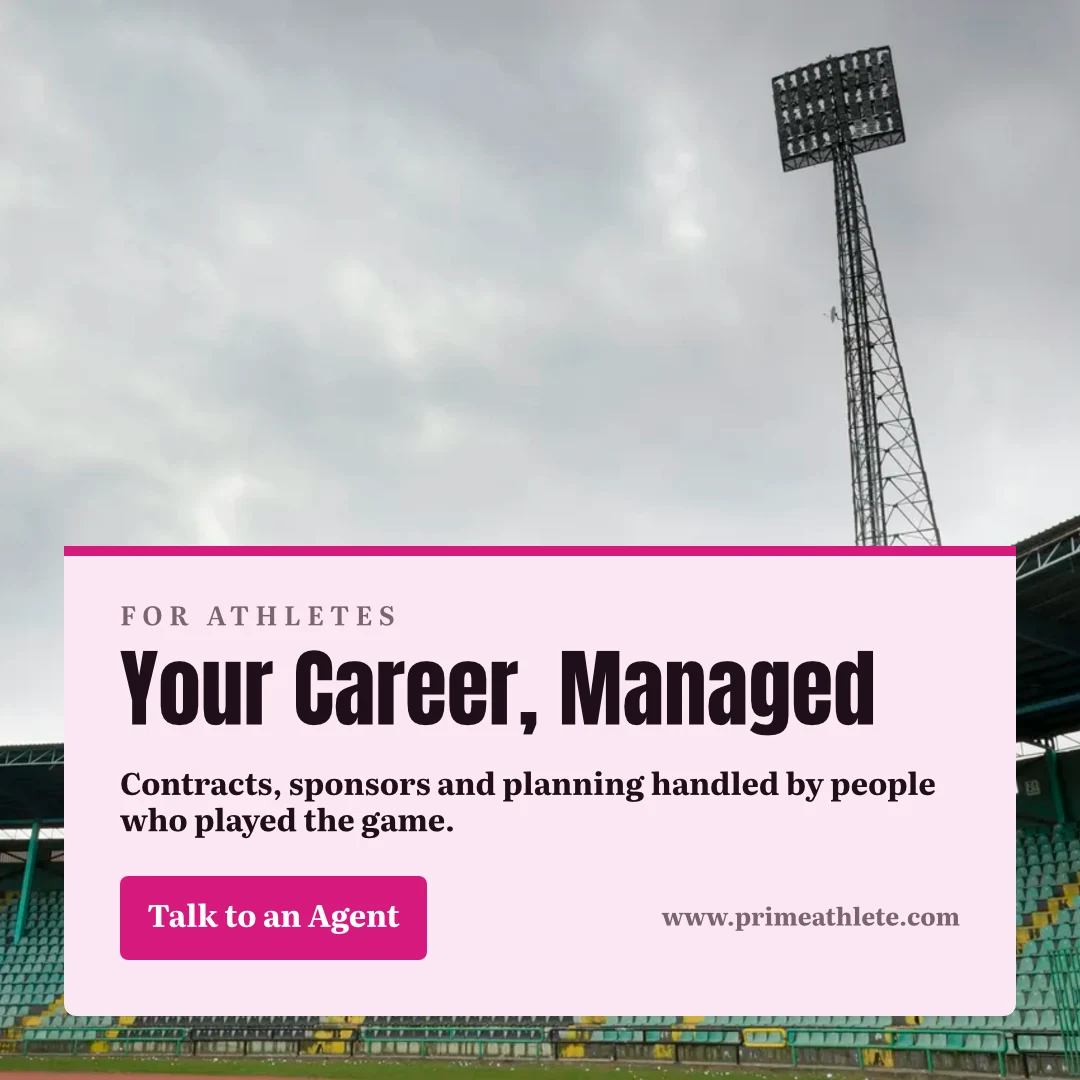
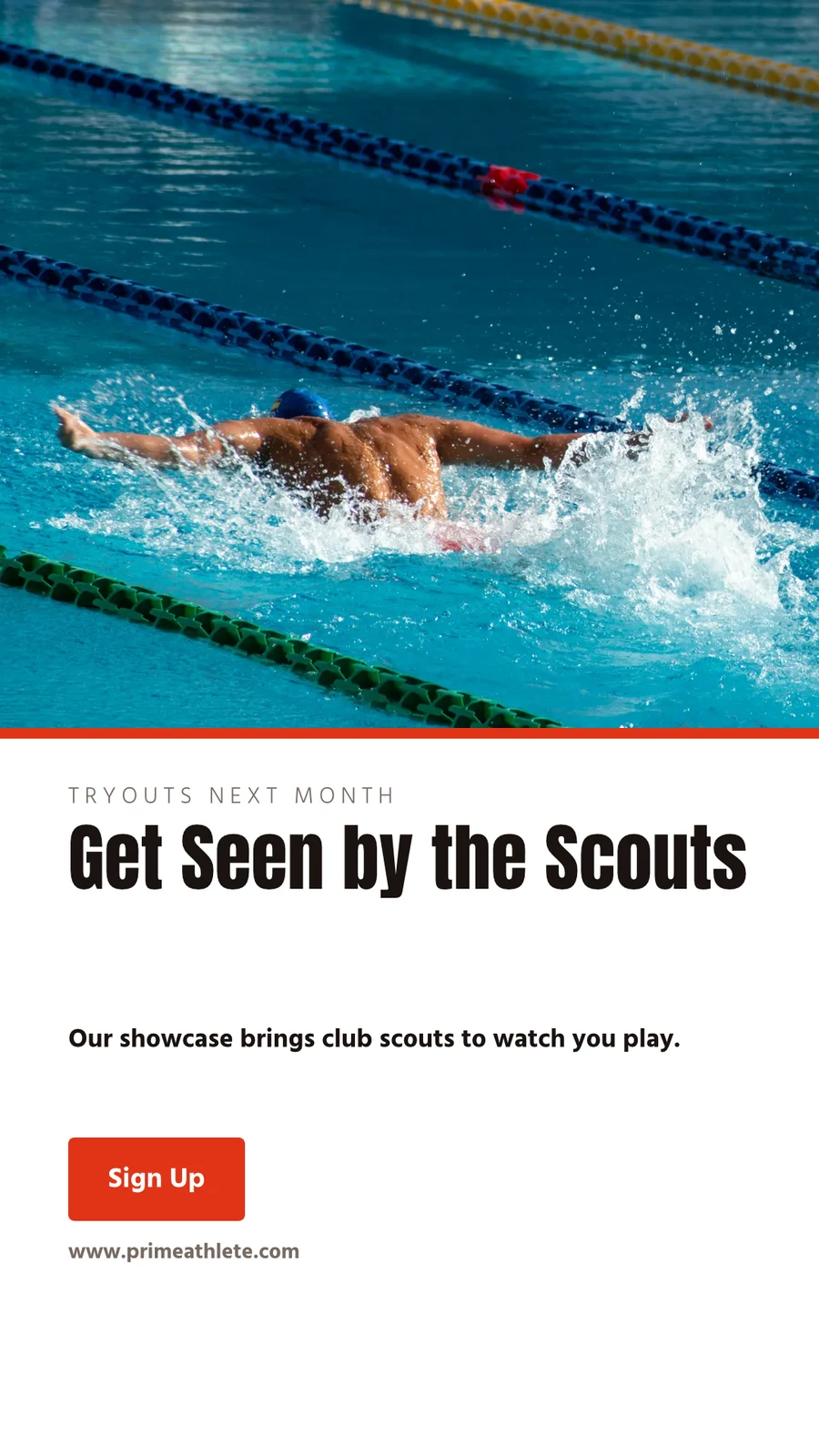
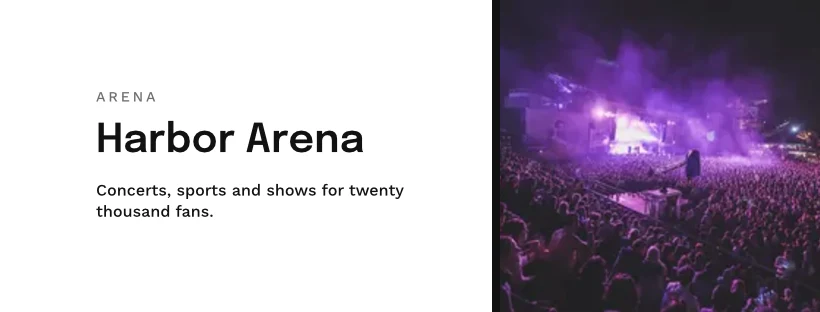

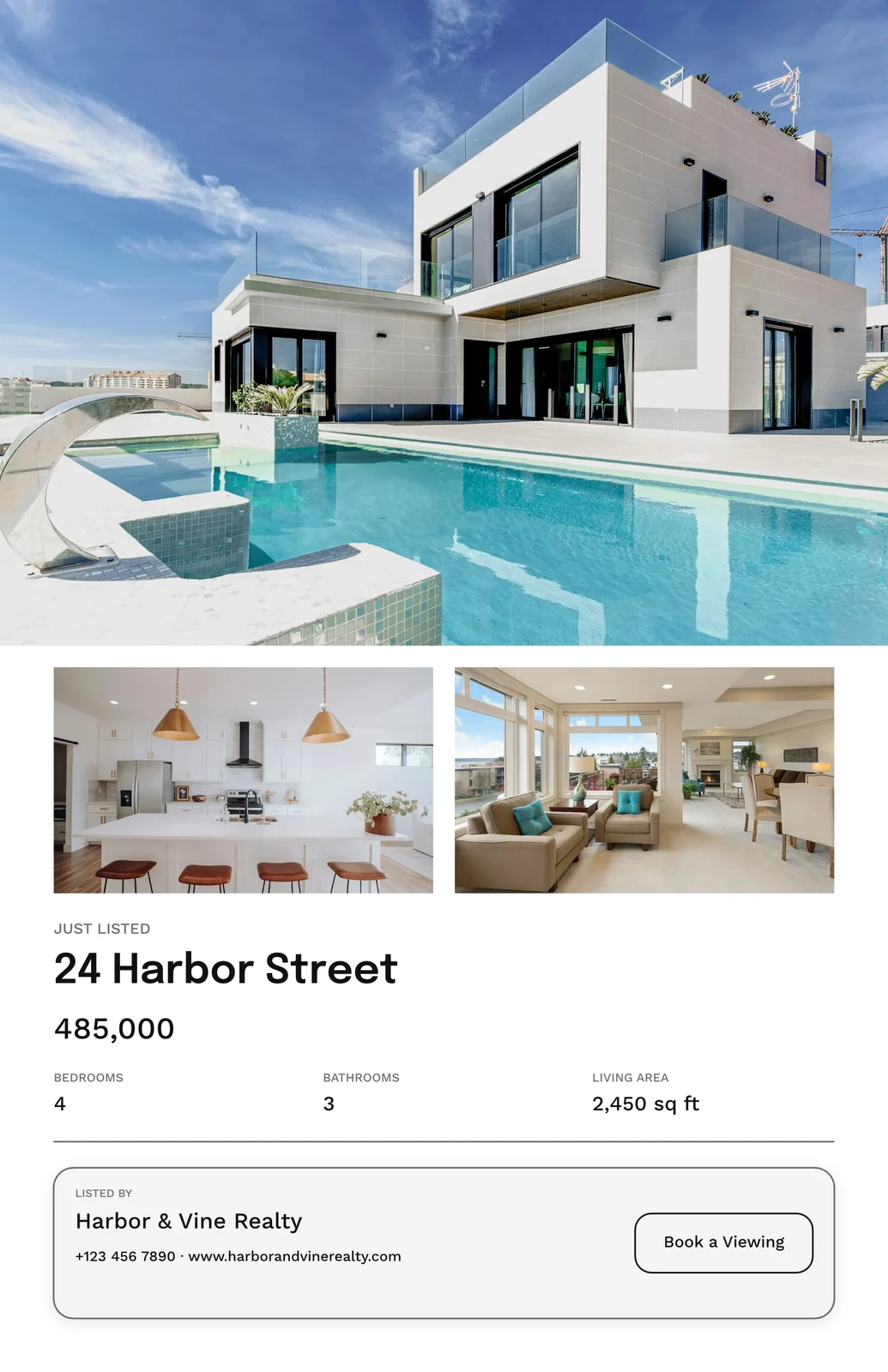
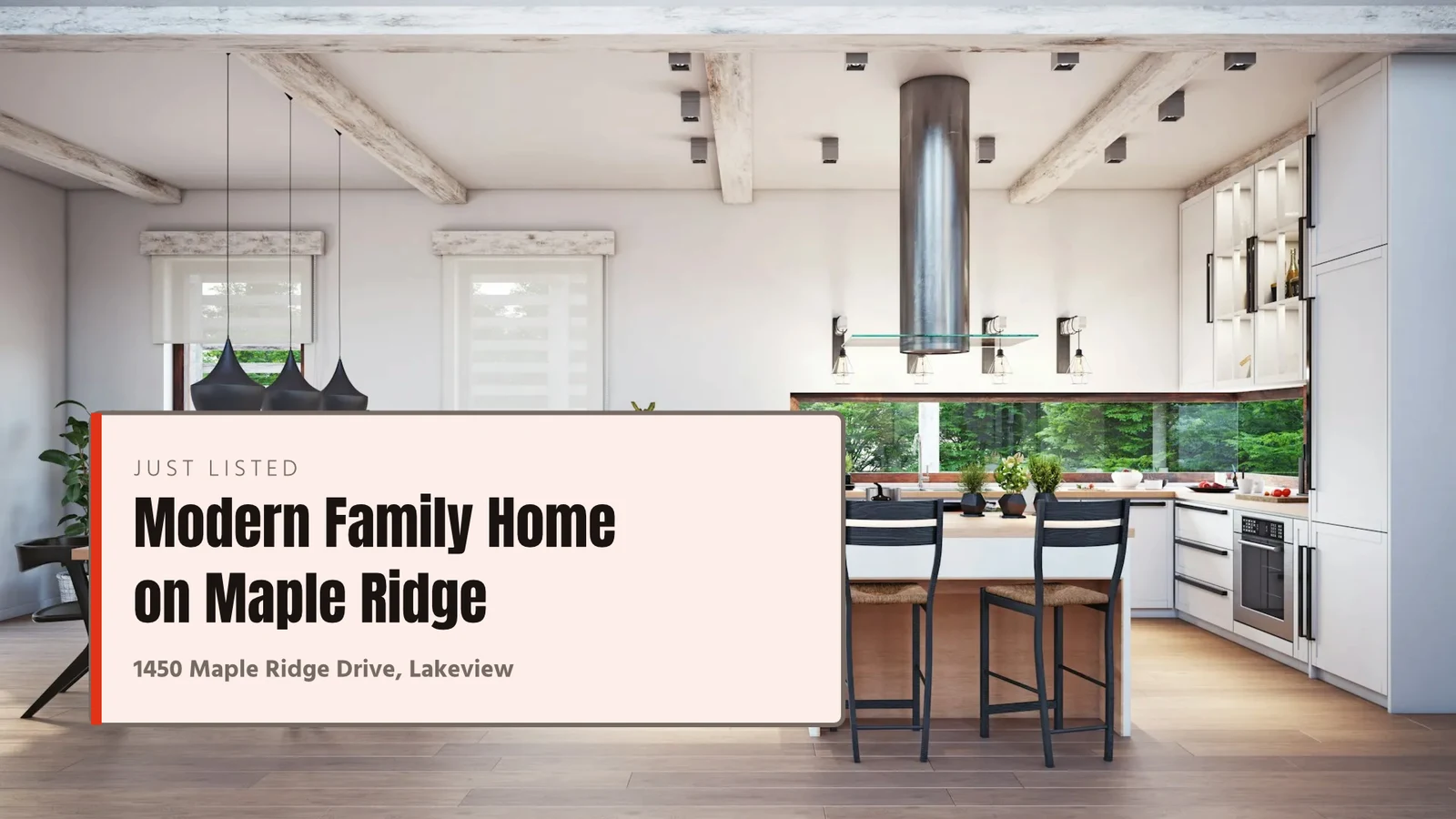


Elke ontwerp, van die eerste sjabloon tot die druk
Sosiale poste, drukwerk, video en skermbeelde, by Calisto se matings of enige maat wat jy stel.
Begin
'n Sjabloon, 'n Tema of 'n leë grootte.
Bewerk
Woorde, foto's, vorms en grafieke, op lae.
Vektor en Animeer
Paaie en sleutelframe in dieselfde lêer.
Weergawes
Baie ontwerpe uit een.
Uitstuur
Eksporteer, druk, deel of oorhandig.
Together
Gedeel, lewendig, en elke weergawe bewaar.
Witbordies
Kleefnotas voor die ontwerp.
Op 'n Telefoon
Verander die woorde en foto's.
Begin vanaf 'n sjabloon, 'n Tema of 'n leë grootte
Skaalprente is Calisto se opstellings in elke Tema, gefilter volgens tipe, bedryf, styl en kleure. 'n Tema stel die kleure, lettertipes en spasering wat 'n ontwerp dra. 'n Leë grootte open op sy presiese kunstenaarsbord vir sosiale media, druk, video of skerm, of by enige breedte en hoogte wat jy stel.
My Merk
Elke bladsy wat vooraf getrek is in jou handelsmerk-kit voordat jy een kies.
Sjablone


The Brand Kit
Kleure, lettertipes en logo, bewerk in Studio se Instellings en aangebied in elke keurder.
Instellings
Slegs Merk, Met Engage
Mense sonder 'n Studio-setel bou slegs met die merk se lettertipes, kleure en Tema alleen.

Jou Eie Sjablonen
Opslaan as Sjabloon hou 'n kopie van die oop ontwerp; Aanpas Sjabloon verander 'n sjabloon se voorkoms.
Sjablone
Beskryf Dit
Sê wat jy nodig het in 'n sin en drie ontwerpe kom terug in jou merk, om te hou of as sjablonne te stoor.
Beskryf Dit
Say what you need and Calisto makes three designs in your brand. Pick one to finish it.
Van jou Webwerf
Jou handelsmerkstel gelees van jou webwerf of jou handelsmerkriglyne PDF: sy kleure, lettertipes en logo, opgespaar wanneer jy sê.
Instellings
Van jou Webwerf

Merkregels
Hou 'n ontwerp by die merk se kleure en lettertipes; die merk-naming sê wat verkeerd is, en niks wat nie by die merk pas word geëksporteer nie.
Sjablone
Verander die woorde, die foto's en die uitstraling
Voeg woorde, foto's, vorms, grafieke, QR-kodes en gegenereerde beelde by, en stel die lettertipe, kleur en plek vir elkeen. Essentials hou by die alledaagse beheer; Pro wys elkeen.
Trek vektore en animeer op dieselfde lêer
Trek jou eie logo en kunswerk met 'n pen, en stel 'n ontwerp in beweging op 'n tydlinie, in dieselfde lêer. Beide open met 'n Maak-plek; die reedymaak-bewegings en vormgereedskap is op elke ontwerp.
 FotoVektor
Maak baie weergawes uit een ontwerp
Massaal Skep vul 'n ontwerp se tekstplekers uit 'n CSV of geplakte reëls, tot 200 ontwerpe in een lopie, en 'n tweede druk maak geen twee keer nie. Kopieer & Verhooglêi lê 'n ontwerp weer uit by 'n ander grootte en slaan dit op as 'n nuwe ontwerp.
Kopieer & Vergroot
'n Ontwerp wat weer op 'n ander grootte uitgelê is, opgeslaan as 'n nuwe ontwerp.
Kopieer & Vergroot
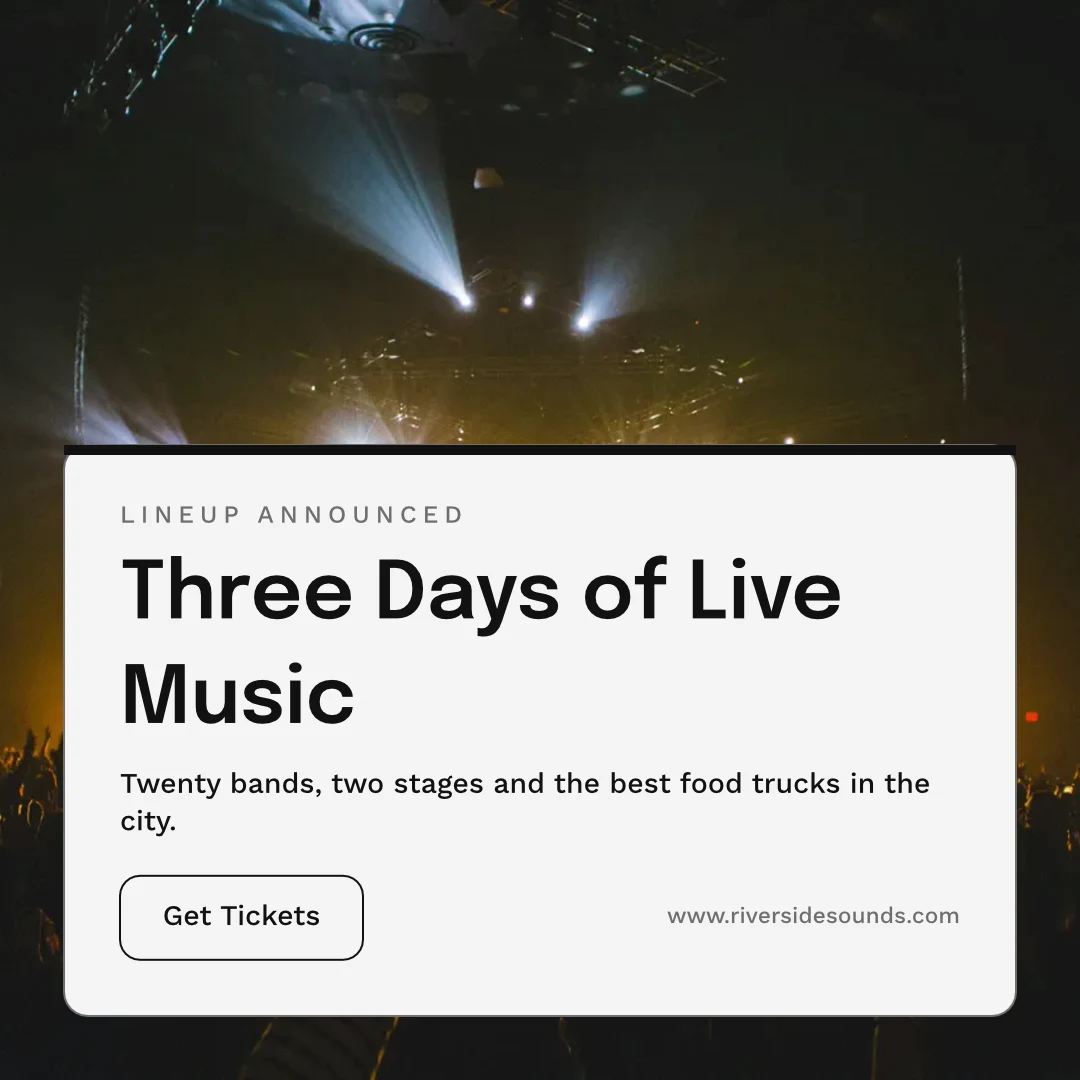
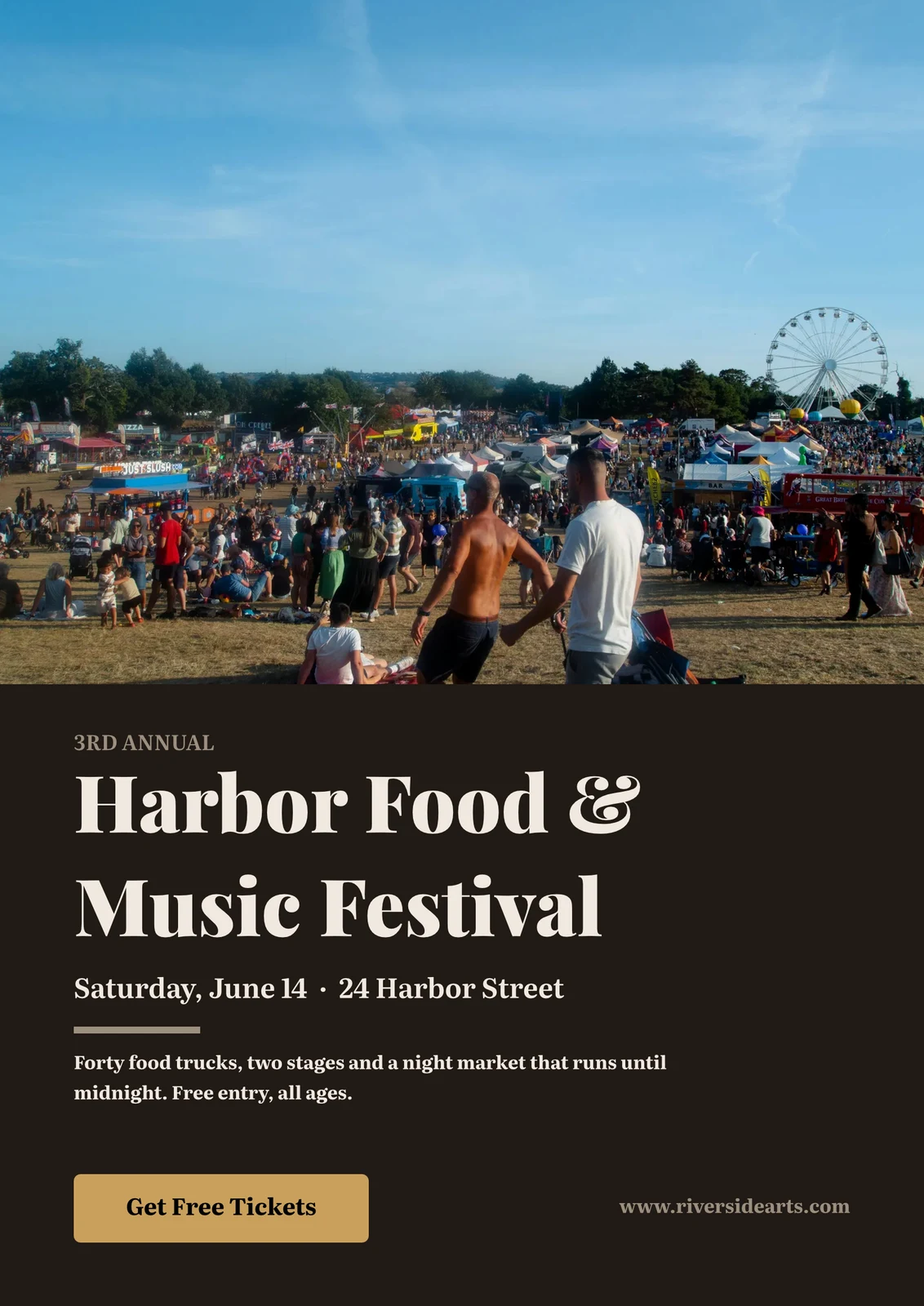
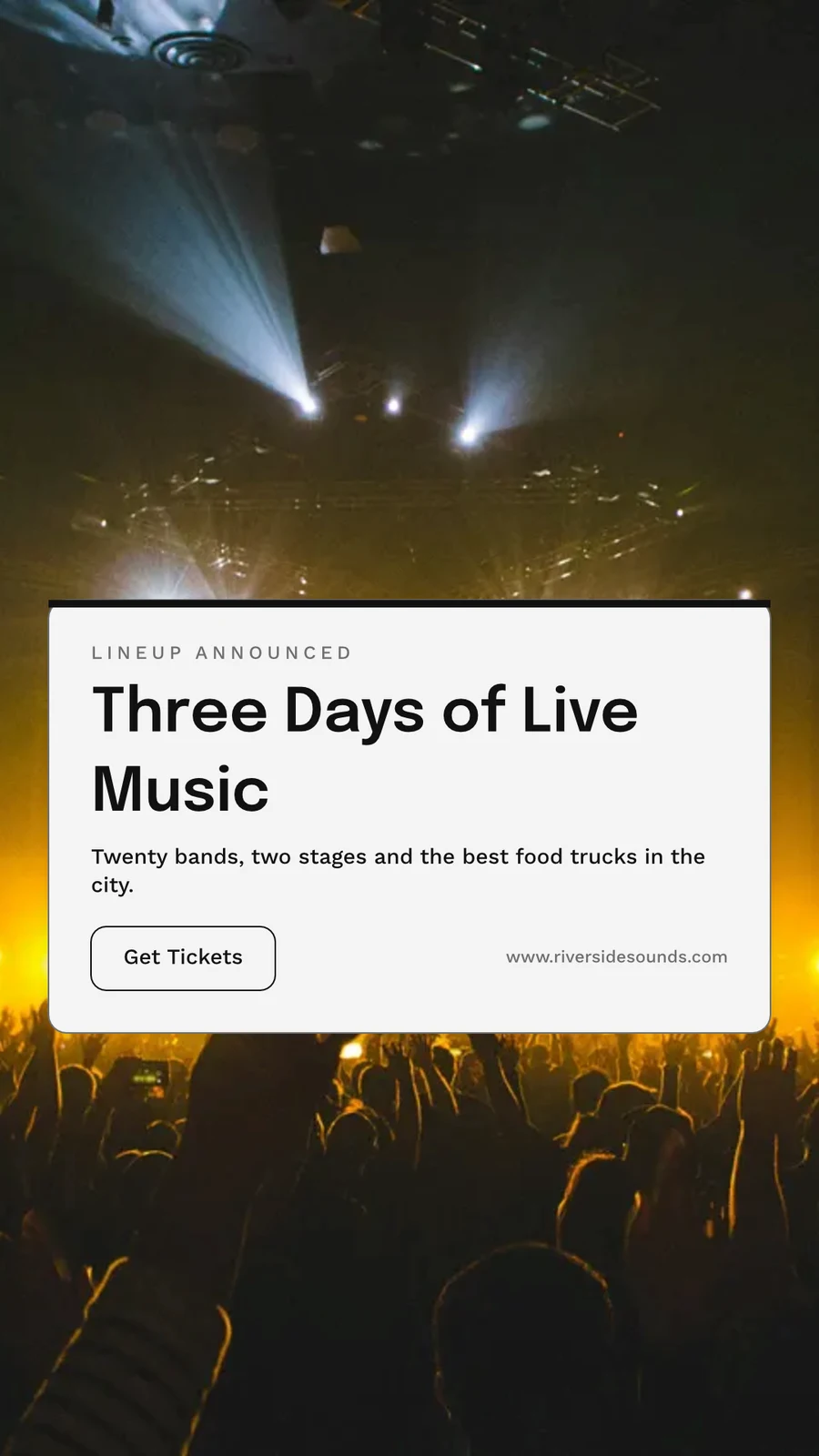
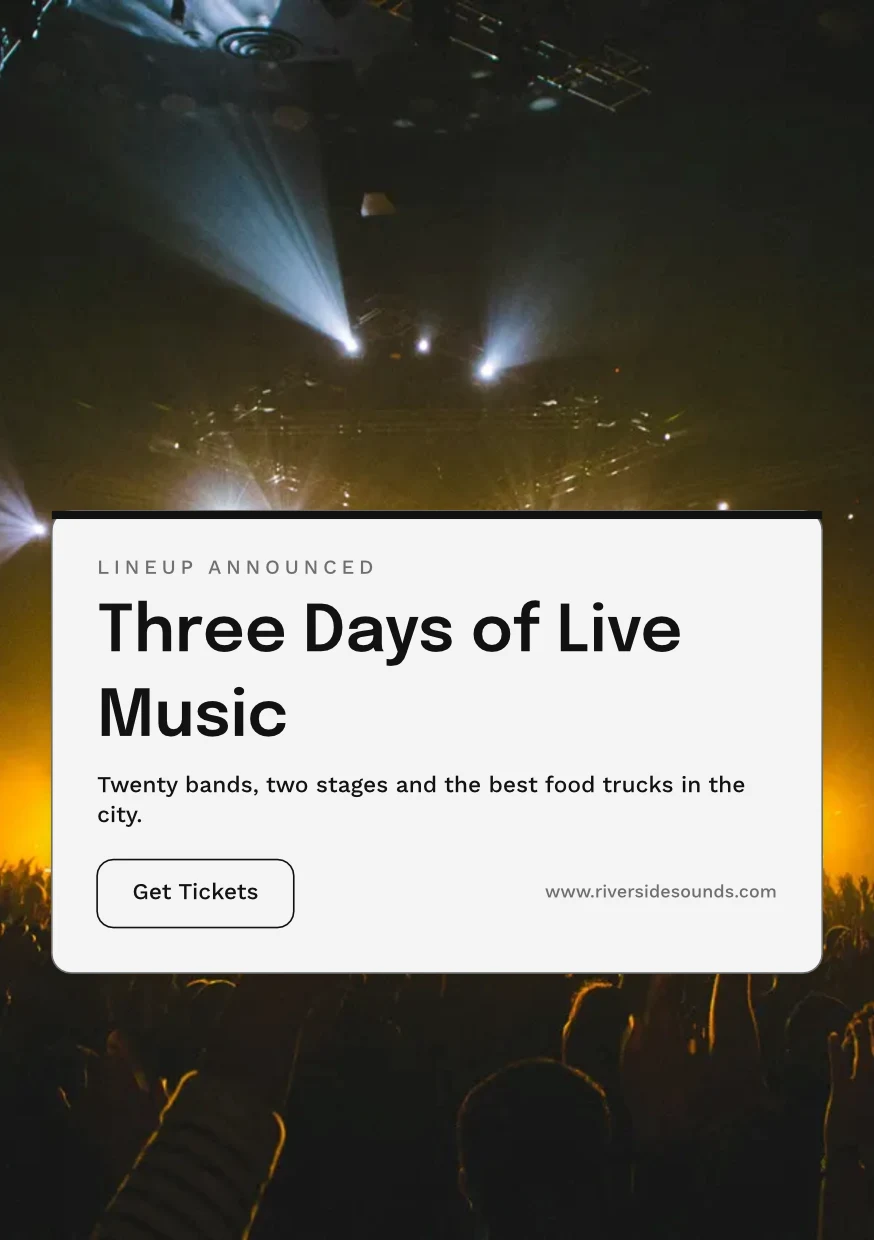
 Three Days of Live Music
Exporteer, druk, deel of stuur dit na 'n ander app
PNG, JPG, SVG en PDF in web- of drukresolusie, met bloedsrand en snymerke op 'n druk-PDF, of 'n CMYK-PDF vir die pers. 'n Openbare skakel wys dit en kan op enige webwerf ingebed word. Stuur na App neem dit na Vertoon, Kampegne of Websye. Analitiek tel die ontwerpe wat gemaak is, die uitvoere per formaat en die openbare skakels wat live is.
Exporteer
PNG, JPG, SVG en PDF by web- of drukresolusie, 'n deursigtige agtergrond, en elke uitvoer behou om weer uit te voer.
Uitvoer en Deel
The Weekend Collection · 1080 × 1080 px
Formaat
Openbare skakel en insluit
'n Skakel wat die ontwerp wys, dit afspeel as dit beweeg, en op enige webwerf ingebed word, met sy eie QR-kode.
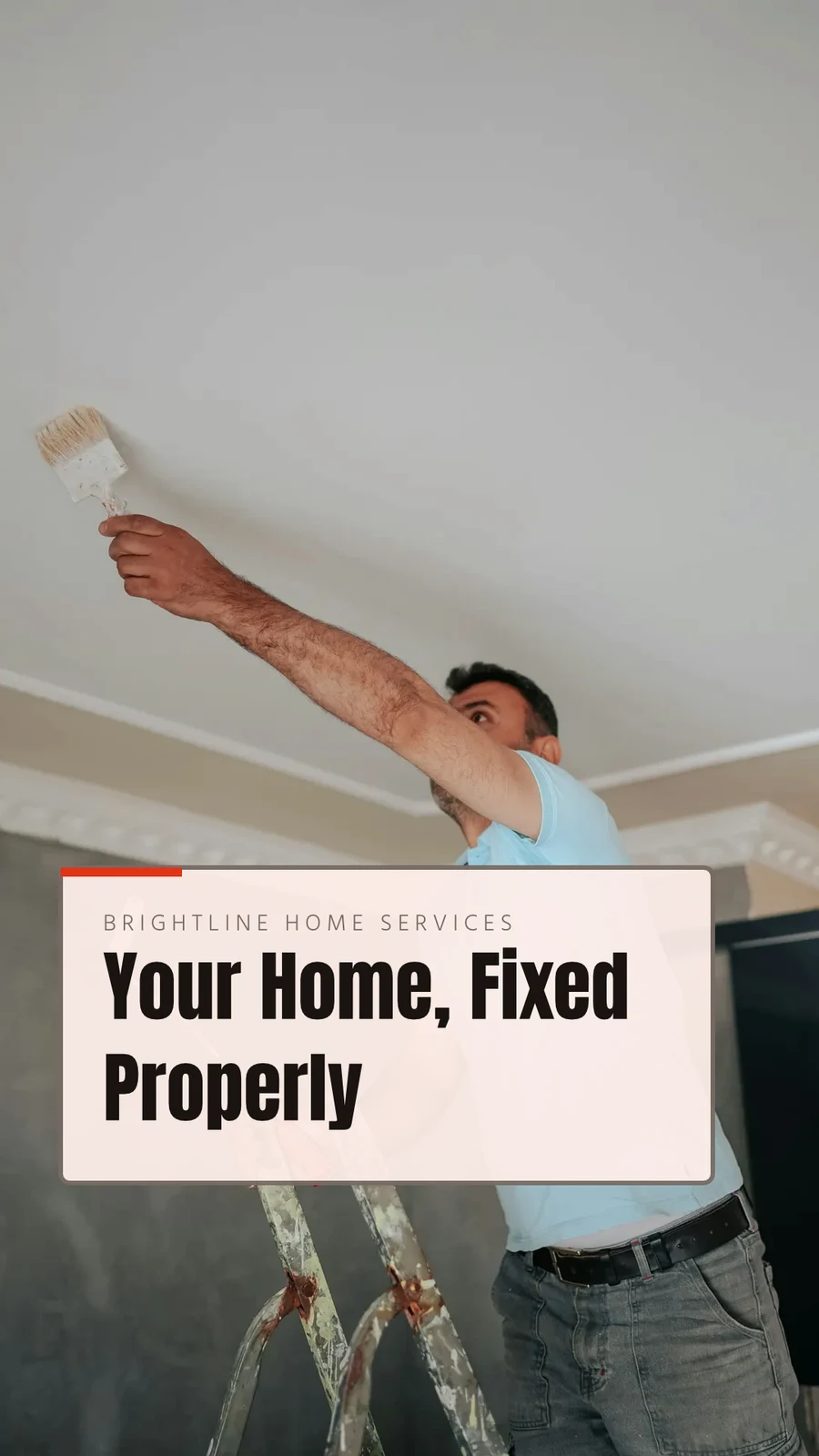
Repairs Done Right
 Laai af
Openbare Skakel
https://studio.calistoco.com/p/design/k7Qm2xW9rTInbed in 'n Blad
<iframe src="https://studio.calistoco.com/p/design/k7Qm2xW9rT" width="1080" height="1080" style="border:0" loading="lazy"></iframe>QR-kode
Druk of wys in persoon214 skansStuur na App
Stuur dit na Display vir jou skerm, in 'n nuwe e-pos in Kampe, of in 'n webwerf se lêers in Sites.
Uitvoer en Deel
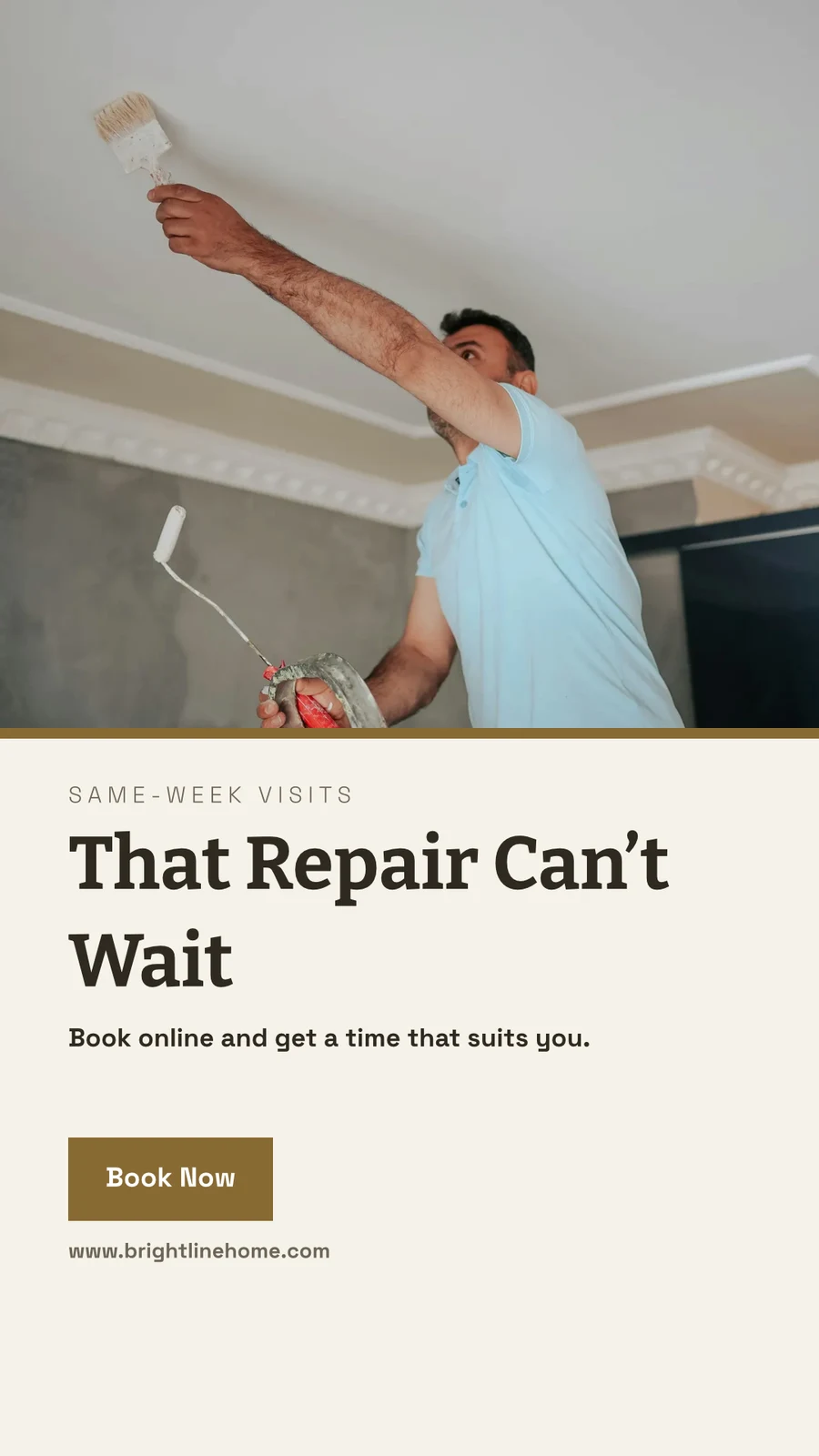
Your Summer Room Is Ready · 1080 × 1920 px
Send to app
Hierdie ontwerp aan 'n ander Calisto-toepassing oorhandig om dit daar te plaas.Maak Video, Met Klippe
Elke bladsy 'n klip met sy beweging, dan titels, musiek, ondertitels en 'n MP4.
GIF en Animated WebP
Vir 'n ontwerp wat beweeg, elke blad vir sy eie lengte.
Uitvoer en Deel
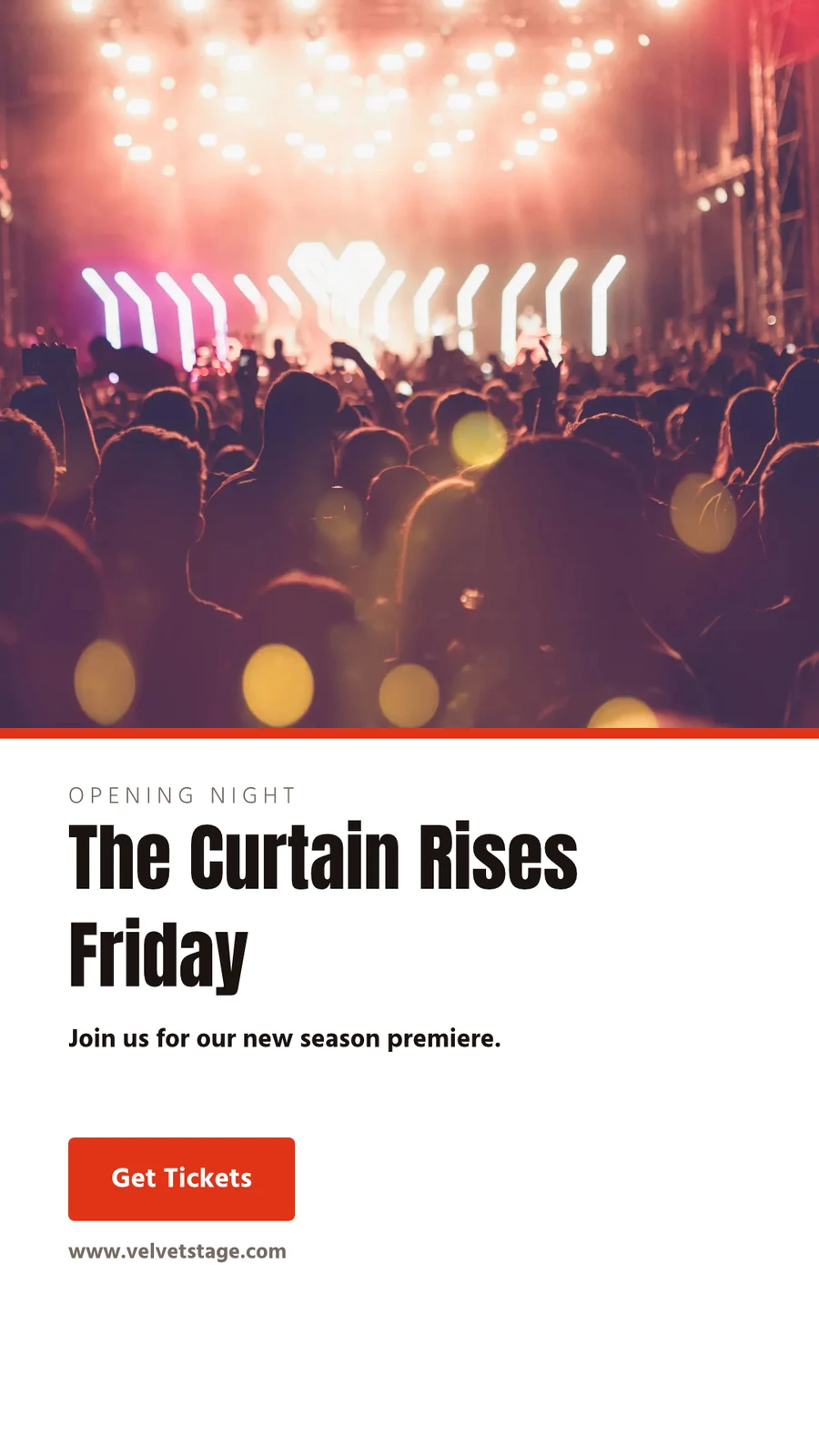
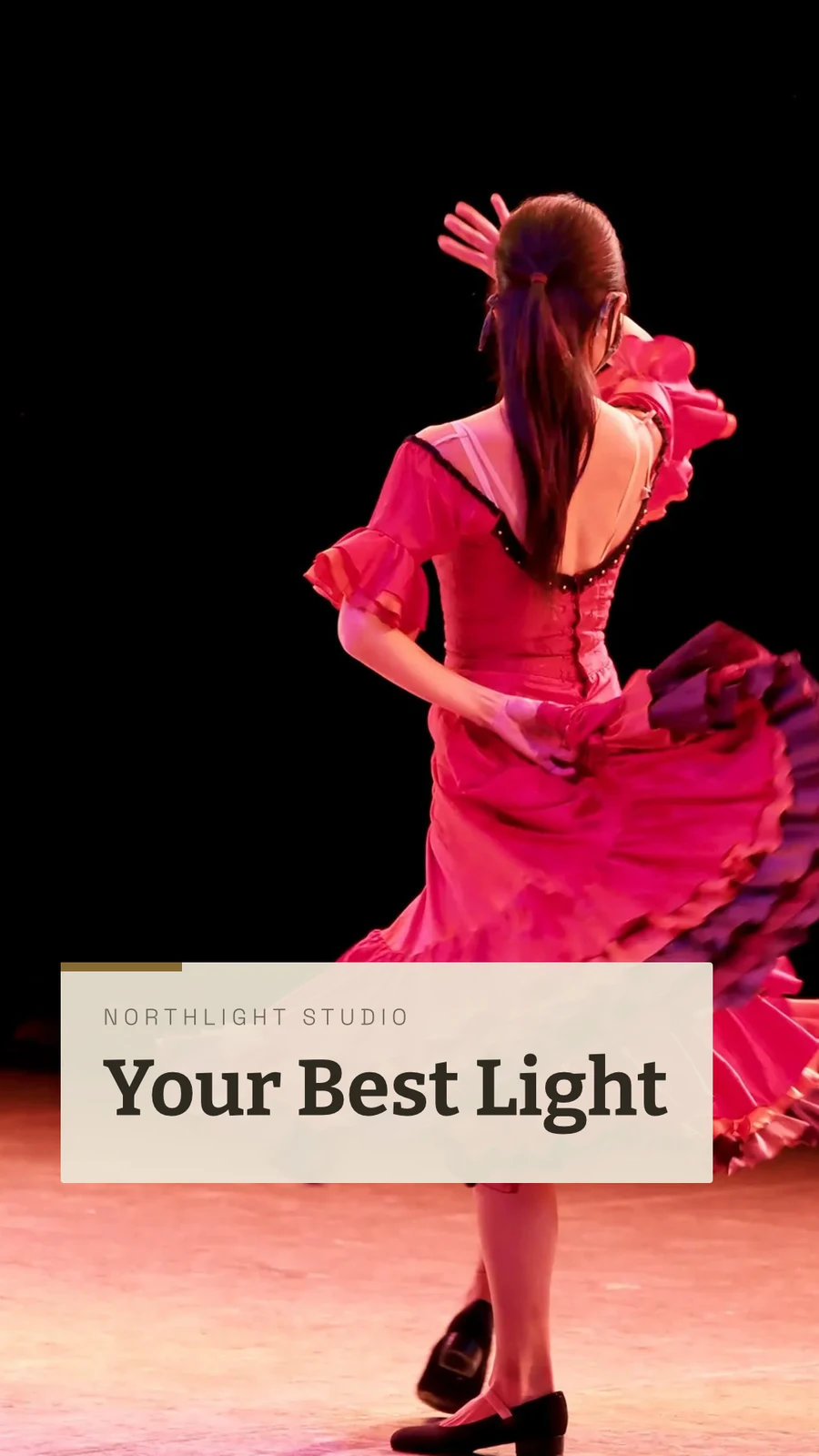
The Curtain Rises Friday · 1080 × 1920 px
Formaat
Druk
Besny, bloei, snymerke en 'n veilige margyn in Print Opstelling, en die ontwerp druk sonder die app daaromheen.
PDF vir druk (CMYK)
Omgewerk na CMYK op jou eie toestel, met jou drukwinkel se profiel wanneer hulle een gee.
Uitvoer en Deel
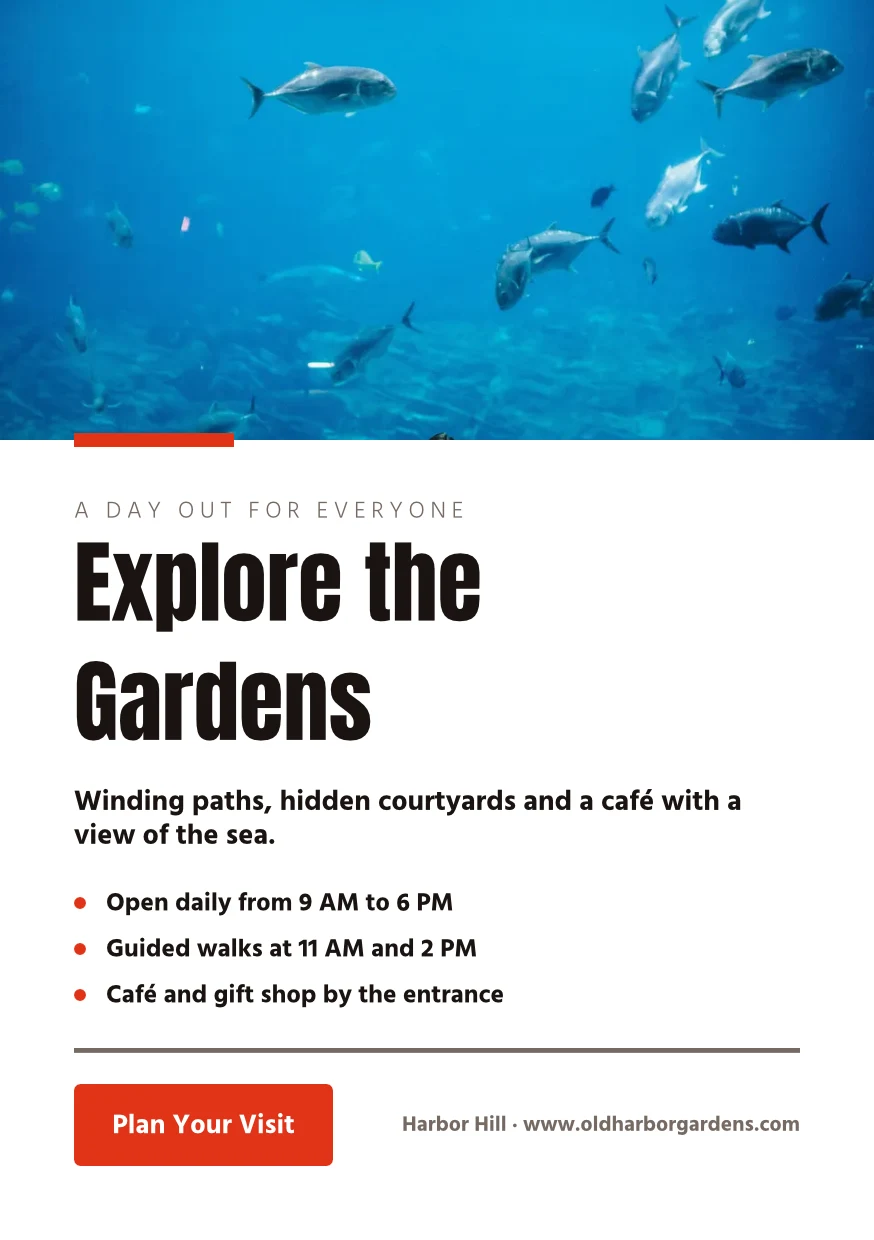
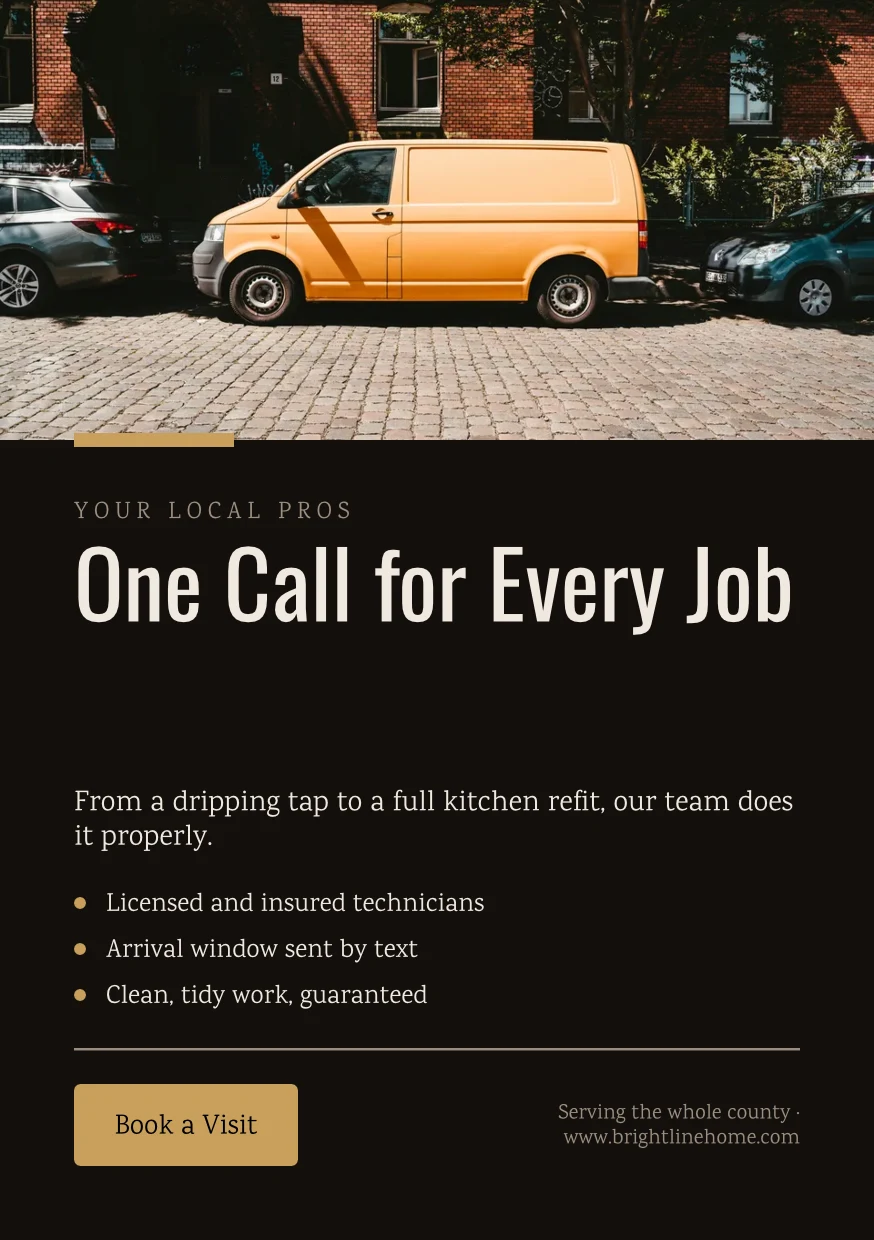
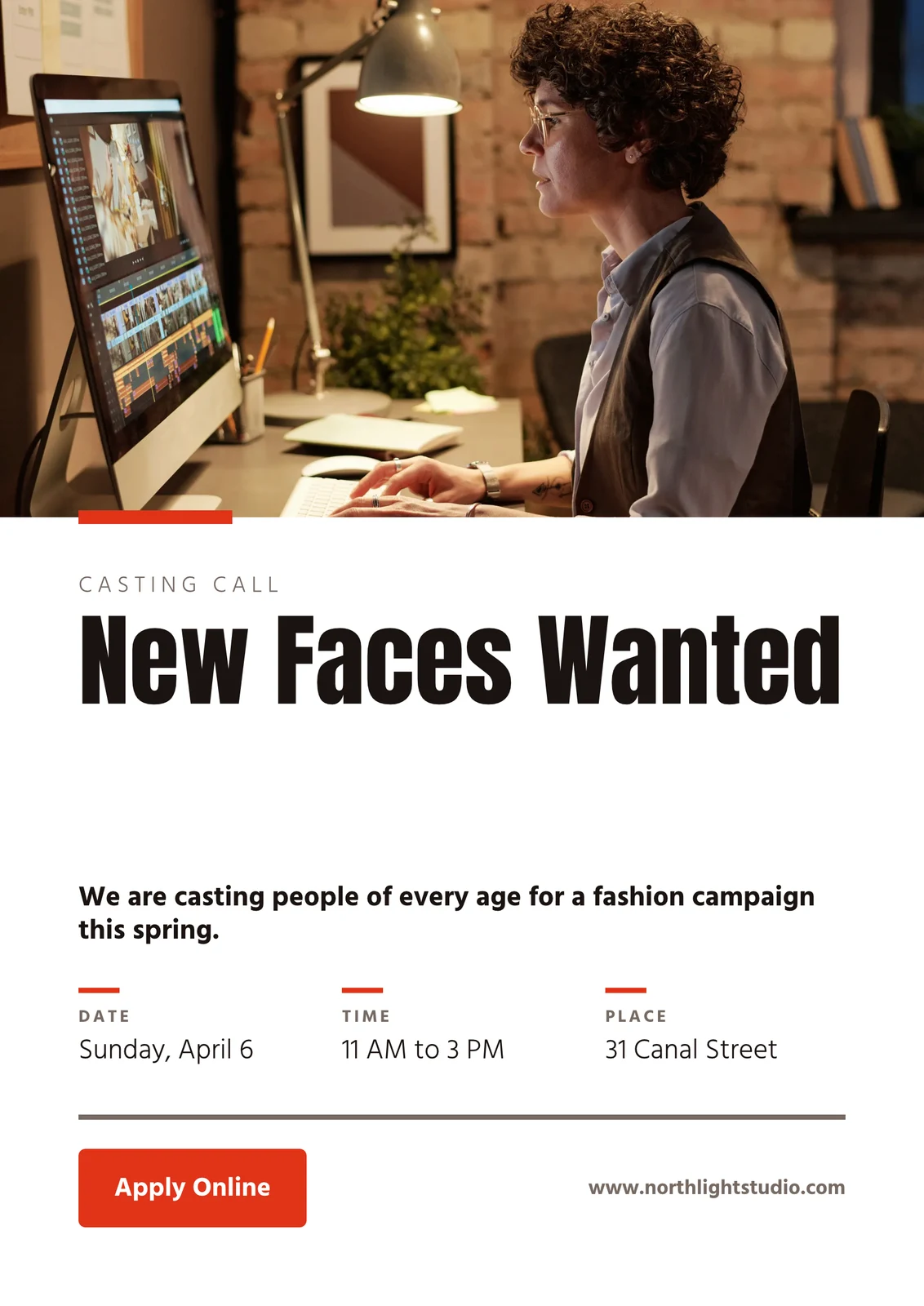
Find the Right Space · 874 × 1240 px
Formaat
Drukker se Profiel
Druckerei Weber Coated.icc2.1 MBKleure word omgeskakel vir Druckerei Weber Coated.icc, gelees op hierdie toestel en nie opgelê nie.Werk saam aan 'n ontwerp, en hou elke weergawe
Deel 'n ontwerp met 'n persoon as Kan besigtig, Kan kommentaar lewer of Kan redigeer. Iedereen daarin word getoon, en twee mense op verskillende bladsye skryf nooit oor mekaar nie. Elke opslag behou die weergawe voor dit, en enige weergawe kan herstel word. Hubs groepeer ontwerpe met die besigheid se ander lêers.
Deel en Bewerk Saam
Deel as Kan kyk, Kan kommentaar gee of Kan redigeer, en sien iedereen in die ontwerp terwyl hulle werk.
Deel "Close With Confidence"
Opmerkings op die Bladsy
Plaas 'n pin waar die verandering gaan, noem 'n spanmaat of gee hulle die draad, en los dit op wanneer dit gedoen is.
 12345
Stuur vir Goedkeuring
Na 'n spanmaat, wat dit in Goedkeuringe beslis, of as 'n skakel wat jou kliënt beantwoord sonder 'n rekening.
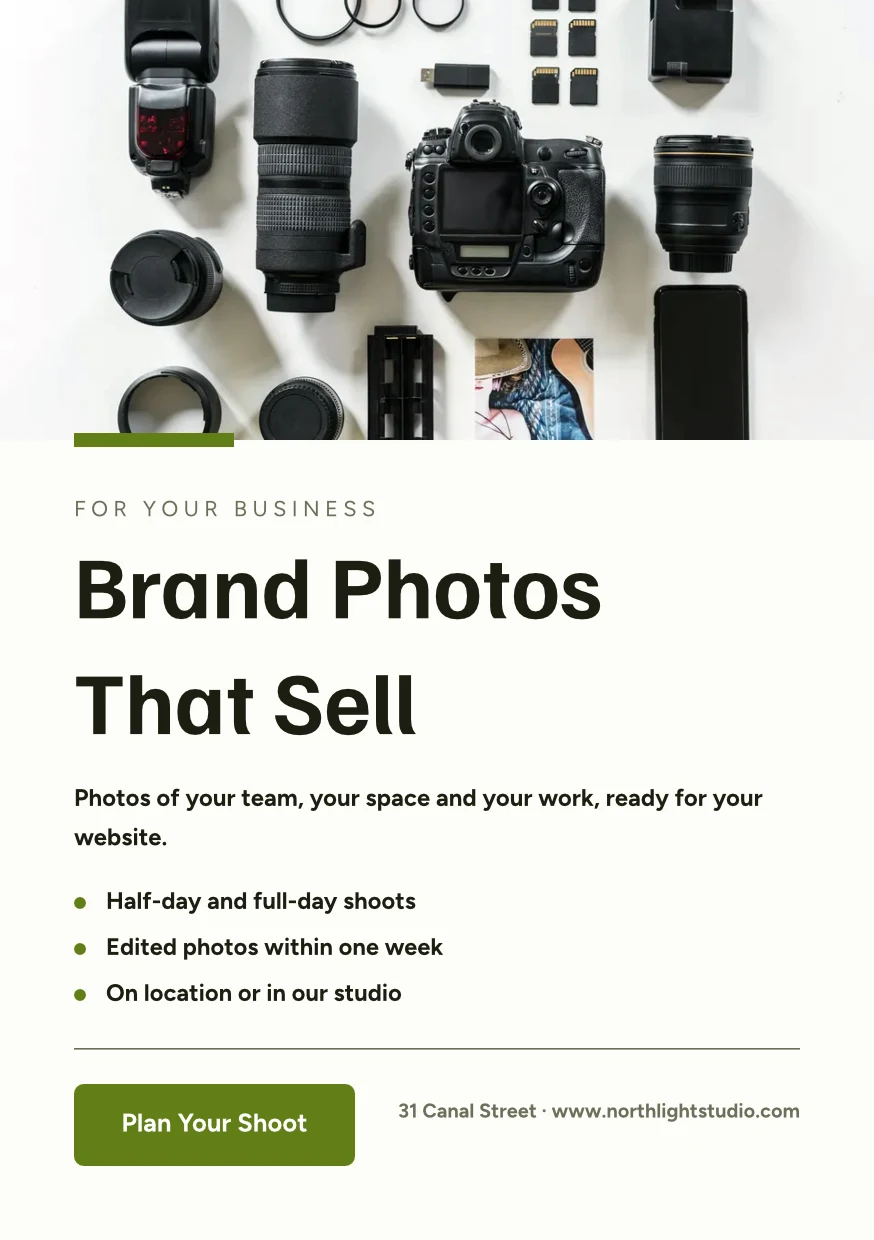
Brand Photos That Sell
Approve This Design
Northlight Studio · Ronde 2Boodskap
Die nuwe foto werk. Goedgekeur by die 18 500 kr wat ons ooreengekom het, stuur dit asseblief na druk.Versiegeskiedenis
Elke stowwing hou die weergawe voor dit, en enige weergawe kan herstel word.
Versiegeskiedenis
'n Kopie wat Volg
Die teks vir elke lokasie behou die dele wat die oorspronklike lêer blokkeer, en neem hul veranderings aan.
Biblioteek
Jou ontwerpe, temas en sjablonies in een rooster, nuutste eerste.
Biblioteek
Everything you have made: your designs, your themes and your templates.
Toewys aan Projek
'n Ontwerp gaan 'n kliëntprojek aan vanaf Ontwerpe of die bewerker.
Ontwerpe
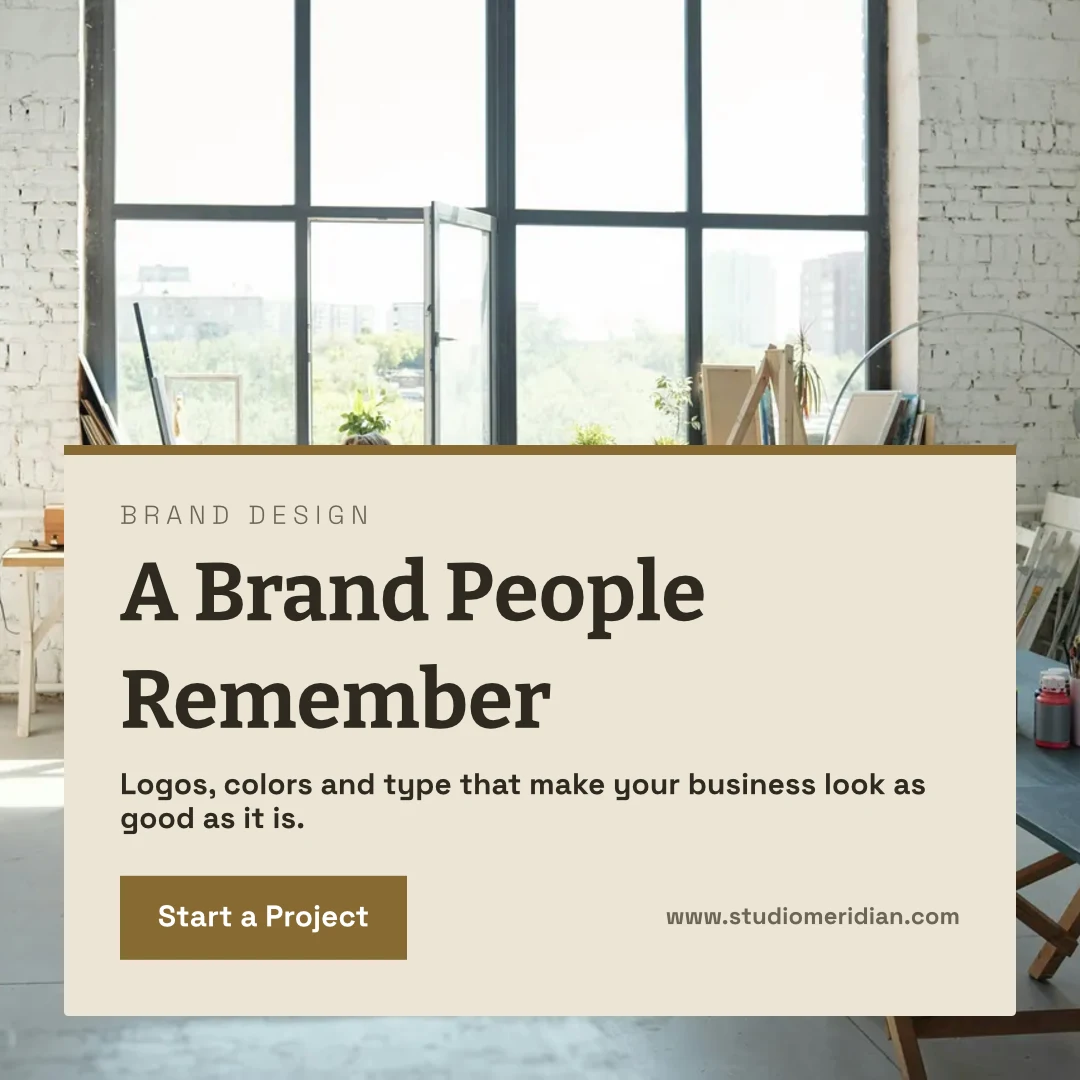
 A Brand People RememberInstagram Pos · Bewerk 12 minute gelede
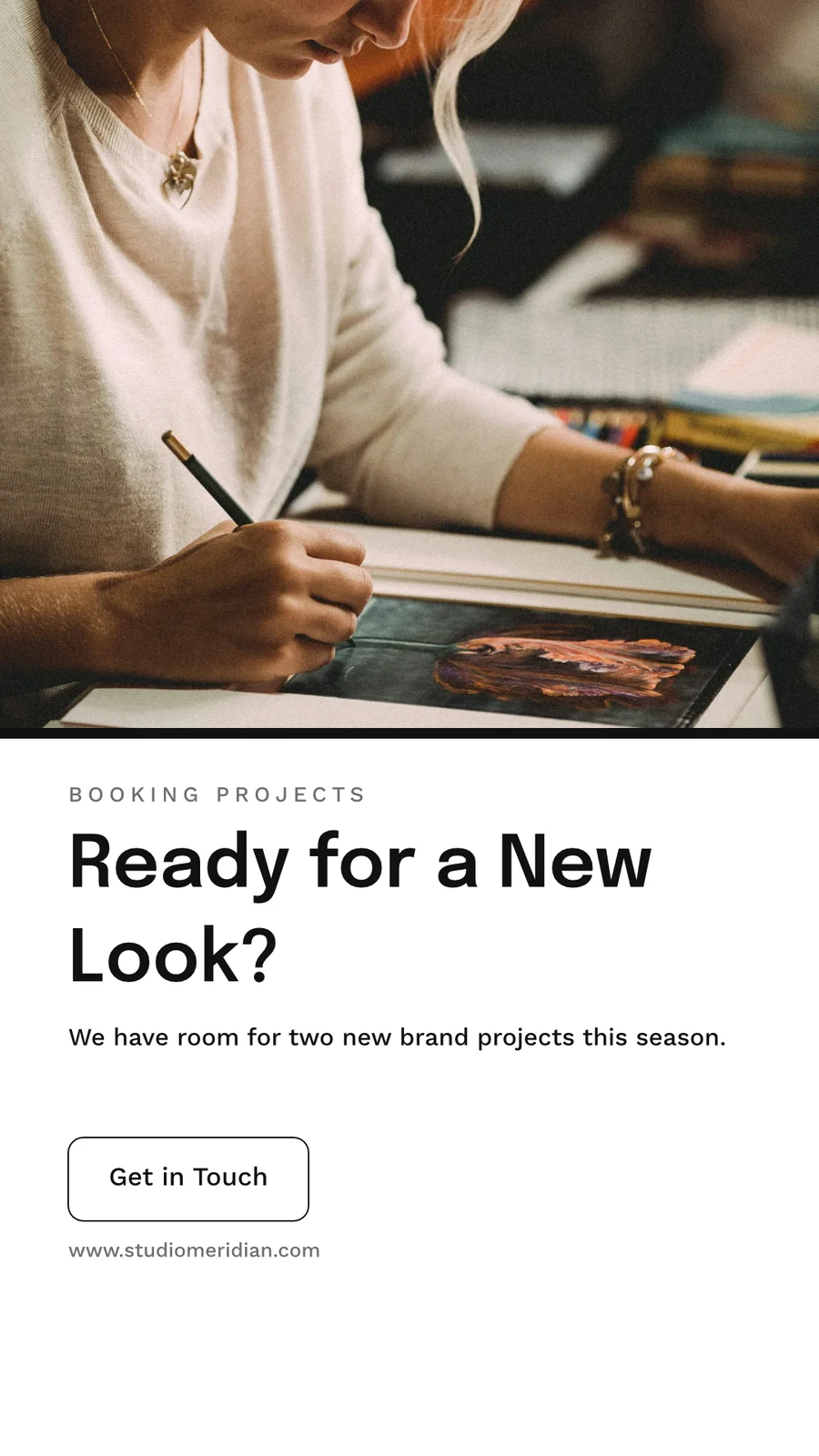
 Ready for a New Look?Instagram Story · Bewerk 1 uur gelede
 From Idea to IdentityA5 Portrait · Bewerk Yesterday
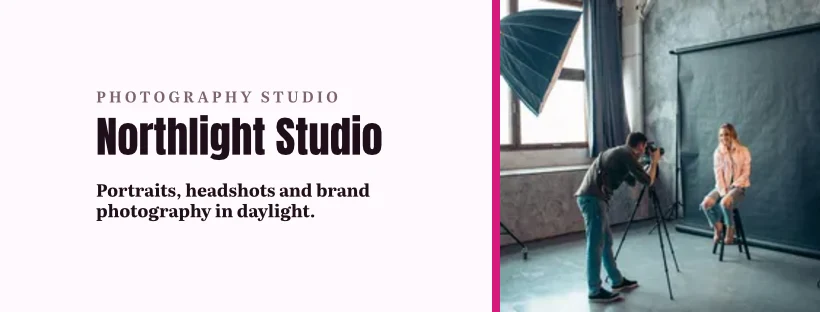
 Studio Meridian Page CoverFacebook Cover · Bewerk 2 dae gelede
 Design That Means BusinessVertical Video (9:16) · Bewerk Laaste week
Toewys aan Projek
Afval vir 30 Dae
Dan geskrap met alles wat dit bevat.
Ontwerpe
Designs you move to Trash stay here until you restore them or delete them forever.
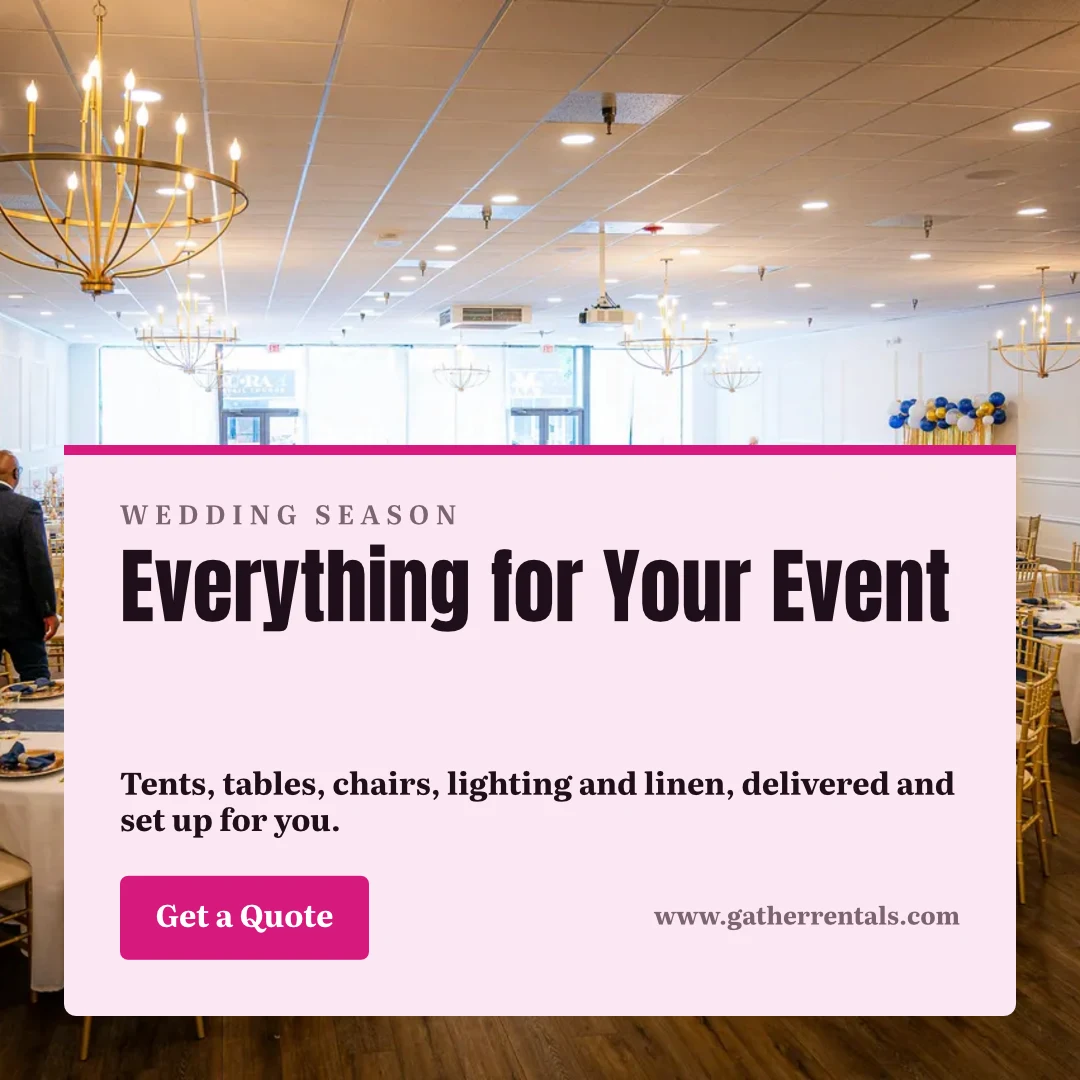
 Everything for Your EventInstagram Pos · Bewerk 12 minute geledeHerstelVir ewe verwyder
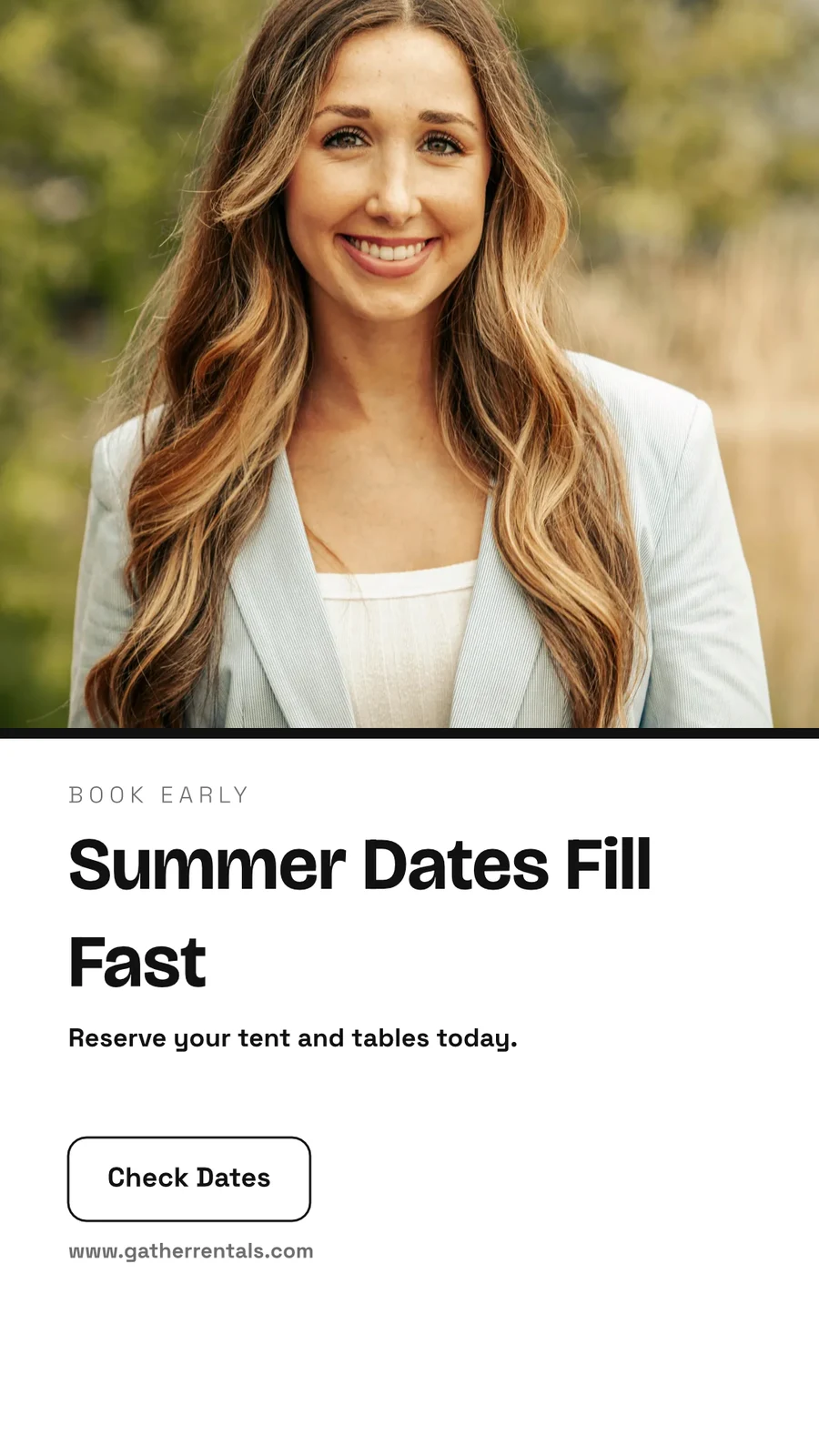
 Summer Dates Fill FastInstagram Story · Bewerk 1 uur geledeHerstelVir ewe verwyder
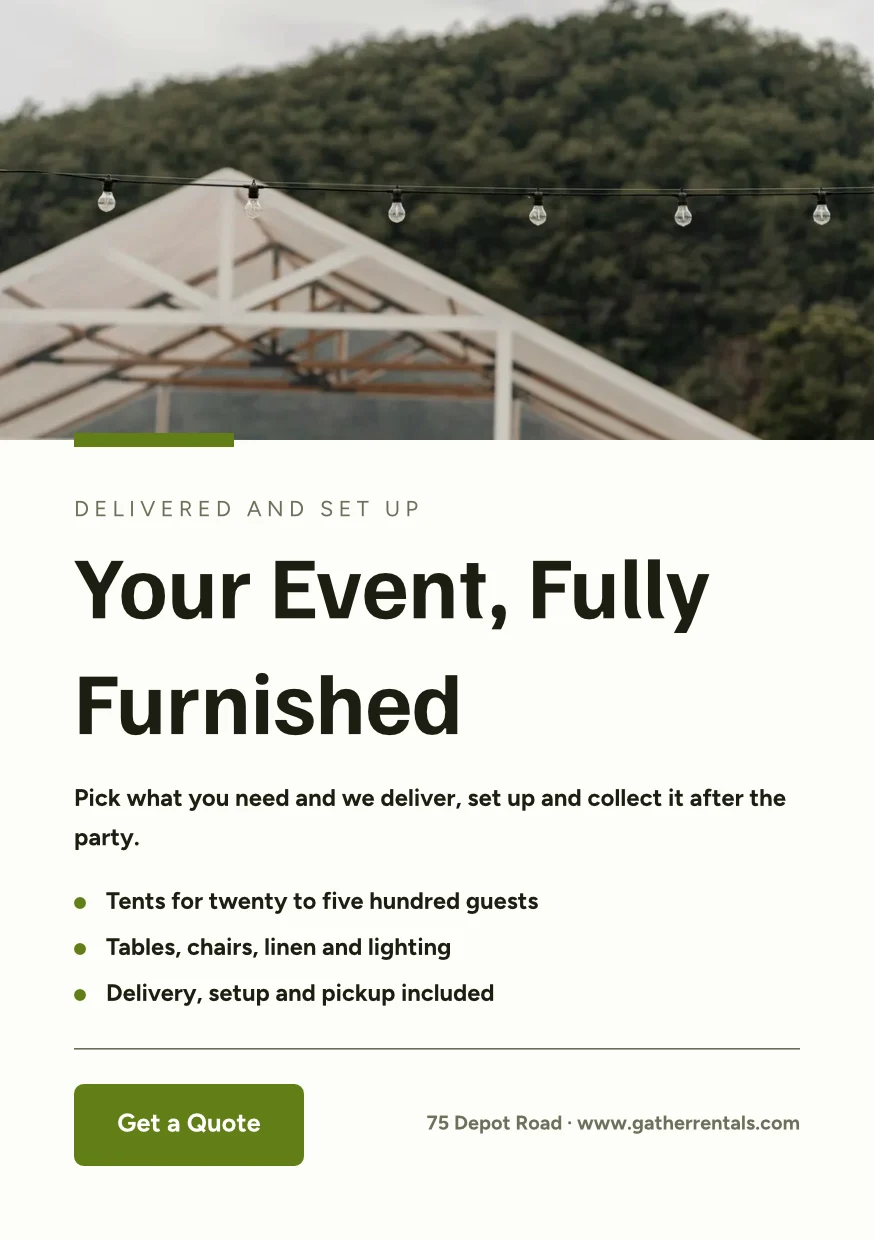
 Your Event, Fully FurnishedA5 Portrait · Bewerk YesterdayHerstelVir ewe verwyder
 Gather Event Rentals Page CoverFacebook Cover · Bewerk 2 dae geledeHerstelVir ewe verwyder
 From Empty Field to PartyVertical Video (9:16) · Bewerk Laaste weekHerstelVir ewe verwyder
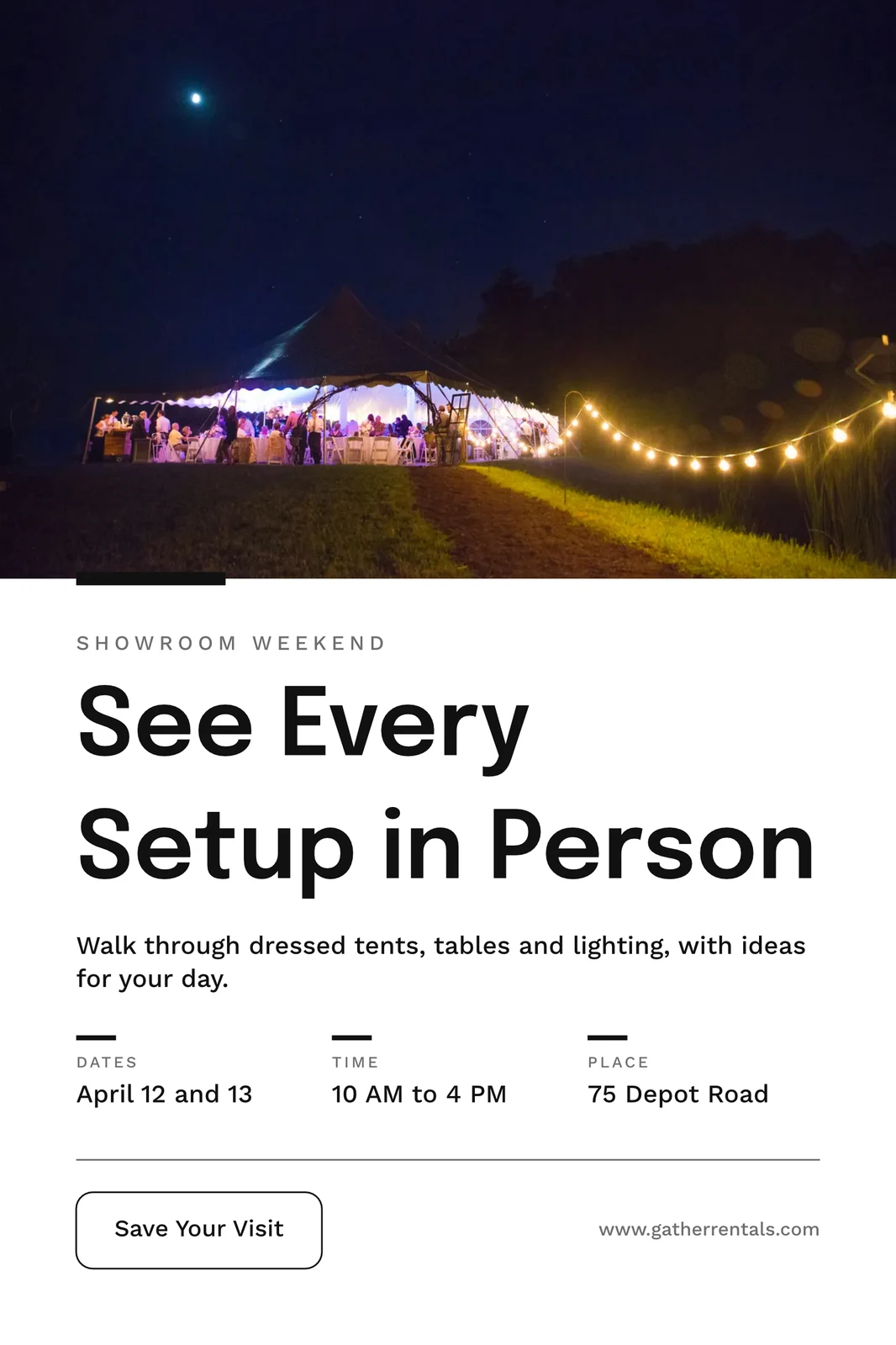
 See Every Setup in PersonPoster (24×36") · Bewerk 3 weke geledeHerstelVir ewe verwyder
Deel "Close With Confidence"
Dink dit eers deur op 'n witbord eerst
'n Raad begin leeg of van Brainstorm, Mind Map, Vloekdiagram of Retrospektief, met plaknotas, vorms, teks en verbindings. Dit slaan op terwyl jy gaan, en 'n raad wat oop is op twee toestelle, skryf nooit die nuwer kopie oor sonder om te vra nie.
Start From a Template
Witbordies
Infinite-canvas boards for brainstorming and planning
Start a New Whiteboard
Brainstorm, Mind Map, Vloekdiagram of Retrospektief, of 'n leë bord.
Notas, Vorms en Verbindingsstukke
Ruimtelik sleep of skroef met twee vingers om te pan · ⌘/Ctrl-skroef om te zoom
Kleefnotas, vorme, teks, pyltjies, teken met 'n pen, en beelde.
Nooit Oorskryf
'n Bord oop op twee toestelle vra Helaai of Hou Myne voordat dit oor die nuwer kopie bespaar word.
The Whole Screen
Knyp om te zoom · twee vingers om te beweeg
'n Raad open op volle skerm, met knyp en twee-vinger skuif op raak.
Maak 'n ontwerp op jou foon van 'n sjabloon
Tuis, Ontwerpe, Sjablone en Witborde is die oortjies. Op 'n telefoon open 'n ontwerp as sy woorde en foto's om te verander, geklee in sy Tema, en word 'n ontwerp wanneer jy dit stoor.
Waar Studio alles ander raak.
2 of these 7 connections are in your plan today; the others are their own apps.
Depot
Every design is a file in Depot, in the Hubs it sits in, beside the business’s other files.
Foto
A photo on a design opens in Foto from its Adjust panel.
Clips
Create Video opens the design on a timeline, every page a clip with its motion, and makes an MP4.
Display
A finished design is sent from its export page to a screen.
Campaigns
A finished design is sent from its export page into a new email in Campaigns.
Sites
A finished design is sent from its export page into a website’s files, ready to place on a page.
Listings
Create Flyer on a listing opens a flyer in Studio with the listing’s photo and details on it.
Alles wat in Calisto inbegroom word Studio.
- Social: Instagram Post, Instagram Story, Portrait Post (4:5), Facebook Post, Facebook Cover, X Post, LinkedIn Banner, YouTube Thumbnail and TikTok Cover.
- Video: 16:9, vertical 9:16, square 1:1 and portrait 4:5, for a design made to be played.
- Print: A3, A4 and A5, US Letter, Legal and Tabloid, a business card, a rack card and a 24 × 36 inch poster.
- Digital: presentations in 16:9 and 4:3, an email header, a lobby display and a portrait kiosk.
- A custom size at any whole-pixel width and height from 16 to 20,000.
- A size is a design: each opens on its exact artboard, followed by Calisto’s layouts at that size.
- New Design has three doors: From Theme, From Template and Blank Design.
- Templates: every Calisto layout in every Calisto Theme, filtered by type, industry, style, colors and size, with a name search.
- My Brand draws every template in the account’s brand kit.
- Use This Template opens an unsaved copy; it becomes a design when it is saved.
- Customize Template shows every page beside the Theme’s controls; Save Template keeps the result in Mine.
- Save as Template, in the editor, keeps a copy of the open design as one of the account’s templates.
- Edit Template changes one of the account’s own templates in place; one with no Theme of its own inherits the account’s.
- Describe It: a sentence becomes three designs from Calisto’s layouts in the business’s Theme, each its words written for it, to keep or save as a template; a figure nobody gave (a price, a date) is left for you to fill in.
- Themes: Calisto’s, the account’s own and those bought in the Pro Shop, each built and tuned in the theme builder.
- The Theme bar in the editor repaints the design in another Theme, and Save as Theme keeps the look.
- Templates and Themes from the Pro Shop, bought by whoever the owner’s billing setting allows.
- Left rail, where things are added: Page, Text, Shapes, Elements, Stickers, Graphics, Photos, Chart, QR Code and Generate.
- Elements: rectangle, circle, triangle, line, star, arrow and divider, and photo frames (square, rounded and circle).
- Stickers and Emoji: animated stickers and color emoji, each sticker with its license credit.
- Right rail, where they are refined: Format, Design (the Theme), Assist, Mockups, Print Setup and Comments.
- The selection chip holds up to five quick controls; right-click or a long press opens Cut, Copy, Paste, Duplicate, Group, stacking order, Align to Page and Delete.
- Pages with each page’s layers: show or hide and lock or unlock each layer.
- Enter Group and Leave Group edit inside a group, with the group’s path shown above the canvas.
- Position and size (X, Y, width, height, rotation) and the layer’s role, in Format’s More.
- Rulers, the hand tool, Pages and Layers, and full screen under the canvas, with the page number and zoom.
- Search Actions (⌘K) and Keyboard Shortcuts (⌘/) list every command and key.
- Essentials or Pro, each person’s own preference: Pro shows every control, Essentials folds the rarer ones behind More.
- Rulers and sizes in px, in or cm, each person’s own unit.
- Undo and redo, autosave, and nothing typed lost when a tab closes or a session lapses.
- Typeface, size, weight, color, alignment, line height and letter spacing on the selection.
- Shrink Text to Fit, shadow, outline, opacity and blend mode.
- Vertical type for Chinese, Japanese and Korean, mixed or all upright.
- Type on a Path, with its start and side set in Format.
- Bar, line, area, pie, donut and scatter charts from figures typed or pasted.
- Drawn in the design’s Theme as vector shapes and words, so a chart stays sharp in a PDF.
- Edit Chart Data reopens the figures; a redraw keeps the chart’s place, name and look.
- The Media Library: the account’s own files, stock photography and Calisto’s gallery, each pick copied into the account’s storage.
- Upload from the device: PNG, JPEG, WebP, HEIC and HEIF, SVG and Photoshop files.
- A Photoshop file opens with its layers kept, its text editable and its folders as groups.
- An SVG opens as editable vector.
- Adjust: Auto, looks, brightness, contrast and saturation, with vibrance, hue, gamma, sharpen, blur, grain and pixelate at Pro.
- Open in Foto takes a photo into Foto.
- Replace, crop, fill, fit or stretch, opacity and flip on a photo.
- Remove Background on the person’s own device: the picture is never uploaded.
- Upscale makes a photo 2× or 4× larger on the person’s own device, keeping the frame and crop, up to 4096 × 4096 pixels.
- Generate an image from a description, saved into the account’s storage.
- Vector Graphic (with the Create suite): a flat picture from a description, traced into editable vector paths.
- Draft copy for the design, dressed in its Theme.
- Erase part of a photo, or extend it past its edges.
- Assist reviews the layout and a selected photo.
- Tools: Selection, Direct Selection, Pen, Add and Delete Anchor Point, Anchor Point, Pencil, Shape Builder, Scissors, Knife, Width and Type on a Path.
- Combine Shapes: Unite, Subtract, Intersect, Exclude and Divide.
- Outline Stroke and Create Outlines, Join, compound paths, Offset Path, Simplify and Reverse.
- Stroke weight, alignment, width profiles, caps, corners, miter limit and dashes.
- Align and Distribute, and Symbols: new, redefine, break link and Repeat Grid.
- Snapping to anchor points, corners and centers, with smart guides.
- Warp: arc, arch, bulge, flag, wave, rise, fisheye or squeeze, with a Bend, the words still editable and vector in a PDF and an SVG.
- Image to Vector: a PNG or JPG traced on the device into a group of editable paths.
- Draw and Combine Shapes are on every design, in Design.
- Without the suite, Vector shows marked Upgrade, and a design that holds paths opens, saves and draws for everyone.
- In, Loop and Out on every design: fade, rise, drop, slide, grow, focus, pop, slow zoom, draw on, typewriter, word by word, line by line, count up, pulse, float, spin, and fade, sink or shrink out.
- Each preset writes real keyframes, its start, length and stagger behind More, and Preview plays the page.
- The Animate workspace (with the Create suite): a timeline, keyframes on position, scale, rotation, opacity, blur, color, draw on, path shape and count.
- Auto-Key, a motion path drawn on the canvas, ease curves, repeat once, loop or ping-pong, and stagger.
- Page transitions with their length.
- A moving design plays on its public link, exports as a GIF or animated WebP and plays on designed screens.
- The brand kit, colors, typefaces and logo, edited in Studio’s Settings and offered in every picker.
- On an Engage account, people without a Studio seat build with the brand kit only: its typefaces, its colors and its Theme.
- Every element added to a design arrives in the design’s Theme.
- A Copy That Follows: parts the original locks stay as the original has them in every copy, and take its changes.
- Who may lock parts for copies is the owner’s setting.
- From Your Website: the colors, typefaces, logo and icon read from the business’s site into the brand kit, saved when you say so.
- Brand Rules: the business’s (Ethos ▸ Settings ▸ Brand Guard) or one Hub’s own, holding a design to the brand’s colors only and the brand’s typefaces only.
- The brand check in the header names what is off brand, and no export goes out while a design is off brand.
- The brand kit’s palettes, by name, in every color control.
- Draft Copy in the brand’s voice, each line showing its brand findings with Apply.
- Copy & Resize lays a design out again at another size and saves it as a new design.
- Bulk Create fills a design’s text placeholders from a CSV or pasted rows, up to 200 designs in one run, each made once.
- A Bulk Create run downloads as one ZIP of PNGs.
- QR Code: a link or text, its colors, size and error correction, and a logo in the center.
- Mockup: a design on a t-shirt, mug, phone case, business card, poster frame, laptop, tote bag or billboard.
- Make a Copy, and Duplicate a template.
- Translate: every word of a design in another language, as a new design or in place, each word keeping its type; a line that cannot be translated stays as it was.
- PNG, JPG, SVG and PDF, at web or print resolution, with a transparent background on PNG and SVG.
- Print Setup: trim size, bleed, slug and safe margin, crop marks, registration marks and color bars.
- PDF for Print (CMYK): every color converted on your device to a PDF/X-3 for the press, with a coated press profile or your print shop’s own profile.
- Every page as one PDF, or a ZIP of pictures.
- GIF and animated WebP for a design that moves.
- Print prints the design, never the app around it.
- Export history on every design, with Re-Export.
- A custom scale beside web and print resolution.
- A public link that shows the design and embeds on any website; a design in Trash is not shown by it.
- The public link’s QR code and its preview card.
- Send to App hands a design to Display, Campaigns or Sites.
- Create Video opens the design in the media editor, every page a clip, then titles, music, captions and an MP4 (with Clips).
- Share with a person as Can view, Can comment or Can edit; a view or comment share opens read-only.
- Comments pinned to a point on a page, with replies, mentions, assigning a thread and resolving it; notices open the design on the thread.
- Send for Approval to a teammate, who approves or declines it in Approvals, with a note.
- Send for Approval to a client as a link: they see every page and approve it or ask for changes, with no account; each round is its own link.
- Your Approval Steps: the levels set in Settings ▸ Approvals, asked in order (an art director, then the client).
- A chip beside the title shows the latest answer.
- Shared with Me lists the designs others shared.
- Live co-editing, with everyone in the design shown in the header; two people on different pages never overwrite each other.
- Version History: every save keeps the version before it, autosaves one every ten minutes, named versions kept, any version restored.
- Hubs, Private or Public, and their Folders: Move To files a design in a Folder of a Hub.
- Recent, Starred, Shared with Me and Trash, with a title search.
- The Library: all of the account’s designs, themes and templates in one grid, newest first, filtered by kind.
- Assign to Project puts a design on a client project.
- Trash keeps a design for 30 days, then deletes it with everything it holds.
- Blank, Brainstorm, Mind Map, Flowchart and Retrospective starts.
- Sticky notes, shapes, text, connectors, drawing and images on an open board.
- Saves as you go; a board open on two devices asks Reload or Keep Mine rather than overwrite the newer one.
- Full screen, with pinch, two-finger pan and touch-and-hold to edit a note.
- Create Flyer on a listing opens a flyer with the listing’s photo and details on it (with Listings).
- Make a Post turns a review into a post for Instagram, Facebook or X, and Share on Social opens it in Impreta (with Reputation).
- Every design is in Depot with the business’s other files (with Depot).
- Designs created and edited, how many have a card, exports by format and the public links live.
- Over the last 7, 30 or 90 days, the last 12 months or all time.
- Home, Designs, Templates and Whiteboards as the tabs.
- A design opens as its words and photos to change, dressed in its Theme; Upscale 2× or 4× under each photo.
- Add Text, Add Photo and Add Sticker on the phone, then Save design.
- A design’s actions: share the image, share with people, Send for Approval, publish or copy the link, versions, star, rename, Move To, make a copy, Translate, Bulk Create, download a PNG, a PDF or more formats, and Move to Trash.
- Shortcuts: New Design, Recent Designs, Templates and Whiteboards.
- Photos, SVG, Photoshop files and text shared to Calisto start a new design.
- Notices when a design is shared or commented on, a teammate or a client answers its approval, a Bulk Create finishes, the brand kit changes or a design’s video is ready.
- Comments in a sheet, and Send for Approval and Translate from a design’s actions.
- Kept on This Device, switched on per device: Home, Designs, New Design, Templates and Whiteboards with no signal.
- The business’s identity, brand kit and language, edited in place.
- Each person’s units, export format and resolution, and Essentials or Pro, kept in their own account.
Geen opsetkoste. Betaal wanneer jy begin gebruik.
Graphic design and whiteboards, in your brand.
Calisto Create
A Studio seat designs anything at every size, from Calisto’s templates or a blank page: layers, photos, Copy & Resize, Bulk Create, mockups, QR codes, print-ready PDFs, sharing and whiteboards.
Aanbeveel vir jou
Werk goed saam.
Calisto Depot
Calisto Foto
Calisto Create
Die Biblioteek, Auto, Bulk Auto, Uiters, Aanpas en Galerye, ingesluit met elke Calisto-rekening.
Learn more →Calisto Clips
Calisto Display
Calisto-display
Runs the TVs in a business: kitchen displays, pickup and now-serving boards, guest TVs, menu boards, signage and designed screens, with schedules, alerts and performance.
Learn more →Calisto Campaigns
Calisto Engage
Lists and consent per channel, emails built from blocks, sends at each person’s best hour, sequences and announcements, and what each campaign earned, credited to the click.
Learn more →Calisto Sites
Calisto-websites
A website and its phone app, built from a template on the page itself, showing what you sell from your own records and published on your own domain.
Learn more →Calisto Listings
Lyste
Jou lysings, afsprake, ontwikkelings, verhuur en die kantoor, vir elke persoon wat in Lysings werk.
Learn more →Aanbeveel vir
Die bedrywe wat Studio bestuur, en waarvoor elkeen dit bestuur.
Coaching & OpleidingContent production
Program videos, demos and content.
Coaching & Opleiding op Calisto →Spa & WellnessClinical photography & content
Before and after galleries, treatment content.
Spa & Wellness op Calisto →Mediese EstetiesBefore-and-after photography
Consented before-and-after galleries per treatment.
Mediese Esteties op Calisto →Salons & BaardknippersBefore and after galleries
Before and after galleries, salon content.
Salons & Baardknippers op Calisto →Kunstenaars & TalentContent production
Produce the content you release.
Kunstenaars & Talent op Calisto →Sportagentskap & AtletesContent production
Produce content for your athletes and sponsors.
Sportagentskap & Atletes op Calisto →Videografie & FotografeEditing & post-production
Edit, retouch and deliver every shoot.
Videografie & Fotografe op Calisto →Grafiese Ontwerpers & KunstenaarsProduction studio
Produce the work you deliver.
Grafiese Ontwerpers & Kunstenaars op Calisto →Questions about Calisto Studio
Nee. Studio open by Essentials: begin van 'n sjabloon in jou bedryf, verander die woorde en foto's, en druk Auto op 'n foto. Ontwerpers skakel oor na Pro in hul eie voorkeure, wat elke beheer en die Vector en Animate-werkplekke op dieselfde lêer wys.
Hulle open met 'n Sitplek skep. Sonder een verskyn hulle in die skakelaar gemerk Opgradeer. 'n Ontwerp wat reeds vektorbane of sleutelframe bevat, open, slaan en speel vir almal, en die In-, Loop- en Uit-animasies is op elke ontwerp.
Ja, op dieselfde tyd. Elke persoon sien wie anders in die ontwerp is, en twee mense op verskillende bladsye skryf nooit oor mekaar nie. Deel 'n ontwerp as Kan besigtig, Kan kommentaar gee of Kan redigeer, vaspin kommentaar waar 'n verandering plaasvind, en stuur dit vir goedkeuring aan 'n spanmaat of, as 'n skakel, aan 'n kliënt sonder 'n rekening. Witborde neem een persoon op 'n slag.
Ja. 'n Photoshop-lêer open met sy lae en redigeerbare teks, en 'n SVG as redigeerbare vektor. Foto's, insluitend HEIC, kom van jou toestel of jou Media-biblioteek. 'n Projeklêer van 'n ander ontwerpwerktuig word nie gelees nie.
PNG, JPG, SVG en PDF, by web- of drukresolusie, 'n druk-PDF met blootlegging, snymerke en registrasie-merke, en 'n CMYK-PDF vir die pers, gemaak op jou toestel. 'n Ontwerp wat beweeg, eksporteer as 'n GIF of 'n geanimeerde WebP, en as 'n MP4 deur Create Video in Clips. Elke bladsy kan as een PDF of 'n ZIP uitgaan.
Die handelsmerk-kit, sy kleure, lettertipes en logo, word gelees van u webwerf of handmatig ingestel in Studio se Instellings, en aangebied in elke kleur- en lettertipekieker. Op 'n Engage-rekening bou mense sonder 'n Studio-setel slegs met die handelsmerk-kit: sy lettertipes, sy kleure en sy Tema, en niks anders nie.
Tot 200, een per ry van 'n CSV of geplakte ry's, elkeen wat die teksplaashouers van die ontwerp vul. Elke een land in jou Biblioteek as sy eie ontwerp, en die hele lopie laai af as een ZIP van PNG's.
'n Ontwerp word 'n video met Skep Video, wat dit in Klippe oopmaak, elke bladsy 'n klip met sy beweging, en voeg dan titels, musiek en ondertitels by en maak 'n MP4. Lang en kort video-redigering is Video se en Klippe se.
In Depot, saam met die besigheid se ander lêers, in die Hubs waar jy hulle in sit. 'n Ontwerp in Prui rest vir 30 dae, waarna dit met alles wat dit bevat, geskrap word.
Nee. Generate maak 'n beeld of skets kopie, Assist kyk na die opstelling en 'n foto, en 'n foto kan gesvee word, uitgestrek tot voor sy rande of uit sy agtergrond gesny, wat op jou eie toestel gebeur. Elke sjabloon, grootte en uitvoer werk sonder hulle.
