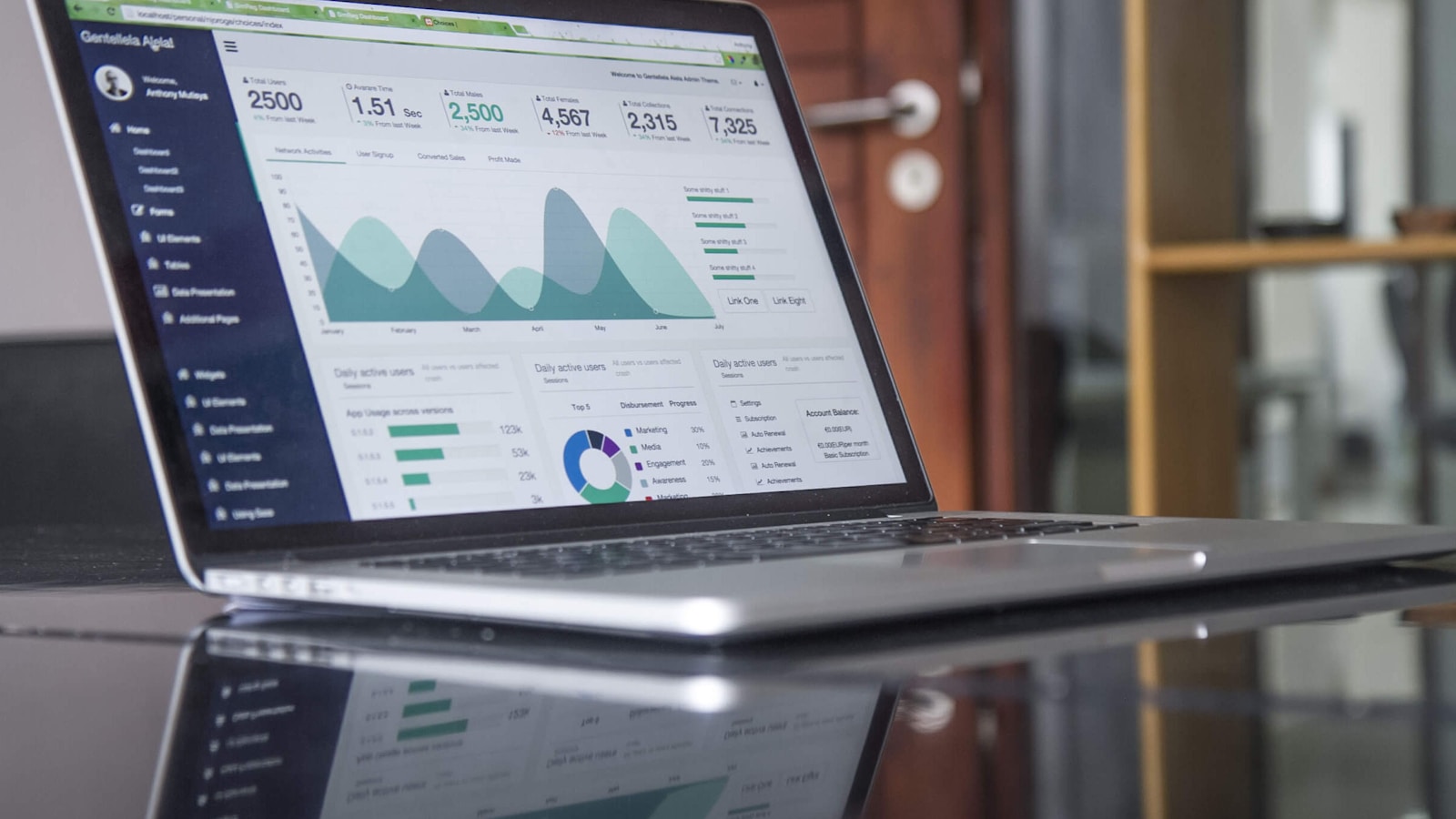
Elke TV in u besigheid, elk wat sy eie werk uitvoer.
Gee elke TV in u besigheid 'n taak, van die kombuis tot die gaste se kamer, en dit wys u eie bestellings, kamers en menu soos hulle verander. Bestuur hulle almal van een plek, selfs u foon.
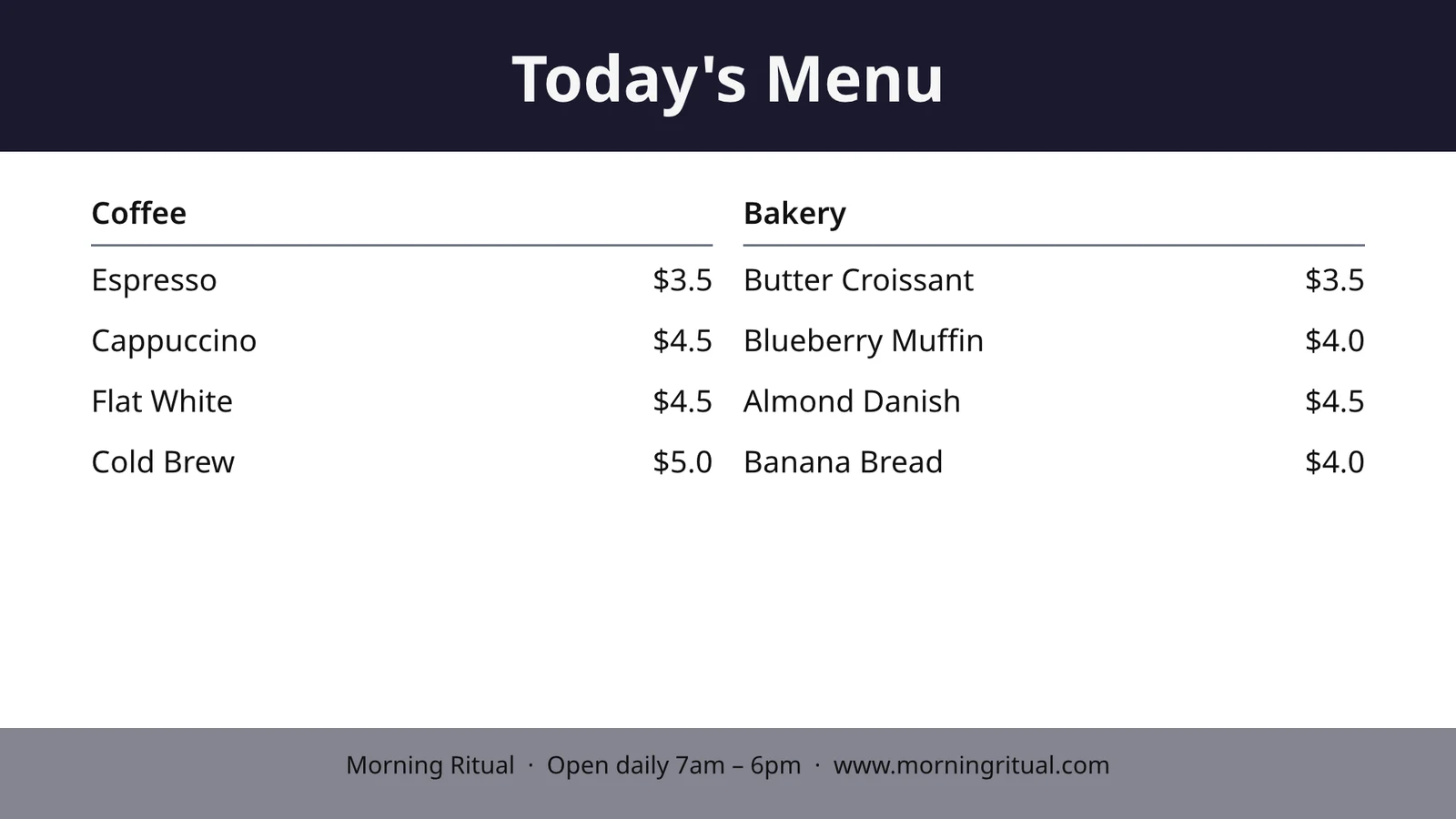
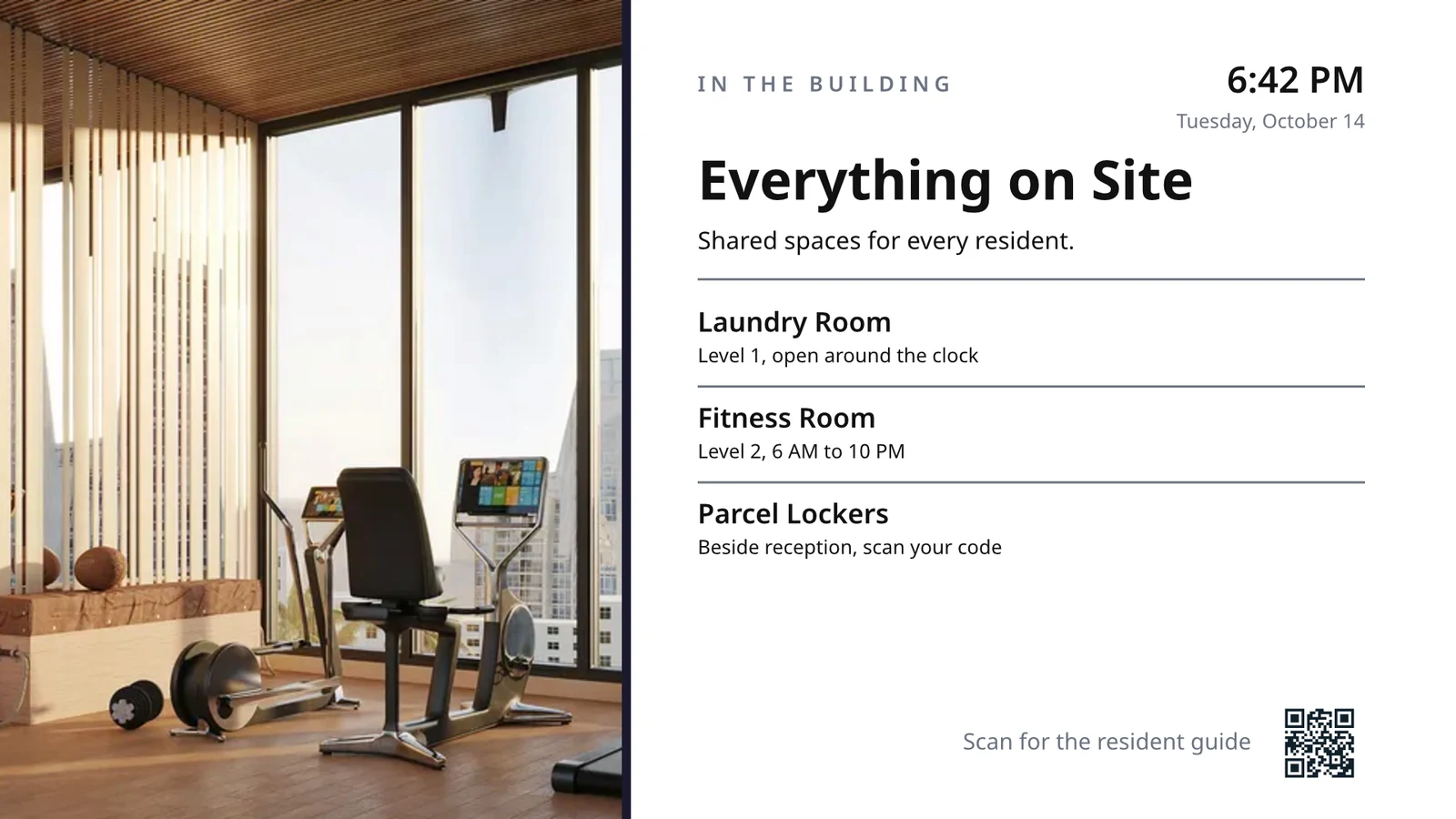
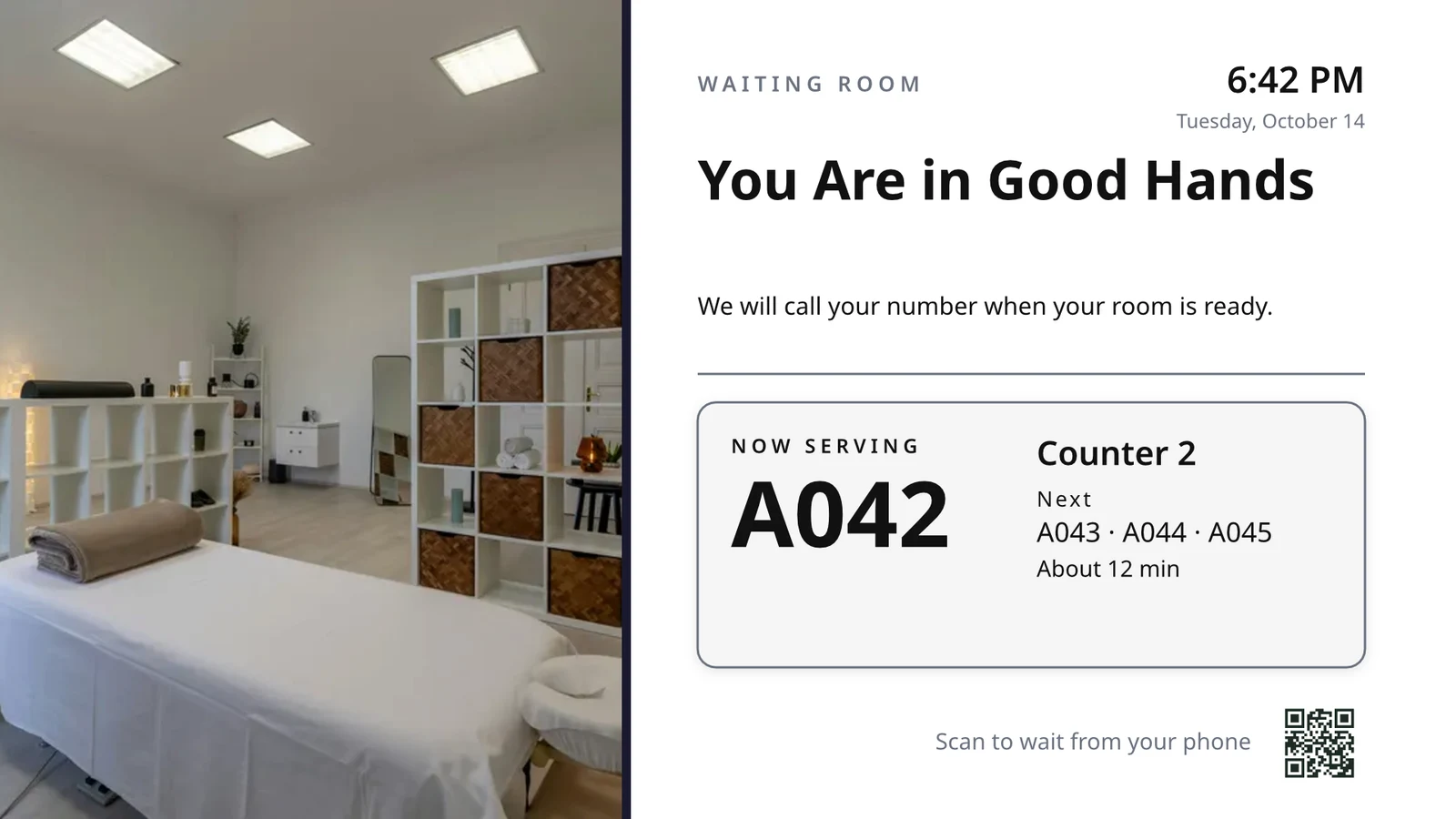
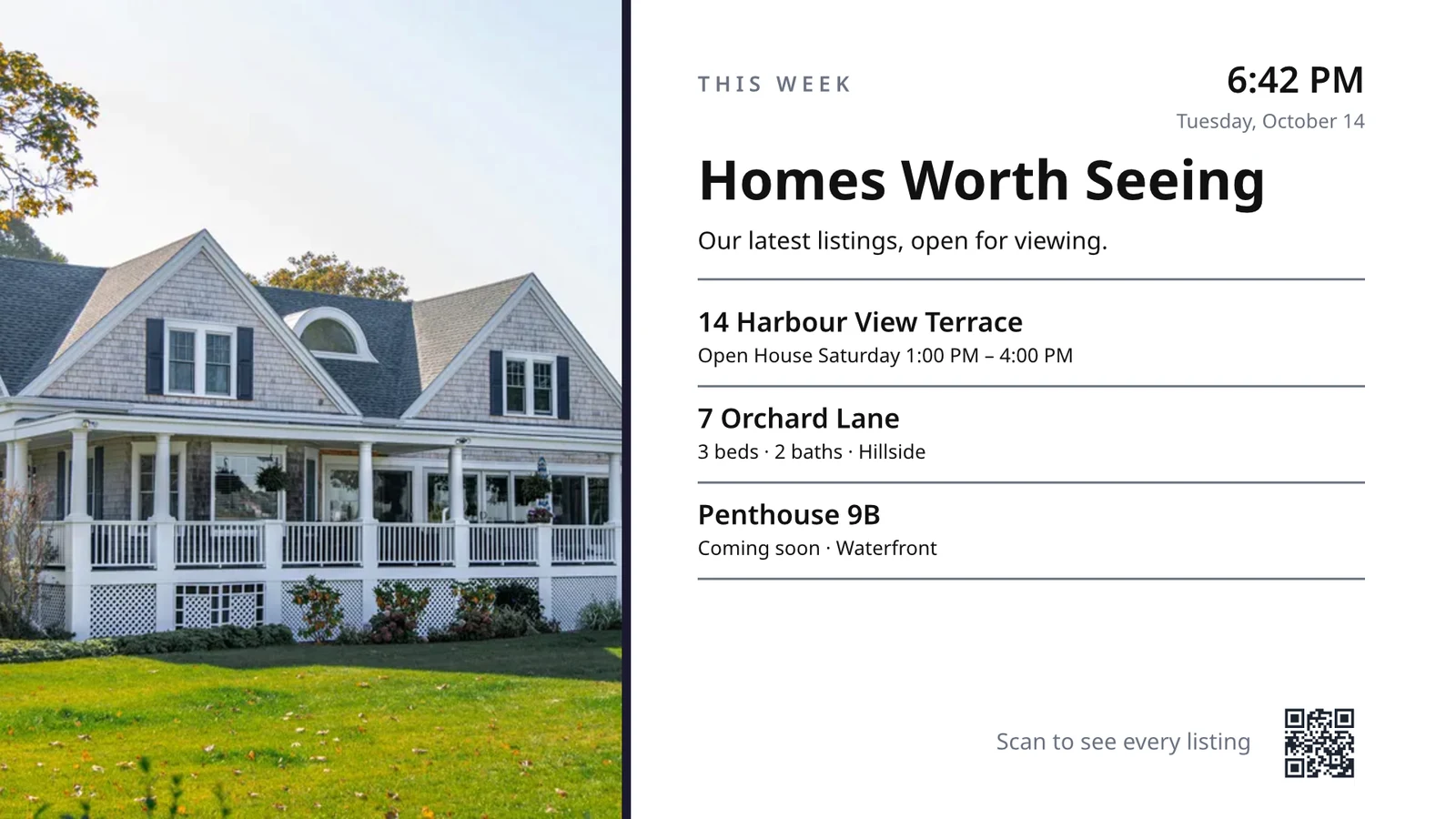
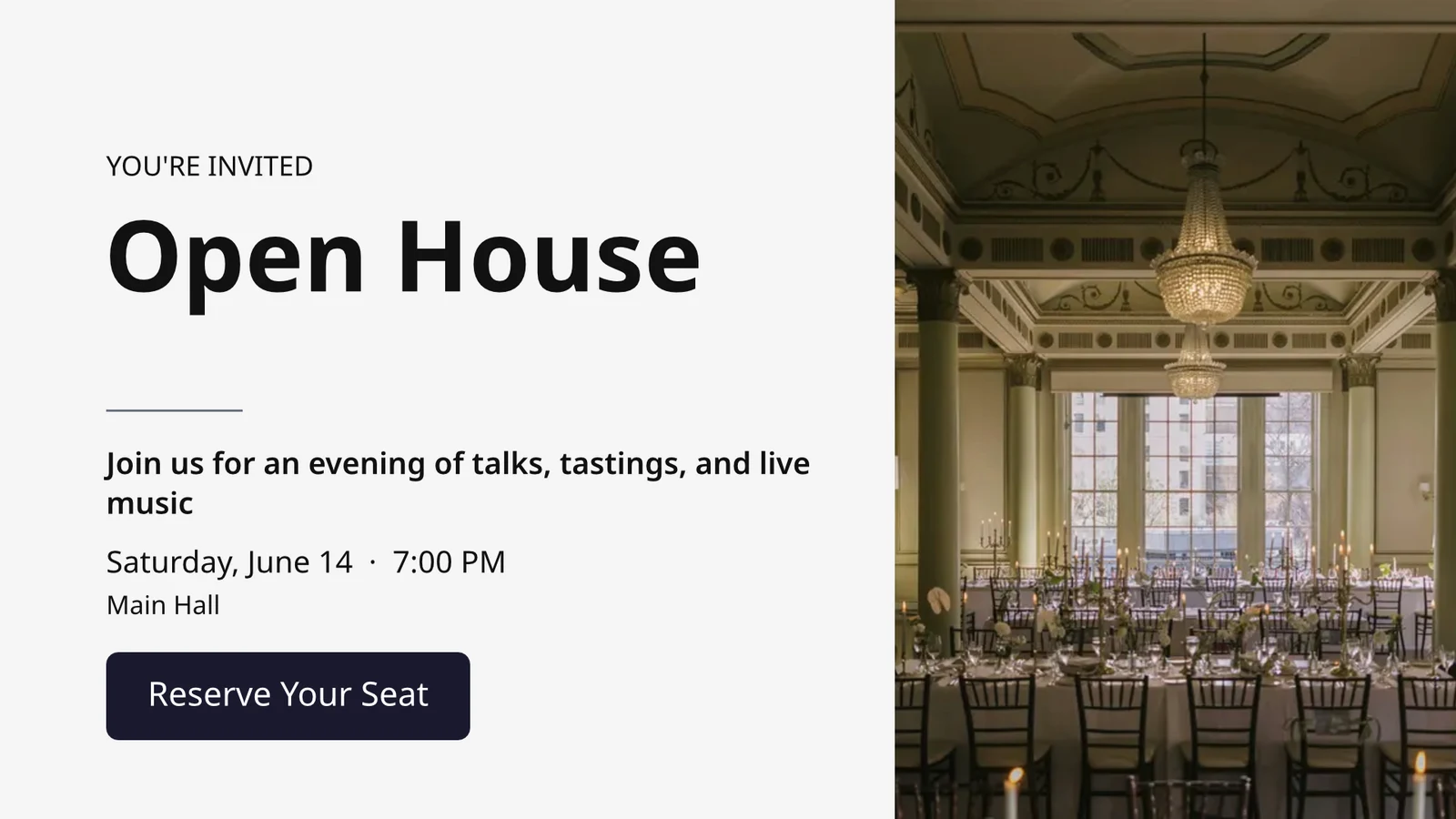
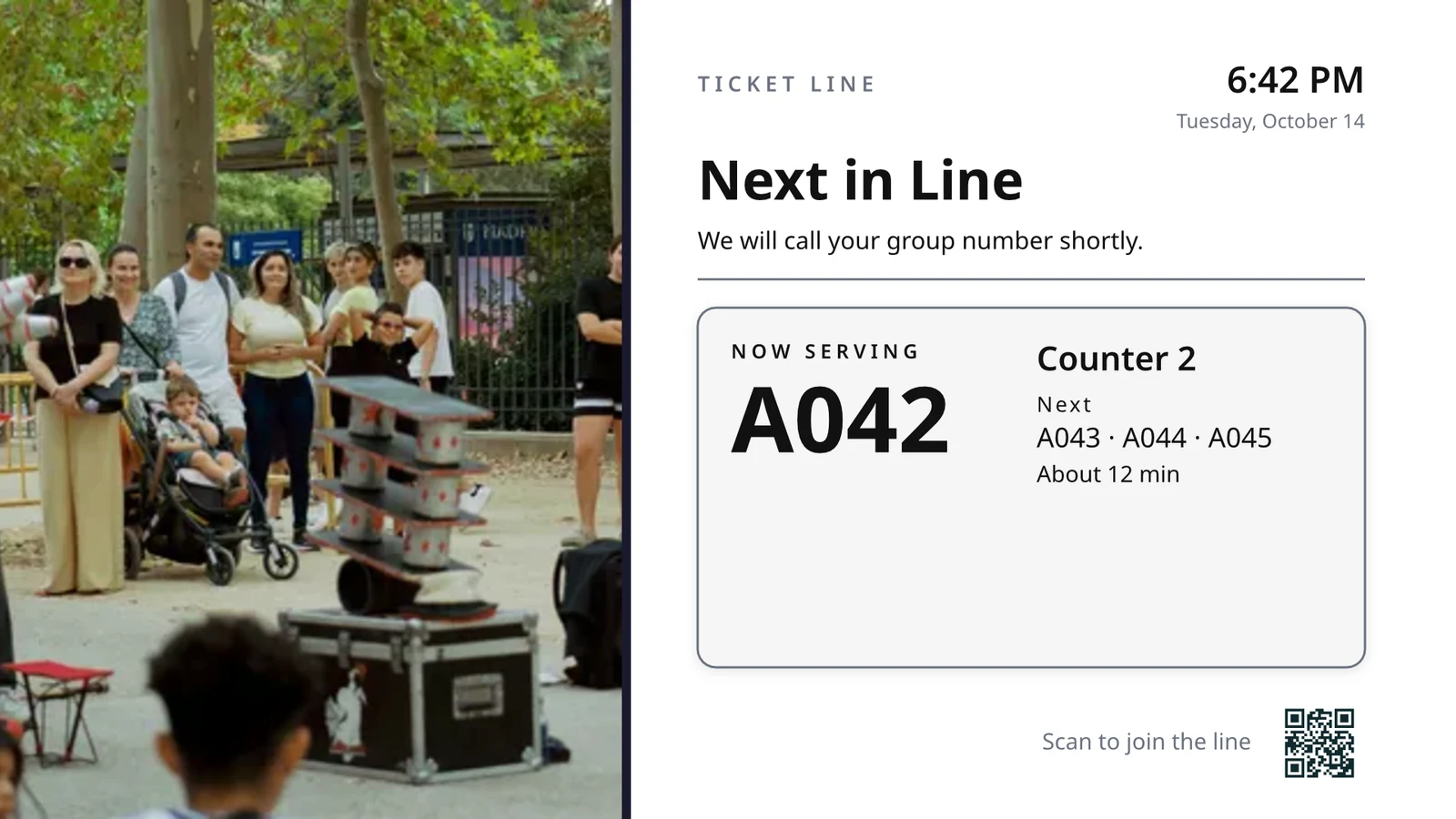
Kies wat elke TV doen, en voer hulle dan al uit
Elke TV loop 'n skerm wat vir een taak gemaak is, wat wys wat nou in jou besigheid gebeur.
Skermings per Werk
Keukin, ophaal, ry, gastehuis, tekenbord.
Ontwerpte Skermes
Jou eie ontwerp, met lewende data.
Jou TV's
Gevoer saam met 'n kode, op afstand.
Skedules
'n Ander skerm op die regte uur.
Waarskuwings
Een boodskap op elke TV.
Prestasie
Wat gespeel het, en vir hoe lank.
TV App
Jou eie program op TV-winkels.
Op 'n Telefoon
Jou TV's van enige plek.
Kies wat elke TV doen, vanaf sy baadjie
Kies 'n taak en kyk hoe dit op monsterdata speel voordat dit op 'n TV gaan, eers die taaie vir jou se bedryfstipe, of stel alle skermens wat jou se bedryfstipe gebruik, op een slag op. Elke skerm behou sy doel, waar dit werk, sy inhoud, sy voorkoms, sy TV's en sy skedule.
Wat sal u TV doen?
Kies die werk. Stel waar dit werk. Voer die Kode op die TV in, en dit loop op jou lewende data.
'n Keukenskerm vir personeel, huishouding en kamertoestande, die resepsie, vandag se aanmeldings, die golfstarter, 'n deurgetelling, bestellingaflewering en verkoopdoelwitte.
Keukenskerm
Biljette per stasie met timers. Koks begin, eindig en breek; expo stuur.
Huishouding
Elke kamer se toestand (vuil, skoonmaak, skoon, geïnspekteer) en wat eers aangeskakel moet word.
Voorstas
Wie vandag aankom en vertrek, watter kamers gereed is, wie laat is by uitcheck.
Today’s Appointments
jou pyplyn
Golf Starter
Die volgende groepe wat die tee-off neem, wie ingecheck het, tempo van speel. Stuur hulle af.
Deurgetelling
Hoeveel is teen kapasiteit, gescande per poort, hoe vinnig die ry beweeg.
Bestellingvoltooiing
Inkomende bestelle en hoe lank elk neem: wat is laat, wat is volgende.
Verkoopdoelwitte
The month, quarter or year against target, the leaderboard and the latest wins.
Ontwerp 'n TV-grootte skerm met lewende data op dit
Ontwerp 'n skerm in die Studio wat Studio gebruik, by 16:9 of 9:16, leeg of vanuit Calisto se opsettings vir u bedryf, met foto's. Live Data plaas u menu, skedule, aanbiedings, lysings, klok, weer, Wi-Fi en die aantal wat bedien word, getrek uit u rekords op die TV.
Opsettings vir Jou Bedryf
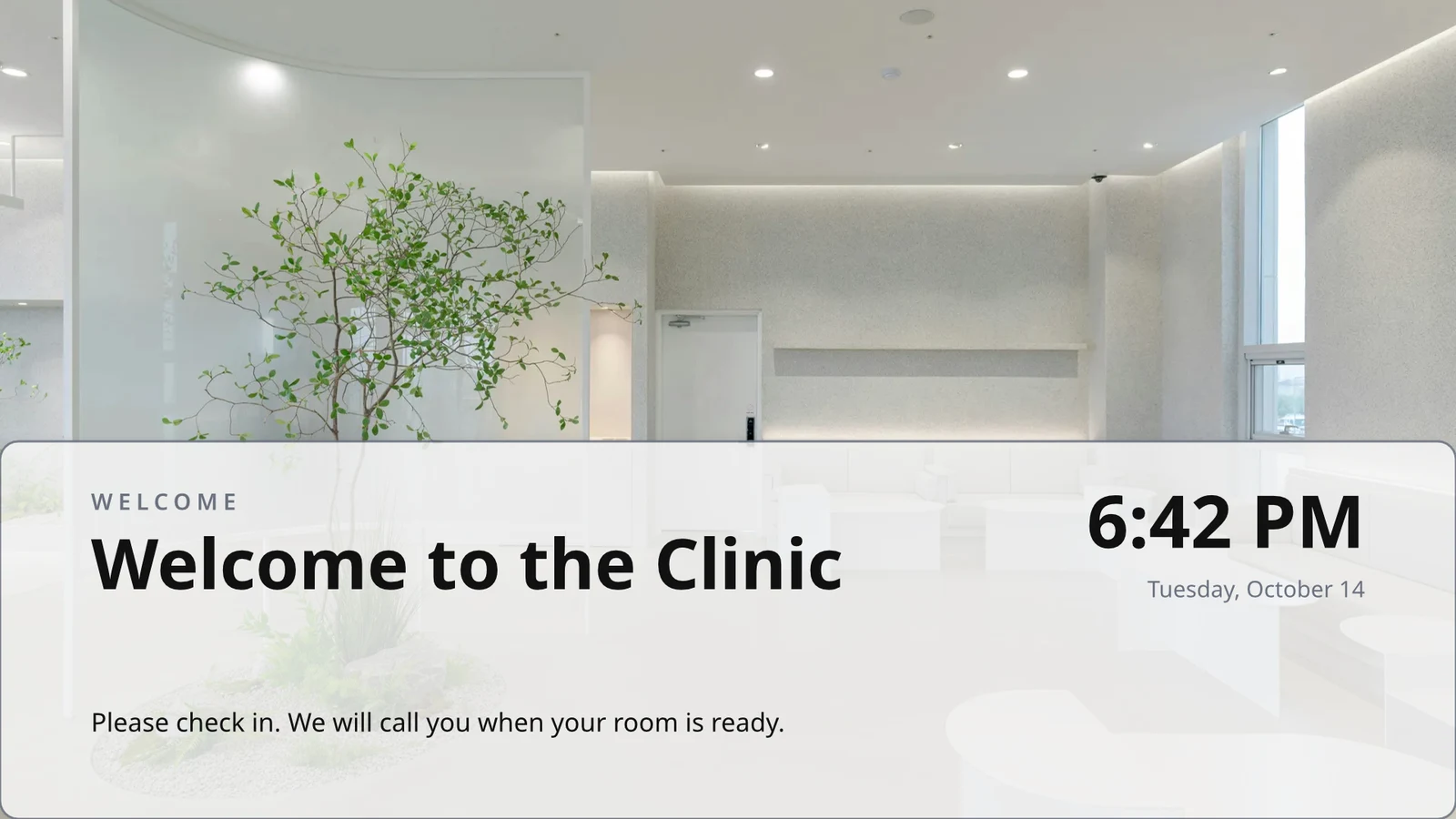
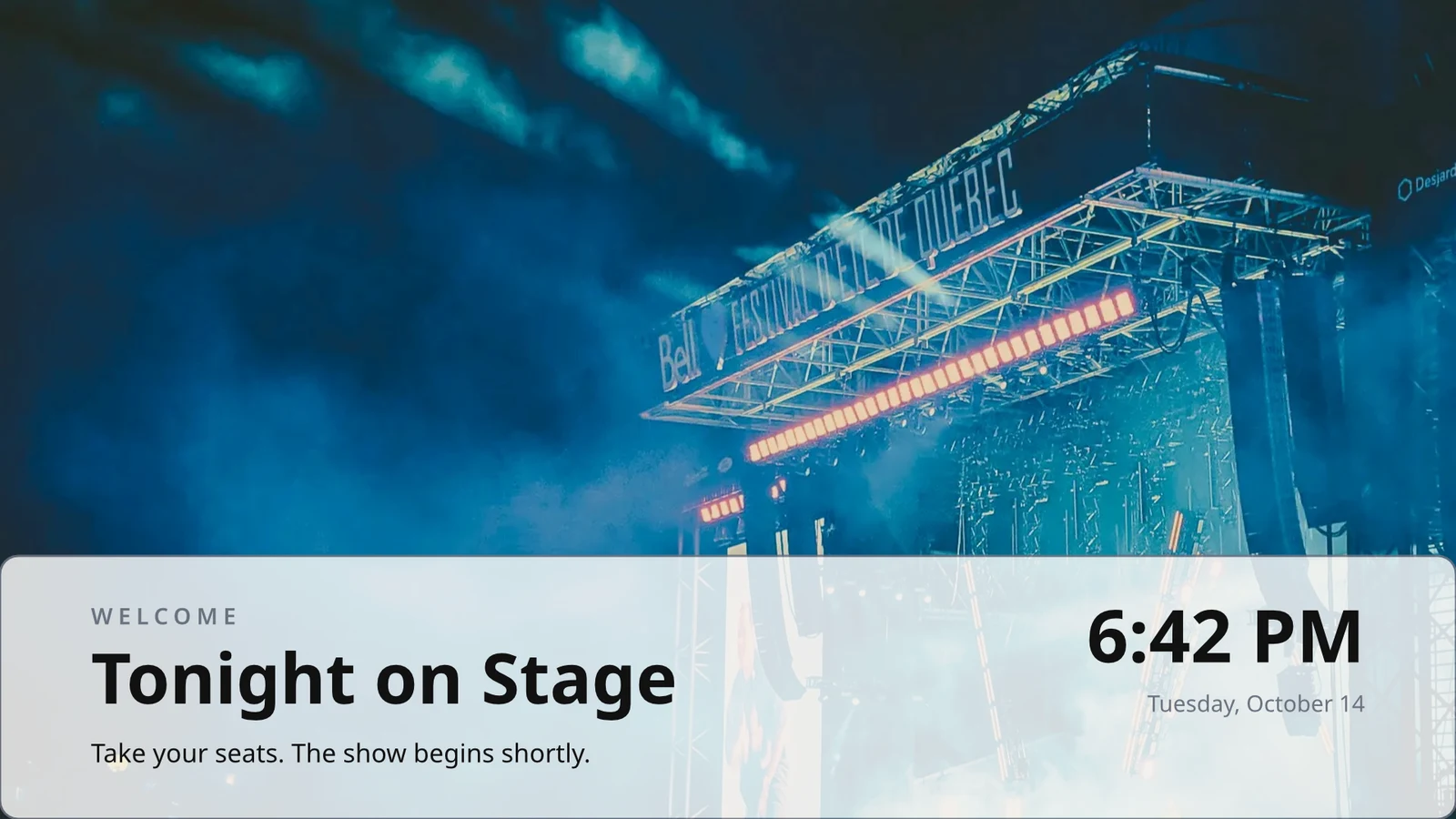
Begin leeg of vanaf 160 opsette, landskap en portret, elk met foto's en gemaak vir 'n bedryf, joune eerste.
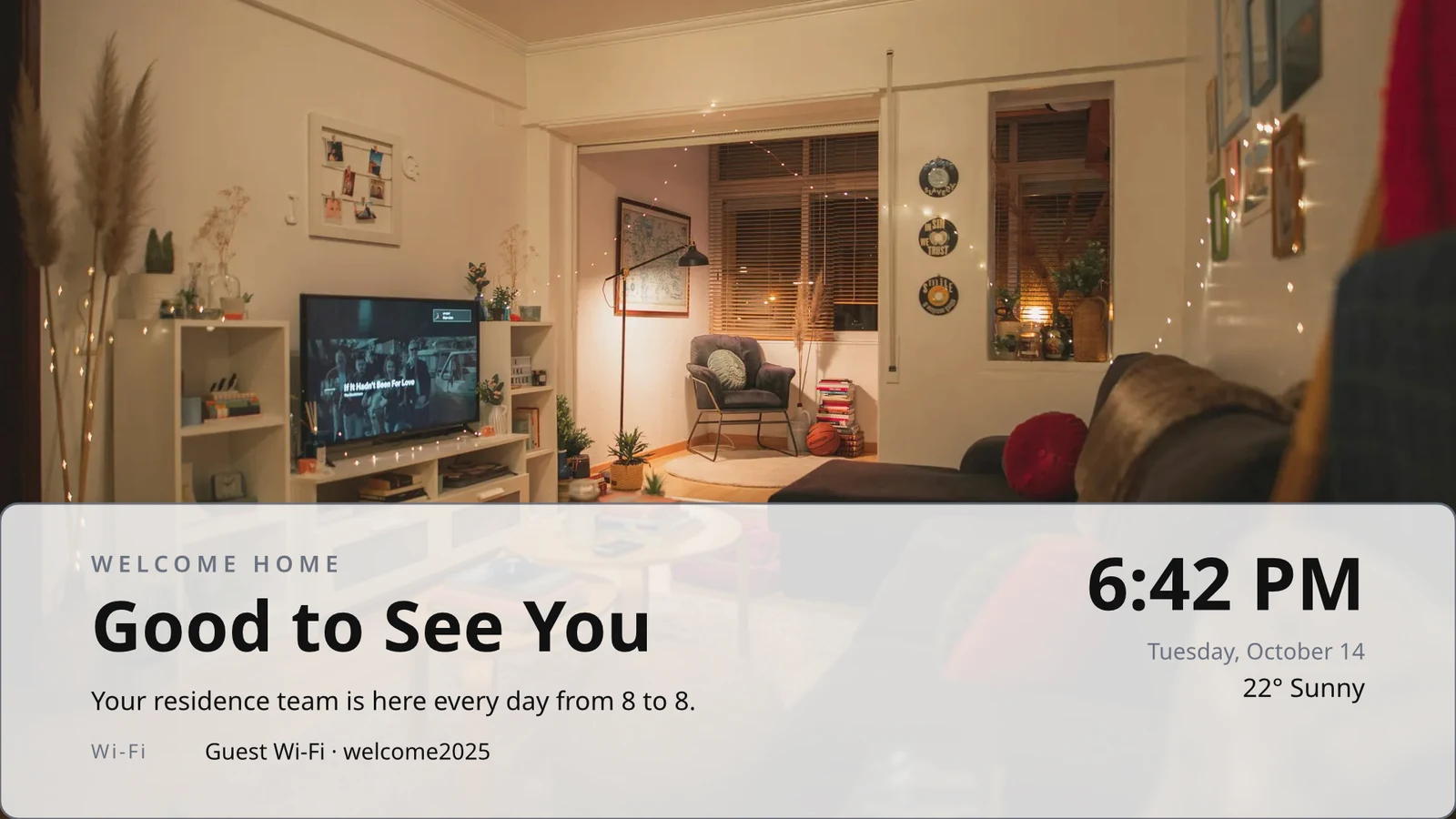
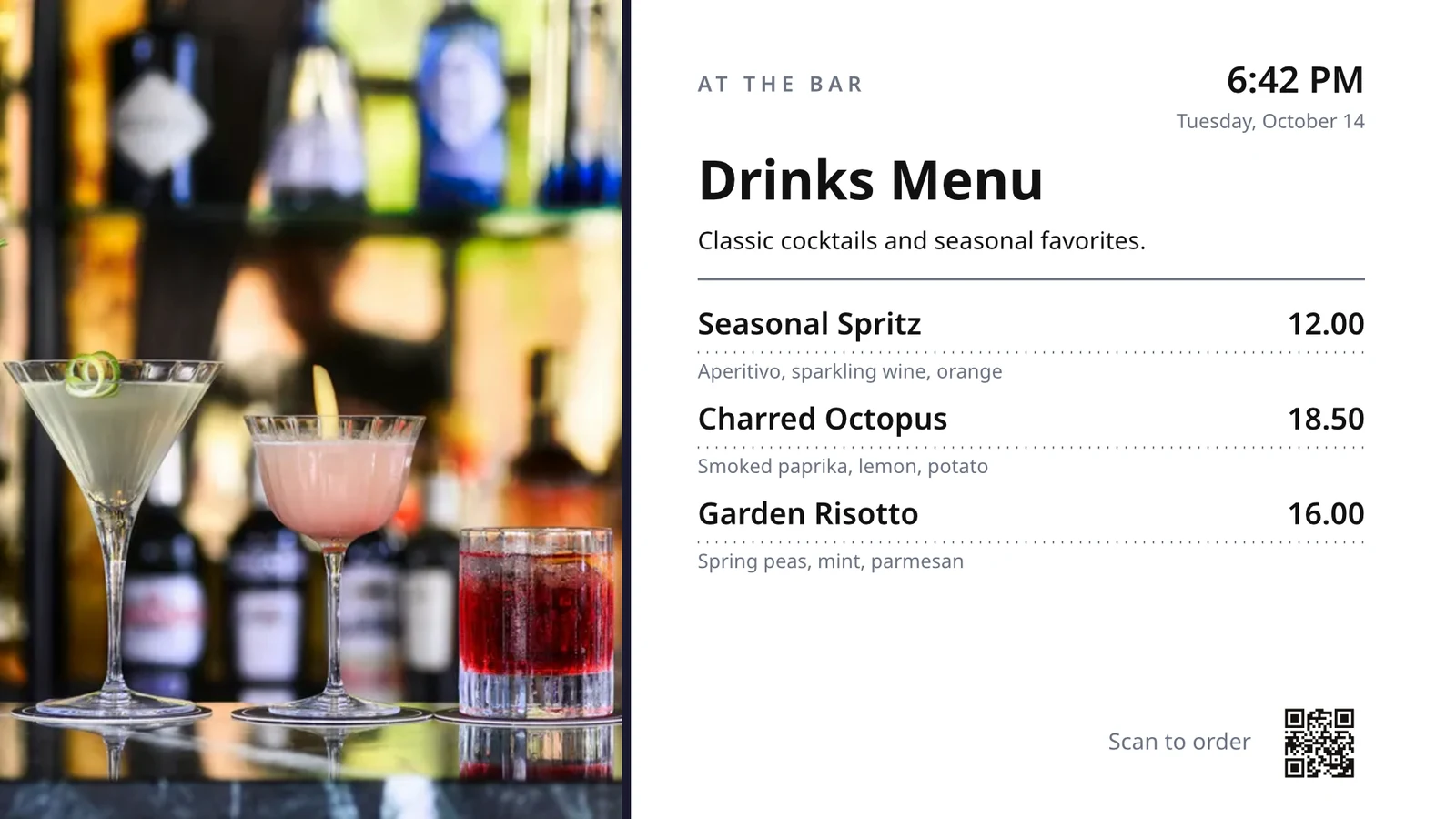
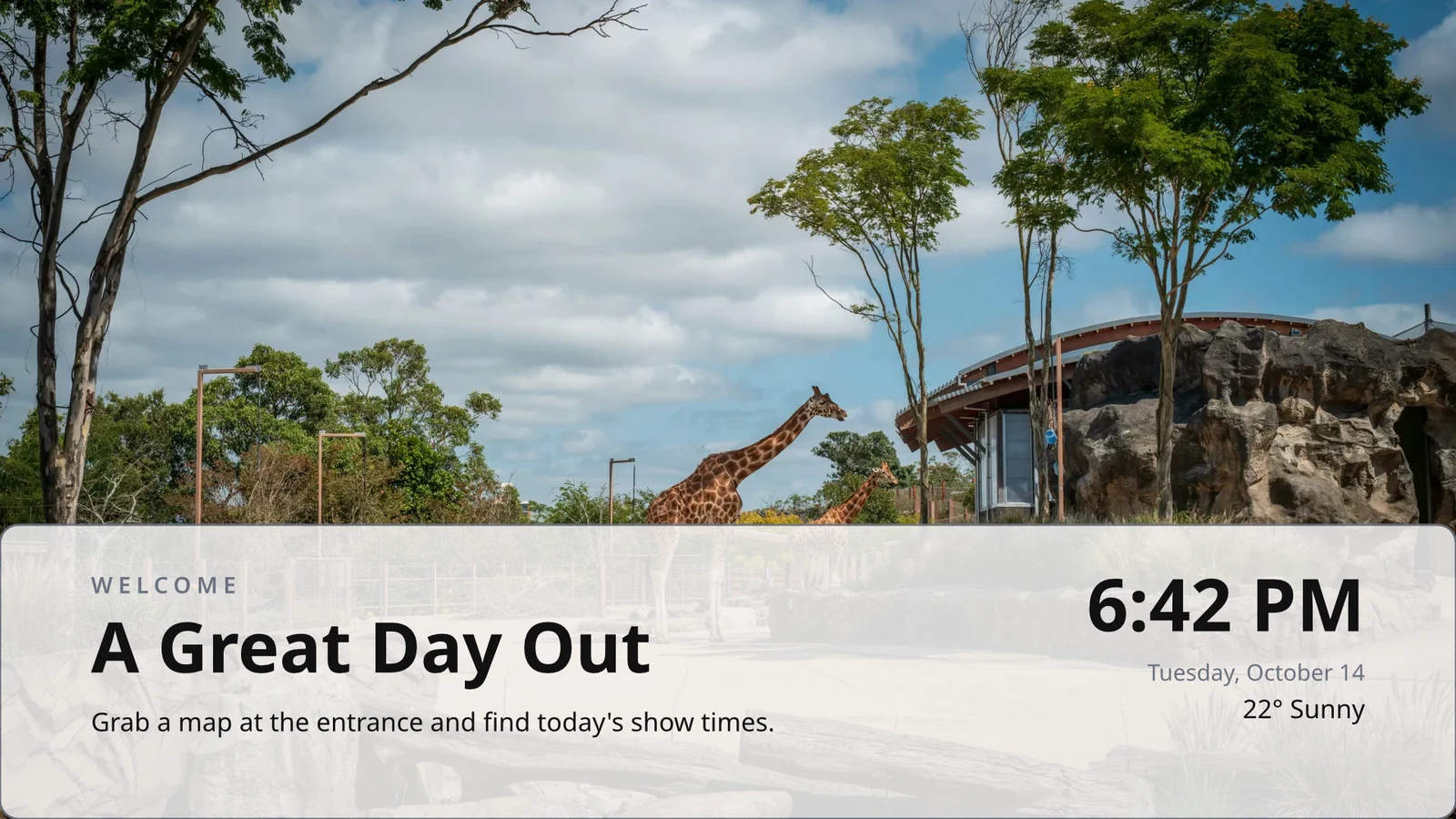
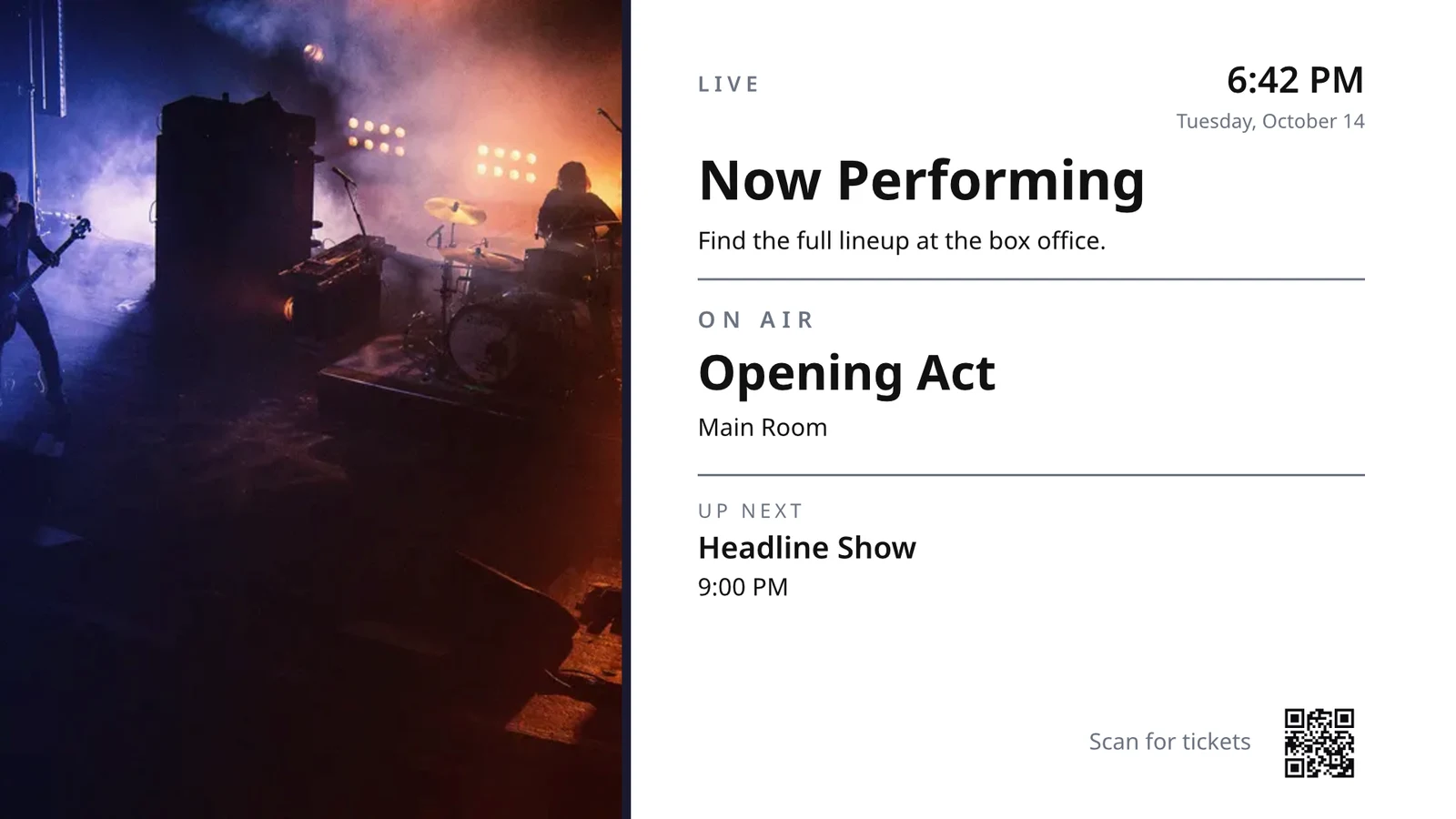
Rye wat een keer ontwerp word
Ontwerp een ry van 'n menu, skedule of aanbiedingslys; die TV herhaal dit vir elke rekord, bladsy vir bladsy.
Teme
Calisto se 48 Teme en jou eie, afgestem per ontwerp en opgesaas as 'n Tema.
Publikasie na Skerm
Elke bladsy word getrek by 4K; Update Screens bereik elke TV wat die ontwerp tegelykertyd speel.
123Elke bladsy word in 4K getrek vir jou skerm. Lewende data, soos jou menu, pryse en die klok, bly lewendig.
Bladsye draai met die oorgang wat elkeen het. Elke skerm draai saam.
Beweeglike bladsye
'n Bladsy wat met Animate geanimeer word, speel op die TV as 'n video, so lank as die bladsy.
Page 2 of 3 · 10 sek'n Kopie vir Elke Ligging
Elke ligging kry sy eie kopie, wat die dele behou wat jy vergrendel en jou veranderings daaraan aanpas.
 Vergrendel vir kopieëVergrendel vir kopieë
Koppel 'n TV by sy kode en bestuur dit afstandsbestuur
The TV shows a six-character code, and Add a TV pairs it. It reports its platform, panel, touch, remote and sound. Each TV’s page shows its health, its room and what it runs now and next, with identify, screenshot, restart and reload.
Afstandsbesturing
Wat Dit Dra
Lunch menuMenu board · Promote & informIn die lug vanaf die skedule "Lunch menu on the pass".Volgende: Dinner menu vanaf 17:00Gesondheid
- Status
- Online
- Laas Gesien
- 12 seconds ago
- Up Today
- 9 h 41 min
- Wysig
- Lunch menu
- Platform
- Android TV
- Model
- 55" UHD panel
- App Version
- 3.14.2
- System Version
- Android TV 12
Wat dit kan doen
TouchAfstandSoundFakturering
Sonder reklamesOp die TV's wat jy het
Apple TV, Android TV, Google TV en Fire TV, Samsung en LG slimtelevise, of enige blaaier.
K7QX4MHierdie skerm sal outomaties begin sodra dit goedgekeur is.Voeg 'n TV by
Voer die kode in wat jou TV wys om dit met jou rekening te koppel.
Plaas 'n ander skerm op 'n TV op die regte uur
'n Skedule stel 'n skerm of 'n speellys op gekose TV's of TV-groepe tussen datums, op gekose dae en ure, in elke TV se eie tydson. Die mees spesifieke skedule wen. Wanneer jou besigheid goedkeuring vra, speel 'n skedule slegs na iemand dit goedgekeur het.
Skedules
What your TVs play, and when
| Skeduleer | Omskrywing | Wat dit doen | Speel Op | Goedkeuring | Status |
|---|---|---|---|---|---|
| Breakfast menu in the restaurant | Weekdays from 6:30 | Play the content chosen below | 3 TVs · 1 TV group | Goedgekeur | Aktief |
| Sunset spa ritual offer | Lobby and pool bar, evenings | Play the content chosen below | 2 TV groups | Wag vir Goedkeuring | Aktief |
| Rainy day activities | Only when it rains | Play the content chosen below | 1 TV group | Goedgekeur | Aktief |
| Weekly restart | Mondays at 4:00 | Restart the TVs when it opens | TVs that run no screen of their own (account default) | Goedgekeur | Aktief |
| Nyepi quiet day | Every TV off for the day of silence | Turn the TVs off for the whole window | 4 TV groups | Goedgekeur | Aktief |
| Cooking class promo | Restaurant TVs, afternoons | Play the content chosen below | 2 TV's | Teruggestuur | Inaktief |
| Wedding weekend welcome | Lobby, Friday to Sunday | Play the content chosen below | 1 TV group | Ontwerp | Inaktief |
| Galungan offerings guide | Lobby and villas, festival week | Play the content chosen below | 2 TV groups | Goedgekeur | Aktief |
| Refresh before check-in | Daily at 13:45 | Refresh the TVs when it opens | 1 TV group | Goedgekeur | Aktief |
| Kids’ club afternoons | Pool bar TVs, 14:00 to 17:00 | Play the content chosen below | 2 TV's | Wag vir Goedkeuring | Aktief |
Dokumente, Bladsprede en Voorstellings
PDF's, dokumente, rekenblaaie en voorstellings speel as bladsye, en 'n Slides-dek weer wanneer dit gespaar word.
Media
Webblaaie en Gepubliseerde Dashboards
'n Openbare webblad of 'n dashboard wat na die web gepubliseer is, getrek by die TV se grootte en verfris op jou interval.
Media
'n Openbare bladsy: jou webwerf, of 'n dashboard gedeel deur 'n skakel. Dit word getrek op die TV se grootte en vertoon as 'n prentjie.
Dashboarde van Jou Analitieshulpmiddels
Getekende-in dashboards getrek deur elke seël se eie beelduitvoer, met jou eie verbinding, sy geheime gehou gesluit.
Lewende TV en strome
Jou eie kanaal of stroom van jou TV-lewerder, met sy klank aan of af.
Members’ bar screen
Data van 'n Bladsy
Rye uit 'n Blad wat u gepubliseer het, of 'n CSV- of JSON-lêer, per bladsy.
Jou Sosiale Berigte
What you published, and your recent posts on each of your channels.
Your Broadcast, Live
Jou uitsending of webinêr terwyl dit lewend is, met die reaksies van die ruimte en 'n kode om by te sluit.
Media en Speellysies
Foto's en video's in die Media-biblioteek, stockfoto's en afspeellysse wat elke item tydsmerk.
Media
Goedkeur of Stuur Terug
Besluit op die skedule, in die Goedkeuring-paneel of van die kennisgewing self.
Fado night on the lobby TVs
Skedule Inligting
- Omskrywing
- Thursday to Saturday evenings
- Goedkeuring
- Wag vir Goedkeuring
- Last Modified
- 21/11 · Inês Carvalho
Venster
- Daily Window
- 18:00 to 23:00
- Active Days
- Thu, Fri, Sat
- Evaluated in
- Each TV’s own time zone
- Prioriteit
- 20
Inhoud
- Speellys
- Fado nights
- Screen content
- Keep each TV’s own content
Where
- Plays on
- 2 TVs · 1 TV group
- TV-groepe
- Lobby TVs
Aktiviteit
Rekening Standaard
'n Skedule sonder TV's speel slegs waar 'n TV geen eie skerm het nie.
Nuwe Skedule
Kies wat jou TV's speel, en wanneer
Where
Watter TV's speel hierdie skedule. Laat beide leeg om dit die standaard vir die hele rekening te maak. Dit speel dan op elke TV wat nie sy eie skerm het nie.
Slegs in sommige weer
'n Skedule of 'n sone-item speel slegs wanneer die lug helder of reënig is, of warmer of kouer is as wat jy sê.
Nuwe Skedule
Kies wat jou TV's speel, en wanneer
Weather
Speel slegs in sekere weerstoestande, waar elke skerm opgestel is. Wanneer die weer nie gelees kan word nie, speel dit nie.
Herbegin of Uitmaak
'n Venster wat die TV's een keer herlaai of ververs wanneer dit oopmaak, of hulle afsluit tot dit toe dit toe gaan.
Nuwe Skedule
Kies wat jou TV's speel, en wanneer
Wat dit doen
Plaas een boodskap op elke TV, en neem dit dan af
'n Waarskuwing gaan oor alles wat die gekose TV's speel tot dit geskoon word of sy tyd verloop. Bewaar dit as 'n konsep, aktiveer dit wanneer nodig, en skoon dit van sy bladsy of van die kennisgewing. Sy teks word soos geskryf getoon, nooit as kode nie.
Kyk wat elke TV gespeel het, en vir hoe lank
Elke TV rapporteer wat dit uitsaai by elke incheck. Prestasie tel die uitsendings, die minute elke TV aan was en die foute wat dit opgevang het, per dag en per TV, oor die venster wat jy kies. 'n TV wat donker geword het, word as donker gelees. Rapporte sit langs dit.
Prestasie
Impressions, uptime and errors across your TVs, day by day.
| Datum | TV | Impressies | Op tydswees (min) | Foute |
|---|---|---|---|---|
| 21/11/2026 | Lobby Welcome TV | 1284 | 1022 | 1 |
| 21/11/2026 | Restaurant Menu TV | 962 | 958 | 2 |
| 21/11/2026 | Front Desk TV | 1118 | 1440 | 1 |
| 21/11/2026 | Room 204 TV | 46 | 312 | 3 |
| 20/11/2026 | Lobby Welcome TV | 1301 | 1031 | 1 |
| 20/11/2026 | Restaurant Menu TV | 977 | 965 | 2 |
| 20/11/2026 | Housekeeping TV | 1440 | 1440 | 1 |
Opdraetyd
Krediet van elke TV se inkomste, nooit aanvaar nie.
Prestasie
Which TVs stayed up, and which dropped out.
| TV | Opdraetyd | Dae met Foute | Laaste Fout |
|---|---|---|---|
| Cold Prep TV | 95.8% | 2 | Yesterday |
| Rider Pickup TV | 97.1% | 1 | 2 days ago |
| Packing TV | 99.2% | 1 | 6 days ago |
| Office TV | 99.6% | 1 | 11 days ago |
| Expo TV | 99.7% | 1 | 19 days ago |
| Grill Line TV | 99.9% | 1 | 26 days ago |
'n TV wat Stopt
Administrateurs word een keer vertel wanneer 'n TV donker word en weer wanneer dit terug is.
Jou Reëls
Elke kennisgewing is 'n Automatiserings-reël wat jy kan verander of afskakel.
Otomatiserings
| Outomatisering | Wanneer | Dan | Laaste 7 dae | Laaste loop | Status |
|---|---|---|---|---|---|
| Tell the admins when a screen stops checking in | Skerm het donker geword | Vertel die administrateurs 'n skerm donker gegaan het | 3 | 2 ure gelede | Aan |
| Tell the admins when a screen is back | Skerm is terug | Vertel die administrateurs 'n skerm is terug | 3 | 1 uur gelede | Aan |
| Tell the admins when a schedule ends | Tydskeed geëindig | Vertel die administrateurs dat 'n skedule geëindig het | 1 | 9 days ago | Aan |
| Tell the admins when an alert goes live | Waarskuwing is live | Tell the admins an alert went live | 2 | 3 dae gelede | Aan |
| Tell the admins when an alert is taken down | Waarskuwing afgeneem | Vertel die administrateurs dat 'n waarskuwing afgehaal is | 2 | 3 dae gelede | Aan |
| Tell the approvers a schedule waits for approval | Gedeurde wag vir goedkeuring | Tell the approvers a schedule waits for approval | 4 | Yesterday | Aan |
| Tell the sender their schedule was approved | Skedule goedgekeur | Vertel die stuurder die besluit oor hul skedule | 3 | Yesterday | Aan |
| Tell the sender their schedule was sent back | Skedule teruggestuur | Vertel die stuurder die besluit oor hul skedule | 1 | 2 weke gelede | Aan |
| Vertel die administrateurs 'n TV-toepassingbou klaar is | TV-app-bou voltooi | Vertel die administrateurs 'n TV-toepassingbou klaar is | 1 | 1 month ago | Aan |
Bewys van Speel
Elke TV lê in wat dit op elke incheck speel, en 'n skerm wat misluk, wys jou gemerkte terugval en word as 'n fout getel.
Prestasie
Proof of play: how often content and ads were on screen.
| Datum | Impressies | TV | Advertensie-aftrekkings | Publiek per Speel |
|---|---|---|---|---|
| 21 nov 2026 | 1,421 | Pickup TV | 366 | 14.8 |
| 21 nov 2026 | 1,304 | Menu Board Left | 341 | 12.1 |
| 21 nov 2026 | 1,298 | Menu Board Right | 339 | 12.1 |
| 20 nov 2026 | 1,377 | Pickup TV | 352 | 13.5 |
| 20 nov 2026 | 1,270 | Menu Board Left | 330 | 10.9 |
| 20 nov 2026 | 1,262 | Menu Board Right | 328 | 10.9 |
Doelgroep
Elke spel tel die mense in die TV se kamer waar Access dit tel, getoon as die gemiddelde per spel.
Prestasie
Proof of play: how often content and ads were on screen.
| Datum | Impressies | TV | Advertensie-aftrekkings | Publiek per Speel |
|---|---|---|---|---|
| 21 nov. 2026 | 612 | Event Hall TV | 148 | 23,6 |
| 21 nov. 2026 | 588 | Floor 2 Lounge TV | 141 | 9,1 |
| 21 nov. 2026 | 541 | Kitchen TV | 129 | 6,8 |
| 21 nov. 2026 | 524 | Reception TV | 126 | 4,2 |
| 20 nov. 2026 | 597 | Event Hall TV | 143 | 31,0 |
| 20 nov. 2026 | 579 | Floor 2 Lounge TV | 139 | 8,4 |
Deur Skerm
Elke figuur, een ry per TV, met advertensie-impressies en klikke.
Prestasie
Every figure, one row per screen.
| TV | Impressies | Advertensie-aftrekkings | Advertensiekliks | Op-tyd (u) | Foute |
|---|---|---|---|---|---|
| Departures TV · Bávaro Office | 14,822 | 3,706 | 118 | 712 | 1 |
| Check-in Line TV | 12,406 | 3,101 | 96 | 698 | 1 |
| Dock Pier 2 TV | 11,930 | 2,982 | 74 | 655 | 2 |
| Beach Bar TV | 9,718 | 2,430 | 61 | 640 | 1 |
| Shop Window TV | 8,604 | 2,151 | 48 | 702 | 1 |
| Marina Lobby TV | 6,800 | 1,032 | 15 | 690 | 1 |
Prestasie
Which TVs stayed up, and which dropped out.
| TV | Opdraetyd | Dae met Foute | Laaste Fout |
|---|---|---|---|
| Cold Prep TV | 95.8% | 2 | Yesterday |
| Rider Pickup TV | 97.1% | 1 | 2 days ago |
| Packing TV | 99.2% | 1 | 6 days ago |
| Office TV | 99.6% | 1 | 11 days ago |
| Expo TV | 99.7% | 1 | 19 days ago |
| Grill Line TV | 99.9% | 1 | 26 days ago |
Publiceer jou eie toepassing op die TV winkels
Die TV App-bouer ontwerp jou gemerkte app vir Apple TV, Android TV en Fire TV: sy voorkoms, sy inhoud en kanale, 'n voorbeeld op 'n TV, die bou, die winkel lysing en sy analitiek. Calisto bou elke platform se app, en jy word vertel wanneer 'n bou klaar is.
TV App
Your branded app for Apple TV, Fire TV and Android TV. Design, build and publish it.
Ontwerp en Inhoud
Kleure, tipe, navigasie, video en kanale, voorgebeeld soos 'n TV hulle trek.
TV App
Your branded app for Apple TV, Fire TV and Android TV. Design, build and publish it.
#7b2cbfAgtergrondkleur#120a1cAgtergrondstylSolidGradientVervaagStuur jou TV's vanaf 'n telefoon
Op 'n foon, Open vertoon op jou TV's en dié wat jou nodig het, slegste eerste, enige waarskuwing op die wande en skedules wat wag vir goedkeuring. 'n Skerm en 'n TV open as hul eie bladsye.
Sonder Signaal
Huis, TV's, 'n TV se bladsy en Waarskuwings open aflyn op 'n toestel wat jy kies.
TV Status
TVs online, TVs that need you, alerts showing and approvals waiting, on the Windows Widgets Board.
Deel Foto's In
 fine-dining-01.jpgBeeld · Net nou
 fine-dining-02.jpgBeeld · Net nou
 restaurant-01.jpgBeeld · Net nou
 fine-dining-04.jpgBeeld · Yesterday
 restaurant-03.jpgBeeld · 3 dae gelede
 restaurant-02.pngBeeld · Laaste weekBistro Kogarashi · Tokyo
Foto's en video's wat gedeel word vanaf die foon land in die Media-biblioteek.
Kortpaaie
TV's, Waarskuwings, Skedules, Voeg 'n TV by, My Skermes en Live Voorbeeld vanaf die app se ikoon.
Maak die Waarskuwing skoon of goedkeur uit die Waarskuwing
Maak 'n waarskuwing wat deur 'n ander bestuurder opgewek is skoon, of goedgekeur 'n skedule wat op jou wag, vanuit die kennisgewing.
Where Display touches everything else.
4 of these 8 connections are in your plan today; the others are their own apps.
Dine
The kitchen display shows and bumps the kitchen’s own orders, and the menu board reads the menu set up in Dine.
Stays
A guest TV reads the stay in its room, and the housekeeping TV is the same board as Stays’ Housekeeping.
Coworking
A meeting room’s door sign is made and paired from Coworking’s Spaces, each paired with the room it hangs outside.
Kiosks
Kiosks and TVs are set up through the same screen records, and play the same designed screens and live feeds.
Orderflow
Room service ordered from a guest TV goes to Orderflow, and the order fulfillment screen is Orderflow’s queue on a TV.
Studio
Designed screens are made in the same design editor Studio opens, and a Studio design at TV size plays as one.
Automations
Every notice Display sends is an Automations rule, and other apps’ rules can repaint a board.
Ads
A free TV’s ad band is filled through Ads, the one place a screen’s ads are chosen.
Geen opsetkoste. Betaal wanneer jy begin gebruik.
Every TV free with Calisto’s ad band, or ad-free per TV.
Calisto-display
Runs the TVs in a business: kitchen displays, pickup and now-serving boards, guest TVs, menu boards, signage and designed screens, with schedules, alerts and performance.
Aanbeveel vir jou
Werk goed saam.
Calisto Dine
Ingesluit by Jou Planne
Your Core app shows everything your Commerce and Ops plans turn on.
Learn more →Calisto Stays
Ingesluit by Jou Planne
Your Core app shows everything your Commerce and Ops plans turn on.
Learn more →Calisto Coworking
Ingesluit by Jou Planne
Your Core app shows everything your Commerce and Ops plans turn on.
Learn more →Calisto Kiosks
Calisto Kiosks
One job per kiosk, from check-in and ordering to wayfinding, set up on any tablet at your own kiosk address, with each screen’s own card terminal and printer.
Learn more →Calisto Orderflow
Calisto Studio
Calisto Create
A Studio seat designs anything at every size, from Calisto’s templates or a blank page: layers, photos, Copy & Resize, Bulk Create, mockups, QR codes, print-ready PDFs, sharing and whiteboards.
Learn more →Calisto Automations
Calisto Ads
Calisto Engage
Run campaigns on the websites, apps, kiosks, TV screens and member portals other Calisto businesses publish, and sell the ad space on your own.
Learn more →Aanbeveel vir
Die bedrywe wat Display bestuur, en waarvoor elkeen dit bestuur.
Hotels & ResortsLobby & meeting screens
Lobby, meeting floor and restaurant screens.
Hotels & Resorts op Calisto →RestaurantsDigital menu boards
Kitchen display and guest-facing menu screens.
Restaurants op Calisto →EiendomsontwikkelingSales gallery screens
Sales gallery screens and site hoardings.
Eiendomsontwikkeling op Calisto →Salons & BaardknippersLobby screen
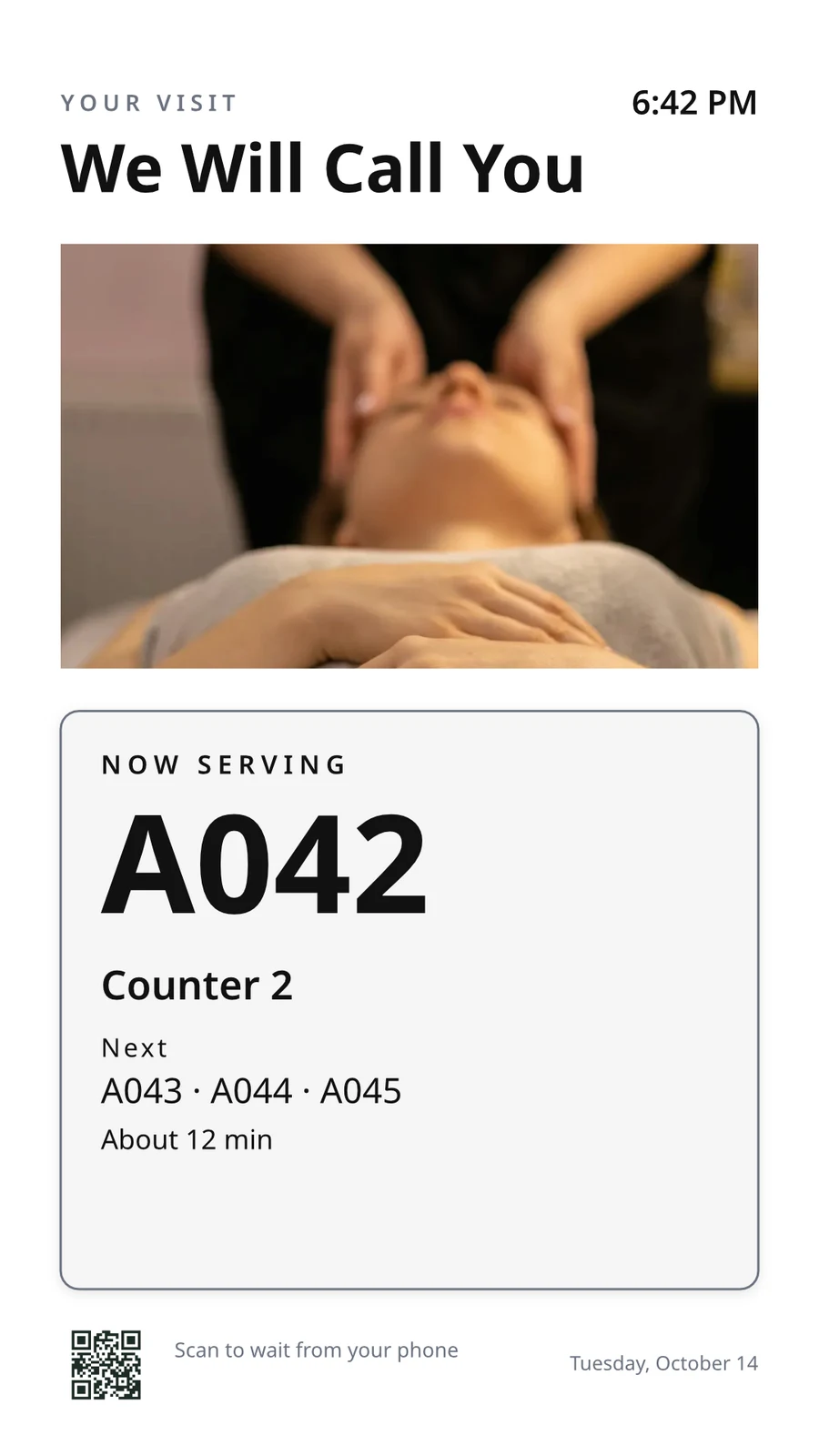
The waiting area reads the same queue as the desk.
Salons & Baardknippers op Calisto →Live Music & FestivalsStage & wayfinding screens
Stage, wayfinding and sponsor screens.
Live Music & Festivals op Calisto →Marathons & EnduranceStart, finish & expo screens
Start, finish and expo screens.
Marathons & Endurance op Calisto →Venue ManagementWayfinding & room screens
Wayfinding, room and sponsor screens.
Venue Management op Calisto →Stadiums & ArenasConcourse & stand screens
Wayfinding, concourse and sponsor screens.
Stadiums & Arenas op Calisto →Openbare GolfbaanClubhouse screens
Tee sheet, leaderboard and clubhouse screens.
Openbare Golfbaan op Calisto →In-Person RetailersIn-store screens
Window, shelf-edge and queue screens.
In-Person Retailers op Calisto →Alles wat in Calisto inbegroom word Display.
- New: every job a TV can do, ordered for your industry, each shown running on sample data, with the one choice that makes it this screen and where it works.
- Set Up Every Screen: your kind of business’s set at once, a screen set for each of the 38 kinds of business.
- Run the operation: kitchen display (prep, expo and bar, with bump), housekeeping and room status, front desk, today’s appointments, golf starter, door counter, order fulfillment (Orderflow’s queue, with accept, reject and bump) and sales targets.
- Move customers: order pickup, now serving on any app’s walk-in line, check-in welcome, meeting room sign, departures and tours, wayfinding, tournament and race leaderboard, class schedule.
- Serve guests: the guest TV in a hotel, apartment or short-stay room, and the resident and member TV.
- Promote and inform: designed screen, digital signage with zones and playlists, menu board, offers and upgrades, property window, on air.
- A screen’s record: Purpose, Where (location, station, counter, room, course or event, filled in when there is one), Content, Look (dark or light, your logo and color), TVs and Schedule, beside the screen running live on your data.
- Put It on a TV: the one step that puts a screen on its TVs, refused with the reason when something it needs is missing.
- My Screens: each screen, what it runs and on how many TVs.
- Other apps put their own screens on a TV from their own desk: now serving from a walk-in line, a leaderboard from a competition, room signs from Coworking’s Spaces and every Events host’s Rooms.
- The kitchen display reads and moves the kitchen’s orders, the same orders Dine’s kitchen screen and Station work from.
- The menu board reads the menu set up in Dine.
- Room service ordered on a guest TV is charged to the stay and handed to Orderflow, whose accept fires the kitchen.
- Late checkout and the property guide come from the stay and the property.
- The housekeeping TV is the same board as Stays’ Housekeeping, moving each room’s tasks.
- Staff act from a staff screen of their own account; a guest acts only from the room TV while its stay is checked in.
- A TV reads only its own screen’s data, scoped on the server to its station, counter or room.
- The design editor Studio uses, at 16:9 landscape or 9:16 portrait; a Studio design at a screen’s shape is a designed screen too.
- Start blank or from 160 layouts, 81 landscape and 79 portrait, each tagged with its industries and carrying photographs, your own industry first.
- Themes: Calisto’s 48 and your own, chosen and tuned per design, Save as Theme; a design that picks none keeps its own look.
- Live Data: the menu, the schedule (classes, sessions, events, tours, race waves, today and the next six days), offers running now, homes on the market, a dish’s price, the offer on now, clock, date, weather, guest Wi-Fi, a QR code, the number being served and what is on air.
- Lists are one designed row, repeated for every record in the list’s columns and gaps, paging by its area; a list with no records draws nothing.
- Publish to Screens draws each page at 4K and keeps the live layer apart; Update Screens reaches every TV and kiosk playing the design at once.
- Each page shows for its own length; pages turn together across a bank of TVs.
- A page animated with Animate plays as a video made on your device or Calisto’s servers, from the start each time the page comes on.
- Played full screen, or as an item in any signage zone.
- People Inside: how many are in the screen’s room now, its limit, the places left and how full it is, where Access counts the room.
- A copy for each location keeps the parts its original locks for copies, and takes their changes; your business chooses who may lock them.
- Add a TV: the TV shows a six-character code; you enter it and give the TV a name and, in a room, its room.
- The TV reports its platform, panel resolution, touch, remote and sound at pairing and on every check-in.
- Apple TV, Android TV, Google TV and Fire TV run the Calisto TV app from their stores; Samsung Tizen and LG webOS open it from their own app; any browser opens the TV address.
- A TV that cannot get a code keeps asking and replaces a lapsed code by itself.
- TVs: every TV, its platform, location, what it runs, its state and when it was last seen, searched, filtered and sorted on the server however many you have.
- A TV’s page: health, capabilities, room, what it runs now and next, Choose What This TV Runs, remote control, billing and unpair.
- Remote control: identify, screenshot, restart and reload, answered by the TV on its next check-in; on a commercial display that lets Calisto control it, turn on, turn off, switch input and volume.
- Video walls: TVs mounted together play one screen across the wall, each its slice, with the panels’ frames allowed for.
- One clock for every TV: page turns, zone rotations, looping videos and music play in step across screens.
- Audio zones: your own tracks or your music service’s stream under whatever a set of TVs shows, every TV at the same moment, quieter for a chime, silent while a TV sleeps.
- TV hours: TVs follow the place’s opening hours or your own; outside them they go dark and wake for opening.
- Meeting rooms: a room’s TV shows the Calisto Live meeting booked in it, a code to join before it starts and the meeting once it is live.
- Runs as the digital signage of the video-meeting displays in your rooms.
- TV Groups: a floor, a building or a brand as one target.
- A TV with nothing to run shows your logo, your name and the time where it hangs.
- Starts from what it last received when it powers on with no network.
- Spaces: a TV assigned to an archived Space stops; one that cannot be read for a moment keeps playing.
- Unpair reaches the TV on its next check-in.
- Live Preview: what a real TV is showing right now.
- A schedule puts a screen, or a playlist in a signage screen’s main zone, on chosen TVs and TV groups between dates, on chosen days and hours.
- Each TV keeps its own time zone; a schedule may set one.
- The most specific schedule wins (a TV, then its group, then the account default), then priority, then the latest start.
- A schedule with no TVs is the account default: it plays only on a TV that runs no screen of its own.
- Approvals: when your business asks for them, a schedule plays only once approved; Approve, or Send Back with a note, on its page, in the Approvals panel or from the notification.
- A schedule that is on is turned off before it can be deleted.
- Media: photos and videos (JPEG, PNG, WebP, GIF, MP4, WebM), audio, stock photos and playlists that time each item by its seconds.
- Documents, decks and web pages: PDFs, documents, spreadsheets, presentations and Slides decks play as pages; a public web page or a published dashboard is drawn at the screen’s size and refreshed on your interval.
- Dashboards: your analytics tools’ dashboards drawn through each service’s own image export with your own connection, its secret kept sealed, refreshed on your interval.
- Zones also play live TV and IPTV streams, your Live broadcast with its reactions, rows from a published Sheet or a CSV or JSON file, and your published social posts.
- A schedule or a zone item can play only in some weather: rain, snow, sun, warmer or colder than you say.
- An alert goes over whatever its TVs are playing until it is cleared or its time runs out.
- Info, warning or critical, with its colors and how long it stays.
- Saved as a draft, activated when needed, cleared from its page, the list or the notification.
- Each alert names who raised and who cleared it; its text shows as written, never as code.
- An Access alert (a lockdown, an evacuation) goes over the TVs where it is raised and comes off at the stand-down.
- Official warnings from public alerting authorities go over the TVs at the places they cover until they end.
- Your own alert system, such as a campus or building system, posts to a private address, in CAP or JSON, and its alerts go over the TVs at the places you choose until it cancels them.
- Rules put a screen on the TVs for a while when something happens: a visitor checks in, a badge is shown at a door, a zone fills up.
- Overview: plays, minutes on and errors, in total and by TV and day, over all time, 7, 30 or 90 days.
- Impressions, Uptime and By Screen views, and Reports.
- Proof of play: each TV files what it plays on every check-in; a screen that fails is shown as your branded fallback and reported as an error.
- Uptime is credited from check-ins, so a TV that was dark reads as dark.
- Audience: each play counts the people in the TV’s room where Access counts it, shown as the average per play.
- Notices as Automations rules you can change or turn off: a TV stopped checking in or is back, a schedule ended, an alert went live or was cleared, a schedule waits for approval, was approved or sent back, a TV app build finished.
- The fleet is checked every 15 minutes, on Calisto’s database or your own.
- Every paired TV is free with 15% of the screen given to an ad band, on customer and guest screens.
- Staff screens never show ads, and a guest navigating a room TV sees none.
- Remove Ads makes one TV ad-free at the per-TV price, agreed once before anything is billed.
- An ad-free TV may opt back in: its band sells with you as the seller, sharing what it earns, and your own ads fill the rest.
- Ad Surfaces: your own house ads.
- Your branded app for Apple TV, Android TV and Fire TV.
- Overview, Design, Content, Preview, Build, Store Listing and Analytics in one workspace.
- Built by Calisto’s build pipeline for each platform; Display holds no store keys.
- Analytics: installs, active TVs and watch time by month.
- Tabs for Home, TVs, Alerts and Schedules, and More for the whole menu.
- Home: the fleet’s counts and the TVs that need someone, worst first, any alert on the walls and schedules waiting for approval.
- A screen and a TV open as their own pages, with Put It on a TV and Choose What This TV Runs; alerts and schedules are edited from their own pages.
- Designed screens and the TV App’s artwork open in the phone design view: pages, Edit Words and Photos, Publish to Screens.
- Shortcuts: TVs, Alerts, Schedules, Add a TV, My Screens and Live Preview.
- Home, TVs, a TV’s page and Alerts open with no signal on a device you choose; raising or clearing an alert, approving a schedule and restarting a TV need the signal, and say so.
- Notifications with buttons: Clear Alert on an alert another admin raised, Approve on a schedule waiting for you.
- TV Status on the Windows Widgets Board: TVs online, TVs that need you, alerts showing and schedules waiting.
- Photos and videos shared from the phone land in Media.
- Calisto’s search finds TVs, screens, schedules and alerts.
- Every create happens once, however often the button is pressed.
Questions about Calisto Display
'n Apple TV, Android TV, Google TV of Fire TV dra die Calisto TV-app van sy winkel; Samsung- en LG slimtelevies open dit van hul eie app; enige ander televisie met 'n webblaaier open sy adres. Die televisie wys 'n kode en jy paar dit vanaf Voeg 'n TV by. Calisto installeer niks op jou premisse nie.
Die keukenskerm wys en druk die bestellings uit wat die keuken ontvang, dieselfde bestellings waar Dine se keukenskerm en 'n Stasie vanaf werk, en die menubord lees die menu wat in Dine opgestel is. 'n Skerm wat 'n ander toepassing se rekords lees, benodig daardie toepassing; 'n ontwerpte skerm, tekeninge en waarskuwings benodig niks anders nie.
'n Gratis TV gee 'n band van sy skerm aan Calisto se advertensies op kliënt- en gasteskermens. Personeelskermens toon nooit advertensies nie, en 'n gast wat 'n kamertv gebruik, sien geen nie. Verwyder Advertensies maak een TV-advertensievry teen die per-TV-prys, en 'n advertensievrye TV kan weer inskakel en 'n deel verdien.
'n TV hou wat dit laaste ontvang het en begin daarvan wanneer dit aan gaan sonder netwerk. Sy bladsy wys wanneer dit laaste ingecheck het, en die admins word een keer vertel wanneer 'n TV donker word en weer wanneer dit terug is.
Waar die werk dit nodig het. Keukelpersoneel druk biljette van die keukenskerm, huishouding beweeg kamers op sy bord, en 'n gaste bestel kamerdiens of vra vir laat uitcheck op die kamer-TV terwyl die verblyf ingecheck is. 'n Menu-bord neem geen aksie nie.
Foto's en video's word na Media opgelaaai, ook vanaf 'n telefoon, en speel in speellysies en tekeningsone. Marketing-skermontwerpe word weer ontwerp in Ontwerpte Skerm, beginnende by 'n opstelling vir jou bedryf, met lewende data waar andersins 'n prys of tyd ingetyper sou word.