Bewerk 'n foto in een tik, met die hand of in lae.
Die foto-redakteur vir die foto's wat reeds in jou rekening is. Voltooi een foto of 'n hele skiet, en deel dan 'n Galery waar jou kliënt hul gunstelingkeuses uit kies.
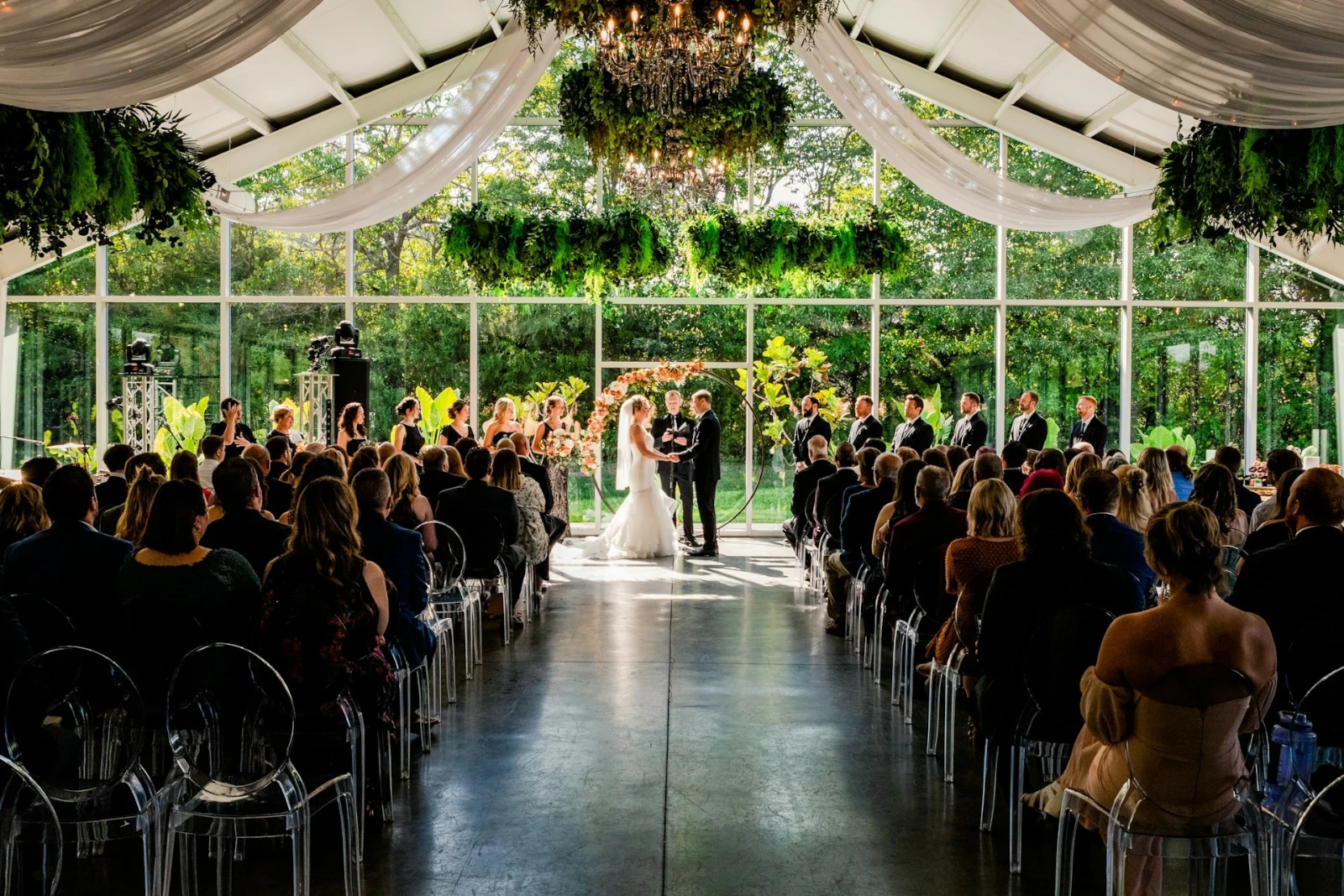
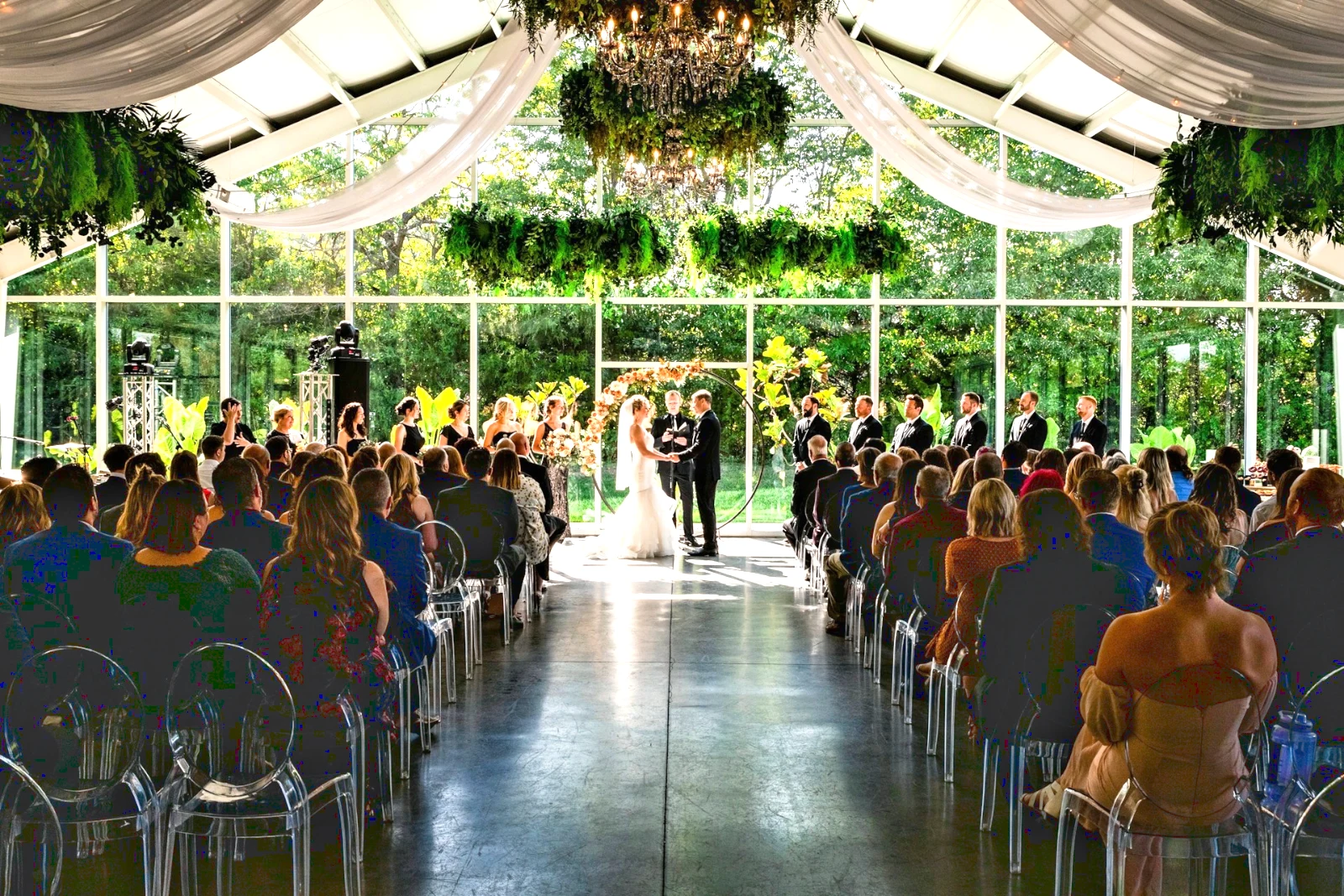
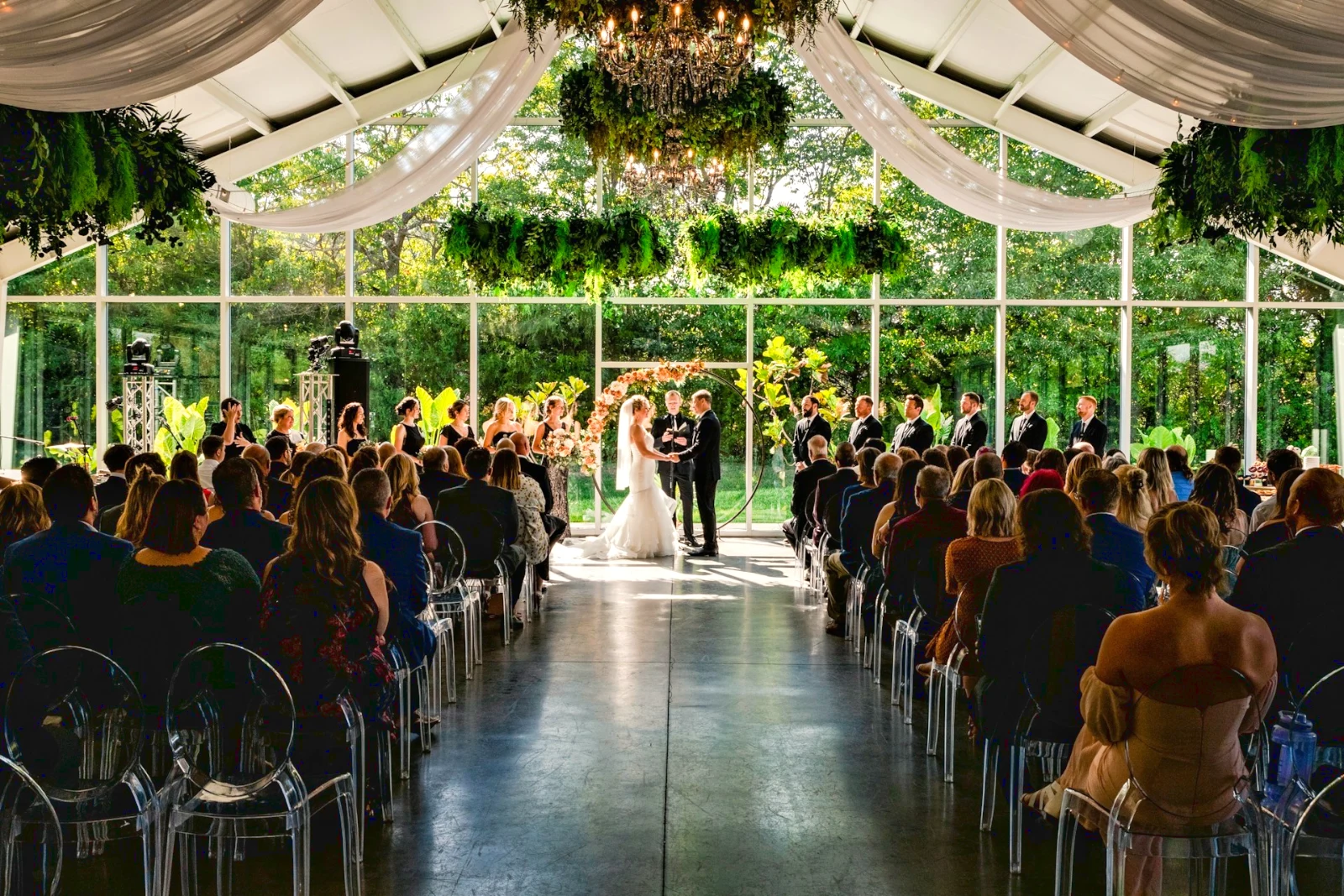
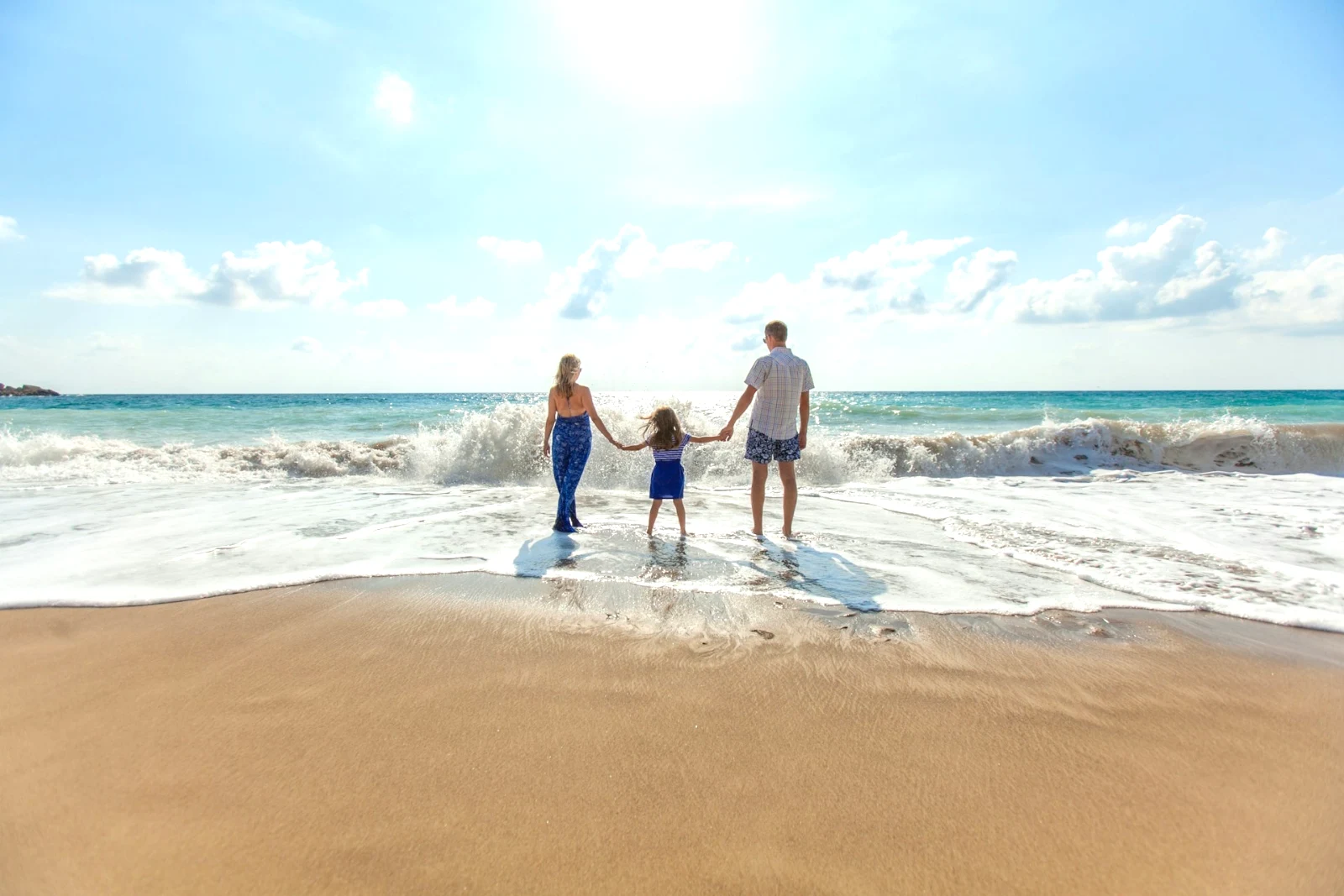
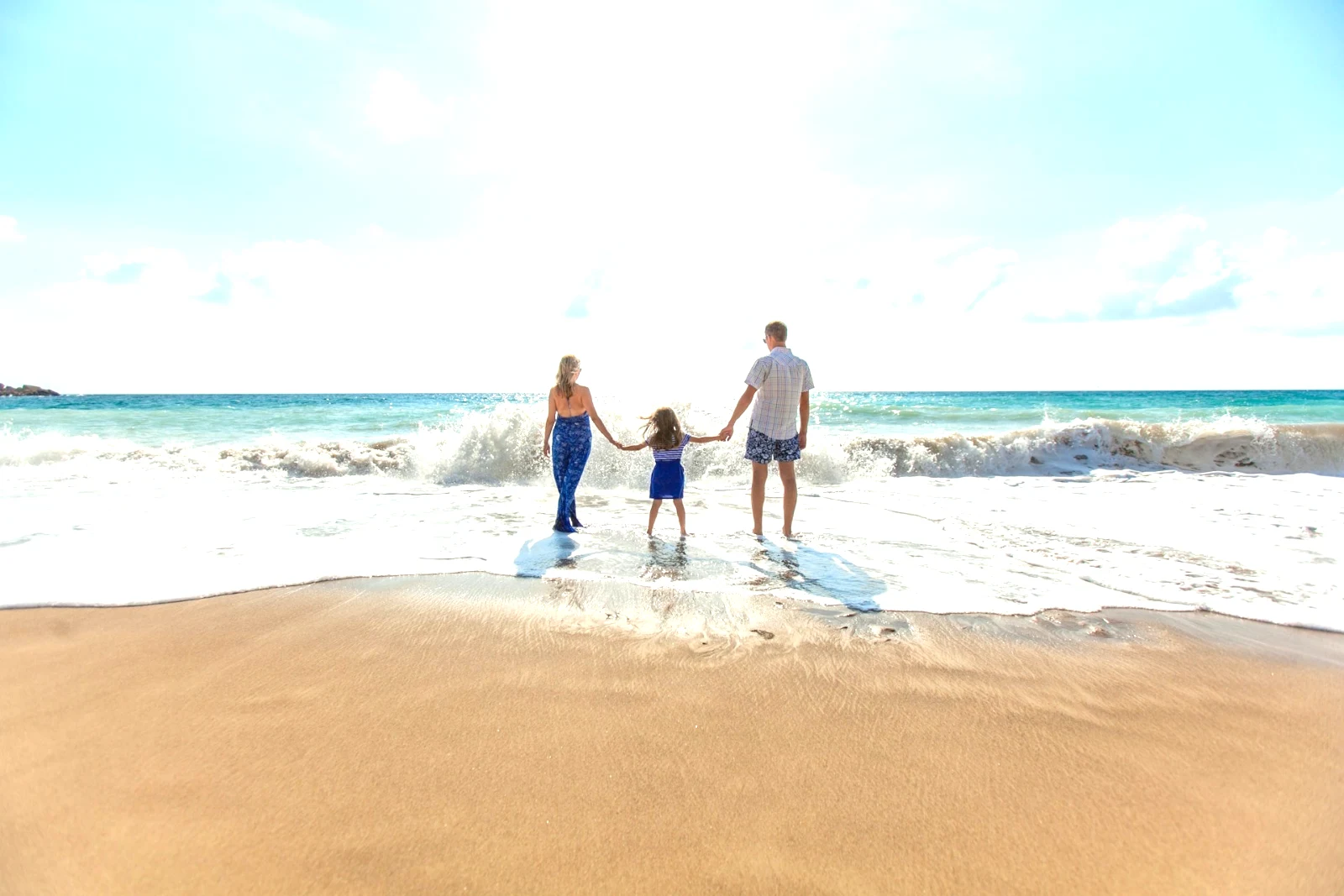
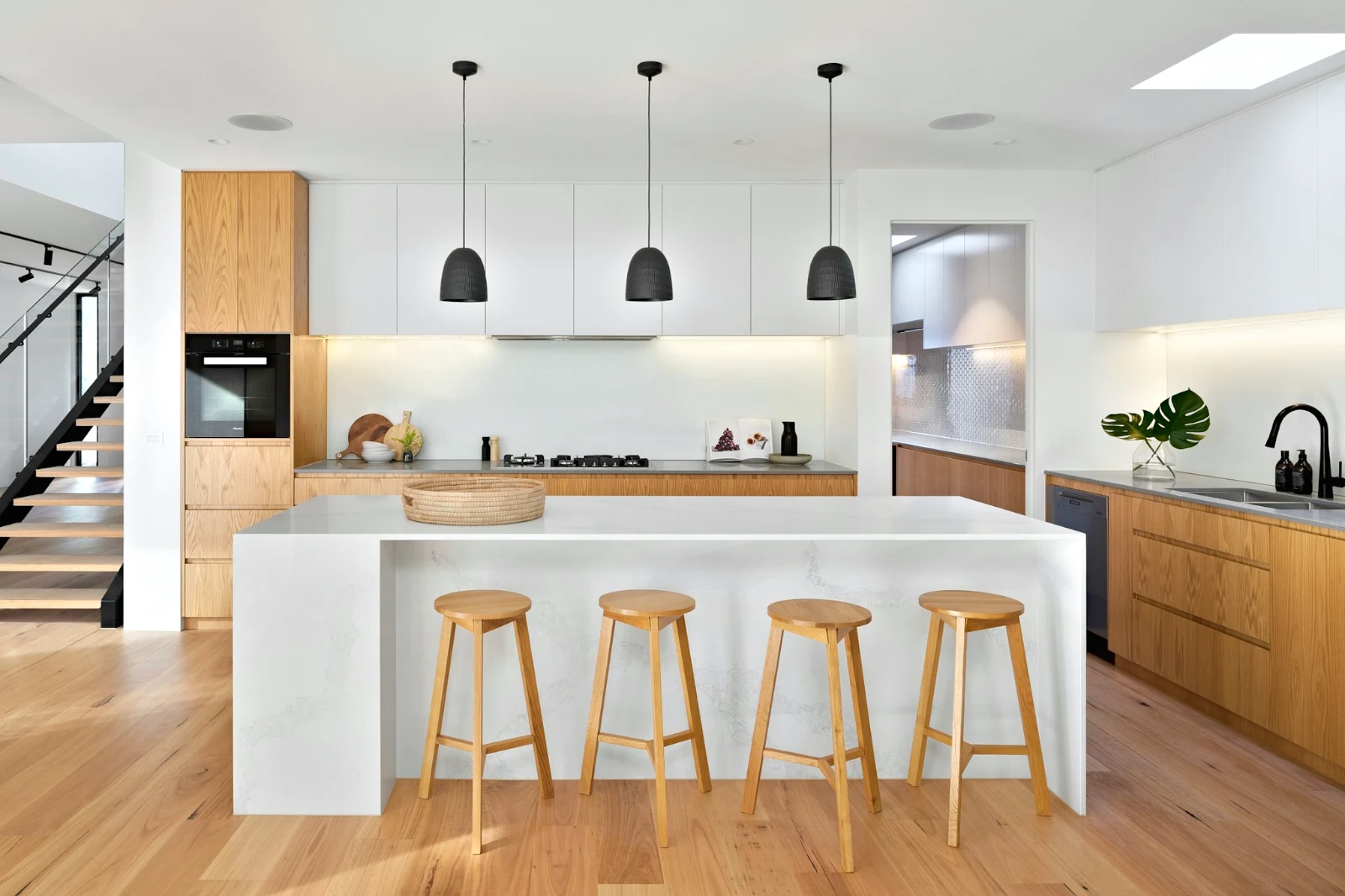
 Bright and Airy
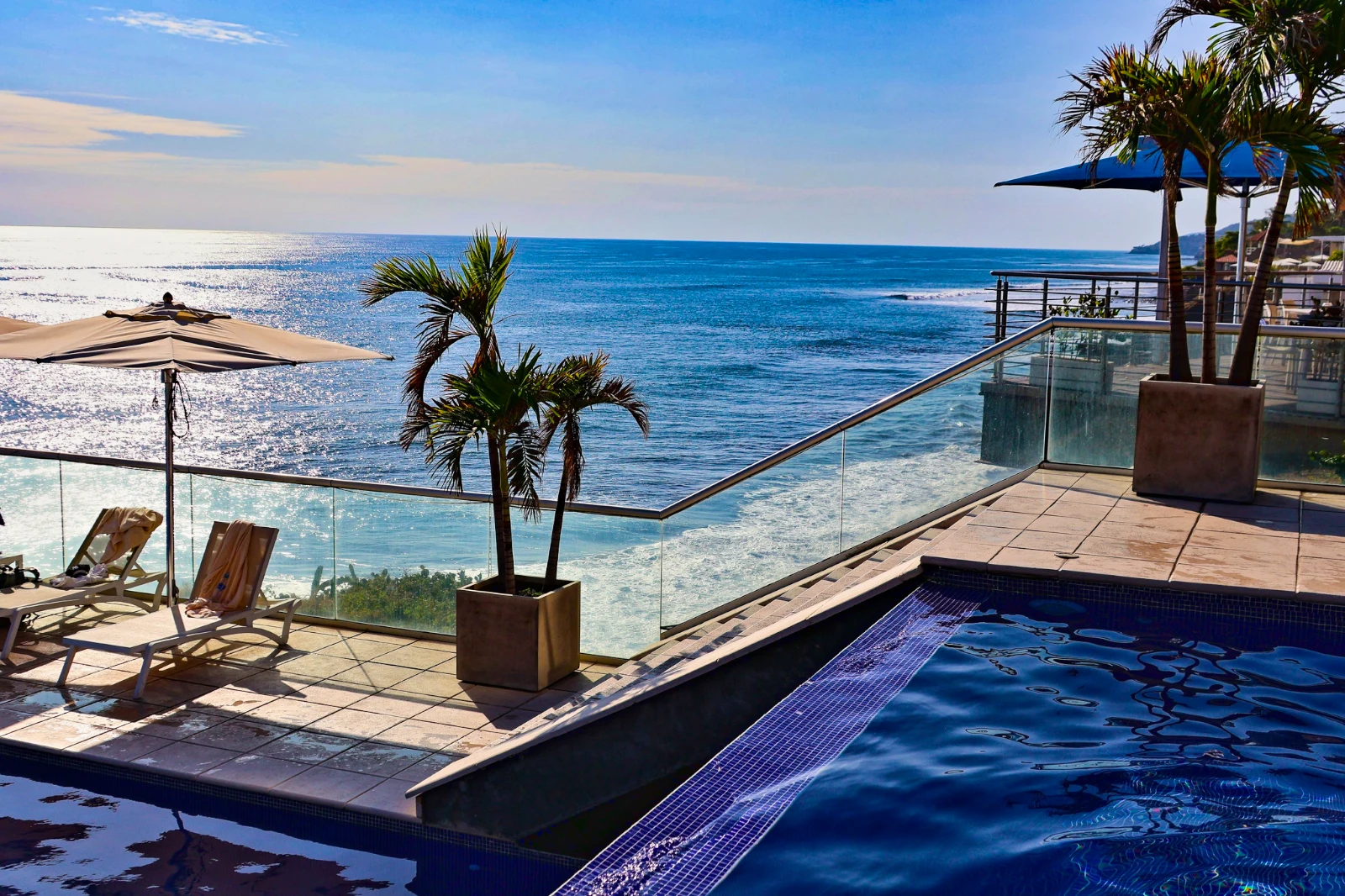 Punchy Social
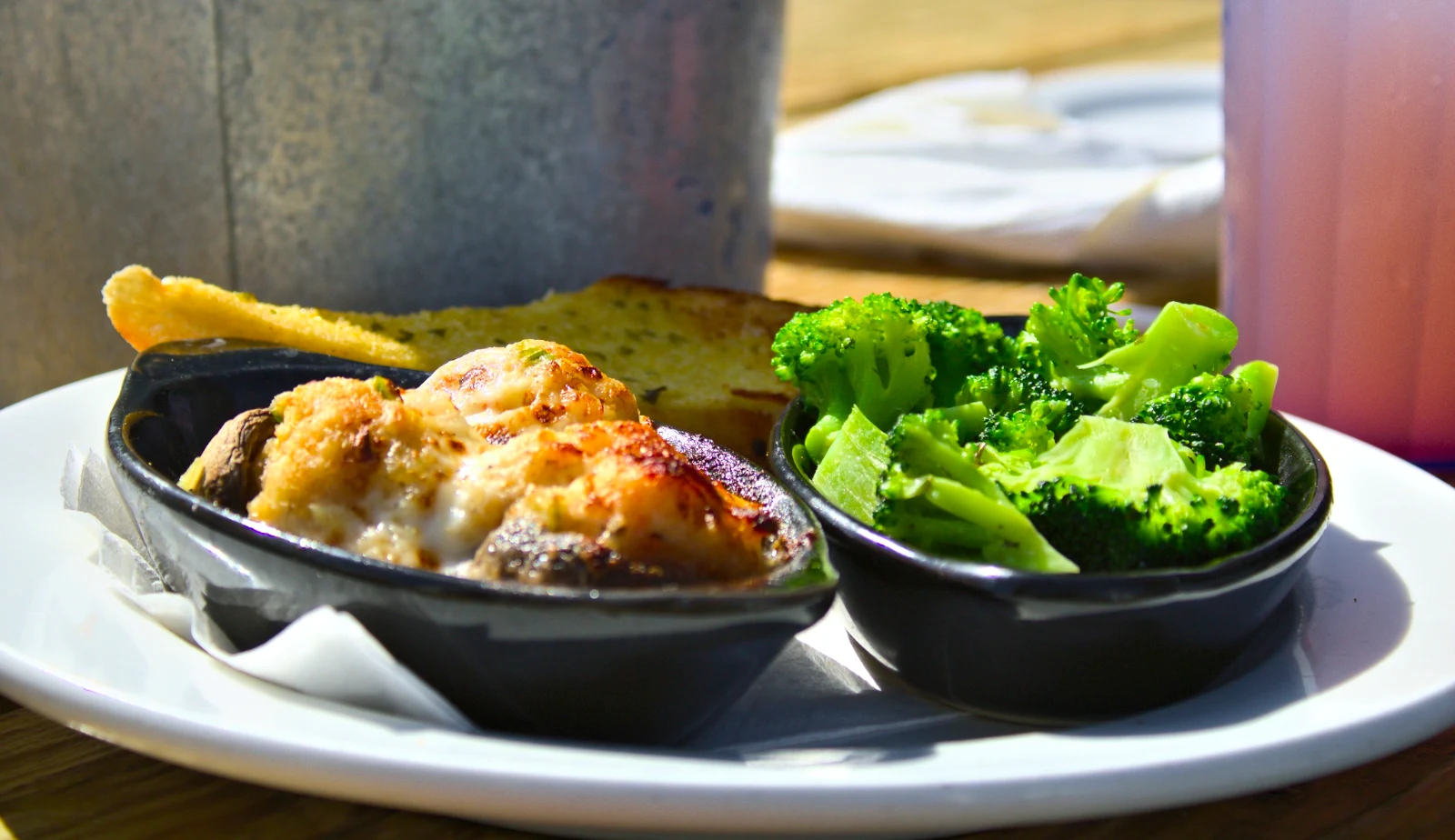 Punchy Social
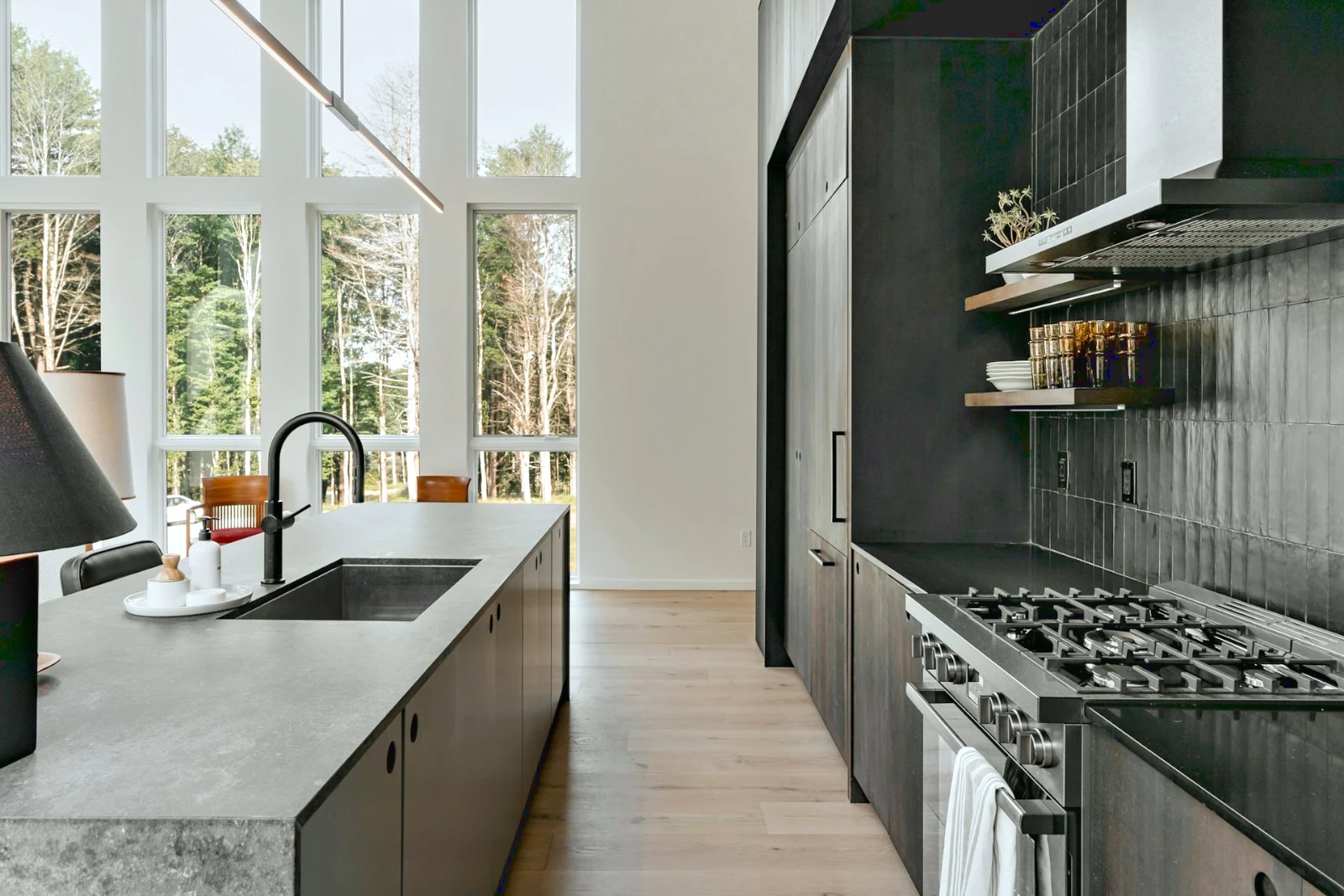
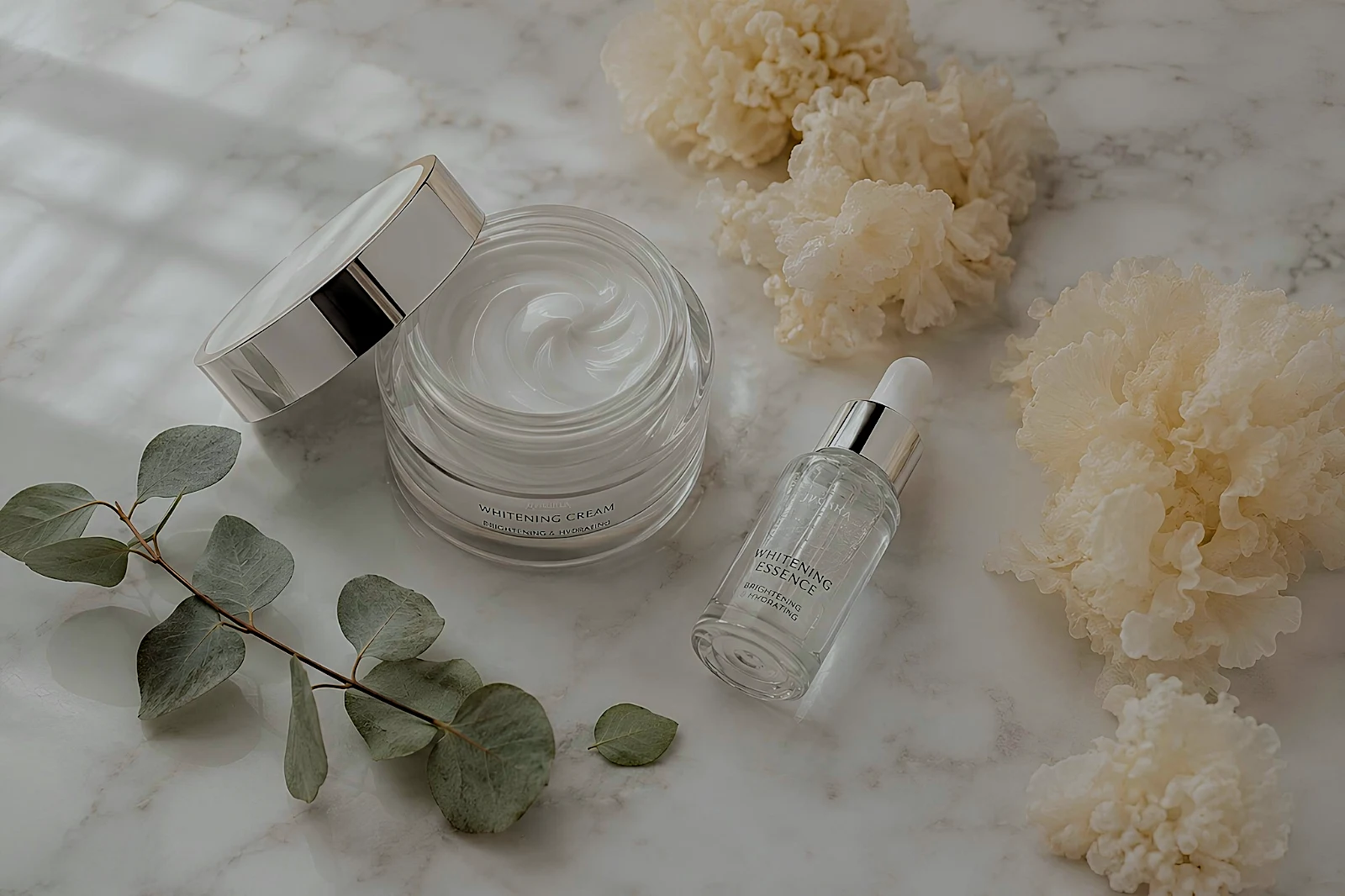 True Color
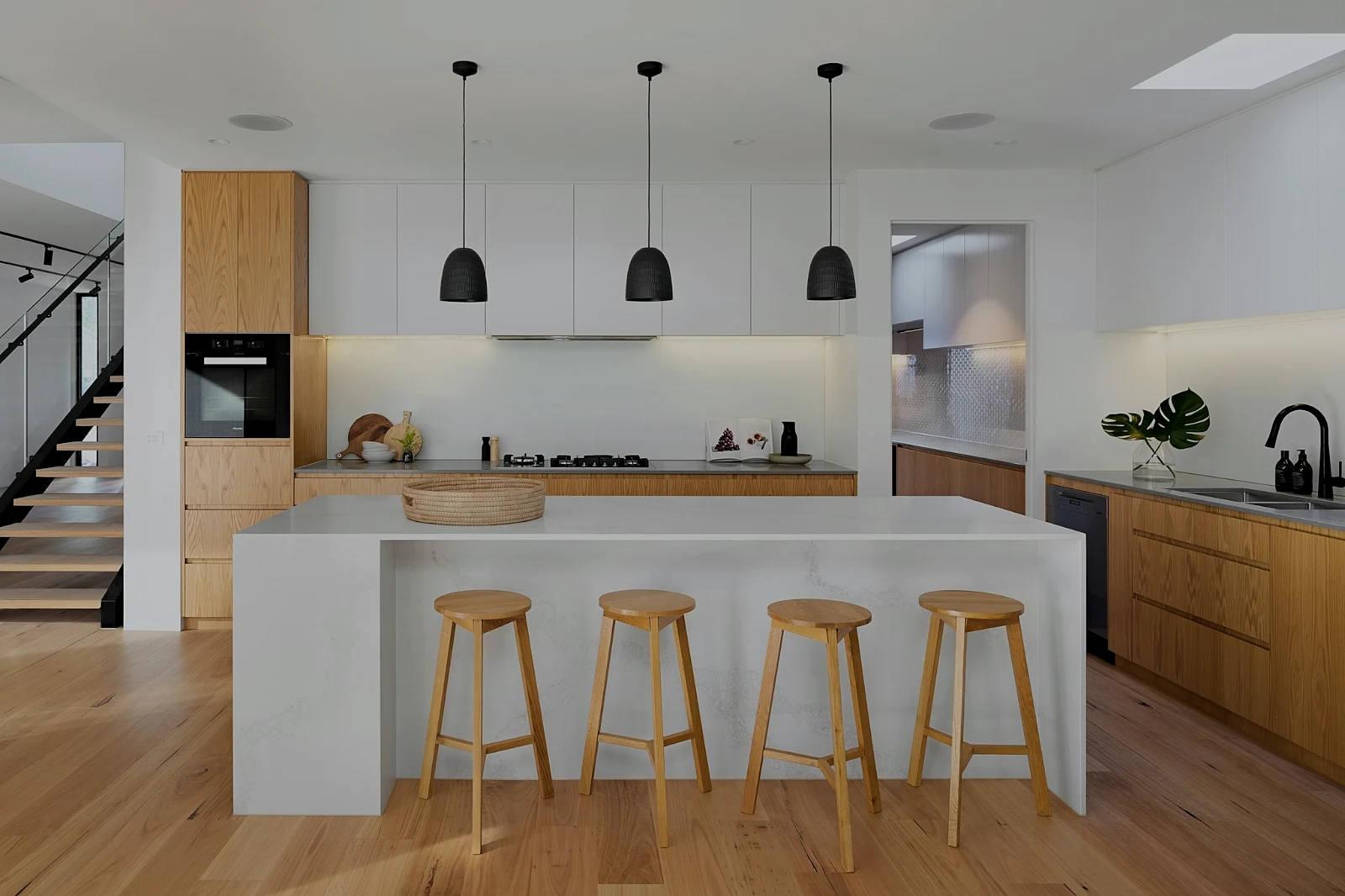 True Color
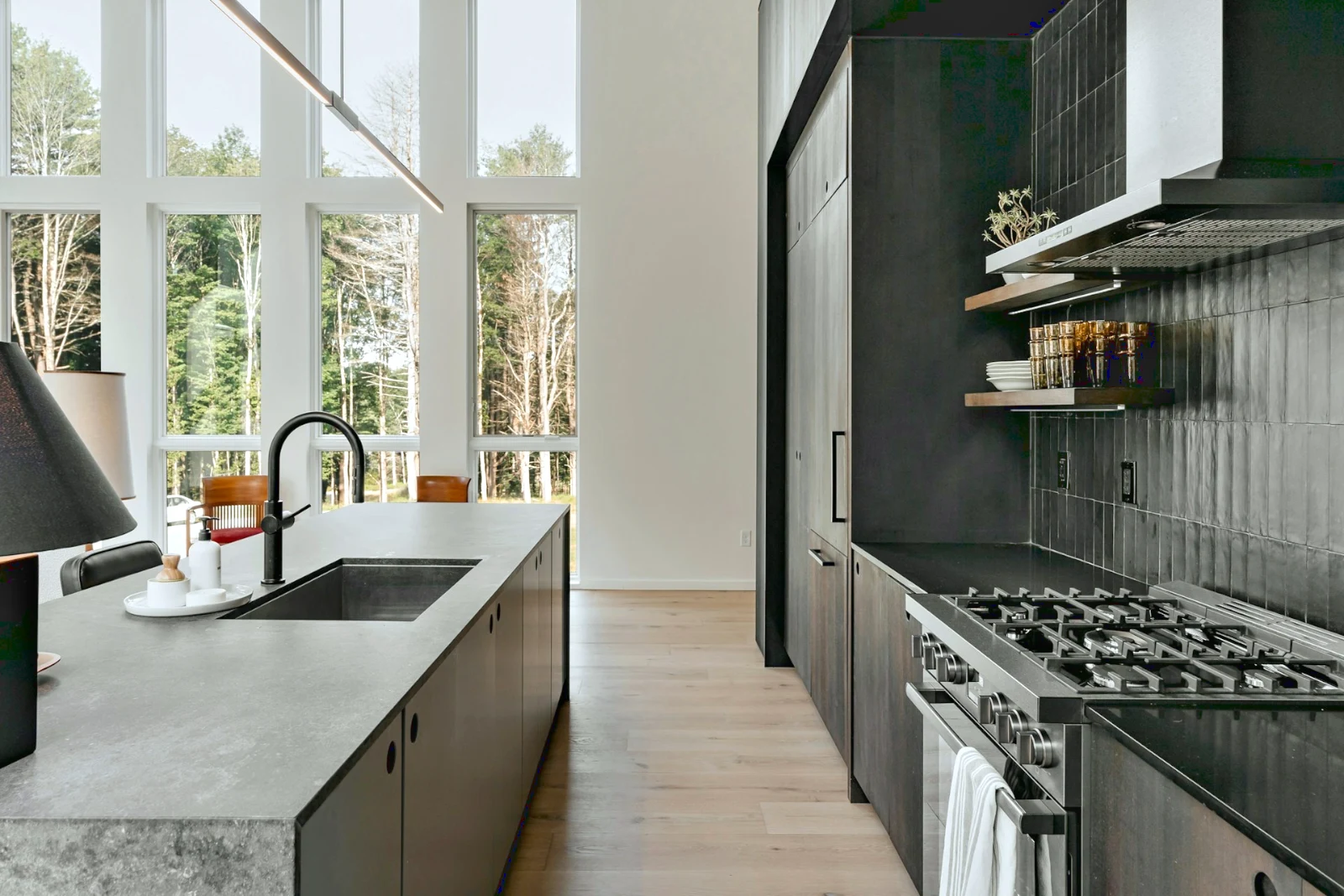
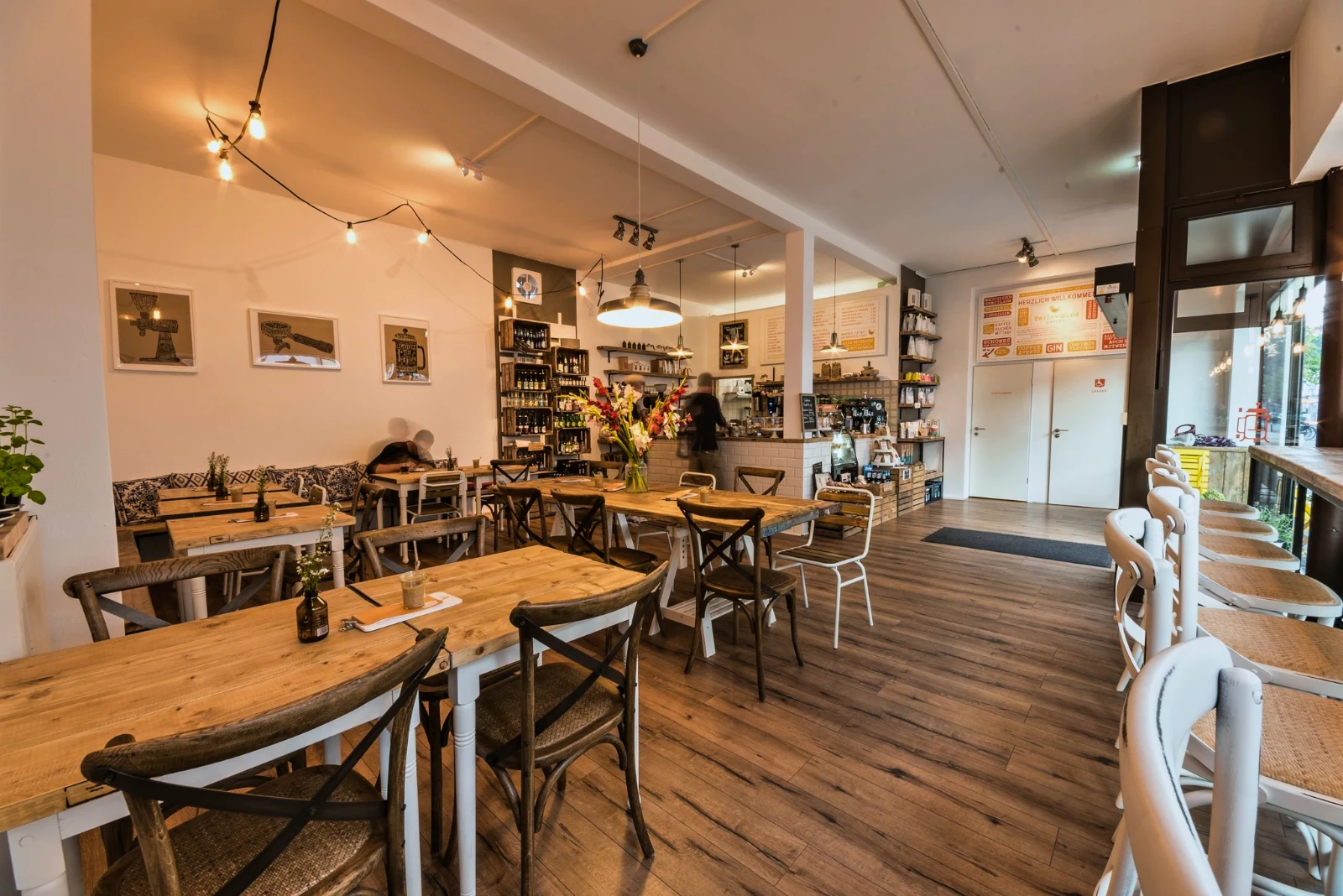
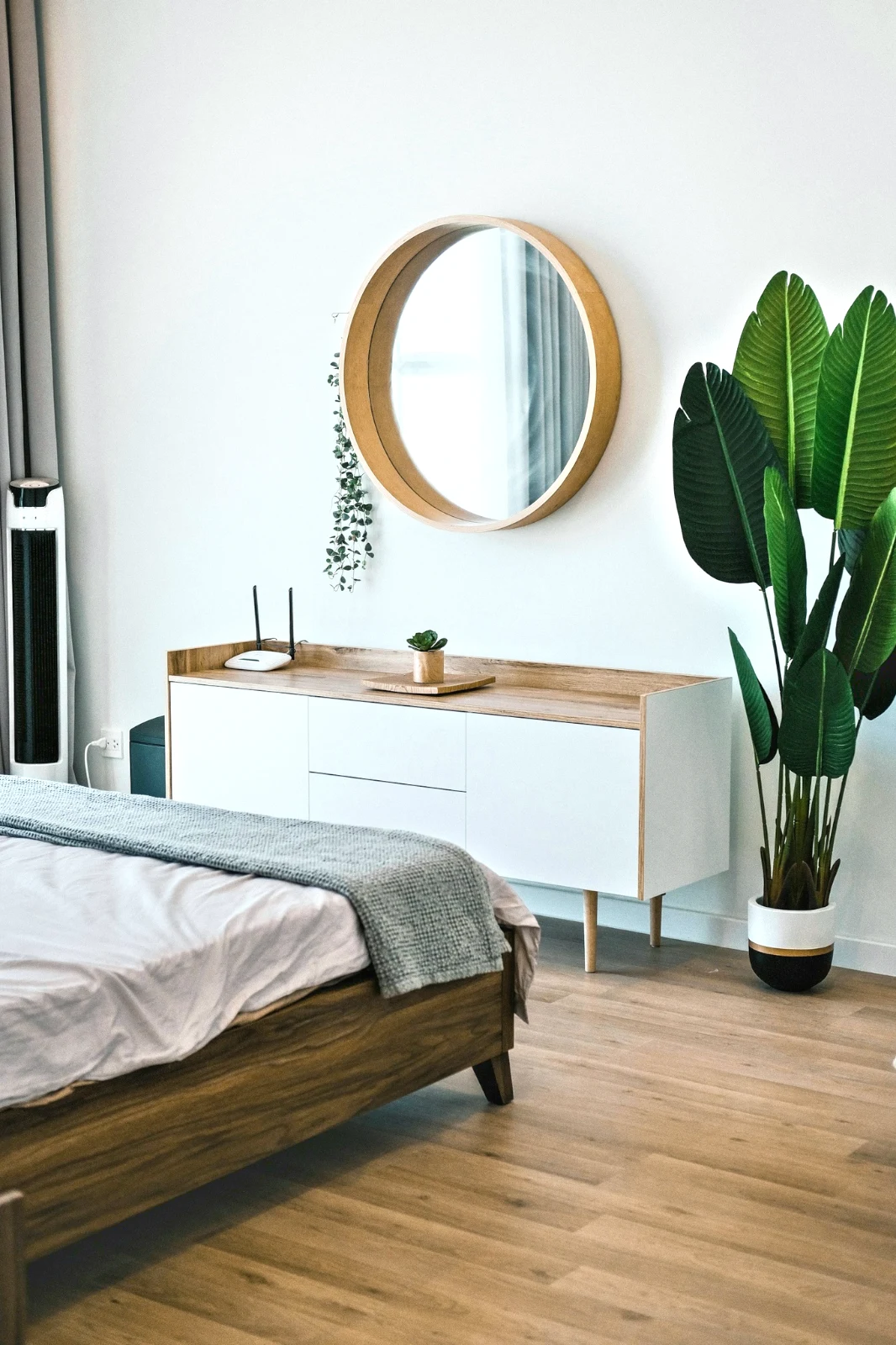
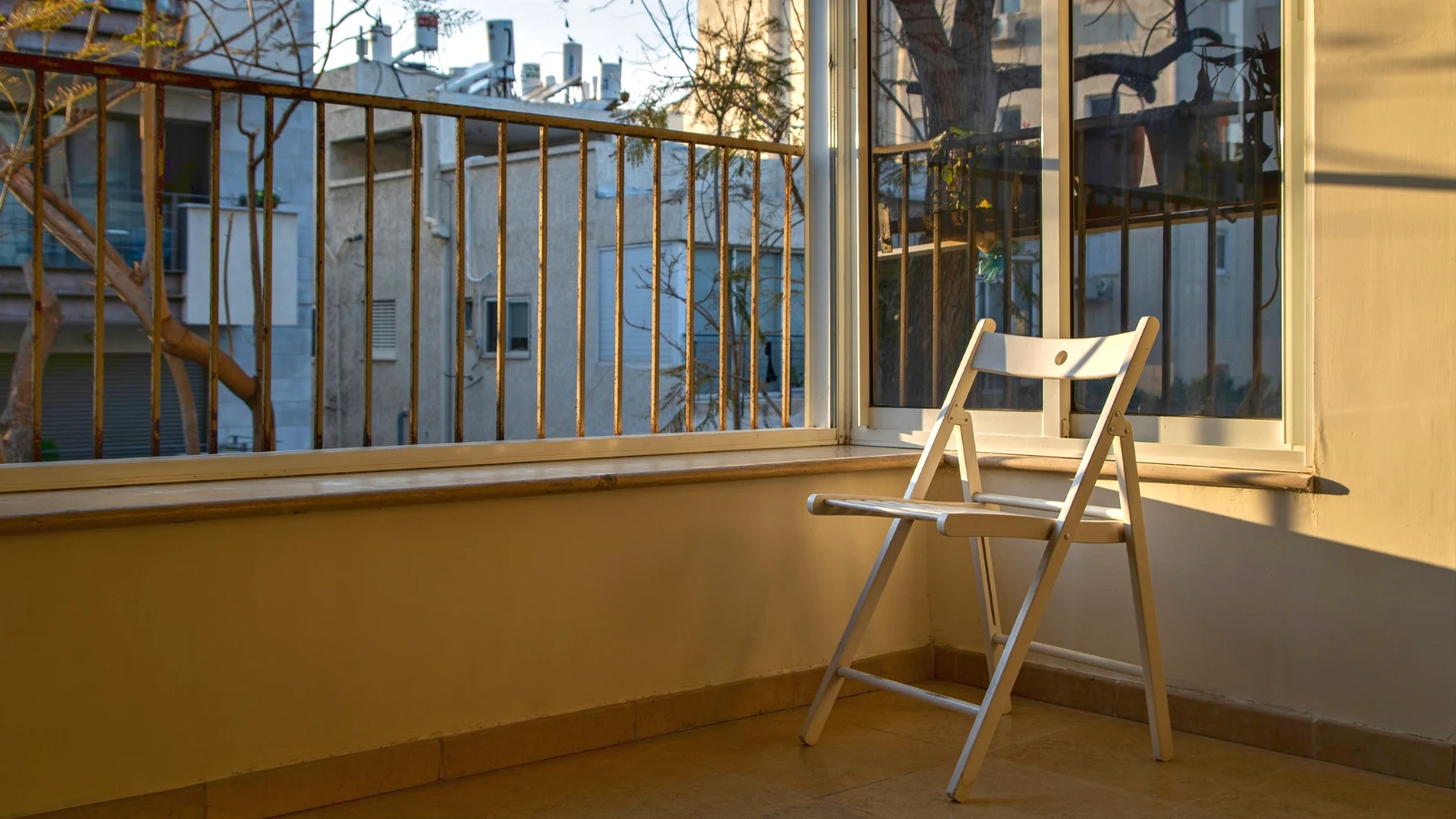
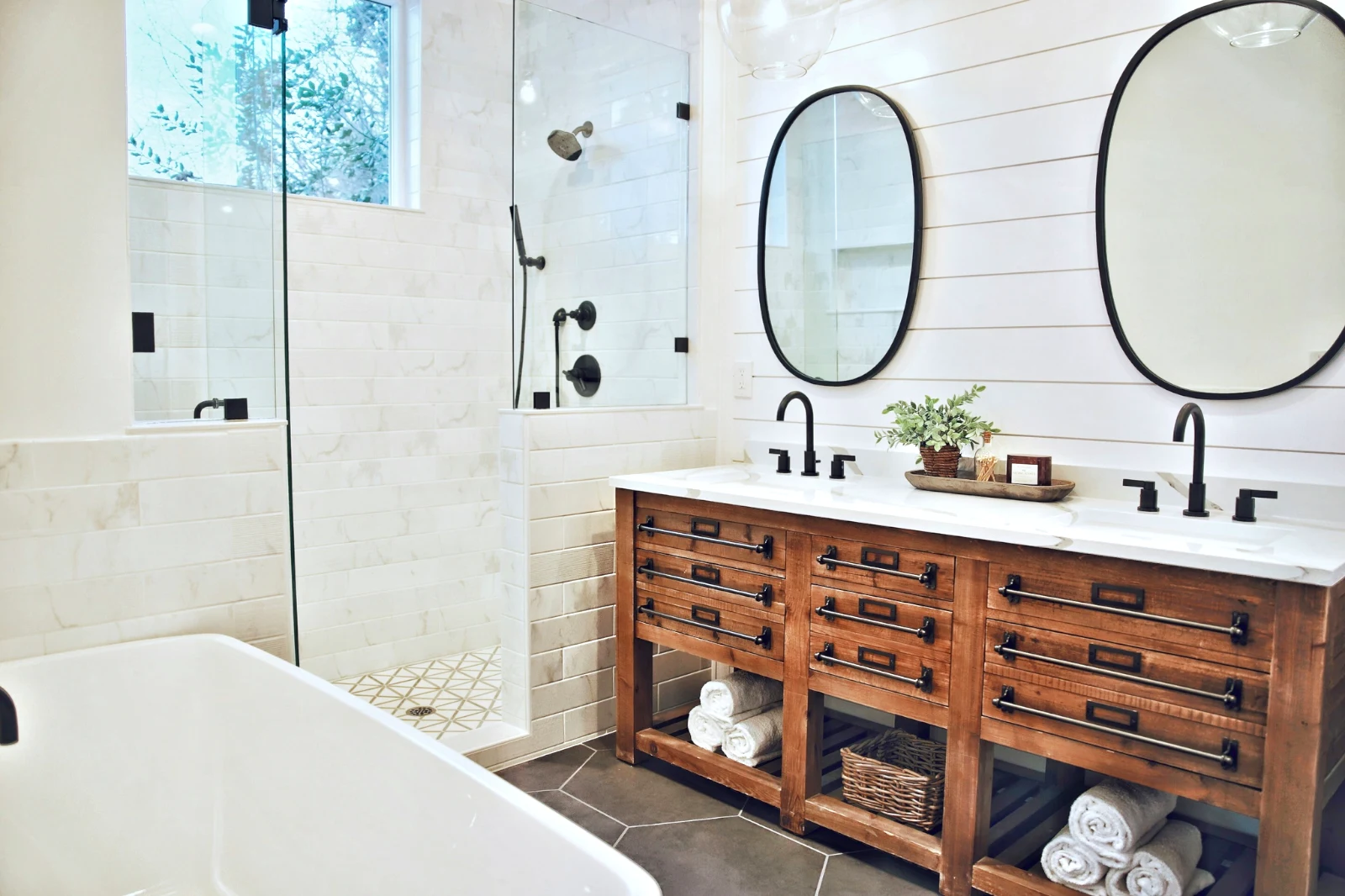
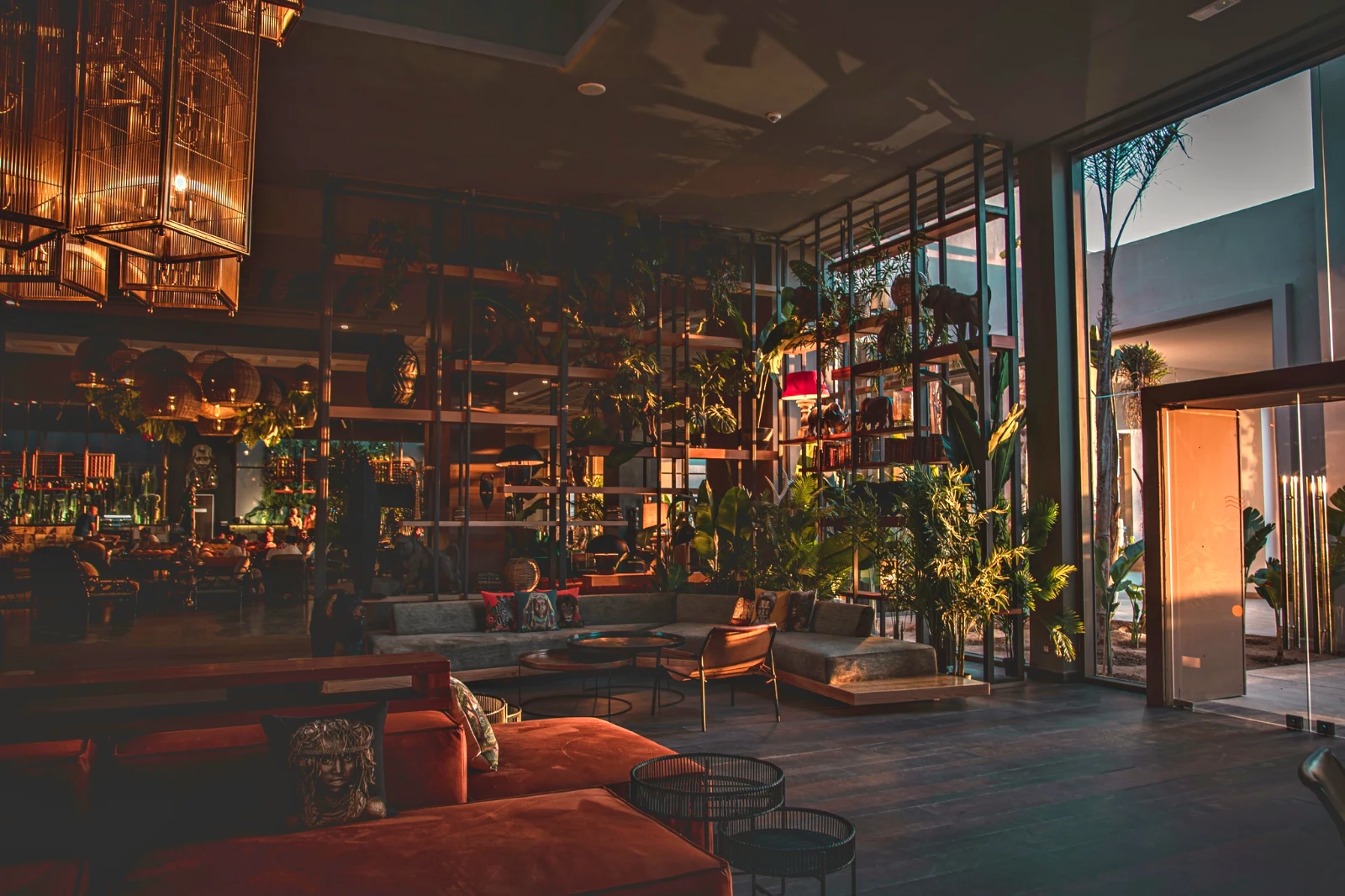 Warm Interior
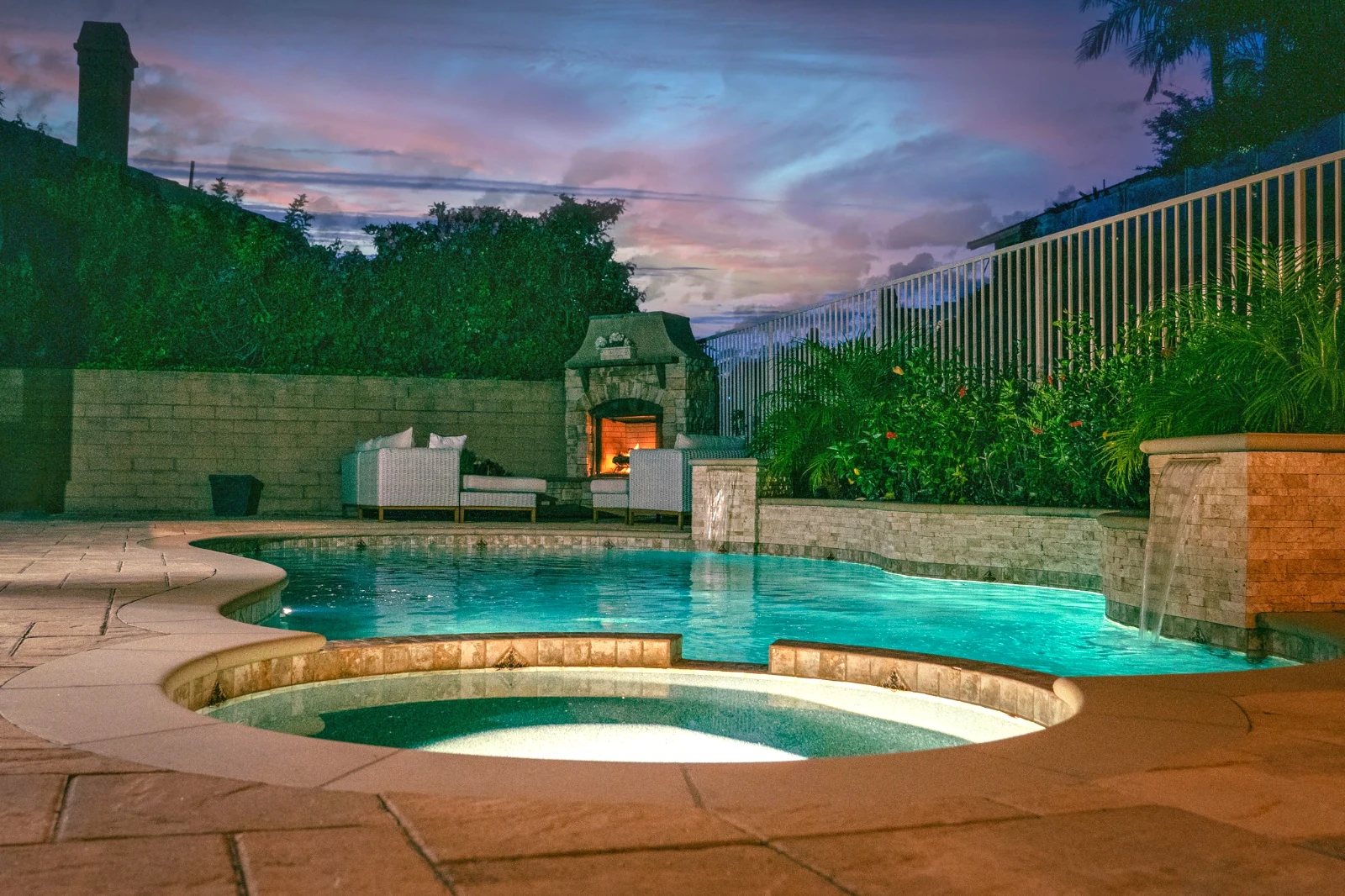
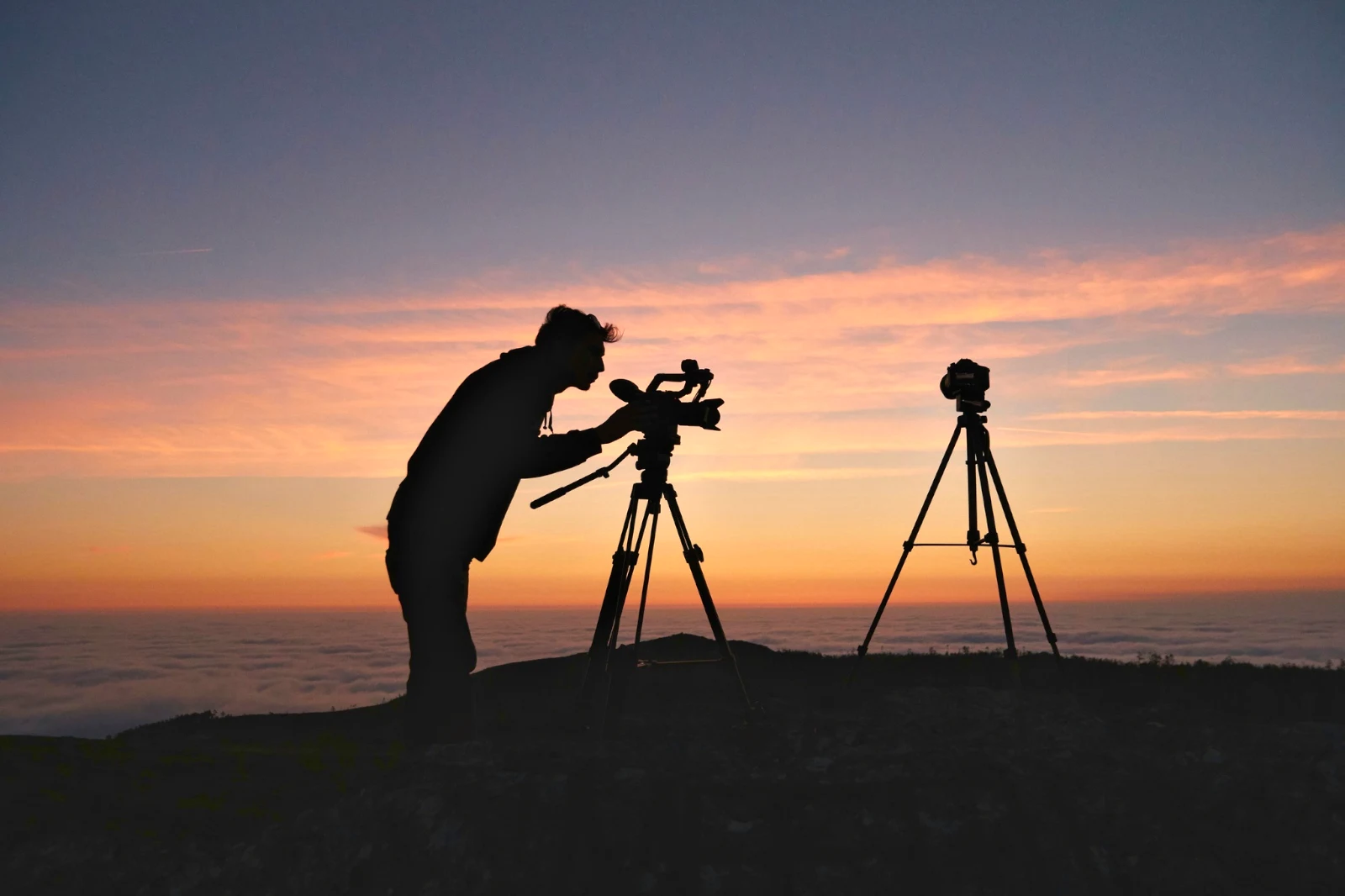
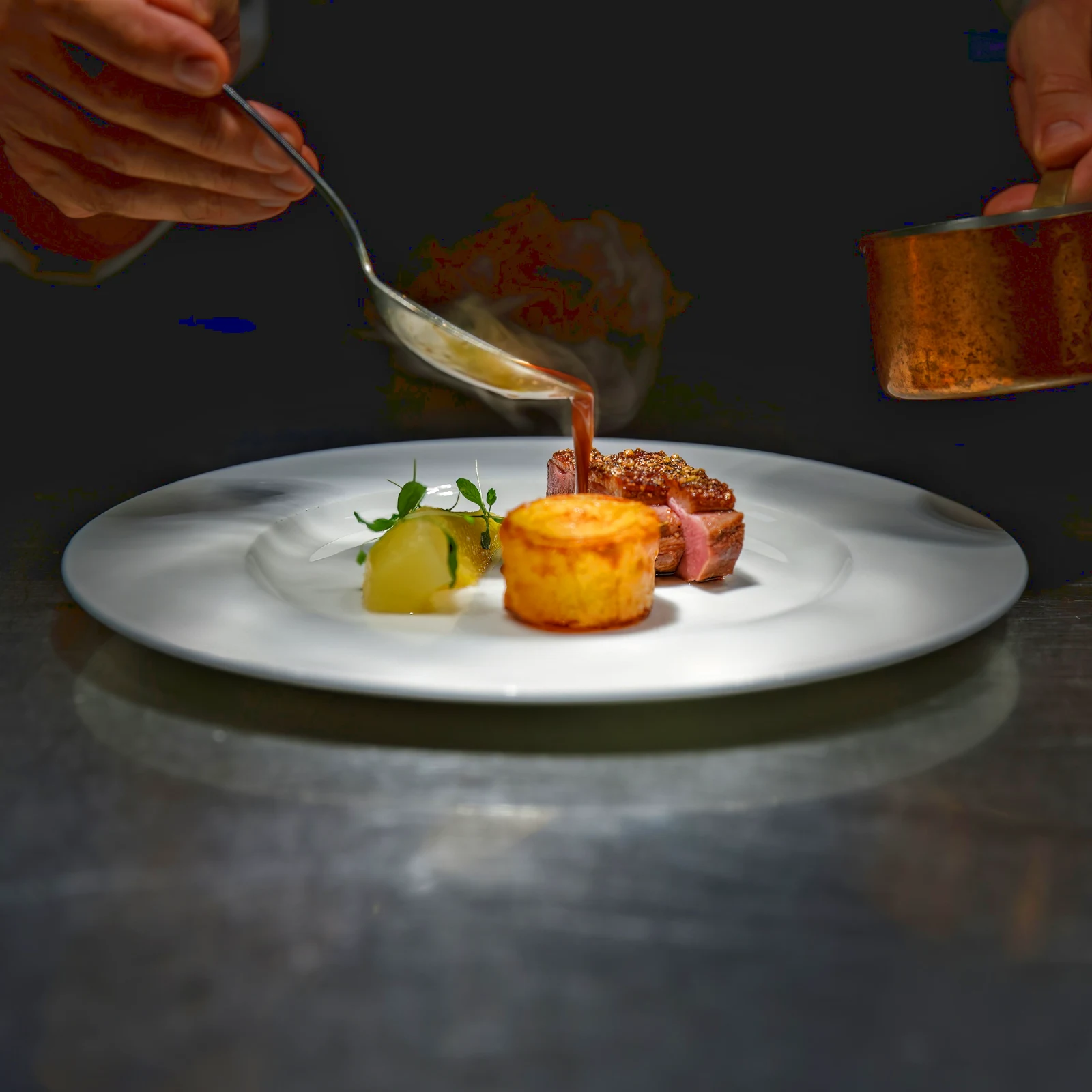 Twilight Glow
 Bright and Airy
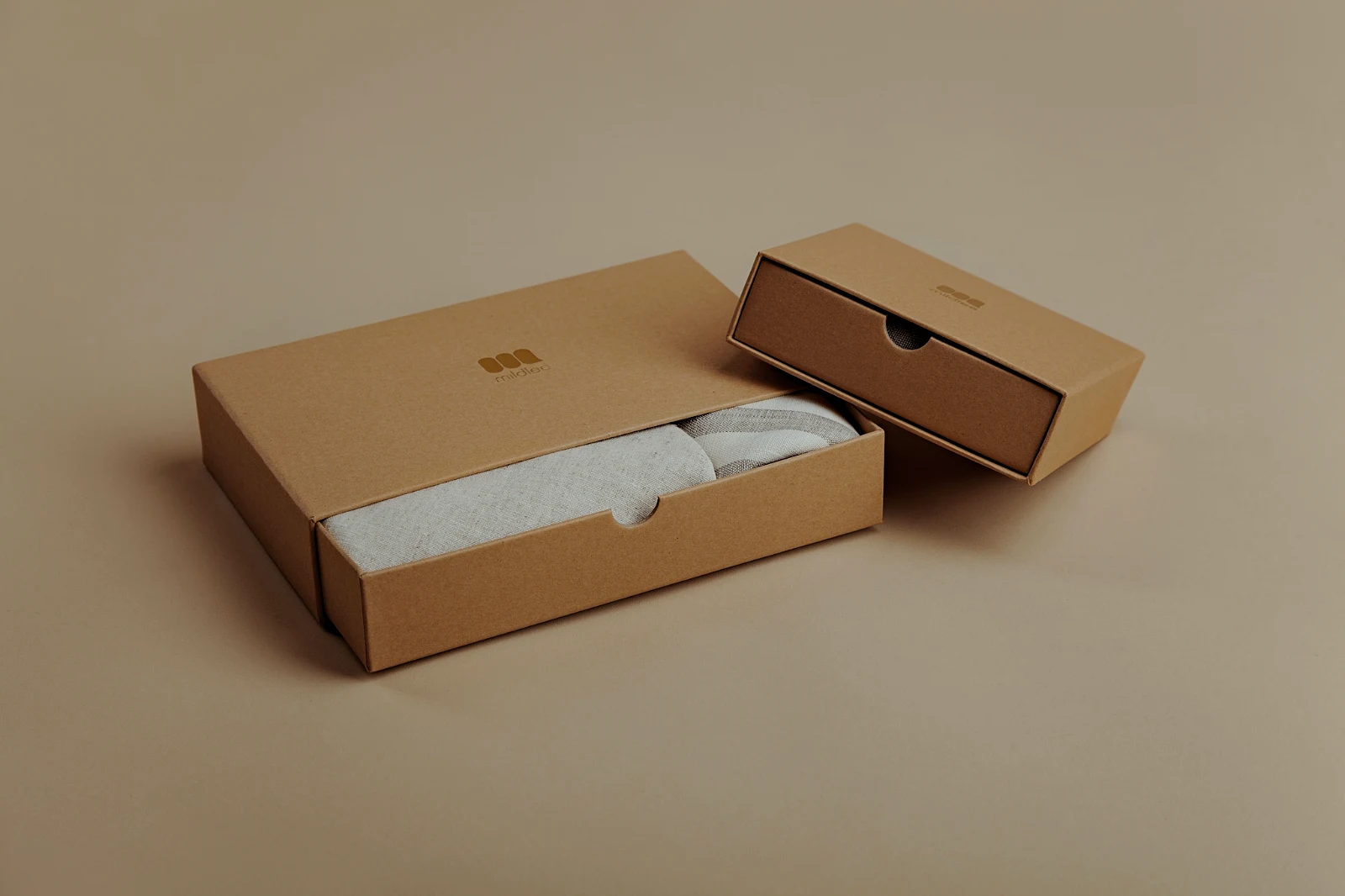 True ColorBright and AiryPunchy SocialPunchy SocialTrue ColorTrue ColorWarm InteriorTwilight GlowBright and AiryTrue ColorBright and AiryPunchy SocialPunchy SocialTrue ColorTrue ColorWarm InteriorTwilight GlowBright and AiryTrue ColorBright and AiryPunchy SocialPunchy SocialTrue ColorTrue ColorWarm InteriorTwilight GlowBright and AiryTrue Color
 Golden Hour WarmthMyne
 Soft Portrait
 Punchy Social
 Punchy Social
 Swart en Wit
 Soft Portrait
 Soft Portrait
 Twilight Glow
 Soft Portrait
 Soft PortraitGolden Hour WarmthMyneSoft PortraitPunchy SocialPunchy SocialSwart en WitSoft PortraitSoft PortraitTwilight GlowSoft PortraitSoft PortraitGolden Hour WarmthMyneSoft PortraitPunchy SocialPunchy SocialSwart en WitSoft PortraitSoft PortraitTwilight GlowSoft PortraitSoft PortraitGolden Hour WarmthMyneSoft PortraitPunchy SocialPunchy SocialSwart en WitSoft PortraitSoft PortraitTwilight GlowSoft PortraitSoft PortraitBright and AiryPunchy SocialPunchy SocialTrue ColorTrue ColorWarm InteriorTwilight GlowBright and AiryTrue ColorGolden Hour WarmthMyneSoft PortraitPunchy SocialPunchy SocialSwart en WitSoft PortraitSoft PortraitTwilight GlowSoft PortraitSoft Portrait
Van die skiet tot die kliënt se kieses
Een redakteur op twee dieptes: eenvoudig vir almal, elke beheer vir die mense wat vir 'n lewe redigeer.
Biblioteek
Elke foto wat die rekening hou.
Uitsondering
Vlaggetjies, Beste Eers en soortgelyke skote.
Auto en Uitsigte
Een tik, of 'n blik van jouself.
Pas aan
Lig, kleur, lyne en dele.
Massale Auto
'n Hele stel in een draai.
Lae
Kiesings, maske en verf.
Galerye
Die kliënt kies en noot.
Stuur Na
'n Ontwerp, 'n webwerf, 'n lysing.
Op 'n Telefoon
Die foto vol skerm.
Bring elke foto in, en vind dit weer.
Laai op vanaf 'n skriftable, die kamera of die kameralys, of deel 'n foto na Foto vanuit enige app. Elke foto wat die rekening in Depot hou, is in die Biblioteek, weer gevind deur sy ster, sy etikette, die kliënt se keuses of 'n soektog.
 Bewerk

 Bewerk
 Bewerk
Sterre en Tags
Dieselfde ster en tags Depot, Docs en Studio word gelees.
Sentrums en Mappe
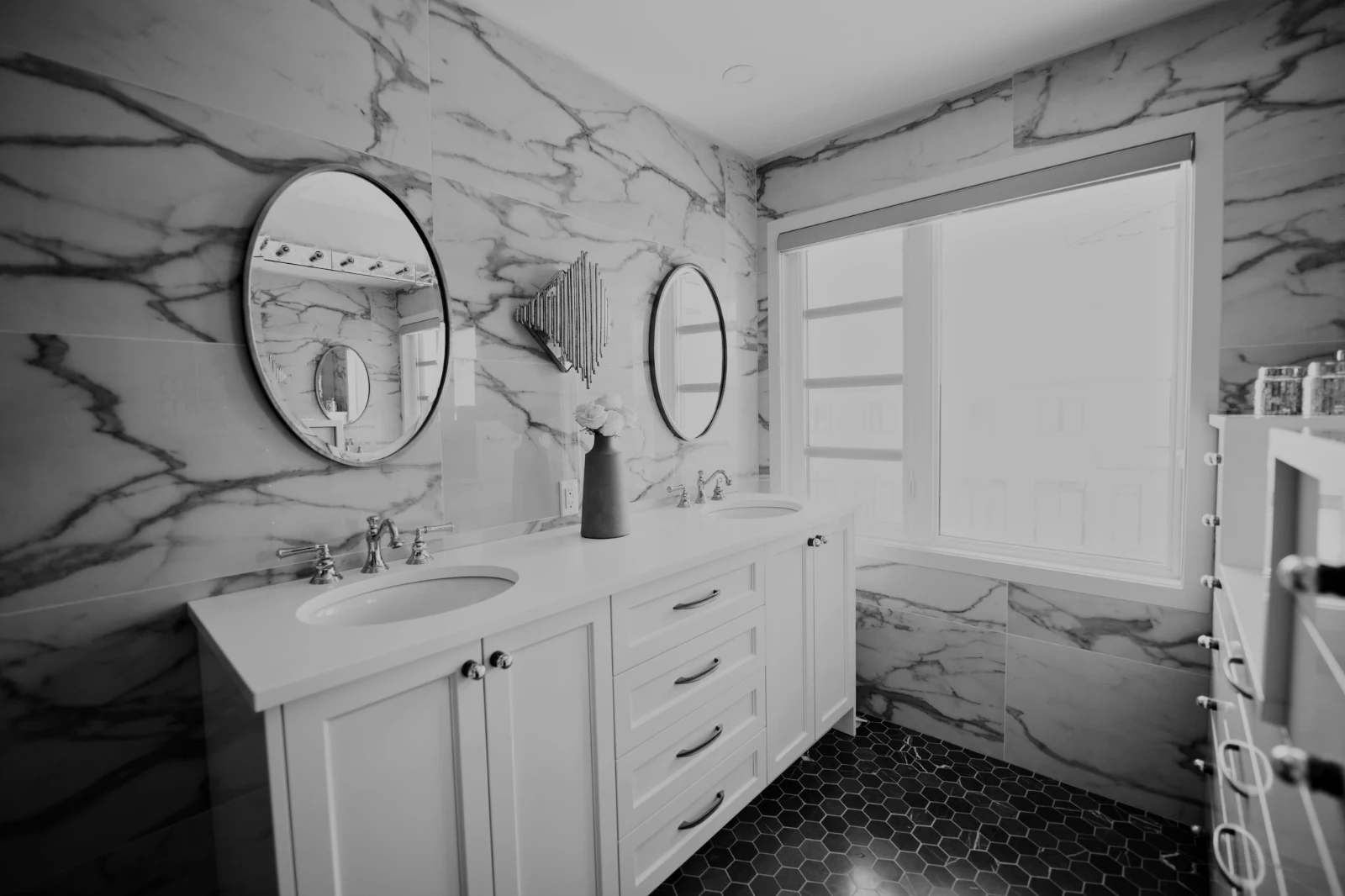
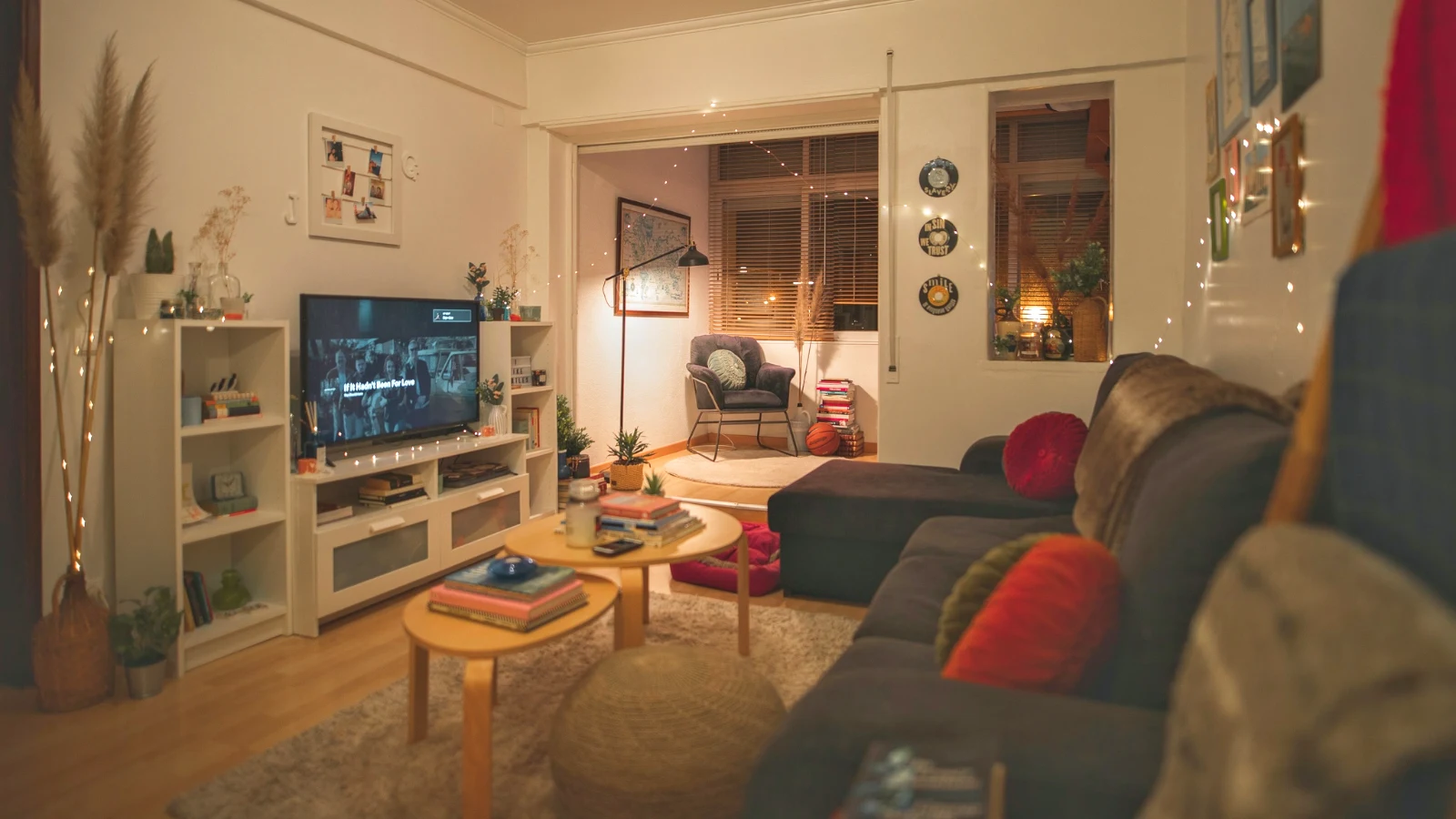
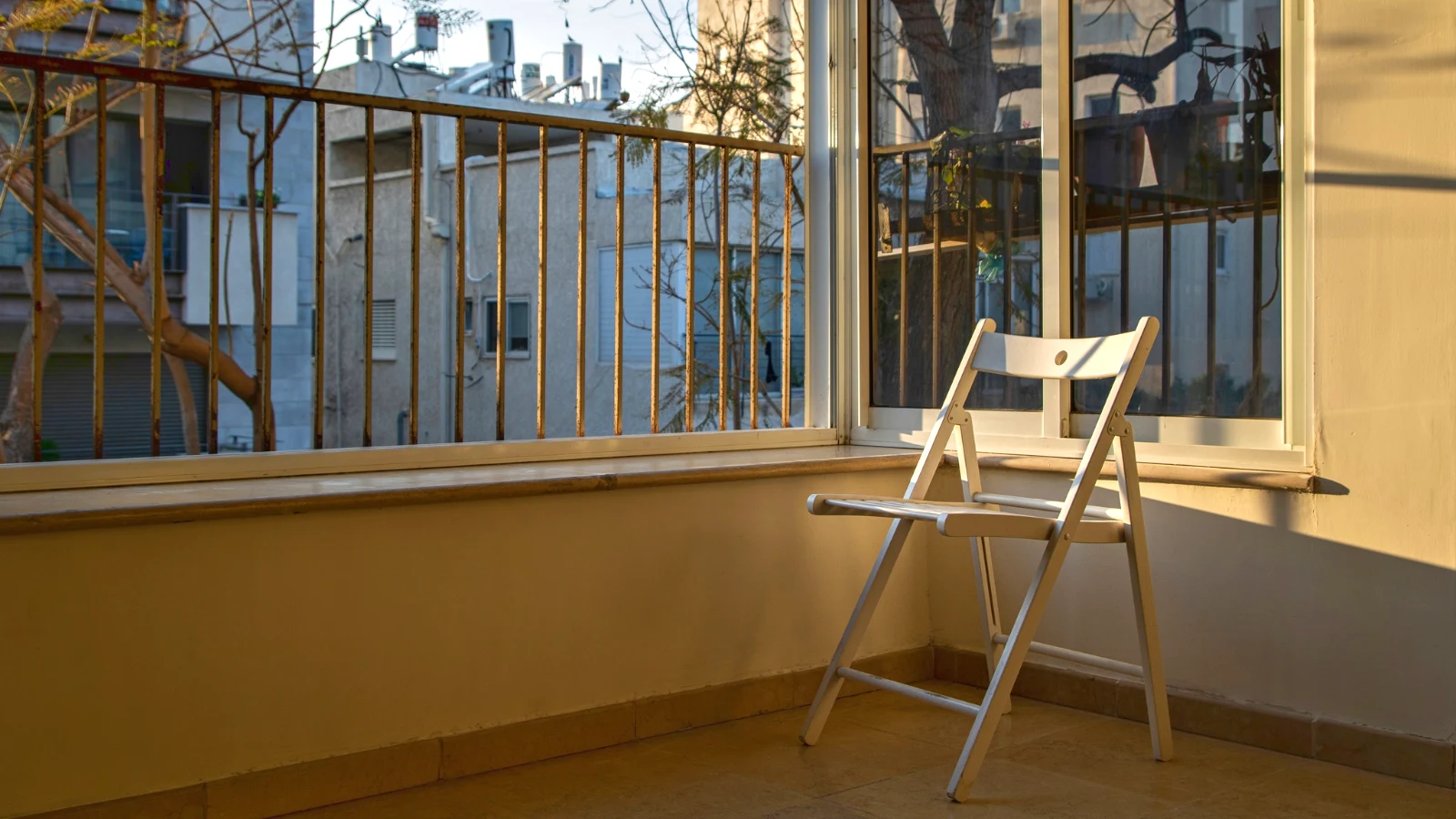
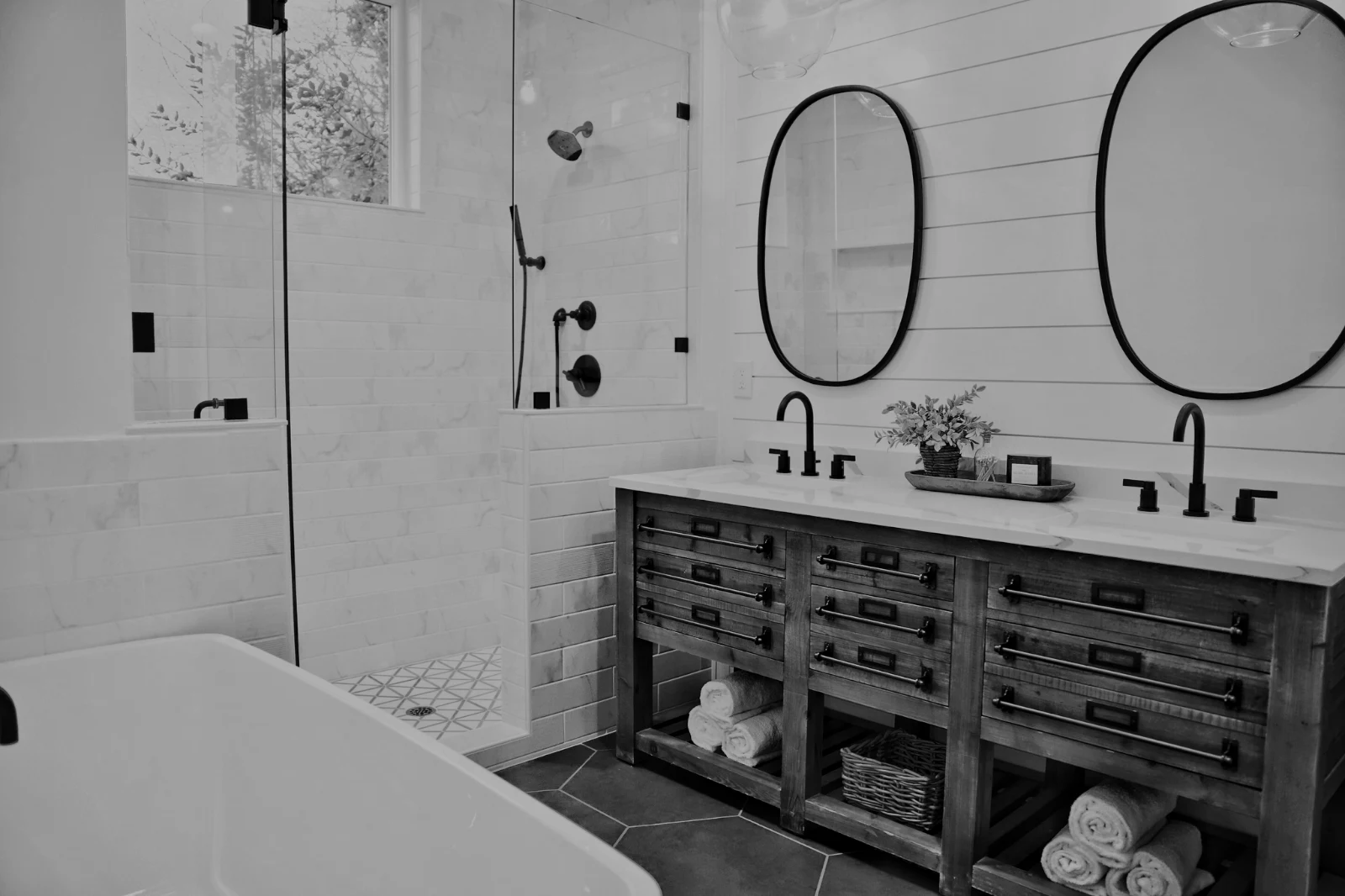
Foto's van 'n Hub alleen; Beweeg Na… 'n Map (met Depot).
RAW en HEIC
'n RAW word op die toestel ontwikkel, of op die server wanneer dit nie kan nie.
Vastgebondene Opname
Kamera op USBKamera gekoppel · Canon EOS R6 Mark II
 Live BesigSkietStop Live Weergawe
AangekomFoto's van die kamera land hier en in die Kamera-oplaai-hub.
Toepas op Elke Nuwe RaamPas True Color toe AW27_flatlay_01.jpg
 AW27_packing.jpg
 AW27_unboxing.jpg
 AW27_shelf.jpg
 AW27_tote.jpg
Skiet direk in Foto via USB met Live View, of vanaf die kamera se eie Wi-Fi-oordrag.
Vind die bewaardragers sonder om elke raam te kyk
Elke foto word na dit geupload is gelees: sy fokus, sy beligting en of iemand se oë gesluit is. Sorteer Eerstens Beste, toon die voorgestelde beste skote, filter per vlag, en vergelyk soortgelyke skote nevens mekaar. Niets is vir jou gemerk: jy kies die behouds.
 Closed EyesMissed FlashMissed FocusBlurryBlack Frame
Geslote Oë en Vermiste Fokus
Gemerk op die foto, soos Vlugtig, Swart Raam en Mislukte Flits, elkeen 'n filter.
Closed EyesBlurryMissed FocusMissed FlashBlack FrameVastel 'n foto in een tik, of pas 'n voorkoms toe
Auto lees die foto op jou toestel af, stel sy skuifstokkies in en noem elke een wat hy beweeg het; Undo sit die foto terug. Looks hou Calisto se looks en jou eie, die een wat pas by die foto eerste, en Save Look hou enige redigering as een van joune.
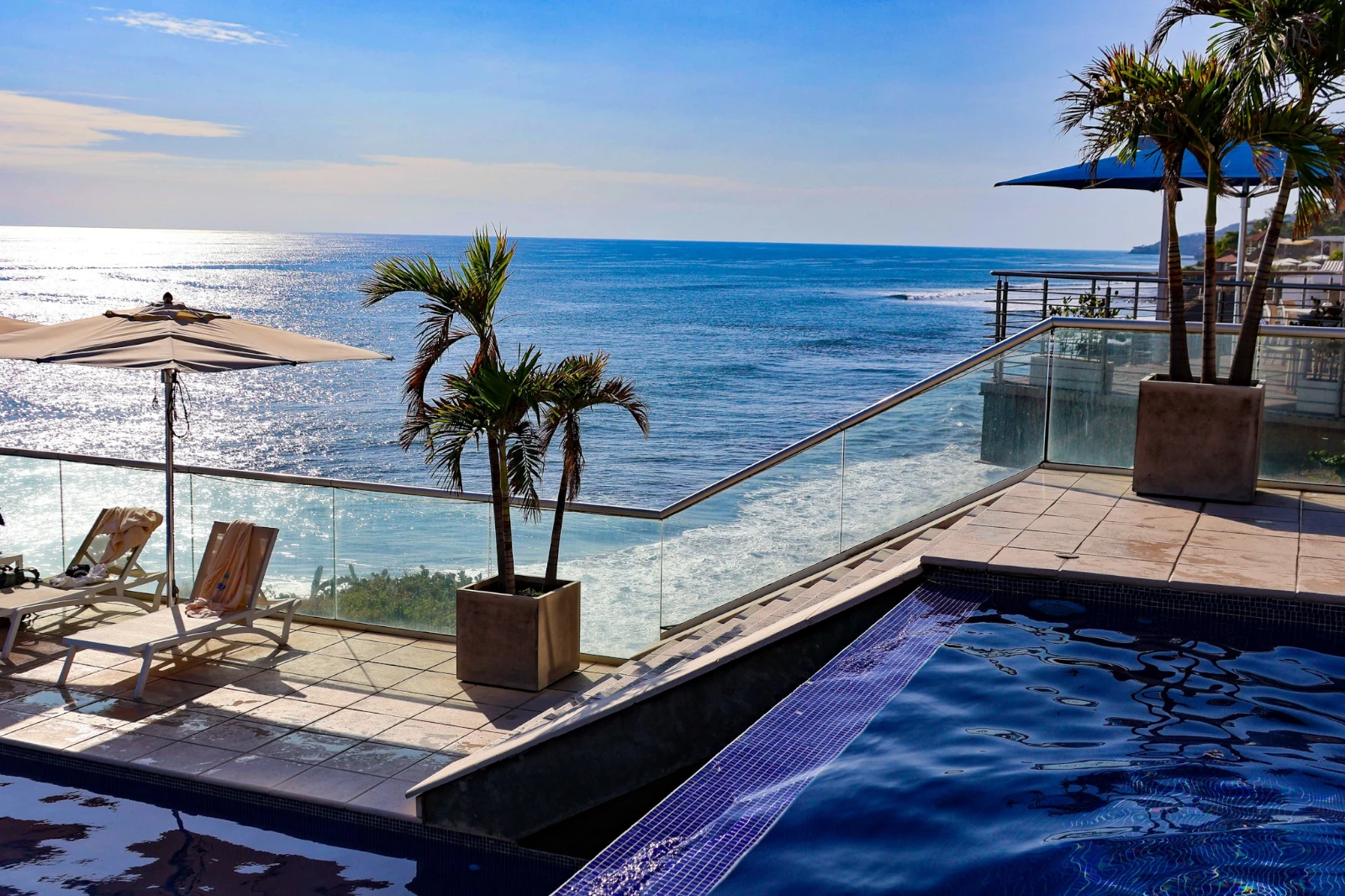
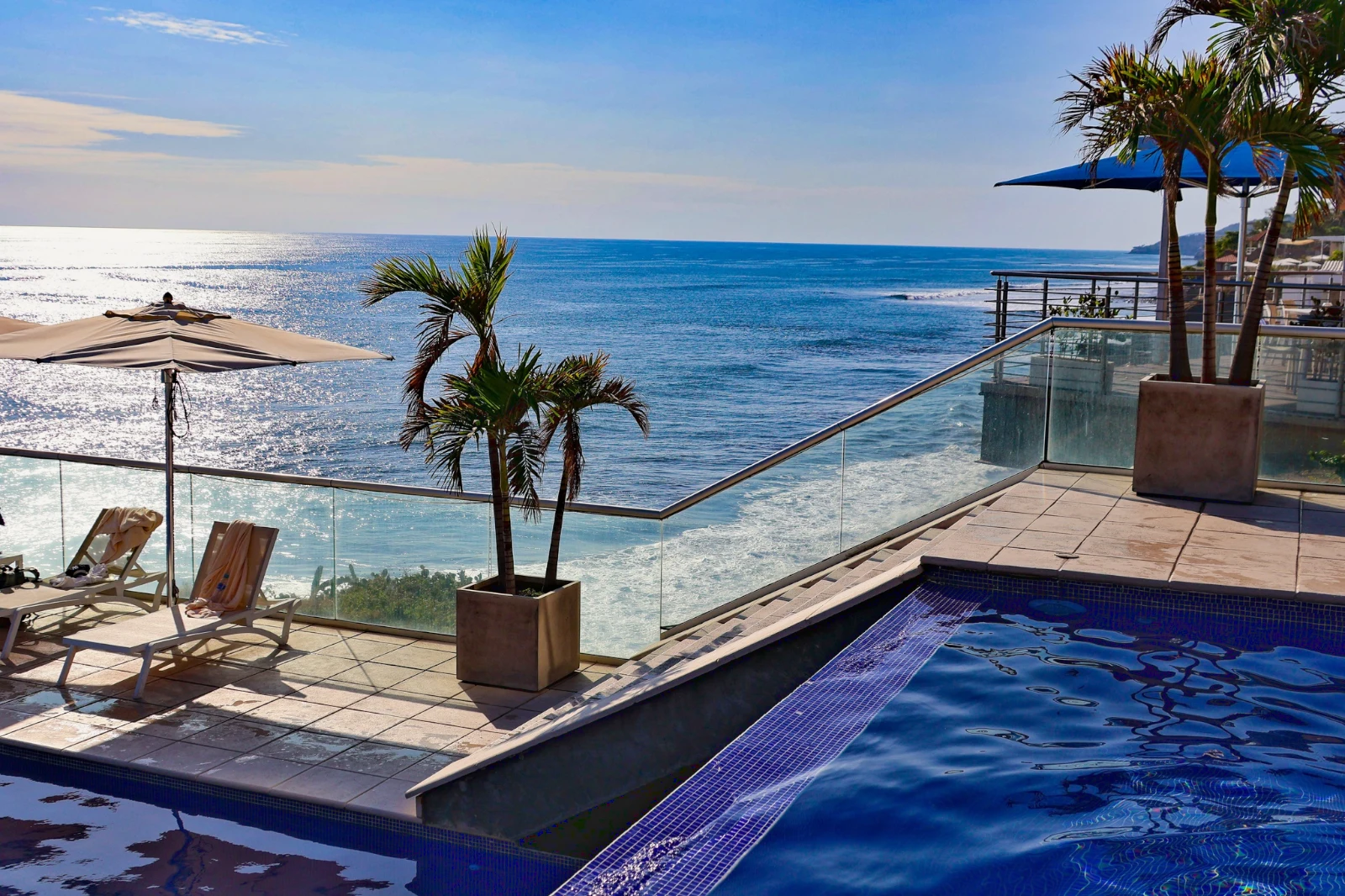
Jou Styl
Auto het die manier beweeg waar jy dit beweeg, geleer van jou eie redaksies; elke waarde 'n skuifregelaar.
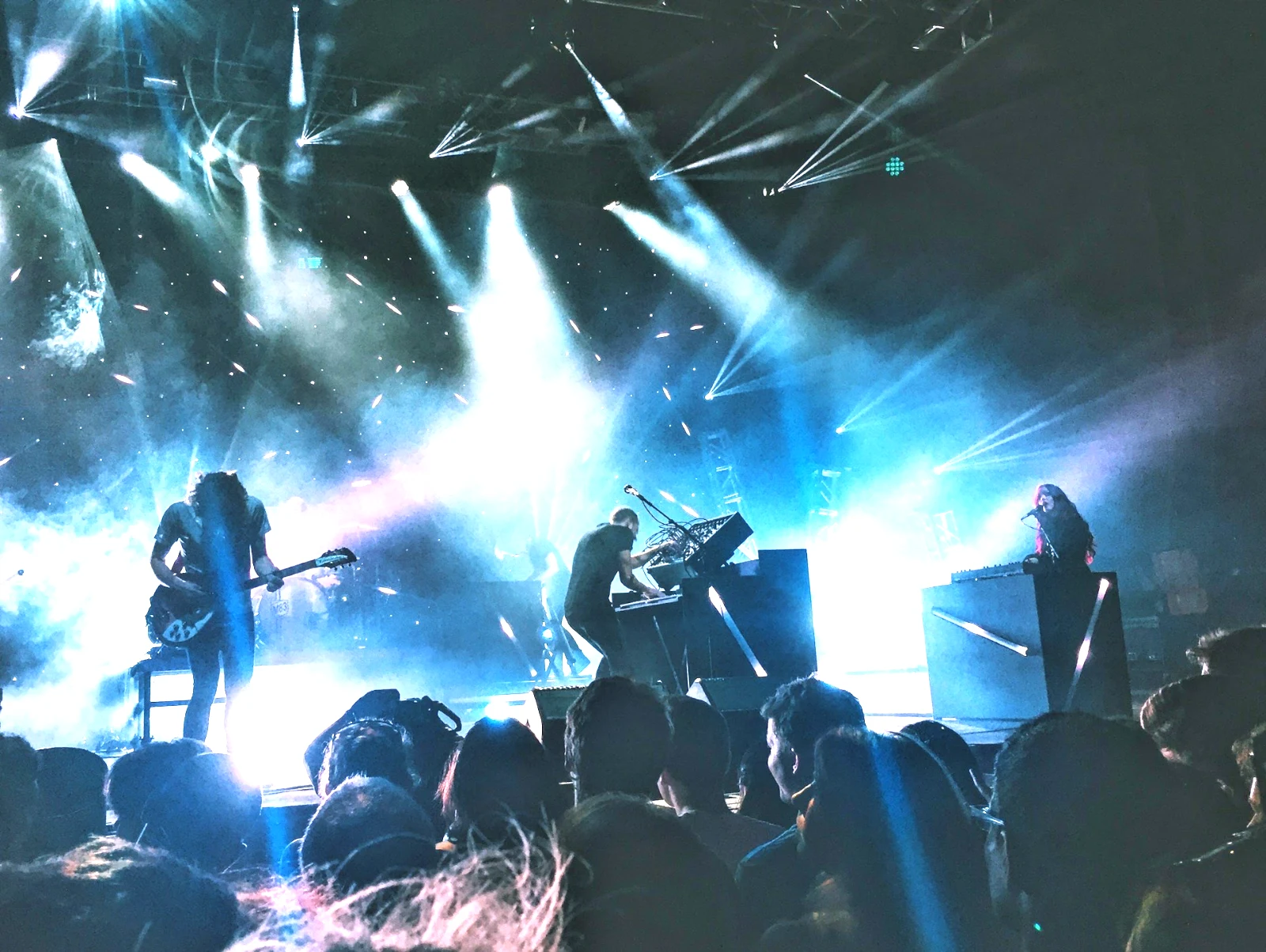
Suggested Looks
Die uitsig wat gemaak is vir 'n foto soos hierdie een, eerste in die lys.
Aksies
Neem u stappe een keer op en speel hulle op enige foto of 'n hele seleksie.
Kontakblaaie
'n Keuse wat op 'n rooster gedruk word met name, sterre, keuses en vlaggetjies, as 'n PDF.
Pas 'n Foto
'n Ander foto se lig en kleur, ingestel as hierdie een se skuifbalkies.
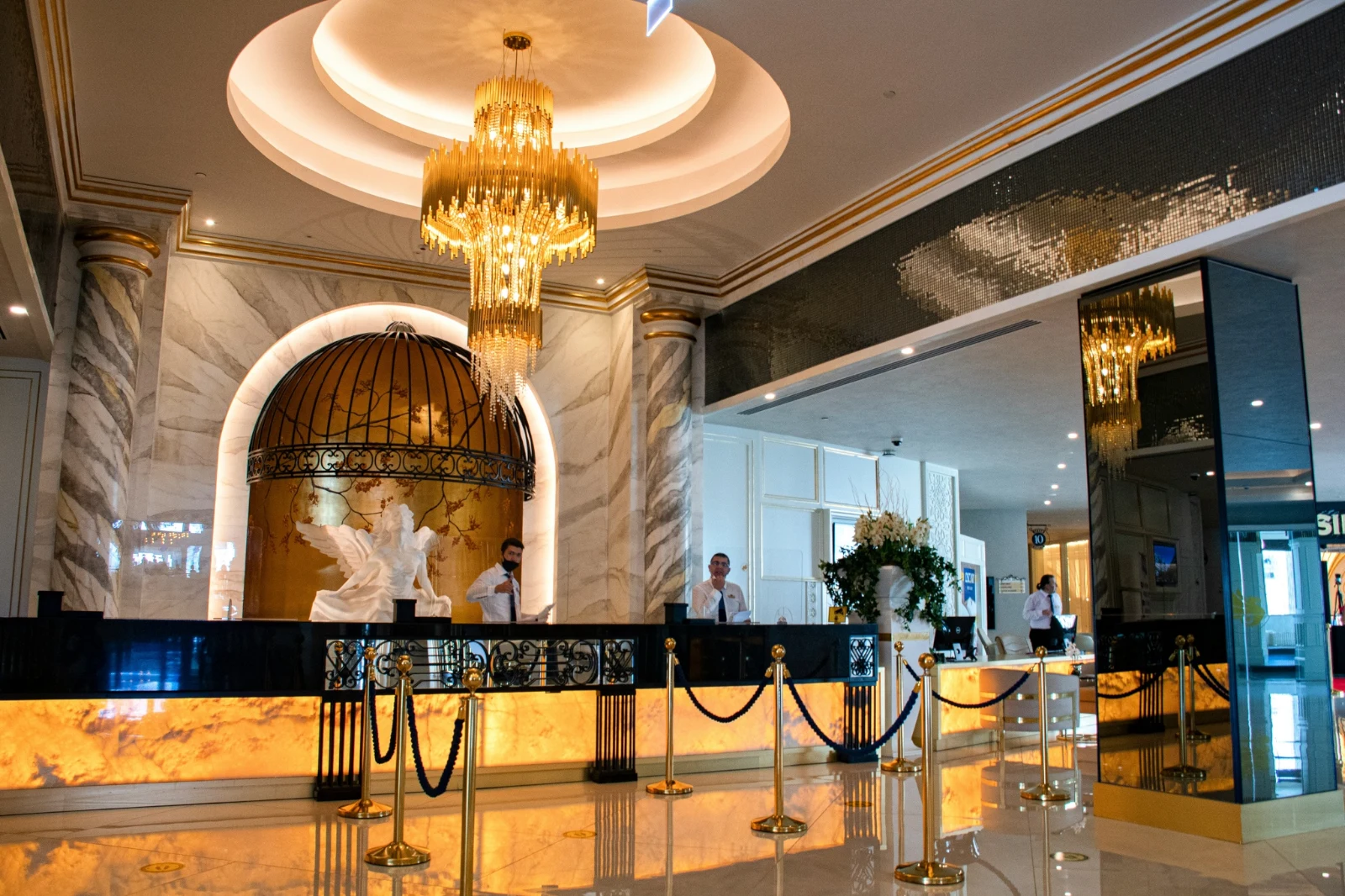
Nooit die Oorspronklik nie
'n Bewerking sit langs die foto met sy geskiedenis; die oorspronklike bly soos dit aangekom het.
Voor
Hou druk om die foto soos dit aangekom het te sien.
 Voor
Stel die lig, die kleur en die lyne met die hand
Lig, Kleur en Besnyding open eerste, en elke ander beheerder, van die toonkurwe tot ruis en die lens, is een tik weg agter Meer. Reguit Lyne vind die foto se lyne en stel Transform self, of los die lyne wat jy teken.
Verwyder en Repareer
Skilder oor 'n kabel of 'n vlek; Clone en Vul langs dit.
Pas Deel aan
Die lug, die onderwerp of die agtergrond, 'n veeël, gradiënte of 'n helderheidsreeks.
Mense
Vel, gesig, oë, lippe, hare, klere of die hele persoon; Retouch Skin gelyk dit na hul eie toon toe.
Lens en Portret Vervaging
Die agtergrond vervaag, of die hele foto deur sy diepte, met die fokus waar jy dit ingestel het.
Filmnegatiewe
'n Gescande kleur- of swart-en-wit negatief wat positief gemaak is, met die oranje masker verwyder.
Korrekte Lens
Die kamera se eie korreksie, anders die lensprofiel, en kleurefringe verwyder.
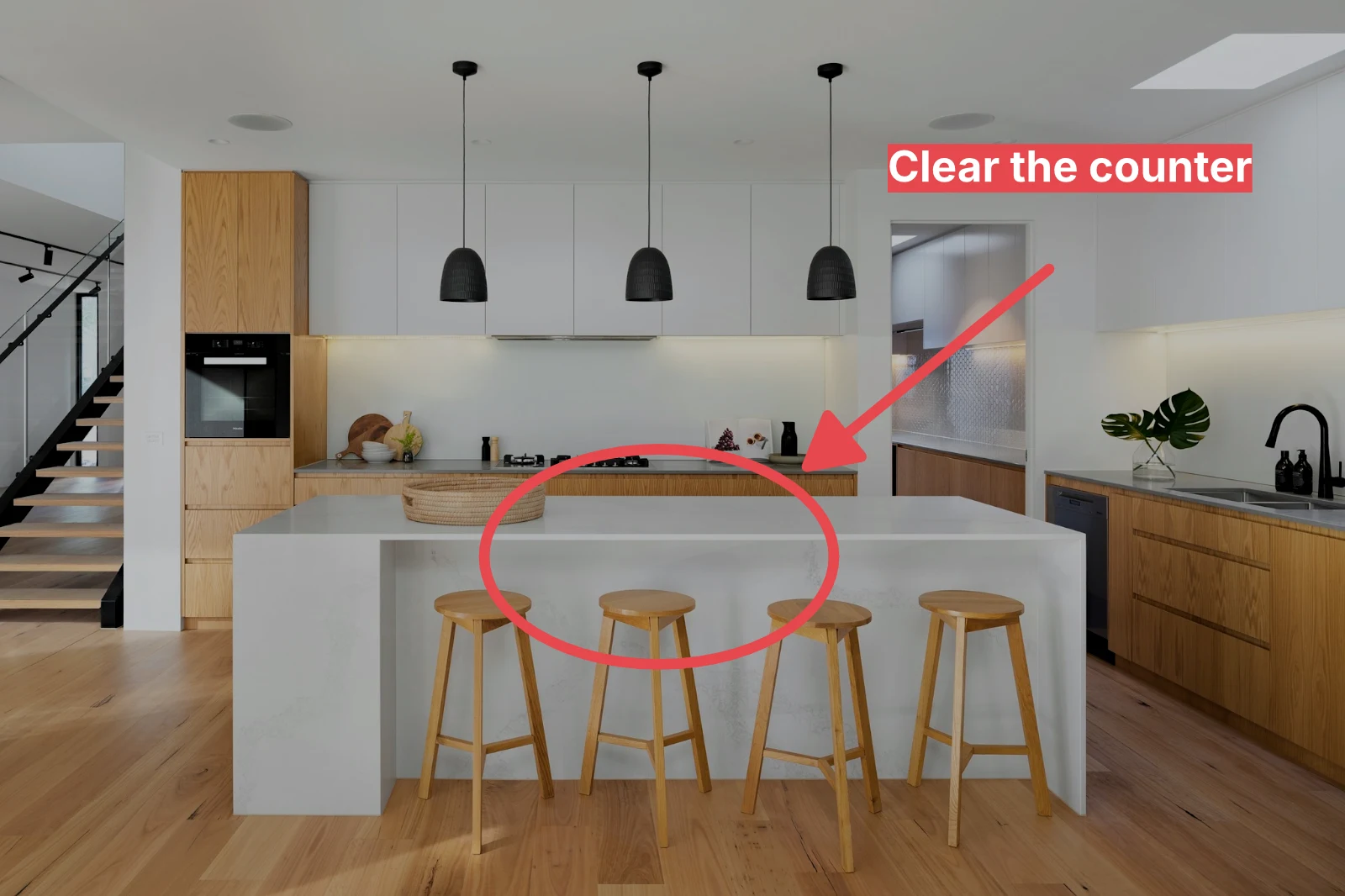
Opmerkings
'n Pyl, 'n sirkel, 'n doos of 'n etiket wat op die foto getrek is.
Gee 'n hele stel sy Auto en jou uiterlik
Kies foto's in die Biblioteek en 'n uiterlik, en druk dan Massief Outomaties. Elke foto kry sy eie Outomaties op jou toestel, dan die uiterlik, opgeslaan as 'n stap van sy redigering. Die uitvoere word op die bediener gemaak, sodat hulle voltooi met die bladsy gesluit.

2. Kies 'n Look
Golden Hour WarmthSlegs Outomaties9 of 9 copies ready.
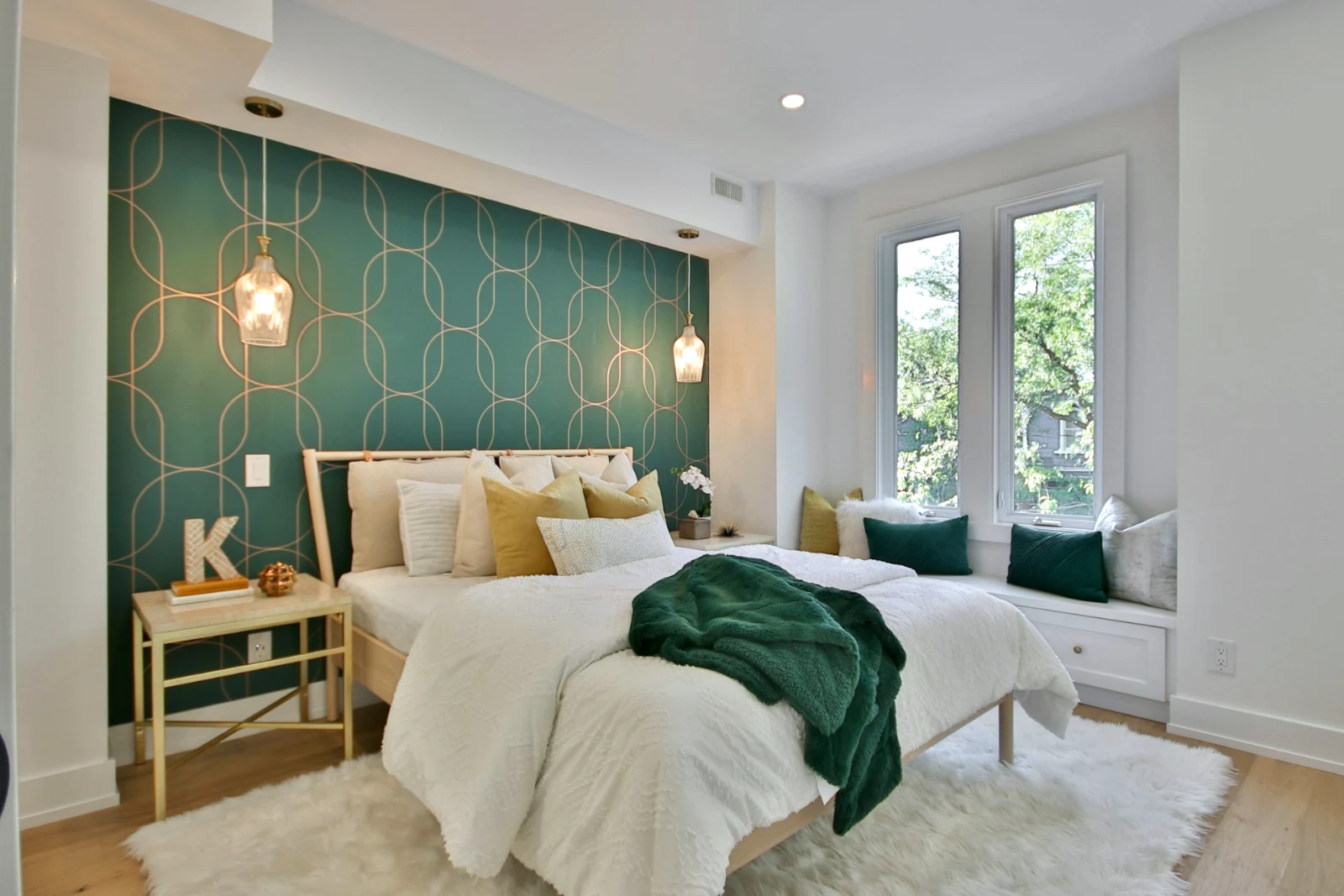
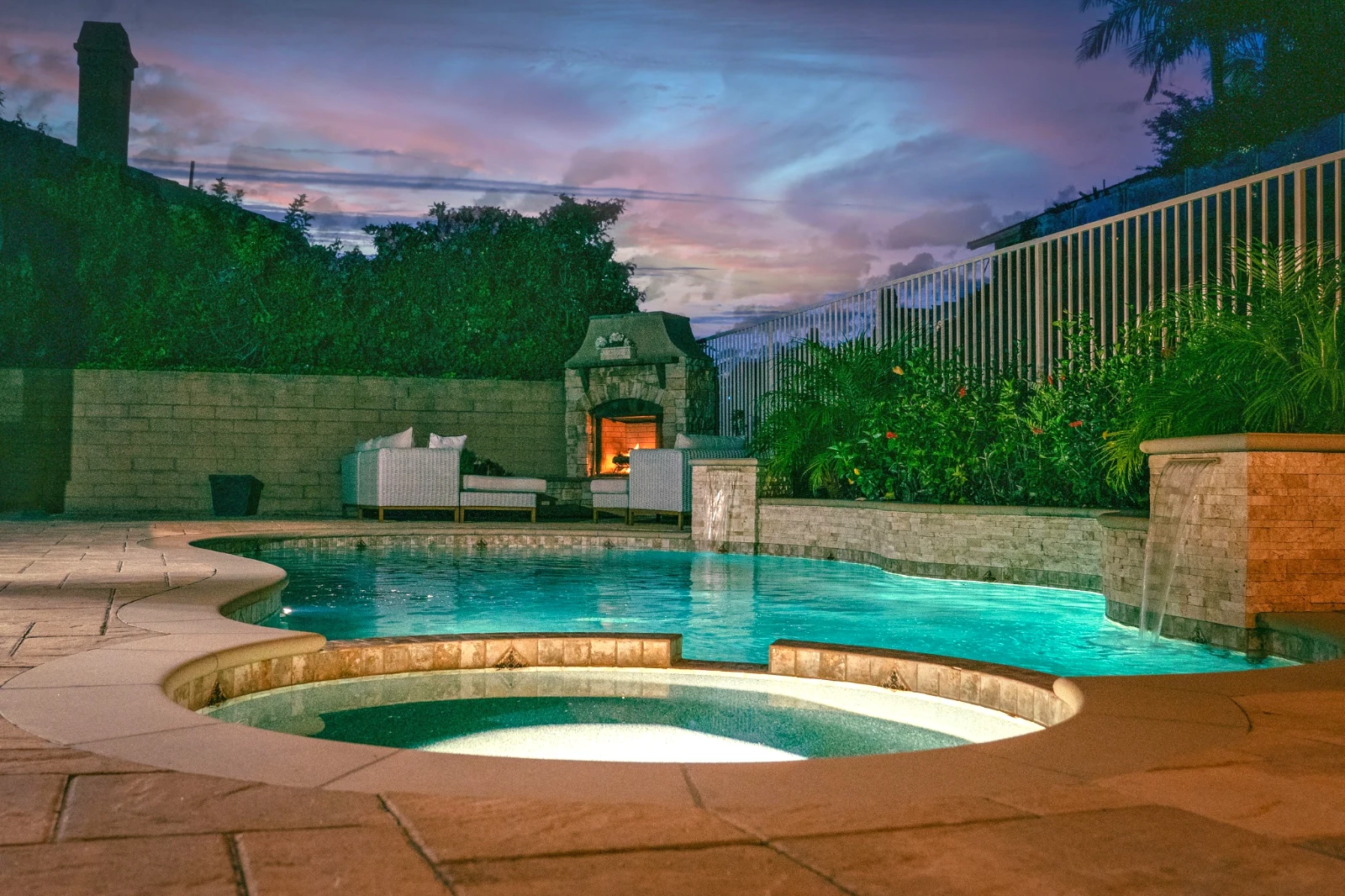
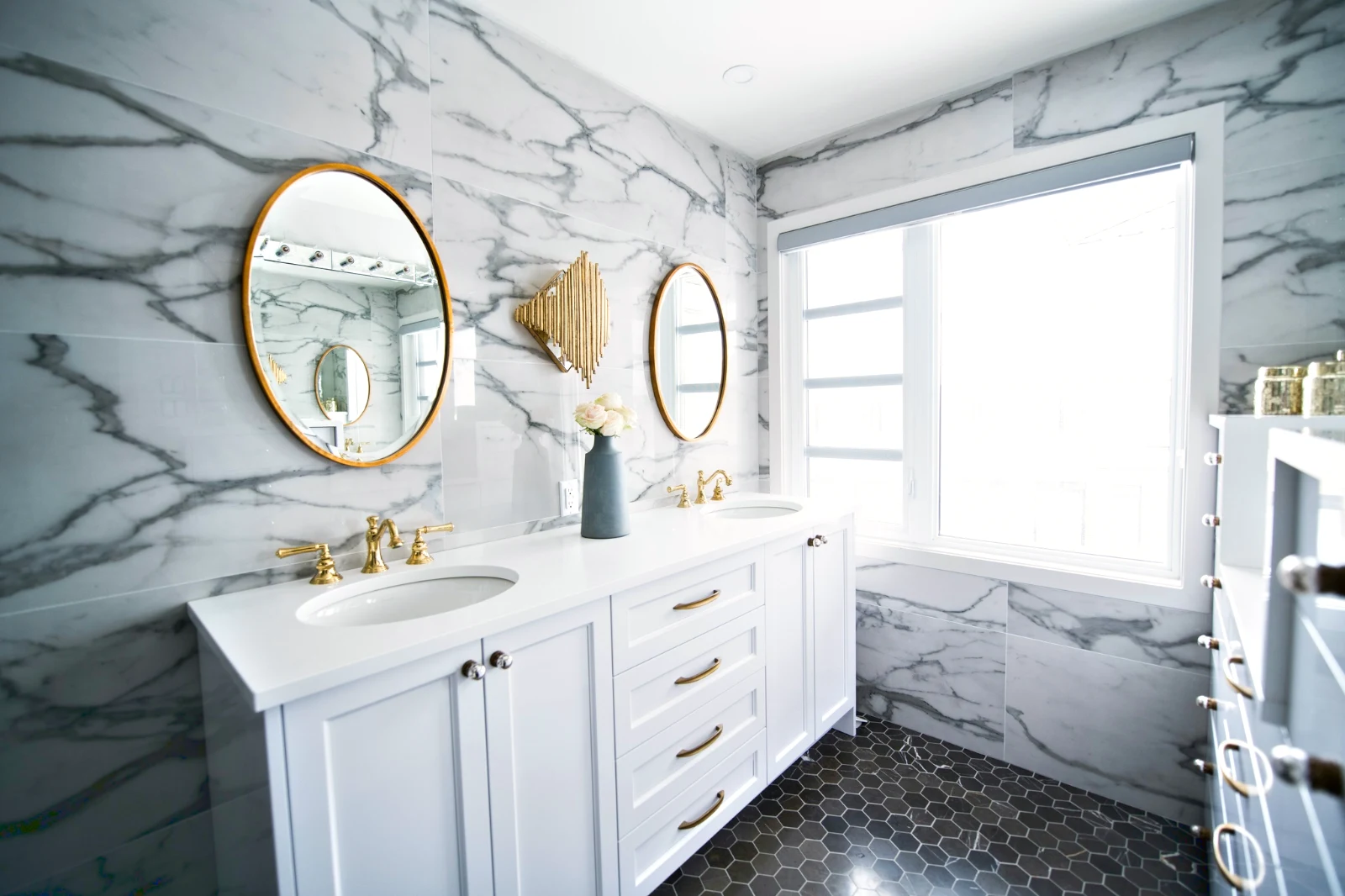
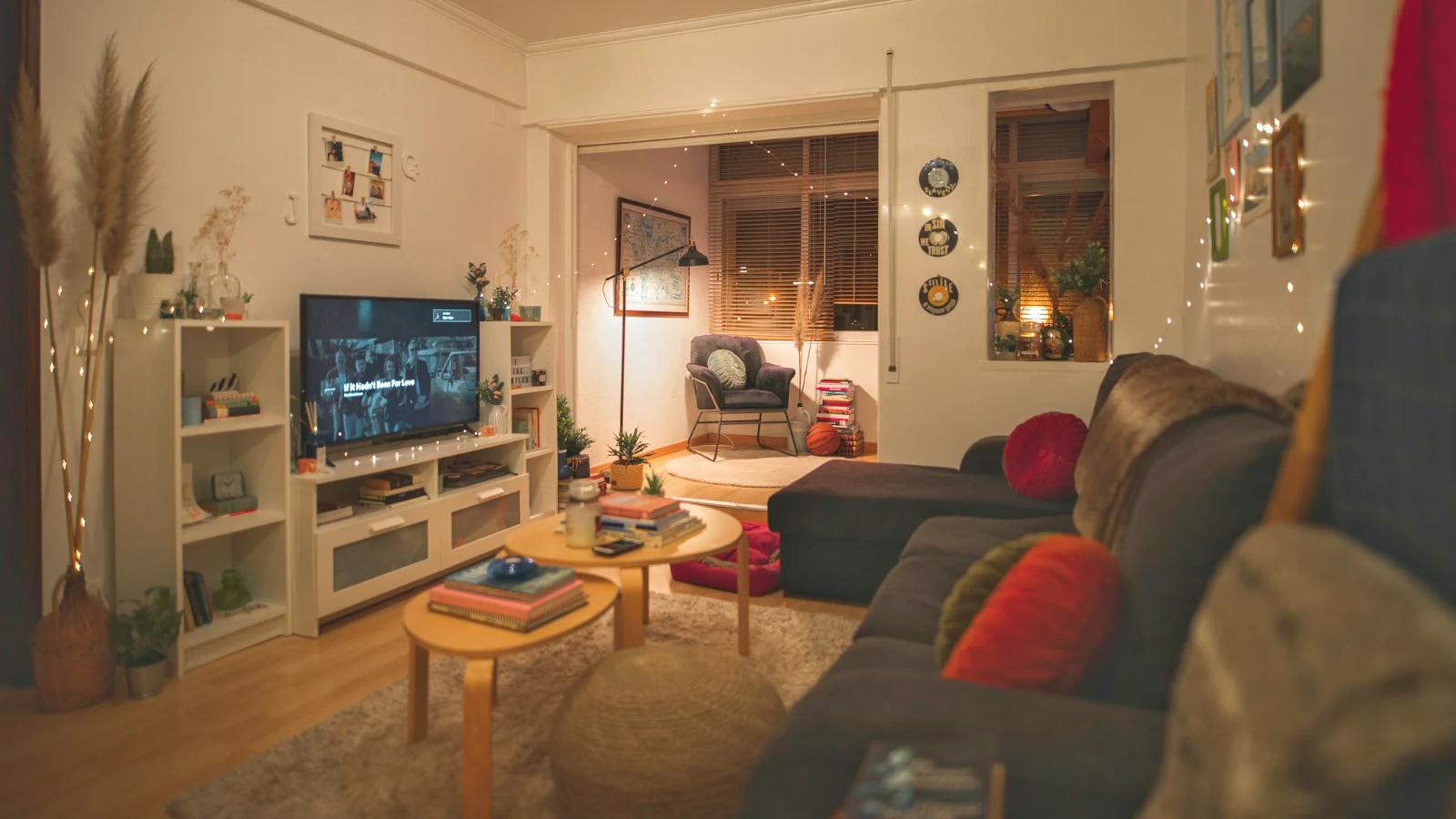
Bou 'n foto in lae en eksporteer dit waar ook al
Start a new Photo at a size people post, or open a selection as layers, each photo keeping its own edit. Select the subject or the sky, mask, paint, heal, clone and warp, add text and shapes, then export as JPEG, PNG, WebP, AVIF, TIFF or a layered PSD.
Keuses
Veer, uitbrei, verfyn rande en verander 'n seleksie in 'n masker.
Deel 'n Galery en sien wat die kliënt kies
Plaas 'n skoot in 'n Galery en deel dit vir bewys. Die kliënt kies tot die nommer wat jy stel, laat 'n opmerking op enige foto en stuur hul keuse, goedgekeur of vra vir veranderinge, rond vir rond. Hul keuses is Kliëntkeuses in jou Biblioteek.
Bewerk
Elke gallerie gedeel vir bevestiging: wat die kliënt gekies en opgemerk het, en hoe hulle die rondte beantwoord het.
| Galery | Ronde | Gekeur | Van | Notas | Antwoord | Kliënt | Geantwoord |
|---|---|---|---|---|---|---|---|
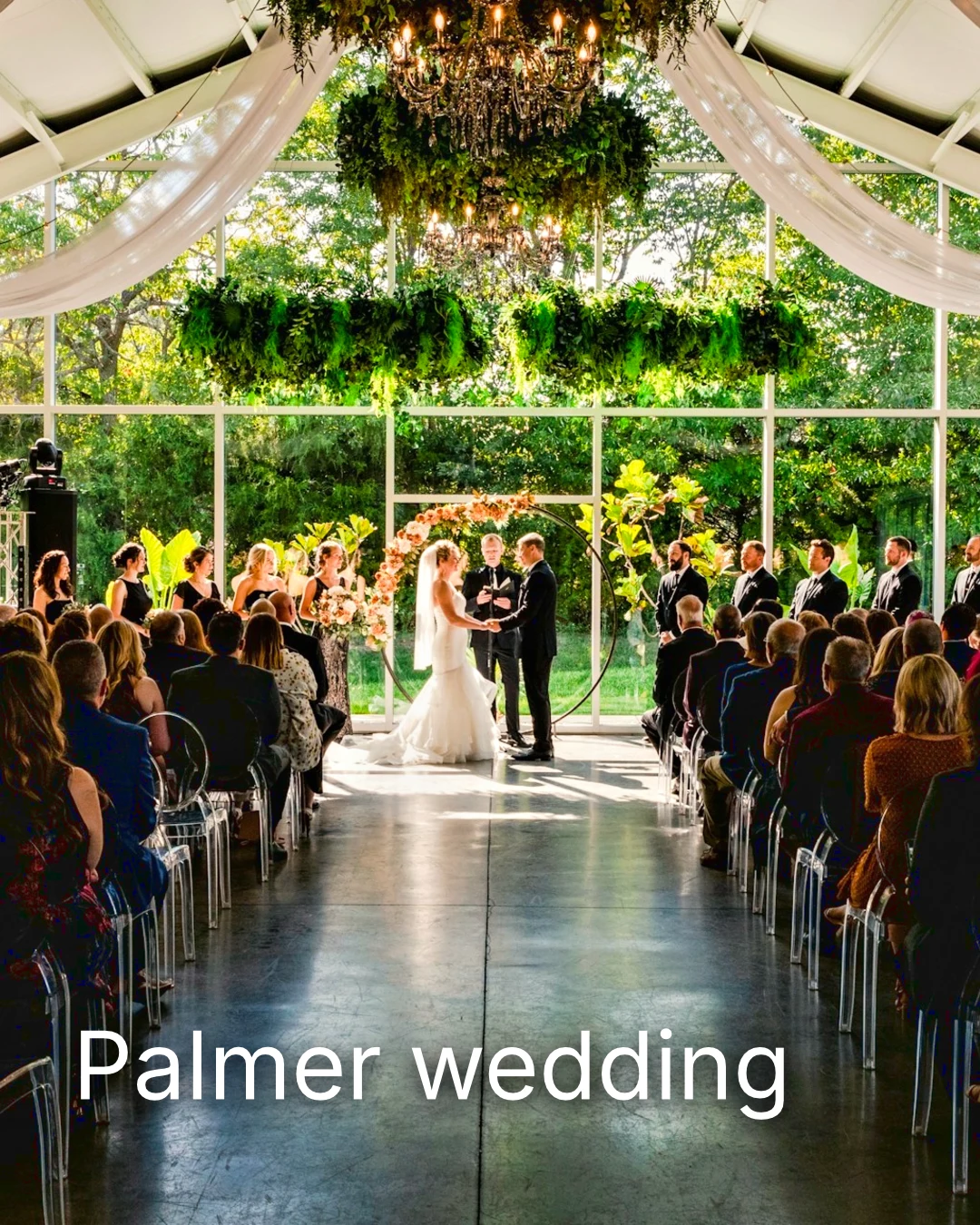
| Palmer wedding | 1 | 4 | 4 | 2 | Waiting on the client | Sarah Palmer | Waiting on the client |
| Carter portrait session | 2 | 3 | Geen beperking | 0 | Goedgekeur | James Carter | 19/11/2026 |
| Harbourline Dental team headshots | 1 | 0 | Geen beperking | 2 | Veranderinge gevra | James Bennett | 19/11/2026 |
| Nguyen Family at Brighton | 1 | 12 | 15 | 3 | Keuse gestuur | Linh Nguyen | 20/11/2026 |
| Okonkwo Engagement | 2 | 20 | 20 | 0 | Goedgekeur | Ada Okonkwo | 17/11/2026 |
| St Kilda Bakery Menu | 1 | 6 | Geen beperking | 1 | Waiting on the client | Marco Ricci | Waiting on the client |
Notas oor die foto
Elke noot verskyn op sy foto terwyl jy redigeer.
Besig of Laai af
Avenida da Liberdade 212
Galery
Elke skakel is slegs besigtigbaar of laaibaar, met 'n opsionele wagwoord.
Jou Watermerk
Kies jou gunstelinge en laat 'n nota op enige ding wat jy verander wil hê. Wanneer jy klaar is, stuur jou antwoord. Jy kan elke ronde een keer beantwoord.
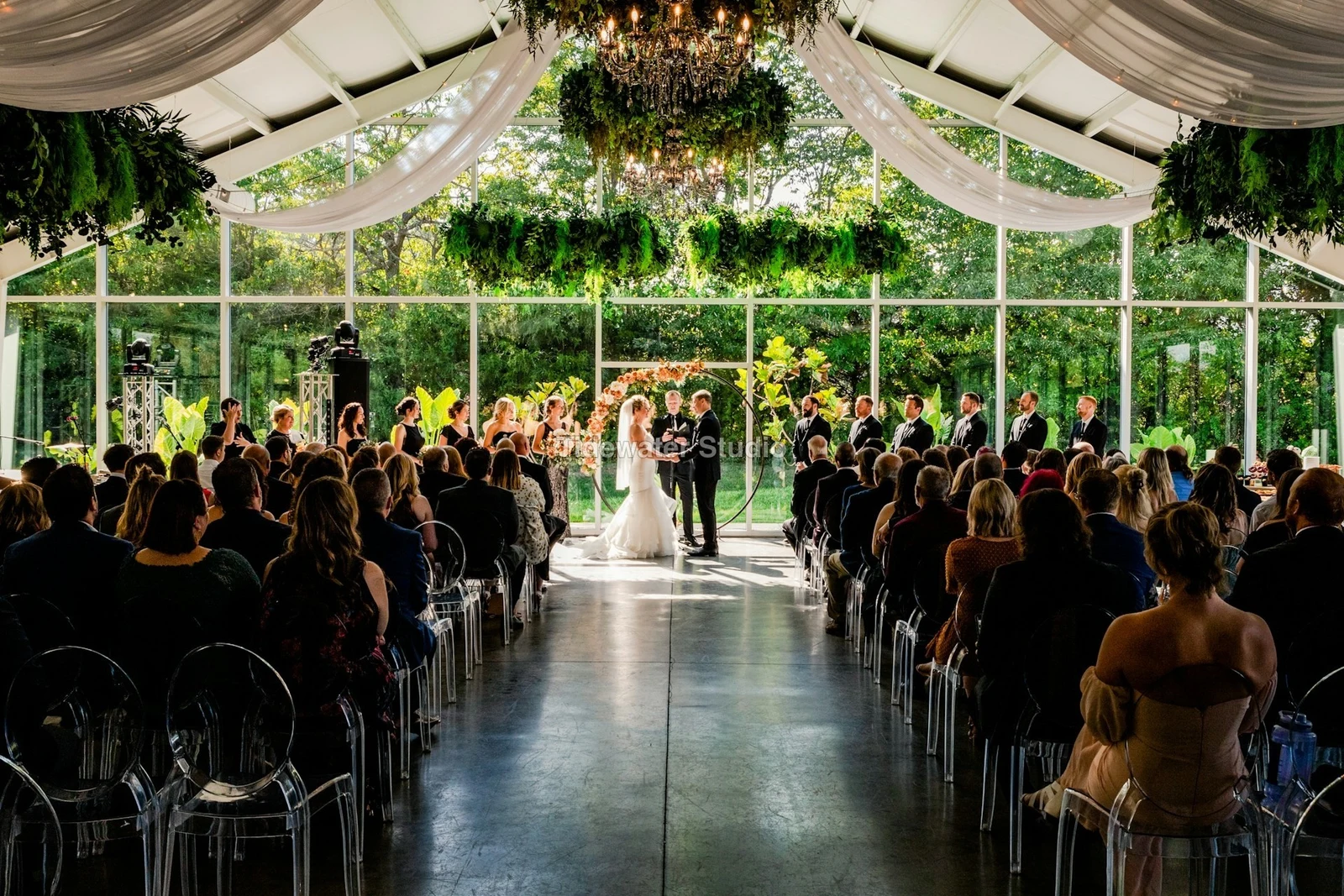
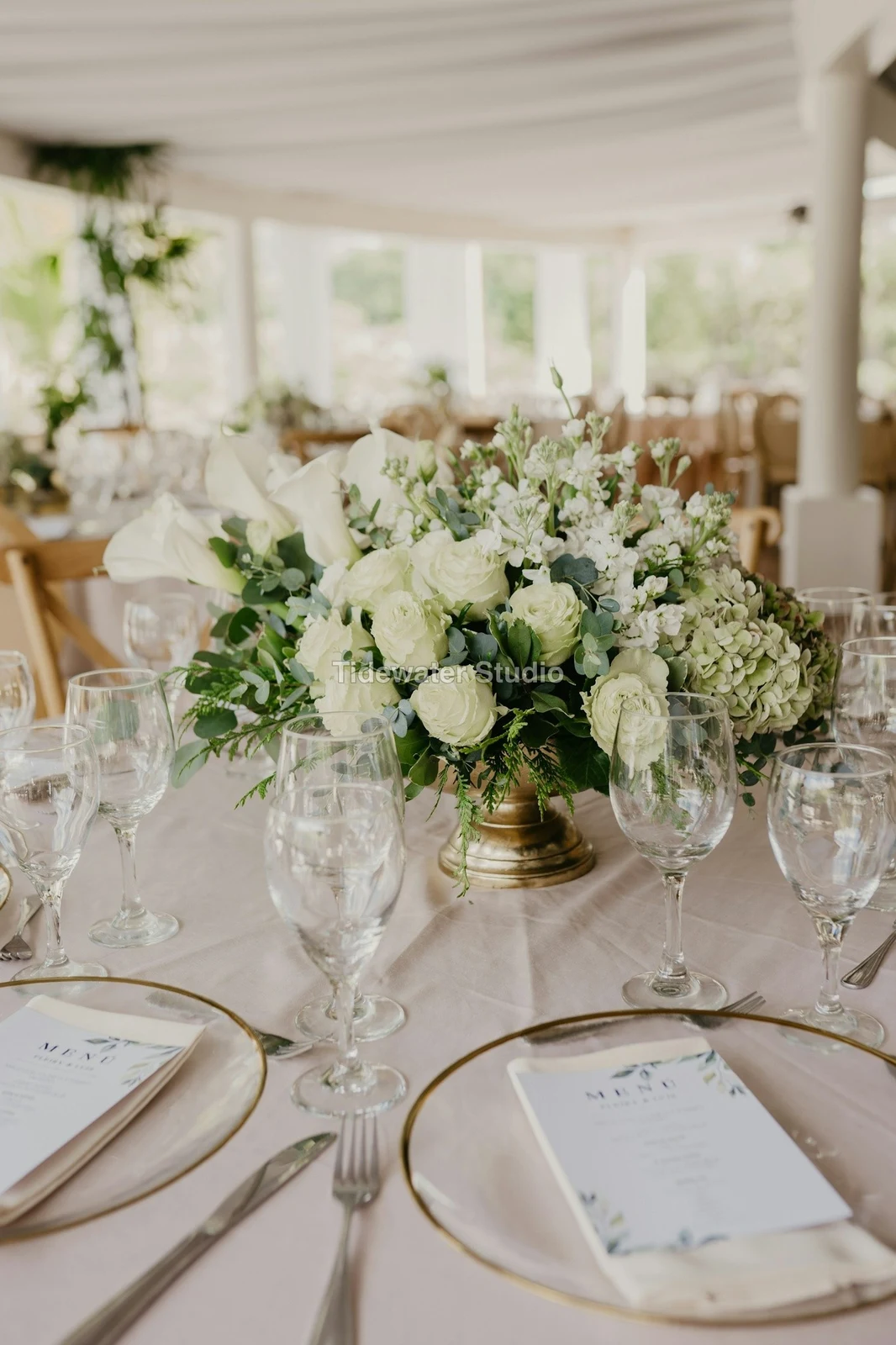
Jou logo of woorde op elke foto wat die kliënt sien of aflaai, tot jy dit lewer.
Druk uit Van die Galery
$ 149.000 elk. Vervoer en belasting word by die afrekening bygevoeg.
Die kliënt koop 'n druk van enige foto, gemaak en verskaf deur jou laboratorium, betaal op jou eie afrekening.
'n Baadjie se Galery, Met Talent
Lookbook SS27 In oorweging
- Kliënt
- Maison Kiri
- Ronde
- 1
- Gekeur
- 8 / 12
- Antwoord
- Waiting on the client
- Skakel Sluit
- 2026/12/12
'n Werk in Talent het sy eie Galery, op dieselfde manier bevestig.
'n Sluitingsdag
Galerye
Elke taak se gallerie: wat die kliënt sien, kies uit en aflaai.
| Galery | Kliënt | Werkfase | Skakel Sluit | Gemaak |
|---|---|---|---|---|
| Program Shoot · Strength | Thandi Mokoena | In oorweging | 2026/11/30 | 2026/11/09 |
| Client Story · Pieter | Pieter van Wyk | In oorweging | 2026/12/07 | 2026/11/12 |
| Mobility Series | Aisha Davids | Gelewer | 2026/12/18 | 2026/10/22 |
| Coaches Team Photos | Kopje Coaching | Gelewer | 2027/01/05 | 2026/10/31 |
| Summer Bootcamp | Lerato Nkosi | In produksie | 2027/01/20 | 2026/11/18 |
Elke Galery se skakel sluit op die dag wat u stel, en die Galerylys wys die een wat in die volgende 30 dae sluit.
Stuur 'n afgeruste foto waar dit gebruik word
'n Foto gaan as sy nuutste uitvoer, of die oorspronklike wanneer dit geen het nie: in 'n Galery op volle grootte, op 'n nuwe ontwerp, in 'n webwerf se assets of op 'n lys. Elke fotokeuse in Calisto lys reeds die rekening se fotos, insluitend uitvoere.
'n Ontwerp, Met Studio
'n Nuwe posting of storie open met die foto geplaas.
 Menú de OtoñoTostadas de jaiba, desde hoy
'n Webwerf, Met Sites
Toegevoeg aan die webwerf se assets.
Vaste aktiewe
'n Lisie, Met Lysies
Toegevoeg aan sy foto's, wanneer die besigheid 'n lysing het.
T3 Rua do Século 41 Gepubliseer
Bewerk met die foto in volle skerm op jou foon
Pinch om te zoom, dubbel-tik om te pas en druk en hou vas vir Voor. Elke afdeling is 'n chip onder die foto waarvan die beheer daaronder gedock is, nooit daaroor nie, en 'n skuifbalk beweeg slegs op 'n sywaartse trek, sodat skommel nooit redigeer nie.
Deel na Foto
'n Foto gedeel van die kamera-rol beland in Foto's Toevoeg.
Deel foto's na Foto vanaf enige app op hierdie toestel, neem een, of kies hulle hier.
Foto's om by te voeg
Geen sein nie
Huis, die Biblioteek, Uitsigte en Foto's byvoeg is oop; redaksies en opslae wag en land een keer.
Deel foto's na Foto vanaf enige app op hierdie toestel, neem een, of kies hulle hier.
Foto's om by te voeg
Waar Foto alles raak ander.
4 of these 5 connections are in your plan today; the other is its own app.
Depot
Every photo and every export is a file in Depot, on the account’s one storage quota, and a Gallery is a Hub.
Studio
An image’s Adjust in Studio is Foto’s, Send To opens a new design with the photo placed, and a layered Photo opens there as a design.
Talent
Galleries and Proofing are the same views Talent shows, and a job’s Gallery is the Hub of that job.
Listings
Bulk Auto takes a listing’s photos as a set, and the exports replace them on the listing.
Sites
Send To adds a photo to a website’s assets.
Geen opsetkoste. Betaal wanneer jy begin gebruik.
Photos edited in one tap, by hand or in layers.
Calisto Create
Die Biblioteek, Auto, Bulk Auto, Uiters, Aanpas en Galerye, ingesluit met elke Calisto-rekening.
Foto Pro
Elke Adjust-kontrole inline en die Layers-werkruimte, vir een persoon, op 'n eie stoel of met 'n Stoel skep; 'n besigheid stel sy stoel toe aan sy mense.
Aanbeveel vir jou
Werk goed saam.
Calisto Depot
Calisto Studio
Calisto Create
A Studio seat designs anything at every size, from Calisto’s templates or a blank page: layers, photos, Copy & Resize, Bulk Create, mockups, QR codes, print-ready PDFs, sharing and whiteboards.
Learn more →Calisto Talent
Ingesluit by Jou Planne
Your Core app shows everything your Commerce and Ops plans turn on.
Learn more →Calisto Listings
Lyste
Jou lysings, afsprake, ontwikkelings, verhuur en die kantoor, vir elke persoon wat in Lysings werk.
Learn more →Calisto Sites
Calisto-websites
A website and its phone app, built from a template on the page itself, showing what you sell from your own records and published on your own domain.
Learn more →Alles wat in Calisto inbegroom word Foto.
- Foto Essentials for every signed-in person: Home, the Library, Auto, Bulk Auto, Looks, Adjust with Auto, Light, Color and Crop, and Galleries; every other control one tap away behind More.
- Foto Pro, a seat per person: every Adjust control inline and the Layers workspace.
- Essentials or Pro is each person’s own choice, in Profile & Preferences ▸ Creative Tools, never a business setting.
- Without a seat, More and Layers read Pro · Upgrade, or Ask for a Pro Seat for a team member.
- A photo whose edit holds Pro fields always opens, saves and draws at Essentials.
- First open asks nothing technical at Essentials, and leads with Layers and the keys at Pro.
- Every photo read after it is uploaded: when it was taken, its exposure, its focus and its faces.
- Flags: Blurry, Missed Focus, Black Frame, Missed Flash and Closed Eyes, each a filter in the Library.
- A score from focus, exposure and open eyes: Best First, and the Suggested Best Shots.
- Similar Shots: bursts, brackets and the same pose taken twice, grouped best first, with Star the Best of Each.
- Faces and eyes are read on your own device; nothing is starred or hidden for you.
- Home: the photos to pick up again, Upload Photos, New Photo, From Media Library, Bulk Auto, and Recent Photos.
- The Library: All Photos, Starred, Edited, Similar Shots, Layers and Client Picks, with search, sort (Best First and Date Taken included) and a Tag filter.
- A Hub’s photos on their own, from the Hubs in the sidebar; Move To… a Folder of a Hub, and New Hub, Private or Public (with Depot).
- A selection is starred, tagged, given a look, run through Bulk Auto, sent on, opened as layers or assigned to a client project.
- Star and Tags are the platform’s: the same in Depot, Docs and Studio, carried wherever the photo is picked.
- An export is listed with its photo, never among the originals.
- The account’s storage shown in the Library, on the one Depot quota (with Depot).
- Upload from a desk, the camera or the device’s photos, through the one upload queue.
- Add Photos is where a photo shared to Foto lands: the camera roll’s Share sheet, or Open With on a desk.
- Then Adjust for one photo, Bulk Auto for a set, or the Library.
- JPEG, PNG, WebP, HEIC, HEIF, AVIF, TIFF and camera RAW; a RAW is developed on the device, or converted on the server when the device cannot.
- The camera and lens a file says made it, read once from the original and kept on the file.
- Auto: one tap reads the photo on the device, sets its sliders and names each one; Undo puts the photo back.
- Your Style beside Auto, once you have edited eight photos: Auto moved the way you move it, and the Texture, Clarity and Saturation you usually set, learned from your own edits; yours, never the business’s.
- Light, Color, Crop and Straighten; Whites and Blacks, Detail (Detail, Fine Detail, Clear Haze), Tone Curve, Color Mixer, Color Grading, Sharpening and Noise, Lens, Transform and Effects.
- Straighten Lines: Auto and Vertical, and Level, Full and Guided (up to four lines drawn on the photo); it sets the Transform sliders it solved and names them, and leaves a photo with no clear lines as it is.
- Lens: Correct Lens from the camera’s own correction in the RAW, else the lens profile; Remove Color Fringes; nothing the camera already corrected is corrected twice.
- How it was drawn, said under the control it concerns.
- Remove and Repair: Remove what you paint over; Clone and Fill.
- Adjust Part: Sky, Subject and Background; a Brush, Linear and Radial gradients and a Brightness Range.
- People: Skin, Face, Eyes, Lips, Hair, Clothes and Body, found on your device.
- Retouch Skin: Even Skin smooths blotches and keeps the pores; Match Skin Tone evens the skin toward the person’s own tone.
- Frequency Separation: paint where, then Smooth Tone and Fine Detail retouch the tone and the texture each on its own.
- Portrait Blur on the background, and Lens Blur by the photo’s depth with Focus Distance and Depth of Focus.
- Film Negative: a scanned color or black and white negative turned positive from its film base, shared across a roll by copying the edit.
- Changes: every change to a part, with its own controls, opacity, blend and invert.
- Markup: an arrow, a circle, a box, a freehand line or a label drawn on the photo, carried by every export.
- Before: press and hold. Undo and Redo through the edit’s whole history.
- The original is never changed; the edit is kept beside it with its history.
- A client’s note from Proofing shown on the photo while it is edited.
- Calisto’s looks and the business’s own, in Looks ▸ Calisto and Mine.
- Match a Photo: another photo’s look, solved into Exposure, Contrast, Saturation, White Balance and Color Grading.
- Suggested looks first in Adjust: the looks made for a photo like this one, from the kind of photo each of Calisto’s was made for and the photos each of yours has been put on.
- Save Look keeps an edit’s settings as a look of the business’s own.
- A look given to one photo or a whole selection.
- A selection from the Library, or one listing’s photos for a business with listings (with Listings), and a look.
- Start From Auto or Your Style.
- Each photo read on the device and given its own Auto, then the look; a look that straightens lines solves each photo’s lines.
- Saved as a step of each photo’s edit.
- The exports made on the server, so they finish with the page closed; the results screen shows each one as it is ready.
- For a listing’s photos, the exports replace them on the listing, through Listings’ own write (with Listings).
- Bulk Auto Finished is sent once per run, to the person who started it.
- Camera on USB, in Chrome or Edge: Connect Camera, Shoot, Live View on Canon EOS and Nikon, every frame straight into Foto.
- The camera’s own Wi-Fi upload: FTP, FTPS or SFTP to Calisto with a login of your own, the password shown once.
- Every frame in the Camera Uploads Hub as it lands, with the last edited frame’s edit or a look applied to each new one.
- Nothing to install: the camera talks to the page itself.
- Record Action in Adjust: your steps kept as steps, then played on any photo or a Library selection, with Auto, looks, straightening and found parts solved again for each photo.
- Actions are the business’s, kept beside its looks.
- Contact Sheet: a selection or a Gallery printed 2 to 8 across, portrait or landscape, with names, stars, client picks and culling flags, filed in Depot as a PDF.
- HDR: bracketed exposures fused into one photo, lined up even when taken by hand.
- Panorama: overlapping frames joined, laid on a cylinder for a known lens, cropped clean; brackets at each position fused first.
- Focus Stack: frames focused at different distances, sharp from near to far.
- Astro Stack: night-sky frames aligned on their stars and stacked by sigma clipping, median or mean, dark frames taken off.
- A new photo in Depot every time; the photos merged stay as they were. Large merges finish on our servers.
- Smart Objects: Convert to Smart Object, New Linked Copy, Update Linked Copies and Release Smart Object; each copy keeps its own opacity, blend and styles.
- New Photo at a size people make: YouTube Thumbnail, Instagram Post and Story, Square, A4 and US Letter at 300 ppi, or a custom size, on white, black, a color or transparent.
- Open as Layers on a selection: each photo a layer carrying its own edit.
- Photo, pixels, adjustment, text and shape layers in one layer tree: chosen, checked to act on several, shown, hidden, locked, renamed, moved, grouped, duplicated and deleted.
- Tools: Move, Select Rectangle, Ellipse, Freehand and Straight Lines, Select Similar Color, Select Subject and Sky, Brush, Eraser, Dodge, Burn, Blur, Sharpen, Heal, Clone, Fill, Warp, Warp Grid, Warp Perspective, Text, Shapes and Crop.
- The Select menu: Select All, Deselect, Invert, Feather, Expand, Contract, Smooth, Refine Edges, Selection to Mask and Fill with Color; Shift adds, Alt subtracts, both intersect.
- Layer masks and shape masks, each enabled, inverted, feathered, applied or deleted; layer styles: drop and inner shadow, outer and inner glow, color overlay and stroke.
- Apply and Convert to Pixels; every paint stroke written as new tiles, so every earlier step still undoes.
- Export as JPEG, PNG, WebP, AVIF, TIFF or a layered PSD, with what it could not hold said in plain words; Recent Exports in the Export dialog.
- A layered Photo opens in Studio as any design does (with Studio).
- Without the seat, a layered Photo opens to look at.
- A Gallery is a Hub shared with a client through its link, Private or Public; a job’s Gallery is the Hub of that job (with Talent).
- Send To ▸ Gallery puts the photos in at full size.
- Share for Proofing: the client’s email (the Gallery also lists in their portal), how many they may pick, view or download, a password, and your watermark.
- Your watermark on every photo of the link, at every size and on every download: your logo, your business name or your own words, where it sits, its size and its opacity, set once in Settings ▸ Photos ▸ Watermark.
- Watermark the Photos or Remove the Watermark on a link in Proofing, so the final delivery goes out clean.
- Prints from the Gallery: Choose Prints from your drop-ship products on sale online; the client taps Buy Print on a photo, picks the print, the size and how many, and pays on your own checkout (with Shop and Orderflow).
- Your lab prints the photo the client chose and ships it to them; the order is in Orderflow beside every other web order.
- The client picks up to the limit, leaves notes, and sends their selection, approves or asks for changes, round by round.
- Open the Next Round, or Stop Proofing; an earlier round stays as it was.
- Galleries counts what is delivered, waiting on the client and closing in 30 days.
- The same Galleries and Proofing views Talent shows (with Talent).
- A photo goes on as its current export, or the original when it has none.
- A Gallery; a design, opened in Studio with the photo placed (with Studio); a website’s assets (with Sites); a listing’s photos, when the business has a listing (with Listings).
- Every picture picker in Calisto lists the business’s photos in Depot, exports included.
- Adjust and Layers, switched in the header: ⌘⌥1 and ⌘⌥2, or A and L.
- Keyboard Shortcuts (⌘/) lists every key; ⌘K finds every command.
- Each editor’s back link returns to the Library.
- Home, Library and Settings in the tab bar; shortcuts to Add Photos, the Library, Bulk Auto and Looks.
- The photo fills the screen: pinch to zoom and pan, double-tap to fit, press and hold for Before.
- Each section a chip under the photo, its tray docked under it, never over it, with the desk’s controls and a Reset.
- A slider moves only on a sideways drag, so a scroll never edits; words are typed in a dialog above the keyboard.
- Layers on a phone: the canvas full screen, the tools in a bottom bar, the layer tree and Format as bottom sheets.
- Keep Foto on This Device: Home, the Library, Looks and Add Photos open with no signal; an edit’s save, a new look and uploads wait and land once.
- Copy Saved is sent when the server finishes a copy, to the person who asked for it.
- Foto installs as part of the Calisto app.
- Every photo and every export is a Depot file on the account’s one quota; each Foto Pro seat adds its included storage to it (with Depot).
- Working copies and the render cache never count.
- Settings ▸ General: the business’s name, design and sign-in.
- Settings ▸ Photos: the export format, size on the long side or the original’s, quality, and the look Bulk Auto starts from; changed by the business’s admins, and Purview may lock it.
Questions about Calisto Foto
Elke ingelogde persoon het Foto Essentials: die Biblioteek, Auto, Bulk Auto, Looks, Aanpas met Lig, Kleur en Besny, en Galerye. Elke ander Aanpas beheer is agter Meer. Foto Pro plaas hulle almal inline en voeg die Lae-ruimte by, vir een persoon per sitplek.
Nee. 'n Wysiging word langs die foto met sy geskiedenis bewaar, sodat enige stap later ongedaan gemaak kan word. 'n Uitvoer is 'n nuwe lêer in Depot, bereik vanaf sy foto, en die oorspronklike bly soos dit aangekom het.
JPEG, PNG, WebP, HEIC, HEIF, AVIF, TIFF en kamera RAW-lêers. 'n RAW word op jou apparaat ontwikkel, of op die server wanneer die apparaat nie kan nie. 'n Gelaagde Foto eksporteer as JPEG, PNG, WebP, AVIF, TIFF of 'n gelaagde PSD.
Studio opens a layered PSD as a design. Foto saves a layered Photo as a PSD that keeps its layers, masks, blends, groups, text and styles, and says in plain words what it could not keep.
Deel die Galery vir bewysing. Die kliënt open die skakel, kies tot die aantal wat jy geset het, laat 'n opmerking op enige foto, stuur hul keuse, goedgekeur of vra vir veranderinge, rond per rond. Hul keuses verskyn as Kliëntkeuses in jou Biblioteek, en elke opmerking verskyn op die foto terwyl jy redigeer.
Ja. Kies watter van jou drop-ship-produkte die Galery verkoop, soos drukke wat jou laboratorium maak en versend. Die kliënt tik op Koop Druk op 'n foto, kies die druk, die grootte en hoeveelheid, en betaal op jou eie afrekening. Jou laboratorium druk daardie foto en versend dit na hulle.
In Depot, op jou rekening se een stoorwoordeboek, waar elke foto-keuser in Calisto hulle vind. Elke Foto Pro- of Create-sitplek voeg die stoorruimte wat dit insluit by dieselfde kwotasie by.
