A professional point of sale. On hardware you choose.
Use the computers, tablets and printers you already have, and your own payment provider. Every sale lands where your stock, staff, books and online orders already are.
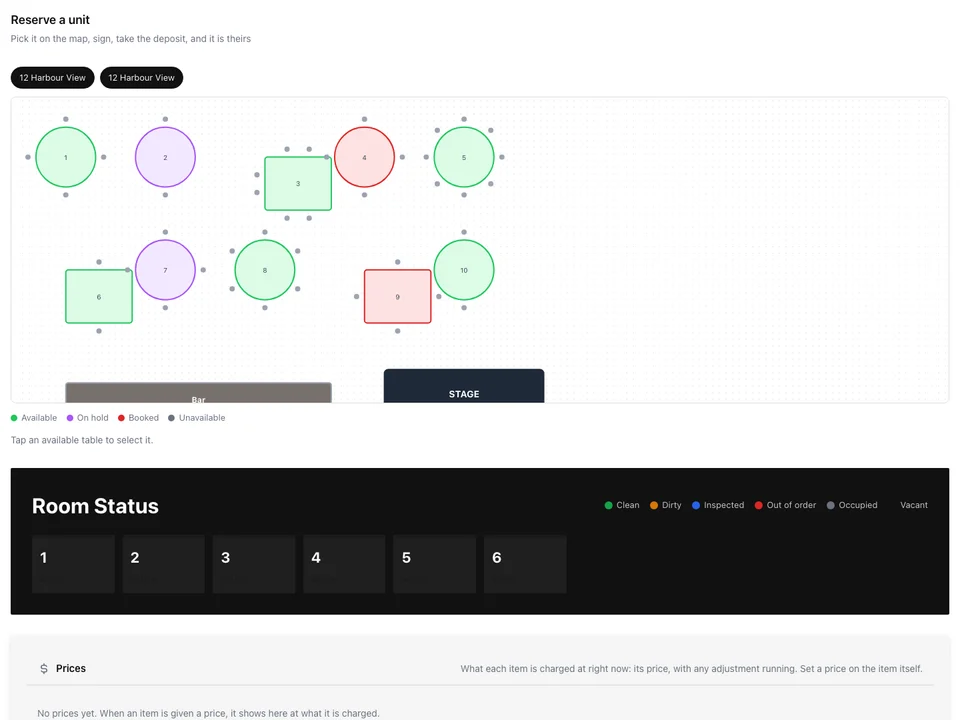
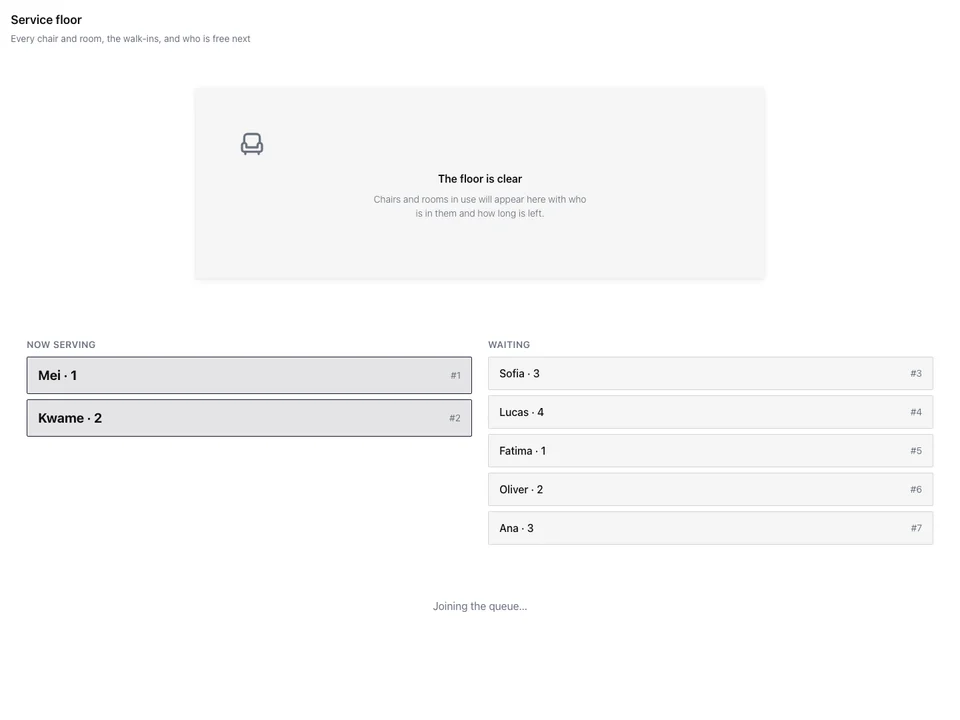
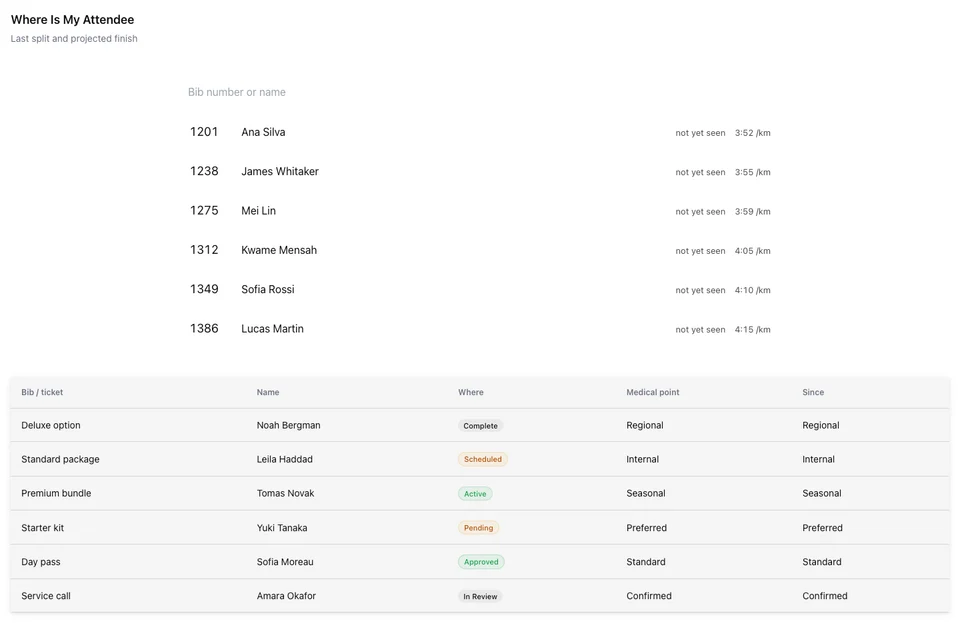
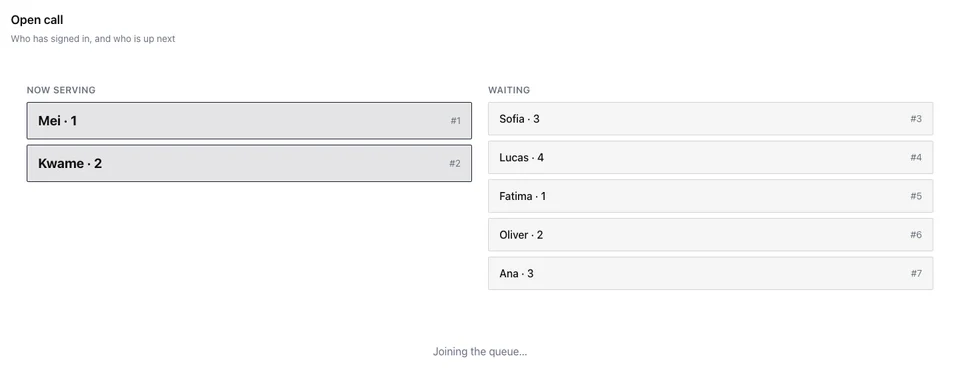
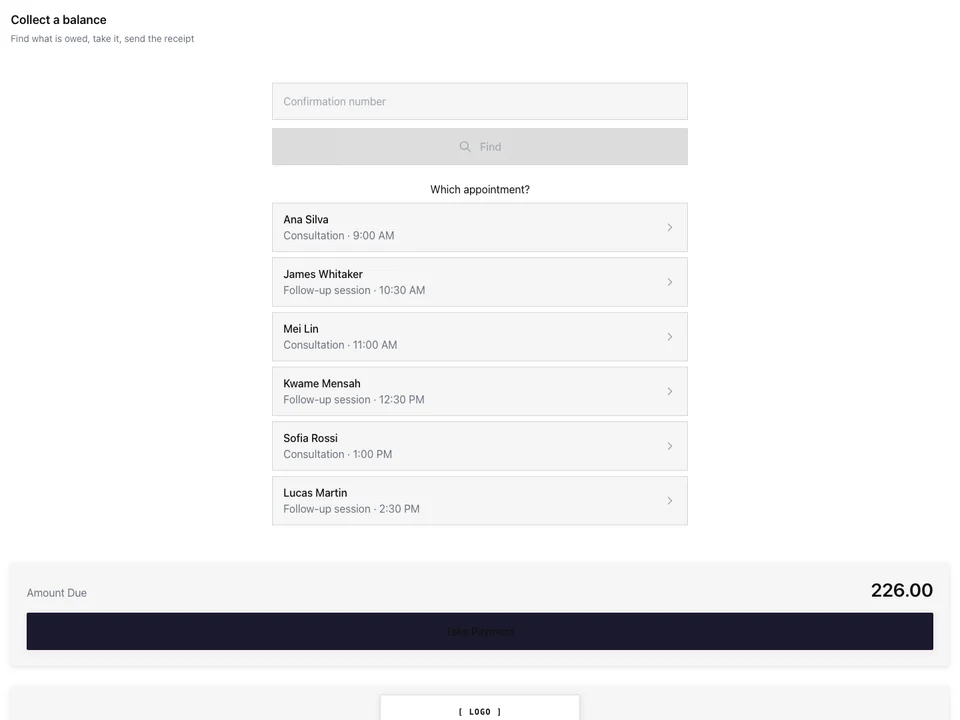
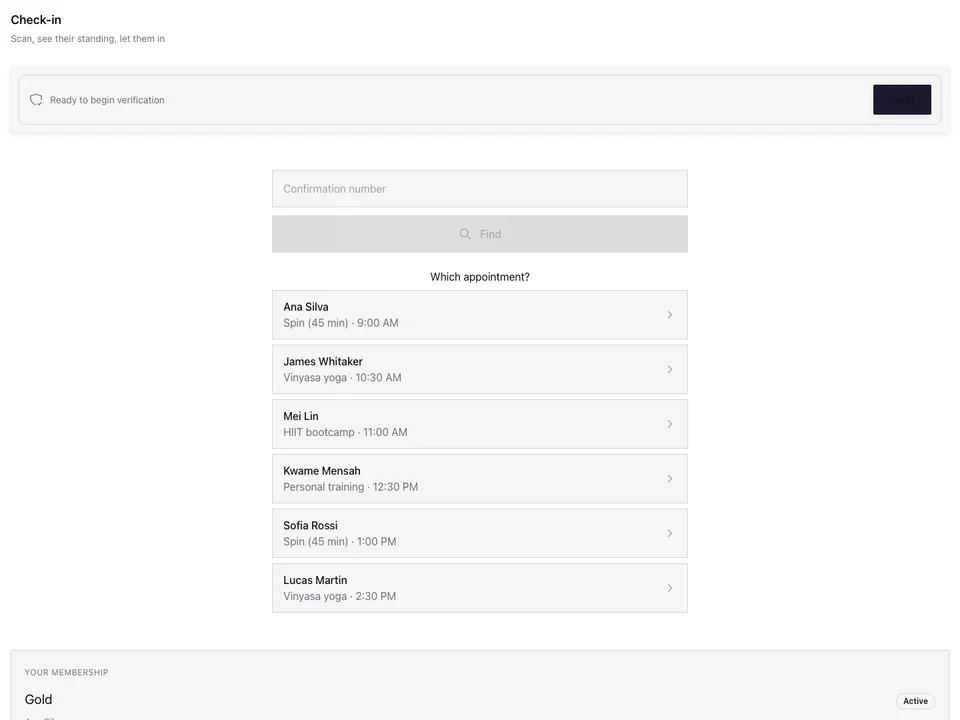
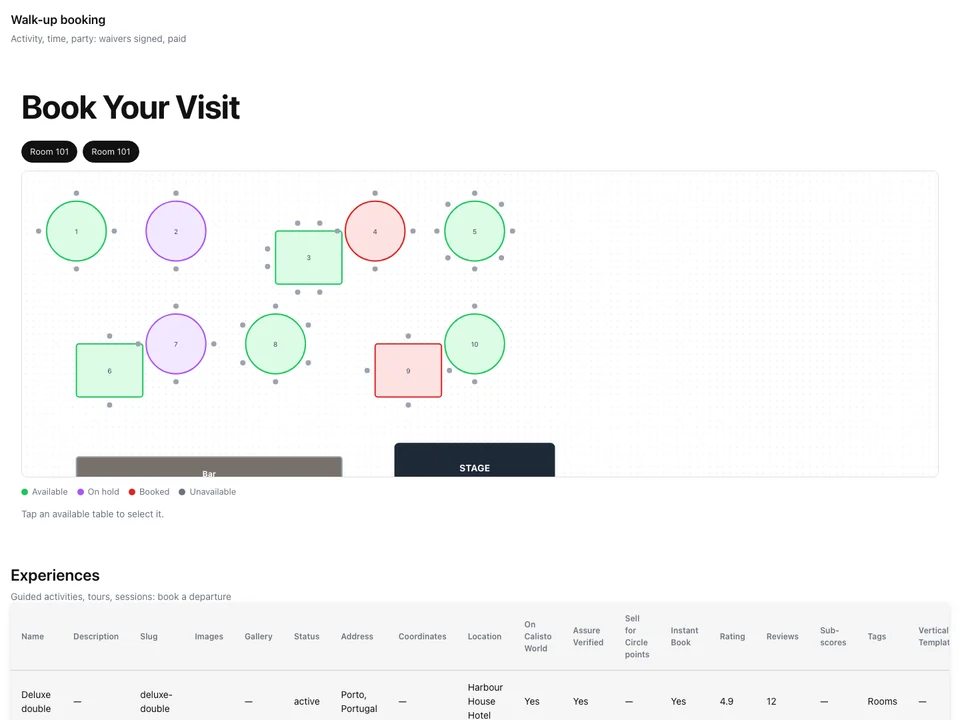
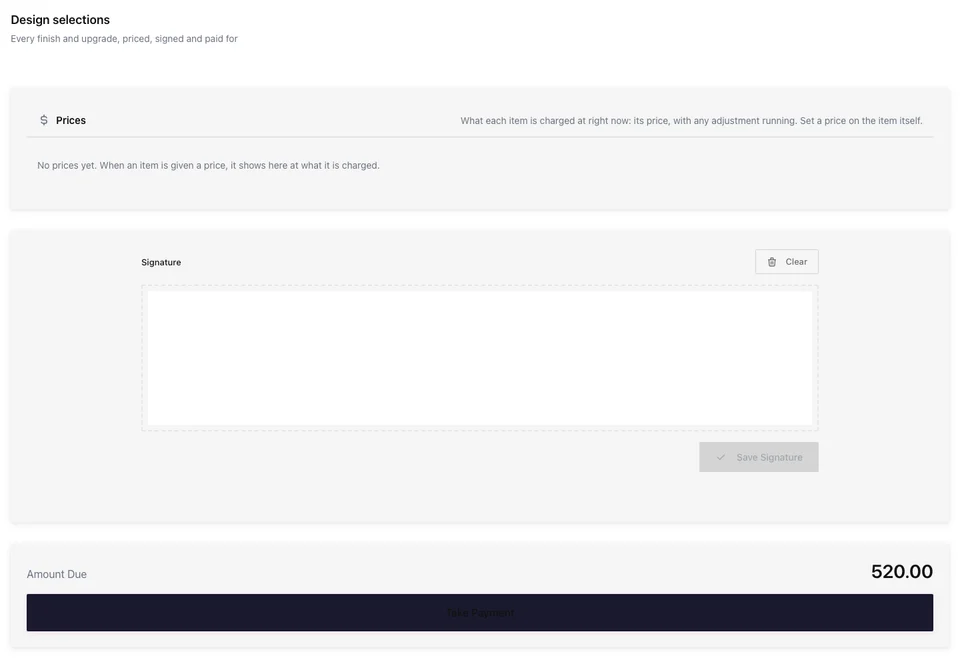
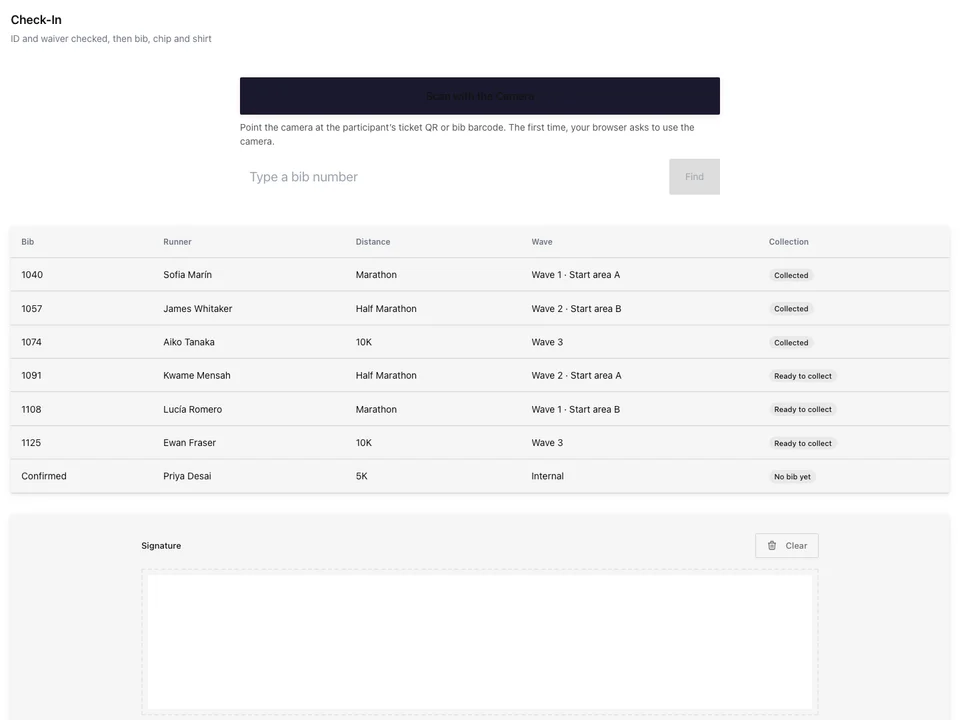
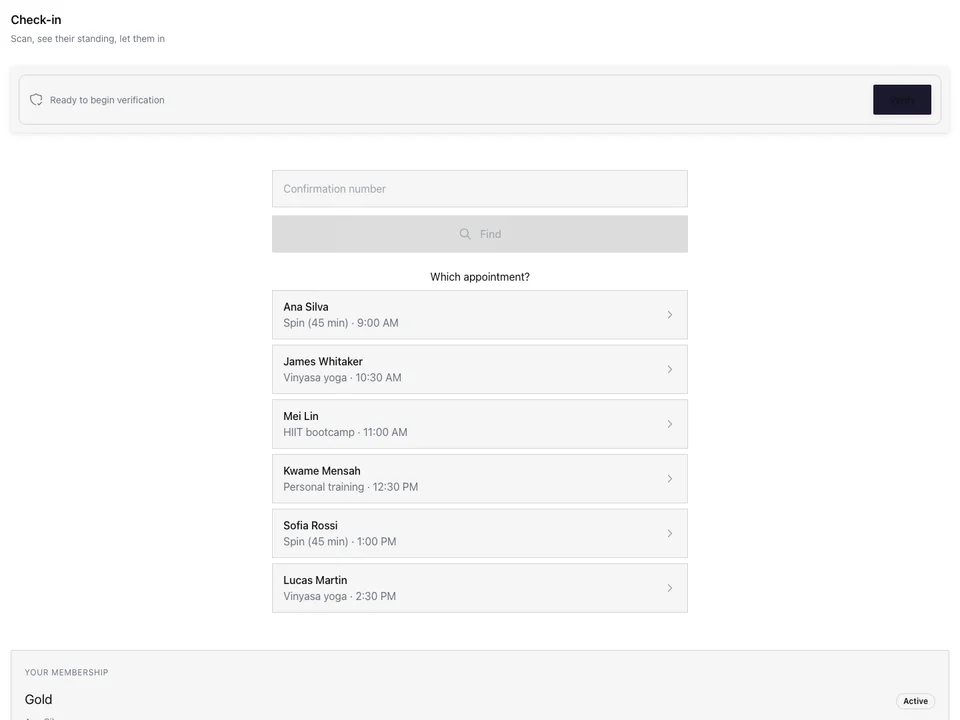
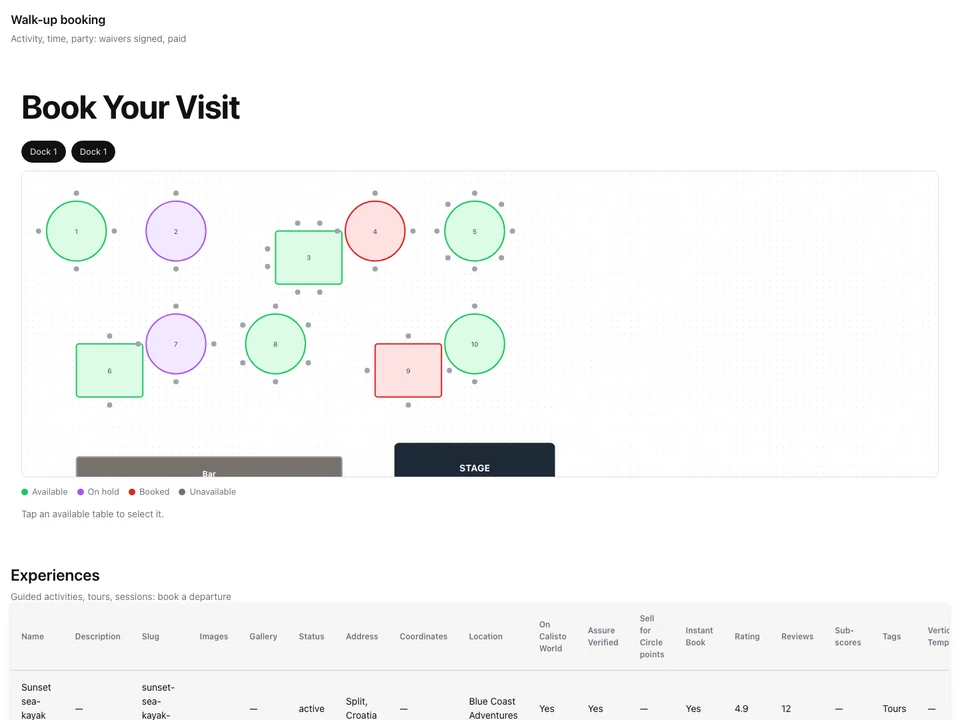
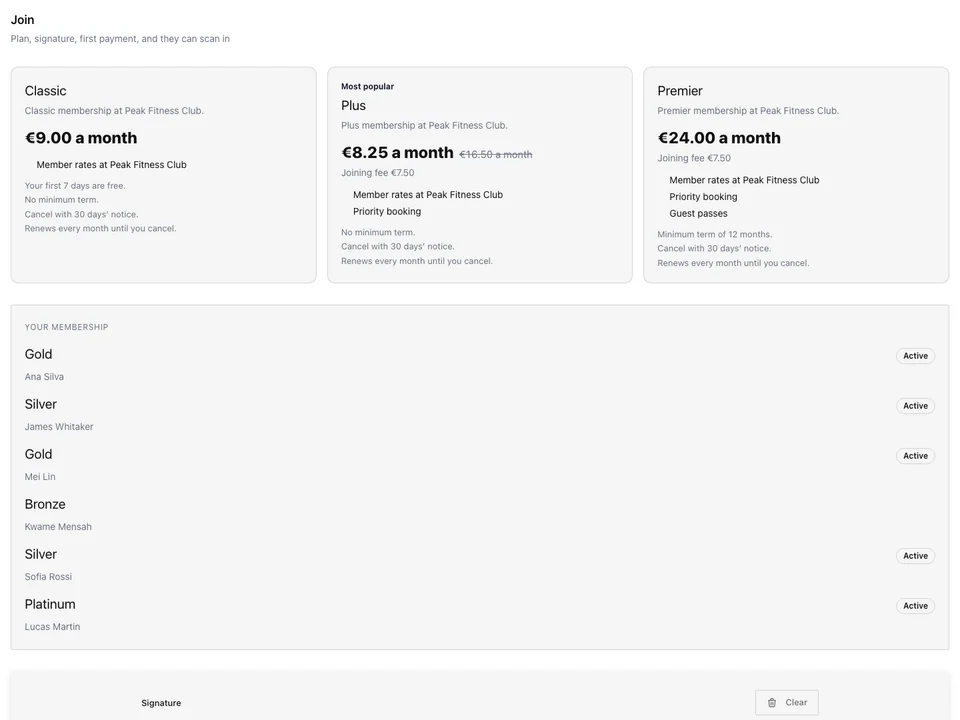
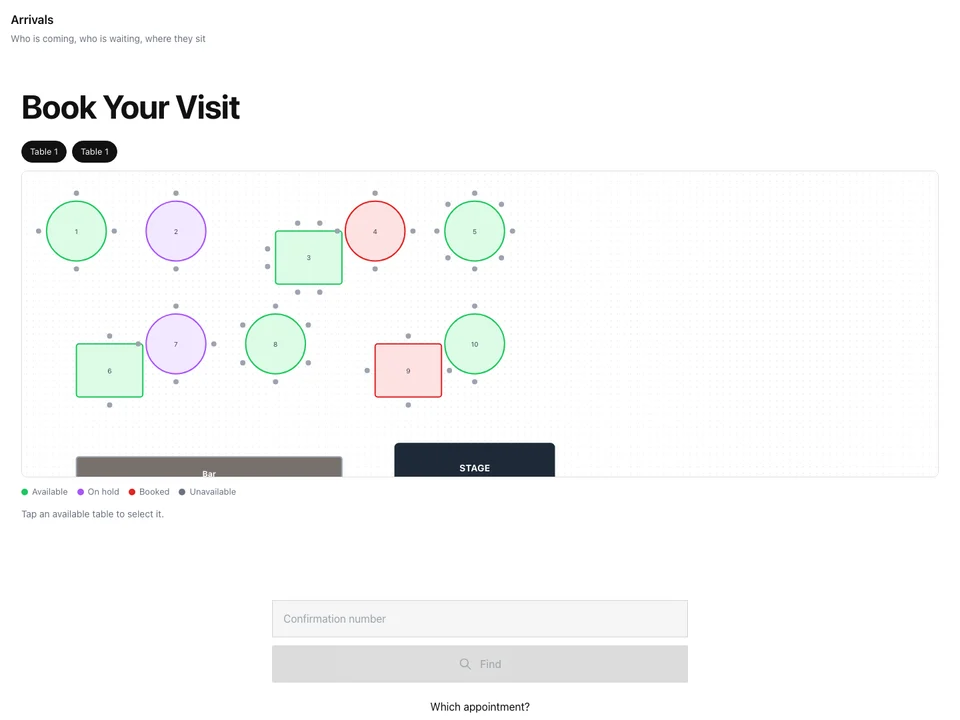
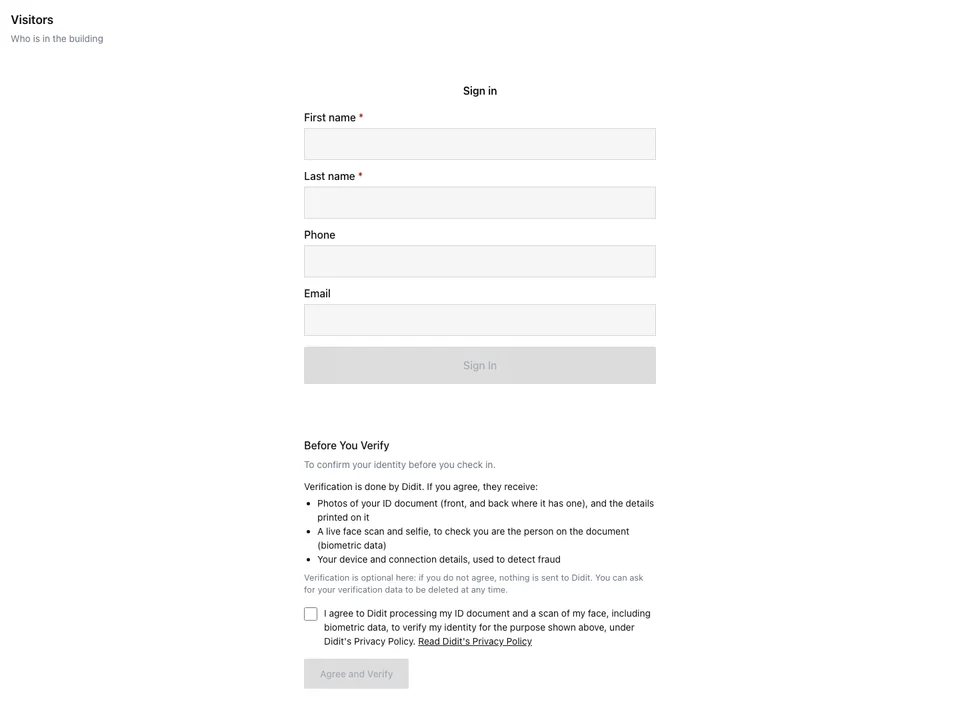
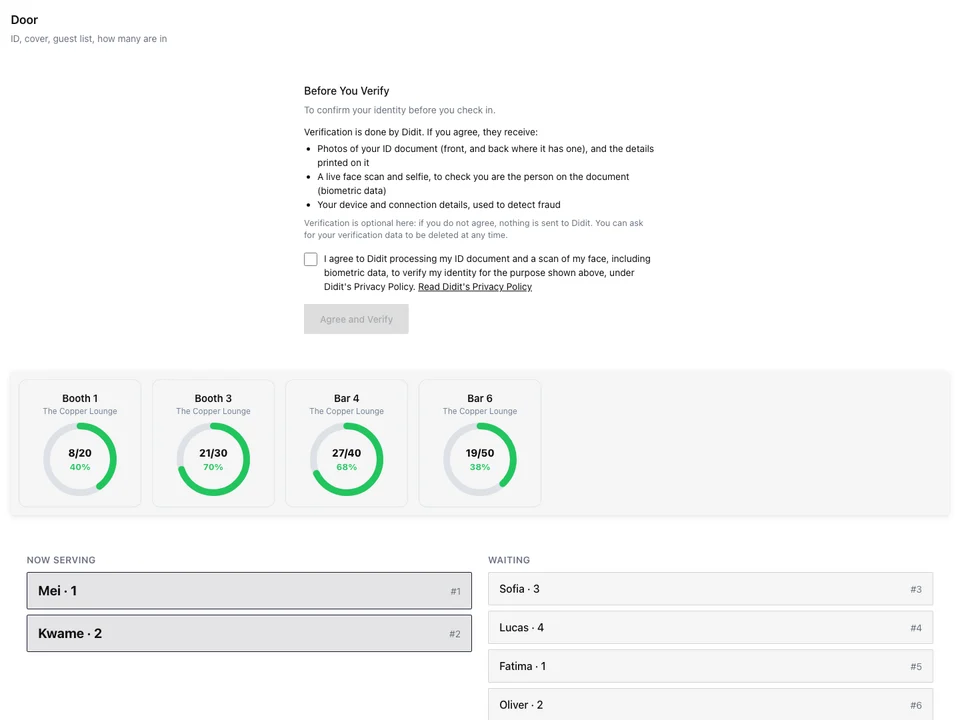
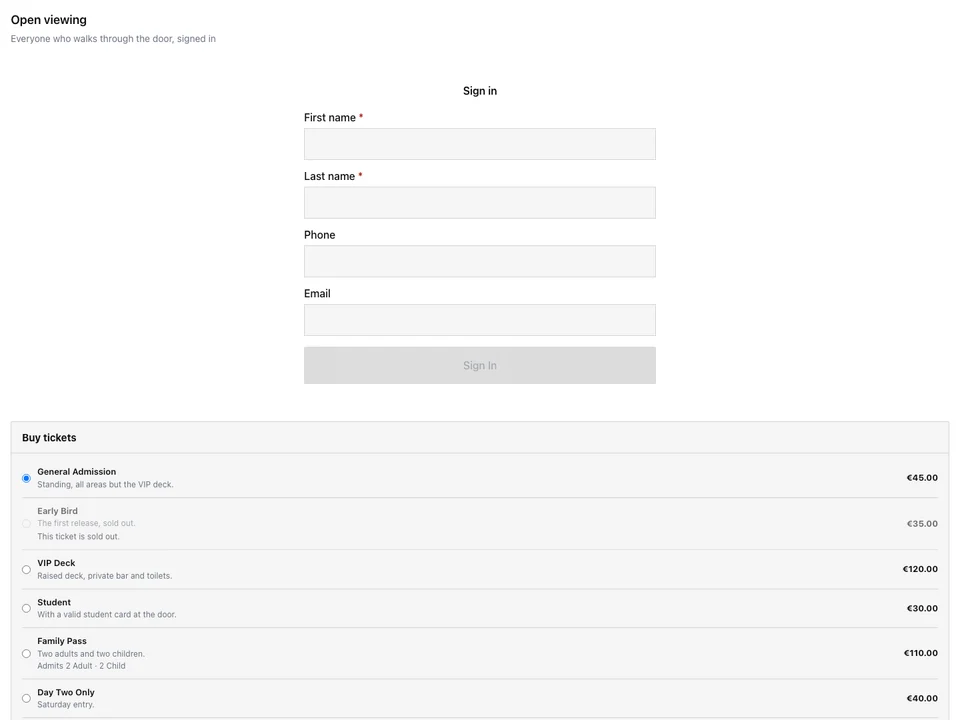
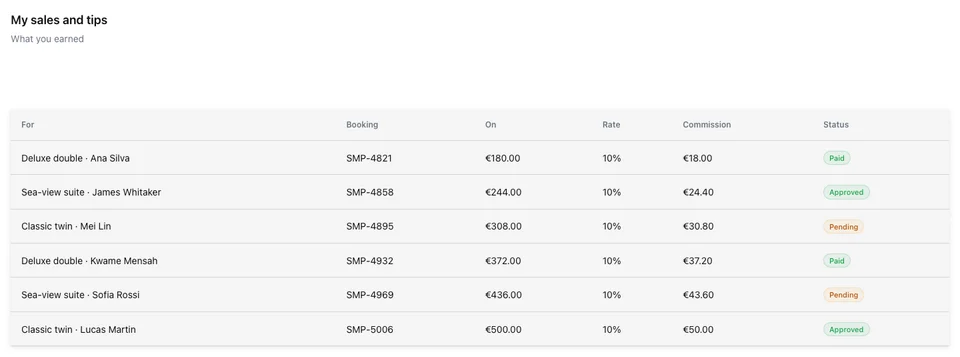
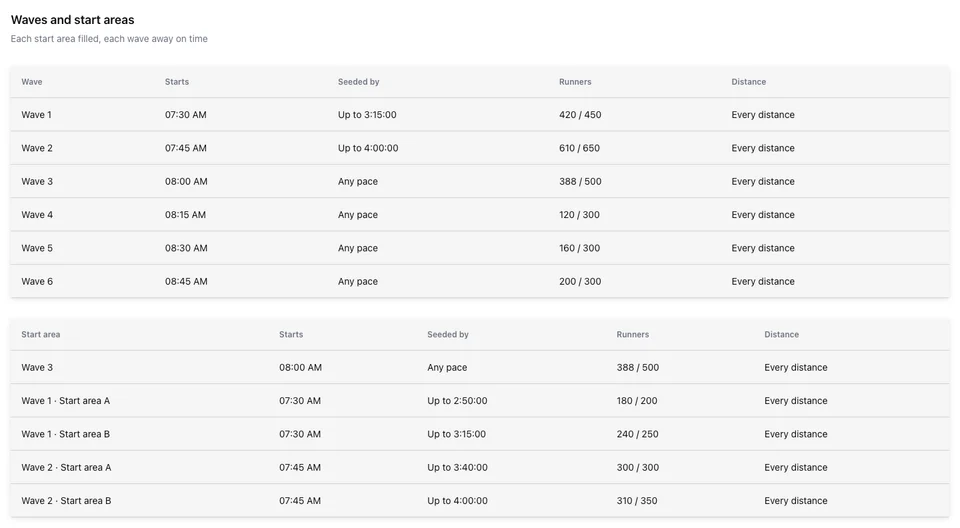
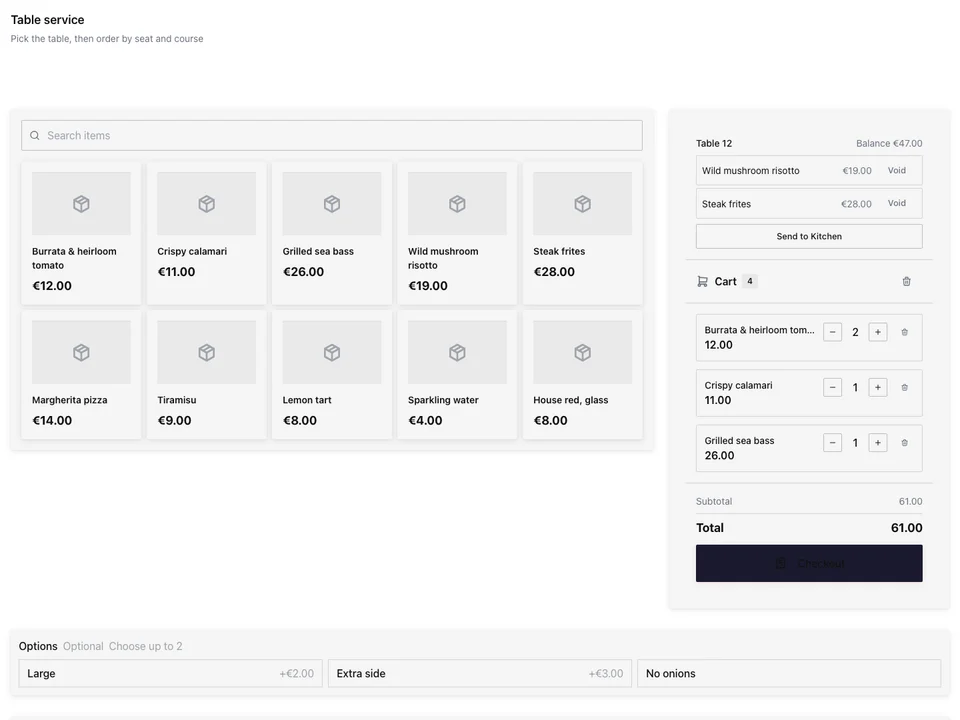
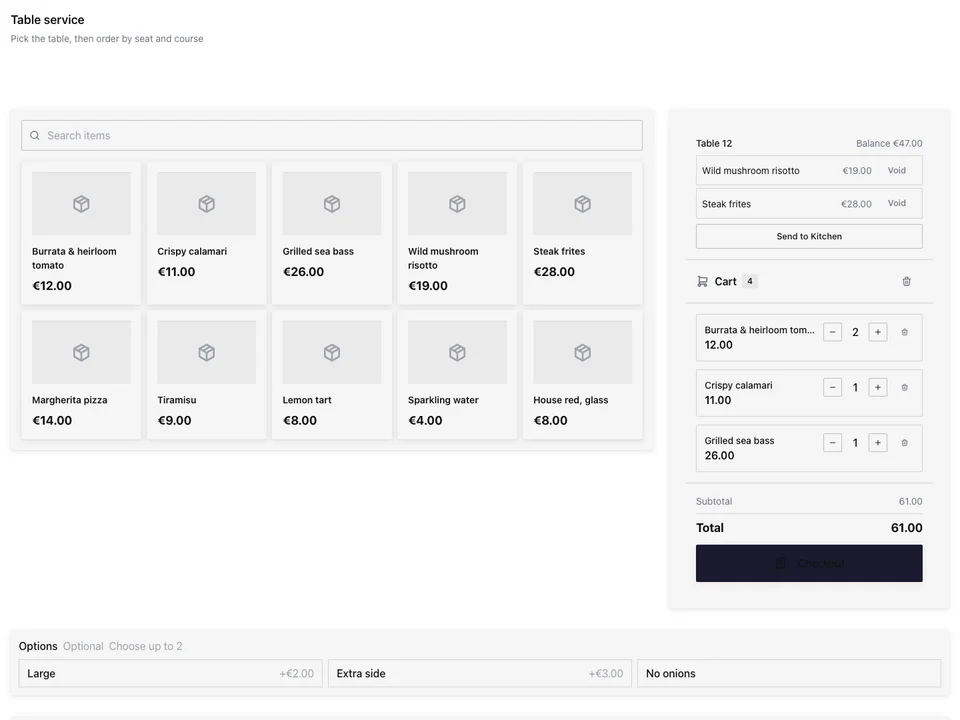
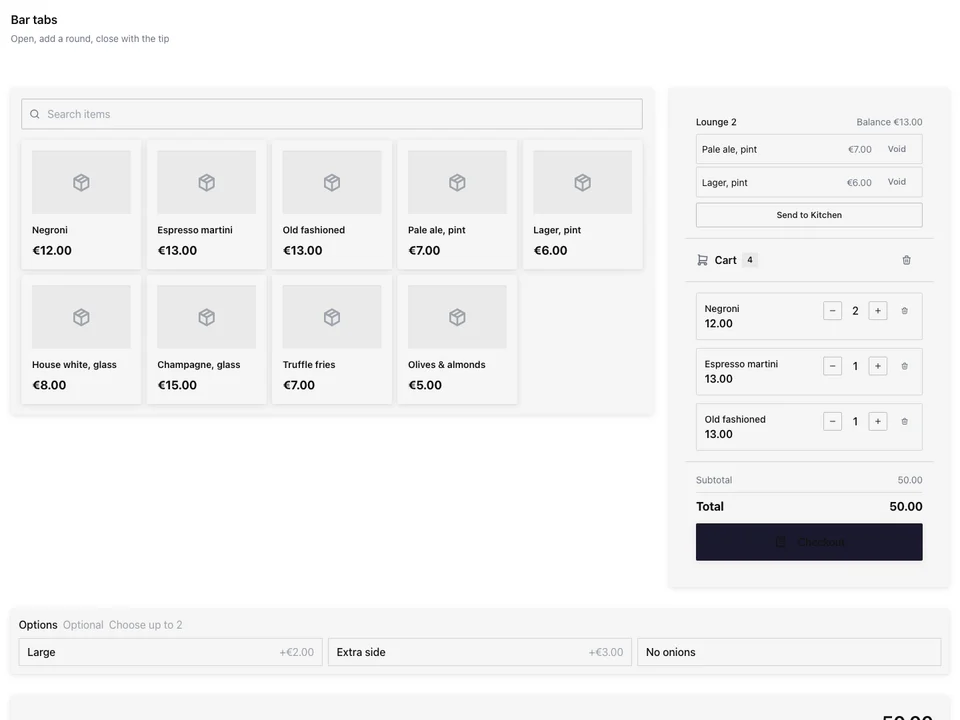
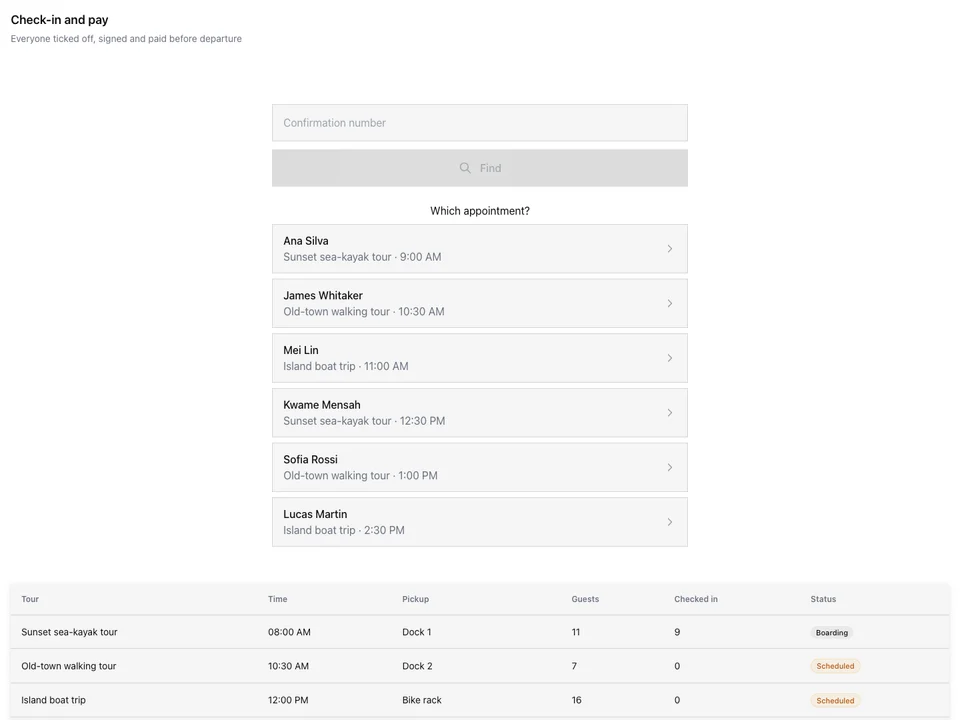

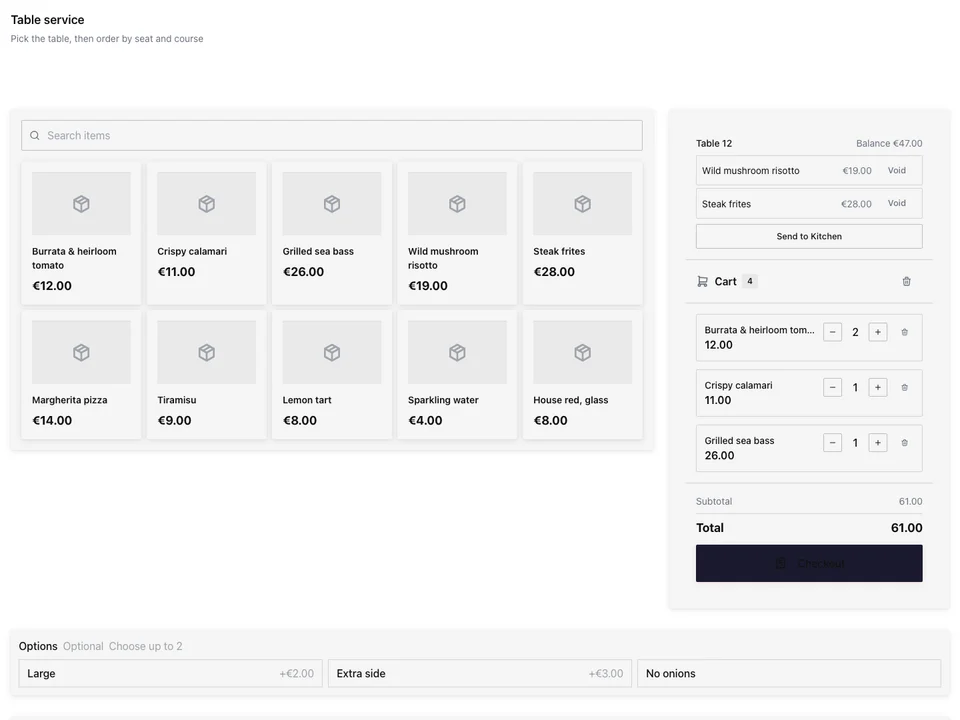
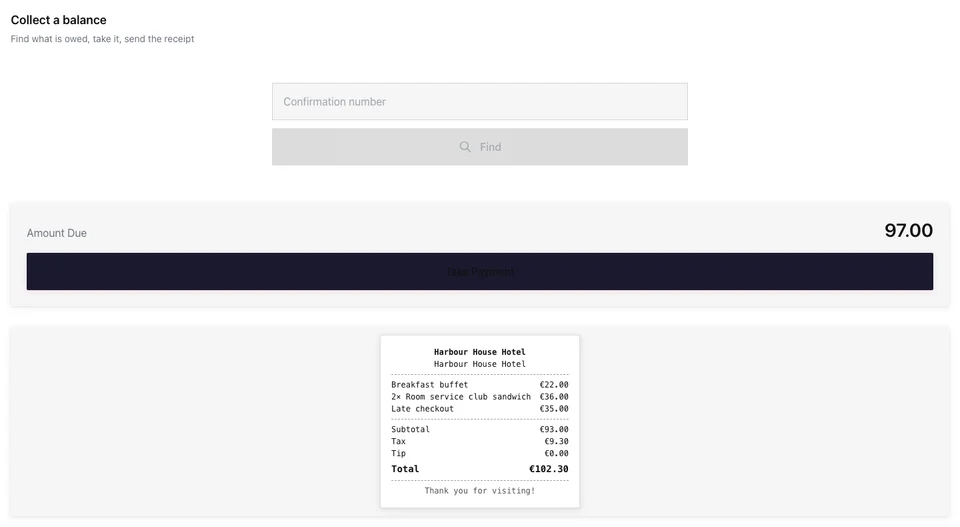
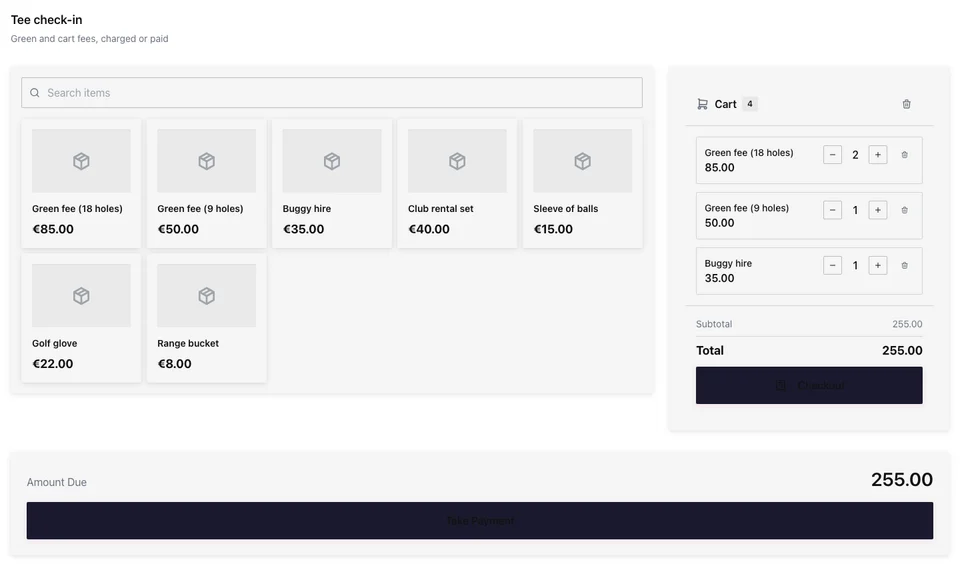
A point of sale on hardware you choose
Set up a station for each place you serve, and every sale lands in the same business.
อุปกรณ์ฮาร์ดแวร์ของคุณ
The devices, printers and card reader you choose.
ตั้งค่า
From its place to its first sale.
การชำระเงิน
Arranged for what you sell.
การชำระเงิน
Every tender, and the receipt for the sale.
One Business
One sale, everywhere it belongs.
Cash Boxes
Every one counted, every day closed.
การขาย
Every station, in each currency.
Sell on the hardware you already own
A station opens in the browser of a computer, tablet or phone you already have, at its own address, with nothing to install. Add the printers you already own, on USB, Bluetooth, Wi-Fi or the cloud, and pair the card reader from your own payment provider.
อุปกรณ์ต่อพ่วง
The printers, card readers, scales and signing units your stations use
| ชื่อ | สถานะ | การเชื่อมต่อ | ภาพพิมพ์ | สถานที่ | แบรนด์ | แบบจำลอง | Prints For |
|---|---|---|---|---|---|---|---|
| Front counter receipts | ออนไลน์ | Wi-Fi (Epson) | Receipts | Kensington Market › Front Counter | Epson | TM-m30III | Every station in its zone |
| Bakery order tickets | ออนไลน์ | Cloud (Star CloudPRNT) | Kitchen | Kensington Market › Bakehouse | Star | TSP143IV | Every station at its Location |
| Coffee bar receipts | ออนไลน์ | USB | Receipts | Kensington Market › Coffee Bar | Epson | TM-T20III | This station |
| Labels | ออนไลน์ | Bluetooth | Labels | Kensington Market › Bakehouse | Zebra | ZD421 | This station |
| Queen West receipts | ออนไลน์ | Wi-Fi (Star) | Receipts | Queen West › Counter | Star | mC-Print3 | Every station in its zone |
| Queen West orders | ปิดการเชื่อมต่อออนไลน์ | Wi-Fi (Epson) | Kitchen | Queen West › Kitchen | Epson | TM-U220 | Every station at its Location |
Any Computer, Tablet or Phone
Open the station’s address, or scan its QR code, in the browser of a device you already have. Nothing is installed.
รหัส QR
พิมพ์หรือแสดงต่อหน้า
station.calistoco.com/t/bree-street-wine-stall37 การสแกนคัดลอกลิงก์ดาวน์โหลดThe Printers You Own
USB, Bluetooth, Wi-Fi and cloud printers, each recognized with what it can do: cut the paper, open the Cash Box, print a QR code, print with no tablet open.
เครื่องพิมพ์บนอุปกรณ์นี้
An iPad and a Wi-Fi Printer
On an iPad, print to a Wi-Fi printer once you accept its certificate, to a printer that fetches its own jobs, or through another station’s printer.
เครื่องพิมพ์ใหม่
เครื่องพิมพ์นี้เชื่อมต่ออย่างไร?บนอุปกรณ์นี้คุณสามารถใช้:Your Own Card Reader
Pair a card reader from your own payment provider with a station, and that station’s card sales are charged on it.
อุปกรณ์ต่อพ่วง
The printers, card readers, scales and signing units your stations use
| ชื่อ | สถานี | การจับคู่ | เชื่อมต่อโดย |
|---|---|---|---|
| Leitor da Sala | Sala Principal | Paired | เครือข่าย (Wi-Fi หรือ Ethernet) |
| Leitor do Bar | Balcão do Bar | Paired | เครือข่าย (Wi-Fi หรือ Ethernet) |
| Leitor da Esplanada | Esplanada | Paired | เครือข่าย (Wi-Fi หรือ Ethernet) |
| Leitor Takeaway | Takeaway | Waiting for pairing | เครือข่าย (Wi-Fi หรือ Ethernet) |
| Leitor da Garrafeira | Garrafeira | Added by hand | Bluetooth |
รหัส QR
พิมพ์หรือแสดงต่อหน้า
station.calistoco.com/t/bree-street-wine-stall37 การสแกนคัดลอกลิงก์ดาวน์โหลดSet up each station for the place it serves
Build Station starts from the place: a front desk, a counter, a bar, a door, a server’s phone, a beverage cart. Each template is only a starting point you change. Give the station its zone, its printers and its Cash Box, choose who signs in, and it is ready for its first sale.
สถานีสร้าง
Where is this screen? Start with a template, or start blank, then customize everything.
Start From a Place
Each place’s template shows its pages, the apps it opens, its money and its device before you use it.
Server’s Phone
Waiter. Takes orders by seat and course, fires them, splits the check and takes payment at the table.
One Person’s Work · On the Floor · Restaurants, Fine Dining, Hotels & Resorts
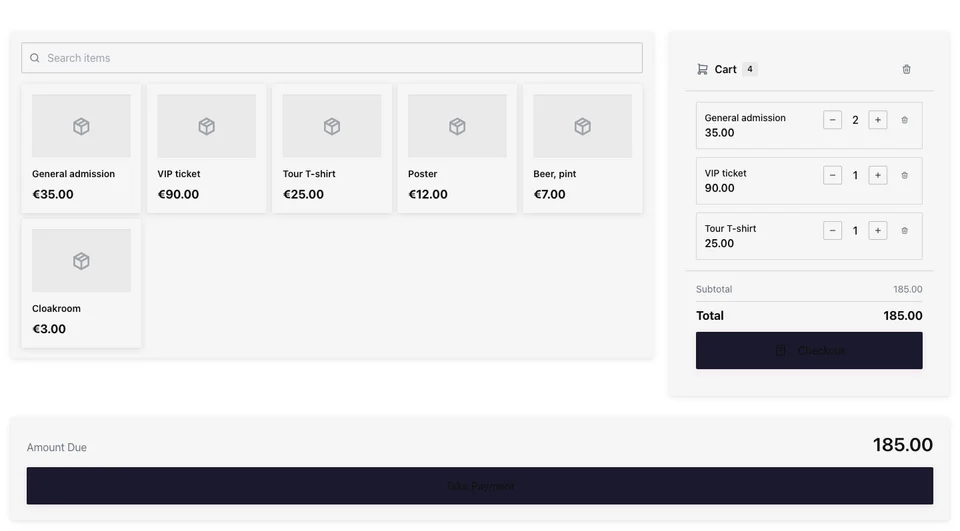
Ring sales on a Checkout you arrange yourself
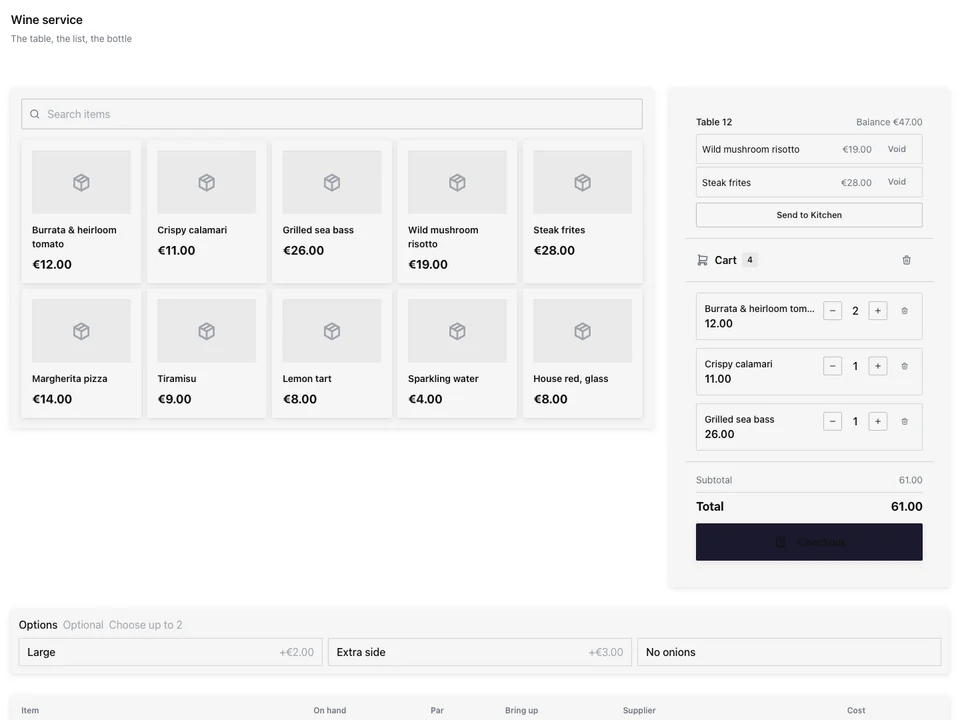
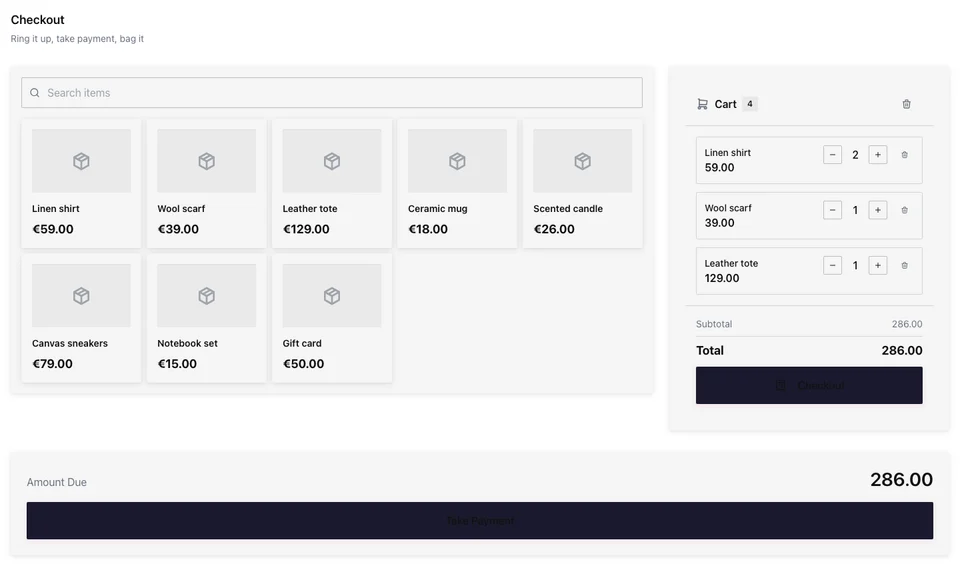
Checkout is a section on a station’s page: products beside the cart, scan first, or big tiles on a phone. It shows your layout, pages of tiles by category, collection or menu section or arranged by hand, and search and scan reach everything you sell.
การจัดวางตามสถานที่
Each Location or Cash Box shows its own pages of tiles, or the station pins one.
Front Counter แบบสด
ขายจากโทรศัพท์
กระเบื้องใหญ่สองชิ้นต่อแถว และรถเข็นในบาร์ สำหรับการขายที่โต๊ะ ที่ประตู หรือที่แผงลอย
หมายเหตุเกี่ยวกับการขาย
หมายเหตุเกี่ยวกับการขายจะพิมพ์บนใบเสร็จ; หมายเหตุเกี่ยวกับรายการจะพิมพ์บนใบเสร็จและใบสั่งงานในครัว
ช่องว่างและคอมโพสิต
พร้อมเหตุผลจากลิสต์ของคุณ; กรณีที่ต้องมีผู้จัดการจะได้รับการตรวจสอบใน Approvals
ลดราคา
The people you allow mark an item down at Checkout.
สินค้ายังคงอยู่ในรายการขายด้วยราคาเดิม ส่วนการลดราคาจะหักออกจากยอดที่ลูกค้าชำระ
รหัสส่วนลด
One code on the check, worked out again whenever a line changes.
รายการแนะนำ
การเพิ่มรายการจะแสดงสิ่งที่คุณเลือกที่จะนำไปใช้ด้วย และแตะครั้งเดียวเพื่อเพิ่ม
การ์ดของขวัญและจำนวนเปิด
ขายบัตรของขวัญหรือจำนวนเงินใดๆ และโทรหาสายที่เปิดอยู่ตามจำนวนที่พิมพ์
บัตรผ่านรายวันและตั๋ว
A day pass’s door code issued when the check closes, with Access, and a ticket’s questions asked at Checkout.
การตรวจสอบอายุ
รายการที่ต้องการทราบอายุของผู้ซื้อจะถามพนักงานขายก่อน ไม่ว่าจะมีสัญญาณหรือไม่ก็ตาม
ตรวจสอบบัตรประจำตัวผู้ซื้อ ผู้ซื้ออายุ 18 ปีขึ้นไปหรือไม่?
ขายตามน้ำหนัก
ชั่งน้ำหนักบนตาชั่งของสถานี จากฉลากที่สแกน หรือพิมพ์ด้วยตนเอง
การคืนสินค้า
ค้นหาตามหมายเลขใบเสร็จ ได้รับการคืนเงิน และถูกนำกลับมาวางขายอีกครั้ง
หน้าจอแสดงข้อมูลลูกค้า
การสั่งซื้อและการเลือกทิปบนหน้าจอที่สอง โดยทิปจะตกลงมาที่ยอดขาย
Take every tender, and hand over the right receipt
Cash, a card on the station’s own card reader, a gift card, a split or a house account. Each paid check asks for its fiscal document once, and printers, scales and signing units are added in Peripherals.
เงินสดโดยไม่มีสัญญาณ
เมื่อคุณอนุญาต ยอดขายเงินสดจะรออยู่บนอุปกรณ์และส่งเมื่อใดก็ตามที่ต้องการการตรวจสอบโดยบุคคล
ใบเสร็จรับเงิน
Printed or emailed from the paid check, with its fiscal number and QR code in the countries Calisto covers.
2x Bacalhau à Brás33,00 €1x Polvo à Lagareiro21,00 €2x Caldo Verde11,00 €1x Vinho Verde, Garrafa18,00 €4x Pastel de Nata7,20 €
Subtotal90,20 €Tax11,73 €Tip8,00 €TOTAL109,93 €Paid by: Card
ATCUD: JFK3P9-1043Hash: aK9fPrograma certificado: 2847/ATThank you!Txn: TX-7Q4M-2210
หน่วยลงนาม
ใบเสร็จรับเงินที่ลงนามในการขายเมื่อกฎหมายกำหนด: เยอรมนี ออสเตรีย สเปน และอิตาลี
อุปกรณ์ต่อพ่วง
The printers, card readers, scales and signing units your stations use
รายละเอียดภาษีผู้ซื้อ
Asked at payment only where the check’s country uses them.
พิมพ์ CPF ไว้บนใบเสร็จ (CPF na nota) ส่วน CNPJ จะทำให้เป็นใบกำกับภาษีอิเล็กทรอนิกส์ (NF-e) ซึ่งต้องระบุที่อยู่ของผู้ซื้อ
การพิมพ์ในสำนักงาน
หน้าการปล่อยบนแท็บเล็ตใด ๆ ริมเครื่องพิมพ์ในสำนักงาน สำหรับการพิมพ์ของทุกแอป
One sale, everywhere it belongs
A sale at Checkout is the same sale everywhere else in Calisto: its stock comes off, the kitchen gets its ticket, the tip goes to whoever served, the customer earns points and the books get their entry. Sales shows it beside what you sold online, each channel at each Location, in its own currency.
การขาย
สิ่งที่คุณขายในร้านและออนไลน์: แต่ละช่องทางในแต่ละสถานที่ หักภาษีแล้ว และด้วยสกุลเงินของตัวเอง
| ช่องทาง | สถานที่ | คำสั่งซื้อ | สุทธิ | รายได้รวม |
|---|---|---|---|---|
| Counter & bar | Oranienstraße | 3.412 | 41.280,50 € | 49.123,80 € |
| Counter & bar | Markthalle Neun | 1.876 | 22.914,20 € | 27.268,00 € |
| Online orders | Oranienstraße | 642 | 18.402,90 € | 21.899,50 € |
| กินในร้าน | Oranienstraße | 958 | 11.236,40 € | 13.371,30 € |
| Online orders | Markthalle Neun | 205 | 4.120,40 € | 4.903,30 € |
| Delivery platforms | Oranienstraße | 311 | 5.870,00 € | 6.985,30 € |
สินค้าถูกเบิกออกเมื่อคุณขาย
การลดลง
การลดหย่อนอัตโนมัติจากการขายเมื่อส่วนประกอบของสูตรถูกใช้ไป
| เมื่อ | สินค้าที่ขายแล้ว | ส่วนประกอบ | ปริมาณหมด | หน่วย | สถานที่ | แหล่งที่มา | สถานะ |
|---|---|---|---|---|---|---|---|
| 12:48 | Pierogi Ruskie, 12 szt. | Ciasto pierogowe | 0,42 | kg | Kazimierz, ul. Józefa | การชำระเงิน | ใช้แล้ว |
| 12:48 | Pierogi Ruskie, 12 szt. | Ziemniaki | 0,36 | kg | Kazimierz, ul. Józefa | การชำระเงิน | ใช้แล้ว |
| 12:48 | Pierogi Ruskie, 12 szt. | Twaróg półtłusty | 0,24 | kg | Kazimierz, ul. Józefa | การชำระเงิน | ใช้แล้ว |
| 12:41 | Kanapka z Szynką | Chleb żytni | 2 | kromki | Kazimierz, ul. Józefa | การชำระเงิน | ใช้แล้ว |
| 12:41 | Kanapka z Szynką | Szynka wiejska | 0,08 | kg | Kazimierz, ul. Józefa | การชำระเงิน | ใช้แล้ว |
| 12:33 | Żurek w Chlebie | Zakwas żytni | 0,35 | l | Kazimierz, ul. Józefa | การชำระเงิน | ใช้แล้ว |
| 12:33 | Żurek w Chlebie | Biała kiełbasa | 0,12 | kg | Kazimierz, ul. Józefa | การชำระเงิน | ใช้แล้ว |
Every line rung takes its stock off, with Inventory.
The Kitchen Fired
การกำหนดเส้นทางห้องครัว
Redirect or duplicate a ticket to a station when a dining option or a zone applies. A rule on a zone covers every table and station inside it. Item→station assignment lives on the menu item; these rules layer on top.Each dish fires to the kitchen your routing names, on its own ticket, with Dine.
The Room Charged
Split the check, or post it to a guest’s room, with Stays.
Tips Paid to the Right Person
ทิป
แชร์คำแนะนำตามกฎของคุณ ตรวจสอบการแชร์ทุกครั้ง แล้วจ่ายเงินให้พวกเขาผ่านเงินเดือน
ส่วนแบ่งของแต่ละบุคคล · 10–16 Nov
| บุคคล | ชั่วโมง | เคล็ดลับเกี่ยวกับการตรวจสอบ | มอบให้ | ได้รับ | จ่ายผ่านเงินเดือน |
|---|---|---|---|---|---|
| Inês Carvalho | 38 | 312,40 € | 46,90 € | 0,00 € | 265,50 € |
| Tiago Moreira | 36 | 287,10 € | 43,10 € | 0,00 € | 244,00 € |
| Beatriz Lopes | 30 | 198,60 € | 29,80 € | 0,00 € | 168,80 € |
| Rui Almeida | 40 | 0,00 € | 0,00 € | 71,50 € | 71,50 € |
| Marta Sousa | 34 | 0,00 € | 0,00 € | 48,30 € | 48,30 € |
Each check’s tip belongs to whoever served it, shared by your rules and paid with payroll, with Workforce.
Loyalty Earned
The customer joins on the customer display and earns points on the sale, with Circle.
ในบัญชีแล้ว
ธุรกรรม
รายการธุรกรรมทั้งหมดที่โพสต์แล้ว เรียงจากใหม่ไปเก่า
| วันที่ | การเข้าใช้งาน | คำอธิบาย | ประเภท | สถานะ | จำนวนเงิน |
|---|---|---|---|---|---|
| 21 Nov | JE-2026-04812 | Check 2187 · Pro Shop | ตรวจสอบ | โพสต์แล้ว | $214.50 |
| 21 Nov | JE-2026-04811 | Check 2186 · Beverage Cart | ตรวจสอบ | โพสต์แล้ว | $38.00 |
| 21 Nov | JE-2026-04810 | Check 2185 · Clubhouse Bar | ตรวจสอบ | โพสต์แล้ว | $96.40 |
| 20 Nov | JE-2026-04809 | Cash Box close · Pro Shop | Cash Box close | โพสต์แล้ว | $1,288.00 |
| 20 Nov | JE-2026-04808 | Check 2184 · Pro Shop | ตรวจสอบ | โพสต์แล้ว | $172.00 |
| บัญชี | โอนเงินออก | เครดิต |
|---|---|---|
| Open checks and folios | $214.50 | |
| การขาย | $195.00 | |
| Tax collected | $19.50 | |
| Card and online payments awaiting payout | $214.50 | |
| Open checks and folios | $214.50 |
Each closed check posts its sale, its tax and its payment to your books, with Ledger.
One Gift Card
การ์ดของขวัญ
MPC-7Q4K-2291
- สถานะ
- กำลังใช้งาน
- ออกให้
- Layla Haddad
- รหัส
- MPC-7Q4K-2291
| เมื่อ | อะไร | จำนวนเงิน | ยอดคงเหลือหลังหัก |
|---|---|---|---|
| 20 Nov | Paid with | -AED 120.00 | AED 145.00 |
| 15 Nov | Paid with | -AED 85.00 | AED 265.00 |
| 08 Nov | ชำระเงินแล้ว | +AED 200.00 | AED 350.00 |
| 01 Nov | Paid with | -AED 150.00 | AED 150.00 |
| 25 Oct | Paid with | -AED 200.00 | AED 300.00 |
| 18 Oct | ออกแล้ว | +AED 500.00 | AED 500.00 |
A gift card sold at Checkout is spent on your website from the same balance.
Count every Cash Box and close the day
Each Cash Box opens with a float and closes with a count. Cash in, cash out and drops are recorded on the shift, and the difference is measured in each currency, never converted. The Z report closes a Cash Box, and Day Close signs off the day.
เงินสด
Every station’s cash box, and the close that reconciles it
| Cash Box | สถานที่ | อุปกรณ์ | สถานะ | ครั้งล่าสุดที่ใช้งาน |
|---|---|---|---|---|
| Front Desk 1 | Forja Chapinero | Countertop | Cash Box open | 21/11/2026 08:12 |
| Front Desk 2 | Forja Chapinero | แท็บเล็ต | Cash Box open | 21/11/2026 08:40 |
| Juice Bar | Forja Chapinero | แท็บเล็ต | Cash Box open | 21/11/2026 09:05 |
| Front Desk | Forja Usaquén | Countertop | ปิดแล้ว | 21/11/2026 07:58 |
| Smoothie Cart | Forja Usaquén | Handheld | ปิดแล้ว | 21/11/2026 07:31 |
| Pro Shop | Forja Usaquén | แท็บเล็ต | การบำรุงรักษา | 21/11/2026 06:47 |
Each Cash Box’s Page
เงินคงเหลือ เงินสดที่คาดหวัง การเคลื่อนไหวทุกประการ และการปิดทุกประการ
Cash Box
Café Counter
การเคลื่อนไหวของเงินสด
จ่ายแล้วจ่ายแล้วCash Dropไม่มีการขายClose Cash Box
เซสชันที่ปิดล่าสุด
See what every station sold, in each currency
Analytics shows today’s sales per currency, orders, comps, open sessions, refunds waiting, sold-out items and online orders waiting, and the last seven days. Reports cover sales by category and by time of day, transactions, product margins, an ABC ranking, staff sales, tips, voids and comps, reconciliation and Cash Box variance.
การขาย
สิ่งที่คุณสถานีขายได้ ตัวเลขแต่ละตัวในสกุลเงินของตัวเอง ในวันธุรกิจของคุณ
| การทำรายการ | ผลิตภัณฑ์ | จำนวน | รวมทั้งหมด | วันที่ |
|---|---|---|---|---|
| TX-48213 | Bacalhau à Brás | 2 | 33,00 € | 21/11/2026 20:48 |
| TX-48212 | Vinho Verde (garrafa) | 1 | 22,00 € | 21/11/2026 20:42 |
| TX-48211 | Polvo à Lagareiro | 1 | 21,50 € | 21/11/2026 20:36 |
| TX-48210 | Pastel de Nata | 4 | 6,40 € | 21/11/2026 19:30 |
| TX-48209 | Amêijoas à Bulhão Pato | 2 | 29,00 € | 21/11/2026 19:24 |
| TX-48208 | Bica | 3 | 3,60 € | 21/11/2026 19:18 |
| TX-48207 | Caldo Verde | 2 | 9,00 € | 21/11/2026 18:12 |
การขาย
สิ่งที่คุณสถานีขายได้ ตัวเลขแต่ละตัวในสกุลเงินของตัวเอง ในวันธุรกิจของคุณ
| สกุลเงิน | ทิป |
|---|---|
| MXN | $920.00 |
| วันที่ | บรรทัด | เคล็ดลับ |
|---|---|---|
| 21/11/2026 | Mesa 4 · Lucía Hernández | $185.00 |
| 21/11/2026 | Barra · Diego Ramírez | $120.00 |
| 21/11/2026 | Mesa 9 · Sofía Torres | $240.00 |
| 20/11/2026 | Mesa 2 · Andrés Vega | $310.00 |
| 20/11/2026 | Para llevar · Paola Méndez | $65.00 |
สถานที่ที่ Station สัมผัสกับทุกสิ่ง อื่นๆ.
3 of these 8 connections are in your plan today; the others are their own apps.
Shop
A shop’s counter station sells Shop’s products at Checkout, with its returns and gift cards.
Dine
Checkout reads Dine’s sold-out dishes and fires each dish to the kitchen its routing names.
Payments
Your payment provider and its card readers are kept in Payments, and gift cards are one balance there.
Stays
A check is posted to a guest’s room, and a Front Desk station opens Stays’ Today and Check-In Hub.
Inventory
Every line rung at Checkout takes its stock off in Inventory.
Workforce
Workforce gives stations to people on your team, and each check’s tip is shared and paid with payroll.
Kiosks
A kiosk sells from the same Checkout as a station, and keeps its sales the same way when the signal drops.
Access
A day pass sold at Checkout is issued its door code by Access when the check closes.
ไม่มีต้นทุนการติดตั้ง จ่ายเมื่อเริ่มใช้งาน
A professional point of sale, on hardware you choose.
Calisto Work
Set up a station for each place you serve: a front desk, a counter, a bar, a server’s phone.
Included at no extra charge with any Calisto Commerce or Ops plan. Otherwise priced per station.
แนะนำสำหรับคุณ
ทำงานร่วมกันได้ดี
Calisto Shop
รวมอยู่ในแผนของคุณ
แอปหลักของคุณแสดงทุกอย่างที่แผน Commerce และ Ops ของคุณเปิดใช้งาน
Learn more →Calisto Dine
รวมอยู่ในแผนของคุณ
แอปหลักของคุณแสดงทุกอย่างที่แผน Commerce และ Ops ของคุณเปิดใช้งาน
Learn more →Calisto Payments
Calisto Commerce
The providers you connect in each country, every payment, refund and chargeback, payouts matched to the payments they pay out, what a buyer may pay with, pay links, fiscal providers and your devices.
Learn more →Calisto Stays
รวมอยู่ในแผนของคุณ
แอปหลักของคุณแสดงทุกอย่างที่แผน Commerce และ Ops ของคุณเปิดใช้งาน
Learn more →Calisto Inventory
Calisto Workforce
Calisto Kiosks
เคาน์เตอร์ Calisto
One job per kiosk, from check-in and ordering to wayfinding, set up on any tablet at your own kiosk address, with each screen’s own card terminal and printer.
Learn more →Calisto Access
Calisto Ledger
Calisto Circle
แนะนำสำหรับ
อุตสาหกรรมที่ดำเนินการ Station และสิ่งที่แต่ละอุตสาหกรรมดำเนินการเพื่อวัตถุประสงค์นั้น
Venue ManagementConcession terminals
Concession and box office terminals.
Venue Management บน Calisto →สนามกีฬาและหอประชุมConcession terminals
Bar, kiosk and club shop terminals.
สนามกีฬาและหอประชุม บน Calisto →กิจกรรมสันทนาการและการเช่ายานพาหนะCounter point of sale
Counter terminals at the rental desk.
กิจกรรมสันทนาการและการเช่ายานพาหนะ บน Calisto →สถานที่ท่องเที่ยวและสวนสาธารณะFront desk point of sale
Front desk and snack bar terminals.
สถานที่ท่องเที่ยวและสวนสาธารณะ บน Calisto →พื้นที่ทำงานร่วมกันCafé & front desk terminal
Café and front desk terminals.
พื้นที่ทำงานร่วมกัน บน Calisto →In-Person Retailersจุดขาย
The till and clienteling terminals on the floor.
In-Person Retailers บน Calisto →สิ่งทั้งหมดที่รวมอยู่ใน Calisto Station.
- Any computer, tablet or phone with a browser, at the station’s own address; nothing installed
- The station’s address and its QR code, to open it on the device at the counter
- The printers you own: USB, Bluetooth, Wi-Fi and printers that fetch their own jobs
- Each printer recognized with what it can do: cut, open the Cash Box, print a logo or QR code, print with no tablet open
- Receipt, kitchen, label and document printers; Test Print; print jobs and Retry within 24 hours
- On an iPad: a Wi-Fi printer once you accept its certificate, a printer that fetches its own jobs, or another station’s printer
- Card readers from your own payment provider, paired with a station or added by hand, with Payments
- Scales over the browser’s serial port (Chrome and Edge on Windows, ChromeOS and Android)
- RFID readers for checking a rental, kit or case against the tags read
- Signing units for countries that sign at the sale
- Peripherals: Printers, Jobs, Printer Routing, Card Readers, Scales, RFID Readers and Signing Units
- Build Station starts from the place: Front Desk & Check-In, Counter, Bar, Door & Gate, On the Floor, On the Move and Kitchen
- Station templates for every Core app’s industries, drawn live on sample data, or a blank station
- Each template’s page: its pages, the apps it opens, its money and its device, before you use it
- One responsive design per station, its Checkout among its pages, at every screen size
- A zone for each station, under its Location, added from the station’s Overview
- Each printer prints for its station, every station in its zone, or every station at its Location
- One Cash Box or several per station; with several, each person chooses theirs when they open Checkout
- Other apps’ screens on a station, such as a hotel Front Desk opening Stays’ Today and Check-In Hub, with Stays
- Who signs in here: the people given this station, the people given its zone, or every team member at its Location
- On a shared device: each person’s password once, then their PIN, or PIN only after an admin signs the device in
- Passkeys at the station’s calistoco.com address
- Sign-in rules per station: allowed email domains, networks, a lockout after failed attempts, and how long a sign-in lasts
- Several people signed in on one device: add a colleague, switch, lock and sign out from the station bar
- A station is given to people on your team, from Station, Workforce or a Core app’s Stations
- Each station’s Overview lists what is left, from where it stands to its first sale
- The same stations in every Core app’s Stations area
- Each station at its own address on station.calistoco.com
- Three arrangements: products beside the cart, scan first, or two big tiles a row on a phone
- Checkout Layout: pages of tiles by category, collection or menu section, or by hand, per Location or Cash Box
- A station may pin one layout; columns, tile size, a Favorites page, search and scan
- Search and scan reach everything you sell
- Who’s Buying, Transfer a Check, Hold a Card, order minimums and lead times on the cart
- A note on the sale and on each item, printed on the receipt and the kitchen ticket
- Sell a Gift Card, Custom Amount, Payment Schedule and Add a Client tiles
- Payment Schedule on a station that includes Shop, with Shop
- Voids and comps with reasons from your lists; manager reviews in Approvals
- Mark down an item at Checkout, for those allowed
- One discount code on the check, worked out again as lines change
- A discount for paying a certain way, taken off once it is chosen
- Tips and automatic gratuity, as your settings ask
- Day passes sold at their own price, the door code issued when the check closes, with Access
- Tickets to several events in one order, and a ticket type’s questions asked at Checkout, with Tickets
- Age checks and declarations asked before a bound item is added, online and offline
- Weighed items by the station’s scale, a scanned label or a typed weight
- Returns found by receipt number: one return, a refund and the stock put back
- Suggested items: adding an item shows what you chose to suggest with it, one tap adds one
- Customer Display: the order and the tip choice on a second screen or a flipped tablet
- Cash, card, gift card, split payment and house accounts, as your settings allow
- A card sale charged on the station’s own card reader, and refundable through your payment provider
- House accounts: charges, payments recorded and voided, statements
- Cash while offline, sent once on reconnect; held sales listed for review
- A fiscal document for each closed check, requested once, in the countries Calisto covers
- Receipts printed or emailed from the paid check, with its fiscal fields and QR code
- Receipts by text from the Customer Display when you send texts
- Signing units for countries that sign at the sale (Germany, Austria, Spain, Italy), the issuer set up in Ledger
- The buyer’s tax details asked only where the check’s country uses them
- Calisto Print: a print address per person and a release page beside an office printer
- Every line rung takes its stock off through Inventory’s one depletion, with Inventory
- Each dish fires to the kitchen your routing names, by dining option or by zone, with Dine
- Sold-out dishes greyed at once, from Dine
- A check split, or posted to a guest’s room, with Stays
- Each check’s tip belongs to whoever served it, shared by your rules and paid with payroll, with Workforce
- Rewards joined on the customer display, and points earned on the sale, with Circle
- Each closed check posts its sale, tax and payment to the books, with Ledger
- One gift card balance, sold at Checkout and spent online, with Payments
- Sales by channel: in store and online, each channel at each Location, in its own currency
- Cash Boxes: every one, its Location, open or closed, and New Cash Box
- Open a Cash Box with a float, in one currency or several
- Cash in, cash out and drops recorded on the shift
- Count and close; over or short measured against expected cash
- Each currency measured in itself, never converted
- X report mid-shift; Z report per currency on your business day
- Blind count for those who may not see sales
- A manager’s reconcile stamped with their name
- Day Close: every Cash Box of the day, then one sign-off, the same close Today shows
- Offline Sales: held sales until someone who may refund marks them reviewed, with a note
- A Cash Box left open past its business day told once, as a rule you can change, with Automations
- Each Cash Box’s page: its float, expected cash, movements and closes
- Analytics: today’s sales per currency, orders, comps, open sessions, pending refunds, sold-out items and online orders waiting, with Orderflow
- The last seven days of sales, and the newest sales at Checkout
- Reports: sales by category and by time of day, transactions, product margins, ABC ranking, staff sales, tips, voids and comps, reconciliation and Cash Box variance, exported as CSV or PDF or sent on a schedule
- Every figure per currency, never summed
- Your business day, in your own time zone
- A gift card sold is never counted as a sale
- Comped items apart from sales, or left out, as you choose
- Money access follows your owner settings; a figure someone may not see reads Not shared with you
- A station’s money reports read its own Location
- Tabs: Home, People, Cash and Sales
- Home: live and draft stations, and what needs someone on the floor: printers, Cash Boxes left open, offline sales
- Every desk screen with a phone shape
- Shortcuts: Cash Boxes, Close the Day, Give a Station, Printers, Sales and New Station
- Home, People and Peripherals open with no signal, read only
- View Cash Box and View Z Report on the notice
- The Station Status widget: live stations, drafts, printers, Cash Boxes open and offline sales
- Stations in Calisto search
- Per station, month to month, cancel anytime
- Included with a Calisto Commerce or Ops plan
- No charge per person who signs in to a station
- Computers, tablets, phones, card readers and printers are your own, bought from anyone
- Shop, Dine, Payments, Workforce, Access, Tickets, Stays, Ledger, Inventory, Circle, Orderflow and every other app named here priced in its own app
Questions about Calisto Station
Yes. Set up a station for each place you sell and serve in person: a front desk, a counter, a bar, a door, a server’s phone or a beverage cart. Each one has its Checkout, its printers, its card reader and its Cash Box, and every sale lands in the same business as your stock, staff, books and online orders.
A computer, tablet or phone with a browser, the printers you already own, and a card reader from your own payment provider. Calisto sells no hardware, so you buy it from anyone.
An iPad’s browser cannot reach a USB or Bluetooth printer. On an iPad, print to a Wi-Fi printer, a printer that fetches its own jobs, or through another device in the shop.
No. A station opens at its own address in the browser of the device at the counter. Nothing is installed on your devices.
The card readers of the payment provider you already use. Pair one with a station, and that station’s card sales are charged on it.
Cash, when you allow it. The sale waits on the device and is sent once the signal returns, and a sale that needs a person is held in Offline Sales for review. Cards need a connection.
Per station, month to month, and you can cancel anytime. Station is included with a Calisto Commerce or Ops plan.
