Badilisha video ndefu kutoka kati ya kwanza hadi uhamishaji.
Put your footage on a timeline, cut it frame by frame or by deleting the words spoken, add captions and titles, and post it to your channels, from your computer or your phone.
Kila Video, kutoka kwenye shughuli ya kwanza hadi baadaye
Episodes, interviews, product videos and the films a business makes about itself.
Anza
Uchoraji, rekodi au muundo.
Badilisha
Kwa kichwa au kwa neno.
Sauti
Mchanganyiko, sauti na ritimu.
Captions
Kila neno limepimwa, sehemu yote imeandikwa.
Video Pro
Color, masks, keys and multicam.
Patia
Export, Shorts and the channels.
Kwenye Simu
Video ileyotayote kwenye mkono wako.
Anza Video kutoka kwenye rekodi, uandishi au muundo
New Video opens one at once, framed 16:9 with an intro title and an end card. Drop footage on Home, or pick it under Media, and it is placed. Every source and export is a file in Depot, and every Video sits in its Hubs.
Rekodi
The camera, the screen with the microphone, or the microphone alone, placed at the playhead.
Chanzo
The recording is saved to your files and placed at the playhead when you stop.
Teleprompter
Mwandishi wako unapita juu ya uonyeshaji kwa kasi ya kusoma wakati wa kurekodi, kinyume cha mstari ikiwa unataka, na sio kabisa kwenye Video.
Chanzo
The recording is saved to your files and placed at the playhead when you stop.
Teleprompter
Bienvenidos a Spa Brisa. Aquí cada visita empieza con un té y una conversación. Después elegimos juntos el masaje que necesitas, y el resto del día es tuyo.
Onyesha juu ya UtaaribuMiria kwa ajili ya Kioo cha TeleprompterKwa takriban 0:12 kusoma. Skripti inaanza juu na kila uchambuzi, na haipo kwenye video.
Templates
YouTube Video, Intro Title, Chapter Cards, Name and Role, End Card, Square Post and Audiogram.
Muundo huo unaweka kile kwenye mpango. Kila kitu kinachongezwa kinabaki kurekebishwa, na Kufanya Upya kunarejesha nyuma.
Video na Muziki vya Stock
Video za kifedha, muziki na sauti za athari, zilizopo kutoka kutoka kwenye Hifadhi ya Mawasiliano.
 Morning Run0:14
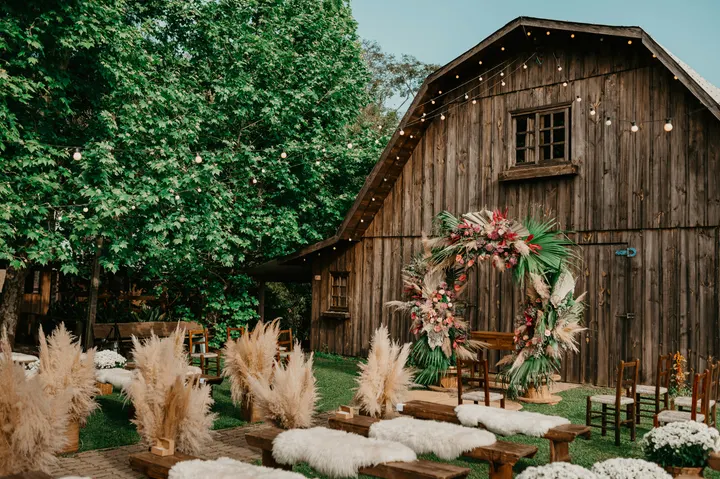 City Rooftop0:22
 Market Stall0:09
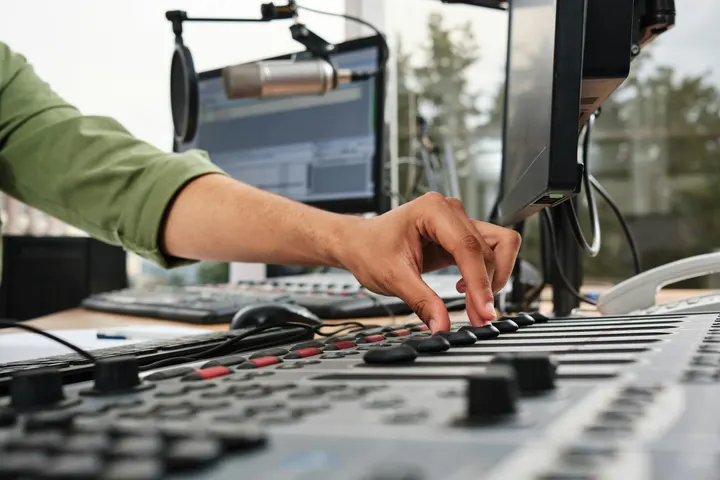 Studio Light0:18
 Coastline0:31
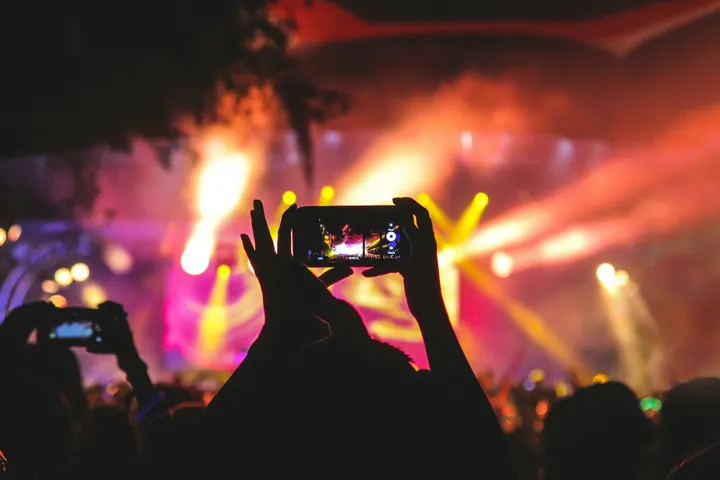 Night Crowd0:12
Muziki
Maktaba na Viungo
Tafuta, badilisha jina na faili kila Video, au iliyopangwa kwenye mradi wa mteja, na Velocity.
 Casa Ámbar
 Trattoria Lucia
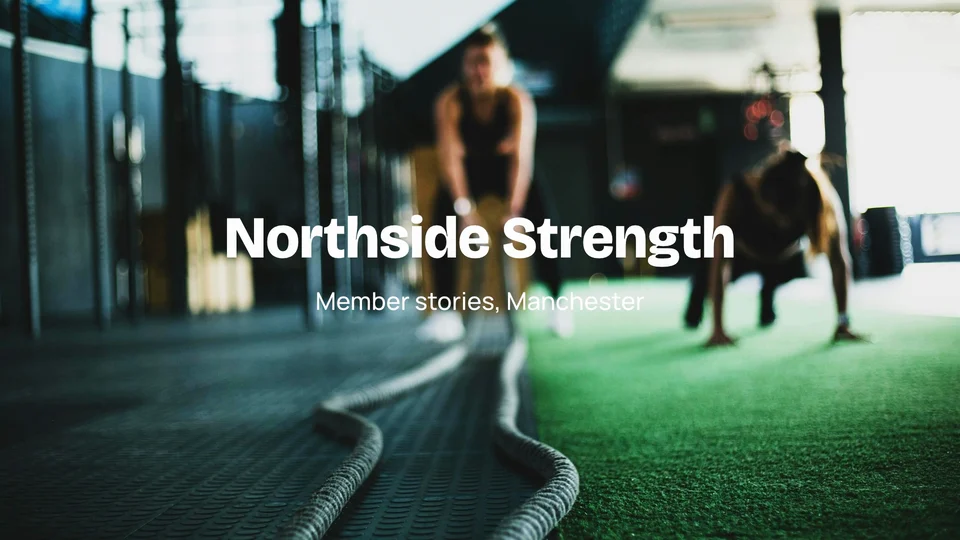 Northside Strength
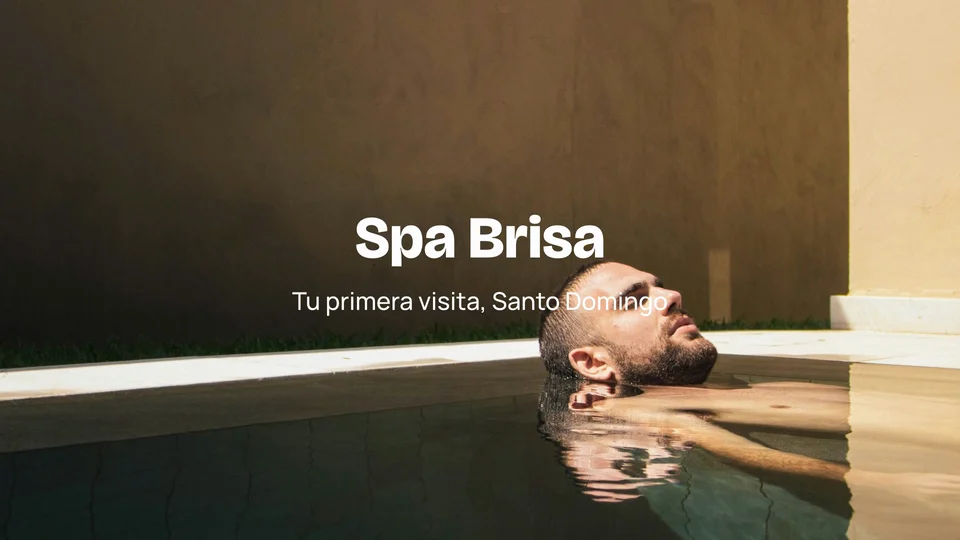 Spa Brisa
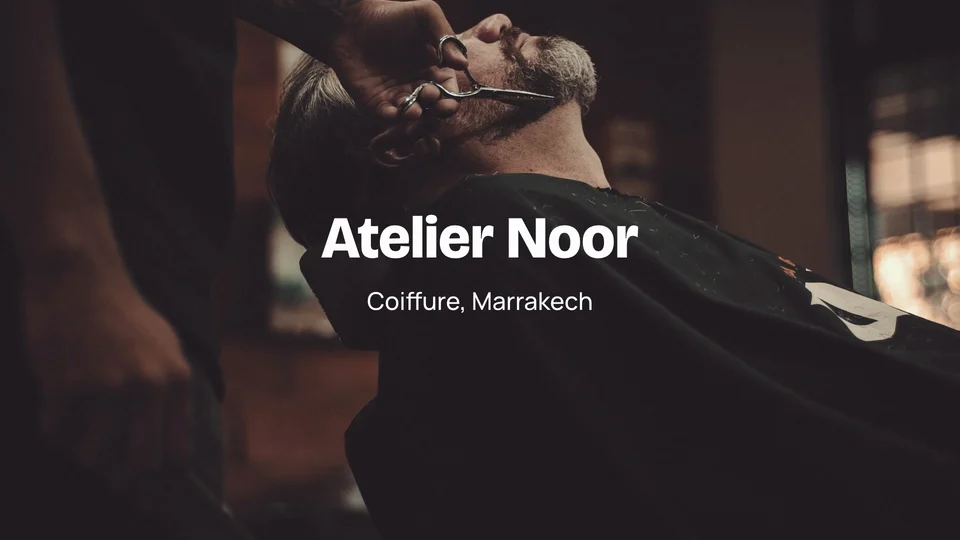 Atelier Noor
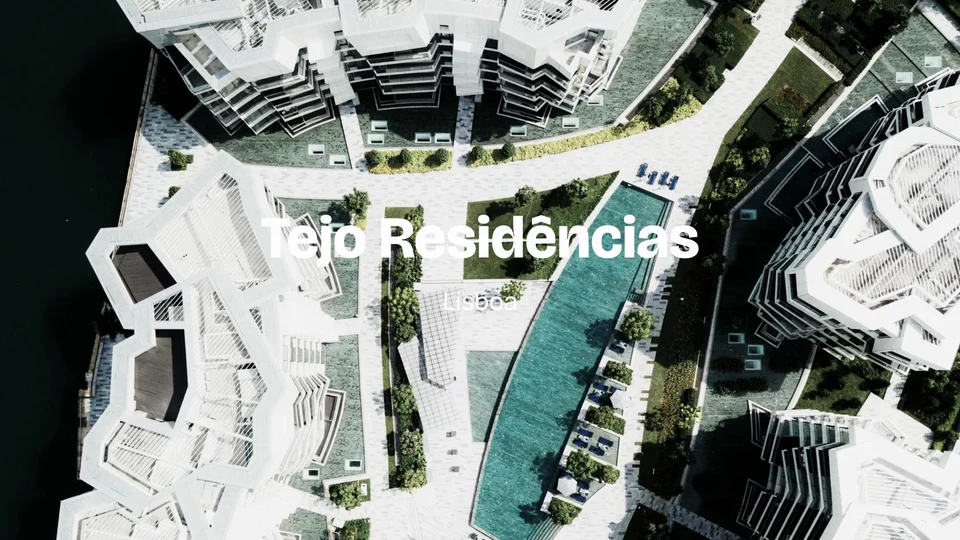 Tejo Residências
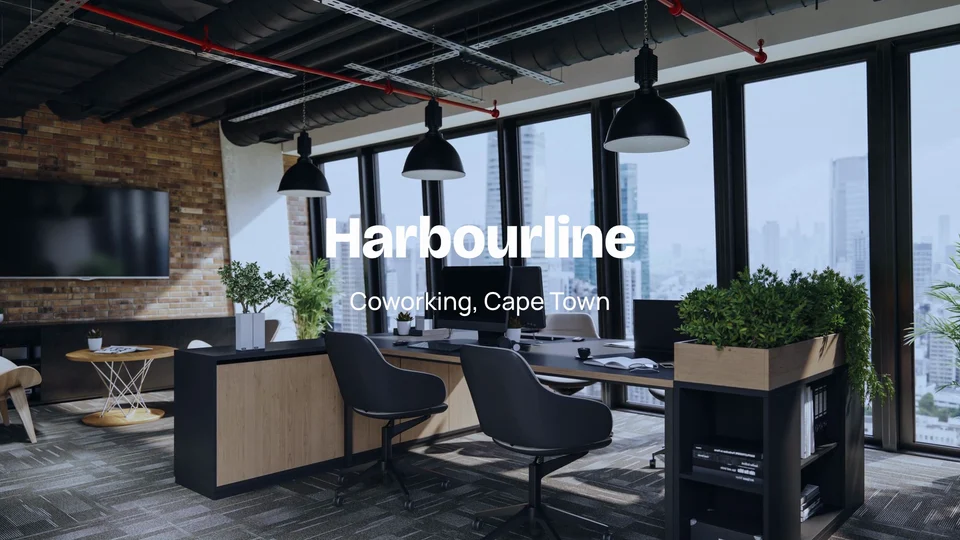 Harbourline
 Ridgeview Golf Club
Chanzo
The recording is saved to your files and placed at the playhead when you stop.
Kopa kwenye mstari wa mizigo mingi, kwa kipeo au kwa neno
Video, sauti, maandishi na nyenzo za kubadilisha, pamoja na kugawanya, kufuta kwa mzunguko, alama na vitu vya mhariri waliyotumia tayari. Maelezo yanapangwa upande wa mpangilio: futa neno na wakati wake unafutwa, na Kufuta Maneno ya Ziada na Kufuta Masiku kila kinafuta rekodi moja katika hatua moja.
So, um, pick a desk for the day or keep one for the month.
Meeting rooms are booked from your phone, like, in a couple of taps. Pause 2.4s
I moved my whole team in here last March, actually, and we never looked back.
The coffee is free, the view is the harbour, and the door opens at seven.
You know, it just works.
Mchanganyiko sauti, sauti safi na kufungua kwa beat
Kila kipengele kina sauti yake, kutoa sauti ya nyuma na muziki uliopunguzwa chini ya sauti. Video inashikilia sauti yake kwenye lengo unalochagua, mtandao, podcast au mawasiliano. Mawimbi yanayopatikana kwenye sauti hupunguzwa kila mawimbi au kila barua.
Voice
Beats on This Timeline
Tafuta Beats
Tafuta Beats katika Sauti HiiImepatikana kwenye kifaa hiki, kutoka kwa sauti yenyewe.
Fika kwa ritma
Chagua vipindi vitakavyokata, kisha chagua mara ngapi.
4 clips kwenye 4 beats
Badilisha kuwa Tono
Kwa ajili ya wakati tu. Inabaki kwenye kifaa hiki na haikutolewa nje kabisa.
Grid ya Muda
Ukubwa
Kasi ya Mipangilio
Ushindi
The export is measured and brought to this loudness, never past a −1 dB true peak.
Mchanganyiko Mkuu
Kiwango
Safisha
Ondoa sauti za kinyumeDucking
Lower under voicesVoice
Equalizer
Mkombozi
Track
Andika maelezo kwa kila neno, na kutoa kichwa kwa kila sehemu
AI imefungwa kwa biashara hii, hivyo Calisto haiwezi kuandika tovuti kwa ajili yako. Anza kutoka kwenye muundo badala yake; sehemu yote inaweza kubadilishwa.
Transcribe and Add Captions
Every word timed as it is said, in the language spoken, with the word being said lit.
24 maelezo, yaliyotengenezwa kutoka kile kinachosemwa katika urekebishaji. Kwanza ondoa maneno, kisha yaliyao tena.
Look
Maelezo yanatolewa kutoka maneno yanayopiga, na yanapangwa kama maneno.
Gradi, maskini, kiini, ufuatiliaji na kugawanya multicam na Video Pro
Badilisha rangi ya darasa kwa kutumia mawimbi, viwango, mstari, LUTs na Auto Color, ukae kwenye scope. Effects huongeza maski, chroma key, track mattes, ufuataji, usawazishaji na viwango vya kubadilisha, na Adjust hutoa grain kutoka picha. Edit gains Multicam, Nested Sequences na Mixer. Video yenye Pro hii huwa huwa na kuwa na uwezo wa kufungua na kucheza, na uwezo au bila uwezo.
Uchambuzi wa Rangi
Wheels, levels, curves and Auto Color, with eight looks of Calisto’s own or a look file of your own.
Color Wheels
Viwango
Mviringo
Angalia (LUT)
Scopes
Mawimbi, mzunguko wa RGB, vekta na histogramu.
Scopes


Anza kutoka kwenye ramani inayonyoza kama inavyoonyeshwa katika muonekano.
Maskini, Mifumo ya Kufungua na Ufuatiliaji
Maski ya mraba, ellipse na kalamu, Auto Key kwa skrini ya kijani, na kichwa kinachofuata kitu kinachohama kwenye picha.
Add a Mask
Chroma Key
Auto KeyTrack Matte
Fuata hii
Multicam
Anguli zilizofanikishwa kwa sauti au muda, zilizobadilishwa kwenye vitufe 1 hadi 9.
Angles
Anguli: bonyeza moja ili kufika kwake
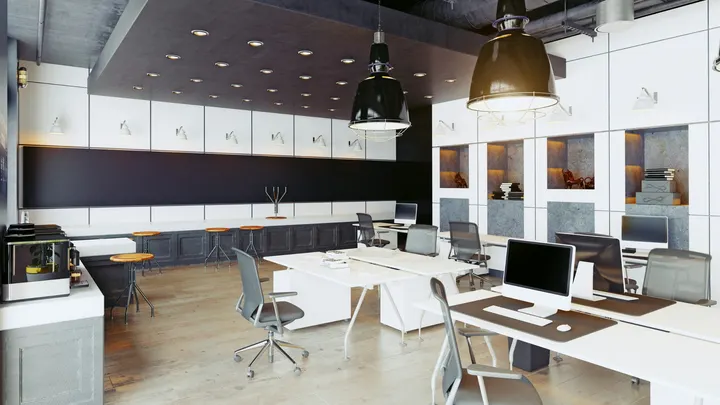 1Wide
 2Thandi
 3Sipho
 4Desk
Cut List
Kila kati ni kichwa kwenye muda: piga upeo wake kusogeza kati.
Nested Sequences
Chaguo lilifanywa kwenye mfululizo mmoja, linalotumika tena katika Video yoyote.
Fungua Chaguo
Mipira uliyochagua inakuwa kipira kimoja kinachoshikilia mfululizo wake. Fungua ili urekebishe ndani; mahali popote inayotumika inafuata.
Insert a Sequence
Urefu Wako Mwenyewe
Kila mtu chagua Essentials au Pro kwa ajili yake yenyewe.
Color Wheels
Viwango
Mviringo
Angalia (LUT)
Iwashe, fanya Shorts na upate it
Export to MP4, a YouTube frame, a vertical or square post, or audio, on the device or on Calisto’s servers. Make Shorts proposes a Video’s moments from its transcript, each made a Clip in Clips. Publish sends it to TikTok, Instagram Reels or YouTube over your own connections.
Ongeza
Faili kwa YouTube, post ya kioo au mraba, au sauti pekee, iliyotengenezwa kwenye kifaa hiki au kwenye mashine ya Calisto; 4K na ProRes na Video Pro.
Kifaa hiki kitafanya faili hiyo. Ikiwa haitaweza kumaliza, serveri za Calisto zitachukua kazi.
Fanya Shorts
Mwisho ambao unafanya kazi peke yake unachaguliwa kutoka kwenye jambo lililosemwa, na kila moja inakuwa Clip ya Vertikal, yenye maandishi, kwenye Clips.
Calisto inasoma jambo linalosemwa katika video hii na kupeleka wakati zinazofanya kazi peke zao. Uchague; kila moja inakuwa Clip, ikibadilishwa na kuandikwa maneno.
 Kopa 10:42 hadi 1:08 · 0:26“Every room opens onto the courtyard light.”
 Kopa 21:31 hadi 1:52 · 0:21“Breakfast is served by the pool from seven.”
 Kopa 32:40 hadi 3:12 · 0:32“Our guests come back for the people, not the pool.”
 Kopa 44:05 hadi 4:27 · 0:22“Oaxaca is ten minutes away on foot.”Kopa 55:18 hadi 5:44 · 0:26“Lucía greets every guest by name.”
Patia
Kwa TikTok, Instagram Reels na YouTube kupitia akaunti zako, au kupangwa na Impreta.
Wapi
Auto-Reframe
Every clip, or the ones selected, reframed to a new shape.
Ukubwa
Auto-Reframe
Kuziba Kila Clip Kwa AkiAuto-Reframe kwa vidio vilivyochaguliwaRekodi kila moja inakamilisha anga na kufuata mtu au kitu kwenye, kupatikana na kufuata kwenye kifaa hiki. Chagua ukubwa kwanza; vitufe vilivyowekwa ni vya Kubadilisha na Vitufe.
Send to Phone
Kwa Instagram na YouTube, Video inakuja kwenye simu yako ili uiongeze kwenye mkopo.
 9:41
Iliwahiwa Wakati Umekamilika
Uhamisho wa server unasoma taarifa, na Publish kwenye.
Faili za Mawazo
Faili ya kichupo kwa kila lugha ya maelezo, zinazohifadhiwa Depot.
Faili za Mawazo
Imekusanywa pamoja nayo katika faili zako.
Redakti Video ileile kwenye simu, hata bila mtandao
Mhariri huchukua skrini nzima, na kufanya upya kwa kigongwe moja, mikono ya kupunguza ni kama urefu wa mkono na Chora Vitufe na Uchapishwe kwenye menyu yake. Mifumo iliyoshirishwa kutoka kwenye kadi ya kamera inakuwa Video mpya. Na Uweke Video kwenye kifaa hiki, urekebisho uliofanywa bila mtandao huhamishwa wakati mtandao unarudi.
Where Video touches everything else.
3 of these 5 connections are in your plan today; the others are their own apps.
Depot
Every source and export is a file in Depot, and every Video sits in its Hubs.
Clips
Make Shorts turns a Video’s moments into Clips, which open in Clips.
Creators
A Calisto TV video’s edit is a Video, opened from Creators.
Velocity
A Video goes on a client project, so the work shows there.
Workforce
A business assigns its Video Pro seats where its people are set up.
Hakuna gharama ya uanzishaji. Tumia unapokuwa unatumia.
Long-form video, from the first cut to the export.
Video Pro
Iweka, Athari, Multicam, Mfululizo wa Kuingiza upya na Mixer, kwa mtu mmoja, kwenye kiti cha kujaza pekee au kwa kutumia kiti cha kujaza; biashara inatoa vitu vyake kwa watu wake.
Inapendekezwa kwako
Inafanya kazi vizuri pamoja.
Calisto Depot
Calisto Clips
Calisto Creators
Included with any app a creator works in
Inquiries, proposals, appointments, projects and galleries for client work, and posts, videos, podcasts, live, memberships, courses, digital products and prints for your audience, in one app.
Learn more →Calisto Velocity
Calisto Workforce
Everything included in Calisto Video.
- Home: the Videos to pick up again, New Video, Recent Videos beside the Media bin (the account’s videos in Depot).
- New Video makes Untitled Video at once, in the YouTube Video template, and opens it; it is renamed in the editor’s header.
- Footage dropped anywhere on Home, or picked in the Media bin, makes a Video with it placed.
- Library: every Video, newest edit first, searched by title, with Rename, Delete, Assign to Project and Move To a Hub’s Folder, from a card or the checked cards.
- The Hubs in the sidebar each open the Library narrowed to that Hub.
- The account’s Depot storage is shown in the Library’s header.
- A vertical video is a Clip: anything that shows one says Open in Clips.
- A new Video: 16:9 at 30 fps, loudness at −14 LUFS, classic captions, the 1080p MP4 export first.
- Size: Landscape (16:9), Vertical (9:16), Square (1:1), Portrait (4:5), Widescreen (21:9) and 4K (16:9), or an exact width and height.
- Frame Rate: 24, 25, 29.97, 30, 50 or 60.
- Loudness: Streaming and Social (−14 LUFS), Podcast (−16), Podcast Mono (−19), Broadcast (−23), or Leave As Recorded, never past a −1 dB true peak.
- The whole mix: volume, background noise removed from everything, fade in and fade out.
- Auto-Reframe every clip, or the selected clips, to a new shape, on the device.
- Stabilize the selected clips in one tap, on the desk and the phone: the shake taken out on the device, a deliberate pan kept.
- The Video’s client project (with Velocity).
- Media: upload files, or pick from the Media Library in Depot; add as picture in picture.
- A proxy is made on the device for editing; the export uses the original.
- Elements and Stickers: the design editor’s elements, stickers and emoji, placed on the picture.
- Record: camera, screen with the microphone, or microphone alone, with a live level meter; the take is saved to your files and placed at the playhead.
- A teleprompter: your script scrolls over the preview at a reading pace while you record, in your size, mirrored for a glass if you want, and never in the video.
- Audio: upload music or a sound, or pick one from Depot, and lower it under voices.
- Text: Headline, Lower Third, Quote, Pop, Label, Chapter and End Card, each a designed title edited in the design editor, with an animation in and out (Fade, Rise, Drop, Slide, Pop, Zoom or Spin).
- Templates: Intro Title, End Card, Name and Role, Chapter Cards, YouTube Video, Reel, Short or TikTok, Square Post and Audiogram.
- Transitions: crossfades, dissolves, fades through black, wipes, slides, shapes and more, on one cut or applied to every cut, with their length.
- A multitrack timeline: video, audio, text and adjustment tracks, each muted, locked, hidden, renamed, moved or deleted.
- Split, cut, copy, paste, duplicate, delete and ripple delete; trim; snapping and ripple editing switched with a key.
- Markers, named as chapters, in their own lane.
- The transcript beside the timeline: delete words to cut them, remove filler words and silences, restore what was removed.
- Speed from 0.25x to 8x, keeping the voice’s pitch, or an exact speed; speed ramps (Fast and Slow, Slow Middle, Near Stop, Slow Down, Speed Up) or the curve edited by hand; reverse; a freeze frame at the playhead.
- Transform: position, scale and rotation dragged in the preview; with Video Pro, position, scale, rotation, opacity and crop keyframed with easing.
- Adjust: brightness, contrast, saturation and temperature on any clip.
- Looks in one tap: Natural, Warm, Cool, Vivid, Black and White, Faded, Punchy, Moody.
- Undo and redo of every change; a save failed shows Retry, and an edit made elsewhere at the same time offers Restore My Version.
- ⌘K searches every action; ⌘/ lists every key: J, K and L, I and O, S to split, M for a marker, ⌘E to export and more.
- Volume, background noise removed, and music lowered under voices, on every clip.
- With Video Pro: gain, a gate for the quiet parts, an equalizer, a compressor, track volume, pan and volume keyframes.
- Voice in one tap: Clear Voice, Broadcast, Studio Clean, Warm, or As Recorded.
- Beats found in a sound on the device, snapped to, and cut to (every beat, every two beats or every bar), placed or split on the beats.
- A tempo grid by BPM or Tap Tempo; a guide sound to edit against, kept on the device and never exported.
- Find a Trending Sound opens TikTok’s Creative Center, Instagram Reels and YouTube Shorts.
- Transcribe and Add Captions: the words timed one by one, on the device first and on Calisto’s servers when it cannot.
- The language spoken is detected from the recording.
- Translate Captions: a caption track in any of 31 languages, at the same times and in the same look, shown in place of the original and edited like any caption.
- Speaker Coach: each speaker’s pace, filler words, long pauses, words said twice and quiet words, each a moment to jump to, read on the device.
- Looks: Classic, Bold Pop, Boxed, Minimal, Neon and Big Center, with the word being spoken highlighted.
- Caption style: font, size, all capitals, colors, a box behind the words, an outline, the height on screen, the width and the number of lines.
- In Your Brand: captions and titles set in the brand kit’s fonts and colors in one tap, its fonts and colors listed first, and its logo placed as a title.
- Adjust: Color Grade (Auto Color, one of Calisto’s eight looks (Teal and Orange, Film Fade, Bleach Bypass, Warm Film, Cool Night, Noir, Vintage, Clean Punch) or a LUT uploaded as a .cube file, with its intensity, color wheels, levels, curves) and the scopes (waveform, RGB parade, vectorscope, histogram).
- Effects: masks (rectangle, ellipse or pen, feathered, inverted, animated), chroma key and Auto Key with spill suppression, and adjustment layers.
- Tracking: a point or a plane tracked, with the title or picture turning and growing with it; stabilize, zooming to hide the edges.
- Multicam: angles synced by sound, by timecode or as placed, switched on keys 1 to 9, with the cut list.
- Nested Sequences: nest a selection, open it, insert one into another Video.
- The Mixer: every track and bus a channel with a fader, pan, mute, solo, a live meter, its route and a channel strip (EQ, then compressor); buses added and named there.
- Without the seat, every Pro control reads Pro · Upgrade (or Ask for a Pro Seat), and a Video that already holds Pro work still opens, saves and plays.
- Each person picks Essentials or Pro for themselves, in their preferences.
- Moments of a Video proposed from its transcript: 3, 5, 8 or 10 of them, each watched first.
- Each moment picked is made a Clip, reframed to 9:16 and captioned, and opens in Clips.
- MP4 at 1080p, YouTube (16:9), Reels, Shorts and TikTok (9:16, reframed), Square and Portrait feed posts, AAC and MP3 audio; at Pro, MP4 at 720p and 4K, WebM and WAV.
- Each caption track as an SRT or WebVTT subtitle file, downloaded and kept with the Video in Depot.
- Rendered on the device, or on Calisto’s servers while the device keeps working; a server export sends a notice when it is done, or when it fails.
- At Pro, the codec (H.264, HEVC or AV1 in MP4; VP9 or AV1 in WebM), ProRes 422 HQ and ProRes 4444, and the frame rate from 23.976 to 60.
- Recent Exports lists what was made; every export is a file in Depot.
- Publish: TikTok (to drafts or posted), Instagram Reels and YouTube, over the accounts the business connects, with who can see it, made for kids, comments, duets and stitches, a brand promoted, and the networks’ label for generated media.
- Schedule with Impreta: the finished Video opens in Impreta’s composer, and its queue and calendar send it when it is due (with Impreta).
- Send to Phone, for Instagram and YouTube: a notice on your own phone that opens the same Video ready to publish.
- Edited against a guide sound: the publish dialog says to add the sound on the network.
- A Video belongs to the account and records who made it; anyone in the account who can open the editor can open it.
- Edited together: everyone in a Video sees the others’ edits as they happen, who else is in it and where their playheads are.
- Comments pinned to a moment of the Video, with replies, @mentions, assign and resolve, marked on the timeline; a reviewer’s notes from the review link show at their moments too.
- Every Video is in Depot, in its Hubs and on a client project like everything else a person makes.
- Sources and exports are Depot files on the account’s one quota; each Video Pro seat adds its storage to it.
- A Calisto TV video’s edit is a Video (with Creators), and it is deleted with its TV video.
- The tab bar: Home, Library and Settings.
- The editor takes the whole screen: rename in its header, thumb-sized undo and redo, Saved or Retry, Export, and ⋯ for Make Shorts, Publish and Essentials or Pro.
- Its tool bar: Edit, Audio, Text, Stickers, Captions, Speed, Effects, Video, Comments and Export; trim handles a finger wide; the timeline a third of the screen at most.
- Shortcuts: New Video and Library.
- Footage shared to Calisto (MP4, MOV, WebM) becomes a new Video with it placed.
- Keep Video on this device: the lists, the Hubs and every Video opened, with no signal; an edit made offline is saved when the signal comes back.
Questions about Calisto Video
Sehemu ya The Edit: mstari wa muda wa mitindo mingi, ukaguzi, mtandao kutoka Depot, sauti na zana za muziki, vitabu vilivyoundwa kwa makosa, maelezo kutoka kwenye transcript, mabadiliko, muonekano wa kinyumbani na sauti kwa kinyumbani, muundo, kasi na mawimbi, utoaji na upatanishi. Keyframes, zana za sauti za kina na Mixer zinafika na Video Pro. Kila mtu aliyejiandaa ana Essentials, bila mpango uliopimwa.
Badilisha (Rangi na mabano, viwango, mabano, LUTs na Auto Color, na scope), Athari (maski, chroma key na Auto Key, track mattes, tracking na stabilizing, adjustment layers), na Multicam, Nested Sequences na Mixer katika Edit. Pia huongeza kupunguza sauti ya picha; keyframes, crop na blend modes; gain, gate, equalizer na compressor; na 4K, WebM, WAV na ProRes exports. Kesi ya Video Pro ni ya mtu mmoja, na huongeza Depot storage yake kwenye akaunti. Kesi ya Create pia inayohifadhi.
Bado inafunguka, inasimamiwa, inachanganywa na inasafirishwa. Kiwango, masaa, mikono na mfululizo ulioandikwa kwenye kila kitu kinaendelea, na zana za Msingi zinabaki kufanya kazi.
Katika Depot, kwenye hifadhi ya akaunti, kama faili za Video zinazofanana. Kila sehemu ya Video Pro au Create inajumlisha hifadhi yake kwenye kiasi kimoja. Vigezo na kazi ya kuunda ni nakala na hazikadiriwa.
Kwanza kwenye kifaa, na kwenye miundo ya Calisto ikiwa hawezi, au unapochagua. Uhamisho wa seva unapiga simu wakati imeisha, na na "Publish" kwenye.
The language spoken is detected from the recording, and the transcript and captions are written in it, timed word by word. Translate Captions then makes a caption track in any of 31 languages, at the same times and in the same look, for you to edit; each language is also its own subtitle file.
TikTok, Instagram Reels na YouTube, juu ya akaunti ambazo biashara inajumuisha. Kuwasilisha kwa simu hutoa Video kwenda simu yako mwenyewe ili kuwasilisha kutoka hapo.
Mhariri mmoja na rekodi moja. Video ni ya mstari mmoja au ya mraba na hufunguka kwenye Video; ile ya kioo ni Clip na hufunguka kwenye Clips. Make Shorts hubadilisha vipindi vya Video kuwa Clips, na Clips Pro ni sehemu yake yenyewe, au inakuwa na sehemu ya Kuunda.
