Every TV in your business, each running its own job.
Give every TV in your business a job, from the kitchen to the guest’s room, and it shows your own orders, rooms and menu as they change. Run them all from one place, even your phone.
Chagua kila kitu TV inachofanya, kisha uiongeze ote
Each TV runs a screen made for one job, showing what is happening in your business right now.
Mafuniko kulingana na Kazi
Kucheza, kuchukua, kuingia, mgeni, na alama za uongozi.
Designed Screens
Uundaji wako, na data inayofanya kazi.
TV zako
Iliunganishwa na kodi, iweze kufanyika mbali.
Mpango wa Muda
Skrinu nyingine kwa wakati sahihi.
Alerts
One message on every TV.
Ufanisi
What played, and for how long.
App ya TV
App yako ya pekee katika maduka ya TV.
Kwenye Simu
TV zako kutoka mahali popote.
Choose what each TV does, from its job
Chagua kazi na uone inavyofanya kazi kwenya data ya mfano kabla ya kuwa kwenye TV, kazi za biashara yako ya kwanza, au uweke kila skrini biashara yako inayotumia mara moja. Kila skrini hubaki na lengo lake, mahali inavyofanya kazi, maelezo yake, muonekano wake, TV zake na mpango wake.
TV yako itafanya nini?
Chagua kazi. Weka mahali inavyofanya kazi. Ingiza Kodi kwenye TV, na inafanya kazi kwenye data yako ya moja kwa moja.
Ushauri wa kucheza, ujenzi wa nyumba na hali ya chumba, ofisi ya mbele, maombi ya leo, mshambuliaji wa golf, idadi ya mlango, kutekeleza amri na malengo ya biashara.
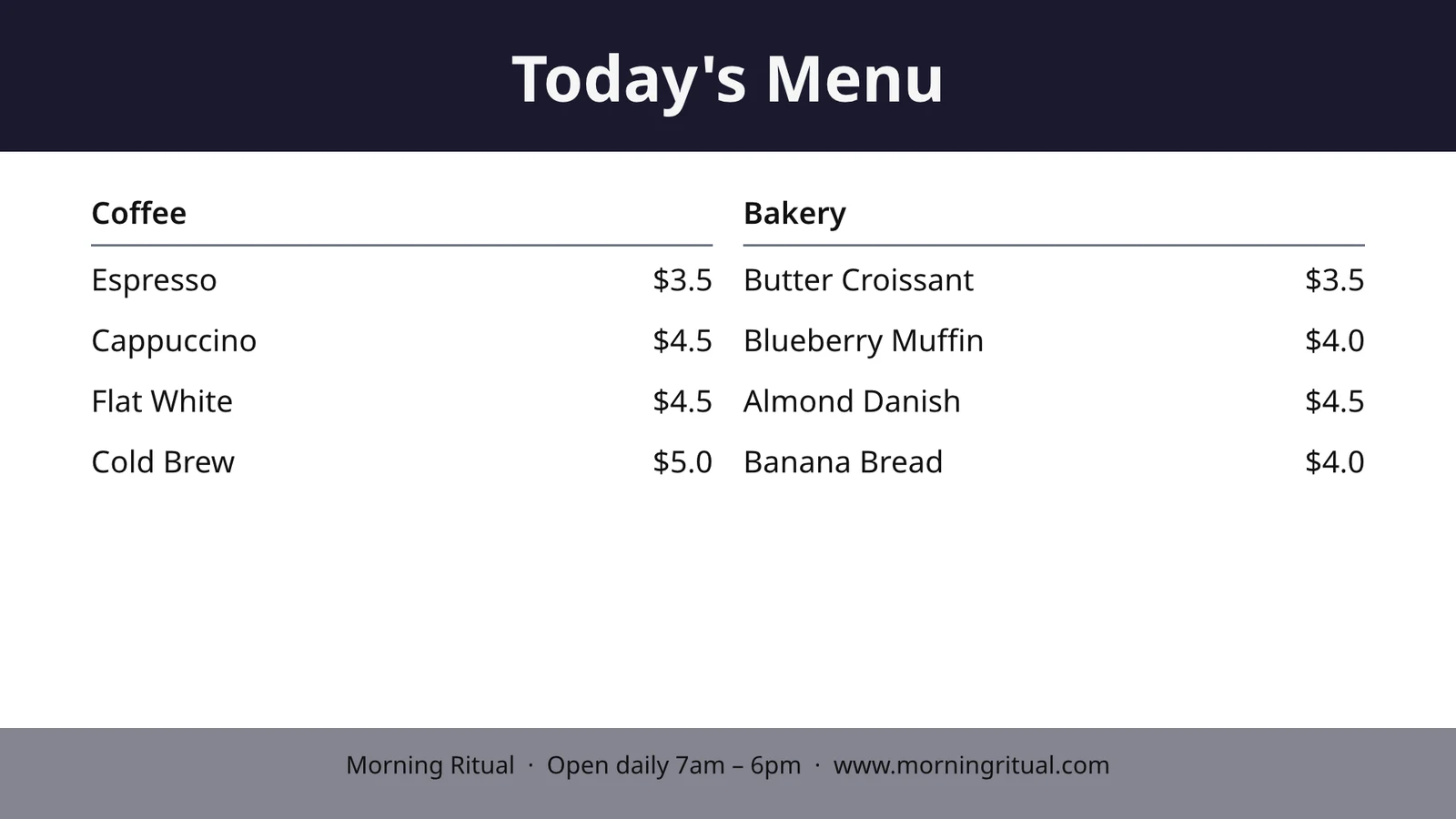
Uonyeshaji wa Kituo cha Kucheza
Tickets by station with timers. Cooks start, finish and bump; expo sends.
Usafishaji wa Nyumba
Every room’s state (dirty, cleaning, clean, inspected) and what to turn first.
Ofisi ya Kwanza
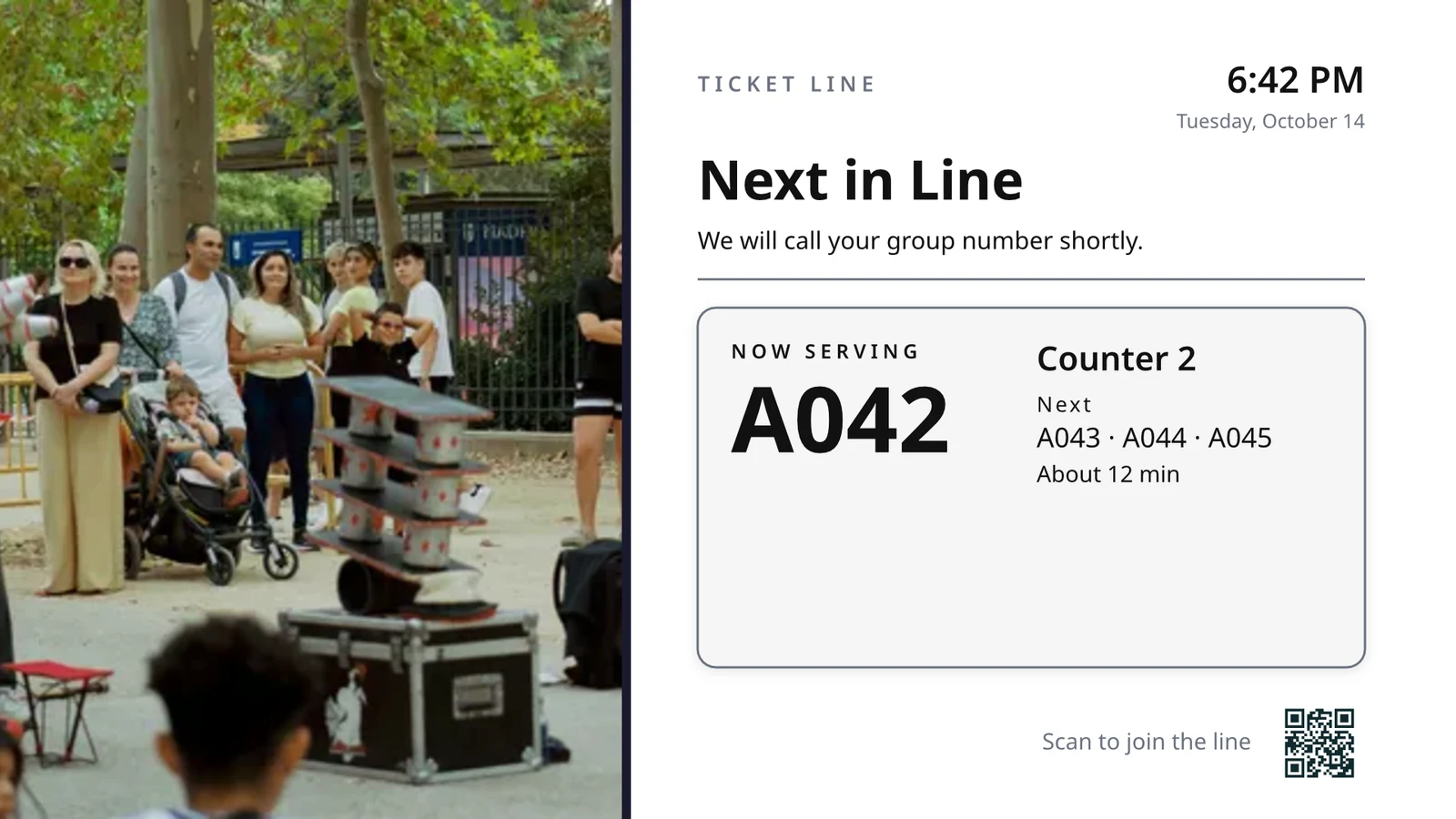
Wanapofika na kuoza leo, vituo gani vinapokwa, na anayehuru kwenye kutoa.
Makutano ya leo
Kila mkutano leo kulingana na kiti, chumba au mtumishi: nani hapa, nani ufuatao.
Mwanza wa Golf
Viumbe wachache wataanza kufunga, ambaye amekuingia, kasi ya kucheza. Uwasilie.
Kiasi cha Wanasikilizi
Idadi ya wale walio dhidi ya uwezo, wanasomea kila mlango, na kasi ya mstari unaoogezeka.
Order Fulfillment
Maagizo yaliyopewa na muda wao wa kila: ni nini linalopotea, nini linajaribu.
Malengo ya Uuzaji
Mwezi, mwaka wa chini au mwaka dhidi ya lengo, orodha ya wabashiri na ushindi mpya zaidi.
Design a TV-size screen with live data on it
Rekebisha skrini katika Studio inayotumika, kwa uwiano wa 16:9 au 9:16, tupu au kutoka kwenye mipangilio ya Calisto kwa biashara yako, pamoja na picha. Data ya Hali ya Sasa inaweka menyu yako, mpangilio, malipo, orodha, saa, hali ya hewa, Wi-Fi na idadi ya wale waliosimuliwa, yakiitwa kutoka kwenye rekodi zako kwenye TV.
Layouts for Your Industry
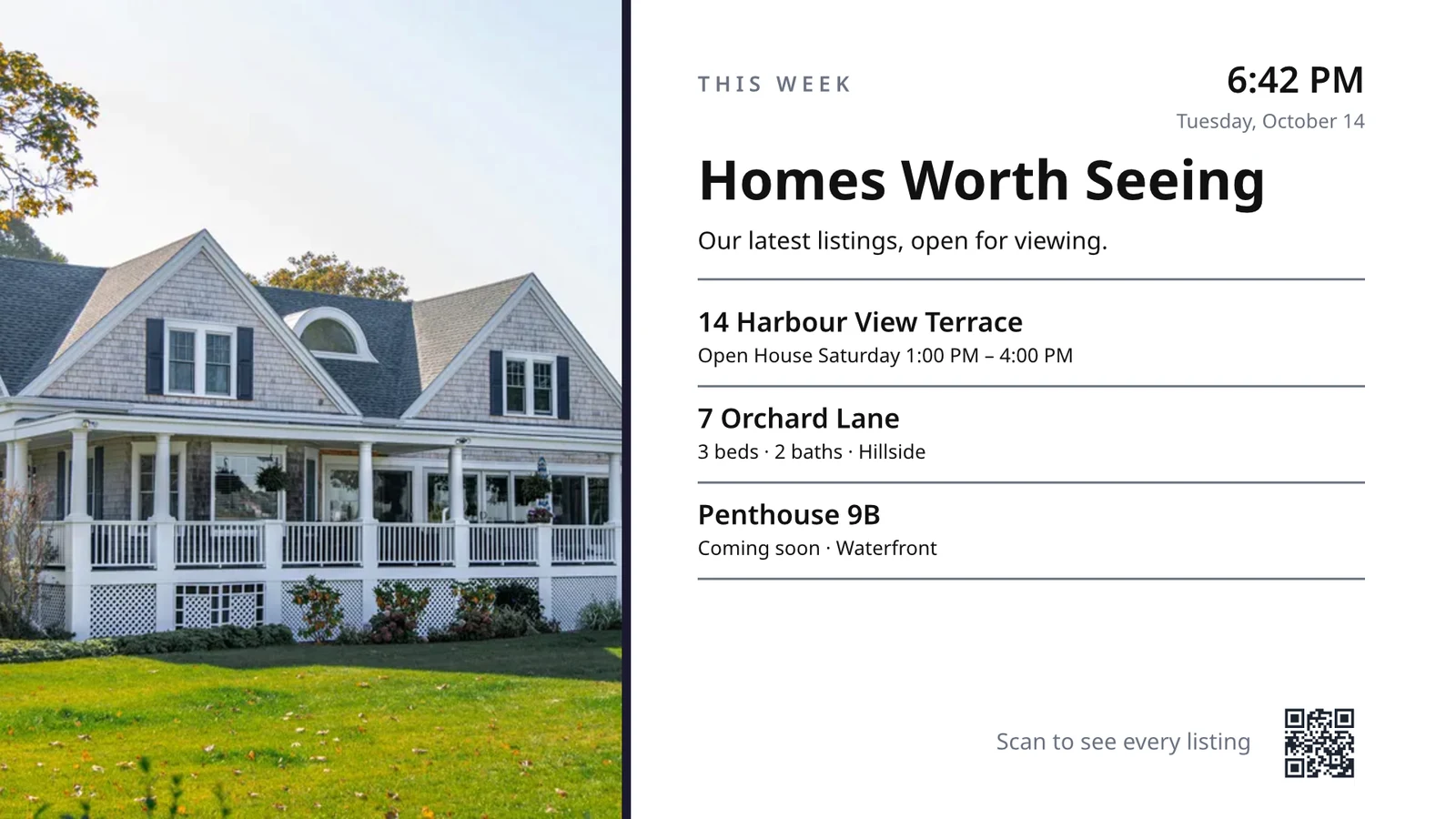
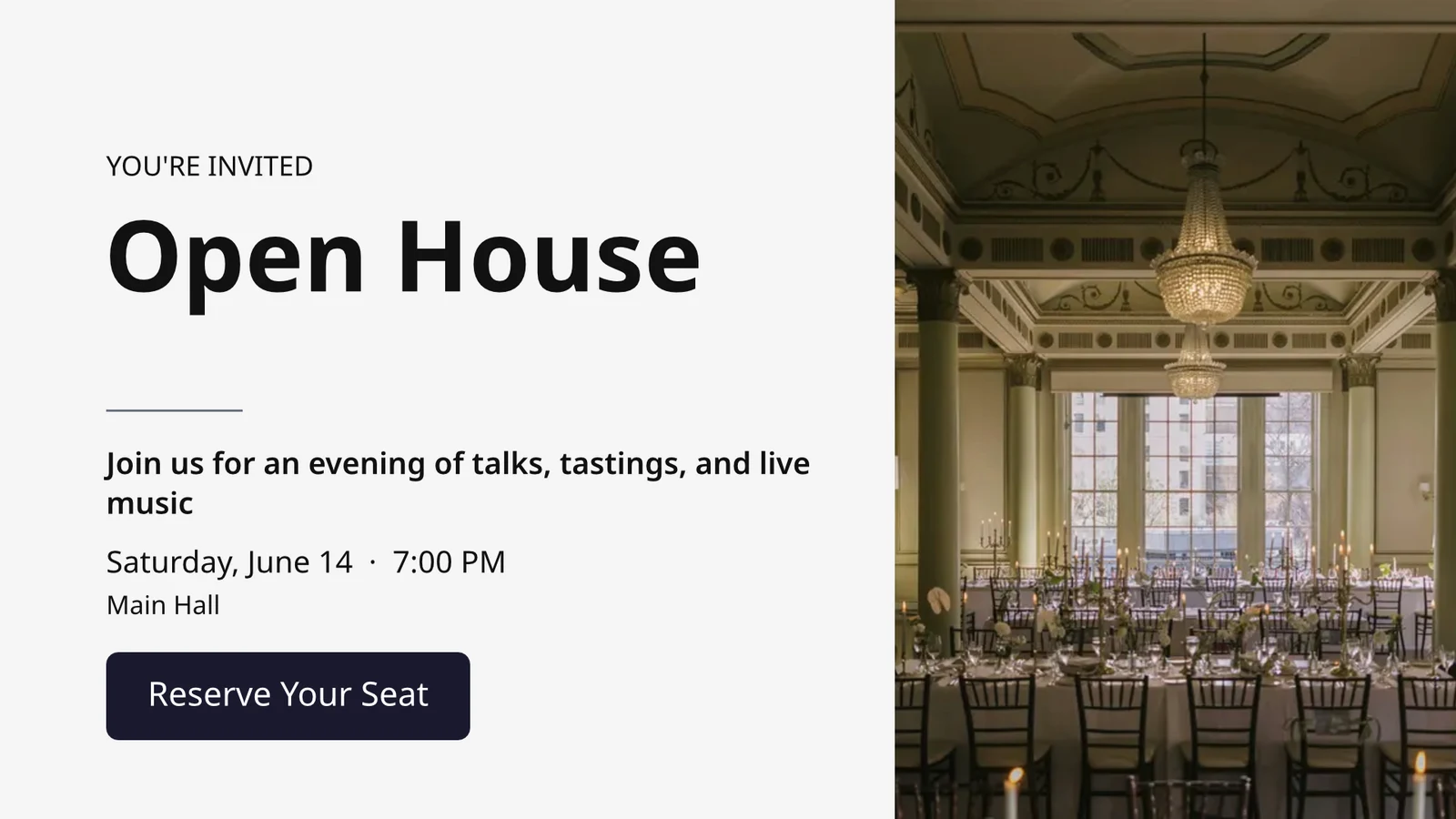
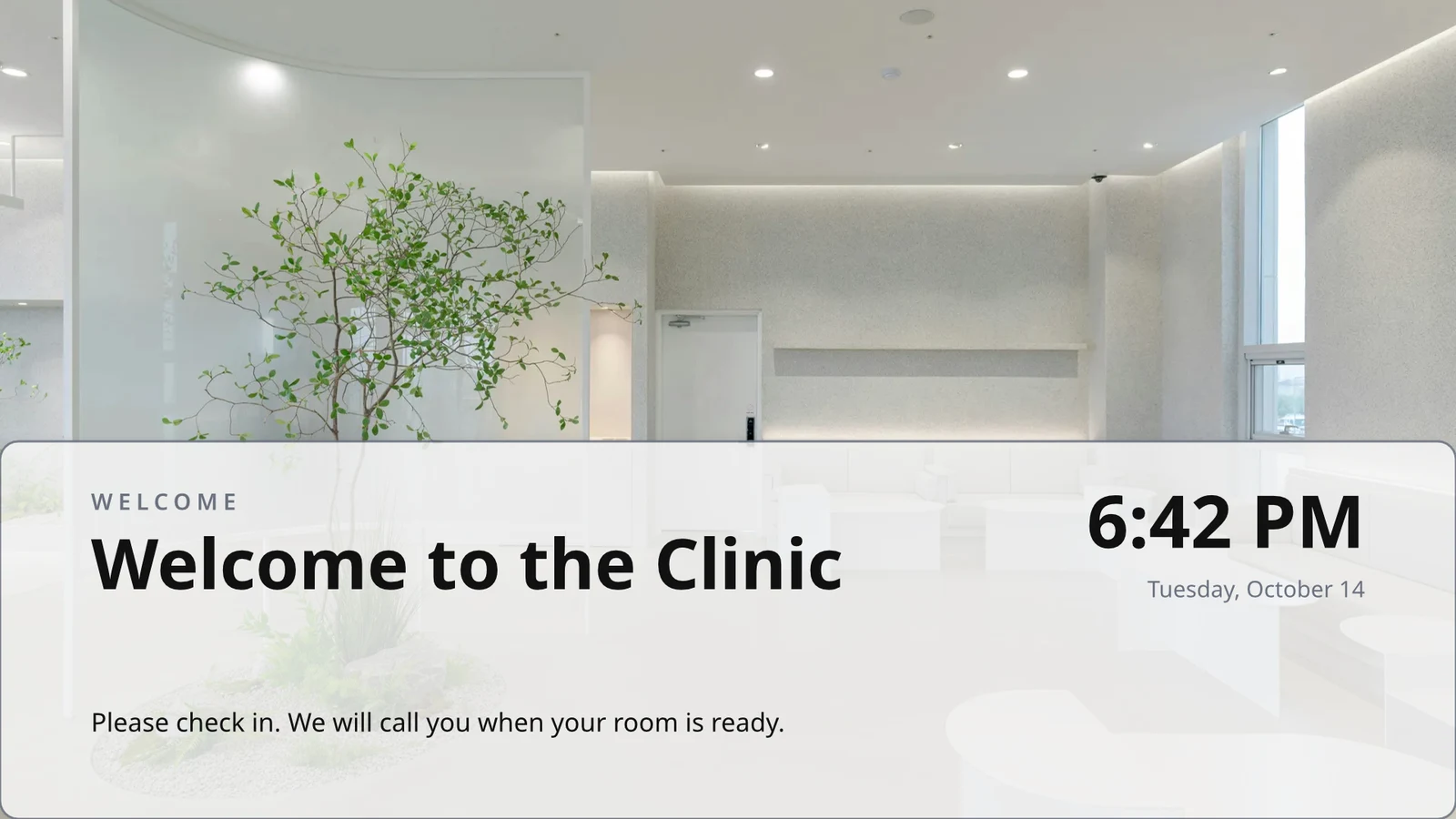
Anza bila kitu au kutoka muundo 160, wa kuzunguka na wa kushikilia, kila mmoja na picha na uliopangwa kwa sekta, yako kwanza.
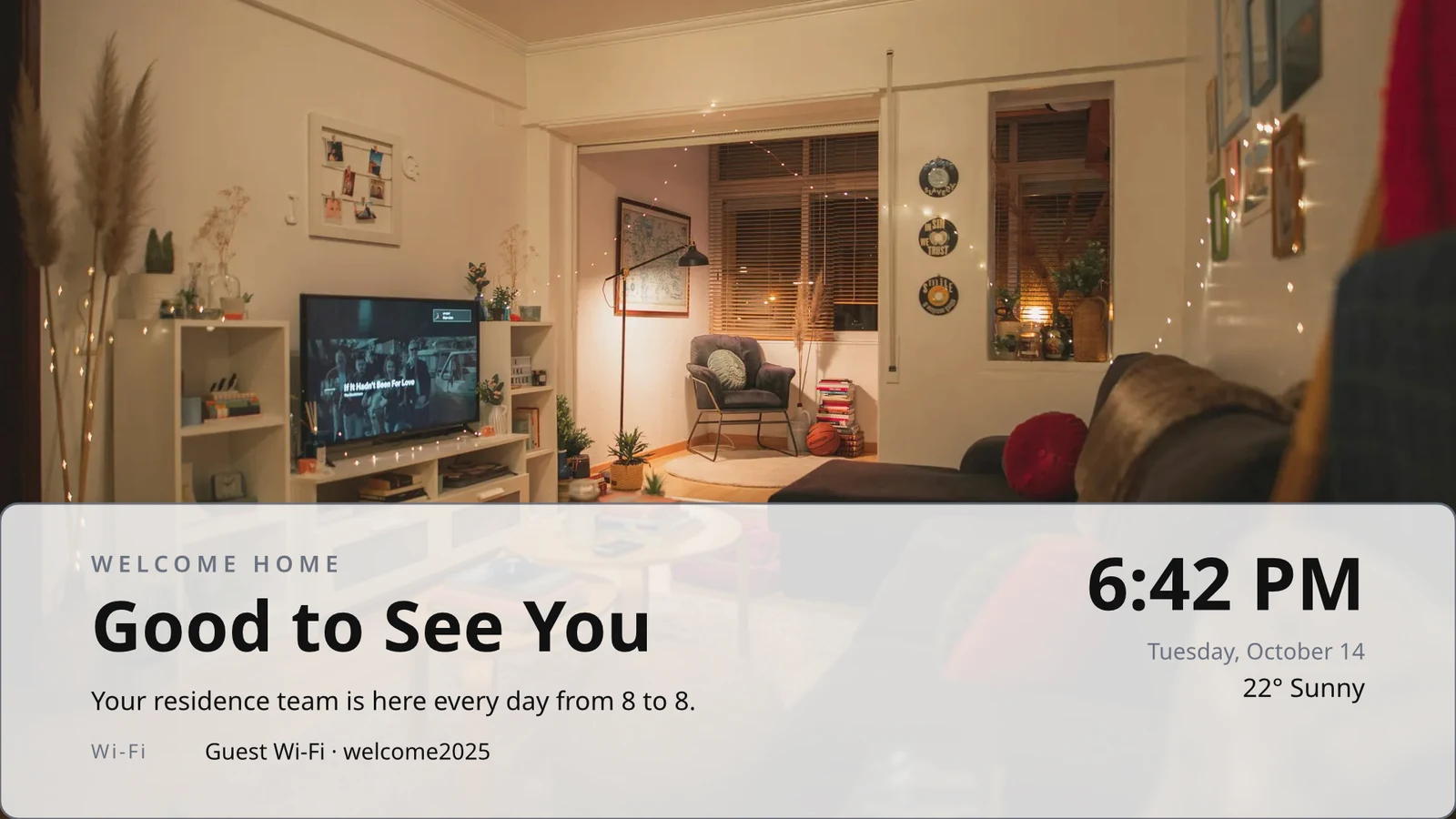
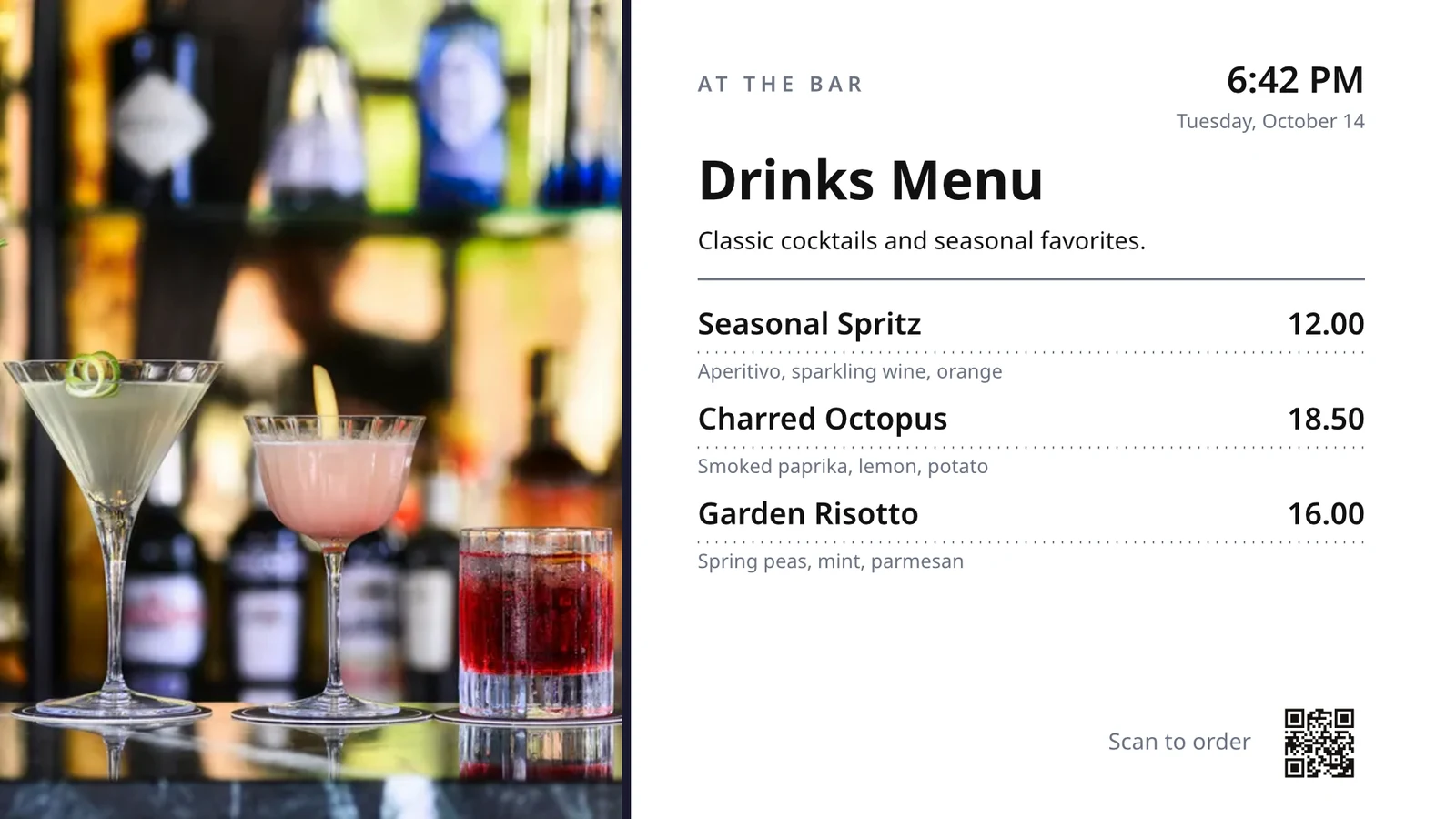
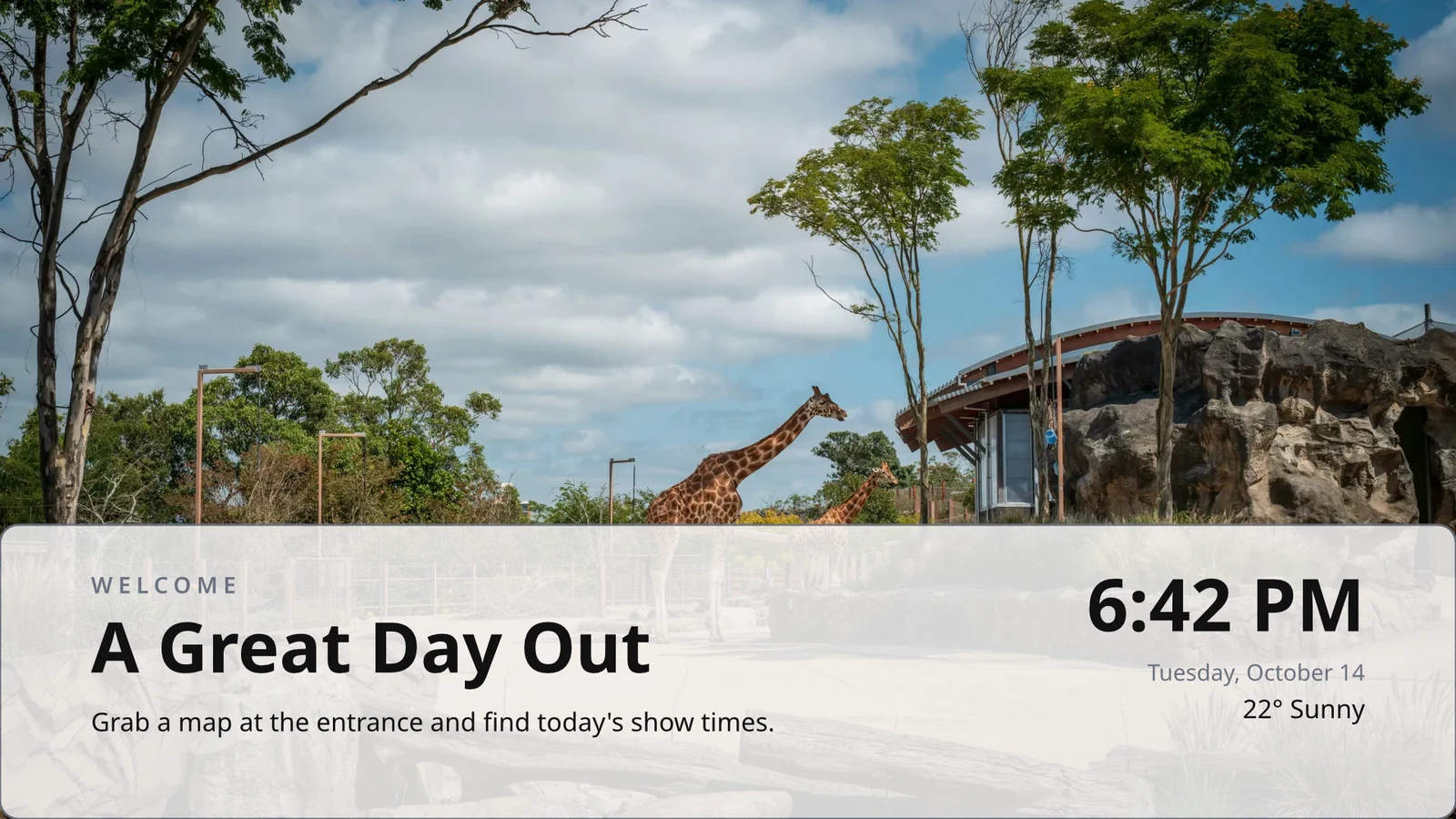
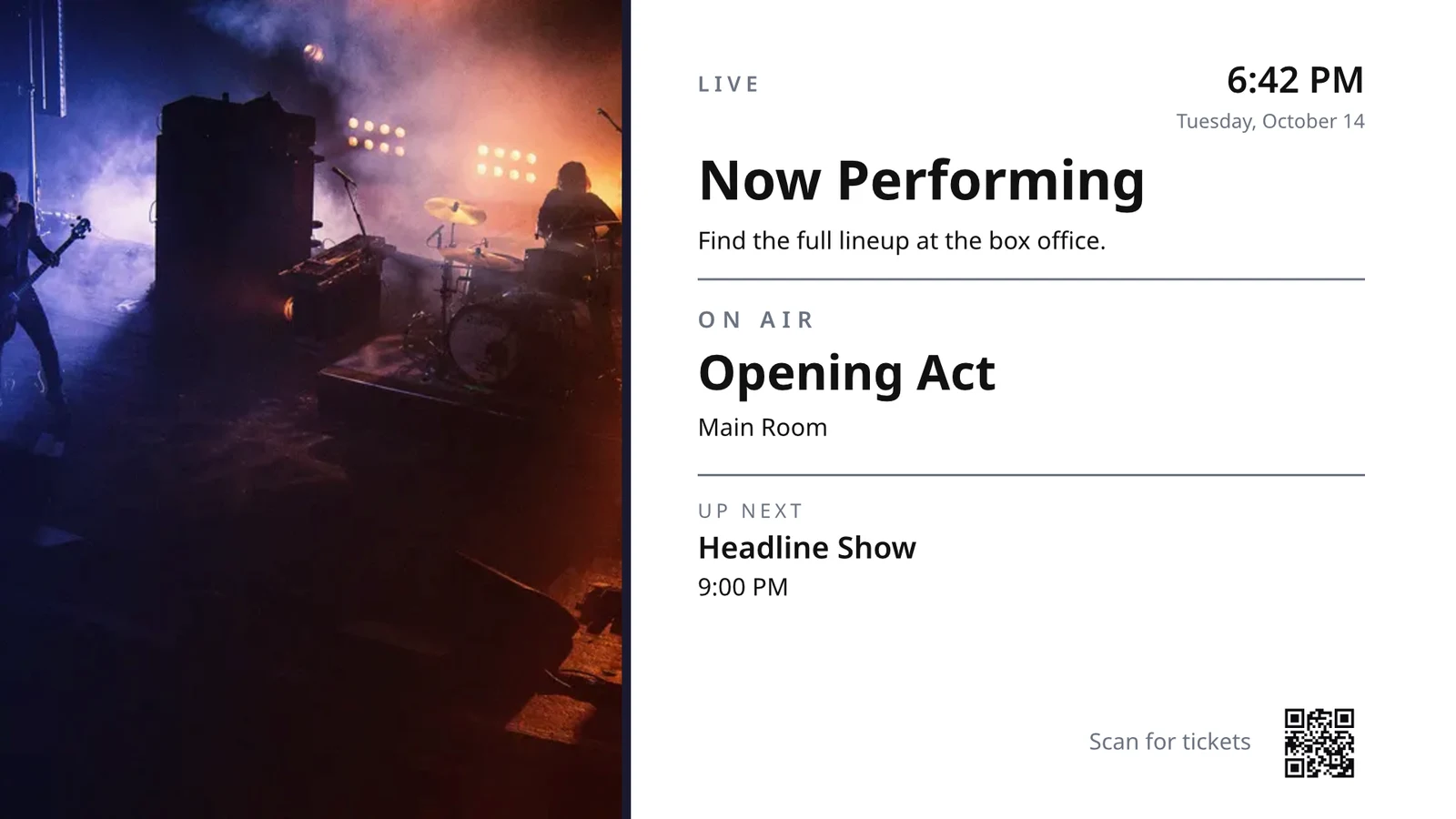
Mifumo uliyounde mara moja
Ungeza safu moja ya menyu, urali au orodha ya malengo; TV inarudia kwa rekodi zote, ukurasa kwa ukurasa.
Themes
Mawazo 48 ya Calisto na yako yenyewe, yaliyotengenezwa kulingana na uundaji na yaliyohifadhiwa kama Mawazo.
Iwashe kwenye skrini
Kila ukurasa unachorwa kwa 4K; Screen za Kuweka zinofika kila TV inayopiga muundo huo wakati mmoja.
123Every page is drawn in 4K for your screens. Live data, like your menu, prices and the clock, stays live.
Ukurasa unapinda kwa mabadiliko kila mmoja unavyo. Kila skrini inapinda pamoja.
Uhamisho wa Mipangilio
Uwanja ulio na uwezo wa kucheza kwenye TV kama video, kama vile uwanja huo.
Page 2 of 3 · 10 sekundeMakundi ya Neno kwa Kila Mahali
Kila eneo linapata nakala yake, ambayo inahifadhi sehemu ulizozitofisha na kunusanya mabadiliko yako kwenye hizo.
 Locked for copiesLocked for copies
Pair a TV by its code and run it remotely
TV inaonyesha kodi yenye sifa sita, na "Add a TV" inapiga pamoza nayo. Inaripoti mfumo wake, paneli, uingizaji wa mkononi, mbao na sauti. Ukurasa wa kila TV unatoa taarifa za afya yake, chumba chake, na jambo linalofanywa sasa na baadaye, pamoja na utambuzi, picha ya skrini, kuanza tena na kuweka upya.
Uchambuzi wa Urembo
What It Runs
Lunch menuMenu board · Promote & informOn air from the schedule “Lunch menu on the pass”.Ijayo: Dinner menu kutoka 17:00Afya
- Status
- Online
- Uliwepo mwishoni mwa mwaka
- 12 seconds ago
- Up Today
- 9 h 41 min
- Inaonyeshwa
- Lunch menu
- Platform
- Android TV
- Mfano
- 55" UHD panel
- App Version
- 3.14.2
- System Version
- Android TV 12
What It Can Do
TouchMbaliSoundMalipo
Ad-freeKwenye TV Zako
Apple TV, Android TV, Google TV na Fire TV, Samsung na LG smart TVs, au browser yoyote.
K7QX4MSkrini hii itaanza kiotomatiki mara baada ya kuwa imethibitishwa.Add a TV
Ingiza kodi gari lako linaonyesha ili kuunganisha na akaunti yako.
Put another screen on a TV at the right hour
A schedule puts a screen or a playlist on chosen TVs or TV groups between dates, on chosen days and hours, in each TV’s own time zone. The most specific schedule wins. When your business asks for approval, a schedule plays only after someone approves it.
Mpango wa Muda
Nini TV zako zinachukua, na lini
| Mpangilio | Description | Kazi yake ni nini | Plays On | Uthibitisho | Status |
|---|---|---|---|---|---|
| Breakfast menu in the restaurant | Weekdays from 6:30 | Play the content chosen below | 3 TVs · 1 TV group | Imekubaliwa | Inaendesha |
| Sunset spa ritual offer | Lobby and pool bar, evenings | Play the content chosen below | 2 TV groups | Kwa ajili ya Uthibitisho | Inaendesha |
| Rainy day activities | Only when it rains | Play the content chosen below | 1 TV group | Imekubaliwa | Inaendesha |
| Weekly restart | Mondays at 4:00 | Restart the TVs when it opens | TVs that run no screen of their own (account default) | Imekubaliwa | Inaendesha |
| Nyepi quiet day | Every TV off for the day of silence | Turn the TVs off for the whole window | 4 TV groups | Imekubaliwa | Inaendesha |
| Cooking class promo | Restaurant TVs, afternoons | Play the content chosen below | TV 2 | Imerejelewa | Haijafanya kazi |
| Wedding weekend welcome | Lobby, Friday to Sunday | Play the content chosen below | 1 TV group | Kichwa cha Mawasiliano | Haijafanya kazi |
| Galungan offerings guide | Lobby and villas, festival week | Play the content chosen below | 2 TV groups | Imekubaliwa | Inaendesha |
| Refresh before check-in | Daily at 13:45 | Refresh the TVs when it opens | 1 TV group | Imekubaliwa | Inaendesha |
| Kids’ club afternoons | Pool bar TVs, 14:00 to 17:00 | Play the content chosen below | TV 2 | Kwa ajili ya Uthibitisho | Inaendesha |
Waraka, Mifumo ya Hesabu na Maonyesho
PDFs, documents, spreadsheets and presentations play as pages, and a Slides deck again whenever it is saved.
Media
Web Pages and Published Dashboards
Ukurasa wa mtandaoni wa umma au dashboard uliopitishwa kwenye mtandaoni, ulioandikwa kwa ukubwa wa TV na kupunguzwa kwenye muda wako.
Media
Ukurasa wa umma: tovuti yako, au dashboard iliyoshirikiwa kwa mkato. Inachorwa kiasi cha TV na kuonyeshwa kama picha.
Dashboards Kutoka Kwenye Zana zako za Utaalamu
Dashibodi zilizosainiwa zilizotolewa kupitia uhamisho wa picha wa kila zana, pamoja na uunganisho wako, rahisi yake ikibaki imewekwa.
TV ya Kazi na Mstari
Kanali yako au mtiririko kutoka kwa mtengenezaji wa TV yako, na sauti yake iko au isipoiko.
Members’ bar screen
Data From a Sheet
Mifumo kutoka kwenye Sheeti uliyopitisha, au faili ya CSV au JSON, kwenye ukurasa kwa ukurasa.
Your Social Posts
Uliyoionyesha, na maonyesho yako ya hivi karibuni kwenye kila kichwa chako.
Uwasilishaji Wako, Uko Kwenye Msaada
Your broadcast or webinar while it is live, with the room’s reactions and a code to join.
Mawasiliano na Orodha za Muziki
Picha na video katika kutunza media, picha za stock, na orodha za sauti zinazopangia kila kitu kwa wakati.
Media
Approve or Send Back
Imeamua kwenye mpango, kwenye paneli ya Kuridhisha au kutoka ujumbe huo wenyewe.
Fado night on the lobby TVs
Habari za Mpango
- Description
- Thursday to Saturday evenings
- Uthibitisho
- Kwa ajili ya Uthibitisho
- Last Modified
- 21/11 · Inês Carvalho
Window
- Daily Window
- 18:00 to 23:00
- Active Days
- Thu, Fri, Sat
- Evaluated in
- Each TV’s own time zone
- Ujuzi
- 20
Mawasiliano
- Playlist
- Fado nights
- Screen content
- Keep each TV’s own content
Wapi
- Plays on
- 2 TVs · 1 TV group
- TV groups
- Lobby TVs
Shughuli
Usawa wa Akaunti
Jukwaa ambalo halina TV linachukua hatua tu pale ambapo TV inafanya kazi bila skrini yake yenyewe.
New Schedule
Chagua kile vitu vyako vinavyocheza, na wakati gani
Wapi
Televisheni zipi zinazochora mpango huu. Baki zote mbili zikiwa zisizo na thamani ili kuwa default kwa kila akaunti. Kisha inachora kwenye televisheni yoyote inayorusha skrini isiyo ya kwake mwenyewe.
Only in Some Weather
Mpangilio au kitu cha eneo linachukuliwa tu wakati anga ni safi au mvua, au joto ni zaidi au chini kuliko unavyosema.
New Schedule
Chagua kile vitu vyako vinavyocheza, na wakati gani
Weather
Cheza tu katika hali fulani za hewa, ambapo kila skrini imeundwa. Wakati hewa haikaweza kuonekana, haichezi.
Anza tena au Funga
A window that restarts or refreshes the TVs once when it opens, or turns them off until it closes.
New Schedule
Chagua kile vitu vyako vinavyocheza, na wakati gani
Kazi yake ni nini
Weka ujumbe mmoja kwenye TV zote, kisha uondoe chini
An alert goes over whatever the chosen TVs are playing until it is cleared or its time runs out. Save it as a draft, activate it when needed, and clear it from its page or from the notification. Its text shows as written, never as code.
See what each TV played, and for how long
Kila TV inaripoti kitu kinachoyasoma kila wakati wa kuingia. Utendaji unahesabu masomo, dakika kila TV ilipo na makosa yaliyoyapata, kwa siku na kwa TV, juu ya kipindi unachochagua. TV iliyopoteza mwanga inasoma kama imepoteza mwanga. Ripoti zinafika upande wake.
Ufanisi
Impressions, uptime and errors across your TVs, day by day.
| Tarehe | TV | Impressions | Muda wa kufanya kazi (dakika) | Makosa |
|---|---|---|---|---|
| 21/11/2026 | Lobby Welcome TV | 1284 | 1022 | 1 |
| 21/11/2026 | Restaurant Menu TV | 962 | 958 | 2 |
| 21/11/2026 | Front Desk TV | 1118 | 1440 | 1 |
| 21/11/2026 | Room 204 TV | 46 | 312 | 3 |
| 20/11/2026 | Lobby Welcome TV | 1301 | 1031 | 1 |
| 20/11/2026 | Restaurant Menu TV | 977 | 965 | 2 |
| 20/11/2026 | Housekeeping TV | 1440 | 1440 | 1 |
Muda wa kufanya kazi
Credited from each TV’s check-ins, never assumed.
Ufanisi
Which TVs stayed up, and which dropped out.
| TV | Muda wa kufanya kazi | Siku za makosa | Makosa ya mwisho |
|---|---|---|---|
| Cold Prep TV | 95.8% | 2 | Yesterday |
| Rider Pickup TV | 97.1% | 1 | 2 days ago |
| Packing TV | 99.2% | 1 | 6 days ago |
| Office TV | 99.6% | 1 | 11 days ago |
| Expo TV | 99.7% | 1 | 19 days ago |
| Grill Line TV | 99.9% | 1 | 26 days ago |
TV Inayopunguza
Wanaendelea kuelewa mara moja unapopita TV inapofika na tena unaporudiwa.
Sheria zako
Every notice is an Automations rule you can change or turn off.
Uchakataji
| Uotomatiki | Wakati | Kisha | Siku 7 za mwisho | Uchaji wa mwisho | Status |
|---|---|---|---|---|---|
| Tell the admins when a screen stops checking in | Skrini ilipoteza mwanga | Eleza wanaofanya kazi kuwa skrini ilipotea | 3 | saa 2 iliyopita | On |
| Tell the admins when a screen is back | Skrinu umerejea | Eleza admini kuwa skrini imerudi | 3 | saa moja iliyopita | On |
| Tell the admins when a schedule ends | Mpango umekomaa | ambia wanasanidi kuwa mpango umekomaa | 1 | 9 days ago | On |
| Tell the admins when an alert goes live | Alazari ilianza kufanya kazi | Eleza wakuu kuwa alama ilianza kufanya kazi | 2 | siku 3 za zamani | On |
| Tell the admins when an alert is taken down | Alert taken down | Eleza wanaendeleza kuwa alazimio uliotolewa umetolewa | 2 | siku 3 za zamani | On |
| Eleza watahakiwa kuwa mpangilio unatarajia kuthibitishwa | Sania matarajio ya kuthibitishwa | Eleza watahakiwa kuwa mpangilio unatarajia kuthibitishwa | 4 | Yesterday | On |
| Tell the sender their schedule was approved | Mpango uliopitishwa | Eleza mwandishi uchaguzi wake kwenye mpangilio wake | 3 | Yesterday | On |
| Tell the sender their schedule was sent back | Mpango umerejelewa | Eleza mwandishi uchaguzi wake kwenye mpangilio wake | 1 | wiki mbili zamani | On |
| Eleza wanaendeleza kuwa programu ya TV imekamilika | Ujenzi wa programu ya TV umekamilika | Eleza wanaendeleza kuwa programu ya TV imekamilika | 1 | 1 month ago | On |
Uthibitisho wa Kucheza
Kila TV inasimamia yaliyoyatoa kila wakati wa kuingia, na skrini isiyofanya kazi inaonyesha mabadiliko yako ya kufuata na kuhesabiwa kama makosa.
Ufanisi
Proof of play: how often content and ads were on screen.
| Tarehe | Impressions | TV | Ad Impressions | Watu kwa kila mchezo |
|---|---|---|---|---|
| 21 nov 2026 | 1,421 | Pickup TV | 366 | 14.8 |
| 21 nov 2026 | 1,304 | Menu Board Left | 341 | 12.1 |
| 21 nov 2026 | 1,298 | Menu Board Right | 339 | 12.1 |
| 20 nov 2026 | 1,377 | Pickup TV | 352 | 13.5 |
| 20 nov 2026 | 1,270 | Menu Board Left | 330 | 10.9 |
| 20 nov 2026 | 1,262 | Menu Board Right | 328 | 10.9 |
Watu
Each play counts the people in the TV’s room where Access counts it, shown as the average per play.
Ufanisi
Proof of play: how often content and ads were on screen.
| Tarehe | Impressions | TV | Ad Impressions | Watu kwa kila mchezo |
|---|---|---|---|---|
| 21 nov. 2026 | 612 | Event Hall TV | 148 | 23,6 |
| 21 nov. 2026 | 588 | Floor 2 Lounge TV | 141 | 9,1 |
| 21 nov. 2026 | 541 | Kitchen TV | 129 | 6,8 |
| 21 nov. 2026 | 524 | Reception TV | 126 | 4,2 |
| 20 nov. 2026 | 597 | Event Hall TV | 143 | 31,0 |
| 20 nov. 2026 | 579 | Floor 2 Lounge TV | 139 | 8,4 |
Kwa Skrini
Kila namba, mstari mmoja kwa televisheni, na matukio ya matangazo na vitishio.
Ufanisi
Every figure, one row per screen.
| TV | Impressions | Ad Impressions | Mawasiliano ya Kujibu | Muda wa kufanya kazi (saa) | Makosa |
|---|---|---|---|---|---|
| Departures TV · Bávaro Office | 14,822 | 3,706 | 118 | 712 | 1 |
| Check-in Line TV | 12,406 | 3,101 | 96 | 698 | 1 |
| Dock Pier 2 TV | 11,930 | 2,982 | 74 | 655 | 2 |
| Beach Bar TV | 9,718 | 2,430 | 61 | 640 | 1 |
| Shop Window TV | 8,604 | 2,151 | 48 | 702 | 1 |
| Marina Lobby TV | 6,800 | 1,032 | 15 | 690 | 1 |
Ufanisi
Which TVs stayed up, and which dropped out.
| TV | Muda wa kufanya kazi | Siku za makosa | Makosa ya mwisho |
|---|---|---|---|
| Cold Prep TV | 95.8% | 2 | Yesterday |
| Rider Pickup TV | 97.1% | 1 | 2 days ago |
| Packing TV | 99.2% | 1 | 6 days ago |
| Office TV | 99.6% | 1 | 11 days ago |
| Expo TV | 99.7% | 1 | 19 days ago |
| Grill Line TV | 99.9% | 1 | 26 days ago |
Pata programu yako mwenyewe kwenye maduka ya TV
The TV App builder designs your branded app for Apple TV, Android TV and Fire TV: its look, its content and channels, a preview on a TV, the build, the store listing and its analytics. Calisto builds each platform’s app, and you are told when a build finishes.
App ya TV
Your branded app for Apple TV, Fire TV and Android TV. Design, build and publish it.
Uundaji na Mawasiliano
Colors, type, navigation, video and channels, previewed as a TV draws them.
App ya TV
Your branded app for Apple TV, Fire TV and Android TV. Design, build and publish it.
#7b2cbfBackground Color#120a1cStili ya MazingiraSolidGradientKuchanganyaSimuza TV zako kutoka simu
Kwenye simu, Ongeza hufungua kwenye TV zako na zile zinazohitaji, mbaya kwanza, aliyoyoyoyoyoyoyoyoyoyoyoyoyoyoyoyoyoyoyoyoyoyoyoyoyoyoyoyoyoyoyoyoyoyoyoyoyoyoyoyoyoyoyoyoyoyoyoyoyoyoyoyoyoyoyoyoyoyoyoyoyoyoyoyoyoyoyoyoyoyoyoyoyoyoyoyoyoyoyoyoyoyoyoyoyoyoyoyoyoyoyoyoyoyoyoyoyoyoyoyoyoyoyoyoyoyoyoyoyoyoyoyoyoyoyoyoyoyoyoyoyoyoyoyoyoyoyoyoyoyoyoyoyoyoyoyoyoyoyoyoyoyoyoyoyoyoyoyoyoyoyoyoyoyoyoyoyoyoyoyoyoyoyoyoyoyoyoyoyoyoyoyoyoyoyoyoyoyoyoyoyoyoyoyoyoyoyoyoyoyoyoyoyoyoyoyoyoyoyoyoyoyoyoyoyoyoyoyoyoyoyoyoyoyoyoyoyoyoyoyoyoyoyoyoyoyoyoyoyoyoyoyoyoyoyoyoyoyoyoyoyoyoyoyoyoyoyoyoyoyoyoyoyoyoyoyoyoyoyoyoyoyoyoyoyoyoyoyoyoyoyoyoyoyoyoyoyoyoyoyoyoyoyoyoyoyoyoyoyoyoyoyoyoyoyoyoyoyoyoyoyoyoyoyoyoyoyoyoyoyoyoyoyoyoyoyoyoyoyoyoyoyoyoyoyoyoyoyoyoyoyoyoyoyoyoyoyoyoyoyoyoyoyoyoyoyoyoyoyoyoyoyoyoyoyoyoyoyoyoyoyoyoyoyoyoyoyoyoyoyoyoyoyoyoyoyoyoyoyoyoyoyoyoyoyoyoyoyoyoyoyoyoyoyoyoyoyoyoyoyoyoyoyoyoyoyoyoyoyoyoyoyoyoyoyoyoyoyoyoyoyoyoyoyoyoyoyoyoyoyoyoyoyoyoyoyoyoyoyoyoyoyoyoyoyoyoyoyoyoyoyoyoyoyoyoyoyoyoyoyoyoyoyoyoyoyoyoyoyoyoyoyoyoyoyoyoyoyoyoyoyoyoyoyoyoyoyoyoyoyoyoyoyoyoyoyoyoyoyoyoyoyoyoyoyoyoyoyoyoyoyoyoyoyoyoyoyoyoyoyoyoyoyoyoyoyoyoyoyoyoyoyoyoyoyoyoyoyoyoyoyoyoyoyoyoyoyoyoyoyoyoyoyoyoyoyoyoyoyoyoyoyoyoyoyoyoyoyoyoyoyoyoyoyoyoyoyoyoyoyoyoyoyoyoyoyoyoyoyoyoyoyoyoyoyoyoyoyoyoyoyoyoyoyoyoyoyoyoyoyoyoyoyoyoyoyoyoyoyoyoyoyoyoyoyoyoyoyoyoyoyoyoyoyoyoyoyoyoyoyoyoyoyoyoyoyoyoyoyoyoyoyoyoyoyoyoyoyoyoyoyoyoyoyoyoyoyoyoyoyoyoyoyoyoyoyoyoyoyoyoyoyoyoyoyoyoyoyoyoyoyoyoyoyoyoyoyoyoyoyoyoyoyoyoyoyoyoyoyoyoyoyoyoyoyoyoyoyoyoyoyoyoyoyoyoyoyoyoyoyoyoyoyoyoyoyoyoyoyoyoyoyoyoyoyoyoyoyoyoyoyoyoyoyoyoyoyoyoyoyoyoyoyoyoyoyoyoyoyoyoyoyoyoyoyoyoyoyoyoyoyoyoyoyoyoyoyoyoyoyoyoyoyoyoyoyoyoyoyoyoyoyoyoyoyoyoyoyoyoyoyoyoyoyoyoyoyoyoyoyoyoyoyoyoyoyoyoyoyoyoyoyoyoyoyoyoyoyoyoyoyoyoyoyoyoyoyoyoyoyoyoyoyoyoyoyoyoyoyoyoyoyoyoyoyoyoyoyoyoyoyoyoyoyoyoyoyoyoyoyoyoyoyoyoyoyoyoyoyoyoyoyoyoyoyoyoyoyoyoyoyoyoyoyoyoyoyoyoyoyoyoyoyoyoyoyoyoyoyoyoyoyoyoyoyoyoyoyoyoyoyoyoyoyoyoyoyoyoyoyoyoyoyoyoyoyoyoyoyoyoyoyoyoyoyoyoyoyoyoyoyoyoyoyoyoyoyoyoyoyoyoyoyoyoyoyoyoyoyoyoyoyoyoyoyoyoyoyoyoyoyoyoyoyoyoyoyoyoyoyoyoyoyoyoyoyoyoyoyoyoyoyoyoyoyoyoyoyoyoyoyoyoyoyoyoyoyoyoyoyoyoyoyoyoyoyoyoyoyoyoyoyoyoyoyoyoyoyoyoyoyoyoyoyoyoyoyoyoyoyoyoyoyoyoyoyoyoyoyoyoyoyoyoyoyoyoyoyoyoyoyoyoyoyoyoyoyoyoyoyoyoyoyoyoyoyoyoyoyoyoyoyoyoyoyoyoyoyoyoyoyoyoyoyoyoyoyoyoyoyoyoyoyoyoyoyoyoyoyoyoyoyoyoyoyoyoyoyoyoyoyoyoyoyoyoyoyoyoyoyoyoyoyoyoyoyoyoyoyoyoyoyoyoyoyoyoyoyoyoyoyoyoyoyoyoyoyoyoyoyoyoyoyoyoyoyoyoyoyoyoyoyoyoyoyoyoyoyoyoyoyoyoyoyoyoyoyoyoyoyoyoyoyoyoyoyoyoyoyoyoyoyoyoyoyoyoyoyoyoyoyoyoyoyoyoyoyoyoyoyoyoyoyoyoyoyoyoyoyoyoyoyoyoyoyoyoyoyoyoyoyoyoyoyoyoyoyoyoyoyoyoyoyoyoyoyoyoyoyoyoyoyoyoyoyoyoyoyoyoyoyoyoyoyoyoyoyoyoyoyoyoyoyoyoyoyoyoyoyoyoyoyoyoyoyoyoyoyoyoyoyoyoyoyoyoyoyoyoyoyoyoyoyoyoyoyoyoyoyoyoyoyoyoyoyoyoyoyoyoyoyoyoyoyoyoyoyoyoyoyoyoyoyoyoyoyoyoyoyoyoyoyoyoyoyoyoyoyoyoyoyoyoyoyoyoyoyoyoyoyoyoyoyoyoyoyoyoyoyoyoyoyoyoyoyoyoyoyoyoyoyoyoyoyoyoyoyoyoyoyoyoyoyoyoyoyoyoyoyoyoyoyoyoyoyoyoyoyoyoyoyoyoyoyoyoyoyoyoyoyoyoyoyoyoyoyoyoyoyoyoyoyoyoyoyoyoyoyoyoyoyoyoyoyoyoyoyoyoyoyoyoyoyoyoyoyoyoyoyoyoyoyoyoyoyoyoyoyoyoyoyoyoyoyoyoyoyoyoyoyoyoyoyoyoyoyoyoyoyoyoyoyoyoyoyoyoyoyoyoyoyoyoyoyoyoyoyoyoyoyoyoyoyoyoyoyoyoyoyoyoyoyoyoyoyoyoyoyoyoyoyoyoyoyoyoyoyoyoyoyoyoyoyoyoyoyoyoyoyoyoyoyoyoyoyoyoyoyoyoyoyoyoyoyoyoyoyoyoyoyoyoyoyoyoyoyoyoyoyoyoyoyoyoyoyoyoyoyoyoyoyoyoyoyoyoyoyoyoyoyoyoyoyoyoyoyoyoyoyoyoyoyoyoyoyoyoyoyoyoyoyoyoyoyoyoyoyoyoyoyoyoyoyoyoyoyoyoyoyoyoyoyoyoyoyoyoyoyoyoyoyoyoyoyoyoyoyoyoyoyoyoyoyoyoyoyoyoyoyoyoyoyoyoyoyoyoyoyoyoyoyoyoyoyoyoyoyoyoyoyoyoyoyoyoyoyoyoyoyoyoyoyoyoyoyoyoyoyoyoyoyoyoyoyoyoyoyoyoyoyoyoyoyoyoyoyoyoyoyoyoyoyoyoyoyoyoyoy
With No Signal
Nyumbani, TV, ukurasa wa TV na Ombi hufungwa bila umeme kwenye kifaa unachochagua.
Hali ya TV
TV zilizopatikana, TV zinazohitaji ujasiri, alama zilizonyoosha na uthibitisho unaojiwa, kwenye Bodi ya Widgets ya Windows.
Shairi Picha In
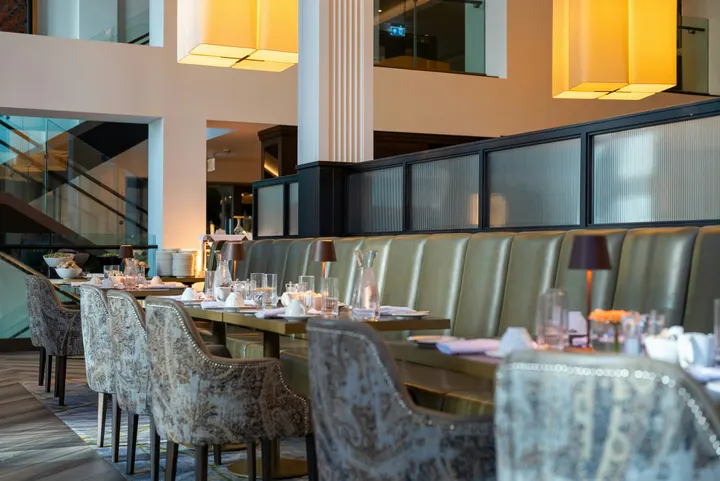 fine-dining-01.jpgPicha · Just now
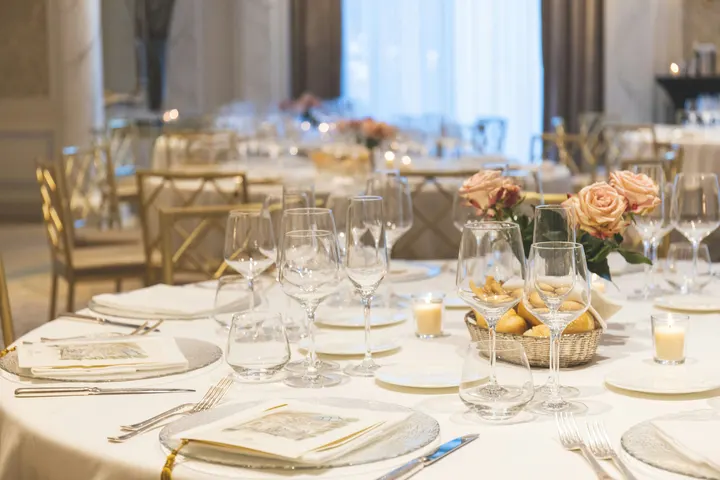 fine-dining-02.jpgPicha · Just now
 restaurant-01.jpgPicha · Just now
 fine-dining-04.jpgPicha · Yesterday
 restaurant-03.jpgPicha · siku 3 za zamani
 restaurant-02.pngPicha · Juma lililopitaBistro Kogarashi · Tokyo
Picha na video zilizoshirishwa kutoka simu zinapita kwenye maktaba ya Media.
Mipaka
TV, Ombi, Majukumu, Ongeza TV, Mafuniko Yangu na Utafiti wa Halisi kutoka ishara ya programu.
Futa Ombi au Iruhusu kutoka Ombi
Clear an alert another admin raised, or approve a schedule waiting for you, from the notification.
Mahali Display inakutana na kila kitu kwingine.
4 of these 8 connections are in your plan today; the others are their own apps.
Dine
The kitchen display shows and bumps the kitchen’s own orders, and the menu board reads the menu set up in Dine.
Stays
A guest TV reads the stay in its room, and the housekeeping TV is the same board as Stays’ Housekeeping.
Coworking
A meeting room’s door sign is made and paired from Coworking’s Spaces, each paired with the room it hangs outside.
Kiosks
Kiosks and TVs are set up through the same screen records, and play the same designed screens and live feeds.
Orderflow
Room service ordered from a guest TV goes to Orderflow, and the order fulfillment screen is Orderflow’s queue on a TV.
Studio
Designed screens are made in the same design editor Studio opens, and a Studio design at TV size plays as one.
Automations
Every notice Display sends is an Automations rule, and other apps’ rules can repaint a board.
Ads
A free TV’s ad band is filled through Ads, the one place a screen’s ads are chosen.
Hakuna gharama ya uanzishaji. Tumia unapokuwa unatumia.
Every TV free with Calisto’s ad band, or ad-free per TV.
Calisto Display
Runs the TVs in a business: kitchen displays, pickup and now-serving boards, guest TVs, menu boards, signage and designed screens, with schedules, alerts and performance.
Inapendekezwa kwako
Inafanya kazi vizuri pamoja.
Calisto Dine
Iliyowekwa na Mpango Wako
App yako ya Core inaonyesha yote ambayo mipango yako ya Biashara na Mafunzo inaweka kwenye uwezo.
Learn more →Calisto Stays
Iliyowekwa na Mpango Wako
App yako ya Core inaonyesha yote ambayo mipango yako ya Biashara na Mafunzo inaweka kwenye uwezo.
Learn more →Calisto Coworking
Iliyowekwa na Mpango Wako
App yako ya Core inaonyesha yote ambayo mipango yako ya Biashara na Mafunzo inaweka kwenye uwezo.
Learn more →Calisto Kiosks
Calisto Kiosks
One job per kiosk, from check-in and ordering to wayfinding, set up on any tablet at your own kiosk address, with each screen’s own card terminal and printer.
Learn more →Calisto Orderflow
Calisto Studio
Calisto Create
A Studio seat designs anything at every size, from Calisto’s templates or a blank page: layers, photos, Copy & Resize, Bulk Create, mockups, QR codes, print-ready PDFs, sharing and whiteboards.
Learn more →Calisto Automations
Calisto Ads
Calisto Engage
Run campaigns on the websites, apps, kiosks, TV screens and member portals other Calisto businesses publish, and sell the ad space on your own.
Learn more →Inarekodiwa kwa ajili ya
Sekta zinazofanya Display, na kila moja inayofanya kwa ajili yake.
Hotels & ResortsLobby & meeting screens
Lobby, meeting floor and restaurant screens.
Hotels & Resorts on Calisto →RestaurantsDigital menu boards
Kitchen display and guest-facing menu screens.
Restaurants on Calisto →Chakula cha KibinafsiKitchen and pass screens
Kitchen pass and private dining screens.
Chakula cha Kibinafsi on Calisto →Ujenzi wa MakaziSales gallery screens
Sales gallery screens and site hoardings.
Ujenzi wa Makazi on Calisto →Saluni na WabariLobby screen
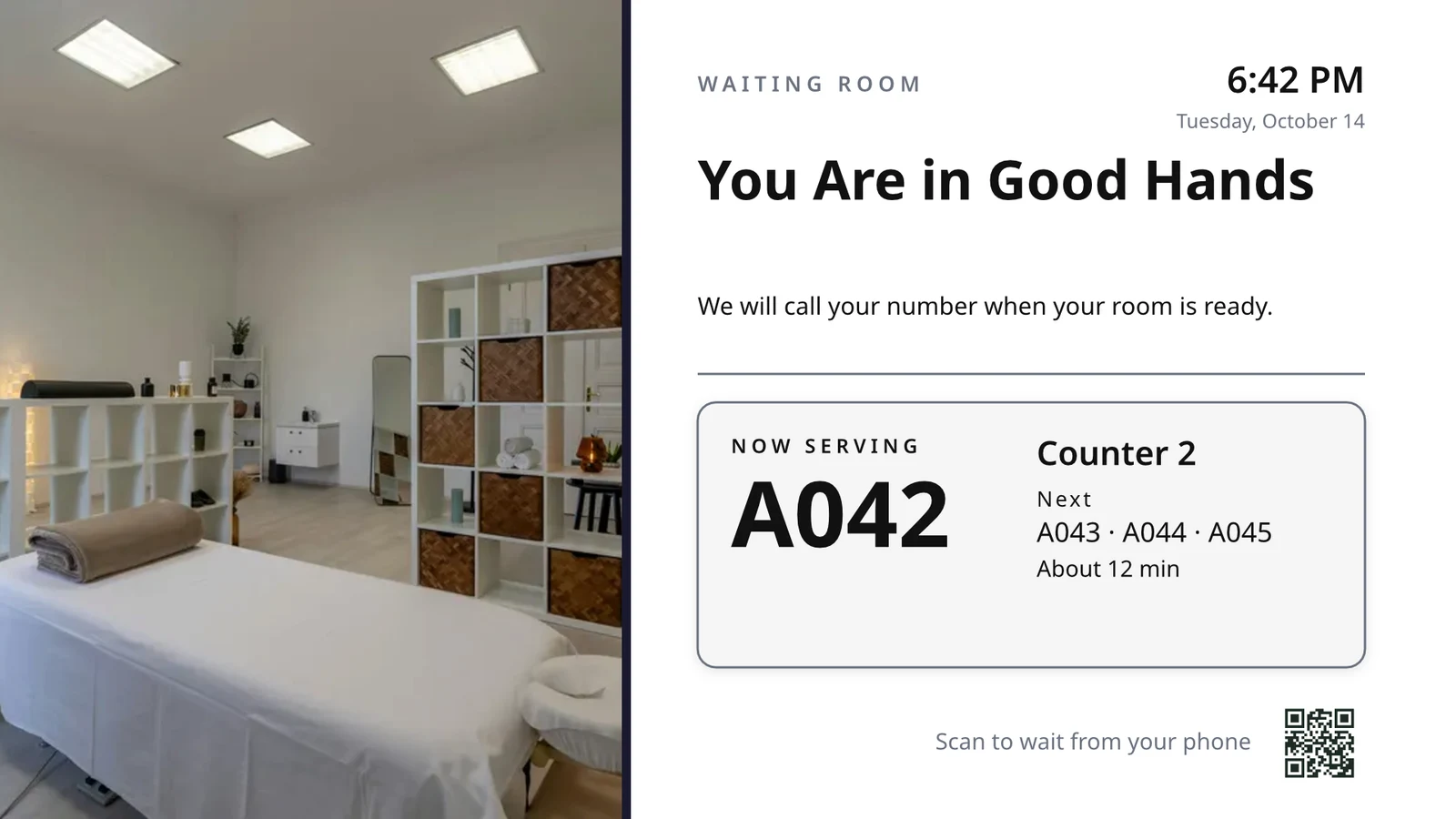
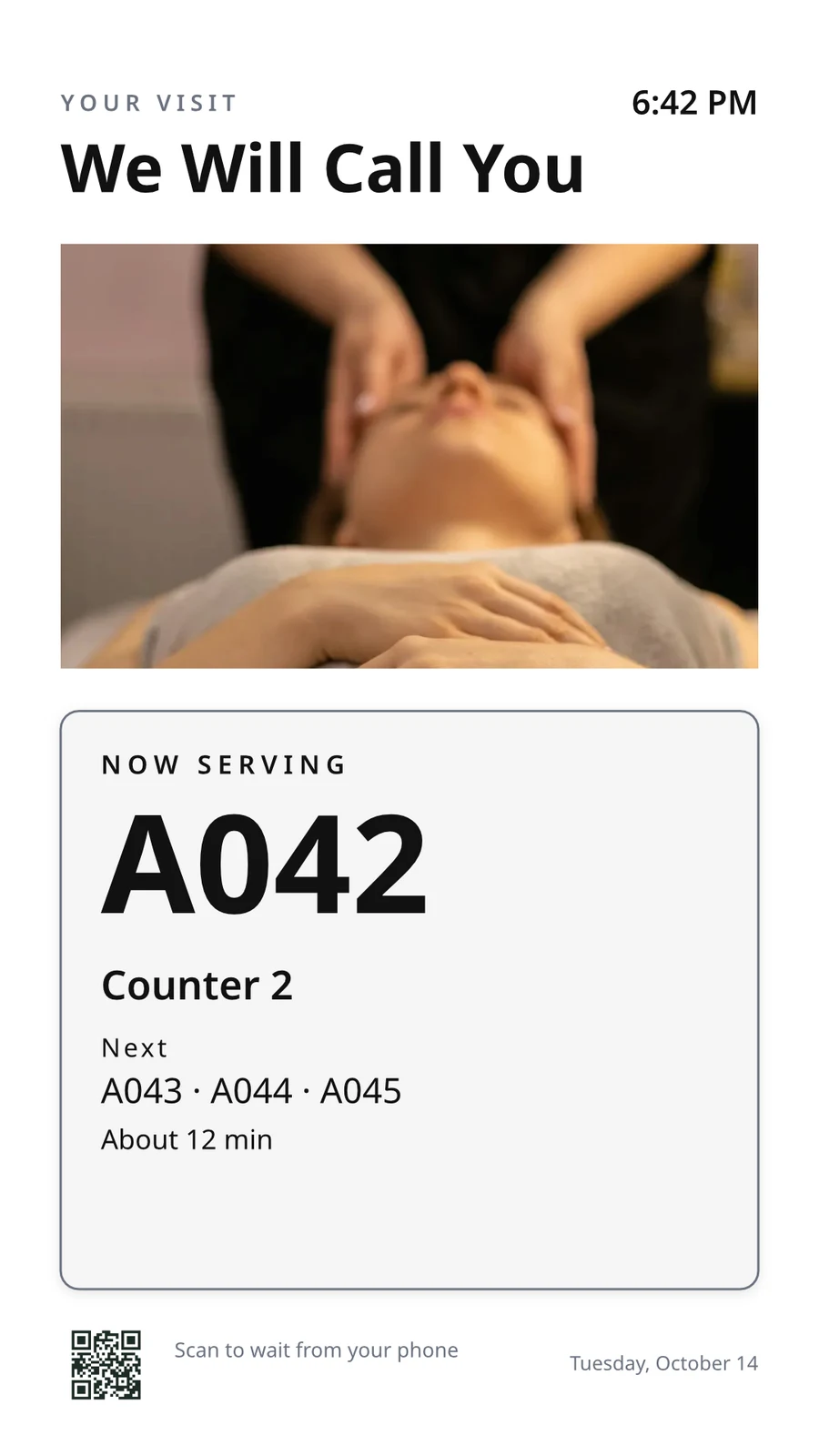
The waiting area reads the same queue as the desk.
Saluni na Wabari on Calisto →Live Music & FestivalsStage & wayfinding screens
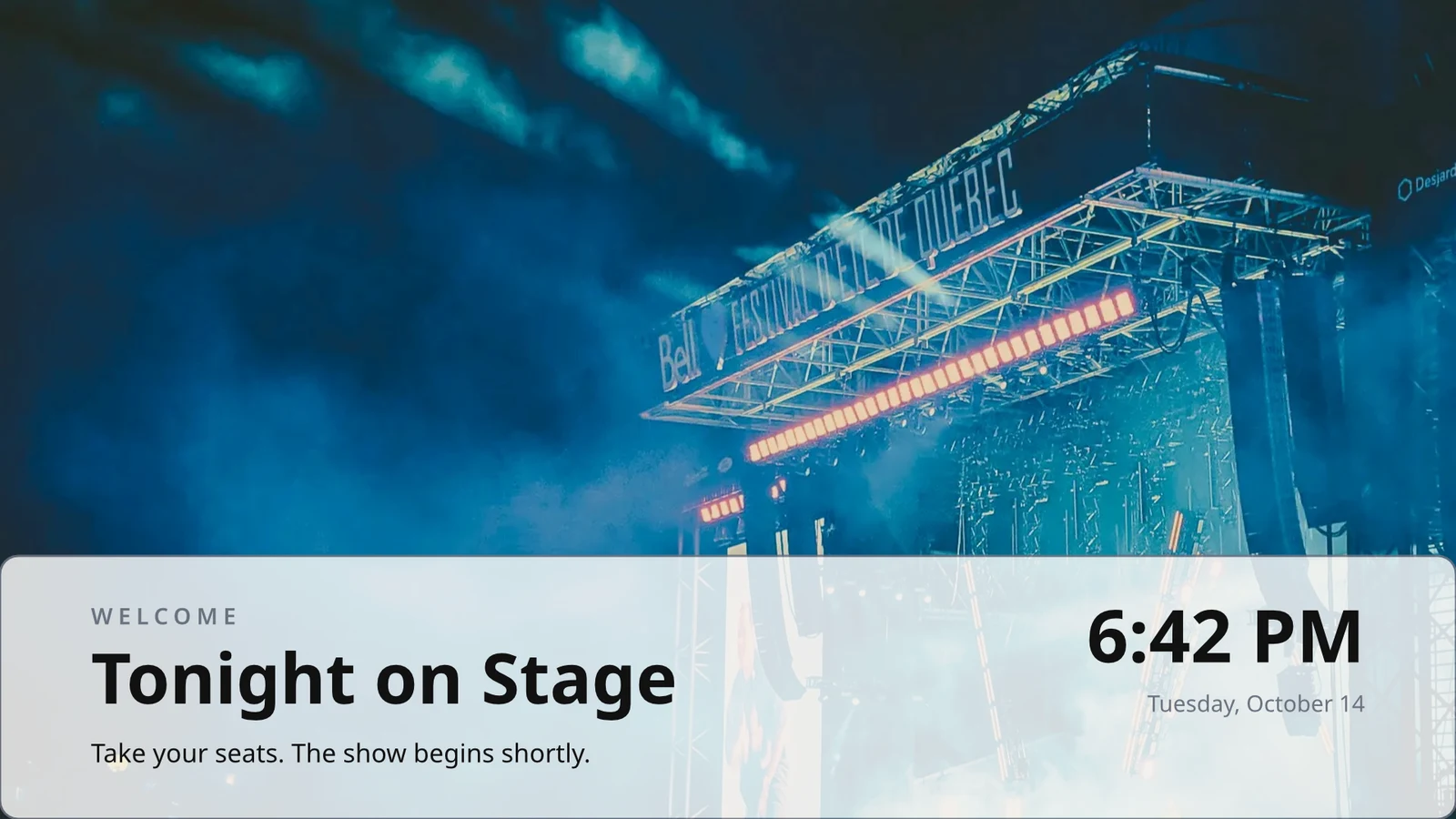
Stage, wayfinding and sponsor screens.
Live Music & Festivals on Calisto →Marathons & EnduranceStart, finish & expo screens
Start, finish and expo screens.
Marathons & Endurance on Calisto →Venue ManagementWayfinding & room screens
Wayfinding, room and sponsor screens.
Venue Management on Calisto →Maduka na MajengoConcourse & stand screens
Wayfinding, concourse and sponsor screens.
Maduka na Majengo on Calisto →Mikono ya GolfClubhouse screens
Tee sheet, leaderboard and clubhouse screens.
Mikono ya Golf on Calisto →In-Person RetailersIn-store screens
Window, shelf-edge and queue screens.
In-Person Retailers on Calisto →Everything included in Calisto Display.
- New: every job a TV can do, ordered for your industry, each shown running on sample data, with the one choice that makes it this screen and where it works.
- Set Up Every Screen: your kind of business’s set at once, a screen set for each of the 38 kinds of business.
- Run the operation: kitchen display (prep, expo and bar, with bump), housekeeping and room status, front desk, today’s appointments, golf starter, door counter, order fulfillment (Orderflow’s queue, with accept, reject and bump) and sales targets.
- Move customers: order pickup, now serving on any app’s walk-in line, check-in welcome, meeting room sign, departures and tours, wayfinding, tournament and race leaderboard, class schedule.
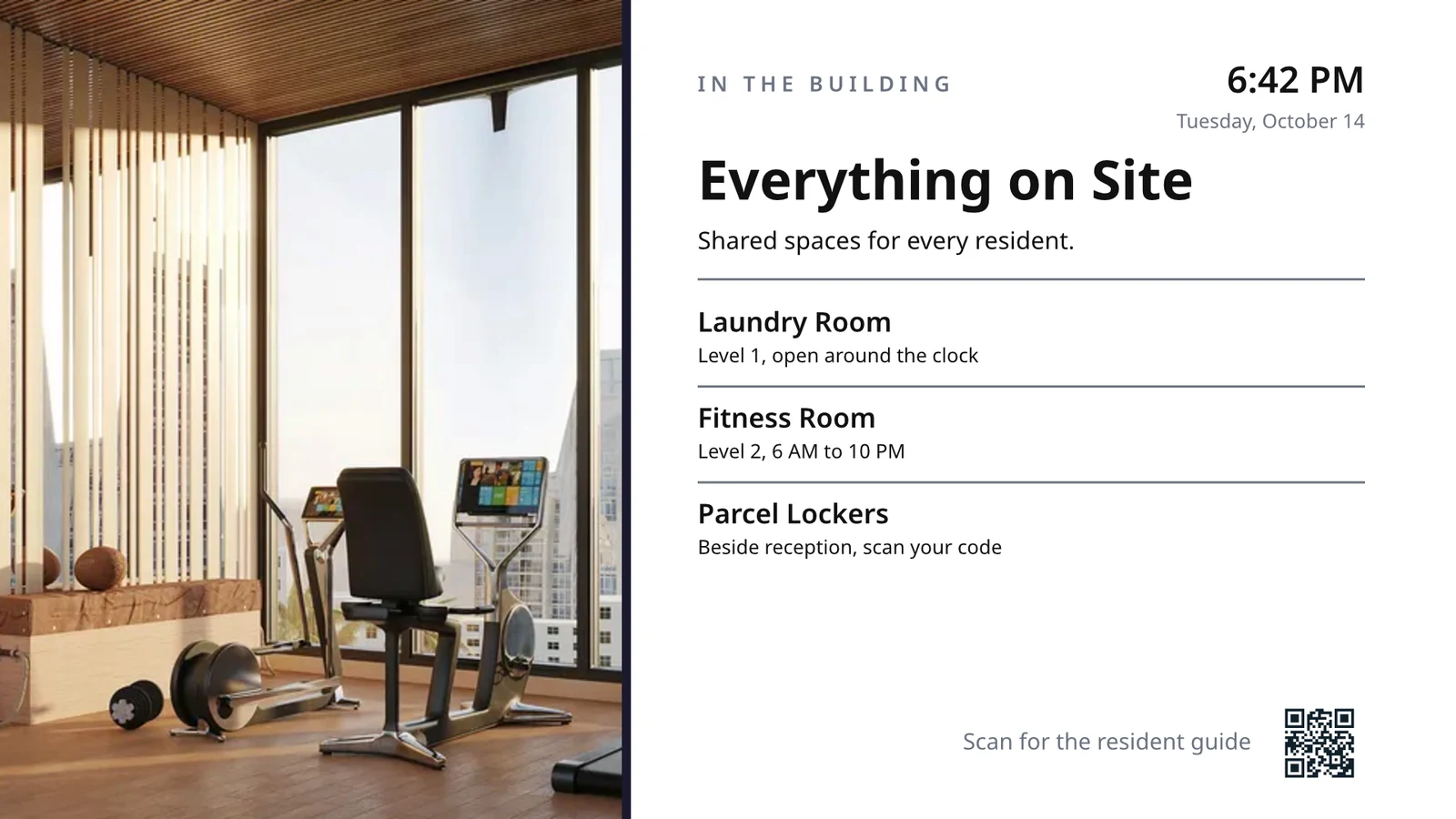
- Serve guests: the guest TV in a hotel, apartment or short-stay room, and the resident and member TV.
- Promote and inform: designed screen, digital signage with zones and playlists, menu board, offers and upgrades, property window, on air.
- A screen’s record: Purpose, Where (location, station, counter, room, course or event, filled in when there is one), Content, Look (dark or light, your logo and color), TVs and Schedule, beside the screen running live on your data.
- Put It on a TV: the one step that puts a screen on its TVs, refused with the reason when something it needs is missing.
- My Screens: each screen, what it runs and on how many TVs.
- Other apps put their own screens on a TV from their own desk: now serving from a walk-in line, a leaderboard from a competition, room signs from Coworking’s Spaces and every Events host’s Rooms.
- The kitchen display reads and moves the kitchen’s orders, the same orders Dine’s kitchen screen and Station work from.
- The menu board reads the menu set up in Dine.
- Room service ordered on a guest TV is charged to the stay and handed to Orderflow, whose accept fires the kitchen.
- Late checkout and the property guide come from the stay and the property.
- The housekeeping TV is the same board as Stays’ Housekeeping, moving each room’s tasks.
- Staff act from a staff screen of their own account; a guest acts only from the room TV while its stay is checked in.
- A TV reads only its own screen’s data, scoped on the server to its station, counter or room.
- The design editor Studio uses, at 16:9 landscape or 9:16 portrait; a Studio design at a screen’s shape is a designed screen too.
- Start blank or from 160 layouts, 81 landscape and 79 portrait, each tagged with its industries and carrying photographs, your own industry first.
- Themes: Calisto’s 48 and your own, chosen and tuned per design, Save as Theme; a design that picks none keeps its own look.
- Live Data: the menu, the schedule (classes, sessions, events, tours, race waves, today and the next six days), offers running now, homes on the market, a dish’s price, the offer on now, clock, date, weather, guest Wi-Fi, a QR code, the number being served and what is on air.
- Lists are one designed row, repeated for every record in the list’s columns and gaps, paging by its area; a list with no records draws nothing.
- Publish to Screens draws each page at 4K and keeps the live layer apart; Update Screens reaches every TV and kiosk playing the design at once.
- Each page shows for its own length; pages turn together across a bank of TVs.
- A page animated with Animate plays as a video made on your device or Calisto’s servers, from the start each time the page comes on.
- Played full screen, or as an item in any signage zone.
- People Inside: how many are in the screen’s room now, its limit, the places left and how full it is, where Access counts the room.
- A copy for each location keeps the parts its original locks for copies, and takes their changes; your business chooses who may lock them.
- Add a TV: the TV shows a six-character code; you enter it and give the TV a name and, in a room, its room.
- The TV reports its platform, panel resolution, touch, remote and sound at pairing and on every check-in.
- Apple TV, Android TV, Google TV and Fire TV run the Calisto TV app from their stores; Samsung Tizen and LG webOS open it from their own app; any browser opens the TV address.
- A TV that cannot get a code keeps asking and replaces a lapsed code by itself.
- TVs: every TV, its platform, location, what it runs, its state and when it was last seen, searched, filtered and sorted on the server however many you have.
- A TV’s page: health, capabilities, room, what it runs now and next, Choose What This TV Runs, remote control, billing and unpair.
- Remote control: identify, screenshot, restart and reload, answered by the TV on its next check-in; on a commercial display that lets Calisto control it, turn on, turn off, switch input and volume.
- Video walls: TVs mounted together play one screen across the wall, each its slice, with the panels’ frames allowed for.
- One clock for every TV: page turns, zone rotations, looping videos and music play in step across screens.
- Audio zones: your own tracks or your music service’s stream under whatever a set of TVs shows, every TV at the same moment, quieter for a chime, silent while a TV sleeps.
- TV hours: TVs follow the place’s opening hours or your own; outside them they go dark and wake for opening.
- Meeting rooms: a room’s TV shows the Calisto Live meeting booked in it, a code to join before it starts and the meeting once it is live.
- Runs as the digital signage of the video-meeting displays in your rooms.
- TV Groups: a floor, a building or a brand as one target.
- A TV with nothing to run shows your logo, your name and the time where it hangs.
- Starts from what it last received when it powers on with no network.
- Spaces: a TV assigned to an archived Space stops; one that cannot be read for a moment keeps playing.
- Unpair reaches the TV on its next check-in.
- Live Preview: what a real TV is showing right now.
- A schedule puts a screen, or a playlist in a signage screen’s main zone, on chosen TVs and TV groups between dates, on chosen days and hours.
- Each TV keeps its own time zone; a schedule may set one.
- The most specific schedule wins (a TV, then its group, then the account default), then priority, then the latest start.
- A schedule with no TVs is the account default: it plays only on a TV that runs no screen of its own.
- Approvals: when your business asks for them, a schedule plays only once approved; Approve, or Send Back with a note, on its page, in the Approvals panel or from the notification.
- A schedule that is on is turned off before it can be deleted.
- Media: photos and videos (JPEG, PNG, WebP, GIF, MP4, WebM), audio, stock photos and playlists that time each item by its seconds.
- Documents, decks and web pages: PDFs, documents, spreadsheets, presentations and Slides decks play as pages; a public web page or a published dashboard is drawn at the screen’s size and refreshed on your interval.
- Dashboards: your analytics tools’ dashboards drawn through each service’s own image export with your own connection, its secret kept sealed, refreshed on your interval.
- Zones also play live TV and IPTV streams, your Live broadcast with its reactions, rows from a published Sheet or a CSV or JSON file, and your published social posts.
- A schedule or a zone item can play only in some weather: rain, snow, sun, warmer or colder than you say.
- An alert goes over whatever its TVs are playing until it is cleared or its time runs out.
- Info, warning or critical, with its colors and how long it stays.
- Saved as a draft, activated when needed, cleared from its page, the list or the notification.
- Each alert names who raised and who cleared it; its text shows as written, never as code.
- An Access alert (a lockdown, an evacuation) goes over the TVs where it is raised and comes off at the stand-down.
- Official warnings from public alerting authorities go over the TVs at the places they cover until they end.
- Your own alert system, such as a campus or building system, posts to a private address, in CAP or JSON, and its alerts go over the TVs at the places you choose until it cancels them.
- Rules put a screen on the TVs for a while when something happens: a visitor checks in, a badge is shown at a door, a zone fills up.
- Overview: plays, minutes on and errors, in total and by TV and day, over all time, 7, 30 or 90 days.
- Impressions, Uptime and By Screen views, and Reports.
- Proof of play: each TV files what it plays on every check-in; a screen that fails is shown as your branded fallback and reported as an error.
- Uptime is credited from check-ins, so a TV that was dark reads as dark.
- Audience: each play counts the people in the TV’s room where Access counts it, shown as the average per play.
- Notices as Automations rules you can change or turn off: a TV stopped checking in or is back, a schedule ended, an alert went live or was cleared, a schedule waits for approval, was approved or sent back, a TV app build finished.
- The fleet is checked every 15 minutes, on Calisto’s database or your own.
- Every paired TV is free with 15% of the screen given to an ad band, on customer and guest screens.
- Staff screens never show ads, and a guest navigating a room TV sees none.
- Remove Ads makes one TV ad-free at the per-TV price, agreed once before anything is billed.
- An ad-free TV may opt back in: its band sells with you as the seller, sharing what it earns, and your own ads fill the rest.
- Ad Surfaces: your own house ads.
- Your branded app for Apple TV, Android TV and Fire TV.
- Overview, Design, Content, Preview, Build, Store Listing and Analytics in one workspace.
- Built by Calisto’s build pipeline for each platform; Display holds no store keys.
- Analytics: installs, active TVs and watch time by month.
- Tabs for Home, TVs, Alerts and Schedules, and More for the whole menu.
- Home: the fleet’s counts and the TVs that need someone, worst first, any alert on the walls and schedules waiting for approval.
- A screen and a TV open as their own pages, with Put It on a TV and Choose What This TV Runs; alerts and schedules are edited from their own pages.
- Designed screens and the TV App’s artwork open in the phone design view: pages, Edit Words and Photos, Publish to Screens.
- Shortcuts: TVs, Alerts, Schedules, Add a TV, My Screens and Live Preview.
- Home, TVs, a TV’s page and Alerts open with no signal on a device you choose; raising or clearing an alert, approving a schedule and restarting a TV need the signal, and say so.
- Notifications with buttons: Clear Alert on an alert another admin raised, Approve on a schedule waiting for you.
- TV Status on the Windows Widgets Board: TVs online, TVs that need you, alerts showing and schedules waiting.
- Photos and videos shared from the phone land in Media.
- Calisto’s search finds TVs, screens, schedules and alerts.
- Every create happens once, however often the button is pressed.
Questions about Calisto Display
Apple TV, Android TV, Google TV au Fire TV hutumia programu ya Calisto TV kutoka maduka yao; Samsung na LG TV za akili zinavifungua kutoka kwenye programu zao; TV yoyote nyingine yenye browser inavifungua anuani yake. TV inaonyesha kodi na unapanga kutoka kuongeza TV. Calisto haiongeze kitu kwenye eneo lako.
Anasi ya kucheza inaonyesha na kuongeza amri ambazo anasi yako ya kucheza inapokea, amri hizo ni hizo anasi ya Dine inavyofanya kazi na anasi ya Station, na lebo ya menyu inasoma menyu iliyowekwa kwenye Dine. Anasi inayosoma rekodi za programu nyingine inahitaji programu hiyo; anasi iliyoundwa, ishara na alazi hazihitaji kitu kingine.
TV bure inatoa sehemu ya skrini yake kwa matangazo ya Calisto kwenye skrini za wateja na waangalizi. Skrini za wafanyakazi hazionyeshi matangazo, na mteja anayetumia TV ya chumba hatakuona matangazo. Kuondoa Matangazo kunafanya TV moja isionyeshe matangazo kwa bei kwa kila TV, na TV isiyonyesha matangazo inaweza kurudi kwenye mfumo na kupata sehemu.
TV inahifadhi kile kilichopokea mwisho na huanza kutoka kwake wakati inapoweka bila mtandao. Ukurasa wake unonyesha wakati ilipokagua mwisho, na wanaoendelea wanatajwa mara moja wakati TV inapofika na tena wakati inarudi.
Where the job needs it. Kitchen staff bump tickets from the kitchen display, housekeeping moves rooms on its board, and a guest orders room service or asks for late checkout on the room TV while the stay is checked in. A menu board takes no action at all.
Picha na video zinawekwa kwenye Media, kutoka simu pia, na kuonyeshwa katika orodha za muziki na maeneo ya alama. Skrini za uchapaji zinagunduliwa tena katika Skrini Zilizoundwa, kuanzia mpangilio wa soko lako, na data ya moja kwa moja mahali ambapo bei au muda ingekuwa imeandikwa.