Redaktoni një video të gjatë nga prerja e parë deri tek eksportimi.
Vendosni materialin vizual tuaj në një kohëzgjatje, prereni frame për frame ose duke fshirë fjalët e thëna, shtoni tituj dhe tituj, dhe publikoni në kanale tuaja, nga kompjuteri juaj ose telefoni juaj.
Every Video, from the first take to the post
Episodet, intervistat, videot e produkteve dhe filmet që një biznes bën për veten.
Start
Material filmimi, një regjistrim ose një template.
Modifiko
Nga korniza ose nga fjalia.
Zëri
Mixi, zëri dhe ritmi.
Tituj
Çdo fjalë me kohëz, çdo pjesë me titull.
Video Pro
Ngjyra, maska, çelësa dhe multicam.
Publiko
Eksport, Shorts dhe kanale.
Në një telefon
The same Video in your hand.
Fillo një Video nga material filmimi, një regjistrim ose një shabllon
Videoja e Re hapet njëra pas tjetrës, e kornizuar 16:9 me një titull hyrës dhe një kartë fundi. Zbulo materiale në Home, ose zgjidhni ato nën Media, dhe ato vendosen. Çdo burim dhe eksport është një skedar në Depot, dhe çdo Video qëndron në Hub-ët e saj.
Regjistro
Kamera, ekrani me mikrofonin, ose vetëm mikrofonin, vendosur në kokën e lojës.
Burimi
Regjistrimi ruhet në skedarët tuaj dhe vendoset në pikën e luajtjes kur ndalon.
Teleprompter
Skripti juaj rrjedh mbi paraprakun me ritmin e leximit tuaj ndërsa regjistroheni, pasqyruar për një shishe nëse doni, dhe kurrë në Video.
Burimi
Regjistrimi ruhet në skedarët tuaj dhe vendoset në pikën e luajtjes kur ndalon.
Teleprompter
Bienvenidos a Spa Brisa. Aquí cada visita empieza con un té y una conversación. Después elegimos juntos el masaje que necesitas, y el resto del día es tuyo.
Trego mbi ParapamjenPasqyrë për një Teleprompter GlassRreth 0:12 për t'u lexuar. Skripti fillon nga lart me çdo pritje dhe nuk është kurrë në video.
Template
Video YouTube, Titulli i Hyrjes, Kartat e Kapitujve, Emri dhe Roli, Karta Përfundimi, Postimi Katrore dhe Audiogrami.
Një shabllon vesh çfarë është në linjën e kohës. Çdo gjë që shton mbetet e redaktueshme, dhe Zgjerohet e kthen atë prapa.
Video dhe Muzikë të Stokut
Video stok, muzikë dhe efekte zëri, vendosur nga Media Library.
 Morning Run0:14
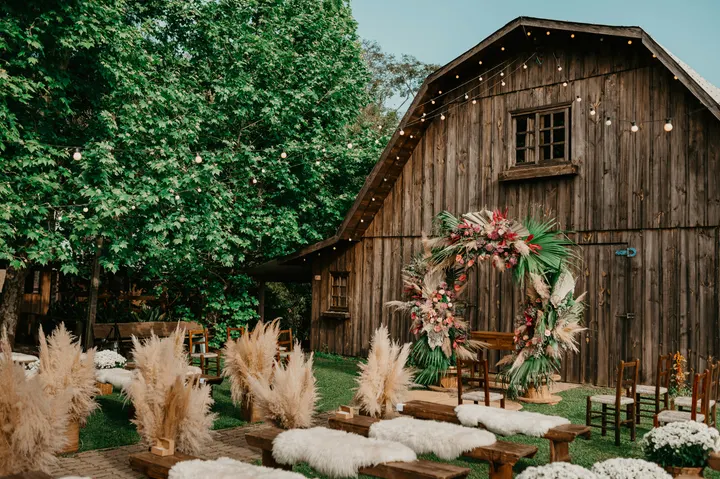 City Rooftop0:22
 Market Stall0:09
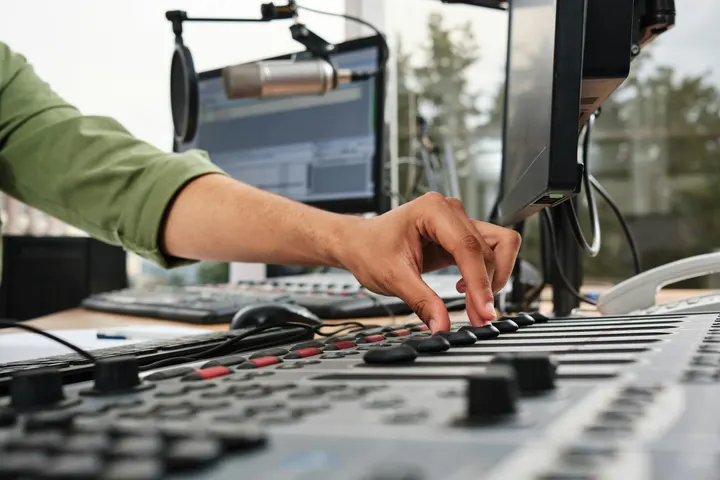 Studio Light0:18
 Coastline0:31
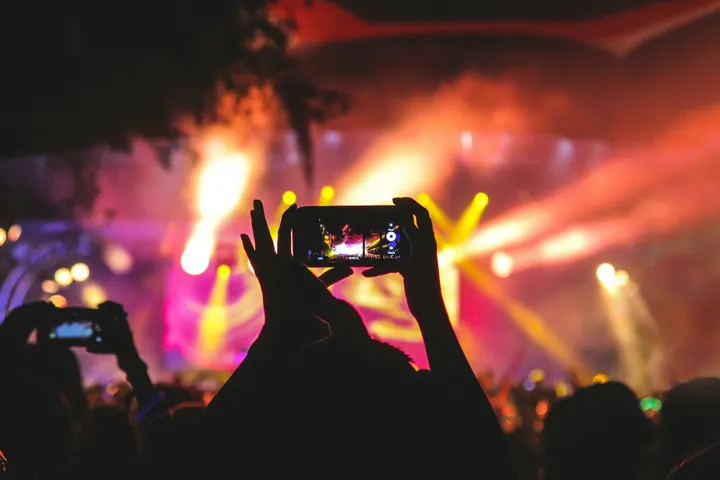 Night Crowd0:12
Muzikë
Biblioteka dhe Hub-et
Kërko, rinovë dhe arkivizo çdo Video, ose vendoseni në një projekt klienti, me Velocity.
 Casa Ámbar
 Trattoria Lucia
 Northside Strength
 Spa Brisa
 Atelier Noor
 Tejo Residências
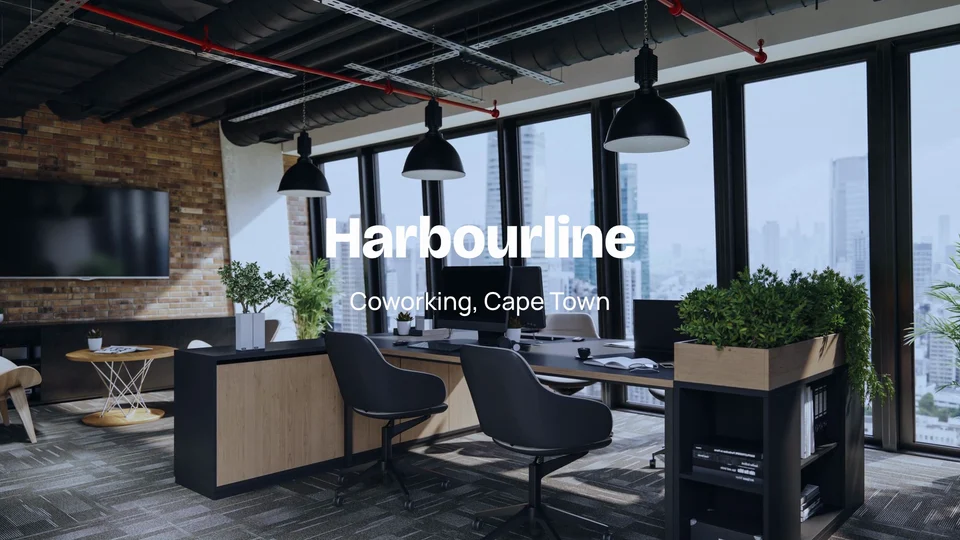 Harbourline
 Ridgeview Golf Club
Burimi
Regjistrimi ruhet në skedarët tuaj dhe vendoset në pikën e luajtjes kur ndalon.
Prerje në një kohëzgjatje shumë-trajti, nga korniza ose nga fjala
Video, audio, tekst dhe pista rregullimi, me ndarje, fshirje me valë, shënime dhe redaktorët e çelqes që tashmë përdoren. Transkripti qëndron pranë vijës së kohës: fshini një fjalë dhe momenti i tij pritet, dhe Fshini Fjalët e Fushës dhe Fshini Paqetëzimet e pastrojnë një marrje në një hap.
So, um, pick a desk for the day or keep one for the month.
Meeting rooms are booked from your phone, like, in a couple of taps. Pause 2.4s
I moved my whole team in here last March, actually, and we never looked back.
The coffee is free, the view is the harbour, and the door opens at seven.
You know, it just works.
Mixoni zërin, pastrojeni zërat dhe prereni në rith
Çdo klip ka vëllimin e tij, heqjen e zhurmës së sfondit dhe muzikën ulur nën zërat. Videoja mbajton zërin e saj në synimin që zgjidhni, streaming, podcast ose transmetim. Rituale të gjetura në një tingull bëhen prerje në çdo ritëm ose çdo bar.
Zëri
Muzika në këtë kohëzgjatje
Gjej Ritmet
Gjej Ritme në këtë TingullFound on this device, from the sound itself.
Cut to Beat
Zgjidhni klipet për të prerë, pastaj zgjidhni sa herë.
4 klipe në 4 ritme
Redakto në një tingull
For timing only. It stays on this device and is never exported.
Tempo Grid
Madhësia
Frame Rate
Zëri
Eksportohet dhe arrihet në këtë vullnet, kurrë përtej një −1 dB true peak.
Miks i Plotë
Niveli
Pastro
Hiq zhurmën e sfonditDuket sikur
Lower under voicesZëri
Barabërues
Kompresor
Ndjekje
Titulloje çdo fjalë dhe titull çdo pjesë
Shkruaj dhe Shto Titra herën e fjalëve një pas tjetrit, në gjuhën e folur, me fjalën e folur të theksuar. Titujt janë faqe të dizajnuara: një titull kryesor, një emër dhe rol, një citat, një kartë kapitulli në çdo shenjë, një kartë fundi.
Shkruaj dhe Shto Titra
Çdo fjalë kohëzuar si thuhet, në gjuhën e folur, me fjalën që thuhet lit.
24 tituj, të bërë nga ajo që thuhet në redaktim. Fjalët priten së pari, pastaj rifillohen.
Shiko
Titujt bëhen nga fjalët që luajnë dhe janë të kohëzgjatshëm fjalë pas fjalë.
Klasifikoni, maskoni, çelëzoni, ndiqni dhe prerani multicam me Video Pro
Adjust grades color with wheels, levels, curves, LUTs and Auto Color, read on the scopes. Effects adds masks, chroma key, track mattes, tracking, stabilizing and adjustment layers, and Adjust takes the grain out of a picture. Edit gains Multicam, Nested Sequences and the Mixer. A Video with Pro work always opens and plays, seat or no seat.
Klasim i ngjyrës
Rrathë, nivele, kthesa dhe Auto Color, me gjashtë pamje të Calisto-s së vetme ose një skedar pamjesh të vetin.
Rrathë ngjyrash
Nivelet
Kurbat
Pamje (LUT)
Fusha të aksesit
Valë, paradë RGB, vektorshkop dhe histogram.
Fusha të aksesit



Lexoni nga korniza paraprakun që tregon, siç është vlerësuar.
Masks, Keys and Tracking
Maskat e drejtkëndëshit, elipsit dhe penës, Auto Key për një ekran të gjelbër, dhe një titull që ndjek atë që lëviz në kadron.
Shto një Maskë
Chroma Key
Çelësi AutomatikTrack Matte
Ndjek Këtë
Multikamera
Këndet të sinkronizuara nga zëri ose kodi kohor, të ndërruar në tasta 1 deri në 9.
Këndet
Këndra: klikoni njërin për të kaluar te ai
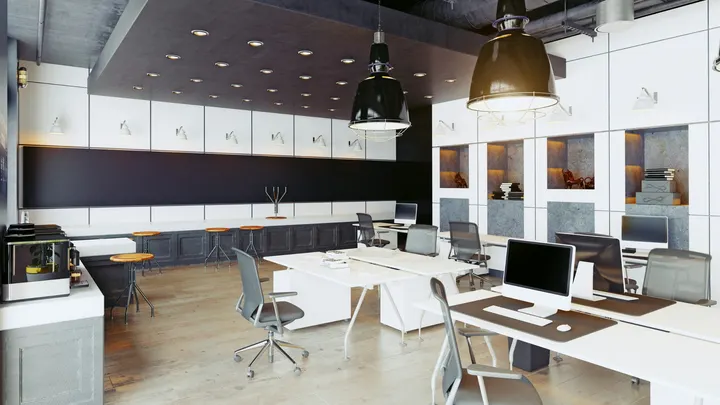 1Wide
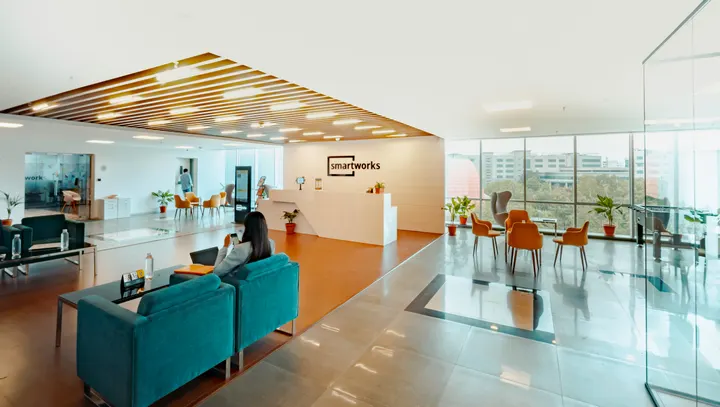 2Thandi
 3Sipho
 4Desk
Cut List
Each cut is a clip on the timeline: drag its edge to move the cut.
Sekuenca të njomë
A selection made one sequence, used again in any Video.
Nest the Selection
Klipet e zgjedhura bëhen një klip që luan një sekuencë të veten. Hapeni për të redaktuar brenda; çdo vend ku përdoret ndjek.
Insert a Sequence
Thebja Juaj
Çdo person zgjedh Essentials ose Pro për veten.
Rrathë ngjyrash
Nivelet
Kurbat
Pamje (LUT)
Eksportojeni, bëni Shorts prej tij dhe publikoni atë
Eksportoni në MP4, një kornizë YouTube, një postim vertikal ose katror, ose audio, në pajisje ose në serverët e Calisto. Make Shorts propozon momente nga transkripti i një Videoje, çdo njëri bërë Clip në Clips. Publish e dërgon atë në TikTok, Instagram Reels ose YouTube përmes lidhjeve të tua.
Eksport
Një skedar për YouTube, një postim vertikal ose katror, ose vetë zëri, bërë në këtë pajisje ose në serverët e Calisto; 4K dhe ProRes me Video Pro.
Kjo pajisje do të bëjë dosjen. Nëse nuk mund ta përfundojë, serverët e Calisto marrin përsipër.
Krijo Shorts
Momentet që punojnë vetë zgjidhen nga ajo që thuhet, dhe çdo njëri bëhet një Clip vertikal me titull në Clips.
Calisto lexon atë që thuhet në këtë video dhe propozon momentet që funksionojnë vetë. Ju zgjidhni; çdo njëri bëhet një Klip, i rimarrë dhe me tituj.
 Clip 10:42 në 1:08 · 0:26“Every room opens onto the courtyard light.”
 Clip 21:31 në 1:52 · 0:21“Breakfast is served by the pool from seven.”
 Clip 32:40 në 3:12 · 0:32“Our guests come back for the people, not the pool.”
 Clip 44:05 në 4:27 · 0:22“Oaxaca is ten minutes away on foot.”Clip 55:18 në 5:44 · 0:26“Lucía greets every guest by name.”
Publiko
Në TikTok, Instagram Reels dhe YouTube përmes llogarive tuaja, ose të programuara me Impreta.
Ku
Auto-Rikujtim
Every clip, or the ones selected, reframed to a new shape.
Madhësia
Auto-Rikujtim
Auto-Riframo Çdo KlipAuto-Reframe të Klipave të ZgjedhuraÇdo regjistrim plotëson kornizën dhe ndjek personin ose gjërinë brenda, të gjetur dhe të ndjekur në këtë pajisje. Zgjidhni madhësinë së pari; çelësat që vendos janë në Transformimi dhe Çelësat e Kërcimeve.
Send to Phone
Për Instagram dhe YouTube, Videoja arrin në telefonin tuaj për të postuar nga aty.
 9:41
Ithtarur Kur Është Përfunduar
Një eksport serveri dërgon një njoftim, me Publikim mbi të.
Skedarët e nënshkrimit
Një skedar nënshkrepim për çdo gjuhë titulli, ruajtur në Depot.
Skedarët e nënshkrimit
Ruhet bashkë me të në dokumentet tuaja.
Redakto të njëjtin Video në një telefon, edhe jashtë lidhjes
Redaktori zë të gjithë ekranin, me zhbërje një shtypje larg, dorëzimet e prerjes të gjerë si një gisht dhe Make Shorts dhe Publish në menunë e tij. Materialet vizuale të ndara nga rrotullimi i kamerës bëhen një Video të re. Me ruajtjen e videos në këtë pajisje, një redaktim i bërë jashtë lidhjes ruhet kur kthehet sinjali.
Ku Video prek çdo gjë tjetër.
3 of these 5 connections are in your plan today; the others are their own apps.
Depot
Every source and export is a file in Depot, and every Video sits in its Hubs.
Clips
Make Shorts turns a Video’s moments into Clips, which open in Clips.
Creators
A Calisto TV video’s edit is a Video, opened from Creators.
Velocity
A Video goes on a client project, so the work shows there.
Workforce
A business assigns its Video Pro seats where its people are set up.
Pa kosto instalimi. Paguani kur filloni të përdorni.
Long-form video, from the first cut to the export.
Video Pro
Rregullo, Efekte, Multicam, Sekuenca të Ngjitur dhe Mikseri, për një person, në një vend të vetëm ose me një vend krijimi; një biznes i cili i cakton vendet e tij tek njerëzit e tij.
Rekomanduar për ju
Works well together.
Calisto Depot
Calisto Clips
Calisto Creators
Included with any app a creator works in
Inquiries, proposals, appointments, projects and galleries for client work, and posts, videos, podcasts, live, memberships, courses, digital products and prints for your audience, in one app.
Learn more →Calisto Velocity
Calisto Workforce
Çfarëdo që përfshihet në Calisto Video.
- Home: the Videos to pick up again, New Video, Recent Videos beside the Media bin (the account’s videos in Depot).
- New Video makes Untitled Video at once, in the YouTube Video template, and opens it; it is renamed in the editor’s header.
- Footage dropped anywhere on Home, or picked in the Media bin, makes a Video with it placed.
- Library: every Video, newest edit first, searched by title, with Rename, Delete, Assign to Project and Move To a Hub’s Folder, from a card or the checked cards.
- The Hubs in the sidebar each open the Library narrowed to that Hub.
- The account’s Depot storage is shown in the Library’s header.
- A vertical video is a Clip: anything that shows one says Open in Clips.
- A new Video: 16:9 at 30 fps, loudness at −14 LUFS, classic captions, the 1080p MP4 export first.
- Size: Landscape (16:9), Vertical (9:16), Square (1:1), Portrait (4:5), Widescreen (21:9) and 4K (16:9), or an exact width and height.
- Frame Rate: 24, 25, 29.97, 30, 50 or 60.
- Loudness: Streaming and Social (−14 LUFS), Podcast (−16), Podcast Mono (−19), Broadcast (−23), or Leave As Recorded, never past a −1 dB true peak.
- The whole mix: volume, background noise removed from everything, fade in and fade out.
- Auto-Reframe every clip, or the selected clips, to a new shape, on the device.
- Stabilize the selected clips in one tap, on the desk and the phone: the shake taken out on the device, a deliberate pan kept.
- The Video’s client project (with Velocity).
- Media: upload files, or pick from the Media Library in Depot; add as picture in picture.
- A proxy is made on the device for editing; the export uses the original.
- Elements and Stickers: the design editor’s elements, stickers and emoji, placed on the picture.
- Record: camera, screen with the microphone, or microphone alone, with a live level meter; the take is saved to your files and placed at the playhead.
- A teleprompter: your script scrolls over the preview at a reading pace while you record, in your size, mirrored for a glass if you want, and never in the video.
- Audio: upload music or a sound, or pick one from Depot, and lower it under voices.
- Text: Headline, Lower Third, Quote, Pop, Label, Chapter and End Card, each a designed title edited in the design editor, with an animation in and out (Fade, Rise, Drop, Slide, Pop, Zoom or Spin).
- Templates: Intro Title, End Card, Name and Role, Chapter Cards, YouTube Video, Reel, Short or TikTok, Square Post and Audiogram.
- Transitions: crossfades, dissolves, fades through black, wipes, slides, shapes and more, on one cut or applied to every cut, with their length.
- A multitrack timeline: video, audio, text and adjustment tracks, each muted, locked, hidden, renamed, moved or deleted.
- Split, cut, copy, paste, duplicate, delete and ripple delete; trim; snapping and ripple editing switched with a key.
- Markers, named as chapters, in their own lane.
- The transcript beside the timeline: delete words to cut them, remove filler words and silences, restore what was removed.
- Speed from 0.25x to 8x, keeping the voice’s pitch, or an exact speed; speed ramps (Fast and Slow, Slow Middle, Near Stop, Slow Down, Speed Up) or the curve edited by hand; reverse; a freeze frame at the playhead.
- Transform: position, scale and rotation dragged in the preview; with Video Pro, position, scale, rotation, opacity and crop keyframed with easing.
- Adjust: brightness, contrast, saturation and temperature on any clip.
- Looks in one tap: Natural, Warm, Cool, Vivid, Black and White, Faded, Punchy, Moody.
- Undo and redo of every change; a save failed shows Retry, and an edit made elsewhere at the same time offers Restore My Version.
- ⌘K searches every action; ⌘/ lists every key: J, K and L, I and O, S to split, M for a marker, ⌘E to export and more.
- Volume, background noise removed, and music lowered under voices, on every clip.
- With Video Pro: gain, a gate for the quiet parts, an equalizer, a compressor, track volume, pan and volume keyframes.
- Voice in one tap: Clear Voice, Broadcast, Studio Clean, Warm, or As Recorded.
- Beats found in a sound on the device, snapped to, and cut to (every beat, every two beats or every bar), placed or split on the beats.
- A tempo grid by BPM or Tap Tempo; a guide sound to edit against, kept on the device and never exported.
- Find a Trending Sound opens TikTok’s Creative Center, Instagram Reels and YouTube Shorts.
- Transcribe and Add Captions: the words timed one by one, on the device first and on Calisto’s servers when it cannot.
- The language spoken is detected from the recording.
- Translate Captions: a caption track in any of 31 languages, at the same times and in the same look, shown in place of the original and edited like any caption.
- Speaker Coach: each speaker’s pace, filler words, long pauses, words said twice and quiet words, each a moment to jump to, read on the device.
- Looks: Classic, Bold Pop, Boxed, Minimal, Neon and Big Center, with the word being spoken highlighted.
- Caption style: font, size, all capitals, colors, a box behind the words, an outline, the height on screen, the width and the number of lines.
- In Your Brand: captions and titles set in the brand kit’s fonts and colors in one tap, its fonts and colors listed first, and its logo placed as a title.
- Adjust: Color Grade (Auto Color, one of Calisto’s eight looks (Teal and Orange, Film Fade, Bleach Bypass, Warm Film, Cool Night, Noir, Vintage, Clean Punch) or a LUT uploaded as a .cube file, with its intensity, color wheels, levels, curves) and the scopes (waveform, RGB parade, vectorscope, histogram).
- Effects: masks (rectangle, ellipse or pen, feathered, inverted, animated), chroma key and Auto Key with spill suppression, and adjustment layers.
- Tracking: a point or a plane tracked, with the title or picture turning and growing with it; stabilize, zooming to hide the edges.
- Multicam: angles synced by sound, by timecode or as placed, switched on keys 1 to 9, with the cut list.
- Nested Sequences: nest a selection, open it, insert one into another Video.
- The Mixer: every track and bus a channel with a fader, pan, mute, solo, a live meter, its route and a channel strip (EQ, then compressor); buses added and named there.
- Without the seat, every Pro control reads Pro · Upgrade (or Ask for a Pro Seat), and a Video that already holds Pro work still opens, saves and plays.
- Each person picks Essentials or Pro for themselves, in their preferences.
- Moments of a Video proposed from its transcript: 3, 5, 8 or 10 of them, each watched first.
- Each moment picked is made a Clip, reframed to 9:16 and captioned, and opens in Clips.
- MP4 at 1080p, YouTube (16:9), Reels, Shorts and TikTok (9:16, reframed), Square and Portrait feed posts, AAC and MP3 audio; at Pro, MP4 at 720p and 4K, WebM and WAV.
- Each caption track as an SRT or WebVTT subtitle file, downloaded and kept with the Video in Depot.
- Rendered on the device, or on Calisto’s servers while the device keeps working; a server export sends a notice when it is done, or when it fails.
- At Pro, the codec (H.264, HEVC or AV1 in MP4; VP9 or AV1 in WebM), ProRes 422 HQ and ProRes 4444, and the frame rate from 23.976 to 60.
- Recent Exports lists what was made; every export is a file in Depot.
- Publish: TikTok (to drafts or posted), Instagram Reels and YouTube, over the accounts the business connects, with who can see it, made for kids, comments, duets and stitches, a brand promoted, and the networks’ label for generated media.
- Schedule with Impreta: the finished Video opens in Impreta’s composer, and its queue and calendar send it when it is due (with Impreta).
- Send to Phone, for Instagram and YouTube: a notice on your own phone that opens the same Video ready to publish.
- Edited against a guide sound: the publish dialog says to add the sound on the network.
- A Video belongs to the account and records who made it; anyone in the account who can open the editor can open it.
- Edited together: everyone in a Video sees the others’ edits as they happen, who else is in it and where their playheads are.
- Comments pinned to a moment of the Video, with replies, @mentions, assign and resolve, marked on the timeline; a reviewer’s notes from the review link show at their moments too.
- Every Video is in Depot, in its Hubs and on a client project like everything else a person makes.
- Sources and exports are Depot files on the account’s one quota; each Video Pro seat adds its storage to it.
- A Calisto TV video’s edit is a Video (with Creators), and it is deleted with its TV video.
- The tab bar: Home, Library and Settings.
- The editor takes the whole screen: rename in its header, thumb-sized undo and redo, Saved or Retry, Export, and ⋯ for Make Shorts, Publish and Essentials or Pro.
- Its tool bar: Edit, Audio, Text, Stickers, Captions, Speed, Effects, Video, Comments and Export; trim handles a finger wide; the timeline a third of the screen at most.
- Shortcuts: New Video and Library.
- Footage shared to Calisto (MP4, MOV, WebM) becomes a new Video with it placed.
- Keep Video on this device: the lists, the Hubs and every Video opened, with no signal; an edit made offline is saved when the signal comes back.
Questions about Calisto Video
The Edit workspace: the multitrack timeline, recording, media from Depot, audio and the beat tools, designed titles, captions from the transcript, transitions, one-tap looks and voice, templates, speed and ramps, export and publishing. Keyframes, the finer sound controls and the Mixer come with Video Pro. Every signed-in person has Essentials, with no plan checked.
Rregulloni (Color Grade me rrota, nivele, kurbat, LUTs dhe Auto Color, dhe skopat), Efektet (maska, chroma key dhe Auto Key, track mattes, tracking dhe stabilizim, shtresa rregullimi), dhe Multicam, Sequencat e Ndjeshme dhe Mixerin në Edit. Ai shton gjithashtu reduktimin e zhurmës së imazhit; keyframe, prurje dhe mode të përzierjes; gain, një portë, një ekuilibrator dhe një kompresor; dhe eksporte 4K, WebM, WAV dhe ProRes. Një vend Video Pro është i një personi dhe shton depozitën e tij Depot në llogarinë. Një vend Create e mban atë gjithashtu.
Akoma hapet, ruhet, luhet dhe eksportohet. Nota, maskat, çelësat dhe sekuencat e ndërtuara mbeten siç janë, dhe mjetet e Essentials vazhdojnë të punojnë mbi të.
Në Depot, në ruajtjen e llogarisë, si skedarët e Video-s së cilës i përkasin. Çdo Video Pro ose kreje shtese shton ruajtjen e saj në të njëjtin kuotë. Proksitë dhe keshi i renderimit janë kopje të punës dhe kurrë nuk numërohen.
Së pari në pajisje, dhe në serverët e Calisto-s kur nuk mund, ose kur zgjidhni. Një eksport serveri dërgon një njoftim kur përfundon, me Publish mbi të.
Gjuha që flitet detektohet nga regjistrimi, dhe transkripti dhe titrat shkruhen në të, me kohë fjalë për fjalë. Translate Captisto më pas bën një rrjedhë titrash në çdo një nga 31 gjuhët, në të njëjtat kohë dhe me të njëjtin pamje, që të ndryshosh; çdo gjuhë është gjithashtu një skedar titrash i vetëm.
TikTok, Instagram Reels dhe YouTube, mbi llogaritë që biznesi lidh. Send to Phone dorëzon një Video te telefoni juaj për ta publikuar nga aty.
Një redaktor dhe një regjistrim. Një Video është horizontale ose katror dhe hapet në Video; një vertikale është një Clip dhe hapet në Klipet. Bëhet Shorts kthen momentet e një Videoje në Klipe, dhe Clips Pro është një vend i vetëvetes, ose vjen me një vend Create.
