Redaktoni një foto me një shtypje, me dorë ose në shtresa.
Redaktori i fotografive për fotografitë tashmë në llogarinë tuaj. Përfundoni një fotografi ose një sesion të tërë, më pas ndani një Galeri nga e cila klienti juaj zgjedh preferencat e tyre.
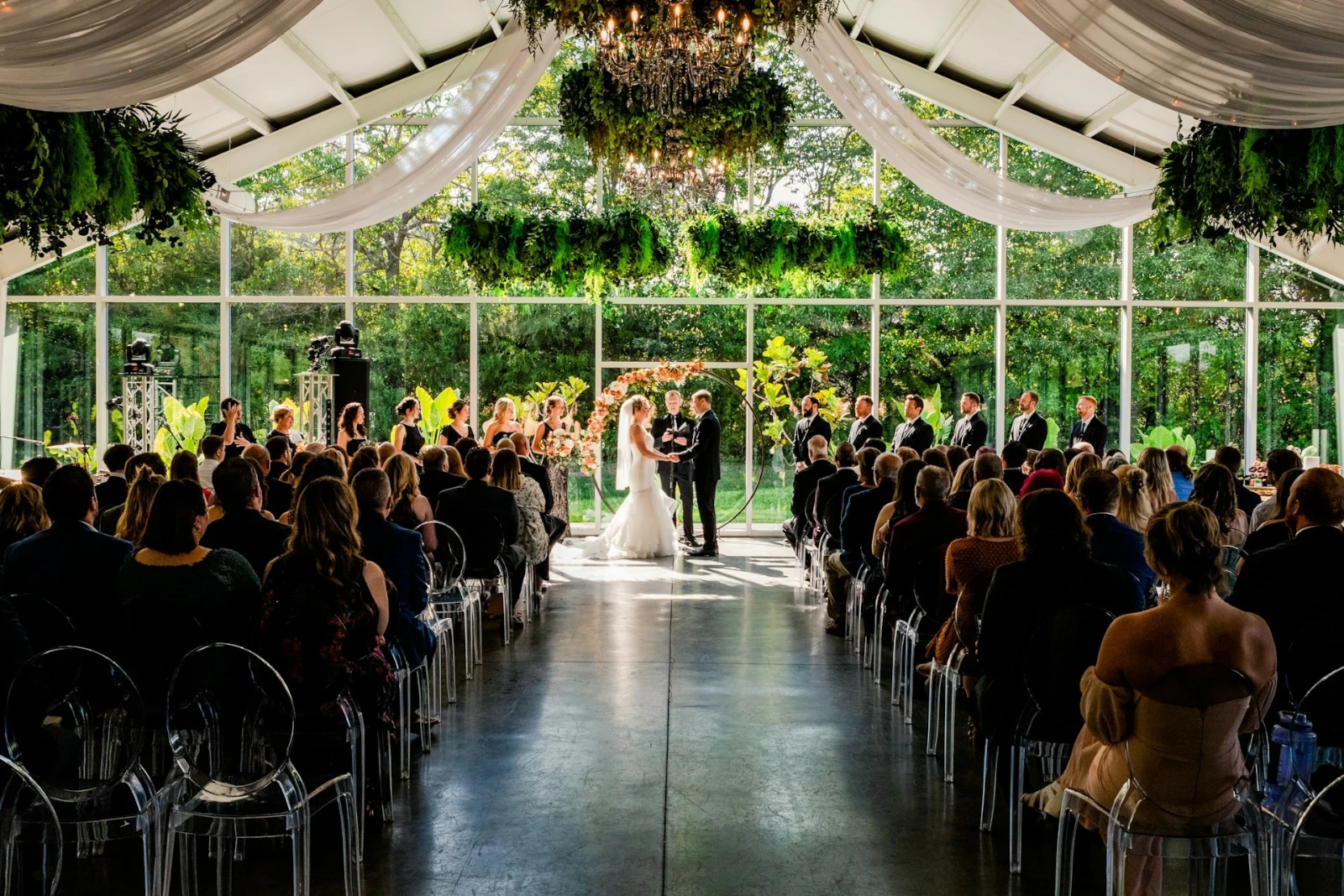
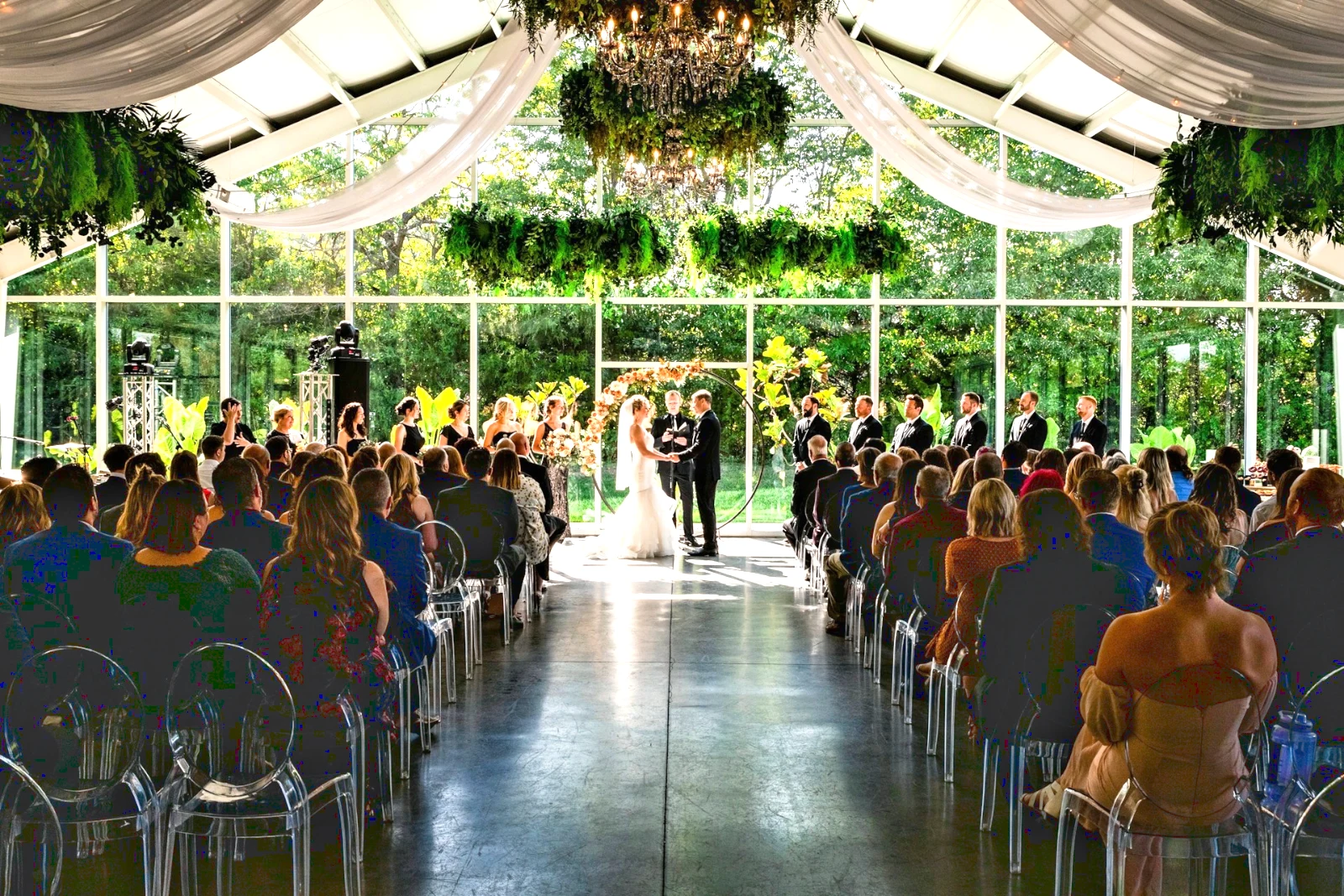
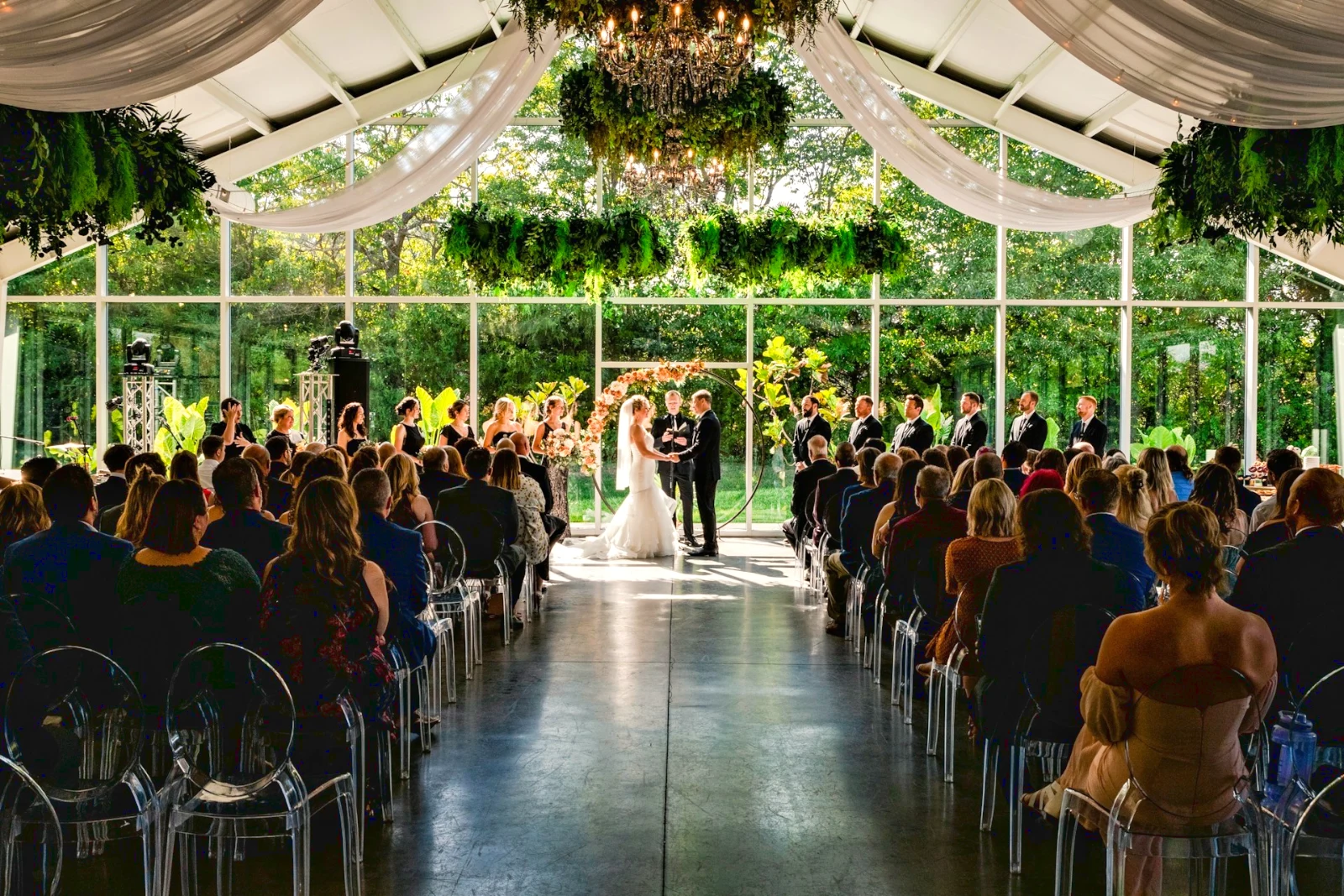
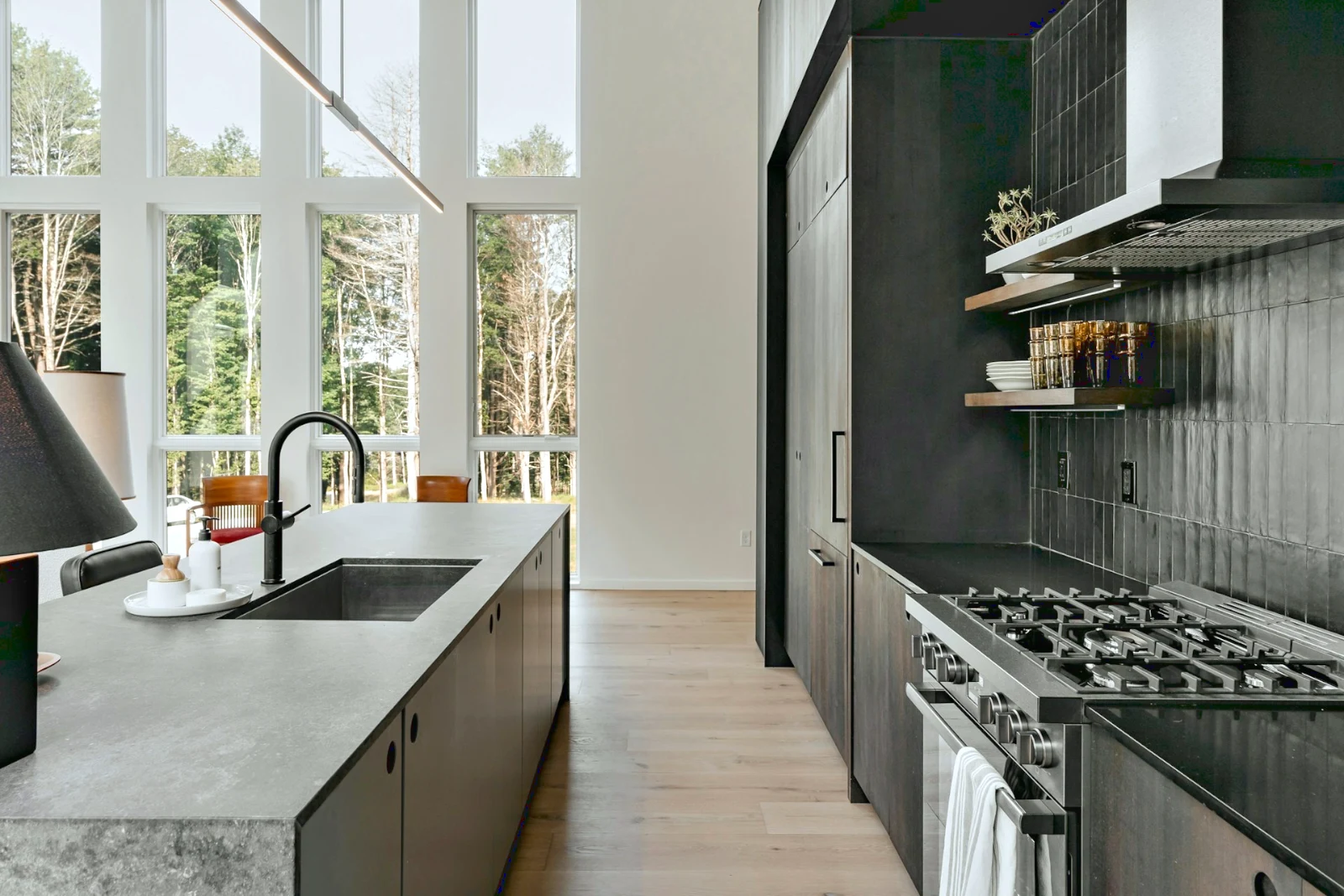 Bright and Airy
 Punchy Social
 Punchy Social
 True Color
 True Color
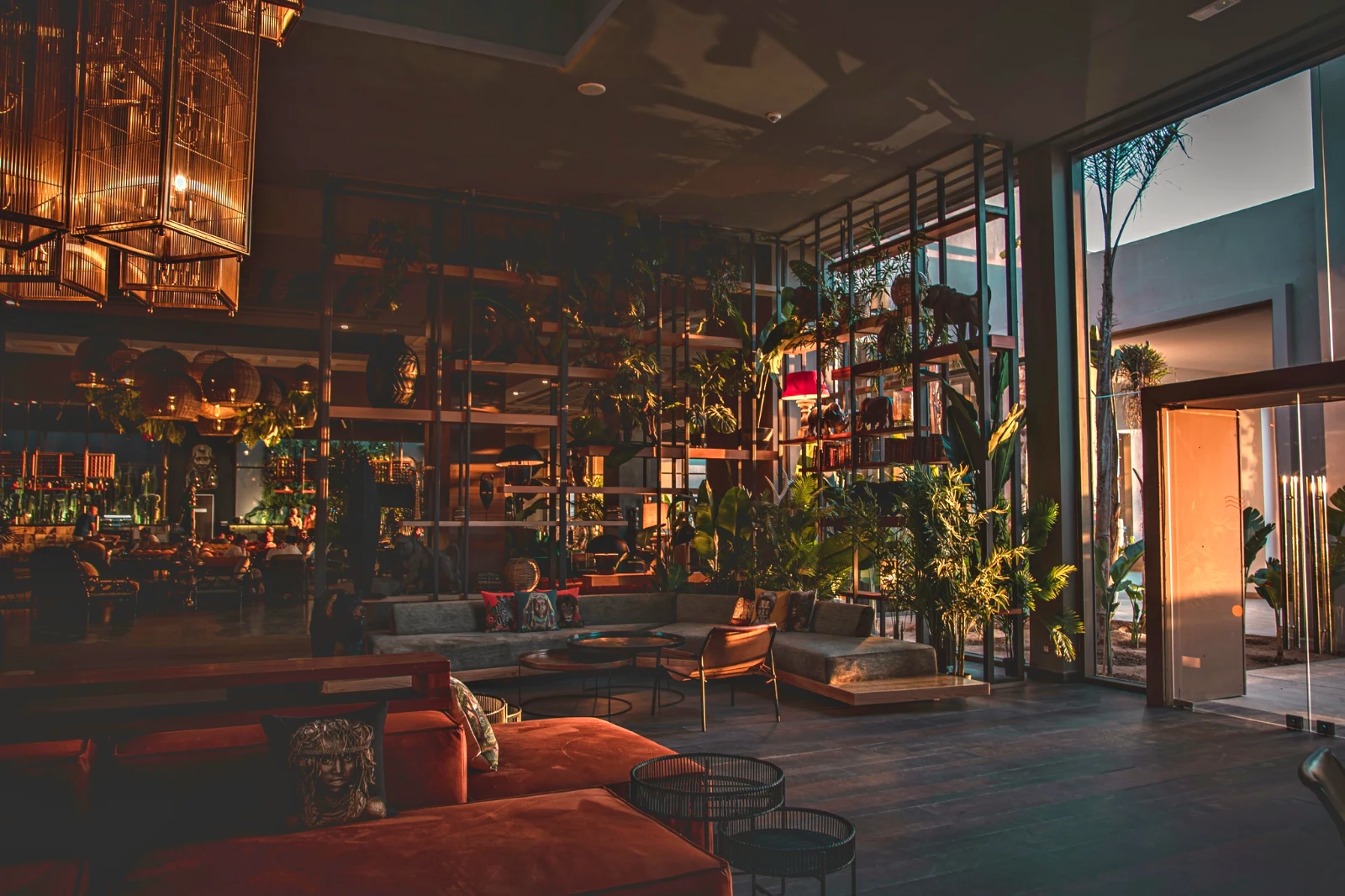 Warm Interior
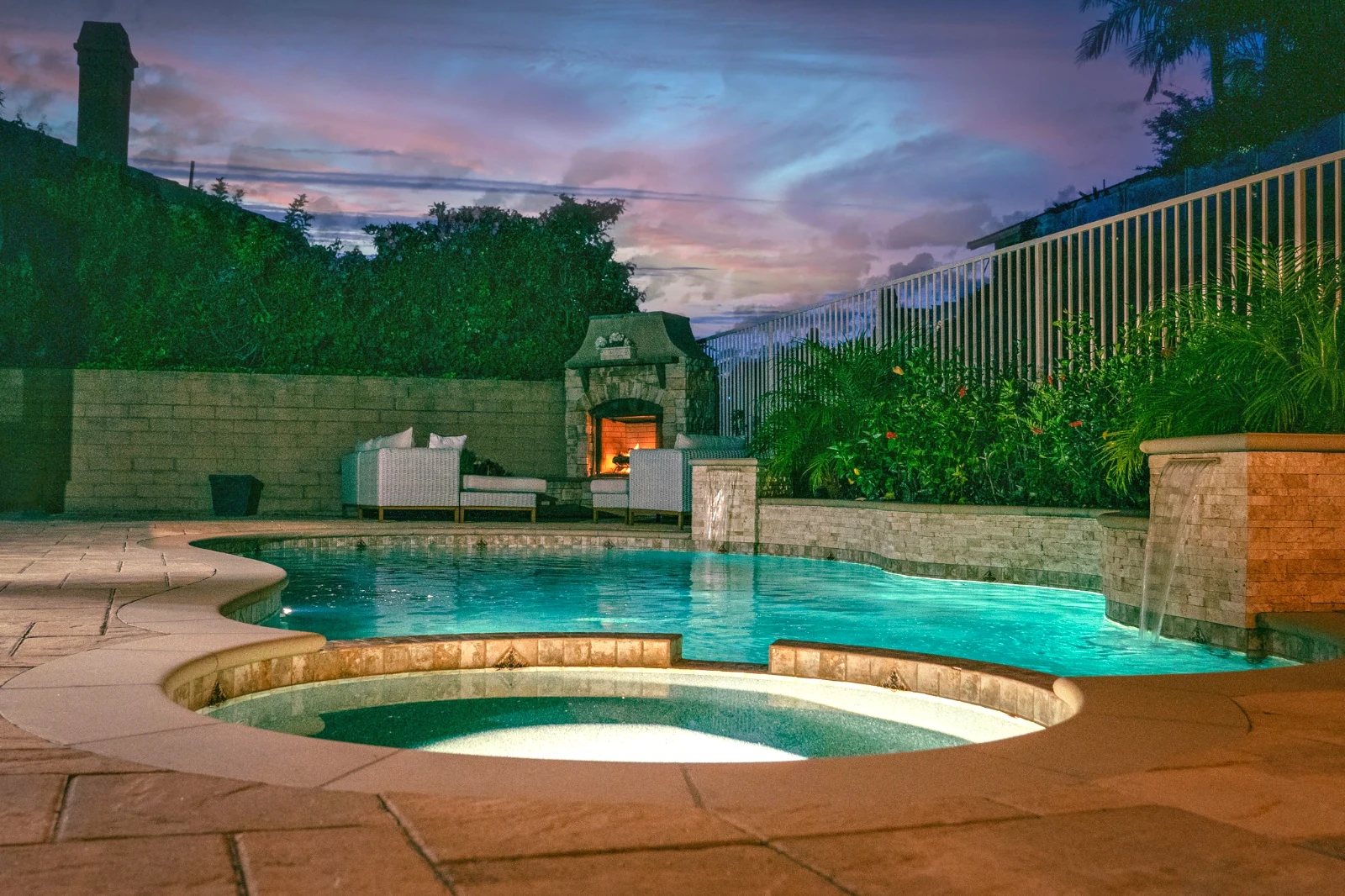
 Twilight Glow
 Bright and Airy
 True ColorBright and AiryPunchy SocialPunchy SocialTrue ColorTrue ColorWarm InteriorTwilight GlowBright and AiryTrue ColorBright and AiryPunchy SocialPunchy SocialTrue ColorTrue ColorWarm InteriorTwilight GlowBright and AiryTrue ColorBright and AiryPunchy SocialPunchy SocialTrue ColorTrue ColorWarm InteriorTwilight GlowBright and AiryTrue Color
 Golden Hour WarmthMina
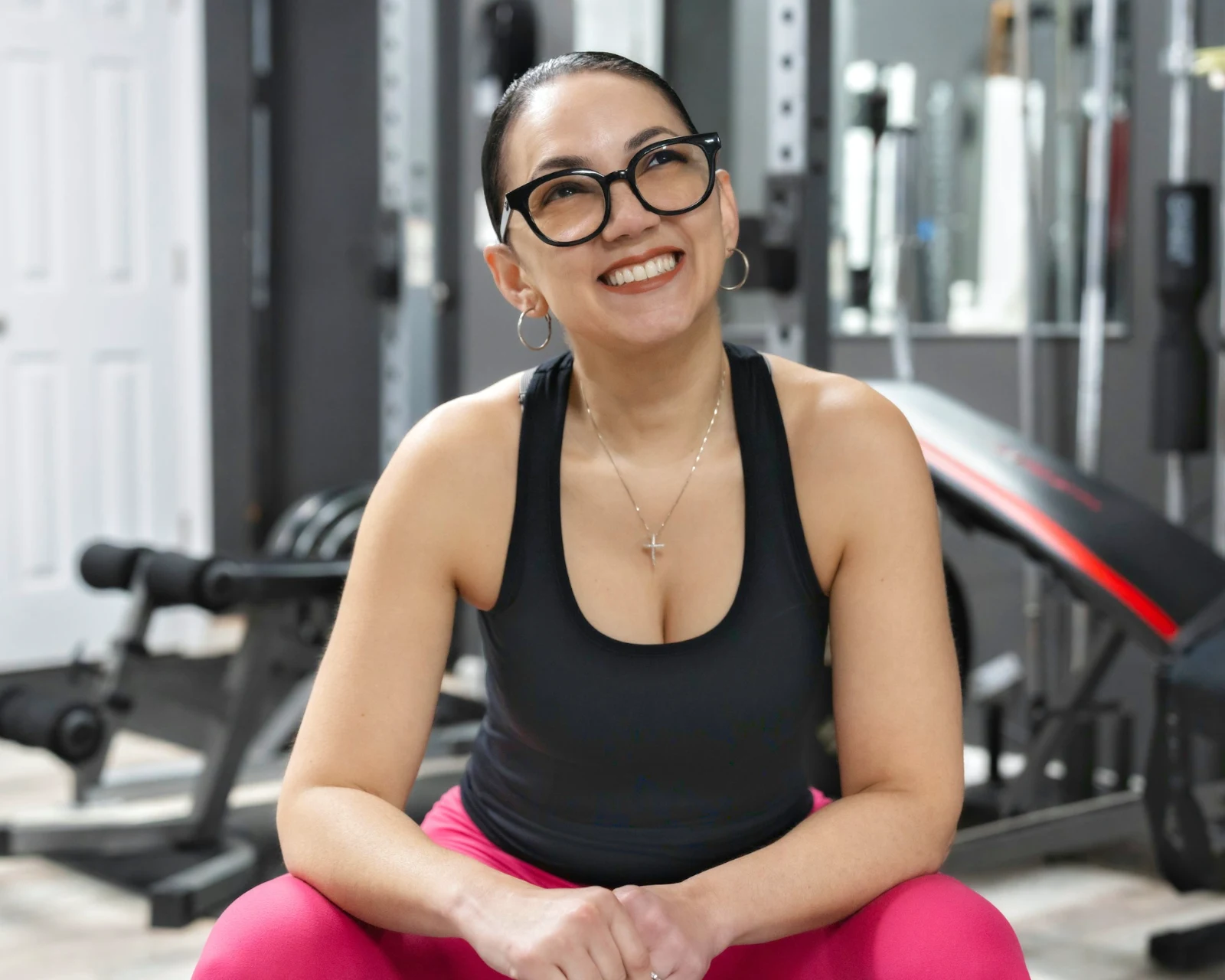 Soft Portrait
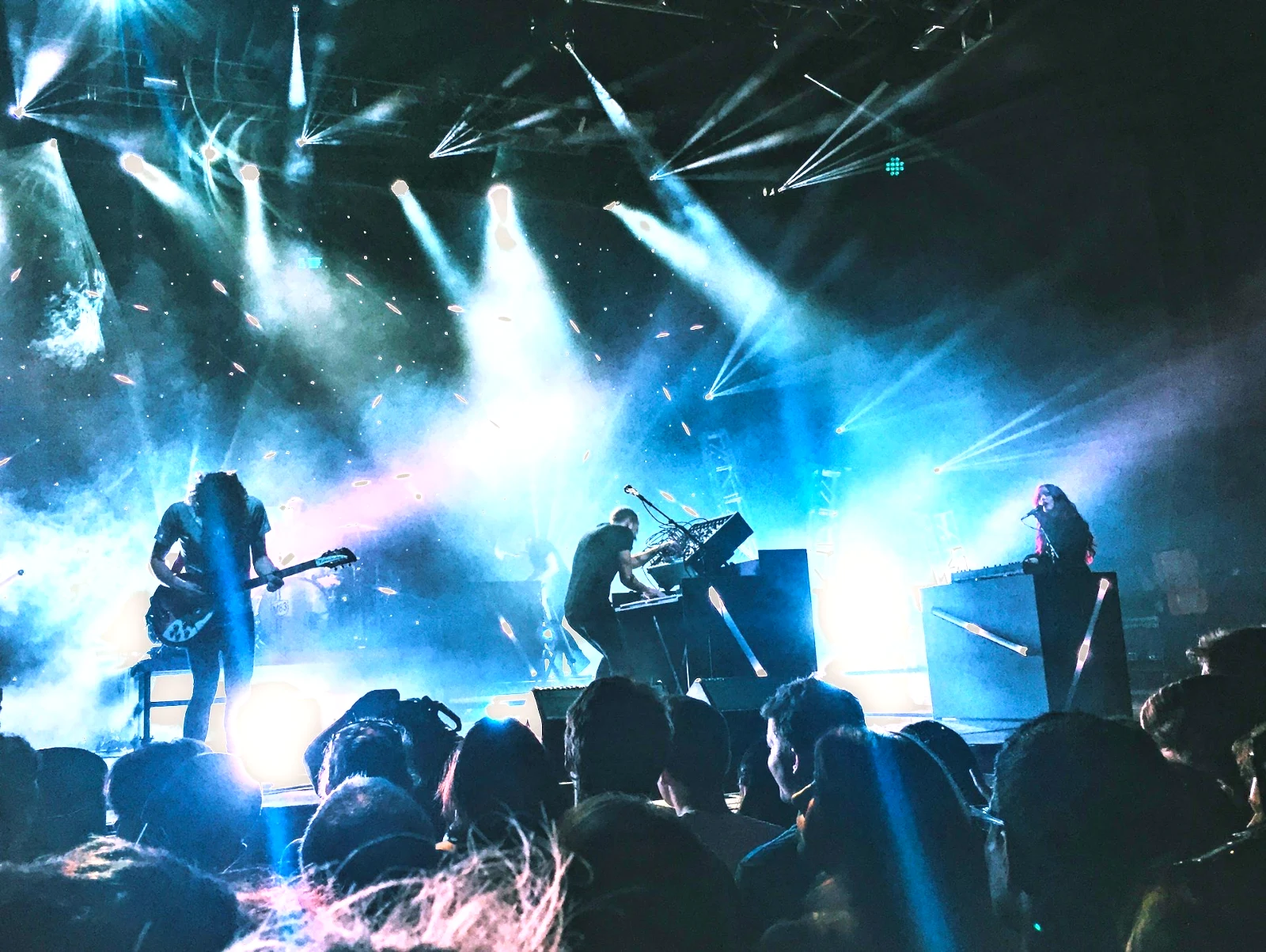 Punchy Social
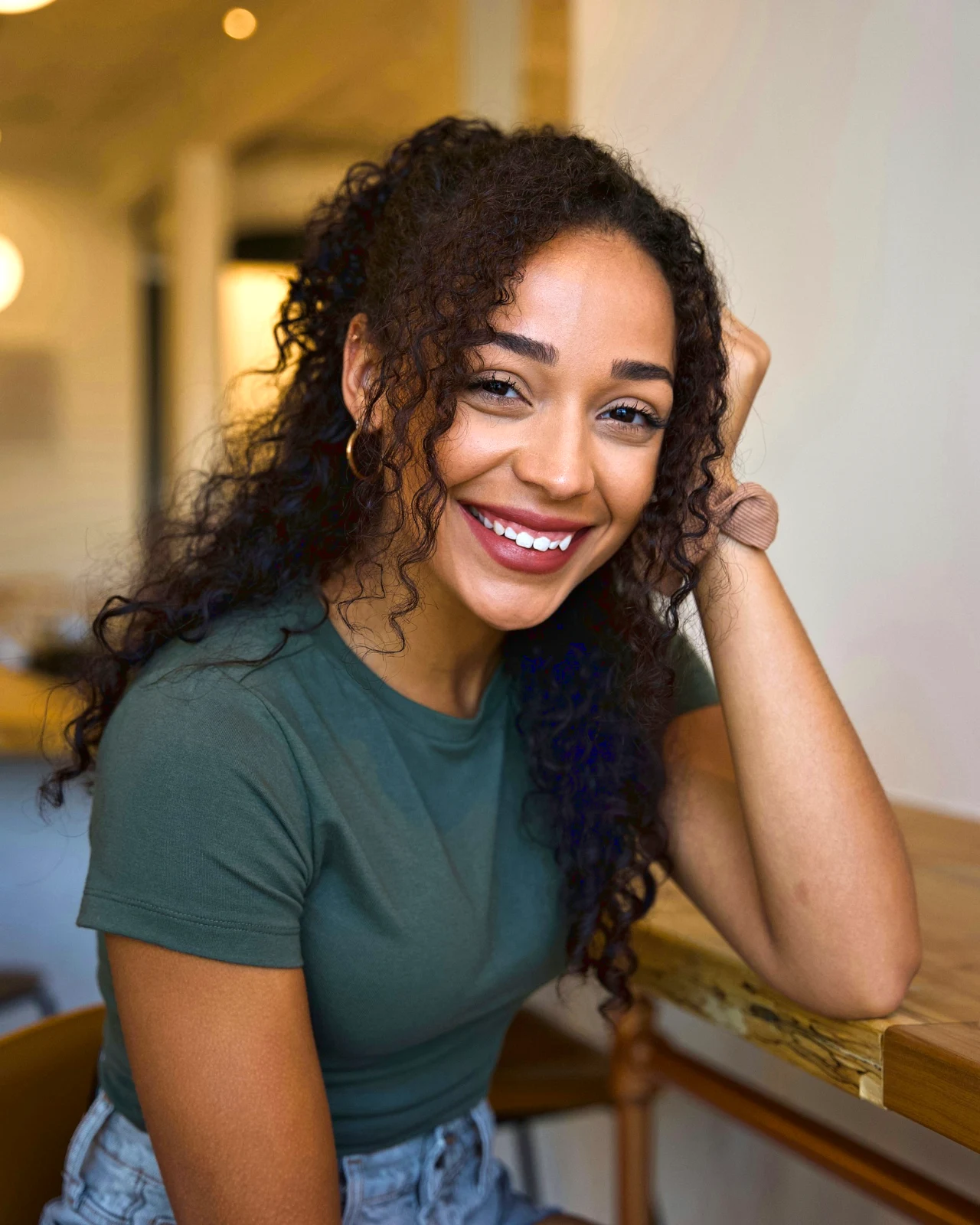 Punchy Social
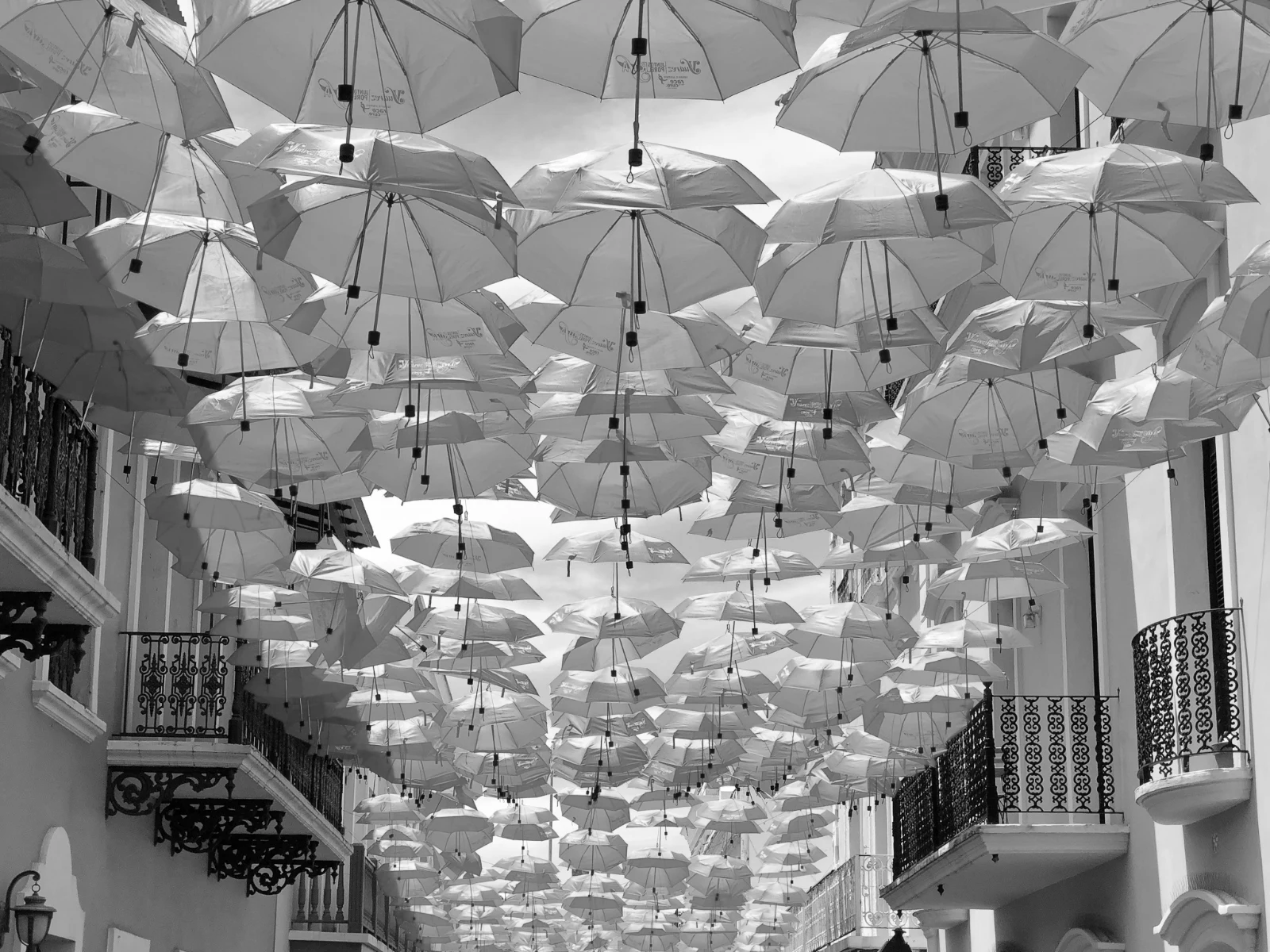 Zi e Bardhë
 Soft Portrait
 Soft Portrait
 Twilight Glow
 Soft Portrait
 Soft PortraitGolden Hour WarmthMinaSoft PortraitPunchy SocialPunchy SocialZi e BardhëSoft PortraitSoft PortraitTwilight GlowSoft PortraitSoft PortraitGolden Hour WarmthMinaSoft PortraitPunchy SocialPunchy SocialZi e BardhëSoft PortraitSoft PortraitTwilight GlowSoft PortraitSoft PortraitGolden Hour WarmthMinaSoft PortraitPunchy SocialPunchy SocialZi e BardhëSoft PortraitSoft PortraitTwilight GlowSoft PortraitSoft PortraitBright and AiryPunchy SocialPunchy SocialTrue ColorTrue ColorWarm InteriorTwilight GlowBright and AiryTrue ColorGolden Hour WarmthMinaSoft PortraitPunchy SocialPunchy SocialZi e BardhëSoft PortraitSoft PortraitTwilight GlowSoft PortraitSoft Portrait
Nga filmimi te zgjedhjet e klientit picks
Një redaktor në dy thellësi: i thjeshtë për të gjithë, çdo kontroll për ata që redaktojnë për jetë.
Library
Çdo foto që llogaria mban.
Prerje
Flamuj, foto të para dhe foto të ngjashme.
Auto dhe Aspektet
Një shtypje, ose një shikim i vetë juaj.
Rregullo
Drita, ngjyra, linjat dhe pjesët.
Auto masiv
Një set i plotë në një ekzekutim.
Shtresa
Zgjedhje, maska dhe ngjyrë.
Galleries
Klienti zgjedh dhe shënon.
Dërgo Tek
Një dizajn, një faqe interneti, një listim.
Në një telefon
The photo full screen.
Bring every photo in, and find it again
Ngarkoni nga një dritare, kamera ose rrotullimi i kamerës, ose ndani një foto në Foto nga çdo aplikacion. Çdo foto që llogaria mbajti në Depot është në Biblotekë, gjetur përsëri nga ylli i saj, etiketat, zgjedhjet e klientit ose një kërkim.
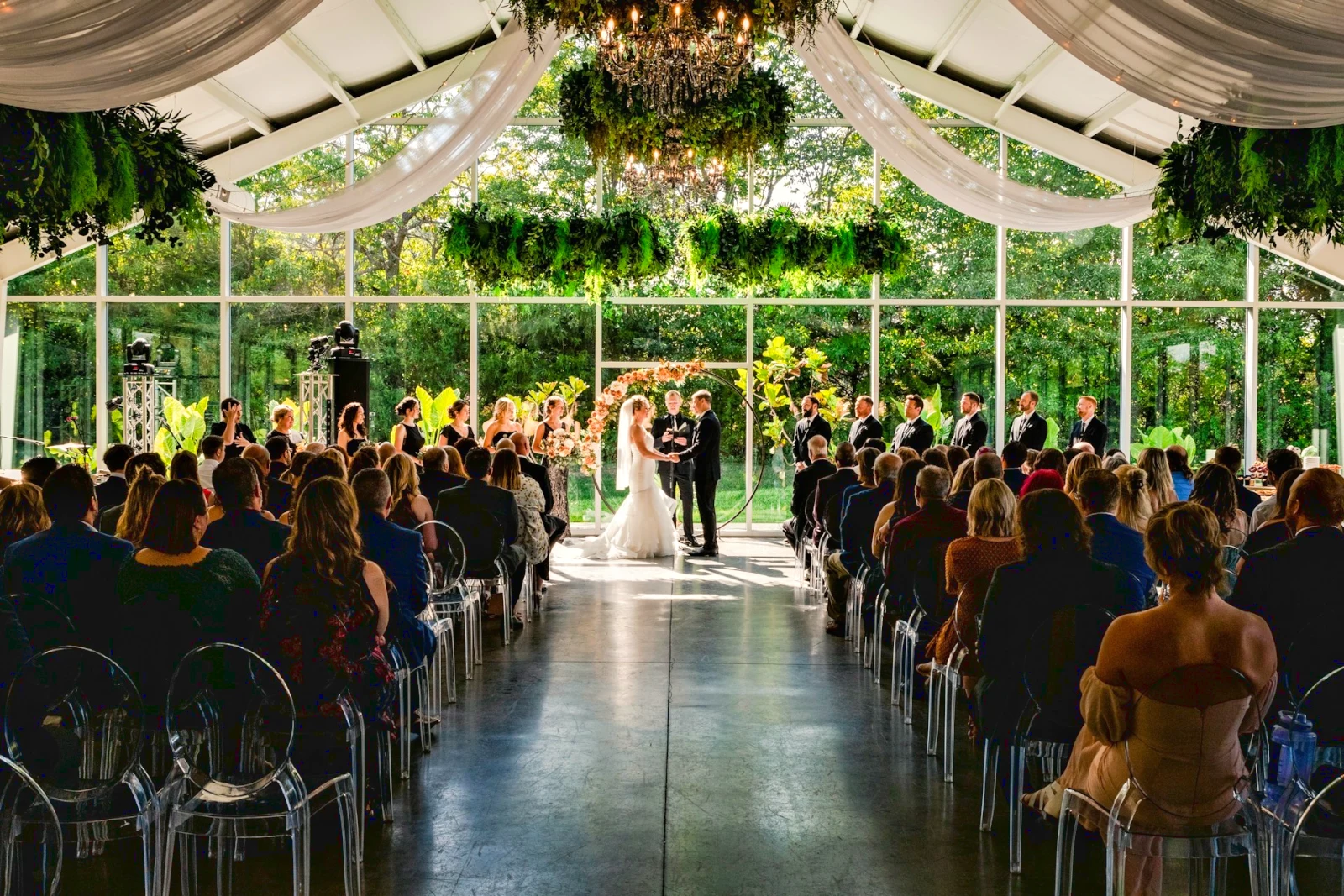 Redaktuar
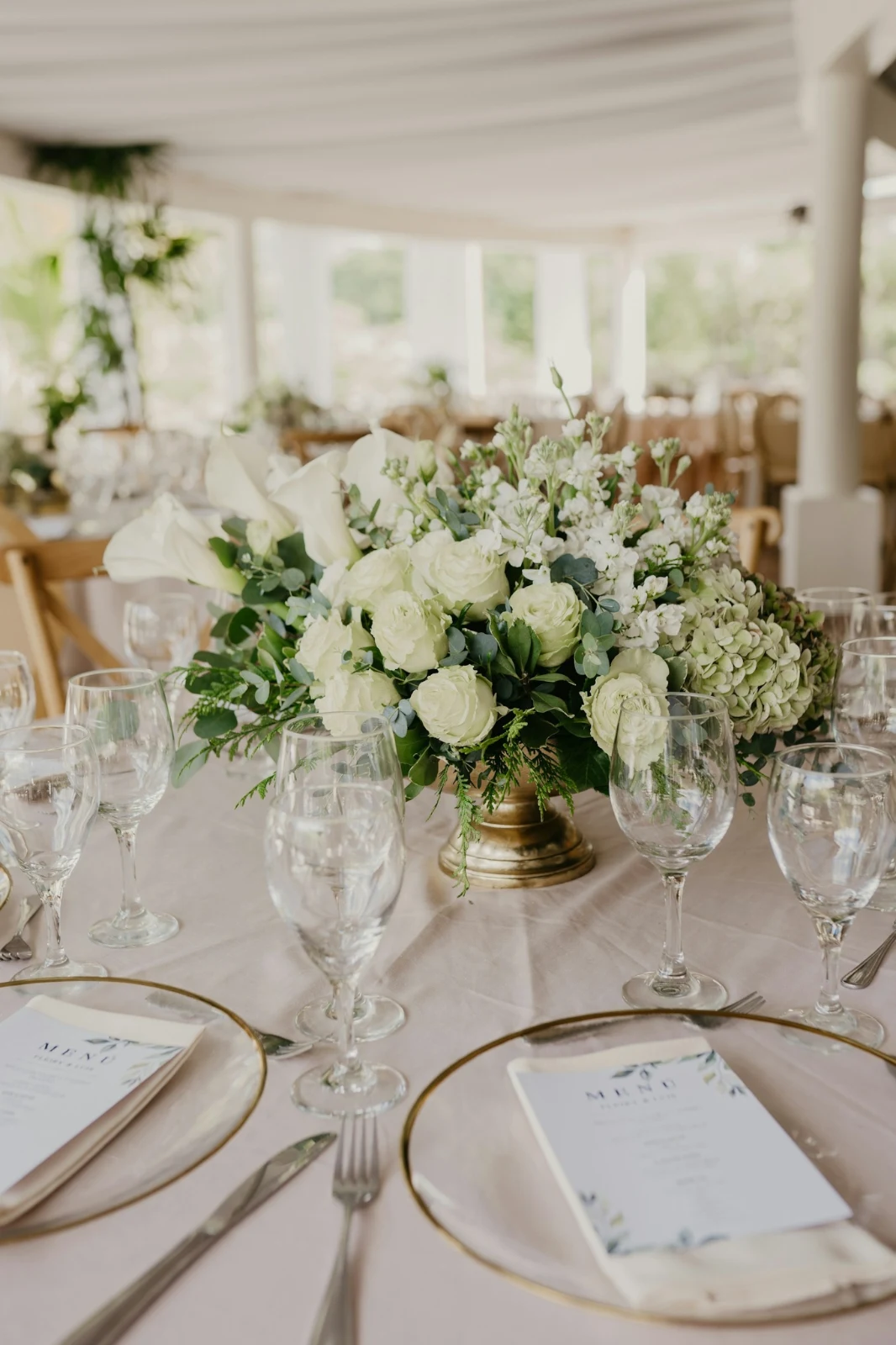

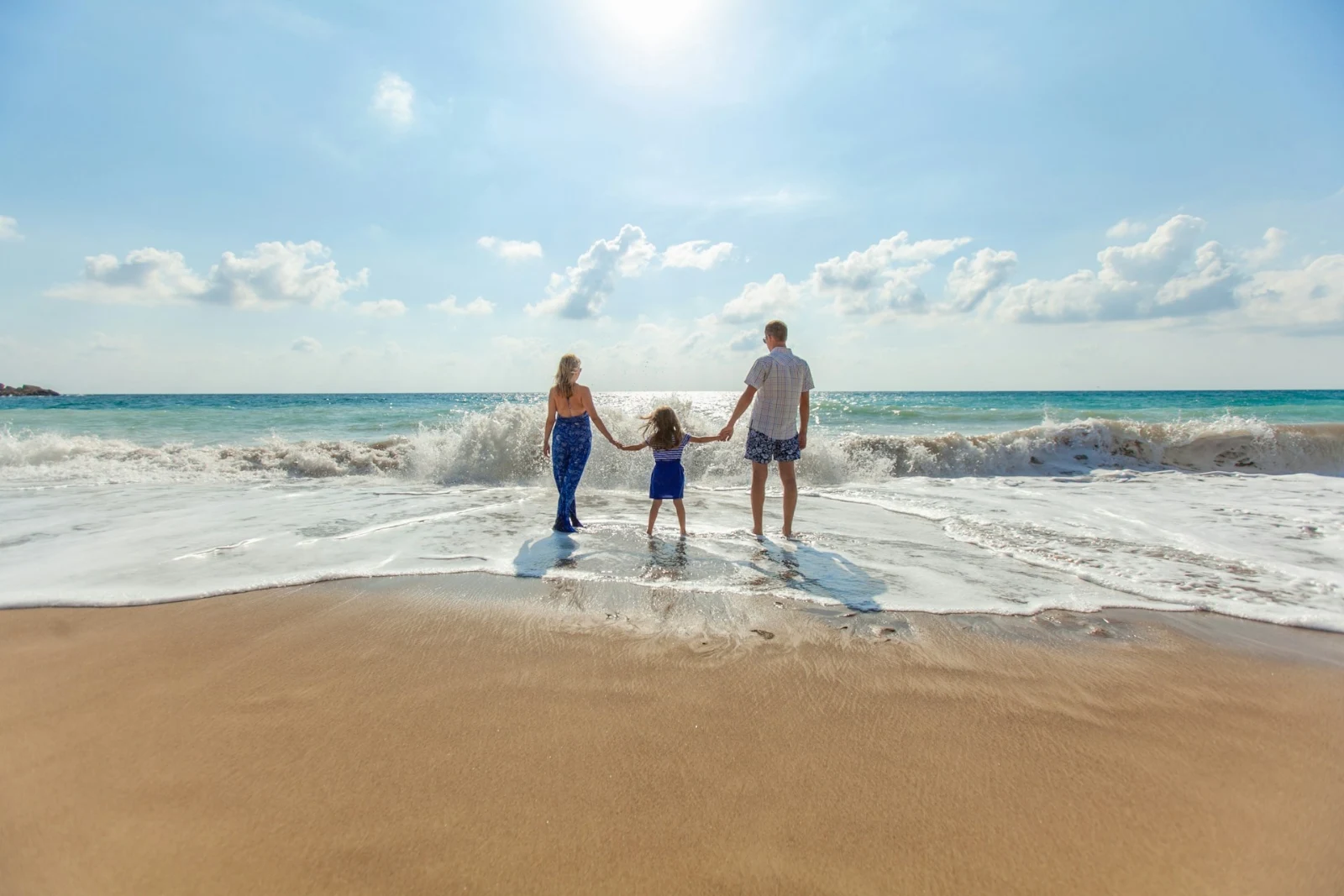

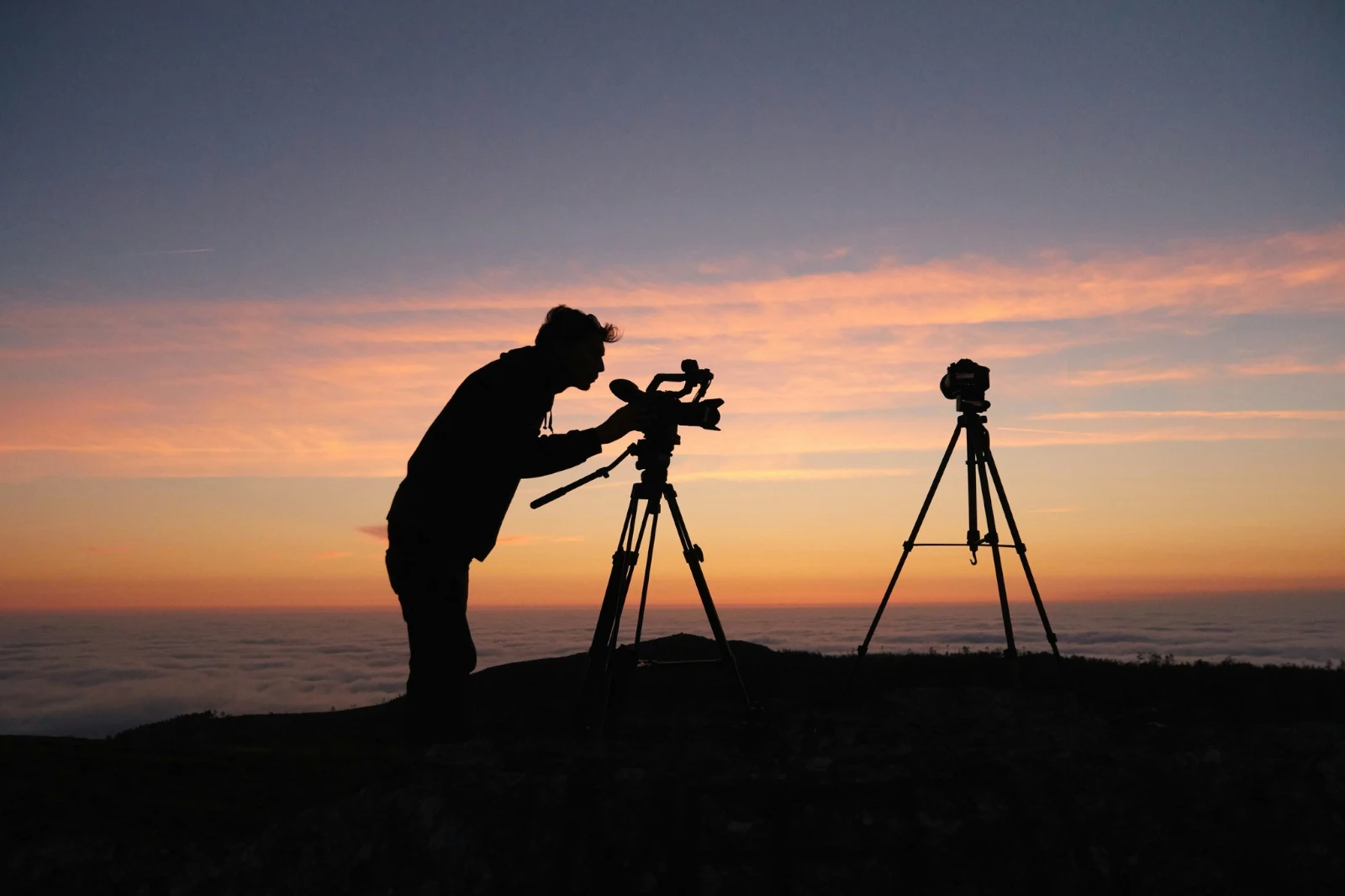
 Redaktuar
 Redaktuar
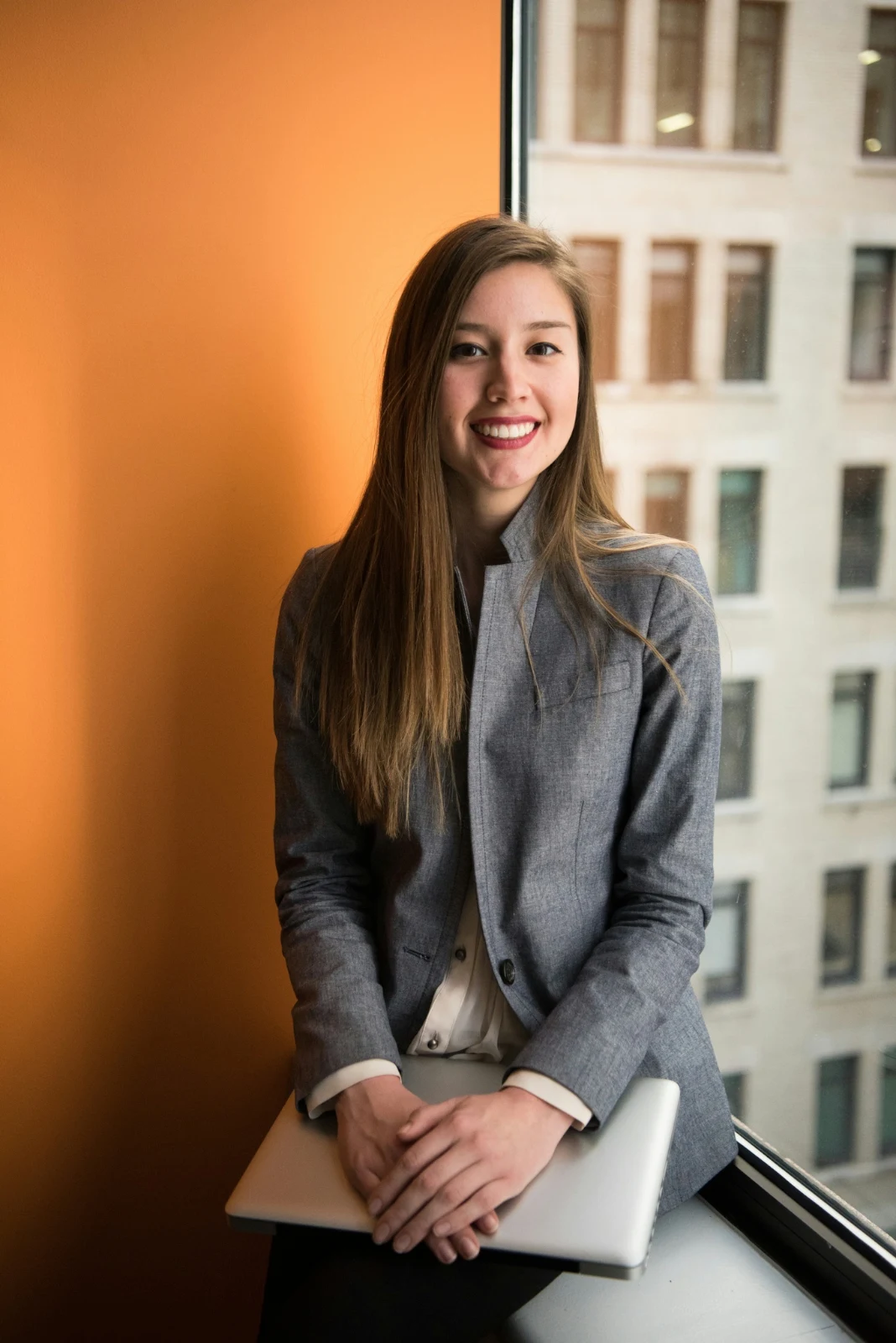
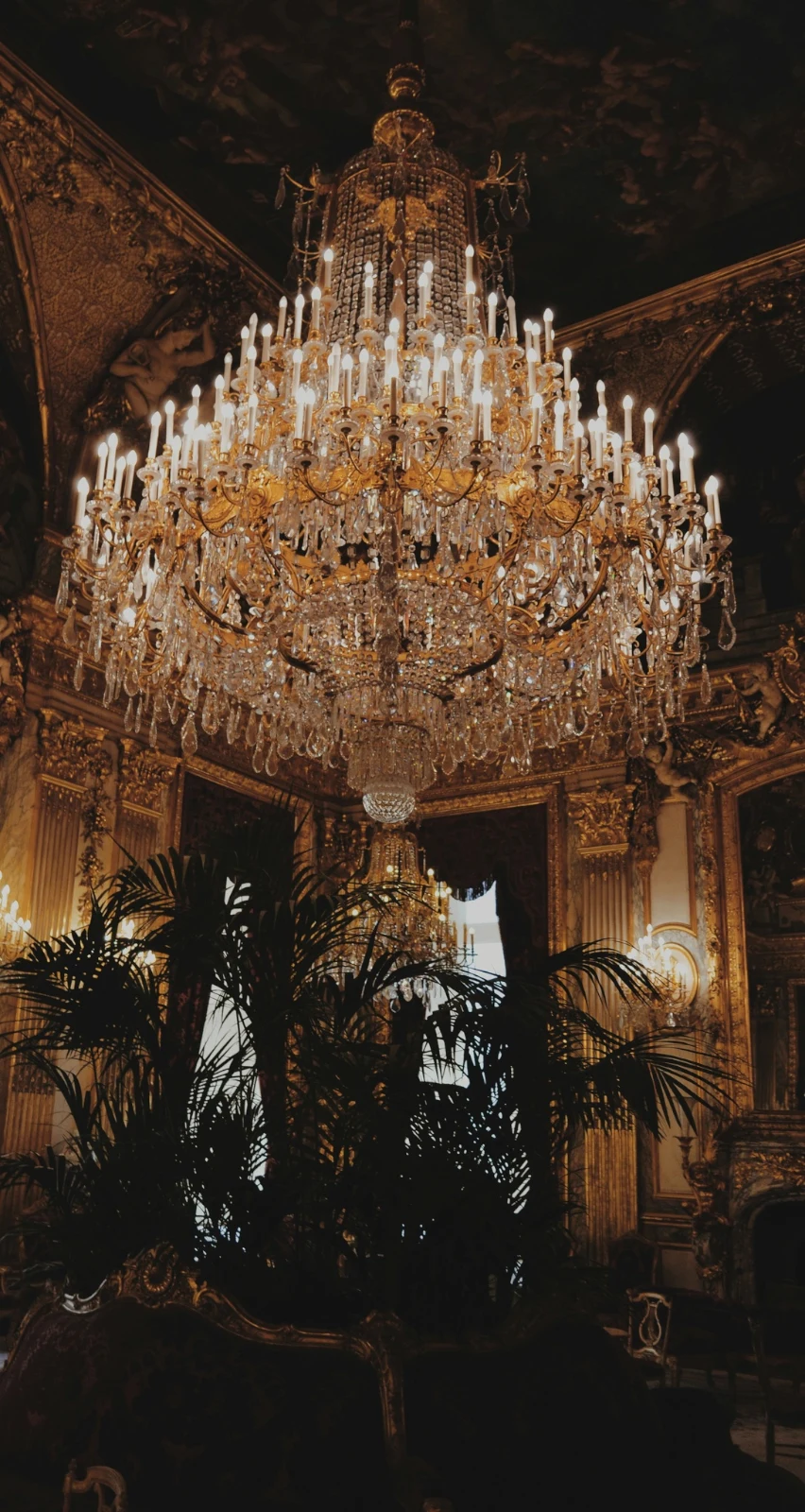
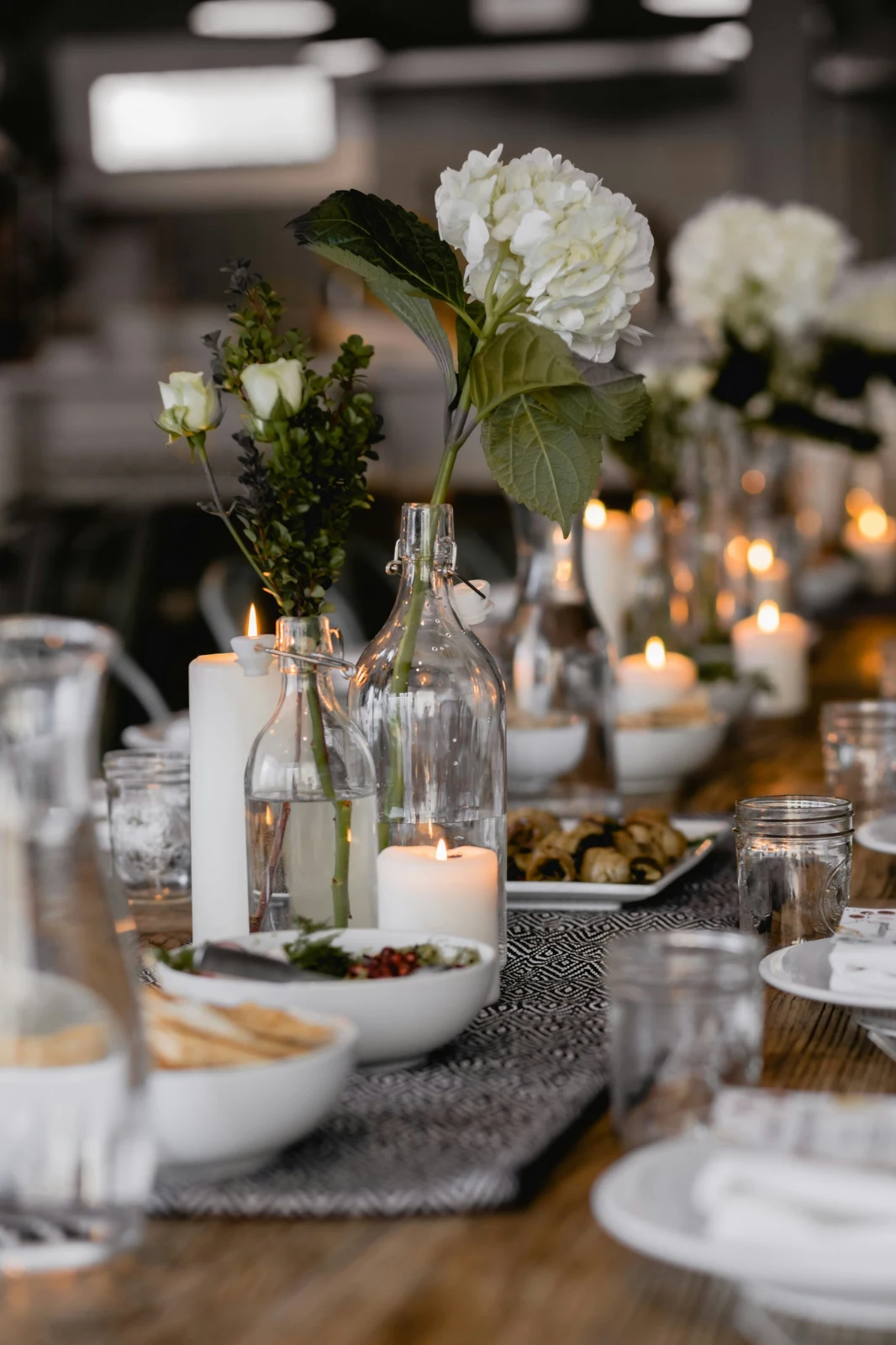
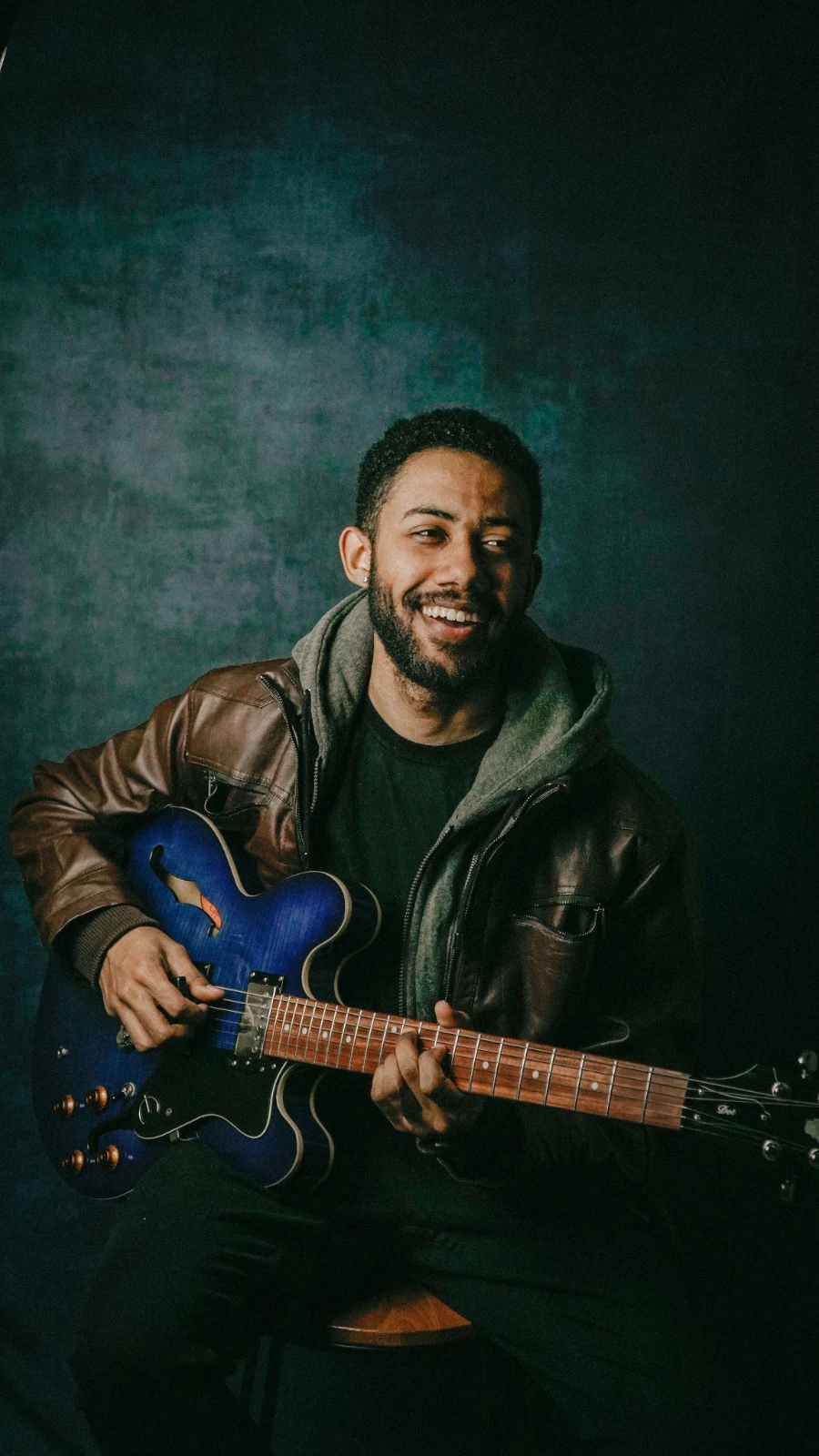
Yje dhe Shënime
The same star and tags Depot, Docs and Studio read.
Hube dhe Dosje
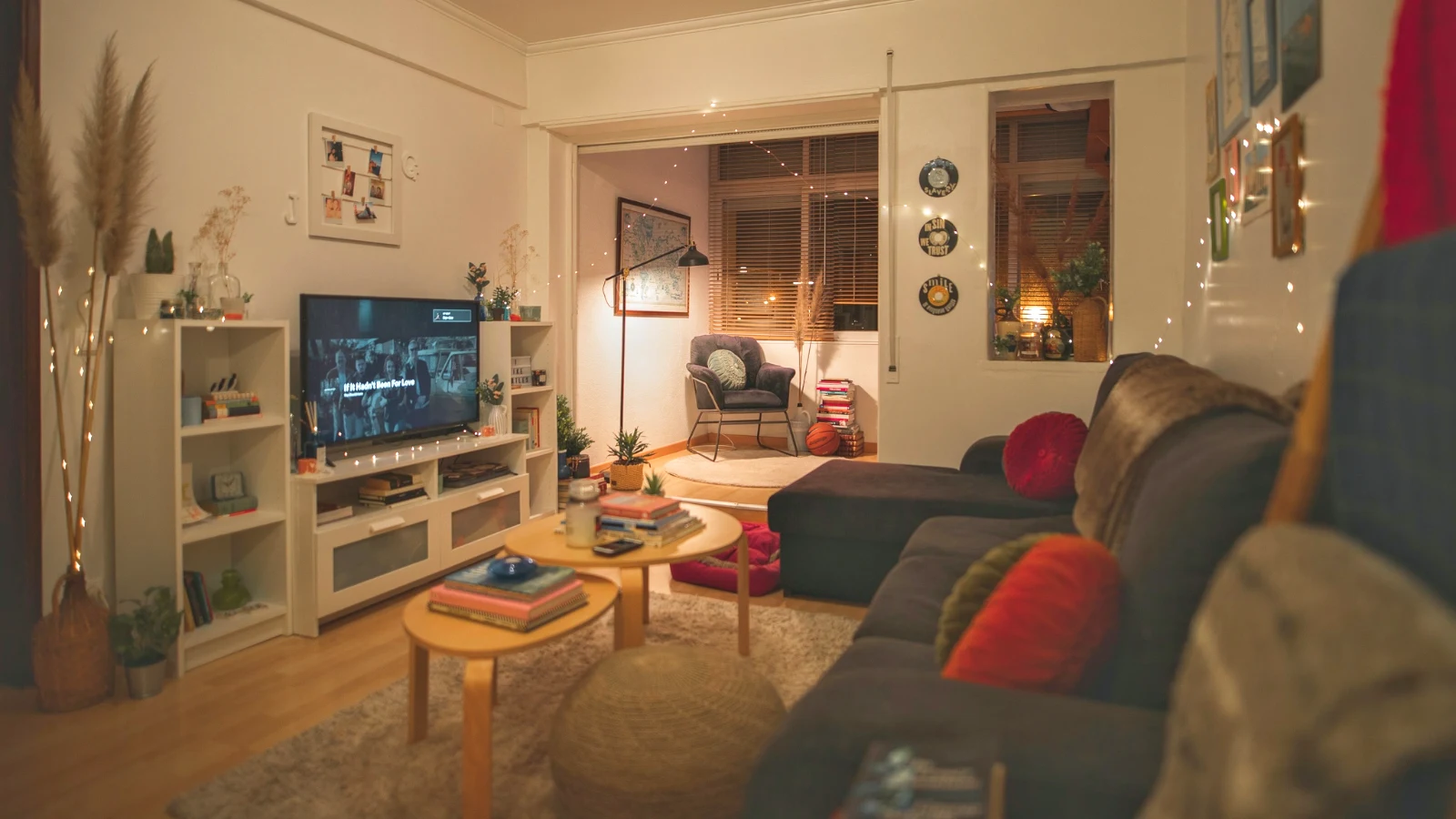
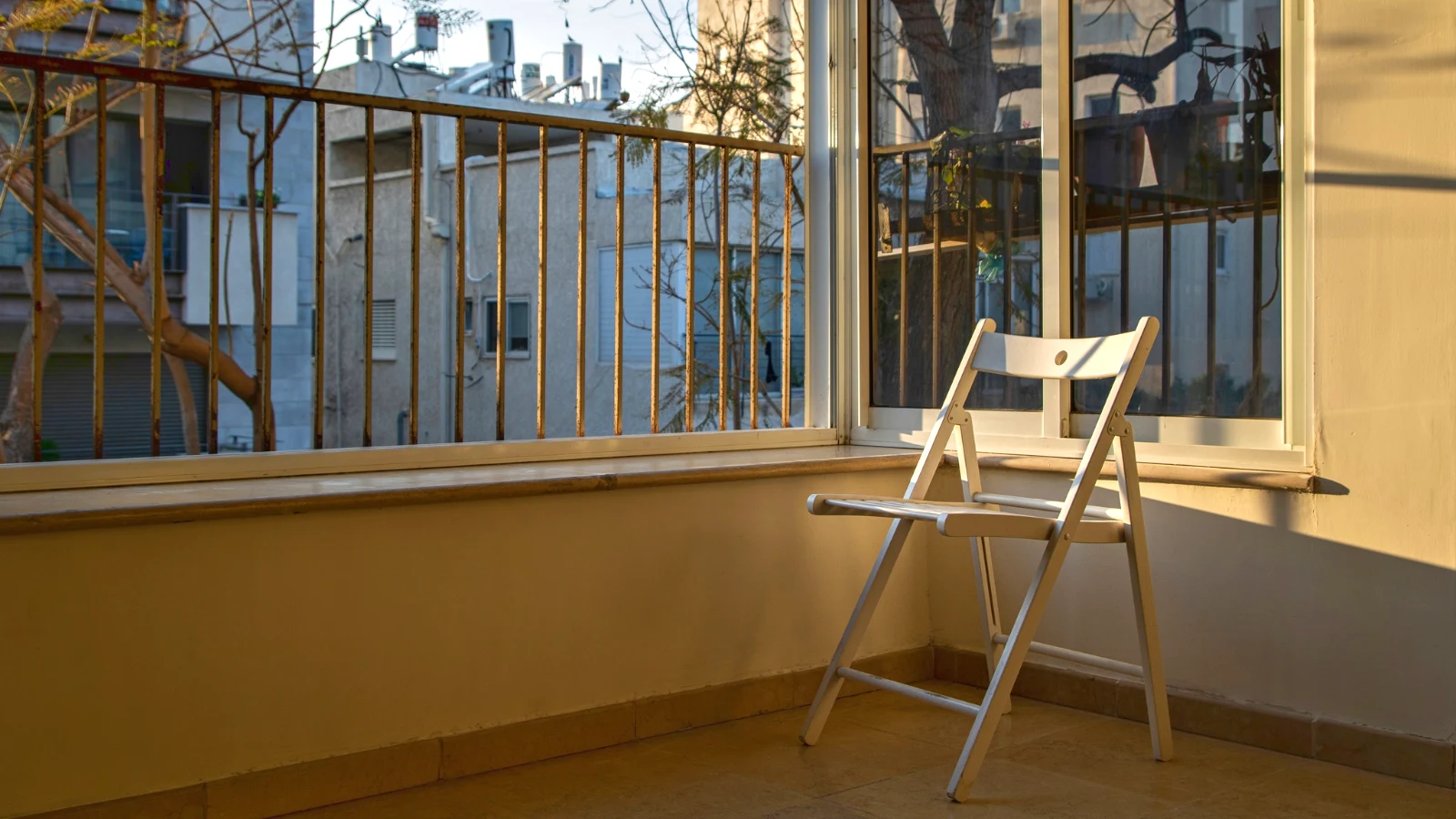
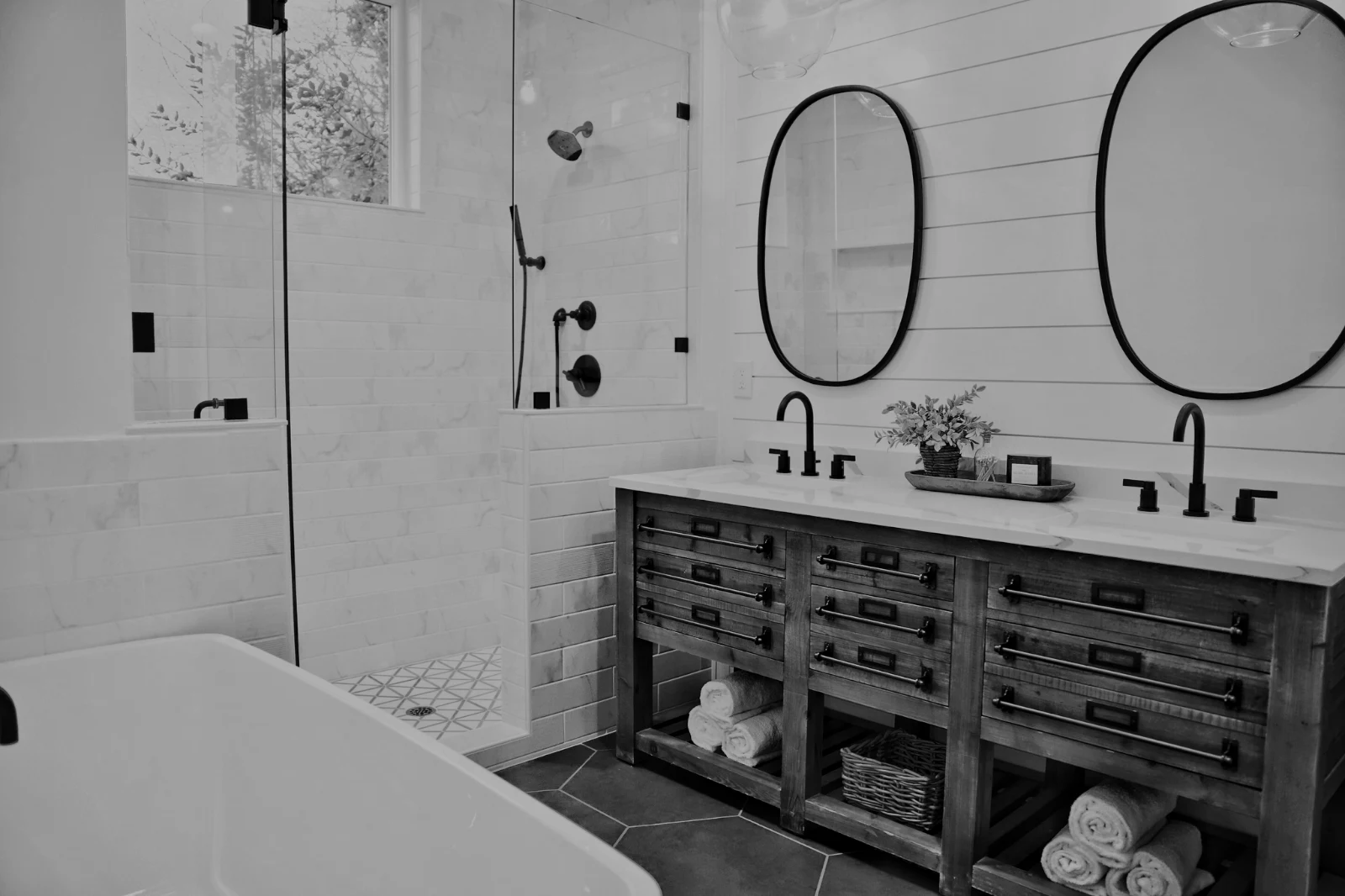
Fotot e një Hubi vetëm; Move To… Një Dosje (me Depot).
RAW dhe HEIC
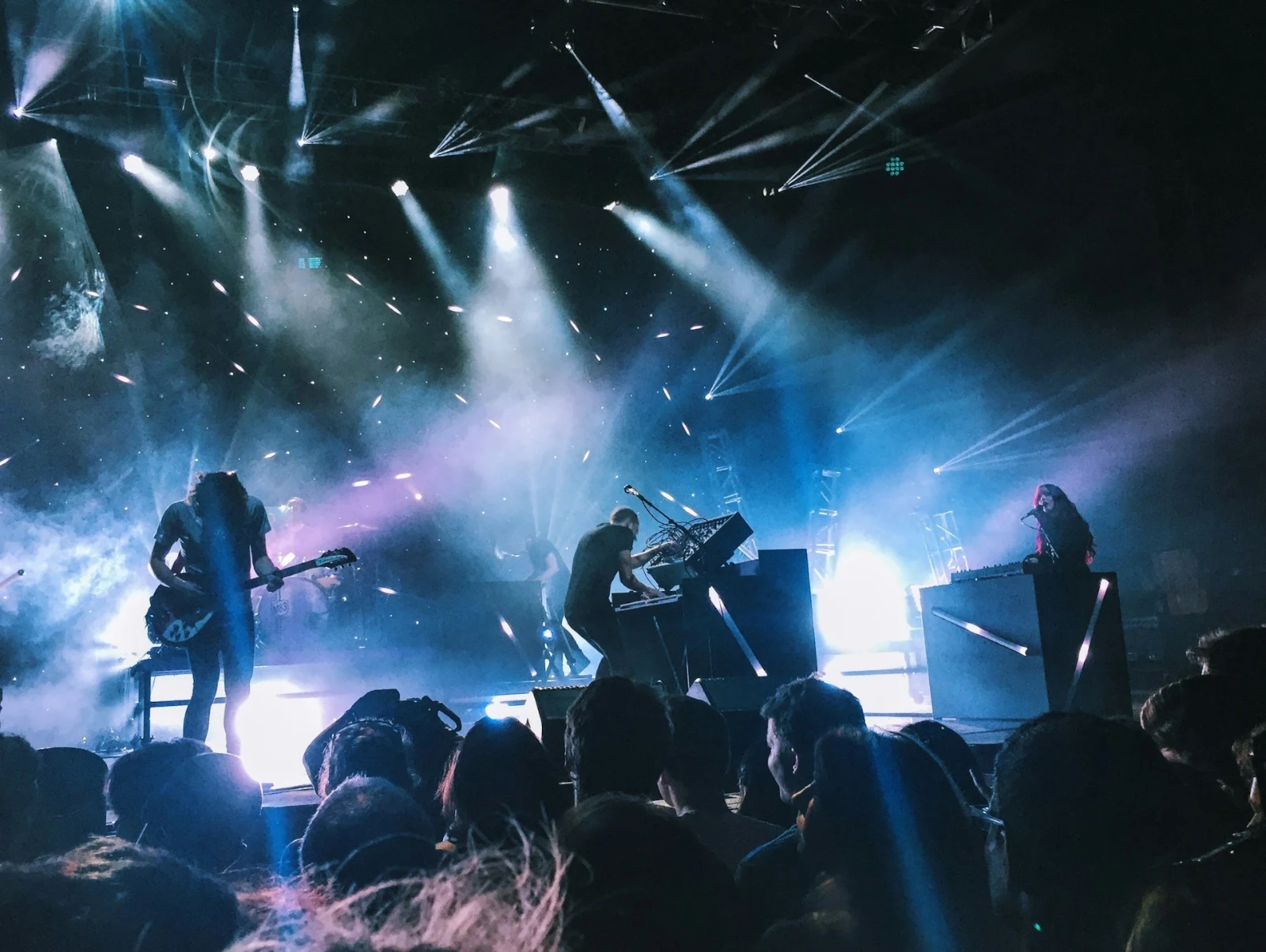
A RAW is developed on the device, or on the server when it cannot be.
Kapje e Lidhur
Kamera në USBKamera e lidhur · Canon EOS R6 Mark II
 Pamje LiveFilmimNdalo Pamjen e Gjallë
ArritiPictures from the camera land here and in the Camera Uploads Hub.
Zbatoni për Çdo Kadro të ReZbatoni True Color AW27_flatlay_01.jpg
 AW27_packing.jpg
 AW27_unboxing.jpg
 AW27_shelf.jpg
 AW27_tote.jpg
Shqyrtoni drejt në Foto përmes USB me Live View, ose ngarkoni nga Wi-Fi i vetëm të kamerës.
Gjej mbajtësit pa parë çdo kornizë
Çdo foto lexohet pas ngarkimit të saj: fokusi, ekspozimi dhe nëse sytë e dikujt janë të mbyllur. Rregullo "Më Mirë Së pari", tregon fotot e sugjeruara më të mira, filtrore sipas çdo flamuri dhe krahaso fotot e ngjashra anash. Asgjë nuk shënohet për ju: ju zgjidhni ato që do të mbahen.
 Closed EyesMissed FlashMissed FocusBlurryBlack Frame
Sytë e Mbyllur dhe Fokusimi i Kaluar
Shënime në foto, si dhe Blurry, Black Frame dhe Missed Flash, secila prej tyre një filtr.
Closed EyesBlurryMissed FocusMissed FlashBlack FrameFix a photo in one tap, or apply a look
Auto lexon fotografinë në pajisjen tuaj, vendos sliderët e saj dhe emëron çdo një që lëviz; Undo vendos fotografinë prapa. Kujdesi mbajnë pamjet e Calisto dhe të tua, ato që i përshtaten fotografitë së pari, dhe Ruaj Pamje mbajnë çdo redaktim si njëri prej tuaj.
Stili Juaj
Auto zhvendoset si ti e zhvendos, mësuar nga redaktimet e tua; çdo vlerë është një rrëshqitës.
Suggested Looks
Pamja e përshtatet për një foto si kjo, e parë në listë.
Veprime
Regjistro hapat tuaj një herë dhe luajti ato në çdo foto ose një zgjedhje të tërë.
Fletët e kontaktit
Një zgjedhje e shtypur në një rrjetë me emra, yje, zgjedhje dhe flamurra, si PDF.
Përputh një Foto
Another photo’s light and color, set as this one’s sliders.
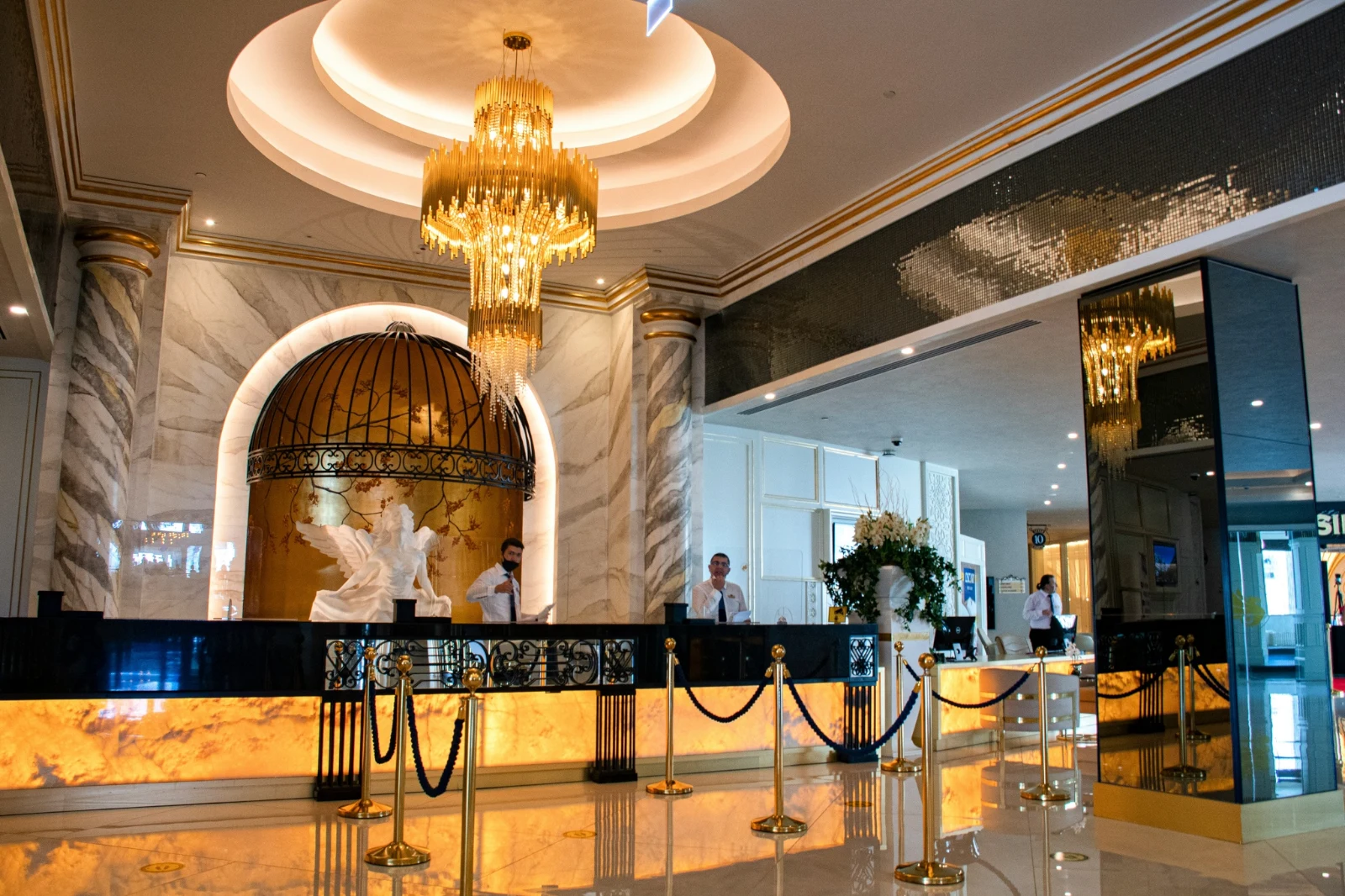
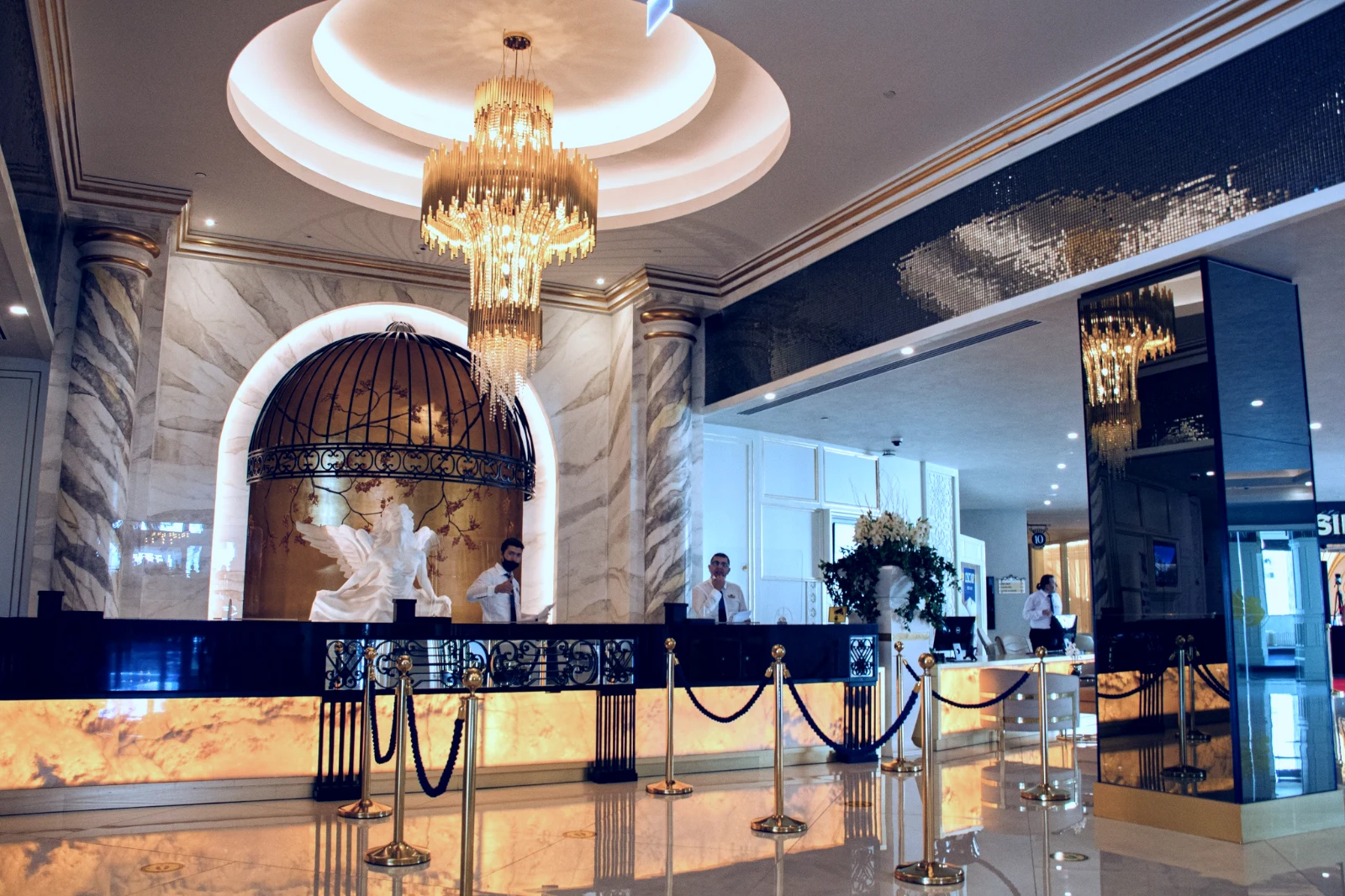
Kurrë Origjinali
Një ndryshim qëndron pranë fotos me historinë e tij; origjinali mbetet si erdhi.
Para
Press and hold to see the photo as it came.
 Para
Vendos dritën, ngjyrën dhe linjat me dorë
Drita, Ngjyra dhe Prerja hapen së pari, dhe çdo kontroll tjetër, nga kthesa e tonit deri te zhurma dhe objektivi, është një klikim larg pas më shumë. Rregullimi i vijave gjetë vijat e fotos dhe vendos Transform veten, ose zgjidh vijat që ti vësh.
Hiq dhe Riparo
Ngjaj mbi një kabllo ose një shenjë; Klono dhe Mbush pranë saj.
Rregullo Pjesën
Qielli, subjekti ose sfondi, një pëllumb, gradientë ose një gamë drite.
Njerëz
Lëkurë, fytyrë, sy, buzë, flokë, veshje ose personi i plotë; Retouch Skin e bën të barabartë drejt tonit të tyre.
Blurimi i Lënsës dhe i Portretit
Pasfundi i zhurmuar, ose fotografitë e të gjitha nga thellësia e saj, me fokusin ku e vendosët.
Film Negatives
Një negativ i ngjyrës ose i zi e i bardhë që u kthye pozitiv, me maskën portokalli të hequr.
Lente e Saktë
Korreksioni i vetëm i kamerës, nëse jo profili i lenteve, dhe fringjet e ngjyrave heqen.
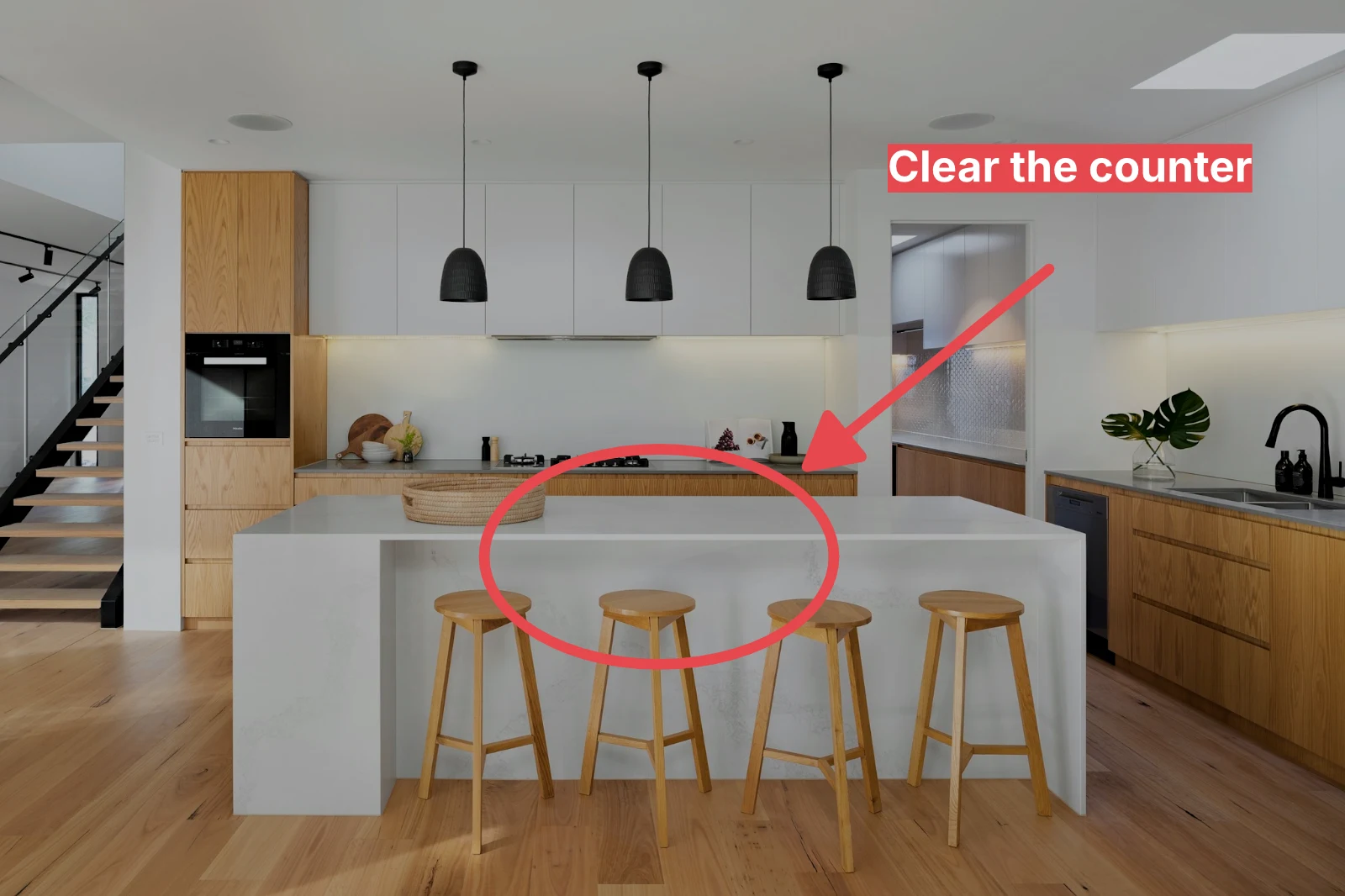
Markup
An arrow, a circle, a box or a label drawn on the photo.
Jepni një set të plotë Auto dhe pamjen tuaj
Choose photos in the Library and a look, then press Bulk Auto. Each photo gets its own Auto on your device, then the look, saved as a step of its edit. The exports are made on the server, so they finish with the page closed.


2. Zgjidh një pamje
Golden Hour WarmthAuto Only9 nga 9 kopje gati.
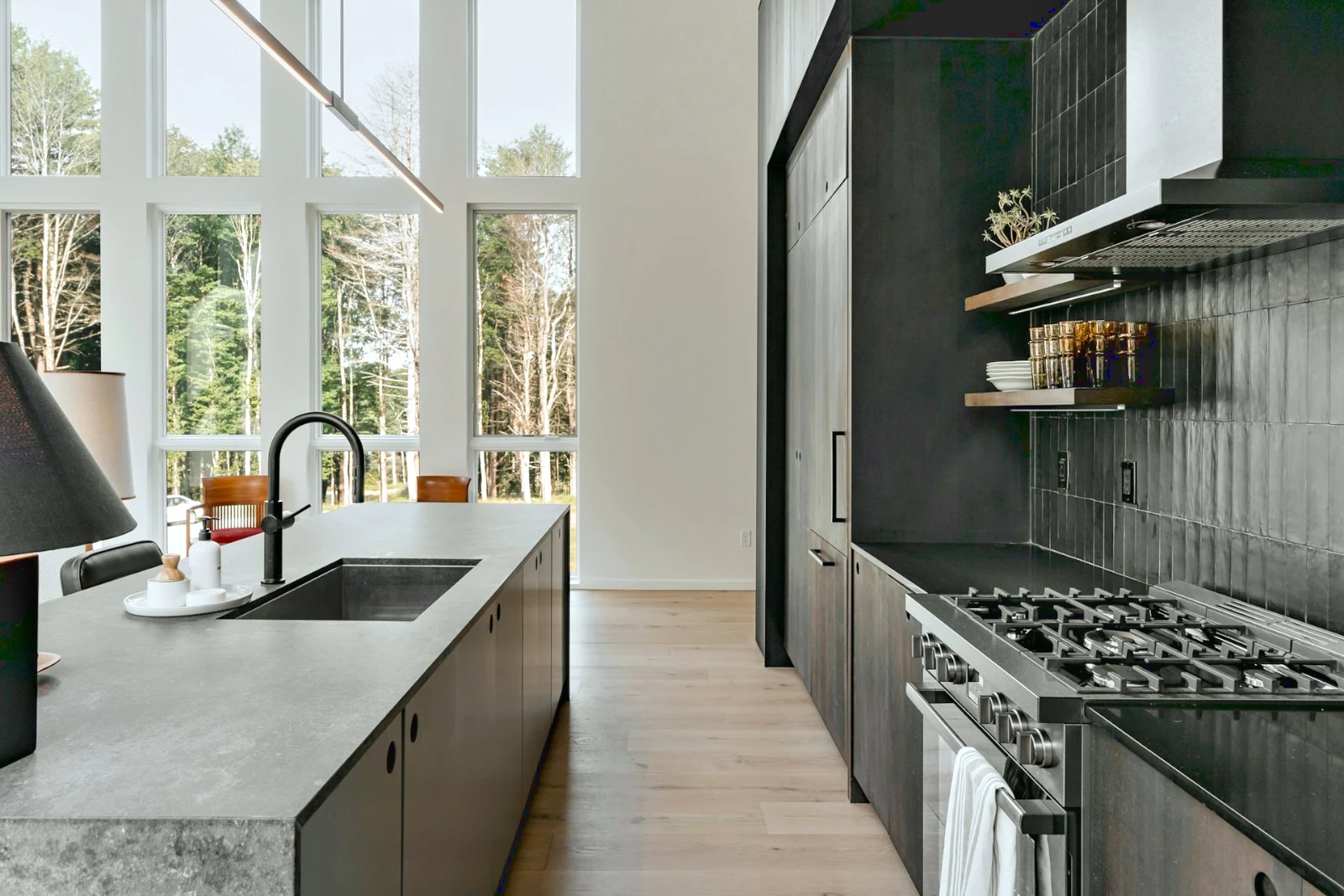
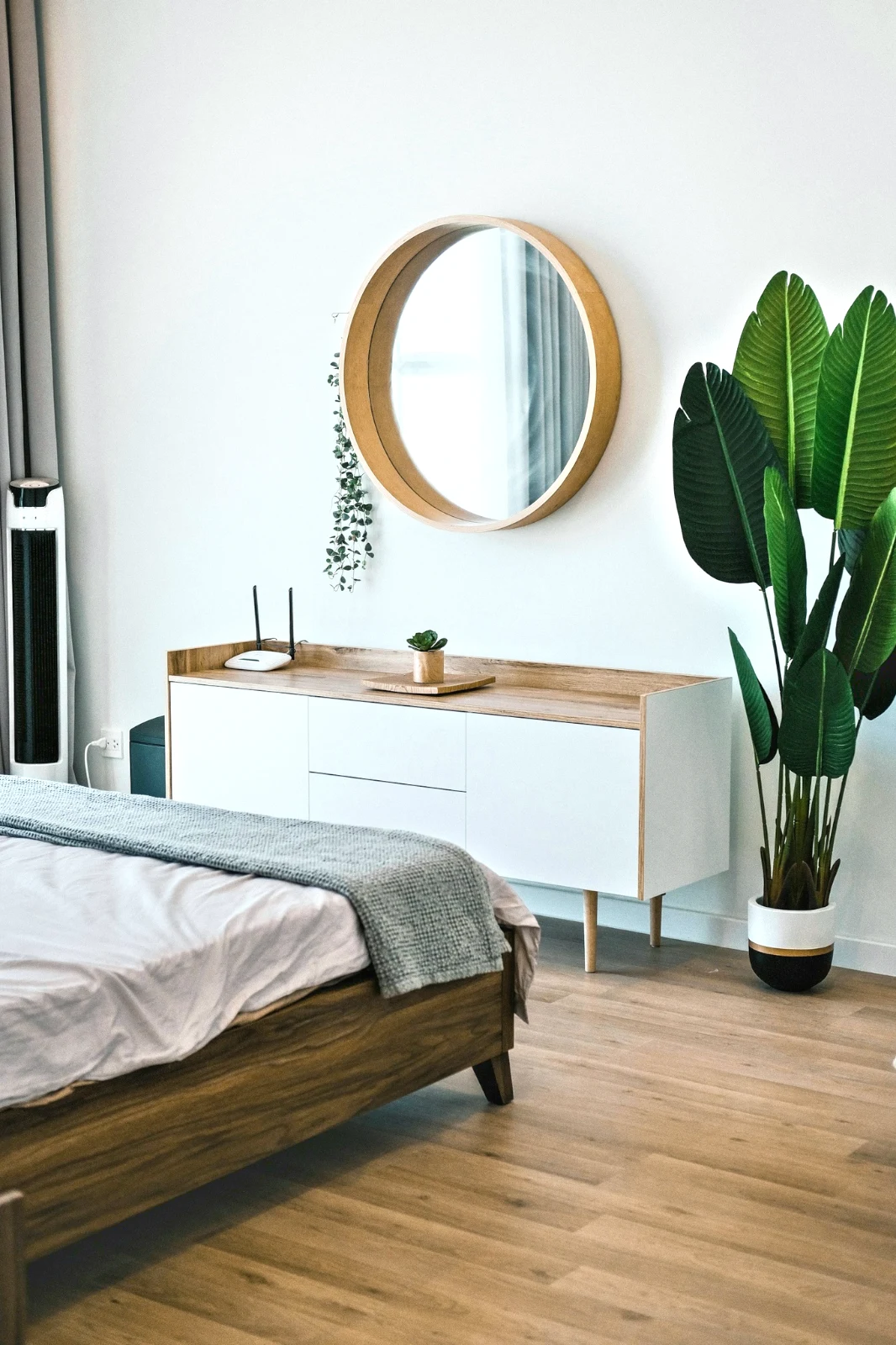
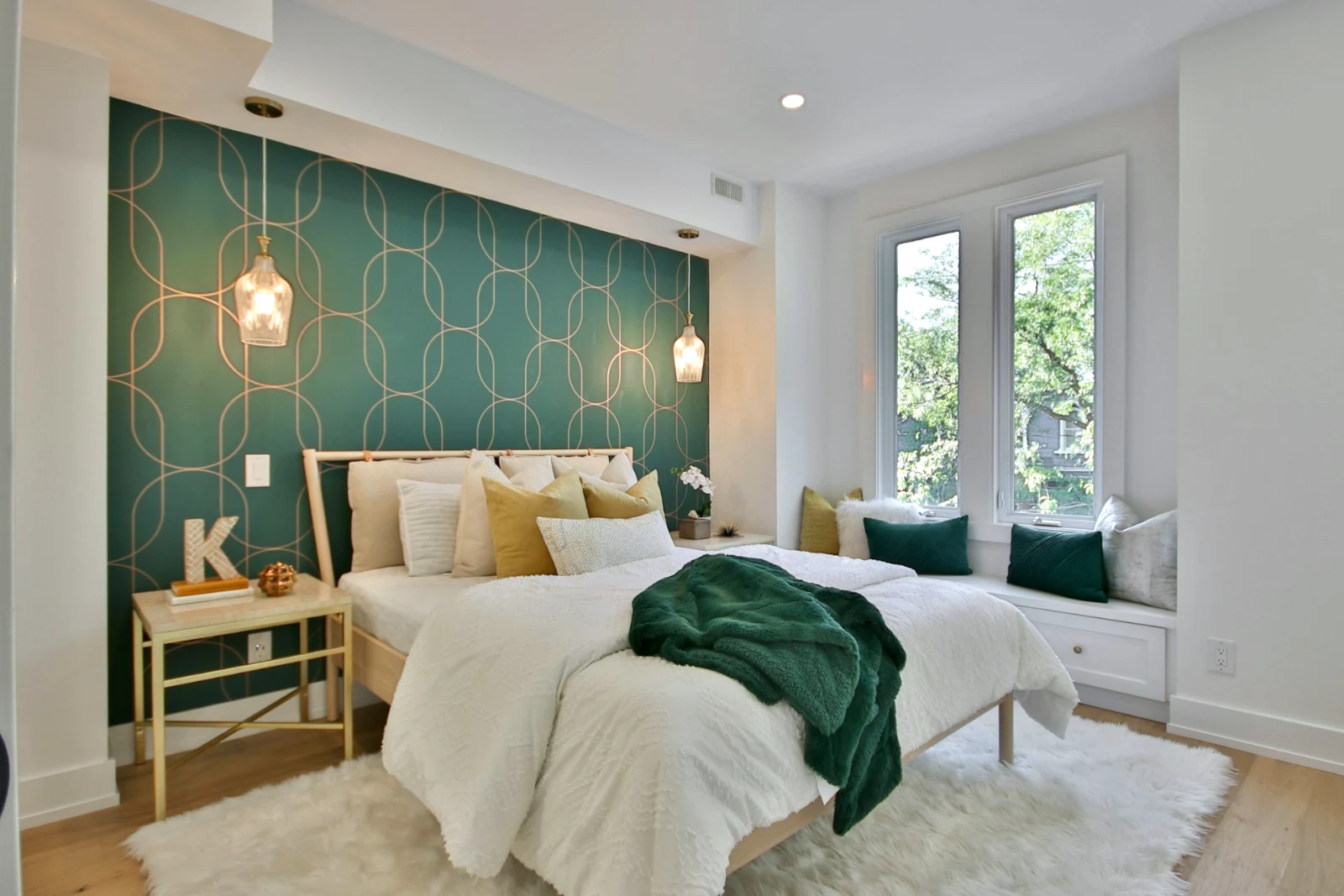
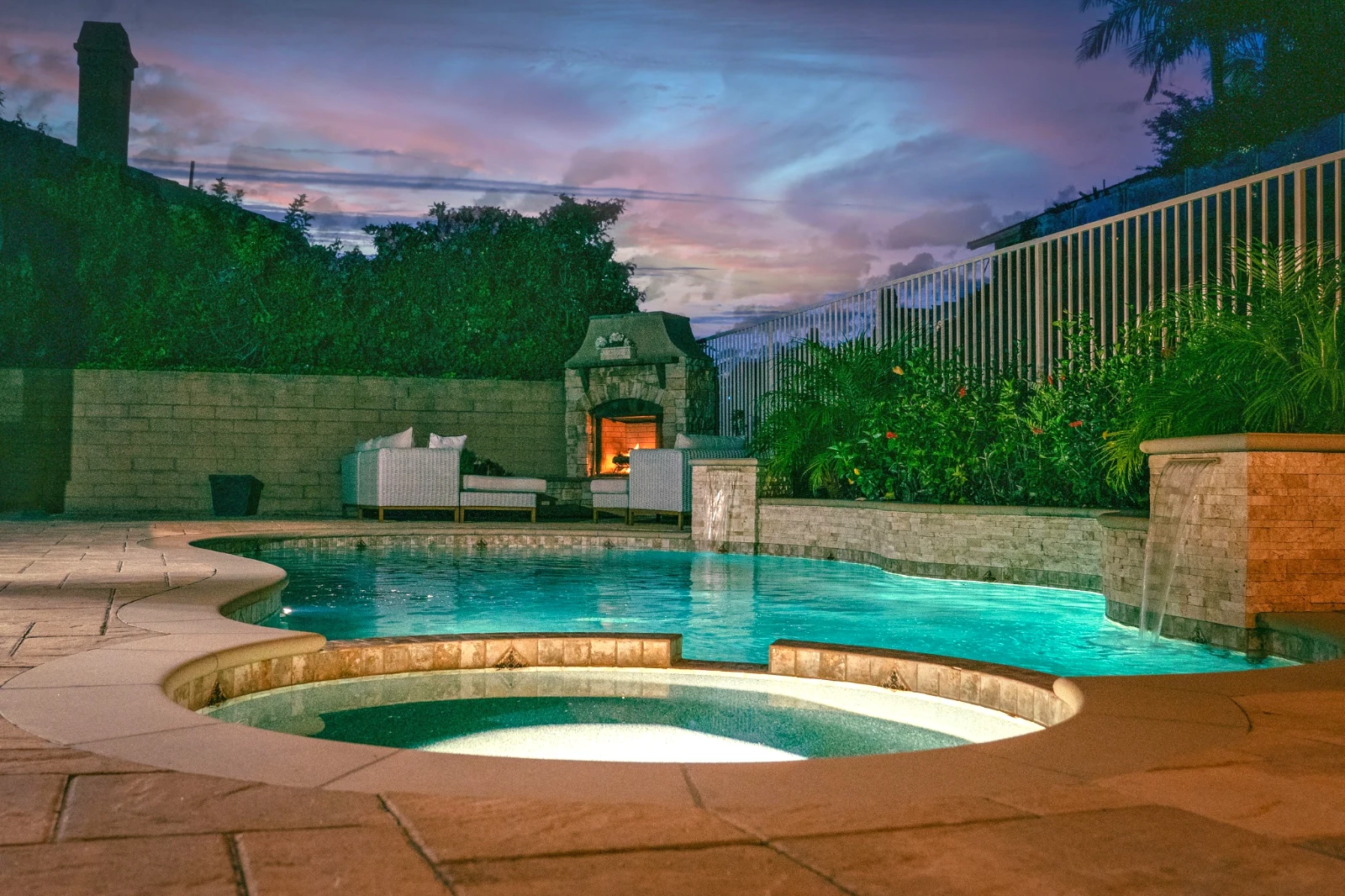
Ndërto një foto në shtresa dhe eksportoj aty ku dëshiron
Filloni një Foto të re në një madhësi që njerëzit ndajnë, ose hapni një zgjedhje si shtresa, ku çdo foto ruan përpunimin e vet. Zgjidhni subjektin ose qiellin, maskoni, pikturoni, shërojeni, klononi dhe deformoni, shtoni tekst dhe forma, më pas eksportoni si JPEG, PNG, WebP, AVIF, TIFF ose një PSD me shtresa.
Zgjedhje
Përshkruaj, zgjer, rafino krahët dhe shndërro një zgjedhje në maskë.
Ndaje një Galeri dhe shiko çfarë klienti zgjedh
Put a shoot in a Gallery and share it for proofing. The client picks up to the number you set, leaves a note on any photo and sends their selection, approves or asks for changes, round by round. Their picks are Client Picks in your Library.
Dëshmi
Çdo galeri e përbashkët për provim: çfarë zgjodhi klienti dhe shënoi, dhe si përgjigjet rrethit.
| Galeria | Rreth | Zgjedhur | Nga | Shënime | Përgjigje | Klienti | Përgjigjur |
|---|---|---|---|---|---|---|---|
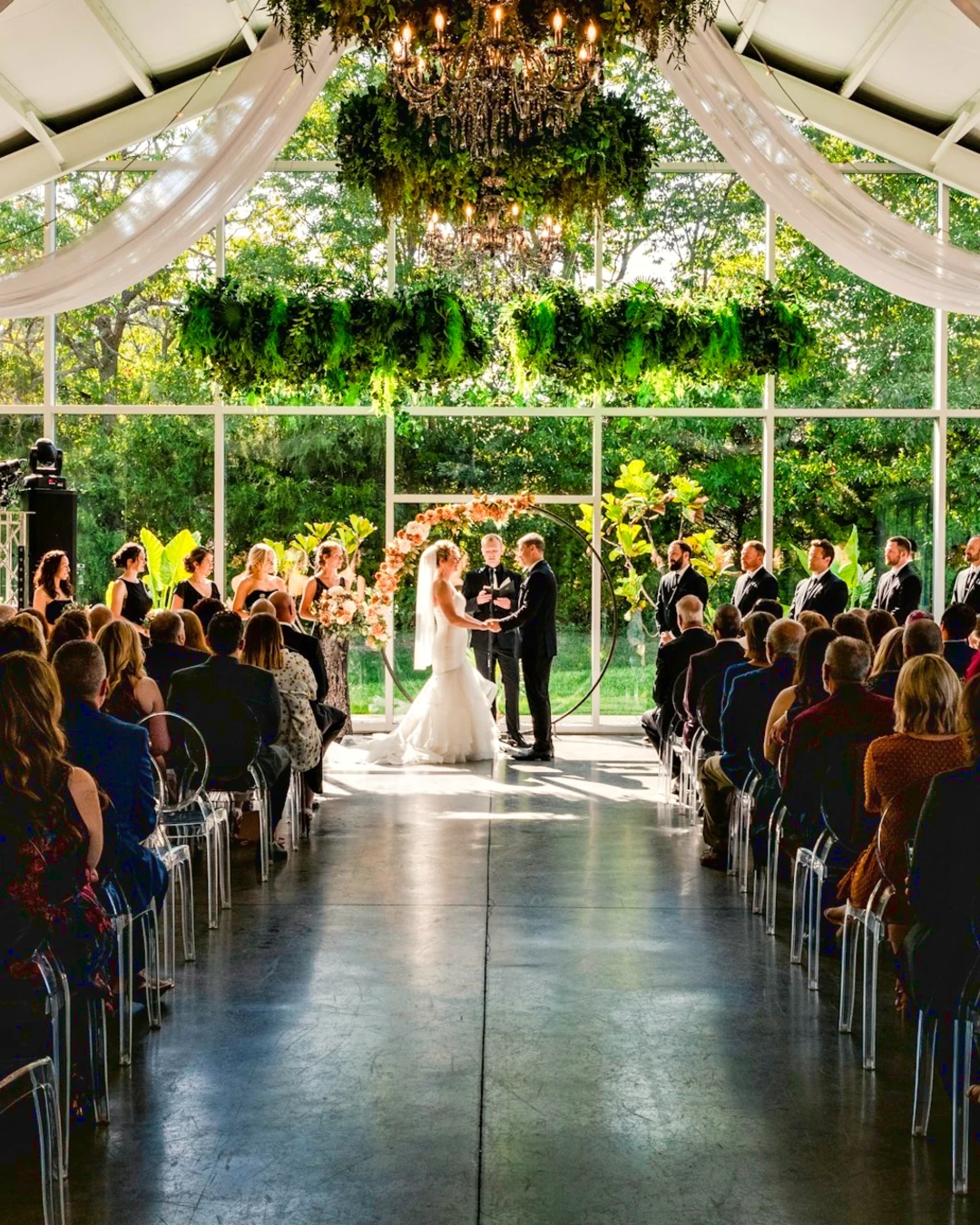
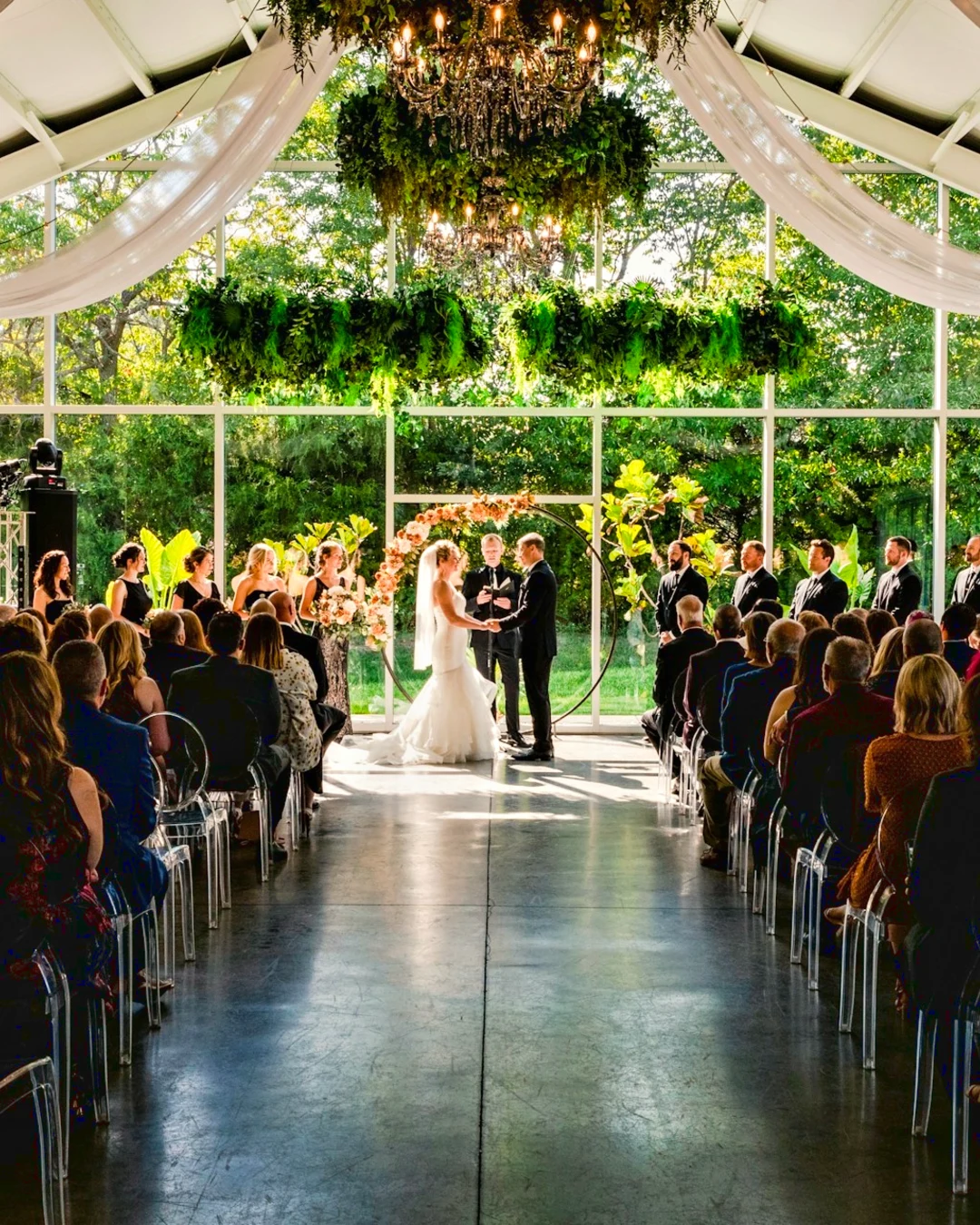
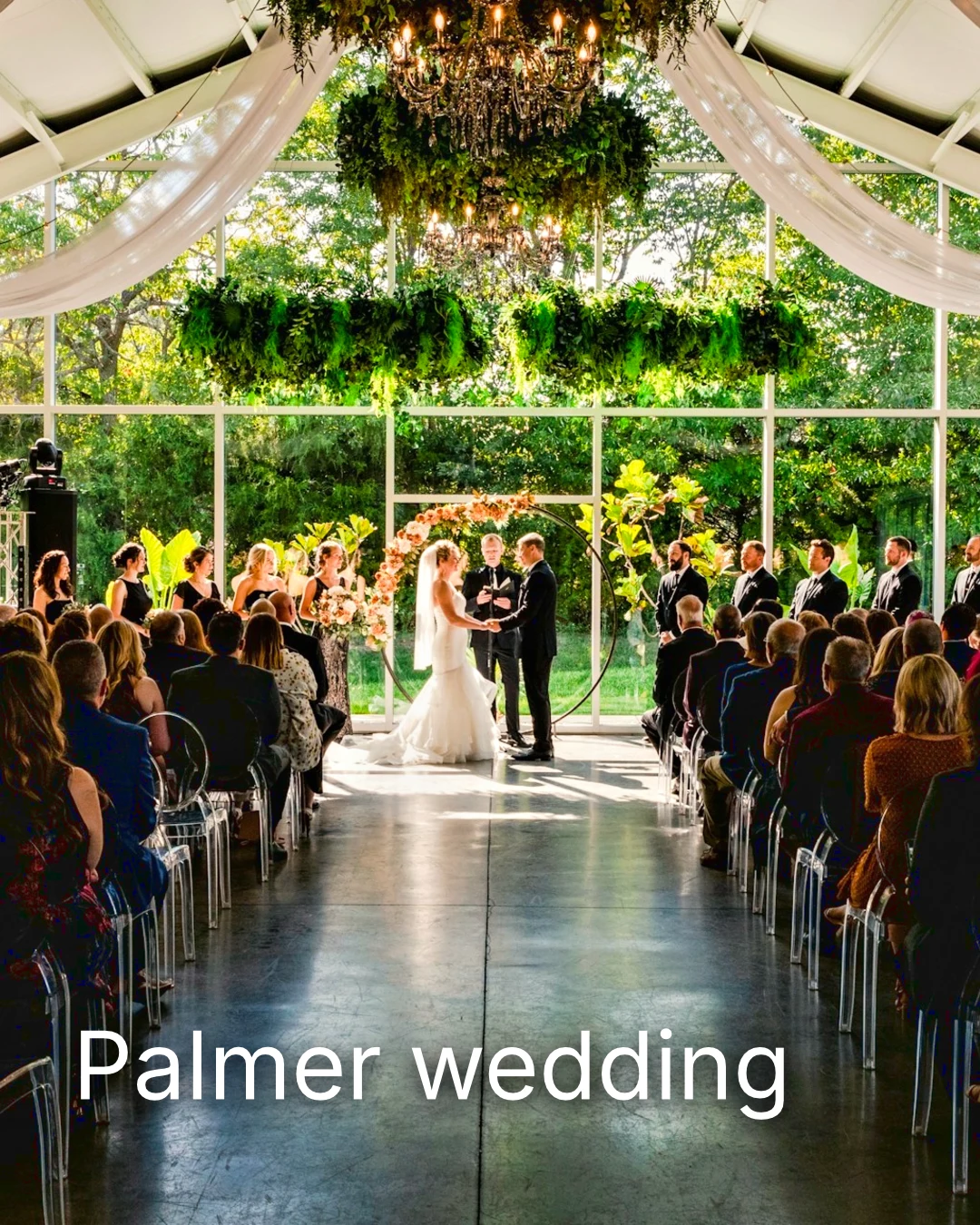
| Palmer wedding | 1 | 4 | 4 | 2 | Në pritje të klientit | Sarah Palmer | Në pritje të klientit |
| Carter portrait session | 2 | 3 | No limit | 0 | I miratuar | James Carter | 19/11/2026 |
| Harbourline Dental team headshots | 1 | 0 | No limit | 2 | Changes asked for | James Bennett | 19/11/2026 |
| Nguyen Family at Brighton | 1 | 12 | 15 | 3 | Zgjedhja u dërgua | Linh Nguyen | 20/11/2026 |
| Okonkwo Engagement | 2 | 20 | 20 | 0 | I miratuar | Ada Okonkwo | 17/11/2026 |
| St Kilda Bakery Menu | 1 | 6 | No limit | 1 | Në pritje të klientit | Marco Ricci | Në pritje të klientit |
Shënime në Fotografinë
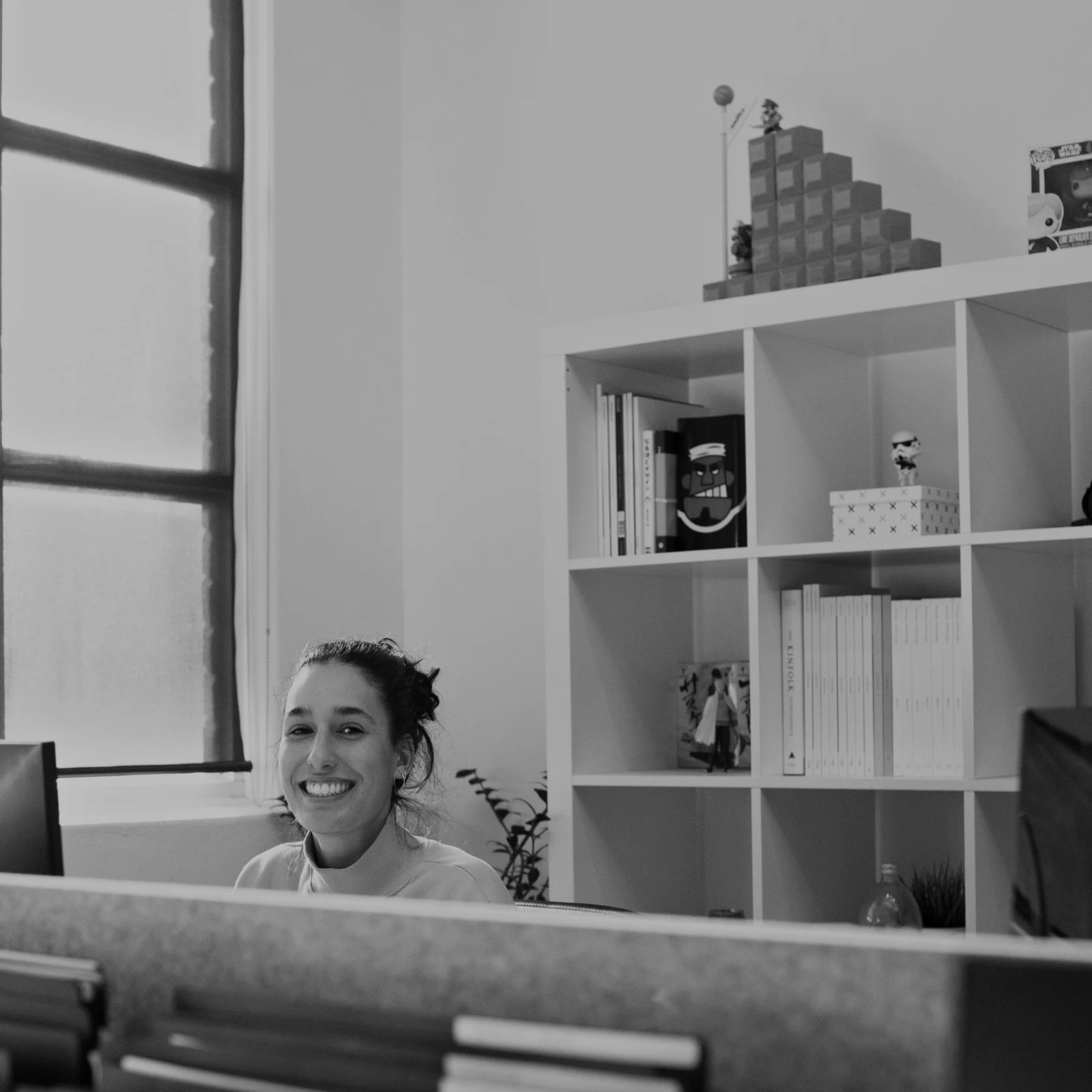
Çdo shënim shfaqet në fotografinë e tij ndërsa redaktosh.
Shiko ose Shkarko
Avenida da Liberdade 212
Galeria
Çdo lidhje është vetëm për shikim ose të shkarkueshme, me një fjalëkalim opsional.
Shënimi yt
Zgjidh preferencat dhe lë një shënim për çfarëdo që dëshiron të ndryshohet. Kur përfundon, dërgo përgjigjen. Mund të përgjigjesh në çdo raund një herë.
Logoja juaj ose fjalët në çdo foto që klienti e sheh ose shkarkon, derisa ta dorëzoni.
Printon nga Galeria
$ 149.000 secili. Dërgesa dhe tatimi shtohen në kontrollin të fundit.
Klienti blen një shtypje të çdo fotos, të bërë dhe të dërguar nga laboratori juaj, të paguar në pagesën tuaj të vetme.
A Job’s Gallery, With Talent
Lookbook SS27 Në shqyrtim
- Klienti
- Maison Kiri
- Rreth
- 1
- Zgjedhur
- 8 / 12
- Përgjigje
- Në pritje të klientit
- Lidhja mbyllet
- 2026/12/12
A job in Talent has its own Gallery, proofed the same way.
Një Ditë Mbylljeje
Galleries
Galerja e çdo pune: çfarë klienti sheh, zgjedh dhe shkarkon.
| Galeria | Klienti | Faza e Punës | Lidhja mbyllet | Krijuar |
|---|---|---|---|---|
| Program Shoot · Strength | Thandi Mokoena | Në shqyrtim | 2026/11/30 | 2026/11/09 |
| Client Story · Pieter | Pieter van Wyk | Në shqyrtim | 2026/12/07 | 2026/11/12 |
| Mobility Series | Aisha Davids | Dërguar | 2026/12/18 | 2026/10/22 |
| Coaches Team Photos | Kopje Coaching | Dërguar | 2027/01/05 | 2026/10/31 |
| Summer Bootcamp | Lerato Nkosi | Në prodhim | 2027/01/20 | 2026/11/18 |
Lidhja e çdo Galerie mbyllet në ditën që vendosni, dhe lista e Galerive tregon ato që mbyllen në 30 ditët e ardhshme.
Dërgoni një foto të përfunduar ku përdoret
A photo goes on as its newest export, or the original when it has none: into a Gallery at full size, onto a new design, into a website’s assets or onto a listing. Every picture picker in Calisto already lists the account’s photos, exports included.
A Design, With Studio
Një postim ose histori hapet me fotografinë e vendosur.
 Menú de OtoñoTostadas de jaiba, desde hoy
Një Website, Me Website
Shtuar në pasuritë e faqes.
Burime
Një Listim, Me Listime
Shtuar në fotot e tij, kur biznesi ka një listim.
T3 Rua do Século 41 Publikuar
Përpuno me fotografinë në ekran të plotë në telefonin tënd
Shtyp për të zoomuar, dyfisho për të përshtatur dhe shtyp dhe mbaj për Para. Çdo seksion është një çip nën fotografinë e cilit kontrolli ankorohet më poshtë, kurrë mbi të, dhe një slider lëviz vetëm në një tërheqje anësore, prandaj rrjedha kurrë nuk redakton.
Ndajur në Foto
Një foto e ndarë nga kamera e rrotës arrin në Shto Foto.
Share photos to Foto from any app on this device, take one, or choose them here.
Foto për shtim
Pa Sinjal
Shtëpia, Biblioteka, Pamjet dhe Shto Foto të hapura; redaktimet dhe ngarkimet presin dhe arrijnë njëherë.
Share photos to Foto from any app on this device, take one, or choose them here.
Foto për shtim
Ku Foto prek çdo gjë tjetër.
4 of these 5 connections are in your plan today; the other is its own app.
Depot
Every photo and every export is a file in Depot, on the account’s one storage quota, and a Gallery is a Hub.
Studio
An image’s Adjust in Studio is Foto’s, Send To opens a new design with the photo placed, and a layered Photo opens there as a design.
Talent
Galleries and Proofing are the same views Talent shows, and a job’s Gallery is the Hub of that job.
Listings
Bulk Auto takes a listing’s photos as a set, and the exports replace them on the listing.
Sites
Send To adds a photo to a website’s assets.
Pa kosto instalimi. Paguani kur filloni të përdorni.
Photos edited in one tap, by hand or in layers.
Calisto Create
Library, Auto, Bulk Auto, Looks, Adjust dhe Galleries, të përfshira me çdo llogari Calisto.
Foto Pro
Çdo kontroll i rregullimit në vijim dhe hapësira e Shtresave, për një person, në një vend të vetëm ose me një vend krijimi; një biznes cakton vendet e tij tek njerëzit e tij.
Rekomanduar për ju
Works well together.
Calisto Depot
Calisto Studio
Calisto Create
A Studio seat designs anything at every size, from Calisto’s templates or a blank page: layers, photos, Copy & Resize, Bulk Create, mockups, QR codes, print-ready PDFs, sharing and whiteboards.
Learn more →Calisto Talent
Përfshirë me Paketat Tuaja
Aplikacioni juaj Core tregon çdo gjë që planet juaja të Tregtisë dhe Operacioneve e aktivizojnë.
Learn more →Calisto Listings
Listimet
Listat tuaja, takimet, zhvillimet, qiratë dhe zyra, për çdo person që punon në Listat.
Learn more →Calisto Sites
Sitet e Calisto
A website and its phone app, built from a template on the page itself, showing what you sell from your own records and published on your own domain.
Learn more →Çfarëdo që përfshihet në Calisto Foto.
- Foto Essentials for every signed-in person: Home, the Library, Auto, Bulk Auto, Looks, Adjust with Auto, Light, Color and Crop, and Galleries; every other control one tap away behind More.
- Foto Pro, a seat per person: every Adjust control inline and the Layers workspace.
- Essentials or Pro is each person’s own choice, in Profile & Preferences ▸ Creative Tools, never a business setting.
- Without a seat, More and Layers read Pro · Upgrade, or Ask for a Pro Seat for a team member.
- A photo whose edit holds Pro fields always opens, saves and draws at Essentials.
- First open asks nothing technical at Essentials, and leads with Layers and the keys at Pro.
- Every photo read after it is uploaded: when it was taken, its exposure, its focus and its faces.
- Flags: Blurry, Missed Focus, Black Frame, Missed Flash and Closed Eyes, each a filter in the Library.
- A score from focus, exposure and open eyes: Best First, and the Suggested Best Shots.
- Similar Shots: bursts, brackets and the same pose taken twice, grouped best first, with Star the Best of Each.
- Faces and eyes are read on your own device; nothing is starred or hidden for you.
- Home: the photos to pick up again, Upload Photos, New Photo, From Media Library, Bulk Auto, and Recent Photos.
- The Library: All Photos, Starred, Edited, Similar Shots, Layers and Client Picks, with search, sort (Best First and Date Taken included) and a Tag filter.
- A Hub’s photos on their own, from the Hubs in the sidebar; Move To… a Folder of a Hub, and New Hub, Private or Public (with Depot).
- A selection is starred, tagged, given a look, run through Bulk Auto, sent on, opened as layers or assigned to a client project.
- Star and Tags are the platform’s: the same in Depot, Docs and Studio, carried wherever the photo is picked.
- An export is listed with its photo, never among the originals.
- The account’s storage shown in the Library, on the one Depot quota (with Depot).
- Upload from a desk, the camera or the device’s photos, through the one upload queue.
- Add Photos is where a photo shared to Foto lands: the camera roll’s Share sheet, or Open With on a desk.
- Then Adjust for one photo, Bulk Auto for a set, or the Library.
- JPEG, PNG, WebP, HEIC, HEIF, AVIF, TIFF and camera RAW; a RAW is developed on the device, or converted on the server when the device cannot.
- The camera and lens a file says made it, read once from the original and kept on the file.
- Auto: one tap reads the photo on the device, sets its sliders and names each one; Undo puts the photo back.
- Your Style beside Auto, once you have edited eight photos: Auto moved the way you move it, and the Texture, Clarity and Saturation you usually set, learned from your own edits; yours, never the business’s.
- Light, Color, Crop and Straighten; Whites and Blacks, Detail (Detail, Fine Detail, Clear Haze), Tone Curve, Color Mixer, Color Grading, Sharpening and Noise, Lens, Transform and Effects.
- Straighten Lines: Auto and Vertical, and Level, Full and Guided (up to four lines drawn on the photo); it sets the Transform sliders it solved and names them, and leaves a photo with no clear lines as it is.
- Lens: Correct Lens from the camera’s own correction in the RAW, else the lens profile; Remove Color Fringes; nothing the camera already corrected is corrected twice.
- How it was drawn, said under the control it concerns.
- Remove and Repair: Remove what you paint over; Clone and Fill.
- Adjust Part: Sky, Subject and Background; a Brush, Linear and Radial gradients and a Brightness Range.
- People: Skin, Face, Eyes, Lips, Hair, Clothes and Body, found on your device.
- Retouch Skin: Even Skin smooths blotches and keeps the pores; Match Skin Tone evens the skin toward the person’s own tone.
- Frequency Separation: paint where, then Smooth Tone and Fine Detail retouch the tone and the texture each on its own.
- Portrait Blur on the background, and Lens Blur by the photo’s depth with Focus Distance and Depth of Focus.
- Film Negative: a scanned color or black and white negative turned positive from its film base, shared across a roll by copying the edit.
- Changes: every change to a part, with its own controls, opacity, blend and invert.
- Markup: an arrow, a circle, a box, a freehand line or a label drawn on the photo, carried by every export.
- Before: press and hold. Undo and Redo through the edit’s whole history.
- The original is never changed; the edit is kept beside it with its history.
- A client’s note from Proofing shown on the photo while it is edited.
- Calisto’s looks and the business’s own, in Looks ▸ Calisto and Mine.
- Match a Photo: another photo’s look, solved into Exposure, Contrast, Saturation, White Balance and Color Grading.
- Suggested looks first in Adjust: the looks made for a photo like this one, from the kind of photo each of Calisto’s was made for and the photos each of yours has been put on.
- Save Look keeps an edit’s settings as a look of the business’s own.
- A look given to one photo or a whole selection.
- A selection from the Library, or one listing’s photos for a business with listings (with Listings), and a look.
- Start From Auto or Your Style.
- Each photo read on the device and given its own Auto, then the look; a look that straightens lines solves each photo’s lines.
- Saved as a step of each photo’s edit.
- The exports made on the server, so they finish with the page closed; the results screen shows each one as it is ready.
- For a listing’s photos, the exports replace them on the listing, through Listings’ own write (with Listings).
- Bulk Auto Finished is sent once per run, to the person who started it.
- Camera on USB, in Chrome or Edge: Connect Camera, Shoot, Live View on Canon EOS and Nikon, every frame straight into Foto.
- The camera’s own Wi-Fi upload: FTP, FTPS or SFTP to Calisto with a login of your own, the password shown once.
- Every frame in the Camera Uploads Hub as it lands, with the last edited frame’s edit or a look applied to each new one.
- Nothing to install: the camera talks to the page itself.
- Record Action in Adjust: your steps kept as steps, then played on any photo or a Library selection, with Auto, looks, straightening and found parts solved again for each photo.
- Actions are the business’s, kept beside its looks.
- Contact Sheet: a selection or a Gallery printed 2 to 8 across, portrait or landscape, with names, stars, client picks and culling flags, filed in Depot as a PDF.
- HDR: bracketed exposures fused into one photo, lined up even when taken by hand.
- Panorama: overlapping frames joined, laid on a cylinder for a known lens, cropped clean; brackets at each position fused first.
- Focus Stack: frames focused at different distances, sharp from near to far.
- Astro Stack: night-sky frames aligned on their stars and stacked by sigma clipping, median or mean, dark frames taken off.
- A new photo in Depot every time; the photos merged stay as they were. Large merges finish on our servers.
- Smart Objects: Convert to Smart Object, New Linked Copy, Update Linked Copies and Release Smart Object; each copy keeps its own opacity, blend and styles.
- New Photo at a size people make: YouTube Thumbnail, Instagram Post and Story, Square, A4 and US Letter at 300 ppi, or a custom size, on white, black, a color or transparent.
- Open as Layers on a selection: each photo a layer carrying its own edit.
- Photo, pixels, adjustment, text and shape layers in one layer tree: chosen, checked to act on several, shown, hidden, locked, renamed, moved, grouped, duplicated and deleted.
- Tools: Move, Select Rectangle, Ellipse, Freehand and Straight Lines, Select Similar Color, Select Subject and Sky, Brush, Eraser, Dodge, Burn, Blur, Sharpen, Heal, Clone, Fill, Warp, Warp Grid, Warp Perspective, Text, Shapes and Crop.
- The Select menu: Select All, Deselect, Invert, Feather, Expand, Contract, Smooth, Refine Edges, Selection to Mask and Fill with Color; Shift adds, Alt subtracts, both intersect.
- Layer masks and shape masks, each enabled, inverted, feathered, applied or deleted; layer styles: drop and inner shadow, outer and inner glow, color overlay and stroke.
- Apply and Convert to Pixels; every paint stroke written as new tiles, so every earlier step still undoes.
- Export as JPEG, PNG, WebP, AVIF, TIFF or a layered PSD, with what it could not hold said in plain words; Recent Exports in the Export dialog.
- A layered Photo opens in Studio as any design does (with Studio).
- Without the seat, a layered Photo opens to look at.
- A Gallery is a Hub shared with a client through its link, Private or Public; a job’s Gallery is the Hub of that job (with Talent).
- Send To ▸ Gallery puts the photos in at full size.
- Share for Proofing: the client’s email (the Gallery also lists in their portal), how many they may pick, view or download, a password, and your watermark.
- Your watermark on every photo of the link, at every size and on every download: your logo, your business name or your own words, where it sits, its size and its opacity, set once in Settings ▸ Photos ▸ Watermark.
- Watermark the Photos or Remove the Watermark on a link in Proofing, so the final delivery goes out clean.
- Prints from the Gallery: Choose Prints from your drop-ship products on sale online; the client taps Buy Print on a photo, picks the print, the size and how many, and pays on your own checkout (with Shop and Orderflow).
- Your lab prints the photo the client chose and ships it to them; the order is in Orderflow beside every other web order.
- The client picks up to the limit, leaves notes, and sends their selection, approves or asks for changes, round by round.
- Open the Next Round, or Stop Proofing; an earlier round stays as it was.
- Galleries counts what is delivered, waiting on the client and closing in 30 days.
- The same Galleries and Proofing views Talent shows (with Talent).
- A photo goes on as its current export, or the original when it has none.
- A Gallery; a design, opened in Studio with the photo placed (with Studio); a website’s assets (with Sites); a listing’s photos, when the business has a listing (with Listings).
- Every picture picker in Calisto lists the business’s photos in Depot, exports included.
- Adjust and Layers, switched in the header: ⌘⌥1 and ⌘⌥2, or A and L.
- Keyboard Shortcuts (⌘/) lists every key; ⌘K finds every command.
- Each editor’s back link returns to the Library.
- Home, Library and Settings in the tab bar; shortcuts to Add Photos, the Library, Bulk Auto and Looks.
- The photo fills the screen: pinch to zoom and pan, double-tap to fit, press and hold for Before.
- Each section a chip under the photo, its tray docked under it, never over it, with the desk’s controls and a Reset.
- A slider moves only on a sideways drag, so a scroll never edits; words are typed in a dialog above the keyboard.
- Layers on a phone: the canvas full screen, the tools in a bottom bar, the layer tree and Format as bottom sheets.
- Keep Foto on This Device: Home, the Library, Looks and Add Photos open with no signal; an edit’s save, a new look and uploads wait and land once.
- Copy Saved is sent when the server finishes a copy, to the person who asked for it.
- Foto installs as part of the Calisto app.
- Every photo and every export is a Depot file on the account’s one quota; each Foto Pro seat adds its included storage to it (with Depot).
- Working copies and the render cache never count.
- Settings ▸ General: the business’s name, design and sign-in.
- Settings ▸ Photos: the export format, size on the long side or the original’s, quality, and the look Bulk Auto starts from; changed by the business’s admins, and Purview may lock it.
Questions about Calisto Foto
Çdo person i hyrë ka Foto Essentials: Biblioteka, Auto, Auto masiv, Gjithësi, Rregullo me dritë, Ngjyrë dhe Prerje, dhe Galeritë. Çdo kontroll tjetër Rregullo (Adjust) ndodhet pas më shumë (More). Foto Pro i vendos të gjitha në vijë dhe shton hapësirën e shtresave (Layers workspace), për një person për vend uljeje.
Jo. Një redaktim mbahet pranë fotos me historinë e tij, pra çdo hap mund të anulojë më vonë. Një eksport është një skedar i ri në Depot, i arritur nga fotoja e tij, dhe origjinali mbetet si erdhi.
JPEG, PNG, WebP, HEIC, HEIF, AVIF, TIFF dhe skedarë RAW të kamerës. Një RAW zhvillohet në pajisjen tuaj, ose në server kur pajisja nuk mund. Një Foto stratifikuar eksportohet si JPEG, PNG, WebP, AVIF, TIFF ose një PSD stratifikuar.
Studio hap një PSD shtresor si një dizajn. Foto ruaj një Foto shtresore si PSD që mban shtresat, maskat, blerjet, grupet, tekstet dhe stilizimet, dhe thotë me fjalë të thjeshta çfarë nuk mund të mbajë.
Përdani Galerinë për kontroll. Klienti hap lidhjen, zgjedh deri në numrin që vendosni, lë një shënim në çdo foto dhe dërgon zgjedhjet e tij, miraton ose kërkon ndryshime, rreth pas rrethi. Zgjedhjet e tyre shfaqen si Zgjedhje të Klientit në Bibliotekën tuaj, dhe çdo shënim shfaqet në foto ndërsa redaktoni.
Po. Zgjidhni cilat nga produktet e drop-ship të tua Gallery-i i shit, siç janë shtypjet që laboratori juaj bën dhe dërgon. Klienti prek Bleni Shtyp në një foto, zgjedh shtypjen, madhësinë dhe sa, dhe paguan në kontrollin e pagesës tënde. Laboratori juaj shtyp atë foto dhe e dërgon atë tek ata.
Në Depo, në kuotën e njëjtë të ruajtjes të llogarisë tënde, ku çdo zgjedhës foto në Calisto i gjen ato. Çdo karrige Foto Pro ose Create shton ruajtjen që përfshin në atë kuotë të njëjtë.
