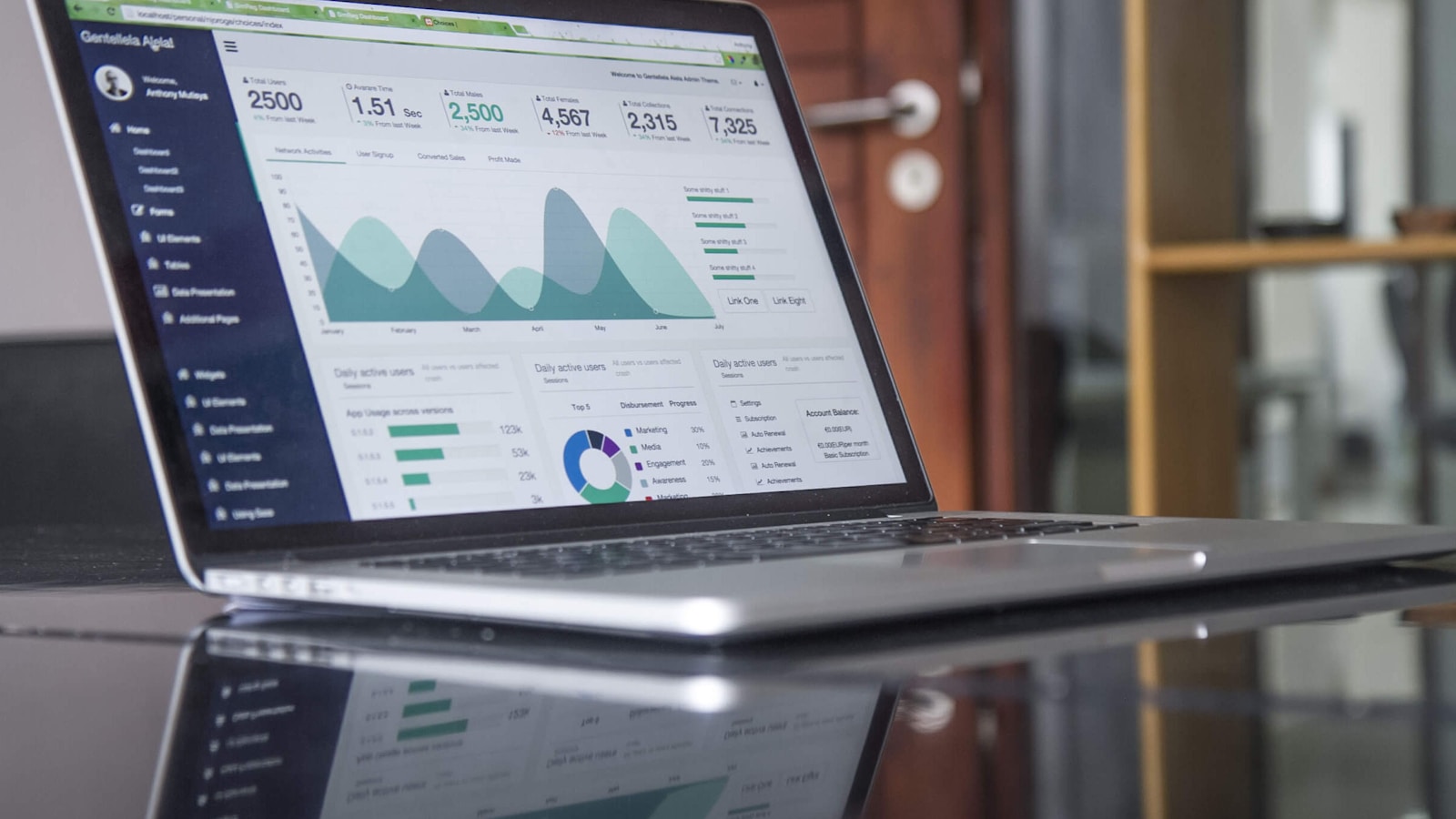
Çdo TV në biznesin tuaj, secila duke punuar punën e vet job.
Jepni çdo TV në biznesin tuaj një detyrë, nga kuzhina deri te dhoma e vizitorit, dhe tregoni urdhërat, dhomat dhe menunë tuaj ndërsa ndryshojnë. Menaxhoni të gjitha nga një vend, edhe nga telefoni juaj.
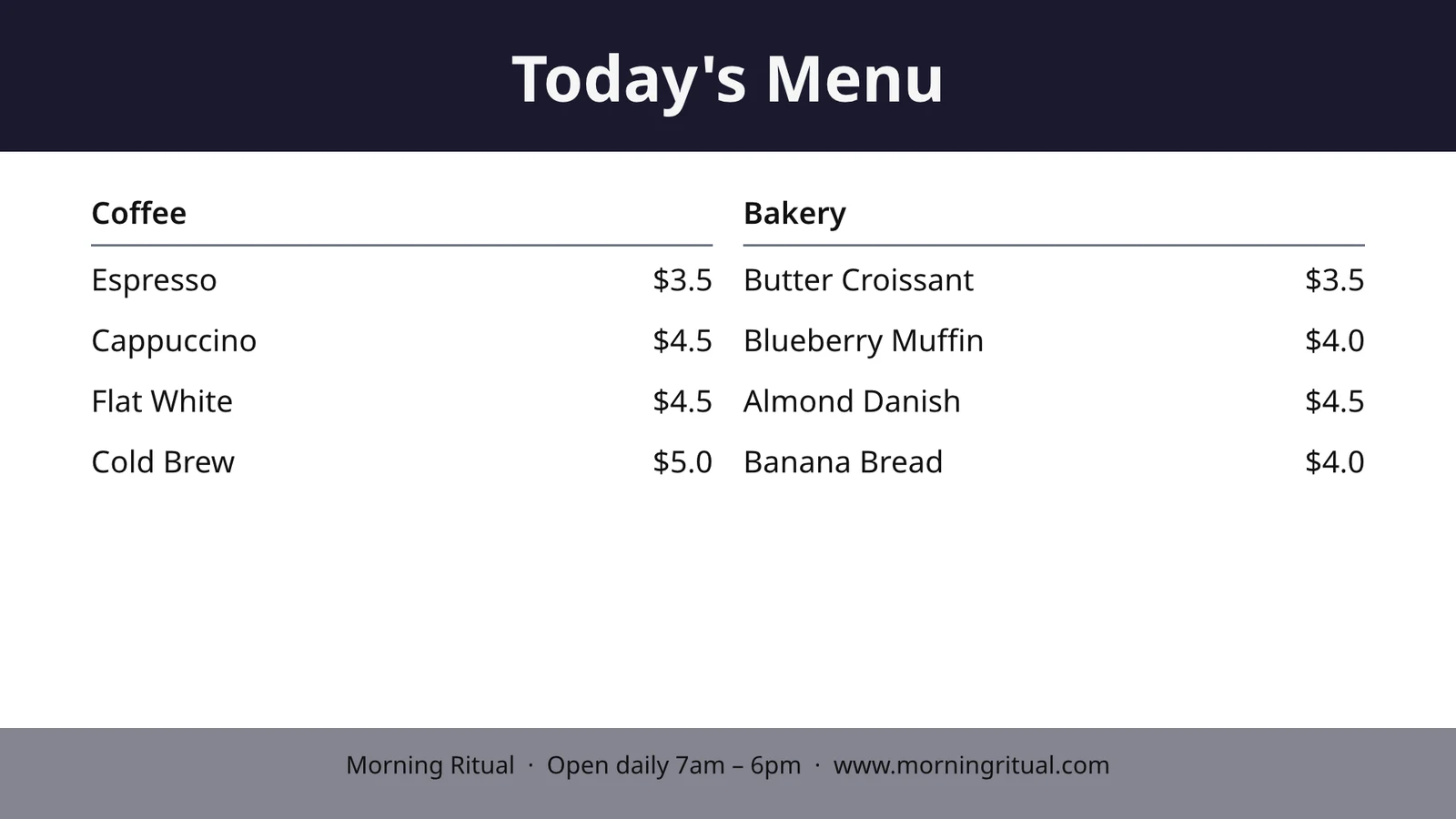
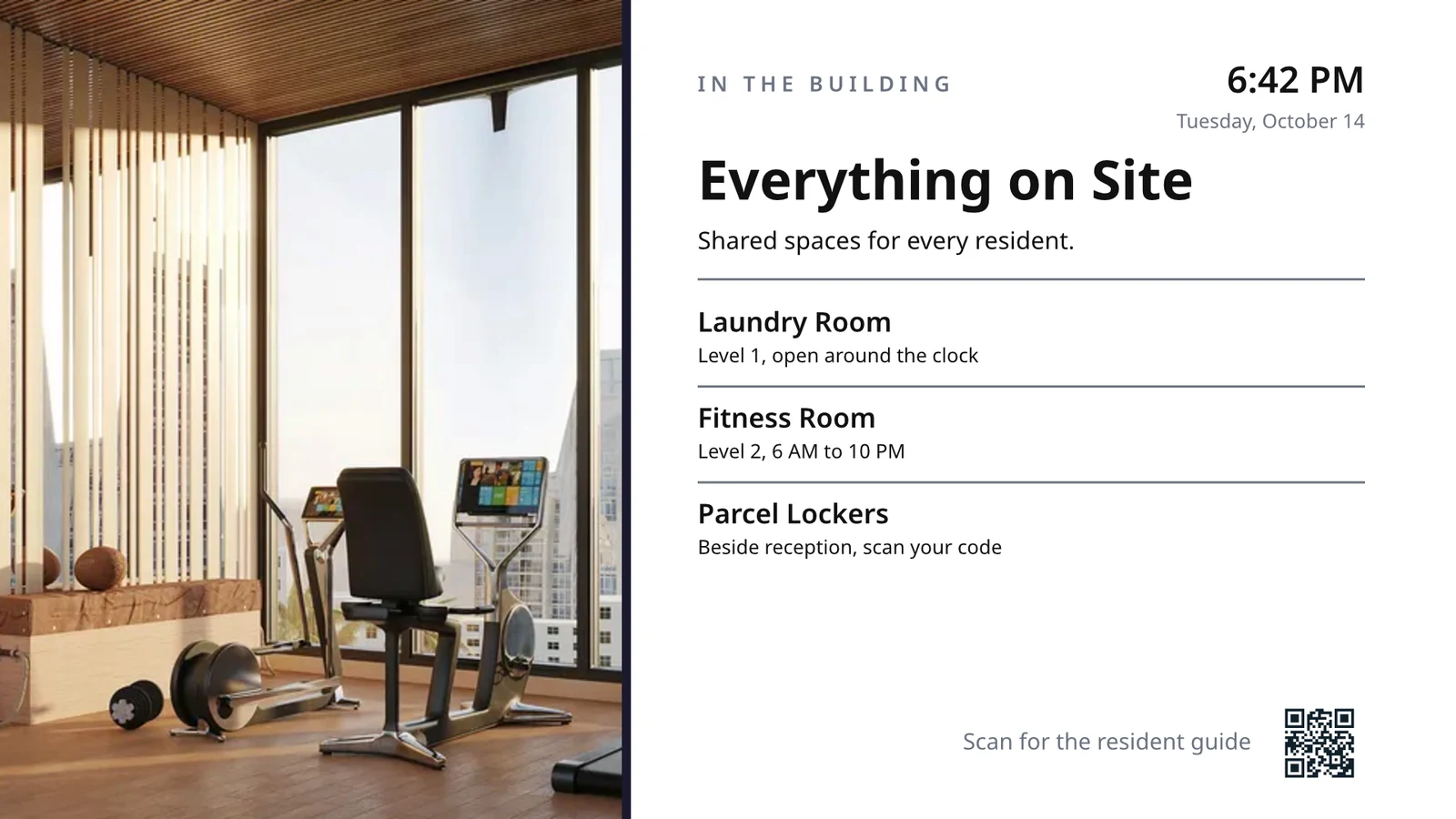
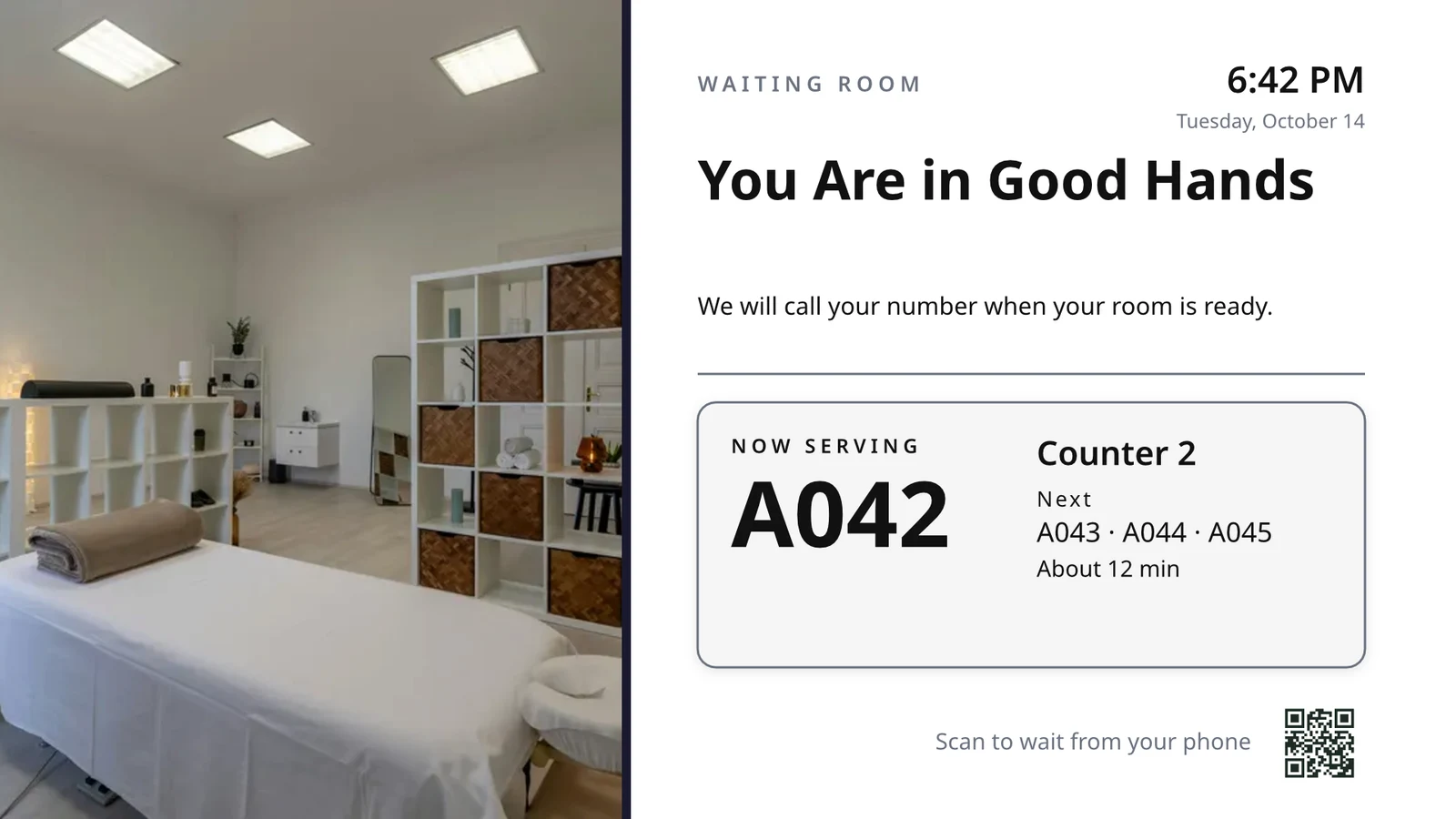
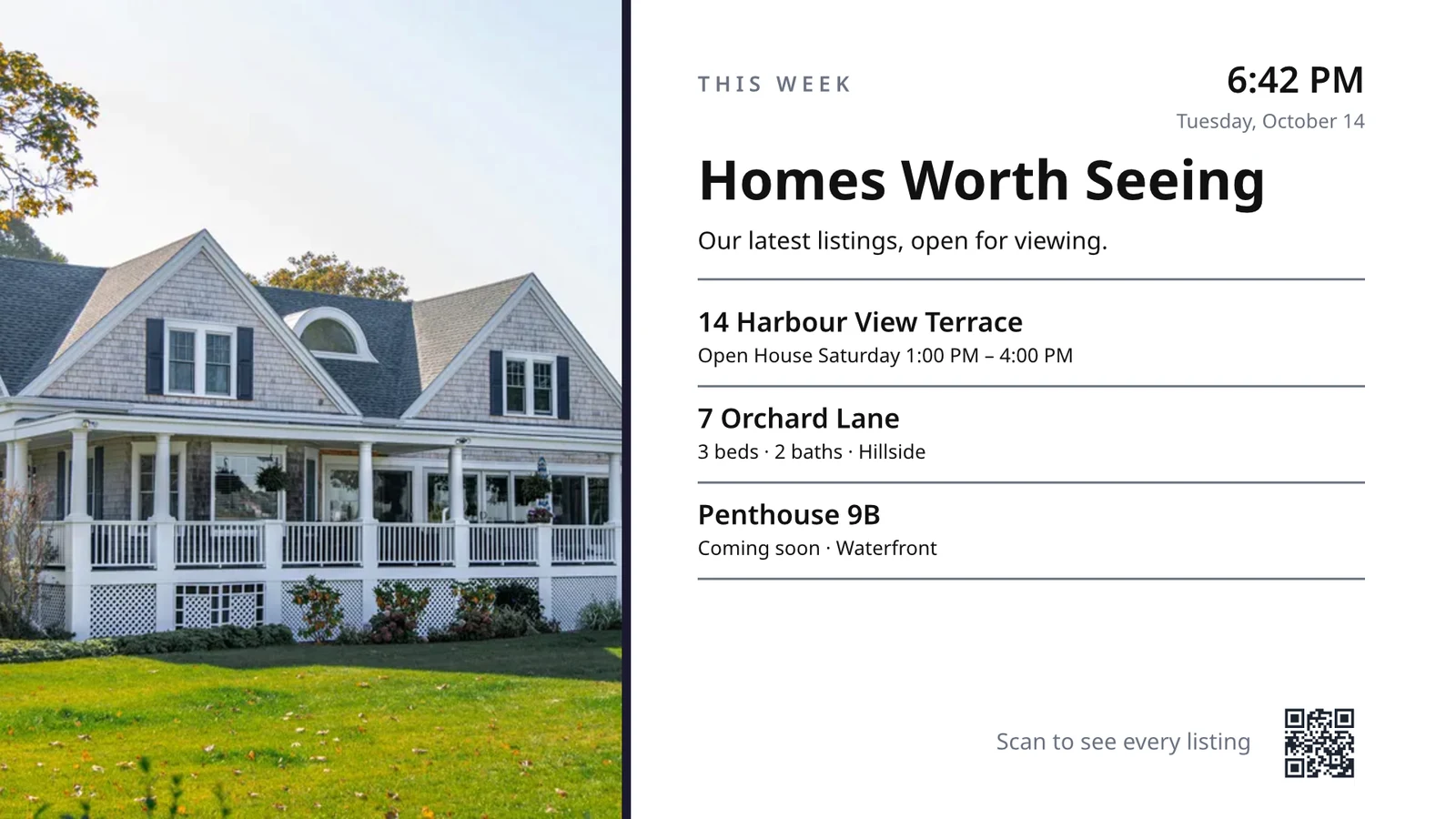
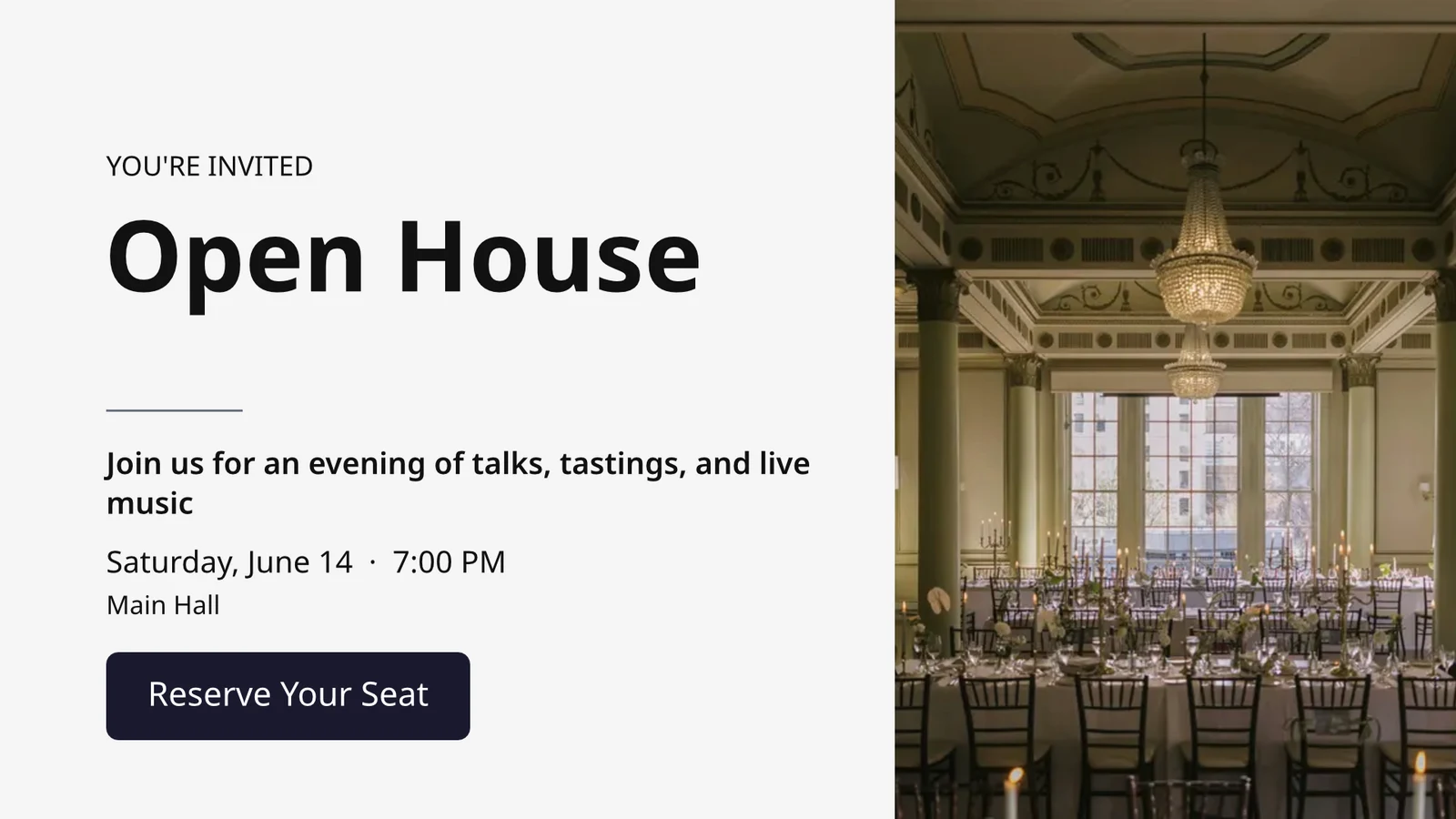
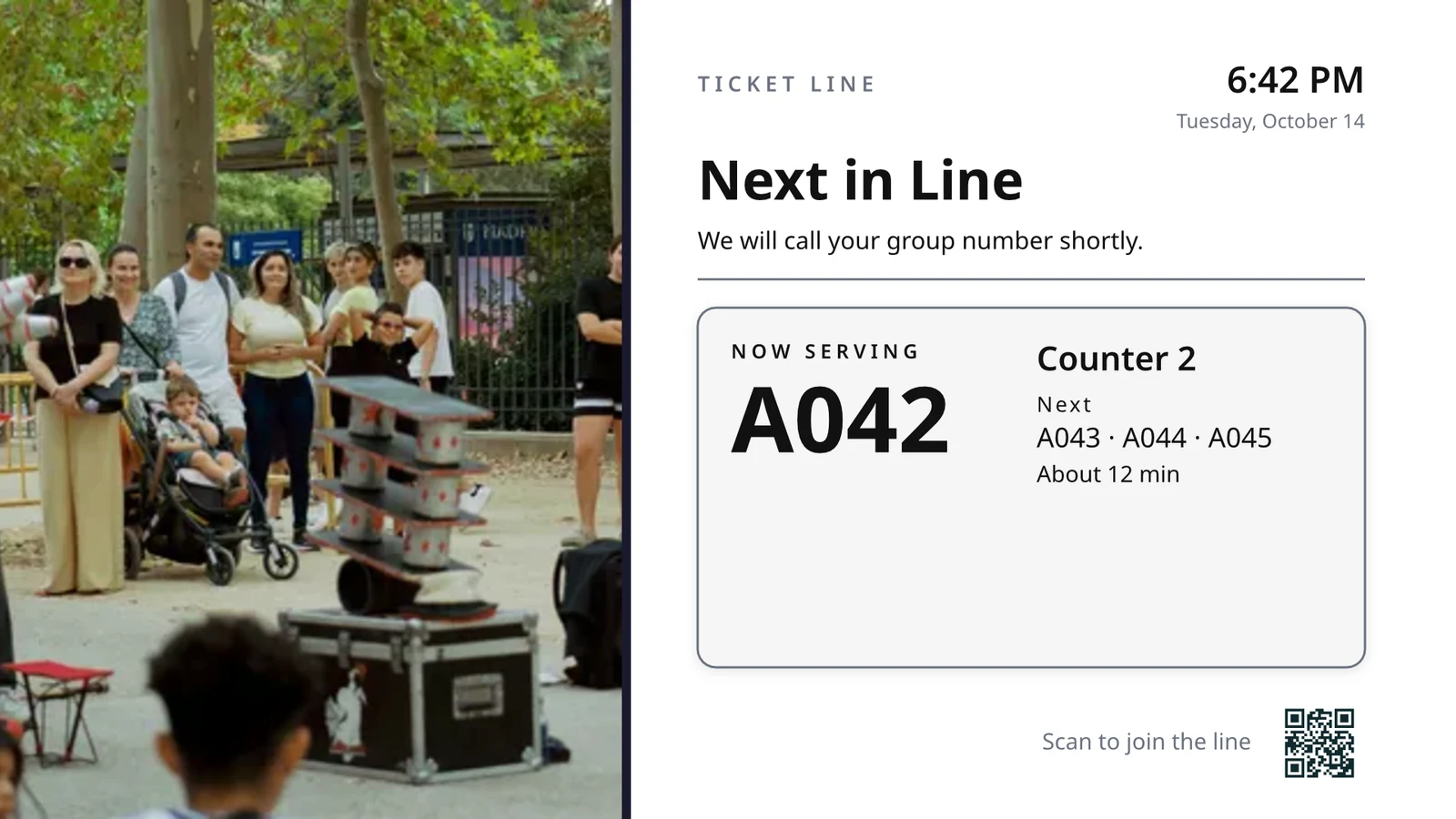
Zgjidhni çfarë bën çdo TV, pastaj rini ato të gjitha
Çdo TV rrjedh një ekran i bërë për një punë, duke treguar çfarë po ndodh në biznesin tuaj në këtë moment.
Ekrane sipas Punës
Kuzhinë, nxjerrje, radhë, mysafirë, shenja.
Ekranet e Dizajnuara
Dizajni yt, me të dhëna të gjalla.
TV-të e tua
Përputhur me një kod, ekzekutohet nga distanca.
Programet
Një ekran tjetër në orën e duhur.
Alarme
Një mesazh në çdo TV.
Performanca
Çfarë luhej dhe për sa kohë.
Aplikacioni TV
Aplikacioni juaj në dyqanet e TV stores.
Në një telefon
TV-të tuaja nga çdo vend.
Zgjidhni çfarë bën çdo TV, nga punëtimi i tij
Zgjidh një punë dhe shiko se si luan në të dhëna shembull para se të shkojë në TV, punët për llojin e biznesit tuaj fillimisht, ose vendos çdo ekran që lloji juaj i biznesit e përdor njëherësh. Çdo ekran mban qëllimin e tij, ku punon, përmbajtjen e tij, pamjen e tij, TV-të e tij dhe programin e tij.
Çfarë do të bëjë TV-ja juaj?
Zgjidhni punën. Vendosni ku funksionon. Hyrni Kodin në TV, dhe ai punon me të dhënat tuaja të gjalla.
Një ekran kuzhine për stafin, pastrimin dhe gjendjen e dhomës, recepsioni, takimet e sotme, filluesin e golfit, numrin e dyerve, plotësimin e porosisë dhe synimet e shitjeve.
Treguesi i Kuzhinës
Biletat sipas stacionit me kohorë. Kuzhinierët fillojnë, përfundojnë dhe shtyjnë; ekspedi dërgon.
Pastrimi i shtëpisë
Gjendja e çdo dhome (e ndotur, në pastrim, e pastër, e inspektuar) dhe çfarë të kthejmë së pari.
Banka e Prerjes
Kush arrihet dhe largohet sot, cilat dhoma janë gati, kush është i vonuar për checkout.
Takimet e Sotës
Çdo takim sot nga karrigia, dhoma ose ofruesi: kush është këtu, kush është i radhitur.
Golf Starter
Grupet e ardhshme që të dalin, kush ka verifikuar hyrjen, ritmi i lojës. Dërgo ato.
Numërimi i Dyerrave
Sa janë kundër kapacitetit, të skenuar për portë, sa shpejt lëviz radha.
Order Fulfillment
Urdhërat hyrëse dhe sa kohë merr secili: çfarë është vonuar, çfarë është në radhë.
Sales Targets
Muaji, trimestri ose viti kundrejt synimit, tabela e liderit dhe fitimet e fundit.
Dizajnoni një ekran madhësie TV me të dhëna në kohë reale mbi atë
Dizajnoni një ekran në redaktorin që Studio përdor, në 16:9 ose 9:16, të zbrazët ose nga layoutet e Calisto për industrinë tuaj, me fotografime. Live Data vendos menunë, programin, ofertat, listimet, orën, motin, Wi-Fi-n dhe numrin që shërbehet, të nxjerrë nga regjistrimet tuaja në TV.
Dizajne për Industrinë Tuaj
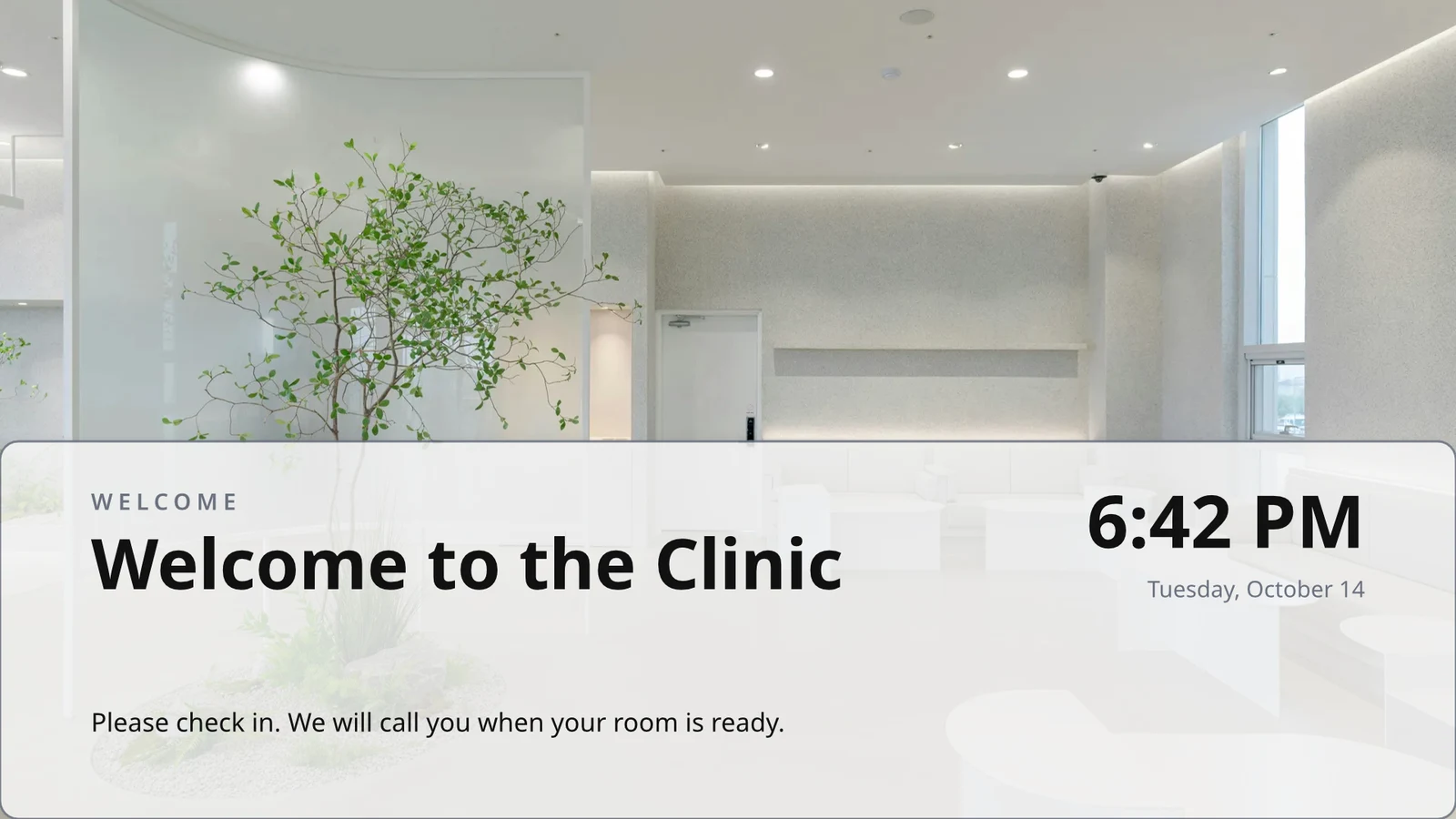
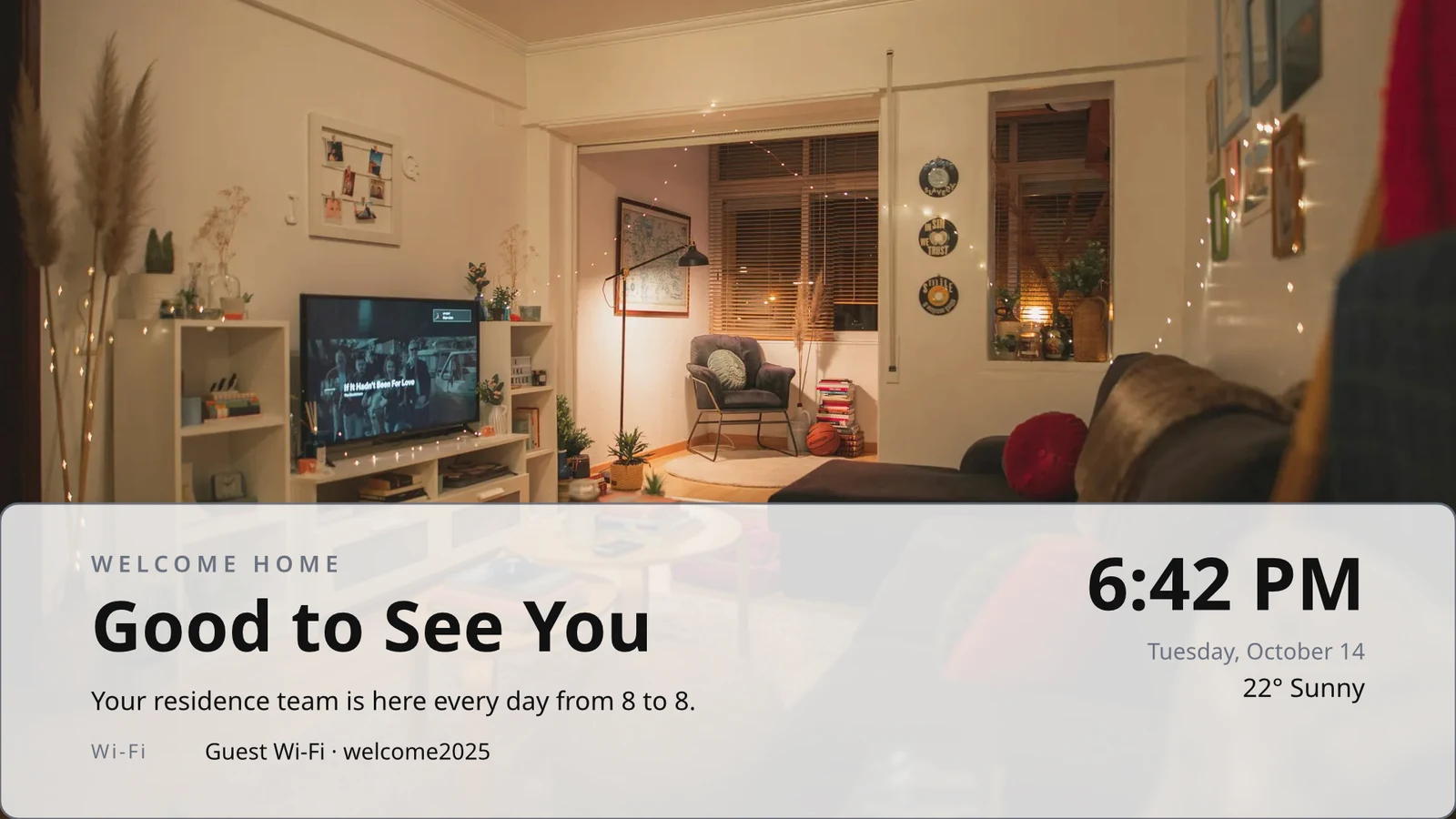
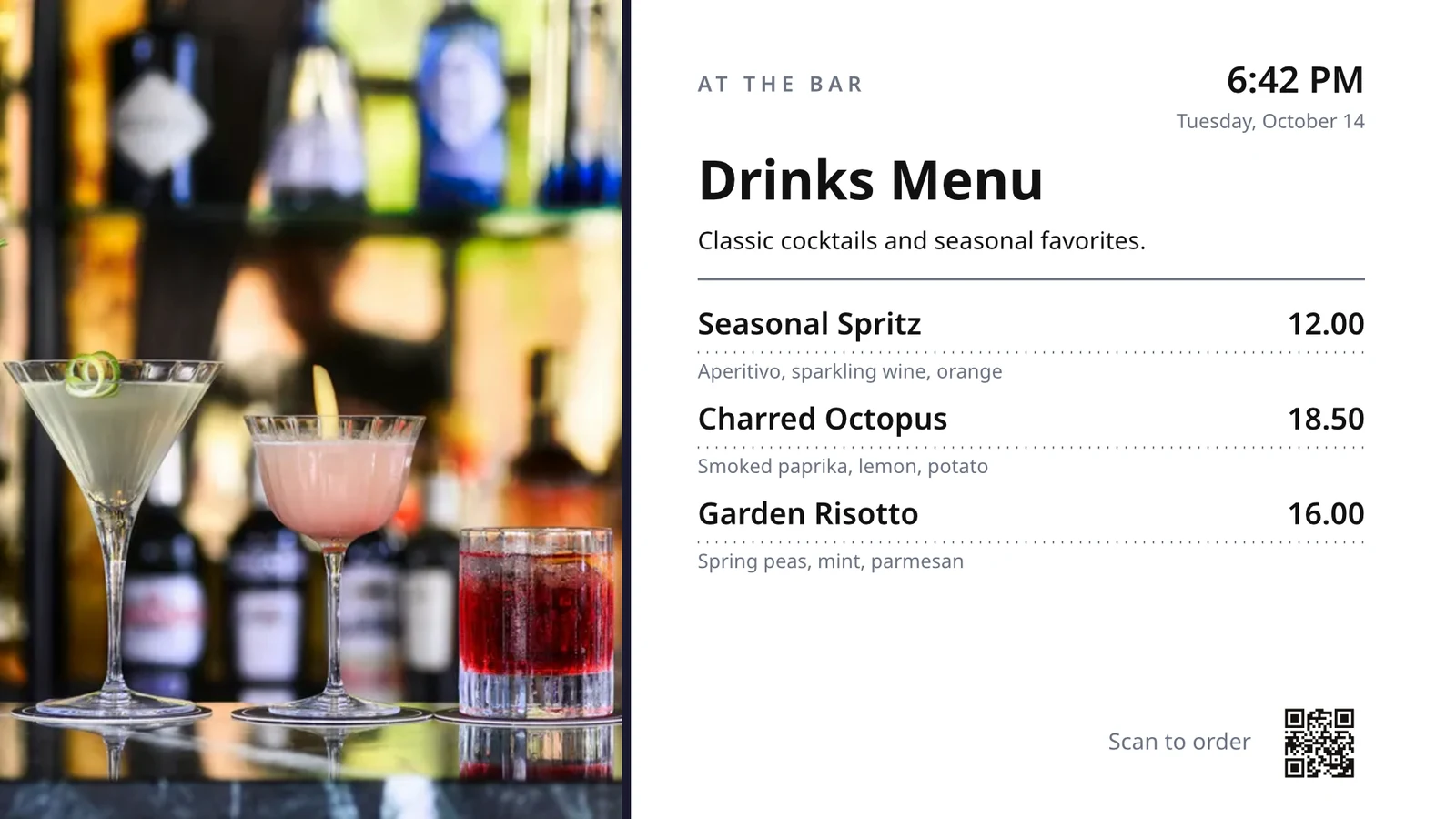
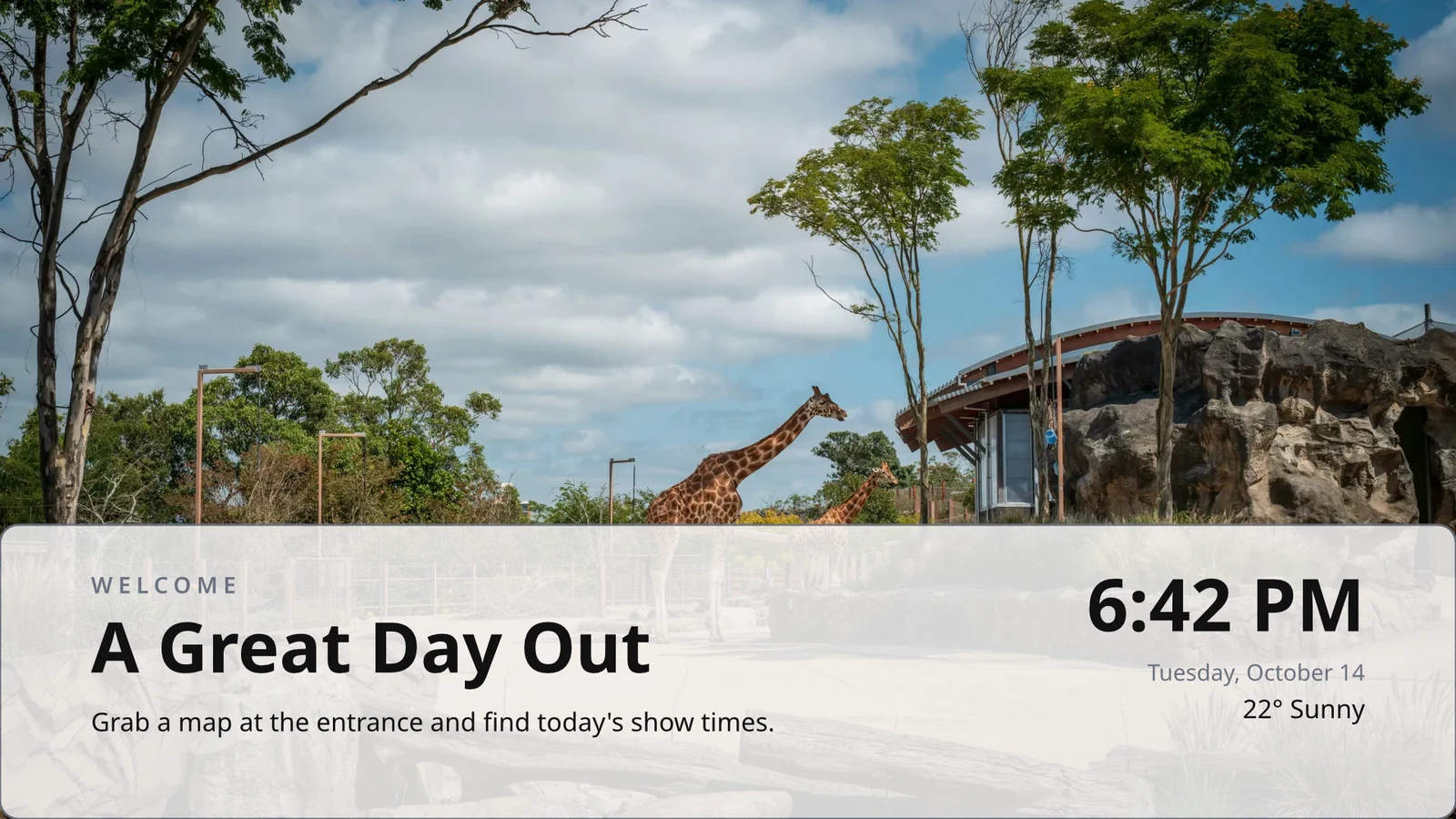
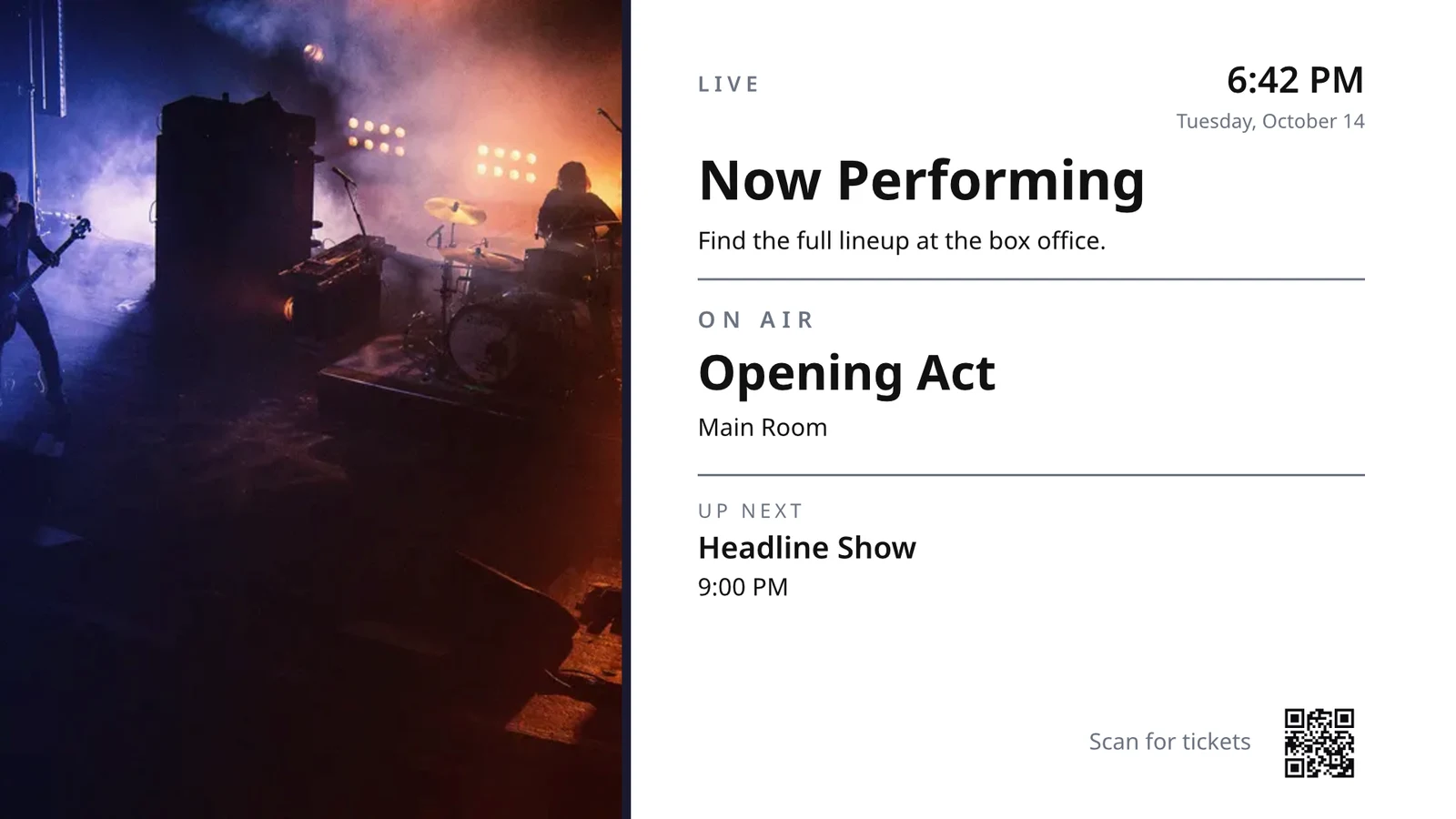
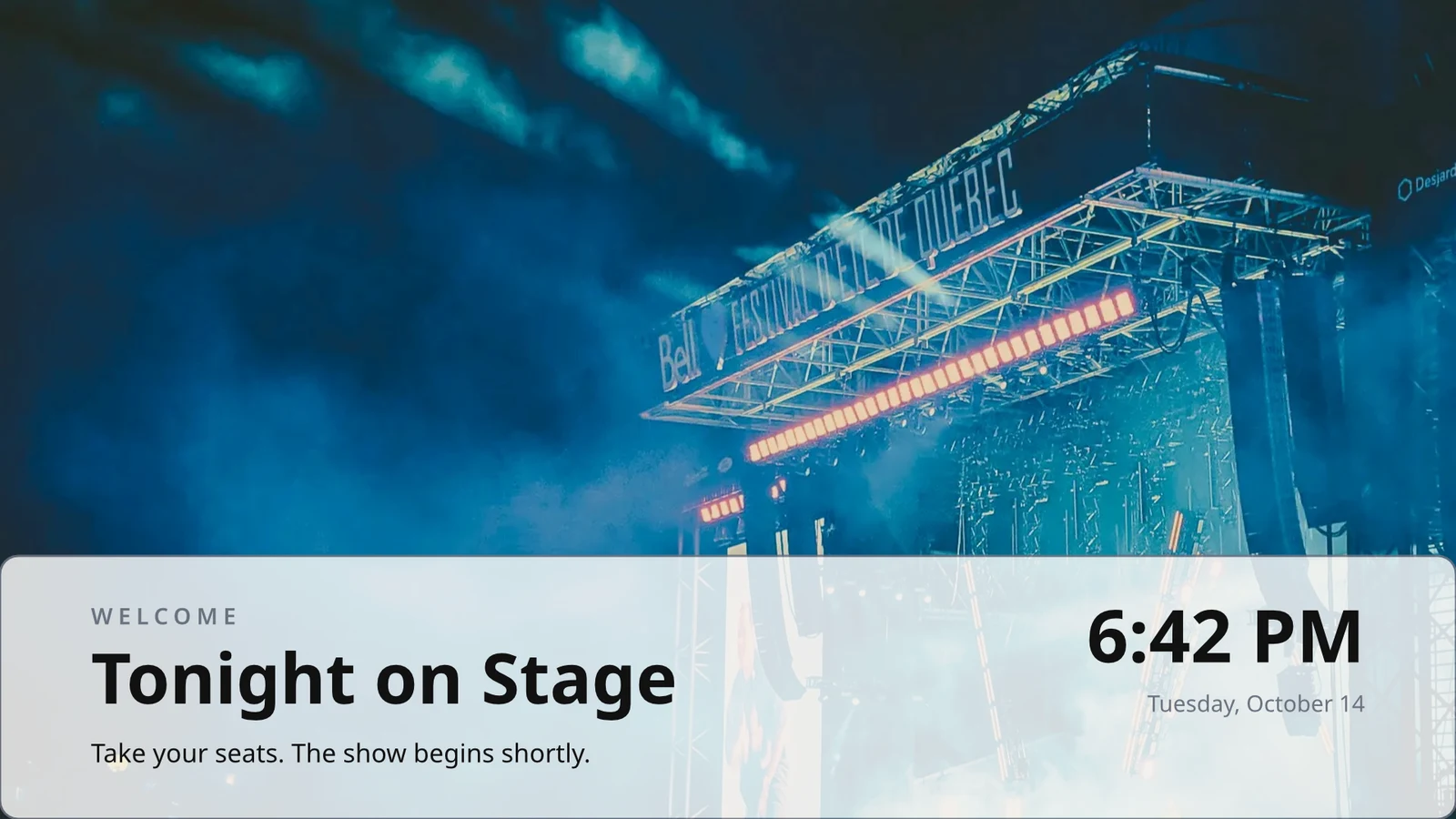
Filloni bosh ose nga 160 dizajne, në format horizontal dhe vertikal, secili me fotografi dhe i përshtatur për një industri, i pari i jeni ju.
Rreshta që Dizajnoni Njëherë
Dizajnoni një rresht të një menysë, kalendarit ose listës së ofertave; TV-ja e ripërsërit atë për çdo regjistrim, faqe pas faqeje.
Tema
48 Tema të Calisto dhe të tua, të rregulluara sipas dizajnit dhe të ruajtura si një Temë.
Publish to Screens
Çdo faqe rrëzohet në 4K; Update Screens arrin në çdo TV që luan dizajnin njëherësh.
123Çdo faqe është vizatuar në 4K për ekranet tuaja. Të dhënat e gjalla, si meniu juaj, çmimet dhe orari, mbeten të gjalla.
Fletët e faqeve kthehen me kalimin që çdo njëri ka. Çdo ekran kthehet së bashku.
Moving Pages
Një faqe animuar me Animate luan në TV si video, sa gjatë faqes.
Page 2 of 3 · 10 sekondaNjë Kopje për Çdo Vendndodhje
Çdo vend merr kopjen e vet, e cila mban pjesët që bllokoni dhe i transferon ndryshimet tuaja tek ato.
 Bllokuar për kopjeBllokuar për kopje
Përzieni një TV sipas kodit dhe e merrni në përdorim distancë
Ne ruajmë këtë edhe për qëndrimin tuaj tjetër. Mund ta ndryshoni ose ta heqni në çdo kohë.
Kontrolli i Distanca
Çfarë Ekzekuton
Lunch menuMenu board · Promote & informNë emision nga programi “Lunch menu on the pass”.Tjetër: Dinner menu nga 17:00Health
- Statusi
- Online
- Koha e Fundit
- 12 seconds ago
- Up Today
- 9 h 41 min
- Tregohet
- Lunch menu
- Platformë
- Android TV
- Modeli
- 55" UHD panel
- App Version
- 3.14.2
- System Version
- Android TV 12
What It Can Do
TouchDistancaSoundFaturimi
Ad-freeNë TV-të që keni
Apple TV, Android TV, Google TV dhe Fire TV, TV-të inteligjente Samsung dhe LG, ose çdo shfletues.
K7QX4MKy ekran do të fillojë automatikisht pasi të miratohet.Shto një TV
Hyje kodin që TV juaj po tregon për ta lidhur atë me llogarinë tuaj.
Vë një ekran tjetër në një TV në orën e duhur hour
Një program vendos një ekran ose një listë këngësh në TV të zgjedhur ose grupe TV midis datave, në ditë dhe orë të zgjedhura, në zonën kohore të vetme të çdo TV. Programi më specifik fiton. Kur biznesi juaj kërkon miratim, një program luan vetëm pas miratimit nga dikush.
Programet
Çfarë luajnë TV-të tuaja dhe kur
| Programi | Përshkrim | Çfarë Bën | Plays On | Miratim | Statusi |
|---|---|---|---|---|---|
| Breakfast menu in the restaurant | Weekdays from 6:30 | Play the content chosen below | 3 TVs · 1 TV group | I miratuar | Aktiv |
| Sunset spa ritual offer | Lobby and pool bar, evenings | Play the content chosen below | 2 TV groups | Awaiting Approval | Aktiv |
| Rainy day activities | Only when it rains | Play the content chosen below | 1 TV group | I miratuar | Aktiv |
| Weekly restart | Mondays at 4:00 | Restart the TVs when it opens | TVs that run no screen of their own (account default) | I miratuar | Aktiv |
| Nyepi quiet day | Every TV off for the day of silence | Turn the TVs off for the whole window | 4 TV groups | I miratuar | Aktiv |
| Cooking class promo | Restaurant TVs, afternoons | Play the content chosen below | 2 TV | Dërguar Prapa | Joaktiv |
| Wedding weekend welcome | Lobby, Friday to Sunday | Play the content chosen below | 1 TV group | Skicë | Joaktiv |
| Galungan offerings guide | Lobby and villas, festival week | Play the content chosen below | 2 TV groups | I miratuar | Aktiv |
| Refresh before check-in | Daily at 13:45 | Refresh the TVs when it opens | 1 TV group | I miratuar | Aktiv |
| Kids’ club afternoons | Pool bar TVs, 14:00 to 17:00 | Play the content chosen below | 2 TV | Awaiting Approval | Aktiv |
Documents, Spreadsheets and Presentations
PDF-të, dokumentet, fletët e llogaritura dhe prezantimet luhen si faqe, dhe një dosje Slides përsëri çdo herë që ruhet.
Media
Faqe Web dhe Dashborde të Publikuara
Një faqe web publike ose një dashboard i publikuar në internet, i vizatuar në madhësinë e TV-së dhe i rinovuar në intervalin tuaj.
Media
Një faqe publike: faqja juaj e internetit, ose një panel i përbashkët përmes lidhjes. Ajo bëhet në madhësinë e TV-së dhe shfaqet si një foto.
Panelët nga Mjetet Juaja të Analitikës
Dashborde të hyrjes nënshkruara të tërhequra përmes eksportimit të imazhit të vetëm të çdo mjeti, me lidhjen e vet, me sekretin e saj të mbyllur.
TV Live dhe Strima
Kanali ose rrjedha juaj nga furnizuesi juaj i TV-së, me zërin e tij të hapur ose të mbyllur.
Members’ bar screen
Data From a Sheet
Rows from a Sheet you published, or a CSV or JSON file, a page at a time.
Postimet Tuaja Sociale
What you published, and your recent posts on each of your channels.
Transmetimi yt, Transmetim në Drejtim
Your broadcast or webinar while it is live, with the room’s reactions and a code to join.
Media and Playlists
Foto dhe video në bibliotekën e mediave, foto stok, dhe playlista që kohëzojnë çdo element.
Media
Approve or Send Back
Decided on the schedule, in the Approvals panel or from the notification itself.
Fado night on the lobby TVs
Informacioni i Programimit
- Përshkrim
- Thursday to Saturday evenings
- Miratim
- Awaiting Approval
- Last Modified
- 21/11 · Inês Carvalho
Window
- Daily Window
- 18:00 to 23:00
- Active Days
- Thu, Fri, Sat
- Evaluated in
- Each TV’s own time zone
- Prioritet
- 20
Content
- Listë luajtjesh
- Fado nights
- Screen content
- Keep each TV’s own content
Ku
- Plays on
- 2 TVs · 1 TV group
- Grupet e TV-së
- Lobby TVs
Aktivitet
Account Default
Një program pa TV luhet vetëm aty ku një TV nuk shfaq asnjë ekran të vetin.
Program i Ri
Zgjidhni çfarë luajnë TV-të tuaja dhe kur
Ku
Televizorët që luajnë këtë program. Lërini të dy të zbrazët për ta bërë parazgjedhjen për të gjithë llogarinë. Atëherë luan në çdo TV që nuk shfaq asnjë ekran të vetin.
Vetëm në disa mot
Një program ose një element i zonës luhet vetëm kur qielli është i qartë ose i reshur, ose më i ngrohtë ose më i ftohtë se sa thoni.
Program i Ri
Zgjidhni çfarë luajnë TV-të tuaja dhe kur
Vendi i motit
Luaj vetëm në disa kushte moti, ku çdo ekran është konfiguruar. Kur moti nuk mund të lexohet, nuk luaj.
Ri-fillim ose Çaktivizo
Një dritare që rifillon ose përditëson TV-të një herë kur hapet, ose i mbyll derisa të mbyllet.
Program i Ri
Zgjidhni çfarë luajnë TV-të tuaja dhe kur
Çfarë Bën
Vini një mesazh në çdo TV, pastaj nxirreni atë poshtë
Një alarm kalon mbi çfarëdo që TV-të e zgjedhura po transmetojnë derisa të pastrohet ose të mbarojë koha e tij. Ruaje si skicë, aktivizo kur kërkohet dhe pastro nga faqja e tij ose nga njoftimi. Teksti i tij shfaqet siç është shkruar, kurrë si kod.
Shiko çfarë lloi çdo TV dhe për sa kohe
Çdo TV raporton çfarë luan në çdo hyrje. Performanca numëron lojërat, minutat që çdo TV ishte i ndezur dhe gabimet që kapën, ditë pas dite dhe TV pas TV, nën dritën e periudhës që zgjidhni. Një TV që u ndal lexohet si i ndaluar. Raportet qëndran pranë tij.
Performanca
Impressions, uptime and errors across your TVs, day by day.
| Datë | TV | Impresione | Kohëzgjatja (min) | Gabime |
|---|---|---|---|---|
| 21/11/2026 | Lobby Welcome TV | 1284 | 1022 | 1 |
| 21/11/2026 | Restaurant Menu TV | 962 | 958 | 2 |
| 21/11/2026 | Front Desk TV | 1118 | 1440 | 1 |
| 21/11/2026 | Room 204 TV | 46 | 312 | 3 |
| 20/11/2026 | Lobby Welcome TV | 1301 | 1031 | 1 |
| 20/11/2026 | Restaurant Menu TV | 977 | 965 | 2 |
| 20/11/2026 | Housekeeping TV | 1440 | 1440 | 1 |
Kohëzgjatja e funksionimit
Krediuar nga hyrjet e çdo TV, kurrë të supozuara.
Performanca
Which TVs stayed up, and which dropped out.
| TV | Kohëzgjatja e funksionimit | Ditë me gabime | Gabimi i fundit |
|---|---|---|---|
| Cold Prep TV | 95.8% | 2 | Yesterday |
| Rider Pickup TV | 97.1% | 1 | 2 days ago |
| Packing TV | 99.2% | 1 | 6 days ago |
| Office TV | 99.6% | 1 | 11 days ago |
| Expo TV | 99.7% | 1 | 19 days ago |
| Grill Line TV | 99.9% | 1 | 26 days ago |
Një TV që ndalon
Administruesit informohen një herë kur një TV ndalon dhe përsëri kur ripërdoret.
Rregullat e tua
Çdo njoftim është një rregull Automatizimi që mund ta ndryshosh ose ta çaktivizosh.
Automatizimet
| Automation | Kur | Then | 7 ditët e fundit | Ekzekutimi i fundit | Statusi |
|---|---|---|---|---|---|
| Tell the admins when a screen stops checking in | Ekranu u zbeç | Thjeshtoni administratorëve se një ekran është zhytur | 3 | 2 hours ago | Në |
| Tell the admins when a screen is back | Ekranu është kthyer | Thelloni adminëve se një ekran është i rikthyer | 3 | 1 orë më parë | Në |
| Tell the admins when a schedule ends | Schedule ended | Thjesht adminëve se një program përfundoi | 1 | 9 days ago | Në |
| Tell the admins when an alert goes live | Alert went live | Thoni administratorëve se një alarm u aktivizua | 2 | 3 ditë më parë | Në |
| Tell the admins when an alert is taken down | Alarmi u heq | Thoni administratorëve se një alarm u hoq | 2 | 3 ditë më parë | Në |
| Thjeshtoni aprovuesit se një program pret për aprovim | Programimi pritet miratim | Thjeshtoni aprovuesit se një program pret për aprovim | 4 | Djesh | Në |
| Tell the sender their schedule was approved | Programi i miratuar | Tell the sender the decision on their schedule | 3 | Djesh | Në |
| Tell the sender their schedule was sent back | Programi u dërgua prapa | Tell the sender the decision on their schedule | 1 | 2 javë më parë | Në |
| Thoni administratorëve se ndërtimi i aplikacionit TV u përfundua | Ndërtimi i aplikacionit TV përfundoi | Thoni administratorëve se ndërtimi i aplikacionit TV u përfundua | 1 | 1 month ago | Në |
Dëshmi e Luajtjes
Çdo TV regjistron atë që transmeton në çdo hyrje, dhe një ekran që dështon tregon shembullin e juaj të markuar dhe numërohet si gabim.
Performanca
Proof of play: how often content and ads were on screen.
| Datë | Impresione | TV | Impresione reklame | Publiku për Çdo Lojë |
|---|---|---|---|---|
| 21 nov 2026 | 1,421 | Pickup TV | 366 | 14.8 |
| 21 nov 2026 | 1,304 | Menu Board Left | 341 | 12.1 |
| 21 nov 2026 | 1,298 | Menu Board Right | 339 | 12.1 |
| 20 nov 2026 | 1,377 | Pickup TV | 352 | 13.5 |
| 20 nov 2026 | 1,270 | Menu Board Left | 330 | 10.9 |
| 20 nov 2026 | 1,262 | Menu Board Right | 328 | 10.9 |
Publiku
Çdo lojë numëron njerëzit në dhomën e TV-së ku Access e numëron, të shfaqur si mesatarja për lojë.
Performanca
Proof of play: how often content and ads were on screen.
| Datë | Impresione | TV | Impresione reklame | Publiku për Çdo Lojë |
|---|---|---|---|---|
| 21 nov. 2026 | 612 | Event Hall TV | 148 | 23,6 |
| 21 nov. 2026 | 588 | Floor 2 Lounge TV | 141 | 9,1 |
| 21 nov. 2026 | 541 | Kitchen TV | 129 | 6,8 |
| 21 nov. 2026 | 524 | Reception TV | 126 | 4,2 |
| 20 nov. 2026 | 597 | Event Hall TV | 143 | 31,0 |
| 20 nov. 2026 | 579 | Floor 2 Lounge TV | 139 | 8,4 |
Nga Ekran
Çdo shifër, një rresht për çdo TV, me shfaqjet dhe klikimet e reklamave.
Performanca
Every figure, one row per screen.
| TV | Impresione | Impresione reklame | Klikime reklame | Kohëzgjatja (h) | Gabime |
|---|---|---|---|---|---|
| Departures TV · Bávaro Office | 14,822 | 3,706 | 118 | 712 | 1 |
| Check-in Line TV | 12,406 | 3,101 | 96 | 698 | 1 |
| Dock Pier 2 TV | 11,930 | 2,982 | 74 | 655 | 2 |
| Beach Bar TV | 9,718 | 2,430 | 61 | 640 | 1 |
| Shop Window TV | 8,604 | 2,151 | 48 | 702 | 1 |
| Marina Lobby TV | 6,800 | 1,032 | 15 | 690 | 1 |
Performanca
Which TVs stayed up, and which dropped out.
| TV | Kohëzgjatja e funksionimit | Ditë me gabime | Gabimi i fundit |
|---|---|---|---|
| Cold Prep TV | 95.8% | 2 | Yesterday |
| Rider Pickup TV | 97.1% | 1 | 2 days ago |
| Packing TV | 99.2% | 1 | 6 days ago |
| Office TV | 99.6% | 1 | 11 days ago |
| Expo TV | 99.7% | 1 | 19 days ago |
| Grill Line TV | 99.9% | 1 | 26 days ago |
Publiko aplikacionin tënd në stores e TV-së
Ndërtuesi i TV App krijon aplikimin e juaj të markuar për Apple TV, Android TV dhe Fire TV: pamja e tij, përmbajtja dhe kanaleve, një parashikim në një TV, ndërtimi, listimi i dyqanit dhe analitikat e tij. Calisto ndërton aplikimin e çdo platforme, dhe ju informoheni kur një ndërtim përfundon.
Aplikacioni TV
Your branded app for Apple TV, Fire TV and Android TV. Design, build and publish it.
Dizajni dhe Përmbajtja
Ngjyra, tipografi, navigim, video dhe kanale, parashikuara siç i tërheq një TV.
Aplikacioni TV
Your branded app for Apple TV, Fire TV and Android TV. Design, build and publish it.
#7b2cbfNgjyra e sfondit#120a1cStili i SfonditSolidGradientE blyerMenaxhoni TV-të tuaja nga një telefon
Në një telefon, Display hapet në TV-të jote dhe ato që të duan, më të këqijat fillimisht, çdo alarm në muret dhe programet që presin miratim. Një ekran dhe një TV hapen si faqe të tyre të veçanta.
With No Signal
Shtëpia, TV-të, faqja e një TV dhe Alarmet hapen jashtë lidhjes në një pajisje që zgjidhni.
Statusi i TV-së
TV-të në internet, TV-të që ju duhen, alertat që tregojnë dhe miratimet që presin, në Tavolinë e Widget-ve të Windows.
Pjesto Foto në
 fine-dining-01.jpgImazh · Vetëm tani
 fine-dining-02.jpgImazh · Vetëm tani
 restaurant-01.jpgImazh · Vetëm tani
 fine-dining-04.jpgImazh · Djesh
 restaurant-03.jpgImazh · 3 ditë më parë
 restaurant-02.pngImazh · Last weekBistro Kogarashi · Tokyo
Fotot dhe videot të ndarë nga telefoni bien në bibliotekën e mediave.
Shkurtime
TV-të, Alarmet, Programet, Shto një TV, Ekranet e mia dhe Parapamja e Gjallë nga ikona e aplikacionit.
Pastro Alarmin ose mirato nga Njoftimi
Pastro një paralajmërim që një admin tjetër ngriti, ose aprovon një program që pritet për ty, nga njoftimi.
Ku Display prek gjithçka tjetër.
4 of these 8 connections are in your plan today; the others are their own apps.
Dine
The kitchen display shows and bumps the kitchen’s own orders, and the menu board reads the menu set up in Dine.
Stays
A guest TV reads the stay in its room, and the housekeeping TV is the same board as Stays’ Housekeeping.
Coworking
A meeting room’s door sign is made and paired from Coworking’s Spaces, each paired with the room it hangs outside.
Kiosks
Kiosks and TVs are set up through the same screen records, and play the same designed screens and live feeds.
Orderflow
Room service ordered from a guest TV goes to Orderflow, and the order fulfillment screen is Orderflow’s queue on a TV.
Studio
Designed screens are made in the same design editor Studio opens, and a Studio design at TV size plays as one.
Automations
Every notice Display sends is an Automations rule, and other apps’ rules can repaint a board.
Ads
A free TV’s ad band is filled through Ads, the one place a screen’s ads are chosen.
Pa kosto instalimi. Paguani kur filloni të përdorni.
Every TV free with Calisto’s ad band, or ad-free per TV.
Treguesi Calisto
Runs the TVs in a business: kitchen displays, pickup and now-serving boards, guest TVs, menu boards, signage and designed screens, with schedules, alerts and performance.
Rekomanduar për ju
Works well together.
Calisto Dine
Përfshirë me Paketat Tuaja
Aplikacioni juaj Core tregon çdo gjë që planet juaja të Tregtisë dhe Operacioneve e aktivizojnë.
Learn more →Calisto Stays
Përfshirë me Paketat Tuaja
Aplikacioni juaj Core tregon çdo gjë që planet juaja të Tregtisë dhe Operacioneve e aktivizojnë.
Learn more →Calisto Coworking
Përfshirë me Paketat Tuaja
Aplikacioni juaj Core tregon çdo gjë që planet juaja të Tregtisë dhe Operacioneve e aktivizojnë.
Learn more →Calisto Kiosks
Calisto Kiosks
One job per kiosk, from check-in and ordering to wayfinding, set up on any tablet at your own kiosk address, with each screen’s own card terminal and printer.
Learn more →Calisto Orderflow
Calisto Studio
Calisto Create
A Studio seat designs anything at every size, from Calisto’s templates or a blank page: layers, photos, Copy & Resize, Bulk Create, mockups, QR codes, print-ready PDFs, sharing and whiteboards.
Learn more →Calisto Automations
Calisto Ads
Calisto Engage
Run campaigns on the websites, apps, kiosks, TV screens and member portals other Calisto businesses publish, and sell the ad space on your own.
Learn more →Rekomanduar për
Industritë që shkojnë Display, dhe çfarë secila prej tyre e bën për atë.
Hotele & RezortetLobby & meeting screens
Lobby, meeting floor and restaurant screens.
Hotele & Rezortet në Calisto →RestaurantsDigital menu boards
Kitchen display and guest-facing menu screens.
Restaurants në Calisto →Restorantë me ushqim të hollëKitchen and pass screens
Kitchen pass and private dining screens.
Restorantë me ushqim të hollë në Calisto →Zhvillim PasurieSales gallery screens
Sales gallery screens and site hoardings.
Zhvillim Pasurie në Calisto →Salons & BarbersLobby screen
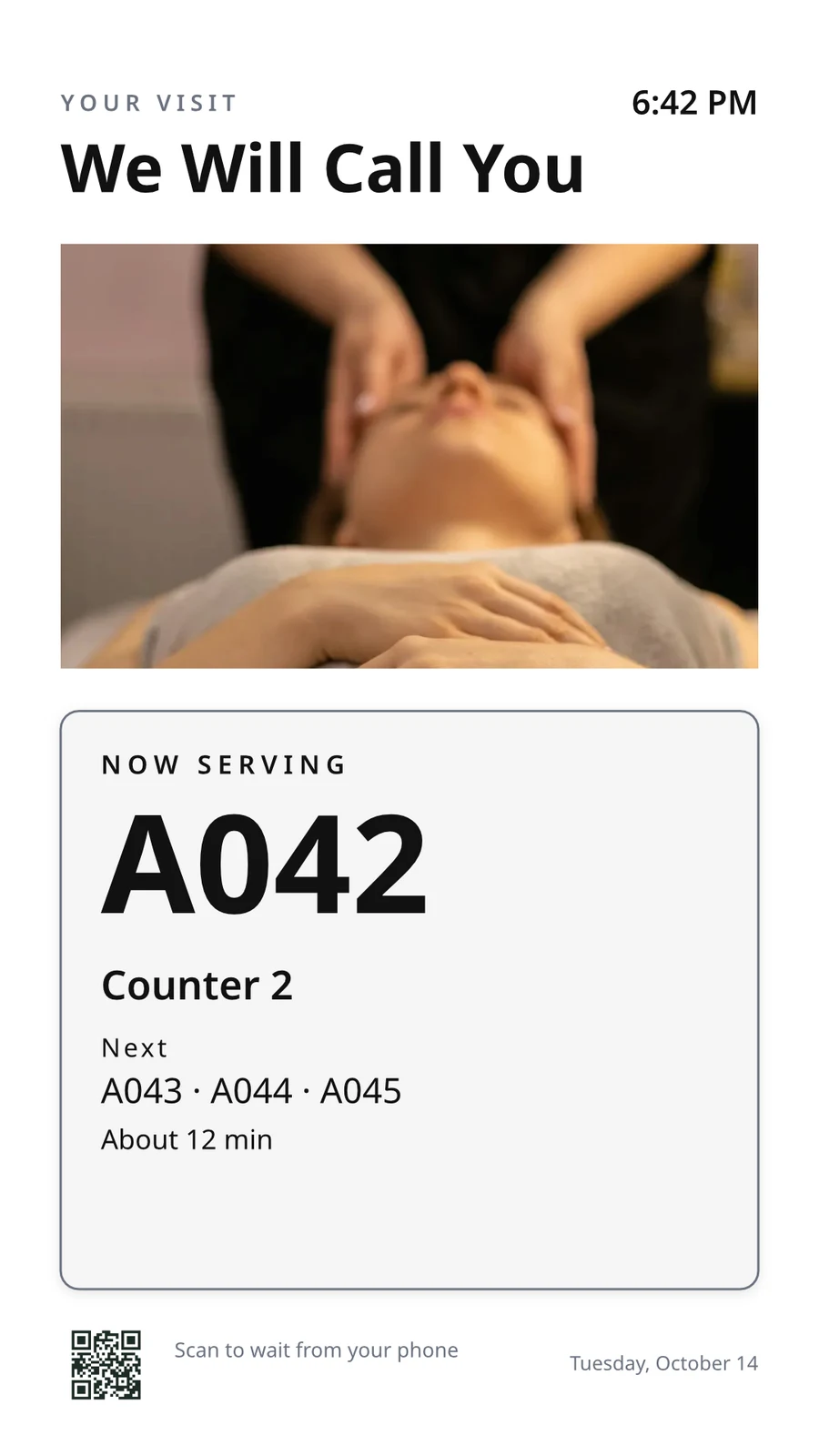
The waiting area reads the same queue as the desk.
Salons & Barbers në Calisto →Live Music & FestivalsStage & wayfinding screens
Stage, wayfinding and sponsor screens.
Live Music & Festivals në Calisto →Marathons & EnduranceStart, finish & expo screens
Start, finish and expo screens.
Marathons & Endurance në Calisto →Venue ManagementWayfinding & room screens
Wayfinding, room and sponsor screens.
Venue Management në Calisto →Stadione dhe ArenaConcourse & stand screens
Wayfinding, concourse and sponsor screens.
Stadione dhe Arena në Calisto →Hapësira CoworkingRoom screens
Room availability and community screens.
Hapësira Coworking në Calisto →In-Person RetailersIn-store screens
Window, shelf-edge and queue screens.
In-Person Retailers në Calisto →Çfarëdo që përfshihet në Calisto Display.
- New: every job a TV can do, ordered for your industry, each shown running on sample data, with the one choice that makes it this screen and where it works.
- Set Up Every Screen: your kind of business’s set at once, a screen set for each of the 38 kinds of business.
- Run the operation: kitchen display (prep, expo and bar, with bump), housekeeping and room status, front desk, today’s appointments, golf starter, door counter, order fulfillment (Orderflow’s queue, with accept, reject and bump) and sales targets.
- Move customers: order pickup, now serving on any app’s walk-in line, check-in welcome, meeting room sign, departures and tours, wayfinding, tournament and race leaderboard, class schedule.
- Serve guests: the guest TV in a hotel, apartment or short-stay room, and the resident and member TV.
- Promote and inform: designed screen, digital signage with zones and playlists, menu board, offers and upgrades, property window, on air.
- A screen’s record: Purpose, Where (location, station, counter, room, course or event, filled in when there is one), Content, Look (dark or light, your logo and color), TVs and Schedule, beside the screen running live on your data.
- Put It on a TV: the one step that puts a screen on its TVs, refused with the reason when something it needs is missing.
- My Screens: each screen, what it runs and on how many TVs.
- Other apps put their own screens on a TV from their own desk: now serving from a walk-in line, a leaderboard from a competition, room signs from Coworking’s Spaces and every Events host’s Rooms.
- The kitchen display reads and moves the kitchen’s orders, the same orders Dine’s kitchen screen and Station work from.
- The menu board reads the menu set up in Dine.
- Room service ordered on a guest TV is charged to the stay and handed to Orderflow, whose accept fires the kitchen.
- Late checkout and the property guide come from the stay and the property.
- The housekeeping TV is the same board as Stays’ Housekeeping, moving each room’s tasks.
- Staff act from a staff screen of their own account; a guest acts only from the room TV while its stay is checked in.
- A TV reads only its own screen’s data, scoped on the server to its station, counter or room.
- The design editor Studio uses, at 16:9 landscape or 9:16 portrait; a Studio design at a screen’s shape is a designed screen too.
- Start blank or from 160 layouts, 81 landscape and 79 portrait, each tagged with its industries and carrying photographs, your own industry first.
- Themes: Calisto’s 48 and your own, chosen and tuned per design, Save as Theme; a design that picks none keeps its own look.
- Live Data: the menu, the schedule (classes, sessions, events, tours, race waves, today and the next six days), offers running now, homes on the market, a dish’s price, the offer on now, clock, date, weather, guest Wi-Fi, a QR code, the number being served and what is on air.
- Lists are one designed row, repeated for every record in the list’s columns and gaps, paging by its area; a list with no records draws nothing.
- Publish to Screens draws each page at 4K and keeps the live layer apart; Update Screens reaches every TV and kiosk playing the design at once.
- Each page shows for its own length; pages turn together across a bank of TVs.
- A page animated with Animate plays as a video made on your device or Calisto’s servers, from the start each time the page comes on.
- Played full screen, or as an item in any signage zone.
- People Inside: how many are in the screen’s room now, its limit, the places left and how full it is, where Access counts the room.
- A copy for each location keeps the parts its original locks for copies, and takes their changes; your business chooses who may lock them.
- Add a TV: the TV shows a six-character code; you enter it and give the TV a name and, in a room, its room.
- The TV reports its platform, panel resolution, touch, remote and sound at pairing and on every check-in.
- Apple TV, Android TV, Google TV and Fire TV run the Calisto TV app from their stores; Samsung Tizen and LG webOS open it from their own app; any browser opens the TV address.
- A TV that cannot get a code keeps asking and replaces a lapsed code by itself.
- TVs: every TV, its platform, location, what it runs, its state and when it was last seen, searched, filtered and sorted on the server however many you have.
- A TV’s page: health, capabilities, room, what it runs now and next, Choose What This TV Runs, remote control, billing and unpair.
- Remote control: identify, screenshot, restart and reload, answered by the TV on its next check-in; on a commercial display that lets Calisto control it, turn on, turn off, switch input and volume.
- Video walls: TVs mounted together play one screen across the wall, each its slice, with the panels’ frames allowed for.
- One clock for every TV: page turns, zone rotations, looping videos and music play in step across screens.
- Audio zones: your own tracks or your music service’s stream under whatever a set of TVs shows, every TV at the same moment, quieter for a chime, silent while a TV sleeps.
- TV hours: TVs follow the place’s opening hours or your own; outside them they go dark and wake for opening.
- Meeting rooms: a room’s TV shows the Calisto Live meeting booked in it, a code to join before it starts and the meeting once it is live.
- Runs as the digital signage of the video-meeting displays in your rooms.
- TV Groups: a floor, a building or a brand as one target.
- A TV with nothing to run shows your logo, your name and the time where it hangs.
- Starts from what it last received when it powers on with no network.
- Spaces: a TV assigned to an archived Space stops; one that cannot be read for a moment keeps playing.
- Unpair reaches the TV on its next check-in.
- Live Preview: what a real TV is showing right now.
- A schedule puts a screen, or a playlist in a signage screen’s main zone, on chosen TVs and TV groups between dates, on chosen days and hours.
- Each TV keeps its own time zone; a schedule may set one.
- The most specific schedule wins (a TV, then its group, then the account default), then priority, then the latest start.
- A schedule with no TVs is the account default: it plays only on a TV that runs no screen of its own.
- Approvals: when your business asks for them, a schedule plays only once approved; Approve, or Send Back with a note, on its page, in the Approvals panel or from the notification.
- A schedule that is on is turned off before it can be deleted.
- Media: photos and videos (JPEG, PNG, WebP, GIF, MP4, WebM), audio, stock photos and playlists that time each item by its seconds.
- Documents, decks and web pages: PDFs, documents, spreadsheets, presentations and Slides decks play as pages; a public web page or a published dashboard is drawn at the screen’s size and refreshed on your interval.
- Dashboards: your analytics tools’ dashboards drawn through each service’s own image export with your own connection, its secret kept sealed, refreshed on your interval.
- Zones also play live TV and IPTV streams, your Live broadcast with its reactions, rows from a published Sheet or a CSV or JSON file, and your published social posts.
- A schedule or a zone item can play only in some weather: rain, snow, sun, warmer or colder than you say.
- An alert goes over whatever its TVs are playing until it is cleared or its time runs out.
- Info, warning or critical, with its colors and how long it stays.
- Saved as a draft, activated when needed, cleared from its page, the list or the notification.
- Each alert names who raised and who cleared it; its text shows as written, never as code.
- An Access alert (a lockdown, an evacuation) goes over the TVs where it is raised and comes off at the stand-down.
- Official warnings from public alerting authorities go over the TVs at the places they cover until they end.
- Your own alert system, such as a campus or building system, posts to a private address, in CAP or JSON, and its alerts go over the TVs at the places you choose until it cancels them.
- Rules put a screen on the TVs for a while when something happens: a visitor checks in, a badge is shown at a door, a zone fills up.
- Overview: plays, minutes on and errors, in total and by TV and day, over all time, 7, 30 or 90 days.
- Impressions, Uptime and By Screen views, and Reports.
- Proof of play: each TV files what it plays on every check-in; a screen that fails is shown as your branded fallback and reported as an error.
- Uptime is credited from check-ins, so a TV that was dark reads as dark.
- Audience: each play counts the people in the TV’s room where Access counts it, shown as the average per play.
- Notices as Automations rules you can change or turn off: a TV stopped checking in or is back, a schedule ended, an alert went live or was cleared, a schedule waits for approval, was approved or sent back, a TV app build finished.
- The fleet is checked every 15 minutes, on Calisto’s database or your own.
- Every paired TV is free with 15% of the screen given to an ad band, on customer and guest screens.
- Staff screens never show ads, and a guest navigating a room TV sees none.
- Remove Ads makes one TV ad-free at the per-TV price, agreed once before anything is billed.
- An ad-free TV may opt back in: its band sells with you as the seller, sharing what it earns, and your own ads fill the rest.
- Ad Surfaces: your own house ads.
- Your branded app for Apple TV, Android TV and Fire TV.
- Overview, Design, Content, Preview, Build, Store Listing and Analytics in one workspace.
- Built by Calisto’s build pipeline for each platform; Display holds no store keys.
- Analytics: installs, active TVs and watch time by month.
- Tabs for Home, TVs, Alerts and Schedules, and More for the whole menu.
- Home: the fleet’s counts and the TVs that need someone, worst first, any alert on the walls and schedules waiting for approval.
- A screen and a TV open as their own pages, with Put It on a TV and Choose What This TV Runs; alerts and schedules are edited from their own pages.
- Designed screens and the TV App’s artwork open in the phone design view: pages, Edit Words and Photos, Publish to Screens.
- Shortcuts: TVs, Alerts, Schedules, Add a TV, My Screens and Live Preview.
- Home, TVs, a TV’s page and Alerts open with no signal on a device you choose; raising or clearing an alert, approving a schedule and restarting a TV need the signal, and say so.
- Notifications with buttons: Clear Alert on an alert another admin raised, Approve on a schedule waiting for you.
- TV Status on the Windows Widgets Board: TVs online, TVs that need you, alerts showing and schedules waiting.
- Photos and videos shared from the phone land in Media.
- Calisto’s search finds TVs, screens, schedules and alerts.
- Every create happens once, however often the button is pressed.
Questions about Calisto Display
Një Apple TV, Android TV, Google TV ose Fire TV ekzekuton aplikacionin Calisto TV nga loja e tij; TV-të inteligjente Samsung dhe LG e hapin nga aplikacioni i tyre; çdo TV tjetër me shfletues hap adresën e tij. TV-ja tregon një kod dhe ju e çiftëzoni atë nga Shto një TV. Calisto nuk instalon asgjë në vendin tuaj.
Treguesi i kuzhinës shfaq dhe përshpejton urdhërat që kuzhina juaj merr, të njëjtat urdhër nga të cilat punon ekranet e kuzhinës së Dine dhe Stacionit, dhe treguesi i menysë lexon menunë e konfiguruar në Dine. Një ekran që lexon regjistrimet e një aplikacioni tjetër ka nevojë për atë aplikacion; një ekran i projektuar, shenjat dhe alertet nuk kanë nevojë për asgjë tjetër.
Një TV falas i dhuron një bandë të ekranit të saj për reklamat e Calisto në ekranet e klientëve dhe të vizitorëve. Ekranet e stafit kurrë nuk shfaqin reklama, dhe një vizitor që përdor një TV dhome nuk shikon asnjë. "Remove Ads" bën që një TV të jetë pa reklama me çmimin për TV, dhe një TV pa reklama mund të zgjedhë të kthehet prapë dhe të fitojë një pjesë.
Një TV mbajton atë që ka marrë fundit dhe fillon prej aty kur ndizet pa rrjet. Faqja e saj tregon kur ka kontrolluar fundit, dhe administratorët njoftohen njëherë kur një TV bëhet i errët dhe përsëri kur kthehet.
Ku puna e nevojitet. Puna e stafit të kuzhinës lëviz biletat nga treguesi i kuzhinës, puna e pastërimit lëviz dhomat në tavolinën e tij, dhe një vizitor kërkon shërbim dhomë ose kërkon dalje të vonuar në TV-në e dhomës ndërsa qëndrimi është i regjistruar. Një tavolinë menyu nuk merr asnjë veprim.
Fotot dhe videot ngarkohen në Media, edhe nga një telefon, dhe luhen në listat e luajtjes dhe zonat e shenjave. Ekranet e marketingut rindizohen përsëri në Ekranet e Dizajnuara, duke filluar nga një strukturë për industrinë tuaj, me të dhëna të gjalla ku do të ishte shkruar manualisht një çmim ose një kohë.