Profesionální pokladna. Na hardwaru výběr.
Use the computers, tablets and printers you already have, and your own payment provider. Every sale lands where your stock, staff, books and online orders already are.
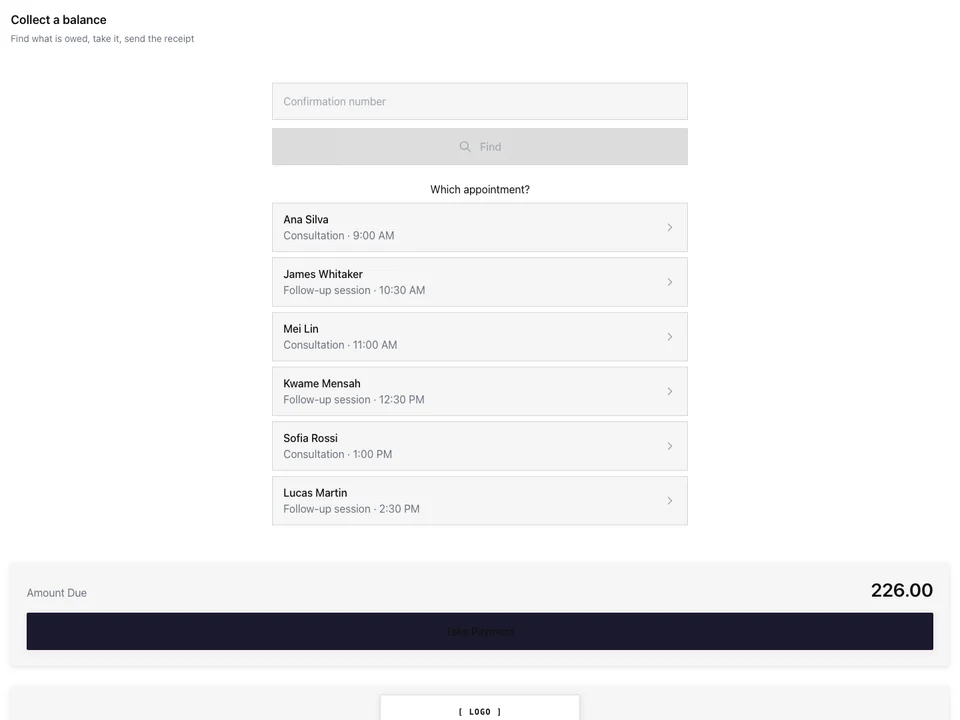
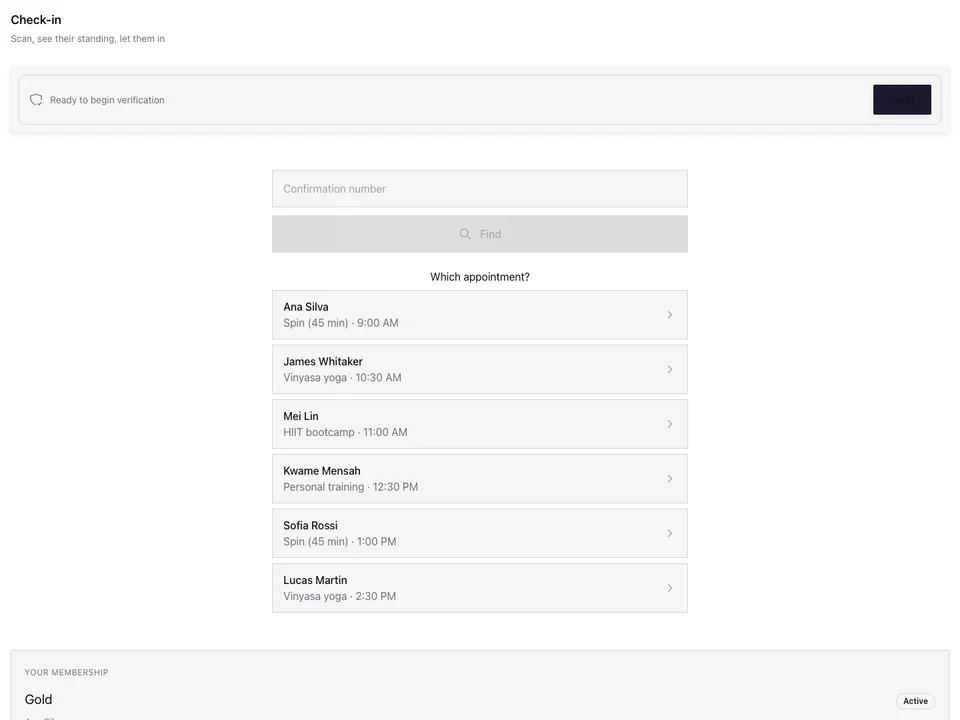
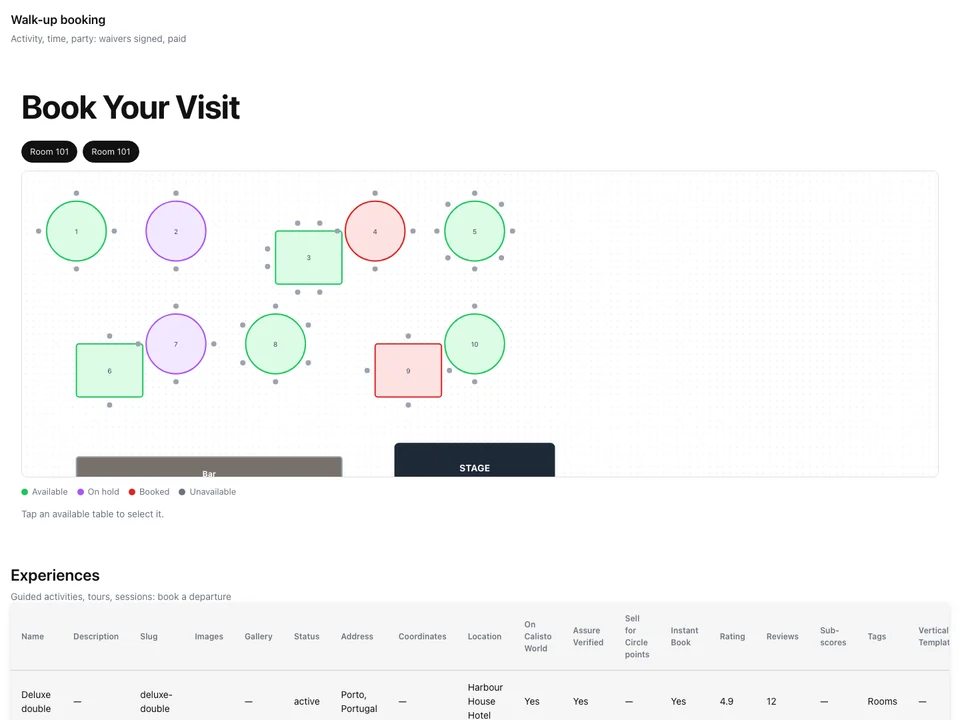
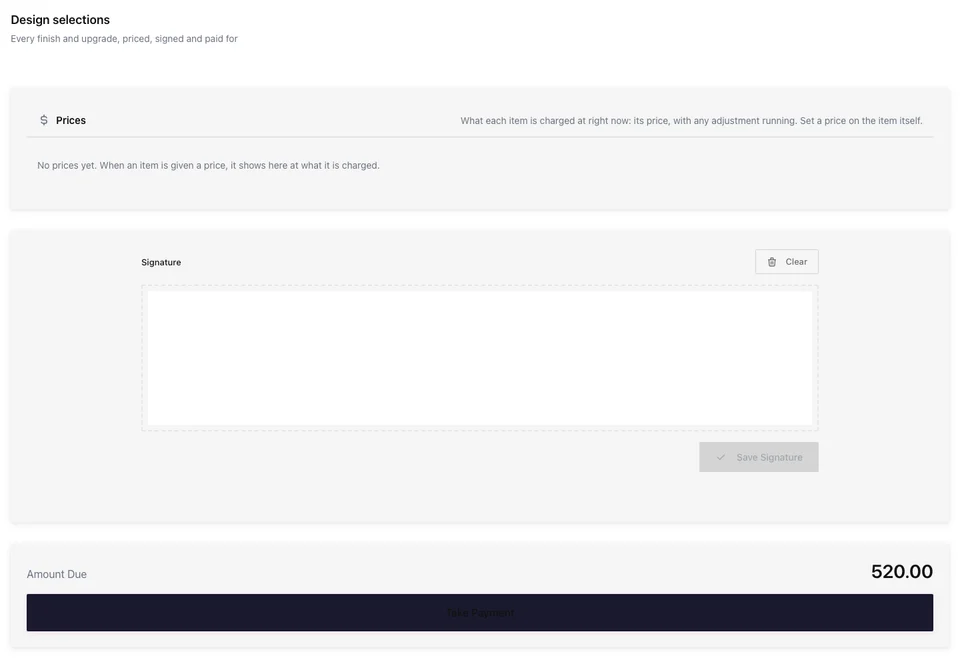
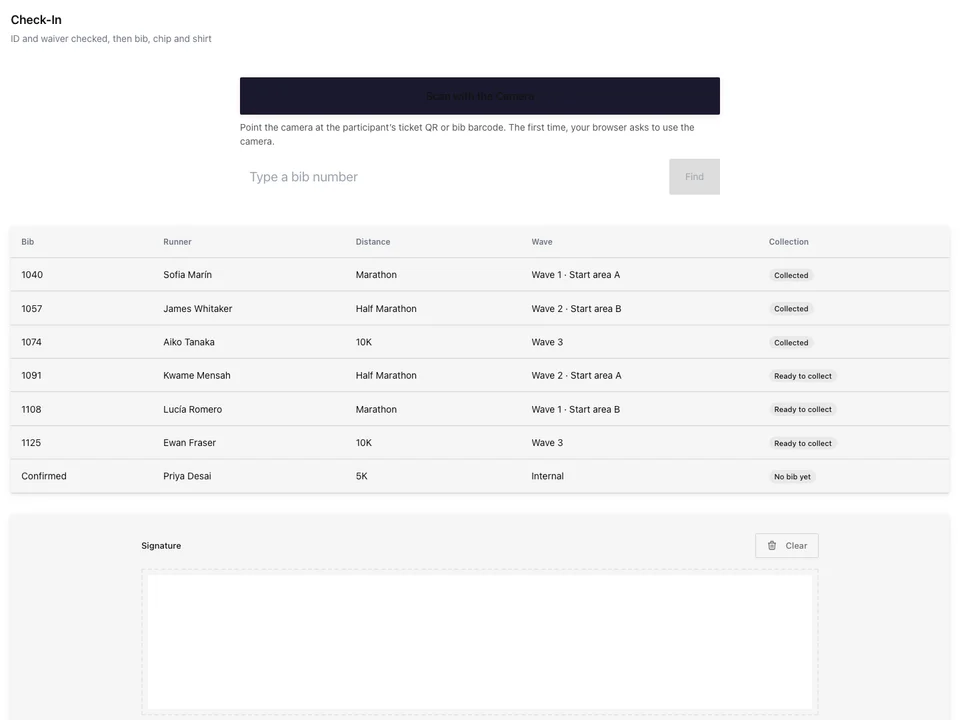
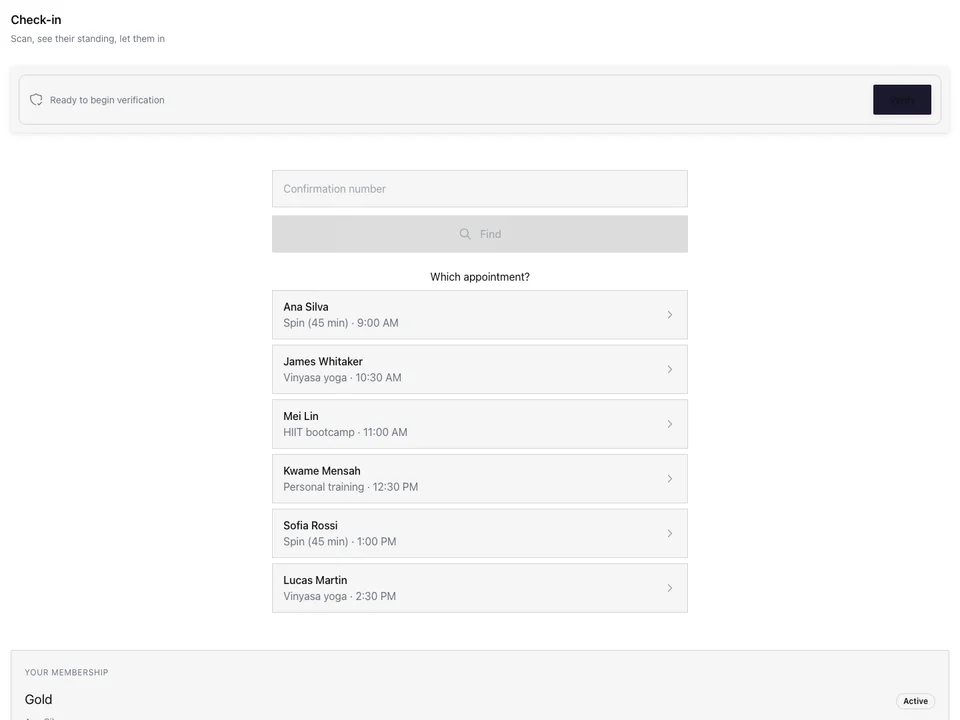
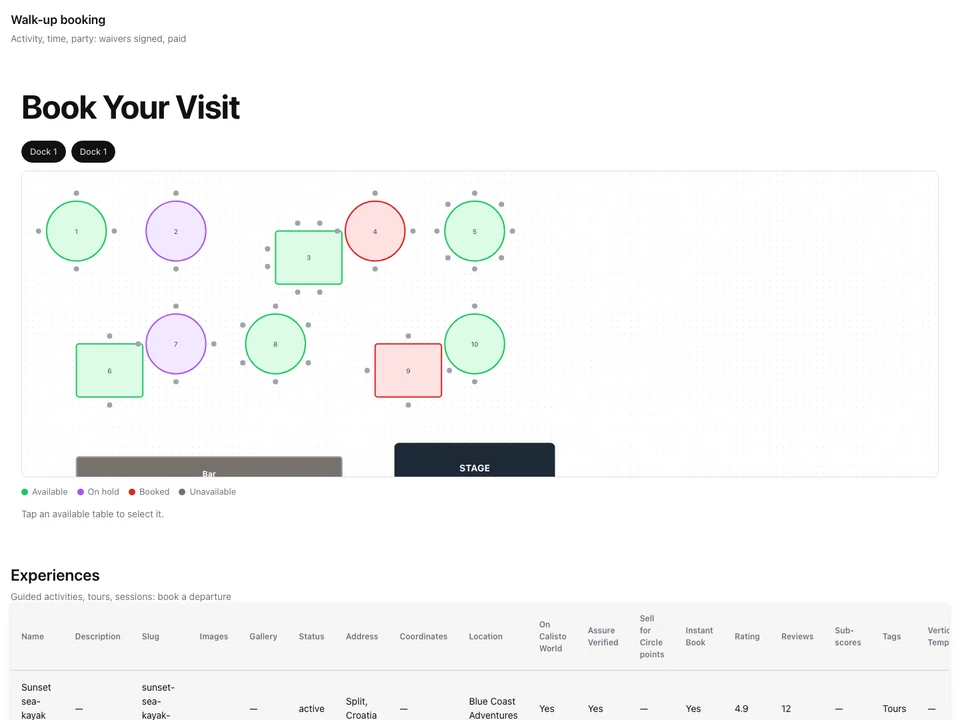
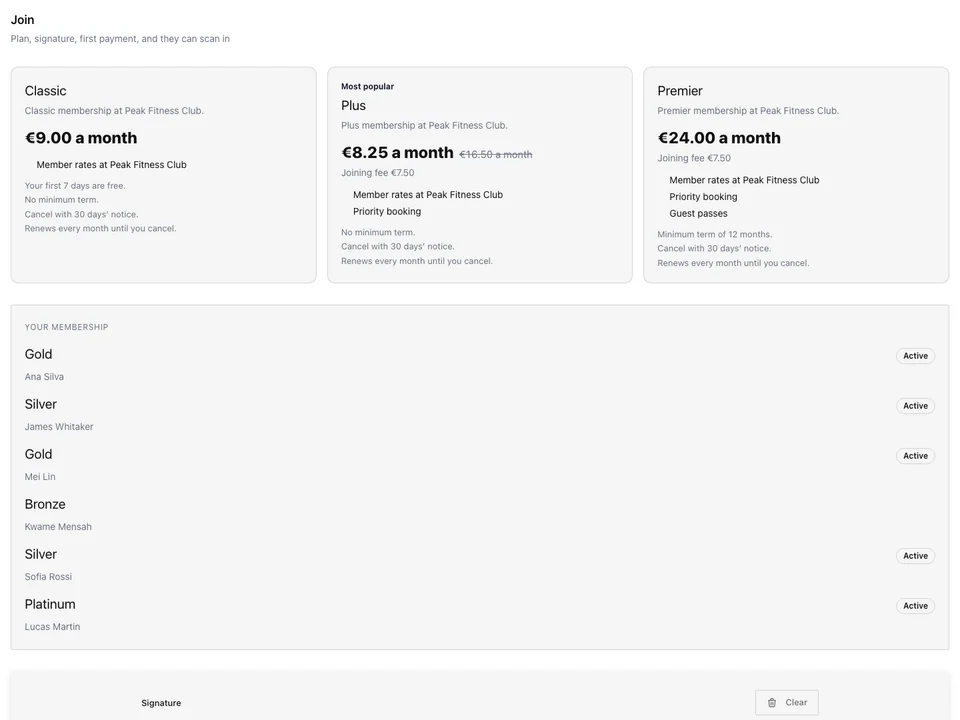
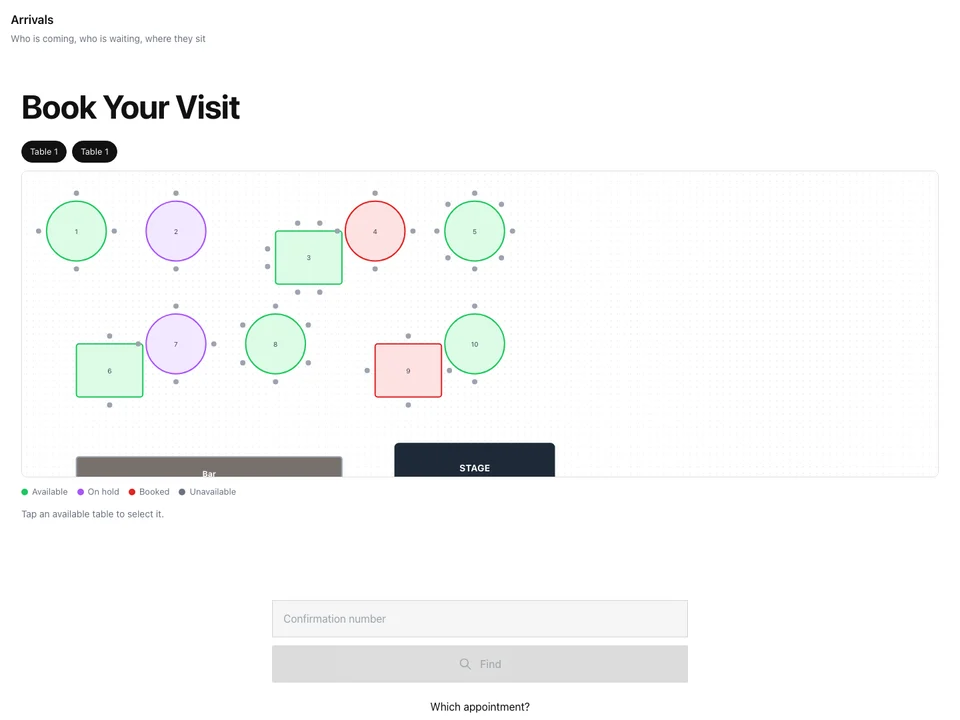
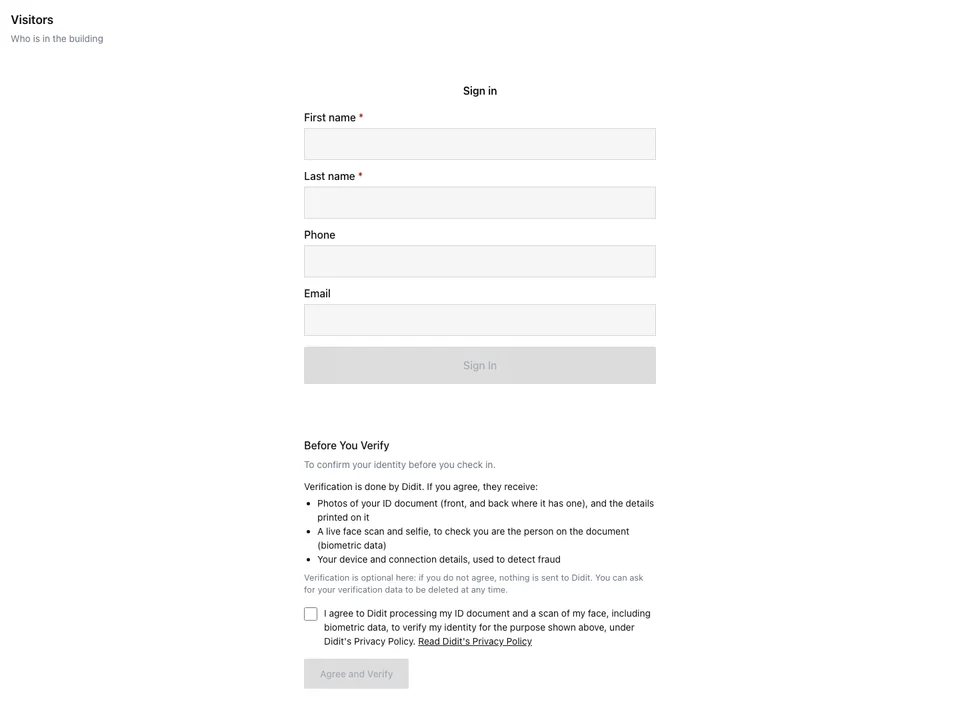
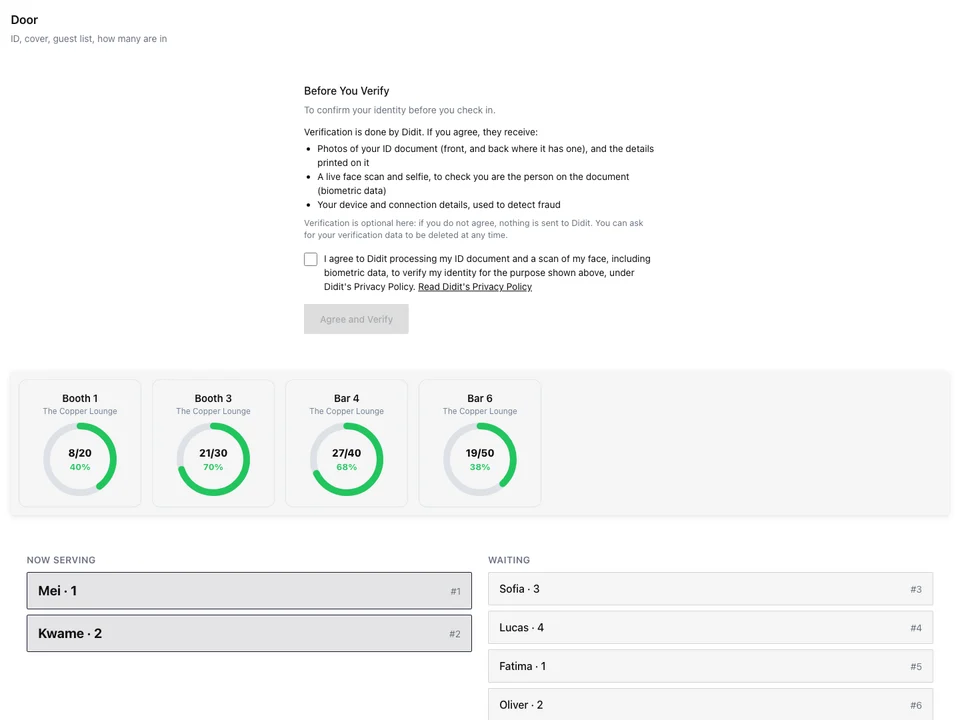
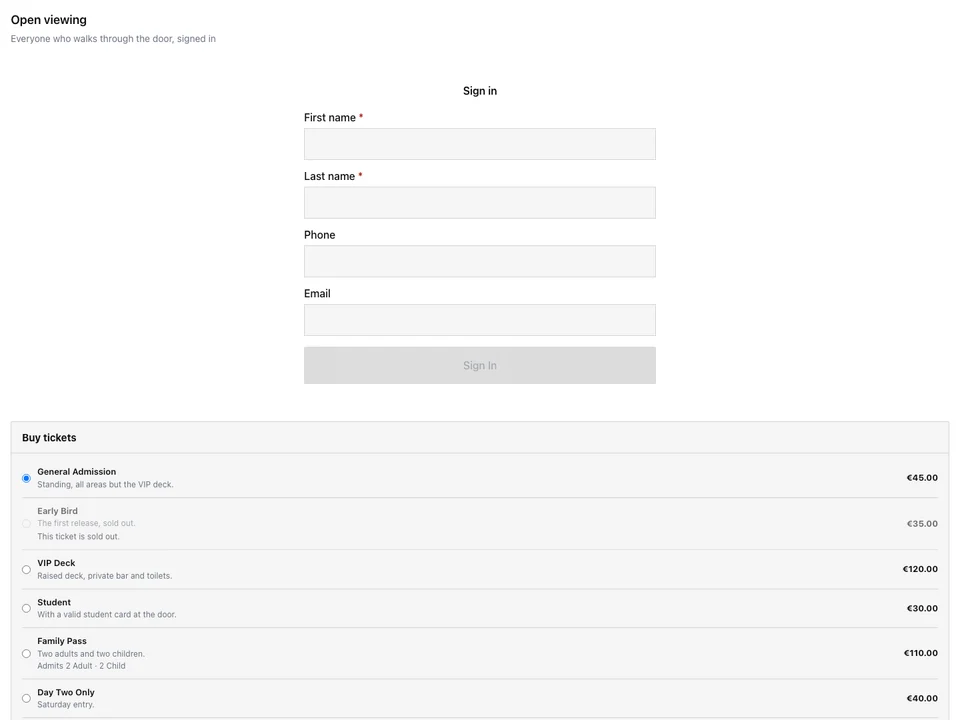
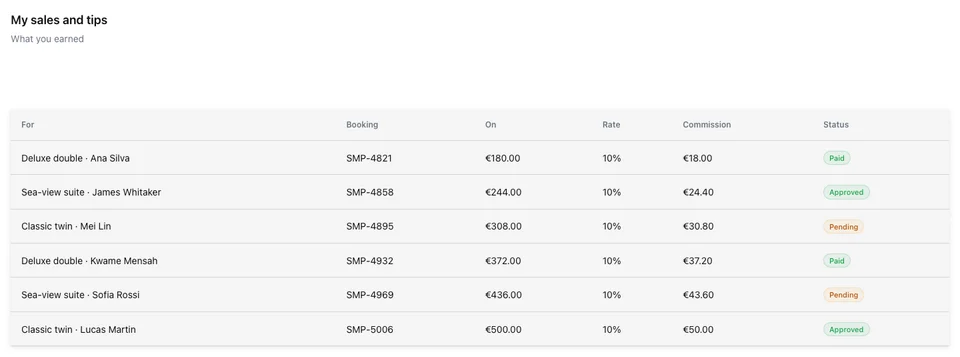
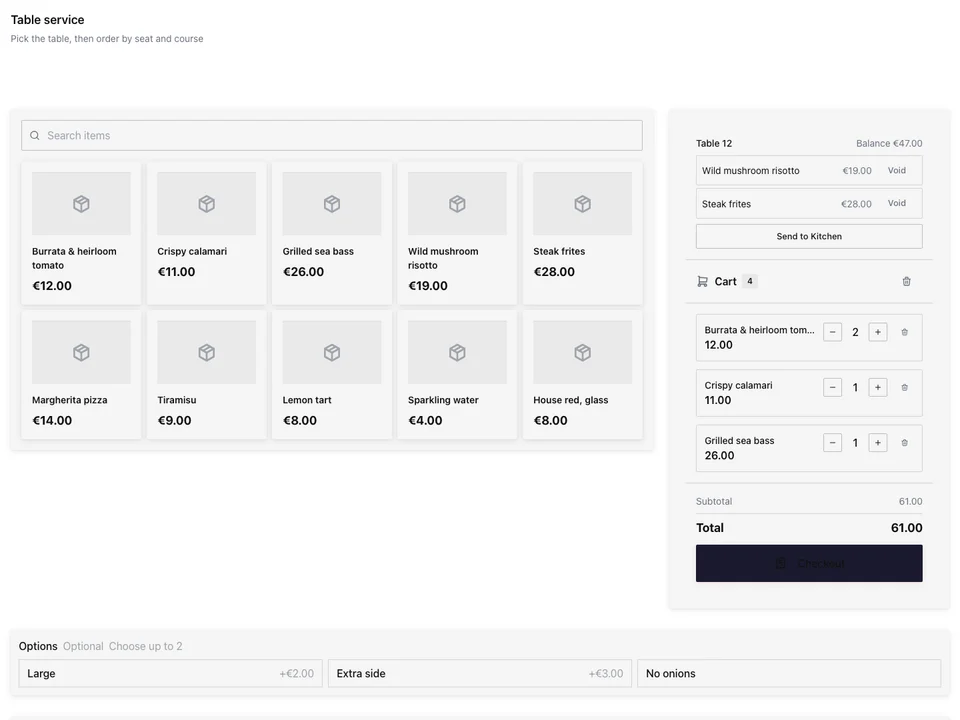
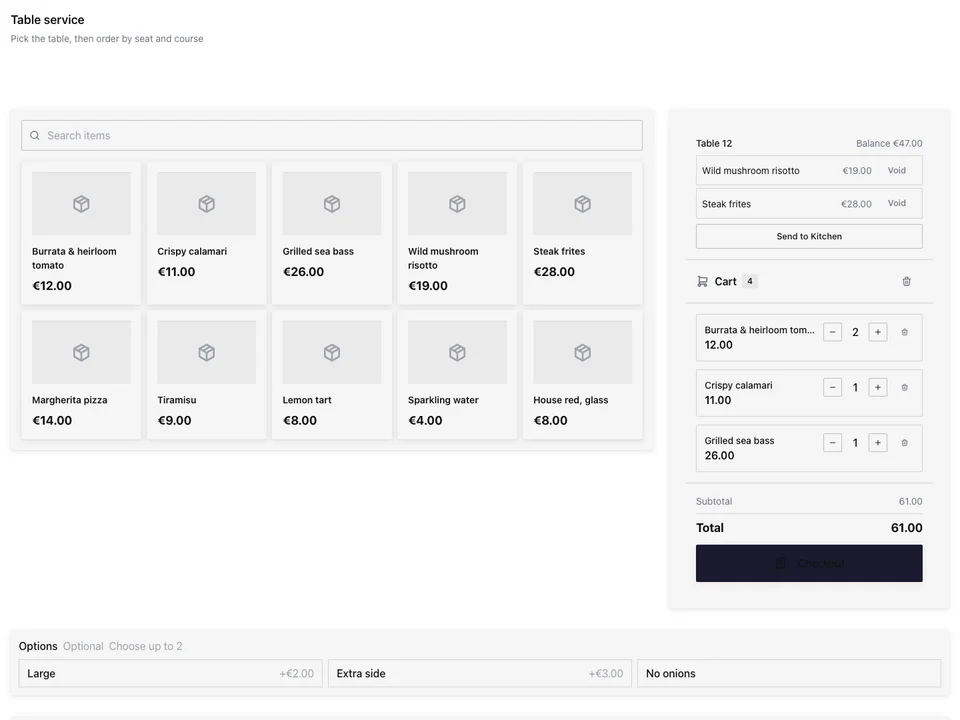
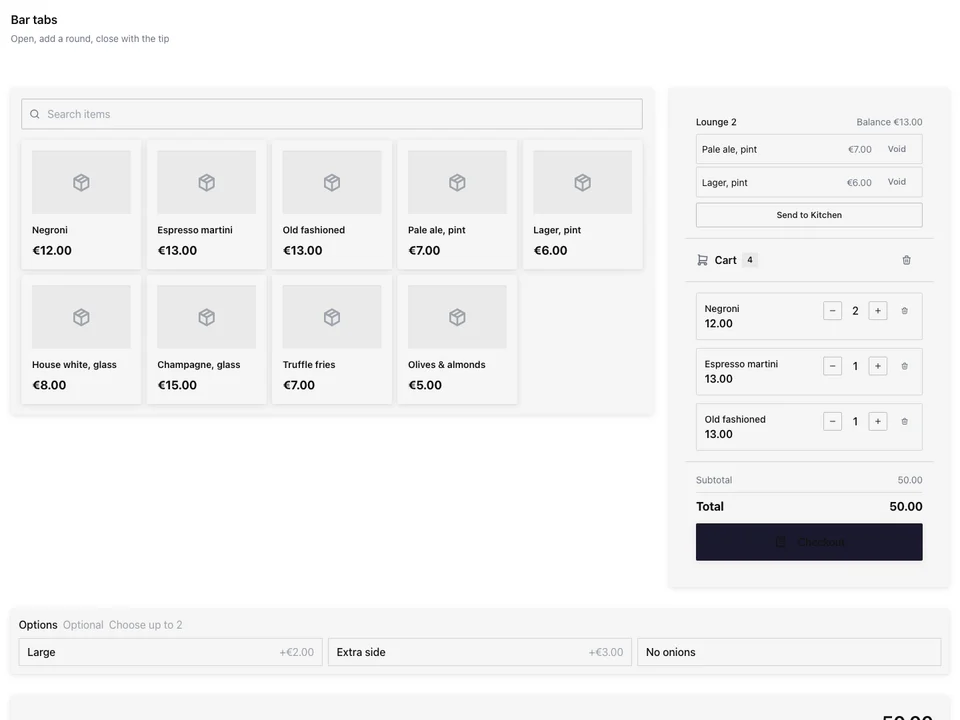
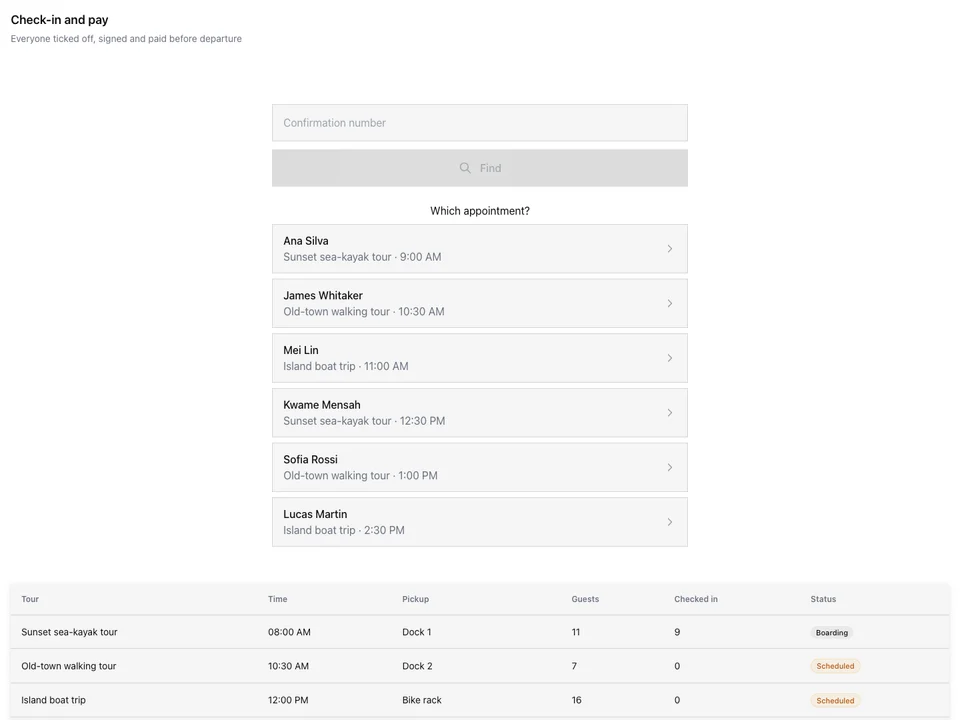

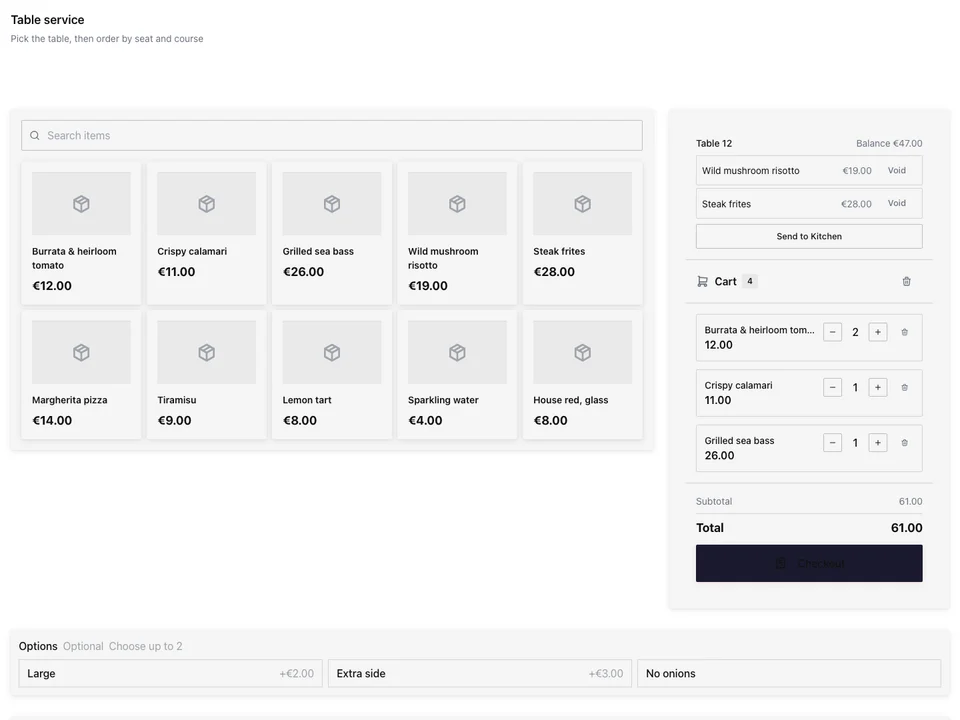
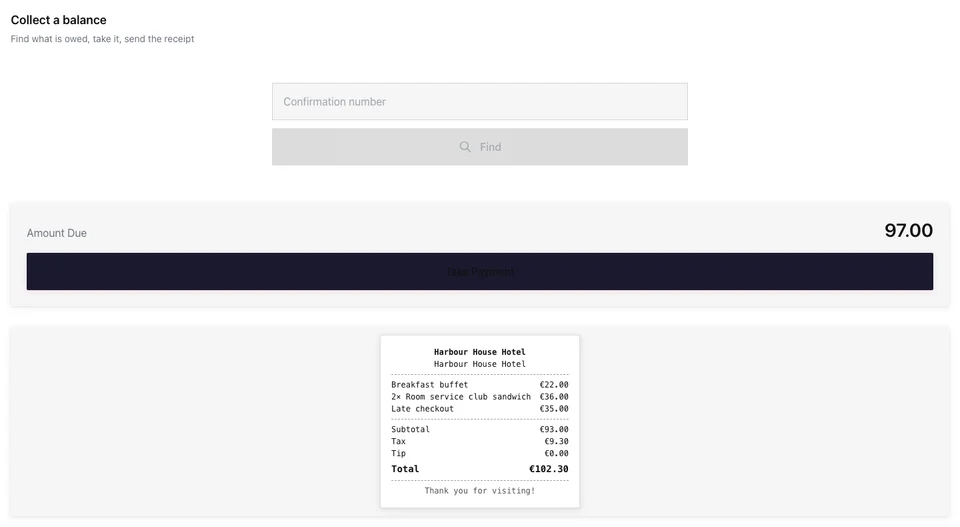
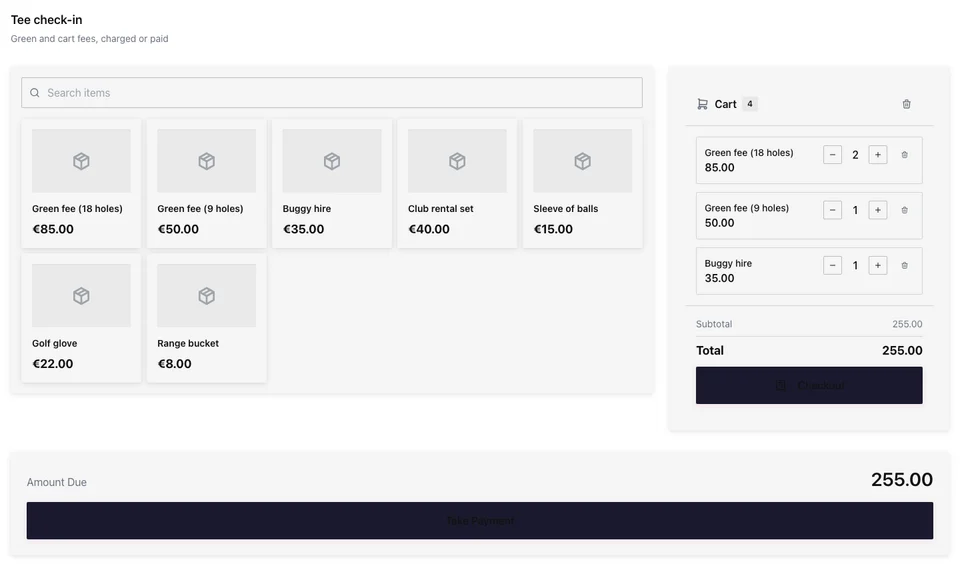
A point of sale on hardware you choose
Set up a station for each place you serve, and every sale lands in the same business.
Your Hardware
The devices, printers and card reader you choose.
Set Up
From its place to its first sale.
Checkout
Arranged for what you sell.
Payment
Every tender, and the receipt for the sale.
Jedna firma
One sale, everywhere it belongs.
Cash Boxes
Every one counted, every day closed.
Sales
Každá stanice, v každé měně.
Sell on the hardware you already own
A station opens in the browser of a computer, tablet or phone you already have, at its own address, with nothing to install. Add the printers you already own, on USB, Bluetooth, Wi-Fi or the cloud, and pair the card reader from your own payment provider.
Peripherals
The printers, card readers, scales and signing units your stations use
| Name | Stav | Připojení | Prints | Place | Brand | Model | Prints For |
|---|---|---|---|---|---|---|---|
| Front counter receipts | Online | Wi-Fi (Epson) | Receipts | Kensington Market › Front Counter | Epson | TM-m30III | Every station in its zone |
| Bakery order tickets | Online | Cloud (Star CloudPRNT) | Kitchen | Kensington Market › Bakehouse | Star | TSP143IV | Every station at its Location |
| Coffee bar receipts | Online | USB | Receipts | Kensington Market › Coffee Bar | Epson | TM-T20III | This station |
| Labels | Online | Bluetooth | Labels | Kensington Market › Bakehouse | Zebra | ZD421 | This station |
| Queen West receipts | Online | Wi-Fi (Star) | Receipts | Queen West › Counter | Star | mC-Print3 | Every station in its zone |
| Queen West orders | Offline | Wi-Fi (Epson) | Kitchen | Queen West › Kitchen | Epson | TM-U220 | Every station at its Location |
Jakýkoli počítač, tablet nebo telefon
Open the station’s address, or scan its QR code, in the browser of a device you already have. Nothing is installed.
QR Code
Tisk nebo zobrazení osobně
station.calistoco.com/t/bree-street-wine-stall37 scansCopy LinkDownloadThe Printers You Own
USB, Bluetooth, Wi-Fi and cloud printers, each recognized with what it can do: cut the paper, open the Cash Box, print a QR code, print with no tablet open.
Printers on This Device
An iPad and a Wi-Fi Printer
Na iPadu tiskněte na Wi-Fi tiskárnu po přijetí jejího certifikátu, na tiskárnu, která si stahuje vlastní úkoly, nebo přes tiskárnu jiné stanice.
Nová tiskárna
Jak se tento tiskárna připojuje?On this device you can use:Your Own Card Reader
Pair a card reader from your own payment provider with a station, and that station’s card sales are charged on it.
Peripherals
The printers, card readers, scales and signing units your stations use
| Name | Station | Spárování | Připojuje se přes |
|---|---|---|---|
| Leitor da Sala | Sala Principal | Paired | Network (Wi-Fi or Ethernet) |
| Leitor do Bar | Balcão do Bar | Paired | Network (Wi-Fi or Ethernet) |
| Leitor da Esplanada | Esplanada | Paired | Network (Wi-Fi or Ethernet) |
| Leitor Takeaway | Takeaway | Waiting for pairing | Network (Wi-Fi or Ethernet) |
| Leitor da Garrafeira | Garrafeira | Added by hand | Bluetooth |
QR Code
Tisk nebo zobrazení osobně
station.calistoco.com/t/bree-street-wine-stall37 scansCopy LinkDownloadNastavte každou stanici pro místo, které služí
Build Station starts from the place: a front desk, a counter, a bar, a door, a server’s phone, a beverage cart. Each template is only a starting point you change. Give the station its zone, its printers and its Cash Box, choose who signs in, and it is ready for its first sale.
Build Station
Where is this screen? Start with a template, or start blank, then customize everything.
Start From a Place
Each place’s template shows its pages, the apps it opens, its money and its device before you use it.
Server’s Phone
Waiter. Takes orders by seat and course, fires them, splits the check and takes payment at the table.
One Person’s Work · On the Floor · Restaurants, Fine Dining, Hotels & Resorts
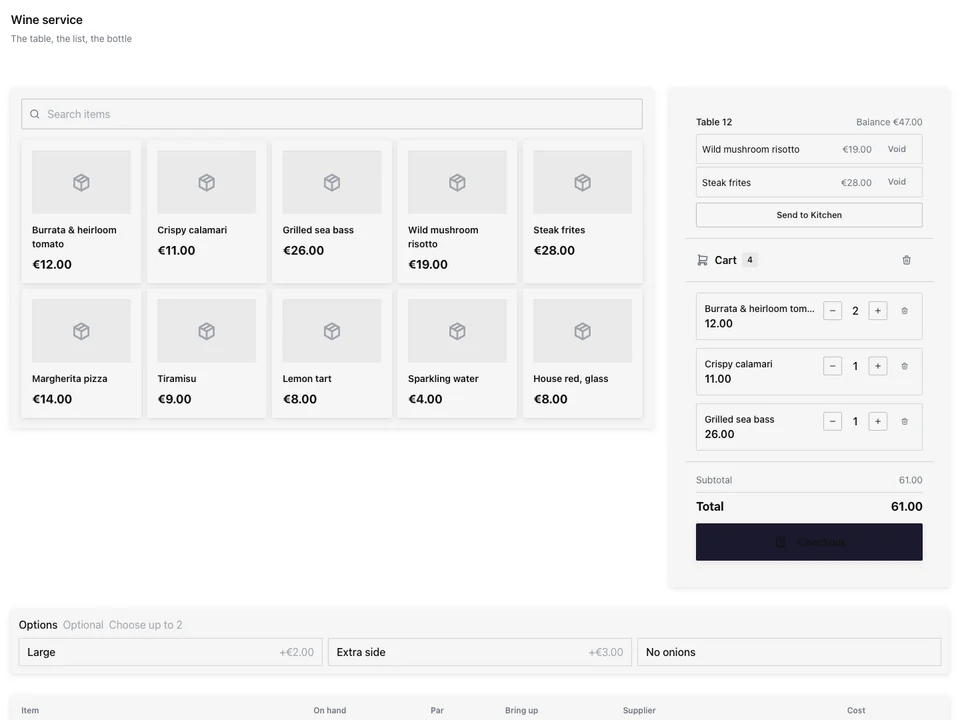
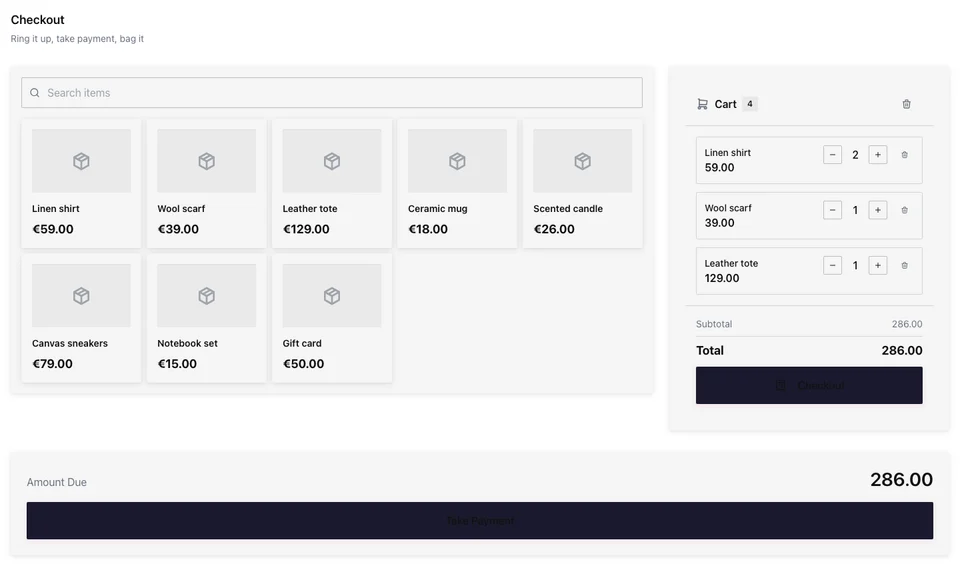
Ring sales on a Checkout you arrange yourself
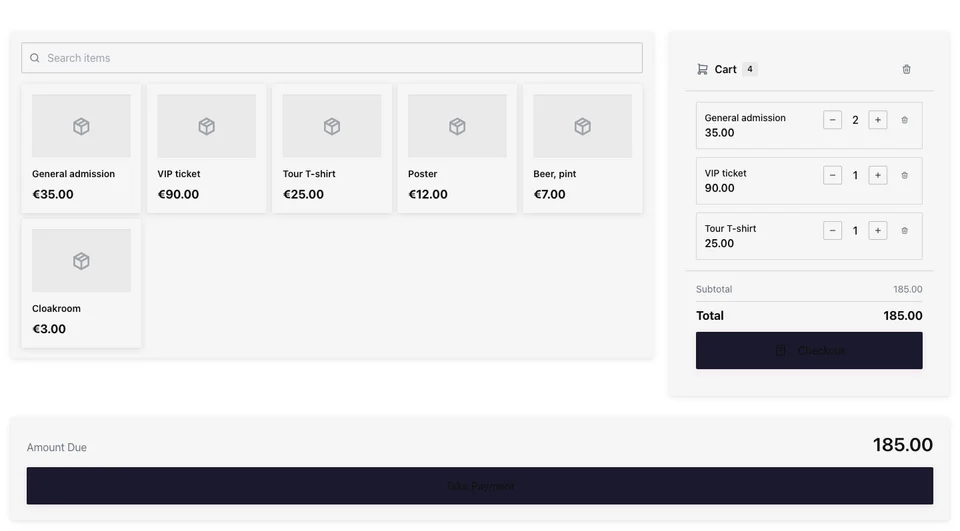
Checkout is a section on a station’s page: products beside the cart, scan first, or big tiles on a phone. It shows your layout, pages of tiles by category, collection or menu section or arranged by hand, and search and scan reach everything you sell.
A Layout per Location
Each Location or Cash Box shows its own pages of tiles, or the station pins one.
Front Counter Naživo
Sell From a Phone
Two big tiles a row and the cart in a bar, for selling at the table, the door or a market stall.
Notes on the Sale
A note on the sale prints on the receipt; a note on an item prints on the receipt and the kitchen ticket.
Anulace a kompenzace
S důvodem z vašeho seznamu; ten, který vyžaduje schválení manažera, je přezkoumán v Schválení.
Snížení ceny
The people you allow mark an item down at Checkout.
The item stays on the sale at its price; the markdown comes off what the customer pays.
Discount Codes
One code on the check, worked out again whenever a line changes.
Doporučené položky
Adding an item shows what you chose to go with it, and one tap adds it.
Gift Cards and Open Amounts
Sell a gift card or any amount, and ring an open line at the amount typed.
Day Passes and Tickets
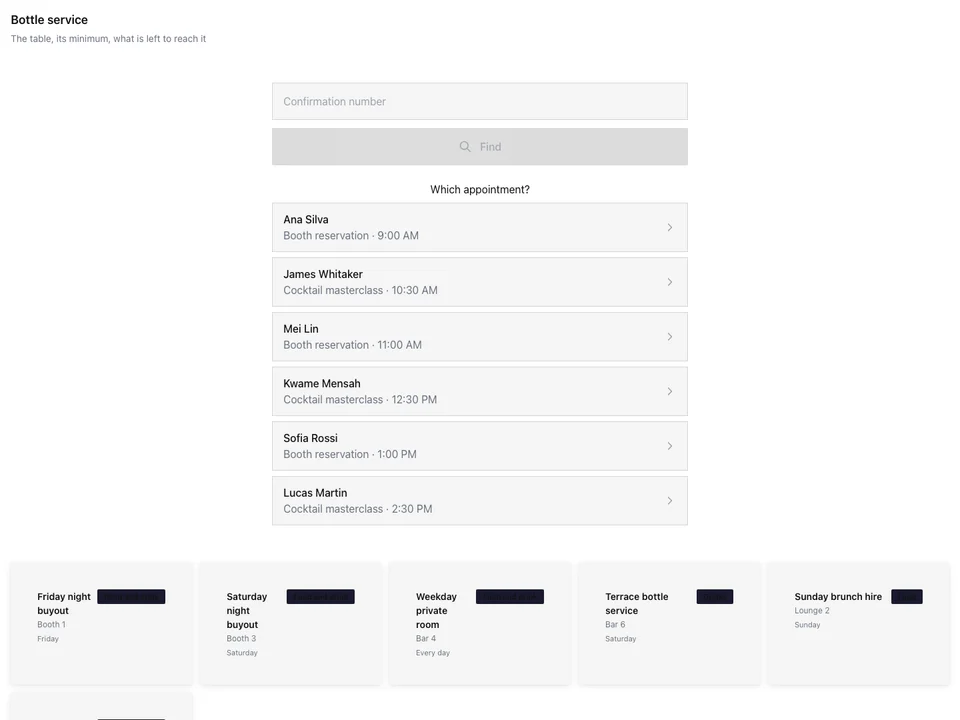
A day pass’s door code issued when the check closes, with Access, and a ticket’s questions asked at Checkout.
Kontrola věku
An item that needs the buyer’s age asks the cashier first, with or without a signal.
Check the buyer’s ID. Is the buyer 18 or older?
Prodej podle váhy
Váženo na váze stanice, ze skenovaného štítku, nebo zadané.
Vracení
Found by receipt number, refunded and put back in stock.
Customer Display
The order and the tip choice on a second screen, the tip landing on the sale.
Take every tender, and hand over the right receipt
Cash, a card on the station’s own card reader, a gift card, a split or a house account. Each paid check asks for its fiscal document once, and printers, scales and signing units are added in Peripherals.
Hotovost bez signálu
When you allow it, cash sales wait on the device and are sent once, any that needs a person held for review.
Receipts
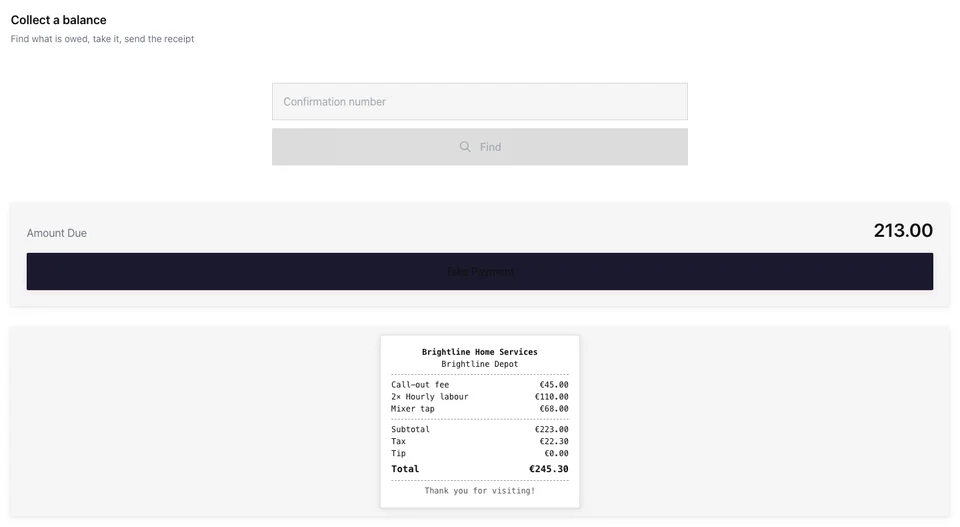
Printed or emailed from the paid check, with its fiscal number and QR code in the countries Calisto covers.
2x Bacalhau à Brás33,00 €1x Polvo à Lagareiro21,00 €2x Caldo Verde11,00 €1x Vinho Verde, Garrafa18,00 €4x Pastel de Nata7,20 €
Subtotal90,20 €Tax11,73 €Tip8,00 €TOTAL109,93 €Paid by: Card
ATCUD: JFK3P9-1043Hash: aK9fPrograma certificado: 2847/ATThank you!Txn: TX-7Q4M-2210
Signing Units
Receipts signed at the sale where the law asks for it: Germany, Austria, Spain and Italy.
Peripherals
The printers, card readers, scales and signing units your stations use
Buyer Tax Details
Zeptáno pouze při platbě, pokud země šeku je používá.
A CPF is printed on the receipt (CPF na nota). A CNPJ makes it an NF-e, which needs the buyer’s address.
Office Printing
Uvolňovací stránka na jakékoli tabletu vedle kancelářské tiskárny, pro tisk každé aplikace.
One sale, everywhere it belongs
Prodej na pokladně je stejný prodej jako jinde na Calisto: zásoby jsou odečteny, kuchyně dostane svůj lístek, špička jde tomu, kdo sloužil, zákazník si zaslouží body a knihy si zaznamenají vchod. Prodej to ukazuje vedle toho, co jste prodali online, každý kanál na každé lokalitě, ve své vlastní měně.
Sales
To, co jste prodali v obchodě i online: každý kanál na každém místě, po odečtení daně i včetně ní, ve své vlastní měně.
| Channel | Location | Objednávky | Net | Gross |
|---|---|---|---|---|
| Counter & bar | Oranienstraße | 3.412 | 41.280,50 € | 49.123,80 € |
| Counter & bar | Markthalle Neun | 1.876 | 22.914,20 € | 27.268,00 € |
| Online orders | Oranienstraße | 642 | 18.402,90 € | 21.899,50 € |
| Jídlo v restauraci | Oranienstraße | 958 | 11.236,40 € | 13.371,30 € |
| Online orders | Markthalle Neun | 205 | 4.120,40 € | 4.903,30 € |
| Delivery platforms | Oranienstraße | 311 | 5.870,00 € | 6.985,30 € |
Stock Taken Off as You Sell
Vyčerpání
Auto-depletions from sales as recipe components are consumed.
| Kdy | Sold Item | Component | Qty Depleted | Unit | Location | Zdroj | Stav |
|---|---|---|---|---|---|---|---|
| 12:48 | Pierogi Ruskie, 12 szt. | Ciasto pierogowe | 0,42 | kg | Kazimierz, ul. Józefa | Checkout | Aplikováno |
| 12:48 | Pierogi Ruskie, 12 szt. | Ziemniaki | 0,36 | kg | Kazimierz, ul. Józefa | Checkout | Aplikováno |
| 12:48 | Pierogi Ruskie, 12 szt. | Twaróg półtłusty | 0,24 | kg | Kazimierz, ul. Józefa | Checkout | Aplikováno |
| 12:41 | Kanapka z Szynką | Chleb żytni | 2 | kromki | Kazimierz, ul. Józefa | Checkout | Aplikováno |
| 12:41 | Kanapka z Szynką | Szynka wiejska | 0,08 | kg | Kazimierz, ul. Józefa | Checkout | Aplikováno |
| 12:33 | Żurek w Chlebie | Zakwas żytni | 0,35 | l | Kazimierz, ul. Józefa | Checkout | Aplikováno |
| 12:33 | Żurek w Chlebie | Biała kiełbasa | 0,12 | kg | Kazimierz, ul. Józefa | Checkout | Aplikováno |
Every line rung takes its stock off, with Inventory.
The Kitchen Fired
Kitchen Routing
Redirect or duplicate a ticket to a station when a dining option or a zone applies. A rule on a zone covers every table and station inside it. Item→station assignment lives on the menu item; these rules layer on top.Each dish fires to the kitchen your routing names, on its own ticket, with Dine.
The Room Charged
Split the check, or post it to a guest’s room, with Stays.
Tips Paid to the Right Person
Tips
Share tips by your rules, check every share, then pay them with payroll.
Podíl každé osoby · 10–16 Nov
| Person | Hodiny | Tips on Checks | Gave | Got | Paid Through Payroll |
|---|---|---|---|---|---|
| Inês Carvalho | 38 | 312,40 € | 46,90 € | 0,00 € | 265,50 € |
| Tiago Moreira | 36 | 287,10 € | 43,10 € | 0,00 € | 244,00 € |
| Beatriz Lopes | 30 | 198,60 € | 29,80 € | 0,00 € | 168,80 € |
| Rui Almeida | 40 | 0,00 € | 0,00 € | 71,50 € | 71,50 € |
| Marta Sousa | 34 | 0,00 € | 0,00 € | 48,30 € | 48,30 € |
Each check’s tip belongs to whoever served it, shared by your rules and paid with payroll, with Workforce.
Loyalty Earned
The customer joins on the customer display and earns points on the sale, with Circle.
In the Books
Transakce
Every posted transaction, newest first
| Datum | Entry | Description | Type | Stav | Částka |
|---|---|---|---|---|---|
| 21 Nov | JE-2026-04812 | Check 2187 · Pro Shop | Zkontrolovat | Zveřejněno | $214.50 |
| 21 Nov | JE-2026-04811 | Check 2186 · Beverage Cart | Zkontrolovat | Zveřejněno | $38.00 |
| 21 Nov | JE-2026-04810 | Check 2185 · Clubhouse Bar | Zkontrolovat | Zveřejněno | $96.40 |
| 20 Nov | JE-2026-04809 | Cash Box close · Pro Shop | Cash Box close | Zveřejněno | $1,288.00 |
| 20 Nov | JE-2026-04808 | Check 2184 · Pro Shop | Zkontrolovat | Zveřejněno | $172.00 |
| Account | Debit | Credit |
|---|---|---|
| Open checks and folios | $214.50 | |
| Sales | $195.00 | |
| Tax collected | $19.50 | |
| Card and online payments awaiting payout | $214.50 | |
| Open checks and folios | $214.50 |
Každá uzavřená kontrola zveřejní svou prodej, daň a platbu do vašich knih, pomocí Ledgeru.
Jedna dárková karta
Gift Card
MPC-7Q4K-2291
- Stav
- Active
- Issued To
- Layla Haddad
- Code
- MPC-7Q4K-2291
| Kdy | What | Částka | Zůstatek po |
|---|---|---|---|
| 20 Nov | Paid with | -AED 120.00 | AED 145.00 |
| 15 Nov | Paid with | -AED 85.00 | AED 265.00 |
| 08 Nov | Topped up | +AED 200.00 | AED 350.00 |
| 01 Nov | Paid with | -AED 150.00 | AED 150.00 |
| 25 Oct | Paid with | -AED 200.00 | AED 300.00 |
| 18 Oct | Issued | +AED 500.00 | AED 500.00 |
Dárkový lístek prodaný na pokladně je utracen na vaší webové stránce ze stejného zůstatku.
Počítejte každou hotovostní schránku a zavřete den
Každá hotovostní schránka se otevírá s hotovostí a uzavírá se s počtem. Příjmy, výdaje a pokladní spád jsou zaznamenávány během směny a rozdíl se měří v každé měně, nikdy se nepřevádí. Zpráva Z uzavře hotovostní schránku a denní uzávěrka ukončí den.
Cash
Every station’s cash box, and the close that reconciles it
| Cash Box | Location | Device | Stav | Last Active |
|---|---|---|---|---|
| Front Desk 1 | Forja Chapinero | Countertop | Cash Box open | 21/11/2026 08:12 |
| Front Desk 2 | Forja Chapinero | Tablet | Cash Box open | 21/11/2026 08:40 |
| Juice Bar | Forja Chapinero | Tablet | Cash Box open | 21/11/2026 09:05 |
| Front Desk | Forja Usaquén | Countertop | Uzavřeno | 21/11/2026 07:58 |
| Smoothie Cart | Forja Usaquén | Handheld | Uzavřeno | 21/11/2026 07:31 |
| Pro Shop | Forja Usaquén | Tablet | Údržba | 21/11/2026 06:47 |
Each Cash Box’s Page
Jeho volný kapitál, očekávaná hotovost, každé pohyby a každé ukončení.
Cash Box
Café Counter
Pohyby hotovosti
Paid InVyplacenoHotovostní dopadNo SaleZavřít hotovostní schránku
Recent Closed Sessions
See what every station sold, in each currency
Analytics shows today’s sales per currency, orders, comps, open sessions, refunds waiting, sold-out items and online orders waiting, and the last seven days. Reports cover sales by category and by time of day, transactions, product margins, an ABC ranking, staff sales, tips, voids and comps, reconciliation and Cash Box variance.
Sales
What your stations sold, each figure in its own currency, on your business day
| Transaction | Product | Qty | Total | Datum |
|---|---|---|---|---|
| TX-48213 | Bacalhau à Brás | 2 | 33,00 € | 21/11/2026 20:48 |
| TX-48212 | Vinho Verde (garrafa) | 1 | 22,00 € | 21/11/2026 20:42 |
| TX-48211 | Polvo à Lagareiro | 1 | 21,50 € | 21/11/2026 20:36 |
| TX-48210 | Pastel de Nata | 4 | 6,40 € | 21/11/2026 19:30 |
| TX-48209 | Amêijoas à Bulhão Pato | 2 | 29,00 € | 21/11/2026 19:24 |
| TX-48208 | Bica | 3 | 3,60 € | 21/11/2026 19:18 |
| TX-48207 | Caldo Verde | 2 | 9,00 € | 21/11/2026 18:12 |
Sales
What your stations sold, each figure in its own currency, on your business day
| Currency | Tips |
|---|---|
| MXN | $920.00 |
| Datum | Line | Tip |
|---|---|---|
| 21/11/2026 | Mesa 4 · Lucía Hernández | $185.00 |
| 21/11/2026 | Barra · Diego Ramírez | $120.00 |
| 21/11/2026 | Mesa 9 · Sofía Torres | $240.00 |
| 20/11/2026 | Mesa 2 · Andrés Vega | $310.00 |
| 20/11/2026 | Para llevar · Paola Méndez | $65.00 |
Tam, kde Station dotýká všeho ostatního.
3 of these 8 connections are in your plan today; the others are their own apps.
Shop
A shop’s counter station sells Shop’s products at Checkout, with its returns and gift cards.
Dine
Checkout reads Dine’s sold-out dishes and fires each dish to the kitchen its routing names.
Payments
Your payment provider and its card readers are kept in Payments, and gift cards are one balance there.
Stays
A check is posted to a guest’s room, and a Front Desk station opens Stays’ Today and Check-In Hub.
Inventory
Every line rung at Checkout takes its stock off in Inventory.
Workforce
Workforce gives stations to people on your team, and each check’s tip is shared and paid with payroll.
Kiosks
A kiosk sells from the same Checkout as a station, and keeps its sales the same way when the signal drops.
Access
A day pass sold at Checkout is issued its door code by Access when the check closes.
No setup cost. Pay when you start using.
A professional point of sale, on hardware you choose.
Calisto Work
Set up a station for each place you serve: a front desk, a counter, a bar, a server’s phone.
Included at no extra charge with any Calisto Commerce or Ops plan. Otherwise priced per station.
Doporučeno pro vás
Works well together.
Calisto Shop
Included With Your Plans
Vaše aplikace Core zobrazuje vše, co zapnete ve svých plánech Commerce a Ops.
Learn more →Calisto Dine
Included With Your Plans
Vaše aplikace Core zobrazuje vše, co zapnete ve svých plánech Commerce a Ops.
Learn more →Calisto Payments
Calisto Commerce
The providers you connect in each country, every payment, refund and chargeback, payouts matched to the payments they pay out, what a buyer may pay with, pay links, fiscal providers and your devices.
Learn more →Calisto Stays
Included With Your Plans
Vaše aplikace Core zobrazuje vše, co zapnete ve svých plánech Commerce a Ops.
Learn more →Calisto Inventory
Calisto Workforce
Calisto Kiosks
Calisto Kiosks
One job per kiosk, from check-in and ordering to wayfinding, set up on any tablet at your own kiosk address, with each screen’s own card terminal and printer.
Learn more →Calisto Access
Calisto Ledger
Calisto Circle
Doporučeno pro
The industries that run Station, and what each of them runs it for.
Venue ManagementConcession terminals
Concession and box office terminals.
Venue Management on Calisto →Stadiums & ArenasConcession terminals
Bar, kiosk and club shop terminals.
Stadiums & Arenas on Calisto →Veřejná golfová hřištěPokladna
Pro shop, range and grill terminals.
Veřejná golfová hřiště on Calisto →Recreation & Vehicle RentalCounter point of sale
Counter terminals at the rental desk.
Recreation & Vehicle Rental on Calisto →Attractions & ParksFront desk point of sale
Front desk and snack bar terminals.
Attractions & Parks on Calisto →Coworking SpacesCafé & front desk terminal
Café and front desk terminals.
Coworking Spaces on Calisto →In-Person RetailersPokladna
The till and clienteling terminals on the floor.
In-Person Retailers on Calisto →Everything included in Calisto Station.
- Any computer, tablet or phone with a browser, at the station’s own address; nothing installed
- The station’s address and its QR code, to open it on the device at the counter
- The printers you own: USB, Bluetooth, Wi-Fi and printers that fetch their own jobs
- Each printer recognized with what it can do: cut, open the Cash Box, print a logo or QR code, print with no tablet open
- Receipt, kitchen, label and document printers; Test Print; print jobs and Retry within 24 hours
- On an iPad: a Wi-Fi printer once you accept its certificate, a printer that fetches its own jobs, or another station’s printer
- Card readers from your own payment provider, paired with a station or added by hand, with Payments
- Scales over the browser’s serial port (Chrome and Edge on Windows, ChromeOS and Android)
- RFID readers for checking a rental, kit or case against the tags read
- Signing units for countries that sign at the sale
- Peripherals: Printers, Jobs, Printer Routing, Card Readers, Scales, RFID Readers and Signing Units
- Build Station starts from the place: Front Desk & Check-In, Counter, Bar, Door & Gate, On the Floor, On the Move and Kitchen
- Station templates for every Core app’s industries, drawn live on sample data, or a blank station
- Each template’s page: its pages, the apps it opens, its money and its device, before you use it
- One responsive design per station, its Checkout among its pages, at every screen size
- A zone for each station, under its Location, added from the station’s Overview
- Each printer prints for its station, every station in its zone, or every station at its Location
- One Cash Box or several per station; with several, each person chooses theirs when they open Checkout
- Other apps’ screens on a station, such as a hotel Front Desk opening Stays’ Today and Check-In Hub, with Stays
- Who signs in here: the people given this station, the people given its zone, or every team member at its Location
- On a shared device: each person’s password once, then their PIN, or PIN only after an admin signs the device in
- Passkeys at the station’s calistoco.com address
- Sign-in rules per station: allowed email domains, networks, a lockout after failed attempts, and how long a sign-in lasts
- Several people signed in on one device: add a colleague, switch, lock and sign out from the station bar
- A station is given to people on your team, from Station, Workforce or a Core app’s Stations
- Each station’s Overview lists what is left, from where it stands to its first sale
- The same stations in every Core app’s Stations area
- Each station at its own address on station.calistoco.com
- Three arrangements: products beside the cart, scan first, or two big tiles a row on a phone
- Checkout Layout: pages of tiles by category, collection or menu section, or by hand, per Location or Cash Box
- A station may pin one layout; columns, tile size, a Favorites page, search and scan
- Search and scan reach everything you sell
- Who’s Buying, Transfer a Check, Hold a Card, order minimums and lead times on the cart
- A note on the sale and on each item, printed on the receipt and the kitchen ticket
- Sell a Gift Card, Custom Amount, Payment Schedule and Add a Client tiles
- Payment Schedule on a station that includes Shop, with Shop
- Voids and comps with reasons from your lists; manager reviews in Approvals
- Mark down an item at Checkout, for those allowed
- One discount code on the check, worked out again as lines change
- A discount for paying a certain way, taken off once it is chosen
- Tips and automatic gratuity, as your settings ask
- Day passes sold at their own price, the door code issued when the check closes, with Access
- Tickets to several events in one order, and a ticket type’s questions asked at Checkout, with Tickets
- Age checks and declarations asked before a bound item is added, online and offline
- Weighed items by the station’s scale, a scanned label or a typed weight
- Returns found by receipt number: one return, a refund and the stock put back
- Suggested items: adding an item shows what you chose to suggest with it, one tap adds one
- Customer Display: the order and the tip choice on a second screen or a flipped tablet
- Cash, card, gift card, split payment and house accounts, as your settings allow
- A card sale charged on the station’s own card reader, and refundable through your payment provider
- House accounts: charges, payments recorded and voided, statements
- Cash while offline, sent once on reconnect; held sales listed for review
- A fiscal document for each closed check, requested once, in the countries Calisto covers
- Receipts printed or emailed from the paid check, with its fiscal fields and QR code
- Receipts by text from the Customer Display when you send texts
- Signing units for countries that sign at the sale (Germany, Austria, Spain, Italy), the issuer set up in Ledger
- The buyer’s tax details asked only where the check’s country uses them
- Calisto Print: a print address per person and a release page beside an office printer
- Every line rung takes its stock off through Inventory’s one depletion, with Inventory
- Each dish fires to the kitchen your routing names, by dining option or by zone, with Dine
- Sold-out dishes greyed at once, from Dine
- A check split, or posted to a guest’s room, with Stays
- Each check’s tip belongs to whoever served it, shared by your rules and paid with payroll, with Workforce
- Rewards joined on the customer display, and points earned on the sale, with Circle
- Each closed check posts its sale, tax and payment to the books, with Ledger
- One gift card balance, sold at Checkout and spent online, with Payments
- Sales by channel: in store and online, each channel at each Location, in its own currency
- Cash Boxes: every one, its Location, open or closed, and New Cash Box
- Open a Cash Box with a float, in one currency or several
- Cash in, cash out and drops recorded on the shift
- Count and close; over or short measured against expected cash
- Each currency measured in itself, never converted
- X report mid-shift; Z report per currency on your business day
- Blind count for those who may not see sales
- A manager’s reconcile stamped with their name
- Day Close: every Cash Box of the day, then one sign-off, the same close Today shows
- Offline Sales: held sales until someone who may refund marks them reviewed, with a note
- A Cash Box left open past its business day told once, as a rule you can change, with Automations
- Each Cash Box’s page: its float, expected cash, movements and closes
- Analytics: today’s sales per currency, orders, comps, open sessions, pending refunds, sold-out items and online orders waiting, with Orderflow
- The last seven days of sales, and the newest sales at Checkout
- Reports: sales by category and by time of day, transactions, product margins, ABC ranking, staff sales, tips, voids and comps, reconciliation and Cash Box variance, exported as CSV or PDF or sent on a schedule
- Every figure per currency, never summed
- Your business day, in your own time zone
- A gift card sold is never counted as a sale
- Comped items apart from sales, or left out, as you choose
- Money access follows your owner settings; a figure someone may not see reads Not shared with you
- A station’s money reports read its own Location
- Tabs: Home, People, Cash and Sales
- Home: live and draft stations, and what needs someone on the floor: printers, Cash Boxes left open, offline sales
- Every desk screen with a phone shape
- Shortcuts: Cash Boxes, Close the Day, Give a Station, Printers, Sales and New Station
- Home, People and Peripherals open with no signal, read only
- View Cash Box and View Z Report on the notice
- The Station Status widget: live stations, drafts, printers, Cash Boxes open and offline sales
- Stations in Calisto search
- Per station, month to month, cancel anytime
- Included with a Calisto Commerce or Ops plan
- No charge per person who signs in to a station
- Computers, tablets, phones, card readers and printers are your own, bought from anyone
- Shop, Dine, Payments, Workforce, Access, Tickets, Stays, Ledger, Inventory, Circle, Orderflow and every other app named here priced in its own app
Questions about Calisto Station
Yes. Set up a station for each place you sell and serve in person: a front desk, a counter, a bar, a door, a server’s phone or a beverage cart. Each one has its Checkout, its printers, its card reader and its Cash Box, and every sale lands in the same business as your stock, staff, books and online orders.
A computer, tablet or phone with a browser, the printers you already own, and a card reader from your own payment provider. Calisto sells no hardware, so you buy it from anyone.
Browser iPadu nemůže dosáhnout USB nebo Bluetooth tiskárny. Na iPadu tiskněte na Wi-Fi tiskárnu, tiskárnu, která si sama stahuje úkoly, nebo prostřednictvím jiného zařízení v obchodě.
No. A station opens at its own address in the browser of the device at the counter. Nothing is installed on your devices.
Čtečky karet od platebního poskytovatele, který již používáte. Spárujte jednu se stanicí a prodej karet na této stanici bude účtován na ní.
Cash, when you allow it. The sale waits on the device and is sent once the signal returns, and a sale that needs a person is held in Offline Sales for review. Cards need a connection.
Per station, month to month, and you can cancel anytime. Station is included with a Calisto Commerce or Ops plan.
