Edit a photo in one tap, by hand or in layers.
በአካውንቱዎ ላይ ያሉትን ፎቶዎች ለማስተካከል የፎቶ አስተካከያ። አንድ ፎቶ ወይም ሙሉ ስራውን ሲጠናቀቁ፣ ደንበኛዎ የሚመርጠውን ምርጫዎች ያለውን ገበያ ይጋሩ።
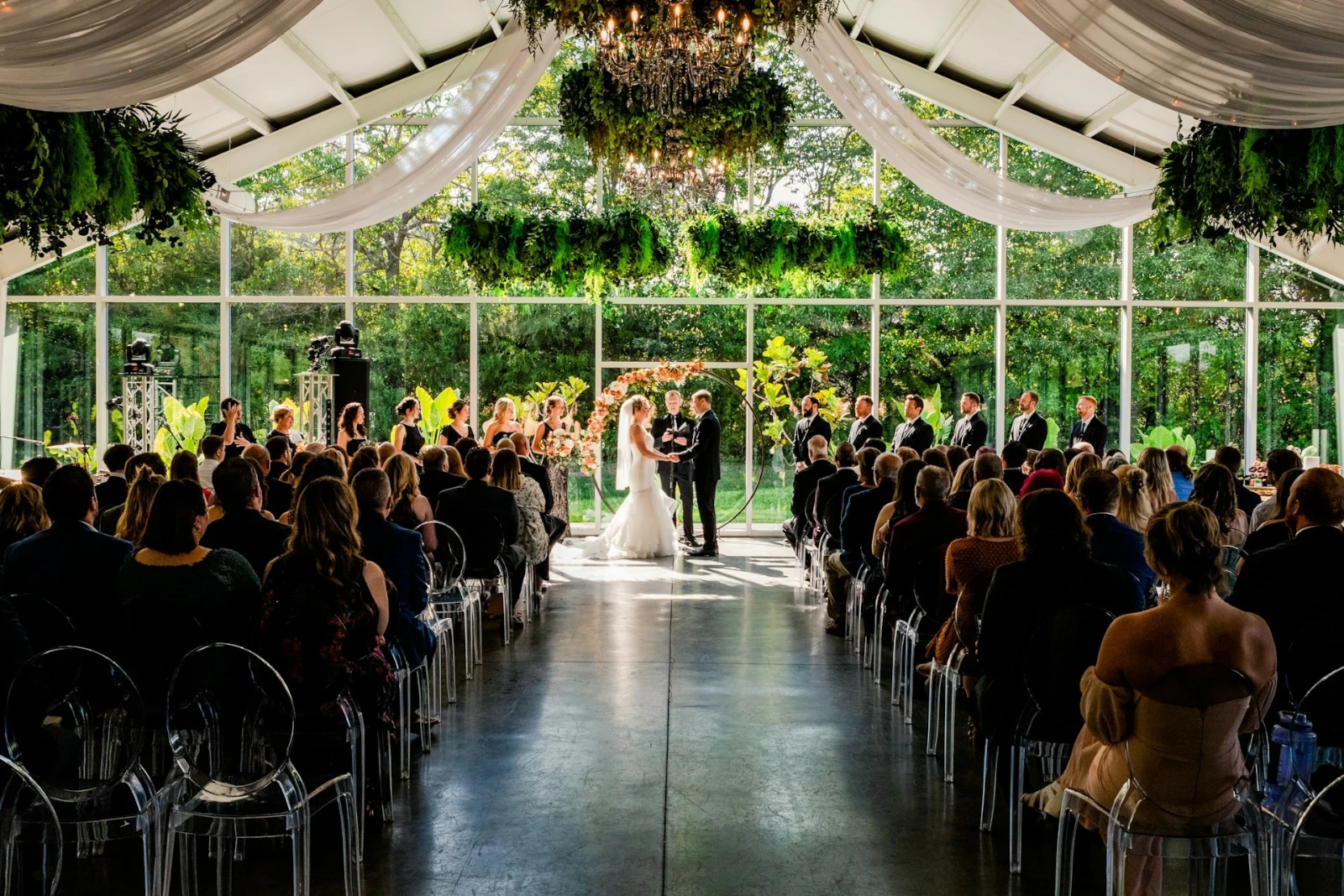
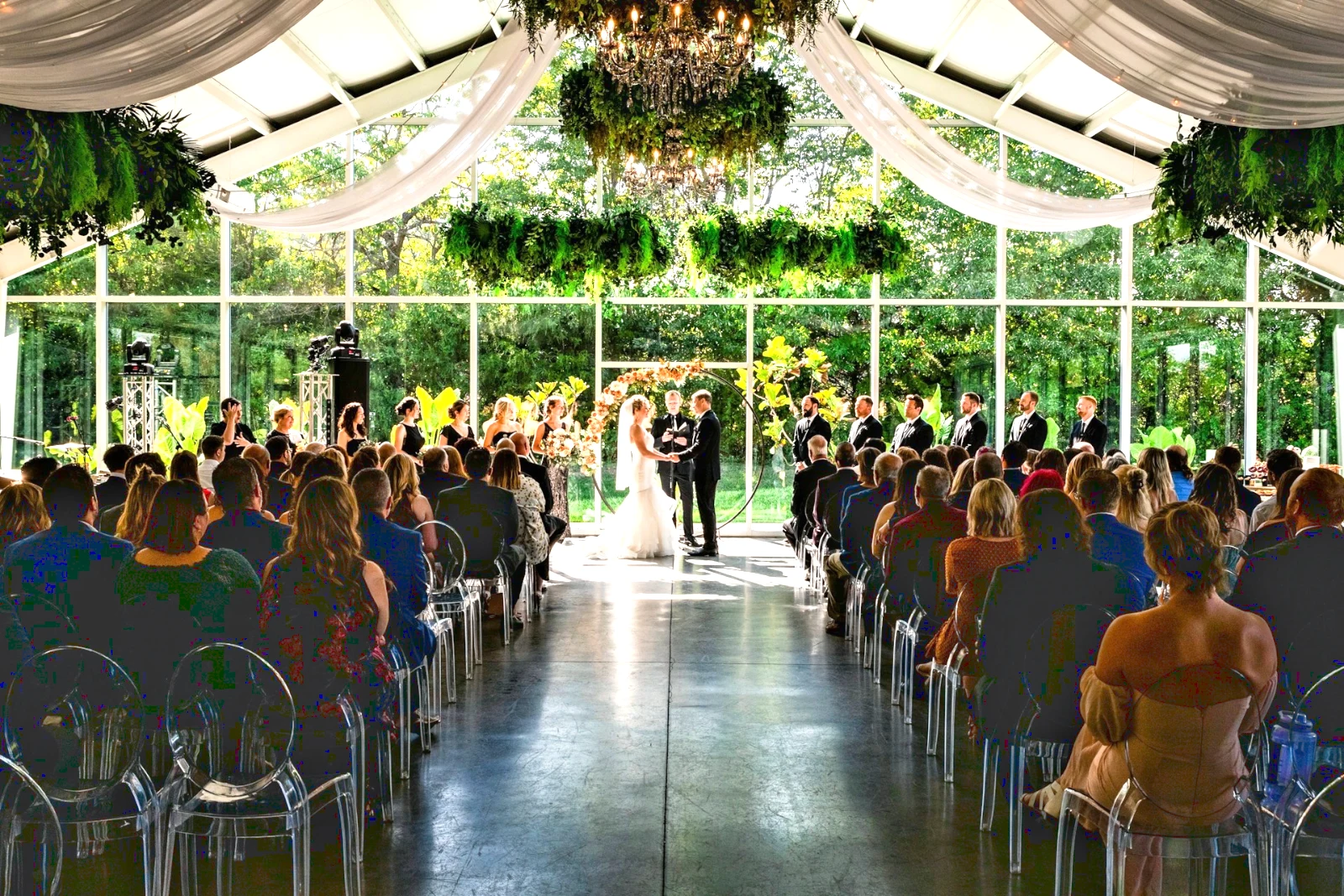
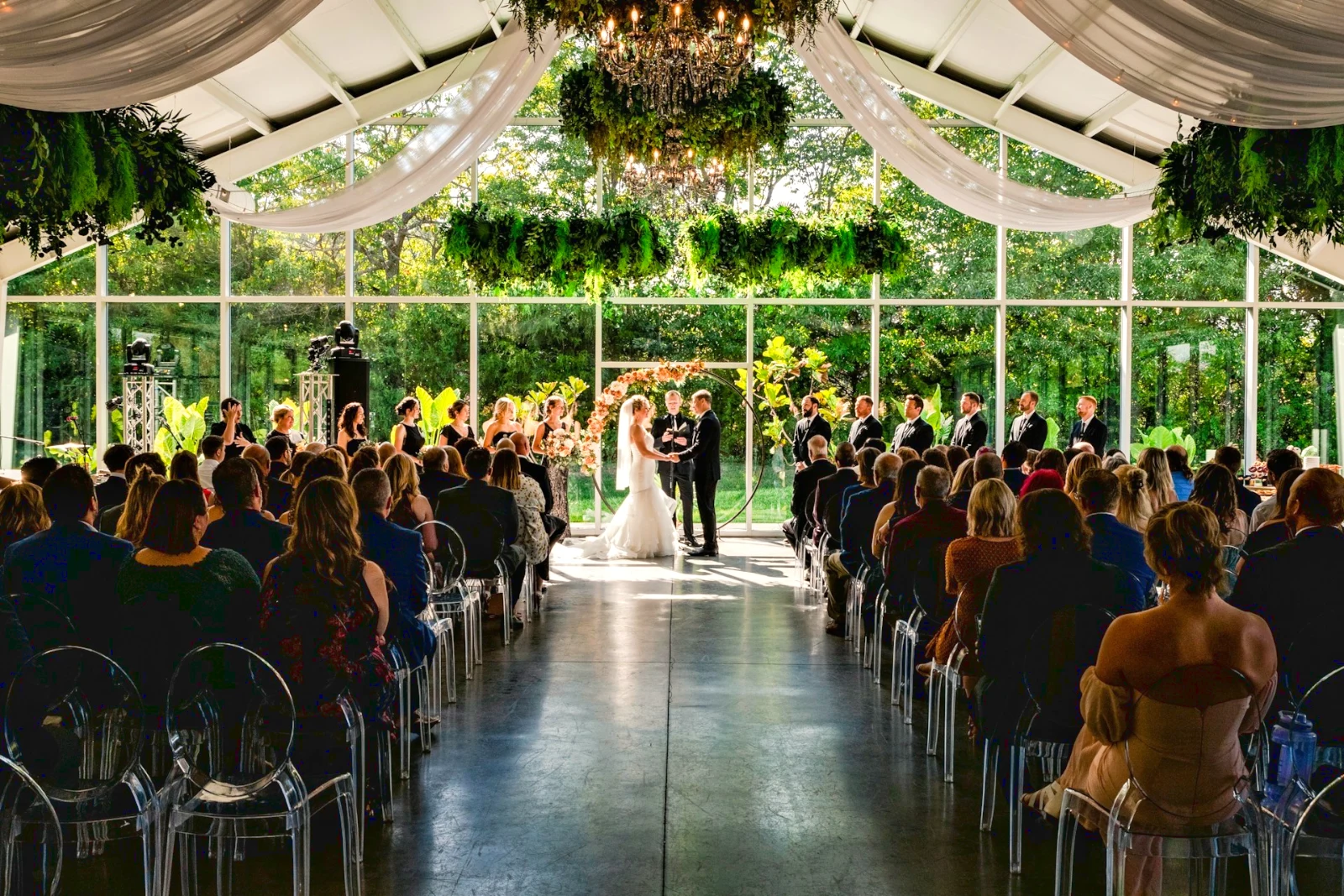
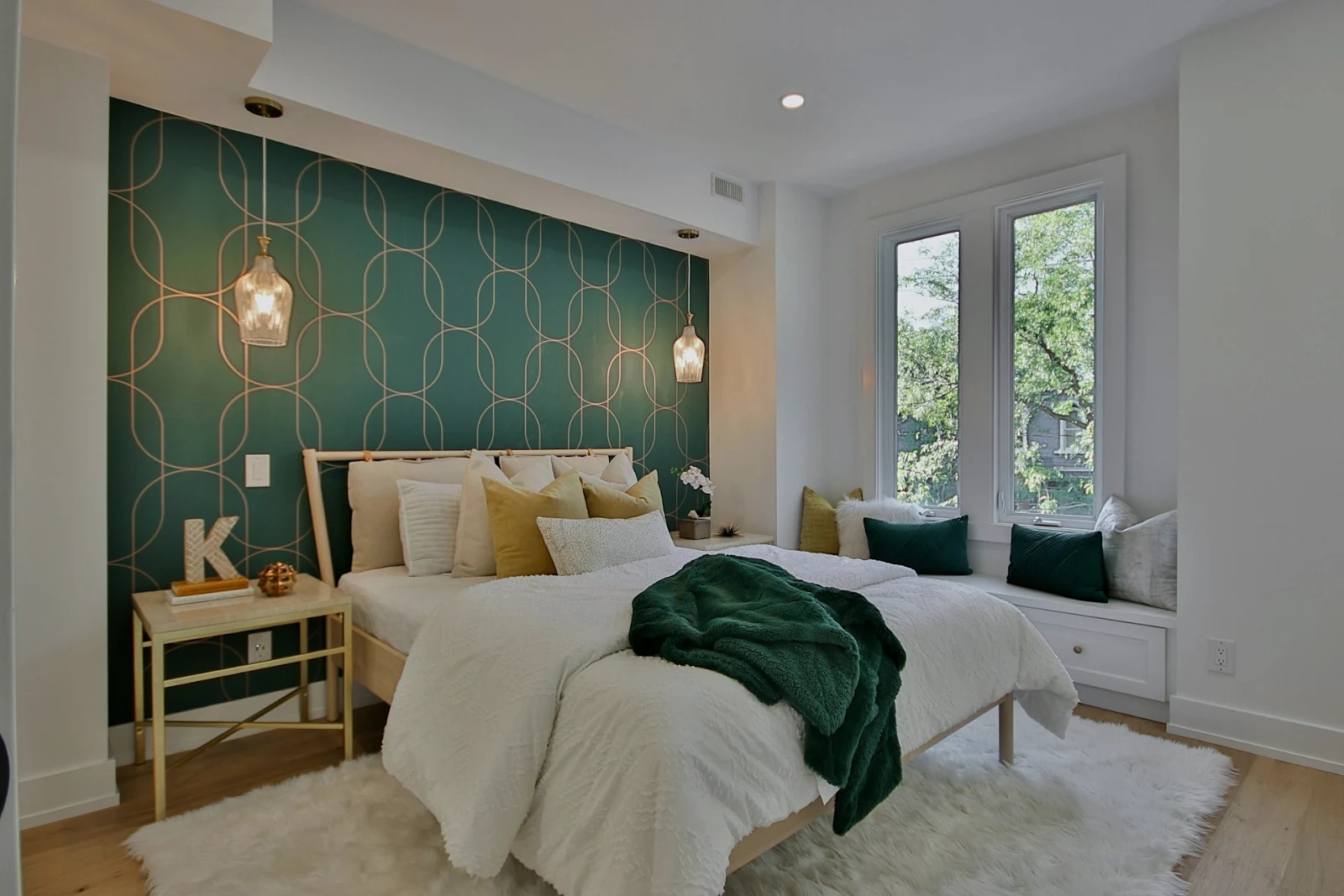
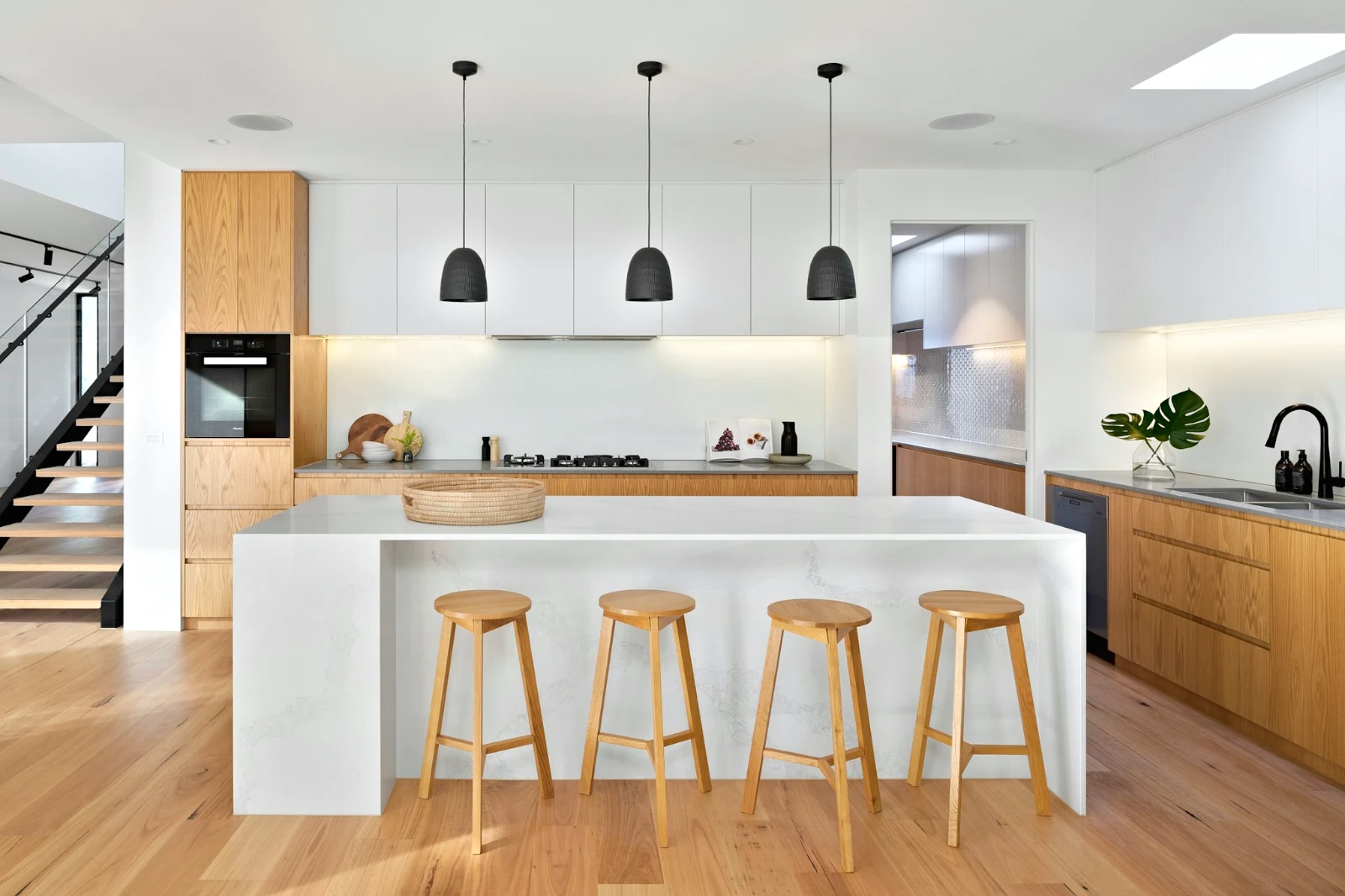
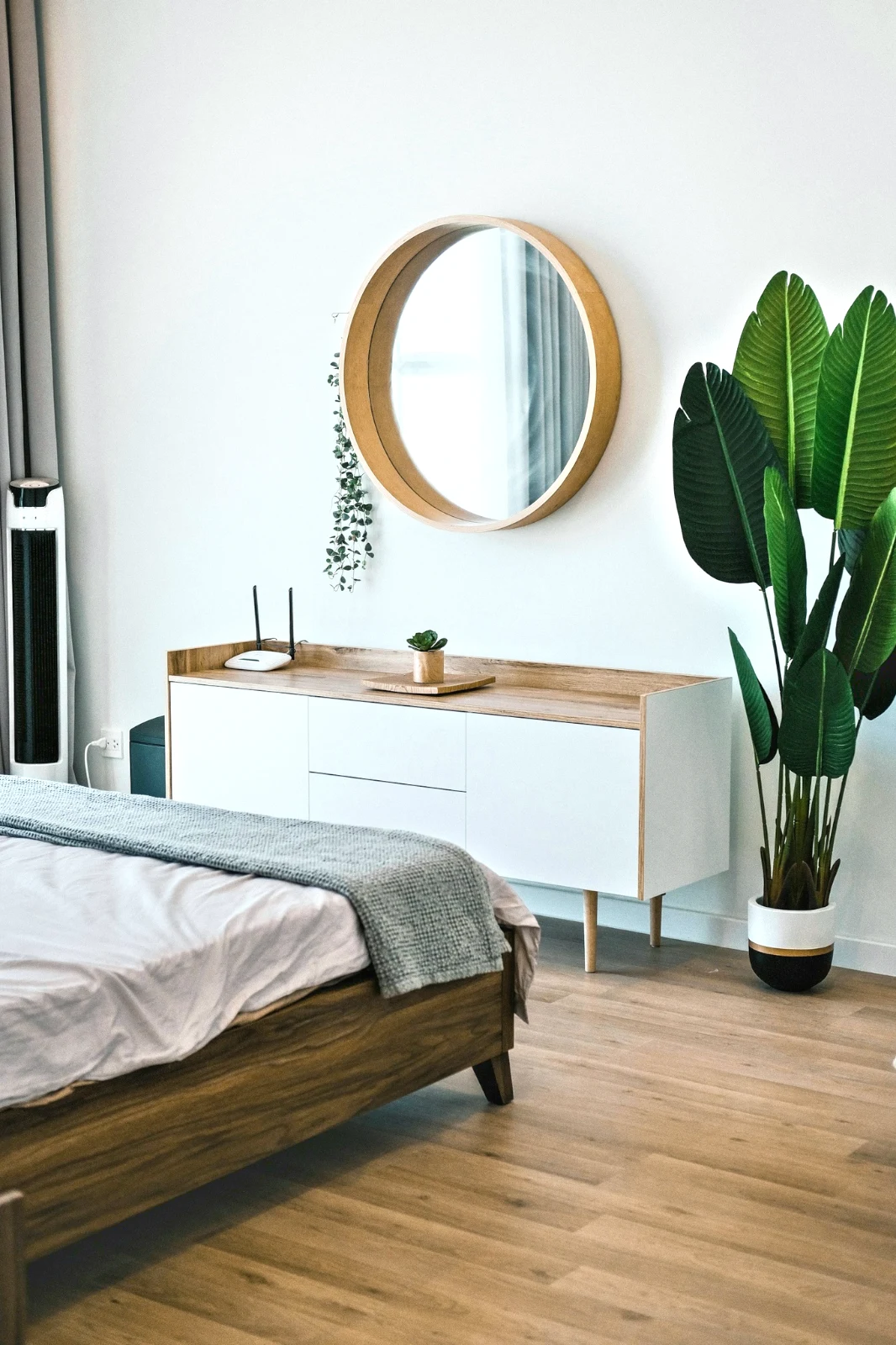
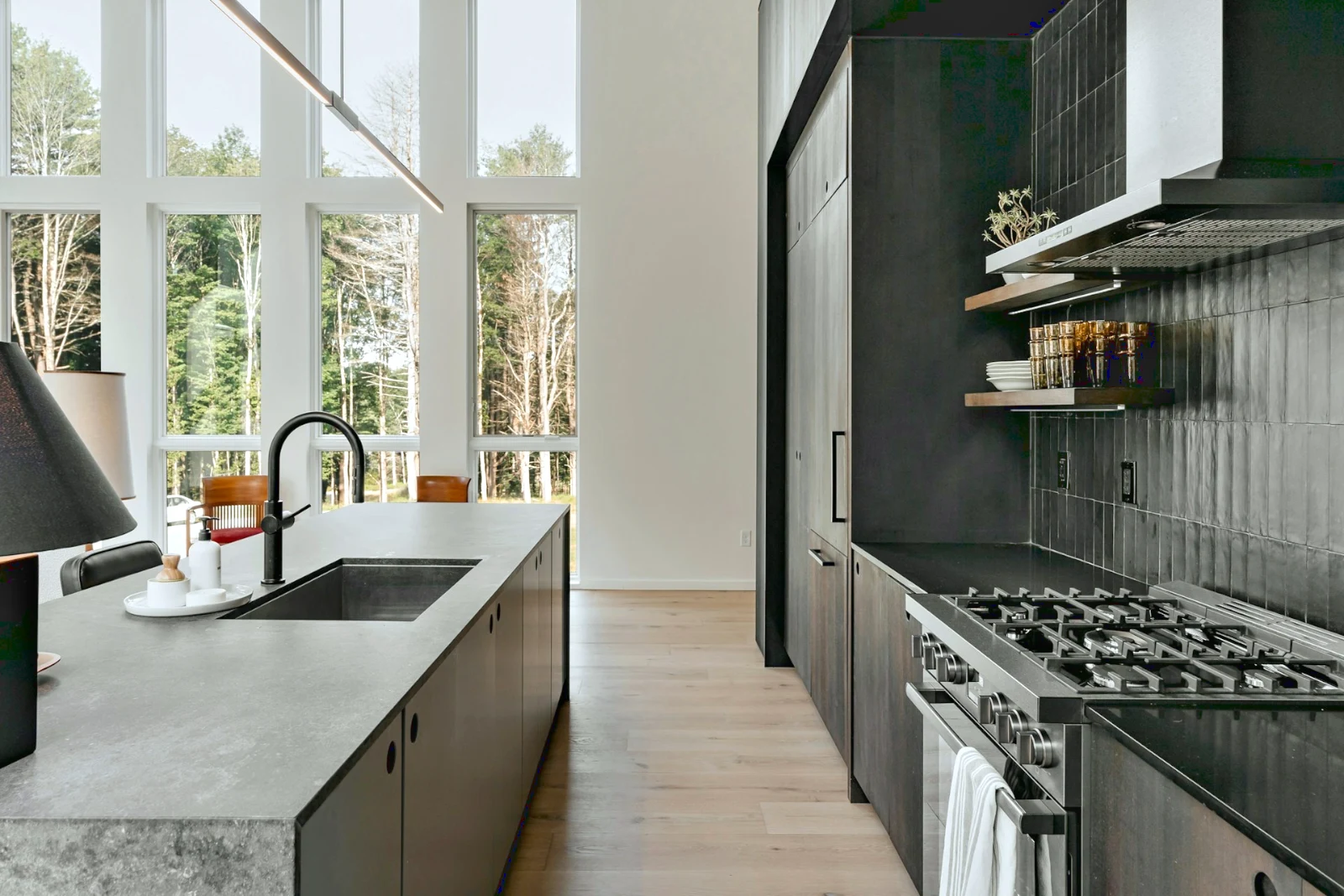 Bright and Airy
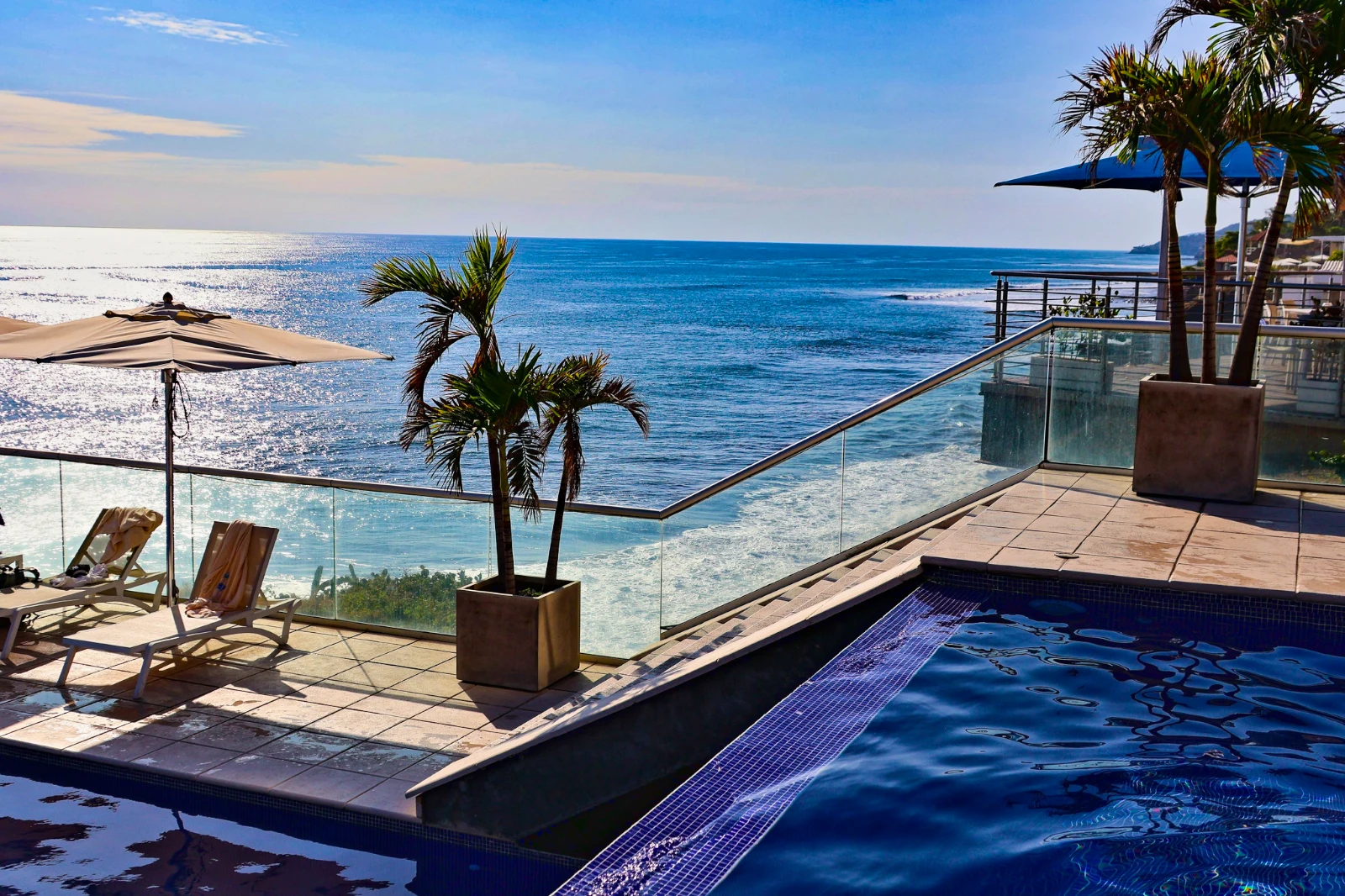 Punchy Social
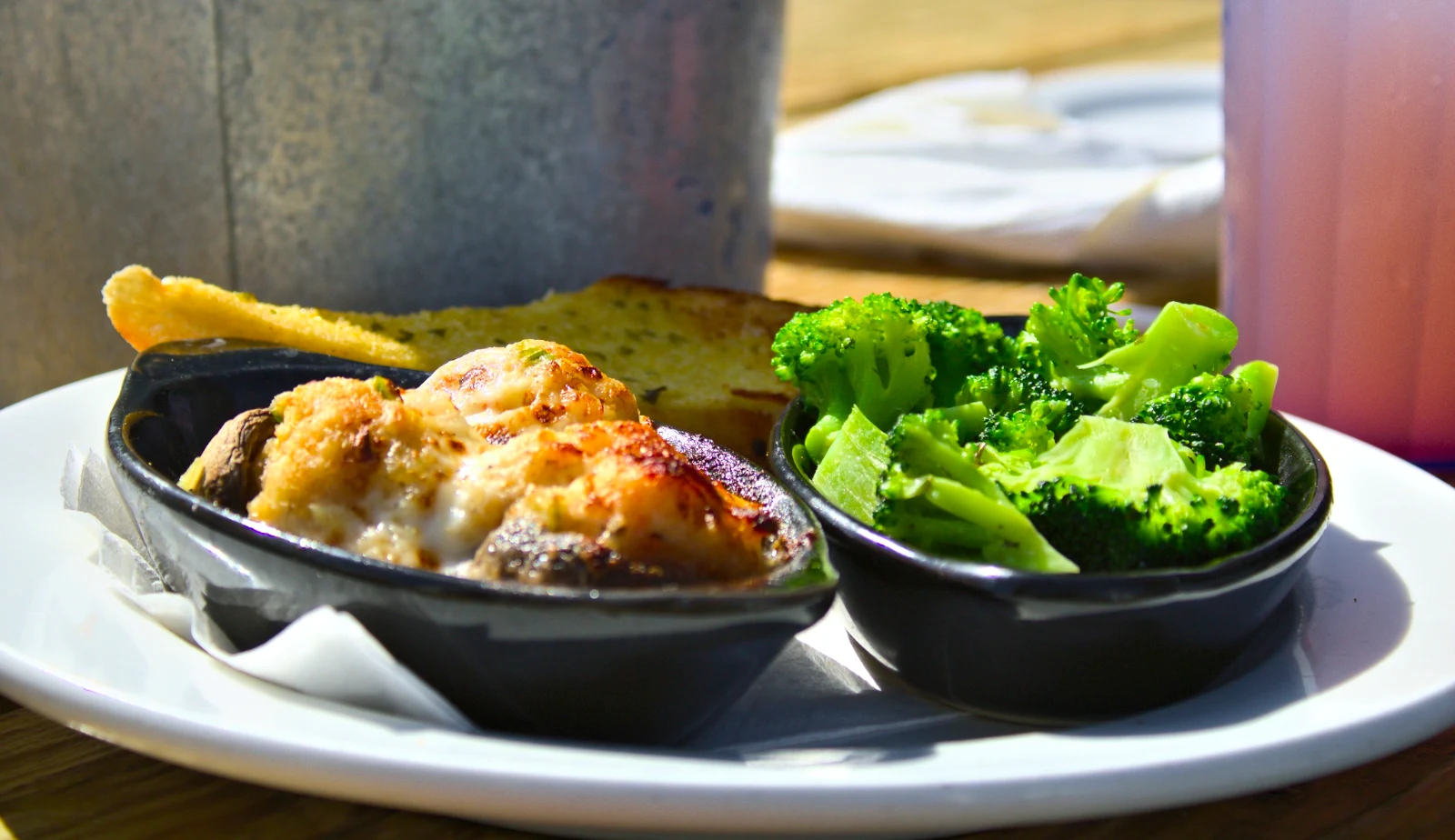 Punchy Social
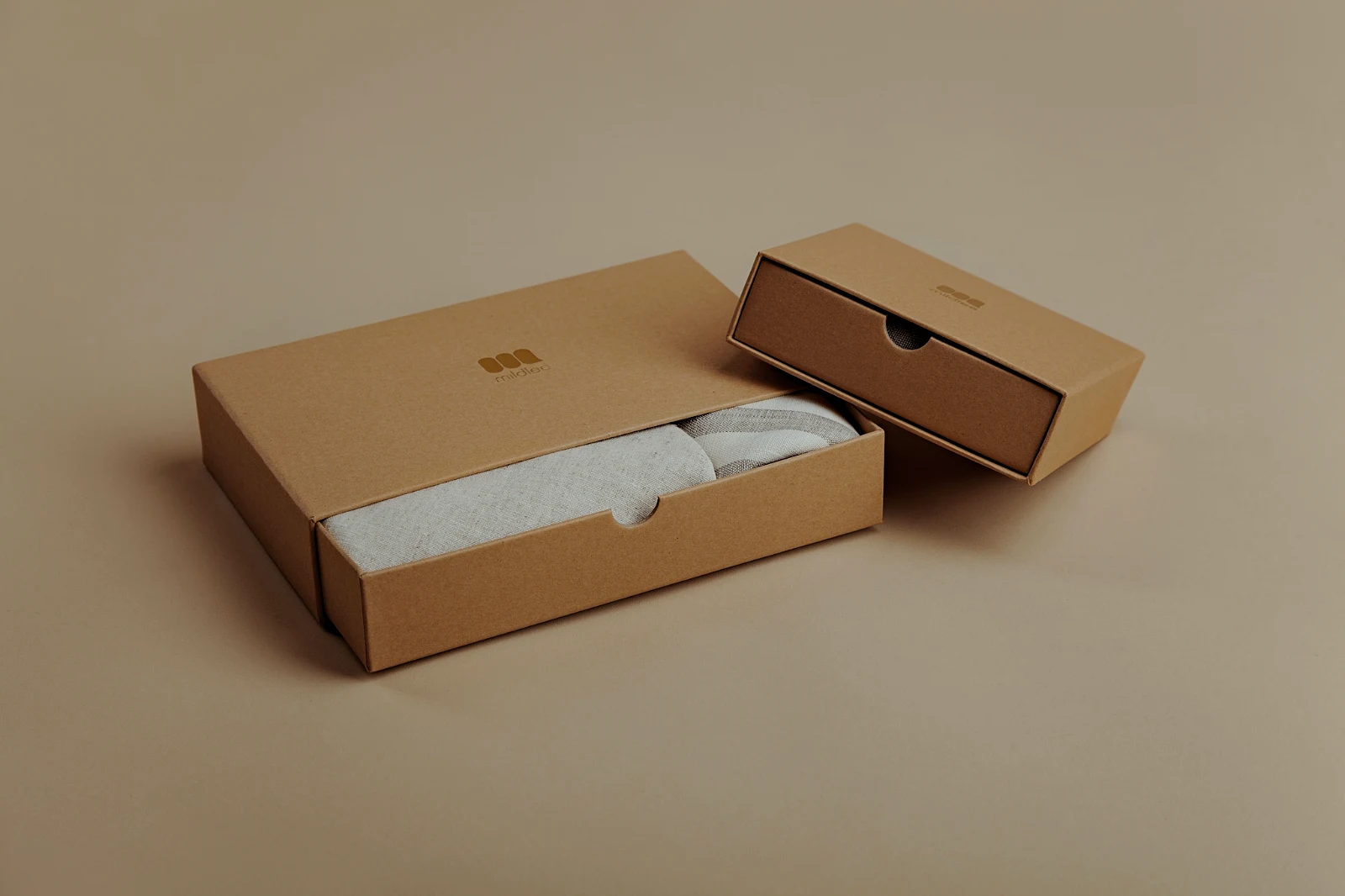
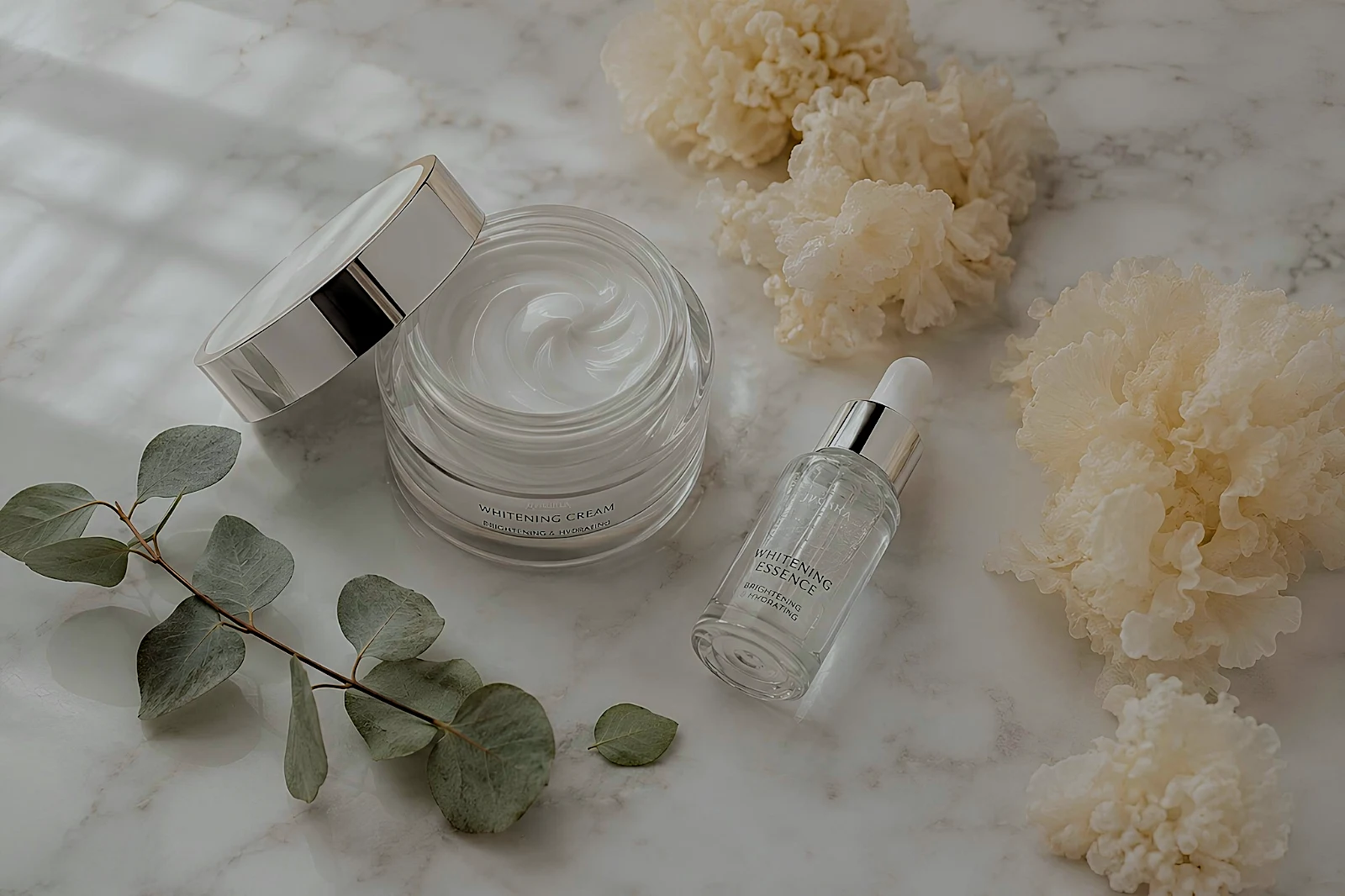 True Color
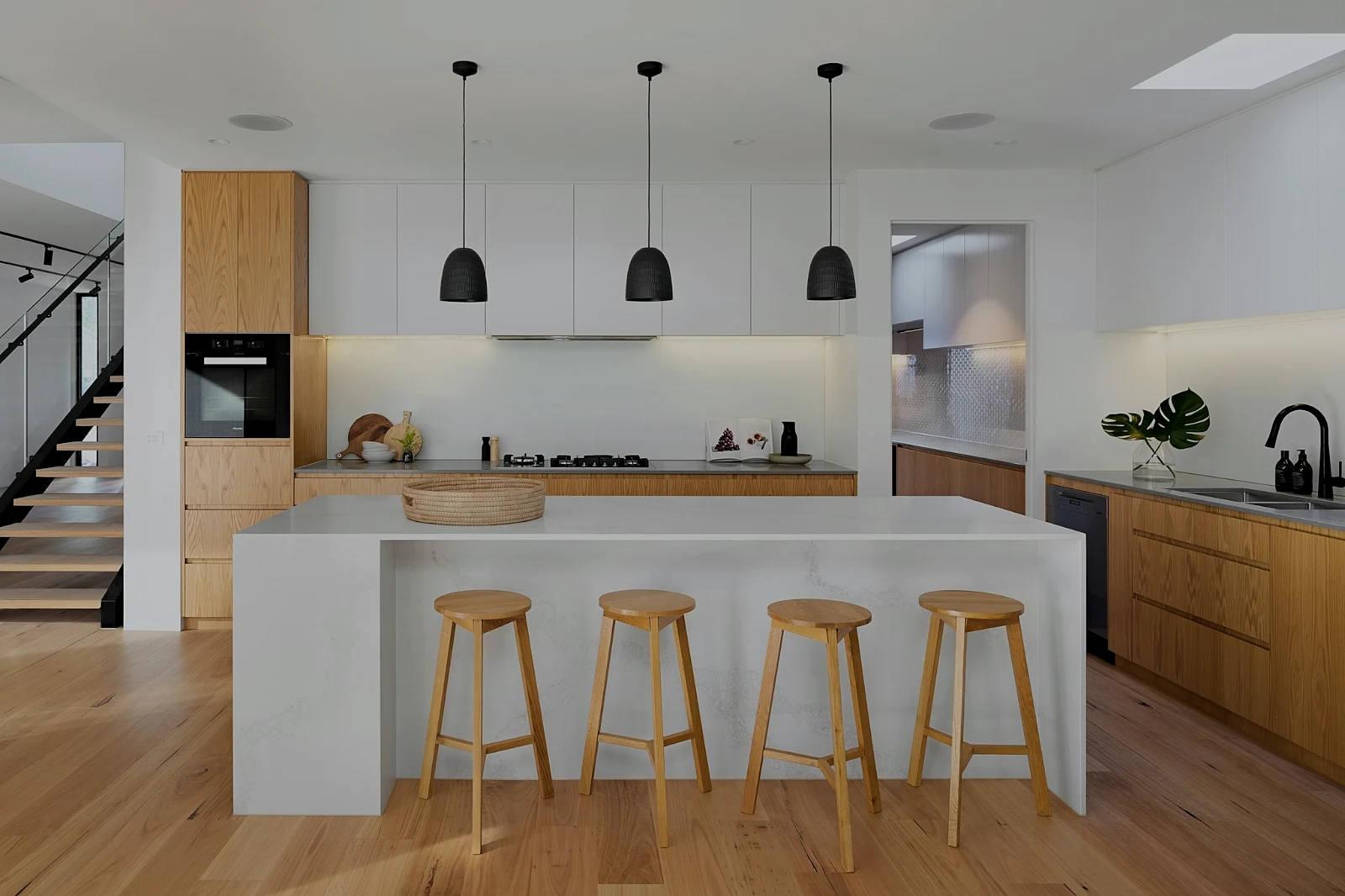 True Color
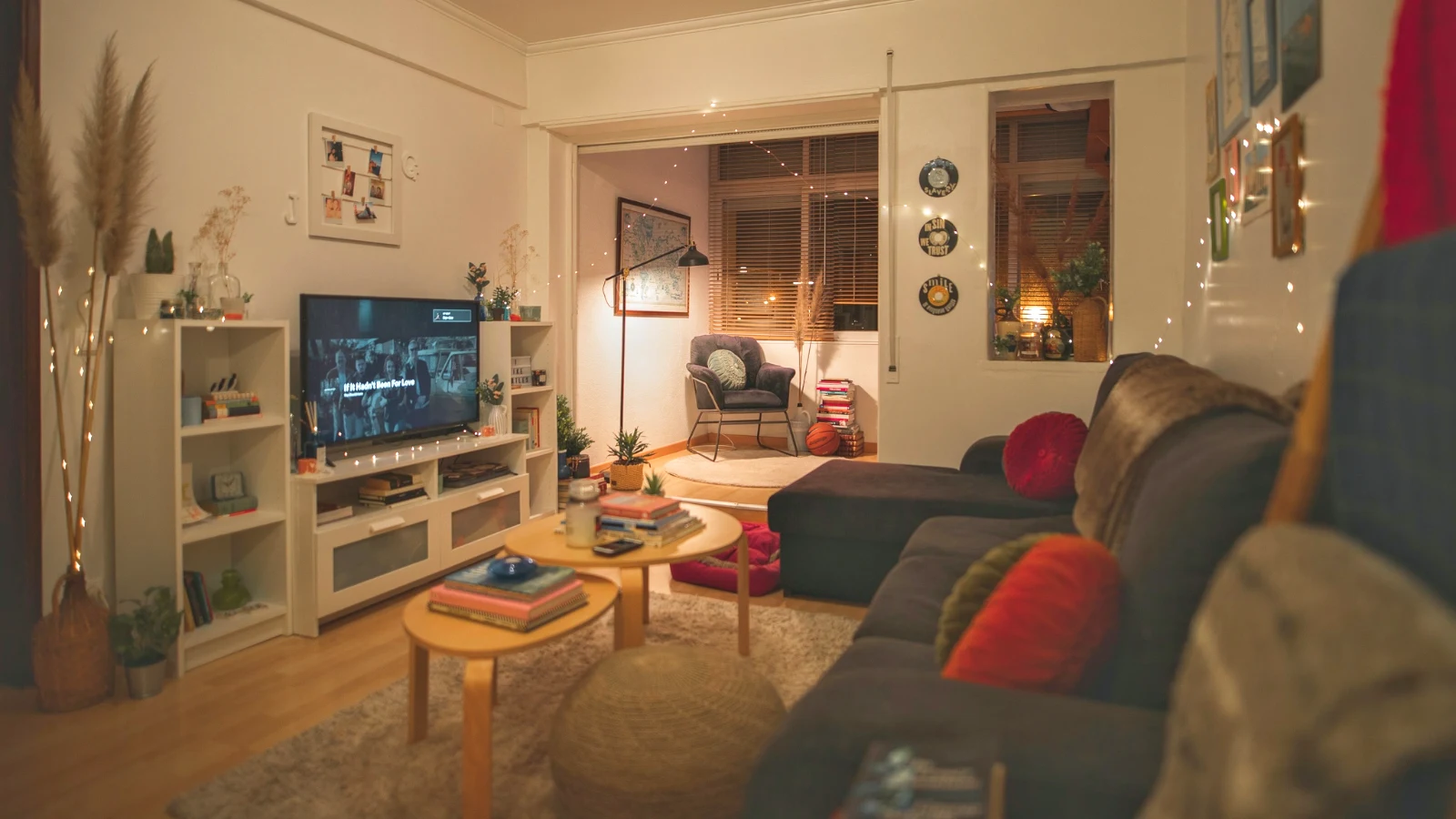
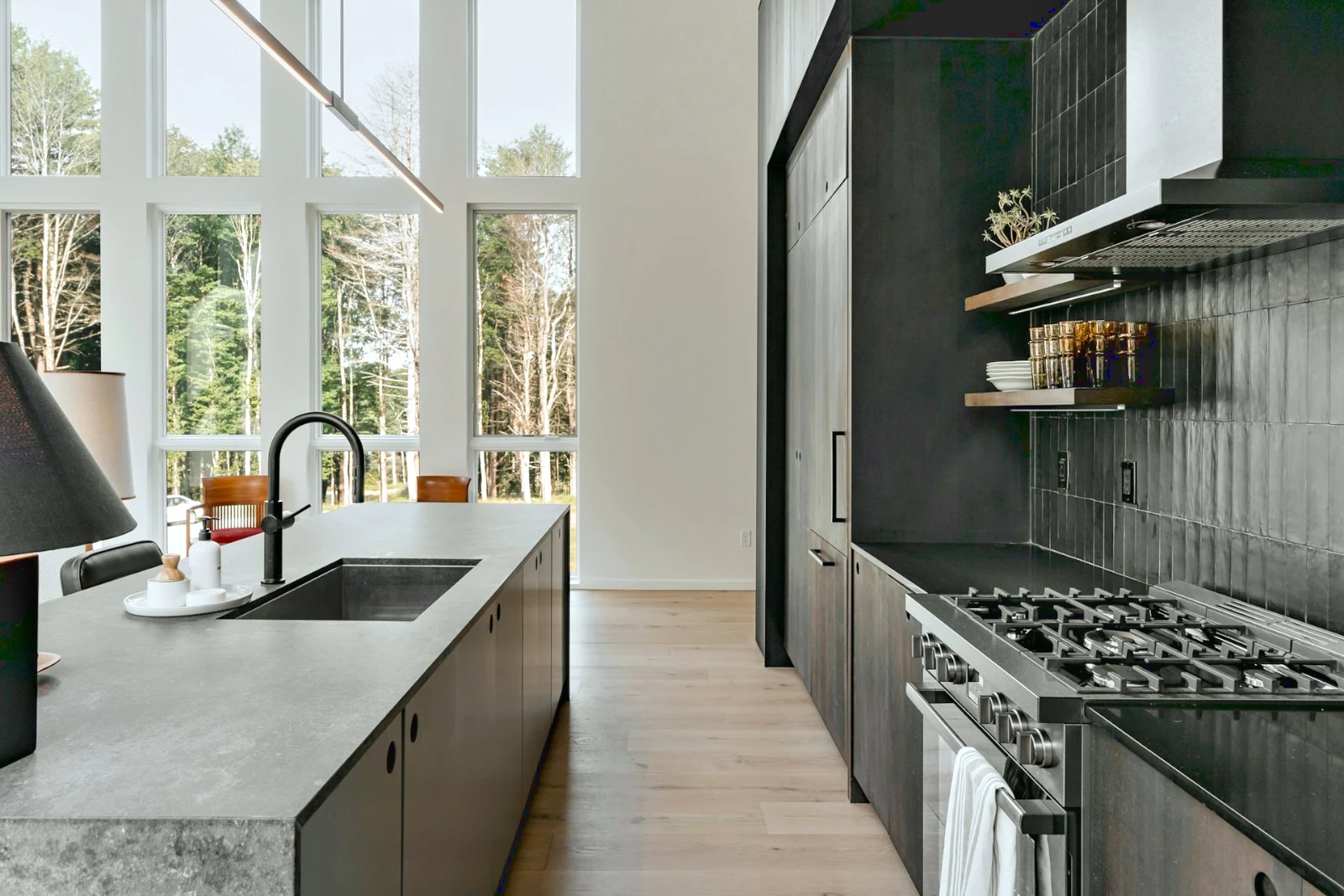
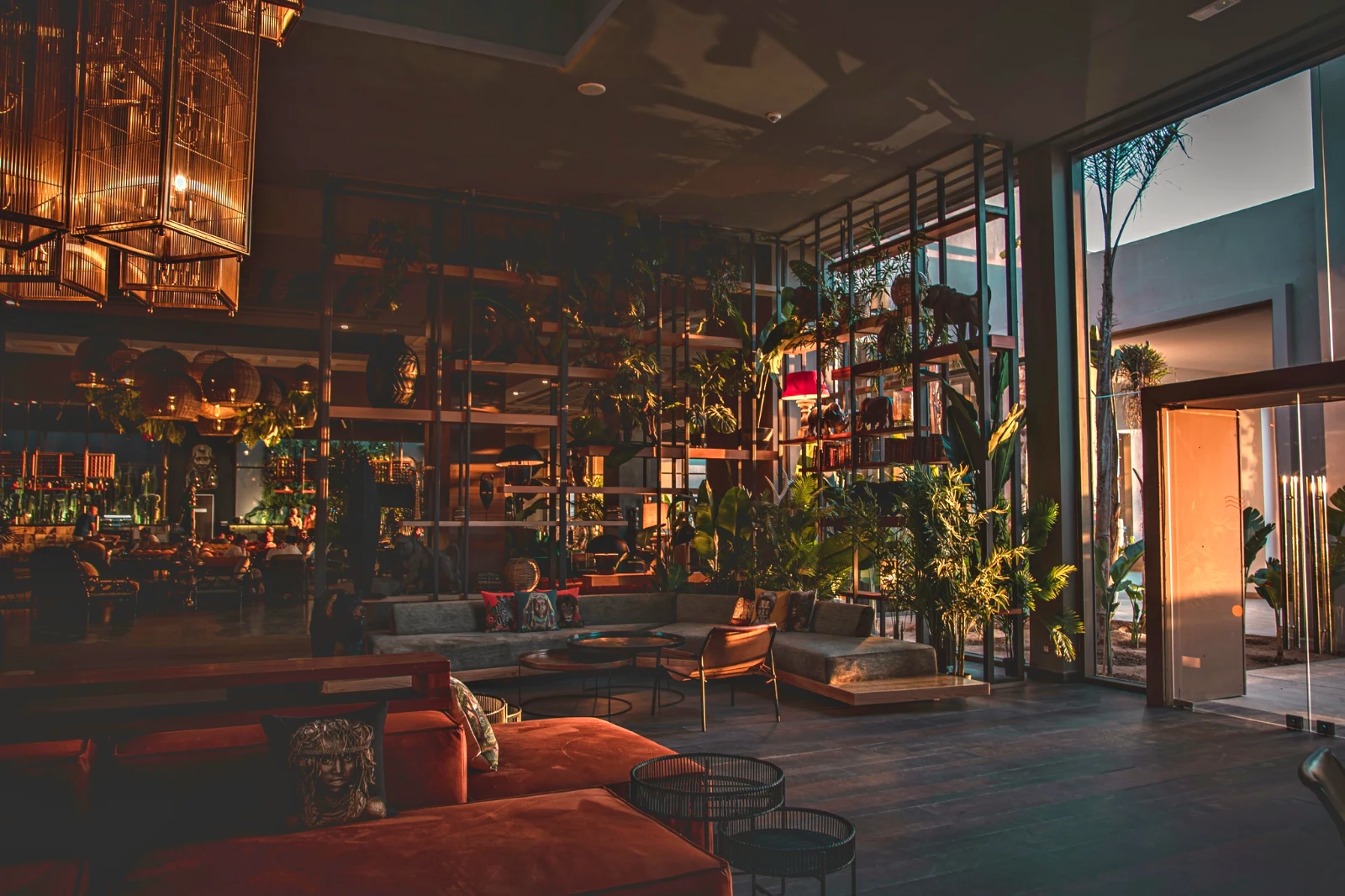 Warm Interior
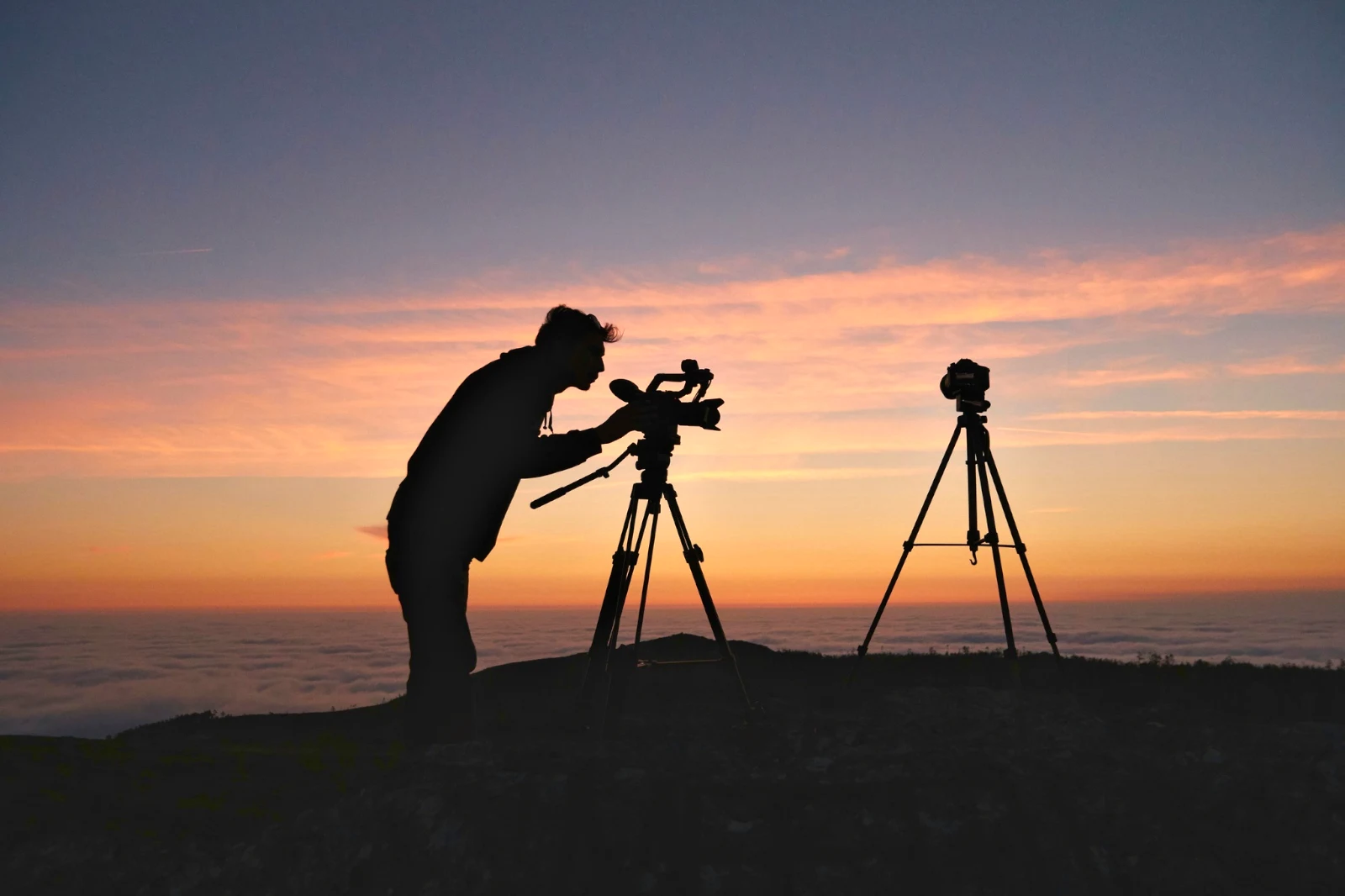
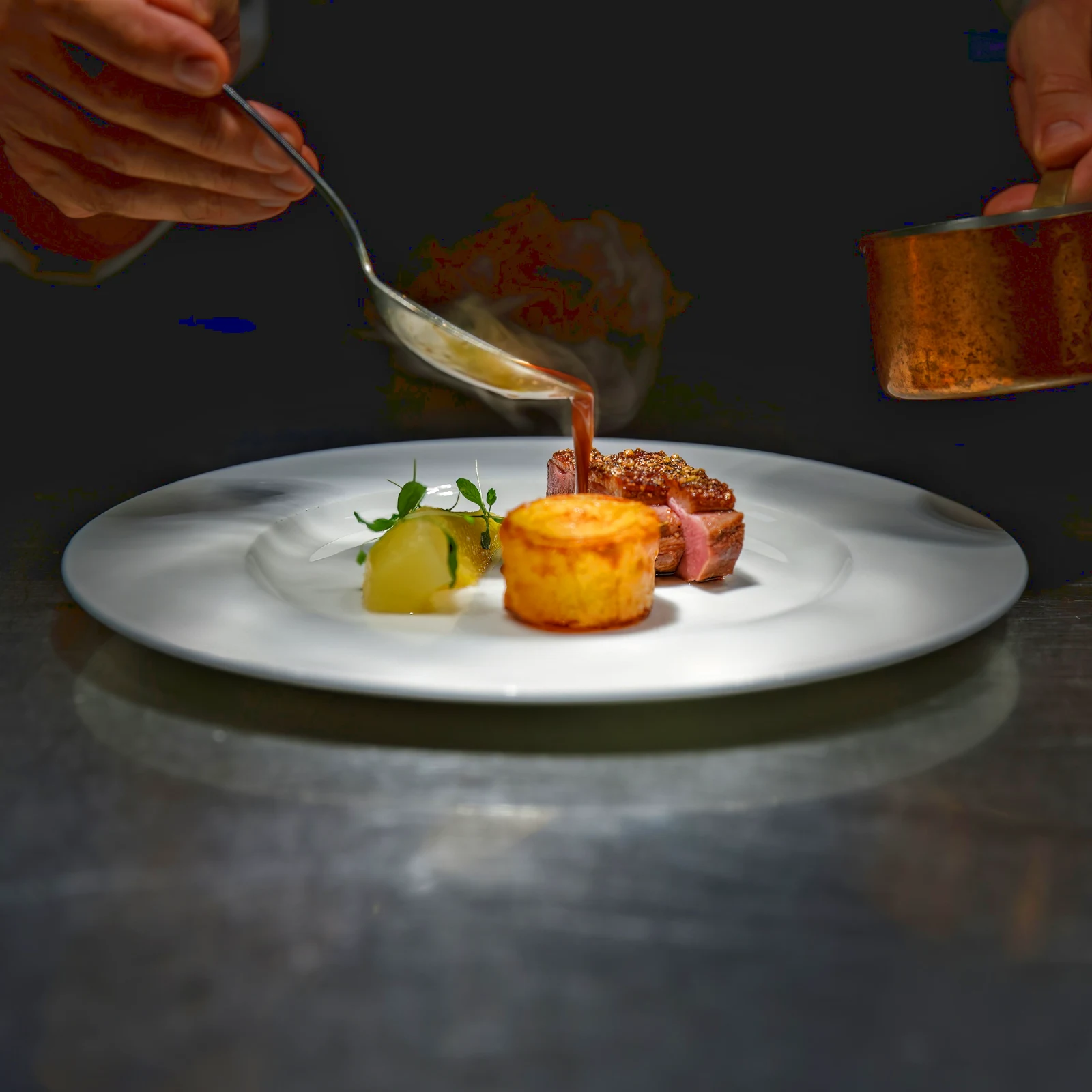 Twilight Glow
 Bright and Airy
 True ColorBright and AiryPunchy SocialPunchy SocialTrue ColorTrue ColorWarm InteriorTwilight GlowBright and AiryTrue ColorBright and AiryPunchy SocialPunchy SocialTrue ColorTrue ColorWarm InteriorTwilight GlowBright and AiryTrue ColorBright and AiryPunchy SocialPunchy SocialTrue ColorTrue ColorWarm InteriorTwilight GlowBright and AiryTrue Color
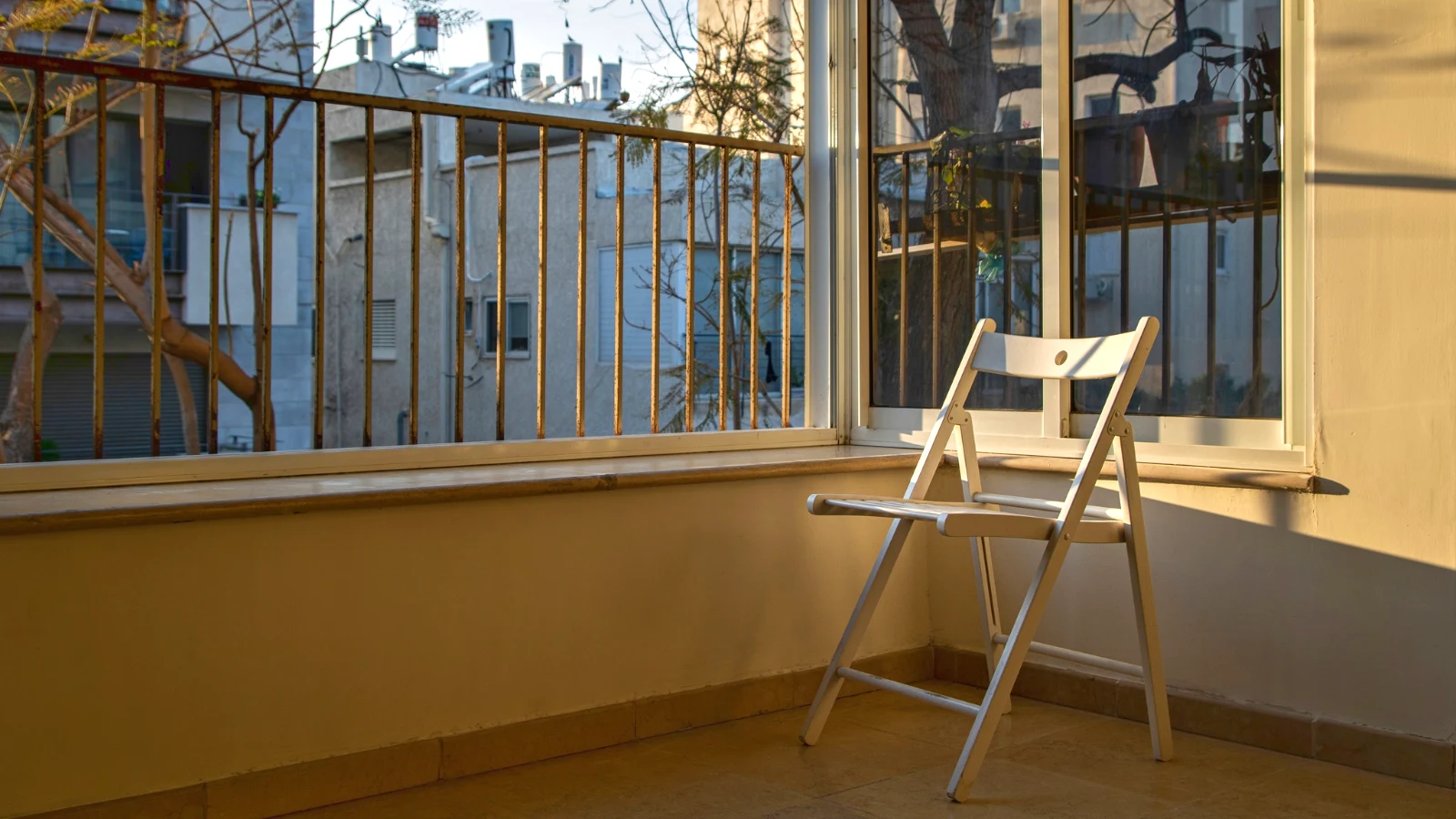
 Golden Hour Warmthየድንጋይ
 Soft Portrait
 Punchy Social
 Punchy Social
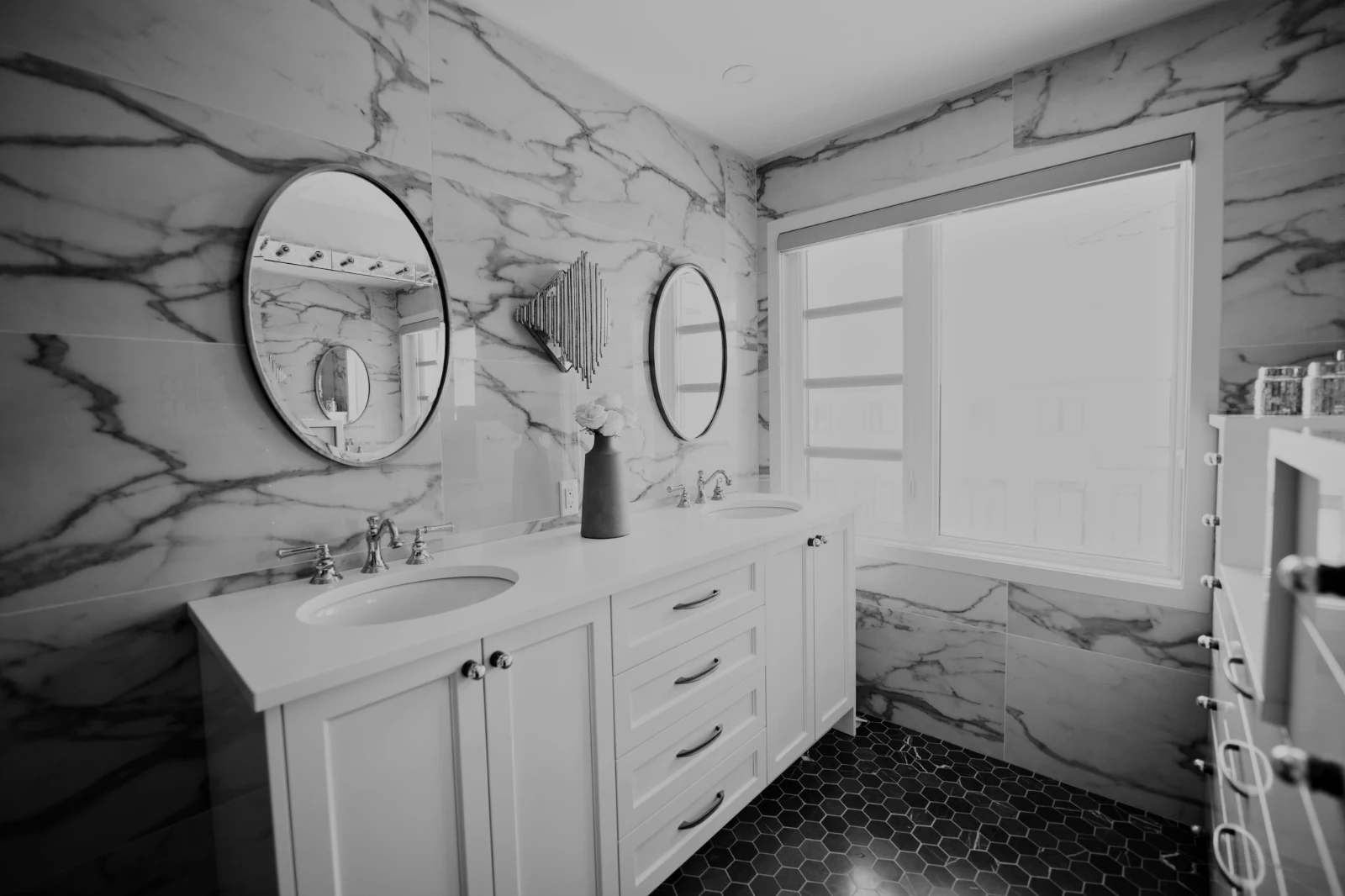
 Black and White
 Soft Portrait
 Soft Portrait
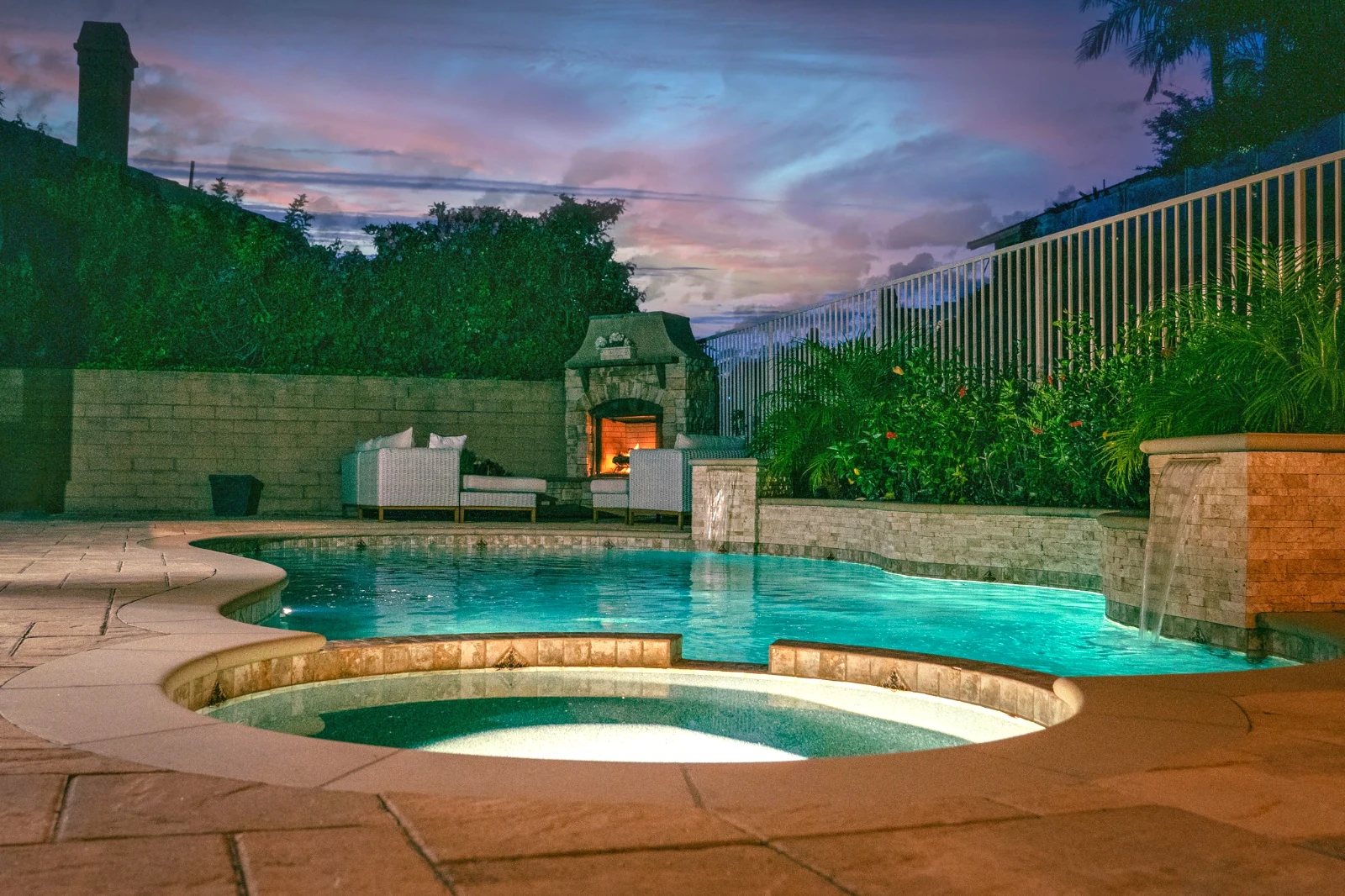
 Twilight Glow
 Soft Portrait
 Soft PortraitGolden Hour WarmthየድንጋይSoft PortraitPunchy SocialPunchy SocialBlack and WhiteSoft PortraitSoft PortraitTwilight GlowSoft PortraitSoft PortraitGolden Hour WarmthየድንጋይSoft PortraitPunchy SocialPunchy SocialBlack and WhiteSoft PortraitSoft PortraitTwilight GlowSoft PortraitSoft PortraitGolden Hour WarmthየድንጋይSoft PortraitPunchy SocialPunchy SocialBlack and WhiteSoft PortraitSoft PortraitTwilight GlowSoft PortraitSoft PortraitBright and AiryPunchy SocialPunchy SocialTrue ColorTrue ColorWarm InteriorTwilight GlowBright and AiryTrue ColorGolden Hour WarmthየድንጋይSoft PortraitPunchy SocialPunchy SocialBlack and WhiteSoft PortraitSoft PortraitTwilight GlowSoft PortraitSoft Portrait
From the shoot to the client’s picks
One editor at two depths: simple for everyone, every control for the people who edit for a living.
Library
Every photo the account keeps.
Culling
Flags, Best First and similar shots.
Auto and Looks
One tap, or a look of your own.
Adjust
ብርሃን፣ ቀለም፣ መስመሮች እና ክፍሎች።
ብዙ ሞባይል
A whole set in one run.
Layers
Selections, masks and paint.
Galleries
ደንበኛው ይምረጣል እና ይመዝግባል።
Send To
A design, a website, a listing.
በቴሌፎን
The photo full screen.
Bring every photo in, and find it again
ከሰራተኛ፣ ከካሜራ ወይም ከካሜራ ርቀት፣ ወይም ከማንኛውም አፕሊኬሽን ወደ Foto ፎቶ ይጋራ። በድርጅቱ ውስጥ የሚጠብቀው ሁሉም ፎቶ በቡራው ውስጥ ይገኛል፣ በድንገተኛው፣ በቅጾቹ፣ በጭምሮች ወይም በፍለጋ።
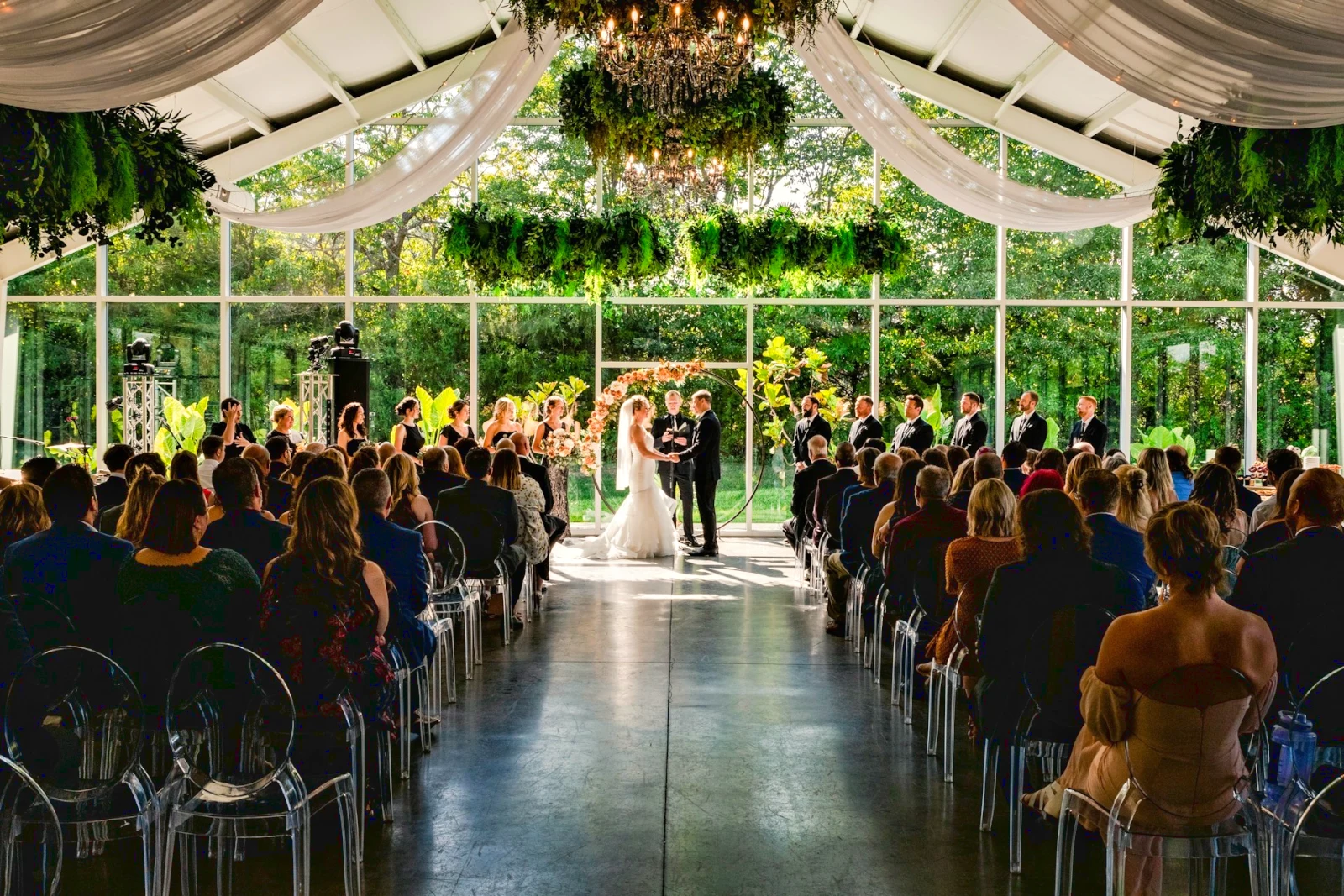 የተሻሻለ
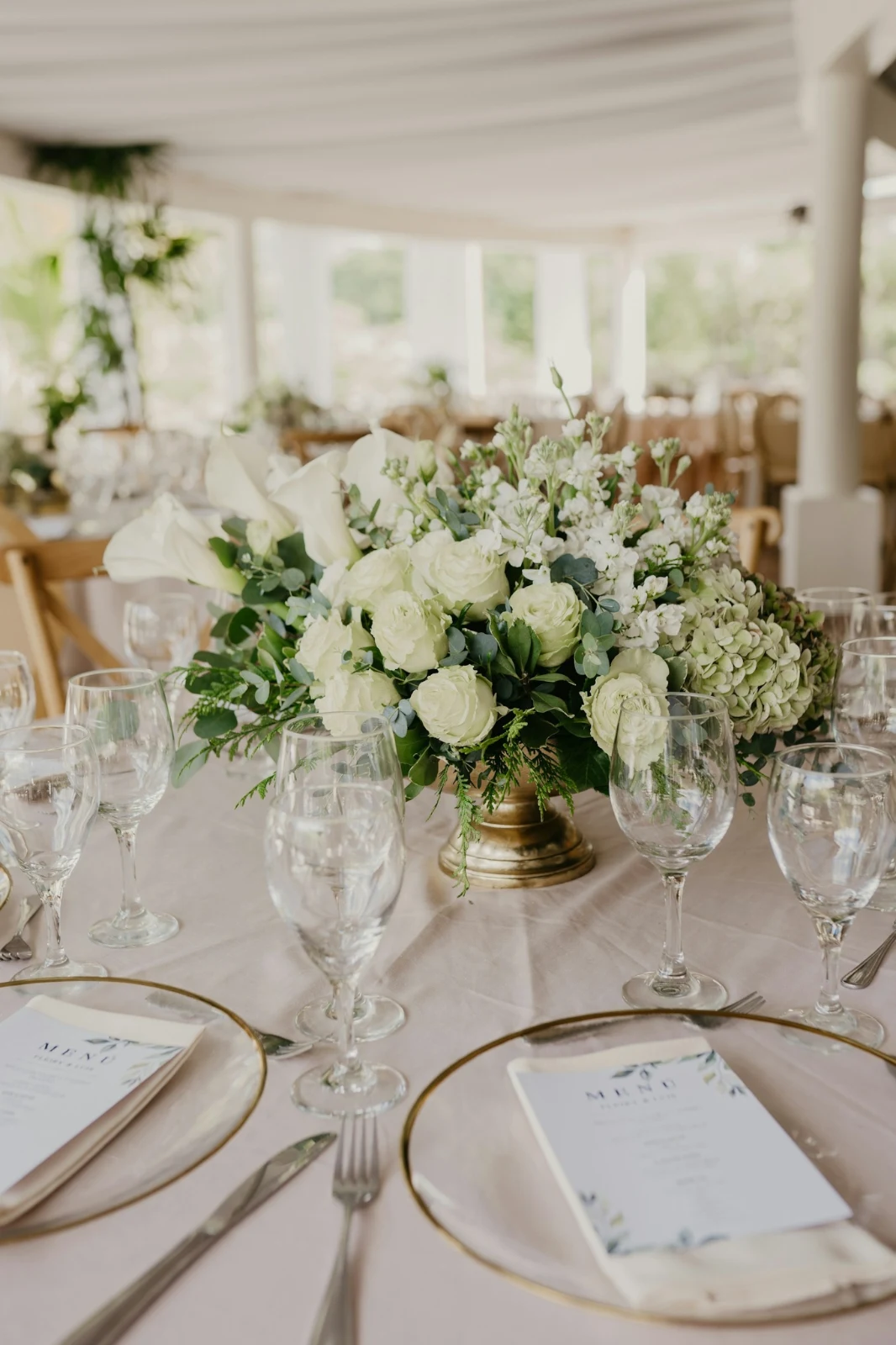



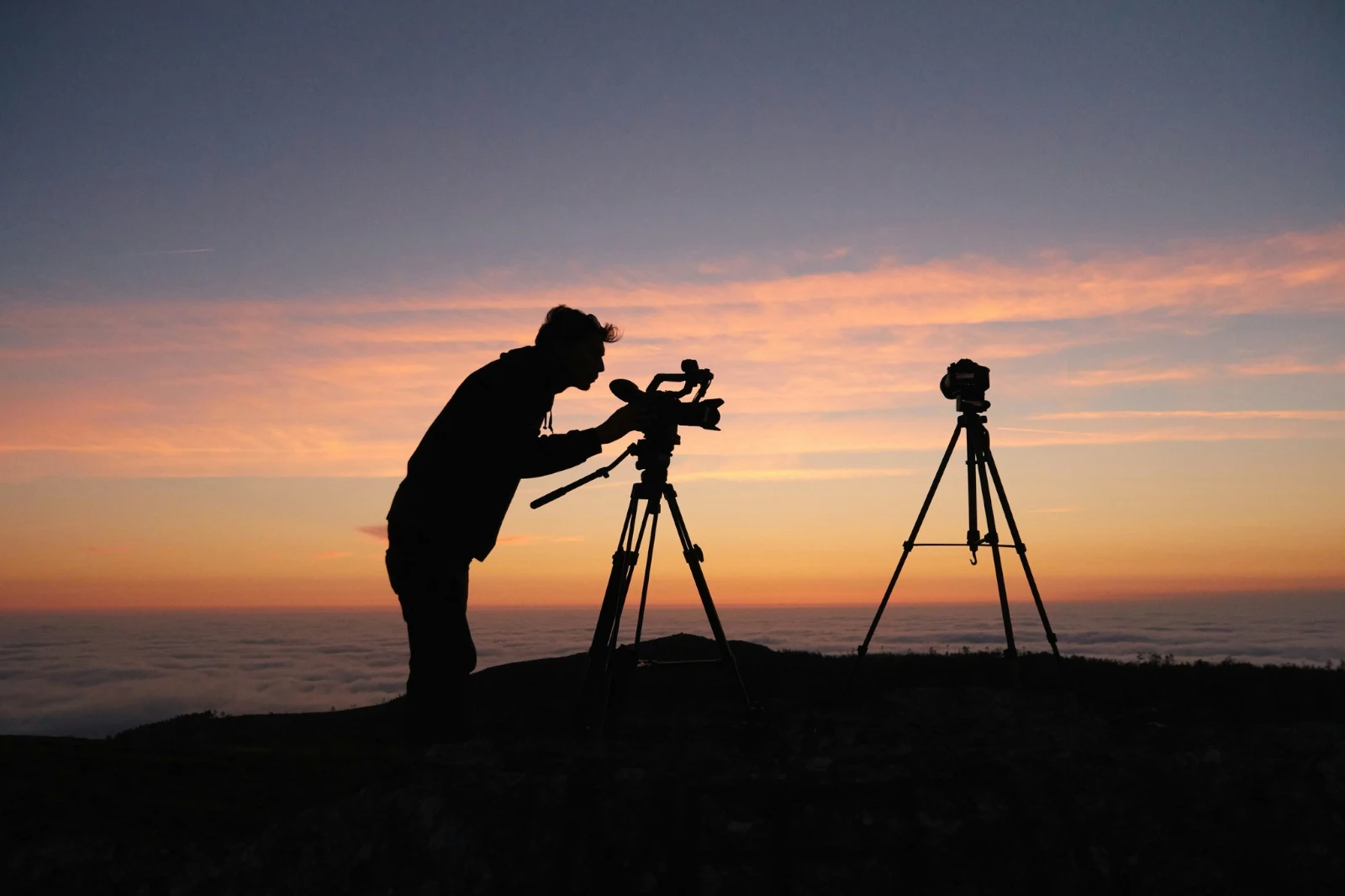
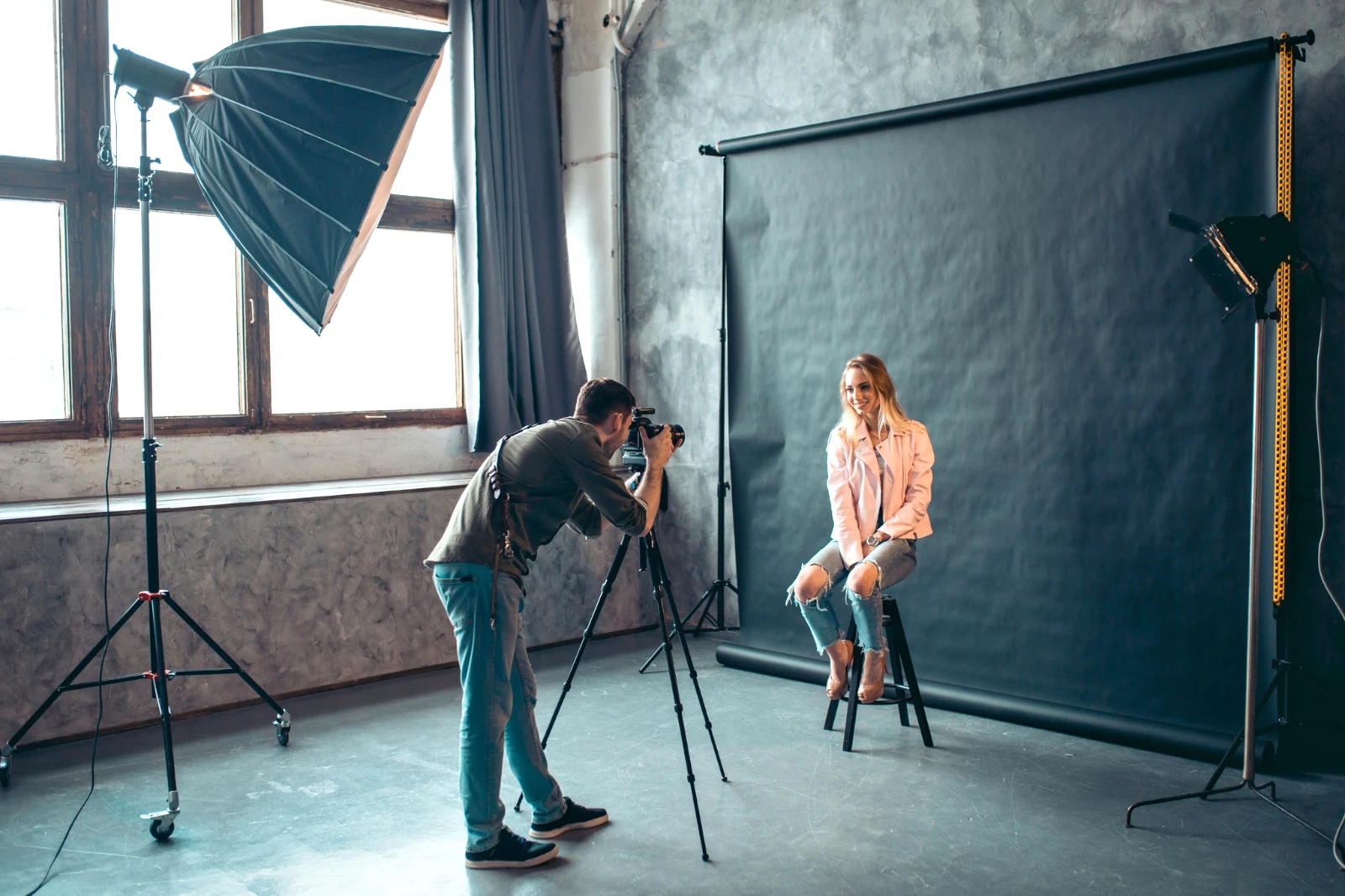 የተሻሻለ
 የተሻሻለ




Star and Tags
The same star and tags Depot, Docs and Studio read.
Hubs and Folders
የአንድ ሃብ ፎቶዎች በራሳቸው፤ ወደ... ፋይል (በዳፕ)።
RAW and HEIC
RAW በመሳሪያው ላይ ይገነባል፣ ወይም ሲቀርብ በሰርቨሩ ላይ ይገነባል።
Tethered Capture
Camera on USBCamera connected · Canon EOS R6 Mark II
 Live Viewሰዋዊየቲቪ ምስልን ይቆጥቡ
ArrivedPictures from the camera land here and in the Camera Uploads Hub.
ለእያንዳንዱ አዲስ ፍሬም ይተገበራልApply True Color AW27_flatlay_01.jpg
 AW27_packing.jpg
 AW27_unboxing.jpg
 AW27_shelf.jpg
 AW27_tote.jpg
በLive View ምስል ወደ Foto በUSB ይጫኑ፣ ወይም ከካሜራው የራሱ የWi-Fi ምርመራ።
Find the keepers without looking at every frame
Every photo is read after it is uploaded: its focus, its exposure, and whether anyone’s eyes are closed. Sort Best First, show the suggested best shots, filter by each flag, and compare similar shots side by side. Nothing is starred for you: you choose the keepers.
 Closed EyesMissed FlashMissed FocusBlurryBlack Frame
Closed Eyes and Missed Focus
በፎቶው ላይ ተለይቷል፣ እንደ ተሸፍነው፣ ጥቁር ጫፍ እና የተዘጋ ፍላሽ፣ እያንዳንዱ አንድ ፊልተር ነው።
Closed EyesBlurryMissed FocusMissed FlashBlack FrameFix a photo in one tap, or apply a look
Auto reads the photo on your device, sets its sliders and names each one it moved; Undo puts the photo back. Looks holds Calisto’s looks and your own, the ones that fit the photo first, and Save Look keeps any edit as one of yours.
የእርስዎ ዓይነት
Auto moved the way you move it, learned from your own edits; every value a slider.
Suggested Looks
The looks made for a photo like this one, first in the list.
ስራዎች
ደረጃዎን አንድ ጊዜ ይመዝገቡ እና በማንኛውም ፎቶ ወይም በሙሉ ምርጫ ይጫኑ።
Contact Sheets
በግሪድ ላይ የተጻፈ ምርጫ፣ ስሞች፣ ነጭ ነጭ፣ ምርጫዎች እና ፍላጎቶች፣ እንደ PDF።
ፎቶን ይጣጣሙ
ሌላ ፎቶ ብርሃን እና ቀለም፣ እንደዚህ ሰሌዳዎች ላይ ይገለጻል።
Never the Original
An edit sits beside the photo with its history; the original stays as it came.
Before
Press and hold to see the photo as it came.
 Before
ብርሃኑን፣ ስብስቡን እና መስመሮቹን በእጅ ይስቡ
ብርሃን፣ ቀለም እና ምስል መገንባት በመጀመሪያ ይከፈታሉ፣ እና ሁሌም ሌላ ሁሉም ቁጥጥር፣ ከታሪክ ድምፅ እስከ ስብሰባ እና ማስተካከያ፣ በMore ውስጥ አንድ ጥምር ነው። ስትራይታይን ላይኖች የፎቶውን ላይኖች ይገኛሉ እና ራሱን ይቀይራል፣ ወይም የሚገነቡትን ላይኖች ይፈታል።




ማስወገድ እና ማስተካከል
Paint over a cable or a stain; Clone and Fill beside it.
Adjust Part
The sky, the subject or the background, a brush, gradients or a brightness range.
People
Skin, face, eyes, lips, hair, clothes or the whole person; Retouch Skin evens it toward their own tone.
Lens and Portrait Blur
The background blurred, or the whole photo by its depth, with the focus where you set it.
Film Negatives
A scanned color or black and white negative turned positive, the orange mask removed.
Correct Lens
የካሜራው ግልጽ ማስተካከያ ወይም የላንስ ፕሮፋይል፤ የቀለም ጥንዶችም ይወገዳሉ።
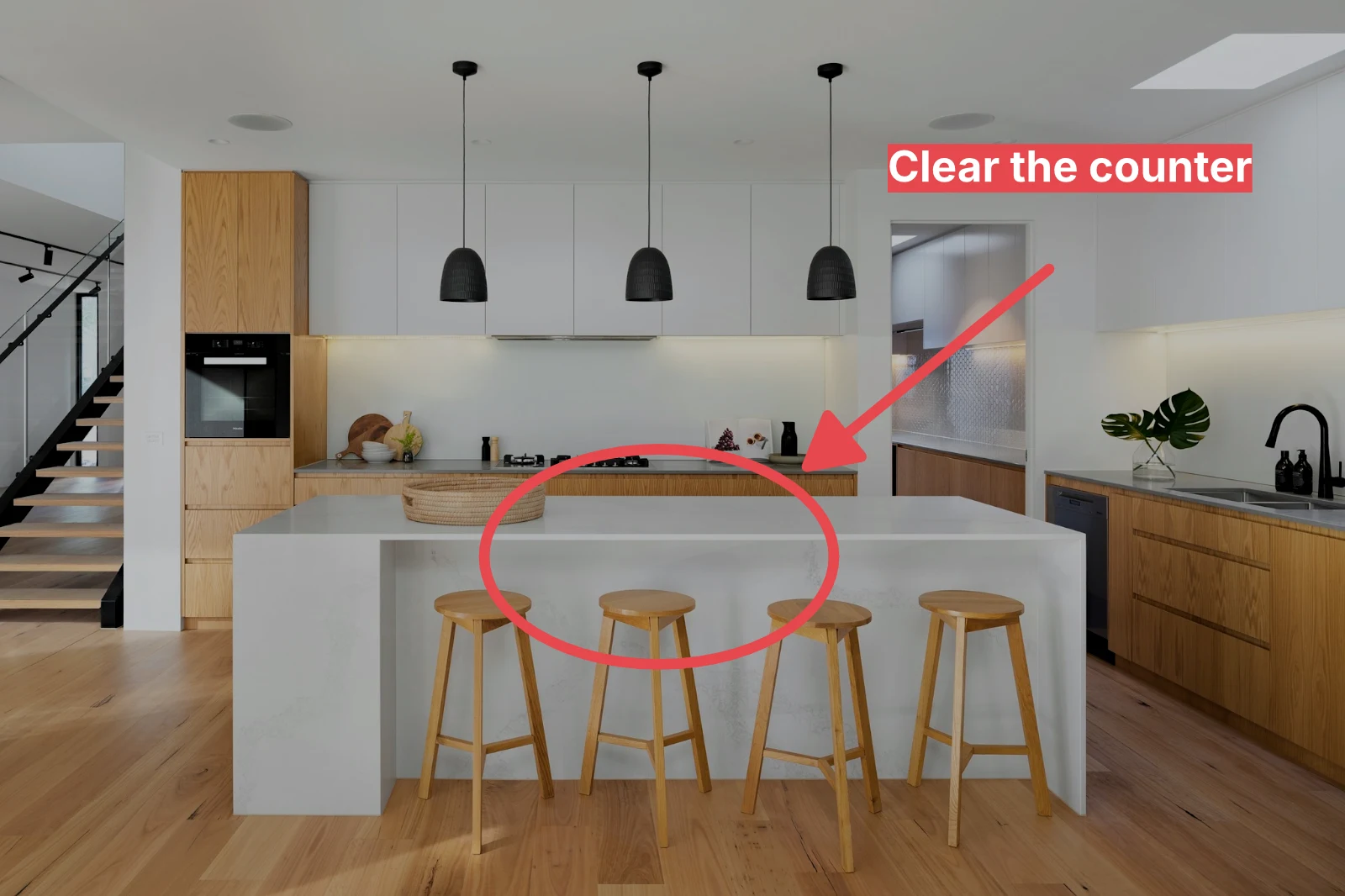
Markup
An arrow, a circle, a box or a label drawn on the photo.
ለሙሉ ስብስብ Auto እና የዎቹን መልክ ይስጡ
ከ Library ውስጥ ፎቶዎችን እና አይነት ይምረጡ፣ ከዚያም Bulk Auto ይጫኑ። እያንዳንዱ ፎቶ በመሳሪያዎ ላይ የራሱ Auto ይሆናል፣ ከዚያም አይነቱ፣ እንደ ምርጫው ደረጃ በማስቀመጥ ይደበቃል። ውጤቶቹ በሰርቨር ላይ ይሰራሉ፣ ስለዚህ ገጹ ሲዘጋ ይጠናቀቃሉ።



2. Choose a Look
Golden Hour WarmthAuto Only9 of 9 copies ready.
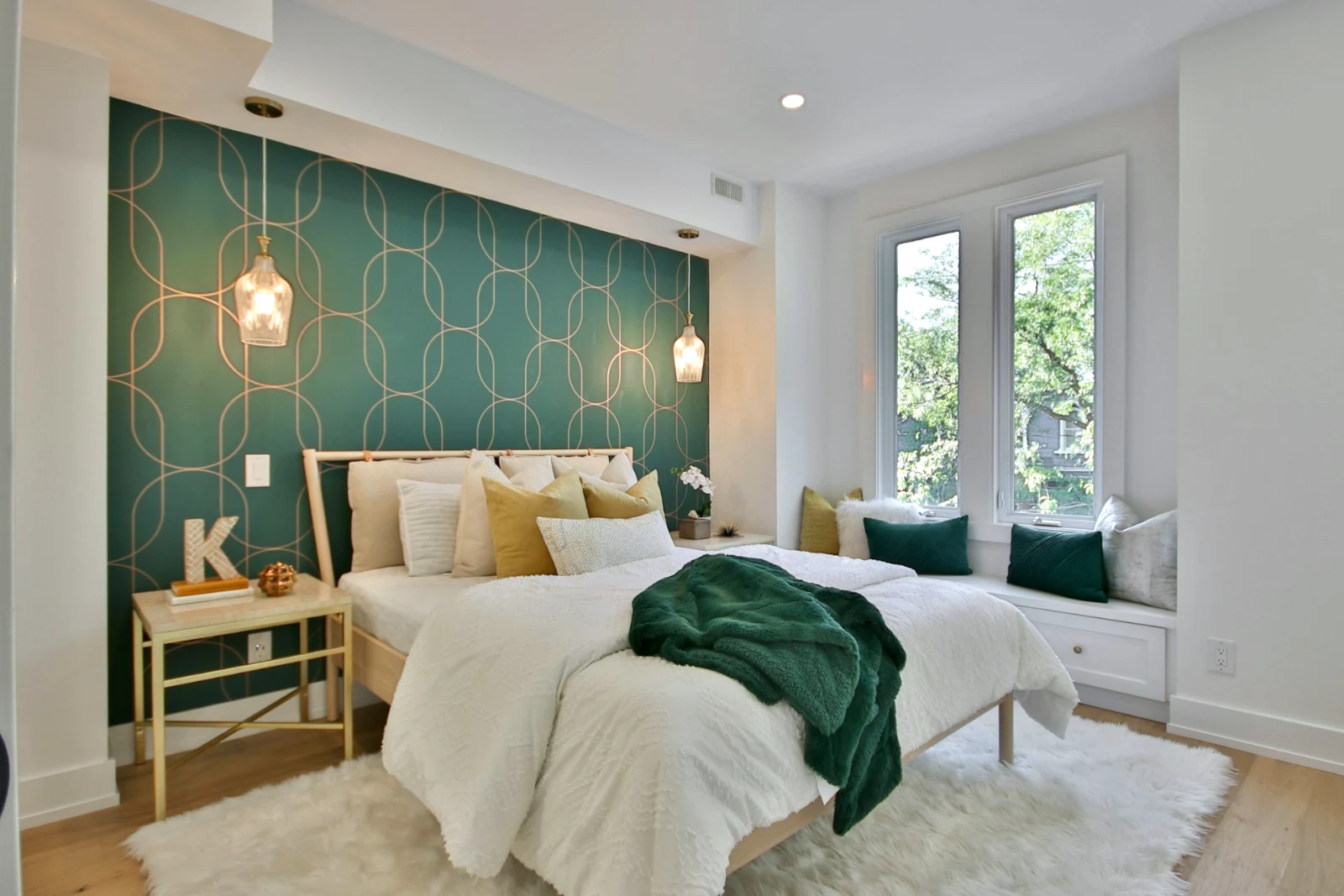
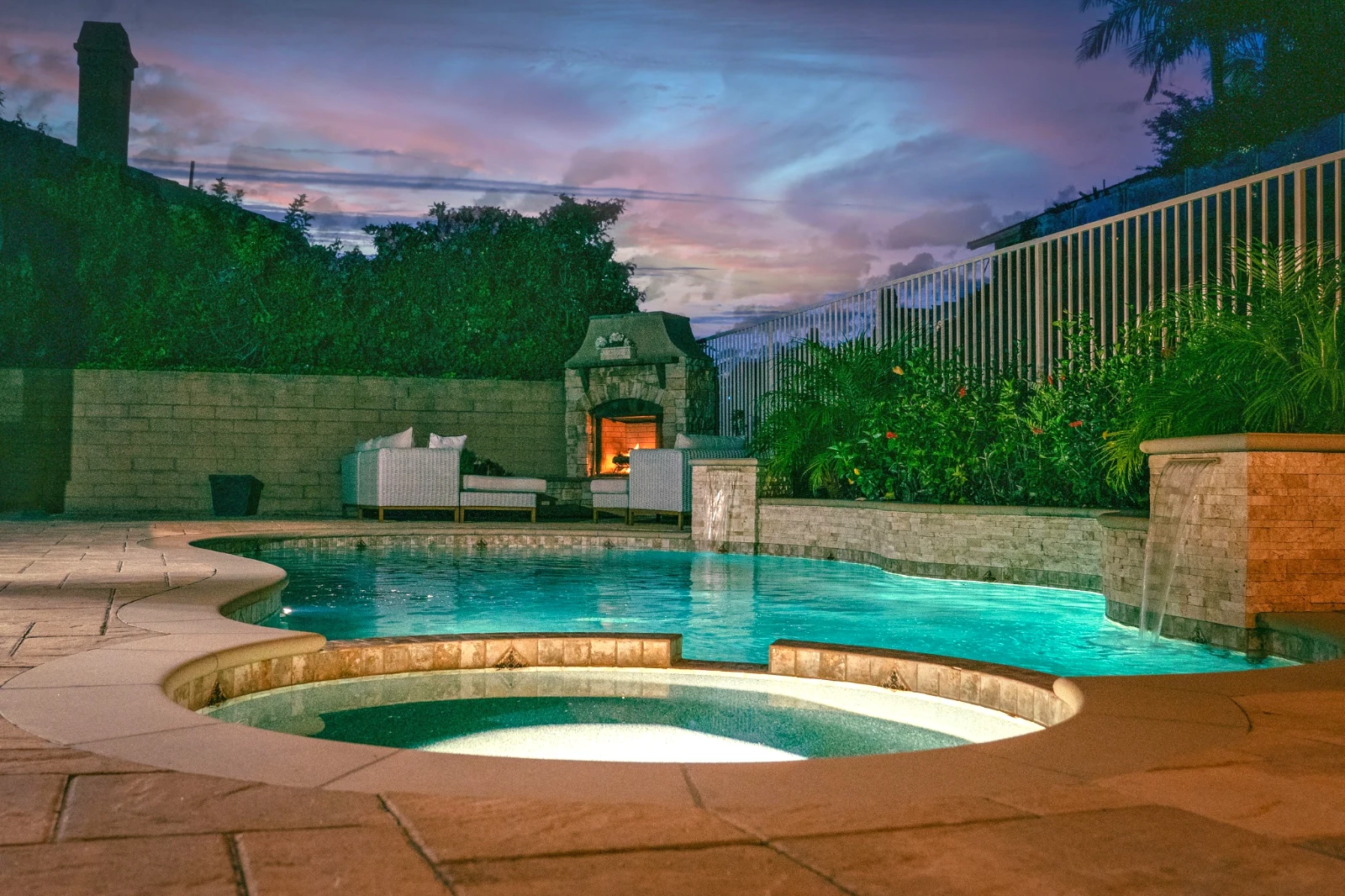
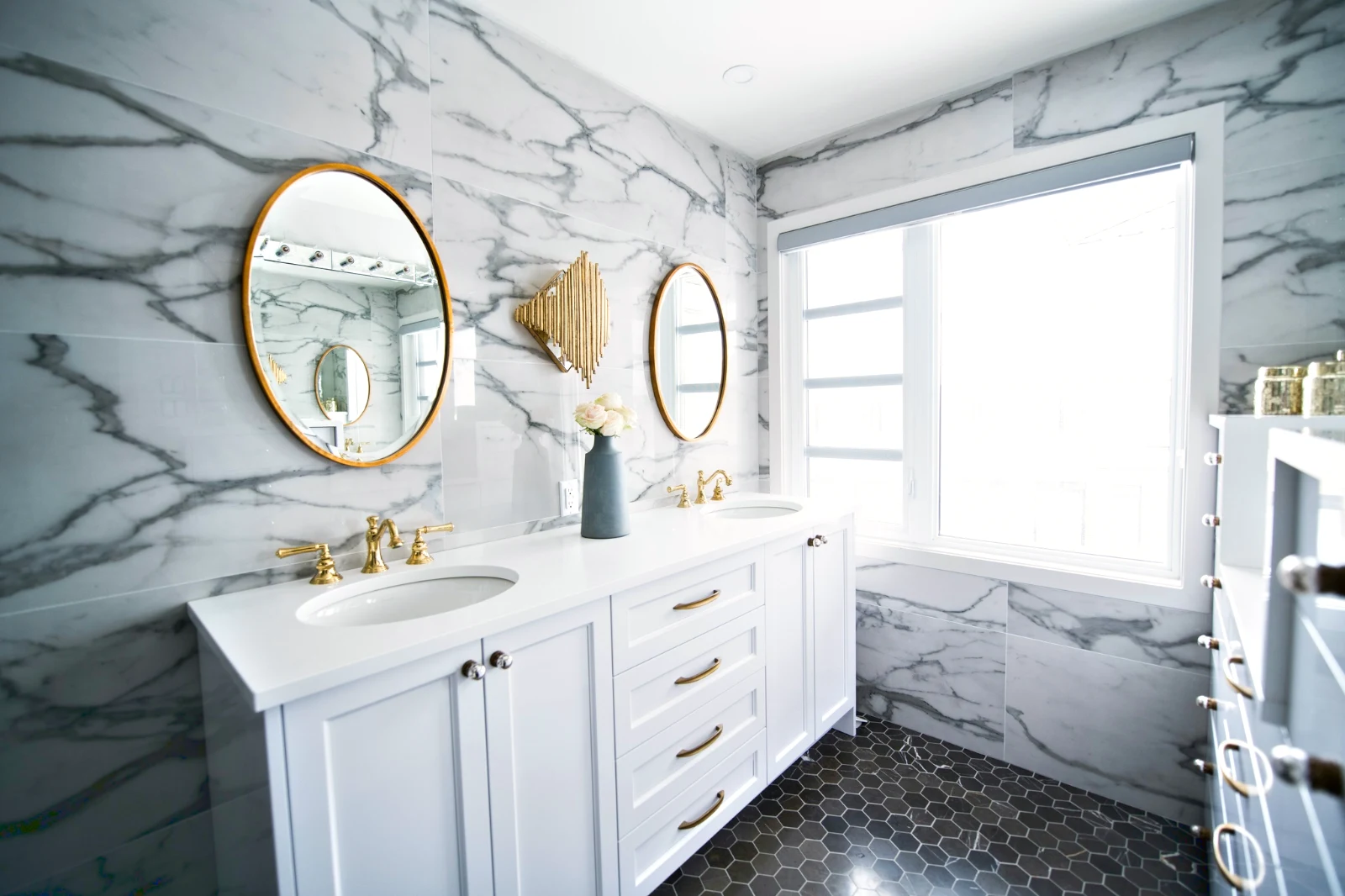
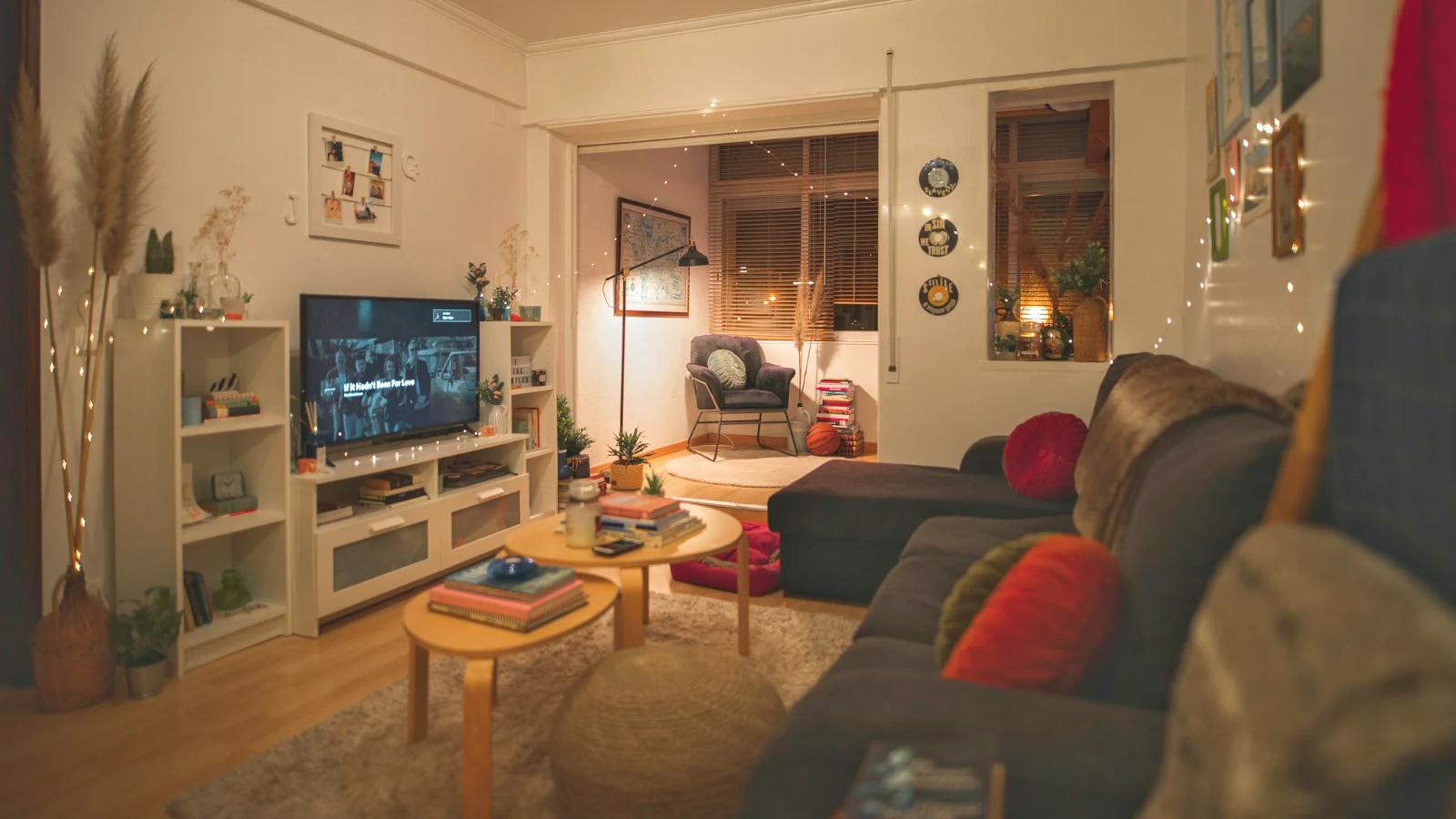
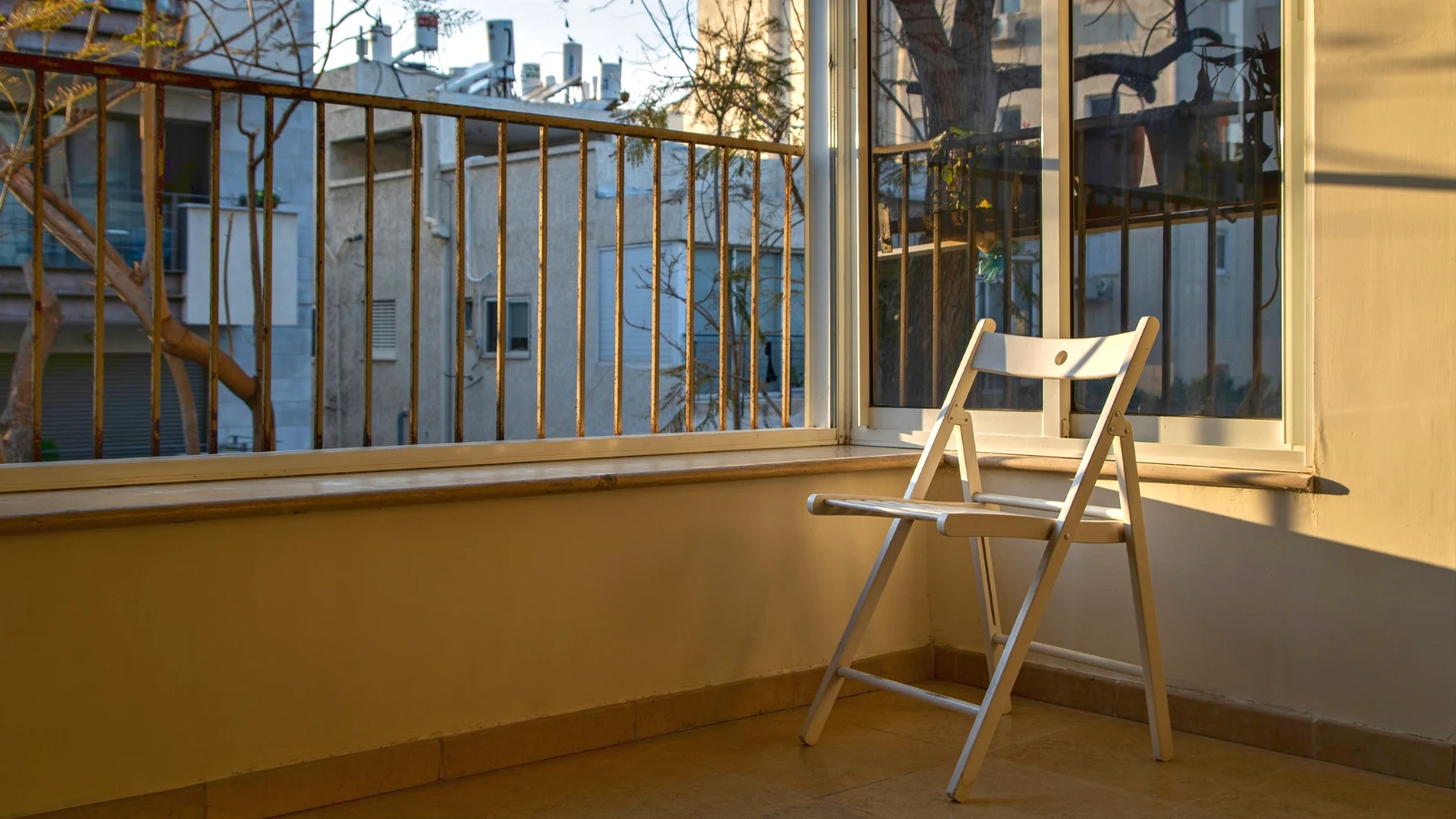
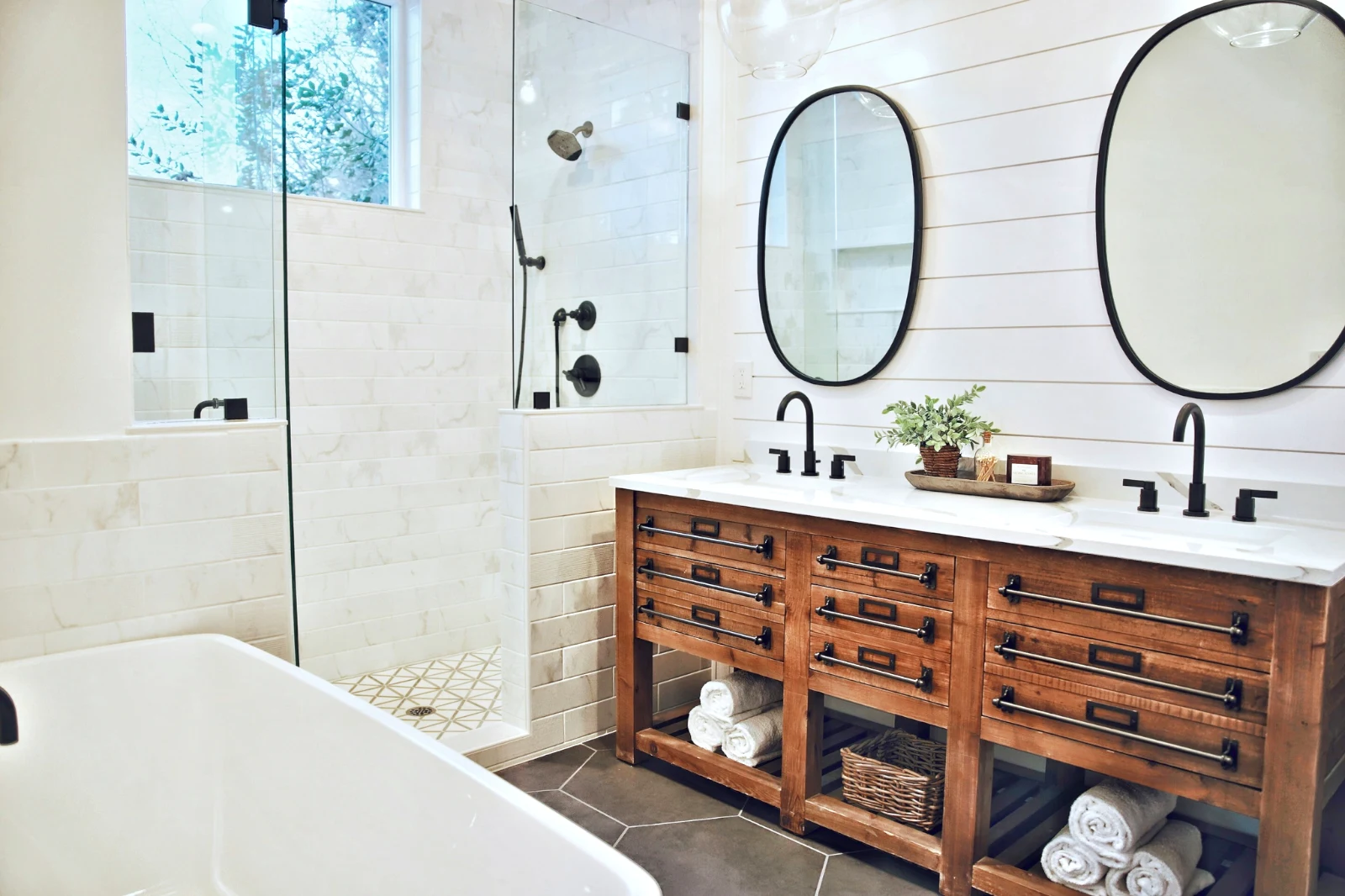
ፎቶን በሰንጠረዦች ይገነቡ እና በማንኛውም ቦታ ያስወጡ
Start a new Photo at a size people post, or open a selection as layers, each photo keeping its own edit. Select the subject or the sky, mask, paint, heal, clone and warp, add text and shapes, then export as JPEG, PNG, WebP, AVIF, TIFF or a layered PSD.
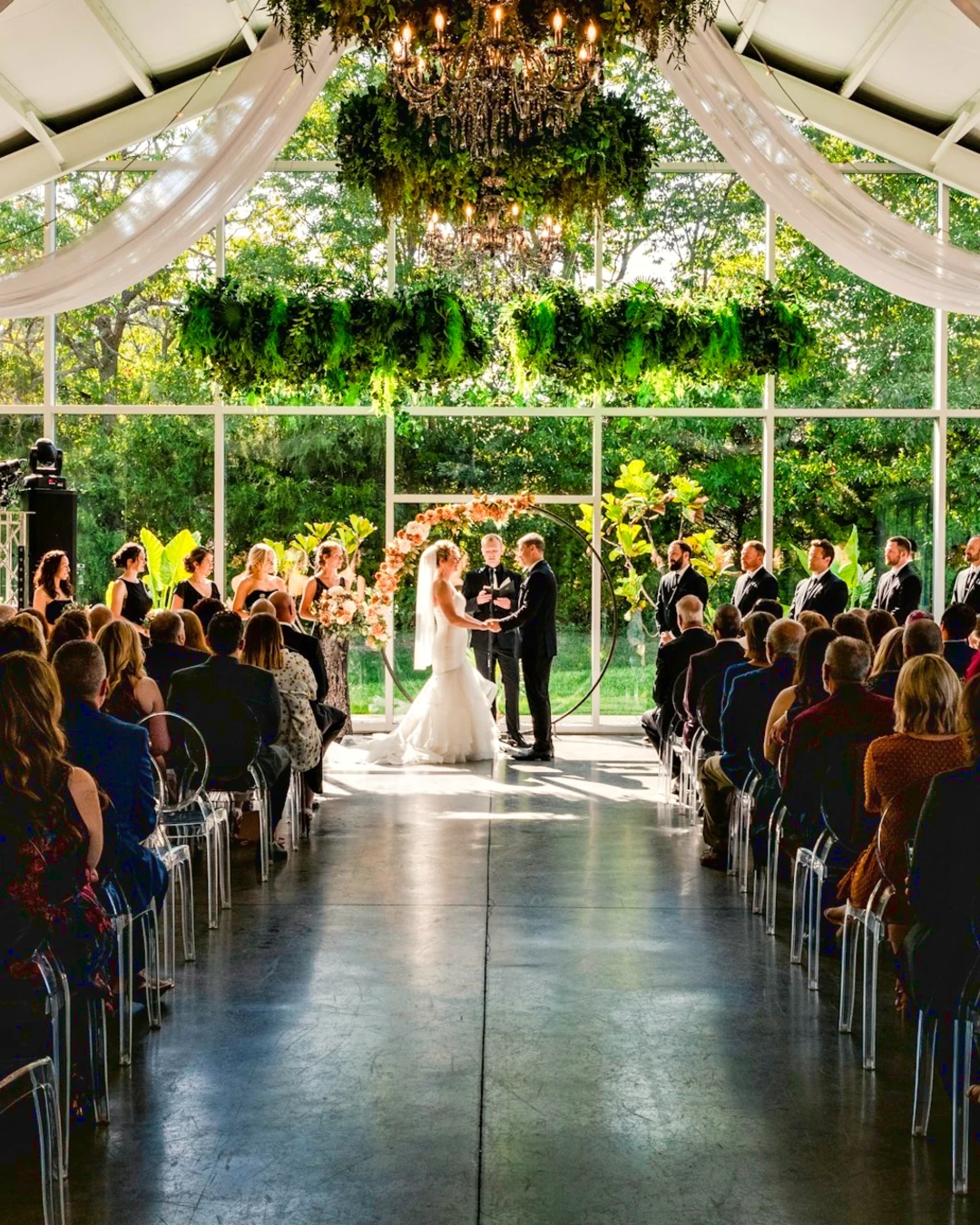
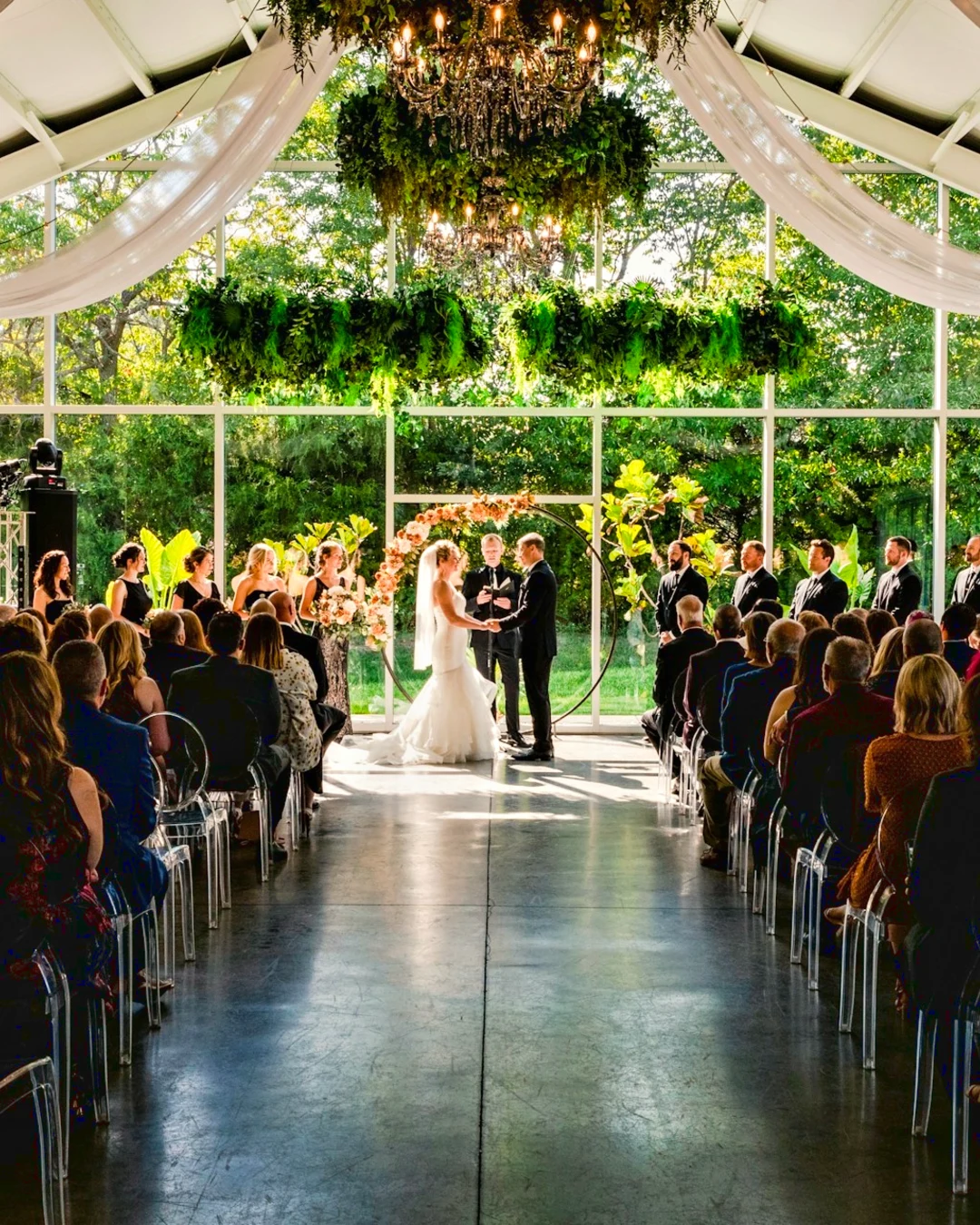
Selections
Feather, expand, refine edges and turn a selection into a mask.
Share a Gallery and see what the client picks
Put a shoot in a Gallery and share it for proofing. The client picks up to the number you set, leaves a note on any photo and sends their selection, approves or asks for changes, round by round. Their picks are Client Picks in your Library.
Proofing
Each gallery shared for proofing: what the client picked and noted, and how they answered the round.
| Gallery | ስፋፋት | ተመረጠ | Of | ማስታወሻዎች | Answer | Client | Answered |
|---|---|---|---|---|---|---|---|
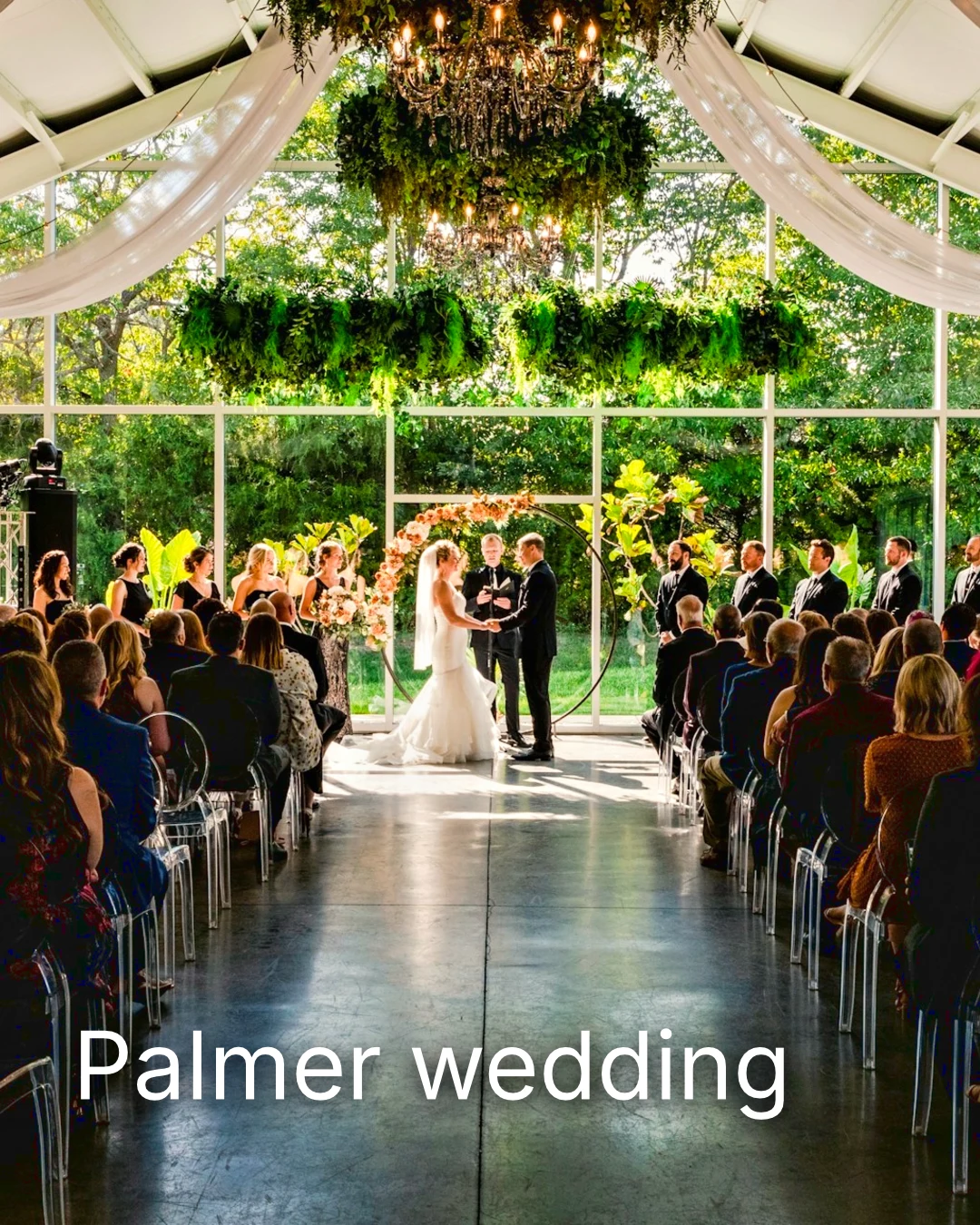
| Palmer wedding | 1 | 4 | 4 | 2 | Waiting on the client | Sarah Palmer | Waiting on the client |
| Carter portrait session | 2 | 3 | No limit | 0 | Approved | James Carter | 19/11/2026 |
| Harbourline Dental team headshots | 1 | 0 | No limit | 2 | የተጠየቁ ለውጦች | James Bennett | 19/11/2026 |
| Nguyen Family at Brighton | 1 | 12 | 15 | 3 | Selection sent | Linh Nguyen | 20/11/2026 |
| Okonkwo Engagement | 2 | 20 | 20 | 0 | Approved | Ada Okonkwo | 17/11/2026 |
| St Kilda Bakery Menu | 1 | 6 | No limit | 1 | Waiting on the client | Marco Ricci | Waiting on the client |
ኣብ ፎቶ ዘሎ ሓበሬታ
እያንዳንዱ ማስታወሻ በአስተካክሎትዎ ጊዜ በፎቶው ላይ ይታያል።
View or Download
Avenida da Liberdade 212
Gallery
Each link is view only or downloadable, with an optional password.
የዳታ ምልክትዎ (Watermark)
Pick your favorites and leave a note on anything you would like changed. When you are done, send your answer. You can answer each round once.


Your logo or words on every photo the client sees or downloads, until you deliver.
Prints From the Gallery
$ 149.000 ለእያንዳንዱ። የመሸጫ እና የግብር ዋጋ በመጨረሻ ላይ ይጨመራል።
The client buys a print of any photo, made and shipped by your lab, paid on your own checkout.
A Job’s Gallery, With Talent
Lookbook SS27 In review
- Client
- Maison Kiri
- ስፋፋት
- 1
- ተመረጠ
- 8 / 12
- Answer
- Waiting on the client
- Link Closes
- 2026/12/12
በ Talent ውስጥ ያለ ስራ የራሱ ገጽታ አለው፣ በተመሳሳይ መንገድ ተረጋግጧል።
የመደምደሚያ ቀን
Galleries
የእያንዳንዱ ስራ ገጽ፡ ምን እንደሚያያዙ፣ እንደሚመረጡ እና እንደሚያጥሉ።
| Gallery | Client | Job Stage | Link Closes | ተፈጥሯል |
|---|---|---|---|---|
| Program Shoot · Strength | Thandi Mokoena | In review | 2026/11/30 | 2026/11/09 |
| Client Story · Pieter | Pieter van Wyk | In review | 2026/12/07 | 2026/11/12 |
| Mobility Series | Aisha Davids | Delivered | 2026/12/18 | 2026/10/22 |
| Coaches Team Photos | Kopje Coaching | Delivered | 2027/01/05 | 2026/10/31 |
| Summer Bootcamp | Lerato Nkosi | In production | 2027/01/20 | 2026/11/18 |
Each Gallery’s link closes on the day you set, and the Galleries list shows the ones closing in the next 30 days.
የተጠናቀቀ ፎቶ በሚጠቀምበት ቦታ ይላኩ
A photo goes on as its newest export, or the original when it has none: into a Gallery at full size, onto a new design, into a website’s assets or onto a listing. Every picture picker in Calisto already lists the account’s photos, exports included.
A Design, With Studio
A new post or story opens with the photo placed.
 Menú de OtoñoTostadas de jaiba, desde hoy
A Website, With Sites
Added to the site’s assets.
የምስሎች ስብስብ
አንድ ምዝገባ፣ ከምዝገባዎች ጋር
Added to its photos, when the business has a listing.
T3 Rua do Século 41 Published
በስልክዎ ላይ በፊል ስክሪን ፎቶውን ይተኩ
Pinch to zoom, double-tap to fit and press and hold for Before. Each section is a chip under the photo whose controls dock below it, never over it, and a slider moves only on a sideways drag, so scrolling never edits.
ወደ Foto ተጋራ
A photo shared from the camera roll lands in Add Photos.
ከዚህ መሳሪያ ላይ ያለውን ማንኛውም አፕሊኬሽን ወደ Foto ይለዋወጡ፣ አንዱን ይውሰዱ፣ ወይም እዚህ ይምረጡ።
ለመጨመር ፎቶዎች
No Signal
ቤት፣ መጽሐፍ ቤት፣ ምስሎች እና ምስሎችን መጨመር ይከፈታሉ፤ ማስተካከያ እና መጫን ይጠብቃሉ እና አንድ ጊዜ ይደርሳሉ።
ከዚህ መሳሪያ ላይ ያለውን ማንኛውም አፕሊኬሽን ወደ Foto ይለዋወጡ፣ አንዱን ይውሰዱ፣ ወይም እዚህ ይምረጡ።
ለመጨመር ፎቶዎች
Where Foto touches everything else.
4 of these 5 connections are in your plan today; the other is its own app.
Depot
Every photo and every export is a file in Depot, on the account’s one storage quota, and a Gallery is a Hub.
Studio
An image’s Adjust in Studio is Foto’s, Send To opens a new design with the photo placed, and a layered Photo opens there as a design.
Talent
Galleries and Proofing are the same views Talent shows, and a job’s Gallery is the Hub of that job.
Listings
Bulk Auto takes a listing’s photos as a set, and the exports replace them on the listing.
Sites
Send To adds a photo to a website’s assets.
No setup cost. Pay when you start using.
Photos edited in one tap, by hand or in layers.
Calisto Create
ቤተ-መጽሐፍ፣ ራይድ፣ በአንድ ጊዜ ራይድ፣ ምልክቶች፣ ማስተካከያ እና ገጽታዎች፣ ከእያንዳንዱ Calisto ደንበኛ ጋር የተጨመሩ ናቸው።
Foto Pro
ለአንድ ሰው፣ ለራሱ የሆነ ስብስብ ወይም ለመፍጠር የሚያስችል ስብስብ፤ አንድ የንግድ ተቋም ስብስቦቹን ወደ ሰራተኞቹ ይሰጣል።
Recommended for you
በጥሩ ሁኔታ ይሰራል።
Calisto Depot
Calisto Studio
Calisto Create
A Studio seat designs anything at every size, from Calisto’s templates or a blank page: layers, photos, Copy & Resize, Bulk Create, mockups, QR codes, print-ready PDFs, sharing and whiteboards.
Learn more →Calisto Talent
Included With Your Plans
Your Core app shows everything your Commerce and Ops plans turn on.
Learn more →Calisto Listings
Listings
Your listings, appointments, developments, rentals and the office, for each person who works in Listings.
Learn more →Calisto Sites
Calisto Sites
A website and its phone app, built from a template on the page itself, showing what you sell from your own records and published on your own domain.
Learn more →በCalisto ውስጥ የሚገኝ ሁሉም Foto.
- Foto Essentials for every signed-in person: Home, the Library, Auto, Bulk Auto, Looks, Adjust with Auto, Light, Color and Crop, and Galleries; every other control one tap away behind More.
- Foto Pro, a seat per person: every Adjust control inline and the Layers workspace.
- Essentials or Pro is each person’s own choice, in Profile & Preferences ▸ Creative Tools, never a business setting.
- Without a seat, More and Layers read Pro · Upgrade, or Ask for a Pro Seat for a team member.
- A photo whose edit holds Pro fields always opens, saves and draws at Essentials.
- First open asks nothing technical at Essentials, and leads with Layers and the keys at Pro.
- Every photo read after it is uploaded: when it was taken, its exposure, its focus and its faces.
- Flags: Blurry, Missed Focus, Black Frame, Missed Flash and Closed Eyes, each a filter in the Library.
- A score from focus, exposure and open eyes: Best First, and the Suggested Best Shots.
- Similar Shots: bursts, brackets and the same pose taken twice, grouped best first, with Star the Best of Each.
- Faces and eyes are read on your own device; nothing is starred or hidden for you.
- Home: the photos to pick up again, Upload Photos, New Photo, From Media Library, Bulk Auto, and Recent Photos.
- The Library: All Photos, Starred, Edited, Similar Shots, Layers and Client Picks, with search, sort (Best First and Date Taken included) and a Tag filter.
- A Hub’s photos on their own, from the Hubs in the sidebar; Move To… a Folder of a Hub, and New Hub, Private or Public (with Depot).
- A selection is starred, tagged, given a look, run through Bulk Auto, sent on, opened as layers or assigned to a client project.
- Star and Tags are the platform’s: the same in Depot, Docs and Studio, carried wherever the photo is picked.
- An export is listed with its photo, never among the originals.
- The account’s storage shown in the Library, on the one Depot quota (with Depot).
- Upload from a desk, the camera or the device’s photos, through the one upload queue.
- Add Photos is where a photo shared to Foto lands: the camera roll’s Share sheet, or Open With on a desk.
- Then Adjust for one photo, Bulk Auto for a set, or the Library.
- JPEG, PNG, WebP, HEIC, HEIF, AVIF, TIFF and camera RAW; a RAW is developed on the device, or converted on the server when the device cannot.
- The camera and lens a file says made it, read once from the original and kept on the file.
- Auto: one tap reads the photo on the device, sets its sliders and names each one; Undo puts the photo back.
- Your Style beside Auto, once you have edited eight photos: Auto moved the way you move it, and the Texture, Clarity and Saturation you usually set, learned from your own edits; yours, never the business’s.
- Light, Color, Crop and Straighten; Whites and Blacks, Detail (Detail, Fine Detail, Clear Haze), Tone Curve, Color Mixer, Color Grading, Sharpening and Noise, Lens, Transform and Effects.
- Straighten Lines: Auto and Vertical, and Level, Full and Guided (up to four lines drawn on the photo); it sets the Transform sliders it solved and names them, and leaves a photo with no clear lines as it is.
- Lens: Correct Lens from the camera’s own correction in the RAW, else the lens profile; Remove Color Fringes; nothing the camera already corrected is corrected twice.
- How it was drawn, said under the control it concerns.
- Remove and Repair: Remove what you paint over; Clone and Fill.
- Adjust Part: Sky, Subject and Background; a Brush, Linear and Radial gradients and a Brightness Range.
- People: Skin, Face, Eyes, Lips, Hair, Clothes and Body, found on your device.
- Retouch Skin: Even Skin smooths blotches and keeps the pores; Match Skin Tone evens the skin toward the person’s own tone.
- Frequency Separation: paint where, then Smooth Tone and Fine Detail retouch the tone and the texture each on its own.
- Portrait Blur on the background, and Lens Blur by the photo’s depth with Focus Distance and Depth of Focus.
- Film Negative: a scanned color or black and white negative turned positive from its film base, shared across a roll by copying the edit.
- Changes: every change to a part, with its own controls, opacity, blend and invert.
- Markup: an arrow, a circle, a box, a freehand line or a label drawn on the photo, carried by every export.
- Before: press and hold. Undo and Redo through the edit’s whole history.
- The original is never changed; the edit is kept beside it with its history.
- A client’s note from Proofing shown on the photo while it is edited.
- Calisto’s looks and the business’s own, in Looks ▸ Calisto and Mine.
- Match a Photo: another photo’s look, solved into Exposure, Contrast, Saturation, White Balance and Color Grading.
- Suggested looks first in Adjust: the looks made for a photo like this one, from the kind of photo each of Calisto’s was made for and the photos each of yours has been put on.
- Save Look keeps an edit’s settings as a look of the business’s own.
- A look given to one photo or a whole selection.
- A selection from the Library, or one listing’s photos for a business with listings (with Listings), and a look.
- Start From Auto or Your Style.
- Each photo read on the device and given its own Auto, then the look; a look that straightens lines solves each photo’s lines.
- Saved as a step of each photo’s edit.
- The exports made on the server, so they finish with the page closed; the results screen shows each one as it is ready.
- For a listing’s photos, the exports replace them on the listing, through Listings’ own write (with Listings).
- Bulk Auto Finished is sent once per run, to the person who started it.
- Camera on USB, in Chrome or Edge: Connect Camera, Shoot, Live View on Canon EOS and Nikon, every frame straight into Foto.
- The camera’s own Wi-Fi upload: FTP, FTPS or SFTP to Calisto with a login of your own, the password shown once.
- Every frame in the Camera Uploads Hub as it lands, with the last edited frame’s edit or a look applied to each new one.
- Nothing to install: the camera talks to the page itself.
- Record Action in Adjust: your steps kept as steps, then played on any photo or a Library selection, with Auto, looks, straightening and found parts solved again for each photo.
- Actions are the business’s, kept beside its looks.
- Contact Sheet: a selection or a Gallery printed 2 to 8 across, portrait or landscape, with names, stars, client picks and culling flags, filed in Depot as a PDF.
- HDR: bracketed exposures fused into one photo, lined up even when taken by hand.
- Panorama: overlapping frames joined, laid on a cylinder for a known lens, cropped clean; brackets at each position fused first.
- Focus Stack: frames focused at different distances, sharp from near to far.
- Astro Stack: night-sky frames aligned on their stars and stacked by sigma clipping, median or mean, dark frames taken off.
- A new photo in Depot every time; the photos merged stay as they were. Large merges finish on our servers.
- Smart Objects: Convert to Smart Object, New Linked Copy, Update Linked Copies and Release Smart Object; each copy keeps its own opacity, blend and styles.
- New Photo at a size people make: YouTube Thumbnail, Instagram Post and Story, Square, A4 and US Letter at 300 ppi, or a custom size, on white, black, a color or transparent.
- Open as Layers on a selection: each photo a layer carrying its own edit.
- Photo, pixels, adjustment, text and shape layers in one layer tree: chosen, checked to act on several, shown, hidden, locked, renamed, moved, grouped, duplicated and deleted.
- Tools: Move, Select Rectangle, Ellipse, Freehand and Straight Lines, Select Similar Color, Select Subject and Sky, Brush, Eraser, Dodge, Burn, Blur, Sharpen, Heal, Clone, Fill, Warp, Warp Grid, Warp Perspective, Text, Shapes and Crop.
- The Select menu: Select All, Deselect, Invert, Feather, Expand, Contract, Smooth, Refine Edges, Selection to Mask and Fill with Color; Shift adds, Alt subtracts, both intersect.
- Layer masks and shape masks, each enabled, inverted, feathered, applied or deleted; layer styles: drop and inner shadow, outer and inner glow, color overlay and stroke.
- Apply and Convert to Pixels; every paint stroke written as new tiles, so every earlier step still undoes.
- Export as JPEG, PNG, WebP, AVIF, TIFF or a layered PSD, with what it could not hold said in plain words; Recent Exports in the Export dialog.
- A layered Photo opens in Studio as any design does (with Studio).
- Without the seat, a layered Photo opens to look at.
- A Gallery is a Hub shared with a client through its link, Private or Public; a job’s Gallery is the Hub of that job (with Talent).
- Send To ▸ Gallery puts the photos in at full size.
- Share for Proofing: the client’s email (the Gallery also lists in their portal), how many they may pick, view or download, a password, and your watermark.
- Your watermark on every photo of the link, at every size and on every download: your logo, your business name or your own words, where it sits, its size and its opacity, set once in Settings ▸ Photos ▸ Watermark.
- Watermark the Photos or Remove the Watermark on a link in Proofing, so the final delivery goes out clean.
- Prints from the Gallery: Choose Prints from your drop-ship products on sale online; the client taps Buy Print on a photo, picks the print, the size and how many, and pays on your own checkout (with Shop and Orderflow).
- Your lab prints the photo the client chose and ships it to them; the order is in Orderflow beside every other web order.
- The client picks up to the limit, leaves notes, and sends their selection, approves or asks for changes, round by round.
- Open the Next Round, or Stop Proofing; an earlier round stays as it was.
- Galleries counts what is delivered, waiting on the client and closing in 30 days.
- The same Galleries and Proofing views Talent shows (with Talent).
- A photo goes on as its current export, or the original when it has none.
- A Gallery; a design, opened in Studio with the photo placed (with Studio); a website’s assets (with Sites); a listing’s photos, when the business has a listing (with Listings).
- Every picture picker in Calisto lists the business’s photos in Depot, exports included.
- Adjust and Layers, switched in the header: ⌘⌥1 and ⌘⌥2, or A and L.
- Keyboard Shortcuts (⌘/) lists every key; ⌘K finds every command.
- Each editor’s back link returns to the Library.
- Home, Library and Settings in the tab bar; shortcuts to Add Photos, the Library, Bulk Auto and Looks.
- The photo fills the screen: pinch to zoom and pan, double-tap to fit, press and hold for Before.
- Each section a chip under the photo, its tray docked under it, never over it, with the desk’s controls and a Reset.
- A slider moves only on a sideways drag, so a scroll never edits; words are typed in a dialog above the keyboard.
- Layers on a phone: the canvas full screen, the tools in a bottom bar, the layer tree and Format as bottom sheets.
- Keep Foto on This Device: Home, the Library, Looks and Add Photos open with no signal; an edit’s save, a new look and uploads wait and land once.
- Copy Saved is sent when the server finishes a copy, to the person who asked for it.
- Foto installs as part of the Calisto app.
- Every photo and every export is a Depot file on the account’s one quota; each Foto Pro seat adds its included storage to it (with Depot).
- Working copies and the render cache never count.
- Settings ▸ General: the business’s name, design and sign-in.
- Settings ▸ Photos: the export format, size on the long side or the original’s, quality, and the look Bulk Auto starts from; changed by the business’s admins, and Purview may lock it.
Questions about Calisto Foto
ሁሉም የተገናኙ ሰዎች Foto Essentials አላቸው፡ መዝገብ፣ ራስ-ሰር፣ ብዙ ራስ-ሰር፣ ምስጢሮች፣ በብርሃን ማስተካከያ፣ ቀለም እና መቁረጥ፣ እና ገጽታዎች። ሌሎች ሁሉም ማስተካከያ ቁጥጥር በMore ውስጥ ነው። Foto Pro ሁሉንም በቀጥታ ያስገባል እና ለአንድ ሰው በአንድ ቦታ የላወርስ ስራ ስፋት ይጨምራል።
No. An edit is kept beside the photo with its history, so any step can be undone later. An export is a new file in Depot, reached from its photo, and the original stays as it came.
JPEG፣ PNG፣ WebP፣ HEIC፣ HEIF፣ AVIF፣ TIFF ከምኡ'ውን ካሜራ RAW ፋይላት። RAW ኣብቲ ዝተጠቕሰ መሳርሒ ወይ እቲ መሳርሒ ክሰርሖ ኣይክእልን እንተኾይኑ ኣብቲ ሰርቨር ይፈጥር። ዝተሰርሐ ፎቶ ከም JPEG፣ PNG፣ WebP፣ AVIF፣ TIFF ወይ ዝተሰርሐ PSD ይወጽእ።
Studio opens a layered PSD as a design. Foto saves a layered Photo as a PSD that keeps its layers, masks, blends, groups, text and styles, and says in plain words what it could not keep.
የጋላሪውን ለማረጋገጫ ይጋሩ። ደንበኛው ሊንኩን ይከፈታል፣ ለሚፈልጉት ቁጥር ይምረጣል፣ በማንኛውም ፎቶ ማስታወሻ ይተው፣ ምርጫቸውን ይላካል፣ ያረጋግጣል ወይም ለውጦችን ይጠይቃል፣ በደረጃ በደረጃ። የምርጫቸው ምስሎች በLibraryዎ ውስጥ እንደ Client Picks ይታያሉ፣ እና እያንዳንዱ ማስታወሻ ሲሰሩ በፎቶው ላይ ይታያል።
Yes. Choose which of your drop-ship products the Gallery sells, such as prints your lab makes and ships. The client taps Buy Print on a photo, picks the print, the size and how many, and pays on your own checkout. Your lab prints that photo and ships it to them.
In Depot, on your account’s one storage quota, where every picture picker in Calisto finds them. Each Foto Pro or Create seat adds the storage it includes to that same quota.
