Jou span en jou besoekers online, op die router wat jy het.
Gaste teken in op u eie welkom-pag, u span sluit aan met hul eie aanmelding, en u sien wie tans aan die gang is. Niemand se wagwoord verander wanneer iemand vertrek nie.
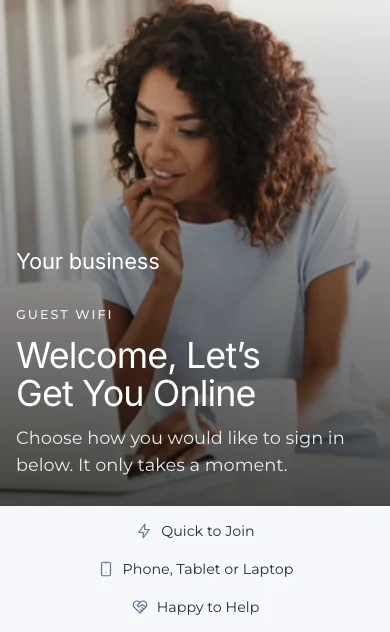
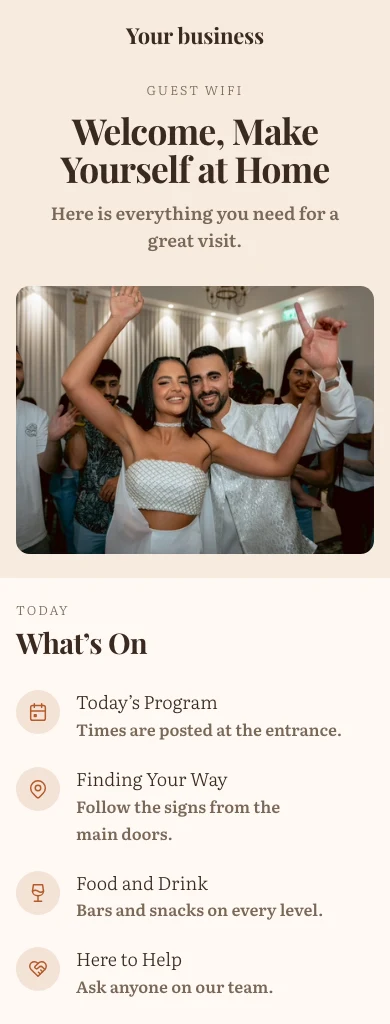
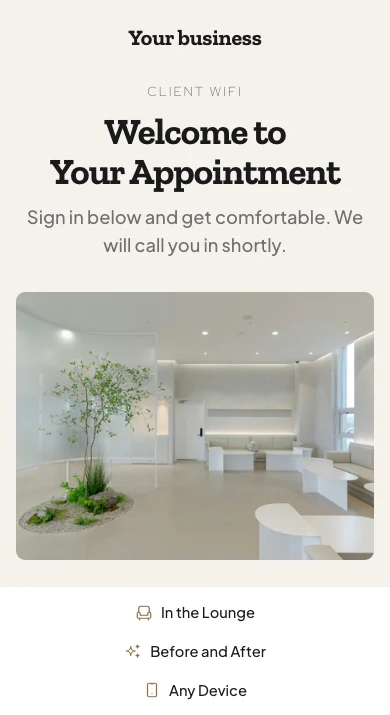
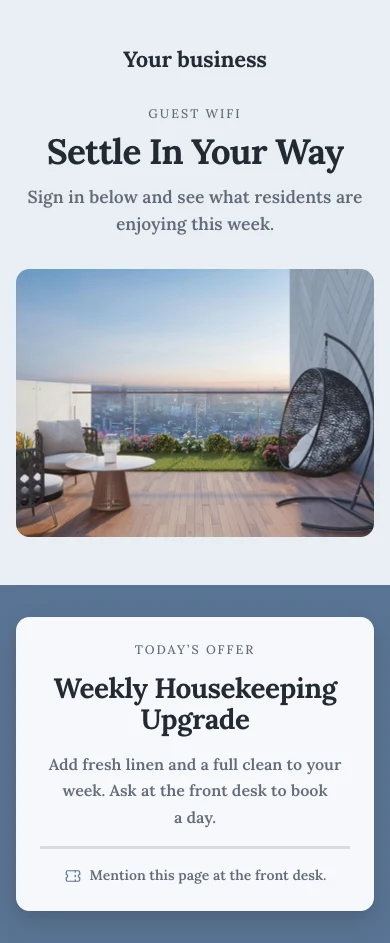
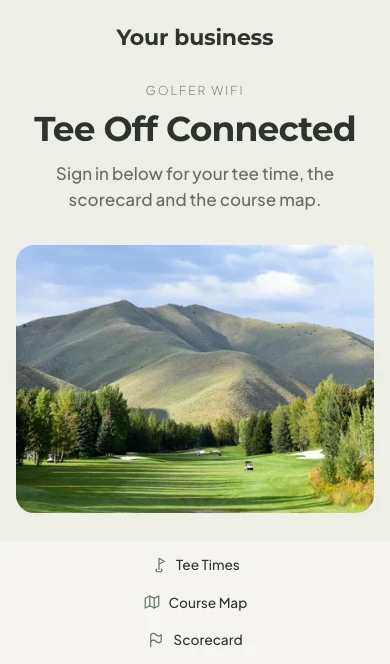
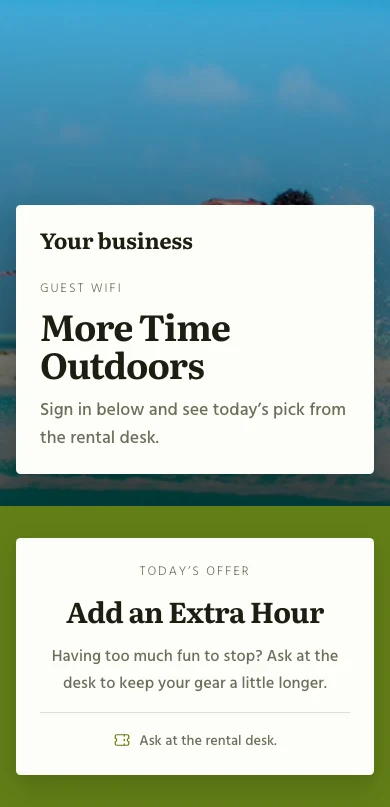
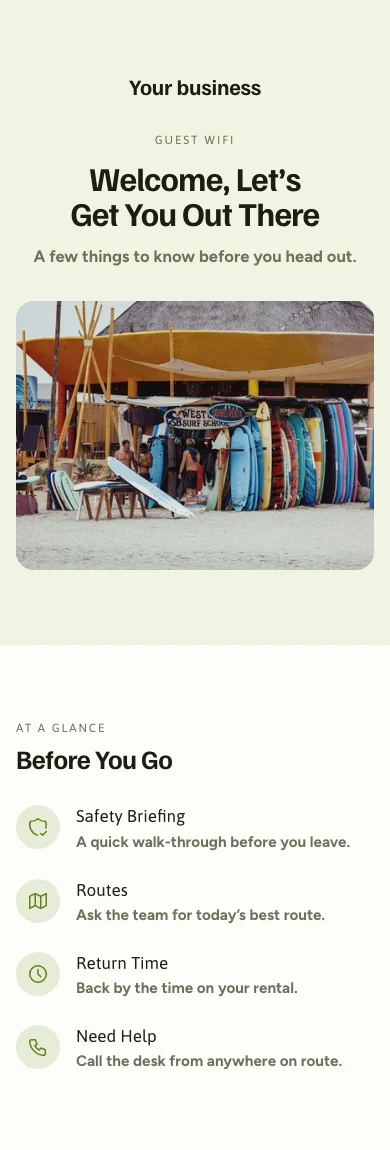
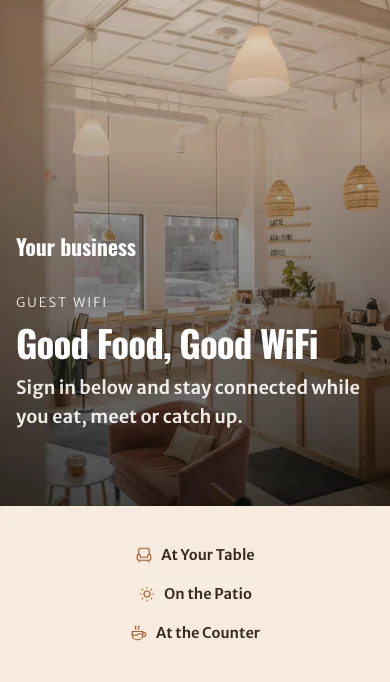
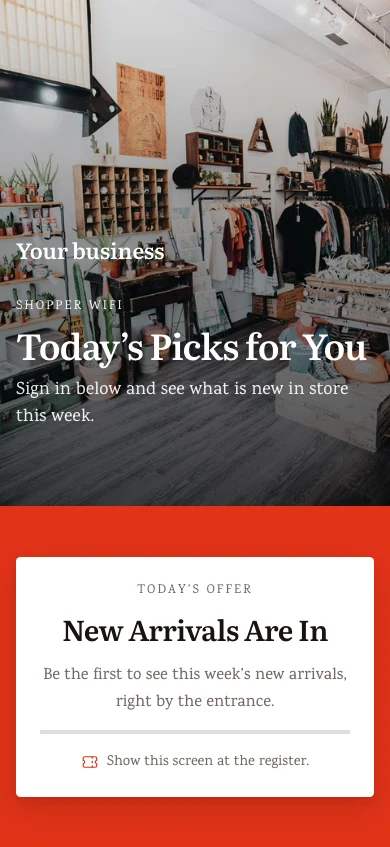
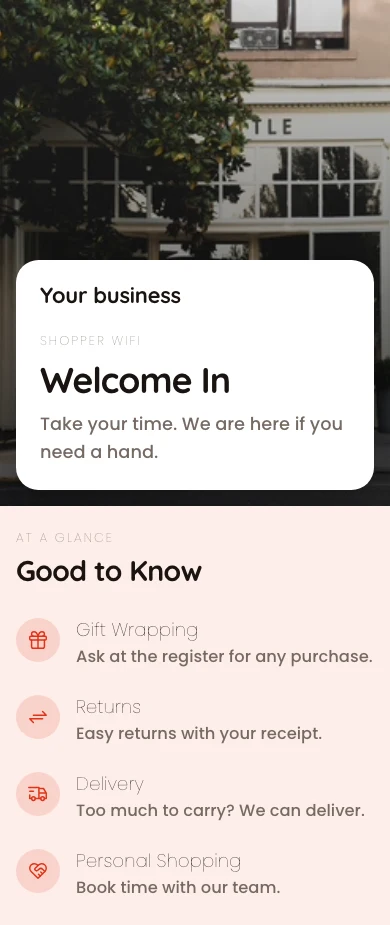
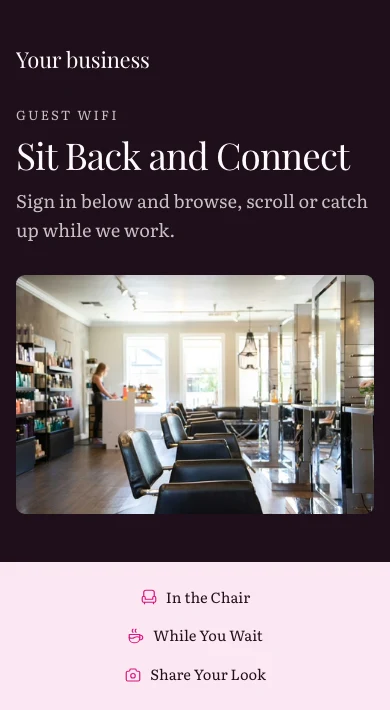
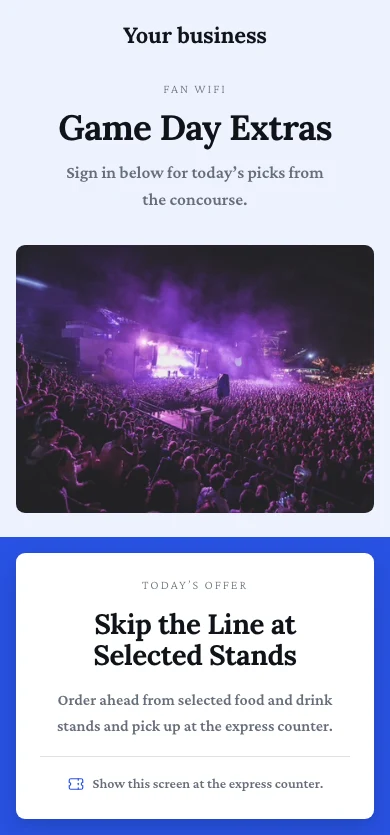
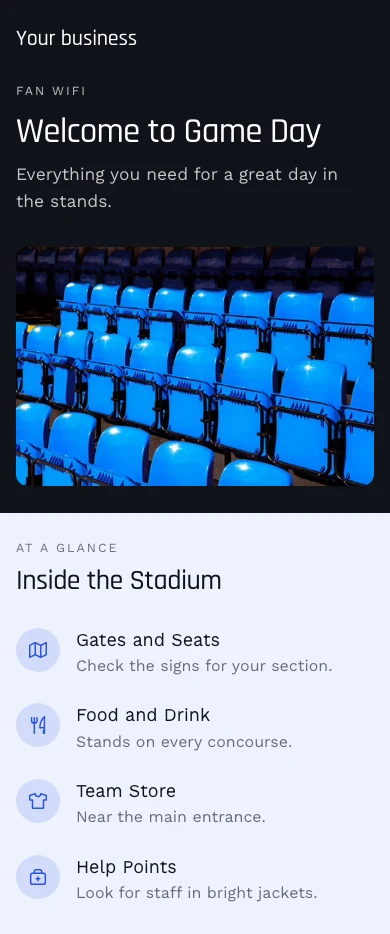
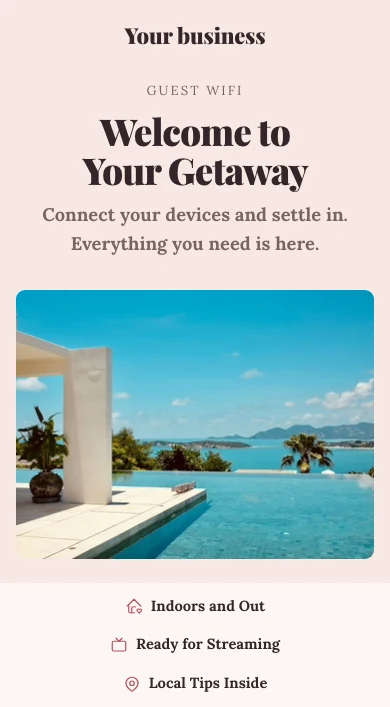
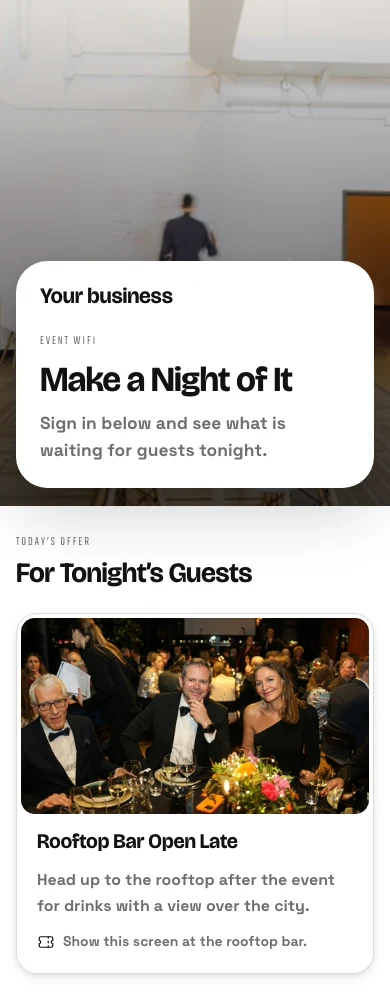
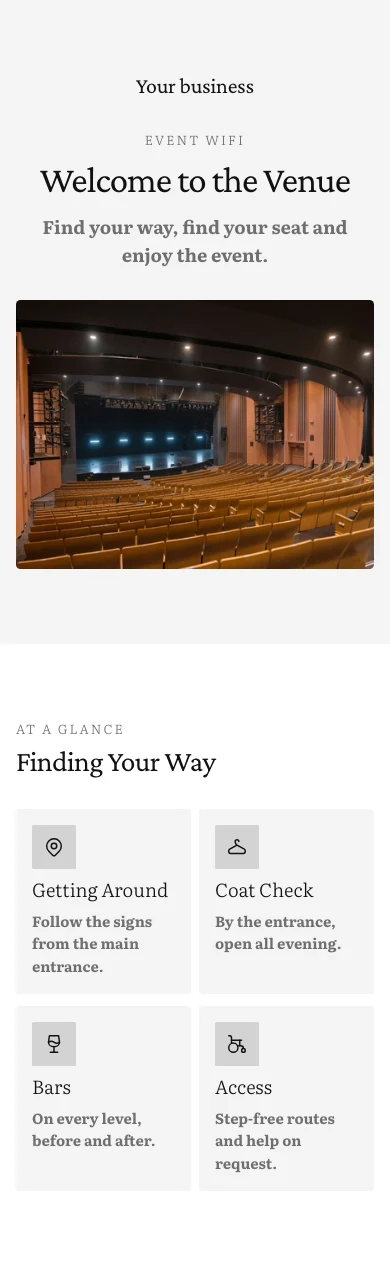
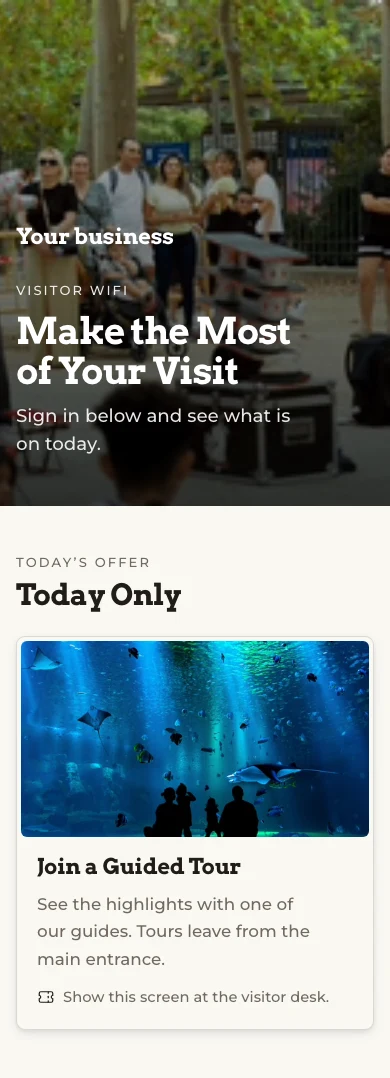
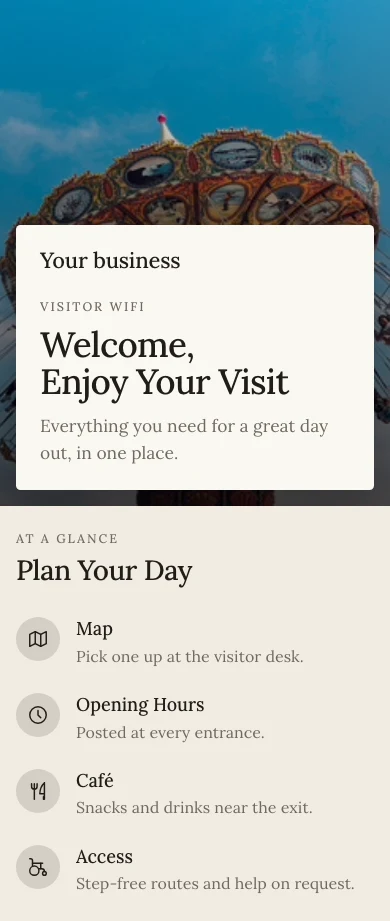
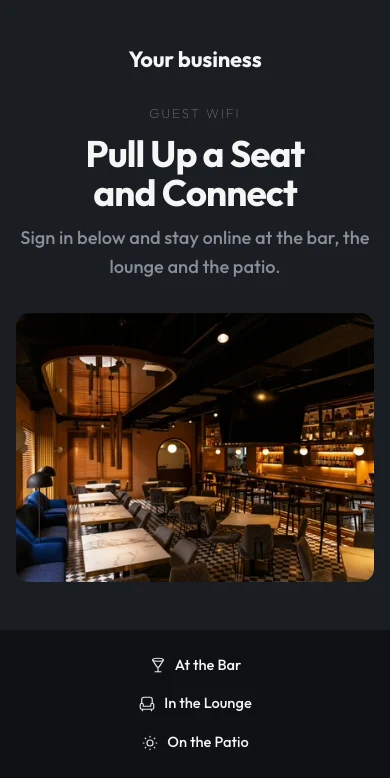
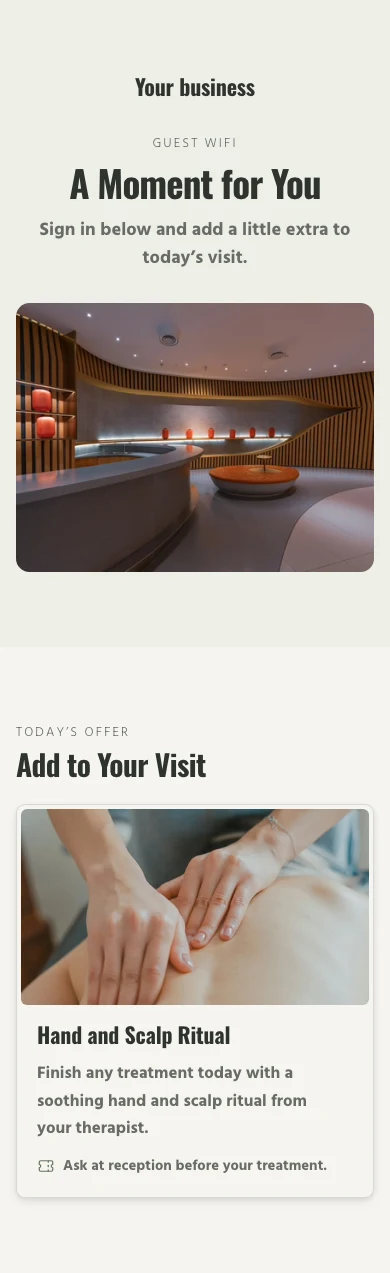
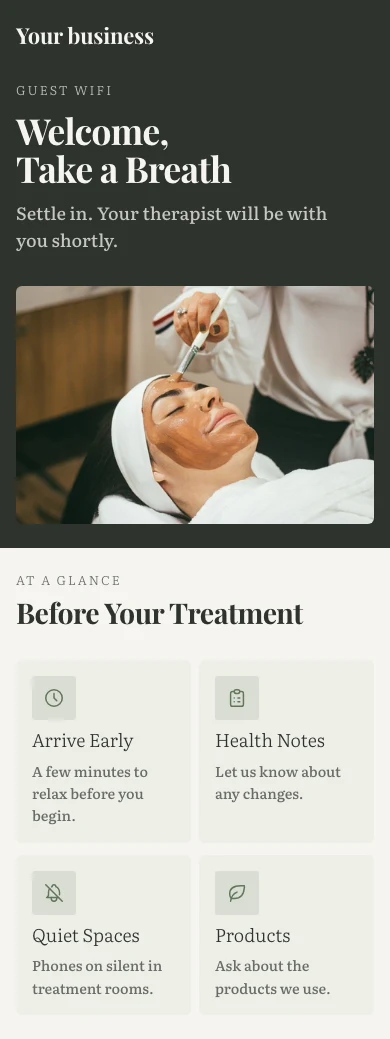
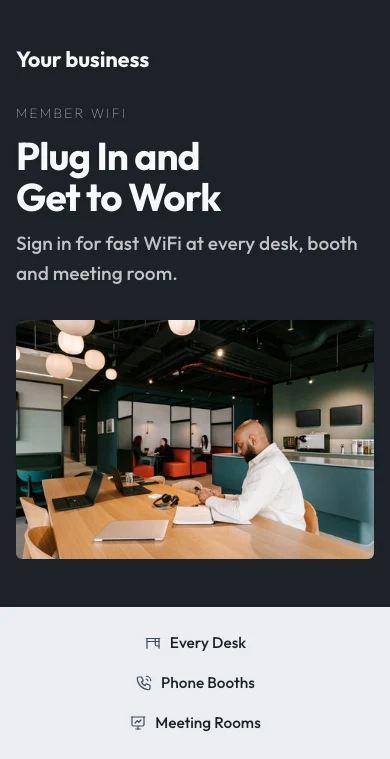
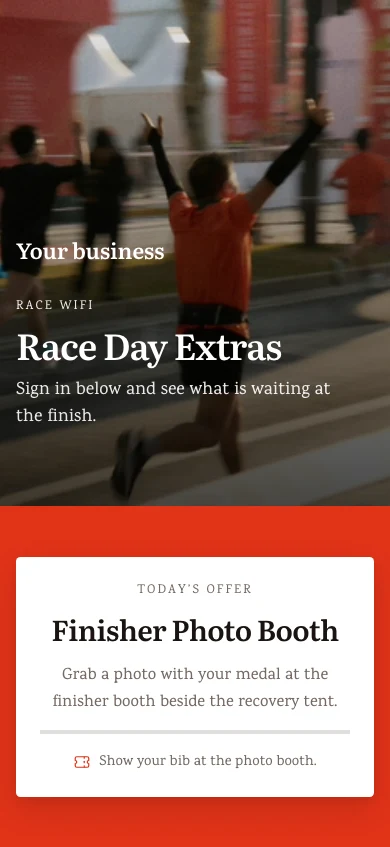
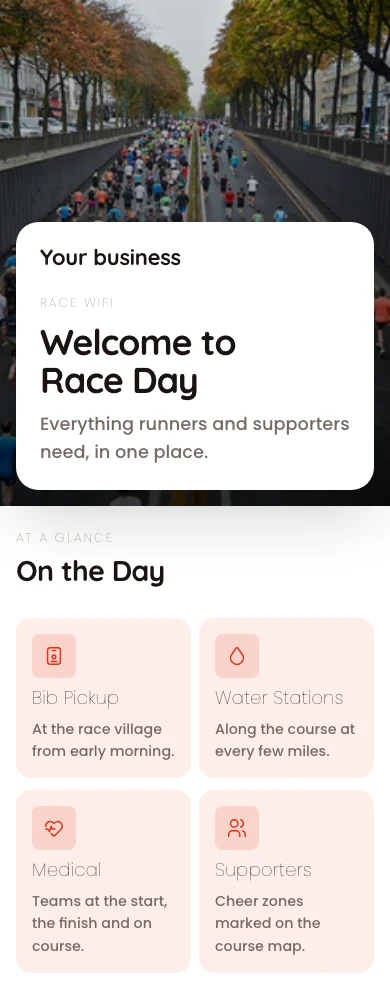

Elke netwerk, wie kan daaraan aansluit en wie het
Hotels, kantore, kafes, klubs, medewerkingsruimtes en terreine, vanaf een rekening.
Netwerke
Vier toegangvlakke op jou router.
Span Inloggings
Elke persoon se eie Calisto-inlog.
Welkom Bladsy
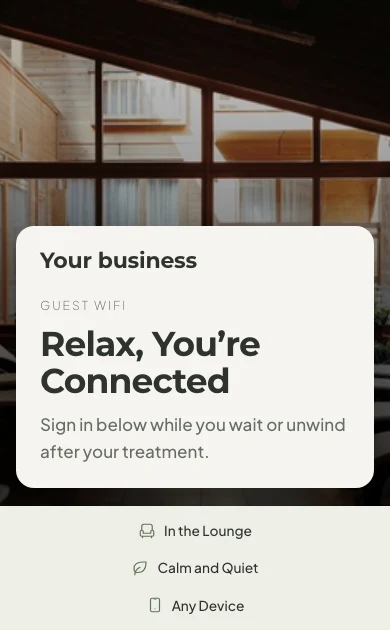
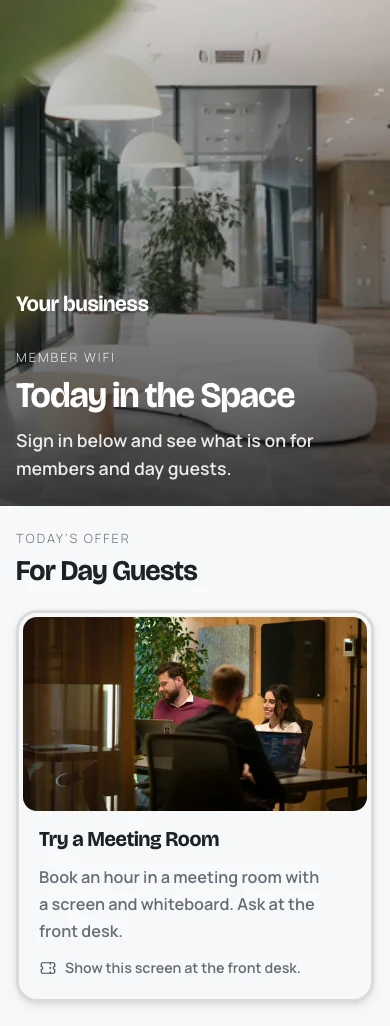
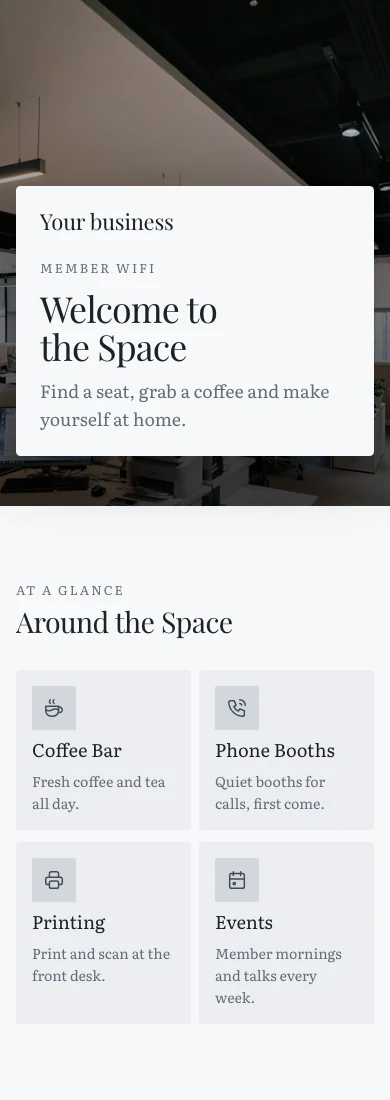
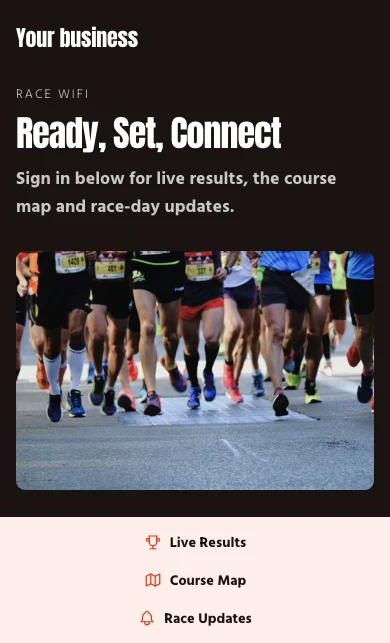
Jou bladsy, sy aanbiedings, die maniere om in te gaan.
Oorblyfswaars en Lede
'n Verblyf se eie WiFi, spoedplannings.
Aanmeldings
Wie is nou aan die werk, en elke toestel.
Toegangspunte
Watter radio het ophou antwoord.
Gaste en Inligting
Wie het teruggekom, en die besige uur.
Op 'n Telefoon
Met of sonder sein.
Gee elke netwerk die toegangvlak wat jou router dra
Elke netwerk is oop, op een gedeelde wagwoord, agter jou welkom-bladsy, of op elke persoon se eie aanmelding. Opstelling vra wat vir router jy het en bied die vlakke aan wat dit kan loop: die doos van jou internetverskaffer loop die eerste twee, 'n welkom-bladsy benodig 'n router wat dit eers kan wys, en persoonlike aanmeldings een wat elke persoon se aanmelding kan kontroleer. Elke besigheid begin met Besoekers en Span.
Toegangvlakke
Oop, Gedeelde Wagwoord, Welkomblad of Persoonlike Aanmeldings, gekies vir elke netwerk.
Nuwe Netwerk
Besoekers en Span
Elke besigheid begin met twee netwerke, sodat 'n besoeker nooit u span se netwerke deel nie.
Nuwe Netwerk
Wie Mag Bykom
Deur verhouding, nooit deur naam nie: die span, lede, blygaste, besoekers of enige ander persoon.
Nuwe Netwerk
VLANs
Elke groep kan op sy eie VLAN land, sodat gaste buite jou eie verkeer bly.
Netwerke
Die segmente waar hierdie netwerke op sit, met gaste-verkeer wat van jou eie gehou word.
| VLAN-ID | Naam | Subnet | Doeleinde | DHCP | Netwerke |
|---|---|---|---|---|---|
| 10 | Team | 10.10.0.0/24 | Staff | Team | |
| 20 | Members | 10.20.0.0/22 | Gaste | Members | |
| 30 | Visitors | 10.30.0.0/23 | Gaste | Day Pass, Events | |
| 40 | Devices | 10.40.0.0/24 | IoT | Printers and Screens | |
| 99 | Management | 10.99.0.0/28 | Management | Access points |
Span
Wie Mag BykomSnelheidskap en Versteekte Netwerke
'n Snelheidskap vir elke gast by 'n netwerk, en 'n netwerk wat van die lys afgeskakel is wat mense bytref deur sy naam te tik.
Socios Broadcasting
Instelling
- Naam
- Socios
- Broadcast SSID
- Pulso-Socios
- Veiligheid
- WPA3 Persoonlik
- Wagwoord
- ••••••••••
- Ligging
- Roma Norte
- VLAN
- 20 · Socios
- Bandwidth limit
- 50 Mbps
- Versteek
- Ja
Toegangspunte
6 van 6 antwoordDie Router wat jy het
Kies die uie, of "Ek is nie seker nie", en elke netwerk bied wat dit kan draai, met u roeter se opstelstappe.
Nuwe Netwerk
Gedeelde Wagwoord en QR-kode
Gehou, gedruk as 'n QR-kode en skuldig vir 'n verandering op die skedule wat jy gestel het, met jou router se stappe.
- Toegangvlak
- Gedeelde wagwoord
- Change Every N Days
- Elke 30 dae
Nuwe Netwerk
Laat jou mense saamkom met hul eie Calisto aanmelding
Op 'n Persoonlike Aanmeldings-netwerk sluit elke persoon aan met hul Calisto-e-pos en wagwoord. Verwyder hulle van die besigheid en hul volgende aansluiting word geweier; niemand anders kry 'n nuwe wagwoord nie.
Slegs op Skift
Instellings
Hoe gaste WiFi gedra oor elke netwerk in hierdie besigheid.
Mense
Deel Wanneer Spanlidmate Aankom en VertrekElke persoon word gevra en kan weier; jy word vertel wanneer iemand weier.Wie Mag Bykom
Spanlidmate en stasie mense sluit tydens hul skifte aan, met die genade wat jy stel.
Aankoms Deel
My WiFi
Aankoms Deel
'n Bedryf waarmee jy werk, kan vra om te sien wanneer jy aankom en vertrek, vanaf sy span se WiFi. Jy beslis vir elkeen, en kan jou antwoord op enige tyd verander. Jou WiFi-toegangswerk op enige manier.
Af tot jy dit aanmaak; elke persoon aanvaar of verwerp dit in hul eie rekening.
Inkom, Met Werkkrag
Aankoms op die span WiFi kan die bewys wees van wees ter plekke.
My WiFi
Gebruik My Calisto Wachtwoord vir WiFi
Foundry Coworking
Foundry-Team · SpanSlegs op Skift: jy kan aansluit terwyl jy ingeskakel is of tydens jou skift.- Netwerk
- Foundry-Team
- Veiligheid
- WPA3-Enterprise
- EAP Method
- PEAP
- Phase 2 Authentication
- MSCHAPV2
- CA Certificate
- Use system certificates
- Domein
- radius.calistoco.com
- Identiteit
- priya.shah@example.com
- Anonymous Identity
- Leave empty
- Wagwoord
- Your Calisto password
In elke app se Profiel: 'n een-klik-profiel vir iPhone, iPad en Mac, en die presiese Android- en Windows-waardes.
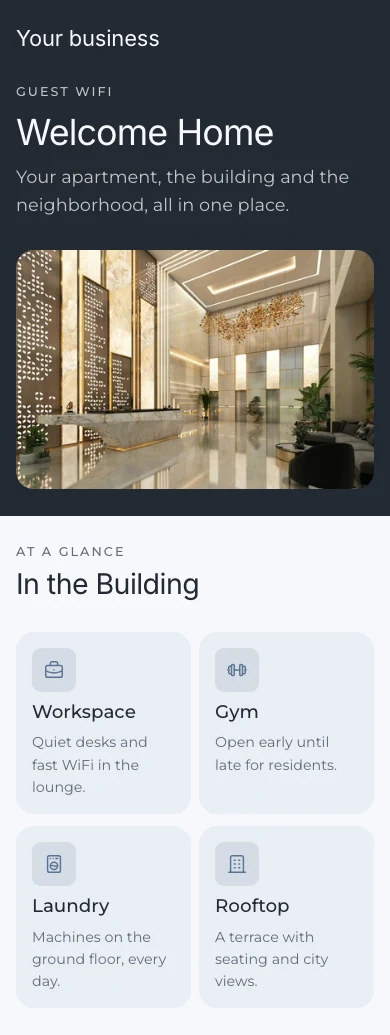
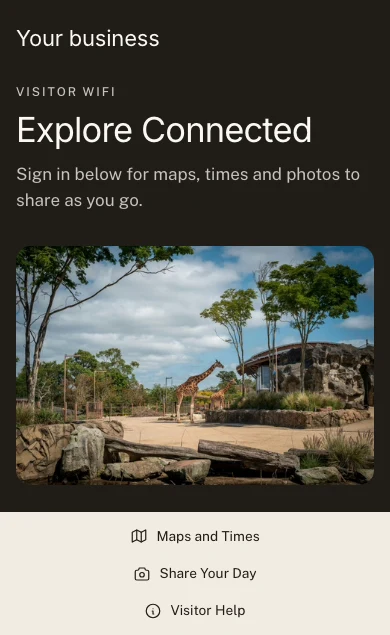
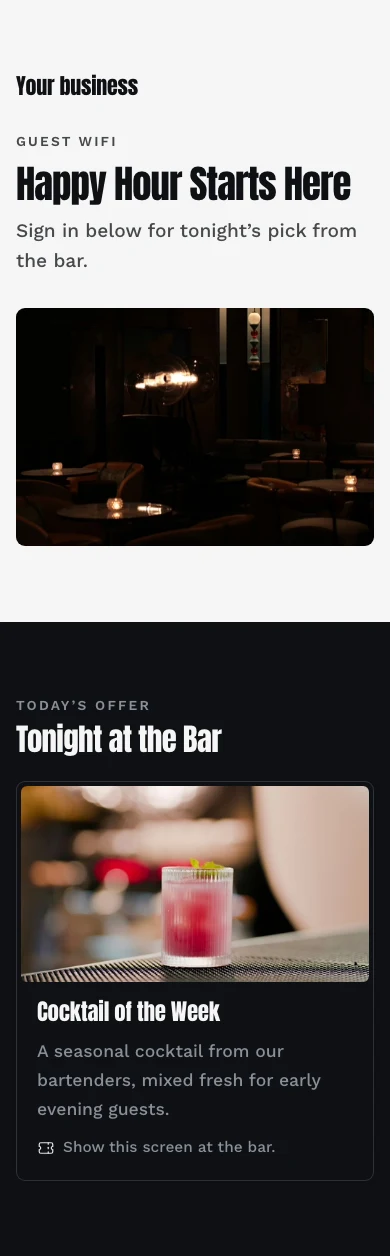
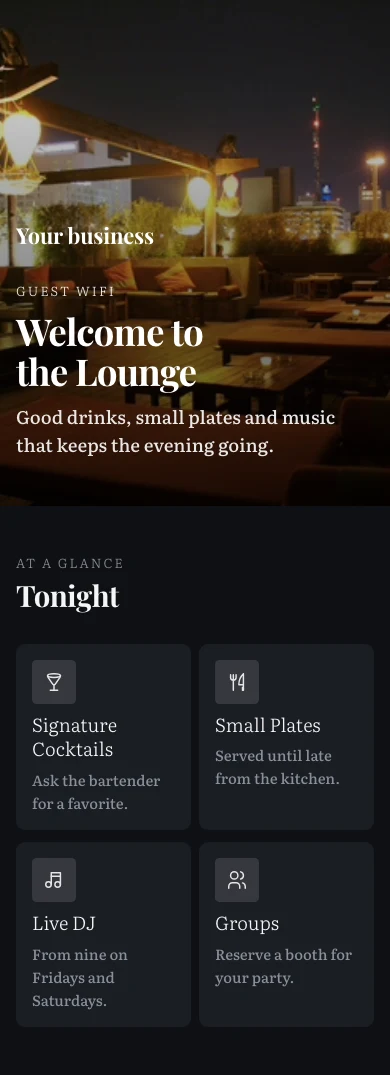
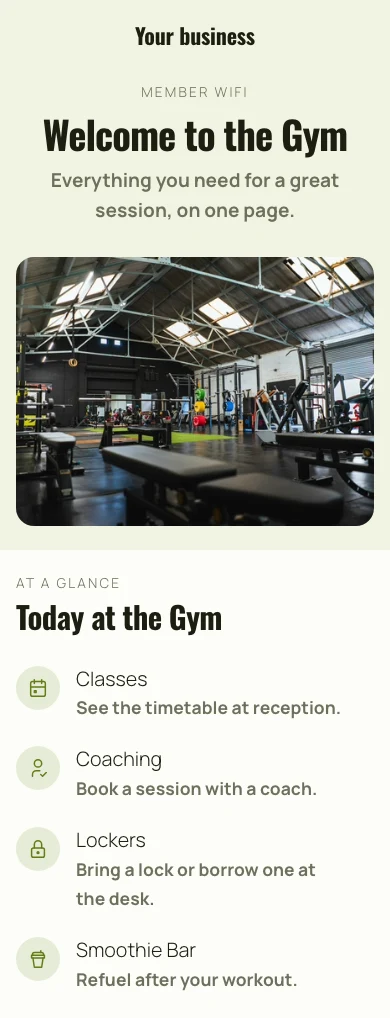
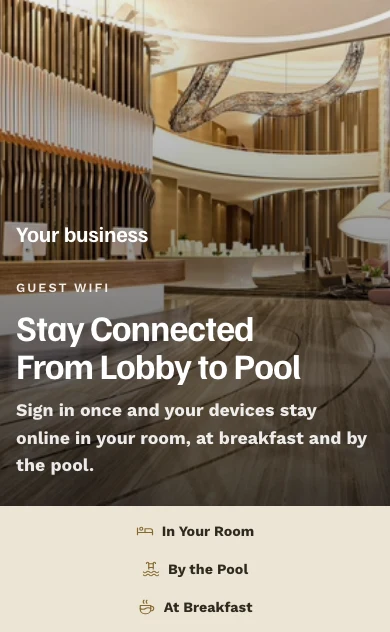
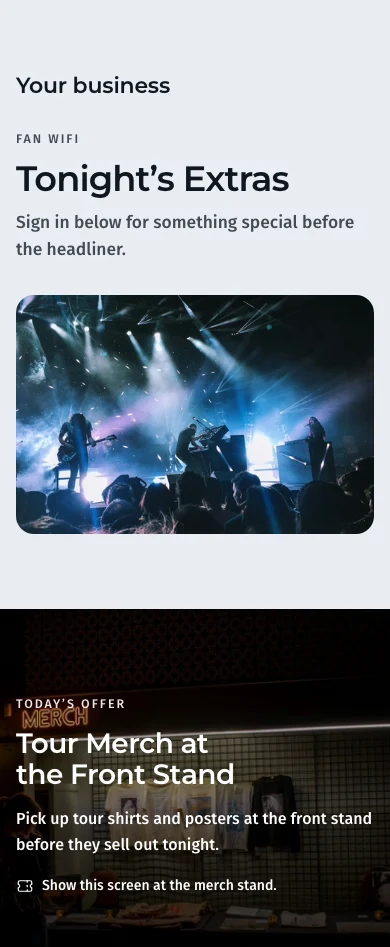
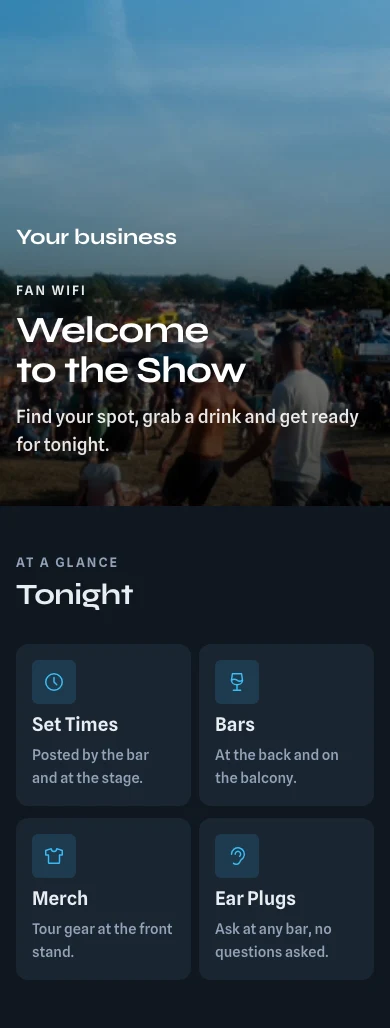
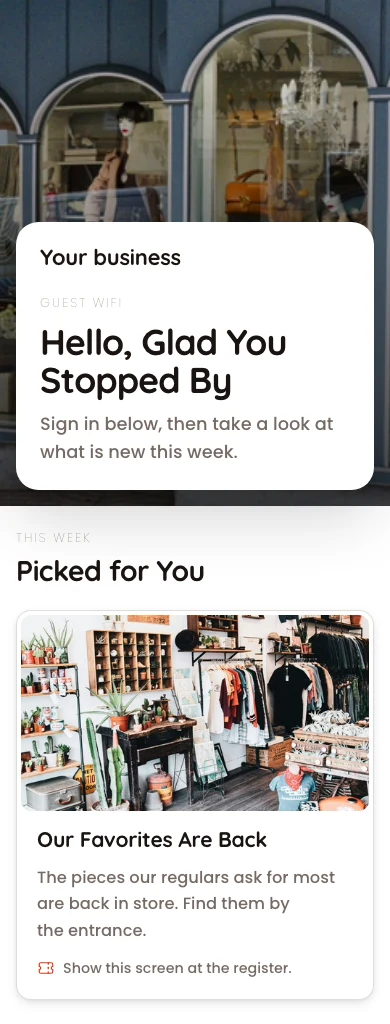
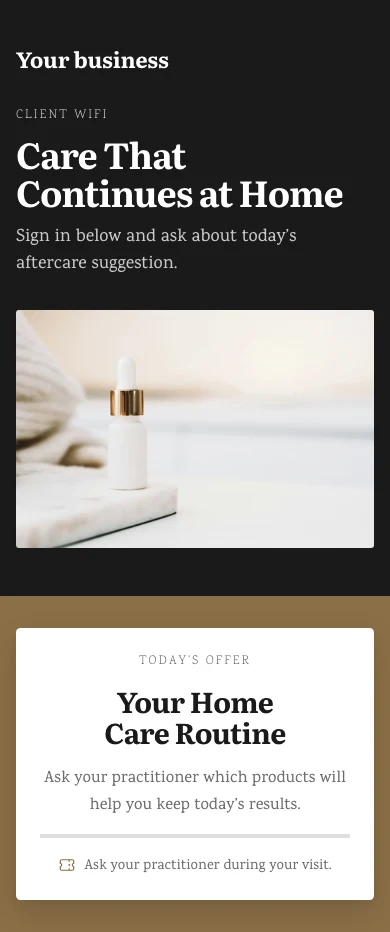
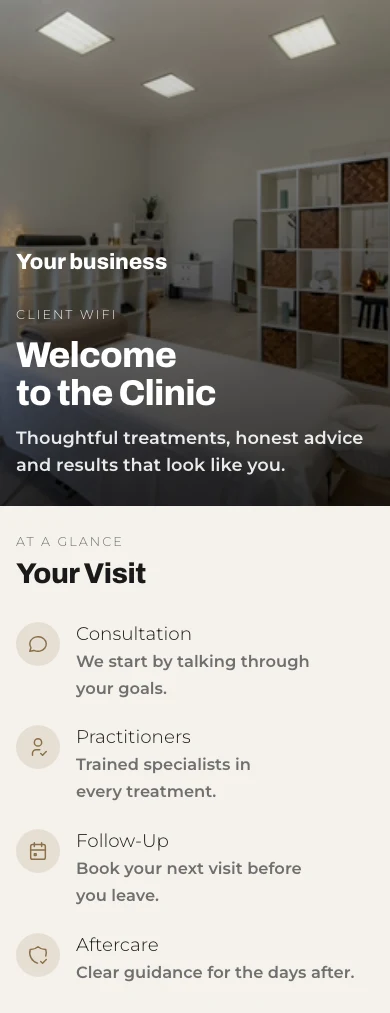
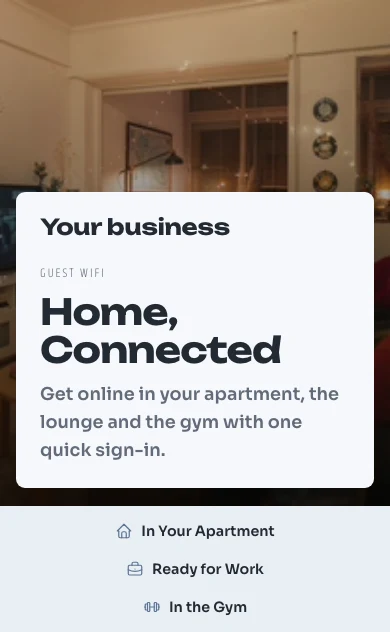
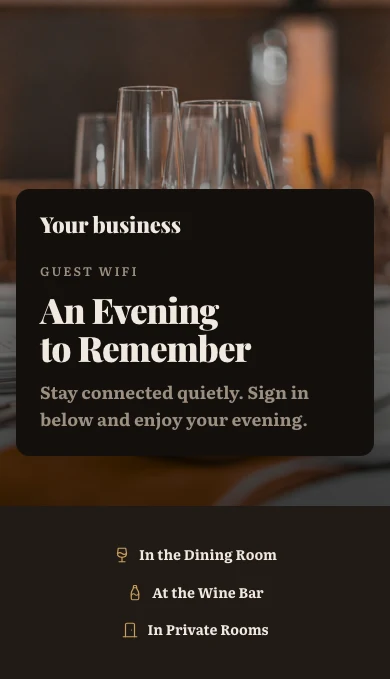
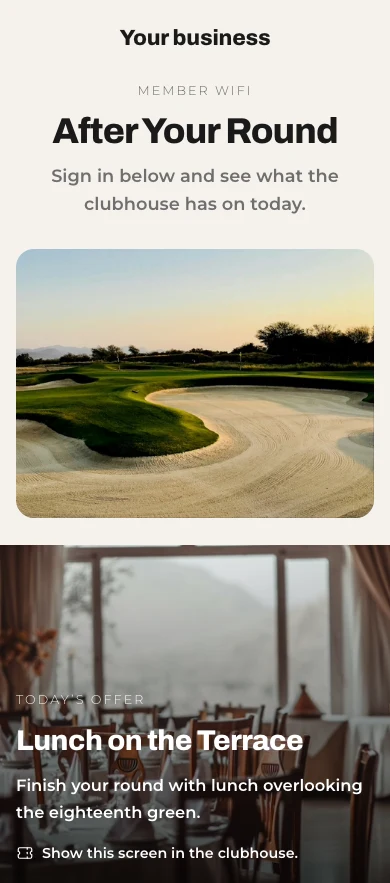
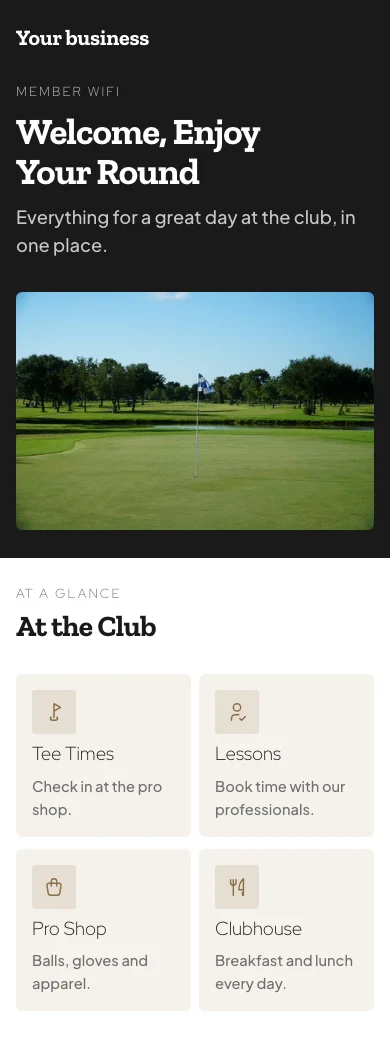
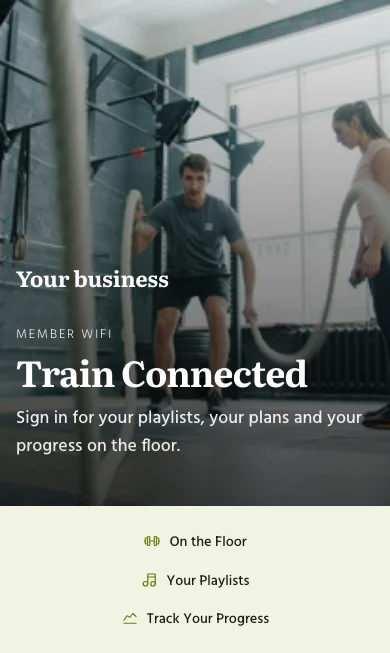
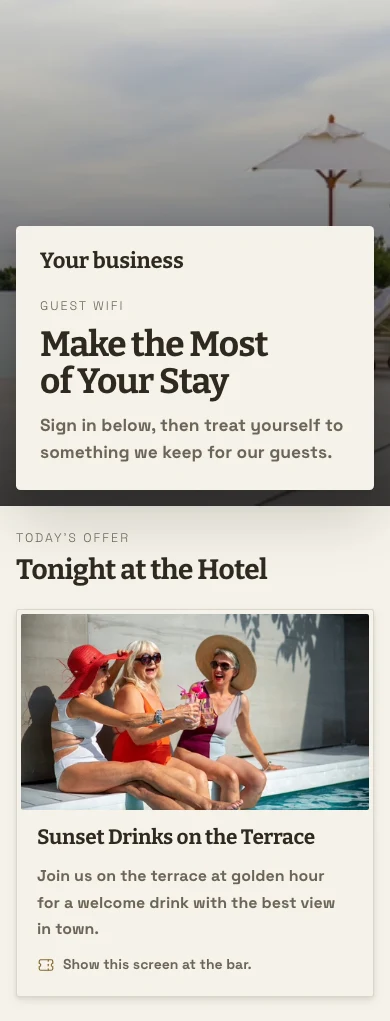
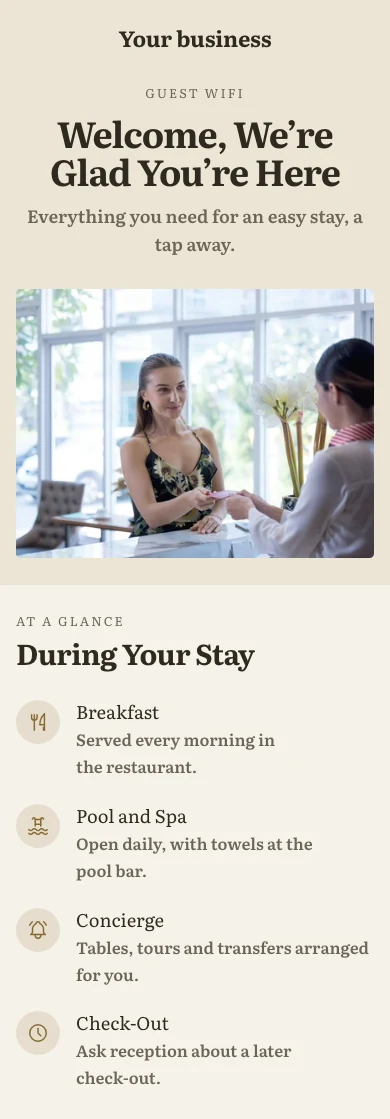
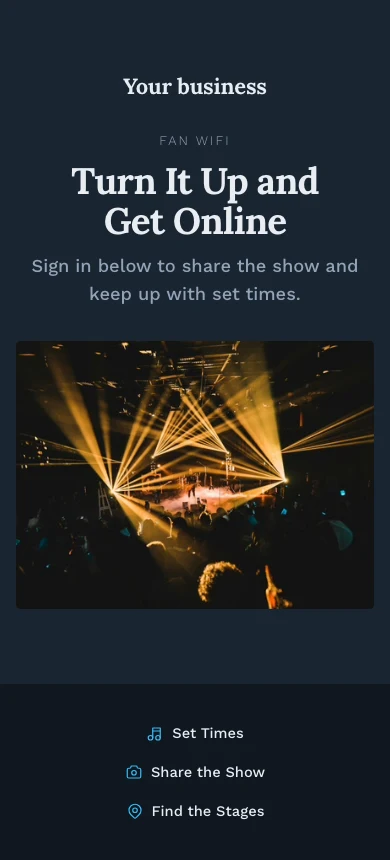
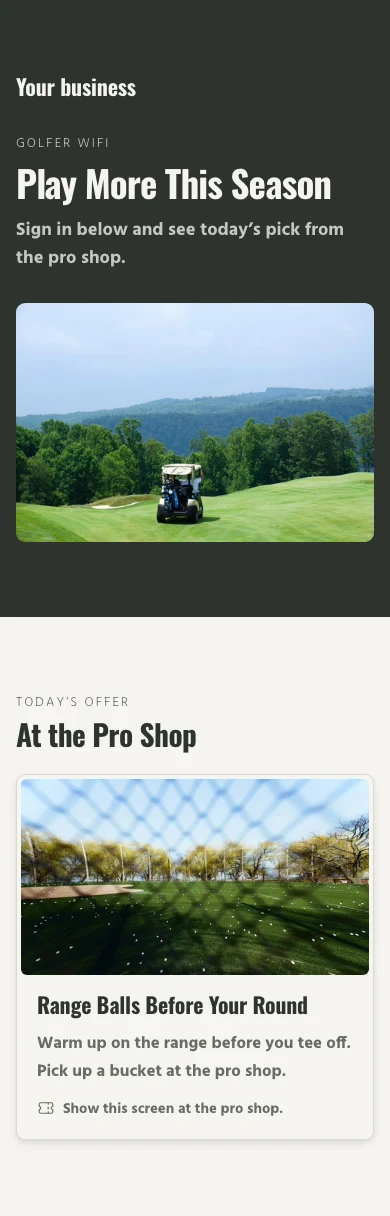
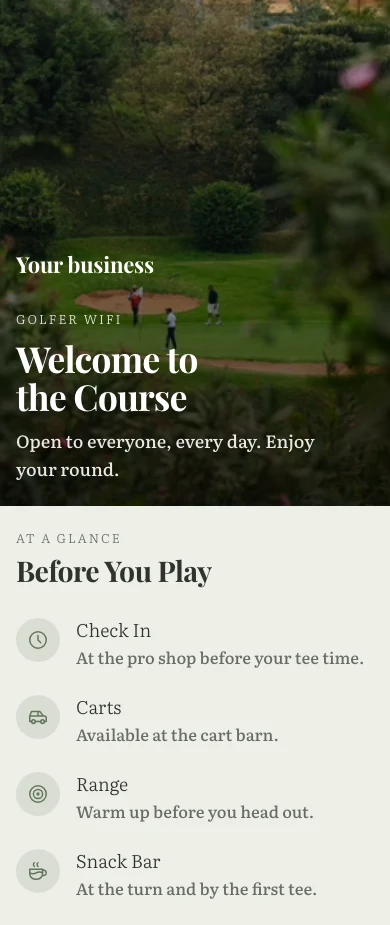
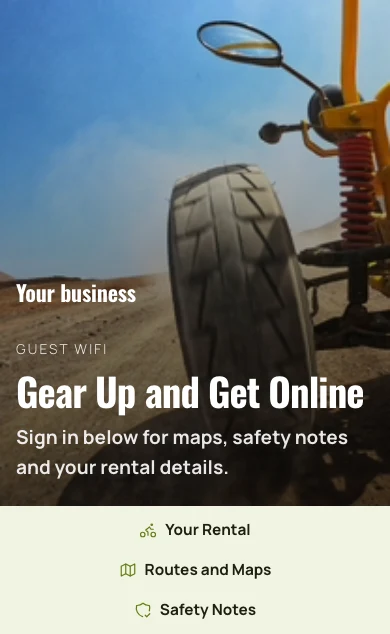
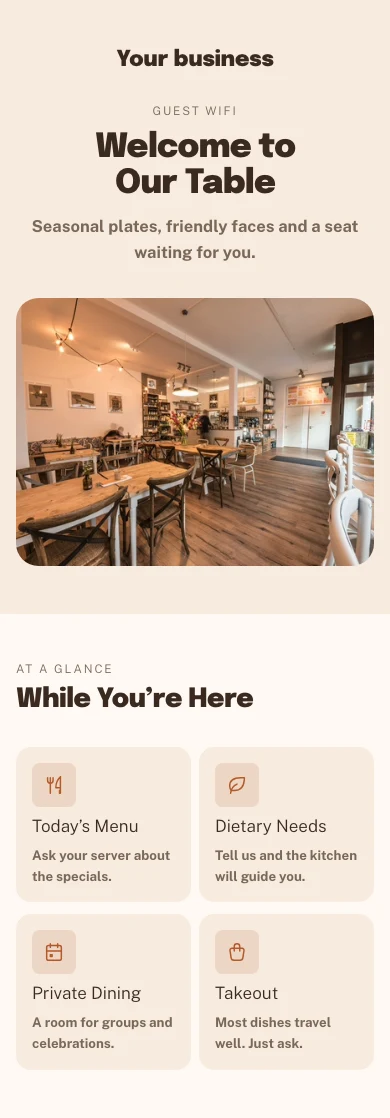
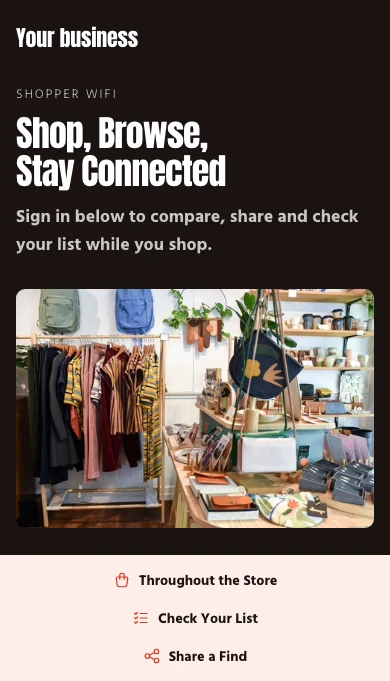
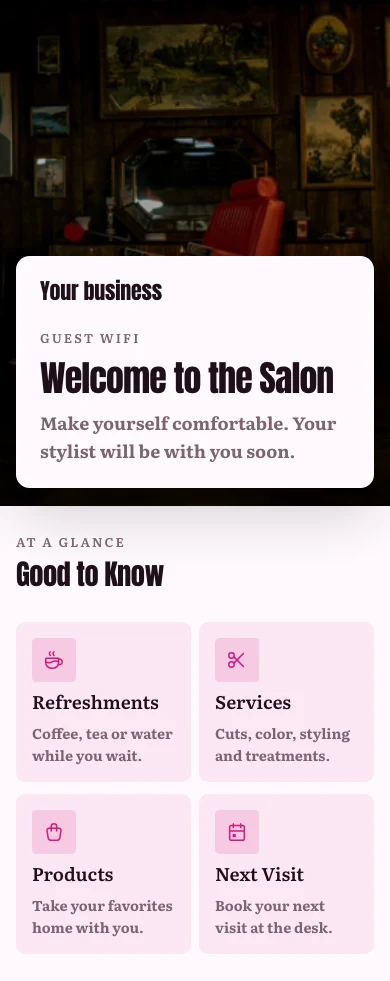
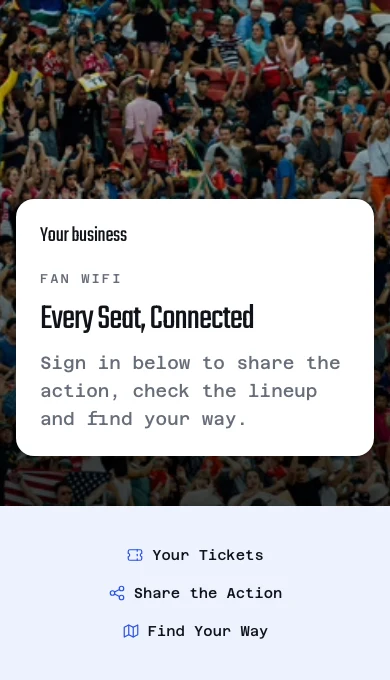
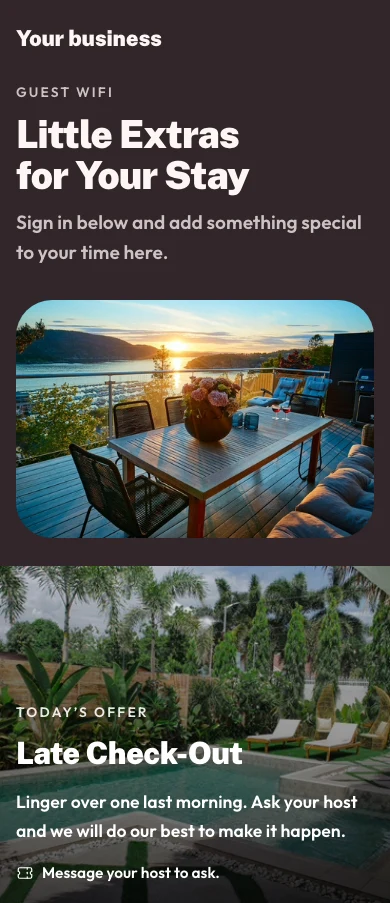
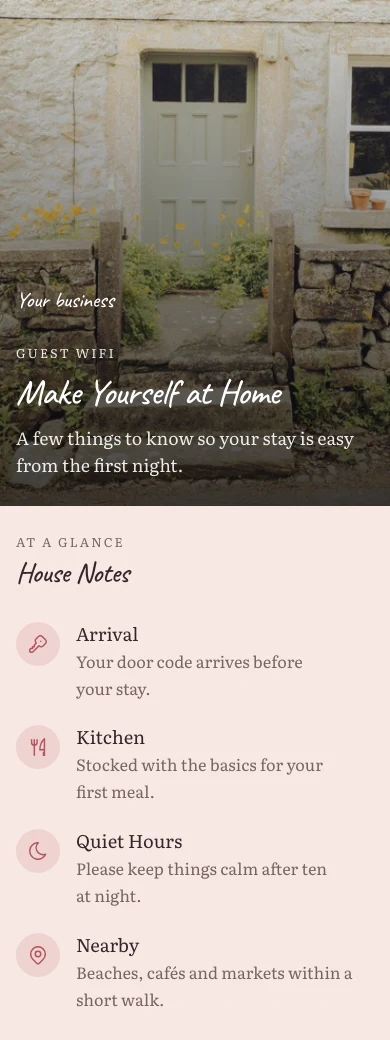
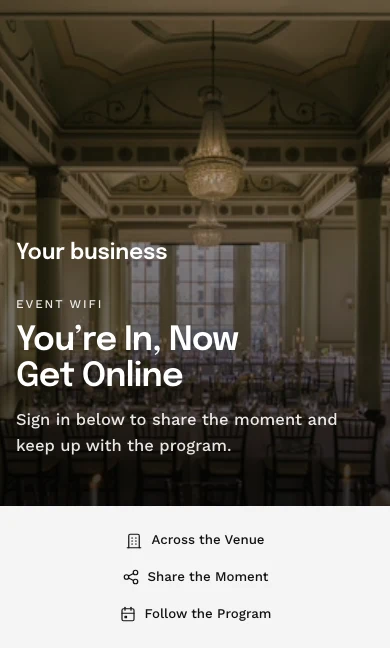
Bou die bladsy wat gaste sien voordat hulle online kry
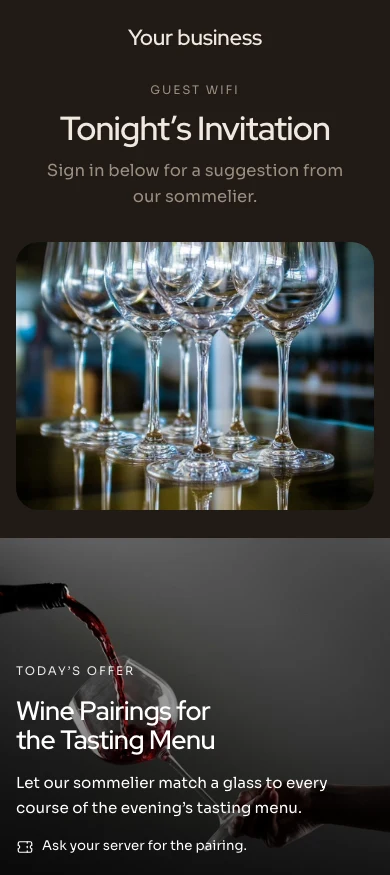
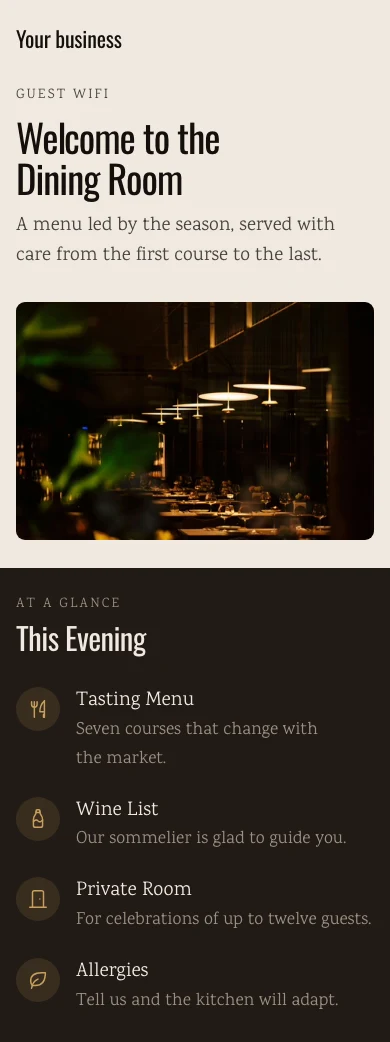
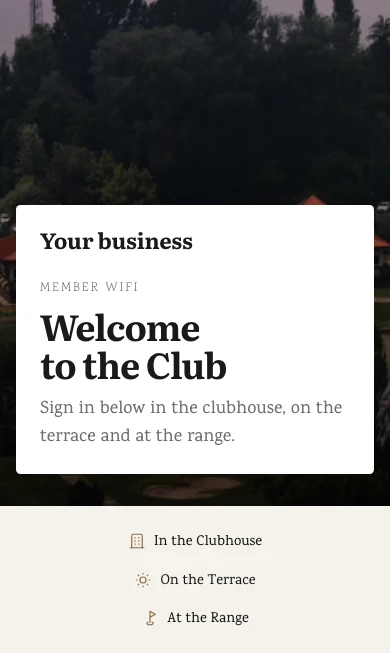
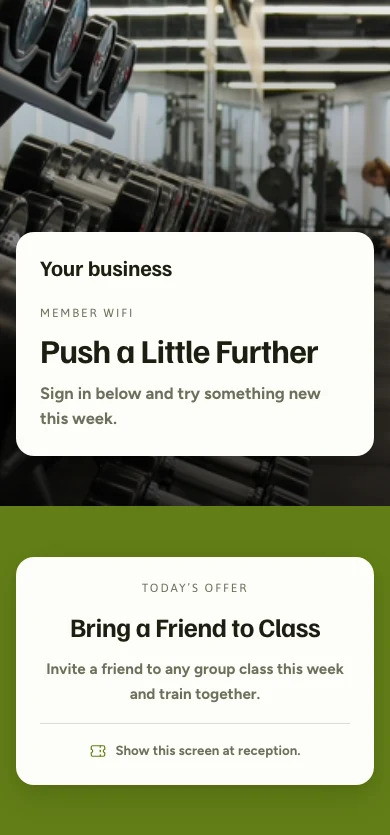
Die aanmeldingsblad word gebou in dieselfde webwerfbouer as elke Calisto-webwerf, vanaf 'n Sjabloon in jou Tema, en 'n ligging kan sy eie hê. Gaste kom op die maniere wat jy kies: oop, 'n boekingskode, 'n kamer, 'n lidmaatsheidsnommer, 'n bon, e-pos, Google of Microsoft.
Gebou in die webwerfbouwer, vanaf 'n Sjabloon in jou Tema.
Die Bouer
Die selfde webwerfbouder as elke Calisto-webwerf, op 'n bladsy die grootte van 'n telefoon.
Tuis
HeldGaste WiFiInfo CardSocial LinksSjablone
Aanmelding, aanbiedings en welkomsbladsye vir elke soort besigheid, per bedryf, styl en kleur.
Sjablone
Inregistrasie-paginas vir jou gaste-WiFi, gereed om joune te maak.
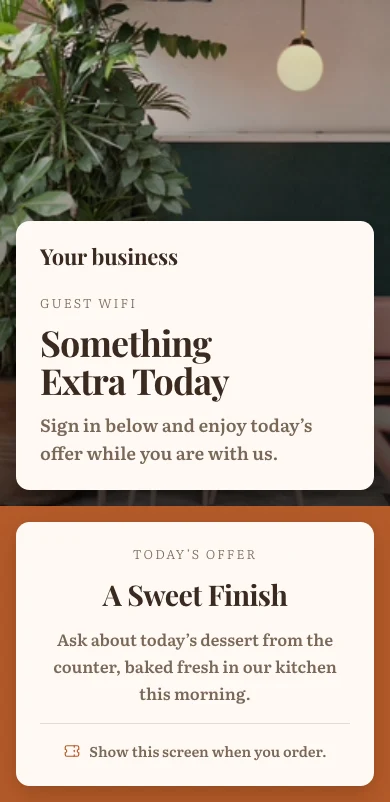
Aanbiedings op die Bladsy
U gepubliseerde aanbiedings as tegels om te boek, bestel, wink of kaartjies koop, sodra die gast aanlyn is.
'n Bladsy per Lokasie
'n Lokasie kan sy eie bladsy hê; alles wat dit laat staan, volg die besigheid se.
Yorkville · Aanmeldingsblad
Boodskappe
Ligging-variant
Voorwaardes
'n Skakel of geplakte teks, en of gaste moet aanvaar, per lokasie.
Boodskappe
Voorwaardes
Gaste moet die terme aanvaar'n Skakel vra altyd gaste om te aanvaar.Aanmeldingsmetodes
E-posBooking codeKamer nommerLidmaatskapnommerGoogle or Microsoft accountViskodeOpen accessGee elke blyplek sy WiFi, en elke lid 'n aanmelding
By incheck kry 'n verblyf sy eie kode en sy eie wagwoord, wat by uitcheck met die genade wat u gee (met Stays) eindig. 'n Kamer nommer of boekingskode word slegs toegelaat met die agternaam daarop. 'n Lid wat aanmeld word, word as ingecheck opgeneem.
Gegee by Incheck
Die verblyf se eie kode, sy eie wagwoord of die netwerk se, soos jy kies.
Valentina Herrera Ingecheck
WiFi
- Kode
- MV7-4KQ2
- Wagwoord
- coral-tide-58
- Toestelle aanlyn
- 3 of 4
- Plan
- Vinnig
- Data used
- 2,418 MB
- Toegang tot
- 25/11/2026 12:00
- Signs in with
- Stay code, Room number
Kyk wie nou aan die gang is, en beëindig 'n sessie
Elke aanmelding wys hoe die gaste ingekom het, die netwerk, hoe lank en hoeveel data; 'n spanlid se toestel word slegs genoem wanneer hulle dit deel. Eindig 'n sessie, of skakel af of blokkeer 'n toestel, en die einde bereik die netwerk.
Elke Aanmelding
Wie ingelog het, hoe, op watter toestel en netwerk, vir hoe lank en met hoeveel data.
Aanmeldings
Elke gaste wat ingelog het, wat hulle aangesluit het, en vir hoe lank.
| Gaste | Ingelog met | Toestel | Gestart | Minute | Data (MB) | Status | |
|---|---|---|---|---|---|---|---|
| lucas.almeida@example.com | E-pos | iPhone | 10:4221/11/2026 | 18 | 64 | Aktief | Terminate |
| beatriz.costa@example.com | Google or Microsoft account | Galaxy S23 | 10:3721/11/2026 | 23 | 142 | Aktief | Terminate |
| rafael.souza@example.com | Viskode | iPad | 10:2121/11/2026 | 39 | 310 | Aktief | Terminate |
| camila.rocha@example.com | E-pos | Moto G84 | 09:5821/11/2026 | 47 | 88 | Geëindig | Open Gaste |
| thiago.lima@example.com | E-pos | iPhone | 09:4021/11/2026 | 61 | 205 | Geëindig | Open Gaste |
| ana.ferreira@example.com | Google or Microsoft account | MacBook Air | 09:1521/11/2026 | 90 | 1,120 | Vervaal | Open Gaste |
Ken die oomblik wanneer 'n toegangspunt ophou antwoord
Elke toegangspunt wys sy netwerk, kliënte, kanaal en wanneer dit laas gehoor is. Een wat ophou antwoord word eenmaal aangekondig, sy terugkeer sluit die kennisgewing af, en wie ook al dit oorneem druk Bevestig. Toegangspunte sit in die toestellys wat jy met Signal deel.
Elke Toegangspunt
Sy netwerk, model, kanaal en kliënte, wanneer dit laas gesien is, en of dit antwoord.
Toegangspunte
The radios serving your networks, and which of them are dark.
| Toegangspunt | Netwerk | MAC | IP | Kanale | Kliënte | Laas Gesien | Bereikbaarheid |
|---|---|---|---|---|---|---|---|
| Beach Club | Gaste | 74:83:C2:1A:5F:20 | 10.30.0.21 | 149 | 14 | 21/11/2026 07:48 | Beantwoord nie |
| Lobby | Gaste | 74:83:C2:1A:5F:01 | 10.30.0.2 | 36 | 42 | 21/11/2026 09:41 | Antwoordend |
| Pool Bar | Gaste | 74:83:C2:1A:5F:07 | 10.30.0.8 | 44 | 27 | 21/11/2026 09:41 | Antwoordend |
| Villas North | Gaste | 74:83:C2:1A:5F:0C | 10.30.0.13 | 52 | 19 | 21/11/2026 09:41 | Antwoordend |
| Villas South | Gaste | 74:83:C2:1A:5F:0D | 10.30.0.14 | 100 | 23 | 21/11/2026 09:40 | Antwoordend |
| Spa | Gaste | 74:83:C2:1A:5F:12 | 10.30.0.19 | 157 | 6 | 21/11/2026 09:41 | Antwoordend |
| Back Office | Span | 74:83:C2:1A:5F:1E | 10.10.0.4 | 1 | 11 | 21/11/2026 09:41 | Antwoordend |
Bevestig
Wie dit oorneem druk Bevestig, en almal sien dat hulle daaraan betrokke is.
Level 3 Foyer Beantwoord nie
Status
Nie beantwoord nie. Gaste naby dit kan dalk nie verbind nie.- Last seen
- 21/11/2026 09:35
- MAC
- 9C:05:D6:4E:11:A8
- Firmware
- 7.0.66
besonderhede
- Naam
- Level 3 Foyer
- Netwerk
- Gaste
- Ligging
- The Exchange Hall
- IP address
- 10.30.3.12
- Kanale
- 44
| Gaste | Gestart | Geëindig |
|---|---|---|
| hana.lim@example.com | 21/11/2026 09:33 | 21/11/2026 09:35 |
| arjun.mehta@example.com | 21/11/2026 09:28 | 21/11/2026 09:35 |
| chloe.ng@example.com | 21/11/2026 09:21 | 21/11/2026 09:35 |
| marcus.goh@example.com | 21/11/2026 09:14 | 21/11/2026 09:35 |
| priya.nair@example.com | 21/11/2026 09:02 | 21/11/2026 09:35 |
Waarskuwings is Reëls, Met Otomasies
Af en terug, 'n gebreke aanmeldingsblad, 'n besige uur, 'n wagwoord wat vervaal.
Waarskuwings
Elke waarskuwing is 'n outomatisering wat jy ook kan sien en verander in WiFi ▸ Outomatiserings.
Tell me when an access point stops answeringVertel my wanneer gaste nie kan aanmeld nieVertel my oor 'n abnormaal besige uurVertel my wanneer die aanmeldingsblad 'n gaste-kontak-mylpaal bereikHerinner my wanneer 'n gedeelde WiFi-wagwoord vervall moet veranderStel hoe gereeld op elke netwerk wat 'n gedeelde wagwoord het, onder Verander Elke N Dae.Gebrekkige Aanmeldingsblad
'n Bladsy sonder enige manier om in te gaan, word een keer genoem, met sy ligging.
WiFi
Gastewi-Fi, aanmeldingservaring en netwerkgesondheid op 'n oëblik
Besige Uur
'n uur ver bo jou eie normaal vir daardie uur en werkdag.
Inligting
WiFi usage, guest capture, and engagement
Gemiddelde gaste per uur van die dag
Kyk wie teruggekom het, en wie ingestem het om van jou te hoor
Marketing is af tot jy dit aanmaak; 'n gast wat die vakkie afstrik, word 'n kontak met die datum. Insights toon verkeer, die besige uur en elke lokasie oor 7, 30 of 90 dae.
Gaste-lys
Elke gast wat 'n kontak agtergelaat het: hoe dikwels hulle kom, hul besoek, hoe lank hulle bly en wanneer hulle laas gekom het.
| Naam | E-pos | Frekwensie | Visits | Gem. Blytyd (min) | Laaste Besoek |
|---|---|---|---|---|---|
| Freja Lindholm | freja.lindholm@example.com | Frequent | 41 | 96 | 21.11.2026 19:42 |
| Mads Kristensen | mads.kristensen@example.com | Reguleer | 17 | 71 | 20.11.2026 18:15 |
| Sofie Dahl | sofie.dahl@example.com | Reguleer | 12 | 58 | 19.11.2026 13:02 |
| Emil Thomsen | emil.thomsen@example.com | Occasional | 4 | 45 | 18.11.2026 12:37 |
| Clara Bech | clara.bech@example.com | Occasional | 3 | 82 | 17.11.2026 20:11 |
| Noah Vestergaard | noah.vestergaard@example.com | Nuut | 1 | 38 | 16.11.2026 21:04 |
'n Bladsy per Gaste
Hul kontakbesonderhede, hul marketingantwoord met Trek Toestemming Terug, en elke besoek.
Freja Lindholm On the network now
Kontak
Marketing toestemming
Gekies om van jou te hoor op 23.04.2026.- Kampanje
- Insgryf 24.04.2026
- Lidmaatskap
- Nord Club
- Laaste besoek
- 21.11.2026 19:42
- Gemiddelde verblyf
- 1h 36m
- Data used
- 3.8 GB
| Wanneer | Netwerk | Ingelog met | Toestel | Hoe lank | Data | Status |
|---|---|---|---|---|---|---|
| 21.11.2026 | Gæster | E-pos | iPhone | 1h 12m | 84 MB | Op nou |
| 18.11.2026 | Gæster | E-pos | iPhone | 1h 48m | 126 MB | Geëindig |
| 15.11.2026 | Gæster | E-pos | MacBook Air | 2h 05m | 410 MB | Geëindig |
| 11.11.2026 | Gæster | E-pos | iPhone | 1h 31m | 97 MB | Geëindig |
| 08.11.2026 | Gæster | E-pos | iPhone | 1h 22m | 71 MB | Geëindig |
Inligting
Sessies, besoekers, gaste wat vasgevang is en data, per ligging, oor 7, 30 of 90 dae.
Inligting
WiFi usage, guest capture, and engagement
| Ligging | Netwerke | Sessies | Opnames |
|---|---|---|---|
| Roma Norte | 3 | 5,214 | 641 |
| Condesa | 3 | 4,388 | 532 |
| Polanco | 3 | 3,906 | 471 |
| Coyoacán | 2 | 2,731 | 318 |
| Santa Fe | 2 | 2,223 | 245 |
Van Aanmelding tot Kontak
Hoeveel verbindings het 'n kontak verlaat, bereik Kontakke en 'n kampaane bygevoeg.
Inligting
WiFi usage, guest capture, and engagement
Gastevangs
| Trechterfase | Tel | Van die fase vooraf |
|---|---|---|
| Connections | 2,469 | 100% |
| Captured | 1,284 | 52% |
| Synced to Contacts | 1,246 | 97% |
| Enrolled in Campaign | 718 | 58% |
Gaste vasgevang, per netwerk
Segmente
Live tellings, bygevoeg aan 'n lys in Kampanjes met een druk.
Gaste
Alle mense wat op die aanmeldingsblad vasgevang is, met hoe dikwels en hoe onlangs hulle terugkeer.
| Segment | Definisie | Gaste | Ooreengekom met Marketing | |
|---|---|---|---|---|
| Nuwe besoekers | Vir die eerste keer geakteerd | 214 | 131 | Duw na Kampanje |
| Terugkerende besoekers | Reeds gekoppel voor | 1,386 | 902 | Duw na Kampanje |
| Hoë frekwensie | Vyf keer of meer gekoppel | 412 | 318 | Duw na Kampanje |
| Verouderd | Nie gekoppel in 30 dae of meer nie | 297 | 164 | Duw na Kampanje |
| Lang verblyf | Bly oor twee ure gemiddeld | 158 | 97 | Duw na Kampanje |
| Lede | Hou 'n lidmaatskapvlak | 86 | 79 | Duw na Kampanje |
Oorgawes, met Kampeine en Kring
'n Nuwe gaste-kontak sluit by 'n lys of lojaliteit aan, wanneer u die reël aanmaak.
Instellings
Hoe gaste WiFi gedra oor elke netwerk in hierdie besigheid.
Nuwe Gaste-kontakte
Slegs gaste wat ingestem het om van jou gehoor te word, word bygevoeg. Elkeen is 'n outomatisme wat jy ook in WiFi ▸ Outomatisme kan sien en verander.
Skryf nuwe gaste-kontakte in jou Circle lojaliteitsprogramPrivaatheid
Vra Gaste om Jou Marketinglys by te sluitAf uitsondering jy dit aanmaak. Die welkomspagina vra dan elke gast met 'n doos wat nooit voor-aanvink word nie. 'n Gast wat dit leeg laat, sluit tog aan en word nooit aan jou lys bygevoeg nie.Stoor die e-mails wat gaste met inlog, na KontakteJou Behoud
Na die dae wat jy stel: wis die besonderhede en hou die telinge, hou alles, of skrap.
Instellings
Hoe gaste WiFi gedra oor elke netwerk in hierdie besigheid.
Behoud
Wanneer 'n sessierekord ouer is as daardieThis is the WiFi session log only. A guest who gave you marketing consent stays in Contacts either way, with the date they gave it.Hou dit.Verwyder die gaste se naam, e-pos, toestel, MAC- en IP-adres en hul skakel na 'n kontak, en hou die besoektelings behou.Verwyder dit.| Naam | E-pos | Frekwensie | Visits | Gem. Blytyd (min) | Laaste Besoek |
|---|---|---|---|---|---|
| Freja Lindholm | freja.lindholm@example.com | Frequent | 41 | 96 | 21.11.2026 19:42 |
| Mads Kristensen | mads.kristensen@example.com | Reguleer | 17 | 71 | 20.11.2026 18:15 |
| Sofie Dahl | sofie.dahl@example.com | Reguleer | 12 | 58 | 19.11.2026 13:02 |
| Emil Thomsen | emil.thomsen@example.com | Occasional | 4 | 45 | 18.11.2026 12:37 |
| Clara Bech | clara.bech@example.com | Occasional | 3 | 82 | 17.11.2026 20:11 |
| Noah Vestergaard | noah.vestergaard@example.com | Nuut | 1 | 38 | 16.11.2026 21:04 |
Kontroleer die radiostasies en die gaste vanaf 'n foon
Huis, Gaste, Toegangslyne en Netwerke is die seuntjie se tabblaaie, en hulle open sonder sein van wat jy gekies het om op die toestel te hou. 'n Verandering na 'n lewende netwerk wag op sein; 'n nuwe toegangslyne word gehou en een keer gestuur.
Waar WiFi alles ander raak.
4 of these 8 connections are in your plan today; the others are their own apps.
Signal
Access points sit in the device list WiFi shares with Signal, and every network system connects from one panel.
Automations
Every notice WiFi sends is a rule to change or pause, and every guest, stay and arrival event can start one of yours.
Workforce
Arriving on the team WiFi can be the proof of being on site, and nudges a person to start their shift.
Access
A visitor’s invitation carries one guest WiFi code for the visit.
Stays
A stay gets its own WiFi code and password at check-in, and a speed plan can be charged to its folio.
Coworking
A member signing in to the WiFi is checked in, and the sign-in page is set in Coworking’s own Settings.
Campaigns
A guest who said yes can join a list, and a whole segment can be added to one.
Circle
A guest who said yes can be enrolled in loyalty when they sign in.
Geen opsetkoste. Betaal wanneer jy begin gebruik.
Networks, team logins, a welcome page and guests.
Calisto Ops
Networks at four access levels on the router you have, a Calisto login for each person on the team, the welcome page and its vouchers, stays’ own WiFi, who is on now, access points that stop answering, and the guests who came back.
Priced per location. Included with Calisto Ops.
Aanbeveel vir jou
Werk goed saam.
Calisto Signal
Calisto Ops
Sensors, trackers, locks and cameras on one fleet, an alert inbox, incidents with their playbooks, and rules through Automations.
Learn more →Calisto Automations
Calisto Workforce
Calisto Access
Calisto Stays
Ingesluit by Jou Planne
Your Core app shows everything your Commerce and Ops plans turn on.
Learn more →Calisto Coworking
Ingesluit by Jou Planne
Your Core app shows everything your Commerce and Ops plans turn on.
Learn more →Calisto Campaigns
Calisto Engage
Lists and consent per channel, emails built from blocks, sends at each person’s best hour, sequences and announcements, and what each campaign earned, credited to the click.
Learn more →Calisto Circle
Aanbeveel vir
Die bedrywe wat WiFi bestuur, en waarvoor elkeen dit bestuur.
Hotels & ResortsGaste WiFi
Guest, team and staying-guest networks with their own logins
Hotels & Resorts op Calisto →Bar & LoungeGaste WiFi
Team and guest networks, with a welcome page if you want one
Bar & Lounge op Calisto →Live Music & FestivalsSite WiFi
Beskerming en openbare netwerke oor die hele site
Live Music & Festivals op Calisto →Venue ManagementGaste- en gebeurtenis WiFi
Netwerke per ruimte met gemerkte aanmelding
Venue Management op Calisto →Stadiums & ArenasStadion WiFi
Netwerke per stand en doos met gemerkte aanmelding
Stadiums & Arenas op Calisto →Huur vir gebeure en produksieGaste WiFi
Team and visitor networks on the router you have
Huur vir gebeure en produksie op Calisto →Ontspanning & VoertuighuurSite WiFi
Teller- en marina-netwerke met gaste-aanmelding
Ontspanning & Voertuighuur op Calisto →Aantreklikhede & ParkeGaste WiFi
Park- en lobby-netwerke met gaste-aanmelding
Aantreklikhede & Parke op Calisto →Coworking RuimtesNetwerk en outomatiese incheck
WiFi wat lede inlog op verbinding
Coworking Ruimtes op Calisto →In-Person RetailersWinkel WiFi
Store and team networks, open or with a password
In-Person Retailers op Calisto →Alles wat in Calisto inbegroom word WiFi.
- Four levels, picked per network: Open, Shared Password, Welcome Page, Personal Logins
- The security follows the level; you pick only WPA2 or WPA3 inside it
- Only the levels your router runs are offered
- Setup starts with “What Router Do You Have?”, then Visitors, Team or a different network
- Who May Join by relationship: owners, admins, team members, station people, members, staying guests, invited visitors, anyone
- A label and a broadcast name kept apart, a VLAN, a speed ceiling and a hidden switch per network
- VLANs with their ID, name, subnet and purpose; each Who May Join group can land on its own
- Networks, SSIDs and VLANs as three views of one list
- One password per network, kept by Calisto, revealed only on request and shown as a join QR code
- Change Every N Days, with a reminder and the steps for your router
- Every screen that prints it (the QR code, signage, a room TV, a kiosk, a stay’s message) reads the current one
- Each person joins with their own Calisto email and password, at every business they work with
- Removed from the business, refused at the next join, with no new password for anyone else
- Works with every phone’s default setting (PEAP), and with TTLS-PAP
- Password checks limited to ten in fifteen minutes per email
- People with no Calisto account join with their stay’s code
- Only on Shift for team members and station people, with a shift grace you set
- My WiFi in every app’s Profile: use my Calisto password, a one-tap Apple profile, the exact Android and Windows values
- Arrival sharing off until you turn it on; each person accepts or declines, and a decline is told to the owner
- A team member’s login never counts as a guest
- Setup asks what router you have, or starts with what works on any router
- The box from your internet provider runs Open and Shared Password, with its own setup steps
- Calisto RADIUS for personal logins and for systems that check sign-ins with RADIUS
- A guest’s sign-in puts their device on the network, in the system’s own way
- No Calisto hardware sold or shipped
- Built in the same website builder as every Calisto site, opening on a phone
- Themes, Library and Templates of sign-in, offer and welcome pages, by industry, style and color
- A location’s own page once it has one; every field otherwise follows the business’s default
- Ways in: open, booking code, room number, member number, voucher, email, Google or Microsoft
- Google and Microsoft sign-in on the business’s own app, never Calisto’s
- Terms as a link or pasted text, and whether guests must accept, per location
- Session length and the page after sign-in, per location
- A returning guest greeted by first name only, recognized per business
- A page with no way in is not set up and asks for nothing
- Governed terms, ways in and session length read-only everywhere they are managed
- Issued in batches, with a label, a use limit, a session length, a window and a location
- Edit or revoke one; used up, expired and not yet valid shown as such
- The same codes for a day pass with guest WiFi and for a visitor’s invitation
- At check-in, the stay’s own code and its own password, as you choose (with Stays)
- Ends at checkout or the departure time, plus the grace you give; a moved stay moves them
- A stay’s own password sent to systems that take one per guest, otherwise given through Calisto RADIUS
- A booking code or room number admits only with the last name, only at that location and only while the stay is on
- Devices per stay, or per guest on it, under your device-limit choice
- Staying Guests online now: room, guest, plan and data, with End, Extend, Reissue and End WiFi
- One stay’s WiFi on its reservation in Stays, and in the guest’s portal, room TV, kiosk and messages
- Download and upload speeds, devices, a data allowance, how long and where
- Priced by a catalog item, or free with none
- Included by guest standing, charged to the stay’s folio or paid online through your own gateway
- The device moves to the plan’s speed at once, and back when the plan ends
- A member who proves who they are by signing in is recorded as checked in, once a day per building
- On by default, off in Settings; it admits and refuses nobody
- Every session: how the guest got in, the network, when, how long and the data used
- End a session, disconnect or block a device; every end reaches the network
- Connected devices with their network, signal, uptime and data
- Blocked devices kept through every resync
- Devices per guest: allow and record, drop the oldest, or refuse the new one
- Sessions closed when they end, and after the idle time you set
- Every access point with its network, location, model, channel, clients and last seen
- In the device list shared with Signal, fully editable in WiFi
- Answering, not answering or not reporting, from what the system reports
- Acknowledge an access point down; cleared when it answers again
- Every guest who signed in: visits, first and last visit, and the marketing answer they gave
- Marketing off until you turn it on, and only on a Welcome Page network
- A box that is never pre-ticked; saying no still gets the guest online
- A guest who says yes becomes a contact with their consent and its date
- Withdraw a guest’s consent from their page; nothing in WiFi can grant it
- Segments with live counts, added to a list in Campaigns with one press
- Hand-offs to Campaigns and Circle as rules you turn on
- Retention after the days you set: clear the details and keep the counts, keep, or delete
- Insights over 7, 30 or 90 days, by location: sessions, visitors, returning share, capture and data
- The busy hour and day, and traffic by location
- Alerts as Automations rules you change or pause: access point down and back, a broken sign-in page, a busy hour above your own normal, a contact milestone, a password due
- An extra alert address for each rule
- Guest, stay and arrival events for rules of your own
- Tabs: Home, Guests, Access Points, Networks
- Home, Access Points, Guests, Networks and Sign-Ins open with no signal, from what you keep on the device
- A change to a live network waits for signal; a new access point is held and sent once
- Two people editing one record see Keep Mine or Load Theirs
- Acknowledge on an access point down; Accept and Decline on arrival sharing
- Shortcuts and two widgets: Network Health and Who’s On Now, counts only
- Networks, access points and guests in Calisto’s search, never a password
- Stays (a stay’s WiFi, plans on the folio, the Guest WiFi settings)
- Coworking (member check-in, the sign-in page in its Settings)
- Workforce (clock-in proof and shift nudges on arrival)
- Access (a visitor’s WiFi code)
- Signal (access points and network connections)
- Contacts, Campaigns and Circle (only for guests who said yes)
- Automations (every automatic act is a rule you control)
- Purview and Blueprint (governed settings)
Questions about Calisto WiFi
Nee. Die doos van jou internetverskaffer bedryf 'n oop netwerk of een met gedeelde wagwoord, wat Calisto bewaar, druk en jou herinner om dit te verander. WiFi bied elke vlak wat jou eie router kan bedryf. Calisto verkoop nooit hardeware nie.
Op 'n persoonlike aanmeldingsnetwerk, sluit elke persoon aan met hul eie Calisto-e-pos en wagwoord. Verwyder hulle van jou besigheid en hul volgende aansluiting word geweier. Niemand anders verander 'n wagwoord nie.
Yes. A business starts with two networks, Visitors and Team, each with its own access level, open or closed. On one personal logins network, each group can land on its own VLAN.
Slegs as jy dit wil hê. Die marketing-toestemming is af tot jy dit aanmaak, en slegs 'n gastheer wat die vakkie aanvink, word by jou lys gevoeg. Iedereen anders kry steeds online.
By incheck-in kry elke verblyf sy eie kode en sy eie wagwoord, wat eindig by uitcheck-in met die genade wat jy gee, as jy Stays bestuur. Op die welkomsblad laat 'n kamer nommer of 'n boekingskode 'n gaste toe slegs met die agternaam daarop, en slegs terwyl die verblyf aan die gang is.
Slegs wanneer aankomsdeling aan is, en slegs vir elke persoon wat in hul eie rekening aanvaar: wanneer hulle by jou ligplekke aankom en vertrek. Nooit ander besighede, nooit wat hulle online doen nie.
Die prysdoos op hierdie bladsy lees die lewende katalogus af en is die autoriteit. WiFi word per ligging geprijs, en elke toegangvlak is in daardie een prys. Verblyf, Kampanjes, Kring en die ander apps waarteen dit oopmaak, word in hul eie apps geprijs.
